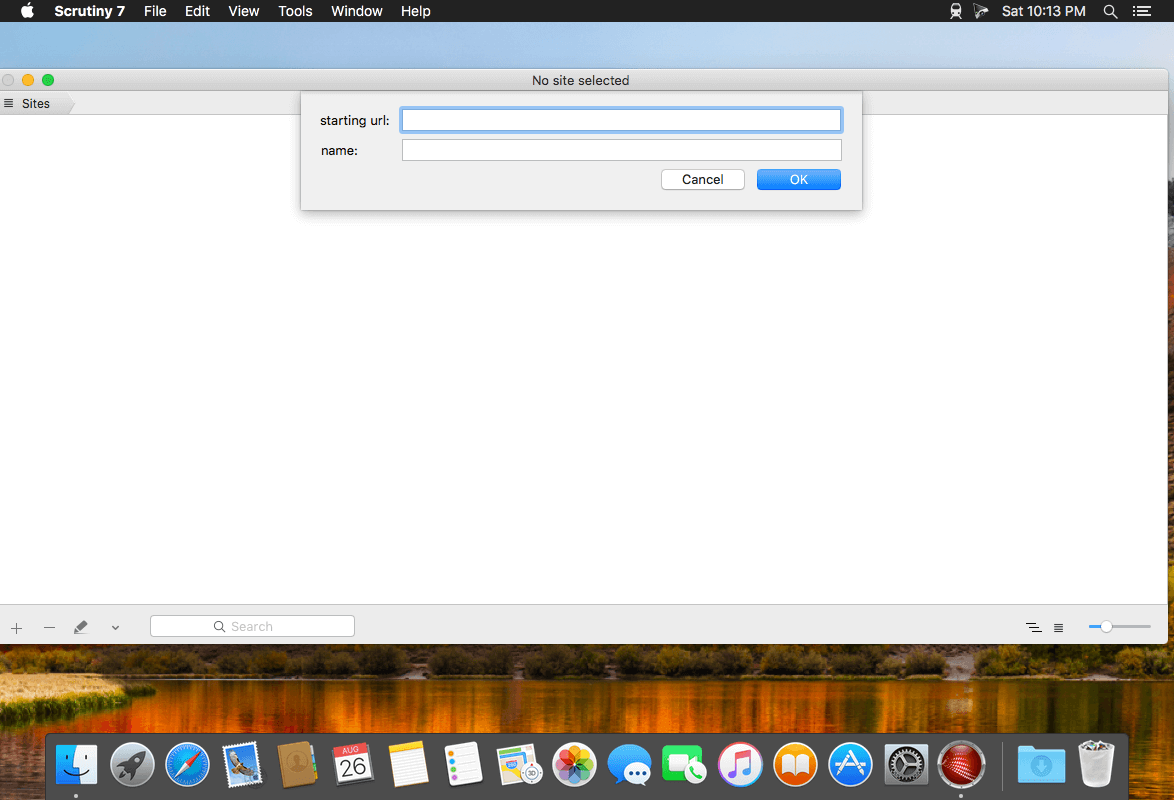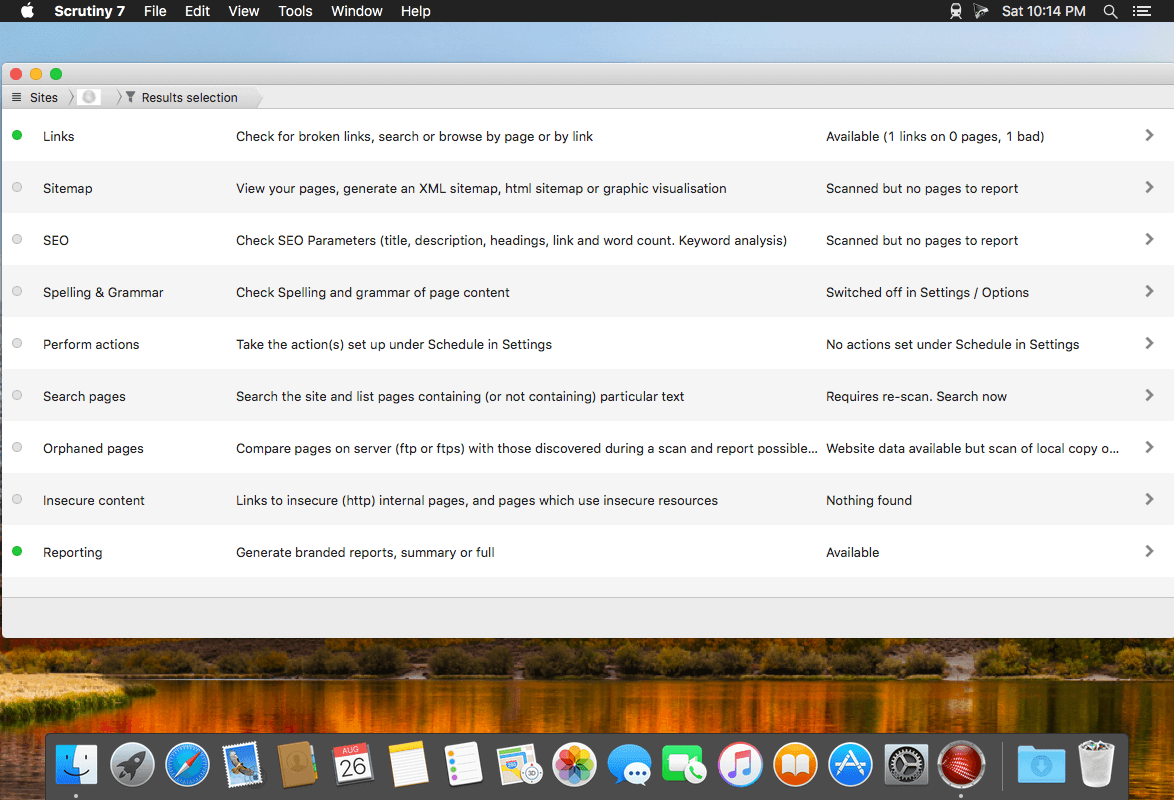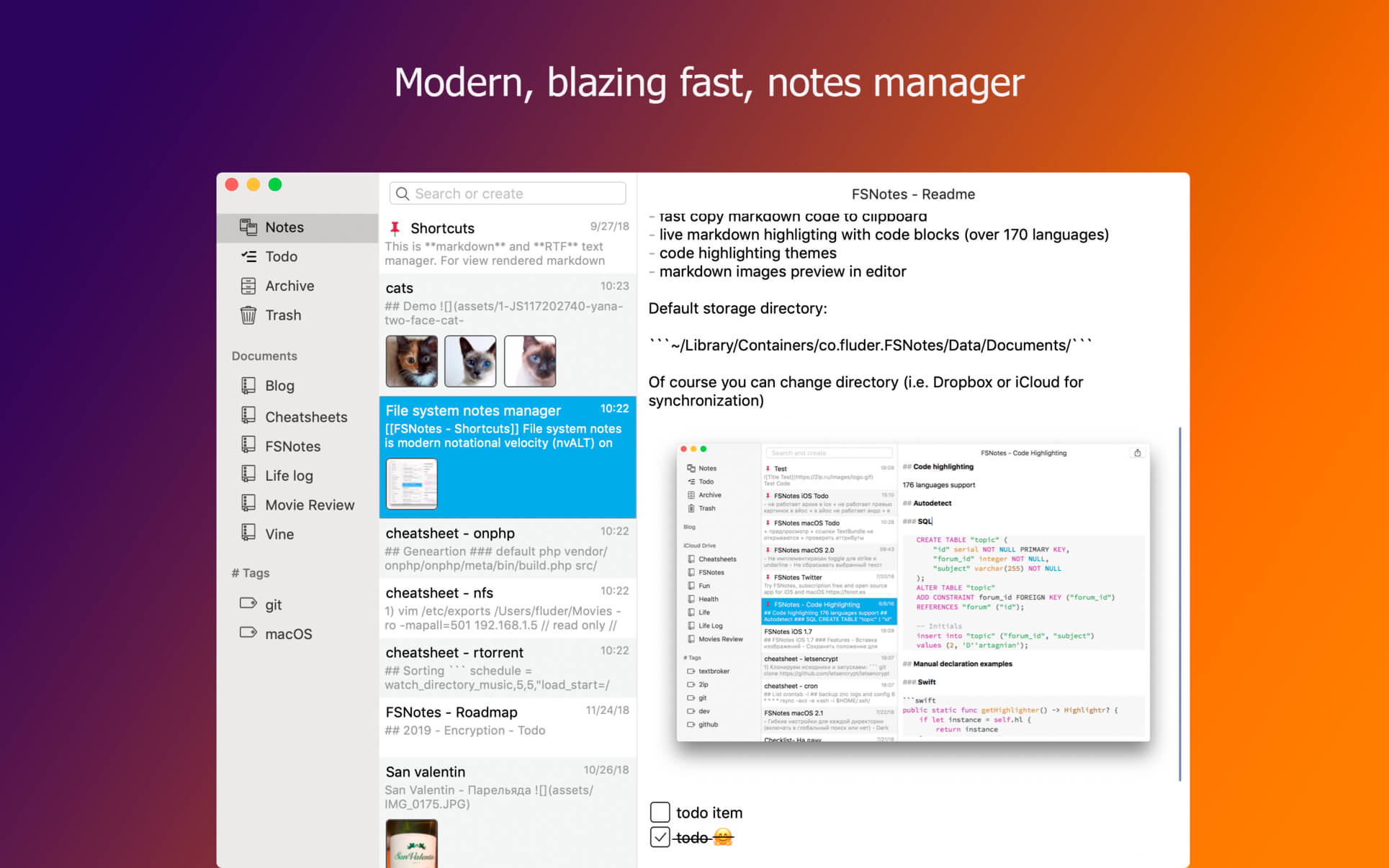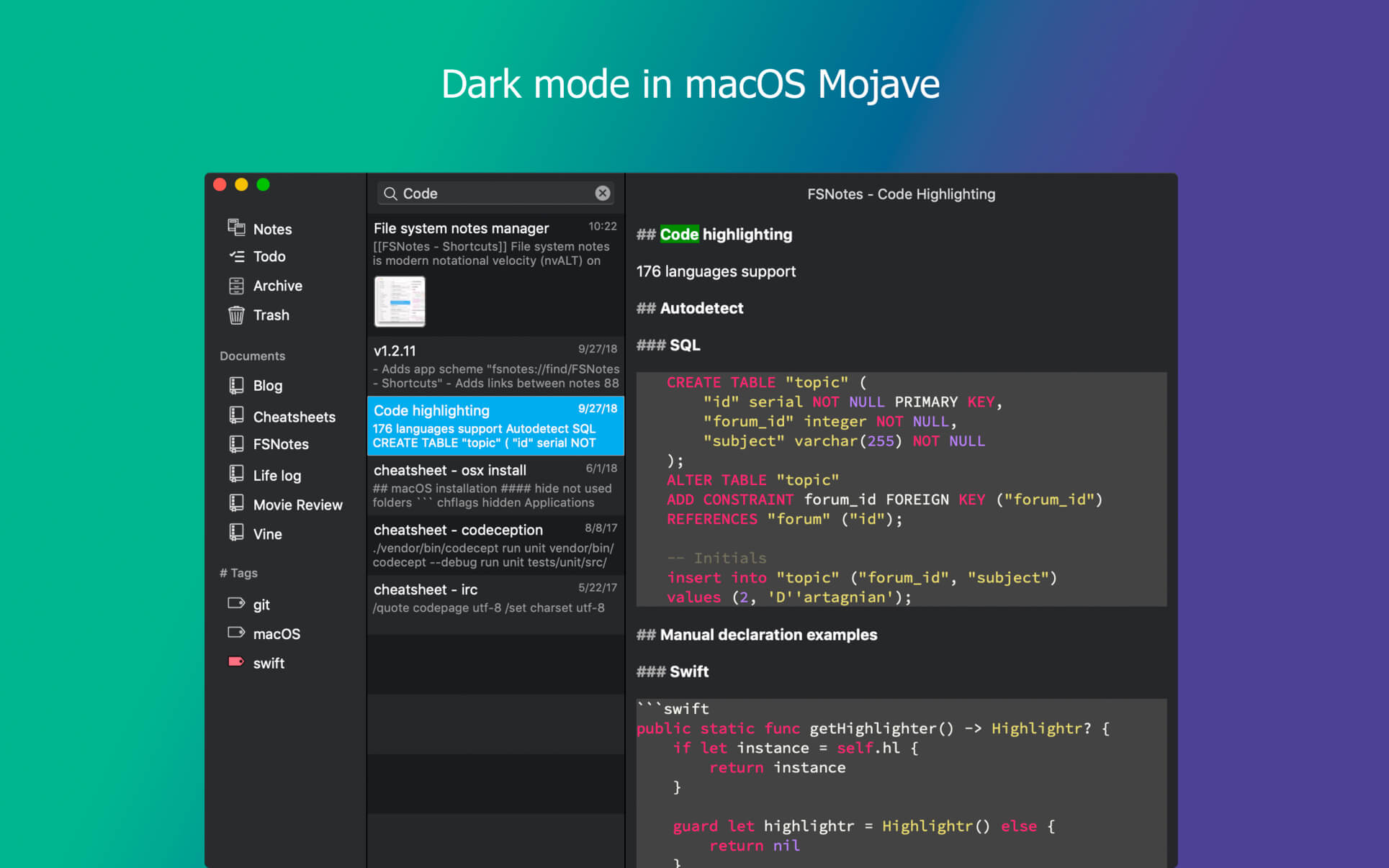
Task Office 8.14

Name: Task_Office_8.14_[TNT]_Mactorrents.biz.dmg
Size: 54.87 MB
Files Task_Office_8.14_[TNT]_Mactorrents.biz.dmg[54.87 MB]

   Download Torrent
   Link Download

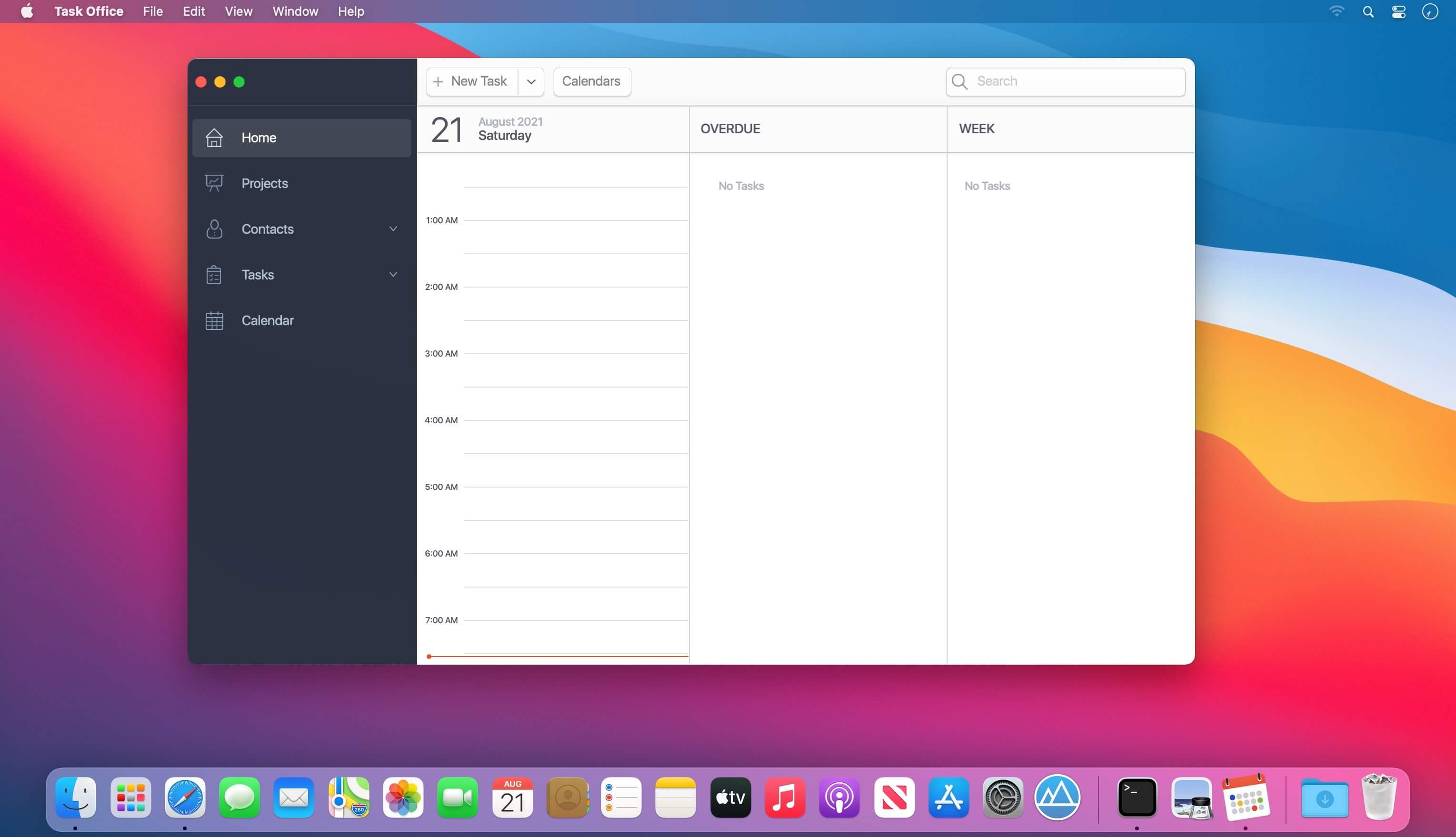
Task Office – existing GTD, to do lists, projects and contacts management apps. Designed to make business planning, scheduling and getting things done more efficient. Task Office makes your plans clear and achievable. Manage both simple and complex projects, to do lists without any difficulties and focus on the final result. Manage your contacts and relationships, schedule your time and succeed.

Features:

Get acquainted with Task Office

  • In order to get easily explore with App simply browse a Sample. Get prefilled to do lists, projects, contacts and calendar to view Task Office in use.

Planning & Performing

  • Start scheduling each new day on Home screen. Here you will find your current projects and to dos: a timeline with tasks you have planned for today and outline of upcoming tasks. Home screen allows you to focus only on current tasks, planned for today, and not to get lost in plenty of other planned tasks. You can plan your day directly from Home screen creating new tasks, projects, contacts and companies.

Quick & Easy navigation

  • Reach any project, task, to do list or contact in seconds. Task Office is designed in a way that will allow you to navigate within app screens just in one tap
  • Organize your tasks by categories, projects or priorities and make a logic order of all your plans

Detailed GTD

  • Add all important details to get things done: choose tasks category, status, priority and set dates
  • Assign tasks to people by choosing a person from all existing contacts
  • Add locations to each task and project
  • Make all your information categorized- assign special categories for easy filtering and browsing through tasks and projects

Comprehensive GTD Tab

  • All tasks are organized according to GTD methodology (by D. Allen)
  • Add tasks of different types: ToDo – tasks with duration of several days, Appointment – assign task duration accurate to minutes, Email/Call – short task for making calls or sending emails to any user

Tracking project progress

  • Track the progress of your projects and to do lists by viewing the pipeline: view the percentage of work performed and how many tasks still need to be done
  • Check out everyone who is involved in project: view the list of contacts involved in the project

Managing your team

  • Create new contacts and companies; add all the important information about your contact or company. Either you can export existing contact from your Apple Address Book
  • Send e-mails directly from Contacts Screen
  • Group your contacts creating your Private Lists, so that you can easily monitor their productivity and track task implementation. Save each Private list and refer back to easily

Visualized Calendar

  • Task Office calendar allows you to focus on what is important in your timeline. See your planed To Dos, Appointments, Emails/Calls to get things done in time
  • View calendar by day, week or month
  • Add tasks directly to the Calendar by Tap&Hold
  • Change tasks duration or Start and Due Dates simply by Drag&Drop

Calendar Syncing

  • Task Office connects all of your calendars using two-way sync

iCloud Sync

  • Sync your information – tasks, projects, contacts, etc. – between your devices

Set goals and achieve them. Become a part of Task Office team today!

What’s New:

Version 8.14:

  • Release notes were unavailable when this listing was updated.

Compatibility: macOS 10.14 or later
Homepage https://www.dk-consulting.app

Screenshots
Aiseesoft iPhone Unlocker 2.0.10

Name: Aiseesoft_iPhone_Unlocker_2.0.10.3459_[TNT]_Mactorrents.biz.dmg
Size: 50 MB
Files Aiseesoft_iPhone_Unlocker_2.0.10.3459_[TNT]_Mactorrents.biz.dmg[50 MB]

   Download Torrent
   Link Download

Unlock iPhone iPad and iPod by wiping passcode. Remove Apple ID if you forgot Apple ID or password. Recover and remove Screen Time passcode without data loss.

iPhone Screen Locked? Wipe iPhone Passcode Instantly
Creating a passcode for iPhone can protect your privacy. But there are various reasons for you to lose control of the lock screen passcode. How to get into a locked iPhone? Aiseesoft iPhone Unlocker will remove the various lock screen passcode from 4-digit, 6-digit, Touch ID and Face ID, and unlock the locked iPhone easily.

Forgot iPhone Passcode
Change your iPhone passcode frequently and forgot it? Find an old iPhone, but fails to unlock it with the passcode in memory? Mix up the password for many devices at hand? Aiseesoft iPhone Unlocker can remove the iPhone screen passcode easily.

Attention: While removing the screen locked passcode on iPhone, all the data and settings will be erased.

Forgot Apple ID or Password? Remove Apple ID in Seconds
Apple ID is a pass to accessing App Store, Apple Music, iCloud, iMessage, FaceTime, and more. If you forgot the Apple ID or password, you will lose access to many Apple services. Even trying the security questions and rescue emails in iForgot, but still fail to recover the password, you should try iPhone Unlocker. It can remove the forgotten Apple ID and let you change a new Apple ID account to activate your iPhone.

After Removing Forgotten Apple ID, you will:
– Fully control the iPhone without any limits.
– Access Apple ID features and iCloud settings.
– Not be disturbed by the old Apple ID sign-in.
– Not be tracked or found by the old Apple ID.
– Not be Erased remotely by old Apple ID.
– Backup iPhone with iTunes via iCloud or computer.

Compatibility: macOS 10.10 or later
Homepage http://www.aiseesoft.com

RightFont 8.0.2

Name: RightFont_8.0.2_[TNT]]_Mactorrents.biz.dmg
Size: 12.57 MB
Files RightFont_8.0.2_[TNT]]_Mactorrents.biz.dmg[12.57 MB]

   Download Torrent
   Link Download

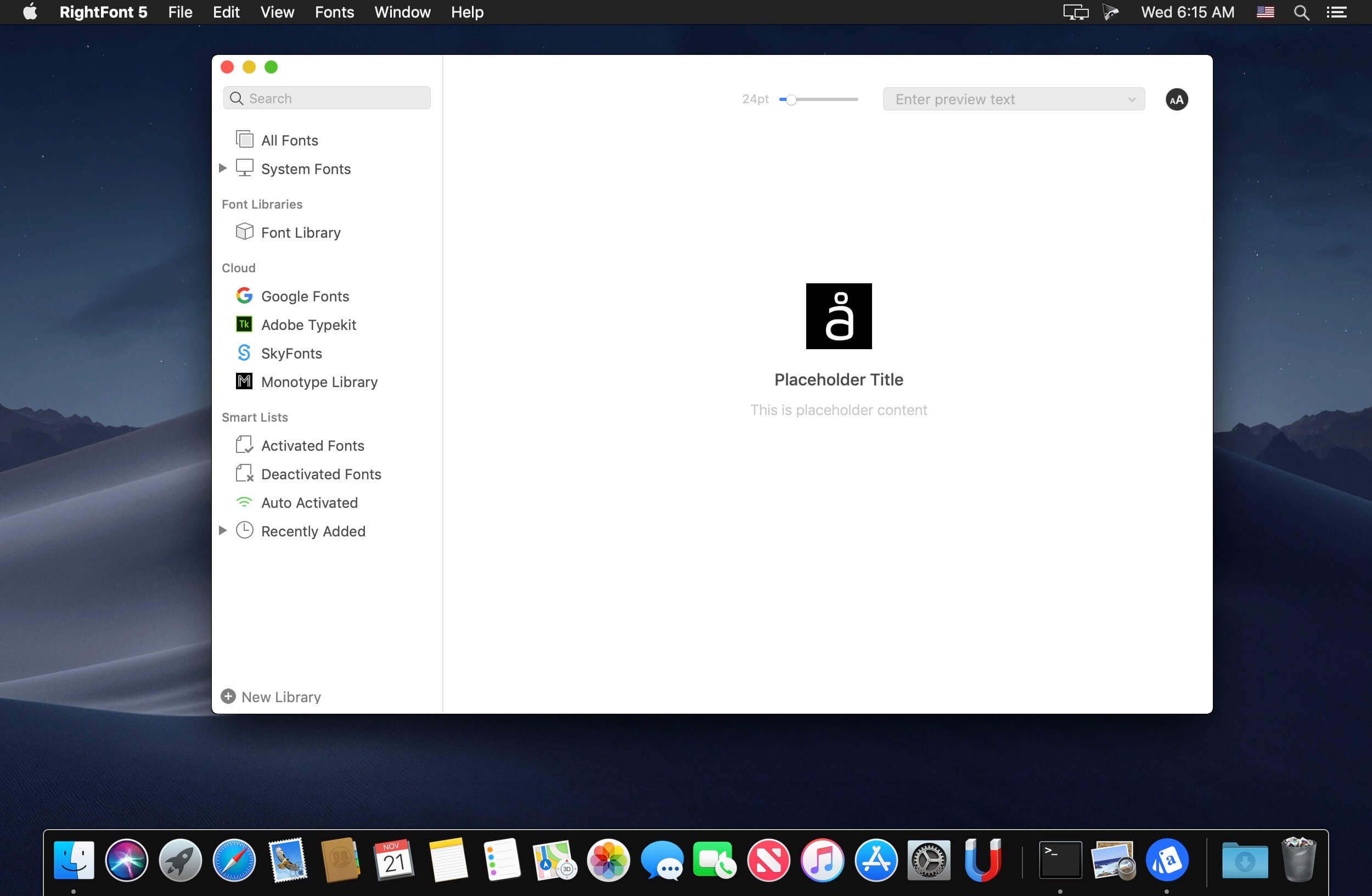
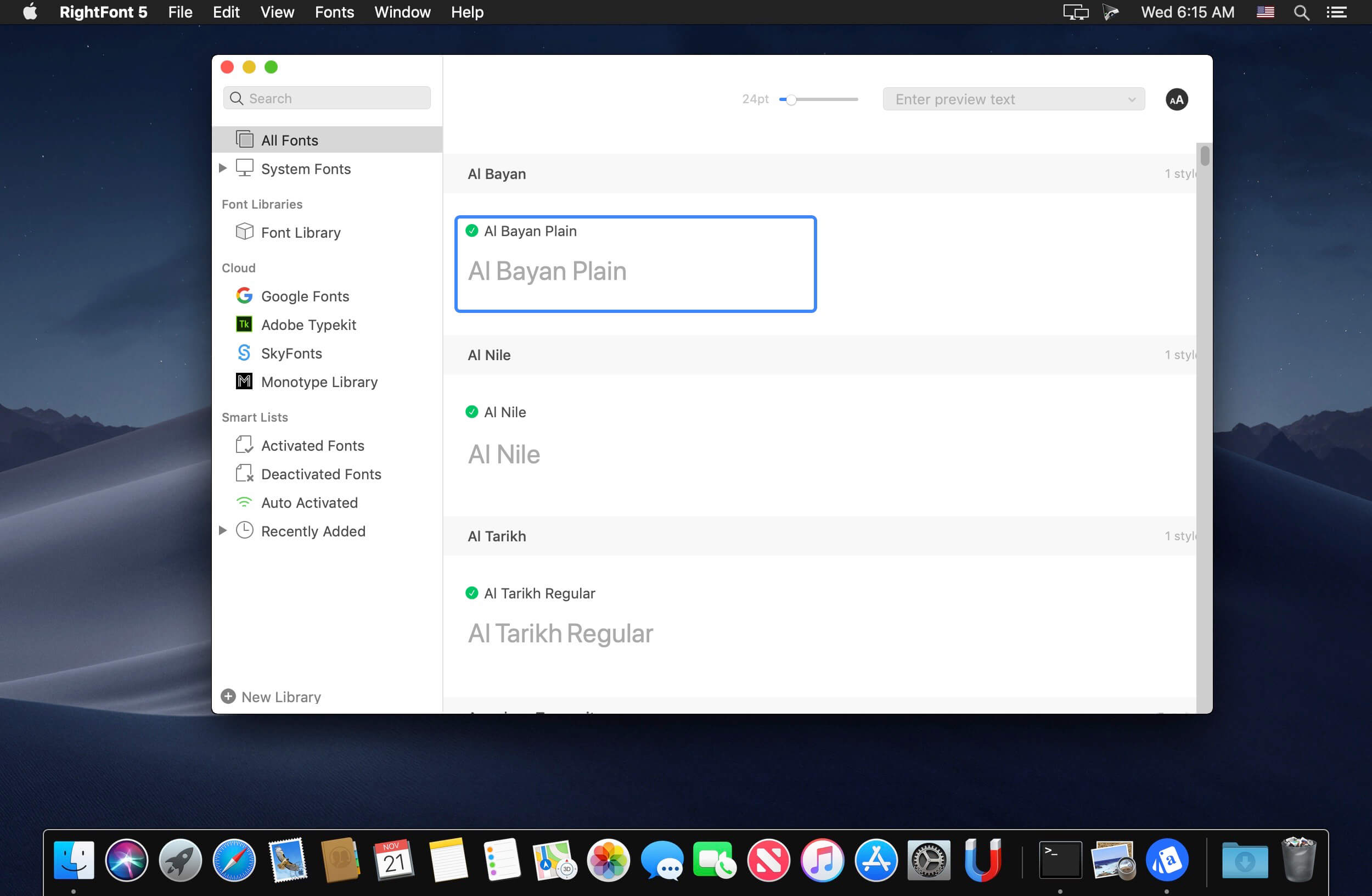
RightFont is an innovative, beautiful and professional font manager app for macOS, helping designers to preview, install, sync and manage their font files. RightFont is a lightweight font manager with a clean, beautiful interface. It offers many features which help you manage all your local fonts with ease

  • Font-management access anytime directly from your menubar
  • Mark any font as starred with a click
  • Create and manage font lists
  • Access fonts directly in Adobe Creative Cloud (Photoshop, Illustrator, InDesign, Flash, AfterEffect), Sketch, etc.
  • Instant search results as you type
  • Change font preview and font size in real-time Find the right font faster
  • Easily filter fonts by classifications (sans serif, serif, script, etc.), font width and font weight. Even Google fonts and Adobe TypeKit fonts are listed separately for you.
  • Effortless integrations – You can use RightFont with design software. With a simple double-click, the font used in your text layer can be changed.

Interface Redesign
RightFont 5 was totally redesigned to keep a balance between simplicity and features. It’s now much easier to enable creative designers and teams accelerate their workflow.

Font Library
As you wish, Font Library is finally introduced in RightFont 5. Now you are able to organize fonts and fontlists in a font library, and free to move it anywhere for font sharing or backup purpose.

macOS Mojave Support
RightFont 5 is fully optimized for macOS Mojave, with the support for dark theme, Touchbar, color SVG fonts and more.

Better Performance
Performance is a big step forward in RightFont 5, now 2x faster than version 4.0 when importing and rendering fonts.

What’s New:

Version 8.0

RightFont 8.0 is a substantial update that introduces a wide range of features and improvements, empowering you to manage and utilize your fonts more effectively than ever before.

New

  • Smart Tabs: Introducing Smart Tabs, provides you a quick navigation and comprehensive statistics about your font library, making it easier to find and manage your fonts.
  • New font filters: Three brand new filters has been added, allowing you to search for fonts based on font categories, font properites or languages. Whether you’re looking for serif, sans-serif, script, or other font styles, you can now easily narrow down your search and find the perfect fonts for your projects.
  • Option to filter fonts based on their x-height and old style figure characteristics.
  • Introducing RightFont for Figma Chrome extension, designed to seamlessly activate missing fonts when working with Figma in your Chrome browser.
  • In addition to the existing search options, you can now search for fonts using font metadata. This includes font name, family, style, designer, and other relevant information.
  • Redesigned interface that uses the standard macOS toolbar for a familiar experience.
  • Font list displays icons indicating font format, such as OpenType, TrueType, PostScript Type 1
  • Option to show or hide the sidebar (for macOS 11 or newer).

Improved

  • Significantly improved performance for faster font loading, rendering, and overall responsiveness.
  • Enhanced font activation speed, allowing you to access and use fonts more quickly.
  • Optimized font preview options, including adjustable sample text and size, for better visual representation.
  • Optimized font caching for smoother performance and reduced memory usage.
  • Enhanced font metadata handling, allowing for more comprehensive search options based on font attributes.
  • Enhanced font activation status indicators for better visibility and management of activated fonts.
  • Refined font filtering options, making it easier to search and locate specific fonts within large collections.
  • Center the main window on the screen when launching the application.
  • Implemented auto-save functionality for the sidebar width when dragging it.
  • Enhanced font information display, providing more comprehensive details and metadata for each font.
  • Improved font activation stability, reducing the likelihood of font conflicts or activation errors.
  • Improved font synchronization with cloud storage services, facilitating easier collaboration and sharing across devices.
  • Updated user documentation and help resources for comprehensive guidance on using RightFont 8.0.
  • Optimized font metadata indexing, resulting in faster search performance and more accurate results
  • Refined font selection workflow, making it easier to choose and apply fonts to your design projects.
  • Improved font library navigation, with faster scrolling and navigation within large font collections.
  • Improved font sample text customization, allowing you to enter and preview custom text strings for accurate font testing.
  • Enhanced font preview rendering performance, resulting in faster and smoother font previews without flicking.
  • Refined font filtering by language support, making it easier to find fonts that support specific languages or character sets.
  • Optimized font duplicate detection, preventing the accidental installation of duplicate fonts.
  • Enhanced font style categorization, enabling you to quickly identify and select specific font styles.
  • Refined font activation UI, providing clearer feedback and status indicators during the activation process.
  • Option to toggle dark mode quickly by shortcut (Command-D).
  • Quick access to recently imported fonts by date ranges.

Fixed

  • Fixed an issue where certain fonts were not displaying properly in the font list.
  • Resolved a bug that caused occasional crashes when activating or deactivating fonts not found in your font library.
  • Fixed a bug that caused slow performance when scrolling through large font libraries.
  • Resolved an issue that caused font library backups to fail or become corrupted.
  • Fixed a problem that prevented the correct detection of font family or style information in some cases.
  • Fixed a bug that caused occasional slowdowns or performance issues when using the font search feature.
  • Fixed a bug that caused occasional UI glitches or visual artifacts in the application interface.

Compatibility: macOS 10.15 or later
Homepage https://rightfontapp.com/

Screenshots


Allavsoft Video Downloader Converter 3.25.7.8568

Name: Allavsoft_Video_Downloader_Converter_3.25.7.8568_[TNT]]_Mactorrents.biz.dmg
Size: 86.7 MB
Files Allavsoft_Video_Downloader_Converter_3.25.7.8568_[TNT]]_Mactorrents.biz.dmg[86.7 MB]

   Download Torrent
   Link Download

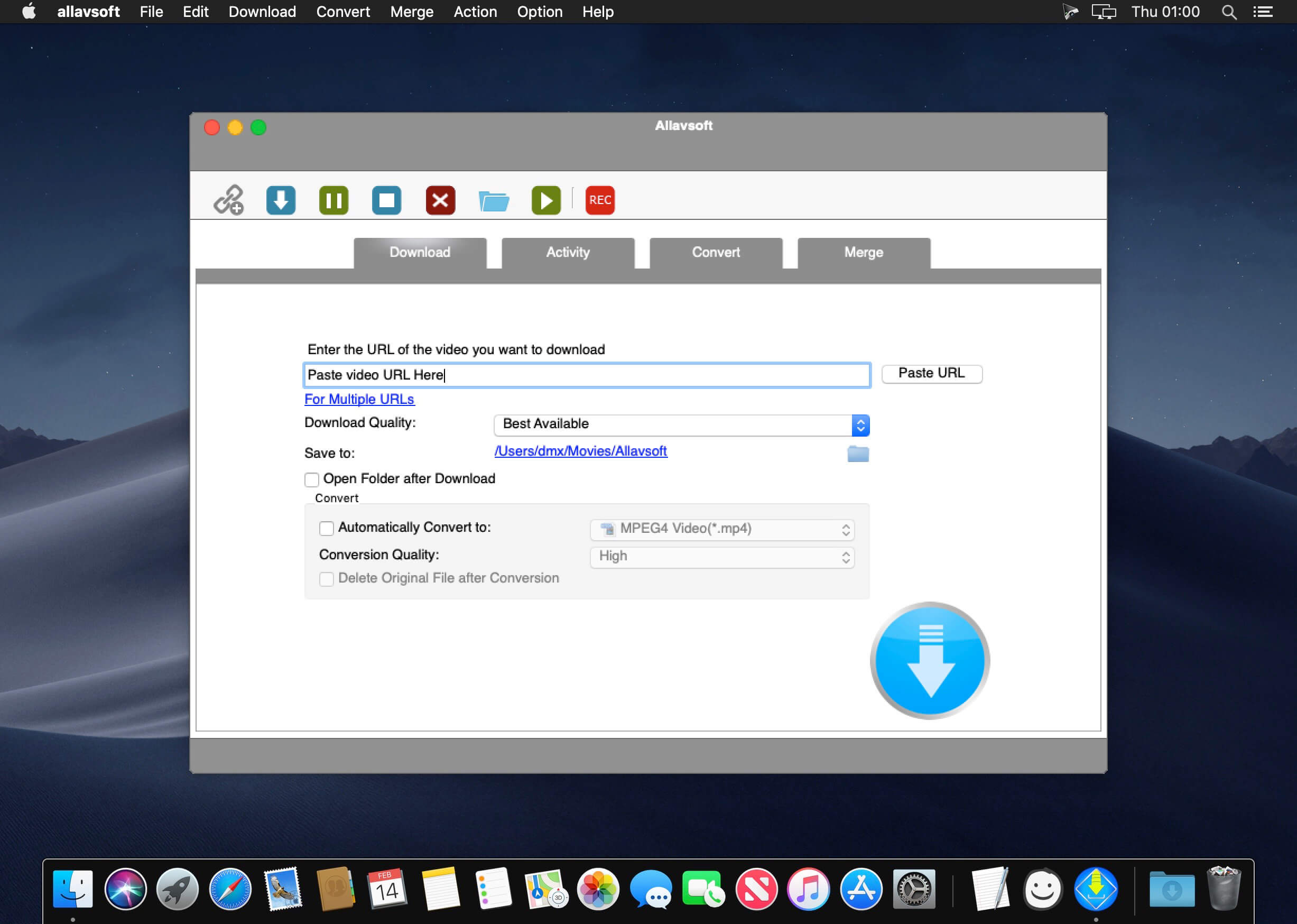
This powerful Video Downloader supports downloading movies, music videos, playlist, sport videos, lectures and more from free video sharing website like Facebook, Dailymotion, eHow, and more than 100 video sharing sites.

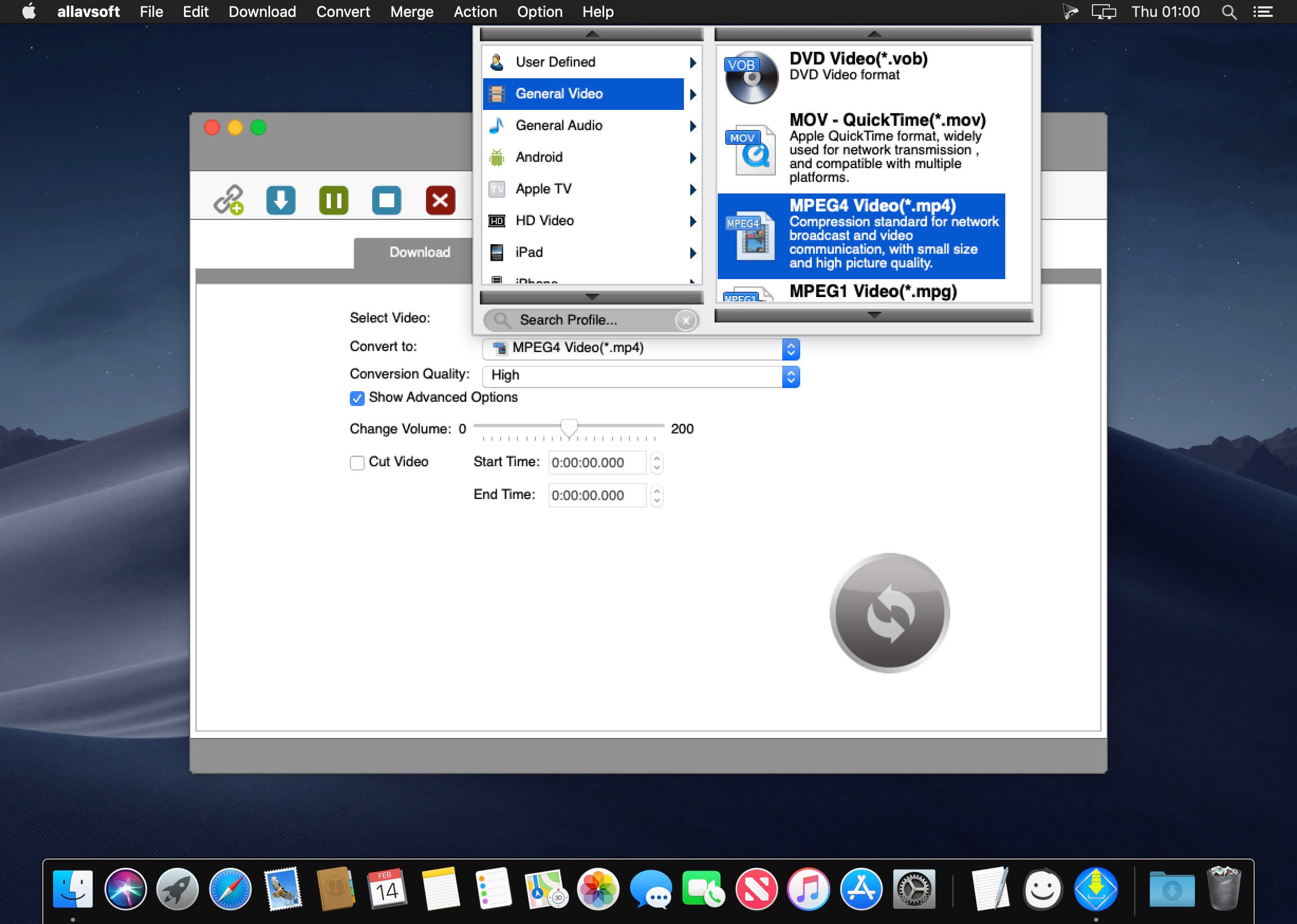
Besides downloading video in its original format, Allavsoft also features one-click to download as well as convert the downloaded video to popular video format like MP4, AVI, WMV, MOV, MPEG-1, MPEG-2, VOB, ASF, RMVB, DV, TS, Apple ProRes, WebM, FLV, OGV and etc.

This ideal Web Video Downloader app enables selecting among all video qualities available for downloading like download videos in ultra high definition (4K), 3D video, HD 2k, HD 1080p, HD 720p, and stand definition 480p, 360p, and 240p.

This professional Video Downloading and Converting tool also helps to extract and download audio from online music video or movies as well as convert to popular audio format like MP3, WMA, WAV, AAC, AAC, Apple Lossless M4A, AIFF, RA, FLAC, OGG, AU and etc.

Batch download and convert

  • Allavsoft supports adding multiple video URLs and batch downloading and converting multiple videos at a time.
  • When download web video files, this wonderful Video Downloader will automatically detects advertisements and does not download them.
  • Preview and playback downloaded video files
  • There is a built-in video player in Allavsoft for us to preview and playback the downloaded video files.
  • Breakpoint Resume
  • You can pause and resume downloading at any time. It is very convenient to use.
  • Action after download done
  • You can set automatically shut down computer after all the download tasks are finished, if you have lots of videos to download and want to leave your Windows on to download them.
  • Keep history for downloading.

What’s New:

Version 3.25.7.8568:

  • Release notes were unavailable when this listing was updated.

Compatibility: macOS 10.10 or later
Homepage https://www.allavsoft.com/

Screenshots


Invisor – Media File Inspector 3.22

Name: Invisor_3.22_MAS_[TNT]]_Mactorrents.biz.dmg
Size: 16.82 MB
Files Invisor_3.22_MAS_[TNT]]_Mactorrents.biz.dmg[16.82 MB]

   Download Torrent
   Link Download

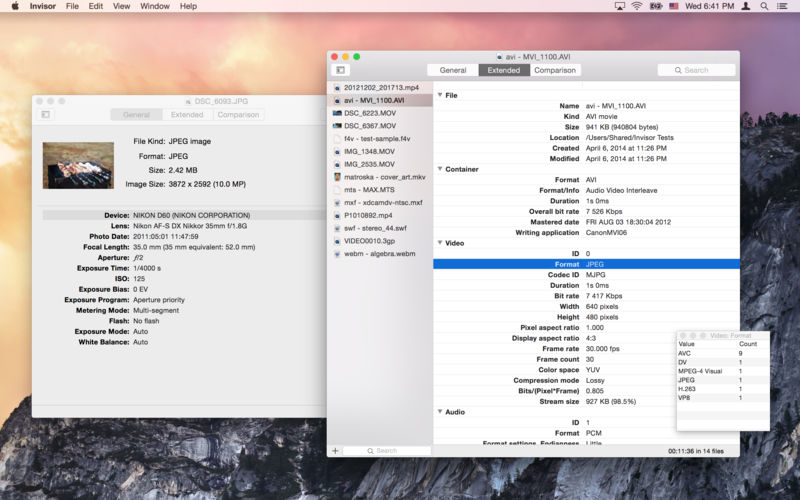
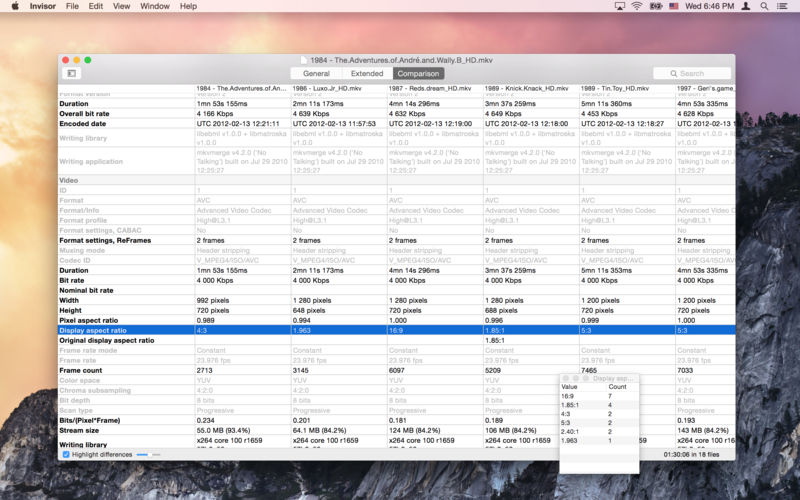
Invisor displays technical information about your video, audio and photo files with ability to compare collected data.

Supports most of video and audio file formats including MPEG-1/2/4, Matroska, WMV, XVID, AVI, MXF, MOV, MJPEG, MP3, AAC, Vorbis, AC-3, DTS, WMA, ALAC, FLAC, PCM and others. Displays detailed info about file’s container and media streams including subtitles and chapters.

The list of supported photo files includes JPEG, TIFF, PNG and most of raw formats produced by the cameras. Displays EXIF, IPTC, GPS, XMP and MakerNote tags.

Export feature allows you to save gathered information in different formats: Text, HTML, XML, JSON and CSV. Comparison table can be exported to CSV document.

Also there is a command to remove geolocation metadata from photos and MPEG-4 (QuickTime) movies to protect your privacy while sharing the media files.

Compatibility: macOS 10.7.3 or later
Mac App Store https://apps.apple.com/us/app/invisor/id442947586

Screenshots


OnlySwitch 2.4

Name: OnlySwitch 2.4_Mactorrents.biz.dmg
Size: 27.5 MB
Files OnlySwitch 2.4_Mactorrents.biz.dmg[27.5 MB]

   Download Torrent
   Link Download

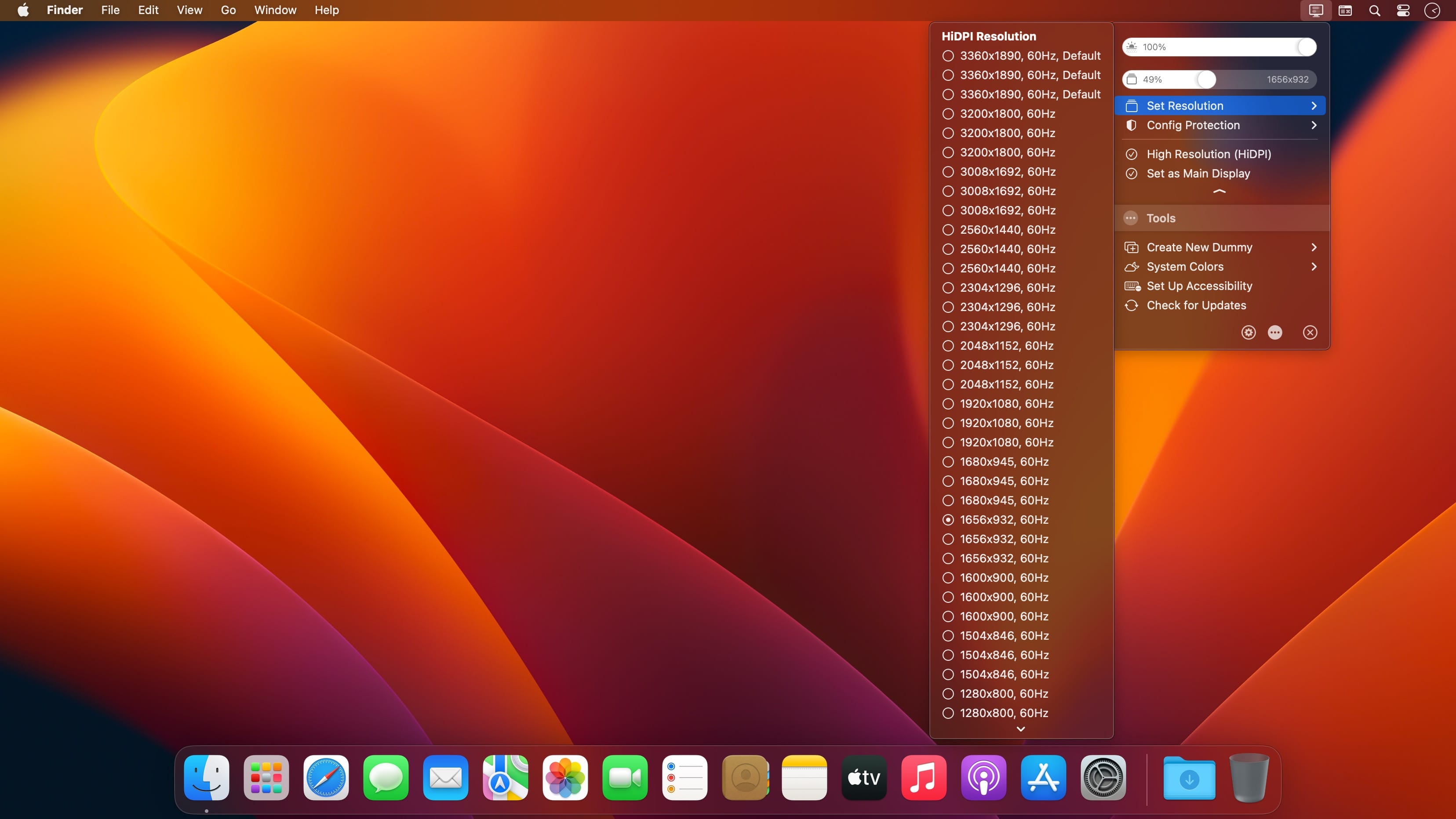
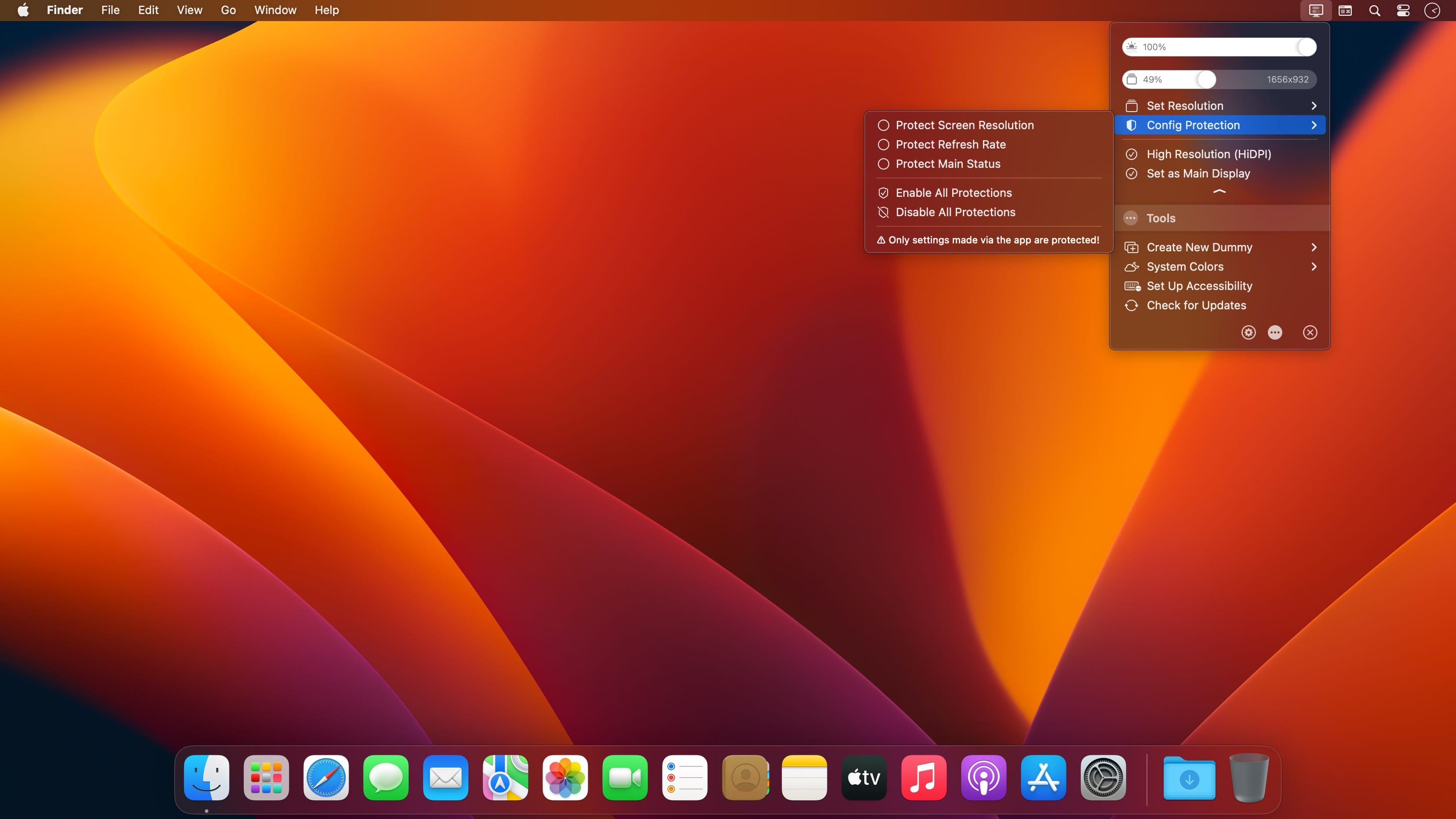
There are a bunch of macOS functions that aren’t particularly easy to toggle on or off, and some can’t be disabled at all.

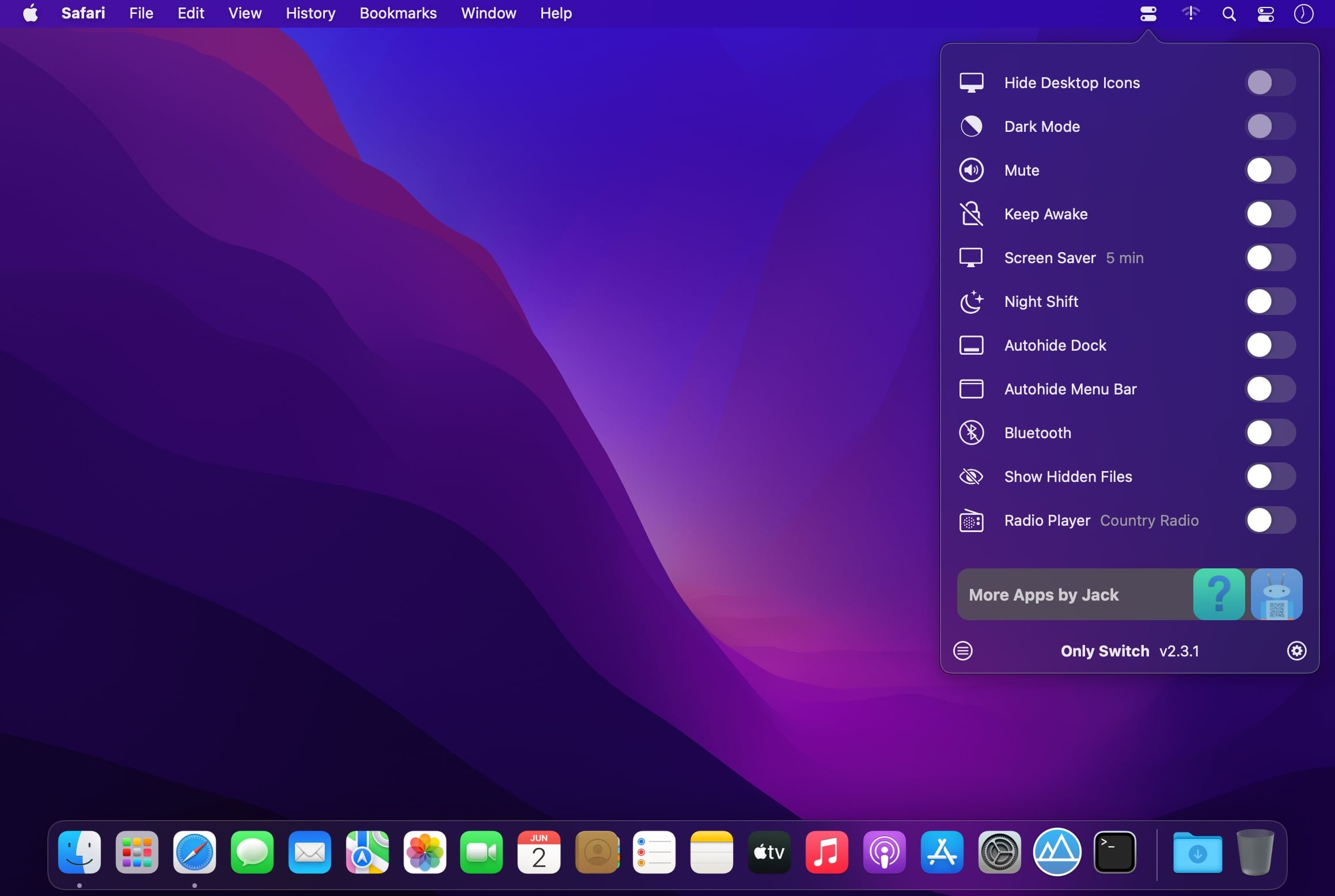
OnlySwitch aims to make a few switches more accessible and add a couple that aren’t available in the first place. It also provides some extra features, such as an Xcode derived data cleaner and radio player.

Useful switches in your menu bar
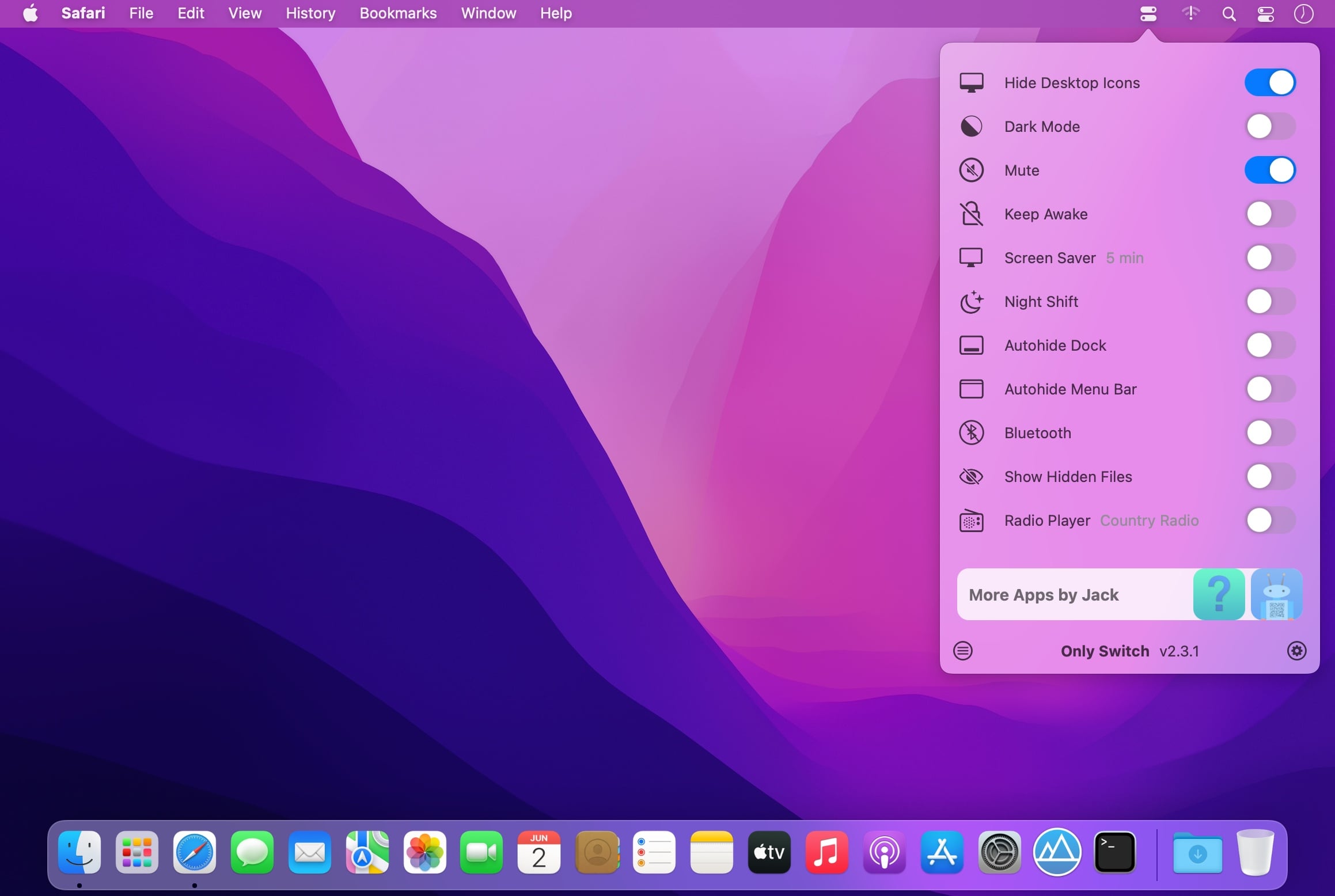
The app itself is pretty simple. It adds an icon to the menu bar, which you can use to access a collection of switches. Among others, you can hide the MacBook Pro notch, hide desktop icons, enable Night Shift, show hidden files, and toggle auto-hiding the Dock and menu bar.

If some of these switches aren’t necessary, you can disable them from the app’s preferences. A few aren’t even enabled by default, so be sure to check them out in case you find some of them useful.

Hide the notch, listen to radio stations, and more
Of course, everyone’s needs are different, and some of the app’s features are definitely not for everyone. If you have a 2021 MacBook Pro, with its characteristic notch, OnlySwitch allows you to blend it with the rest of the menu bar, and it even supports dynamic wallpapers.

If you like listening to online radio, the app even has an integrated player. You can add your own stations and select your preferred one from the settings. The player is accessible and can be controlled from the menu bar.

If you’re a developer, a quick shortcut for clearing Xcode derived data might also prove useful.

Helpful switches in a customizable menu
Apple certainly makes some things less accessible than we would like, and apps like OnlySwitch seek to remedy that. Considering that it’s completely free and open-source, there’s no reason not to grab it if any of its switches sound useful.

Compatibility: macOS 12.0 or later
Homepage https://github.com/jacklandrin/OnlySwitch

Screenshots


PDF Expert 3.2.0

Name: PDF_Expert_3.2_[TNT]_Mactorrents.biz.dmg
Size: 108 MB
Files PDF_Expert_3.2_[TNT]_Mactorrents.biz.dmg[108 MB]

   Download Torrent
   Link Download

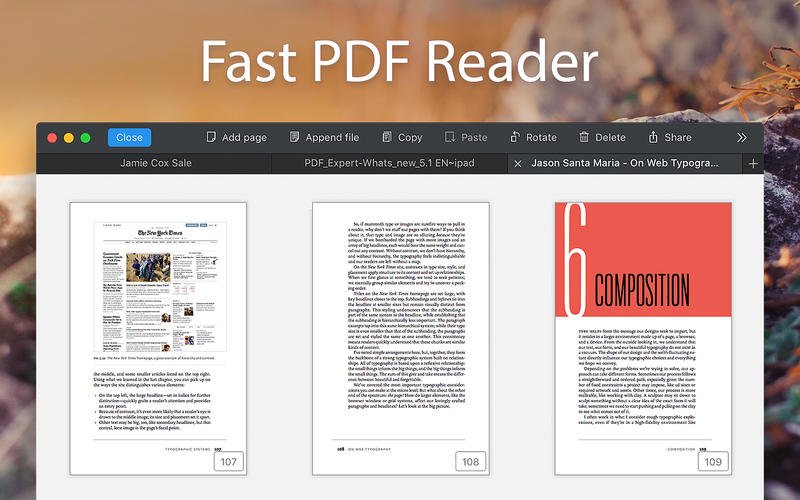
PDF Expert – springs into action with smooth scrolling and fast search from the first document you select. PDFs open instantly, whether they are just small email attachments or 2000-page reports.

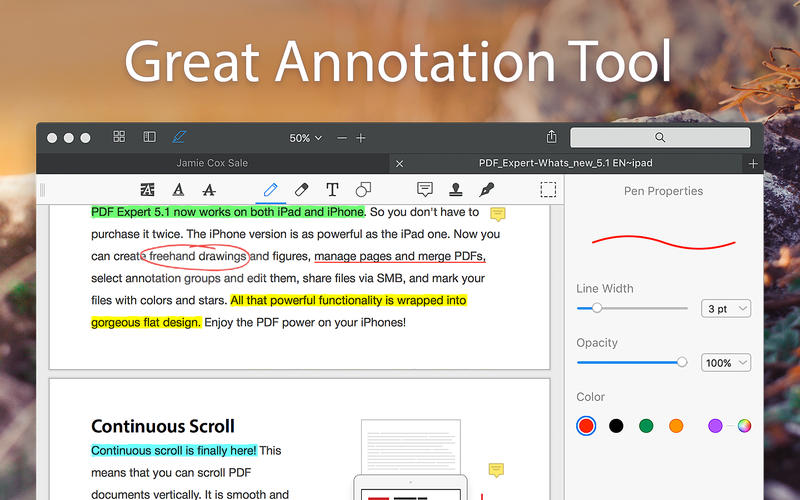
  • Professional Annotation Tool – From simple changes to marathon editing sessions, PDF Expert lives up to its name. Powerful yet easy-to-use tools are just a click away so you can leave your mark in record time.
  • Read – An award-winning, lightning-fast, tabbed document viewer will get you through multiple PDFs faster than ever.
  • Excellent for Form Filling – PDF Expert provides the best experience for filling out PDF forms. Text fields, checkboxes, radio buttons, and other form elements work as you expect, and all the information you enter is saved within the form. Even complex interactive forms with jаvascript work impressively well.
  • An Easy Way to Sign Documents – Signing document on your Mac is as simple as it could be. Just type your name on a keyboard and PDF Expert will transform it into beautiful handwriting. Or use your Macbook’s trackpad and write with your finger. You can even use signatures already created in PDF Expert for iOS.
  • Wide Sharing Options – You don’t work alone, and neither does PDF Expert. When it’s time to send documents to clients, coworkers, and everyone in between, PDF Expert has top-notch support for your Mac’s system-wide share sheet and other apps. If an app accepts PDFs, PDF Expert can get them there.
  • Works across all your devices – Use PDF Expert on any Apple device – Mac, iPad, and iPhone. Use Apple’s Continuity and Handoff features to seamlessly transfer document from one device to another and continue editing where you left.

Compatibility: macOS 10.13 or later,
Homepage https://geo.itunes.apple.com/app/id1055273043

Screenshots


Affinity Photo 2.1.1

Name: Affinity_Photo_2_2.1.1_[TNT]_Mactorrents.biz.dmg
Size: 909.34 MB
Files Affinity_Photo_2_2.1.1_[TNT]_Mactorrents.biz.dmg[909.34 MB]

   Download Torrent
   Link Download

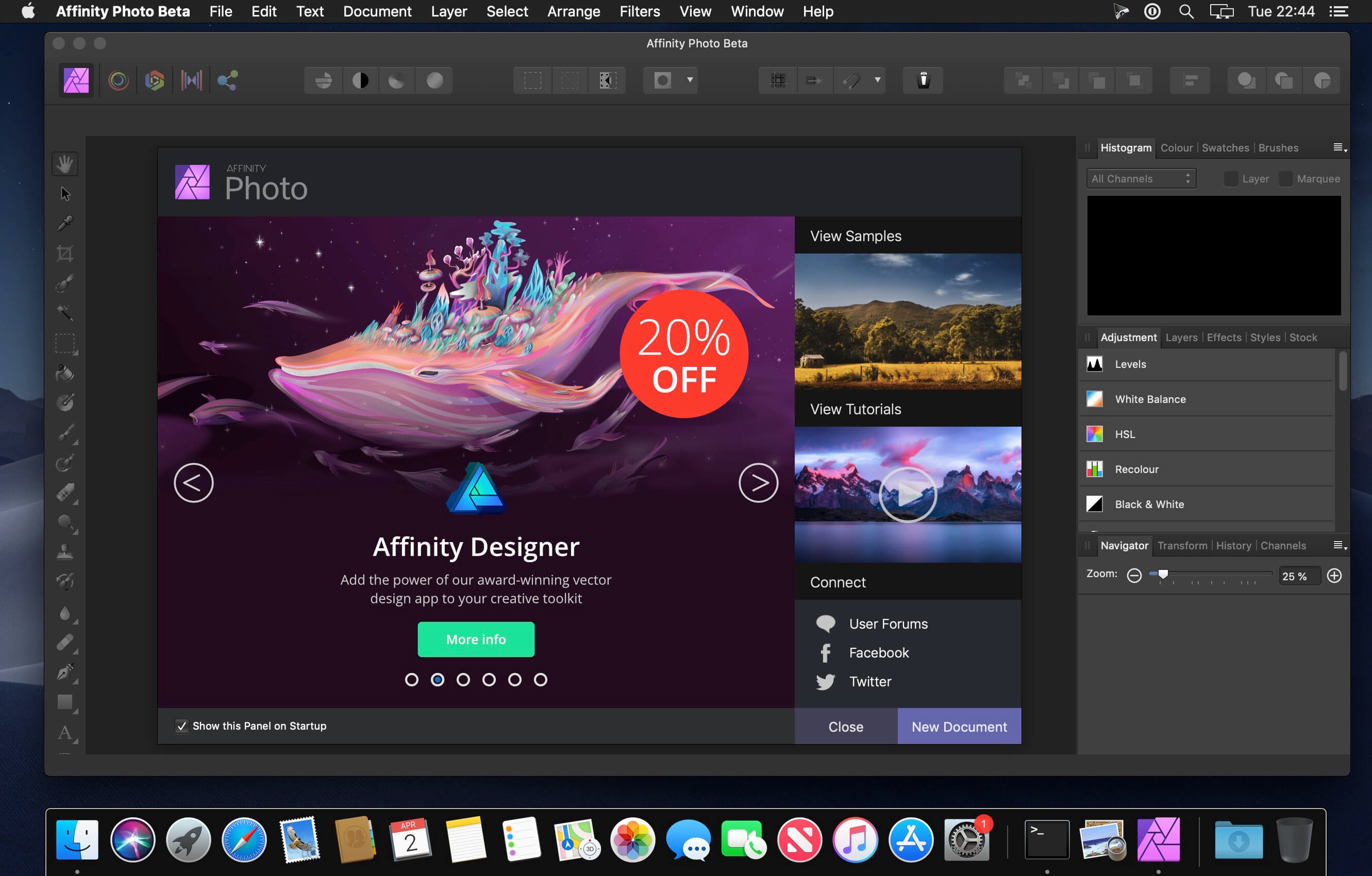
Aimed at professional photographers and other visual artists, Affinity Photo is a comprehensive and multi-platform software solution for powerful photo editing that offers an interesting alternative to other more expensive and more popular similar apps.

Keeping in mind that most fully featured photo processing apps are not what you would call resource friendly, Affinity Photo’s takes on a different approach and focuses on performance and speed, a fact that becomes obvious from the first minutes you start using it.

Everything is done with the help of the app’s five “Personas”
You interact with Affinity Photo with the help of five built-in design environments, named “Personas”: Photo, Liquify, Develop, Macro, and Export. The Photo Persona will probably the most used mode because it features all the main tools needed for basic photo editing tasks, while the Liquify Persona bundles a couple of special warping effects and useful retouching tools.

The Develop Persona is designed with RAW photo processing in mind and it provides you with full control for adjusting your image’s tones and colors, the Macro Persona is specially useful for building and applying macro presets, while the Export Persona, as its name clearly suggests, makes it easy for you to export your images, layers or image slices to a wide variety of formats.

Well organized, but not without faults, user interface
Build to be a valid alternative to other fully featured photo editors, Affinity Photo’s interface doesn’t stray from the common layout with applications of this kind, and, therefore, its majority of features can be easily accessed from the panels found in the extreme left and right sides of its main window.

Regarding its interface, the only downside would be the fact that it bundles very small buttons, which, on the long run might decrease your productivity rate, as well as annoy you at times, especially if your have a Mac with a Retina display.

Bundles a plethora of useful and powerful photo editing tools
As expected, the software enables you to work with overlays and to perform basic adjustments (clarity, contrast, exposure, shadow, highlights, vibrance white, balance, detail refinement, noise reduction, noise addition), as well as to correct the lens’ distortions and chromatic aberrations.

Furthermore, Affinity Photo helps you work with layers and perform complex layer related operations, perform retouching effects, use filters and effects from its large collection, as well as perform local adjustments with the help of its versatile brushes.

All in all, Affinity Photo proved to be a fast and powerful photo editing solution for the vast majority of Mac users, but we will probably see a lot more additions, further improvements and enhancements in the near future.

What’s New:

Version 2.1.1:

  • Release notes were unavailable when this listing was updated.

Compatibility: macOS 10.15 or later
Homepage https://affinity.serif.com

Screenshots


Affinity Designer 2.1.1

Name: Affinity_Designer_2_2.1.1_[TNT]_Mactorrents.biz.dmg
Size: 811.12 MB
Files Affinity_Designer_2_2.1.1_[TNT]_Mactorrents.biz.dmg[811.12 MB]

   Download Torrent
   Link Download

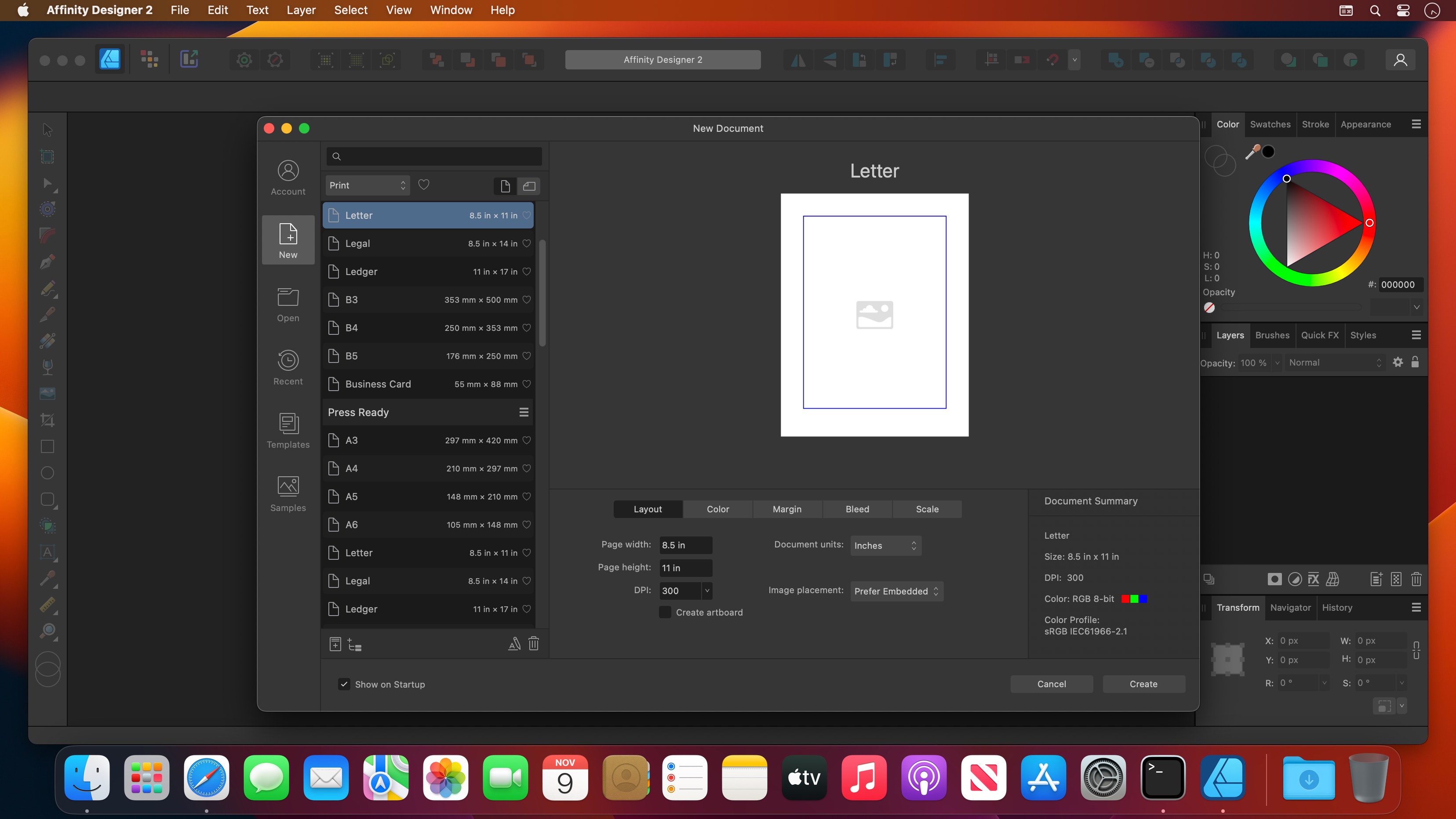
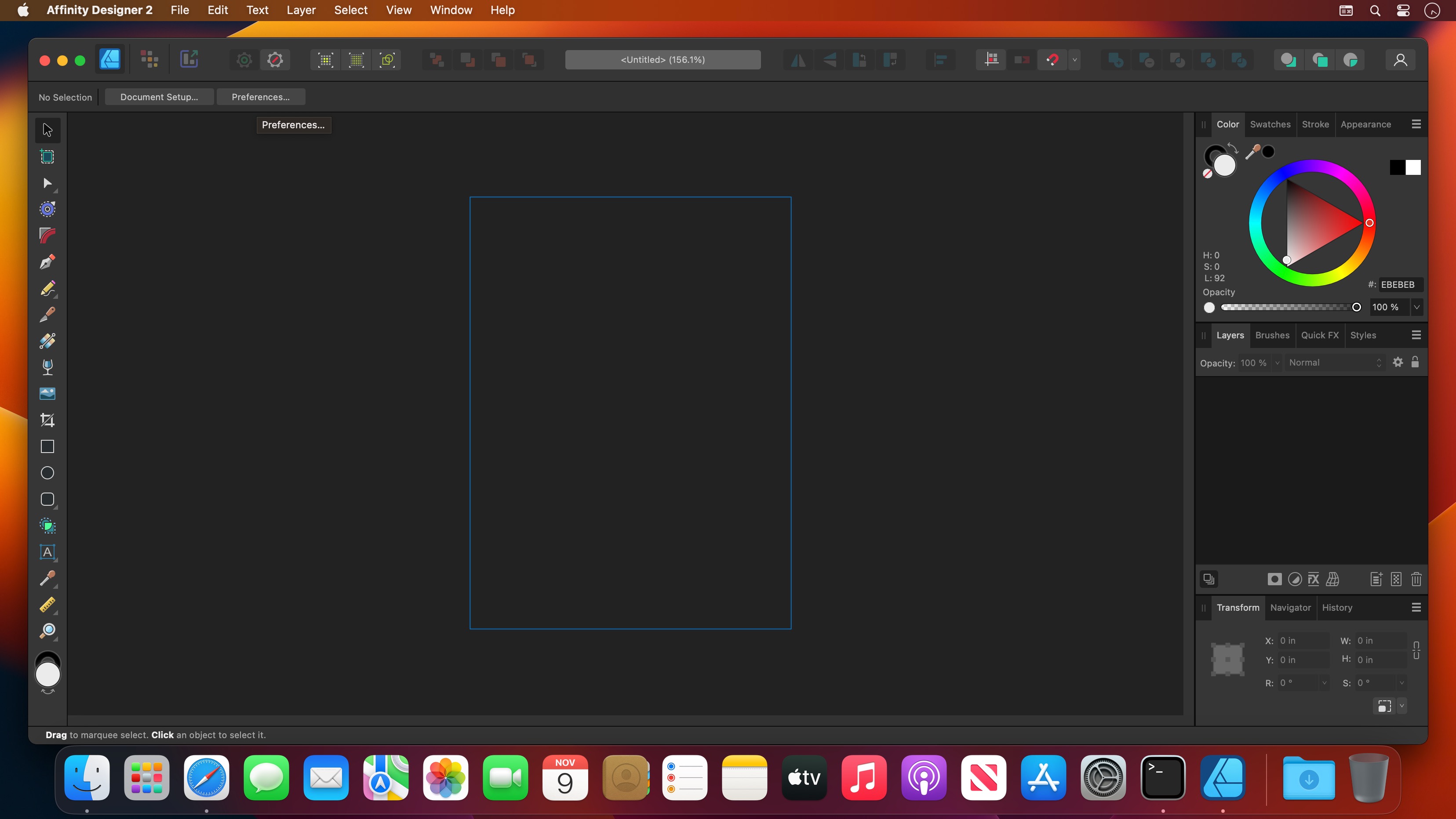
Affinity Designer is an advanced graphic design application that provides all the tools and features you might need to prepare various graphic materials for websites, interface design, icons and even modern concept art.

Professional-grade graphic design application for Mac users
Affinity Designer comes with a versatile and fully customizable workspace that enables you to work with a docked or floating UI that seamlessly integrates with macOS’ workflow features such as iCloud, Full Screen and Spaces.

From the main window you have instant access to a wide variety of design and graphic tools such as node, pen, crop, pencil and crop tools, as well as vector brushes, gradient fill tool, text, alignment guides and more.

Numerous highly customizable and powerful design tools
What is more, Affinity Designer offers accurate pixel control with a real-time pixel preview that allows you to edit in pixels if the desired result cannot be obtained solely in vector.

In addition, the suite of raster tools also includes lasso tool, pixel and paint brush, eraser, blur, dodge, burn, smudge, selection brush and sharpen.

Furthermore, you can use the pressure and velocity of a stylus and draw smooth, clean strokes that are fully editable. Consequently, you can enjoy the flexibility of brush texture and variable opacity and create natural-looking artwork while taking advantage of the benefits of vector editing.

Affinity Designer allows you to use pixel brush tools to erase and paint inside vectors in a non-destructive manner, a function that enables you to paint shadows, textures and highlights onto vector shapes with high precision.

Take advantage of the support for most popular file formats
On top of that, Affinity Designer delivers a broad collection of customizable shapes that you can adjust with the help of smart-snapping indicators and a full set of Boolean geometry operations.

Finally, Affinity Designer offers you the option to work in the desired color space, being it RGB, LAB, CMYK or Greyscale and comes with full support for AI, PSD, PDF and SVG files. At the same time, you can export areas, layers or objects independently with standard or retina versions.

What’s New:

Version 2.1.1:

  • Release notes were unavailable when this listing was updated.

Compatibility: macOS 10.15 or later
Homepage https://affinity.serif.com/en-us/

Screenshots


Affinity Publisher 2.1.1

Name: Affinity_Publisher_2_2.1.1_[TNT]_Mactorrents.biz.dmg
Size: 800.4 MB
Files Affinity_Publisher_2_2.1.1_[TNT]_Mactorrents.biz.dmg[800.4 MB]

   Download Torrent
   Link Download

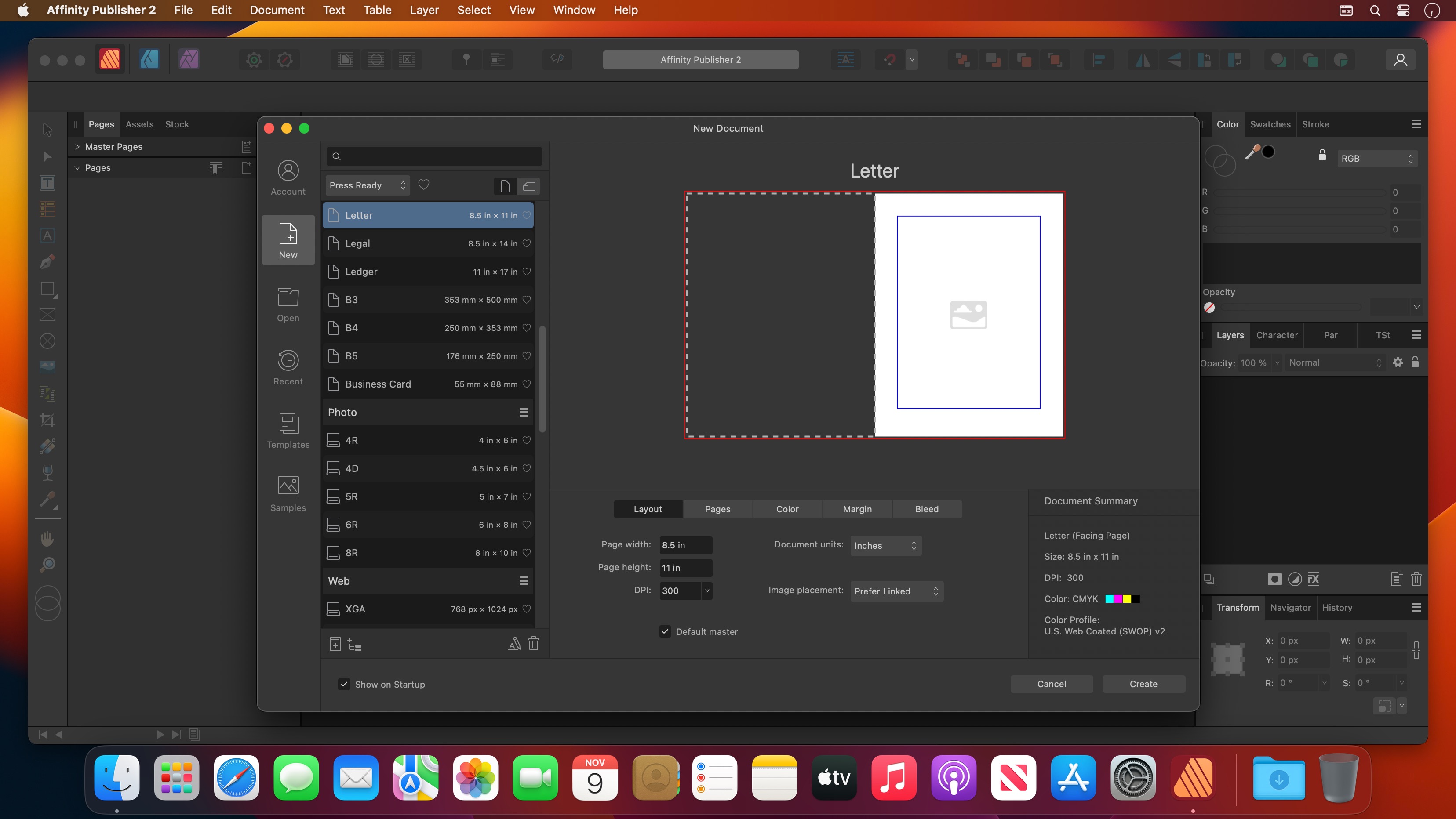
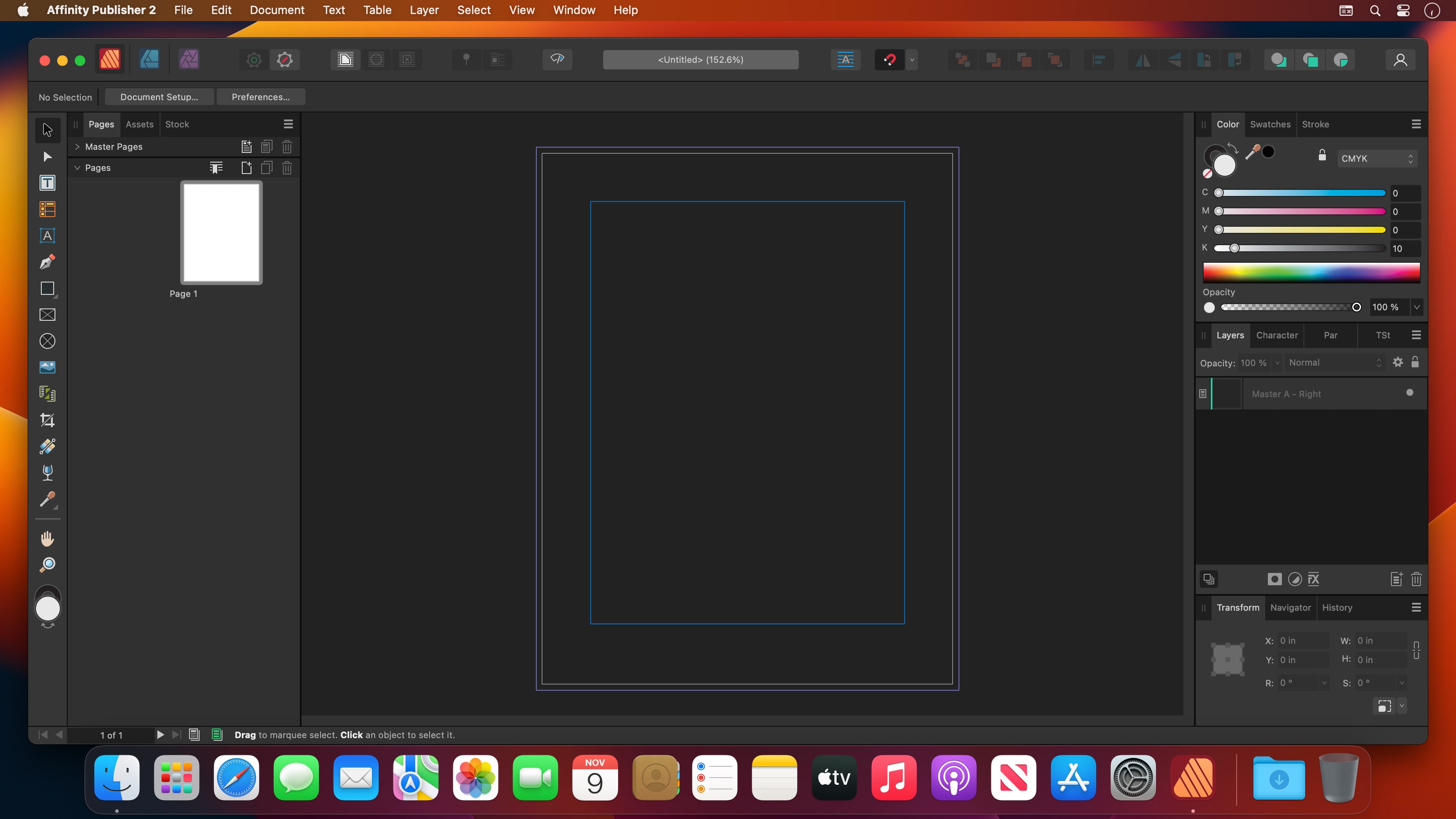
Bring your vision to life with Affinity Publisher, the next generation of professional publishing software. From magazines, books, brochures, posters, reports and stationery to other creations, this incredibly smooth, intuitive app gives you the power to combine your images, graphics and text to make beautiful layouts ready for publication.

With essentials like master pages, facing page spreads, grids, tables, advanced typography, text flow, full professional print output and other amazing features, Affinity Publisher has everything you need to create the perfect layout – whatever your project.

  • Double page spreads
  • Live master pages, including nested master pages
  • Image frames with intelligent scaling options
  • Text wrapping with fine padding control
  • Custom shaped text frames
  • Link multiple text frames together across your document
  • Advanced guides, grids and snapping
  • Tables and custom table formats

What’s New:

Version 2.1.1:

  • Release notes were unavailable when this listing was updated.

Compatibility: macOS 10.15 or later
Language: Multilingual
Homepage https://affinity.serif.com/en-us/

Screenshots


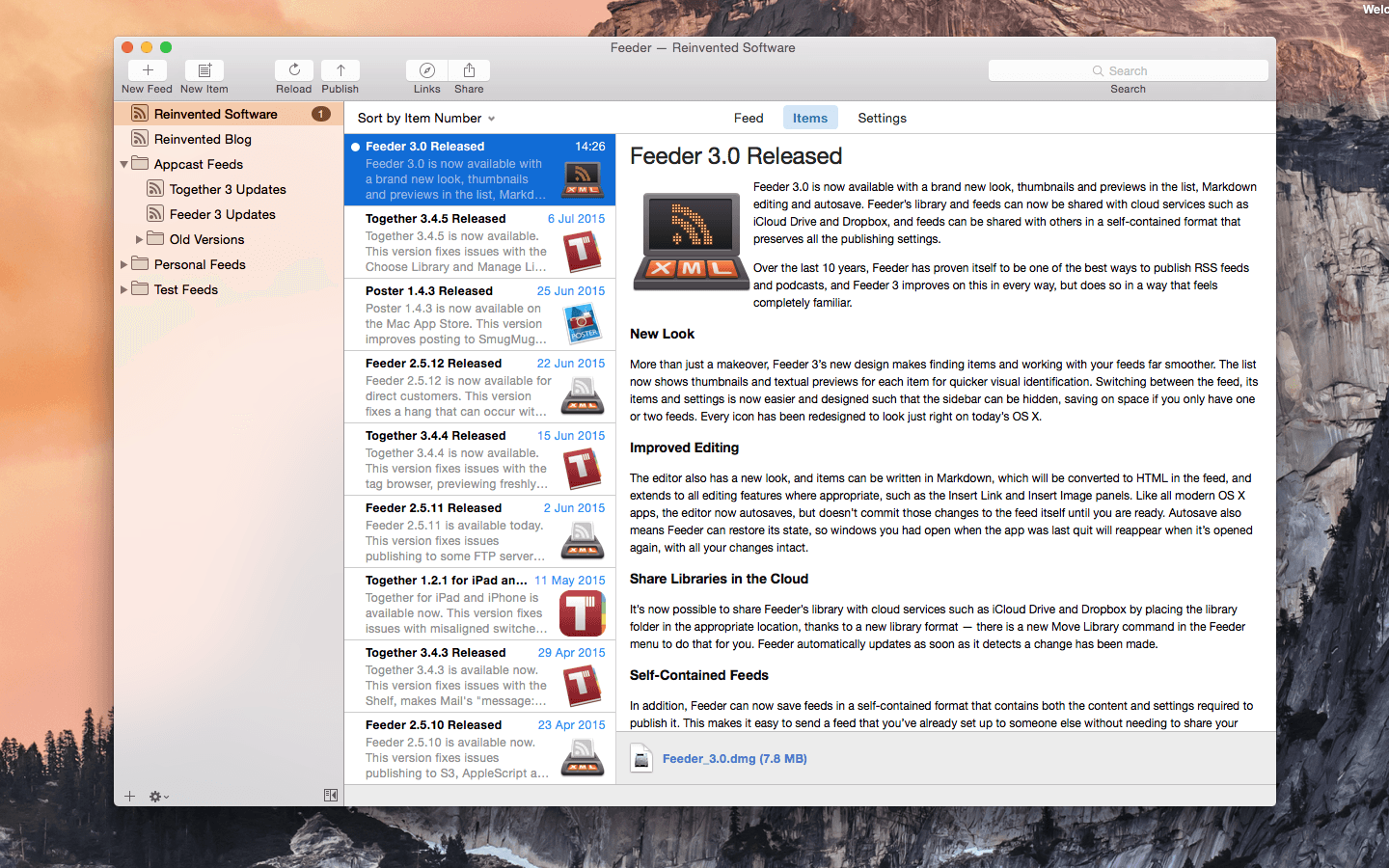
Feeder 4.5.2

Name: Feeder_4.5.2_[TNT]_Mactorrents.biz.dmg
Size: 11.48 MB
Files Feeder_4.5.2_[TNT]_Mactorrents.biz.dmg[11.48 MB]

   Download Torrent
   Link Download

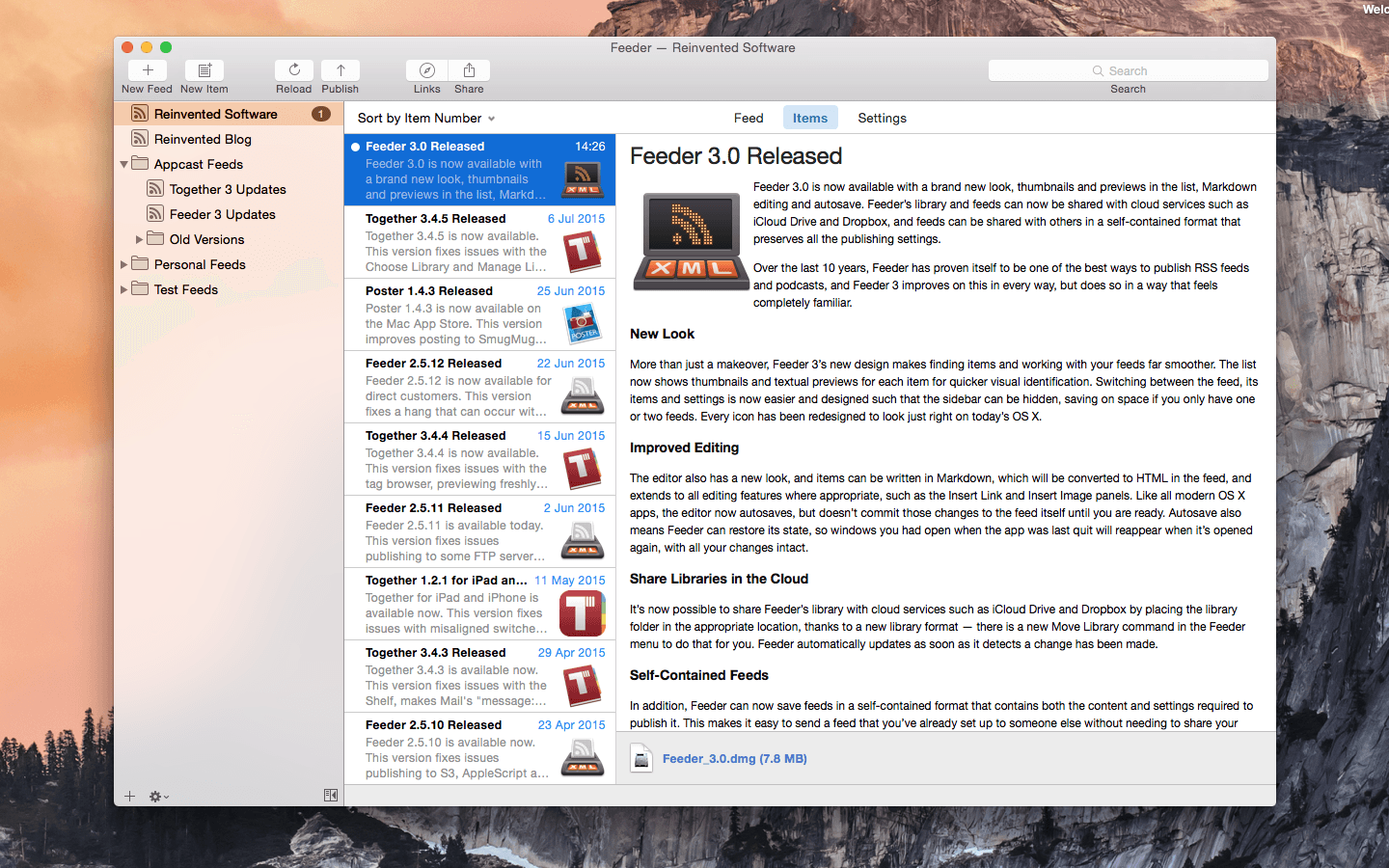
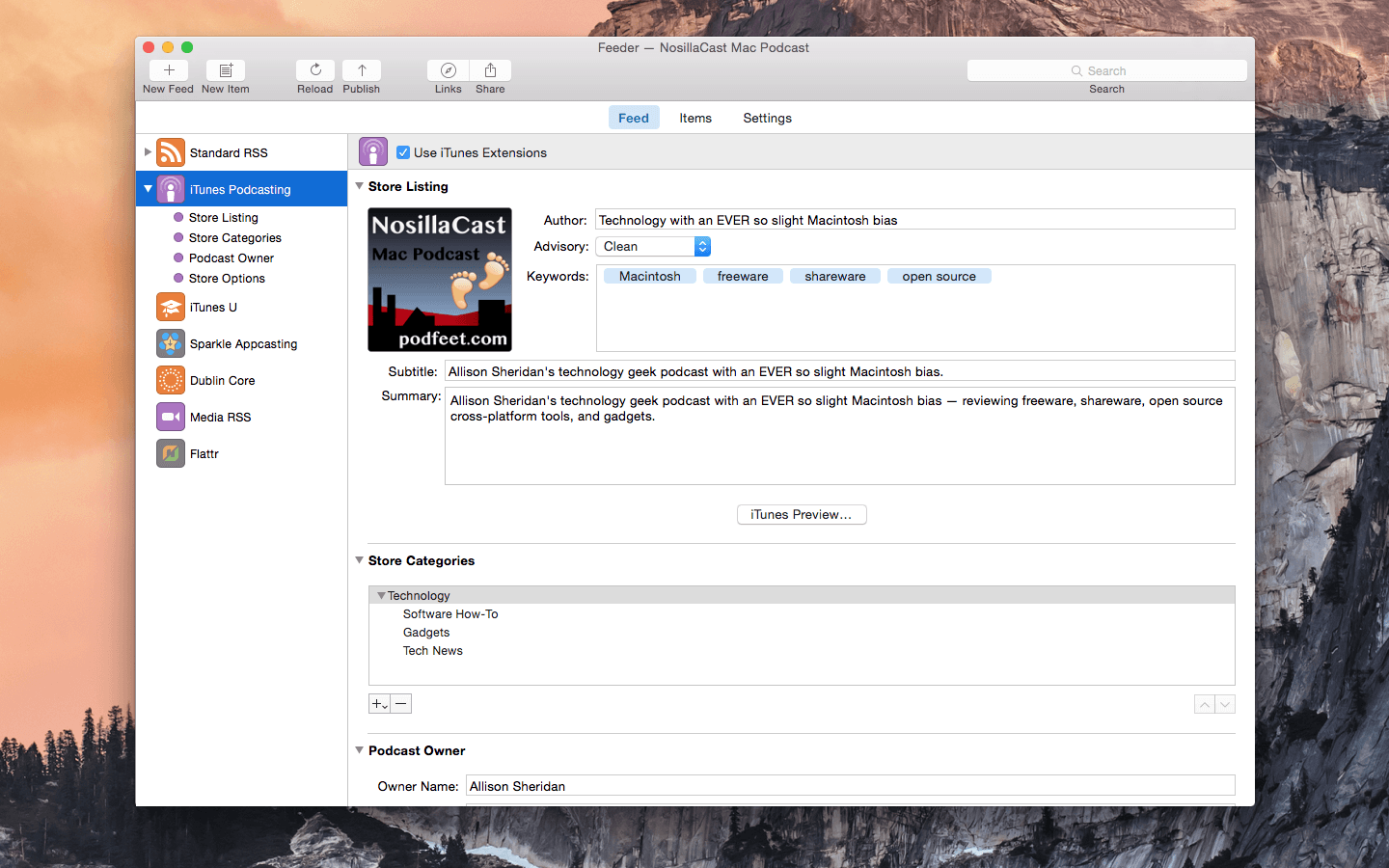
Self-publish podcasts, appcasts, and standard RSS feeds with Feeder.

FOR PODCASTERS:

  • Feeder makes it easy to create and update your podcast, and ensures everything meets the Apple Podcasts requirements
  • Preview podcast episodes as they’ll appear in the Podcasts app
  • See serials listed by season and episode, along with trailers and bonuses, as in the Podcasts app
  • Publish feeds and media files to different servers with a single click
  • Redirect media file URLs through your preferred analytics service
  • Download your existing feed to move to Feeder
  • No lock-in: if you control your feed, you can use the service providers that suit you, and always move to another without losing subscribers

FOR EVERYONE:

  • Edit your feeds on all your Macs with iCloud
  • Collaborate on feeds with other Feeder users with iCloud
  • Schedule items to be published
  • HTML editing and preview
  • Write descriptions using Markdown
  • Templates and auto-completion to save time
  • Feeder can publish using FTP, SFTP, Amazon S3, WebDAV and file export
  • Search the items in the feed, including by date
  • Cross-post items to a blog when publishing
  • Feeder 4 is completely updated for macOS Big Sur and built for Apple silicon


FOR APP DEVELOPERS AND ADVANCED USERS:

  • Create Sparkle appcasts that automatically generate DSA and edDSA signatures
  • Preview release notes as they’ll appear in the Sparkle update panel
  • Feeder is fully scriptable for creating, editing and publishing feeds, and can run a script or Automator workflow after a feed is published

*** You need to disable the System Integrity Protection (SIP) to perform the selected Application.

Compatibility: macOS 10.15 or later
Homepage http://reinventedsoftware.com/feeder/

Screenshots


Perfectly Clear WorkBench 4.5.0.2534

Name: Perfectly_Clear_Workbench_v4_4.5.0.2534_[TNT]_Mactorrents.biz.dmg
Size: 87.95 MB
Files Perfectly_Clear_Workbench_v4_4.5.0.2534_[TNT]_Mactorrents.biz.dmg[87.95 MB]

   Download Torrent
   Link Download

Perfectly Clear Workbench is an application that uses Athentech’s Perfectly Clear image correction libraries and is made available to demonstrate the capabilities of the Perfectly Clear processing libraries, face detection library and to allow a quick export of the processing settings for use.

One of the key features in Workbench is the ability to “export to API” when saving a Preset. This allows you to make image corrections in Workbench and tune the settings to match your style and correction needs. Then, you can quickly export these settings to a text file – ready to be copy / pasted into your source code with our image correction SDK.

What’s New in Perfectly Clear WorkBench 4
1. Beautiful new interface
2. New image correction tools
a. Preprocessing section for Input Looks and “Image Ambulance” for manual exposure corrections
b. “Face Aware” exposure for more accurate auto-exposure corrections in portraits and group photos
c. Black Point tool to deepen blacks
d. New Color Vibrancy tool to complement our previous “Vibrancy” control (now renamed to Color Restoration)
e. Sky and Foliage enhancements
3. Existing tools have been improved
a. Added strength sliders to Light Diffusion and Vibrancy for better control
b. Better ‘color pickers’ for Skin Tone and Blush adjustments
4. Manually identify faces that are not detected automatically
5. One-click to zoom to individual faces
6. Modify facial regions to provide the best corrections
7. Histogram
8. Much improved preset management

Supported Image Formats

Perfectly Clear requires RGB-formatted images in either 8 or 16-bit color depth. Any image file that Photoshop or Lightroom can open and convert to this format may be used in Perfectly Clear. Monochrome and CMYK images must be converted to RGB before using Perfectly Clear. RAW files must be opened through Adobe Camera RAW and loaded into Photoshop to be accessible to Perfectly Clear.

What’s New:

Version 4.5.0.2534:

  • Release notes were unavailable when this listing was updated.

Compatibility: macOS 10.10 or later
Homepage https://eyeq.photos/

TunesKit Screen Recorder 2.4.0.45

Name: TunesKit Screen Recorder_2.4.0.45_[TNT]_Mactorrents.biz.dmg
Size: 56.89 MB
Files TunesKit Screen Recorder_2.4.0.45_[TNT]_Mactorrents.biz.dmg[56.89 MB]

   Download Torrent
   Link Download

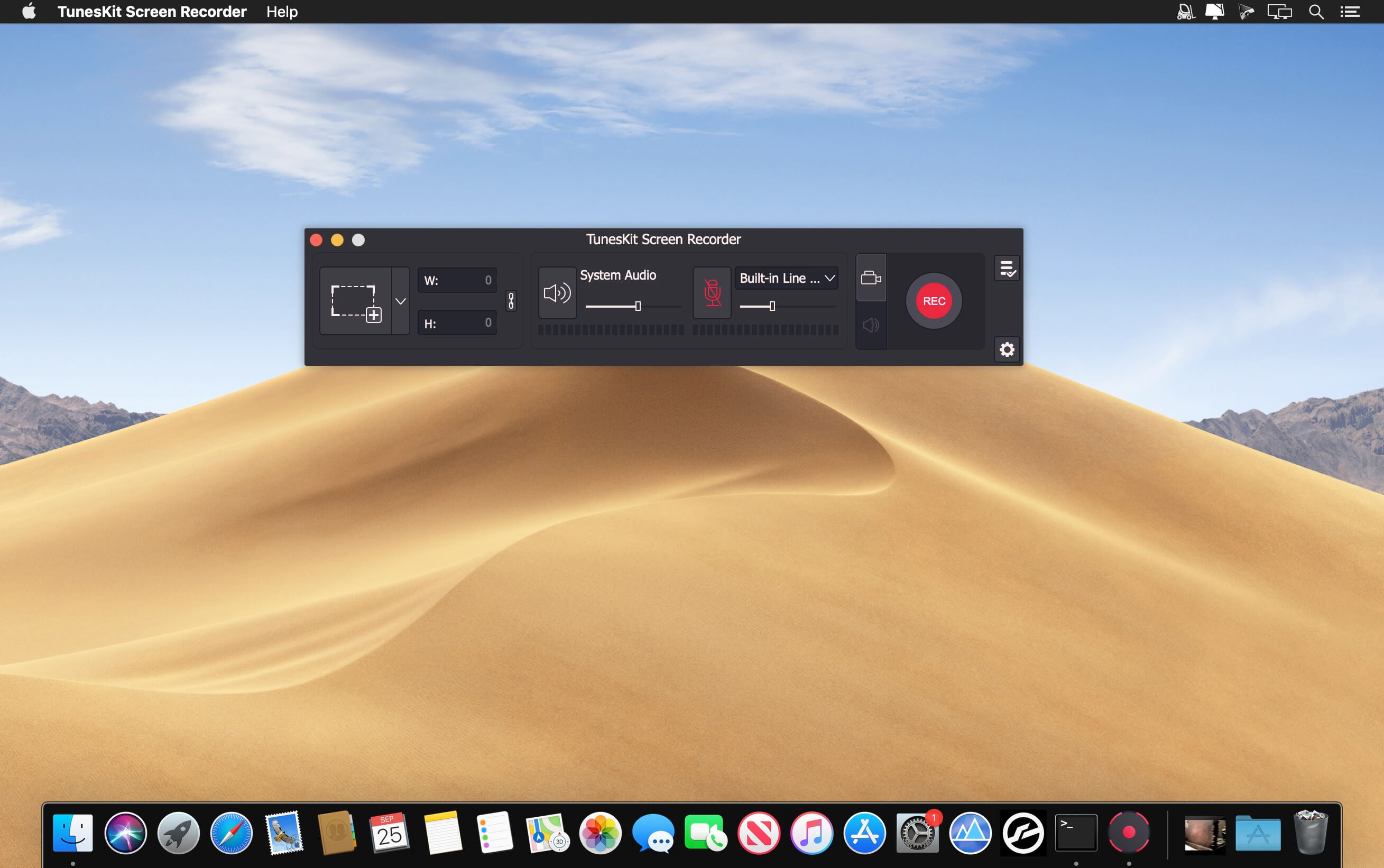
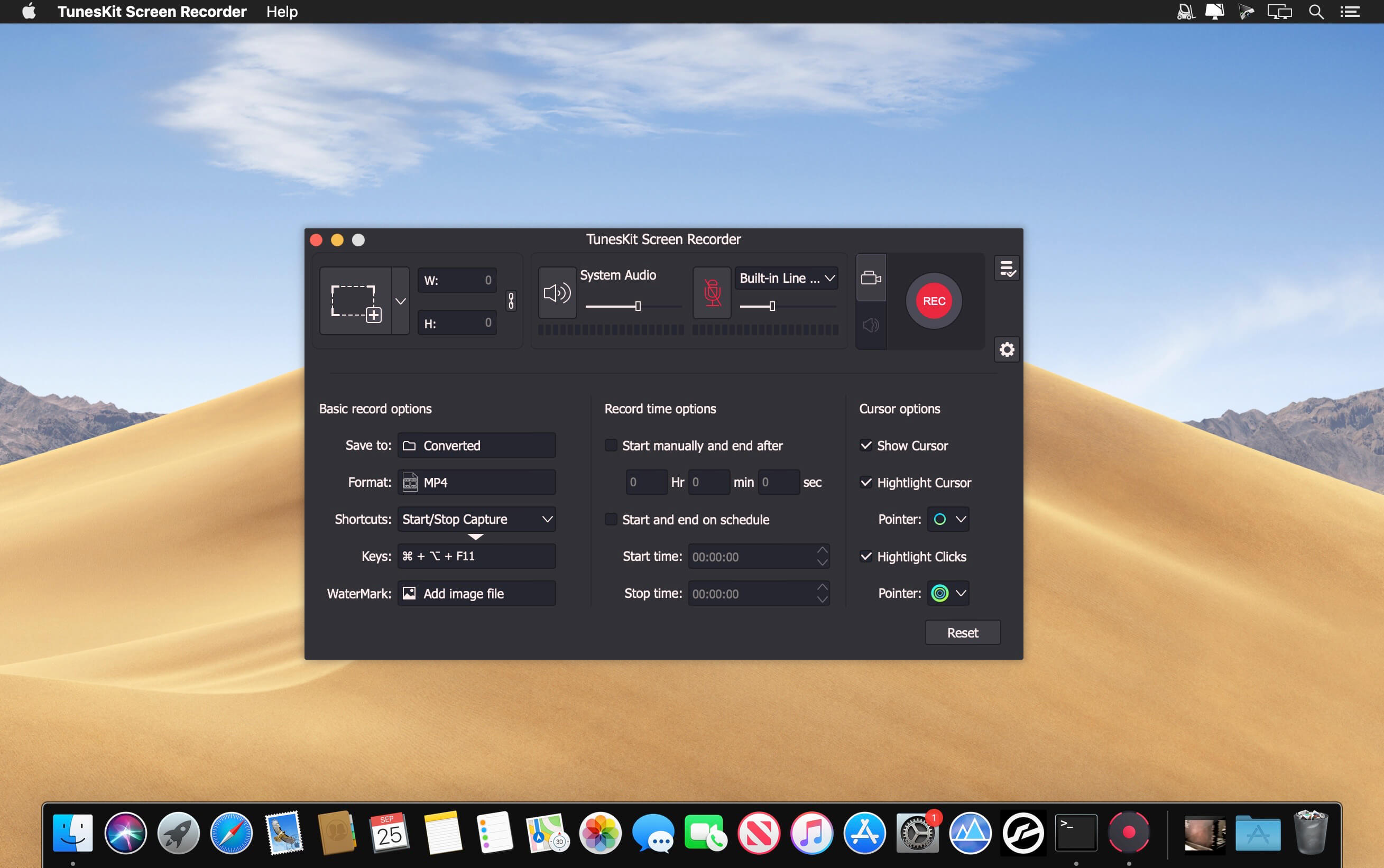
A handy 2-in-1 video and audio recorder that lets you capture any video and audio from any source on your computer screen with a single click, and edit and save the recordings in any format and device with high quality retained.

Efficient screen recording tool to grab anything you want from desktop
Powerful as it is, TunesKit Screen Recorder is capable of recording anything you like on the PC or Mac screen, such as online videos, computer games, app tutorials, how-tos, video lectures, webinars, video conferences, video calls, live broadcasts, and much more in an easy way. It’s not only a high-quality video recorder, but also an independent audio capture that allows users to grab any audio from system sound and/or microphone, including streaming music, sound effects, background music, or other appearing sound through browser, media player or many other applications. In addition, you can also extract audio from videos on the computer, etc. with lossless quality.

Record screen video and audio separately or simultaneously
TunesKit Screen Recorder enables users to record video and audio from screen, microphone or webcam. What if you want to record just video or audio? It’s easy! The program offers two options for users: record video (with audio) or record audio only. In other words, you can record screen video along with audio, or even mute the sound; you can also choose to capture merely audio, either system sound or microphone audio or both at the same time. You’re given full flexibility to do whatever according to your needs.

Flexible options for users to adjust the settings
With TunesKit Screen Recorder, you can set your preferences as you like. For example, you can capture full screen, select areas to record from 176*144, 1280*720 to 1920*1080 or set the size of capture area based on your requirements. Or, you can use the time scheduler to make a scheduled recording while you’re away by setting the start time and end time in advance. Besides, you can also customize your own keyboard shortcuts, add watermark, and highlight your cursor or clicks with different interesting icons.

Record screen and save in any format and device
As an all-round screen recording utility, TunesKit Screen Recorder offers you the ability to save recordings on the computer in numerous formats such as MP4, M4V, MOV, MKV, WMV, MPEG, 3GP, WebM, 4K HD videos; MP3, M4A, M4B, AAC, FLAC, WAV, and many others. You can also preset and transfer your recordings to various portable devices like iPhone, iPad, Apple Generic, Galaxy phone and tablet, Huawei and other Android Generic as well as game consoles and smart TVs etc. In addition, you’re allowed to upload and share the recording to social media platform such as YouTube, Facebook, Vimeo, etc.

Output high resolution recordings
With the advanced recording technology adopted in the program, TunesKit Screen Recorder is a perfect tool to capture any footage while keeping the high original quality. To be specific, this professional video capturing software can record screen in high resolution at up to 60 frames per second.

What’s New:

Version 2.4.0.45

  • Release notes were unavailable when this listing was updated.

Compatibility: macOS 10.10 or later, Apple Silicon or Intel Core processor
Homepage https://www.tuneskit.com/

Screenshots


Sketch 97.1

Name: Sketch_97.1_[TNT]_Mactorrents.biz.dmg
Size: 71.39 MB
Files Sketch_97.1_[TNT]_Mactorrents.biz.dmg[71.39 MB]

   Download Torrent
   Link Download

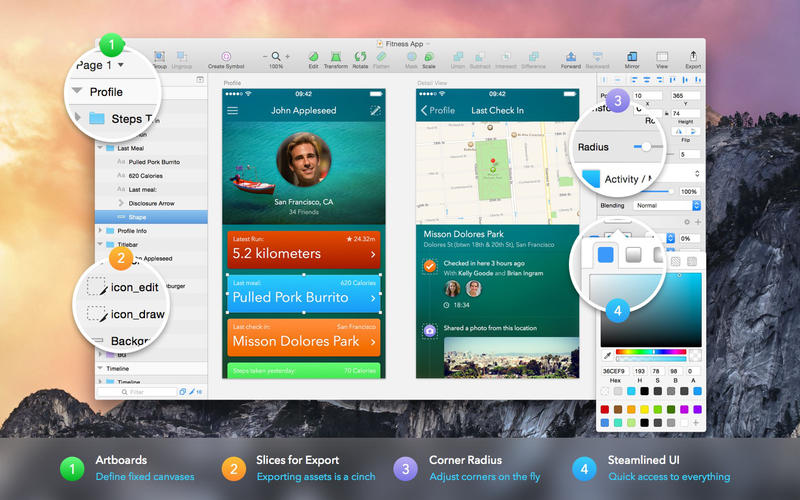
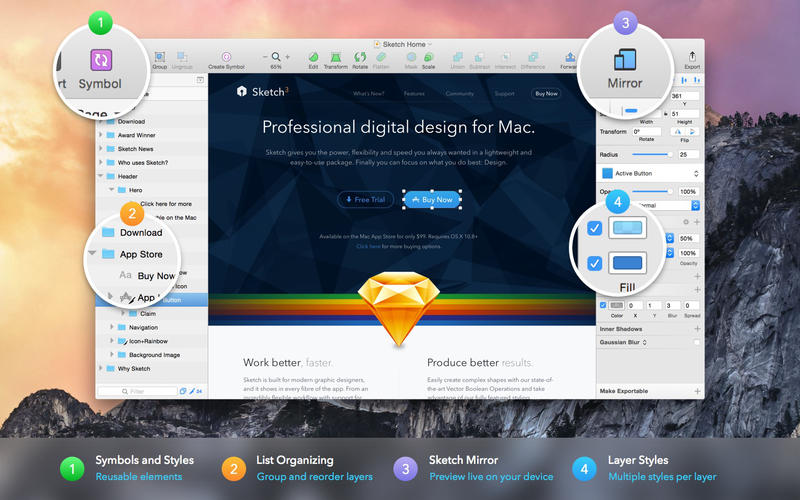
Sketch: graphic design for a digital world. Powerful tools and an elegant interface, in a single award-winning package. Because making beautiful things should be a joy, not a burden.

Sketch supports multiple fills, borders and shadows per layer; has powerful non-destructive boolean operations; smart pixel alignment; and makes exporting a breeze with automatic slicing and multiple resolution export.

Vector tools and basic shapes are the foundation; whether you are designing icons, websites, interfaces or anything else. Combine these into complex shapes with non-destructive boolean operations, leaving you free to edit them in the future, then apply advanced layer style options like multiple shadows, fills, gradients, noise, blending, background blurring, and more.

Sketch doesn’t just do shapes, of course. Imported images can be rotated, scaled, cropped and masked. The best-in-class text tool lets you add beautiful typography to your designs, using native font rendering, so you can be sure that text always looks 100% accurate!

Brand new to Sketch 3, Symbols allow you to reuse entire groups of content in multiple places in your design. Think of interface elements such as buttons, headers and footers. Change them once, and they update everywhere in your document.

Built for the Mac, Sketch supports OS X’s Versions and Auto Save, letting you focus on your work instead of hitting CMD+S. Keep your work safely in sync across multiple Mac computers with iCloud. And take Sketch full screen to maximise the size of your canvas.

All this power is deliciously baked into Sketch’s single-window interface. Everything is there, tucked away until you need it. A simple interface with powerful tools.

Compatibility: macOS 11.0 or later (Apple M1 compatible)
Homepage https://www.sketch.com/updates/

Screenshots


Project Office X Pro 1.1.4

Name: Project_Office_X_1.1.4_[TNT]_Mactorrents.biz.dmg
Size: 19.18 MB
Files Project_Office_X_1.1.4_[TNT]_Mactorrents.biz.dmg[19.18 MB]

   Download Torrent
   Link Download

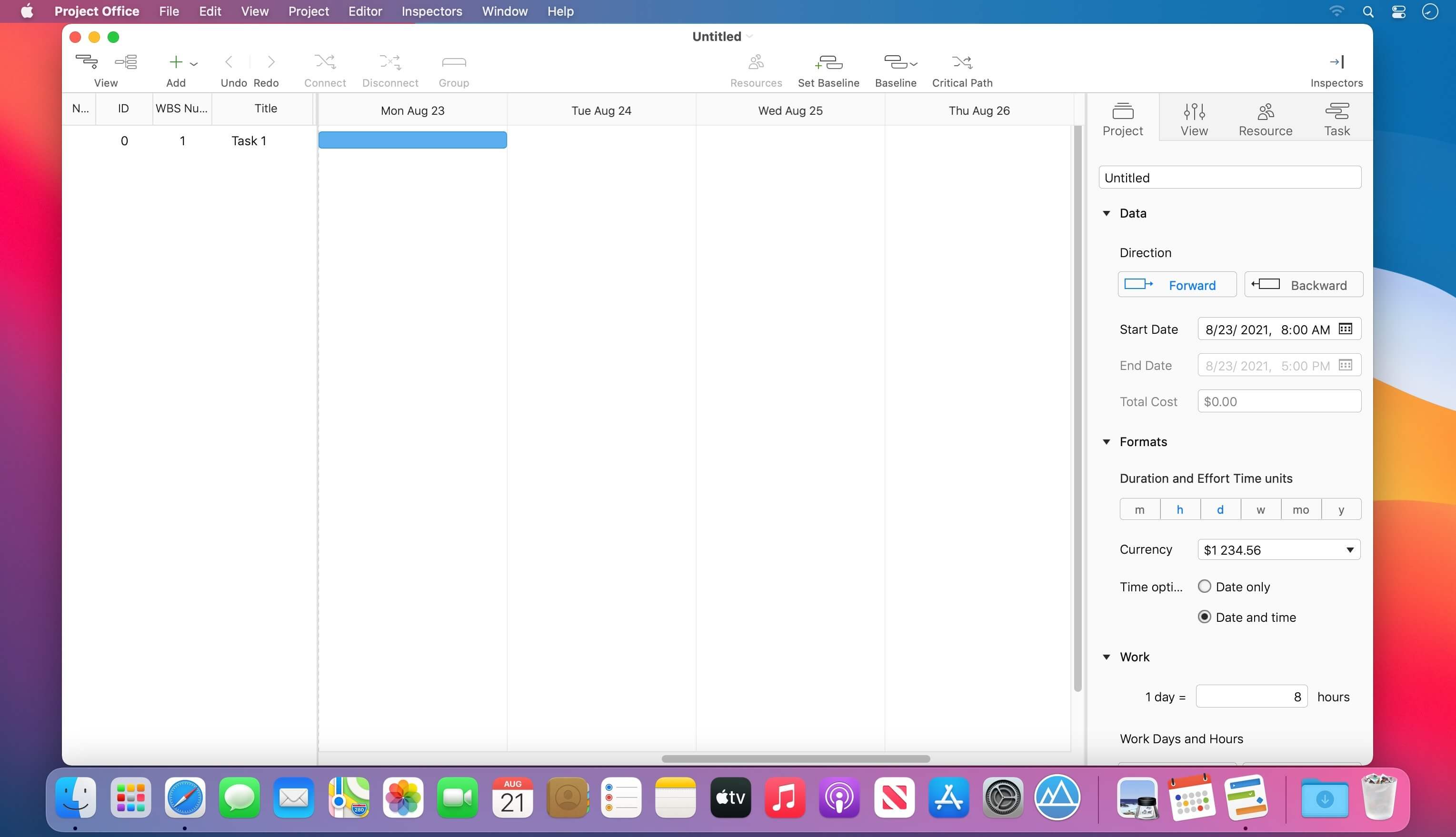
Designed to help you manage, create and monitor your projects. Use tasks, milestones, groups, connections and a lot of other features, for better work organization.

Project Office has peculiarities like Gantt charts, schedules, summaries, and milestones to let you manage all of your activities.

Project Office helps you in managing both simple and complex projects without any complexity.

Features:

  • Gantt chart allows monitoring your entire plan at a glance. Each task is shown graphically on a visual timeline by day, week, month or year. The visualized view helps you keep an eye on tasks durations, start and due dates, completion percentage, dependencies and resources assigned. Furthermore, you can easily edit tasks directly in the Gantt chart view.
  • Friendly and intuitive interface helps you get things done fast and stays out of your way while doing so.
  • Efficient resource management. Add resources to your project: people or materials, necessary to make this project done. Identify bottlenecks in your project and distribute workloads fairly.
  • Tool for tracking changes. Set a baseline to track development by comparing the set baseline with actual plan and progress.
  • Customized calendar. Modifying work hours for the entire project you can create a more realistic plan taking into account off-time and weekends into account.
  • Smart filter. You can easily hide those tasks you don’t need to think about at the moment. Simply use filter to focus on tasks you need to be done.
  • Share your projects. Send an entire project to your colleagues or Email the Gantt chart to others as PDF. For more convenience, you can make task and resources report and send them as HTML.
  • iCloud Backup. Backup your projects to keep all information you have added.
  • Critical Path – Project Office displays your project’s critical path, which is the series of tasks that are necessary in order to finish your project on schedule.

We developed Project Office to help you manage your business and keep it growing.

What’s New:

Version 1.1.4:

  • Release notes were unavailable when this listing was updated.

Compatibility: macOS 10.13 or later
Homepage https://www.dk-consulting.app

Screenshots

ON1 Photo Keyword AI 2023.5 v17.5.1.14058

Name: ON1_Photo_Keyword_AI_2023.5_17.5.1.14058_[TNT]_Mactorrents.biz.dmg
Size: 1.66 GB
Files ON1_Photo_Keyword_AI_2023.5_17.5.1.14058_[TNT]_Mactorrents.biz.dmg[1.66 GB]

   Download Torrent
   Link Download

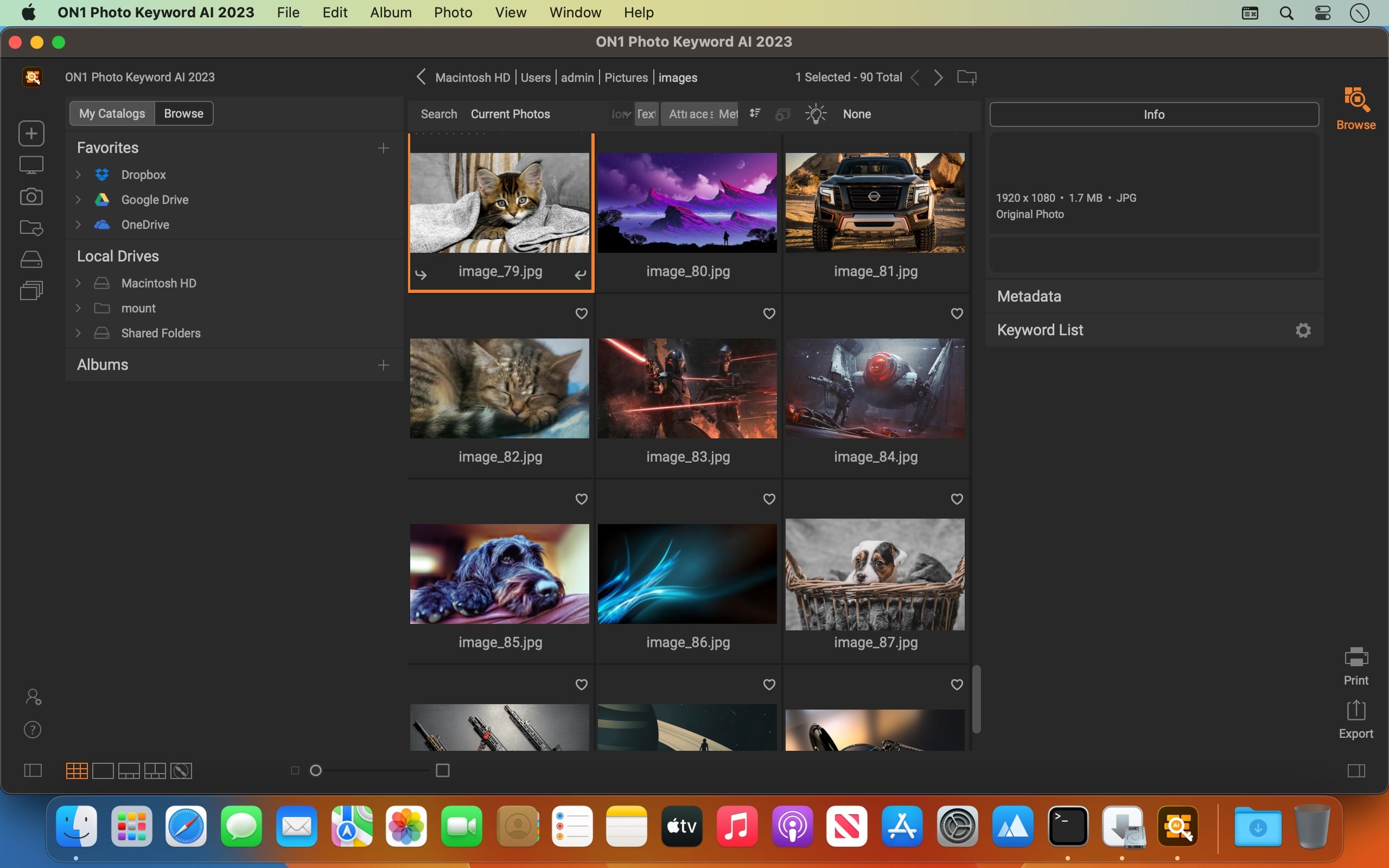
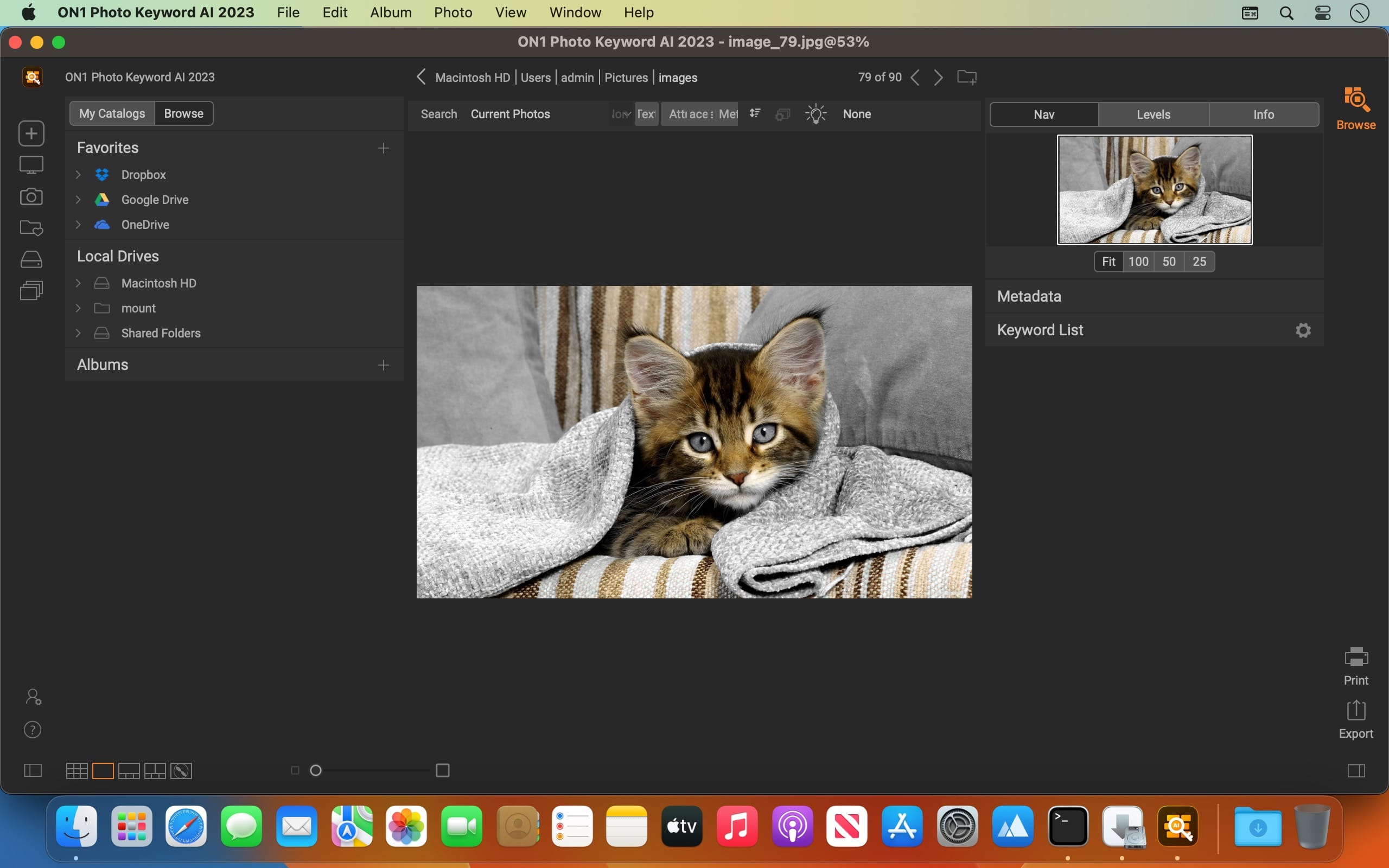
Effortlessly Discover All of Your Photos. This simple-to-use application makes your photos discoverable by intelligently finding and organizing them using the power of AI. Anyone can now search and view their photos with ON1 Photo Keyword AI based on photo content without having to do the work you would find in most other photo organizing software.

With Photo Keyword AI, there’s no need to add keywords to your photos manually. This cutting-edge technology employs advanced machine learning algorithms to analyze your images and automatically assign appropriate keywords.

Quickly Find Your Photos
With very little work, you can search your entire photo libraries. You will soon discover your favorite photos, photos long forgotten, or manage new photos without the time-consuming organizing tasks. Photo Keyword AI also lets you search any metadata field simply by typing in a word or phrase. If you are looking for photos of birds, just type in bird.

Elevate your Photo Management
Automatic embedding of keywords and metadata to photos via XMP for compatibility with applications like Adobe Lightroom Classic or Capture One. Lightning-fast browser for fast photo viewing, organization, and culling. Full metadata support, including nested keywords, descriptions, and complete EXIF, IPTC, and XMP compatibility.

Easily Load Your Photos
Photo Keyword AI will allow you to get the photos from your memory cards, cameras, or phones with a built-in import dialog.

Broad File Support
File support includes raw photos from 800+ cameras spanning 20 years, as well as PSD, TIF, JPG, PNG, HEVC, and most video files.

Compatibility: macOS 10.15 or later
Homepage https://www.on1.com/

Screenshots


Mellel 5.1.5

Name: Mellel_5_5.1.5_[TNT]_Mactorrents.biz.dmg
Size: 118.8 MB
Files Mellel_5_5.1.5_[TNT]_Mactorrents.biz.dmg[118.8 MB]

   Download Torrent
   Link Download

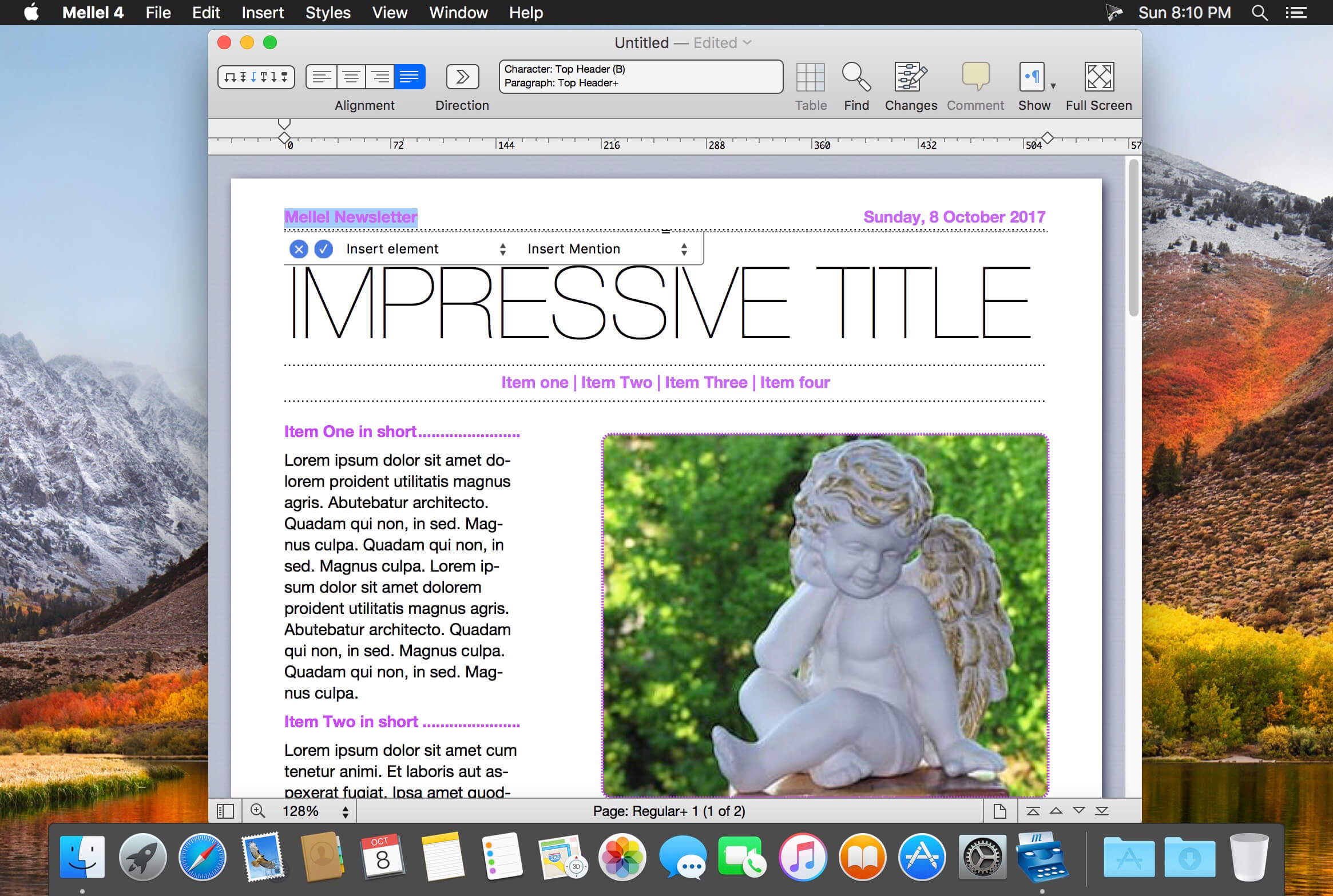
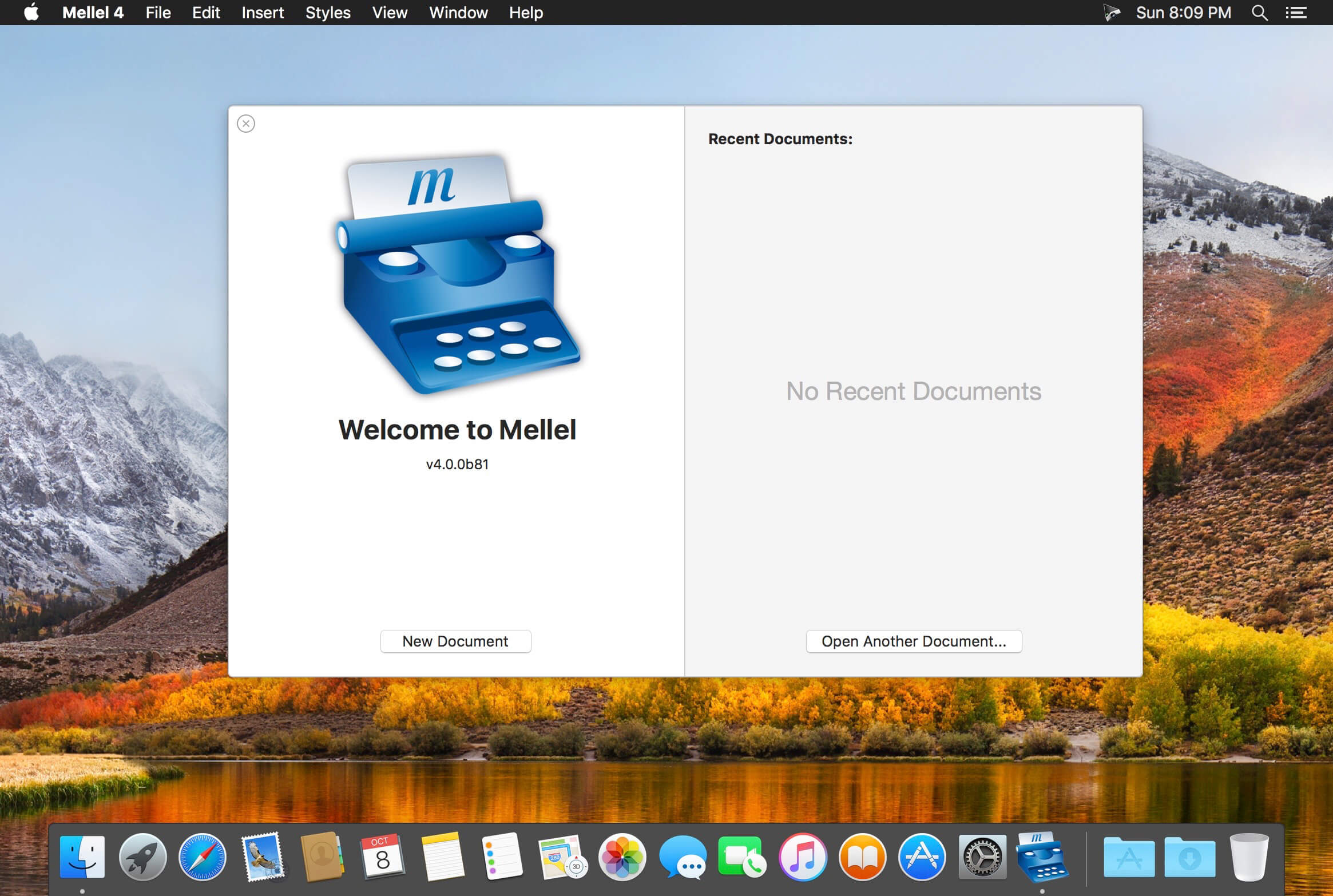
Mellel is the leading word processor for macOS and has been widely considered the industry standard since its inception. Mellel focuses on writers and scholars for technical writing and multilingual word processing. It offers special tools to help you write and organize long documents easily. If you need multilingual support or are writing bi-directional text, Mellel is just the thing for you: Arabic, Persian, Hebrew, and Syriac never looked better on a Mac. Even if you don’t need all the bells and whistles, Mellel is still the right choice for you: clean, stable, and easy to use.

A Word Processor You Can Trust
Mellel gets the job done. It’s considered the leading word processor for complex documents. It’s stable. It’s trustworthy under real work pressure. Once you get it, you’ll wonder why you wrote with anything else.

An Outline and an Outliner
Mellel’s superb Outline feature allows you to organize your work. View, edit, and navigate your document. Reorganize sections with a click of your mouse.

Find. Replace. Repeat.
Mellel’s advanced find and replace tool turns hours of editing into minutes. Everything in any sequence can be searched, found, switched, and fixed. Save your find actions. Use them again and again to transform all your documents in seconds.

The Best Multi-language Support
Mellel was created to support multiple languages and script systems within the same document. It was the first and still is the best word processor for right-to-left writing systems.

The Best Index Tool
Create your index in half the time. Mellel’s Index feature tops similar tools in other word processors, and rivals dedicated Index applications.

What’s New:

Version 5.1.5:

  • Release notes were unavailable when this listing was updated.

Language: English, Czech, Dutch, French, German, Russian, Simplified Chinese, Spanish
Compatibility: macOS 10.9 or later
Homepage https://www.mellel.com/

Screenshots

GraphicConverter 12.0.3 (6156)

Name: GraphicConverter_12_12.0.3_(6156)_[TNT]_Mactorrents.biz.dmg
Size: 247.74 MB
Files GraphicConverter_12_12.0.3_(6156)_[TNT]_Mactorrents.biz.dmg[247.74 MB]

   Download Torrent
   Link Download

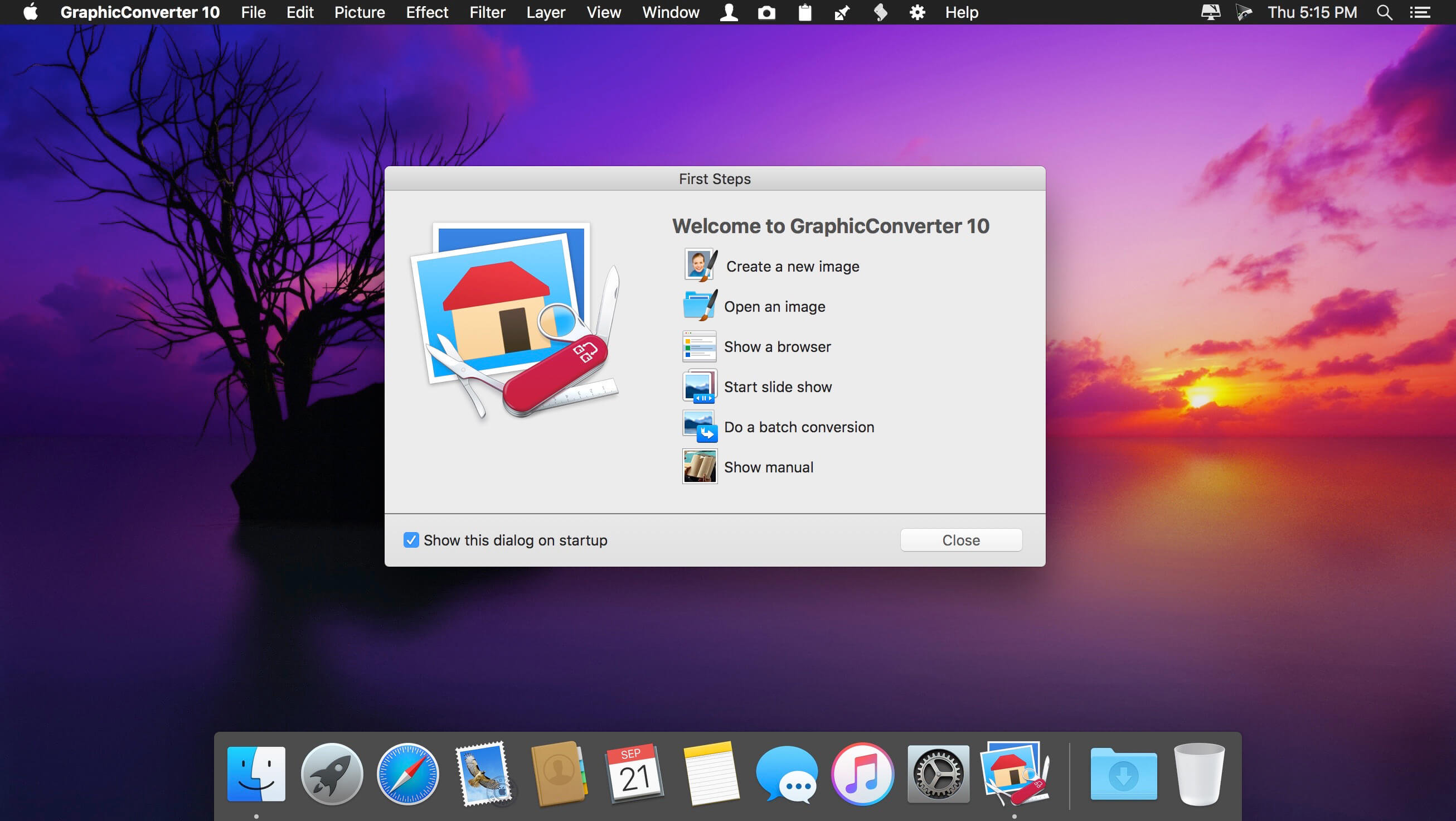
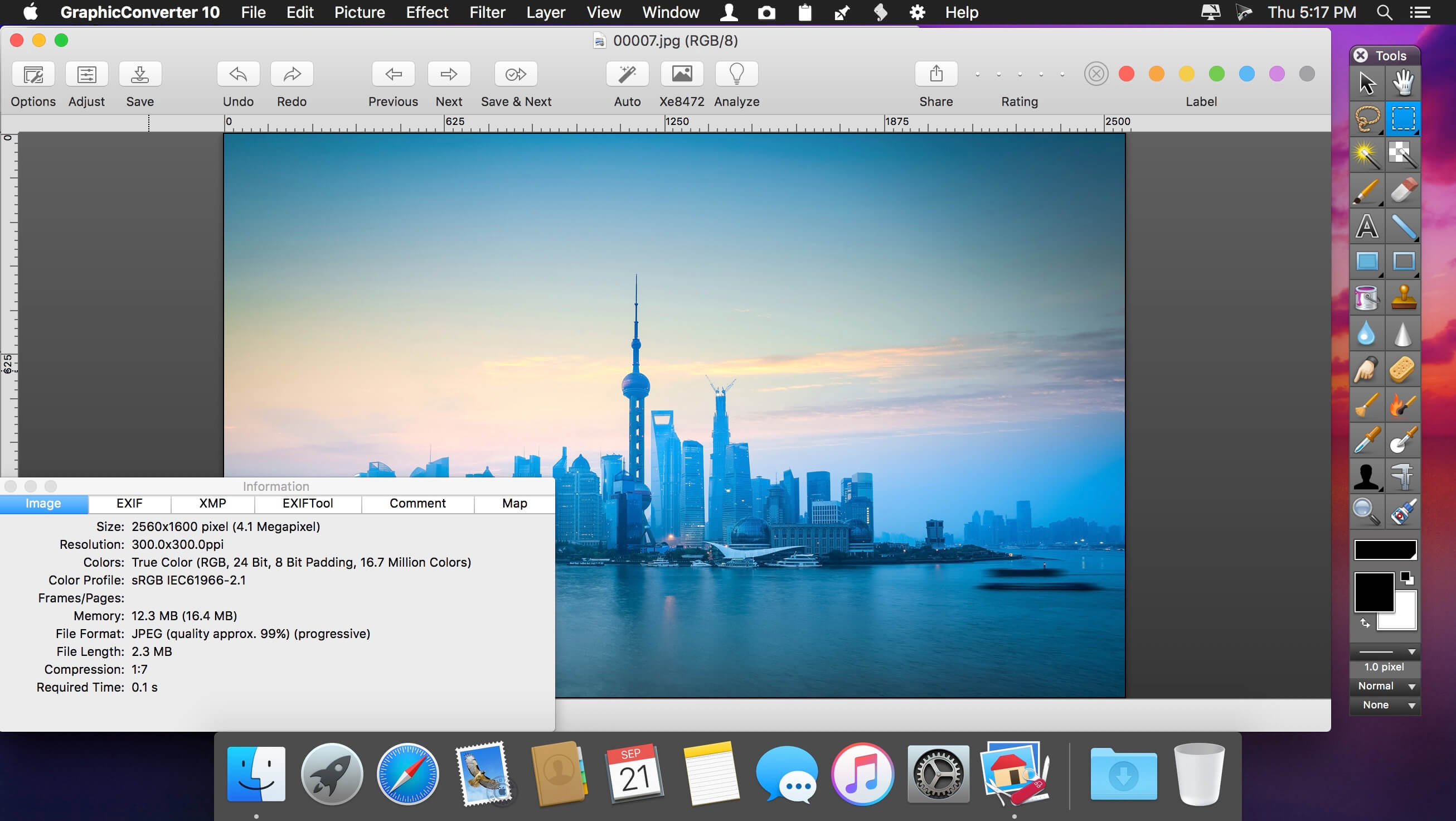
GraphicConverter is an all-purpose image-editing program that can import 200 different graphic-based formats, edit the image, and export it to any of 80 available file formats.

The high-end editing tools are perfect for graphic manipulation as well as the ability to use Photoshop-compatible plug-ins. It offers batch-conversion capabilities, a slide-show window, batch rename, batch and individual editing of metadata (EXIF, IPTC, XMP) and so much more.

GraphicConverter 11

RAW Developer
RAW images are much easier to edit thanks to their enormous data depth. This is particularly noticeable when brightening images with the Exposure slider. The picture remains clear, there is no gray haze as with many JPG images. GraphicConverter now offers a full-screen dialog when opening RAW files with controls for Exposure, Contrast, and Color Corrections. The picture noise can be reduced even with 6 controllers.

Unpack Archives
You want to know which pictures and documents are in an archive file? Then double-click is enough: GraphicConverter temporarily shows you the content or secures the content permanently. In addition to the Zip format, there are 12 additional formats supported, such as the TAR and TGZ formats.

Wide Equalization
In wide-angle shooting, faces and objects on the left and right edges of the image are often heavily distorted in width. With the new wide-angle equalization in GraphicConverter 11, you can now reduce this distortion.

Gradients
You need a gradient, e.g. as a background for a collage? No problem. Easily create color gradients with up to 10 colors via the new dialog.

Duo-Tone
Color your shots with two colors to duo-tone images. In this impressive technique, the lighter shades are colored with the color 1 and the darker ones with the color 2. The result is an effect that enchants your pictures.

Apple Finder Tags
Do you organize your work with Finder Tags from Apple? Then your work will be even easier, because in the browser you can now use the context menu to directly display and change these tags.

Compatibility: macOS 10.13 or later
Homepage https://www.lemkesoft.de

Screenshots

Cisdem PDF Converter OCR 8.0.0

Name: Cisdem_PDF_Converter_OCR_8.0.0_[TNT]_Mactorrents.biz.dmg
Size: 146.14 MB
Files Cisdem_PDF_Converter_OCR_8.0.0_[TNT]_Mactorrents.biz.dmg[146.14 MB]

   Download Torrent
   Link Download

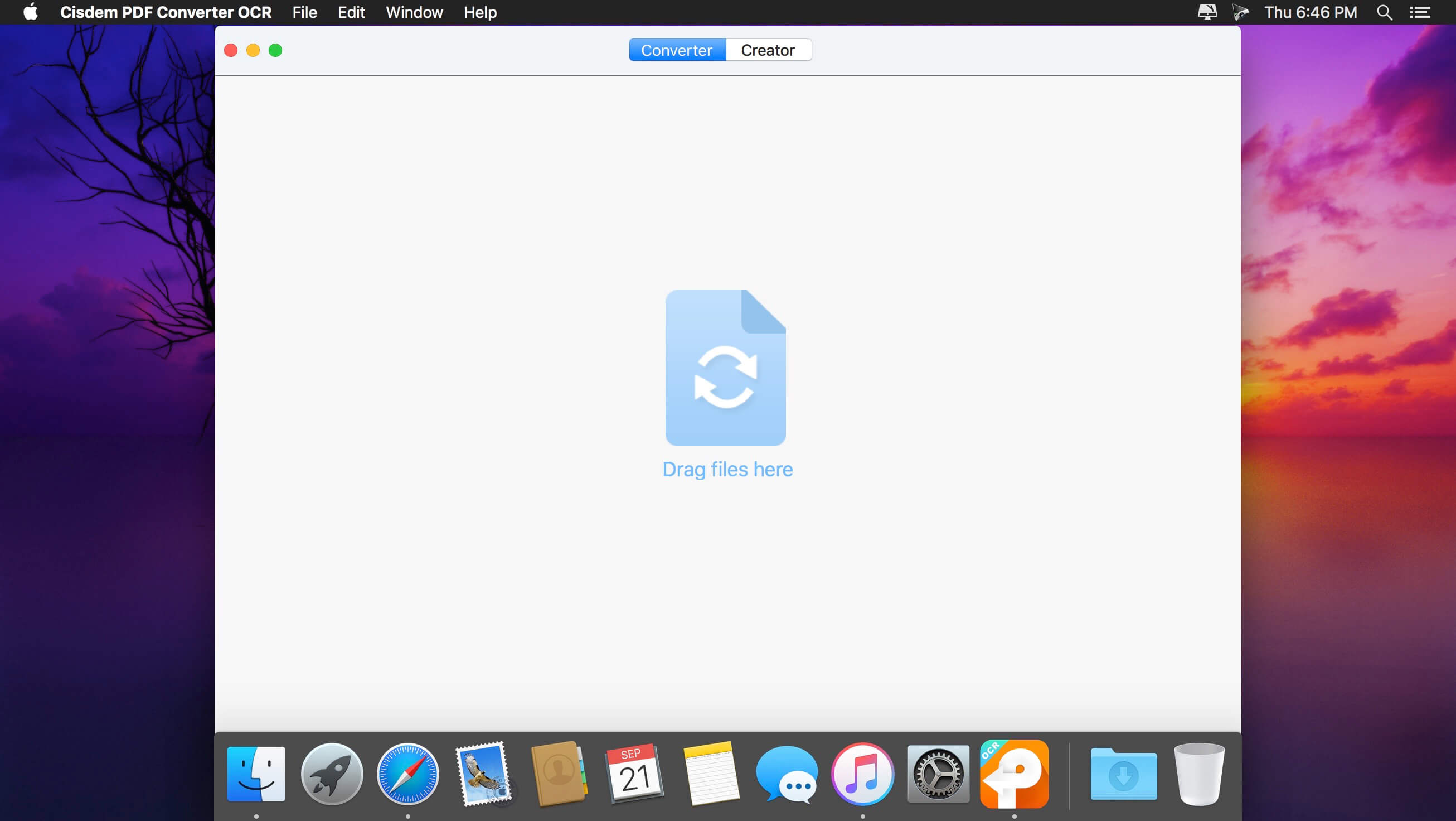
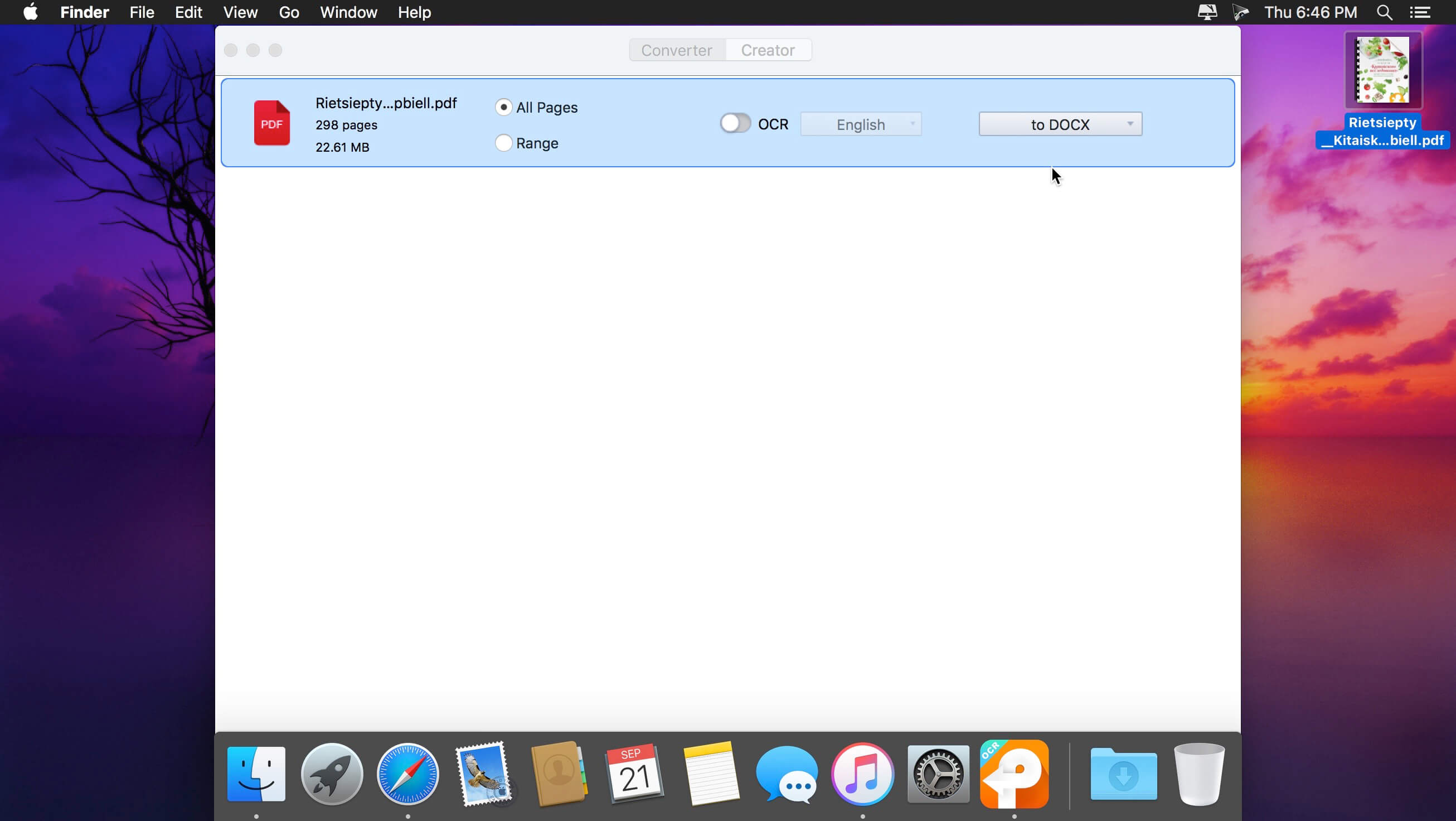
Cisdem PDFConverterOCR brings you OCR technology to convert any native PDF, scanned PDF, encrypted PDF, or image file to editable and searchable Word, Text, Excel, PPT, ePub, HTML, Text, RTFD, Pages, Keynote, or image document; as well as to digitize text in images (JPG, BMP, PNG, TIFF, GIF) while maintaining the original layout.

Features

  • Multi-option output formats and 100% maintainance of original layouts – Cisdem PDFConverterOCR can easily convert PDF files to editable MS Office Word, PPT, and Excel documents; create E-books in EPUB formats for tablets and portable readers; convert PDF to HTML so as to publish and share PDF content on the web; convert Adobe PDF document and images to iWork files (Pages, Keynote) for use in other office editor apps (such as Pages, Quick Office, or Keynote); or serve as a PDF-to-image converter which lets you convert PDFs into a wide variety of image formats, including JPG, TIFF, PNG, BMP, and GIF.
  • Customize your conversion with options specific to area – Cisdem PDFConverterOCR lets you convert images with text into text documents. It automatically marks every part of a loaded PDF or image file in different colors, based on the nature of a given part. Or you can do more precise markup on PDF or image files with 4 options: select, mark texts, mark images, and mark tables.
  • Support 49 languages scanning and recognizing – Cisdem PDFConverterOCR offers the ability to scan and recognize text in 49 languages, including English, French, Italian, Chinese, etc., and also supports conversion of PDF files that contain multiple languages.
  • Accurate PDF OCR conversion – With up to 99.8% character recognition accuracy, we assure you that the converted documents look exactly like the original – tables, columns, and graphics.

Compatibility: macOS 10.13 or later
Homepage https://www.cisdem.com/pdf-converter-ocr-mac.html

Screenshots


EazyDraw 10.12.0

Name: EazyDraw_10.12.0_MAS_In-App_[TNT]_Mactorrents.biz.dmg
Size: 147.57 MB
Files EazyDraw_10.12.0_MAS_In-App_[TNT]_Mactorrents.biz.dmg[147.57 MB]

   Download Torrent
   Link Download

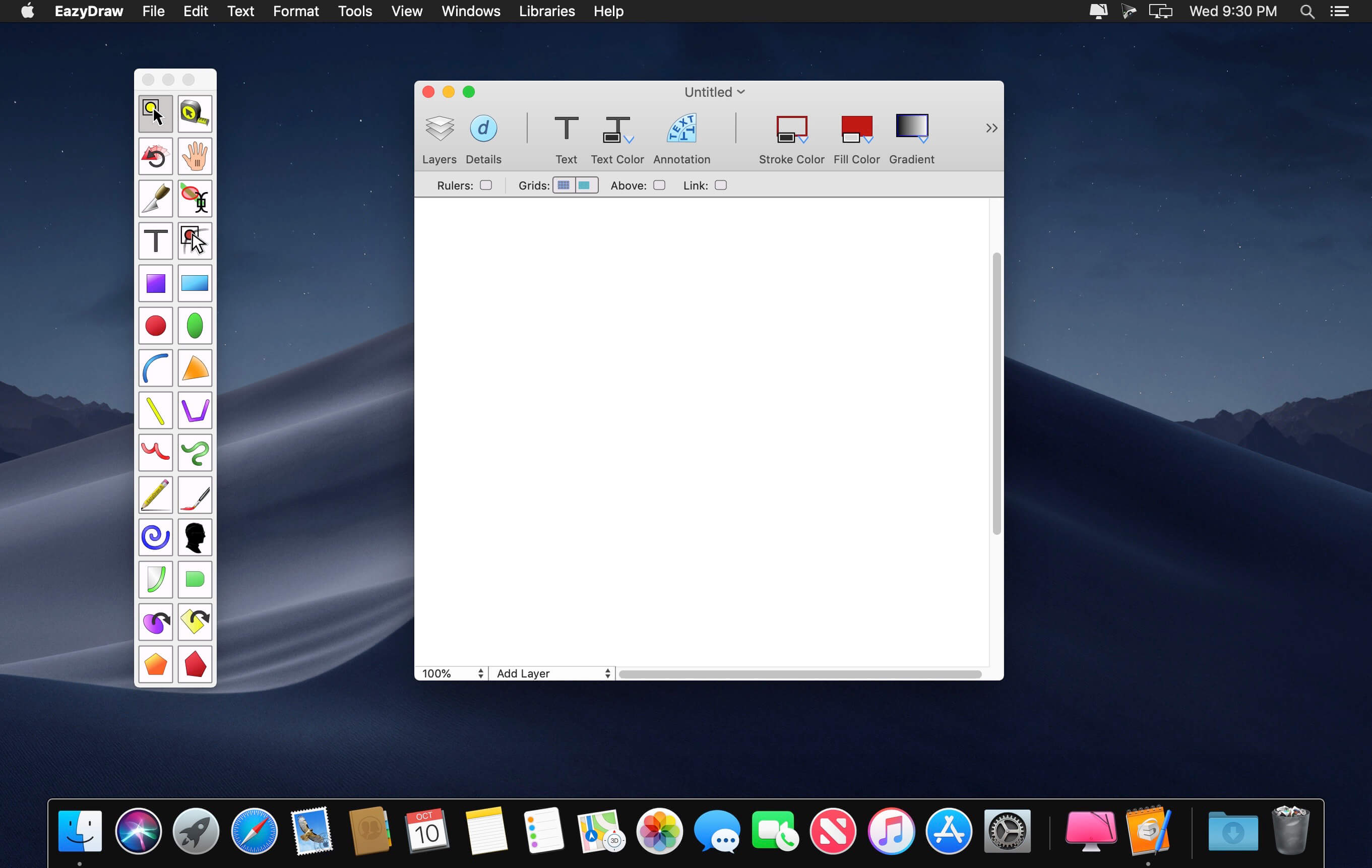
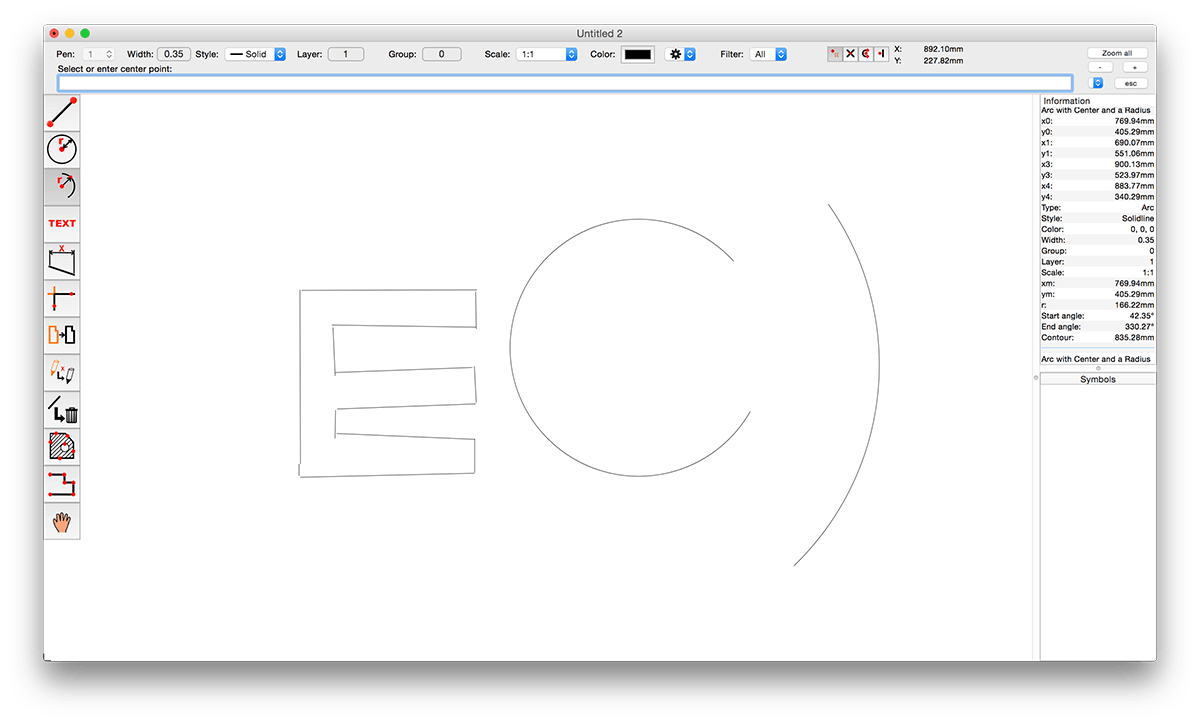
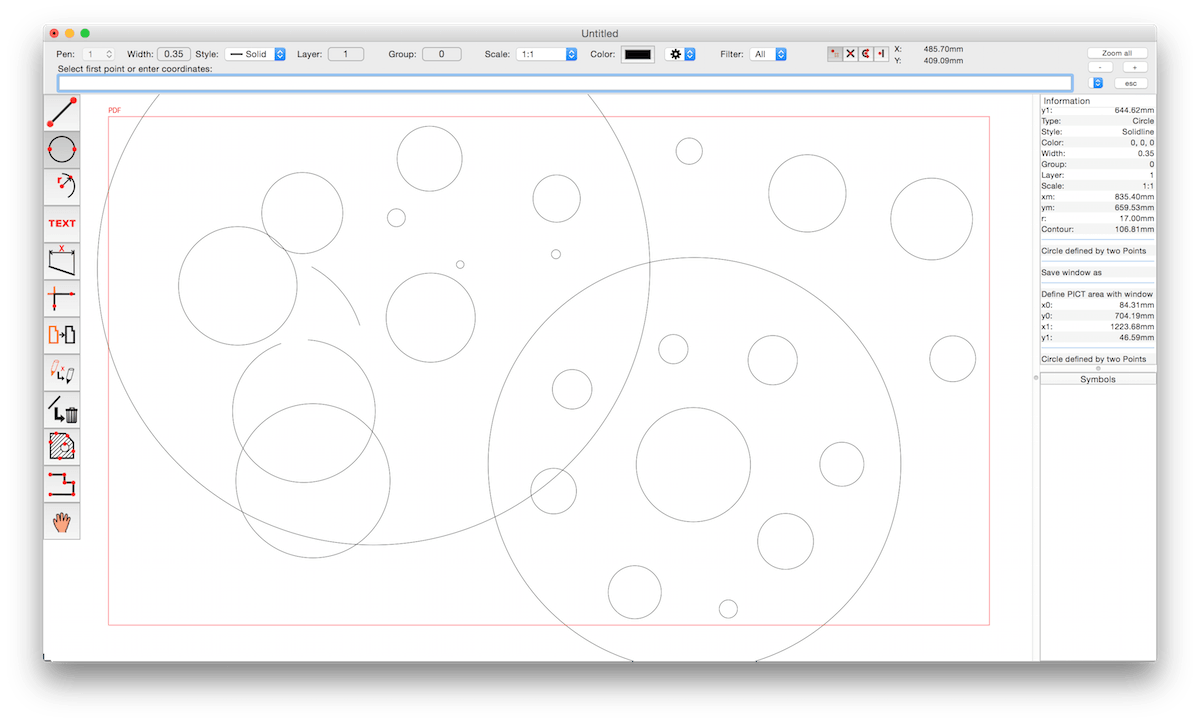
EazyDraw is a vector drawing application. For the full journey from Jaguar to El Capitan, EazyDraw has been the trail-blazing app for the new vector-drawing paradigm on the Mac.

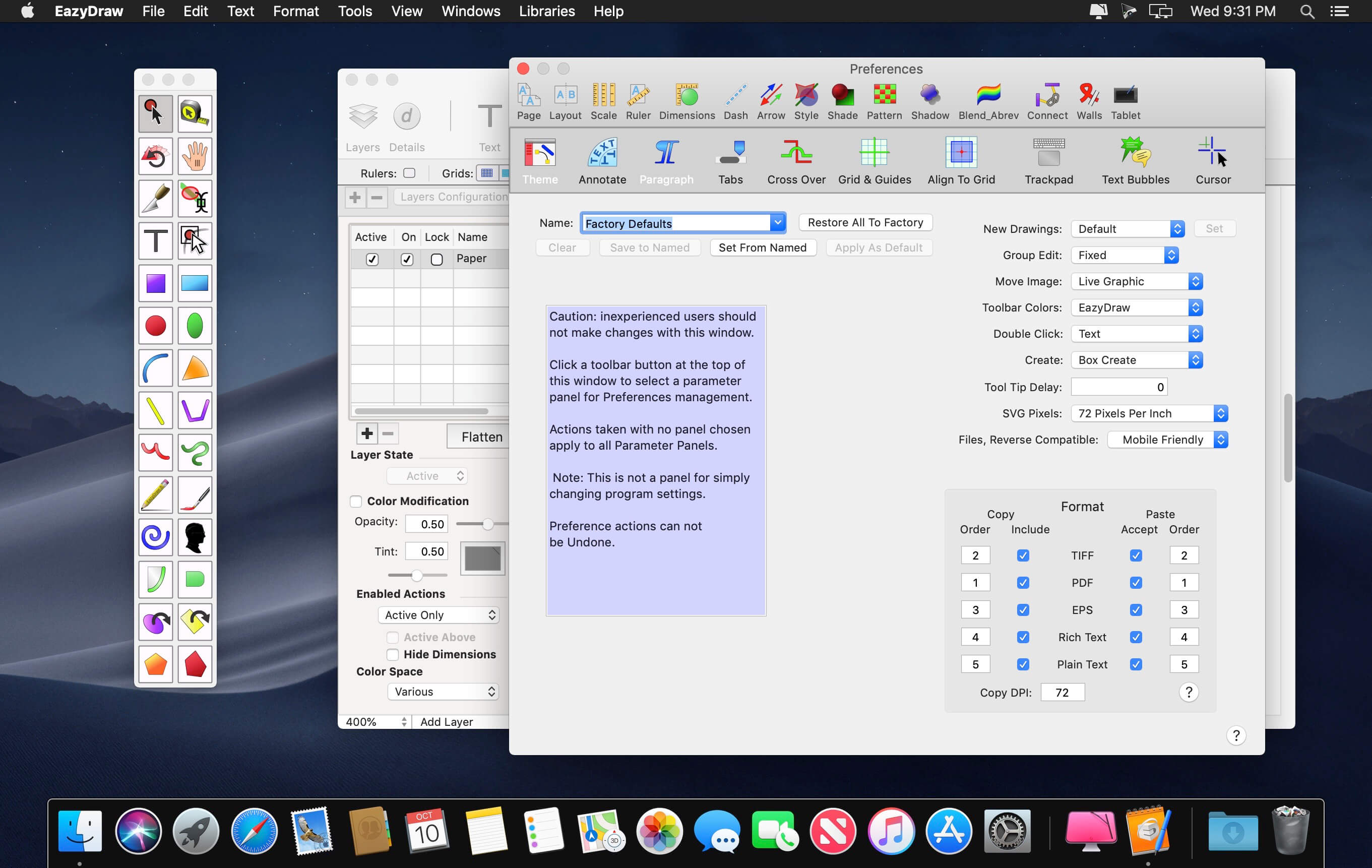
EazyDraw provides a balanced feature set that includes tools needed for technical drawing, Web and app graphic design, print publishing, logos, page – text layout and more. Easy enough for everyone, but with the depth your project will need.

Includes comprehensive support for bitmap and vector graphic formats. Import and ungroup for editing PDF and EPS. Import and export SVG and now DXF. Preview and publish to EPS and TIFF with RGB or CMYK process colors. Exchange scaled CAD drawings with DXF. Publish Web graphics. Create Mac, iPhone, and iPad app-development graphics and icons.

CR2 : FIX create new laye

Top In-App Purchases: Full Version – included
Compatibility: macOS 10.13 or later 64-bit
Homepage http://www.eazydraw.com/

Screenshots


Tidy Up 6.0.3

Name: Tidy_Up_6.0.3_[TNT]_Mactorrents.biz.dmg
Size: 12.67 MB
Files Tidy_Up_6.0.3_[TNT]_Mactorrents.biz.dmg[12.67 MB]

   Download Torrent
   Link Download

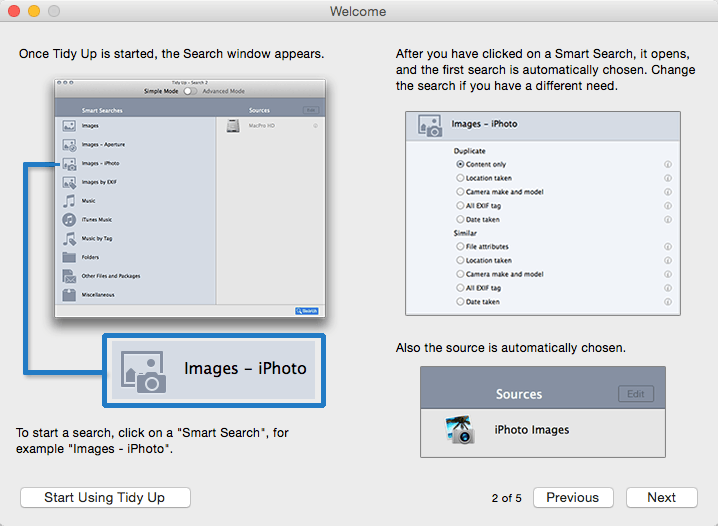
Tidy Up is a full-featured duplicate finder and disk-tidiness utility.

Features

  • With Tidy Up you can search for duplicate files and packages by the owner application, content, type, creator, extension, time modified, time created, name, label, visibility, and date/age. You can also search by the tag, duration, and bit installments of MP3 and AAC sound files and EXIF metadata; search the contents of the Photos, iPhoto, Aperture, iTunes, iPod databases, and Mail mailboxes; and synchronize deletions with iPhoto, Mail, and iTunes.
  • Tidy Up comes with a two search modes. Basic Mode includes more than 90 pre-defined searches. For a customized strategy, you can opt for the Strategy Wizard which based on your choices creates the appropriate criteria to search for duplicates.
  • Tidy Up has a built-in security system that assures you will keep at least one file of the duplicate group on your disk, the ability to undo copied and moved items, and the ability to restore trashed items as long as the trash is not emptied, even after a restart of the computer.
  • Tidy Up offers a full-size preview of the most commonly used files such as: audio, media, text, PDF, graphics, fonts and more… One of the most interesting features of Tidy Up is the capability to separate, for quick and easy organization, found items using custom criteria via “Smart Baskets.” It also includes the possibility to choose from items belonging to the supported applications, a specific album, playlist, or mailbox.
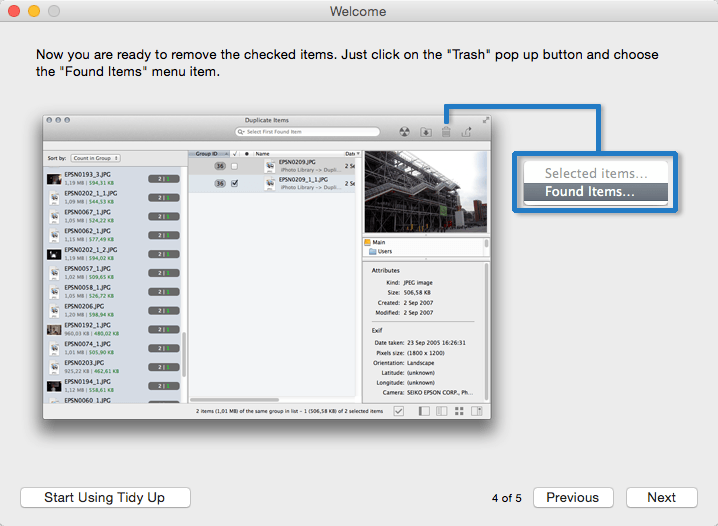
  • Tidy Up allows you to trash, move, replace the moved or trashed items with aliases or symbolic links, burn, assign colored Finder labels, and export into HTML and text files all found items. Tidy Up is fully customizable and allows you to create your preferred workspace.

Compatibility: macOS 11.0 or later, Apple Silicon or Intel Core processor
Homepage http://www.hyperbolicsoftware.com/

Screenshots

Exhibeo 2.0.13

Name: Exhibeo_2_2.0.13_[TNT]_Mactorrents.biz.dmg
Size: 13.95 MB
Files Exhibeo_2_2.0.13_[TNT]_Mactorrents.biz.dmg[13.95 MB]

   Download Torrent
   Link Download

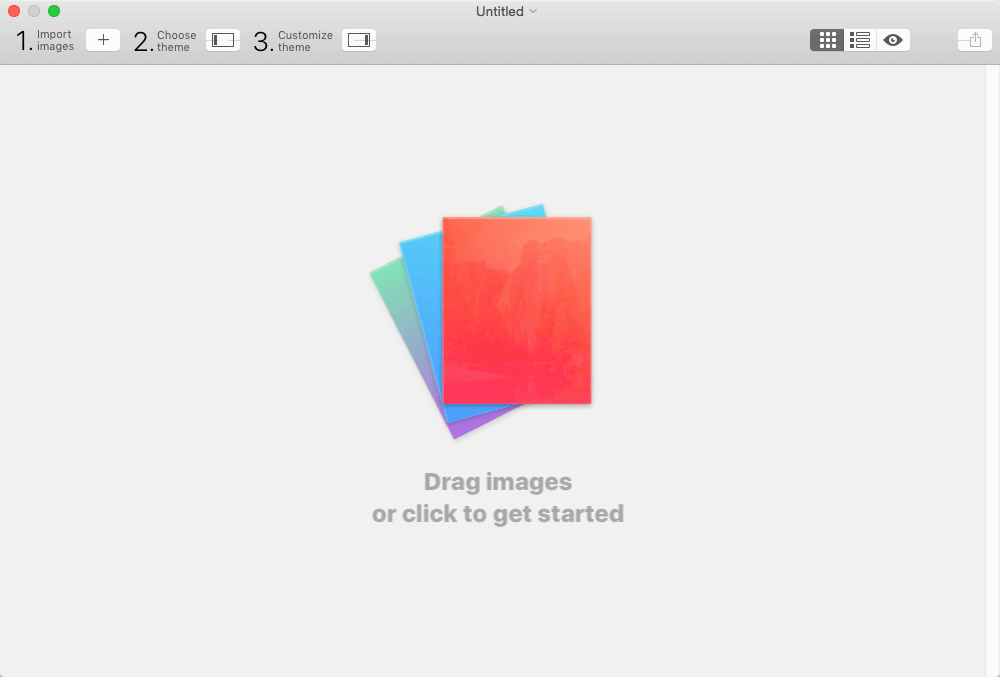
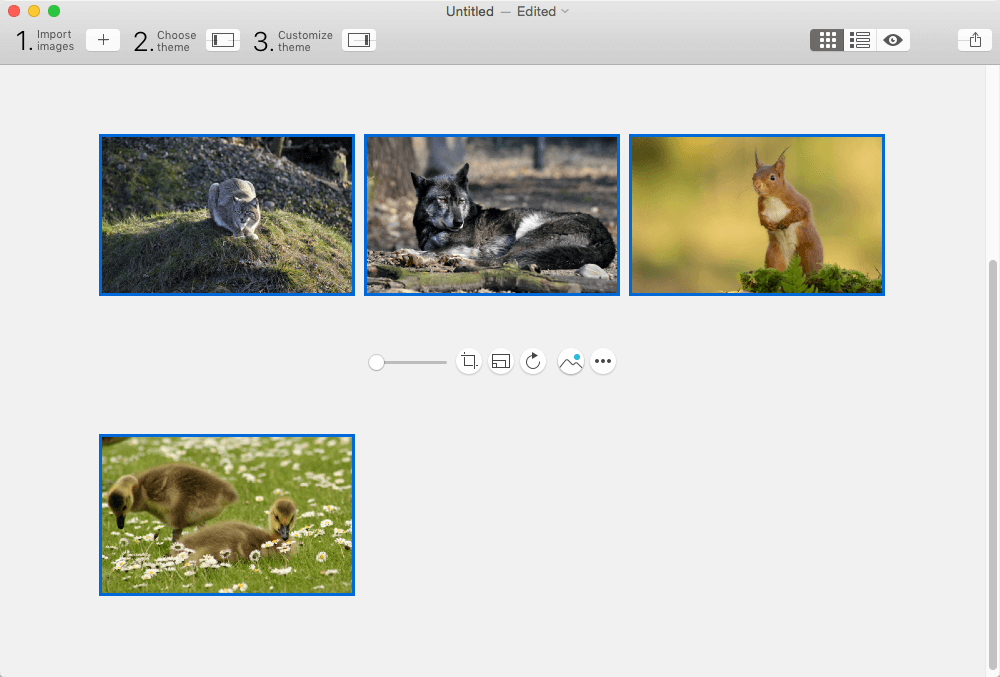
Exhibeo puts your images front and center, doing it with flair and style. Make your site stand out – and do it beautifully. With seven themes included, there’s a gallery for almost anything: displaying artwork, showcasing products, or keeping your group updated.

What’s New:

Version 2.0.13:

  • Release notes were unavailable when this listing was updated.

Compatibility: macOS 10.10 or later
Homepage http://exhibeoapp.com/

Screenshots

DEVONthink Pro / Server 3.9.1

Name: DEVONthink 3.9.1_Mactorrents.biz.dmg
Size: 134.59 MB
Files DEVONthink 3.9.1_Mactorrents.biz.dmg[134.59 MB]

   Download Torrent
   Link Download

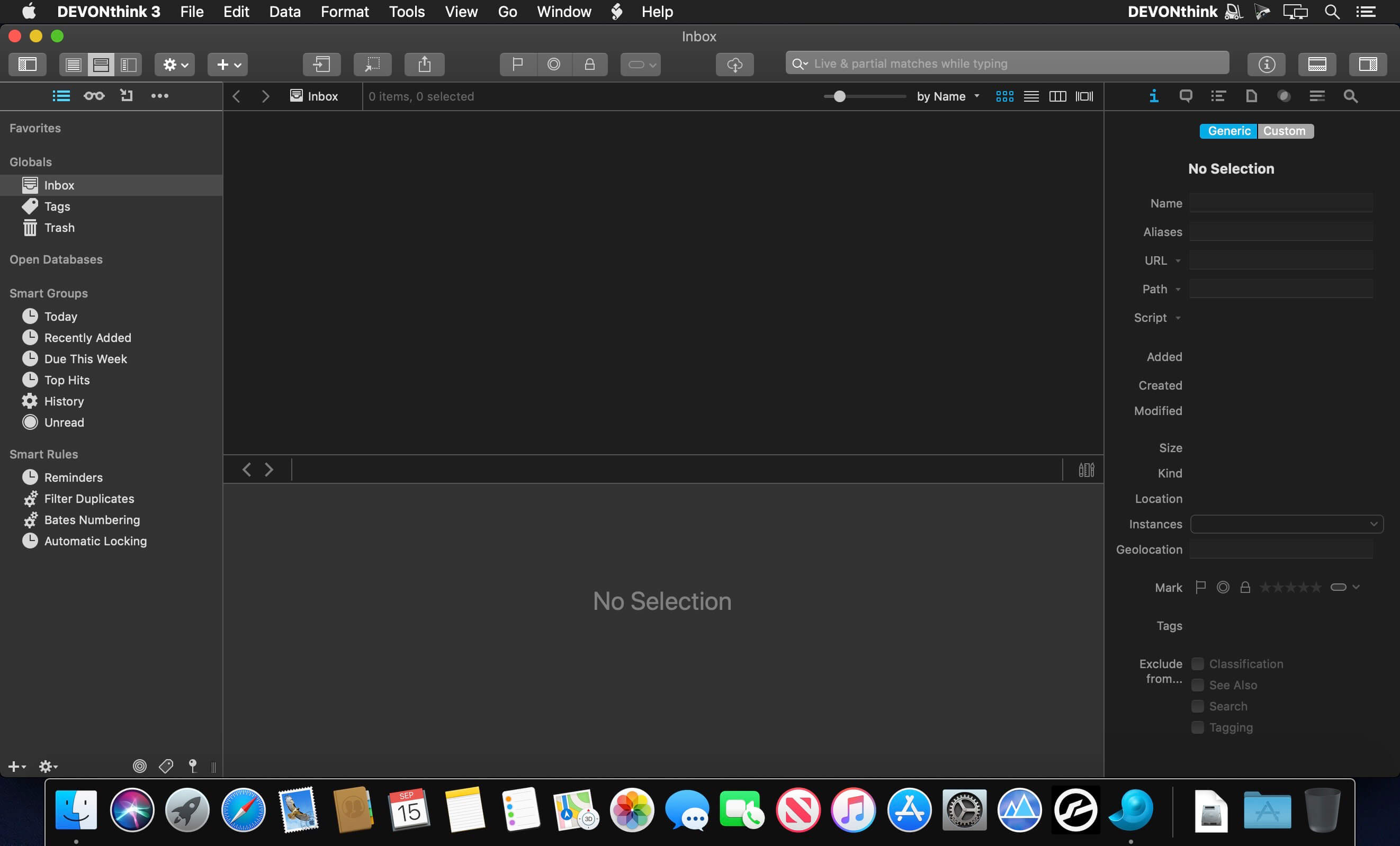
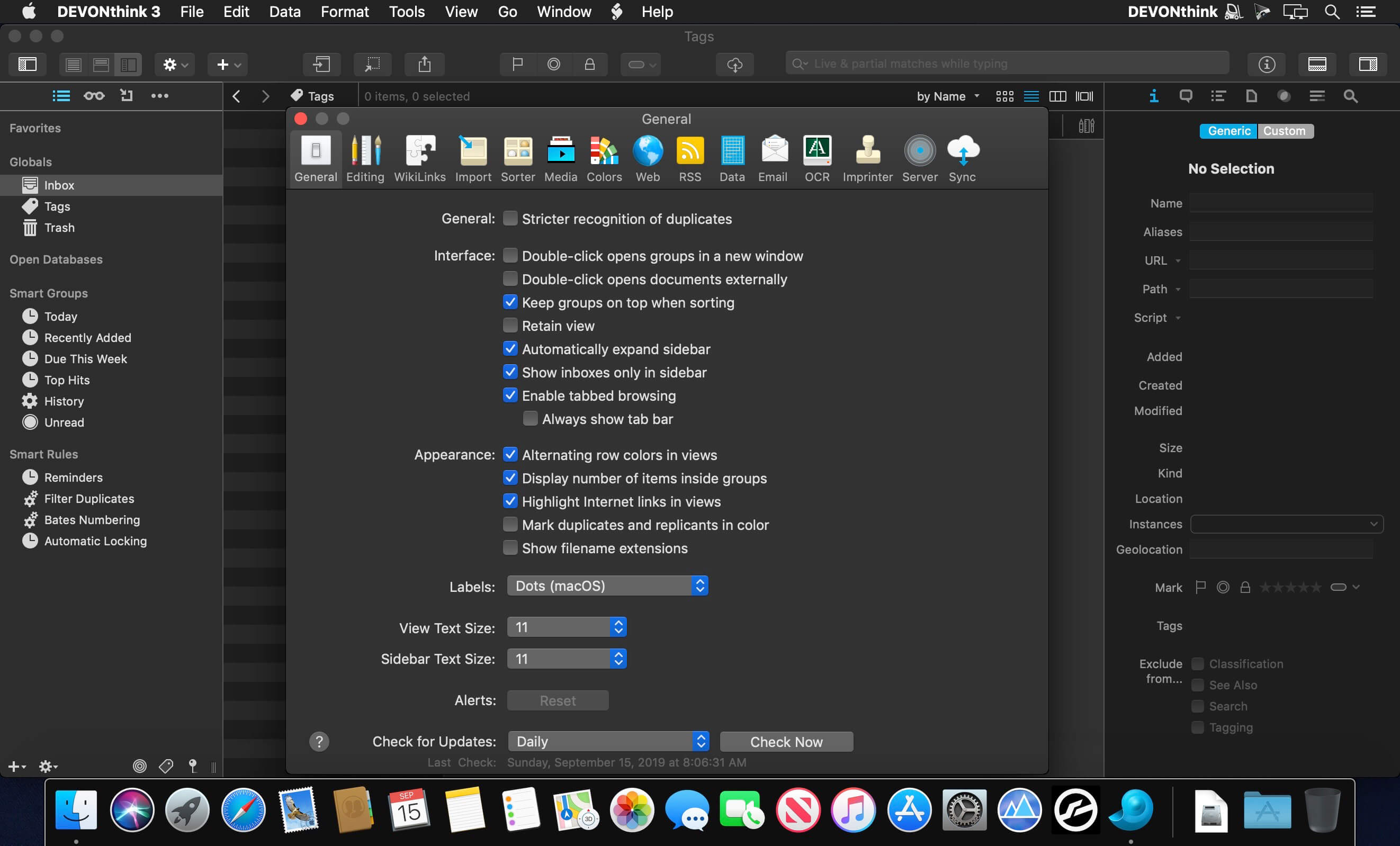
DEVONthink is DEVONtechnologies’ document and information management solution. It supports a large variety of file formats and stores them in a database enhanced by artificial intelligence (AI). Many document formats can be directly viewed, edited, and annotated. A powerful search language finds documents in an instant, smart groups keep them always at hand.

Sophisticated organization tools, AI-based techniques that handle even the largest collections, and numerous integration options make DEVONthink the work environment of choice for researchers, lawyers, and educators. Smart rules, flexible reminders, and deep AppleScript support allow automating even complex repeating tasks. And with its fast, reliable, and secure synchronization users keep their data available on all their Macs. DEVONthink To Go for iPad and iPhone completes the DEVONthink ecosystem.

  • Keeps your data together
  • Scans your paper
  • Archives your email
  • Assists you with A.I.
  • Syncs your data securely
  • Automates repeating tasks
  • Lets you share your data

Compatibility: macOS 10.14 or later
Homepage http://devontechnologies.com/
Language: Multilingual

Screenshots


Pro Microphone 1.4.13

Name: Pro_Microphone_1.4.13_MAS_[TNT]_Mactorrents.biz.dmg
Size: 49.48 MB
Files Pro_Microphone_1.4.13_MAS_[TNT]_Mactorrents.biz.dmg[49.48 MB]

   Download Torrent
   Link Download

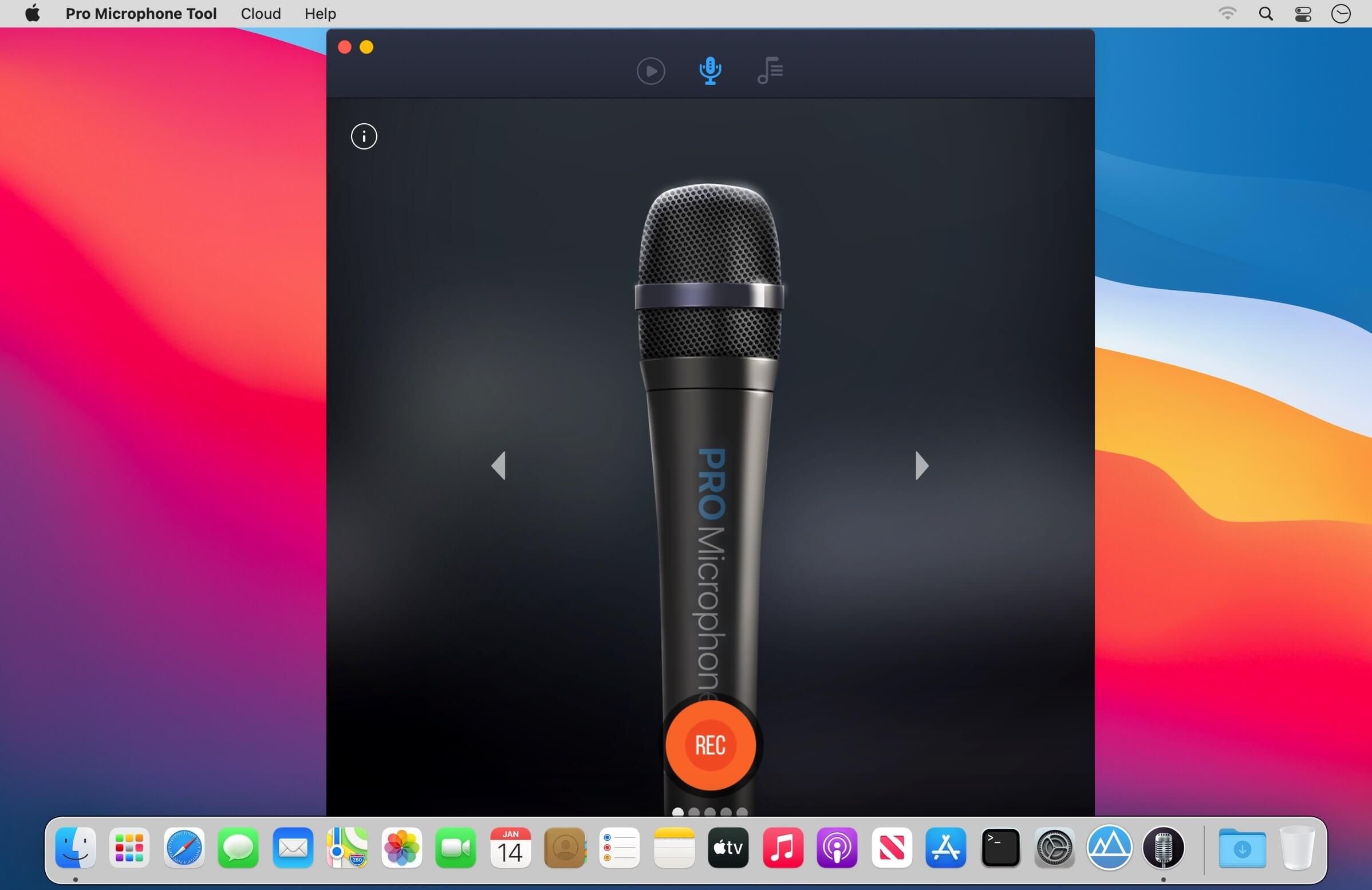
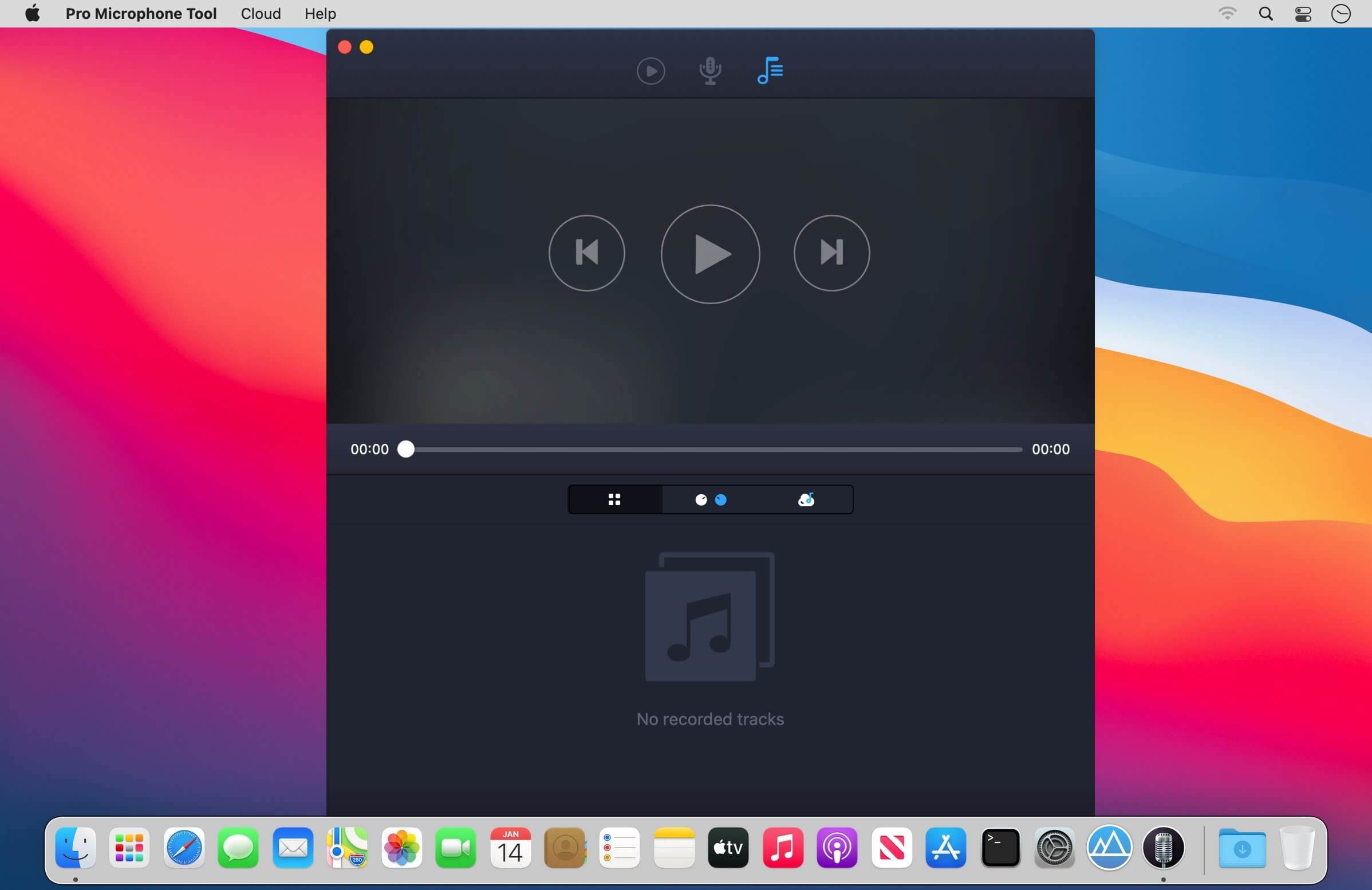
Voice & music recording studio For beginner singers or those who want to be heard – Pro Microphone. Make your voice sound louder! Sing and save all of your songs, choose different mics to match your mood! Professional studio microphone is always in your Mac.

VARIOUS MIC TYPES

  • Dynamic, stage, valve, condenser and others;
  • Each of them has its own sound effects!
  • Detailed information about each mic with its frequency response.

SPEAK, SING, RECORD

  • Recordings and loops with multiple slots;
  • Various backing tracks.

YOUR BACKING TRACKS

  • Just drag & drop files
  • Edit it if needed

What’s New:

We’ve updated the app! In the new version:

  • how-to-use tutorial;
  • cloud storage;
  • less bugs.

Compatibility: macOS 10.13.2 or later
Homepage https://geo.itunes.apple.com/app/id1204109589

Screenshots

Keep It 2.2.8

Name: Keep_It_2.2.8_[TNT]_Mactorrents.biz.dmg
Size: 27.92 MB
Files Keep_It_2.2.8_[TNT]_Mactorrents.biz.dmg[27.92 MB]

   Download Torrent
   Link Download

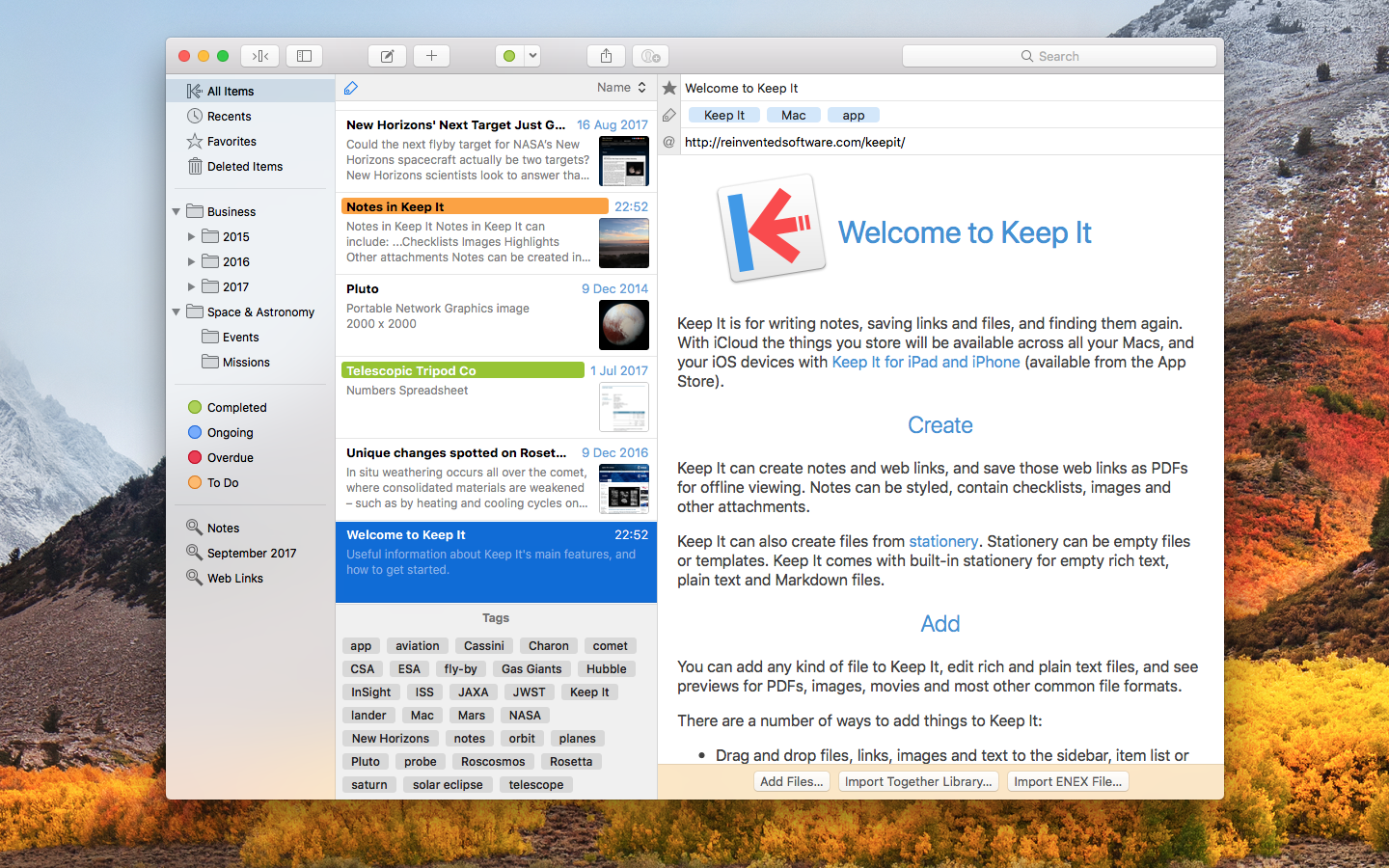
Keep It is for writing notes, keeping web links and documents, and finding them again. Available on Mac, and as a separate app for iPhone and iPad, Keep It is the destination for all those things you want to put somewhere, confident you will find them again later.

Notes and Links
Make Notes
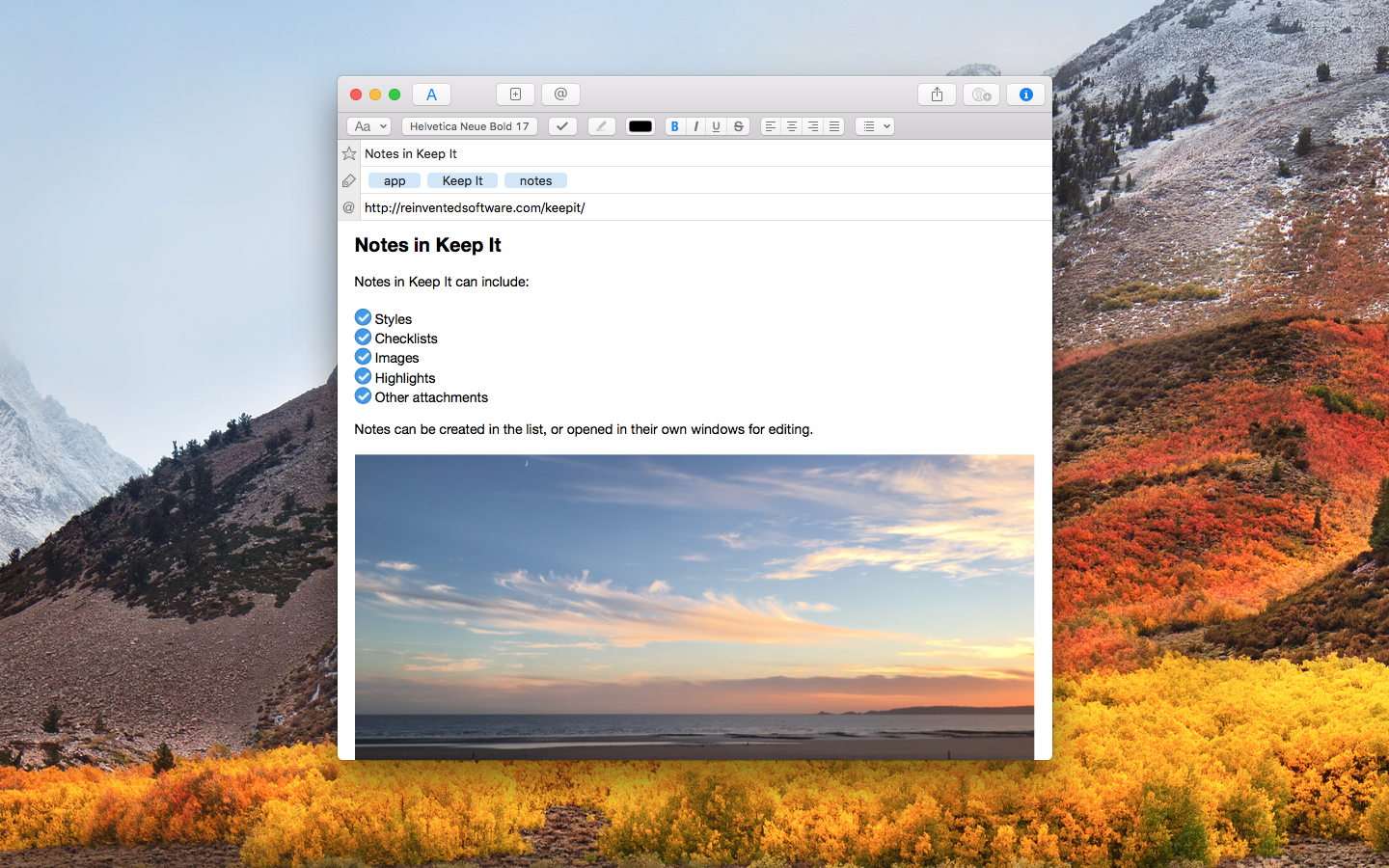
Create notes with built-in styles that look good and read well on all your devices. Notes can contain checklists, bulleted and numbered lists, images, links and other attachments.

Save Web Links
Save web links to Keep It, view them in the app, open them in your browser, or save them as PDFs for offline reading.

Files
Add Anything
Any kind of file can be added to Keep It or saved to its folders, and opened for editing in their original applications. With iCloud, changes are automatically made available across all your Macs and iOS devices.

Preview and Edit
Keep It generates thumbnails and summaries for most files, can edit its own notes, rich and plain text files, and show previews for PDFs, images, web pages and most other documents.

Search and Filter
Search
Keep It can search the content of most files. Suggestions appear as you type, allowing you to narrow down results to exactly what you need, or use keywords and natural language. Save searches for later reuse.

Tag Filter
Keep It’s Tag Filter makes finding things by their tags a pleasure. Choose a tag to see all the tagged items and any other relevant tags; choose another tag to drill down further.

Organize
Folders
Folders let you organize items and bundles hierarchically, when needed. Select a folder to see everything it contains.

Bundles
When you need to gather things into one place, make a bundle. Items can be in more than one bundle at a time, and when you remove the bundle, everything else stays where it was.

Labels
Use labels to color-code items for quick visual recognition. Labels are listed in the sidebar so you can quickly see everything with a particular label.

More Lists
Use the Recents list to see things you’ve added or viewed lately, with the latest shown at the top. Favorites provide quick access. Deleted Items are automatically removed after 30 days.

Where You Need It
Compact Mode
In compact mode, Keep It for Mac becomes a single column, ideal for using alongside other apps or in split screen.

Works with Other Apps
Pretty much anything can be dragged to Keep It, and you can also add things from a variety of apps with Keep It’s share extension.

What’s New:

Version 2.0:

Finder Integration

  • See Keep It as a location in the Finder, and standard Open and Save dialogs
  • Add, move, rename, remove and generally manage files in the Finder
  • When using iCloud, files no longer need to be stored on your Mac, but will still appear in the Finder

Items

  • See favorite items at the top of the list
  • Redesigned list view shows larger thumbnails and longer names
  • Icon view shows document thumbnails by their width
  • Duplicate items in the list

Organize

  • Use Quick File to quickly add things to a folder or bundle
  • Manually reorder folders, nested bundles and saved searches in the sidebar
  • See related items in the Info view or Show In menu

Search

  • See instant search suggestions to go beyond searching with text
  • Use Quick Open to quickly search for and open any list or item
  • Find items with checklists and highlighted text
  • Icons for suggestions and tokens in the search field

Notes & Text Editing

  • Adjustable display margins for notes, rich text and Markdown files
  • Edit paragraph settings for all note styles
  • Automatically constrain width when editing windows made full screen
  • Easily insert a link to another Keep It item or list
  • Word count now floats over the text
  • Task lists in Markdown previews

Web Links & PDFs

  • Reader mode for web links, save for offline as HTML or PDF
  • Convert minimal web pages to editable notes
  • See the URL when the pointer moves over links
  • See thumbnails and an outline (if available) for PDF documents
  • Reorder and remove PDF pages in the thumbnails view

*** You need to disable the System Integrity Protection (SIP) to perform the selected Application.

Compatibility: macOS 10.15.0 or later
Homepage http://reinventedsoftware.com/keepit/

Screenshots

Microsoft Office 2021 for Mac LTSC v16.73 VL

Name: Microsoft Office 2021 for Mac LTSC v16.73_Mactorrents.biz.rar
Size: 2 GB
Files Microsoft Office 2021 for Mac LTSC v16.73_Mactorrents.biz.rar[2 GB]

   Download Torrent

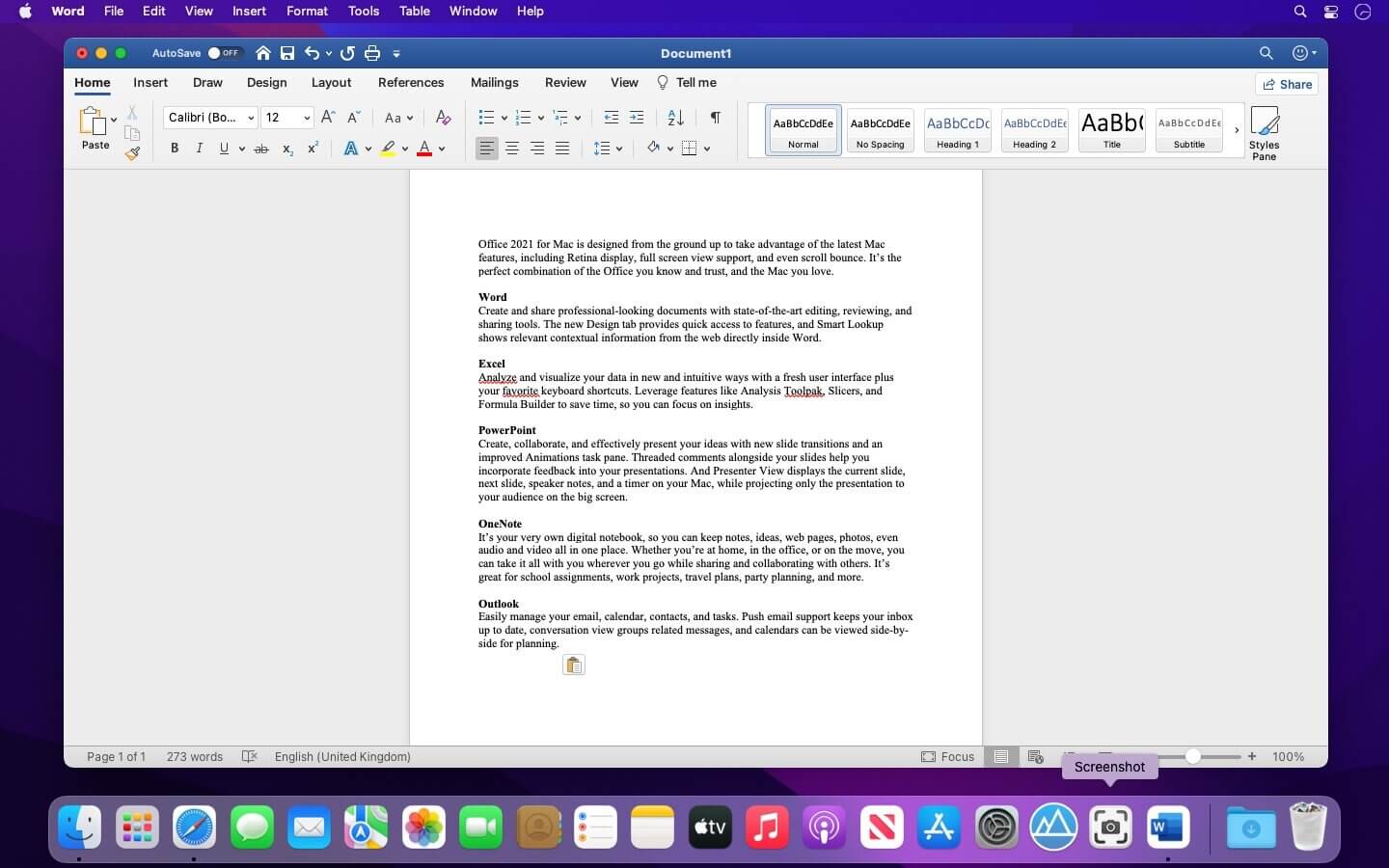
Office 2021 for Mac is designed from the ground up to take advantage of the latest Mac features, including Retina display, full screen view support, and even scroll bounce. It’s the perfect combination of the Office you know and trust, and the Mac you love.

Word
Create and share professional-looking documents with state-of-the-art editing, reviewing, and sharing tools. The new Design tab provides quick access to features, and Smart Lookup shows relevant contextual information from the web directly inside Word.

Excel
Analyze and visualize your data in new and intuitive ways with a fresh user interface plus your favorite keyboard shortcuts. Leverage features like Analysis Toolpak, Slicers, and Formula Builder to save time, so you can focus on insights.

PowerPoint
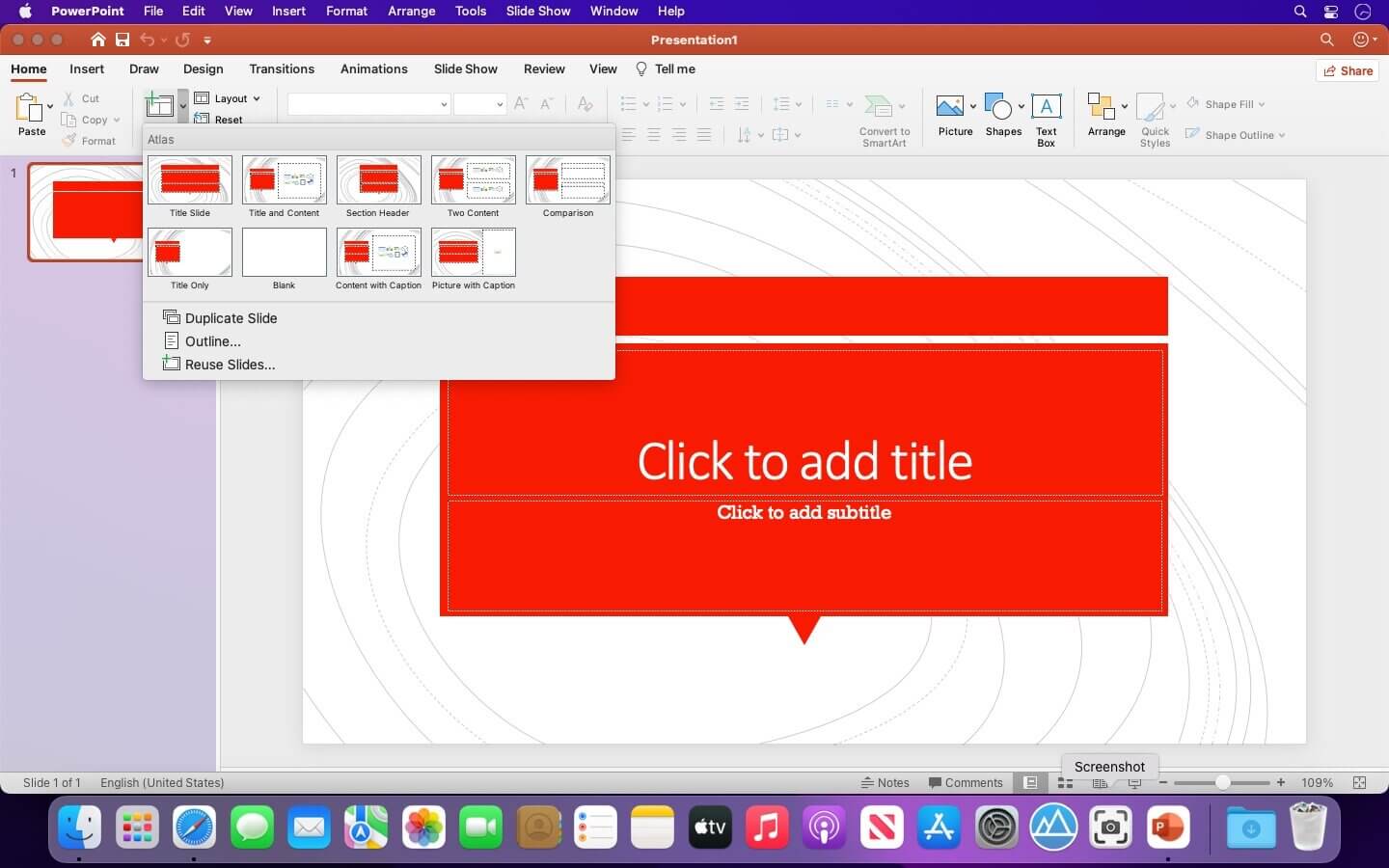
Create, collaborate, and effectively present your ideas with new slide transitions and an improved Animations task pane. Threaded comments alongside your slides help you incorporate feedback into your presentations. And Presenter View displays the current slide, next slide, speaker notes, and a timer on your Mac, while projecting only the presentation to your audience on the big screen.

OneNote
It’s your very own digital notebook, so you can keep notes, ideas, web pages, photos, even audio and video all in one place. Whether you’re at home, in the office, or on the move, you can take it all with you wherever you go while sharing and collaborating with others. It’s great for school assignments, work projects, travel plans, party planning, and more.

Outlook
Easily manage your email, calendar, contacts, and tasks. Push email support keeps your inbox up to date, conversation view groups related messages, and calendars can be viewed side-by-side for planning.

Languages: English, العربية, 中文, Čeština, Dansk, Nederlands, Suomi, Français, Deutsch, Ελληνικά,
עברית, Magyar, Bahasa Indonesia, Italiano, 日本語, 한국어, Norsk, Polski, Português,
Русский, Slovenčina, Español, Svenska, ภาษาไทย, Türkçe

Compatibility: macOS 10.15 or higher.
Homepage https://www.microsoft.com

Screenshots

Final Cut Pro 10.6.5

Name: Final_Cut_Pro_10.6.5_MAS_[TNT]_Mactorrents.biz.dmg
Size: 3.23 GB
Files Final_Cut_Pro_10.6.5_MAS_[TNT]_Mactorrents.biz.dmg[3.23 GB]

   Download Torrent
   Link Download

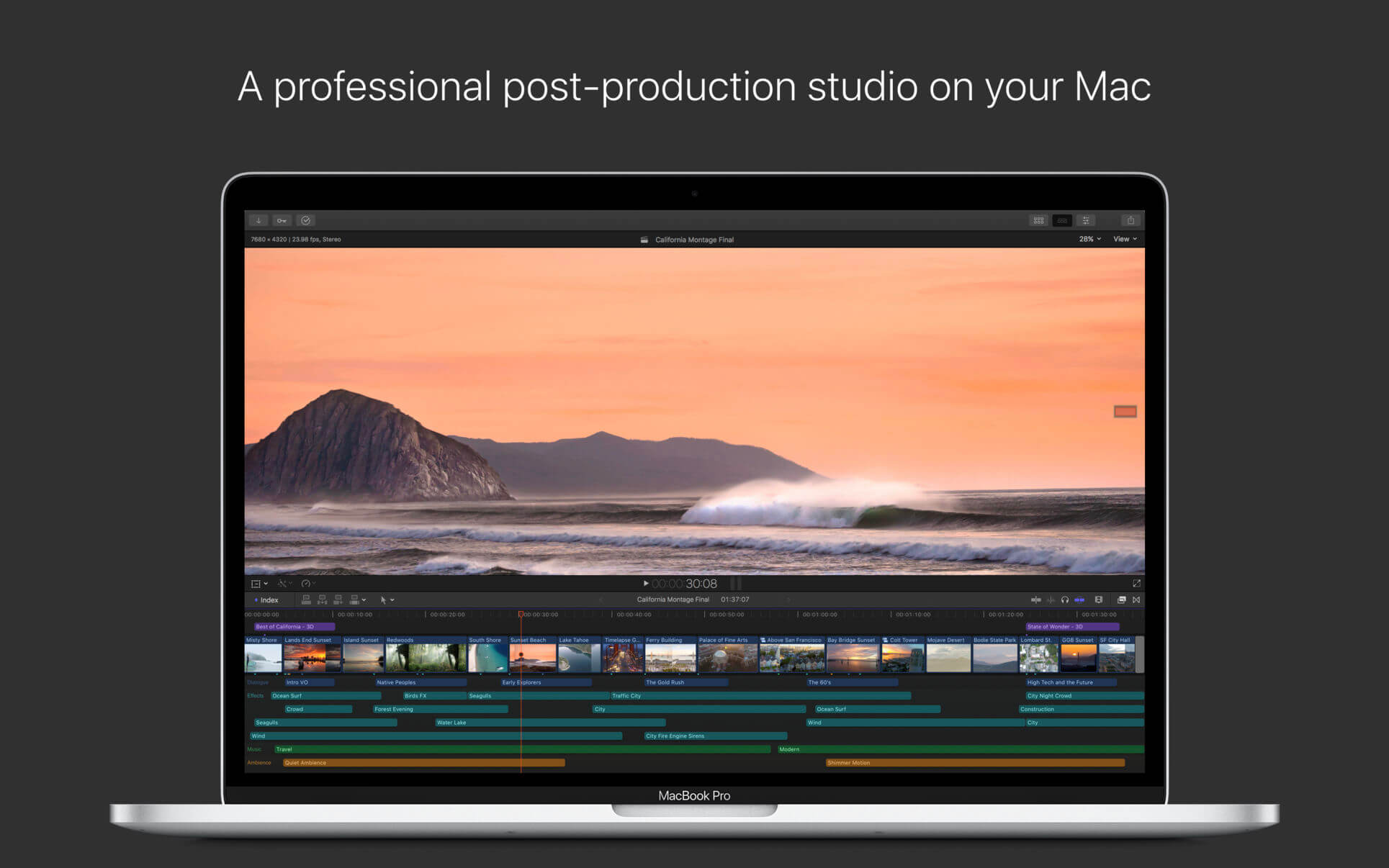
Redesigned from the ground up, Final Cut Pro combines revolutionary video editing with powerful media organization and incredible performance to let you create at the speed of thought.

Revolutionary Video Editing

  • The Magnetic Timeline uses advanced metadata for faster, easier editing
  • Enhanced Timeline Index lets you drag and drop audio roles to rearrange the layout of your timeline
  • Use Clip Connections to attach B-roll, sound effects, and music to the timeline
  • Reduce clutter by grouping clips into a Compound Clip
  • Edit multicamera projects with automatic syncing and support for up to 64 camera angles
  • Automatically transform projects for square or vertical delivery with Smart Conform
  • Import and edit 360° equirectangular video in a wide range of formats and frame sizes
  • Create, edit, and deliver closed captions from within Final Cut Pro
  • Extend the capabilities of Final Cut Pro with third-party workflow extensions

Powerful Media Organization

  • Organize your work within libraries for efficient media management and collaboration
  • Create proxy copies of your media for portability and performance
  • Content Auto-Analysis captures camera metadata and analyzes shots in the background
  • Create and apply custom keywords or favorites on the fly as you select clip ranges
  • Smart Collections dynamically organize content for you to quickly find any shot in a few clicks

Incredible Performance

  • Improved performance and efficiency on Mac computers with Apple silicon
  • Harness the power of the Mac Pro and Afterburner for realtime 8K editing
  • Modern Metal engine improves playback, rendering, and compositing on all Macs
  • Final Cut Pro uses all the GPUs in your Mac for superior real-time playback performance and fast background rendering
  • Work with a broad range of formats including ProRes, RED, XAVC, AVCHD, Avid DNxHR®, Avid DNxHD®, H.264, HEVC, and more

Compelling, Customizable Effects

  • Beautifully animated, easily customizable 2D and 3D titles
  • Change the look of titles, transitions, and effects using intuitive controls
  • Choose from an ecosystem of third-party FxPlug plug-ins with custom interfaces

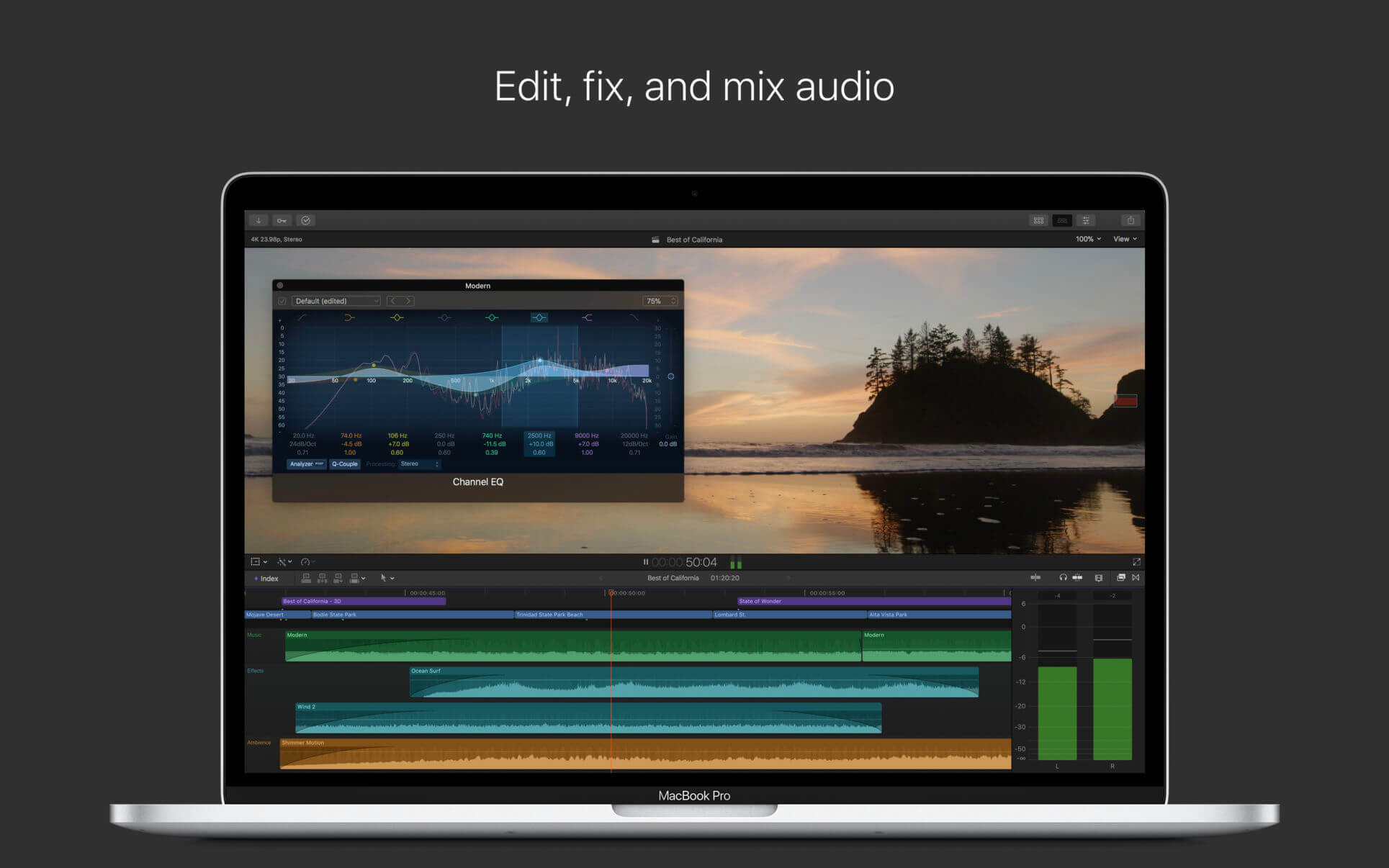
Integrated Audio Editing

  • Assign roles — including dialogue, music, effects, and custom choices — during import to easily track and organize your project
  • Expand and edit multichannel audio files directly in the timeline
  • Sync video with separate audio in a single step with instant audio waveform matching

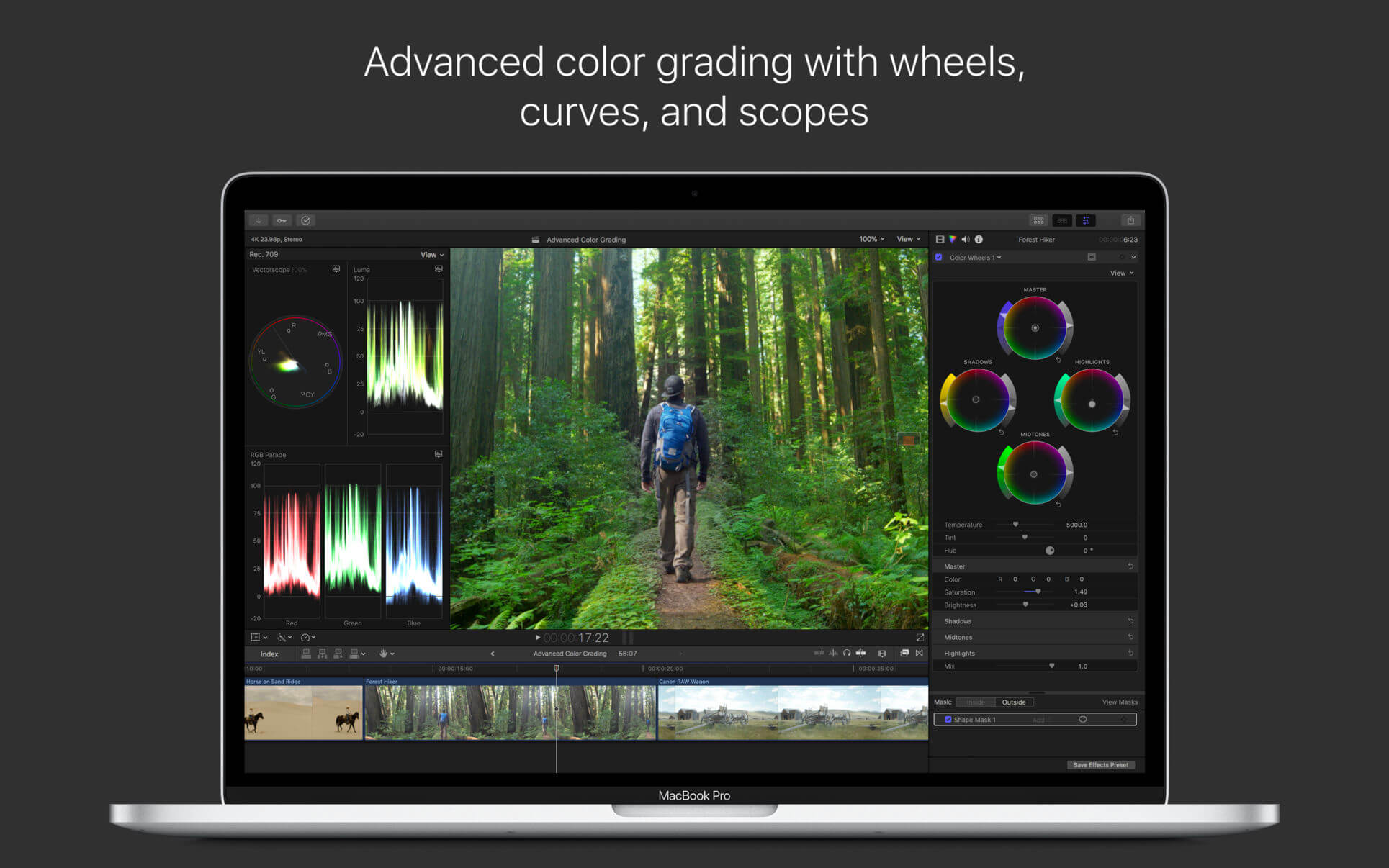
Intuitive Color Grading

  • Import, edit, and deliver video in standard color spaces, or in wide Rec. 2020 color space
  • Use Pro Display XDR to accurately view HDR video
  • Powerful color wheels and curves for precise adjustments with keying and masks

One-Step, Optimized Output

  • Incredibly fast export for playback on Apple devices and upload to websites such as Vimeo and YouTube
  • Export audio stems and multiple versions of a finished video using roles metadata
  • Import and export XML for third-party workflows like color grading and sound mixing

System Requirements: macOS 10.15.6 or later, 4GB of RAM (8GB recommended for 4K editing, 3D titles, and 360° video editing), Metal-capable graphics card, 1GB of VRAM recommended for 4K editing, 3D titles, and 360° video editing, 3.8GB of available disk space.

What’s New:

Version 10.6.5

  • Supports faster exporting of H.264 or HEVC on Macs with Apple silicon
  • Increases stability when disconnecting a Sidecar display on Intel Macs
  • Improves performance when editing on a Mac with an ambient light sensor

Language: English, Chinese, French, German, Japanese, Spanish
Compatibility: macOS 11.5.1 or later
Homepage https://apps.apple.com/us/app/final-cut-pro/id424389933

Screenshots



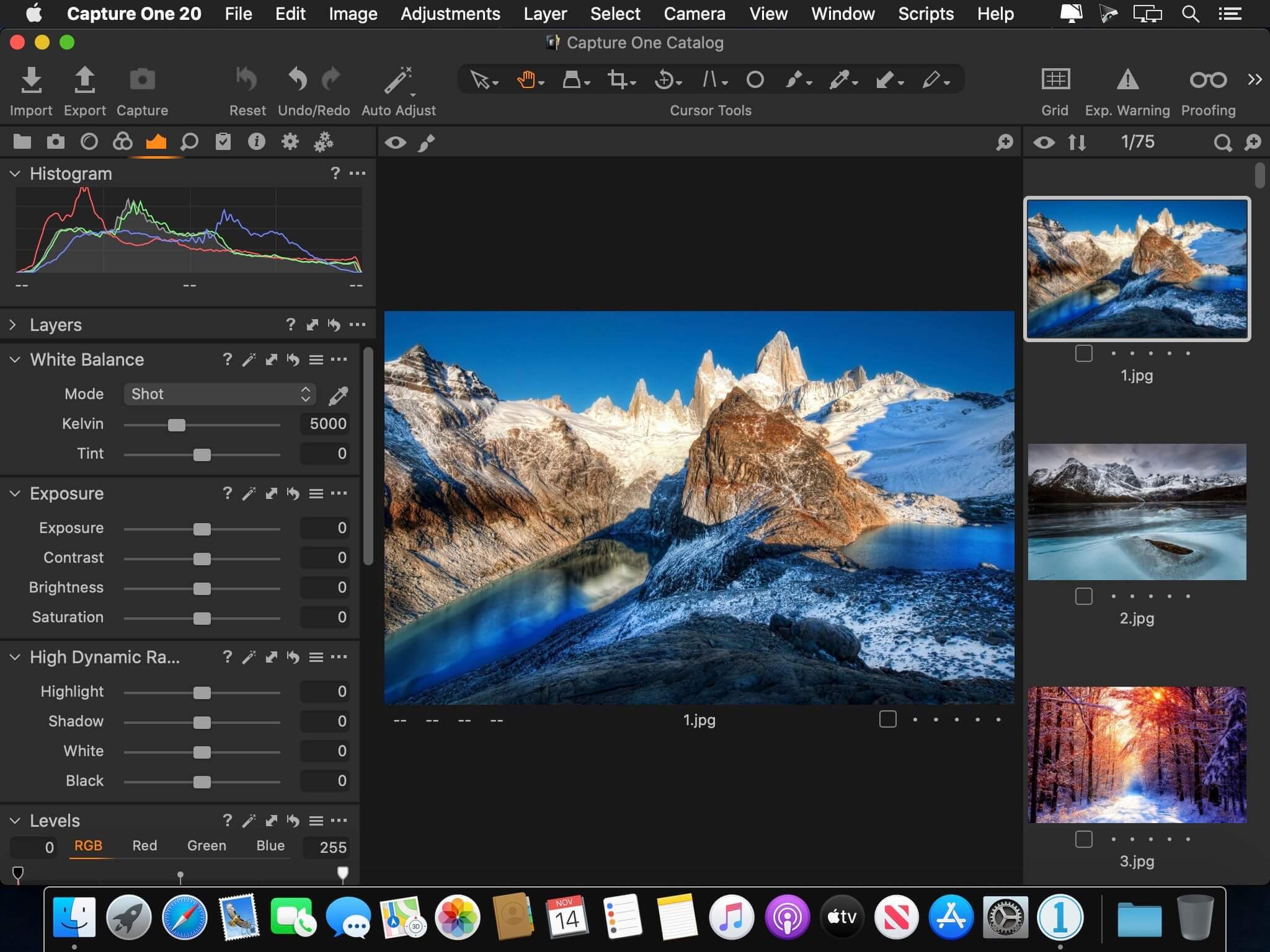
Capture One 23 Pro 16.2.2.10

Name: Capture_One_Pro_16.2.2.10_[TNT]_Mactorrents.biz.zip
Size: 696.25 MB
Files Capture_One_Pro_16.2.2.10_[TNT]_Mactorrents.biz.dmg[696.25 MB]

   Download Torrent
   Link Download

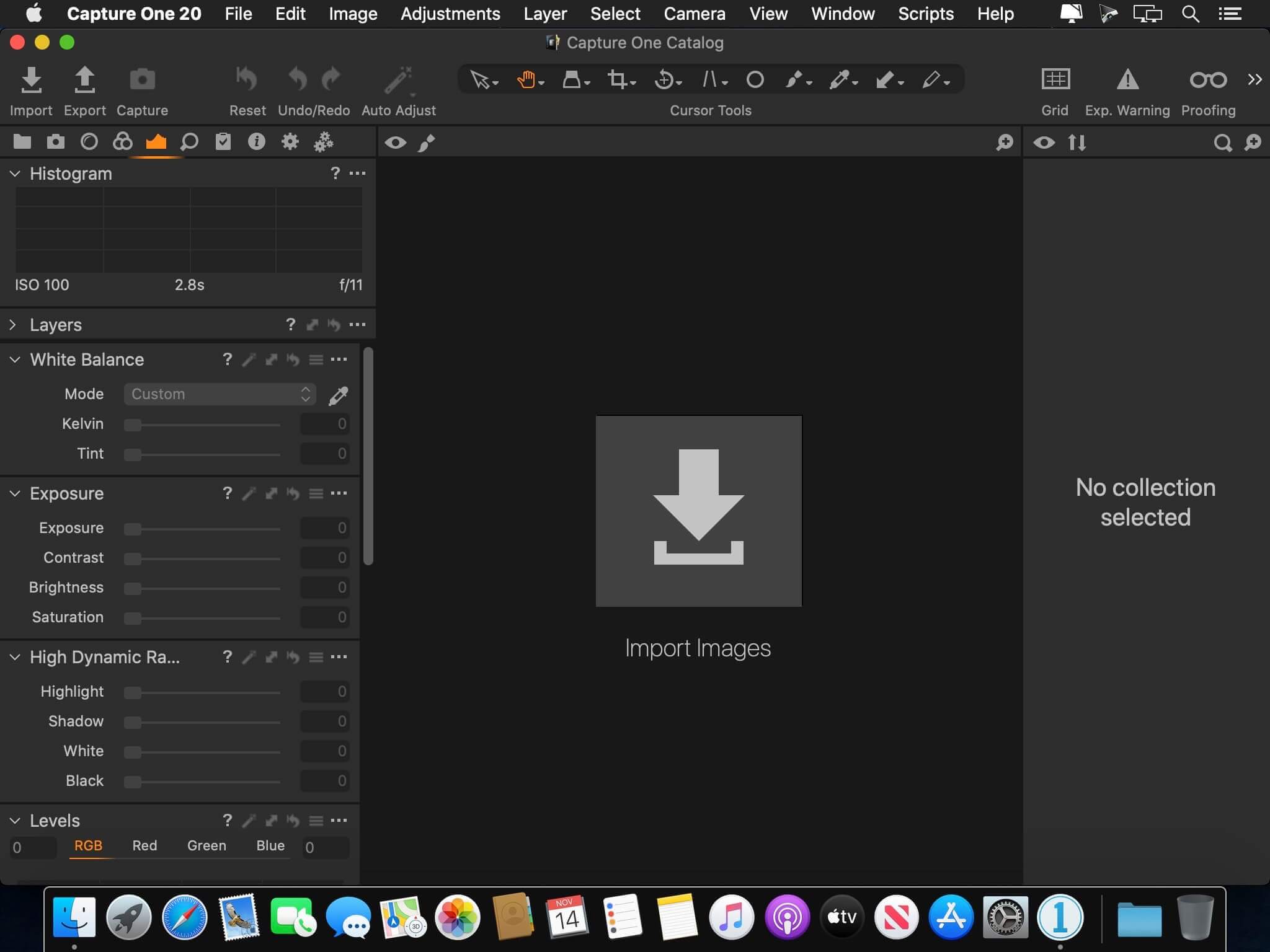
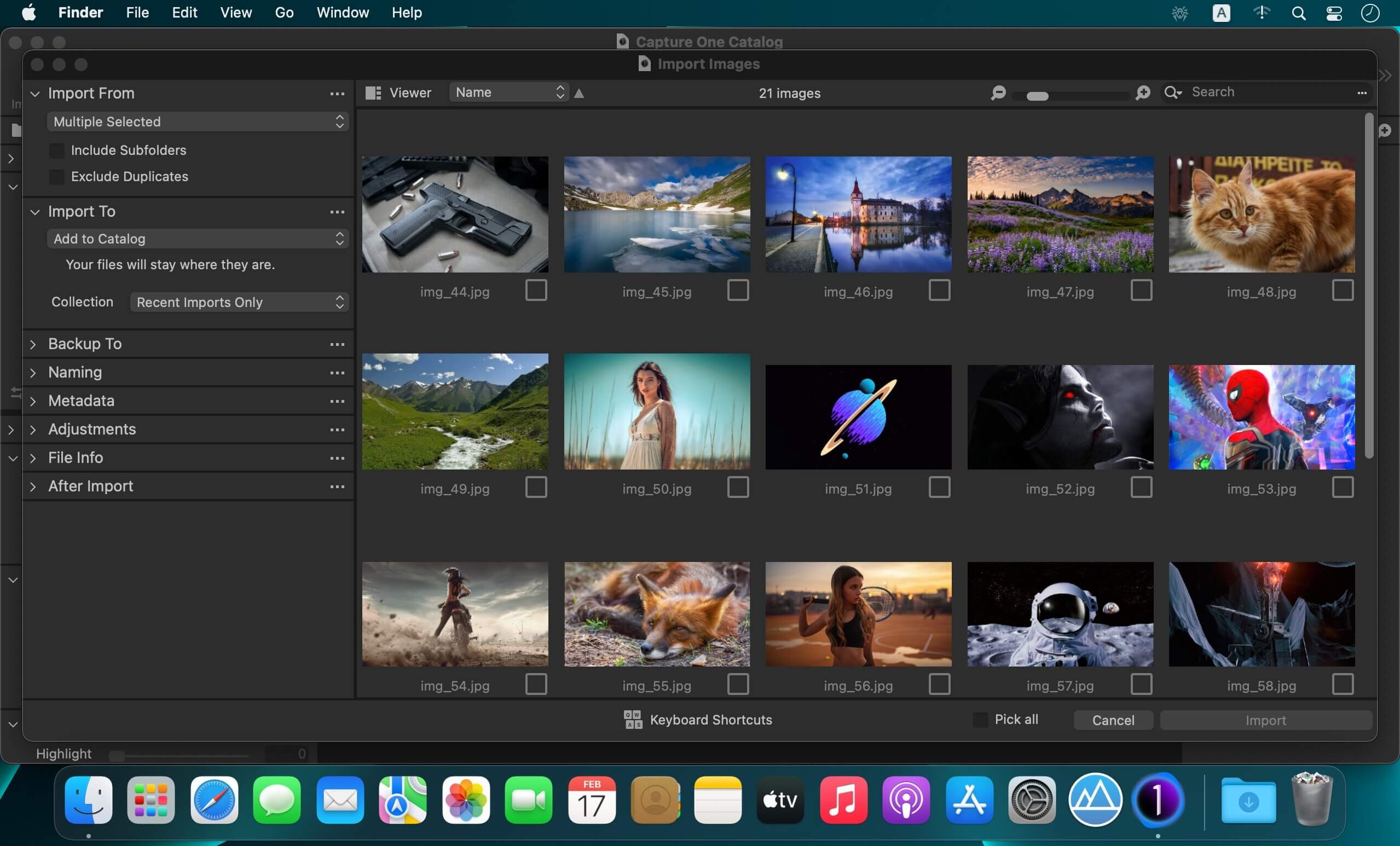
Capture One 23 is a professional RAW converter offering you ultimate image quality with beautiful colors and incredible detail for more than 500 high-end cameras. It offers state- of-the-art tethered capture, powerful digital asset management, extensive adjustment tools and a flexible workflow through customizable workspaces.

With an updated processing engine, market-leading performance and powerful new features, Capture One is the professional choice in imaging software. You get the highly responsive precision tools you need to create stunning images from your camera’s RAW files in a time-saving workflow that can be customized to fit your needs.

New features and improvements

  • Speed Edit
  • Dehaze
  • Improved importer

General User Experience Improvements and tweaks

  • HEIF support
  • Easy brush adjusting
  • Improved performance
  • Colored gradients on White Balance Sliders
  • Enhanced tooltips
  • Easy access to Tutorials

Compatibility: macOS 10.15 or later , Apple Silicon (M1) native support
Homepage https://www.phaseone.com/

Screenshots

Capture One 23 Enterprise 16.2.2.10

Name: Capture_One_Ent_16.2.2.10_[TNT]_Mactorrents.biz.zip
Size: 696.25 MB
Files Capture_One_Ent_16.2.2.10_[TNT]_Mactorrents.biz.dmg[696.25 MB]

   Download Torrent
   Link Download

Capture One 23 Enterprise – the photo editing solution for image production studios and e-commerce platforms. Its authentic true-to-life color processing, seamless editing experience, and fastest tethering in the industry gives you total creative control, making it a household name in studios across the world. Based in Copenhagen, Denmark, Capture One empowers photographers with cutting-edge features to keep your photography one step ahead.

How any photography studio can create value with Capture One Enterprise
For the past 10 years, leading studio photography has been created with photo editing software Capture One. With world-class tethering, state-of-the-art photo editing tools and the highest quality RAW processing, it’s been a staple in any photography studio.

Now, Capture One has introduced an “Enterprise” version which is specifically built for business and aligned to the way a photography studio works.
Capture One Enterprise offers the same standard features as Capture One’s flagship product Capture One 20 – tailored to the needs of studio photography.

Built for Business
Photographers are key to the success of any photography studio.

But what if the photography studio involves several photographers, studio managers, retouchers, quality assurance managers, project leaders, etc who need to collaborate, standardize and carry out the same workflows over and over again? What if those workflows also need to be integrated to other systems, eg. barcode scanners, PIM systems, digital asset management systems, ecommerce platforms etc?

Capture One Enterprise has been developed to address the challenges faced by studio photography and help any enterprise or e-commerce photography studio optimize their image production process and boost results across relevant KPI’s.

Value creation with Capture One Enterprise
Studio photography has huge value creation potential with Capture One Enterprise. By incorporating its enterprise-specific features into the workflow, it can improve KPI’s such as

  • “Time to Market” – Optimizing the hours your photography studio spends on the image production process, from planning your image, to shoots, to publishing the final photo on your ecommerce platform.
  • “Cost per image” – Optimizing each step in your studio photography process can dramatically increase your efficiency and reduce your costs
  • “Reduce Risk” – Secure your studio photography and image production to reduce errors and costs, thanks to enterprise exclusive features such as Image back-Up, License Management, MDM support etc.

This is achieved via enterprise features such as the Barcode scanner tool, Advanced Guides, Next Capture Backup, Next Capture Keywords, Next Capture Metadata, Tool Locks, Capture Pilot with Enterprise enhancements and Dedicated Studio workspaces.

Automated workflows in Capture One Enterprise
Once your studio has implemented Capture One Enterprise and begun implementing its standard features in your workflows, there are further opportunities to intensify value creation by automating workflows and integrating Capture One Enterprise into your IT infrastructure. You can do this by implementing

  • Workflow enhancement (an automation feature within Capture One)
  • Integrations (extension or automation interfacing with another app)

Customized solutions can maximize value, too
Your photography studio might also have very specialized needs – here, customized solutions can generate value for your studio photography. For example, ultra-accurate color profiling can assist in achieving one critical KPI in particular

“Reduce product returns” – Color profiling optimization on true color reproduction can reduce the rate of goods returned due to discrepancies in color between the actual product and the image.

Capture One offers individual color profiles for businesses, so you can reduce editing time and save on retoucher costs with fine-tuned color profiling for the most popular e-commerce cameras used by photography studios. Minimize color discrepancies and meet the demands of specialist product and studio photography with more accurate colors out-of-the-box.

These are just some of the exclusive features designed for studio photography – get in touch with the Enterprise team to learn more and discover where Capture One Enterprise can specifically meet the demands of your business. For more insight into specific tools, check out the Tools and Functionality white paper and Barcode Reader white paper.

What’s New:

Release Notes:

Compatibility: macOS 10.15 or later , Apple Silicon (M1) native support
Homepage https://www.captureone.com/en/explore-features/enterprise

Screenshots

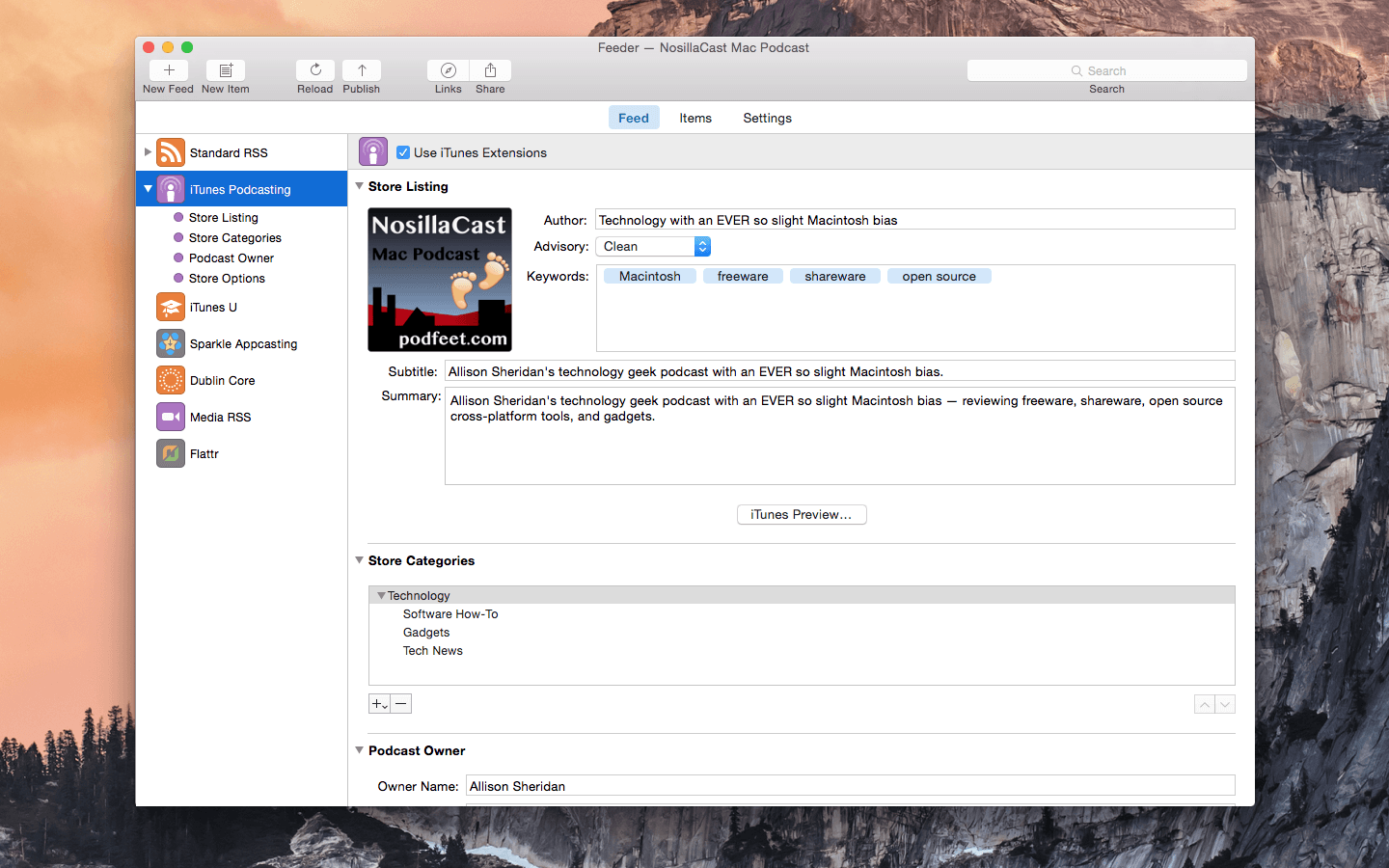
Feeder 4.5.1

Name: Feeder_4.5.1_[TNT]_Mactorrents.biz.zip
Size: 11.19 MB
Files Feeder_4.5.1_[TNT]_Mactorrents.biz.dmg[11.19 MB]

   Download Torrent
   Link Download

Self-publish podcasts, appcasts, and standard RSS feeds with Feeder.

FOR PODCASTERS:

  • Feeder makes it easy to create and update your podcast, and ensures everything meets the Apple Podcasts requirements
  • Preview podcast episodes as they’ll appear in the Podcasts app
  • See serials listed by season and episode, along with trailers and bonuses, as in the Podcasts app
  • Publish feeds and media files to different servers with a single click
  • Redirect media file URLs through your preferred analytics service
  • Download your existing feed to move to Feeder
  • No lock-in: if you control your feed, you can use the service providers that suit you, and always move to another without losing subscribers

FOR EVERYONE:

  • Edit your feeds on all your Macs with iCloud
  • Collaborate on feeds with other Feeder users with iCloud
  • Schedule items to be published
  • HTML editing and preview
  • Write descriptions using Markdown
  • Templates and auto-completion to save time
  • Feeder can publish using FTP, SFTP, Amazon S3, WebDAV and file export
  • Search the items in the feed, including by date
  • Cross-post items to a blog when publishing
  • Feeder 4 is completely updated for macOS Big Sur and built for Apple silicon


FOR APP DEVELOPERS AND ADVANCED USERS:

  • Create Sparkle appcasts that automatically generate DSA and edDSA signatures
  • Preview release notes as they’ll appear in the Sparkle update panel
  • Feeder is fully scriptable for creating, editing and publishing feeds, and can run a script or Automator workflow after a feed is published

*** You need to disable the System Integrity Protection (SIP) to perform the selected Application.

Compatibility: macOS 10.15 or later
Homepage http://reinventedsoftware.com/feeder/

Screenshots


SiteSucker Pro 5.1.8

Name: SiteSucker_Pro_5.1.8_[TNT]_Mactorrents.biz.zip
Size: 5.17 MB
Files SiteSucker_Pro_5.1.8_[TNT]_Mactorrents.biz.dmg[5.17 MB]

   Download Torrent
   Link Download

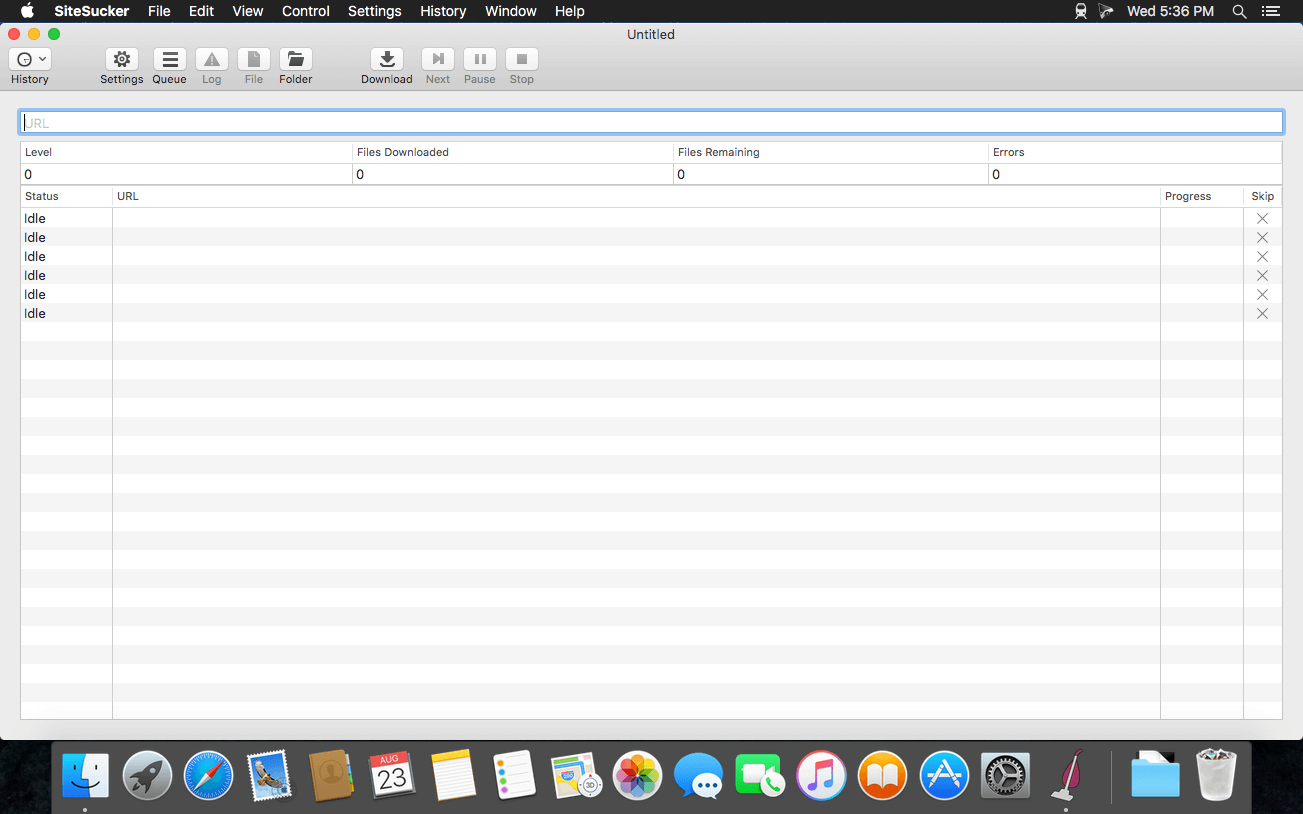
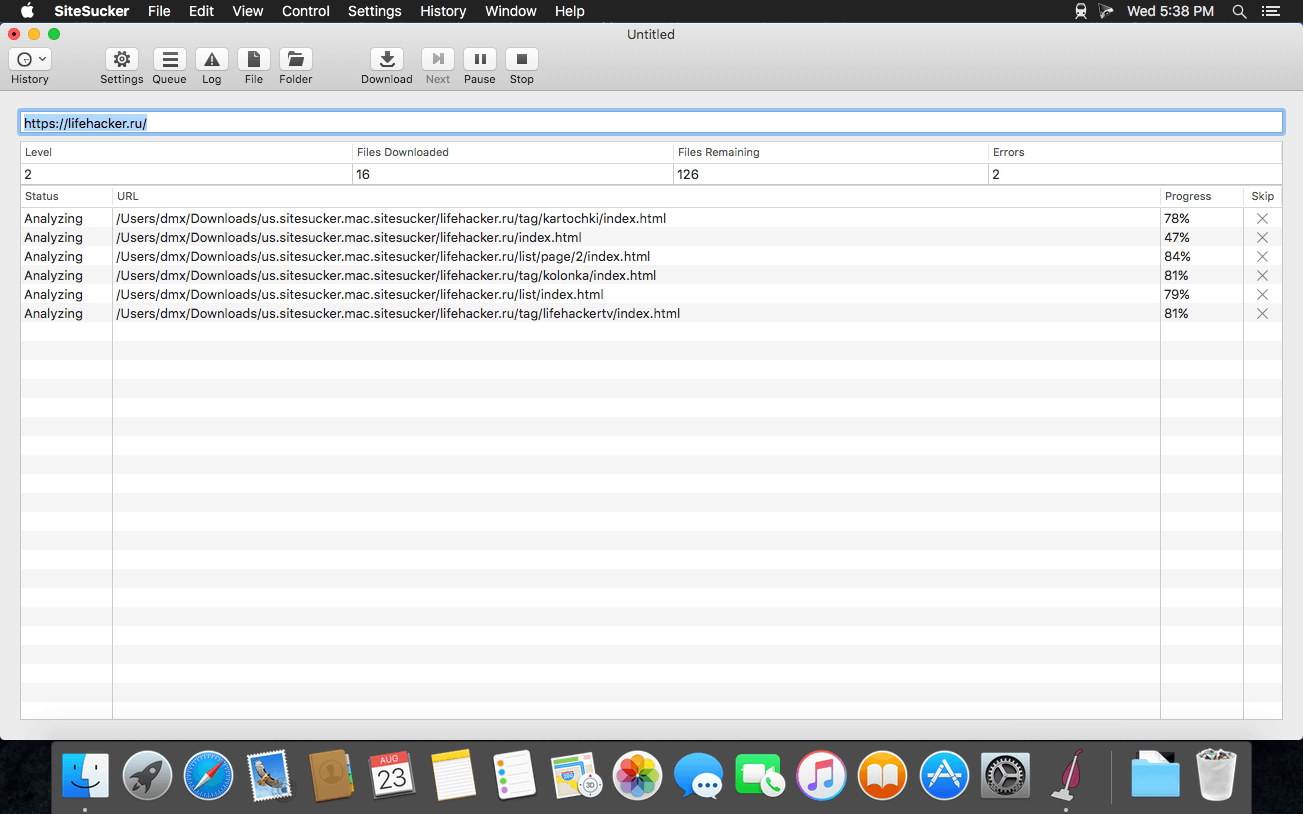
SiteSucker is an Macintosh application that automatically downloads Web sites from the Internet. It does this by asynchronously copying the site’s webpages, images, PDFs, style sheets, and other files to your local hard drive, duplicating the site’s directory structure. SiteSucker Pro is an enhanced version of SiteSucker that can download embedded videos, including embedded YouTube and Vimeo videos.

SiteSucker can be used to make local copies of Web sites. By default, SiteSucker “localizes” the files it downloads, allowing you to browse a site offline, but it can also download sites without modification.

Compatibility: macOS 11.0 or later
Homepage https://apps.apple.com/us/app/sitesucker/id442168834

Screenshots

CloudMounter 4.1

Name: CloudMounter_v4.1_[TNT]_Mactorrents.biz.zip
Size: 44.75 MB
Files CloudMounter_v4.1_[TNT]_Mactorrents.biz.dmg[44.75 MB]

   Download Torrent
   Link Download

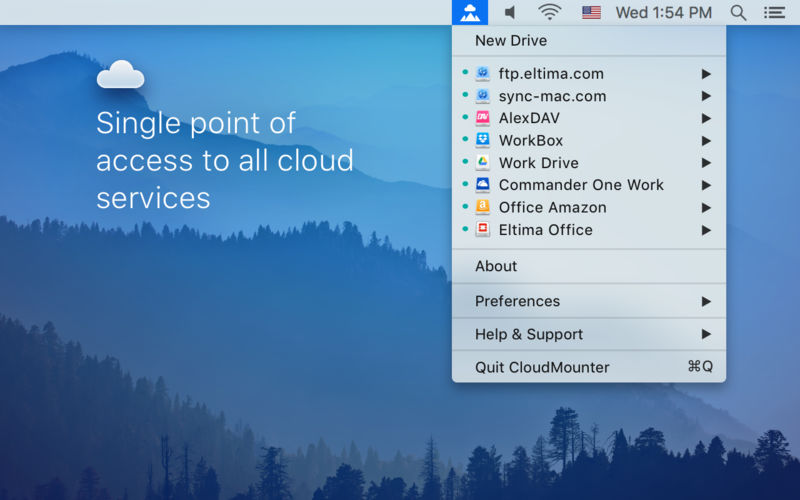
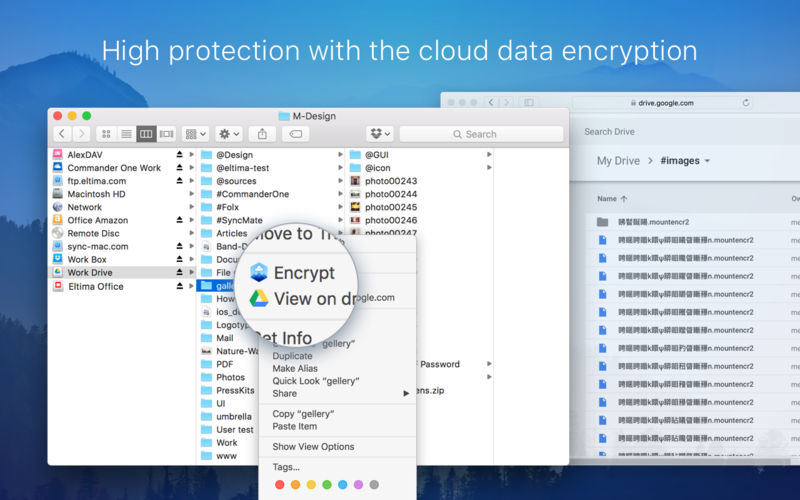
CloudMounter makes working with multiple cloud storage services easy by letting you access and manage your data through your Mac’s Finder. CloudMounter works with all popular services such as OneDrive, Google Drive, OpenStack Swift, Amazon S3 and Dropbox. Not only that – the app also allows you to connect to remote FTP, SFTP, FTPS and WebDAV servers the way you would connect to any shared location in your local network.

You can also increase cloud security with data encryption. Encrypted files cannot be read without a decryption key, so even if someone gets ahold of your data, they won’t be able to get into its contents. With CloudMounter your login data is protected as well, credentials you enter are stored in Mac OS Keychain and sent directly to the servers and storage accounts.

Compatibility: macOS 10.14 or later
Homepage https://cloudmounter.net/

Screenshots

Path Finder 2154 Beta

Name: Path_Finder_2154_[TNT]_Mactorrents.biz.zip
Size: 25.68 MB
Files Path_Finder_2154_[TNT]_Mactorrents.biz.dmg[25.68 MB]

   Download Torrent
   Link Download

Path Finder 10 makes you a master of file management. Take full control over your file system. Save your time: compare and synchronize folders, view hidden files, use Dual Pane and full keyboard navigation to browse your file system.

Work how you want: extreme customization allows you to access most tools in many different ways to suit your workflow. Work seamlessly with other platforms: don’t leave any hidden .DS_Store files on non-Mac volumes, delete files securely and completely with the powerful delete feature from any volume type, search any network volume.

Features

  • View and manipulate hidden files
  • Dual Pane View
  • Full keyboard navigation
  • Folder comparison and synchronization
  • Folder merging
  • Batch renaming
  • Powerful file filtering
  • One-click dual-pane copy
  • Bookmarks and Tab Presets
  • ACL editor
  • File tagging
  • Editable Path Navigator
  • Powerful low-level search
  • Smart sorting
  • Advanced selection
  • Integrated terminal
  • Integrated text and image editors

Language: Multilingual
Compatibility: macOS 10.12 or later
Homepage https://cocoatech.com/

Screenshots


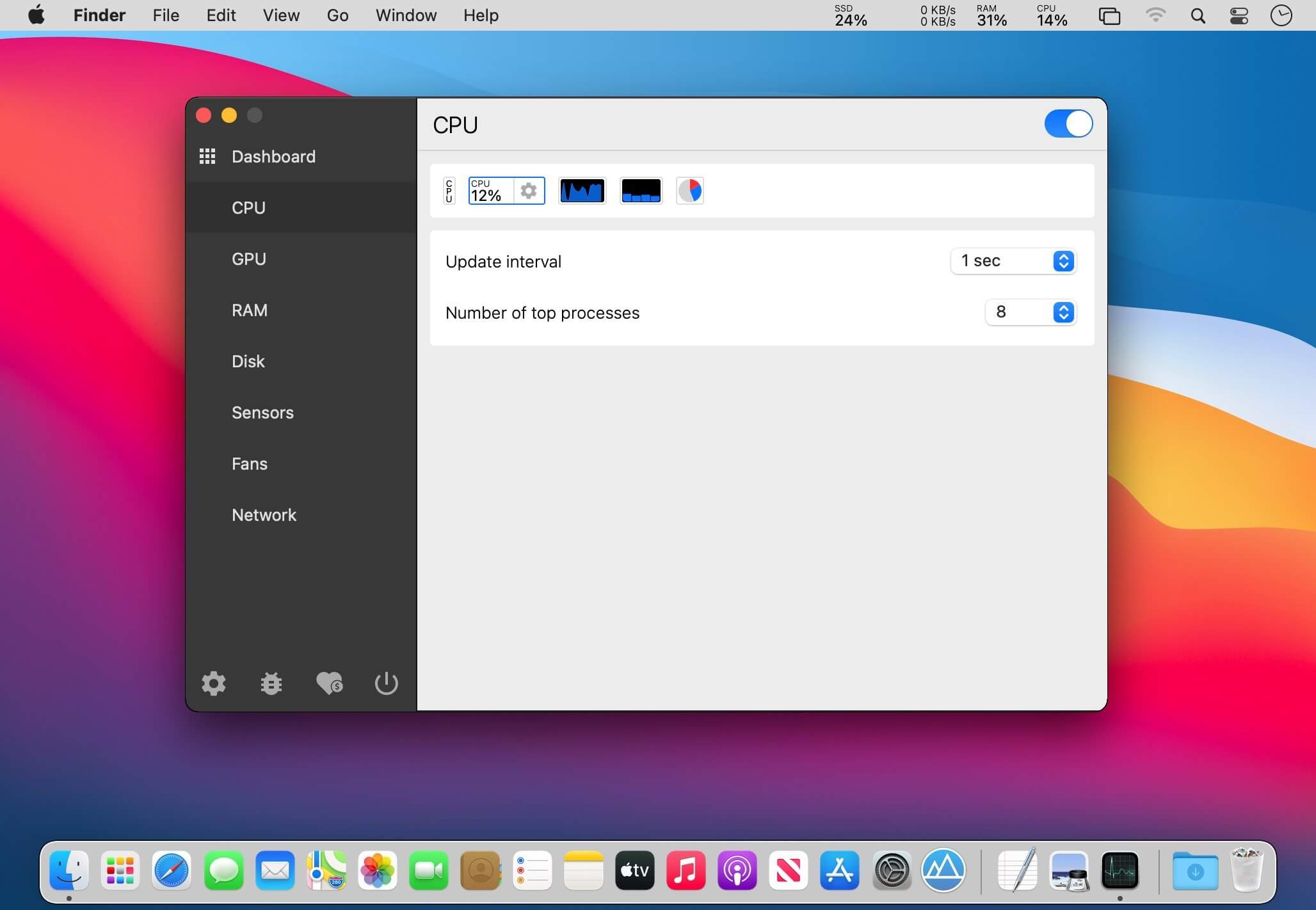
Stats 2.8.25

Name: Stats 2.8.25_Mactorrents.biz.dmg
Size: 11.18 MB
Files Stats 2.8.25_Mactorrents.biz.dmg[11.18 MB]

   Download Torrent
   Link Download

Keeping an eye on your Mac’s hardware and resource usage is helpful, but there is no accessible way to do so without third-party utilities.

Stats is an open-source app designed to help you monitor temperature, voltage, power draw, battery level, as well as general resource usage, from the menu bar. It is fully configurable, unobtrusive, and quite easy to use.

Menu bar system monitor
Once you’ve installed the app, only a few readings will be available by default. You can add more from the settings, and they will all be displayed as separate icons in the menu bar.

Naturally, you can also move them around freely, and you can gain access to additional information by clicking any of the readings.

Track a wide range of parameters
While CPU, RAM, disk, and network usage can be observed fairly easily even without a third-party app, Stats makes the process a lot simpler.
The app really comes into its own if you’re interested in the temperature, voltage, and power draw of various components. You can select which sensors you want to watch, so you won’t be overwhelmed by unnecessary data.

Lots of customization options
Aside from selecting what you want to monitor, you can choose from a few indicator styles, show or hide labels (which can help with the reading’s visibility), and set your preferred update interval.

The sensor monitors can’t be customized as much. All you can change is the update interval, and multiple readings are grouped into a single icon, which may not be preferable for everyone.

Stats doesn’t offer quite as many features as some of its competitors, but it is worth remembering that this is a fully open-source and free app. It is also being actively developed, so we can expect to see more features and improvements in the future.

What’s New:

Version 2.8.25:

Bug fixes:

  • fix: prevented multi-line mode in the label view for the process view (#1506)

New features:

  • feat: updated README
  • feat: removed disabling module when nothing shows in the Speed widget (#1514)
  • feat: adjusted Speed widget size when only icon is enabled
  • feat: added new macOS 14 Sonoma to the system kit

Compatibility: macOS 10.14 or later
Homepage https://github.com/exelban/stats

Screenshots
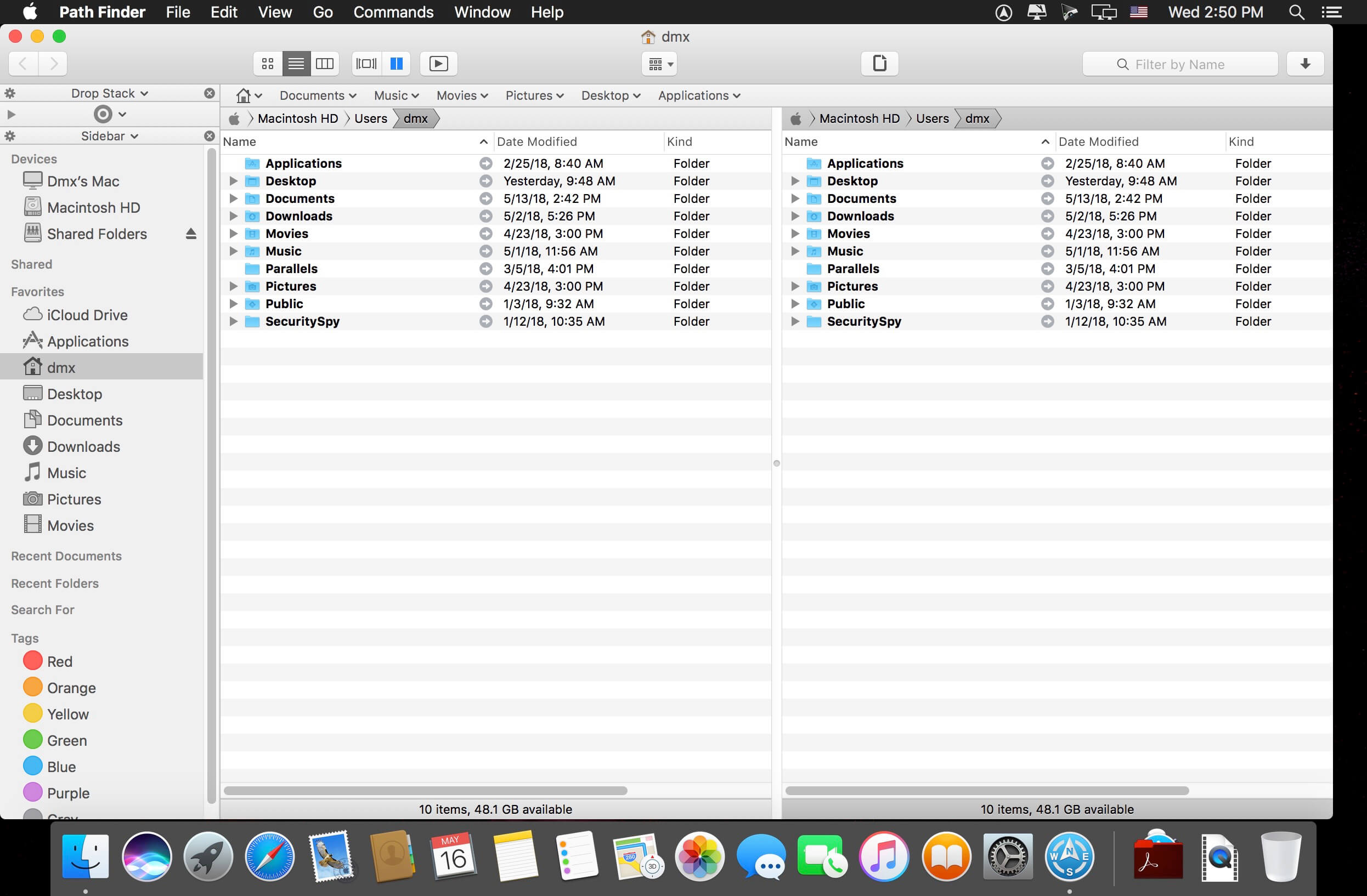

HitPaw Video Enhancer 1.4.0

Name: HitPaw_Video_Enhancer_1.4.0_[TNT]_Mactorrents.biz.zip
Size: 982.69 MB
Files HitPaw_Video_Enhancer_1.4.0_[TNT]_Mactorrents.biz.dmg[982.69 MB]

   Download Torrent
   Link Download

With AI-Power, HitPaw Photo Object Remover will automatically track and identify the objects and help you remove anything you want from photo in easy steps.

World-class AI Photo Object Remover

  • Remove object from photo as easy as 1-2-3
  • AI-powered to help remove unwanted objects in a blink
  • Easily retouch photos by removing human, clutter and even shadow
  • Fastest and most intuitive object remover ever

AI-Powered Technology to Remove Object from Portrait Photo
Locate objects and remove them with advanced AI technology, making your portrait photos stand out from the crowd. This is a must-have photo retouch tool for professional photographer labs.

• Remove Facial Blemishes
• Remove Wrinkles
• Erase Acnes & Freckles
• Remove Defects

Strong Neural Networks to Remove Object from General Photo
Harassed by the strangers appeared in your vacation travel photo? Try this incredible tool to remove strangers or travelers from photos with no professional technical skills required.

  • Remove Strangers, Tourists, Bombers
  • Remove Clutter
  • Flexible Watermark Removal
  • Remove Texts Intelligently

Inpainting Algorithm to Restore Old Photo
The fastest AI-powered object remover to repair old photos efficiently and vividly, carrying the scratches away as if they have never existed before.

  • Remove Creases
  • Remove Stains & Grain
  • Spot Removal
  • Repair Old Photos

One Click to Remove Objects Using This AI Eraser

Compatibility: macOS 10.12 or later
Homepage https://www.hitpaw.com/

Screenshots
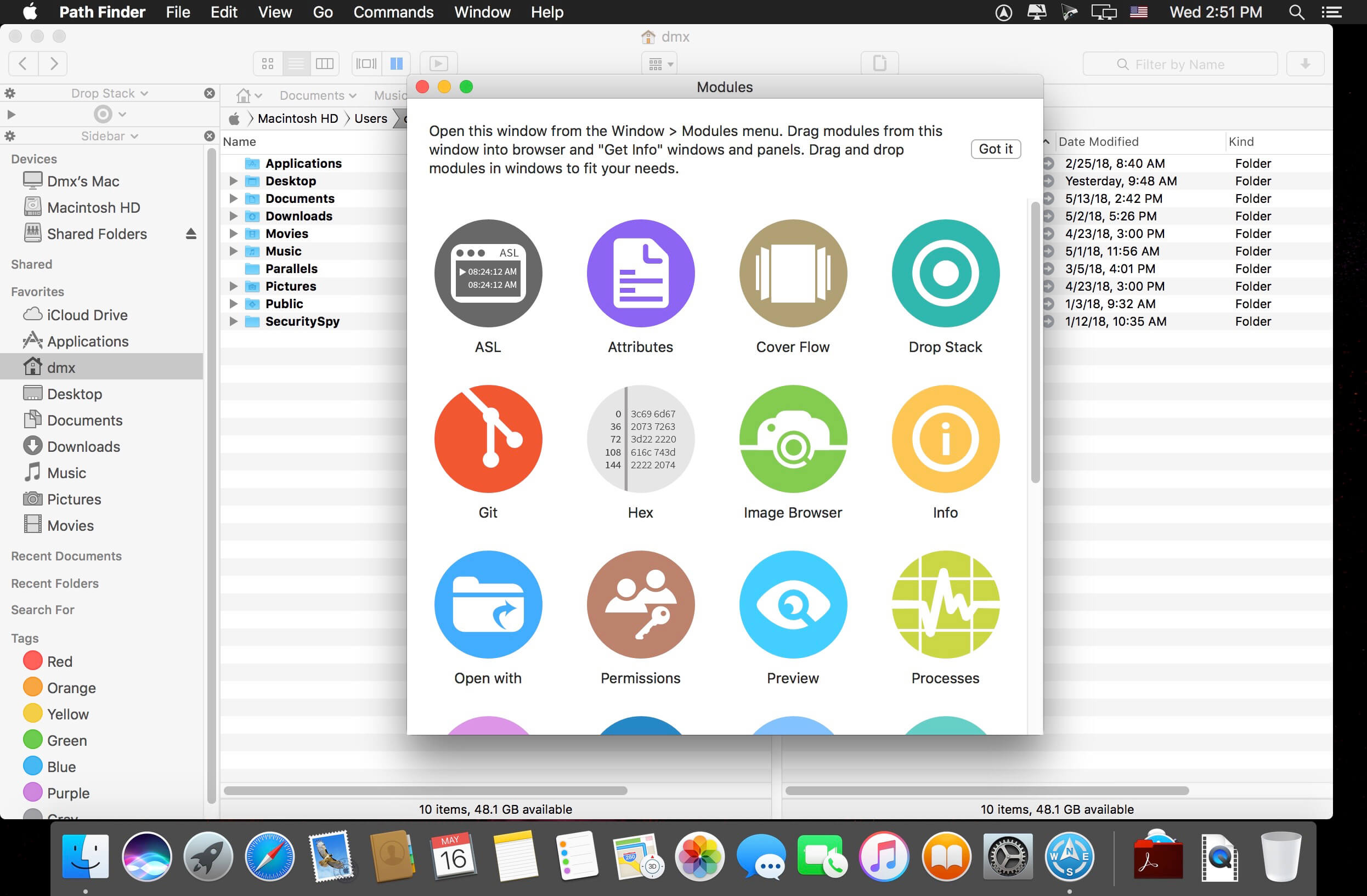

HitPaw Watermark Remover 2.4.1

Name: HitPaw_Watermark_Remover_2.4.1_[TNT]_Mactorrents.biz.zip
Size: 611.05 MB
Files HitPaw_Watermark_Remover_2.4.1_[TNT]_Mactorrents.biz.dmg[611.05 MB]

   Download Torrent
   Link Download

When you need to quickly erase a watermark from one of your images, it is best to resort to specialized software solutions to ensure you obtain high-quality results. HitPaw Watermark Remover is one such utility.

All in all, HitPaw Watermark Remover can come in handy when you need to erase a watermark from your images or clips, and you do not have the expert skills to do it manually.

Compatibility: macOS 10.13 or later 64-bit
Homepage https://www.hitpaw.com

Screenshots


Default Folder X 6.0 a6 Pre-Release

Name: Default_Folder_X_6.0a6_[TNT]_Mactorrents.biz.zip
Size: 15.8 MB
Files Default_Folder_X_6.0a6_[TNT]_Mactorrents.biz.dmg[15.8 MB]
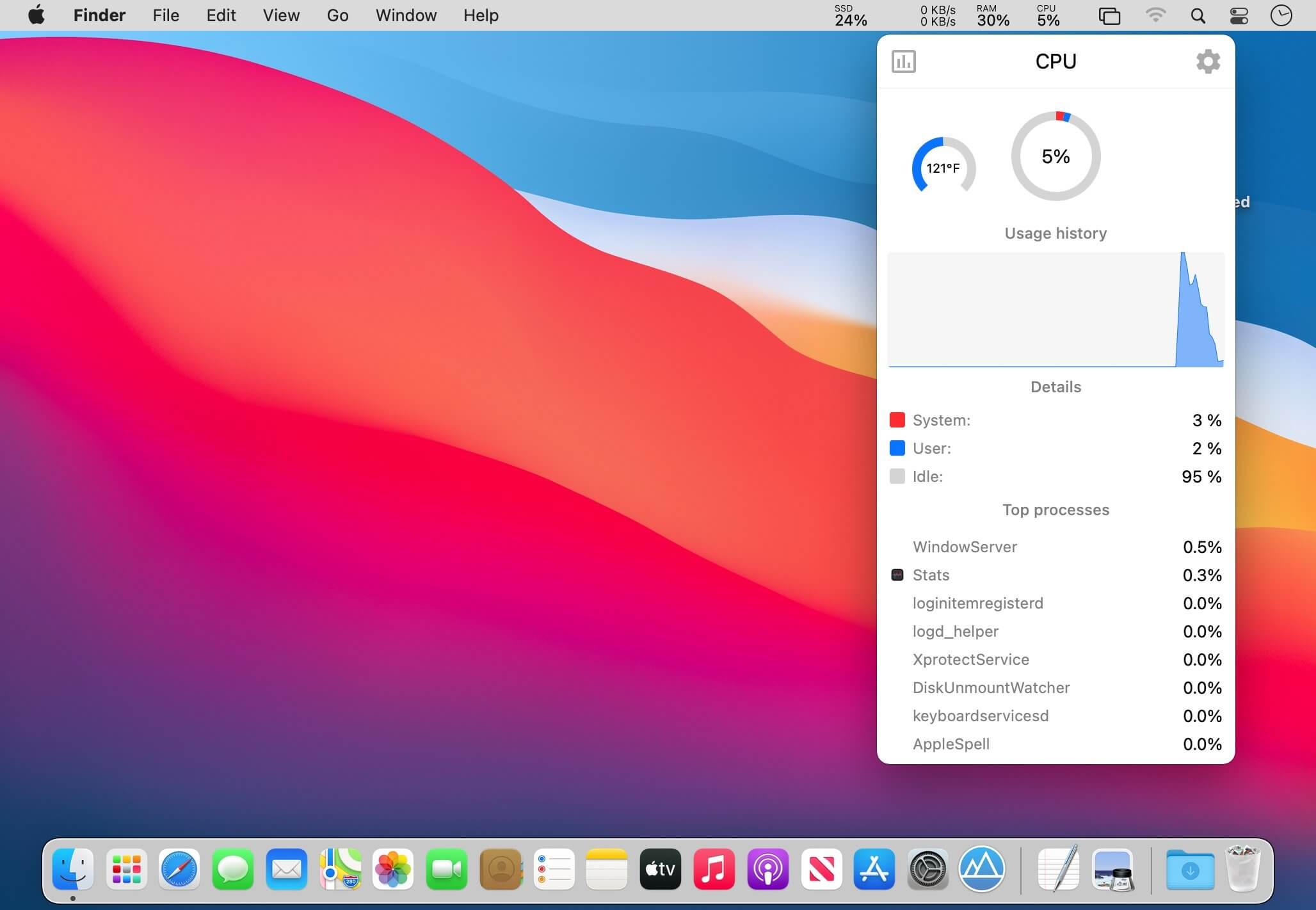
   Download Torrent
   Link Download

The default Open and Save dialogs included by default in macOS don’t have too many customization options. Default Folder X is a small utility that can help you personalize the entire experience by adding new locations, Spotlight tags, comments, and many more options.

Access favorite folders from the status bar and create your own folders lists
The Default Folder X status bar menu offers you the possibility to navigate to your default, favorite, and recent folders. At the same time, the menu also allows you to view all opened Finder windows and bring any of them forward.

The Default Folder X preferences can be adjusted via a Preferences Pane that will be added to your Systems Preferences. Here you can add specific directories to be used by default with certain applications. Furthermore, you can create your own Favorite Folders list.

Open and Save toolbar
If Default Folder X is running, each time you want to save or open a file in an macOS native  utility, the application will add a toolbar that provides all these options in a more easily accessible manner.

To navigate between the different menus, simply put your mouse on top of them. However, you can also make use of the keyboard shortcuts assigned by default to frequently used functions.

Integrated Spotlight and QuickLook options
To make sure that you can always find your files as fast as possible, Default Folder X enables you to add Spotlight keywords, tags, comments, or labels within the Save dialog.

On the other hand, when you are opening files, Default Folder X allows you to preview the documents in a thumbnail and even zoom to full size.

Intuitive solution for customizing the default Save and Open dialog
Default Folder X is proposing simple solutions for personalizing your experience when opening or saving files. The app is focused on efficiency and will certainly improve your workflow.

What’s New:

Version 6.0 a6 Pre-Release:

  • Release notes were unavailable when this listing was updated.

Compatibility: macOS 10.13 or later
Homepage https://www.stclairsoft.com/DefaultFolderX/index.html

Screenshots


Debit & Credit Premium 6.1.5

Name: Debit__Credit_6.1.5_MAS_In-App_[TNT]_Mactorrents.biz.zip
Size: 11.43 MB
Files Debit__Credit_6.1.5_MAS_In-App_[TNT]_Mactorrents.biz.dmg[11.43 MB]

   Download Torrent
   Link Download

If you are looking for a personal finance app that is convenient, easy to use and at the same time has enough features, then Debit & Credit is the right app for you.

All accounts in one app
Keeping financial records was always a bit of a hassle. But now you can actually enjoy it. See all your accounts in one place and manage your everyday finances.

Super fast
Creating a new transaction now takes a matter of seconds. The app was designed with simplicity and convenience in mind. It will never require you to make dozens of unnecessary steps to accomplish simple tasks.

Companion iOS & Apple Watch app
Debit & Credit has its own app for iPhone and iPad, which you can use to add transactions on the go. It is super convenient and keeps data in sync via iCloud.

Importing data
We know how important it is to be able to import transactions from your financial institutions. That’s why we support CSV, QIF, QMTF, OFX and QFX files. And you can also choose which particular transactions to import from a file, something that not all financial apps know how to do.

Budgets & Scheduled Transactions
Do you want to budget expenses on a particular category? No problems. Do you plan to make a transaction in the future and want to be reminded about it? Consider it done.

Financial Plans
Plan ahead by creating a financial plan for the next year. Compare your performance against it and see your future net wealth.

Reports
We believe in clean, crisp reports that are easy to read and understand. See where and what do you spend your money on. Other types of reports are available too.

Shared Accounts
Do you want to share some of your accounts with someone else? No problems, you can share selected accounts via iCloud while keeping other accounts private. Great for managing family finances!

Bank reconciliation mode
Sometimes we all need extra help to keep our accounts in shape. You can easily reconcile your accounts with bank statements in the app to eliminate any disparities.

Transaction Attachments
There might be a number of a reasons why you might want to attach files to transactions. You can attach as many files as needed and they will be synced with iCloud. You can even use Continuity Camera to scan documents or take photos with your iPhone and receive them in the Mac app.

Powerful features
Split categories, Touch ID support, pending transactions, transaction export, transaction tags, printing reports and saving them as PDF files – all those and many other features are at your disposal when you need them.

iCloud sync
We will never ask you to create an account or provide any personal details. All data is stored in iCloud, it is not available to anyone except you.

What’s New:

Version 6.0.1

  • fixed bug when the “How much do I earn compared to my expenses?” report had an incorrect layout
  • fixed bug when the “How my spending is changing?” report had an incorrect graph when it was broken down by weeks
  • fixed bug when the “How well do I manage my budges?” report had an incorrect graph when a weekly or daily budget was used
  • fixed bug when an upcoming scheduled transaction was duplicated after travelling to a different timezone

Language: English, Dutch, French, German, Italian, Portuguese, Russian, Simplified Chinese, Spanish, Turkish, Ukrainian

Top In-App Purchases : Premium Version – included.

Compatibility: macOS 10.14.5 or later.
Mac App Store https://apps.apple.com/us/app/debit-credit-personal-finance/id882637653

Screenshots


BetterDisplay Pro 1.4.14

Name: BetterDisplay_1.4.14_[TNT]_Mactorrents.biz.zip
Size: 8.41 MB
Files BetterDisplay_1.4.14_[TNT]_Mactorrents.biz.dmg[8.41 MB]

   Download Torrent
   Link Download

BetterDisplay is a truly wonderful tool! It let’s you convert your displays to fully scalable screens, allows brightness control, provides XDR/HDR upscaling (extra brightness beyond 100% on compatible displays), full dimming to black,helps you create and manage virtual displays (dummies) for your Mac, create Picture in Picture windows of your displays and gives you a host of other features to manage your display’s settings easily from the menu bar.

Features

  • Convert your internal and natively connected external displays to smoothly-scaled HiDPI displays on Apple Silicon – now even without mirroring a dummy (displays with notch, HDR, HDCP, high refresh rate fully supported)! (Pro)
  • Reach the full brightness potential of your XDR or HDR display! (Pro)
  • Change the display’s brightness, volume and colors via software and hardware (DDC) control via sliders and native or custom keyboard shortcuts!
  • Create custom HiDPI resolutions for real displays manually and redefine certain system display parameters!
  • Create any number of dummies (virtual screens) with varying aspect ratios.
  • Use headless Macs (servers) with any resolution and HiDPI mode for remote access.
  • Create Picture in Picture window for any real or dummy displays. (Pro)
  • Redirect your display’s contents (real or dummy) to an other screen via streaming. (Pro)
  • If you are using a big TV up close, use the bottom half of your TV as a wide screen display (off-center streaming). (Pro)
  • Scale Sidecar resolutions. (Pro)
  • Portrait SideCar support. (Pro)
  • Better quality zooming (System Preferences»Accessibility»Zoom) or High Quality screenshots even on 1080p displays
  • Easily change the resolution of your real and dummy displays via a slider (or submenu) from the menubar.
  • Quickly accessible refresh rate and screen rotation menu.
  • Simplify creating mirrored sets. (Pro)
  • Easily move around displays relative to each other using the app menu.
  • Quickly designate a display to be main display.
  • Associate dummies with displays for auto connect/disconnect.
  • Keyboard shortcuts for basic operations.
  • Advanced keyboard shortcuts support. (Pro)
  • Custom dummies (resolution, orientation, naming). (Pro)
  • Create a dummy optimized for a real display. (Pro)

Compatibility: macOS 11.0 or later
Homepage https://github.com/waydabber/BetterDisplay

Screenshots


GraphicConverter 12.0.3 (6146) Beta

Name: GraphicConverter_12_12.0.3_(6146)_[TNT]_Mactorrents.biz.zip
Size: 237.97 MB
Files GraphicConverter_12_12.0.3_(6146)_[TNT]_Mactorrents.biz.dmg[237.97 MB]

   Download Torrent
   Link Download

GraphicConverter is an all-purpose image-editing program that can import 200 different graphic-based formats, edit the image, and export it to any of 80 available file formats.

The high-end editing tools are perfect for graphic manipulation as well as the ability to use Photoshop-compatible plug-ins. It offers batch-conversion capabilities, a slide-show window, batch rename, batch and individual editing of metadata (EXIF, IPTC, XMP) and so much more.

GraphicConverter 11

RAW Developer
RAW images are much easier to edit thanks to their enormous data depth. This is particularly noticeable when brightening images with the Exposure slider. The picture remains clear, there is no gray haze as with many JPG images. GraphicConverter now offers a full-screen dialog when opening RAW files with controls for Exposure, Contrast, and Color Corrections. The picture noise can be reduced even with 6 controllers.

Unpack Archives
You want to know which pictures and documents are in an archive file? Then double-click is enough: GraphicConverter temporarily shows you the content or secures the content permanently. In addition to the Zip format, there are 12 additional formats supported, such as the TAR and TGZ formats.

Wide Equalization
In wide-angle shooting, faces and objects on the left and right edges of the image are often heavily distorted in width. With the new wide-angle equalization in GraphicConverter 11, you can now reduce this distortion.

Gradients
You need a gradient, e.g. as a background for a collage? No problem. Easily create color gradients with up to 10 colors via the new dialog.

Duo-Tone
Color your shots with two colors to duo-tone images. In this impressive technique, the lighter shades are colored with the color 1 and the darker ones with the color 2. The result is an effect that enchants your pictures.

Apple Finder Tags
Do you organize your work with Finder Tags from Apple? Then your work will be even easier, because in the browser you can now use the context menu to directly display and change these tags.

Compatibility: macOS 10.13 or later
Homepage https://www.lemkesoft.de

Screenshots


Integrity Plus 12.7.5

Name: Integrity_Plus_12.7.5_[TNT]_Mactorrents.biz.zip
Size: 5.83 MB
Files Integrity_Plus_12.7.5_[TNT]_Mactorrents.biz.dmg[5.83 MB]

   Download Torrent
   Link Download

Integrity Plus fills the gap between Integrity, the free no-frills link checker, and Scrutiny, the webmaster tools suite. If you manage more than one site then Integrity Plus allows you to store settings for each site and switch between them. It generates a sitemap in xml and a variety of other formats. it also adds a search box and filter button to help you search your data.

Version 6 is faster and leaner. It also separates the engine from the UI so that the engine can be made available to other developers.

  • Scans your site for broken links – as fast and accurate as Integrity
  • All the features of the free Integrity
  • Manage multiple sites
  • Generate a sitemap in xml, dot and csv
  • Good xml sitemap options, optionally include images and pdfs, add rules for setting update frequency and priority, or edit these manually
  • Search your data
  • Archive the pages while scanning with the option to convert them to a browsable archive
  • OS X native, retina screen compatible and OS X 10.12 Sierra tested and supported

Compatibility: macOS 10.10 or later
Homepage https://peacockmedia.software/mac/integrity-pro/

Screenshots


Integrity Pro 12.7.5

Name: Integrity_Pro_12.7.5_[TNT]_Mactorrents.biz.zip
Size: 5.82 MB
Files Integrity_Pro_12.7.5_[TNT]_Mactorrents.biz.dmg[5.82 MB]

   Download Torrent
   Link Download

Integrity Pro builds on Integrity Plus. It has the new v10 crawling engine, it checks links and generates a sitemap with all the searching, filtering and exporting functionality of the Plus version. It adds SEO details and a sitewide spellcheck. It isn’t intended to replace Scrutiny, but to be pitched between Integrity Plus and Scrutiny, a more affordable step for Integrity Plus users.

There will, of course, be an upgrade from Integrity Plus, but this early public beta is simply free until the stable version is released.

Compatibility: macOS 10.10 or later
Homepage https://peacockmedia.software/mac/integrity-pro/

Screenshots


Scrutiny 12.7.5

Name: Scrutiny_12.7.5_[TNT]_Mactorrents.biz.zip
Size: 6.13 MB
Files Scrutiny_12.7.5_[TNT]_Mactorrents.biz.dmg[6.13 MB]

   Download Torrent
   Link Download

Scrutiny is a suite of web optimization tools including link checking, SEO checks, Sitemap generation, page load speed test, html validation. Version 9 is a major update and includes these new features.

Features

  • Link checker
  • SEO analysis
  • XML sitemap generation, optionally include images / PDF pages
  • Insecure / mixed content reporting
  • Page-load speed test
  • Spelling and grammar checking
  • Scans sites requiring authentication
  • Search your site (source or visible text) obtain a list of pages containing a search term or not containing a search term
  • Website monitoring of as many URL’s as you like with a choice of alerts and logging
  • Scheduling made easy with a few easy clicks
  • On finish, send an email, save a report, open a file or AppleScript, FTP the sitemap XML, and other actions
  • Opens and scans a list of links in HTML, CSV, plain text format, or XML sitemap

Compatibility: macOS 10.14 or later • Apple Silicon or Intel Core processor
Homepage https://peacockmedia.software/mac/scrutiny/

Screenshots


System Dashboard Pro 1.4.4

Name: System_Dashboard_Pro_1.4.4_MAS_[TNT]_Mactorrents.biz.zip
Size: 4.87 MB
Files System_Dashboard_Pro_1.4.4_MAS_[TNT]_Mactorrents.biz.dmg[4.87 MB]

   Download Torrent
   Link Download

The System Dashboard Pro is a modern reinterpretation of the System Dashboard and offers more information than ever. The app has been completely redeveloped and optimized for the latest systems.

System Dashboard Pro offers the following features

  • General System Information
    Get an overview of the most important parameters of your system. This includes, for example, the macOS version used or details about your computer.
  • Processor Usage
    The processor panel shows important details about processor usage. The current load is displayed as well as that of the last few seconds. A list of processes that have the highest processor utilization is also displayed.
  • Memory Usage
    The Memory panel shows data related to memory. The current load is displayed as well as that of the last few seconds. A list of processes using the most memory is also displayed.
  • Network Information
    Basic network information such as the local and external IP address or the transfer rate of the WLAN connection is displayed on this panel.
  • Network Usage
    The network category shows the current download and upload speed and the number of open connections.
  • Internal Battery
    This panel is available if the app is running on a MacBook and displays basic battery parameters. Among others information, it displays the number of charging cycles and the health of the battery.
  • Hard Disk
    The computer’s hard drive can be kept under control with this panel. It shows how much space is used and how much is free. The current speed is also displayed.
  • External Drives
    SD cards and USB sticks are displayed here. The devices can also be ejected – either individually or all at once.

Compatibility: macOS 13.0 or later
Mac App Store https://apps.apple.com/pk/app/system-dashboard-pro/id1672838414?mt=12&uo=4

Screenshots


FSNotes 6.3.3

Name: FSNotes_6.3.3_MAS_[TNT]_Mactorrents.biz.zip
Size: 65.91 MB
Files FSNotes_6.3.3_MAS_[TNT]_Mactorrents.biz.dmg[65.91 MB]

   Download Torrent
   Link Download

FSNotes is a plain-text note manager for macOS, and is modern reinvention of notational velocity (nvALT) on steroids. Our application respects the following open formats: plain/text, Markdown, and RTF, and stores data in the file system. You can view, edit, and copy data in your favourite external editor, and see live results in FSNotes.

Features

  • ICloud synchronization
  • Keyboard centric
  • Global shortcuts (clipboard save / search field)
  • Markdown and RTF markup (files stored on disk as plain/text and rich text)
  • Markdown preview mode
  • Elastic two pane view (vertical and horizontal layout)
  • Blazing fast and lightweight
  • Open files in finder / works with external editors (changes seamless live sync with UI)
  • Pin/unpin important notes in top
  • Multi folder storage
  • Markdown live highlighting with over 170 languages in code blocks

Compatibility: macOS 10.14 or later
Homepage https://apps.apple.com/pk/app/fsnotes/id1277179284

Screenshots


CADintosh X 8.8.4 (684) Beta

Name: CADintosh_X_8.8.4_(684)_[TNT]_Mactorrents.biz.zip
Size: 65.91 MB
Files CADintosh_X_8.8.4_(684)_[TNT]_Mactorrents.biz.dmg[65.91 MB]

   Download Torrent
   Link Download

CADintosh is a 2D-CAD program for technical and architectural drawings.

Features include:

  • Interactive window redrawing (you can work in the same time of the window redrawing)
  • Number of elements limited by memory
  • Pen oriented mode: 8 line widths/line colors/pens
  • Individual mode: line width from 0.0 to 99.99 mm, pattern and colors
  • It has a lot of tools like lines, arcs, dimensions, splines, hatching etc.
  • Import and export HPGL, DXF, and PICT
  • 6 line types (solid, dash, dot-dash, phantom, zigzag, dotted)
  • 32000 groups
  • 1024 layer
  • Alternative units in inches or freely definable
  • Shareware version has a simple layer filter (easy to use)
  • Registered version has a additional extended layer filter (named filter sets, palette with name of filter)
  • Shareware version has internal symbols (number of symbols only limited by memory)
  • Registered version has additional external symbol libraries and more simple work with symbols
  • User preferences saved in the drawing
  • Runs native on MacOS X

What’s New:

Version 8.8.1:

New features

  • transform: rescale non-proportional
  • Cubic Bezier lines
  • Import of PDF with extraction of elements

Updates features

  • size of some dialogs
  • rename option in edit print edit
  • layer attributes: option to show only used layers
  • updated to Sparkle 2
  • system requirements changed to macOS 10.11 up to macOS 12 (Monterey)
  • DXF/DWG export
  • moved access to DXF/DWG/IGES/Holes options to the save panel
  • moved editing x-line type/marker into edit attributes
  • moved editing hatching attributes into edit attributes
  • added individual marker sizes to lines
  • line point to point in freehand mode: second click with shift key draws vertical/horizontal line
  • fractions display in info window can be set to zero

Bug fixes

  • auto catch issue within duplicate symbols
  • symbol library sorting issue fixed upon adding a symbol
  • possible wrong command line instructions after changing tool with the menu or context menu
  • possible crash during customization of the touchbar fixed
  • fixed catching issue of lines/arcs within symbols if x- and y-factor are different
  • fixed issue of drawing arcs in symbols with different x and y scales

Compatibility: macOS 10.11 or later, Apple Silicon or Intel Core processor
Homepage https://www.lemkesoft.de/en/products/cadintosh/

Screenshots


calibre 6.20.0

Name: calibre-6.20.0_Mactorrents.biz.dmg
Size: 285.3 MB
Files calibre-6.20.0_Mactorrents.biz.dmg[285.3 MB]

   Download Torrent
   Link Download

Calibre is a complete e-book library manager. Organize your collection, convert your books to multiple formats, and sync with all of your devices. Let Calibre be your multi-tasking digital librarian.

Manage, convert, sync, and more

  • Library management. Calibre keeps things orderly by creating single entries for books that contains multiple formats. Add tags and comments for better searchability.
  • Format conversion. Calibre’s robust conversion options support a wide variety of file formats.
  • File syncing. Calibre’s device drivers seamlessly support all the top e-readers and devices.

What’s New:

Version 6.20.0:

Bug fixes

  • CHM Input: Fix a regression in the previous release that broke conversion of CHM files
  • Windows: Make moving files in the calibre library folder more robust, locking folders in addition to files, before the start of the move Get books: Update Barnes and Noble store plugin for website changes
  • Kindle output: Only re-encode JPEG images with EXIF metadata if the metadata contains actual transpose operations
  • PDF Output: Fix error when input document contains multiple instances of a font some with vertical metrics and some without
  • PDF Output: Fix using CSS Multicolumns for body causing conversion to fail when header/footer is specified
  • MOBI Input: Fix a crash when converting some corrupted palmdoc compressed MOBI files
  • E-book viewer: Ensure CSS stylesheets are interpreted as UTF-8

New news sources

  • Prospect Magazine UK (Free) by ping

Improved news sources

  • Foreign Affairs

Compatibility: macOS 10.14 or later
Homepage https://calibre-ebook.com/

Screenshots


Perfectly Clear WorkBench 4.5.0.2523

Name: Perfectly_Clear_Workbench_v4_4.5.0_2523_[TNT]_Mactorrents.biz.zip
Size: 105.34 MB
Files Perfectly_Clear_Workbench_v4_4.5.0_2523_[TNT]_Mactorrents.biz.dmg[105.34 MB]

   Download Torrent
   Link Download

Perfectly Clear Workbench is an application that uses Athentech’s Perfectly Clear image correction libraries and is made available to demonstrate the capabilities of the Perfectly Clear processing libraries, face detection library and to allow a quick export of the processing settings for use.

One of the key features in Workbench is the ability to “export to API” when saving a Preset. This allows you to make image corrections in Workbench and tune the settings to match your style and correction needs. Then, you can quickly export these settings to a text file – ready to be copy / pasted into your source code with our image correction SDK.

What’s New in Perfectly Clear WorkBench 4
1. Beautiful new interface
2. New image correction tools
a. Preprocessing section for Input Looks and “Image Ambulance” for manual exposure corrections
b. “Face Aware” exposure for more accurate auto-exposure corrections in portraits and group photos
c. Black Point tool to deepen blacks
d. New Color Vibrancy tool to complement our previous “Vibrancy” control (now renamed to Color Restoration)
e. Sky and Foliage enhancements
3. Existing tools have been improved
a. Added strength sliders to Light Diffusion and Vibrancy for better control
b. Better ‘color pickers’ for Skin Tone and Blush adjustments
4. Manually identify faces that are not detected automatically
5. One-click to zoom to individual faces
6. Modify facial regions to provide the best corrections
7. Histogram
8. Much improved preset management

Supported Image Formats

Perfectly Clear requires RGB-formatted images in either 8 or 16-bit color depth. Any image file that Photoshop or Lightroom can open and convert to this format may be used in Perfectly Clear. Monochrome and CMYK images must be converted to RGB before using Perfectly Clear. RAW files must be opened through Adobe Camera RAW and loaded into Photoshop to be accessible to Perfectly Clear.

What’s New:

Version 4.5.0.2523:

  • Release notes were unavailable when this listing was updated.

Compatibility: macOS 10.10 or later
Homepage https://eyeq.photos/

Torrents Download Apple,Mac Osx,Apps ,Software

Exit mobile version