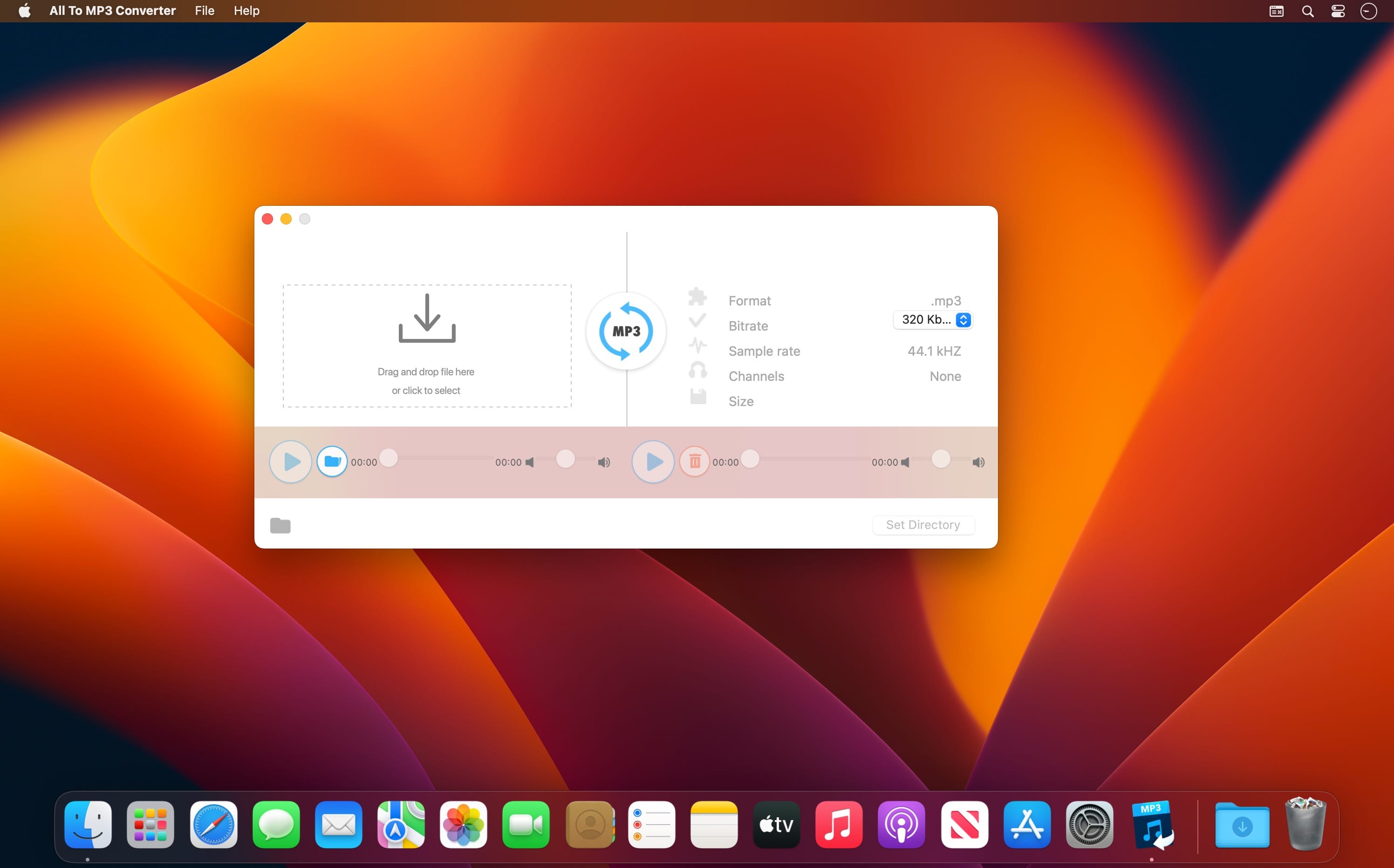
dBpoweramp Music Converter is audio conversion perfected, effortlessly converting your file to MP3, FLAC, Apple Lossless, and more. It has become the standard tool for audio conversions, with over 30 million users worldwide trusting their conversions to dBpoweramp.
Features
MP3 Converter – Convert MP3, M4A (iTunes & iPod), WMA, WAV, AIFF, AAC, FLAC, Apple Lossless (ALAC) to name a few.
Batch Convert – Convert large numbers of files with 1 click, filter on MP3 or other file type.
High-Speed Conversions – Look for an MP3 converter which encodes using all CPU cores simultaneously, getting the job done in double-quick time.
DSP Effects – Process the audio with volume normalization or sample / bitrate conversion. dBpoweramp is a full-featured MP3 converter.
No Malware – Free converters come with a little extra (a spying toolbar, Trojan, malware, or virus). dBpoweramp has never bundled in 15 years; those wanting an MP3 converter get that and only that. No Trojans, no malware, no viruses.
What’s New
Version 2025.12.04:
Release notes were unavailable when this listing was updated.
Compatibility: macOS 10.12 or later, Apple Silicon or Intel Core processor Homepagehttps://www.dbpoweramp.com
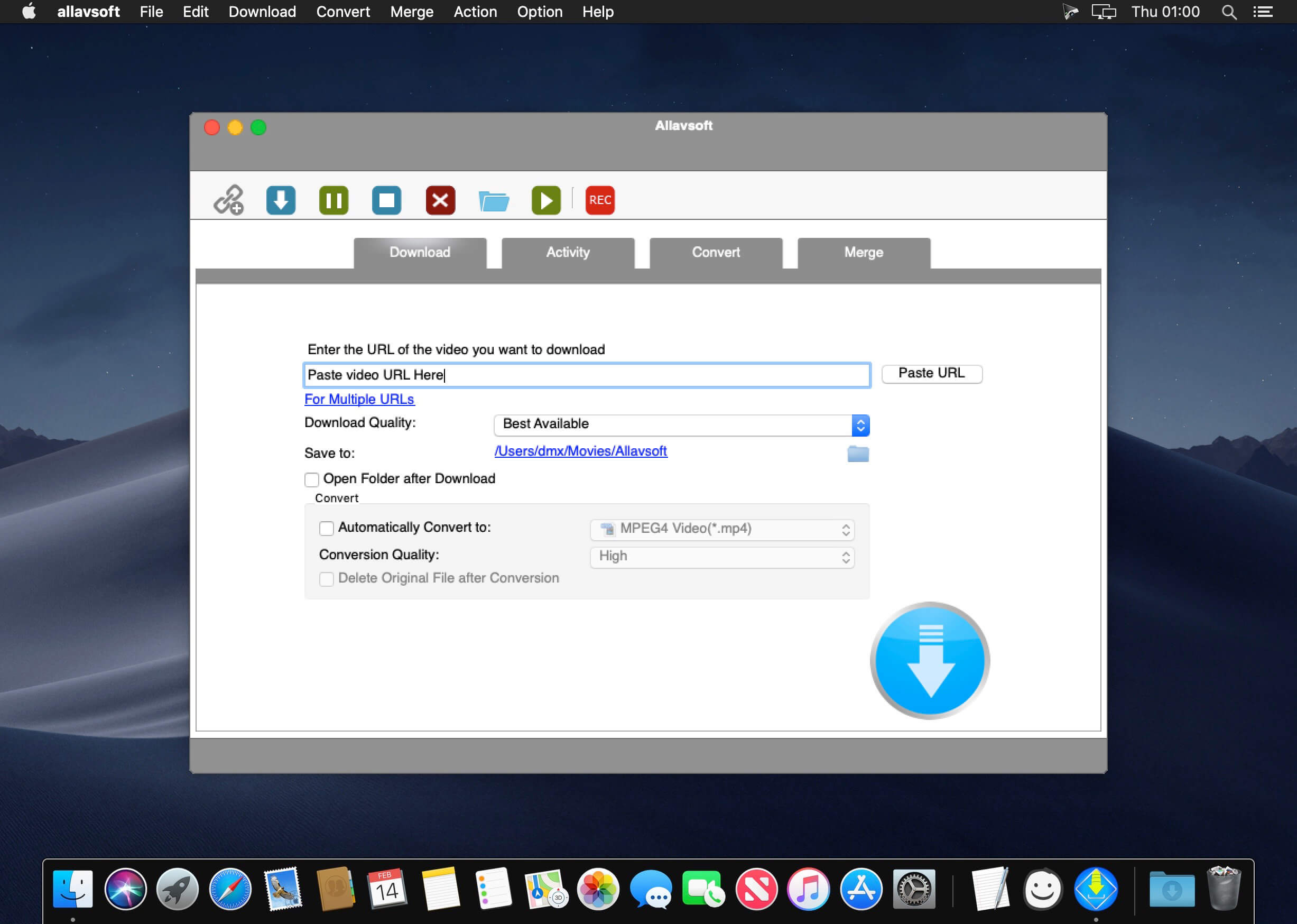
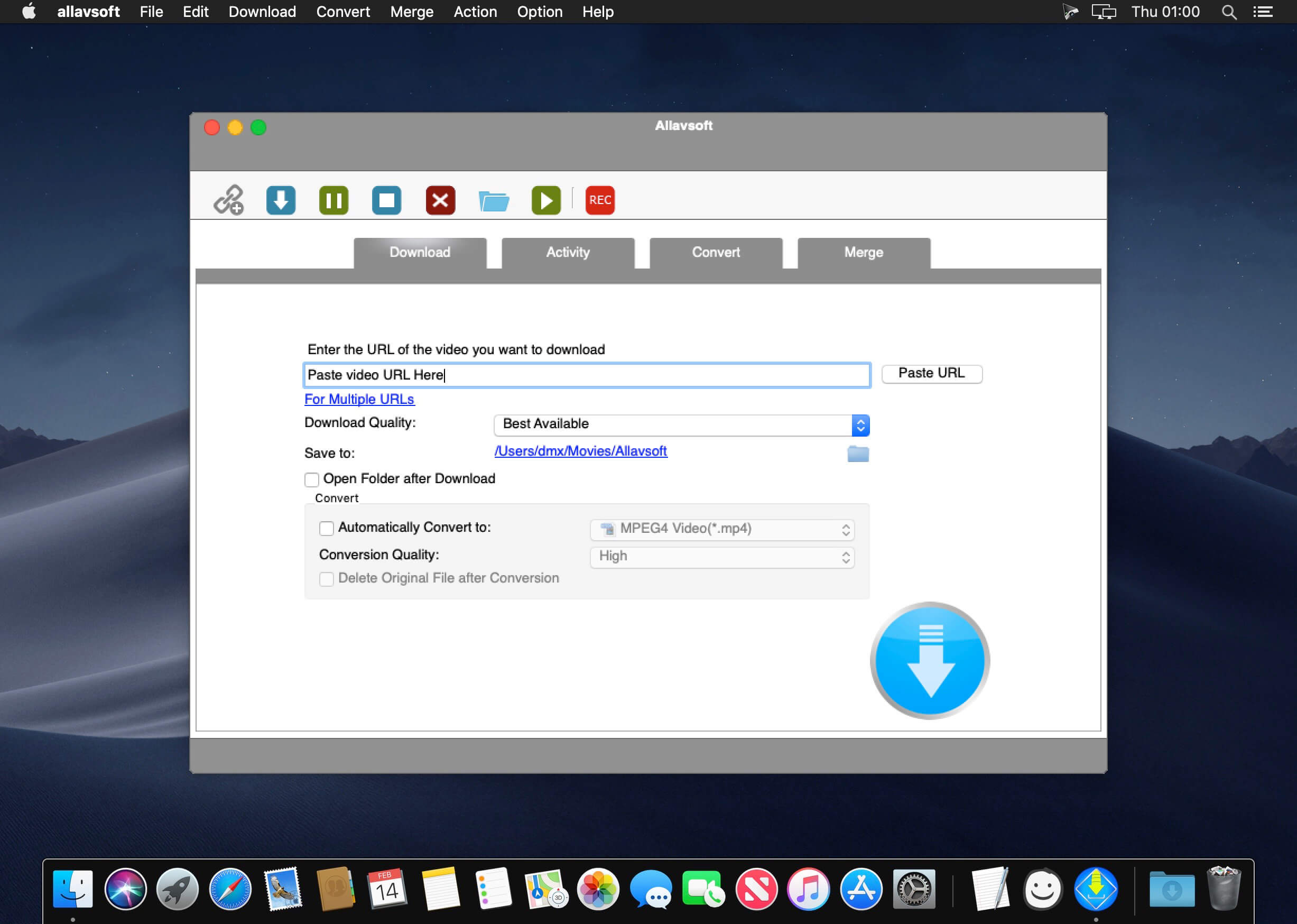
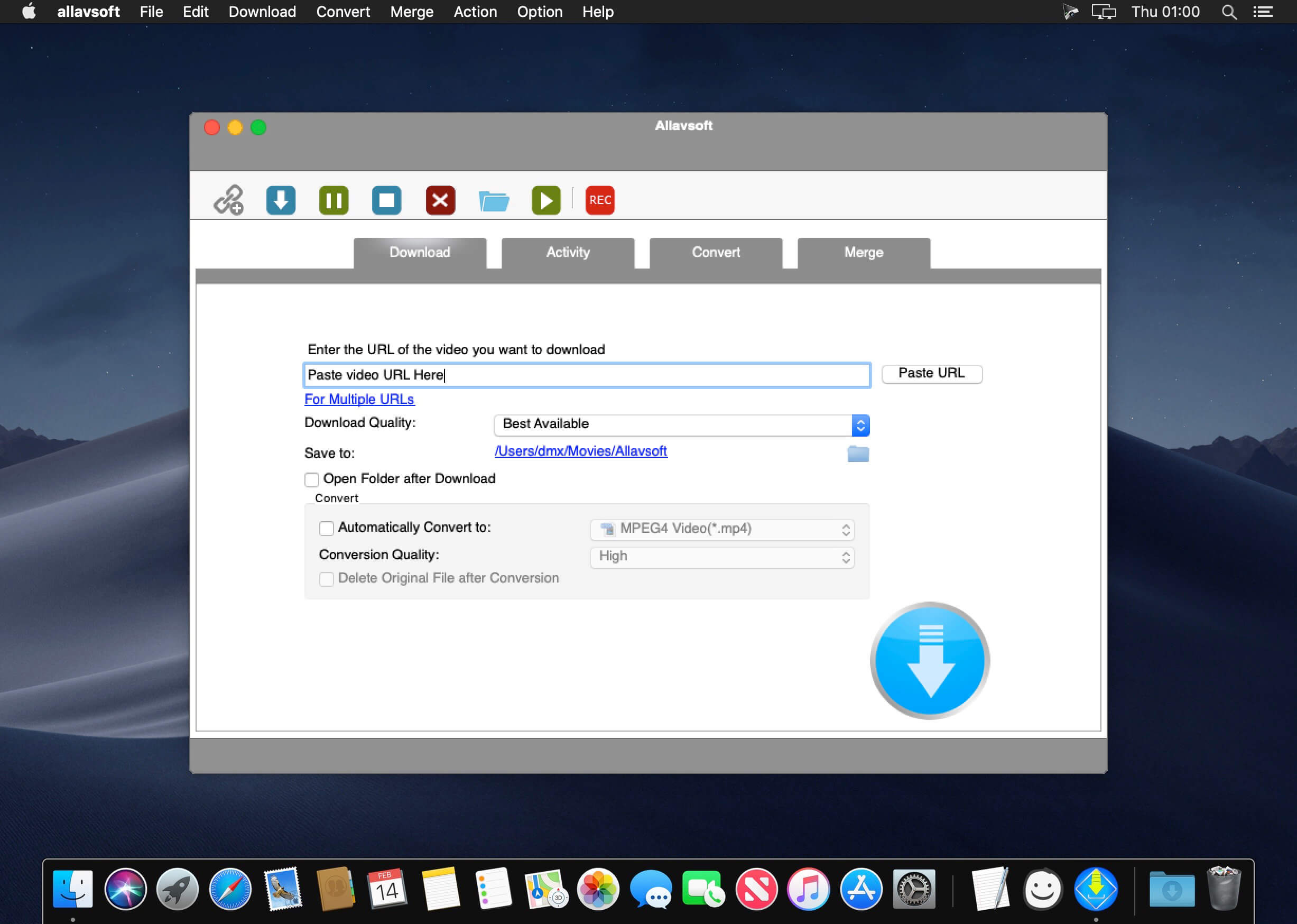
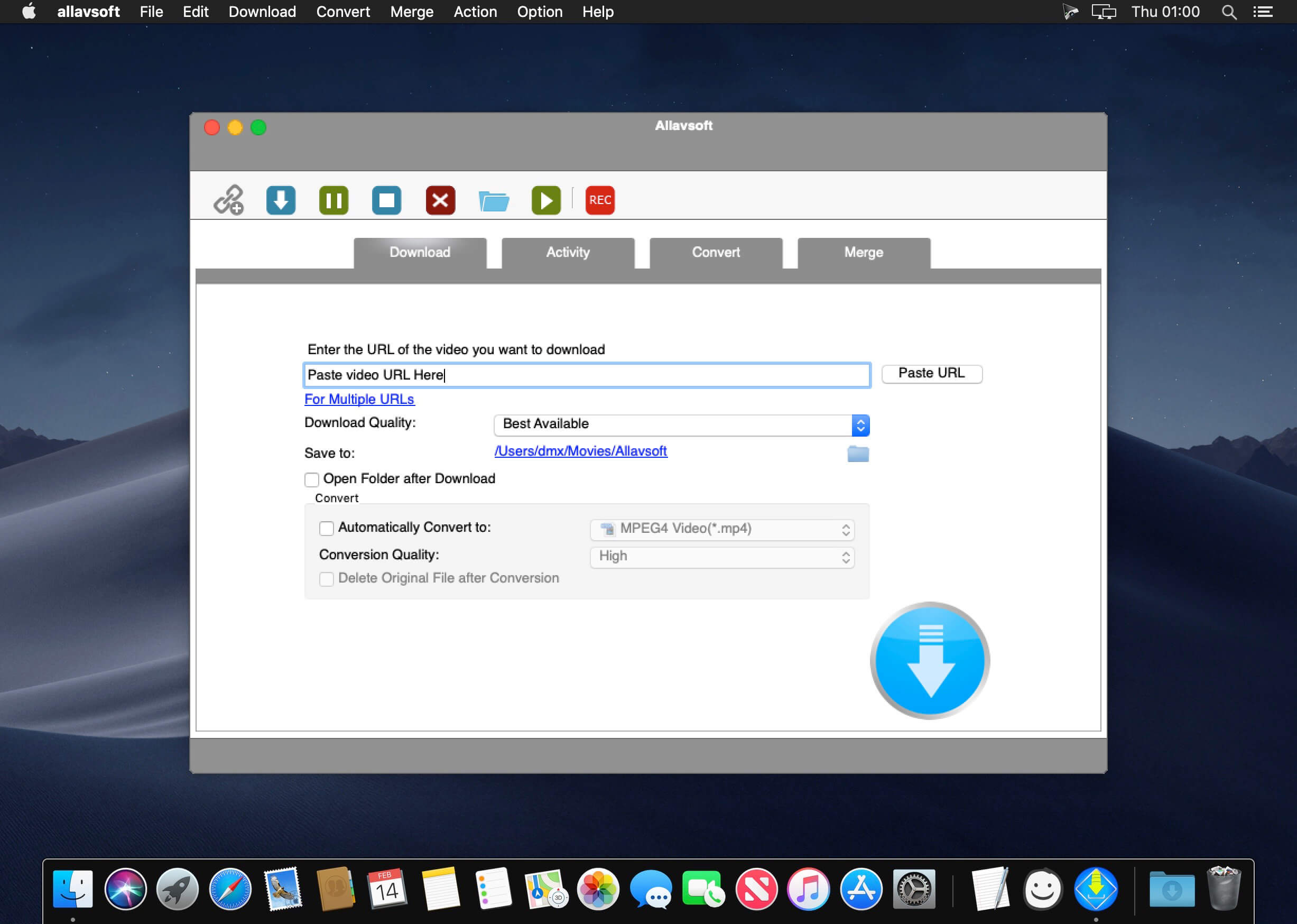
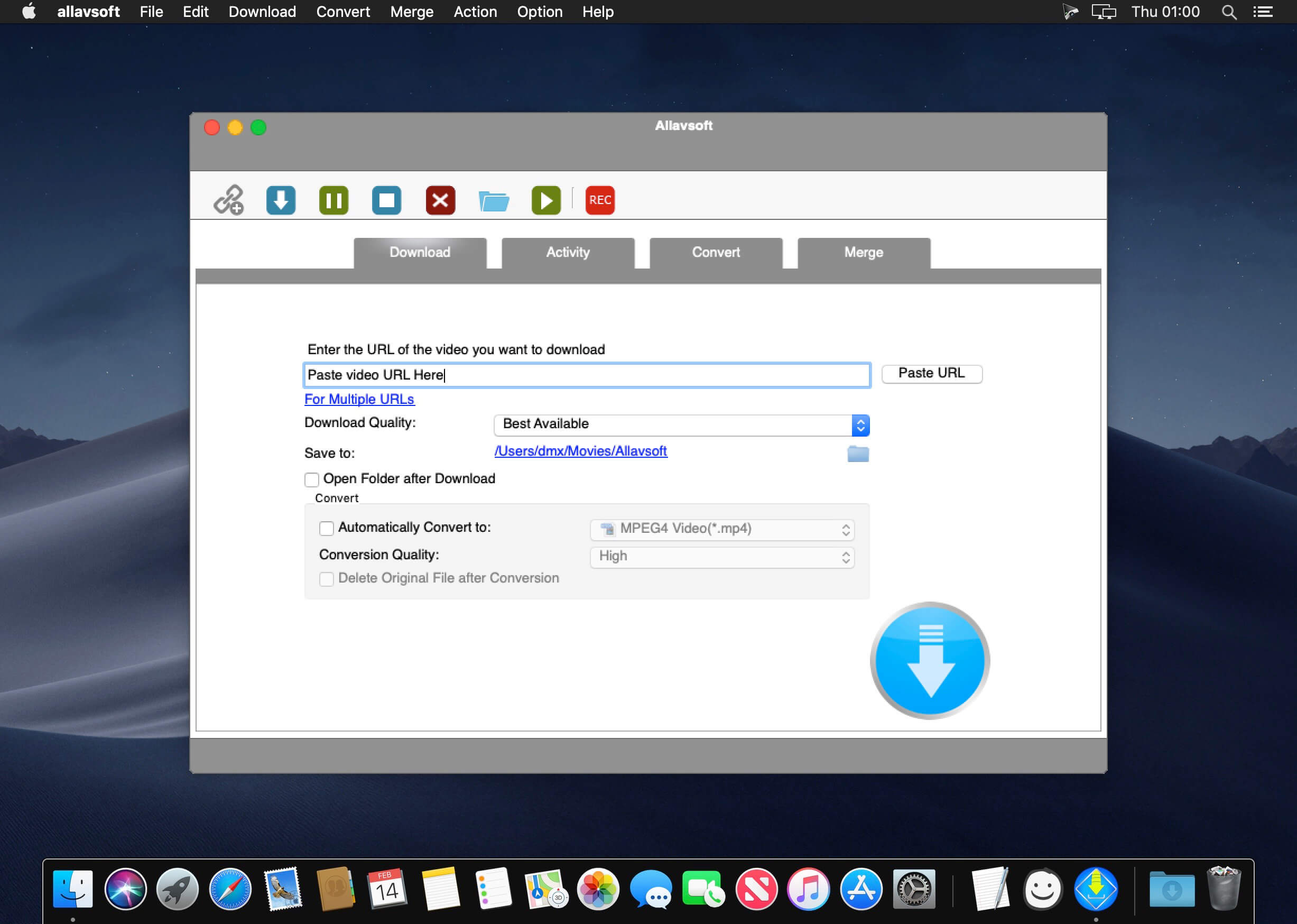
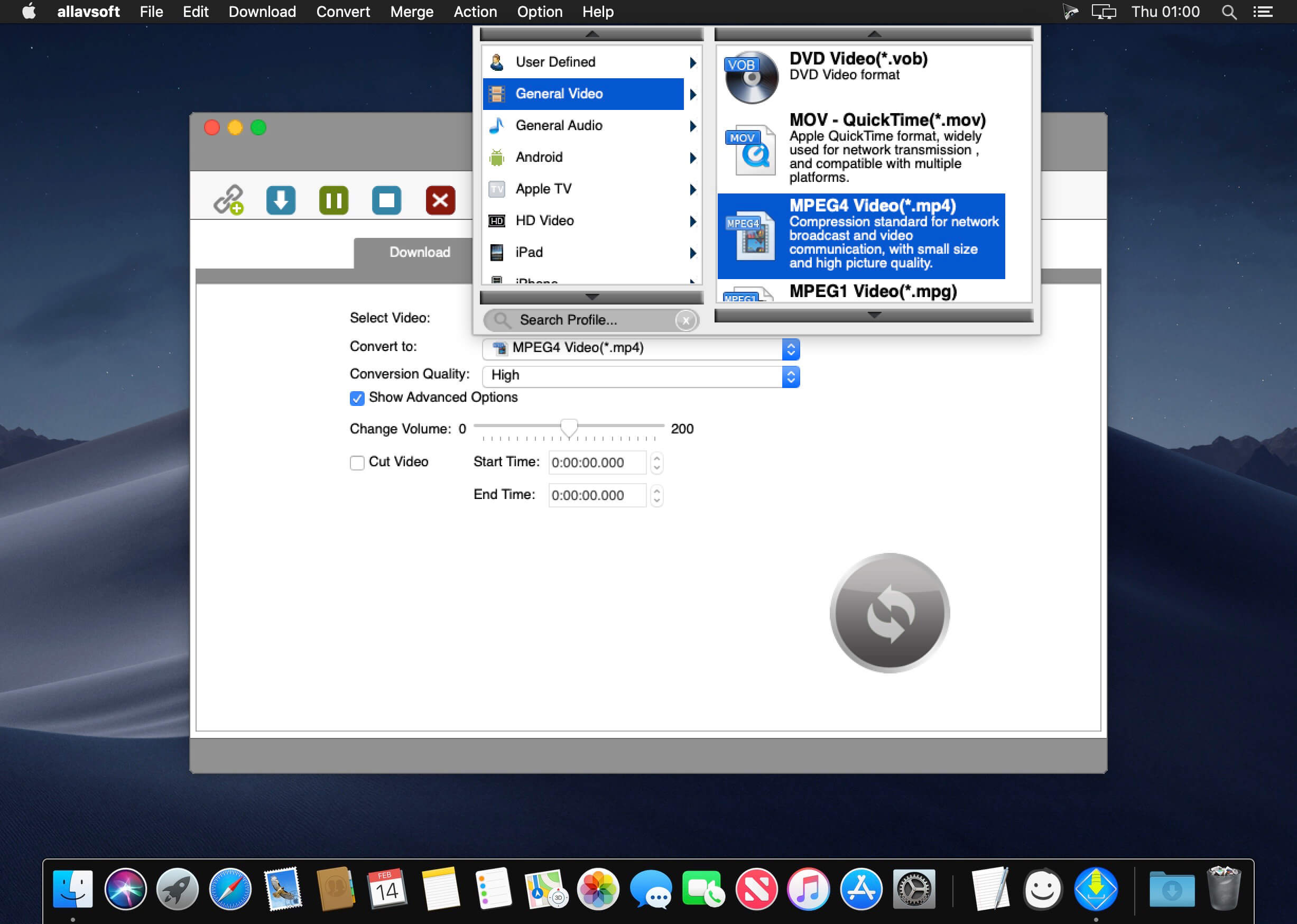
This powerful Video Downloader supports downloading movies, music videos, playlist, sport videos, lectures and more from free video sharing website like Facebook, Dailymotion, eHow, and more than 100 video sharing sites.
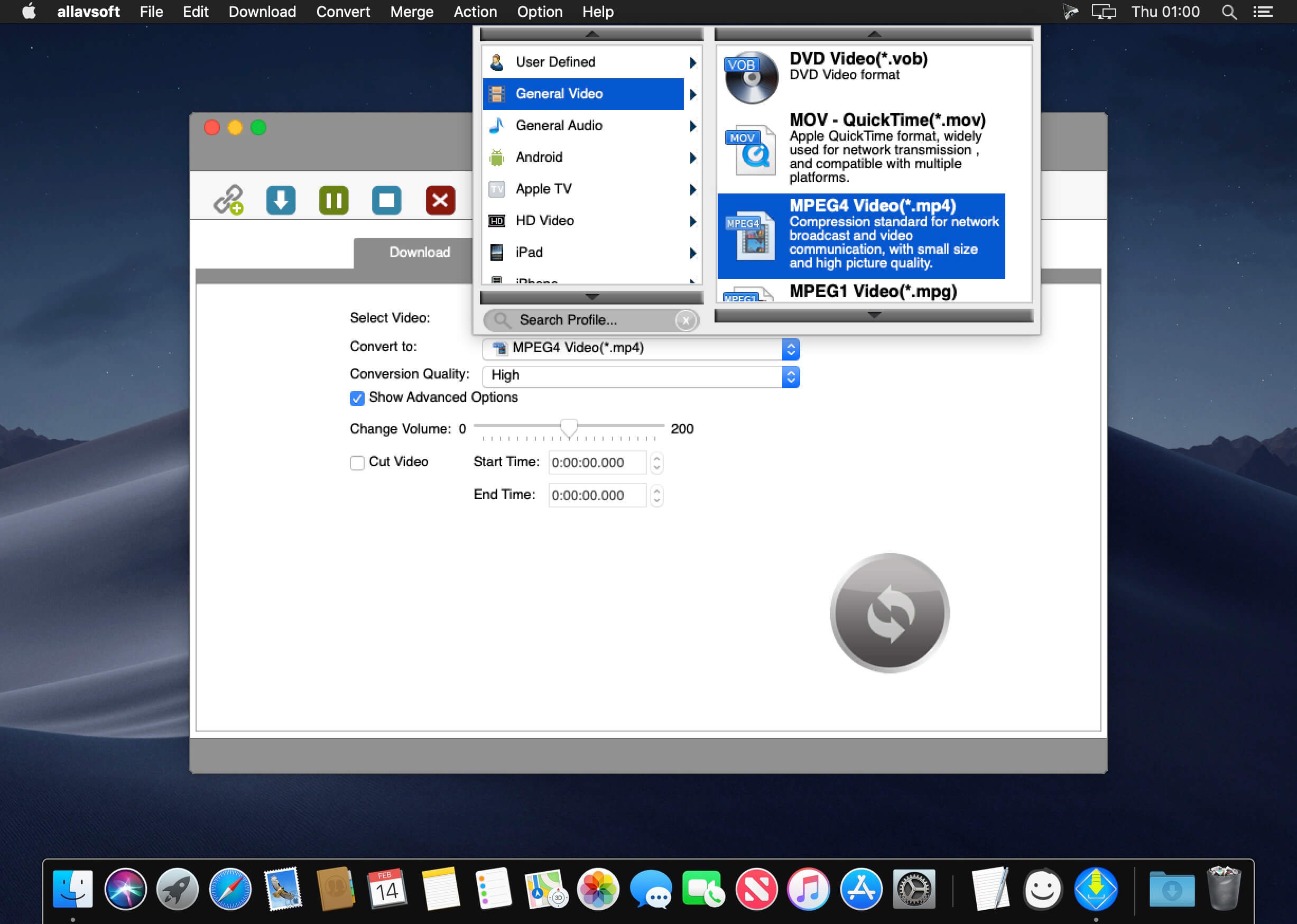
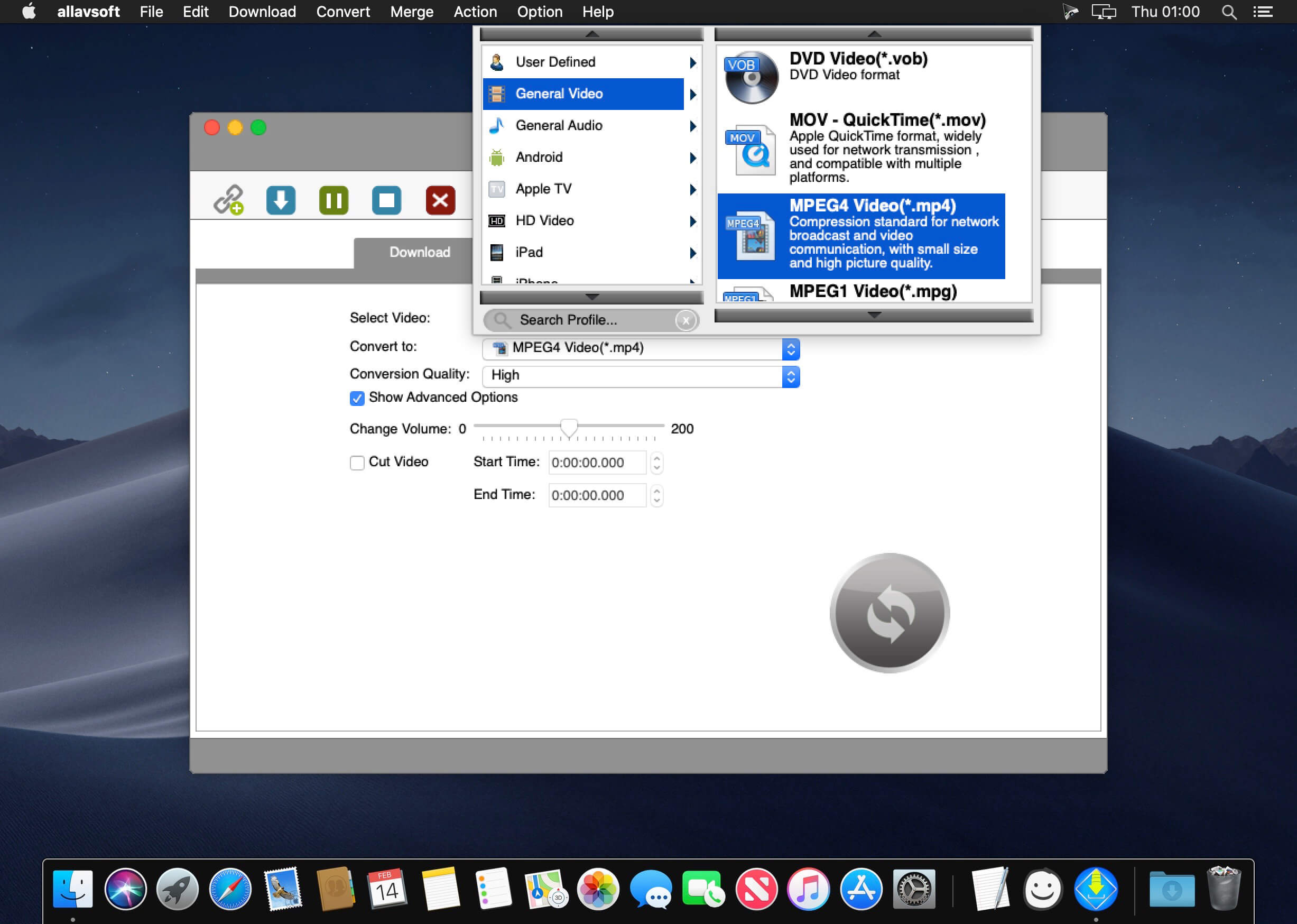
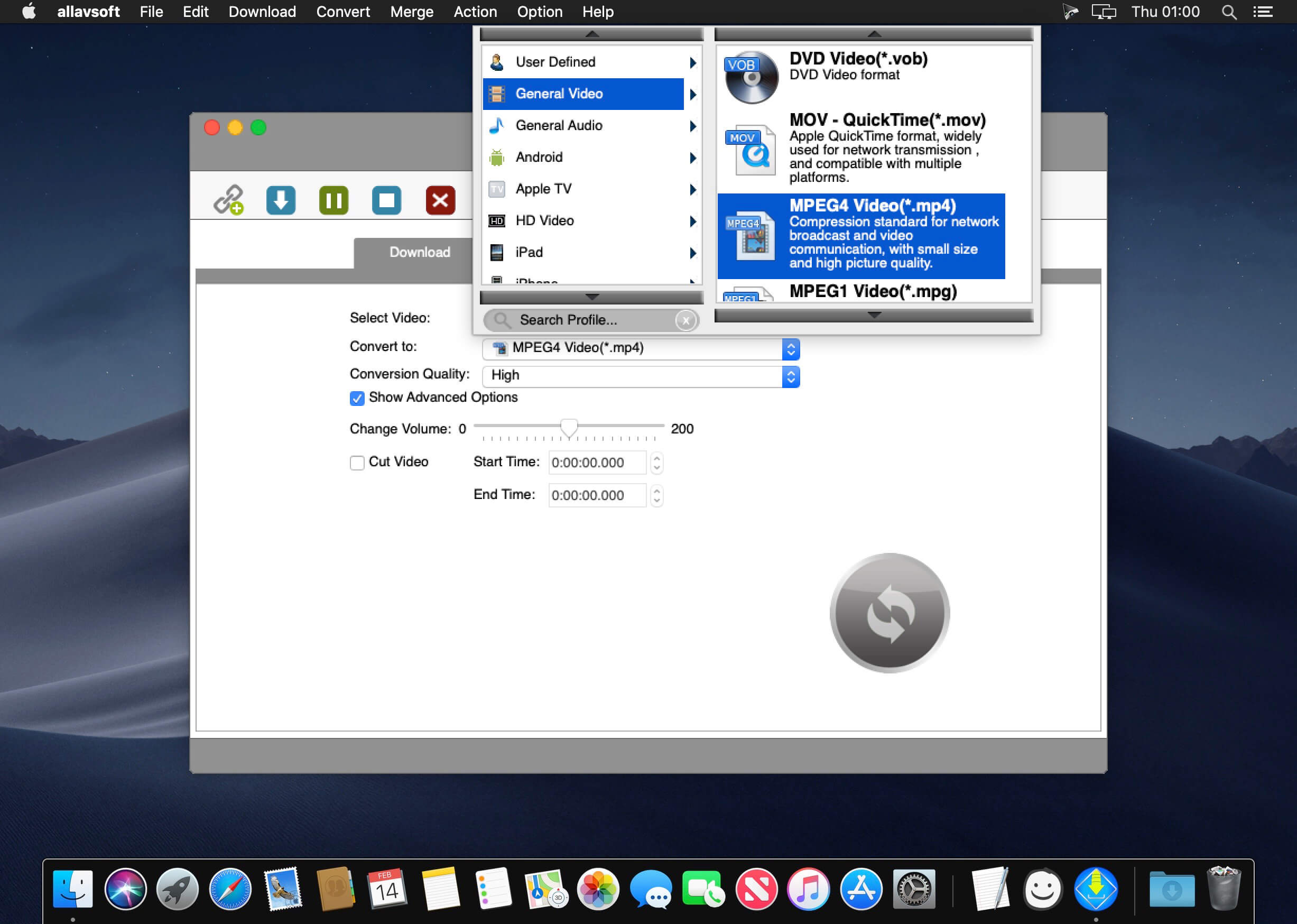
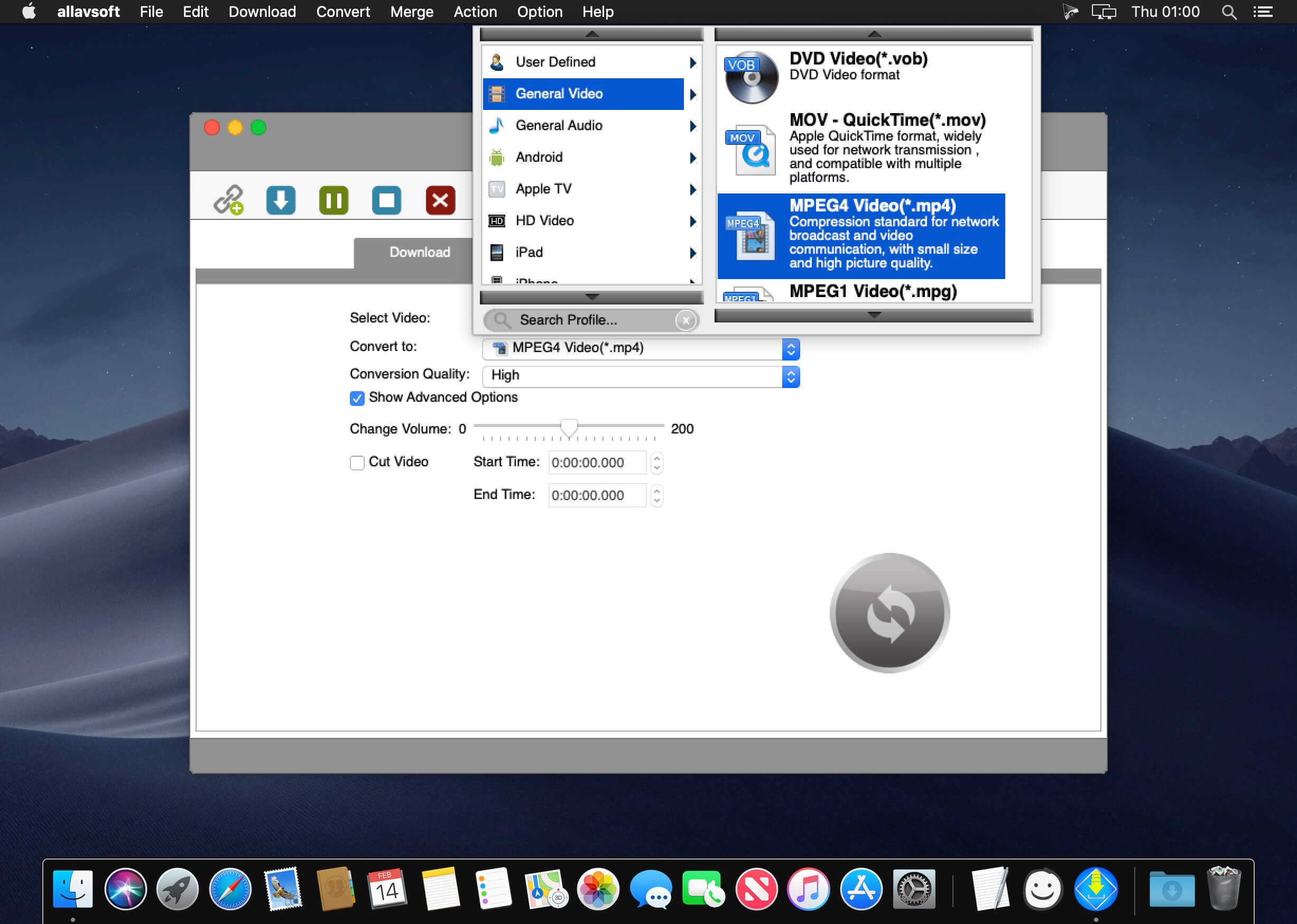
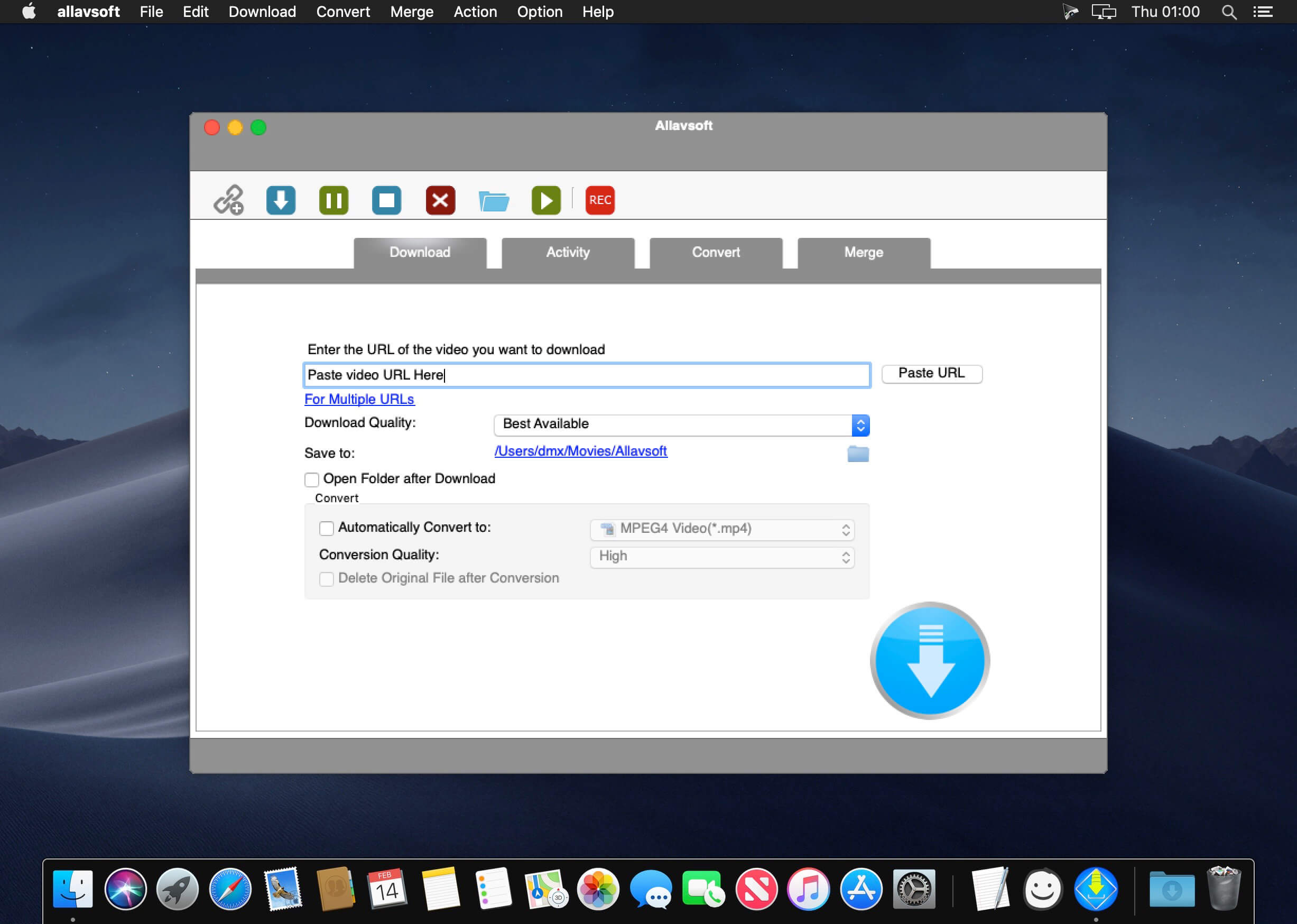
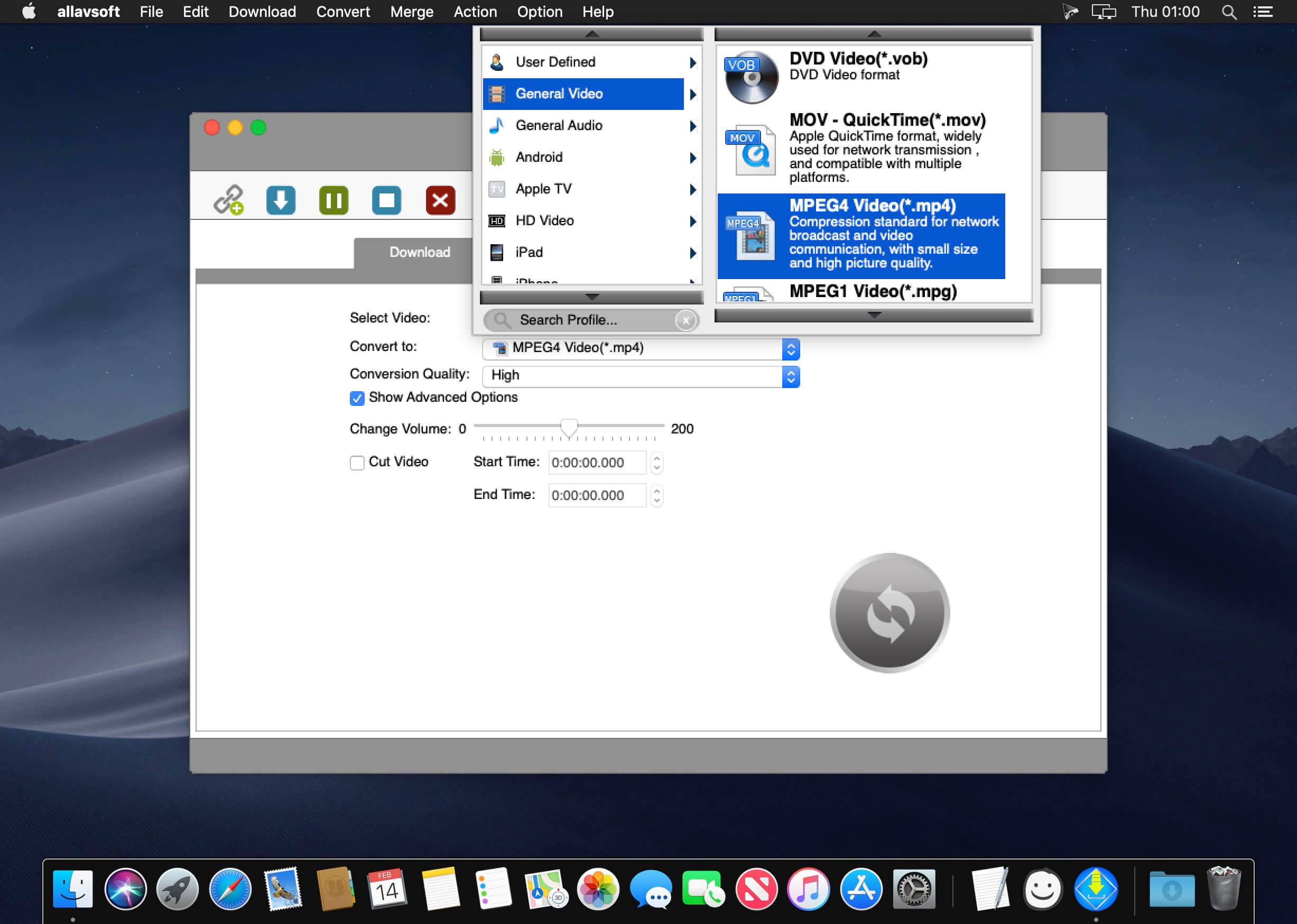
Besides downloading video in its original format, Allavsoft also features one-click to download as well as convert the downloaded video to popular video format like MP4, AVI, WMV, MOV, MPEG-1, MPEG-2, VOB, ASF, RMVB, DV, TS, Apple ProRes, WebM, FLV, OGV and etc.
This ideal Web Video Downloader app enables selecting among all video qualities available for downloading like download videos in ultra high definition (4K), 3D video, HD 2k, HD 1080p, HD 720p, and stand definition 480p, 360p, and 240p.
This professional Video Downloading and Converting tool also helps to extract and download audio from online music video or movies as well as convert to popular audio format like MP3, WMA, WAV, AAC, AAC, Apple Lossless M4A, AIFF, RA, FLAC, OGG, AU and etc.
Batch download and convert
Allavsoft supports adding multiple video URLs and batch downloading and converting multiple videos at a time.
When download web video files, this wonderful Video Downloader will automatically detects advertisements and does not download them.
Preview and playback downloaded video files
There is a built-in video player in Allavsoft for us to preview and playback the downloaded video files.
Breakpoint Resume
You can pause and resume downloading at any time. It is very convenient to use.
Action after download done
You can set automatically shut down computer after all the download tasks are finished, if you have lots of videos to download and want to leave your Windows on to download them.
Keep history for downloading.
What’s New:
Version 3.28.6.9465
Release notes were unavailable when this listing was updated.
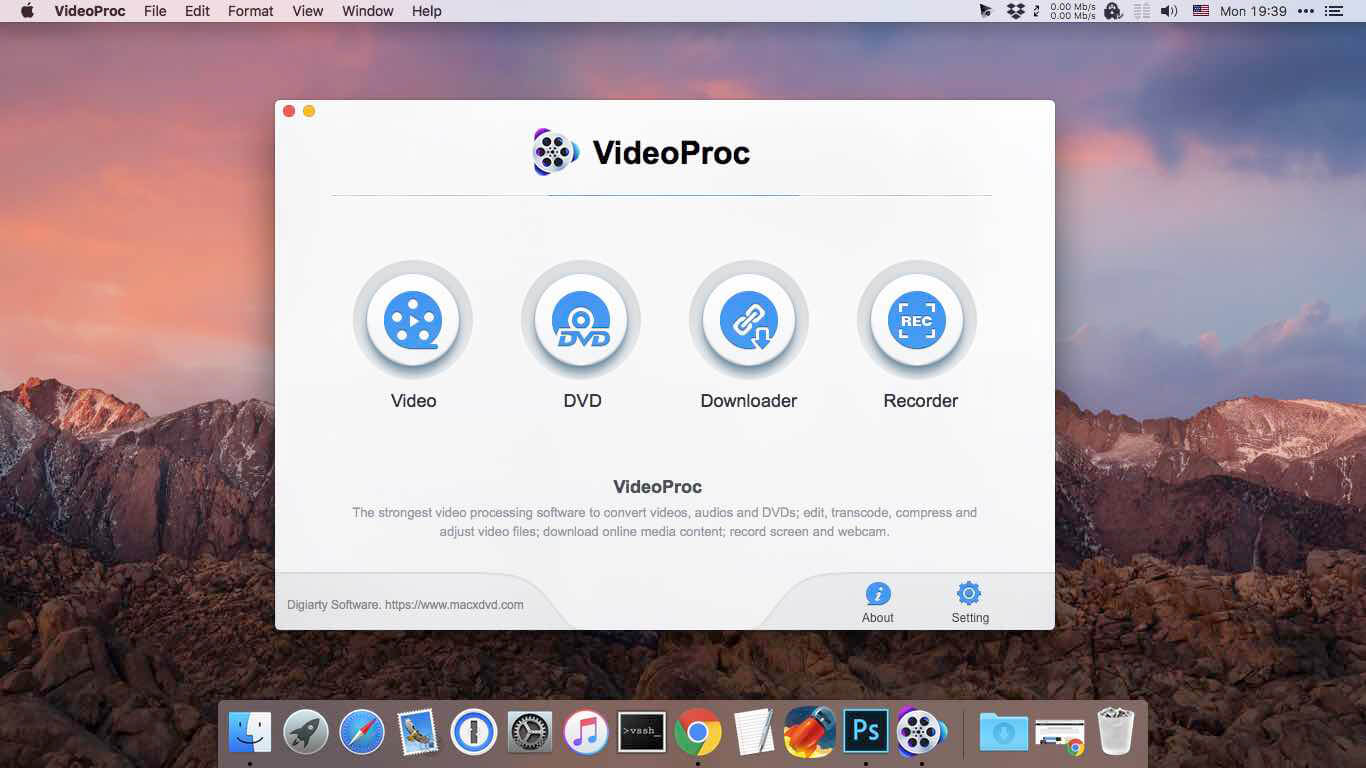
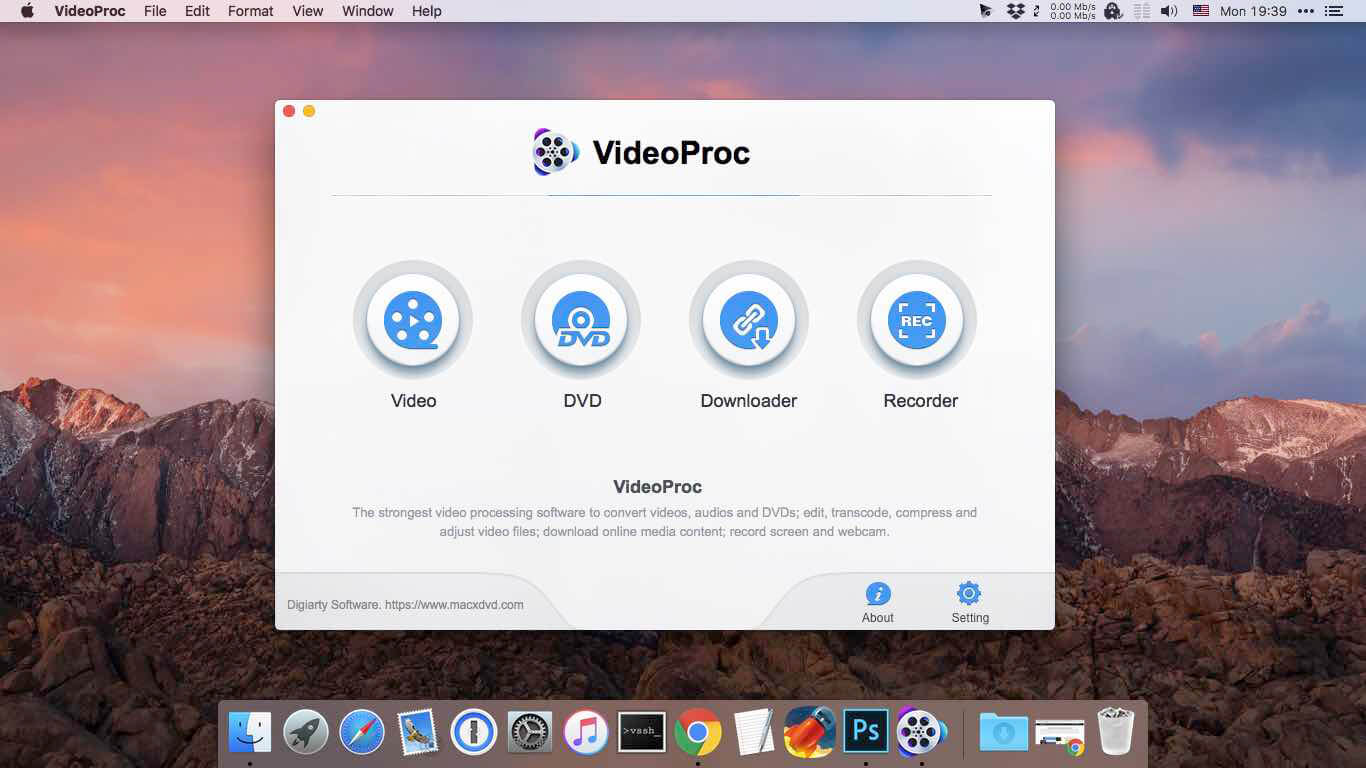
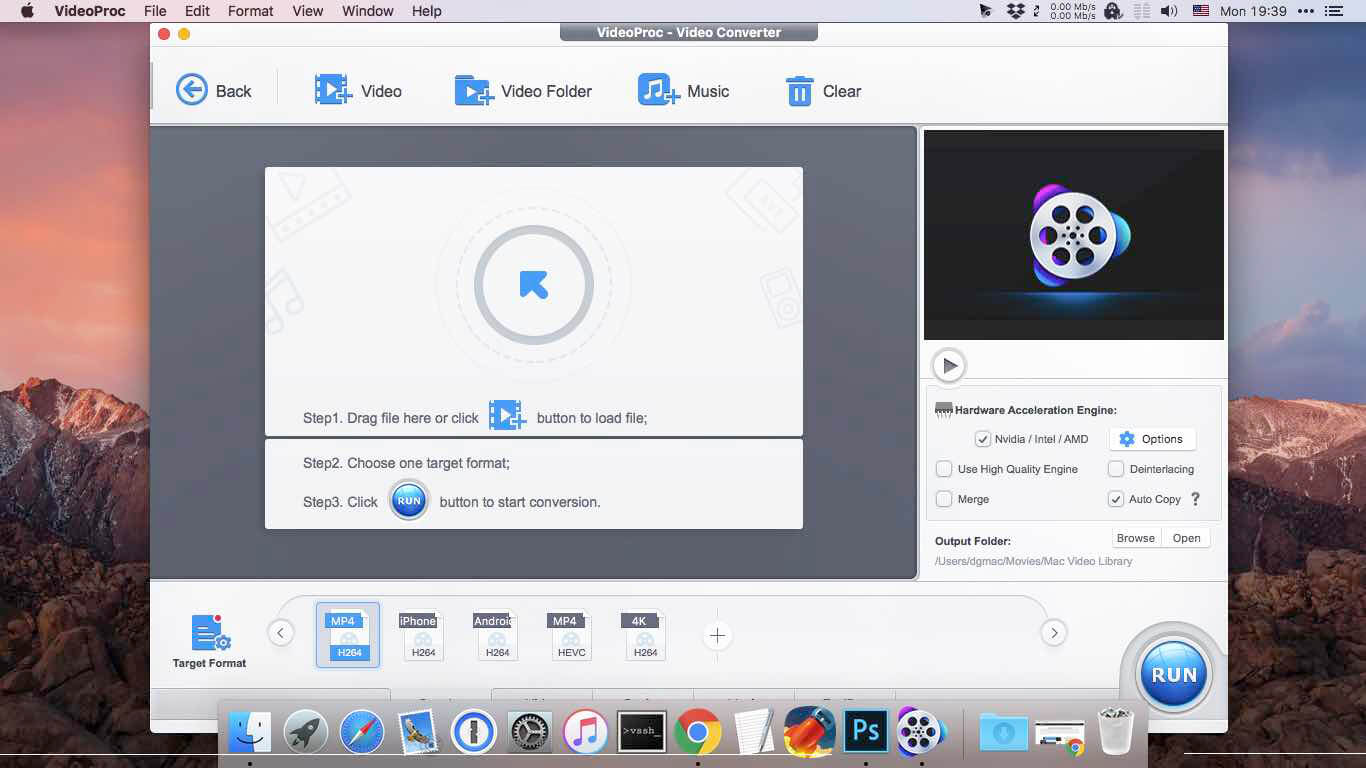
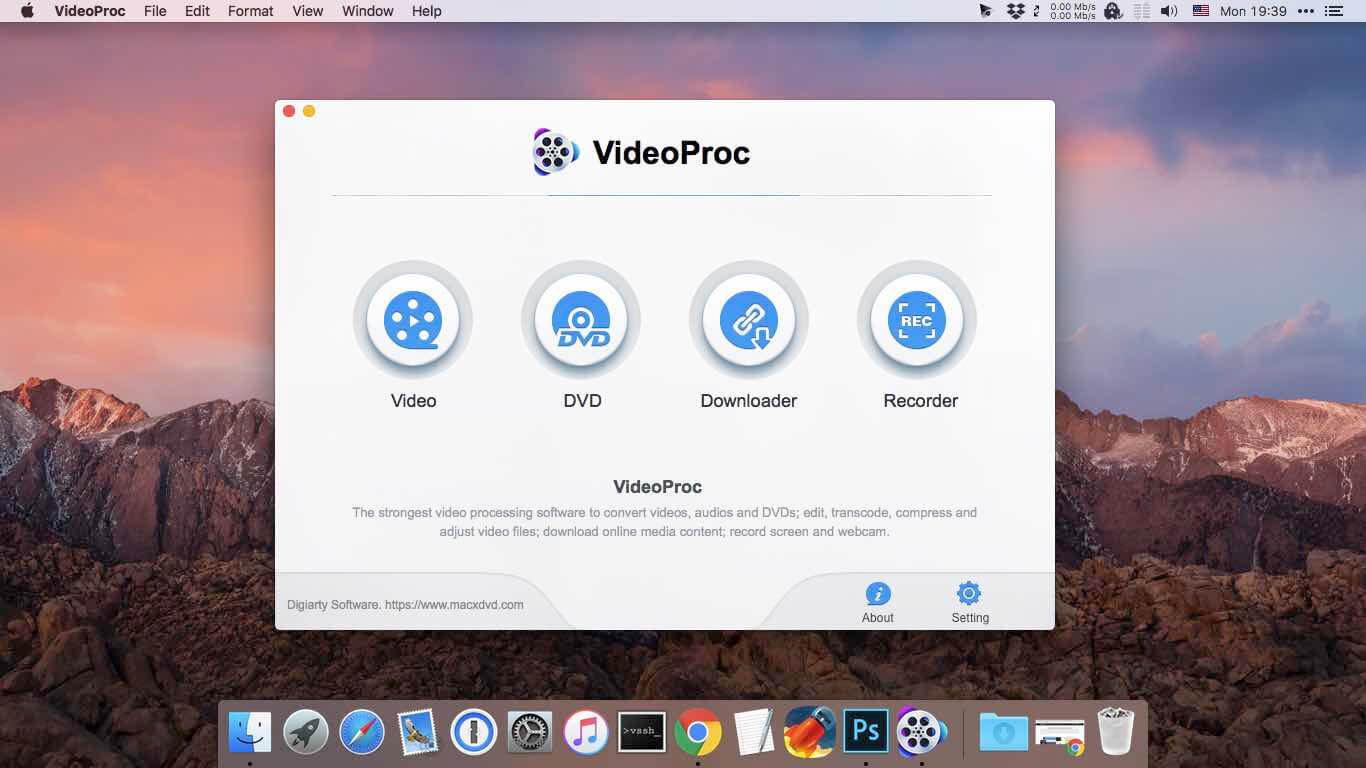
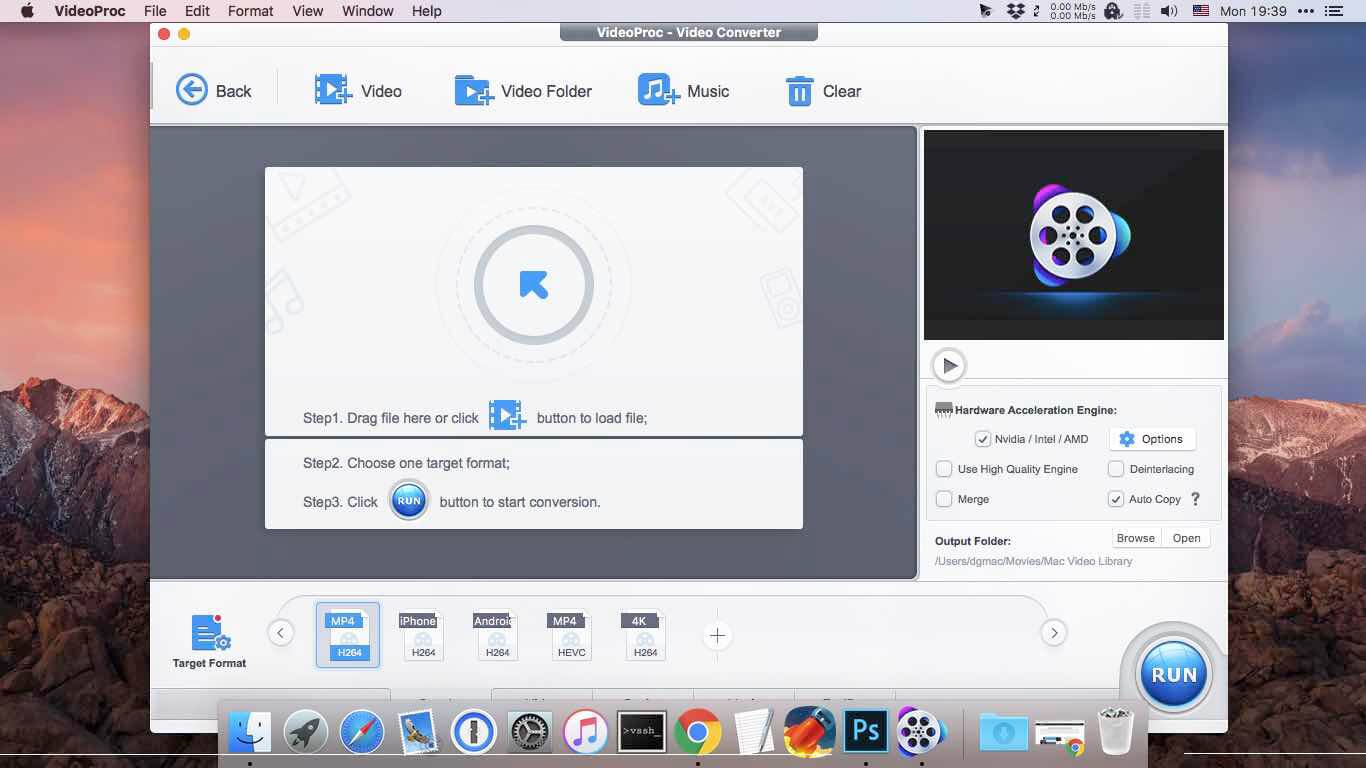
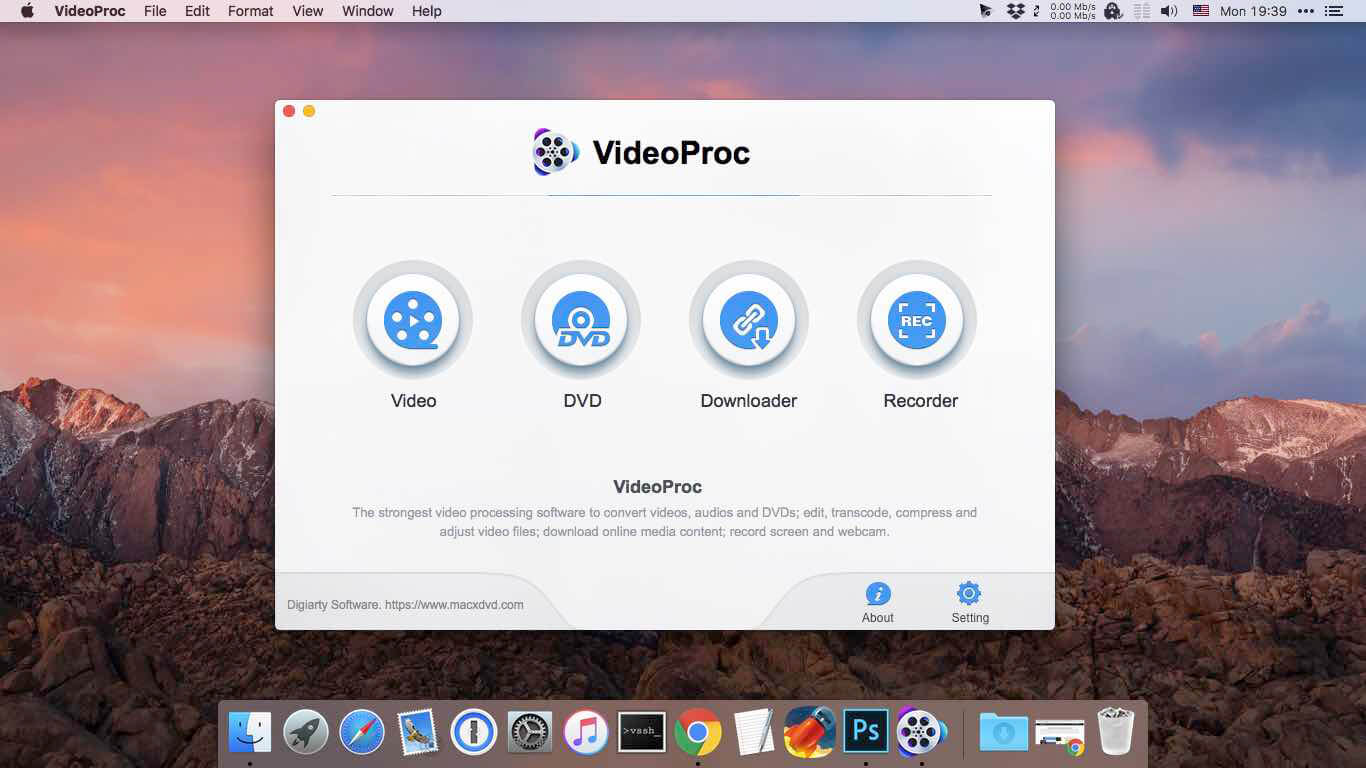
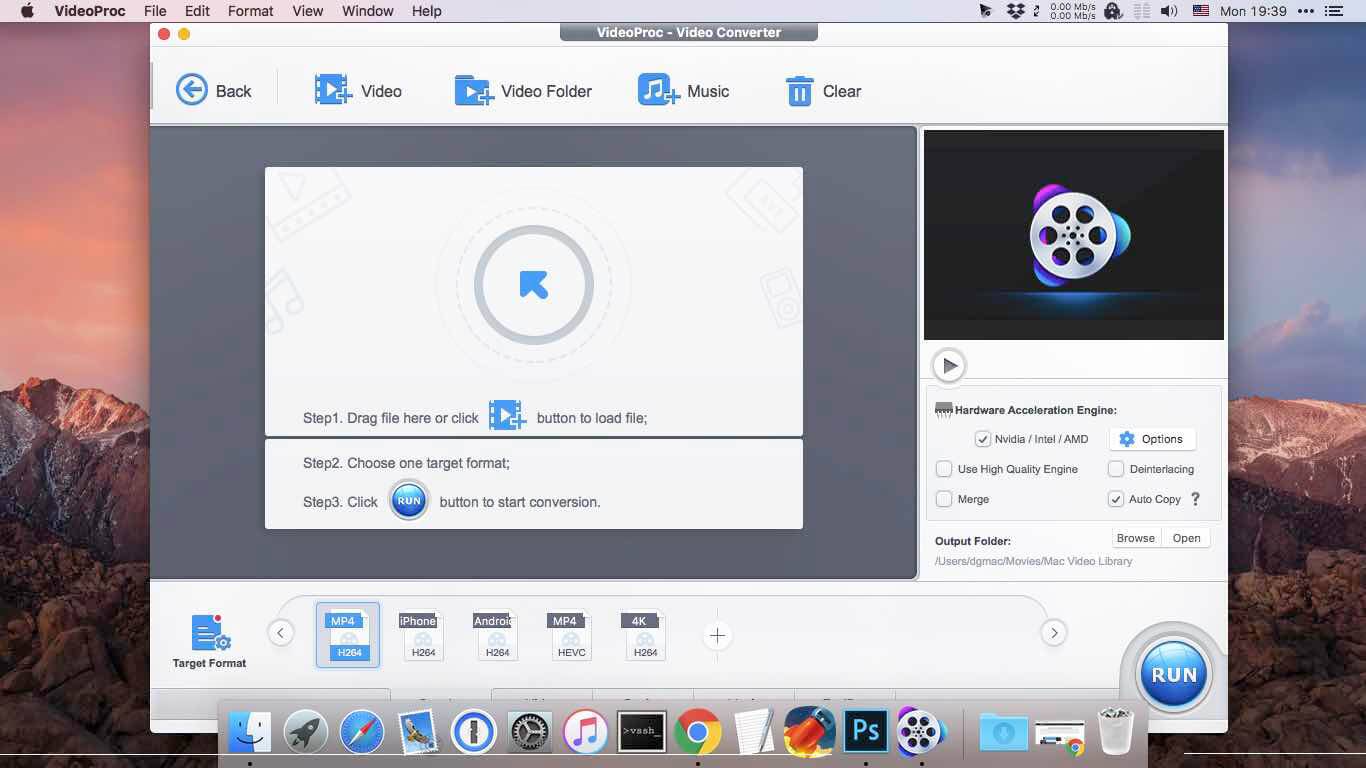
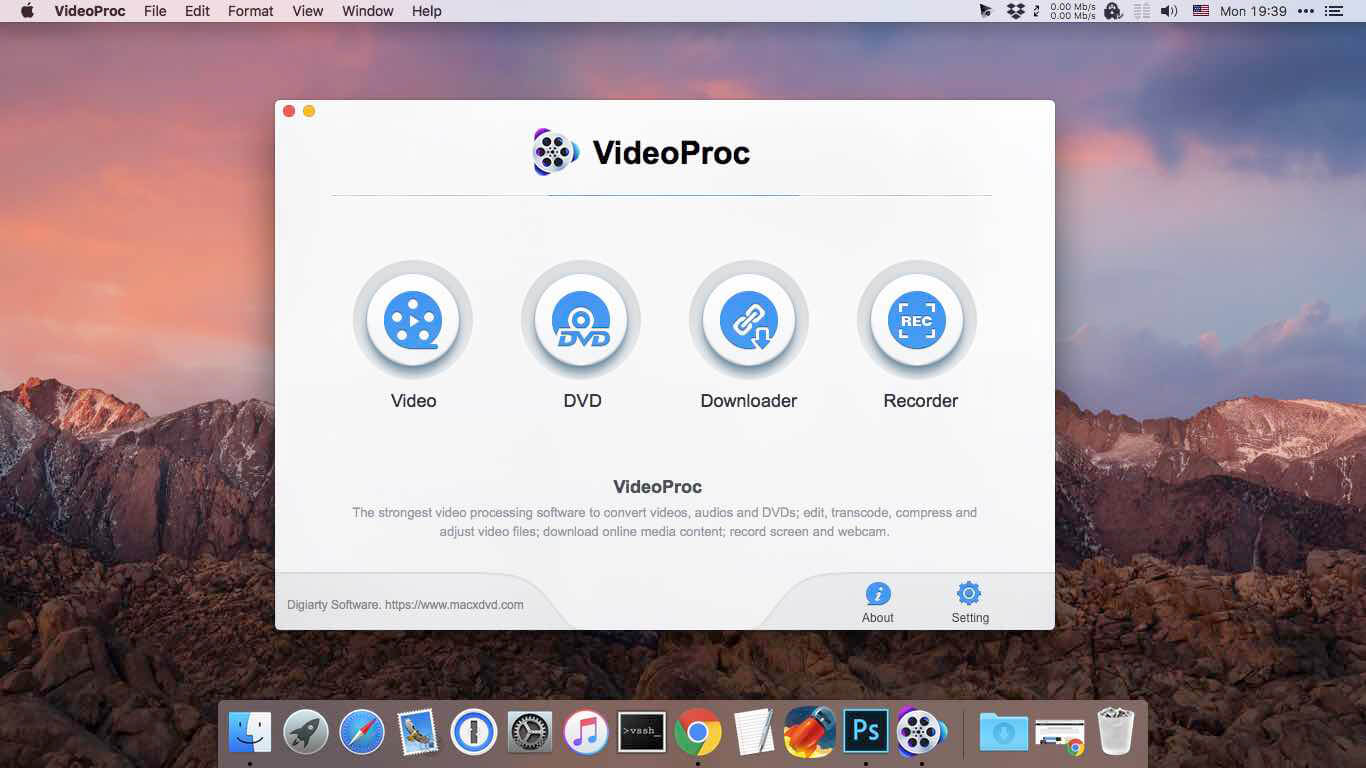
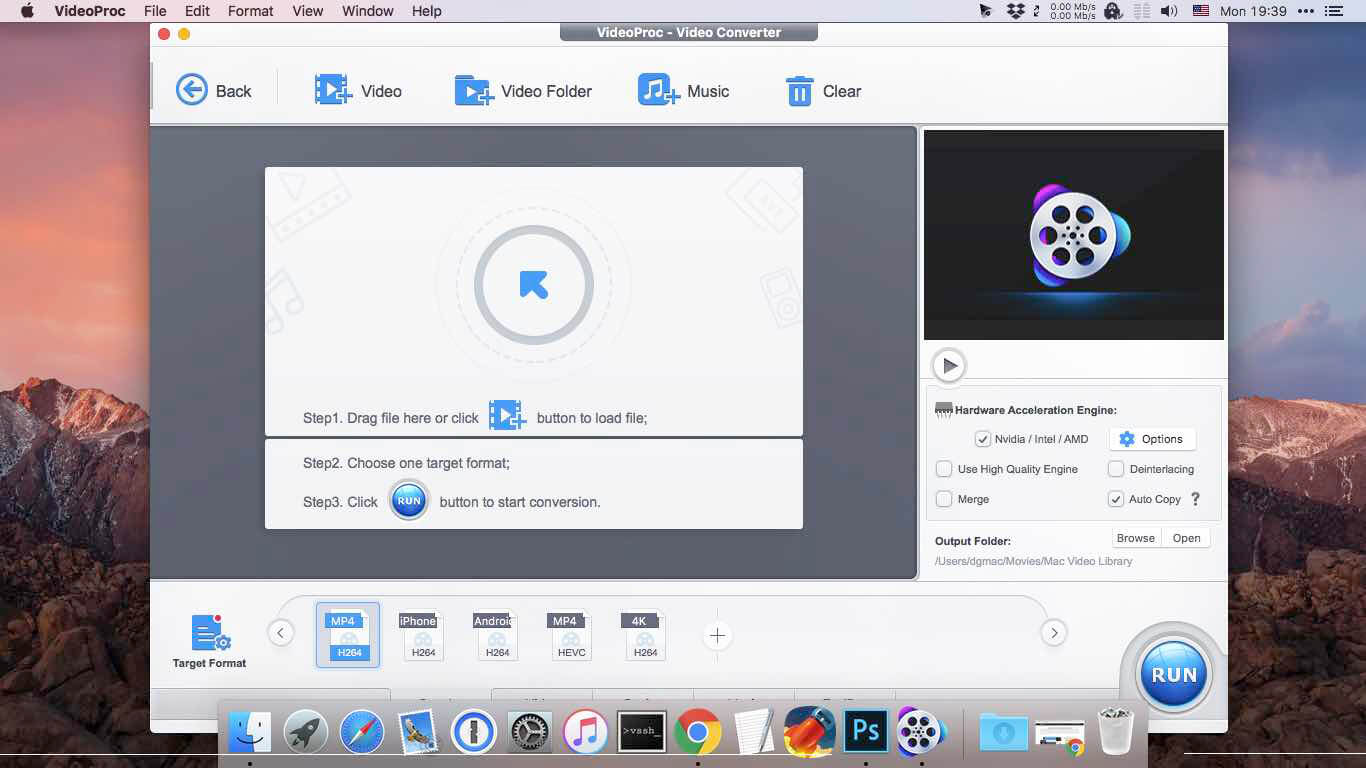
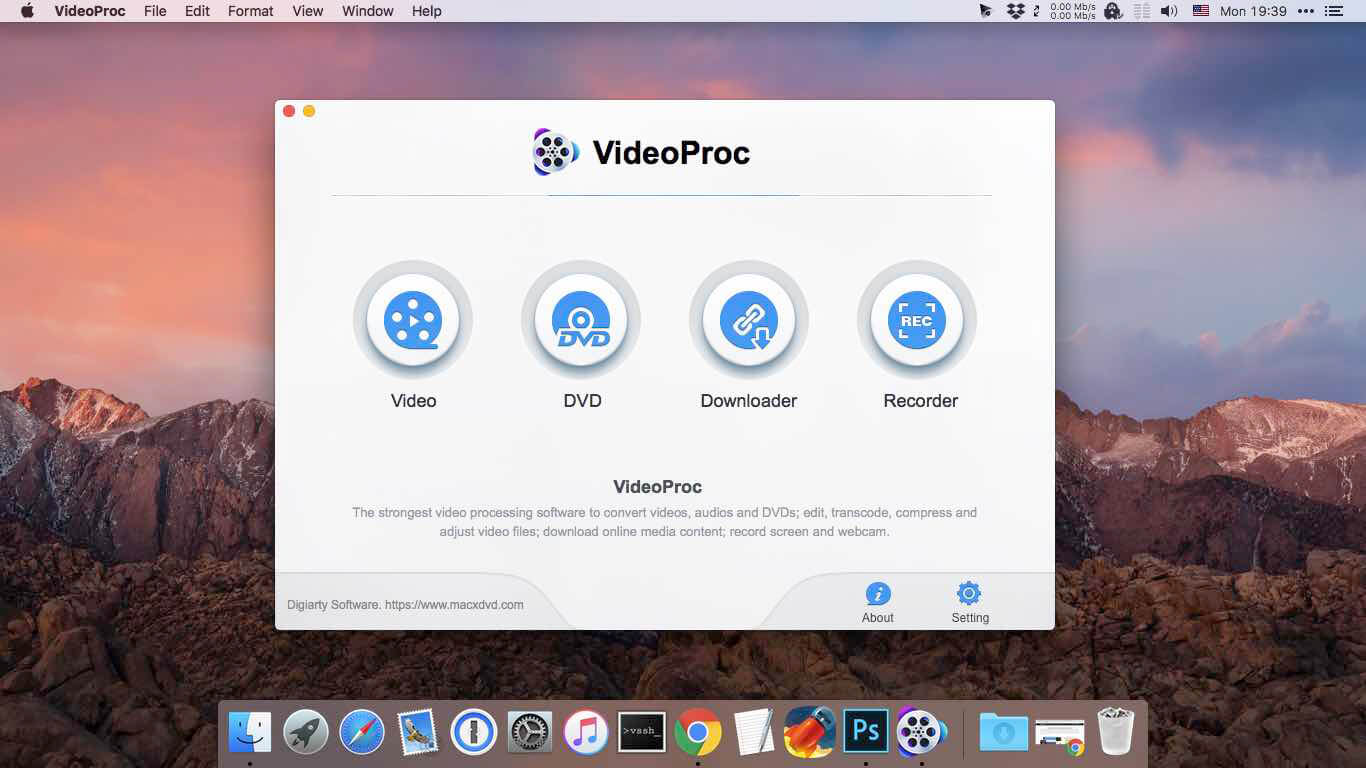
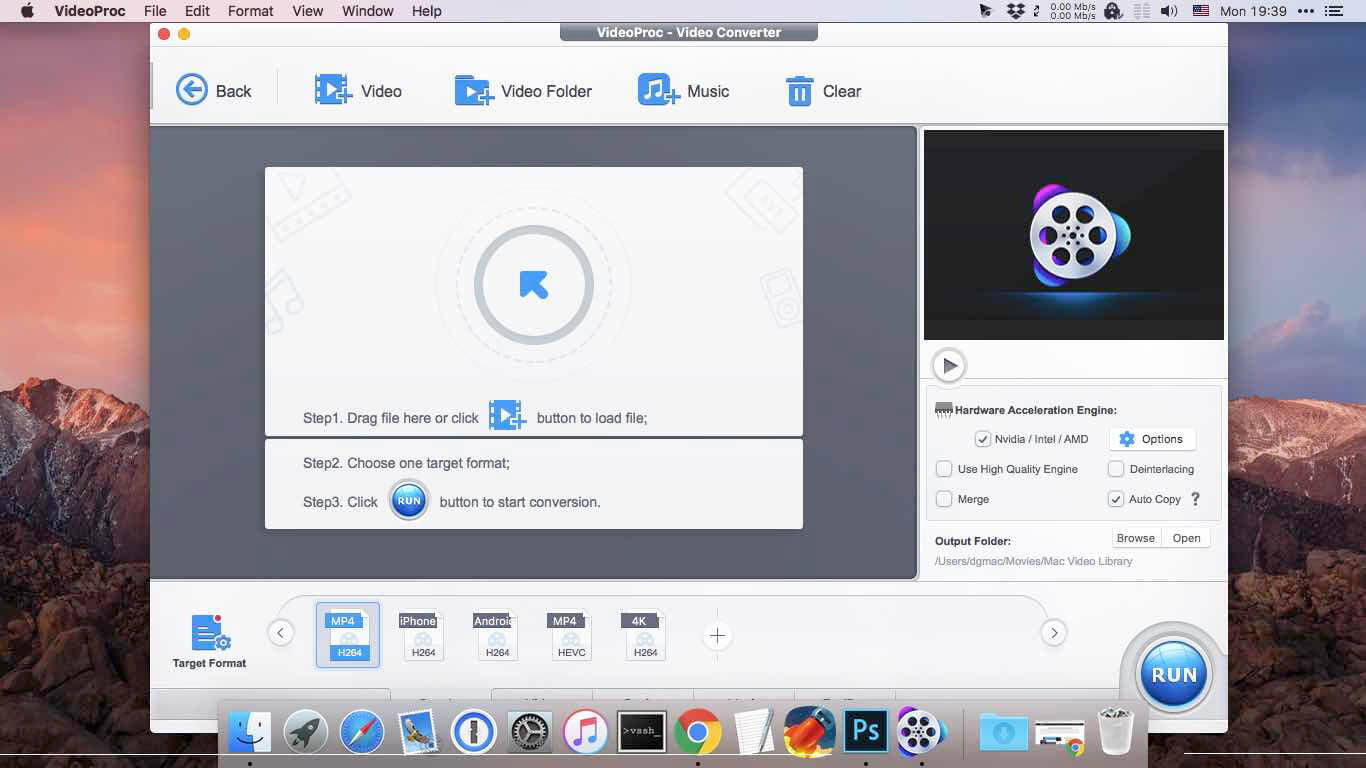
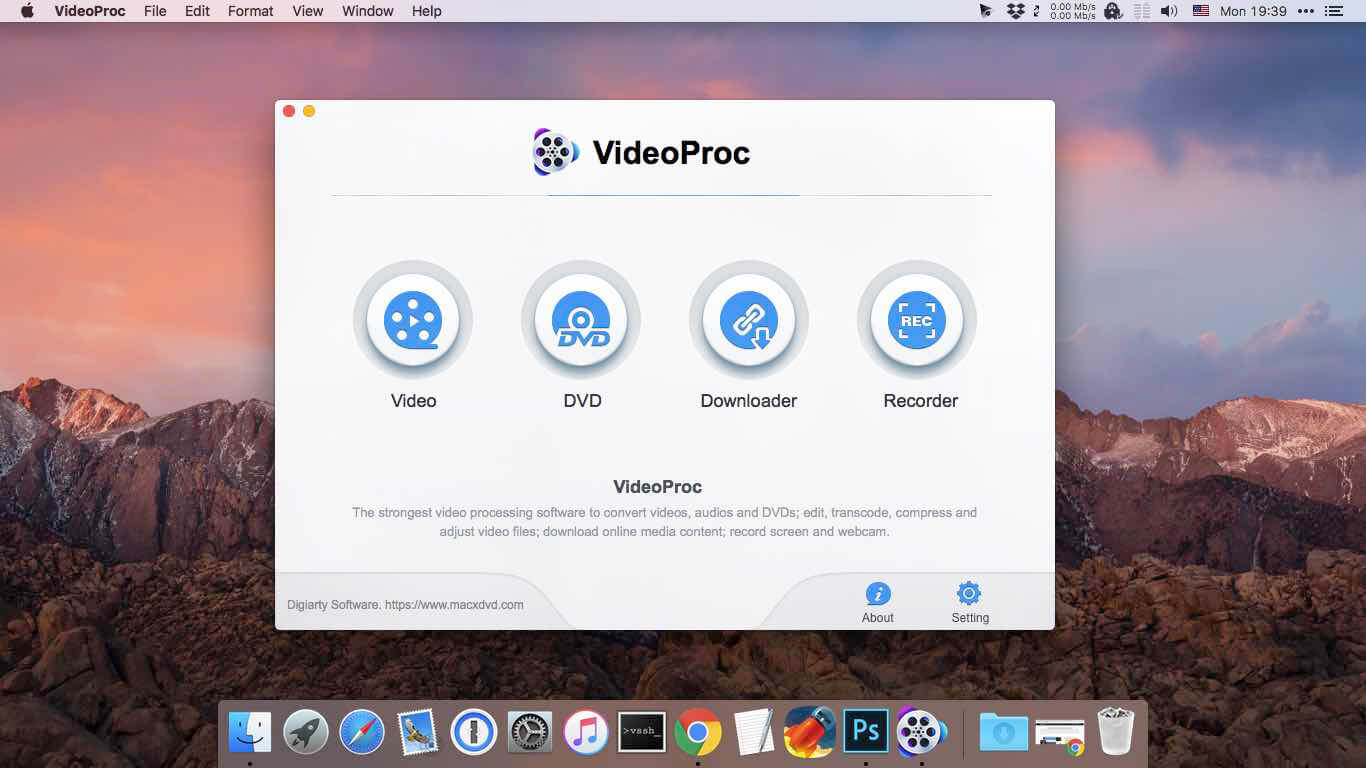
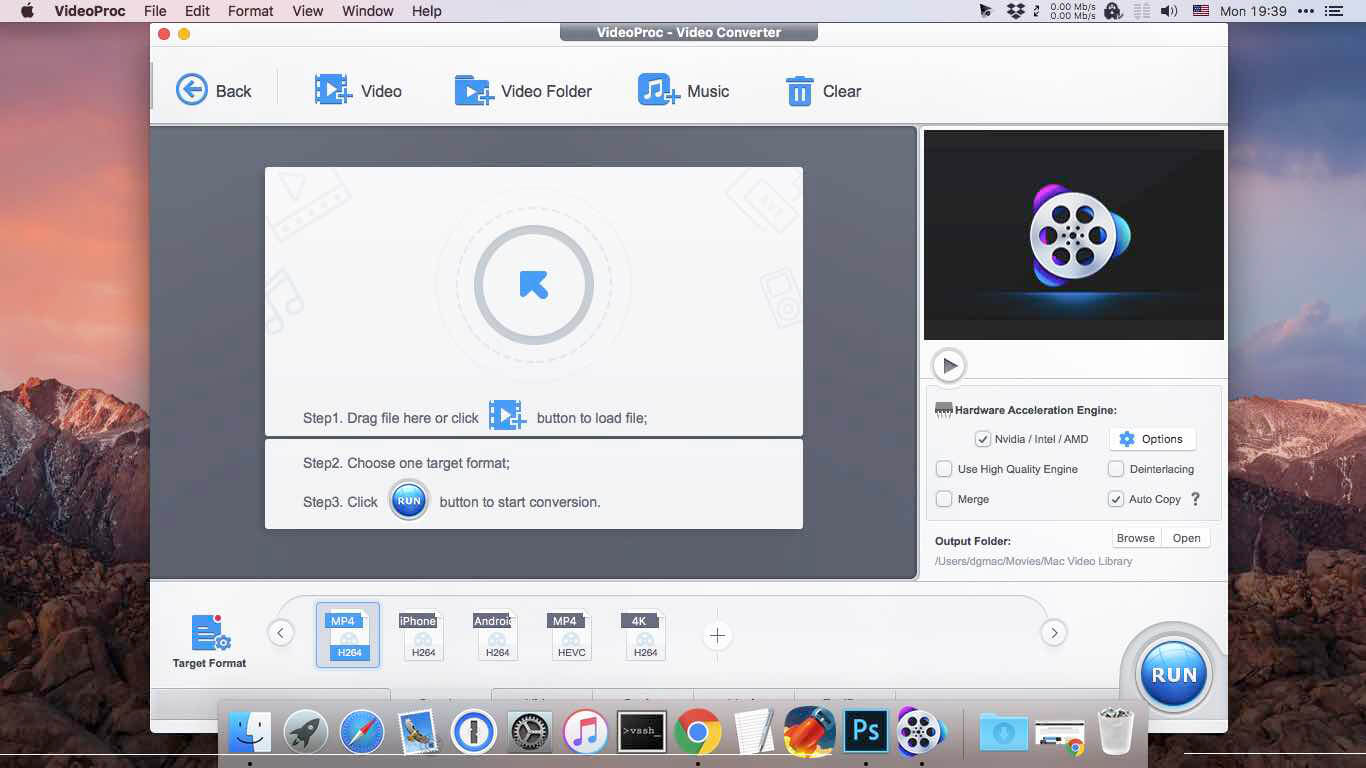
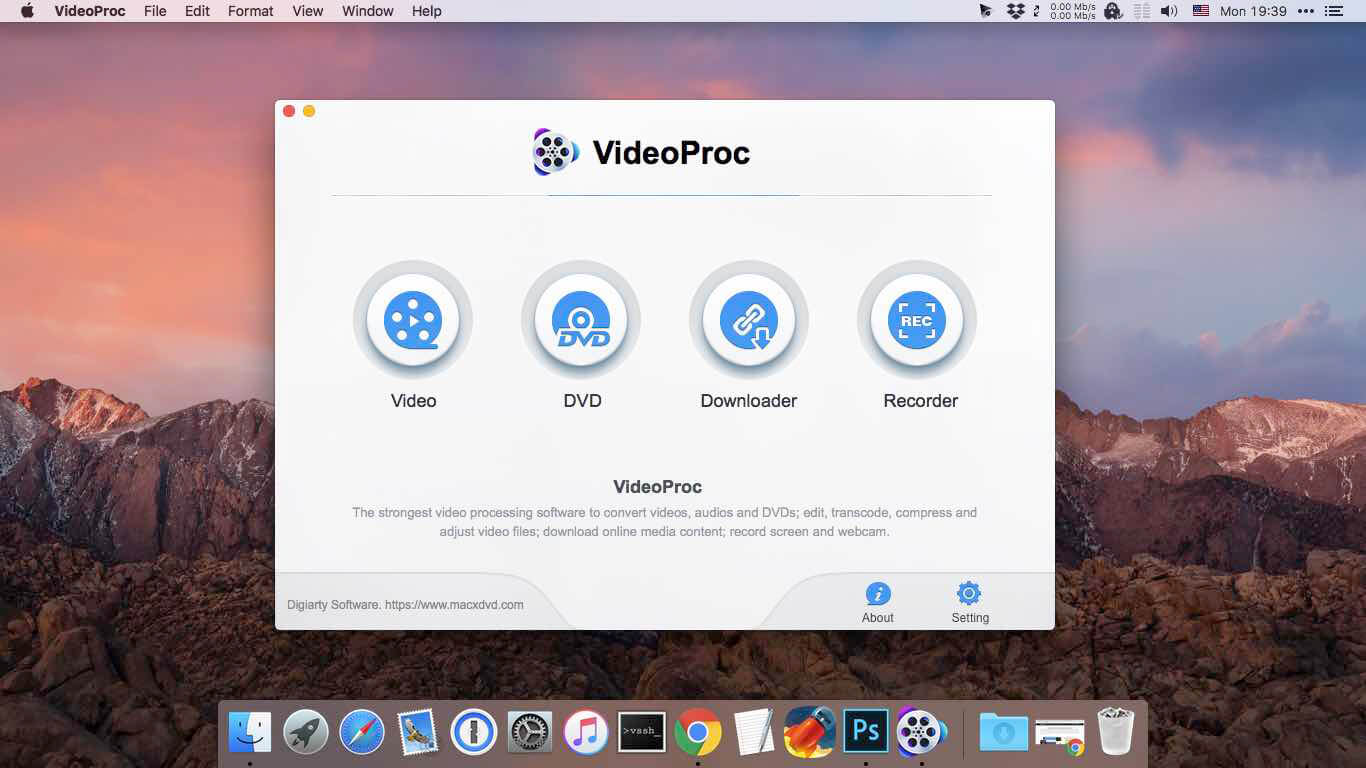
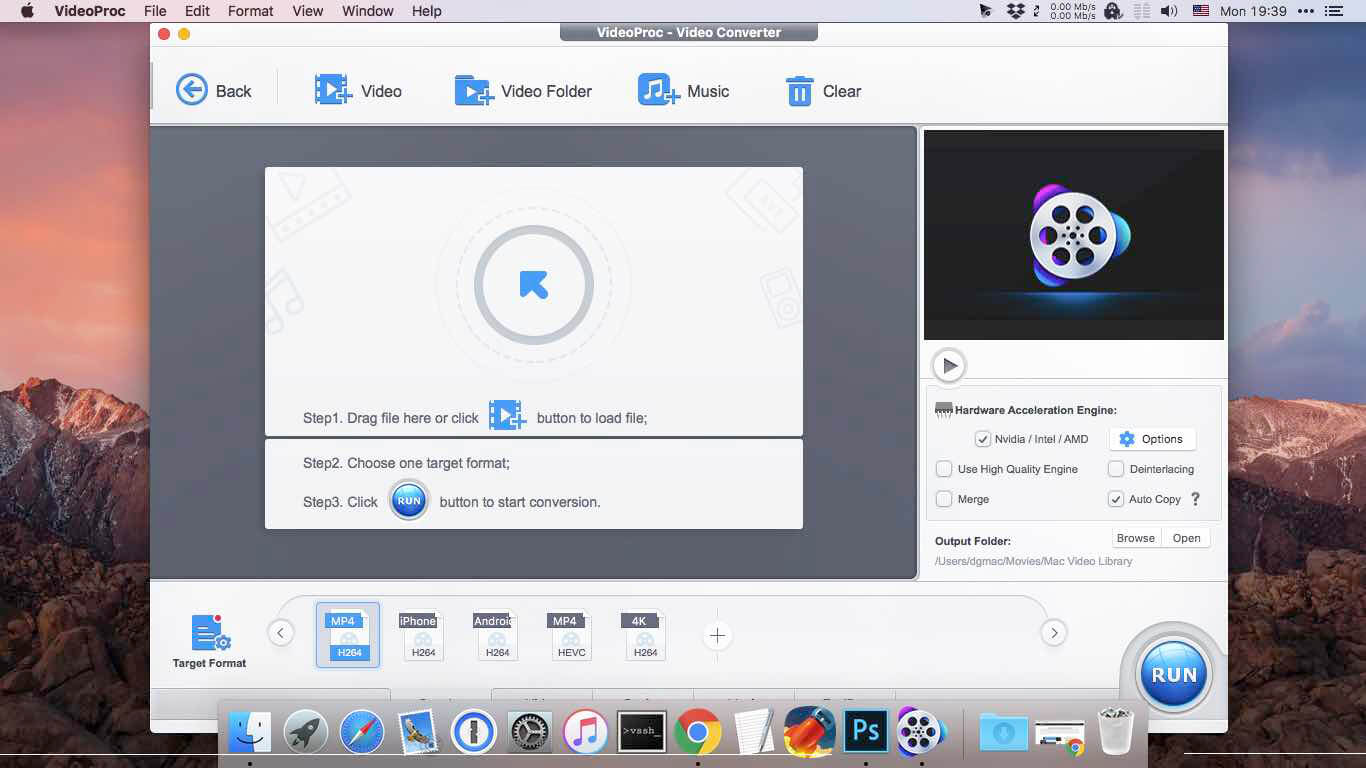
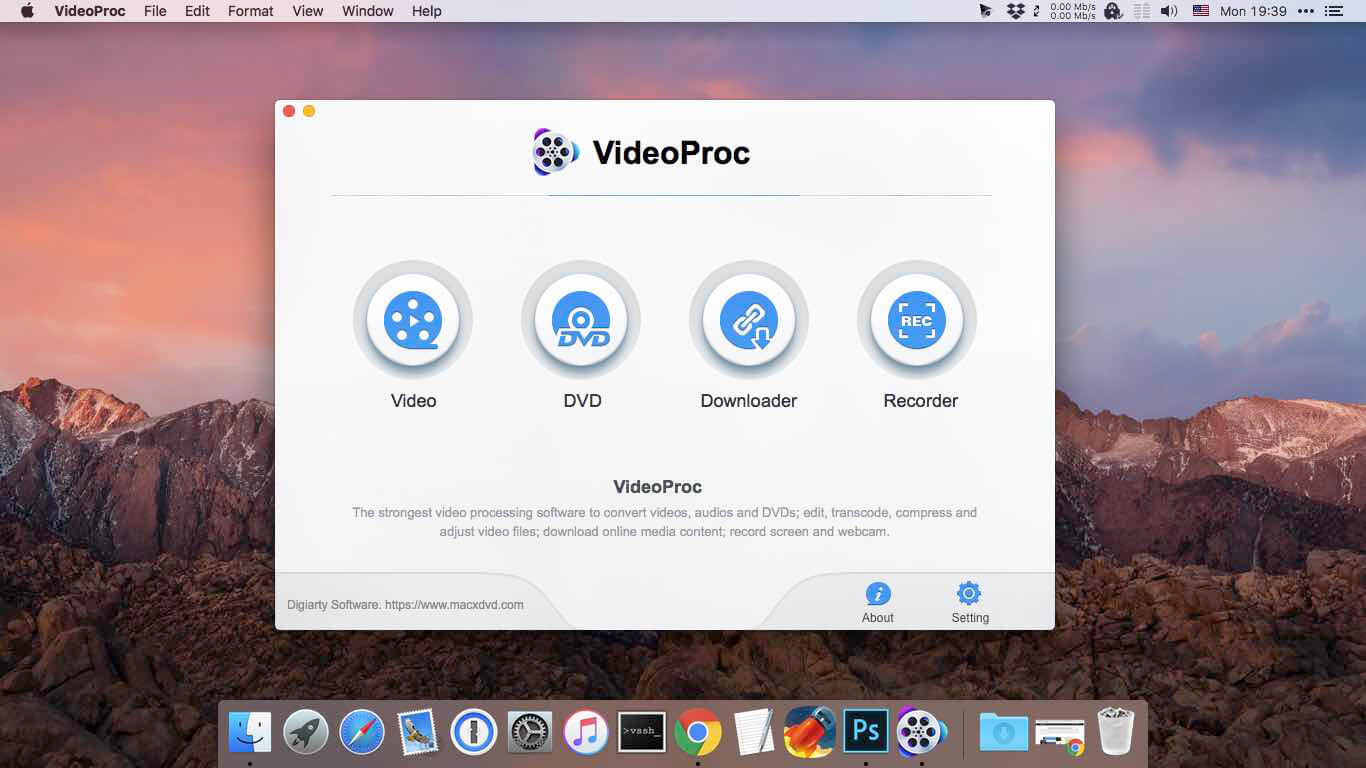
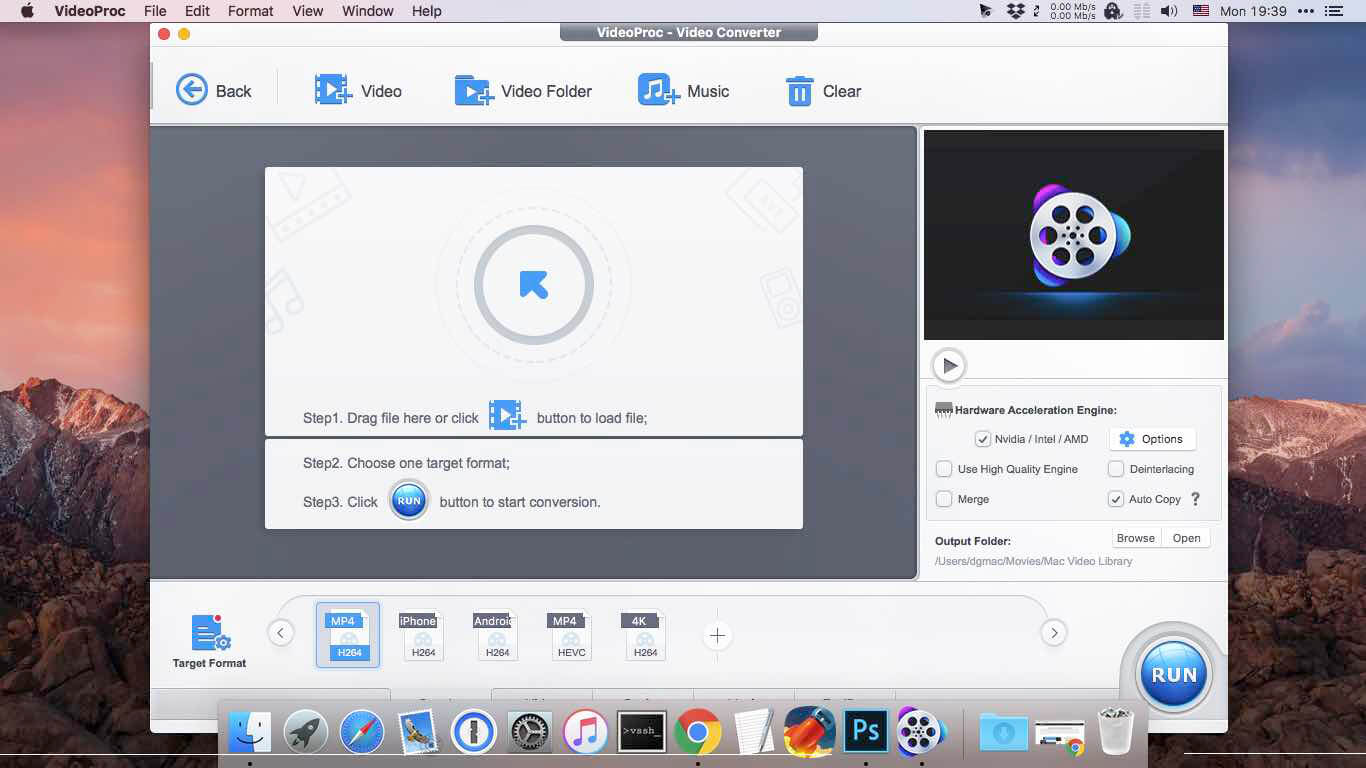
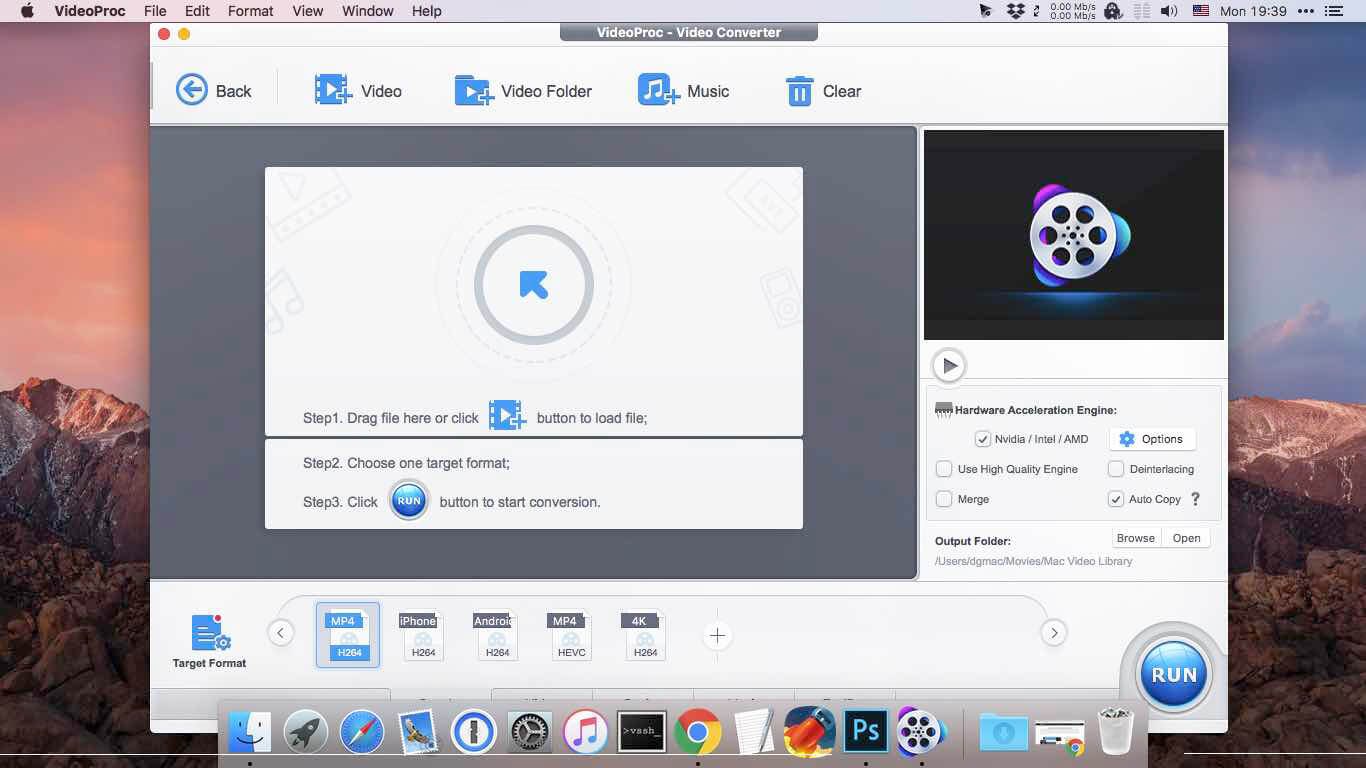
Built with AI tools for video/image/audio enhancement. Remaster, upscale, restore, colorize, convert, edit, compress, download, and record with GPU acceleration. The best video converter works with videos shot with GoPro, DJI, iPhone, Android, DSLR, mirrorless, camcorders, or other 4K cameras.
VideoProc peaks Level-3 Hardware Acceleration fully powered by Intel®, AMD®, NVIDIA® GPUs, and Apple M1/M2/M3/M4 (Pro/Max/Ultra), delivering buttery smooth (4K/8K) video processing and transcoding without compromising quality.
What’s New:
Version 8.6 (2025102301):
Release notes were unavailable when this listing was updated.
This powerful Video Downloader supports downloading movies, music videos, playlist, sport videos, lectures and more from free video sharing website like Facebook, Dailymotion, eHow, and more than 100 video sharing sites.
Besides downloading video in its original format, Allavsoft also features one-click to download as well as convert the downloaded video to popular video format like MP4, AVI, WMV, MOV, MPEG-1, MPEG-2, VOB, ASF, RMVB, DV, TS, Apple ProRes, WebM, FLV, OGV and etc.
This ideal Web Video Downloader app enables selecting among all video qualities available for downloading like download videos in ultra high definition (4K), 3D video, HD 2k, HD 1080p, HD 720p, and stand definition 480p, 360p, and 240p.
This professional Video Downloading and Converting tool also helps to extract and download audio from online music video or movies as well as convert to popular audio format like MP3, WMA, WAV, AAC, AAC, Apple Lossless M4A, AIFF, RA, FLAC, OGG, AU and etc.
Batch download and convert
Allavsoft supports adding multiple video URLs and batch downloading and converting multiple videos at a time.
When download web video files, this wonderful Video Downloader will automatically detects advertisements and does not download them.
Preview and playback downloaded video files
There is a built-in video player in Allavsoft for us to preview and playback the downloaded video files.
Breakpoint Resume
You can pause and resume downloading at any time. It is very convenient to use.
Action after download done
You can set automatically shut down computer after all the download tasks are finished, if you have lots of videos to download and want to leave your Windows on to download them.
Keep history for downloading.
What’s New:
Version 3.28.2.9340
Release notes were unavailable when this listing was updated.
Built with AI tools for video/image/audio enhancement. Remaster, upscale, restore, colorize, convert, edit, compress, download, and record with GPU acceleration. The best video converter works with videos shot with GoPro, DJI, iPhone, Android, DSLR, mirrorless, camcorders, or other 4K cameras.
VideoProc peaks Level-3 Hardware Acceleration fully powered by Intel®, AMD®, NVIDIA® GPUs, and Apple M1/M2/M3/M4 (Pro/Max/Ultra), delivering buttery smooth (4K/8K) video processing and transcoding without compromising quality.
What’s New:
Version 7.8 (2025080701):
Release notes were unavailable when this listing was updated.
This powerful Video Downloader supports downloading movies, music videos, playlist, sport videos, lectures and more from free video sharing website like Facebook, Dailymotion, eHow, and more than 100 video sharing sites.
Besides downloading video in its original format, Allavsoft also features one-click to download as well as convert the downloaded video to popular video format like MP4, AVI, WMV, MOV, MPEG-1, MPEG-2, VOB, ASF, RMVB, DV, TS, Apple ProRes, WebM, FLV, OGV and etc.
This ideal Web Video Downloader app enables selecting among all video qualities available for downloading like download videos in ultra high definition (4K), 3D video, HD 2k, HD 1080p, HD 720p, and stand definition 480p, 360p, and 240p.
This professional Video Downloading and Converting tool also helps to extract and download audio from online music video or movies as well as convert to popular audio format like MP3, WMA, WAV, AAC, AAC, Apple Lossless M4A, AIFF, RA, FLAC, OGG, AU and etc.
Batch download and convert
Allavsoft supports adding multiple video URLs and batch downloading and converting multiple videos at a time.
When download web video files, this wonderful Video Downloader will automatically detects advertisements and does not download them.
Preview and playback downloaded video files
There is a built-in video player in Allavsoft for us to preview and playback the downloaded video files.
Breakpoint Resume
You can pause and resume downloading at any time. It is very convenient to use.
Action after download done
You can set automatically shut down computer after all the download tasks are finished, if you have lots of videos to download and want to leave your Windows on to download them.
Keep history for downloading.
What’s New:
Version 3.28.2.9336
Release notes were unavailable when this listing was updated.
This powerful Video Downloader supports downloading movies, music videos, playlist, sport videos, lectures and more from free video sharing website like Facebook, Dailymotion, eHow, and more than 100 video sharing sites.
Besides downloading video in its original format, Allavsoft also features one-click to download as well as convert the downloaded video to popular video format like MP4, AVI, WMV, MOV, MPEG-1, MPEG-2, VOB, ASF, RMVB, DV, TS, Apple ProRes, WebM, FLV, OGV and etc.
This ideal Web Video Downloader app enables selecting among all video qualities available for downloading like download videos in ultra high definition (4K), 3D video, HD 2k, HD 1080p, HD 720p, and stand definition 480p, 360p, and 240p.
This professional Video Downloading and Converting tool also helps to extract and download audio from online music video or movies as well as convert to popular audio format like MP3, WMA, WAV, AAC, AAC, Apple Lossless M4A, AIFF, RA, FLAC, OGG, AU and etc.
Batch download and convert
Allavsoft supports adding multiple video URLs and batch downloading and converting multiple videos at a time.
When download web video files, this wonderful Video Downloader will automatically detects advertisements and does not download them.
Preview and playback downloaded video files
There is a built-in video player in Allavsoft for us to preview and playback the downloaded video files.
Breakpoint Resume
You can pause and resume downloading at any time. It is very convenient to use.
Action after download done
You can set automatically shut down computer after all the download tasks are finished, if you have lots of videos to download and want to leave your Windows on to download them.
Keep history for downloading.
What’s New:
Version 3.28.2.9330
Release notes were unavailable when this listing was updated.
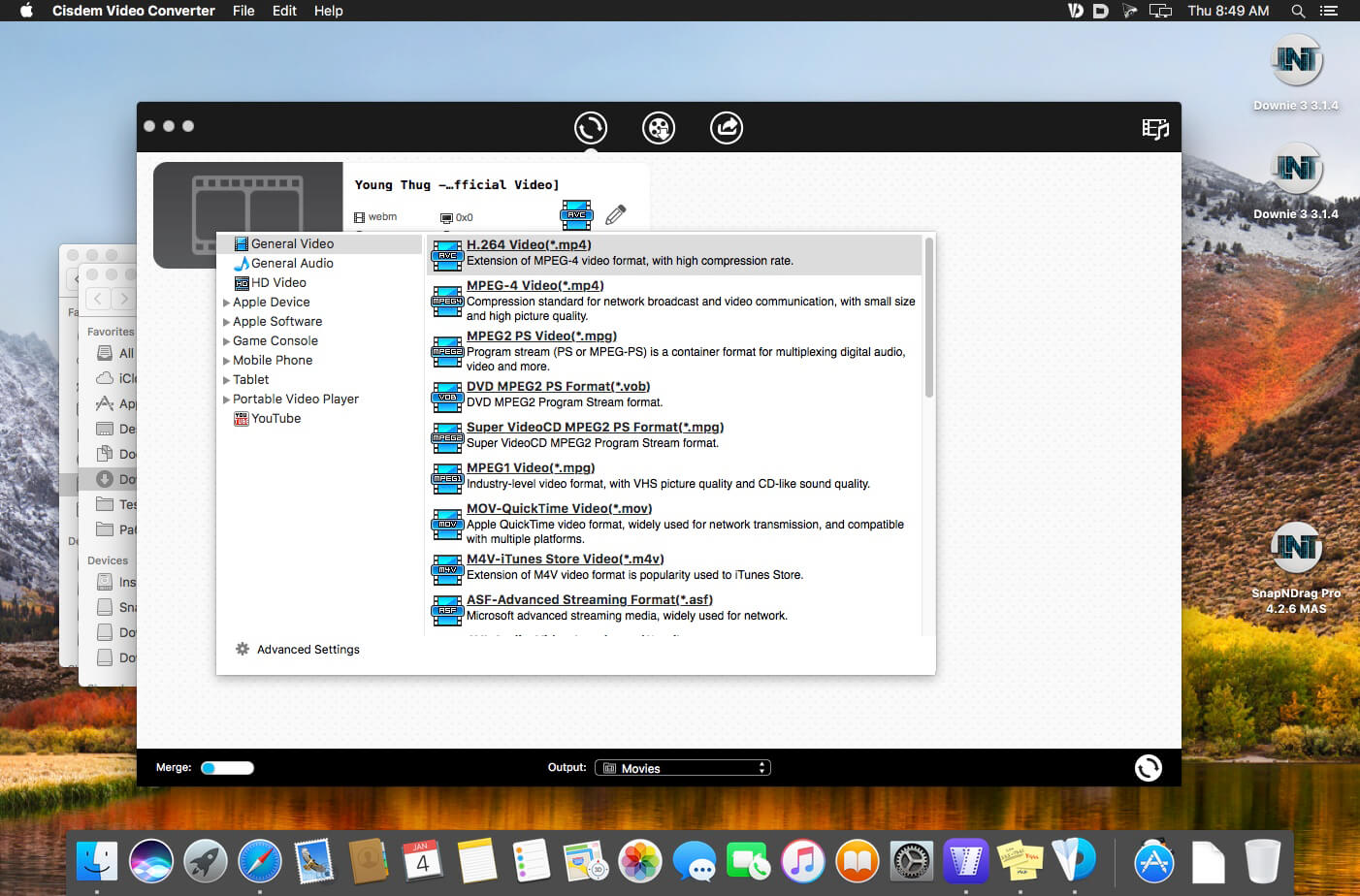
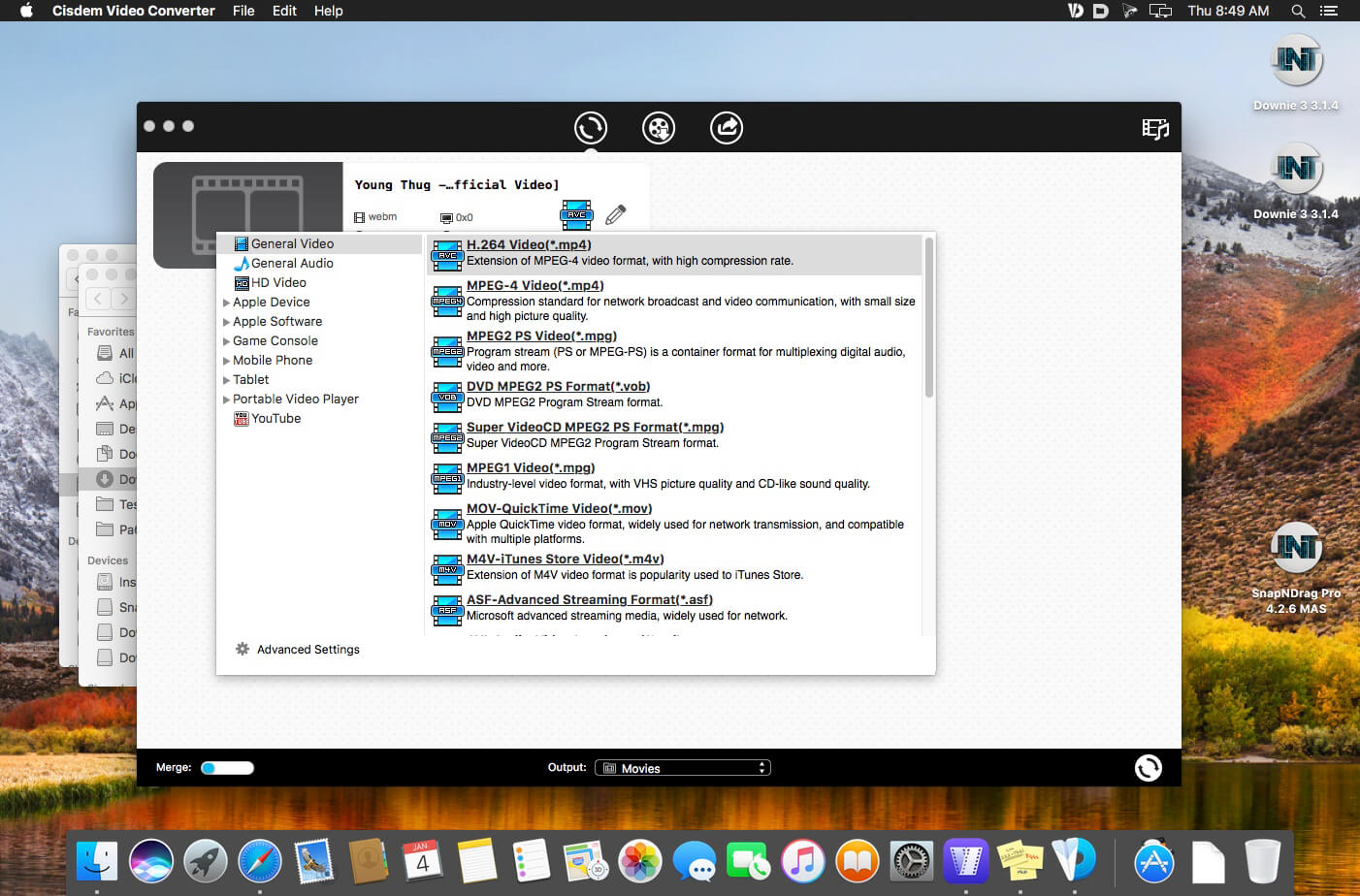
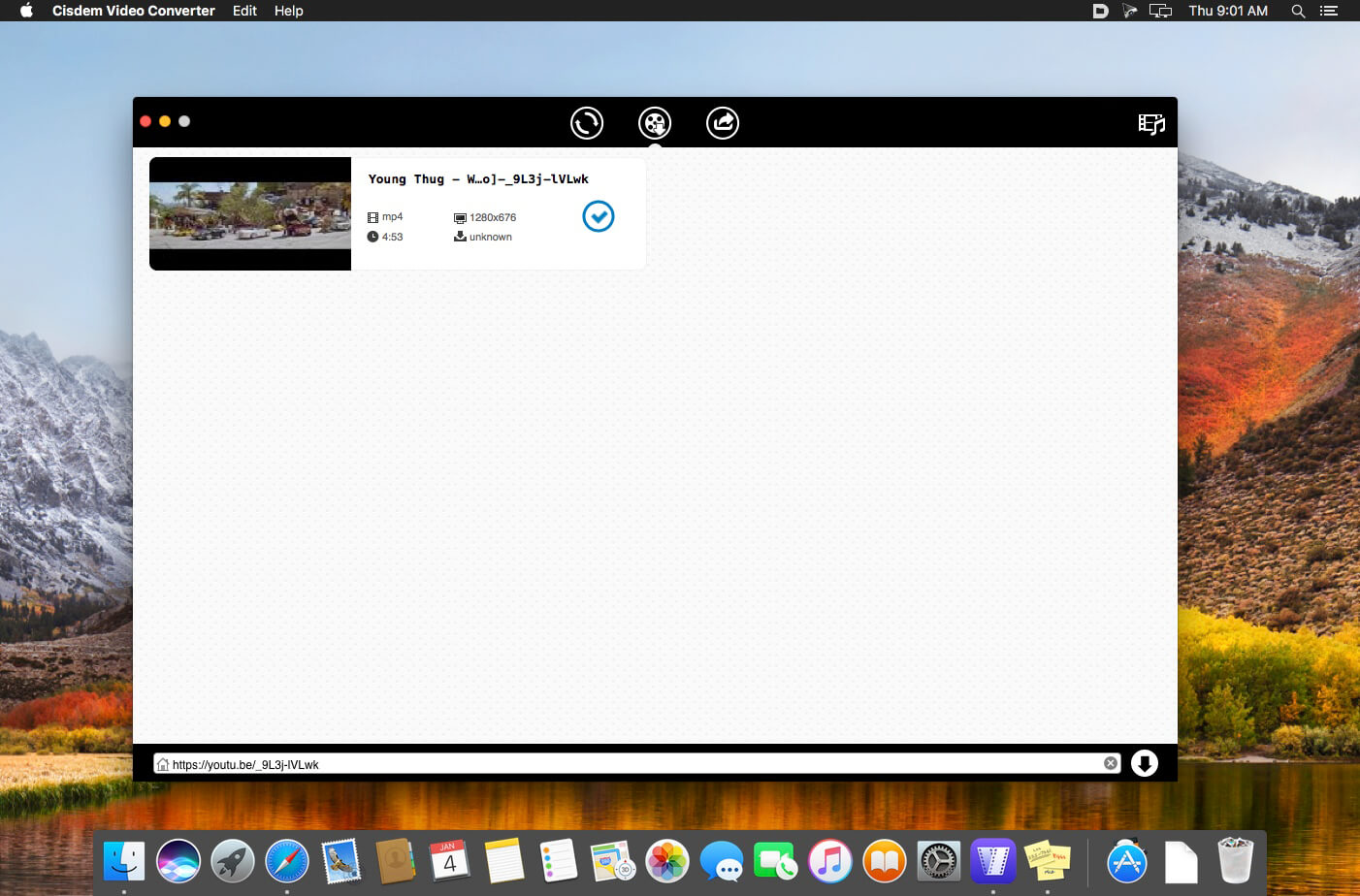
Cisdem Video Converter 6 for Mac – Download and Convert Videos on Mac without Quality Loss! The best video converting tool gives you everything you need to download and convert videos for mainstream devices.
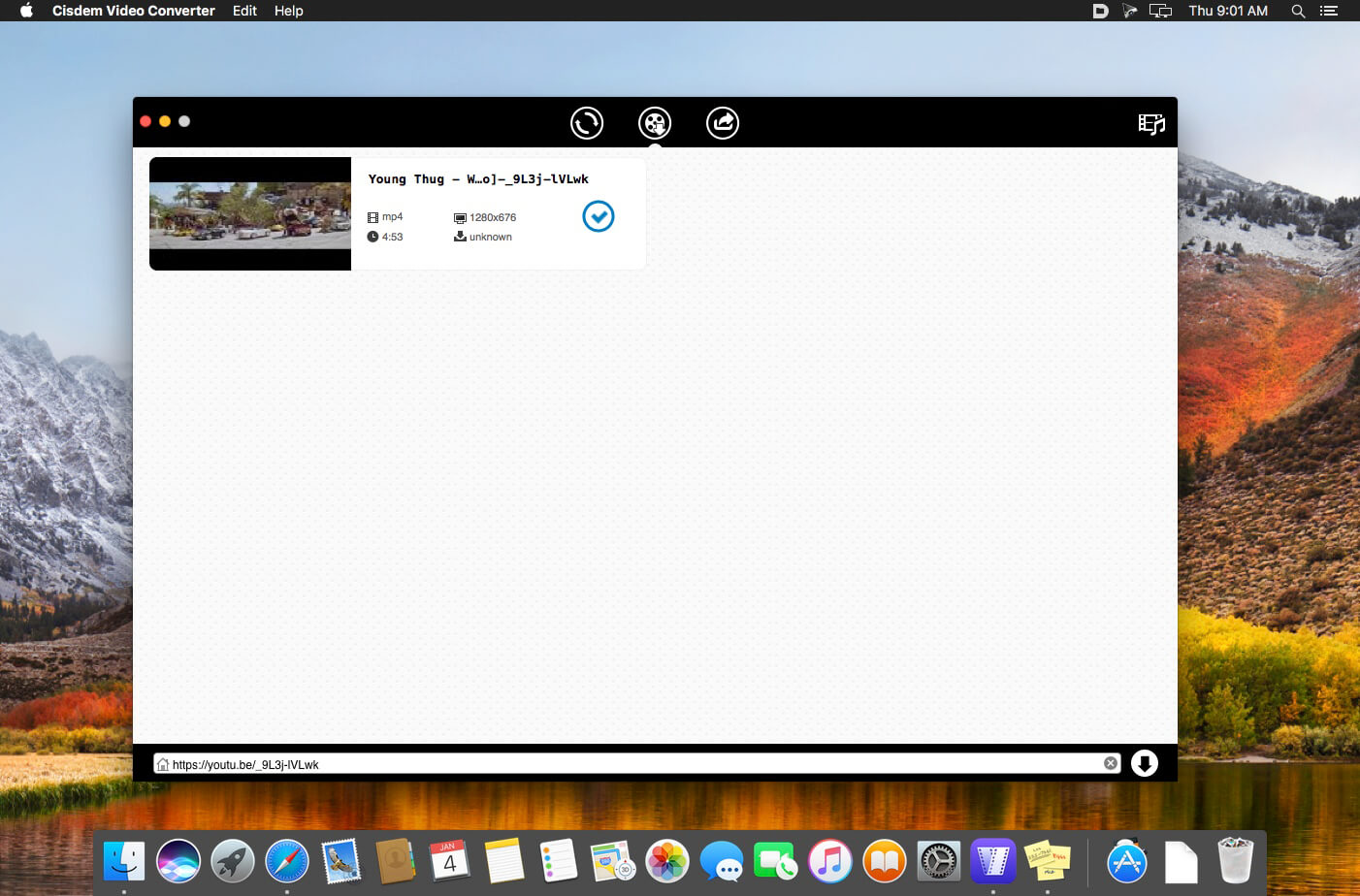
Download YouTube and YouTube HD Videos
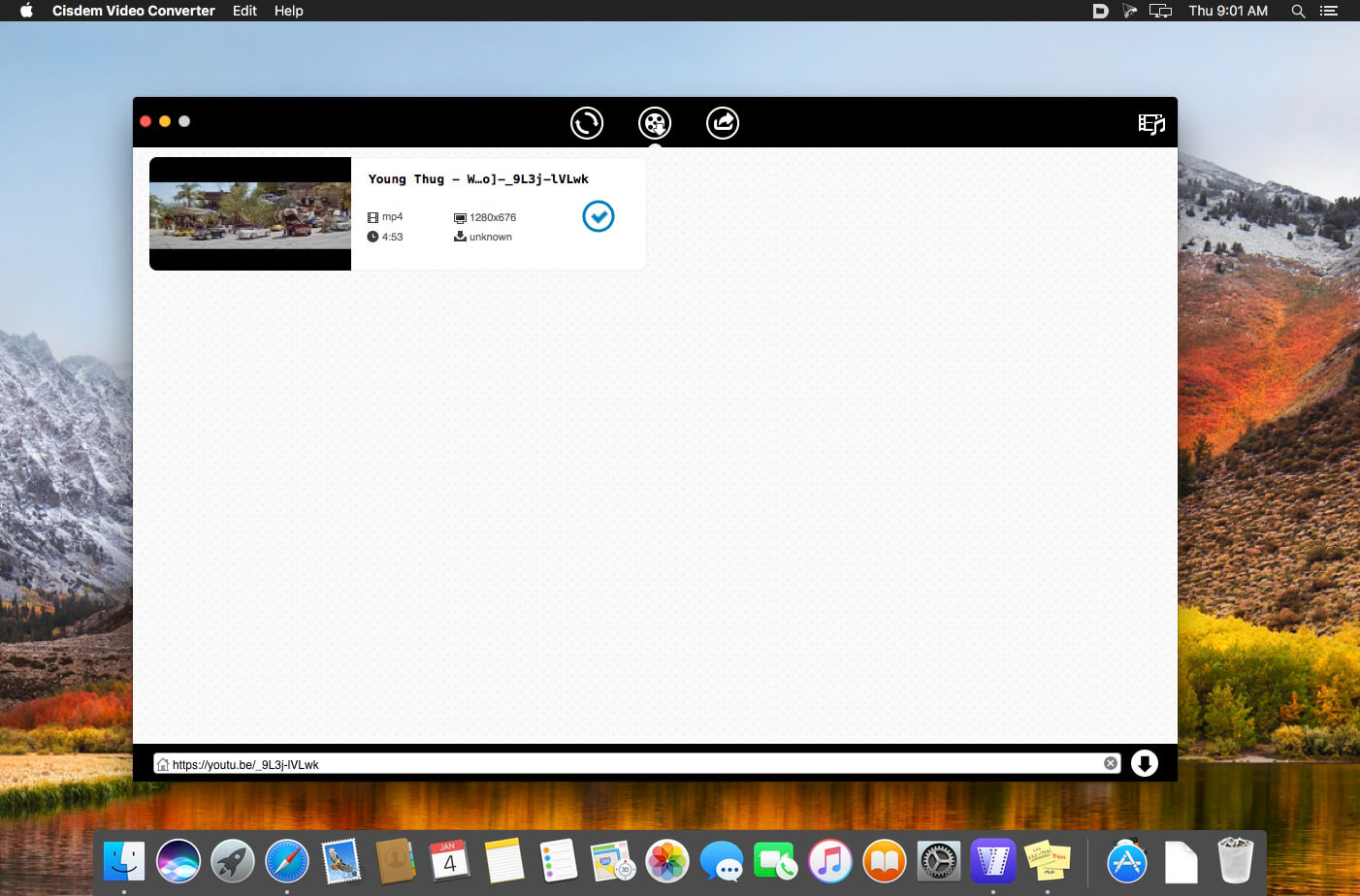
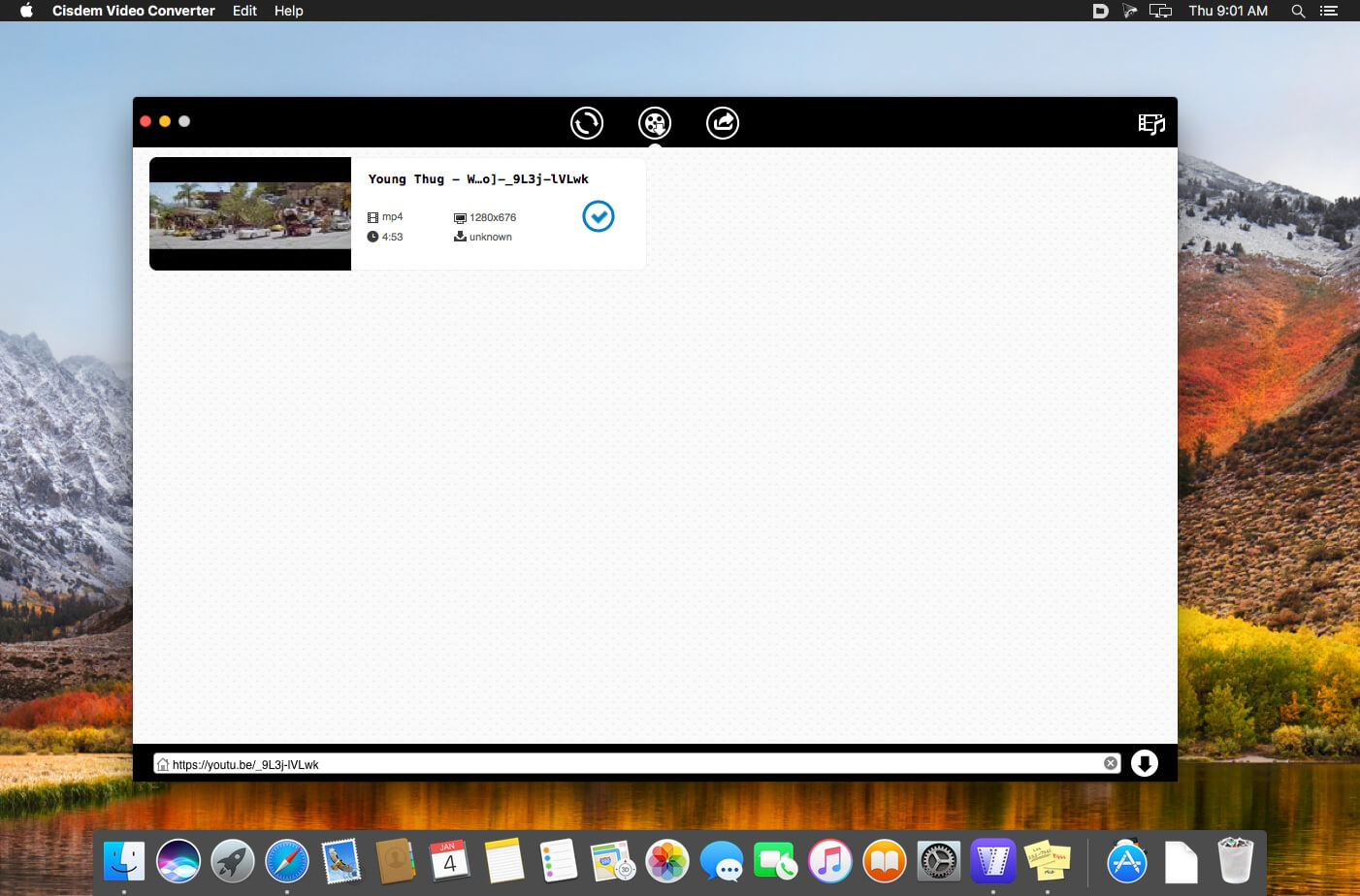
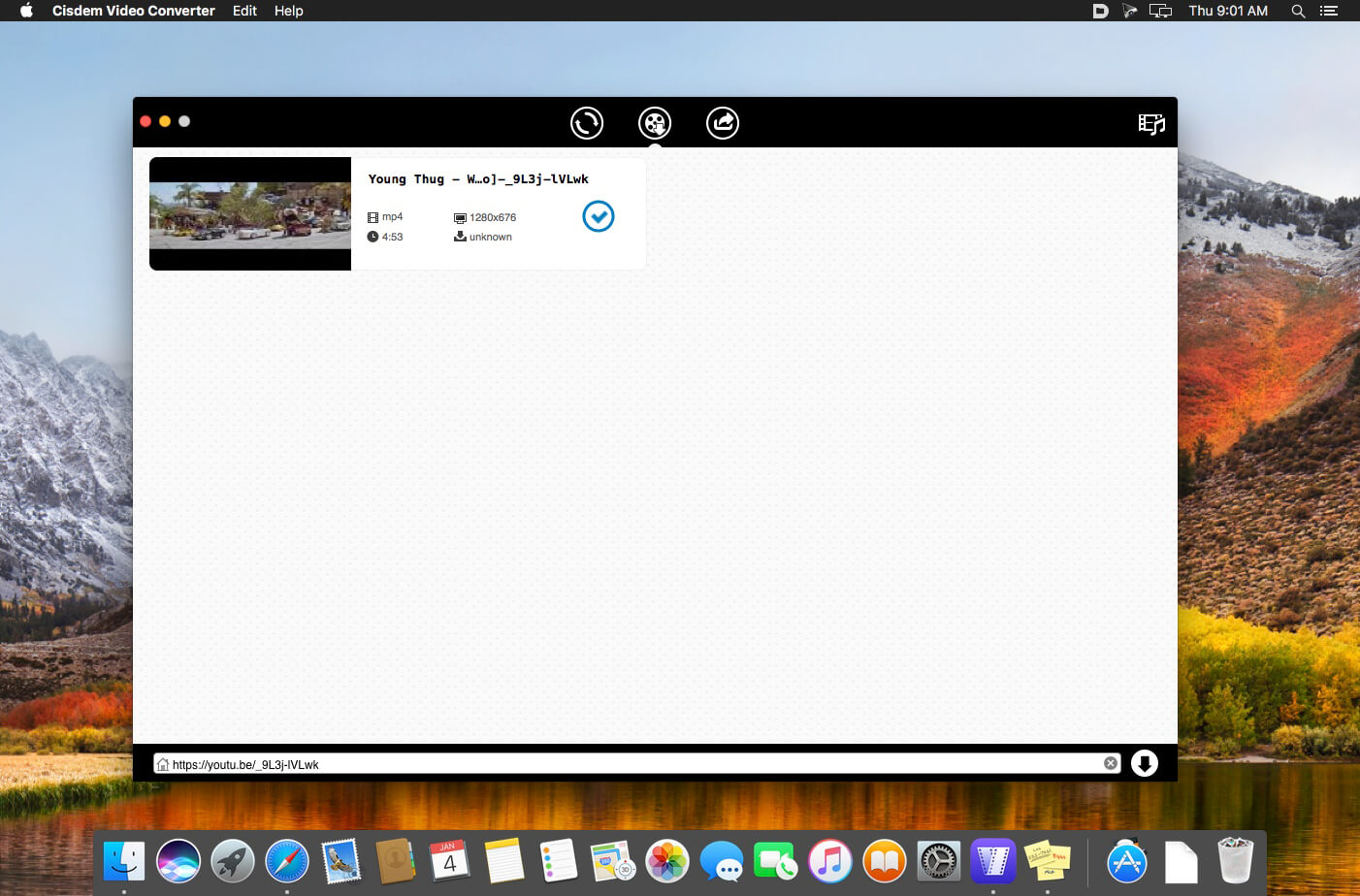
Mac Video Converter lets you download any YouTube videos, including YouTube HD and YouTube 4K UHD videos for totally free. You can save the downloaded YouTube videos in a chosen quality and resolution up to your choice.
Convert Video & Audio and Rip DVD Movies at Ease
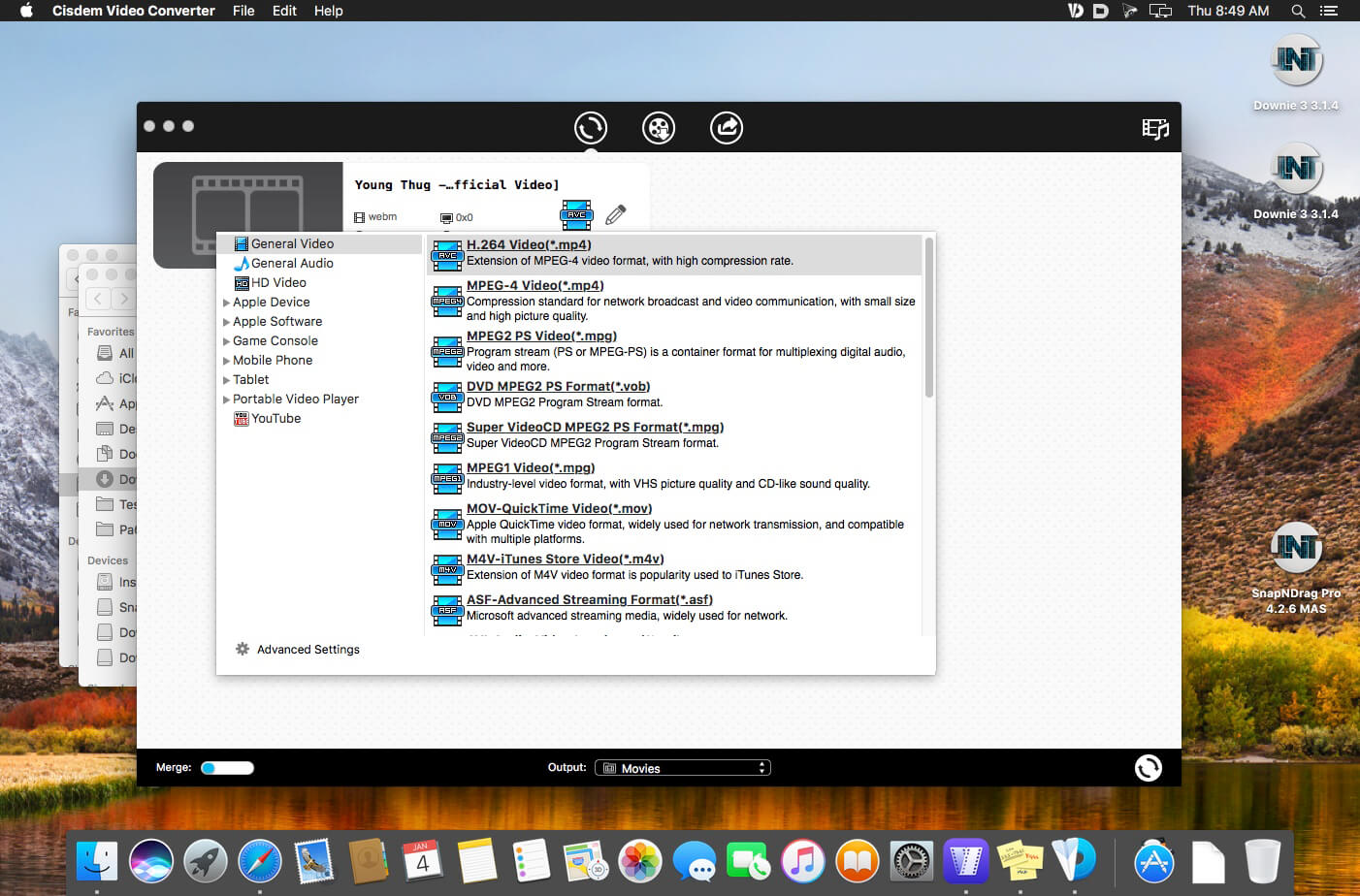
Mac Video Converter is the All in one solution for converting video & audio files in any format, ripping DVD movies, and converting online videos.
Convert Videos with the Highest Possible Quality Output
We know quality matters. That’s why we use advanced HD video decoding engine to convert video from one format to another without re-compressing it. Since it changes only the format of a file, not its content. You can preserve the quality of the original video and get output video files of the highest possible quality.
Advanced Audio and Video Sync Technology
The program adopted advanced audio and video sync technology; fixed Video/Audio sync problems to let you enjoy smooth synced videos.
A Real Time Saver – Up to 30X Faster
With extremely fast download and convert accelerator built-in. Every video you put into the Mac Video Converter is converted as fast as copying files from one folder to another – even during batch conversions of multiple files simultaneously. Some formats even processed 30x faster than any competitor! Download the program and check it out for yourself.
Regain Space by Compressing Large Media Files
Video files recorded by camcorders are often very large, especially those taken by HD Camcorder. Integrated with an advanced video processing technology, Video Converter for Mac will downsize video files with minimum quality loss! The converted videos are nearly indistinguishable from the originals. Thus you are able to free up a decent amount of storage space on your devices.
Do Basic Editing: Crop, Rotate, Watermark, etc.
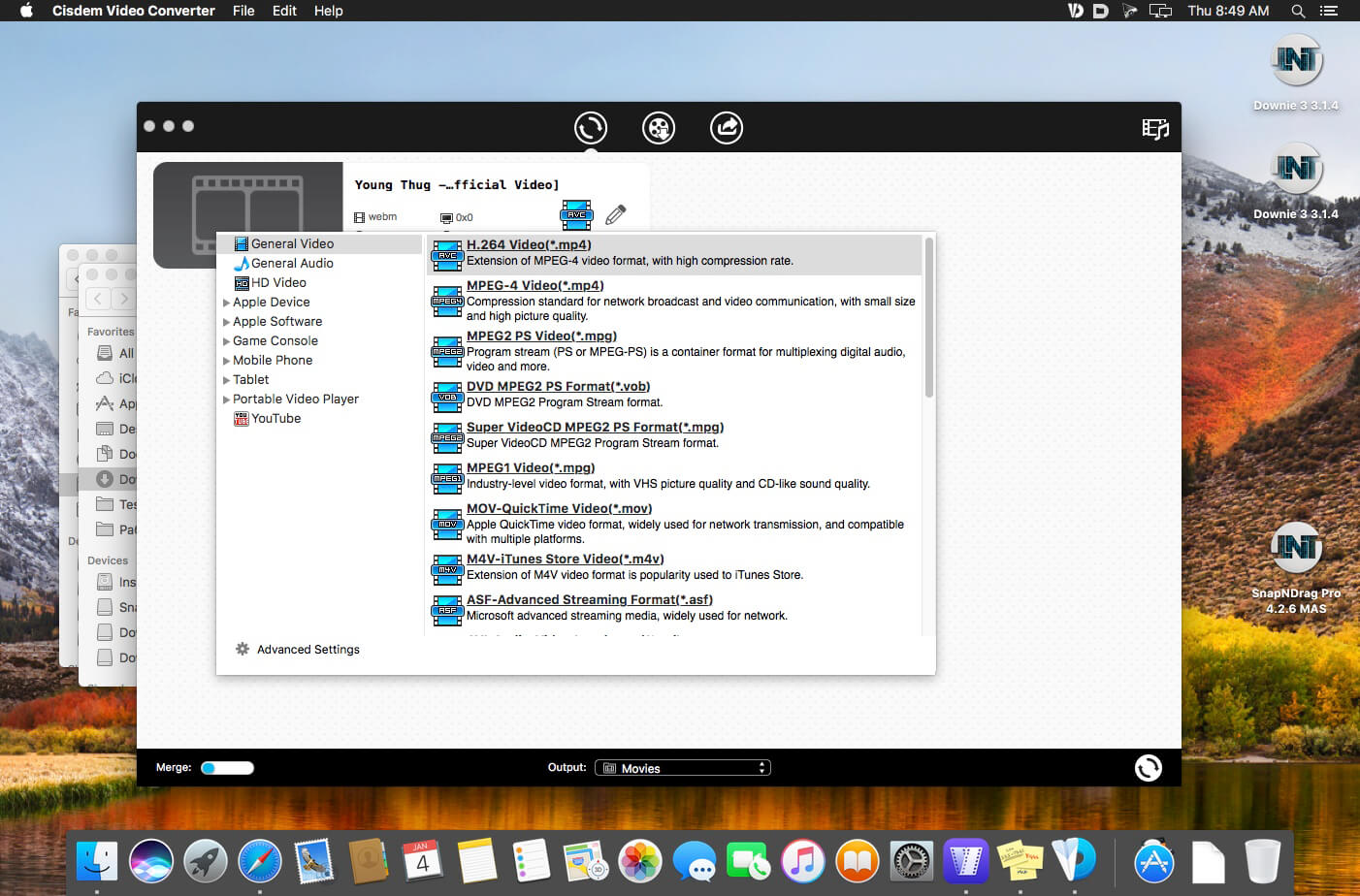
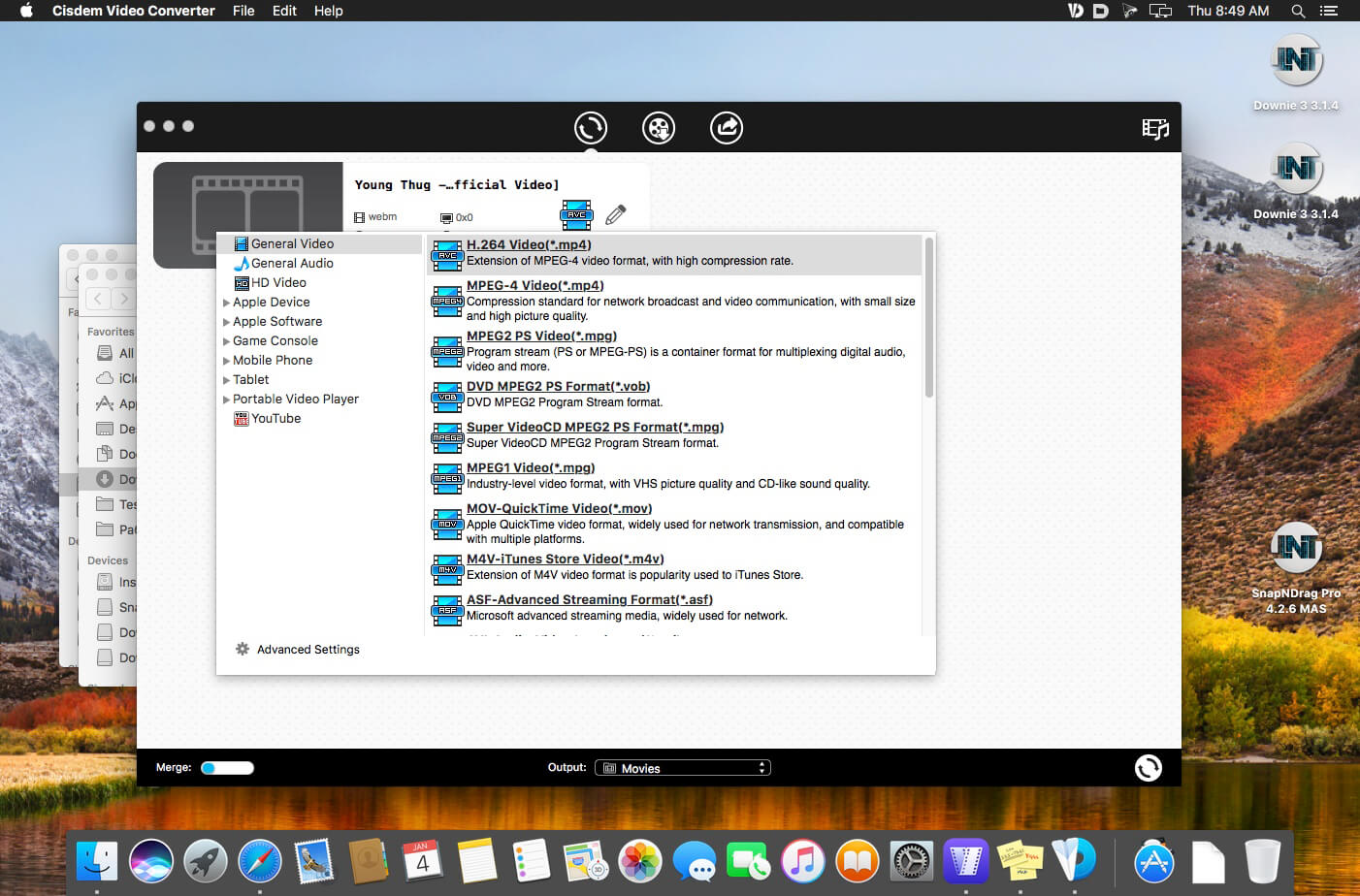
The Mac Video Converter also includes a range of basic editing tools including merge, trim, crop, rotate, watermark, subtitle, Deinterlacing, effects, etc.
Watermark Your Video
Add Watermark to videos for copyright protection or self-promotion.
Add Subtitles
Load subtitle with external .srt for better understanding.
Get the Sections You Need
Crop video to remove unnecessary parts and trim to get your favorite segment.
Merge Videos into One
Join video file or different clips into a single video.
Deinterlacing Raw Footages
Deinterlace an interlaced video into a progressive one.
Adjust Video Effects
Set video brightness or add effects like 2D to 3D, Grayscale, Gamma, etc.
Devices
iPhone7/ 7Plus / 6/ 6S, iPad, iPod Touch, Apple TV, Samsung, Amazon, PSP, etc.
SD/HD Video
AVI, MP4, FLV, WMV, 3GP, MKV, MPEG, MP3, etc.
Social Sites
Publish newly-made videos on many social networks like facebook, twitter, goolge+, etc.
Online
Directly upload your video to YouTube, Vemeo, and other video sharing sites
Built with AI tools for video/image/audio enhancement. Remaster, upscale, restore, colorize, convert, edit, compress, download, and record with GPU acceleration. The best video converter works with videos shot with GoPro, DJI, iPhone, Android, DSLR, mirrorless, camcorders, or other 4K cameras.
VideoProc peaks Level-3 Hardware Acceleration fully powered by Intel®, AMD®, NVIDIA® GPUs, and Apple M1/M2/M3/M4 (Pro/Max/Ultra), delivering buttery smooth (4K/8K) video processing and transcoding without compromising quality.
What’s New:
Version 7.6 (2025070701):
Release notes were unavailable when this listing was updated.
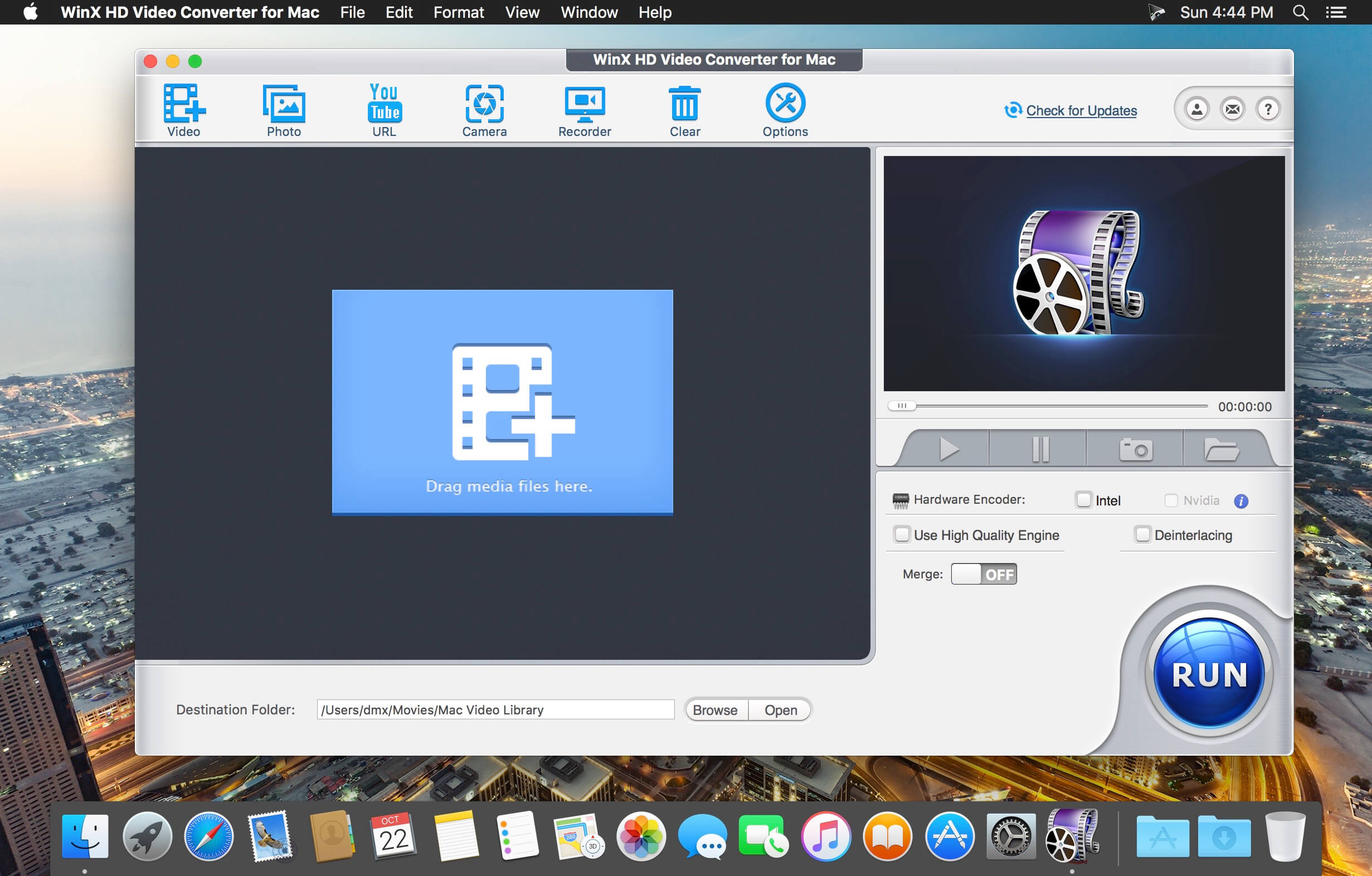
WinX HD Video Converter for Mac is fully featured Mac HD video converting software, providing Mac user hassle-free HD video conversion solutions. It converts Blu-ray videos, HDTV/HD-camcorders videos, 4K UHD videos, 1080p multi-track HD videos M2TS, MKV, AVCHD, HDTV, BDAV, MPEG-TS, standard AVI, MPEG, TS, FLV, WMV, OGM, MOV and QT videos.
Support Multi-track HD and Blu-ray Video
The first Mac HD video converter that supports 320 input video formats, incl. standard videos, Multi-track HD videos BDAV, M2TS, MKV, AVCHD, TrueHD, MTS, MPEG-TS and Ultra HD videos as input, e.g., MKV to MP4, AVI, Blu-ray M2TS to MKV. It also converts MOD/TOD/MTS recorded by Panasonic, Canon, Sony, JVC HD camcorders to AVI, MPEG, MP4, HEVC/H.265, MOV, M4V, WMV, FLV, MP3, WAV.
Convert Videos for Apple and Android
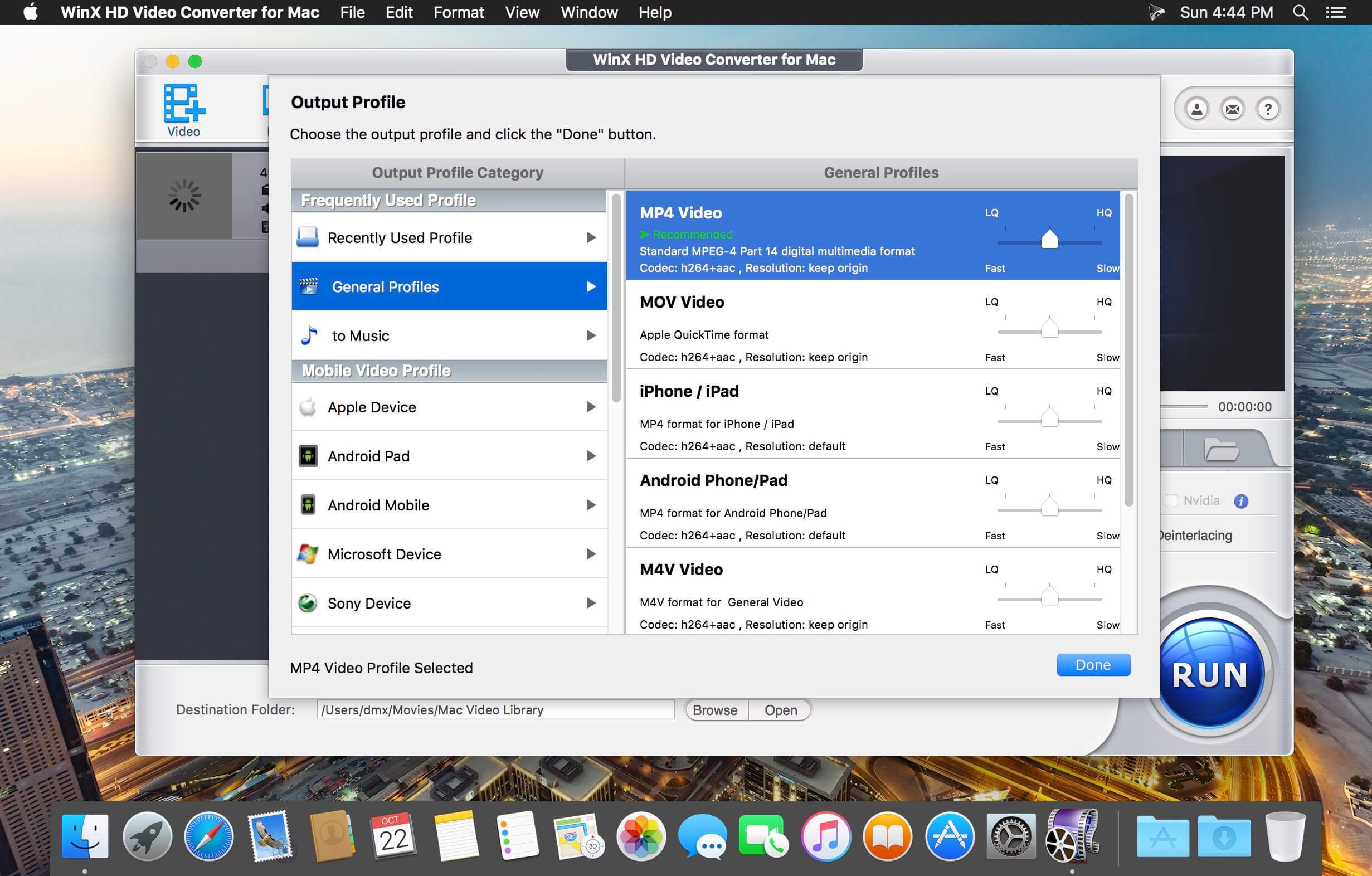
With 410+ profiles for all pop Apple/Android/MS mobiles, tablets and consoles, such video converter is much needed for on-the-move movie playback. It can convert videos to iPhone 6/6 Plus/5S, iPad Air 2/iPad mini 3, Apple TV, HTC One, Samsung Galaxy Note 4/Edge/S5 Mini/Tab S, Google New Nexus 7, Amazon Fire Phone, Fujitsu, Aquos, Surface Pro 3, WP8, Xbox, Asus Pad, and Sony PSP/PS4, just to name a few.
Youtube Video Downloader and Converter
It is also a Mac YouTube video downloader for online video content downloading to help you extract (music) videos, HD videos and even 4K videos from YouTube, etc. With advanced YouTube Video Download Engine, it completes the whole YouTube video download process about 30 sec. Then you can convert all downloaded YouTube videos to iPhone, iPad, Android, WMV, MOV, MPEG, etc on Mac.
Pre-built Photo Slideshow Creator
With a pre-built image slideshow maker, WinX HD Video Converter for Mac is able to turn your JPG/PNG/BMP photo album folder into a superb slideshow video. You can personalize it with background music and voiceover, convert it to iPhone, iPad, AVI, MKV, MP4, MOV, FLV, and share the photo slideshow with friends through website, YouTube, Facebook, blog or Email.
Mac Screen and Camera Video Recorder
Every move on and before the Mac screen can be recorded with the embedded Screen Recorder and Video Recorder. It is a shortcut to make software/game tutorial or guide, record your own room or show into video clips and convert recorded videos for playback or editing. It makes possible recording iTunes DRM-protected video without noticeable quality loss.
Edit/Handle Videos with Facility
You are good to testify the wonder of video editing feature on WinX HD Video Converter for Mac. It grants you to clip and crop videos, merge separate videos into a consecutive one and add watermark to personalize or protect your videos. Besides inner MKV and Blu-ray caption tracks, it even allows implanting downloaded external SRT subtitle files into videos.
Lightning Fast Video Conversion Speed
WinX HD Video Converter for Mac can convert one video from one format to another in minutes due to Hyper-threading technology and multi-core CPU utility, up to 83x real-time faster, while preserving 98% video audio quality of the original media file. It is a fast solution to convert videos like MKV, MTS, M2TS, MPEG-4, AVI to iPad, iPhone, Chromecast, USB, HDD, iTunes, Surface, Xbox, PSP, etc.
Amazing Output Video Audio Quality
The output image quality is first ensured by High Quality Engine. With advanced De-interlace Accelerator, it delivers more original output video, compared with similar Mac HD video converter. Especially, it optimizes the encoding and decoding for HD 1080p and 720p videos. Besides, you can balance the video/audio quality and file size by adjusting the bitrate resolution parameters.
Built with AI tools for video/image/audio enhancement. Remaster, upscale, restore, colorize, convert, edit, compress, download, and record with GPU acceleration. The best video converter works with videos shot with GoPro, DJI, iPhone, Android, DSLR, mirrorless, camcorders, or other 4K cameras.
VideoProc peaks Level-3 Hardware Acceleration fully powered by Intel®, AMD®, NVIDIA® GPUs, and Apple M1/M2/M3/M4 (Pro/Max/Ultra), delivering buttery smooth (4K/8K) video processing and transcoding without compromising quality.
What’s New:
Version 7.5 (2025061901):
Release notes were unavailable when this listing was updated.
Cisdem Video Converter 6 for Mac – Download and Convert Videos on Mac without Quality Loss! The best video converting tool gives you everything you need to download and convert videos for mainstream devices.
Download YouTube and YouTube HD Videos
Mac Video Converter lets you download any YouTube videos, including YouTube HD and YouTube 4K UHD videos for totally free. You can save the downloaded YouTube videos in a chosen quality and resolution up to your choice.
Convert Video & Audio and Rip DVD Movies at Ease
Mac Video Converter is the All in one solution for converting video & audio files in any format, ripping DVD movies, and converting online videos.
Convert Videos with the Highest Possible Quality Output
We know quality matters. That’s why we use advanced HD video decoding engine to convert video from one format to another without re-compressing it. Since it changes only the format of a file, not its content. You can preserve the quality of the original video and get output video files of the highest possible quality.
Advanced Audio and Video Sync Technology
The program adopted advanced audio and video sync technology; fixed Video/Audio sync problems to let you enjoy smooth synced videos.
A Real Time Saver – Up to 30X Faster
With extremely fast download and convert accelerator built-in. Every video you put into the Mac Video Converter is converted as fast as copying files from one folder to another – even during batch conversions of multiple files simultaneously. Some formats even processed 30x faster than any competitor! Download the program and check it out for yourself.
Regain Space by Compressing Large Media Files
Video files recorded by camcorders are often very large, especially those taken by HD Camcorder. Integrated with an advanced video processing technology, Video Converter for Mac will downsize video files with minimum quality loss! The converted videos are nearly indistinguishable from the originals. Thus you are able to free up a decent amount of storage space on your devices.
Do Basic Editing: Crop, Rotate, Watermark, etc.
The Mac Video Converter also includes a range of basic editing tools including merge, trim, crop, rotate, watermark, subtitle, Deinterlacing, effects, etc.
Watermark Your Video
Add Watermark to videos for copyright protection or self-promotion.
Add Subtitles
Load subtitle with external .srt for better understanding.
Get the Sections You Need
Crop video to remove unnecessary parts and trim to get your favorite segment.
Merge Videos into One
Join video file or different clips into a single video.
Deinterlacing Raw Footages
Deinterlace an interlaced video into a progressive one.
Adjust Video Effects
Set video brightness or add effects like 2D to 3D, Grayscale, Gamma, etc.
Devices
iPhone7/ 7Plus / 6/ 6S, iPad, iPod Touch, Apple TV, Samsung, Amazon, PSP, etc.
SD/HD Video
AVI, MP4, FLV, WMV, 3GP, MKV, MPEG, MP3, etc.
Social Sites
Publish newly-made videos on many social networks like facebook, twitter, goolge+, etc.
Online
Directly upload your video to YouTube, Vemeo, and other video sharing sites
Video Converter Ultimate is the mighty video converting software, which works on various video files in input and output, whether your videos files are from/to iOS/Android, USB flash drives or external hard drivers easily.
Convert videos downloaded from different sources: Videos downloaded from Facebook, Instagram, camcorder, phone, etc.
Convert videos to different devices: Samsung Galaxy S10/S9, iPhone 13/13 Pro/13 Pro Max/12/12 Pro/12 Pro Max/12 mini, Xbox One/360, PSP, Avid, Wii, Adobe Permiere, TV, DV, etc.
Convert videos, audio and home-made DVDs over 1000 formats.
Mirror, flip, clip, merge, crop, filter, watermark and adjust video effects.
Enhance video to improve video quality in 4 ways.
Create 3D videos, make GIF, compress video and edit ID3 tag.
What’s New:
Version 2.2.58:
Release notes were unavailable when this listing was updated.
Built with AI tools for video/image/audio enhancement. Remaster, upscale, restore, colorize, convert, edit, compress, download, and record with GPU acceleration. The best video converter works with videos shot with GoPro, DJI, iPhone, Android, DSLR, mirrorless, camcorders, or other 4K cameras.
VideoProc peaks Level-3 Hardware Acceleration fully powered by Intel®, AMD®, NVIDIA® GPUs, and Apple M1/M2/M3/M4 (Pro/Max/Ultra), delivering buttery smooth (4K/8K) video processing and transcoding without compromising quality.
What’s New:
Version 7.6 (2025070201):
Release notes were unavailable when this listing was updated.
Built with AI tools for video/image/audio enhancement. Remaster, upscale, restore, colorize, convert, edit, compress, download, and record with GPU acceleration. The best video converter works with videos shot with GoPro, DJI, iPhone, Android, DSLR, mirrorless, camcorders, or other 4K cameras.
VideoProc peaks Level-3 Hardware Acceleration fully powered by Intel®, AMD®, NVIDIA® GPUs, and Apple M1/M2/M3/M4 (Pro/Max/Ultra), delivering buttery smooth (4K/8K) video processing and transcoding without compromising quality.
What’s New:
Version 7.0 (2025052701):
Release notes were unavailable when this listing was updated.
One-Stop Video Processing Software. The simple solution to batch download UHD/HD videos, audios, playlists; convert, edit and record with 47X faster GPU hardware-accelerated speed.
Supporting up to 370 codecs, VideoProc 4K accepts any video format and can effortlessly carry out the video conversion tasks. All the videos from iPhone, Android, cameras, drones or GoPro will be processed smoothly while keeping the best possible quality.
What’s New:
Version 6.6:
Release notes were unavailable when this listing was updated.
One-Stop Video Processing Software. The simple solution to batch download UHD/HD videos, audios, playlists; convert, edit and record with 47X faster GPU hardware-accelerated speed.
Supporting up to 370 codecs, VideoProc 4K accepts any video format and can effortlessly carry out the video conversion tasks. All the videos from iPhone, Android, cameras, drones or GoPro will be processed smoothly while keeping the best possible quality.
What’s New:
Version 4K 6.6:
Release notes were unavailable when this listing was updated.
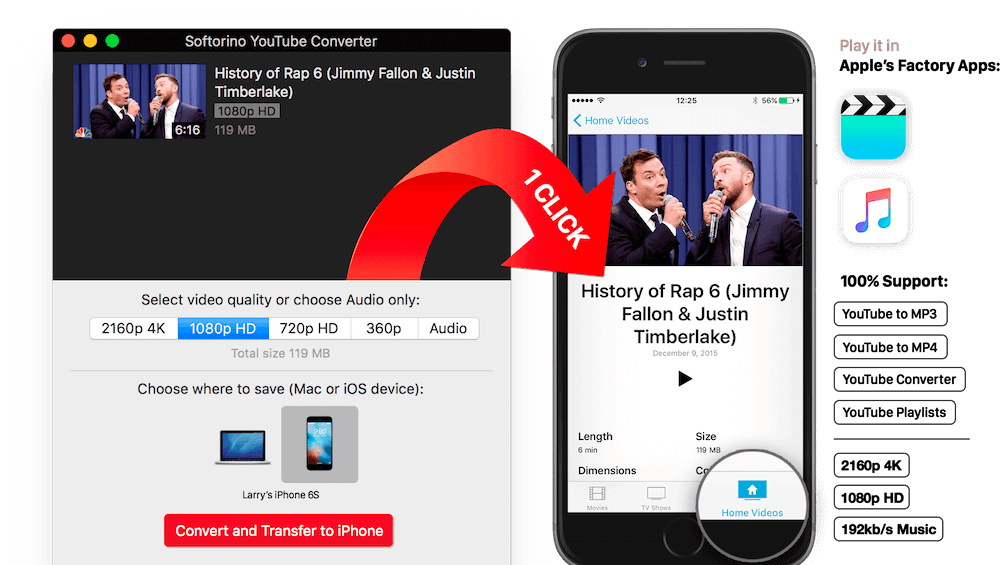
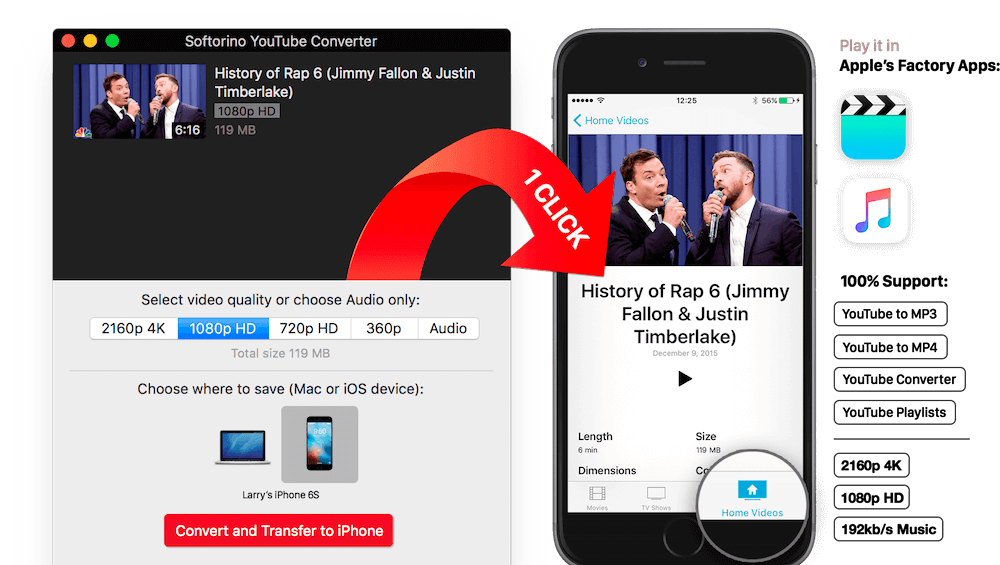
Softorino YouTube Converter – YouTube to MP3. Offline YT Converter. No Ads. Background Playback.
YouTube on the iPhone and iPad, without advertising, to support offline viewing but still nothing. You think it’s impossible? But not guessed!
All this and a little bit more you can get by using Softorino YouTube Converter. The whole process is simple in the extreme: copy the link to the video, go to the app and choose where you want to save the video.
After you copy the link to the clipboard, Softorino YouTube Converter automatically recognizes it, and you will only choose the quality (60fps, 2160p 4K, 1080p HD, 720p, 360p, or audio only) and a place to save (Mac or iOS-device ). A few seconds after pressing the button Download the file is in the “Boot” on the Mac, or “Video” application / “Music” on iOS. That’s all.
No advertising;
You can download any video from YouTube and Vimeo;
You can download the audio track of the video and listen to the standard player on iOS;
Do not need internet to view;
less discharged battery;
for it not to be paid;
it works anywhere in the world, in contrast to the YouTube Red.
What’s New:
Version 5.1.16:
Release notes were unavailable when this listing was updated.
Cisdem Video Converter 6 for Mac – Download and Convert Videos on Mac without Quality Loss! The best video converting tool gives you everything you need to download and convert videos for mainstream devices.
Download YouTube and YouTube HD Videos
Mac Video Converter lets you download any YouTube videos, including YouTube HD and YouTube 4K UHD videos for totally free. You can save the downloaded YouTube videos in a chosen quality and resolution up to your choice.
Convert Video & Audio and Rip DVD Movies at Ease
Mac Video Converter is the All in one solution for converting video & audio files in any format, ripping DVD movies, and converting online videos.
Convert Videos with the Highest Possible Quality Output
We know quality matters. That’s why we use advanced HD video decoding engine to convert video from one format to another without re-compressing it. Since it changes only the format of a file, not its content. You can preserve the quality of the original video and get output video files of the highest possible quality.
Advanced Audio and Video Sync Technology
The program adopted advanced audio and video sync technology; fixed Video/Audio sync problems to let you enjoy smooth synced videos.
A Real Time Saver – Up to 30X Faster
With extremely fast download and convert accelerator built-in. Every video you put into the Mac Video Converter is converted as fast as copying files from one folder to another – even during batch conversions of multiple files simultaneously. Some formats even processed 30x faster than any competitor! Download the program and check it out for yourself.
Regain Space by Compressing Large Media Files
Video files recorded by camcorders are often very large, especially those taken by HD Camcorder. Integrated with an advanced video processing technology, Video Converter for Mac will downsize video files with minimum quality loss! The converted videos are nearly indistinguishable from the originals. Thus you are able to free up a decent amount of storage space on your devices.
Do Basic Editing: Crop, Rotate, Watermark, etc.
The Mac Video Converter also includes a range of basic editing tools including merge, trim, crop, rotate, watermark, subtitle, Deinterlacing, effects, etc.
Watermark Your Video
Add Watermark to videos for copyright protection or self-promotion.
Add Subtitles
Load subtitle with external .srt for better understanding.
Get the Sections You Need
Crop video to remove unnecessary parts and trim to get your favorite segment.
Merge Videos into One
Join video file or different clips into a single video.
Deinterlacing Raw Footages
Deinterlace an interlaced video into a progressive one.
Adjust Video Effects
Set video brightness or add effects like 2D to 3D, Grayscale, Gamma, etc.
Devices
iPhone7/ 7Plus / 6/ 6S, iPad, iPod Touch, Apple TV, Samsung, Amazon, PSP, etc.
SD/HD Video
AVI, MP4, FLV, WMV, 3GP, MKV, MPEG, MP3, etc.
Social Sites
Publish newly-made videos on many social networks like facebook, twitter, goolge+, etc.
Online
Directly upload your video to YouTube, Vemeo, and other video sharing sites
This powerful Video Downloader supports downloading movies, music videos, playlist, sport videos, lectures and more from free video sharing website like Facebook, Dailymotion, eHow, and more than 100 video sharing sites.
Besides downloading video in its original format, Allavsoft also features one-click to download as well as convert the downloaded video to popular video format like MP4, AVI, WMV, MOV, MPEG-1, MPEG-2, VOB, ASF, RMVB, DV, TS, Apple ProRes, WebM, FLV, OGV and etc.
This ideal Web Video Downloader app enables selecting among all video qualities available for downloading like download videos in ultra high definition (4K), 3D video, HD 2k, HD 1080p, HD 720p, and stand definition 480p, 360p, and 240p.
This professional Video Downloading and Converting tool also helps to extract and download audio from online music video or movies as well as convert to popular audio format like MP3, WMA, WAV, AAC, AAC, Apple Lossless M4A, AIFF, RA, FLAC, OGG, AU and etc.
Batch download and convert
Allavsoft supports adding multiple video URLs and batch downloading and converting multiple videos at a time.
When download web video files, this wonderful Video Downloader will automatically detects advertisements and does not download them.
Preview and playback downloaded video files
There is a built-in video player in Allavsoft for us to preview and playback the downloaded video files.
Breakpoint Resume
You can pause and resume downloading at any time. It is very convenient to use.
Action after download done
You can set automatically shut down computer after all the download tasks are finished, if you have lots of videos to download and want to leave your Windows on to download them.
Keep history for downloading.
What’s New:
Version 3.28.0.9253:
Release notes were unavailable when this listing was updated.
This powerful Video Downloader supports downloading movies, music videos, playlist, sport videos, lectures and more from free video sharing website like Facebook, Dailymotion, eHow, and more than 100 video sharing sites.
Besides downloading video in its original format, Allavsoft also features one-click to download as well as convert the downloaded video to popular video format like MP4, AVI, WMV, MOV, MPEG-1, MPEG-2, VOB, ASF, RMVB, DV, TS, Apple ProRes, WebM, FLV, OGV and etc.
This ideal Web Video Downloader app enables selecting among all video qualities available for downloading like download videos in ultra high definition (4K), 3D video, HD 2k, HD 1080p, HD 720p, and stand definition 480p, 360p, and 240p.
This professional Video Downloading and Converting tool also helps to extract and download audio from online music video or movies as well as convert to popular audio format like MP3, WMA, WAV, AAC, AAC, Apple Lossless M4A, AIFF, RA, FLAC, OGG, AU and etc.
Batch download and convert
Allavsoft supports adding multiple video URLs and batch downloading and converting multiple videos at a time.
When download web video files, this wonderful Video Downloader will automatically detects advertisements and does not download them.
Preview and playback downloaded video files
There is a built-in video player in Allavsoft for us to preview and playback the downloaded video files.
Breakpoint Resume
You can pause and resume downloading at any time. It is very convenient to use.
Action after download done
You can set automatically shut down computer after all the download tasks are finished, if you have lots of videos to download and want to leave your Windows on to download them.
Keep history for downloading.
What’s New:
Version 3.27.4.8984:
Release notes were unavailable when this listing was updated.
Built with AI tools for video/image/audio enhancement. Remaster, upscale, restore, colorize, convert, edit, compress, download, and record with GPU acceleration. The best video converter works with videos shot with GoPro, DJI, iPhone, Android, DSLR, mirrorless, camcorders, or other 4K cameras.
VideoProc peaks Level-3 Hardware Acceleration fully powered by Intel®, AMD®, NVIDIA® GPUs, and Apple M1/M2/M3/M4 (Pro/Max/Ultra), delivering buttery smooth (4K/8K) video processing and transcoding without compromising quality.
What’s New:
Version 7.0 (2025042402):
Release notes were unavailable when this listing was updated.
Built with AI tools for video/image/audio enhancement. Remaster, upscale, restore, colorize, convert, edit, compress, download, and record with GPU acceleration. The best video converter works with videos shot with GoPro, DJI, iPhone, Android, DSLR, mirrorless, camcorders, or other 4K cameras.
VideoProc peaks Level-3 Hardware Acceleration fully powered by Intel®, AMD®, NVIDIA® GPUs, and Apple M1/M2/M3/M4 (Pro/Max/Ultra), delivering buttery smooth (4K/8K) video processing and transcoding without compromising quality.
What’s New:
Version 7.0 (2025041801):
Release notes were unavailable when this listing was updated.
Built with AI tools for video/image/audio enhancement. Remaster, upscale, restore, colorize, convert, edit, compress, download, and record with GPU acceleration. The best video converter works with videos shot with GoPro, DJI, iPhone, Android, DSLR, mirrorless, camcorders, or other 4K cameras.
VideoProc peaks Level-3 Hardware Acceleration fully powered by Intel®, AMD®, NVIDIA® GPUs, and Apple M1/M2/M3/M4 (Pro/Max/Ultra), delivering buttery smooth (4K/8K) video processing and transcoding without compromising quality.
What’s New:
Version AI 7.0 (2025041702):
Release notes were unavailable when this listing was updated.
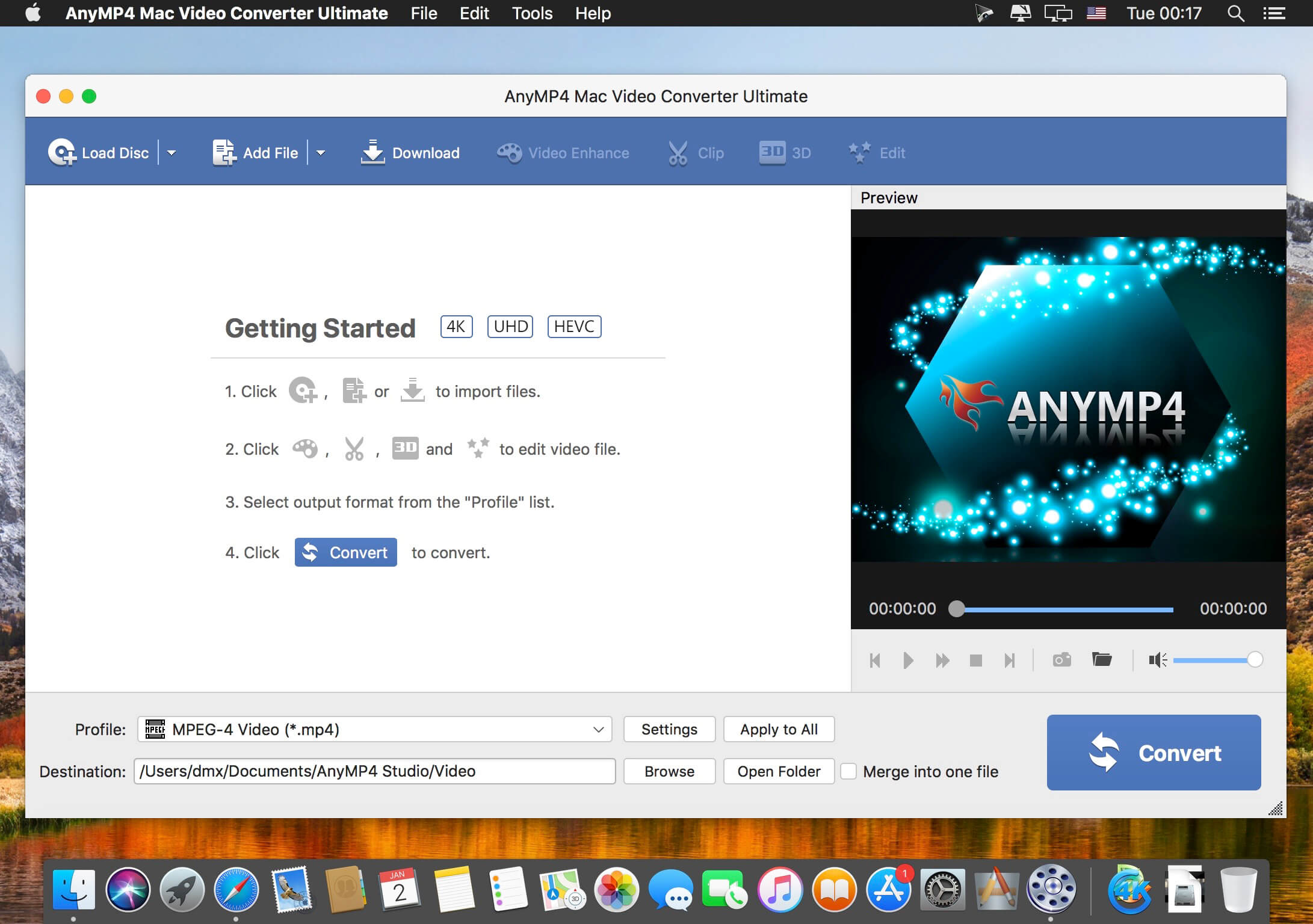
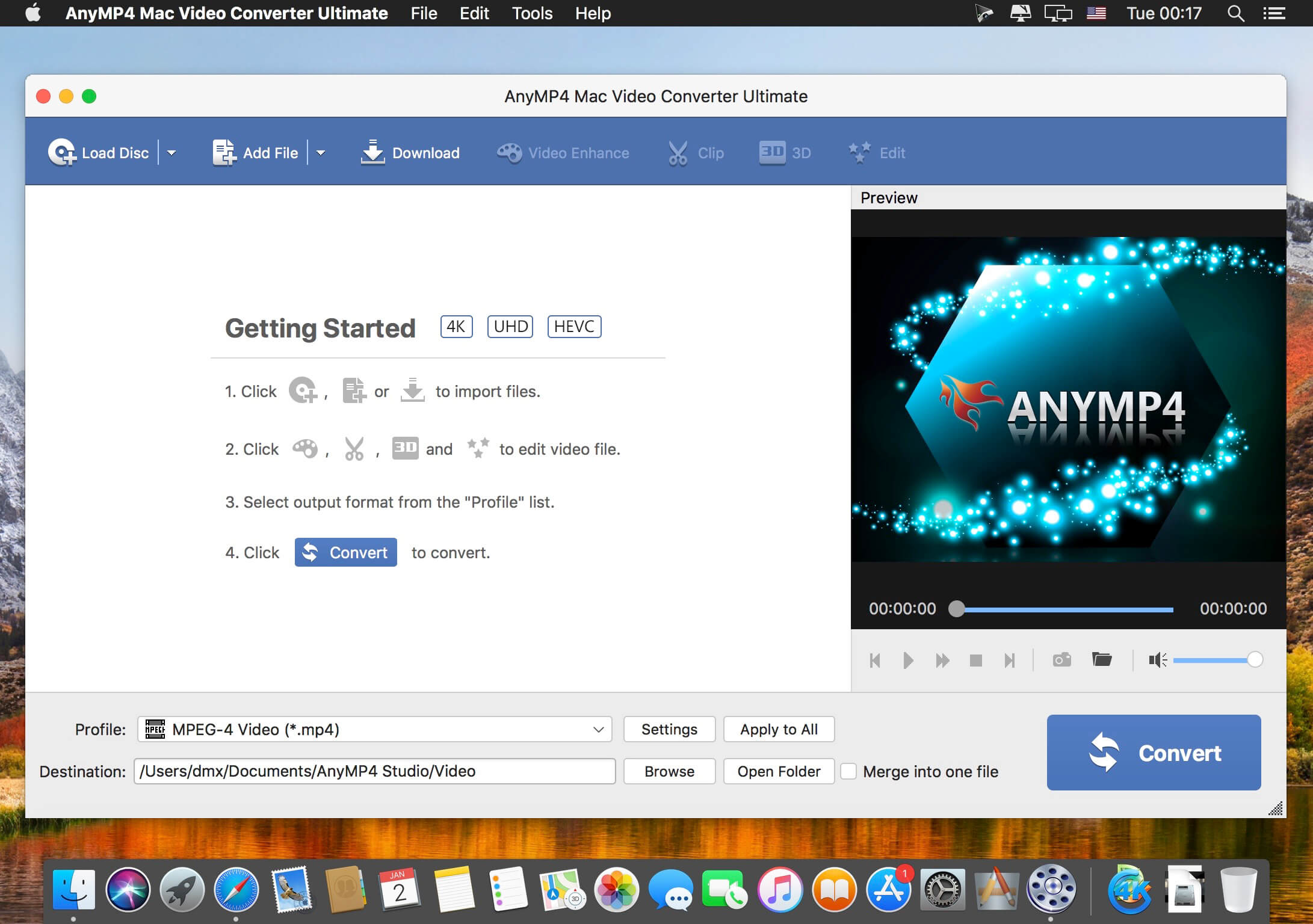
AnyMP4 Video Converter Ultimate for Mac offers you a fast and convenient solution for converting the videos between different formats under macOS. The Mac app lets you convert both 1080p HD videos and 4K UHD videos. With the advanced 4K technology, the powerful Mac Media Converter can quickly convert video with the latest 4K codecs, including H.265, VP9, H.264, VP9.
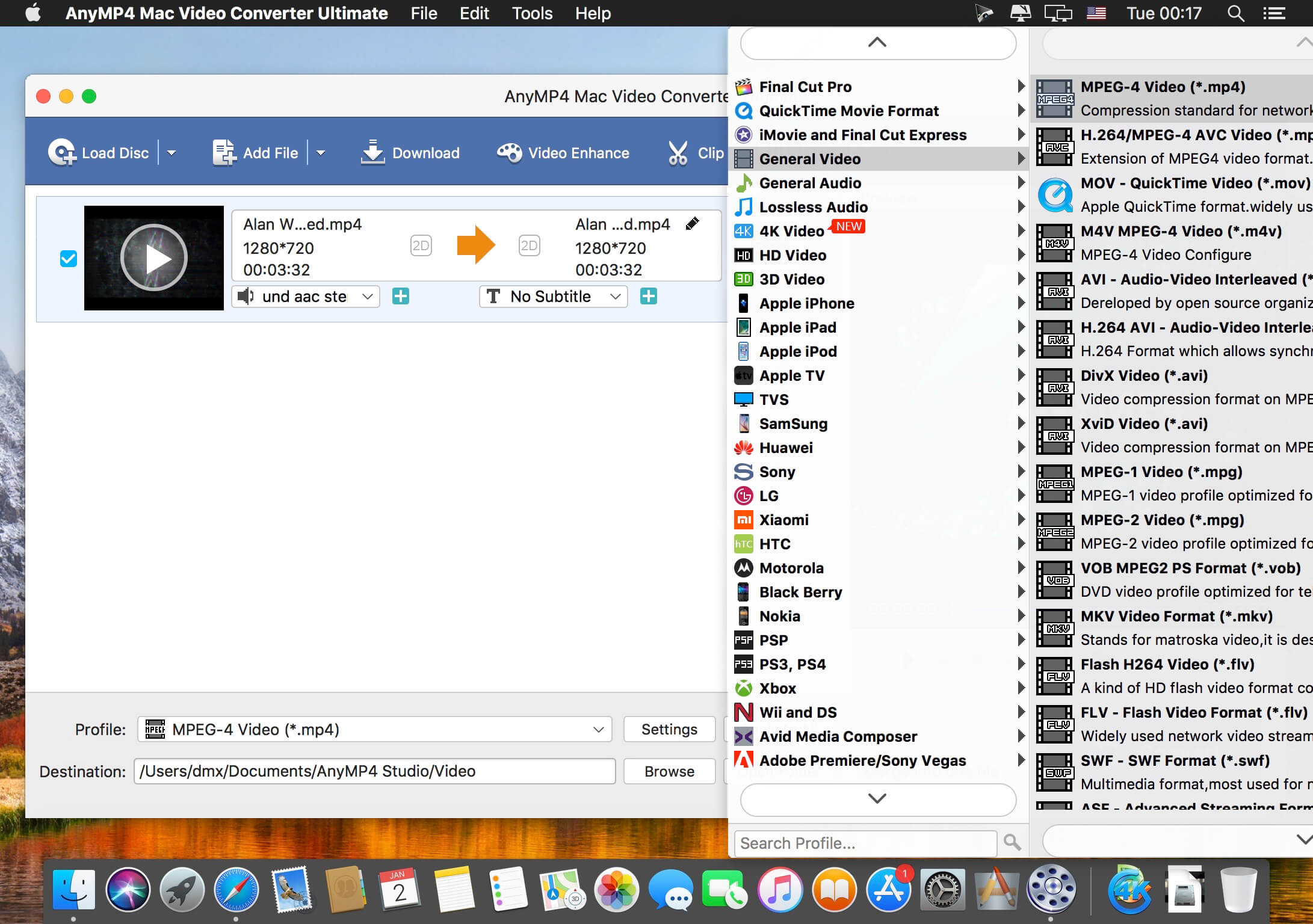
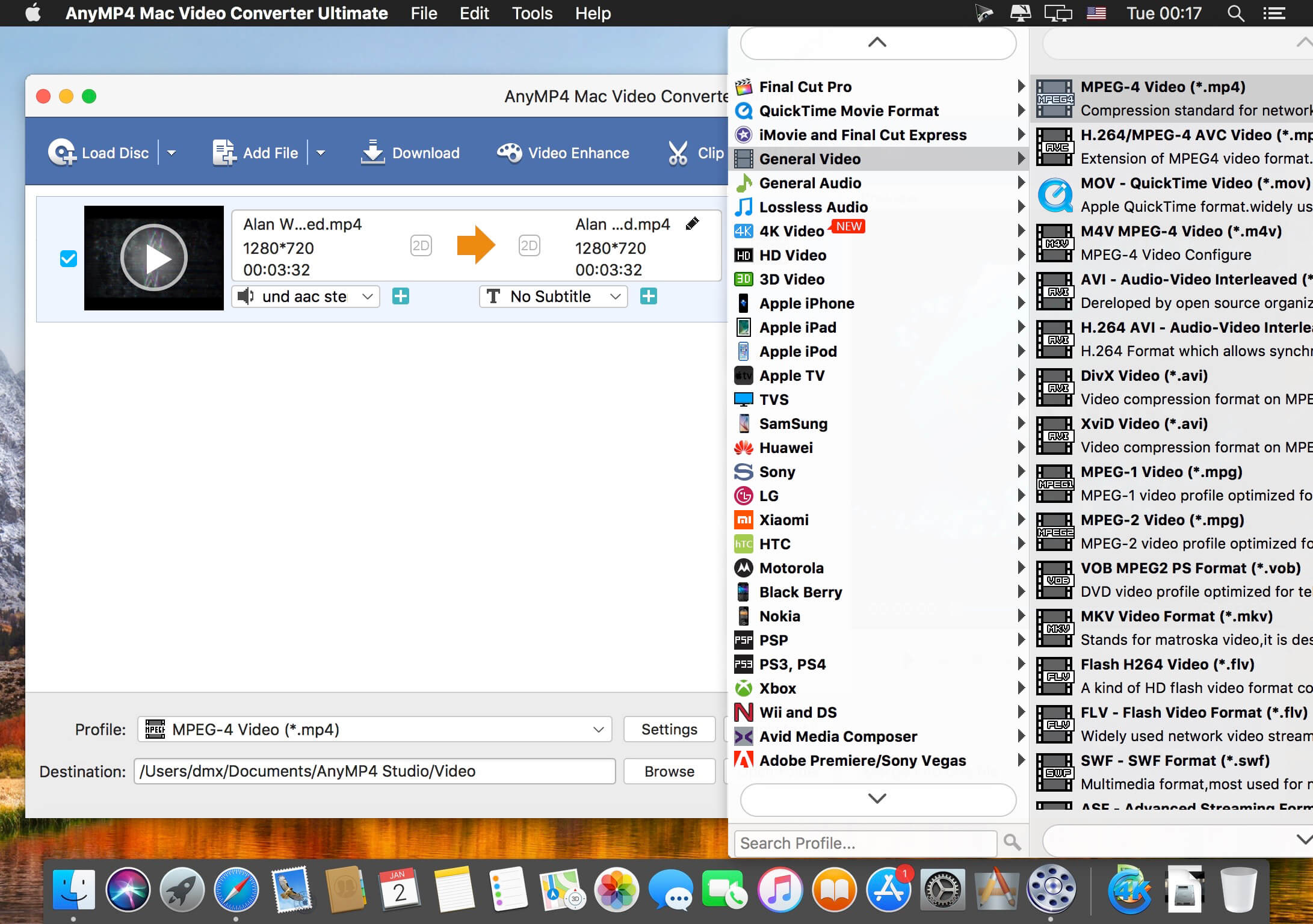
Want to watch your videos on your smartphone or tablet? AnyMP4 Mac Video Converter Ultimate offers you many predefined video formats for digital devices and TVs. For example, you can convert videos for iPhone X/8/7/6s/6/SE/5s/5, iPad Air 2/mini 4, Samsung Galaxy S7, Samsung Galaxy Note 5, Huawei Mate 9, LG G5, Sony Z5, Apple TV, Samsung TV and more.
With this professional Mac Video Converter, it is also easy to convert nearly all popular video formats for iMovie, Final Cut Pro, Avid Media Composer, Premiere Pro, etc. Then you can import and edit your videos into the video editing software.
This powerful Video Downloader supports downloading movies, music videos, playlist, sport videos, lectures and more from free video sharing website like Facebook, Dailymotion, eHow, and more than 100 video sharing sites.
Besides downloading video in its original format, Allavsoft also features one-click to download as well as convert the downloaded video to popular video format like MP4, AVI, WMV, MOV, MPEG-1, MPEG-2, VOB, ASF, RMVB, DV, TS, Apple ProRes, WebM, FLV, OGV and etc.
This ideal Web Video Downloader app enables selecting among all video qualities available for downloading like download videos in ultra high definition (4K), 3D video, HD 2k, HD 1080p, HD 720p, and stand definition 480p, 360p, and 240p.
This professional Video Downloading and Converting tool also helps to extract and download audio from online music video or movies as well as convert to popular audio format like MP3, WMA, WAV, AAC, AAC, Apple Lossless M4A, AIFF, RA, FLAC, OGG, AU and etc.
Batch download and convert
Allavsoft supports adding multiple video URLs and batch downloading and converting multiple videos at a time.
When download web video files, this wonderful Video Downloader will automatically detects advertisements and does not download them.
Preview and playback downloaded video files
There is a built-in video player in Allavsoft for us to preview and playback the downloaded video files.
Breakpoint Resume
You can pause and resume downloading at any time. It is very convenient to use.
Action after download done
You can set automatically shut down computer after all the download tasks are finished, if you have lots of videos to download and want to leave your Windows on to download them.
Keep history for downloading.
What’s New:
Version 3.28.0.9225:
Release notes were unavailable when this listing was updated.
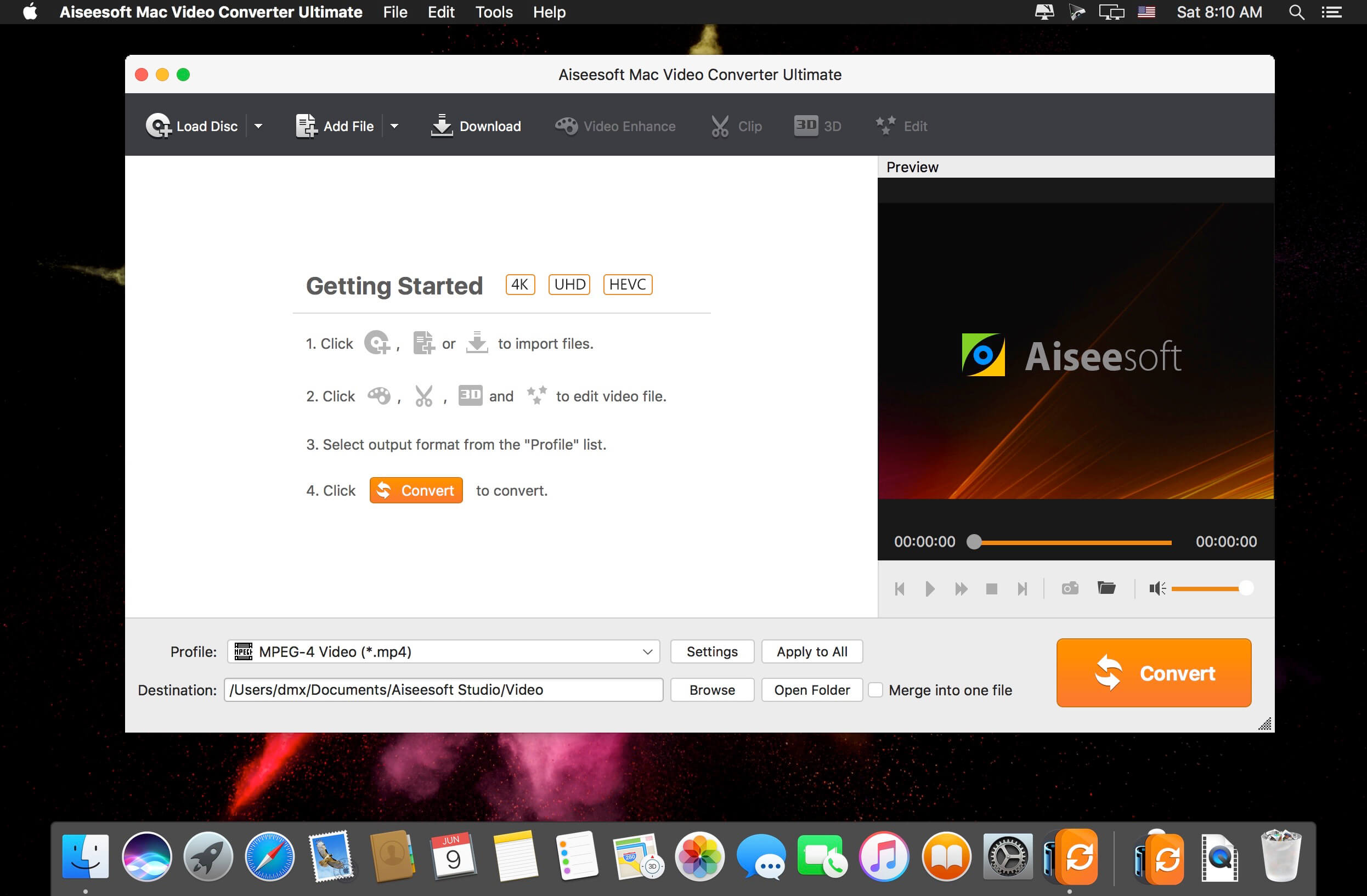
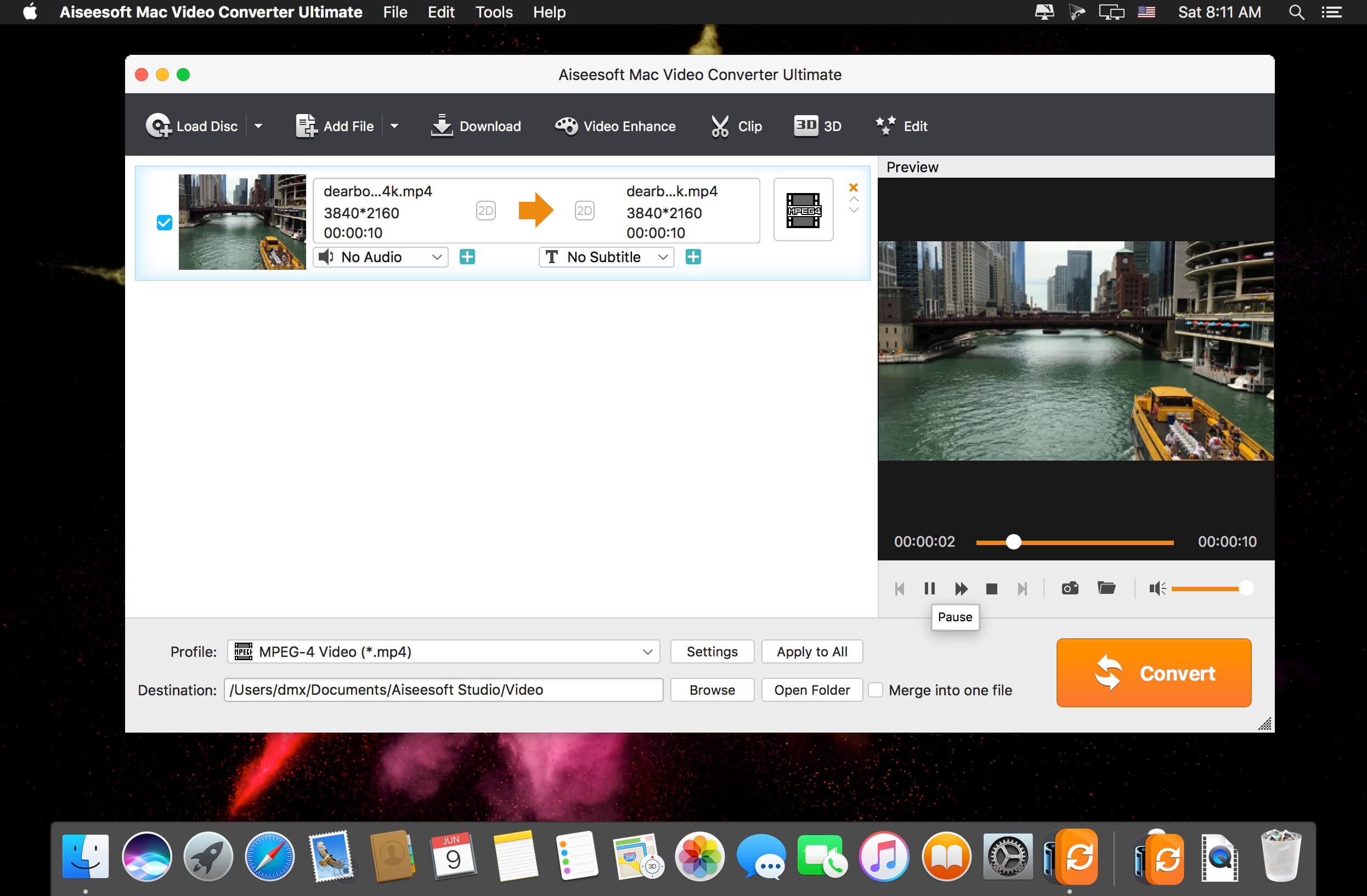
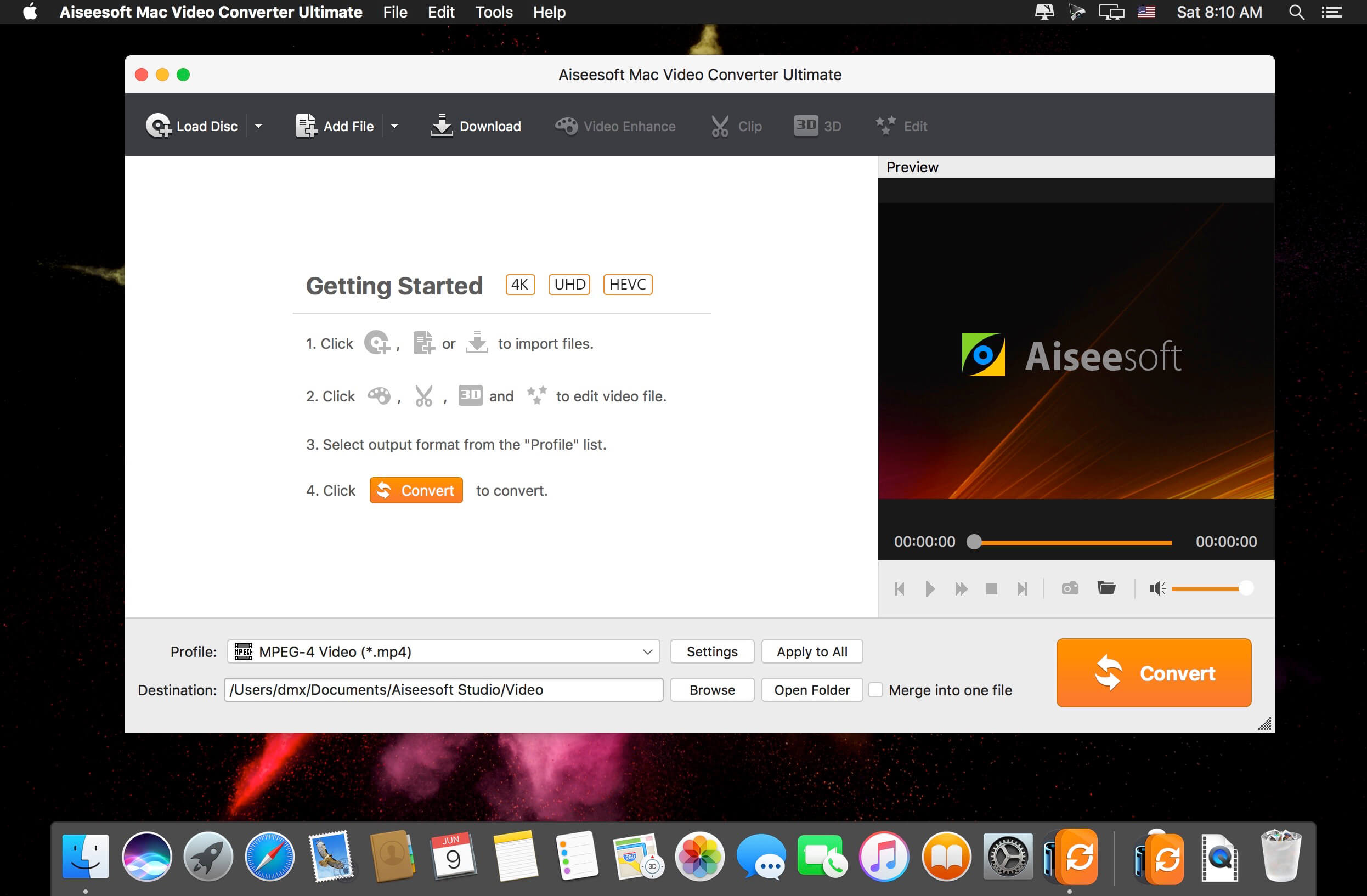
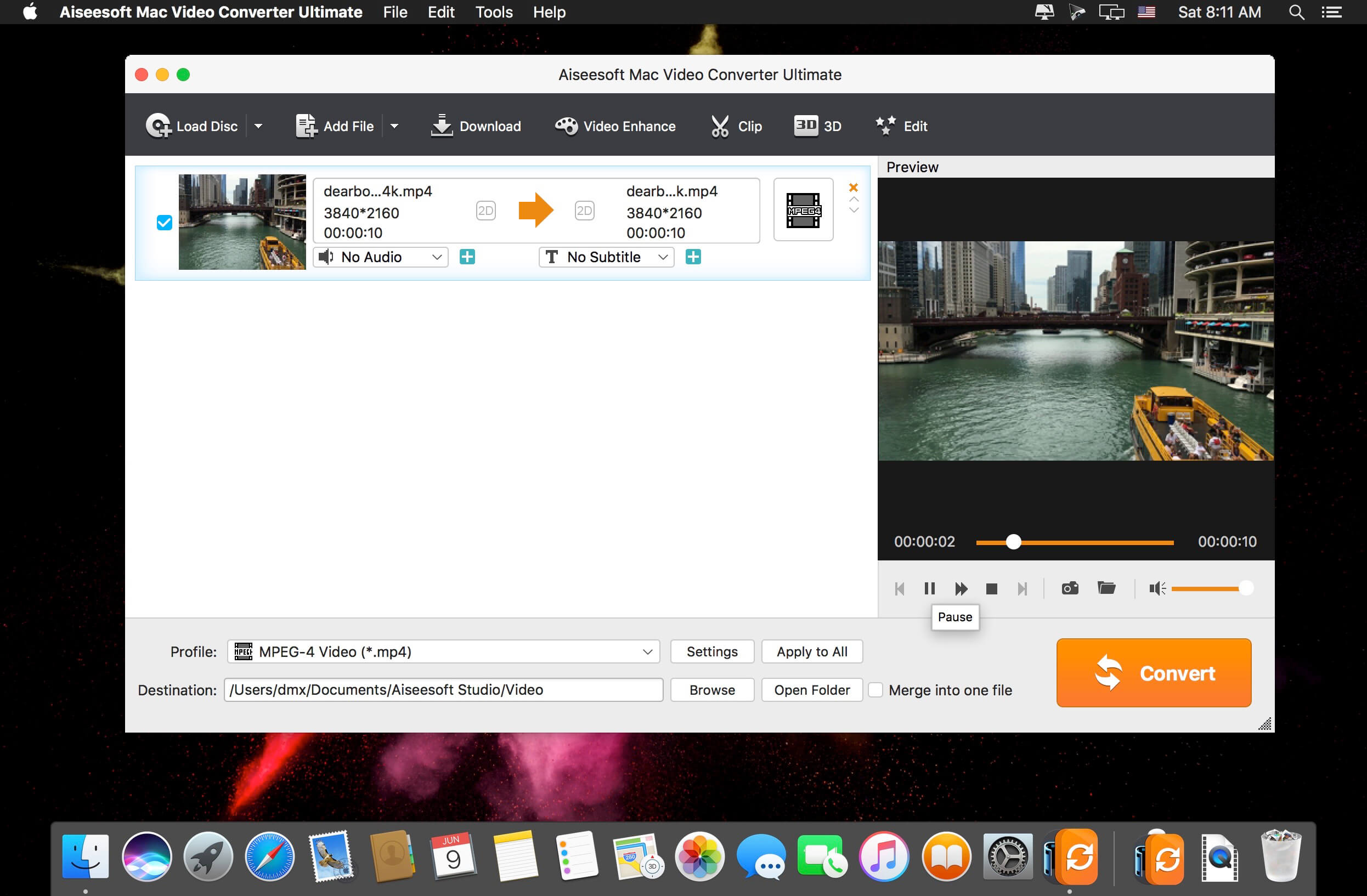
The best Mac video software ever, allowing users to easily download, convert and edit videos including 4K videos as well as homemade DVDs on Mac. Keep perfecting. Now Aiseesoft Mac Video Converter Ultimate is greater than ever before.
Enhance video quality for clearer visual experience (New) The new-added video enhance function makes it possible to edit your video easily. You are able to make your video clearer by upscaling video resolution from SD to HD, optimizing the brightness and contrast to make your video more enjoyable. In addition, this new-added function allows you to remove the tiresome video noise so that the video can be cleaner than the former one. Other editing functions such as Crop, Effect, and Watermark can bring out a more vivid video effect.
Rotate and flip video file with one click (New) People are more willing to record videos with phone for it is convenient for carrying wherever you go. While when you transfer the phone recorded video to computer, it may display sideways and worse upside down. The video rotate function makes it easy to adjust your video to the right angle. You can rotate the video 90 clockwise or 90 counter clockwise, and flip the video vertically or horizontally within only one click.
Download and save online videos on Mac, including 4K videos With this Mac video software, downloading videos from YouTube, Vevo, Vimeo, Dailymotion, Metacafe, Yahoo and Facebook has never been easier. It supports all available YouTube formats (MP4, FLV, WebM) for any video quality (from 360p up to 3072p) and easily downloads all new 1080p FULL-HD videos, 2k-resolution videos, 4k-resolution videos or even 3D videos, preserving 100% of the original YouTube video’s quality. Highest sound quality is available with M4A, MP3, MP4, AAC, FLV and HD formats! The best part is that you can convert the downloaded YouTube videos to as many as 432 video/audio profiles for various devices.
Support converting videos to and from 4K UHD It can convert home DVDs and videos to all popular video formats including MOV, AVI, MP4, MPG, MKV, HD MP4, HD MOV, etc. It also supports 4K converting, which means you can use it to convert all leading standard and high definition video formats to and from 4K video/audio formats. It supports every popular 4K encoding technology, including H.265/HEVC, H.264, MPEG, Xvid, VP8, VP9, etc. It supports the latest Mac OS X El Capitan. High compatibility makes it suitable for all Mac users.
Edit your videos Adjust video brightness, contrast, saturation, hue and volume control. Remove a section that is not pertinent to the message of your video. Extract multiple segments from any video clip. Crop letterbox or pillarbox from video clips. Add text or image watermarks to personalize your video. Preview your edited video in real time, to ensure optimal results are achieved.
Play and watch videos on iPad, iPhone, Kindle Fire, PS3, Android devices and more With this exceptional video software for Mac, converting home DVDs and videos to various popular personal devices has never been easier. It offers preset profiles that include the highest quality video settings for iPhone, iPad, iPod, Samsung Galaxy, Nokia Lumia, BlackBerry, Google Nexus, Moto X, Kindle Fire, etc.
Convert 2D home DVD/video to Anaglyph, Side-by-Side or Top/Bottom 3D This Mac video software acts as a 2D to 3D conversion tool, helping users convert any standard 2D video to Anaglyph (ten types), Side by Side (Half-Width/Full), Top and Bottom (Half-Height/Full) 3D files in a variety of formats like AVI, MP4, MKV, FLV, etc. allowing playback on portable 3D video devices, computers (PC/Mac), or 3D TVs. It allows you to switch L/R image and change the 3D scene depth as desired.
AnyMP4 Video Converter Ultimate for Mac offers you a fast and convenient solution for converting the videos between different formats under macOS. The Mac app lets you convert both 1080p HD videos and 4K UHD videos. With the advanced 4K technology, the powerful Mac Media Converter can quickly convert video with the latest 4K codecs, including H.265, VP9, H.264, VP9.
Want to watch your videos on your smartphone or tablet? AnyMP4 Mac Video Converter Ultimate offers you many predefined video formats for digital devices and TVs. For example, you can convert videos for iPhone X/8/7/6s/6/SE/5s/5, iPad Air 2/mini 4, Samsung Galaxy S7, Samsung Galaxy Note 5, Huawei Mate 9, LG G5, Sony Z5, Apple TV, Samsung TV and more.
With this professional Mac Video Converter, it is also easy to convert nearly all popular video formats for iMovie, Final Cut Pro, Avid Media Composer, Premiere Pro, etc. Then you can import and edit your videos into the video editing software.
Cisdem Video Converter 6 for Mac – Download and Convert Videos on Mac without Quality Loss! The best video converting tool gives you everything you need to download and convert videos for mainstream devices.
Download YouTube and YouTube HD Videos
Mac Video Converter lets you download any YouTube videos, including YouTube HD and YouTube 4K UHD videos for totally free. You can save the downloaded YouTube videos in a chosen quality and resolution up to your choice.
Convert Video & Audio and Rip DVD Movies at Ease
Mac Video Converter is the All in one solution for converting video & audio files in any format, ripping DVD movies, and converting online videos.
Convert Videos with the Highest Possible Quality Output
We know quality matters. That’s why we use advanced HD video decoding engine to convert video from one format to another without re-compressing it. Since it changes only the format of a file, not its content. You can preserve the quality of the original video and get output video files of the highest possible quality.
Advanced Audio and Video Sync Technology
The program adopted advanced audio and video sync technology; fixed Video/Audio sync problems to let you enjoy smooth synced videos.
A Real Time Saver – Up to 30X Faster
With extremely fast download and convert accelerator built-in. Every video you put into the Mac Video Converter is converted as fast as copying files from one folder to another – even during batch conversions of multiple files simultaneously. Some formats even processed 30x faster than any competitor! Download the program and check it out for yourself.
Regain Space by Compressing Large Media Files
Video files recorded by camcorders are often very large, especially those taken by HD Camcorder. Integrated with an advanced video processing technology, Video Converter for Mac will downsize video files with minimum quality loss! The converted videos are nearly indistinguishable from the originals. Thus you are able to free up a decent amount of storage space on your devices.
Do Basic Editing: Crop, Rotate, Watermark, etc.
The Mac Video Converter also includes a range of basic editing tools including merge, trim, crop, rotate, watermark, subtitle, Deinterlacing, effects, etc.
Watermark Your Video
Add Watermark to videos for copyright protection or self-promotion.
Add Subtitles
Load subtitle with external .srt for better understanding.
Get the Sections You Need
Crop video to remove unnecessary parts and trim to get your favorite segment.
Merge Videos into One
Join video file or different clips into a single video.
Deinterlacing Raw Footages
Deinterlace an interlaced video into a progressive one.
Adjust Video Effects
Set video brightness or add effects like 2D to 3D, Grayscale, Gamma, etc.
Devices
iPhone7/ 7Plus / 6/ 6S, iPad, iPod Touch, Apple TV, Samsung, Amazon, PSP, etc.
SD/HD Video
AVI, MP4, FLV, WMV, 3GP, MKV, MPEG, MP3, etc.
Social Sites
Publish newly-made videos on many social networks like facebook, twitter, goolge+, etc.
Online
Directly upload your video to YouTube, Vemeo, and other video sharing sites
Video Converter Ultimate is the mighty video converting software, which works on various video files in input and output, whether your videos files are from/to iOS/Android, USB flash drives or external hard drivers easily.
Convert videos downloaded from different sources: Videos downloaded from Facebook, Instagram, camcorder, phone, etc.
Convert videos to different devices: Samsung Galaxy S10/S9, iPhone 13/13 Pro/13 Pro Max/12/12 Pro/12 Pro Max/12 mini, Xbox One/360, PSP, Avid, Wii, Adobe Permiere, TV, DV, etc.
Convert videos, audio and home-made DVDs over 1000 formats.
Mirror, flip, clip, merge, crop, filter, watermark and adjust video effects.
Enhance video to improve video quality in 4 ways.
Create 3D videos, make GIF, compress video and edit ID3 tag.
What’s New:
Version 2.2.68:
Release notes were unavailable when this listing was updated.
Cisdem Video Converter 6 for Mac – Download and Convert Videos on Mac without Quality Loss! The best video converting tool gives you everything you need to download and convert videos for mainstream devices.
Download YouTube and YouTube HD Videos
Mac Video Converter lets you download any YouTube videos, including YouTube HD and YouTube 4K UHD videos for totally free. You can save the downloaded YouTube videos in a chosen quality and resolution up to your choice.
Convert Video & Audio and Rip DVD Movies at Ease
Mac Video Converter is the All in one solution for converting video & audio files in any format, ripping DVD movies, and converting online videos.
Convert Videos with the Highest Possible Quality Output
We know quality matters. That’s why we use advanced HD video decoding engine to convert video from one format to another without re-compressing it. Since it changes only the format of a file, not its content. You can preserve the quality of the original video and get output video files of the highest possible quality.
Advanced Audio and Video Sync Technology
The program adopted advanced audio and video sync technology; fixed Video/Audio sync problems to let you enjoy smooth synced videos.
A Real Time Saver – Up to 30X Faster
With extremely fast download and convert accelerator built-in. Every video you put into the Mac Video Converter is converted as fast as copying files from one folder to another – even during batch conversions of multiple files simultaneously. Some formats even processed 30x faster than any competitor! Download the program and check it out for yourself.
Regain Space by Compressing Large Media Files
Video files recorded by camcorders are often very large, especially those taken by HD Camcorder. Integrated with an advanced video processing technology, Video Converter for Mac will downsize video files with minimum quality loss! The converted videos are nearly indistinguishable from the originals. Thus you are able to free up a decent amount of storage space on your devices.
Do Basic Editing: Crop, Rotate, Watermark, etc.
The Mac Video Converter also includes a range of basic editing tools including merge, trim, crop, rotate, watermark, subtitle, Deinterlacing, effects, etc.
Watermark Your Video
Add Watermark to videos for copyright protection or self-promotion.
Add Subtitles
Load subtitle with external .srt for better understanding.
Get the Sections You Need
Crop video to remove unnecessary parts and trim to get your favorite segment.
Merge Videos into One
Join video file or different clips into a single video.
Deinterlacing Raw Footages
Deinterlace an interlaced video into a progressive one.
Adjust Video Effects
Set video brightness or add effects like 2D to 3D, Grayscale, Gamma, etc.
Devices
iPhone7/ 7Plus / 6/ 6S, iPad, iPod Touch, Apple TV, Samsung, Amazon, PSP, etc.
SD/HD Video
AVI, MP4, FLV, WMV, 3GP, MKV, MPEG, MP3, etc.
Social Sites
Publish newly-made videos on many social networks like facebook, twitter, goolge+, etc.
Online
Directly upload your video to YouTube, Vemeo, and other video sharing sites
One-Stop Video Processing Software. The simple solution to batch download UHD/HD videos, audios, playlists; convert, edit and record with 47X faster GPU hardware-accelerated speed.
Supporting up to 370 codecs, VideoProc 4K accepts any video format and can effortlessly carry out the video conversion tasks. All the videos from iPhone, Android, cameras, drones or GoPro will be processed smoothly while keeping the best possible quality.
What’s New:
Version 4K 6.6 (2025030101):
Release notes were unavailable when this listing was updated.
One-Stop Video Processing Software. The simple solution to batch download UHD/HD videos, audios, playlists; convert, edit and record with 47X faster GPU hardware-accelerated speed.
Supporting up to 370 codecs, VideoProc 4K accepts any video format and can effortlessly carry out the video conversion tasks. All the videos from iPhone, Android, cameras, drones or GoPro will be processed smoothly while keeping the best possible quality.
What’s New:
Version 6.6 (2025030101):
Release notes were unavailable when this listing was updated.
The best Mac video software ever, allowing users to easily download, convert and edit videos including 4K videos as well as homemade DVDs on Mac. Keep perfecting. Now Aiseesoft Mac Video Converter Ultimate is greater than ever before.
Enhance video quality for clearer visual experience (New)
The new-added video enhance function makes it possible to edit your video easily. You are able to make your video clearer by upscaling video resolution from SD to HD, optimizing the brightness and contrast to make your video more enjoyable. In addition, this new-added function allows you to remove the tiresome video noise so that the video can be cleaner than the former one. Other editing functions such as Crop, Effect, and Watermark can bring out a more vivid video effect.
Rotate and flip video file with one click (New)
People are more willing to record videos with phone for it is convenient for carrying wherever you go. While when you transfer the phone recorded video to computer, it may display sideways and worse upside down. The video rotate function makes it easy to adjust your video to the right angle. You can rotate the video 90 clockwise or 90 counter clockwise, and flip the video vertically or horizontally within only one click.
Download and save online videos on Mac, including 4K videos
With this Mac video software, downloading videos from YouTube, Vevo, Vimeo, Dailymotion, Metacafe, Yahoo and Facebook has never been easier. It supports all available YouTube formats (MP4, FLV, WebM) for any video quality (from 360p up to 3072p) and easily downloads all new 1080p FULL-HD videos, 2k-resolution videos, 4k-resolution videos or even 3D videos, preserving 100% of the original YouTube video’s quality. Highest sound quality is available with M4A, MP3, MP4, AAC, FLV and HD formats! The best part is that you can convert the downloaded YouTube videos to as many as 432 video/audio profiles for various devices.
Support converting videos to and from 4K UHD
It can convert home DVDs and videos to all popular video formats including MOV, AVI, MP4, MPG, MKV, HD MP4, HD MOV, etc. It also supports 4K converting, which means you can use it to convert all leading standard and high definition video formats to and from 4K video/audio formats. It supports every popular 4K encoding technology, including H.265/HEVC, H.264, MPEG, Xvid, VP8, VP9, etc. It supports the latest Mac OS X El Capitan. High compatibility makes it suitable for all Mac users.
Edit your videos
Adjust video brightness, contrast, saturation, hue and volume control. Remove a section that is not pertinent to the message of your video. Extract multiple segments from any video clip. Crop letterbox or pillarbox from video clips. Add text or image watermarks to personalize your video. Preview your edited video in real time, to ensure optimal results are achieved.
Play and watch videos on iPad, iPhone, Kindle Fire, PS3, Android devices and more
With this exceptional video software for Mac, converting home DVDs and videos to various popular personal devices has never been easier. It offers preset profiles that include the highest quality video settings for iPhone, iPad, iPod, Samsung Galaxy, Nokia Lumia, BlackBerry, Google Nexus, Moto X, Kindle Fire, etc.
Convert 2D home DVD/video to Anaglyph, Side-by-Side or Top/Bottom 3D
This Mac video software acts as a 2D to 3D conversion tool, helping users convert any standard 2D video to Anaglyph (ten types), Side by Side (Half-Width/Full), Top and Bottom (Half-Height/Full) 3D files in a variety of formats like AVI, MP4, MKV, FLV, etc. allowing playback on portable 3D video devices, computers (PC/Mac), or 3D TVs. It allows you to switch L/R image and change the 3D scene depth as desired.
One stop solution to download video and convert DVD/video to 2D/3D format on Mac. It’s very convenient since you don’t have to use several different tools when you need to download, edit and convert videos on Mac. Plus, you can also rip and convert DVD to any video format and convert any video to 3D format on Mac.
Convert between different audio formats or extract audio tracks from video files
Offer a wide range of output video/audio formats including MP4, WMV, AVI, MP3, etc.
Provide ready-to-use profiles for iPhone X, iPhone 8, iPhone 7, iPhone 6s, iPhone 6, iPhone SE, iPad Pro/mini 4, iPod, Samsung Galaxy S/Note series and other devices
Why Choose Mac Video Converter Ultimate?
It’s very convenient since you don’t have to use several different tools when you need to download, edit and convert videos on Mac. Plus, you can also rip and convert DVD to any video format and convert any video to 3D format on Mac.
How to add external audio tracks and subtitles (New)
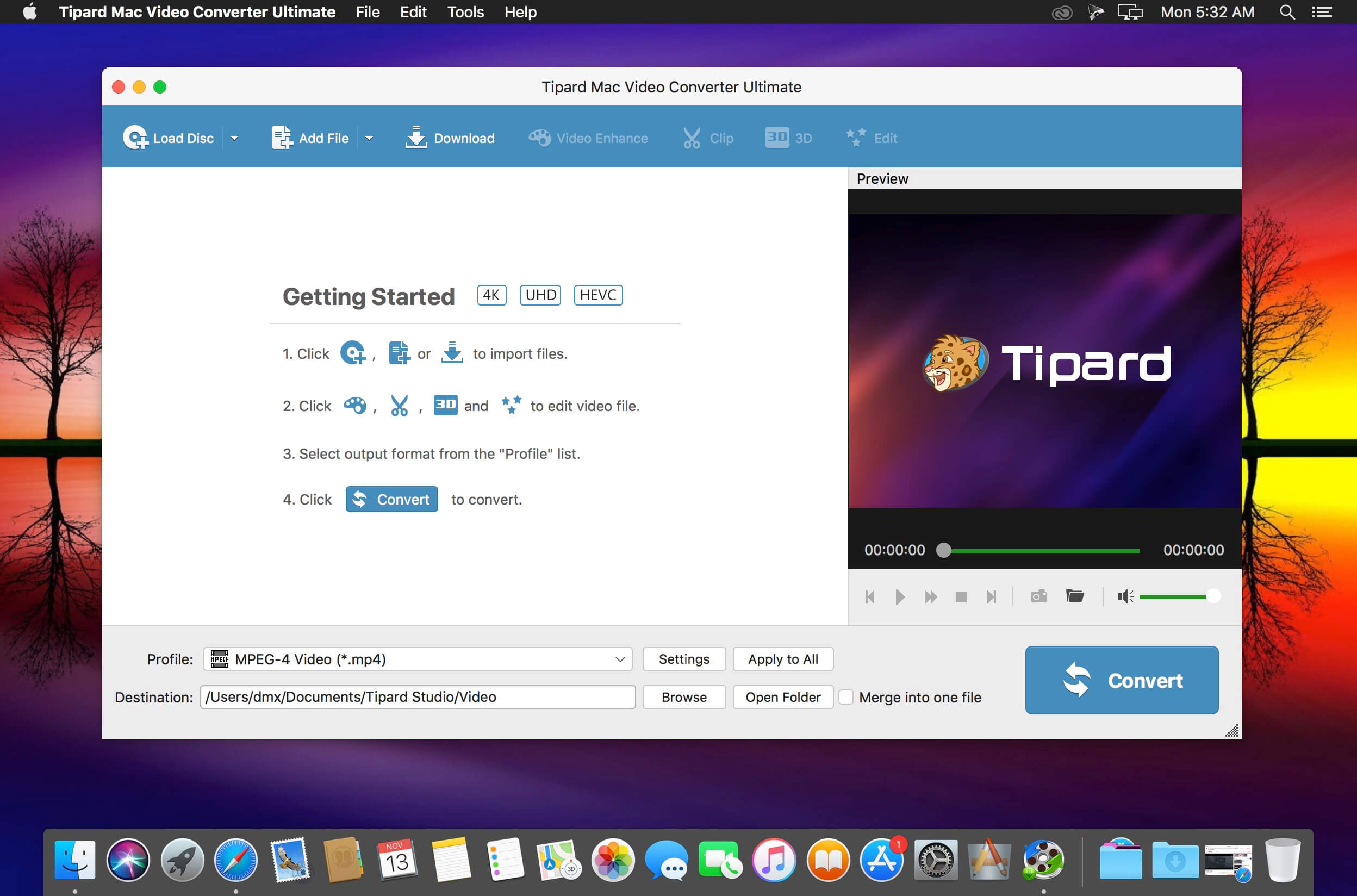
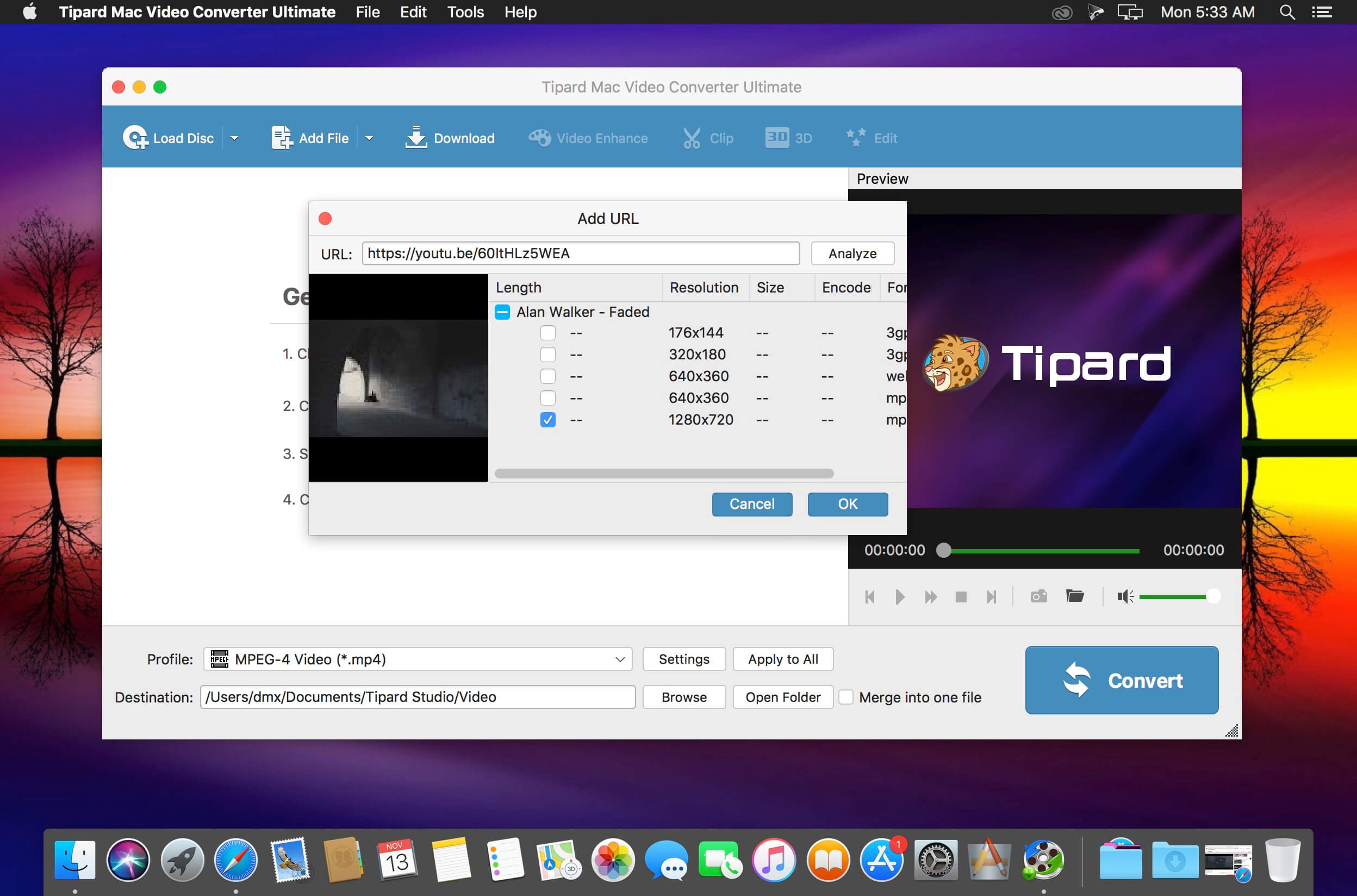
You are able to add audio track or multi-audio track to video according to your need with Tipard Video Converter Ultimate. If you want to replace the unsynchronized audio file from video and animate it with another audio file, this program will be your best choice. The software highly supports MP3, M4A, AAC, WMA and other audio formats. In addition, you can also use Video Converter Ultimate to add external subtitle file to video or remove the soft subtitles from a video. The supported subtitle formats are *.srt, *.ssa and *.ass.
Download online videos from YouTube, Vimeo and more on Mac
Save your favorite YouTube videos to your mobile device so you can watch them when there’s no Internet. Furthermore, streaming lots of online videos can quickly chew through your monthly data allotment. The fix for both issues: Download online videos for offline viewing. Tipard Mac Video Converter Ultimate is a good choice for you to easily download videos from video sharing websites including Youtube, Facebook, Metacafe, Dailymotion, Vimeo, Vevo, Yahoo, etc.
Convert DVD/video/audio to 4K video and 3D format
Tipard Mac Video Converter Ultimate lets you easily convert any DVD and 4k video to popular video formats like 4KH.265/HEVC Video(*.mp4) /4K H.264 FLV Video (*.flv), AVI, MKV, WMV, and MOV. Also it’s an excellent audio extractor that can extract audio track from video files and convert between different audio formats such as MP3, OGG, WMA and WAV. It also supports five 3D modes – Anaglyph 3D, Side by Side (Half-Width) 3D, Side by Side (Full) 3D, Top and Bottom (Half-Height) 3D and Top and Bottom (Full) 3D. You can use it to convert DVDs/videos to videos in 3D format for striking visuals.
Personalize your video files
Apart from downloading videos and converting DVDs/videos, Tipard Mac Video Converter Ultimate also allows you to edit video files with built-in video editor. You can modify the brightness, saturation, contrast, hue and volume. The Clip function lets you split a video into several parts. And the Crop function allows you to remove letterboxing, pillarboxing and windowboxing. You could also personalize the video by adding your own text or image watermark.
Rotate and enhance your video effect
If your video is recorded by iPhone or other mobile devices which is displayed by a small screen, you can use this program to rotate video direction to make it play completely. The enhance function can help you get superb video quality, optimize brightness and contrast and remove your video noise. This function can also reduce shaking motion in your videos which can makes video more clearly.
What’s New:
Version 10.2.76
Release notes were unavailable when this listing was updated.
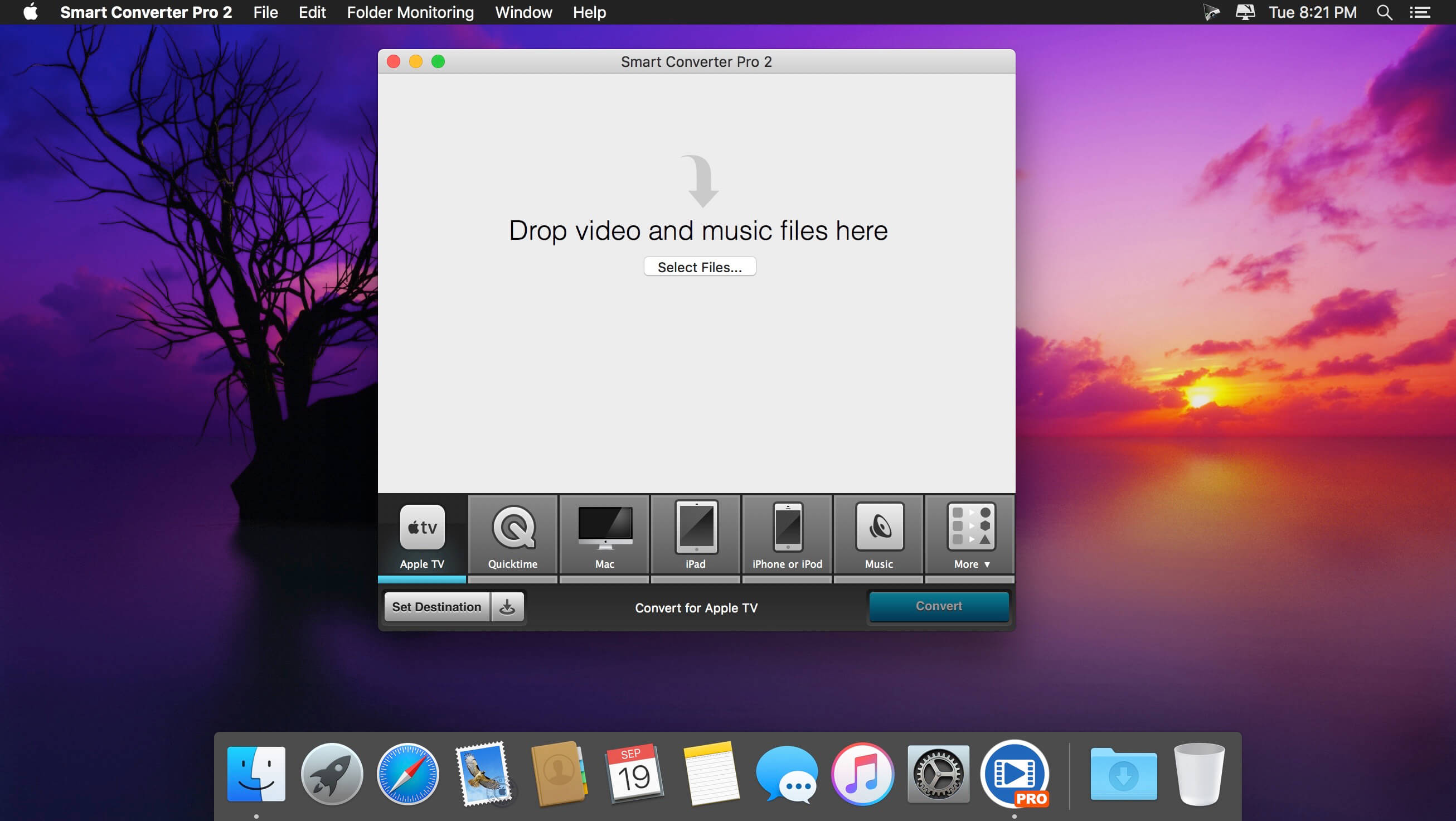
The fastest video converter with movie and TV show metadata, subtitles, folder monitoring and batch conversions. Smart Converter Pro has it all. It’s so easy to use – just drag your video or audio files onto Smart Converter Pro, select an output preset and convert. Smart Converter Pro analyses your files and only converts the bits that need to be converted. This means less waiting and top quality conversions.
The Pro Difference Smart Converter Pro offers a bunch of amazing features to make your conversions quicker, smarter and more convenient:
Folder monitoring – convert anything that hits your monitored folders
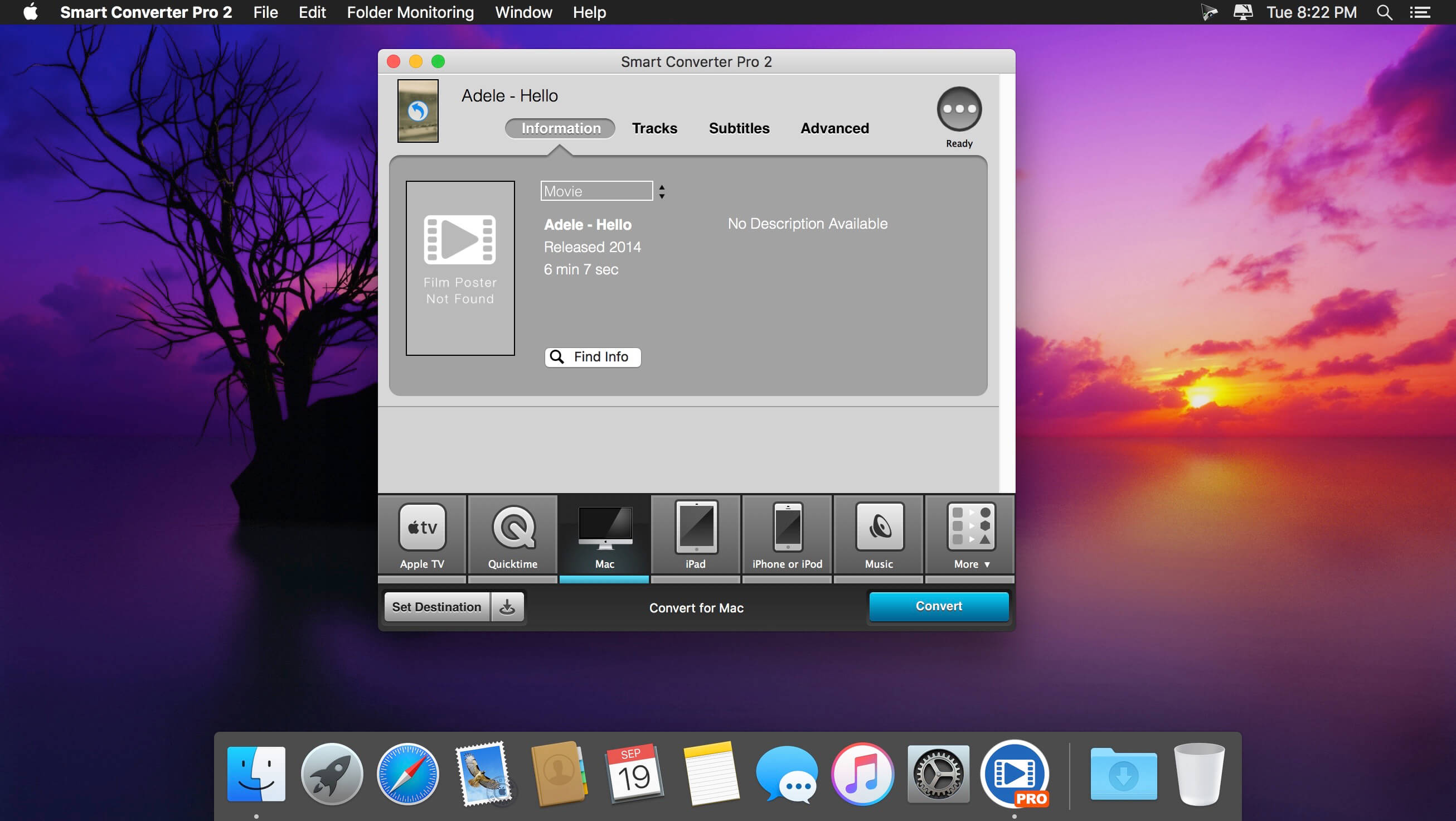
Movie and TV Show info – automatically add key info about your movies
Subtitles – include subtitles, add external subtitles and even load subtitles from the web!
Audio tracks – include any or all of the audio tracks in your movies
Batch processing – queue up and convert as many files as you like in one go
Set destination – you decide where you converted files go
Decide whether to send converted files to iTunes
Why So Smart?
When you drop a media file into Smart Converter Pro and choose a conversion type, it immediately analyses your file and works out what needs to be converted.
In many cases neither the video nor the audio need converting. In some cases just one or the other need converting, and in a few cases both will need converting.
Smart Converter Pro only converts the parts of your movie that need it and leaves the rest alone. This makes Smart Converter Pro faster that every other converter while maintaining the highest possible quality video an audio in the converted movie.
FoneLab HEIC Converter helps you convert HEIC photos to JPG/PNG without hassle to solve this problem.
Given that you take a lot of pictures of HEIC also allows you to convert all photos from iOS 11 lots instead of finishing the conversion process one by one for a long time. In addition, assuming you have idea of setting the quality to a designated value, Aiseesoft HEIC Converter gives you availability.
In addition, to meet the preferences of different users, it is designed with two accessible methods to add files. One is pressing the button “Add HEIC” while the other is dragging images HEIC to the main interface. In order to maintain zero data loss, it has the ability to keep information EXIF. Safely it allows you to perform the entire conversion process at high speed locally. That is, all converted images are saved on your computer. You have the right to change the storage path and create a specific folder for saving files. There will be 10 images HEIC to convert free of charge, which means you can take this opportunity to try.
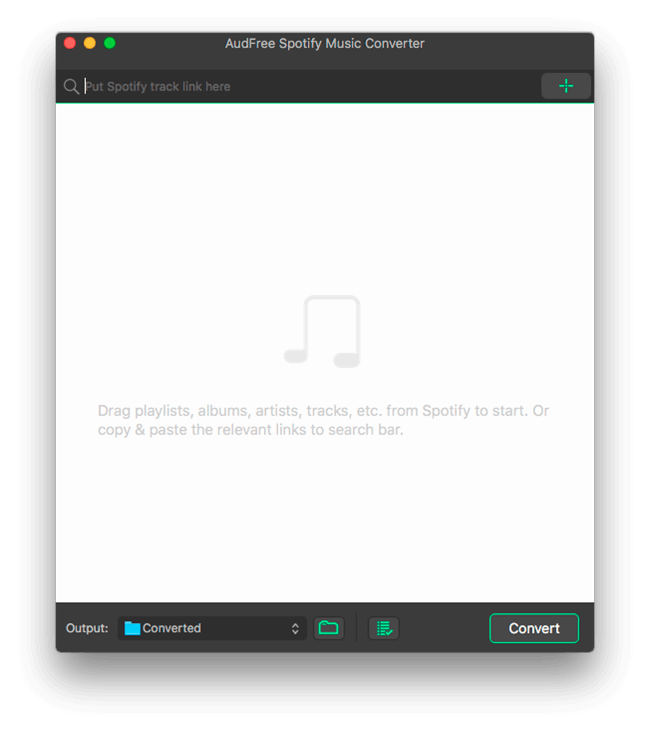
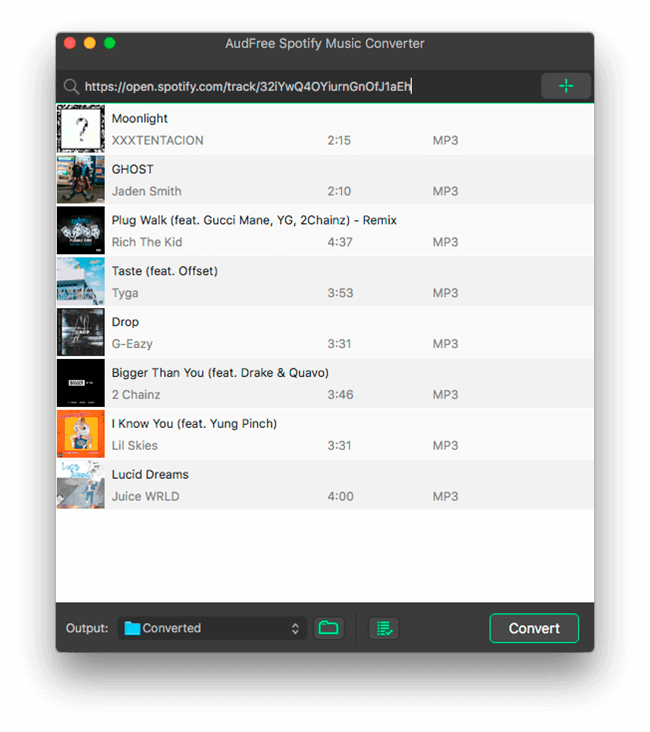
AudFree Spotify Music Converter can help both free and premium subscribers to easily download and convert any track, album, playlist and artist from Spotify to common audio formats so that you can play the Spotify music offline on any popular device without limit. It works at 5X faster speed while keeping the original ID3 tags and metadata info in downloaded Spotify songs.
What’s New:
Version 2.14.0.81:
Release notes were unavailable when this listing was updated.
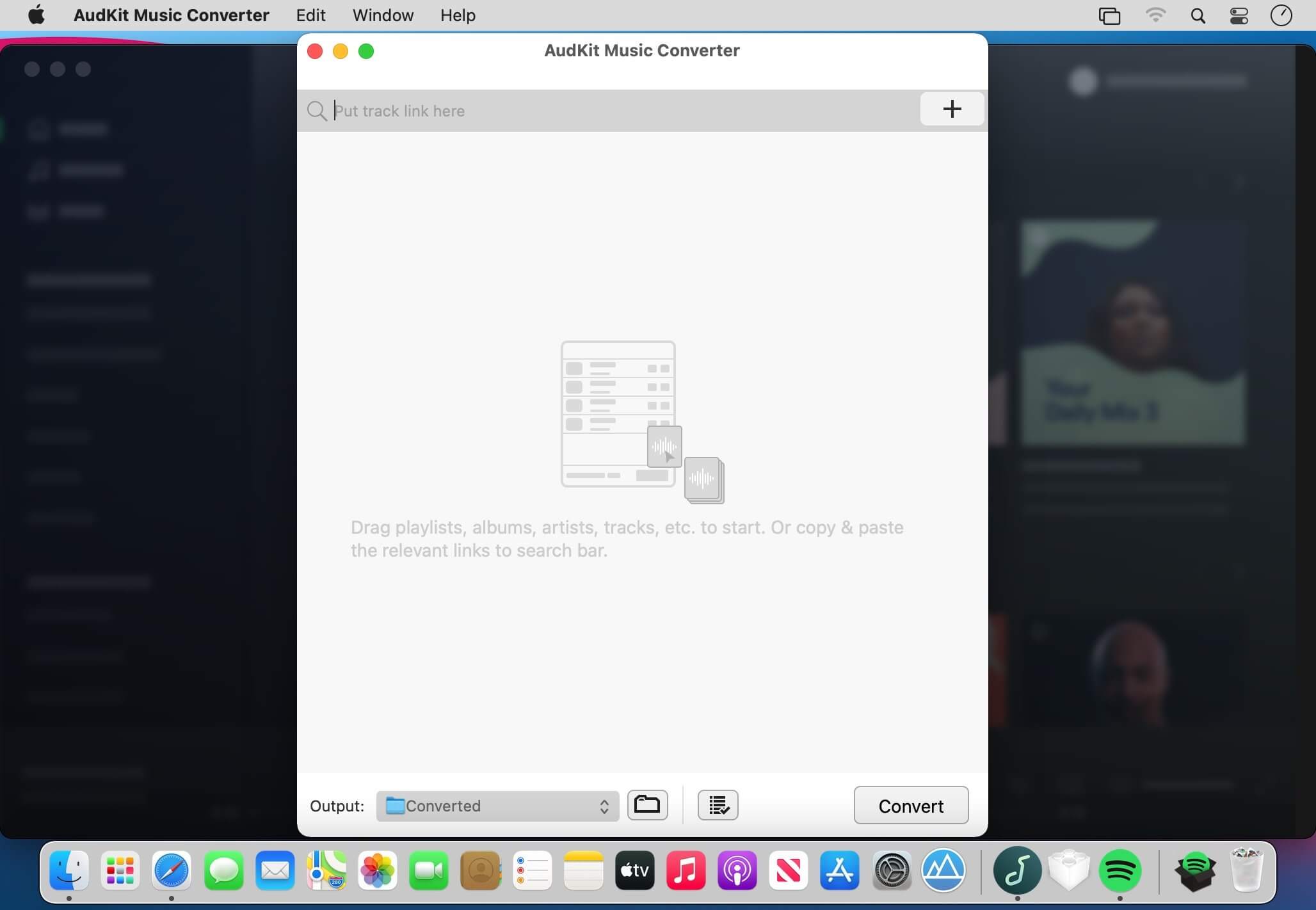
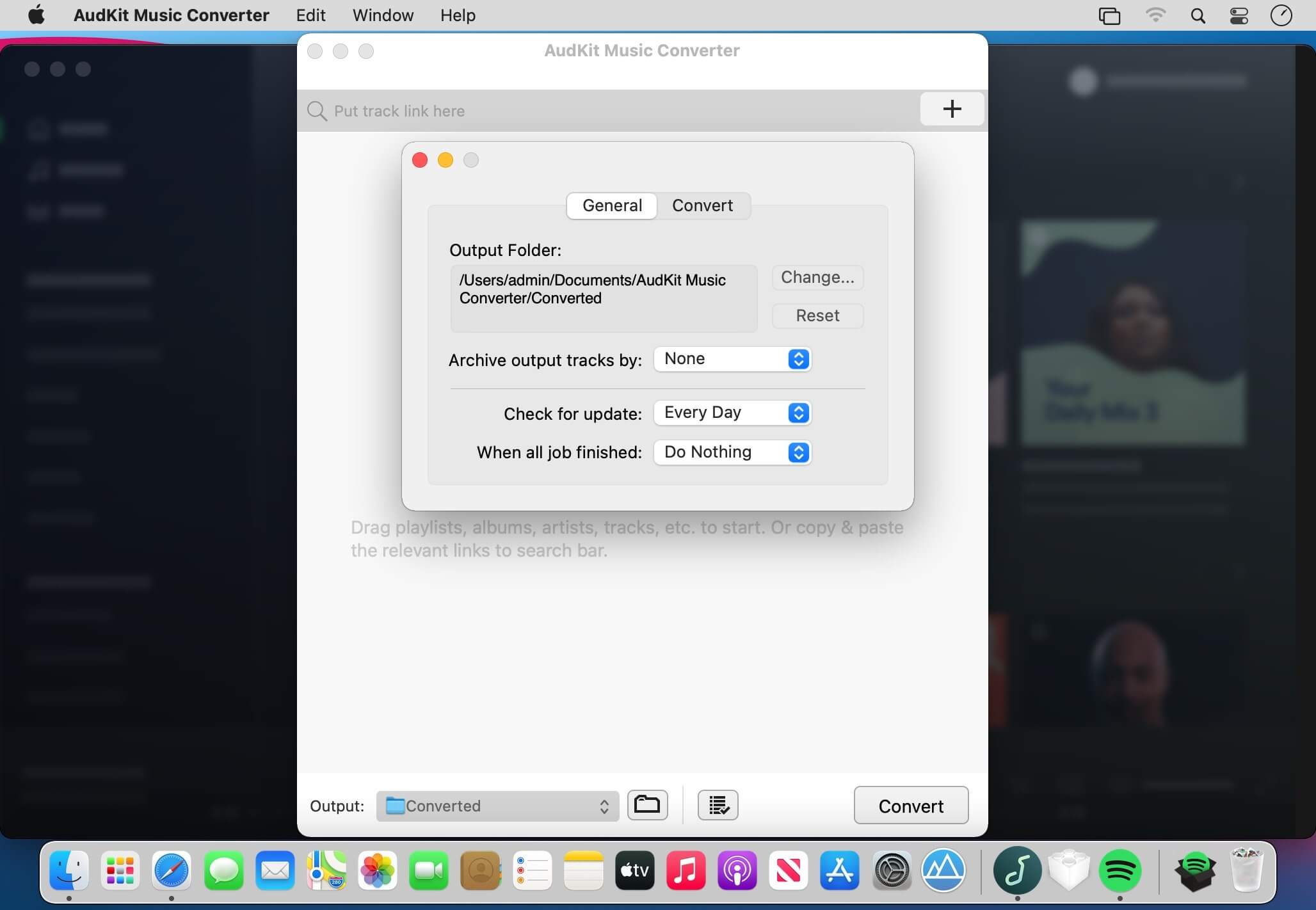
Losslessly convert and download Spotify tracks and playlists for offline listening on any device. AudKit Spotify to MP3 Converter supports to convert Spotify playlist to MP3, AAC, M4A, M4B, WAV, FLAC, and other common-used audio formats.
Convert Spotify to MP3
AudKit Spotify to MP3 Converter supports to convert Spotify playlist to MP3, AAC, M4A, M4B, WAV, FLAC, and other common-used audio formats.
5X Conversion Speed
The conversion speed of AudKit Spotify Music Downloader is able to reach 5X or even faster. That means a 5-min Spotify song only takes a 1-min conversion period.
Batch Download Spotify Songs to MP3
AudKit Spotify Playlist Downloader supports different types of Spotify audios, which contain Spotify Songs, Playlists, Albums, Podcasts, Audiobooks, and Radio.
You can add up to 100 audio tracks from Spotify to AudKit Spotify Audio Downloader at once load. Besides, there is no upper limit of converting songs. So that you can batch import massive Spotify songs into AudKit Spotify Album Downloader and download them in just one click.
Keep 100% Lossless Sound Quality and ID3 Tags
Built-in the most-advanced converting technology, AudKit Spotify Song Downloader is able to keep 100% lossless audio quality from original Spotify songs.
The raw metadata also completely preserves in the output files, including artists, titles, albums, album arts, track numbers, and such basic info. Therefore, you can manage and organize the local music library with ease by viewing the intuitive ID3 tags.
Supported Input Formats
Spotify Audio Artists, Songs, Albums, Playlists, Podcasts, Radio
A smart Spotify music downloader to save any Spotify songs and playlists offline and convert Spotify Ogg Vorbis to universal MP3, AAC, WAV, FLAC, etc. losslessly for playing on any popular device and MP3 player.
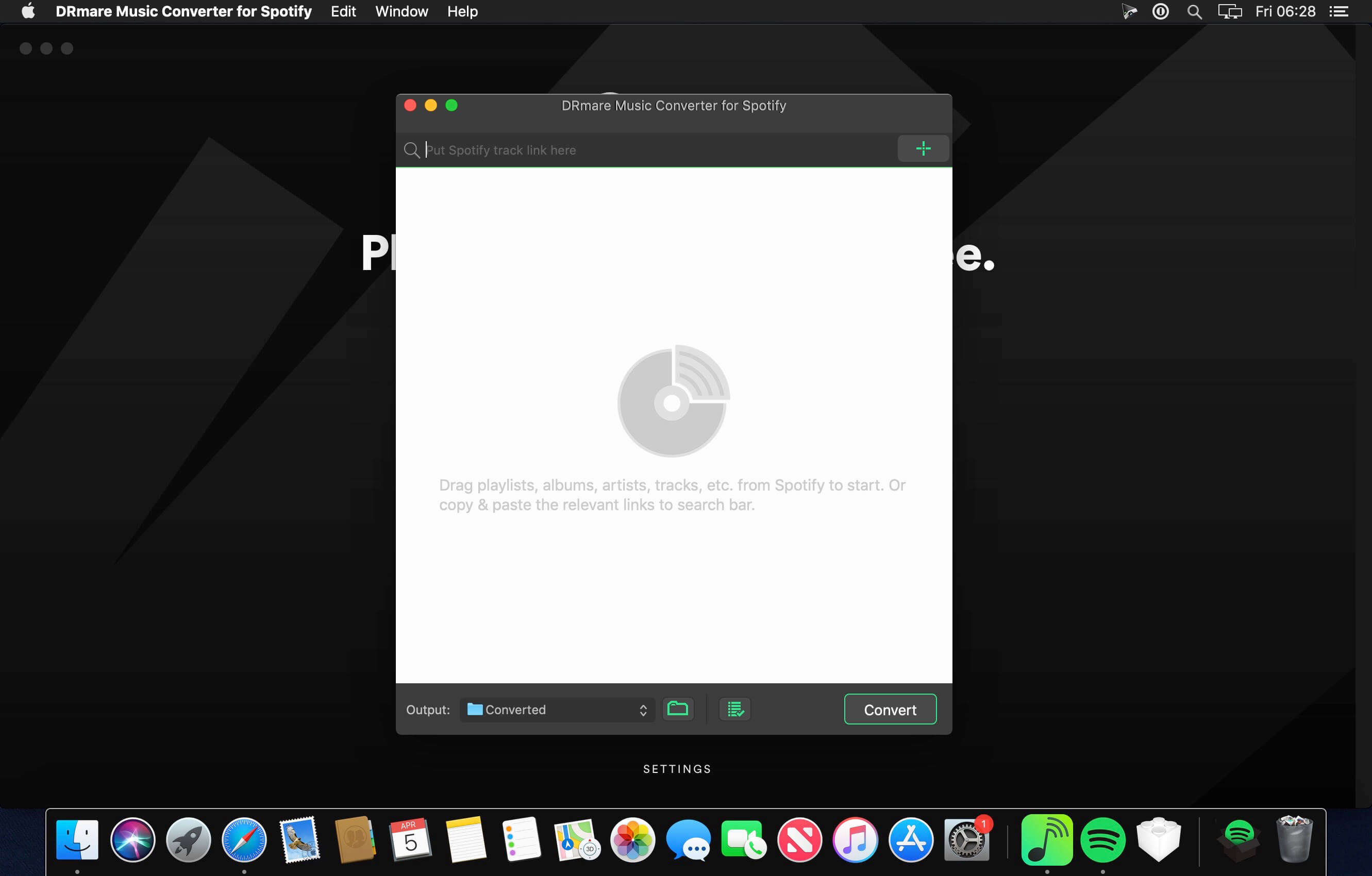
With Spotify Premium subscription, you can download any Spotify songs to play on computers, tablets and mobile phones offline. But what if you don’t have a premium account? No worries! DRmare Spotify Music Converter for Mac is here to offer you the ability to download and extract all music tracks, albums, artists and playlists from Spotify with one click only. It works perfectly for users who have only the free subscription of Spotify music.
What’s New:
Version 2.14.0.36:
Release notes were unavailable when this listing was updated.
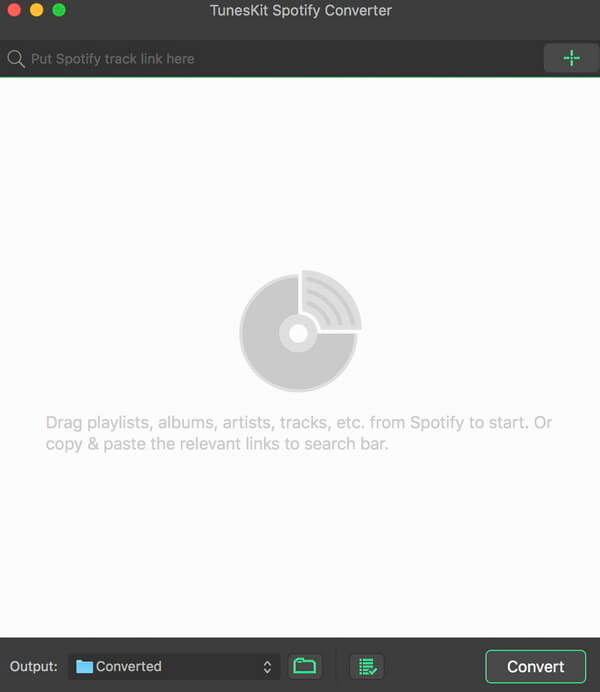
A mighty and smart Spotify music converter to download Spotify songs, playlists, albums, artists as well as convert any track from Spotify to plain MP3, M4A, AAC, WAV, M4B, FLAC for any music player, like iPod, Zune, Creative Zen, etc.
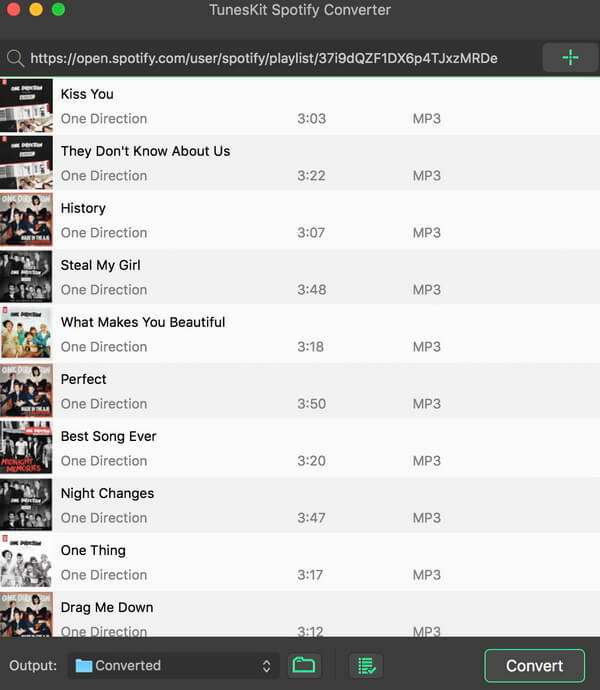
Break DRM protection from all Spotify songs and playlists DRM restriction on Spotify prevents us from playing the music offline. Thus TunesKit Spotify Music Converter for Mac comes out to free Spotify users from DRM for good! With this smart Spotify converter, subscribers can now take full control of your Spotify music songs by easily downloading all tracks, artists, albums as well as playlists from Spotify while completely stripping off the DRM protection with high quality.
Download & convert Spotify music tracks, playlists, albums, artists to MP3, AAC, WAV, FLAC, M4A, M4B In addition to a powerful Spotify DRM removal tool, it also works as a professional Spotify to MP3 converter so that you can decrypt and convert any Spotify music file, including single track, albums, playlists and artists to plain MP3, AAC, WAV, FLAC, and other common audio formats as you wish.
Keep 100% lossless quality and ID tags TunesKit Spotify Music Converter for Mac is well designed to provide you with fantastic listening effects so that it can losslessly retain the original quality of the Spotify music in the converted DRM-free songs. Besides, the ID tags and other metadata information of the Spotify songs, such as artwork, artist, composer, album, year, track number, genre, etc. will be preserved in the output files as well.
Play Spotify music songs on all popular players offline Thanks to this smart Spotify music conversion tool, you are enabled to freely download and play any DRM-protected Spotify music track, album, or playlist on any popular device and player, including Apple iPod, iPhone, Zune, Creative Zen, Sony, Samsung, car radio system, and other common MP3 players, etc.
Softorino YouTube Converter – YouTube to MP3. Offline YT Converter. No Ads. Background Playback.
YouTube on the iPhone and iPad, without advertising, to support offline viewing but still nothing. You think it’s impossible? But not guessed!
All this and a little bit more you can get by using Softorino YouTube Converter. The whole process is simple in the extreme: copy the link to the video, go to the app and choose where you want to save the video.
After you copy the link to the clipboard, Softorino YouTube Converter automatically recognizes it, and you will only choose the quality (60fps, 2160p 4K, 1080p HD, 720p, 360p, or audio only) and a place to save (Mac or iOS-device ). A few seconds after pressing the button Download the file is in the “Boot” on the Mac, or “Video” application / “Music” on iOS. That’s all.
No advertising;
You can download any video from YouTube and Vimeo;
You can download the audio track of the video and listen to the standard player on iOS;
Do not need internet to view;
less discharged battery;
for it not to be paid;
it works anywhere in the world, in contrast to the YouTube Red.
What’s New:
Version 5.1.12:
Release notes were unavailable when this listing was updated.
Eassiy Video Converter Ultimate is a comprehensive multimedia software with most tools on the market. These tools can help you create, edit, enjoy and share various multimedia file types such as video, audio, GIF, photo, MV, ID3, Subtitle, etc. Whether you are video producers, movies and music lovers, home video sharers, students and tethering or vloggers, Eassiy Video Converter Ultimate is a must-have tool for you.
Super Powerful Converter Beyond Your Imagination
Easy Video Converter Ultimate is not only multi-functional but also has very powerful and professional conversion functions. In addition, it is at the industry-leading level regarding conversion speed, quality, and supported formats.
Convert video/audio files to 1000+ formats
– Industry Leading in The Supported Formats
Convert video/audio to 1000+ video/audio formats such as MP4, MOV, AVI, MKV, MPG, MP3 etc for all kinds of devices, including iOS devices, Android devices, Drones, VR devices, game consoles, etc
– Batch Conversion with One Click
Batch converts many videos simultaneously just with one click, easy to use and efficient.
60X Video Conversion Speed
– Lossless Conversion Technology
With an advanced converting technology, the Easy HD video converter will convert 8K/5K/4K/HD videos without over-encoding/decoding in just a few minutes.
– GPU Acceleration
With GPU acceleration and high-speed conversion available, Eassiy fast video converter empowers video conversion 60X faster.
– Multi-core Processor Optimization
Eassiy video converter uses AI technology to improve the converting speed by optimizing the multi-core processor.
Convert Video Up to 8K Without Losing Quality
– Convert HD/4K/5K/8K videos like H264(AVC) and H265(HEVC) from Drone, GoPro, HD camera, Camcorders and more to any format for playback.
– 1:1 conversion quality with 8K/5K/4K/HD videos with no quality loss.
Built-in Editors to Enrich Your Video Production
– Trim and Cup Videos
– Merge Videos
– Crop & Rotate Videos
– Add Subtitles
– Add Watermark
– Add Video Effects
– Video Enhancer
– Adjust Soundtracks
– Change Video Speed
HD Video Compression
– Compress HD Videos for Sharing to YouTube, Facebook, TikTok etc.
Custom to compress HD videos or large videos size and convert to the format and resolution you want for social media platforms such as YouTube, Facebook, TikTok, Instagram etc. Video compression up to 90%.
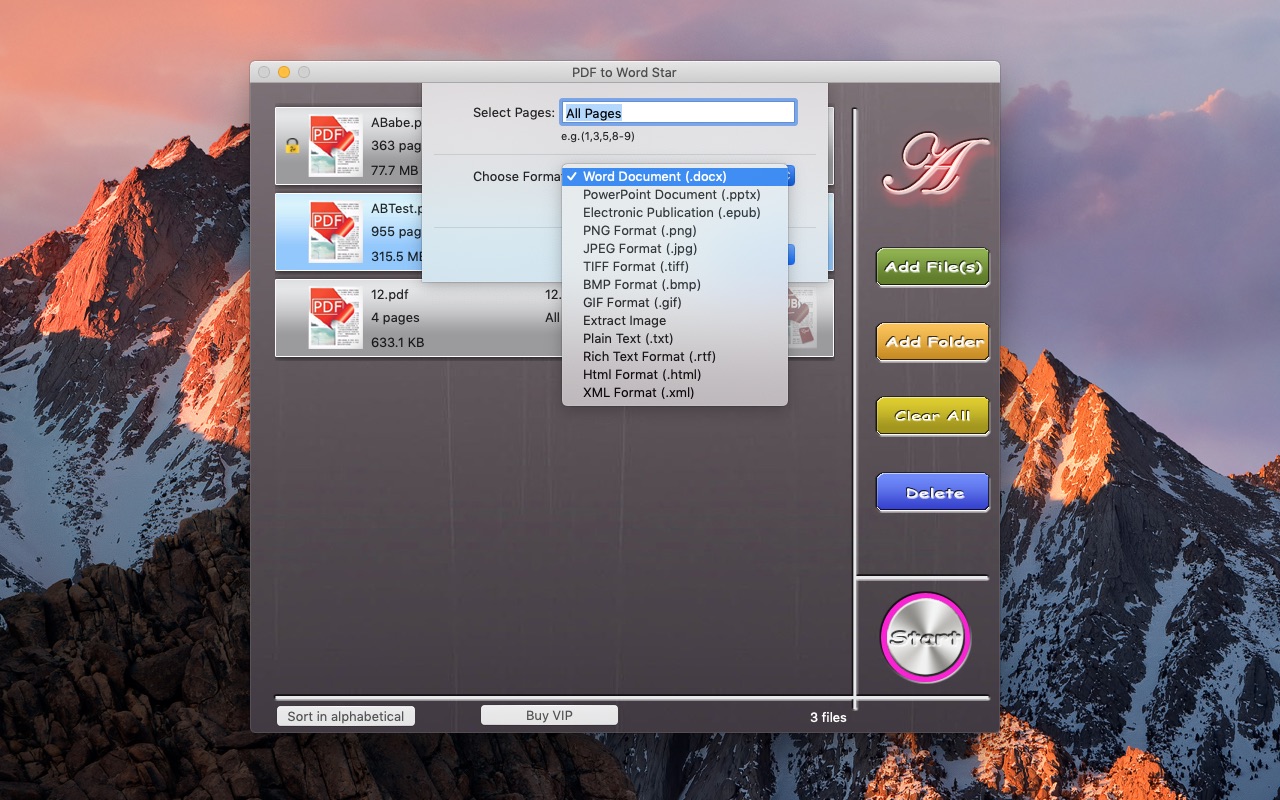
PDF to Word&Document Converter is an app that enables you to quickly convert PDF documents into other format files. The app comes with batch processing capabilities. user can easily choose to convert only certain pages for each document.
Key Features:
Batch convert PDF to Word files
Batch convert PDF to PowerPoint files
Batch convert PDF to EPUB files
Batch convert PDF to txt files
Batch convert PDF to image files
Batch convert PDF to html files
Batch convert PDF to xml files
Batch convert PDF to rtf files
Extract Image
Offers support for selective conversion
Comes with drag and drop support
What’s New:
Version 6.2.8:
Release notes were unavailable when this listing was updated.
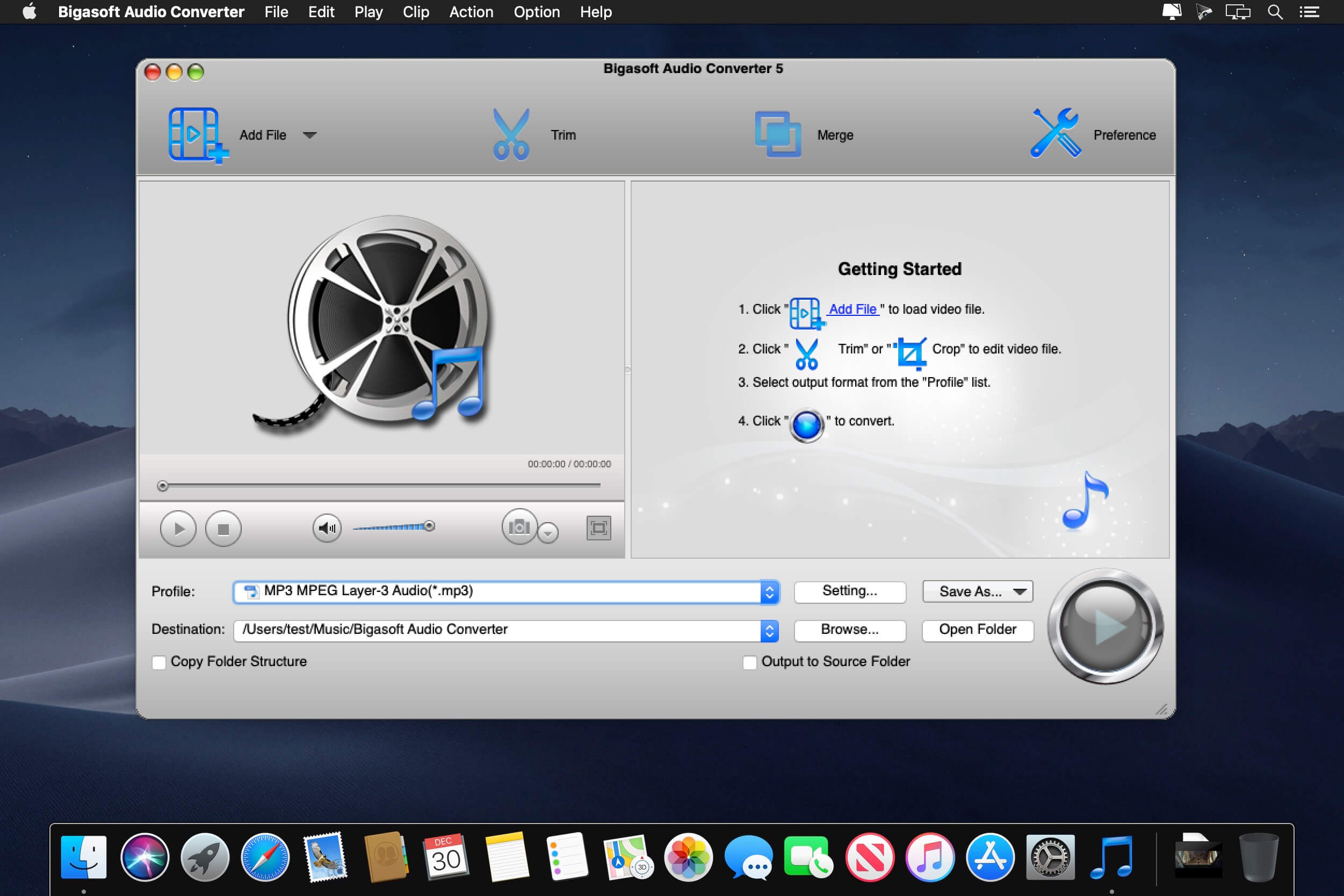
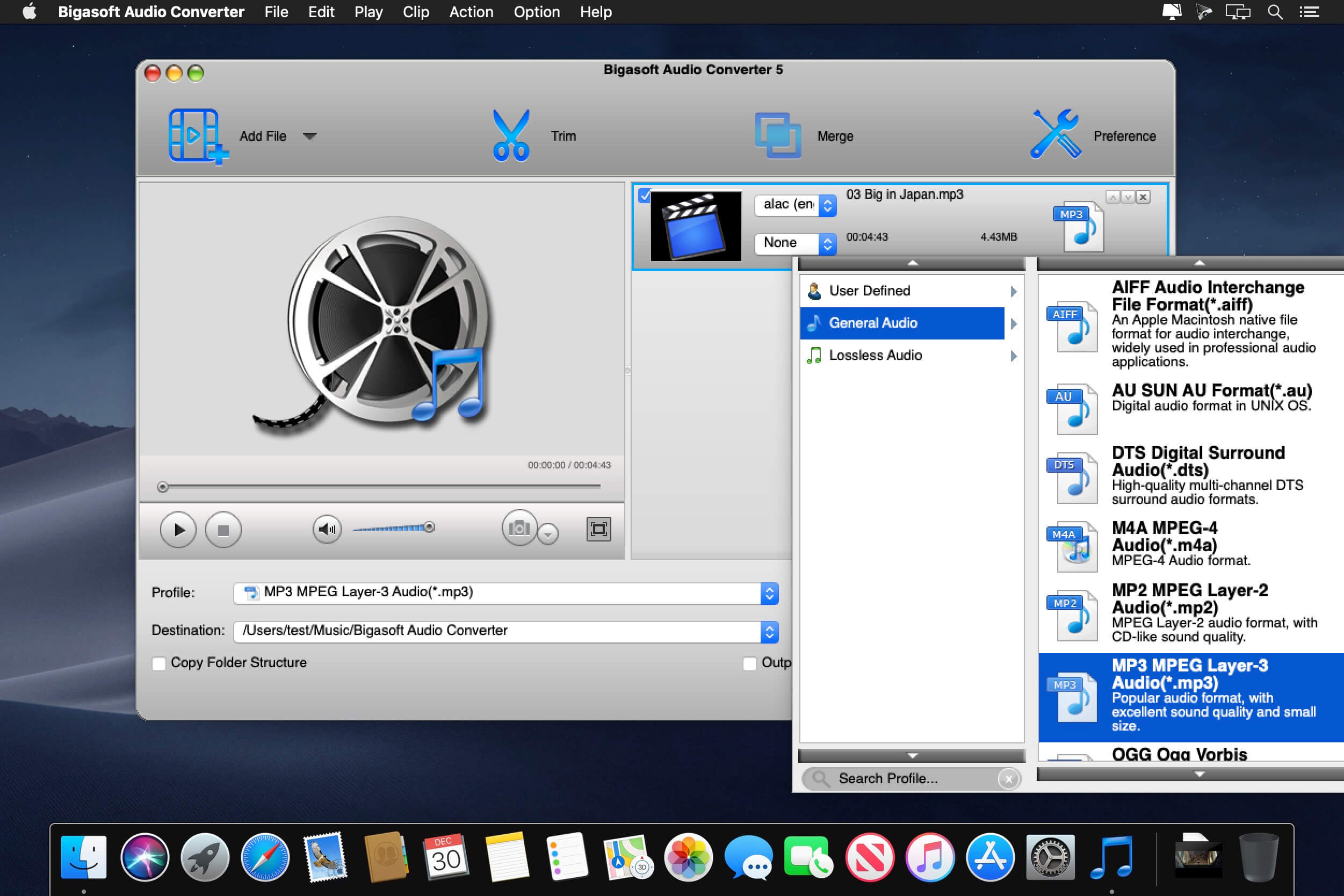
Bigasoft Audio Converter for Mac, an all-in-one Mac audio converter, provides an easy way to convert between all popular audio formats, including WMA, MP3, APE, M4A, AAC, AC3, WAV, OGG, AUD, AIFF, CAF, FLAC, and more.
Moreover, it can also act as Mac video audio converter. The powerful Mac video to audio decoder helps easily extract audio from video files like MP4, MOV, AVI, MPEG, MPG, 3GP, DivX, Xvid, ASF, VOB, MKV, WMV, H.264, 3G2, FLV, MOD, TOD, MTS, WTV, WebM, etc. and then convert to any audio format as you will, such as convert YouTube to MP3, convert MOV to MP3, and more.
What’s New:
Version 5.8.1.913:
Release notes were unavailable when this listing was updated.
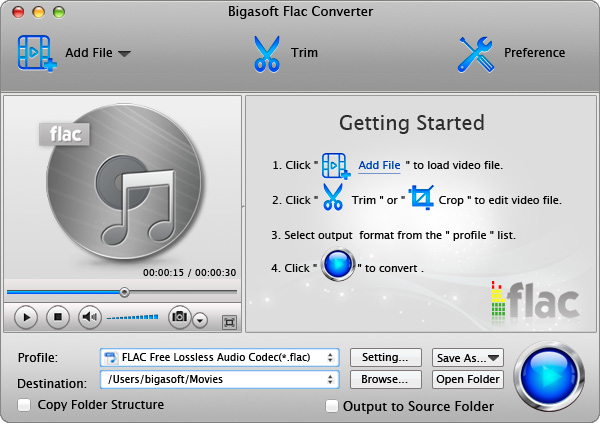
Bigasoft FLAC Converter for Mac is special designed and easy-to-use FLAC file converter and FLAC decoder Mac to convert FLAC on Mac OS X (Mountain Lion included). It can convert FLAC to broad audio formats e.g. convert FLAC to MP3 Mac, convert FLAC to 16 bit/24bit WAV, convert FLAC to Apple Lossless ALAC, convert FLAC to M4A, convert FLAC to AIFF and convert FLAC to AC3, AU, MP2, OGG, RA and WMA as well as preserve the audio quality.
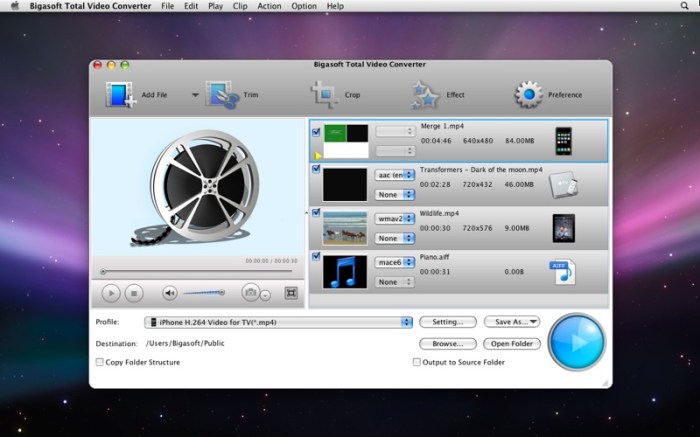
Bigasoft Total Video Converter for Mac, the professional and easy-to-use Mac video converter, is specially designed for Mac users to easily convert between various video formats including TiVo, HEVC/H.265, MP4, MOV, MKV, AVI, MPEG, Xvid, DivX, H.264, 3GP, WMV, FLV, MOD, TOD, WTV, MXF, MVI, F4V, Apple ProRes MOV, WebM, VP8, 720p, 1080p, 1080i HD, AVCHD videos and more, convert between various audio formats including APE, MP3, AAC, AC3, WAV, WMA, and even extract audio from movie files.
What’s New:
Version 5.8.1.9133:
Release notes were unavailable when this listing was update