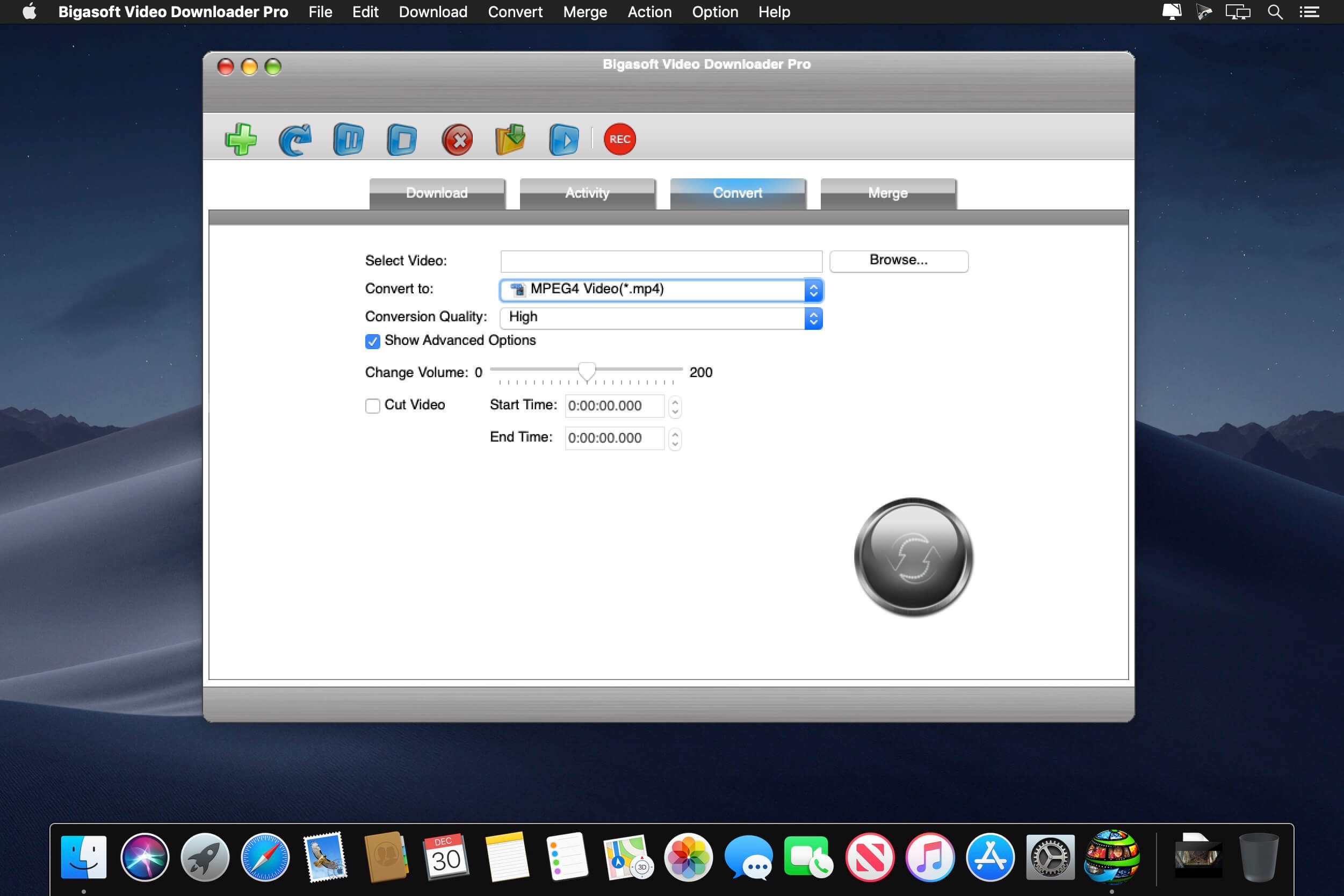
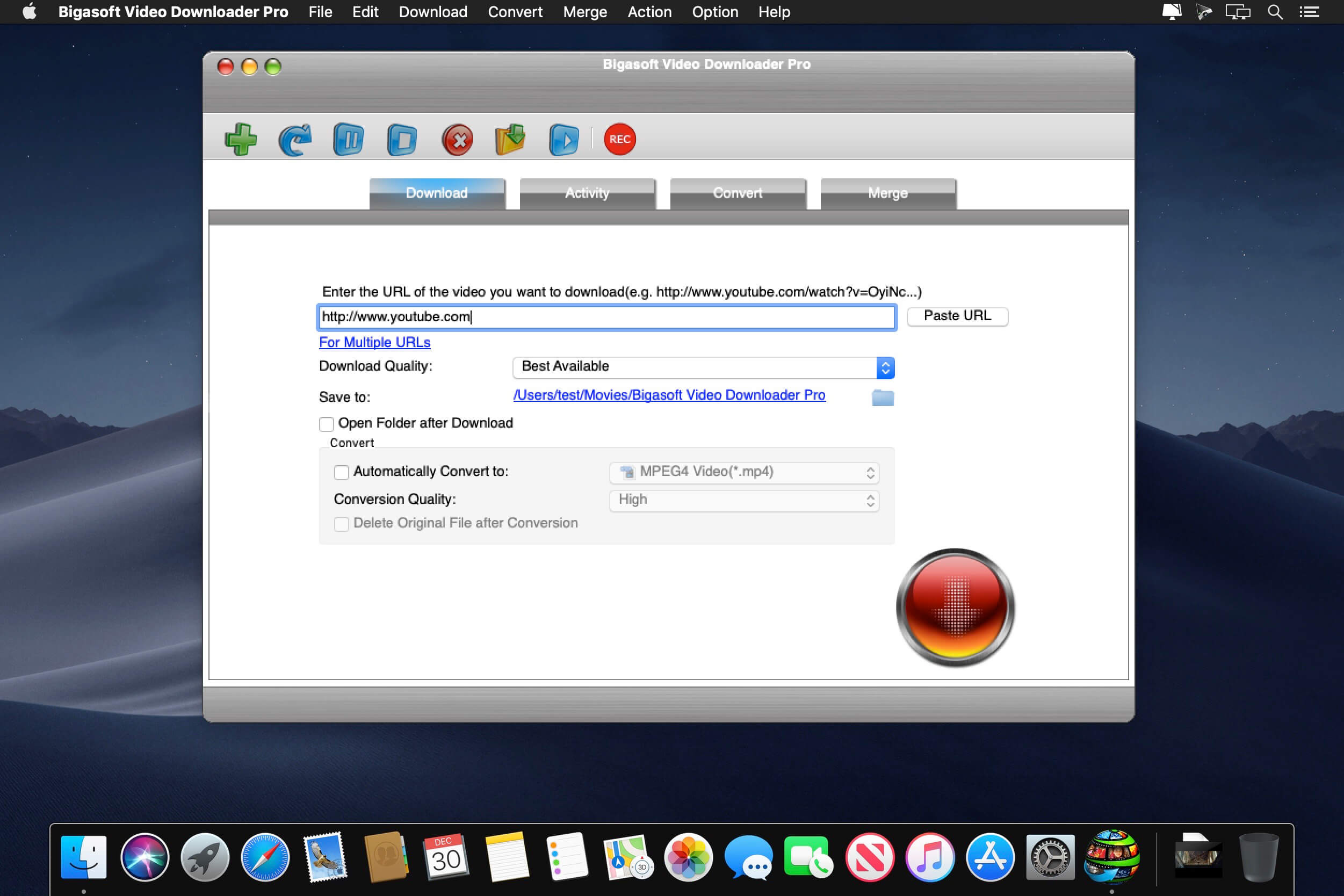
Bigasoft Video Downloader Pro for Mac can download and convert online videos in HD 1080p/720p, 3D or stand definition 360p/480p to MP4, WMV, AVI, DivX, Xvid, MOV, MKV, MPG, FLV, RMVB, VOB, DV, ASF, SWF and etc on Mac.
This powerful Video Downloader Pro Mac is also a professional Video to MP3 Downloader for Mac which helps to download as well as convert online music video to MP3, WAV, M4A, WMA, AIFF, FLAC, OGG, AC3, MP3 and etc on OS X.
Bigasoft Video Downloader Pro for Mac supports downloading and converting video from almost all popular video sites like YouTube, Dailymotion, Vimeo, Goear music, Metacafe, Break, Veoh, BBC, etc to helps us easily enjoy online video on Mac, iTunes, QuickTime, Apple TV, iPad, iPod, iPhone, Kindle Fire, Android and more.
What’s New:
Version 3.22.4.7420:
Release notes were unavailable when this listing was updated.
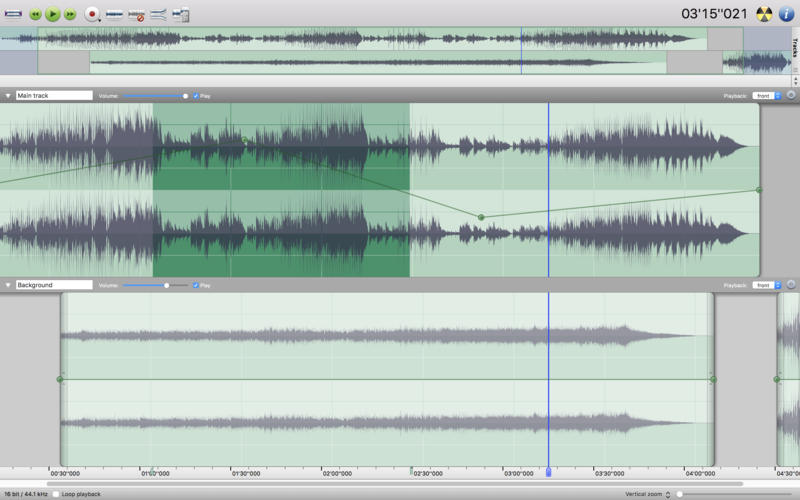
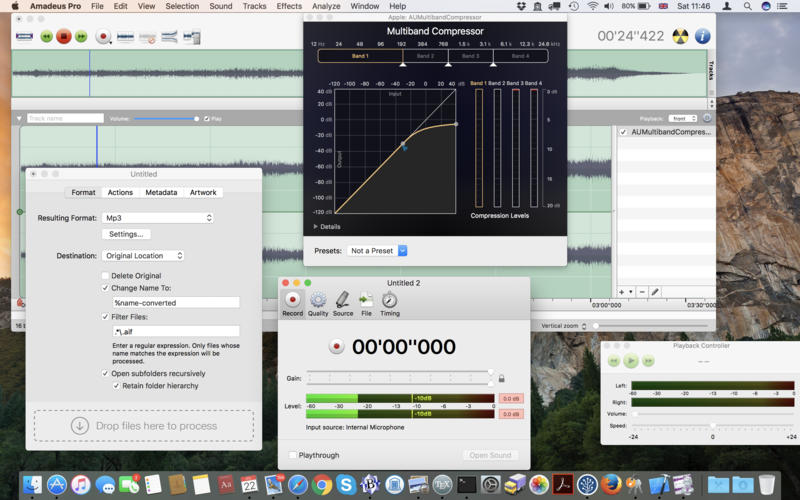
Amadeus Pro lets you use your Mac computer for any audio-related task, such as live audio recording, digitizing tapes and records, converting between a variety of sound formats, etc. Thanks to its outstanding direct-to-disk abilities and waveform caching, edits on arbitrarily large sounds (even beyond the usual 2GB limit) are performed at lightning speed. The handling of large sounds is furthermore facilitated by the extensive support of markers. Its outstanding sound repairing and denoising abilities make Amadeus Pro particularly suitable for transferring vinyl records on CD.
Features
Simple and elegant OS X-like user interface
Multitrack editing an recording.
Batch processing and conversion.
Sound denoising and repairing.
Supports a variety of sound formats, including AIFF, Multichannel Wave, MP3, MP4, Ogg Vorbis, FLAC, SoundDesigner II, QuickTime, Apple CAF, etc.
Support for VST and Audio Unit plug-ins.
A “favourite actions” palette allows to have your most commonly used effects only a mouse click away.
A wide range of powerful audio analysis tools.
Audio CDs with CD-TEXT data can be burned directly from within Amadeus Pro.
What’s New:
Version 2.8.1.244
Release notes were unavailable when this listing was updated.
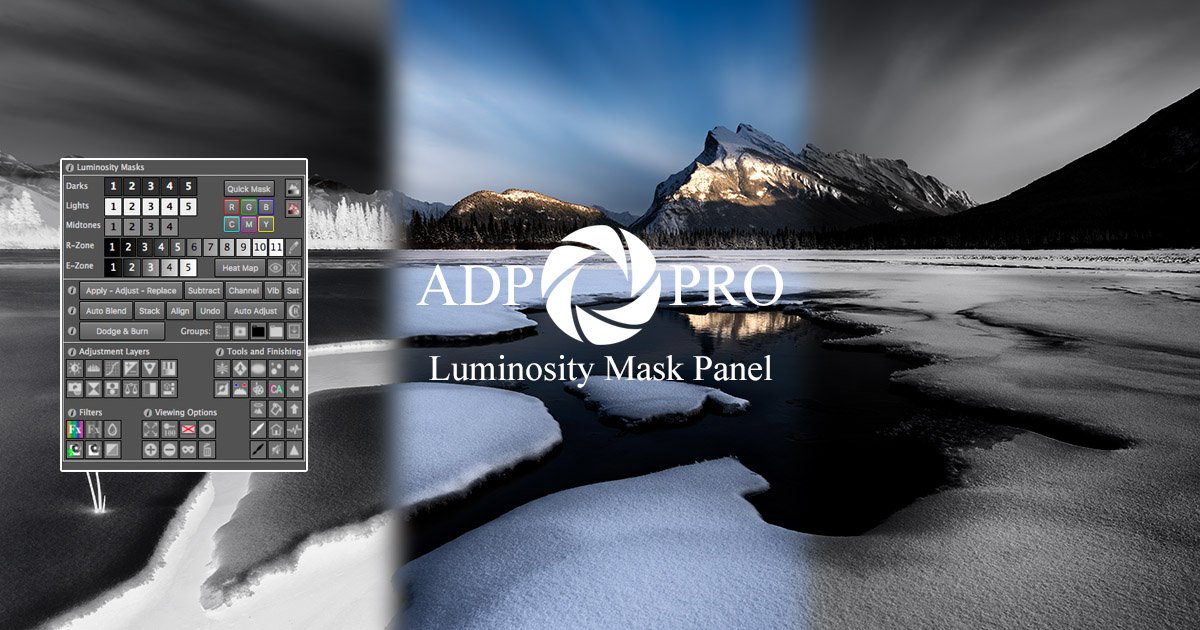
A comprehensive and innovative Luminosity Mask panel designed in a compact and easy to use design. ADP Pro v3 has been designed to bring you all of the power of luminosity masks, and much more. Whether you want to take complete tonal control over your images or create stunning monochrome images, apply powerful colour adjustments or sharpen images with unpresendented control you can’t go past ADP Pro v3. Whether you are a beginner to luminosity masks or you are an advanced user, the tools in ADP Pro v3 have been built to create your masks simply, quickly with all the adjustment tools you’ll ever need.
Included with your purchase: ADP Pro v3, including the following panels: Luminosity With Layers Quick Mask Luminosity Masks Heat Map Tonal Selections Apply, Adjust, Replace (Image and Mask View) Subtraction Masks Channel Masks Automated Blending & Undo Blending Auto Adjustments Dodge & Burn Create Your Own Colour FX Mono FX Sharpening
4K Stogram is an Instagram downloader which allows you to download and backup Instagram photos and videos, even from private accounts. Download Instagram photos by hashtags or favorite locations!
Features:
Grab photos of few account simultaneously and save it in JPEG on your desktop.
Follow your favourite photographers and get their latest photos automatically.
Download Instagram Stories as video or image files.
Login with your Instagram credentials and download photos of private friends accounts.
Access to your viewer directly from the application.
Download Instagram video in MP4 format.
Enjoy the minimalistic interface of application.
What’s New:
Version 3.0.0:
Release notes were unavailable when this listing was updated.
mPrism – an easy way to completely transform your shots and make your edits uniquely beautiful. This plugin was created to give you extra leverage to boost the look and the engaging factor of your shots. Upgrade any topic with a soft touch of prismatic magic!
Creating a stunning edit takes a lot of components to work together to create a consistent whole. It’s the editor’s job to keep the attention of the crowd focused and that takes a lot of skill and compositing prowess. mPrism plugin was created to give you extra leverage to boost the look and the engaging factor of your shots. With this spectacular collection of prismatic effects, every video can gain a completely new character. Music clips, travel videos, family memories or even cinematic openers – every topic you edit upgraded with a soft touch of prismatic magic can become a visual masterpiece. This amazing plugin is an easy way to completely transform your shots and make your edits uniquely beautiful.
RapidCart Pro is a powerful RapidWeaver 6 plugin for running an e-commerce store.
Sell Like a Pro – RapidCart Pro makes it easy to build and manage a powerful and fully customizable online store with RapidWeaver. RapidCart Pro has the enterprise-class features and the flexibility you need to create an e-commerce solution tailored to your unique needs.
Multiple Payment Gateways – RapidCart Pro supports multiple payment gateways, each with its own commissions settings. Accept payments using Stripe, PayPal, and Mollie, or choose to handle offline payments such as cash-on-delivery or wire transfer.
Digital Delivery – RapidCart Pro lets you digitally distribute your media content with ease and reliability. Start selling audio and video files, ebooks, digital pictures, and software.
Unlimited Products – There’s no limit to the number or type of products you can sell in your online store.
Product Versions – Offer different versions of your products, such as multiple sizes, colors, materials, and more. Each variation can have its own price, SKU, and weight.
Mobile-Commerce Ready – Your RapidCart Pro store includes a built-in mobile-commerce shopping cart. Your customers can browse and buy from your store using any mobile phone or tablet.
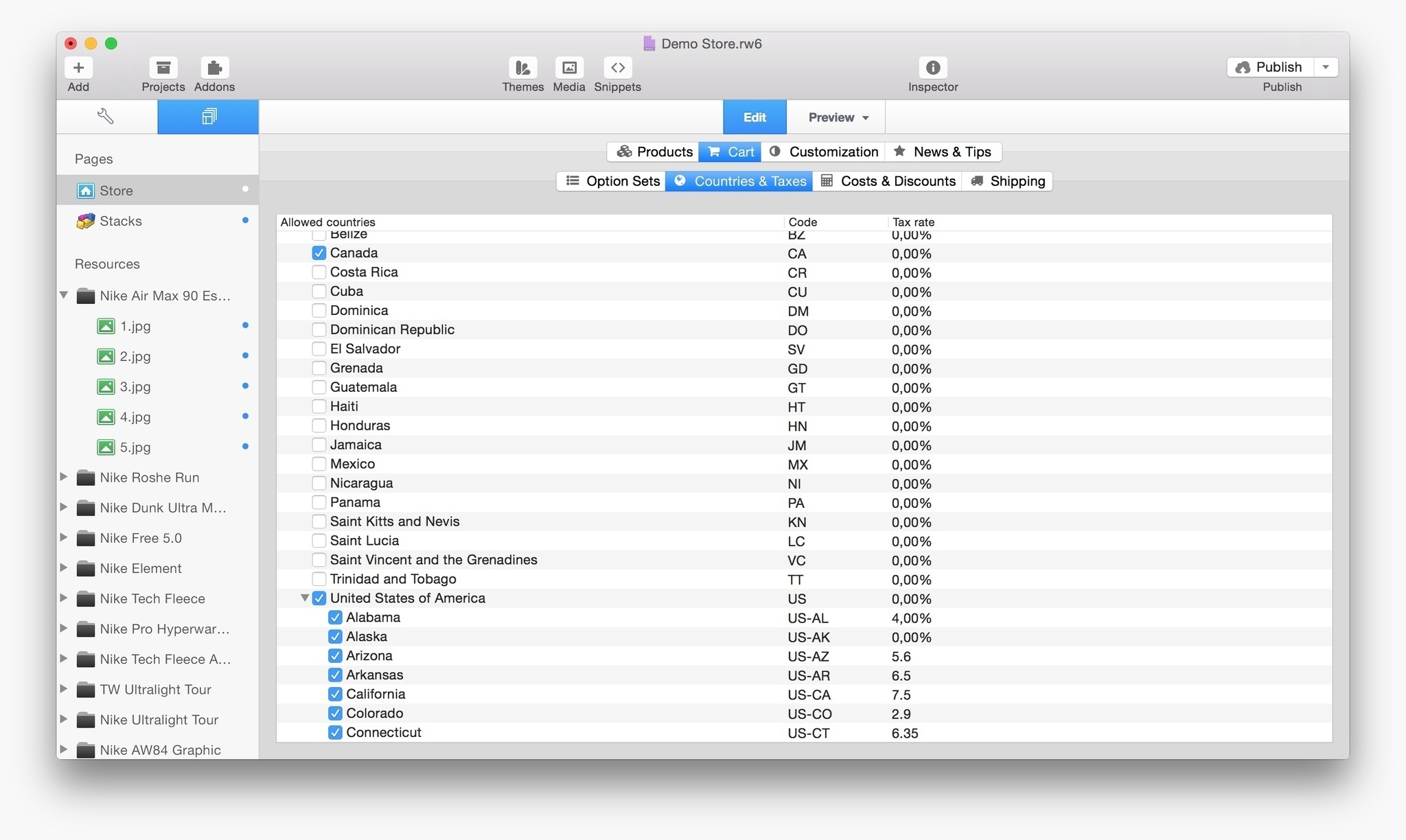
Adapts to Different Countries’ Taxation Systems – RapidCart Pro can be configured to comply to your country taxation system and, based on your location, can handle EU VAT reverse charge and German-law compliance.
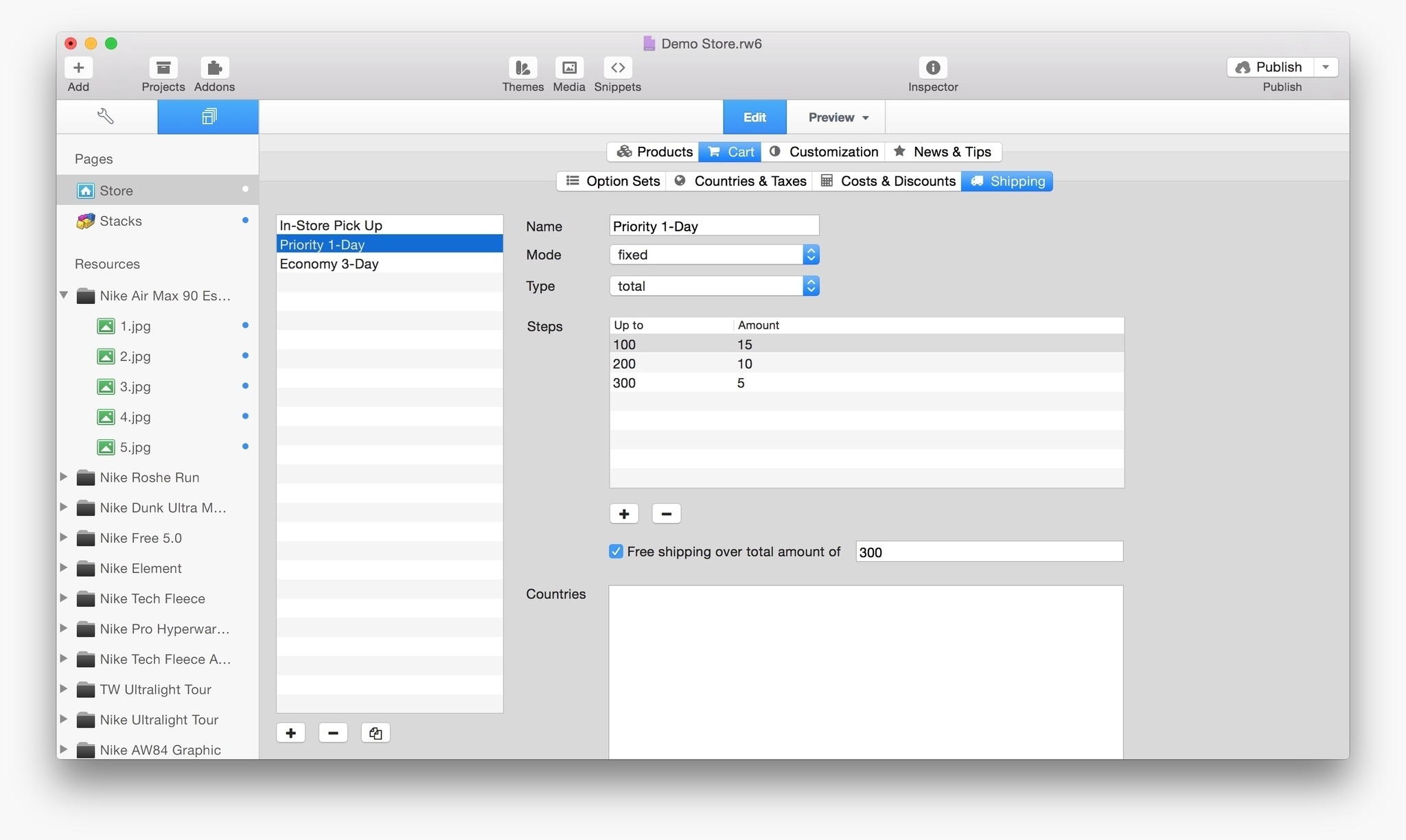
Flexible Region-Aware Shipping Rates – Set up shipping rates by fixed price, tiered pricing, weight-based, and location-based rates.
Endless Configuration Options – Easily customize your store layout, choose your preferred payment gateways, set the price point at which free shipping applies: configuration options are really endless, and each minor update will bring new ones!
Stacks of Features – RapidCart Pro is designed to work with Yourhead Stacks to further customize your store layout.
Themes for RapidCart Pro – RapidCart Pro works with most official and 3rd-party themes for RapidWeaver. We partnered with some great developers to create beautiful themes with extra functionalities designed for RapidCart Pro.
RapidCart Pro comes in Starter and Advanced editions. The price quoted reflects the price for a new license for the Starter edition. Additional pricing, as well as upgrade pricing, can be
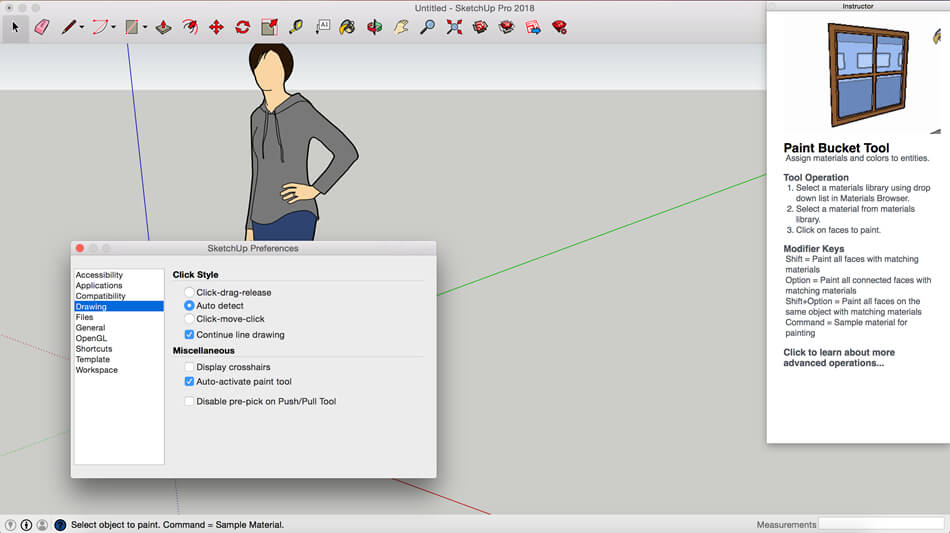
SketchUp is an easy-to-learn 3D modeling program that enables you to explore the world in 3D. With just a few simple tools, you can create 3D models of houses, sheds, decks, home additions, woodworking projects – even space ships.Programming, diagramming, design development, detailing, documentation, RFIs—wherever you need drawings, you need SketchUp Pro.A great mix of our classic desktop software, our shiny new SketchUp for Web modeler, and all sorts of things you’ve been asking for over the years — including the ability to publish, share, and store projects in the cloud with Trimble Connect.
Tools for your 3D modeling toolbox: SketchUp Pro for Desktop
Fast, easy 3D modeling for anything you can imagine.
SketchUp for Web
Our powerful web modeler, with all the features you need to turn your designs into real things.
Unlimited cloud storage
Share, collaborate, and store your projects in the cloud. Gain flexibility and peace of mind.
2D design documentation
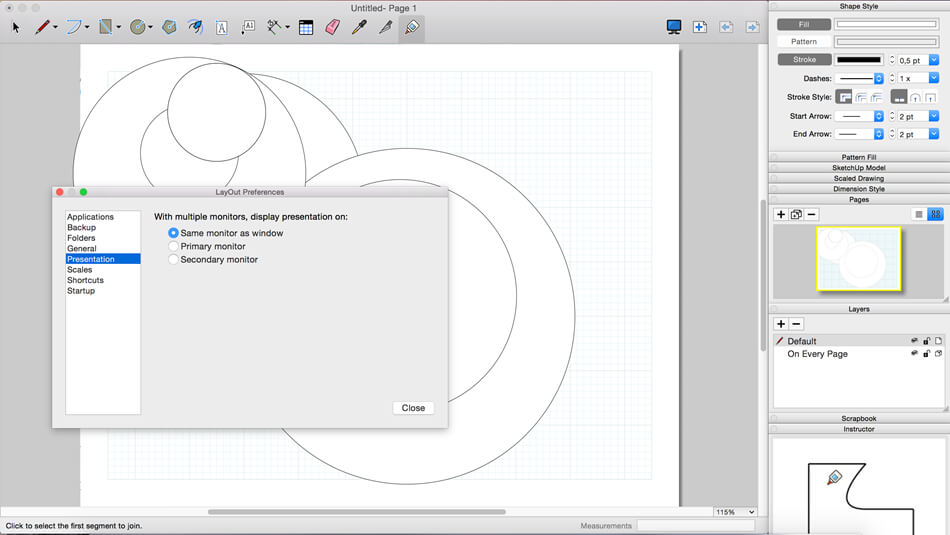
Create scaled drawing sets in 2D with LayOut.
VR model viewing
Wow your clients with a walkthrough of their project on Microsoft HoloLens, HTC Vive, or Oculus, on your phone or tablet.
Features that make your projects yours
Make your project look like only you can with custom Styles, Materials, and Outliner. And, make that work smooth and easy with Dynamic Components.
What’s New:
Version 2020.1 v20.1.228:
Release notes were unavailable when this listing was updated.
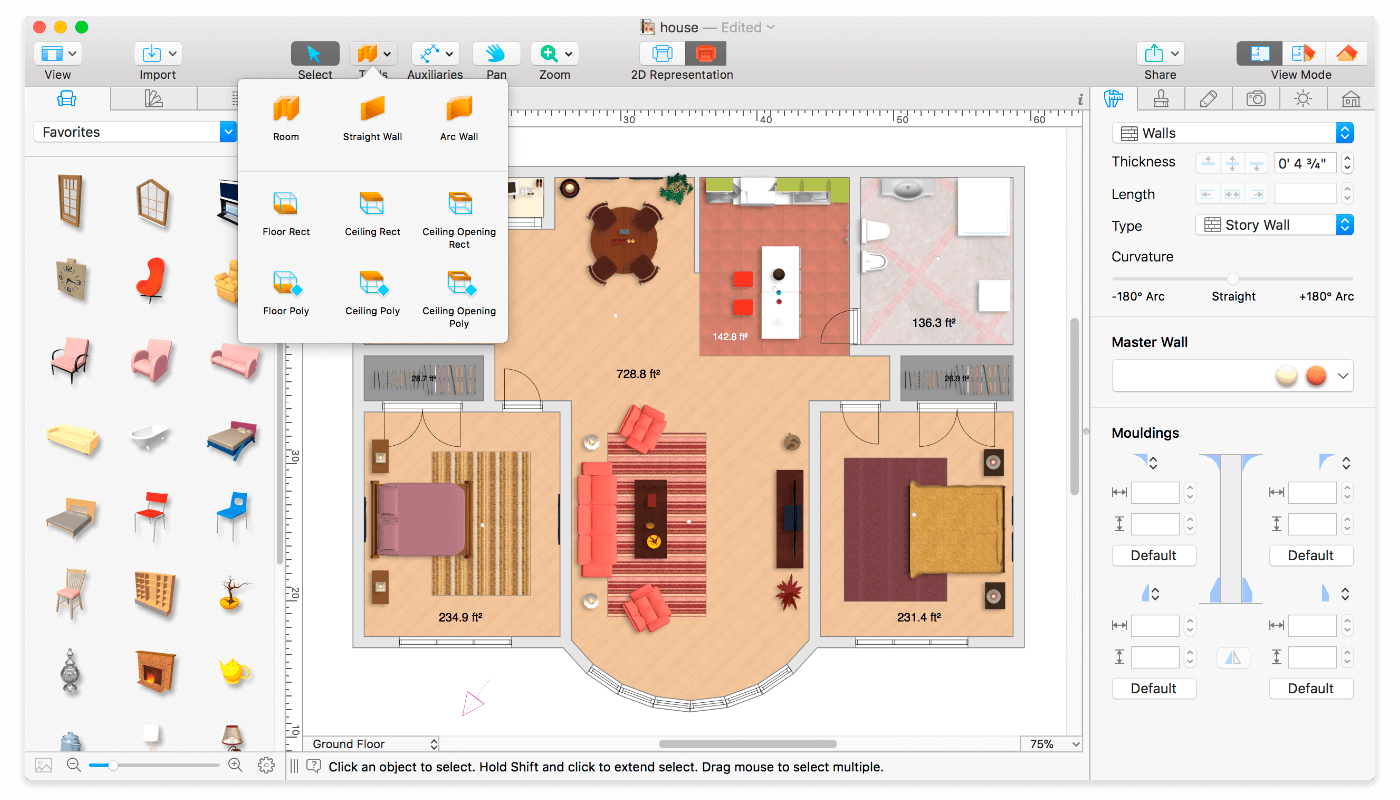
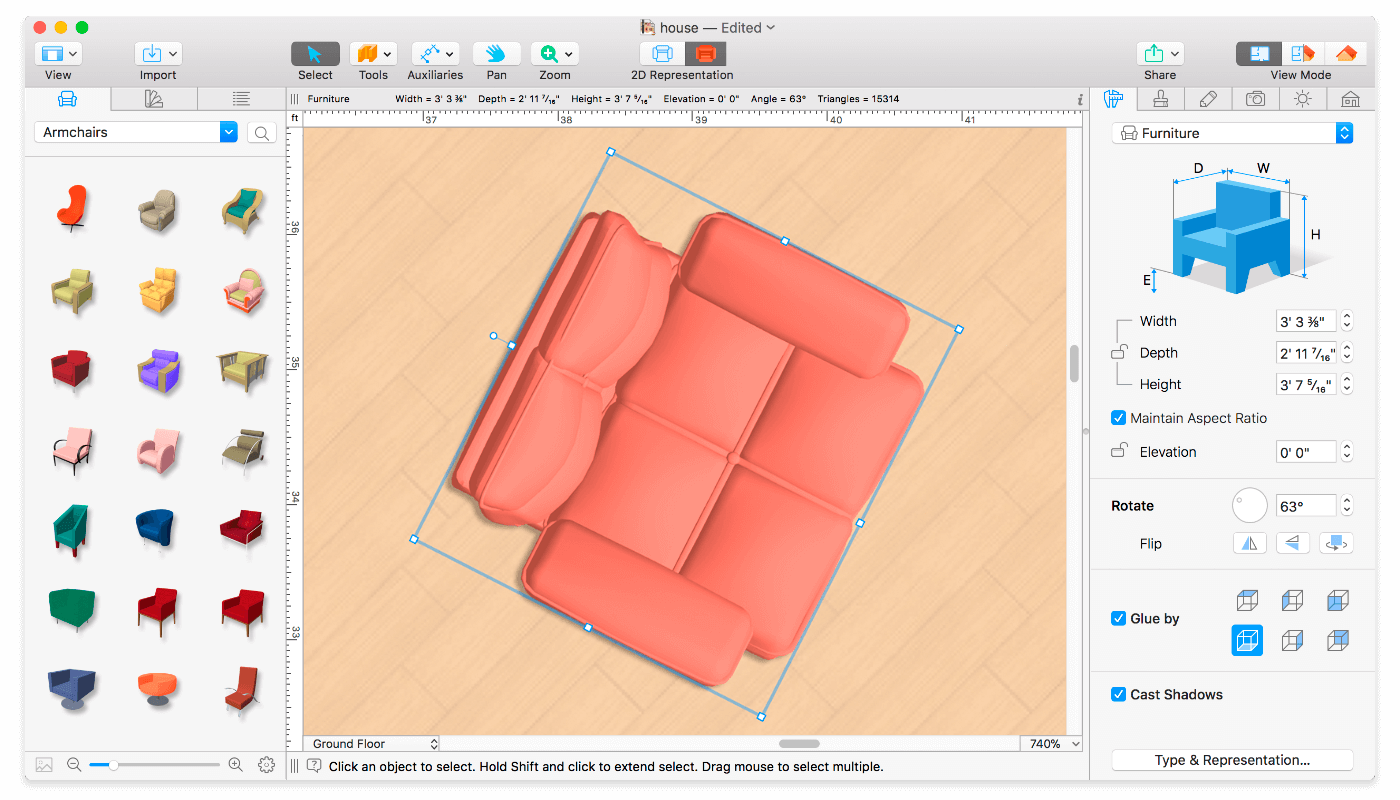
Live Home 3D Pro is the most intuitive and feature packed home design app suitable for homeowners and professional designers, a successor of Live Interior 3D. Besides offering advanced home design tools, Pro edition provides superior export quality and Elevation View mode.
General
Create detailed 2D floor plans.
Beautiful real-time 3D rendering.
Unlimited floor levels. (Pro edition only)
A collection of in-depth video tutorials.
Built-in Help Assistant and free, quick tech support service.
Project Gallery with house projects and sample rooms.
Native Support for Live Interior 3D Projects.
Floor Plan Tools
Draw complete rooms using Room tool.
Use Arc and Straight Wall tools for drawing walls.
Elevation view. (Pro edition only)
‘Auto outline’ vector-based 2D representation for furniture.
View real-time measurements for walls, ceilings, and floors when drawing in 2D Plan view.
Select the necessary measurement units (inches, feet, meters, etc).
Use smart Dimension tool to set the distance between underlying objects or walls.
Precise positioning thanks to smart guides and object snapping.
Real-Time 3D Environment
Adjust the lighting, add and move objects, apply materials, and more right in 3D.
All changes, made in 3D or 2D, are rendered in 3D in real time.
Walk through your 3D interior.
FOV (field of view) and parallel camera projection. (Pro edition only)
Set multiple cameras to see the house from different point of views.
Achieve natural lighting by setting up true Geo position, daytime and overcast.
Adjust light fixtures throughout your project to get realistic lighting scene.
Light editor helps to add a light source to an imported objects. (Pro edition only)
Create corner windows and complex openings using the program advanced technology.
Level of details tool allows to optimize 3D object and speed up the project.
Professional Shadow Map technique makes shadows look soft and natural.
3D Models and Materials
2,000+ furniture and other models.
Import models seamlessly from Trimble 3D Warehouse™ (previously Google 3D Warehouse™).
Edit furniture in SketchUp. (Pro edition only)
2,100+ supplied materials.
Drag and drop any image from the Finder to apply it to any surface as custom material.
Advanced material editor. (Pro edition only)
Set the exact size of a material tile to know how much of the material is needed for your house renovation project.
Import objects in SketchUp, COLLADA, KMZ, FBX, OBJ or 3DS formats by simply dragging and dropping them into your project.
Polygonal-based Block tool for drawing balconies, porches, and more. (Pro edition only)
Roofs and Dormers
Roof Assistant with 12 customizable roof templates.
Custom shaped roofs. (Pro edition only)
Add custom segments to fully customize your roof.
16 customizable dormers.
Export and Share the Result
Share the result to Facebook, Twitter, Vimeo or YouTube.
Export 3D views to JPEG, TIFF, PNG, and BMP (up to 16000 x 16000).
Share 360° Panorama JPEG images (up to Ultra HD) to Facebook.
Render a realistic video walkthrough (up to Ultra HD).
Create Stereo 3D Video, 360° Video and even Stereo 3D 360° Video.
Quickly send a copy of your project via Mail, Messages or AirDrop.
Export the entire project or selected objects to COLLADA, Trimble SketchUp™, VRML Version 2.0 or X3D format.
Export to 3DS, FBX, USDZ and OBJ formats. (Pro edition only)
What’s New:
Version 3.8:
Added a new collection of objects for exterior design (available with in-app purchase).
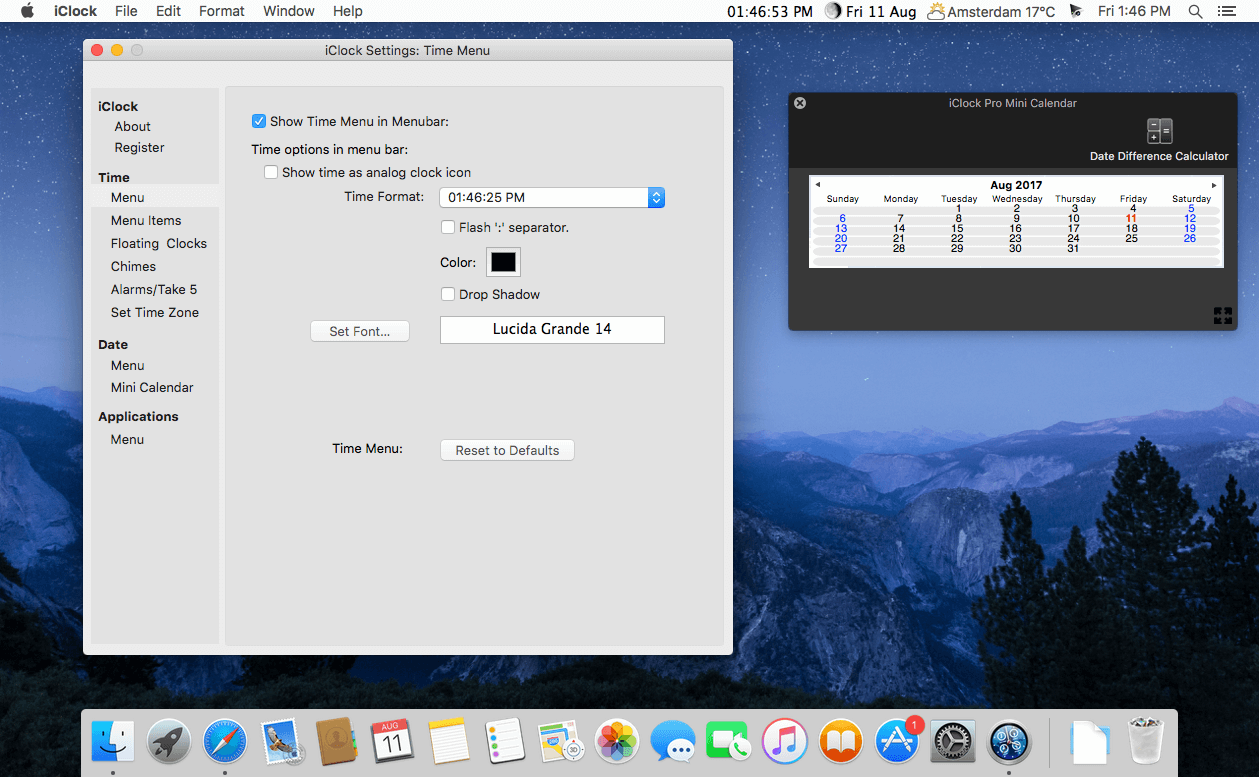
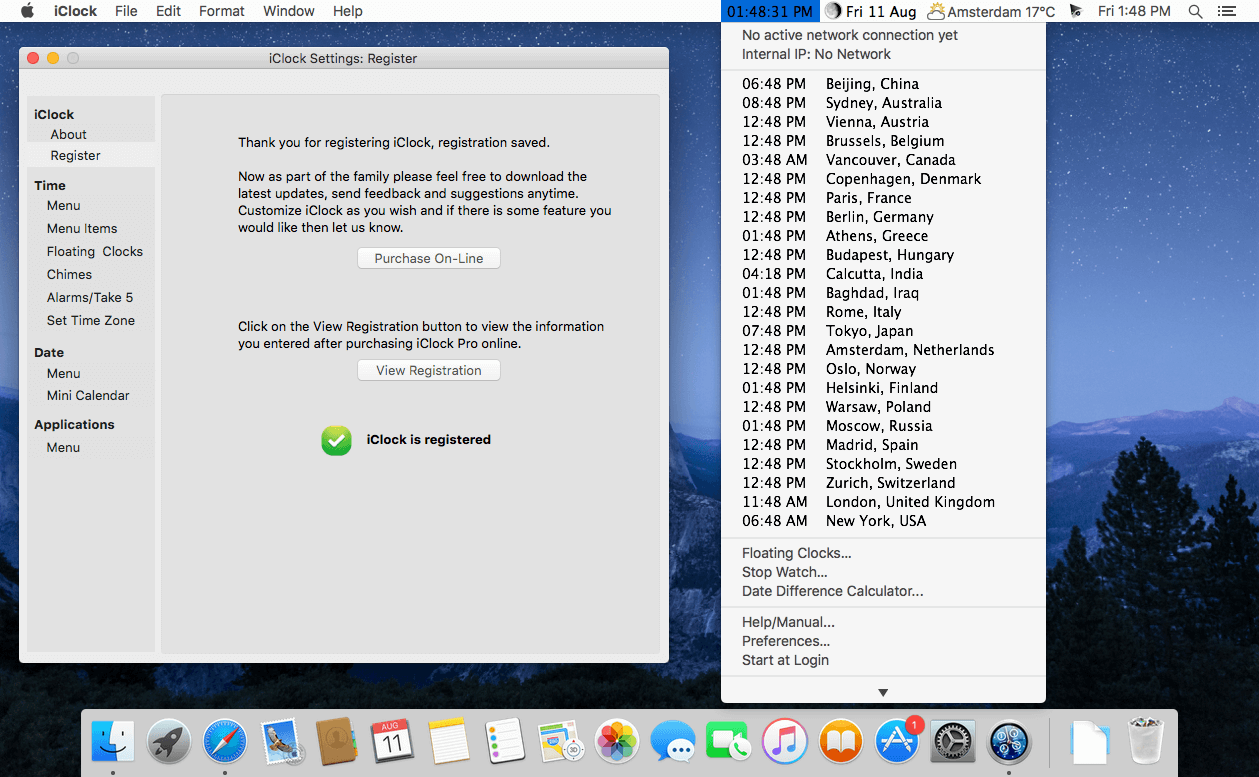
iClock Pro is a menu bar replacement clock for Apple’s default clock. iClock Pro is an update, total rewrite and improvement to the popular iClock. Have the day, date and time in different fonts and colors in the menubar. iClock is also a kind of centrally located time hub from which many time related functions can be controlled. iClock is an essential time utility for pilots, business people, travelers, and anyone who communicates with people in other time zones.
Features
See the day/date/time in the menubar in different fonts/colors/formats. Customize it as you wish
Gives an easily accessible, at a glance system menu view of times/timezones/dates in as many parts of the world as you want
Option click on the time/date in the menubar to see your stock portfolio with updates in near real time
Application menu just like there used to be in OS 9. On Intel Mac shows you which applications are running in Rosetta
Alarms/timers that can be set in one click. Never miss another appointment
Web info, stop watch and instantly available calculator
Gives you a time zone calculator that finds the best time to connect up the people in as many time zones as you want
To Do List with inline calendar accessible from the menubar
Add the people/companies you work with directly from the address book
Gives the dial codes for countries around the world
12- or 24-hour time
iClock Calendar shows birthdays from Apple’s Address Book and links to iCalendar
iClock Calendar can float on top or below other windows and its transparency can be set
iClock Calendar accepts background pictures
Synchronize with other Macs using .Mac account
Double click a day in iClock Calendar to go direct to your choice of iCal, Meeting Maker, Oracle, Now Up To Date, and Palm Desktop
Convenient stock portfolio in the menubar that is updated whenever you want
What’s New:
Version 5.7.1:
Fixed location permission issue which brought error dialog up instead of permission dialog.
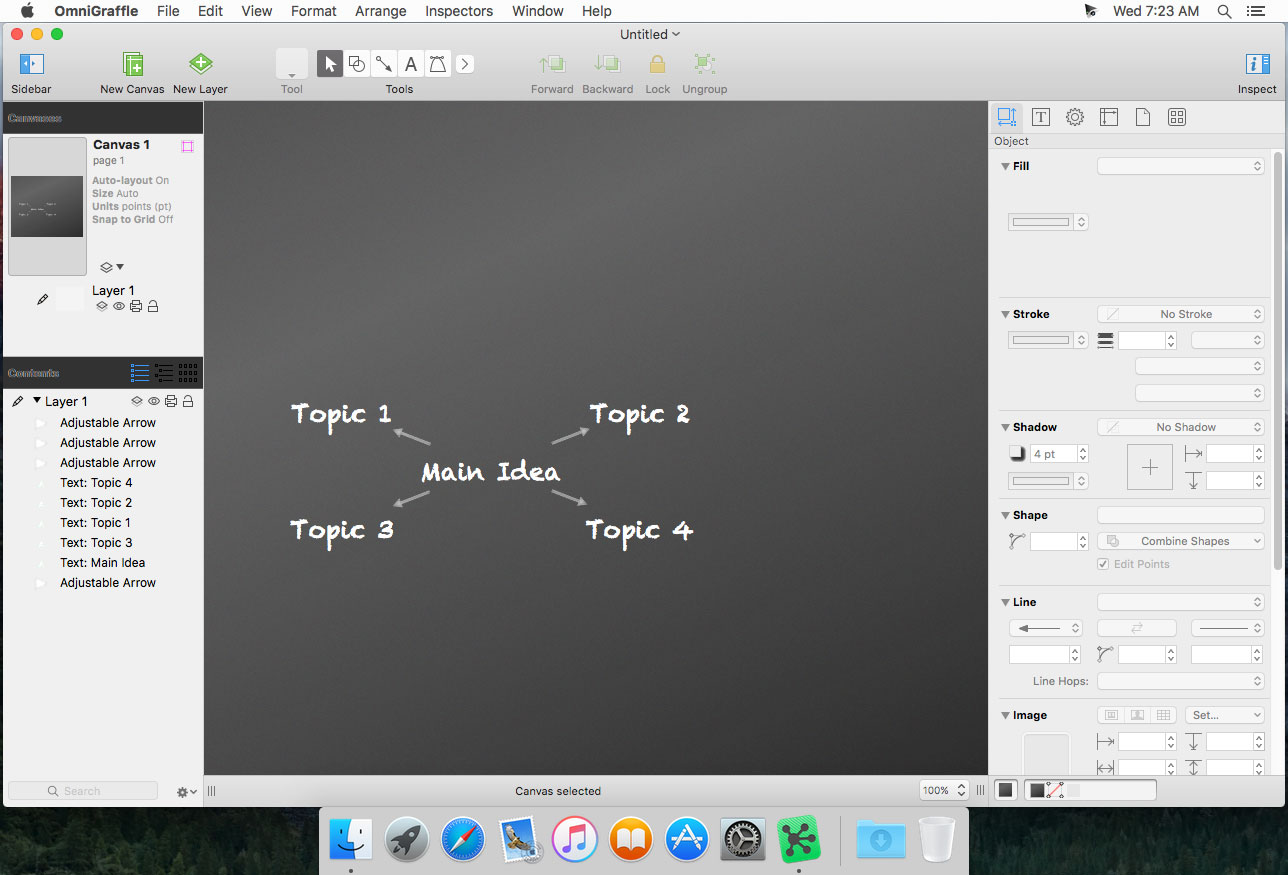
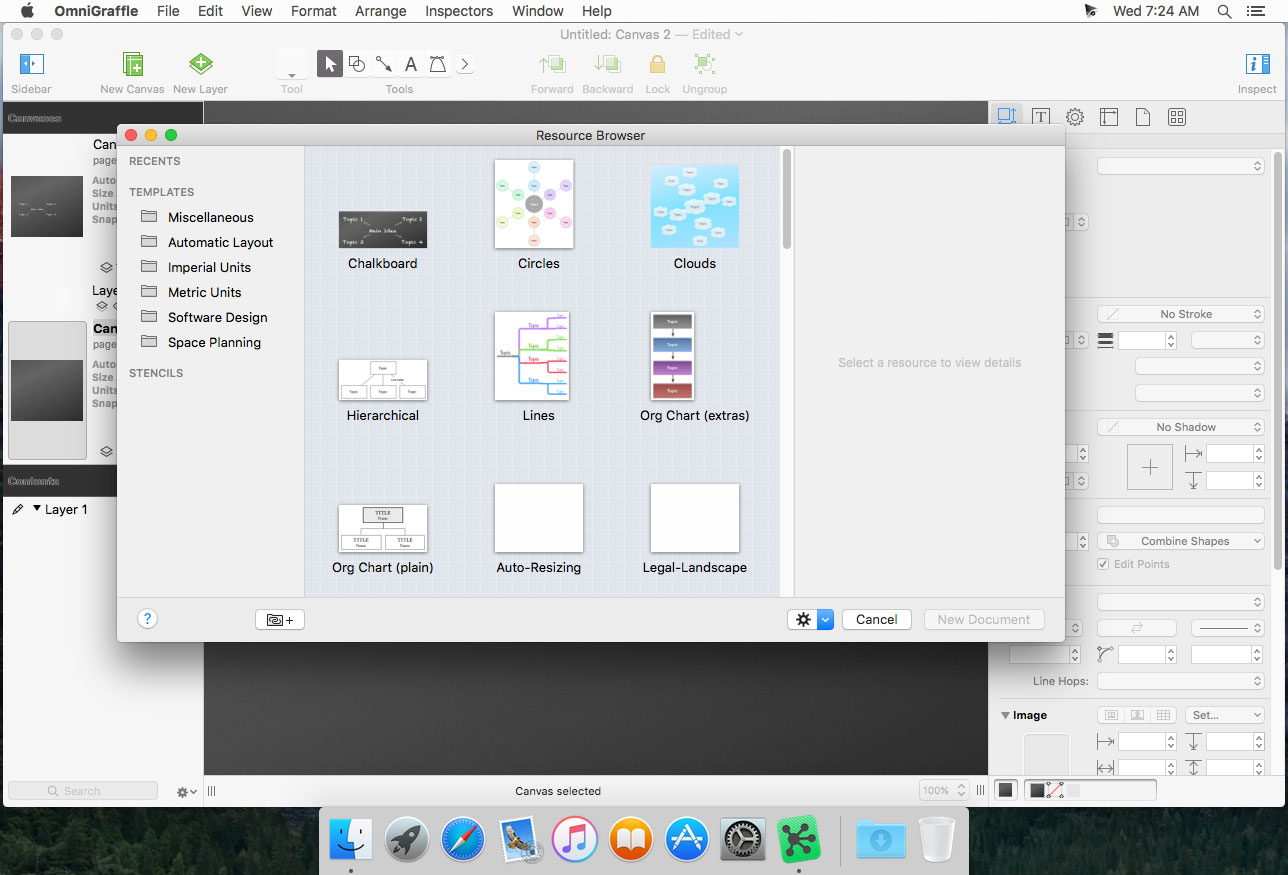
OmniGraffle Pro helps you draw beautiful diagrams, family trees, flow charts, org charts, layouts, and (mathematically speaking) any other directed or non-directed graphs. We’ve had people use Graffle to plan plotlines for a story, make an overview of an operating system, show the evolution of computers, and even show how diseases can spread in a closed population. If you want to organize your thoughts, your projects, or even your friends graphically, using boxes and lines, OmniGraffle is your tool.
OmiGraffle Professional has all of the great features in 6.0, plus a powerful toolset for advanced document creation and editing options. For the pro user who’s looking for an in-depth diagramming application that’s still priced below the competition, you’ve come to the right place.
What’s in Pro:
Visio import/export: Open Microsoft Visio® documents (VSD or VDX) directly in OmniGraffle, as well as Visio stencils (VSS) and templates (VST). Export to Visio XML documents (VDX).
Shared layers: Easily update common elements that you’d like to display on multiple canvases. Layers can now be toggled between a normal and a Shared layer.
New controls specify which edge or center of an object is reflected in the Geometry Inspector. You can set the X and Y coordinates of a selected vertex point.
Shape combinations: Easily create new shapes using combinations of existing shapes (with support for union, intersection, and subtraction). Combined shapes can now be uncombined into their component shapes.
Resolution-independent Display Scale: When zoom is at 100%, match an Apple point, PostScript point, or screen pixel.
Photoshop export has returned, and supports the export of OmniGraffle layers to Photoshop layers.
Tables: Group shapes using tables, making it easy to add new rows or columns of your template shape.
Money Pro is the one place for bill planning, budgeting and keeping track of your accounts. Easy sync with iPhone/iPad versions. Money Pro works great for home budgeting and even for business use.
Calendar
Mark days on the big calendar when your bills are due.
Schedule recurring bills with custom periodicity.
Filter transactions by selecting dates on the calendar.
Today view
Take a quick glance at bills due.
When you actually have a transaction, approve it quickly.
Money Pro predicts transactions for the day that may not have been scheduled manually.
Bills due notifications
A whole system of reminders will alert you of upcoming bills.
Quick rescheduling option will help you deal with bills due (tomorrow, in 3 days, next week).
Budgets
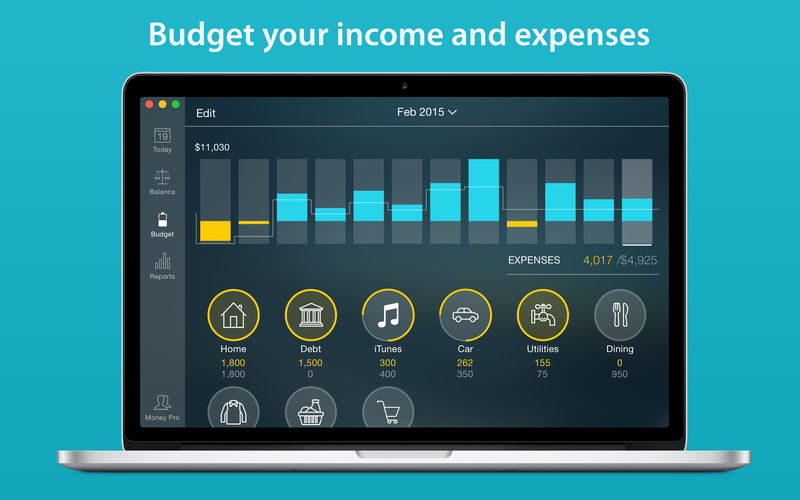
Create budgeted entries, both for your income and expenses, and indicate budget limits for each entry.
You can set different budget limits for every period, which is useful if you plan to reduce your spending gradually month by month.
Start adding every transaction you have, and see progress of each category and the overall progress.
Monitor visual indicators for budget overspending.
Select the category you want to analyze and examine a budget trend chart generated on the fly.
Budget rollover
You can set budgets to transfer the leftover of the current period to the next budget period.
Budget rollover limits your spending automatically if you overspent in previous periods.
Checkbook register
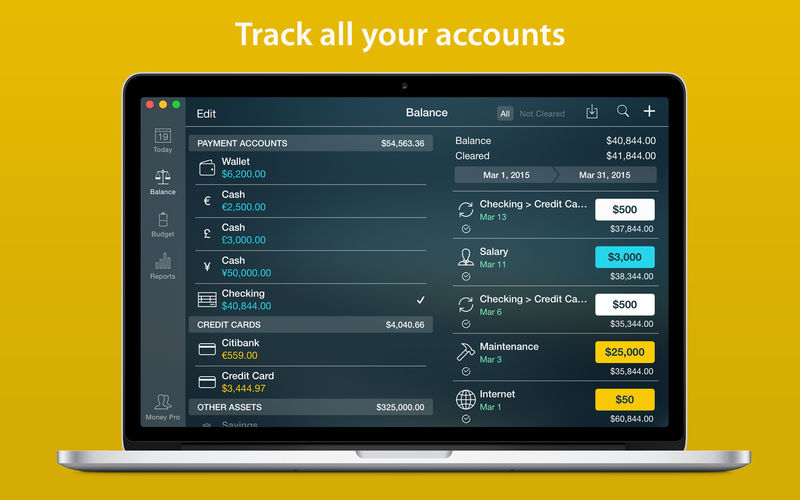
Unlimited number of accounts in one place (checking, savings, credit card, etc).
Setting transactions as recurring or as one-time only.
Balance change history.
Additional fields for organizing your records including payee, description, check #, class (personal/business travel expenses).
Attachment of receipt photos.
Account reconciliation
You can record transactions and clear them later on (reconcile).
Automatically calculated available balance and cleared balance.
What’s New:
Version 2.5.4
We’ve added more digits after decimal point (or comma) for BTC and some currencies for greater accuracy of the calculations.
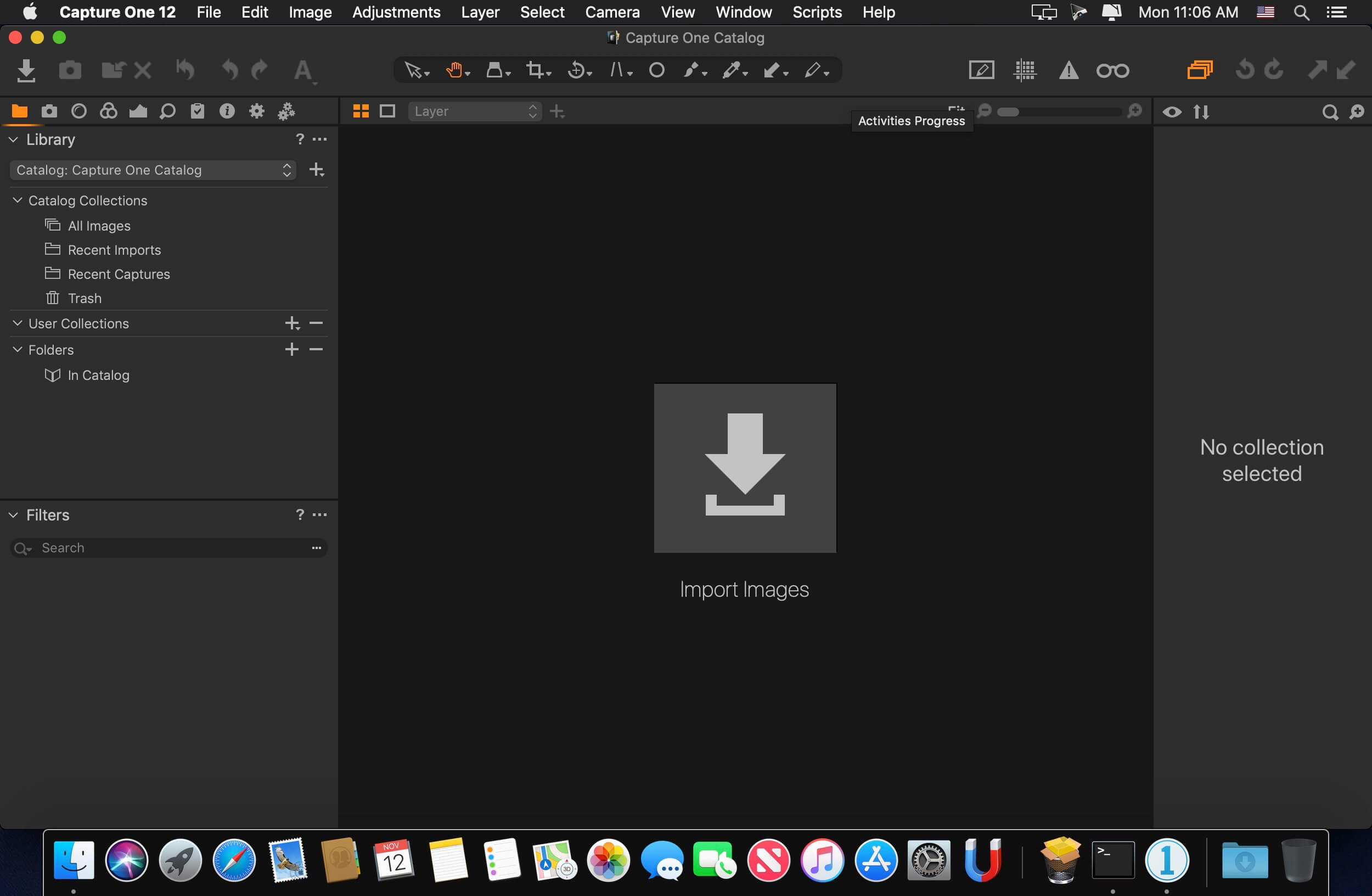
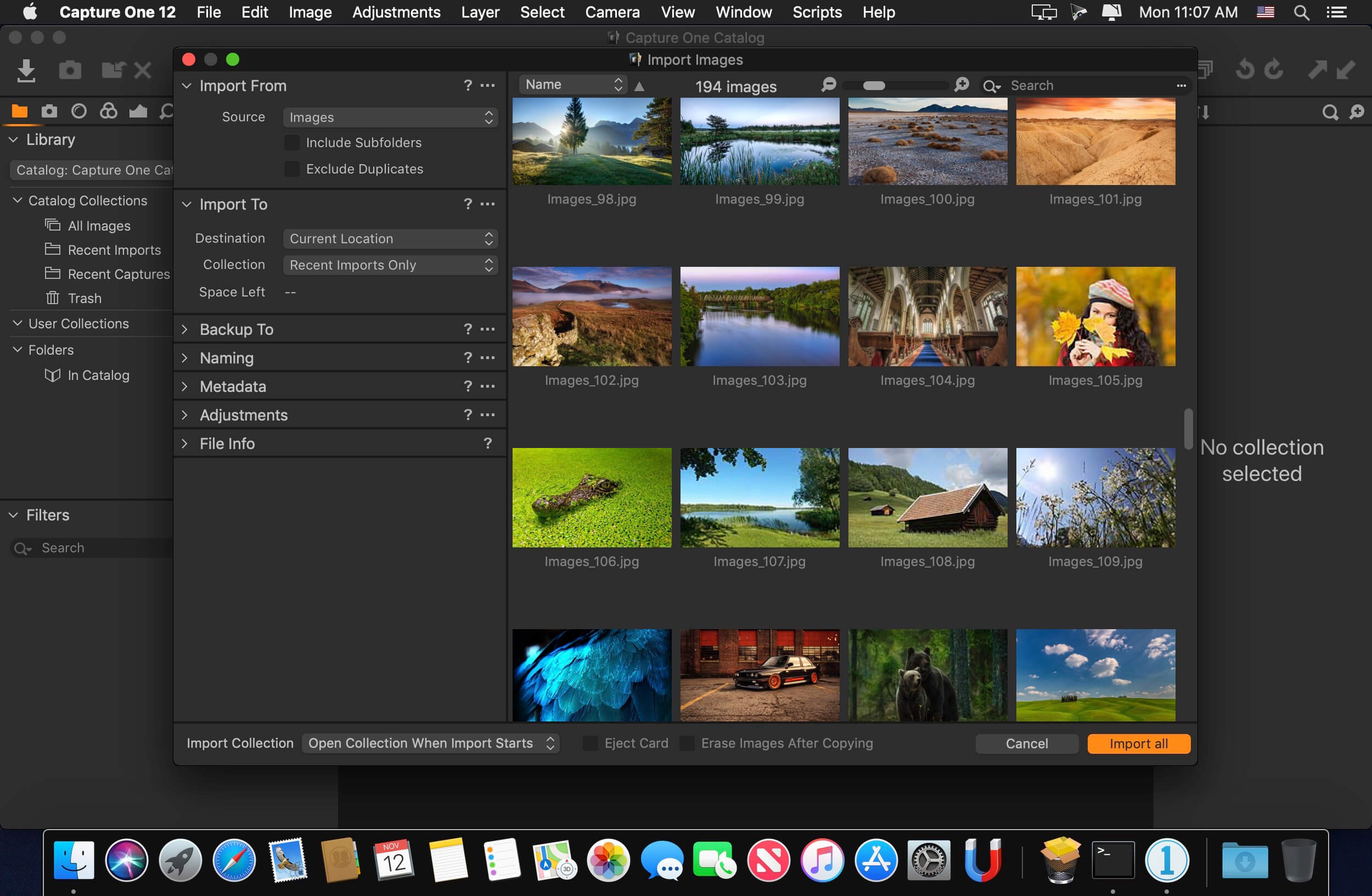
Capture One is a professional RAW converter offering you ultimate image quality with beautiful colors and incredible detail for more than 500 high-end cameras. It offers state- of-the-art tethered capture, powerful digital asset management, extensive adjustment tools and a flexible workflow through customizable workspaces.
With an updated processing engine, market-leading performance and powerful new features, Capture One is the professional choice in imaging software. You get the highly responsive precision tools you need to create stunning images from your camera’s RAW files in a time-saving workflow that can be customized to fit your needs.
Keep your digital wallets and keychains safe with Antivirus One, your personal cyber security expert. Antivirus One offers live antivirus monitoring to protect your Mac from adware, ransomware, spyware and all kinds of malware attacks.
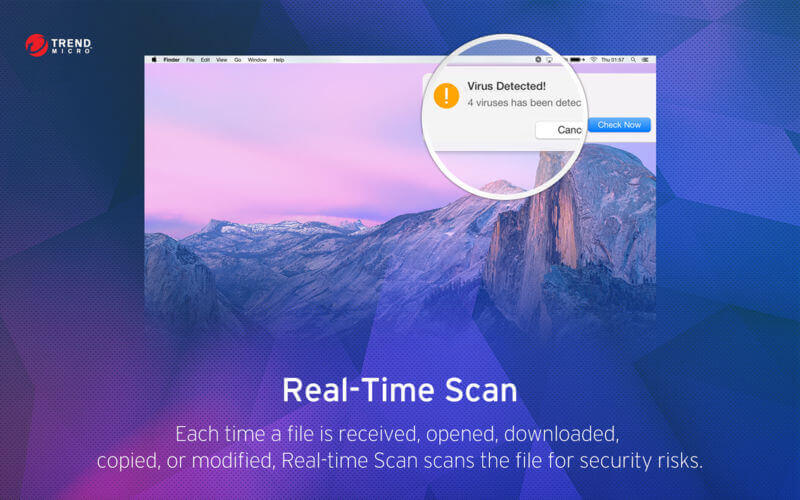
Developed exclusively by the world’s largest antivirus and spyware active monitoring lab at Trend Micro. Secure your Mac with these powerful Antivirus One protection features: 1. Real Time Scan • Provides real time protection against threats.
2. Virus Scan • Quickly scan virus to safeguard your Mac
3. Virus Clean • Clean virus completely for the security of your system and privacy
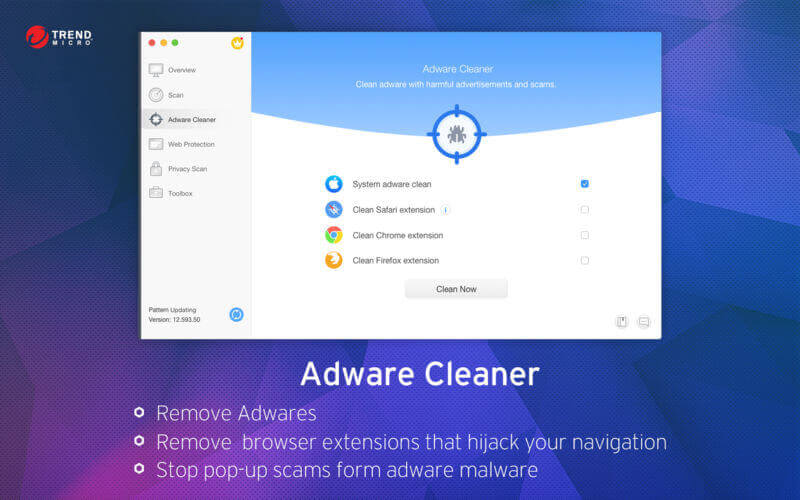
4. Adware Cleaner • Protect your Mac from adware and browser Hijackers
5. Privacy Cleaner • Customize your transparency. You can even be invisible without leaving any trace in web browser
6. Safe Search • Flags each search result in Google Search Engine to let you know if the site is safe or unsafe
7. Web Threat Protection • Prevents users from visiting phishing websites.
New Added Feature: Adware Cleaner, which is easy to remove all adwares and restore your web browser back to normal with one click.
Trend Micro, a recognized leader in computer security, provides your Mac with an exclusive antivirus App – Dr. Antivirus.
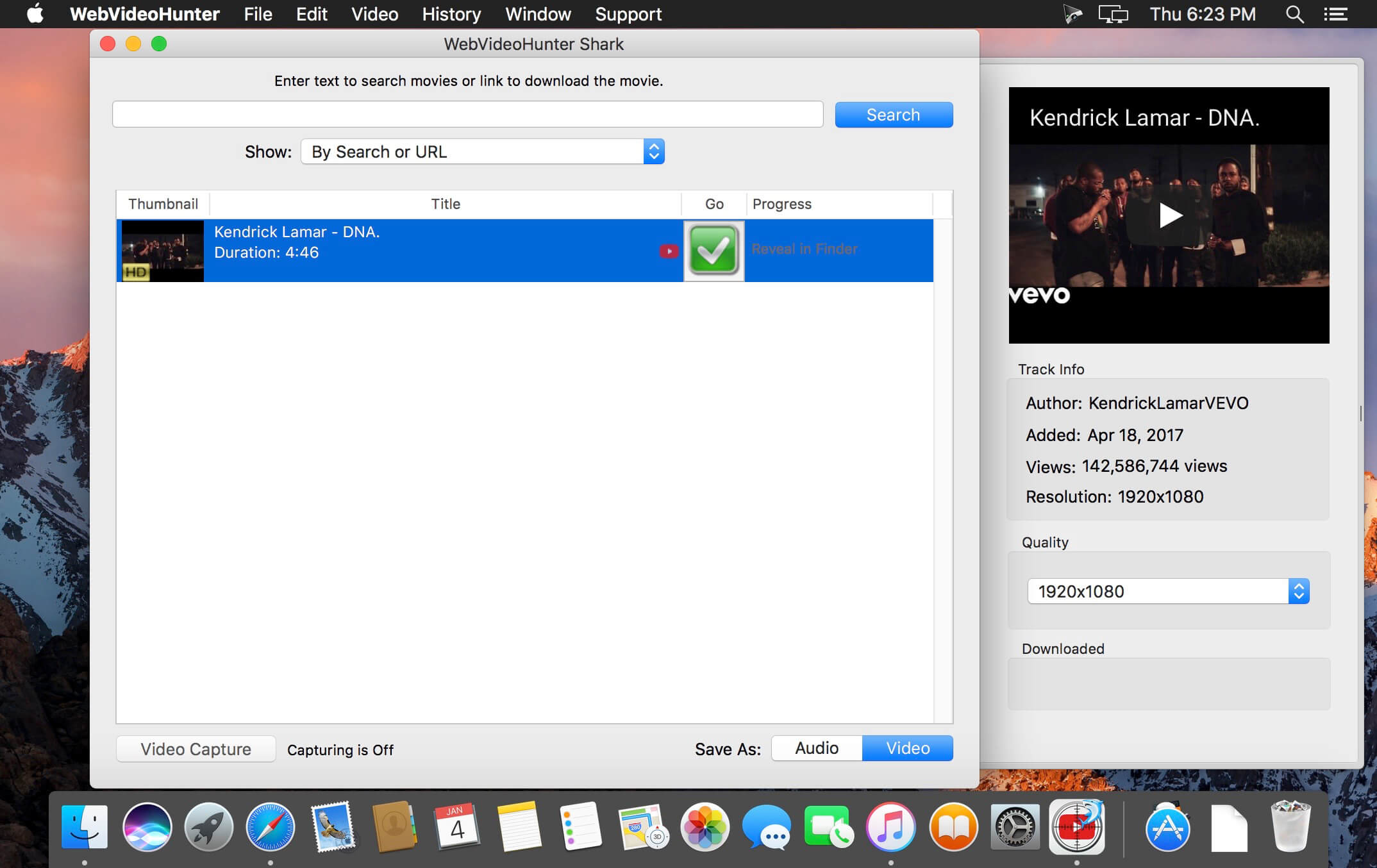
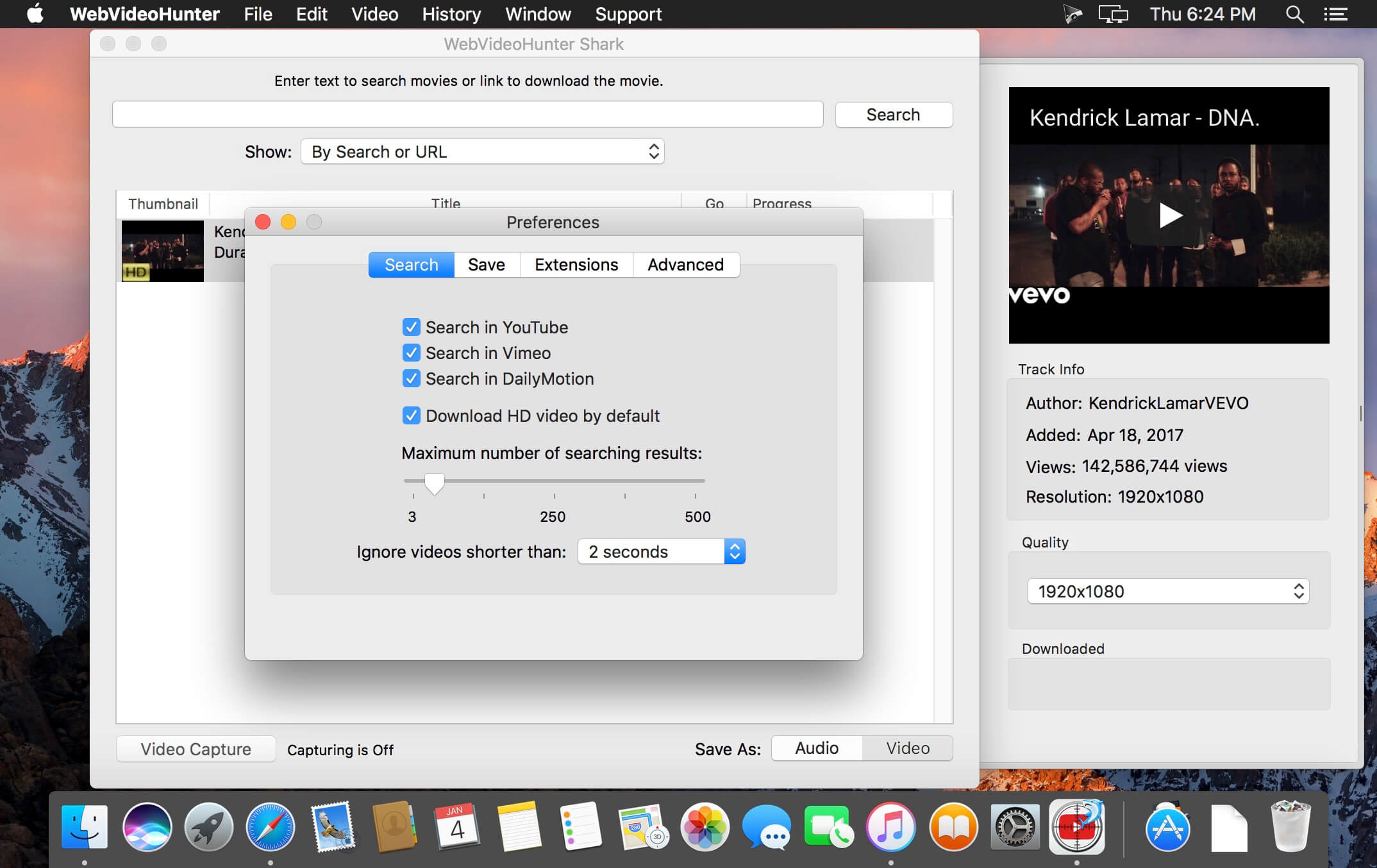
It takes only seconds to find and download videos from YouTube, Vimeo, DailyMotion, VEVO and others. WebVideoHunter downloads videos 15x faster than real time playing and supports simultaneous downloads.
WebVideoHunter keeps subtitles for YouTube and DailyMotion videos.
You don’t need install any additional players or converters. Downloaded videos will be automatically converted to format viewable on your Mac. Or you can can choose appropriate option and YouTube videos will be converted to mp3.
WebVideoHunter saves original names from source web-pages for downloaded videos.
With “Add to iTunes” feature you can immediately copy downloaded videos and music to any of your devices such as iPhone, iPad, iPod, etc.
Special Safari extension for YouTube hides the most of YouTube video advertisings.
Pro Version:
Search and download video from YouTube
Search and download HD video from YouTube
Search and download video from Vimeo and others, including HD video
Convert downloaded video
Convert YouTube video to MP3 • Get video by URL
YouTube to iTunes feature
WebVideoHunter supports English, Italian, Spanish, French, Japanese languages.
What’s New:
Version 6.1.2:
Release notes were unavailable when this listing was updated.
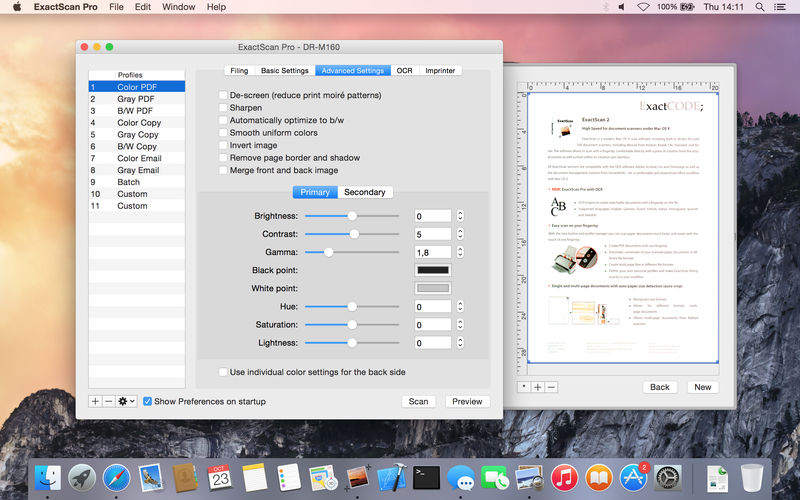
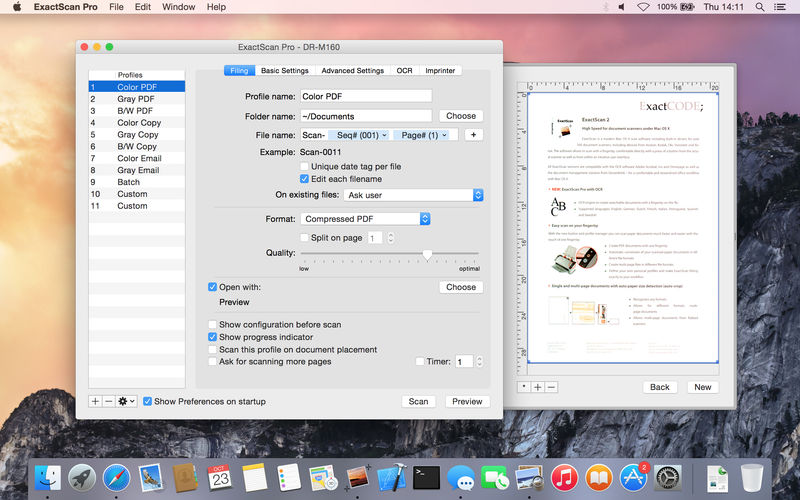
ExactScan Pro is a popular, easy-to-use OS X scanning software that utilizes built-in drivers for over 200 document scanners, including devices from Avision, Kodak, Oki, Visioneer, and Xerox.
ExactScan’s built-in scanner drivers cover the whole range, from Visioneer’s portable RoadWarrior to dependable workgroup scanners from Xerox, Visioneer, Kodak, and Avision. ExactScan allows for easy scanning of business cards, bills, and receipts, and ExactScan Pro’s built-in OCR can directly save them as searchable PDFs.
Scan all your documents for fast retrieval, and get rid of dusty paper archives. Find searchable PDF everywhere with Spotlight in a snap.
Over 400 native built-in drivers for professional document scanners from Avision, Canon, Fujitsu, HP, Kodak, Oki, Visioneer and Xerox
Support for a variety of third party scanners via ImageCapture and TWAIN drivers
Save to PDF, TIFF, JPEG, JPEG 2000, PNG, BMP, PNM
Advanced and intelligent image processing algorithms
Auto-crop & de-skew
Blank page removal
Direct scan to print
Profiles to configure scan workflow
AppleScript support for professionals
ExactScan Pro additionally includes:
OCR to directly create searchable PDF files
Content based page de-skew
Automatic rotation, color- and source detection
Imprinter to print flexible text into the scanned image
Amadeus Pro lets you use your Mac computer for any audio-related task, such as live audio recording, digitizing tapes and records, converting between a variety of sound formats, etc. Thanks to its outstanding direct-to-disk abilities and waveform caching, edits on arbitrarily large sounds (even beyond the usual 2GB limit) are performed at lightning speed. The handling of large sounds is furthermore facilitated by the extensive support of markers. Its outstanding sound repairing and denoising abilities make Amadeus Pro particularly suitable for transferring vinyl records on CD.
Features
Simple and elegant OS X-like user interface
Multitrack editing an recording.
Batch processing and conversion.
Sound denoising and repairing.
Supports a variety of sound formats, including AIFF, Multichannel Wave, MP3, MP4, Ogg Vorbis, FLAC, SoundDesigner II, QuickTime, Apple CAF, etc.
Support for VST and Audio Unit plug-ins.
A “favourite actions” palette allows to have your most commonly used effects only a mouse click away.
A wide range of powerful audio analysis tools.
Audio CDs with CD-TEXT data can be burned directly from within Amadeus Pro.
What’s New:
Version 2.8.1.2444
Release notes were unavailable when this listing was updated.
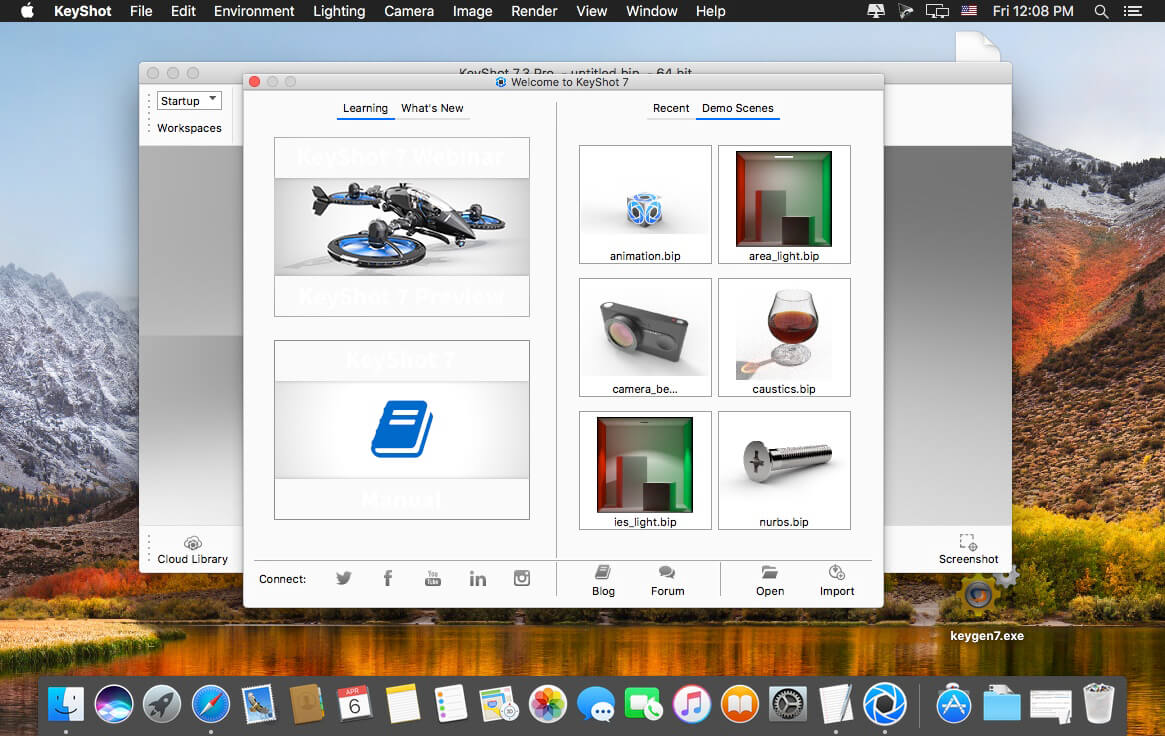
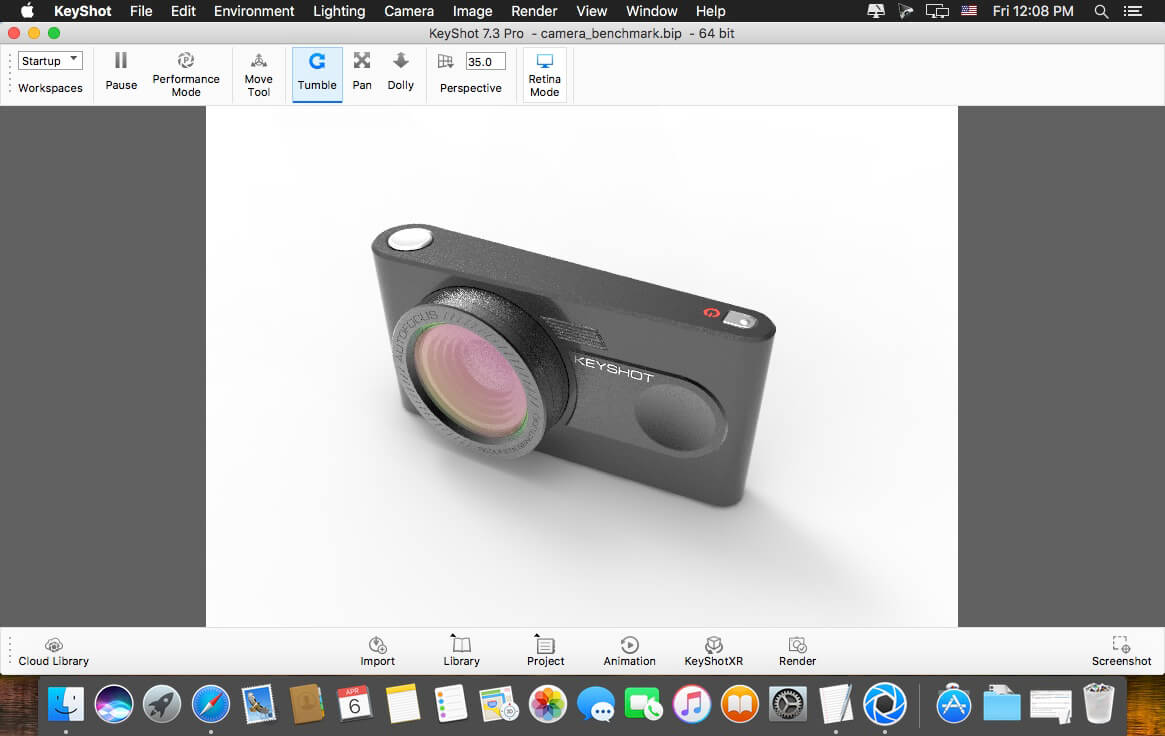
KeyShot 9 brings you unbound creative capability to help you realize your ideas faster. Built around the view of KeyShot users that KeyShot is the hub for all their visualization needs, KeyShot 9 brings unmatched ease, simplicity, and accessibility for complete creative freedom and a level of visual agility that allows you to explore your design at the speed of thought.
Key Features:
GPU Mode KeyShot 9 introduces the ability to harness the full GPU-accelerated ray tracing power of NVIDIA RTX with OptiX. Available for both real-time rendering and local render output, KeyShot’s GPU Mode allows GPU resources to be accessed with one-click to take advantage of multi-GPU performance scaling and the dedicated ray tracing acceleration hardware in NVIDIA RTX-capable GPUs.
Denoise Smooth, fast, beautiful renderings with the click of a button. Denoise works in both CPU and GPU mode to eliminate noise in the Real-Time View and render output. It turns that time crunch into a time-saver. Turn Denoise on and watch your image render up to 30x faster with the advantage of using it in an unlimited number of KeyShot Image Styles.
RealClothTM (PRO) RealCloth is a patent-pending technology from Luxion driving a powerful, new material type which allows the creation and visualization of realistic woven materials. The material type provides control of the weave pattern (Pro) and ability to easily add flyaway fibers. New RealCloth materials have been added to the Library as well.
Web Configurator (PRO) KeyShot 9 introduces the power to generate interactive, browser-based product configurators. Featuring fully-rendered product variations using the models, materials, and Studios of your choice, web configurators can be produced to share privately or hosted online to provide a more engaging product option experience.
3D Model Library KeyShot 9 brings you a new Model Library filled with the highest-quality, specially curated 3D models to complement the products in your scene. All 3D models come complete with materials and textures, and are easily searched, filtered, and added to any scene with a simple drag-and-drop from KeyShot Cloud.
Creative Freedom Unlock your imagination. With new materials and textures, KeyShot 9 opens up your creative freedom for a new level of detail and control over your product visuals.
Fuzz Material (PRO) For that warm, fuzzy feeling. That warm, fuzzy feeling flooding over you isn’t in your head, it’s a new material geometry shader that brings a whole new level of realism to your products. Just open up the KeyShot Material Graph (Pro) and add any amount of fuzz you need on the surface of any material. Control length, randomness, density and more for that perfectly, fuzzy look. and more…
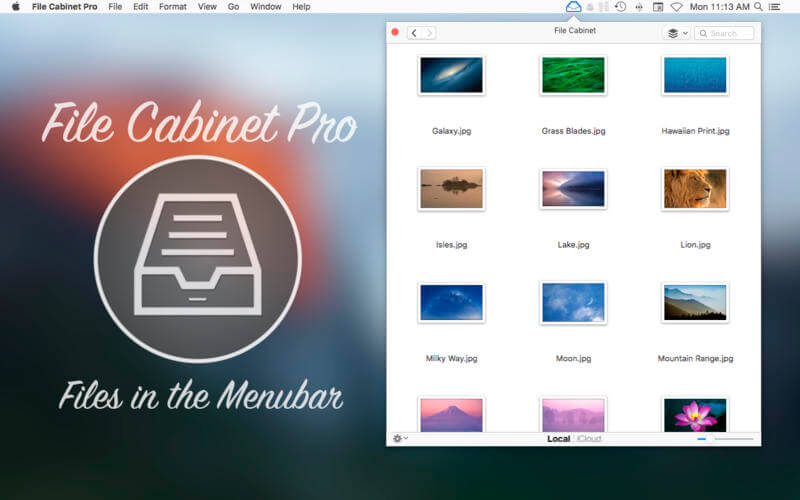
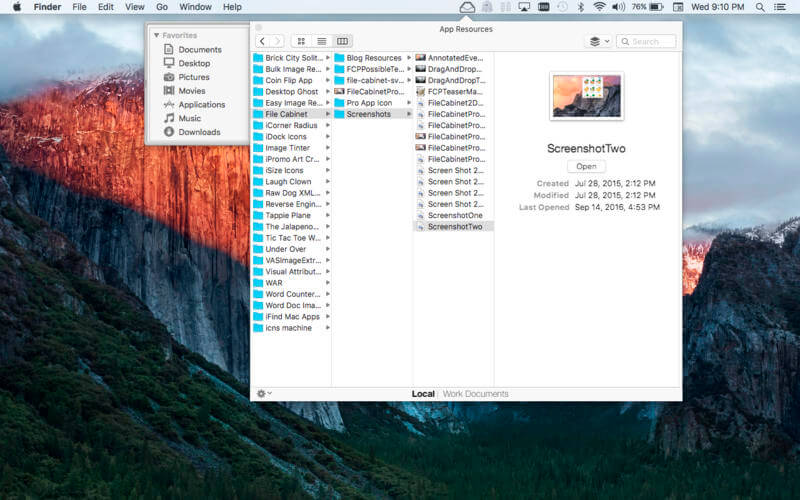
File Cabinet Pro is the file manager for the macOS menu bar. Quickly navigate to files without cluttering your desktop. Open, move, rename, compress, tag, trash, copy and paste files, all from the menu bar. You can open many file types natively in File Cabinet Pro or open files by launching other applications. It’s easy to click into directories in icon view, drill through directories in list view, or navigate the file tree in column view.
File Cabinet Pro is also a document-based application that ships with a built-in text editor, image viewer, pdf viewer, and media player. Some of the file types File Cabinet Pro can open for editing/viewing include:
TEXT DOCUMENTS:
Plain text files (txt)
Rich Text Format (rtf)
Rich Text Format Directory (rtfd)
Portable Document Format (pdf)
IMAGE DOCUMENTS:
Portable Network Graphics (png)
Joint Photographic Experts Group (jpeg)
Tagged Image File Format (tiff, tif)
Bitmap image file (bmp)
Photoshop File Format (psd) Import only
Scalable Vector Graphics (svg) Import only
VIDEO/AUDIO:
mov
mp4
m4a
m4v
avi
mp3
wav
caf
aif
With File Cabinet Pro you can:
Create subdirectories.
Click into subdirectories and open documents.
Set a “Primary” and “Secondary” directory button for the bottom bar to get an innovative drag and drop experience; drag files to these buttons in the bottom bar to bring up a popover window.
Tag files easily. Select files in File Cabinet Pro, right click, and then simply add or remove file tags from the control in the context menu.
Show selected files in Finder.
Rename files.
Copy and paste files.
Compress files.
Trash files.
View items as icons, in a list, or in columns.
Launch the application at login. You can have File Cabinet Pro automatically launch when you login to your Mac (optional feature, disabled by default).
Create a list of all your favorite directories in the sidebar.
Create and edit txt, rtf, and rtfd files using the built in lightweight text editor.
Rotate images, crop images, and apply filters to images using the built in lightweight image editor.
Watch video and play audio files using the built in media player.
View pdf files using the built in pdf viewer.
Revert document versions for supported editable document types.
Set a Global Hotkey for showing and closing the File Cabinet Pro window (optional feature, disabled by default).
Preview selected files in Quicklook by pressing the spacebar.
Share files in apps that support Sharing extensions like Mail and Messages.
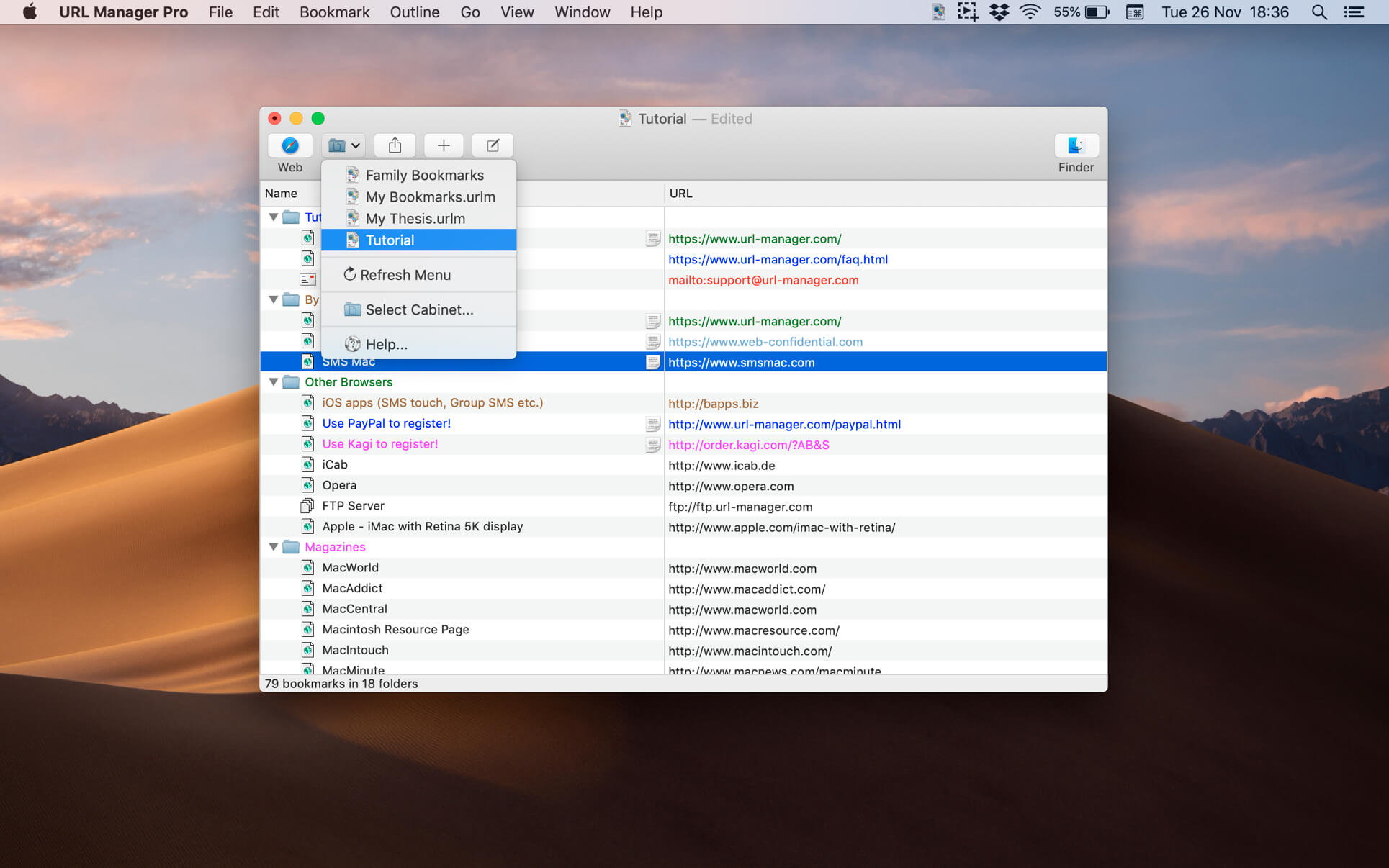
The popular and award-winning bookmark manager now available in 64-bit version for the latest macOS with support for Retina displays, Auto Save and Versions.
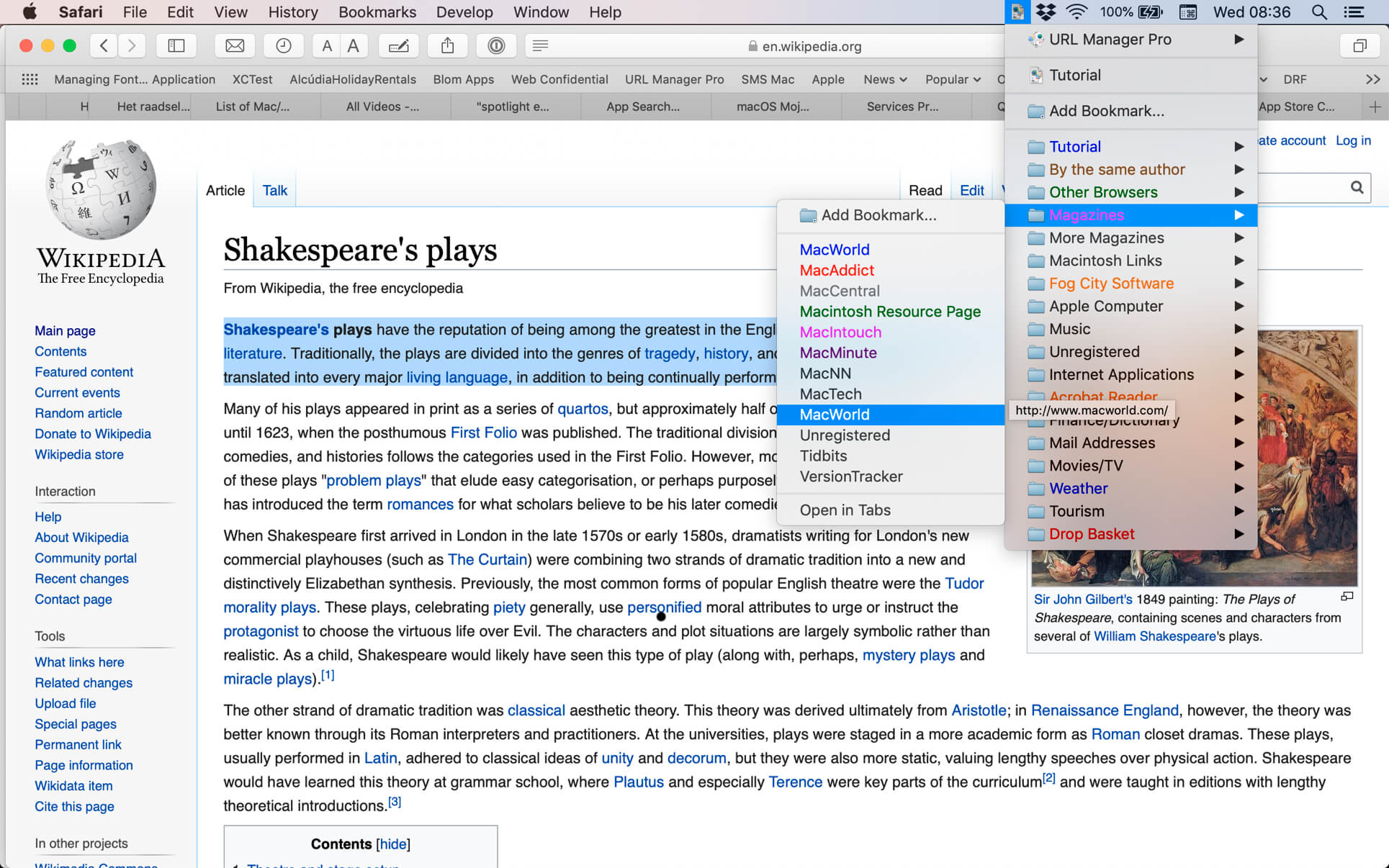
URL Manager Pro allows you to manage your bookmarks independently from a web browser, yet use your bookmarks with any web browser, like Safari, Chrome, Edge, Chromium, Opera, Firefox, Vivaldi, Brave, iCab etc.
You can create and save several separate bookmark documents and you can access them all from the system-wide bookmarks menu. Using a system-wide bookmarks menu, you have access to your bookmarks in any app or web browser. You can also bookmark the current web page directly to URL Manager Pro from within your favourite web browser. In the URL Manager Pro documents, you can manage your bookmarks easily with drag and drop. You can add tags, notes and colours to your bookmarks.
You can import bookmarks from several popular browsers, like Safari, Chrome, Edge, Firefox, Vivaldi, Brave, iCab, Opera etc. You can also scan TEXT files for URLs and import links and bookmarks from HTML and XBEL format. You can also export your bookmarks to HTML, XBEL, TEXT and Internet Location files.
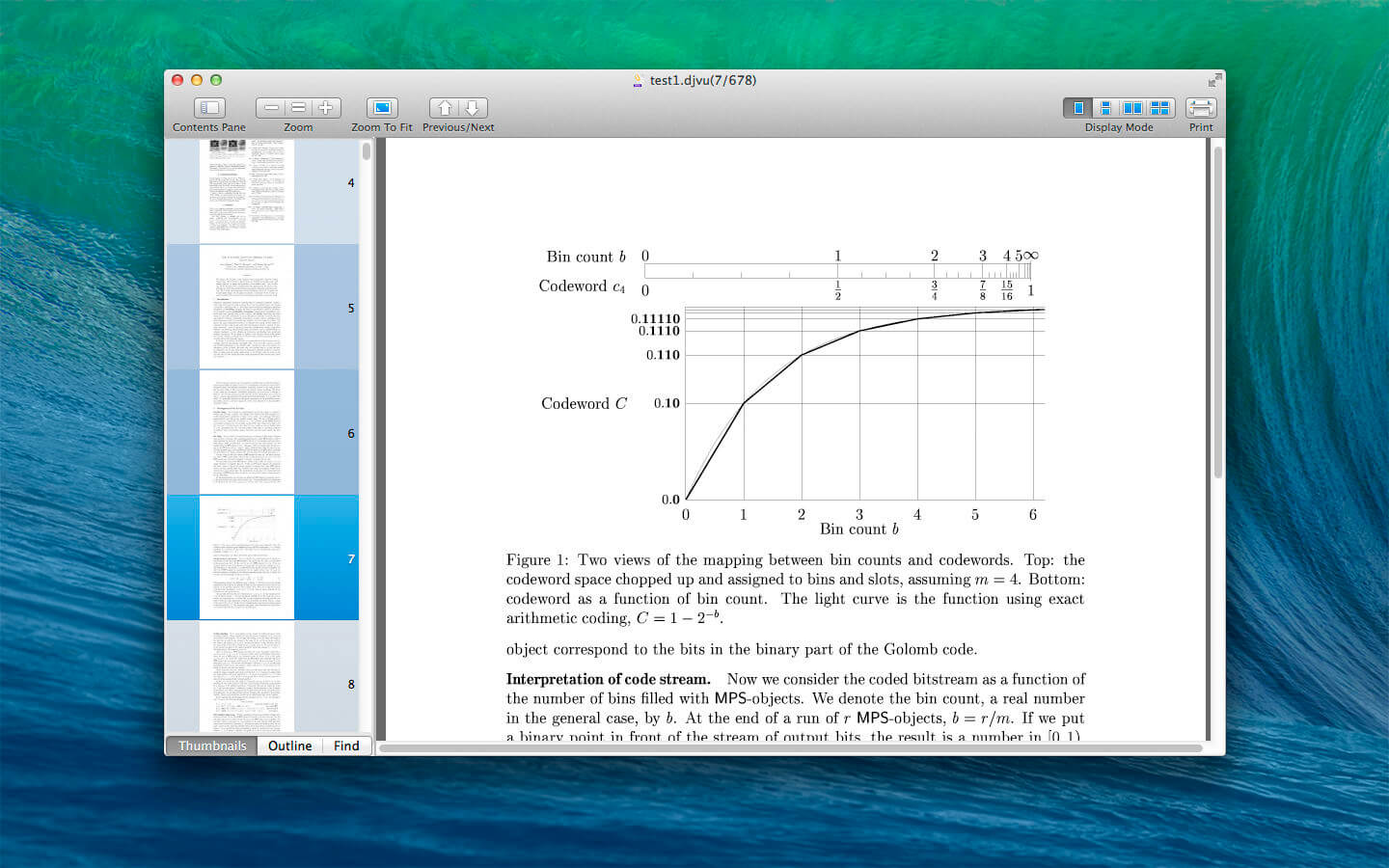
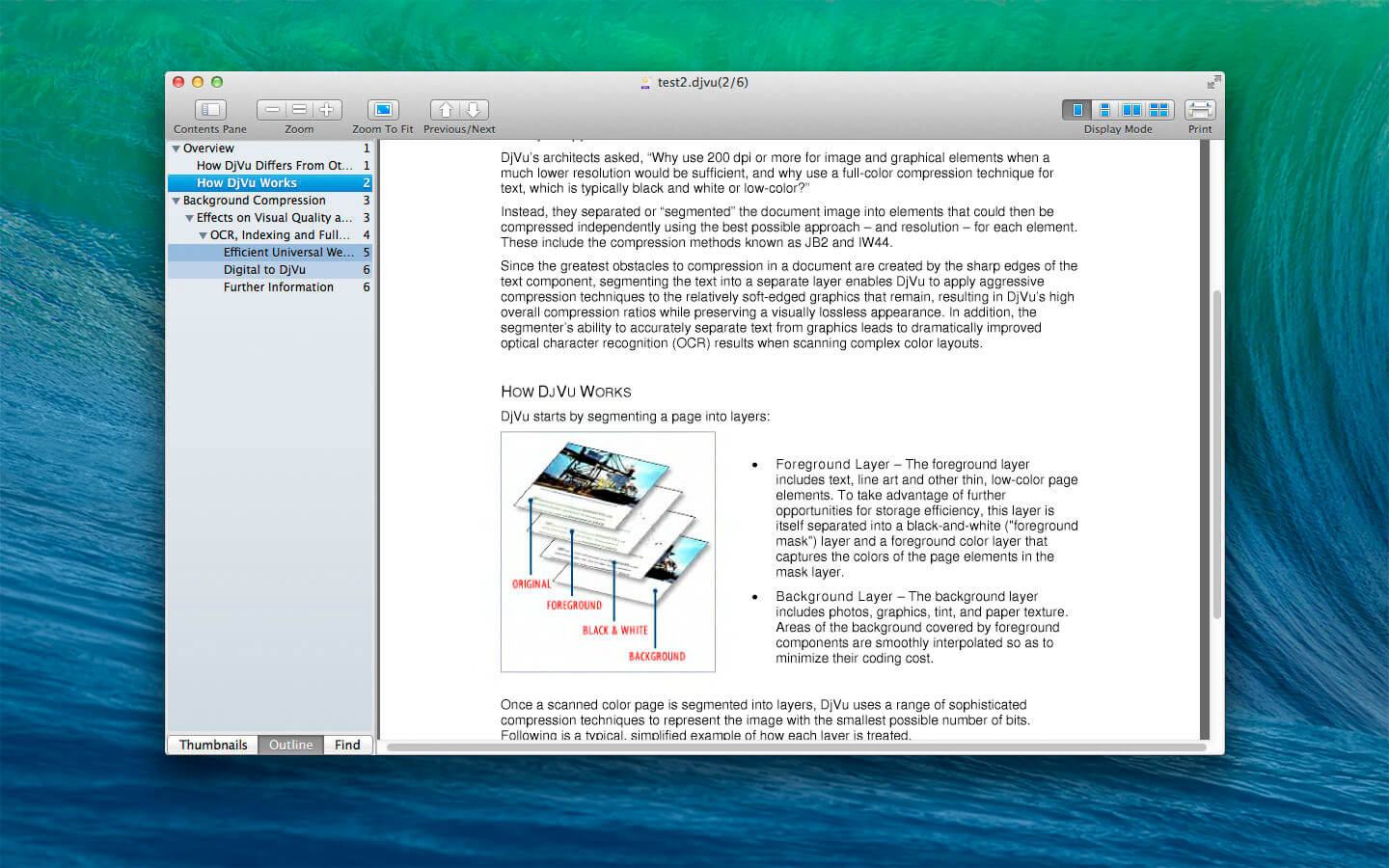
DjVu Reader Pro offers you the fantastic reading experience using Display Mode, Full Screen View, Page Thumbnail, Searching Pane,Viewing Scale and Print .
KEY FEATURES:
Open DjVu file quickly even very big file and read smoothly
Text Selecting
Search given content within document
Export to PDF, TXT
Quick Look Supported
Bookmarks Management
Toggle Contents Pane: Display with Thumbnails, Outline or Content only.
Full Screen Supported
Display Mode: Single Page, Single Page Continuous, Two Page, Two Page Continuous
Zoom: Zoom In, Zoom Actual Size , Zoom Out or Zoom to Fit
Previous/Next: Go to First Page, Previous Page, Next Page or Last Page
Amadeus Pro lets you use your Mac computer for any audio-related task, such as live audio recording, digitizing tapes and records, converting between a variety of sound formats, etc. Thanks to its outstanding direct-to-disk abilities and waveform caching, edits on arbitrarily large sounds (even beyond the usual 2GB limit) are performed at lightning speed. The handling of large sounds is furthermore facilitated by the extensive support of markers. Its outstanding sound repairing and denoising abilities make Amadeus Pro particularly suitable for transferring vinyl records on CD.
Features
Simple and elegant OS X-like user interface
Multitrack editing an recording.
Batch processing and conversion.
Sound denoising and repairing.
Supports a variety of sound formats, including AIFF, Multichannel Wave, MP3, MP4, Ogg Vorbis, FLAC, SoundDesigner II, QuickTime, Apple CAF, etc.
Support for VST and Audio Unit plug-ins.
A “favourite actions” palette allows to have your most commonly used effects only a mouse click away.
A wide range of powerful audio analysis tools.
Audio CDs with CD-TEXT data can be burned directly from within Amadeus Pro.
What’s New:
Version 2.8.1.2441
Release notes were unavailable when this listing was updated.
Amadeus Pro lets you use your Mac computer for any audio-related task, such as live audio recording, digitizing tapes and records, converting between a variety of sound formats, etc. Thanks to its outstanding direct-to-disk abilities and waveform caching, edits on arbitrarily large sounds (even beyond the usual 2GB limit) are performed at lightning speed. The handling of large sounds is furthermore facilitated by the extensive support of markers. Its outstanding sound repairing and denoising abilities make Amadeus Pro particularly suitable for transferring vinyl records on CD.
Features
Simple and elegant OS X-like user interface
Multitrack editing an recording.
Batch processing and conversion.
Sound denoising and repairing.
Supports a variety of sound formats, including AIFF, Multichannel Wave, MP3, MP4, Ogg Vorbis, FLAC, SoundDesigner II, QuickTime, Apple CAF, etc.
Support for VST and Audio Unit plug-ins.
A “favourite actions” palette allows to have your most commonly used effects only a mouse click away.
A wide range of powerful audio analysis tools.
Audio CDs with CD-TEXT data can be burned directly from within Amadeus Pro.
What’s New:
Version 2.8.1.2439
Release notes were unavailable when this listing was updated.
Amadeus Pro lets you use your Mac computer for any audio-related task, such as live audio recording, digitizing tapes and records, converting between a variety of sound formats, etc. Thanks to its outstanding direct-to-disk abilities and waveform caching, edits on arbitrarily large sounds (even beyond the usual 2GB limit) are performed at lightning speed. The handling of large sounds is furthermore facilitated by the extensive support of markers. Its outstanding sound repairing and denoising abilities make Amadeus Pro particularly suitable for transferring vinyl records on CD.
Features
Simple and elegant OS X-like user interface
Multitrack editing an recording.
Batch processing and conversion.
Sound denoising and repairing.
Supports a variety of sound formats, including AIFF, Multichannel Wave, MP3, MP4, Ogg Vorbis, FLAC, SoundDesigner II, QuickTime, Apple CAF, etc.
Support for VST and Audio Unit plug-ins.
A “favourite actions” palette allows to have your most commonly used effects only a mouse click away.
A wide range of powerful audio analysis tools.
Audio CDs with CD-TEXT data can be burned directly from within Amadeus Pro.
What’s New:
Version 2.8.2437
Release notes were unavailable when this listing was updated.
Twixtor raises the bar in motion estimation. Twixtor is much more accurate, tracks objects farther, and exhibits fewer artifacts when there are objects crossing in the scene. This means less tearing and stretching of objects as they cross or go out of the frame.
Twixtor Features
Warping and interpolation of frames to “time warp” input footage. Smart processing of interlaced material Stretching of a sequence using a single scaling parameter. Keyframable retiming for complete control on a frame by frame basis. Frame rate conversions made easy (Important Note: frame rate conversions are supported only from within After Effects and Combustion ). 8 and 16 bits per channel processing. Unclamped floating point image support in After Effects 7.0 or later Option to automatically enhance dark imagery or imagery with poorly defined edges. In many cases, footage that was difficult to track becomes much more well-behaved upon retiming. Contains an option to add or remove motion motion blur, as appropriate. Support for marking material so that Twixtor does not motion-interpolate across a cut. After Effects only: ability to remap audio and video using AE’s time remapping tools but using Twixtor “under the hood”
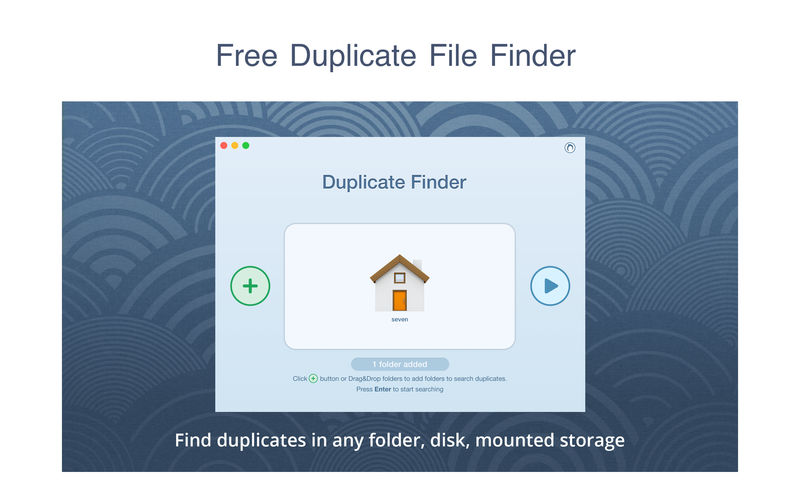
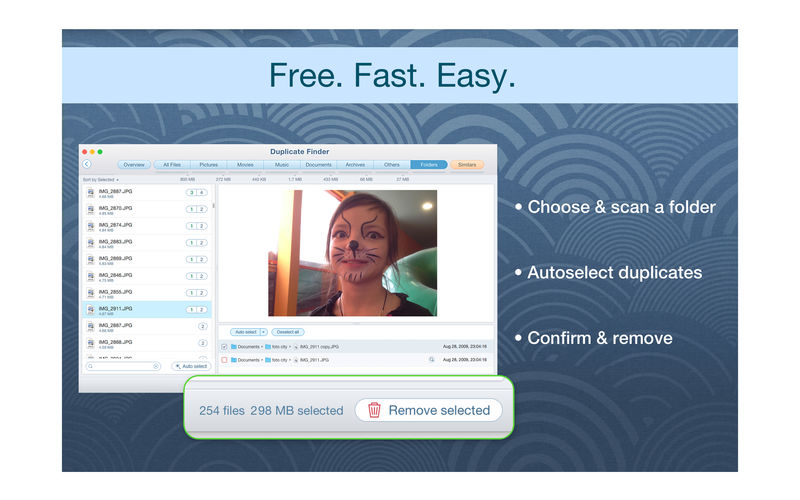
PrimeFile is a free utility that finds duplicate files on your Mac in just 3 clicks. Drag & drop as many folders as you wish and click SCAN.
Within a minute the app will give a report with all duplicate files by categories: images, videos, music, archives, documents, and all other specific extensions. It’s really easy to see how much space each file takes.
Features: SCANNING
fast scanning algorithm
scanning for duplicates in multiple folders or drives
external drives & mounted network folders support
“Recent Folders List” for scanned folders
animated scanning process
skip list for various files & folders
RESULTS OVERVIEW
visual chart report when scanning
duplicate files list
duplicate files by types
DUPLICATES
built-in duplicates search
preview & quick look for every file
sort duplicates (by name, size, total size, type, and duplicates count)
Capture One continues to lead the way in RAW file image editing. Expertise from creating customized color profiles for more than 400 cameras, combined with our relentless dedication to creative freedom has brought recognition to Capture One’s workflow, our exceptional color handling, and precision editing tools.
We develop our software with the ambition of enabling you to achieve your creative vision through a smooth, efficient workflow; making it the professional’s choice in imaging software.
Whats New in Capture One 20:
Your favorite editing tools. Only better. With Capture One 20, we listened to feedback from our community to make your favorite photo editing tools more easy-to-use and precise than ever. So you can edit and sort photos like never before. Get more contrast control Edit colors fast and intuitively Process the cleanest, sharpest images
Basic Color Editor. Precise color editing. Made easy. Edit colors faster with a new Basic Color Editor that’s compact and easy to use. Click anywhere on the photo and drag to adjust the hue, saturation and lightness of any colors – or edit with intuitive sliders. For more control, the Advanced Color Editor and Skin Tone tools are as powerful as ever.
High Dynamic Range tool. Take total control of your contrast. Do more with contrast and tone thanks to the new High Dynamic Range tool. Recover highlights, boost shadows, darken the blacks or boost the brightest areas of your photo – all in one tool.
Noise Reduction. Get the cleanest possible images. Retain colors and details like never before when shooting with high ISO. With improved noise reduction, start your editing with better quality images.
Scrolling tools. Scroll for speed. Work quickly and intuitively – scroll through all your tools with ease and pin your favorites to the top for instant access.
Crop Tool. Crop with ease and flexibility. Easily visualize and transform your crops thanks to the visible handles in the new Crop tool. Instantly crop from the center, rotate the crop or lock the aspect ratio using modifier keys.
Support for DNG files. Edit spectacular drone images. Get the most accurate colors and sharpest details out of any camera model, drone or smartphone capturing DNG files.
Copy Layers and Masks. Accelerate your layer editing. Easily copy specific layers between photos – including photos with different formats and sizes – without replacing the existing layers on the destination photo.
Interface. Get the smoothest editing experience. Make a big difference to your workflow with small updates. We’ve added text to the icons so you can find tools instantly, made Masking tools easy to access and simplified the adjustments clipboard. Plus, get higher resolution thumbnails and adjust the viewer background color with one click.
Interface. Get the smoothest editing experience. Make a big difference to your workflow with small updates. We’ve added text to the icons so you can find tools instantly, made Masking tools easy to access and simplified the adjustments clipboard. Plus, get higher resolution thumbnails and adjust the viewer background color with one click.
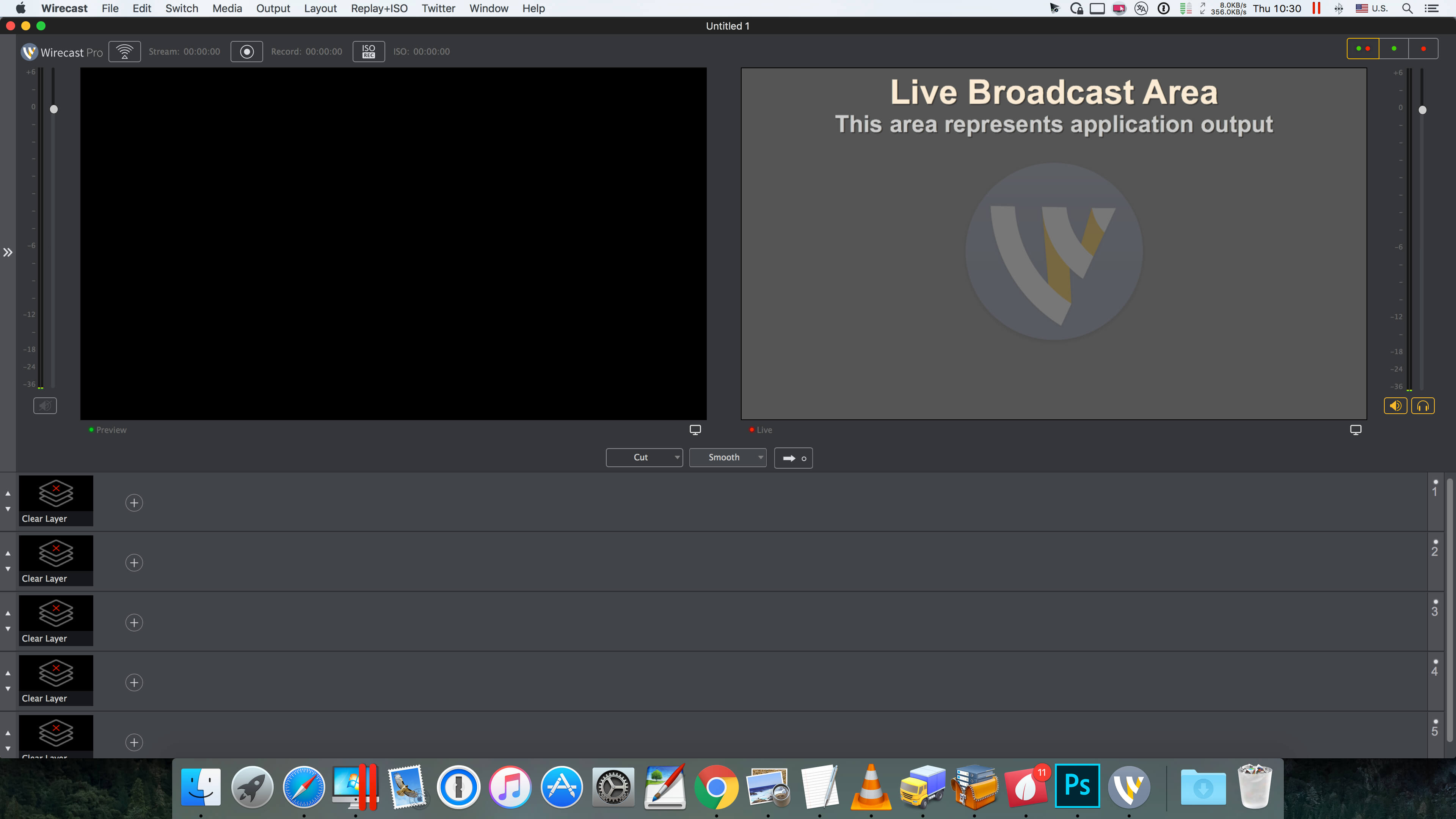
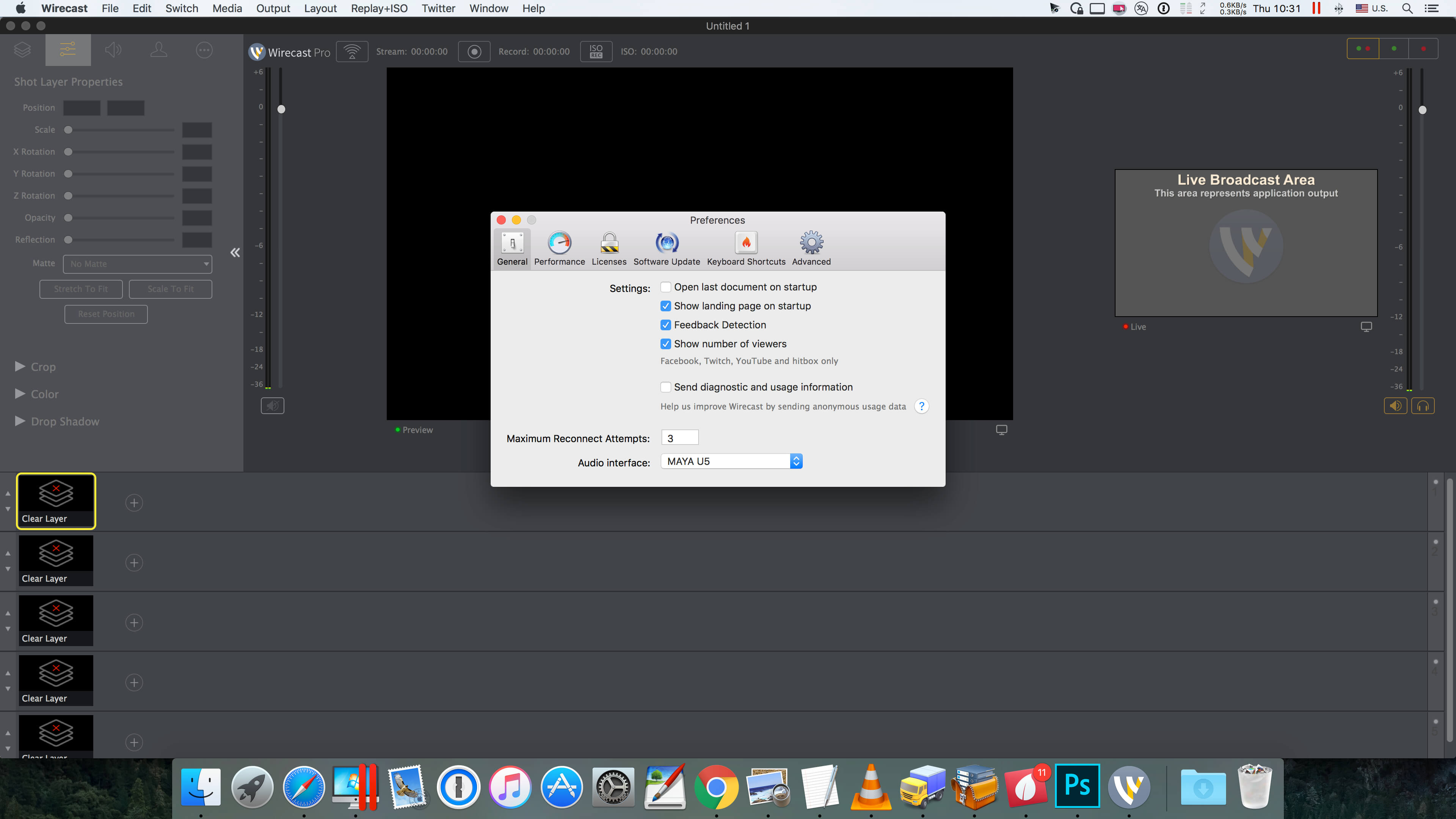
Wirecast is an all-in-one live streaming production application that provides the required tools to capture video, encode it and broadcast it to multiple servers and platforms at the same time.
You can use Wirecast with an unlimited number of camera inputs ranging from web cams to DV/HDV, SDI cameras to IP and web-based sources and wireless devices. You just have to plugin your device and Wirecast will automatically recognize it as a live feed. The supported input sources include USB, Web cams, SDI, composite, S-Video, DV/HDV, Component, HD-SDI, HDMI sources, IP Cameras, ONVIF, Web stream source and screen capture sources.
Moreover, Wirecast features support for up to 35 layers of live compositing. Hence, you can effortlessly place watermarks, background music and other visual elements over your webcast. As expected, you can also add titles and lower thirds, with more than 30 built-in professional looking broadcast title themes. You just have to select the one that fits your content, type in the text and apply it to your broadcast.
FEATURES
Support DV, HDV (1) and USB cameras
Real-time transition and effect generator
Built-in GPU accelerated green and blue screen solution
Professional broadcast quality titles themes.
Generates fully ISO-compliant MPEG-4 video streams
GPU accelerated Core Image filter and transition library
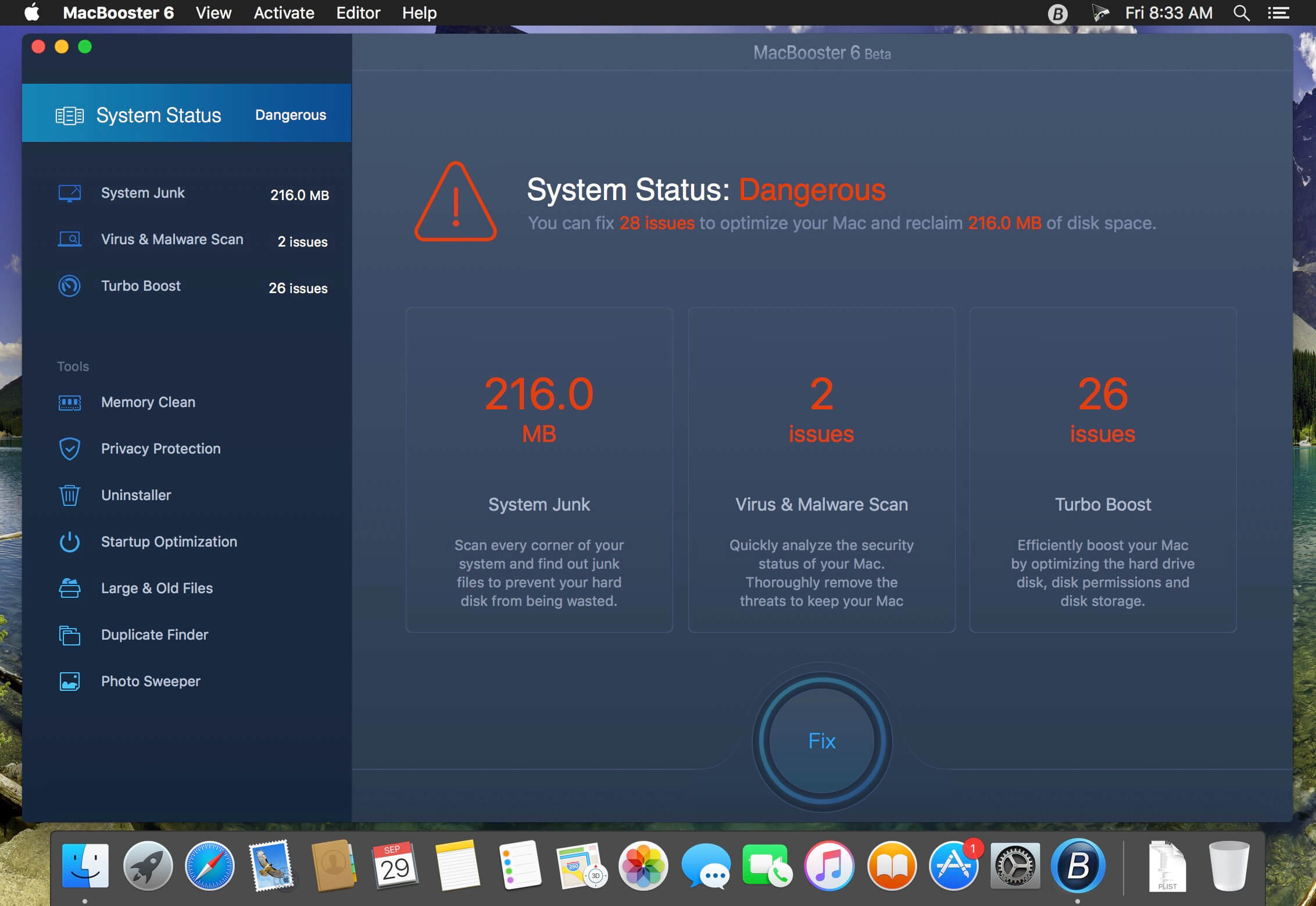
A very simple yet powerful application that makes it very easy to clean and optimize your Mac and to protect your privacy and security while online. MacBooster is a simple and user-oriented Mac application designed from scratch to provides you with all the tools required to speed up and fine tune your Mac.
Free up disk space. More space for the necessary files. The hard drive of your Mac quickly clogged with unnecessary files, such as binary files, event logs, caches, etc. This is especially true if you have a SSD-drive small size. MacBooster can find and delete these files to free up disk space. You will have more space for the files you need.
Faster – better! When using multiple programs, your computer may slow down due to lack of RAM. Sometimes the system simply hangs, ceasing to respond to your commands! MacBooster comprises means for optimizing memory, which solves this problem. Freeing up unused memory, it increases the responsiveness of the system. MacBooster can also speed up loading of OS X, streamlining the download list. Your personal data are protected.
The main thing – safety! macOS operating system is well protected. However, this does not mean that you are 100% protected against all kinds of threats, including the leakage of personal data. In addition to viruses, your personal details and banking information claimed hackers and phishing sites. MacBooster virus protection for Mac OS, phishing attacks, spyware, malware and other online threats.
Do not hold unnecessary applications MacBooster help cope with existing applications. Even on macOS can sometimes be unwittingly set some unwanted application. Moreover, after uninstalling applications often remain “tails.” MacBooster help solve these problems! Now you will have full control over all applications.
The disc is not rubber! The hard disk can hide not only unnecessary system files, but also large files such as movies, disk images (.dmg). MacBooster can find and remove these files, freeing up disk space. In the end, Mac faylopomoyki not. Keep your computer only what you need. And do not worry, MacBooster not delete useful files.
A single backup Many users are unaware of the existence of duplicate files, which OS X can be done. However, the accumulation of duplicates is less and less space for essential files. MacBooster detects duplicate files and offers to delete them to free up disk space.MacBooster help customize and speed up OS X. This software is able to release memory and optimize the download list and the system as a whole. MacBooster also removes unnecessary files to free up space on your hard drive. Try the program in the case, to learn about all of its features!
What’s New:
Version 8.0.3:
Release notes were unavailable when this listing was updated.
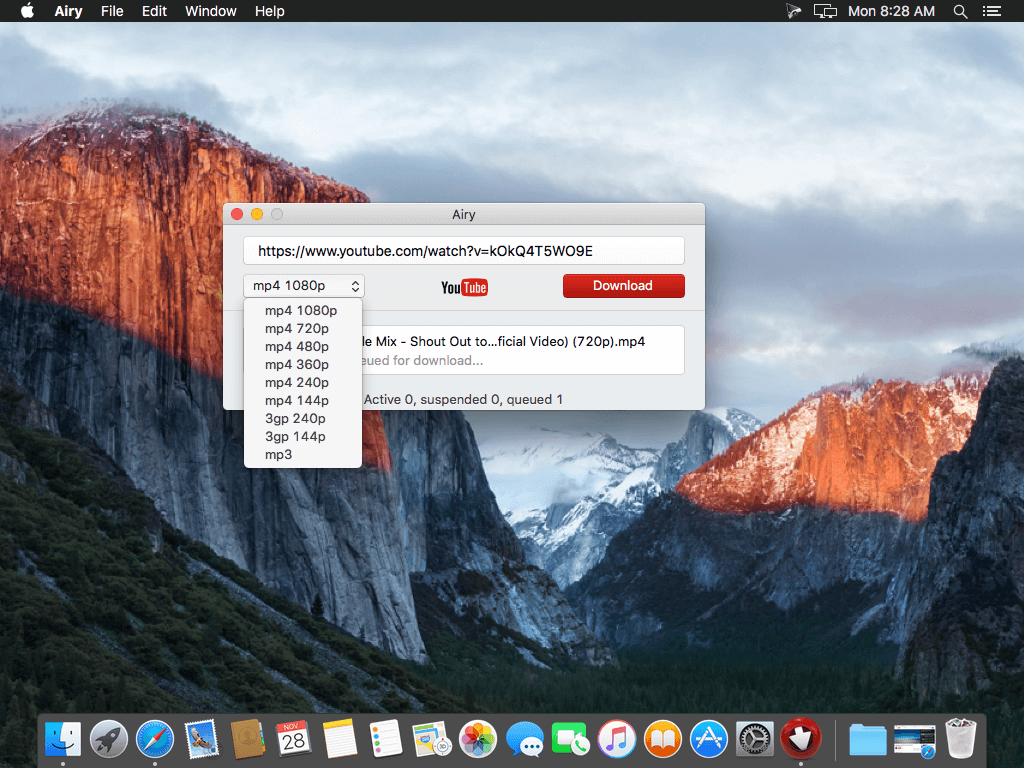
Airy will help you save YouTube video on your computer so that you can always watch it even if there is no Internet available. Airy is a utility for downloading videos from YouTube in a simple and efficient way.
Download YouTube videos on Mac A simple and neat Mac YouTube downloader: start multiple downloads at the same time, select formats you want to save videos in and choose the desired resolution. Airy can download whole YouTube playlists and channels.
Download MP3 from YouTube How many times you needed YouTube MP3 download Mac instead of video? Pretty often we bet. When you just need YouTube MP3 downloader for Mac Airy is your first choice! It will extract sounds from YouTube videos and fetch titles and album art, and it supports other audio formats too! For fast and easy YouTube download MP3 on Mac simply copy and paste the link, select audio format and click ‘Download’.
Integrate into Browser Airy can be integrated in your browser to catch YouTube downloads directly from web. It supports all popular browsers like Safari, Chrome, Firefox, or Opera. To be able to save YouTube videos on Mac with Airy click “Integrate into Browser” in main menu and follow comprehensive instructions to set it up. Now saving YouTube videos on Mac is very easy – just click Airy bookmark each time you need it.
Choose Preferred Quality Benefit from the possibility to choose the quality for the video to be saved. You can save video in MP4, FLV, and 3GP formats in a resolution of your choice. Airy downloads HD videos – even 4K and 8K Ultra HD videos are supported. Choose the format to save videos in depending on their further usage – device you will be using, player you want to watch videos in. Keep in mind that if you are going to watch videos on your mobile phone, lower resolution is preferable, however watching an HD video on a large screen will be much more comfortable.
Playlists and channels Airy can download YouTube playlist on Mac; downloading of YouTube channels is also fully supported. The steps are really easy: copy and paste YouTube link, choose the desired format and click Download. When you are downloading playlists, you can choose to download each item in its best available quality.
Login & password Airy offers downloading of age-restricted and protected videos. Simply go to Airy menu to log in to your YouTube account (save your login and password for future if you’d like) and enjoy unlimited video experience.
What’s New:
Version 3.14 (277):
Release notes were unavailable when this listing was updated.
Amadeus Pro lets you use your Mac computer for any audio-related task, such as live audio recording, digitizing tapes and records, converting between a variety of sound formats, etc. Thanks to its outstanding direct-to-disk abilities and waveform caching, edits on arbitrarily large sounds (even beyond the usual 2GB limit) are performed at lightning speed. The handling of large sounds is furthermore facilitated by the extensive support of markers. Its outstanding sound repairing and denoising abilities make Amadeus Pro particularly suitable for transferring vinyl records on CD.
Features
Simple and elegant OS X-like user interface
Multitrack editing an recording.
Batch processing and conversion.
Sound denoising and repairing.
Supports a variety of sound formats, including AIFF, Multichannel Wave, MP3, MP4, Ogg Vorbis, FLAC, SoundDesigner II, QuickTime, Apple CAF, etc.
Support for VST and Audio Unit plug-ins.
A “favourite actions” palette allows to have your most commonly used effects only a mouse click away.
A wide range of powerful audio analysis tools.
Audio CDs with CD-TEXT data can be burned directly from within Amadeus Pro.
What’s New:
Version 2.8.2434
Release notes were unavailable when this listing was updated.
Amadeus Pro lets you use your Mac computer for any audio-related task, such as live audio recording, digitizing tapes and records, converting between a variety of sound formats, etc. Thanks to its outstanding direct-to-disk abilities and waveform caching, edits on arbitrarily large sounds (even beyond the usual 2GB limit) are performed at lightning speed. The handling of large sounds is furthermore facilitated by the extensive support of markers. Its outstanding sound repairing and denoising abilities make Amadeus Pro particularly suitable for transferring vinyl records on CD.
Features
Simple and elegant OS X-like user interface
Multitrack editing an recording.
Batch processing and conversion.
Sound denoising and repairing.
Supports a variety of sound formats, including AIFF, Multichannel Wave, MP3, MP4, Ogg Vorbis, FLAC, SoundDesigner II, QuickTime, Apple CAF, etc.
Support for VST and Audio Unit plug-ins.
A “favourite actions” palette allows to have your most commonly used effects only a mouse click away.
A wide range of powerful audio analysis tools.
Audio CDs with CD-TEXT data can be burned directly from within Amadeus Pro.
What’s New:
Version 2.8.2433
Release notes were unavailable when this listing was updated.
djay Pro provides a complete toolkit for performing DJs. Its unique modern interface is built around a sophisticated integration with iTunes and Spotify, giving you instant access to millions of tracks. Pristine sound quality and a powerful set of features including high-definition waveforms, four decks, audio effects, and hardware integration give you endless creative flexibility to take your sets to new heights.
At the heart of djay Pro is an innovative, modern user interface that provides flexible layers of functionality alongside a powerful music library into a single window interface. It combines djay’s Apple Design Award winning turntable view that renders true record grooves on the virtual vinyl with more advanced modes including horizontal and vertical colored waveforms, live sampler and drum pads, FX racks, as well as a powerful four deck view that allows DJs to play, mix and synchronize up to four tracks simultaneously.
Instant access to over 20 million songs The all-new music library in djay Pro enables you to seamlessly combine Spotify tracks from the cloud along with your local iTunes tracks into a single library. This provides unprecedented flexibility for song selection no matter where your music is located.
Spotify djay Pro is the first professional DJ software that integrates with Spotify, giving you instant access to millions of tracks. Spotify integration in djay includes all of your existing playlists, starred and saved songs, powerful search capabilities, charts, browse, and Match for intelligent song recommendations.
iTunes The music library in djay Pro provides a sophisticated integration with iTunes. You can browse your music library by Playlist, Artist, Album, Genre, Key, History, and more. The powerful inline search allows you to efficiently find tracks and simultaneously browse your library.
Powerful Audio Streaming djay Pro’s cutting-edge audio streaming technology delivers ultra-low latency, advanced effects, on-the-fly analysis (key, BPM, beat grids, colored waveforms), all processed and streamed from the cloud, with no difference to local files.
Match Match, powered by The Echo Nest’s analysis of all the music on Spotify, is an innovative, first-of-its-kind feature which recommends tracks that go well with what you are currently playing. It helps you discover new music that matches your musical taste and style. Powerful tools. Cutting edge technology. Built exclusively for OS X, djay Pro takes full advantage of the desktop’s computing power including 64-bit processing, multi-core track analysis, support for Retina and 5K displays, graphics rendering at 60 frames per second, and pristine sound quality. djay Pro combines rock-solid stability with unrivalled performance, delivering a powerful, dependable solution for performing DJs.
Loops and Cue Points djay Pro offers you a range of advanced DJ tools. Manually set loop in and out points, use Auto-Loop to continuously loop part of a song, or remix live using Bounce-Loop, all in perfect sync with the beat. Multiple Cue Points allow you to set and jump to markers within the waveform.
Recording djay Pro allows you to capture the mixed output in real-time so you can share it with the rest of the world. Recordings are saved as a high-quality WAV file or in compressed format. The built-in recordings panel allows you to preview, save, and export your files to iTunes.
Key Matching djay Pro automatically detects a song’s key and allows to match it to songs of the same key within your music library. It allows you transpose songs into different keys, and sort your entire music library by key, perfect for creating studio quality mixes.
Audio FX A host of professional real-time audio effects are available. Pre-installed Audio FX include: Flanger, Phaser, Echo, Gate, Bit Crusher, Filter (High Pass, Low Pass), as well as six preconfigured instant effects: Absorb, Drift, Sway, Crush, Punch, Twist. Over 30 additional state-of-the-art audio effects by Sugar Bytes are available via In-App Purchase. You can beat-synchronize and chain multiple effect units on up to four decks simultaneously allowing for unprecedented creative expression.
Sampler The all-new built-in sampler adds another layer of creativity that allows you to trigger sounds and create drum beats on top of your music. In addition to the extensive pre-bundled content ranging from “Sound FX” to “Dubstep”, you can sample from your local tracks in real-time to create and save your own sample banks that can be quickly loaded during a performance.
BPM Sync and Beat-Matching The sophisticated beat and tempo detection in djay Pro allows you to instantly synchronize two tracks. Flexible beat grids support dynamic tempo and accurately render precise beat location on top of the waveforms.
Multi-channel USB audio interfaces djay Pro offers native support for USB audio interfaces, allowing you to preview your mix through headphones while delivering pristine sound quality through the main output.
MIDI Control djay Pro integrates seamlessly with existing professional DJ hardware. In addition to supporting over 50 MIDI controllers by Pioneer, Numark, Reloop, and other manufacturers out of the box, djay Pro also includes an advanced MIDI Learn system. It enables you to map each hardware control on your device to individual actions in djay Pro and customize your setup to match your style and performance needs.
What’s New:
Version 2.1.4:
Fixed missing crossfader indicator when using external mixer mode or crossfader assignments
Fixed certain Sugar Bytes effects continuing to play when deck is paused
Various bugfixes and improvements
Version 2.1: We’re excited to introduce a major update, free to all existing djay Pro 2 users. You can now access SoundCloud’s extensive music catalog to discover and mix millions of underground and premium tracks. TIDAL integration in djay Pro offers HiFi sound, millions of tracks, and for the first time you can stream and mix MUSIC VIDEOS from TIDAL, right from within djay Pro! And using Ableton Link you can now seamlessly sync the beats of djay Pro running on your Mac with djay running on an iOS device.
Added TIDAL integration: Million of tracks, music videos, high quality sound (TIDAL Premium or HiFi)
Added SoundCloud integration: Millions of underground and premium tracks (SoundCloud Go+)
Added Ableton Link integration: play in time with other Link-enabled apps on the same network (available via advanced preferences)
Exclusively curated selection of DJ friendly songs available for free through SoundCloud
Video Streaming through TIDAL
New improved beat sync engine
New improved graphics engine using Metal rendering
Advanced Mac Backup Software – Imagine it. One day your Mac with all family photos, valuable documents and emails refuses to boot up. Don’t find yourself in this situation. Start backing up your files today!
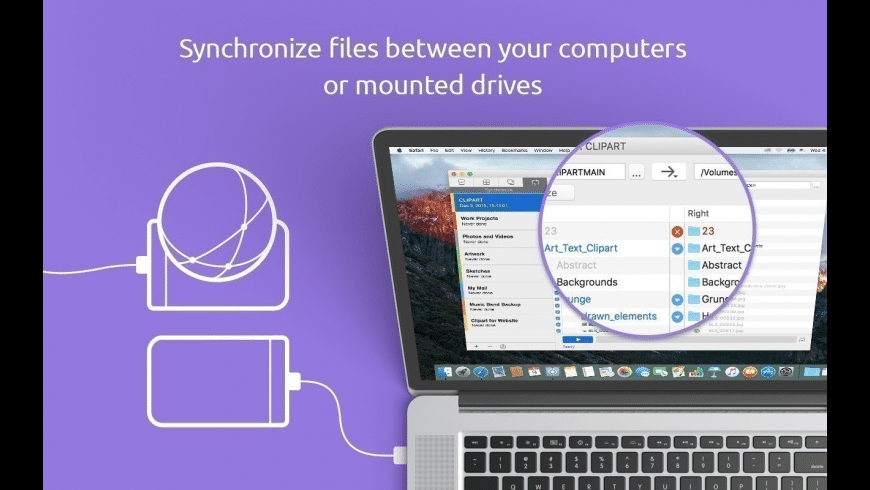
Keep your data safe with Get Backup Pro, our backup, archive, disk cloning, and folder sync software for Mac. Quickly back up data, create bootable and encrypted backups, sync folders, and be confident that your data is safely stored in case of system failure or information loss. Data Backup Use Get Backup Pro to make a copy of your data. Created backups are incremental, which means that only the new files that were not present during the original backup are copied. In each subsequent backup, thanks to using hard links* to the original files, the backup folder looks like a full backup, but takes very little additional storage space over the original. Create backups using templates for iTunes, Mail, Contacts, Documents, and Photos. Set up an automated backup schedule. Secure Backup Archives the Easy Way Choose between a full, versioned, or incremental backup archives, and even encrypt it using AES-128, AES-256, Blowfish, or Triple DES. Just set up an automated backup schedule and choose to archive your files to an external disk, network volume, or CD and DVD, and let Get Backup Pro keep your data safe. Later, restore archives on any computer without having Get Backup Pro installed. Bootable Backups via Cloning Migrating to a new disk has never been easier or faster. With the cloning features, clone your disk volume to get a backup disk that can be booted up at any moment. If the disk in your Mac fails, just take it out and replace it with the clone disk to get back to work without losing any time. Or, if you’re waiting for a new disk, boot up using the clone as an external drive. Say goodbye to long, tedious restore processes! Keep Folders in Sync Synchronize files and folders on your Mac with another computer or mounted drive using the sync features. Sync in one direction or update files in both locations using bidirectional synchronization. As with backing up files, sync projects can be scheduled to run at a certain time on any day, so Get Backup Pro does the work for you.
Key Features: – Full and incremental backups, which allow to save space. Compressed backups reduce the size of resulting archives as much as up to 60%. – Keeps files in two different locations synced with unidirectional and bidirectional sync. – Easily add data from iTunes, Photos, Mail, Contacts, and Documents folder. – With Get Backup Pro you can choose between a full, versioned, or incremental backup. – Burn multi-volume backups to CD or DVD without using third-party burning software. – Create a bootable clone of your hard drive to get a backup disk that can be booted up and used in case of a crash. – Schedule your backup, archive, clone, and sync projects to execute automatically on a given date and time. – Encrypt your archives in Get Backup Pro using AES-128, AES-256, Blowfish, or Triple DES. – Archive to external devices and drives or to network volumes that can be auto-mounted. – Quickly and easily restore your backups to any Mac without having Get Backup Pro installed.
OmniGraffle Pro helps you draw beautiful diagrams, family trees, flow charts, org charts, layouts, and (mathematically speaking) any other directed or non-directed graphs. We’ve had people use Graffle to plan plotlines for a story, make an overview of an operating system, show the evolution of computers, and even show how diseases can spread in a closed population. If you want to organize your thoughts, your projects, or even your friends graphically, using boxes and lines, OmniGraffle is your tool.
OmiGraffle Professional has all of the great features in 6.0, plus a powerful toolset for advanced document creation and editing options. For the pro user who’s looking for an in-depth diagramming application that’s still priced below the competition, you’ve come to the right place.
What’s in Pro:
Visio import/export: Open Microsoft Visio® documents (VSD or VDX) directly in OmniGraffle, as well as Visio stencils (VSS) and templates (VST). Export to Visio XML documents (VDX).
Shared layers: Easily update common elements that you’d like to display on multiple canvases. Layers can now be toggled between a normal and a Shared layer.
New controls specify which edge or center of an object is reflected in the Geometry Inspector. You can set the X and Y coordinates of a selected vertex point.
Shape combinations: Easily create new shapes using combinations of existing shapes (with support for union, intersection, and subtraction). Combined shapes can now be uncombined into their component shapes.
Resolution-independent Display Scale: When zoom is at 100%, match an Apple point, PostScript point, or screen pixel.
Photoshop export has returned, and supports the export of OmniGraffle layers to Photoshop layers.
Tables: Group shapes using tables, making it easy to add new rows or columns of your template shape.
What’s New in 7
Point Editor Tool
Infinite Canvas
Artboards & Artboard Layers PRO
Convert Text to Shapes PRO
Convert Line to Shape PRO
Keyboard Shortcut Sets
Basic SVG Import
The New Export Panel
The Unified Sidebar
What’s New:
Version 7.15:
OmniGraffle 7.15 is focused on improving compatibility with Visio.
Visio Export: Added support for top/bottom text margins.
Visio Export: PANOSE data is exported when available. This helps decide what font is used for substiution when necessary.
Visio Import: Added RelQuadBezTo support for .vssx files which improves Visio stencil compatibility.
Visio Import: Fixed cases of text objects not being created large enough to fit the text.
Visio Import: Documents previously triggering the ‘Incorrect Block’ error are able to be imported.
Visio Import: Unexpected characters in unsupported attributes were causing some files to fail to import. Those attributes are now ignored.
Visio Import: Fixed a bug causing some EMF images in vsdx files to have components flying off into space.
Visio Import: When a Visio file type is associated with an UTI OmniGraffle doesn’t expect, check the file extension instead to determine if the file can be imported. This should fix compatibility problems when other applications are installed that use Visio file types.
Visio Import: Text placed inside groups is imported.
Visio Import: Fixed a crash when importing .vss files containing EMF images.
Visio Export: Fixed multiple bugs with exporting images. Images are now exported to PNG format unless already in BMP, WMF, or EMF. This results in significantly smaller file sizes than previously.
Visio Export: Corrected export of text alignment and offsets values.
Visio Export: Override Visio’s auto-routing in the exported file so that lines retain their path set in OmniGraffle. This will cause some files to appear with connection lines on top of objects. Adjusting any object should fix that.
Visio Export: Objects are positioned on the canvas when the canvas is using a non-zero origin in OmniGraffle.
Visio Export: Line labels are exported as line labels instead of separate text objects.
Images: PDFs that are cropped and rotated will scale consistently.
SVG: Imported SVG graphics always automatically appear without further action.
Drag and Drop: Dropping an image onto an existing object will add that image to the object instead of creating a new shape.
Stability: Added safeguards to deal with corrupted images.
Stability: Fixed a crash with activating a site license.
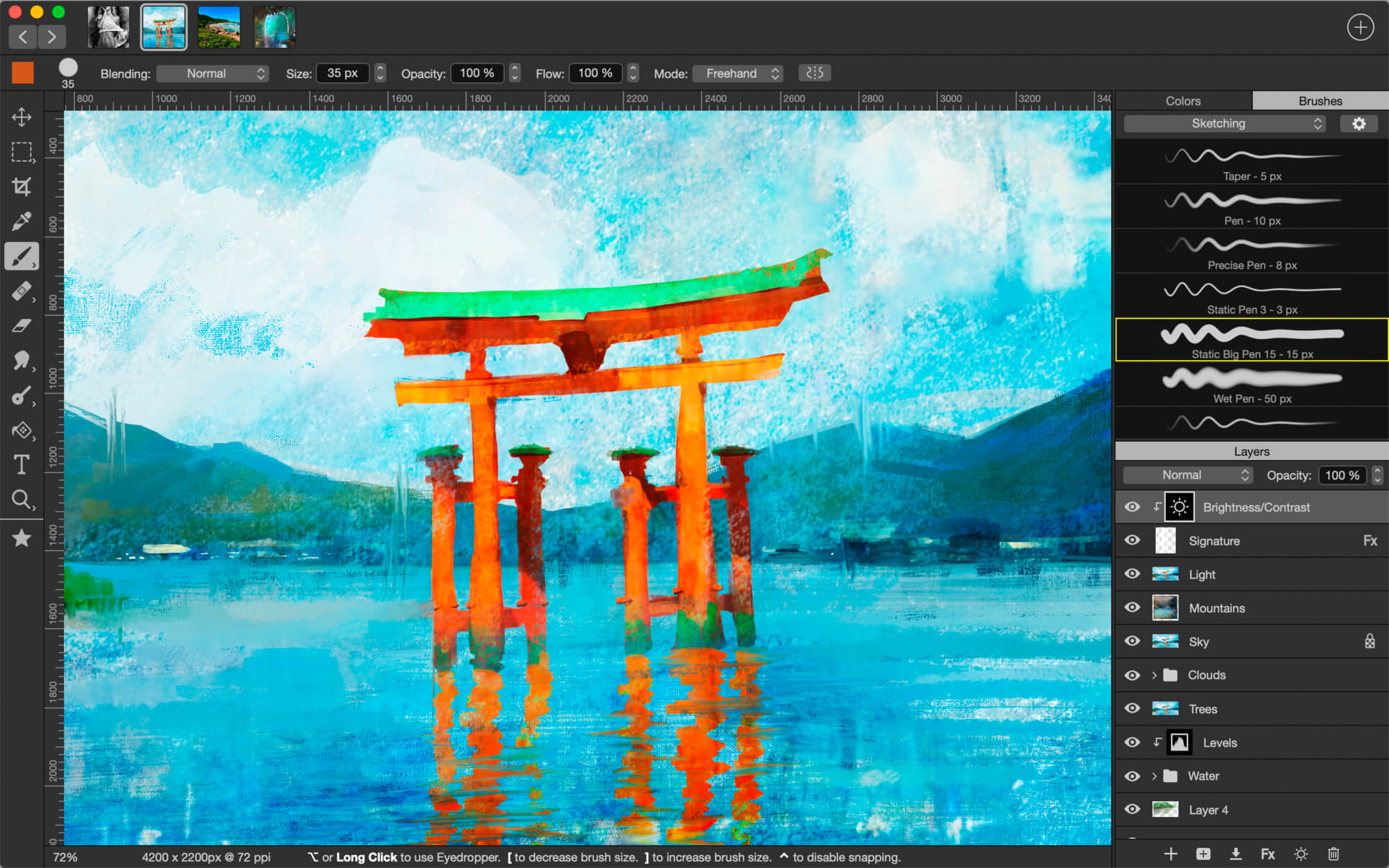
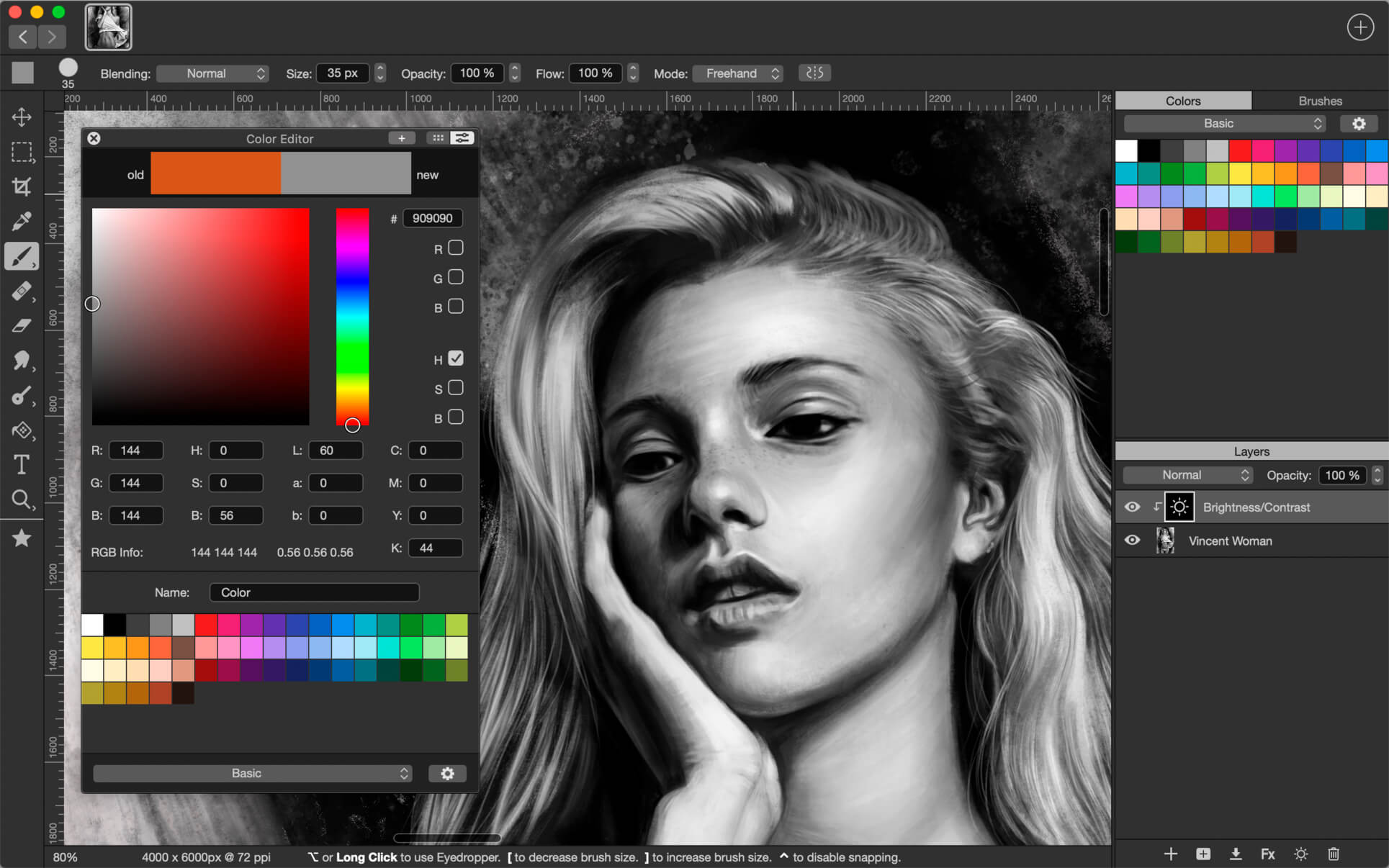
Introducing Artstudio Pro, the most powerful painting and photo editing app available for both macOS and iOS . The successor to our famous ArtStudio app has been redesigned bringing many new features and improvements taking full advantage of the latest technologies Metal, iCloud Drive, and optimized for 64-bit multi-core processors to achieve the smoothest possible workflow.
Hundreds of assets are included and users have the ability to import resources in the most popular formats (ABR, TPL, PAT, GRD, ASE, ACO) giving instant access to millions of brushes, patterns, gradients, color swatches and fonts. It will boost your creativity and help you bring your ideas to life quickly and easily.
New engine The powerful GPU accelerated ArtEngine developed by Lucky Clan is 5-10 times faster than the previous engine. It allows working with multiple documents, supports large canvas sizes and an unlimited number of layers. Incredible optimization ensures smooth work even with large canvases.
Flexible layer system Artstudio Pro introduces a new layer system with grouping, non-destructive layer effects, and adjustment layers.
Groups
Masks, clipping masks
13 adjustment layers: Brightness/Contrast, Levels, Curves, Exposure/Gamma, Shadows/Highlights, Vibrance, Hue/Saturation, Color Balance, Temperature/Tint, Black and White and more
Advanced Brush engine Perfectly optimized, lag free mechanism generating smooth, real looking strokes, making the most of the stylus.
Brush size up to 4000×4000
64-bit painting with pattern, double stamp, wet brush, dynamics
Brush editor with 80 customizable settings
Over 100 built-in brushes divided into a few groups: Painting, Sketching, Markers, Inking, Dots & Specks, and more
Symmetric painting with custom symmetry line
Professional photo editor Photo editing options developed in cooperation with professional photographers. Each feature was tested in several scenarios and light conditions.
13 adjustments available as non-destructive layer or simple adjustment (list above)
4 auto adjustments: Auto Contrast, Levels, Lightness, Saturation
Dozens of filters with realtime preview and the ability to generate seamless patterns
Inpaint function
Retouching tools: Heal, Dodge, Burn, Sponge and more
Image resize with 5 interpolations: Nearest, Linear, Cubic Smooth, Cubic Sharp, and Cubic Sharper
Crop using special tool, crop from selection, trim transparent areas
Import/Export We have implemented many parsers from the most popular assets/images formats and we are especially proud of our ABR/TPL parser which not only reads brush stamps and patterns, but also most settings which are converted to Artstudio Pro brush engine values. Import
Images – PNG, JPEG, PSD, HEIC, TIFF
Brushes – ABR, TPL
Color swatches – ASE, ACO
Patterns – PAT
Gradients – GRD
Fonts – TTF, OTF
Export
Images – PNG, JPEG, PSD, TIFF
Other features
Full iCloud integration
Screen recording
All features available on macOS, iPad and iPhone
Selection displayed as marching ants, quick mask or invisible
Snapping to guidelines, dynamic guidelines, grid
Canvas rotation
What’s New:
Version 2.3.21
fixed stability issue
Version 2.0 in a huge update which improves the interface and adds few big functionalities. 1. NEW INTERFACE COLORS
new grey color shades in toolbars, menu, controls and others
improved Preferences window
2. NEW FILTERS, IMPROVED ELASTIFY
added Lighting filter – it adds up to 5 Point/Spot/Directional lights, with optional emboss effect, ambient light, colors etc
added Depth Of Field filter with Tilt Shift and Ellipse modes
Elastify (Liquify) is now working with multiple layers/groups
added option to show original Layer in Elastify
3. OTHER IMPROVEMENTS
faster and less intrusive autosave
improved Lasso / Polygon Lasso – added undo/redo and option to disable auto-closing
easier Screen Recording option – just tap File>Screen Recording>Recording to start/stop recording. • added Auto Start Video Recording option in Preferences
added Control+Option+Mouse drag shortcut to change brush size
added Cmd-L key shortcut to Load Paint in Wet Paint tool
Select>Blur menu item renamed to Select>Feather
fixed few macOS Mojave related issues
many other small fixes, improvements and optimisations
File Cabinet Pro is the file manager for the macOS menu bar. Quickly navigate to files without cluttering your desktop. Open, move, rename, compress, tag, trash, copy and paste files, all from the menu bar. You can open many file types natively in File Cabinet Pro or open files by launching other applications. It’s easy to click into directories in icon view, drill through directories in list view, or navigate the file tree in column view.
File Cabinet Pro is also a document-based application that ships with a built-in text editor, image viewer, pdf viewer, and media player. Some of the file types File Cabinet Pro can open for editing/viewing include:
TEXT DOCUMENTS:
Plain text files (txt)
Rich Text Format (rtf)
Rich Text Format Directory (rtfd)
Portable Document Format (pdf)
IMAGE DOCUMENTS:
Portable Network Graphics (png)
Joint Photographic Experts Group (jpeg)
Tagged Image File Format (tiff, tif)
Bitmap image file (bmp)
Photoshop File Format (psd) Import only
Scalable Vector Graphics (svg) Import only
VIDEO/AUDIO:
mov
mp4
m4a
m4v
avi
mp3
wav
caf
aif
With File Cabinet Pro you can:
Create subdirectories.
Click into subdirectories and open documents.
Set a “Primary” and “Secondary” directory button for the bottom bar to get an innovative drag and drop experience; drag files to these buttons in the bottom bar to bring up a popover window.
Tag files easily. Select files in File Cabinet Pro, right click, and then simply add or remove file tags from the control in the context menu.
Show selected files in Finder.
Rename files.
Copy and paste files.
Compress files.
Trash files.
View items as icons, in a list, or in columns.
Launch the application at login. You can have File Cabinet Pro automatically launch when you login to your Mac (optional feature, disabled by default).
Create a list of all your favorite directories in the sidebar.
Create and edit txt, rtf, and rtfd files using the built in lightweight text editor.
Rotate images, crop images, and apply filters to images using the built in lightweight image editor.
Watch video and play audio files using the built in media player.
View pdf files using the built in pdf viewer.
Revert document versions for supported editable document types.
Set a Global Hotkey for showing and closing the File Cabinet Pro window (optional feature, disabled by default).
Preview selected files in Quicklook by pressing the spacebar.
Share files in apps that support Sharing extensions like Mail and Messages.
What’s New:
Version 7.8
You can now create aliases via drag and drop by holding down the option and command keys while dragging files to File Cabinet Pro.
You can now add a button to File Cabinet Pro’s toolbar to show hidden files.
You can now reduce the size of File Cabinet Pro’s icon in the menu bar by holding down the control key while clicking the icon to bring up a context menu.
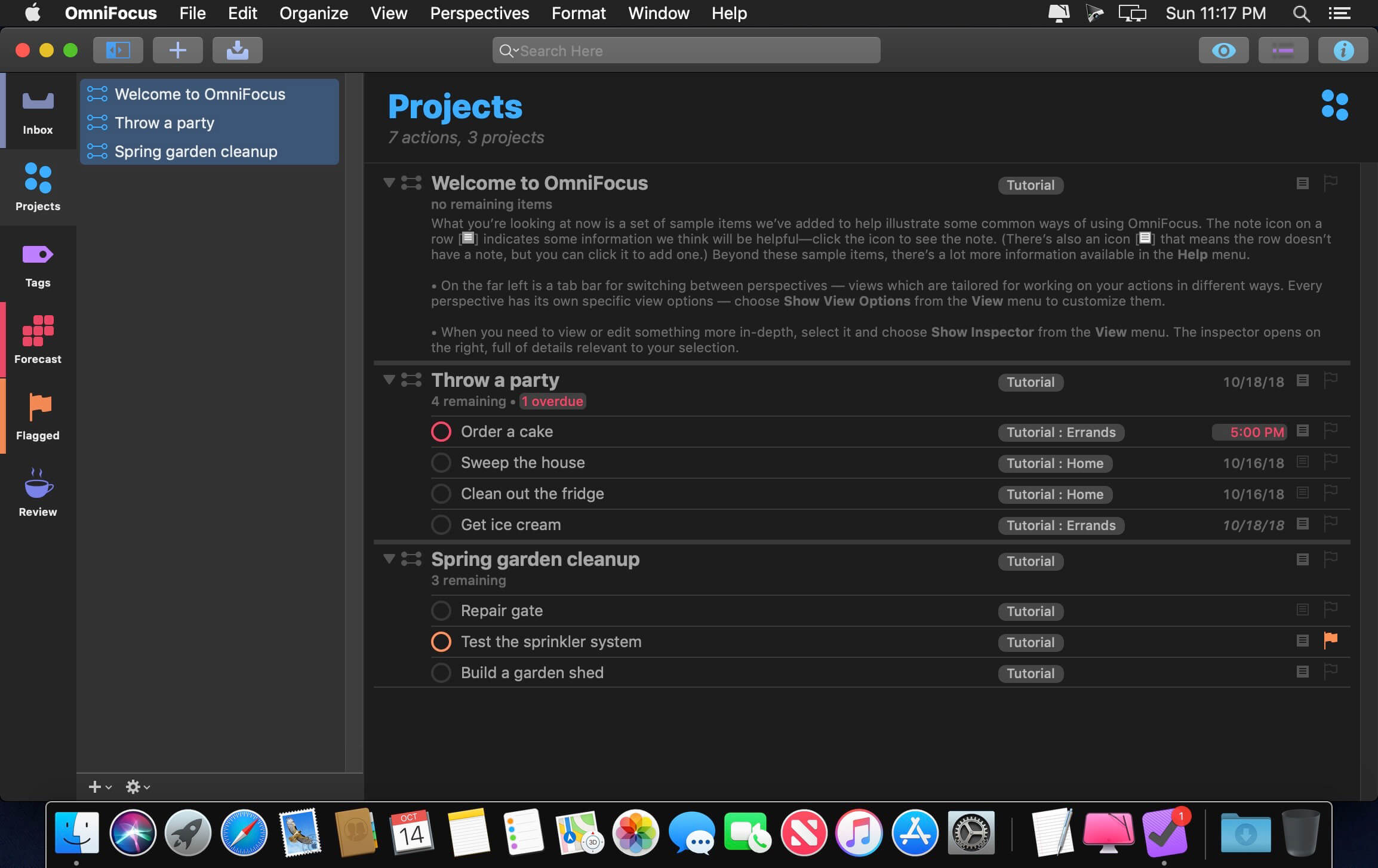
OmniFocus Standard and Pro are in-app purchases, with discounts for people who bought earlier versions of OmniFocus for Mac through the Mac App Store. Download the app for details.
Use OmniFocus to accomplish more every day. Create projects and tasks, organize them with tags, focus on what you can do right now — and get stuff done.
OmniFocus — now celebrating 10 years as the trusted, gold-standard to-do list app — brings unrivaled power and flexibility to your Mac, making it easy to work the way you want to work.
OmniFocus manages everything in your busy life. Use projects to organize tasks naturally, and then add tags to organize across projects. Easily enter tasks when you’re on the go, and process them when you have time. Tap the Forecast view — which shows both tasks and calendar events — to get a handle on your day. Use the Review perspective to keep your projects and tasks on track.
Then let our free syncing system make sure you data is the same on every Mac. (And on OmniFocus for iOS, available separately.) Because your data is encrypted, it’s safe in the cloud.
STANDARD FEATURES
NEW: Tags add a powerful additional organizing tool. Create tags for people, energy levels, priorities, locations, and more.
NEW: The Forecast view shows your tasks and calendar events in order, so you can better see what’s coming up in your day.
NEW: Enhanced repeating tasks are easier than ever to set up — and they work with real-world examples such as the first weekday of the month.
NEW: The Modern, fresh-but-familiar design helps you focus on your content.
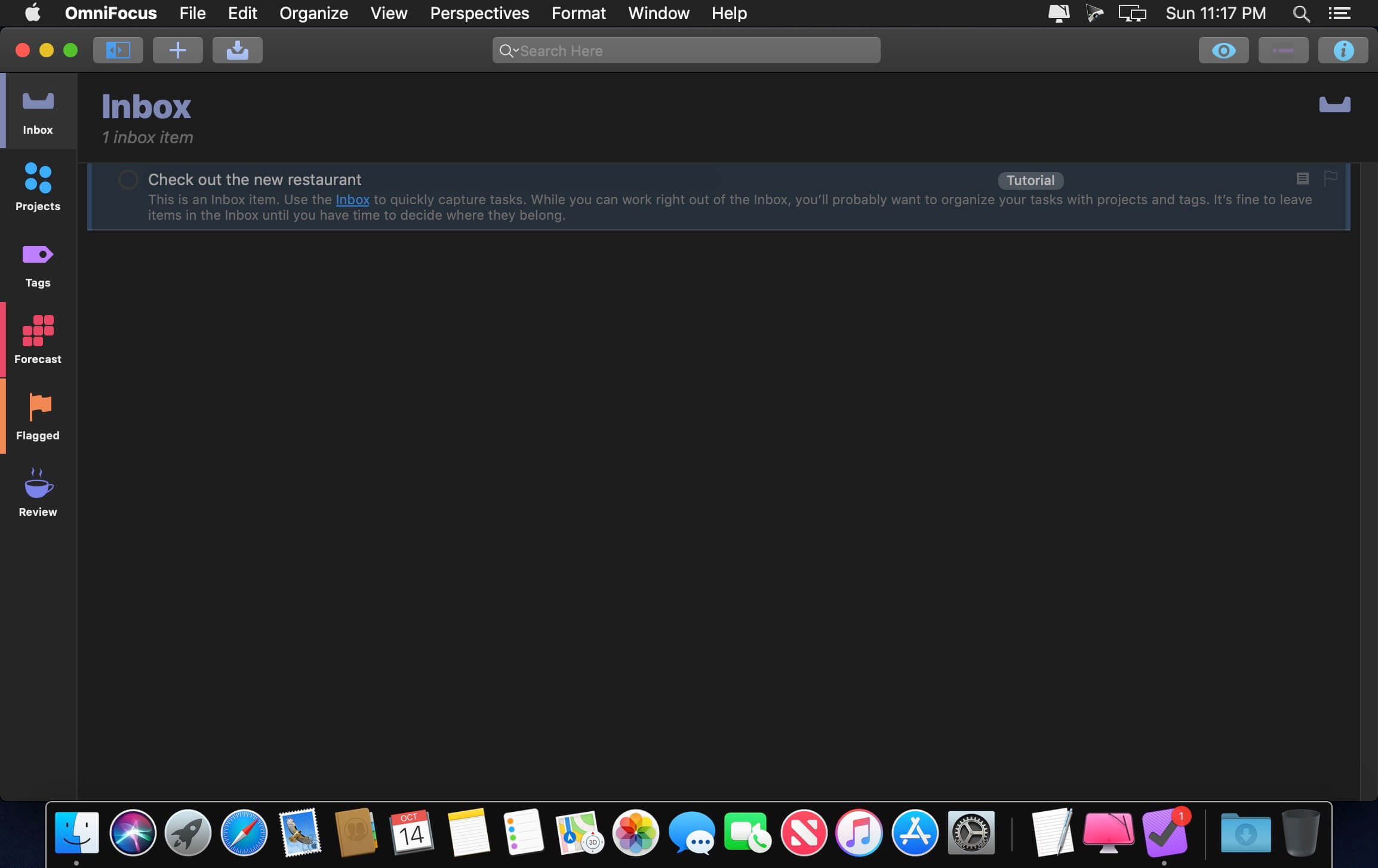
Inbox is where you quickly add tasks — save them when you think of them, and organize them later.
Syncing supports end-to-end encryption so that your data is safe wherever it’s stored, on our server or yours.
Notes can be attached to your tasks, so you have all the information you need.
Attachments — graphics, video, audio, whatever you want — add richness to your tasks.
View Options let you customize each perspective by deciding what it should show and how it should filter your tasks.
The Review perspective takes you through your projects and tasks — so you stay on track.
OmniFocus Mail Drop adds tasks via email and works with services like IFTTT and Zapier (if you’re using our free syncing server).
The Today Widget shows you your most important items — you don’t even have to switch to the app to know what’s up.
PRO FEATURES
Custom perspectives help you create new ways to see your data by filtering and grouping projects and tags. NEW: The filtering rules are simpler to use while being more powerful than ever, letting you combine rules with “all,” “any,” and “none.” You can also choose any image to use as your custom perspective’s icon, and a custom tint color to go with it.
NEW: Today’s Forecast can include items with a specific tag, and you can reorder those tasks however you choose, so you can plan your day better.
The customizable sidebar lets you organize your perspectives the way you want to, for super-fast access.
The Today Widget shows a perspective of your choice in Notification Center.
AppleScript support opens up a world of automation, using Apple’s Mac scripting language.
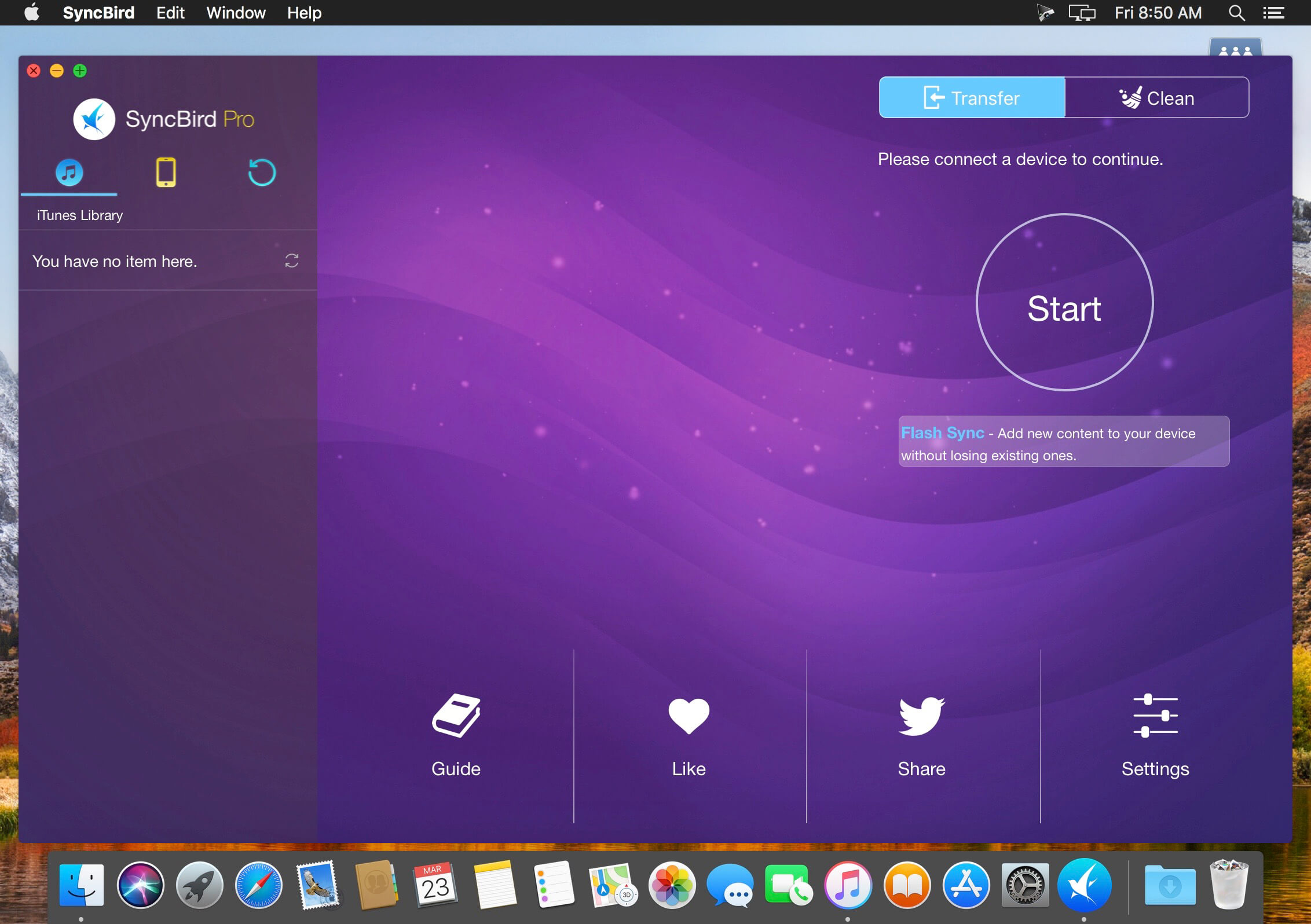
SyncBird Pro is an iPhone file manager that makes iOS sync and iTunes cleaning at a glance. Transfer music, playlists, photos, videos, books–everything–between your iPhone, iPad, iPod, and Mac without using iTunes. SyncBird’s exclusive features named PhoneCare and TunesClean are made to reclaim more free space on your iPhone and iTunes. Without extra effort, SyncBird will give you a daily, thorough cleanup so that you’ll be always free from the storage boundary.
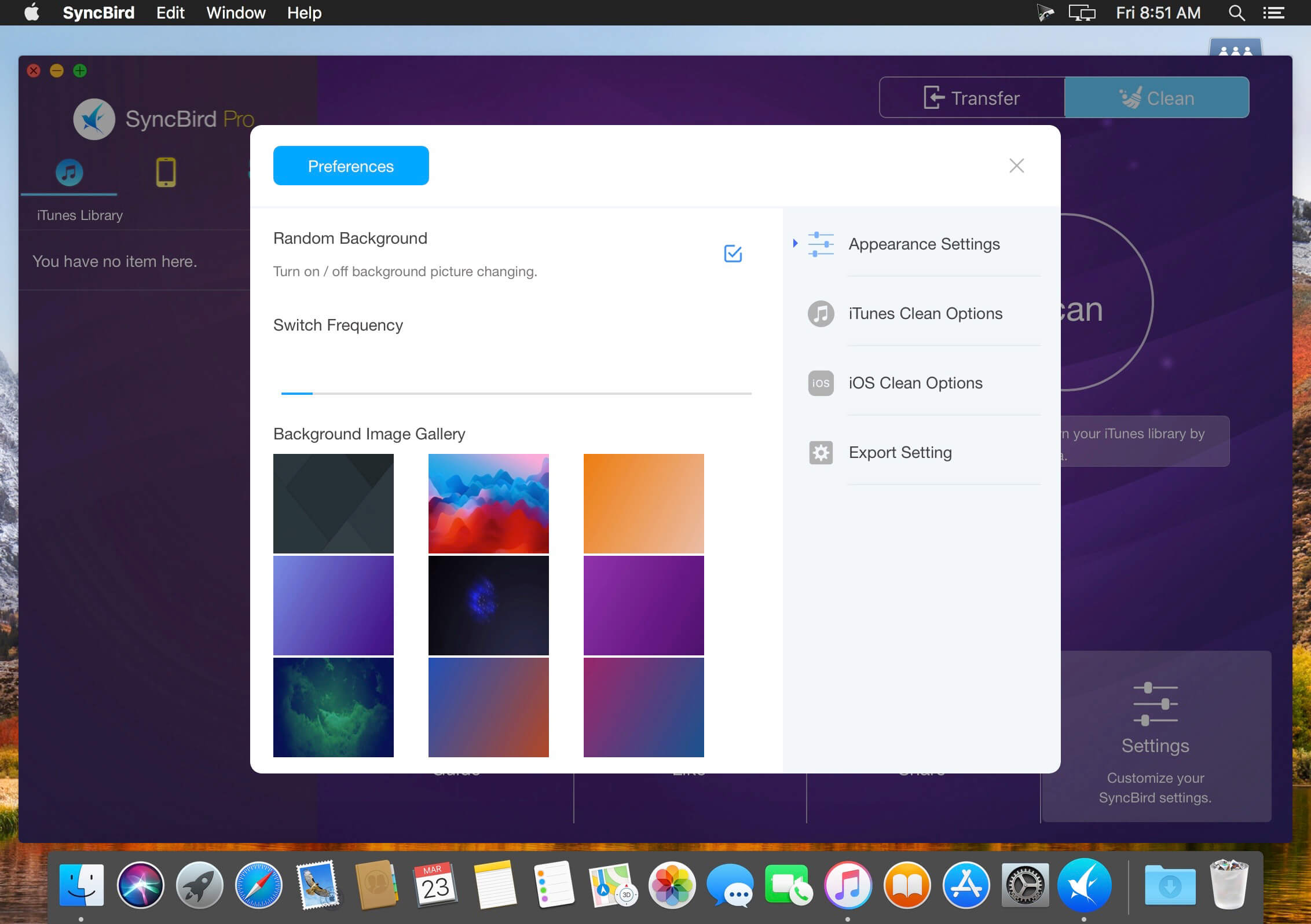
Better design yields better products, so we challenged ourselves to bring Google Material Design to the new macOS platform. The surface, motion, color, and every element in SyncBird, were chosen to give you an exciting and delightful experience.
Features
Flash Sync – Optimized for Flash/SSD storage and with instant Add-to-iPhone feature, SyncBird offers better iOS content management experience.
4K Support – A10 chip and M10 coprocessor give monster performance on 4K video playback. SyncBird puts 4K movies on your iPhone, iPad in one go.
Auto-Conversion – Whatever movies you like, SyncBird helps trans-code your videos to .m4v, .mp4, and .mov formats, which suit best on Apple devices.
Two-Way Sync – Transfer music, videos, photos and probably all your iOS content, to / from your iPhone and iPod. Free your devices from iTunes limits.
Unlimited Import – Add new songs and movies to your iPhone, iPad and iPod from multiple iTunes library on different computers. No iTunes involed.
Drag-and-Drop – The most straightforward way to populate your iPhone media library is by dragging-and-dropping. Time to use your iPhone like Finder.
What’s New:
Version 3.1.1:
Release notes were unavailable when this listing was updated.
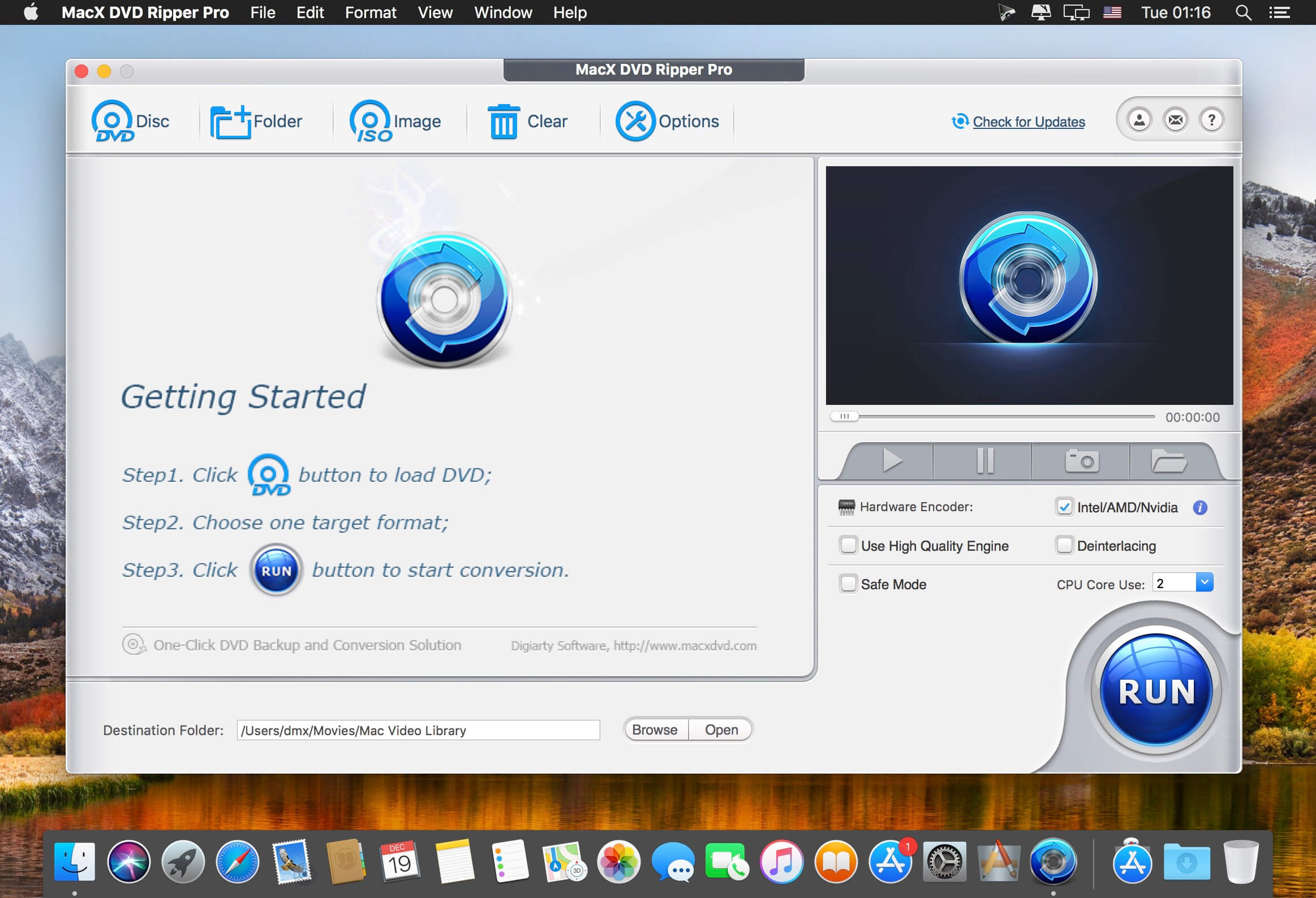
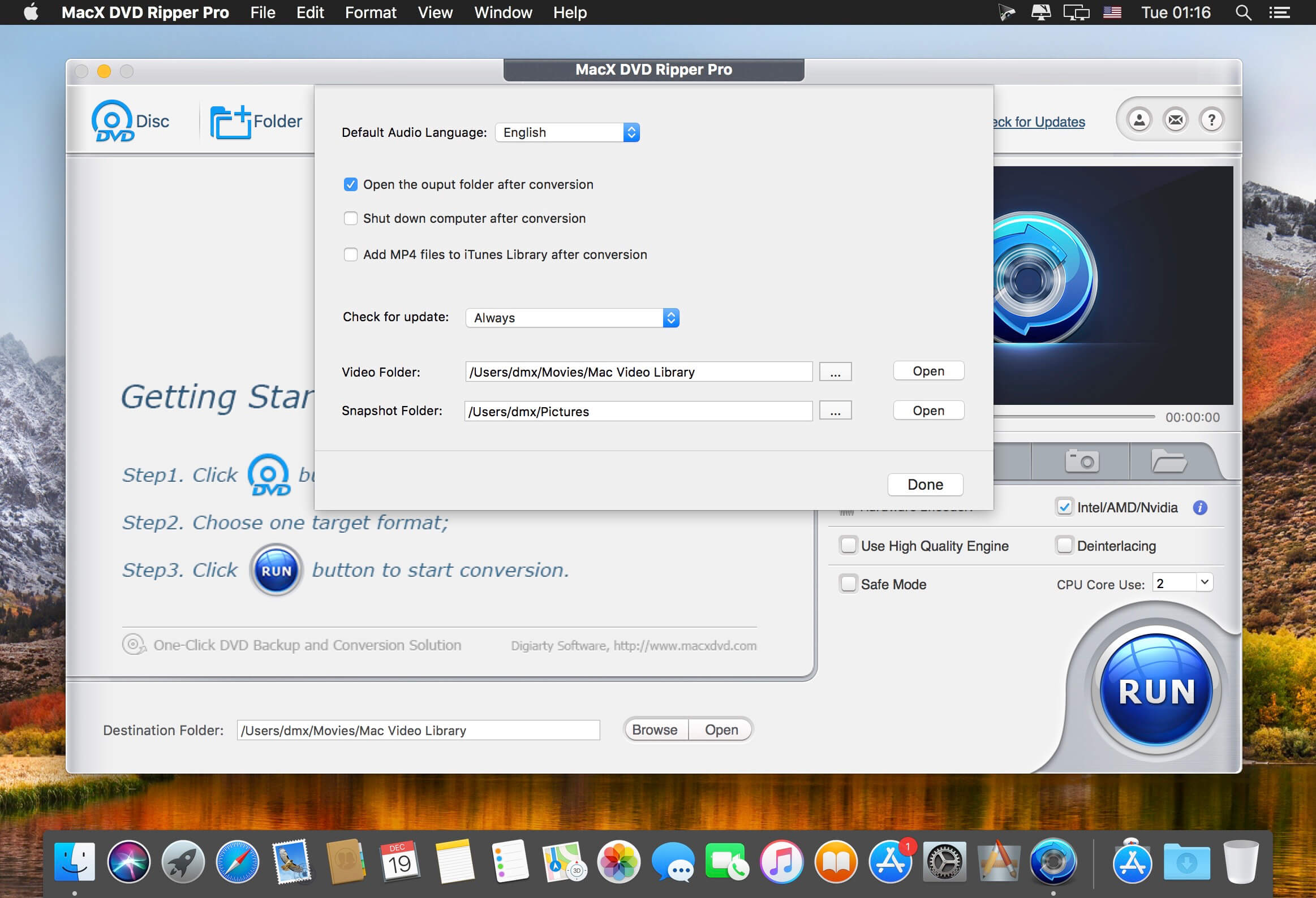
MacX DVD Ripper Pro is an ultimate Mac DVD ripper to backup & rip your DVDs on Mac with the final video and audio file in all sorts of formats, including DVD to MP4, H.264, MOV, M4V, FLV, MPEG4, AVI, QT, MP3, etc. With 350+ preset profiles, MacX DVD Ripper Pro makes it hassle-free to rip any DVDs including encrypted DVDs for Mac, iTunes, QuickTime, iPhone, iPad, Android, Apple TV, etc. bypass all copy protections (DVD CSS, region code, RCE, Sony ArccOS, UOPs, Disney X-project DRM, etc). The copy feature ensures you 1:1 DVD copy to ISO image, MKV, MPEG2 to protect them from scratches, damages, or loss. 36X faster and outstanding quality.
What’s New:
Version 6.0.0:
Added support for 64-bit system
Added support for mac OS Mojave
Added options to convert DVD subtitles only with forced subtitles remained
Backup DVDs to MKV with options to choose H.264 or MPEG4 video codec
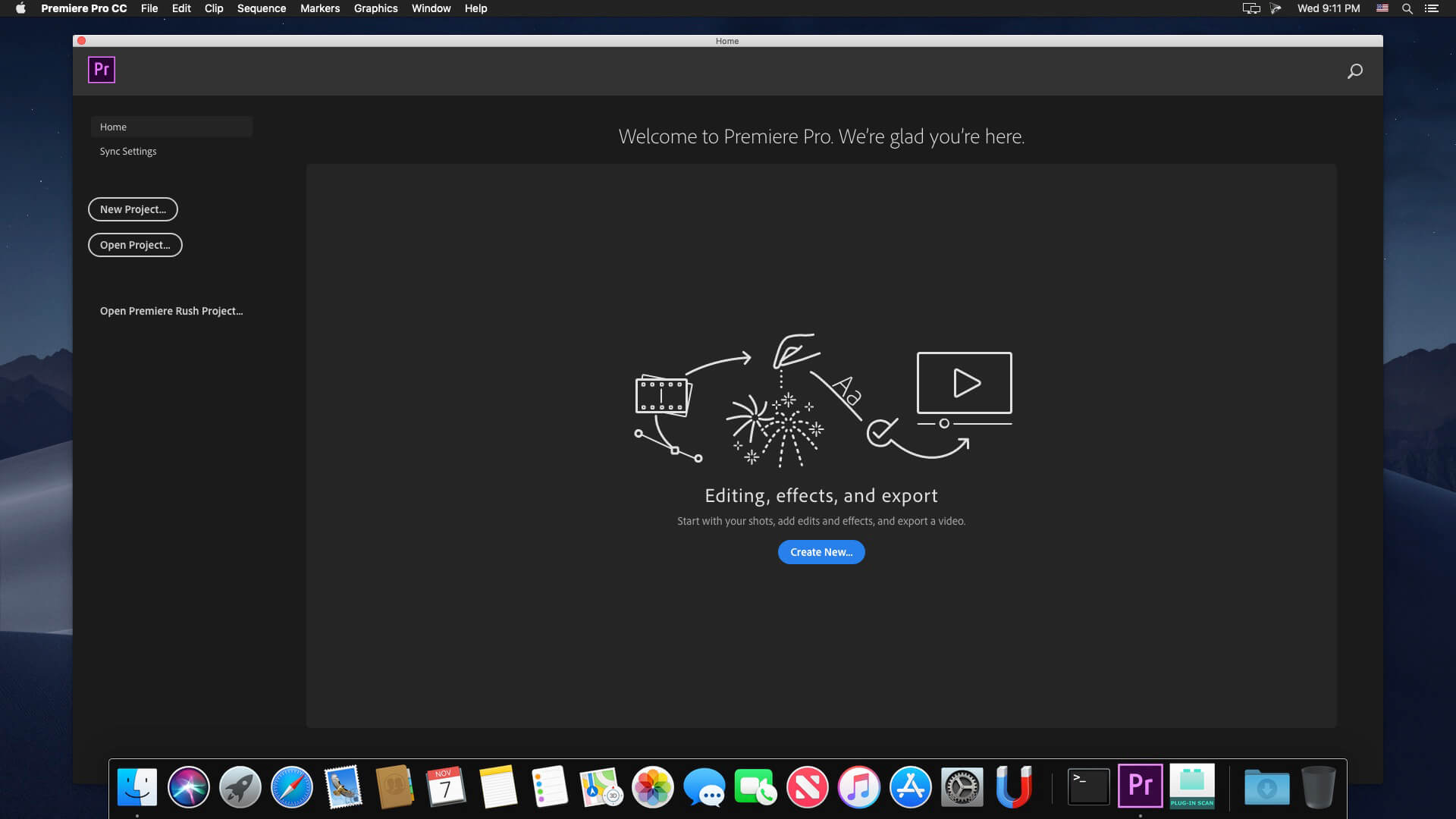
Adobe Premiere Pro CC 2020 lets you edit video faster than ever before. Dozens of brand-new features include a redesigned timeline, improved media management, and streamlined color grading. And it’s just the beginning: You’ll get access to new features the moment they’re released. Your entire creative world, together in one place. Only in Creative Cloud.
The main advantages of Adobe Premiere CC 2020:
Working with multiple projects simultaneously
General projects with the lock function
Adaptive design – Time
Adaptive design – Position
Animated graphics templates available in Adobe Stock
Realistic editing of VR
Realistic sound processing for 360 / VR immersive
Transitions immersive
Subtitles and graphics for video with immersive
Rotation VR sphere
Improved process of “Basic Graphic Elements”
Support for new formats
Regional subtitle standards
Support Updates “group projects as Adobe”
Improved conditions beginning work for beginners
Optimized support for built-in camera in the shooting settings Lumetri working with templates After Effects motion graphics without installing the After Effects application
And much more …
What’s New:
Version v14.1:
Production panel – Productions provides a flexible, scalable framework for organizing multi-project workflows. With Productions, complex workflows can be divided into manageable projects, for overall efficiency and collaboration using shared local storage.
Project locking – When working within a Production in Premiere Pro, you can lock a project when editing to prevent unwanted conflicts.
Cross-project referencing – A clip in one project can be reused throughout every other project in the production. This reduces the need for duplicate master clips.
Shared project settings – Project settings include important settings such as scratch disk, GPU renderer, and capture settings. A benefit of having project settings synchronized is shared preview render files.
Amadeus Pro lets you use your Mac computer for any audio-related task, such as live audio recording, digitizing tapes and records, converting between a variety of sound formats, etc. Thanks to its outstanding direct-to-disk abilities and waveform caching, edits on arbitrarily large sounds (even beyond the usual 2GB limit) are performed at lightning speed. The handling of large sounds is furthermore facilitated by the extensive support of markers. Its outstanding sound repairing and denoising abilities make Amadeus Pro particularly suitable for transferring vinyl records on CD.
Features
Simple and elegant OS X-like user interface
Multitrack editing an recording.
Batch processing and conversion.
Sound denoising and repairing.
Supports a variety of sound formats, including AIFF, Multichannel Wave, MP3, MP4, Ogg Vorbis, FLAC, SoundDesigner II, QuickTime, Apple CAF, etc.
Support for VST and Audio Unit plug-ins.
A “favourite actions” palette allows to have your most commonly used effects only a mouse click away.
A wide range of powerful audio analysis tools.
Audio CDs with CD-TEXT data can be burned directly from within Amadeus Pro.
What’s New:
Version 2.8.2431
Release notes were unavailable when this listing was updated.
Amadeus Pro lets you use your Mac computer for any audio-related task, such as live audio recording, digitizing tapes and records, converting between a variety of sound formats, etc. Thanks to its outstanding direct-to-disk abilities and waveform caching, edits on arbitrarily large sounds (even beyond the usual 2GB limit) are performed at lightning speed. The handling of large sounds is furthermore facilitated by the extensive support of markers. Its outstanding sound repairing and denoising abilities make Amadeus Pro particularly suitable for transferring vinyl records on CD.
Features
Simple and elegant OS X-like user interface
Multitrack editing an recording.
Batch processing and conversion.
Sound denoising and repairing.
Supports a variety of sound formats, including AIFF, Multichannel Wave, MP3, MP4, Ogg Vorbis, FLAC, SoundDesigner II, QuickTime, Apple CAF, etc.
Support for VST and Audio Unit plug-ins.
A “favourite actions” palette allows to have your most commonly used effects only a mouse click away.
A wide range of powerful audio analysis tools.
Audio CDs with CD-TEXT data can be burned directly from within Amadeus Pro.
What’s New:
Version 2.8
Release notes were unavailable when this listing was updated.
MiniNote Pro is quite simply the best notes app you will ever use. It has been engineered from the ground up to offer the fastest and most pleasurable note taking experience possible. Try it for a week and you’ll be hooked for life.
The app lives in your Mac’s menubar and is always available at the click of a button. Use it to write down your thoughts and important pieces of information and be happy in the knowledge that your notes will be easily accessible when needed. Want to create and read your notes on the move? No problem, our real-time syncing service means that your notes will be instantly available via our companion apps for the iPhone & iPad.
Our Pro app gives you the following extra features over MiniNote Lite:
MiniNote realtime cloud sync service (iPhone, iPad, Mac)
Detachable window to move and resize the app anywhere around your single or multi screen setup
Gorgeous custom full screen editing mode
Choice of two UI themes
Text styling (bold, italics, underline)
Undo/Redo buttons
6 great fonts with font size selection
Opacity control
Complete ad-free experience
In addition to the above Pro features, you also get:
Beautiful pixel perfect design with retina support
Advanced dynamic search bar to quickly find the note you are looking for
Create and view favourites using the Star button.
Time stamps for each note you create
Share notes via Email, Facebook, Twitter and iMessage
Backup notes to a location you choose in RTF and TXT format
Anchor button to make the app visible above all other apps
Handy keyboard shortcuts:
Ctrl + N to open app
Cmd ⌘ + Ctrl + N to create a new note
Cmd ⌘ + R to anchor
Cmd ⌘ + [ to go back to list view
Cmd ⌘ + F to search whilst in list view
Cmd ⌘ + , to enter the Settings panel
Cmd ⌘ + P to Print notes
Cmd ⌘ + X/C/V to Cut/Copy/Paste text respectively
Cmd ⌘ + Z to undo
Cmd ⌘ + Shift + Z to redo
Cmd ⌘ + B/U/I to Bold/Underline/Italics text respectively
Cmd ⌘ + D to toggle window docking on and off
Cmd ⌘ + Shift + E to create a new note with the content you have highlighted
Twixl Publisher provides the ability to create applications and content, starting with design and ending with the creation and publication of applications in a single environment.
Twixl Publisher is a platform (a set of software and services): the program for OS X and the plug-in for Adobe InDesign CC2015, CC2014, CC or the CS6, to create interactive content for mobile devices both from existing documents, as well as “from scratch”.
Twixl Publisher can use a wide range of interactivity, such as photo slideshows, audio, video and HTML5 integration.
With Twixl Publisher, you can create applications for iOS phones and tablets, Android and Amazon or export content for viewing in a browser on a computer.
Twixl Publisher is based on the philosophy of ease of use, natural and intuitive. The user and his experience are the solutions center and it shows in every component of the system. We can only come up with, create and publish.
What’s New:
Version 11.1:
Fixed some bugs related to dark mode on iOS
Bug where the conversion of a publication to a web reader sometimes failed
Number of inconsistencies in the entitlement and paywall screens on iOS and Android
Bug where the table-of-contents didn’t work on iOS
Couple of preview problems on Android
Fixed some bugs related to custom URL schemes which weren’t working when used in a browse grid
Fixed the missing launch image for Android article-based apps
Bug with the positioning of web overlays on iOS
Fixed the loading of full screen images on Android
Compatibility: OS X 10.11 or later 64-bit, Adobe InDesign CC2019, CC, CS6, Xcode 6.1 or later Homepagehttps://twixlmedia.com/
Amadeus Pro lets you use your Mac computer for any audio-related task, such as live audio recording, digitizing tapes and records, converting between a variety of sound formats, etc. Thanks to its outstanding direct-to-disk abilities and waveform caching, edits on arbitrarily large sounds (even beyond the usual 2GB limit) are performed at lightning speed. The handling of large sounds is furthermore facilitated by the extensive support of markers. Its outstanding sound repairing and denoising abilities make Amadeus Pro particularly suitable for transferring vinyl records on CD.
Features
Simple and elegant OS X-like user interface
Multitrack editing an recording.
Batch processing and conversion.
Sound denoising and repairing.
Supports a variety of sound formats, including AIFF, Multichannel Wave, MP3, MP4, Ogg Vorbis, FLAC, SoundDesigner II, QuickTime, Apple CAF, etc.
Support for VST and Audio Unit plug-ins.
A “favourite actions” palette allows to have your most commonly used effects only a mouse click away.
A wide range of powerful audio analysis tools.
Audio CDs with CD-TEXT data can be burned directly from within Amadeus Pro.
What’s New:
Version 2.8
Release notes were unavailable when this listing was updated.