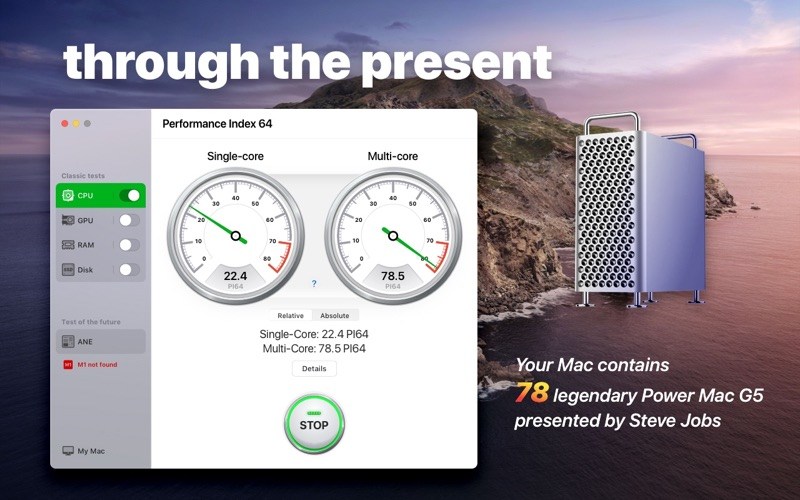
The Performance Index 64 app is designed to compare your Mac with other macOS devices and evaluate performance and efficiency of different configurations.
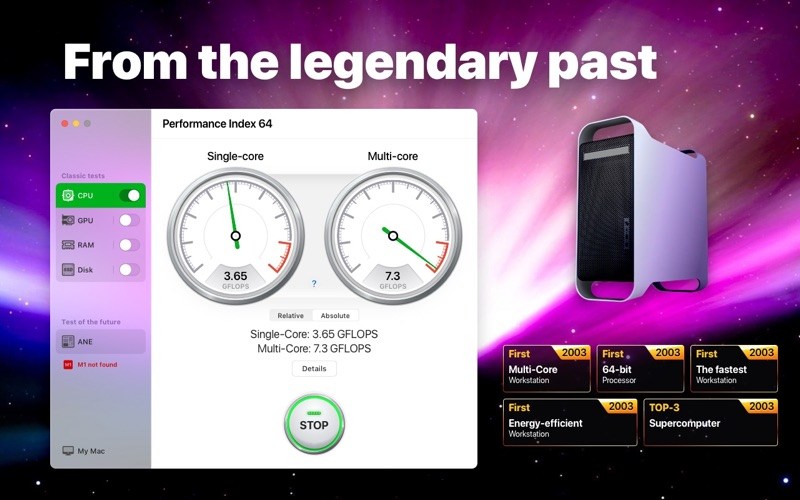
Since we are talking about a 64-bit system, we took the very first 64-bit computer designed by Apple as a conventional unit – the legendary Power Mac G5 first introduced by Steve Jobs in July 2003.
Powered by the PowerPC processors, the Power Mac G5 was so effective and energy efficient that in autumn 2003 a group of enthusiastic students introduced the System X supercomputer, combined with 1100 of such desktops. This supercomputer became a real technological breakthrough, taking third place in the TOP-500 rating.
Nowadays, such a result would be impossible. If we would have combined a similar configuration of 1100 top 64-bit desktops, the resulting supercomputer wouldn’t even be included in the TOP-100 of the world ranking.
With the help of our application you can find out how much of the legendary Power Mac G5 your Mac contains.
What’s new
Meet the improved version of our Performance Index 64 app with a new design providing a better user experience. In this version we also made general improvements to ensure even more stable and convenient performance on all devices.
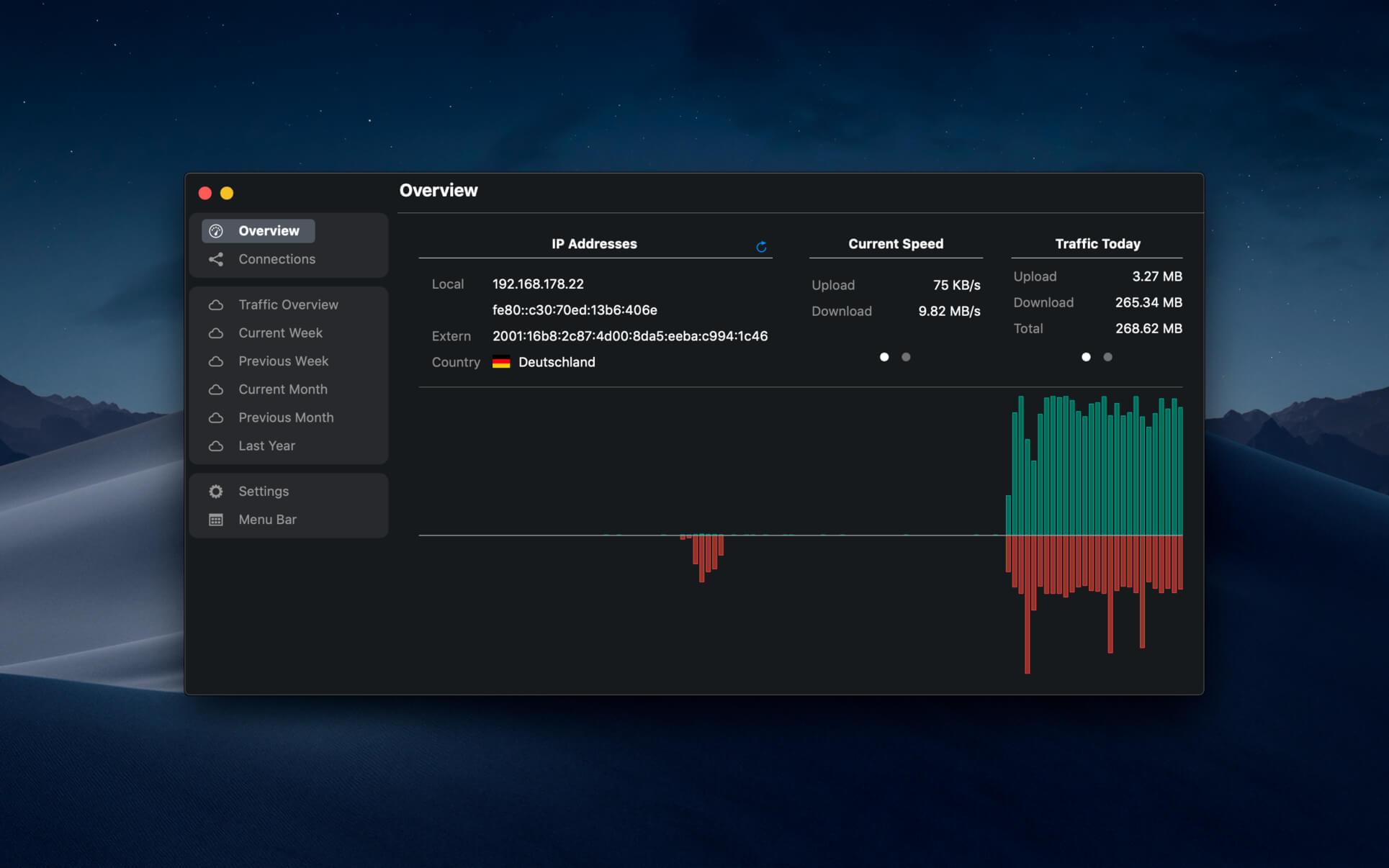
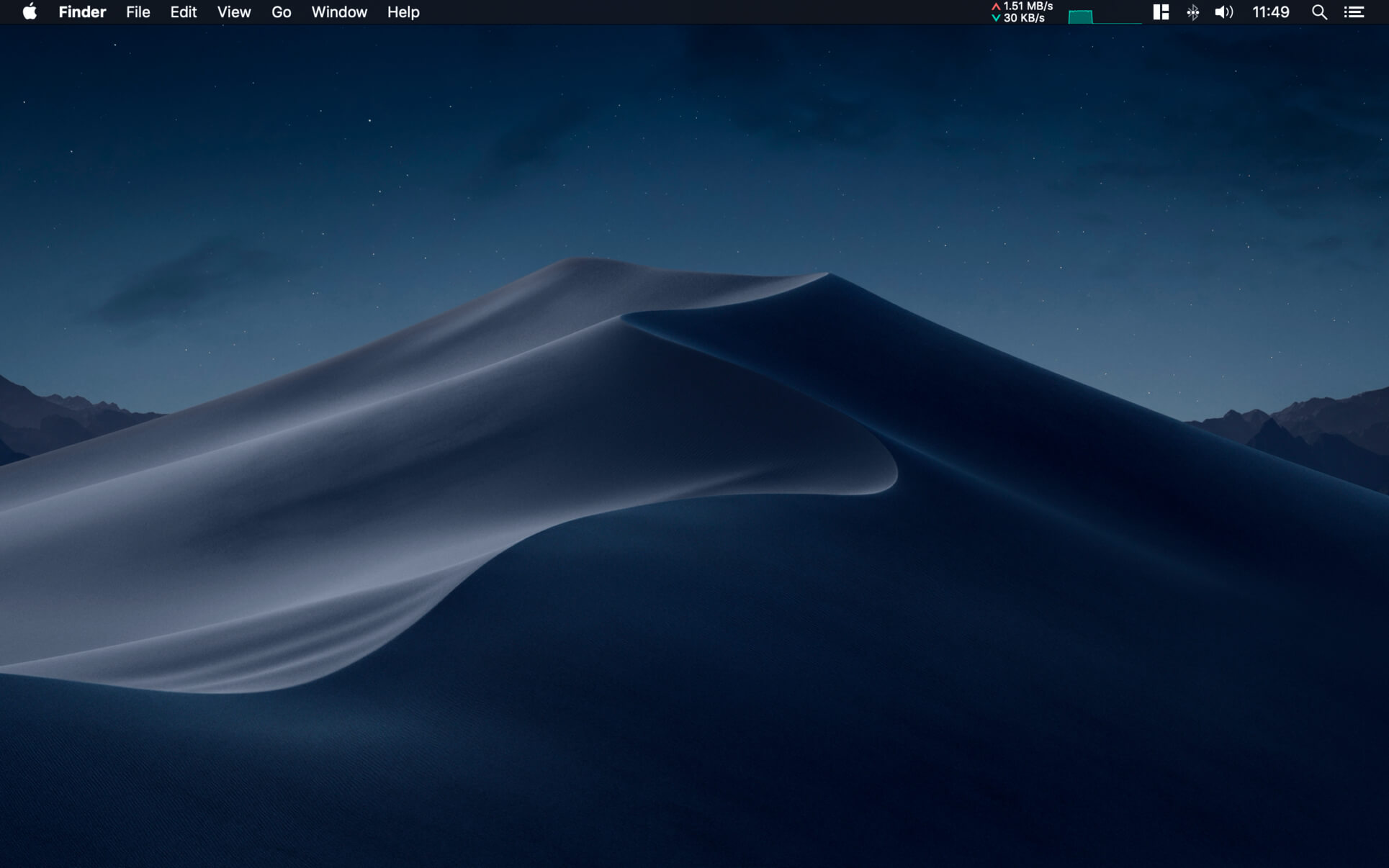
NetWorker shows network information conveniently in the menu bar. It also features a window that shows additional information about the currently active network adapter.
NetWorker features:
Fully customizable view – you can choose which information is shown and select many different, pre-defined widgets.
The currently active network adapter is detected automatically.
Optional overlay window that always stays on top – useful for fullscreen apps or games.
Adjustable refresh interval.
Check your external IP address.
Choose between a byte- or bit-mode.
Support for auto start.
Traffic Overview: Use this feature if you are on a volume limited plan.
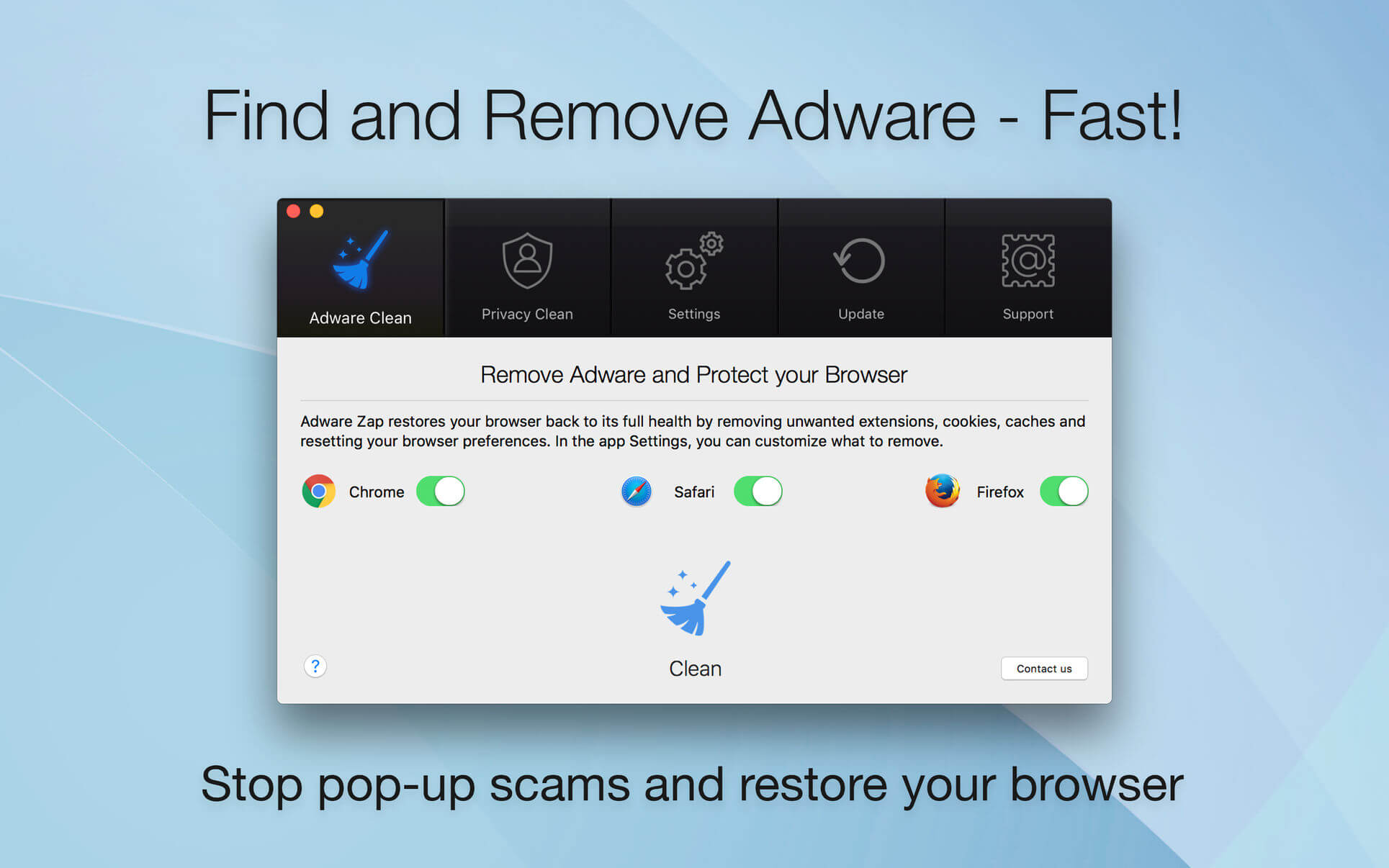
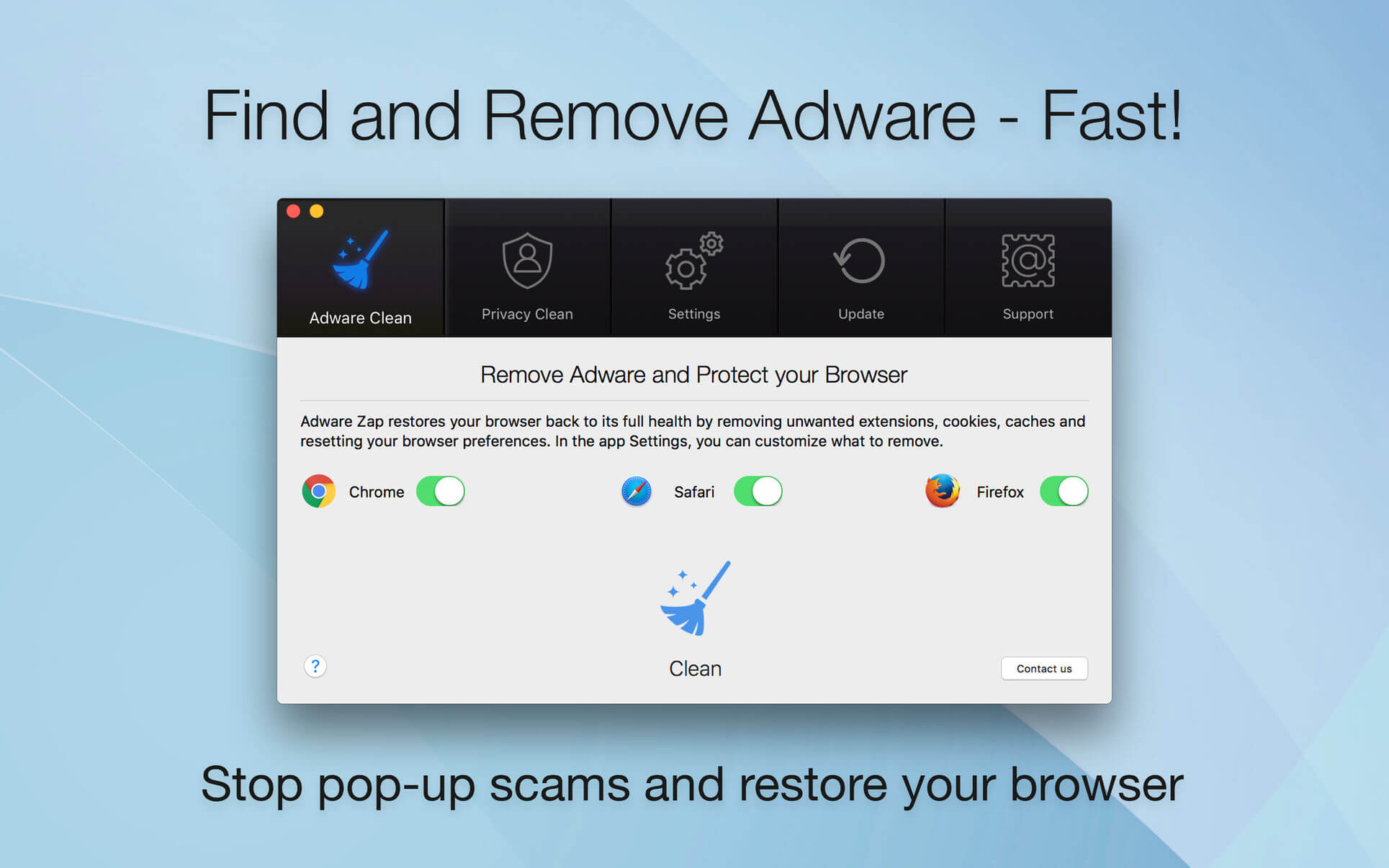
Adware Zap & Privacy Cleaner restores your browser back to its full health by removing unwanted extensions, cookies, caches and resetting your browser preferences. Adware Zap is your choice if:
Browser displays constant pop-up advertisements about dubious products and scams even from respected websites
Your browser is being hijacked and redirected to dubious websites
Your browser is slow and often freezes
You want to protect your privacy by removing sensitive files that were created during your browsing session
Privacy Cleaner function:
remove sensitive files from selected internet browsers such as history, download list, cookies and stored databases.
customise what to remove in the App Settings.
option to run automatic clean up when the browser quits.
To fully restore your browser, all cookies, extensions and caches will be removed. By default, browser bookmarks and internet history are not removed, but in the App Settings you can customise what to remove. To continue to use extensions you previously installed and want to keep, you will need to reinstall them.
Extensions often add useful features to browsers, but there are also many malicious extensions that can display pop-up advertisements, inject banner ads to every website you visit and collect your personal data. These extensions are often installed without the user’s consent by software that was downloaded from the internet.
If new adware is not detected, please contact us directly for one-on-one support and with your help we can update our database to help you and others.
What’s New:
Version 2.7.6.0:
Release notes were unavailable when this listing was updated.
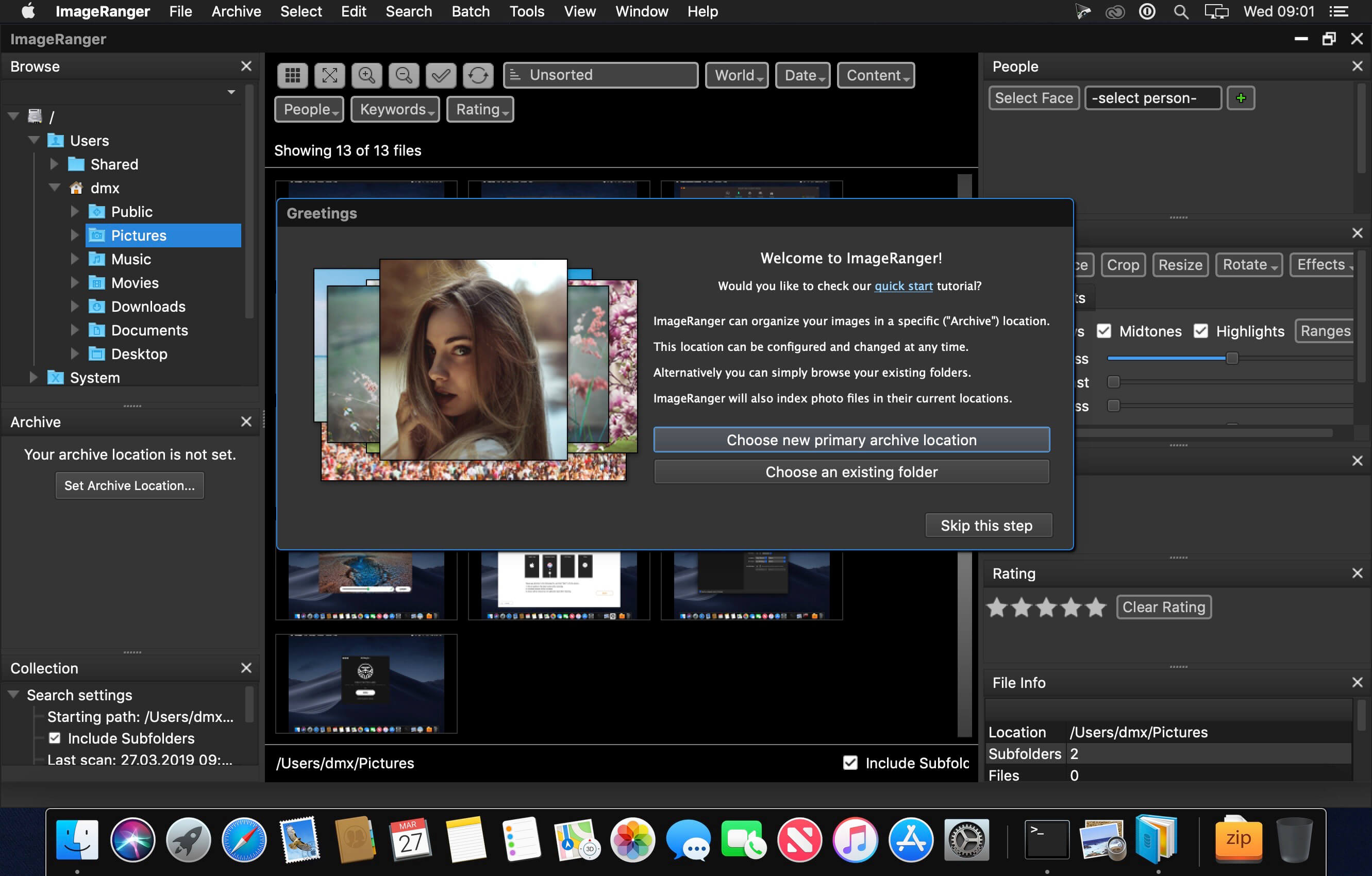
We live in the day in which pictures are a common thing, especially with all phones being equipped with pretty powerful cameras. As such, your computer can end up the storage place of your picture collections, but it can be a hassle to manually handle it. In this regard, ImageRanger comes as an advanced picture finding and organizing tool.
With ImageRanger, auto-enhancements can be applied to multiple images at once. Manual fine-tuning makes it possible to select dark or bright regions of the image and apply various correction settings.
All necessary editing controls (brightness, contrast, sharpness, saturation) are designed in a user friendly interface, with an UNDO function to correct any mishaps as you go.
You can even ask ImageRanger to find and categorize all images of poor quality automatically for your convenience. For advanced users, a powerful batch-processing allows work to be carried out on entire folders while processing only relevant photos.
ImageRanger will index photos on your Mac or storage drives so you can:
Quickly load thousands of images
Find portraits, faces
Sort and filter
Find duplicates and remove copies
Organize in folders by year, location
Crop, resize very quickly
Manually sort collections from multiple folders
Sort out your images from other illustrations, clip arts
Find low quality images and improve image contrast
Perform general photo managment tasks
Print hundreds of photos
What’s New:
Version 1.7.1.1524:
Release notes were unavailable when this listing was updated.
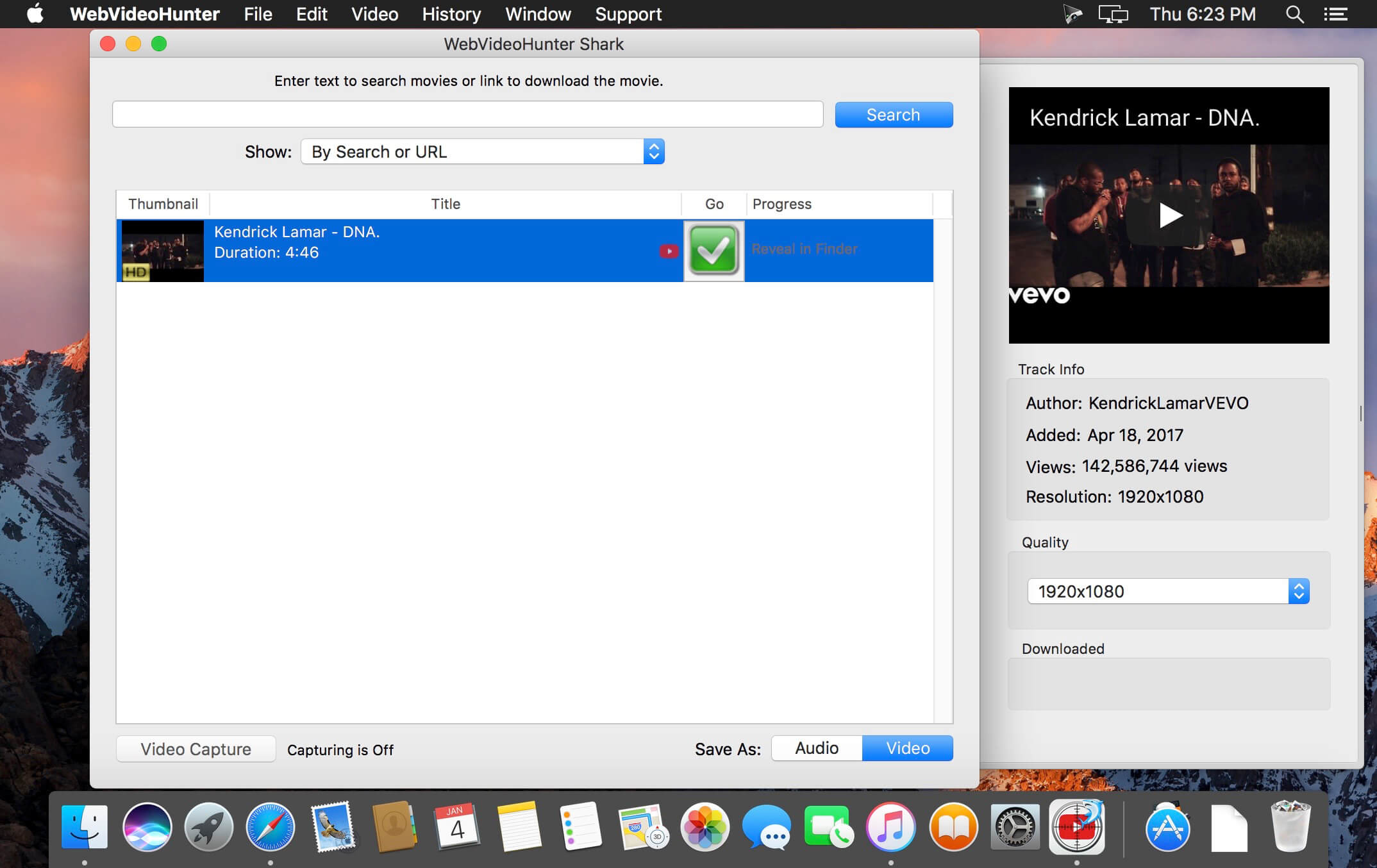
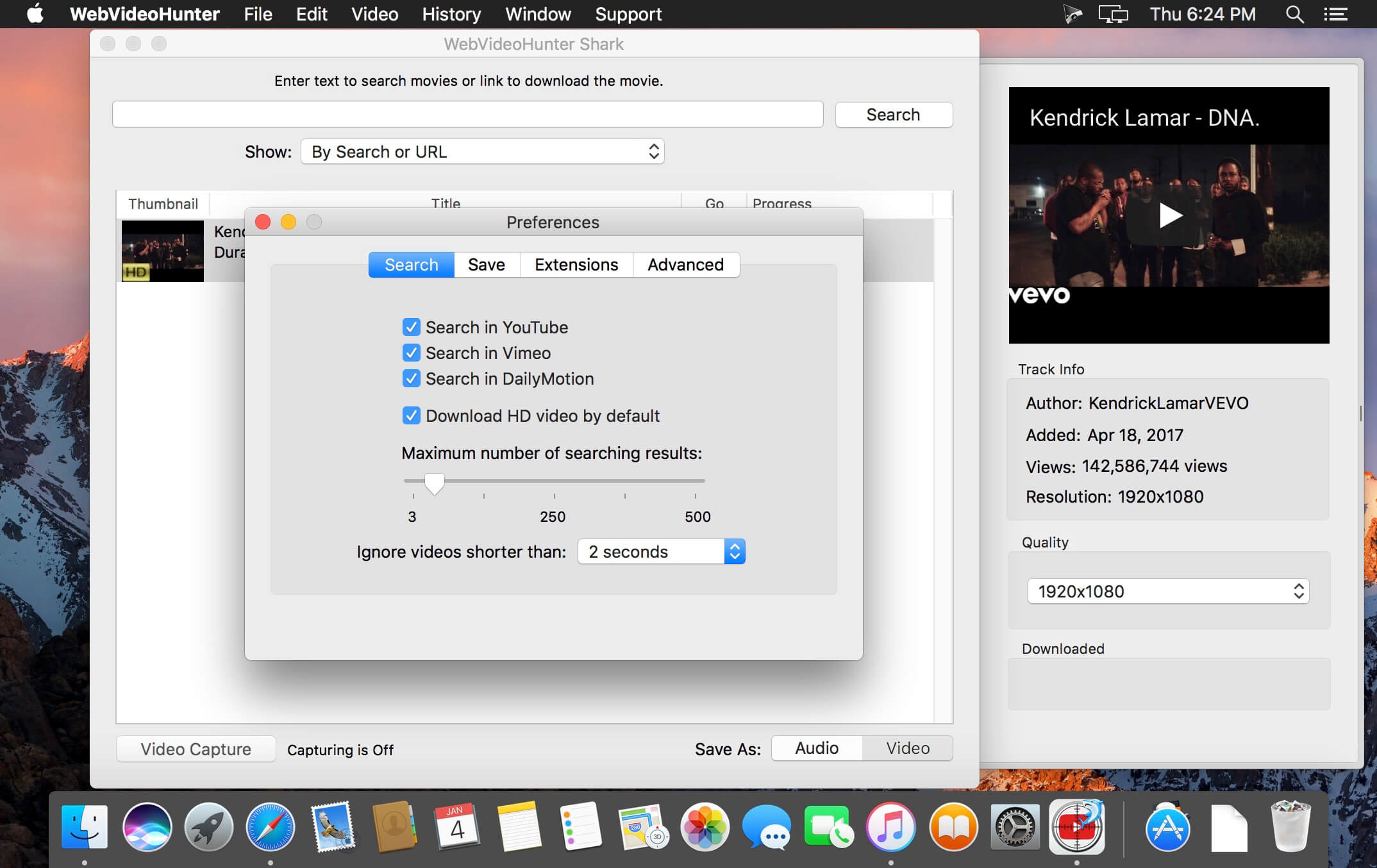
It takes only seconds to find and download videos from YouTube, Vimeo, DailyMotion, VEVO and others. WebVideoHunter downloads videos 15x faster than real time playing and supports simultaneous downloads.
WebVideoHunter keeps subtitles for YouTube and DailyMotion videos.
You don’t need install any additional players or converters. Downloaded videos will be automatically converted to format viewable on your Mac. Or you can can choose appropriate option and YouTube videos will be converted to mp3.
WebVideoHunter saves original names from source web-pages for downloaded videos.
With “Add to iTunes” feature you can immediately copy downloaded videos and music to any of your devices such as iPhone, iPad, iPod, etc.
Special Safari extension for YouTube hides the most of YouTube video advertisings.
Pro Version:
Search and download video from YouTube
Search and download HD video from YouTube
Search and download video from Vimeo and others, including HD video
Convert downloaded video
Convert YouTube video to MP3 • Get video by URL
YouTube to iTunes feature
WebVideoHunter supports English, Italian, Spanish, French, Japanese languages.
What’s New:
Version 6.0.13:
Release notes were unavailable when this listing was updated.
djay Pro provides a complete toolkit for performing DJs. Its unique modern interface is built around a sophisticated integration with iTunes and Spotify, giving you instant access to millions of tracks. Pristine sound quality and a powerful set of features including high-definition waveforms, four decks, audio effects, and hardware integration give you endless creative flexibility to take your sets to new heights.
At the heart of djay Pro is an innovative, modern user interface that provides flexible layers of functionality alongside a powerful music library into a single window interface. It combines djay’s Apple Design Award winning turntable view that renders true record grooves on the virtual vinyl with more advanced modes including horizontal and vertical colored waveforms, live sampler and drum pads, FX racks, as well as a powerful four deck view that allows DJs to play, mix and synchronize up to four tracks simultaneously.
Instant access to over 20 million songs The all-new music library in djay Pro enables you to seamlessly combine Spotify tracks from the cloud along with your local iTunes tracks into a single library. This provides unprecedented flexibility for song selection no matter where your music is located.
Spotify djay Pro is the first professional DJ software that integrates with Spotify, giving you instant access to millions of tracks. Spotify integration in djay includes all of your existing playlists, starred and saved songs, powerful search capabilities, charts, browse, and Match for intelligent song recommendations.
iTunes The music library in djay Pro provides a sophisticated integration with iTunes. You can browse your music library by Playlist, Artist, Album, Genre, Key, History, and more. The powerful inline search allows you to efficiently find tracks and simultaneously browse your library.
Powerful Audio Streaming djay Pro’s cutting-edge audio streaming technology delivers ultra-low latency, advanced effects, on-the-fly analysis (key, BPM, beat grids, colored waveforms), all processed and streamed from the cloud, with no difference to local files.
Match Match, powered by The Echo Nest’s analysis of all the music on Spotify, is an innovative, first-of-its-kind feature which recommends tracks that go well with what you are currently playing. It helps you discover new music that matches your musical taste and style. Powerful tools. Cutting edge technology. Built exclusively for OS X, djay Pro takes full advantage of the desktop’s computing power including 64-bit processing, multi-core track analysis, support for Retina and 5K displays, graphics rendering at 60 frames per second, and pristine sound quality. djay Pro combines rock-solid stability with unrivalled performance, delivering a powerful, dependable solution for performing DJs.
Loops and Cue Points djay Pro offers you a range of advanced DJ tools. Manually set loop in and out points, use Auto-Loop to continuously loop part of a song, or remix live using Bounce-Loop, all in perfect sync with the beat. Multiple Cue Points allow you to set and jump to markers within the waveform.
Recording djay Pro allows you to capture the mixed output in real-time so you can share it with the rest of the world. Recordings are saved as a high-quality WAV file or in compressed format. The built-in recordings panel allows you to preview, save, and export your files to iTunes.
Key Matching djay Pro automatically detects a song’s key and allows to match it to songs of the same key within your music library. It allows you transpose songs into different keys, and sort your entire music library by key, perfect for creating studio quality mixes.
Audio FX A host of professional real-time audio effects are available. Pre-installed Audio FX include: Flanger, Phaser, Echo, Gate, Bit Crusher, Filter (High Pass, Low Pass), as well as six preconfigured instant effects: Absorb, Drift, Sway, Crush, Punch, Twist. Over 30 additional state-of-the-art audio effects by Sugar Bytes are available via In-App Purchase. You can beat-synchronize and chain multiple effect units on up to four decks simultaneously allowing for unprecedented creative expression.
Sampler The all-new built-in sampler adds another layer of creativity that allows you to trigger sounds and create drum beats on top of your music. In addition to the extensive pre-bundled content ranging from “Sound FX” to “Dubstep”, you can sample from your local tracks in real-time to create and save your own sample banks that can be quickly loaded during a performance.
BPM Sync and Beat-Matching The sophisticated beat and tempo detection in djay Pro allows you to instantly synchronize two tracks. Flexible beat grids support dynamic tempo and accurately render precise beat location on top of the waveforms.
Multi-channel USB audio interfaces djay Pro offers native support for USB audio interfaces, allowing you to preview your mix through headphones while delivering pristine sound quality through the main output.
MIDI Control djay Pro integrates seamlessly with existing professional DJ hardware. In addition to supporting over 50 MIDI controllers by Pioneer, Numark, Reloop, and other manufacturers out of the box, djay Pro also includes an advanced MIDI Learn system. It enables you to map each hardware control on your device to individual actions in djay Pro and customize your setup to match your style and performance needs.
The future of B&W photo editing software is not just in providing tools, but more importantly, in providing a proven and dedicated workflow method, based on experience, and expertise, that every serious B&W artist can benefit from. We’ve automated all those elements in B&W Artisan Pro X. With dedication and without limitations. – Joel Tjintjelaar
Intuitive B&W Editing Panel An intuitive B&W editing panel, developed by award-winning photographer and educator Joel Tjintjelaar.
Advanced B&W Processing Without technical knowledge No need to acquire technical knowledge and years of practice in PS. This panel unlocks Joel’s advanced B&W techniques, from his iSGM method, with the single click of a button, sometimes triggering over 100 steps in PS. The artist retains full artistic control as the presets don’t have an ‘artistic effect’, but only cover the technical part of adjustments.
Create Depth & Special Effects *NEW* Easily add 3D depth and presence to buildings, skies, seascapes or any other object using the built-in dynamic gradients. Or add reflections or streaks of clouds to your images using the Special FX menu. With 200 new built-in functions, and with the highly customizable Special FX, anything is possible.
Powerful Local Adjustment features 24 presets – Precise and fast local lightening/darkening, using automatic variable feathering (NEW with X), are enabled by quick, free-form selections with a lasso tool, and then clicking darken/lighten for subtle and seamless adjustments
Advanced Micro Zone Local Adjustments 154 presets – For advanced local contrast/texture adjustments, the Micro-Zone adjustments only affect the tones in the range you’ve selected within the target area using 16 bits advanced custom-built asymmetrical masks and dynamic feathering.
Mask Optimization Feature The panel has an automatic mask optimization feature that will reduce fringing and halos substantially.
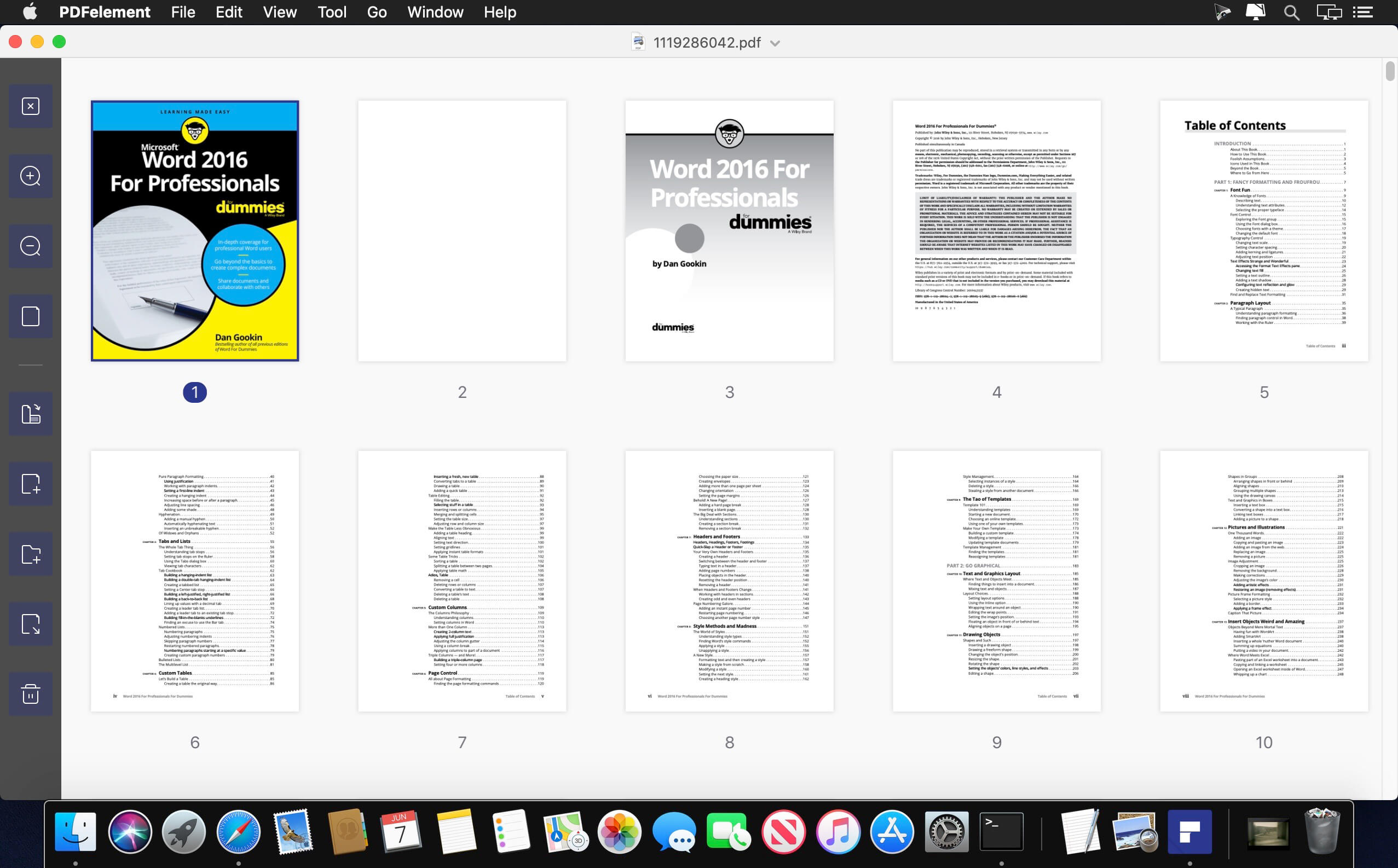
The PDF Experience, Simplified. The easiest way to create, edit, convert and sign PDF documents. Get control over PDFs like never before. The most Powerful and Simple PDF solution that changes the way you work with your important documents forever.
Edit Express yourself both verbally and visually with a full‑featured word processor that helps you easily edit PDF files.
Convert Deliver the richest, most engaging PDF communications. Convert PDFs to office files, retaining layout, formatting, and tables.
Comment Empower your team and collaborate more effectively. Quickly gather feedback from colleagues and customers.
Reliably create and distribute PDF forms. Easily create and distribute forms, combine collected forms for analysis, and export collected data in a spreadsheet.
Protect documents and accelerate information exchange with PDF. Control documents to help secure sensitive information from unintended access and use.
Introducing all-new PDFelement 7:
Reimagined UI. Work easily with an all-new minimalist, yet powerful, user interface.
User Management Console. Get the flexibility to provision, track, and manage licensing across groups and teams.
Highlights:
Create
Edit
Convert
Review
FormsSign
Secure
OCR
What’s New:
Version 7.6.3.3091:
Release notes were unavailable when this listing was updated.
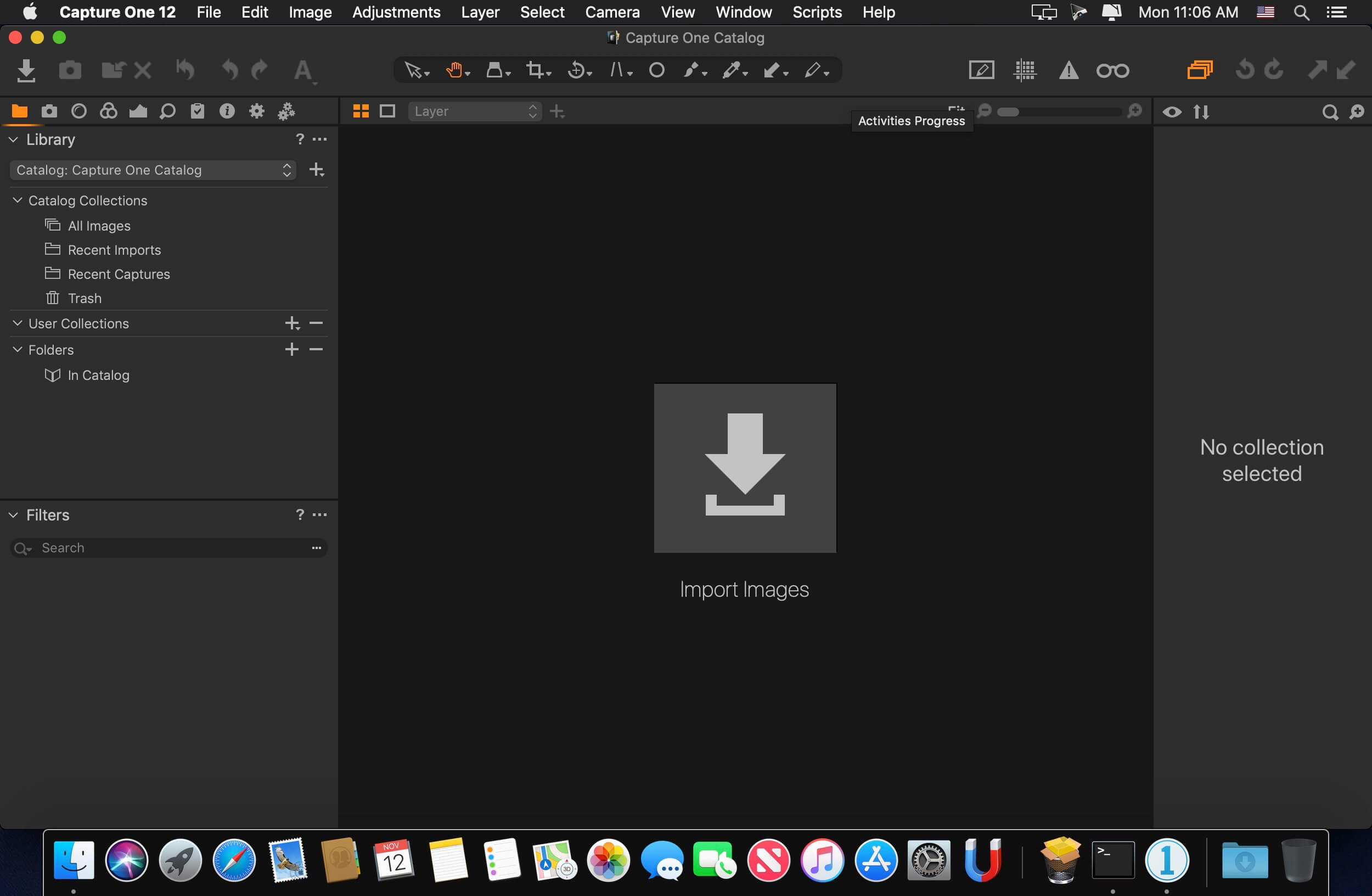
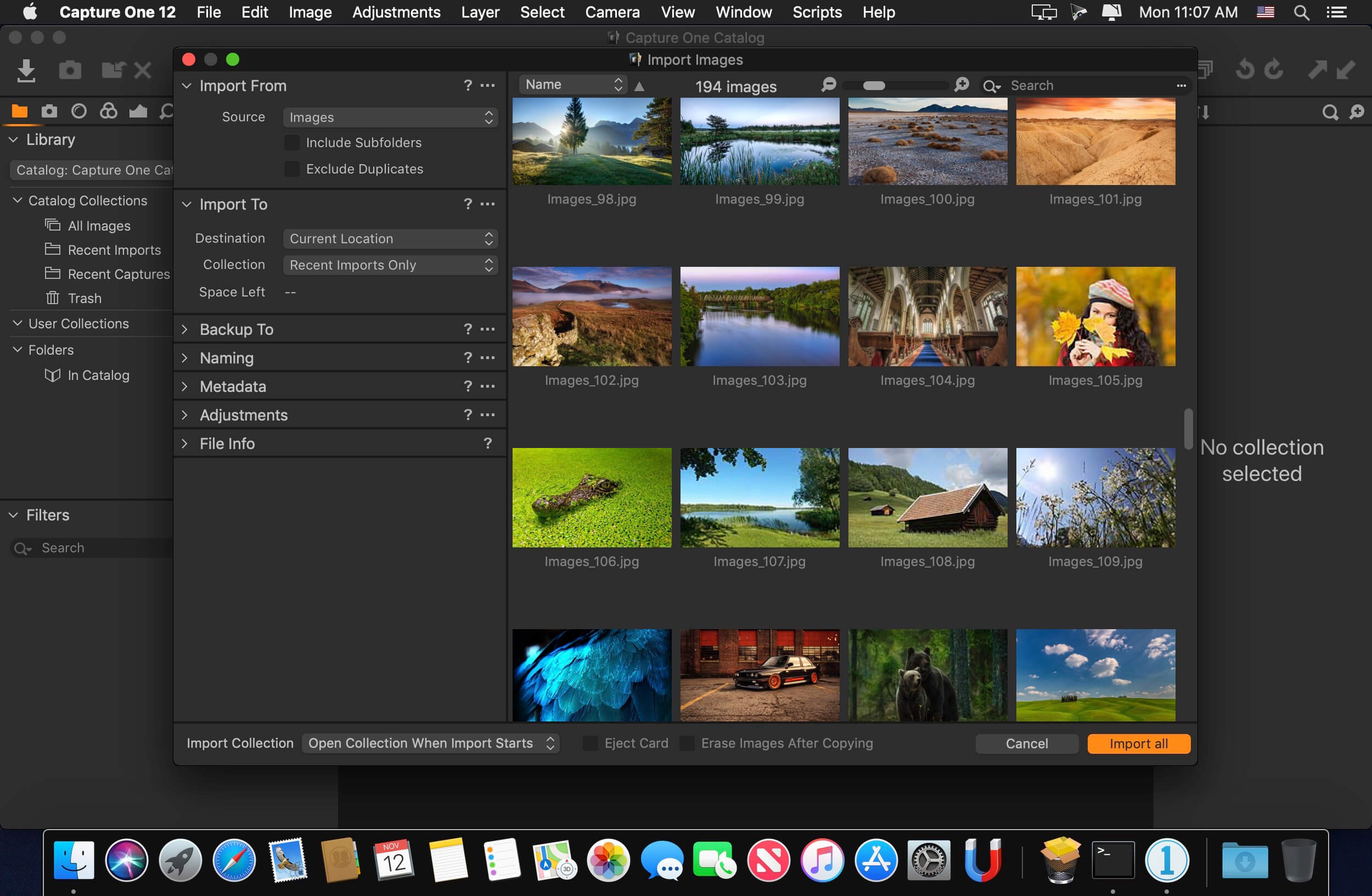
Capture One is a professional RAW converter offering you ultimate image quality with beautiful colors and incredible detail for more than 500 high-end cameras. It offers state- of-the-art tethered capture, powerful digital asset management, extensive adjustment tools and a flexible workflow through customizable workspaces.
With an updated processing engine, market-leading performance and powerful new features, Capture One is the professional choice in imaging software. You get the highly responsive precision tools you need to create stunning images from your camera’s RAW files in a time-saving workflow that can be customized to fit your needs.
New features and improvements
• Scrolling Tools • New Basic Color Editor • Improved Noise Reduction • High Dynamic Range • New Crop Tool • Improved copy/apply of Layers • Improved DNG support • Select Next When
General User Experience Improvements • Adjustment Clipboard improvements • Toolbar text and icons • Masking cursor tools arrangement • Viewer background color • Browser thumbnail resolution • White Balance Picker • Changes to default shortcuts
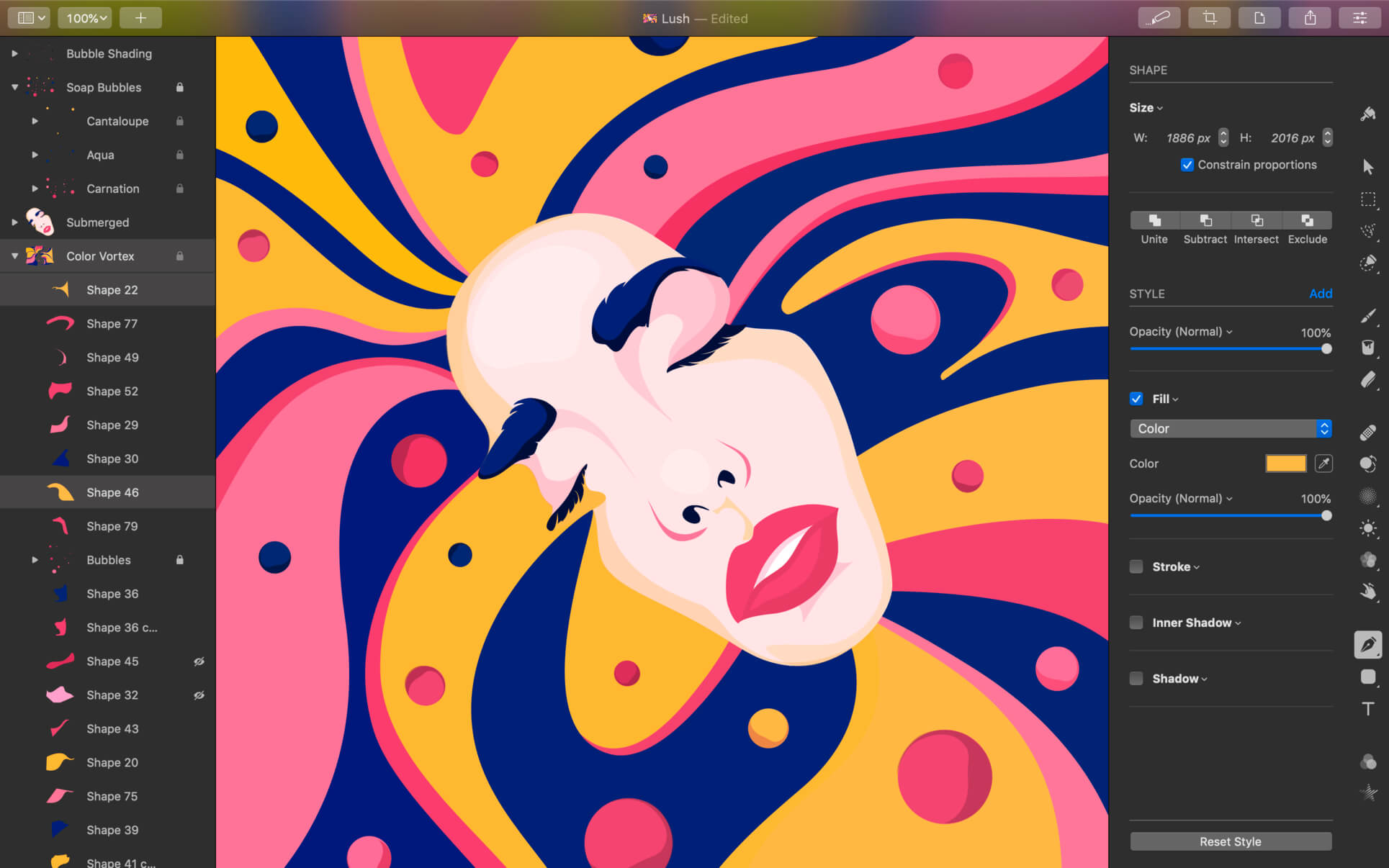
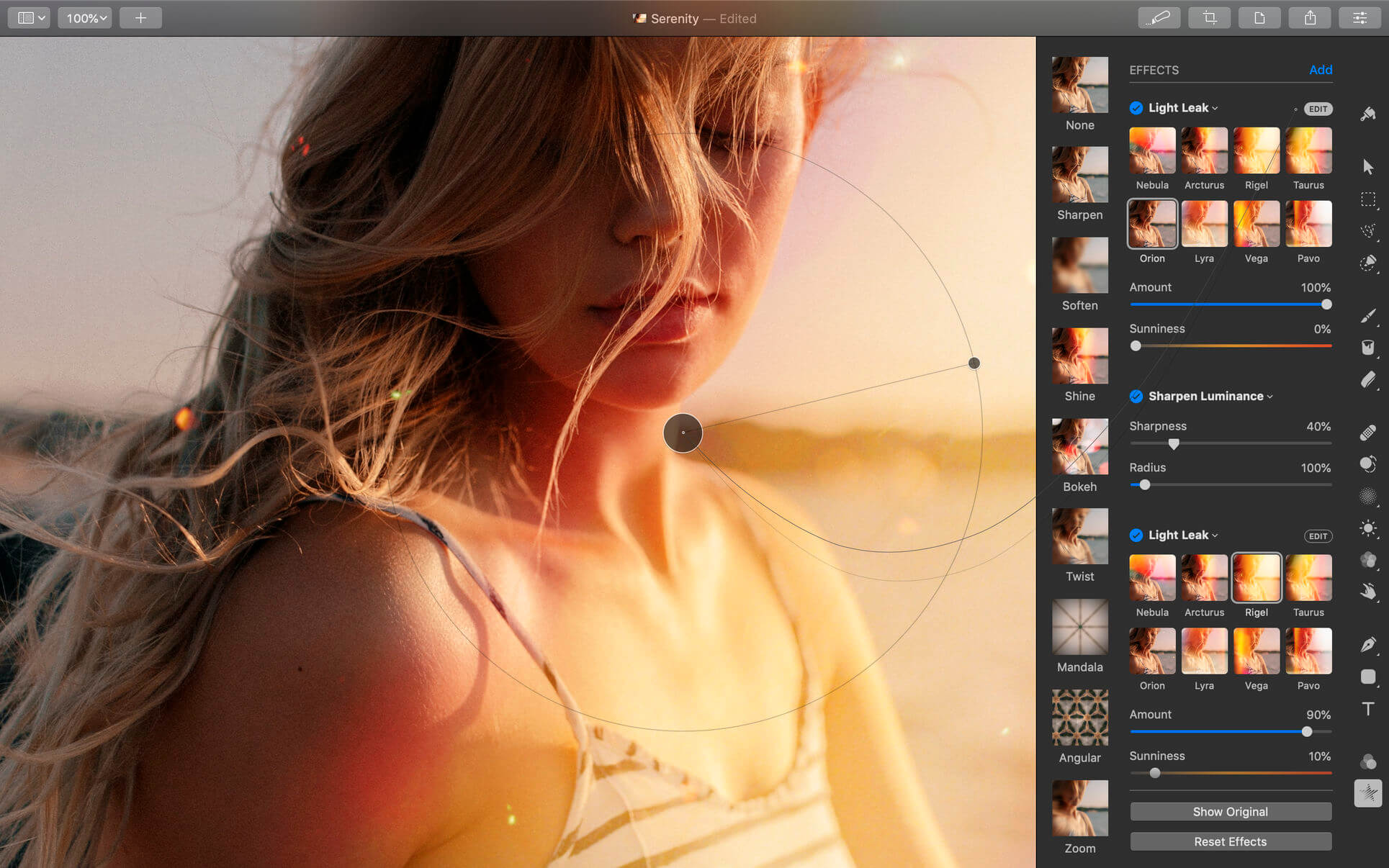
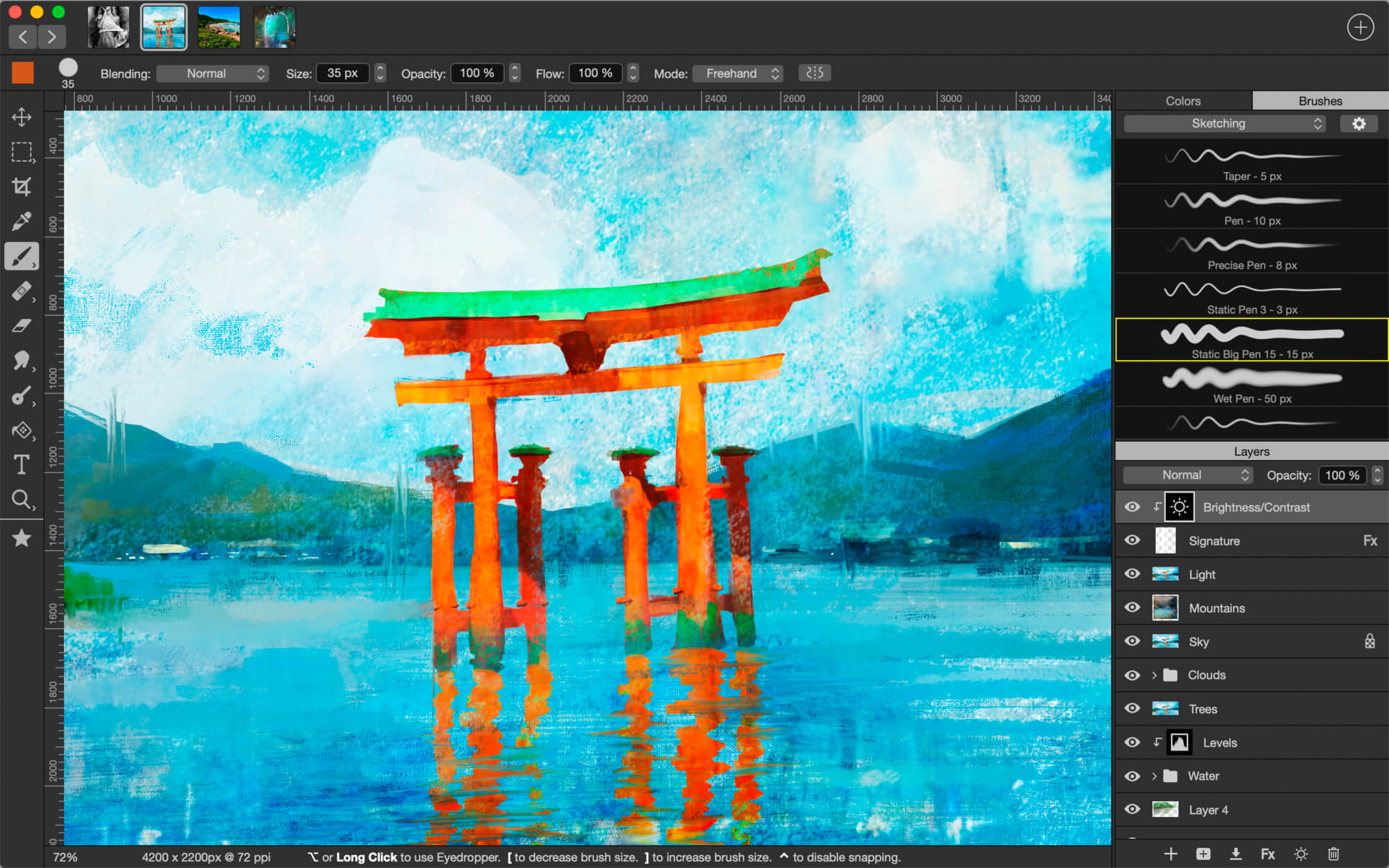
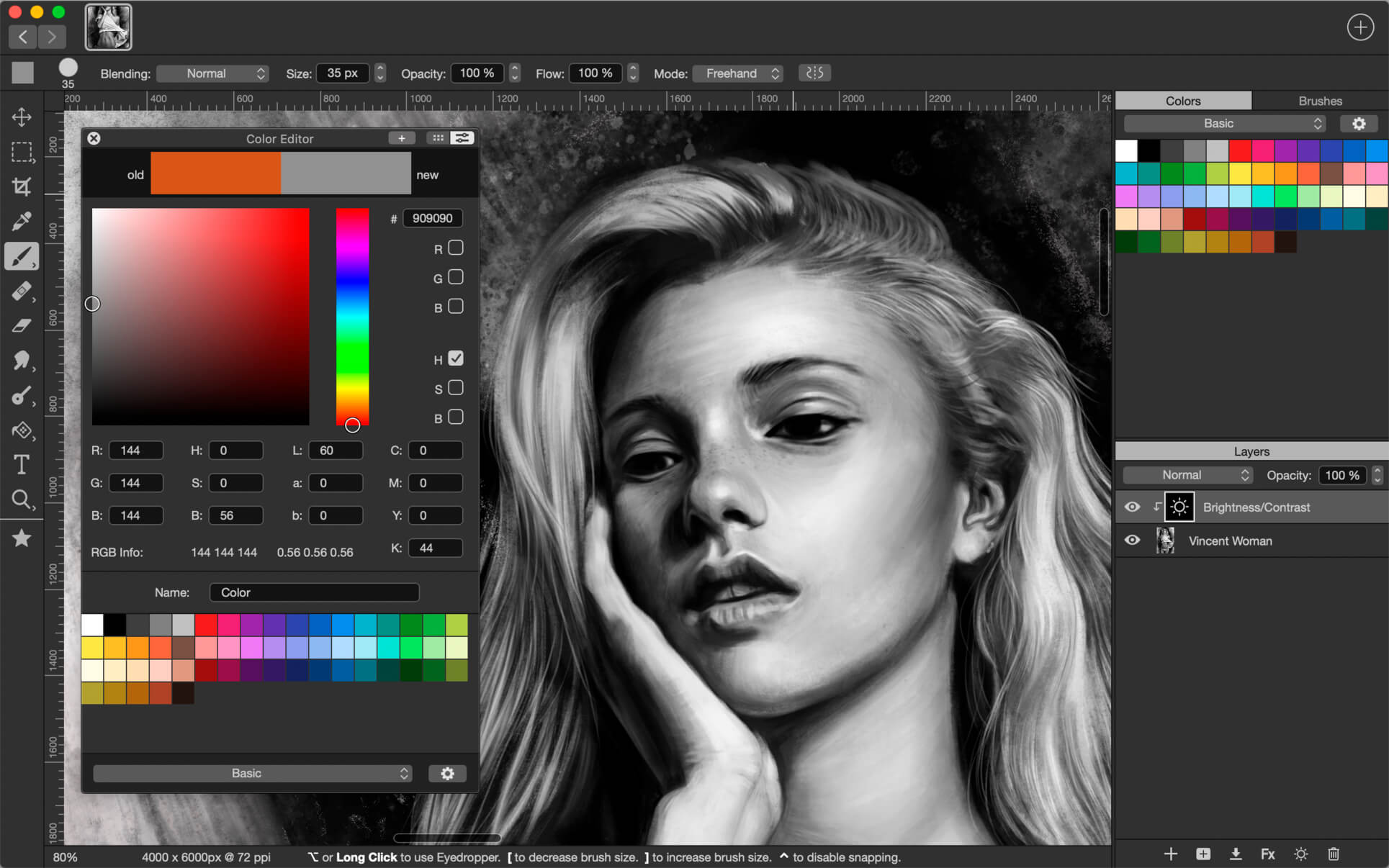
Pixelmator Pro is an incredibly powerful, beautiful, and easy to use image editor designed exclusively for Mac.
With a wide range of professional-grade, nondestructive image editing tools, Pixelmator Pro lets you bring out the best in your photos, create gorgeous compositions and designs, draw, paint, apply stunning effects, design beautiful text, and edit images in just about any way you can imagine. And thanks to its intuitive and accessible design, Pixelmator Pro is delightfully easy to use — whether you’re just starting out with image editing or you’re a seasoned pro.
New Interface
The modern, single-window interface is designed exclusively for working with images on a Mac
An intuitive and accessible design makes it easy for anyone to edit images — from complete beginners to design professionals
Professional Tools
Enhance your existing images and create new ones using every image editing tool you could ever need
Edit nondestructively, adjusting individual changes whenever you like
Easily move, resize, and arrange objects to create stunning compositions
Adjust the colors in images with a collection of nondestructive color adjustments
Enjoy superior support for RAW files, editing RAW images right inside Pixelmator Pro without having to preprocess them
Create digital or traditional paintings using a collection of handcrafted, fully-customizable, dual-texture brushes with full support for digital graphics tablets
Combine the built-in effects in Pixelmator Pro to create any artistic or special effects you can imagine
Nondestructively customize the look of layers in your image using layer styles
Save the adjustment, effect, and layer style combinations your create, use them in any of your images, and share them with others
Magically remove small imperfections or entire objects, seamlessly clone parts of your photos, lighten or darken precise areas, and more using a full set of retouching tools
Use the reshaping tools to easily change the shape of any object or area in your images, create striking artistic effects or make subtle changes to portrait photos
Pick out and edit precise parts of your images or copy objects from one image to another using a range of pixel-accurate selection tools
Add high-quality, customizable vector graphics designed by the Pixelmator Team
Create your own vector graphics using the Pen and Freeform Pen tools
Easily design great-looking text with a full set of typography tools
Image Editing Enhanced by Machine Learning
Automatically give descriptive names to the layers you add
Intelligently straighten images using horizon detection
Magically remove objects, recreating image areas with stunning realism
Quickly make accurate selections with ease
Compatibility
Open and edit images in all the most popular image formats, including JPEG, TIFF, PNG, PSD, PDF, GIF, BMP, TGA, JPG-2000
Open and edit Photoshop images with layers
Import HEIF images
Launch Pixelmator Pro directly from the Photos app and save edits back to the original image in your library
Share your images to the Photos app, Twitter, Facebook, Flickr, and other locations right from Pixelmator Pro
Built Exclusively for Mac Designed exclusively for macOS, Pixelmator Pro supports almost every major macOS feature and integrates seamlessly with macOS High Sierra. Simply put, it’s the ultimate Mac app. With a design that is totally and completely Mac, Pixelmator Pro feels instantly familiar from the moment you first launch the app.
Minimum System Requirements Pixelmator Pro requires a Mac compatible with Metal 2 running macOS 10.13 High Sierra.
What’s New:
Version 1.6.3
Pixelmator Pro 1.6.3 adds a few smaller improvements and fixes.
• Layers created using the Copy and Paste as Layer or Cut and Paste as Layer commands will now have the same opacity and blending settings as the original layers. • The default images for the Image and Pattern fill effects have been updated. • Performance when making complex selection paths has been improved. • Text layers in Pixelmator Pro documents created with versions prior to 1.6 would have incorrect sizes. Fixed. • The appearance of the marching ants (which indicate an active selection) would sometimes be incorrect. Fixed. • When exporting to PSD, horizontal and vertical line shapes will now be saved as such. • Documents with empty layer names would not be correctly exported to PSD format. Fixed. • Transforming group layers containing completely empty layers would cause Pixelmator Pro to stop responding. Fixed.
Languages: English, French, German, Italian, Japanese, Korean, Portuguese, Russian, Simplified Chinese, Spanish, Traditional Chinese
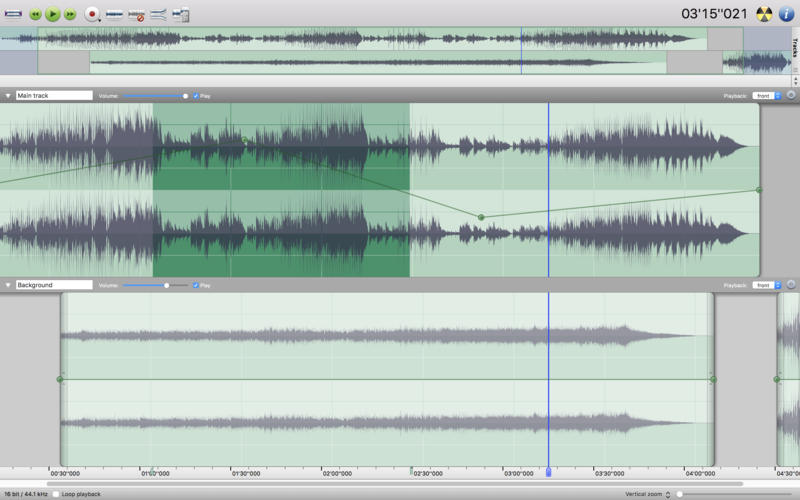
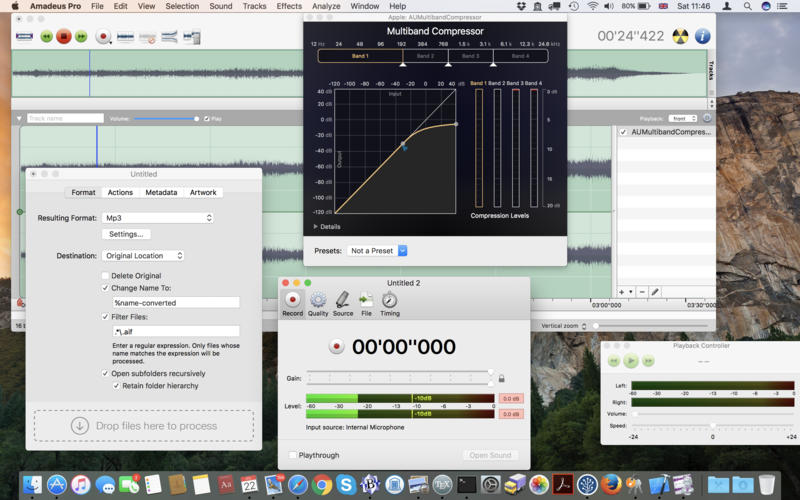
Amadeus Pro lets you use your Mac computer for any audio-related task, such as live audio recording, digitizing tapes and records, converting between a variety of sound formats, etc. Thanks to its outstanding direct-to-disk abilities and waveform caching, edits on arbitrarily large sounds (even beyond the usual 2GB limit) are performed at lightning speed. The handling of large sounds is furthermore facilitated by the extensive support of markers. Its outstanding sound repairing and denoising abilities make Amadeus Pro particularly suitable for transferring vinyl records on CD.
Features
Simple and elegant OS X-like user interface
Multitrack editing an recording.
Batch processing and conversion.
Sound denoising and repairing.
Supports a variety of sound formats, including AIFF, Multichannel Wave, MP3, MP4, Ogg Vorbis, FLAC, SoundDesigner II, QuickTime, Apple CAF, etc.
Support for VST and Audio Unit plug-ins.
A “favourite actions” palette allows to have your most commonly used effects only a mouse click away.
A wide range of powerful audio analysis tools.
Audio CDs with CD-TEXT data can be burned directly from within Amadeus Pro.
What’s New:
Version 2.8.3 (2469)
Release notes were unavailable when this listing was updated.
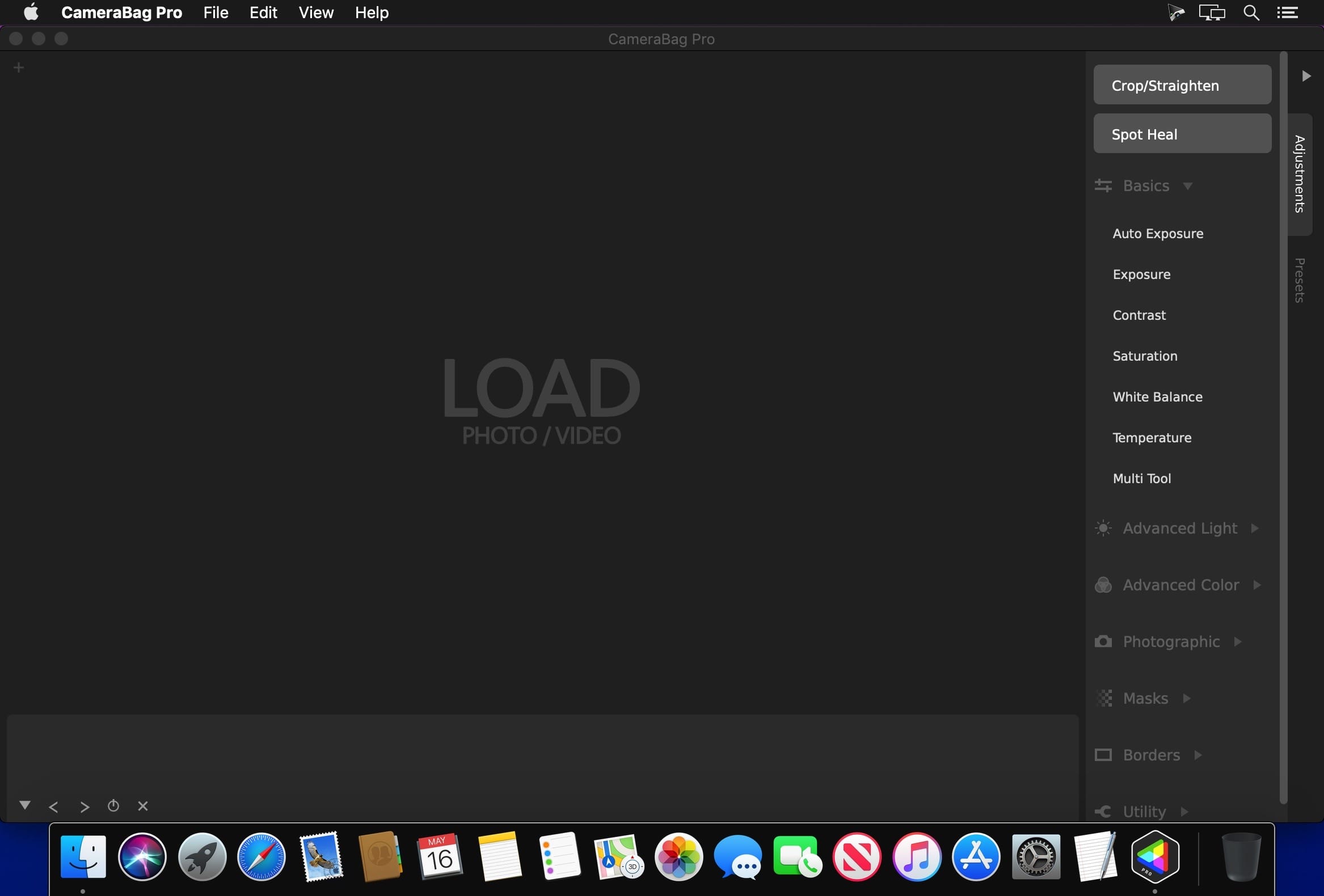
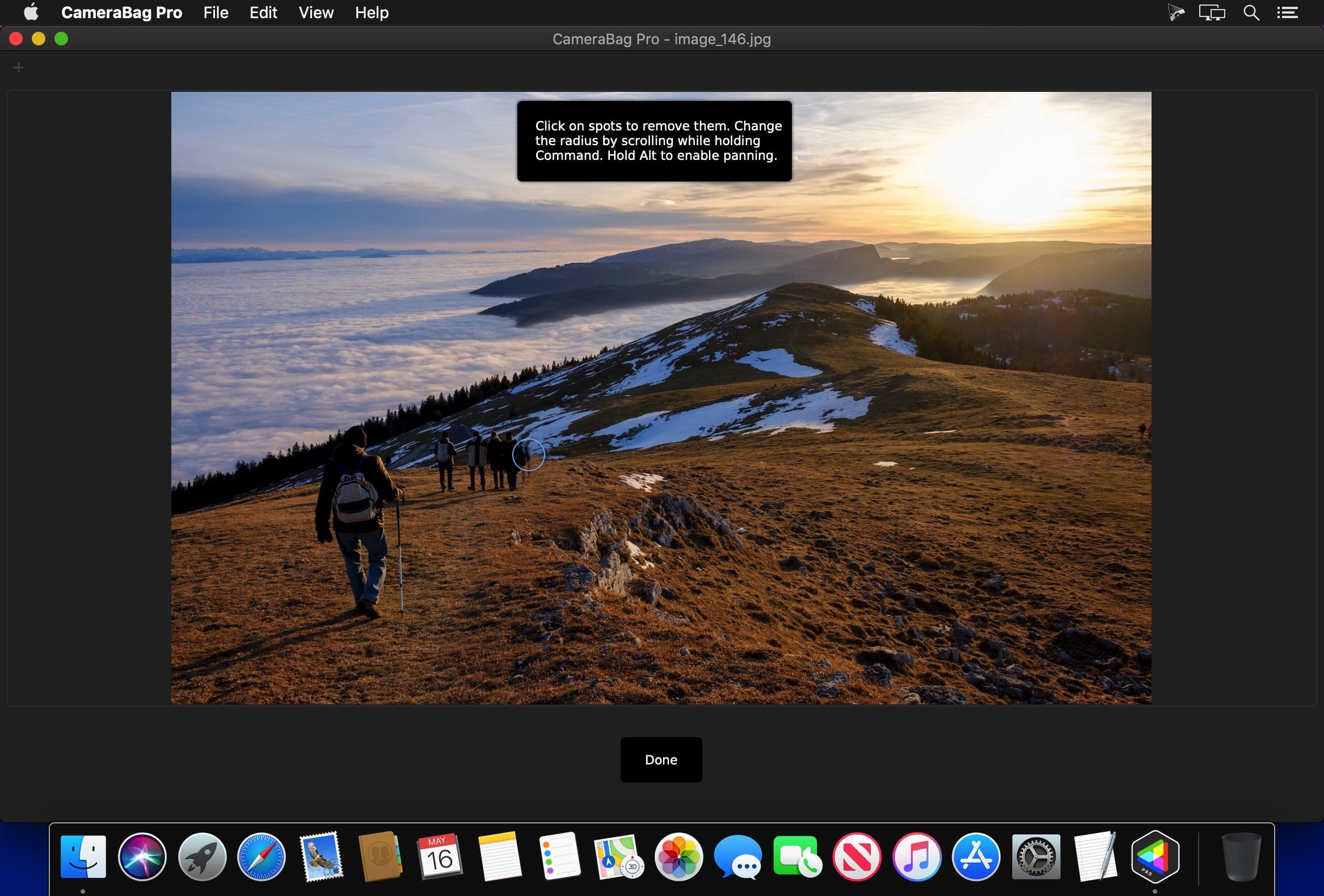
The best kept secret in photography (and videography) just got a whole lot better! CameraBag lets you instantly apply one of hundreds of beautiful presets to your photos and videos, and then dive deeper with ultra-intuitive professional adjustments and custom presets. CameraBag’s focus on intuitive tools and workflows isn’t about dumbing down image editing, it’s about making it work better.
With presets specifically designed for portraits, different landscape scenarios, faithful emulation of analog film stock from the past, popular modern photo styles, and more, CameraBag has you covered, even if you don’t yet know how to use all of its powerful tools.
CameraBag Pro is particularly great for anyone who needs to apply the same style to both photos and videos – especially with batch processing for large sets of media (including watermarks/branding, resizing, and cropping).
For those with professional needs, what really sets CameraBag apart from other photo editors is just how intuitive and powerful its advanced tools are.
Unique curve tools, adjustment re-ordering and layering, and large precise controls let you do things you simply can’t do in other popular software. Following are some ways CameraBag is perfect for specific groups of users.
Wedding Photography
Easy batch filtering and watermarking
Use the exact same adjustments and filters on videos and photos
Quick comparison tools for large sets of photos
Tons of useful presets for wedding photography
*** CameraBag Pro includes all the same great features as CameraBag Photo, but also works on videos and includes LUT file support! ***
What’s New:
Version 2020.10:
Release notes were unavailable when this listing was updated.
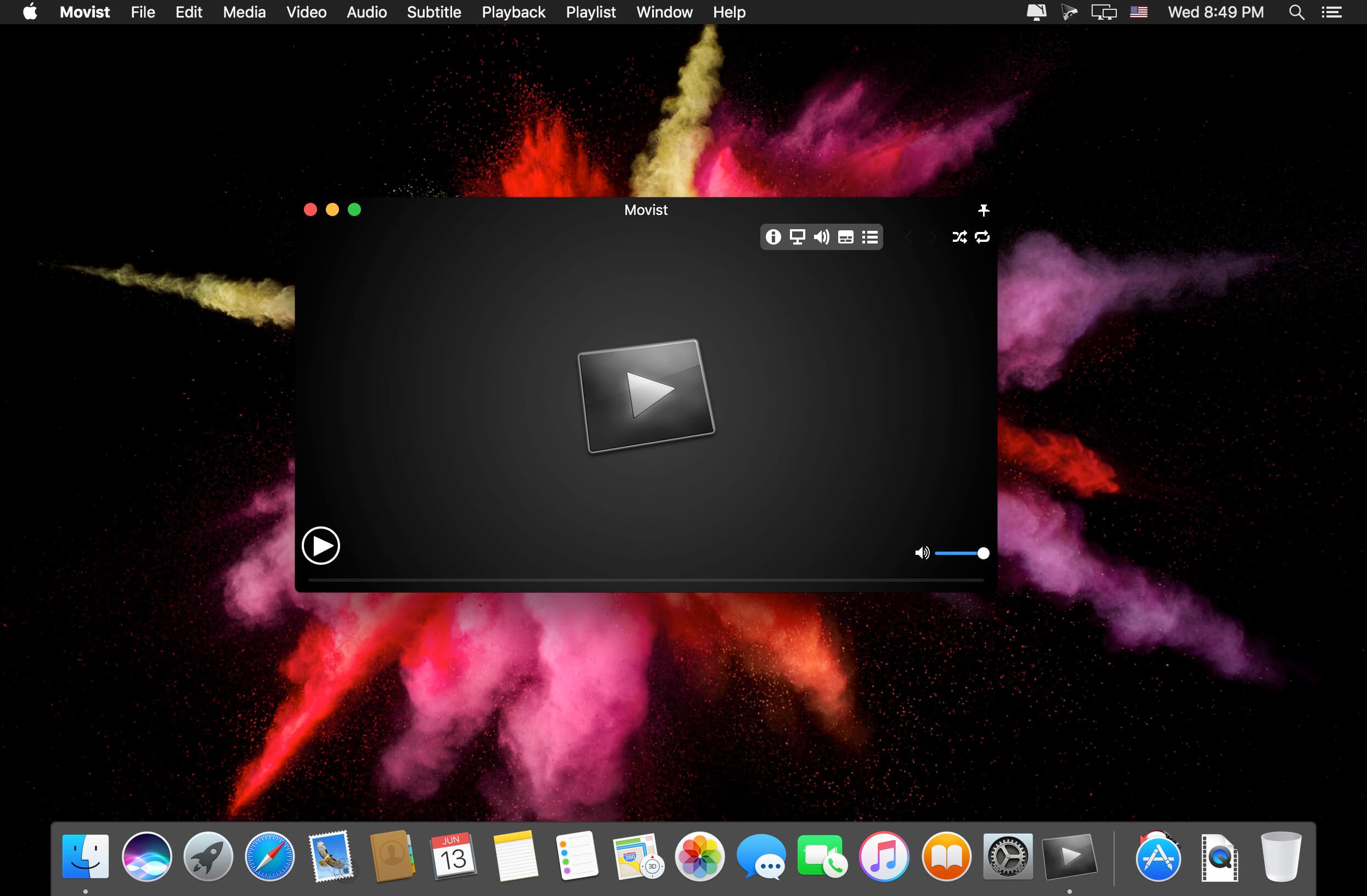
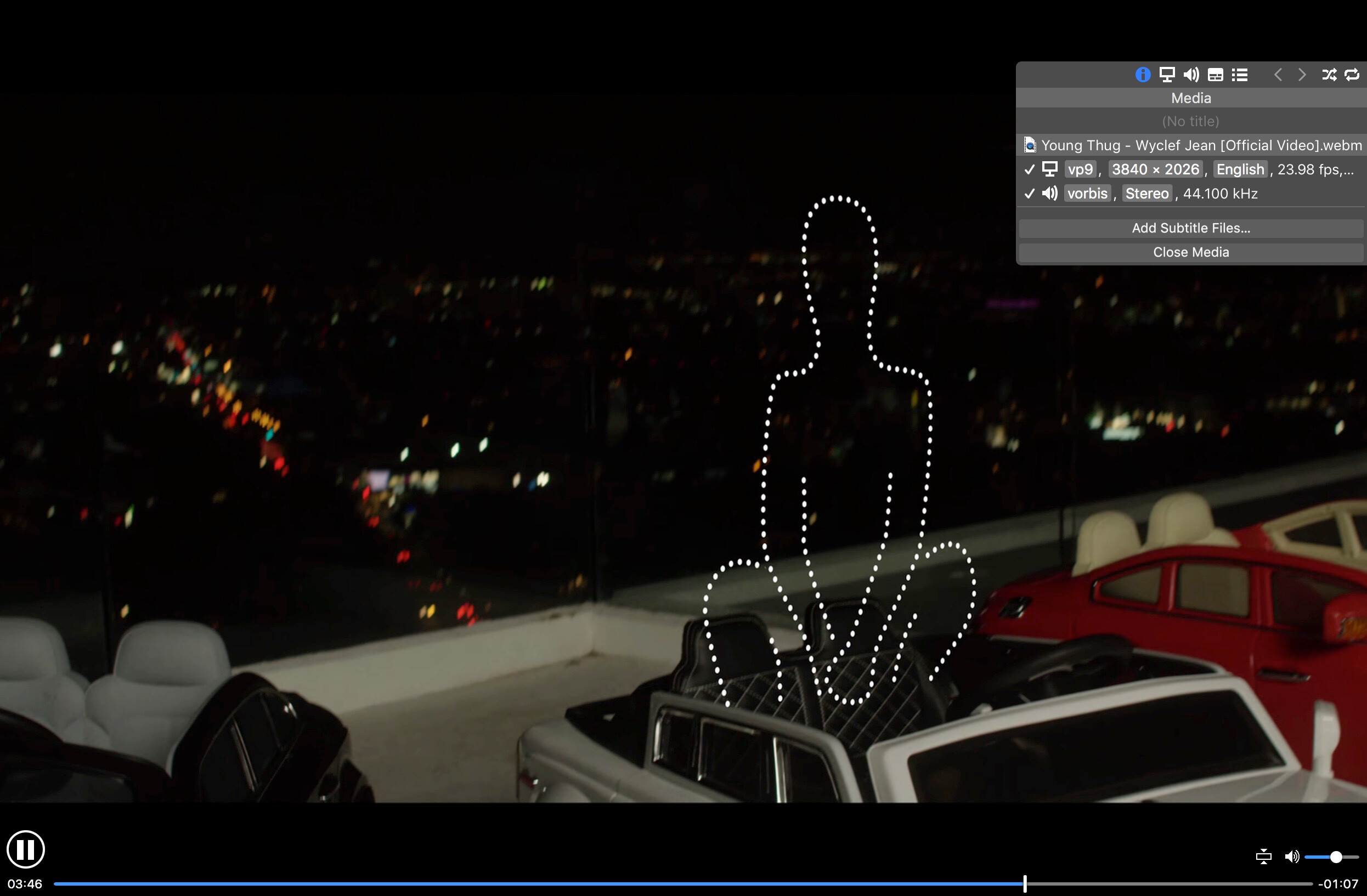
Movist is an easy-to-use and powerful movie player. You can choose QuickTime or FFmpeg as decoder for each video codec and reopen with other decoder instantly. Movist supports many useful features to enjoy movies including H.264 video decode acceleration, digital audio out (S/PDIF), high quality subtitles, full screen navigation, convenient & beautiful user interface and so on.
Just Enjoy Movies with Movist. • Single Window Mode or Multiple Document Mode. • Various Window Resizing Center & Style. • Traditional or Lion-style Full Screen. • Desktop Background Display. • App Sandbox supported. • Retina Display supported. • Full customizable Themes. *1
• Many File Format supported. *2 • Many Video & Audio Codecs supported. *3 • Codec-to-Decoder Binding. • H.264 Video Decode Acceleration. *4 • Many Core Image Filters supported. • Video Rotation & Flip. • Deinterlace (FFmpeg Only). • Under-Scan for TV out.
• Digital Audio Out (S/PDIF) (FFmpeg Only). • System Volume Change. • A/V Sync Adjustment. • Audio Equalizer supported (FFmpeg Only).
• High Quality Subtitle. • Many Subtitle Format supported. *5 • Embedded Subtitles in .mkv and .mp4 supported. • Compressed Subtitles in .zip & .rar supported. • 3D Subtitle supported. • Subtitle Display on Letter Box. • 3-Subtitles Concurrent Display. • Fully Customizable Subtitle Display. *6 • Language-to-Subtitle Binding. • Subtitle Text Encoding auto-detection. • Subtitle Sync Adjustment. • Subtitle Pre-rendering.
• Similar Named Movie Series auto-detection. • Playlist Shuffle. • Playlist Repeat Mode & End-Job(Sleep, Logout, Shutdown, …). • Playlist Load & Save. • Various Playlist settings. • 3-Level Seeking Intervals. • Playback Speed Adjustment. • Apple Remote supported. • Media Key supported. • Full Screen Navigation. • Screenshot Capture.
The main features of Pro version are as follows.
Safari, Chrome Browser Extension
Supports Web Meida such as YouTube, Ted and so on
Picture in Picture
Open URL
Default Application Settings
No Access Folder Permissions Required
Supports Networm Server such as FTP, SFTP, WebDAV and SMB (to be added)
Supports Media Keys (to be added)
Supports AirPlay (to be added)
What’s New:
Version 2.2.17:
Resolved an issue where license verification fails
Fixed a crash bug in macOS 10.10 and 10.11
Compatibility: OS X 10.10 or later, 64-bit processor Language: English Homepagehttps://movistprime.com/
Top Contacts – an advanced contact manager that adds powerful CRM features to the familiar list of contacts. You no longer need to synchronize across multiple apps. Log all relevant information, events, tasks and files for each contact direct in the app. With built-in calendar and to-do list you can plan and track all activities of your contact list while all your valuable data is synced across devices via iCloud.
Top Contacts boosts your productivity by keeping you in sync with the right people at the right time. Get it now and say hello to a seamless contact management!
Work smarter, quicker and more efficiently:
Use groups, tags, and color markers for easy access and navigation
Set up customizable filters to get to the information you need
Sort by any field to organize your contact list in your way
Modify contact fields right in the table without opening the contact card
Get quick access to contacts you recently interacted with
Search contacts with options: case sensitive search, search in fields
Link contacts to each other and track relationships
Customize contact card:
Add custom or predefined fields, delete unnecessary ones
Organize fields by sections to structure information
Rearrange fields to access information promptly
Specify different sets of fields for different contact groups
Each field knows what type of information it stores that simplifies the data entry, makes it convenient to use and reduces the number of mistakes
Supported field types: Text, Number, Date, Time, Price, Checkbox, Combobox, Phone, Email, URL
Calendar and To-Do:
General calendar and To-Do list for all contacts
Separate calendar and To-Do list for each contact
Two calendar views
Reminders for important events or follow ups
•upport for recurring events in calendar
Ability to assign tasks and events to one or more contacts
Built-in search for calendar events
Manage files:
Attach documents and other files to your contacts
Preview attached documents directly in the app
Share attached documents and files
Sync across devices:
Sync securely across devices with iCloud
No third-party services are used for sync, all your data is stored only on your devices and your iCloud account
The app version for iPhone and iPad is also available*
Advanced filters:
Set up customizable filters to get to the information you need
Configure filters with multiple conditions
Save filter templates to apply filters in one click
Import, Export, Share:
Import contacts from the Contacts app or from CSV, XLSX files
Export contacts to PDF, CSV, XLSX files
Share contacts and documents via email, messages or just open in other apps
Extra:
Password protection
Detailed user manual on our website
The Pro version benefits:
Sync the information across devices via iCloud
Export contacts to PDF, CSV and XLSX files
No banners, no ads
* Sync with iOS devices requires Top Contacts for iOS, sold separately.
What’s New:
Version 1.3.3
Added labels with names of assigned contacts to events and tasks in the general calendar and to-do list
Fixed displaying of phone numbers for United Kingdom
Adware Zap & Privacy Cleaner restores your browser back to its full health by removing unwanted extensions, cookies, caches and resetting your browser preferences. Adware Zap is your choice if:
Browser displays constant pop-up advertisements about dubious products and scams even from respected websites
Your browser is being hijacked and redirected to dubious websites
Your browser is slow and often freezes
You want to protect your privacy by removing sensitive files that were created during your browsing session
Privacy Cleaner function:
remove sensitive files from selected internet browsers such as history, download list, cookies and stored databases.
customise what to remove in the App Settings.
option to run automatic clean up when the browser quits.
To fully restore your browser, all cookies, extensions and caches will be removed. By default, browser bookmarks and internet history are not removed, but in the App Settings you can customise what to remove. To continue to use extensions you previously installed and want to keep, you will need to reinstall them.
Extensions often add useful features to browsers, but there are also many malicious extensions that can display pop-up advertisements, inject banner ads to every website you visit and collect your personal data. These extensions are often installed without the user’s consent by software that was downloaded from the internet.
If new adware is not detected, please contact us directly for one-on-one support and with your help we can update our database to help you and others.
What’s New:
Version 2.7.4.0:
Release notes were unavailable when this listing was updated.
Amadeus Pro lets you use your Mac computer for any audio-related task, such as live audio recording, digitizing tapes and records, converting between a variety of sound formats, etc. Thanks to its outstanding direct-to-disk abilities and waveform caching, edits on arbitrarily large sounds (even beyond the usual 2GB limit) are performed at lightning speed. The handling of large sounds is furthermore facilitated by the extensive support of markers. Its outstanding sound repairing and denoising abilities make Amadeus Pro particularly suitable for transferring vinyl records on CD.
Features
Simple and elegant OS X-like user interface
Multitrack editing an recording.
Batch processing and conversion.
Sound denoising and repairing.
Supports a variety of sound formats, including AIFF, Multichannel Wave, MP3, MP4, Ogg Vorbis, FLAC, SoundDesigner II, QuickTime, Apple CAF, etc.
Support for VST and Audio Unit plug-ins.
A “favourite actions” palette allows to have your most commonly used effects only a mouse click away.
A wide range of powerful audio analysis tools.
Audio CDs with CD-TEXT data can be burned directly from within Amadeus Pro.
What’s New:
Version 2.8.3
Release notes were unavailable when this listing was updated.
4K Stogram is an Instagram downloader which allows you to download and backup Instagram photos and videos, even from private accounts. Download Instagram photos by hashtags or favorite locations!
Features:
Grab photos of few account simultaneously and save it in JPEG on your desktop.
Follow your favourite photographers and get their latest photos automatically.
Download Instagram Stories as video or image files.
Login with your Instagram credentials and download photos of private friends accounts.
Access to your viewer directly from the application.
Download Instagram video in MP4 format.
Enjoy the minimalistic interface of application.
What’s New:
Version 3.0.0:
Release notes were unavailable when this listing was updated.
The PDF Experience, Simplified. The easiest way to create, edit, convert and sign PDF documents. Get control over PDFs like never before. The most Powerful and Simple PDF solution that changes the way you work with your important documents forever.
Edit Express yourself both verbally and visually with a full‑featured word processor that helps you easily edit PDF files.
Convert Deliver the richest, most engaging PDF communications. Convert PDFs to office files, retaining layout, formatting, and tables.
Comment Empower your team and collaborate more effectively. Quickly gather feedback from colleagues and customers.
Reliably create and distribute PDF forms. Easily create and distribute forms, combine collected forms for analysis, and export collected data in a spreadsheet.
Protect documents and accelerate information exchange with PDF. Control documents to help secure sensitive information from unintended access and use.
Introducing all-new PDFelement 7:
Reimagined UI. Work easily with an all-new minimalist, yet powerful, user interface.
User Management Console. Get the flexibility to provision, track, and manage licensing across groups and teams.
Highlights:
Create
Edit
Convert
Review
FormsSign
Secure
OCR
What’s New:
Version 7.6.2.3086:
Release notes were unavailable when this listing was updated.
Amadeus Pro lets you use your Mac computer for any audio-related task, such as live audio recording, digitizing tapes and records, converting between a variety of sound formats, etc. Thanks to its outstanding direct-to-disk abilities and waveform caching, edits on arbitrarily large sounds (even beyond the usual 2GB limit) are performed at lightning speed. The handling of large sounds is furthermore facilitated by the extensive support of markers. Its outstanding sound repairing and denoising abilities make Amadeus Pro particularly suitable for transferring vinyl records on CD.
Features
Simple and elegant OS X-like user interface
Multitrack editing an recording.
Batch processing and conversion.
Sound denoising and repairing.
Supports a variety of sound formats, including AIFF, Multichannel Wave, MP3, MP4, Ogg Vorbis, FLAC, SoundDesigner II, QuickTime, Apple CAF, etc.
Support for VST and Audio Unit plug-ins.
A “favourite actions” palette allows to have your most commonly used effects only a mouse click away.
A wide range of powerful audio analysis tools.
Audio CDs with CD-TEXT data can be burned directly from within Amadeus Pro.
What’s New:
Version 2.8.2.2457
Release notes were unavailable when this listing was updated.
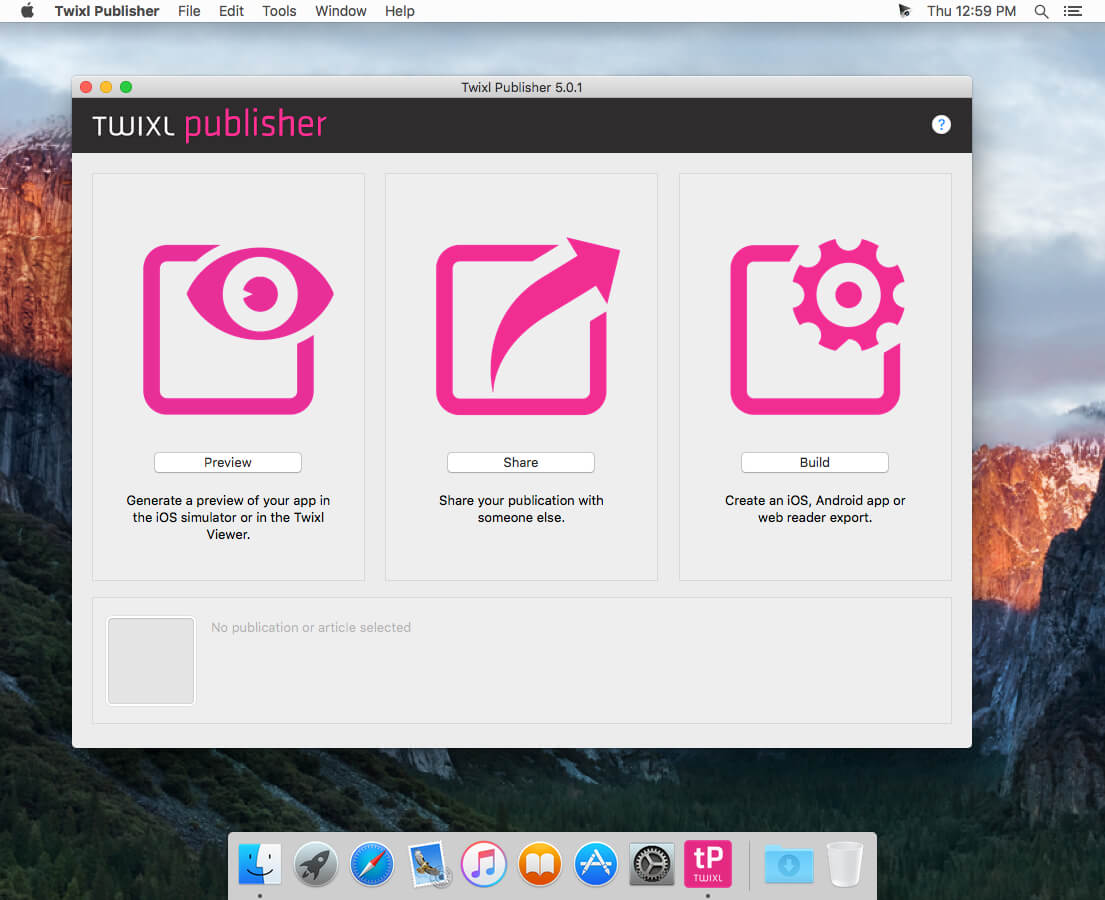
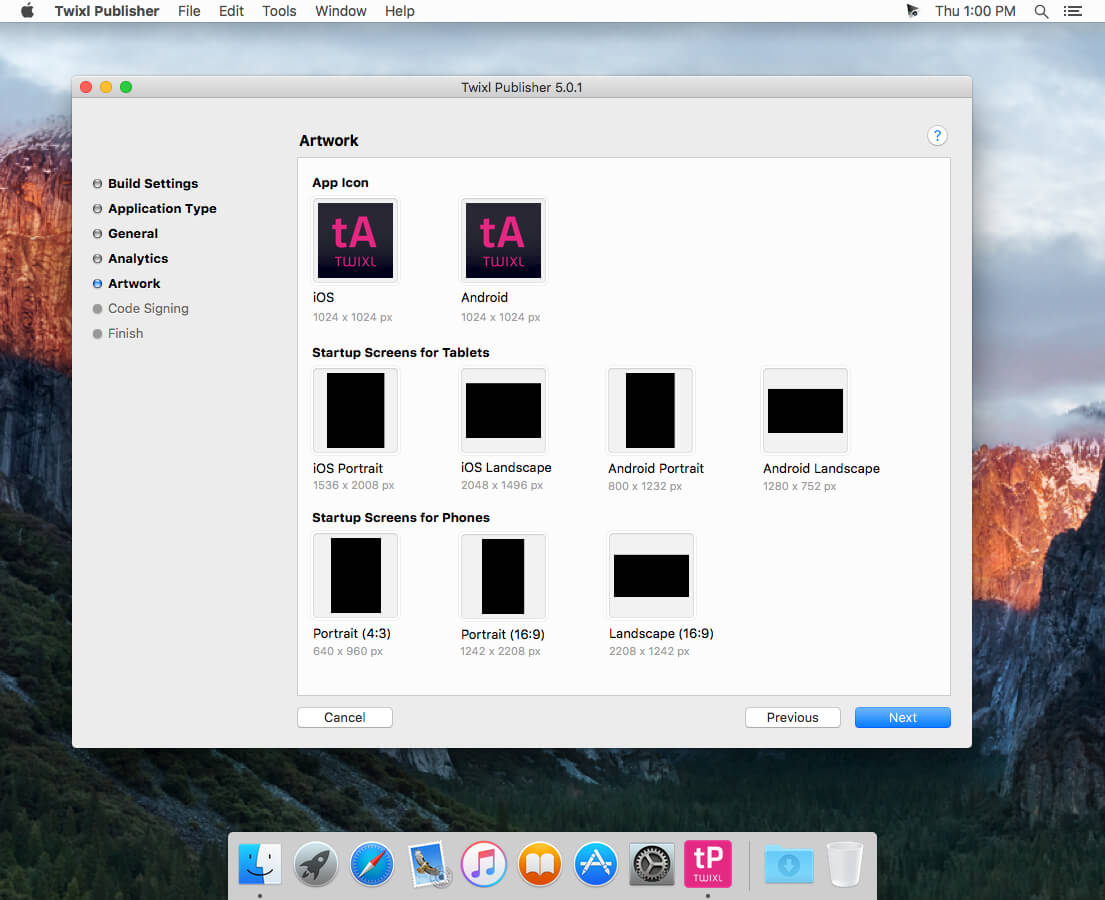
Twixl Publisher provides the ability to create applications and content, starting with design and ending with the creation and publication of applications in a single environment.
Twixl Publisher is a platform (a set of software and services): the program for OS X and the plug-in for Adobe InDesign CC2015, CC2014, CC or the CS6, to create interactive content for mobile devices both from existing documents, as well as “from scratch”.
Twixl Publisher can use a wide range of interactivity, such as photo slideshows, audio, video and HTML5 integration.
With Twixl Publisher, you can create applications for iOS phones and tablets, Android and Amazon or export content for viewing in a browser on a computer.
Twixl Publisher is based on the philosophy of ease of use, natural and intuitive. The user and his experience are the solutions center and it shows in every component of the system. We can only come up with, create and publish.
Compatibility: OS X 10.11 or later 64-bit, Adobe InDesign CC2019, CC, CS6, Xcode 6.1 or later Homepagehttps://twixlmedia.com/
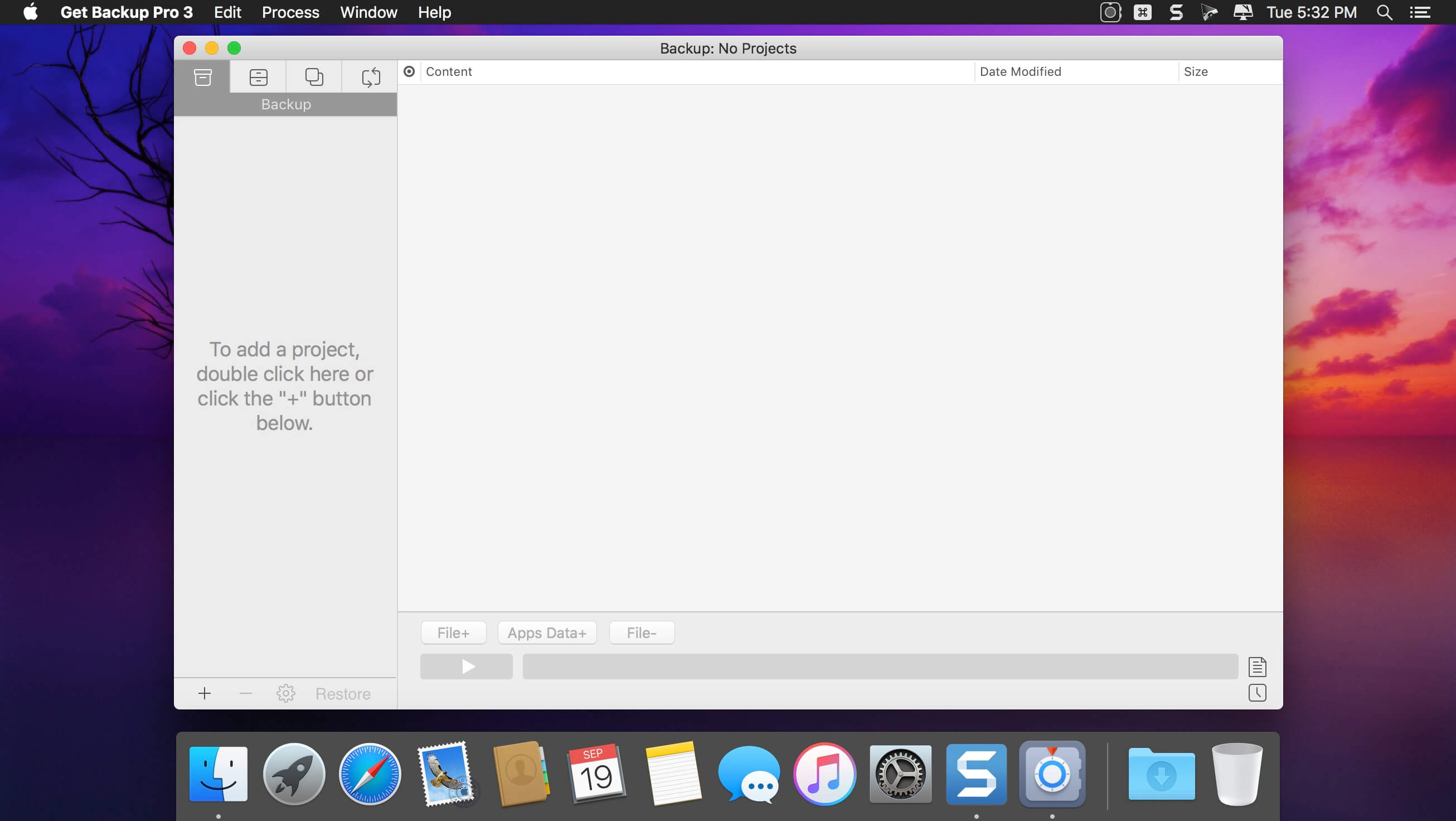
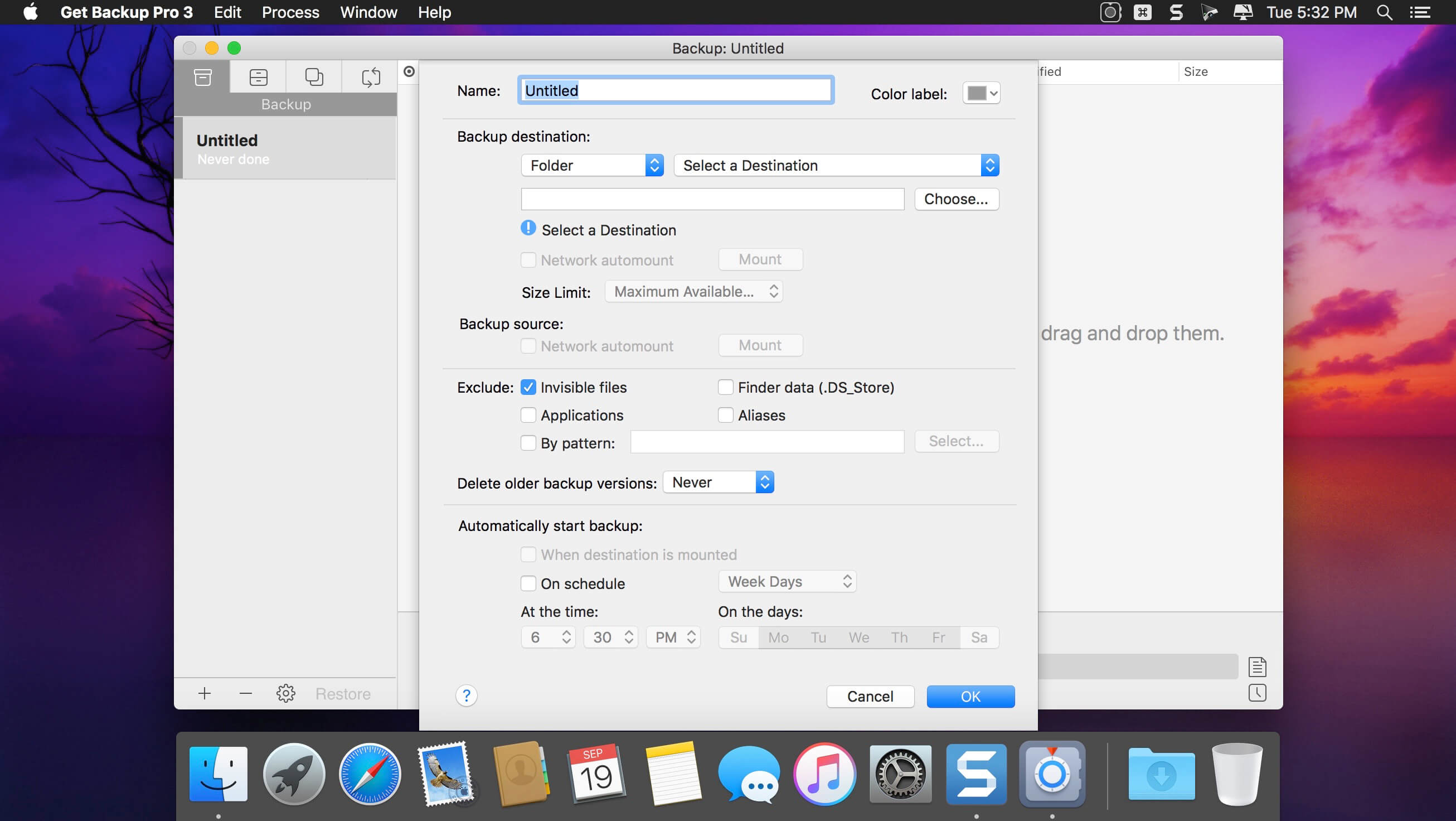
Get Backup Pro is a powerful backup and disk cloning utility with folder synchronization capability.
What Get Backup Pro can do for you: Full and incremental backups. Produce compressed, encrypted backup archives of your data. Create bootable backups for instantaneous restore. Keep files in sync on two computers in one network. Automate backup, cloning, and sync processes with flexible scheduling.
Adware Zap & Privacy Cleaner restores your browser back to its full health by removing unwanted extensions, cookies, caches and resetting your browser preferences. Adware Zap is your choice if:
Browser displays constant pop-up advertisements about dubious products and scams even from respected websites
Your browser is being hijacked and redirected to dubious websites
Your browser is slow and often freezes
You want to protect your privacy by removing sensitive files that were created during your browsing session
Privacy Cleaner function:
remove sensitive files from selected internet browsers such as history, download list, cookies and stored databases.
customise what to remove in the App Settings.
option to run automatic clean up when the browser quits.
To fully restore your browser, all cookies, extensions and caches will be removed. By default, browser bookmarks and internet history are not removed, but in the App Settings you can customise what to remove. To continue to use extensions you previously installed and want to keep, you will need to reinstall them.
Extensions often add useful features to browsers, but there are also many malicious extensions that can display pop-up advertisements, inject banner ads to every website you visit and collect your personal data. These extensions are often installed without the user’s consent by software that was downloaded from the internet.
If new adware is not detected, please contact us directly for one-on-one support and with your help we can update our database to help you and others.
What’s New:
Version 2.7.4.0:
Release notes were unavailable when this listing was updated.
Amadeus Pro lets you use your Mac computer for any audio-related task, such as live audio recording, digitizing tapes and records, converting between a variety of sound formats, etc. Thanks to its outstanding direct-to-disk abilities and waveform caching, edits on arbitrarily large sounds (even beyond the usual 2GB limit) are performed at lightning speed. The handling of large sounds is furthermore facilitated by the extensive support of markers. Its outstanding sound repairing and denoising abilities make Amadeus Pro particularly suitable for transferring vinyl records on CD.
Features
Simple and elegant OS X-like user interface
Multitrack editing an recording.
Batch processing and conversion.
Sound denoising and repairing.
Supports a variety of sound formats, including AIFF, Multichannel Wave, MP3, MP4, Ogg Vorbis, FLAC, SoundDesigner II, QuickTime, Apple CAF, etc.
Support for VST and Audio Unit plug-ins.
A “favourite actions” palette allows to have your most commonly used effects only a mouse click away.
A wide range of powerful audio analysis tools.
Audio CDs with CD-TEXT data can be burned directly from within Amadeus Pro.
What’s New:
Version 2.8.2.2456
Release notes were unavailable when this listing was updated.
Adware Zap & Privacy Cleaner restores your browser back to its full health by removing unwanted extensions, cookies, caches and resetting your browser preferences. Adware Zap is your choice if:
Browser displays constant pop-up advertisements about dubious products and scams even from respected websites
Your browser is being hijacked and redirected to dubious websites
Your browser is slow and often freezes
You want to protect your privacy by removing sensitive files that were created during your browsing session
Privacy Cleaner function:
remove sensitive files from selected internet browsers such as history, download list, cookies and stored databases.
customise what to remove in the App Settings.
option to run automatic clean up when the browser quits.
To fully restore your browser, all cookies, extensions and caches will be removed. By default, browser bookmarks and internet history are not removed, but in the App Settings you can customise what to remove. To continue to use extensions you previously installed and want to keep, you will need to reinstall them.
Extensions often add useful features to browsers, but there are also many malicious extensions that can display pop-up advertisements, inject banner ads to every website you visit and collect your personal data. These extensions are often installed without the user’s consent by software that was downloaded from the internet.
If new adware is not detected, please contact us directly for one-on-one support and with your help we can update our database to help you and others.
What’s New:
Version 2.7.3.0:
Release notes were unavailable when this listing was updated.
Capture One is a professional RAW converter offering you ultimate image quality with beautiful colors and incredible detail for more than 500 high-end cameras. It offers state- of-the-art tethered capture, powerful digital asset management, extensive adjustment tools and a flexible workflow through customizable workspaces.
With an updated processing engine, market-leading performance and powerful new features, Capture One is the professional choice in imaging software. You get the highly responsive precision tools you need to create stunning images from your camera’s RAW files in a time-saving workflow that can be customized to fit your needs.
New features and improvements
• Scrolling Tools • New Basic Color Editor • Improved Noise Reduction • High Dynamic Range • New Crop Tool • Improved copy/apply of Layers • Improved DNG support • Select Next When
General User Experience Improvements
• Adjustment Clipboard improvements • Toolbar text and icons • Masking cursor tools arrangement • Viewer background color • Browser thumbnail resolution • White Balance Picker • Changes to default shortcuts
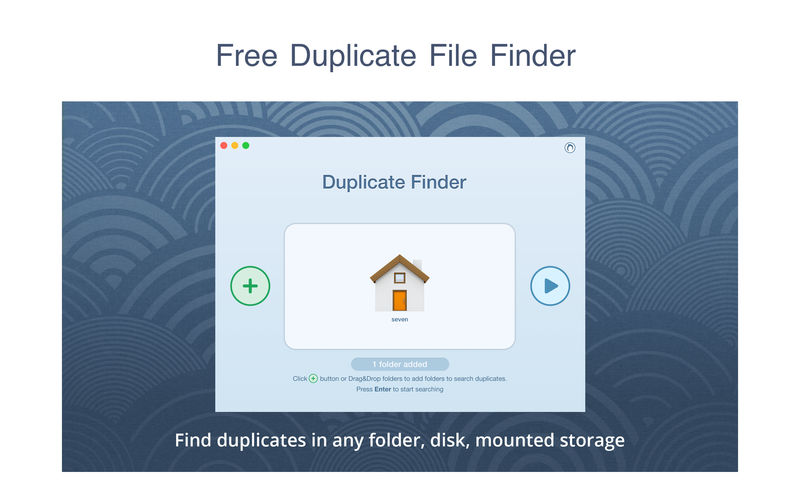
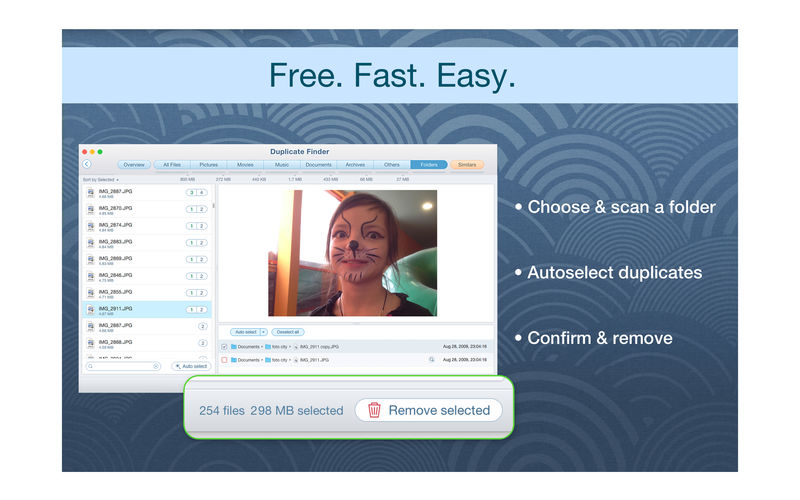
PrimeFile is a free utility that finds duplicate files on your Mac in just 3 clicks. Drag & drop as many folders as you wish and click SCAN.
Within a minute the app will give a report with all duplicate files by categories: images, videos, music, archives, documents, and all other specific extensions. It’s really easy to see how much space each file takes.
Features: SCANNING
fast scanning algorithm
scanning for duplicates in multiple folders or drives
external drives & mounted network folders support
“Recent Folders List” for scanned folders
animated scanning process
skip list for various files & folders
RESULTS OVERVIEW
visual chart report when scanning
duplicate files list
duplicate files by types
DUPLICATES
built-in duplicates search
preview & quick look for every file
sort duplicates (by name, size, total size, type, and duplicates count)
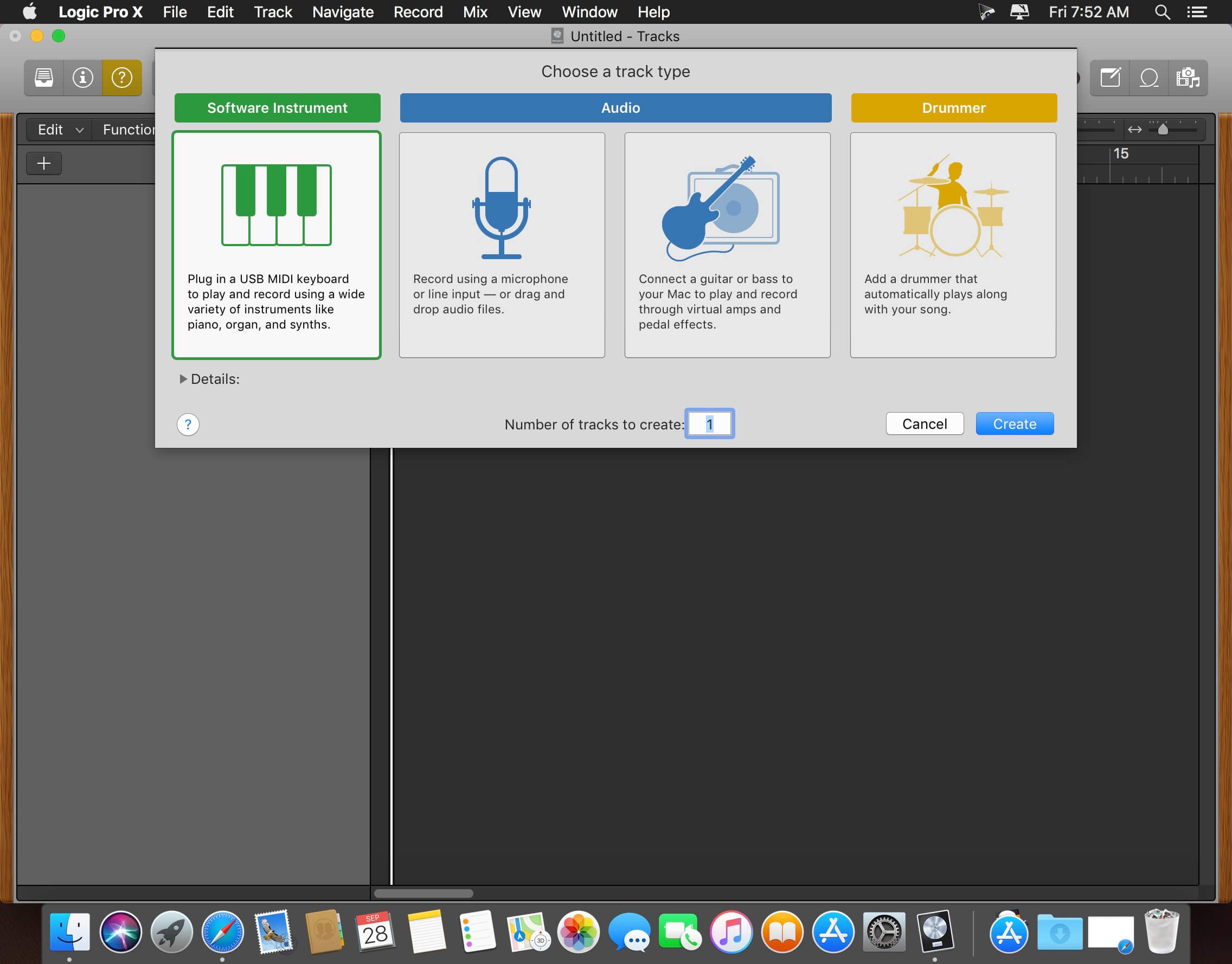
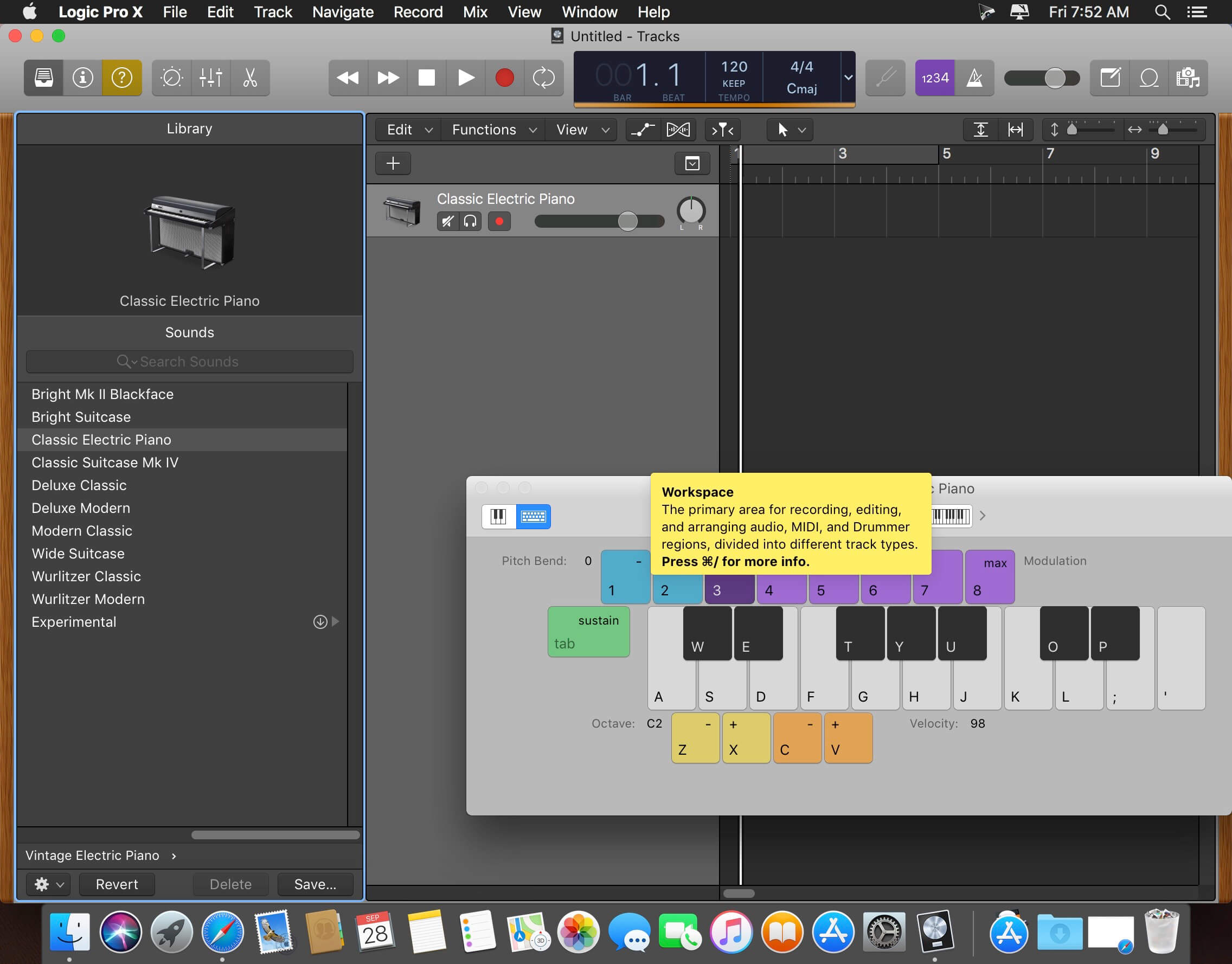
Logic Pro X is the most advanced version of Logic ever. Sophisticated tools for professional songwriting, editing, and mixing are built around a modern interface that’s designed to get creative results quickly and also deliver more power whenever it’s needed. Logic Pro X includes a massive collection of instruments, effects, and loops, providing a complete toolkit to create amazing-sounding music.Powerful Interface
Consolidate and control multiple tracks or create rich, layered instruments with Track Stacks
Smart Controls allow you to manipulate multiple plug-ins and parameters with a single move
An enhanced Mixer lets you move, copy, and bypass channel inserts more efficiently
Quickly re-order song sections and try new ideas using Arrangement Markers
Autosave keeps your work safe and sound
64-bit architecture supports large projects containing hundreds of tracks and sampled instruments
Professional Music Production
Fix out-of-tune vocals and change the melodies of recorded audio with Flex Pitch
Manipulate the timing and tempo of any recording with ease using Flex Time
Record and seamlessly punch in and out of one or multiple tracks
Keep takes organized with take folders and build comps quickly with Quick Swipe Comping
Automation can be part of a region, not just the track, which makes it easier to use effects creatively
Create and mix music from anywhere in the room using Logic Remote on iPad
Produce simple lead sheets or orchestral scores with built-in Score editor
Create and edit MIDI using a comprehensive set of editors and tools
Drum Production
Create authentic acoustic, electronic, or hip hop drum tracks using Drummer, a virtual session player and beat producer
Choose among 28 distinct drummers that can take your direction and perform millions of unique grooves
Build your own acoustic drum kits with Drum Kit Designer using a diverse collection of deeply sampled, professionally mixed snares, toms, kicks, hi-hats, and cymbals
Customize the sound of your electronic beats using Drum Machine Designer
Keyboards and Synths
Get inspired by collection of synths that provide analog, wavetable, FM, additive, granular, spectral, and modeling synthesis
Quickly find sounds or create unique new ones with Alchemy, the ultimate sample manipulation synthesizer
Play or create a wide variety of rich sampled instruments with the EXS24 Sampler
Instantly turn a simple chord into a rich performance with the Arpeggiator
Transform simple ideas into elaborate performances using nine MIDI plug-ins
Create classic ’70s- and ’80s-style synthesizer tracks using Retro Synth
Play faithful models of vintage keyboards with Vintage B3, Vintage Electric Piano, and Vintage Clav
Guitar and Bass Gear
Build your own guitar or bass rig with Amp Designer using vintage and modern amps, cabinets, and mics
Design a custom Pedalboard from a collection of delay, distortion, and modulation stompboxes
Access the Tuner with just a click to quickly get in tune
Creative and Production Effects
Play your sounds through realistic acoustic spaces using Space Designer convolution reverb
Use a range of multi-tap, vintage tape, and stereo delays
Add movement to your tracks with a variety of modulation effects
Sound Library
Over 1800 instrument and effect Patches
More than 750 meticulously sampled instruments
4600 Apple Loops in modern urban and electronic genres
Compatibility
Expand your instrument and effects library with third-party Audio Units-compatible plug-ins
Import and export XML to support Final Cut Pro X workflows
Export and share your songs directly to SoundCloud
Adware Zap & Privacy Cleaner restores your browser back to its full health by removing unwanted extensions, cookies, caches and resetting your browser preferences. Adware Zap is your choice if:
+ Browser displays constant pop-up advertisements about dubious products and scams even from respected websites + Your browser is being hijacked and redirected to dubious websites + Your browser is slow and often freezes + You want to protect your privacy by removing sensitive files that were created during your browsing session
Privacy Cleaner function: + remove sensitive files from selected internet browsers such as history, download list, cookies and stored databases. + customise what to remove in the App Settings. + option to run automatic clean up when the browser quits.
To fully restore your browser, all cookies, extensions and caches will be removed. By default, browser bookmarks and internet history are not removed, but in the App Settings you can customise what to remove. To continue to use extensions you previously installed and want to keep, you will need to reinstall them.
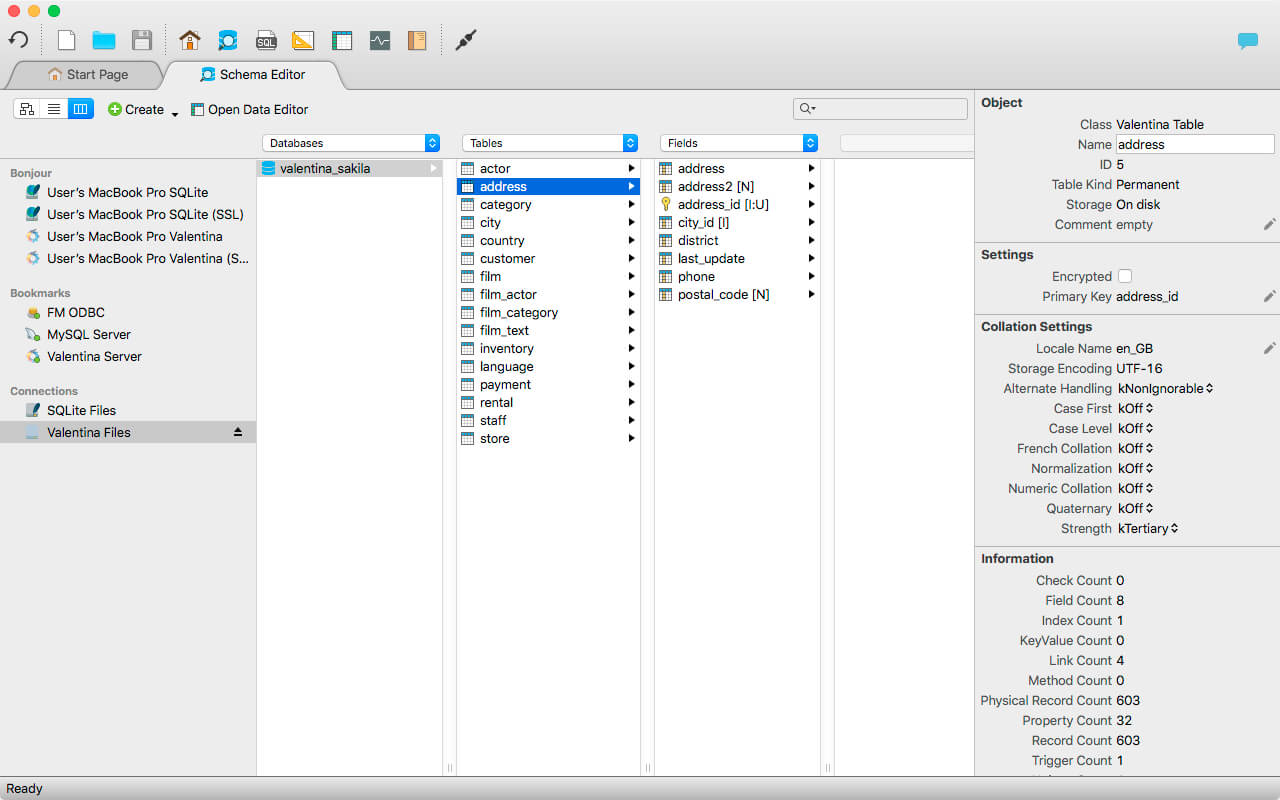
Valentina Studio is the ultimate data management tool for database administrators. Valentina Studio includes a wealth of database administration tools. Valentina Studio PRO to unlock advanced data modeling tools, report design and editing and more.
Valentina Studio brings you powerful, visual editors for your data including:
Schema Editor (tree view and column view) – create and modify all schema objects of supported databases: Tables, Views, Fields, Enums, Links, Constraints, Triggers, Indexes, Stored Procedures, …
Diagram Editor – design new diagrams or do reverse engineering, e.i explore existing databases visually.
Data Editor – easily browse table records in the grid, modify records, an inline edit of values, sort, filter records and save favorite filters, preview images, hex editors for binary values, …
Related Data Editor – easily learn and manage linked records of two tables, link/unlink records by a mouse click, do set operations over linked records, …
SQL Editor – with color syntax, auto-completion, recent and saved favorite queries, templates, console with error/warning reporting, …
Query Editor – build SQL queries visually using just a few mouse clicks
Server Admin – where you can manage users, learn logs and other parameters of servers.
Open as many editors as you like at the same time for different databases/servers opened in tab-panels. You also get different DB related utilities, including: Import/Export, Dumps, Diagnose, Clone, Reindex, …
MAS version of Valentina Studio uses iCloud to share bookmarks between your devices!
Valentina Studio Pro as an in-app purchase to get additional advanced pro-features such as:
Report Editor – visual editor of Valentina Reports that can be saved into Valentina Project file (.vsp). Reports can use as datasource MS SQL, MySQL, PostgreSQL, SQLite, Valentina DB, ODBC.
Form Editor – visual editor of Valentina Forms that can be saved into Valentina Project file (.vsp). Forms can use all supported databases as the datasource.
Data Editor – enables go to parent record function.
Data Editor Layouts – save columns and their order as a named layout
Data Editor Multiple Update – update few records at once.
Data Transfer – copy data between different databases
Diagram Editor – enables forward engineering – i.e. generation of SQL scripts for new/changed database objects.
Dump Wizard – enables filter for tables to select them for a dump.
Error Lookup – search for error description by its code.
Keyboard Shortcuts – enables the ability to redefine the shortcuts and create own shortcut sets.
Object Colors – enables marking objects with specific colors.
Query Editor – enables the ability to copy the generated query.
Schema Cache – save and reuse the schema cache.
Schema Editor – copy one or few schema objects using drag&drop mechanism.
Schema Editor – expanding and collapsing the tree items with subitems using OPTION + click
Schema Snapshot – save and load schema in structured format.
Source Control – develop database using any VCS.
SQLDiff – find differences between two states of a databases and generate SQL script to move between these states.
SQL Search – search of schema objects.
SQL Editor – enables autocompletion for table aliases.
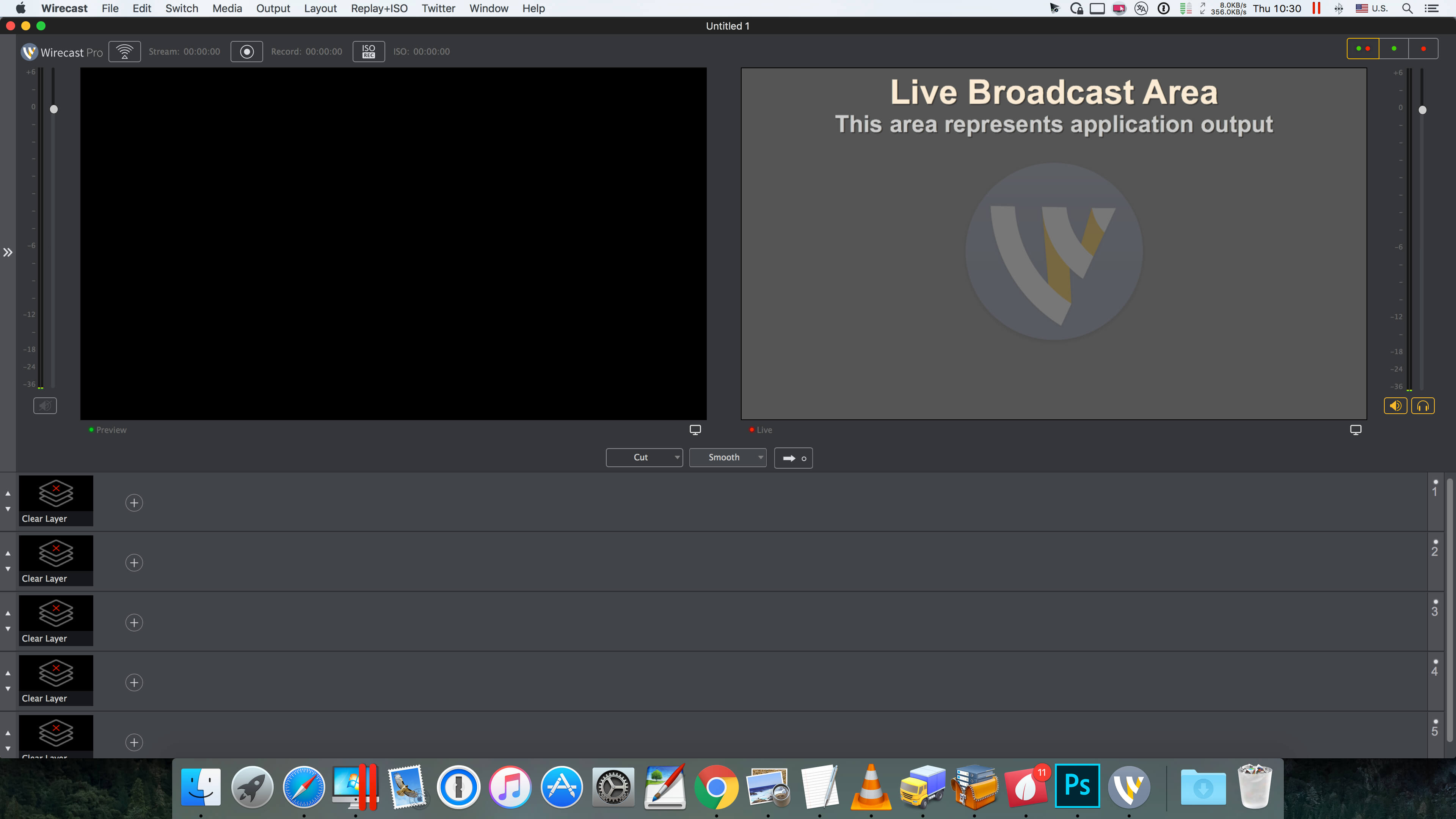
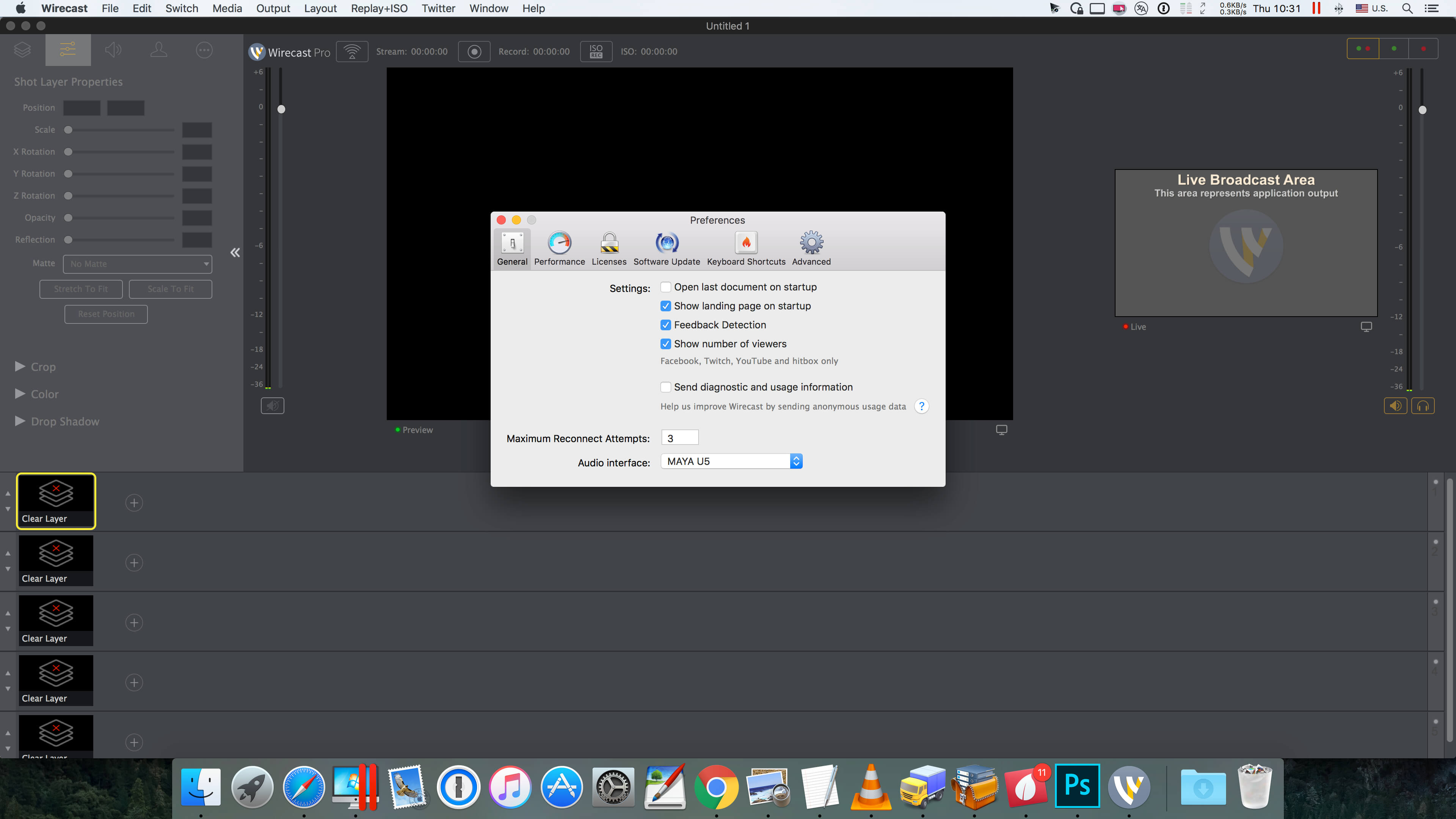
Wirecast is an all-in-one live streaming production application that provides the required tools to capture video, encode it and broadcast it to multiple servers and platforms at the same time.
You can use Wirecast with an unlimited number of camera inputs ranging from web cams to DV/HDV, SDI cameras to IP and web-based sources and wireless devices. You just have to plugin your device and Wirecast will automatically recognize it as a live feed. The supported input sources include USB, Web cams, SDI, composite, S-Video, DV/HDV, Component, HD-SDI, HDMI sources, IP Cameras, ONVIF, Web stream source and screen capture sources.
Moreover, Wirecast features support for up to 35 layers of live compositing. Hence, you can effortlessly place watermarks, background music and other visual elements over your webcast. As expected, you can also add titles and lower thirds, with more than 30 built-in professional looking broadcast title themes. You just have to select the one that fits your content, type in the text and apply it to your broadcast.
FEATURES
Support DV, HDV (1) and USB cameras
Real-time transition and effect generator
Built-in GPU accelerated green and blue screen solution
Professional broadcast quality titles themes.
Generates fully ISO-compliant MPEG-4 video streams
GPU accelerated Core Image filter and transition library
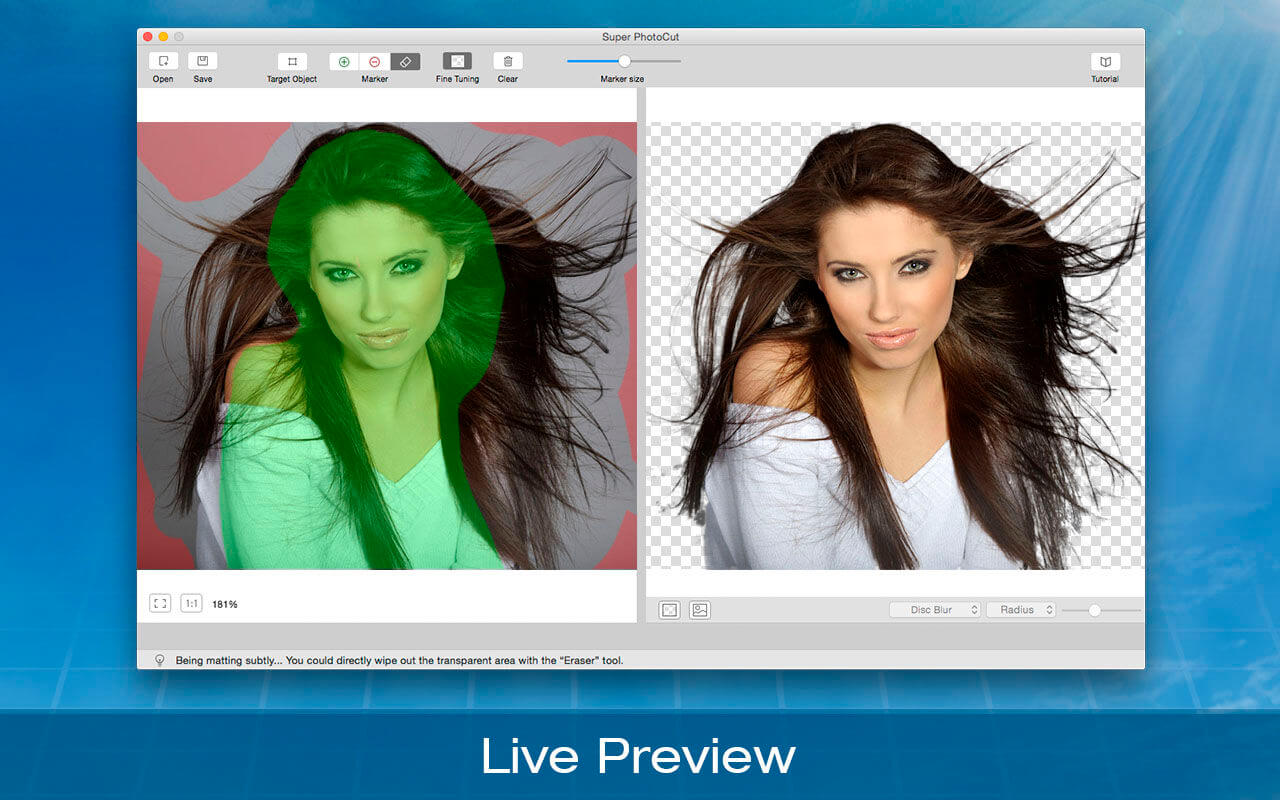
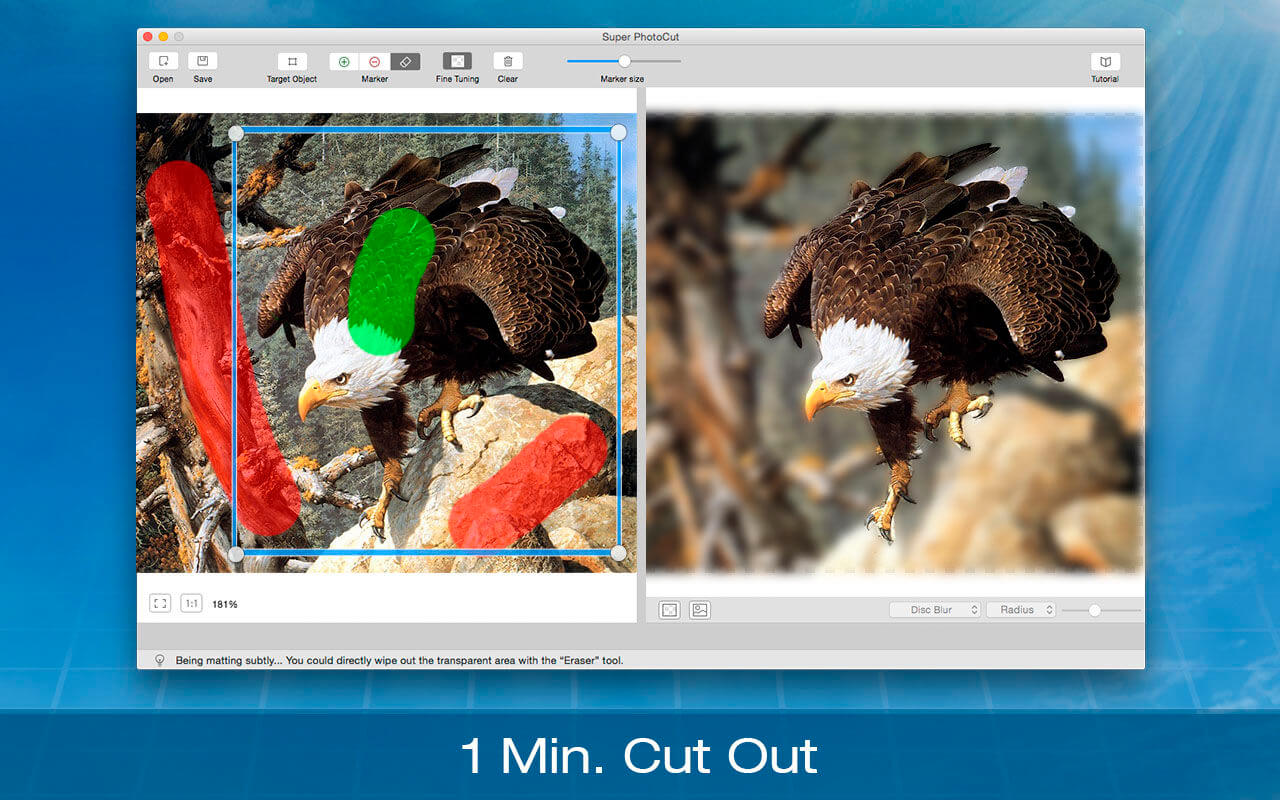
Super PhotoCut Pro professionally focuses on wedding dresses and transparent object masking. It instantly cut out wedding dresses from complex image backgrounds without any loss of image quality in seconds-to-minutes instead of minutes-to-hours. Removing image background from wedding veil and transparent object is a complex and difficult matting task even on the premise that you are proficient in Photoshop. Now it could be easily done by Super PhotoCut Pro, which professionally focuses on veil and transparency masking. With proprietary best-in-class masking algorithm, Super PhotoCut Pro instantly changes complex image background and get the dramatic stand-out images done in seconds-to-minutes instead of minutes-to-hours.
Features
Instantly change image background from veil and transparent objects, such as glass, water, wedding veil
Smart algorithm: Cuts object out with critical precision; it enables extremely fast operation with great results on any image, minimizing the amount of work you need to put in
Supports almost all image formats: JPG, BMP, PNG, GIF, RAW
Separate foreground from complex image background easily; live preview the final effect
Create isolated images with colored or transparent backgrounds
Supports 64-bits
20 kinds of background transition effects are for your choices: disc blur, gaussian blur, box blur, motion blur, zoom blur, color controls, exposure adjust, gamma adjust, hue adjust, vibrance, color invert, color posterize, chrome, fade, instant, mono, process, transfer, sepia tone, vignette, vignette effect
Zooming to any level necessary allows you to inspect details while quickly navigating your image
Undo / Redo: never fear that a mistake will ruin your work
Configurable auto-brush-size: The mark size adapts dynamically to your zoom level so that you can easily zoom in to make detailed edits
What’s New:
Version 2.8.0
Optimize the image edges after cutout.
Keep the resolution and DPI of the original image unchanged
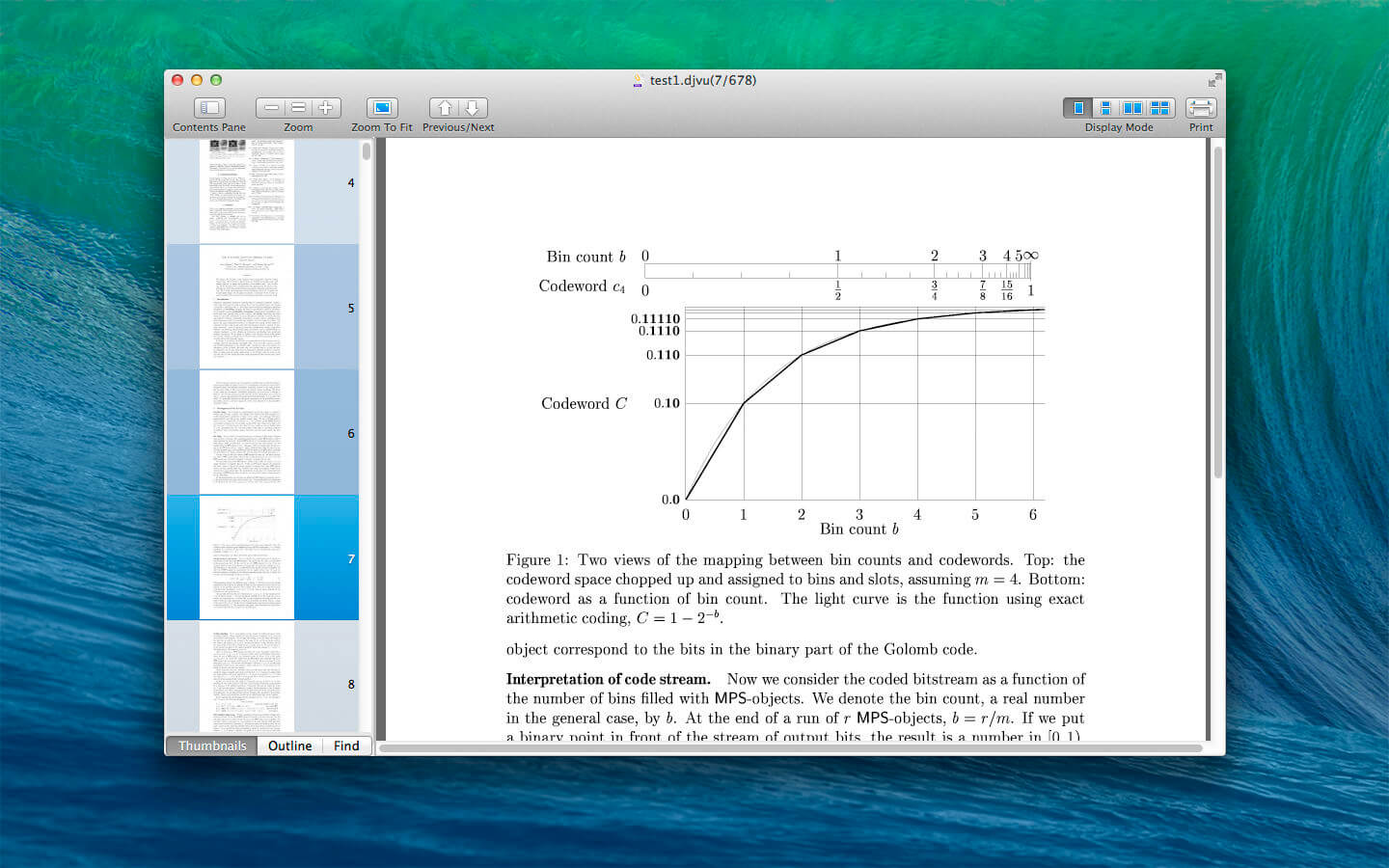
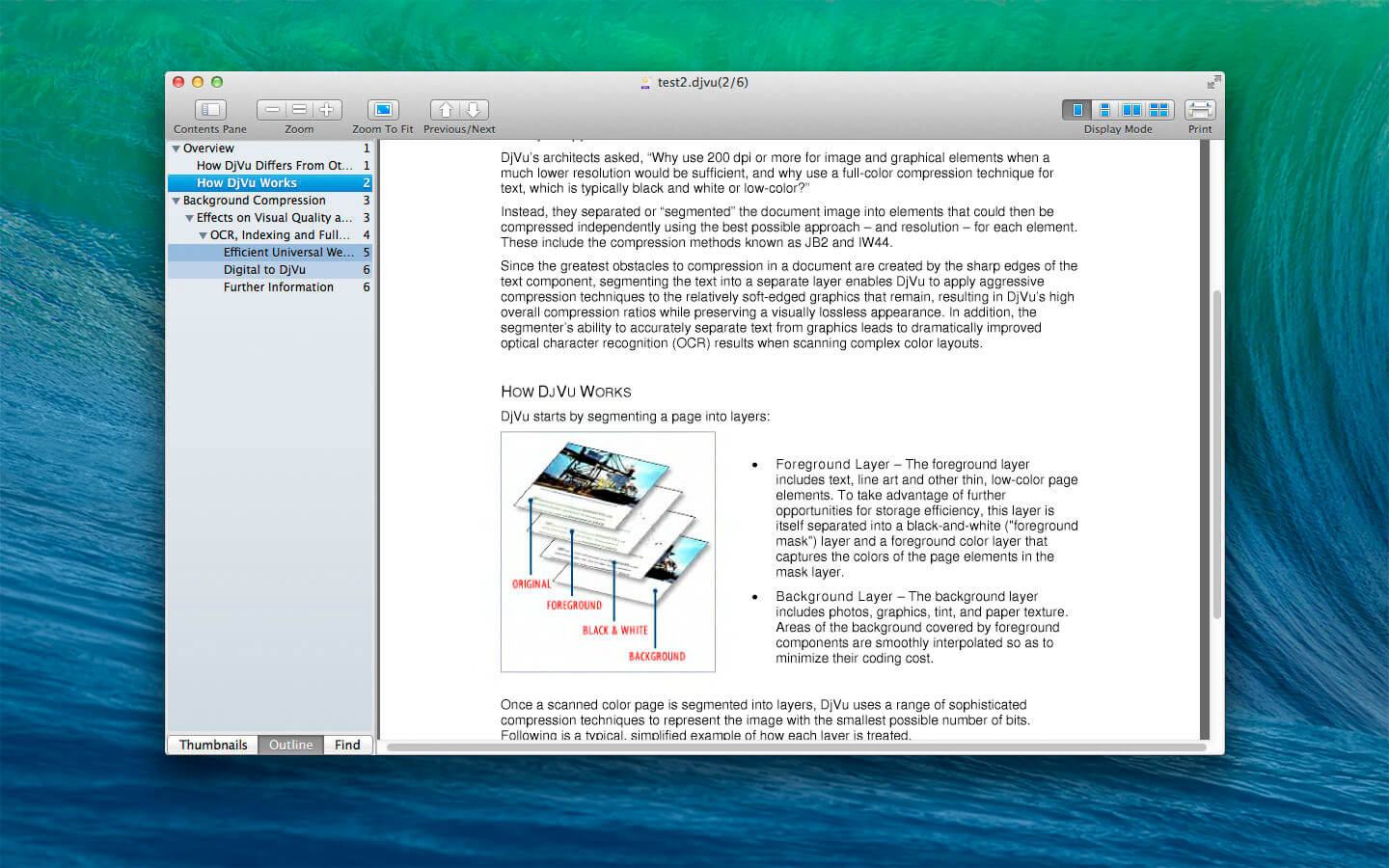
DjVu Reader Pro offers you the fantastic reading experience using Display Mode, Full Screen View, Page Thumbnail, Searching Pane,Viewing Scale and Print .
KEY FEATURES:
Open DjVu file quickly even very big file and read smoothly
Text Selecting
Search given content within document
Export to PDF, TXT
Quick Look Supported
Bookmarks Management
Toggle Contents Pane: Display with Thumbnails, Outline or Content only.
Full Screen Supported
Display Mode: Single Page, Single Page Continuous, Two Page, Two Page Continuous
Zoom: Zoom In, Zoom Actual Size , Zoom Out or Zoom to Fit
Previous/Next: Go to First Page, Previous Page, Next Page or Last Page
Serviio is a media server. It allows you to stream your media files (music, video or images) to renderer devices (e.g. a TV set, Bluray player, games console or mobile phone) on your connected home network.
Features streams audio, video (SD & HD) and image files in their native format or transcoded in real-time streams content from online sources, like RSS feeds, live audio/video streams, web page content includes a plugin system to support streaming from non-trivial online sources supports most known playlist formats supports subtitles automatically updates the media library when you add/update/remove a media file or a metadata file supports RAW camera images wide array of localized library browsing options supports different editable renderer profiles supports automatic renderer detection and per-IP profile assignment extracts metadata of your media files the way you want it, incl. embedded metadata tags, local metadata files, online metadata sources (in preferred language), XBMC, Swisscenter, MyMovies supports video thumbnails, CD covers, DVD posters, etc. categorizes video files into movie and/or series and marks last viewed episodes of a series available for Windows, Linux and Mac (with the possibility to run the server part on one platform and console on another)
Supported renderers Samsung TVs and Bluray players (supports additional features, e.g. subtitles) Sony TVs and Bluray players Panasonic TVs Playstation 3 Xbox 360 LG TVs and Bluray players Toshiba TVs Sharp TVs Philips TVs WDTV Live (supports subtitles) Oppo BDP-83 MusicPal DirecTV DVR Pure Flow deices Android phones, iOS phones … and many
4K Stogram is an Instagram downloader which allows you to download and backup Instagram photos and videos, even from private accounts. Download Instagram photos by hashtags or favorite locations!
Features:
Grab photos of few account simultaneously and save it in JPEG on your desktop.
Follow your favourite photographers and get their latest photos automatically.
Download Instagram Stories as video or image files.
Login with your Instagram credentials and download photos of private friends accounts.
Access to your viewer directly from the application.
Download Instagram video in MP4 format.
Enjoy the minimalistic interface of application.
What’s New:
Version 3.0.1 :
Release notes were unavailable when this listing was updated.
PrimeFile is a free utility that finds duplicate files on your Mac in just 3 clicks. Drag & drop as many folders as you wish and click SCAN.
Within a minute the app will give a report with all duplicate files by categories: images, videos, music, archives, documents, and all other specific extensions. It’s really easy to see how much space each file takes.
Features: SCANNING
fast scanning algorithm
scanning for duplicates in multiple folders or drives
external drives & mounted network folders support
“Recent Folders List” for scanned folders
animated scanning process
skip list for various files & folders
RESULTS OVERVIEW
visual chart report when scanning
duplicate files list
duplicate files by types
DUPLICATES
built-in duplicates search
preview & quick look for every file
sort duplicates (by name, size, total size, type, and duplicates count)
Capture One is a professional RAW converter offering you ultimate image quality with beautiful colors and incredible detail for more than 500 high-end cameras. It offers state- of-the-art tethered capture, powerful digital asset management, extensive adjustment tools and a flexible workflow through customizable workspaces.
With an updated processing engine, market-leading performance and powerful new features, Capture One is the professional choice in imaging software. You get the highly responsive precision tools you need to create stunning images from your camera’s RAW files in a time-saving workflow that can be customized to fit your needs.
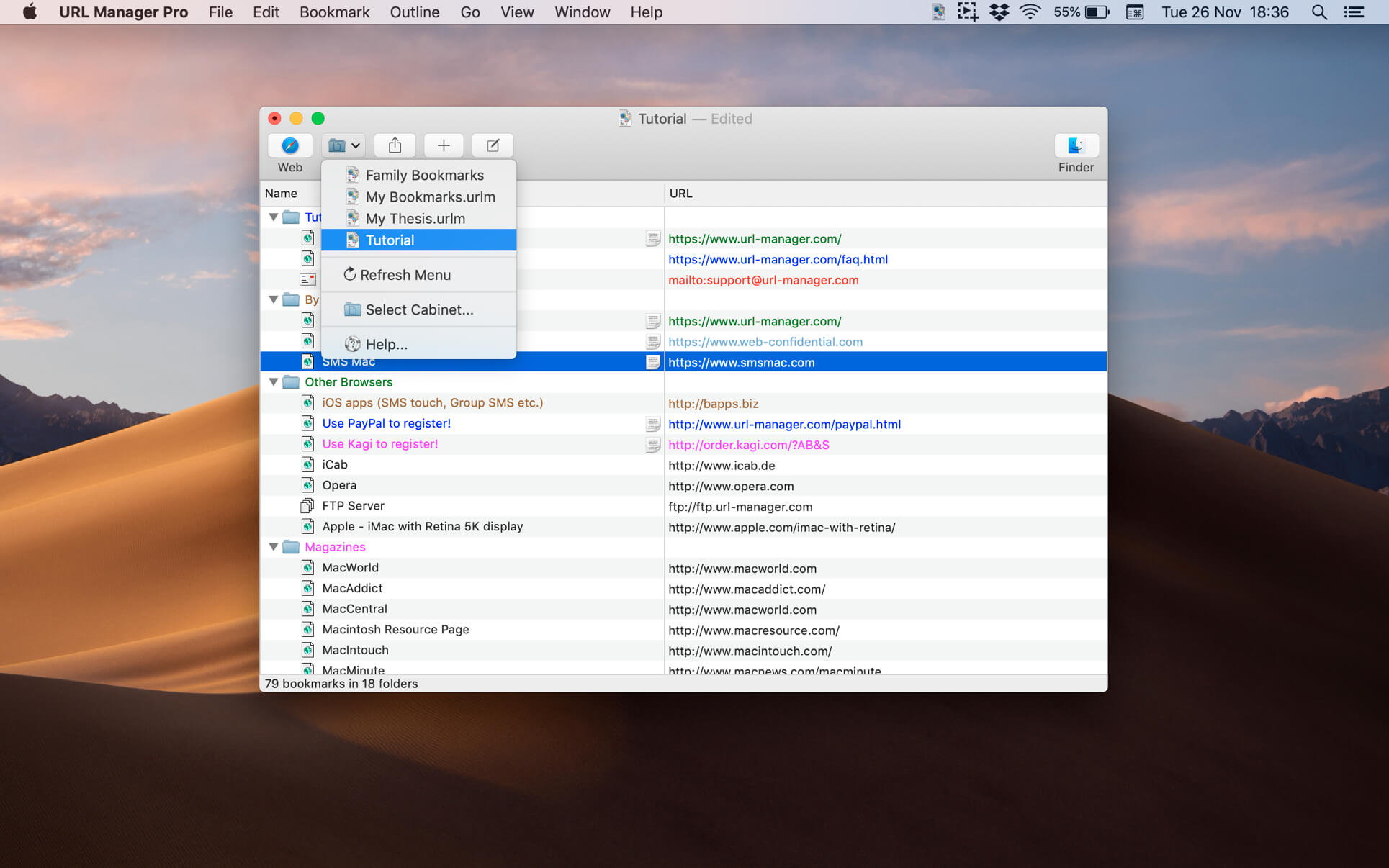
The popular and award-winning bookmark manager now available in 64-bit version for the latest macOS with support for Retina displays, Auto Save and Versions.
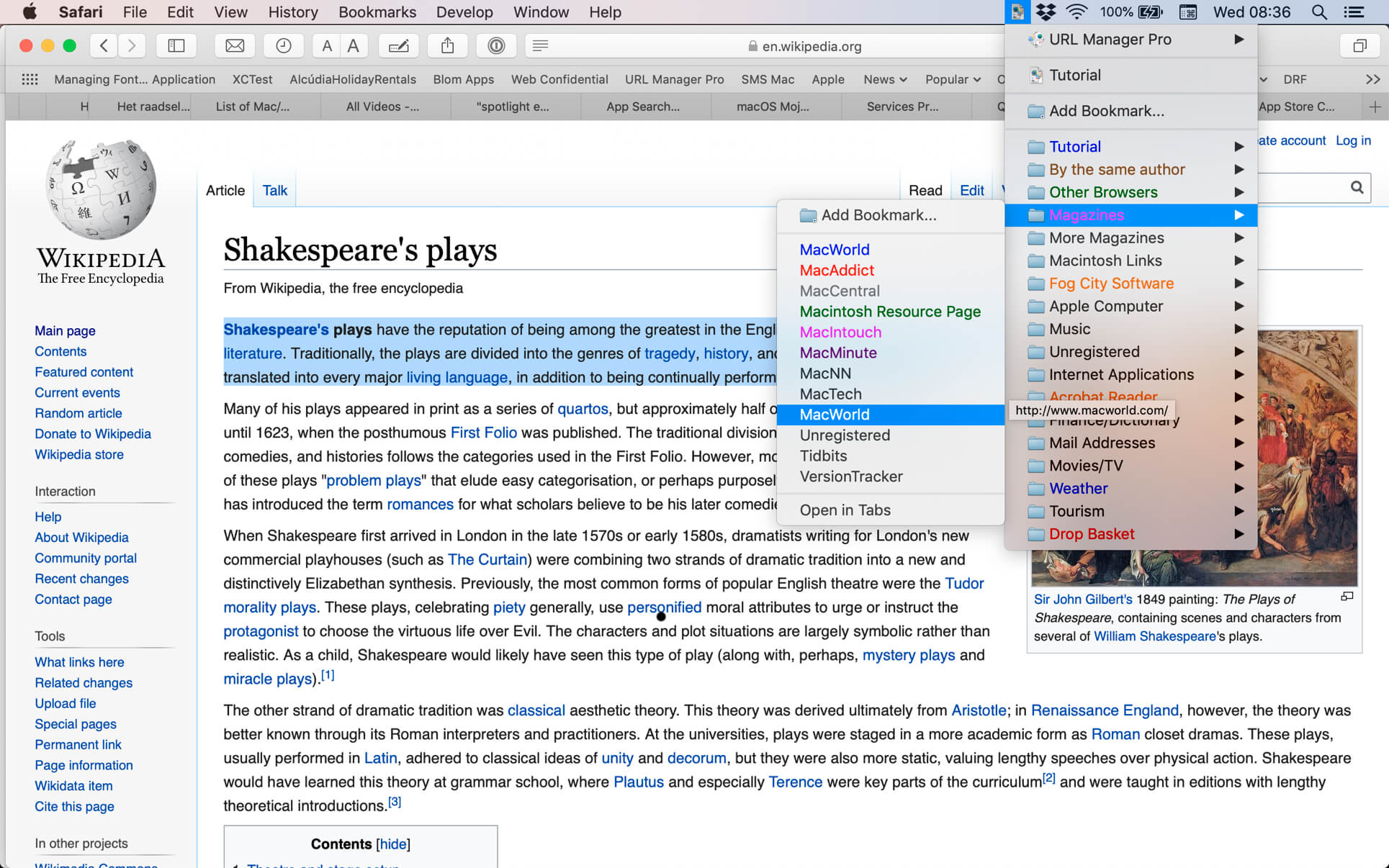
URL Manager Pro allows you to manage your bookmarks independently from a web browser, yet use your bookmarks with any web browser, like Safari, Chrome, Edge, Chromium, Opera, Firefox, Vivaldi, Brave, iCab etc.
You can create and save several separate bookmark documents and you can access them all from the system-wide bookmarks menu. Using a system-wide bookmarks menu, you have access to your bookmarks in any app or web browser. You can also bookmark the current web page directly to URL Manager Pro from within your favourite web browser. In the URL Manager Pro documents, you can manage your bookmarks easily with drag and drop. You can add tags, notes and colours to your bookmarks.
You can import bookmarks from several popular browsers, like Safari, Chrome, Edge, Firefox, Vivaldi, Brave, iCab, Opera etc. You can also scan TEXT files for URLs and import links and bookmarks from HTML and XBEL format. You can also export your bookmarks to HTML, XBEL, TEXT and Internet Location files.
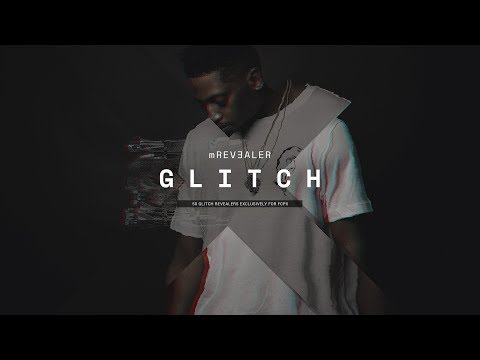
mRevealer Glitch is a complete solution for distortion-style animation and stylization for any of your edits. Energize typography, logos or footage with these dynamic presets by just drag & drop action.
MacOS is considered one of the most secure operating systems available, but is also vulnerable to hackers and malware. Protect your Mac and sensitive information. New threats target not only your Mac security, but your personal information and identity.
BitMedic® Antivirus was designed specifically for the Mac and offers a full suite of protection.
≈ Features ≈
◎ Dashboard – Easy to see action items needed to keep you secure and protected ◎ Antivirus Scan – Award winning database offers both quick and deep scans ◎ Adware Cleaner – Remove adware and browser add-ons that hijack your navigation ◎ Custom Scan – Conveniently drag & drop scanning ◎ Browser Privacy – Clean sensitive information stored in your web browser ◎ Quarantine – Stats and result log of your scans ◎ Automation – Schedule automatic scans and turn on 24/7 real-time monitoring. Supports whitelisting and USB external drives.
*Compare to competing antivirus apps that have NOT been tested and certified by reputable sources. There have been data leaks from non-reputable antivirus apps sending data to foreign servers in the news. Avoid non-certified and non-tested antivirus apps. BitMedic® is tested, certified, and awarded. Our database is updated to detect 100% of macOS malware with 0 false positives.
≈ Other award winning apps in our family ≈ ◉ #1 Disk Cleaner – http://bit.ly/diskcleaner ◉ Duplicate File Cleaner – http://bit.ly/duplicatefiles ◉ DiskZilla® 8 in 1 – http://bit.ly/diskzilla
For any questions, suggestions, or bugs, please email us at [email protected] We want to hear your thoughts and make improvements to future versions of this app to bring you the best. If you appreciate our work, please leave us any feedback on the App Store. Thank you for all the support. ?
What’s New ◎ Database update ◎ Faster and improved scanning
For any questions, suggestions, or bugs, please email us at [email protected] We want to hear your thoughts and make improvements to future versions of this app to bring you the best. If you appreciate our work, please leave us any feedback on the App Store. Thank you for all the support. ? Compatibility: OS X 10.8 or later 64 bit Homepagehttps://geo.itunes.apple.com/app/id1001746820
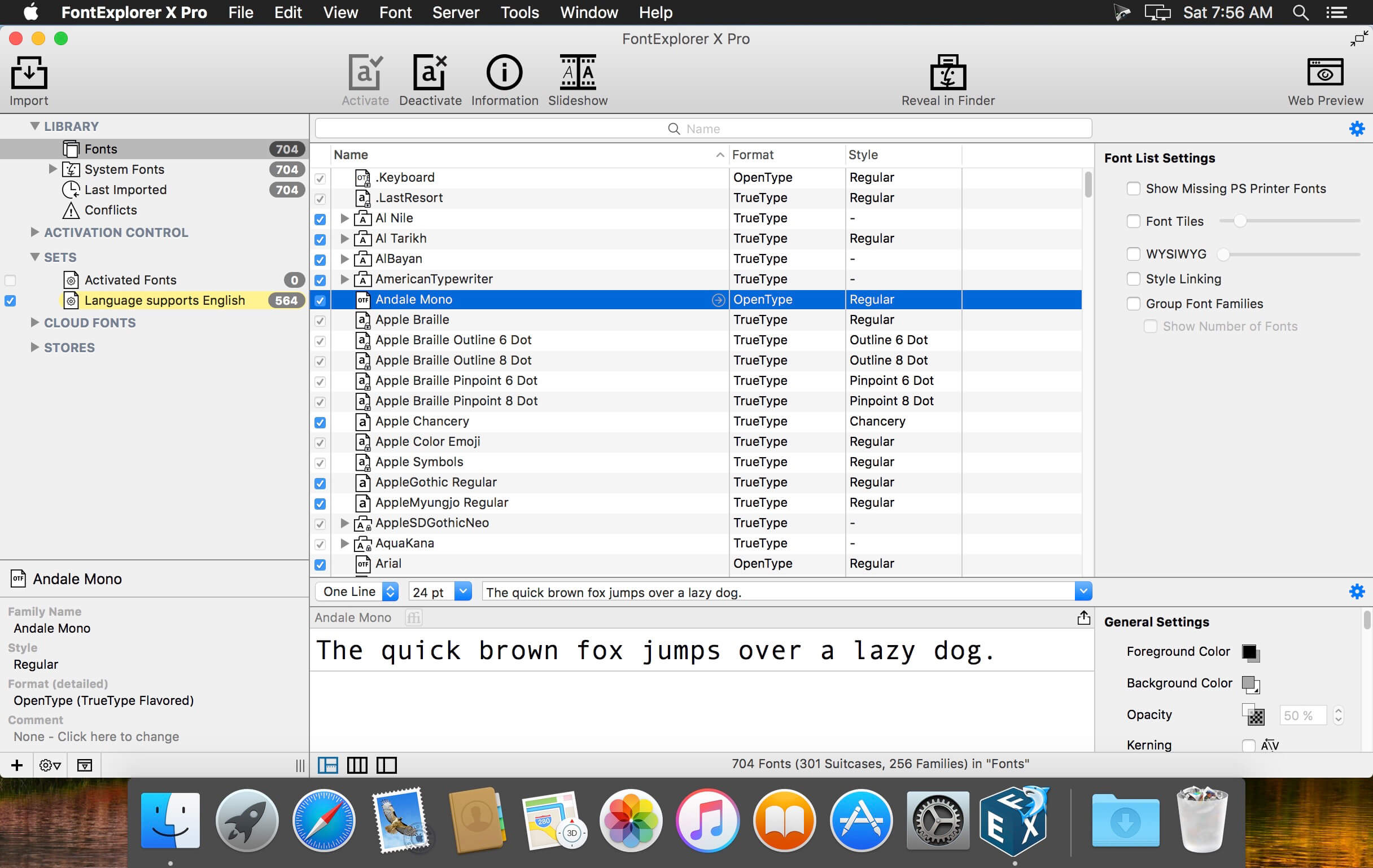
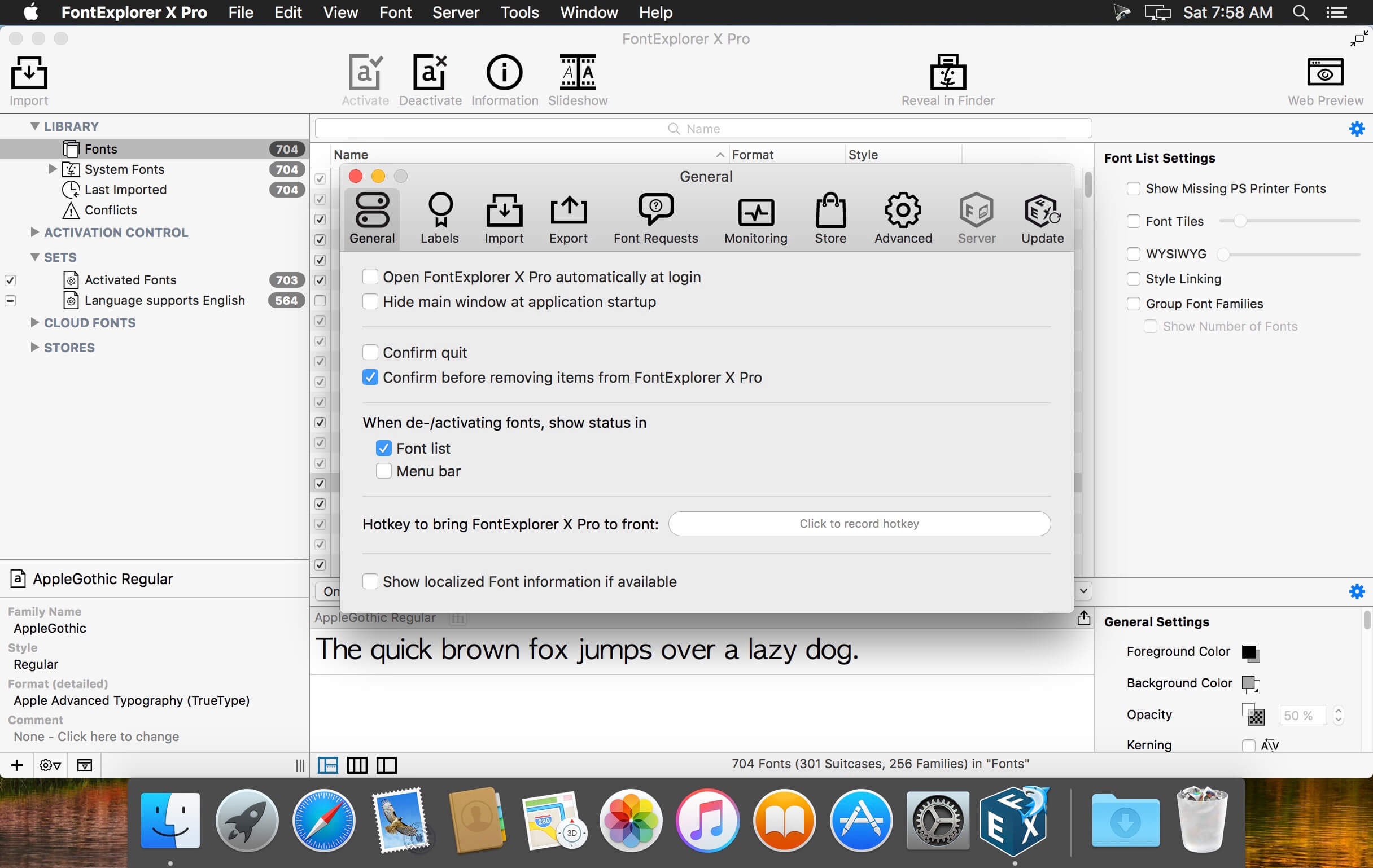
FontExplorer X Pro is optimized for professional use; it’s the solution that gives you the power you need to manage all your fonts.
The new FontExplorer X Pro 6 for Macintosh introduces a selection of new features aimed at improving usability, compatibility and connectivity. Among the app?s new features is a Font Tile View, new Plug-Ins for QuarkXPress 2015, Plug-Ins for the Adobe Creative Cloud 2015 applications InDesign, InCopy, Illustrator and Photoshop and integration of several notable font stores for easy purchasing and installation.
FontExplorer X Pro is optimized for professional use; it’s the solution that gives you the power you need to manage all your fonts.
Now you can more easily manage, activate and organize your existing font collection as well as find and experiment with new fonts. Whether you’ve got a hard drive full of typefaces or a few cherished families, FontExplorer X Pro handles your font library quickly, efficiently and reliably. And when you’re ready to add to your collection, you can view thousands of classic designs and the latest releases from independent foundries using the integrated store.
What’s New:
Version 7.0.1 :
Release notes were unavailable when this listing was updated.
Amadeus Pro lets you use your Mac computer for any audio-related task, such as live audio recording, digitizing tapes and records, converting between a variety of sound formats, etc. Thanks to its outstanding direct-to-disk abilities and waveform caching, edits on arbitrarily large sounds (even beyond the usual 2GB limit) are performed at lightning speed. The handling of large sounds is furthermore facilitated by the extensive support of markers. Its outstanding sound repairing and denoising abilities make Amadeus Pro particularly suitable for transferring vinyl records on CD.
Features
Simple and elegant OS X-like user interface
Multitrack editing an recording.
Batch processing and conversion.
Sound denoising and repairing.
Supports a variety of sound formats, including AIFF, Multichannel Wave, MP3, MP4, Ogg Vorbis, FLAC, SoundDesigner II, QuickTime, Apple CAF, etc.
Support for VST and Audio Unit plug-ins.
A “favourite actions” palette allows to have your most commonly used effects only a mouse click away.
A wide range of powerful audio analysis tools.
Audio CDs with CD-TEXT data can be burned directly from within Amadeus Pro.
What’s New:
Version 2.8.2.2454
Release notes were unavailable when this listing was updated.
A plug-in collection for Adobe, Apple, Avid and OFX host applications, Continuum features range from Image Restoration, to Extruded Text, titling and 3D Objects, to Chromakey and Compositing, Particles, and Image Stabilization. Continuum serves NLE editors and Compositors alike with the newly integrated Masking and Planar Tracking Pixel Chooser powered by Academy Award-winning Mocha technology.
What’s New:
Primatte Studio Easily chroma key and composite using the same Academy Award nominated compositing tech (Photron’s Primatte) as major blockbusters like the Lord of the Rings series, Harry Potter films, and Spider-Man. The new Primatte Studio is the ultimate blue/green screen toolset. Exclusive features include:
– Automatic green/blue screen analysis – Manual transparency tuning – Adjust lighting to correct unevenly lit screens – Foreground object detection to deliver a perfect key with a single color sample – Integrated Academy Award winning Mocha masking and planar tracking system
VR Unit Editing and finishing immersive 360 video is a time consuming task. The VR Unit gives editors five new 360 optimized filters to speed up post workflows. Work inside your host timeline while avoiding the seams inherent to regular non-VR filters. Supports 180, 360, mono, and stereoscopic! Based on Mocha VR’s award-winning 360/VR tech.
Broadcast Safe Tired of your projects failing broadcast safe standards? The new Broadcast Safe filter is the one click-solution you’ve been looking for. Simply choose the desired broadcast standard preset and the filter automatically produces the final picture-perfect result — guaranteed. Part of Image Restoration Unit, the Broadcast Safe filter offers:
– Automatic operation – just select the desired preset – Presets included for all broadcast standards such as EBU 103, PAL, NTSC – Filter automatically detects correct color range for both 709 and 601 color spaces – Multiple color modes including RGB, YRGB, Composite, Chroma – Custom mode with total manual control over knee and clip across all color ranges – Develop and save customized presets
Title Studio Updates New improvements to Title Studio include a 3D render engine for realistic 3D cast shadows and depth-of-field, a spline-based motion path for animating multiple objects on one path, faster performance, a simplified user interface, and many more presets/templates.
Title Studio is a next-gen 2D/3D titling plug-in. Features include: – Create stylized 2D or 3D titles with custom bevels, fills and styles. – OpenGL-accelerated features include 3D extrusions, materials, cameras, lights, and deformers – Import 3D models from Maxon C4D or Adobe Illustrator EPS files. – Includes a custom interface plug-in and stand-alone application.
Pixelmator Pro is an incredibly powerful, beautiful, and easy to use image editor designed exclusively for Mac.
With a wide range of professional-grade, nondestructive image editing tools, Pixelmator Pro lets you bring out the best in your photos, create gorgeous compositions and designs, draw, paint, apply stunning effects, design beautiful text, and edit images in just about any way you can imagine. And thanks to its intuitive and accessible design, Pixelmator Pro is delightfully easy to use — whether you’re just starting out with image editing or you’re a seasoned pro.
New Interface
The modern, single-window interface is designed exclusively for working with images on a Mac
An intuitive and accessible design makes it easy for anyone to edit images — from complete beginners to design professionals
Professional Tools
Enhance your existing images and create new ones using every image editing tool you could ever need
Edit nondestructively, adjusting individual changes whenever you like
Easily move, resize, and arrange objects to create stunning compositions
Adjust the colors in images with a collection of nondestructive color adjustments
Enjoy superior support for RAW files, editing RAW images right inside Pixelmator Pro without having to preprocess them
Create digital or traditional paintings using a collection of handcrafted, fully-customizable, dual-texture brushes with full support for digital graphics tablets
Combine the built-in effects in Pixelmator Pro to create any artistic or special effects you can imagine
Nondestructively customize the look of layers in your image using layer styles
Save the adjustment, effect, and layer style combinations your create, use them in any of your images, and share them with others
Magically remove small imperfections or entire objects, seamlessly clone parts of your photos, lighten or darken precise areas, and more using a full set of retouching tools
Use the reshaping tools to easily change the shape of any object or area in your images, create striking artistic effects or make subtle changes to portrait photos
Pick out and edit precise parts of your images or copy objects from one image to another using a range of pixel-accurate selection tools
Add high-quality, customizable vector graphics designed by the Pixelmator Team
Create your own vector graphics using the Pen and Freeform Pen tools
Easily design great-looking text with a full set of typography tools
Image Editing Enhanced by Machine Learning
Automatically give descriptive names to the layers you add
Intelligently straighten images using horizon detection
Magically remove objects, recreating image areas with stunning realism
Quickly make accurate selections with ease
Compatibility
Open and edit images in all the most popular image formats, including JPEG, TIFF, PNG, PSD, PDF, GIF, BMP, TGA, JPG-2000
Open and edit Photoshop images with layers
Import HEIF images
Launch Pixelmator Pro directly from the Photos app and save edits back to the original image in your library
Share your images to the Photos app, Twitter, Facebook, Flickr, and other locations right from Pixelmator Pro
Built Exclusively for Mac Designed exclusively for macOS, Pixelmator Pro supports almost every major macOS feature and integrates seamlessly with macOS High Sierra. Simply put, it’s the ultimate Mac app. With a design that is totally and completely Mac, Pixelmator Pro feels instantly familiar from the moment you first launch the app.
Minimum System Requirements Pixelmator Pro requires a Mac compatible with Metal 2 running macOS 10.13 High Sierra.
What’s New:
Version 1.6 Pixelmator Pro 1.6 Magenta brings an all-new, beautiful, and easy-to-use color picker, includes the ability to quickly choose colors using hex color codes, makes it possible to select multiple objects by dragging over them, improves performance, and brings a whole lot more. New Features
The all-new color picker lets you choose and manage colors more easily than ever.
Quickly choose colors using hex color codes right in the new color picker.
Choose colors using RGB color codes, too.
See a list of your most recently picked colors to more easily reuse them.
Easily pick a series of colors from your image, view color codes, and closest color names using the new Color Picker tool.
Save color swatches to custom color palettes and even share Pixelmator Pro color palettes with others.
View RGB color codes right in the Info bar.
Drag over multiple different layers to easily select them.
Identify and replace any missing fonts in an image using the new Replace Fonts feature.
See your most recently used fonts at the top of the font pop-up menu.
Enjoy much-improved selection, guide, grid, and layer handle performance thanks to a new Metal-powered overlay.
Improvements and Fixes
With any shape tool selected, shapes will now always be drawn immediately, even on top of other existing shapes to make it easier to create illustrations.
To temporarily select or move shapes while using any shape tool, you can now press and hold the Command key.
If you Control-click the points of a shape, you’ll now be able to divide and join individual paths.
When using the Arrange tool or one of the shape tools and having a shape layer selected, pressing the Enter key will start editing the shape.
When opening large Pixelmator Pro documents, a thumbnail of the image will now be displayed in the progress dialog.
ML Denoise and ML Super Resolution will now use up to 10 times less memory.
Locked layers will no longer be automatically selected on the canvas.
Stroke performance has been significantly improved and layer strokes are now at least 10x faster.
Text layers can now have Inside and Outside strokes along with the current Center stroke.
The appearance of strokes has been improved for rotated and transformed images.
The quality of strokes of text layers converted into pixels has also been improved.
You can now show or hide the overlay (which includes the selection outline, guides, grid, layer handles) using the Shift-Command-H keyboard shortcut.
The Hide Interface command will now be activated using the Control-Command-H keyboard shortcut.
You can now insert a new image layer from your Mac using the Option-Shift-Command-N keyboard shortcut.
When saving changes directly to JPEG, PNG, and TIFF images, Overwrite will now be the default option.
After changing the style of line shapes, it will now be remembered for future line shapes you draw, just like regular shapes.
Empty layers will have ‘—’ as their size, position, and angle.
The blending mode and opacity of locked layers would not be displayed correctly. Fixed.
Certain effects (such as Perspective Transform) would not be converted into pixels correctly. Fixed.
Cutting part of a layer and undoing the changes would sometimes cause graphical glitches. Fixed.
Processing a large number of files using the Pixelmator Pro actions in Automator would sometimes increase memory usage more than necessary. Fixed.
When copying and pasting between documents, some layers would not be placed correctly and it would sometimes cause blurring. Fixed.
When exporting to PSD, layer masks would not be preserved. Fixed.
When exporting to PSD, hidden layers would be saved without any content. Fixed.
Changing the size of a brush in the internal settings of a brush preset could cause Pixelmator Pro to quit unexpectedly. Fixed.
Edit your iPhone Portrait Mode photos on your Mac! Anamorphic turns your ordinary photos into cinematic masterpieces. Edit iPhone Portrait Mode photos on your Mac! Integration with the Mac Photos app makes it easy to edit your portrait shots.
Features Bokeh Style
– Lens Distortion
– Focal Depth
– LUT Film Filters Depth Data Load and edit shots with depth data for a true depth of field.
Depth Data will give you the most realistic depth of field using the actual depth information from the scene.
Amadeus Pro lets you use your Mac computer for any audio-related task, such as live audio recording, digitizing tapes and records, converting between a variety of sound formats, etc. Thanks to its outstanding direct-to-disk abilities and waveform caching, edits on arbitrarily large sounds (even beyond the usual 2GB limit) are performed at lightning speed. The handling of large sounds is furthermore facilitated by the extensive support of markers. Its outstanding sound repairing and denoising abilities make Amadeus Pro particularly suitable for transferring vinyl records on CD.
Features
Simple and elegant OS X-like user interface
Multitrack editing an recording.
Batch processing and conversion.
Sound denoising and repairing.
Supports a variety of sound formats, including AIFF, Multichannel Wave, MP3, MP4, Ogg Vorbis, FLAC, SoundDesigner II, QuickTime, Apple CAF, etc.
Support for VST and Audio Unit plug-ins.
A “favourite actions” palette allows to have your most commonly used effects only a mouse click away.
A wide range of powerful audio analysis tools.
Audio CDs with CD-TEXT data can be burned directly from within Amadeus Pro.
What’s New:
Version 2.8.1.2450
Release notes were unavailable when this listing was updated.
IP Scanner for Macintosh scans your local area network to determine the identity of all machines and internet devices on the LAN. Powerful results, yet easy and intuitive to use.
IP Scanner is all about customizing the way you view your network. You may apply custom names and icons to the devices on your network and adjust the type and amount of information you see in the network overview; don’t need to see the MAC address column…don’t display it! Text too small…make it larger!
IP Scanner can be used in several primary modes: as a way to get a quick overview of which devices are currently on the network, including seeing which devices are actively and passively present, or view network changes over time with IP Scanner’s ‘cumulative mode’, including options to display devices which were once present but now no longer visible.
Finally, by using the whitelist feature you may filter out known and trusted devices to reveal new or unexpected ones, a great way to easily identify unwanted network visitors.
What’s New:
Version 3.97:
Release notes were unavailable when this listing was updated.
Introducing Artstudio Pro, the most powerful painting and photo editing app available for both macOS and iOS . The successor to our famous ArtStudio app has been redesigned bringing many new features and improvements taking full advantage of the latest technologies Metal, iCloud Drive, and optimized for 64-bit multi-core processors to achieve the smoothest possible workflow.
Hundreds of assets are included and users have the ability to import resources in the most popular formats (ABR, TPL, PAT, GRD, ASE, ACO) giving instant access to millions of brushes, patterns, gradients, color swatches and fonts. It will boost your creativity and help you bring your ideas to life quickly and easily.
New engine The powerful GPU accelerated ArtEngine developed by Lucky Clan is 5-10 times faster than the previous engine. It allows working with multiple documents, supports large canvas sizes and an unlimited number of layers. Incredible optimization ensures smooth work even with large canvases.
Flexible layer system Artstudio Pro introduces a new layer system with grouping, non-destructive layer effects, and adjustment layers.
Groups
Masks, clipping masks
13 adjustment layers: Brightness/Contrast, Levels, Curves, Exposure/Gamma, Shadows/Highlights, Vibrance, Hue/Saturation, Color Balance, Temperature/Tint, Black and White and more
Advanced Brush engine Perfectly optimized, lag free mechanism generating smooth, real looking strokes, making the most of the stylus.
Brush size up to 4000×4000
64-bit painting with pattern, double stamp, wet brush, dynamics
Brush editor with 80 customizable settings
Over 100 built-in brushes divided into a few groups: Painting, Sketching, Markers, Inking, Dots & Specks, and more
Symmetric painting with custom symmetry line
Professional photo editor Photo editing options developed in cooperation with professional photographers. Each feature was tested in several scenarios and light conditions.
13 adjustments available as non-destructive layer or simple adjustment (list above)
4 auto adjustments: Auto Contrast, Levels, Lightness, Saturation
Dozens of filters with realtime preview and the ability to generate seamless patterns
Inpaint function
Retouching tools: Heal, Dodge, Burn, Sponge and more
Image resize with 5 interpolations: Nearest, Linear, Cubic Smooth, Cubic Sharp, and Cubic Sharper
Crop using special tool, crop from selection, trim transparent areas
Import/Export We have implemented many parsers from the most popular assets/images formats and we are especially proud of our ABR/TPL parser which not only reads brush stamps and patterns, but also most settings which are converted to Artstudio Pro brush engine values. Import
Images – PNG, JPEG, PSD, HEIC, TIFF
Brushes – ABR, TPL
Color swatches – ASE, ACO
Patterns – PAT
Gradients – GRD
Fonts – TTF, OTF
Export
Images – PNG, JPEG, PSD, TIFF
Other features
Full iCloud integration
Screen recording
All features available on macOS, iPad and iPhone
Selection displayed as marching ants, quick mask or invisible
Snapping to guidelines, dynamic guidelines, grid
Canvas rotation
What’s New:
Version 2.3.22
fixed few bugs in Canvas Video Recording
fixed Wet Paint / Smudge bug when using Jitter Stroke Angle
fixed Smart mode in Bucket Fill when using it together with a selection
Version 2.0 in a huge update which improves the interface and adds few big functionalities. 1. NEW INTERFACE COLORS
new grey color shades in toolbars, menu, controls and others
improved Preferences window
2. NEW FILTERS, IMPROVED ELASTIFY
added Lighting filter – it adds up to 5 Point/Spot/Directional lights, with optional emboss effect, ambient light, colors etc
added Depth Of Field filter with Tilt Shift and Ellipse modes
Elastify (Liquify) is now working with multiple layers/groups
added option to show original Layer in Elastify
3. OTHER IMPROVEMENTS
faster and less intrusive autosave
improved Lasso / Polygon Lasso – added undo/redo and option to disable auto-closing
easier Screen Recording option – just tap File>Screen Recording>Recording to start/stop recording. • added Auto Start Video Recording option in Preferences
added Control+Option+Mouse drag shortcut to change brush size
added Cmd-L key shortcut to Load Paint in Wet Paint tool
Select>Blur menu item renamed to Select>Feather
fixed few macOS Mojave related issues
many other small fixes, improvements and optimisations