Category Archives: Utilities

Studies 1.8 8

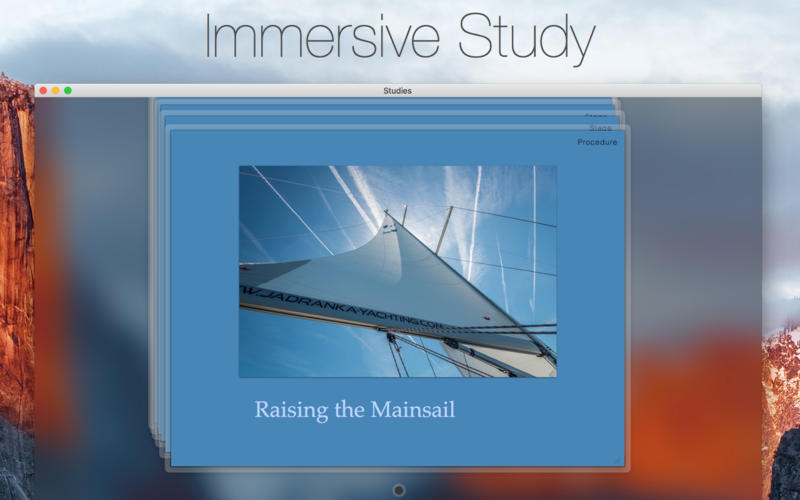
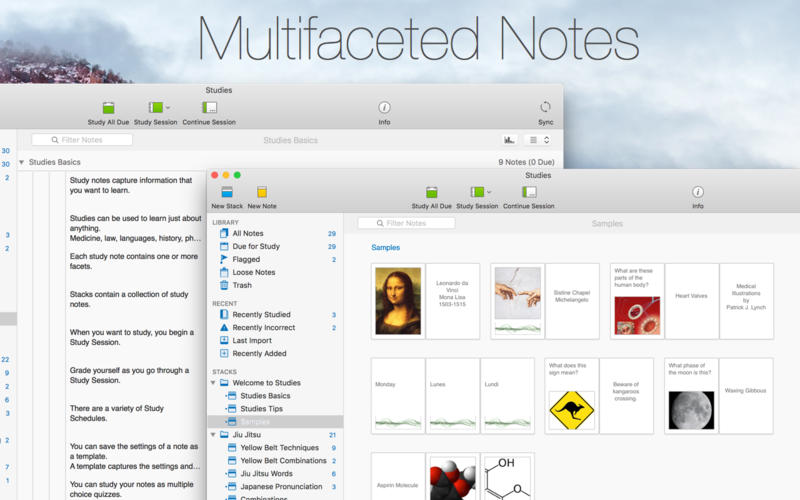
Studies (was Mental Case) is a flashcard app for the serious student, with editions for Mac, iPhone and iPad. It’s a tool to extend your knowledge, and it doesn’t matter what it is you want to learn – medicine, law, history, driving, aviation, fine art, music, or martial arts – from simple day-to-day tidbits, to knowledge of life changing importance. Studies is an app to help you achieve your learning goals.

Features

  • Study Notes – Studies allows you to turn the information you need to learn into study notes, similar to traditional flashcards, but much more powerful. Notes can include as many sides as you like, each of which can contain text, images, audio, and even video. You can create your own, or download shared sets from Quizlet.com.
  • Due for Study – Studies includes scientifically-based learning schedules designed to make the time you spend studying as efficient as possible. Set a schedule based on your goals, from long-term learning to cramming for an exam, and Studies will automatically make notes due for study each day.
  • Study Sessions – Once you have a set of notes prepared, you can study them in beautifully presented study sessions, which make studying less of a chore. Grade yourself as you go, and studies will ensure the ones you don’t know very well will reappear more often in future sessions.
  • Statistics – Everything you study is tracked by Studies. This information is used to schedule notes for future study, but also to provide statistics and predictions on how well you know the material. You can not only see how many notes you graded right or wrong, but you also have access to estimates of how long you will remember what you are studying.
  • Selective Sync with iCloud – Many of us now carry multiple Apple devices, and having your data silo-ed on one device is a drag. Studies includes iCloud sync using the latest CloudKit technology from Apple. Add notes on your desktop Mac, and they will appear on your iPhone or iPad when you come to study them later. Even your study sessions are synced, so you can start on one device, and finish on another. You can even choose what you want to sync.
  • Sharing – Studies has a multitude of different file formats to share your study notes with others. You can export an archive that can be imported into Studies (or Mental Case) on another device. You can also import and export standard text formats like CSV and TSV, which are supported by many flashcard web sites.
  • Mental Case Migration – Studies is the next generation of the app Mental Case. If you have been using Mental Case on your Mac or iOS device, you can migrate all of your data, including the study history and scheduling, to Studies when you first launch. You should even find your data takes up much less space in Studies than it did in Mental Case.

What’s New:

Version1. 1.8 8:

  • Release notes were unavailable when this listing was updated.

Compatibility: OS X 10.11 or later, 64-bit processor
Homepage http://www.studiesapp.com/

Screenshots

Name: Studies_1.8.8_Mactorrents.Me.dmg
Size: 29 MB
Files Studies_1.8.8_Mactorrents.Me.dmg[29 MB]


   Download Torrent

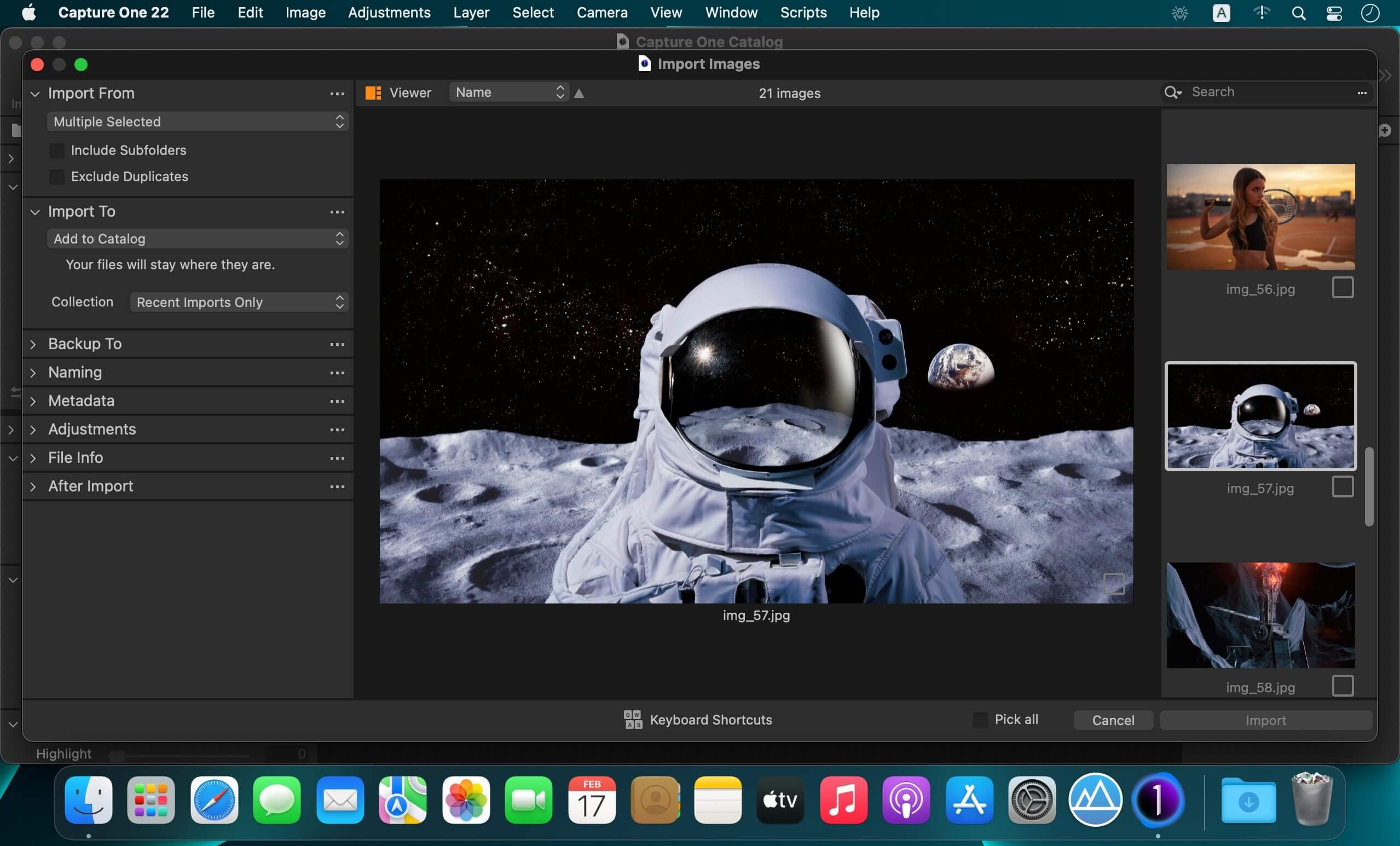
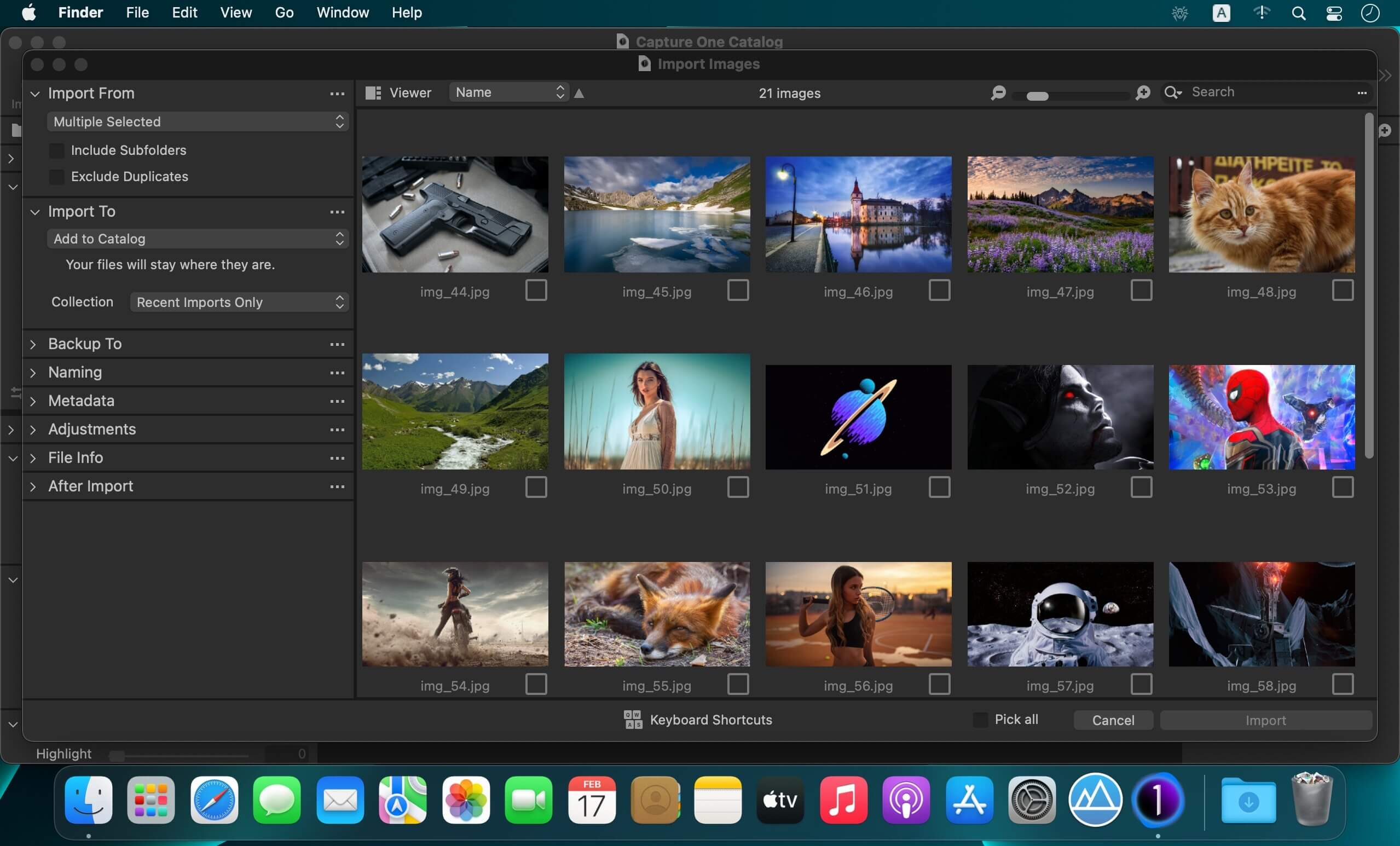
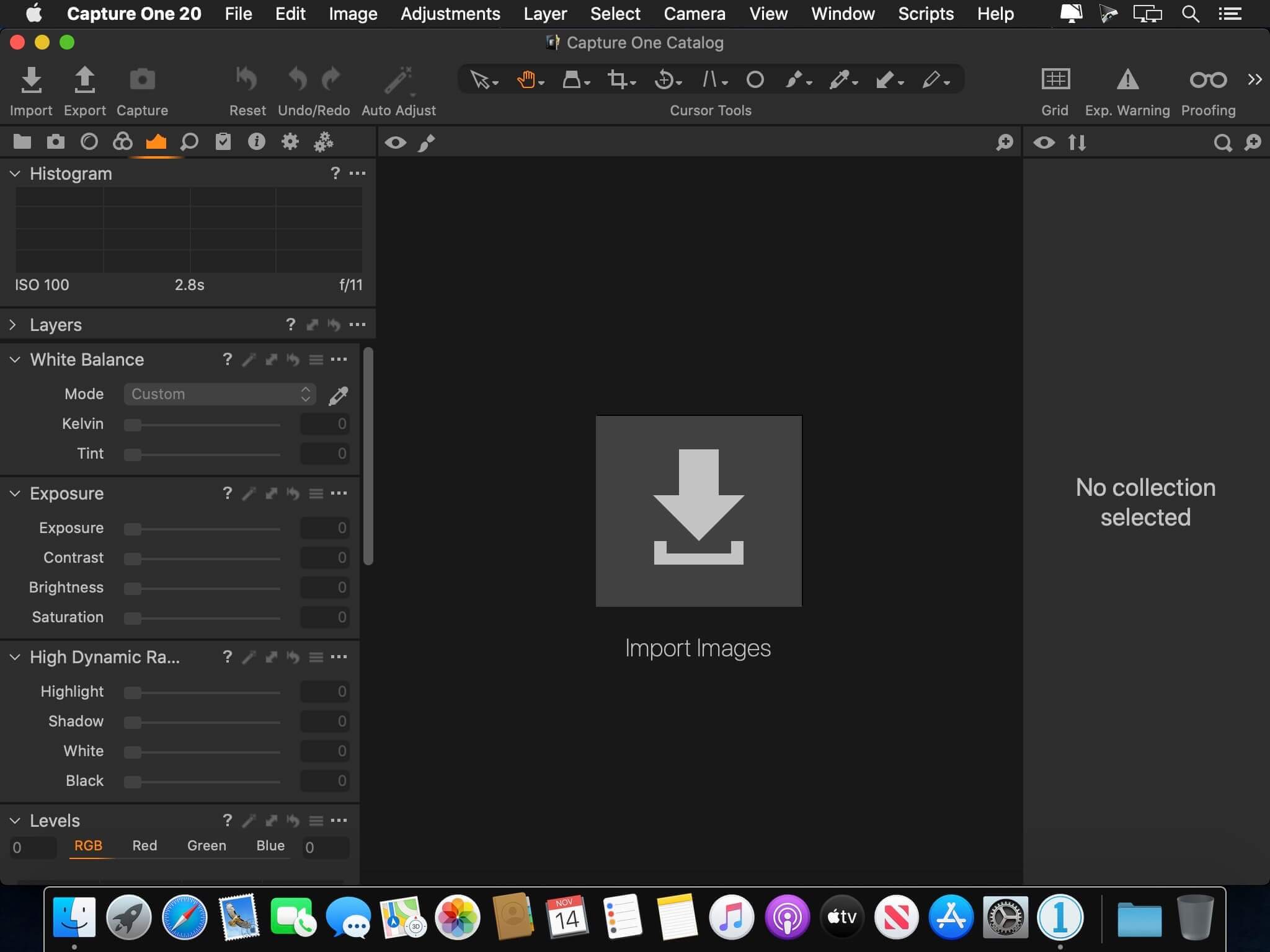
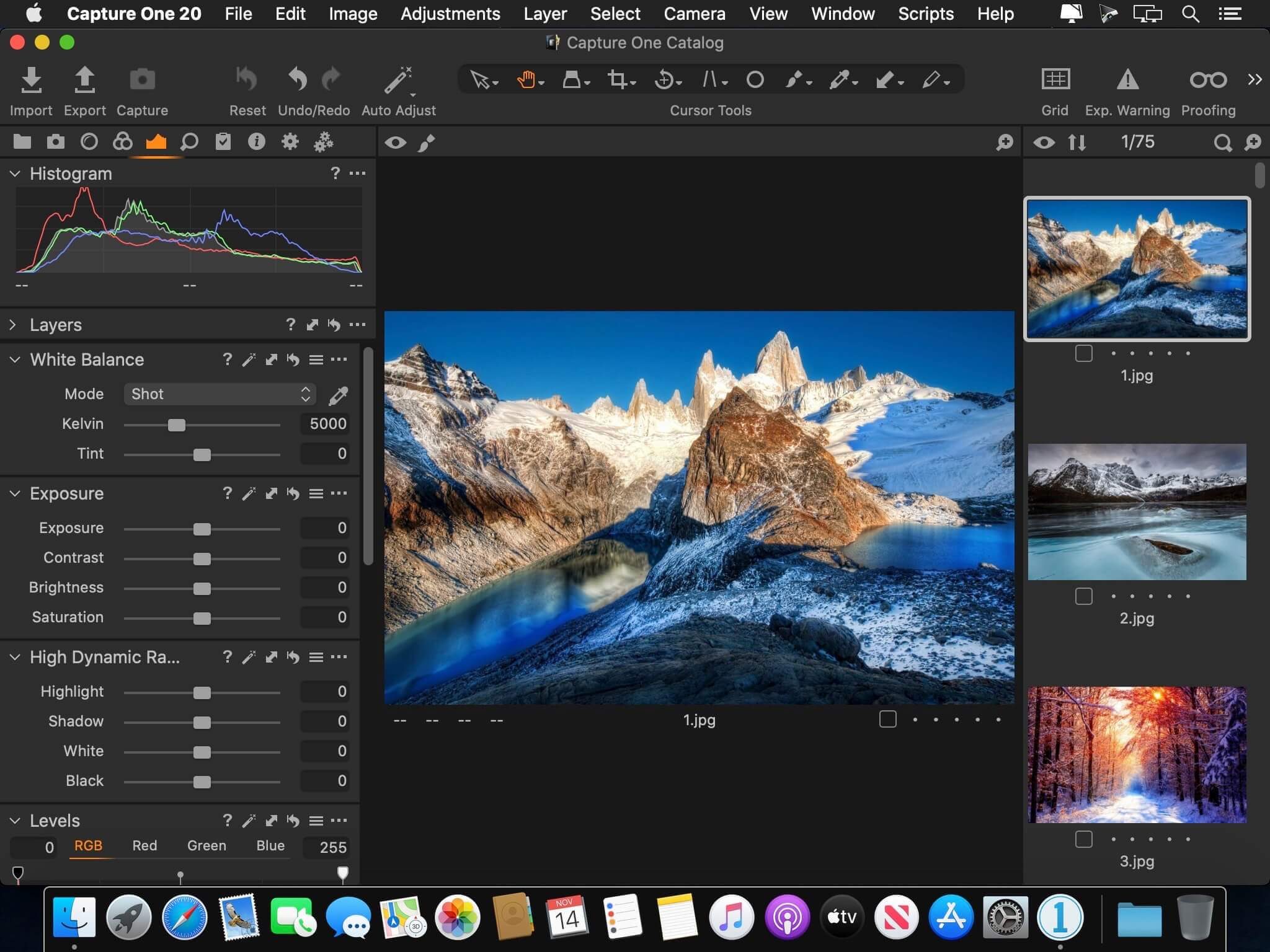
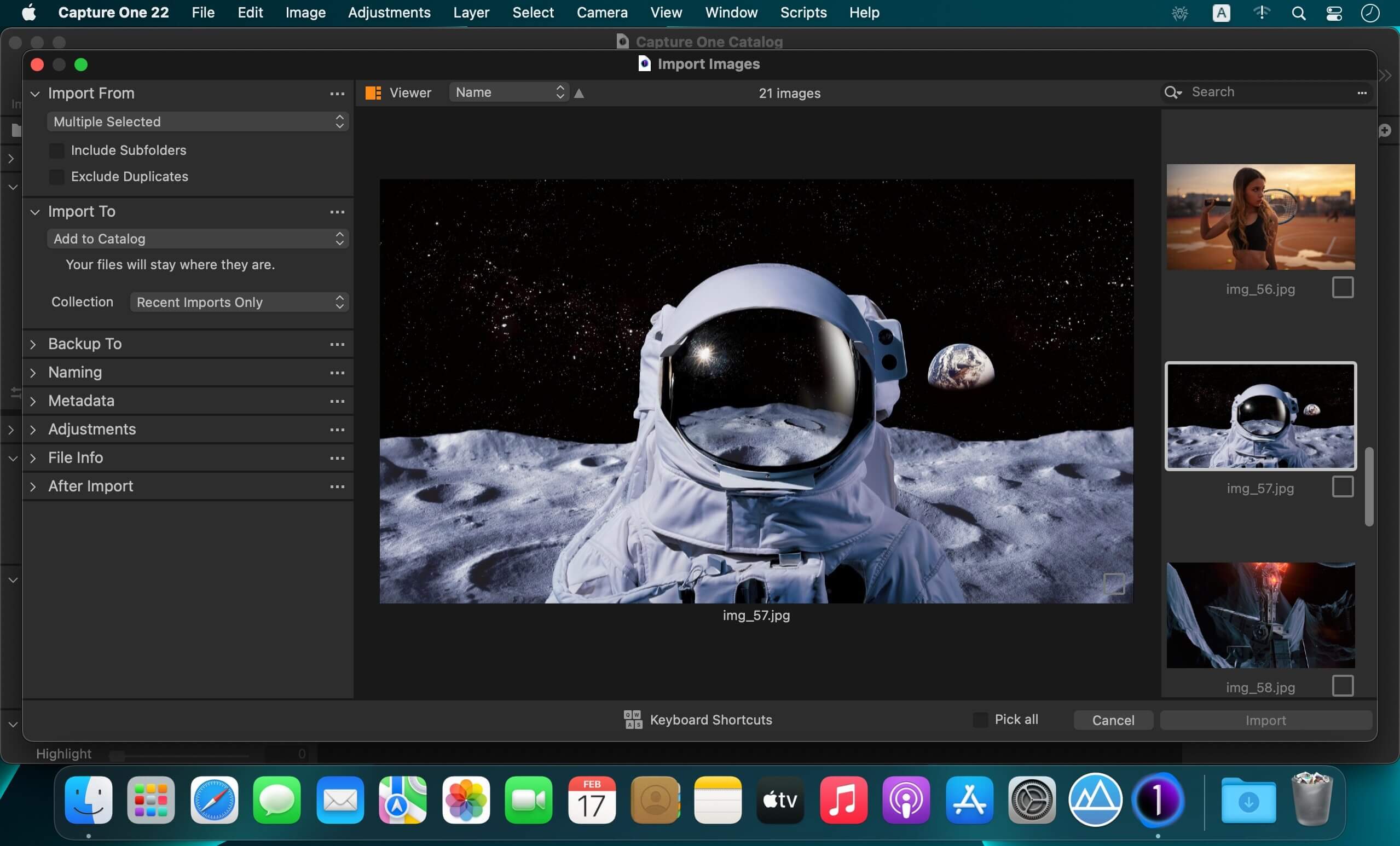
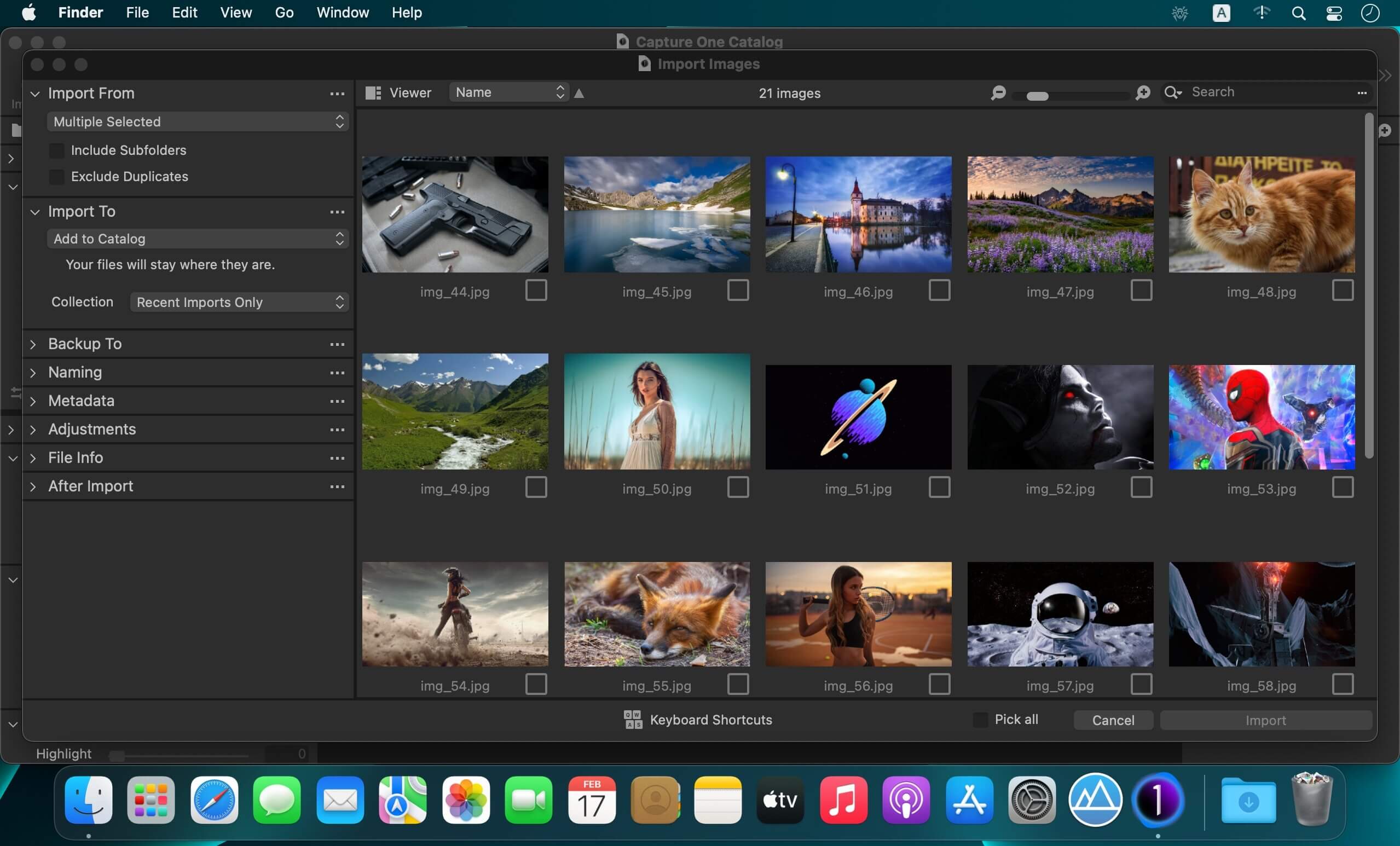
Capture One Enterprise 16.6.1.21

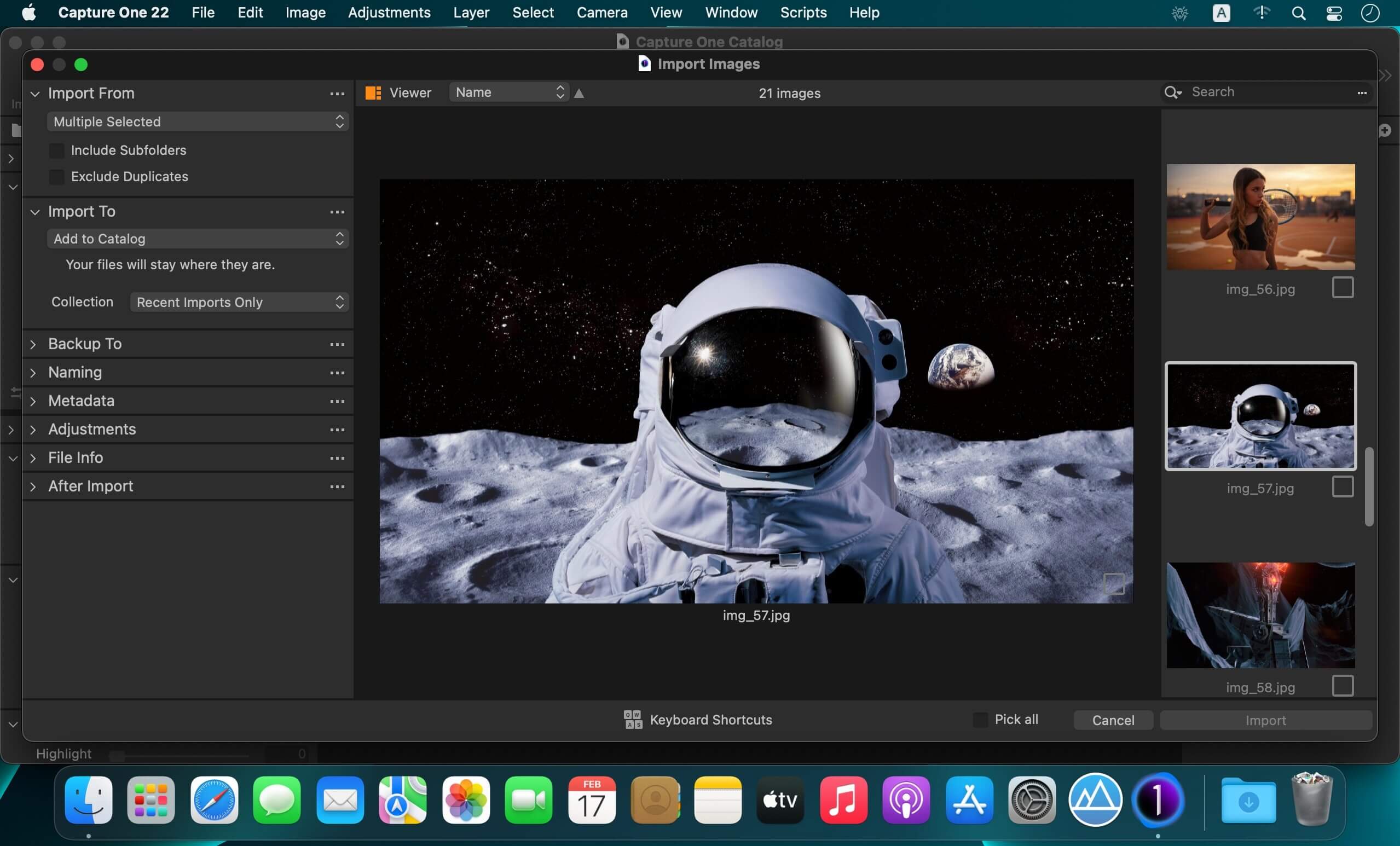
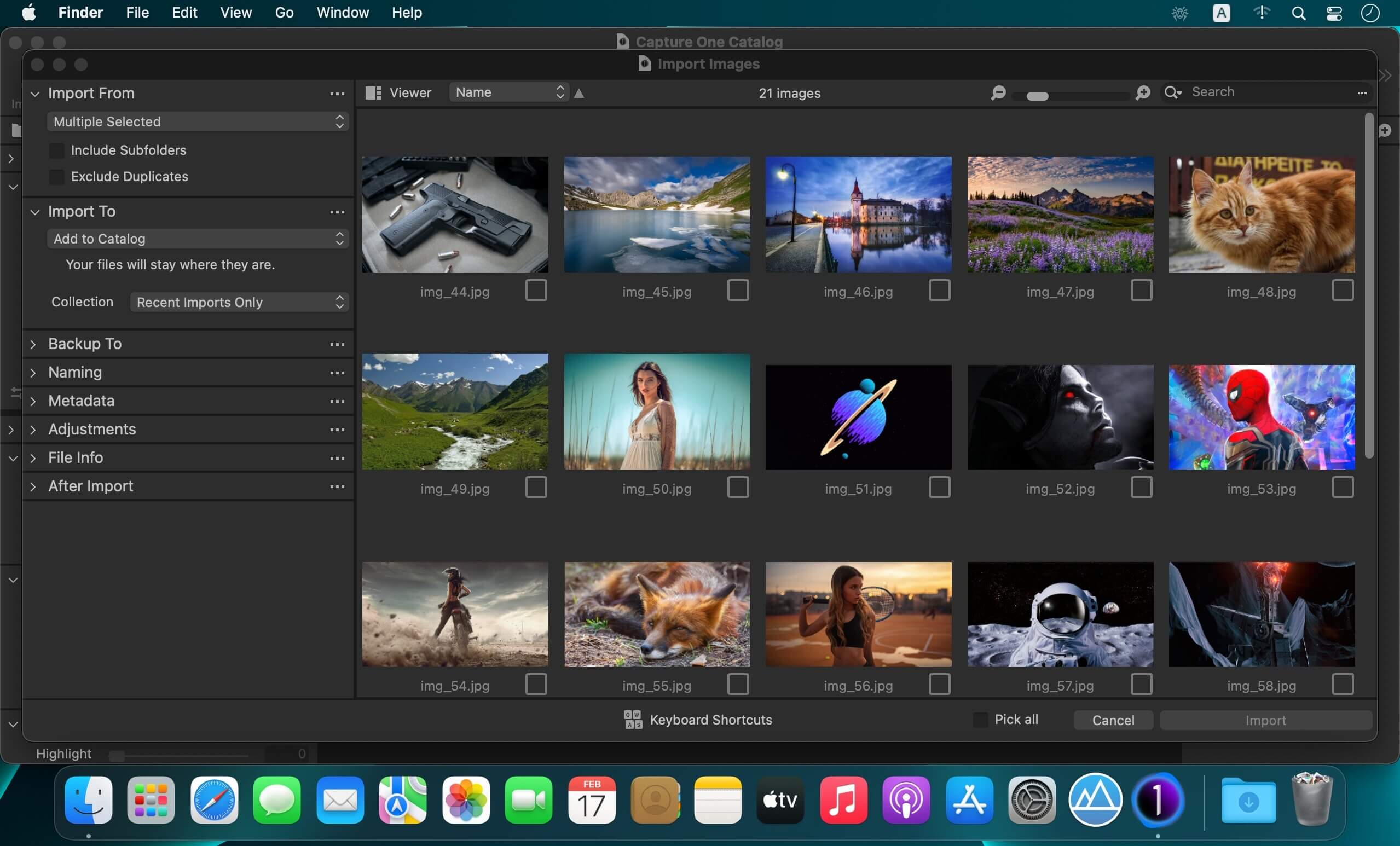
Capture One 23 Enterprise – the photo editing solution for image production studios and e-commerce platforms. Its authentic true-to-life color processing, seamless editing experience, and fastest tethering in the industry gives you total creative control, making it a household name in studios across the world. Based in Copenhagen, Denmark, Capture One empowers photographers with cutting-edge features to keep your photography one step ahead.

How any photography studio can create value with Capture One Enterprise
For the past 10 years, leading studio photography has been created with photo editing software Capture One. With world-class tethering, state-of-the-art photo editing tools and the highest quality RAW processing, it’s been a staple in any photography studio.

Now, Capture One has introduced an “Enterprise” version which is specifically built for business and aligned to the way a photography studio works.
Capture One Enterprise offers the same standard features as Capture One’s flagship product Capture One 20 – tailored to the needs of studio photography.

Built for Business
Photographers are key to the success of any photography studio.

But what if the photography studio involves several photographers, studio managers, retouchers, quality assurance managers, project leaders, etc who need to collaborate, standardize and carry out the same workflows over and over again? What if those workflows also need to be integrated to other systems, eg. barcode scanners, PIM systems, digital asset management systems, ecommerce platforms etc?

Capture One Enterprise has been developed to address the challenges faced by studio photography and help any enterprise or e-commerce photography studio optimize their image production process and boost results across relevant KPI’s.

Value creation with Capture One Enterprise
Studio photography has huge value creation potential with Capture One Enterprise. By incorporating its enterprise-specific features into the workflow, it can improve KPI’s such as

  • “Time to Market” – Optimizing the hours your photography studio spends on the image production process, from planning your image, to shoots, to publishing the final photo on your ecommerce platform.
  • “Cost per image” – Optimizing each step in your studio photography process can dramatically increase your efficiency and reduce your costs
  • “Reduce Risk” – Secure your studio photography and image production to reduce errors and costs, thanks to enterprise exclusive features such as Image back-Up, License Management, MDM support etc.

This is achieved via enterprise features such as the Barcode scanner tool, Advanced Guides, Next Capture Backup, Next Capture Keywords, Next Capture Metadata, Tool Locks, Capture Pilot with Enterprise enhancements and Dedicated Studio workspaces.

Automated workflows in Capture One Enterprise
Once your studio has implemented Capture One Enterprise and begun implementing its standard features in your workflows, there are further opportunities to intensify value creation by automating workflows and integrating Capture One Enterprise into your IT infrastructure. You can do this by implementing

  • Workflow enhancement (an automation feature within Capture One)
  • Integrations (extension or automation interfacing with another app)

Customized solutions can maximize value, too
Your photography studio might also have very specialized needs – here, customized solutions can generate value for your studio photography. For example, ultra-accurate color profiling can assist in achieving one critical KPI in particular

“Reduce product returns” – Color profiling optimization on true color reproduction can reduce the rate of goods returned due to discrepancies in color between the actual product and the image.

Capture One offers individual color profiles for businesses, so you can reduce editing time and save on retoucher costs with fine-tuned color profiling for the most popular e-commerce cameras used by photography studios. Minimize color discrepancies and meet the demands of specialist product and studio photography with more accurate colors out-of-the-box.

These are just some of the exclusive features designed for studio photography – get in touch with the Enterprise team to learn more and discover where Capture One Enterprise can specifically meet the demands of your business. For more insight into specific tools, check out the Tools and Functionality white paper and Barcode Reader white paper.

What’s New:

Release Notes:

Tools exclusive to Capture One Enterprise are as follows:
1. Barcode scanner tool 

2. Advanced Guides 

3. Next Capture Backup 

4. Next Capture Keywords 

5. Next Capture Metadata 

6. Tool Locks 

7. Capture Pilot with Enterprise enhancements 

8. Dedicated Studio workspaces

Compatibility: macOS 12.0 or later,
Homepage https://www.captureone.com/en/explore-features/enterprise

Screenshots


Name: Capture_One_Ent__16.6.1.21_Mactorrents.Me.dmg
Size: 1.2 GB
Files Capture_One_Ent__16.6.1.21_Mactorrents.Me.dmg[1.2 GB]


   Download Torrent

TechSmith Snagit 2024.3.1

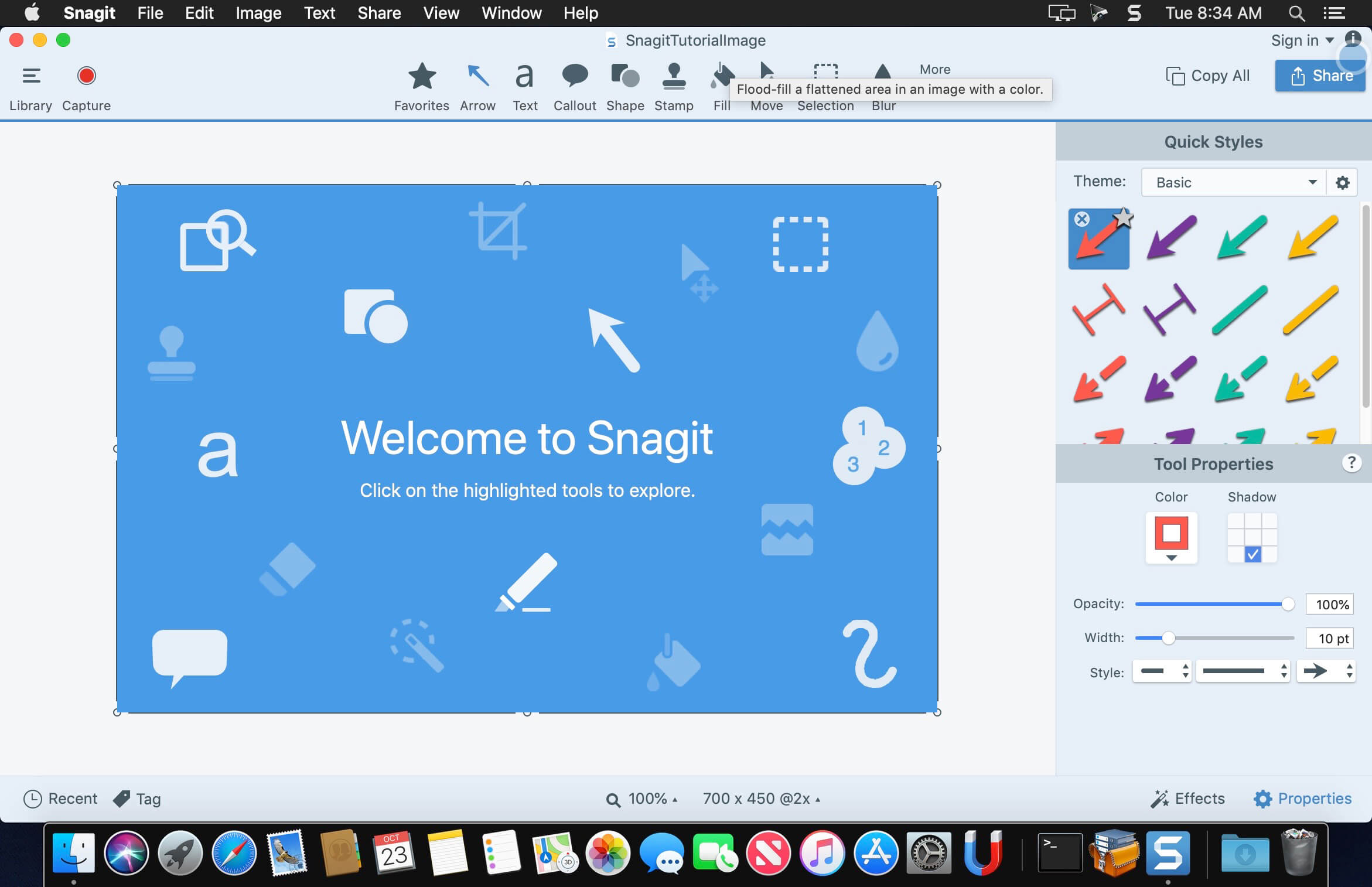
macOS comes with basic screen capturing capabilities, but the customization options are fairly limited. Snagit is an unobtrusive yet very easily accessible Mac app that proposes more diversified screenshot taking functions, and is also able to record videos.

In addition, Snagit provides an editing area where you can to personalize your projects without having to employ third party applications.

Capture screenshots or record videos in no time
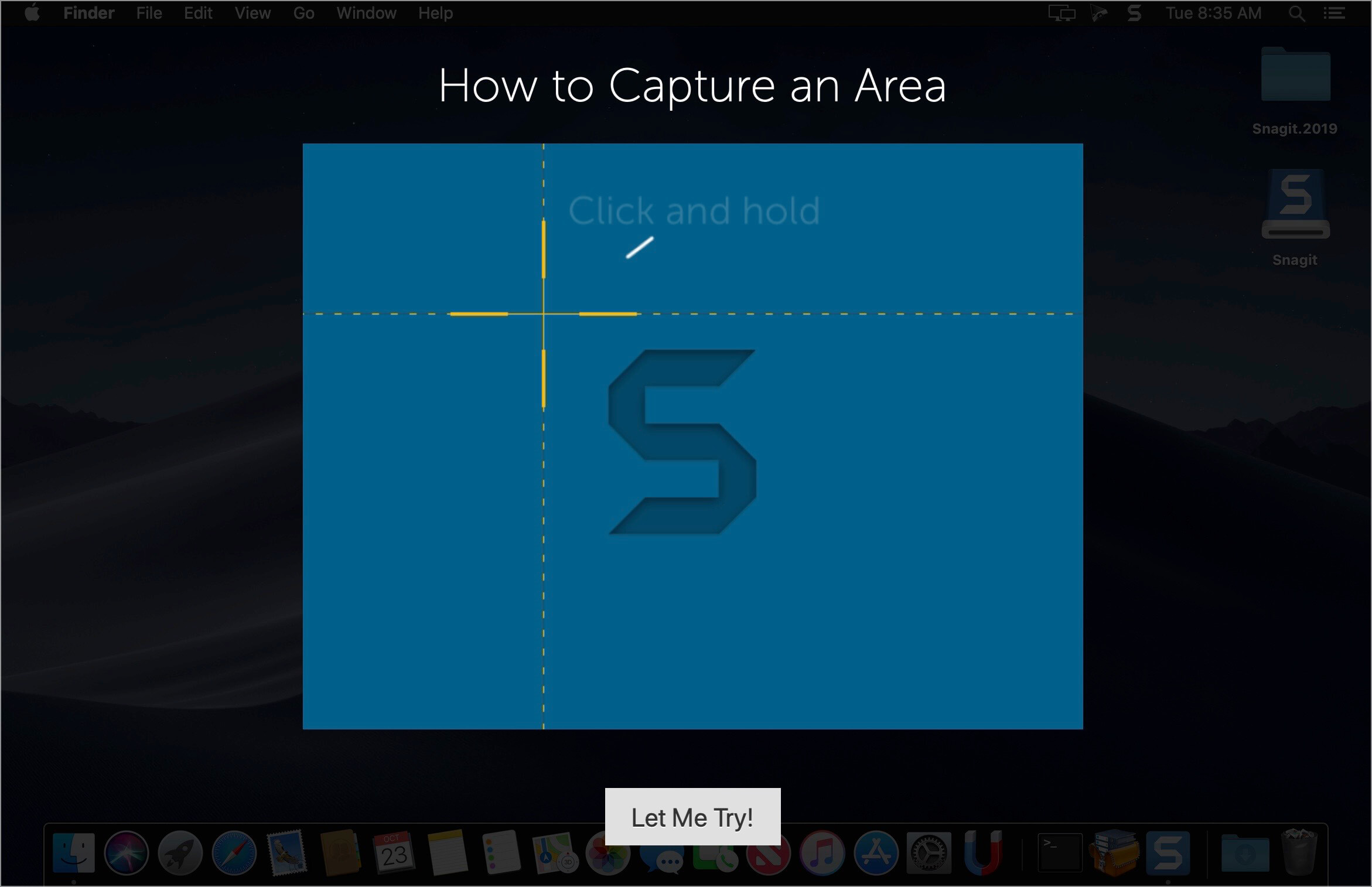
By default, Snagit is a status bar menu application that also provides an autohiding capture window placed in the top right corner of your screen. Via the app’s Preferences window you can quickly decide to keep only one of them enabled. At the same time, you can also make use of the already defined hotkeys.

All you have to do is select the capture type via any of those controllers, and highlight the area you want to record. Snagit automatically sends the captures to the processing window but that does not obstruct you workflow in any way: if you are already satisfied with the result, simply select one of the many image or video sharing solutions.

Versatile editing and sharing solutions
The Snagit image editor includes a collection of simple tools that can be used to highlight certain areas, to write down text, to erase certain elements, and much more. Moreover, you also get to apply color filters, edge effects, and more.

When dealing with video content, all you can do is preview the recording and cut a specific portion. Noteworthy is that Snagit allows you to connect to various online account in order to quickly upload the final projects from within the application: this makes the entire procedure extremely straightforward.

Powerful screen capturing tool that includes editing and sharing capabilities
Snagit succeeds at being a complete screen capturing solution: you get to capture both screenshots (including menus or entire webpages, on the spot or with a small delay) and videos (with your screen activity or with the images captured by your webcam).

To conclude, Snagit is the tool you want if you have to highlight certain aspects of an image, or if you need to record video presentations: use its built-in tools to edit the content, and then share the results with your friends in no time.

Compatibility: macOS 11.0 or later
Homepage https://www.techsmith.com/

Screenshots


Name: Snagit_2024.3.1_Mactorrents.Me.dmg
Size: 240 MB
Files Snagit_2024.3.1_Mactorrents.Me.dmg[240 MB]


   Download Torrent

Linguist: Easy Translate App 3.3

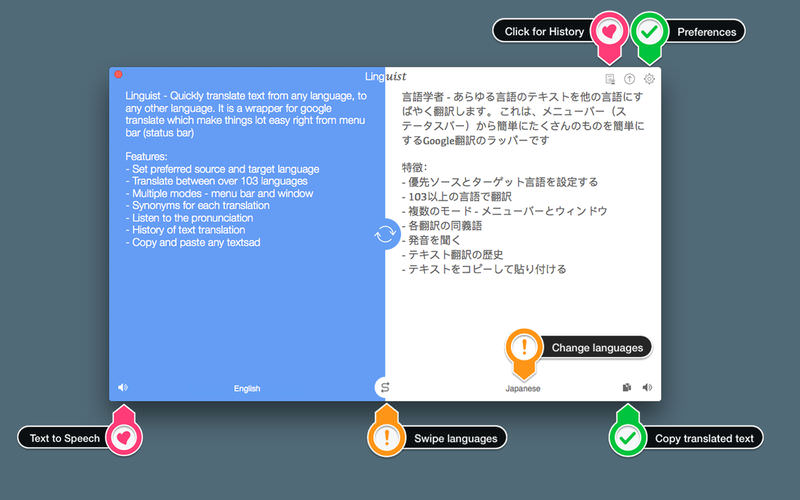
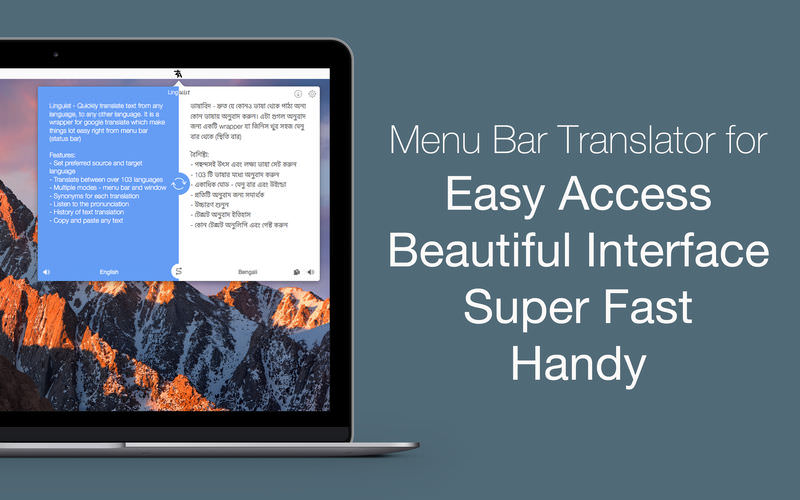
Linguist is easy to use translation tool for quick translation from the menu bar (status bar) or window. Translation of words or phrases by selecting in any other app or website with just a click or command (HOTKEY). It can translate document in .txt, .rtf and .doc formats.

Key Features:

  • Set the preferred source and target language
  • Translate between over 103 languages
  • Translate document in .txt, .rtf and .doc formats.
  • Automatically copy the translated text to the clipboard.
  • Multiple modes – menu bar and window
  • History of text translation for reference
  • Export translated History in TextEdit(.txt) format
  • HOTKEY to translate text from any website or App
  • Synonyms for each translation
  • Listen to the pronunciation
  • Copy and paste the text.

Compatibility: macOS 10.11 or later
Homepage https://apps.apple.com/us/app/linguiste-traducteur-linguistique/id1175751480

Screenshots


Name: Linguist_3.3_Mactorrents.Me.dmg
Size: 5 MB
Files Linguist_3.3_Mactorrents.Me.dmg[5 MB]


   Download Torrent


   Download Link

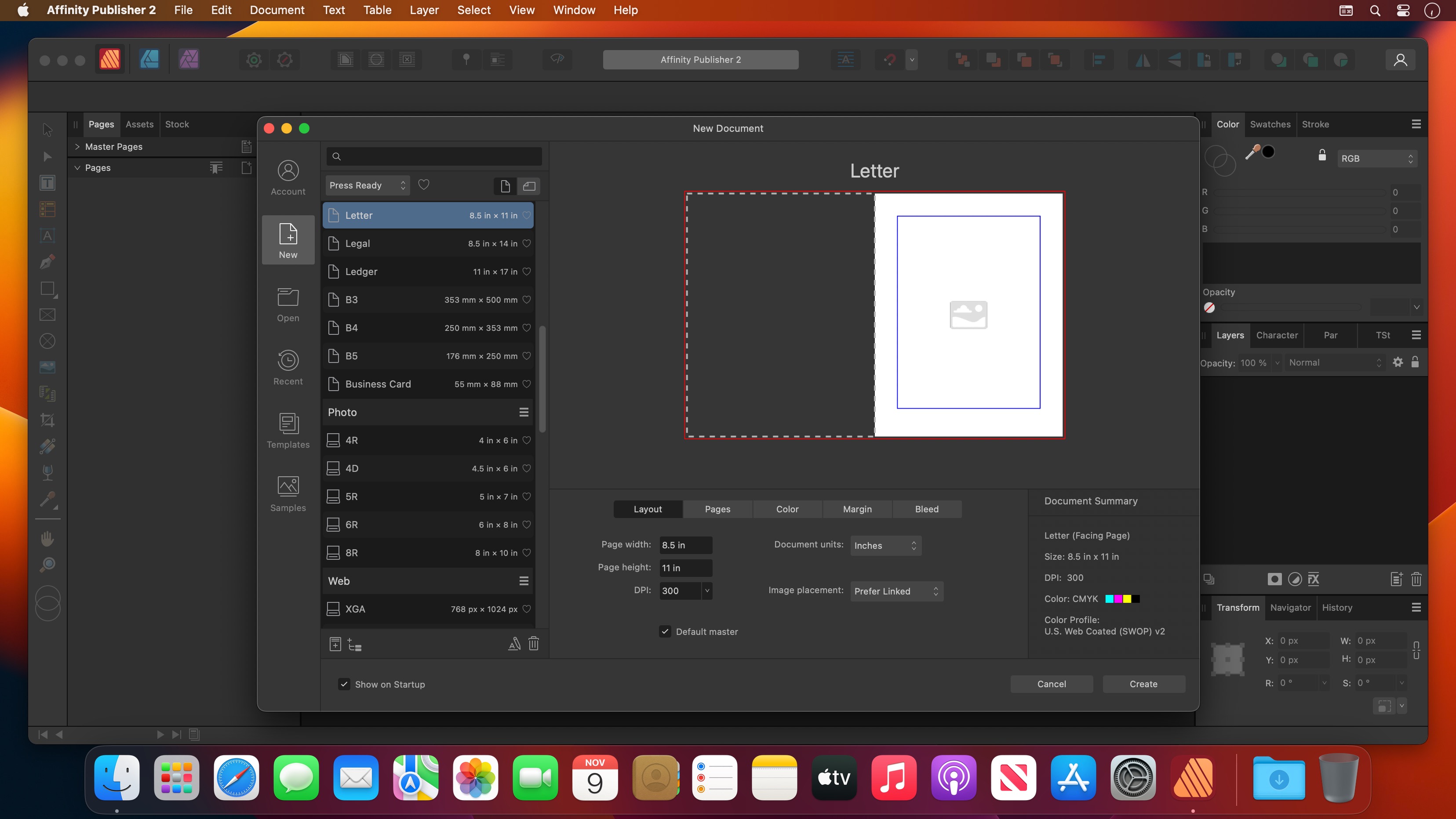
Boxy SVG 4.71.1

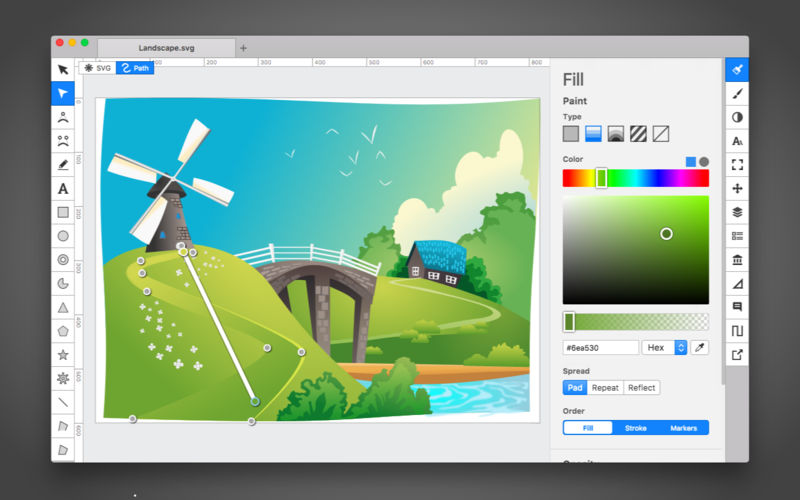
Boxy SVG project goal is to create the best SVG editor for non-technical users as well as for professional designers and developers.

SVG is the standard format for storing vector graphics such as icons, banners, charts and illustrations.

CORE FEATURES

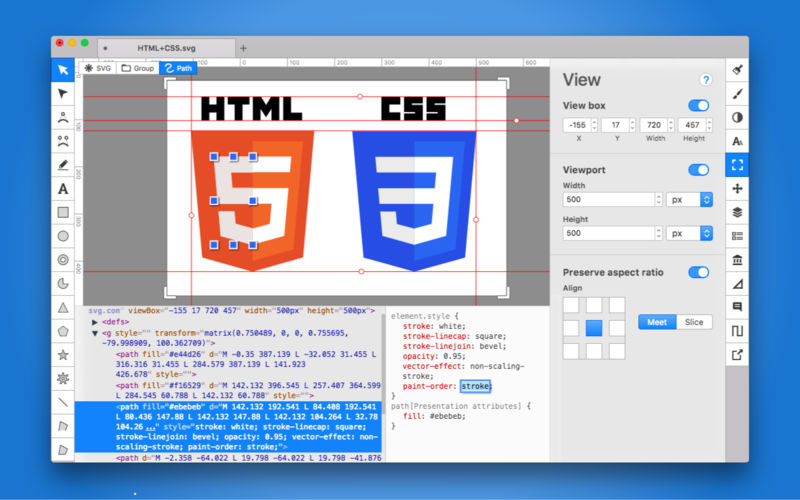
  • Clean and intuitive UI heavily inspired by Inkscape, Sketch and Adobe Illustrator
  • Extensive support for on-canvas editing of object geometry, transform, paint and other properties
  • Save to SVG and SVGZ formats, export to PNG, JPG, WebP, PDF and HTML5
  • Open Clip Art Library integration with thousands of free stock vector arts
  • Google Fonts integration with hundreds of free fonts
  • Configurable keyboard shortcuts for over 100 commands
  • Manual guides, smart guides and grid
  • Path operations (unite, intersect, subtract, exclude, close, reverse, etc.)
  • Arrangement operations (align to, rotate, flip, order, group, etc.)

FOR WEB DEVELOPERS

  • Chromium-based rendering engine
  • SVG and CSS code inspector similar to Chrome Dev Tools
  • Clean SVG output that preserves IDs, classes, titles and other metadata
  • SVG sprites editing support

Compatibility: macOS 10.15.0 or later
Homepage https://geo.itunes.apple.com/app/id611658502

Screenshots


Name: Boxy_SVG_4.71.1_Mactorrents.Me.dmg
Size: 205 MB
Files Boxy_SVG_4.71.1_Mactorrents.Me.dmg[205 MB]


   Download Torrent

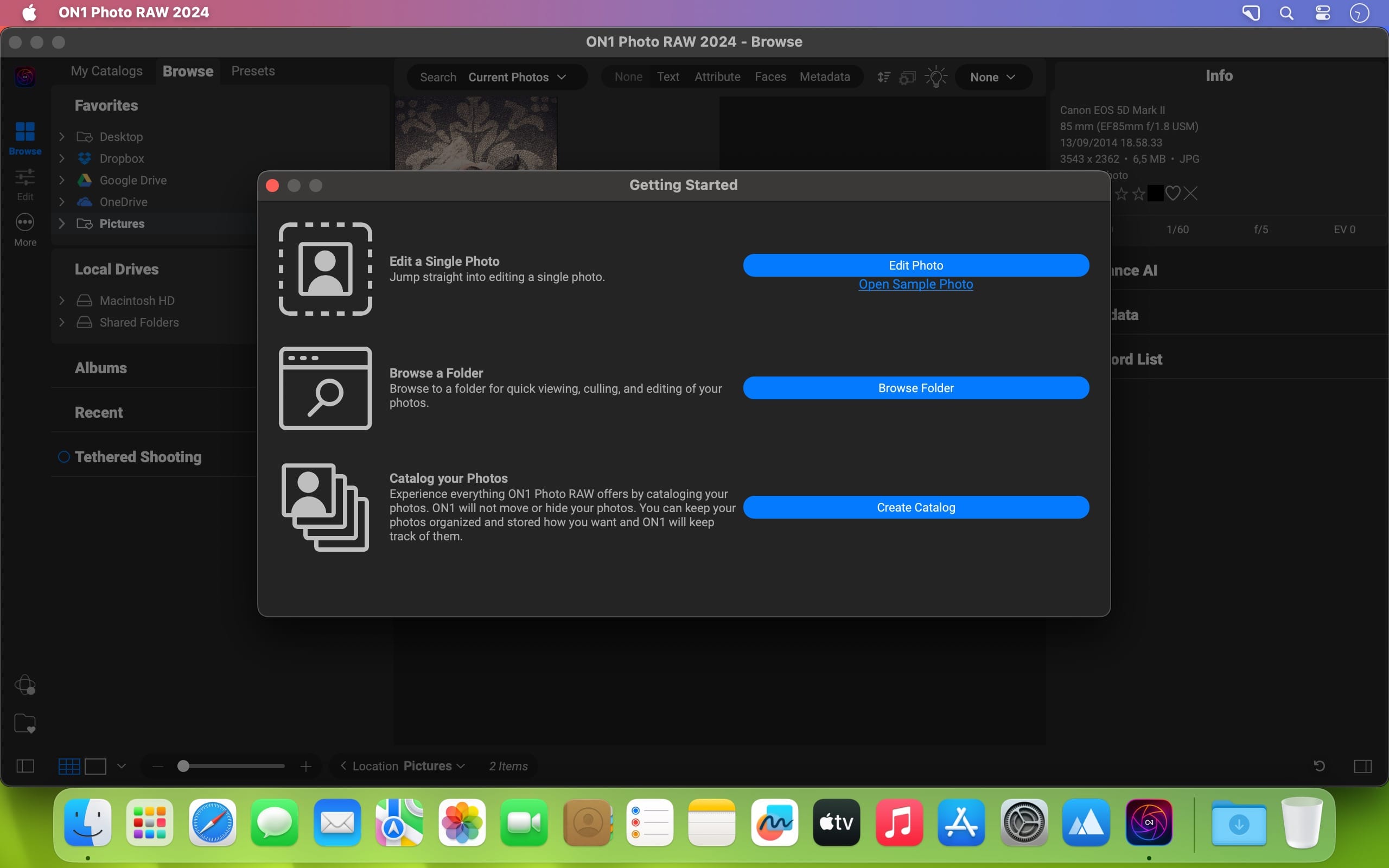
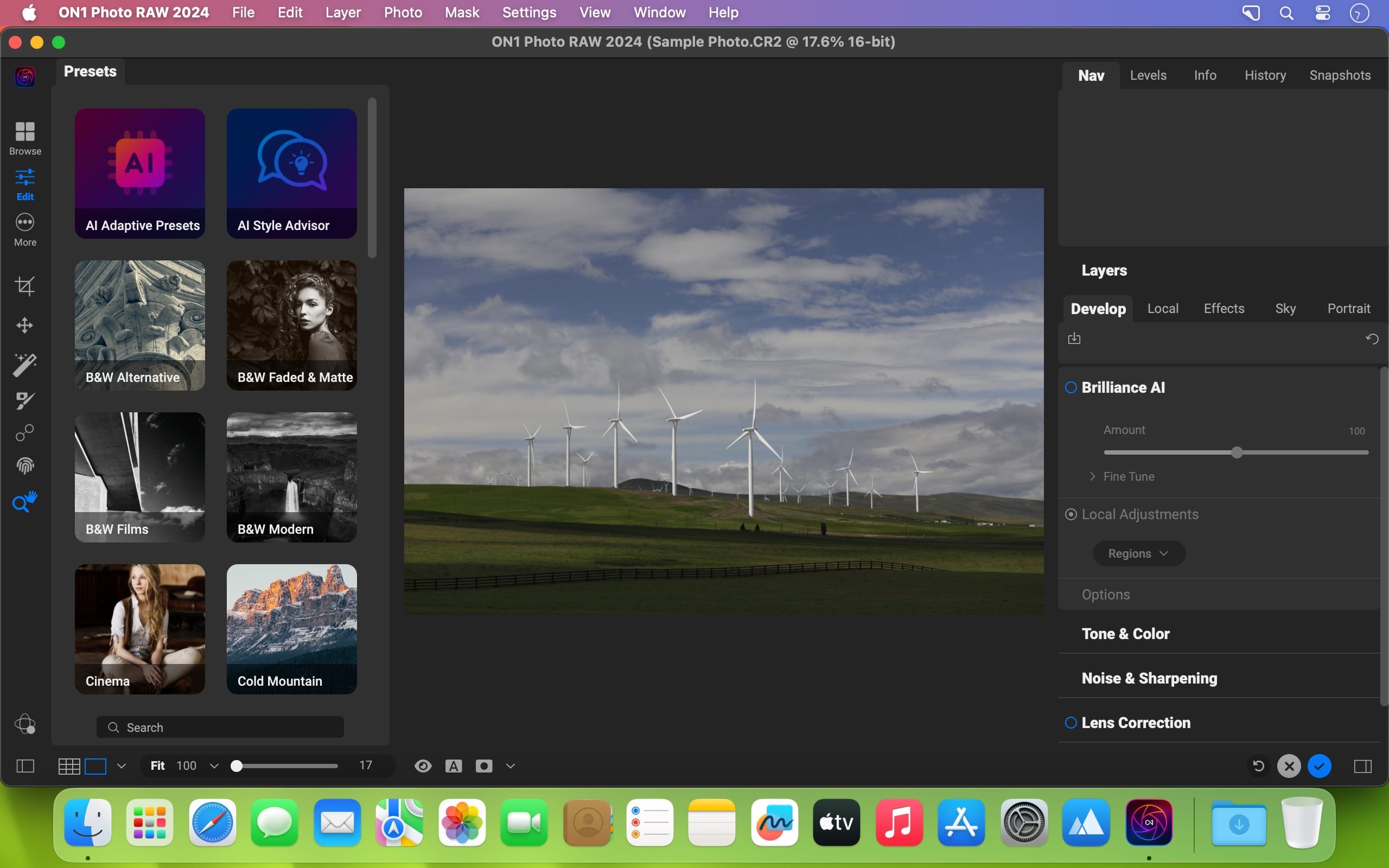
ON1 Photo RAW 2025.2 v9.2.1.16909

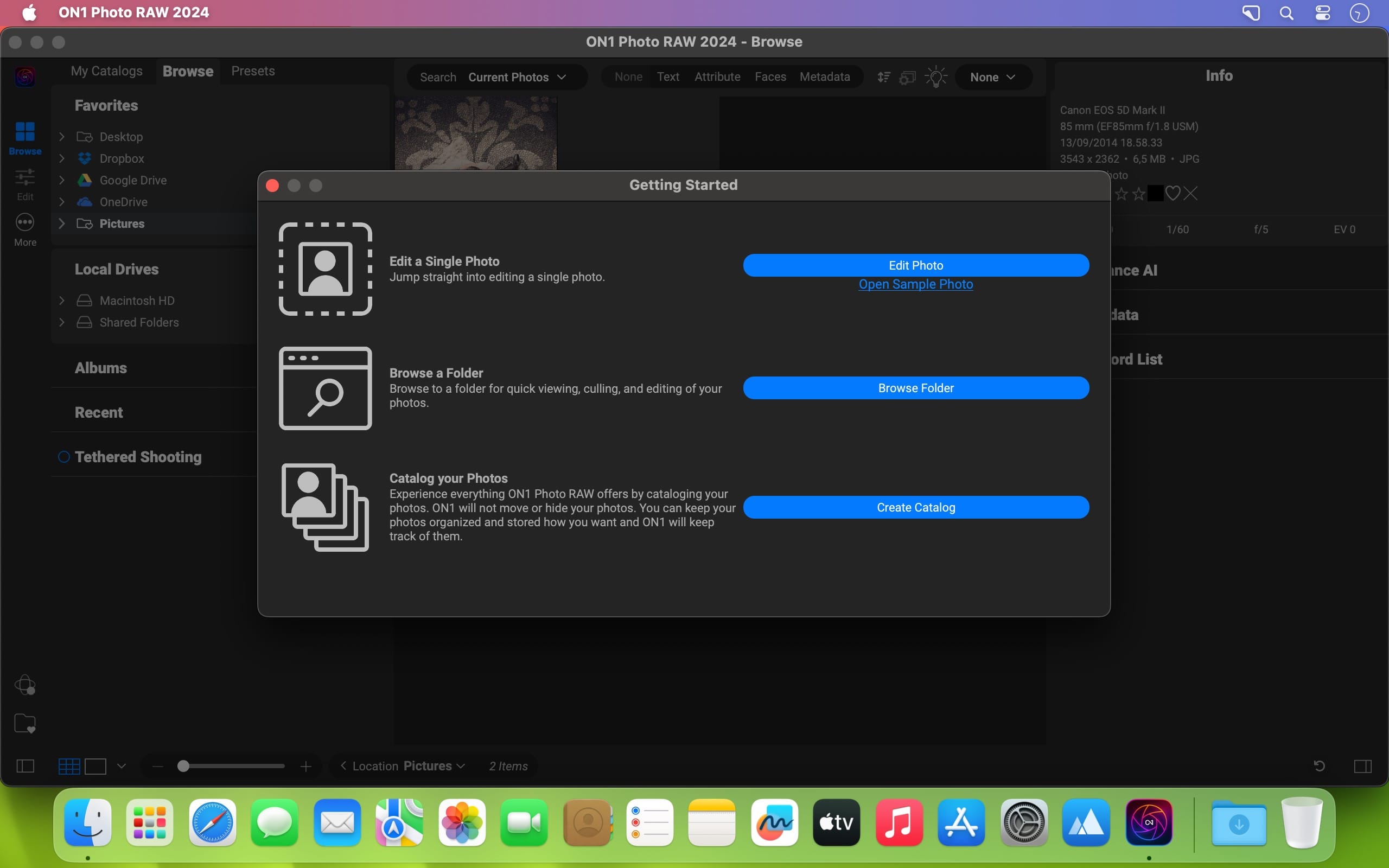
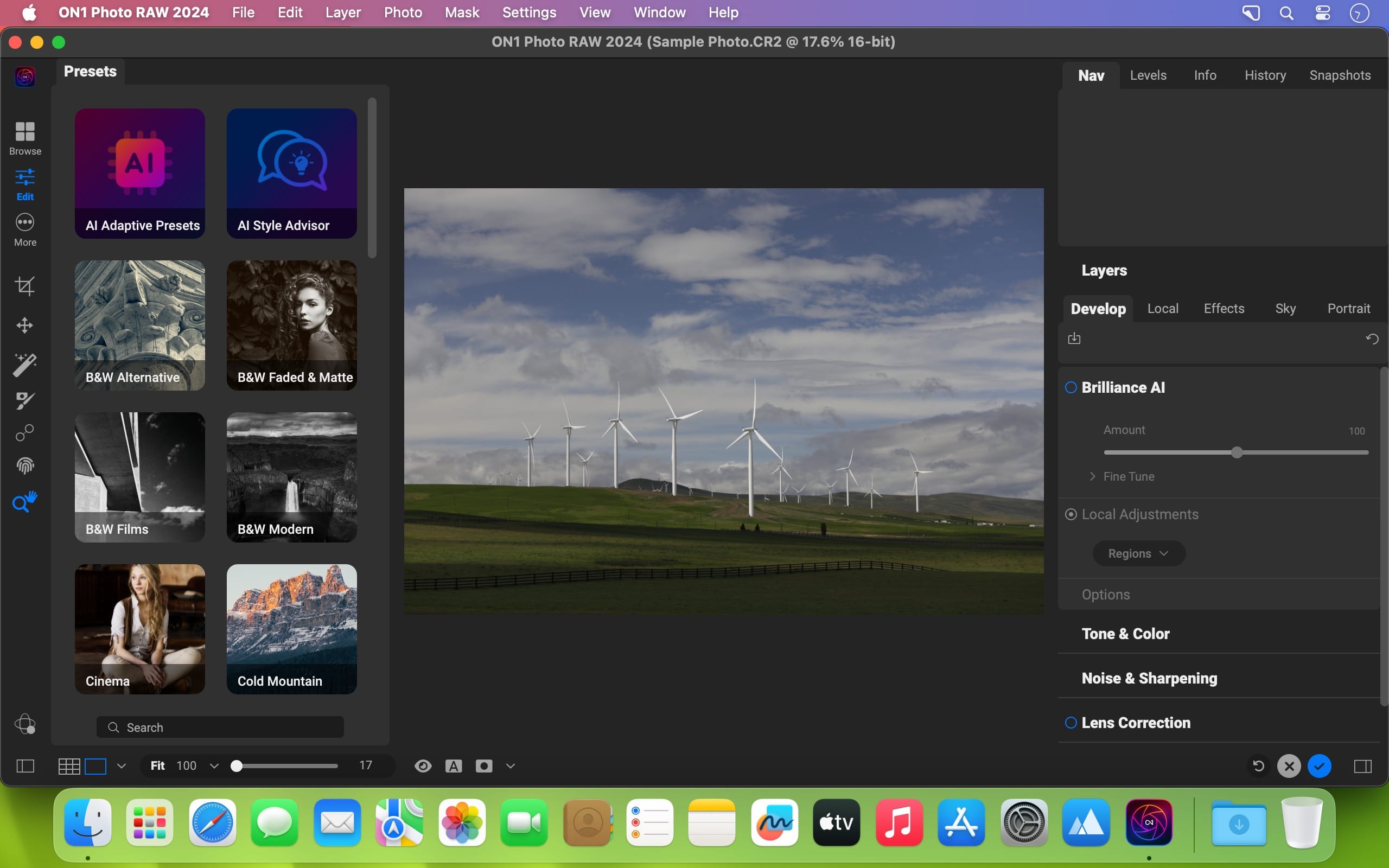
This professional-grade photo organizer, raw processor, layered editor, and effects app, includes everything you need in one photography application. The newest features include AI-powered features AI Match and AI Auto, four filters in Effects (Weather, Sun Flare, Color Balance, Channel Mixer), improved decoding of raw files (especially for Fujifilm), custom camera profiles with X-Rite, SmugMug integration, improved noise reduction, a map view, a Print Module, speed/performance enhancements, and much more!

We’ve curated hundreds of the most popular looks and styles seen throughout the industry. Our team of experts overhauled the preset library to give you the trendiest looks with these amazing new one-click presets.

Support for Over 800+ Cameras Also supports JPEG, TIF, PSD, PSB, PNG, and DNG

Compatibility: macOS 10.15 or later
Homepage https://www.on1.com/products/photo-raw/

Screenshots


Name: ON1_Photo_RAW_2025.2_v19.2.1.16909_Mactorrents.Me.dmg
Size: 671 MB
Files ON1_Photo_RAW_2025.2_v19.2.1.16909_Mactorrents.Me.dmg[671 MB]


   Download Torrent

Topaz Gigapixel AI 8.3.3

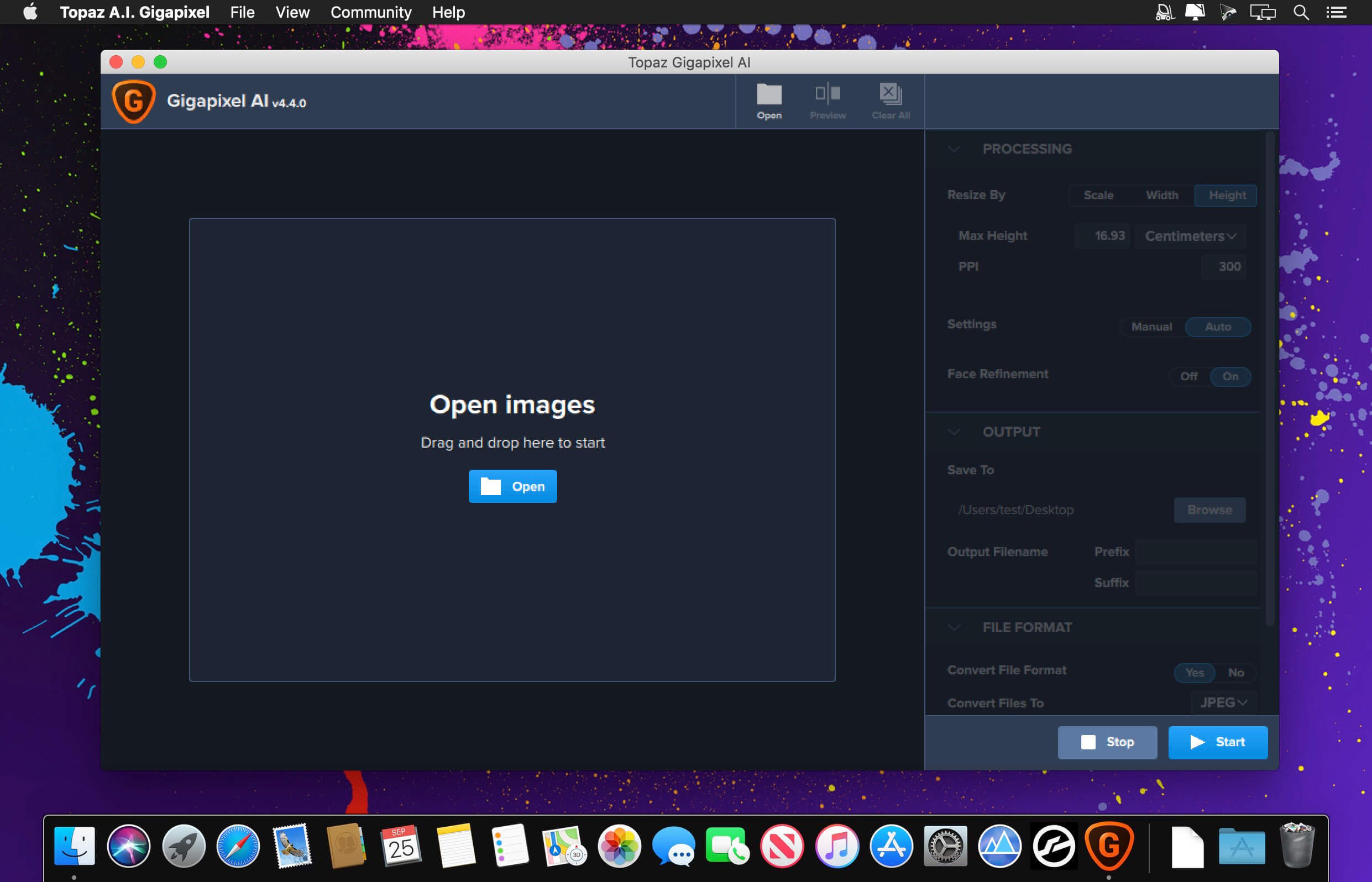
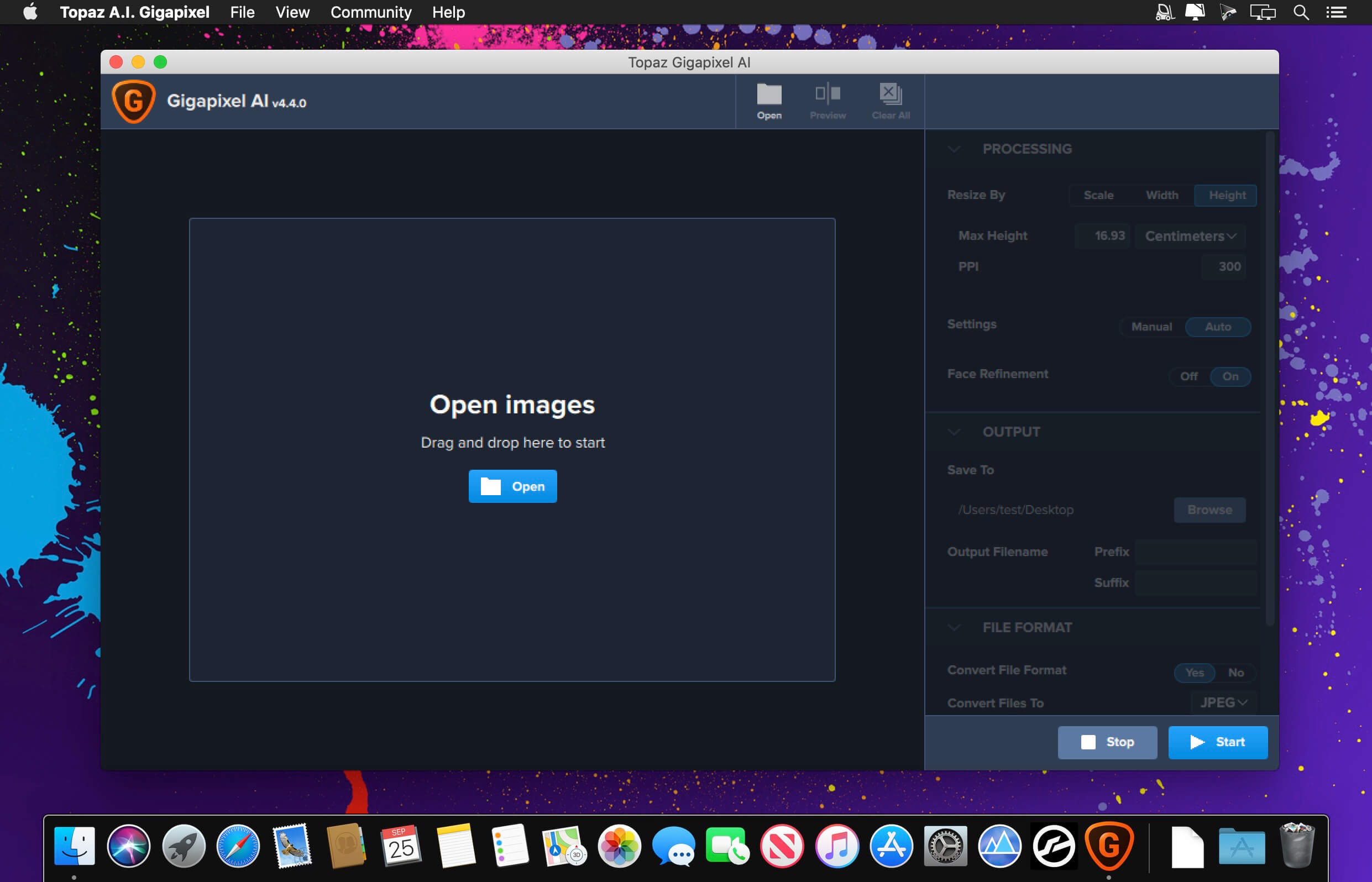
Upscale any image like magic with AI. Join the hundreds of thousands of creatives who use Gigapixel 7 to upscale and enhance their images. All-new interface. 600% upscaling. World-class AI models.

Run locally
Upscale and enhance quickly right on your desktop. Use easy batch processing to optimize your workflows.

Premium AI Models
More than five years of advanced AI training has made Gigapixel 7 best-in-class.

Lighting Speed
Gigapixel 7 is faster than ever and optimized for your machine.

AI Upscaling with Gigapixel 7
Boost sharpness and clarity with crisp edges
Enhance details in fur and feathers
Improve textures and create smoother edges
Add fine, realistic and natural details
Create cleaner lines to improve graphic art

Enhance any image with Gigapixel 7
Recover low-resolution portraits
Digitally zoom without loss of detail or resolution
Fix extreme pixelation and compression artifacts
Clean up low-quality line art and PNGs
Restore details in vintage photographs

What’s New:

 Version 8.3.3:

  • Release notes were unavailable when this listing was updated.

Compatibility: Big Sur 11.0 and higher
Homepage https://topazlabs.com/

Screenshots


Name: TOGIAI.833.OSX_Mactorrents.Me.zip
Size: 359 MB
Files TOGIAI.833.OSX_Mactorrents.Me.dmg[359 MB]


   Download Torrent

Topaz Photo AI Pro 4.0.2

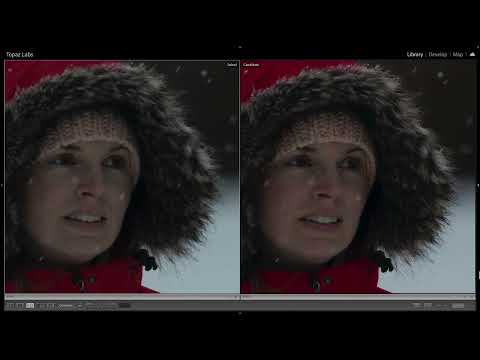
Sharpen, remove noise, and increase the resolution of your photos with tomorrow’s technology. Topaz Photo AI supercharges your image quality so you can focus on the creative part of photography.

Focus on your creativity rather than your tools.
AI is good at some things but bad at others. It can write sentences but can’t tell a story, and it can recommend songs but can’t compose music. But most importantly for us: AI is exceptionally good at improving image quality, but bad at knowing what to do with it.

We believe that stunning photography comes from artistic vision paired with world-class tools. AI will never replicate human creativity, so it’s still your job to provide the vision. But just like a sharper lens or better camera, Topaz Photo AI empowers you to create images that just aren’t possible with yesterday’s tools.

Your photos at their very sharpest.
You won’t always be able to retake a shot when your subject is blurry. Sometimes you won’t even know until you’re reviewing your photos on your computer.

In these cases, use Topaz Photo AI to make sure your photos are as sharp as possible. Instead of artificially boosting edge contrast like traditional sharpening, the Sharpen AI module naturally reverses the root causes of blurring (camera shake, motion blur, incorrect focus) to create more natural-looking results.

Without blurring, the sharpness remains: crisp, clear detail, free from edge halos or other artifacts.

Get sharp and clear images without noise.
It’s a magical feeling to see noise evaporate while sharp detail remains.

After learning from millions of images, Topaz Photo AI’s Remove Noise module can effectively understand the content of your image. It can accurately determine the difference between real image detail and noise with an astonishing level of accuracy.

Not all of your images will be noisy. For those who are, Topaz Photo AI will give you the best possible results that modern technology is capable of.

Homepage https://topazlabs.com/

Name: Topaz_Photo_AI_Pro_v4.0.2_macOS_Mactorrents.Me.dmg
Size: 1.2 GB
Files Topaz_Photo_AI_Pro_v4.0.2_macOS_Mactorrents.Me.dmg[1.2 GB]


   Download Torrent

Topaz Photo AI 3.6.1

Enhance the quality of your photos by sharpening, reducing noise, and enhancing resolution using the latest technology available. Topaz Photo AI is designed to elevate the quality of your images, allowing you to concentrate on the artistic aspect of photography.

Enhance the quality of your photos by sharpening, reducing noise, and enhancing resolution using the latest technology available. Topaz Photo AI is designed to elevate the quality of your images, allowing you to concentrate on the artistic aspect of photography.

Focus on unleashing your creativity rather than getting caught up in the technical details.
AI excels in certain areas but falls short in others. While it can generate sentences, it struggles to craft a compelling narrative. It can suggest songs, but it can’t compose music. However, when it comes to enhancing image quality, AI shines. It may not possess human creativity, but it can significantly enhance the quality of your photos.

We believe that exceptional photography is the result of a blend of artistic vision and cutting-edge tools. AI will never replace human creativity, so it remains your responsibility to provide the vision. Just like a high-quality lens or camera, Topaz Photo AI empowers you to create images that were previously unattainable with older tools.

Ensure your photos are at their sharpest.
There are instances where you won’t have the opportunity to capture another shot if your subject is blurry. Sometimes, you may only notice the blurriness when reviewing your photos on a computer.

In such situations, rely on Topaz Photo AI to guarantee that your photos are as sharp as possible. Instead of artificially boosting edge contrast like traditional sharpening methods, the Sharpen AI module naturally corrects the root causes of blurriness (such as camera shake, motion blur, and misfocus) to produce more authentic results.

Mac Operating System Big Sur 11 and higher
Homepage https://topazlabs.com/

Topaz Photo AI

Name: TOPHAI.361.OSX_Mactorrents.Me.zip
Size: 1.16 GB
Files TOPHAI.361.OSX_Mactorrents.Me.dmg[1.16 GB]


   Download Torrent

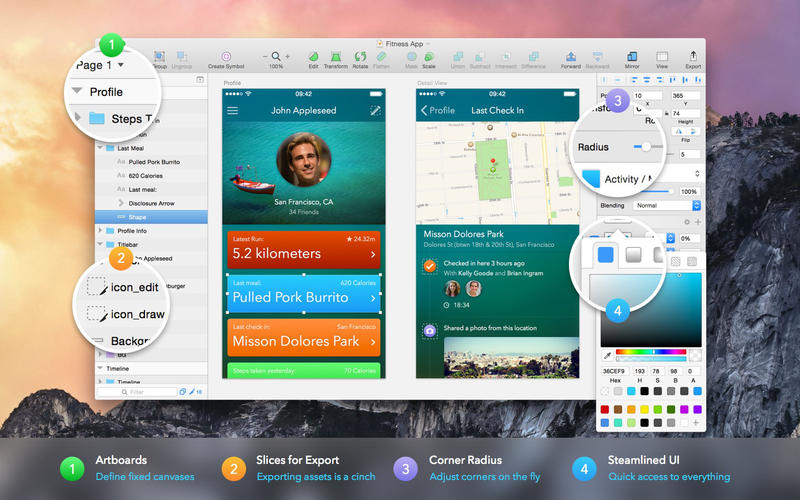
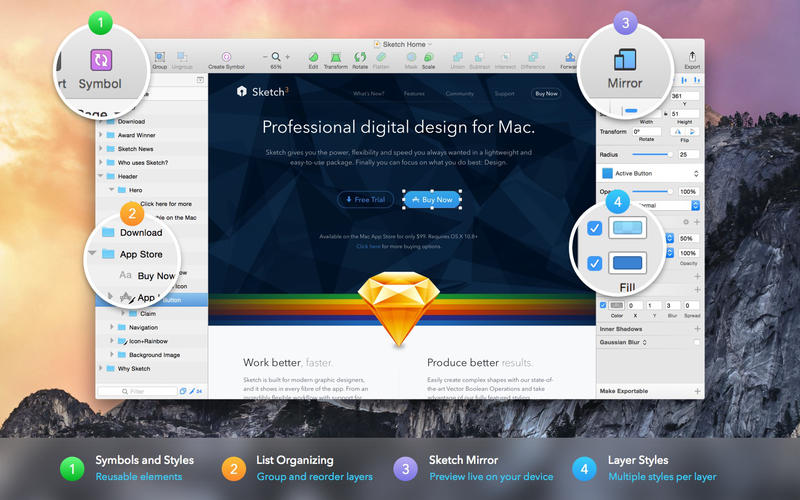
Sketch 2025.1.3

Sketch: graphic design for a digital world. Powerful tools and an elegant interface, in a single award-winning package. Because making beautiful things should be a joy, not a burden.

Sketch supports multiple fills, borders and shadows per layer; has powerful non-destructive boolean operations; smart pixel alignment; and makes exporting a breeze with automatic slicing and multiple resolution export.

Vector tools and basic shapes are the foundation; whether you are designing icons, websites, interfaces or anything else. Combine these into complex shapes with non-destructive boolean operations, leaving you free to edit them in the future, then apply advanced layer style options like multiple shadows, fills, gradients, noise, blending, background blurring, and more.

Sketch doesn’t just do shapes, of course. Imported images can be rotated, scaled, cropped and masked. The best-in-class text tool lets you add beautiful typography to your designs, using native font rendering, so you can be sure that text always looks 100% accurate!

Brand new to Sketch 3, Symbols allow you to reuse entire groups of content in multiple places in your design. Think of interface elements such as buttons, headers and footers. Change them once, and they update everywhere in your document.

Built for the Mac, Sketch supports OS X’s Versions and Auto Save, letting you focus on your work instead of hitting CMD+S. Keep your work safely in sync across multiple Mac computers with iCloud. And take Sketch full screen to maximise the size of your canvas.

All this power is deliciously baked into Sketch’s single-window interface. Everything is there, tucked away until you need it. A simple interface with powerful tools.

Compatibility: macOS 14.0 or later
Homepage https://www.sketch.com/updates/

Screenshots


Name: Sketch_2025.1.3_Mactorrents.Me.dmg
Size: 97 MB
Files Sketch_2025.1.3_Mactorrents.Me.dmg[97 MB]


   Download Torrent

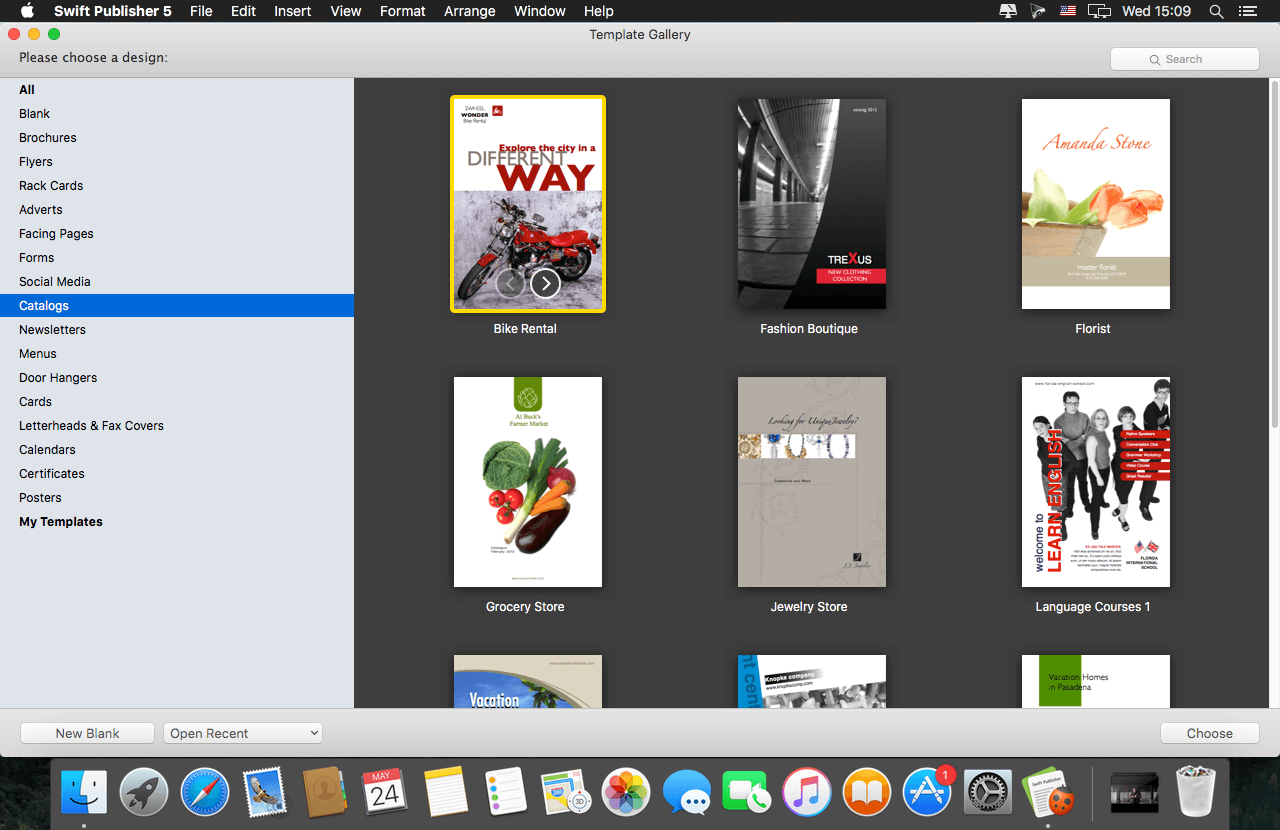
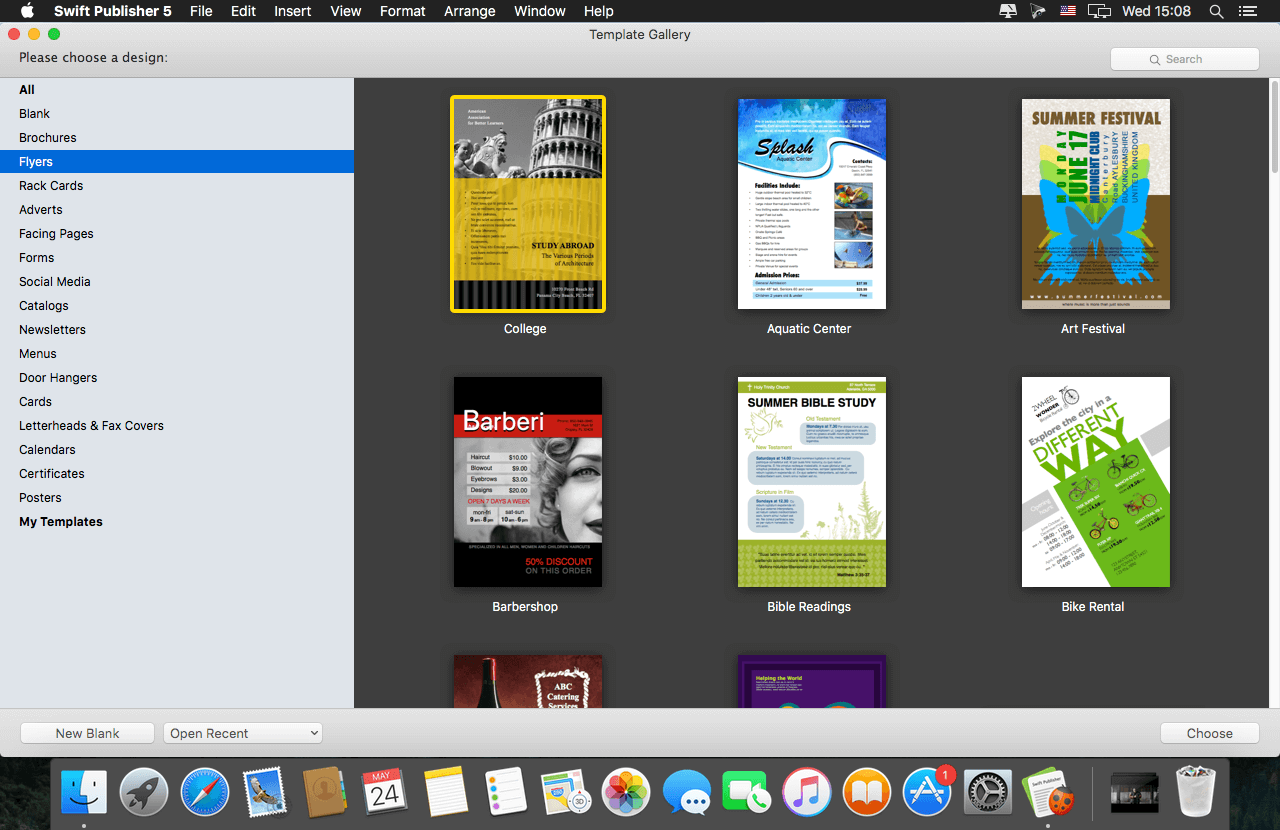
Swift Publisher 5.7.2

Swift Publisher takes the headache out of desktop publishing: print colorful flyers, newsletters, brochures, letterheads, and more.

Features

  • An easy-to-learn alternative. Ditch those massive, daunting design apps aimed at professional publishers — with its accommodating interface, Desktop Publisher is a digital drawing board for the rest of us.
  • Text toolkit. Customize text styles, link text boxes, and create visually pleasing wrap-around effects. With Swift Publisher, manipulating your content is never a chore.
  • Inspiring options. Spark your creativity. Swift Publisher includes images, designs, and unique masks, giving you the templates and resources you need to jump-start the design process.
  • Perfect personalization. When your publication has to be personalized, turn to Swift Publisher. Whether you need to tint, tile, group, rotate, or adjust the opacity of an object, you’ll find the tool you need.

Compatibility: macOS 10.12 or later
Homepage https://www.swiftpublisher.com/

Screenshots


Name: Swift_Publisher_5_5.7.2_Mactorrents.Me.dmg
Size: 459 MB
Files Swift_Publisher_5_5.7.2_Mactorrents.Me.dmg[459 MB]


   Download Torrent

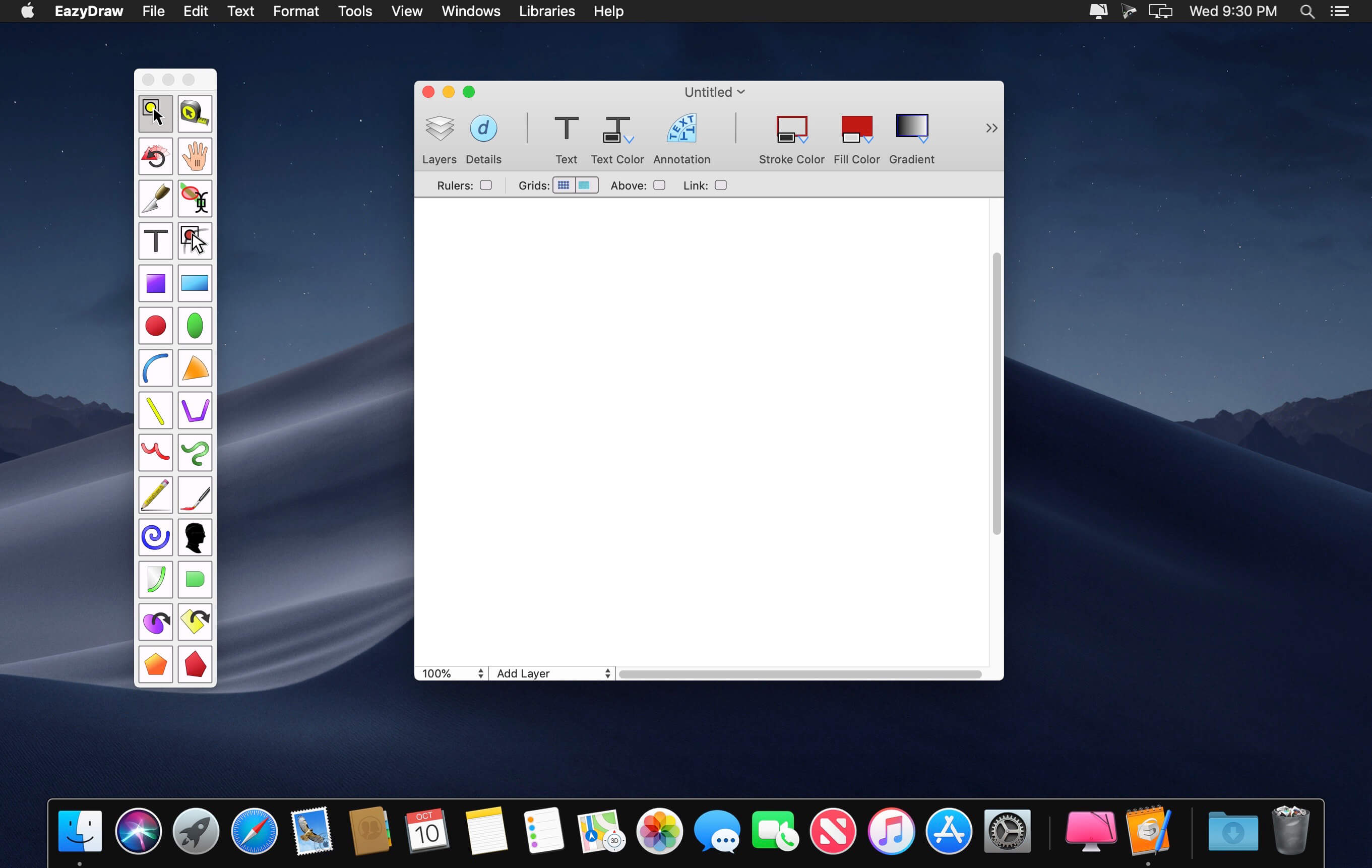
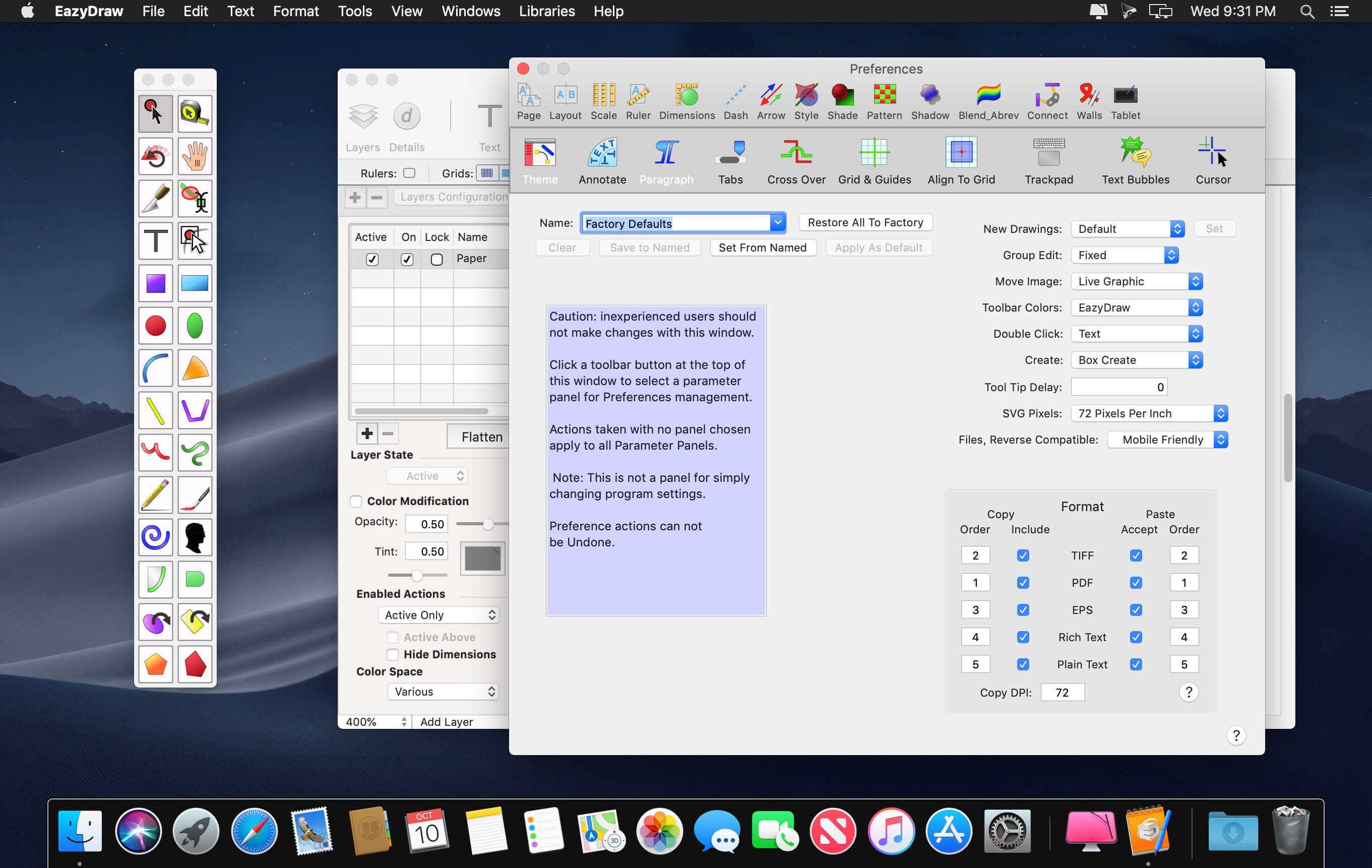
EazyDraw 11.12.1

EazyDraw is a vector drawing application. For the full journey from Jaguar to El Capitan, EazyDraw has been the trail-blazing app for the new vector-drawing paradigm on the Mac.

EazyDraw provides a balanced feature set that includeas tools needed for technical drawing, Web and app graphic design, print publishing, logos, page – text layout and more. Easy enough for everyone, but with the depth your project will need.

Includes comprehensive support for bitmap and vector graphic formats. Import and ungroup for editing PDF and EPS. Import and export SVG and now DXF. Preview and publish to EPS and TIFF with RGB or CMYK process colors. Exchange scaled CAD drawings with DXF. Publish Web graphics. Create Mac, iPhone, and iPad app-development graphics and icons.

Top In-App Purchases: Full Version – included
Compatibility: macOS 11.0 or later
Homepage http://www.eazydraw.com/

Screenshots


Name: EazyDraw_11.12.1_Mactorrents.Me.dmg
Size: 151 MB
Files EazyDraw_11.12.1_Mactorrents.Me.dmg[151 MB]


   Download Torrent


   Download Link

Autodesk AutoCAD LT 2026

AutoCAD LT 2026 is designed to develop and detail 2D drawings. The program automates most of the stages of the project. A full set of 2D commands allows you to create drawings, modify them and release working documentation for projects.The program provides built-in support for DWG format and reliability of work, and also contains powerful tools to improve drawing performance.Thanks to this project files can be easily transferred to other specialists. In addition, you can customize the user interface of the program to fit your needs.

System Requirements:
OS:Apple® macOS® Ventura v13/Apple macOS Monterey v12/Apple macOS Big Sur v11
CPU:64-bit Intel CPU/Apple M series CPU
Memory:4 GB of RAM (8 GB or above recommended)
Display:1280 x 800 display with true color/High Resolution: 2880 x 1800 with Retina Display
Disk Space:3 GB free disk space for download and installation
Brower:Apple Safari® 5.0 or later
OS Language:All Mac OS X supported language operating systems

Homepage https://www.autodesk.com/

Name: Autodesk_AutoCAD_LT_2026_macOS_Mactorrents.Me.zip
Size: 2.31 GB
Files Autodesk_AutoCAD_LT_2026_macOS_Mactorrents.Me.dmg[2.31 GB]


   Download Torrent

Autodesk AutoCAD 2026

Autodesk AutoCAD 2026 design and documentation software, of the world’s leading 2D and 3D CAD tools. It will allow you to design and shape the world around you using its powerful and flexible features. Speed documentation, share ideas seamlessly, and explore ideas more intuitively in 3D. With thousands of available add-ons, AutoCAD software provides the ultimate in flexibility, customized for your specific needs. It’s time to take design further.

AutoCAD enables you to create and explore ideas like never before. It is all you need to create, visualize, document, and share your ideas. From conceptual design through drafting and detailing.

Homepage https://www.autodesk.com/

Name: Autodesk.AutoCAD.2026.macOS_Mactorrents.Me.zip
Size: 2.39 GB
Files Autodesk.AutoCAD.2026.macOS_Mactorrents.Me.dmg[2.39 GB]


   Download Torrent

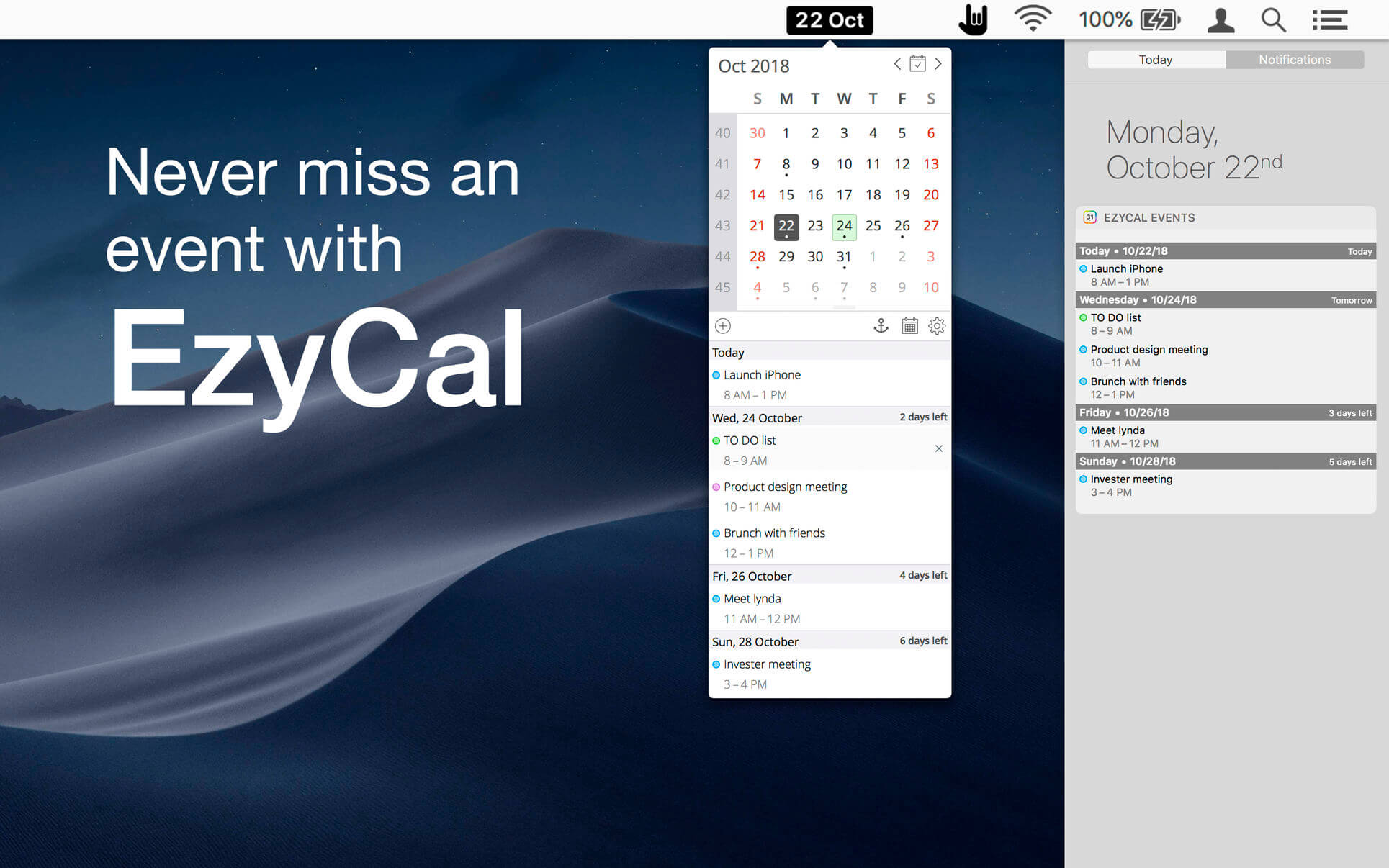
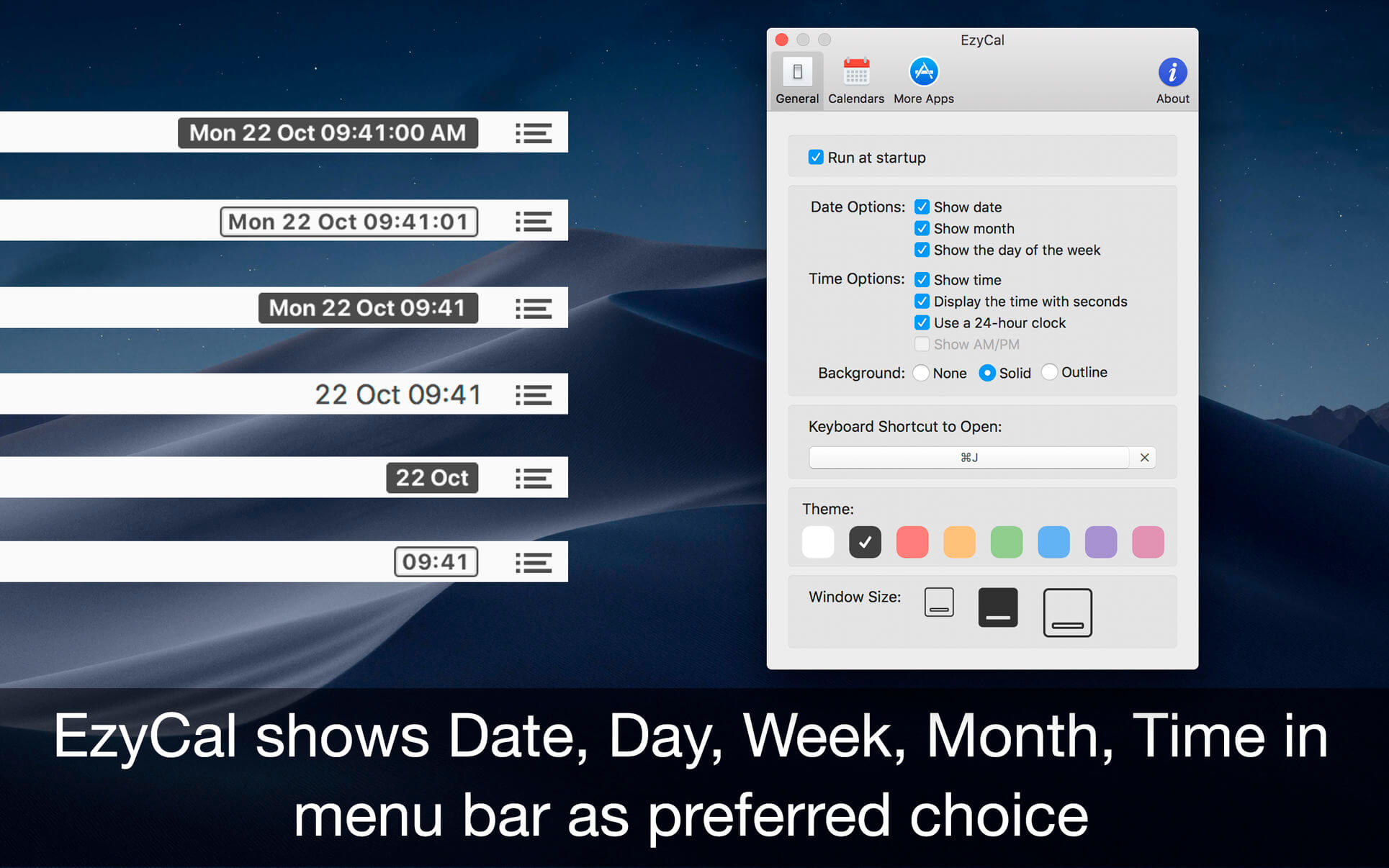
EzyCal 2.4

EzyCal is the status bar calendar for the new year, you should have it to be productive then previous to achieve bigger goals. It is a system of organising days for social, religious, commercial or administrative purposes. It is gregorian calendar with natural language event and reminder creation, beautiful calendar views, and reminders app you’ll ever use.

Features

  • Add events, reminders, todo list
  • Count down to keep you on track
  • Sync with system calendar events
  • Different colours themes
  • Different sizes for various screen sizes
  • Customise keyboard shortcuts as needed
  • Sync with all available calendars on your pc
  • Get list of events in single display for next 7 days
  • Simple User interface to interact with calendar

Compatibility: macOS 10.11 or later
Mac App Store https://apps.apple.com/app/ezycal-time-date/id1190243926

Screenshots


Name: EzyCal_2.4_Mactorrents.Me.dmg
Size: 7 MB
Files EzyCal_2.4_Mactorrents.Me.dmg[7 MB]


   Download Torrent


   Download Link

Autodesk Maya 2026

Maya 3D animation software offers a comprehensive creative feature set for 3D computer animation, modeling, simulation, rendering, and compositing on a highly extensible production platform. Maya has next-generation display technology, accelerated modeling workflows, and tools for handling complex data.

Facilities and software features of Autodesk Maya

  • Advanced design three-dimensional models
  • simulate a variety of natural and environmental elements such as climate change, water and liquids, fire, plants and …
  • having a variety of tools for modeling and data management
  • the possibility of transferring the properties of one object to another object
  • Design Clothes, hair and sex and different scenarios
  • Coordination with other software modeling and animating
  • Supports mathematical model NURBS (short for Non-uniform rational B-spline)
  • ability to combine elements of two-dimensional and three-dimensional models
  • Ability to use scripting programming language and MEL (stands for Maya embedded language) and ++ C and Python in the development of software

System Requirements: macOS 11.0 or later
Homepage https://www.autodesk.com/

Name: Autodesk.Maya.2026.macOS_Mactorrents.Me.zip
Size: 4.39 GB
Files Autodesk.Maya.2026.macOS_Mactorrents.Me.dmg[4.39 GB]


   Download Torrent

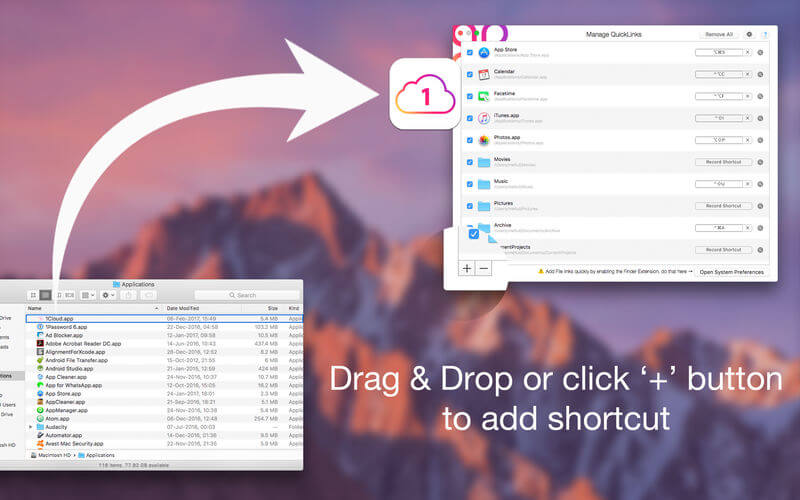
QuickLinks 3.4

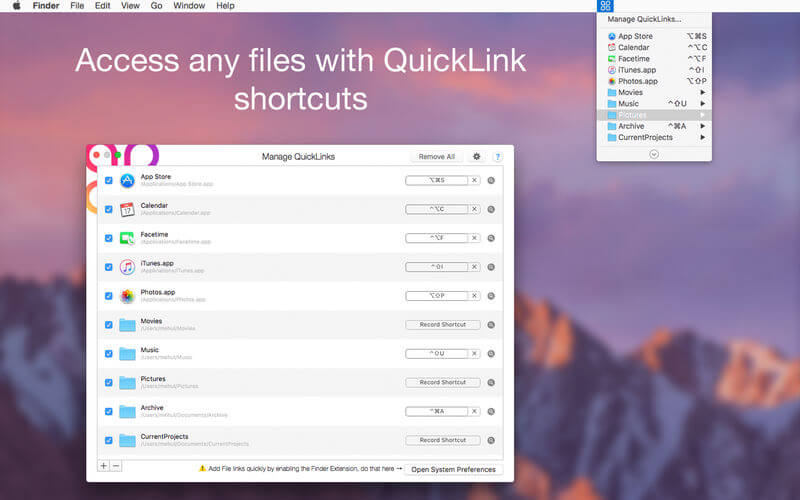
QuickLinks is the app for keyboard custom shortcut creator. Can create shortcut for any favourite or regularly used file, folder, document, app etc. Initially select file to create shortcut for easy access. Status bar icon provides quick access to the list of shortcuts created.

Functions of this application:

  • QuickLinks in the menu bar: click on “QuickLinks” menu in system menu bar will display a menu full of your favorite applications, folder, files. This small shortcut icon allow you to save time and effort in using Mac computer
  • Fully customizable: application allow to add, rename, delete shortcut of any applications, folder, files in your Mac.

Compatibility: macOS 10.13 or later
Mac App Store https://apps.apple.com/pk/app/quicklinks-shortcut-creator/id1200685619

Screenshots


Name: QuickLinks_3.4_Mactorrents.Me.dmg
Size: 14 MB
Files QuickLinks_3.4_Mactorrents.Me.dmg[14 MB]


   Download Torrent


   Download Link

Autodesk Maya Creative 2026

Maya 3D animation software offers a comprehensive creative feature set for 3D computer animation, modeling, simulation, rendering, and compositing on a highly extensible production platform. Maya has next-generation display technology, accelerated modeling workflows, and tools for handling complex data.

Maya Creative software includes sophisticated animation, modeling, and rendering tools to bring your vision to life.
– Create lifelike animations with intuitive animation tools
– Build detailed 3D models with a powerful modeling toolset
– Render high-quality 3D images in fewer clicks

Get your creations moving with engaging animation tools
– Maya Creative’s animation tools simplify the process of creating and editing animations, saving you time so you can focus on creativity.
– Plant creature. Image courtesy of Ecem Okumus.

Facilities and software features of Autodesk Maya
– Advanced design three-dimensional models
– simulate a variety of natural and environmental elements such as climate change, water and liquids, fire, plants and …
– having a variety of tools for modeling and data management
– the possibility of transferring the properties of one object to another object
– Design Clothes, hair and sex and different scenarios
– Coordination with other software modeling and animating
– Supports mathematical model NURBS (short for Non-uniform rational B-spline)
– ability to combine elements of two-dimensional and three-dimensional models
– Ability to use scripting programming language and MEL (stands for Maya embedded language) and ++ C and Python in the development of software

Homepage https://www.autodesk.com/

Name: Autodesk.Maya.Creative.2026.macOS_Mactorrents.Me.zip
Size: 4.05 GB
Files Autodesk.Maya.Creative.2026.macOS_Mactorrents.Me.dmg[4.05 GB]


   Download Torrent

Sketch 2025.1.2

Sketch: graphic design for a digital world. Powerful tools and an elegant interface, in a single award-winning package. Because making beautiful things should be a joy, not a burden.

Sketch supports multiple fills, borders and shadows per layer; has powerful non-destructive boolean operations; smart pixel alignment; and makes exporting a breeze with automatic slicing and multiple resolution export.

Vector tools and basic shapes are the foundation; whether you are designing icons, websites, interfaces or anything else. Combine these into complex shapes with non-destructive boolean operations, leaving you free to edit them in the future, then apply advanced layer style options like multiple shadows, fills, gradients, noise, blending, background blurring, and more.

Sketch doesn’t just do shapes, of course. Imported images can be rotated, scaled, cropped and masked. The best-in-class text tool lets you add beautiful typography to your designs, using native font rendering, so you can be sure that text always looks 100% accurate!

Brand new to Sketch 3, Symbols allow you to reuse entire groups of content in multiple places in your design. Think of interface elements such as buttons, headers and footers. Change them once, and they update everywhere in your document.

Built for the Mac, Sketch supports OS X’s Versions and Auto Save, letting you focus on your work instead of hitting CMD+S. Keep your work safely in sync across multiple Mac computers with iCloud. And take Sketch full screen to maximise the size of your canvas.

All this power is deliciously baked into Sketch’s single-window interface. Everything is there, tucked away until you need it. A simple interface with powerful tools.

Compatibility: macOS 14.0 or later
Homepage https://www.sketch.com/updates/

Screenshots


Name: Sketch_2025.1.2_Mactorrents.Me.dmg
Size: 97 MB
Files Sketch_2025.1.2_Mactorrents.Me.dmg[97 MB]


   Download Torrent

Topaz Video AI Pro 7.0.2

Time-aware video quality enhancement. Video Enhance AI uses information from multiple frames to achieve high-end results for video upscaling, denoising, deinterlacing, and restoration. Improving the quality of videos is substantially more complex than photos because of motion-related issues like flickering, blockiness, and wavy artifacts. To solve this issue, Video Enhance AI looks at surrounding frames to improve resolution and reduce motion artifacts for natural results.

Get your largest upscale yet.
If you’ve used the Rhea model to upscale before, this newest version’s on a whole new level.

Speed up your flow.
Welcome to a faster, more intuitive process than any previous version of Video AI.

SDR to HDR—finally.
Brighter brights, darker darks, 
and more definition throughout make the new SDR-to-HDR absolutely unreal.

Trusted by major film studios nd creative pros everywhere.

Denoise with cinema-level detail.
Trained with millions of video frames, Video AI 6 intelligently understands the difference between noise and detail.

Nyx AI Model.
Remove noise and fix compression artifacts from 4K footage with high ISO settings.

Recognizes people and faces, knows exactly how to correct them.
Sprawling desert and a beautiful portrait are vastly different, as should be the way you correct them. Video AI 6 uses temporally aware facial recognition technology to do it automatically and instantly.

Create new frames out of thin AI-r.
Match cameras with different frame rates, or achieve slow motion without changing camera settings. Apollo and Chronos models generate
new frames to make it all super smooth.

Aion AI Model.
Achieve ultimate slow motion with up to 16x fps interpolation.

Chronos AI Model.
Get silky smooth conversion from 24fps to 60fps. Even boost to 120fps and beyond.

Easy Workflow
Topaz Video AI works directly on your Mac or PC. Use the standalone to batch process footage in sequence, or use it as a plugin for tight workflow integration.

High Performance
We’ve partnered with major hardware manufacturers like Nvidia, AMD, and Intel to make Video AI run as fast as possible for your computer.

Stabilize it in post.
Keep the focus on your subject, not on the camera shake. Stabilize the frame and recover detail lost by unwanted camera movement, while also reducing blur caused by motion and slow shutter speeds. All in post.

Render in the cloud.
You’ll always be able to render locally—and now you can render in the cloud, too. It’s perfect for getting the fastest possible processing times with the latest AI models. Cloud rendering takes the pressure off your hardware and allows the cloud to do the work for you.

Batch Processing
Multiple videos. All rendered at once. Get your queue loaded, then sit back and watch your renders complete, or jump to other tasks.

3x or Faster
What could take upwards of 30 minutes now happens in just a few. Cloud rendering is an instant boost to see your results in a fraction of the time.

Even on older hardware.
Cloud rendering takes the pressure off your hardware’s performance, and puts it on the cloud. No need to upgrade your machine to use the new, more complex models.

Instant upscale to 16K.
Get the upscaling you want, without sacrificing quality. Video AI both increases resolution and handles unwanted artifacts caused by traditional upscaling methods. All with one click. Get 4K, 8K, up to 16K resolution with spectacular visual quality, all in Video AI.

Export Pausing
Switching gears is as simple as hitting pause. Only export when you want to.

Instant Previews
Frames are automatically rendered at the cursor position, with changes shown immediately.

Crash Recovery
Pick up exactly where you left off after a system reboot, power loss or crash.

Compatibility: MacOS 10.14 (Mojave) or 10.15 (Catalina) to run on CPU only. MacOS 10.16 (Big Sur) or newer to have all models run on GPU.
Homepage https://www.topazlabs.com/topaz-video-ai


Name: Topaz_Video_AI_Pro_v7.0.2_macOS_Mactorrents.Me.zip
Size: 604.7 MB
Files Topaz_Video_AI_Pro_v7.0.2_macOS_Mactorrents.Me.dmg[604.7 MB]


   Download Torrent

TechSmith Snagit 2025.2.1

macOS comes with basic screen capturing capabilities, but the customization options are fairly limited. Snagit is an unobtrusive yet very easily accessible Mac app that proposes more diversified screenshot taking functions, and is also able to record videos.

In addition, Snagit provides an editing area where you can to personalize your projects without having to employ third party applications.

Capture screenshots or record videos in no time
By default, Snagit is a status bar menu application that also provides an autohiding capture window placed in the top right corner of your screen. Via the app’s Preferences window you can quickly decide to keep only one of them enabled. At the same time, you can also make use of the already defined hotkeys.

All you have to do is select the capture type via any of those controllers, and highlight the area you want to record. Snagit automatically sends the captures to the processing window but that does not obstruct you workflow in any way: if you are already satisfied with the result, simply select one of the many image or video sharing solutions.

Versatile editing and sharing solutions
The Snagit image editor includes a collection of simple tools that can be used to highlight certain areas, to write down text, to erase certain elements, and much more. Moreover, you also get to apply color filters, edge effects, and more.

When dealing with video content, all you can do is preview the recording and cut a specific portion. Noteworthy is that Snagit allows you to connect to various online account in order to quickly upload the final projects from within the application: this makes the entire procedure extremely straightforward.

Powerful screen capturing tool that includes editing and sharing capabilities
Snagit succeeds at being a complete screen capturing solution: you get to capture both screenshots (including menus or entire webpages, on the spot or with a small delay) and videos (with your screen activity or with the images captured by your webcam).

To conclude, Snagit is the tool you want if you have to highlight certain aspects of an image, or if you need to record video presentations: use its built-in tools to edit the content, and then share the results with your friends in no time.

Compatibility: macOS 14.0 or later
Homepage https://www.techsmith.com/

Screenshots


Name: Snagit_2025.2.1_Mactorrents.Me.dmg
Size: 203 MB
Files Snagit_2025.2.1_Mactorrents.Me.dmg[203 MB]


   Download Torrent

Capture One Enterprise 16.6.2.8

Capture One 23 Enterprise – the photo editing solution for image production studios and e-commerce platforms. Its authentic true-to-life color processing, seamless editing experience, and fastest tethering in the industry gives you total creative control, making it a household name in studios across the world. Based in Copenhagen, Denmark, Capture One empowers photographers with cutting-edge features to keep your photography one step ahead.

How any photography studio can create value with Capture One Enterprise
For the past 10 years, leading studio photography has been created with photo editing software Capture One. With world-class tethering, state-of-the-art photo editing tools and the highest quality RAW processing, it’s been a staple in any photography studio.

Now, Capture One has introduced an “Enterprise” version which is specifically built for business and aligned to the way a photography studio works.
Capture One Enterprise offers the same standard features as Capture One’s flagship product Capture One 20 – tailored to the needs of studio photography.

Built for Business
Photographers are key to the success of any photography studio.

But what if the photography studio involves several photographers, studio managers, retouchers, quality assurance managers, project leaders, etc who need to collaborate, standardize and carry out the same workflows over and over again? What if those workflows also need to be integrated to other systems, eg. barcode scanners, PIM systems, digital asset management systems, ecommerce platforms etc?

Capture One Enterprise has been developed to address the challenges faced by studio photography and help any enterprise or e-commerce photography studio optimize their image production process and boost results across relevant KPI’s.

Value creation with Capture One Enterprise
Studio photography has huge value creation potential with Capture One Enterprise. By incorporating its enterprise-specific features into the workflow, it can improve KPI’s such as

  • “Time to Market” – Optimizing the hours your photography studio spends on the image production process, from planning your image, to shoots, to publishing the final photo on your ecommerce platform.
  • “Cost per image” – Optimizing each step in your studio photography process can dramatically increase your efficiency and reduce your costs
  • “Reduce Risk” – Secure your studio photography and image production to reduce errors and costs, thanks to enterprise exclusive features such as Image back-Up, License Management, MDM support etc.

This is achieved via enterprise features such as the Barcode scanner tool, Advanced Guides, Next Capture Backup, Next Capture Keywords, Next Capture Metadata, Tool Locks, Capture Pilot with Enterprise enhancements and Dedicated Studio workspaces.

Automated workflows in Capture One Enterprise
Once your studio has implemented Capture One Enterprise and begun implementing its standard features in your workflows, there are further opportunities to intensify value creation by automating workflows and integrating Capture One Enterprise into your IT infrastructure. You can do this by implementing

  • Workflow enhancement (an automation feature within Capture One)
  • Integrations (extension or automation interfacing with another app)

Customized solutions can maximize value, too
Your photography studio might also have very specialized needs – here, customized solutions can generate value for your studio photography. For example, ultra-accurate color profiling can assist in achieving one critical KPI in particular

“Reduce product returns” – Color profiling optimization on true color reproduction can reduce the rate of goods returned due to discrepancies in color between the actual product and the image.

Capture One offers individual color profiles for businesses, so you can reduce editing time and save on retoucher costs with fine-tuned color profiling for the most popular e-commerce cameras used by photography studios. Minimize color discrepancies and meet the demands of specialist product and studio photography with more accurate colors out-of-the-box.

These are just some of the exclusive features designed for studio photography – get in touch with the Enterprise team to learn more and discover where Capture One Enterprise can specifically meet the demands of your business. For more insight into specific tools, check out the Tools and Functionality white paper and Barcode Reader white paper.

What’s New:

Release Notes:

Tools exclusive to Capture One Enterprise are as follows:
1. Barcode scanner tool 

2. Advanced Guides 

3. Next Capture Backup 

4. Next Capture Keywords 

5. Next Capture Metadata 

6. Tool Locks 

7. Capture Pilot with Enterprise enhancements 

8. Dedicated Studio workspaces

Compatibility: macOS 12.0 or later,
Homepage https://www.captureone.com/en/explore-features/enterprise

Screenshots


Name: Capture_One_Ent_16.6.2.8_Mactorrents.Me.dmg
Size: 1.2 GB
Files Capture_One_Ent_16.6.2.8_Mactorrents.Me.dmg[1.2 GB]


   Download Torrent

ON1 Photo RAW MAX 2025.2 v19.2.1.16909

ON1 Photo RAW 2024 is powerful photo editing software that provides photographers with many tools and features to enhance and retouch their images. With a user-friendly interface, it offers advanced editing capabilities, including non-destructive editing, AI-powered adjustments, and precise control over color and tone. It also supports raw files from over 800 cameras and works with JPEG, TIF, PSD, PSB, PNG, and DNG files.

It’s the go-to choice for professionals and enthusiasts seeking top-notch photos. ON1 Photo RAW also includes photo organizational tools for managing your photo library, making it a complete solution for editing and organizing your photography workflow.

Key features include:
• A New Edition of Photo RAW, ON1 Photo RAW MAX 2025 Edition – This edition will integrate ON1 Photo RAW as a plugin for software like Adobe Photoshop, Lightroom Classic, Apple Photos, Affinity Photo, and more, allowing you to launch Photo RAW and its tools from inside other editors for a flexible workflow. MAX also includes 3 activations (instead of 2) and 200 GB of ON1 Cloud Sync storage.
• Massive Speed and Performance Upgrades
• Intelligent Color & Tone Adjustments with Brilliance AI
• Auto Apply NoNoise AI and Portrait Retouching with Brilliance AI
• Apply Local Adjustments Automatically
• Batch Adjustments with Brilliance AI
• AI Recommended Effects
• Effects Preset Collections – Over 100 New Presets
• Streamlined and Fluid User Interface
• Effortless Photo Management to Editing
• The Ultimate Highlight Recovery
• Improved Layers Pane with Enhancing Usability
• Keyword AI Enhancements
• Enhanced Searching & Cataloging
• Add Text Layers
• Auto-Embed Metadata and Paste Pixels
• Import DCP Files

ON1 Photo RAW MAX 2025
Own it. Works as a standalone app or plugin.
Photo RAW MAX 2025 Edition adds plugin compatibility so you can launch your favorite ON1 tools from inside other editors like Adobe Ps/Lr, Affinity, Apple Photos, and others, for a more flexible workflow.

Compatibility: macOS 10.15 or later
Homepage https://www.on1.com/products/photo-raw/

Screenshots


Name: ON1_Photo_RAW_MAX_2025.2_v19.2.1.16909_Mactorrents.Me.dmg
Size: 726 MB
Files ON1_Photo_RAW_MAX_2025.2_v19.2.1.16909_Mactorrents.Me.dmg[726 MB]


   Download Torrent

Topaz Gigapixel AI 8.4.2

Upscale any image like magic with AI. Join the hundreds of thousands of creatives who use Gigapixel 7 to upscale and enhance their images. All-new interface. 600% upscaling. World-class AI models.

Run locally
Upscale and enhance quickly right on your desktop. Use easy batch processing to optimize your workflows.

Premium AI Models
More than five years of advanced AI training has made Gigapixel 7 best-in-class.

Lighting Speed
Gigapixel 7 is faster than ever and optimized for your machine.

AI Upscaling with Gigapixel 7
Boost sharpness and clarity with crisp edges
Enhance details in fur and feathers
Improve textures and create smoother edges
Add fine, realistic and natural details
Create cleaner lines to improve graphic art

Enhance any image with Gigapixel 7
Recover low-resolution portraits
Digitally zoom without loss of detail or resolution
Fix extreme pixelation and compression artifacts
Clean up low-quality line art and PNGs
Restore details in vintage photographs

What’s New:

 Version 8.4.2:

  • Release notes were unavailable when this listing was updated.

Compatibility: Big Sur 11.0 and higher
Homepage https://topazlabs.com/

Screenshots


Name: Topaz_Gigapixel_AI_v8.4.2_macOS_Mactorrents.Me.dmg
Size: 292 MB
Files Topaz_Gigapixel_AI_v8.4.2_macOS_Mactorrents.Me.dmg[292 MB]


   Download Torrent

Topaz Video AI Pro 7.0.3

Time-aware video quality enhancement. Video Enhance AI uses information from multiple frames to achieve high-end results for video upscaling, denoising, deinterlacing, and restoration. Improving the quality of videos is substantially more complex than photos because of motion-related issues like flickering, blockiness, and wavy artifacts. To solve this issue, Video Enhance AI looks at surrounding frames to improve resolution and reduce motion artifacts for natural results.

Get your largest upscale yet.
If you’ve used the Rhea model to upscale before, this newest version’s on a whole new level.

Speed up your flow.
Welcome to a faster, more intuitive process than any previous version of Video AI.

SDR to HDR—finally.
Brighter brights, darker darks, 
and more definition throughout make the new SDR-to-HDR absolutely unreal.

Trusted by major film studios nd creative pros everywhere.

Denoise with cinema-level detail.
Trained with millions of video frames, Video AI 6 intelligently understands the difference between noise and detail.

Nyx AI Model.
Remove noise and fix compression artifacts from 4K footage with high ISO settings.

Recognizes people and faces, knows exactly how to correct them.
Sprawling desert and a beautiful portrait are vastly different, as should be the way you correct them. Video AI 6 uses temporally aware facial recognition technology to do it automatically and instantly.

Create new frames out of thin AI-r.
Match cameras with different frame rates, or achieve slow motion without changing camera settings. Apollo and Chronos models generate
new frames to make it all super smooth.

Aion AI Model.
Achieve ultimate slow motion with up to 16x fps interpolation.

Chronos AI Model.
Get silky smooth conversion from 24fps to 60fps. Even boost to 120fps and beyond.

Easy Workflow
Topaz Video AI works directly on your Mac or PC. Use the standalone to batch process footage in sequence, or use it as a plugin for tight workflow integration.

High Performance
We’ve partnered with major hardware manufacturers like Nvidia, AMD, and Intel to make Video AI run as fast as possible for your computer.

Stabilize it in post.
Keep the focus on your subject, not on the camera shake. Stabilize the frame and recover detail lost by unwanted camera movement, while also reducing blur caused by motion and slow shutter speeds. All in post.

Render in the cloud.
You’ll always be able to render locally—and now you can render in the cloud, too. It’s perfect for getting the fastest possible processing times with the latest AI models. Cloud rendering takes the pressure off your hardware and allows the cloud to do the work for you.

Batch Processing
Multiple videos. All rendered at once. Get your queue loaded, then sit back and watch your renders complete, or jump to other tasks.

3x or Faster
What could take upwards of 30 minutes now happens in just a few. Cloud rendering is an instant boost to see your results in a fraction of the time.

Even on older hardware.
Cloud rendering takes the pressure off your hardware’s performance, and puts it on the cloud. No need to upgrade your machine to use the new, more complex models.

Instant upscale to 16K.
Get the upscaling you want, without sacrificing quality. Video AI both increases resolution and handles unwanted artifacts caused by traditional upscaling methods. All with one click. Get 4K, 8K, up to 16K resolution with spectacular visual quality, all in Video AI.

Export Pausing
Switching gears is as simple as hitting pause. Only export when you want to.

Instant Previews
Frames are automatically rendered at the cursor position, with changes shown immediately.

Crash Recovery
Pick up exactly where you left off after a system reboot, power loss or crash.

Compatibility: MacOS 10.14 (Mojave) or 10.15 (Catalina) to run on CPU only. MacOS 10.16 (Big Sur) or newer to have all models run on GPU.
Homepage https://www.topazlabs.com/topaz-video-ai

Name: Topaz.Video.AI.7.0.3.OSX_Mactorrents.Me.zip
Size: 604.7 MB
Files Topaz.Video.AI.7.0.3.OSX_Mactorrents.Me.dmg[604.7 MB]


   Download Torrent

OmniReader Pro 2.9.12

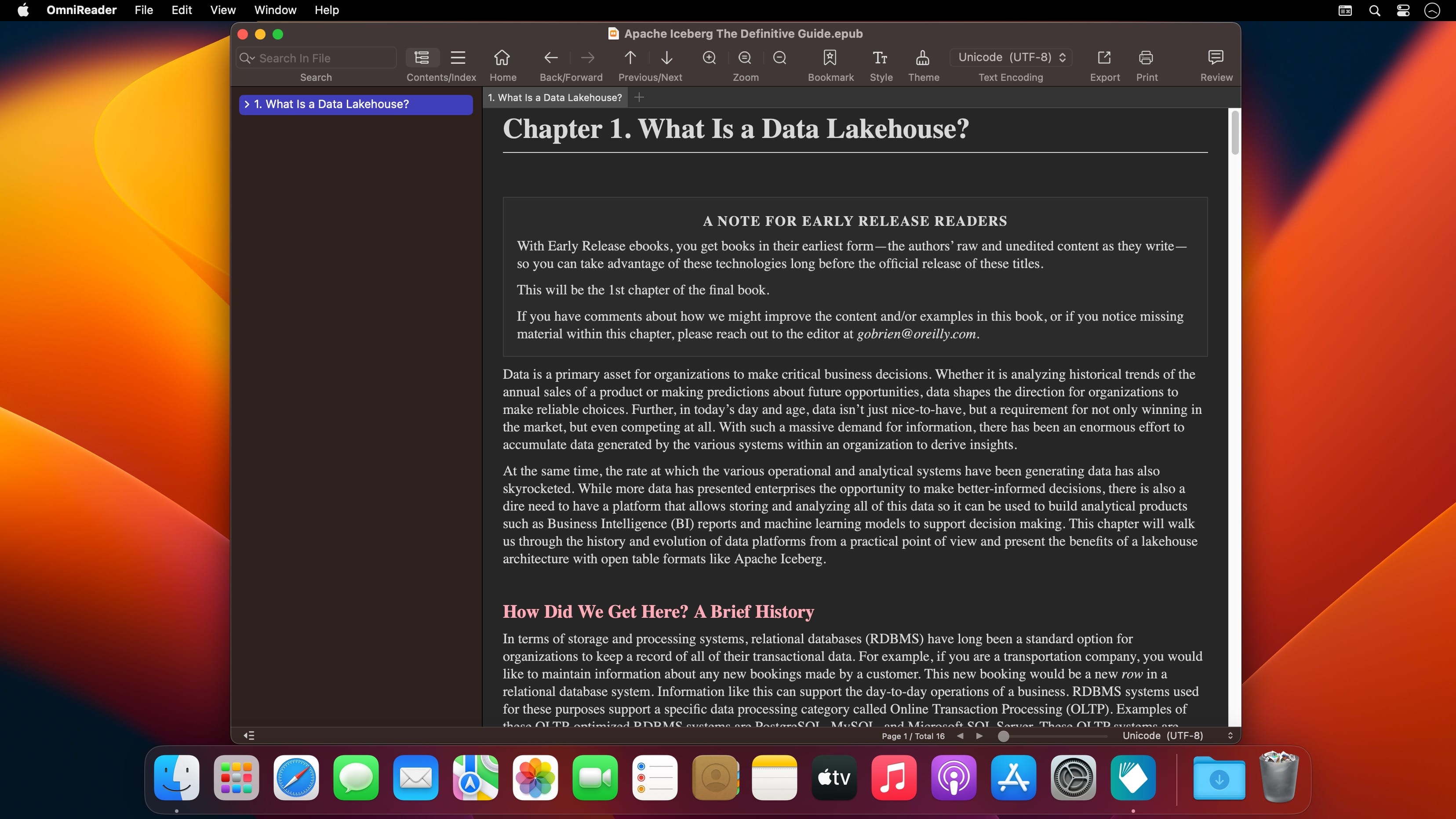
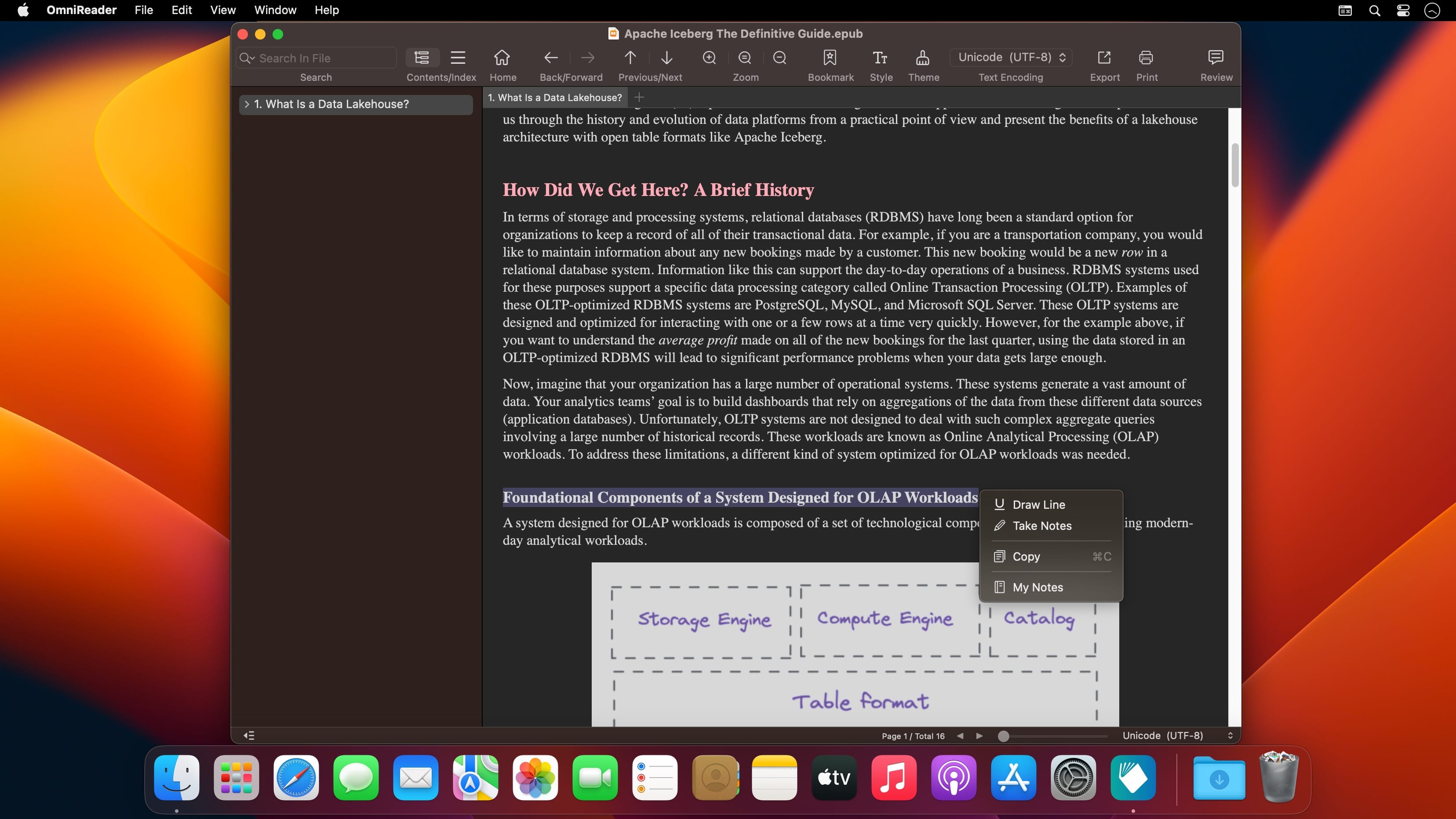
Read EPUB,CHM,MOBI… use it.. GM Reader is a fully functional book Reader with a simple and beautiful interface and a good reading experience.
Features

  • Supports reading EPUB, CHM and Kindle files.
  • Support single page search and full text search, and highlight search results.
  • Support the forward and backward browsing history.
  • Supports page turning, zooming, and sidebar shrinking.
  • Support page printing.
  • Support to view the basic information of the file.
  • Supports file export to EPUB, PDF.
  • Support to extract all images in the file.
  • Support file coding, deal with the problem of garbled code.
  • Support image adaptive, automatically adjust the size of the picture.

Bookrack

  • All the files you have read will be saved in the bookshelf for quick review next time.
  • Supports file drag and drop addition.

Top In-App Purchases: Pro Version – included

Compatibility: macOS 10.13 or later
Mac App Store https://apps.apple.com/pk/app/omnireader-file-explorer/id1510511137

Screenshots


Name: OmniReader_2.9.12_Mactorrents.Me.dmg
Size: 31 MB
Files OmniReader_2.9.12_Mactorrents.Me.dmg[31 MB]


   Download Torrent

Live Home 3D Pro 4.10.0

Live Home 3D Pro is the most intuitive and feature packed home design app suitable for homeowners and professional designers, a successor of Live Interior 3D. Besides offering advanced home design tools, Pro edition provides superior export quality and Elevation View mode.

General

  • Create detailed 2D floor plans.
  • Beautiful real-time 3D rendering.
  • Unlimited floor levels. (Pro edition only)
  • A collection of in-depth video tutorials.
  • Built-in Help Assistant and free, quick tech support service.
  • Project Gallery with house projects and sample rooms.
  • Native Support for Live Interior 3D Projects.

Floor Plan Tools

  • Draw complete rooms using Room tool.
  • Use Arc and Straight Wall tools for drawing walls.
  • Elevation view. (Pro edition only)
  • ‘Auto outline’ vector-based 2D representation for furniture.
  • View real-time measurements for walls, ceilings, and floors when drawing in 2D Plan view.
  • Select the necessary measurement units (inches, feet, meters, etc).
  • Use smart Dimension tool to set the distance between underlying objects or walls.
  • Precise positioning thanks to smart guides and object snapping.

Real-Time 3D Environment

  • Adjust the lighting, add and move objects, apply materials, and more right in 3D.
  • All changes, made in 3D or 2D, are rendered in 3D in real time.
  • Walk through your 3D interior.
  • FOV (field of view) and parallel camera projection. (Pro edition only)
  • Set multiple cameras to see the house from different point of views.
  • Achieve natural lighting by setting up true Geo position, daytime and overcast.
  • Adjust light fixtures throughout your project to get realistic lighting scene.
  • Light editor helps to add a light source to an imported objects. (Pro edition only)
  • Create corner windows and complex openings using the program advanced technology.
  • Level of details tool allows to optimize 3D object and speed up the project.
  • Professional Shadow Map technique makes shadows look soft and natural.

3D Models and Materials

  • 2,000+ furniture and other models.
  • Import models seamlessly from Trimble 3D Warehouse™ (previously Google 3D Warehouse™).
  • Edit furniture in SketchUp. (Pro edition only)
  • 2,100+ supplied materials.
  • Drag and drop any image from the Finder to apply it to any surface as custom material.
  • Advanced material editor. (Pro edition only)
  • Set the exact size of a material tile to know how much of the material is needed for your house renovation project.
  • Import objects in SketchUp, COLLADA, KMZ, FBX, OBJ or 3DS formats by simply dragging and dropping them into your project.
  • Polygonal-based Block tool for drawing balconies, porches, and more. (Pro edition only)

Roofs and Dormers

  • Roof Assistant with 12 customizable roof templates.
  • Custom shaped roofs. (Pro edition only)
  • Add custom segments to fully customize your roof.
  • 16 customizable dormers.

Export and Share the Result

  • Share the result to Facebook, Twitter, Vimeo or YouTube.
  • Export 3D views to JPEG, TIFF, PNG, and BMP (up to 16000 x 16000).
  • Share 360° Panorama JPEG images (up to Ultra HD) to Facebook.
  • Render a realistic video walkthrough (up to Ultra HD).
  • Create Stereo 3D Video, 360° Video and even Stereo 3D 360° Video.
  • Quickly send a copy of your project via Mail, Messages or AirDrop.
  • Export the entire project or selected objects to COLLADA, Trimble SketchUp™, VRML Version 2.0 or X3D format.
  • Export to 3DS, FBX, USDZ and OBJ formats. (Pro edition only)

Compatibility: macOS 10.14 or later
Homepage https://www.livehome3d.com/

Screenshots


Name: Live_Home_3D_Pro_4.10_Mactorrents.Me.dmg
Size: 612 MB
Files Live_Home_3D_Pro_4.10_Mactorrents.Me.dmg[612 MB]


   Download Torrent

Live Home 3D Pro 4.10.1

Live Home 3D Pro is the most intuitive and feature packed home design app suitable for homeowners and professional designers, a successor of Live Interior 3D. Besides offering advanced home design tools, Pro edition provides superior export quality and Elevation View mode.

General

  • Create detailed 2D floor plans.
  • Beautiful real-time 3D rendering.
  • Unlimited floor levels. (Pro edition only)
  • A collection of in-depth video tutorials.
  • Built-in Help Assistant and free, quick tech support service.
  • Project Gallery with house projects and sample rooms.
  • Native Support for Live Interior 3D Projects.

Floor Plan Tools

  • Draw complete rooms using Room tool.
  • Use Arc and Straight Wall tools for drawing walls.
  • Elevation view. (Pro edition only)
  • ‘Auto outline’ vector-based 2D representation for furniture.
  • View real-time measurements for walls, ceilings, and floors when drawing in 2D Plan view.
  • Select the necessary measurement units (inches, feet, meters, etc).
  • Use smart Dimension tool to set the distance between underlying objects or walls.
  • Precise positioning thanks to smart guides and object snapping.

Real-Time 3D Environment

  • Adjust the lighting, add and move objects, apply materials, and more right in 3D.
  • All changes, made in 3D or 2D, are rendered in 3D in real time.
  • Walk through your 3D interior.
  • FOV (field of view) and parallel camera projection. (Pro edition only)
  • Set multiple cameras to see the house from different point of views.
  • Achieve natural lighting by setting up true Geo position, daytime and overcast.
  • Adjust light fixtures throughout your project to get realistic lighting scene.
  • Light editor helps to add a light source to an imported objects. (Pro edition only)
  • Create corner windows and complex openings using the program advanced technology.
  • Level of details tool allows to optimize 3D object and speed up the project.
  • Professional Shadow Map technique makes shadows look soft and natural.

3D Models and Materials

  • 2,000+ furniture and other models.
  • Import models seamlessly from Trimble 3D Warehouse™ (previously Google 3D Warehouse™).
  • Edit furniture in SketchUp. (Pro edition only)
  • 2,100+ supplied materials.
  • Drag and drop any image from the Finder to apply it to any surface as custom material.
  • Advanced material editor. (Pro edition only)
  • Set the exact size of a material tile to know how much of the material is needed for your house renovation project.
  • Import objects in SketchUp, COLLADA, KMZ, FBX, OBJ or 3DS formats by simply dragging and dropping them into your project.
  • Polygonal-based Block tool for drawing balconies, porches, and more. (Pro edition only)

Roofs and Dormers

  • Roof Assistant with 12 customizable roof templates.
  • Custom shaped roofs. (Pro edition only)
  • Add custom segments to fully customize your roof.
  • 16 customizable dormers.

Export and Share the Result

  • Share the result to Facebook, Twitter, Vimeo or YouTube.
  • Export 3D views to JPEG, TIFF, PNG, and BMP (up to 16000 x 16000).
  • Share 360° Panorama JPEG images (up to Ultra HD) to Facebook.
  • Render a realistic video walkthrough (up to Ultra HD).
  • Create Stereo 3D Video, 360° Video and even Stereo 3D 360° Video.
  • Quickly send a copy of your project via Mail, Messages or AirDrop.
  • Export the entire project or selected objects to COLLADA, Trimble SketchUp™, VRML Version 2.0 or X3D format.
  • Export to 3DS, FBX, USDZ and OBJ formats. (Pro edition only)

Compatibility: macOS 10.14 or later
Homepage https://www.livehome3d.com/

Screenshots


Name: Live_Home_3D_Pro_4.10.1_Mactorrents.Me.dmg
Size: 614 MB
Files Live_Home_3D_Pro_4.10.1_Mactorrents.Me.dmg[614 MB]


   Download Torrent


   Download Link

SponsorBlock for YouTube 5.13.2

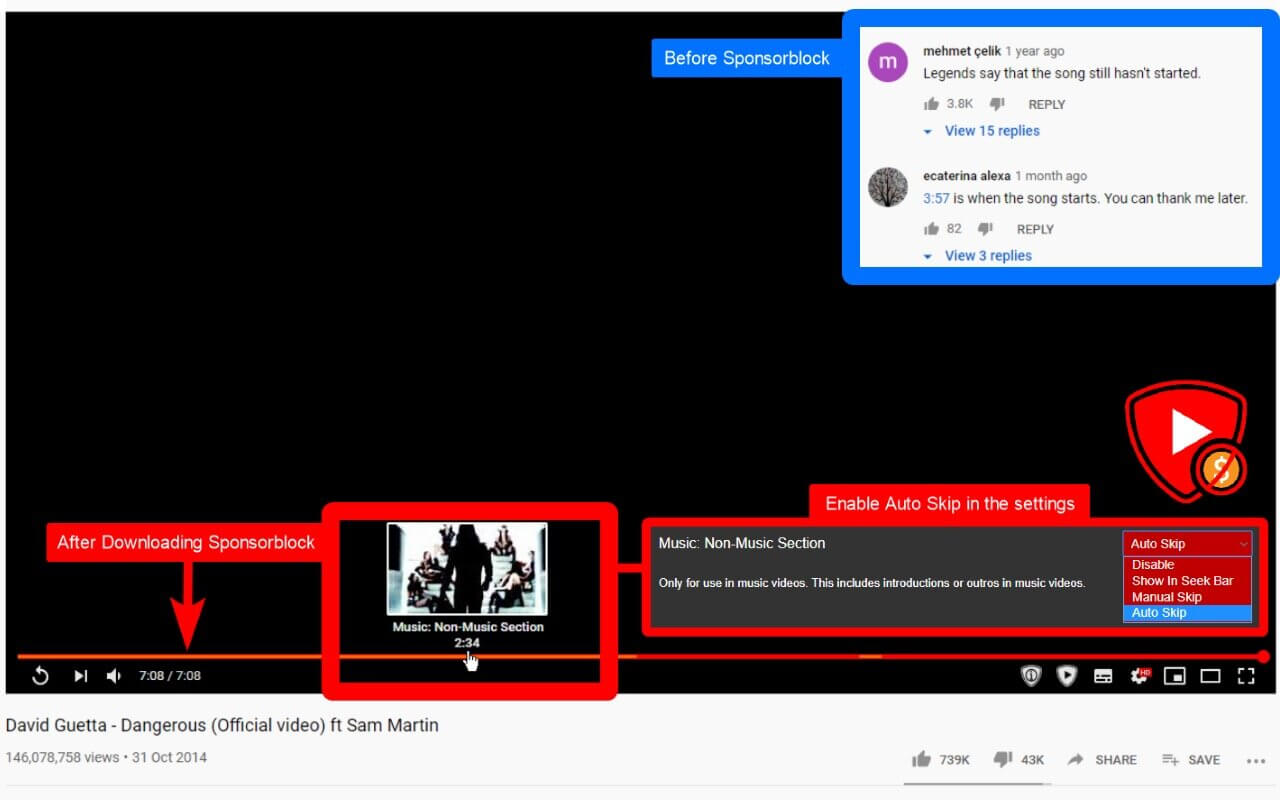
SponsorBlock lets you skip over sponsors, intros, outros, subscription reminders, and other annoying parts of YouTube videos. SponsorBlock is a crowdsourced browser extension that let’s anyone submit the start and end time’s of sponsored segments and other segments of YouTube videos.

Once one person submits this information, everyone else with this extension will skip right over the sponsored segment.

You can also skip over non music sections of music videos.

Compatibility: macOS 10.14.6 or later
Mac App Store https://geo.itunes.apple.com/app/id1573461917

Screenshots


Name: SponsorBlock_5.13.2_Mactorrents.Me.dmg
Size: 5 MB
Files SponsorBlock_5.13.2_Mactorrents.Me.dmg[5 MB]


   Download Torrent


   Download Link

Topaz Gigapixel AI 7.3.2

Beautiful photo enlargements using machine learning. Enlarging your image without losing detail has always been impossible… until now. Upscale your photos by up to 600% while perfectly preserving image quality.

Enlarge Images by up to 600%
Create a beautiful 80 x 60 inch print from a simple iPhone photo. Or transform your DSLR photos into sharp and ultra-detailed 100MP images.

Use truly intelligent upscaling
After being trained with millions of sample images, Gigapixel can now enlarge your images with a surprising level of quality.

Get crisp and clear results.
Gigapixel performs around 2 million operations per pixel to get you results with as much detail and sharpness as possible.

No more fuzzy enlargements.
Breathtakingly sharp prints. High-resolution cropping in post-production. iPhone photos that look like they came out of a DSLR. No matter why you’re enlarging your photos, you always want the best possible quality for your results. AI Gigapixel is currently the only photo enlargement product available that can actually add detail back to your upscaled photo.

Recover real details for actual sharpness
Increasing edge contrast is the simplest way to make an image look “sharp”, and how most other upscaling software works. Gigapixel is different: it increases the actual sharpness of your upscaled photo by recovering real detail in your image. This is only possible through training and exposure to millions of test images.

Crisp photos that look like they were never upscaled
It’s hard to believe that the crisp output image above was enlarged 4x, but it was. Gigapixel AI successfully determines which image features are stars (detail) and what’s noise. Then, it naturally accentuates and recovers detail while suppressing noise in your upscaled photo.

The highest-quality image upscaling that you can get anywhere
Because of these exceptional results, Gigapixel AI is used by everyone from leading photographers, to video game modders, to major motion studios. If you ever need to upscale your photo while preserving beautiful detail, take advantage of the most modern technology in the space and give Gigapixel AI a try.

Image enlargement: interpolation vs machine learning
Interpolation-based photo enlargement software has been around for decades. Gigapixel’s new approach based on machine learning is a giant leap ahead: state-of-the-art “deep learning” methods allow it to enlarge images while actually adding new details.

Interpolation
Interpolation algorithms work by approximating new pixels from the colors of surrounding ones. This does not add any detail to the image, it just smoothes out the transition between pixels.

Neural Network (Gigapixel AI)
A neural network analyzes thousands of photo pairs to learn how details usually get lost. The algorithm learns to “fill in” information in new images based on what it has learned… effectively adding new detail to your photo.

What’s New:

 Version 7.3.2:

  • Release notes were unavailable when this listing was updated.

Compatibility: macOS 10.14 or later
Homepage https://topazlabs.com/

Screenshots


Name: Topaz.Gigapixel.AI.7.3.2.OSX_Mactorrents.Me.zip
Size: 282 MB
Files Topaz.Gigapixel.AI.7.3.2.OSX_Mactorrents.Me.dmg[282 MB]


   Download Torrent

KeyKey 2.9.14

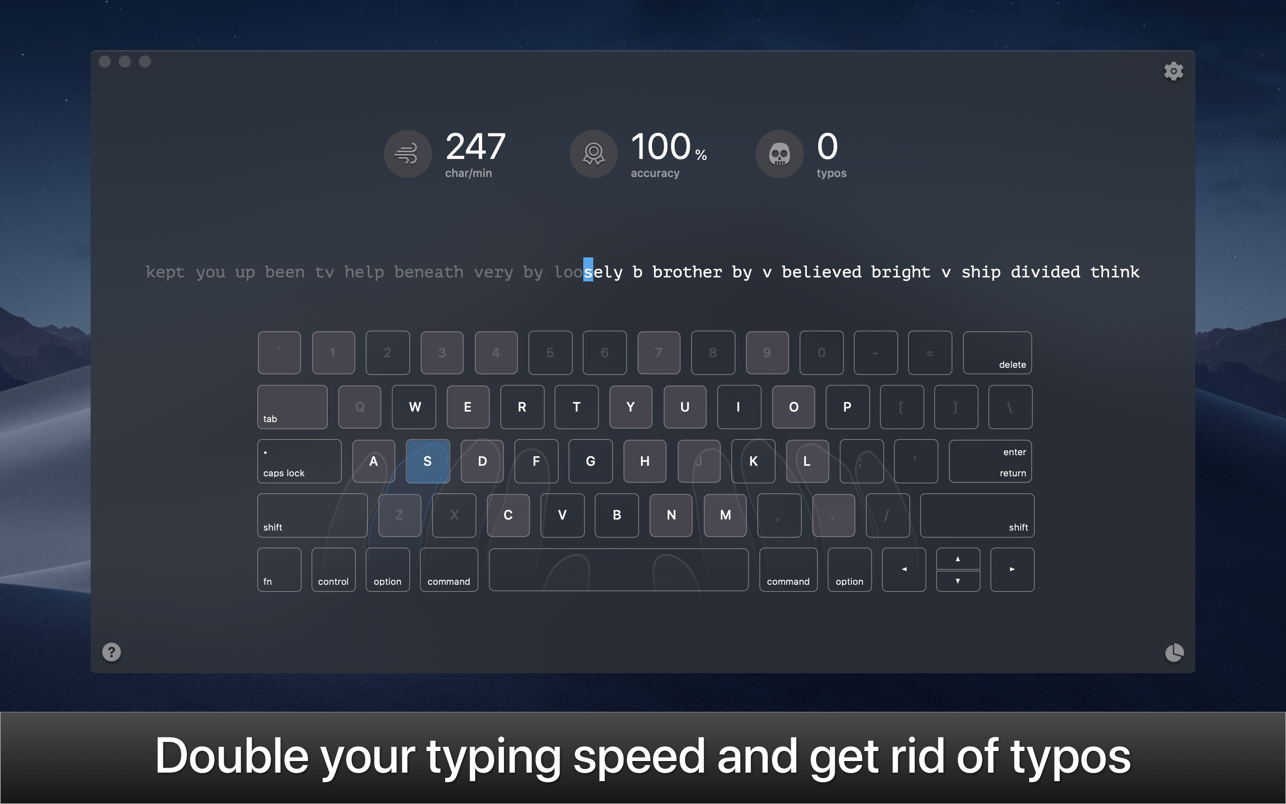
KeyKey is a manageable typing tutor that learns your level as you practice. All you do is commit to a 15-minute session every day. The app takes care of the rest. There are no lessons, no tests, and no strange minigames. Instead, you get a beautiful minimalist interface and a boost to your WPM. The app records your errors and adapts the practice wordlist as you go, giving you extra practice for the letter combinations that trip you up.

• Responsive Learning
The app helps users who want to improve their typing on QWERTY or DVORAK keyboards. Lessons appear as a continuous line of words to type. The more errors you make, the easier the words get; as you improve, the words become more complex. You can also see your errors, completed words, and elapsed time as you type.

• Keyboard Trainer
A big part of typing faster is using the proper finger placement. The app makes this easy with its built-in virtual keyboard. This keyboard models proper hand placement in real time and shows you which finger to use for optimally typing each letter. The more you learn to adapt your hand motions, the easier typing will be.

• Real World, Real Words
To generate both its English and Cyrillic practice, the app digested over 3,000 books and articles. The wordlists for the app’s lessons are derived from these materials, and ranked from common to uncommon. Whether you’re trying to improve speed in your native language or trying to type faster in a new one, you’ll get typing practice with the phrases people actually use.

• Expert Mode
With a few weeks of daily practice, you should be able to type around 60 words a minute in your chosen keyboard format. But the fun doesn’t stop there. The app includes an “expert mode” that can push your speeds even higher with even more complicated and challenging words and phrases.

• Stop hitting backspace every couple seconds
There’s no point in typing quickly if you’re constantly making mistakes. WIth KeyKey, you can type confidently and precisely. That’s a skill all of us could improve on.

Compatibility: macOS 10.11 or later
Mac App Store https://geo.itunes.apple.com/app/id1035137927

Screenshots


Name: KeyKey_2.9.14_Mactorrents.Me.dmg
Size: 62 MB
Files KeyKey_2.9.14_Mactorrents.Me.dmg[62 MB]


   Download Torrent

PowerPhotos 2.5.10

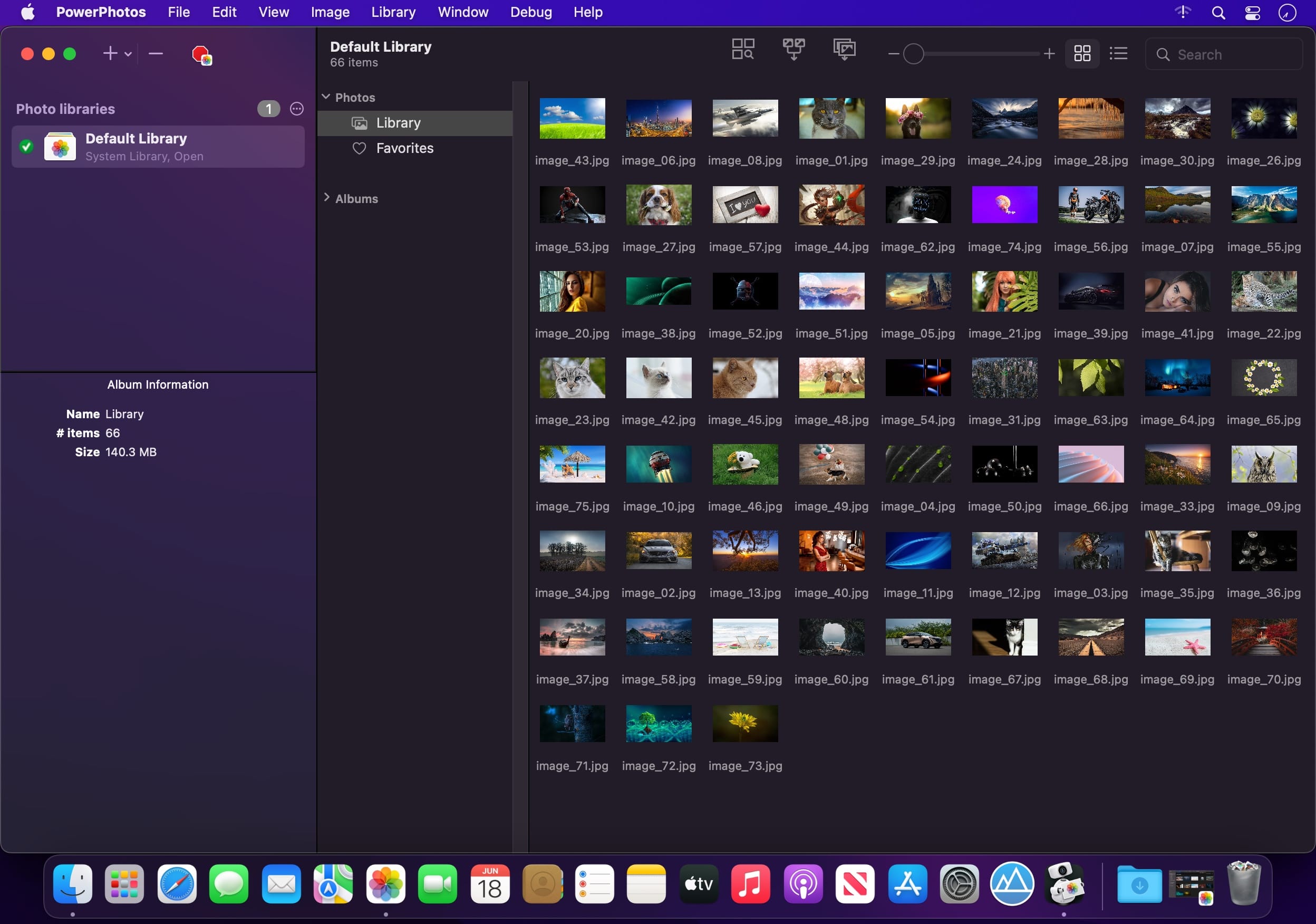
PowerPhotos – The ultimate toolbox for Photos on the Mac. PowerPhotos works with the built-in Photos app on your Mac, providing an array of tools to help you get your photo collection in order.

Create and manage multiple libraries
Instead of being limited to putting all your photos in a single library, PowerPhotos can work with multiple Photos libraries, giving you many more options for how to organize your ever growing photo collection.

Splitting your photos between multiple libraries helps Photos open more quickly, lets you archive older photos, store some of your collection on an external hard drive, and reduce storage space used by iCloud Photo Library.

Copy photos and their metadata
You can split your library by copying albums and photos with a simple drag and drop. PowerPhotos will take care of copying the photos and retaining their metadata, including keywords, descriptions, titles, dates, and favorite status. Read more about what PowerPhotos can copy.

Merge Photos libraries
Got a whole bunch of libraries you want to consolidate into one? PowerPhotos lets you merge your libraries together while weeding out duplicate photos in the process. You will be shown a preview of what your merged library will look like before any modifications are done, to ensure your merged library looks how you want.

Find duplicate photos
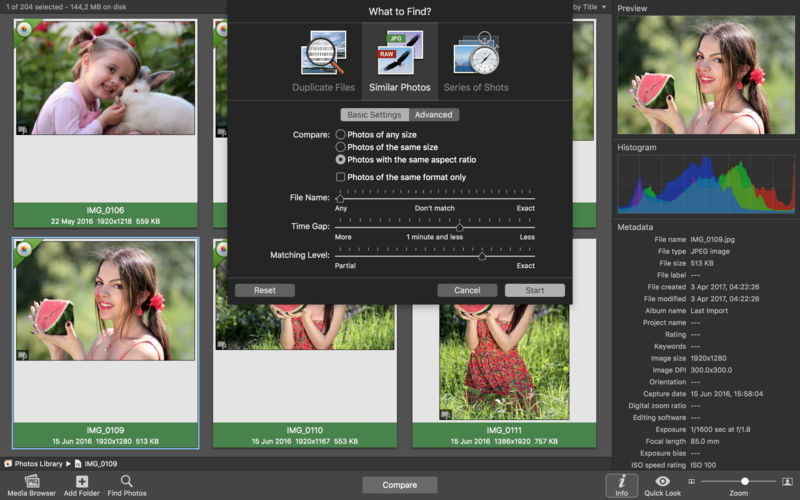
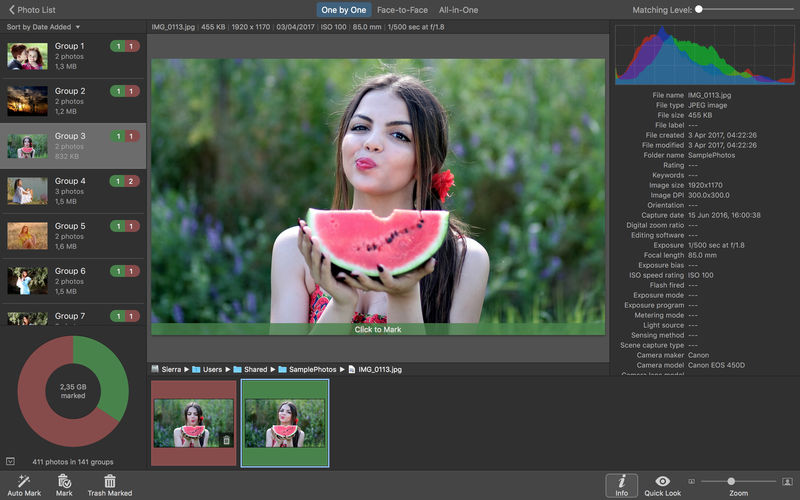
It’s easy to have multiple copies of the same photo creep into your photo collection over time. Use PowerPhotos to find duplicate photos in one or more libraries, view them side by side, and separate them into albums where you can easily delete them from your library.

Browse and search
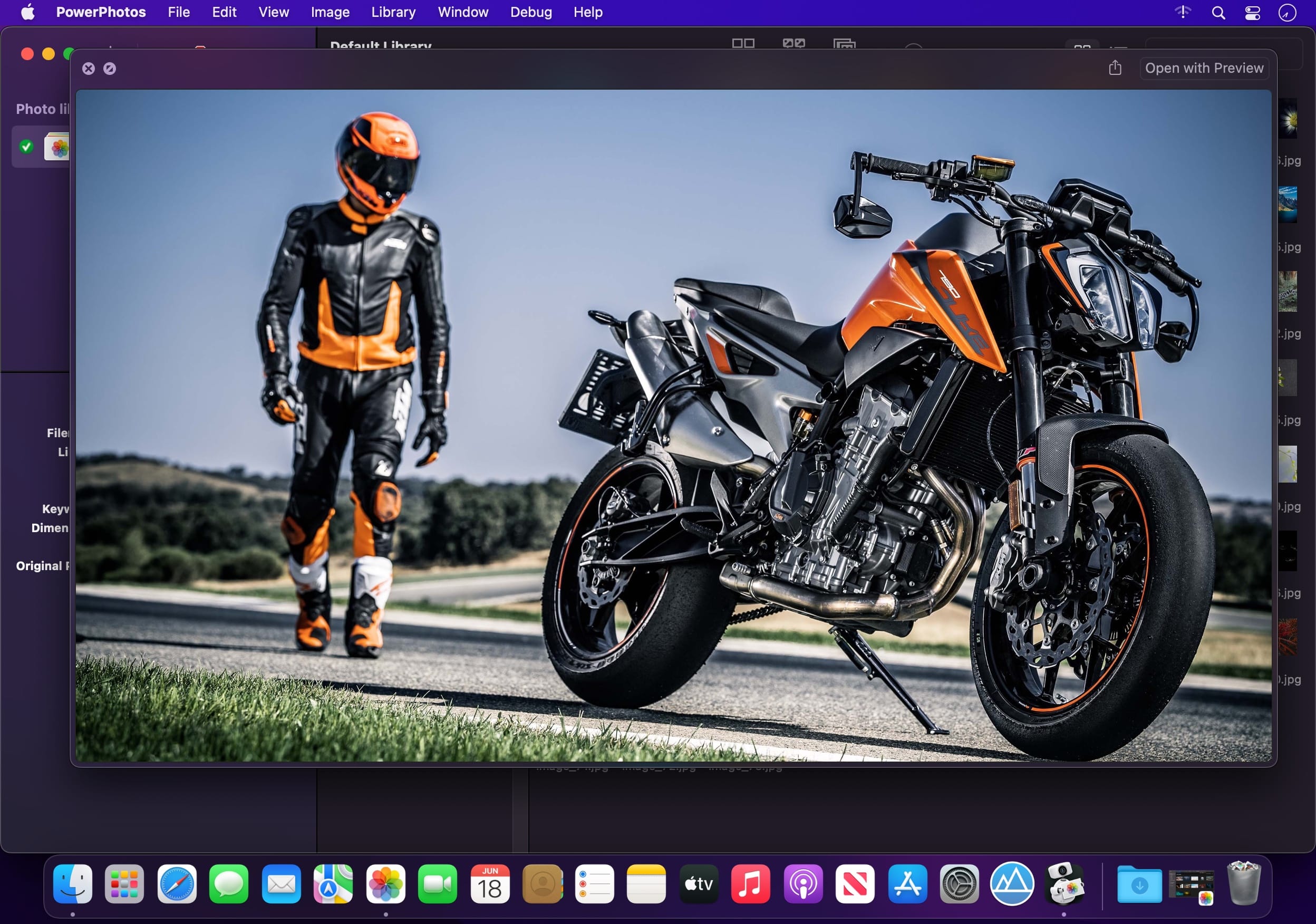
Use PowerPhotos’ image browser to quickly view your photos without having to open Photos itself. View detailed photo information using List View, and search for photos across all your libraries at once.

Migrate your iPhoto/Aperture libraries
If you have a lot of existing iPhoto or Aperture libraries that you want to migrate over to Photos, PowerPhotos will help automate your migrations so you don’t have to spend time babysitting this lengthy process.

New features:

  • Improved iCloud Photos support: If you use iCloud Photos, PowerPhotos 1.x was only able to see photos in your library that had already been downloaded to your local hard drive. For users with the “Optimize Mac Storage” option enabled, this could mean a significant portion of your iCloud library would not be visible to PowerPhotos. In PowerPhotos 2.0, it can now see and work with any photos in your iCloud photo library, and will automatically download any photos from iCloud as needed.
  • Advanced exporting: Photos has an export command, but it is fairly limited in what it can provide. PowerPhotos 2.0 has a new, more fully featured export function with options such as
  • Export as a flat folder or as a folder hierarchy in the Finder that mimics your album hierarchy
  • Export unmodified photos, or as JPG, PNG, HEIF, or TIFF of different sizes
  • Include captions, dates, keywords, and titles in EXIF metadata
  • Retain or strip location metadata
  • Optionally include videos from Live Photos and all photos from a burst
  • Set Finder creation/modification dates to the photo’s EXIF date
  • Video export support as H.264 or H.265
  • Global menu bar item: Get fast access to your libraries via a global item in your menu bar even when PowerPhotos itself isn’t running.
  • Library groups: For those with lots of libraries, you can now organize your libraries into groups in the PowerPhotos sidebar.
  • Multiple windows: You can now open each library in a separate window in PowerPhotos, allowing for easier comparison between libraries, and dragging and dropping photos/albums between libraries.
  • New duplicate search engine: PowerPhotos 2.0 uses a new duplicate comparison algorithm that can find more duplicate photos which are not quite 100% identical, such as scaled down copies of photos, photos that have been resaved in a different format or with different compression, and even photos with minor edits applied to them.
  • Faster library loading: PowerPhotos 2.0 has rewritten a bunch of its internals to load your library much faster than PowerPhotos 1.0.
    Improved AppleScript support: New support for copying albums or photos between libraries, merging libraries, and exporting photos/albums from a library.

Compatibility: macOS 11.0 or later
Homepage https://www.fatcatsoftware.com/powerphotos/

Screenshots


Name: PowerPhotos_2.5.10_Mactorrents.Me.dmg
Size: 33 MB
Files PowerPhotos_2.5.10_Mactorrents.Me.dmg[33 MB]

   Download Torrent

JixiPix Watercolor Studio Pro 1.4.19

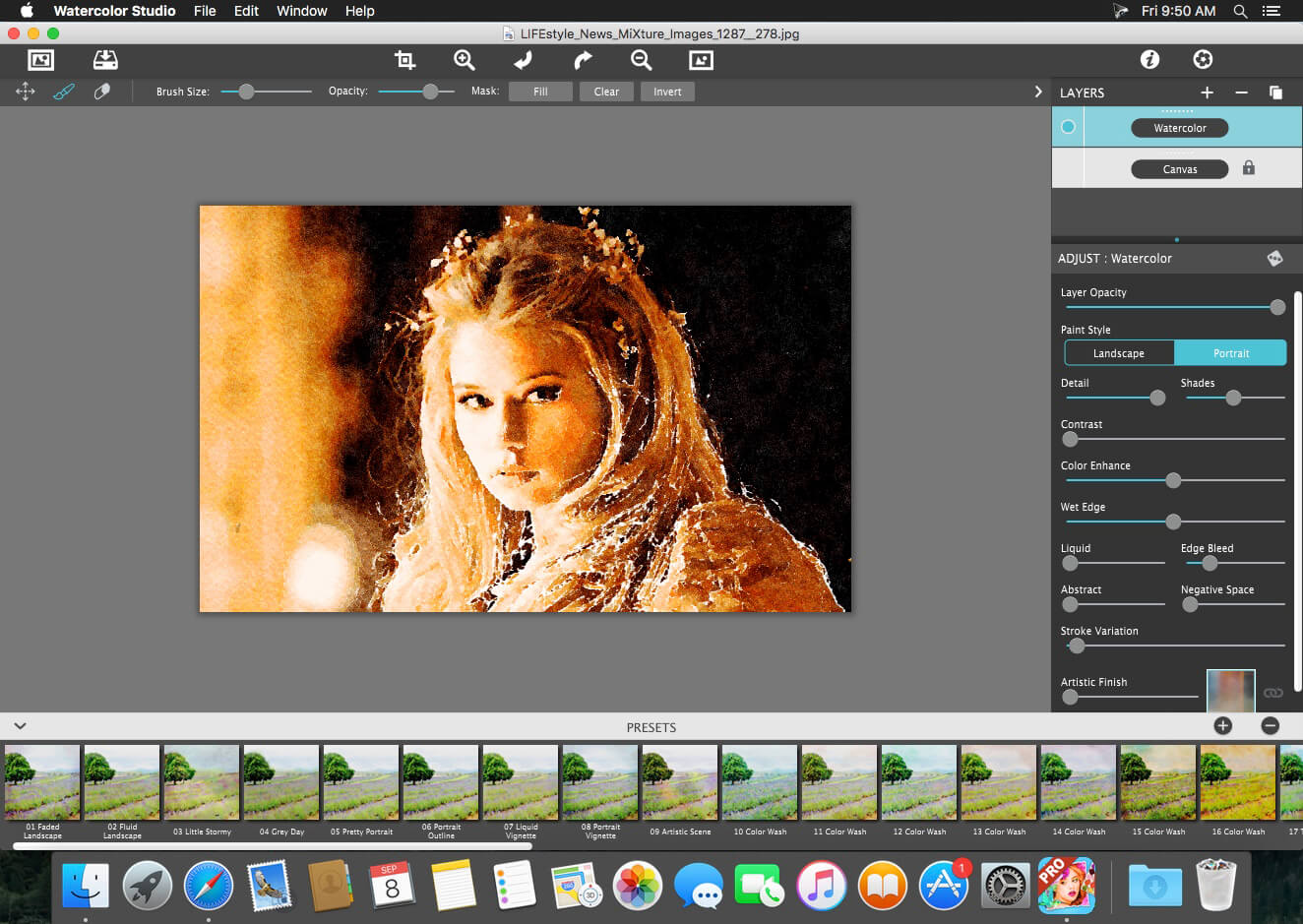
Watercolor Studio creates fluid, liquidy, translucent watercolors with paint that flows naturally. Built on-top of an incredible rendering system that uses real-world techniques, this application does the initial work, producing a watercolor instantly, then allows you to customize your paintings using an array of Sliders, Layers, Brushes, Color Washes and Artistic finishes. The end result—print quality watercolors filled with transparent luminosity and sheer beauty.

Watercolor Studio creates fluid, liquidy, translucent watercolors with paint that flows naturally. Built on-top of an incredible rendering system that uses real-world techniques, this application does the initial work, producing a watercolor instantly, then allows you to customize your paintings using an array of Sliders, Layers, Brushes, Color Washes and Artistic finishes. The end result—print quality watercolors filled with transparent luminosity and sheer beauty.

Watercolor Studio uses artificial intelligence and image recognition to render the initial watercolor then gives you the ability to create infinite variations quickly and easily. Change paintings into an ink wash, add a beautiful artistic finish, brush in details, and even spatter it with liquid spots. Control everything from details-to-shades-to-negative space-to-coloring. No artistic skill needed!

The beauty of a well executed watercolor comes from the transparency of paint on paper. It also comes from the watercolors unique free flowing characteristics. Watercolor Studio makes it easy to do just this with a one-of-a kind Liquid slider. As you move it, watch as color bleeds throughout the painting for an ultra wet style. Or use the Wet Edge slider to define edges with built-up pigment and color that bleeds inward naturally.

Paint Layers allows you to create beautiful and unique watercolors by stacking watercolor layers, blending color washes and texture, and brushing in details. No artistic skill needed! Every photo placed in Watercolor Studio is automatically transformed into a watercolor with full control over settings. While it’s great to have complete control over what the paint does on the paper, some of the most beautiful effects occur in the experiment process. So have fun and try not to be too careful. You will be amazed at some of the paintings you will get.

Watercolor—Portrait is a wet-on-dry painting with all the characteristics of a true watercolor. Fine-tune portrait detail and shades, then smooth color using the liquid slider while keeping contours clear and color defined.

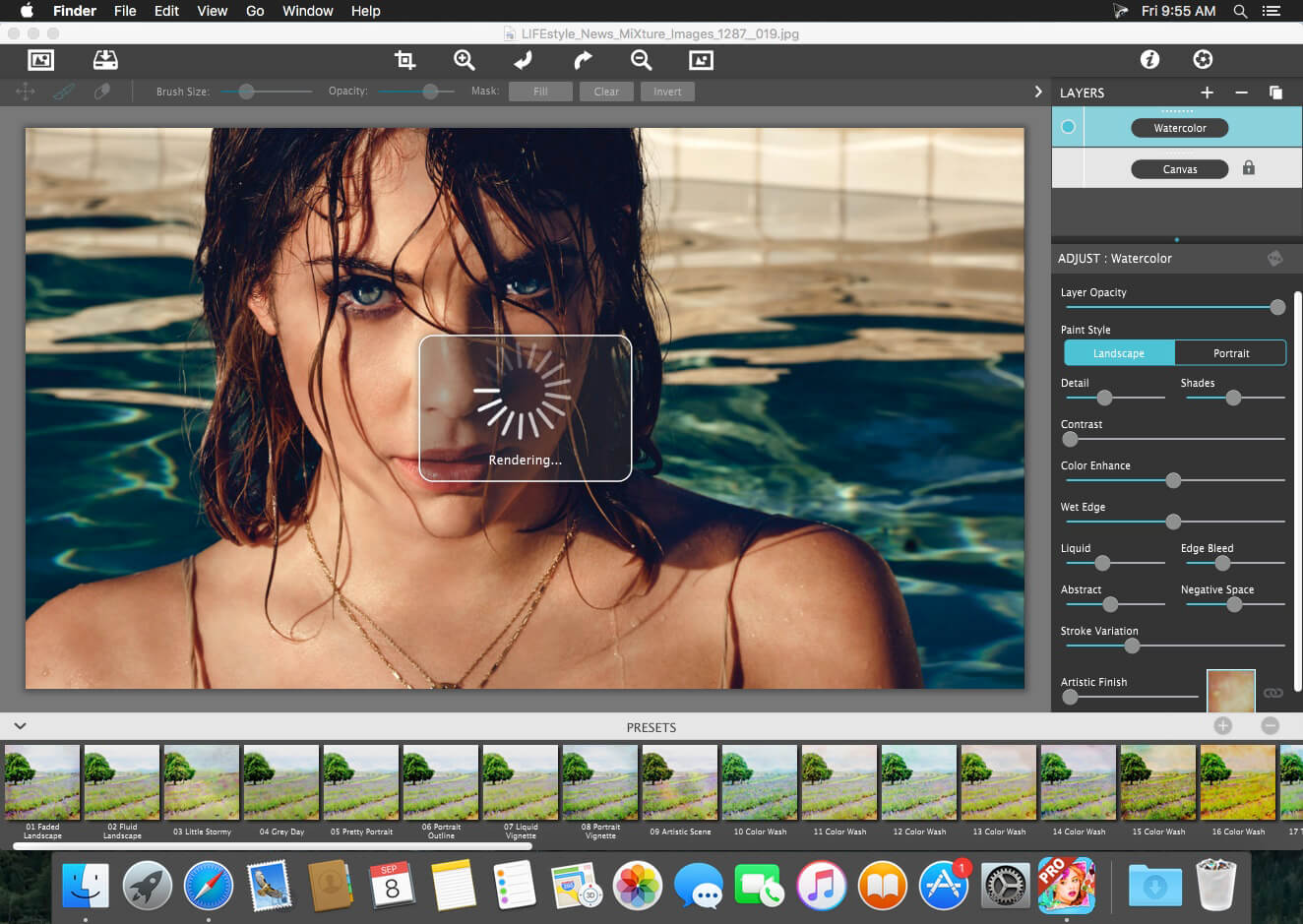
Watercolor—Landscape is an abstract free flowing wet-in-wet paint style, great for landscapes. Use it to spread indiscriminate details as if saturated with water for a loose wet watercolor painting with color that bleeds together.

Ink Wash renders photos into soft subtle paintings, consisting of one-to-three colors. Choose from a library of washes to create ultra inky paintings or light monotone ones. Combine with Color Washes and Outline Layers for an expressive piece filled with artistic character.

Liquefy is a transparent layer used to dilute and bleed color. Use the Liquefy Layer above one or more layers then brush with a continuous motion to blend areas where needed. This subtle effect smooths areas like a true paint brush dipped in water.

Color Wash blends handmade color washes and textures into the painting while retaining some or all of the original color. Use them to warm up, cool down or to dapple light and color throughout the painting with control over how much. Use render modes to combine washes with Watercolor, Ink Wash and Outline Layers for breathtaking one-of-a-kind art pieces.

Compatibility: macOS 10.12 or later
Homepage https://jixipix.com/watercolor-studio/detailsMAS.html

Screenshots


Name: Watercolor_Studio_Pro_1.4.19_Mactorrents.Me.dmg
Size: 496 MB
Files Watercolor_Studio_Pro_1.4.19_Mactorrents.Me.dmg[496 MB]

   Download Torrent

PhotoSweeper X 4.9.3

PhotoSweeper helps quickly and efficiently eliminate similar or duplicate photos. It works with photos from iPhoto, Aperture and Adobe Lightroom libraries as well as photos from your Mac.

PhotoSweeper will help you if:

  • You take a series of shots of the same scene trying to get the perfect one.
  • You edit photos with applications, such PhotoShop, Pixelmator, etc., and make backups just in case.
  • You have photos scattered on external hard drives and local disks, in iPhoto, Aperture or Lightroom libraries.
  • You have a mess in your photo collection or just want to free disk space by removing junk photos.

Features
Easy to find photos
Just drag and drop folders to allow PhotoSweeper to find all photos inside. Add more photos from your iPhoto, Aperture or Lightroom library via the Media window.

Flexible comparison settings
Use 6 different methods to find similar or duplicate photos, even those edited in external programs such Photoshop, regardless of image size or format.

Fast
PhotoSweeper was developed to be extremely fast at comparing large number of photos. Using efficient caches allows you to make the next comparison much faster. You have an opportunity to regroup the results on-the-fly by changing a matching level of similarity.

Easy to manage photos
Review results in “Face-to-Face” or “Groups” mode. Put photos into a virtual container, “Box”. Delete, move, or copy photos from the Box. Bulk rename photos while copying or moving.

Great photo browsing
PhotoSweeper provides an up-to-date photo browser with such features as: fast loading of thumbnails, Quick Look preview, drag and drop support, showing paths, ratings, labels, etc. The “Image Info” panel shows more detailed information, including histogram and image metadata (EXIF, IPTC, etc.).

A comprehensive user manual is available in the Help menu.

Compatibility: macOS 10.12.2 or later
Homepage https://geo.itunes.apple.com/app/id463362050

Screenshots


Name: PhotoSweeper_X_4.9.3_Mactorrents.Me.dmg
Size: 50 MB
Files PhotoSweeper_X_4.9.3_Mactorrents.Me.dmg[50 MB]

   Download Torrent

FxFactory 8.0.17 Build 7929

Visual effects toolbox with unmatched features. FxFactory is a revolutionary visual effects package which powers the largest collection of plug-ins for Final Cut Pro, Motion, After Effects, and Premiere Pro.

FxFactory Pro Key Features:

  • FxFactory provides quick access to a collection of visual effects designed to work with Adobe After Effects, Final Cut Pro or Motion.
  • Moreover, FxFactory is featuring a intuitive interface that allows you to browse and manage all effects that are installed on your system.
  • The FxFactory OS X application also allows you to use the free products without purchasing but also provides support for purchasing and registering commercial products.
  • The FxFactory Pro version allows you to make your own visual effects without writing a single line of code.
  • The user can check all the plug-ins and configure them suitably for your project, or create new ones based on existing ones.
  • Create your own effects for Final Cut Studio without writing code. Seamless integration with FxPlug: once to install the plugin, you can immediately start using them in Final Cut Pro, Motion and After Effects and more!
  • An additional advantage is that the Pro Pack plug-ins support the construction of a moving image of 16-bit and 32-bit. FxFactory – it’s not just the built-in plugin manager, but also a complete environment for their management. Through it you can connect to the project the necessary modules, apply them to your content, preview and rendering.

One of the following:

  • Apple Final Cut Pro X 10.2+
  • Motion 5.2+
  • Adobe After Effects CC+
  • Adobe Premiere Pro CC+

What’s New:

Version 8.0.17 Build 7929:

  • Release notes were unavailable when this listing was updated.

Supported Operation System: macOS 12.6 – 14.x higher
Homepage https://fxfactory.com/

Screenshots


Name: FxFactory-8.0.17-7929_Mactorrents.Me.rar
Size: 34 MB]
Files FxFactory-8.0.17-7929_Mactorrents.Me.rar[34 MB]

   Download Torrent

Topaz Photo AI 3.2.0

Enhance the quality of your photos by sharpening, reducing noise, and enhancing resolution using the latest technology available. Topaz Photo AI is designed to elevate the quality of your images, allowing you to concentrate on the artistic aspect of photography.

Enhance the quality of your photos by sharpening, reducing noise, and enhancing resolution using the latest technology available. Topaz Photo AI is designed to elevate the quality of your images, allowing you to concentrate on the artistic aspect of photography.

Focus on unleashing your creativity rather than getting caught up in the technical details.
AI excels in certain areas but falls short in others. While it can generate sentences, it struggles to craft a compelling narrative. It can suggest songs, but it can’t compose music. However, when it comes to enhancing image quality, AI shines. It may not possess human creativity, but it can significantly enhance the quality of your photos.

We believe that exceptional photography is the result of a blend of artistic vision and cutting-edge tools. AI will never replace human creativity, so it remains your responsibility to provide the vision. Just like a high-quality lens or camera, Topaz Photo AI empowers you to create images that were previously unattainable with older tools.

Ensure your photos are at their sharpest.
There are instances where you won’t have the opportunity to capture another shot if your subject is blurry. Sometimes, you may only notice the blurriness when reviewing your photos on a computer.

In such situations, rely on Topaz Photo AI to guarantee that your photos are as sharp as possible. Instead of artificially boosting edge contrast like traditional sharpening methods, the Sharpen AI module naturally corrects the root causes of blurriness (such as camera shake, motion blur, and misfocus) to produce more authentic results.

Homepage https://topazlabs.com/

Topaz Photo AI

Name: TOPHAI.320_Mactorrents.Me.zip
Size: 524.8 MB
Files TOPHAI.320_Mactorrents.Me.dmg[524.8 MB]

   Download Torrent

Planner 5D Premium 4.17

Whether you’re remodeling, renovating, or designing your dream home, Planner 5D has you covered! Create detailed 2D & 3D floor plans, browse a 3000+ item catalog, and create photo-realistic images of your projects. With over 2 million downloads, Planner 5D makes interior design easier than ever!

Features:

  • Drag and drop design in both 2D & 3D modes
  • User-friendly features that do not require special skills
  • Create a completely unique home – from the floorplan to the finishing details
  • Browse the regularly updated 3000+ item catalog complete with furniture, appliances, decor, household items, landscape features and more
  • Create exceptionally detailed and personalized design in both the interior and exterior of your project
  • “Snapshot” function to create photo-realistic images of your projects with realistic lighting, textures, and shadows
  • Sign in with Google+ or Facebook to work on your projects on any platform, including your laptop or other mobile device
  • Switch between Metric and Imperial systems of measurement
  • Save and share your projects with friends, family and home professionals
  • Work on downloaded projects offline
  • Completely Ad-free
  • Multi-language

Free Version

  • 2D and 3D editor
  • 150+ item catalog
  • Unlimited number of projects
  • Multi-platform synchronization
  • 600+ item catalog of colors, textures and patterns to personalize your design

Premium Version

  • Access to the entire 3000+ item catalog
  • Ability to alter the size and appearance of all furniture

Other Features

  • Apple Pencil support
  • 3D Touch support
  • Follows Apple Design Guidelines
  • Split-screen multitasking on iPad
  • Basic Accessibility features for the visually impaired

Top In-App Purchases: Premium features – included
*** You need to disable the System Integrity Protection (SIP) to perform the selected Application.

Compatibility: macOS 10.15 or later
Homepage http://www.yumysoft.com

Screenshots


Name: Planner_5D_4.17.0_Mactorrents.Me.dmg
Size: 345 MB
Files Planner_5D_4.17.0_Mactorrents.Me.dmg[345 MB]

   Download Torrent

OmniFocus Pro 4.3.3

OmniFocus Standard and Pro are in-app purchases, with discounts for people who bought earlier versions of OmniFocus for Mac through the Mac App Store. Download the app for details.

Use OmniFocus to accomplish more every day. Create projects and tasks, organize them with tags, focus on what you can do right now — and get stuff done.

OmniFocus — now celebrating 10 years as the trusted, gold-standard to-do list app — brings unrivaled power and flexibility to your Mac, making it easy to work the way you want to work.

OmniFocus manages everything in your busy life. Use projects to organize tasks naturally, and then add tags to organize across projects. Easily enter tasks when you’re on the go, and process them when you have time. Tap the Forecast view — which shows both tasks and calendar events — to get a handle on your day. Use the Review perspective to keep your projects and tasks on track.

Then let our free syncing system make sure you data is the same on every Mac. (And on OmniFocus for iOS, available separately.) Because your data is encrypted, it’s safe in the cloud.

STANDARD FEATURES

  • NEW: Tags add a powerful additional organizing tool. Create tags for people, energy levels, priorities, locations, and more.
  • NEW: The Forecast view shows your tasks and calendar events in order, so you can better see what’s coming up in your day.
  • NEW: Enhanced repeating tasks are easier than ever to set up — and they work with real-world examples such as the first weekday of the month.
  • NEW: The Modern, fresh-but-familiar design helps you focus on your content.
  • Inbox is where you quickly add tasks — save them when you think of them, and organize them later.
  • Syncing supports end-to-end encryption so that your data is safe wherever it’s stored, on our server or yours.
  • Notes can be attached to your tasks, so you have all the information you need.
  • Attachments — graphics, video, audio, whatever you want — add richness to your tasks.
  • View Options let you customize each perspective by deciding what it should show and how it should filter your tasks.
  • The Review perspective takes you through your projects and tasks — so you stay on track.
  • OmniFocus Mail Drop adds tasks via email and works with services like IFTTT and Zapier (if you’re using our free syncing server).
  • The Today Widget shows you your most important items — you don’t even have to switch to the app to know what’s up.

PRO FEATURES

  • Custom perspectives help you create new ways to see your data by filtering and grouping projects and tags. NEW: The filtering rules are simpler to use while being more powerful than ever, letting you combine rules with “all,” “any,” and “none.” You can also choose any image to use as your custom perspective’s icon, and a custom tint color to go with it.
  • NEW: Today’s Forecast can include items with a specific tag, and you can reorder those tasks however you choose, so you can plan your day better.
  • The customizable sidebar lets you organize your perspectives the way you want to, for super-fast access.
  • The Today Widget shows a perspective of your choice in Notification Center.
  • AppleScript support opens up a world of automation, using Apple’s Mac scripting language.

Language: English, Dutch, French, German, Italian, Japanese, Korean, Portuguese, Russian, Simplified Chinese, Spanish
strong>Compatibility: macOS 13 or Later
Homepage https://www.omnigroup.com/omnifocus/

Screenshots


Name: Omni.Group.OmniFocus.Pro.v4.3.3.MacOS_Mactorrents.Me.zip
Size: 30 MB
Files Omni.Group.OmniFocus.Pro.v4.3.3.MacOS_Mactorrents.Me.dmg[30 MB]

   Download Torrent

Dropzone 4 Pro 4.80.18

Dropzone makes it faster and easier to copy and move files, open applications and share files with many different services. Dropzone is a unique and amazing app that’s like nothing you’ve ever used before. We’ve paid fanatical attention to every detail and built an app that looks and feels like an integral part of macOS.

Dropzone ships with a powerful scripting API and with a little programming knowledge you can modify any of your actions or even create entirely new ones. This gives Dropzone unlimited extendability and utility. We’re always thinking up new actions so Dropzone will become even more useful over time.

Dropzone also includes Drop Bar – Drop Bar makes it easy to stash files you know you’ll need later. Just drop files on the Drop Bar icon in the grid and they will stick there until you’re ready to use them.

Features

  • Open applications, move and copy files faster than ever before.
  • Shorten URLs quickly using Tinyurl shortener. Just select a URL to shorten and press Ctrl+Option+Cmd+S and the shortened URL is automatically copied to the clipboard.
  • AirDrop integration lets you drop files or folders from any app and share them with your other Macs over the network.
  • Imgur integration lets you share images fast and get a link for pasting.
  • Upload files to Amazon S3 (Dropzone Pro feature).
  • Upload files to your FTP server (Dropzone Pro feature).
  • Upload files to your Google Drive (Dropzone Pro feature).
  • Download and install add-on actions that let you upload to services like Google Drive, YouTube and many others (Dropzone Pro feature).
  • Powerful multi-tasking engine allows you to run multiple tasks at once and track the progress of each one through the in-grid task status area.
  • See how tasks are progressing at a glance in the animated menu item.
  • Launch Dropzone actions with the newly added keyboard shortcuts feature (Dropzone Pro feature).
  • Add applications, folders or actions to your grid easily by dragging and dropping them on the Add to Grid area.
  • Develop your own actions using the updated and massively improved Ruby or Python API (Dropzone Pro feature).

In-App Purchases: Dropzone 4 Pro
Compatibility: macOS 10.15 or later
Mac App Store: https://geo.itunes.apple.com/app/id1485052491

Screenshots


Name: Dropzone_4_4.80.18__TNT_Mactorrents.Me.dmg
Size: 62 MB
Files Dropzone_4_4.80.18__TNT_Mactorrents.Me.dmg[62 MB]

   Download Torrent

Capture One Pro 16.4.5.29

Capture One 23 is a professional RAW converter offering you ultimate image quality with beautiful colors and incredible detail for more than 500 high-end cameras. It offers state- of-the-art tethered capture, powerful digital asset management, extensive adjustment tools and a flexible workflow through customizable workspaces.

With an updated processing engine, market-leading performance and powerful new features, Capture One is the professional choice in imaging software. You get the highly responsive precision tools you need to create stunning images from your camera’s RAW files in a time-saving workflow that can be customized to fit your needs.

New features and improvements

  • Speed Edit
  • Dehaze
  • Improved importer

General User Experience Improvements and tweaks

  • HEIF support
  • Easy brush adjusting
  • Improved performance
  • Colored gradients on White Balance Sliders
  • Enhanced tooltips
  • Easy access to Tutorials

Compatibility: macOS 12.0 or later,
Homepage https://www.phaseone.com/

Screenshots


Name: Capture_One_Pro_16.4.5.29_Mactorrents.Me.dmg
Size: 1 GB
Files Capture_One_Pro_16.4.5.29_Mactorrents.Me.dmg[1 GB]

   Download Torrent

Capture One Enterprise 16.4.5.29

Capture One 23 Enterprise – the photo editing solution for image production studios and e-commerce platforms. Its authentic true-to-life color processing, seamless editing experience, and fastest tethering in the industry gives you total creative control, making it a household name in studios across the world. Based in Copenhagen, Denmark, Capture One empowers photographers with cutting-edge features to keep your photography one step ahead.

How any photography studio can create value with Capture One Enterprise
For the past 10 years, leading studio photography has been created with photo editing software Capture One. With world-class tethering, state-of-the-art photo editing tools and the highest quality RAW processing, it’s been a staple in any photography studio.

Now, Capture One has introduced an “Enterprise” version which is specifically built for business and aligned to the way a photography studio works.
Capture One Enterprise offers the same standard features as Capture One’s flagship product Capture One 20 – tailored to the needs of studio photography.

Built for Business
Photographers are key to the success of any photography studio.

But what if the photography studio involves several photographers, studio managers, retouchers, quality assurance managers, project leaders, etc who need to collaborate, standardize and carry out the same workflows over and over again? What if those workflows also need to be integrated to other systems, eg. barcode scanners, PIM systems, digital asset management systems, ecommerce platforms etc?

Capture One Enterprise has been developed to address the challenges faced by studio photography and help any enterprise or e-commerce photography studio optimize their image production process and boost results across relevant KPI’s.

Value creation with Capture One Enterprise
Studio photography has huge value creation potential with Capture One Enterprise. By incorporating its enterprise-specific features into the workflow, it can improve KPI’s such as

  • “Time to Market” – Optimizing the hours your photography studio spends on the image production process, from planning your image, to shoots, to publishing the final photo on your ecommerce platform.
  • “Cost per image” – Optimizing each step in your studio photography process can dramatically increase your efficiency and reduce your costs
  • “Reduce Risk” – Secure your studio photography and image production to reduce errors and costs, thanks to enterprise exclusive features such as Image back-Up, License Management, MDM support etc.

This is achieved via enterprise features such as the Barcode scanner tool, Advanced Guides, Next Capture Backup, Next Capture Keywords, Next Capture Metadata, Tool Locks, Capture Pilot with Enterprise enhancements and Dedicated Studio workspaces.

Automated workflows in Capture One Enterprise
Once your studio has implemented Capture One Enterprise and begun implementing its standard features in your workflows, there are further opportunities to intensify value creation by automating workflows and integrating Capture One Enterprise into your IT infrastructure. You can do this by implementing

  • Workflow enhancement (an automation feature within Capture One)
  • Integrations (extension or automation interfacing with another app)

Customized solutions can maximize value, too
Your photography studio might also have very specialized needs – here, customized solutions can generate value for your studio photography. For example, ultra-accurate color profiling can assist in achieving one critical KPI in particular

“Reduce product returns” – Color profiling optimization on true color reproduction can reduce the rate of goods returned due to discrepancies in color between the actual product and the image.

Capture One offers individual color profiles for businesses, so you can reduce editing time and save on retoucher costs with fine-tuned color profiling for the most popular e-commerce cameras used by photography studios. Minimize color discrepancies and meet the demands of specialist product and studio photography with more accurate colors out-of-the-box.

These are just some of the exclusive features designed for studio photography – get in touch with the Enterprise team to learn more and discover where Capture One Enterprise can specifically meet the demands of your business. For more insight into specific tools, check out the Tools and Functionality white paper and Barcode Reader white paper.

What’s New:

Release Notes:

Tools exclusive to Capture One Enterprise are as follows:
1. Barcode scanner tool 

2. Advanced Guides 

3. Next Capture Backup 

4. Next Capture Keywords 

5. Next Capture Metadata 

6. Tool Locks 

7. Capture Pilot with Enterprise enhancements 

8. Dedicated Studio workspaces

Compatibility: macOS 12.0 or later,
Homepage https://www.captureone.com/en/explore-features/enterprise

Screenshots


Name: Capture_One_Ent_16.4.5.29_Mactorrents.Me.dmg
Size: 1 GB
Files Capture_One_Ent_16.4.5.29_Mactorrents.Me.dmg[1 GB]

   Download Torrent

Capture One Studo 16.4.5.29

Capture One is a professional RAW converter offering you ultimate image quality with beautiful colors and incredible detail for more than 500 high-end cameras. It offers state- of-the-art tethered capture, powerful digital asset management, extensive adjustment tools and a flexible workflow through customizable workspaces.

A powerful editing software that lets you quickly bring your photography to life with lightning-fast tethering, timesaving editing tools that give you creative control, and a personalized workflow with a customizable interface. Renowned for its RAW image processing and true-to-life colors thanks to tailored profiles for nearly 600 camera models and lenses, Capture One Pro gives you the best of your image to work with right from the start.

With an updated processing engine, market-leading performance and powerful new features, Capture One is the professional choice in imaging software. You get the highly responsive precision tools you need to create stunning images from your camera’s RAW files in a time-saving workflow that can be customized to fit your needs.

Capture One Studio is the new option to Capture One Pro with additional features useful for photographers studios.
It contains the Capture One Pro but also additional apps listed in the description below.

Compatibility: macOS 12.0 or later,
Homepage https://www.phaseone.com

Name: Capture_One_Studio_16.4.5.29_Mactorrents.Me.dmg
Size: 1 GB
Files Capture_One_Studio_16.4.5.29_Mactorrents.Me.dmg[1 GB]


   Download Torrent

Millumin 4 v4.18.h

Millumin – create audiovisual and interactive shows, Theater, Dance, Videomapping, Interactive installation. Millumin is a creative solution to bring your ideas to life. It is tailored to play your live show and tell your story.

What’s New:

Version 4 v4.18.h:

  • Release notes were unavailable when this listing was updated.

<Compatibility: macOS 10.14 or later
Homepage https://www.millumin.com/v3/index.php

Screenshots


Name: Millumin4_4.18.h_Mactorrents.Me.dmg
Size: 116 MB
Files Millumin4_4.18.h_Mactorrents.Me.dmg[116 MB]


   Download Torrent

Topaz Gigapixel AI 7.4.1

Beautiful photo enlargements using machine learning. Enlarging your image without losing detail has always been impossible… until now. Upscale your photos by up to 600% while perfectly preserving image quality.

Enlarge Images by up to 600%
Create a beautiful 80 x 60 inch print from a simple iPhone photo. Or transform your DSLR photos into sharp and ultra-detailed 100MP images.

Use truly intelligent upscaling
After being trained with millions of sample images, Gigapixel can now enlarge your images with a surprising level of quality.

Get crisp and clear results.
Gigapixel performs around 2 million operations per pixel to get you results with as much detail and sharpness as possible.

No more fuzzy enlargements.
Breathtakingly sharp prints. High-resolution cropping in post-production. iPhone photos that look like they came out of a DSLR. No matter why you’re enlarging your photos, you always want the best possible quality for your results. AI Gigapixel is currently the only photo enlargement product available that can actually add detail back to your upscaled photo.

Recover real details for actual sharpness
Increasing edge contrast is the simplest way to make an image look “sharp”, and how most other upscaling software works. Gigapixel is different: it increases the actual sharpness of your upscaled photo by recovering real detail in your image. This is only possible through training and exposure to millions of test images.

Crisp photos that look like they were never upscaled
It’s hard to believe that the crisp output image above was enlarged 4x, but it was. Gigapixel AI successfully determines which image features are stars (detail) and what’s noise. Then, it naturally accentuates and recovers detail while suppressing noise in your upscaled photo.

The highest-quality image upscaling that you can get anywhere
Because of these exceptional results, Gigapixel AI is used by everyone from leading photographers, to video game modders, to major motion studios. If you ever need to upscale your photo while preserving beautiful detail, take advantage of the most modern technology in the space and give Gigapixel AI a try.

Image enlargement: interpolation vs machine learning
Interpolation-based photo enlargement software has been around for decades. Gigapixel’s new approach based on machine learning is a giant leap ahead: state-of-the-art “deep learning” methods allow it to enlarge images while actually adding new details.

Interpolation
Interpolation algorithms work by approximating new pixels from the colors of surrounding ones. This does not add any detail to the image, it just smoothes out the transition between pixels.

Neural Network (Gigapixel AI)
A neural network analyzes thousands of photo pairs to learn how details usually get lost. The algorithm learns to “fill in” information in new images based on what it has learned… effectively adding new detail to your photo.

What’s New:

 Version 7.4.1:

  • Release notes were unavailable when this listing was updated.

Compatibility: macOS 10.14 or later
Homepage https://topazlabs.com/

Screenshots


Name: Topaz.Gigapixel.AI.7.4.1_Mactorrents.Me.zip
Size: 308.3 MB
Files Topaz.Gigapixel.AI.7.4.1_Mactorrents.Me.dmg[308.3 MB]

   Download

Affinity Photo 2.5.5

Affinity Photo redefines the boundaries for professional photo editing software on the Mac. With a meticulous focus on workflow it offers sophisticated tools for enhancing, editing and retouching your images in an incredibly intuitive interface with all the power and performance you need.

Engineered for Professionals
• Open, edit and save Photoshop® PSD files
• RGB, CMYK, Greyscale and LAB color spaces
• End-to-end CMYK workflow with ICC color management
• Full 16 and 32-bit per channel editing
• Work with all standard formats like PNG, TIFF, JPG, GIF, SVG, EPS, EXR, HDR and PDF
• Panning and zooming is always live at 60fps with live previews, live tools and real-time editing
• Open and edit massive images without compromising performance or running out of memory
and other

What’s New:

Version 2.5.5:

  • Release notes were unavailable when this listing was updated.

Compatibility: macOS 10.15 or later
Homepage https://affinity.serif.com

Screenshots


Name: Affinity_Photo_2_2.5.5_Mactorrents.Me.dmg
Size: 772 MB
Files Affinity_Photo_2_2.5.5_Mactorrents.Me.dmg[772 MB]

   Download

Affinity Designer 2.5.5

Affinity Designer is an advanced graphic design application that provides all the tools and features you might need to prepare various graphic materials for websites, interface design, icons and even modern concept art.

Professional-grade graphic design application for Mac users
Affinity Designer comes with a versatile and fully customizable workspace that enables you to work with a docked or floating UI that seamlessly integrates with macOS’ workflow features such as iCloud, Full Screen and Spaces.

From the main window you have instant access to a wide variety of design and graphic tools such as node, pen, crop, pencil and crop tools, as well as vector brushes, gradient fill tool, text, alignment guides and more.

Numerous highly customizable and powerful design tools
What is more, Affinity Designer offers accurate pixel control with a real-time pixel preview that allows you to edit in pixels if the desired result cannot be obtained solely in vector.

In addition, the suite of raster tools also includes lasso tool, pixel and paint brush, eraser, blur, dodge, burn, smudge, selection brush and sharpen.

Furthermore, you can use the pressure and velocity of a stylus and draw smooth, clean strokes that are fully editable. Consequently, you can enjoy the flexibility of brush texture and variable opacity and create natural-looking artwork while taking advantage of the benefits of vector editing.

Affinity Designer allows you to use pixel brush tools to erase and paint inside vectors in a non-destructive manner, a function that enables you to paint shadows, textures and highlights onto vector shapes with high precision.

Take advantage of the support for most popular file formats
On top of that, Affinity Designer delivers a broad collection of customizable shapes that you can adjust with the help of smart-snapping indicators and a full set of Boolean geometry operations.

Finally, Affinity Designer offers you the option to work in the desired color space, being it RGB, LAB, CMYK or Greyscale and comes with full support for AI, PSD, PDF and SVG files. At the same time, you can export areas, layers or objects independently with standard or retina versions.

What’s New:

Version 2.5.5:

  • Release notes were unavailable when this listing was updated.

Compatibility: macOS 10.15 or later
Homepage https://affinity.serif.com/en-us/

Screenshots


Name: Affinity_Designer_2_2.5.5_Mactorrents.Me.dmg
Size: 767 MB
Files Affinity_Designer_2_2.5.5_Mactorrents.Me.dmg[767 MB]

   Download

Affinity Publisher 2.5.5

Bring your vision to life with Affinity Publisher, the next generation of professional publishing software. From magazines, books, brochures, posters, reports and stationery to other creations, this incredibly smooth, intuitive app gives you the power to combine your images, graphics and text to make beautiful layouts ready for publication.

With essentials like master pages, facing page spreads, grids, tables, advanced typography, text flow, full professional print output and other amazing features, Affinity Publisher has everything you need to create the perfect layout – whatever your project.

  • Double page spreads
  • Live master pages, including nested master pages
  • Image frames with intelligent scaling options
  • Text wrapping with fine padding control
  • Custom shaped text frames
  • Link multiple text frames together across your document
  • Advanced guides, grids and snapping
  • Tables and custom table formats

What’s New:

Version 2.5.5:

  • Release notes were unavailable when this listing was updated.

Compatibility: macOS 10.15 or later
Language: Multilingual
Homepage https://affinity.serif.com/en-us/

Screenshots


Name: Affinity_Publisher_2_2.5.5_Mactorrents.Me.dmg
Size: 766 MB
Files Affinity_Publisher_2_2.5.5_Mactorrents.Me.dmg[766 MB]

   Download

Artstudio Pro 5.2.2

Introducing Artstudio Pro, the most powerful painting and photo editing app available for both macOS and iOS . The successor to our famous ArtStudio app has been redesigned bringing many new features and improvements taking full advantage of the latest technologies Metal, iCloud Drive, and optimized for 64-bit multi-core processors to achieve the smoothest possible workflow.

Hundreds of assets are included and users have the ability to import resources in the most popular formats (ABR, TPL, PAT, GRD, ASE, ACO) giving instant access to millions of brushes, patterns, gradients, color swatches and fonts. It will boost your creativity and help you bring your ideas to life quickly and easily.

New engine
The powerful GPU accelerated ArtEngine developed by Lucky Clan is 5-10 times faster than the previous engine. It allows working with multiple documents, supports large canvas sizes and an unlimited number of layers. Incredible optimization ensures smooth work even with large canvases.

  • Multiple open documents
  • Canvas size: 256Mpix
  • Unlimited layers
  • 27 tools: Move, Select, Crop, Eyedropper, Paint, Wet Paint, Eraser, Bucket/Pattern/Gradient Fill, Smudge, Dodge, Burn, Sponge, Text, Heal, Clone, and more

Flexible layer system
Artstudio Pro introduces a new layer system with grouping, non-destructive layer effects, and adjustment layers.

  • Groups
  • Masks, clipping masks
  • Adjustment layers
  • 9 layer effects: Bevel/Emboss, Stroke, Inner Shadow, Inner Glow, Outer Glow, Color/Gradient/Pattern Overlay, Drop Shadow
  • 27 blending modes
  • Text layers
  • Transform multiple layers simultaneously

Advanced Brush engine
Perfectly optimized, lag free mechanism generating smooth, real looking strokes, making the most of the stylus.

  • Brush size up to 4000×4000
  • 64-bit painting with pattern, double stamp, wet brush, dynamics
  • Brush editor with 80 customizable settings
  • Over 100 built-in brushes divided into a few groups: Painting, Sketching, Markers, Inking, Dots & Specks, and more
  • Symmetric painting with custom symmetry line

Professional photo editor
Photo editing options developed in cooperation with professional photographers. Each feature was tested in several scenarios and light conditions.

  • 15 adjustments available as non-destructive layer or simple adjustment: Brightness/Contrast, Levels, Curves, Exposure/Gamma, Shadows/Highlights, Vibrance, Hue/Saturation, Color Balance, Temperature/Tint, Black and White, Gradient Map and more
  • 4 auto adjustments: Auto Contrast, Levels, Lightness, Saturation
  • Dozens of filters with realtime preview and the ability to generate seamless patterns
  • Inpaint, Elastify (Liquify) ,Lighting, Depth Of Field, Denoise
  • Retouching tools: Heal, Dodge, Burn, Sponge and more
  • Image resize, Canvas resize
  • Crop using special tool, crop from selection, trim transparent areas

Import/Export
We have implemented many parsers from the most popular assets/images formats and we are especially proud of our ABR/TPL parser which not only reads brush stamps and patterns, but also most settings which are converted to Artstudio Pro brush engine values.

Import

  • Images – PNG, JPEG, PSD, HEIC, TIFF, GIF, most raw formats
  • Brushes – ABR, TPL
  • Color swatches – ASE, ACO
  • Patterns – PAT
  • Gradients – GRD
  • Fonts – TTF, OTF

Export

  • Images – PNG, JPEG, PSD, TIFF, PDF

Other features

  • Full iCloud integration
  • Screen recording
  • All features available on macOS, iPad and iPhone
  • Selection displayed as marching ants, quick mask or invisible
  • Snapping to guidelines, dynamic guidelines, grid
  • Perspective grid assist
  • Mirror (flipped) view
  • Canvas rotation

Compatibility: macOS 11.0 or later
Homepage https://geo.itunes.apple.com/app/id1313773050

Screenshots


Name: Artstudio_Pro_5.2.2_Mactorrents.Me.dmg
Size: 243 MB
Files Artstudio_Pro_5.2.2_Mactorrents.Me.dmg[243 MB]

   Download Torrent