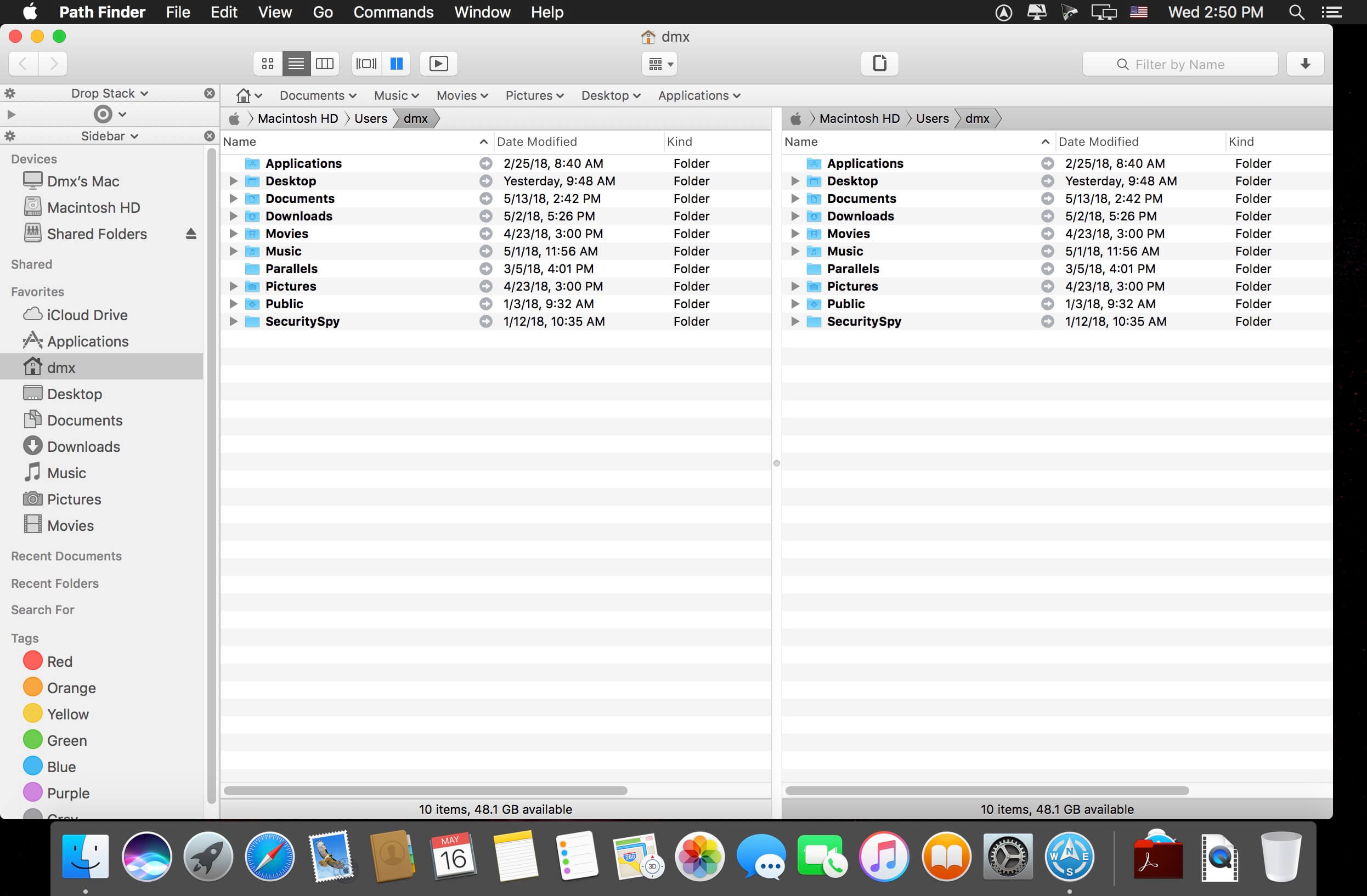
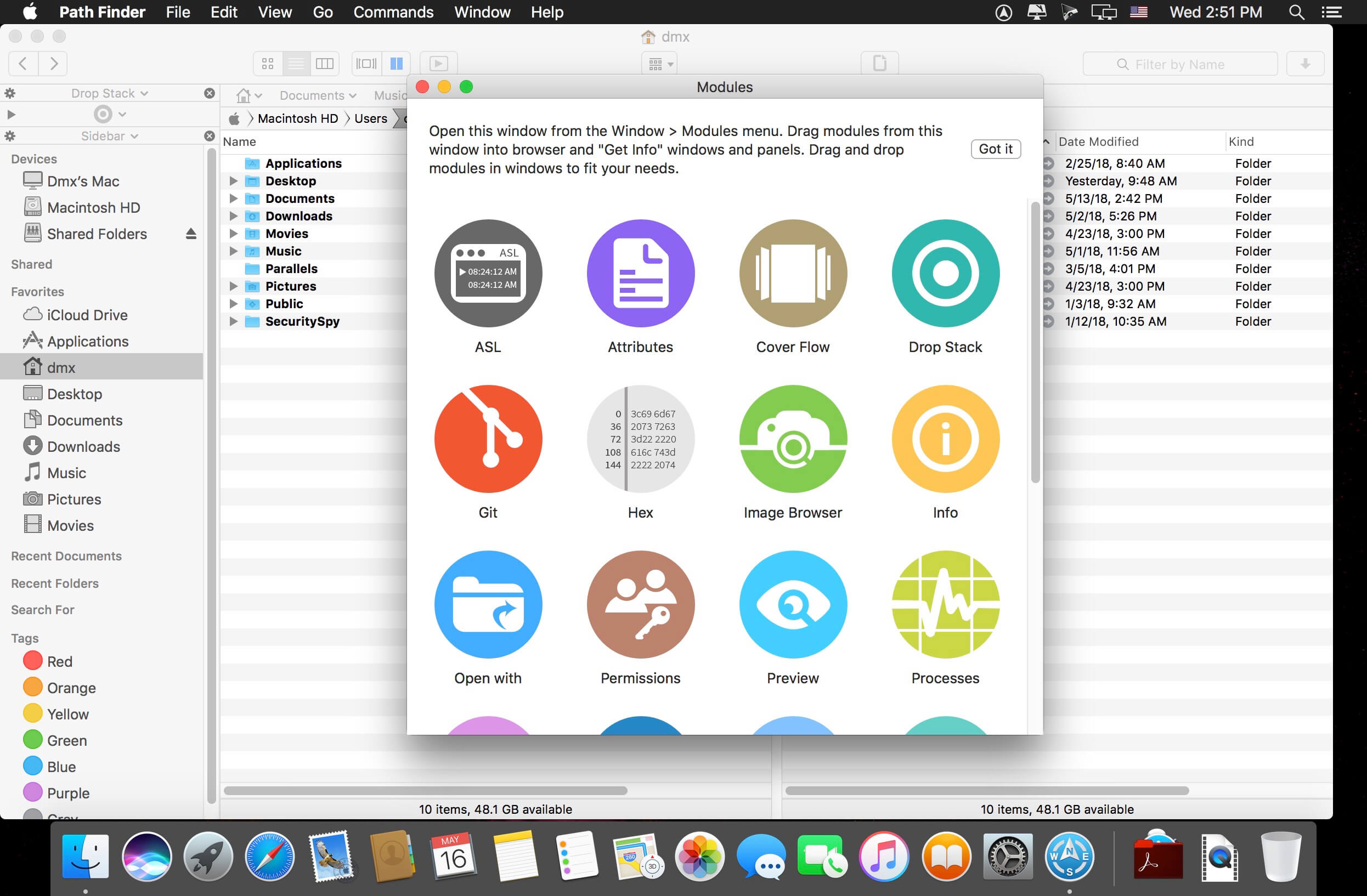
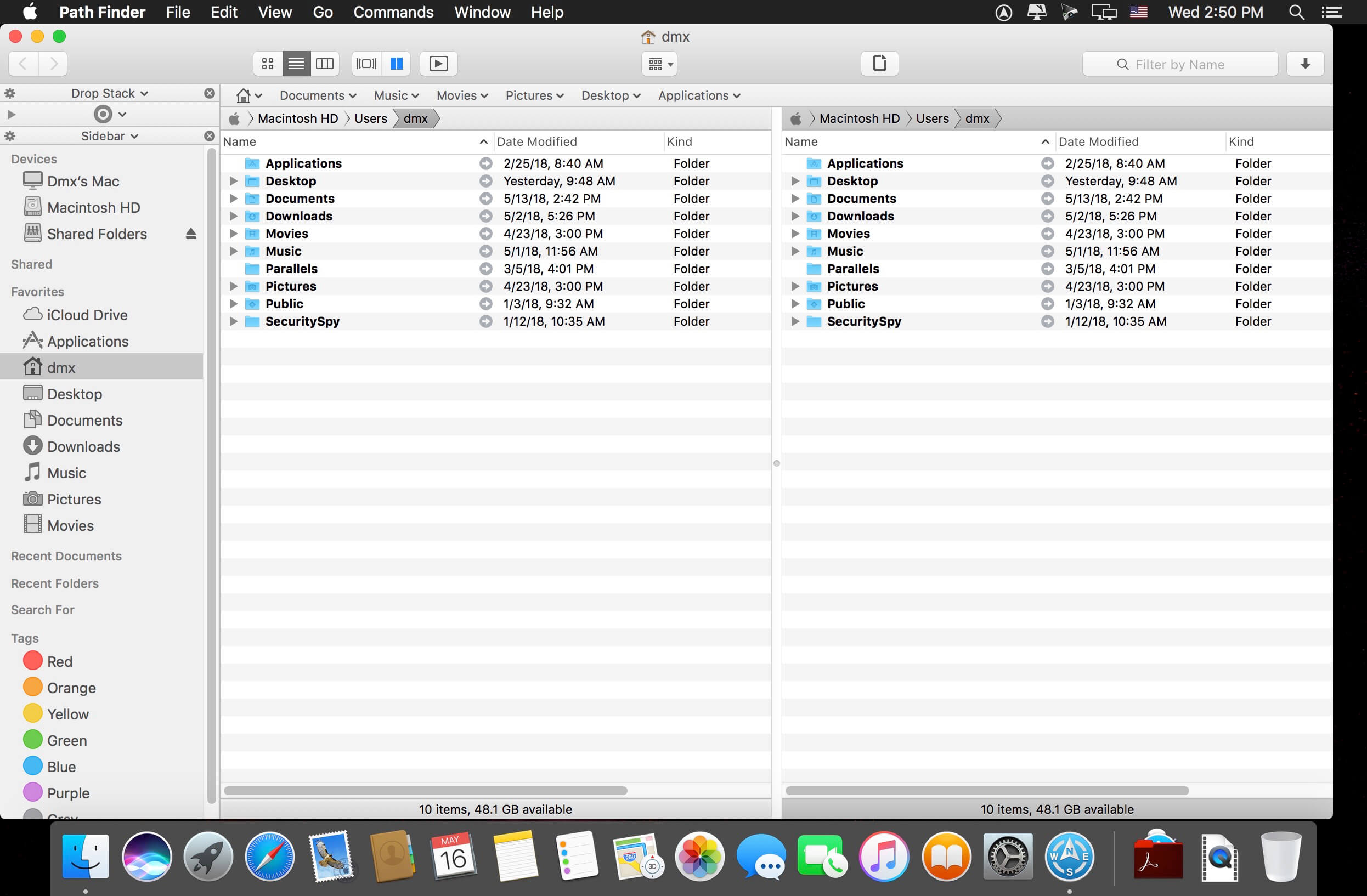
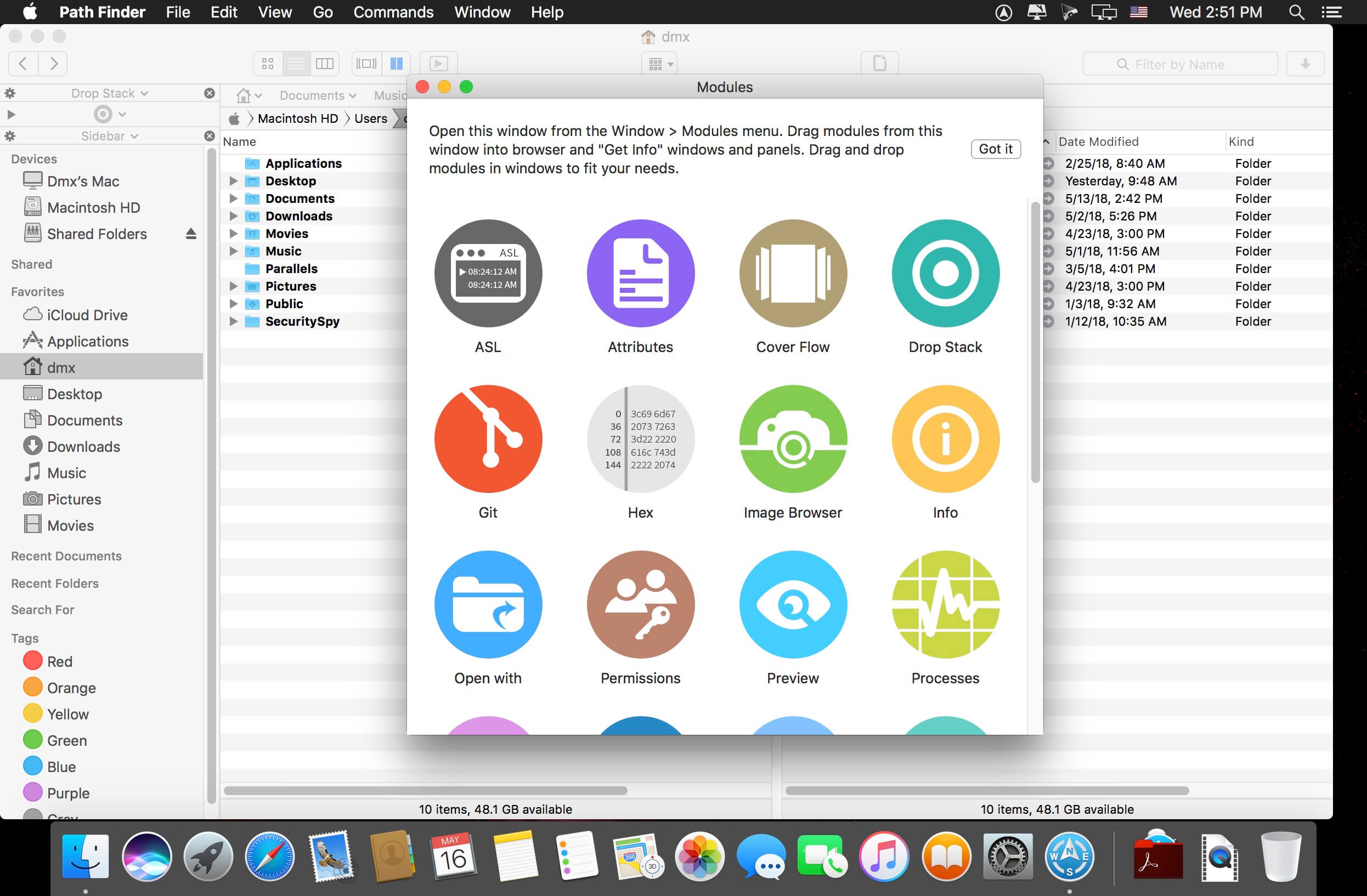
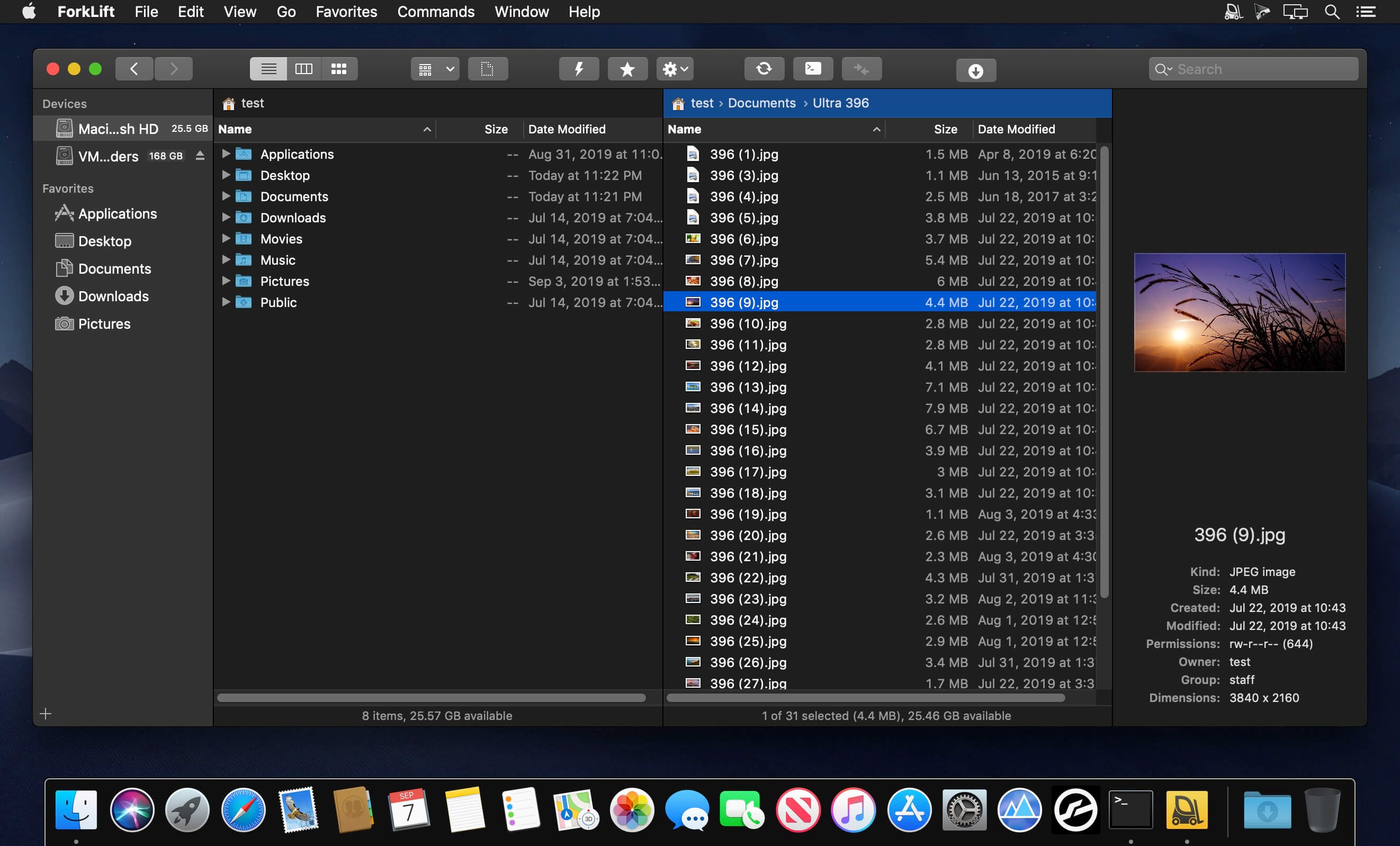
Path Finder 10 makes you a master of file management. Take full control over your file system. Save your time: compare and synchronize folders, view hidden files, use Dual Pane and full keyboard navigation to browse your file system.
Work how you want: extreme customization allows you to access most tools in many different ways to suit your workflow. Work seamlessly with other platforms: don’t leave any hidden .DS_Store files on non-Mac volumes, delete files securely and completely with the powerful delete feature from any volume type, search any network volume.
Features
View and manipulate hidden files
Dual Pane View
Full keyboard navigation
Folder comparison and synchronization
Folder merging
Batch renaming
Powerful file filtering
One-click dual-pane copy
Bookmarks and Tab Presets
ACL editor
File tagging
Editable Path Navigator
Powerful low-level search
Smart sorting
Advanced selection
Integrated terminal
Integrated text and image editors
Language: Multilingual Compatibility: macOS 10.12 or later Homepagehttps://cocoatech.com/
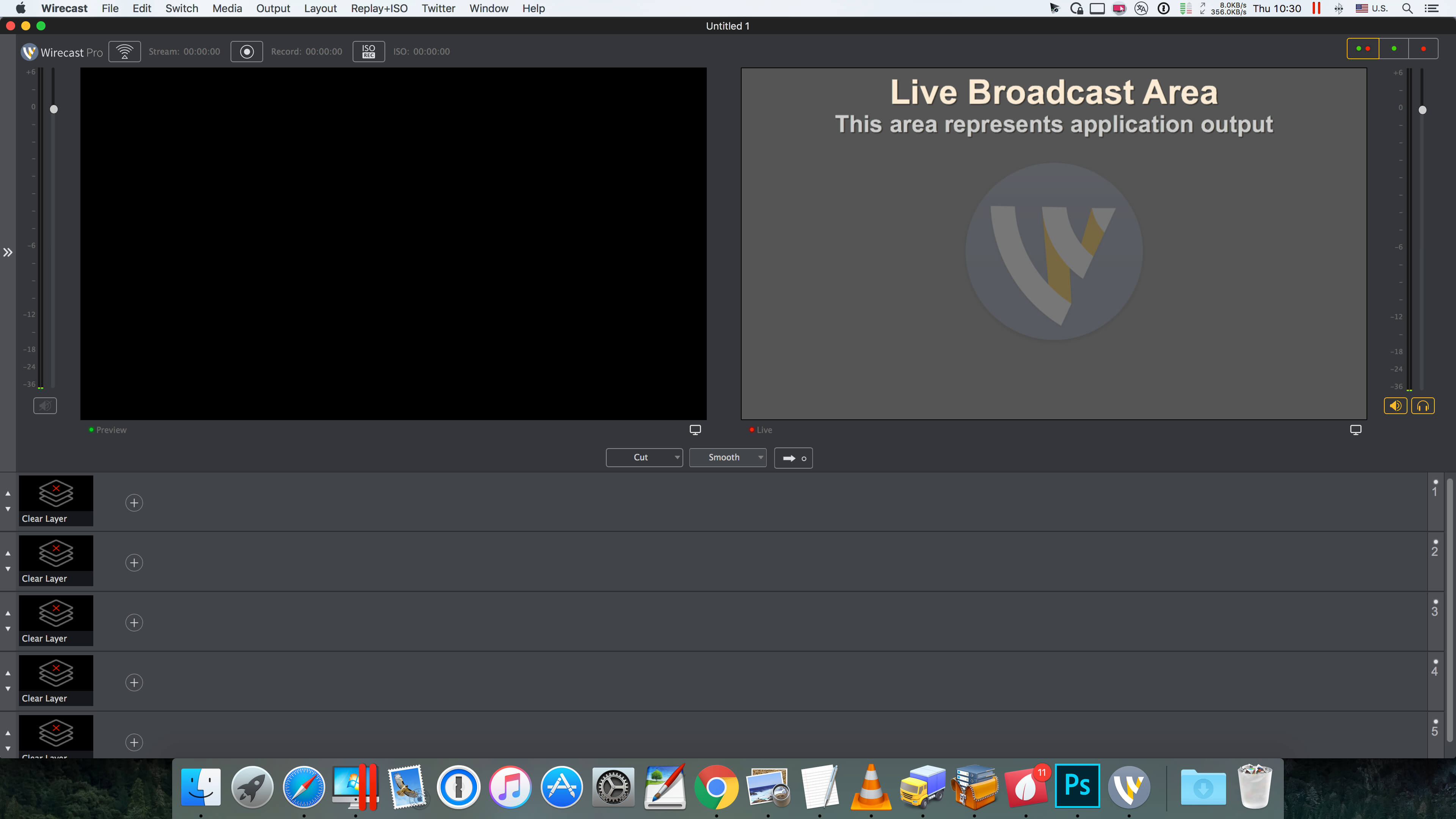
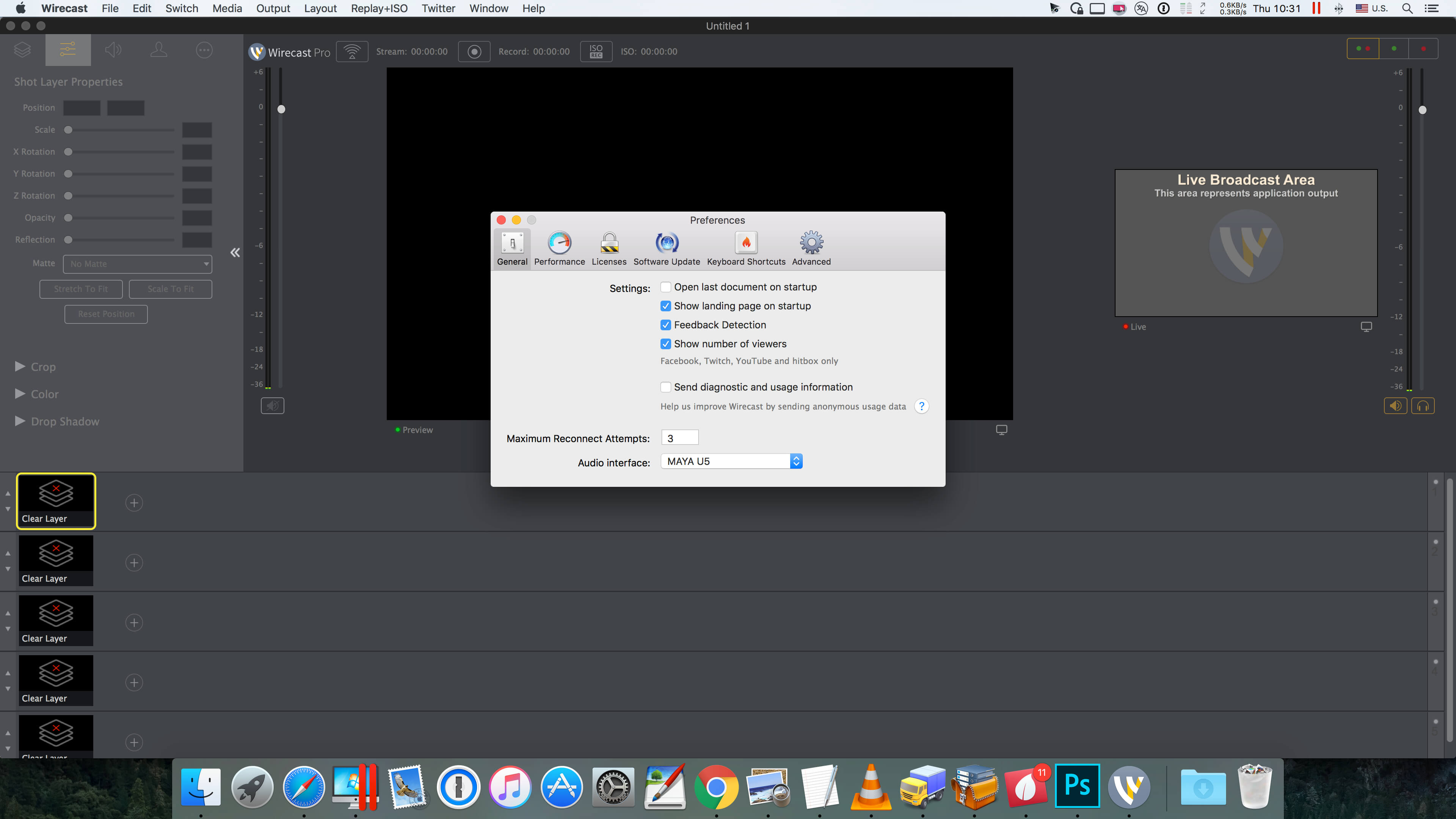
Wirecast is an all-in-one live streaming production application that provides the required tools to capture video, encode it and broadcast it to multiple servers and platforms at the same time.
You can use Wirecast with an unlimited number of camera inputs ranging from web cams to DV/HDV, SDI cameras to IP and web-based sources and wireless devices. You just have to plugin your device and Wirecast will automatically recognize it as a live feed. The supported input sources include USB, Web cams, SDI, composite, S-Video, DV/HDV, Component, HD-SDI, HDMI sources, IP Cameras, ONVIF, Web stream source and screen capture sources.
Moreover, Wirecast features support for up to 35 layers of live compositing. Hence, you can effortlessly place watermarks, background music and other visual elements over your webcast. As expected, you can also add titles and lower thirds, with more than 30 built-in professional looking broadcast title themes. You just have to select the one that fits your content, type in the text and apply it to your broadcast.
FEATURES
Support DV, HDV (1) and USB cameras
Real-time transition and effect generator
Built-in GPU accelerated green and blue screen solution
Professional broadcast quality titles themes.
Generates fully ISO-compliant MPEG-4 video streams
GPU accelerated Core Image filter and transition library
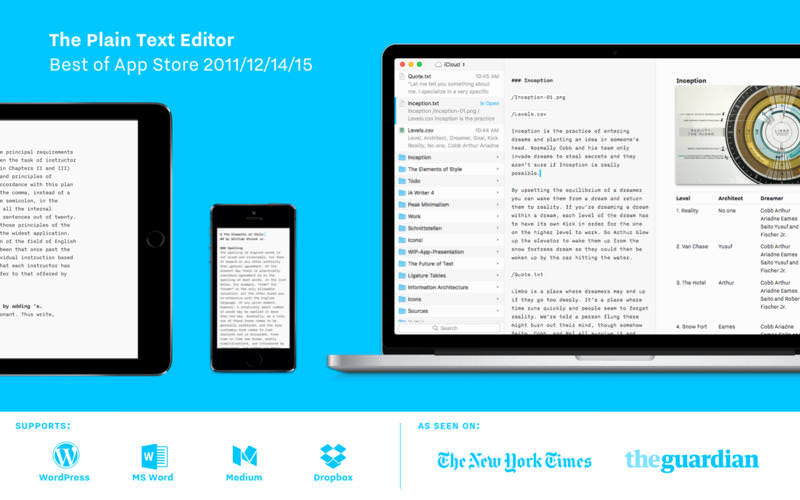
iA Writer Pro is a professional writing suite that gives you full control over your notes, drafts and edits.
Unmatched Writing Experience
iA Writer is designed to provide the best digital writing experience: Keep your hands on the keyboard and your mind in the text.
Swipe Right to Library
iA Writer now comes with an integrated library for all your documents. With a swipe to the right you have easy access to all your texts in one place.
Swipe Left to Preview
With synchronized scrolling Preview, iA Writer consciously separates form and content. It optimizes plain text writing while offering stellar formatted export—with world class typography.
Focus Mode and Syntax Control
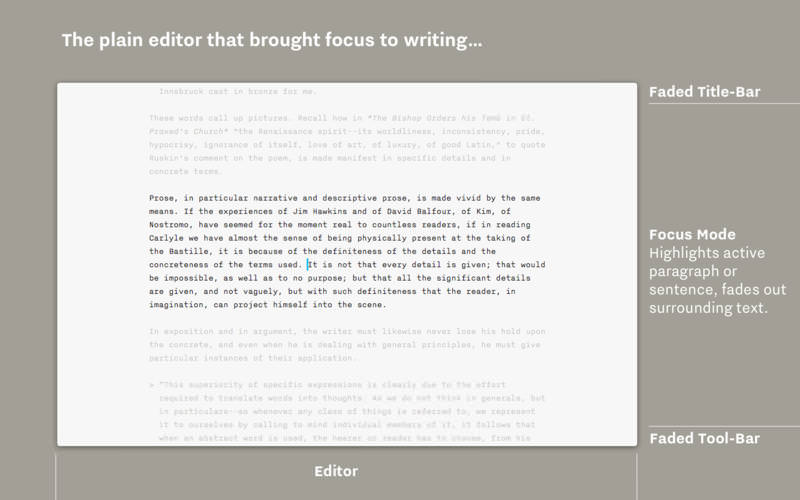
iA Writer is famous for offering a deeper focus on your text. Its unique tools improve your writing style by honing your concentration: One sentence at a time, or by highlighting different parts of speech.
All Your Documents on All Your Devices
With seamless Dropbox and iCloud sync, iA Writer keeps your documents safe and at hand on whatever device you are using when inspiration strikes.
Features
Integrated document Library
Synchronized scrolling Markdown Preview
Beautiful Preview templates with curated fonts
Focus Mode fades all but the current sentence, for maximum concentration
Convert formatting to Microsoft® Word .docx, and back again
Also export formatting to HTML and beautifully styled PDF
Auto Markdown formats text on-screen
Night Mode
Real-time iCloud and Dropbox sync
Reading Time; plus sentence, word, and character count
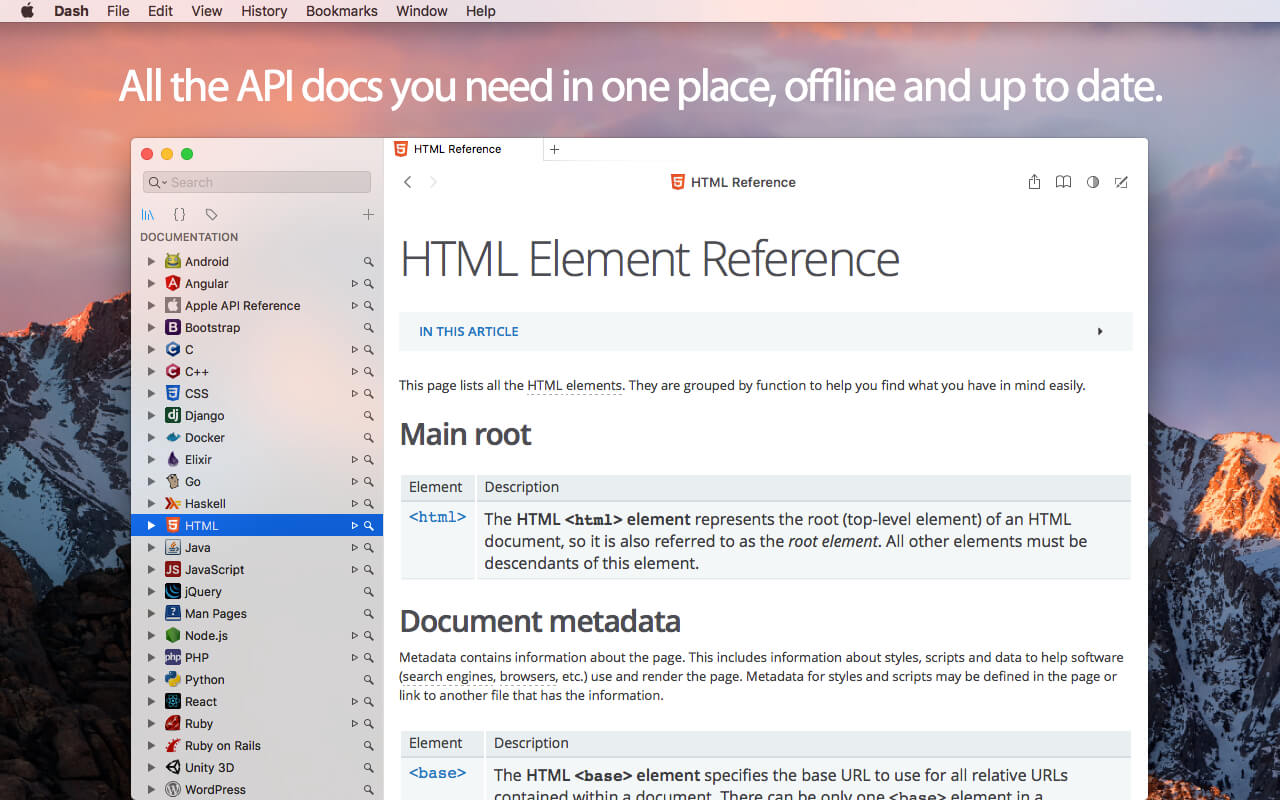
Dash is an API Documentation Browser and Code Snippet Manager. Dash helps you store snippets of code, as well as instantly search and browse documentation for almost any API you might use (for a full list, see below).
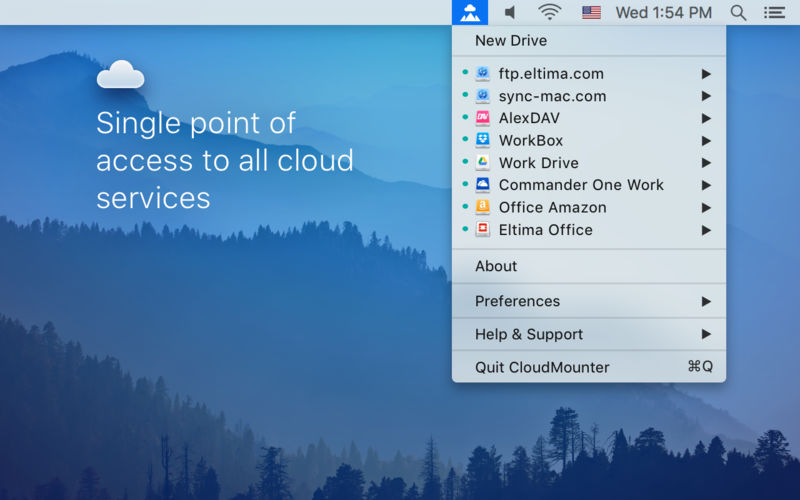
CloudMounter is a centralized service that allows mounting cloud storages as local drives and work with online files the same way as with local ones.
Supported cloud services:
Google Drive
Microsoft OneDrive
Dropbox
Amazon S3
FTP
FTPS
SFTP
WebDAV
With this handy system utility you can extend your Mac disk space to unlimited, the only condition is an active Internet connection. Ready to find out how it works? It is really easy!
Unlike native clients, CloudMounter does not sync local information with your online accounts, it really mounts remote servers on your Mac, like removable disks. You can copy, move, open, download and upload files to your cloud servers, just as you would be doing it with your local folders. You can even move files between cloud accounts, without having to manually copy them to your local computer. Keep in mind that a temporary copy of the file is still saved to a computer only to be removed after the transfer is completed.
CloudMounter is a safe and secure utility. All connections are performed through the native API of cloud services, which means that all your login credentials are not used by the app for anything else except for logging in appropriate accounts and of course are not shared with any third parties. All passwords for FTP, WebDAV and Amazon S3 accounts are securely kept in Mac OS X Keychain.
CloudMounter is your must-have tool if you use several cloud accounts or if your Mac SSD drive has an extremely low capacity. Try it now and enjoy the benefits of an all-in-one cloud solution.
Yoink helps by making drag-and-drop between Spaces or full-screen apps easier.
Every time you start dragging a file, Yoink fades in a tiny window on the left edge of your screen so you can drag files to it. This frees up your mouse so you can comfortably navigate to the destination of the drop and resume the drag from Yoink’s window.
Overview of Yoink’s main features:
A “shelf” at the edge of your screen for files and app-content you’d like to move or copy, which behaves like Finder (regarding moving and copying)
Yoink follows you everywhere – windows, spaces and (fullscreen-) apps
Icons are created using QuickLook, allowing easy identification
Multiple files dragged to Yoink at once are condensed into a Stack, making it easy to drag them out together
System Services, the Quick Action and Share extensions allow storing files in Yoink without having to use drag and drop
Handoff to transfer files between all the Macs, iPads and iPhones you’re using Yoink on
Clipboard History, which lets you store previously copied content in Yoink, or copy again
Highly customizable – you decide where, when and if Yoink appears
“Share” to and from Yoink
Build workflows with Yoink’s Shortcuts integration
Language: English, French, German, Italian, Japanese, Korean, Portuguese, Simplified Chinese Compatibility: OS X 10.10 or later Homepagehttps://geo.itunes.apple.com/app/id457622435
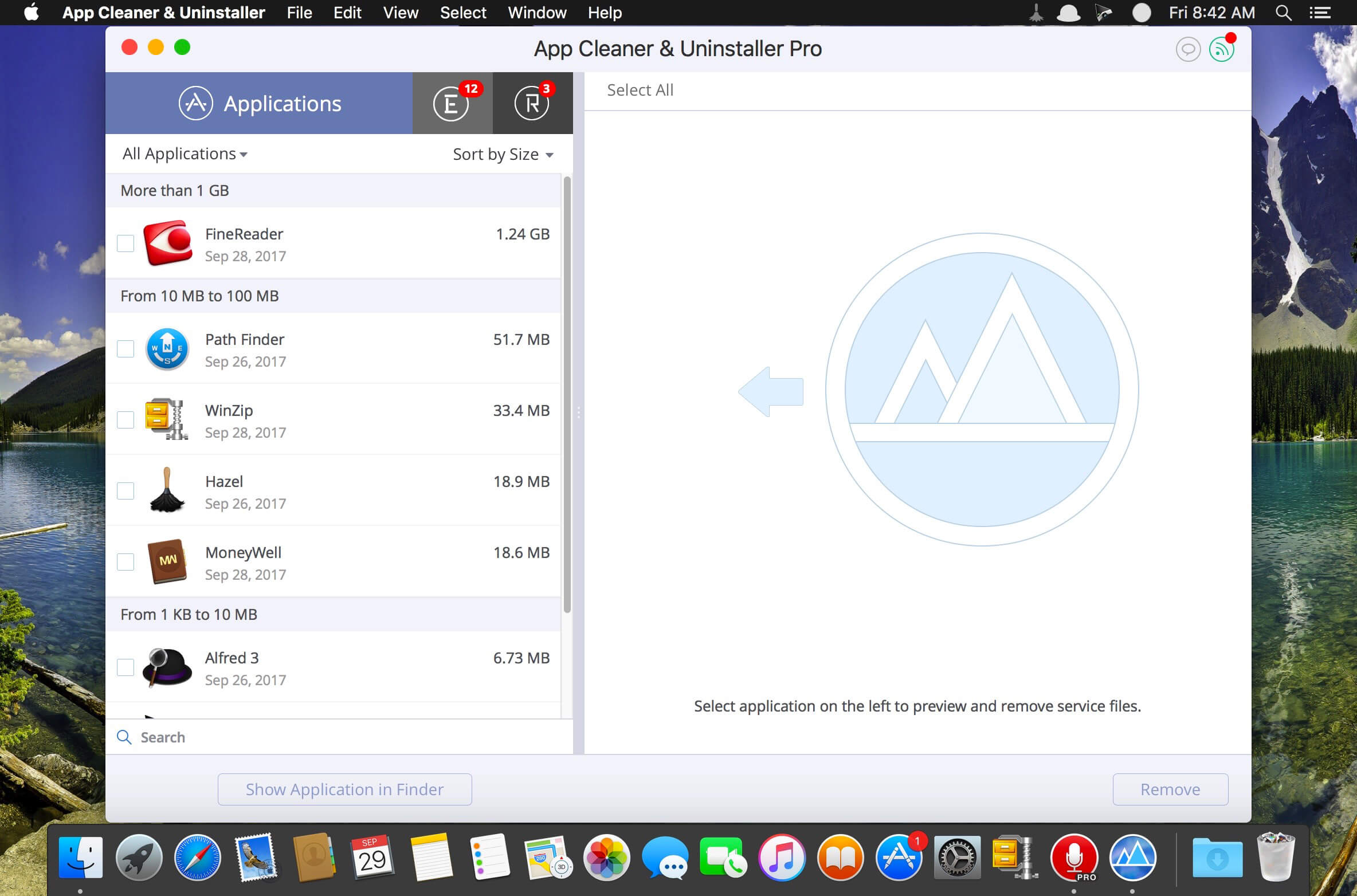
Preview Installed Applications and Remove Service Files to Complete Uninstall.
App Cleaner 7 – The best app to remove applications service files on macOS and uninstalling applications*.
Delete application’s service files. Make sure they aren’t eating up precious space on your Mac with this helpful app that does the legwork for you.
Disable unneeded login items to launch Mac faster.
Get PRO features and remove even System Extensions.
Main Gained Value – Speed up Your Mac by:
deleting apps’ files taking performance resources
deleting debris of apps that were simply put into Trash
managing all types of service files (caches, logs, preferences, etc.)
removing unneeded System Extensions
removing login items and disabling startup programs
Main Advantage: App Cleaner deletes Remains (or leftovers) – files of previously removed apps.
Thus, you uninstall applications completely.
Main Features:
Scan the system and preview installed applications
Remove all types of service files
Remove remains of previously uninstalled apps
Reset application to a first-launch state
Preview launch agents and system daemons
Preview login items
Disable launch agents and login items
•ind and preview installed System Extensions
Remove System Extensions
Easy-to-use shortcuts
Any file or app quick preview
Specific app-associated file formats preview
In-app help assistance
Show unused applications
Skip list option
How to Uninstall an application using App Cleaner:
If some apps were not removed, due to access rights, switch to Finder and move them manually to Trash*.
*Some applications can not be removed because they require administrator privileges. In this case, switch to the Finder and delete the application file in usual way.
PRO mode required to:
Remove executable part of applications
Remove system extensions
Disable ads
FREE mode allows to:
Preview all installed apps
Preview service files for apps
Remove service files for apps
Reset apps to first-run state
Preview installed extensions and widgets
Disable launch agents and startup items
Remove Remains – broken service files
Top In-App Purchases : PRO Version – included Compatibility: macOS 10.13 or later Homepagehttps://nektony.com/
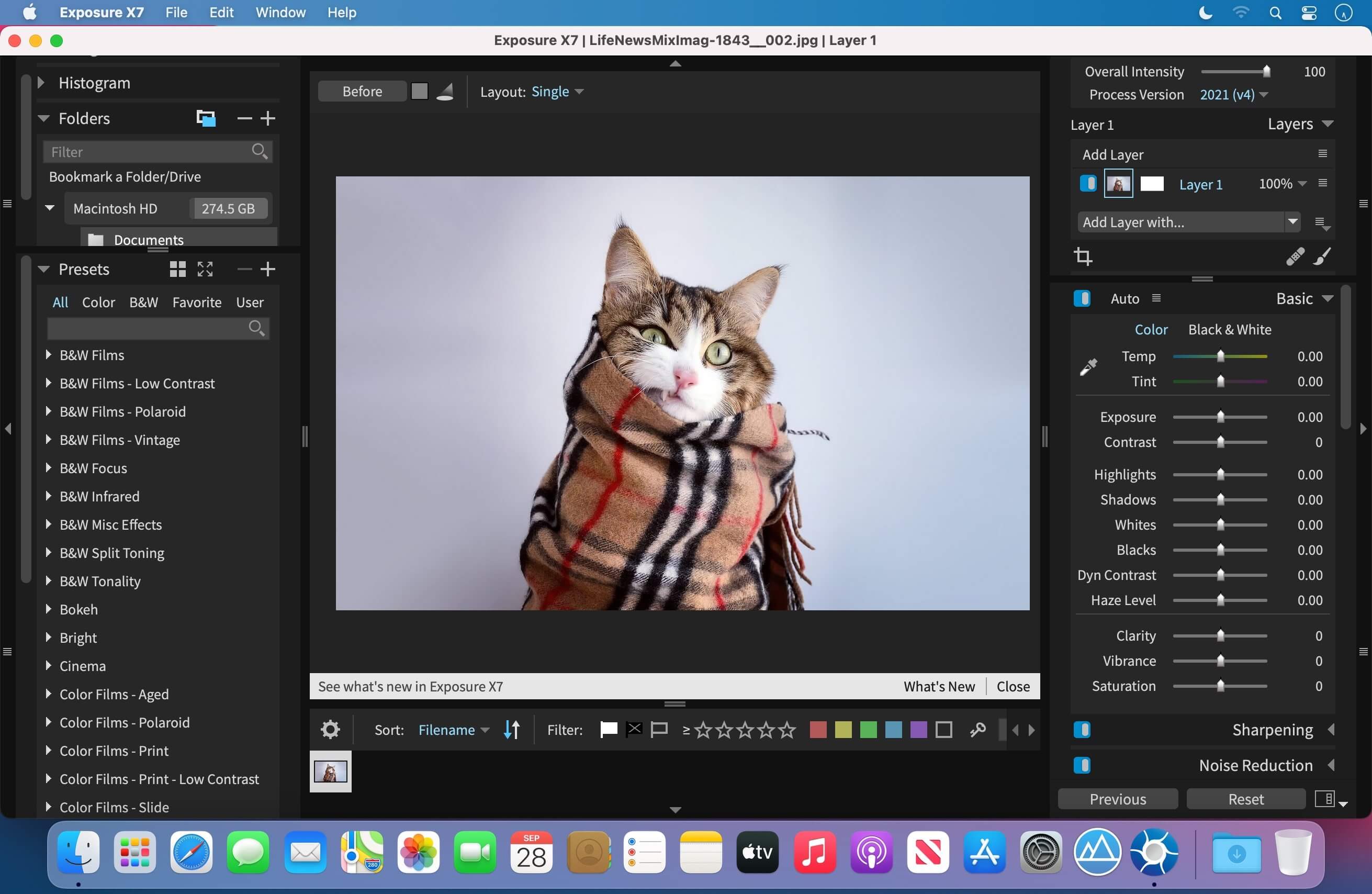
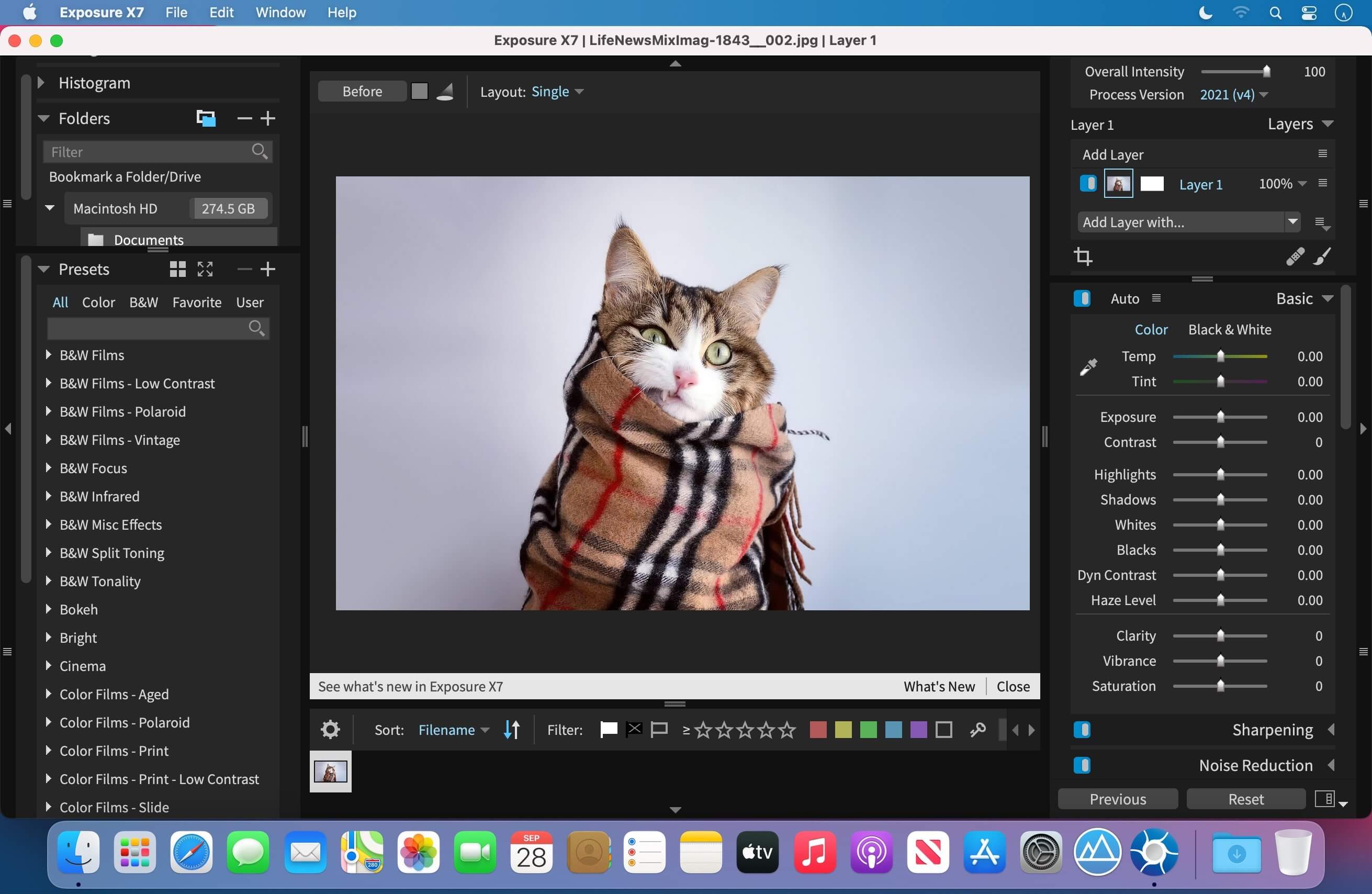
The Exposure X Bundle is a photo editor and organizer that integrates all of Alien Skin’s award-winning photo editing apps into a single product.. The centerpiece of the bundle is Exposure X, the editing app that streamlines your workflow and provides a rich set of creative tools. Two additional apps expand the creative possibilities: Blow Up 3 enlarges your photos into large prints with the sharpest resizing technology available, and Snap Art 4 transforms your photos into gorgeous, handcrafted paintings.
Exposure X7 non-destructive RAW photo editor
Integrated Snap Art natural media
Integrated Blow Up high-quality photo enlargement
Exposure X7, Snap Art, and Blow Up plug-ins for Lightroom and Photoshop
Exposure X is a complete photo editing and organizing solution. It can also be used as a creative editing plug-in. The plug-in requirements are as follows:
Adobe Photoshop CS6 or Adobe Photoshop CC 2015 or newer
Adobe Lightroom 6 or Adobe Lightroom CC 2015 or newer
Exposure is the best photo editor for creative photographers who want to create artistic images. Its large library of gorgeous looks provides inspiring starting points that you can customize. Unique creative tools not found in other photo editors help your photos stand out. And Exposure’s efficient workflow keeps you in the creative zone. Use Exposure as a complete photo editor to master your full workflow, or as a Lightroom or Photoshop plug-in for your creative edits.
Additional enhancements include the following:
New masking tool that makes it easy to separate a subject from the background. Draw a rough border in just a few clicks to indicate the selected area and Exposure’s intelligent algorithm creates a precise mask
Selectable workspaces organize the panels needed for a particular task. Use the built-in layouts for culling, editing, and retouching, or create your own customized workspaces.
The crop and transform panels have been unified into a single easy-to-use interface.
New composition guides – golden ratio, golden spiral, golden triangle, and diagonal.
Defective pixel removal for raw photos.
More faithful color reproduction when using custom DCP color profiles.
Improved color fidelity with DNG files.
Fine texture noise can be added to recover detail with aggressive noise reduction.
Exposure X7 is a complete photo editing and organizing solution. It can also be used as a creative editing plug-in. The plug-in requirements are as follows:
Adobe Photoshop CS6 or Adobe Photoshop CC 2015 or newer
Adobe Lightroom 6 or Adobe Lightroom CC 2015 or newer
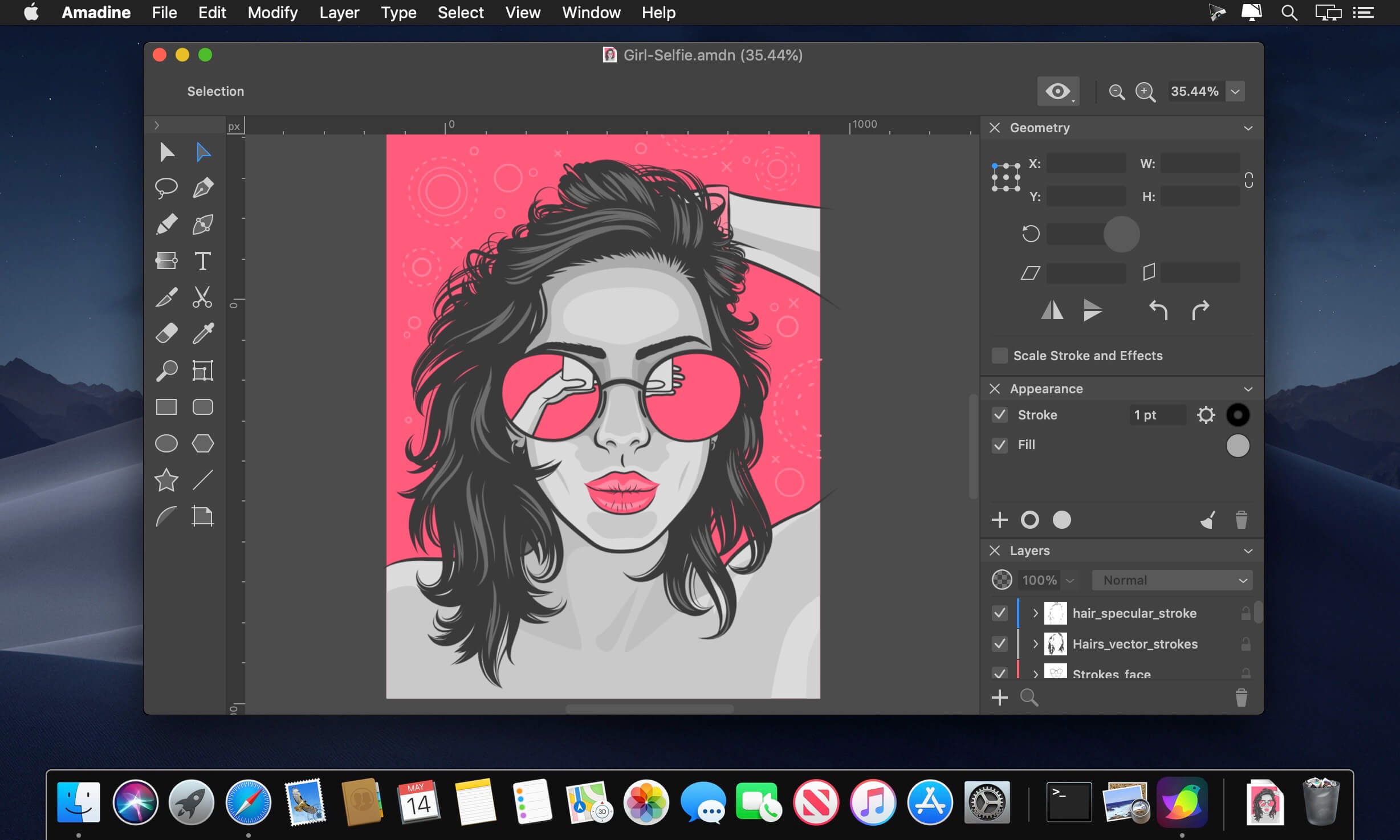
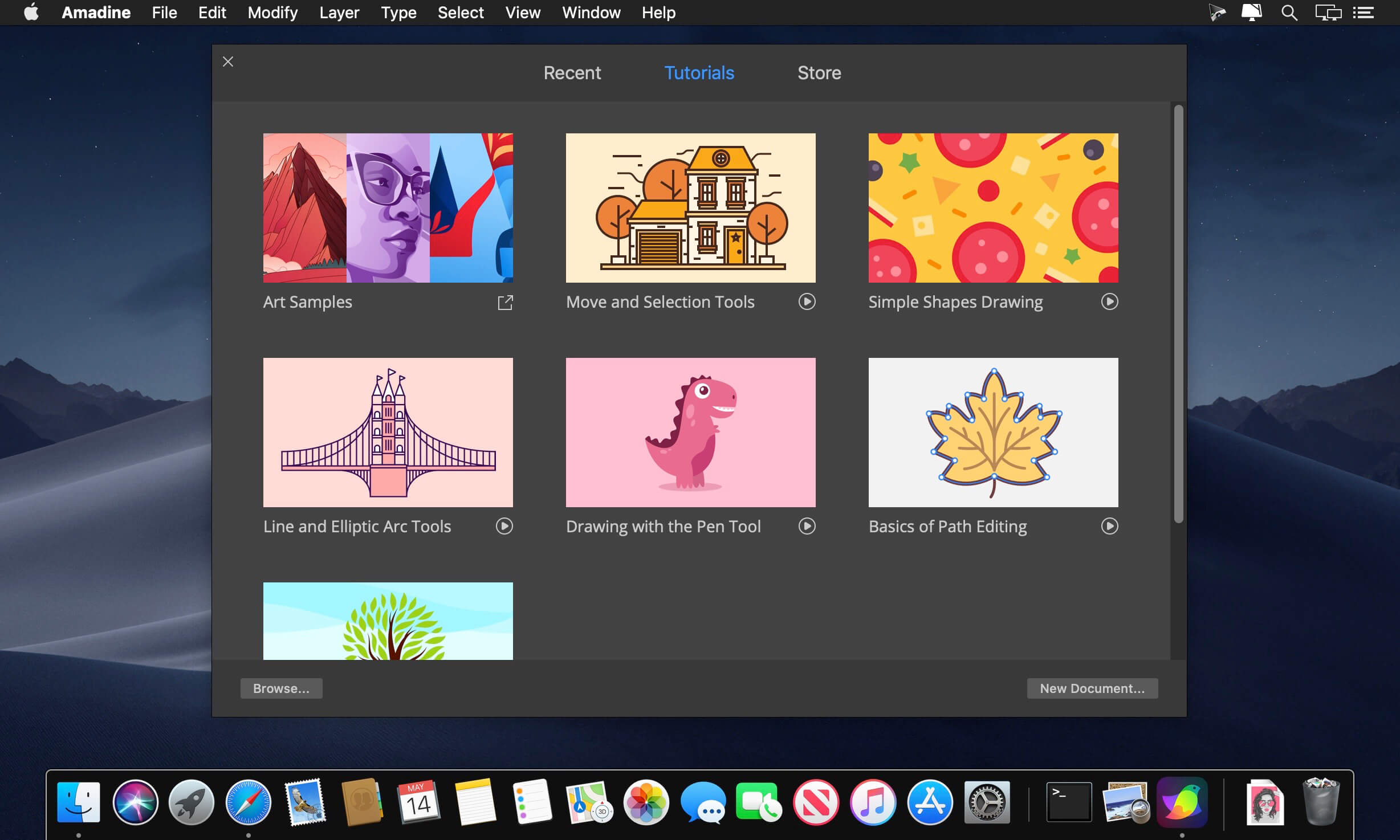
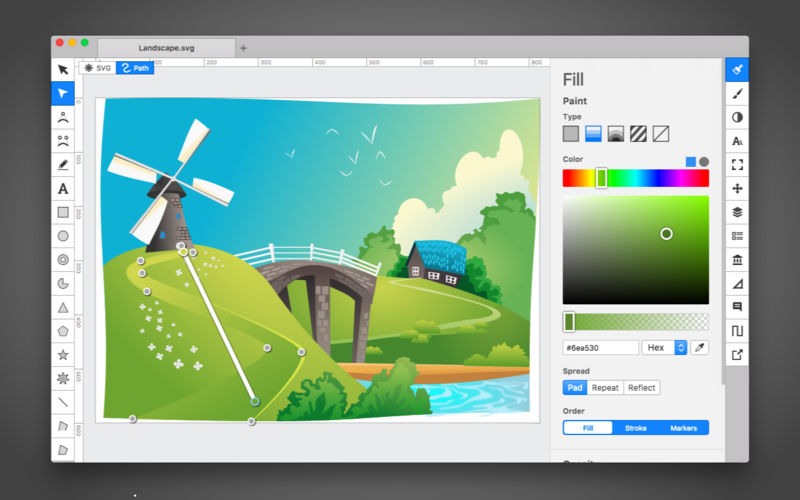
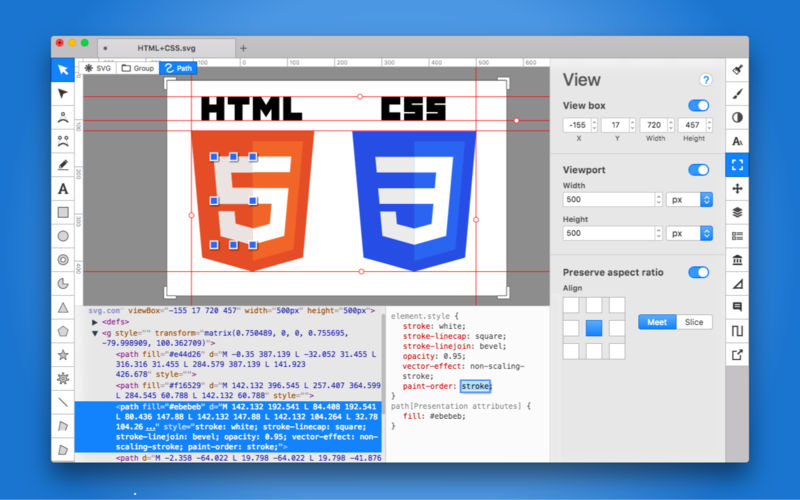
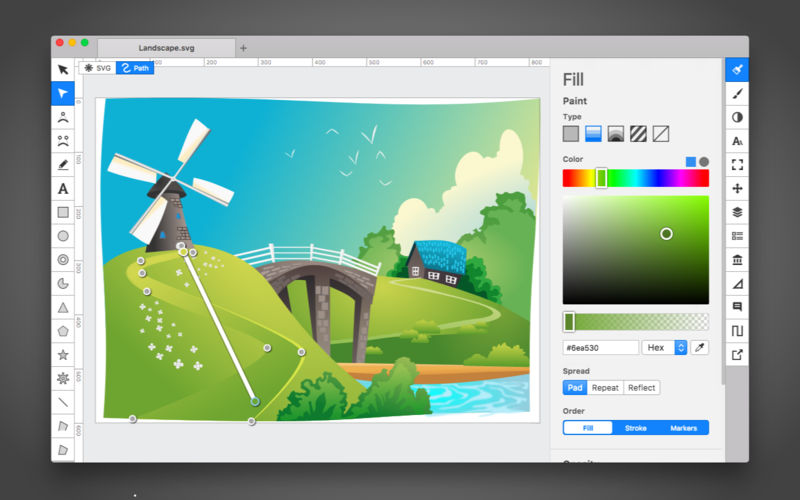
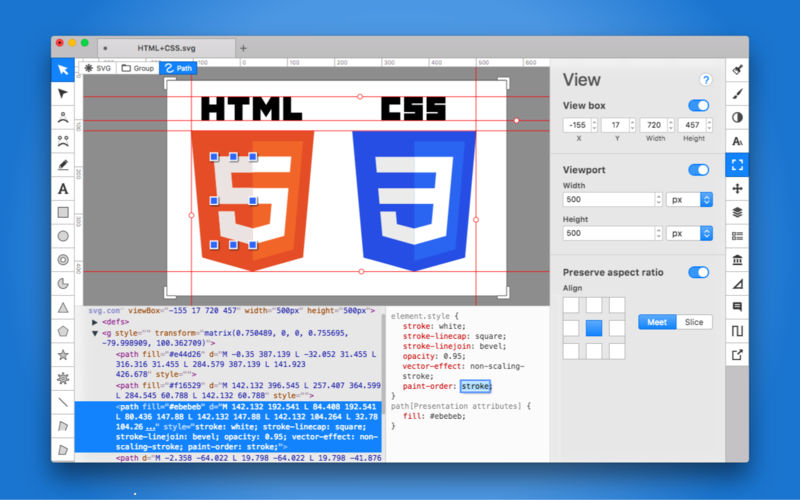
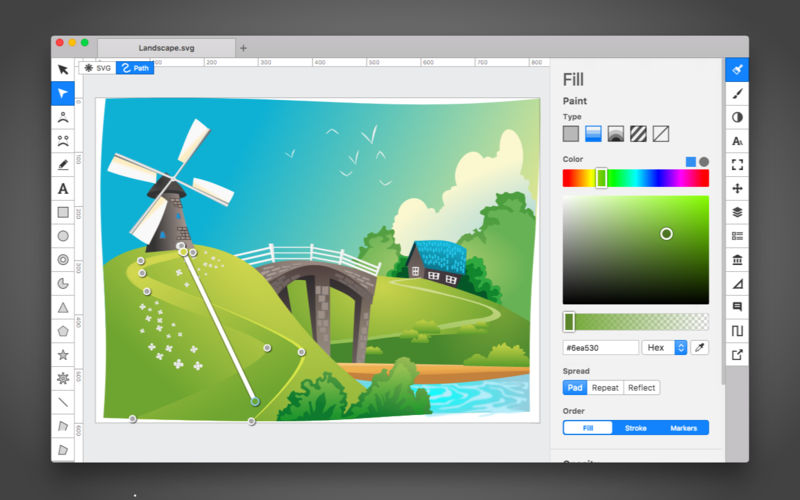
Amadine is a vector drawing software with perfectly balanced UI that guarantees smooth workflow and quick learning. The app is perfect for illustrations, designing websites, user interface, laying out flyers and brochures, creating logos and icons.
Developed with precision and attention to what users need, Amadine offers everything you may require to bring the craziest illustration ideas to life.
Tools:
Use more that 30 tools for selecting, drawing, editing, slicing and typing.
Music Player. Doppler makes owning music simple. Doppler is a nice alternative for people who need a way to play local files.
Stop converting files.
Just drag, drop and play. Doppler supports popular formats like MP3, AAC and M4A as well as high-quality lossless formats like FLAC, ALAC and WAV.
No converting. No configuration. Just press play.
Spend less time organising.
Doppler offers built-in helpers to keep your music organised. Add missing artwork with Artwork Search and combine multiple discs with Merge Albums.
Liked Songs, Recently Added albums, and Search help you quickly find the music you’re looking for.
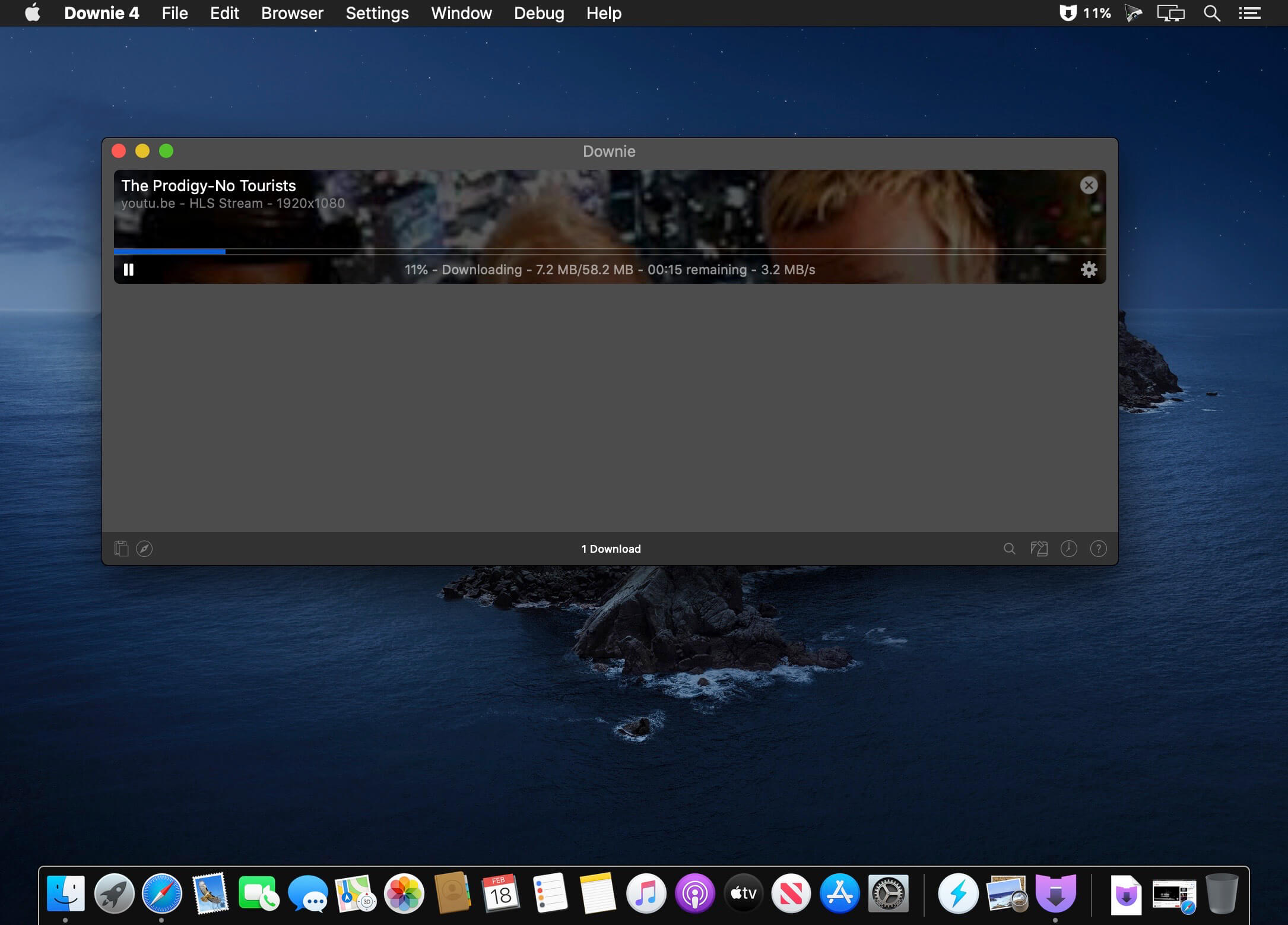
A simple download manager that offers you the possibility to quickly save videos from different websites to your own disk drive.
f you are using a poor internet connection, trying to visualize videos streamlined online might not work properly since the content is loaded too slowly. Downie is a simple Mac app that can help you download those videos to your computer, and then watch them by using your default media player.
User friendly video downloader featuring support for drag and drop actions
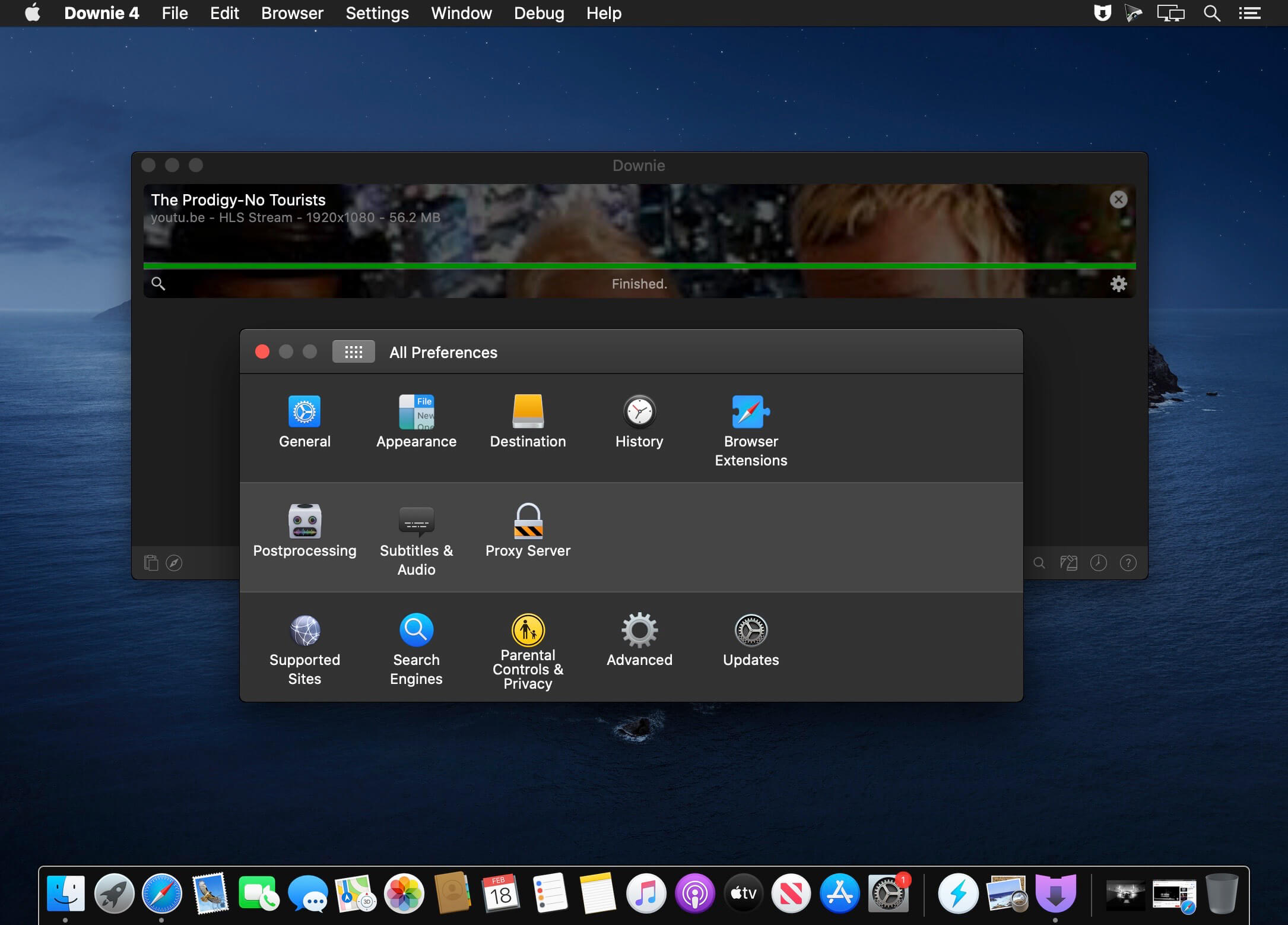
Working with Downie is extremely straightforward: simply drop the video URL on top of the app’s main window or on the Dock icon. Downie adds the video to your downloads list, so all you have to do next is start the process by pressing the appropriate button. Of course, you can also remove items from the list.
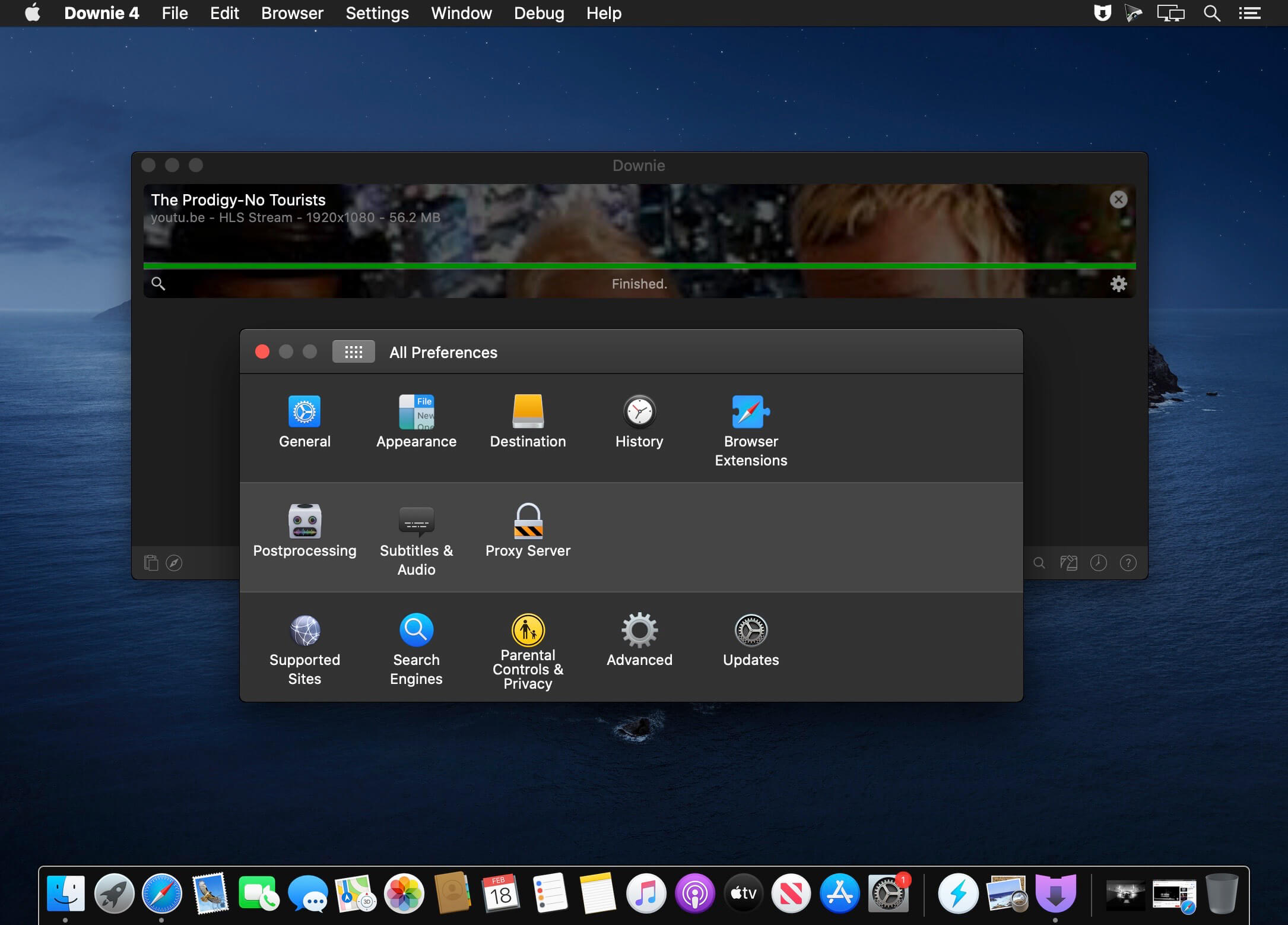
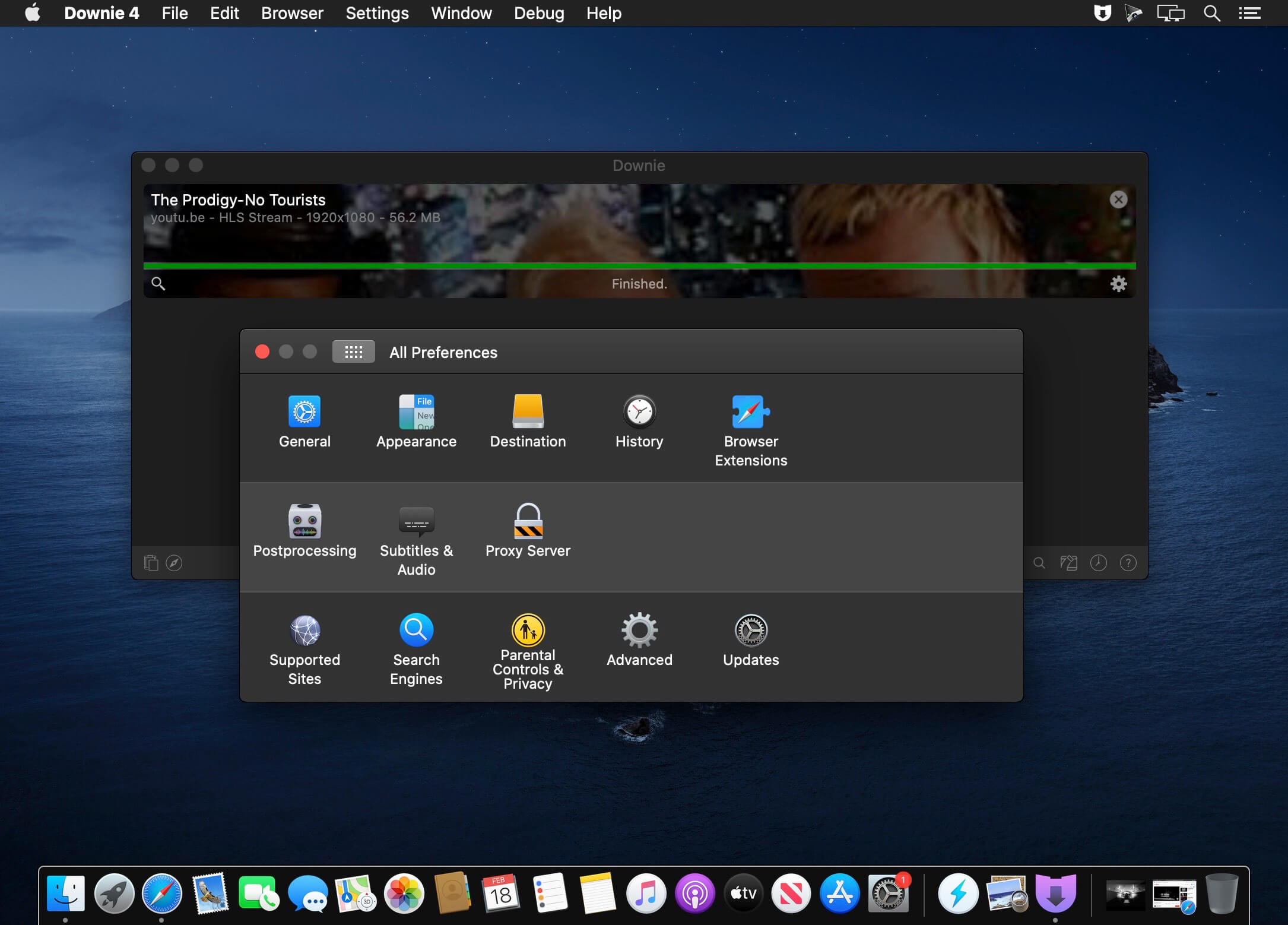
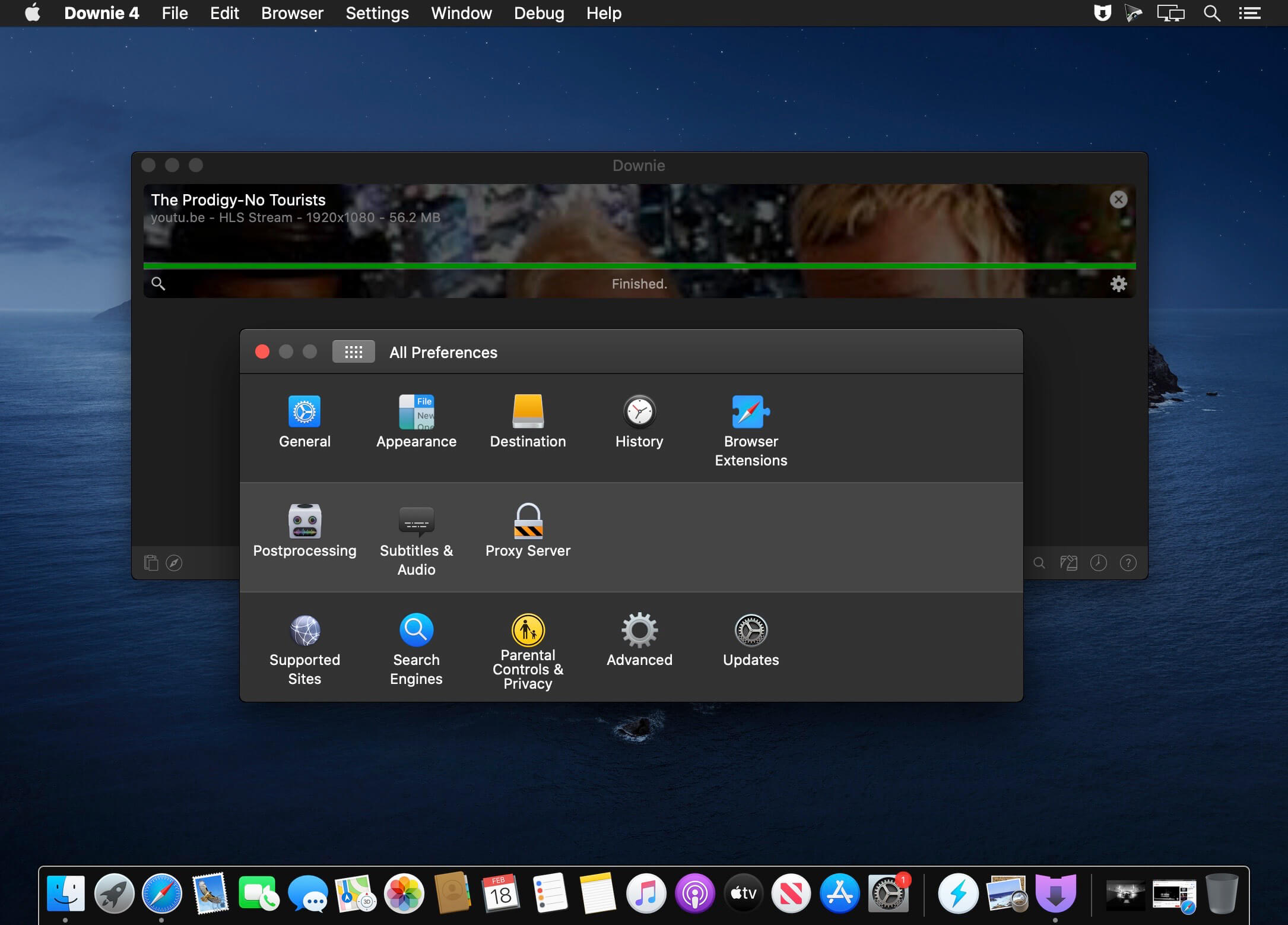
By default, Downie downloads MP4 files and places them in your default Downloads folder, but you can easily change this via the Preferences window. The same area allows you to setup notifications, or post processing actions (convert to MP4 if necessary, or extract audio only).
Effortlessly download videos from a wide collection of hosting websites
Downie provides support for more than 400 different websites that host video content, among which there are the most popular choices, such as YouTube, Apple, LiveLeak, Vimeo, BBC, and so on. If a certain website is not included, within the app you can send a request email to the Downie developers.
Moreover, Downie also provides matching extensions for various popular web browsers, such as Firefox, Safari, Google Chrome or Chromium. The add-ons are not installed by default: open the Preferences window and install only the ones you plan to use.
Straightforward solution for downloading video content hosted online
Downie is a great tool for saving videos posted on various websites to your Mac for offline playback. The application is extremely useful especially if you have a slow internet connection.
With OmniPlan, you can create logical, manageable project plans with Gantt charts, schedules, summaries, milestones, and critical paths. Break down the tasks needed to make your project a success, optimize resources, and streamline budgets. It’s project management made painless.
How to get your project done on time and under budget:
Translate strategy into tactics everyone can understand
Create summaries of work broken into lists of activities
Distribute workloads fairly and efficiently
Manage costs as you go
Plan, monitor, and control it all with software designed to make your job easier, not harder.
The default Open and Save dialogs included by default in macOS don’t have too many customization options. Default Folder X is a small utility that can help you personalize the entire experience by adding new locations, Spotlight tags, comments, and many more options.
Access favorite folders from the status bar and create your own folders lists
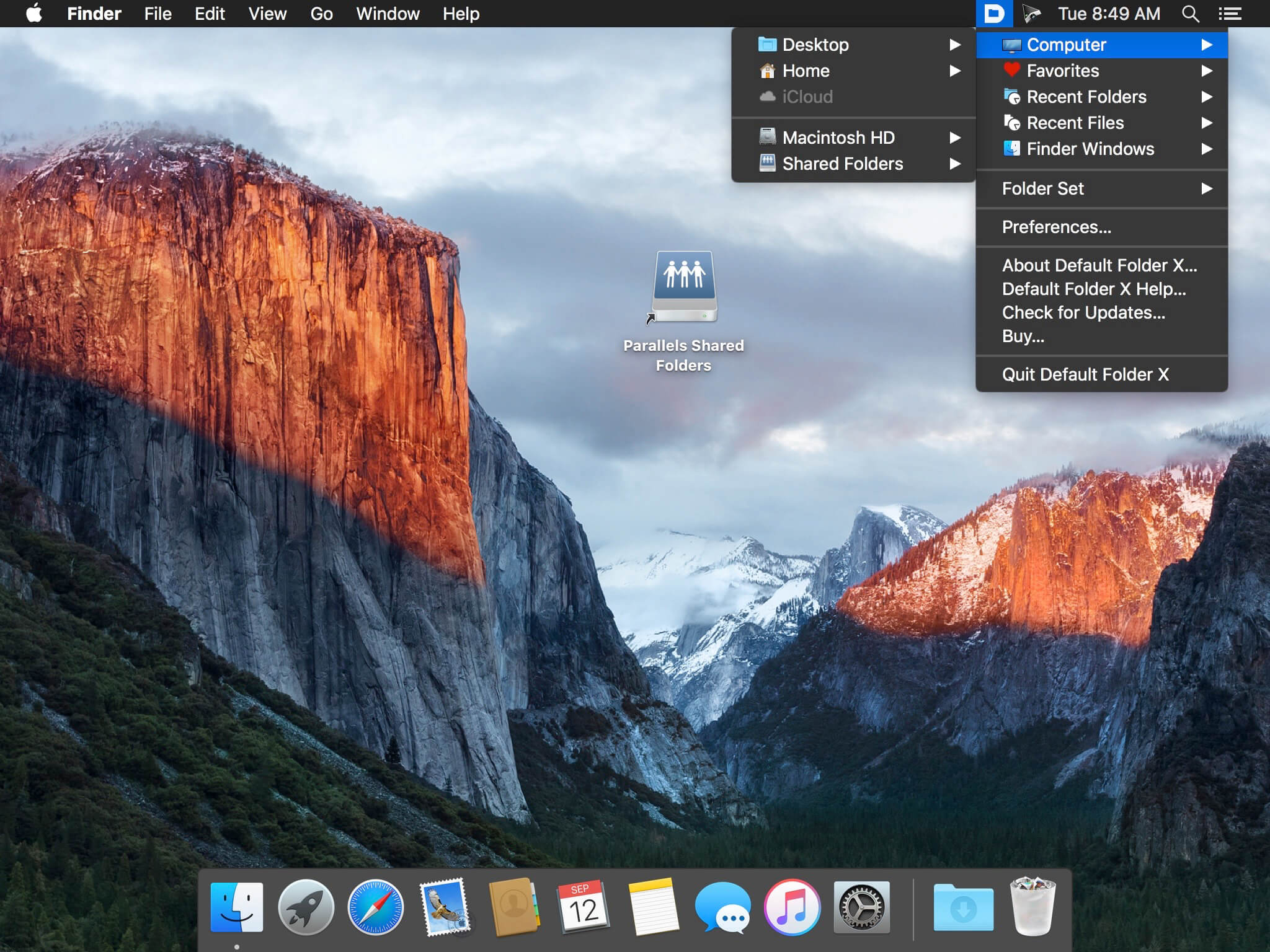
The Default Folder X status bar menu offers you the possibility to navigate to your default, favorite, and recent folders. At the same time, the menu also allows you to view all opened Finder windows and bring any of them forward.
The Default Folder X preferences can be adjusted via a Preferences Pane that will be added to your Systems Preferences. Here you can add specific directories to be used by default with certain applications. Furthermore, you can create your own Favorite Folders list.
Open and Save toolbar
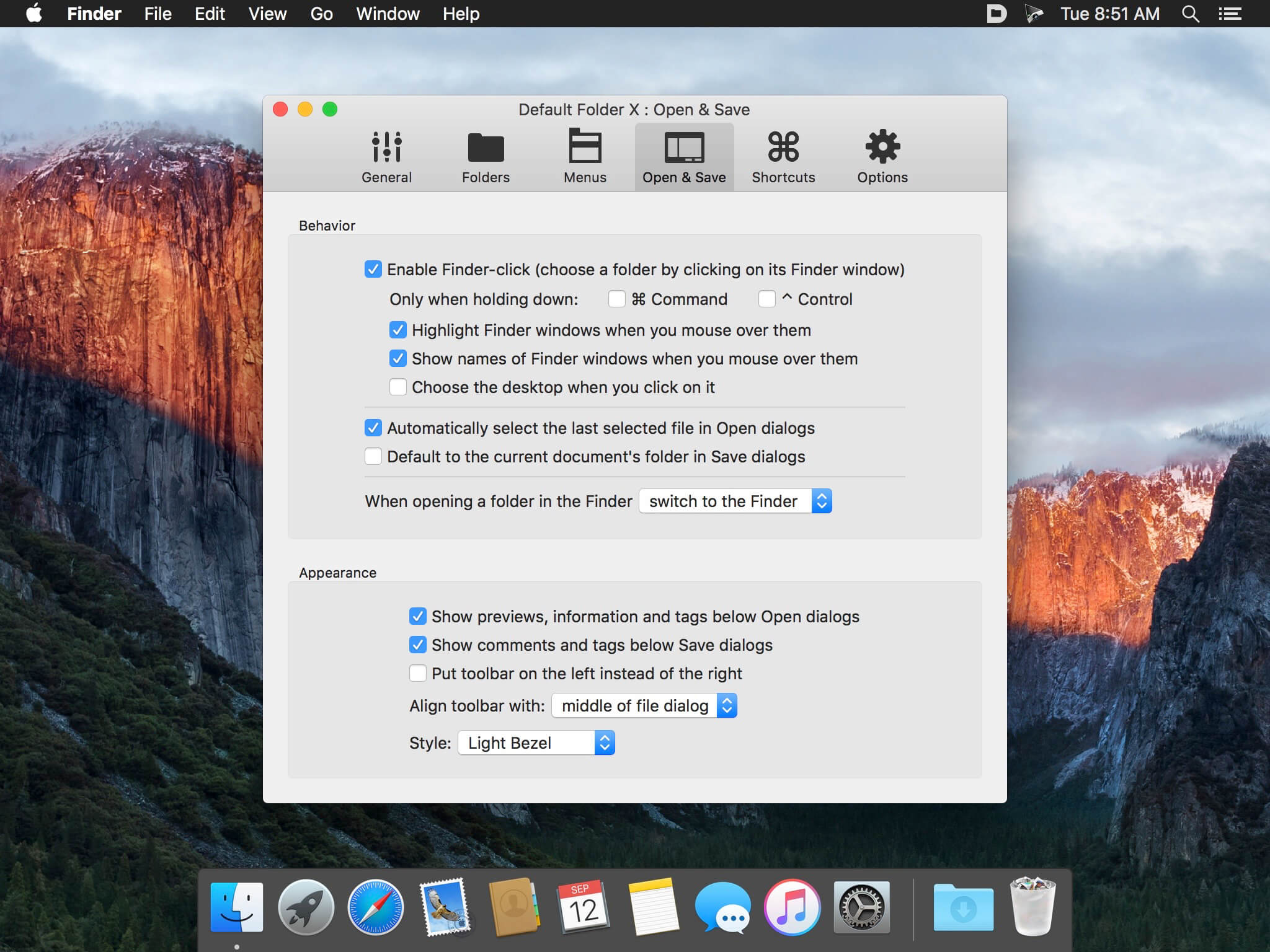
If Default Folder X is running, each time you want to save or open a file in an macOS native utility, the application will add a toolbar that provides all these options in a more easily accessible manner.
To navigate between the different menus, simply put your mouse on top of them. However, you can also make use of the keyboard shortcuts assigned by default to frequently used functions.
Integrated Spotlight and QuickLook options
To make sure that you can always find your files as fast as possible, Default Folder X enables you to add Spotlight keywords, tags, comments, or labels within the Save dialog.
On the other hand, when you are opening files, Default Folder X allows you to preview the documents in a thumbnail and even zoom to full size.
Intuitive solution for customizing the default Save and Open dialog
Default Folder X is proposing simple solutions for personalizing your experience when opening or saving files. The app is focused on efficiency and will certainly improve your workflow.
What’s New:
Version 6.0.8:
Release notes were unavailable when this listing was updated.
Yoink helps by making drag-and-drop between Spaces or full-screen apps easier.
Every time you start dragging a file, Yoink fades in a tiny window on the left edge of your screen so you can drag files to it. This frees up your mouse so you can comfortably navigate to the destination of the drop and resume the drag from Yoink’s window.
Overview of Yoink’s main features:
A “shelf” at the edge of your screen for files and app-content you’d like to move or copy, which behaves like Finder (regarding moving and copying)
Yoink follows you everywhere – windows, spaces and (fullscreen-) apps
Icons are created using QuickLook, allowing easy identification
Multiple files dragged to Yoink at once are condensed into a Stack, making it easy to drag them out together
System Services, the Quick Action and Share extensions allow storing files in Yoink without having to use drag and drop
Handoff to transfer files between all the Macs, iPads and iPhones you’re using Yoink on
Clipboard History, which lets you store previously copied content in Yoink, or copy again
Highly customizable – you decide where, when and if Yoink appears
“Share” to and from Yoink
Build workflows with Yoink’s Shortcuts integration
Language: English, French, German, Italian, Japanese, Korean, Portuguese, Simplified Chinese Compatibility: OS X 10.10 or later Homepagehttps://geo.itunes.apple.com/app/id457622435
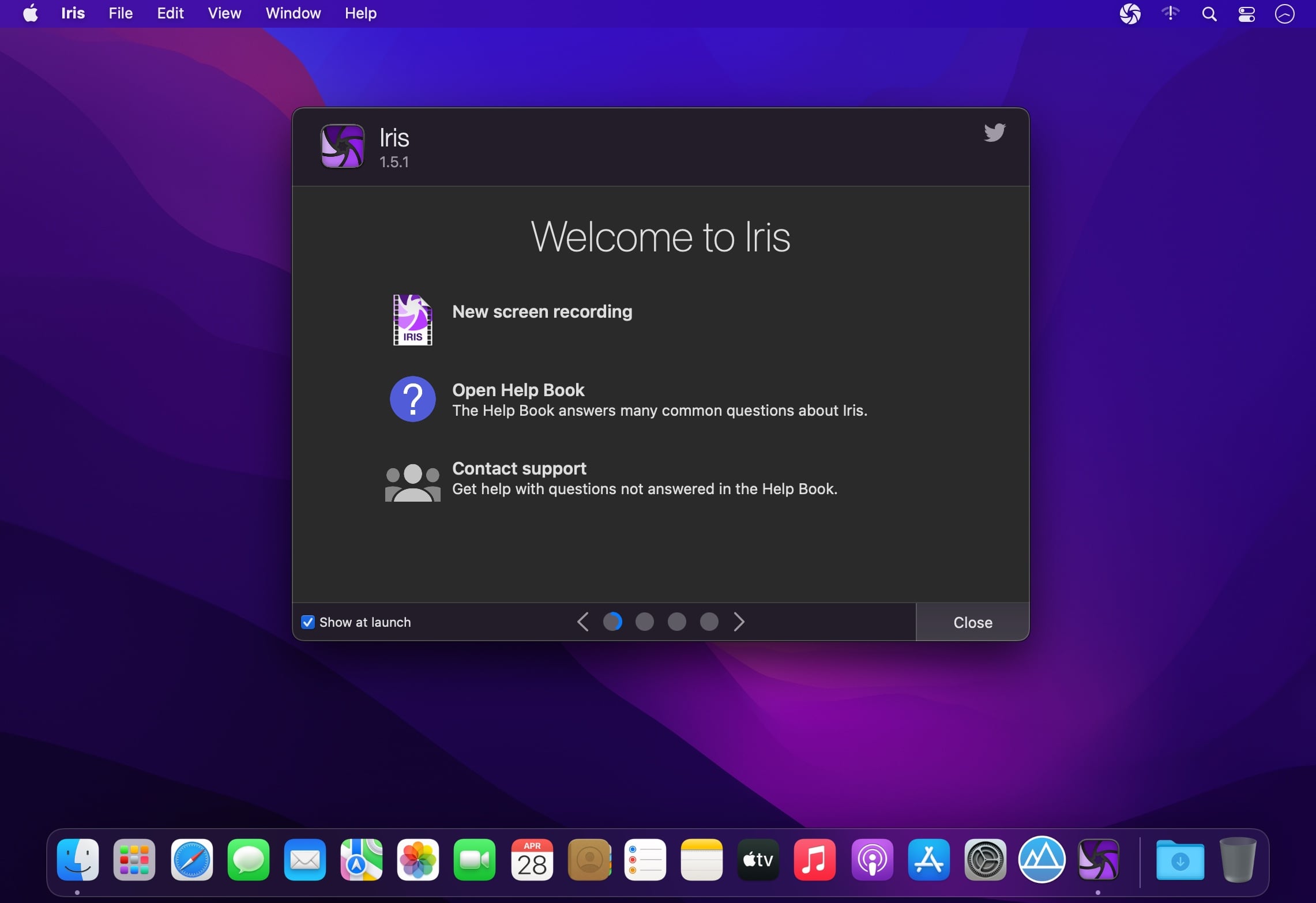
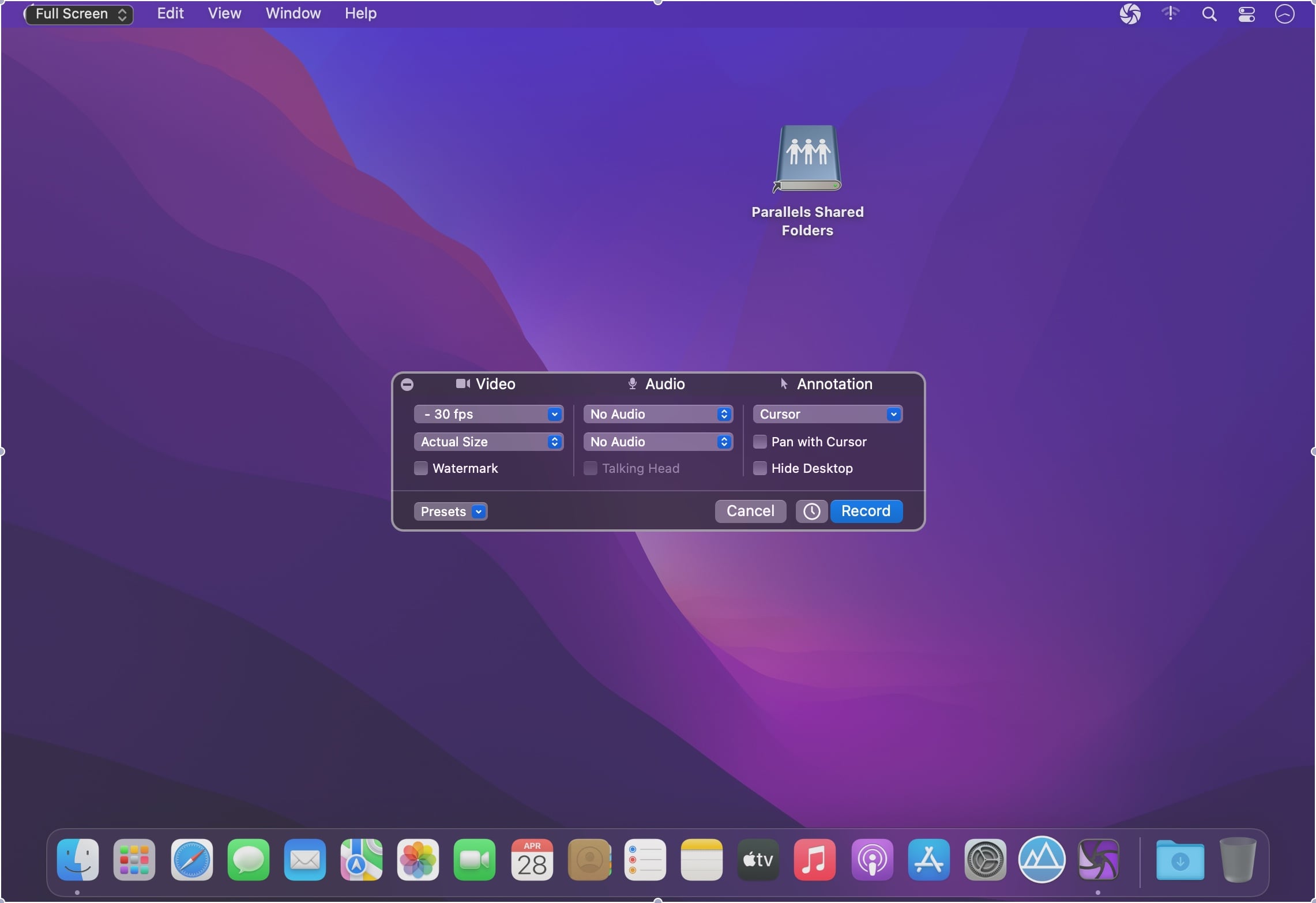
Iris is a high-performance screen recorder that records to h.264. Iris leverages on-board GPU acceleration when available. It can optionally include video from a camera and up to two microphones. Iris is free to try with a watermark embedded in recordings. Use the in-app purchase to remove watermark from new recordings.
Features
High performance recording directly to h.264, Apple ProRes, or optionally record and encode later.
Record audio from your Mac, even targeting a specific app.*
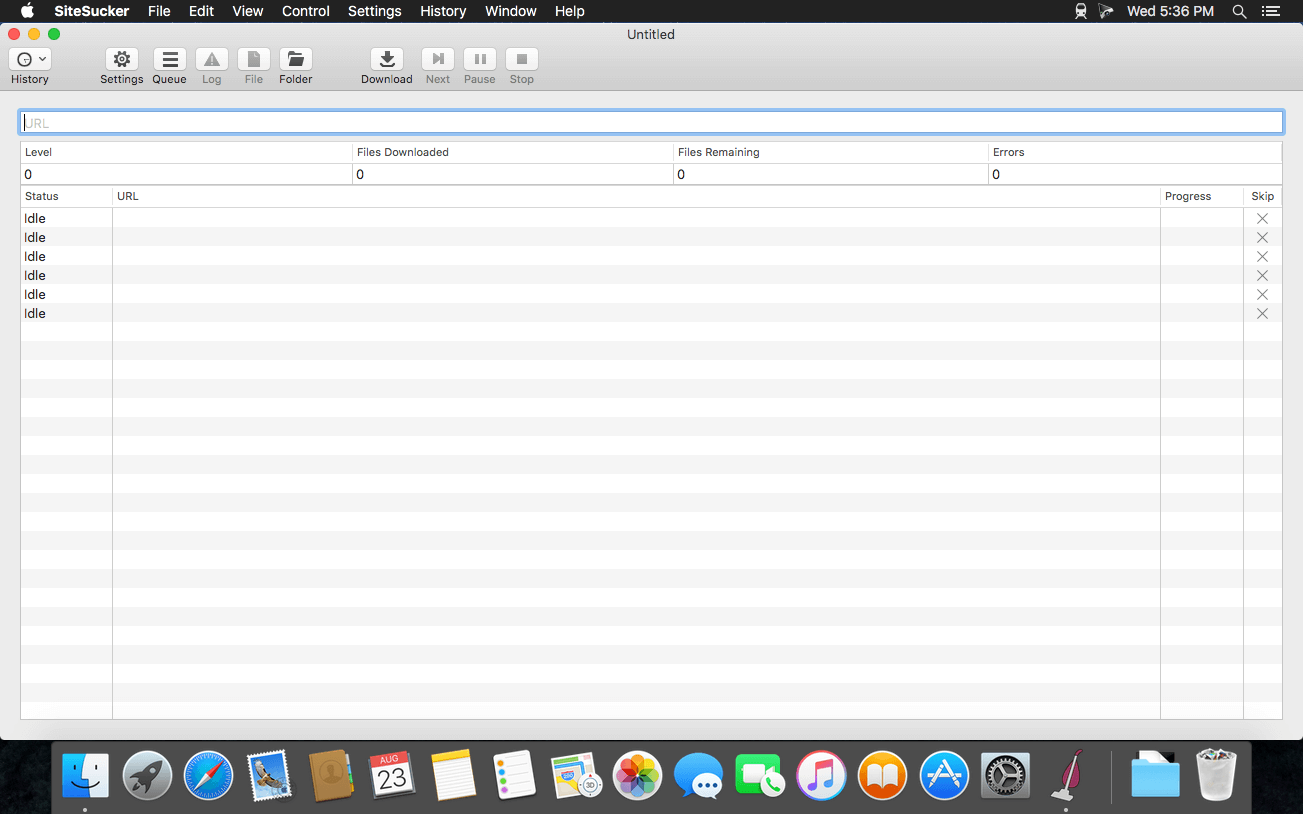
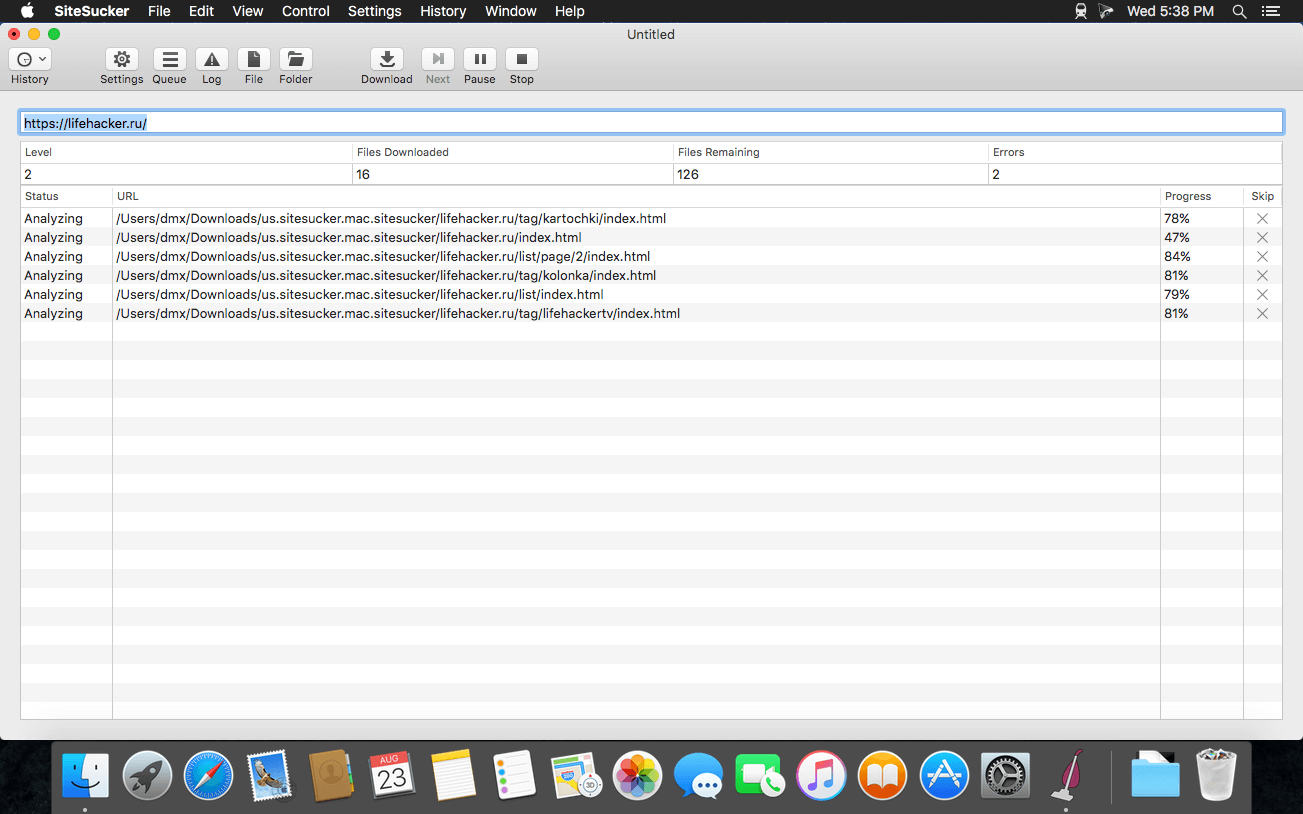
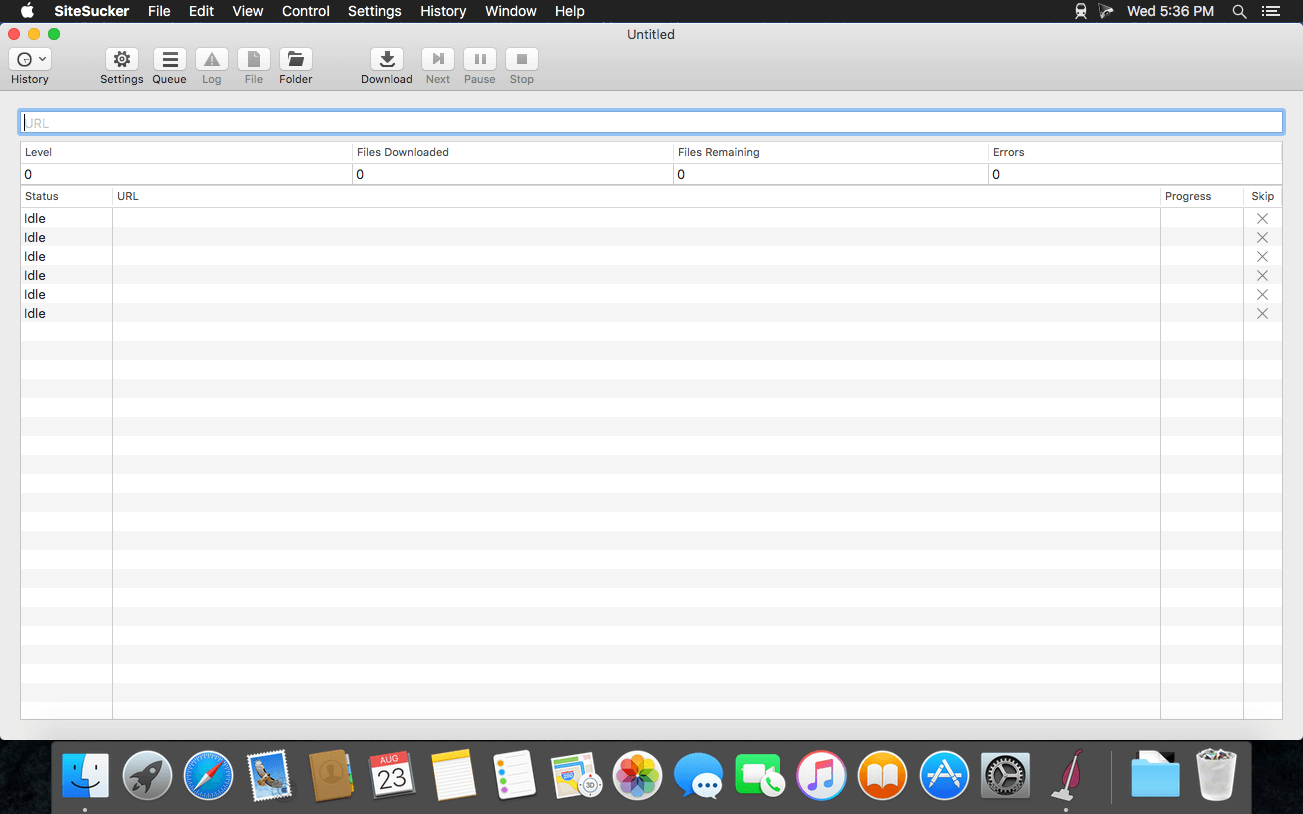
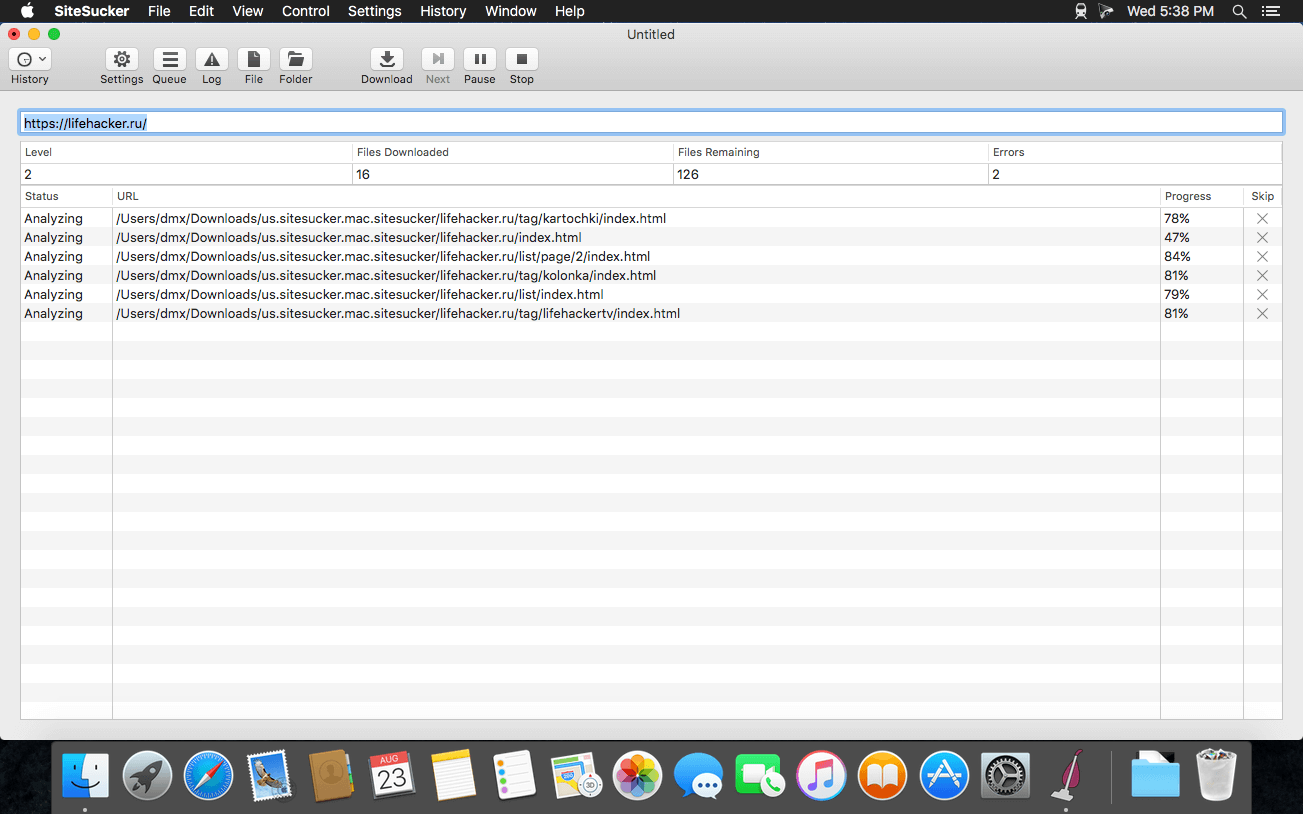
SiteSucker is an Macintosh application that automatically downloads Web sites from the Internet. It does this by asynchronously copying the site’s webpages, images, PDFs, style sheets, and other files to your local hard drive, duplicating the site’s directory structure. SiteSucker Pro is an enhanced version of SiteSucker that can download embedded videos, including embedded YouTube and Vimeo videos.
SiteSucker can be used to make local copies of Web sites. By default, SiteSucker “localizes” the files it downloads, allowing you to browse a site offline, but it can also download sites without modification.
Bookends is a full-featured bibliography/reference and information-management system for students and professionals.
Bookends uses the cloud to sync reference libraries on all the Macs you use. Access the power of Bookends directly from Mellel, Nisus Writer Pro, or MS Word (including Word 2016): Bookends allows you to scan your existing word-processor files and automatically generate finished manuscripts with properly formatted bibliographies. You can also scan Apple Pages ’08, ’09, and 5, and OpenOffice 3 files, or RTF files saved from any word processor.
Bookends allows you to share your references over the Internet with anyone, on any platform. And with Bookends, you can directly search and import references from numerous sources:
PubMed
Web of Science
JSTOR
Google Scholar
Amazon
Library of Congress
arXiv
and hundreds of other online sources.
Or use a built-in browser to download references with PDF’s and/or Web pages. Also, with automatic searches of PubMed, you can discover articles as soon as they’re published. Bookends allows for powerful group-based searches, with static, smart, virtual groups, and smart folders that make hierarchical searches easy.
Bookends also offers a robust assortment of file attachment features:
Attach any file (such as a PDF) to a reference and view or open it instantly.
Automatically rename and organize PDF files on-the-fly.
Automatically download and attach the PDF of an article from the Internet if you have access permission.
Automatically locate and attach PDF’s on your hard drive.
Easily migrate references and attachments from other reference managers to Bookends.
Sync your library with Bookends On Tap on your iPad, iPhone, or iPod touch, so that you have your references and PDF’s with you, wherever you are.
Annotate and markup PDFs and have the information instantly accessible in notecards.
What’s New:
Version 15.0.4:
Release notes were unavailable when this listing was updated.
SiteSucker is an Macintosh application that automatically downloads Web sites from the Internet. It does this by asynchronously copying the site’s webpages, images, PDFs, style sheets, and other files to your local hard drive, duplicating the site’s directory structure. SiteSucker Pro is an enhanced version of SiteSucker that can download embedded videos, including embedded YouTube and Vimeo videos.
SiteSucker can be used to make local copies of Web sites. By default, SiteSucker “localizes” the files it downloads, allowing you to browse a site offline, but it can also download sites without modification.
Dynamic Wallpaper Engine allows you to use live wallpapers on your desktop/screensaver. It provides thousands of live wallpapers in the Workshop while taking as little system resources as possible. It’s the Wallpaper Engine for Mac.
Features
• 2000+ hand-picked videos which are updated every day.
• Multiple types of 4K Ultra HD videos, anime, scenery, cute, game, creative, Beauty, Ancient, Movie, etc.
• Supports “keyword searching” in videos.
• Supports “Dynamic-ScreenSaver”, personalize your lock screen.
• Easy to import local video.
• Supports The playlist, list loop, shuffle loop.
• Supports multiple screen aspect ratios and video native resolutions.
• Supports global hotkeys to control wallpaper, hide desktop icons and show screensaver.
• Set different wallpapers on different displays.
• Manual control, video pause, resume and mute.
• Break reminders, with flexible customization if you want it.
• Auto mode, pause the video when other apps are active, not disturbed at work.
• Auto mode, pause the video when Power Disconnected.
• Support for hiding desktop icons.
• Dynamic Wallpaper Engine is designed to provide an interesting experience while consuming as little system resources as possible.
A simple download manager that offers you the possibility to quickly save videos from different websites to your own disk drive.
f you are using a poor internet connection, trying to visualize videos streamlined online might not work properly since the content is loaded too slowly. Downie is a simple Mac app that can help you download those videos to your computer, and then watch them by using your default media player.
User friendly video downloader featuring support for drag and drop actions
Working with Downie is extremely straightforward: simply drop the video URL on top of the app’s main window or on the Dock icon. Downie adds the video to your downloads list, so all you have to do next is start the process by pressing the appropriate button. Of course, you can also remove items from the list.
By default, Downie downloads MP4 files and places them in your default Downloads folder, but you can easily change this via the Preferences window. The same area allows you to setup notifications, or post processing actions (convert to MP4 if necessary, or extract audio only).
Effortlessly download videos from a wide collection of hosting websites
Downie provides support for more than 400 different websites that host video content, among which there are the most popular choices, such as YouTube, Apple, LiveLeak, Vimeo, BBC, and so on. If a certain website is not included, within the app you can send a request email to the Downie developers.
Moreover, Downie also provides matching extensions for various popular web browsers, such as Firefox, Safari, Google Chrome or Chromium. The add-ons are not installed by default: open the Preferences window and install only the ones you plan to use.
Straightforward solution for downloading video content hosted online
Downie is a great tool for saving videos posted on various websites to your Mac for offline playback. The application is extremely useful especially if you have a slow internet connection.
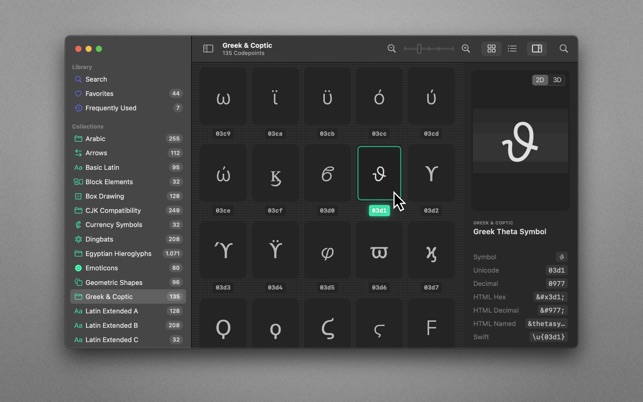
70,000+ Unicodes in your pocket. Search Unicodes, Glyphs, SF Symbols and Emojis in a blink. Codepoint helps you to find the exact characters you need and supports you in discovering new glyphs. Export them as Symbols, Strings, Hexadecimals, HTML entities or even Swift code. Save Favourites in iCloud. Remember your Frequently Used symbols. Codepoint is tailored for you—a creative, ambitious professional.
Features:
• Explore, search and share Unicodes
• Search Engine: Lightning fast, surprisingly smart
• Find Unicodes, Hex, Decimals, HTML and Swift entities
• Favourites synced across all your devices
• Typography Advice for selected characters
• 3D Glyph Preview
• Supports SF Symbol names
• Works offline
• Looks brilliant in dark and light
• Optimised for Macs with Apple Silicon (M1, M2)
• Works great on macOS 13 Ventura
Path Finder 10 makes you a master of file management. Take full control over your file system. Save your time: compare and synchronize folders, view hidden files, use Dual Pane and full keyboard navigation to browse your file system.
Work how you want: extreme customization allows you to access most tools in many different ways to suit your workflow. Work seamlessly with other platforms: don’t leave any hidden .DS_Store files on non-Mac volumes, delete files securely and completely with the powerful delete feature from any volume type, search any network volume.
Features
View and manipulate hidden files
Dual Pane View
Full keyboard navigation
Folder comparison and synchronization
Folder merging
Batch renaming
Powerful file filtering
One-click dual-pane copy
Bookmarks and Tab Presets
ACL editor
File tagging
Editable Path Navigator
Powerful low-level search
Smart sorting
Advanced selection
Integrated terminal
Integrated text and image editors
Language: Multilingual Compatibility: macOS 10.12 or later Homepagehttps://cocoatech.com/
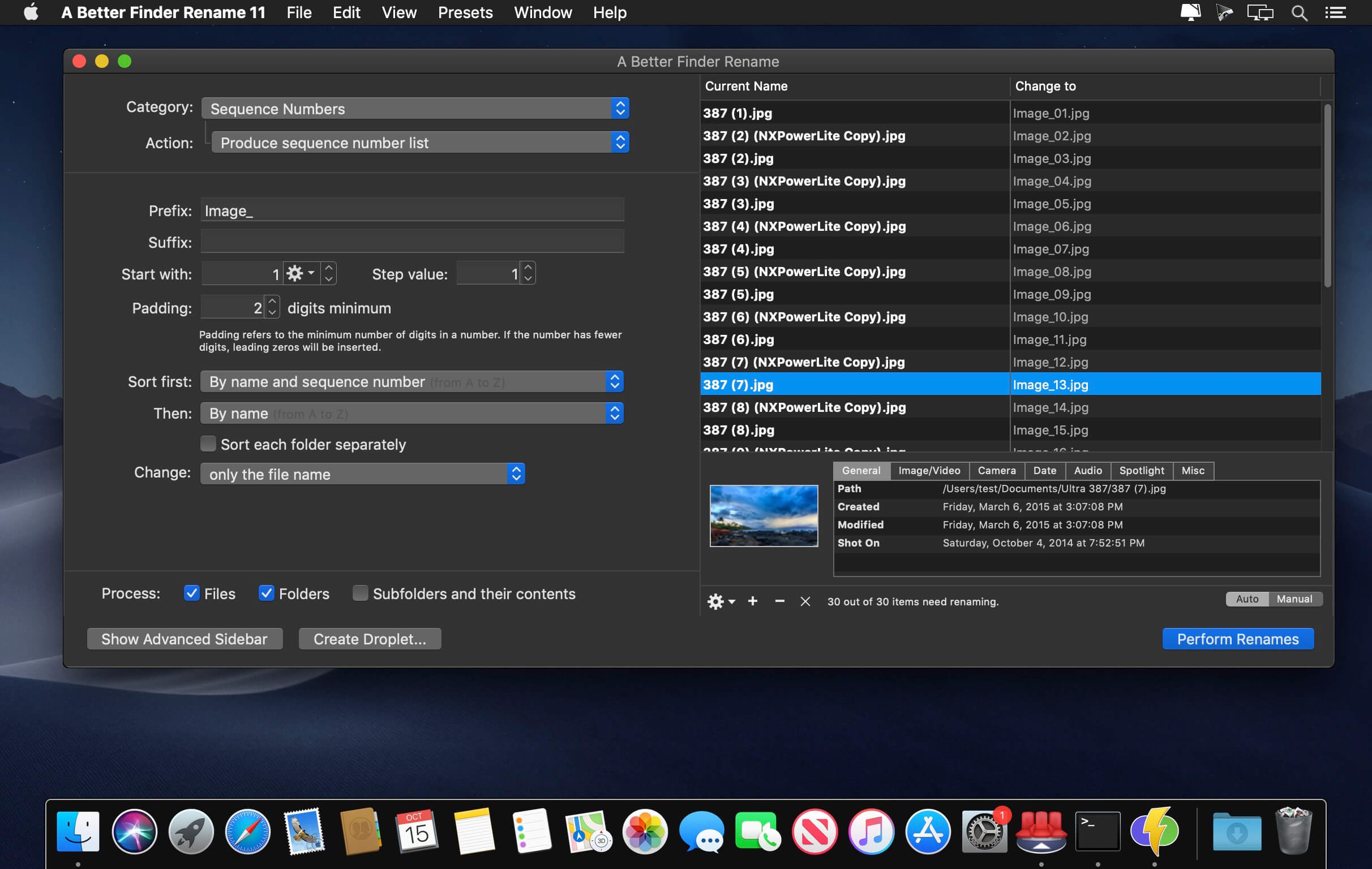
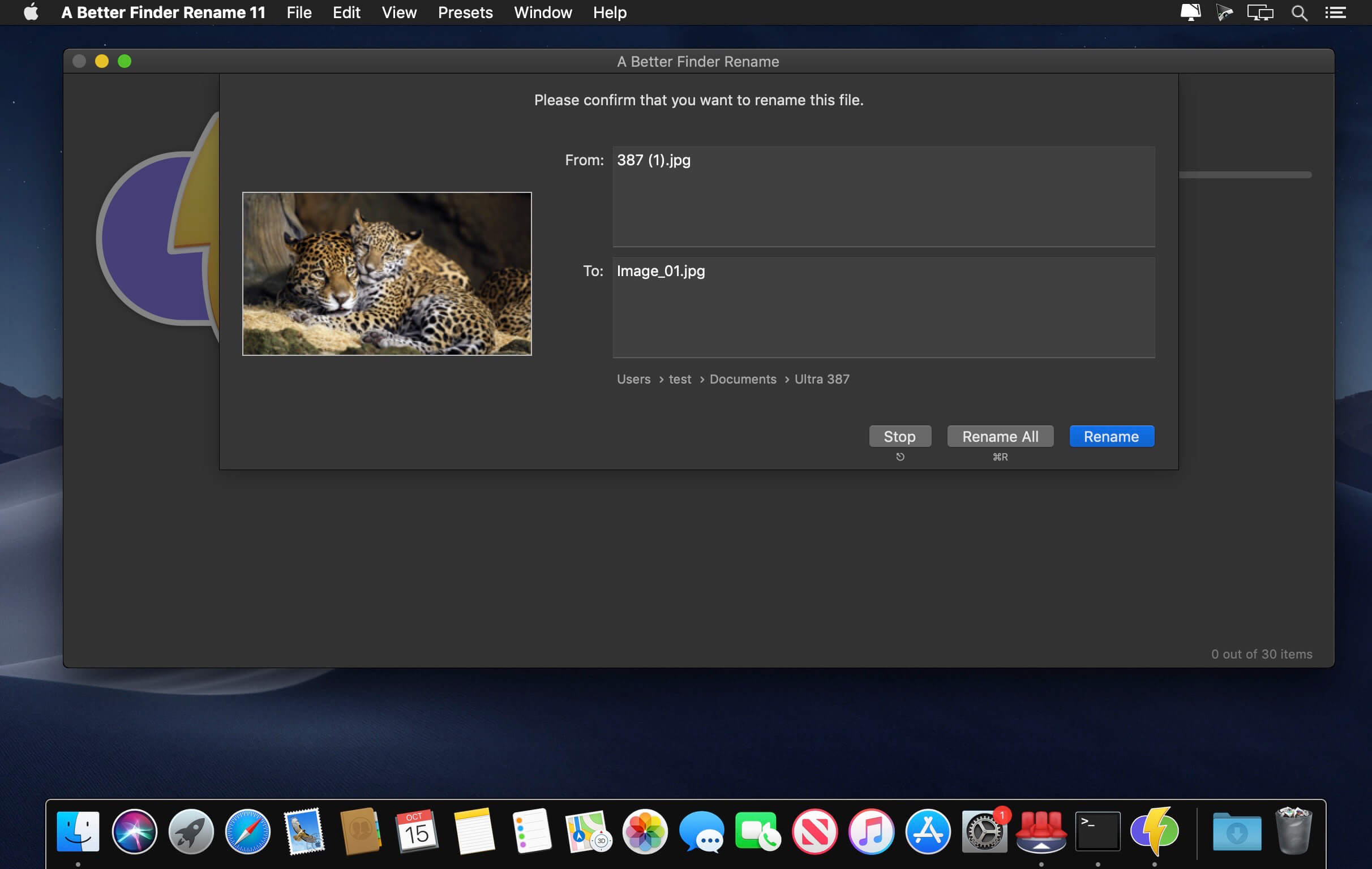
A Better Finder Rename is the most complete renaming solution available on the market today. That’s why, since 1996, tens of thousands of hobbyists, professionals and businesses depend on A Better Finder Rename to organize and maintain files. The Instant Preview feature eliminates guesswork and costly errors and helps you find the right settings quickly and accurately by providing as-you-type feedback.
A Better Finder Rename offers a complete set of renaming options that are organized into 15 categories covering all the text, character, position, conversion and truncation features that you would expect from a file renamer, but it does not stop there. The multi-step renaming feature allows multiple renaming steps to be combined to deal with complex renaming jobs in a single operation. Unlike other tools, A Better Finder Rename allows any number of renaming actions to be combined, re-ordered, copied and deleted.
What’s New:
Version 12.07:
The new version adds a warning when creating a droplet on Ventura.
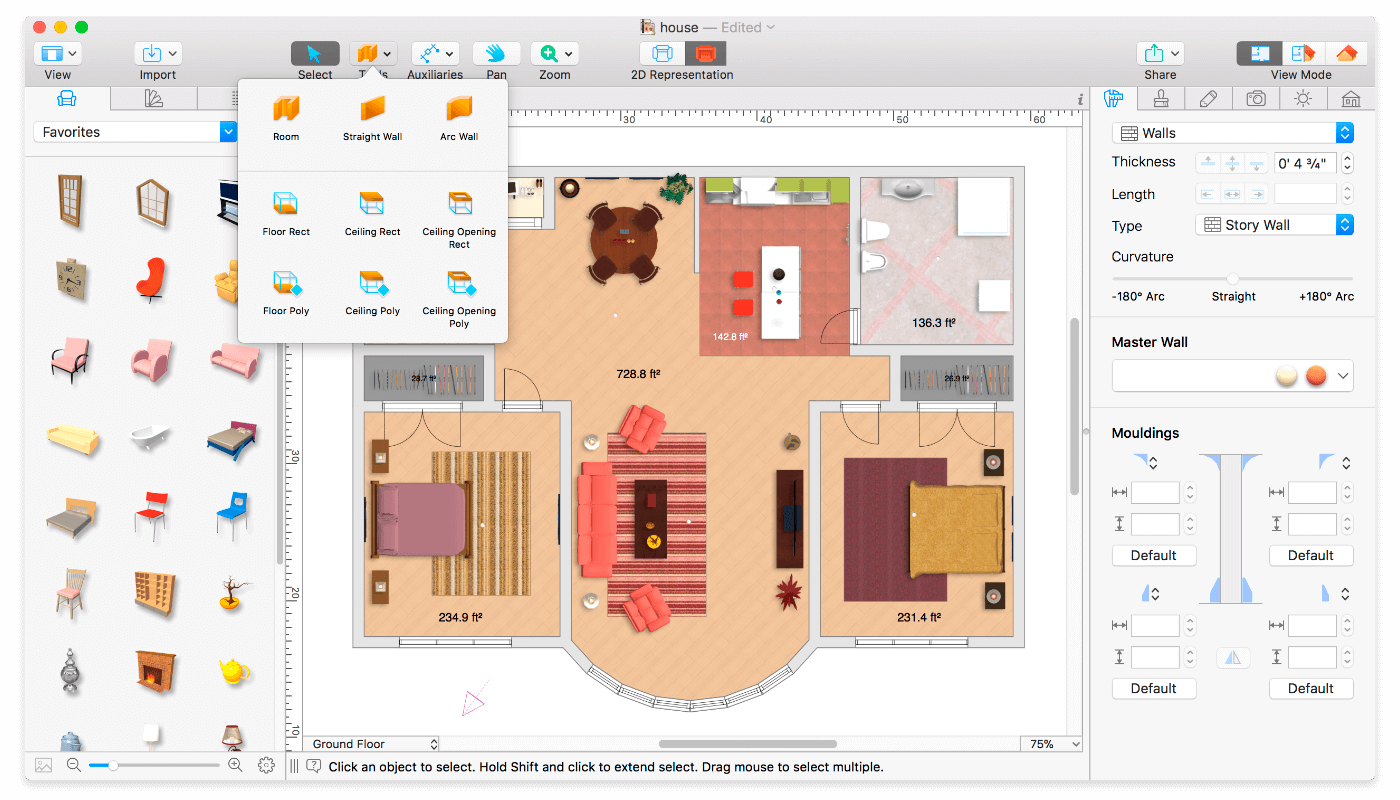
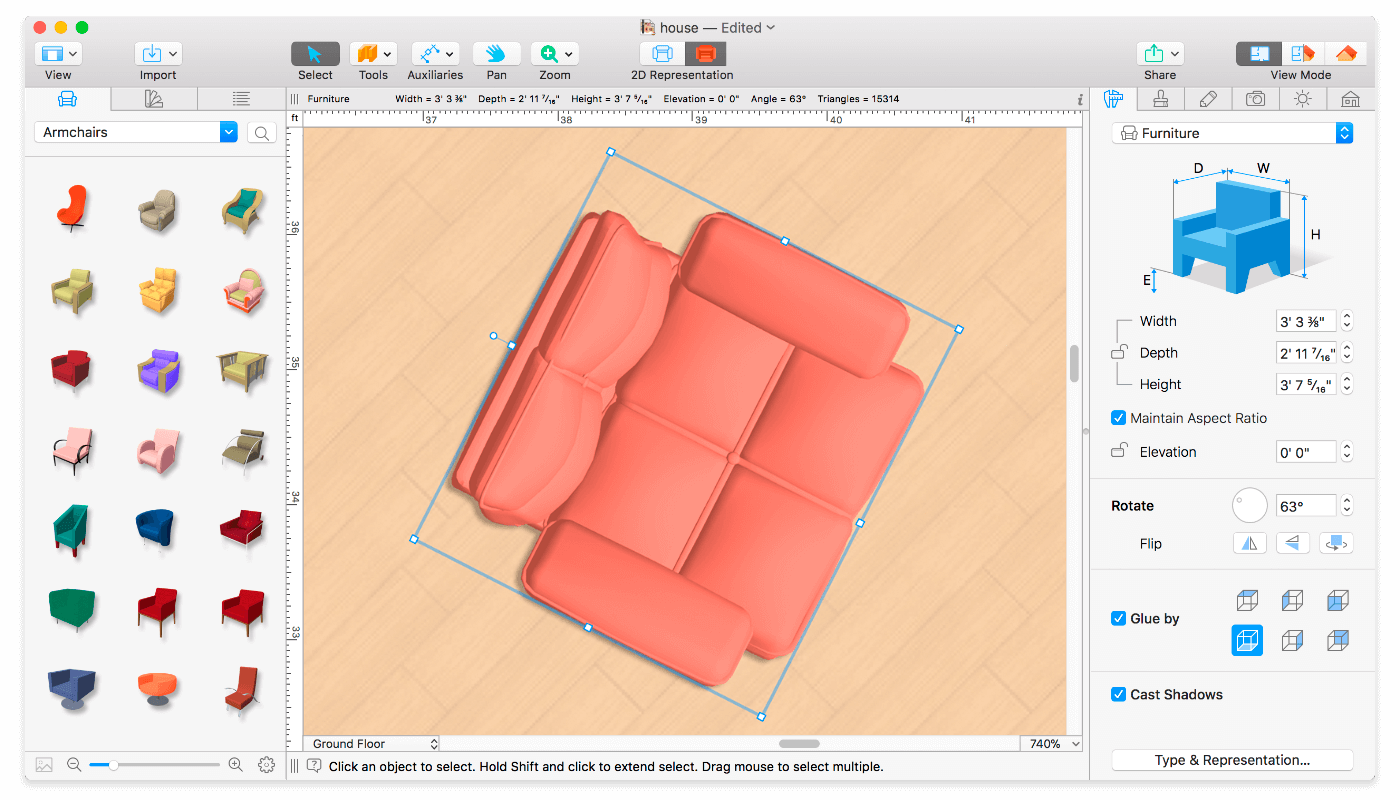
Live Home 3D Pro is the most intuitive and feature packed home design app suitable for homeowners and professional designers, a successor of Live Interior 3D. Besides offering advanced home design tools, Pro edition provides superior export quality and Elevation View mode.
General
Create detailed 2D floor plans.
Beautiful real-time 3D rendering.
Unlimited floor levels. (Pro edition only)
A collection of in-depth video tutorials.
Built-in Help Assistant and free, quick tech support service.
Project Gallery with house projects and sample rooms.
Native Support for Live Interior 3D Projects.
Floor Plan Tools
Draw complete rooms using Room tool.
Use Arc and Straight Wall tools for drawing walls.
Elevation view. (Pro edition only)
‘Auto outline’ vector-based 2D representation for furniture.
View real-time measurements for walls, ceilings, and floors when drawing in 2D Plan view.
Select the necessary measurement units (inches, feet, meters, etc).
Use smart Dimension tool to set the distance between underlying objects or walls.
Precise positioning thanks to smart guides and object snapping.
Real-Time 3D Environment
Adjust the lighting, add and move objects, apply materials, and more right in 3D.
All changes, made in 3D or 2D, are rendered in 3D in real time.
Walk through your 3D interior.
FOV (field of view) and parallel camera projection. (Pro edition only)
Set multiple cameras to see the house from different point of views.
Achieve natural lighting by setting up true Geo position, daytime and overcast.
Adjust light fixtures throughout your project to get realistic lighting scene.
Light editor helps to add a light source to an imported objects. (Pro edition only)
Create corner windows and complex openings using the program advanced technology.
Level of details tool allows to optimize 3D object and speed up the project.
Professional Shadow Map technique makes shadows look soft and natural.
3D Models and Materials
2,000+ furniture and other models.
Import models seamlessly from Trimble 3D Warehouse™ (previously Google 3D Warehouse™).
Edit furniture in SketchUp. (Pro edition only)
2,100+ supplied materials.
Drag and drop any image from the Finder to apply it to any surface as custom material.
Advanced material editor. (Pro edition only)
Set the exact size of a material tile to know how much of the material is needed for your house renovation project.
Import objects in SketchUp, COLLADA, KMZ, FBX, OBJ or 3DS formats by simply dragging and dropping them into your project.
Polygonal-based Block tool for drawing balconies, porches, and more. (Pro edition only)
Roofs and Dormers
Roof Assistant with 12 customizable roof templates.
Custom shaped roofs. (Pro edition only)
Add custom segments to fully customize your roof.
16 customizable dormers.
Export and Share the Result
Share the result to Facebook, Twitter, Vimeo or YouTube.
Export 3D views to JPEG, TIFF, PNG, and BMP (up to 16000 x 16000).
Share 360° Panorama JPEG images (up to Ultra HD) to Facebook.
Render a realistic video walkthrough (up to Ultra HD).
Create Stereo 3D Video, 360° Video and even Stereo 3D 360° Video.
Quickly send a copy of your project via Mail, Messages or AirDrop.
Export the entire project or selected objects to COLLADA, Trimble SketchUp™, VRML Version 2.0 or X3D format.
Export to 3DS, FBX, USDZ and OBJ formats. (Pro edition only)
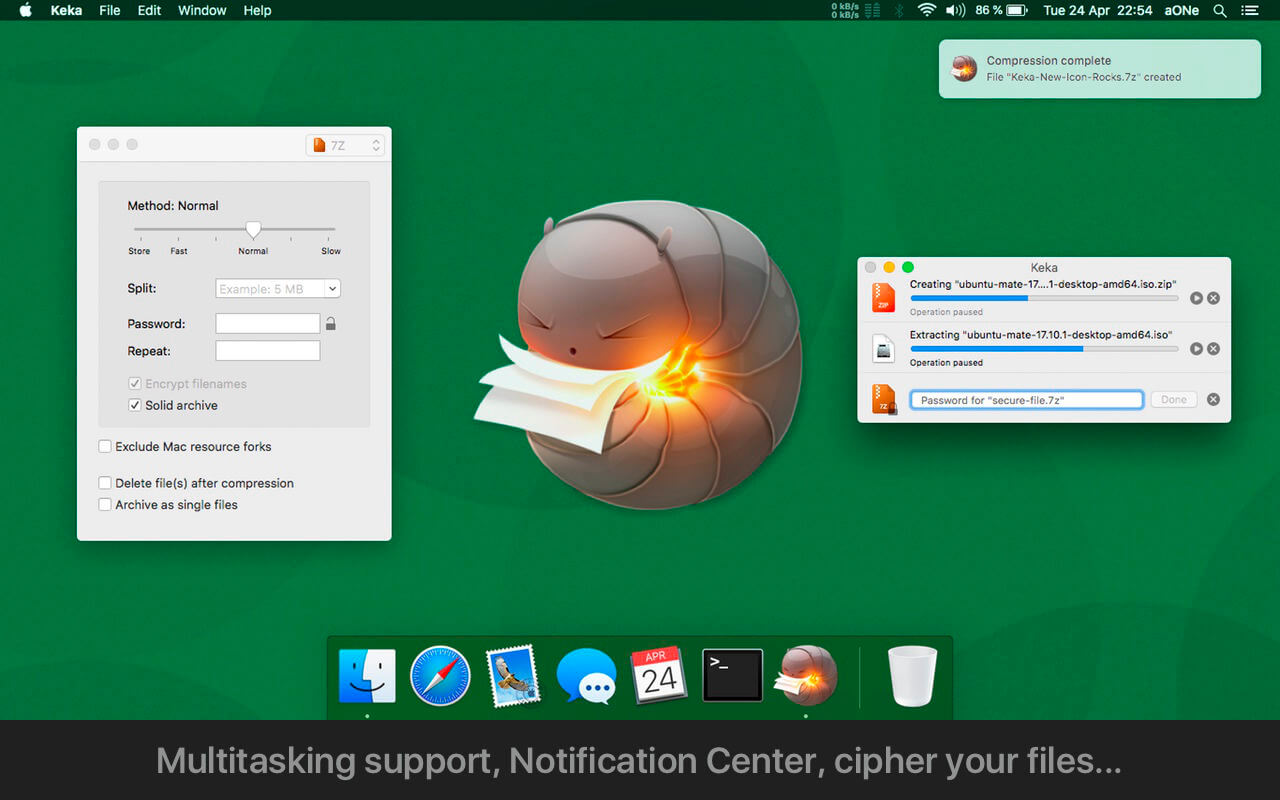
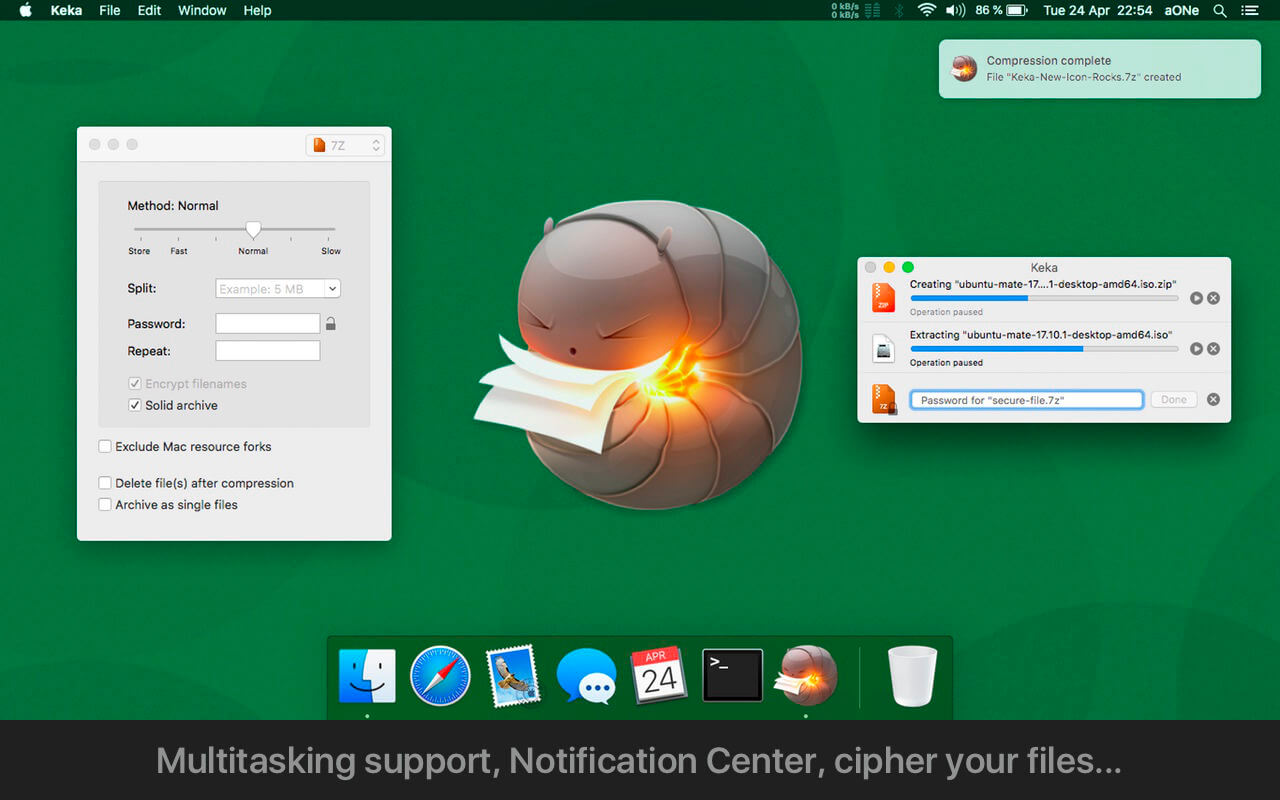
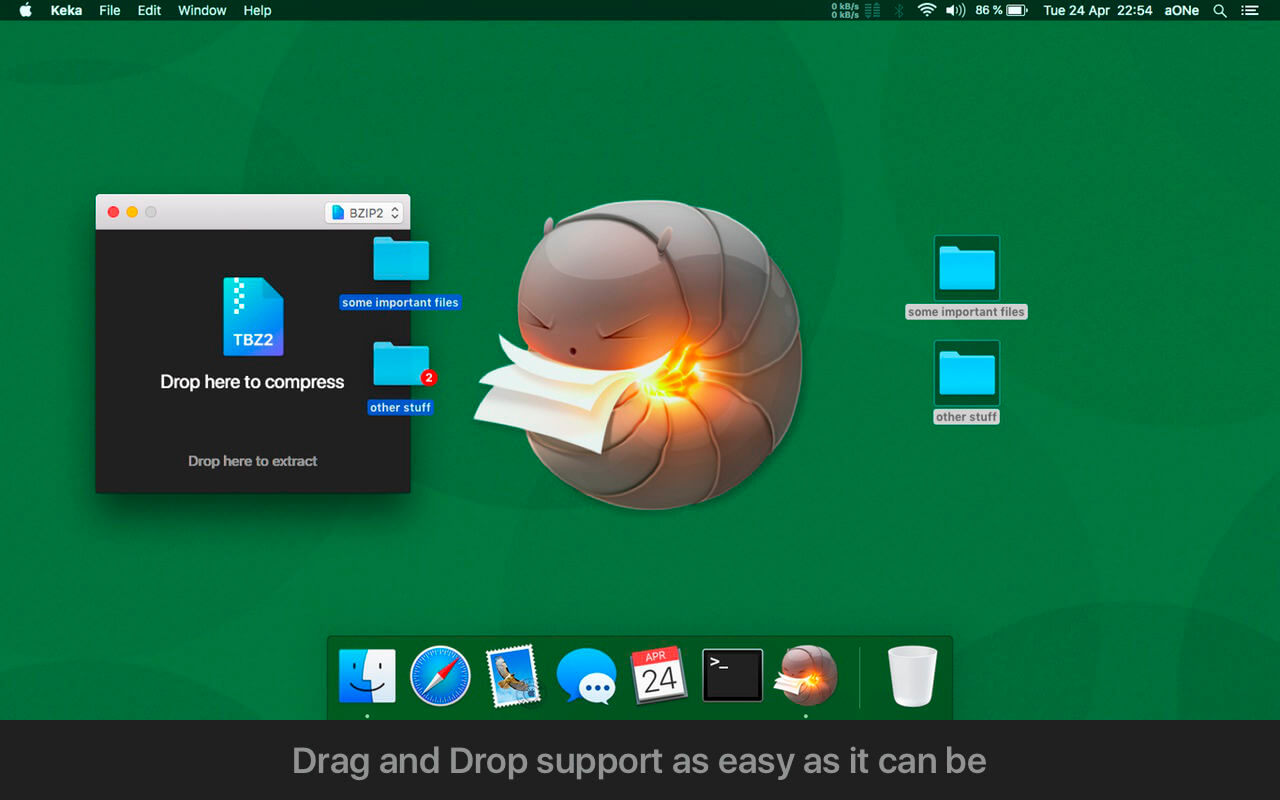
Keka is a full featured file archiver, as easy as it can be.
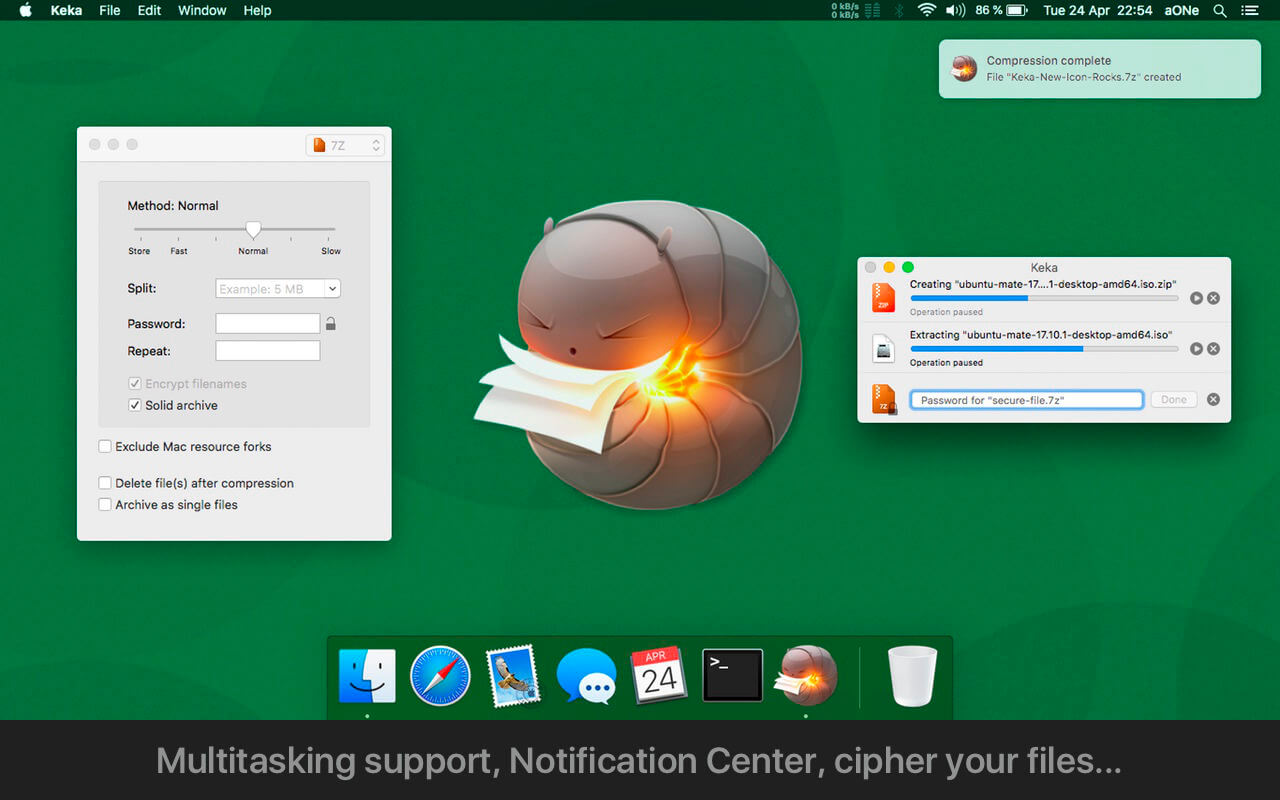
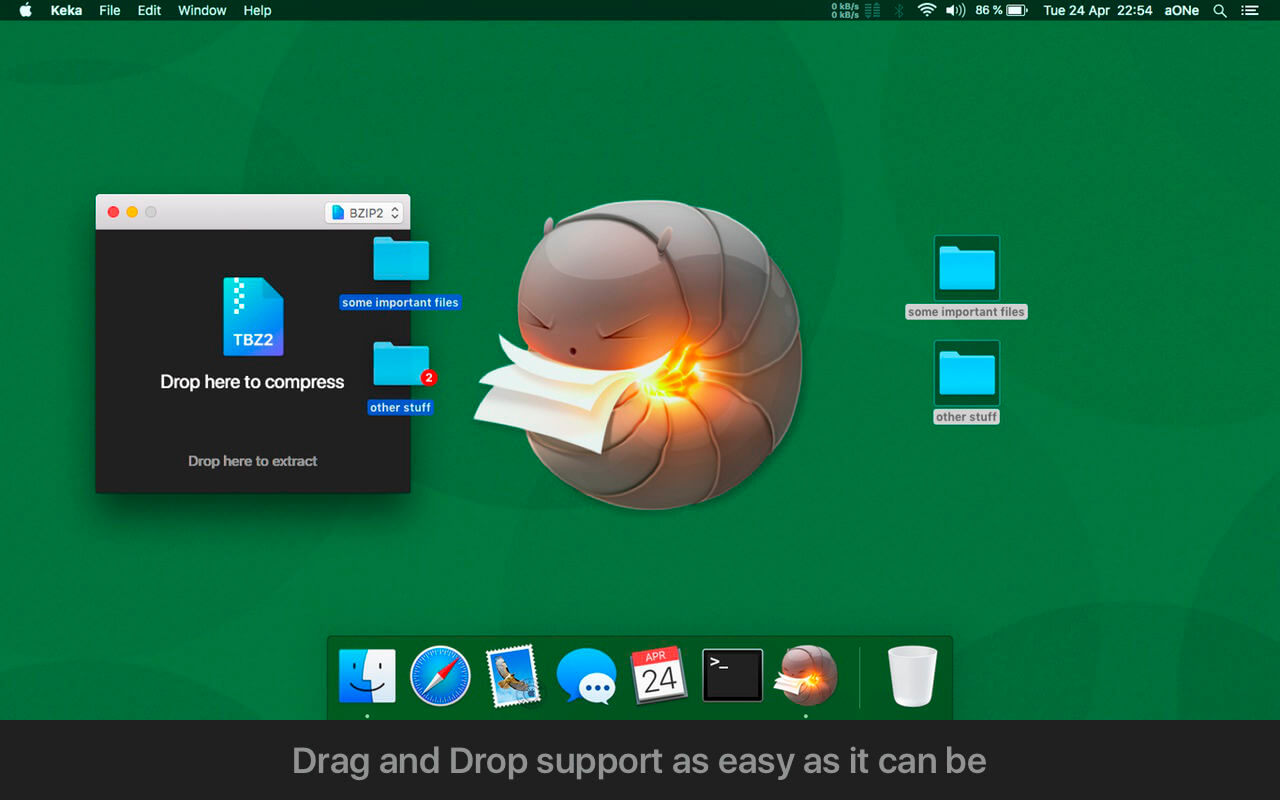
With Keka you can compress as many files as you want in a bunch of formats. Divide files and protect them with a password is now a kids game. Just drop the files you want to compress to the Keka icon in the Dock or the main window.
Also Keka can extract lots of compressed files, from ZIP and 7Z to RAR archives, even parted ones. Just double click on those files and they will be extracted using Keka, or drop them to the icon in the Dock or the main window.
Compression formats supported:
7Z, ZIP, TAR, GZIP, BZIP2, XZ, LZIP and ISO
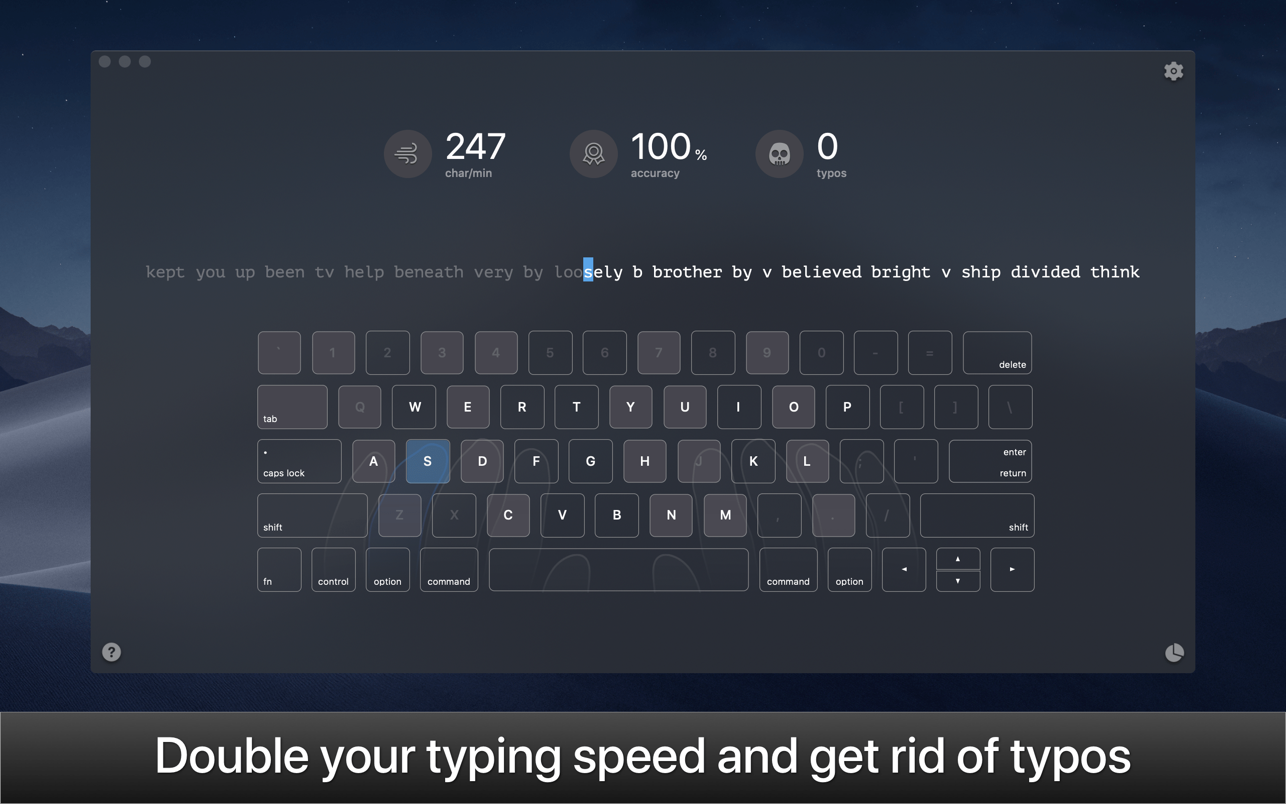
KeyKey is a manageable typing tutor that learns your level as you practice. All you do is commit to a 15-minute session every day. The app takes care of the rest. There are no lessons, no tests, and no strange minigames. Instead, you get a beautiful minimalist interface and a boost to your WPM. The app records your errors and adapts the practice wordlist as you go, giving you extra practice for the letter combinations that trip you up.
• Responsive Learning
The app helps users who want to improve their typing on QWERTY or DVORAK keyboards. Lessons appear as a continuous line of words to type. The more errors you make, the easier the words get; as you improve, the words become more complex. You can also see your errors, completed words, and elapsed time as you type.
• Keyboard Trainer
A big part of typing faster is using the proper finger placement. The app makes this easy with its built-in virtual keyboard. This keyboard models proper hand placement in real time and shows you which finger to use for optimally typing each letter. The more you learn to adapt your hand motions, the easier typing will be.
• Real World, Real Words
To generate both its English and Cyrillic practice, the app digested over 3,000 books and articles. The wordlists for the app’s lessons are derived from these materials, and ranked from common to uncommon. Whether you’re trying to improve speed in your native language or trying to type faster in a new one, you’ll get typing practice with the phrases people actually use.
• Expert Mode
With a few weeks of daily practice, you should be able to type around 60 words a minute in your chosen keyboard format. But the fun doesn’t stop there. The app includes an “expert mode” that can push your speeds even higher with even more complicated and challenging words and phrases.
• Stop hitting backspace every couple seconds
There’s no point in typing quickly if you’re constantly making mistakes. WIth KeyKey, you can type confidently and precisely. That’s a skill all of us could improve on.
OmniFocus Standard and Pro are in-app purchases, with discounts for people who bought earlier versions of OmniFocus for Mac through the Mac App Store. Download the app for details.
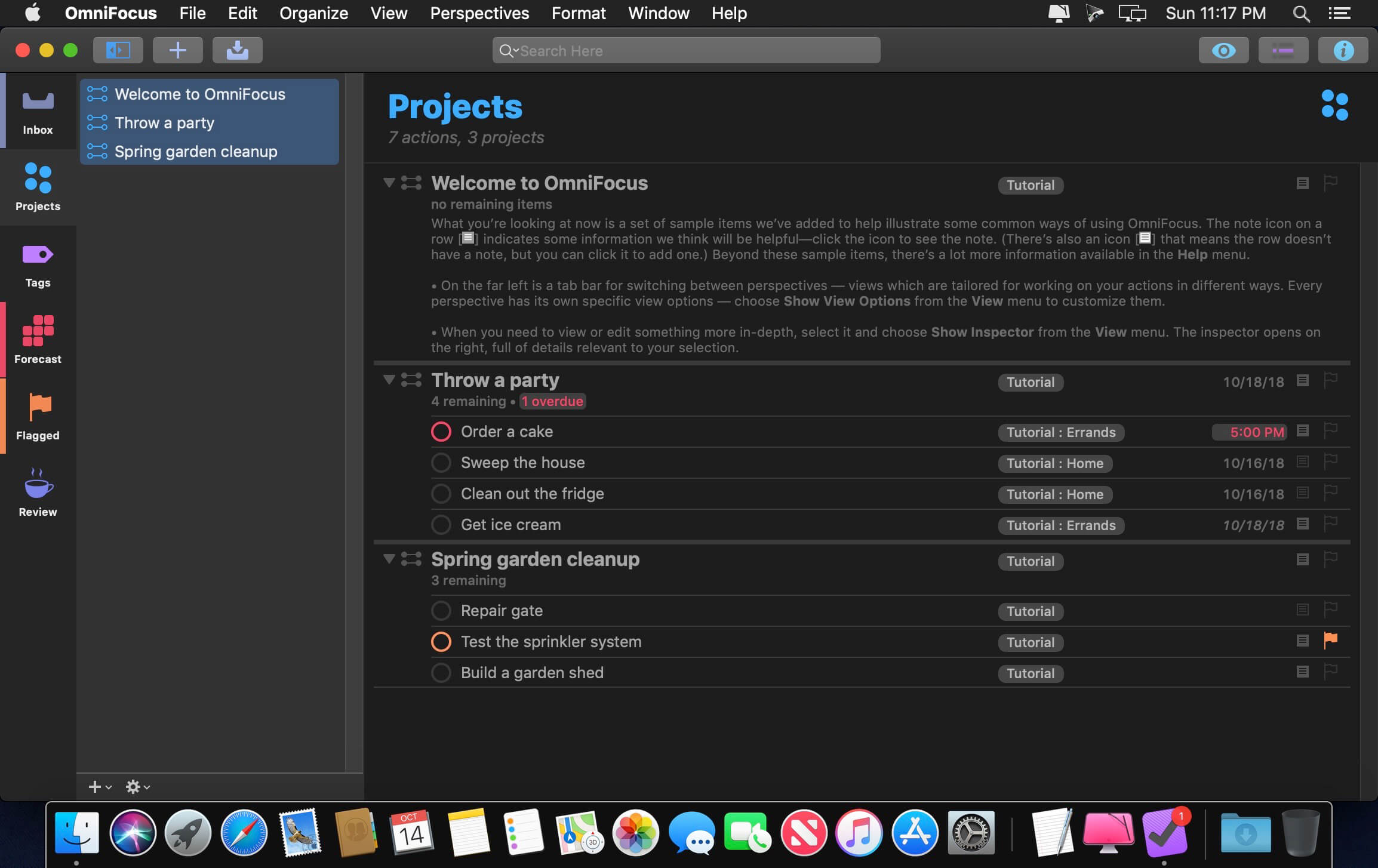
Use OmniFocus to accomplish more every day. Create projects and tasks, organize them with tags, focus on what you can do right now — and get stuff done.
OmniFocus — now celebrating 10 years as the trusted, gold-standard to-do list app — brings unrivaled power and flexibility to your Mac, making it easy to work the way you want to work.
OmniFocus manages everything in your busy life. Use projects to organize tasks naturally, and then add tags to organize across projects. Easily enter tasks when you’re on the go, and process them when you have time. Tap the Forecast view — which shows both tasks and calendar events — to get a handle on your day. Use the Review perspective to keep your projects and tasks on track.
Then let our free syncing system make sure you data is the same on every Mac. (And on OmniFocus for iOS, available separately.) Because your data is encrypted, it’s safe in the cloud.
STANDARD FEATURES
NEW: Tags add a powerful additional organizing tool. Create tags for people, energy levels, priorities, locations, and more.
NEW: The Forecast view shows your tasks and calendar events in order, so you can better see what’s coming up in your day.
NEW: Enhanced repeating tasks are easier than ever to set up — and they work with real-world examples such as the first weekday of the month.
NEW: The Modern, fresh-but-familiar design helps you focus on your content.
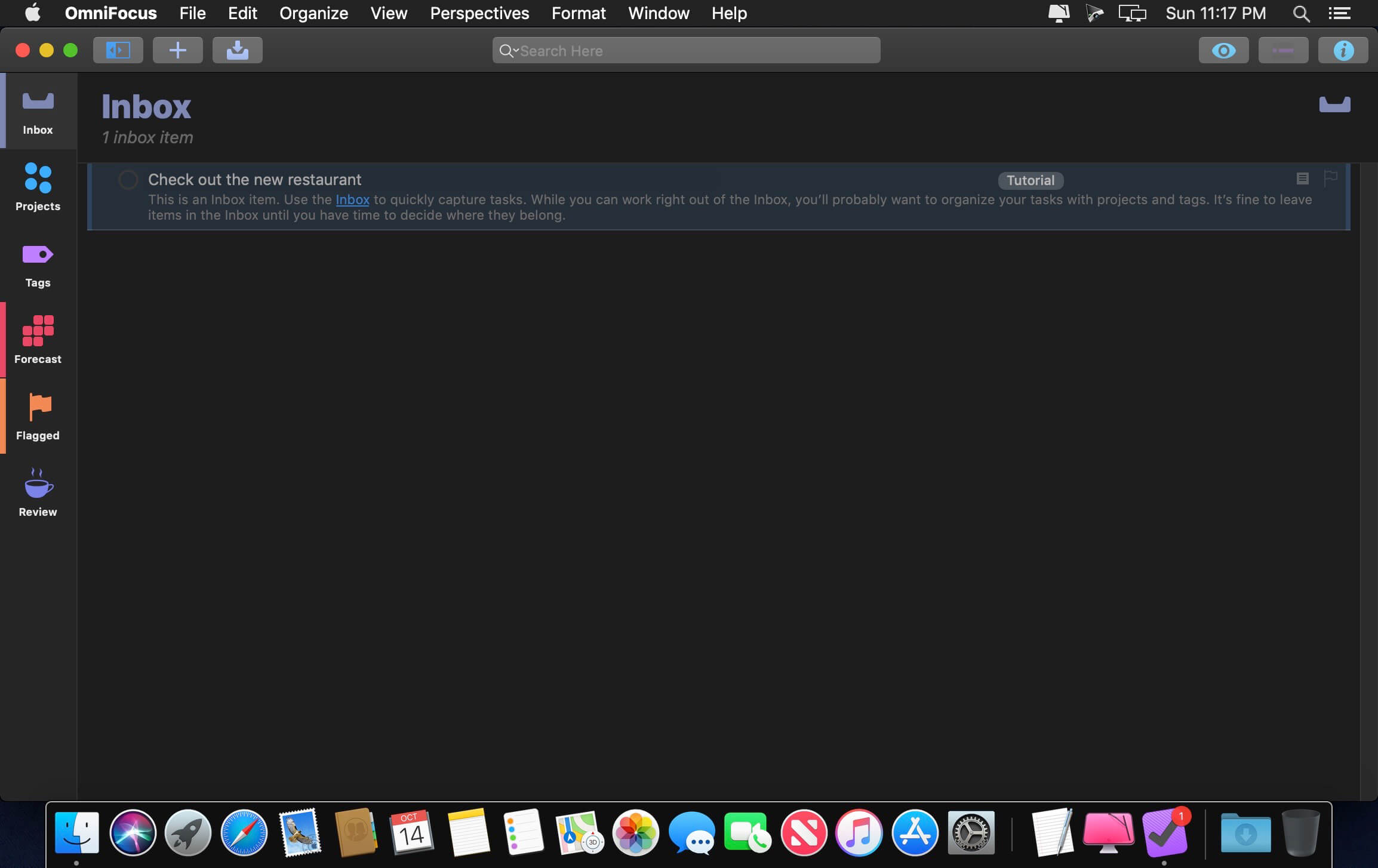
Inbox is where you quickly add tasks — save them when you think of them, and organize them later.
Syncing supports end-to-end encryption so that your data is safe wherever it’s stored, on our server or yours.
Notes can be attached to your tasks, so you have all the information you need.
Attachments — graphics, video, audio, whatever you want — add richness to your tasks.
View Options let you customize each perspective by deciding what it should show and how it should filter your tasks.
The Review perspective takes you through your projects and tasks — so you stay on track.
OmniFocus Mail Drop adds tasks via email and works with services like IFTTT and Zapier (if you’re using our free syncing server).
The Today Widget shows you your most important items — you don’t even have to switch to the app to know what’s up.
PRO FEATURES
Custom perspectives help you create new ways to see your data by filtering and grouping projects and tags. NEW: The filtering rules are simpler to use while being more powerful than ever, letting you combine rules with “all,” “any,” and “none.” You can also choose any image to use as your custom perspective’s icon, and a custom tint color to go with it.
NEW: Today’s Forecast can include items with a specific tag, and you can reorder those tasks however you choose, so you can plan your day better.
The customizable sidebar lets you organize your perspectives the way you want to, for super-fast access.
The Today Widget shows a perspective of your choice in Notification Center.
AppleScript support opens up a world of automation, using Apple’s Mac scripting language.
Language: English, Dutch, French, German, Italian, Japanese, Korean, Portuguese, Russian, Simplified Chinese, Spanish
strong>Compatibility: macOS 13 or Later Homepagehttps://www.omnigroup.com/omnifocus/
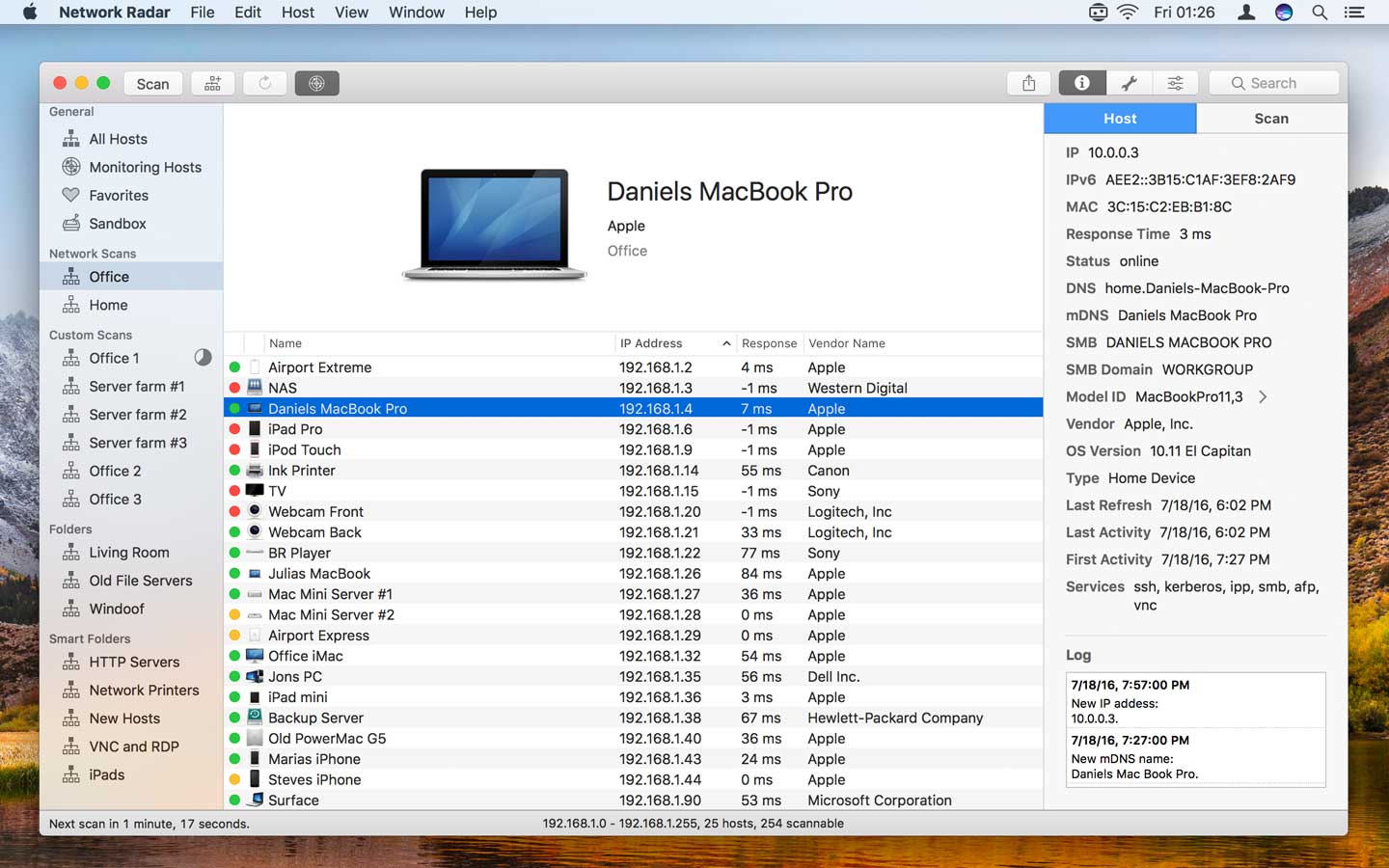
Network Radar – Manage and configure network devices. Network Radar is an advanced network scanning and managing tool. Featuring an easy-to-use and streamlined design, the all-new Network Radar 2 has been engineered from the ground up as a modern Mac application.
Features
Scan your network and retrieve detailed information on network devices
Run useful network tools and commands with the click of a button
Use the monitoring feature and get notified about changes in your network
Access devices from previous scans, even in different networks
Use the simple rules / actions system for automatic processing of devices
Simply connect to a device by double-clicking it in the list
Assign your own names and choose from provided icons or import own icons
Organize your hosts in folders and smart folders
Create scans with custom IP ranges
Export a scan to XML, CSV, TXT, PDF or NETRADR
Supported Network Interfaces
Built-in WiFi
Built-in Ethernet
Apple’s USB to Ethernet Adapter
Apple’s Thunderbolt to Ethernet Adapter
Apple’s Thunderbolt Display Ethernet *Please note that the amount of information Network Radar can find depends on the network it scans.
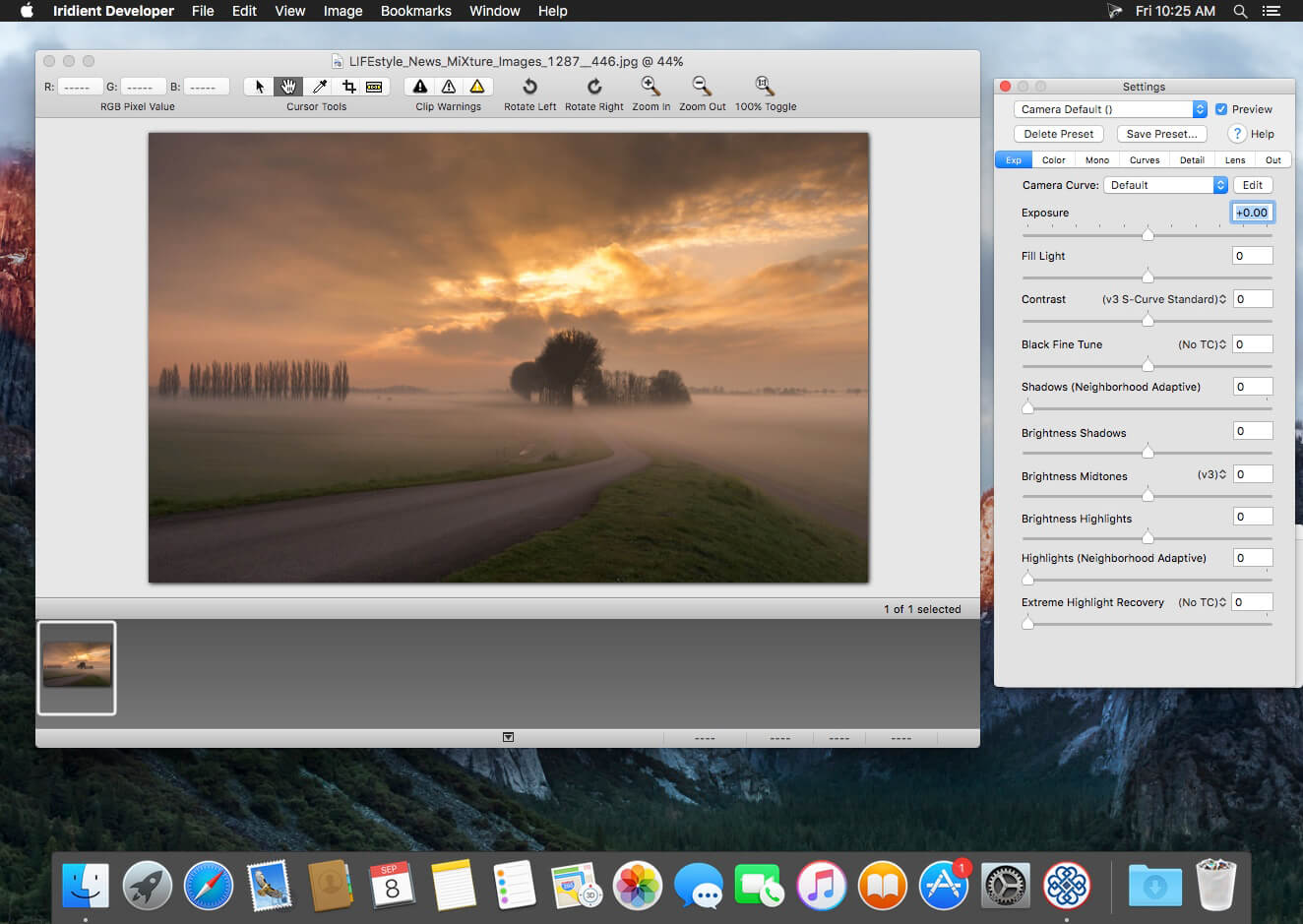
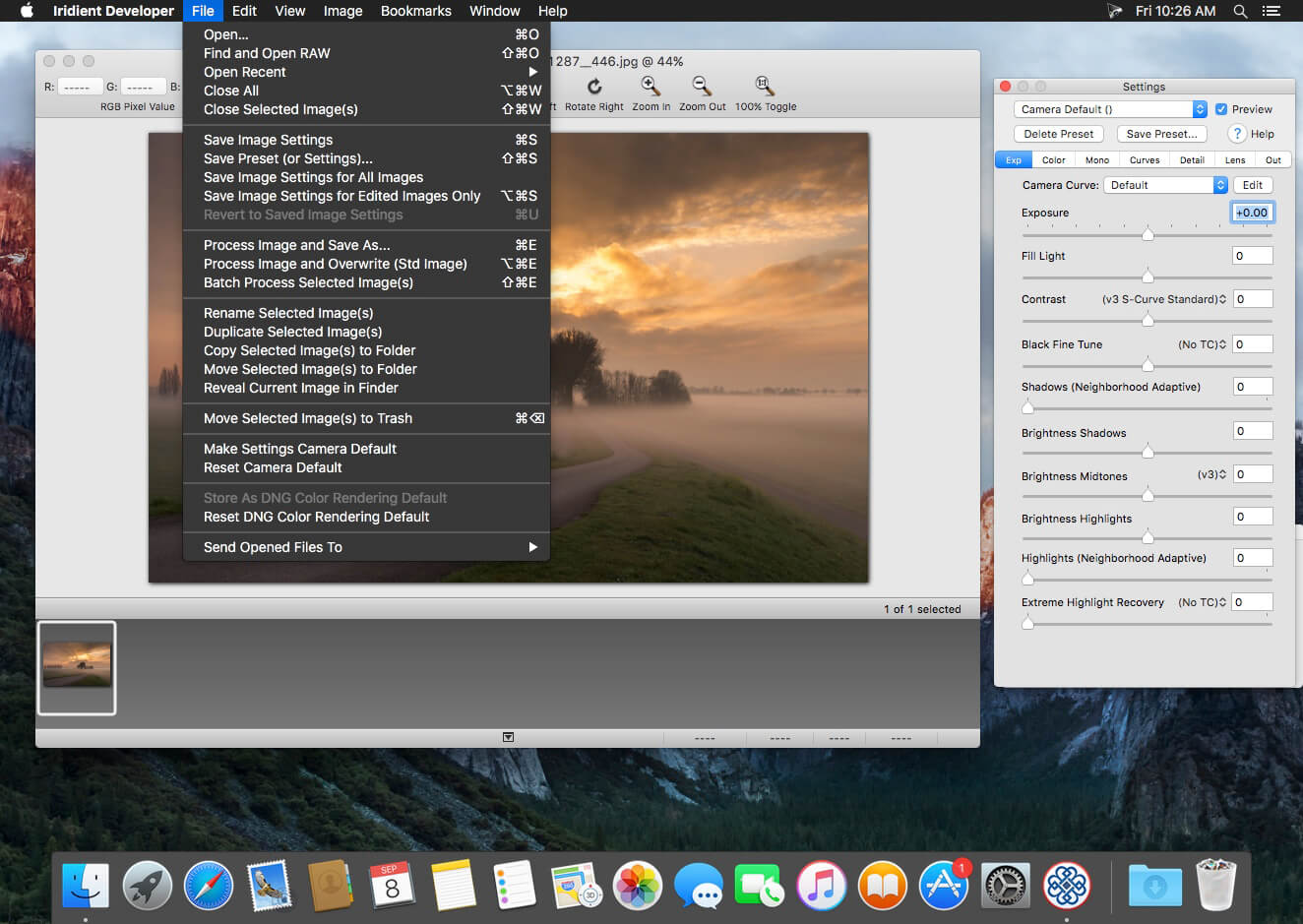
Iridient Developer is a powerful RAW image conversion application designed and optimized specifically for Mac OS X. Iridient Developer gives advanced photographers total control over their digital photographs, yet still provides easy drag and drop batch conversion and access to basic adjustments for the casual user.
Advanced Sharpening and Noise Reduction Algorithms Iridient Developer offers SIX advanced sharpening methods, including “Iridient Reveal”, a “super” sharpener utilizing aspects of both state of the art edge enhancement techniques and deconvolution, traditional unsharp masking, high pass, difference of gaussians, a unique “hybrid” sharpening algorithm and an advanced Richardson-Lucy Deconvolution based method. All are processed in a special 32 bits/channel floating point color space to avoid color artifacts and provide amazing detail. Powerful hot/dead pixel filters and new, state of the art noise reduction methods help eliminate noise, especially from images taken with long exposures or high ISO settings. All sharpening methods also now support advanced edge masking for limiting the sharpening effect to just edge regions while leaving “flat” or low contrast areas of the image unchanged.
High Quality Image Resizing Whether down sizing for the web or producing massive prints for gallery display, Iridient Developer offers a wide range of resizing methods that allow you fine tune the level of output to best suit your own preferences from incedibly high levels of sharpness and detail to smooth, artifact free output.
Fabulously Flexible Camera Color Specification Iridient Developer includes support for just about any camera color specification imaginable from industry standard ICC color profiles to DNG color matrix values to the latest DNG v1.4 camera profile (DCP) specification to camera manufacturer specific color metadata. Iridient Developer provides incedible control over establishing the ideal color starting point for your photos whether you want to use custom camera profiling solutions or simply to match a color look provided by the camera manufacturer or just about any other RAW processing software.
Extensive Image Adjustment Options You’re in total control of every step of the conversion process, fully editable tone curves in RAW, RGB and LAB color spaces, advanced highlight recovery, white balancing, noise reduction, sharpening, exposure compensation, brightness, contrast, saturation and more.
Super Monochrome (Black And White) Conversion Options High quality black and white conversion options including direct access to RAW image color planes, standard RGB channel mixers, perceptual LAB lightness based conversion, luma, desaturation, intensity, custom duotones and other toning options including curves.
Fast, High Quality Image Previews RAW developer allows you to view and make all image adjustments while viewing a full resolution, fully color managed, 16 bit per channel preview.
Advanced Histogram View Supports 256, 512 or an extra wide 1024 levels of detail. Viewing modes include RGB, individual R, G, B channels, all three colors at once, CIE Lightness, CIE Luminance, CIE Chroma (ab), luminosity, hue and saturation.
Fully Configurable Color Management Support for two high quality color management engine options including Apple’s ColorSync and LittleCMS 2.6 which includes full support for the latest ICC v4.3 standard. Ability to specify camera or image specific input profiles, RGB working space profiles for image adjustments and final image output profiles. Automatic support for LAB and chroma color space curves without any manual color space changes.
Unlimited batch processing You can continue making image adjustments while other images are converted in the background. Supports, easy drag and drop image conversion with flexible file naming options and support for multiple file formats including JPEG, TIFF, PNG, JPEG2000 and more.
Multithreaded and vector processor (SSE3+) optimized Iridient Developer takes full advantage of multi-core and multi processor systems and the advanced vector processing capabilities of Intel processors. Highly optimized for all the latest and greatest Mac OS X technologies including Grand Central Dispatch (GCD), 64-bit processing, Core Image, Quartz Extreme and more. All image processing is handled by secondary threads so your real time editing work is never blocked waiting for export processing to complete.
Support for IPTC, XMP and EXIF v2.3 metadata EXIF, IPTC and XMP metadata is supported when exporting to TIFF, PNG or JPEG image formats.
“Processing Disabled” Output Mode Ability to bypass all image adjustments and all color matching operations for fast, high quality export of linear files intended for further processing with other image processing programs or RAW workflows. Also useful for creating non-color matched output for use in generating custom camera or scene profiles with ICC camera profiling software.
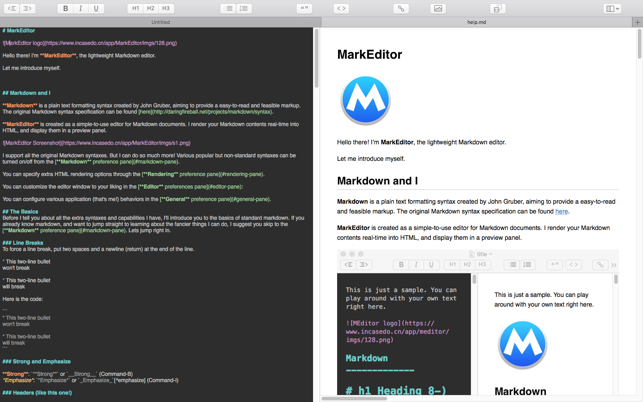
Marked allows you to preview your Markdown (in any flavor) as you write in your favorite text editor. It tracks your file changes and updates the preview as you go, even automatically scrolling to the point in the file where you’re currently working.
Marked 2 includes a rewrite of the file-watching system for speed and accuracy. It speeds up just about every part of the app, making it even easier to get your work done without worrying about how it’s going to look or waiting for your preview to update.
Languages : English Compatibility: OS X 10.10 or later Homepage https://apps.apple.com/app/markeditor/id1398414250
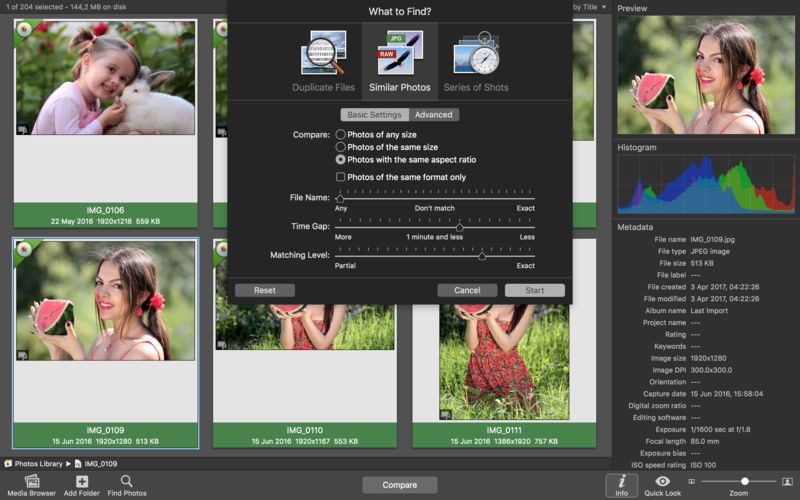
PhotoSweeper helps quickly and efficiently eliminate similar or duplicate photos. It works with photos from iPhoto, Aperture and Adobe Lightroom libraries as well as photos from your Mac.
PhotoSweeper will help you if:
You take a series of shots of the same scene trying to get the perfect one.
You edit photos with applications, such PhotoShop, Pixelmator, etc., and make backups just in case.
You have photos scattered on external hard drives and local disks, in iPhoto, Aperture or Lightroom libraries.
You have a mess in your photo collection or just want to free disk space by removing junk photos.
Features Easy to find photos
Just drag and drop folders to allow PhotoSweeper to find all photos inside. Add more photos from your iPhoto, Aperture or Lightroom library via the Media window.
Flexible comparison settings
Use 6 different methods to find similar or duplicate photos, even those edited in external programs such Photoshop, regardless of image size or format.
Fast
PhotoSweeper was developed to be extremely fast at comparing large number of photos. Using efficient caches allows you to make the next comparison much faster. You have an opportunity to regroup the results on-the-fly by changing a matching level of similarity.
Easy to manage photos
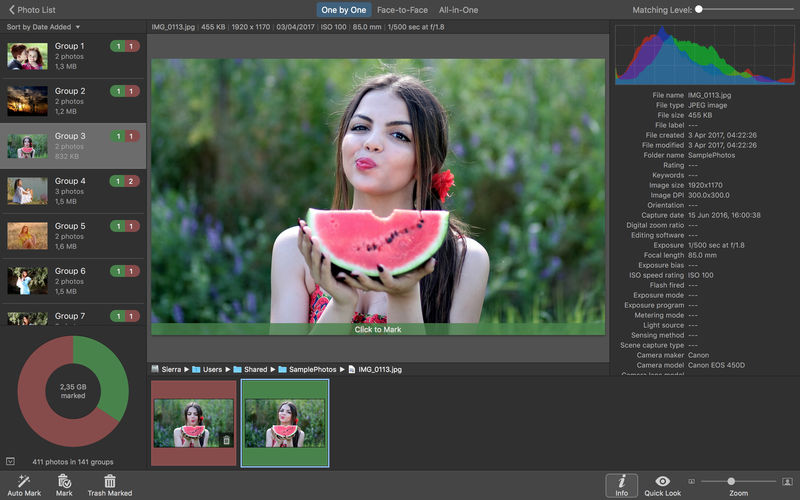
Review results in “Face-to-Face” or “Groups” mode. Put photos into a virtual container, “Box”. Delete, move, or copy photos from the Box. Bulk rename photos while copying or moving.
Great photo browsing
PhotoSweeper provides an up-to-date photo browser with such features as: fast loading of thumbnails, Quick Look preview, drag and drop support, showing paths, ratings, labels, etc. The “Image Info” panel shows more detailed information, including histogram and image metadata (EXIF, IPTC, etc.).
A comprehensive user manual is available in the Help menu.
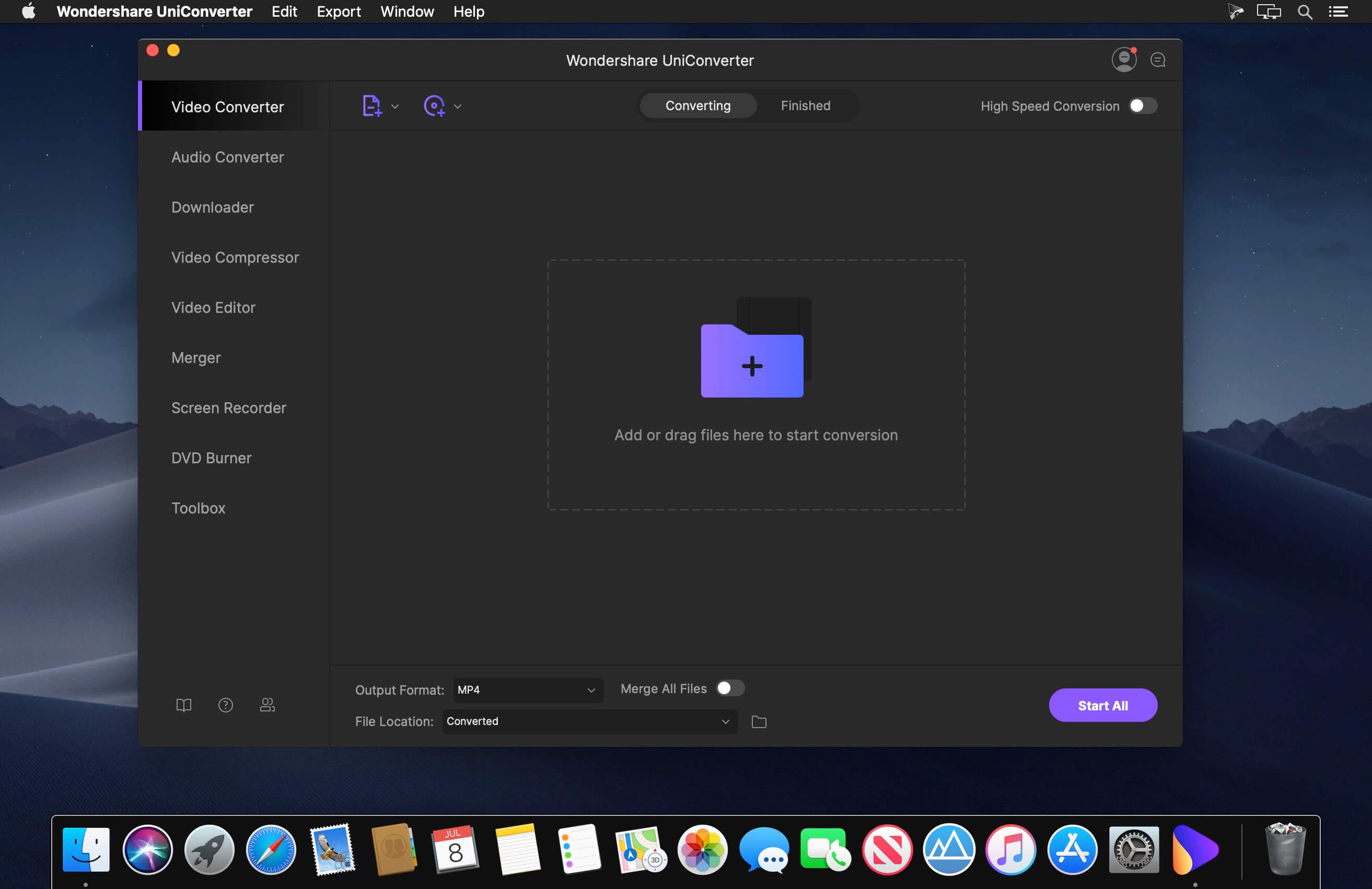
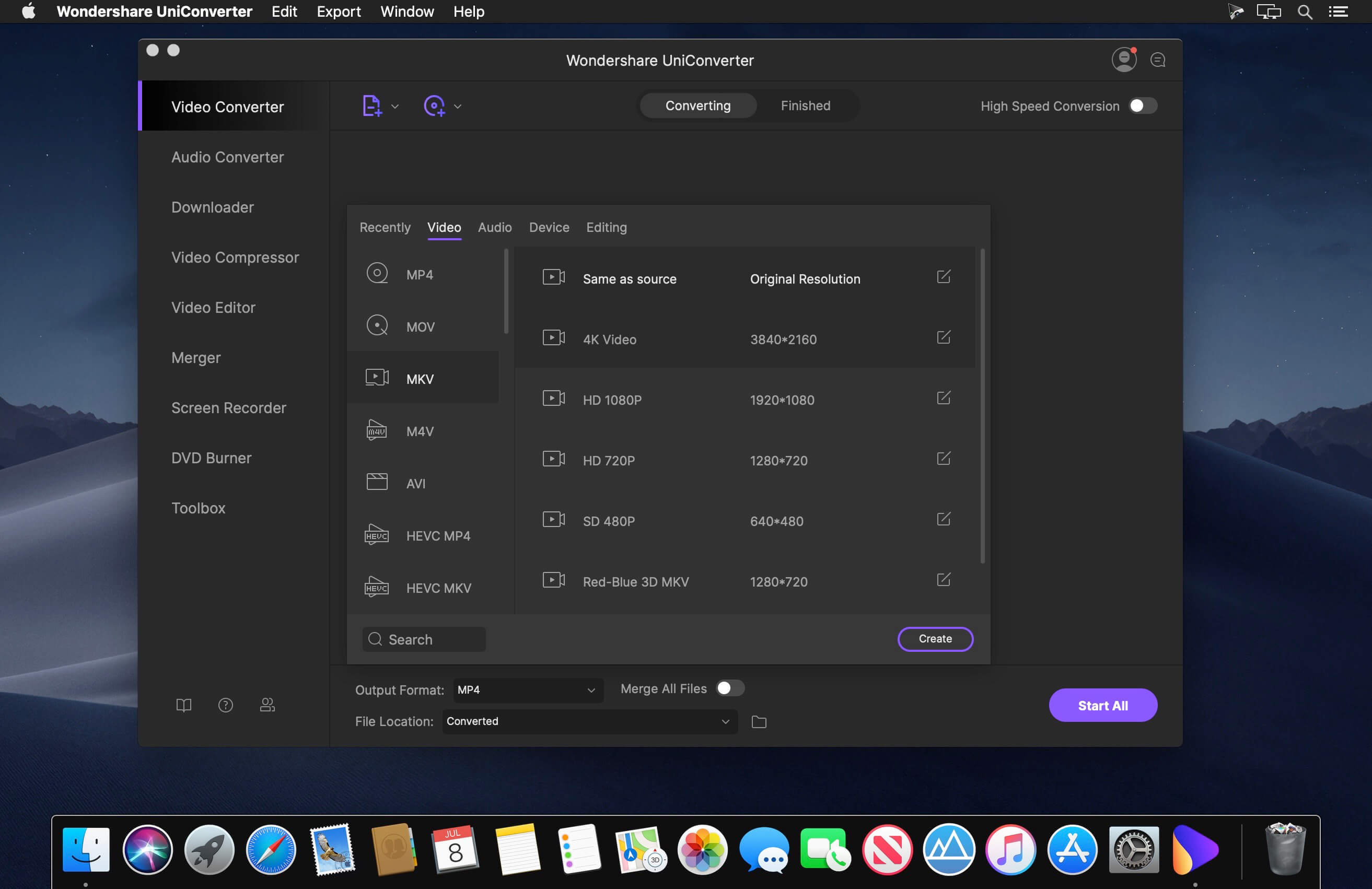
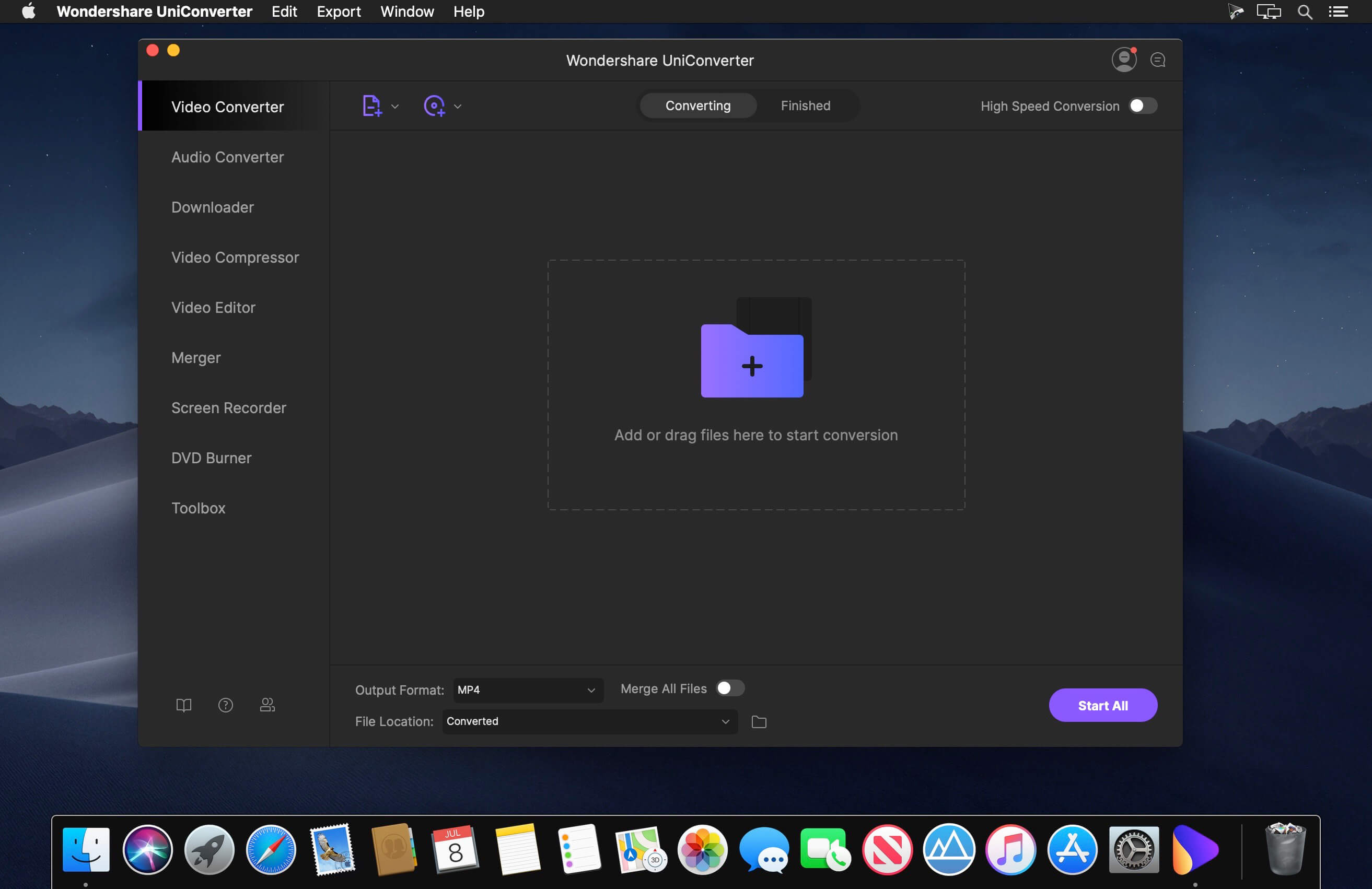
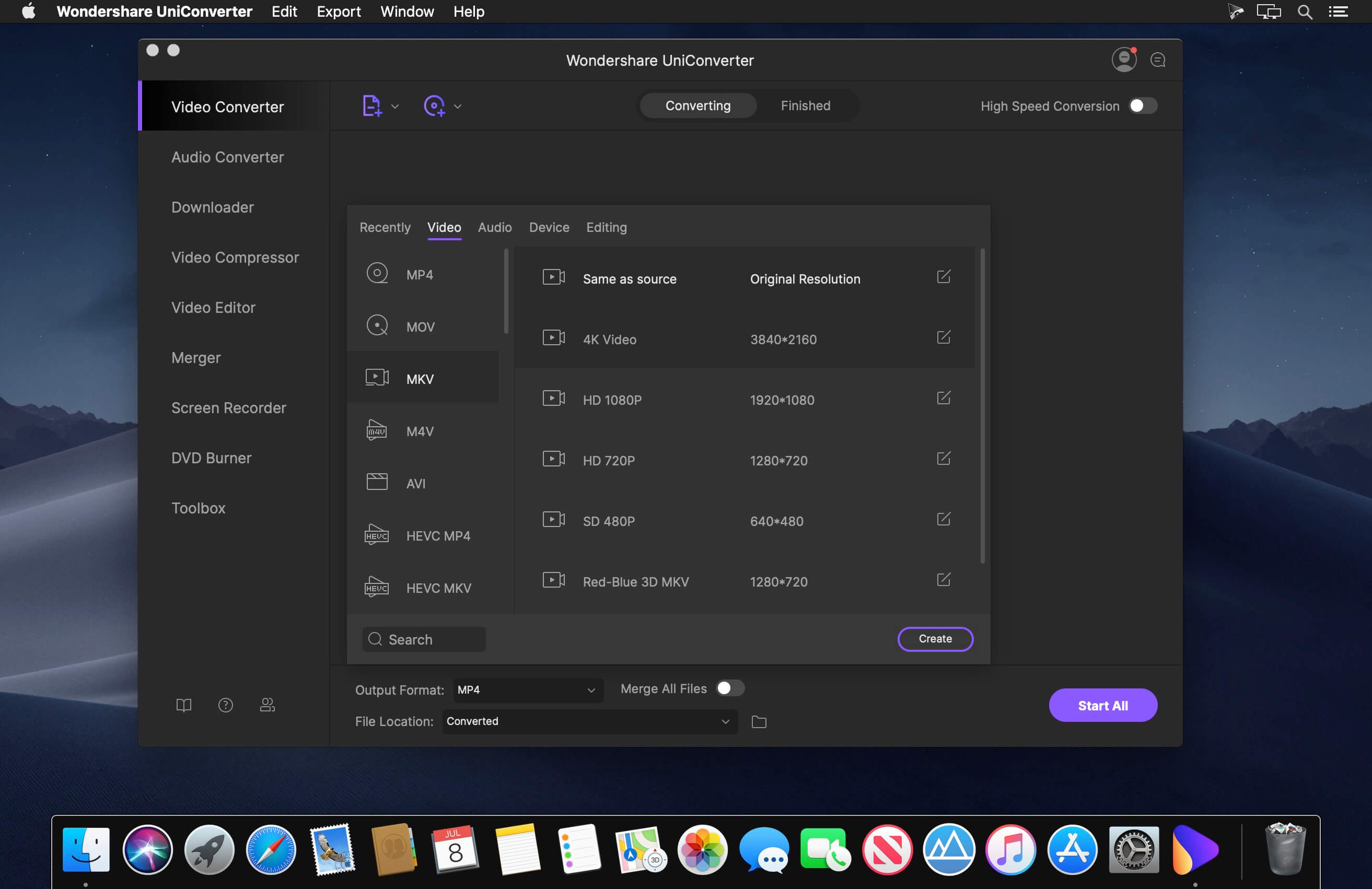
Wondershare UniConverter is a complete video toolbox that lets you convert, edit, enhance, download, burn, organize, capture and watch video files. Convert videos to and from virtually any video format out there, with 30X faster conversion speed.
Wondershare Video Converter Ultimate will make your movies versatile by instantly converting them to AVI, WMV, MP4, MKV, FLV, 3GP, MPG – even convert video to 3D and 4K Ultra HD video format at ultrafast speeds. 159 formats supported and counting! Burn video files to Blu-Ray/ DVD disc, DVD folder, or ISO files, download or record videos from YouTube, Google, Yahoo and other video-sharing sites, convert home movies to any video/audio, for playback on any devices.
What’s New:
Version 15.5.13.232 only Apple Silicon:
Release notes were unavailable when this listing was updated.
Wondershare UniConverter is a complete video toolbox that lets you convert, edit, enhance, download, burn, organize, capture and watch video files. Convert videos to and from virtually any video format out there, with 30X faster conversion speed.
Wondershare Video Converter Ultimate will make your movies versatile by instantly converting them to AVI, WMV, MP4, MKV, FLV, 3GP, MPG – even convert video to 3D and 4K Ultra HD video format at ultrafast speeds. 159 formats supported and counting! Burn video files to Blu-Ray/ DVD disc, DVD folder, or ISO files, download or record videos from YouTube, Google, Yahoo and other video-sharing sites, convert home movies to any video/audio, for playback on any devices.
What’s New:
Version 15.5.13.231:
Release notes were unavailable when this listing was updated.
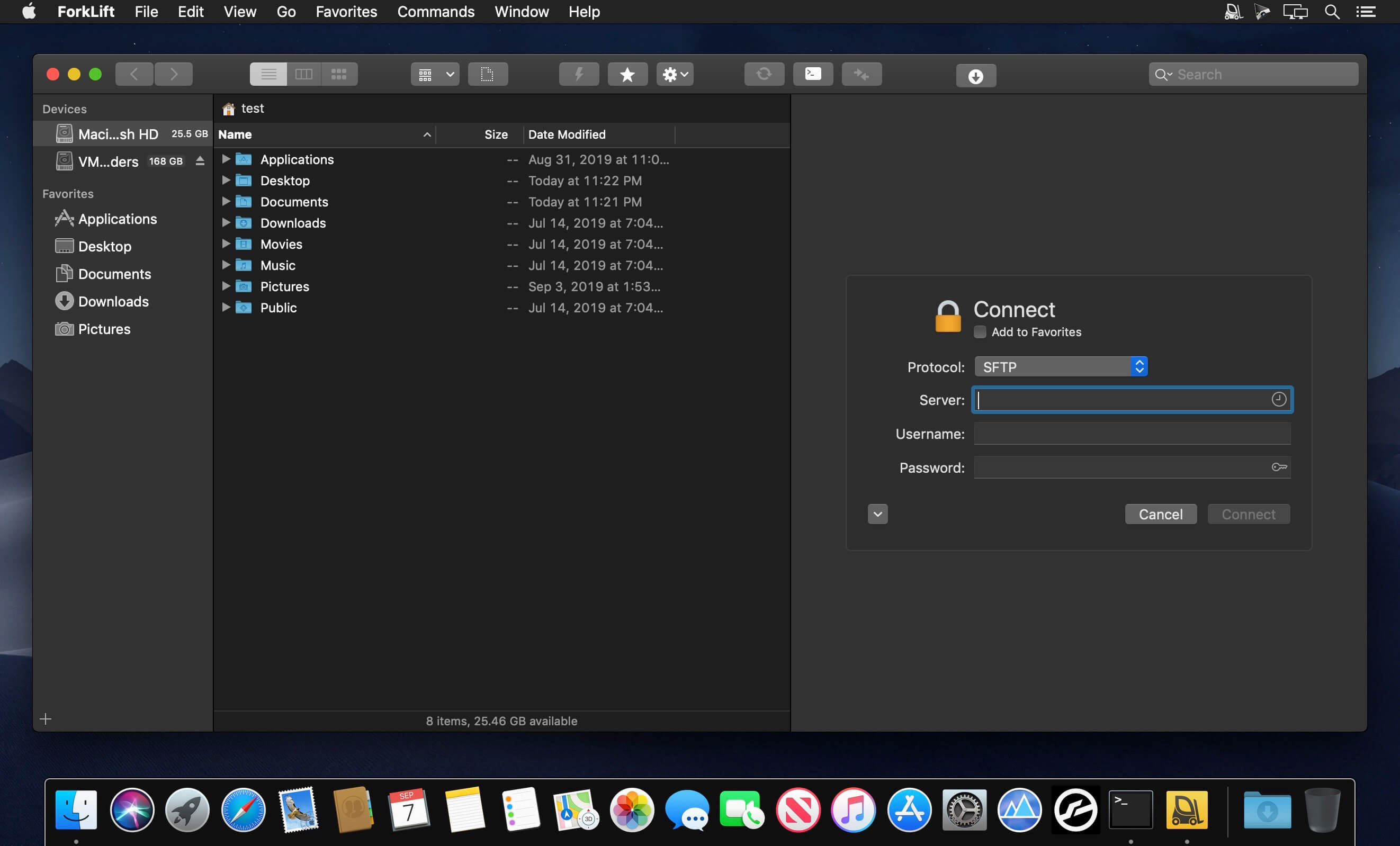
Fast and friendly git client. Fork is getting better and better day after day and we are happy to share our results with you. Commit List – Working Directory Changes – Side by Side Diff – Repository Manager Summary and Statistics
Basic features: Fetch, pull, push | Commit, amend | Create and delete branches and tags | Create and delete remote repos | Checkout branch or revision | Cherry-pick, revert | Merge, rebase | Stashes | Submodules
Work with repository: Create, clone or add existing repos | Open recent repository quickly
A simple download manager that offers you the possibility to quickly save videos from different websites to your own disk drive.
f you are using a poor internet connection, trying to visualize videos streamlined online might not work properly since the content is loaded too slowly. Downie is a simple Mac app that can help you download those videos to your computer, and then watch them by using your default media player.
User friendly video downloader featuring support for drag and drop actions
Working with Downie is extremely straightforward: simply drop the video URL on top of the app’s main window or on the Dock icon. Downie adds the video to your downloads list, so all you have to do next is start the process by pressing the appropriate button. Of course, you can also remove items from the list.
By default, Downie downloads MP4 files and places them in your default Downloads folder, but you can easily change this via the Preferences window. The same area allows you to setup notifications, or post processing actions (convert to MP4 if necessary, or extract audio only).
Effortlessly download videos from a wide collection of hosting websites
Downie provides support for more than 400 different websites that host video content, among which there are the most popular choices, such as YouTube, Apple, LiveLeak, Vimeo, BBC, and so on. If a certain website is not included, within the app you can send a request email to the Downie developers.
Moreover, Downie also provides matching extensions for various popular web browsers, such as Firefox, Safari, Google Chrome or Chromium. The add-ons are not installed by default: open the Preferences window and install only the ones you plan to use.
Straightforward solution for downloading video content hosted online
Downie is a great tool for saving videos posted on various websites to your Mac for offline playback. The application is extremely useful especially if you have a slow internet connection.
Keka is a full featured file archiver, as easy as it can be.
With Keka you can compress as many files as you want in a bunch of formats. Divide files and protect them with a password is now a kids game. Just drop the files you want to compress to the Keka icon in the Dock or the main window.
Also Keka can extract lots of compressed files, from ZIP and 7Z to RAR archives, even parted ones. Just double click on those files and they will be extracted using Keka, or drop them to the icon in the Dock or the main window.
Compression formats supported:
7Z, ZIP, TAR, GZIP, BZIP2, XZ, LZIP and ISO
A simple download manager that offers you the possibility to quickly save videos from different websites to your own disk drive.
f you are using a poor internet connection, trying to visualize videos streamlined online might not work properly since the content is loaded too slowly. Downie is a simple Mac app that can help you download those videos to your computer, and then watch them by using your default media player.
User friendly video downloader featuring support for drag and drop actions
Working with Downie is extremely straightforward: simply drop the video URL on top of the app’s main window or on the Dock icon. Downie adds the video to your downloads list, so all you have to do next is start the process by pressing the appropriate button. Of course, you can also remove items from the list.
By default, Downie downloads MP4 files and places them in your default Downloads folder, but you can easily change this via the Preferences window. The same area allows you to setup notifications, or post processing actions (convert to MP4 if necessary, or extract audio only).
Effortlessly download videos from a wide collection of hosting websites
Downie provides support for more than 400 different websites that host video content, among which there are the most popular choices, such as YouTube, Apple, LiveLeak, Vimeo, BBC, and so on. If a certain website is not included, within the app you can send a request email to the Downie developers.
Moreover, Downie also provides matching extensions for various popular web browsers, such as Firefox, Safari, Google Chrome or Chromium. The add-ons are not installed by default: open the Preferences window and install only the ones you plan to use.
Straightforward solution for downloading video content hosted online
Downie is a great tool for saving videos posted on various websites to your Mac for offline playback. The application is extremely useful especially if you have a slow internet connection.
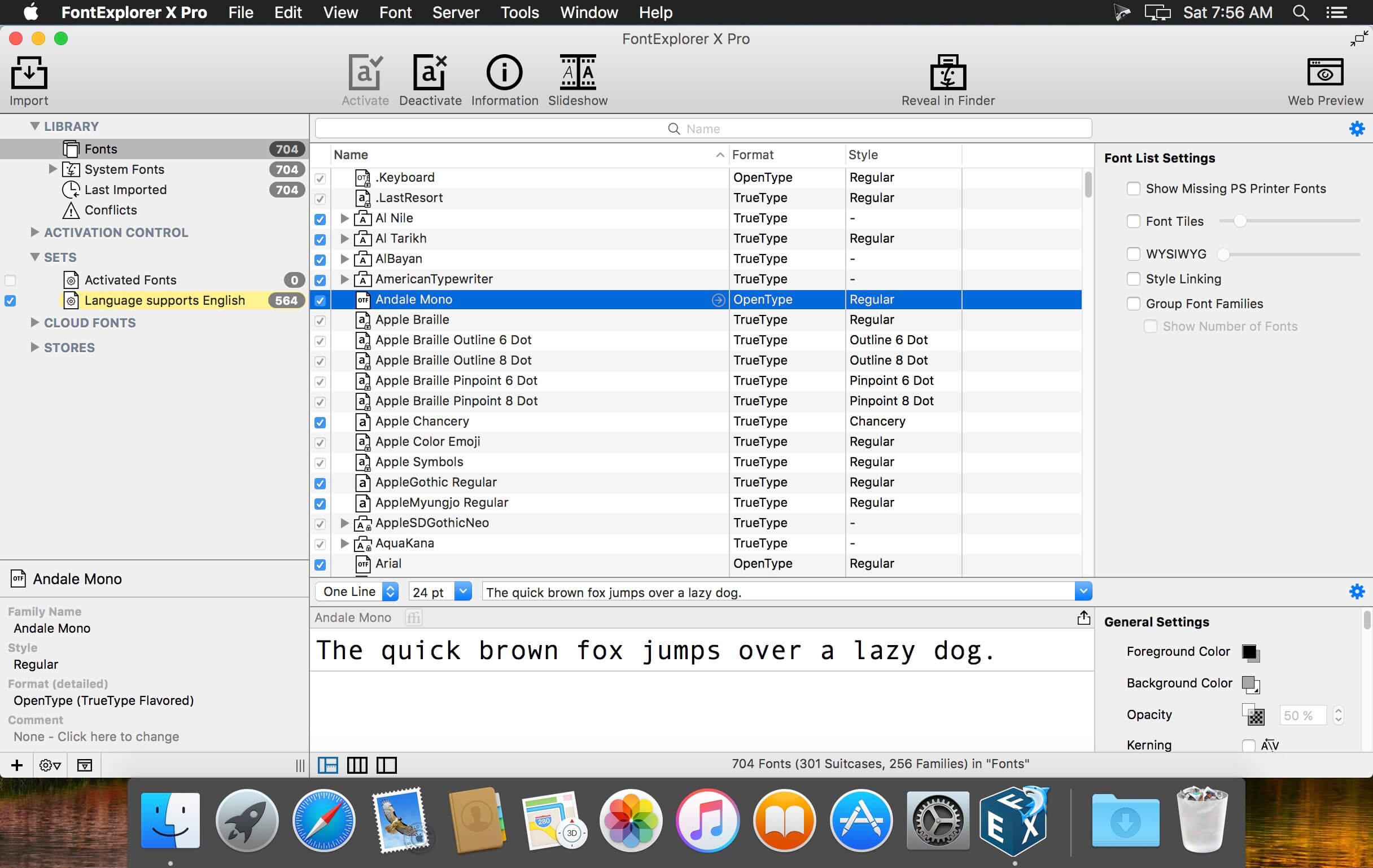
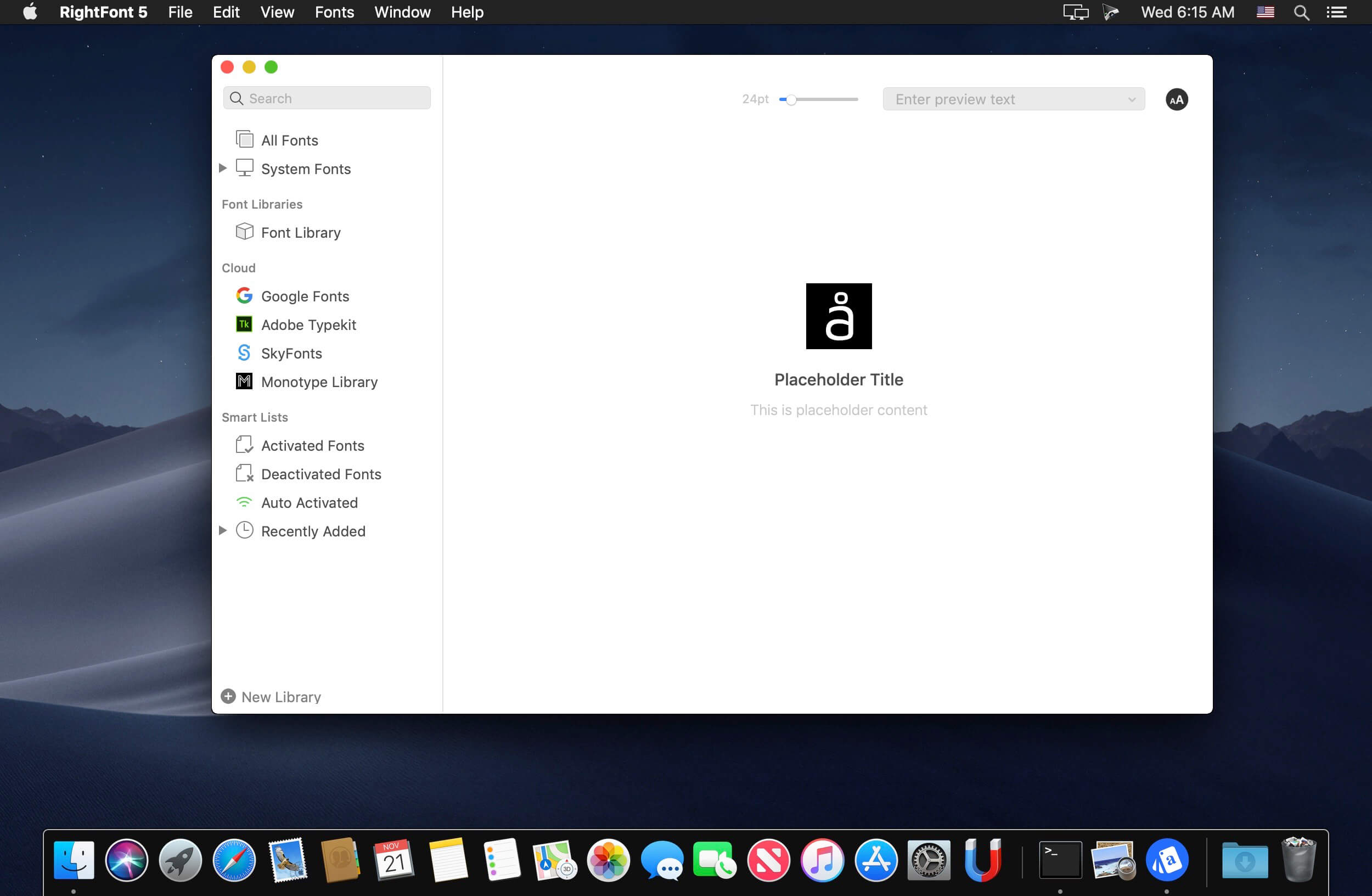
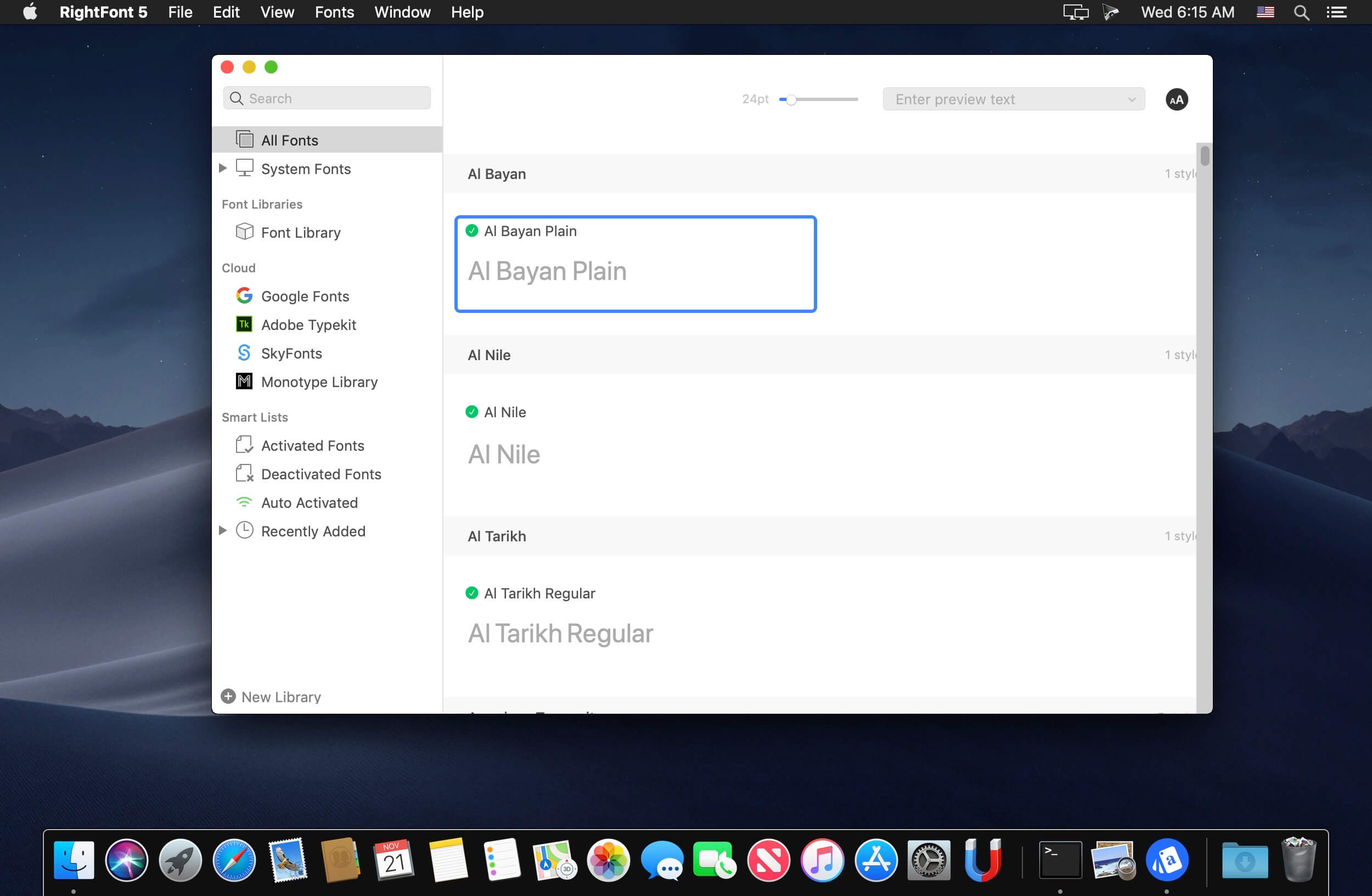
RightFont is an innovative, beautiful and professional font manager app for macOS, helping designers to preview, install, sync and manage their font files. RightFont is a lightweight font manager with a clean, beautiful interface. It offers many features which help you manage all your local fonts with ease
Font-management access anytime directly from your menubar
Mark any font as starred with a click
Create and manage font lists
Access fonts directly in Adobe Creative Cloud (Photoshop, Illustrator, InDesign, Flash, AfterEffect), Sketch, etc.
Instant search results as you type
Change font preview and font size in real-time Find the right font faster
Easily filter fonts by classifications (sans serif, serif, script, etc.), font width and font weight. Even Google fonts and Adobe TypeKit fonts are listed separately for you.
Effortless integrations – You can use RightFont with design software. With a simple double-click, the font used in your text layer can be changed.
Interface Redesign
RightFont 5 was totally redesigned to keep a balance between simplicity and features. It’s now much easier to enable creative designers and teams accelerate their workflow.
Font Library
As you wish, Font Library is finally introduced in RightFont 5. Now you are able to organize fonts and fontlists in a font library, and free to move it anywhere for font sharing or backup purpose.
macOS Mojave Support
RightFont 5 is fully optimized for macOS Mojave, with the support for dark theme, Touchbar, color SVG fonts and more.
Better Performance
Performance is a big step forward in RightFont 5, now 2x faster than version 4.0 when importing and rendering fonts.
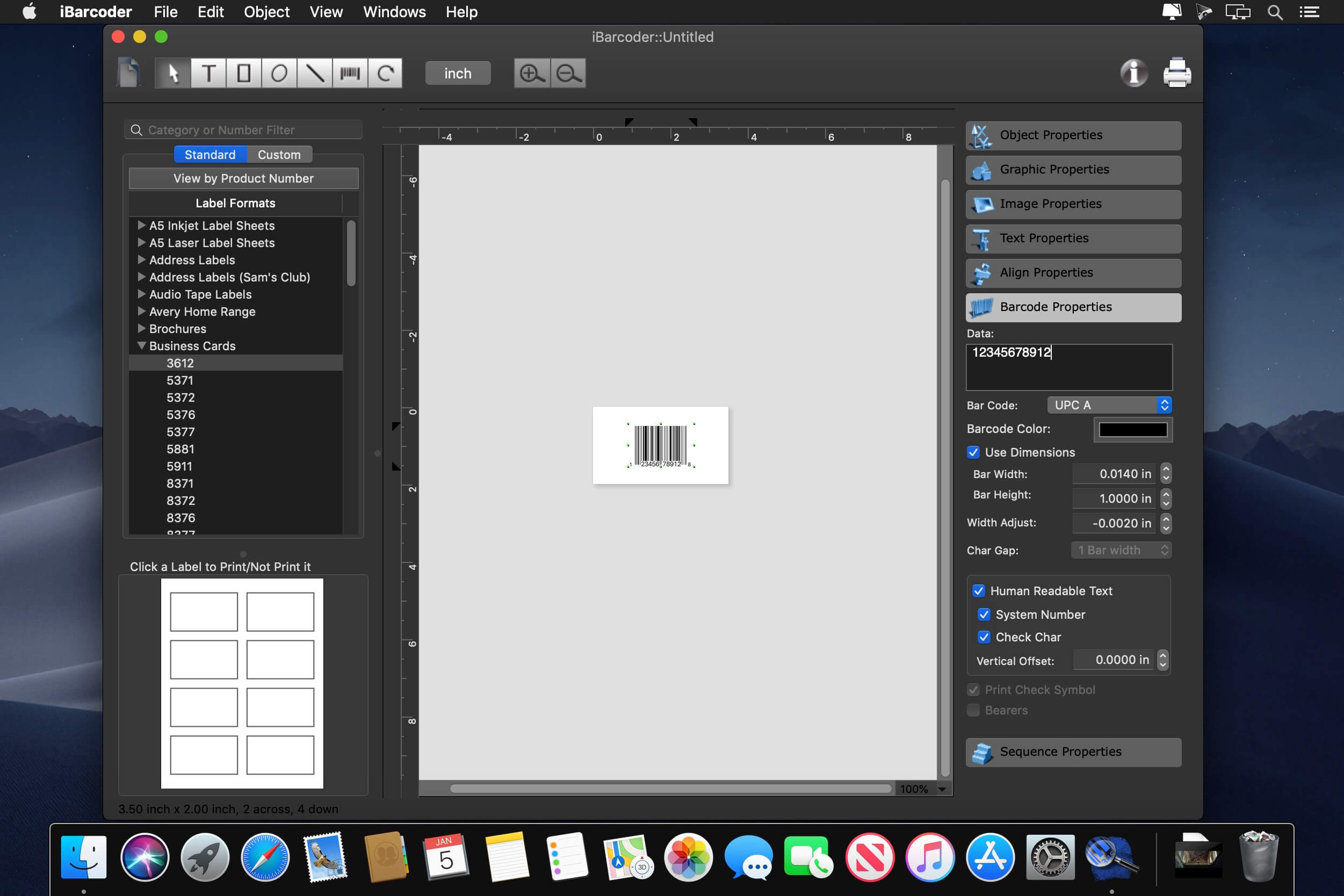
The Cristallight iBarcoder is professional mac barcode generator for creating any number of individual, or sequential barcodes, printing them as colorful barcode labels in your own style, of any size, or shape, or exporting them as graphic image files in common vector and raster image formats.
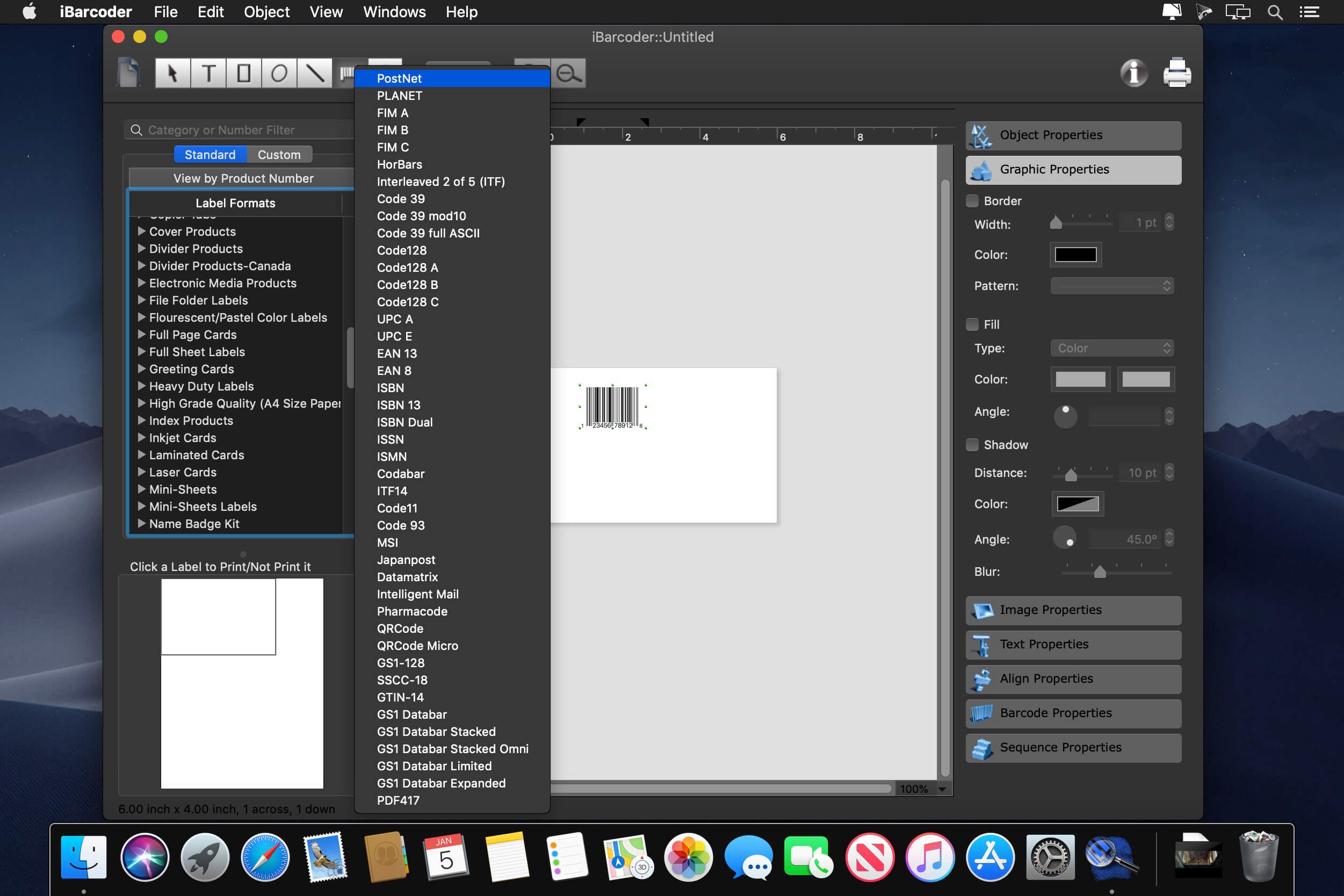
The iBarcoder makes it really easy to design and print barcode labels, stickers, tags on your mac in just a few steps. Use our mac barcode software to produce barcodes of more then 40 1-D and 2-D (Datamatrix and QR Code, etc.) barcode symbologies.
Export barcodes either as high-resolution (up to 4800 dpi) image files, or vector graphics:
PDF (vector)
EPS (vector)
BMP
TIFF
JPEG
PNG
PNTG
Photoshop and more…
What’s New:
Version 3.15.5
Release notes were unavailable when this listing was updated.
Keka is a full featured file archiver, as easy as it can be.
With Keka you can compress as many files as you want in a bunch of formats. Divide files and protect them with a password is now a kids game. Just drop the files you want to compress to the Keka icon in the Dock or the main window.
Also Keka can extract lots of compressed files, from ZIP and 7Z to RAR archives, even parted ones. Just double click on those files and they will be extracted using Keka, or drop them to the icon in the Dock or the main window.
Compression formats supported:
7Z, ZIP, TAR, GZIP, BZIP2, XZ, LZIP and ISO
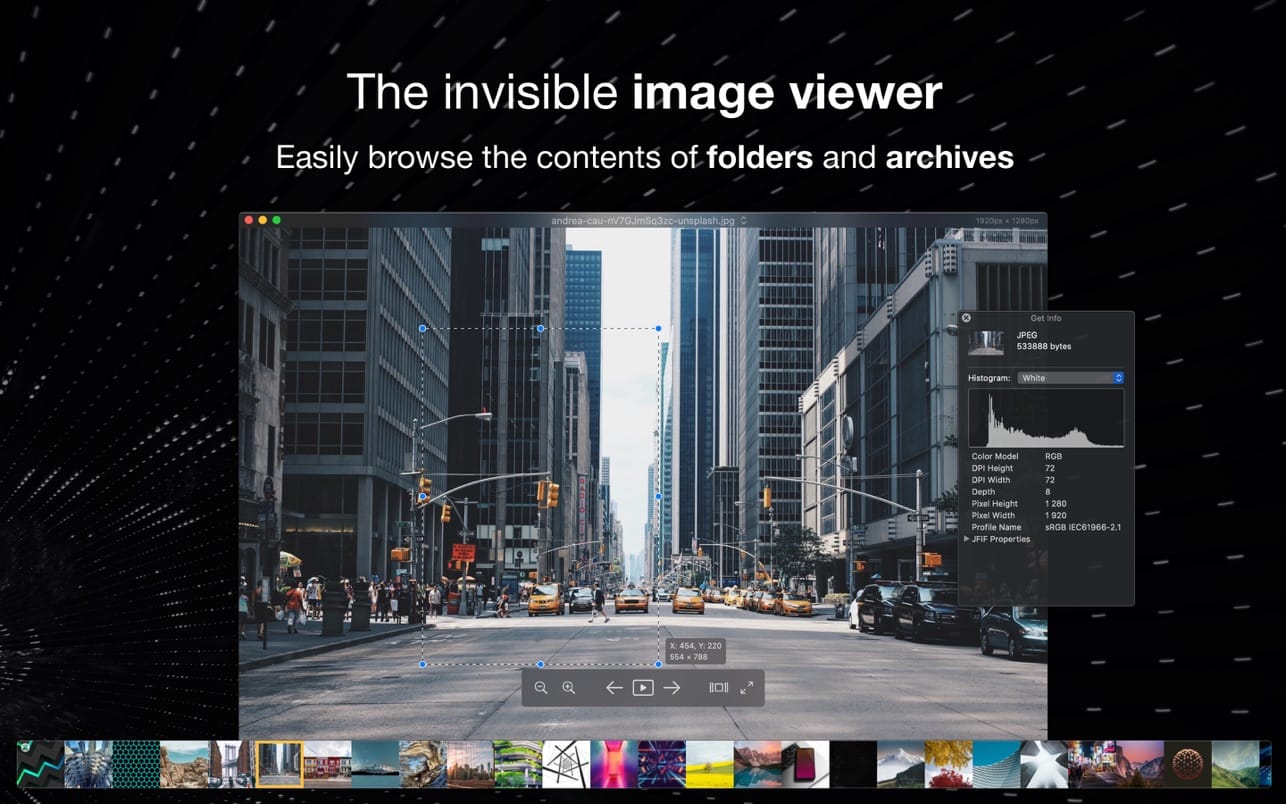
Pixea is an image viewer for macOS with a nice minimal modern user interface. Pixea works great with JPEG, HEIC, PSD, RAW, WEBP, PNG, GIF, and many other formats. Provides basic image processing, including flip and rotate, shows a color histogram, EXIF, and other information.
Supports keyboard shortcuts and trackpad gestures. Shows images inside archives, without extracting them.
Supported formats
JPEG, HEIC, GIF, PNG, TIFF, Photoshop (PSD), BMP, Fax images, macOS and Windows icons, Radiance images, Google’s WebP. RAW formats: Leica DNG and RAW, Sony ARW, Olympus ORF, Minolta MRW, Nikon NEF, Fuji RAF, Canon CR2 and CRW, Hasselblad 3FR. Sketch files (preview only). ZIP-archives.
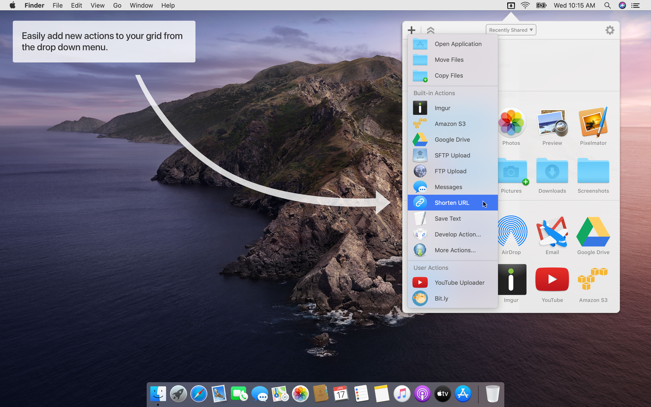
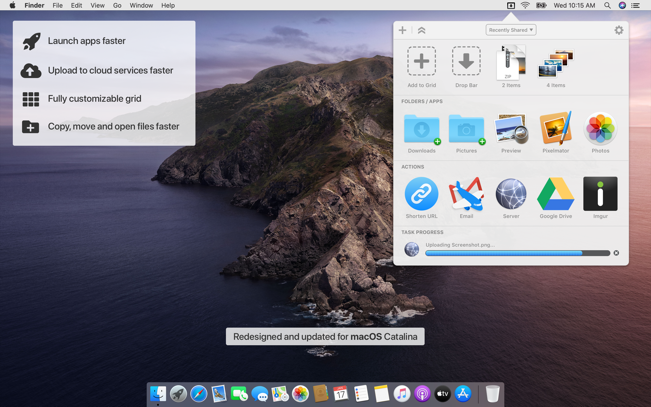
Dropzone makes it faster and easier to copy and move files, open applications and share files with many different services. Dropzone is a unique and amazing app that’s like nothing you’ve ever used before. We’ve paid fanatical attention to every detail and built an app that looks and feels like an integral part of macOS.
Dropzone ships with a powerful scripting API and with a little programming knowledge you can modify any of your actions or even create entirely new ones. This gives Dropzone unlimited extendability and utility. We’re always thinking up new actions so Dropzone will become even more useful over time.
Dropzone also includes Drop Bar – Drop Bar makes it easy to stash files you know you’ll need later. Just drop files on the Drop Bar icon in the grid and they will stick there until you’re ready to use them.
Features
Open applications, move and copy files faster than ever before.
Shorten URLs quickly using Tinyurl shortener. Just select a URL to shorten and press Ctrl+Option+Cmd+S and the shortened URL is automatically copied to the clipboard.
AirDrop integration lets you drop files or folders from any app and share them with your other Macs over the network.
Imgur integration lets you share images fast and get a link for pasting.
Upload files to Amazon S3 (Dropzone Pro feature).
Upload files to your FTP server (Dropzone Pro feature).
Upload files to your Google Drive (Dropzone Pro feature).
Download and install add-on actions that let you upload to services like Google Drive, YouTube and many others (Dropzone Pro feature).
Powerful multi-tasking engine allows you to run multiple tasks at once and track the progress of each one through the in-grid task status area.
See how tasks are progressing at a glance in the animated menu item.
Launch Dropzone actions with the newly added keyboard shortcuts feature (Dropzone Pro feature).
Add applications, folders or actions to your grid easily by dragging and dropping them on the Add to Grid area.
Develop your own actions using the updated and massively improved Ruby or Python API (Dropzone Pro feature).