Photomatix Pro processes multiple photographs of a high contrast scene into a single image with details in both highlights and shadows. Photomatix offers two types of processes to increase the dynamic range. One process is called HDR Tone Mapping, the other Exposure Blending. Both processes are designed to produce an image with an increased apparent dynamic range, but their results are different. You should try both and then choose the result that works best with your images.
Features:
» Generation of HDR (High Dynamic Range) images from differently exposed images
» Conversion of single RAW file into pseudo-HDR image
» Tone Mapping tool for revealing highlights and shadows details in HDR image
» HDR Viewer shows local HDR image data at the appropriate exposure
» Display of HDR Histogram (logarithmic)
» Ability to batch tone map single HDR images
» Function to tone map large HDR image files while benefiting from a preview
» Read and Write support for Radiance RGBE (.hdr), OpenEXR (.exr) and Floating Point TIFF
» Color managed HDR workflow: passing trough of ICC color profiles from the source to the tone mapped images, and color managed display
» Four algorithms for Exposure Blending
» Automatic alignment option for hand-held images with two alignment methods available
» Preview and Loupe available for all Exposure Blending methods
» Ability to select the images for method ‘H&S – 2 images’
» Automatic Batch Processing
» Support JPEG, TIFF, Radiance RGBE, OpenEXR, PNG, PSD, RAW files from several camera models
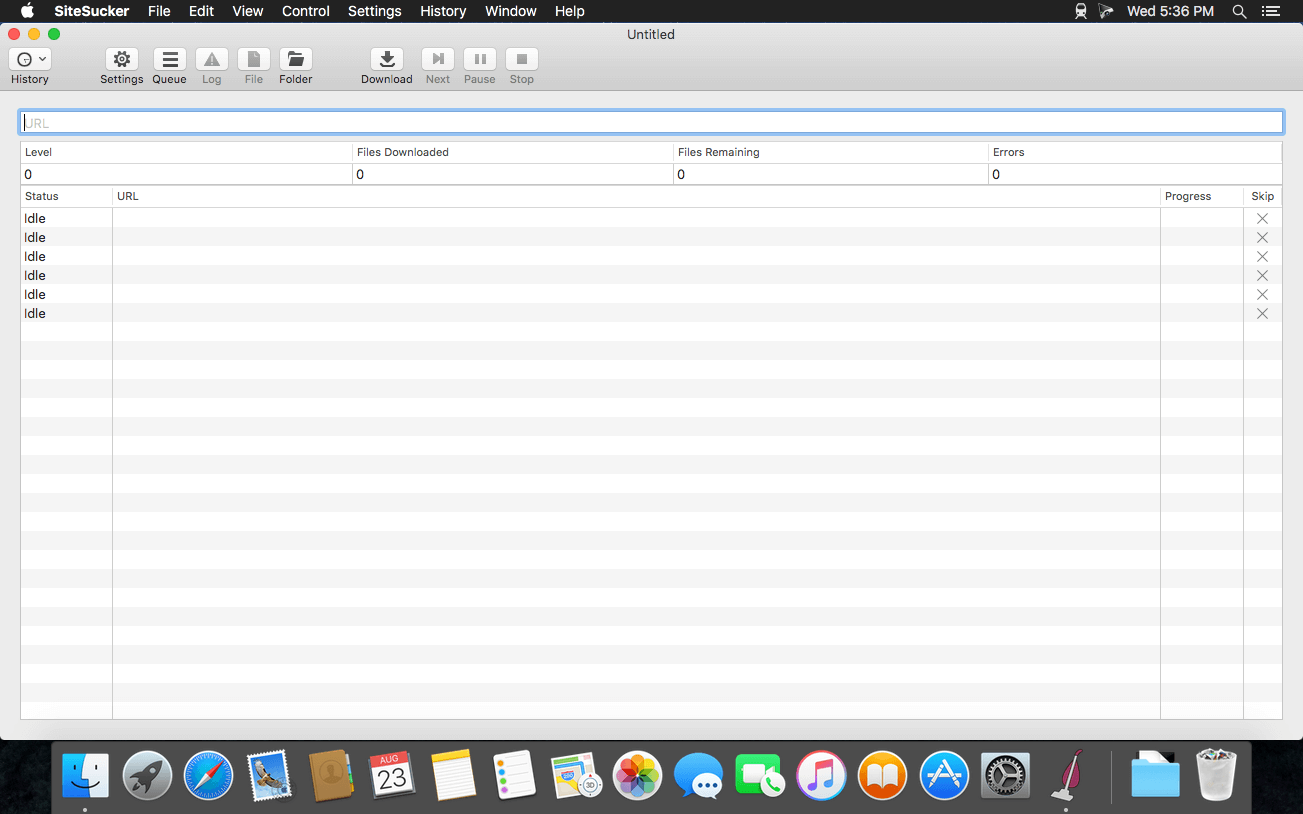
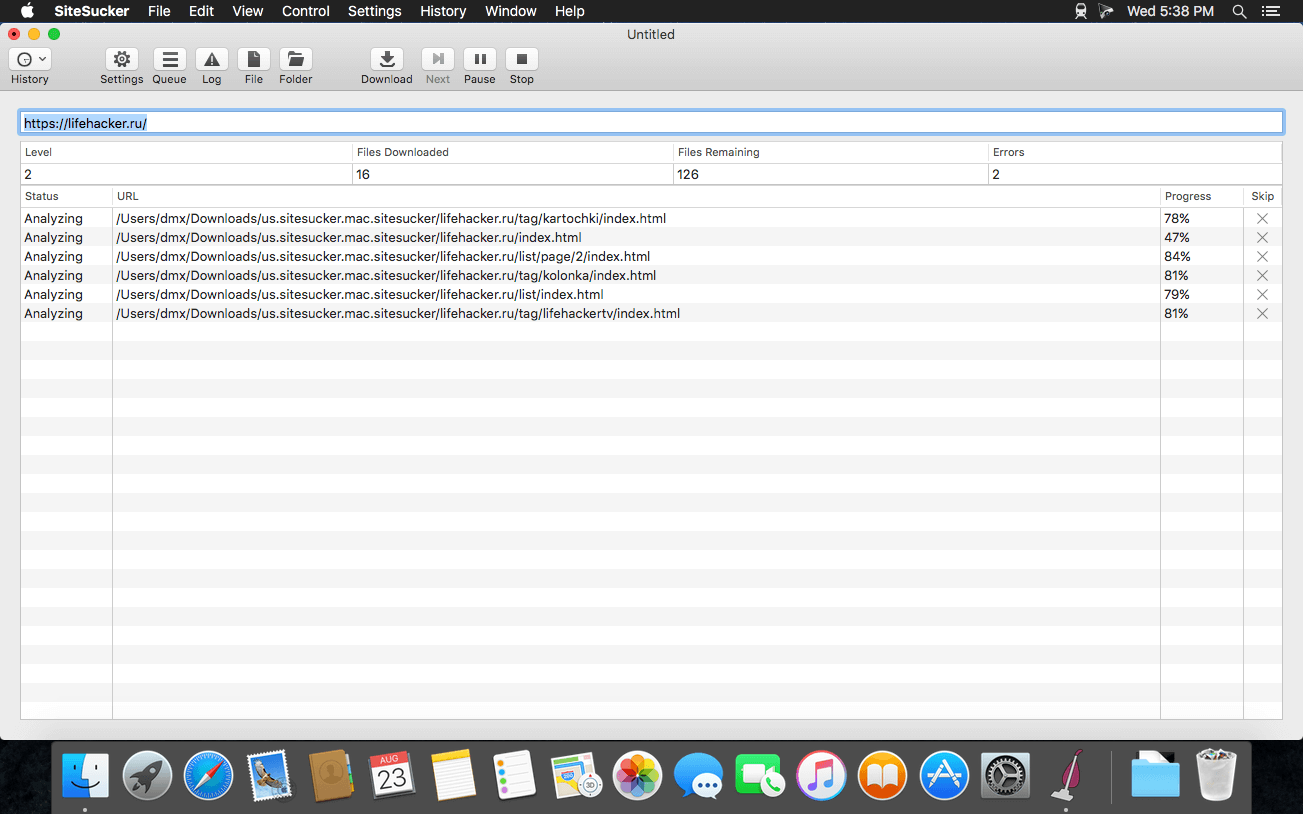
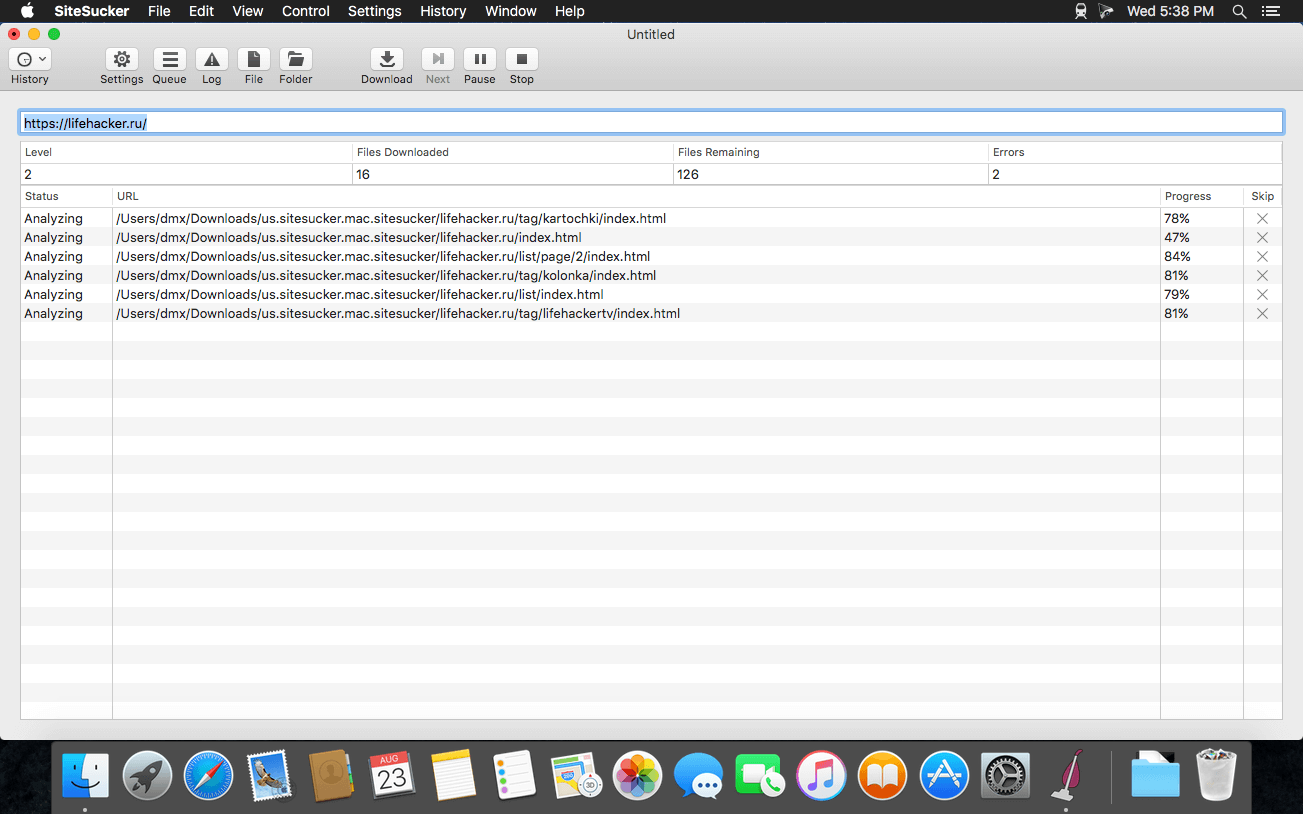
SiteSucker is an Macintosh application that automatically downloads Web sites from the Internet. It does this by asynchronously copying the site’s webpages, images, PDFs, style sheets, and other files to your local hard drive, duplicating the site’s directory structure. SiteSucker Pro is an enhanced version of SiteSucker that can download embedded videos, including embedded YouTube and Vimeo videos.
SiteSucker can be used to make local copies of Web sites. By default, SiteSucker “localizes” the files it downloads, allowing you to browse a site offline, but it can also download sites without modification.
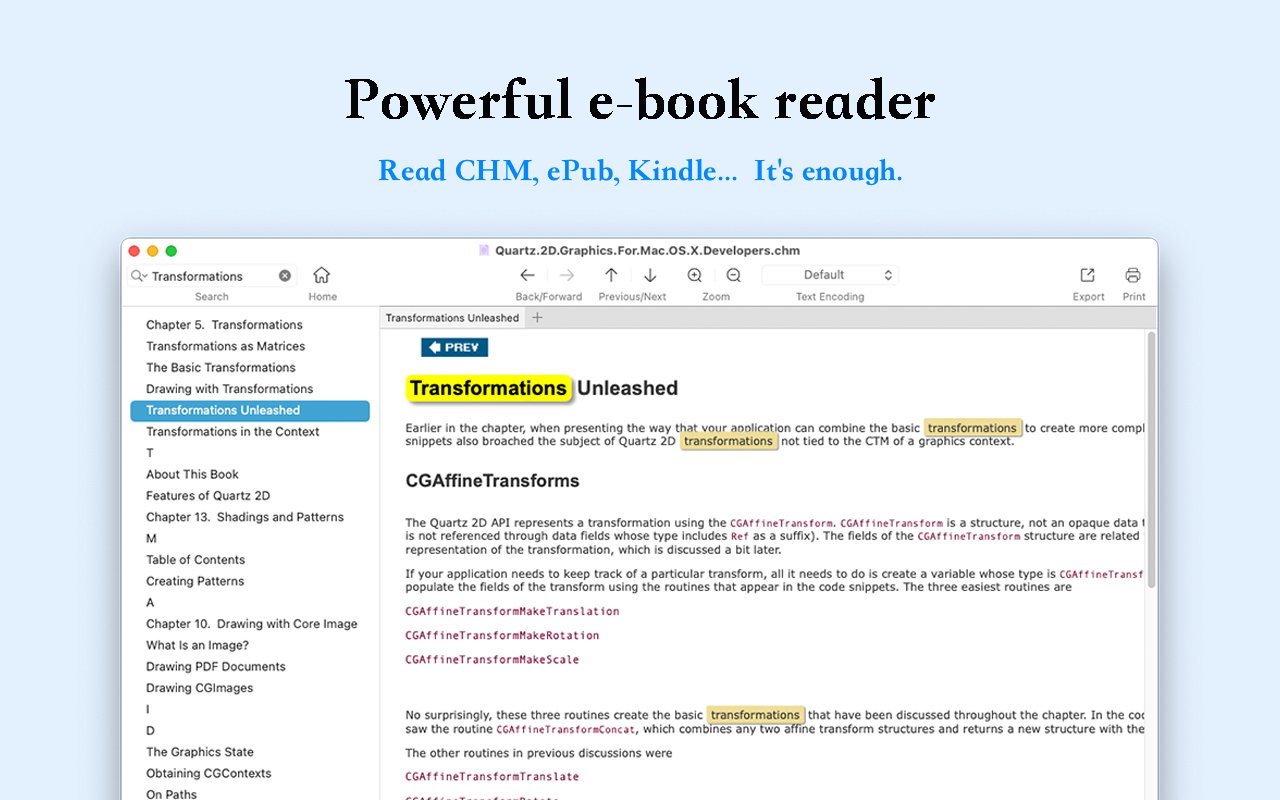
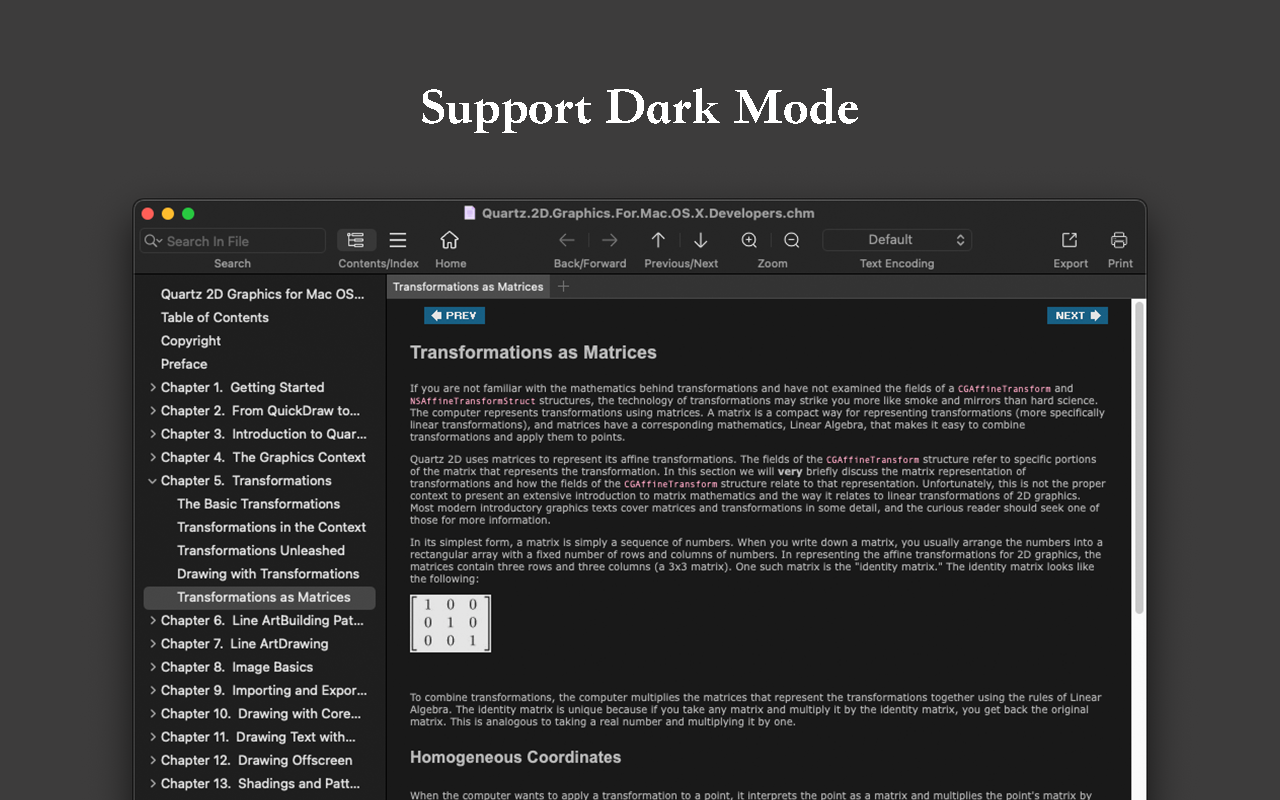
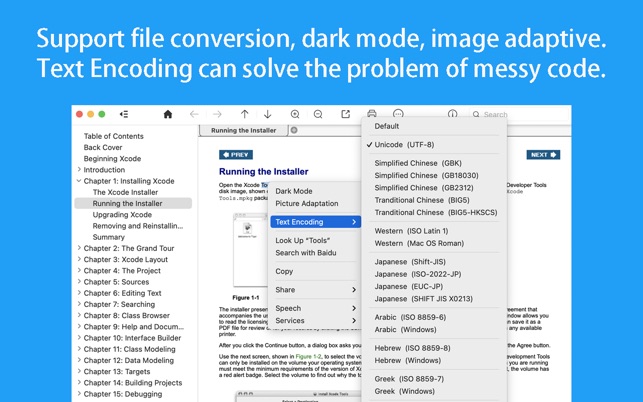
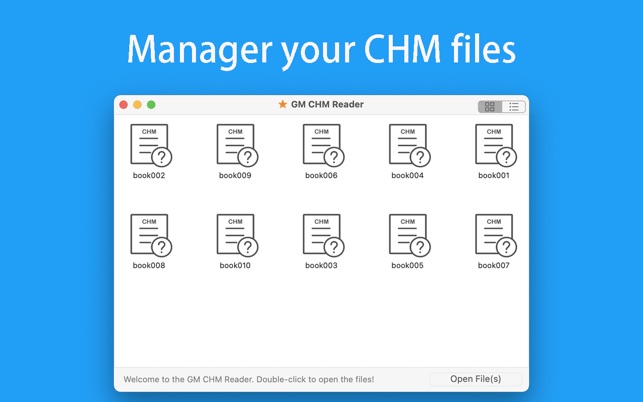
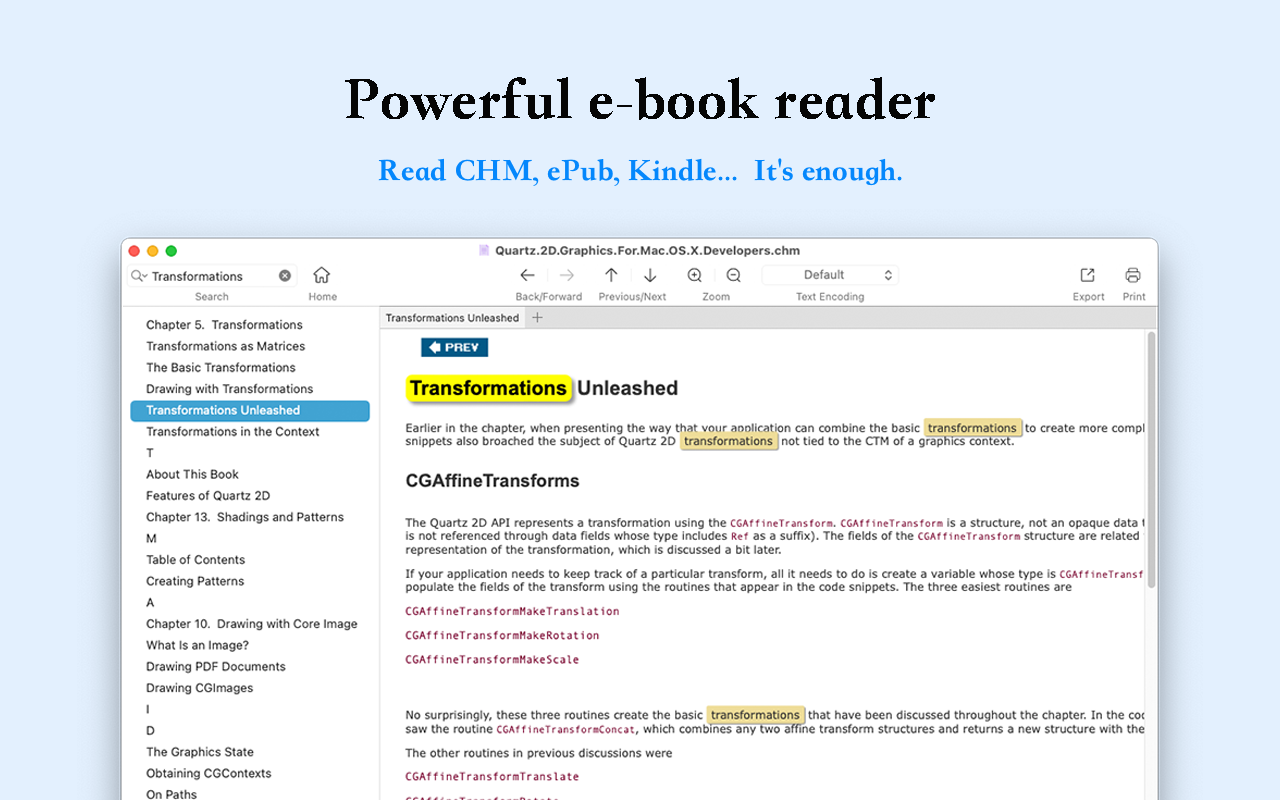
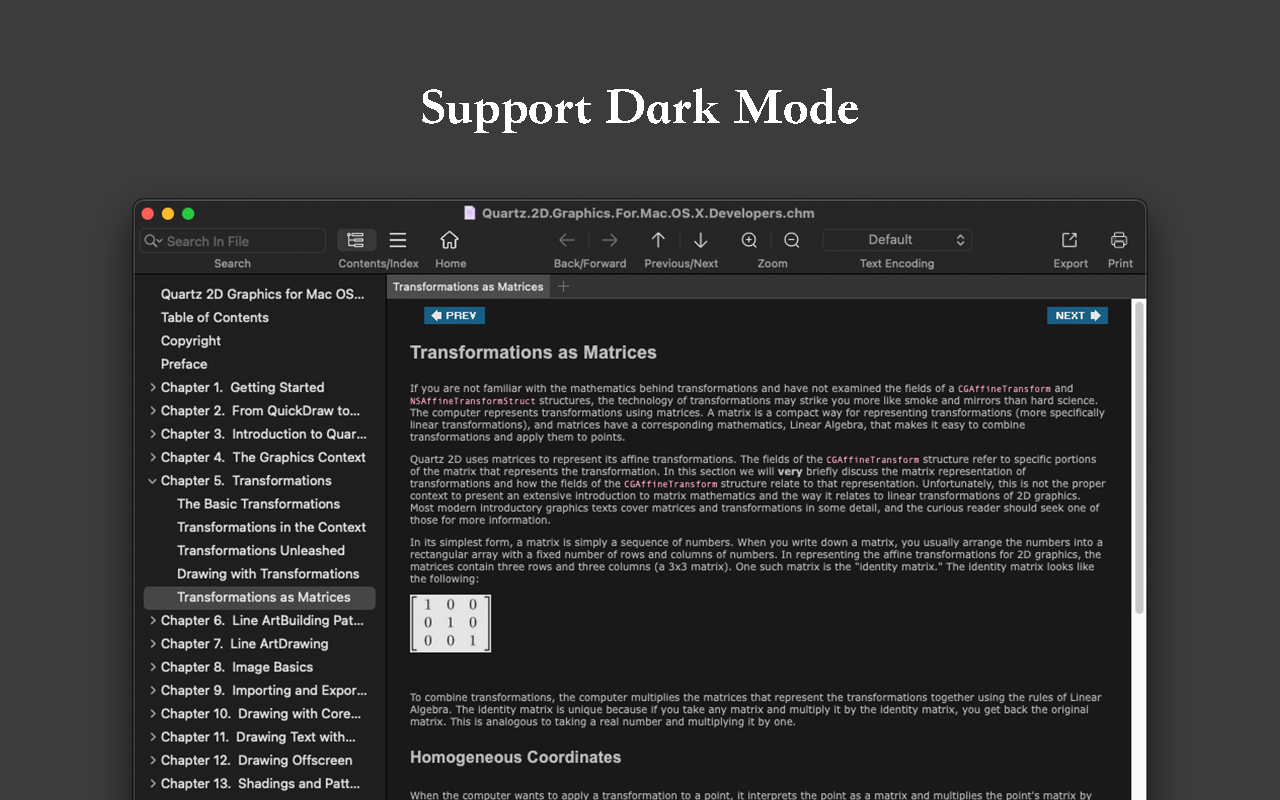
Read EPUB,CHM,MOBI… use it.. GM Reader is a fully functional book Reader with a simple and beautiful interface and a good reading experience.
▸ Features
– Supports reading EPUB, CHM and Kindle files.
– Support single page search and full text search, and highlight search results.
– Support the forward and backward browsing history.
– Supports page turning, zooming, and sidebar shrinking.
– Support page printing.
– Support to view the basic information of the file.
– Supports file export to EPUB, PDF.
– Support to extract all images in the file.
– Support file coding, deal with the problem of garbled code.
– Support image adaptive, automatically adjust the size of the picture.
▸ Bookrack
– All the files you have read will be saved in the bookshelf for quick review next time.
– Supports file drag and drop addition.
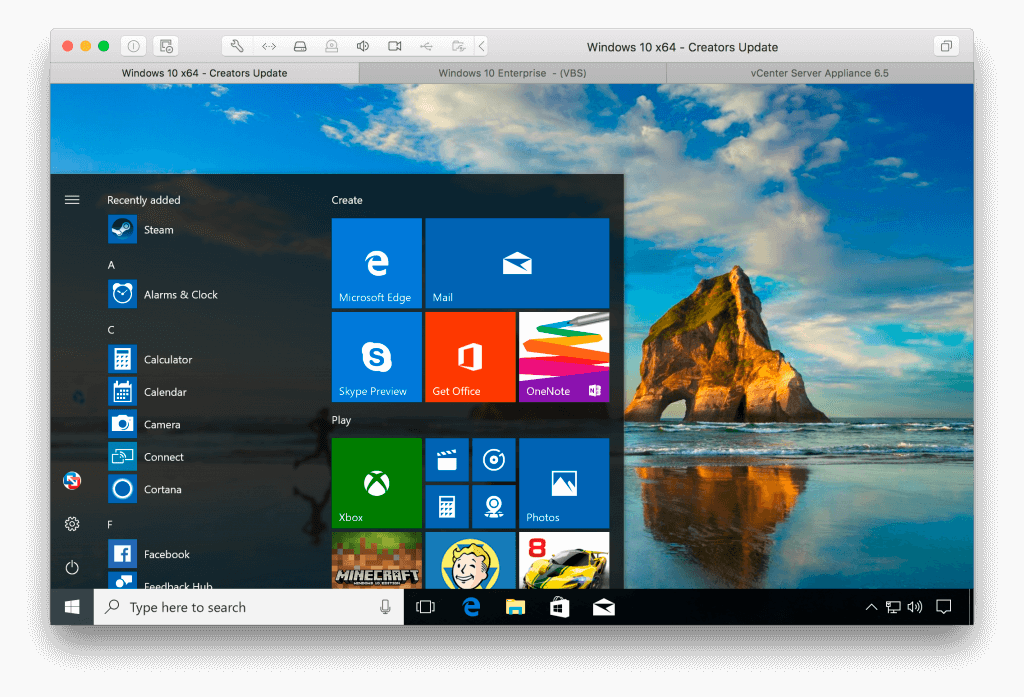
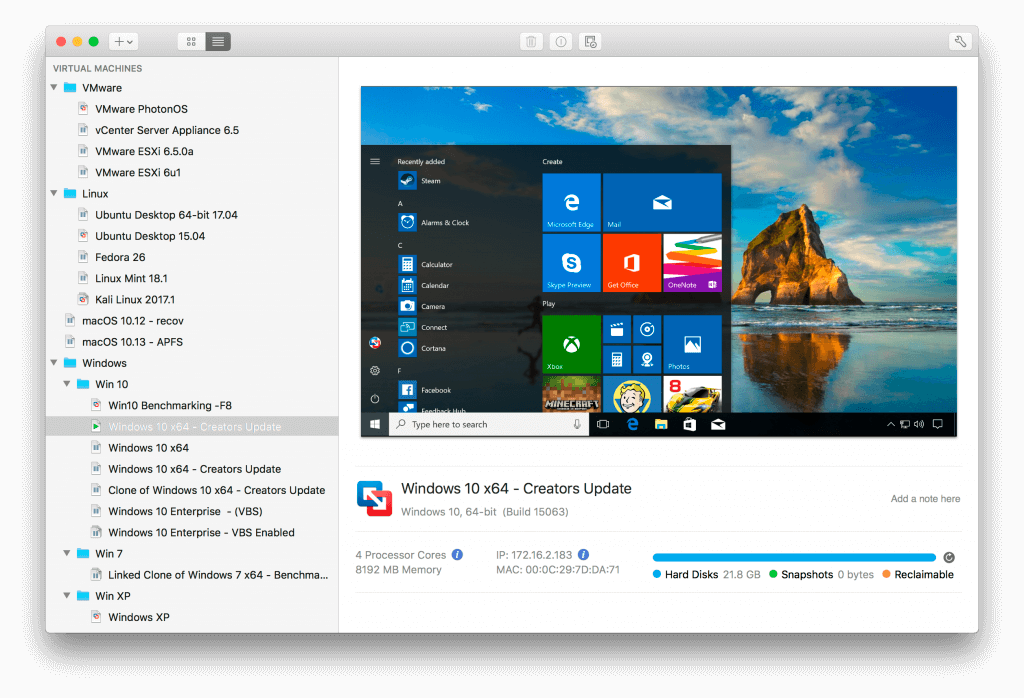
VMware Fusion gives Mac users the power to run Windows on Mac along with hundreds of other operating systems side by side with Mac applications, without rebooting. Fusion is simple enough for home users and powerful enough for IT professionals, developers and businesses.
Run Nearly Any Operating System on a Mac
Running Windows on Mac is only the beginning. VMware Fusion lets you choose from hundreds of supported operating systems, from lesser-known Linux distributions to the latest Windows 10 release.
Connect to VMware vSphere
Securely connect with vSphere, ESXi and Workstation servers to launch, control and manage both virtual machines (VMs) and physical hosts. Thanks to the common VMware platform, VMs can be easily transferred from the vSphere data center to the Mac desktop and then run in Fusion.
Develop and Test for Any Platform
Fusion makes it simple to test nearly any OS and app on a Mac. Build and test apps in a sandbox while securely sharing local source files and folders. Fusion Pro now includes a RESTful API to integrate with modern development tools like Docker, Vagrant, Ansible, Chef, and others to fit the power of VMware into today’s Agile and DevOps-oriented production pipelines.
Design and Demo Complex Solutions
With the ability to run an entire virtual cloud stack on a single Mac, solution architects can demonstrate their entire software solution in real time, with safe rollback points to return to known configurations. Fully express the story of your software journey by running all of its components on a single notebook to show the wor
Compatibility: macOS 12.0 or later, Apple Silicon or Intel Core processor Homepagehttps://www.vmware.com
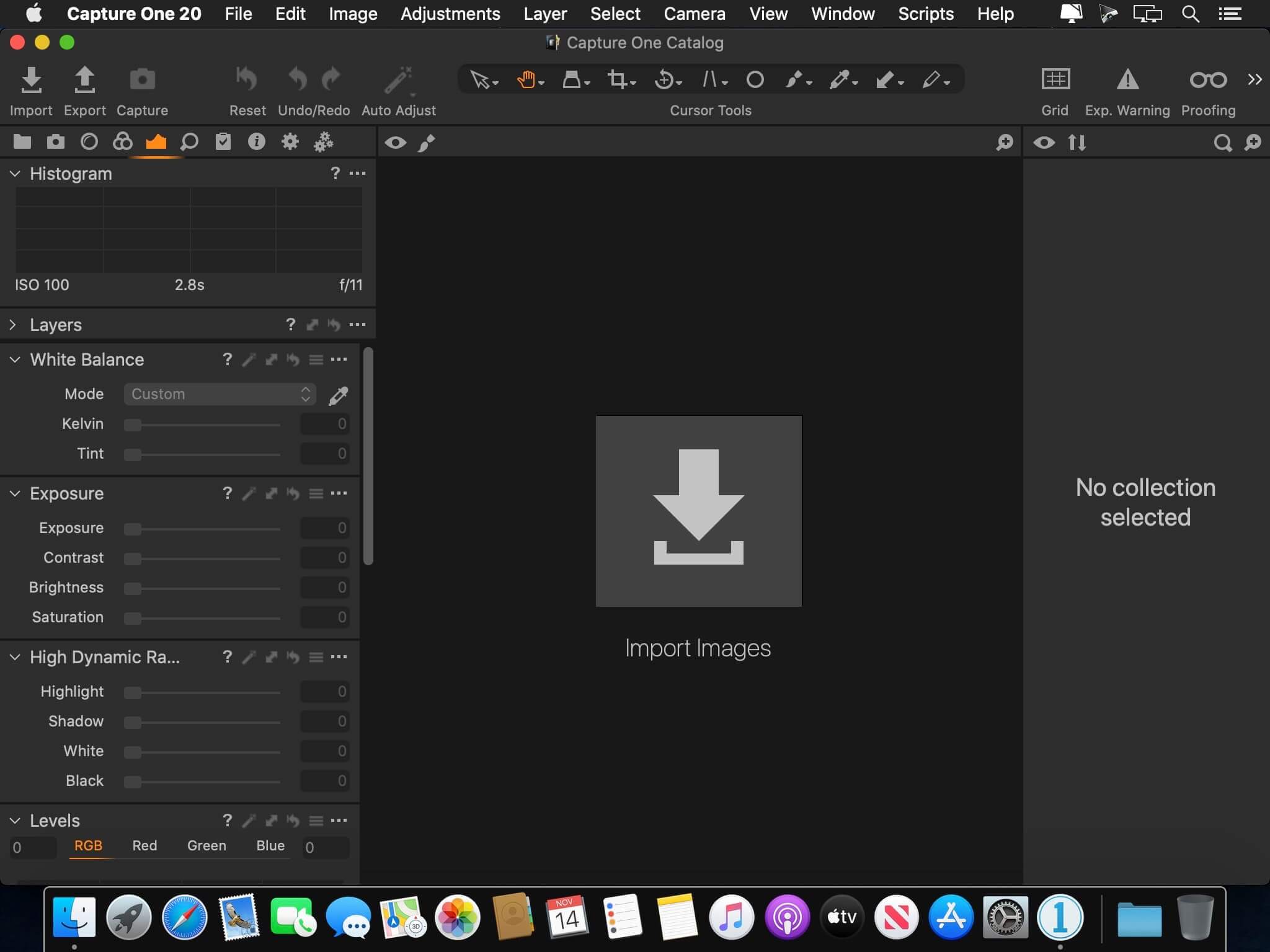
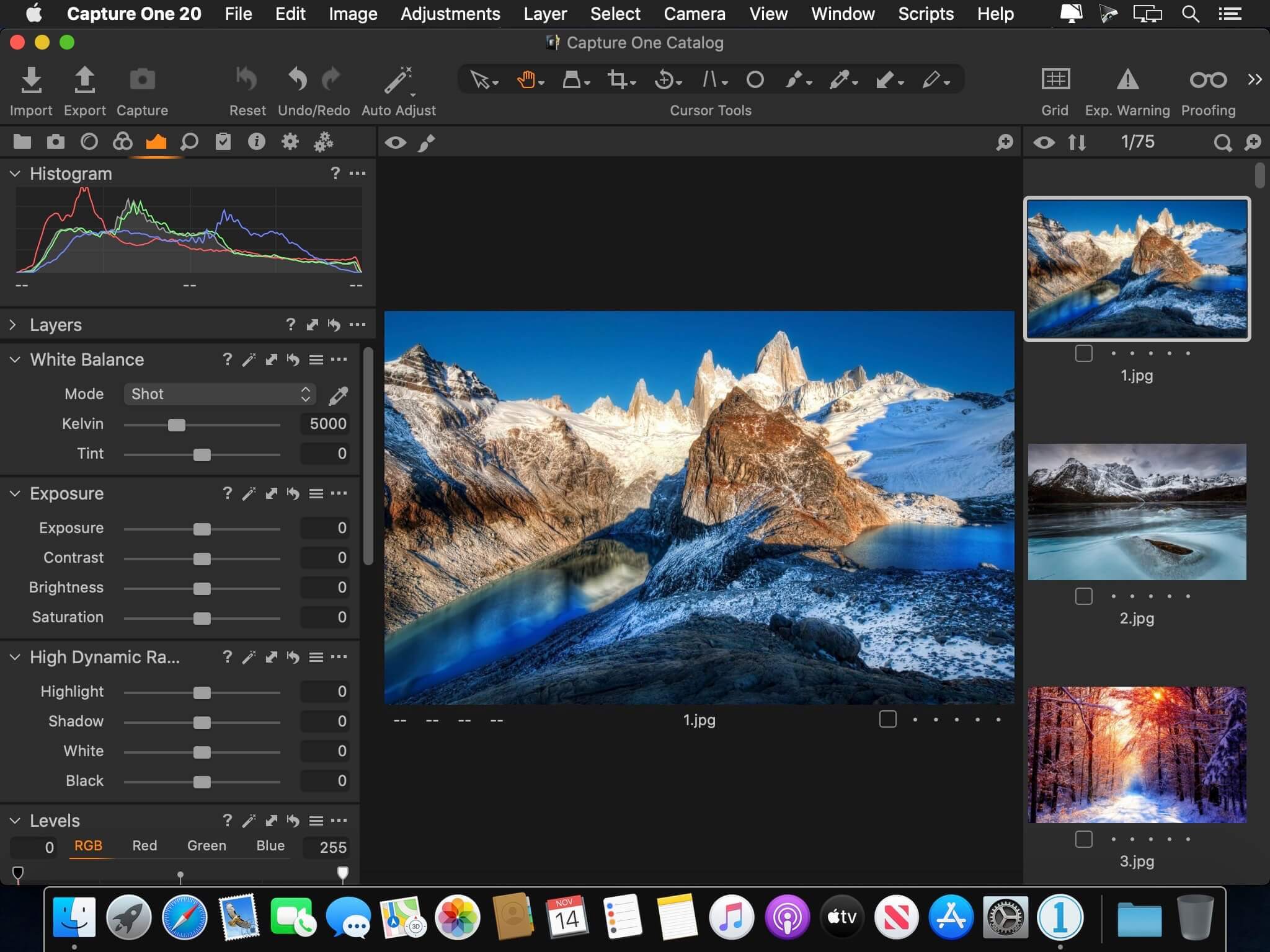
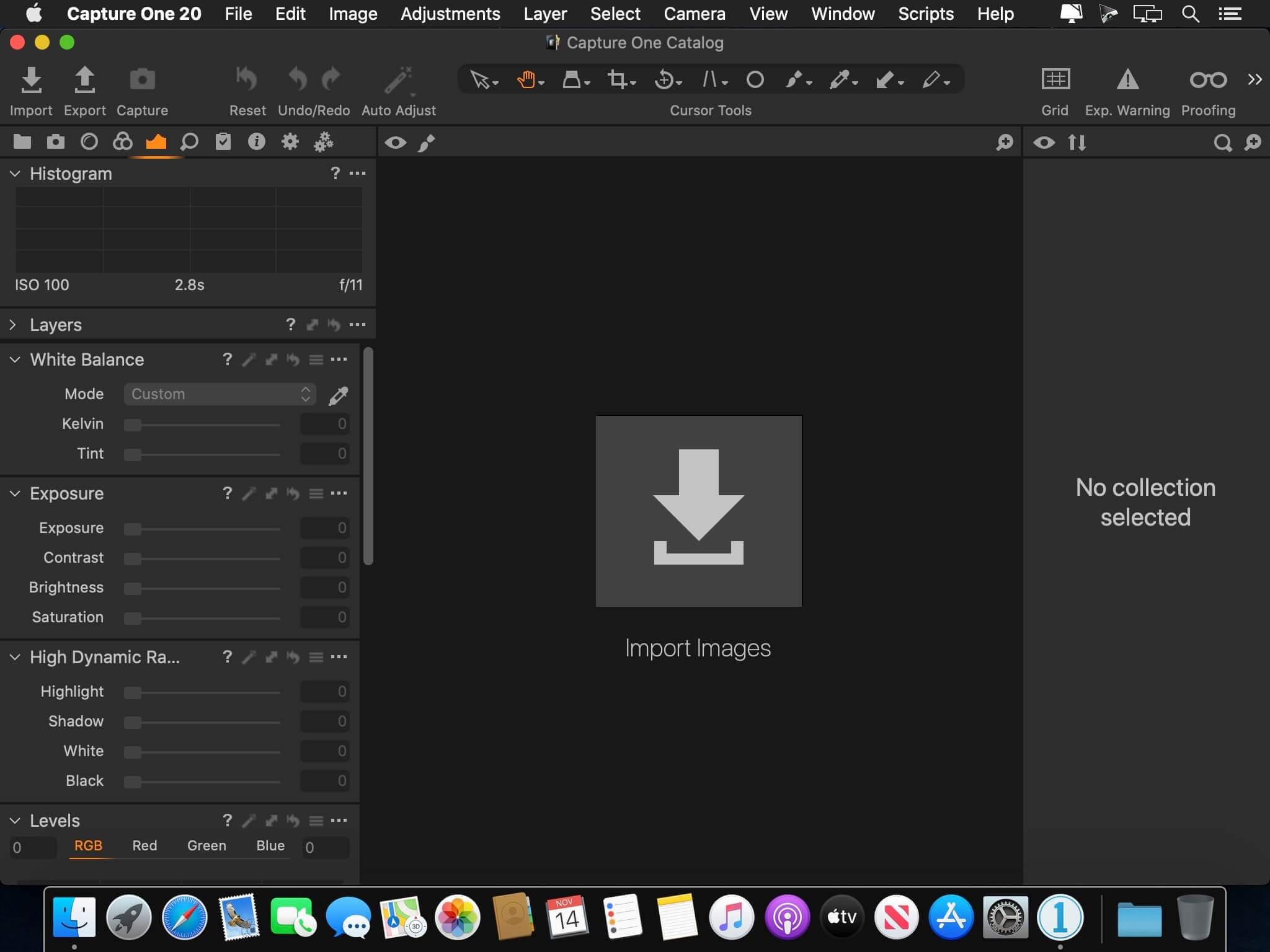
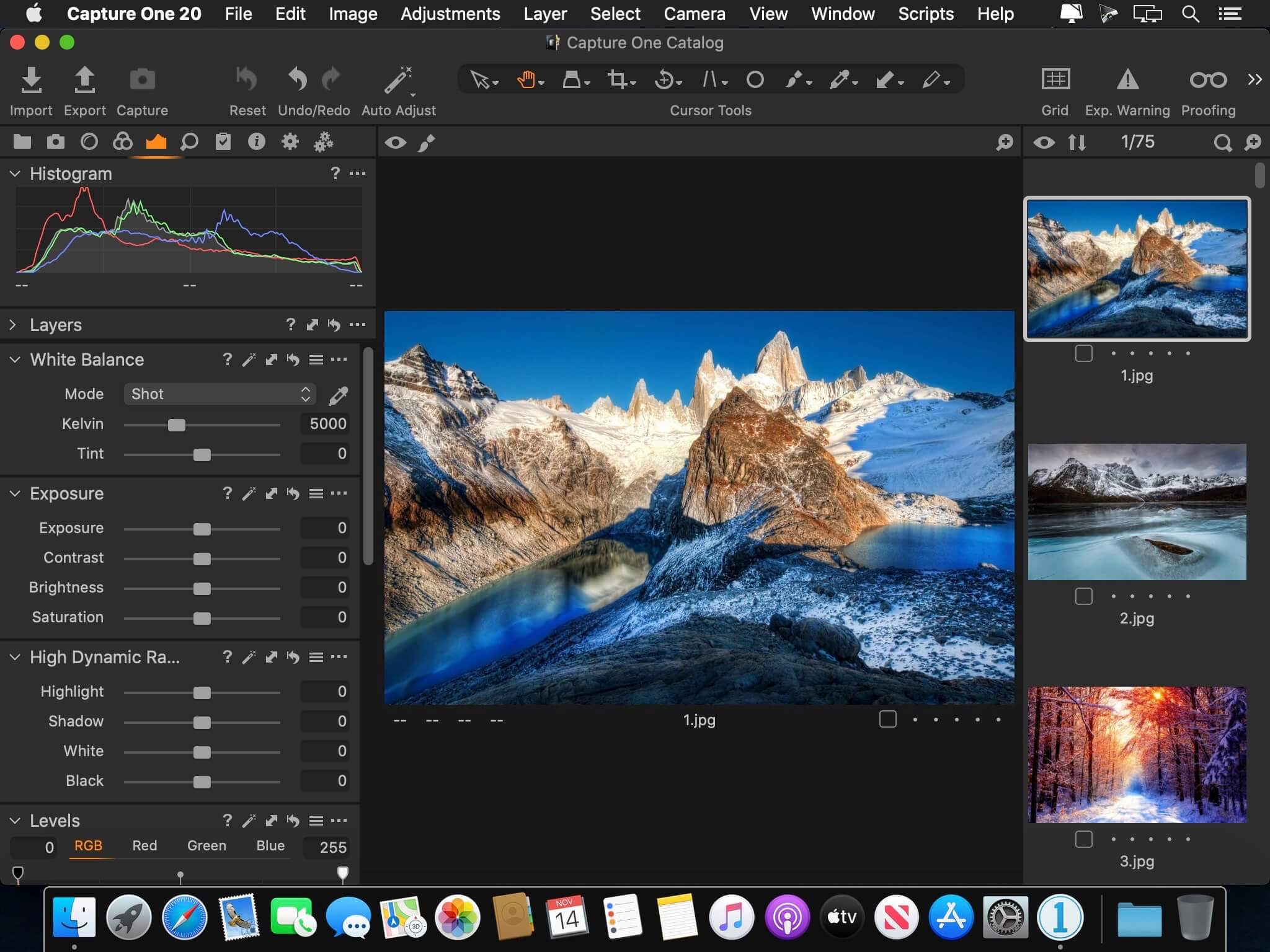
Capture One 23 is a professional RAW converter offering you ultimate image quality with beautiful colors and incredible detail for more than 500 high-end cameras. It offers state- of-the-art tethered capture, powerful digital asset management, extensive adjustment tools and a flexible workflow through customizable workspaces.
With an updated processing engine, market-leading performance and powerful new features, Capture One is the professional choice in imaging software. You get the highly responsive precision tools you need to create stunning images from your camera’s RAW files in a time-saving workflow that can be customized to fit your needs.
New features and improvements
Speed Edit
Dehaze
Improved importer
General User Experience Improvements and tweaks
HEIF support
Easy brush adjusting
Improved performance
Colored gradients on White Balance Sliders
Enhanced tooltips
Easy access to Tutorials
Compatibility: macOS 10.15 or later , Apple Silicon (M1) native support Homepagehttps://www.phaseone.com/
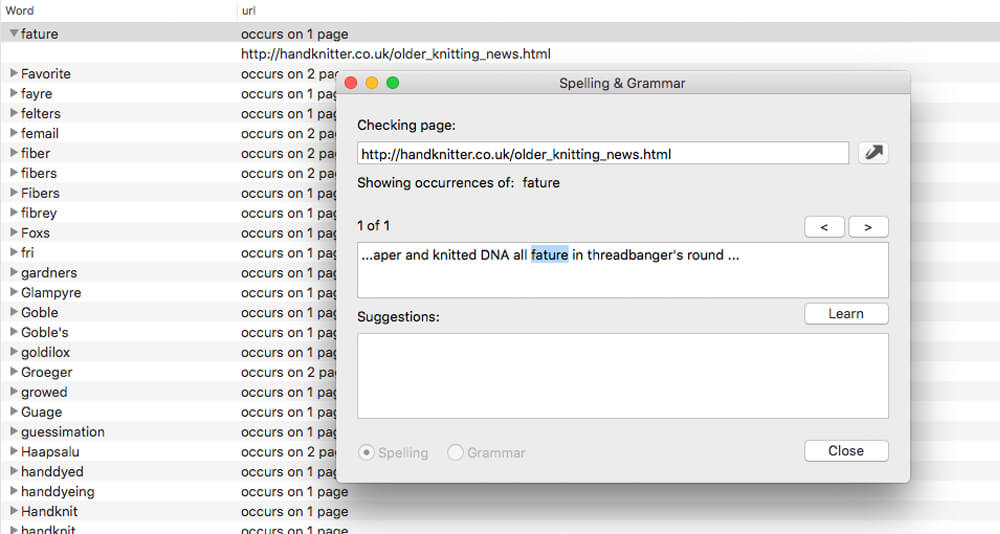
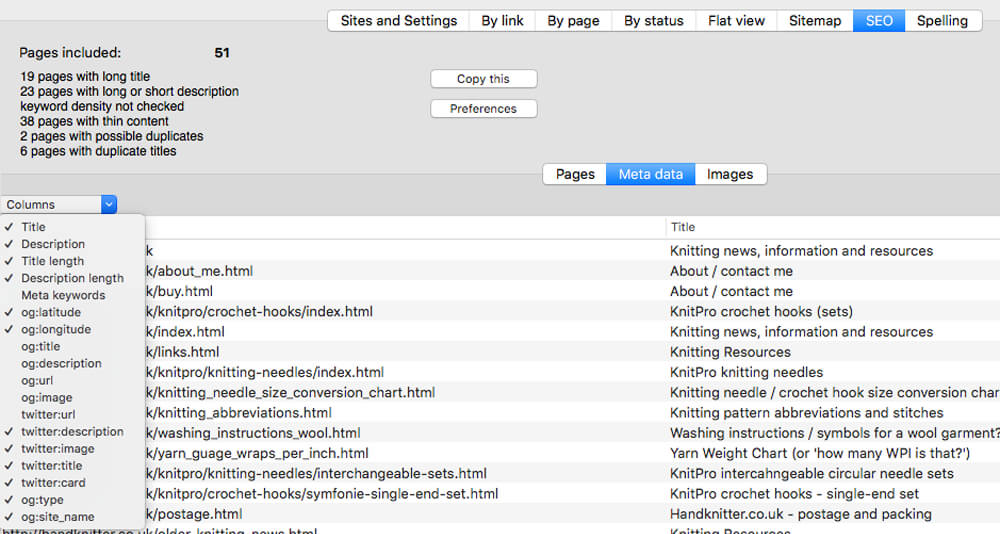
Integrity Pro builds on Integrity Plus. It has the new v10 crawling engine, it checks links and generates a sitemap with all the searching, filtering and exporting functionality of the Plus version. It adds SEO details and a sitewide spellcheck. It isn’t intended to replace Scrutiny, but to be pitched between Integrity Plus and Scrutiny, a more affordable step for Integrity Plus users.
There will, of course, be an upgrade from Integrity Plus, but this early public beta is simply free until the stable version is released.
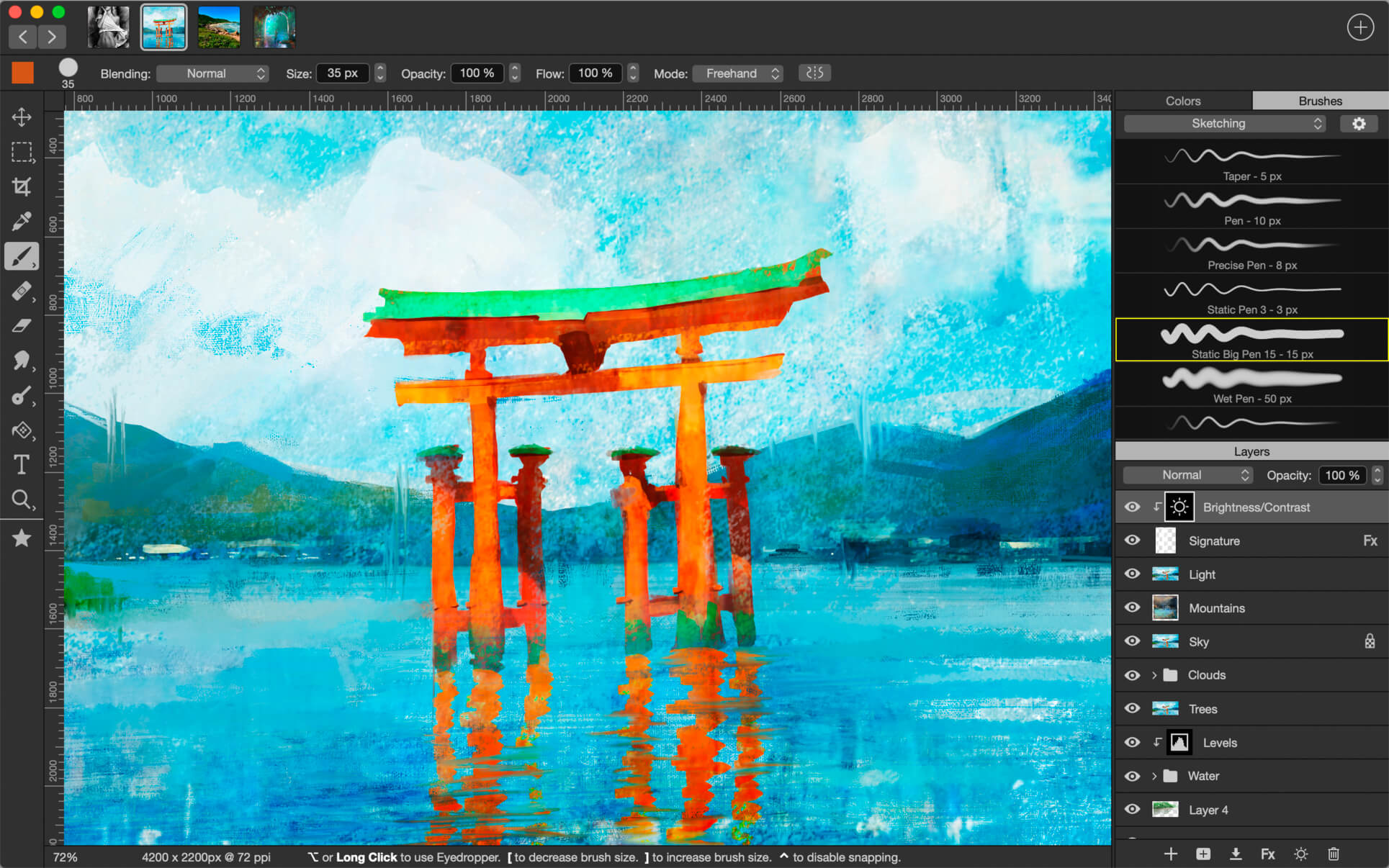
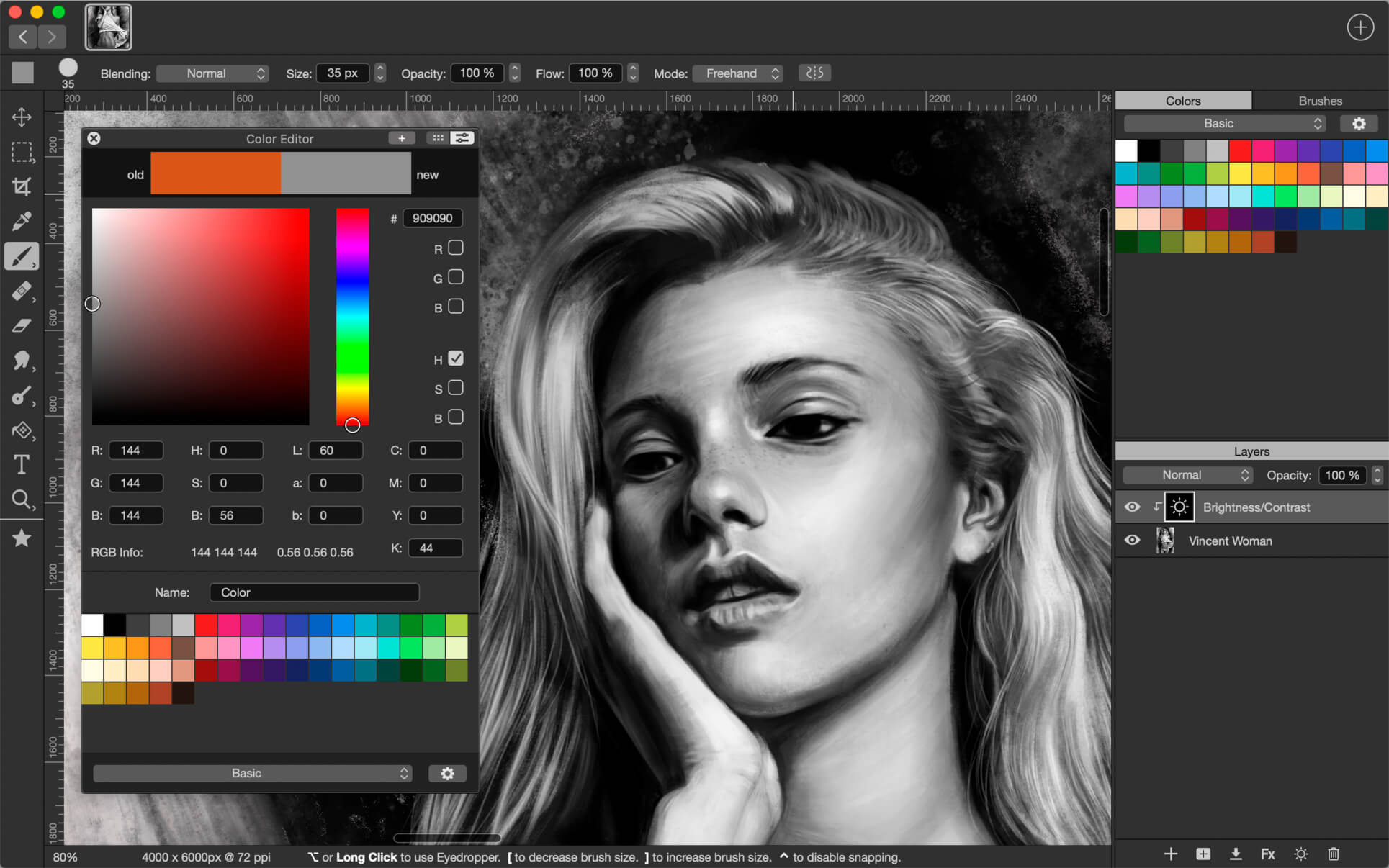
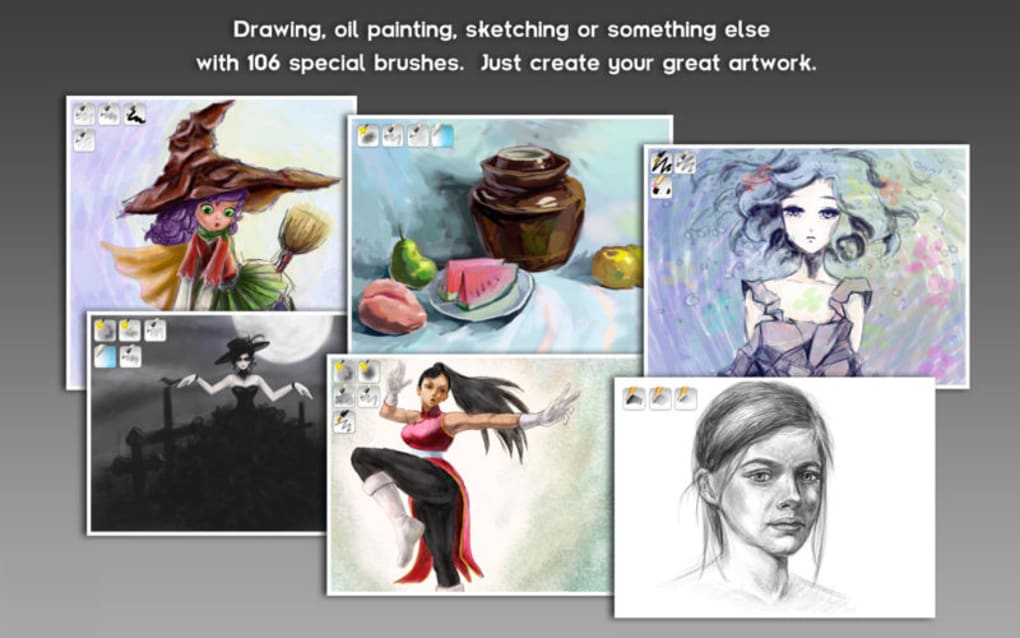
Introducing Artstudio Pro, the most powerful painting and photo editing app available for both macOS and iOS . The successor to our famous ArtStudio app has been redesigned bringing many new features and improvements taking full advantage of the latest technologies Metal, iCloud Drive, and optimized for 64-bit multi-core processors to achieve the smoothest possible workflow.
Hundreds of assets are included and users have the ability to import resources in the most popular formats (ABR, TPL, PAT, GRD, ASE, ACO) giving instant access to millions of brushes, patterns, gradients, color swatches and fonts. It will boost your creativity and help you bring your ideas to life quickly and easily.
New engine
The powerful GPU accelerated ArtEngine developed by Lucky Clan is 5-10 times faster than the previous engine. It allows working with multiple documents, supports large canvas sizes and an unlimited number of layers. Incredible optimization ensures smooth work even with large canvases.
Advanced Brush engine
Perfectly optimized, lag free mechanism generating smooth, real looking strokes, making the most of the stylus.
Brush size up to 4000×4000
64-bit painting with pattern, double stamp, wet brush, dynamics
Brush editor with 80 customizable settings
Over 100 built-in brushes divided into a few groups: Painting, Sketching, Markers, Inking, Dots & Specks, and more
Symmetric painting with custom symmetry line
Professional photo editor
Photo editing options developed in cooperation with professional photographers. Each feature was tested in several scenarios and light conditions.
15 adjustments available as non-destructive layer or simple adjustment: Brightness/Contrast, Levels, Curves, Exposure/Gamma, Shadows/Highlights, Vibrance, Hue/Saturation, Color Balance, Temperature/Tint, Black and White, Gradient Map and more
4 auto adjustments: Auto Contrast, Levels, Lightness, Saturation
Dozens of filters with realtime preview and the ability to generate seamless patterns
Inpaint, Elastify (Liquify) ,Lighting, Depth Of Field, Denoise
Retouching tools: Heal, Dodge, Burn, Sponge and more
Image resize, Canvas resize
Crop using special tool, crop from selection, trim transparent areas
Import/Export
We have implemented many parsers from the most popular assets/images formats and we are especially proud of our ABR/TPL parser which not only reads brush stamps and patterns, but also most settings which are converted to Artstudio Pro brush engine values.
Import
Images – PNG, JPEG, PSD, HEIC, TIFF, GIF, most raw formats
Brushes – ABR, TPL
Color swatches – ASE, ACO
Patterns – PAT
Gradients – GRD
Fonts – TTF, OTF
Export
Images – PNG, JPEG, PSD, TIFF, PDF
Other features
Full iCloud integration
Screen recording
All features available on macOS, iPad and iPhone
Selection displayed as marching ants, quick mask or invisible
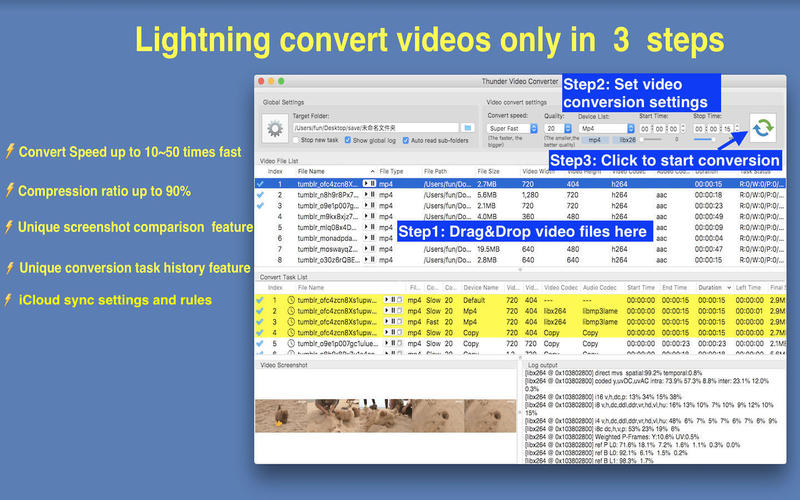
Conversion speed is as fast as thunder, output file is as slim as thunder!
Key Features
Without the loss of video quality, it only need 5~10 mins to convert 1 hour video.
Without the loss of video quality, it can compress 1G video to only 100M.
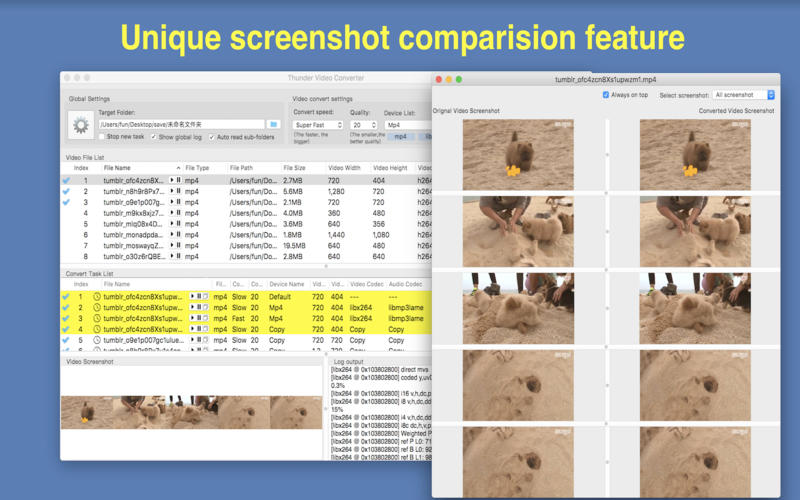
Unique video comparison function, It is very easy to compare the quality of original video and the converted video.
Unique conversion history function, it can help to check the conversion history, help users to determine the best conversion parameter fast。
Support iCloud to sync app settings and video conversion rules. Users can sync app settings cross multi-devices with the same apple ID, all Thunder video converter users can share the video conversion rules, it will save your effort and time greatly.
Basic Features
Support all popular video format,including mpg,mp4,avi,3gp,rm,rmvb and etc.
Support customize video conversion parameter, support convert video for all computer , phone and pads.
Support read all videos in subfolders automatically, support video screenshot, video sorting, help users to choose videos to convert.
Support lossless video convert&cut , super fast without having to wait.
Support multiple video convert tasks.
How to use
Step1: Drag video files and folder to “video file list” table view;
Step2: Choose video conversion parameters.
Step3: Click “Convert” button and wait the conversion finished.
What’s New:
Version 5.2
Fix bug when click “Factory Defaults” from setting page, please upgrade as soon as possible
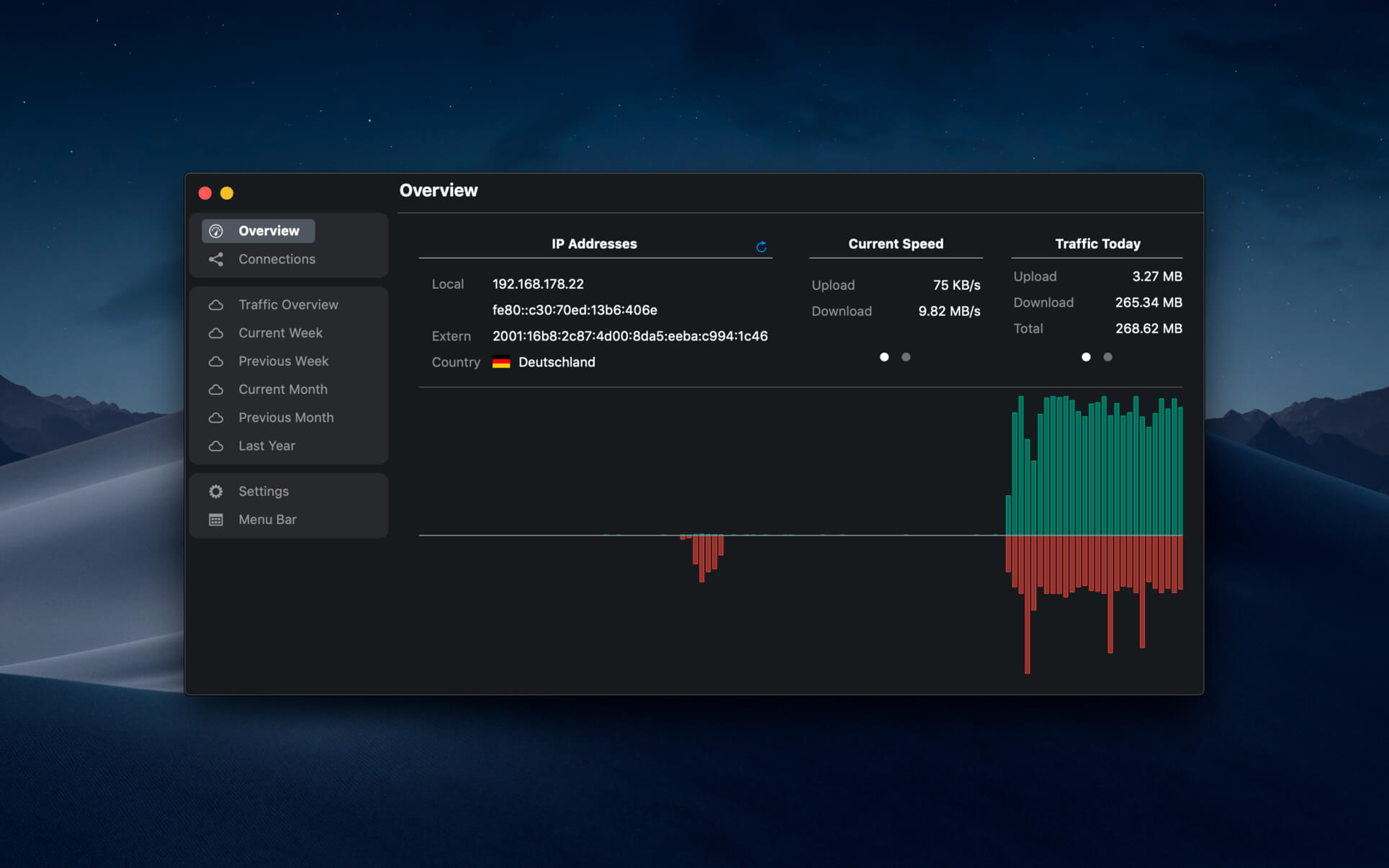
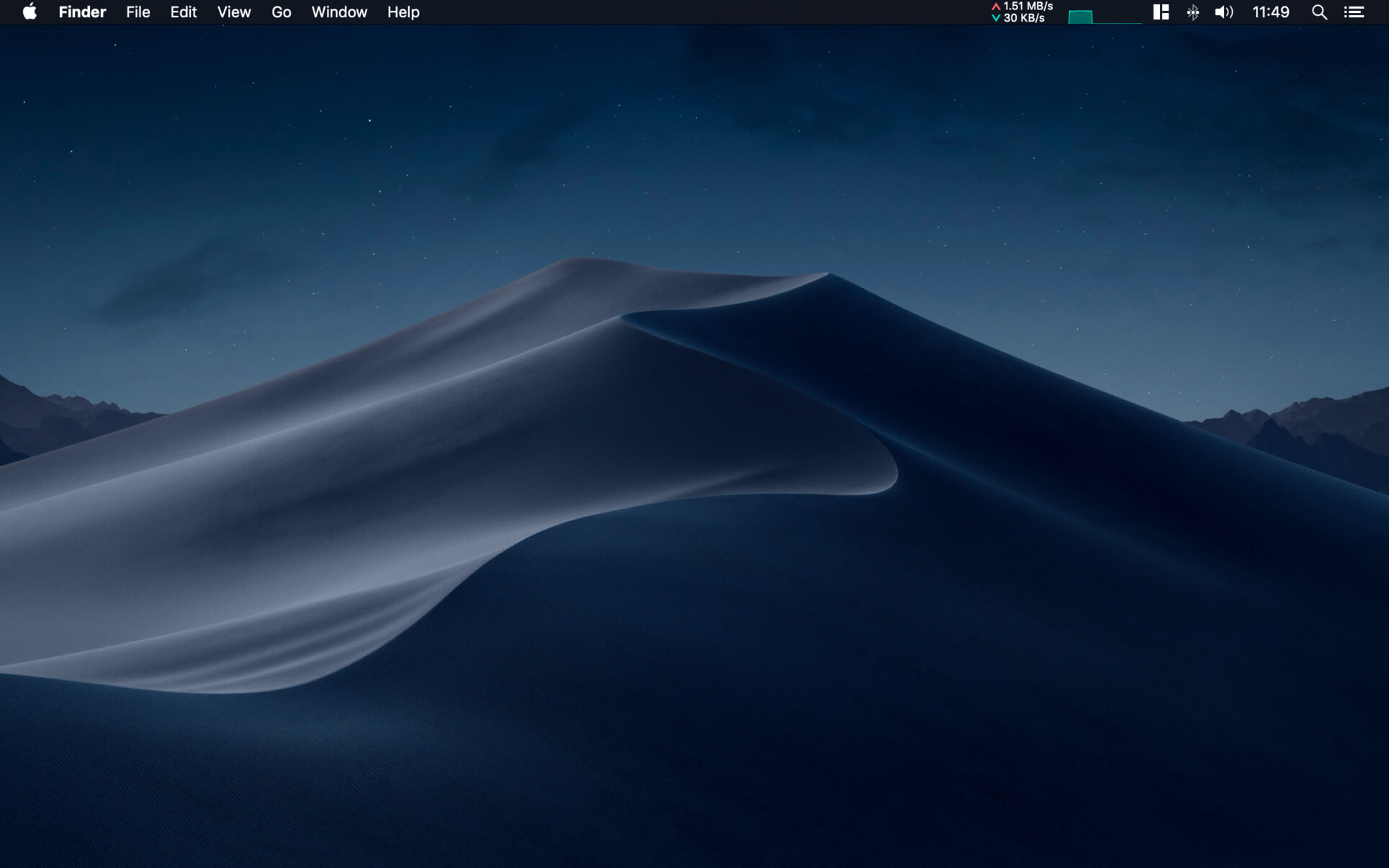
NetWorker shows network information conveniently in the menu bar. It also features a window that shows additional information about the currently active network adapter.
NetWorker features:
Fully customizable view – you can choose which information is shown and select many different, pre-defined widgets.
The currently active network adapter is detected automatically.
Optional overlay window that always stays on top – useful for fullscreen apps or games.
Adjustable refresh interval.
Check your external IP address.
Choose between a byte- or bit-mode.
Support for auto start.
Traffic Overview: Use this feature if you are on a volume limited plan.
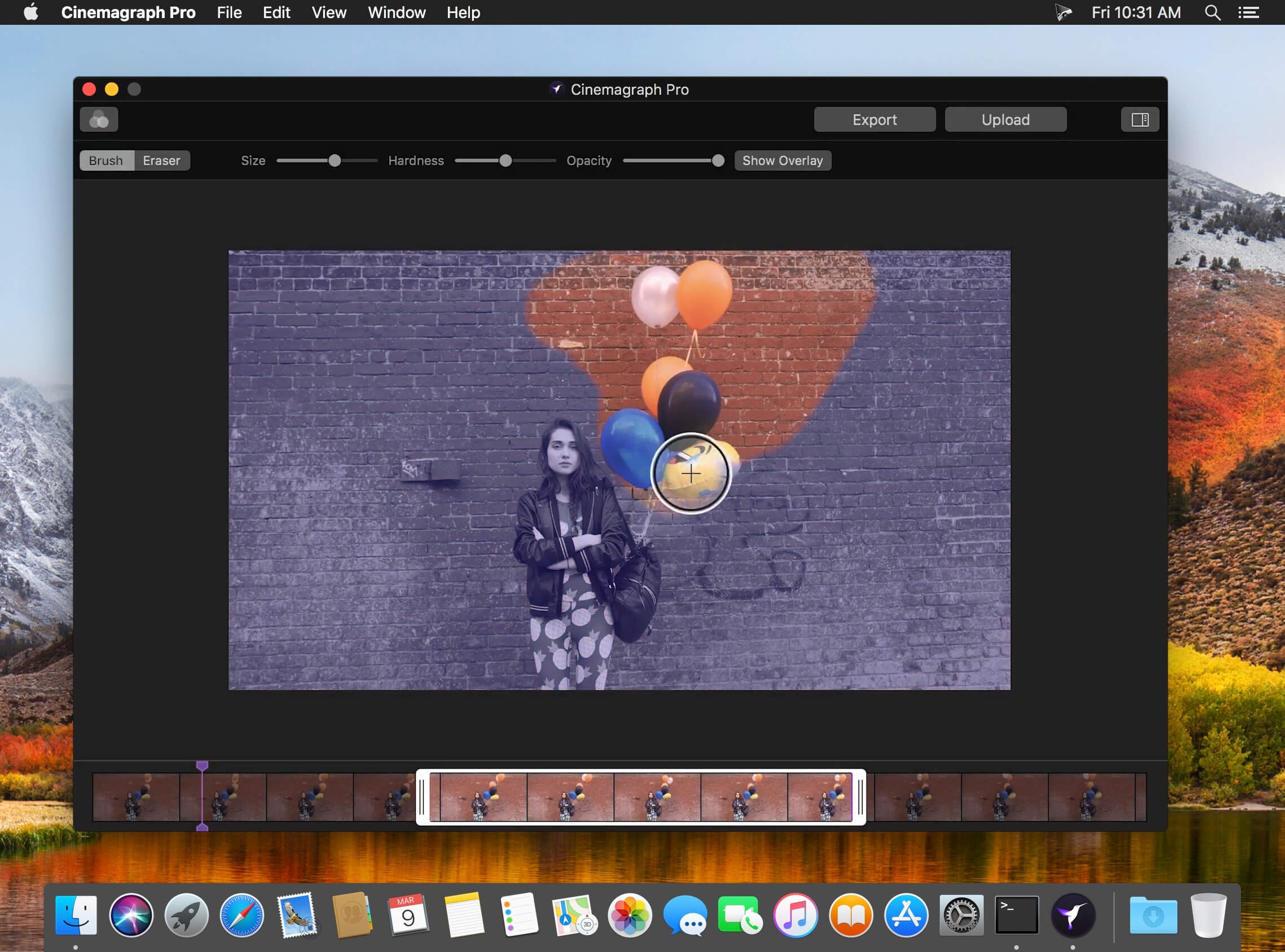
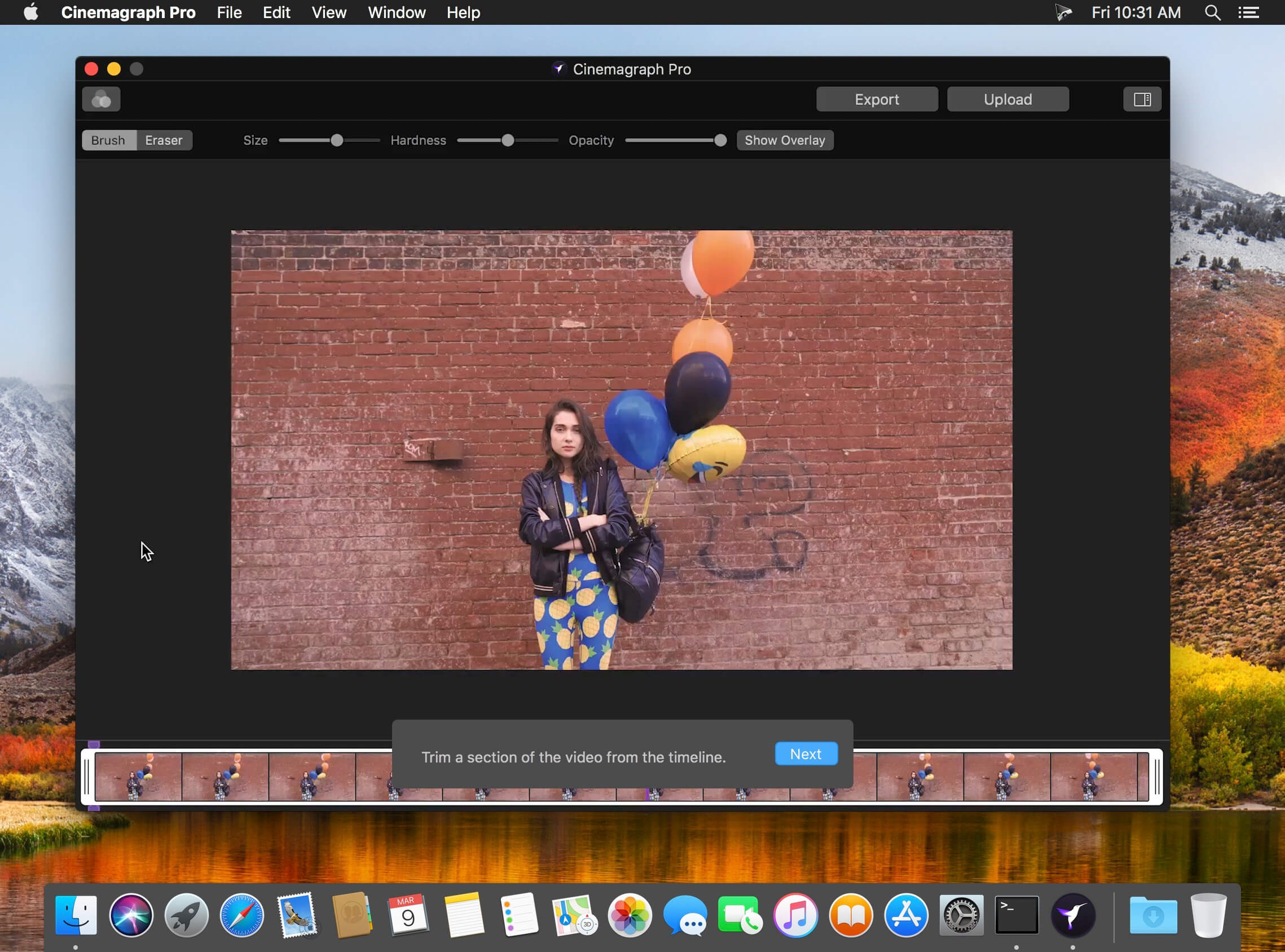
Cinemagraph Pro is the only professional tool specifically designed for the creation of living photos. With its unique “live-masking” technology, artists can preview their living images in real time and output HD (1080) and UHD (4k) quality hybrid photographs.
An intuitive interface enables swift navigation amongst a full suite of editing modes and with just a few clicks, your living photos are shared with the world. It’s never been easier to create beautiful professional grade Cinemagraph images.
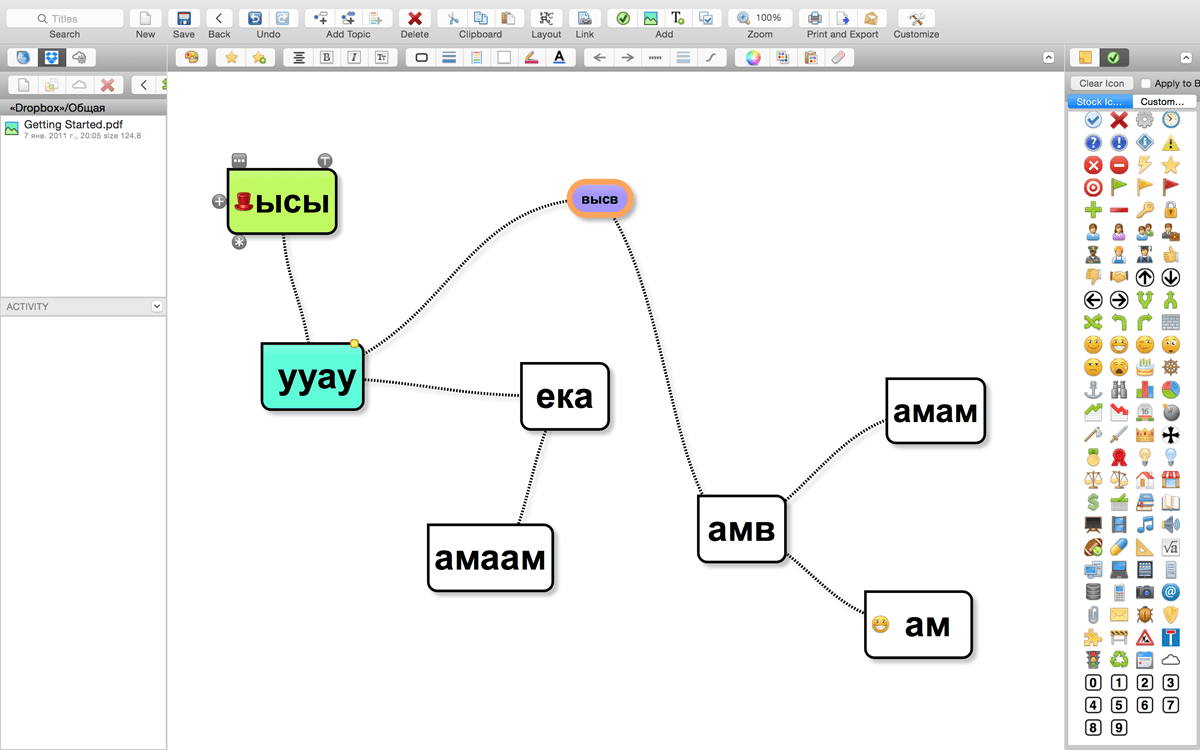
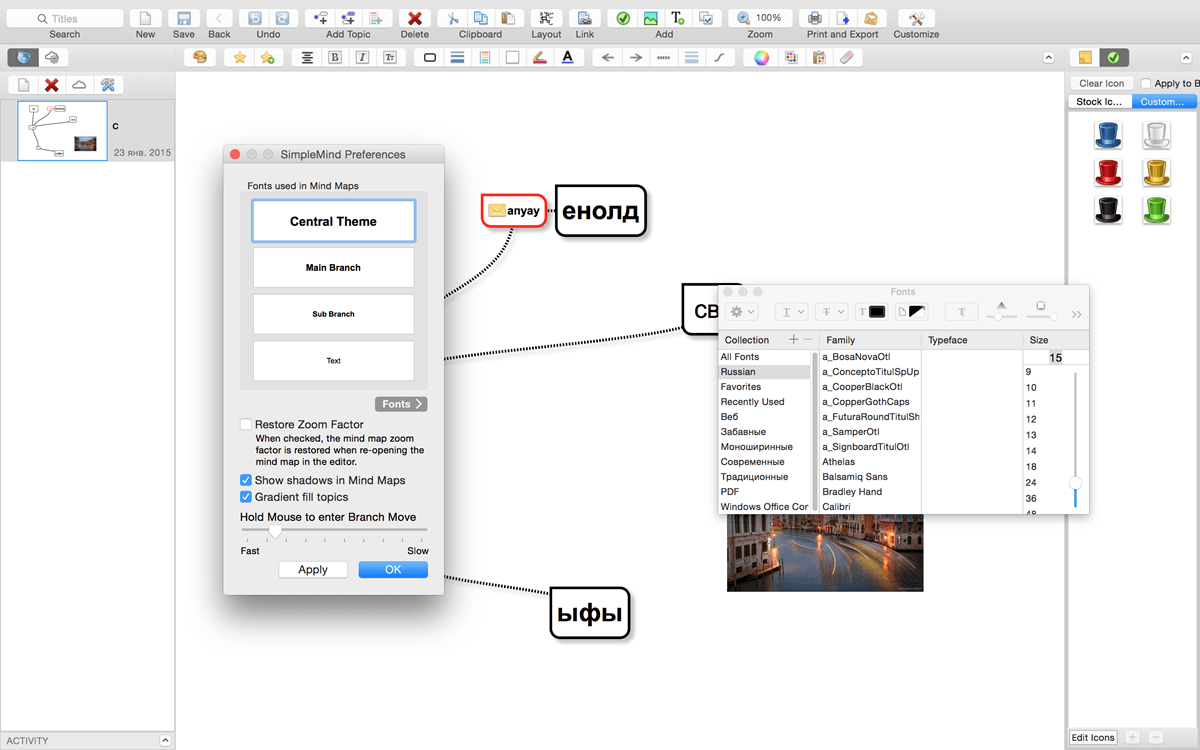
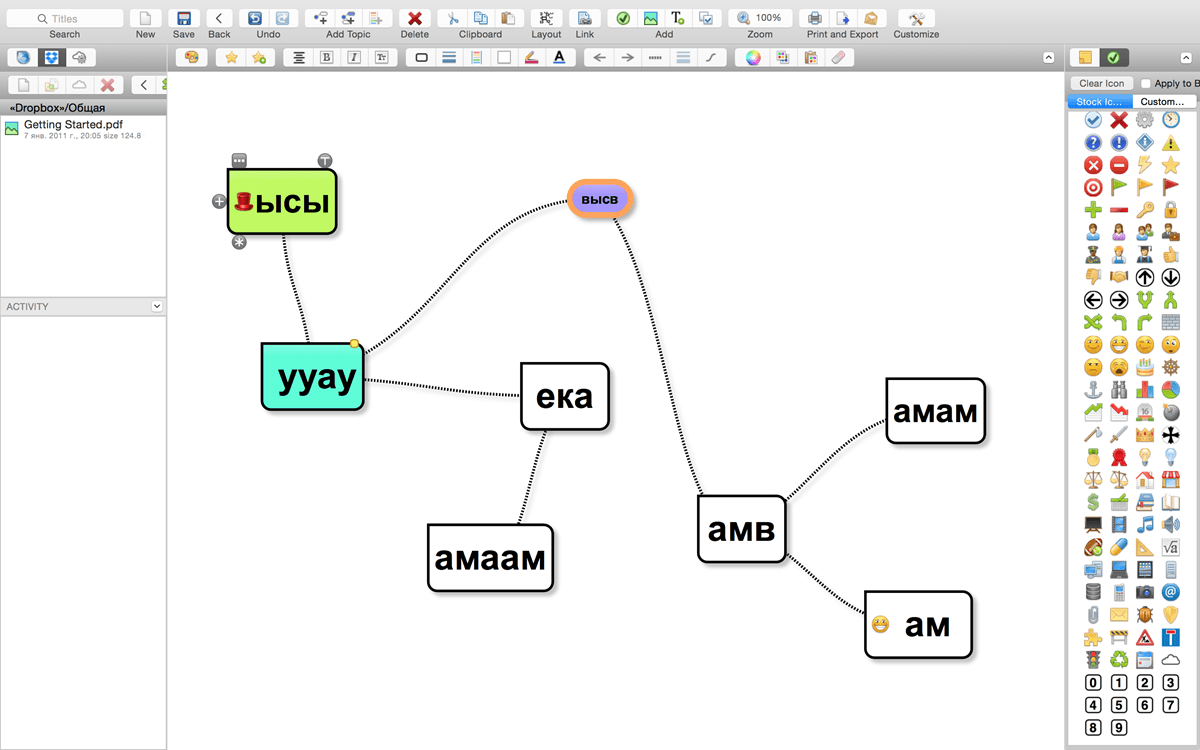
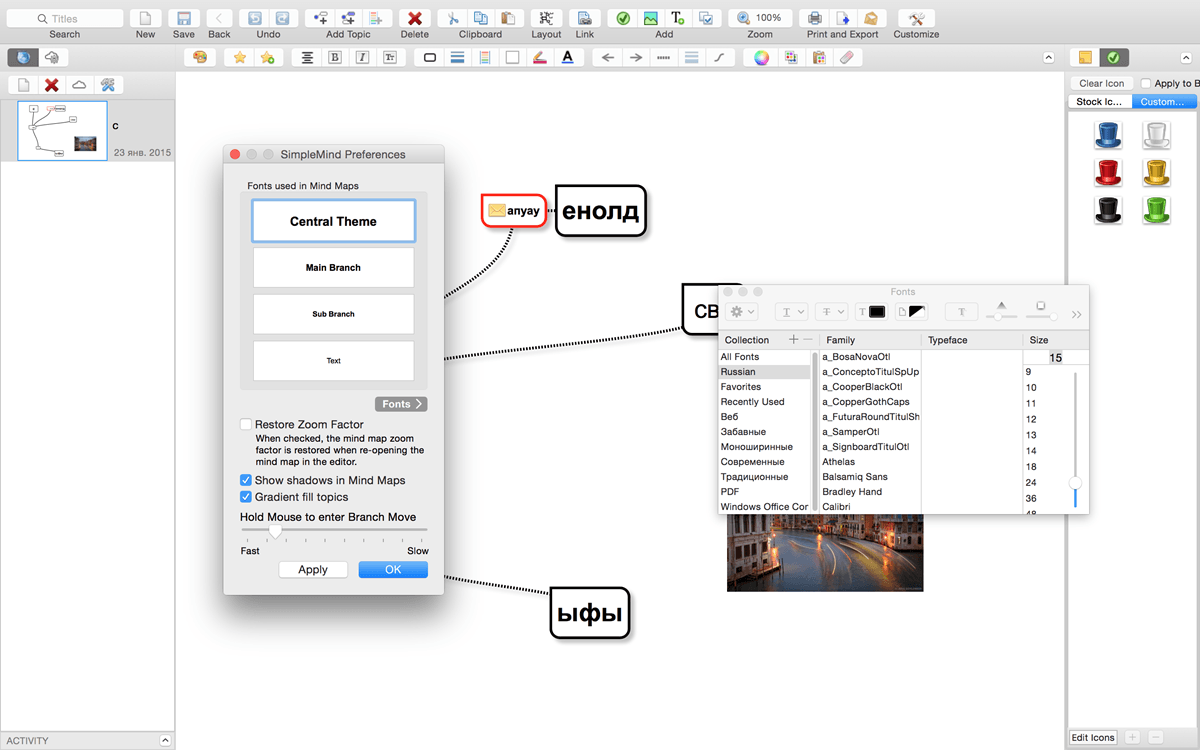
SimpleMind Desktop is a mind-mapping tool that turns your Mac into a brainstorming, idea-collecting, and thought-structuring device. It connects to the similar SimpleMind for iPhone/iPad app.
Features
Easy to use drag, arrange, and edit directly on the Mind Map page.
Tap or drag Node Well to add new Topics.
Full Undo/Redo in the editor.
Visual styles change colors, borders and lines for maximum presentation impact.
Pick colors from style palette or custom colors.
Cut/Copy/Paste – move or duplicate topics between Mind Maps.
Create new MindMap from selection or clipboard
Reconnect topics using drag-and-drop, aided by topic auto-layout.
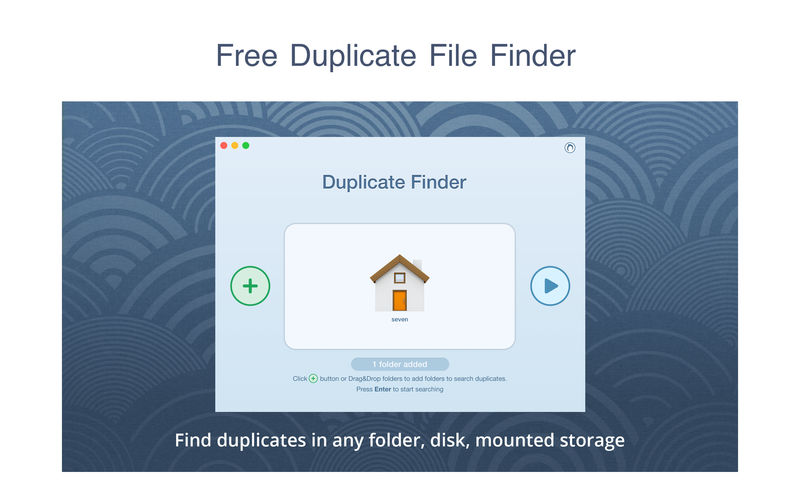
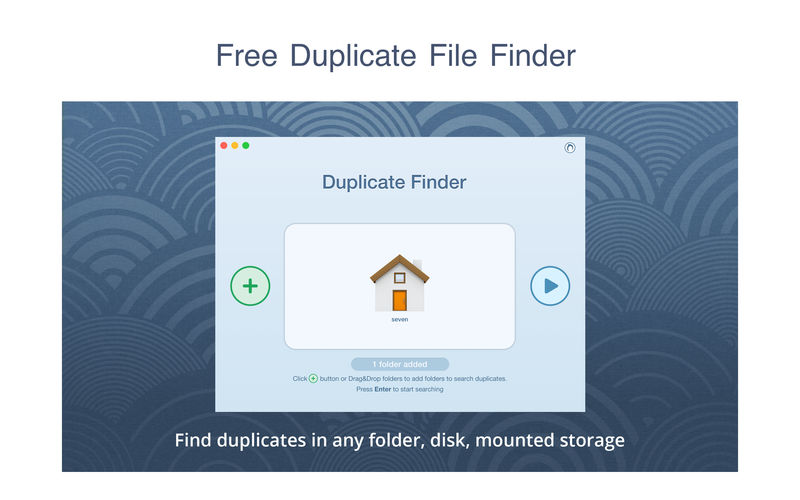
PrimeFile is a free utility that finds duplicate files on your Mac in just 3 clicks. Drag & drop as many folders as you wish and click SCAN.
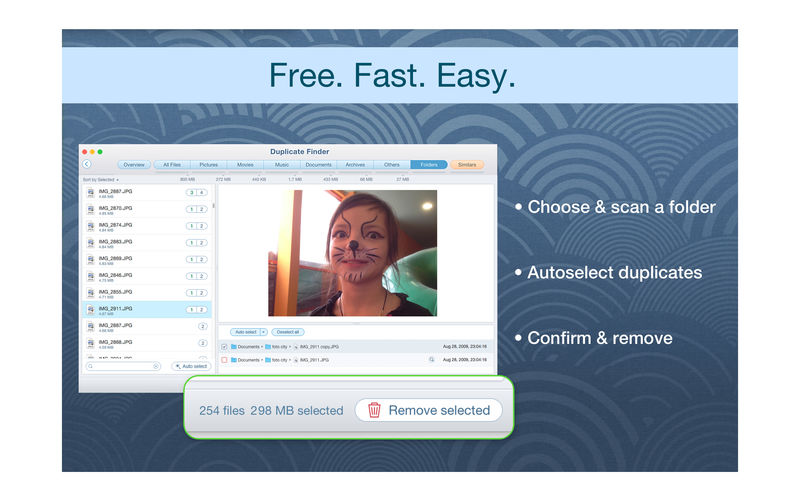
Within a minute the app will give a report with all duplicate files by categories: images, videos, music, archives, documents, and all other specific extensions. It’s really easy to see how much space each file takes.
Features: SCANNING
fast scanning algorithm
scanning for duplicates in multiple folders or drives
external drives & mounted network folders support
“Recent Folders List” for scanned folders
animated scanning process
skip list for various files & folders
RESULTS OVERVIEW
visual chart report when scanning
duplicate files list
duplicate files by types
DUPLICATES
built-in duplicates search
preview & quick look for every file
sort duplicates (by name, size, total size, type, and duplicates count)
PrimeFile is a free utility that finds duplicate files on your Mac in just 3 clicks. Drag & drop as many folders as you wish and click SCAN.
Within a minute the app will give a report with all duplicate files by categories: images, videos, music, archives, documents, and all other specific extensions. It’s really easy to see how much space each file takes.
Features: SCANNING
fast scanning algorithm
scanning for duplicates in multiple folders or drives
external drives & mounted network folders support
“Recent Folders List” for scanned folders
animated scanning process
skip list for various files & folders
RESULTS OVERVIEW
visual chart report when scanning
duplicate files list
duplicate files by types
DUPLICATES
built-in duplicates search
preview & quick look for every file
sort duplicates (by name, size, total size, type, and duplicates count)
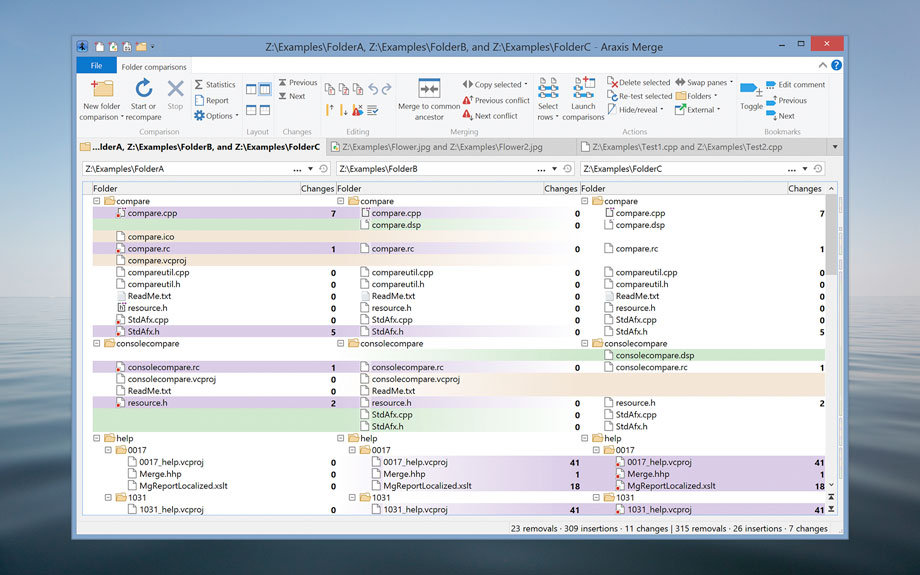
Araxis Merge is the two- and three-way visual file comparison/merging and folder synchronization application. Use it to compare, understand and combine different versions of source code, Web pages and other text files, or even text copied and pasted from another application (e.g., Pages or Microsoft Word). Merge integrates with Time Machine, so you can compare older versions of files.
Broad appeal, many uses
For legal and publishing professionals:
instantly identify every change between different contract or manuscript drafts. Directly open and compare the text from Microsoft Office (Word and Excel), OpenDocument, PDF and RTF files. Copy text from other applications (such as Microsoft Word) and paste it directly into a text comparison.
For code reviewers and auditors:
identify in context every change made between two or three source code hierarchies. Create a standalone HTML or XML report of your findings. Add bookmarks and comments to a file or folder comparison, then save it as a single-file archive for emailing to other team members for review.
For software engineers and web developers:
compare, understand and combine different source file versions. Work quickly and accurately, whether you are comparing individual files or reconciling entire branches of source code. Use three-way comparison to integrate changes made by you, and those made by a colleague, with a common ancestor version. Synchronize a website with its staging area via FTP using the supplied FTP plugin
For release and quality control managers:
compare different source code branches to give total confidence that you know and understand every change made to every file for a specific release. Compare product releases to be certain that only the expected files have been modified. Create an HTML or XML report of changes for audit purposes.
Other users:
Whether you are working with multiple revisions of text files or need to keep multiple folder hierarchies in sync (for example, between a desktop and laptop machine), Merge could help save time and reduce errors by helping you to work quickly and accurately.
Text comparison and merging
Merge enables you to compare and work with different revisions of text files, such as program source code, XML and HTML files. Merge can extract and compare the text from Microsoft Office, OpenDocument, PDF and RTF files. XML files can be shown with special formatting, helping you to see changes more clearly. It supports files with ASCII, MBCS and Unicode character encodings.
Merge shows detailed highlights of changes within lines. It can be configured to ignore differences in whitespace and line endings, as well as changes in lines matching specified regular expressions. The latter is useful for ignoring unimportant changes such as timestamps or expanded version control keywords.
A colour-coded side-by-side comparison makes it easy to pinpoint at a glance similarities and differences between files. Linking lines are drawn between the documents showing clearly how they are related.
Point-and-click merging helps you choose the parts of each file that you would like to add to a final merged version by simply clicking buttons. The in-place editor with unlimited undo enables complete control over the merged file as you create it. The text comparison display dynamically updates as the merge progresses.
Compare text from common office file formats
Extract and compare the text content from Microsoft Office, OpenDocument, PDF and RTF files. Copy text from other applications and paste directly into a text comparison. (Note that office document layout and formatting is not shown in text comparisons.)
Image and binary file comparison
Merge doesn’t just compare text files. Use image comparison to compare many different types of image file and instantly see which pixels have been modified. Binary comparison enables you to identify differences in data files at a byte level.
Three-way comparison and automatic merging
Merge Professional adds advanced three-way visual file comparison and merging to the Standard Edition’s two-way visual file comparison and merging. This is particularly useful when more than one person is working on the same set of files.
Automatic Merging enables swift reconciliation of even the largest files. Three-way file comparisons can be launched directly from a three-way folder comparison, allowing efficient integration of entire branches of source code.
Folder hierarchy comparison and synchronization
Merge supports folder hierarchy comparison and synchronization, enabling you to compare and merge entire directory trees. This is ideal for detecting changes in different versions of source code or web pages. You can even use the efficient byte-by-byte comparison option to verify the contents of recordable CDs or USB thumbsticks.
With support for a variety of archive formats (.zip, .tar, etc.), Merge enables you to compare archives as if they were folders†. Compare the contents of an archive to a folder to verify its contents, or to see which files have changed since the archive was created.
The Professional Edition of Merge supports three-way folder comparison (with automatic merging capability), enabling two revisions of a folder hierarchy to be merged with their common ancestor or some other folder hierarchy. This can be especially useful when used in conjunction with a source code control or software configuration management system.
What’s New:
Version 2023.5849:
Release notes were unavailable when this listing was updated.
Download All Videos from TikTok Hashtags & Users in One Click .4K Tokkit is the ultimate application for mass TikTok content download. Save TikTok challenges, captions, whole accounts, hashtags, and single videos in high quality. Watch TikToks offline, browse your TikTok feed without ads, repost clips to other social networks.
What’s New:
Version 1.7.0:
Release notes were unavailable when this listing was updated.
Softorino YouTube Converter – YouTube to MP3. Offline YT Converter. No Ads. Background Playback.
YouTube on the iPhone and iPad, without advertising, to support offline viewing but still nothing. You think it’s impossible? But not guessed!
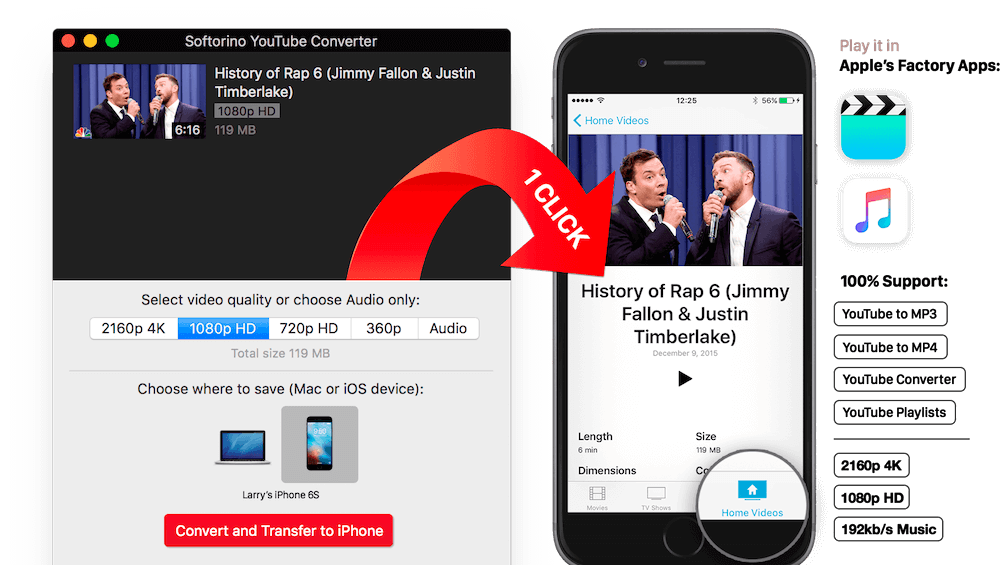
All this and a little bit more you can get by using Softorino YouTube Converter. The whole process is simple in the extreme: copy the link to the video, go to the app and choose where you want to save the video.
After you copy the link to the clipboard, Softorino YouTube Converter automatically recognizes it, and you will only choose the quality (60fps, 2160p 4K, 1080p HD, 720p, 360p, or audio only) and a place to save (Mac or iOS-device ). A few seconds after pressing the button Download the file is in the “Boot” on the Mac, or “Video” application / “Music” on iOS. That’s all.
No advertising;
You can download any video from YouTube and Vimeo;
You can download the audio track of the video and listen to the standard player on iOS;
Do not need internet to view;
less discharged battery;
for it not to be paid;
it works anywhere in the world, in contrast to the YouTube Red.
What’s New:
Version 5.0.97:
Release notes were unavailable when this listing was updated.
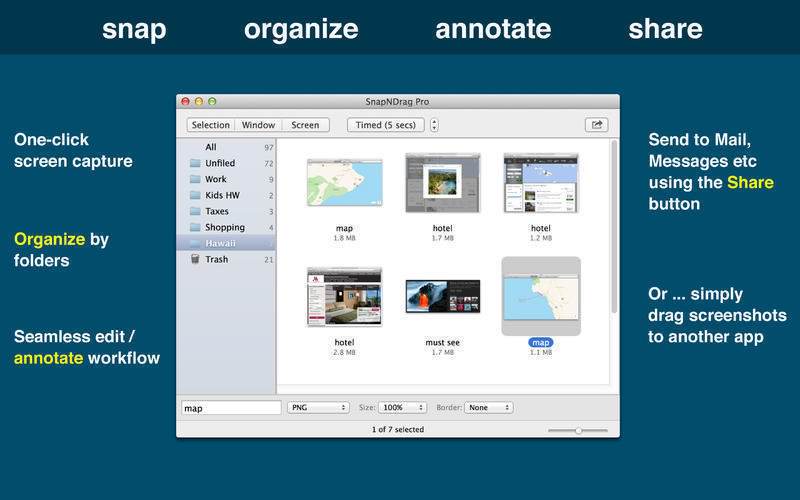
SnapNDrag started off as a simple app that lets you snap a screenshot with one click and then drag the result off to Mail, Finder, or any other app that accepts an image. It has since matured into a powerful screenshot tool that helps you annotate, organize, and share your screenshots.
As we added features over time, we have made it a top priority to keep the app easy to use. And we think the extra thought we put into this speaks for itself. This powerful app is still as easy to use as the day it was born as a simple one-trick pony.
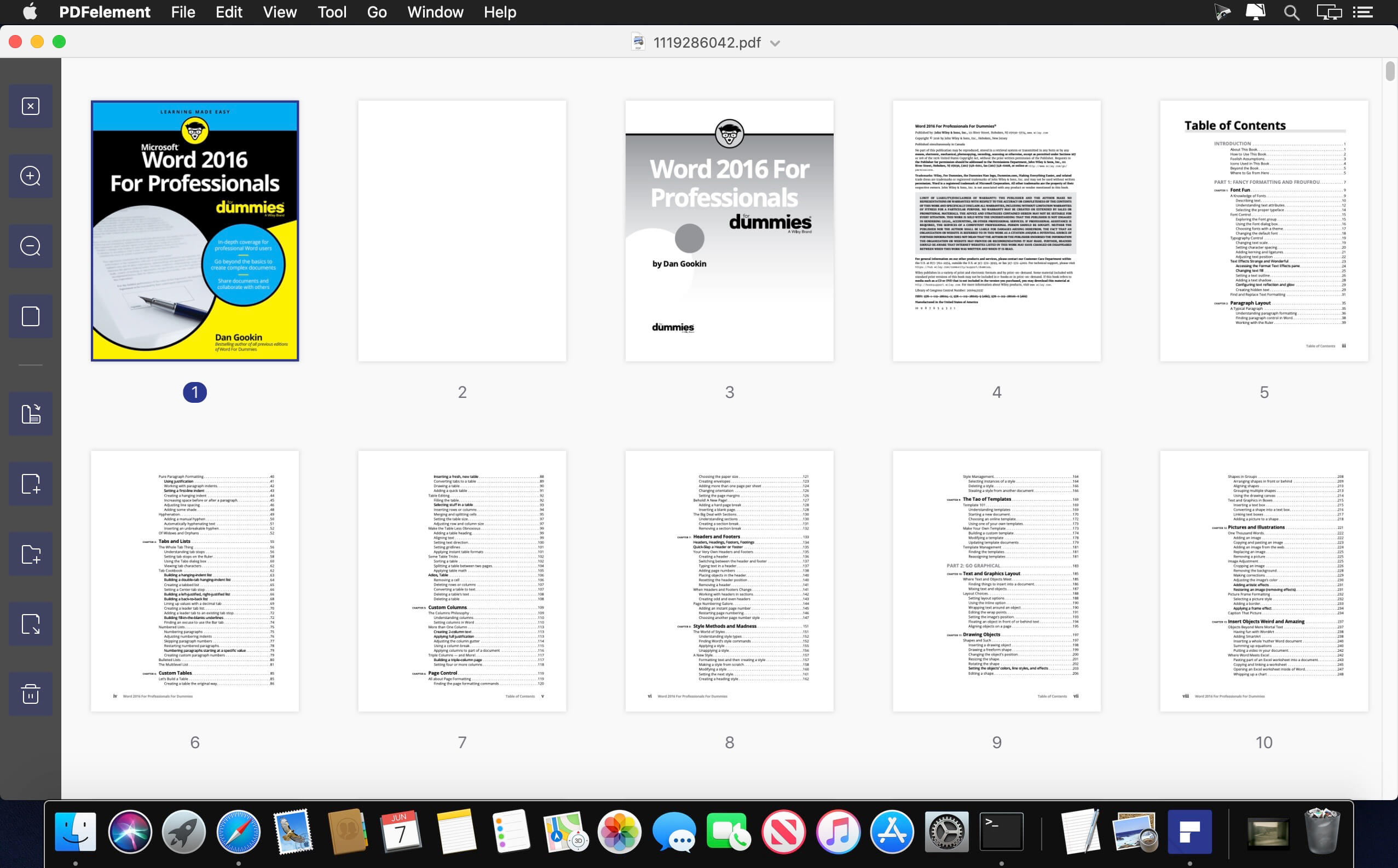
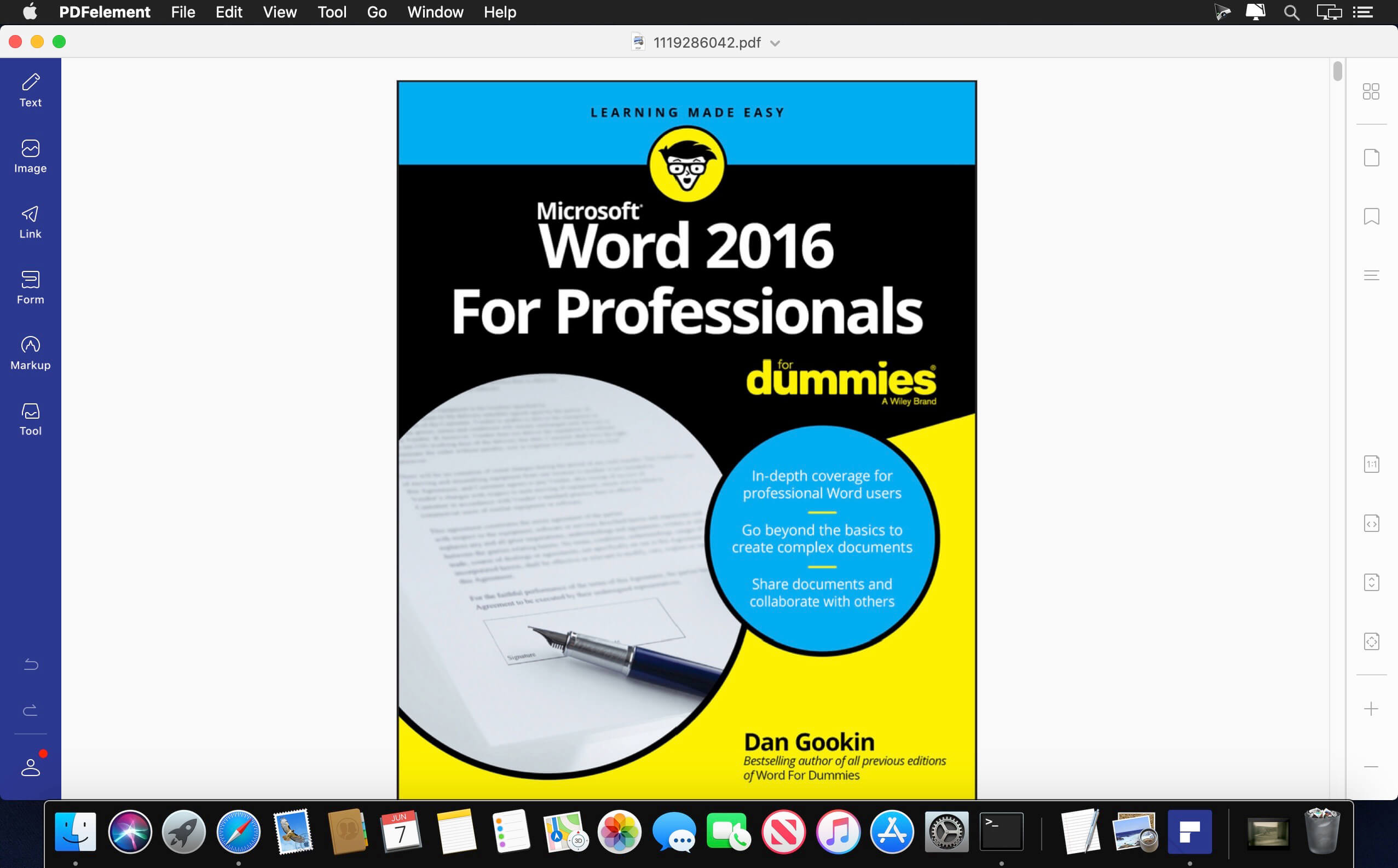
PDFelement – The easiest way to create, edit, convert, and sign PDF documents. We’re now introducing the all-new PDFelement 8, which includes a redesigned UI, more advanced writing tools, improved team collaboration features, more powerful conversion tools, a user management console, and more.
PDFelement Pro OCR (Exclusive in Pro version)
OCR (Optical Character Recognition)enables you to edit and convert characters in scanned PDF files or pictures
Supports recognition of 29 languages
Create & Sign Forms (Exclusive in Pro version)
Create fillable PDF Forms from interactive field objects, such as buttons, check boxes, radio buttons, list boxes, and drop-down lists
Support adding digital signatures to forms
Merge PDF (Exclusive in Pro version)
Combine different format files into a new PDF
Convert PDF (Exclusive in Pro version)
Supports converting PDF file to a greater number of output formats like EPUB, HTML, Text, RTF
PDF/A (Exclusive in Pro version)
Support PDF/A as an available output format with ISO Standard for long term archiving
Batch Processing of PDF Files (Exclusive in Pro version)
Process PDFs in batches
Add backgrounds, watermarks, headers and footers in batches
Bates Numbering (Exclusive in Pro version)
Apply Bates Numbering with advanced formatting
Redact PDF (Exclusive in Pro version)
Redact sensitive text and images in PDFs
What’s New:
Version 9.2.4 (OCR):
Release notes were unavailable when this listing was updated.
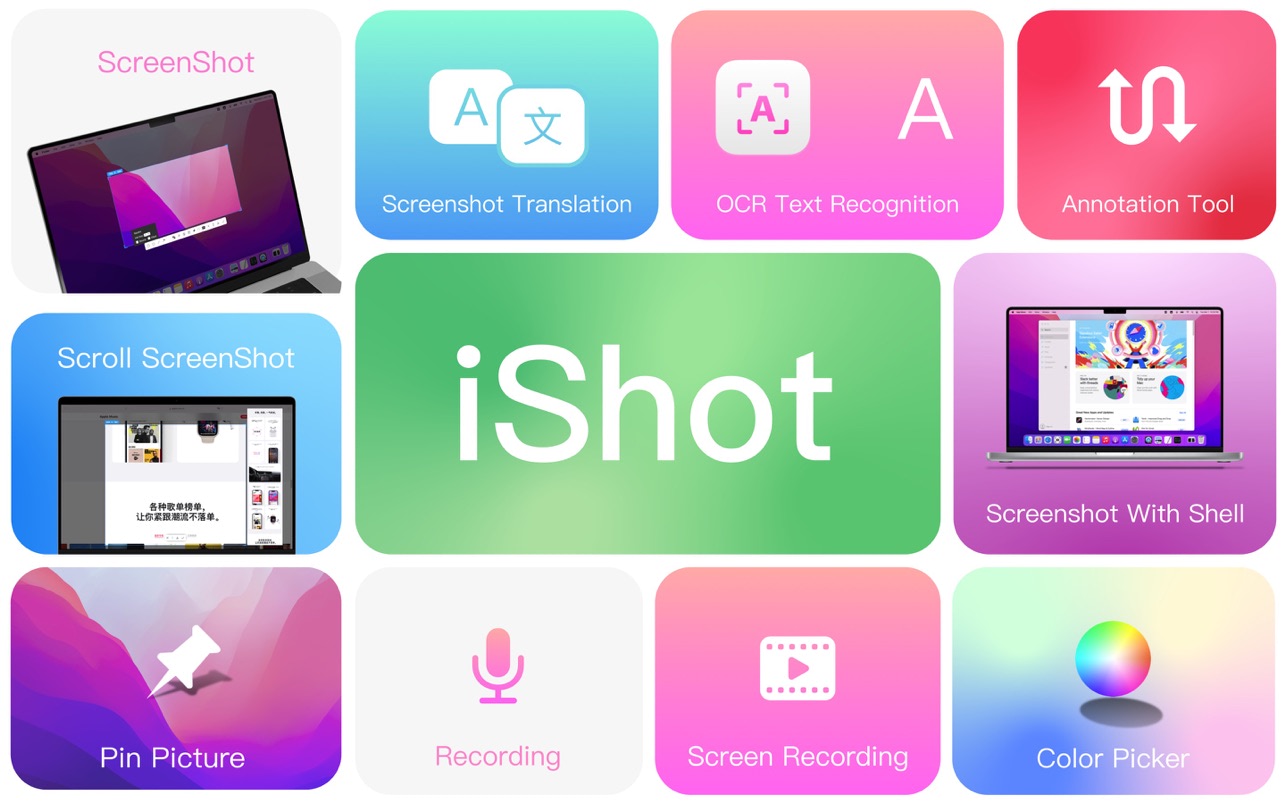
iShot is an excellent, full-featured area screenshot, window screenshot, multi-window screenshot, long screenshot, shell screenshot, time-lapse screenshot, quick annotation, texture, color picking, screen recording, audio recording, OCR, screenshot translation tool on Mac .
1. Screenshots
Area screenshot, window screenshot
Supports frame selection screenshots, intelligent recognition window screenshots, and custom screenshot shortcuts.
Multi-window screenshot
Press the screenshot shortcut key, then Shift, and click on multiple windows to take screenshots of multiple windows.
Delay full screen screenshot
Delay full-screen screenshots, support countdown sound playback, and use to capture windows that are not easy to select.
Take a screenshot of the last screenshot area
Use the shortcut keys to quickly take a screenshot of the area where the last frame was selected.
Screenshot window under cursor
Use the shortcut key to directly capture the window under the current mouse without activating the window.
Screenshot rounded corners and shadow effects
Screenshot to open quickly
After completing the screenshot, you can double-click Option to open the picture with a custom App, so that your screenshot and editing can be seamlessly connected.
Save/Storage
Support saving to clipboard and local
Support saving to the clipboard and saving to the local
Support single save as, custom save name and format
Support HD and SD image quality
Support jpg, png, tiff screenshot saving formats
Support output color standard pictures
2. long screenshots, scrolling screenshots
Select the scrolling screenshot area, then press the “S” shortcut key and slide the screenshot area upwards to start taking a long screenshot. The length of the long screenshot is unlimited.
Support automatic scrolling of long screenshots.
3. with shell screenshot
After taking a full screen screenshot, match your picture with a beautiful Mac shell mockup, high-end and elegant.
4. stickers
After the frame selection area is supported, click the map button to map;
The sticker library will store the record of the sticker.
After supporting the texture, right-click, mark and modify the texture image.
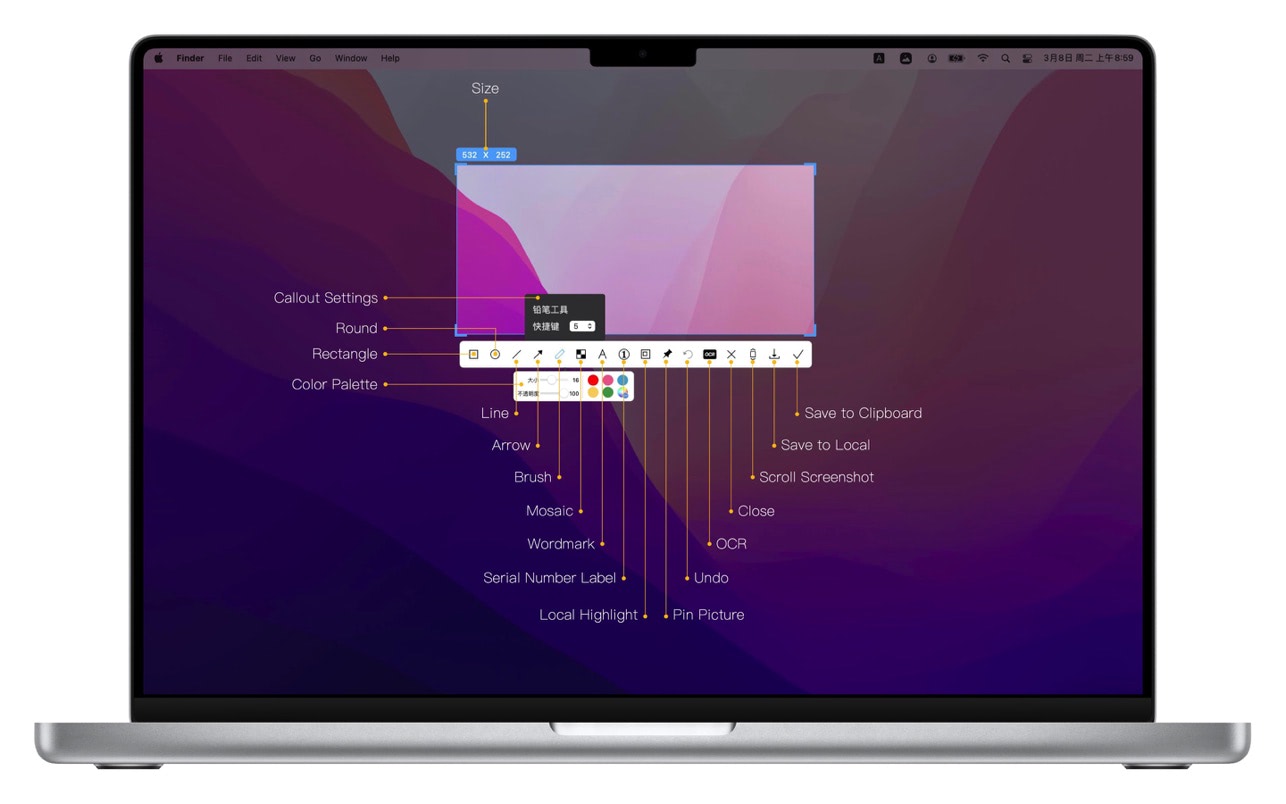
5. Quick Marking
Marking function:
Rectangle, circle, horizontal line, arrow, brush, mosaic, text mark, serial number label, local highlight;
Quickly adjust dimension and transparency
Rich annotation styles
Arrows, mosaics and other annotation tools provide a variety of styles to choose from, making your annotations colorful.
6. Color picking function
When you press the screenshot shortcut key, the magnifying glass will display the color name under the current cursor, press R, G to copy the RGB and HEX color codes, and supports custom color codes with powerful functions.
Support native, normal RGB, SRGB, Adobe RGB, P3 multiple color gamut standards
7. Screen recording function
Supports screen recording of various resolutions and FPS in Ultra HD, HD and SD;
Support for recording the internal sound of the system;
Support for recording online meetings
8.Recording
Support recording function, recording anytime and anywhere, a good helper for business people.
Support for recording the internal sound of the system
9.OCR text recognition
After selecting the screenshot area, click the OCR button to perform text recognition, which is convenient and easy to use
The OCR function supports QR code recognition and prioritizes QR code recognition
Support OCR continuous recognition mode
Support OCR to cancel line feed
10. Screenshot translation
After selecting the screenshot area for OCR recognition, perform translation
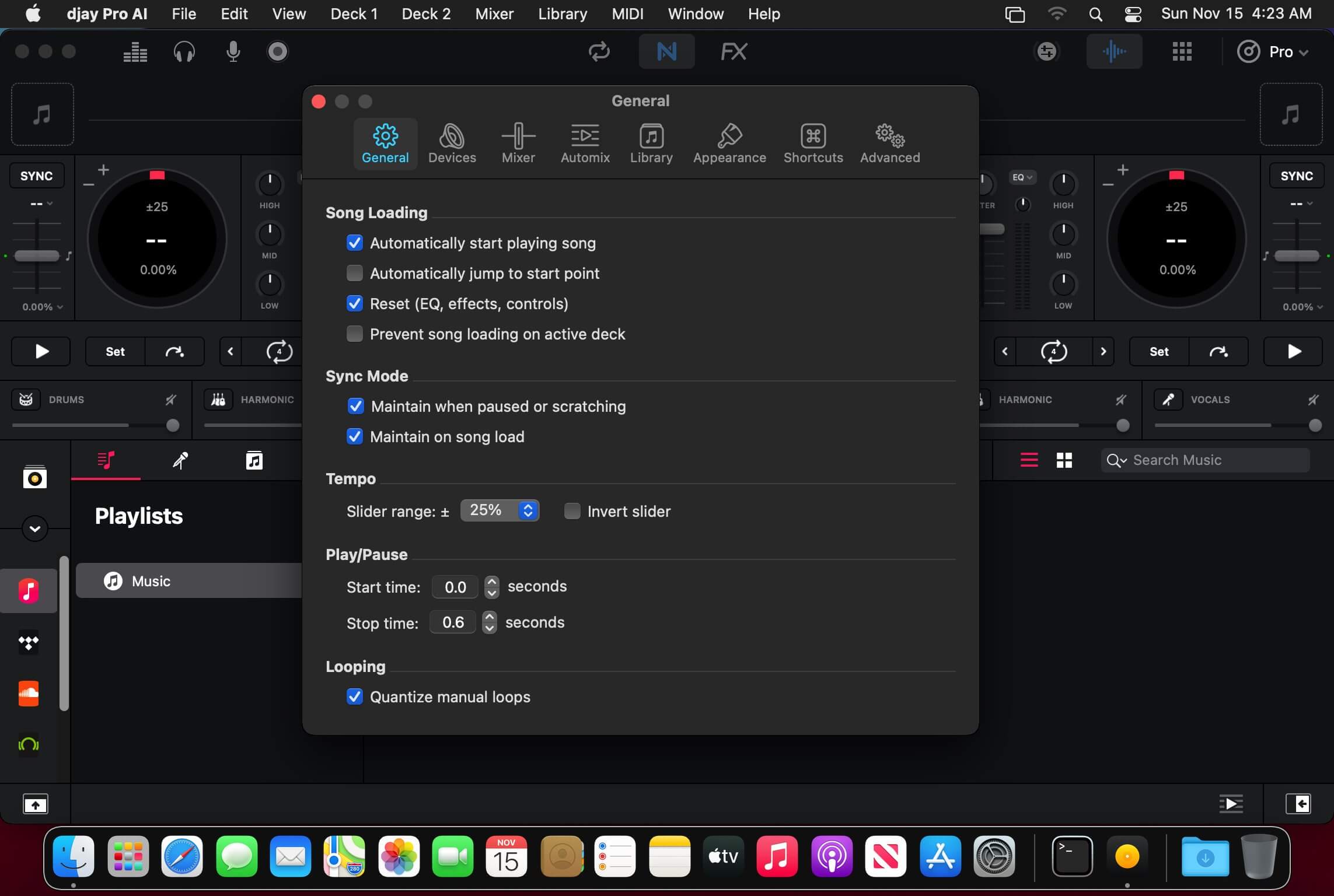
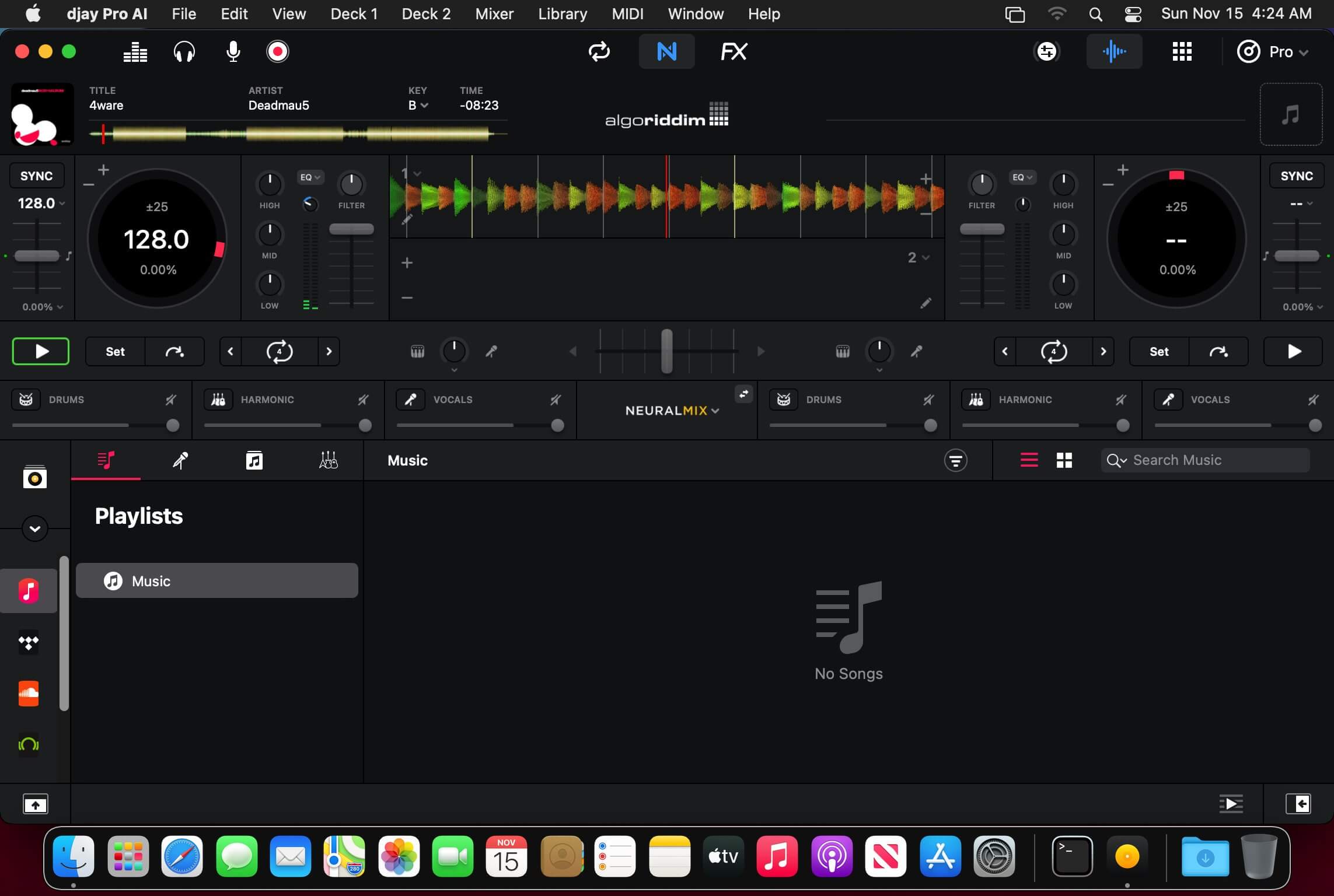
Welcome to djay Pro AI! Algoriddim’s acclaimed DJ software and winner of multiple Apple Design Awards has been rebuilt from the ground up using groundbreaking AI technology – NEURAL MIX.
NEURAL MIX allows you to isolate instrumentals and acappellas of your favorite tracks in real-time and redefines the boundaries of creative mixing. You can crossfade drums, bass lines, and melodies of two songs independently, apply audio effects to individual components of music, and even loop the beat while the melody of the same track continues playing.
djay Pro’s all-new, modern interface is built around a sophisticated integration with your music library, giving you instant access to millions of tracks. Pristine sound quality and a powerful set of features including live production tools, four decks, high-definition waveforms, video mixing and hardware integration give you endless creative flexibility to reinvent your DJ sets.
NEURAL MIX
Isolate vocals, drums, bass lines, and instrumentals in real-time
FX routing: apply audio effects to individual components of music (Vocal Echo, Harmonic Filter, Drum Reverb, and more)
Loop routing: Loop the beat while the melody of the same song continues playing, and vice versa
AI crossfades: seamlessly blend and swap drums, bass lines, or vocals of two tracks
AI waveforms: see vocals, drums, and harmonic waveforms per track side by side
MUSIC PRODUCTION TOOLS
Sequencer: create instant beats on top of music
Looper: remix music with up to 48 loops per track
Beat-matched sequencing of drums and samples
Extensive content library with 1000+ loops and samples
STREAMING INTEGRATIONS
TIDAL: Millions of tracks, music videos, high quality sound /TIDAL Premium or HiFi)
SoundCloud: Millions of underground and premium tracks SoundCloud Go+)
Beatport: Millions of electronic music tracks (Beatport LINK)
Beatsource: Millions of open-format music tracks (Beatport LINK)
AWARD-WINNING USER INTERFACE
2- and 4-Deck views
Single Deck preparation view
Video and Automix views
ADVANCED LIBRARY MANAGEMENT
Create your own custom and smart playlists
Powerful track filtering
Finder Integration
AUTOMIX
Automatic, beat-matched mixes based on artificial intelligence
Queue and Playlist automation
VIDEOS, VISUALS, and PHOTOS
Mix videos, visuals, and photos
Music video streaming through TIDAL
Beat-matched photo slideshows
POWERFUL AUDIO ENGINE
Revolutionary AI audio engine
Real-time music source separation
High-quality mixer, filter, EQ, isolator, and limiter
Advanced time-stretching and pitch shifting
Over 40 built-in audio effects
Master output effects through Audio Unit plug-ins
Live recording
Ableton Link integration
ADVANCED AUDIO ANALYSIS
BPM and beat detection
Key detection
Multi color waveformsBPM
Auto-Gain
HARDWARE INTEGRATION
Native support for over 100 MIDI controllers
Pioneer DJ CDJ Integration
RANE Twelve integration
Advanced MIDI Learn
External Mixer Mode
Support for multi-channel USB audio interfaces
Support for external audio input and microphones
In-App Purchases: Full Version – included Language: English, Spanish, Italian, German and others. Compatibility: macOS 10.14.4 or later Homepagehttps://www.noteburner.com/
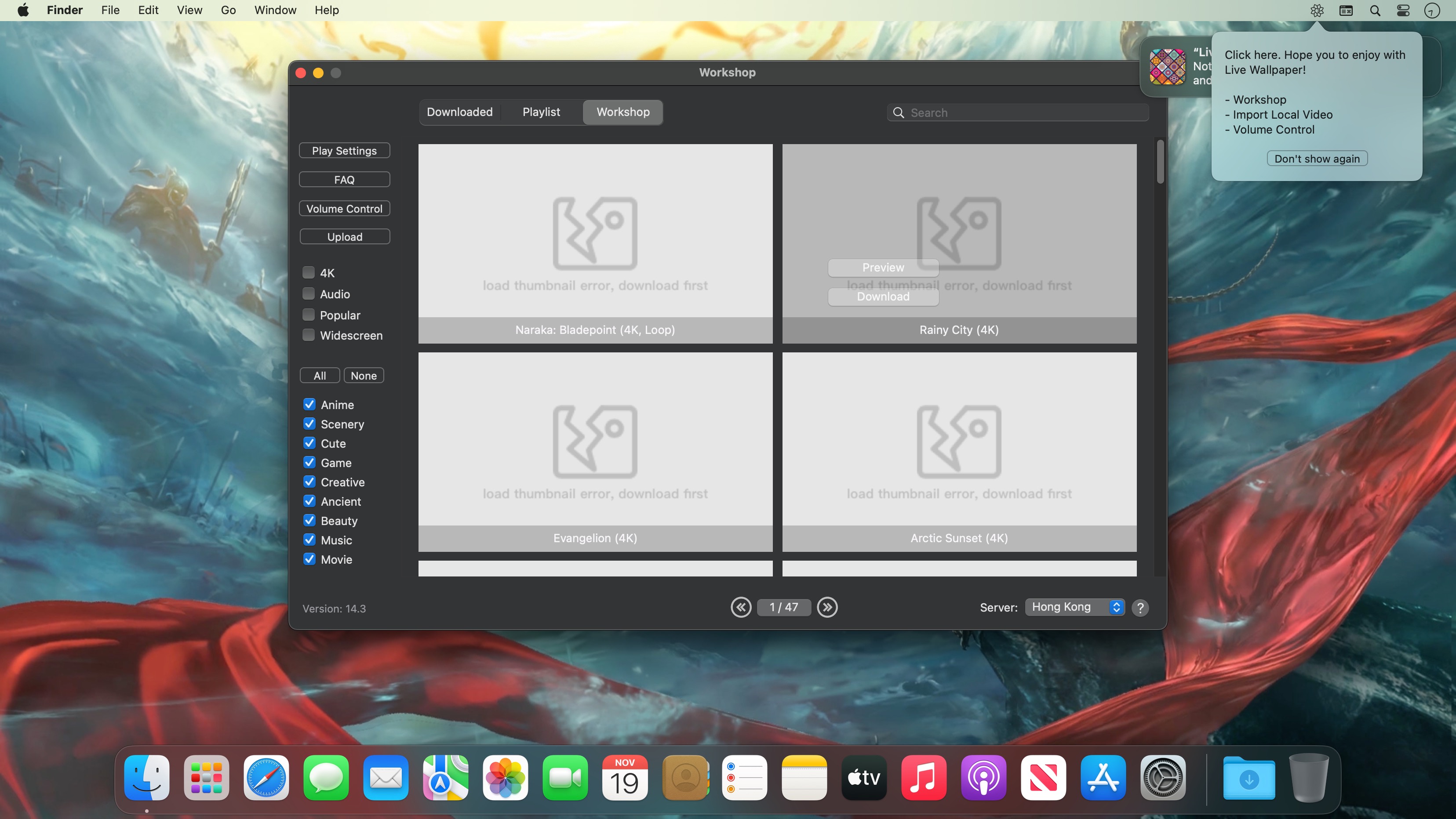
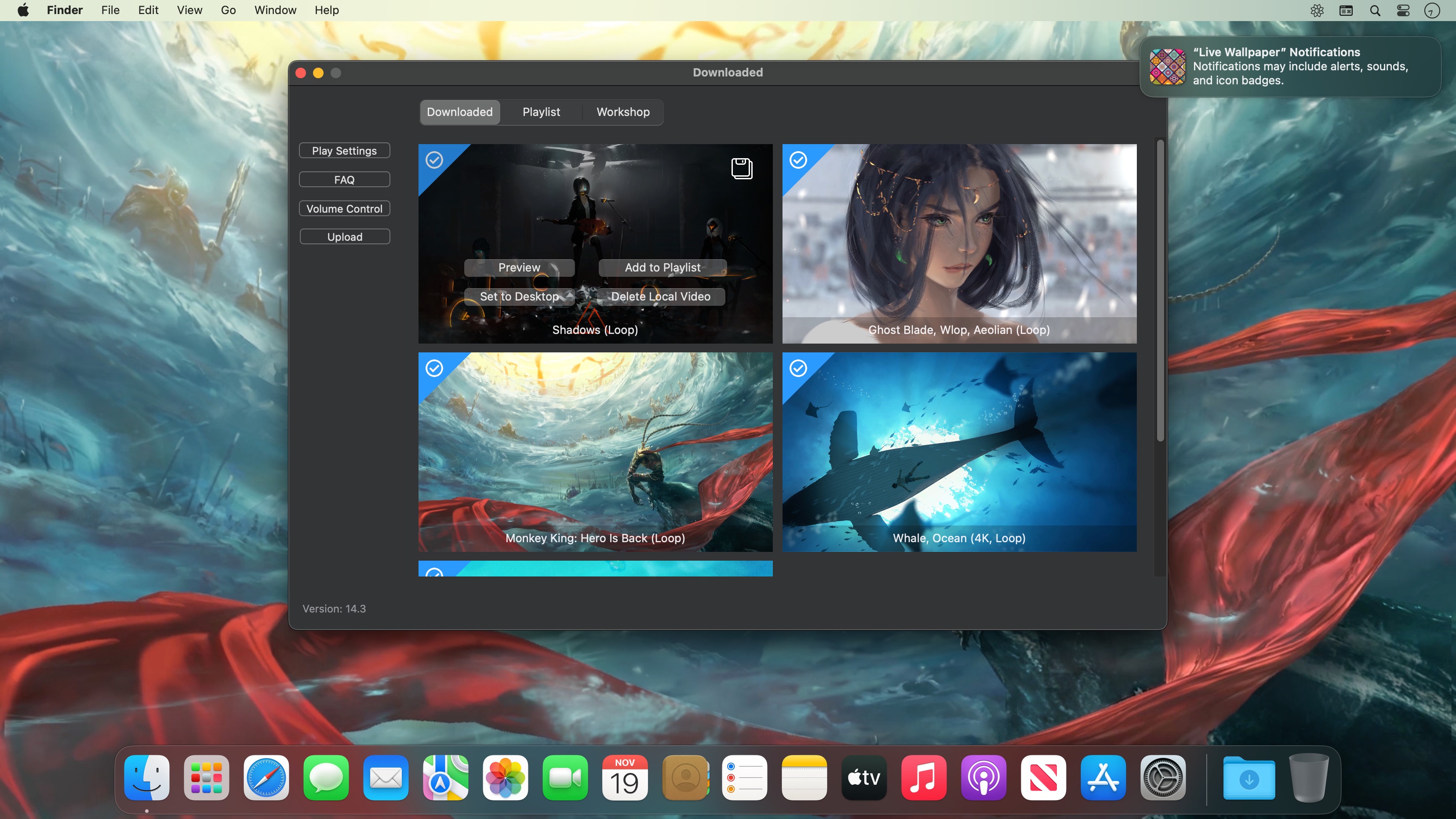
Live Wallpaper & Themes 4K allows you to use live wallpapers on your desktop/screensaver. It provides thousands of live wallpapers in the Workshop while taking as little system resources as possible. It’s the Wallpaper Engine for Mac.
Feature:
2000+ hand-picked videos which are updated every day.
Multiple types of 4K Ultra HD videos, anime, scenery, cute, game, creative, Beauty, Ancient, Movie, etc.
Supports “keyword searching” in videos.
Supports “Dynamic-ScreenSaver”, personalize your lock screen.
Easy to import local video.
Supports The playlist, list loop, shuffle loop.
Supports multiple screen aspect ratios and video native resolutions.
Set different wallpapers on different displays.
Manual control, video pause, resume and mute.
Break reminders, with flexible customization if you want it.
Supports global hotkeys to control wallpaper, hide desktop icons and show screensaver.
Auto mode, pause the video when other apps are active, not disturbed at work.
Auto mode, pause the video when Power Disconnected.
Support for hiding desktop icons.
Live Wallpaper Engine is designed to provide an interesting experience while consuming as little system resources as possible.
Professional programmers and web developers can use MAMP Pro to create and manage their own custom development environment.
Support for various CMSs
MAMP Pro comes with a number of extras that allow you to install and integrate various Content Management Systems with MAMP Pro. Hence, you can download and install Joomla, wordPress, webEdition and Drupal directly from within MAMP Pro.
Thanks to the support for multi-PHP, you can now avoid starting and stopping your servers because your hosts use different PHP versions. Consequently, you can run multiple versions of PHP a the same time without restating your servers.
Clean and intuitive interface
MAMP Pro comes with a simple and well-structured interface that offers you easy access to numerous tool tips that offer clear and useful explanations for all available features.
MAMP Pro also provides a status bar menu from where you can check the server status, enable or disable servers and open the main window. Moreover, you can access the log files and change the app settings.
On top of that, MAMP Pro offers Imagemagick that can be easily activated via the php.ini template. As a result, you can now generate images and edit raster graphics more easier.
Local network access, as well as multi-PHP and Virtual Server
xip.io enables you to keep your co-workers updated and in loop. The Sharing button opens your email client along with an embedded link to one of the available hosts. Therefore, the recipient can be redirected to the work on your host.
Beside running different versions of PHP at the same time, you can also setup and test numerous virtual servers without worrying about the stability of your live system.
With the help of test environments offered by MAMP Pro you can create and test various pages using the desired CMS, integrate a shopping cart or design a WordPress template.
MAMP PRO 6 contains a wealth of new features and improvements to make your work as a web developer much easier and faster: Clone hosts, create and use Blueprints of hosts, use the new simplified Standard View for your everyday workflow, benefit from the vastly improved editor, or easily test your scripts with Mailhog and forget about configuring SMTP. These are just some of the new features in MAMP PRO 6.
Less, but better
MAMP PRO 6 introduces Standard View. Here you will find all the important settings that you regularily require. For experienced users Expert View holds all available settings.
Build once, use often
Develop complex websites or WordPress themes once and use them as a blueprint for as many sites as you want. With Plugins, themes, you name it, once created and configured, a blueprint is the perfect starting point for your future projects.
Mailhog – email testing, zero configuration
Nobody cares for complicated mail server configurations just for testing. Neither should you, therefore MAMP PRO 6 includes the popular Mailhog.
Cloning
You deal in hosts, not sheep (probably). Nevertheless, we did teach MAMP PRO the art of cloning. It’s the most comfortable way to experiment with different versions of a website or a WordPress theme
Improved WordPress support
The vastly improved WordPress support allows you to publish and import your sites faster and more reliably than ever. MAMP PRO even keeps your WordPress installation intact when you change the settings (name, port, SSL) of a host.
WordPress site migration
Do you want to change your hosting provider? No problem, just use our WordPress migration and easily move your site to a new provider. Of course, this works without disclosing any of your passwords.
Apache 2.4
In order to match your live server specifications, MAMP PRO 6 supports the latest version of the popular Apache web server.
Completely revamped Editor
The editor built into MAMP PRO is now based on Microsofts Monaco engine. It features diff support, a mini map for faster navigation, multiple selections, code folding and much more.
Improved SSL handling
When creating a SSL host all necessary certificates are created automatically.And web browsers supporting the macOS keychain won’t even complain about validity.
*** You need to disable the System Integrity Protection (SIP) to perform the selected Application.
Unobtrusive tool created to help you smooth out your scrolling, as well as to add custom mouse buttons actions and mouse gestures to any app.
Even though macOS comes with a mouse preference pane, it is quite limited as it offers insufficient options for customizing the scroll feature, the mouse’s buttons, and absolutely no mouse gesture support. Smooze is an application designed to fill in the gap left by Apple in macOS’ mouse customization department. Once launched, Smooze will add a status bar item with a menu which enables you to set the app to start automatically on login, as well to disable its custom scroll engine and button actions, and access its options.
And a lot more
Animated Scroll
Every app you own will have buttery smooth scrolling.
Productive
Save time by attaching mouse buttons to actions.
Gestures
Assign gestures and Rocker gestures to any button / shortcut / app.
Auto Scroll
Auto scroll anywhere on the screen, hands free, with buttery smooth animations!
Grab & Drag & Throw
Grab and scroll anywhere on the screen. Throwing will animate the scrolling just like it would on a trackpad.
CPU Friendly
Highly optimized & uses a very small percentage of your CPU power, even during excessive use.
High FPS
Smooze synchronizes its drawings to the refresh rate of your display which ensures the best scrolling experience.
Disable acceleration
Disable scroll acceleration and select the number of lines you want to scroll on each tick. These features are, and will always be, free!
Multiple displays
All settings can now be configured per app per display.
Intuitive Design
Easy to configure with a brand new design.
Moustache
This app also includes a pro moustache.
What’s New:
Version 2.0.32:
Release notes were unavailable when this listing was updated.
Capture One 23 is a professional RAW converter offering you ultimate image quality with beautiful colors and incredible detail for more than 500 high-end cameras. It offers state- of-the-art tethered capture, powerful digital asset management, extensive adjustment tools and a flexible workflow through customizable workspaces.
With an updated processing engine, market-leading performance and powerful new features, Capture One is the professional choice in imaging software. You get the highly responsive precision tools you need to create stunning images from your camera’s RAW files in a time-saving workflow that can be customized to fit your needs.
New features and improvements
Speed Edit
Dehaze
Improved importer
General User Experience Improvements and tweaks
HEIF support
Easy brush adjusting
Improved performance
Colored gradients on White Balance Sliders
Enhanced tooltips
Easy access to Tutorials
Compatibility: macOS 10.15 or later , Apple Silicon (M1) native support Homepagehttps://www.phaseone.com/
TurboMosaic is a photomosaic software that lets you make the most amazing picture mosaics with little effort — we bet you’d be pleasantly surprised with the quality of results.
What is a Photo Mosaic?
A mosaic is a photo made out of many smaller photos. When viewed from a distance the big picture is prominent whereas when viewed from close up the individual smaller pictures show out distinctly.
What’s New:
Version 3.6.9:
Release notes were unavailable when this listing was updated.
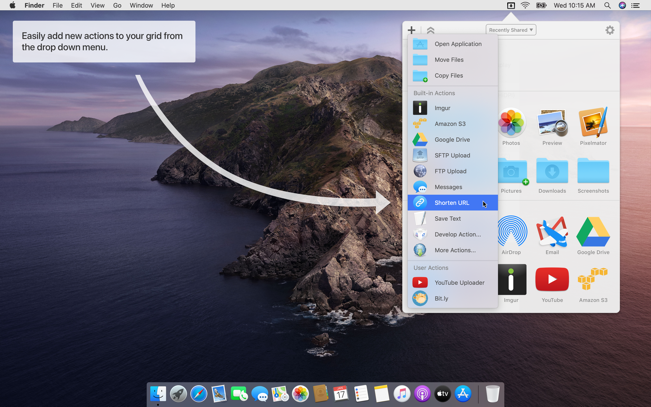
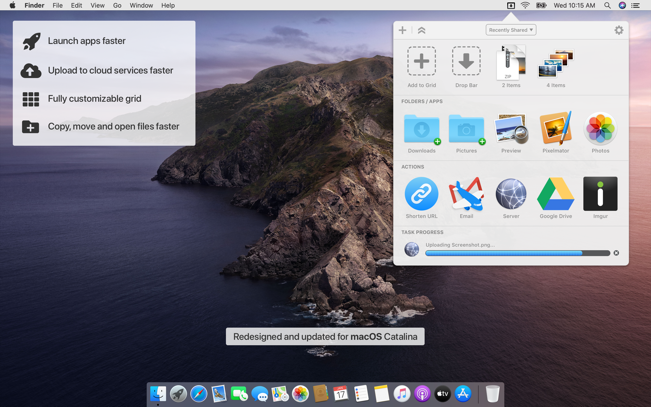
Dropzone makes it faster and easier to copy and move files, open applications and share files with many different services. Dropzone is a unique and amazing app that’s like nothing you’ve ever used before. We’ve paid fanatical attention to every detail and built an app that looks and feels like an integral part of macOS.
Dropzone ships with a powerful scripting API and with a little programming knowledge you can modify any of your actions or even create entirely new ones. This gives Dropzone unlimited extendability and utility. We’re always thinking up new actions so Dropzone will become even more useful over time.
Dropzone also includes Drop Bar – Drop Bar makes it easy to stash files you know you’ll need later. Just drop files on the Drop Bar icon in the grid and they will stick there until you’re ready to use them.
Features
Open applications, move and copy files faster than ever before.
Shorten URLs quickly using Tinyurl shortener. Just select a URL to shorten and press Ctrl+Option+Cmd+S and the shortened URL is automatically copied to the clipboard.
AirDrop integration lets you drop files or folders from any app and share them with your other Macs over the network.
Imgur integration lets you share images fast and get a link for pasting.
Upload files to Amazon S3 (Dropzone Pro feature).
Upload files to your FTP server (Dropzone Pro feature).
Upload files to your Google Drive (Dropzone Pro feature).
Download and install add-on actions that let you upload to services like Google Drive, YouTube and many others (Dropzone Pro feature).
Powerful multi-tasking engine allows you to run multiple tasks at once and track the progress of each one through the in-grid task status area.
See how tasks are progressing at a glance in the animated menu item.
Launch Dropzone actions with the newly added keyboard shortcuts feature (Dropzone Pro feature).
Add applications, folders or actions to your grid easily by dragging and dropping them on the Add to Grid area.
Develop your own actions using the updated and massively improved Ruby or Python API (Dropzone Pro feature).
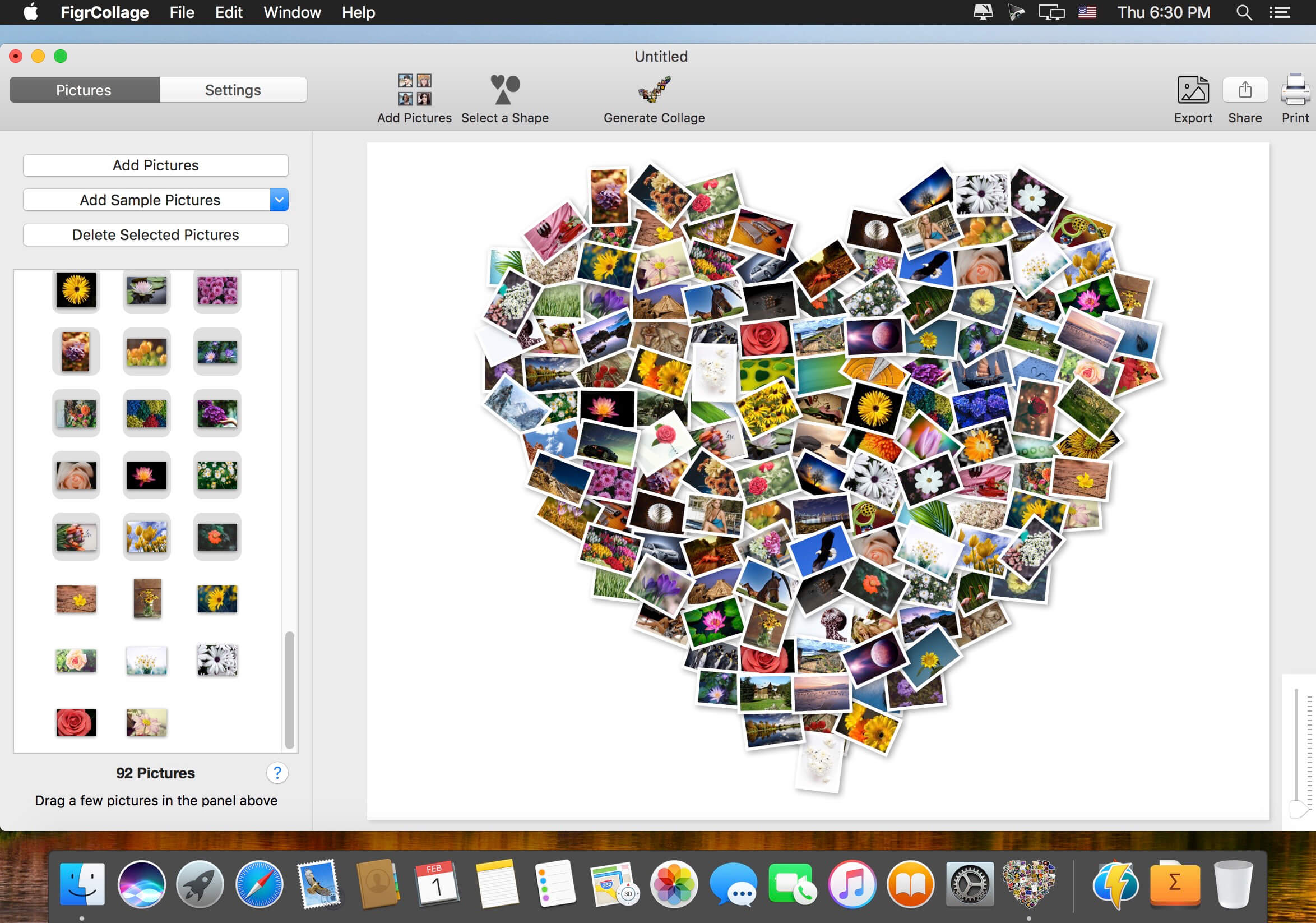
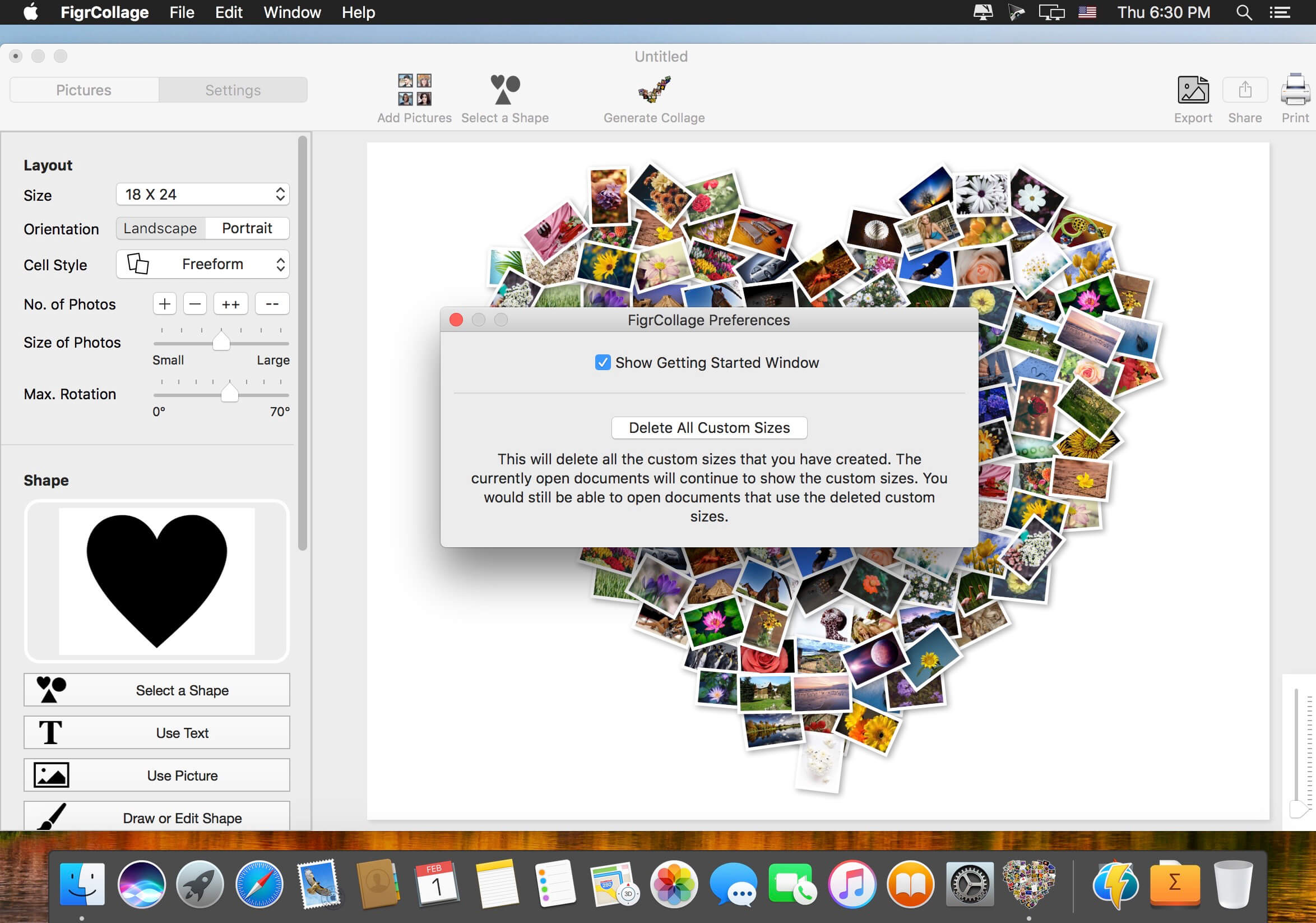
Make a photo collage in the form of any shape, number, word, or text. Make a heart collage, number collage, letter collage, word collage, or a collage from any alphabet. Absolutely anyone can make a collage from a shape or text in a few minutes — no design expertise or experience needed. We bet you’d be pleasantly surprised with the ease of use and the quality of results! Make a collage in one of the standard shapes or use your own custom shape. Here’re some sample pictures made using FigrCollage.
What’s New:
Version 3.3.6:
Release notes were unavailable when this listing was updated.
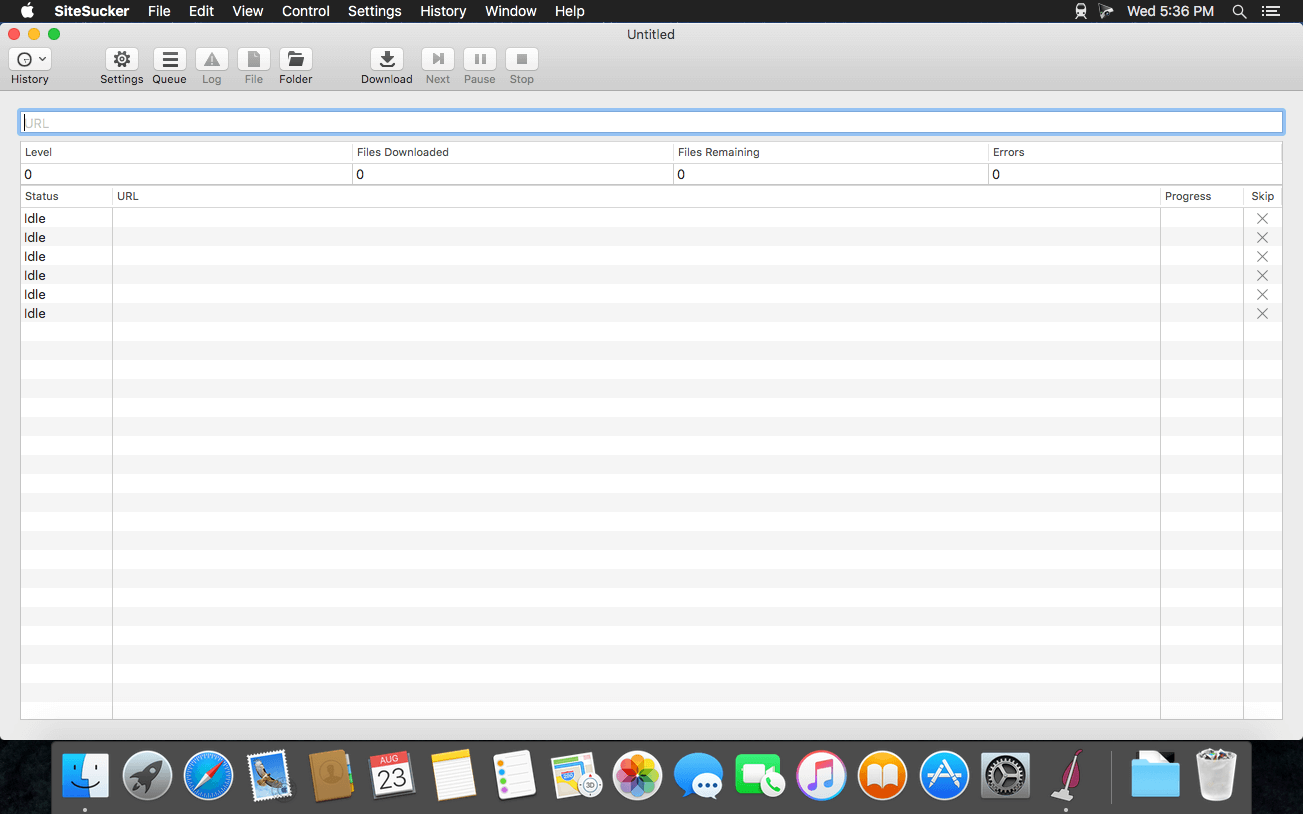
SiteSucker is an Macintosh application that automatically downloads Web sites from the Internet. It does this by asynchronously copying the site’s webpages, images, PDFs, style sheets, and other files to your local hard drive, duplicating the site’s directory structure. SiteSucker Pro is an enhanced version of SiteSucker that can download embedded videos, including embedded YouTube and Vimeo videos.
SiteSucker can be used to make local copies of Web sites. By default, SiteSucker “localizes” the files it downloads, allowing you to browse a site offline, but it can also download sites without modification.
Unobtrusive tool created to help you smooth out your scrolling, as well as to add custom mouse buttons actions and mouse gestures to any app.
Even though macOS comes with a mouse preference pane, it is quite limited as it offers insufficient options for customizing the scroll feature, the mouse’s buttons, and absolutely no mouse gesture support. Smooze is an application designed to fill in the gap left by Apple in macOS’ mouse customization department. Once launched, Smooze will add a status bar item with a menu which enables you to set the app to start automatically on login, as well to disable its custom scroll engine and button actions, and access its options.
And a lot more
Animated Scroll
Every app you own will have buttery smooth scrolling.
Productive
Save time by attaching mouse buttons to actions.
Gestures
Assign gestures and Rocker gestures to any button / shortcut / app.
Auto Scroll
Auto scroll anywhere on the screen, hands free, with buttery smooth animations!
Grab & Drag & Throw
Grab and scroll anywhere on the screen. Throwing will animate the scrolling just like it would on a trackpad.
CPU Friendly
Highly optimized & uses a very small percentage of your CPU power, even during excessive use.
High FPS
Smooze synchronizes its drawings to the refresh rate of your display which ensures the best scrolling experience.
Disable acceleration
Disable scroll acceleration and select the number of lines you want to scroll on each tick. These features are, and will always be, free!
Multiple displays
All settings can now be configured per app per display.
Intuitive Design
Easy to configure with a brand new design.
Moustache
This app also includes a pro moustache.
What’s New:
Version 2.0.30:
Release notes were unavailable when this listing was updated.
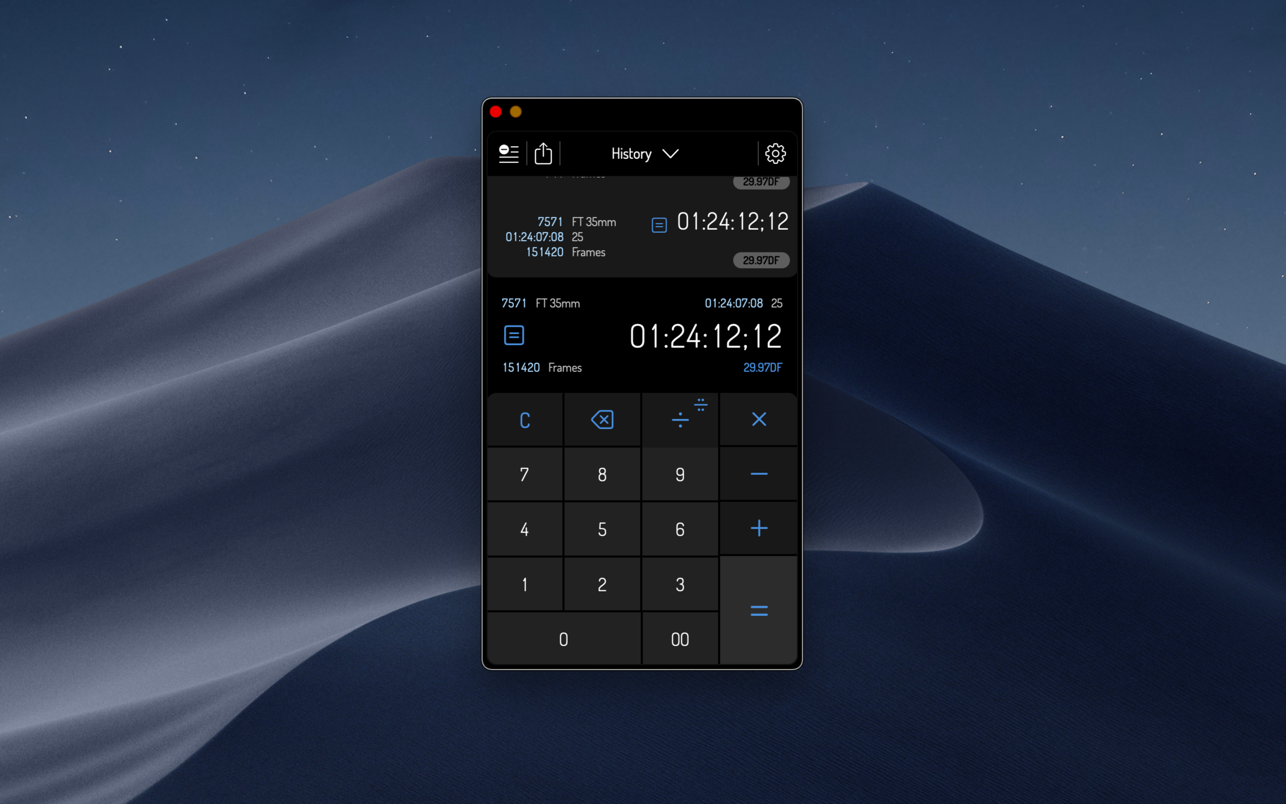
Timecode by Panoptik is the most attractive Timecode calculator on the market (if we do say so ourselves). It is the only professional choice for performing fast, ultra-precise timecode calculations and film unit conversions.
Using Timecode, you can calculate and convert any timecode into any other timecode or unit at the touch of a button. Timecode displays four user-definable units at once, allowing you to view conversions on any frame rate like 29.97 fps, 25 fps, rolls of film and frame results at the same time.
Do you need to know more? OK, OK not only can you do all those fancy frame and film rate calculations but it also gathers them together in an elegant little log that can be forwarded on to anyone who needs to know. Packed under the hood of its deceptively simple interface is one of the most robust timecode math engines on the planet, designed by a team of filmmakers, editors, designers, technicians and developers.
Thanks to Timecode’s peerless combination of precision software engineering and clear, contemporary design, complicated timecode calculations are more simple than they have ever been.
Honestly, you need this in your life.
FEATURES
– Over 10 different preset formats
– Over 10 preset frame rates and units
– Unique, elegant user interface makes calculating timecode and footage a pleasure
– Mix any units you desire. From feet to frames to HD to PAL to NTSC to IMAX and beyond!
– Simply tap on the settings button to reveal format and framerate options
– View your previous calculations in the comprehensive log
My PaintBrush for Mac is a powerful multilayer paint and drawing application. Use inspiring tools and brushes to create and save smooth images on your Mac.
√ Build up and manage multiple layers
• Merge or combine layers.
• Set the alpha value of individual layer.
• Customize the layer to be visible or not.
• Freely Change the order of layers.
• Delete unwanted layers.
√ Operations on each layer
• Customized times undo/redo.
• Flip horizontally and vertically.
• Move selected zone.
√ Familiar preset tools
• Erasers, Fill tools, Colorpicker, Zoom In.
• Straight lines, Curves, Rectangles, Rounded-rectangles, Ellipses.
• Text: customize font, size, color of text.
• Palette: set the foreground and background color for tools.
CHM Reader is a lightweight chm file reader, it can help you view your chm files, and export chm to PDF
※ CHM Reader
– Support single page search and full text search, and highlight search results.
– Support the forward and backward browsing history.
– Support page turning, zooming, and sidebar shrinking.
– Support page printing.
– Support CHM to PDF.
※ Bookshelf
– All the files you have read will be saved in the bookshelf for quick review next time.
– Support file(s) drag and drop addition.
※ Reading Experience
– It can remember the location of the last reading, so that it can continue reading next time.
– Photo adaptation, better layout.
– Support for page zooming using command+ or command- key combinations.
– Support for quick page turns and quick view of history pages using a combination of command and up and down left and right arrows.
– In the process of page reading, you can use the buttons J and K to quickly slide up and down the page.
Read EPUB,CHM,MOBI… use it.. GM Reader is a fully functional book Reader with a simple and beautiful interface and a good reading experience.
▸ Features
– Supports reading EPUB, CHM and Kindle files.
– Support single page search and full text search, and highlight search results.
– Support the forward and backward browsing history.
– Supports page turning, zooming, and sidebar shrinking.
– Support page printing.
– Support to view the basic information of the file.
– Supports file export to EPUB, PDF.
– Support to extract all images in the file.
– Support file coding, deal with the problem of garbled code.
– Support image adaptive, automatically adjust the size of the picture.
▸ Bookrack
– All the files you have read will be saved in the bookshelf for quick review next time.
– Supports file drag and drop addition.
The GM EPUB Reader is a full-featured ebook reader with a simple and beautiful interface and a good reading experience.
※ EPUB Reader
– Support for reading EPUB and Mobi files.
– Support single page search and full text search, and highlight search results.
– Support the forward and backward browsing history.
– Support page turning, zooming, and sidebar shrinking.
– Support page printing.
– Support to view basic information of files.
– Support page number display and quick page switching.
– Support EPUB to PDF, Mobi to EPUB, Mobi to PDF.
– Support extracting images from EPUB and Mobi.
※ EPUB Bookshelf
– All the files you have read will be saved in the bookshelf for quick review next time.
– Support file(s) drag and drop addition.
※ Reading Experience
– It can remember the location of the last reading, so that it can continue reading next time.
– Photo adaptation, better layout.
– Support for page zooming using command+ or command- key combinations.
– Support for quick page turns and quick view of history pages using a combination of command and up and down left and right arrows.
– In the process of page reading, you can use the buttons J and K to quickly slide up and down the page.
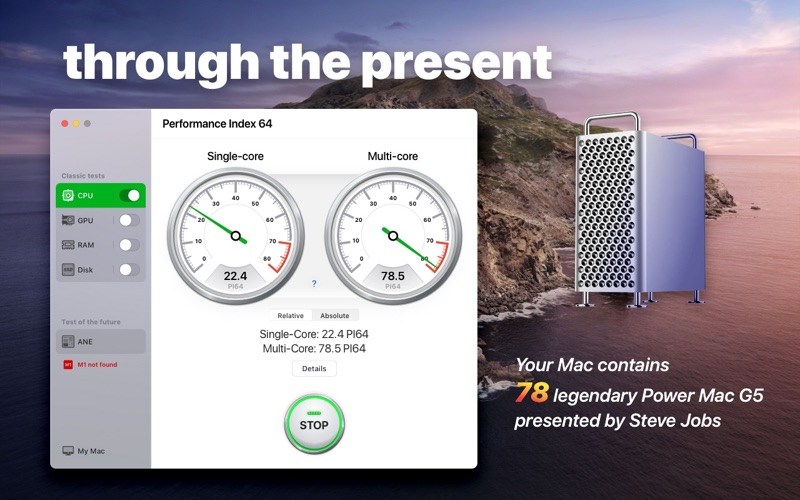
The Performance Index 64 app is designed to compare your Mac with other macOS devices and evaluate performance and efficiency of different configurations.
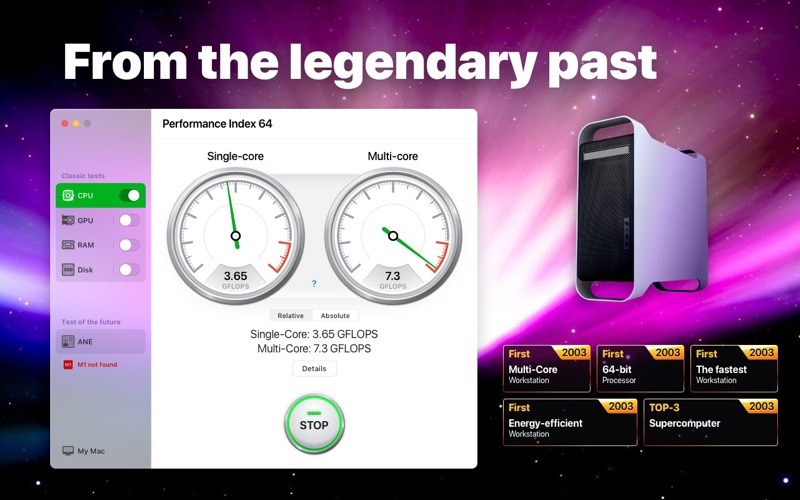
Since we are talking about a 64-bit system, we took the very first 64-bit computer designed by Apple as a conventional unit – the legendary Power Mac G5 first introduced by Steve Jobs in July 2003.
Powered by the PowerPC processors, the Power Mac G5 was so effective and energy efficient that in autumn 2003 a group of enthusiastic students introduced the System X supercomputer, combined with 1100 of such desktops. This supercomputer became a real technological breakthrough, taking third place in the TOP-500 rating.
Nowadays, such a result would be impossible. If we would have combined a similar configuration of 1100 top 64-bit desktops, the resulting supercomputer wouldn’t even be included in the TOP-100 of the world ranking.
With the help of our application you can find out how much of the legendary Power Mac G5 your Mac contains.
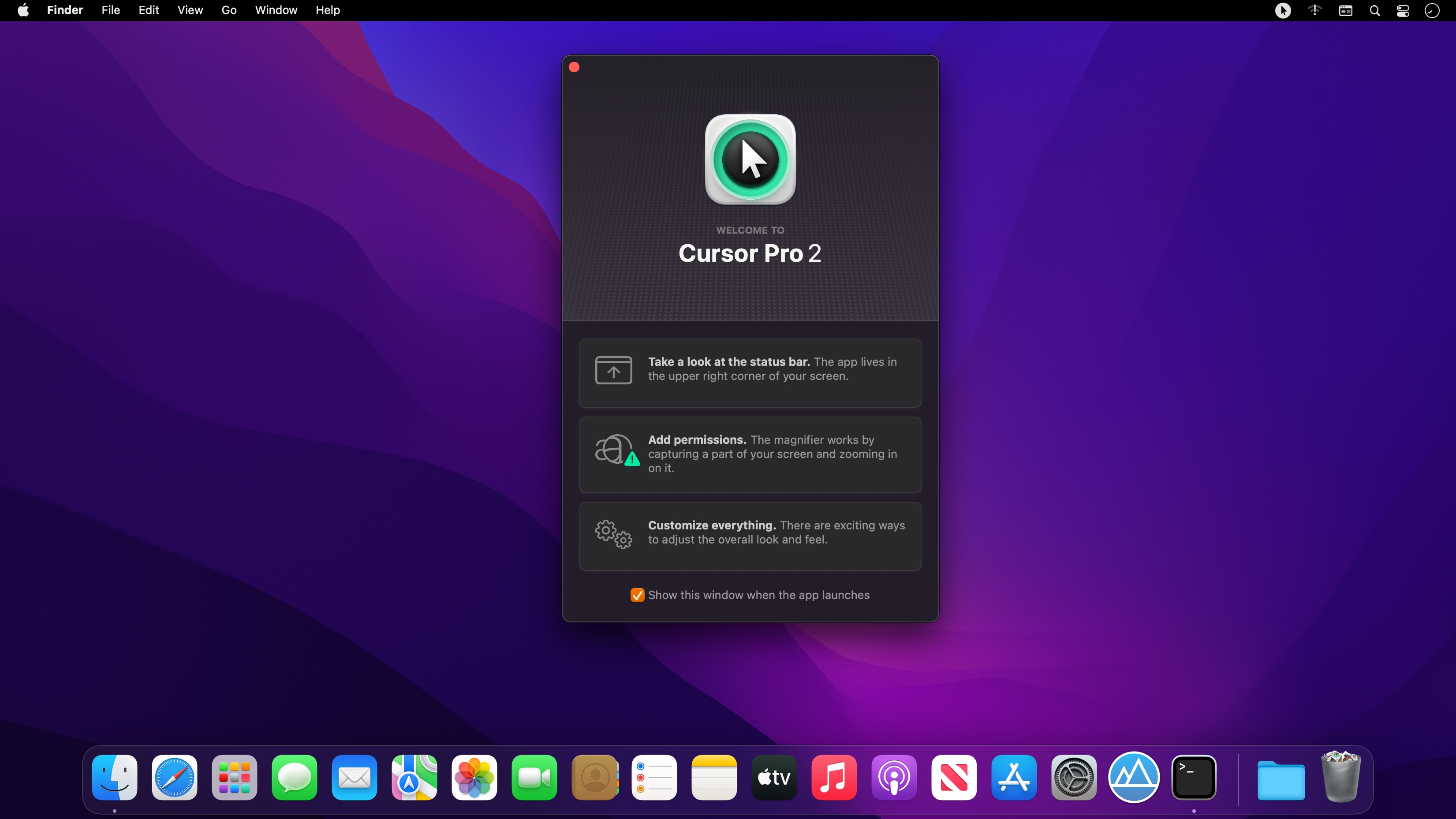
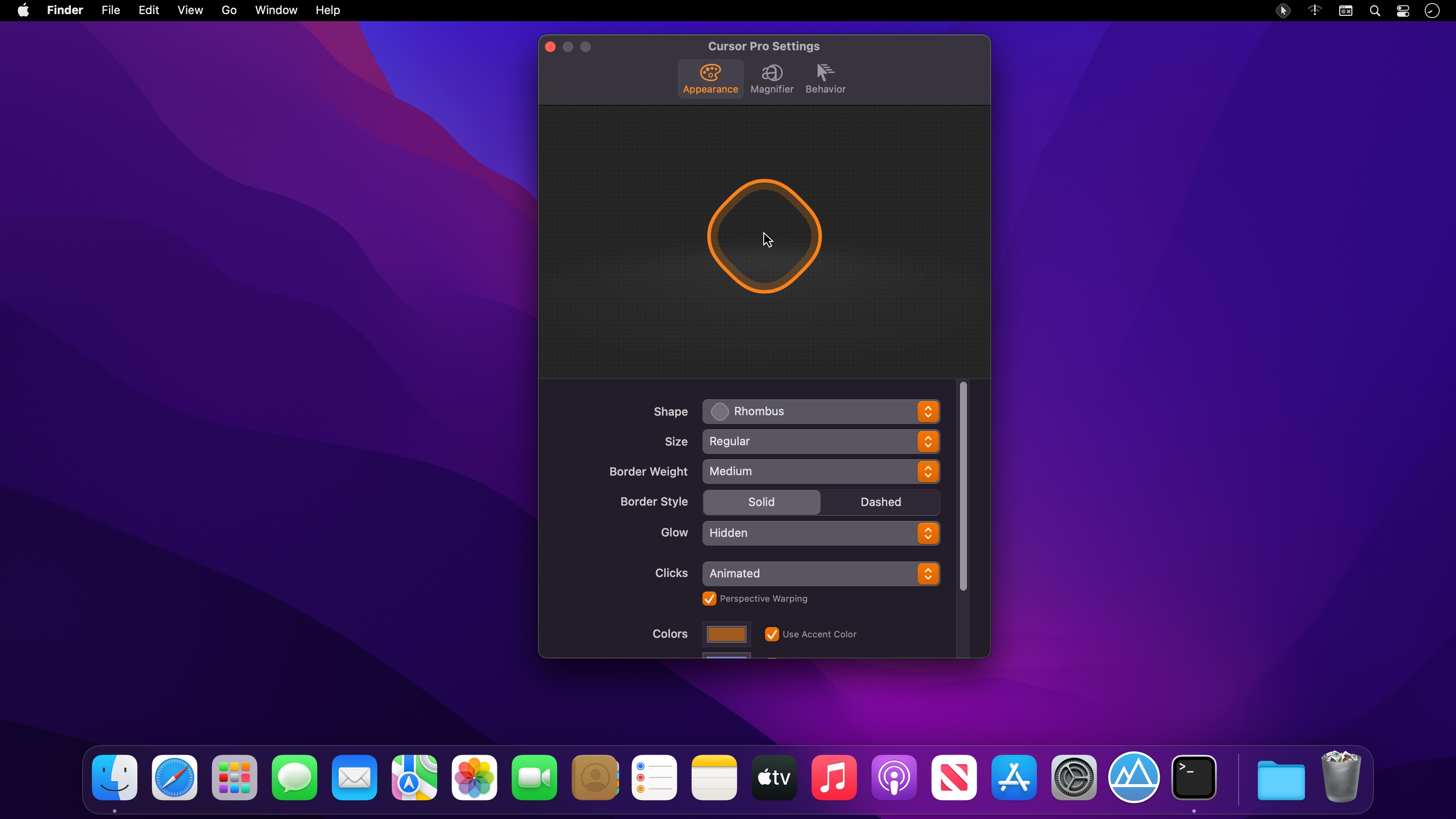
With Cursor Pro you can make your pointer pulse and beg for attention when you can’t find it and have it act as a magnifier all from one carefully designed, fun-to-use app. It’s fully customizable: Choose how you want your pointer to be highlighted with options including a circle, an eye-pleasing squircle, and a diamond-shaped rhombus. Want to make it appear a specific color?
You’ll find Cursor Pro invaluable and indispensable if you:
• Want to make a professional impression. Use your Mac to demonstrate apps, workflows, or anything else. People will see your pointer and the clicks you perform more easily.
• Work remotely and need to be able to share your screen with a colleague without them asking what you’re doing all the time. Your pointer, and the actions you perform, will be clearly visible.
• Present on a big screen and want to make sure everyone can see exactly what you’re doing without issue. Enable the magnifier and make sure everyone can see on-screen text and interface elements.
• Capture on-screen tutorials for sharing online or to help promote an app or service.
• Have a large screen or even multiple displays. Losing your pointer is something that happens to many of us far too often. Cursor Pro will make sure you always know where your pointer is.
Features
• Customizable Cursor Highlight: Choose your preferred Shape, Size, Weight, Border Style, Glow, Animations and Colors.
• Magnifier: Set up a magnifying key, choose a zoom factor, define magnifier qualify and size.
• Behavior: Auto-Hide, Beg For Attention, Global Hot Key.
• Display the app within your Dock, the StatusBar or both.• Autostart: Launch the app automatically on login.
• Works great with Screen Sharing apps like Zoom, Google Hangout or Skype (but share your entire screen, not just a single window!)
• Updated for macOS 12 Monterey
• Optimized for Mac with M1 (Apple Silicon)
We take your privacy seriously. Cursor Pro doesn’t collect any data and all of your actions and clicks stay offline, on your computer. No network connection is needed for Cursor Pro to function.
Capture Text and Graphics! Upgrade your productivity to the next level!
Initiater is an easy to use small macOS OCR (Optical Character Recognition) app that extracts and recognizes any non-editable text on your Mac computer’s screen. As an extra feature, it can turn graphic files into editable text.
Initiater is a small app which lives in menu bar, it’s accessible whenever you need it. The app is convenient to use and makes extracting text from your images, scanned documents, or even videos easy.
If you have ever used a built-in Mac’s screen capture application or any other screenshot app before, then it’s not difficult for you to work with Iitiater. Select with a mouse any part of the image, photo, document, or anything on the screen, and the app will process and recognizes any text within this selection. Grabbed part of the screen and having any text in that area be instantly recognized and copied to clipboard or shown in a small window.
Screenshot images containing text part, convert them into editable text files or copy to clipboard where you can paste as a text. Or just save selected part as an image file.
Additionally, the application supports recognizing text from PNG, JPG, JPEG, BMP, TIFF and PSD files, and convert them into plain text. All conversion and screenshots are done securely only on your device, none of your images or texts are sent to any third-party services in the cloud.
This app’s OCR engine or any other feature doesn’t need an internet connection to process function. Secure optical character recognition or screenshot solution for those who are concerned about privacy. The application doesn’t collect any users’ data.
Features in Short
Grab an screen area
Recognize text – copy to clipboard or save as text file
Save screenshot as an image file
Recognize text from graphic files
Ultra light app which runs as a menu bar app
Runs natively on Apple M1 and Intel processors
On-device OCR Technology, no internet connection is needed
Instant text recognition. No need to upload files into the network
Running macOS Catalina: English language is only supported
This version of the app recognizes primarily written in English, French, German, Italian, Spanish, Portuguese and Chinese languages. You can change default recognition language in Settings window.
For best results, use “Best” mode, or “Normal” mode for lighting speed results. For corrupted or old images, using “Best” mode is recommended.
What’s New:
Version 1.0.4
Added ESC button function to cancel Capture function
Improved translations and background optimizations
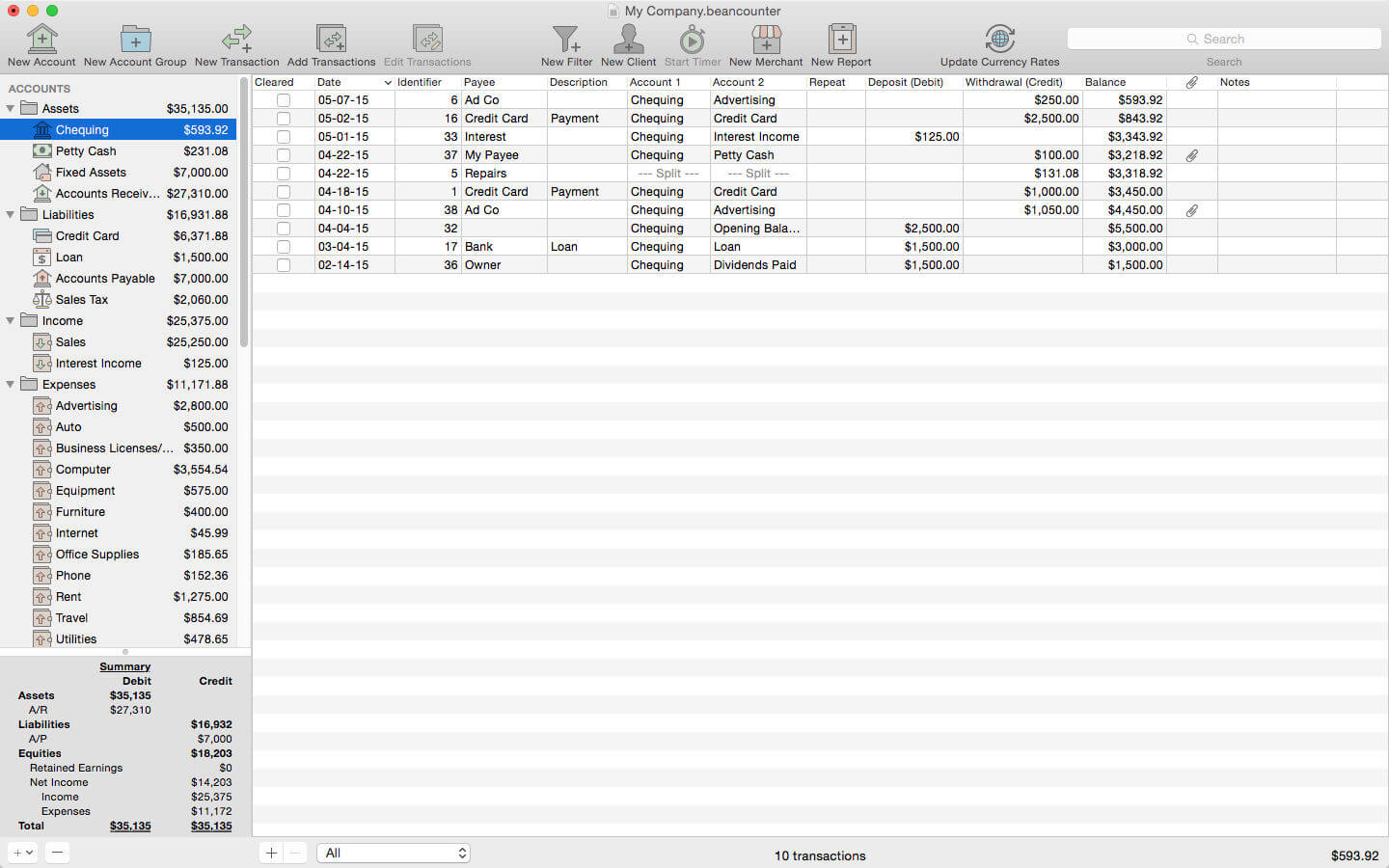
BeanCounter is a powerful yet easy to use professional bookkeeping, time tracking, and invoicing application. It features double-entry accounting, multiple currency support, and a simple one window user interface. Manage accounts, clients, projects, merchants, and bills for an unlimited number of businesses. Stay on top of your business with detailed reports and graphs.
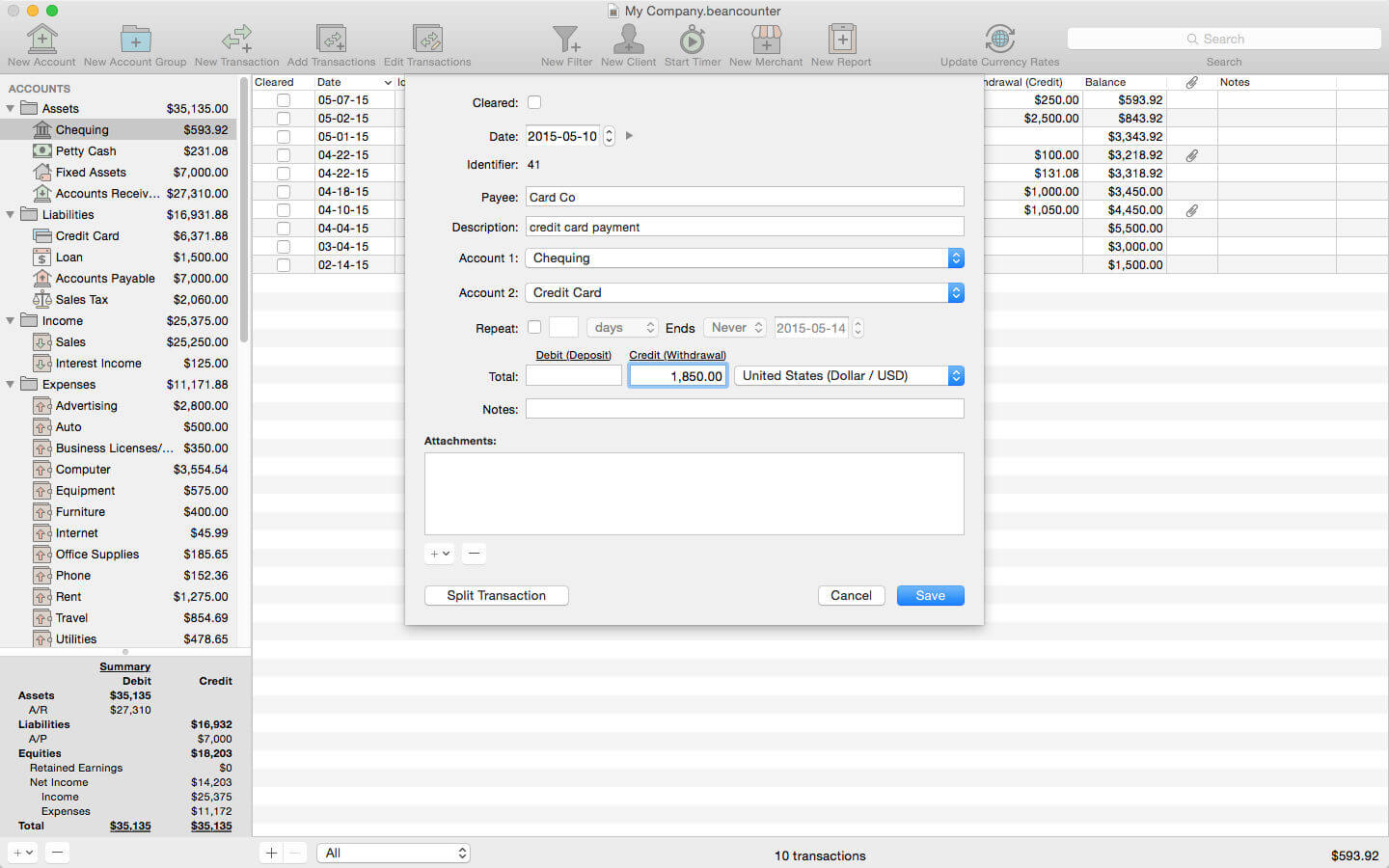
Add new transactions with support for nine types of custom fields and file attachments. Attach photos, scans, voice memos, and files such as receipts, invoices, and other documents to each transaction. Define custom accounting periods and automatically clear down nominal accounts. BeanCounter supports budgets, filters, batch transaction editing, autofill, and split/repeat transactions. Import and export transactions to a variety of file formats.
Track project tasks and expenses for clients. Tasks may be timed (using the included time tracker) or non-timed. Generate customized estimates and invoices itemizing tasks and expenses. Choose from five invoice layouts or design your own custom layout. Keep track of outstanding invoice balances and manage incoming payments.
General:
double-entry, accrual accounting
create an unlimited number of businesses
support for self-proprietorships, partnerships, and corporations
define custom accounting periods
create custom units/currencies
full-screen support
auto save
Accounts:
create 16 types of accounts
set a budget for each account
create complex filters with any combination of transaction fields
advanced search
Transactions:
single and multiple transaction entry forms
multiple currency support
add custom fields (nine types) for local taxes, payment type, completion dates, or anything else
mileage support including start/stop values
attach photos, voice memos, and other files to transactions
split transactions with balance button
create repeating transactions
batch edit transactions
autofill
Merchants:
create merchants for tracking bills and payments
create repeating bills
make payments to multiple bills
Clients:
create clients for managing projects with tasks and expenses
timed tasks with time tracker (application and menulet)
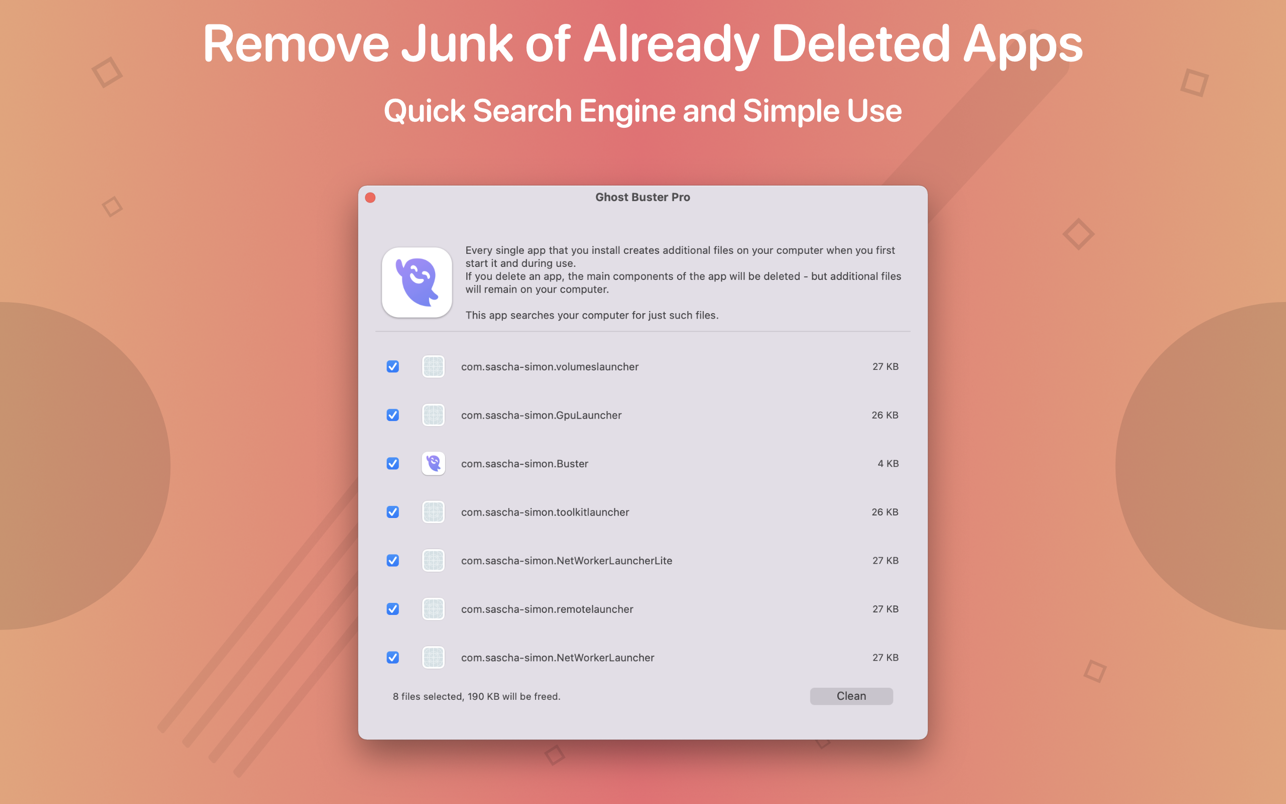
Ghost Buster Pro finds and deletes files from apps you’ve already uninstalled. The app is lightning fast and frees memory in no time.
Many apps are installed on a computer, but they usually only stay on your computer for a short time. Each app creates files, but deleting the app does not remove them.
This leads to a large number of files accumulating over time, which take up valuable storage space.
Ghost Buster Pro searches your computer for exactly such files and can also delete them directly if you wish.
Ghost Buster Pro offers the following features:
Fast Search
Ghost Buster Pro quickly scans your computer for data from previously deleted apps. You can have them deleted with one click.
Extremely easy handling
Ghost Buster Pro couldn’t be simpler. The search is started immediately after the app is started. You can now delete files with just one click.
No automatic deletion
Ghost Buster Pro does not delete any data without your consent. Choose for yourself which data is deleted and which you want to keep.
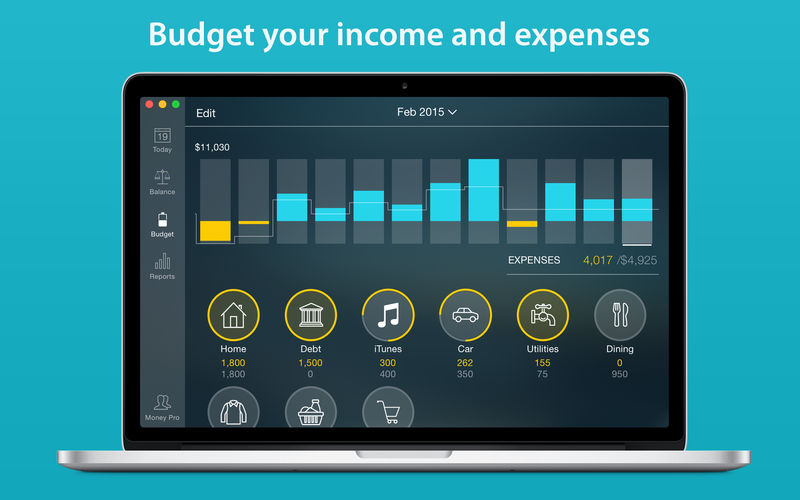
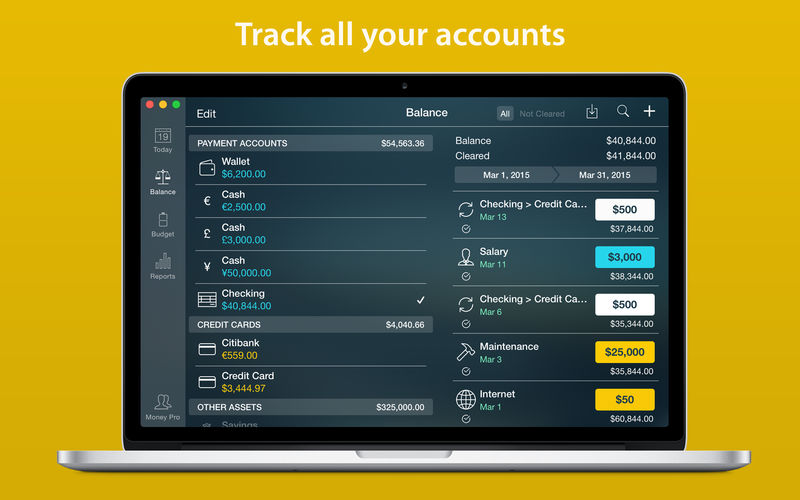
Money Pro is the one place for bill planning, budgeting and keeping track of your accounts. Easy sync with iPhone/iPad versions. Money Pro works great for home budgeting and even for business use.
Calendar
Mark days on the big calendar when your bills are due.
Schedule recurring bills with custom periodicity.
Filter transactions by selecting dates on the calendar.
Today view
Take a quick glance at bills due.
When you actually have a transaction, approve it quickly.
Money Pro predicts transactions for the day that may not have been scheduled manually.
Bills due notifications
A whole system of reminders will alert you of upcoming bills.
Quick rescheduling option will help you deal with bills due (tomorrow, in 3 days, next week).
Budgets
Create budgeted entries, both for your income and expenses, and indicate budget limits for each entry.
You can set different budget limits for every period, which is useful if you plan to reduce your spending gradually month by month.
Start adding every transaction you have, and see progress of each category and the overall progress.
Monitor visual indicators for budget overspending.
Select the category you want to analyze and examine a budget trend chart generated on the fly.
Budget rollover
You can set budgets to transfer the leftover of the current period to the next budget period.
Budget rollover limits your spending automatically if you overspent in previous periods.
Checkbook register
Unlimited number of accounts in one place (checking, savings, credit card, etc).
Setting transactions as recurring or as one-time only.
Balance change history.
Additional fields for organizing your records including payee, description, check #, class (personal/business travel expenses).
Attachment of receipt photos.
Account reconciliation
You can record transactions and clear them later on (reconcile).
Automatically calculated available balance and cleared balance.
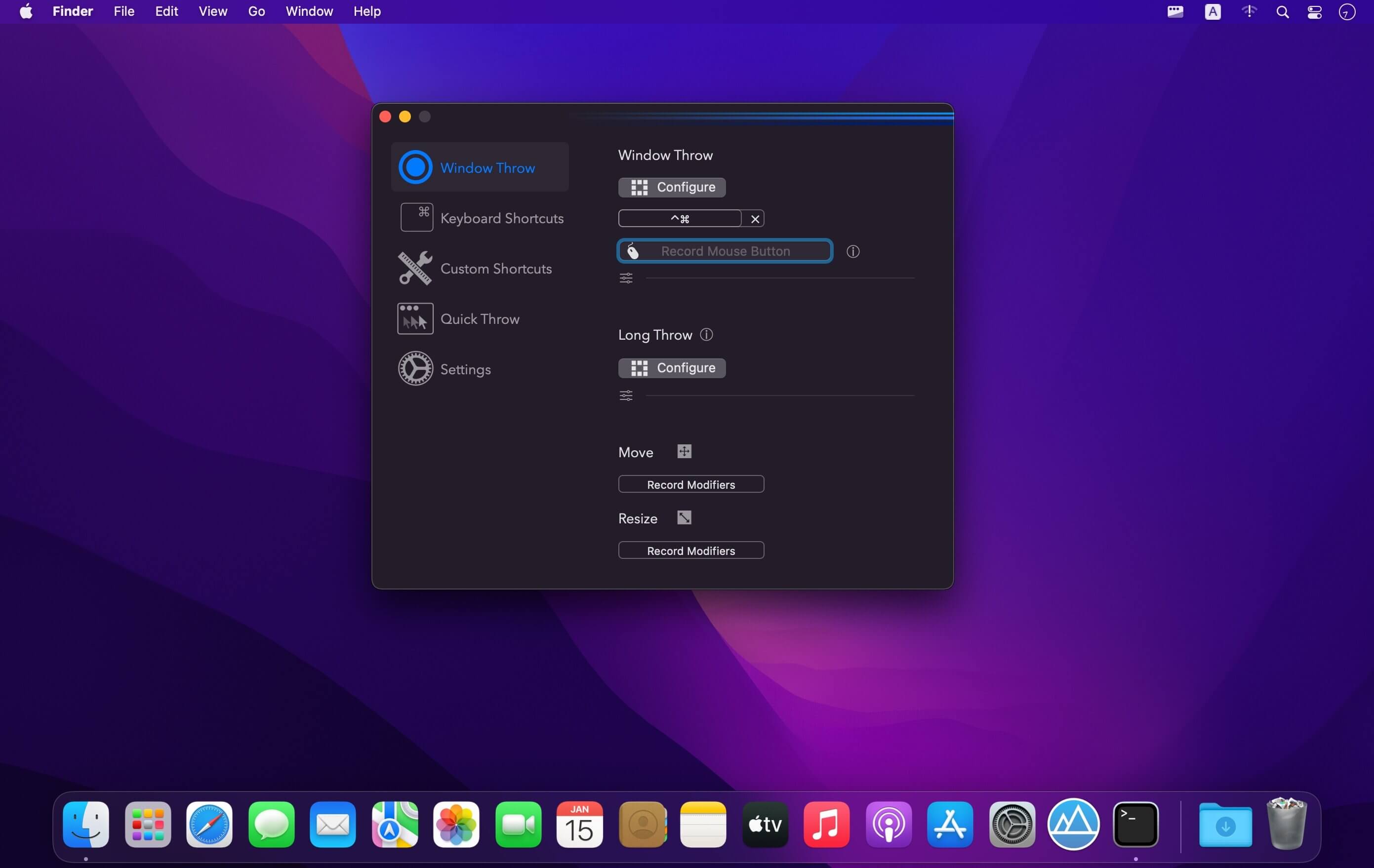
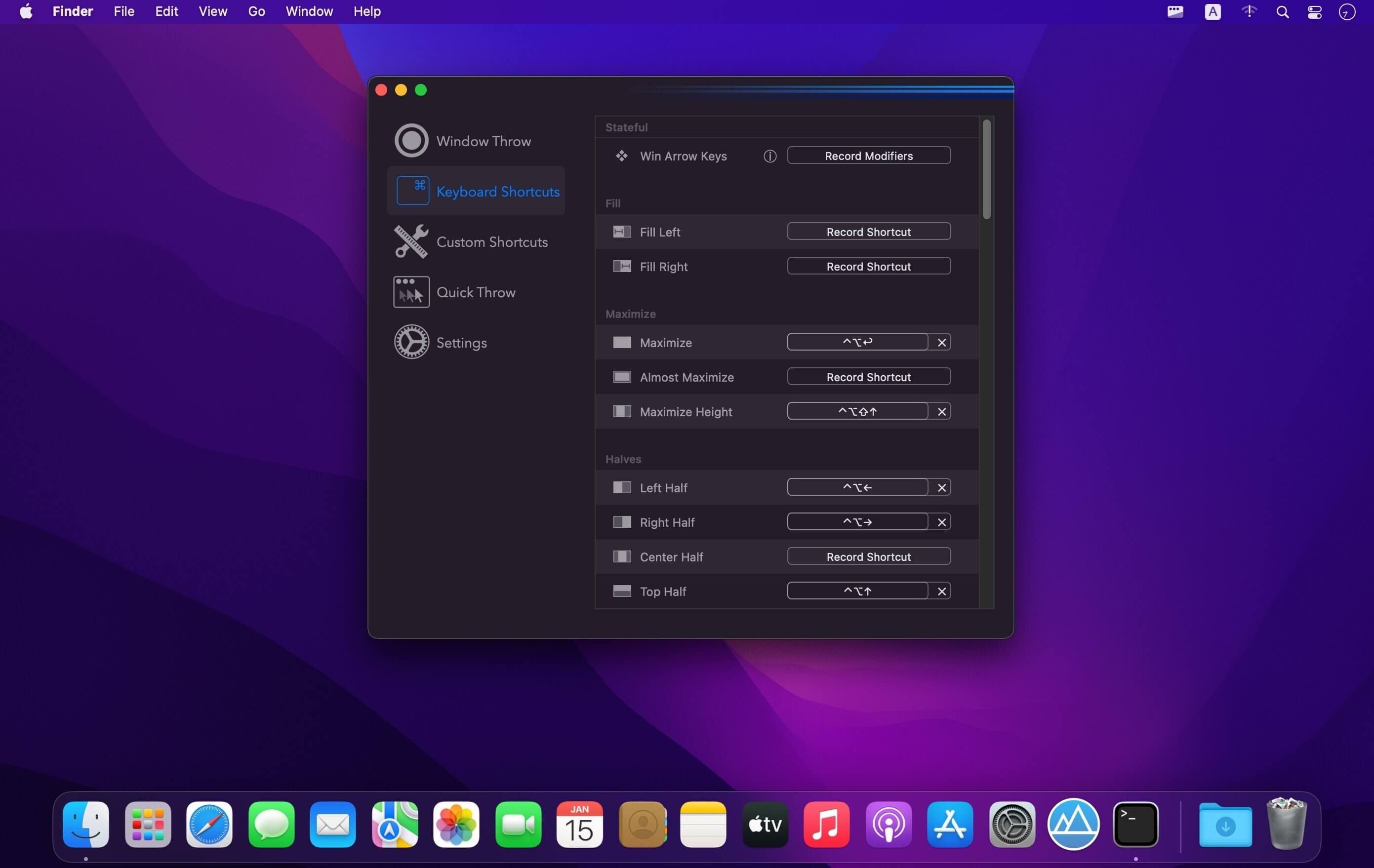
(Formerly Hookshot) Snap windows faster in this featureful Rectangle superset. Toss windows in the right places with cursor movement, move multiple windows with one command, create custom shortcuts, and more.
Features
16 window sizes & positions
Keyboard shortcuts
Drag windows to screen edges to snap
Move and resize by holding a key and moving your cursor
Snap windows under your cursor, even if not in focus
Custom shortcuts for any size & position
What’s New:
Version 2.7.5:
Release notes were unavailable when this listing was updated.
Compatibility: macOS 10.12 or later • Apple Silicon or Intel Core processor Homepagehttps://hookshot.app
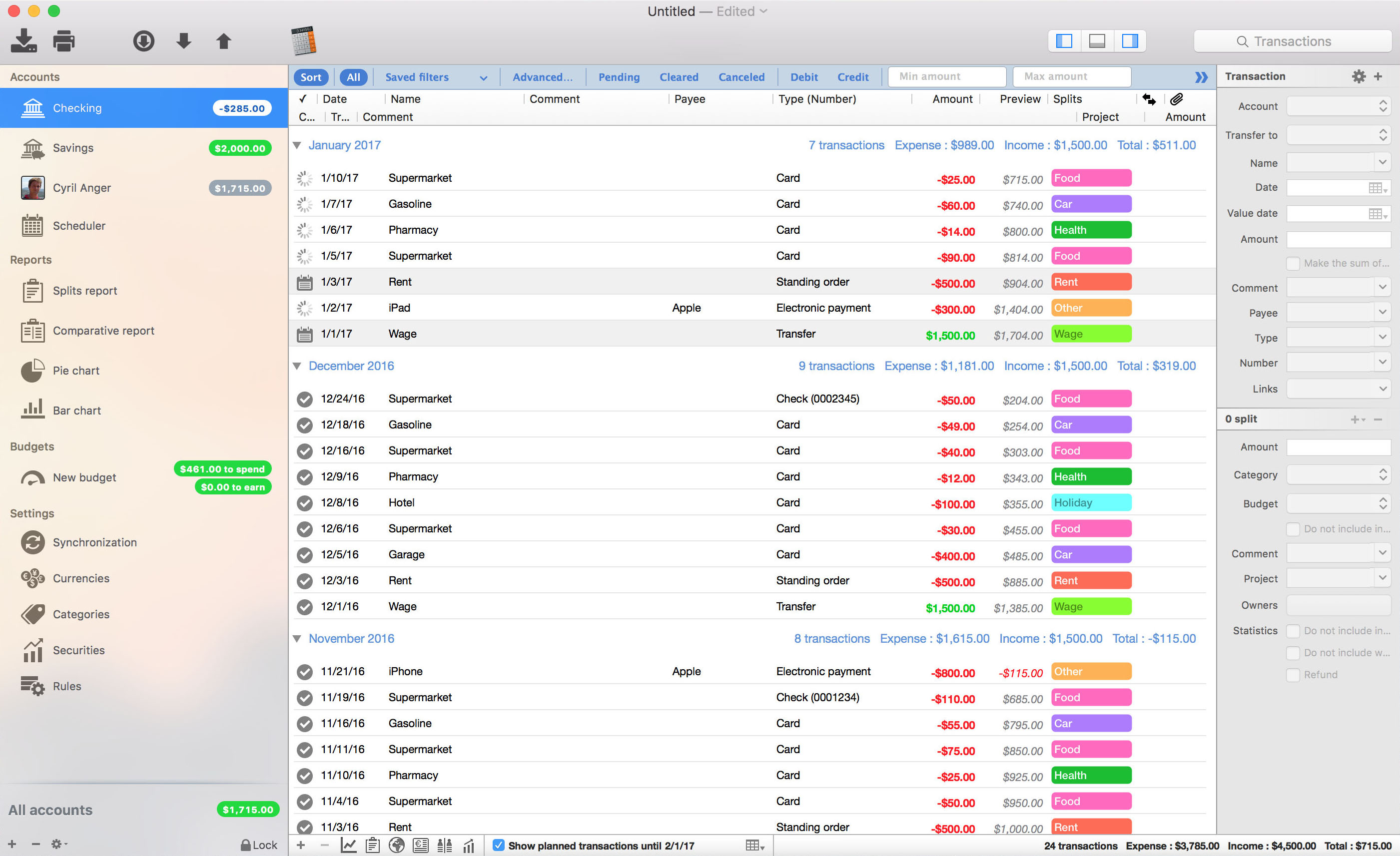
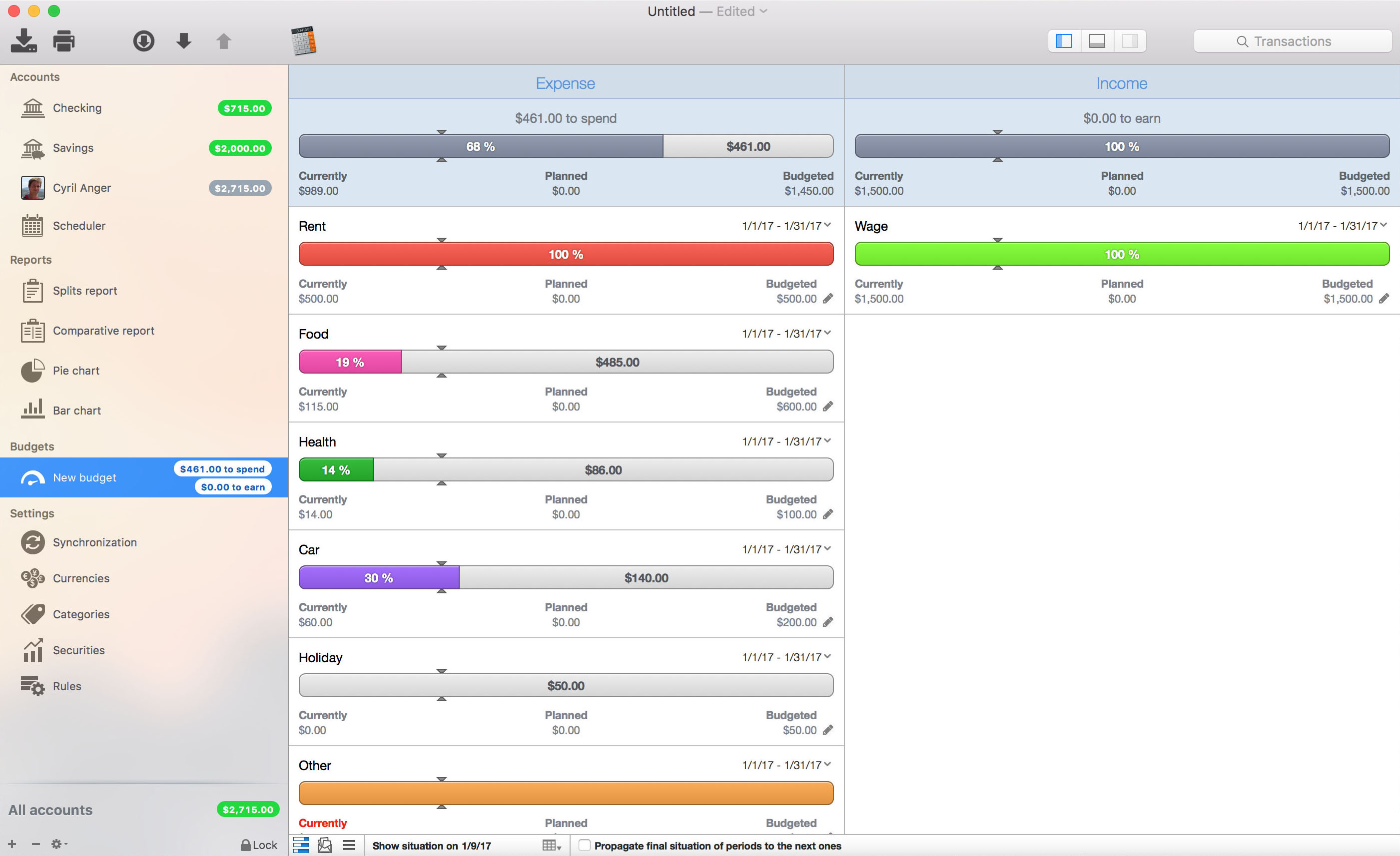
iCompta is an application that lets you manage your accounts with ease. Keep track of your income and expense, schedule your bills, stay in line with your budget and finally know where all your money goes thanks to beautiful charts.
MAIN FEATURES :
– Manage multiple accounts with multiple currencies
– Sort and filter your transactions to make statistics on your income and expense
– Keep track of your income and expense thanks to budgets
– Monitor your portfolio
– Manage shared expenses : you can finally know who owes what to who
– Beautiful reports and charts
– Transfers
– Download your transactions from your bank in just one click if your bank supports OFX direct download or with just a few more clicks using the embedded browser
– Easy import / export of transactions in QIF, OFX, CSV, XML and JSON formats
– Full synchronization between iCompta 6 on Mac and iCompta 6 on iPhone / iPad using iCloud, Dropbox or local network
– Modify many transactions at once using batch editing or the powerful rules engine
– Professional features : handle taxes, manage clients and make invoices
– Check transactions on your bank statements to avoid mistakes
– Password protection
Compatibility: OS X 10.9 or later • Apple Silicon or Intel Core processor HOMEPAGE:https://icompta-app.com/
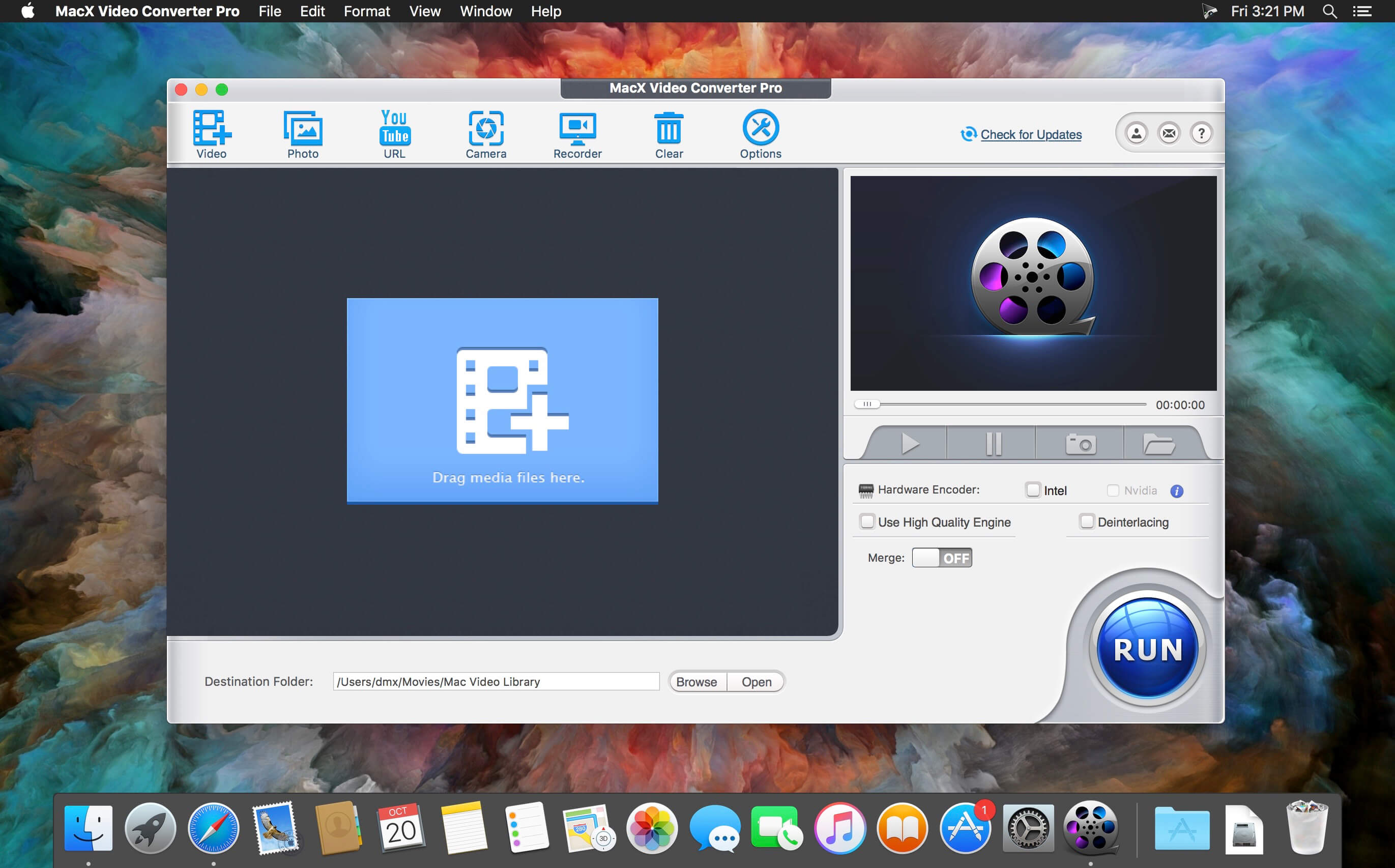
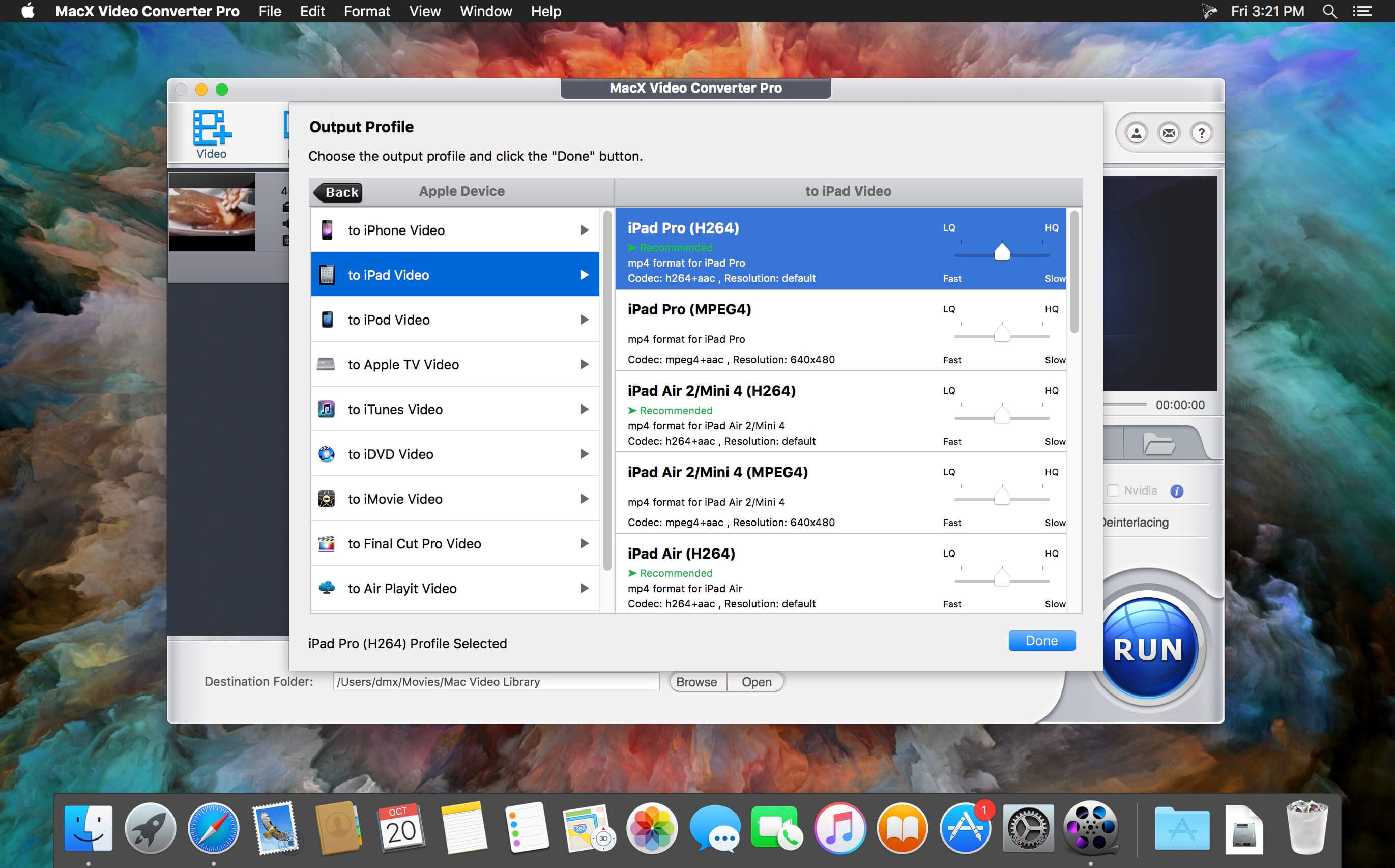
MacX Video Converter Pro is an excellent all-in-one toolkit that works as an HD video converter, video editor, screen recorder, and slideshow maker. It lets you convert 4K HD/SD videos to MP4, AVI, MPEG, FLV, MOV, WMV, MKV, MP3, etc., for playback on QuickTime, iPhone, iPad, or Android flawlessly, and for editing with iMovie and Final Cut Pro. This easy-to-use video converter gives you complete control over all videos recorded with an HD camcorder or downloaded from the Internet at 83x speed and with high video quality.
Main features
Ultra-fast video converter: Built-in 370 video/audio codecs, MacX Video Converter Pro is able to convert any video to popular video/audio formats, such as M2TS to MP4, MKV to AVI, MKV to MP4, WMV to MOV, AVI to iMovie, FLV to AVI, MP4 to MP3, etc. The 350+ preset profiles allows you to convert video to iPhone 6/6 Plus, iPad Air 2/Mini 3, iPod, Apple TV 3, iTunes, QuickTime, Galaxy S5 mini/ Note 4, Surface Pro3, Xperia Z3, PS4, etc., for playback.
Edit, trim and record video: Besides the video converting and downloading ability, MacX Video Converter Pro also offers robust functionality to edit video (cut/trim/merge video, add external subtitles and watermark), adjust video parameters, record screen activity, etc.
No.1 converting speed and high video quality: This Mac video converter has an easy-to-navigate interface and brings the fastest converting speed and zero quality loss with the help of hyper-threading technology and high quality engine.
Supported Input Formats
HD Video
AVCHD Video (*.mts, *.m2ts), H.264/MPEG-4 AVC (*.mp4), MPEG2 HD Video (*.mpg; *.mpeg), MPEG-4 TS HD Video (*.ts), MPEG-2 TS HD Video (*.ts), Quick Time HD Video (*.mov), WMV HD Video (*.wmv, *.xwmv), Blu-ray Video (*.mts, *.m2ts), HDTV Video (*.ts), Matroska Video (*.mkv)
Apple Device
iPhone 5S, iPhone 5C, iPhone 5,iPhone 4S, iPhone 3/3GS, iPad Air, iPad Mini with retina display, iPad Mini, New iPad/iPad 4, iPad 2, iPod Touch, Apple TV 3, iTunes, iDVD, iMovie, Final Cut Pro
Android Pad
General Android Pad Video, HTC Jetstream, HTC Flyer, HTC EVO View 4G, Samsung Galaxy Tab 7.0/7.7/10.1 (2014 Edition), Amazon Kindle Fire (HD/HDX8.9), Google Nexus 7, Google New Nexus 7, Huawei Pad, Lenovo Pad, Acer Iconia, Asus Pad (Asus Transformer Pad TF701)
Android Mobile
General Mobile Video, HTC Butterfly, HTC New One, Samsung Galaxy S4/S3, Galaxy Note 2/3, Google Mobile, Huawei Mobile, Acer Mobile
Microsoft Device
Microsoft WP8 Pad, Nokia Lumia 2520, WP8 Mobile, Xbox One, Xbox, Zune (HD), Surface RT/2, Surface Pro (2)
Other Devices
PSP, PS3, Blackberry, Nokia, PDA, ZEN
Web Sharing
What’s New:
Version 6.7.0:
Release notes were unavailable when this listing was updated.
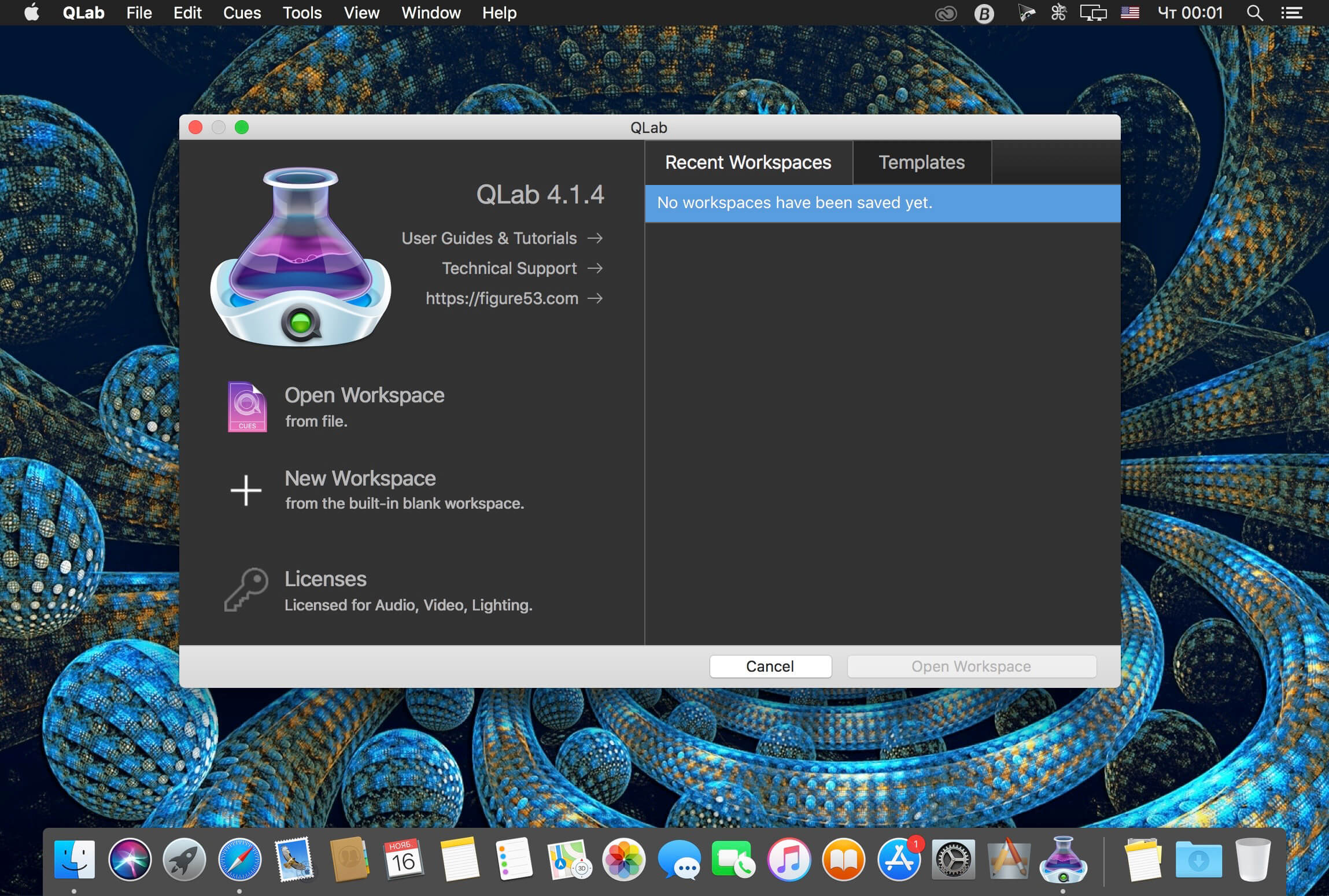
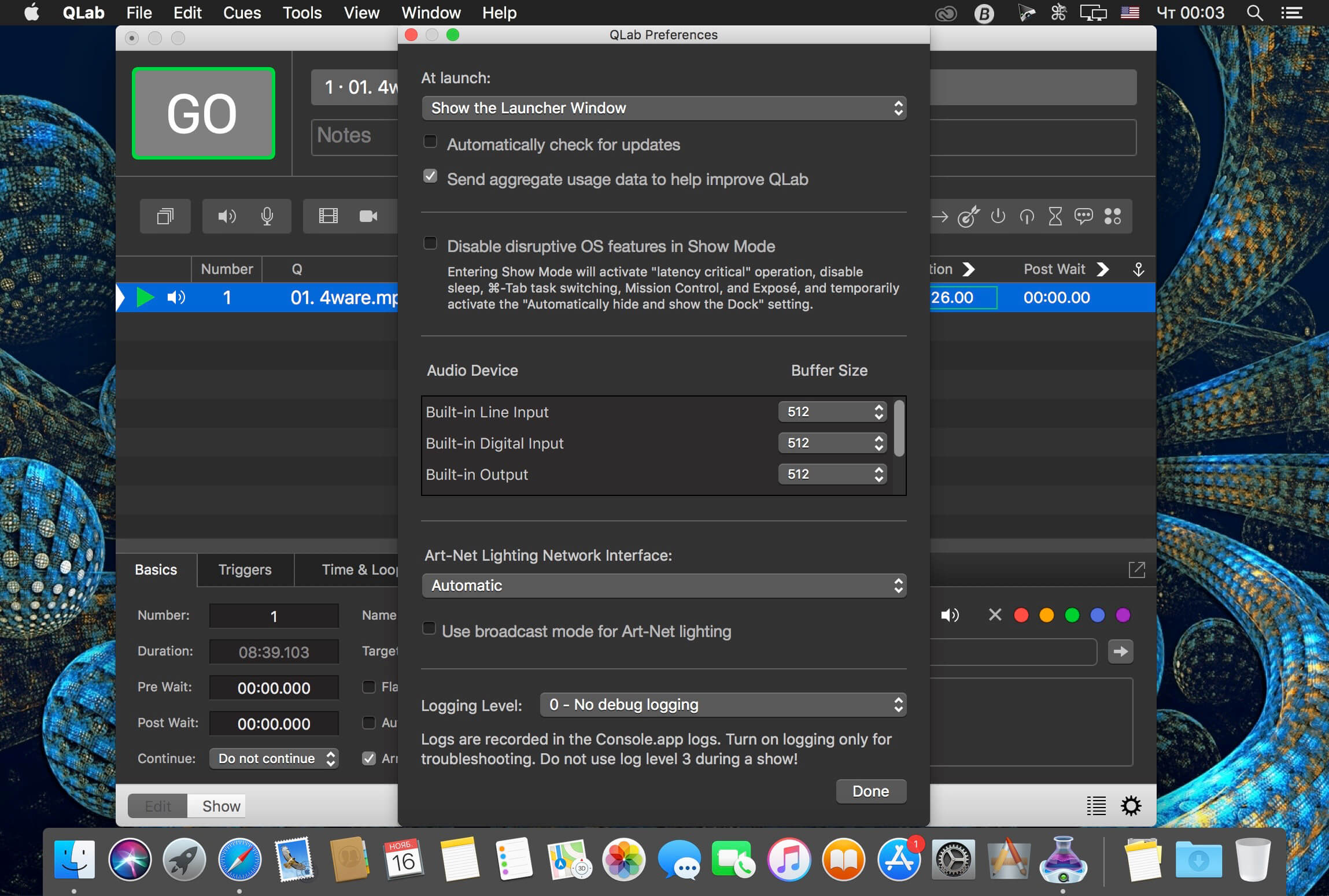
QLab makes it simple to create rich multimedia designs for live performances and installations. From Broadway to the West End, in churches, museums, store fronts, concert halls, and theaters around the world, people use QLab to bring their audio and video to life.
Simply powerful show control
QLab allows you to design and operate amazing multimedia performances from your Mac OS X computer. A single QLab workspace can control audio, video, MIDI, OSC, and more.
Amazingly deep, surprisingly easy
Using building blocks called “cues”, you can create sophisticated designs in seconds.
Getting started is as simple as dragging in a file and pressing “GO”. From there, add commands to fade volume, animate videos, or add audio and video effects.
Once you master the basics, become a power user with advanced features like scripting, video corner pinning, multi-projector edge blending, audio localization, or even building multi-computer designs by sending commands to other QLab machines on your local network.
The industry standard.
Battle-tested and used by designers around the world, QLab is the tool of choice in venues large and small.
Audio Effects
You can now apply live audio effects to all your cues: EQ, pitch shift, reverb, and more. Add audio effects to individual cues, across all cue outputs, or on your device outputs.
Dynamic Effects
The powerful new Fade Cue can adjust your audio effect parameters in real time. It can even adjust playback rate, to dynamically speed up or slow down your audio, with or without pitch shifting.
Live Audio Inputs
The new Mic Cue offers up to 24 channels of live audio inputs. Plus all those routing, fading, and audio effects you get on Audio Cues? You get those on Mic Cues too.
SimpleMind Desktop is a mind-mapping tool that turns your Mac into a brainstorming, idea-collecting, and thought-structuring device. It connects to the similar SimpleMind for iPhone/iPad app.
Features
Easy to use drag, arrange, and edit directly on the Mind Map page.
Tap or drag Node Well to add new Topics.
Full Undo/Redo in the editor.
Visual styles change colors, borders and lines for maximum presentation impact.
Pick colors from style palette or custom colors.
Cut/Copy/Paste – move or duplicate topics between Mind Maps.
Create new MindMap from selection or clipboard
Reconnect topics using drag-and-drop, aided by topic auto-layout.
The GM EPUB Reader is a full-featured ebook reader with a simple and beautiful interface and a good reading experience.
※ EPUB Reader
– Support for reading EPUB and Mobi files.
– Support single page search and full text search, and highlight search results.
– Support the forward and backward browsing history.
– Support page turning, zooming, and sidebar shrinking.
– Support page printing.
– Support to view basic information of files.
– Support page number display and quick page switching.
– Support EPUB to PDF, Mobi to EPUB, Mobi to PDF.
– Support extracting images from EPUB and Mobi.
※ EPUB Bookshelf
– All the files you have read will be saved in the bookshelf for quick review next time.
– Support file(s) drag and drop addition.
※ Reading Experience
– It can remember the location of the last reading, so that it can continue reading next time.
– Photo adaptation, better layout.
– Support for page zooming using command+ or command- key combinations.
– Support for quick page turns and quick view of history pages using a combination of command and up and down left and right arrows.
– In the process of page reading, you can use the buttons J and K to quickly slide up and down the page.
SimpleMind Desktop is a mind-mapping tool that turns your Mac into a brainstorming, idea-collecting, and thought-structuring device. It connects to the similar SimpleMind for iPhone/iPad app.
Features
Easy to use drag, arrange, and edit directly on the Mind Map page.
Tap or drag Node Well to add new Topics.
Full Undo/Redo in the editor.
Visual styles change colors, borders and lines for maximum presentation impact.
Pick colors from style palette or custom colors.
Cut/Copy/Paste – move or duplicate topics between Mind Maps.
Create new MindMap from selection or clipboard
Reconnect topics using drag-and-drop, aided by topic auto-layout.