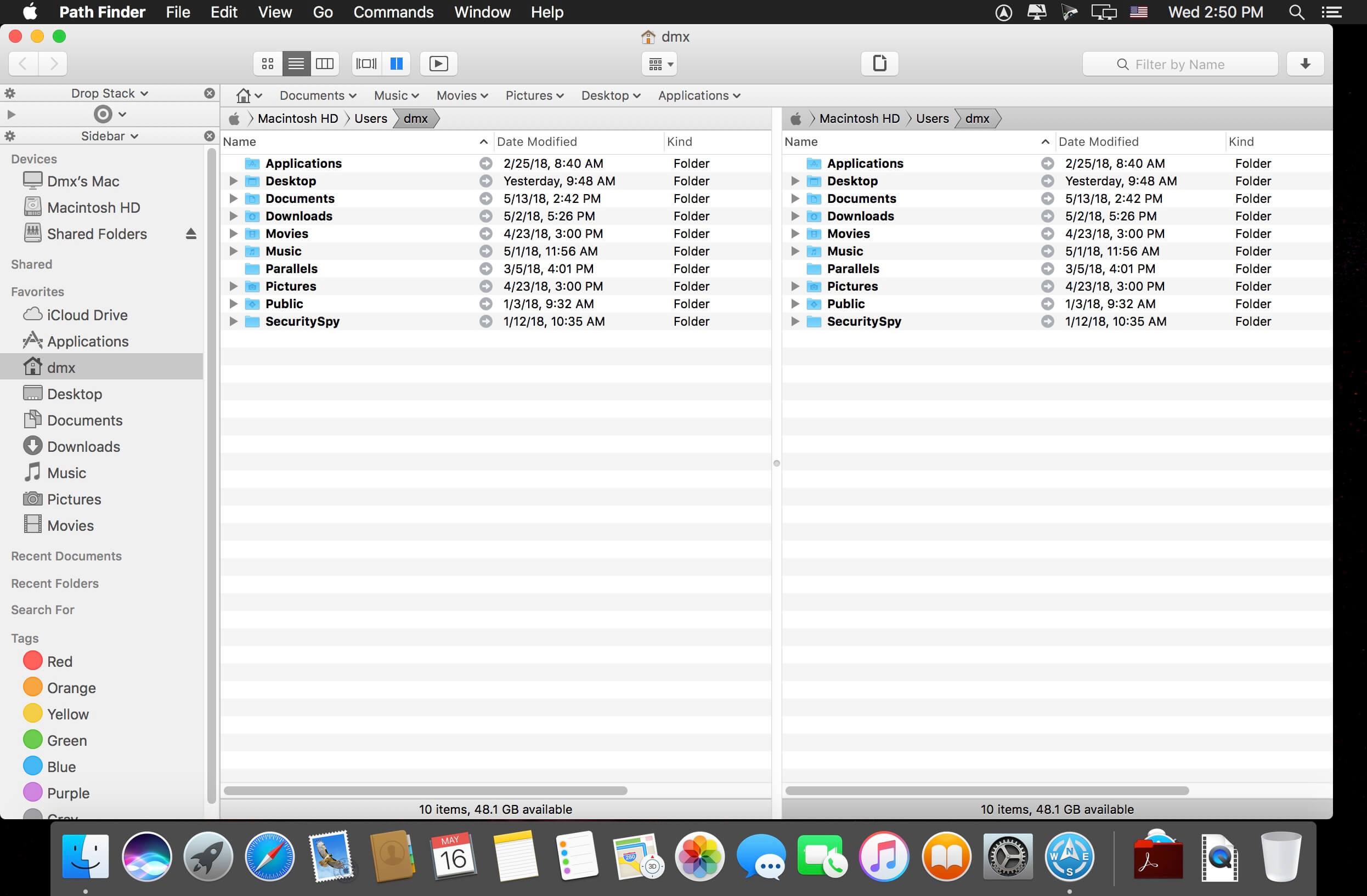
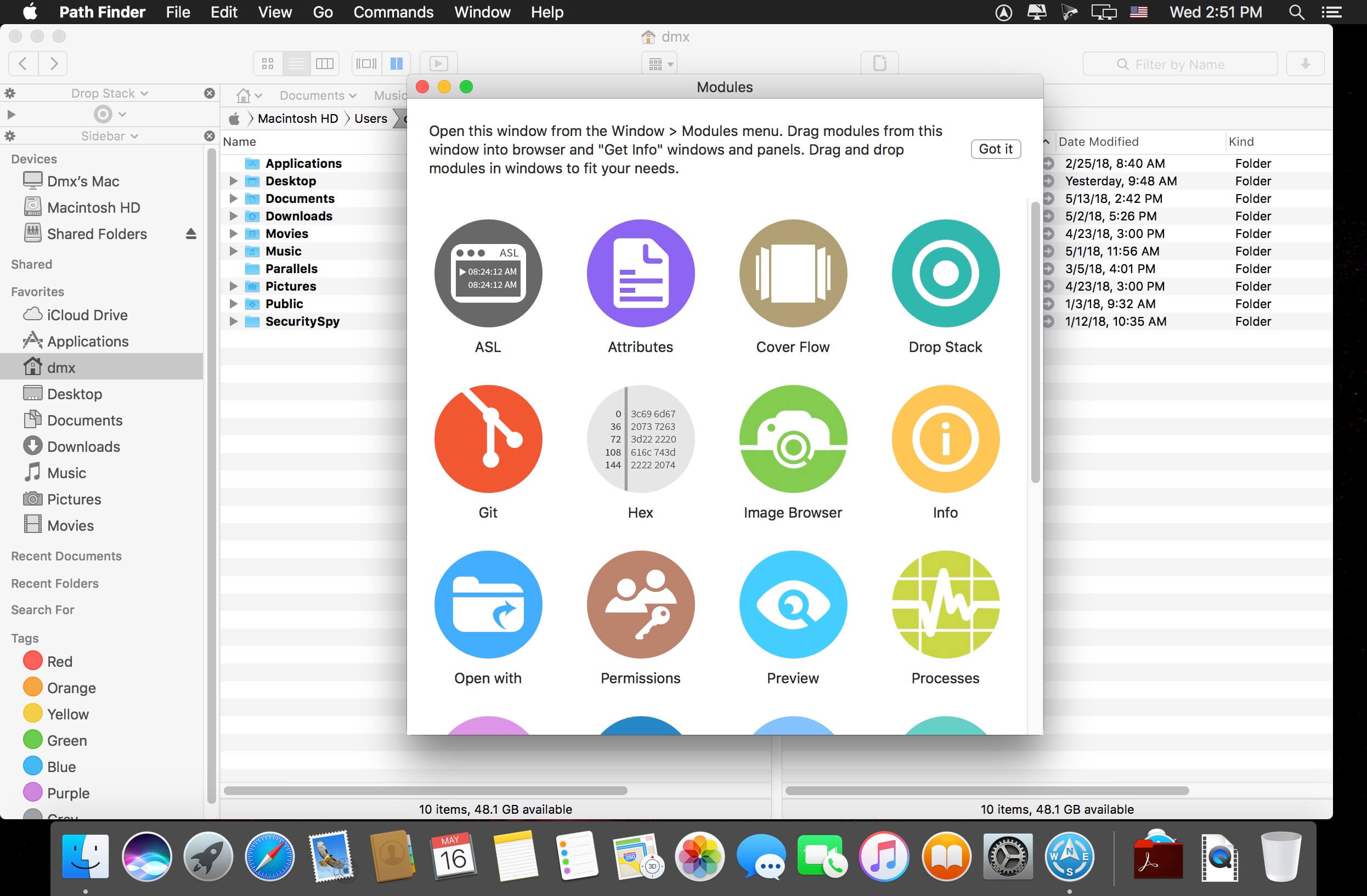
Path Finder makes you a master of file management. Take full control over your file system. Save your time: compare and synchronize folders, view hidden files, use Dual Pane and full keyboard navigation to browse your file system.
Work how you want: extreme customization allows you to access most tools in many different ways to suit your workflow. Work seamlessly with other platforms: don’t leave any hidden .DS_Store files on non-Mac volumes, delete files securely and completely with the powerful delete feature from any volume type, search any network volume.
powerful delete feature from any volume type, search any network volume.
Features
View and manipulate hidden files
Dual Pane View
Full keyboard navigation
Folder comparison and synchronization
Folder merging
Batch renaming
Powerful file filtering
One-click dual-pane copy
Bookmarks and Tab Presets
ACL editor
File tagging
Editable Path Navigator
Powerful low-level search
Smart sorting
Advanced selection
Integrated terminal
Integrated text and image editors
What’s New:
Version 9.0.5:
Release notes were unavailable when this listing was updated.
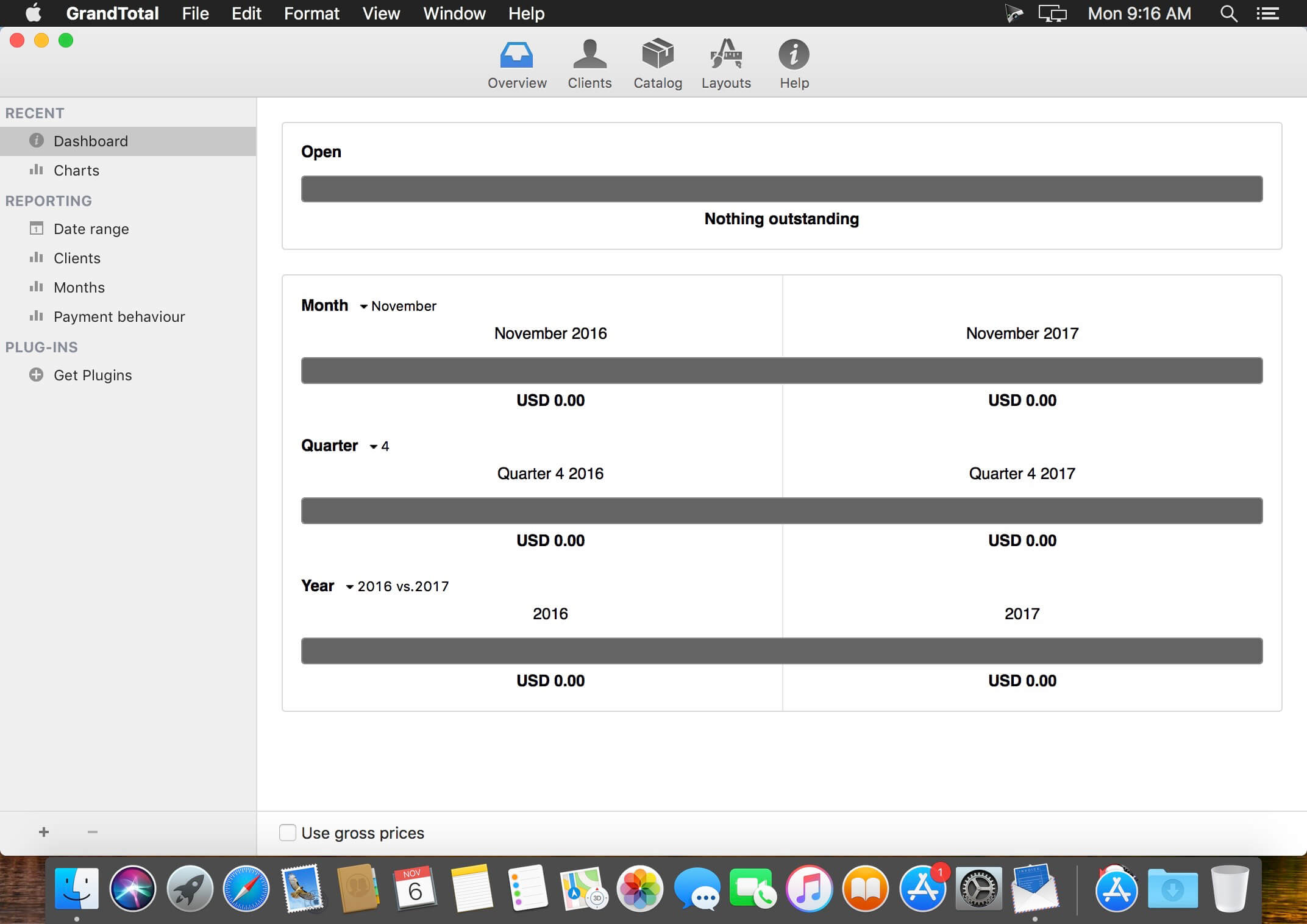
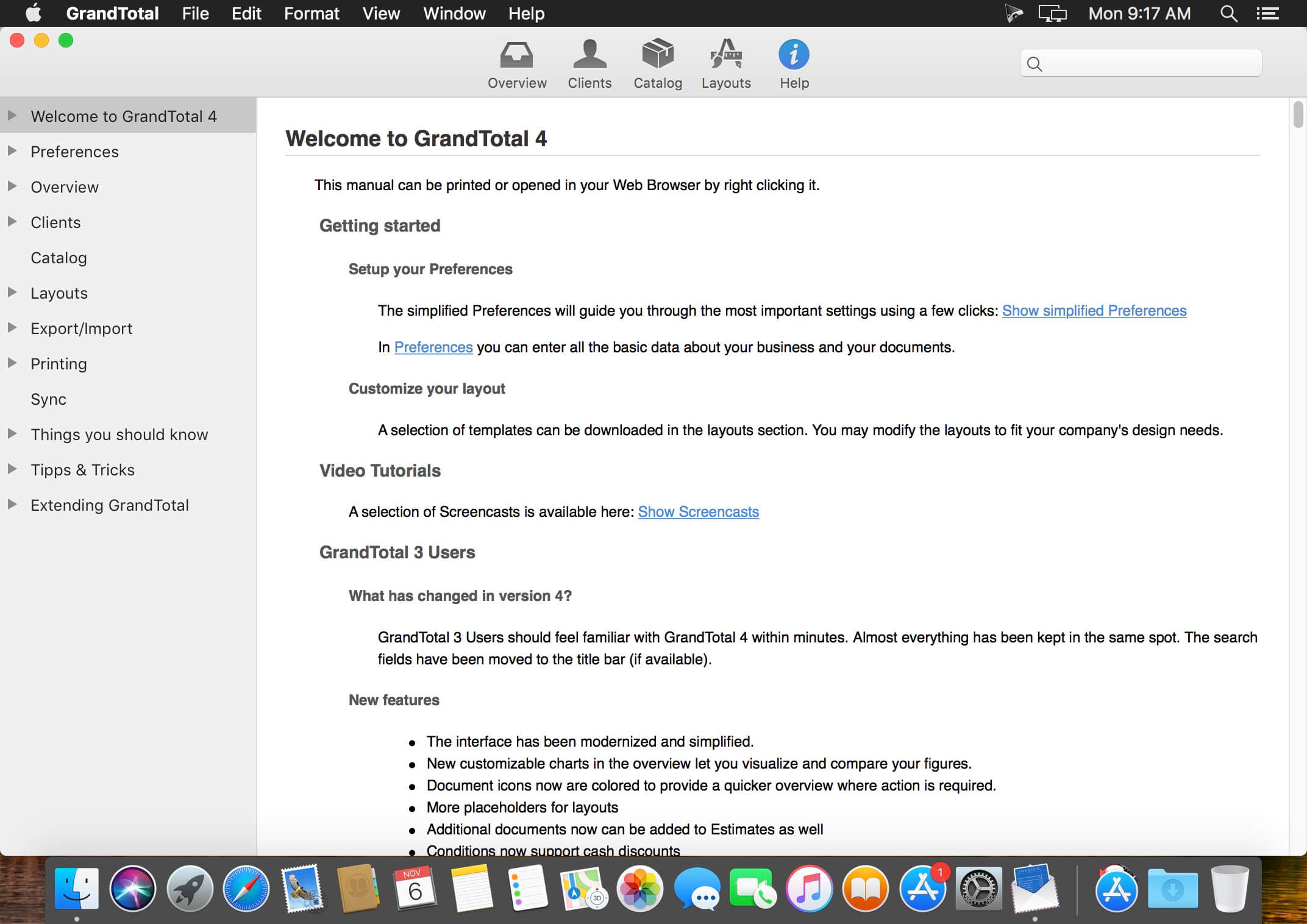
GrandTotal is an application to create invoices and estimates based on your own templates. The built-in template editor allows you to adjust your layout to fit your company’s corporate design. GrandTotal works great in conjunction with TimeLog.
What’s New:
Version 6.0.1:
Fixed: Known issues
Version 6.0:
Documents
Partial invoices
Quick typing of quantities
Sort items by cost, name, or quantity
Advanced settings for using stationery
Rules to remove items from additional documents
Display of delivery type (Mail/Paper)
E-Invoicing
Support for ZUGFeRD 2.0, Factur-X, EN16931
Files
Multiple companies/mandates
Multi-user file format
Support of all common cloud drives
Project Management
Pasting of Merlin Project items to Estimates and Invoices
Data protection
Optional Encryption with AES256
Option to not file the documents externally
Overview
Grouping of documents by quarters
Direct access to additional documents in invoices and estimates
Dashboard
Relative comparison of last 7,30,90 and 365 days
Email
Sending to cc & bcc recipients
Worktime
Automatic generation of titles and subtotals
Support for Clockify
Client reports
Free font selection for labels
Balance
Payments
Payment can be assigned to invoices from MoneyMoney using drag’n’drop
Other
A lot of refinements and improvements across the application
Softorino YouTube Converter – YouTube to MP3. Offline YT Converter. No Ads. Background Playback.
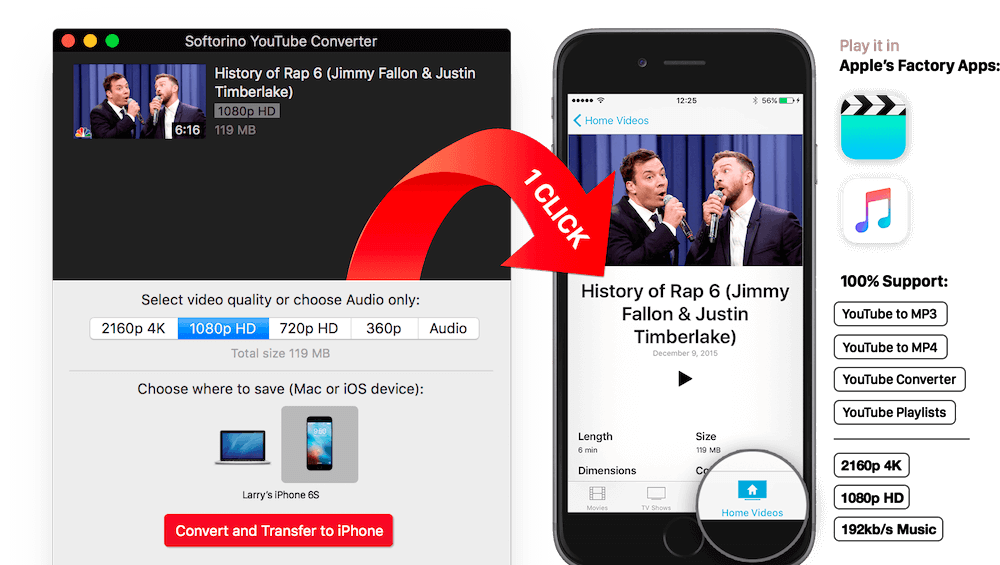
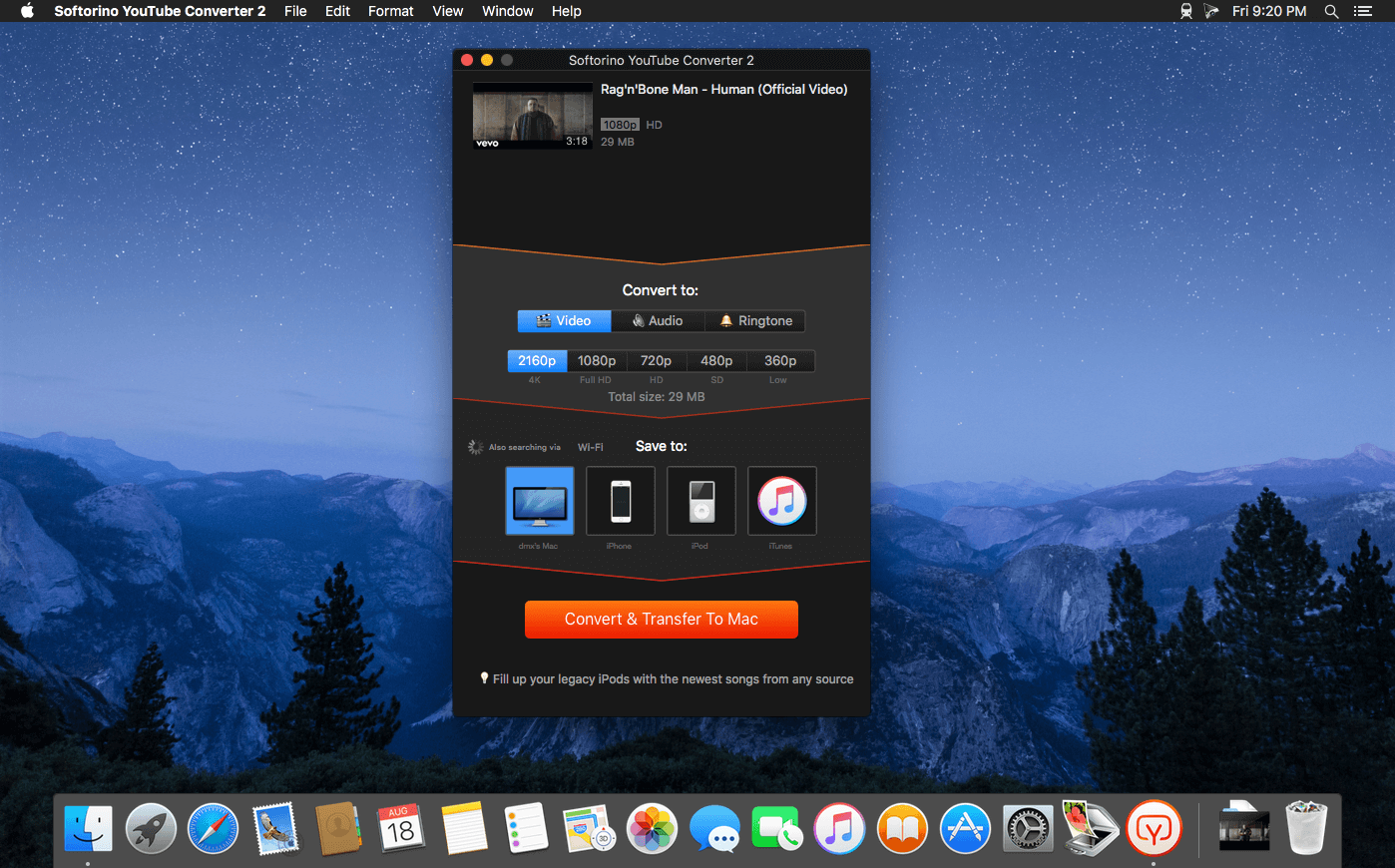
YouTube on the iPhone and iPad, without advertising, to support offline viewing but still nothing. You think it’s impossible? But not guessed! All this and a little bit more you can get by using Softorino YouTube Converter. The whole process is simple in the extreme: copy the link to the video, go to the app and choose where you want to save the video.
After you copy the link to the clipboard, Softorino YouTube Converter automatically recognizes it, and you will only choose the quality (60fps, 2160p 4K, 1080p HD, 720p, 360p, or audio only) and a place to save (Mac or iOS-device ). A few seconds after pressing the button Download the file is in the “Boot” on the Mac, or “Video” application / “Music” on iOS. That’s all.
No advertising;
You can download any video from YouTube and Vimeo;
You can download the audio track of the video and listen to the standard player on iOS;
Do not need internet to view;
less discharged battery;
for it not to be paid;
it works anywhere in the world, in contrast to the YouTube Red.
The Synclavier V faithfully recreates the elite digital synthesizer/workstation that started it all, powering some of the biggest hits and film soundtracks of the early ‘80s with its unique rich, edgy sounds.
If you were to ask anyone back in the late ‘70s and early ‘80s to name the Holy Grail of synthesizers, the most revered of them all was New England Digital’s Synclavier. Its unique combination of additive synthesis and frequency modulation delivered a creative edge to the privileged few keyboardists, producers, film composers and sound designers who could afford systems that ranged from $13k to $400k.
Some of those rock-solid systems are still in use today. Arturia has recreated this highly revered hit maker in partnership with original programmer Cameron Jones, delivering the immense rich textures and creative palette of this vintage instrument, while dramatically improving it to let you blaze new musical trails today with sounds never heard before.
Cassette is an audio plugin that emulates the sound of vintage cassette tapes and decks. It has been carefully modelled after exhaustive analysis of a high number of sound signals recorded into real tapes. As a result, we get the same sound and behaviour of the original units.
Magnetic tape is not a sterile media. Because of that, it will impart its own sound signature to signals recorded into it. These include a different frequency response, frequency dependent saturation, high-frequency compression, hiss, asperity noise and much more. Reproduction systems will also induce their fingerprint: wow, flutter, random high-frequency loss, crosstalk between channels, stereo unbalances and other.
All of these little quirks and random fluctuations have been modelled meticulously. Cassette imprints instant nostalgia, movement and analog feel all around in its path.
# Version 1.0.2 – 19 / 11 / 2019 – Fixed: Pro, Home and Micro bug in Cubase / VST3. – Improved: authorization process. – Added: Tape Type is now automatable. – Added: Pro Tools key command automation. – Added: artist presets from Insight.
# Version 1.0.1 – 14 / 11 / 2019 – Fixed: Pro, Home and Micro buttons are now automatable. – Improved: settings sliders snap to the mouse cursor when clicked. – Added: artist presets from Torley.
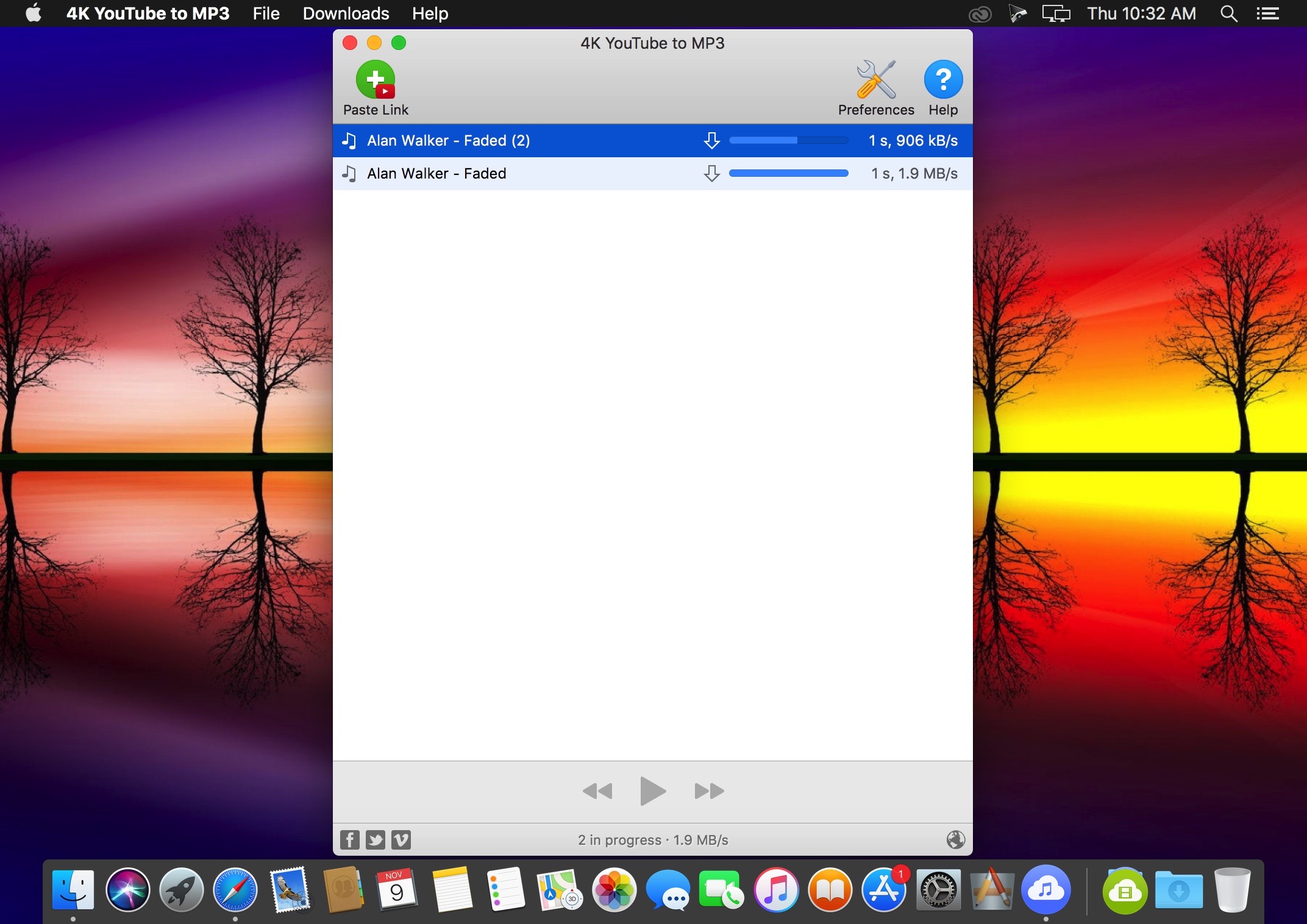
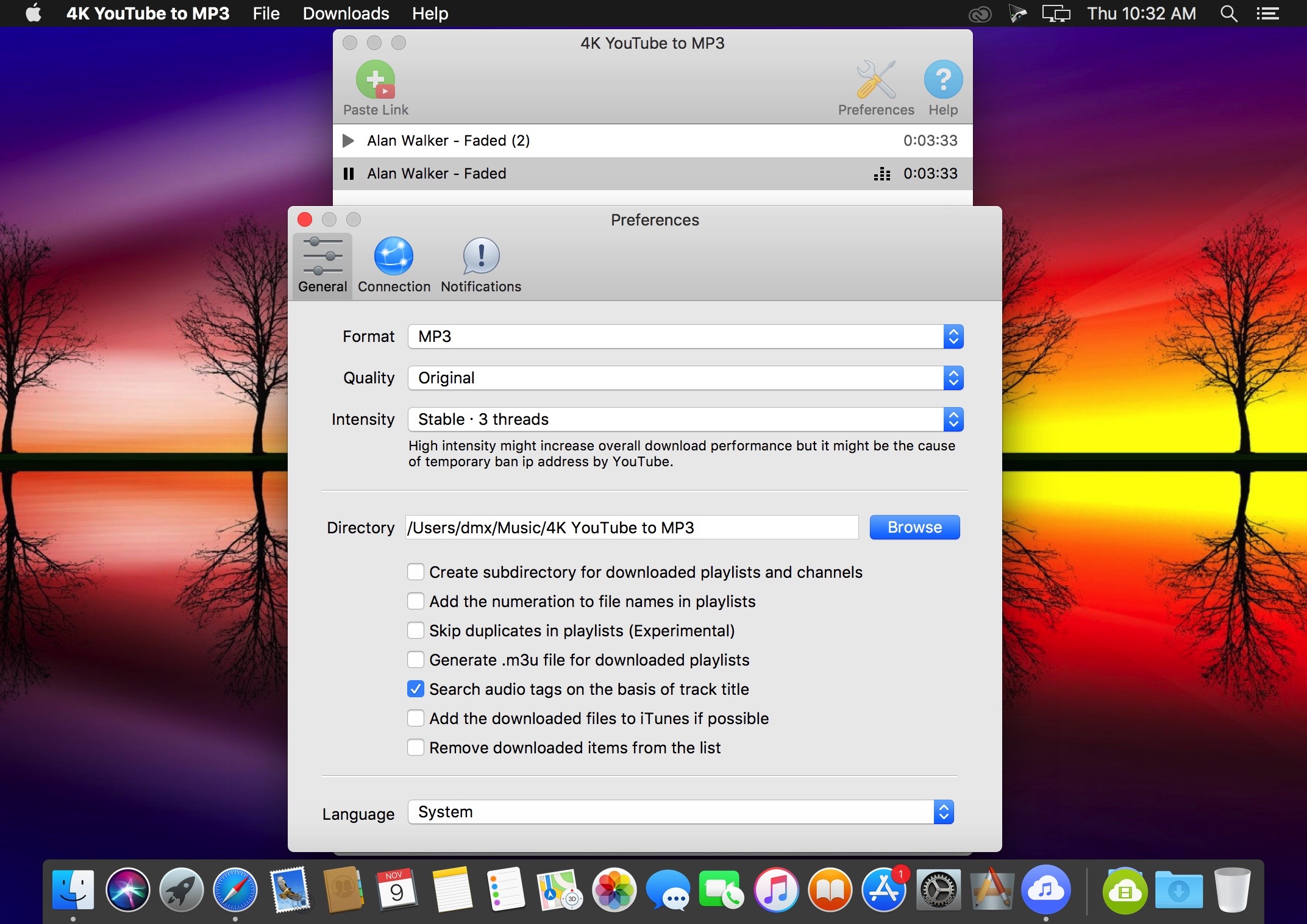
4K YouTube to MP3 was specifically created to extract audio from YouTube, Vimeo or Facebook and save it in MP3, M4A, OGG. No annoying and complicated settings to deal with, just a clean, friendly and functional interface. Downloading is simple and straightforward: just copy the link from your browser and click ‘Paste Url’. Done!
Features
Extract audio from YouTube videos and save it in MP3, M4A or OGG in high quality.
Download full YouTube playlists or channels and generate m3u files.
Transfer downloaded tracks automatically into iTunes and upload them on your iPhone or iPod.
Listen music via native built-in music player.
Download and extract audio tracks from SoundCloud, Vimeo, Flickr and DailyMotion videos.
Download audio books from YouTube.
Extract audio tracks even from embedded in HTML page videos.
Use 4K YouTube to MP3 on your PC, Mac or Linux, doesn’t matter what OS you prefer.
What’s New:
Version 3.9.0:
Release notes were unavailable when this listing was updated.
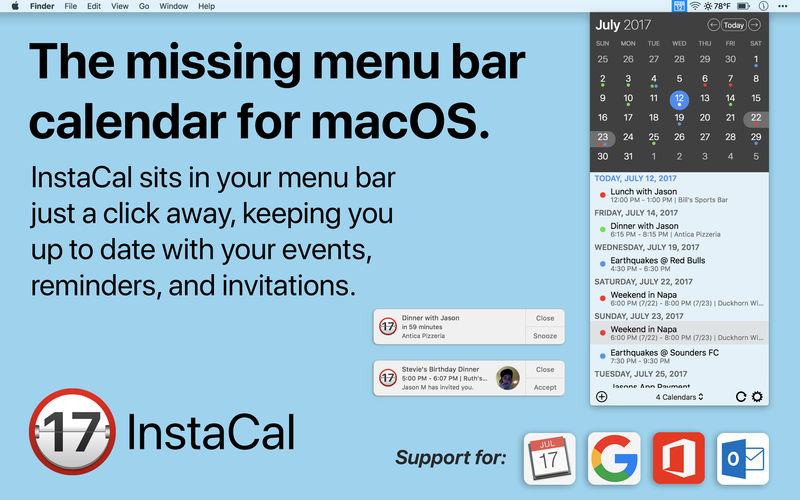
InstaCal is the missing menu bar calendar macOS deserves. Get it now for 50% off during our launch sale!
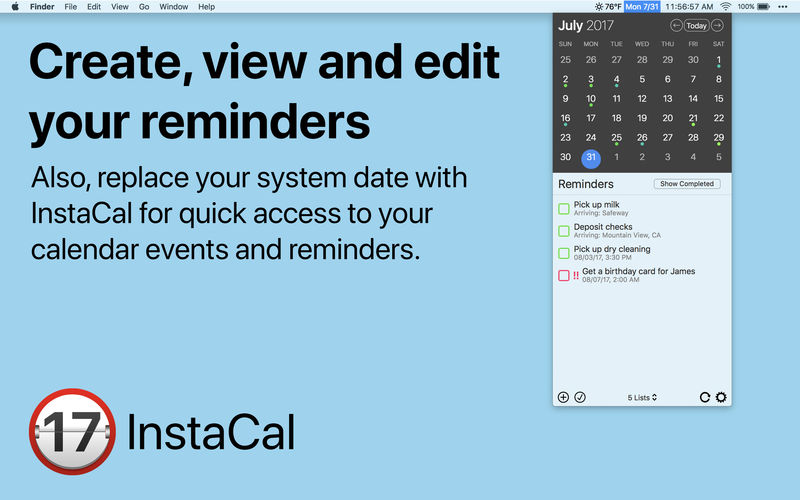
InstaCal is an affordable, yet powerful calendar app that puts all your events right at your fingertips, always available in your Mac’s menu bar. InstaCal is quick and convenient, and can be opened at any time with a configurable keyboard shortcut. From there you can view your calendar events, make changes, invite friends or even add new events. You can also see your Reminders list, and add new reminders as well as view and edit existing ones.
You can use any of the calendars added to your Mac (those available in the Calendar app) as well as adding unlimited accounts from:
Google Calendar (view, respond to invitations, create new events and edit existing events)
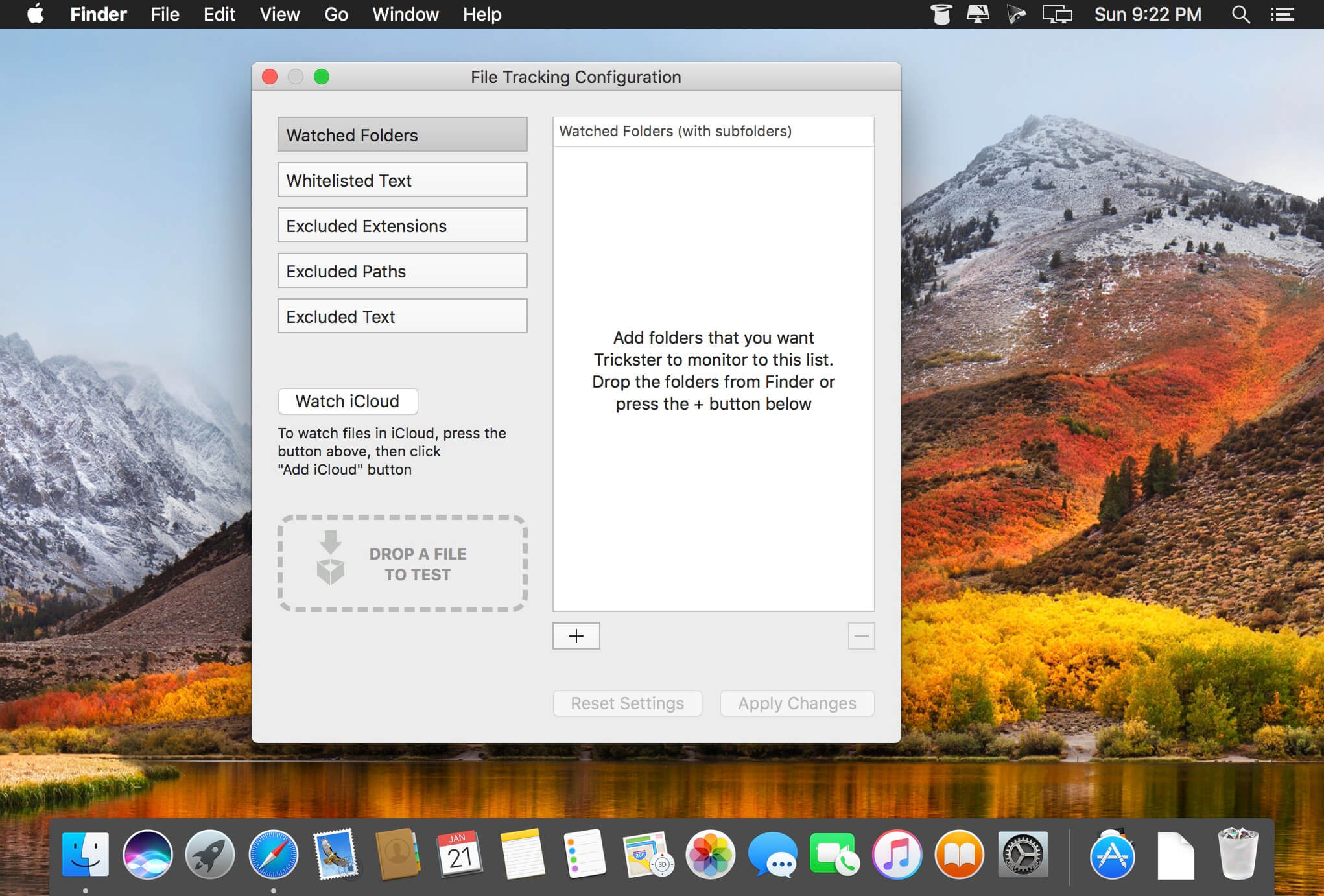
Trickster (was Blast) is a productivity booster application that places all recently used files at user’s fingertips, providing him with a fast and easy access to them.
Trickster keeps track of all the files the user has been recently using on his Mac. With Trickster, all these documents are just one click away. The user can access the file list anytime by clicking on the application icon in the menu bar, and perform multiple actions on the files: open, preview, move and more.
What’s New:
Version 3.0: Note: Now requires macOS 10.14 or later. Don’t update if you’re on 10.13 or earlier.
Built for macOS Mojave, optimized with Dark Mode support and native look and feel
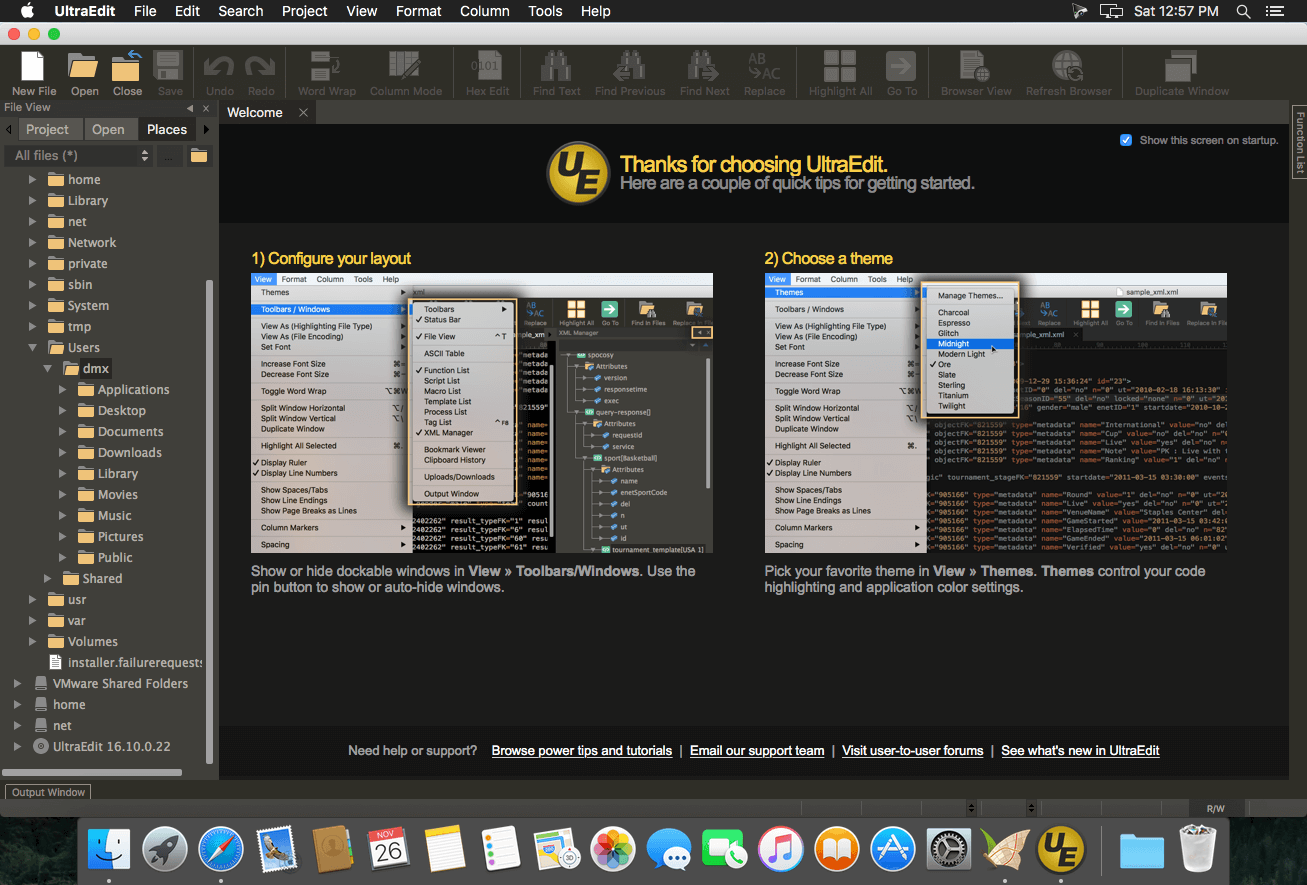
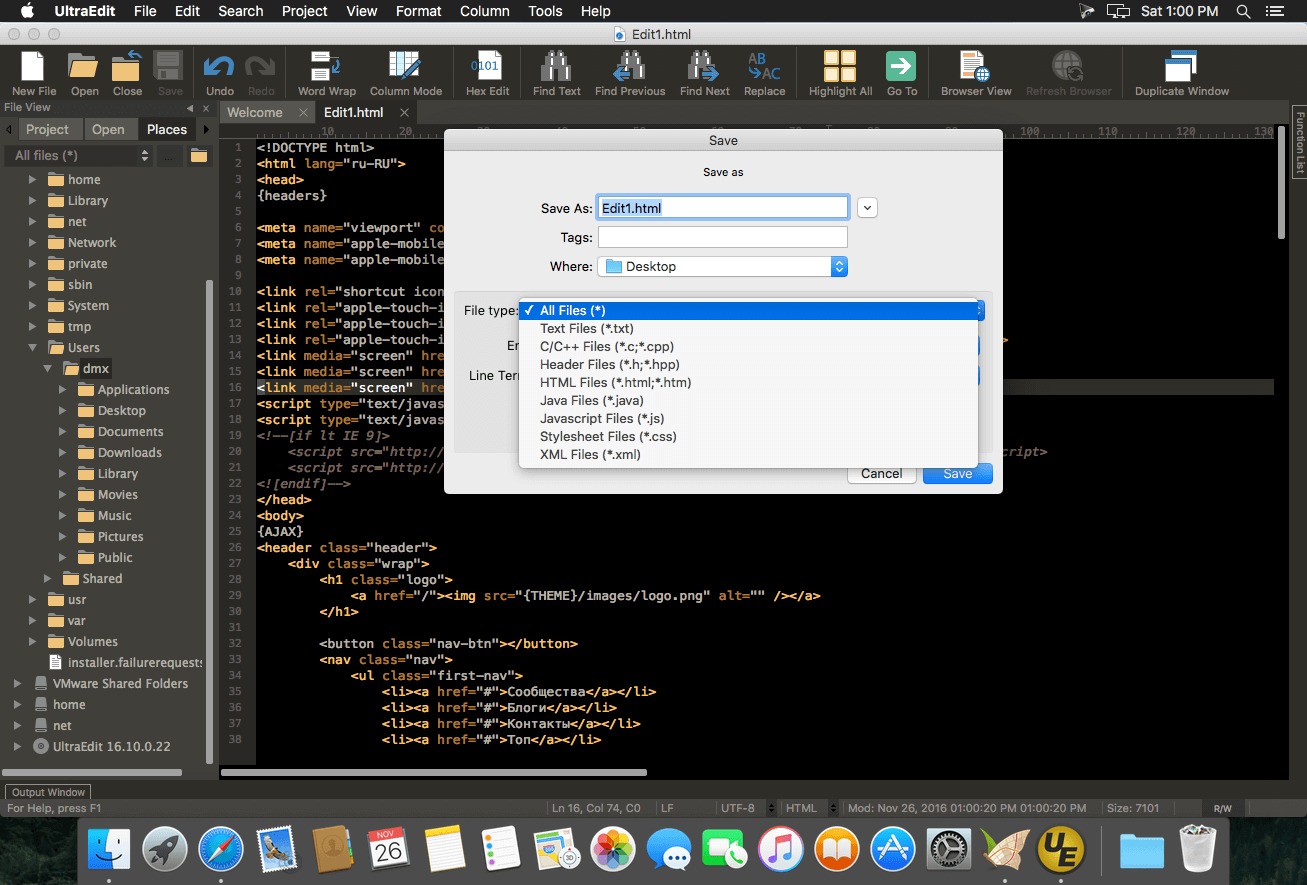
UltraEdit is the world’s best text editor, now available for Mac. UltraEdit for Mac is a native Mac application based on the popular Windows text editor, UltraEdit! UE Mac offers a myriad of tools that make it ideal for anything from basic text editing, to a full-fledged development in languages such as C, Objective C, javascript, XML, PHP, Perl, Python, and others.
UltraEdit for Mac includes your favorite UltraEdit features such as Find in Files, Replace in Files, native FTP/FTPS, macros, scripting, column/block mode, and a lot more.
Contacts Journal is a powerful tool that will transform your business and personal relationships: save notes of important meetings, set follow ups and meetings, create custom contact fields, and attach important documents to each of your contacts. Available on the Mac, iPhone and iPad, with seamless iCloud syncing across all devices.
USE CONTACTS JOURNAL TO:
add value to your professional network
track your customer and client relationships
manage your sales pipeline
get the best out of networking opportunities
see a map of all your contacts, with color-coding options
be prepared for your next meeting
track interactions with friends and family
effectively manage tasks and appointments
carry a virtual folder of documents with you
keep a call log
store important contact data using customizable contact fields
OUR CUSTOMERS INCLUDE:
sales teams
small business owners
contractors
portfolio managers
personal productivity hackers
professional like lawyers, real-estate agents, teachers, nurses etc.
What’s New:
Version 2.0 Improved Logs
Add multiple contacts per Log!
Add Attachments (images and documents) to your Logs!
Group Emails
Send emails to multiple contacts at once
Also supports Email Templates, so you can apply the template to your Group Email, and Contacts Journal will generate each email separately with the appropriate merge tags filled in
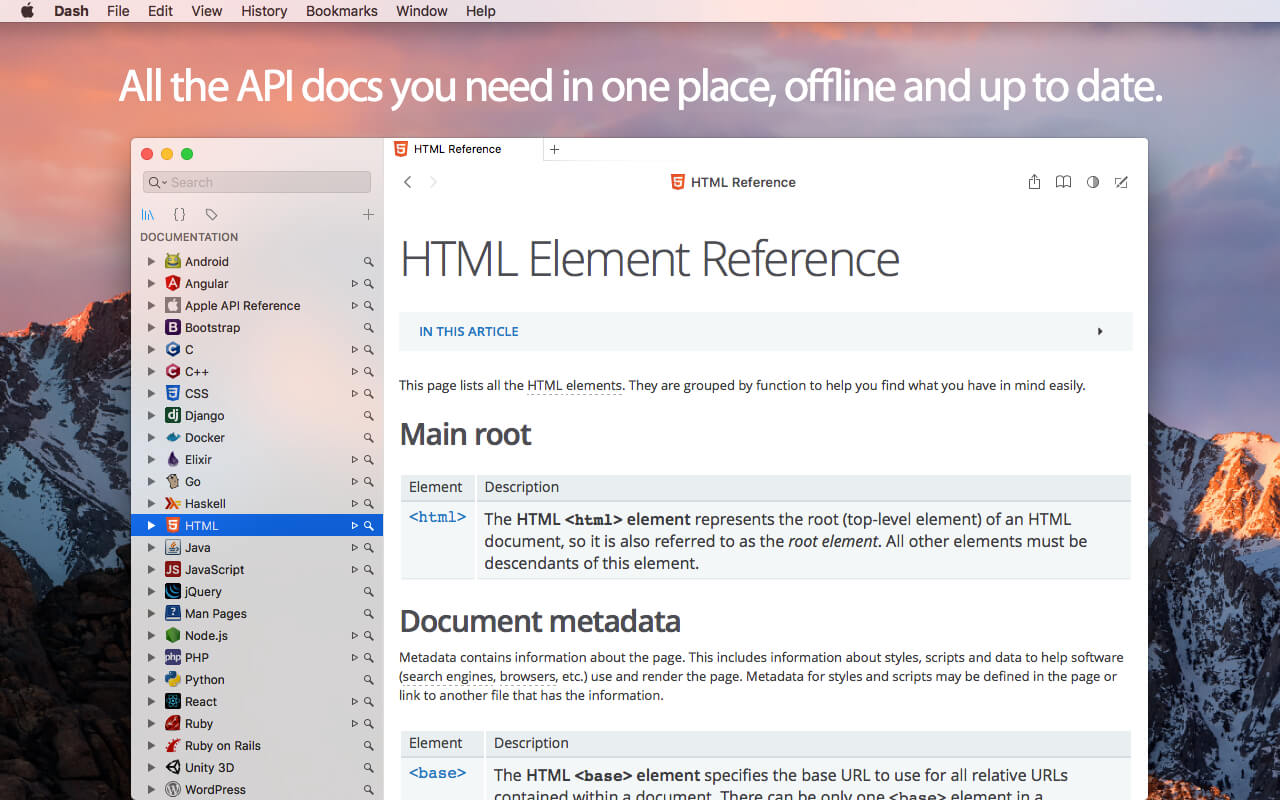
Dash is an API Documentation Browser and Code Snippet Manager. Dash helps you store snippets of code, as well as instantly search and browse documentation for almost any API you might use (for a full list, see below).
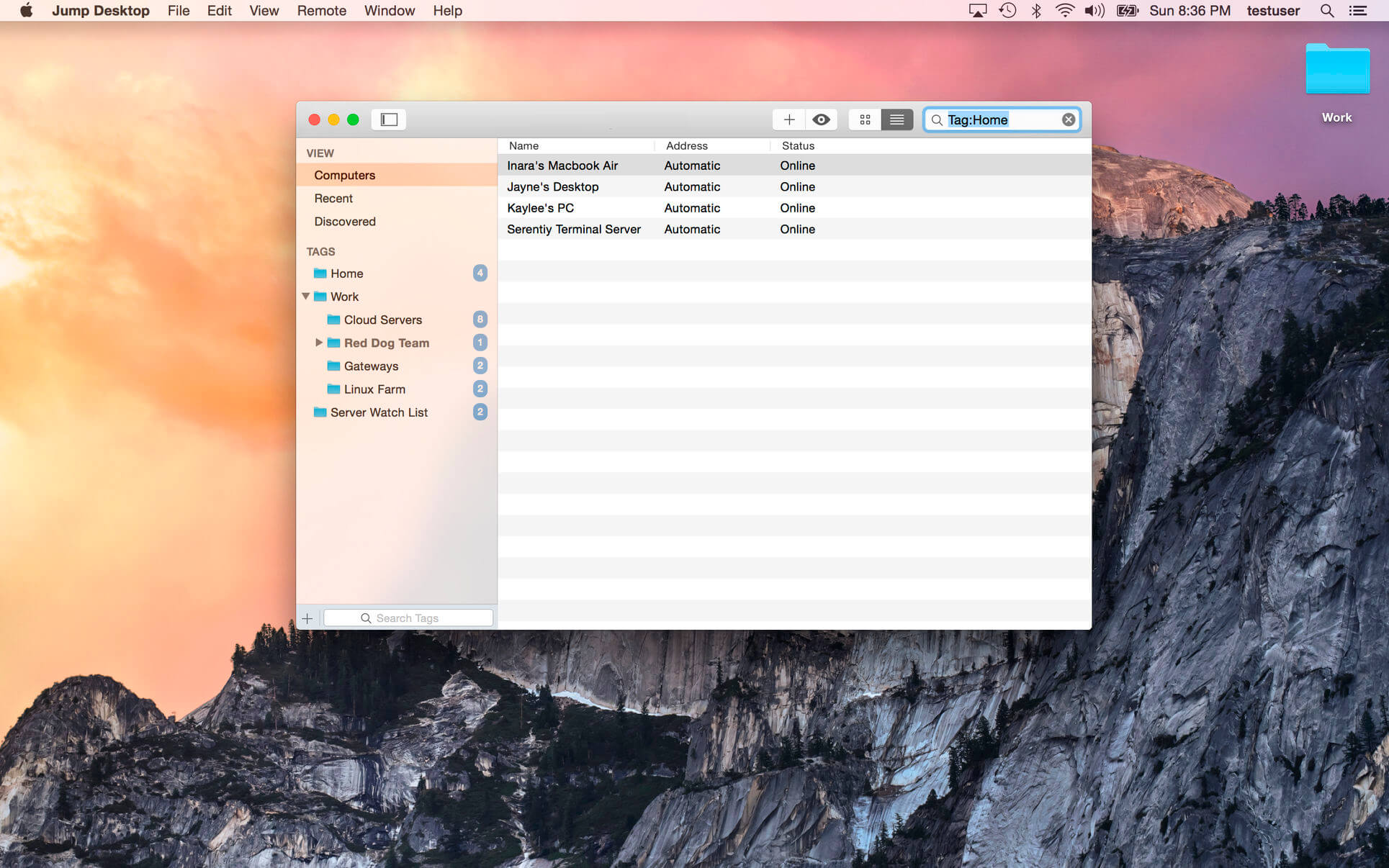
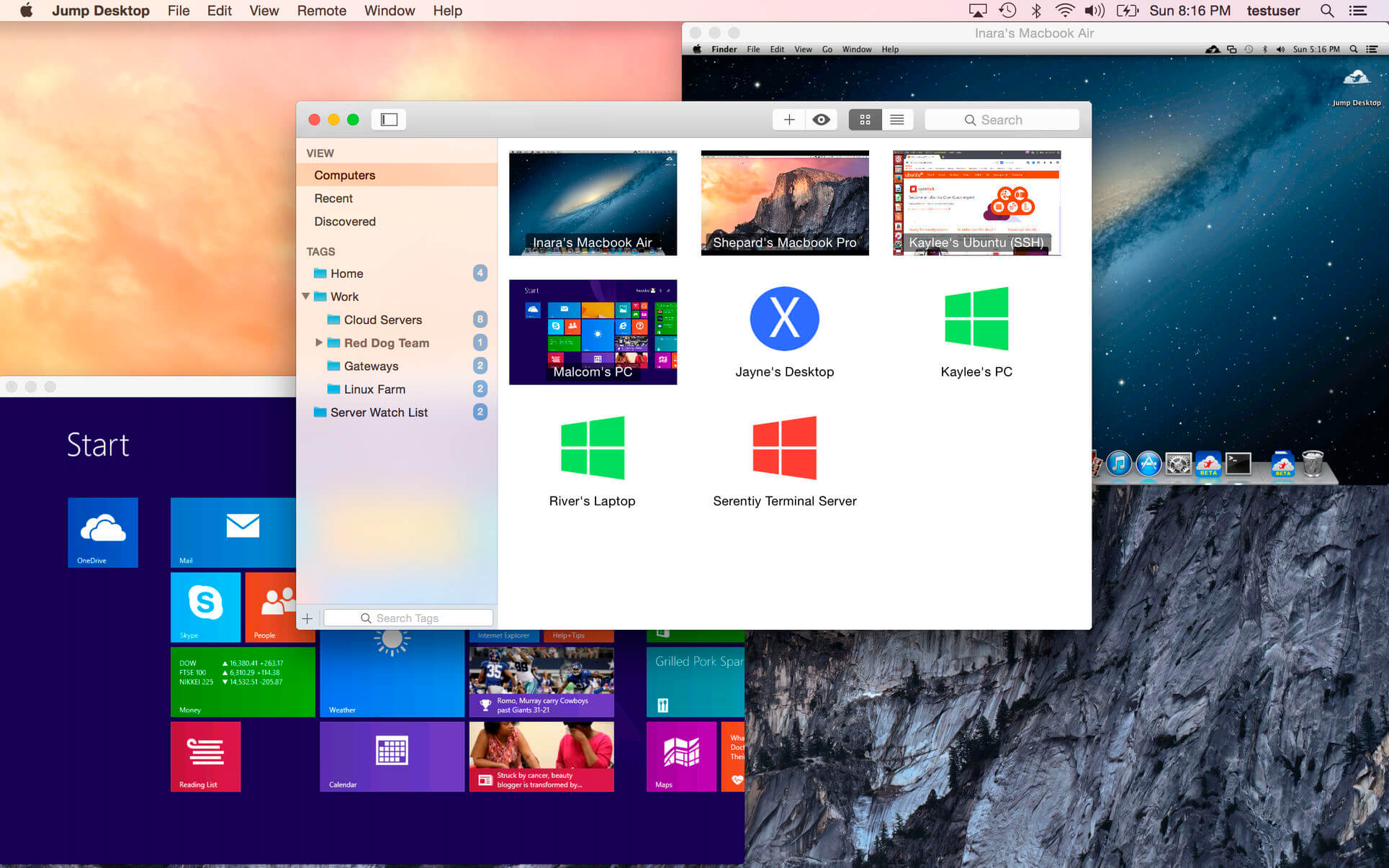
Jump Desktop is a remote desktop application that lets you securely connect to any computer in the world. Compatible with both RDP and VNC, Jump Desktop is secure, reliable, and very easy to set up.
Easy setup and reliable: Jump Desktop is very easy to configure; anyone can do it! Just visit: https://www.jumpdesktop.com on your PC or Mac, click the ‘Automatic Setup’ link and follow step-by-step instructions. You’ll be up and running in no time.
Secure: Jump encrypts the connection between computers to ensure privacy and security. Automatic connections are always encrypted by default. Supports NLA, TLS/SSL encryption for RDP. SSH Tunnelling and SSL/TLS encryption for VNC.
Supercharged Productivity: Use Mac keyboard shortcuts in Windows. Seamlessly switch between computers without changing the way you use the keyboard. Vastly improves productivity. Fully customizable: Configure your own shortcuts or use the built-in defaults. No other app comes close.
Integrated into macOS Quickly search and launch computers directly from Spotlight. Tightly integrated into macOS’s power saving technology to give you the best battery life on the go. Tabbing support.
Super fast and beautiful: Powered by one of the fastest VNC and RDP engines on the planet. Multi-core, hardware accelerated rendering for zippy performance. Optimized for MacBook Pros and iMacs with Retina display
Features:
Multi-protocol: supports RDP, VNC and Fluid Remote Desktop
Full international keyboard support for RDP, VNC and ARD
Dictation support (Mountain Lion and later)
Tabs (macOS Sierra and later)
3 different ways to zoom and pan the remote screen (really useful when controlling multi-monitor remote systems from laptops)
Easy and secure setup: Automatically configure your PC or Mac for remote access without worrying about your router settings. Set up as many computers as you like and manage them all using your Google account (optional)
Built-in SSH tunneling for RDP and VNC connections
RDP features:
Tested on: Windows 2000, XP, Vista, Windows 7, Windows 8, Server 2003, Server 2008, Server 2008 R2, Server 2012/R2/2016, SBS Server, Windows 10
RD Broker and Load balancer support
RD Gateway support
Dynamic resolution updates (Win 8.1/2012 R2+)
Desktop Scaling (Win 8.1/2012 R2+)
Multi monitor support
Secure: 128-bit RDP, TLS/SSL, FIPS and NLA authentication supported
Printing redirection support (including a optional , super-fast server side-driver)
Audio streaming
Console sessions
Folder sharing
International keyboard layouts
VNC features:
Tested with macOS 10.5+, TightVNC, RealVNC, UltraVNC, Linux (Ubuntu Remote Desktop)
Secure: Supports SSH tunneling as well as SSL encryption (SSL only available when using automatic setup)
Black and white, Grayscale, 8-bit and 16-bit color modes to help manage bandwidth
Clipboard syncing
Multiple monitor support
What’s New:
Version 8.4.8
Optimizations to the Fluid protocol: Much better latency and reduce jitter when streaming audio
Renamer is a powerful, feature-rich batch-file renamer that makes renaming many files quick and easy. If you ever had to rename hundreds or thousands of files file by hand and thought “there must be an easier way”, then Renamer is for you. With Renamer, you can save hours of tedious typing at the stroke of a button.
Renamer Features – Beautiful, easy-to-use user interface – Blazing fast file renaming – Renders the dull and tedious job of renaming files effortless and fun Use cases – Number files sequentially – Find and replace text – Convert filenames to upper and More…
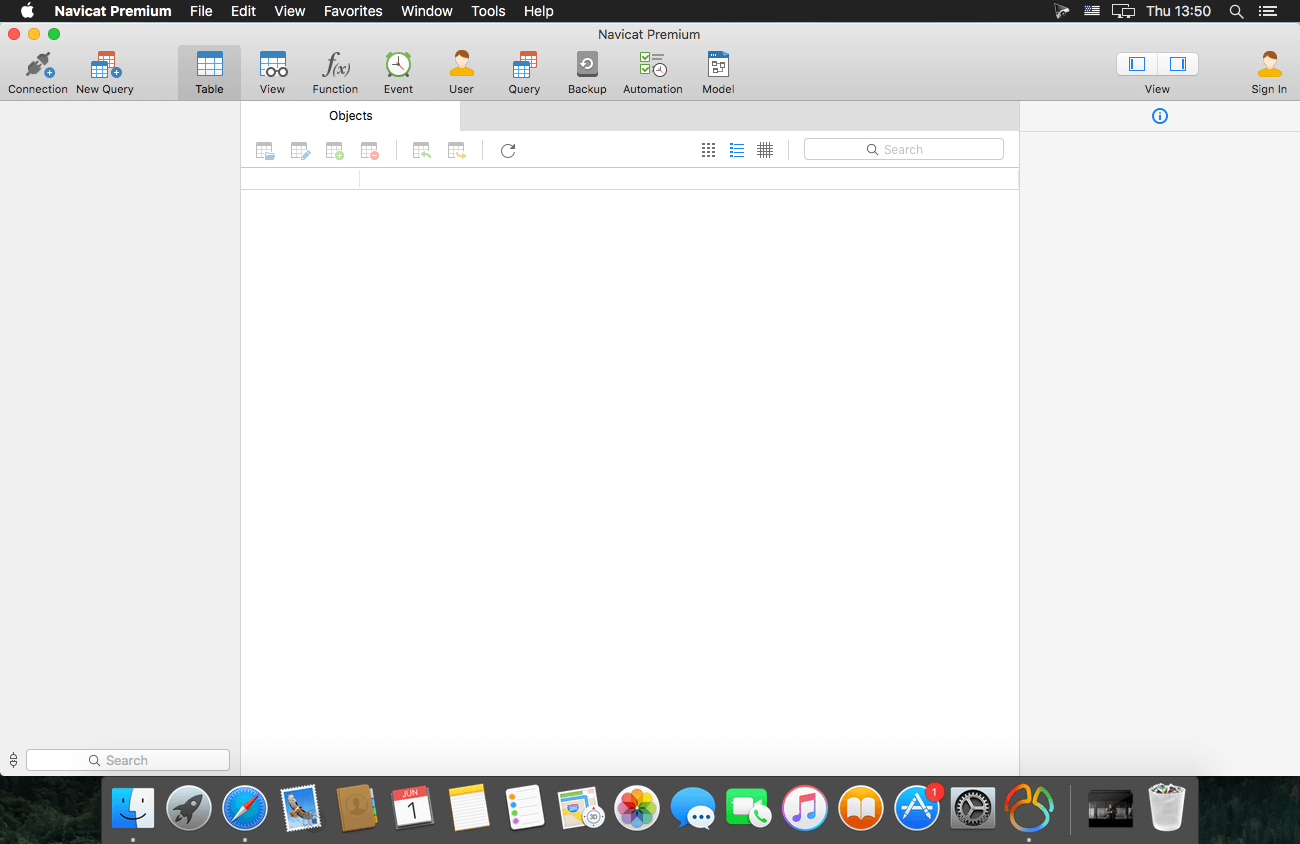
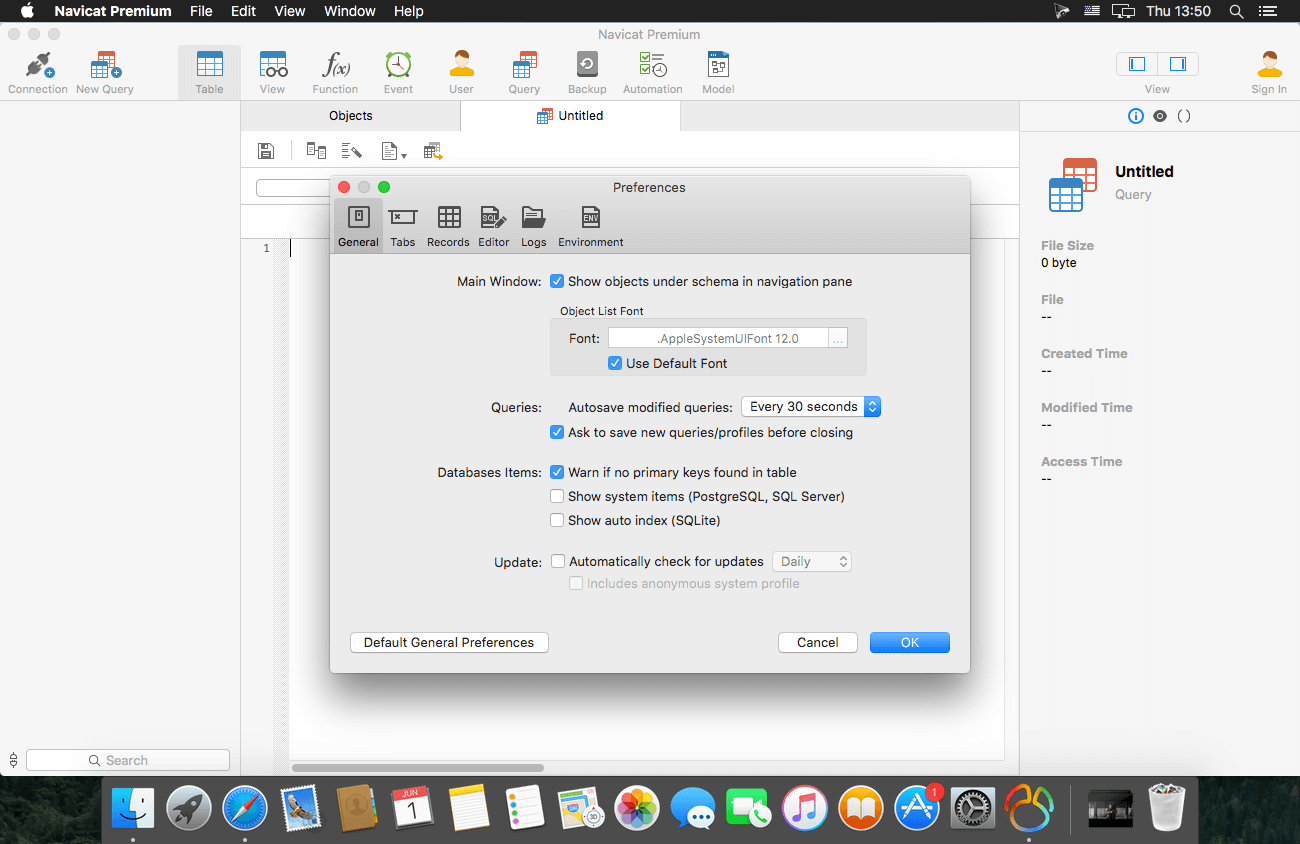
Navicat Premium is a database development tool that allows you to simultaneously connect to MySQL, MariaDB, MongoDB, SQL Server, Oracle, PostgreSQL, and SQLite databases from a single application. Compatible with cloud databases like Amazon RDS, Amazon Aurora, Amazon Redshift, Microsoft Azure, Oracle Cloud, Google Cloud and MongoDB Atlas.
New features and improvements:
· Chart Turn your database data into visuals to have clear insights through charts and graphs.
· Data Transfer A new approach for transferring data is released in version 15. Our new design comes with an intuitive interface for customizing the fields and specifying the number of rows you wish to transfer.
· SQL Builder We engineered an entirely new mechanism to improve our SQL Builder in term of user experience, and the overall efficiency of your query writing.
· Modeling Deliver a full picture of differences between model and database, and generate scripts to update the destination database.
· Dark Mode Dark mode support has arrived in our 15 update. Set dark theme to protect your eyes from the traditionally blinding whiteness of computer.
· Native Linux Native Linux support is now added into our Navicat family. You can enjoy a UI that better matches with user experiences of the Linux system.
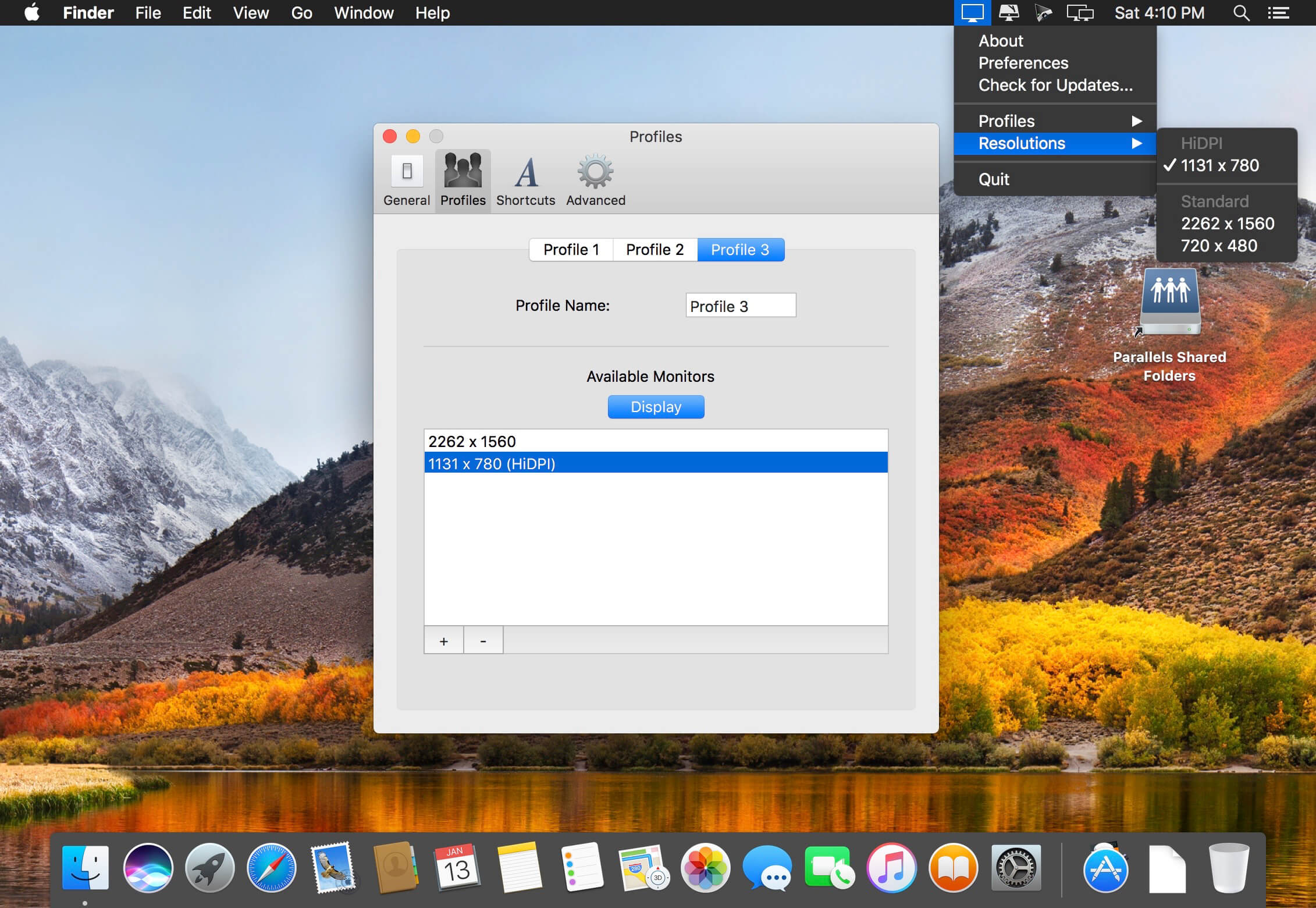
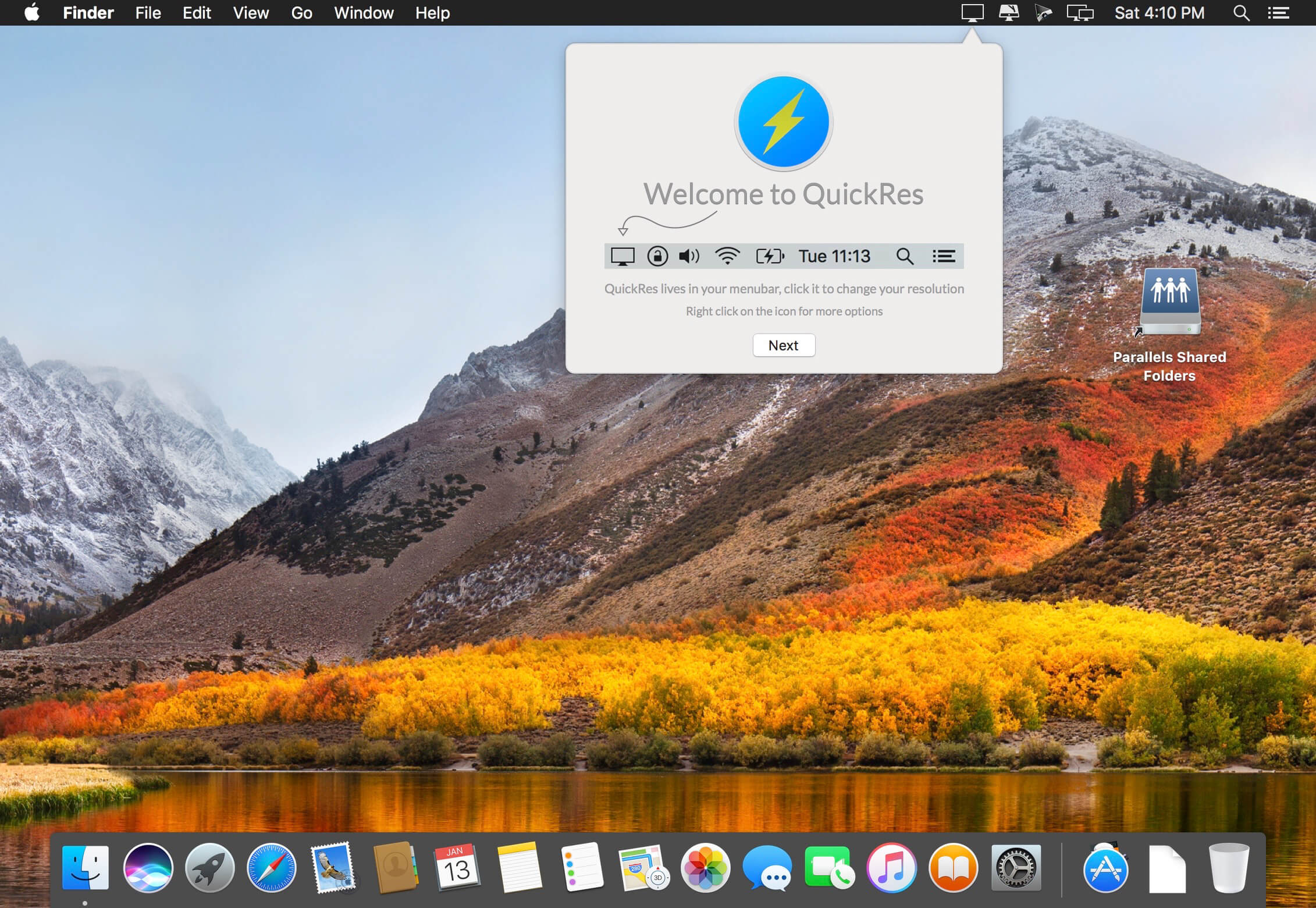
The best way to switch between screen resolutions on your Mac QuickRes unlocks the full power of your Mac’s display. Bypass Apple’s restrictions, safely and quickly.
QuickRes is the quickest and easiest way to switch between screen resolutions on your Mac. With the MacBook Pro with Retina Display, you can set your resolution all the way up to an extreme 3840 x 2400! With other Macs, you can set your resolutions to things you’ve never seen before, including a HiDPI mode, which is as close you can get to a Retina Display on a standard computer.
What’s New:
Version 4.7:
Release notes were unavailable when this listing was updated.
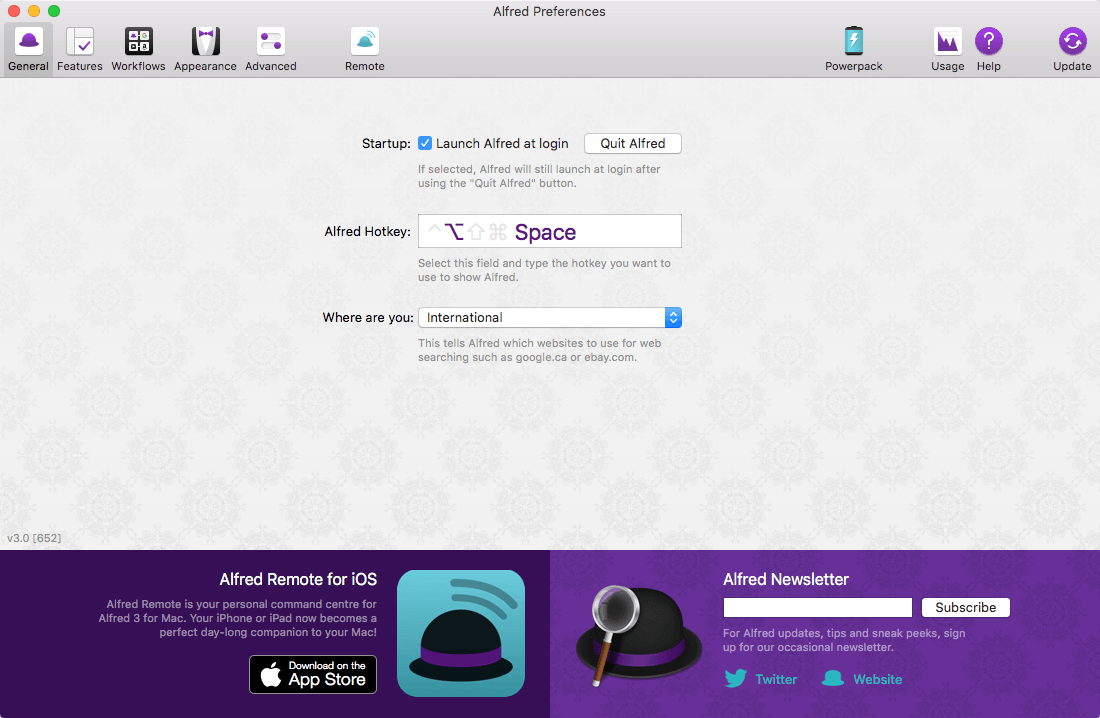
Alfred is an award-winning app for Mac OS X which boosts your efficiency with hotkeys, keywords, text expansion and more. Search your Mac and the web, and be more productive with custom actions to control your Mac.
Search and Browse Launch applications and find files on your Mac or on the web. Alfred learns how you use your Mac and prioritises results. Save countless hours by using hotkeys, keywords and customising how you want to search your Mac and activity history. Jump in and browse, preview files and take action on them without lifting your fingers off the keyboard.
Type Less, Say More With Alfred’s Clipboard History and Snippets features, there’s no need to type the same URLs or responses over and over. Use the Clipboard History to locate any text, image or file you copied earlier and paste it again. Create your own snippets and type a short abbreviation to auto-expand them into a full text snippet, saving yourself hours of typing in the long run!
Extend and Automate With Alfred’s Powerpack, use immensely powerful workflows to perform tasks more efficiently and cut down on repetitive manual tasks. Link hotkeys, keywords and actions together to create your own workflows; There’s no need to write a single line of code to create a workflow. Import workflows from the thousands our community of creators have shared.
Control Your Music You’re the boss. Boost your productivity by controlling your Mac using Alfred’s deep integration with OS X. Swiftly take action on files and contacts, control your music player and dispatch System commands. Add some fun to your day; Turn your iPhone or iPad into a command centre for your Mac with Alfred Remote for iOS. Alternatively, take a look at the many workflows for other music services like Spotify.
What’s New:
Alfred 4.0.7 pre-release Build 1126
Fix Workflow List Filter intial loading of icons in configuration sheet
Work around potential macOS Catalina address book caching issue in Alfred’s contact viewer
Version 4.0.6:
iTunes Mini Player
Update Music API Parser in Catalina to include remote music
Momentarily hide Mini Player in transition between indexing and player views for first reindex in a session, allowing macOS permission dialog to show if necessary
Update Rotten Tomatoes web search to use %20 instead of + for spaces
When saving a clipboard entry as a snippet from Alfred’s clipboard viewer with ⌘S, select “Auto expansion allowed” by default
Internal Search
Wider, more flexible word based matching for internal searches
If searching for a disabled workflow, and disabled workflows have been hidden in Alfred’s workflow preferences, show the hidden workflows so workflow can be selected
If searching for a hidden remote page, and hidden remote pages have been hidden in Alfred’s remote preferences, show the hidden pages so the page can be selected
Show “disabled” or “hidden” in subtext of relevant internal searches
Add ?diagnostics as shortcut to Diagnostics… button in Help preferences
Fix “Try Searching the Preferences” text in help tab for earlier versions of macOS
Tweaks to the “Rebuild macOS Metadata” in Alfred’s Advanced preferences
Update help text to inform about .Spotlight-V100 folder, and Terminal needing Full Disk Access
Fix .Spotlight-V100 folder location in macOS Catalina
Work around Catalina bug in popup menu for custom workflow object colour selection
Update “Waiting for results…” text to “Waiting for results from macOS…” for the rare occasion when Alfred is waiting on file search results
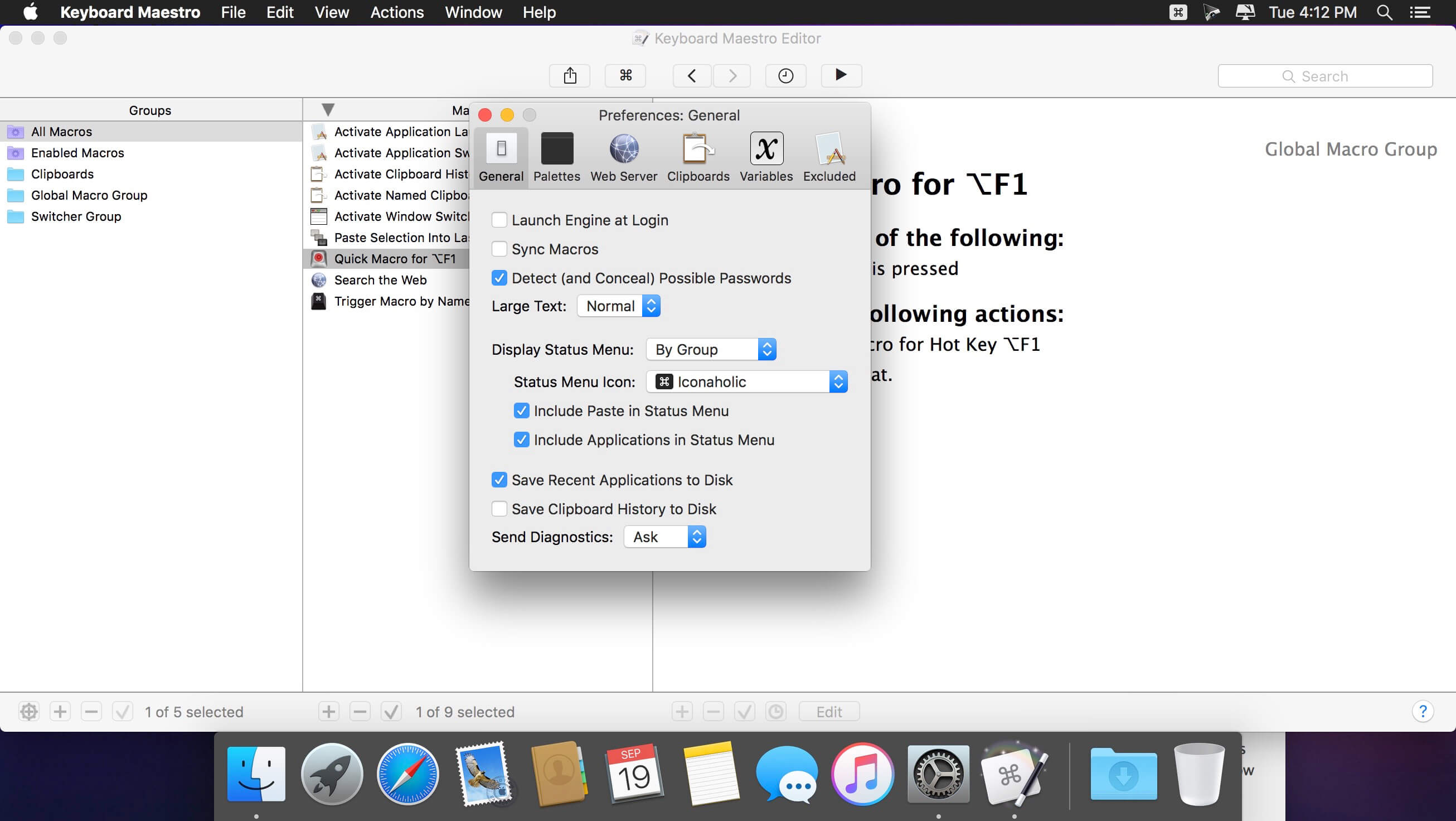
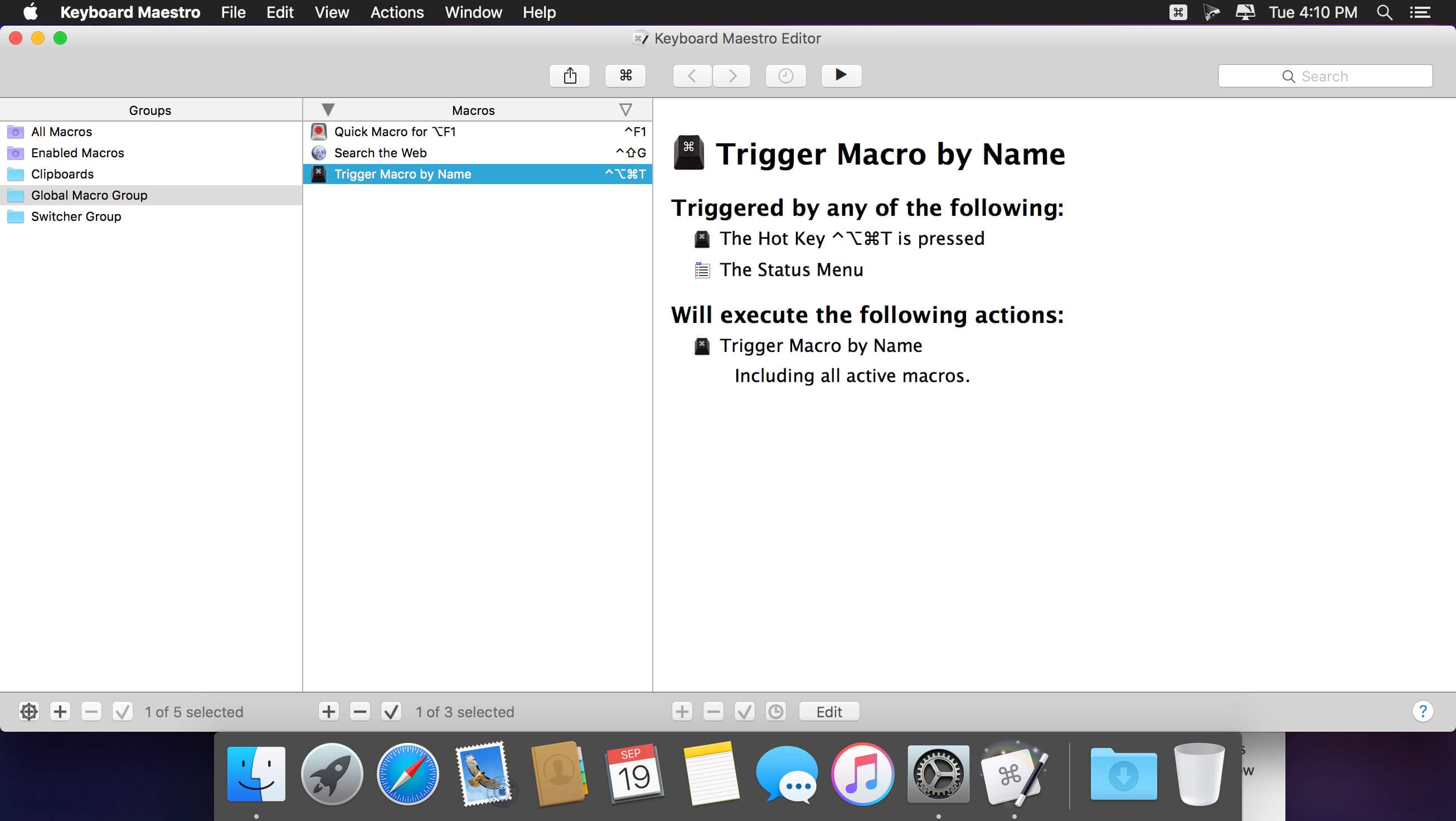
Keyboard Maestro is your hot-key solution that allows you to perform a multitude of tasks simply by pressing a keystroke! It also incorporates the wildly popular MacOS Classic utility Program Switcher, which allows you to launch, switch, and quit applications with a simple keystroke.
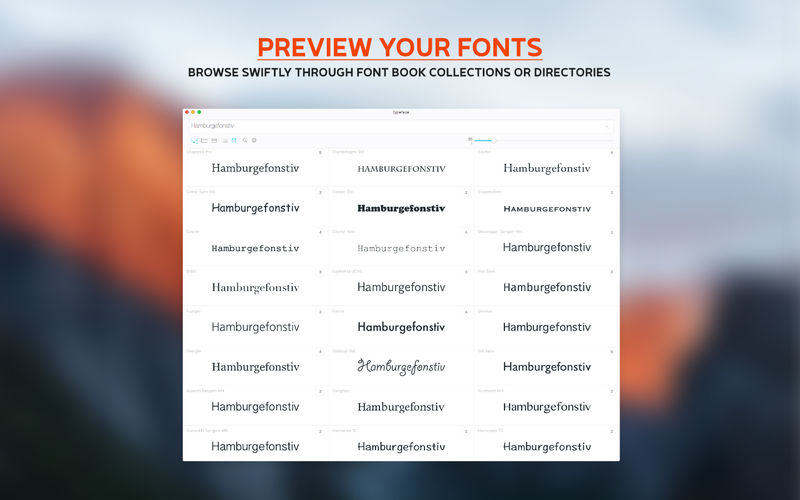
Good typography is beautiful and one of the most important aspects of design. But it is often hard to find the font that conveys just the right emotion, especially if you’re not sure what you’re looking for. With a minimal interface and total focus on your fonts Typeface tries to make browsing your collection exciting and easy, such that you’ll always find the perfect font for your needs.
Enter any text you like to preview and discover all the delicate curves and love typographers have put in their typefaces.
Featuring:
Perfectly rendered previews from installed fonts or fonts in a directory
Custom preview text & size that let you view the fonts the way you want
Preview and manage all your Font Book collections
Put font candidates into a Quick Collection to review them later
In-place font activation & deactivation (font files won’t be copied or moved)
Filter fonts by weight, width, slant and style
Print and export to PDF
Support for ttf, otf, dfont, ttc and PostScript Type 1 font suitcase
Batch collection actions: (de)activate, add to collection, clear collection
List & grid overviews
Reveal all the little differences with font compare overlays
Unicode characters
Night mode: no need for wearing your sunglasses at night
Auto size previews
Letter s p a c i n g
Outlined previews
Metrics overlay
Standard & discretionary ligatures
The Magnificent Quick Brown Fox
What’s New:
Version 2.6.3 IMPROVED:
Simplified feedback reporter window
Issue reports are now handled by in-house backend
FIXED:
Prevent crash when quickly clicking on preview after it has been removed
Prevent occasional crash when searching
Prevent occasional crash when importing new directories
Prevent occasional crash when adding/removing fonts to/from tags
Prevent crash when viewing details of a font without characters
Prevent reveal animation firing twice when switching tags
Prevent crash when importing new fonts that are not immediately accessible
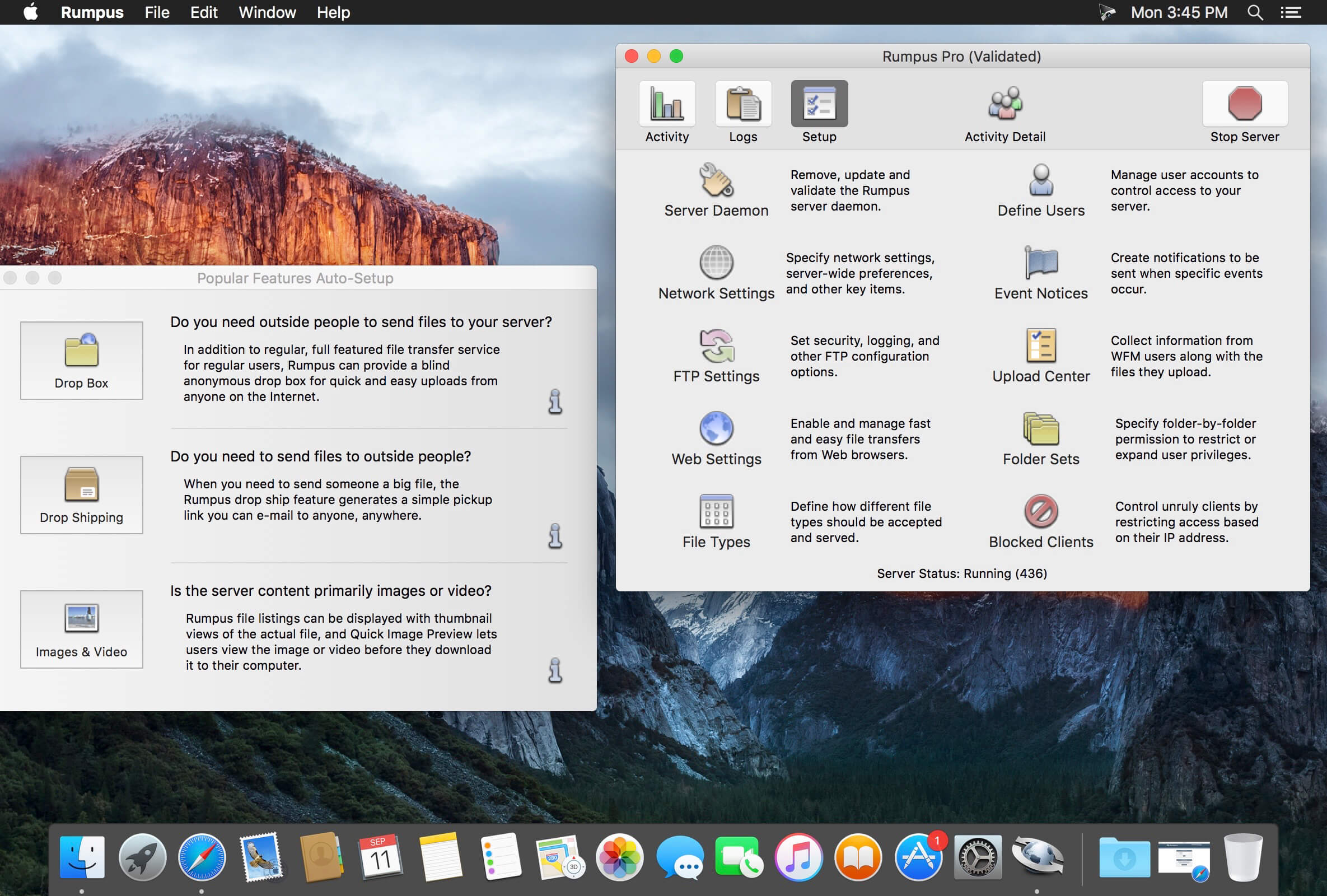
Rumpus is an easy-to-use, high-performance FTP, WebDAV, and Web file-transfer server.
Key features include built-in, easy-to-administer user accounts, integrated Web file transfers, file upload notification, extensive security options, blazing performance, and more…. Also included is a remote-server activity monitor, Rumpus FileWatch, and a server-statistics widget, RumpusStat.
Performance Rumpus is not only lightning quick, but it’s efficient, too. This means that FTP and Web users will be able to transfer and manage files as fast as the network allows, while leaving plenty of CPU time for other applications running on your server or desktop Mac.
Ease Of Use And Maintenance Rumpus is, quite simply, the easiest FTP server on the planet to set up and administer. From the setup assistant that fully prepares the server to accept users to the logically designed server management windows, Rumpus makes running an FTP server easy.
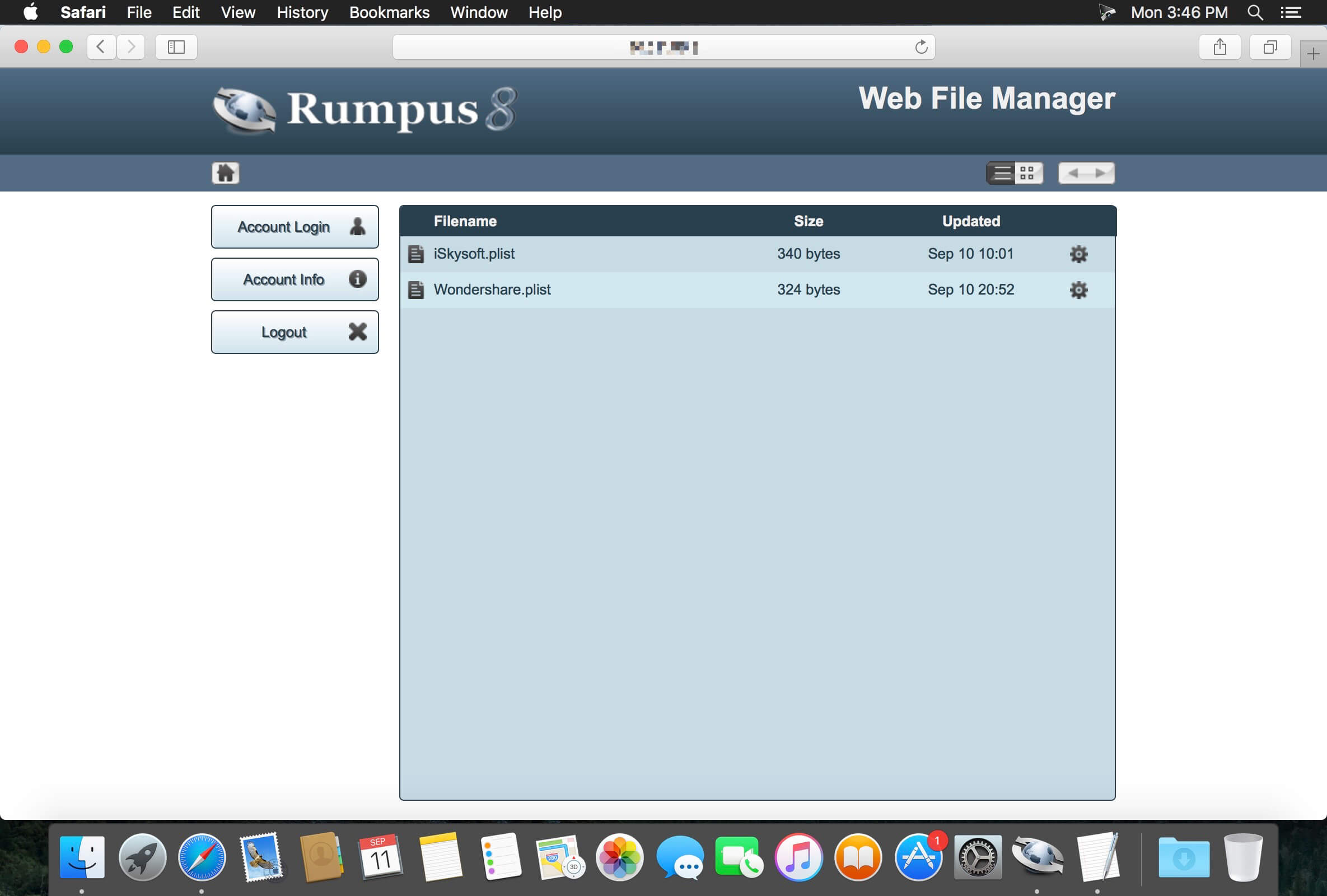
Web File Manager In addition to offering an incredibly high-performance FTP server with unmatched ease of use, Rumpus also includes the Web File Manager. The Web File Manager makes it easy to provide FTP-like capabilities to anyone with a Web browser.
Simple User Management FTP users are managed directly in Rumpus, not in the system, keeping your FTP users distinct from other server resources. Not only does Rumpus make managing users easy, but it gives you advanced controls like individual drop folders, access restrictions, usage limits, account history, and more. The single-window user management interface in Rumpus is also supplemented by Web-based administration, allowing you to define and manage user accounts from anywhere on the Internet.
A Real Mac Application Rumpus runs natively on any Mac running OS X 10.5 or later. There’s no Java required and the memory footprint and CPU usage is tiny. You will also appreciate the comprehensive help pages and articles, that cover not only how to use Rumpus, but networking issues and the general FTP information you need when you have questions.
Professional Technical Support Maxum has been selling Internet server software for Macs longer than anybody (including Apple!). When you have a question, we’re here to help. We believe that you have a right to get the most out of the software you buy, always. So, we offer unlimited, free technical support.
What’s New:
Version 8.2.9:
Corrected a potential security flaw. All Rumpus administrators are encouraged to update
Rumpus 8.2 Tether
The “Rumplet” application has proven to be very popular, so we’ve massively expanded on it. Rumpus 8.2 includes a client application “Rumpus Tether” that is designed to run within your organization to give your users quick and easy access to content on the Rumpus server.
Tether includes 3 basic views, a file browser, a recent files list, and a drop ship listing. Users can upload, download, preview, and delete files on the server with a single click, and can create new drop shipments with more flexibility than previously possible with Rumplet.
A Rumpus server license will automatically include the ability to run a number of Tether clients (depending on whether the Rumpus server license is Standard or Pro), with additional simultaneous seats available on a per-client basis.
Two Factor Authentication
Traditionally, users supply a password to gain access to restricted services. The password represents one “factor”, but in some cases, it is desirable to have a second method of authenticating a user as well. This is known as “2 factor” authentication.
The second “factor” supported by Rumpus requires that a personal identification number (PIN) be sent by the server to the user logging in, which they subsequently enter as part of the login process. Rumpus currently directly supports e-mailing the PIN to the user, thus confirming that the user not only knows the correct password, but also has access to the e-mail account associated with the user account in Rumpus.
Two factor authentication is available for Web File Manager logins, and is configured on the Web Settings window, “Authentication” tab. Also required is correct SMTP setup on the Network Settings window, E-Mail tab, and the e-mail address of every user defined on the User Accounts window. (Rumpus must know the e-mail address of every user, as this is a key component of identifying the user via PIN.)
Other Additions And Changes
Rumpus 8.2 includes better support for client IP address detection, including discovery of client addresses in SFTP, and in HTTP/HTTPS when the server is behind a proxy.
User Accounts can now be assigned a phone number, for informational purposes and potentially for text message-based 2 Factor Auth.
The administrator can now require that drop ship senders assign a password to drop shipments.
Upload Center forms now offer “robot protection”, blocking suspected robots from submitting forms.
The main control window in the Rumpus for Mac application has been updated to include easy access buttons to Web administration on the server, documentation, and the About Box.
An “Administrator Advisory” box has been added to the Rumpus control window. The box provides messages about recent activity that the administrator may want to investigate or take note of.
On the Web File Manager directory listing page, pressing a key now auto-scrolls the listing to the first filename that begins with the pressed letter.
Password retrieve actions are now correctly recorded in the WFM log.
OpenSSL has been updated to version 1.0.2p and LibSSH has been updated to version 0.7.7.
Added support for the FTP “MFMT” command.
Improved SFTP DoS attack recovery to reduce the effects of potential spambot outages.
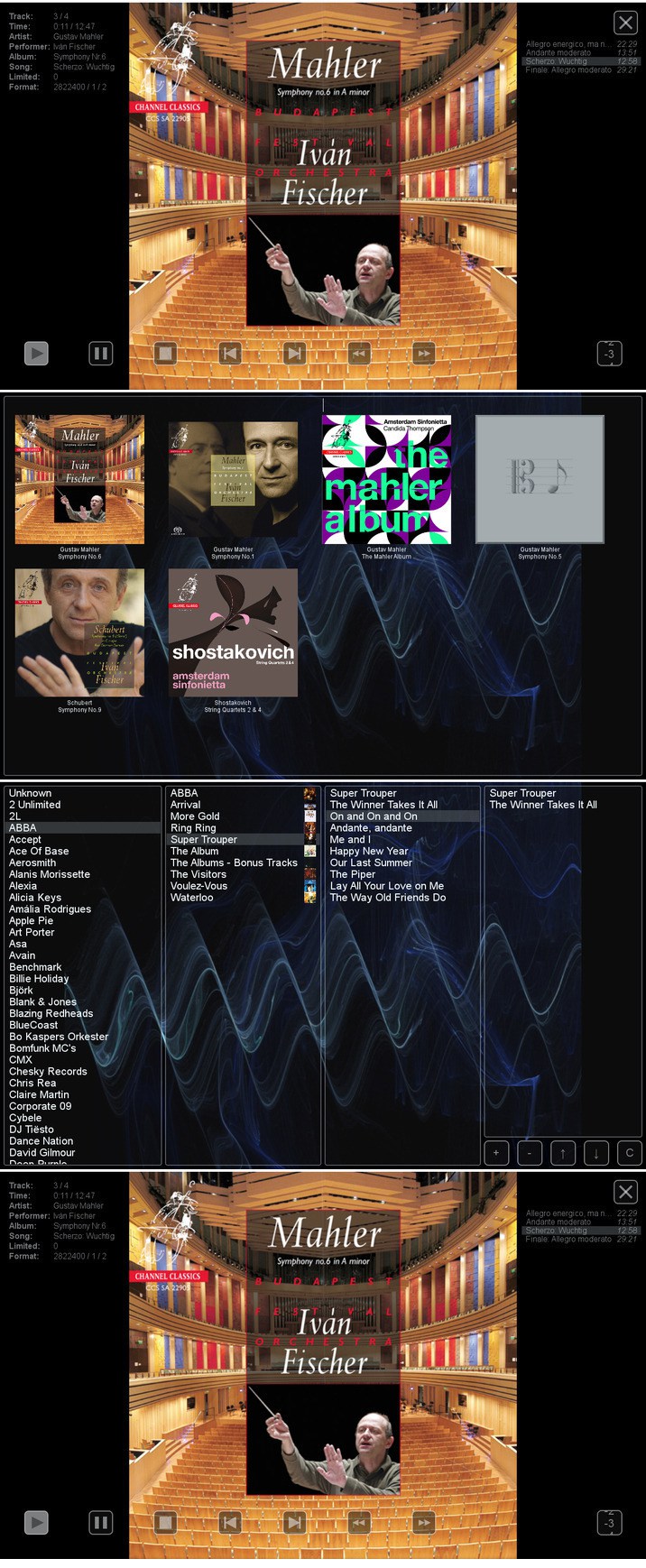
HQPlayer is a high quality audio player for Mac OS X. HQPlayer also features several selectable high quality upsampling and downsampling algorithms as well as selectable dither, noise shaping and modulator algorithms. All modern DACs employ oversampling and delta-sigma modulation, however the hardware implementations are more or less resource constrained.
Higher quality oversampling and delta-sigma modulation can be done by utilizing vast mount of processing power available in modern PCs. Many AVRs also resample internally to 48, 96 or 192 kHz, with the HQPlayer, these can be fed at the native rate. Want to buy 192/24 or DXD files for future but currently own only 96/24 capable hardware? Or want to buy DSD128 or DSD256 files but currently own only DSD64 or 192/24 PCM capable hardware? Resampling and dither/noise shaper can be used to playback high resolution files on a lower resolution hardware, allowing future-proof investment on high resolution files. For digital room correction and other equalization purposes, selectable convolution algorithms are included. Convolution engine supports RIFF (WAV) format FIR impulse responses, which can be produced with suitable software, such as Acourate, Room EQ Wizard or DRC.
Network Audio Adapter Network audio is especially useful to give freedom from cables when player is run on a tablet or other wireless device. Processing is performed by the player application and the processed data is then asynchronously streamed over network to a very lightweight network audio adapter interfacing to the DAC. Asynchronous FIFO provides maximum isolation between processing and audio reproduction.
Supported source formats:
CDDA (Audio CD)
FLAC
DSDIFF (DFF, non-compressed)
DSF
RIFF (WAV, including DXD)
AIFF
RAW streams
What’s New:
Version 4.3.0:
Release notes were unavailable when this listing was updated.
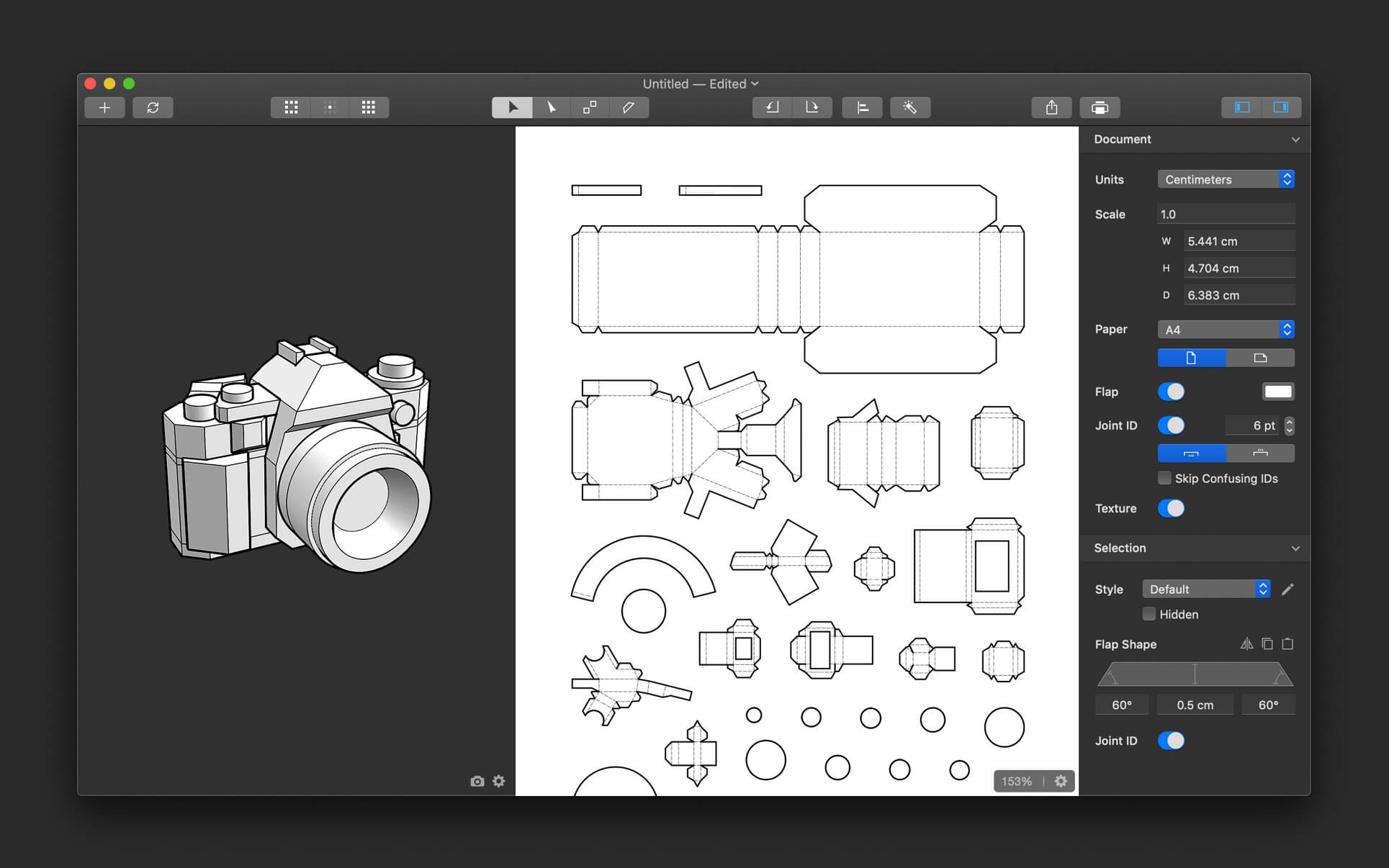
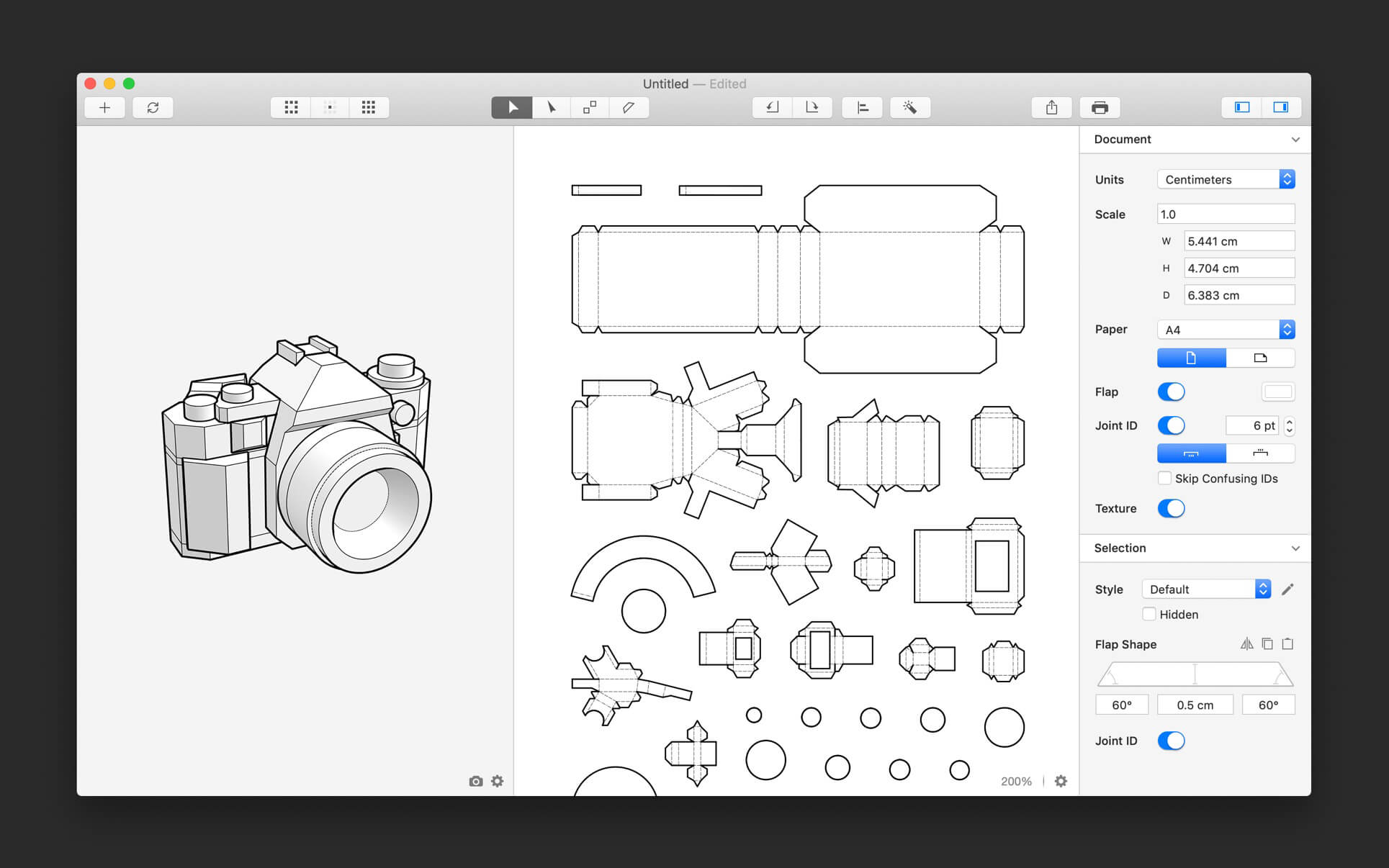
Unfolder is a 3D model unfolding tool to help you create papercraft easily and quickly. Personal observation: Mac native, perfect OSX look and feel, beating Pepakura and Blender’s export in ease of use and customization. Exports 3D models to paper folding or CNC. It also syncs with Blender and Cinema4D, and soon with Maya.
Workflow
Create a 3D model in any 3D editor
Unfold the 3D model into a 2D template in Unfolder
Print the template out to make your papercraft by cutting, folding and gluing
Importing and Exporting
Import 3D objects in OBJ format
Sync 3D objects with Blender and Cinema 4D in one click
Partially update the imported objects
Supports materials and textures
Export templates in PDF, DXF, SVG, or PNG format
Auto-unfolding
Generate 2D patches for your 3D models in a few seconds
The algorithm is highly optimized for papercraft to minimize your effort in further editing
Editing Patches
Move, rotate, align, and distribute patches
Split and joint patches easily by clicking the edges in 2D view or 3D view
Generate paper-saving layout automatically
Highlight overlapping or overflowing patches
Adjust the size of your papercraft by typing the dimensions you want
Editing Flaps
Switch, add or remove flaps easily by clicking the flaps or edges in 2D view
Reshape flaps by dragging the handles intuitively or typing the angles and height precisely
Copy and paste the shape of flaps
Automatically detect and fix the flap problems, such as overlap and overflow
Display the flap target (the area where a flap should be glued to)
Styling
Customize the color, thickness, and dashing of lines
Individually control the appearance of the cutting line, ridge-fold line, and valley-fold line
Hide unnecessary lines manually or automatically
What’s New:
Version 1.9.4
Improved the DXF exporting
Fixed a crash on macOS Catalina
Fixed a bug where the textures could not be exported or exported in incorrect resolution
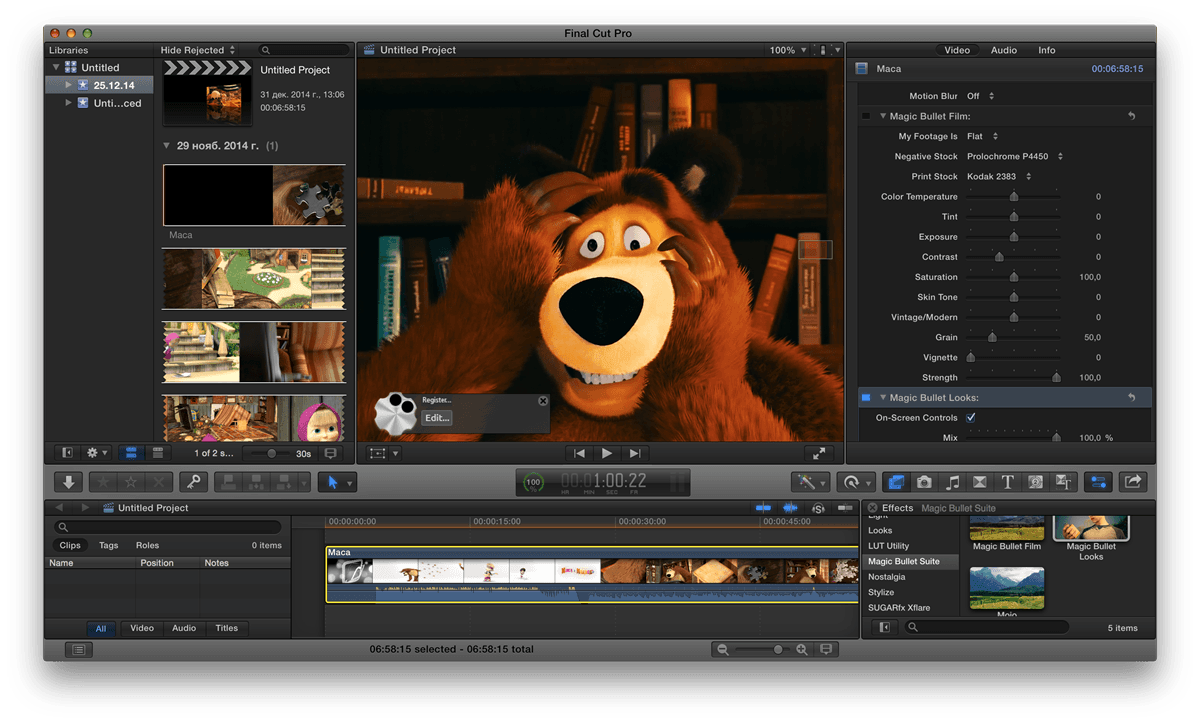
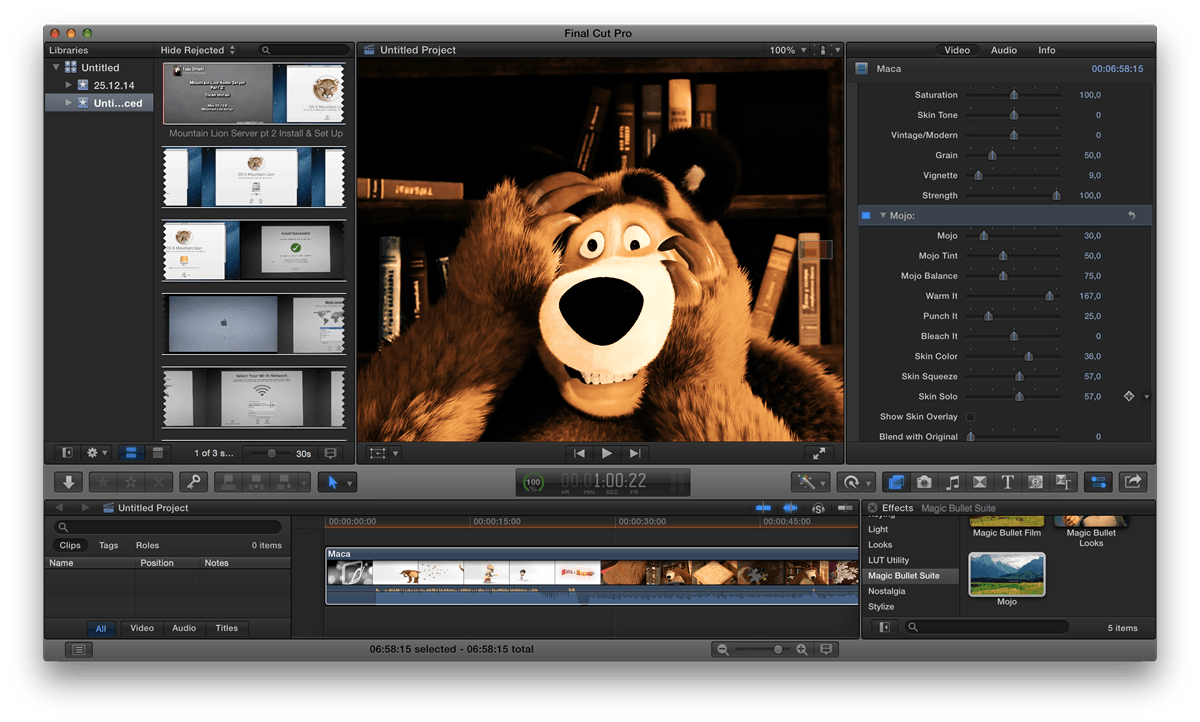
Magic Bullet Suite 13 – Color correction, finishing and film looks for filmmakers. Magic Bullet Suite is a set of seven tools that bring intuitive, real time color correction, and beyond, right to your editorial timeline.
Color Correct Magic Bullet Suite 13 gives you everything you need to make your footage look great, right on your editing timeline. Balance out your shots with powerful color adjustments that work the way your eye expects them to. Then, go beyond color correction, with accurate simulations of lens filters and film stocks. With Magic Bullet Suite, you’ll have the most powerful and intuitive real time color correction tools available, without ever needing to switch to a different app.
Stylize Give your footage the look of a Hollywood film. With the tools in Magic Bullet Suite, your footage can instantly have cinematic contrast and the sophisticated color palettes of big budget movies. With tons of fully customizable presets based on popular movies and TV shows, you will have beautiful results in seconds.
Refine Quickly balance skin tones, reduce wrinkles and remove skin blemishes, so your talent can look their best. Magic Bullet Suite makes cosmetic cleanup fast and easy, and gives you natural results that look untouched.
Cleanup Save your footage from video noise caused by shooting in the dark or at high ISOs. Magic Bullet Suite can clean up the noise while still preserving the details in your shot. At the end of your color grading process, Magic Bullet Suite can also reintroduce some subtle texture and a natural film grain that gives your final product a look that feels genuine and unprocessed.
COMPATIBILITY Magic Bullet Suite is made up of several different tools that each have their own compatibility info. Every tool runs on Mac and Windows and is compatible with Adobe Premiere Pro, Adobe After Effects and Apple Final Cut Pro X, while some of the tools also work in additional host-applications
We are pleased to announce a new version of Waves plugins, Waves V11. Update to V11 to future-proof your sessions, ensure compatibility with the latest DAWs and operating systems (including MacOS 10.15 Catalina), enjoy plugin updates including new versions of the Renaissance plugins, get new plugins added to premium bundles, and more.
December 2nd, 2019
New release — Abbey Road Saturator, now available as a single plugin as well as in the Abbey Road Collection.New release — MDMX Distortion Modules, now available as a single plugin as well as in Mercury, Pro Show and SD7 Pro Show
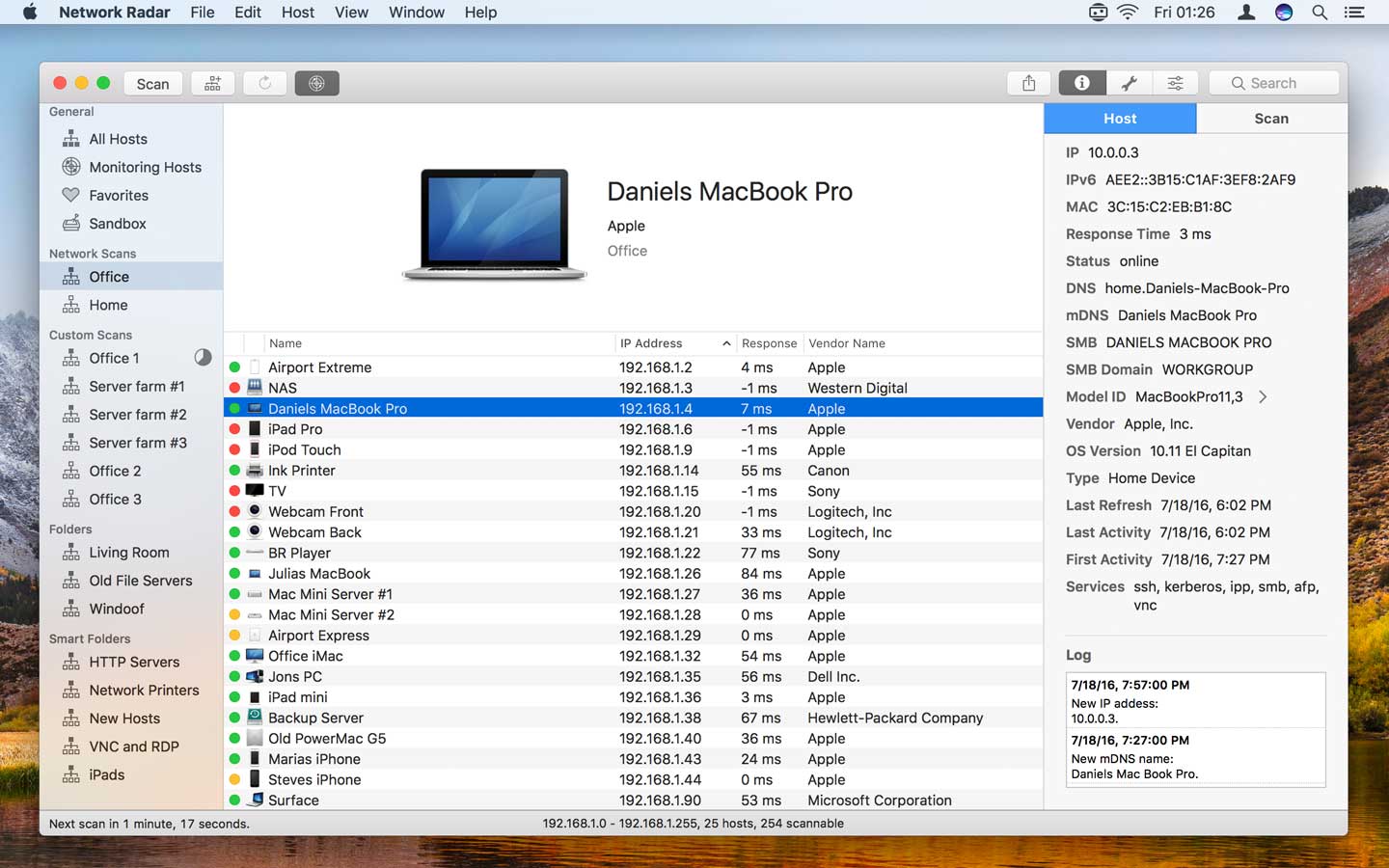
Network Radar is an advanced network scanning and managing tool. Featuring an easy-to-use and streamlined design, the all-new Network Radar 2 has been engineered from the ground up as a modern Mac application.
Key Features
Scan your network and retrieve detailed information on network devices
Run useful network tools and commands with the click of a button
Use the monitoring feature and get notified about changes in your network
Access devices from previous scans, even in different networks
Use the simple rules / actions system for automatic processing of devices
Simply connect to a device by double-clicking it in the list
Assign your own names and choose from provided icons or import own icons
Organize your hosts in folders and smart folders
Create scans with custom IP ranges
Export a scan to XML, CSV, TXT or PDF
All you have to do to use Network Radar is to click the Scan button. No configuration is required. However, Network Radar is more than a simple IP scanner. It comes with useful tools, such as Ping, Portscan and Whois. In addition to that you can send commands to your devices with the click of a button. Use Wake On LAN with every Wake On LAN capable device and shutdown, restart or send other Macs to sleep, even if they are not within your local network.
Once Network Radar has scanned your network, it lists all found devices. Select one to see more details, such as IP, IPv6 and MAC address, vendor name, DNS name, mDNS names, NetBIOS name, NetBIOS domain, open ports, OS version, response time, the Mac model identifier and much more depending on how much information your device and network reveals. Let Network Radar monitor a scan and get live updates on changes in your network. All changes are logged. You may also want to receive notifications when a device enters or leaves your network. With the possibility to configure custom rules and actions you can do things such as sending a mail to yourself as soon as your server goes offline or play a sound when a FTP Server appears in your network. Organize your hosts in folders. You want all your iPads in one folder? Just create a smart folders and let Network Radar do the work. By binding scans to networks, Network Radar always knows if a devices is reachable or not, making it easy to refresh or monitor a bunch of devices even from different networks.
Supported Network Interfaces
Built-in WiFi
Built-in Ethernet
Apple’s USB to Ethernet Adapter
Apple’s Thunderbolt to Ethernet Adapter
Apple’s Thunderbolt Display Ethernet *Please note that the amount of information Network Radar can find depends on the network it scans.
What’s New:
Version 2.8.1 New Features
Chinese localisation has been added. Thank you 陈晨.
The Host status ‘unknown’ has been renamed to ‘cached’.
Bug Fixes
Exiting the full screen could lead to a crash.
In some cases sorting the host list by response time did not work as expected.
Sometimes deleting a scan in the sidebar did not work.
Reading a Bonjour service’s TXT data could crash the app.
The could crash when updating the state of the export menu.
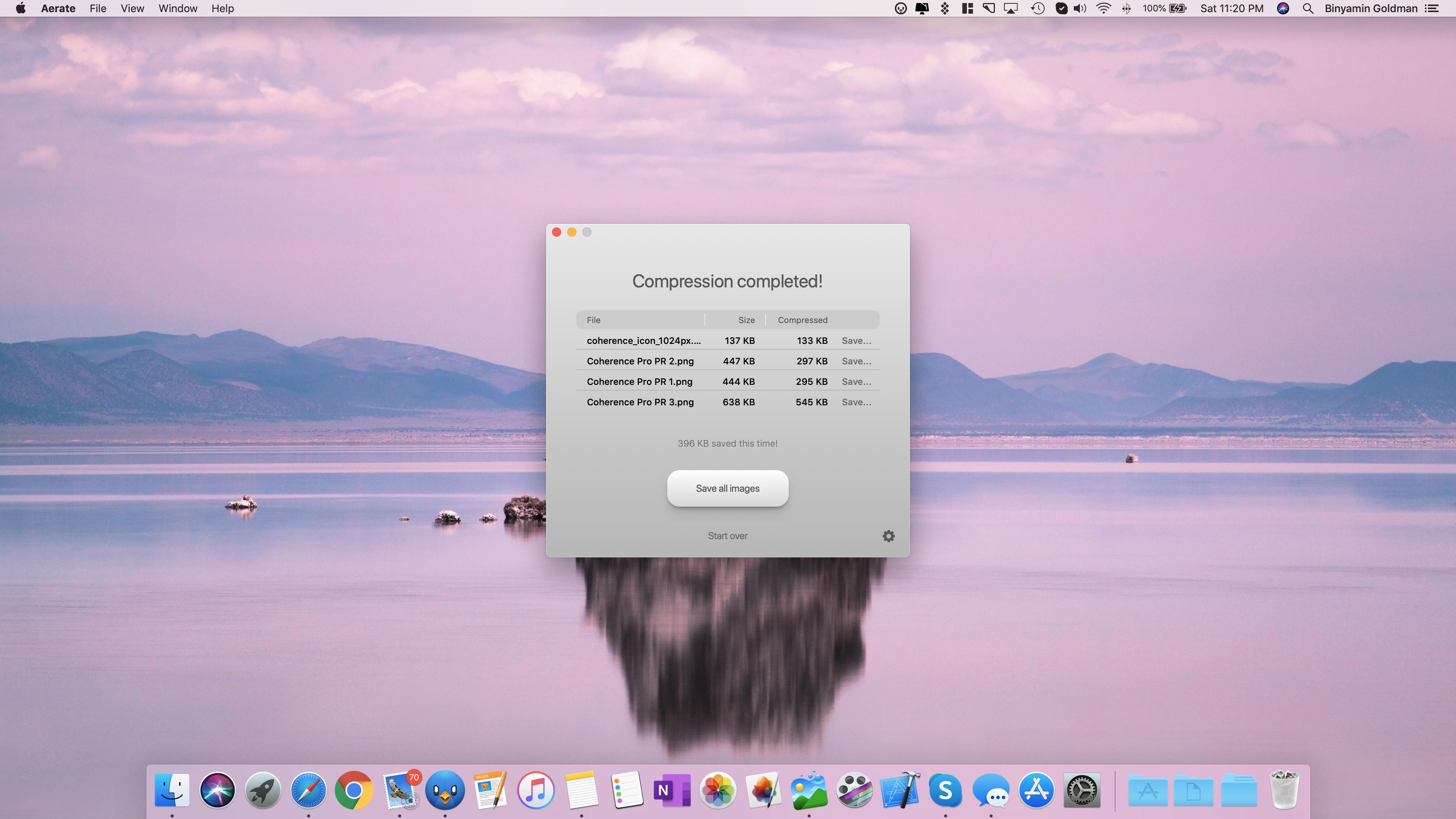
Effortlessly compress your images without loss of quality. Aerate offers an industry leading default mode, as well as new fast and extreme presets. Switch between modes quickly using the new compression slider.
Aerate also includes a first of its kind multi-core mode, that allows you to take full advantage of your CPU and compress images simultaneously. Exclusively available in Aerate Pro.
Features:
• Batch compression – Compress folder or stacks of images simultaneously.
• PNG and JPG support – Category leading support for PNG compression as well as loss-setting JPG support.
• Results view – Easily reviews and save images individually.
• PSD to JPG conversion – With Aerate, you can easily covert PSDs to JPGs. They can even be included in a batch.
• File extensions – Automatically assign a custom extension for compressed files.
• JPG metadate removal – Aerate can automatically remove JPG metadata, including in bulk processes.
• PNG to JPG conversion – You can easily convert your PNG images to JPG post conversion, allowing maximum results.
• Dark mode – Aerate includes a beautiful new dark mode that can be custom toggled in preferences.
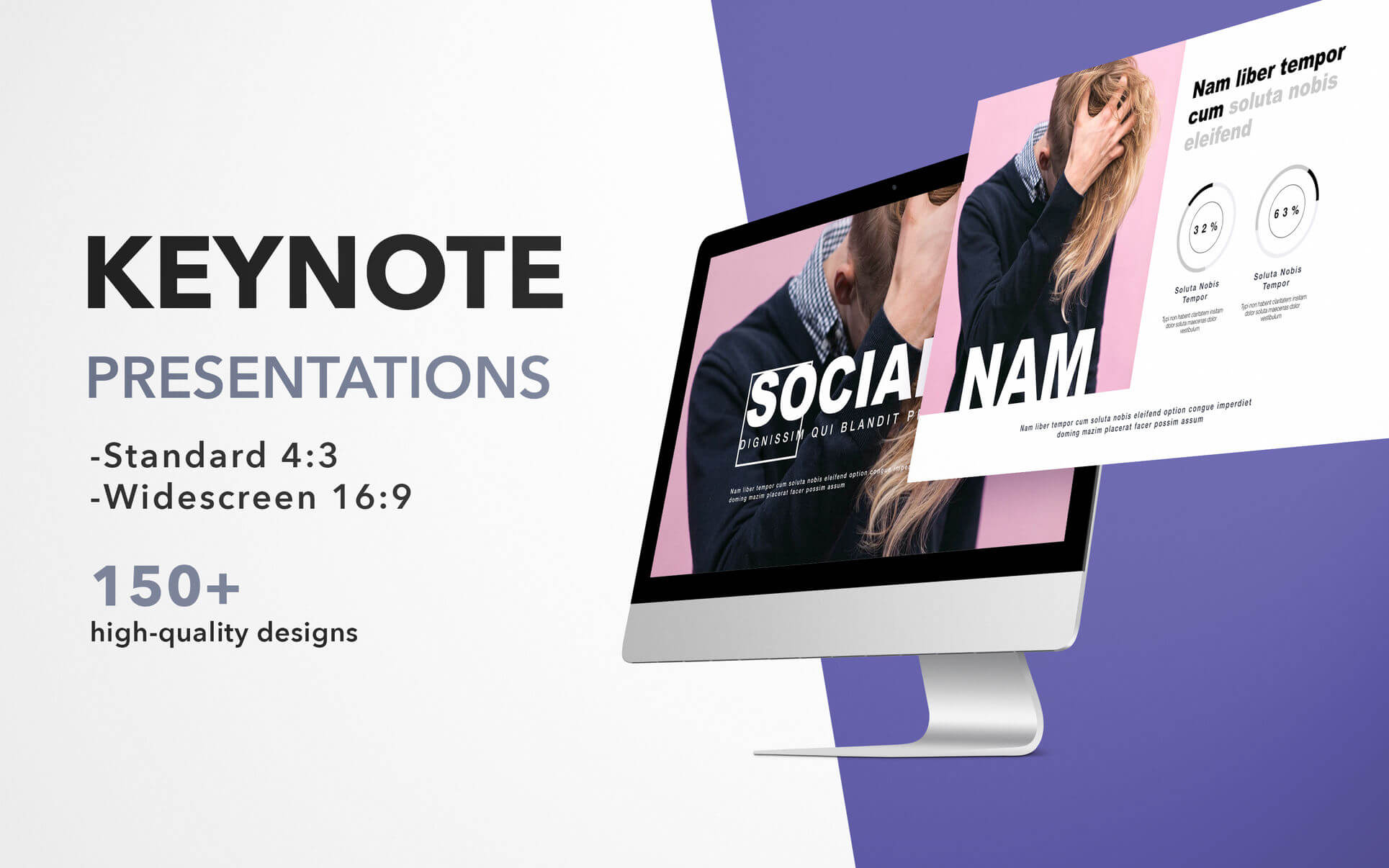
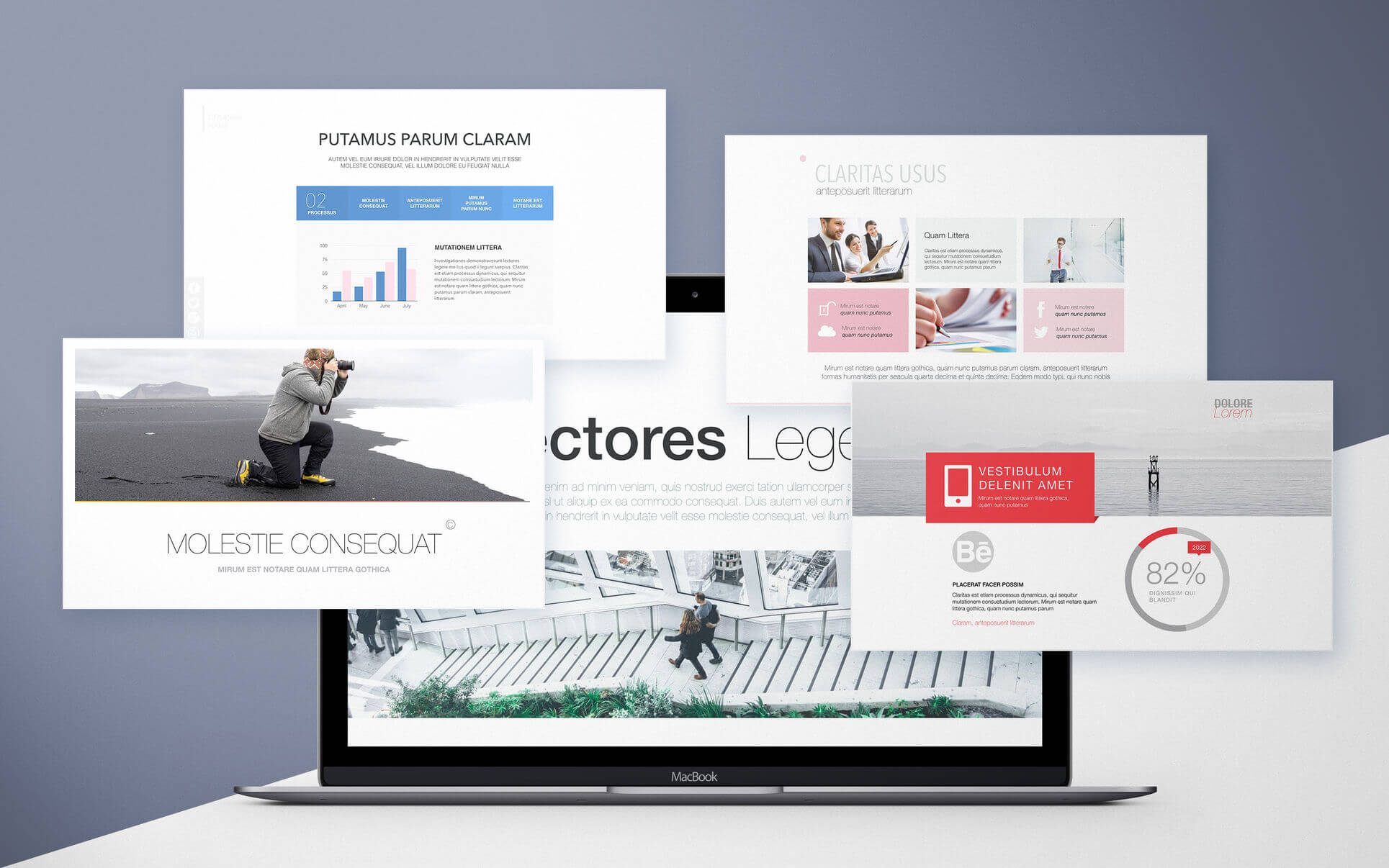
Templates for Keynote – DesiGN set consists over 670 high-quality designs for Keynote presentations, infographics and data visualization templates. These are more than just beautiful backgrounds – each one of them includes up to 25 different master slides, which lets you choose the best layout for your information.
Themes like:
• Portfolio
• Business
• Travel
• Infographics
• Data Visualization
and many more.
The themes are available in two sizes: standard 4:3 and widescreen 16:9. Let us take care of the appearance of your presentation, while you focus on the content.
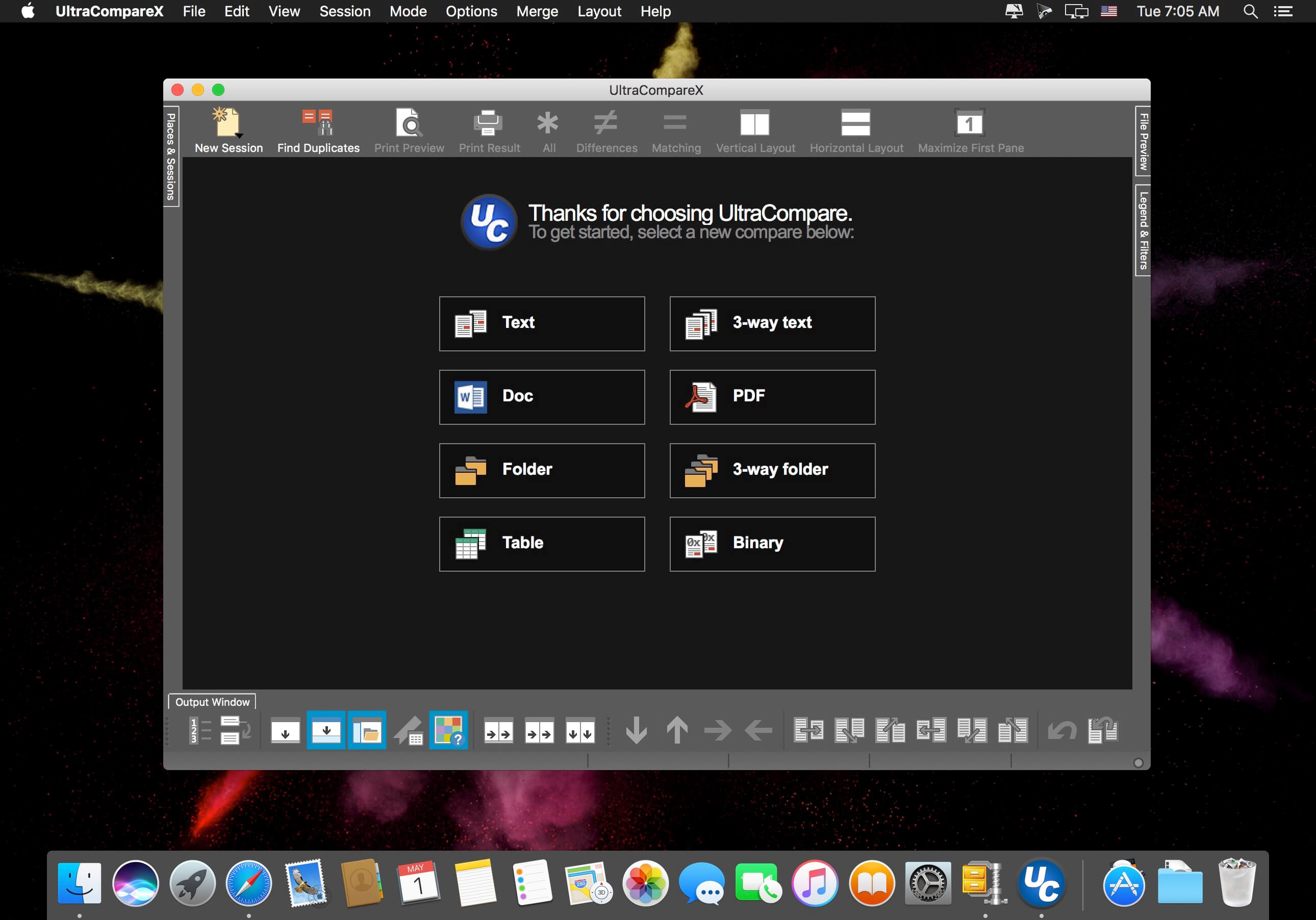
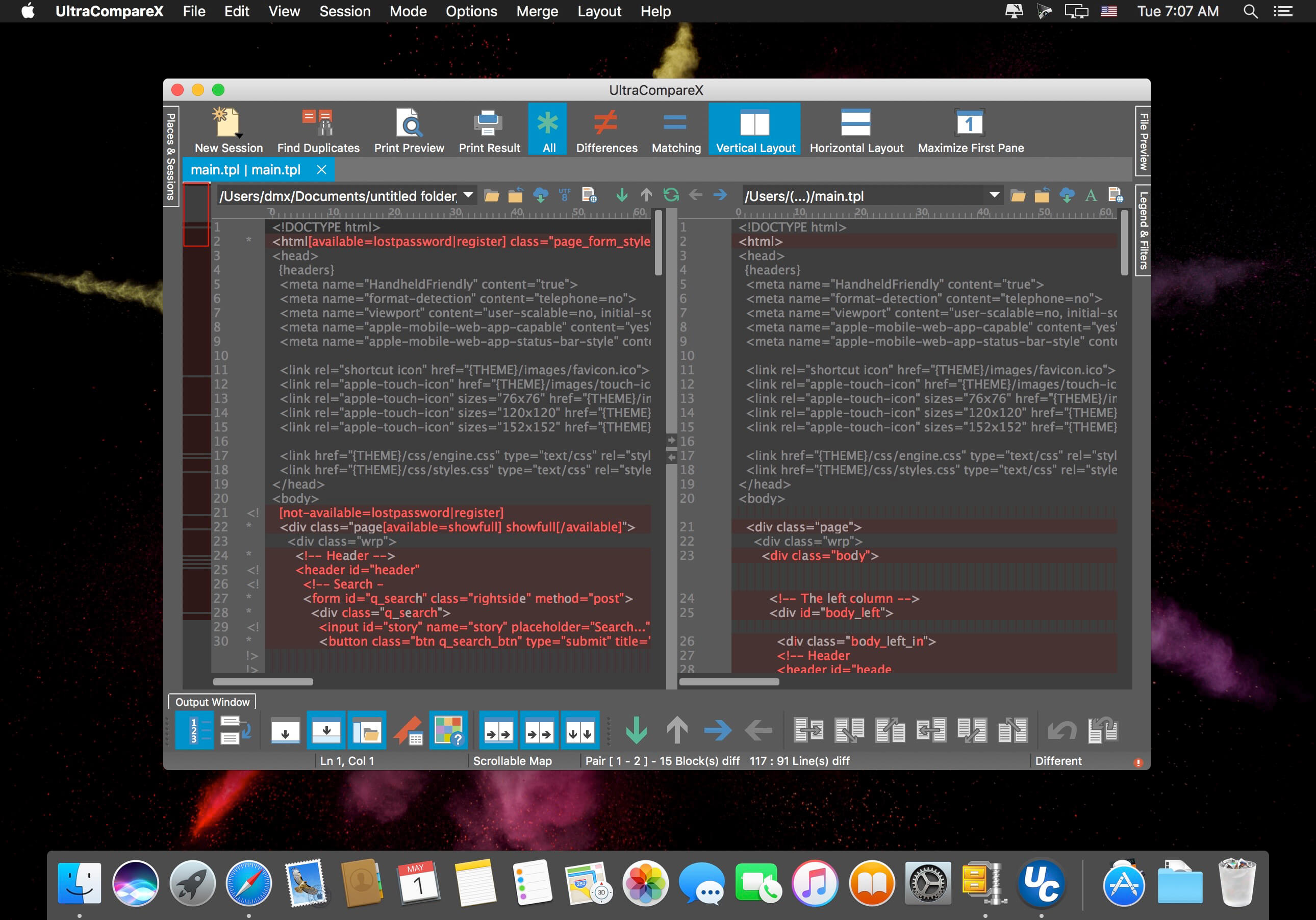
A complement to your file management suite, UltraCompare is loaded with features to enable you to compare text files and folders, as well as zip files and jar archives. Text file compare features include binary and text compare of two or three text files at a time, with the ability to merge text differences between compared files.
Folder compare supports comparison of local/network directories (and subdirectories with recursive folder compare) and zip file compare as well, and like text/binary compare, you can merge differences between compared directories.
Key features:
• Compare 2 or 3 files at a time
• Merge differences
• Filter compare view to show just matches or differences
• Ignore whitespace, line endings, specific lines, and more
• Manually set text compare starting point
• Edit text files as you compare them
• Paste and compare text snippets
• Preview HTML files in browser
• Compare files from the Internet via URL
• Compare files and folders from FTP/SFTP
• Scan and navigate differences with mini-map
• Compare Word Docs (.doc/.docx), PDFs, and RTFs
• Sync folders quickly and easily
• Find and resolve duplicate files
• Save and reuse your most used comparisons with sessions
• Drag-and-drop folders and files to compare them
• Integrate with Windows explorer
• Integrate with Subversion, CVS, Visual SourceSafe, Perforce, and more
• Change application and compare colors with themes
• Show compare vertically or horizontally
• Save difference and result reports
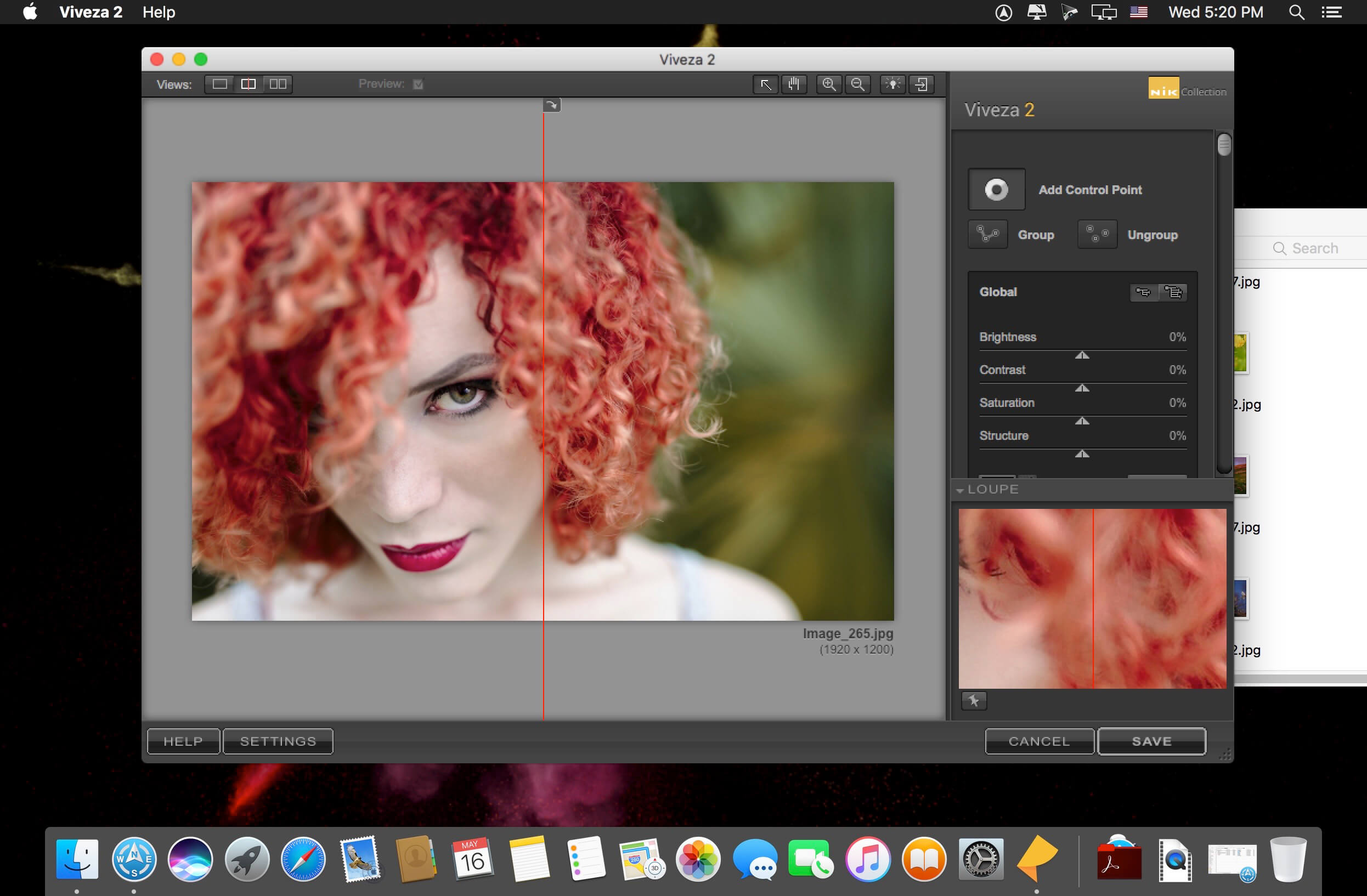
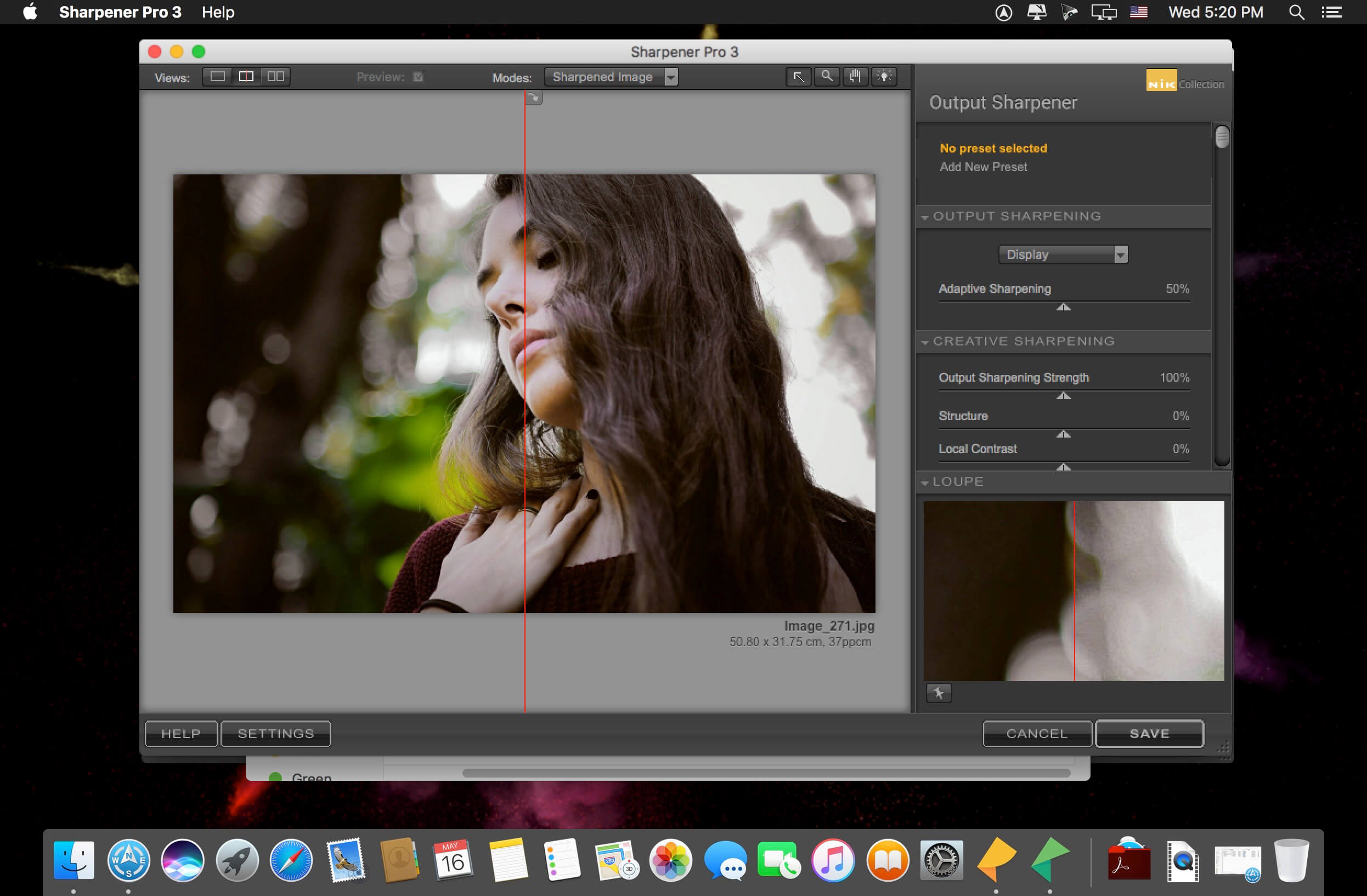
Add the power of the Nik Collection by DxO to your workflow today and create stunning images faster. The most complete collection of plug-ins from Nik Collection by DxO companies using proprietary U Point, which allows you to subtly adjust the brightness, contrast, color saturation and other parameters of individual objects or areas of the photograph.
The Complete Nik Collection by DxO includes all of the latest award-winning plugin software titles for Adobe Photoshop® and Adobe Lightroom® including: Color Efex Pro, Silver Efex Pro, Viveza, Analog Efex Pro, HDR Efex Pro, Dfine, Sharpener Pro and DxO PhotoLab 2 Essential Edition. All products feature Nik Software’s patented U Point® technology, giving photographers the most powerful tools for precise and natural photographic enhancements and corrections without the need for complicated selections or layer masks.
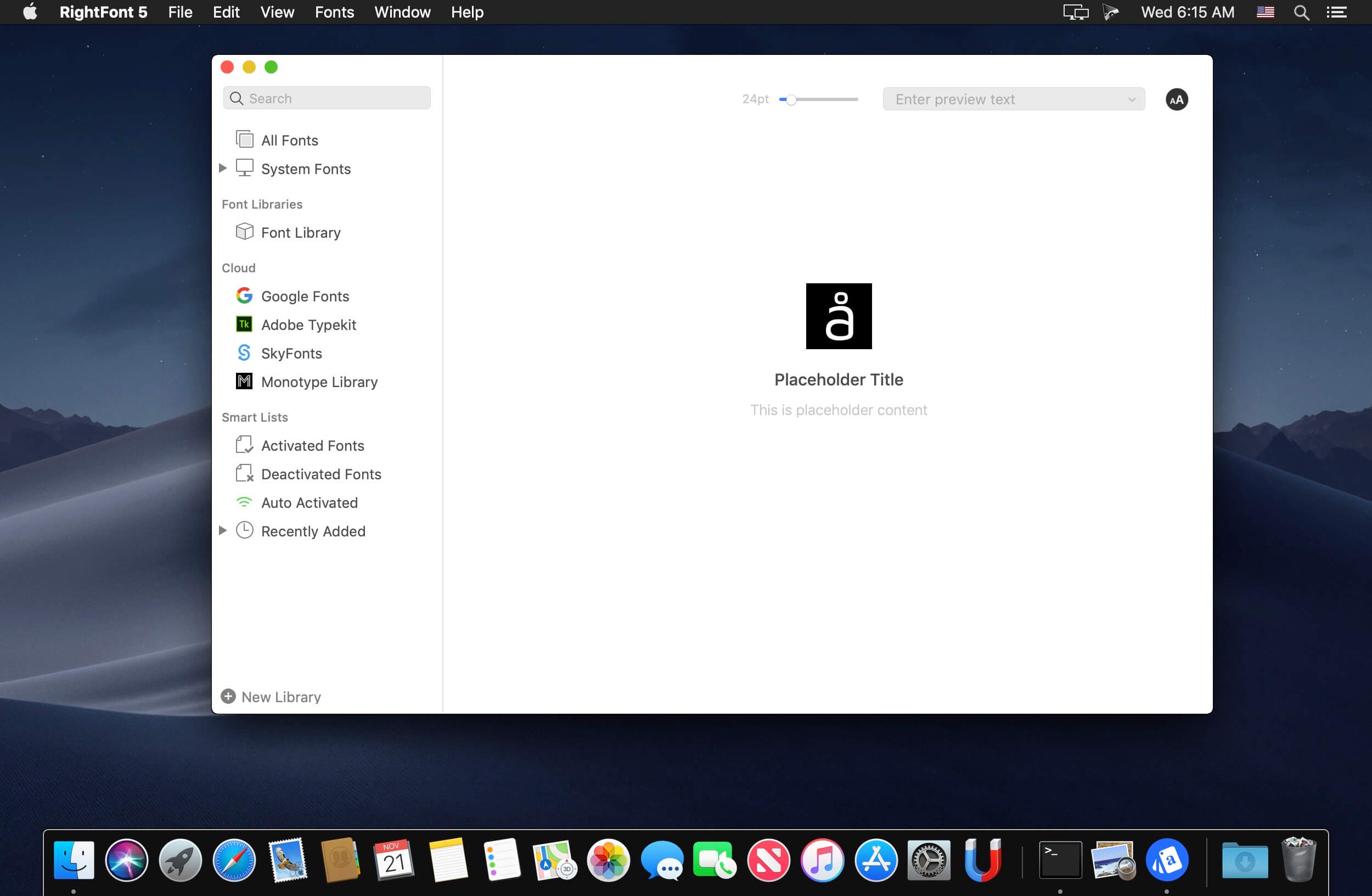
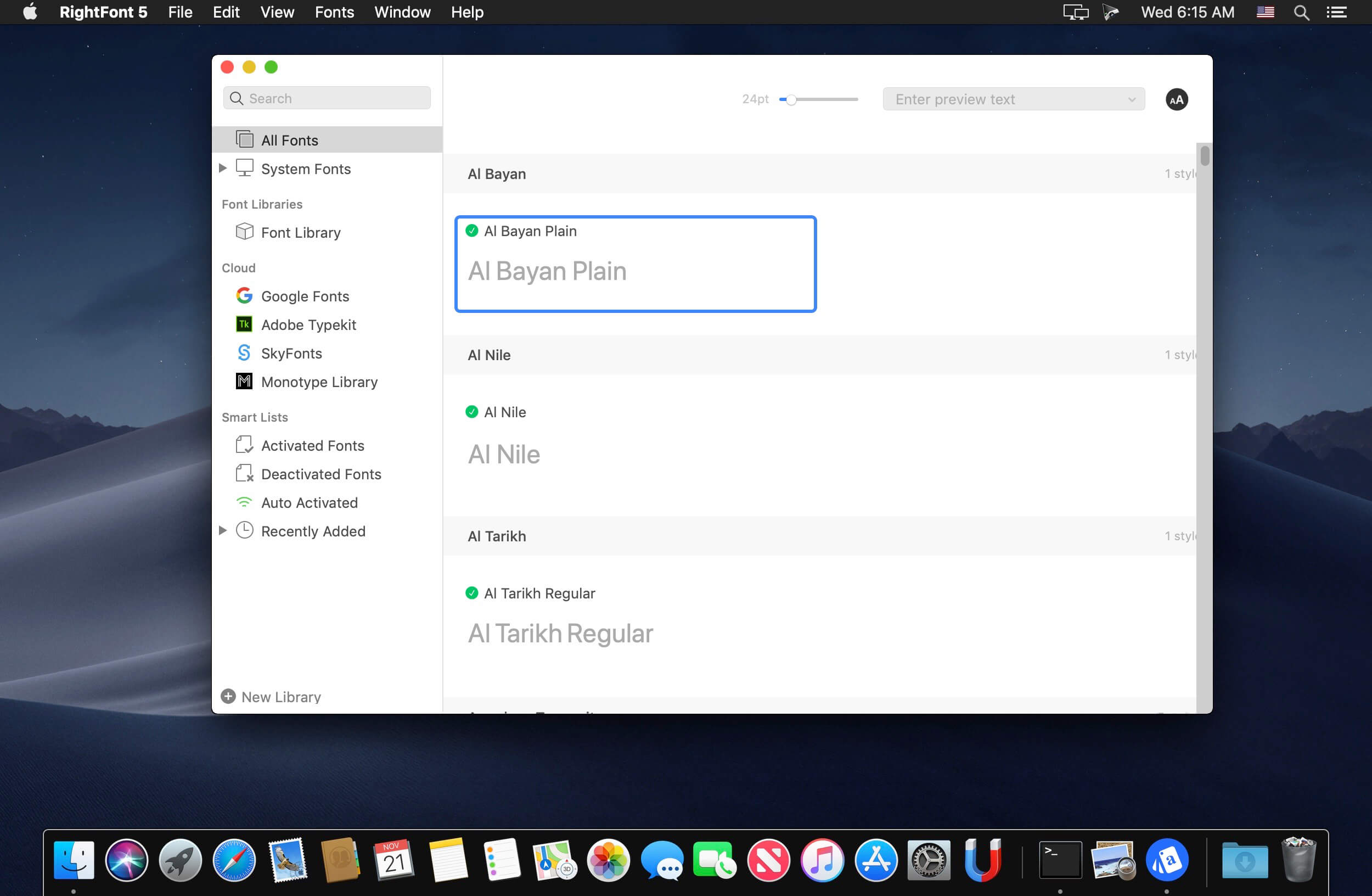
RightFont 5 is an innovative, beautiful and professional font manager app for macOS, helping designers to preview, install, sync and manage their font files. RightFont is a lightweight font manager with a clean, beautiful interface. It offers many features which help you manage all your local fonts with ease
Font-management access anytime directly from your menubar
Mark any font as starred with a click
Create and manage font lists
Access fonts directly in Adobe Creative Cloud (Photoshop, Illustrator, InDesign, Flash, AfterEffect), Sketch, etc.
Instant search results as you type
Change font preview and font size in real-time Find the right font faster
Easily filter fonts by classifications (sans serif, serif, script, etc.), font width and font weight. Even Google fonts and Adobe TypeKit fonts are listed separately for you.
Effortless integrations – You can use RightFont with design software. With a simple double-click, the font used in your text layer can be changed.
Interface Redesign RightFont 5 was totally redesigned to keep a balance between simplicity and features. It’s now much easier to enable creative designers and teams accelerate their workflow.
Font Library As you wish, Font Library is finally introduced in RightFont 5. Now you are able to organize fonts and fontlists in a font library, and free to move it anywhere for font sharing or backup purpose.
macOS Mojave Support RightFont 5 is fully optimized for macOS Mojave, with the support for dark theme, Touchbar, color SVG fonts and more.
Better Performance Performance is a big step forward in RightFont 5, now 2x faster than version 4.0 when importing and rendering fonts.
Simlab Composer is a complete, easy, affordable and feature rich solution enabling you to communicate your 3D ideas with ease. Start with any 3D model, and bring it to life with SimLab Composer to utilize it in marketing, manuals, training, user feedback, education and much more.
Features in SimLab Composer 9: A brief summary with regards to the new updates that have been made in SimLab Composer 9 :
Scene Building: • Search by name
Animation • Animation Auto Ease options (Auto Ease Out, Auto Ease In, and Auto Ease). • New Animation Time-line tools: Capture keyframe for object, Go to previous/next keyframe, and Select all keyframes on Animation Time-line. • (Enhancement) Better layout for Animation Time-line tools.
HTML/WebGL • Added support for SimLab 360s Grid Technology. • Added support for Light Baking (Light Baking is similar to Texture Baking but it gives the user the ability to change material of objects). • Added support for sun light • Added support for shadow from sun, which can be enabled or disabled by the user. • Added support for Visualized Scene Options (lists) • (Enhancement) Better appearance for materials • (Enhancement) Better navigation: Smoother camera navigation with mouse movement in spin mode. • (Enhancement) Better looking message boxes. • (Enhancement) Camera transition among Scene States
3D PDF • Added support for Visualized Scene Options (lists).
VR • SimLab 360s Grid Technology for SimLab FREE VR Viewer, SimLab FREE AR/VR Mobile Viewer, and HTML/WebGL: load and move among 360 degree images. • Make Video: View video clips in SimLab FREE VR Viewer and SimLab FREE AR/VR Mobile Viewer. • Event-Response System: SimLabs Event-Response System used for endless possibilities in your VR experiences, which also includes location-based triggers. • VR Training: A state-machine-based system used for endless possibilities in your VR experiences, which also includes location-based triggers.
Render • Render Animation using SimLab FREE VR Viewer: New rendering mode using the VR Viewer.
Simlab Free VR Viewer • Added support for SimLab 360s Grid Technology. • Scene Building Mode: Dedicated mode where you can move, rotate, scale, copy, delete, and hide/show objects. • (Enhancement) Improved two hands interaction with VR scene elements in VR mode. • (Enhancement) Improved grabbing (grabbing with two hands) in VR mode. • (Enhancement) Improved VR navigation (fixed old issues and added rotation) in VR mode. • (Enhancement) Improved Scene Modes activation for Large Navigation, Lists, and Scene Building. • Circular menu for switching among modes. • Activation of List mode shows all list pins existing in scene. • Users can now have two FREE private catalogs (up to 60 package) • Users have the ability to edit or delete their own packages.
Generate an endless variety of complex shape layer animations in seconds. Works with text & vectors too!
ShapeMonkey is a fast and intuitive way to automatically create shape-based animations in After Effects. If you have experience creating dynamic graphic animations with shape layers, you know that it’s a powerful feature. However, it can take a while to understand how everything works. It can also become difficult to navigate – each shape layer may have multiple transform controls, each buried in its own sub-category. ShapeMonkey is built to make working with shape layers much simpler. Designed for easy experimentation and quick iterations, there are no limits to the animations you can create.
KEY FEATURES :
Unique and powerful animation system
Modular Preset Shapes
Use your own shape layer
Works with Text and Vectors too
Dozens of Interpolation combinations
Easy shape treatment options
Preset Palettes
Automatic Palette animation
Imports .ase files
Instant Radial Array
Multiple Transition types
Dozens of Preset Animations & Effects
Marker Sync for triggering to beats
Save & Load projects
Psuedo Effects give you additional controls
Turbulence and Drift options for organic movement
Dynamically linked markers for easy timing adjustments
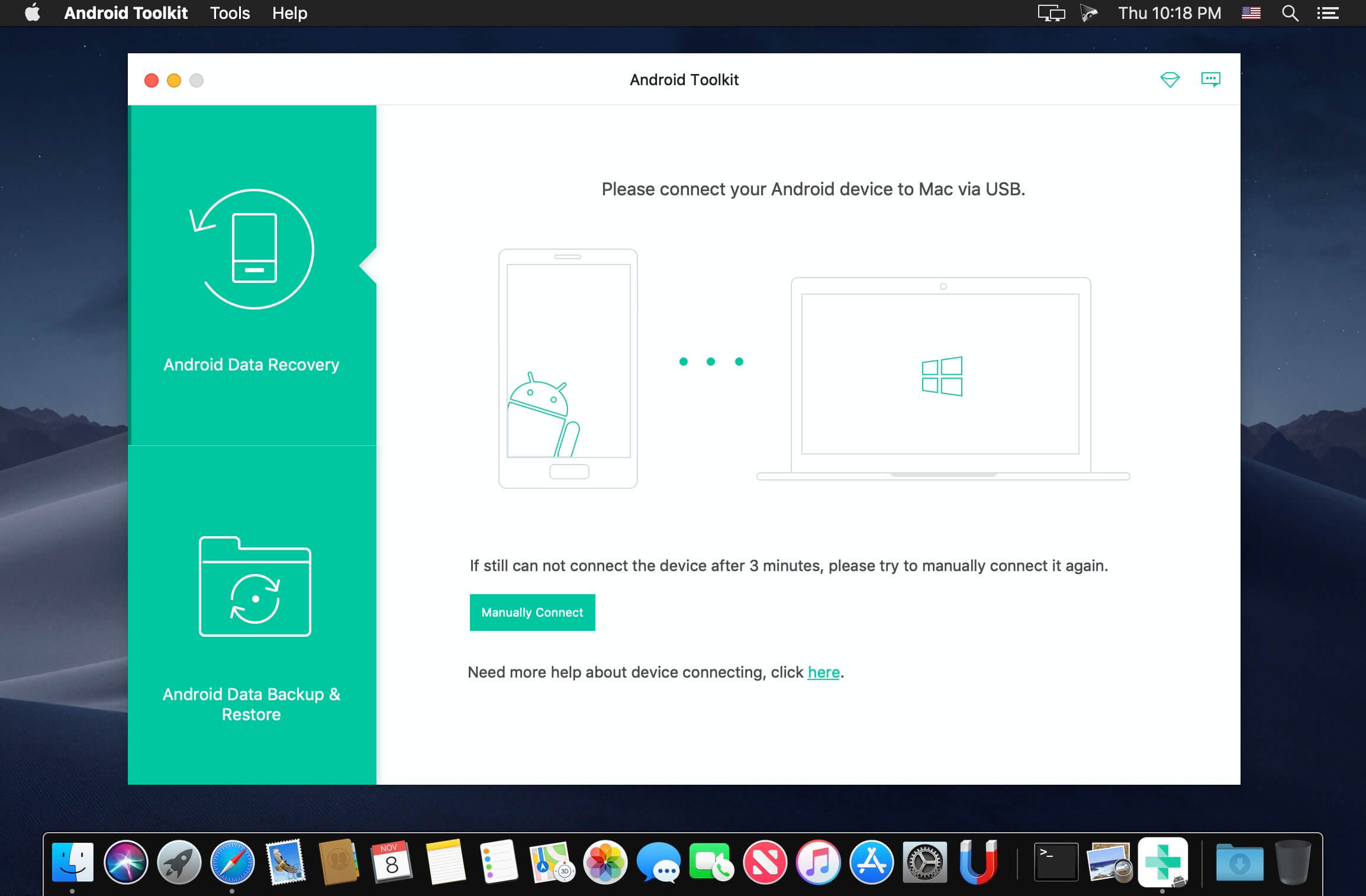
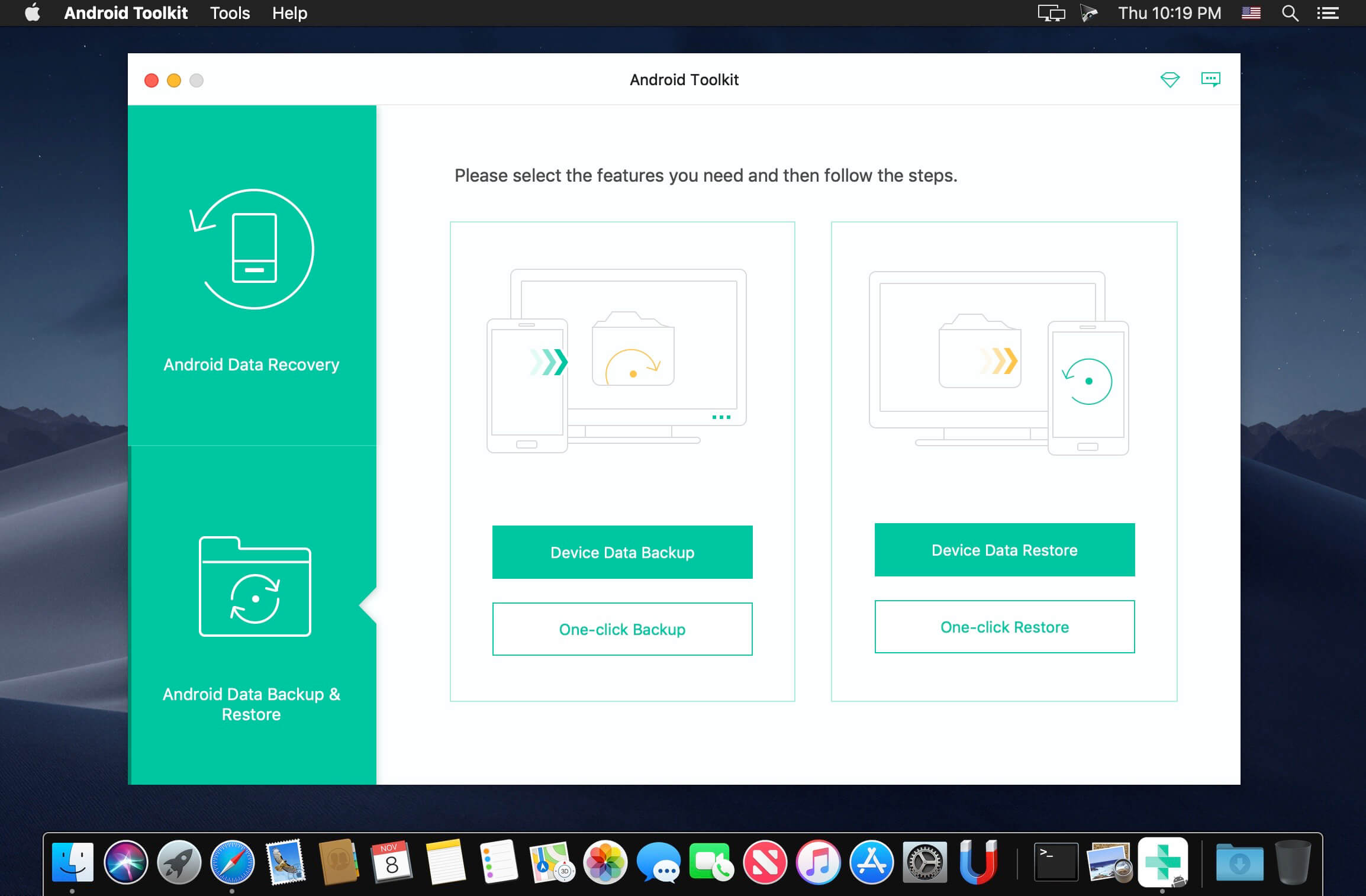
The best Data Recovery Software for Android Phone/Tablet/SD Card. Recover photos, contacts, videos, messages and more. Apeaksoft Android Data Recovery can help you to recover deleted or lost photos, videos, contacts, messages, call logs, apps and documents from your Android phones, tablets and SD cards. It is compatible with 5000+ Android portable devices.
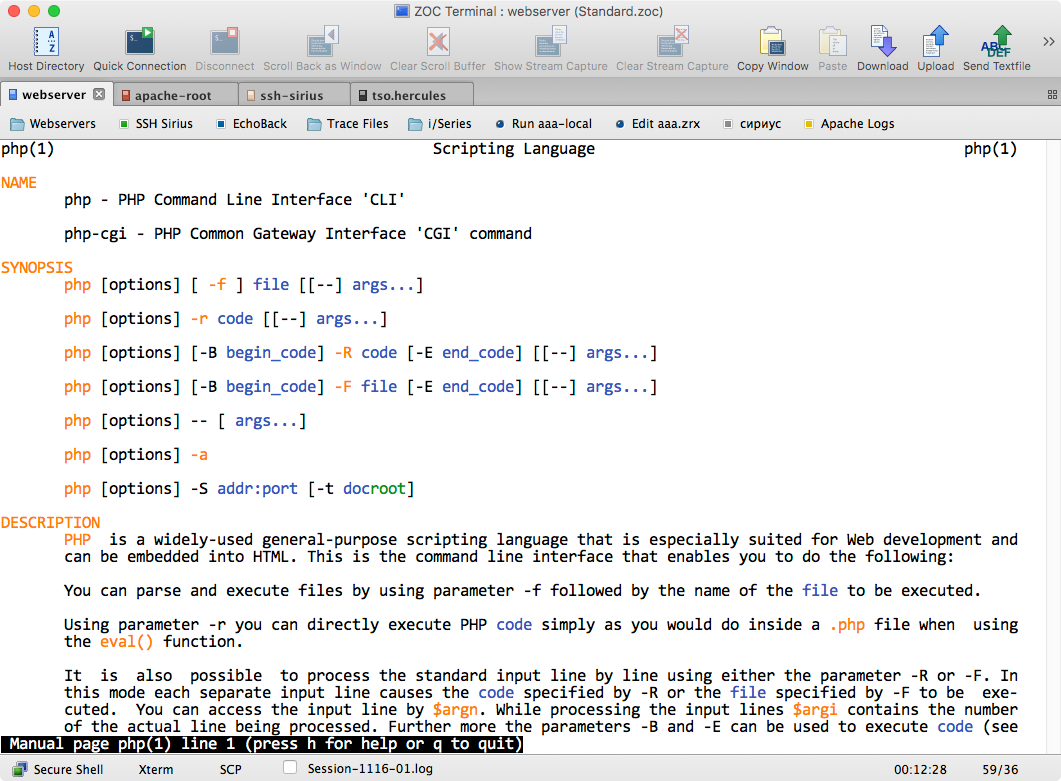
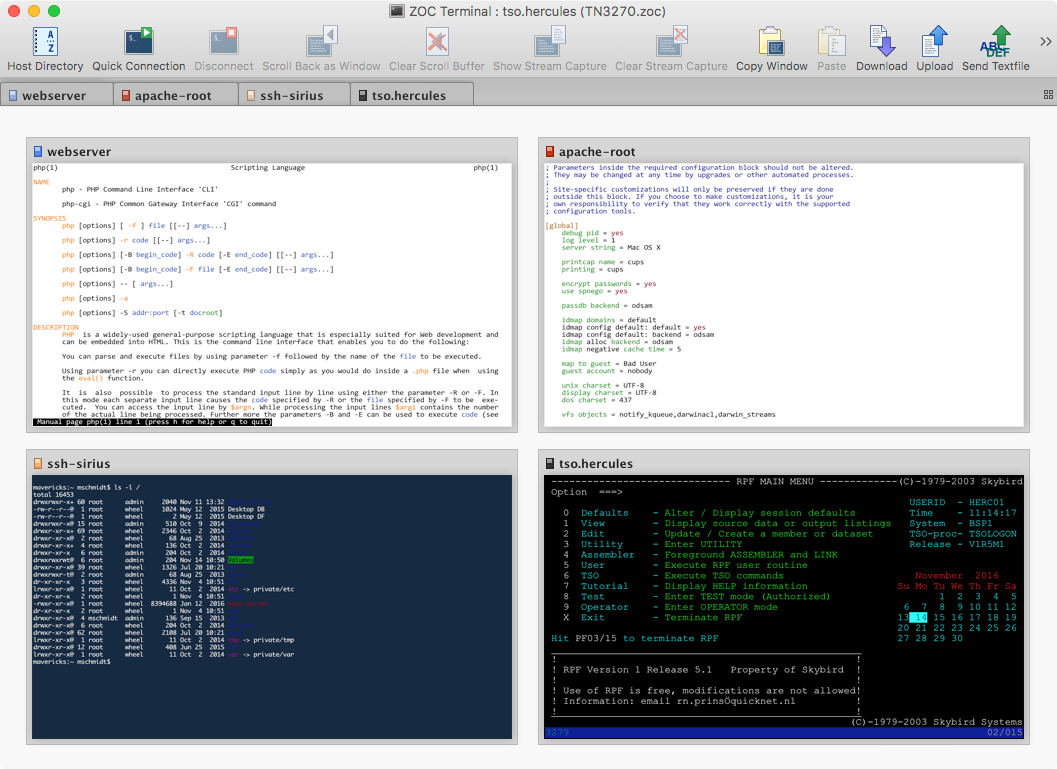
ZOC Terminal is a Telnet/SSH/SSH2 client and terminal emulator. Featuring tabbed sessions, typed command history, scrollback, and multi-window support, ZOC Terminal’s implemented emulations have made it the preferred tool for anyone who needs to access Unix shell accounts from a Windows or OS X platform.
Emulate widely-used or specialized terminals:
vt102
vt220
TN3270
TN5250
Wyse
TVI
Sun’s CDE
Transfer files through major protocols:
X-, Y-, and Z-modem
Kermit
SCP
What’s New:
Version 7.24.7: Fixed:
Two concurrent tabs waiting for ssh username input resulted in a beachball
Prevent macOS to offer window tabbing in Window menu when using multiple ZOC windows
Multiple Tile Window Left/Right entries in Window menu fixed
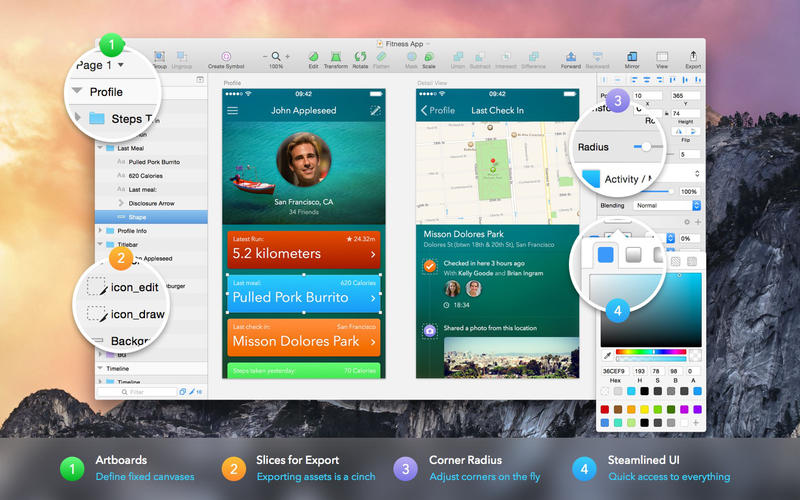
Sketch: graphic design for a digital world. Powerful tools and an elegant interface, in a single award-winning package. Because making beautiful things should be a joy, not a burden.
Sketch supports multiple fills, borders and shadows per layer; has powerful non-destructive boolean operations; smart pixel alignment; and makes exporting a breeze with automatic slicing and multiple resolution export.
Vector tools and basic shapes are the foundation; whether you are designing icons, websites, interfaces or anything else. Combine these into complex shapes with non-destructive boolean operations, leaving you free to edit them in the future, then apply advanced layer style options like multiple shadows, fills, gradients, noise, blending, background blurring, and more.
Sketch doesn’t just do shapes, of course. Imported images can be rotated, scaled, cropped and masked. The best-in-class text tool lets you add beautiful typography to your designs, using native font rendering, so you can be sure that text always looks 100% accurate!
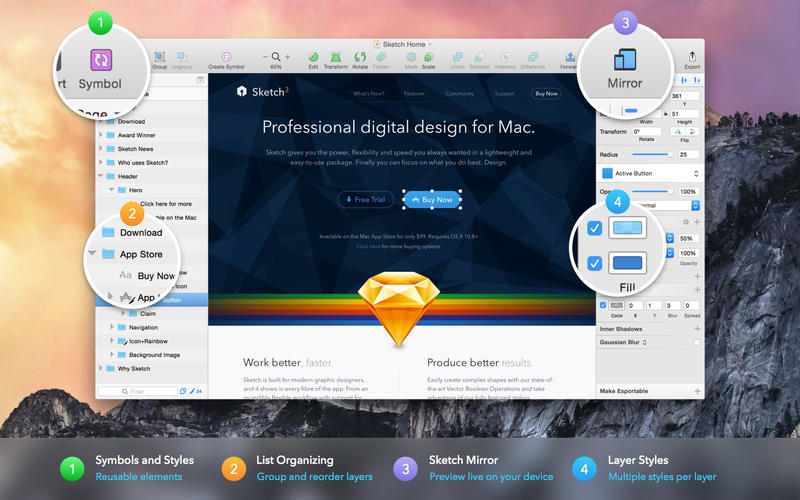
Brand new to Sketch 3, Symbols allow you to reuse entire groups of content in multiple places in your design. Think of interface elements such as buttons, headers and footers. Change them once, and they update everywhere in your document.
Built for the Mac, Sketch supports OS X’s Versions and Auto Save, letting you focus on your work instead of hitting CMD+S. Keep your work safely in sync across multiple Mac computers with iCloud. And take Sketch full screen to maximise the size of your canvas.
All this power is deliciously baked into Sketch’s single-window interface. Everything is there, tucked away until you need it. A simple interface with powerful tools.
What’s New:
Version 61 What’s improved
We’ve given performance a bit of a boost with this release, particularly when it comes to navigating around large documents.
When you open a Cloud document from the Documents window, you’ll now see its download progress on the thumbnail you’ve just clicked on, instead of in a popup. Because let’s face it, we’d all like fewer popups in the world.
If you were ever unlucky enough to run into a “file doesn’t exist” error when trying to reopen a Cloud document, first of all, we’re sorry about that. Secondly, we’ve been working hard to reduce the chance of you ever seeing it again. Finally, if you do see it again, the error message should now be far more helpful.
We’ve improved the appearance of resize handles in the middle of layers so they look sharper, even on non-Retina displays.
For developers, we’ve added support for Smart Layout and Variable Fonts to our jаvascript API. We’ve also updated the developer documentation to match, so you can get more details by clicking on either of those links.
For all you fans of super-organised Libraries, you can now create a group with just a single Component in it. Simply right-click on it in the Components Panel and choose “Group” from the contextual menu.
You can now copy a link to a Cloud document by right-clicking on its thumbnail in the Documents window and choosing “Copy Link”. In other words, you no longer have to open a Cloud document in Sketch or in the browser to share its URL.
You can now select Round to Pixel from the Arrange menu when any selection you make includes layers on sub-pixels.
What’s fixed
Fixes a bug where the Documents window would refresh all its contents and not remember the selection position if you reopened it or switched back to it after focusing on another window.
Fixes a bug where Symbols in Cloud Library documents were inserted as Library Symbols, rather than displaying them as local Symbols.
Fixes a bug where selection hairlines appeared over the top of point handles in the vector editor. This didn’t affect how anything worked, but it looked messy, so we’ve tidied it up.
Fixes a crash that could occur when you imported password-protected PDF files.
Fixes a bug where editing bitmaps in a Symbol master wouldn’t always show the updates correctly in overridden instances of that Symbol.
Fixes a crash that could occur when using the color picker on macOS Catalina.
Fixes a bug where pressing the down arrow key after you’d searched for something in the Typefaces popover would dismiss it, instead of highlighting the first result.
Fixes a crash that could occur if you attempted to apply Data to a combined shape.
Fixes a bug where choosing Edit Styles… in the Inspector wouldn’t always show the correct information in the Components Panel.
Fixes a bug where the Artboard popover would sometimes get a little shy and hide itself slightly off the side of the screen.
Fixes a crash that could occur if you attempted to pick colors from external displays while another app was in Fullscreen mode on that display.
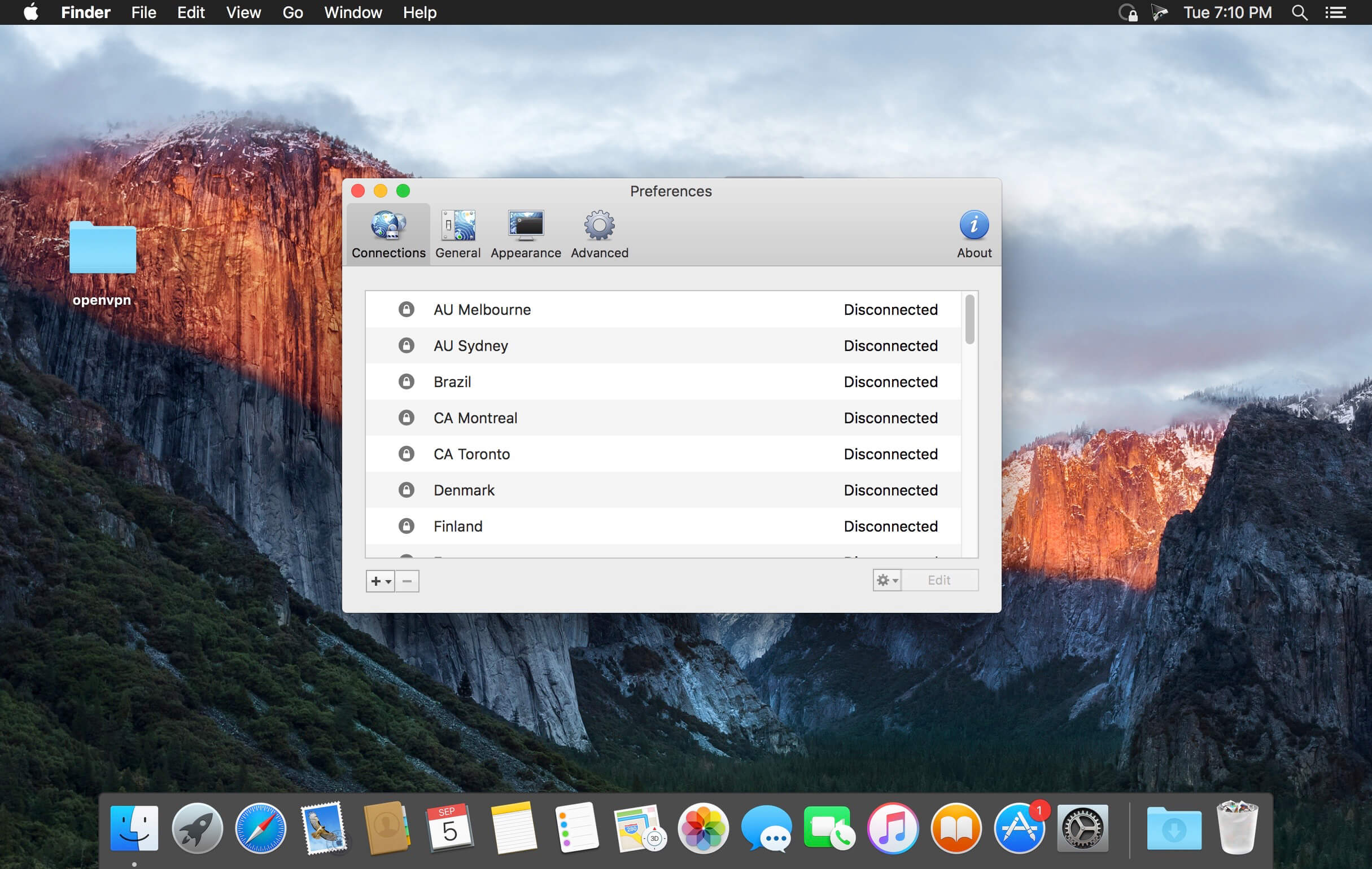
Viscosity is an OpenVPN client for Mac, providing a rich Cocoa user interface for creating, editing, and controlling VPN connections. Viscosity provides a complete OpenVPN solution for macOS, and does not require any additional downloads or software.
With Viscosity and OpenVPN you can securely connect to your home or company network from a remote location, protect your network traffic when using public or wireless networks, access websites with country restrictions, and tunnel through restrictive firewalls and proxy servers to give your computer full Internet access. Viscosity can connect to any VPN server running OpenVPN, including most popular free and commercial VPN providers. Viscosity allows connections to be completely configured through a GUI, without any need to know how to use the command-line or OpenVPN’s configuration-file syntax. Advanced users still have full manual control over configuration options if desired.
Features
Cocoa GUI
Connection and traffic statistics
Multiple simultaneous connections
Robust DNS Support
Keychain integration
System proxy integration
Deployment features designed for enterprise
Easy connection importing
Growl integration
What’s New:
Version 1.8: Added:
Main menu traffic graph for active VPN connections
Appearance customisation options for the menu traffic graph
New menu icons are available in the Appearance section
Improved:
Support for macOS 10.15 (Catalina)
VPN connections will now establish faster
Reduces CPU usage when using higher log verbosity levels
Complete Dark Mode support for menu items with color
Updated:
OpenSSL updated to version 1.0.2t
Fixed:
Resolves a potential crash when rapidly connecting and disconnecting connections
Resolves a potential crash if ifconfig cannot be run
Resolves a potential hang when using Reset network interfaces on disconnect
Resolves flickering of the menu icon animation when changing states
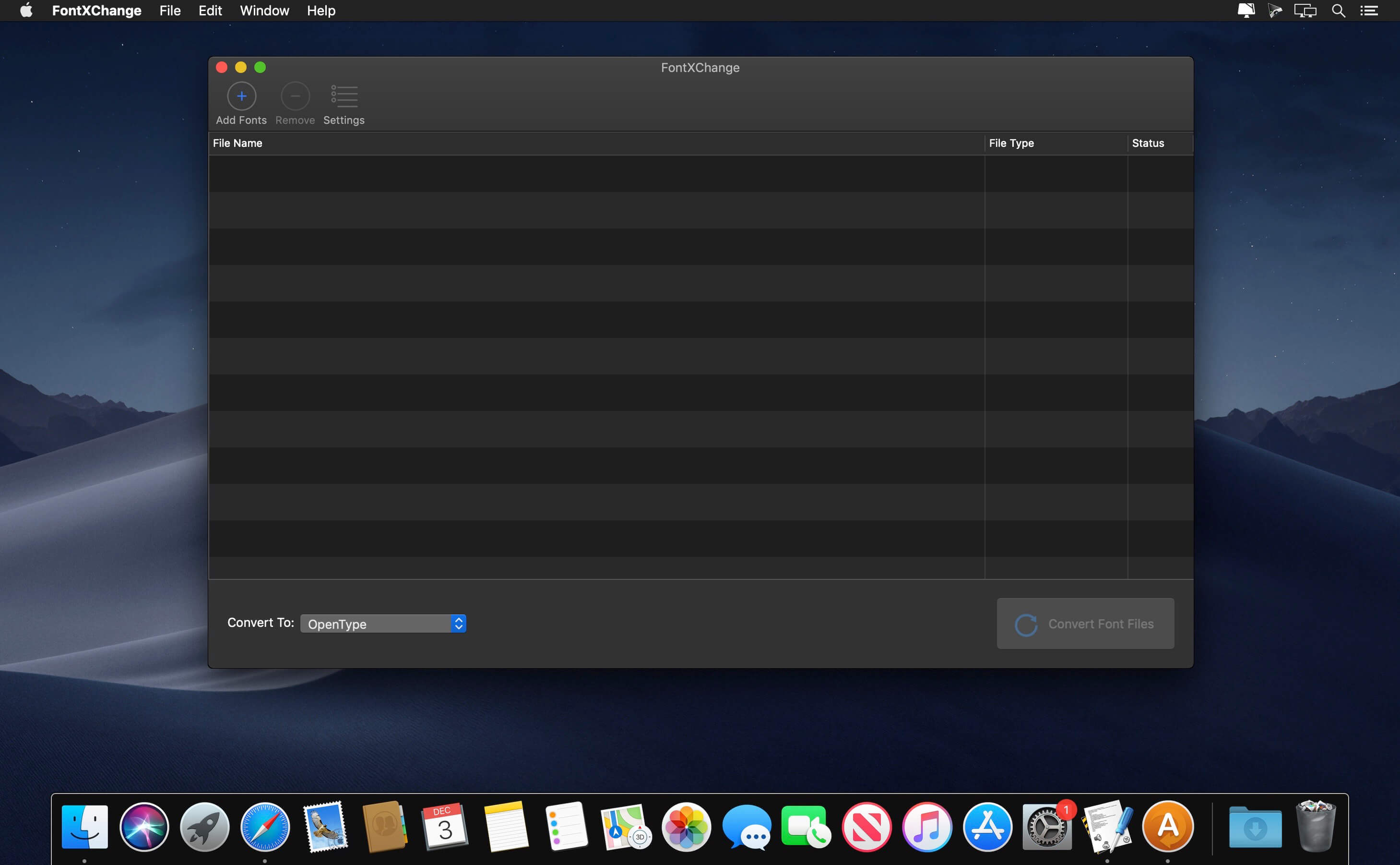
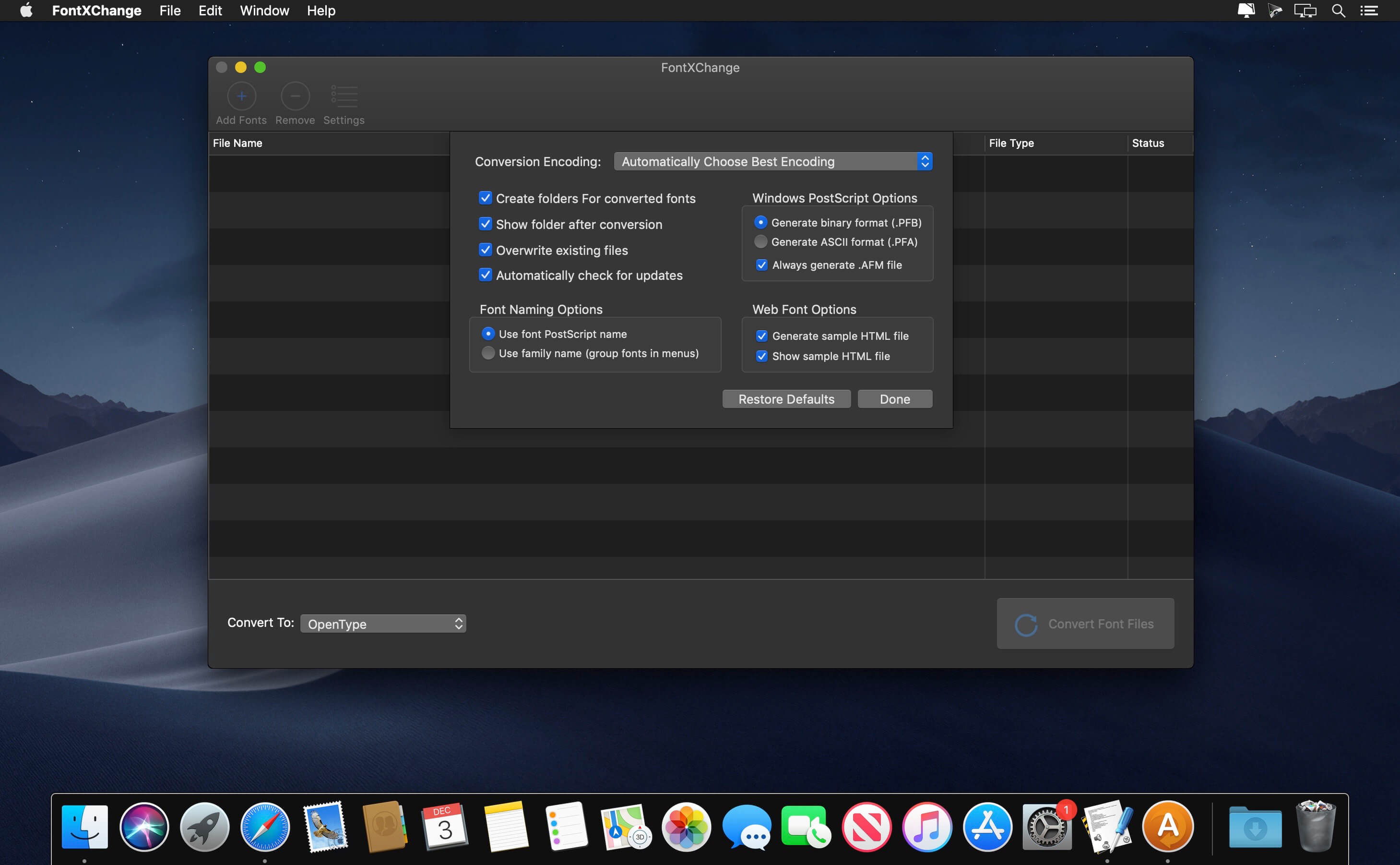
FontXChange can easily convert fonts to OpenType (PS), PostScript Type 1, and TrueType for both Mac or Windows. FontXChange is designed to understand many different font formats and can convert fonts into many different formats.
Useful features include:
Batch processing for converting entire font libraries;
Preferences to set font encodings;
Font inspection window with preview;
Support for many font encodings, including Adobe Standard, Unicode, Mac Roman, and Windows ANSI, and European.
This makes FontXChange useful to:
Convert PostScript Type 1 fonts (Mac or Windows format) into a single modern OpenType font file that works on both Mac and Windows. End the headaches of the outdated two-file system of screen font and printer font combinations. Just one font file that works;
Recreate missing screen fonts using a PostScript font file in any format;
Convert TrueType fonts to PostScript fonts. No more printing problems and incompatibilities associated with TrueType fonts and high-end output devices;
Convert Windows fonts to Mac to Mac and vice-versa. Easily share fonts across different computers, even different operating systems.
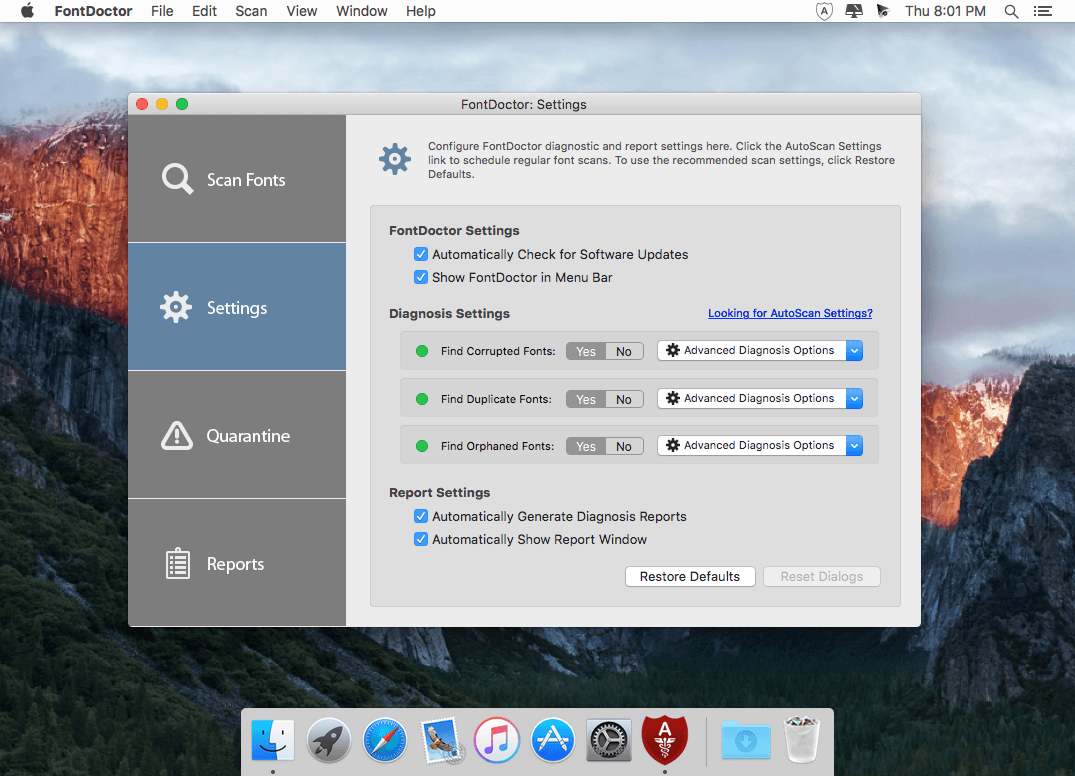
FontDoctor : Automated Font Diagnosis and Repair. Eliminate Font Problems. Easily locate and eliminate hard-to-find font problems that wreak havoc on computer performance and applications.
Eliminate Font Problems FontDoctor will scan font folders to locate and repair common font illnesses, including missing Postscript fonts, missing bitmaps, corrupt/damaged fonts, duplicates, and lots more.
Main Features:
Automated font monitoring
Quarantine problem fonts
AutoScan at regular intervals
How It Works:
FontDoctor’s diagnosis process has two purposes: to identify font and repair problems, and to clean up your font library.
FontDoctor can do everything from examine a single font file to finding and examining all the fonts on an entire volume.
Once FontDoctor has reviewed all the font files, you can decide how to handle any potential problems.
AutoScan
New AutoScan feature automatically provides hands-free protection of your font libraries
Constant Monitoring Constant font monitoring with automatic font problem detection alerts you when a monitored font folder needs attention
Uninterrupted Workflow AutoScan works silently in the background and will alert you only when a font problem is found
Easy Scheduling Configure AutoScan to run at regular intervals – Daily, Weekly, or Monthly
What’s New:
Version 10.7:
Release notes were unavailable when this listing was updated.
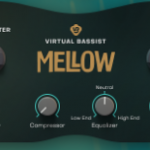
Introducing Virtual Bassist MELLOW – a double bass playing jazzy acoustic hipster that provides body, texture and a big bottom end. As with every UJAM Instruments product, MELLOW benefits from our frustration-free design philosophy meaning anyone can use this product to make music faster, better and easier, regardless of their music production experience level.
What’s in There? From Smooth to Powerful 40 styles and over 450 phrases Play the bass from a MIDI controller Adjust microphones, pick position, mixer channel and many more Real recorded room adding amazing ambience without the mush.
Aescripts Character Swing Rigging 1.5.5 for After Effects MacOS
Create quick and easy advanced secondary character animations for, hair, clothes, fur, ears, tongues, + many more
What is Character Swing Rigging? Character Swing Rigging allows you to quickly create natural swinging/rotational motion for any layer(s) or puppet pins. It’s simple fast and effective and gives you full customisability for each part of the swing/rotation. Try it out, it’s a lot more powerful than what you might think.
Then What The Hell is Wind? Wind is a wind generation tool within the script, it creates natural wind like motion and is automatically added to all layer(s) or pin(s) that you select. Simply apply Character Swing Rigging and head over to the effects panel to have a look at what it can do.
Frustration No More! Ever been frustrated when adding secondary animation to any part of a character. Simple ear movements making you fed up? Trying to add The Double Albert onto your character and fed up with the 2000 keyframes needed? Or maybe you want to add some natural hair movement or give a character fur, well now you can. Simply create your layer(s) click the create button and The ting goes Skrrrrrrrrrah Pap Pap Kak Kak Kak Skitty Skit Pap Pa And a Poopoodrrrrr BOOM
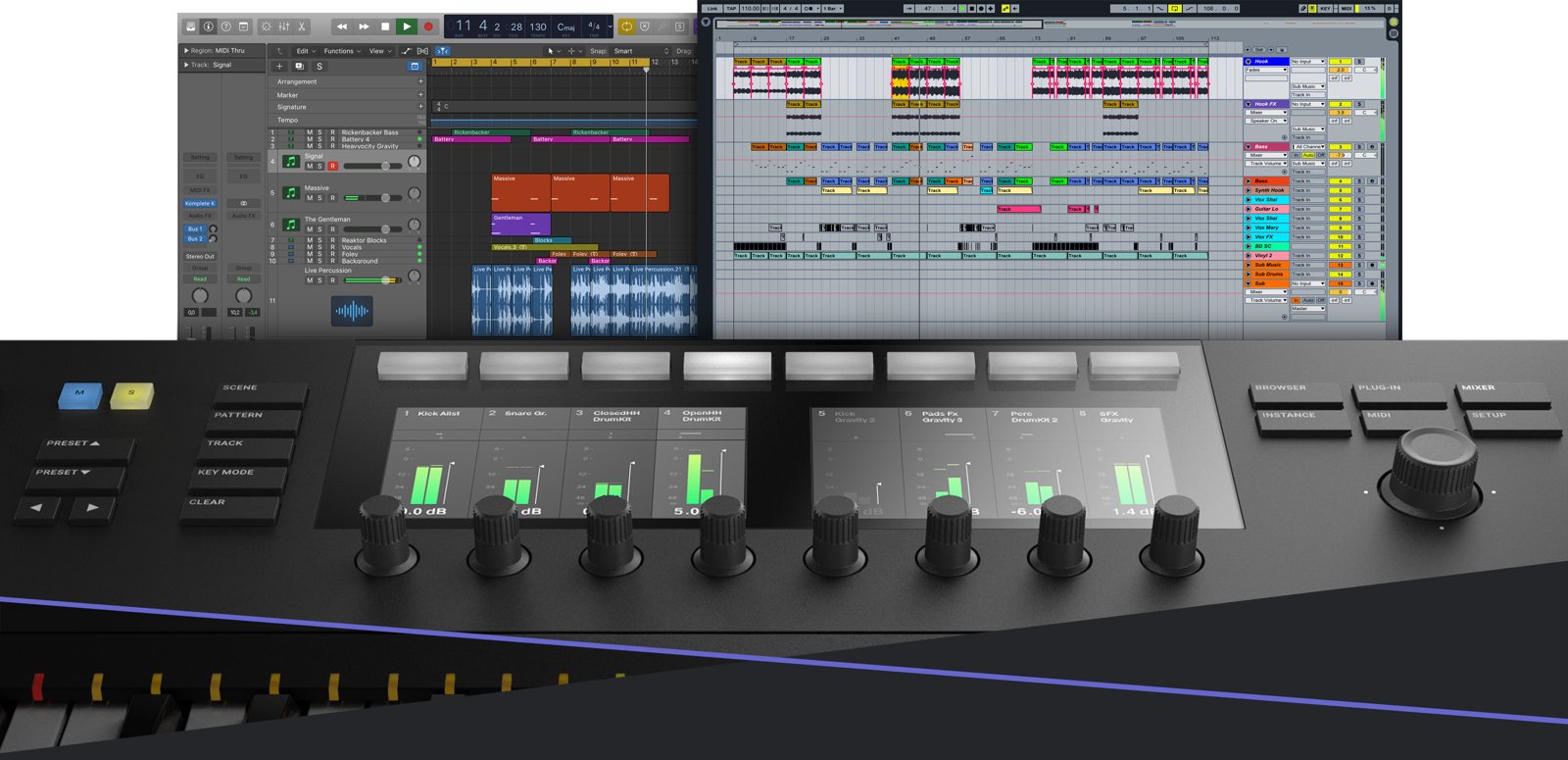
KOMPLETE KONTROL opens the full potential of KOMPLETE series products. Feel the most advanced software tools come to life right under your hands – a more expressive, intuitive and inspiring than ever. View and download sounds with a single click – KOMPLETE KONTROL governs the entire universe in a single plug-in KOMPLETE through browser-based tags.
NATIVE MAP technology to automatically assign all key parameters for each KOMPLETE instrument to touch the buttons of the controller. LIGHT GUIDE function will show you the zone selector keys are in full color, depending on the instrument. Create melodies with an advanced arpeggiator that is optimized for performances.
Red Giant Shooter Suite 13 is the latest version of plugins package for shooters and editors working with media from cameras and audio devices. The Shooter Suite is a set of four tools that gives you the freedom to shoot the way you want, with the confidence that your footage will make it from your camera to the editing timeline safe, sound and in sync.
PluralEyes – Audio/Video sync in seconds. PluralEyes syncs audio and multi-camera video automatically, preparing your sync in seconds rather than days. This standalone application works directly with Final Cut Pro, Premiere Pro, Media Composer and Vegas Pro, and can easily export media files for use with other NLEs. Monitor the sync with an interactive timeline and visual feedback, and use built-in fine tuning controls afterward. Use PluralEyes to revolutionize your audio/video sync in post-production.
The most accurate A/V sync available for any NLE.
Syncs audio and video with the touch of a single button.
Sync directly in Adobe Premiere Pro.
Red Giant Offload – A simple, stand-alone application for safely offloading and backing up your footage from your camera’s media card to your computer and/or external drives. Offload works with virtually all cameras, cards and media formats. No special hardware is needed, so Offload is ideal for use on set, in the field, or for when you return home. It’s the fastest, simplest way to ensure your footage is protected.
Easy to use and makes sure your files are safe.
Works with virtually every camera, card, and format.
Compares your backup to the original, verifying an exact copy.
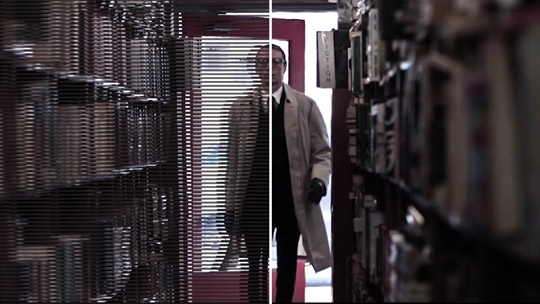
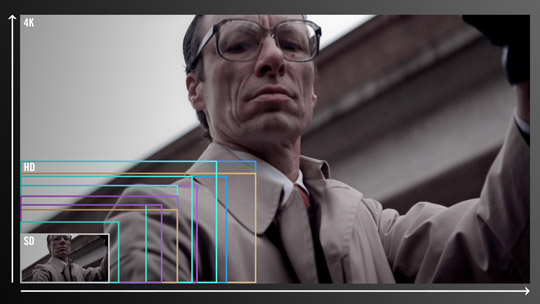
Red Giant Instant 4K quickly upconverts your video into a variety of high resolution formats with outstanding results. It’s intelligent algorithms generate new pixels to match the dimensions of the desired resolution, then adds sharpening and anti-aliasing to preserve the image details. Using our advanced upconversion algorithms, Instant 4K produces higher quality results than the scaling tools provided by host applications – After Effects and Premiere Pro. Instant 4K comes with easy to use presets that make it simple to up-convert your footage to 720P, 1080P, 2K and 4K and more.
Better results than scaling tools provided by host applications.
Simple resolution presets that make it easy to upconvert.
Up to 400% faster than Instant HD.
Red Giant Frames – Add a 24p film look to your video footage. Start with ordinary interlaced video, and apply Red Giant Frames’ sophisticated algorithms. You will instantly get the smooth, deinterlaced look of 24p film that is artifact-free. Choose between field-blended and motion-adaptive approaches to frame interpolation, along with helpful features like letterboxing and broadcast-safe color check. With the six tools in Frames, you get a true 24p conversion from NTSC, PAL or HD interlaced formats – with high quality results inside your favorite editing timelines.
Fast field-blending algorithm for quick results.
High quality motion-adaptive algorithm for intelligent smoothing.
De-artifacts and repairs lost color information in DV and HDV footage.
ConceptDraw OFFICE v6 is a powerful software suite especially tailored for business managers of all types, but also designed to be comprehensive for whatever business task you are working on. It includes three software products integrated by the unique data exchange technology. The suite combines business diagramming, mind mapping and project management software.
ConceptDraw OFFICE v6 is essential to provide brainstorming sessions, create diagrams, schematics, mind maps, project plans, dashboards, presentations, and many other business visualizations. ConceptDraw OFFICE v6 contains three integrated products that assist in any business management activity: DIAGRAM v13 — professional-quality graphic solutions of all sorts for all businesses MINDMAP v11 — is essential to strategic planning, knowledge and team management PROJECT v10 — provides a professional approach to portfolio and project management Compatibility: macOS 10.13 or later 64-bit
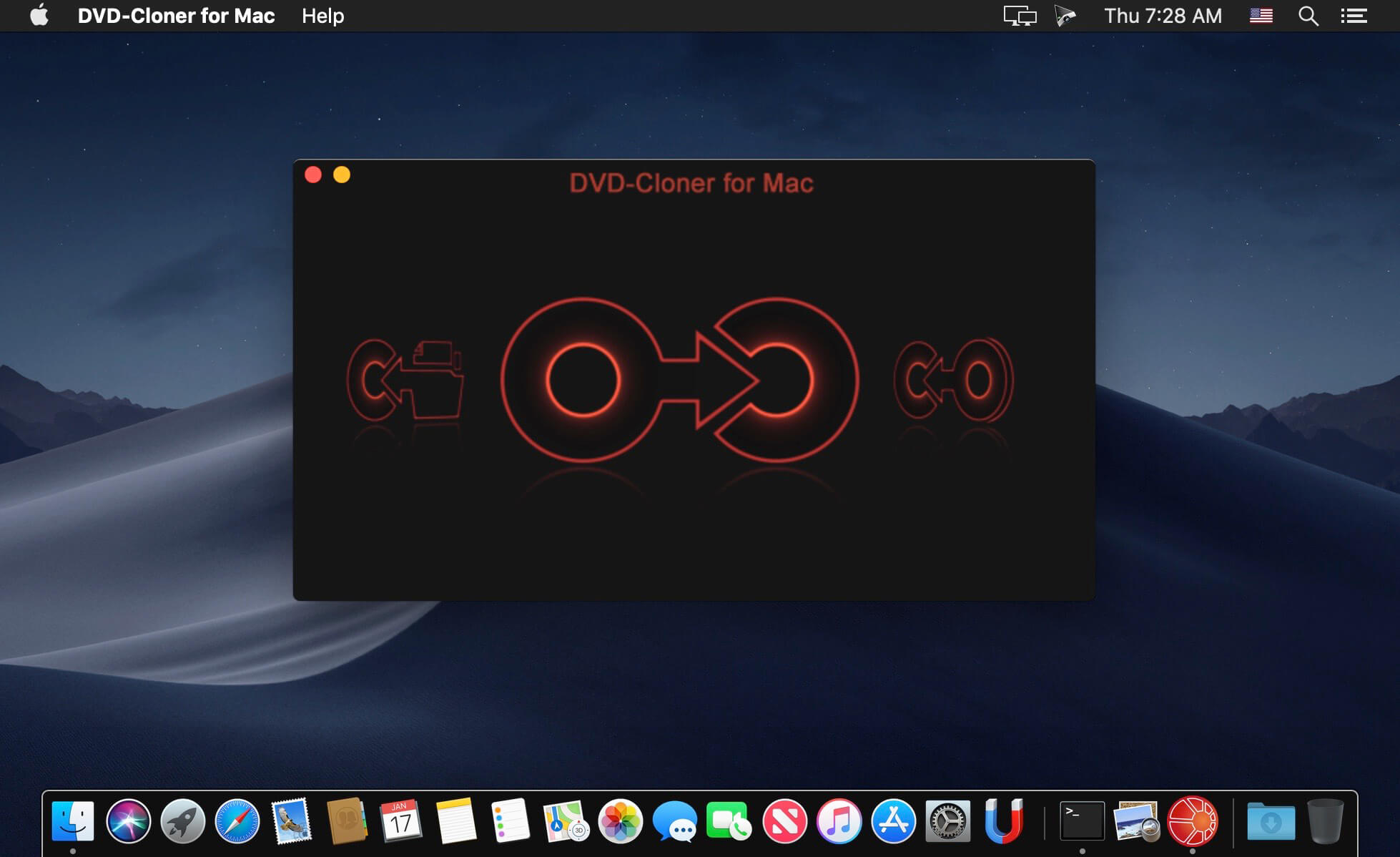
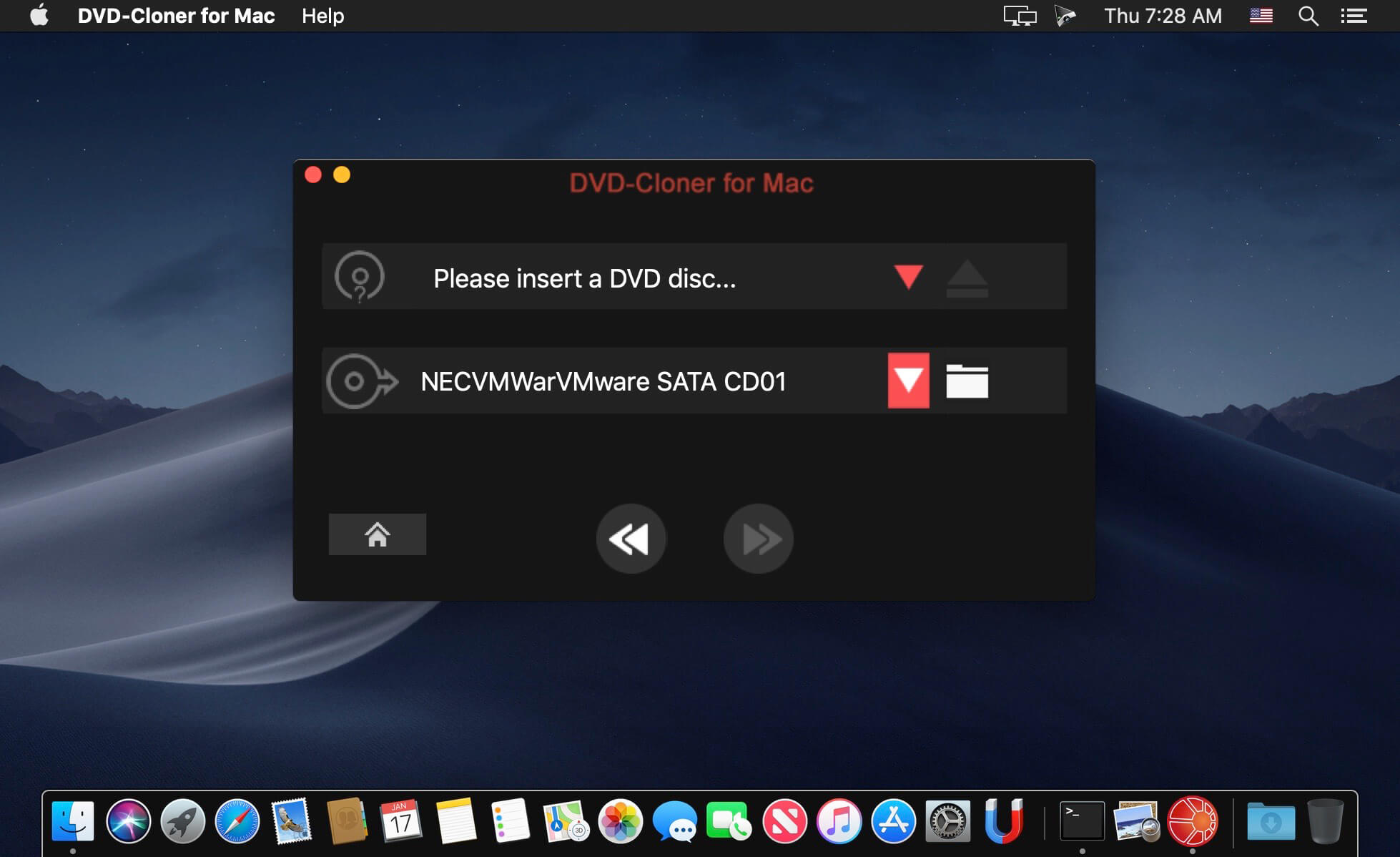
DVD-Cloner for Mac 5 is the up-to-the-minute generation of the top DVD copy software for Mac worldwide. It enables you to copy/clone/burn DVD movies on Mac with lossless quality. The brand-new interfaces make DVD copy for Mac much easier than before. Besides, it can remove various DVD copy protections such as CSS, RE, RCE and region codes to copy DVD movies without restrictions. It can also make another copy from the burnt DVD freely without using your original DVD disc again.
DVD-Cloner for Mac can make perfect 1:1 DVD copy, movie complete copy, movie-only copy, split copy and movie customized copy. With the innovative UMT™, it can back up latest DVD movies with ease. It also supports to copy a DVD disc to another blank DVD disc or to the hard disk as a VIDEO_TS folder or an ISO file for convenient playback in the future.
Navicat Premium is a database development tool that allows you to simultaneously connect to MySQL, MariaDB, SQL Server, Oracle, PostgreSQL, and SQLite databases from a single application. Compatible with cloud databases like Amazon RDS, Amazon Aurora, Amazon Redshift, SQL Azure, Oracle Cloud and Google Cloud. You can quickly and easily build, manage and maintain your databases.
New features and improvements: · Chart Turn your database data into visuals to have clear insights through charts and graphs. · Data Transfer A new approach for transferring data is released in version 15. Our new design comes with an intuitive interface for customizing the fields and specifying the number of rows you wish to transfer. · SQL Builder We engineered an entirely new mechanism to improve our SQL Builder in term of user experience, and the overall efficiency of your query writing. · Modeling Deliver a full picture of differences between model and database, and generate scripts to update the destination database. · Dark Mode Dark mode support has arrived in our 15 update. Set dark theme to protect your eyes from the traditionally blinding whiteness of computer. · Native Linux Native Linux support is now added into our Navicat family. You can enjoy a UI that better matches with user experiences of the Linux system.
MonkeyCam Pro is a new procedural camera animator for After Effects that makes complex camera moves in 3D space a breeze. Featuring instant set up and a breakthrough motion algorithm that eliminates Gimbal Lock, MonkeyCam Pro is the latest in a line of Monkey Tools designed to be a perfect blend of power and simplicity. Includes multiple interpolation options, motion effects and marker-based timing controls for easy adjustments and audio syncing.
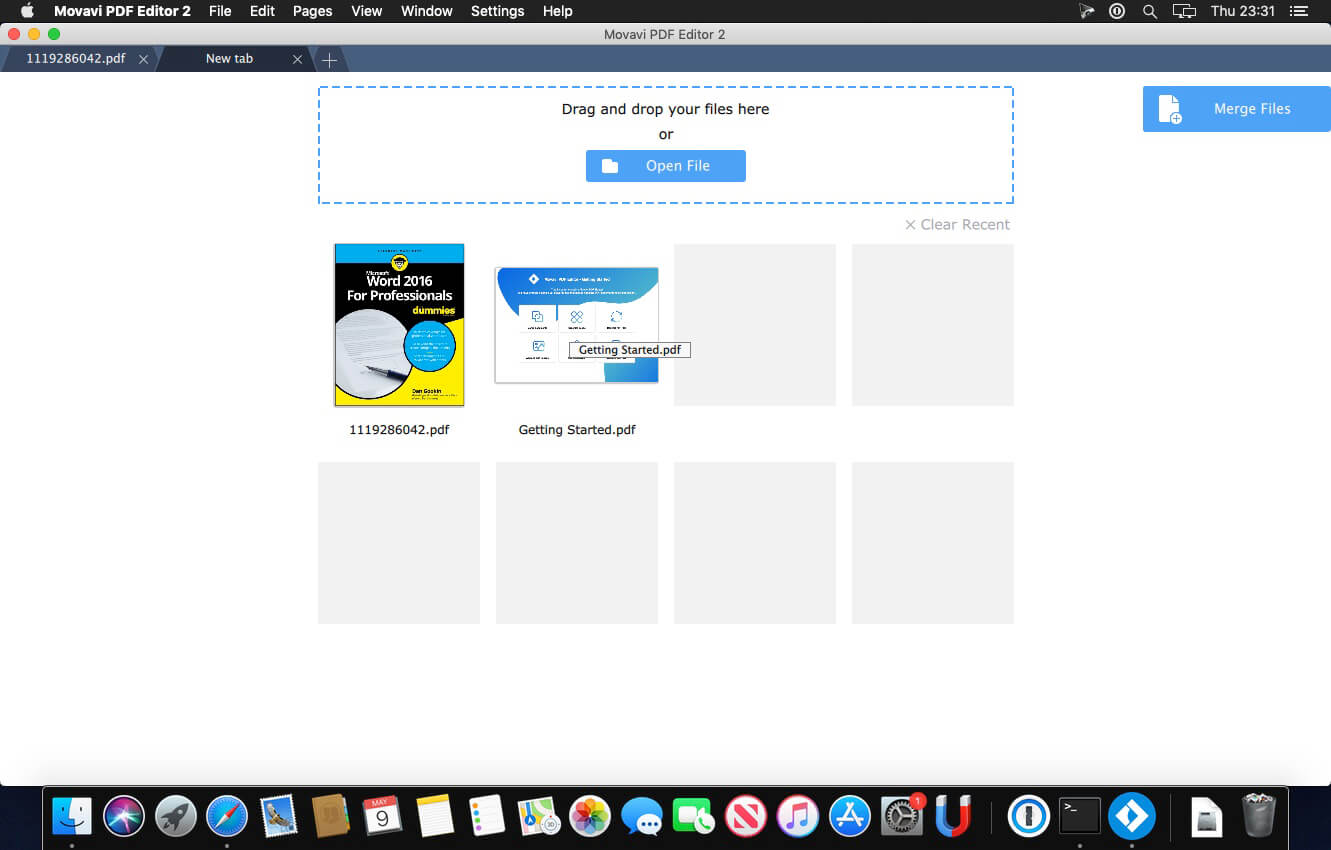
Looking for a PDF reader for Mac with good editing tools? Most of the software for Mac that you can find online for download is not that great. Free desktop apps usually lack advanced options and have inadequate formatting tools, and higher-quality paid programs can be out of the question because of their high price. We decided to combine the best features of the available OS X PDF editors without the drawbacks to come up with a Mac PDF Editor you’ll like. Create and update contract drafts, combine multiple scans into PDF files, and much more!
PDF and Image Viewing
Read standard PDF documents on Mac computers: text documents, articles, forms, booklets, and more
Open pictures in PNG or JPG formats
Switch between tabs in open documents
Scale pages from 25% to 400%
Document Editing
Change page order and add new pages to PDFs
Update catalogues when products or prices change
Select just the pages you need from a larger document and delete the rest
Rotate pages by 90° or 180° if they were scanned in the wrong orientation
File Merging
Export documents, images, and projects from Word, Excel, Photoshop, or AutoCAD as PDFs, then open and combine them in the PDF Editor
Create a single PDF document to store scans of receipts or monthly reports
No need to re-scan a large document if one or two pages weren’t scanned correctly: scan just those pages again and add them to the original PDF file
Page Export
Save the contents of individual PDF pages from larger documents as standalone PDFs
Extract pages as JPG or PNG images
Save images as PDF pages
What’s New:
Version 3.0.0:
Release notes were unavailable when this listing was updated.