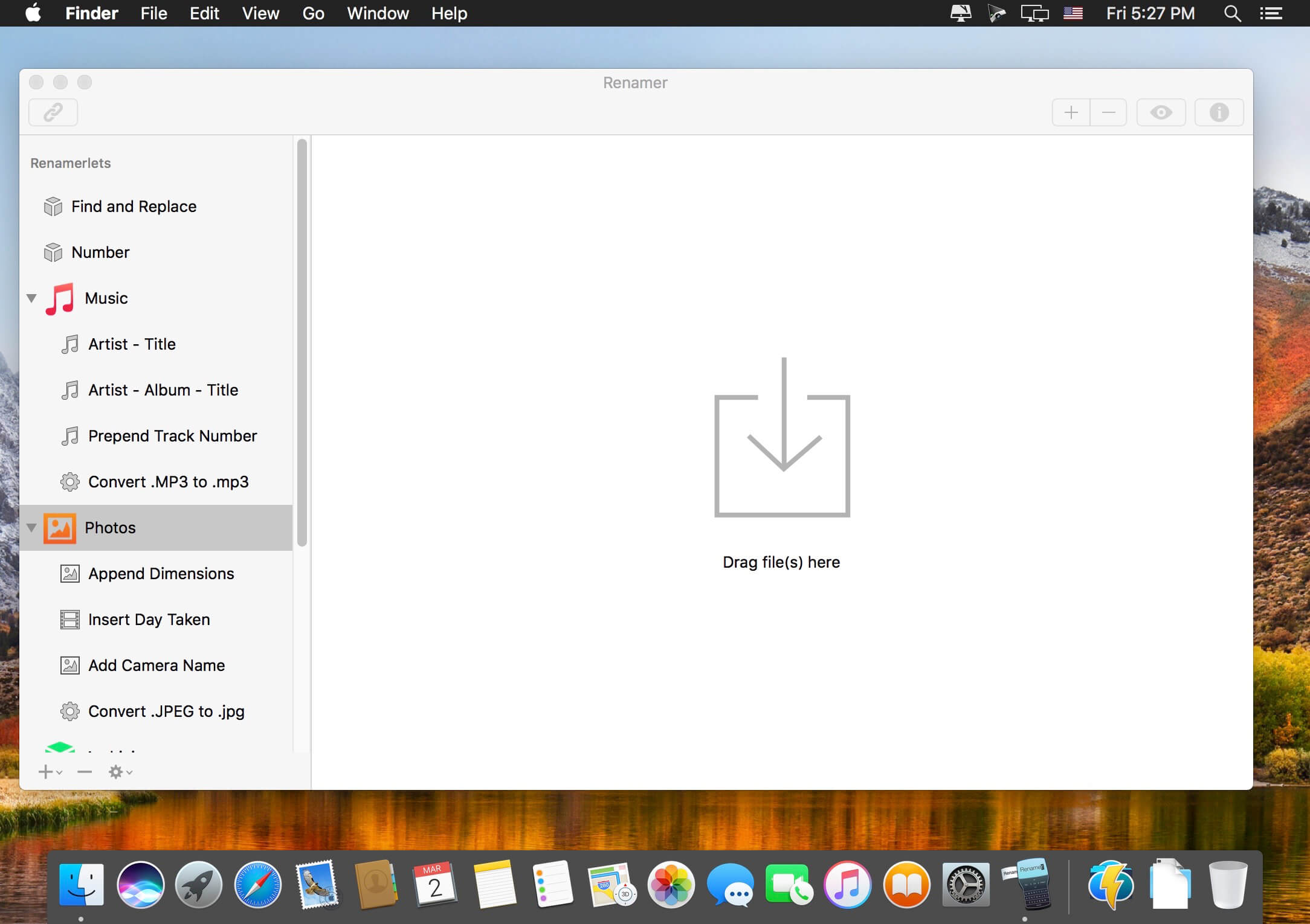
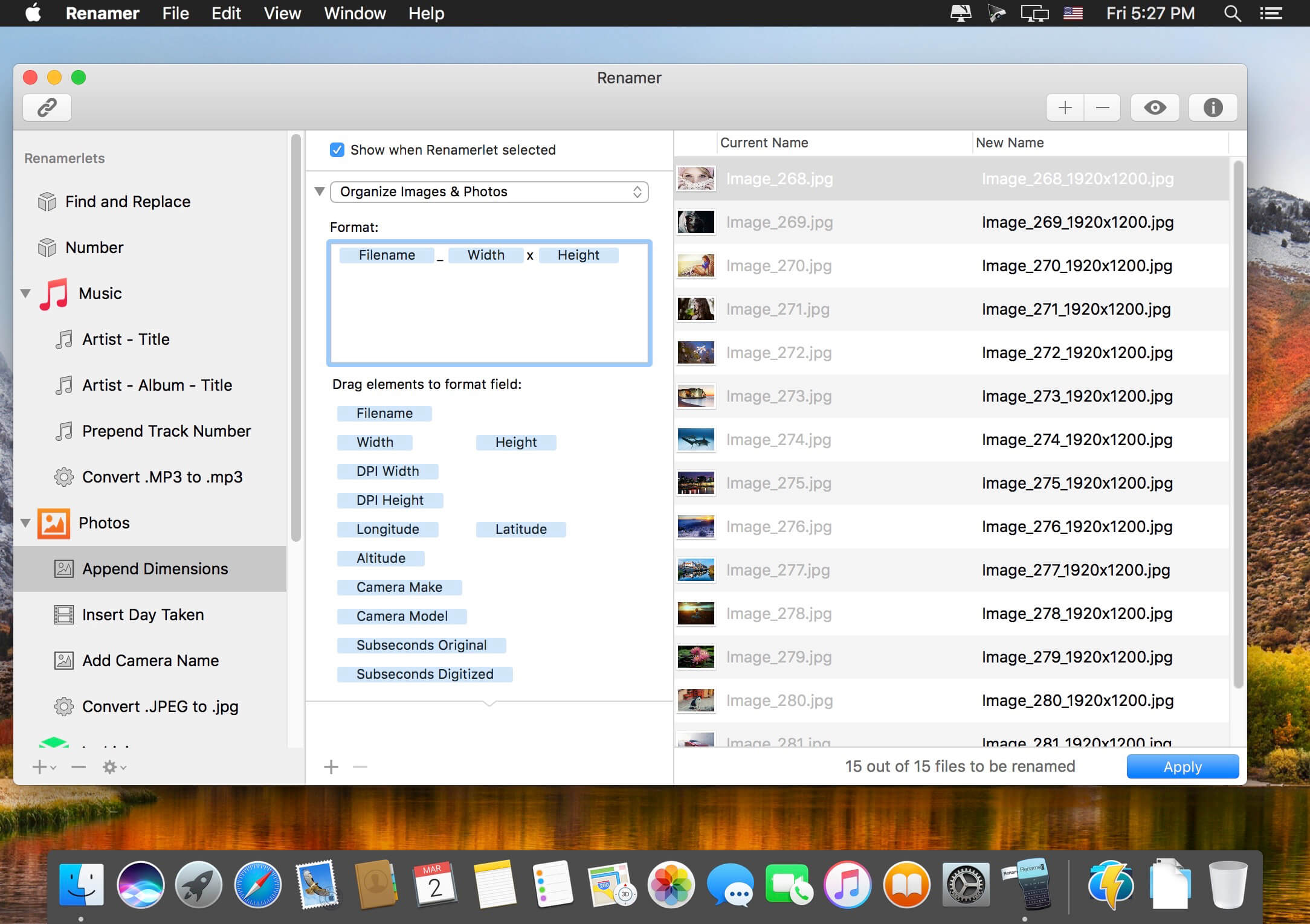
Renamer allows you to rename and number many files at once. If you’ve every tried to rename a large set of files by hand and thought “There must be an easier way”, then Renamer is for you. This includes graphic designers, photographers, developers, system administrators, artists, writers, Web designers, network administrators, and pretty much everybody who uses their Mac on a professional basis.
Organize your file renaming tasks conveniently into Renamerlets
Get started quickly with the many built-in Renamerlets
Handle complex file renaming tasks by assembling chains
Live preview how files will be renamed – great for fine-tuning and catching errors
Smart undo and file backup means you don’t have to worry about losing data
Stunning user interface – We redesigned our user interface to make renaming files even easier. And that in an elegantly simple, simply elegant look Optimize your files for the web – You want to publish images, photos and documents on the Internet? Prepare them for the Web in just a few clicks Rename quickly from Finder – Renamer is all about saving you time working with files. Now you can perform common rename tasks conveniently from Finder with our new system menu Powerful chain feature – Tired of running the same sequence of renames? Link up rename tasks into a single tasks to gain the ultimate renaming flexibility Work faster with Presets – Save even more time by storing your common rename tasks as presets and accessing them later with just a single click Change file extensions – Your files have the wrong endings? With Renamer you can change file extensions in seconds Undo – Renamer allows you to undo all your file renames, so you can focus on your work without having to worry about making mistakes Live feedback – See immediately how your renamed files look with Renamer’s live feedback. Great for catching errors early and fine-tuning your results Regular expressions – For power users Renamer offers to find and replace filenames with regular expressions
What Renamer can do for you
Number files sequentially
Number files randomly
Find and replace text
Convert filenames to upper and lower case
Organize songs by album, title and artist (ID3 support)
Insert music track numbers (ID3 support)
Add date and time (EXIF support)
Insert EXIF and GPS photo tags (EXIF support)
Insert image width and height
Match and substitute regular expressions
Add folder names
Insert text at character position
Overwrite text at character position
Remove text in character position range
Change file extensions
Remove file extensions
What’s New:
Version 6.0.6:
Release notes were unavailable when this listing was updated.
Compatibility: OS X 10.10 or later, 64-bit processor Homepagehttps://renamer.com/
Renamer allows you to rename and number many files at once. If you’ve every tried to rename a large set of files by hand and thought “There must be an easier way”, then Renamer is for you. This includes graphic designers, photographers, developers, system administrators, artists, writers, Web designers, network administrators, and pretty much everybody who uses their Mac on a professional basis.
Organize your file renaming tasks conveniently into Renamerlets
Get started quickly with the many built-in Renamerlets
Handle complex file renaming tasks by assembling chains
Live preview how files will be renamed – great for fine-tuning and catching errors
Smart undo and file backup means you don’t have to worry about losing data
Stunning user interface – We redesigned our user interface to make renaming files even easier. And that in an elegantly simple, simply elegant look Optimize your files for the web – You want to publish images, photos and documents on the Internet? Prepare them for the Web in just a few clicks Rename quickly from Finder – Renamer is all about saving you time working with files. Now you can perform common rename tasks conveniently from Finder with our new system menu Powerful chain feature – Tired of running the same sequence of renames? Link up rename tasks into a single tasks to gain the ultimate renaming flexibility Work faster with Presets – Save even more time by storing your common rename tasks as presets and accessing them later with just a single click Change file extensions – Your files have the wrong endings? With Renamer you can change file extensions in seconds Undo – Renamer allows you to undo all your file renames, so you can focus on your work without having to worry about making mistakes Live feedback – See immediately how your renamed files look with Renamer’s live feedback. Great for catching errors early and fine-tuning your results Regular expressions – For power users Renamer offers to find and replace filenames with regular expressions
What Renamer can do for you
Number files sequentially
Number files randomly
Find and replace text
Convert filenames to upper and lower case
Organize songs by album, title and artist (ID3 support)
Insert music track numbers (ID3 support)
Add date and time (EXIF support)
Insert EXIF and GPS photo tags (EXIF support)
Insert image width and height
Match and substitute regular expressions
Add folder names
Insert text at character position
Overwrite text at character position
Remove text in character position range
Change file extensions
Remove file extensions
What’s New:
Version 6.0.5:
Release notes were unavailable when this listing was updated.
Compatibility: OS X 10.10 or later, 64-bit processor Homepagehttps://renamer.com/
Renamer allows you to rename and number many files at once. If you’ve every tried to rename a large set of files by hand and thought “There must be an easier way”, then Renamer is for you. This includes graphic designers, photographers, developers, system administrators, artists, writers, Web designers, network administrators, and pretty much everybody who uses their Mac on a professional basis.
Organize your file renaming tasks conveniently into Renamerlets
Get started quickly with the many built-in Renamerlets
Handle complex file renaming tasks by assembling chains
Live preview how files will be renamed – great for fine-tuning and catching errors
Smart undo and file backup means you don’t have to worry about losing data
Stunning user interface – We redesigned our user interface to make renaming files even easier. And that in an elegantly simple, simply elegant look Optimize your files for the web – You want to publish images, photos and documents on the Internet? Prepare them for the Web in just a few clicks Rename quickly from Finder – Renamer is all about saving you time working with files. Now you can perform common rename tasks conveniently from Finder with our new system menu Powerful chain feature – Tired of running the same sequence of renames? Link up rename tasks into a single tasks to gain the ultimate renaming flexibility Work faster with Presets – Save even more time by storing your common rename tasks as presets and accessing them later with just a single click Change file extensions – Your files have the wrong endings? With Renamer you can change file extensions in seconds Undo – Renamer allows you to undo all your file renames, so you can focus on your work without having to worry about making mistakes Live feedback – See immediately how your renamed files look with Renamer’s live feedback. Great for catching errors early and fine-tuning your results Regular expressions – For power users Renamer offers to find and replace filenames with regular expressions
What Renamer can do for you
Number files sequentially
Number files randomly
Find and replace text
Convert filenames to upper and lower case
Organize songs by album, title and artist (ID3 support)
Insert music track numbers (ID3 support)
Add date and time (EXIF support)
Insert EXIF and GPS photo tags (EXIF support)
Insert image width and height
Match and substitute regular expressions
Add folder names
Insert text at character position
Overwrite text at character position
Remove text in character position range
Change file extensions
Remove file extensions
What’s New:
Version 6.0.4:
Release notes were unavailable when this listing was updated.
Compatibility: OS X 10.10 or later, 64-bit processor Homepagehttps://renamer.com/
Renamer is a powerful, feature-rich batch-file renamer that makes renaming many files quick and easy. If you ever had to rename hundreds or thousands of files file by hand and thought “there must be an easier way”, then Renamer is for you. With Renamer, you can save hours of tedious typing at the stroke of a button.
Renamer Features – Beautiful, easy-to-use user interface – Blazing fast file renaming – Renders the dull and tedious job of renaming files effortless and fun Use cases – Number files sequentially – Find and replace text – Convert filenames to upper and More…