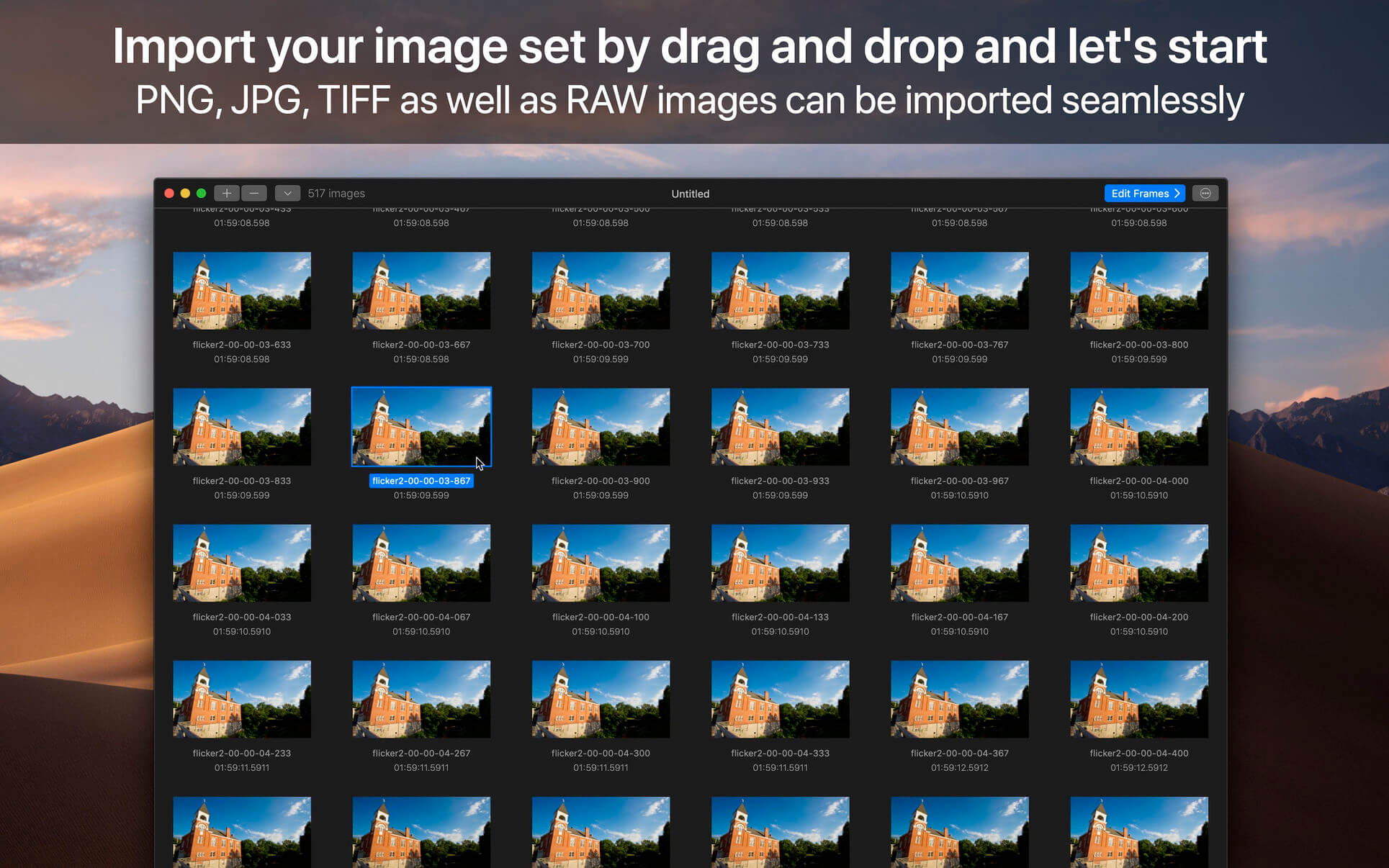
GlueMotion is the perfect tool for time lapse photographers. The application allows you to batch edit, deflicker and assemble sequences of images into time lapse movies.
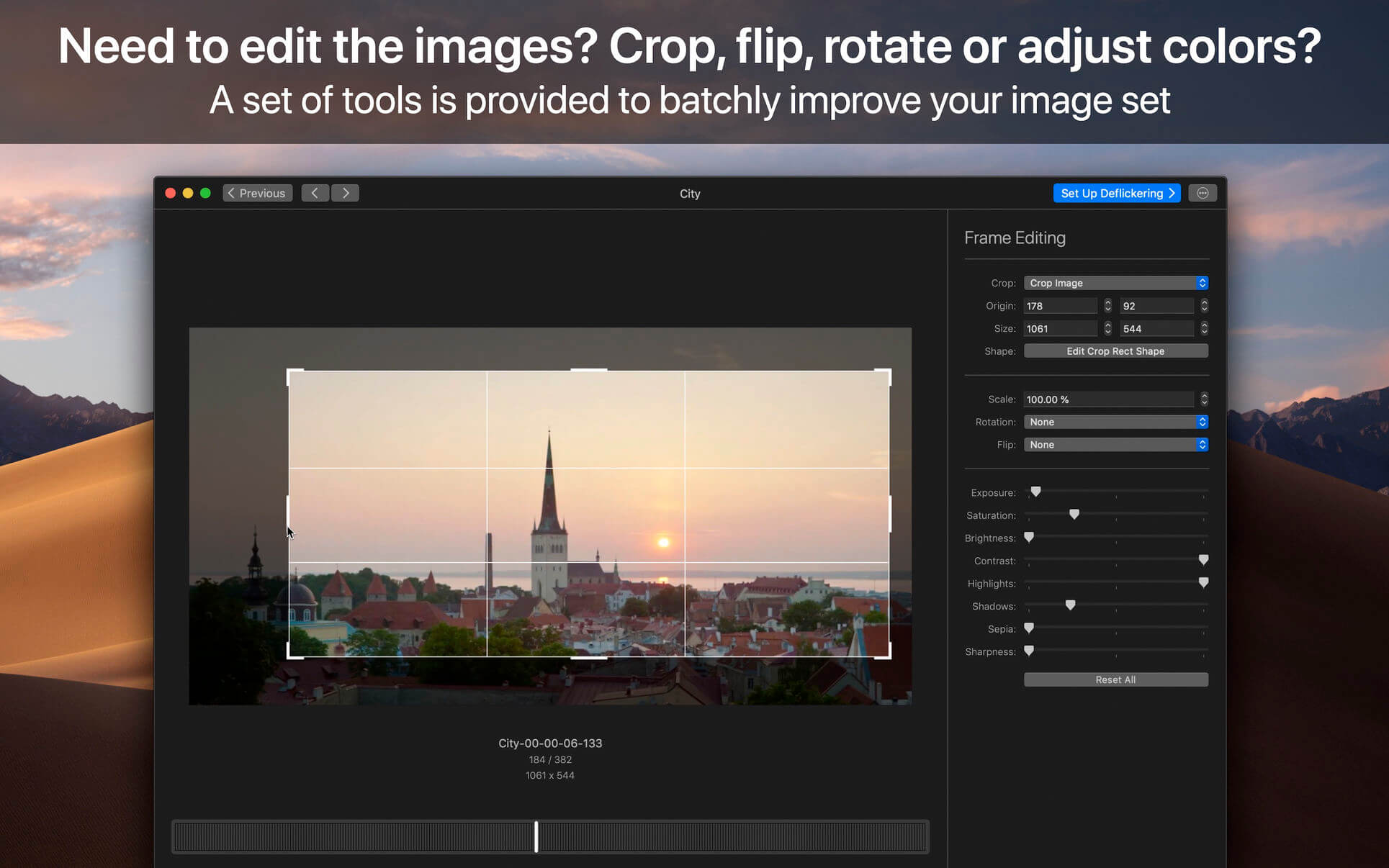
GlueMotion has been made to save your time and guide you during the process of creation. By using the included batch editing tool, you will not have to use additional applications. GlueMotion is able to crop, rotate, flip and adjust colors of your photos such as exposure, saturation or brightness. Moreover the application is able to deflicker the sequences of photos. In other words, GlueMotion will analyze your photos and select automatically the optimal brightness correction for each image.
The application is designed for professional needs. That is why it can handle several hundreds of thousands of images painlessly. In addition, all industry-standard formats are supported. The application can import PNG, JPEG as well as all RAW image formats supported by macOS. The exported movie can be encoded in H.264, Apple ProRes as well as HEVC.
This version has been optimized for macOS High Sierra and later. Moreover the application is available in 7 languages (English, French, German, Spanish, Italian, Japanese and Chinese).
Feedbacks can be sent directly from the application. In this way, you can contact us for any kind of suggestions and improvements in few clics.
GlueMotion is accompanied by other applications.
SnapMotion: extract still images from videos with precision.
MetaImage: edit image metadata and geographical tags.
Language: English, French, German, Italian, Japanese, Simplified Chinese, Spanish Compatibility: macOS 11 or later Homepagehttps://neededapps.com/
Designed to help you manage, create and monitor your projects. Use tasks, milestones, groups, connections and a lot of other features, for better work organization.
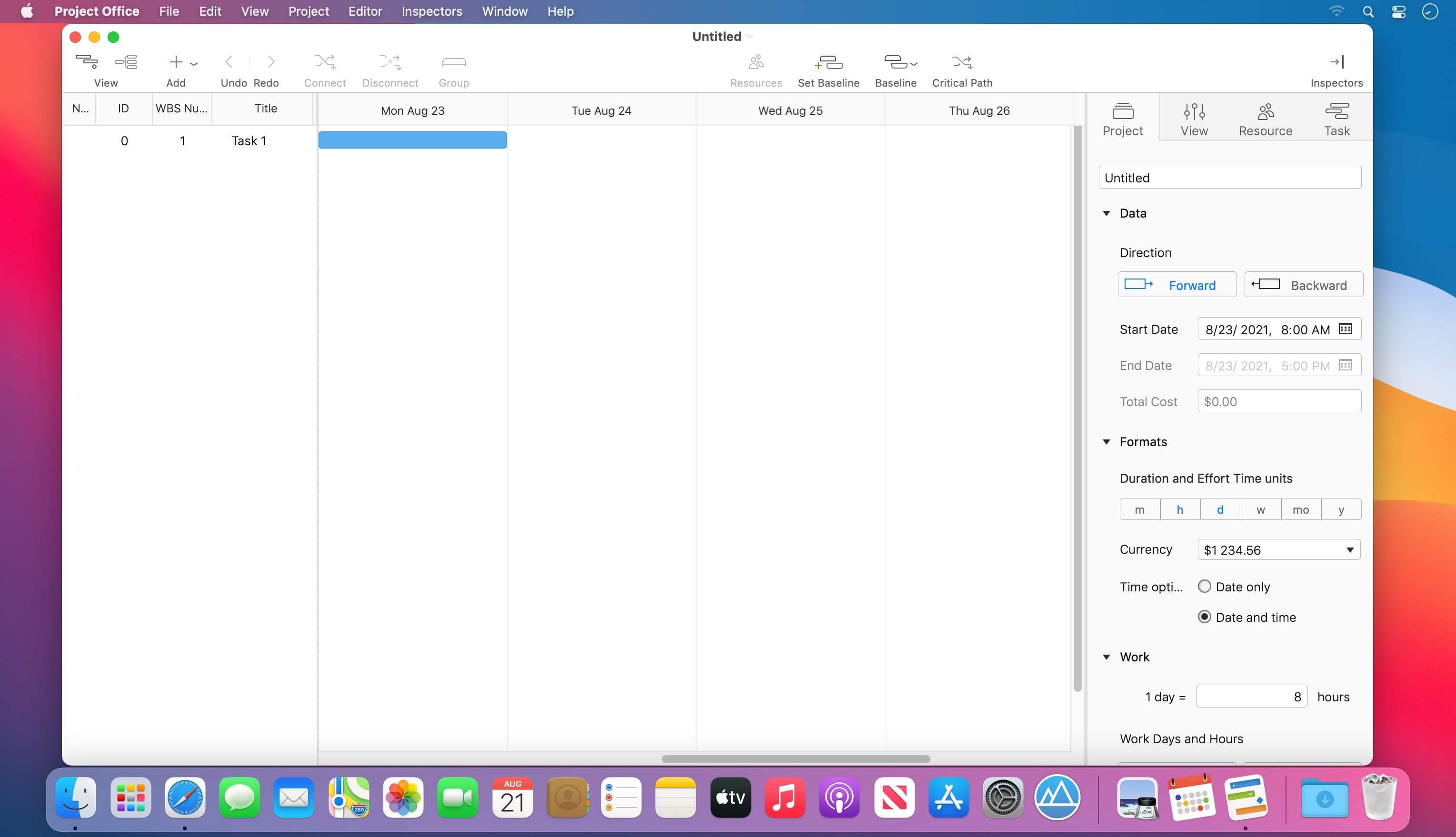
Project Office has peculiarities like Gantt charts, schedules, summaries, and milestones to let you manage all of your activities.
Project Office helps you in managing both simple and complex projects without any complexity.
Features:
Gantt chart allows monitoring your entire plan at a glance. Each task is shown graphically on a visual timeline by day, week, month or year. The visualized view helps you keep an eye on tasks durations, start and due dates, completion percentage, dependencies and resources assigned. Furthermore, you can easily edit tasks directly in the Gantt chart view.
Friendly and intuitive interface helps you get things done fast and stays out of your way while doing so.
Efficient resource management. Add resources to your project: people or materials, necessary to make this project done. Identify bottlenecks in your project and distribute workloads fairly.
Tool for tracking changes. Set a baseline to track development by comparing the set baseline with actual plan and progress.
Customized calendar. Modifying work hours for the entire project you can create a more realistic plan taking into account off-time and weekends into account.
Smart filter. You can easily hide those tasks you don’t need to think about at the moment. Simply use filter to focus on tasks you need to be done.
Share your projects. Send an entire project to your colleagues or Email the Gantt chart to others as PDF. For more convenience, you can make task and resources report and send them as HTML.
iCloud Backup. Backup your projects to keep all information you have added.
Critical Path – Project Office displays your project’s critical path, which is the series of tasks that are necessary in order to finish your project on schedule.
We developed Project Office to help you manage your business and keep it growing.
What’s New:
Version 1.1.5:
Release notes were unavailable when this listing was updated.
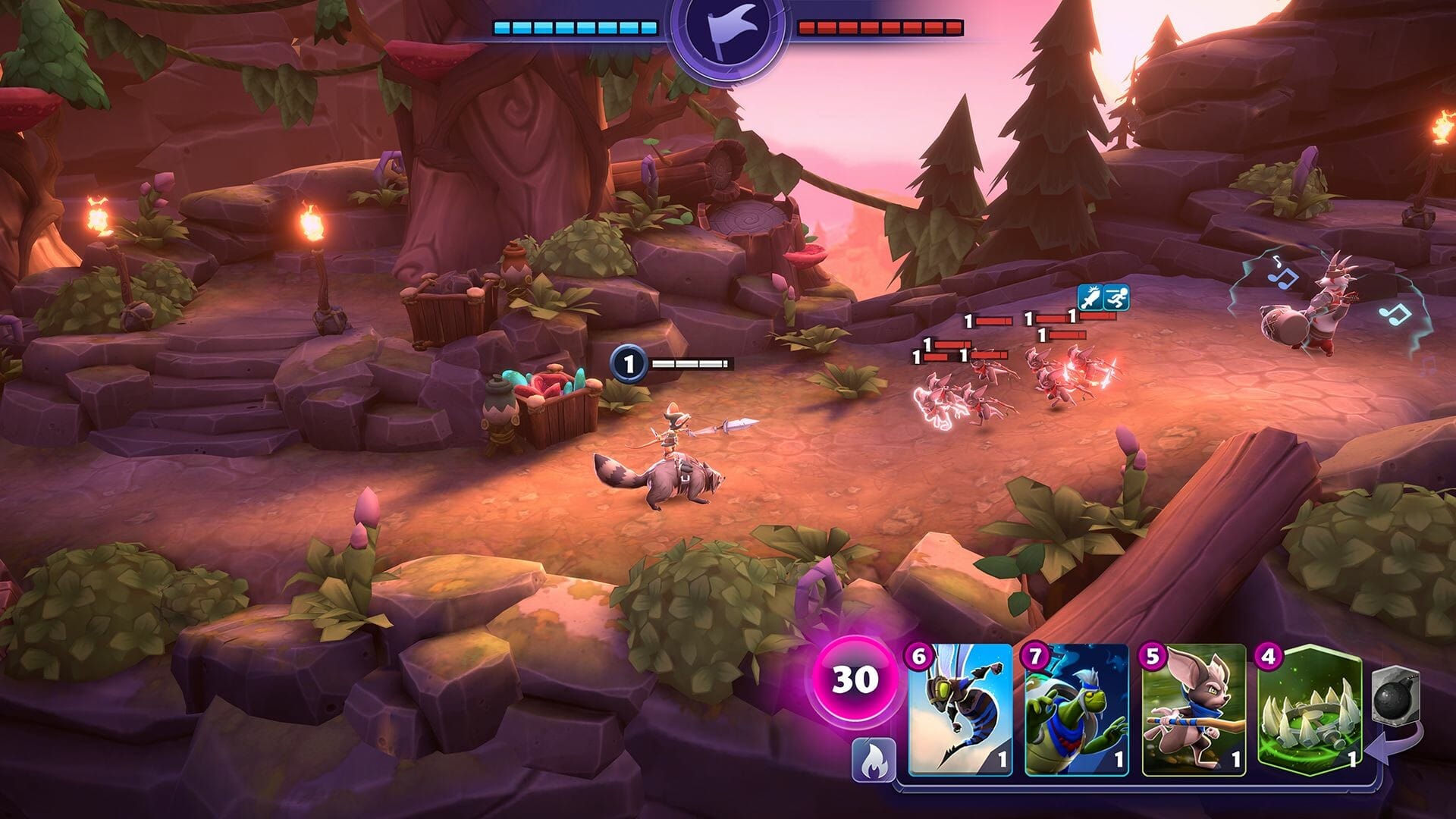
A strategy/action RPG. Smash through enemy ranks with one of six HERO-ish champions. Assemble your troops and equip powerful spells to wage war across three different campaigns. Then climb the PvP ranks in fast-paced 1v1 or 2v2 competitive battles.
Hero… or Villain?
Play as one of six HERO-ish champions from the Imperial, Cursed, or Feral factions, all with unique abilities and play-styles.
Battle alongside your minions
Summon hordes of skeletons, ferocious bearzerkers, or healing clerics. Pick from dozens of minion types to fight by your side, many with special abilities. Picking minions that work well together is key to victory.
Explore three unique campaigns
Take part in an epic story that unfolds across three campaigns. Explore the map, collect new minions, level up, and upgrade your deck.
Might, magic & mischief
A well-timed spell can turn the tide of battle. Use your mana wisely to unleash devastating attacks, empowering auras, or devious traps.
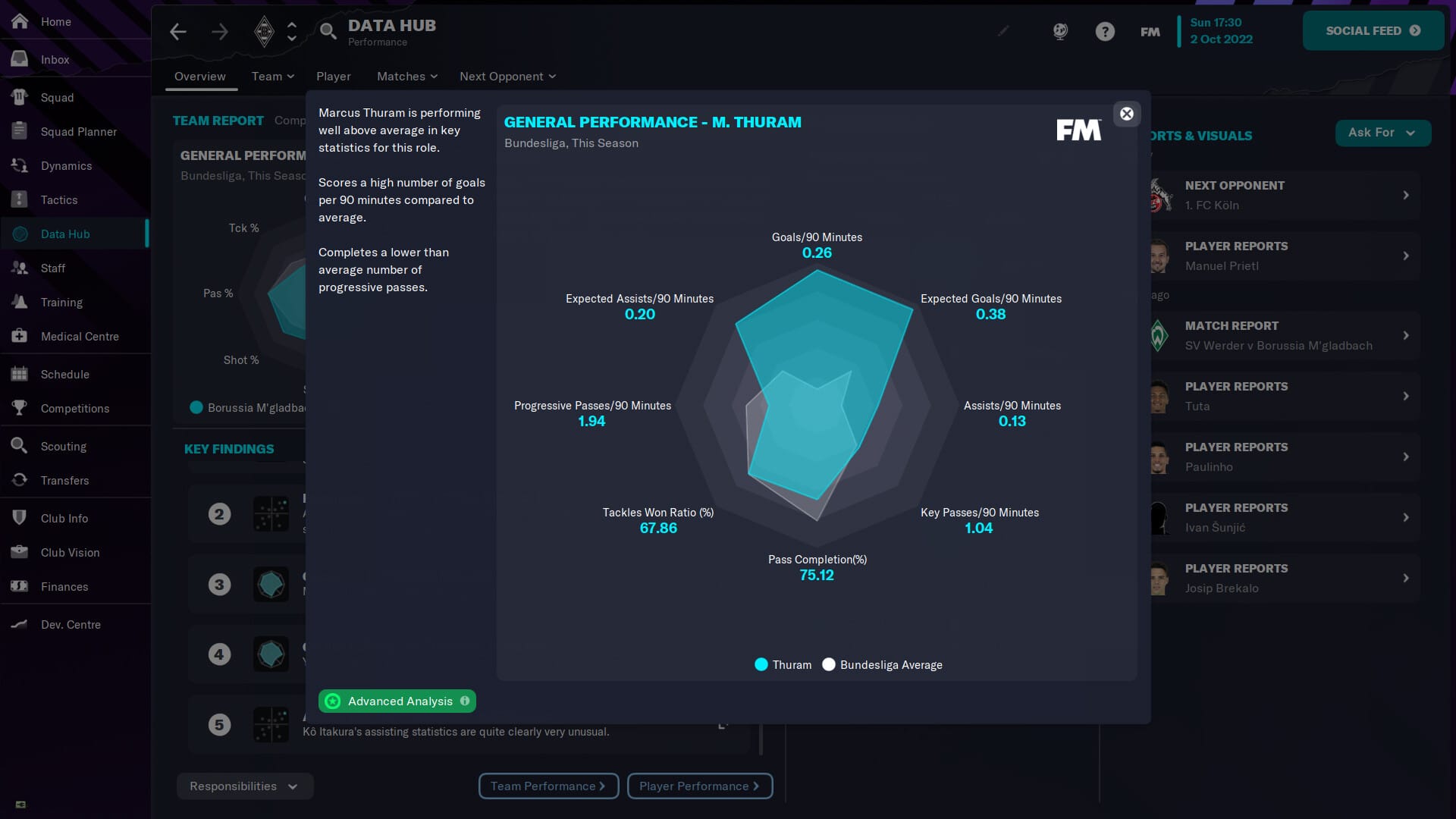
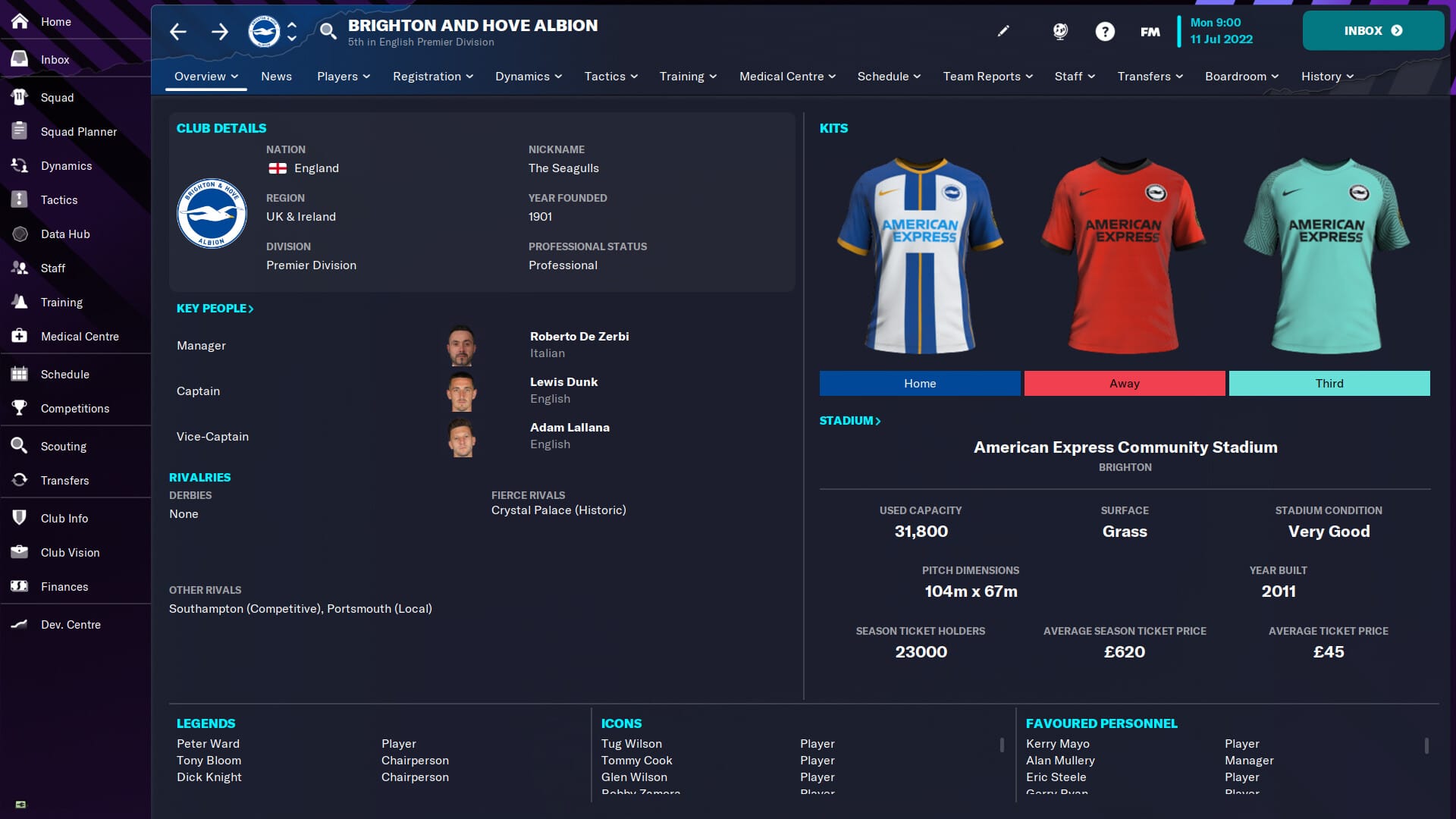
Join the managerial elite by writing your own headlines, earning the love of the fans and dominating the competition in Football Manager 2023.
Football management is not just about picking tactics or crafting a team. It’s about taking on challenges and breaking new ground.
Game Description
Find the club that’s right for you. Meet board and fan expectations before beating the best on your way to winning football’s top prizes.
Don’t just sign superstars, create them. Level up your recruitment with the help of your backroom staff and provide pathways to the first team for your wonderkids to develop a world-class squad.
Your team’s playing style is down to you. Create a unique strategy on the tactics board to deliver big wins and memorable matchday moments.
New this season BIG EUROPEAN NIGHTS
Experience a greater sense of occasion with the UEFA Champions League, the UEFA Europa League and the UEFA Europa Conference League all fully licenced. Remodelled Cup Draws and officially branded team sheets, scoreboards and goal graphics vividly bring to life UEFA’s Club Competitions.
BUILD STRONGER SQUADS
Power your transfer activity with revamped scouting and recruitment meetings, a closer relationship with agents and brand-new squad planning tools. With a better oversight of your prospects in the pipeline, it’s never been easier to meet long-term club ambitions.
OUTSMART YOUR RIVALS
Test your managerial skills against the most realistic AI managers in the history of the series. An overhaul of your opponents’ decision-making has made them smarter, while new out of possession tactical instructions make defensive and counter-attacking football more viable. As you’re pushed harder in every game, you’ll notice further match engine advancements, including changes to the way wing-backs and double pivots operate and a range of new animations.
GET THE FANS ONSIDE
Become closer to the fans than ever before with the new Supporter Confidence system. Get to grips with their expectations on and off the pitch to ensure a bright, long-term future in the dugout.
SAVOUR YOUR SUCCESS
Relive the milestones and achievements of every career with the brand-new Dynamic Manager Timeline. Whether you’ve given a youth player their first-team debut or won the UEFA Champions League, it’s never been easier to savour and share your Football Manager story.
Countless more features, big and small, designed to improve your game experience are ready for you to discover in every career.
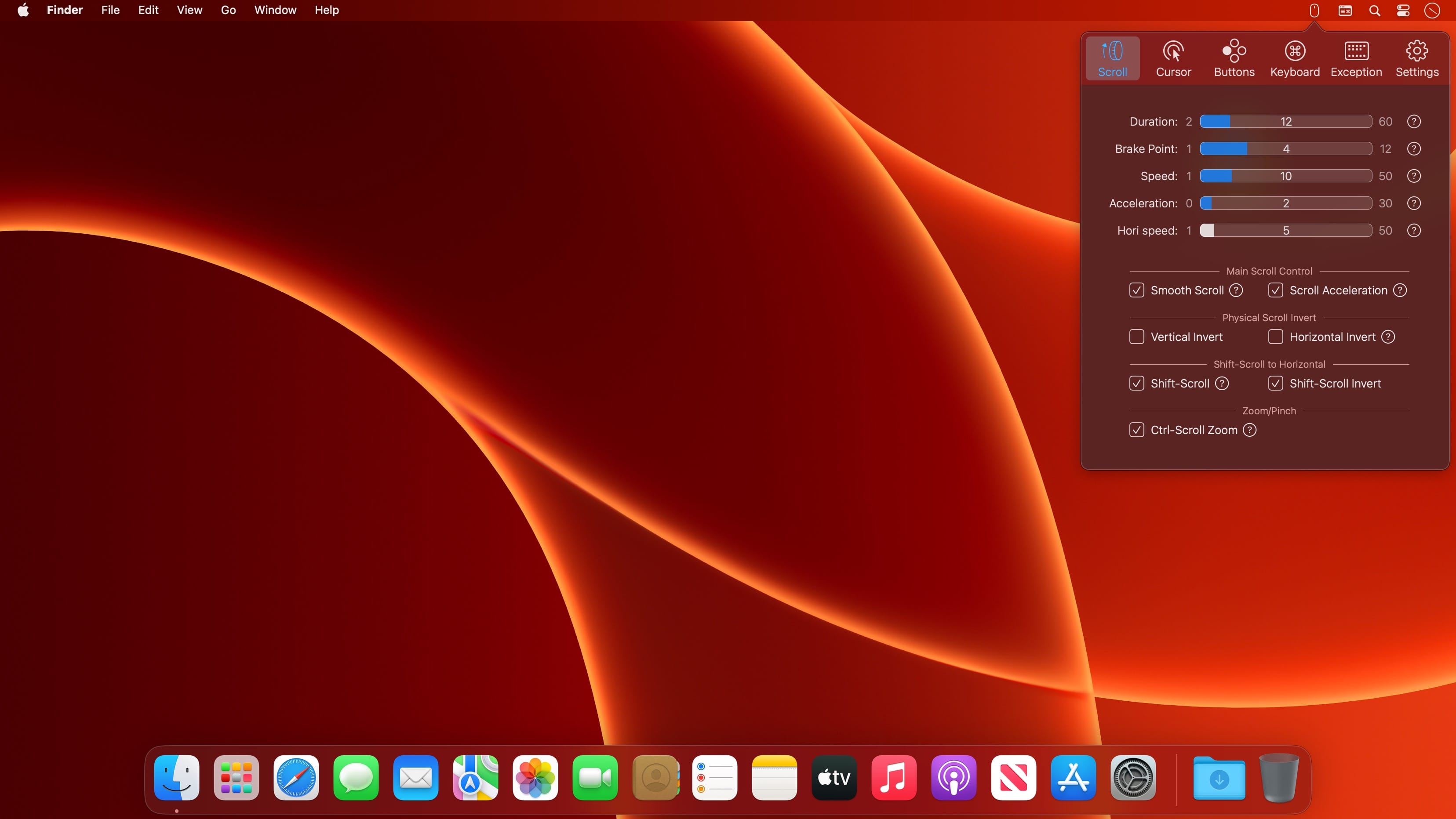
BetterMouse is a macOS utility improving external mouse performance and functionalities, aiming for replacing bulky, intrusive, and resource-hungry mouse drivers like Logitech Options. It’s feature-rich, light-weighted, efficiency-optimized, and perfectly privacy safe, trying to meet all your needs for using a 3rd-party mouse on macOS.
Features
Scroll
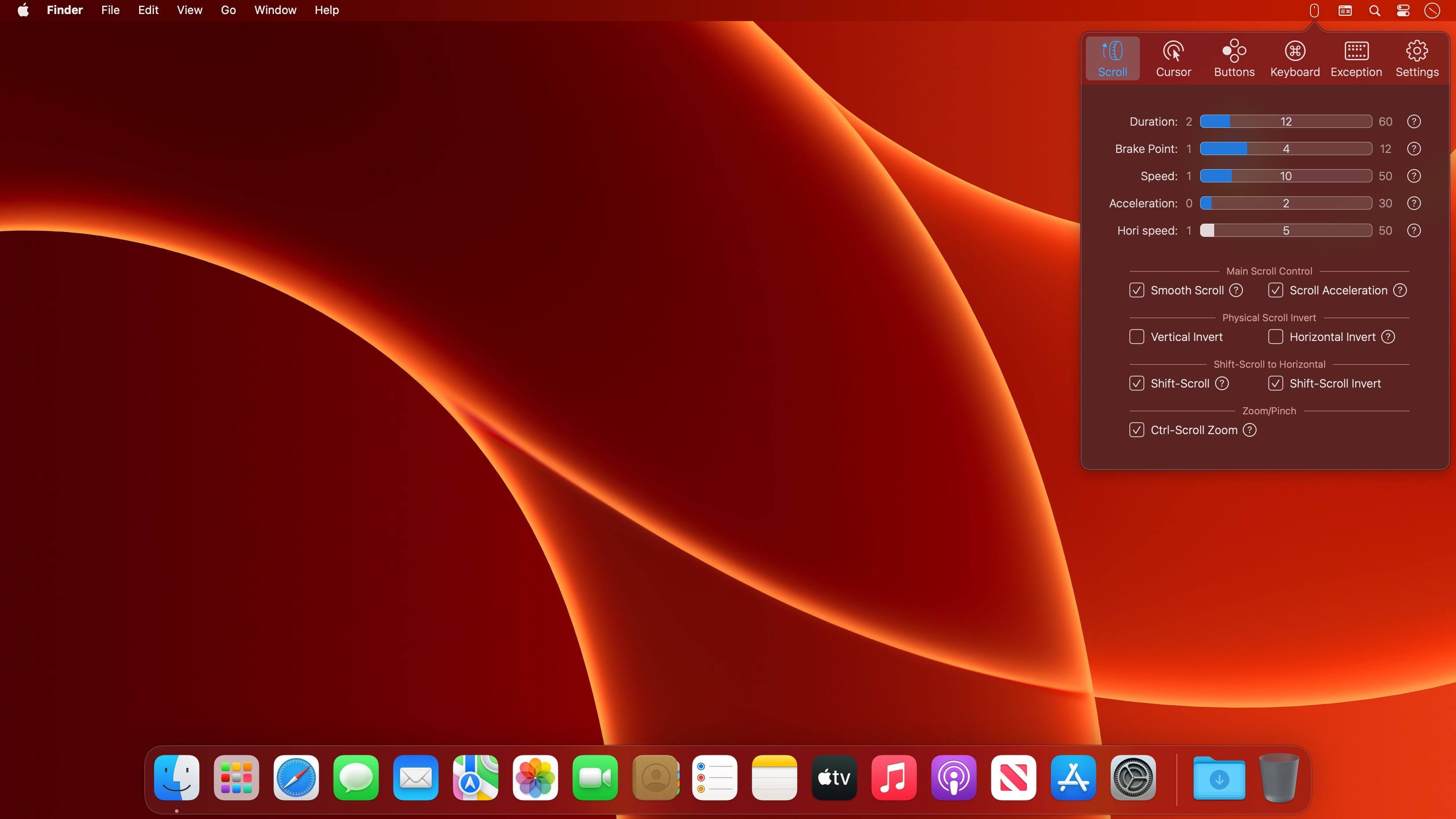
Butter smooth scroll, with fully configurable settings of duration, direction, acceleration, etc.
Precise configurable discrete scroll with or without acceleration.
Shift-scroll to horizontal on/off, with configurable speed, direction.
Ctrl-scroll to zoom/pinch.
Thumbwheel zoom for hi-res thumbwheel.
Cursor
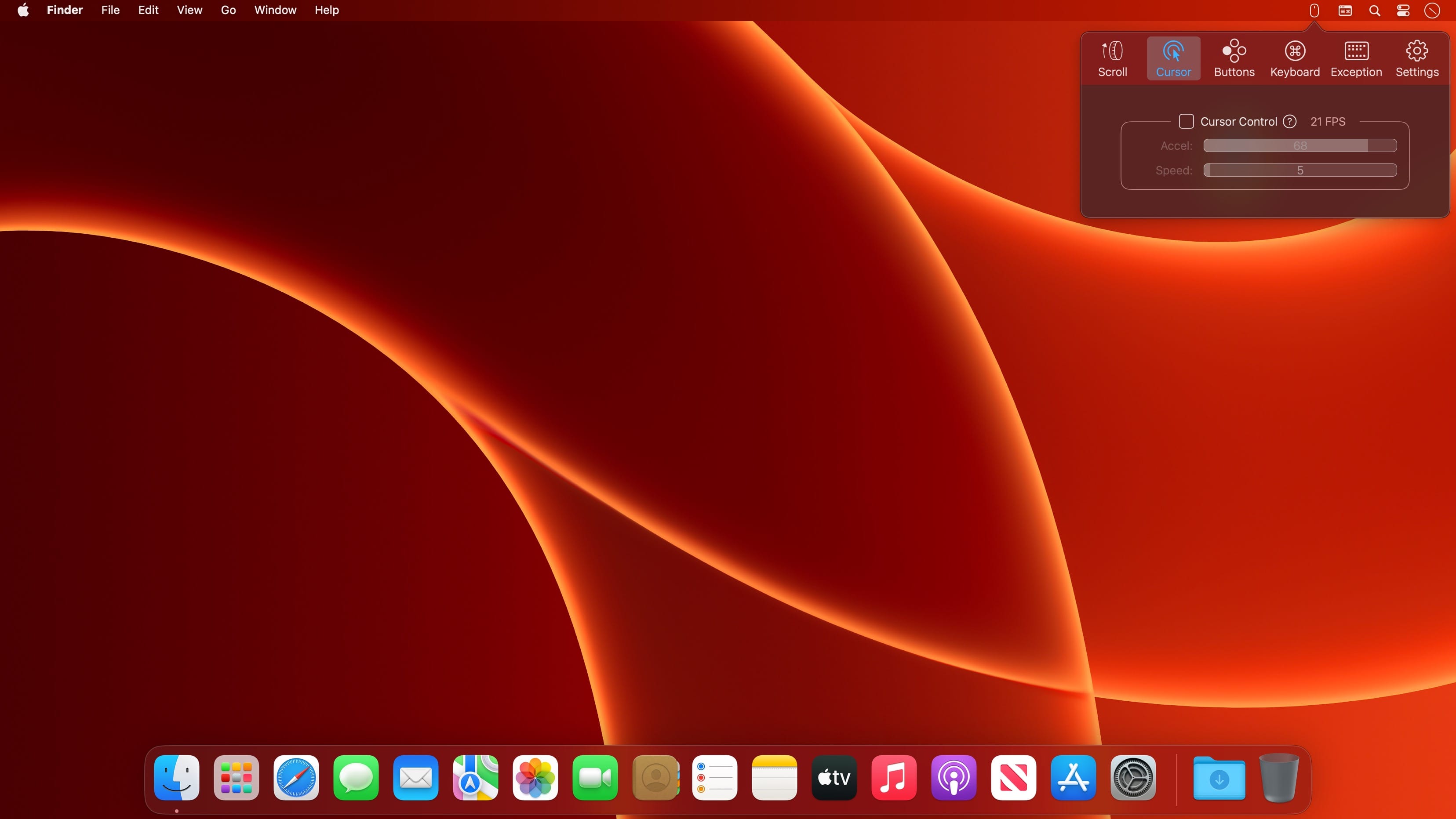
Separated cursor acceleration & speed control, acceleration can be completely eliminated.
Precise mouse fps counter.
Button/gesture mapping
Mapping every extra mouse button to any keyboard shortcuts & extensive special actions.
Up/down/left/right gestures mapping for every extra mouse buttons.
Modifier keyed button/gesture mapping.
Click-through feature for left/right click for direct actions to inactive window with one click.
Click-through option for every mapping independently.
Right click free pan view.
Exception apps
Per-app independent settings for scroll setting & button/gesture mapping.
App
Menu bar app with hide-able app icon.
Clean & safe, with no custom network access, no file access.
Fully optimized algorithm with extremely low CPU & power usage.
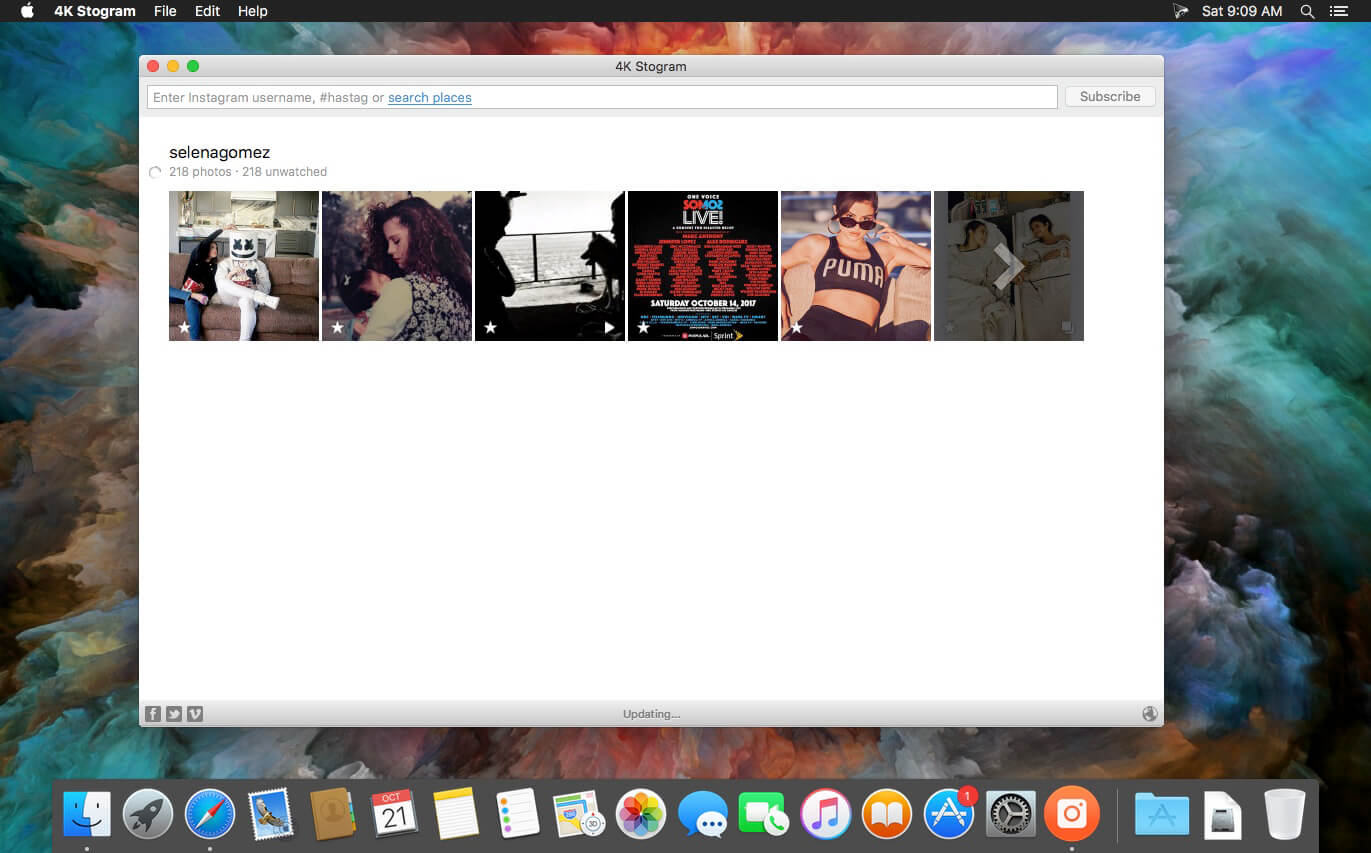
4K Stogram is an Instagram downloader which allows you to download and backup Instagram photos and videos, even from private accounts. Download Instagram photos by hashtags or favorite locations!
Features:
Grab photos of few account simultaneously and save it in JPEG on your desktop.
Follow your favourite photographers and get their latest photos automatically.
Download Instagram Stories as video or image files.
Login with your Instagram credentials and download photos of private friends accounts.
Access to your viewer directly from the application.
Download Instagram video in MP4 format.
Enjoy the minimalistic interface of application.
What’s New:
Version 4.6.0:
Release notes were unavailable when this listing was updated.
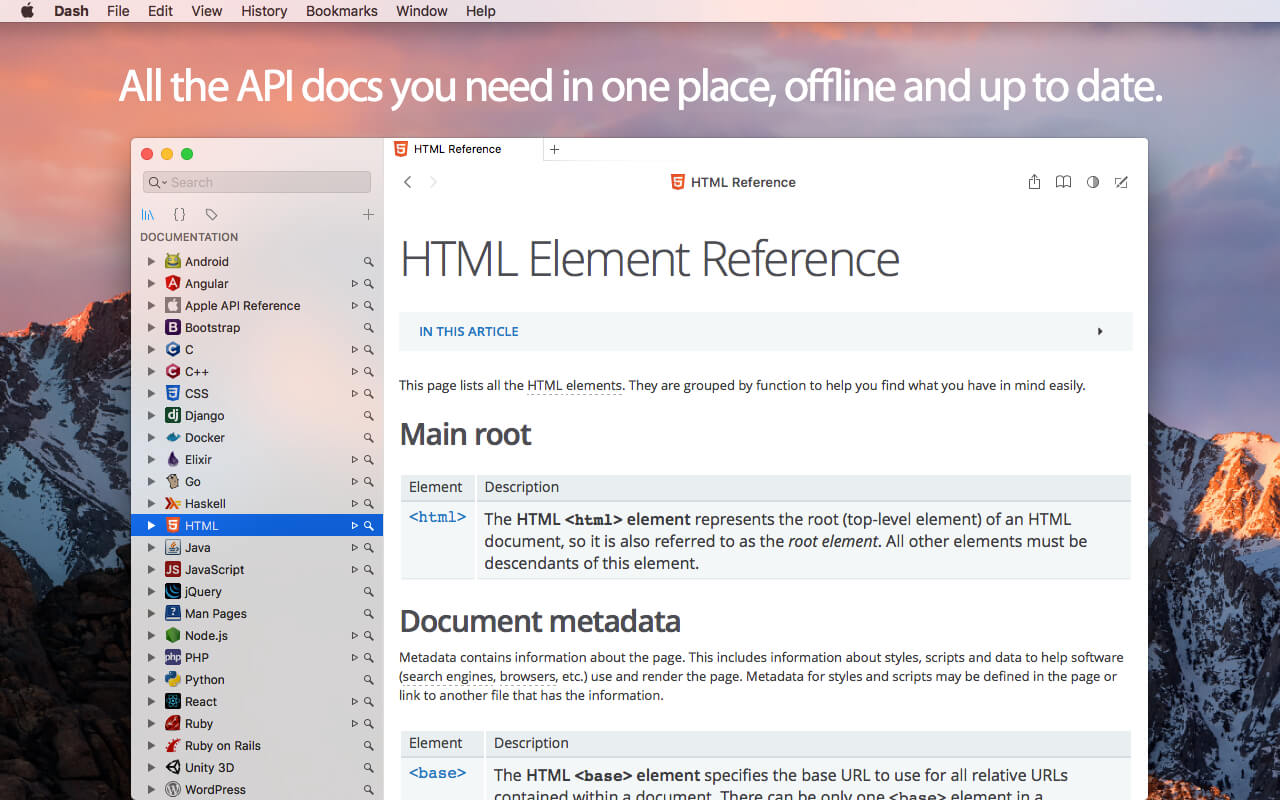
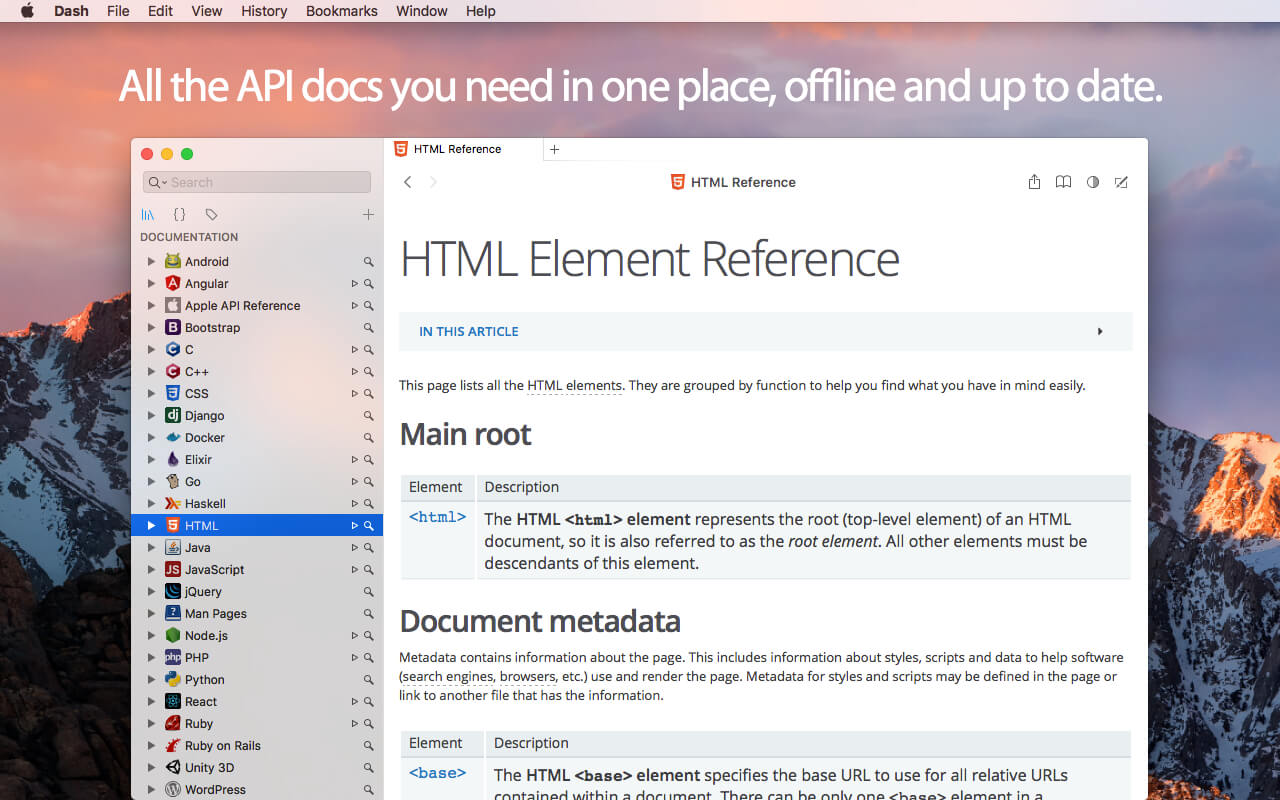
Dash is an API Documentation Browser and Code Snippet Manager. Dash helps you store snippets of code, as well as instantly search and browse documentation for almost any API you might use (for a full list, see below).
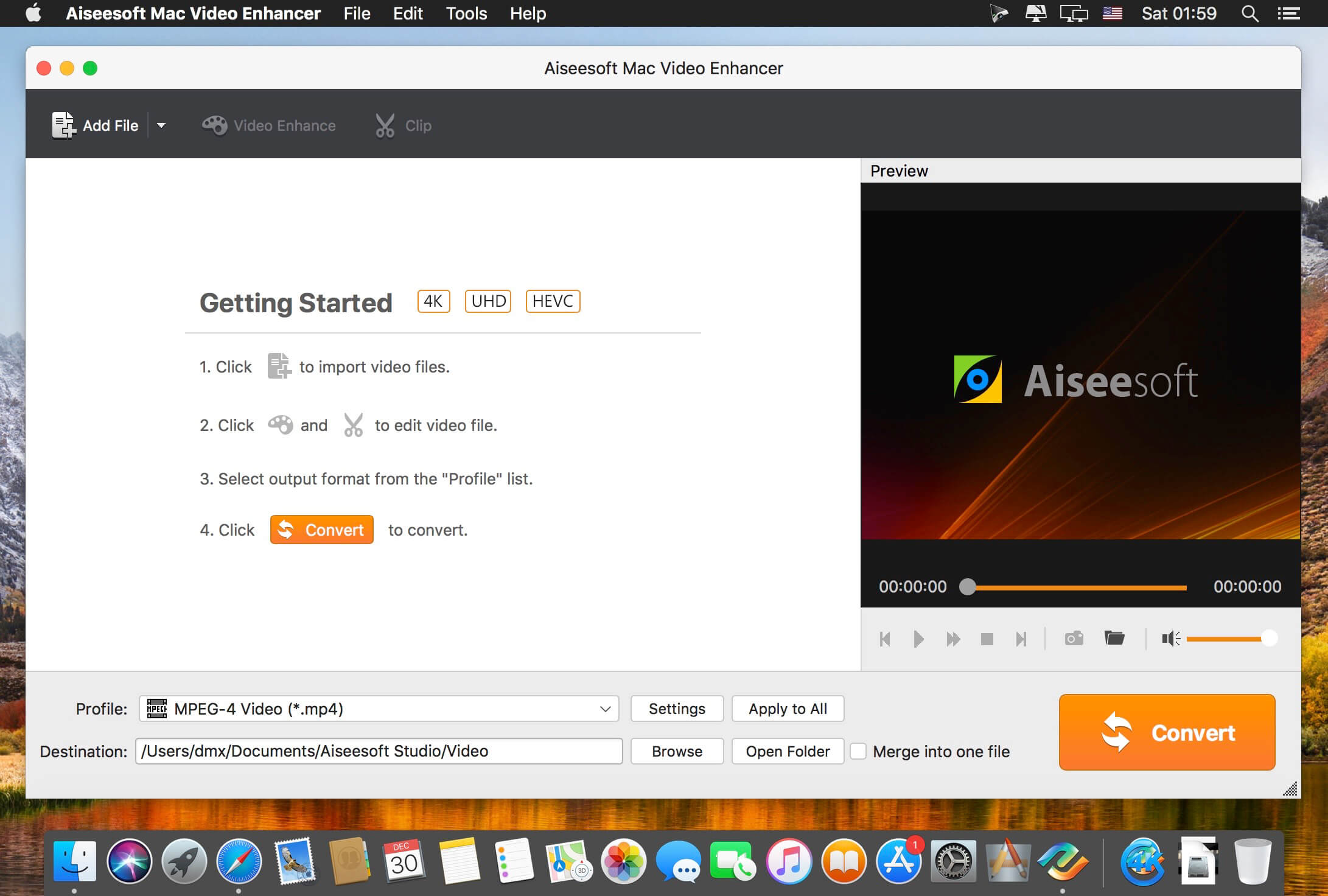
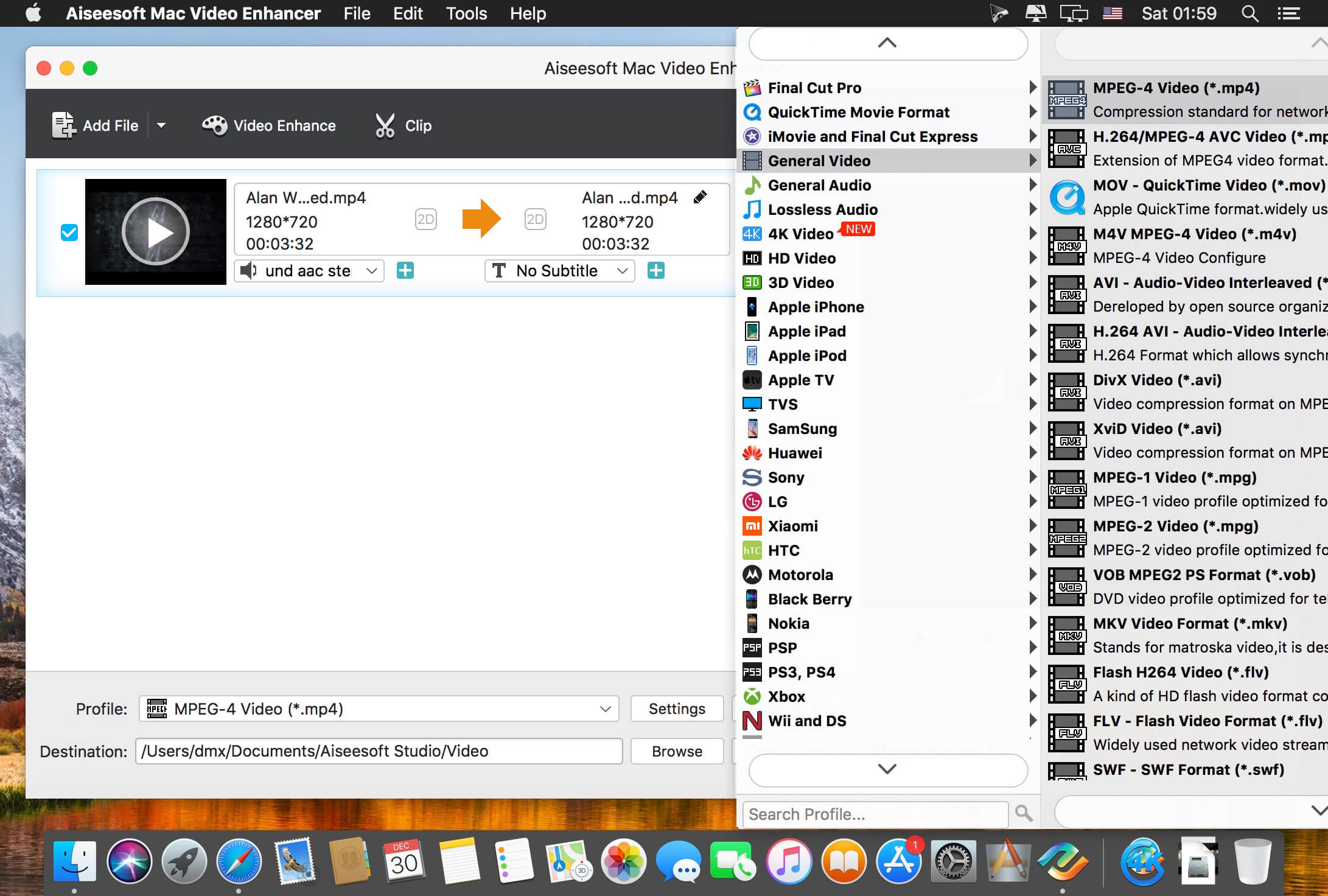
Aiseesoft Video Enhancer is the first and best video enhancement software. It enables you to enhance video quality, upscale video resolution, remove background noise from video. It is also an excellent video editor that can rotate or flip video, adjust video effect, make video clips, crop video area and add watermark for your video.
Improve video quality
Optimize brightness and contrast, enhance dark videos.
Upscale video resolution
Upscale video resolution from normal video to HD video and 1080p to 4K movie.
Edit Video
Remove noise from video
Remove mosaic and background noise from videos as the best video denioser.
Stablize Shaky Videos
Stabilize the shaky video in after effects to make the image stable and comfortable to watch.
SpectraLayers is a new approach to audio editing, with new concepts to transform the way you work. For the first time you can directly edit spectral data, opening advanced sonic worlds, and use innovative enhancements to traditional techniques. Visualize audio in astonishing new ways, including 3D. Work with mixes like they were tracks. Integrate these abilities into your DAW and other tools. And all in a familiar interface that you didn’t realize you already knew.
Major features: Your new AI partner
Just as audio engineers focus on separating increasingly fine details in sound, the new AI in SpectraLayers Pro 7 uses algorithms to learn from the data flowing through its built-in neural network. In the same way that these algorithms can now accurately determine how to apply color to a black and white photograph, the AI in SpectraLayers Pro can sense discrete events in a sound field and isolate them on independent, colorful layers for processing. AI is changing faster than its history can be written — be at the leading edge with SpectraLayers Pro 7.
Unmix – Tracks to stems
This AI-assisted process in SpectraLayers Pro scans the finished file of a song, allowing you to “unmix” it and extract the different instruments to separate layers, with default settings for vocals, piano, bass, drums, and more. (SpectraLayers Elements allows extraction of vocals only.)
Unmix – Components
Unmix stems into tone, noise and transient component layers. Reconstruct missing noise hidden by tones and transients. Comprehensive learning algorithms clear the path to clean extraction.
Pattern finder
Significant advances in pattern recognition are a hallmark of today’s rapidly evolving AI technology. SpectraLayers Pro 7 allows you to select a target sound and then trigger a search to automatically locate and select every other similar sound in the spectrum.
Voice Denoiser
Perfect for cleaning up location interview recordings, the Voice Denoiser algorithm is trained to recognize and isolate the human voice. You can automatically attenuate everything but the voice for maximum intelligibility.
De-esser
Spectral de-essing is the most precise and least invasive way to tame and shape vocal sibilants. Manual de-essing in SpectraLayers Pro has always been quick and easy. Now, the new automatic de-essing feature makes it even easier. Manual or automatic — either approach is far more accurate than typical waveform-based plug-in processing.
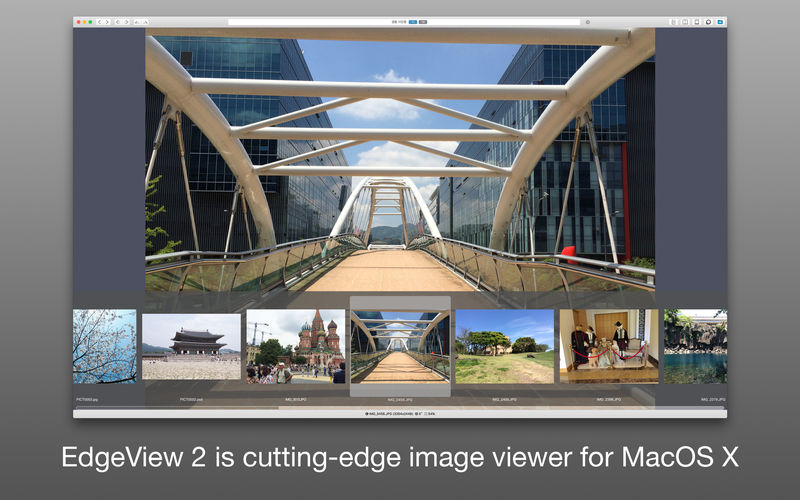
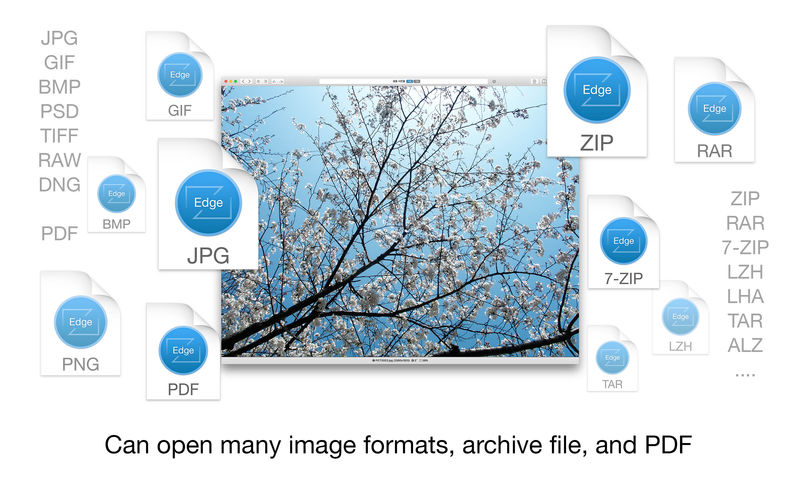
EdgeView 3 is fast image viewer has elegant user interface. EdgeView 3 is developed and designed for modern MacOS. It can open various image files such as JPEG, PNG, TIFF, BMP, and RAW file of DSLR, EPS and PDF, AI(Adobe Illustrator). Can open image files in archive directly without extraction.
User can open files, rename files, delete files from EdgeView’s file browser. Also can access to SMB/AFP/FTP network volume.
User can navigate images quickly by using keyboard shorcut, mouse wheel, trackpad gesture. EdgeVew show EXIF information, play animation GIF/PNG/WebP smoothly. Save last status to history, and restore when reopen file.
EdgeView 3 will be the best choice when viewing and managing image files.
Features
Rewrote full code as Swift for improve performance.
Support m1 CPU Mac.
Has easy UI, can control main function at Sidebar.
Support English/Korean/Japanese/Chinese(Simplified).
Image Viewer
Supporting image files such as JPG, GIF, BMP, PSD, TIFF, RAW, WEBP and PDF, EPS, AI(Adobe Illustrator), OpenEXR, HDR, TGA.
Can play animation GIF/PNG/WebP. User can control animation with floating animation controller.
Dispaly internal image(or frame) of animation GIF/PNG/WebP or HEIC that has multiple internal image.
Can read and show images of major archive formats (such as ZIP, RAR, CBZ, CBR, 7-zip) without extraction. Of course, can open ZIP file that 4GB over.
Can read encrypted archive file.
Can read archive file in archive file recursively
Improved draw speed by rebuilt image cache system and drawing engine.
Draw images as high quality.
Provide suitable functions for comic reading such as ‘Two-Page Spread’, ‘Continuous Scroll mode’, ‘Right to Left’, etc.
Provide multiple navigation functions like as ‘Move’, ‘Skip’, ‘Shift’, etc.
User can navigate images and check whole thumbnails at Thumbnailsbar.
User can navigate images by using keyboard shortcut, mouse wheel, trackpad gesture.
Can rotate and flip images. Orientation will be saved to history.
User can select part of images, and copy it or save as file.
Can zoom in/out image freely.
Built-in loupe function to make it easier to magnify part of image.
Show histogram.
Show neighbor files list. And can open neighbor file.
Support history feature for saving and restoring last status of file.
Can reopen file or remove history at history list.
Can rate image files.
File Browser
Built-in file browser can show and open files from local drive or AFP/SMB/FTP network drive.
Can display files as lists or icon.
Show images in folder/archive file at preview panel.
Generate thumbnails of archive files and folders.
Support powerful search feature.
Show category and writer information.
User can sort files by various options, and can delete or rename files.
Can rate files or folders.
Others
Support customizing feature. Also user can change shortcuts.
Built-in Quick Look Extension generate thumbnails and preview of archive files at Finder.
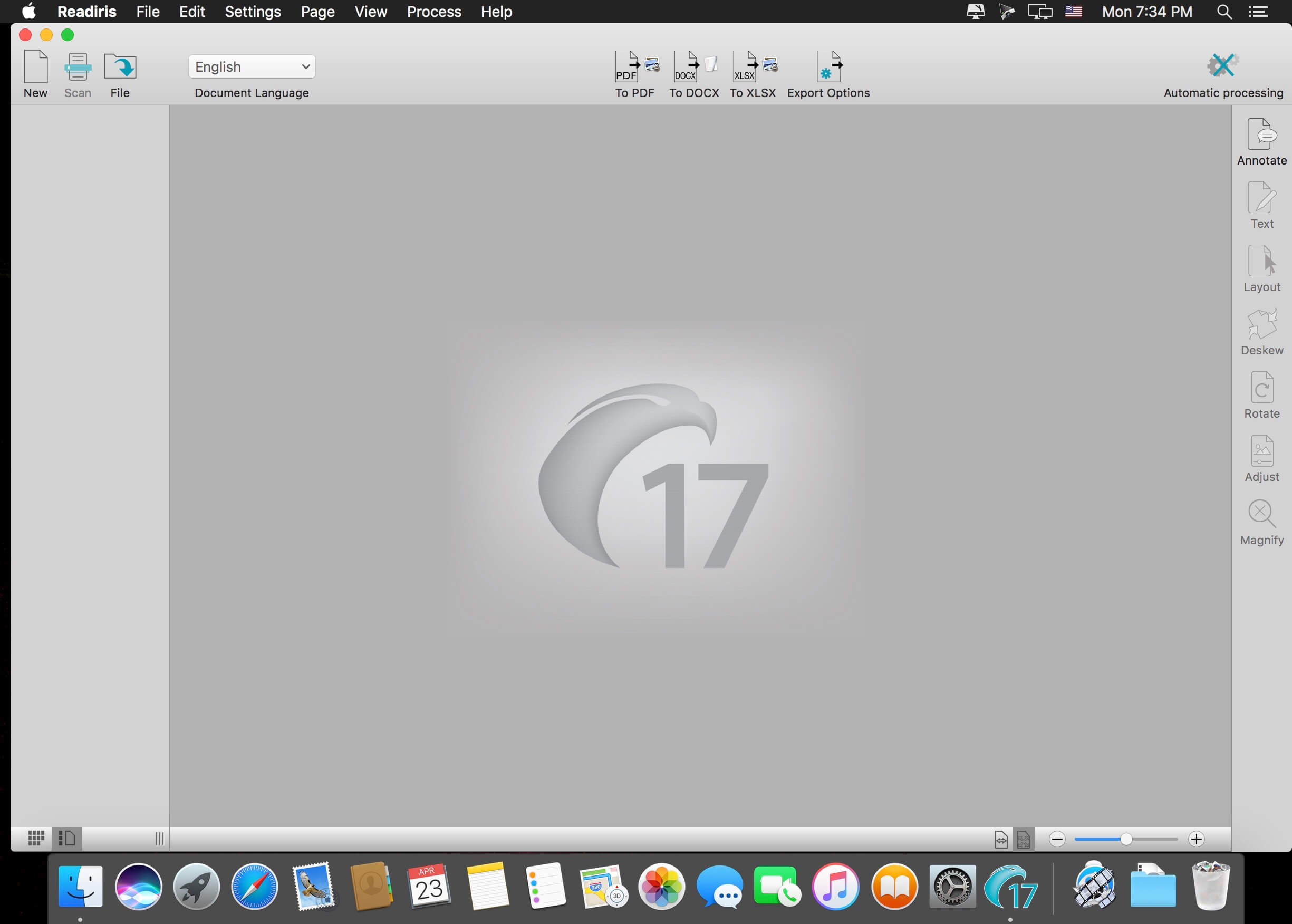
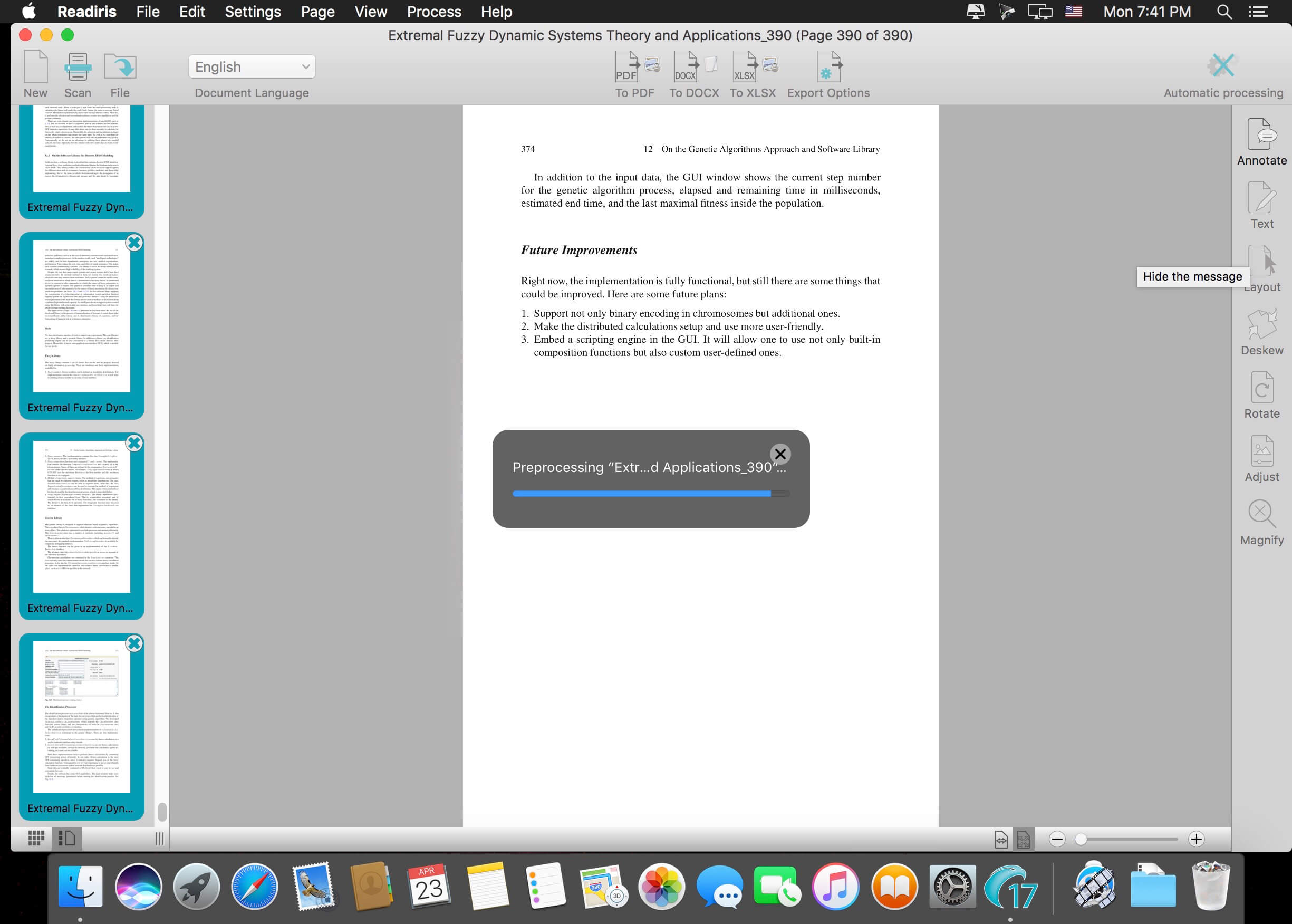
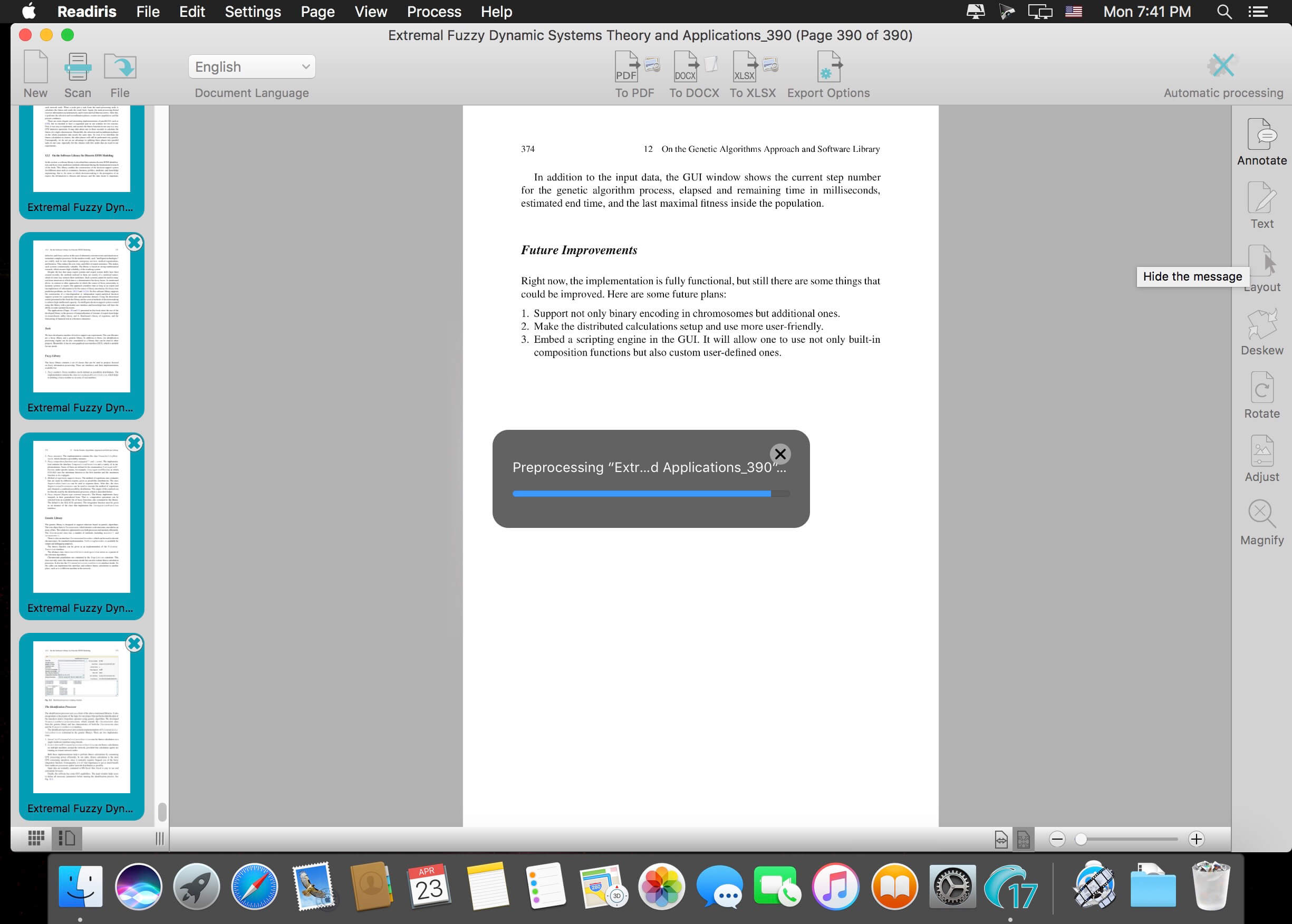
Readiris is the most powerful and accurate OCR software for OS X. It accurately and rapidly transforms your paper documents, your PDFs and images files into editable information ready to be use.
Completely redesigned for Mac OS X, Readiris offers an easy to use user interface, which clearly guides you through the recognition steps. Extremely powerful, Readiris Pro exactly recreates the original format of your documents and replaces columns of text, tables, and graphics in the output file.
A large choice of output formats allows you to choose the format that best suits your needs. You can recreate a document in word processors or in spreadsheet programs, to get indexed PDF files with both the image and the text or to easily create Web pages thanks to the WYSIWYG HTML output format.
What’s New:
Version 17.1.8:
Release notes were unavailable when this listing was updated.
Scan, Convert & Manage your documents. Readiris 16 is a powerful OCR software designed to convert all your paper documents, images or PDF into editable and searchable digital text (Word, Excel, PDF…) in just a click !
Readiris 17 converts your paper, images or PDF files into editable and searchable digital text (Word, Excel, PDF,…) Convert standard document images & PDF files into a fully indexed, keyword-retrievable PDF documents.Upload your documents to the Cloud and retrieve them anywhere, anytime and on any device. Import your paper documents from any scanner using Readiris 16’s embedded scanning wizard.
Never retype text again
Convert any paper document, image or PDF into editable and searchable digital files (Word, Excel, PDF, HTML, etc.) using Readiris 15’s Optical Character Recognition (OCR) technology. Simply scan your paper document using the built-in scanning wizard or import image from folders or digital camera. Readiris 16 will instantly convert it to the format of your choice without altering the original layout. Your digital documents will now be easy to edit, archived and shared!
Create searchable PDF
Readiris 15 makes it easy to create searchable and indexed PDF files compatible with virtually any computer. The produced PDF will look exactly the same as the original image while adding a text layer ready to be searched and indexed. It will now be very convenient to find the exact information you are looking for amongst tons of archived documents!
Store your documents in the Cloud
Store, access and manage your converted documents from any computer, tablet or mobile phone using Readiris 16’s new Cloud connector.
Simply select your favourite Cloud hosting service after the conversion process and your document will automatically be exported, ready to be accessed anywhere you are! All your digital archives will now be safely backed-up and accessible when and where you need it the most! Supported Cloud services: Evernote, Dropbox, Box & Google Drive.
Reduce the size of your digital files
Drastically reduce the size of your images and PDF files using I.R.I.S.’s exclusive high compression technology. This new feature will let you compress your files up to 50 times smaller than the original size without affecting the visual quality. Your compressed documents, in standard PDF format, will be fully searchable and compatible with any usual PDF viewer! The size of your digital documents will no longer be an issue while being stored or shared!
Process Multi-page documents
Readiris 15 lets you quickly convert multi-page documents into one or many output files. If you have different documents to process, you can also combine and organize them into one single file (PDF, Word,…).
For those who use a scanner with document feeding options, Readiris 16 corporate features advanced scanning options that will optimize the multi-page scanning and conversion process. From one up to thousands of pages, Readiris 16 will always bring you the solution that fits your document processing needs!
Drop, convert and manage your documents … Automatically
Drop your scanned documents to any folder folder. Readiris will monitor them and whenever Readiris spots a new document inside one of the Watched Folders, it will processes it , covert it and exports it to a destination of your choice: in an output folder, in the Cloud or on an FTP web site. (Only available in Readiris 16 Corporate edition) Simply drop your document in the right folder and it will be processed in the right format and exported to right place… Automatically!
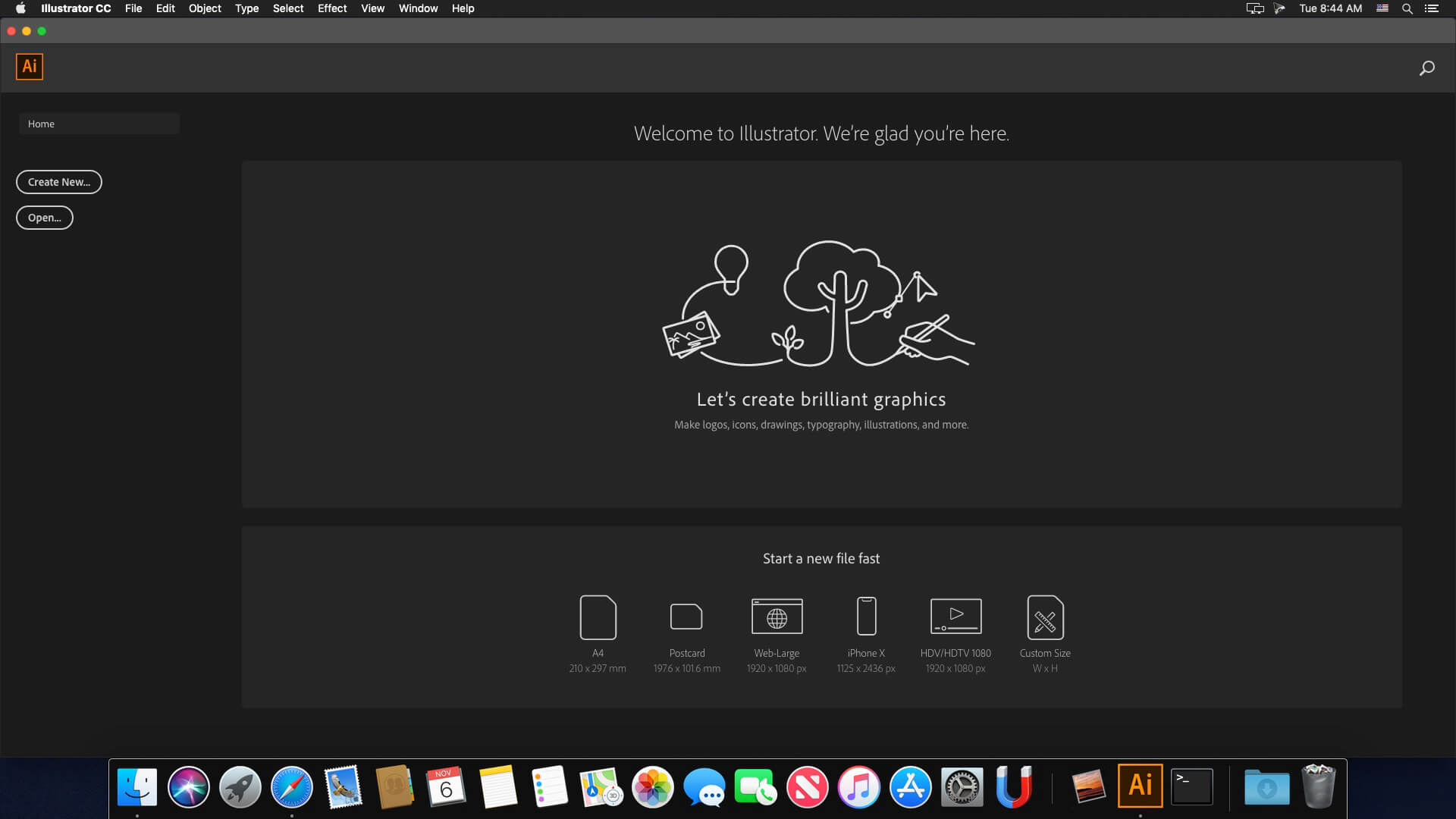
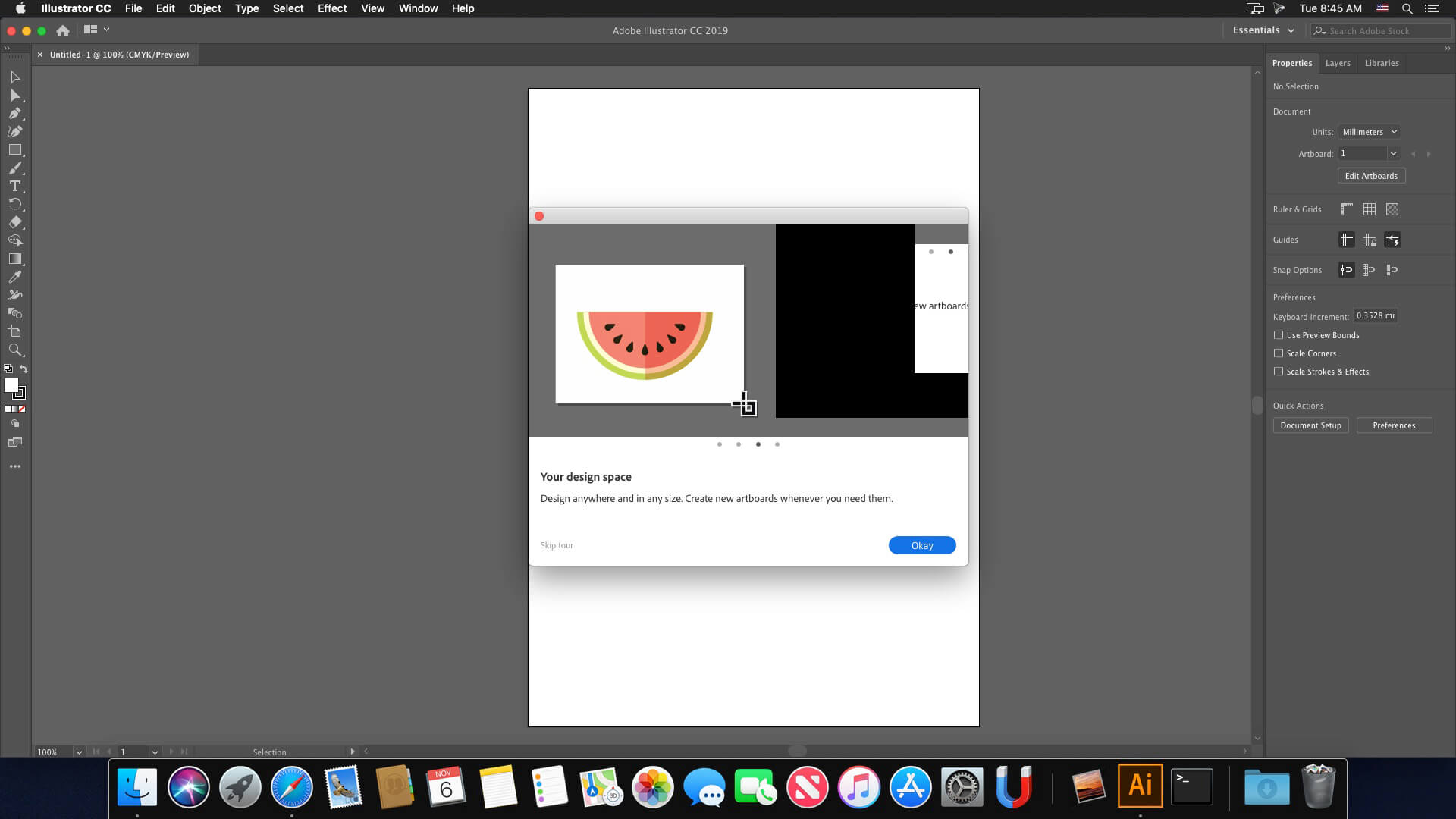
The industry-standard vector graphics software lets you create logos, icons, drawings, typography, and illustrations for print, web, video, and mobile. Millions of designers and artists use Illustrator CC to create everything from web icons and product packaging to book illustrations and billboards.
Iconic work at any size.
Get all the drawing tools you need to turn simple shapes and colors into sophisticated logos, icons, and graphics. Illustrator artwork is vector-based software, so it can scale down for mobile screens and up to billboard size . and always look crisp and beautiful.
Gorgeous typography that says it all.
Incorporate a company name into a logo, create a flyer, or mock up a website design with the best type tools out there. Add effects, manage styles, and edit individual characters to create typographic designs that perfectly express your messages.
Draw attention everywhere.
Create freehand drawings, or trace and recolor imported photos to turn them into works of art. Use your illustrations anywhere, including printed pieces, presentations, websites, blogs, and social media.
Pro power comes standard.
With fast, responsive performance and precision tools, it.s easy to focus on design, not process. Reuse your vector graphics across documents. Work seamlessly with other Creative Cloud apps like Photoshop, InDesign, XD, and Premiere Pro. Illustrator makes it a snap to add artwork to designs, video, and more.
Freeform Gradients
Easily create rich color blends that give your objects and artwork a more natural look and feel.
Global Editing
Save time by modifying repeating text or objects across multiple artboards all at once.
Customizable toolbar
Add or remove tools so you have just the ones you want, and group them the way that works best for you.
Presentation and Trim Preview
Turn artboards into slides you can easily project and share, and see how documents with bleeds will look with the edges trimmed off.
Language: Multilangual Compatibility: macOS 10.15 or later (Apple Silicon) Homepagehttps://www.adobe.com/
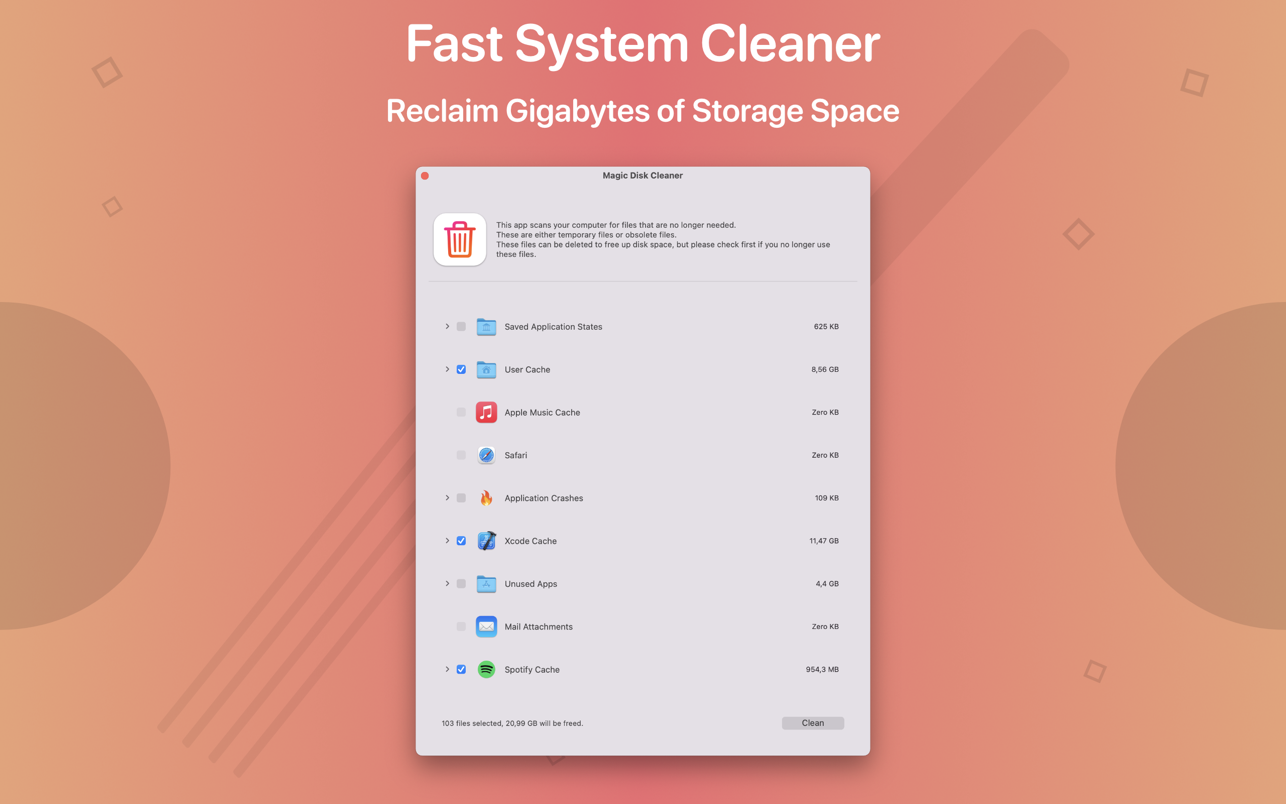
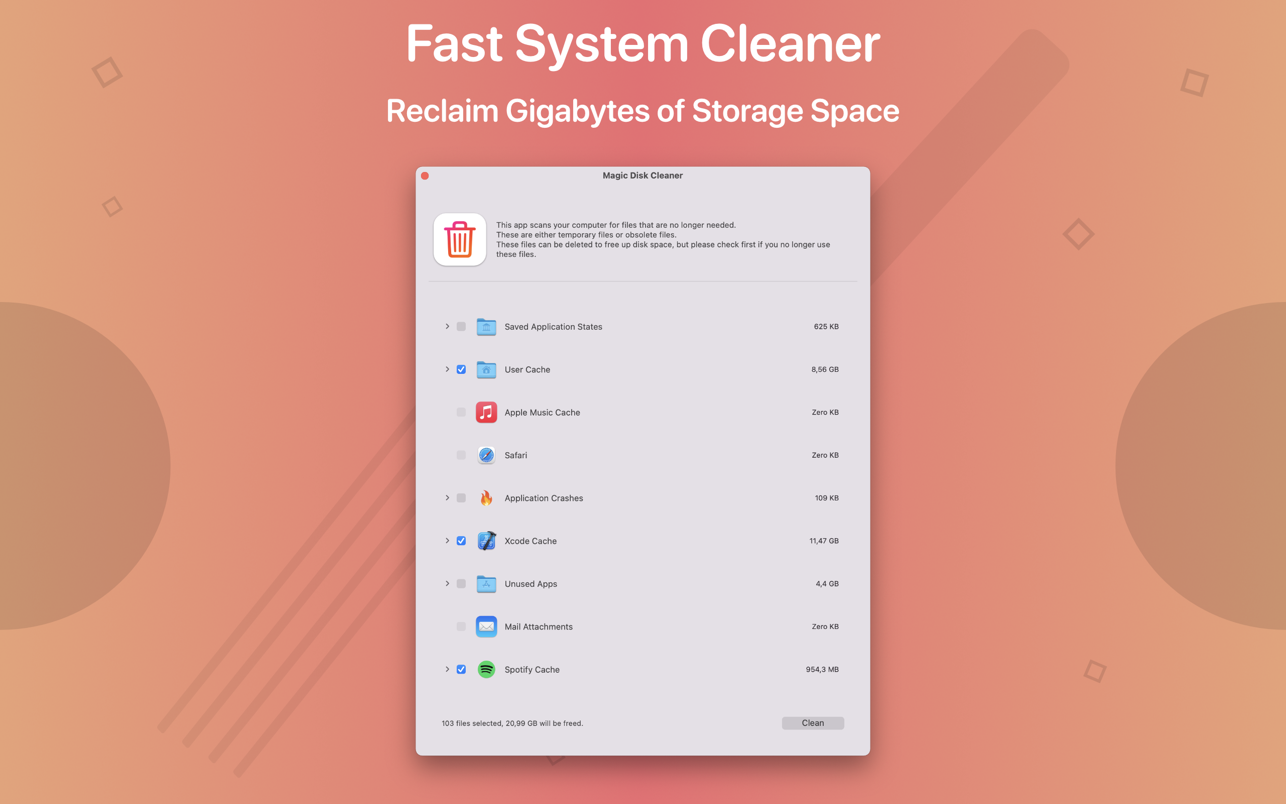
Magic Disk Cleaner finds and deletes files temporary files that waste lots of space. The app is lightning fast and frees disk space in no time.
Magic Disk Cleaner searches your computer for temporary files and can also delete them directly if you wish.
Magic Disk Cleaner offers the following features:
Fast Search
Magic Disk Cleaner quickly scans your computer for temporary data that can be removed. You can have them deleted with one click.
Extremely easy handling
Magic Disk Cleaner couldn’t be simpler. The search is started immediately after the app is started. You can now delete files with just one click.
No automatic deletion
Magic Disk Cleaner does not delete any data without your consent. Choose for yourself which data is deleted and which you want to keep.
A simple download manager that offers you the possibility to quickly save videos from different websites to your own disk drive.
f you are using a poor internet connection, trying to visualize videos streamlined online might not work properly since the content is loaded too slowly. Downie is a simple Mac app that can help you download those videos to your computer, and then watch them by using your default media player.
User friendly video downloader featuring support for drag and drop actions
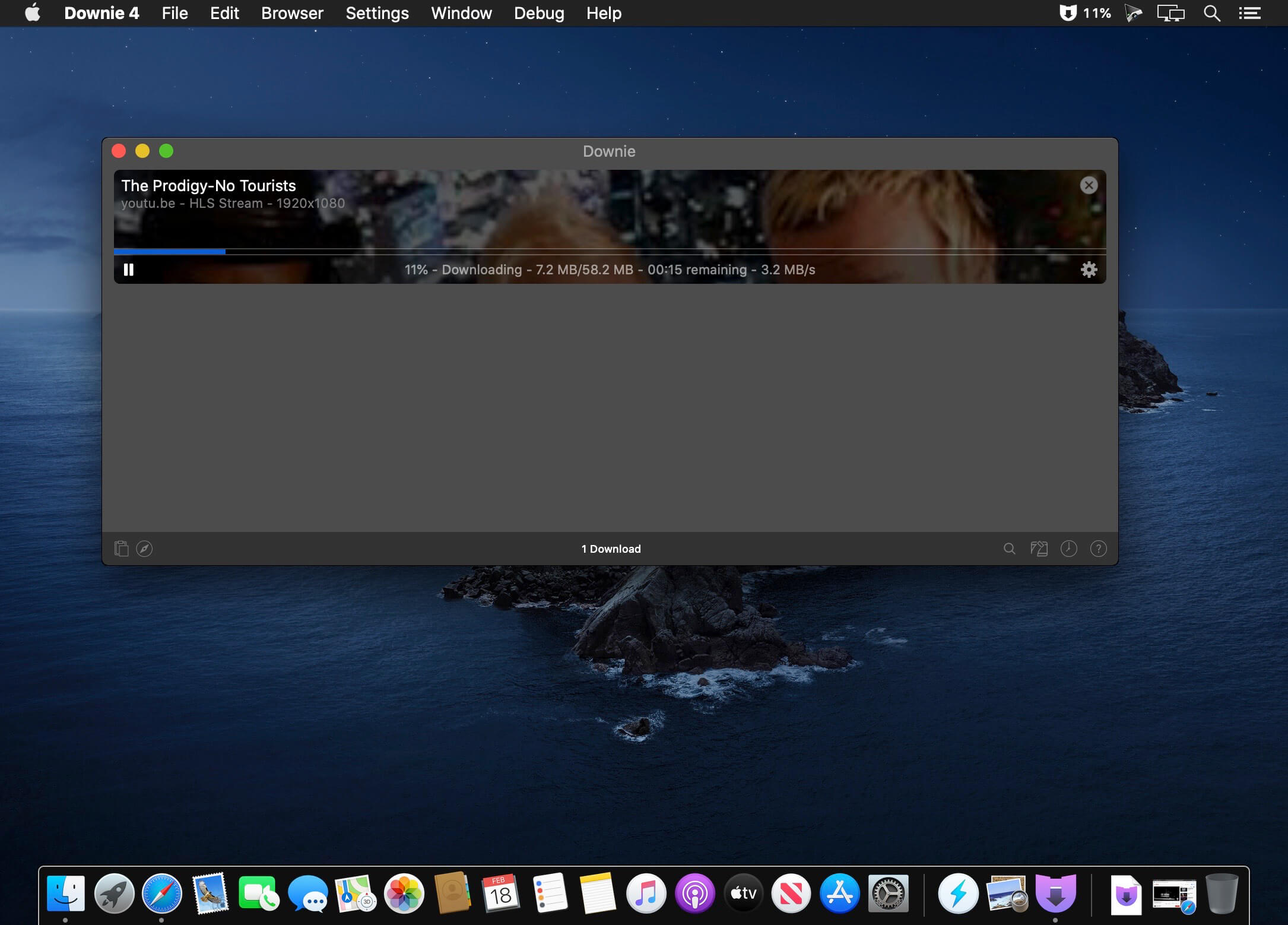
Working with Downie is extremely straightforward: simply drop the video URL on top of the app’s main window or on the Dock icon. Downie adds the video to your downloads list, so all you have to do next is start the process by pressing the appropriate button. Of course, you can also remove items from the list.
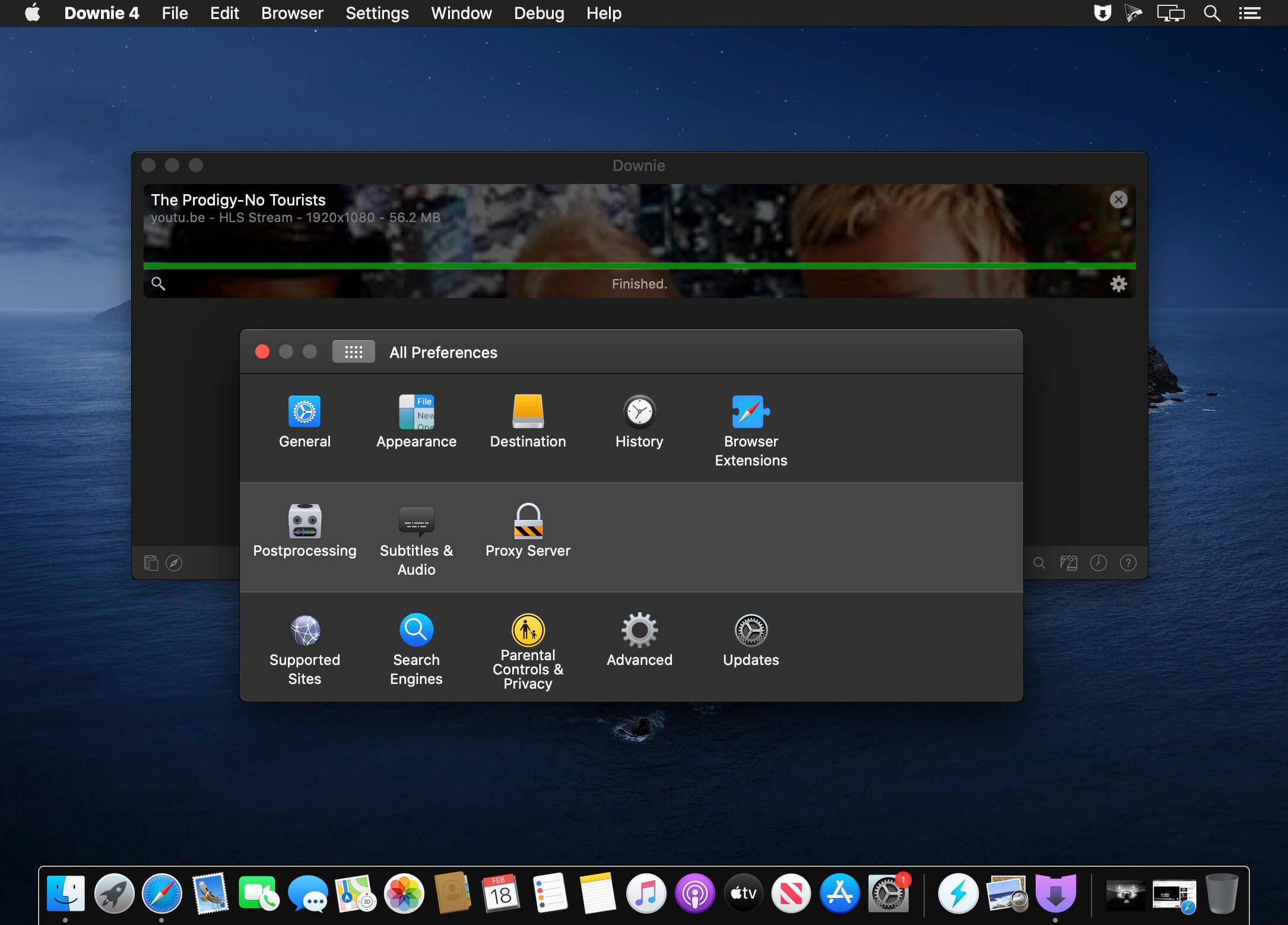
By default, Downie downloads MP4 files and places them in your default Downloads folder, but you can easily change this via the Preferences window. The same area allows you to setup notifications, or post processing actions (convert to MP4 if necessary, or extract audio only).
Effortlessly download videos from a wide collection of hosting websites
Downie provides support for more than 400 different websites that host video content, among which there are the most popular choices, such as YouTube, Apple, LiveLeak, Vimeo, BBC, and so on. If a certain website is not included, within the app you can send a request email to the Downie developers.
Moreover, Downie also provides matching extensions for various popular web browsers, such as Firefox, Safari, Google Chrome or Chromium. The add-ons are not installed by default: open the Preferences window and install only the ones you plan to use.
Straightforward solution for downloading video content hosted online
Downie is a great tool for saving videos posted on various websites to your Mac for offline playback. The application is extremely useful especially if you have a slow internet connection.
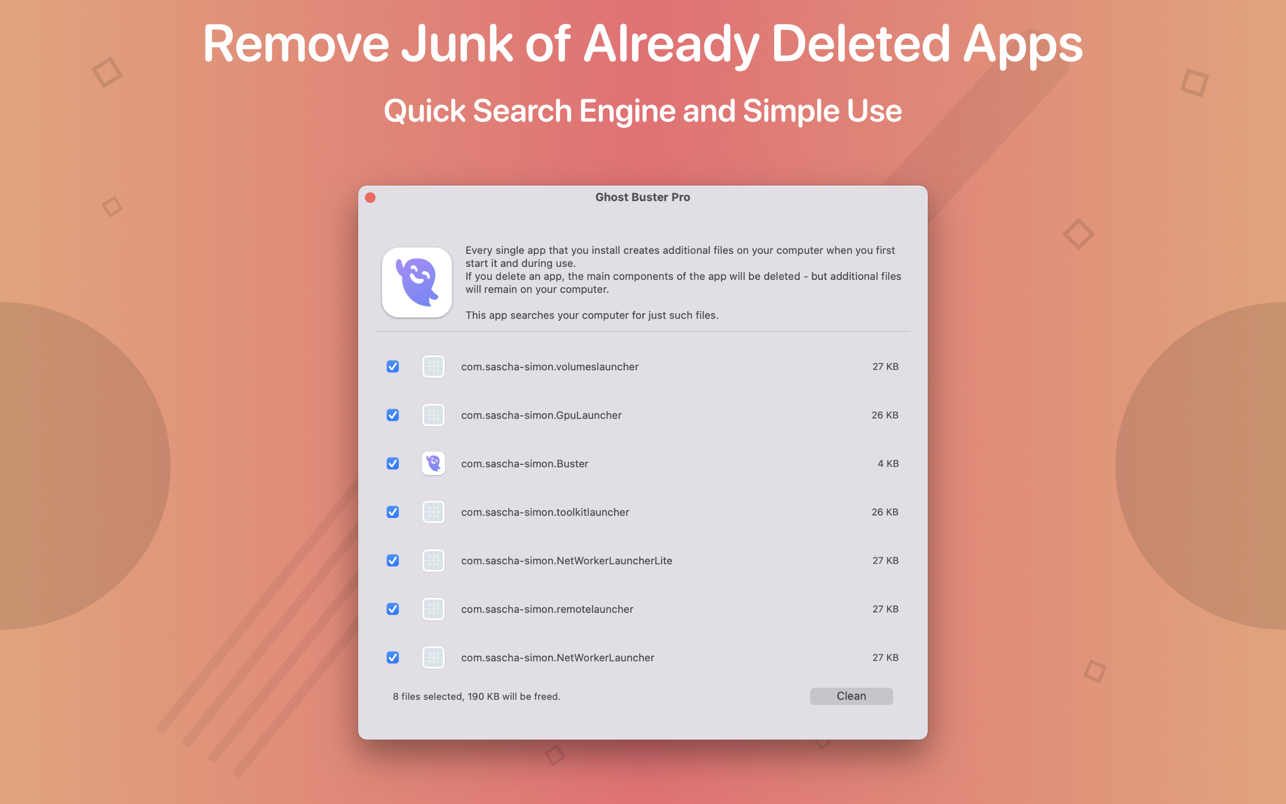
Ghost Buster Pro finds and deletes files from apps you’ve already uninstalled. The app is lightning fast and frees memory in no time.
Many apps are installed on a computer, but they usually only stay on your computer for a short time. Each app creates files, but deleting the app does not remove them.
This leads to a large number of files accumulating over time, which take up valuable storage space.
Ghost Buster Pro searches your computer for exactly such files and can also delete them directly if you wish.
Ghost Buster Pro offers the following features:
Fast Search
Ghost Buster Pro quickly scans your computer for data from previously deleted apps. You can have them deleted with one click.
Extremely easy handling
Ghost Buster Pro couldn’t be simpler. The search is started immediately after the app is started. You can now delete files with just one click.
No automatic deletion
Ghost Buster Pro does not delete any data without your consent. Choose for yourself which data is deleted and which you want to keep.
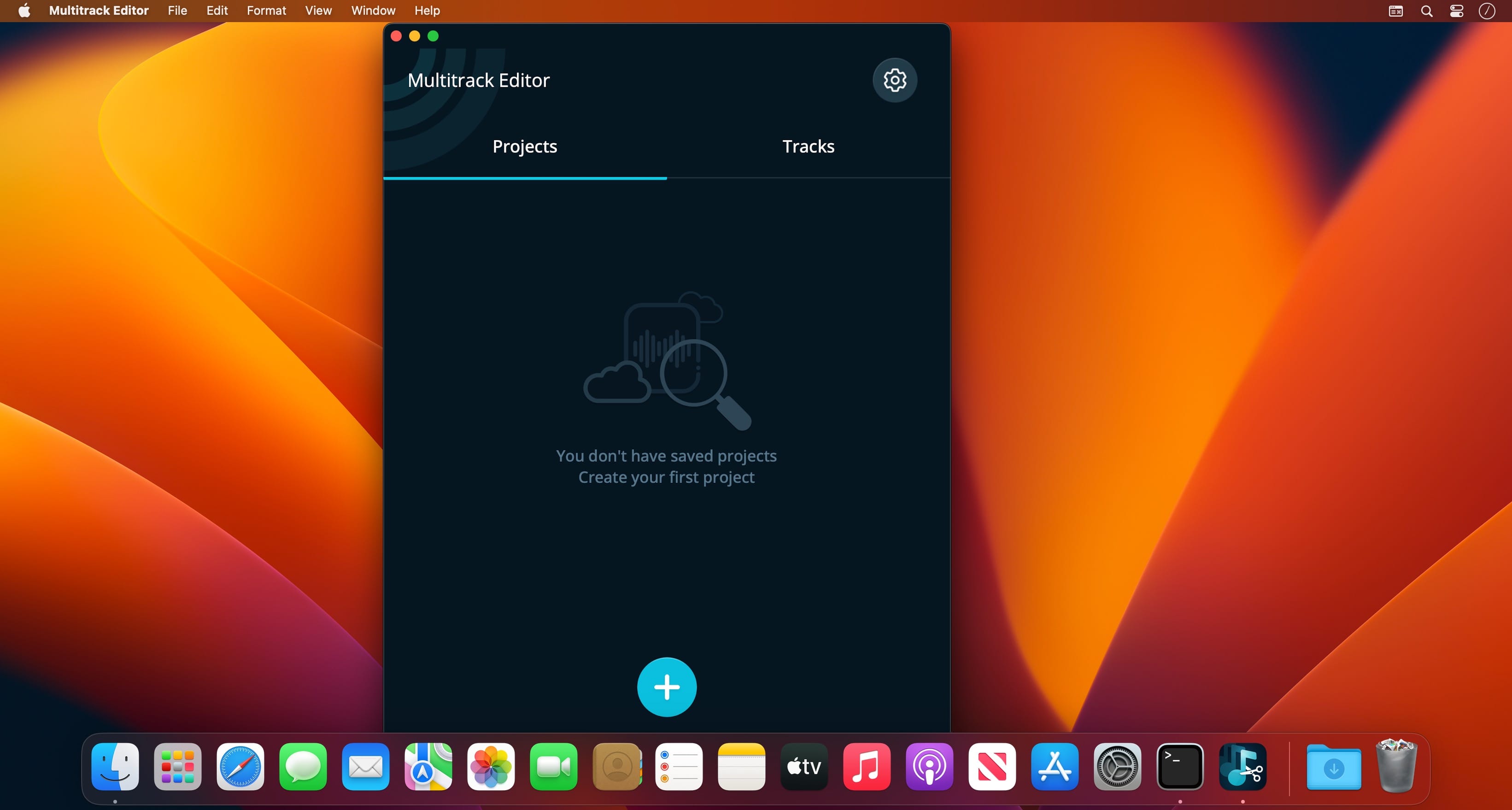
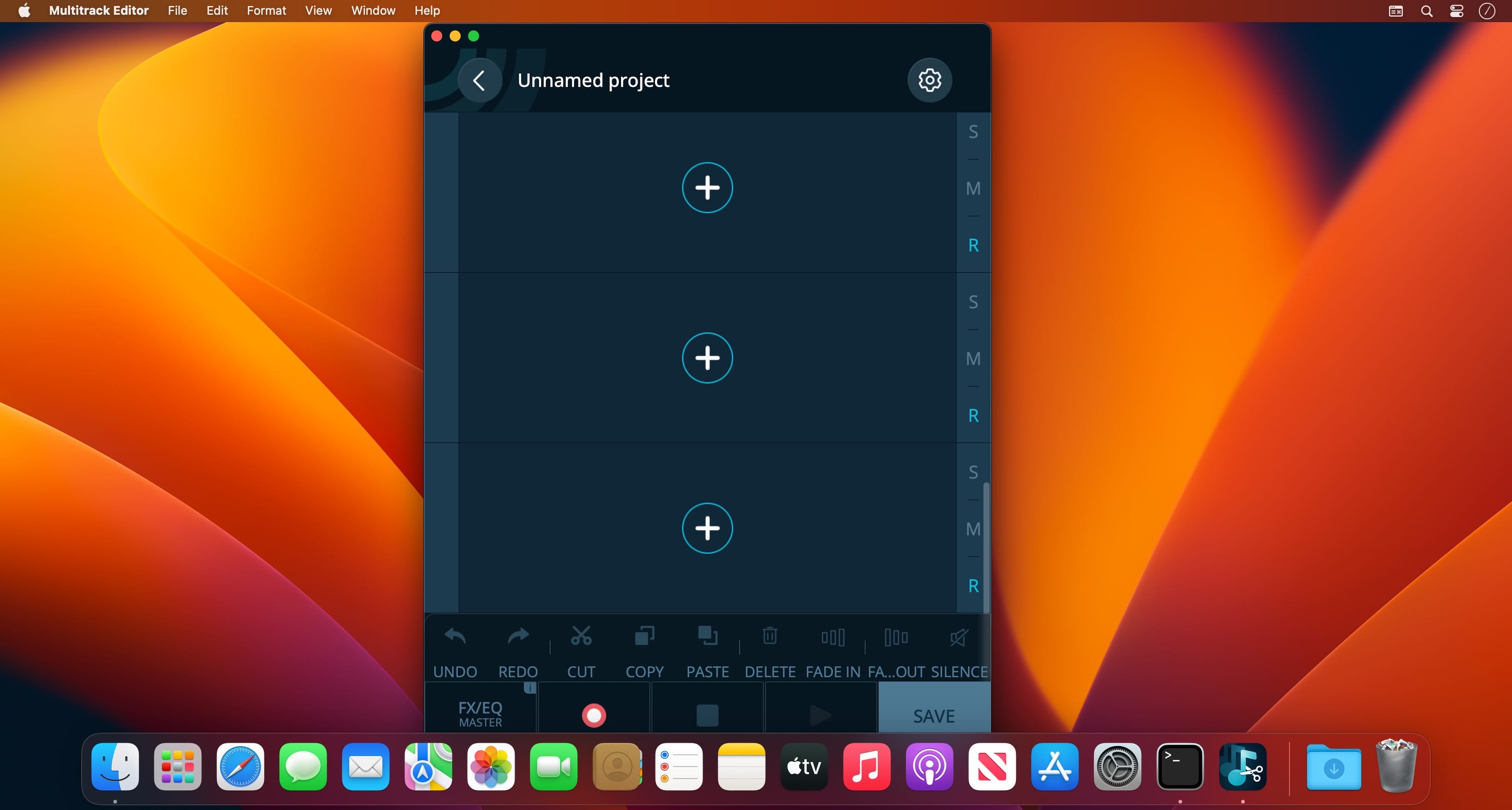
Professional Mixing Studio. Simple, fast and reliable audio editing tool! Start a new project and add an audio file. You can start editing a single track or add more and edit them simultaneously! Various effects, filters, 6 band equalizer and other settings.
The best thing about multitrack editing is that it allows you to edit tracks separately. No need to make changes to the whole mix when you can do this individually before rendering the tracks into the final result.
Features
Multitrack editing
Various audio file formats
File sharing
Change the duration, crop and cut the selected areas with only a few taps. Save your files or entire projects on your device. Even if you don’t save, the app will back up any unsaved progress (can be activated/deactivated in the settings).
More tracks = more sound. And even more stuff with multitrack editing!
Digital, abstract, classic – all types of color wheels in one app!
A set of tools for painters and designers includes:
Digital Color Wheel – our unique graphic design tool.
Classic Color Wheel – a classic, versatile version of the color wheel.
Abstract Color Wheel – a specialized color choice for abstract painting (a simplified version of the abstract color scheme from our “Digital Color Wheel” tool).
Color Combinations – many professional color palettes for digital design and abstract art.
Color Swatches – tool for choosing colors by seasons and mood.
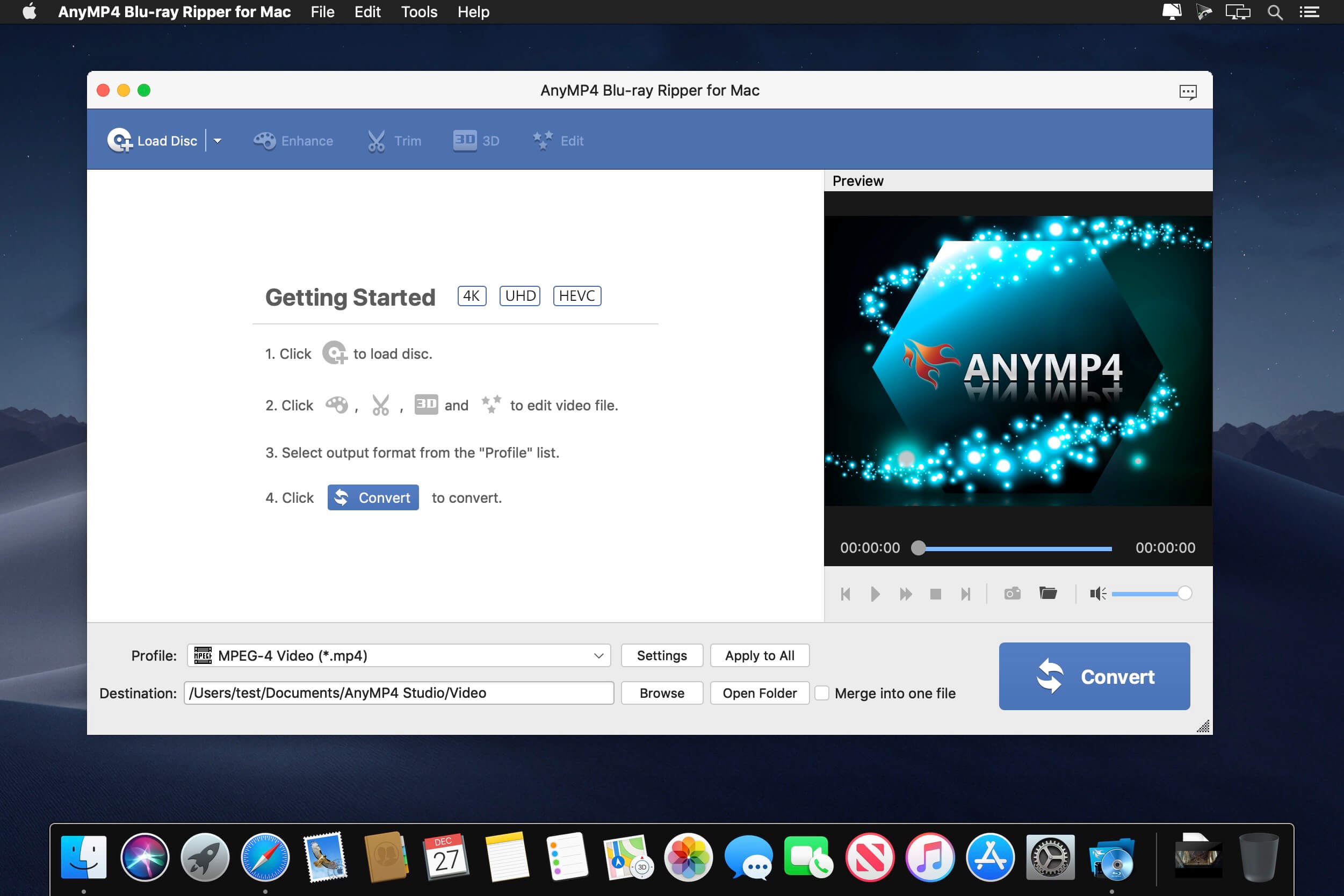
AnyMP4 Mac Blu-ray Ripper is designed with the most efficient solutions to rip Blu-ray disc to any popular video format like MP4, TS, MKV, MOV, M4V, AVI, WMV, VOB, DivX, XviD, MPEG, F4V, WebM and more, and even convert Blu-ray to 4K and 1080p HD video with the codec of H.265, H.264, MPEG4, XviD, VP8, VP9, and more. It also extracts background music from Blu-ray movie to save as MP3, M4A, AAC, FLAC, ALAC, WMA, and more for your music enjoyment.
This Blu-ray Ripper for Mac can easily rip Blu-ray disc, Blu-ray folder, and Blu-ray ISO image file to multiple digital device like iPhone 11/11 Pro/11 Pro Max/XS/XS Max/XR/X/8/7 Plus/7/6s Plus/6s/6 Plus, iPad Por, iPad Air 2, iPad mini 4, Samsung Galaxy S7, Samsung Galaxy Note 5, LG G5, Sony Z5, HTC 10, Huawei P9, and others. This software also lets you rip Blu-ray to other devices like Apple TV, Samsung TV, LG TV, Xbox 360, PS3/PS4, Final Cut Pro, iMovie, and more for playing or editing easily.
What’s New:
Version 9.0.36:
Release notes were unavailable when this listing was updated.
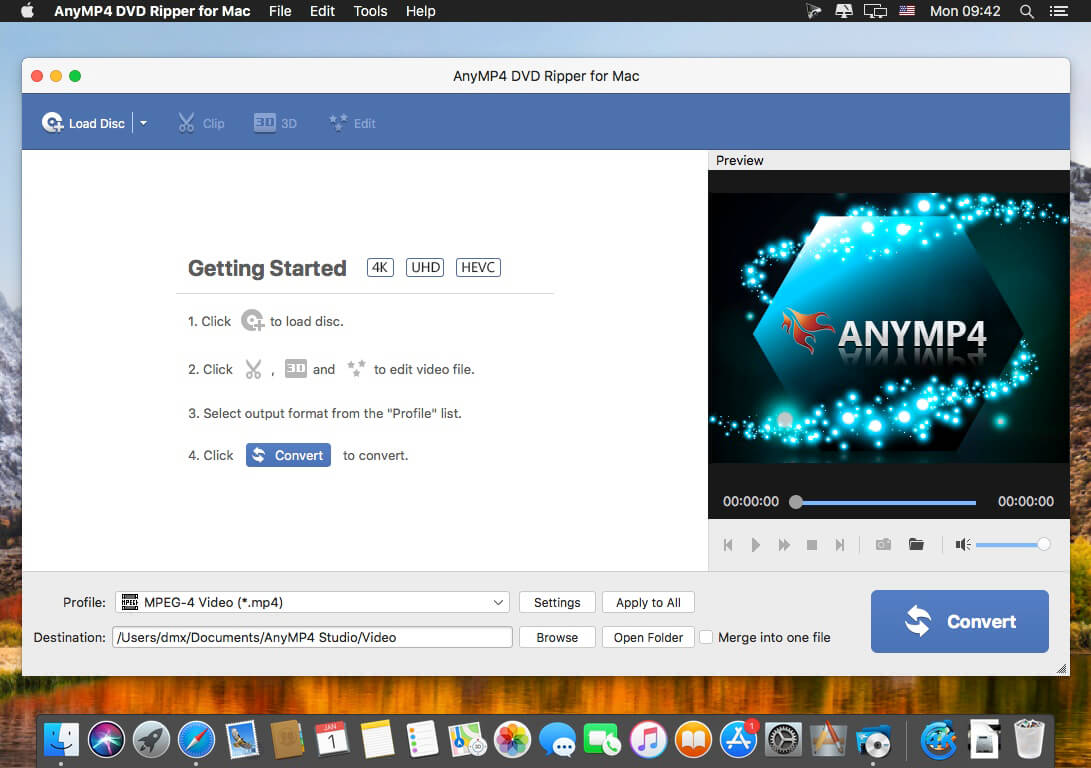
Do you want to save a DVD movie to PC local drive? DVD disc could be easily damaged and is not very convenient to play DVD disc anytime and anywhere. So you are recommended to rip DVD to video for playback on any digital device like iPhone/iPad/iPod, Samsung, LG, HTC and more. AnyMP4 DVD Ripper, a powerful DVD Ripping software, helps you rip DVD movie into a variety of popular video and audio formats.
You can convert DVD to MP4, MKV, AVI, MOV, WMV, FLV, M4V, TS, DivX, WebM, 3GP and other 4K/1080p/720p video formats with ease and than save DVD to computer for backup. In addition, AnyMP4 DVD Ripper can help you extract audio track from DVD and convert it to your preferred audio format like MP3, WAV, WMA, AAC, M4A, ALAC, FLAC, OGG, and more.
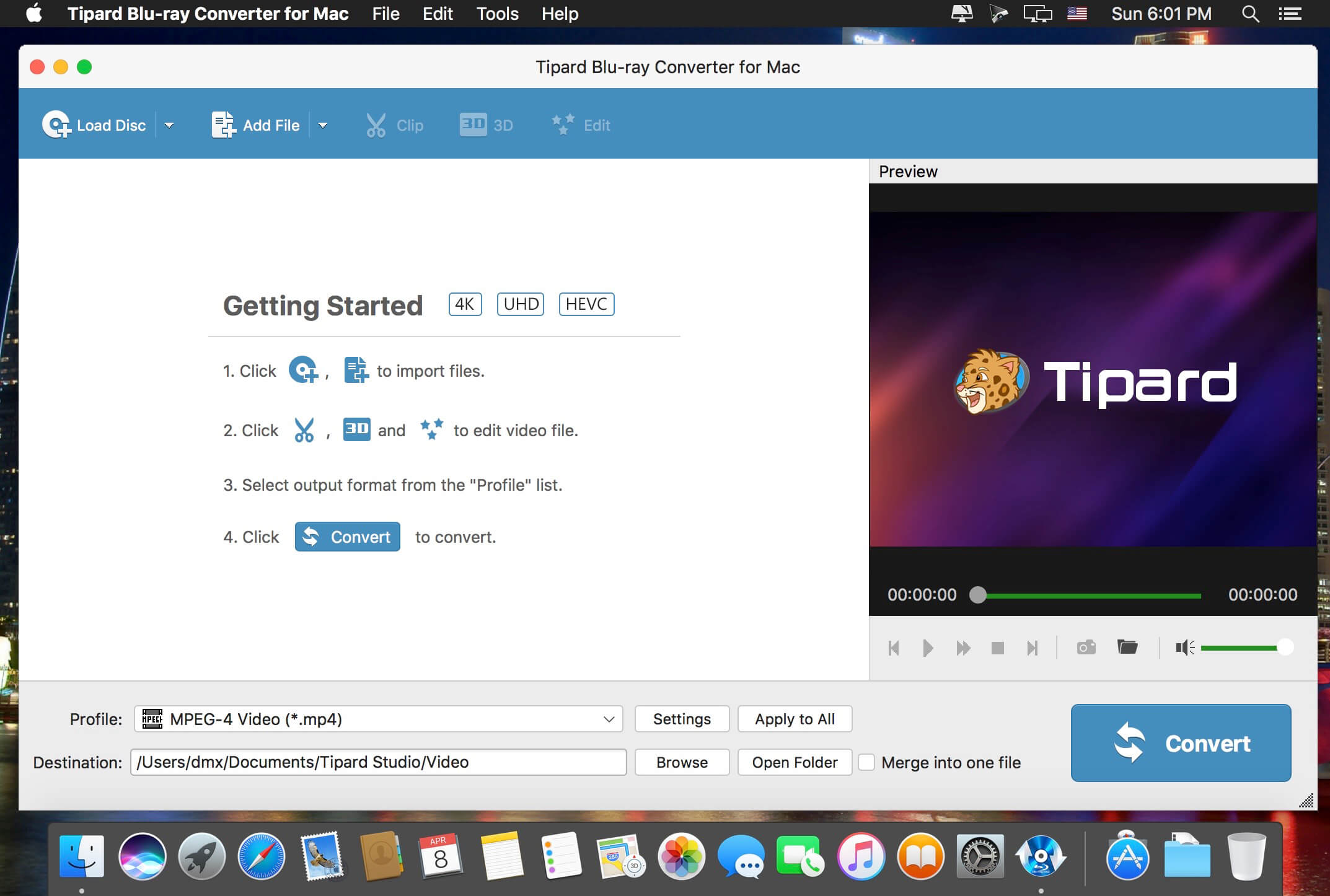
Tipard Mac Blu-ray ripper is a 3-in-1 media video converting application, which can be a Mac Blu-ray Converter, also can be a Mac DVD Ripper and a Mac Video converter. Then, you can easily convert home-made Blu-ray movie to your preferred video or audio formats to enjoy on your mobile phone or video player.
Plus, you can rip and convert home-made DVD disc, DVD folder or IFO files and video files to various popular formats on Mac with this powerful Blu-ray Converter for Mac. Also, you are allowed to edit any video source file to create personalized video work to share with friends for entertainment and joy.
Media converter to rip any Blu-ray/DVD, and convert video
Powerful Blu-ray Converter for Mac, DVD Ripper for Mac, and Video Converter for Mac
Rip Blu-ray and DVD files
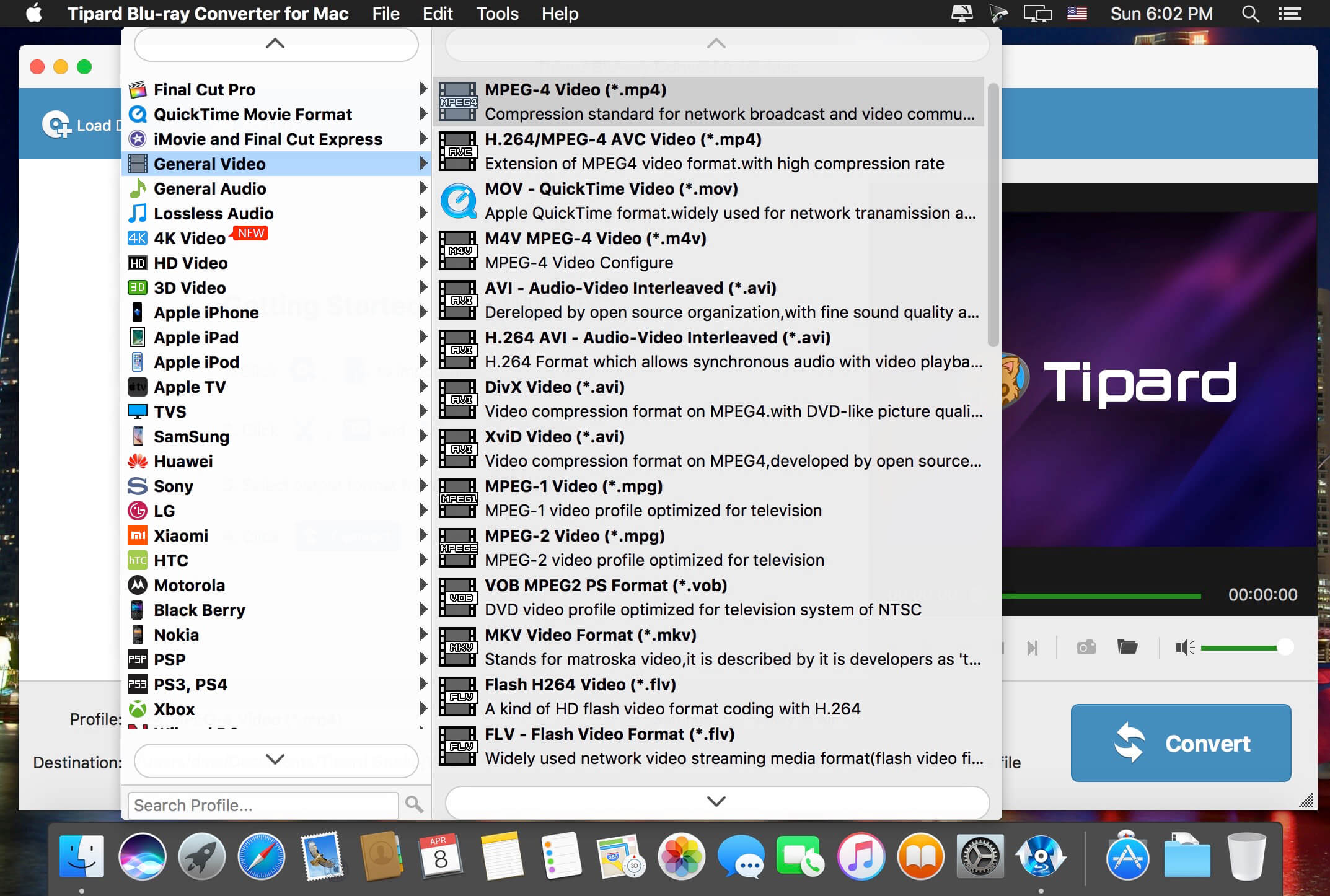
Easily rip Blu-ray Disc, Blu-ray folder, DVD ROM, DVD folder and IFO files to any other video/audio formats like , etc.MP4, AVI, 3GP, MPEG, FLV and TS, MKV, ASF
Convert any video files
Support almost all video formats (including HD) and can convert any source file to 3GP, 3G2, AMV, ASF, AVI, MPEG-4, MP4, M4V and other popular video and audio formats on Mac.
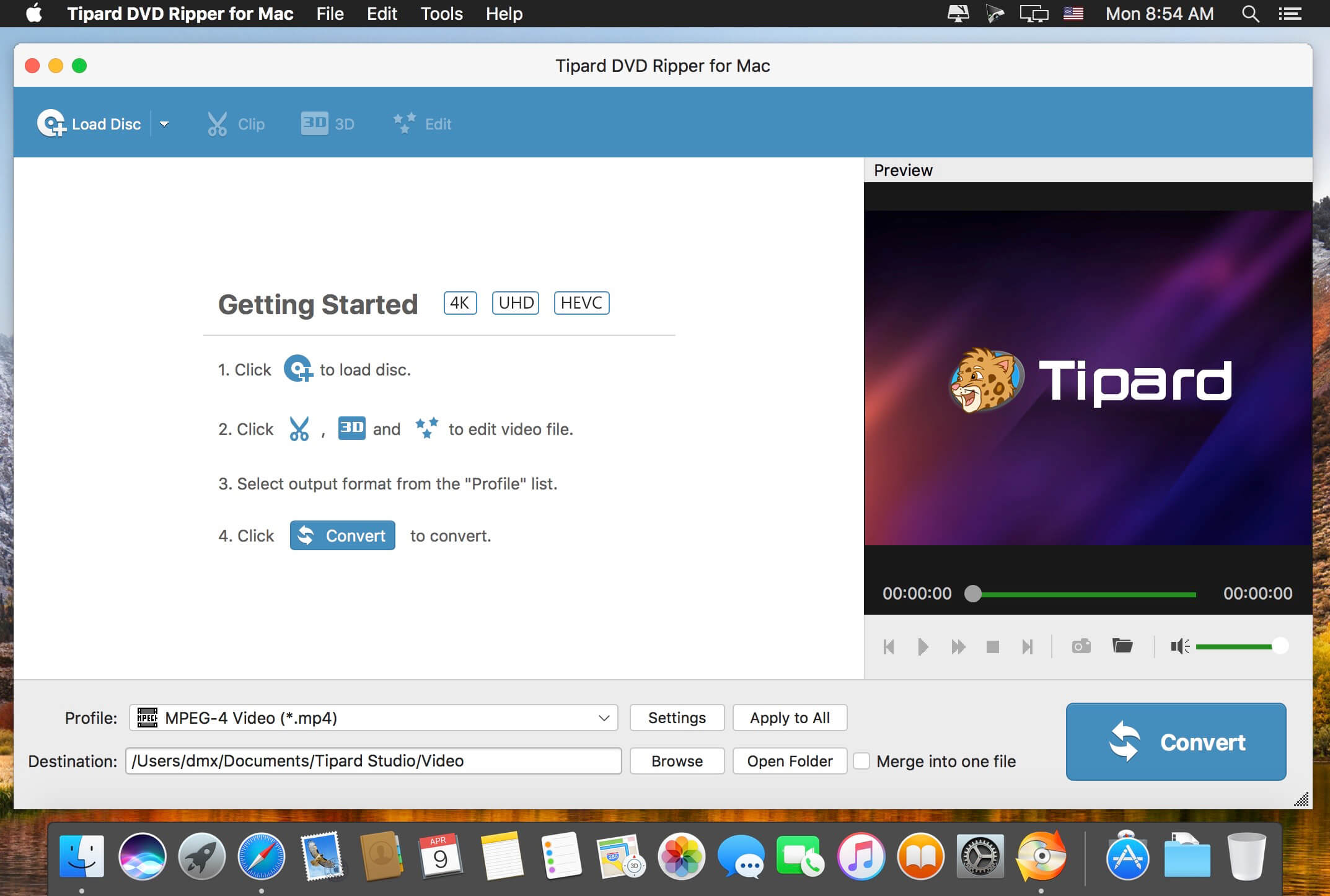
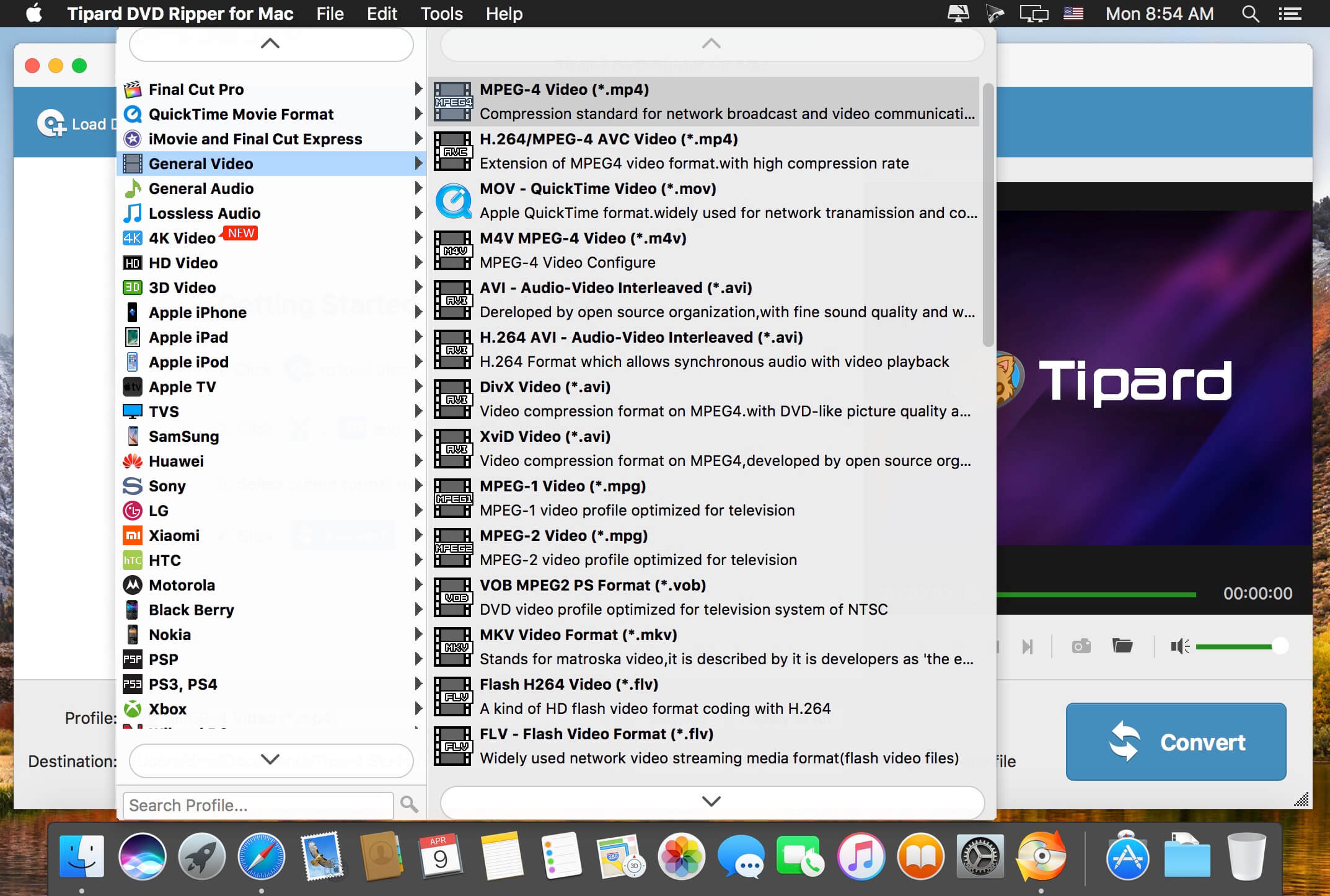
Tipard DVD Ripper for Mac is one of the best Mac DVD Ripping, which enables you to effortlessly rip DVDs to your desired 4K/1080p HD videos, or the formats like MP4, MOV, FLV, AVI, WMV, MKV, M4A, MP3, FLAC, WAV, and more with unprecedented fast speed and incredible quality. With the conversion, you can enjoy your DVD videos on iPhone, iPod, iPad, Samsung, HTC and more Android devices or other media players.
Rip DVD movies to 4K/1080p HD videos with no limitation
Rip any DVD video to MP4, MKV, MOV, FLV, WMV, AVI, MPEG and more 300+ formats with high image quality
Extract and convert audio files from DVD to MP3, M4A, AAC and WMA and so on with 100% original quality
Multiple editing features to ensure you an ideal video
Download Video, Audio, Playlists from 10,000+ websites, Convert Video to MP4, MOV, AAC, WAV and more.
Download Videos with Built-in Browser YT Saver comes with a built-in web browser, which allows you to browse video/audio sharing sites easily and download videos direclty within the websites.
Unlimited Download with YT Saver Downloader With YT Saver PRO you can download unlimited videos and playlists from streaming sites and access your videos when offline, and you can download multiple videos in bulk at the same time.
Download Videos at Ultra Fast Speed YT Saver Video Downloader gives you 10X faster video download speed, which allows you to downlaod videos at ultra fast speed and get the fastest conversion speed.
Protect Your Downloaded Videos Privacy To protect your video and audio from prying eyes and miswatching by children, YT Saver provides a Private Mode to keep your downloaded contents in a password-protected folder.
Download full HD/4K/8K videos from YouTube and more than 10,000+ websites at high speed
As a powerful HD video downloader for YouTube, Dailymotion, Facebook, and other streaming sites, iTubeGo HD Video Downloader provides 10X faster speed to download high-quality videos in bulk. Moreover, it provides a built-in browser to download video and music easily and cut Youtube to MP4, MP3, and more.
iTubeGo YouTube Downloader allows you to download videos from YouTube, Facebook, Instagram, Dailymotion, Vimeo, TikTok, Pornhub, Xvideos, SpankBang, xHamster and other websites. iTubeGo provides various SD and UHD video quality options, including 480p, 720, 1080p, 2K, 4K, 8K etc.
Besides downloading videos, iTubeGo can also extract audio from video and save it as high quality 320kbps MP3 format. It supports mp3 download from most music sites.
What’s New:
Version 7.0.1:
Release notes were unavailable when this listing was updated.
Dash is an API Documentation Browser and Code Snippet Manager. Dash helps you store snippets of code, as well as instantly search and browse documentation for almost any API you might use (for a full list, see below).
Perfectly Clear Workbench is an application that uses Athentech’s Perfectly Clear image correction libraries and is made available to demonstrate the capabilities of the Perfectly Clear processing libraries, face detection library and to allow a quick export of the processing settings for use.
One of the key features in Workbench is the ability to “export to API” when saving a Preset. This allows you to make image corrections in Workbench and tune the settings to match your style and correction needs. Then, you can quickly export these settings to a text file – ready to be copy / pasted into your source code with our image correction SDK.
What’s New in Perfectly Clear WorkBench 4
1. Beautiful new interface
2. New image correction tools
a. Preprocessing section for Input Looks and “Image Ambulance” for manual exposure corrections
b. “Face Aware” exposure for more accurate auto-exposure corrections in portraits and group photos
c. Black Point tool to deepen blacks
d. New Color Vibrancy tool to complement our previous “Vibrancy” control (now renamed to Color Restoration)
e. Sky and Foliage enhancements
3. Existing tools have been improved
a. Added strength sliders to Light Diffusion and Vibrancy for better control
b. Better ‘color pickers’ for Skin Tone and Blush adjustments
4. Manually identify faces that are not detected automatically
5. One-click to zoom to individual faces
6. Modify facial regions to provide the best corrections
7. Histogram
8. Much improved preset management
Supported Image Formats
Perfectly Clear requires RGB-formatted images in either 8 or 16-bit color depth. Any image file that Photoshop or Lightroom can open and convert to this format may be used in Perfectly Clear. Monochrome and CMYK images must be converted to RGB before using Perfectly Clear. RAW files must be opened through Adobe Camera RAW and loaded into Photoshop to be accessible to Perfectly Clear.
What’s New:
Version 4.5.0.2539:
Release notes were unavailable when this listing was updated.
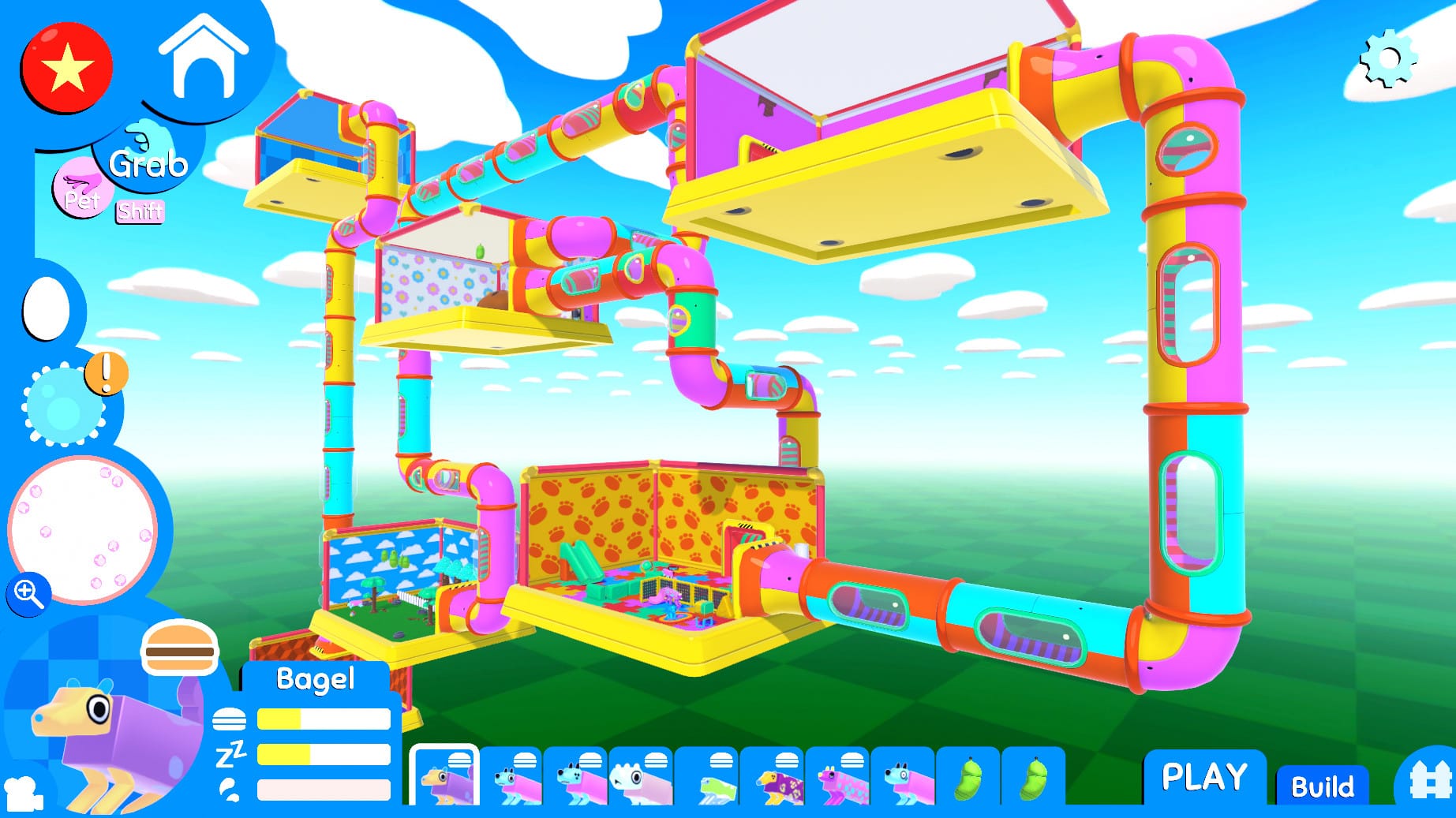
Wobbledogs is a 3D pet simulation where you raise your own personal hive of rapidly mutating dogs, physically simulated all the way down to their guts! It’s a casual and chill sandbox experience for players of all ages who want to care for their very own virtual pets in a surprising, unique, and stress-free environment. The dogs start out relatively normal, but mutate and behave in surprising ways as the game progresses and their evolutionary lines advance.
Dogs have highly variable bodies controlled by a simulated genetics system. As they age, they periodically enter a pupal state and physically mutate. The foods they eat fill their guts with different flora, just like in the gif above. These flora influence the dogs’ mutations, letting you craft and mold them to fit your own idea of canine (im)perfection!
Dogs need a place to call home, and it’s up to you to create an appealing habitat to help them thrive. As you play, you’ll gain access to more and more objects and decorations. String together rooms and decorate them however you’d like. Give your dogs a relaxing place to sleep, set up an maze, or even cultivate a garden. There are no built-in goals, so you can prioritize whatever you like the most!
The dogs in this game are physically simulated, which adds a layer of uniqueness to almost every action they take. Two dogs with separate body structures will experience the world in different ways. They also have unique personality traits that influence the types of behaviors they tend to run and govern how they interact with other dogs and objects.
Wobbledogs is meant to be enjoyable simply to passively observe, but it’s also rewarding to interact with the dogs directly, whether that’s petting them to relieve some stress, tossing a pup around to watch it tumble through the pen, or helping your canine companion get free after it wriggled itself into a particularly tight space. These dogs try their best, but sometimes they need a bit of extra help!
The world’s most devilishly addictive defense game is back – welcome to Kingdom Rush: Frontiers!
Bigger and badder than ever before, Kingdom Rush: Frontiers is a whole new level of the furiously fast, enchantingly charming gameplay that made the original title an award-winning hit. Command your troops through an epic (mis)adventure as you defend exotic lands from dragons, man-eating plants, and ghastly denizens of the underworld -all with flashy new towers, levels, heroes, and more goodies to help you crush your foes to a pulp. (Don’t worry, we’ve still got all the good ol’ stuff from the last game, too. It’s vintage now.)
Kingdom Rush: Frontiers packs in so much content, it’s like a fully upgraded artillery blast of mouthwatering, pixelated joy launched right into your smiling little face… and it hurts so good!
Key Features
Fantastic Tower Defense game with lots of strategic decisions. Great power-user stuff like Reinforcements, Meteor Strikes, Heroes and more.
Fortify the frontier in exotic news lands – hold the line in deserts, jungles and even the underworld!
Eight new specialized tower upgrades! Slice, sizzle, and stomp your foes with Crossbow Forts, Mighty Templars, Necromancers, and even Earthquake Machines – hey, we told you we were shaking things up.
Over 18 tower abilities! Unleash Death Riders, pestilence clouds, or Assassins that steal and kill your enemies!
Over 40 enemies with unique abilities! Stay on your toes as you fight through desert sandworms, tribal shamans, nomad tribes and underground terrors.
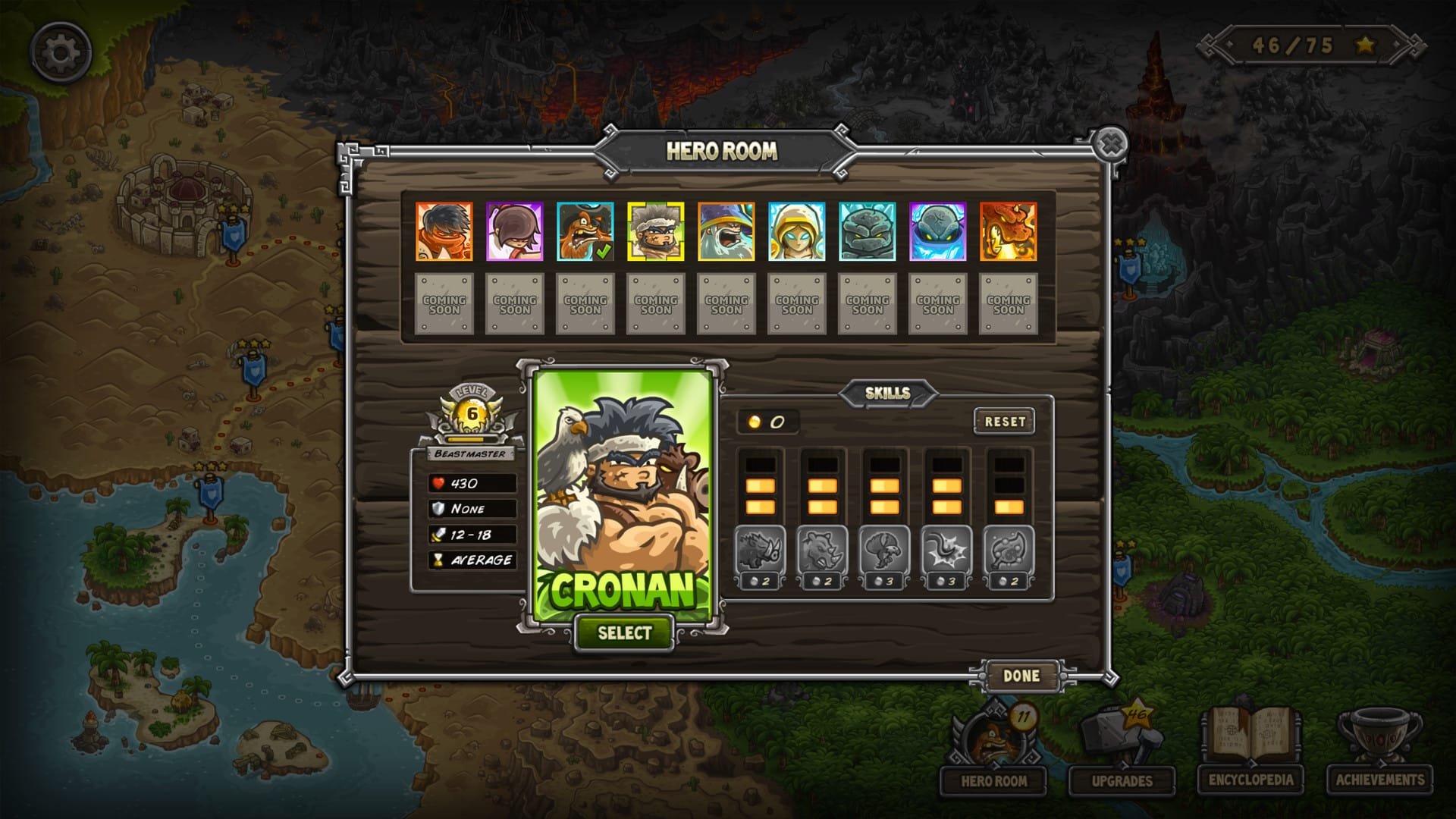
16 legendary heroes. Choose your champions and train their abilities! Each has unique specialties that fit different play styles! and More to come!
Special units and features on every stage! Watch out for the Black Dragon!
Merciless boss fights! Hey, we told you to get those upgrades…
Upgrade system allows you to min/max your towers towards your preferred strategy.
Hours of gameplay with over 80 achievements!
Classic, Iron, and Heroic game modes to challenge your tactical skills!
Three difficulty modes! Are you up for a real challenge? Go with Hard mode!
Intoxicating charm with a rousing score, full-bodied voice-overs and lovingly illustrated cartoon art! (Complete with cartoon blood, naturally.)
In-game encyclopedia! True warriors know thine enemies… and their towers. Study up!
Nuendo is the most advanced audio solution available to film, TV, gaming and immersive audio professionals worldwide.
Since its first release, Nuendo has been a vital tool in creating the soundtrack to many high-profile productions, products and installations.
Regular updates with new features, workflow improvements, and additional user-requested features mean that Nuendo consistently exceeds the expectations of an audio posting workstation with high-quality—often unique—features that continue the ongoing revolution in audio production software. and multimedia.
Clear speech is the most important element in the audio storytelling of streaming content, movies and television. Nuendo 12 includes many new features and improvements that not only help you hear dialogue clearly, but also enable sound engineers and post-production studios to work as quickly, accurately and efficiently as possible. With new features for recording and editing dialogue, creating binaural mixes with headphones, and more, Nuendo 12 is rightfully the home of dialogue.
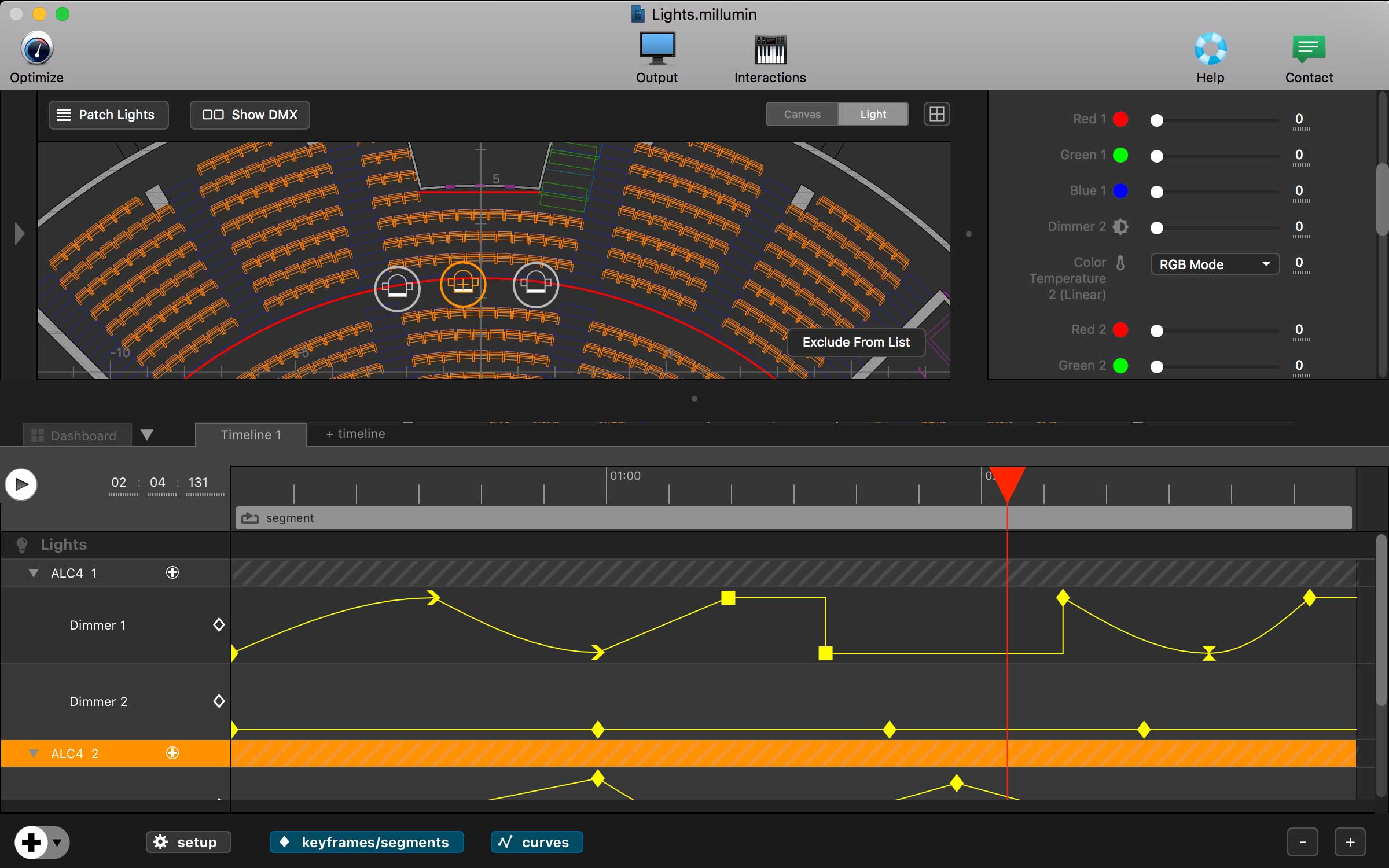
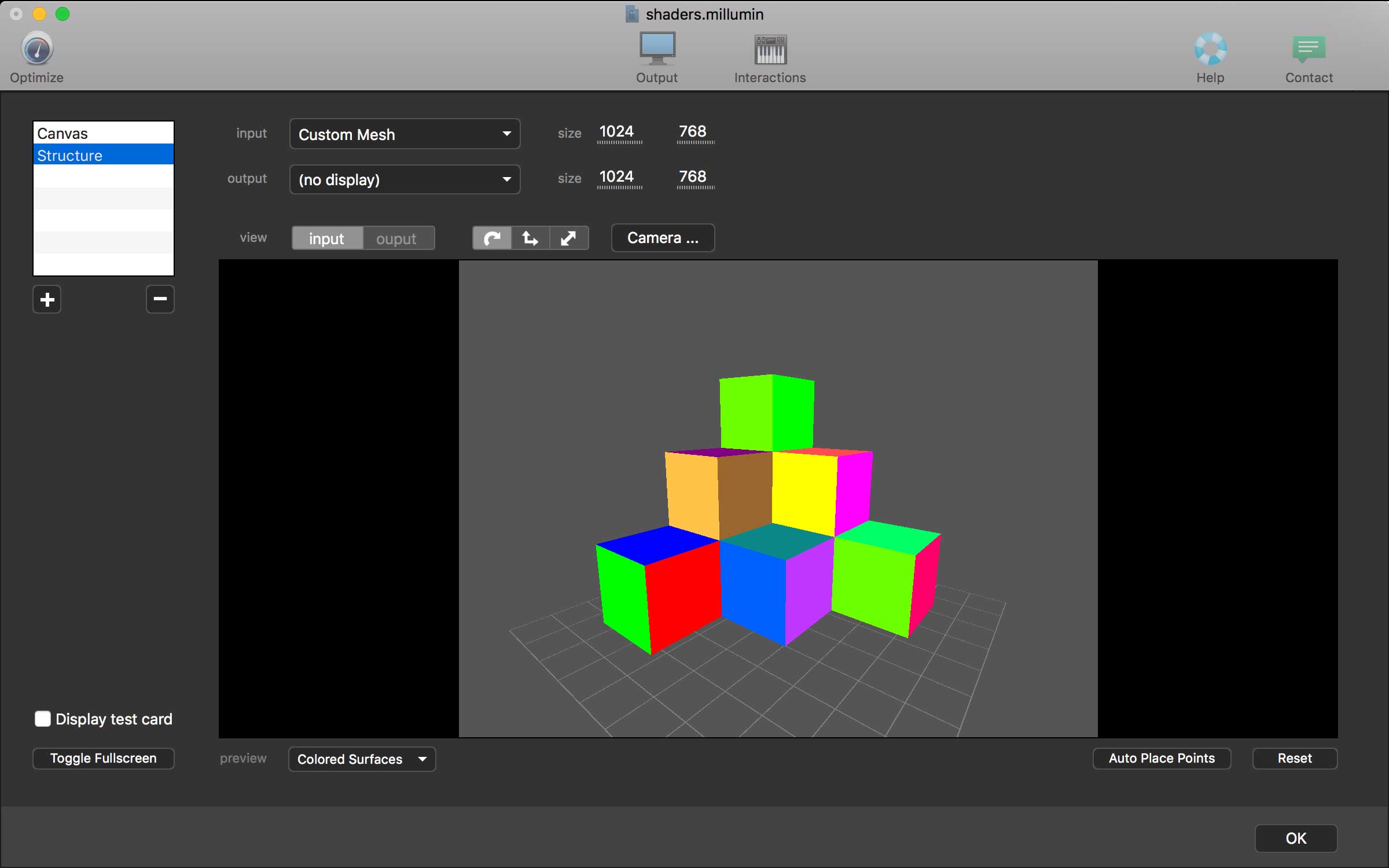
Millumin – create audiovisual and interactive shows, Theater, Dance, Videomapping, Interactive installation. Millumin is a creative solution to bring your ideas to life. It is tailored to play your live show and tell your story.
What’s New:
Version 4 v4.16.f:
Release notes were unavailable when this listing was updated.
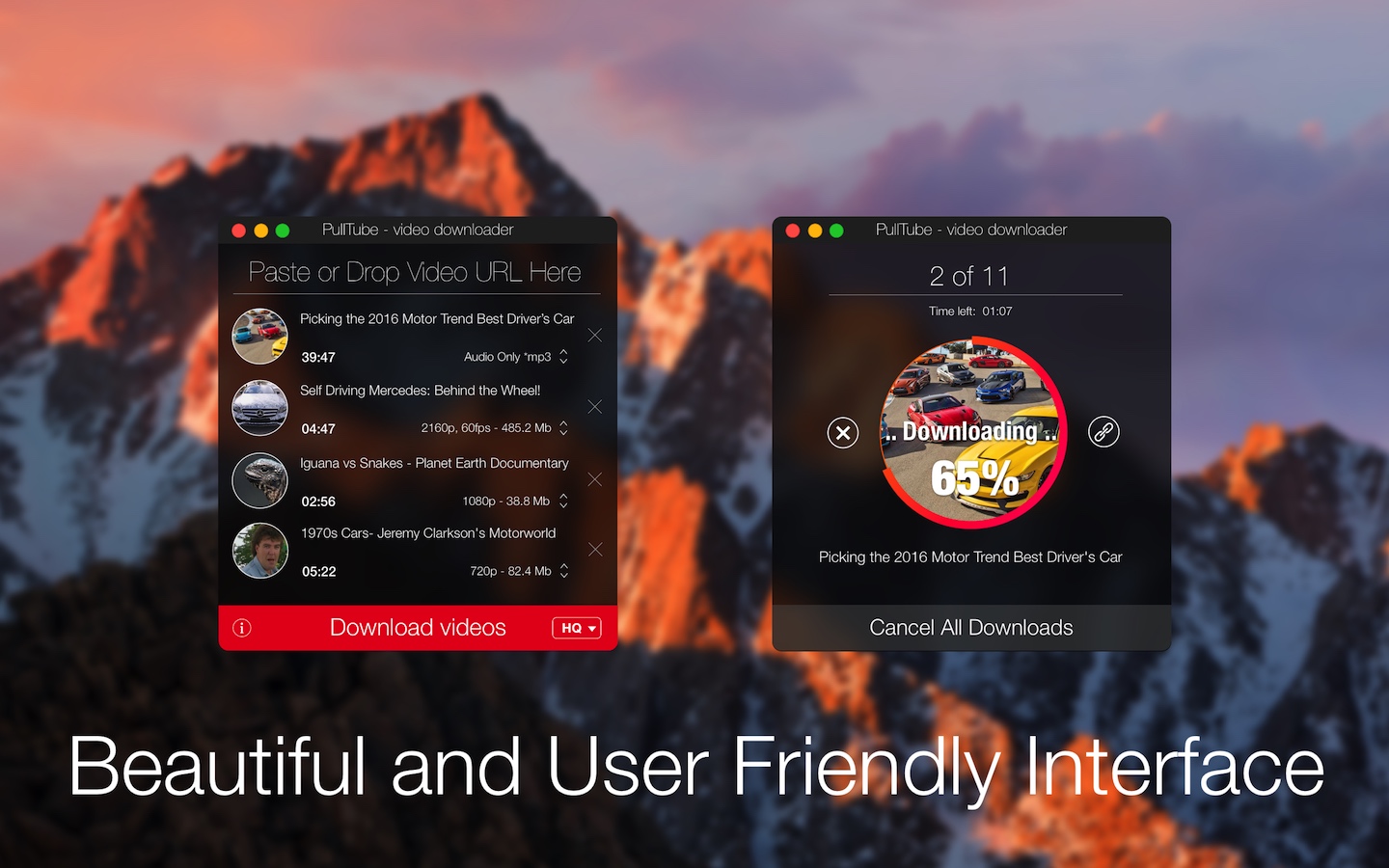
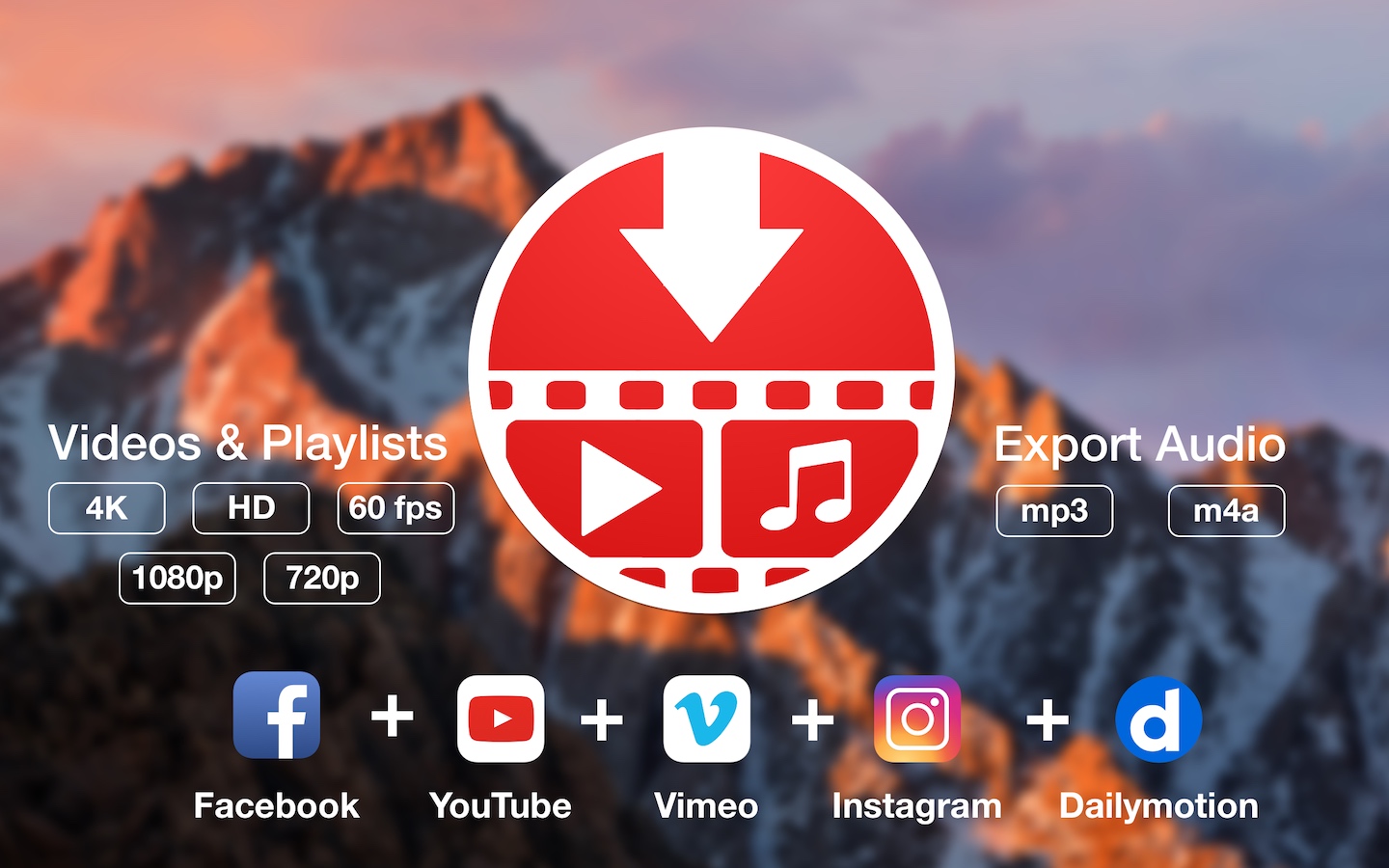
A beautiful online video downloader for your Mac PullTube proposes a streamlined workflow for quickly downloading videos from YouTube or Vimeo, provides control over the output quality, and enables you to extract the audio to MP3 or M4A files. The PullTube app can handle videos of any duration or size, and you get to monitor the download progress within its main window. The utility also integrates with the Notification Center to send completion alerts.
YouTube and Vimeo
Supports Youtube and Vimeo. More platforms to be added upon user requests.
4K, HD and 60fps support
PullTube allows you to download video in any format available
Video to Audio
Convert and save videos to mp3 and m4a
Beautiful and Flexible Interface
Nice looking, dark user interface
What’s New:
Version 1.8.5.12:
Release notes were unavailable when this listing was updated.
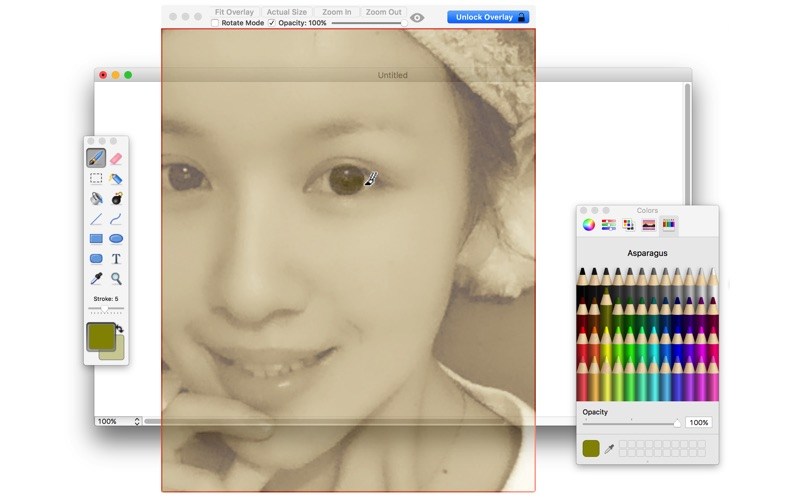
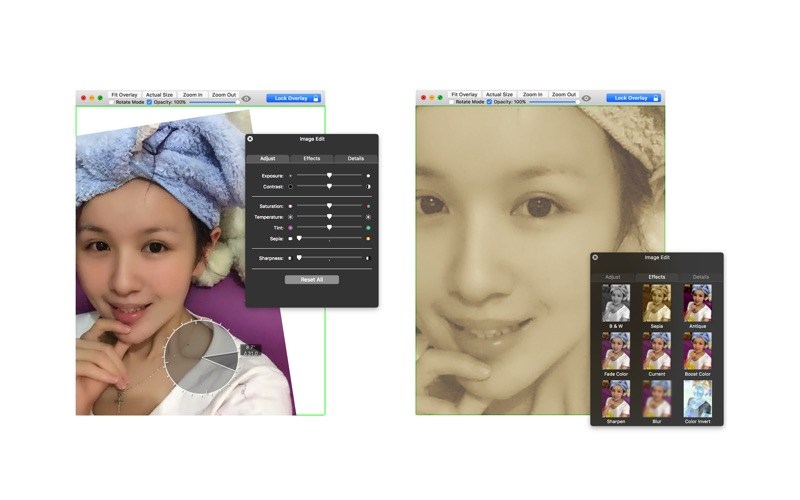
A frame that allows you to have an image or even PDF displayed semi-transparently in front of everything. It enables you to copy, trace, or compare designs, images, and documents with ease since you can lock the frame and make it undisturbed by mouse gestures.
It’s a transparent overlay of an image or document on your screen that you can click through – like a transparent sticker on your screen.
Overlay is especially useful for artists, designers, and students as it allows you to make your art or design from or reference photos and screenshots.
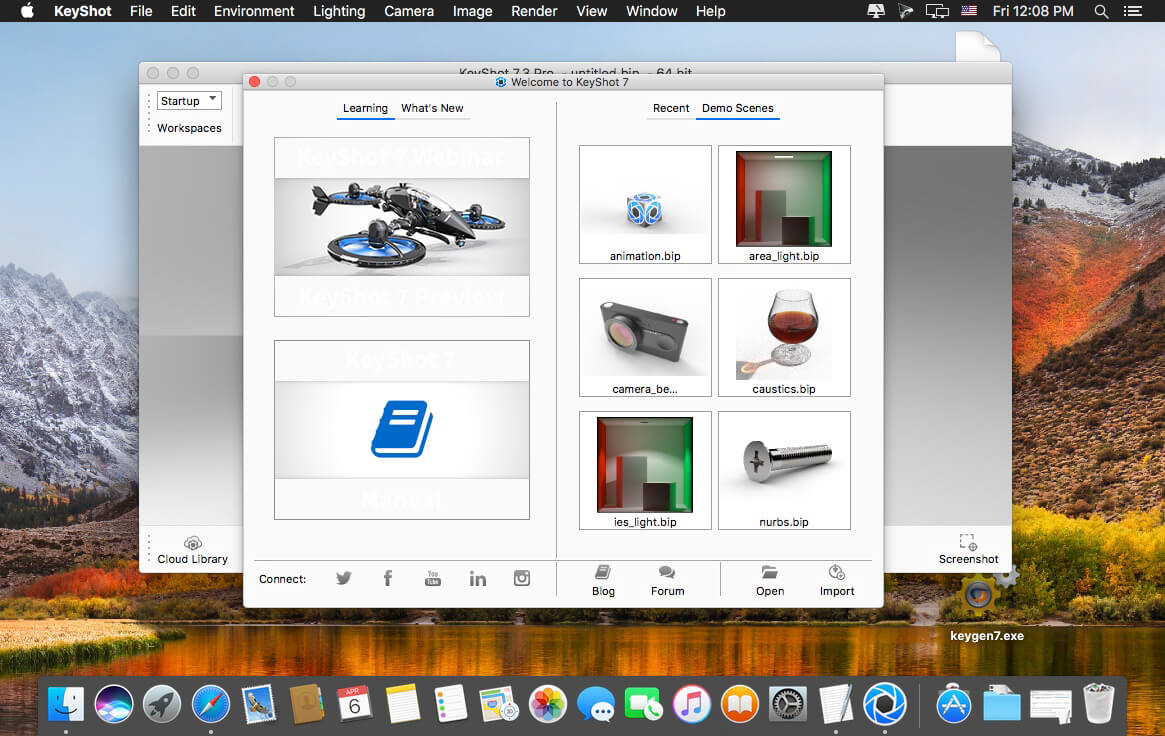
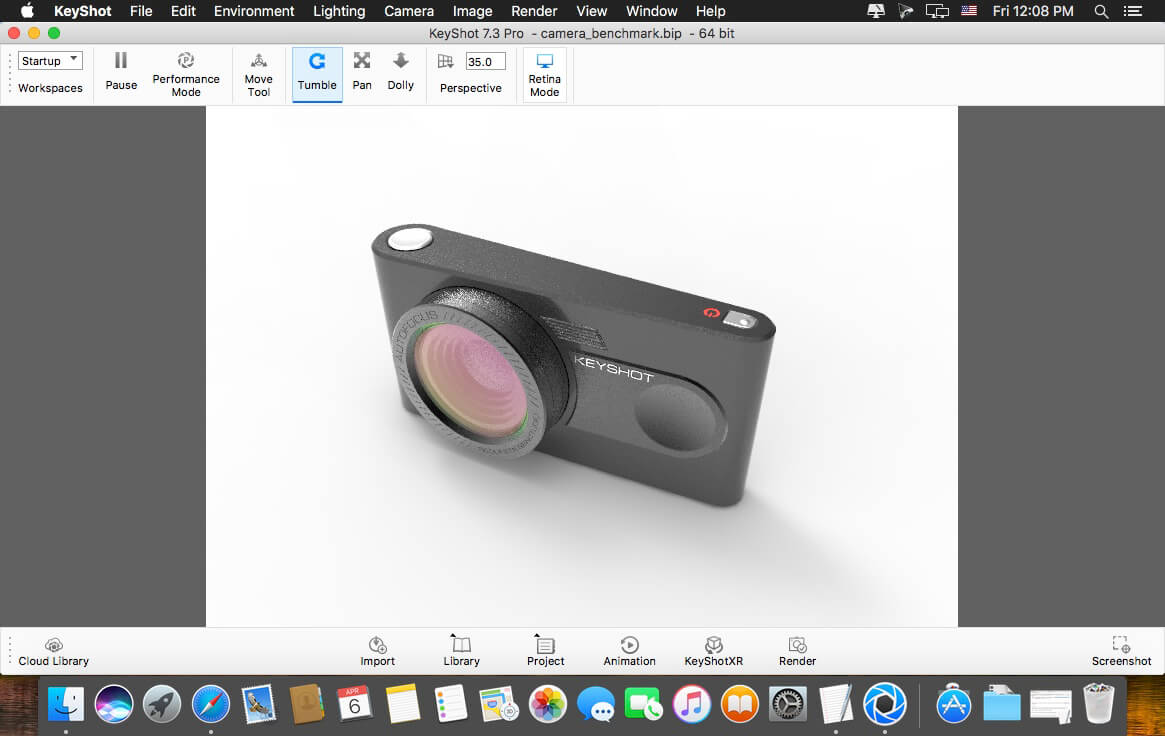
KeyShot is everything you need to create fast, accurate and amazing visuals. Featuring a real-time workflow to see your renderings and animations take shape instantly, KeyShot reduces the time it takes to create that perfect shot. From scientifically accurate material and environment presets to advanced material editing and animation, creating product visuals or sales and marketing imagery has never been easier.
Key Features: GPU Mode
KeyShot 9 introduces the ability to harness the full GPU-accelerated ray tracing power of NVIDIA RTX with OptiX. Available for both real-time rendering and local render output, KeyShot’s GPU Mode allows GPU resources to be accessed with one-click to take advantage of multi-GPU performance scaling and the dedicated ray tracing acceleration hardware in NVIDIA RTX-capable GPUs.
Denoise
Smooth, fast, beautiful renderings with the click of a button. Denoise works in both CPU and GPU mode to eliminate noise in the Real-Time View and render output. It turns that time crunch into a time-saver. Turn Denoise on and watch your image render up to 30x faster with the advantage of using it in an unlimited number of KeyShot Image Styles.
RealClothTM (PRO)
RealCloth is a patent-pending technology from Luxion driving a powerful, new material type which allows the creation and visualization of realistic woven materials. The material type provides control of the weave pattern (Pro) and ability to easily add flyaway fibers. New RealCloth materials have been added to the Library as well.
Web Configurator (PRO)
KeyShot 9 introduces the power to generate interactive, browser-based product configurators. Featuring fully-rendered product variations using the models, materials, and Studios of your choice, web configurators can be produced to share privately or hosted online to provide a more engaging product option experience.
3D Model Library
KeyShot 9 brings you a new Model Library filled with the highest-quality, specially curated 3D models to complement the products in your scene. All 3D models come complete with materials and textures, and are easily searched, filtered, and added to any scene with a simple drag-and-drop from KeyShot Cloud.
Creative Freedom
Unlock your imagination.
With new materials and textures, KeyShot 9 opens up your creative freedom for a new level of detail and control over your product visuals.
Fuzz Material (PRO)
For that warm, fuzzy feeling.
That warm, fuzzy feeling flooding over you isn’t in your head, it’s a new material geometry shader that brings a whole new level of realism to your products. Just open up the KeyShot Material Graph (Pro) and add any amount of fuzz you need on the surface of any material. Control length, randomness, density and more for that perfectly, fuzzy look.
and more…
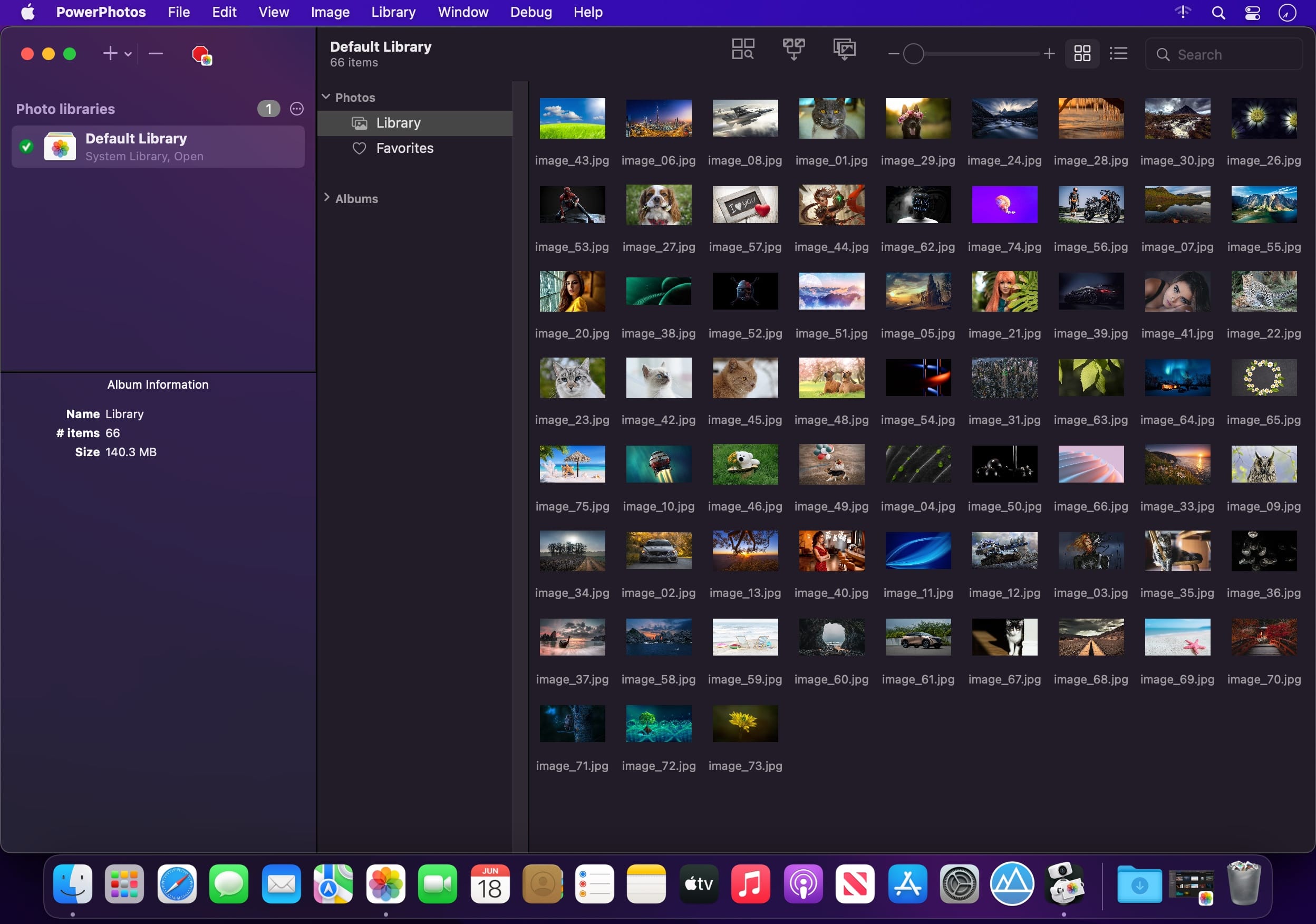
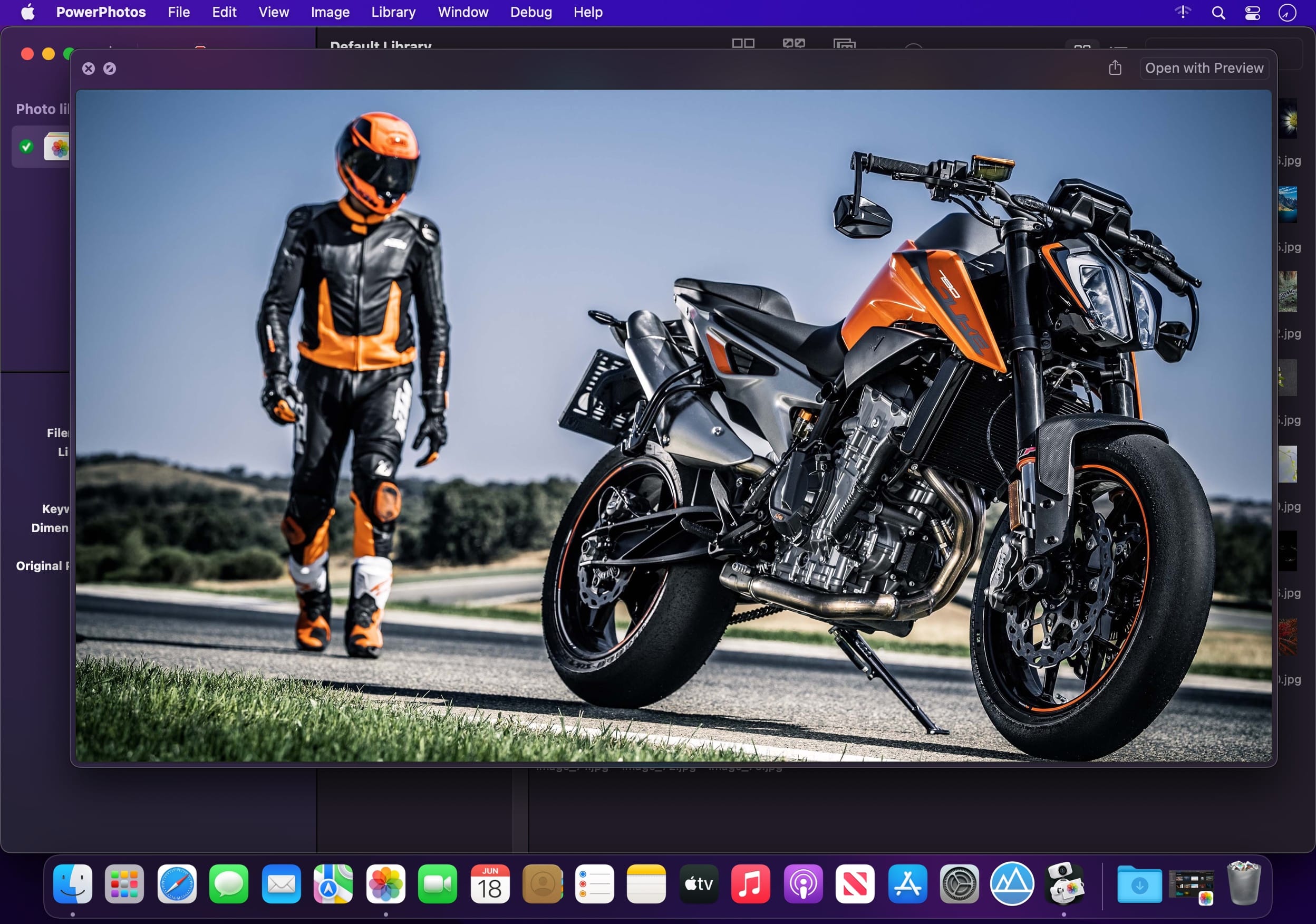
PowerPhotos – The ultimate toolbox for Photos on the Mac. PowerPhotos works with the built-in Photos app on your Mac, providing an array of tools to help you get your photo collection in order.
Create and manage multiple libraries
Instead of being limited to putting all your photos in a single library, PowerPhotos can work with multiple Photos libraries, giving you many more options for how to organize your ever growing photo collection.
Splitting your photos between multiple libraries helps Photos open more quickly, lets you archive older photos, store some of your collection on an external hard drive, and reduce storage space used by iCloud Photo Library.
Copy photos and their metadata
You can split your library by copying albums and photos with a simple drag and drop. PowerPhotos will take care of copying the photos and retaining their metadata, including keywords, descriptions, titles, dates, and favorite status. Read more about what PowerPhotos can copy.
Merge Photos libraries
Got a whole bunch of libraries you want to consolidate into one? PowerPhotos lets you merge your libraries together while weeding out duplicate photos in the process. You will be shown a preview of what your merged library will look like before any modifications are done, to ensure your merged library looks how you want.
Find duplicate photos
It’s easy to have multiple copies of the same photo creep into your photo collection over time. Use PowerPhotos to find duplicate photos in one or more libraries, view them side by side, and separate them into albums where you can easily delete them from your library.
Browse and search
Use PowerPhotos’ image browser to quickly view your photos without having to open Photos itself. View detailed photo information using List View, and search for photos across all your libraries at once.
Migrate your iPhoto/Aperture libraries
If you have a lot of existing iPhoto or Aperture libraries that you want to migrate over to Photos, PowerPhotos will help automate your migrations so you don’t have to spend time babysitting this lengthy process.
New features:
Improved iCloud Photos support: If you use iCloud Photos, PowerPhotos 1.x was only able to see photos in your library that had already been downloaded to your local hard drive. For users with the “Optimize Mac Storage” option enabled, this could mean a significant portion of your iCloud library would not be visible to PowerPhotos. In PowerPhotos 2.0, it can now see and work with any photos in your iCloud photo library, and will automatically download any photos from iCloud as needed.
Advanced exporting: Photos has an export command, but it is fairly limited in what it can provide. PowerPhotos 2.0 has a new, more fully featured export function with options such as
Export as a flat folder or as a folder hierarchy in the Finder that mimics your album hierarchy
Export unmodified photos, or as JPG, PNG, HEIF, or TIFF of different sizes
Include captions, dates, keywords, and titles in EXIF metadata
Retain or strip location metadata
Optionally include videos from Live Photos and all photos from a burst
Set Finder creation/modification dates to the photo’s EXIF date
Video export support as H.264 or H.265
Global menu bar item: Get fast access to your libraries via a global item in your menu bar even when PowerPhotos itself isn’t running.
Library groups: For those with lots of libraries, you can now organize your libraries into groups in the PowerPhotos sidebar.
Multiple windows: You can now open each library in a separate window in PowerPhotos, allowing for easier comparison between libraries, and dragging and dropping photos/albums between libraries.
New duplicate search engine: PowerPhotos 2.0 uses a new duplicate comparison algorithm that can find more duplicate photos which are not quite 100% identical, such as scaled down copies of photos, photos that have been resaved in a different format or with different compression, and even photos with minor edits applied to them.
Faster library loading: PowerPhotos 2.0 has rewritten a bunch of its internals to load your library much faster than PowerPhotos 1.0.
Improved AppleScript support: New support for copying albums or photos between libraries, merging libraries, and exporting photos/albums from a library.
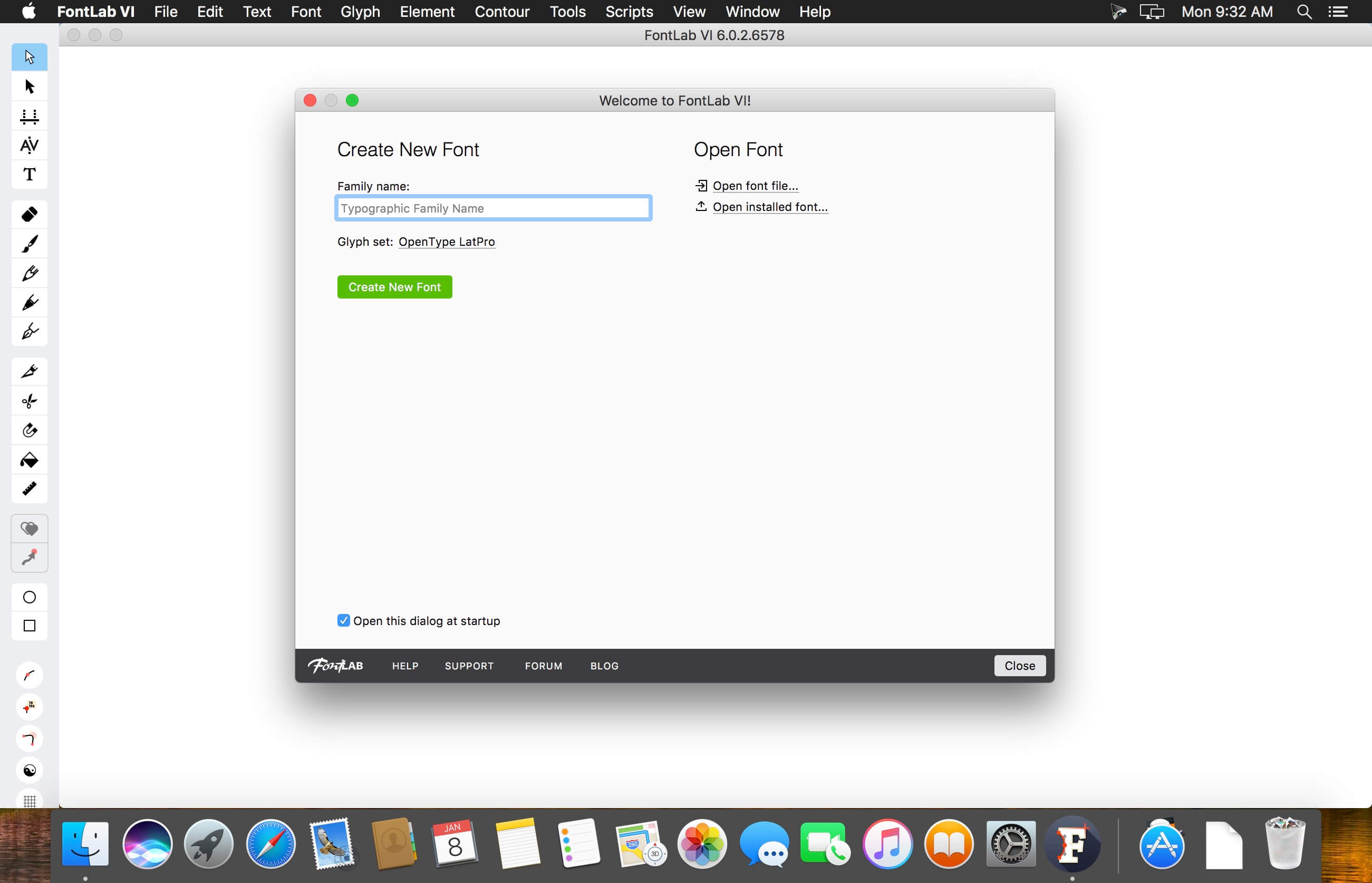
FontLab 7 for macOS is a modern, professional font editor, crafted for type designers and font geeks. It lets you create, open, modify, draw, space, kern, hint and export desktop, web, color and variable OpenType fonts for any Unicode writing system, from Latin, Cyrillic and Greek, to Arabic, Hebrew and Indic, all the way to Chinese, Japanese, emoji, symbols and icons.
FontLab also gives you groundbreaking new drawing tools and responsive contour operations to make your design process easier and more efficient, whether you’re an expert or a beginner. FontLab now supports color and variability, so you can explore these new possibilities and expand your creative reach.
What’s New:
Version 8.2.0.8532 Beta:
Release notes were unavailable when this listing was updated
Say goodbye to camera limitations and bad lighting. Open the possibilities of using AI enhanced video. This automatic video enhancement technology is revolutionizing the industry by using artificial intelligence to increase the quality of your video frame by frame
Simple, real-time automatic video enhancement
If you’re going to enhance video with AI, it needs to be done right. We took care of the complicated part so your business can benefit from a simple, easy solution.
Perfectly Clear Video will automatically
– Bring your video to life with light and color correction
– Remove tint
– Powerfully recover highlights
– Create better contour, depth, and color tone on faces
– Vividly enhance skies and foliage
– Provide an exceptional exposure correction on any backlit videos
BetterMouse is a macOS utility improving external mouse performance and functionalities, aiming for replacing bulky, intrusive, and resource-hungry mouse drivers like Logitech Options. It’s feature-rich, light-weighted, efficiency-optimized, and perfectly privacy safe, trying to meet all your needs for using a 3rd-party mouse on macOS.
Features
Scroll
Butter smooth scroll, with fully configurable settings of duration, direction, acceleration, etc.
Precise configurable discrete scroll with or without acceleration.
Shift-scroll to horizontal on/off, with configurable speed, direction.
Ctrl-scroll to zoom/pinch.
Thumbwheel zoom for hi-res thumbwheel.
Cursor
Separated cursor acceleration & speed control, acceleration can be completely eliminated.
Precise mouse fps counter.
Button/gesture mapping
Mapping every extra mouse button to any keyboard shortcuts & extensive special actions.
Up/down/left/right gestures mapping for every extra mouse buttons.
Modifier keyed button/gesture mapping.
Click-through feature for left/right click for direct actions to inactive window with one click.
Click-through option for every mapping independently.
Right click free pan view.
Exception apps
Per-app independent settings for scroll setting & button/gesture mapping.
App
Menu bar app with hide-able app icon.
Clean & safe, with no custom network access, no file access.
Fully optimized algorithm with extremely low CPU & power usage.
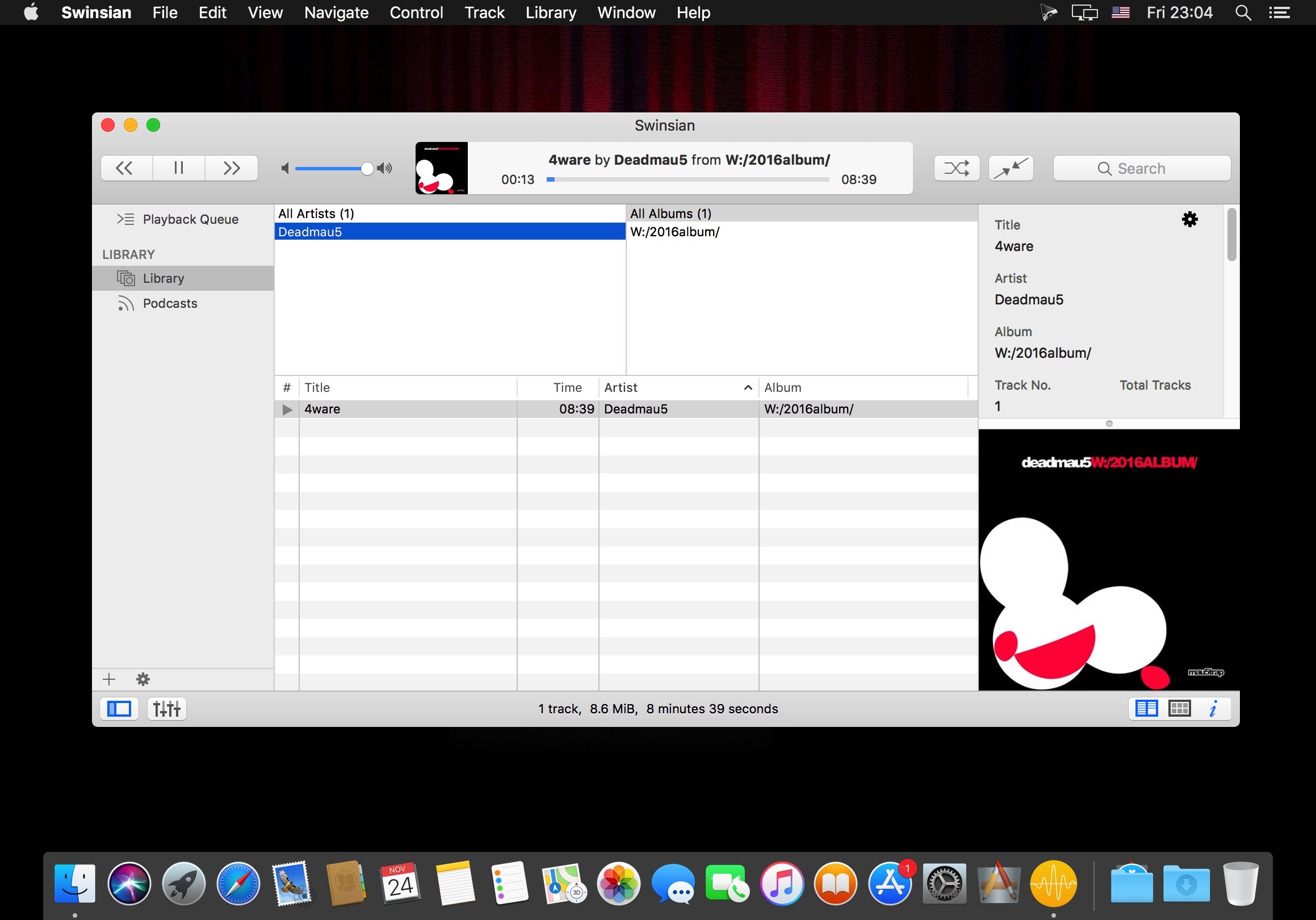
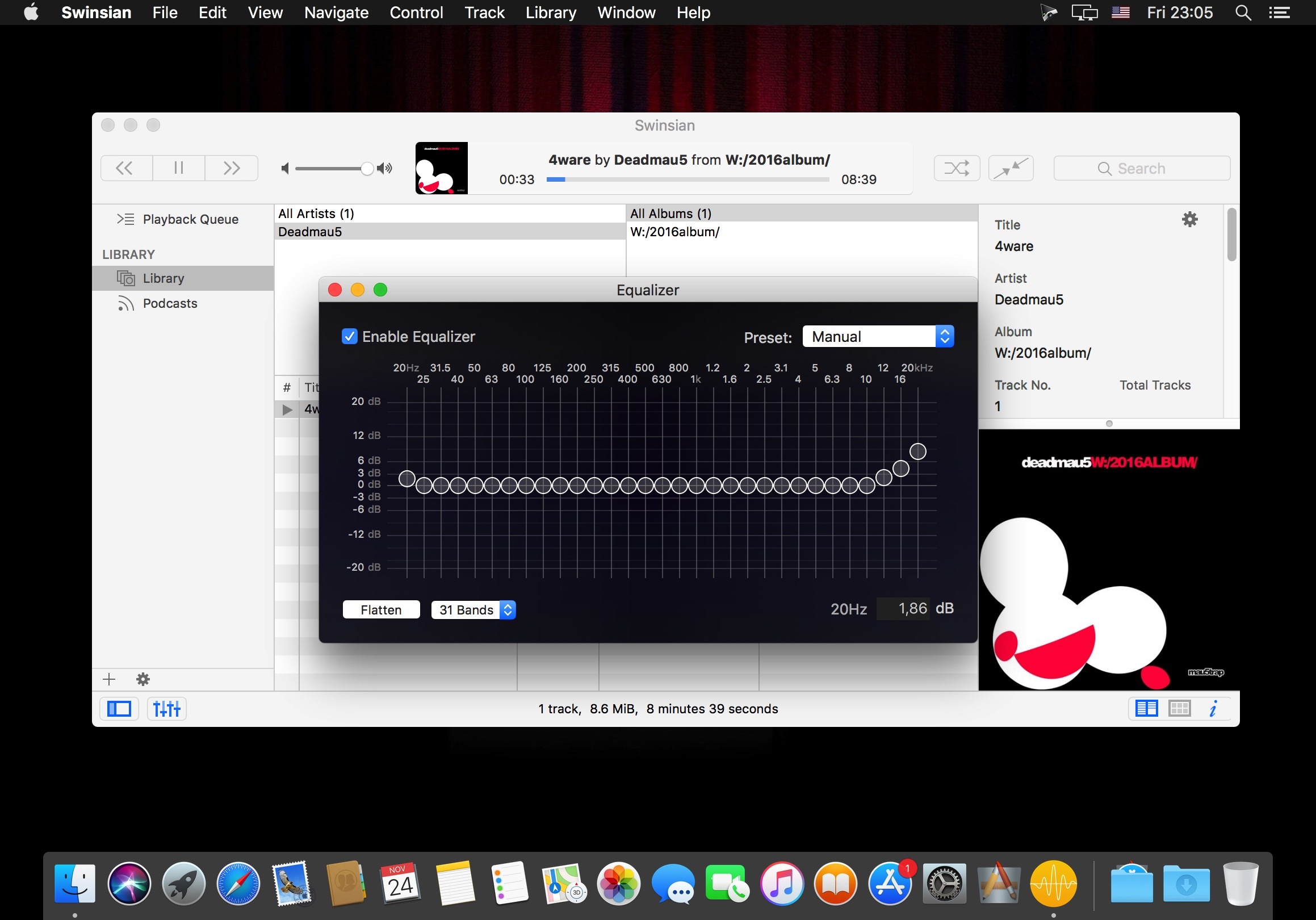
Swinsian is a sophisticated music player for macOS with wide format support, folder watching and advanced tag editing and designed to be responsive even with the largest libraries.
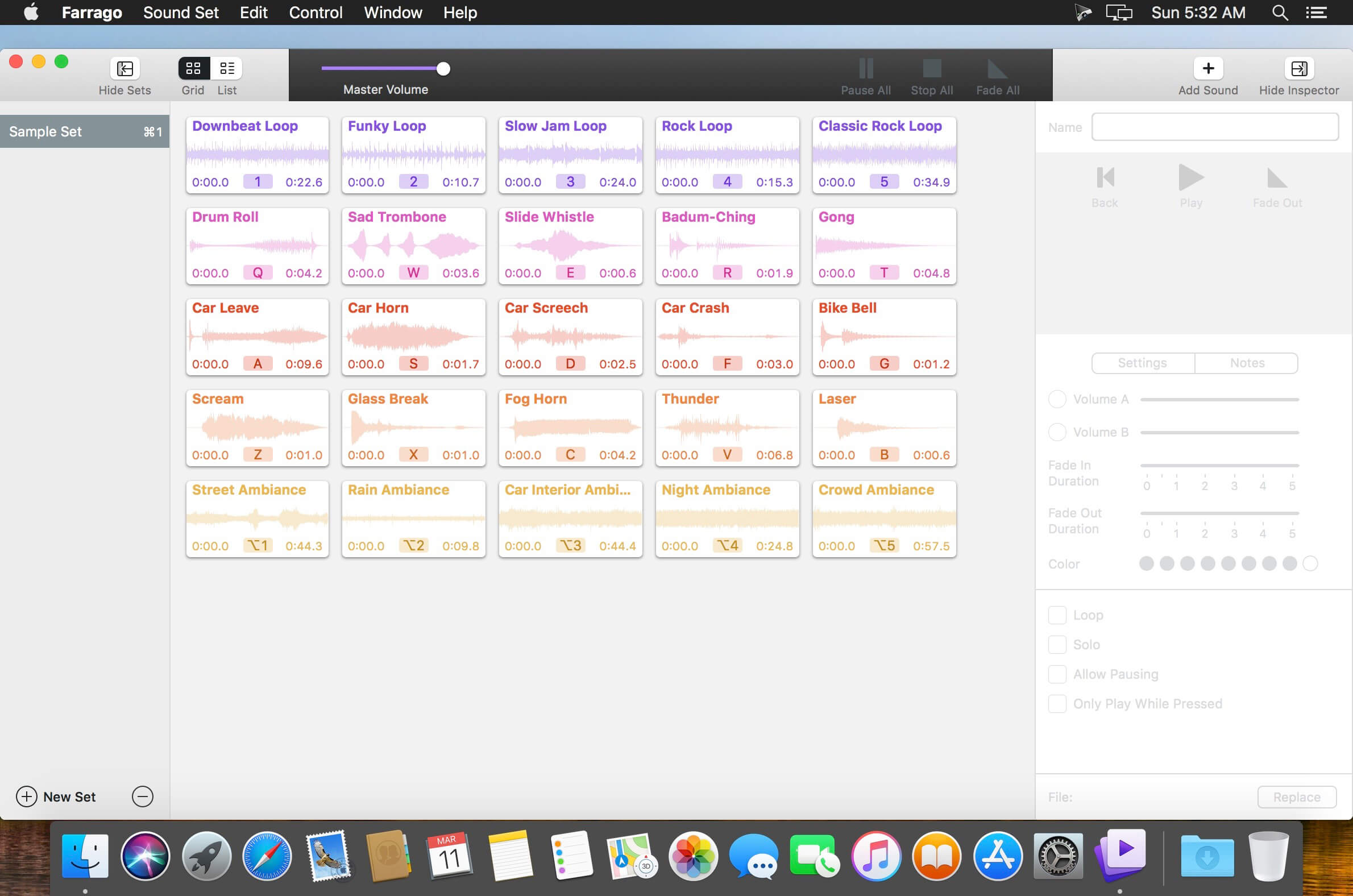
Farrago provides the best way to quickly play sound bites, audio effects, and music clips on your Mac. Podcasters can use Farrago to include musical accompaniment and sound effects during recording sessions, while theater techs can run the audio for live shows. Whether it’s providing quick access to a large library of sounds or running through a defined list of audio, Farrago is ready to assist!
Powerful Tile Interface: Farrago’s tile grid lets you lay out your audio exactly how you want it. Put your sounds at your fingertips and work the way you want.
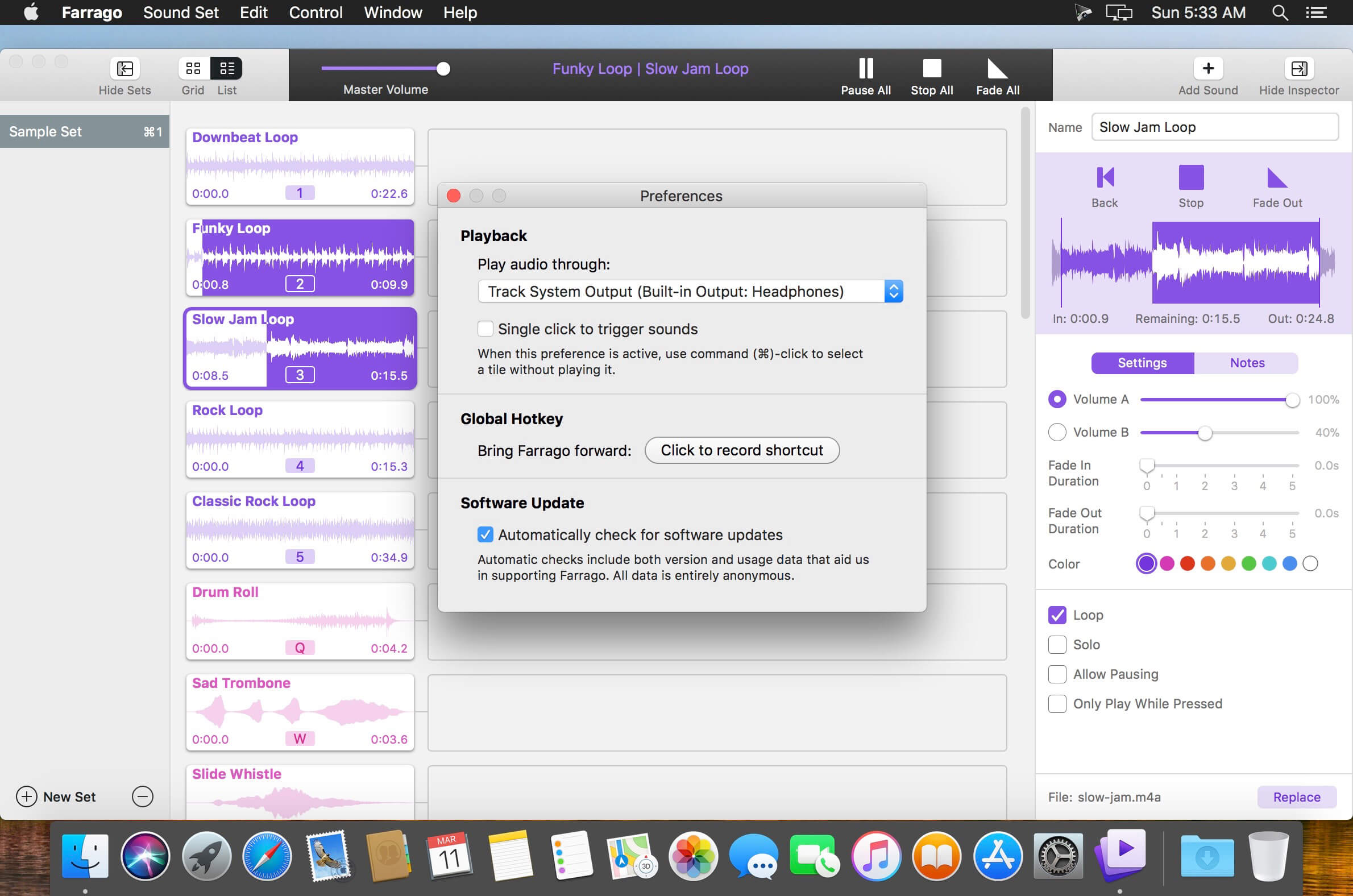
Customize With the Inspector: Use the inspector to tailor each sound’s settings to your needs. Set the tile name and color, tweak in/out points, alter fade settings and more.
Organize With Sets: Create distinct groups of audio based on mood, show, or any other critera you like. Using sets makes managing audio a breeze.
Sound Sets: Farrago’s default sound set is useful, but you can create your own sets based on show, mood, or anything else you like.
A Thoughtful Interface: Farrago’s tile-based layout provides an easily understood way to play your audio via the keyboard or mouse.
Global Access via Hotkeys: With Farrago’s user-definable Global Hotkey, you can pull the app forward, then use the in-app shortcuts to instantly trigger your desired audio.
Perfectly Clear Workbench is an application that uses Athentech’s Perfectly Clear image correction libraries and is made available to demonstrate the capabilities of the Perfectly Clear processing libraries, face detection library and to allow a quick export of the processing settings for use.
One of the key features in Workbench is the ability to “export to API” when saving a Preset. This allows you to make image corrections in Workbench and tune the settings to match your style and correction needs. Then, you can quickly export these settings to a text file – ready to be copy / pasted into your source code with our image correction SDK.
What’s New in Perfectly Clear WorkBench 4
1. Beautiful new interface
2. New image correction tools
a. Preprocessing section for Input Looks and “Image Ambulance” for manual exposure corrections
b. “Face Aware” exposure for more accurate auto-exposure corrections in portraits and group photos
c. Black Point tool to deepen blacks
d. New Color Vibrancy tool to complement our previous “Vibrancy” control (now renamed to Color Restoration)
e. Sky and Foliage enhancements
3. Existing tools have been improved
a. Added strength sliders to Light Diffusion and Vibrancy for better control
b. Better ‘color pickers’ for Skin Tone and Blush adjustments
4. Manually identify faces that are not detected automatically
5. One-click to zoom to individual faces
6. Modify facial regions to provide the best corrections
7. Histogram
8. Much improved preset management
Supported Image Formats
Perfectly Clear requires RGB-formatted images in either 8 or 16-bit color depth. Any image file that Photoshop or Lightroom can open and convert to this format may be used in Perfectly Clear. Monochrome and CMYK images must be converted to RGB before using Perfectly Clear. RAW files must be opened through Adobe Camera RAW and loaded into Photoshop to be accessible to Perfectly Clear.
What’s New:
Version 4.4.5
Release notes were unavailable when this listing was updated.
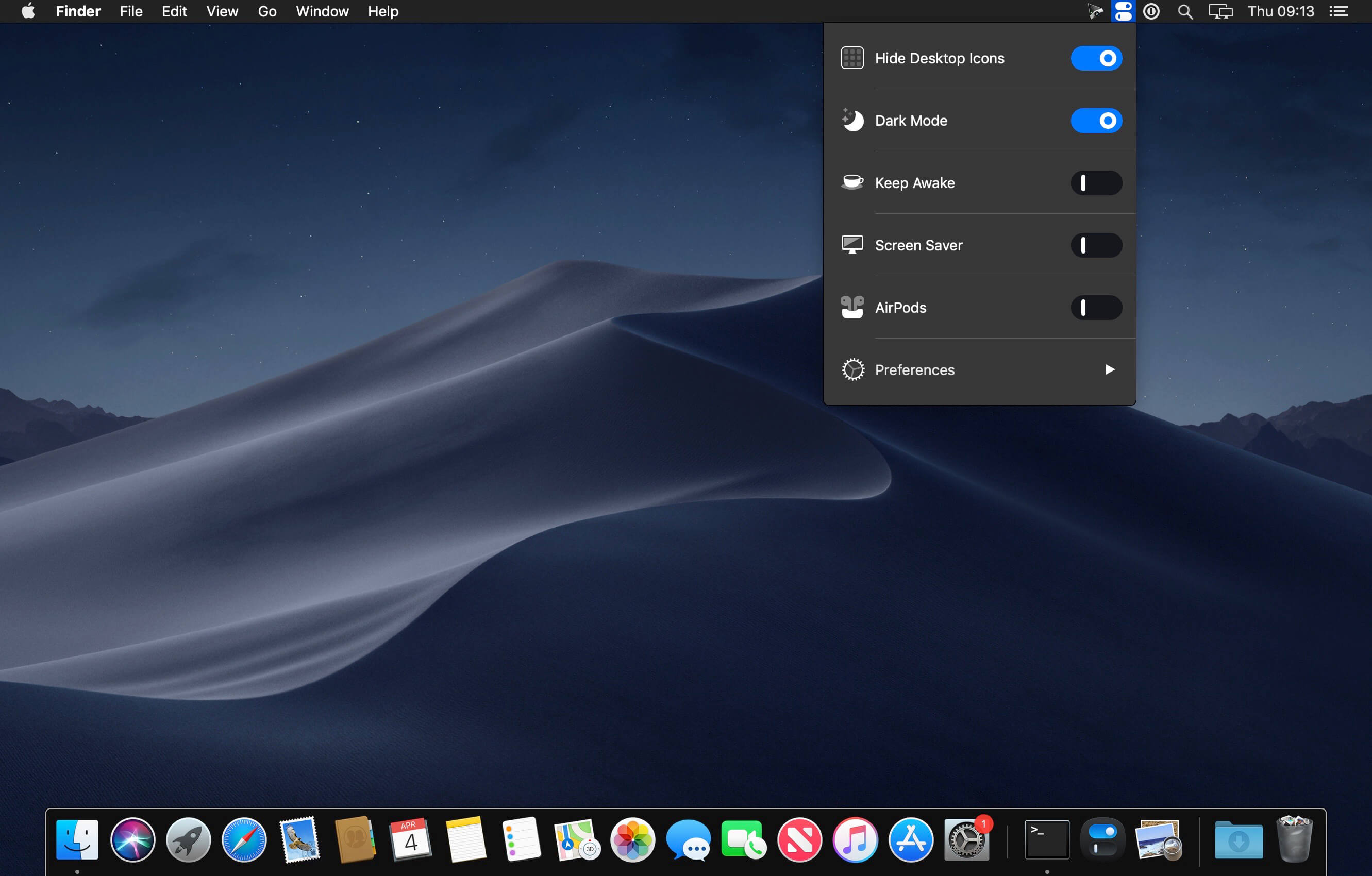
One Switch is a tiny app designed to improve your efficiency by providing quick access to a few important switches. It can be opened from your menu bar, and it allows you to toggle certain system features with just a couple of clicks.
Hide Desktop Icons Hide your messy desktop with one click.
Dark Mode
Toggle Dark Mode at any time.
Keep Awake
Prevent your Mac from sleeping or displaying the screen saver.
Screen Saver
Sometimes you will like to turn it on manually.
AirPods
Connect AirPods with your Mac in just a second.
What’s New:
Version 1.31:
Release notes were unavailable when this listing was updated.
iA Writer Pro is a professional writing suite that gives you full control over your notes, drafts and edits.
Unmatched Writing Experience
iA Writer is designed to provide the best digital writing experience: Keep your hands on the keyboard and your mind in the text.
Swipe Right to Library
iA Writer now comes with an integrated library for all your documents. With a swipe to the right you have easy access to all your texts in one place.
Swipe Left to Preview
With synchronized scrolling Preview, iA Writer consciously separates form and content. It optimizes plain text writing while offering stellar formatted export—with world class typography.
Focus Mode and Syntax Control
iA Writer is famous for offering a deeper focus on your text. Its unique tools improve your writing style by honing your concentration: One sentence at a time, or by highlighting different parts of speech.
All Your Documents on All Your Devices
With seamless Dropbox and iCloud sync, iA Writer keeps your documents safe and at hand on whatever device you are using when inspiration strikes.
Features
Integrated document Library
Synchronized scrolling Markdown Preview
Beautiful Preview templates with curated fonts
Focus Mode fades all but the current sentence, for maximum concentration
Convert formatting to Microsoft® Word .docx, and back again
Also export formatting to HTML and beautifully styled PDF
Auto Markdown formats text on-screen
Night Mode
Real-time iCloud and Dropbox sync
Reading Time; plus sentence, word, and character count
Customized for Retina displays
Handoff support
Full screen for total immersion in the text
What’s New:
Version 6.0 Wikilinks
Wikilinks make it easy to connect, browse, and rediscover your writing
A [[wikilink]] is a link from one text file to another
To make a wikilink, just type [[ and the name of the file you would like to link
Autocomplete suggests files from your Library
Open the linked file with ⌘-click, or ⌘⏎
If the file doesn’t exist, it’ll be automatically created and ready to type
Navigation History
Navigation history keeps track of the files you recently opened using wikilinks, Library, or Quick Search
To go back and forward, hold ⌘ and swipe right or left anywhere in the document
Click the history buttons in the title bar
Or press ⌃⌘← and ⌃⌘→
Hashtag Improvements
Hashtags can be now added anywhere in text
Autocomplete suggests hashtags as you type
Consistent styling for hashtags and other links
Show a hashtag in Quick Search with ⌘-click, or ⌘⏎
Autolinks
All web links and email addresses are automatically detected
Open a link in browser or compose a new email with ⌘-click, or ⌘⏎
Control how wikilinks, hashtags, and autolinks are exported in Markdown settings
Content Block Improvements
To add a content block, type / at the beginning of a line and the name of the file you would like to include
Autocomplete suggests files from your Library
A path to a file is no longer required. Filename-only content blocks automatically find the nearest matching file
Open a text content block with ⌘-click, or ⌘⏎
If the content block file doesn’t exist, it’ll be automatically created and ready to type
Metadata
All-new metadata engine enables powerful new features
Provide variables to text content blocks, width and height attributes to image content blocks
Supports Markdown in metadata variables
Define global metadata in Markdown settings
Look and Feel
Completed tasks are faded and crossed-out
All-new highlight colors: yellow, orange, pink, purple, blue, and green
Choose your favorite highlight color and configure completed task appearance in Editor settings
Editor Improvements
Editor automatically inserts closing brackets
Select text and type an opening bracket to wrap selection in matching brackets
Added indent width setting
Changed strikethrough shortcut to ⌥⌘U
Changed highlight shortcut to ⇧⌘U
Changed code shortcut to ⌘J
Added code block command with shortcut ⇧⌘J
Disabled spell checking, autocorrection, autocapitalization, and smart punctuation in code
Set up ⌘E shortcut to use selection for find
Changed shortcut to mark task as completed to ⌥⌘X
Other Improvements
Changed Library shortcut to ⌃⌘S
Task list items are searchable with Smart Folders and Quick Search using [ ] and [x]
Added ability to show and sort by date created in Library
Added fuzzy Library Path matching to Quick Search
Added an option to always show the title bar
Replaced Delete in Library with Move to Trash, hold ⌥ to delete immediately
Stopped asking to keep document changes by default, configurable in Files preferences
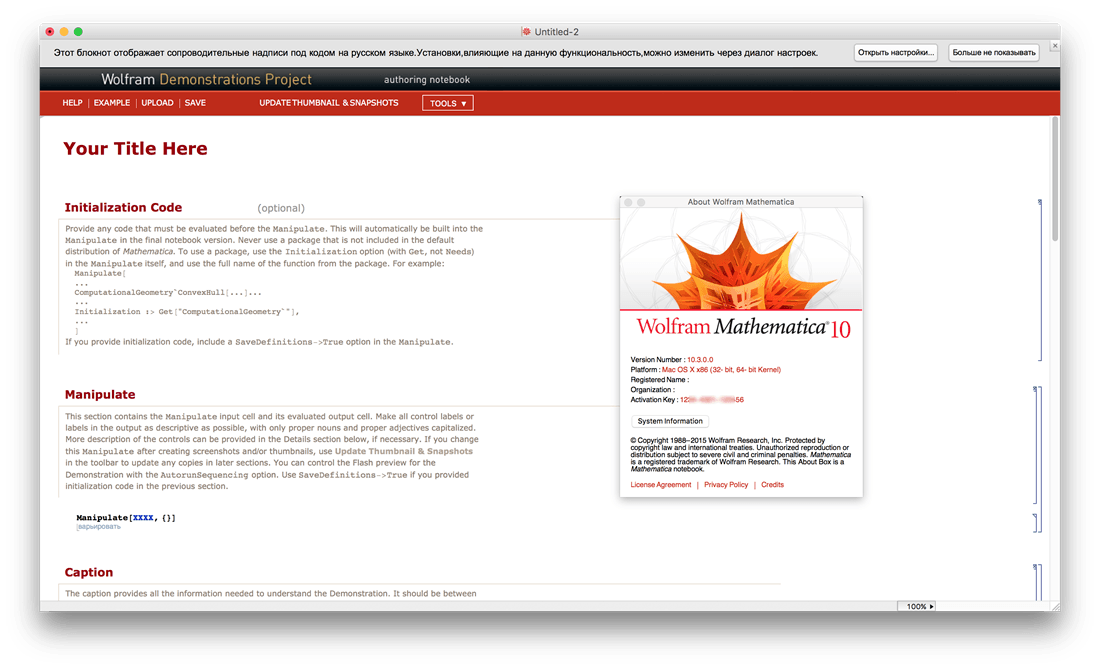
Mathematica is the tool of choice across the technical world for everything from simple calculations to large-scale computations, programming, or presenting. Throughout industry, government, and education, two million people – from students to Nobel Laureates – use Mathematica to achieve more.
Mathematica seamlessly integrates a numeric and symbolic computational engine, graphics system, programming language, documentation system, and advanced connectivity to other applications. It is this range of capabilities – many world-leading in their own right – that makes Mathematica uniquely capable as a ‘one-stop shop’? for you or your organization’s technical work.
For Modern Technical Computing, There’s No Other Choice
With energetic development and consistent vision for three decades, Mathematica stands alone in a huge range of dimensions, unique in its support for today’s technical computing environments and workflows.
A Vast System, All Integrated
Mathematica has nearly 5,000 built-in functions covering all areas of technical computing—all carefully integrated so they work perfectly together, and all included in the fully integrated Mathematica system.
Not Just Numbers, Not Just Math—But Everything
Building on three decades of development, Mathematica excels across all areas of technical computing—including neural networks, machine learning, image processing, geometry, data science, visualizations, and much more.
Unimaginable Algorithm Power
Mathematica builds in unprecedentedly powerful algorithms across all areas—many of them created at Wolfram using unique development methodologies and the unique capabilities of the Wolfram Language.
Higher Level Than Ever Before
Superfunctions, meta-algorithms… Mathematica provides a progressively higher-level environment in which as much as possible is automated—so you can work as efficiently as possible.
Everything Is Industrial Strength
Mathematica is built to provide industrial-strength capabilities—with robust, efficient algorithms across all areas, capable of handling large-scale problems, with parallelism, GPU computing, and more.
Powerful Ease of Use
Mathematica draws on its algorithmic power—as well as the careful design of the Wolfram Language—to create a system that’s uniquely easy to use, with predictive suggestions, natural language input, and more.
Documents As Well As Code
Mathematica uses the Wolfram Notebook Interface, which allows you to organize everything you do in rich documents that include text, runnable code, dynamic graphics, user interfaces, and more.
The Code Makes Sense
With its intuitive English-like function names and coherent design, the Wolfram Language is uniquely easy to read, write, and learn.
Make Your Results Look Their Best
With sophisticated computational aesthetics and award-winning design, Mathematica presents your results beautifully—instantly creating top-of-the-line interactive visualizations and publication-quality documents.
150,000+ Examples
Get started with almost any project with help from 150,000+ examples in the Documentation Center, over 10,000 open-code Demonstrations in the Wolfram Demonstrations Project—and a host of other resources.
Instant Real-World Data
Mathematica has access to the vast Wolfram Knowledgebase, which includes up-to-the-minute real-world data across thousands of domains.
Seamless Cloud Integration
Mathematica is now seamlessly integrated with the cloud—allowing sharing, cloud computing, and more in a unique and powerful hybrid cloud/desktop environment
Connected to Everything
Mathematica is built to be connected to everything: file formats (180+), other languages, Wolfram Data Drop, APIs, databases, programs, the Internet of Things, devices—and even distributed instances of itself.
Magic Disk Cleaner finds and deletes files temporary files that waste lots of space. The app is lightning fast and frees disk space in no time.
Magic Disk Cleaner searches your computer for temporary files and can also delete them directly if you wish.
Magic Disk Cleaner offers the following features:
Fast Search
Magic Disk Cleaner quickly scans your computer for temporary data that can be removed. You can have them deleted with one click.
Extremely easy handling
Magic Disk Cleaner couldn’t be simpler. The search is started immediately after the app is started. You can now delete files with just one click.
No automatic deletion
Magic Disk Cleaner does not delete any data without your consent. Choose for yourself which data is deleted and which you want to keep.