Money Pro is the one place for bill planning, budgeting and keeping track of your accounts. Easy sync with iPhone/iPad versions. Money Pro works great for home budgeting and even for business use.
Calendar
Mark days on the big calendar when your bills are due.
Schedule recurring bills with custom periodicity.
Filter transactions by selecting dates on the calendar.
Today view
Take a quick glance at bills due.
When you actually have a transaction, approve it quickly.
Money Pro predicts transactions for the day that may not have been scheduled manually.
Bills due notifications
A whole system of reminders will alert you of upcoming bills.
Quick rescheduling option will help you deal with bills due (tomorrow, in 3 days, next week).
Budgets
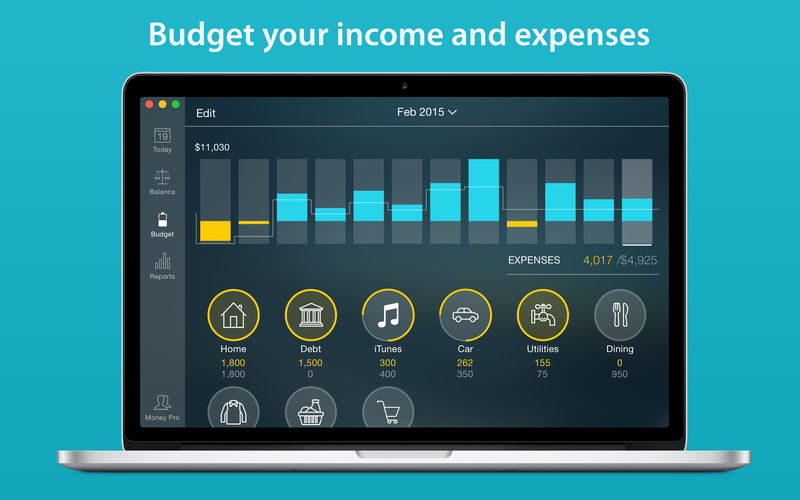
Create budgeted entries, both for your income and expenses, and indicate budget limits for each entry.
You can set different budget limits for every period, which is useful if you plan to reduce your spending gradually month by month.
Start adding every transaction you have, and see progress of each category and the overall progress.
Monitor visual indicators for budget overspending.
Select the category you want to analyze and examine a budget trend chart generated on the fly.
Budget rollover
You can set budgets to transfer the leftover of the current period to the next budget period.
Budget rollover limits your spending automatically if you overspent in previous periods.
Checkbook register
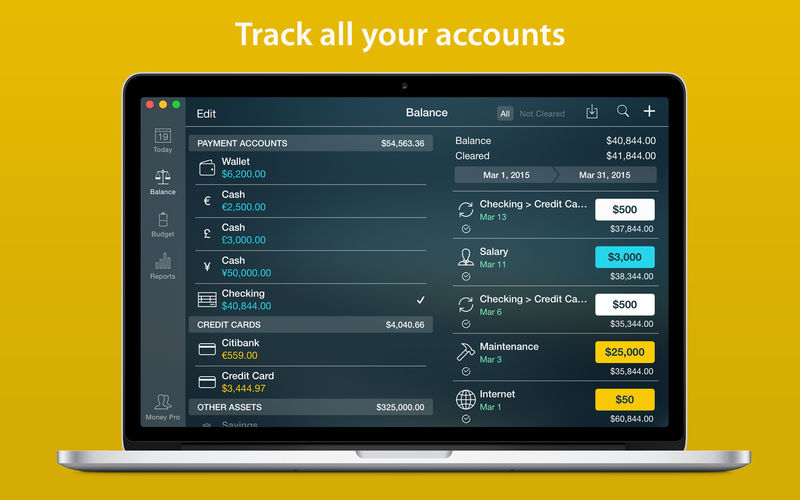
Unlimited number of accounts in one place (checking, savings, credit card, etc).
Setting transactions as recurring or as one-time only.
Balance change history.
Additional fields for organizing your records including payee, description, check #, class (personal/business travel expenses).
Attachment of receipt photos.
Account reconciliation
You can record transactions and clear them later on (reconcile).
Automatically calculated available balance and cleared balance.
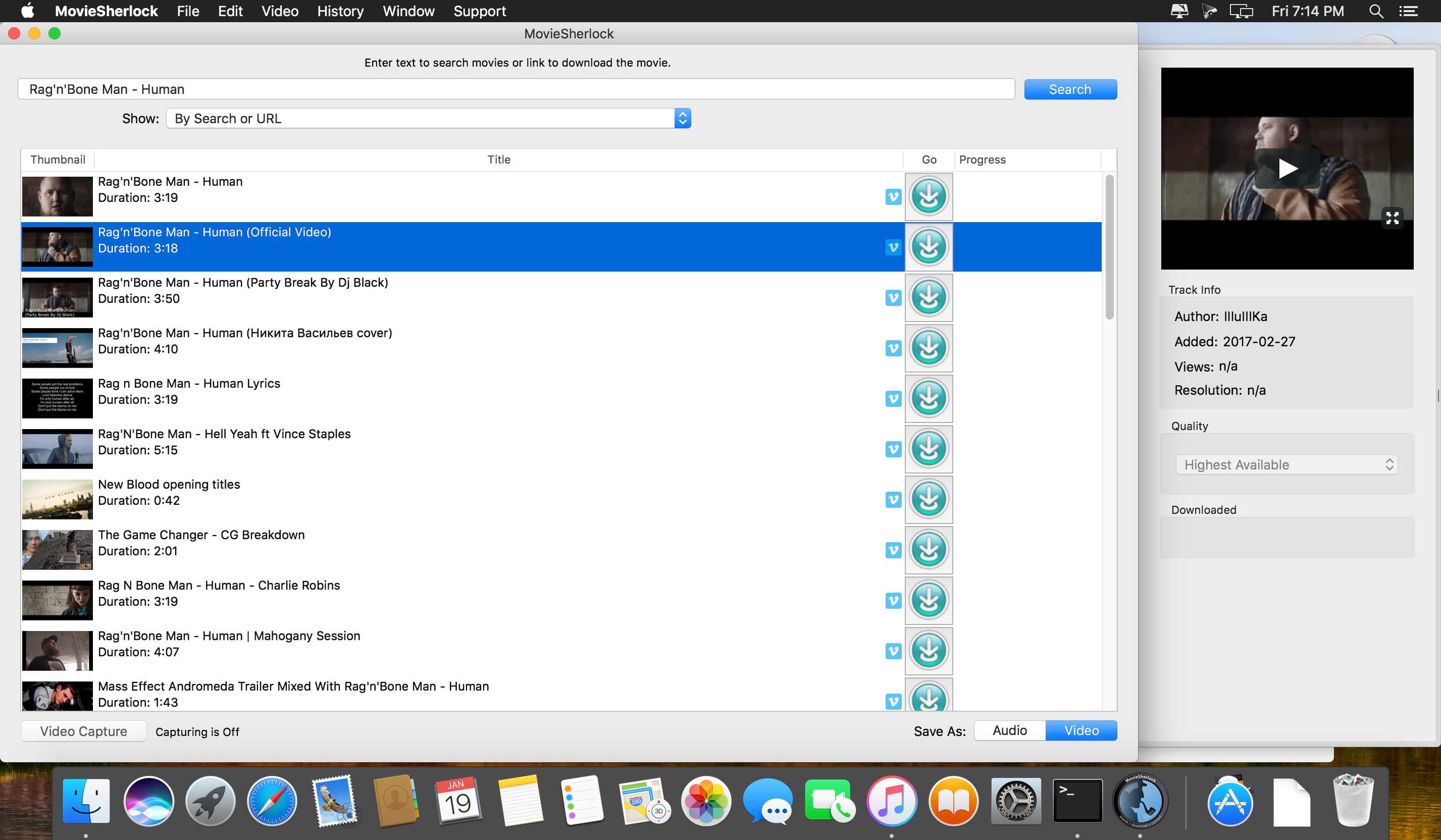
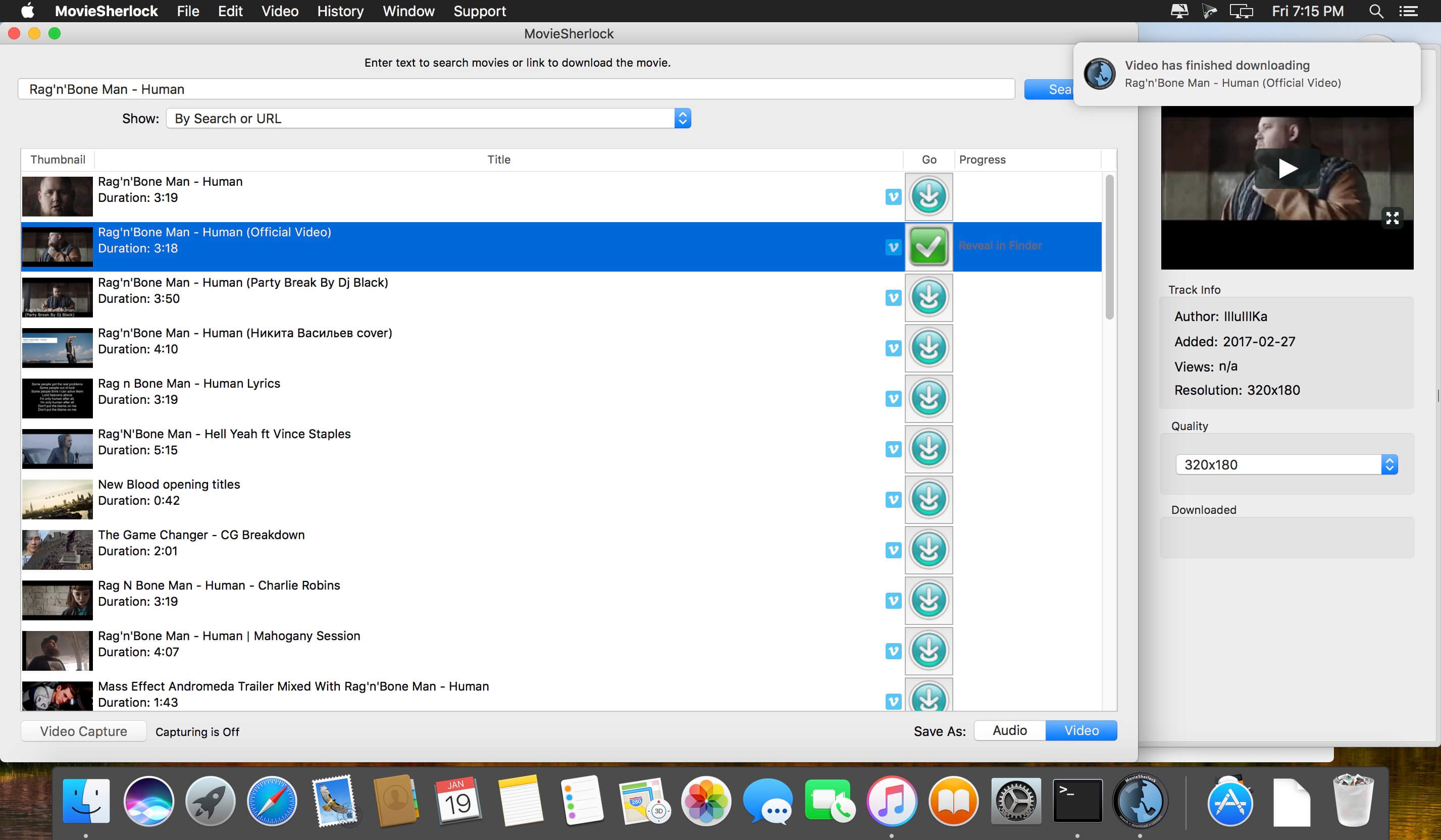
MovieSherlock is an all-in-one YouTube downloader and converter. It allows you to search, download, and convert YouTube movies. MovieSherlock lets you to download videos fast, smoothly and no quality loss whats so ever! MovieSherlock is just the best way to get videos to your Mac.
MovieSherlock allows you to download any video from YouTube and convert it on your Mac to a high-quality MP4 video that is playable in iTunes or your favorite video player. MovieSherlock supports both HD (High Definition) and SD (Standard Definition) video from YouTube. However.
Save as MP4 and MP3: downloaded videos will be automatically converted.
YouTube, Vimeo, DailyMotion and thousands of websites support
Fast download: 15x faster than real time!
iTunes integration: Add to iTunes feature allows to copy downloaded video and music to any of your devices such as iPhone, iPad, iPod, etc.
Download video with subtitles from YouTube and DailyMotion.
Correct file naming: The downloaded videos will retain the original names from the source web-pages.
Native video format: If you get the video with MovieSherlock, be sure you can play it.
Simultaneous download: Get so many files you need at one time.
What’s New:
Version 6.1.1:
Release notes were unavailable when this listing was updated.
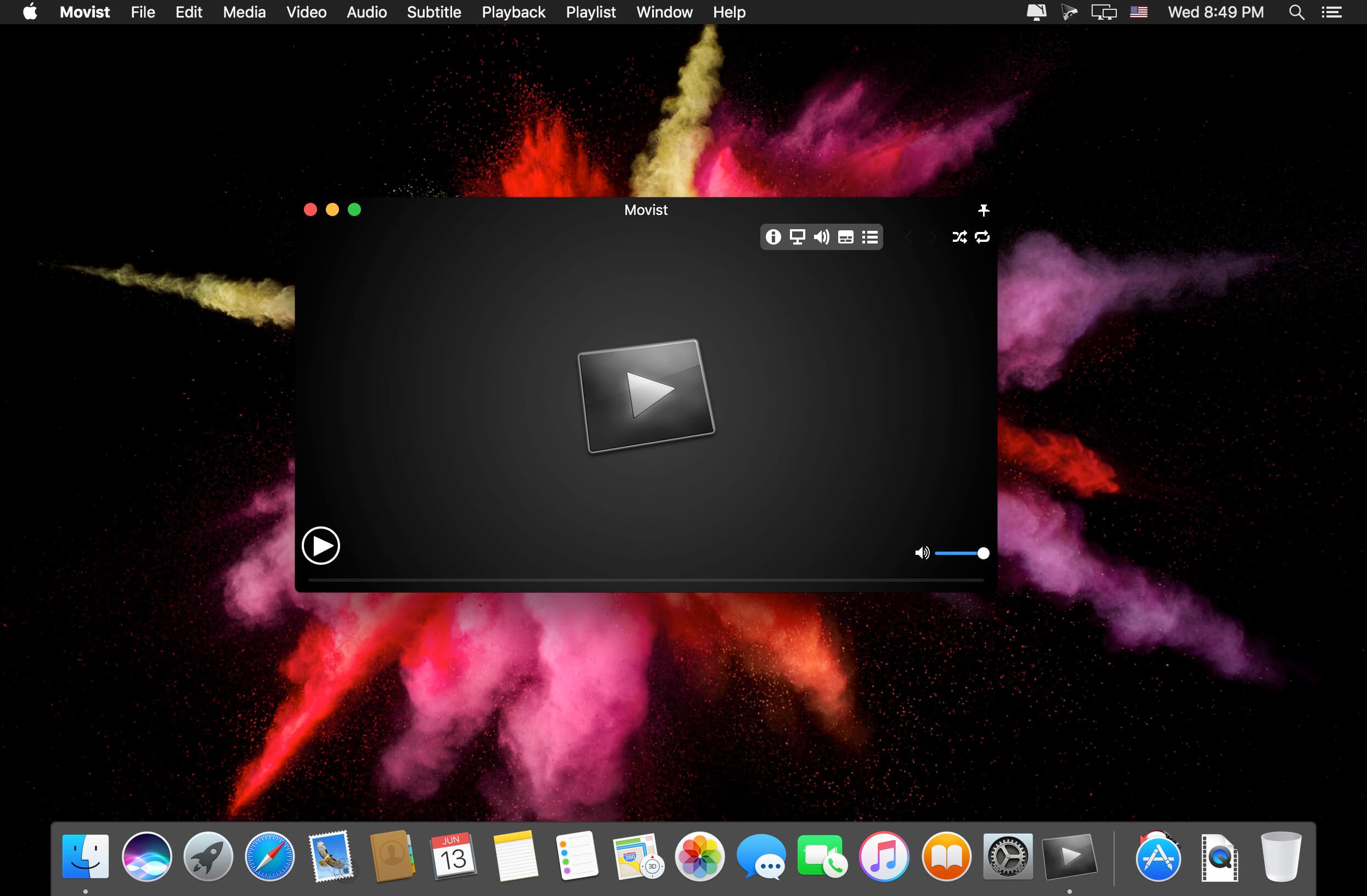
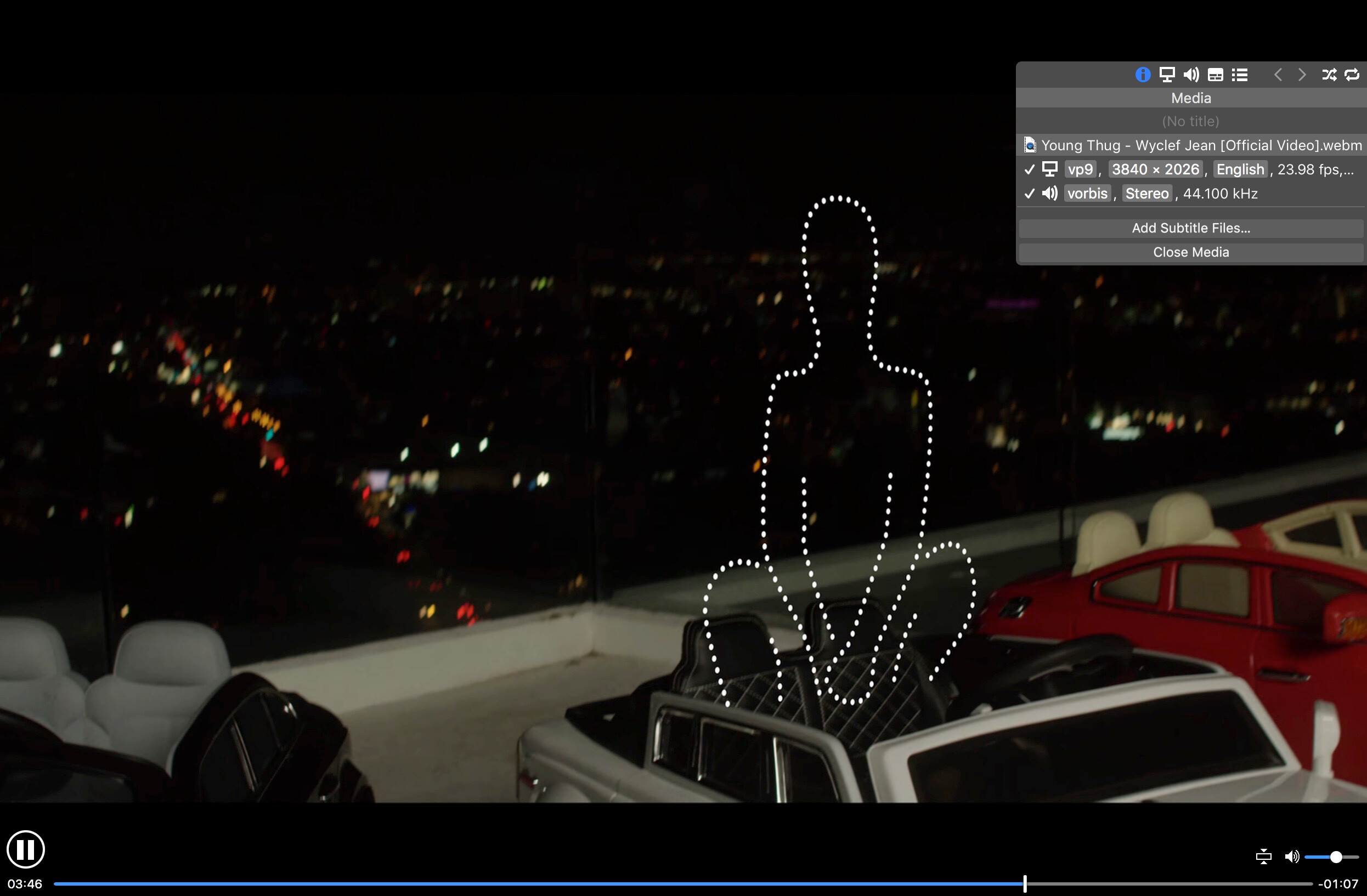
Movist is an easy-to-use and powerful movie player. You can choose QuickTime or FFmpeg as decoder for each video codec and reopen with other decoder instantly. Movist supports many useful features to enjoy movies including H.264 video decode acceleration, digital audio out (S/PDIF), high quality subtitles, full screen navigation, convenient & beautiful user interface and so on.
Just Enjoy Movies with Movist. • Single Window Mode or Multiple Document Mode. • Various Window Resizing Center & Style. • Traditional or Lion-style Full Screen. • Desktop Background Display. • App Sandbox supported. • Retina Display supported. • Full customizable Themes. *1
• Many File Format supported. *2 • Many Video & Audio Codecs supported. *3 • Codec-to-Decoder Binding. • H.264 Video Decode Acceleration. *4 • Many Core Image Filters supported. • Video Rotation & Flip. • Deinterlace (FFmpeg Only). • Under-Scan for TV out.
• Digital Audio Out (S/PDIF) (FFmpeg Only). • System Volume Change. • A/V Sync Adjustment. • Audio Equalizer supported (FFmpeg Only).
• High Quality Subtitle. • Many Subtitle Format supported. *5 • Embedded Subtitles in .mkv and .mp4 supported. • Compressed Subtitles in .zip & .rar supported. • 3D Subtitle supported. • Subtitle Display on Letter Box. • 3-Subtitles Concurrent Display. • Fully Customizable Subtitle Display. *6 • Language-to-Subtitle Binding. • Subtitle Text Encoding auto-detection. • Subtitle Sync Adjustment. • Subtitle Pre-rendering.
• Similar Named Movie Series auto-detection. • Playlist Shuffle. • Playlist Repeat Mode & End-Job(Sleep, Logout, Shutdown, …). • Playlist Load & Save. • Various Playlist settings. • 3-Level Seeking Intervals. • Playback Speed Adjustment. • Apple Remote supported. • Media Key supported. • Full Screen Navigation. • Screenshot Capture.
The main features of Pro version are as follows.
Safari, Chrome Browser Extension
Supports Web Meida such as YouTube, Ted and so on
Picture in Picture
Open URL
Default Application Settings
No Access Folder Permissions Required
Supports Networm Server such as FTP, SFTP, WebDAV and SMB (to be added)
Supports Media Keys (to be added)
Supports AirPlay (to be added)
What’s New:
Version 2.2.16:
Release notes were unavailable when this listing was updated.
Compatibility: OS X 10.10 or later, 64-bit processor Language: English Homepagehttps://movistprime.com/
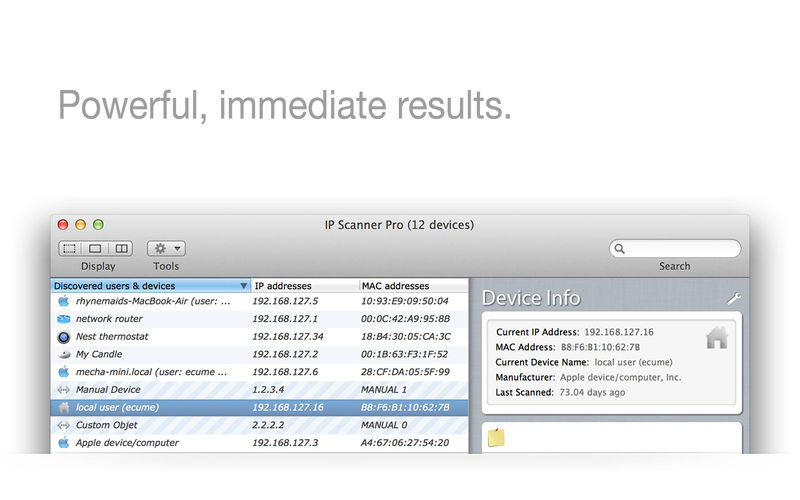
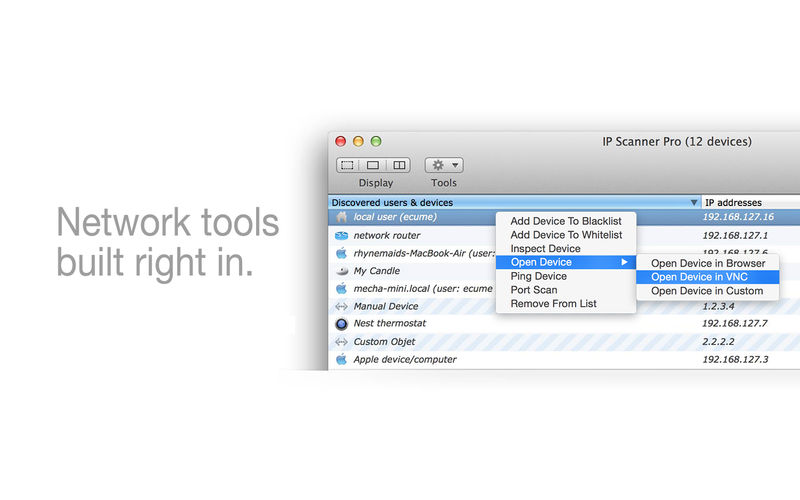
IP Scanner for Macintosh scans your local area network to determine the identity of all machines and internet devices on the LAN. Powerful results, yet easy and intuitive to use.
IP Scanner is all about customizing the way you view your network. You may apply custom names and icons to the devices on your network and adjust the type and amount of information you see in the network overview; don’t need to see the MAC address column…don’t display it! Text too small…make it larger!
IP Scanner can be used in several primary modes: as a way to get a quick overview of which devices are currently on the network, including seeing which devices are actively and passively present, or view network changes over time with IP Scanner’s ‘cumulative mode’, including options to display devices which were once present but now no longer visible.
Finally, by using the whitelist feature you may filter out known and trusted devices to reveal new or unexpected ones, a great way to easily identify unwanted network visitors.
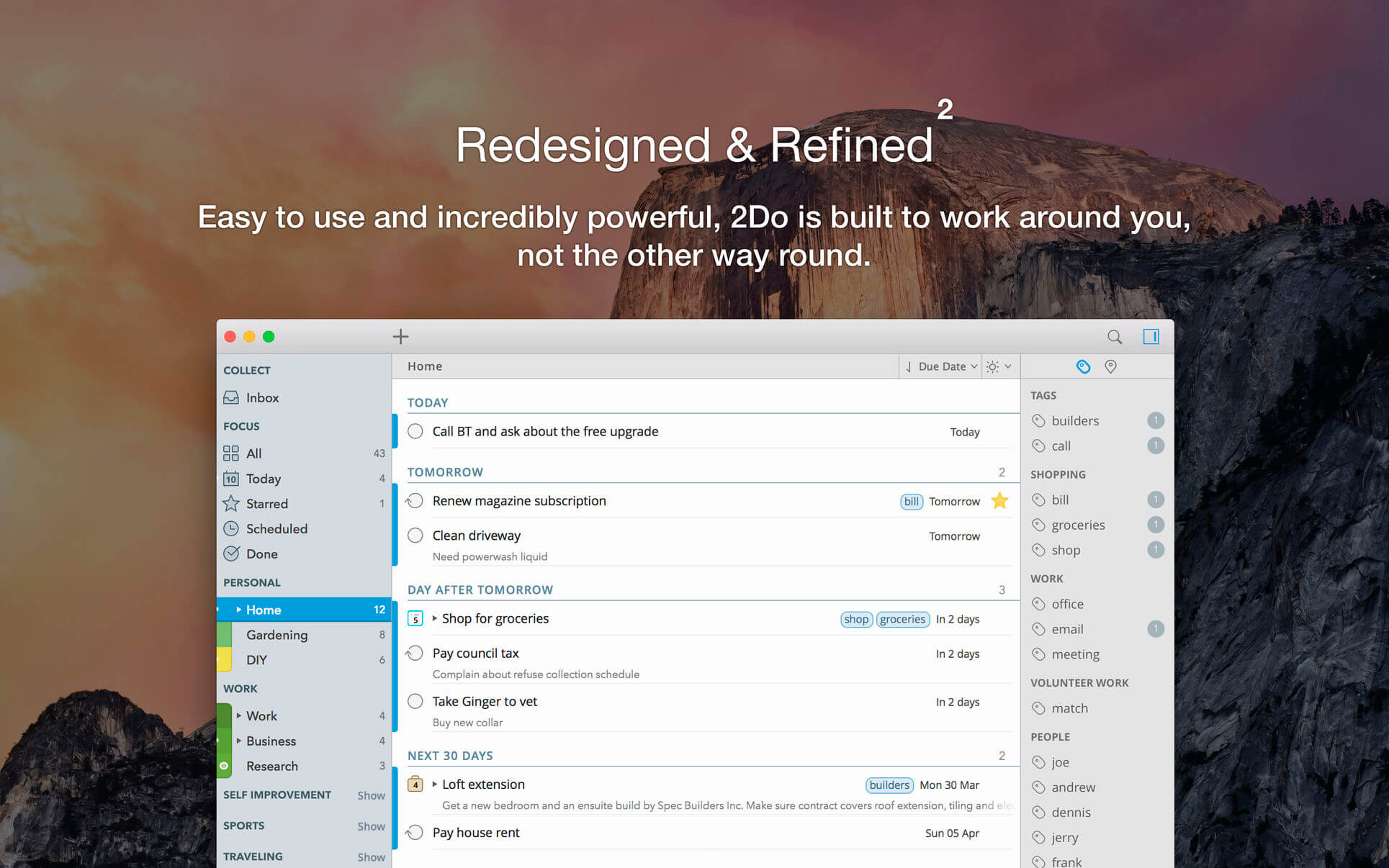
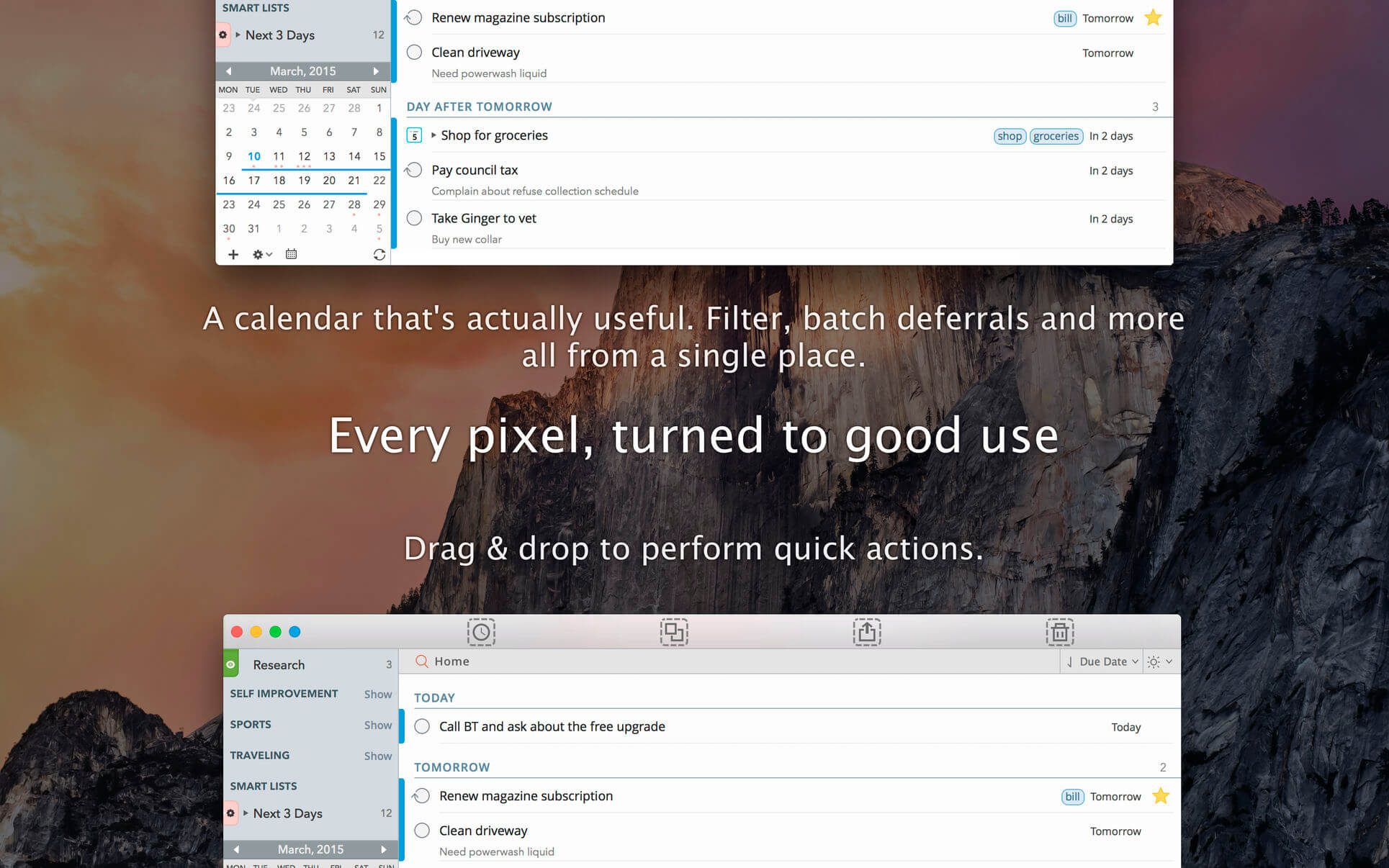
2Do lets you take a completely different approach to managing your tasks. With its extremely simple-to-use interface and a comprehensive and flexible set of powerful features, it lets you focus on what’s most important to you: your life. There is no wrong way of using 2Do, and unlike other to-do apps, it won’t force you in adhering to a particular task management methodology.
AWARDS
Apple – Best of 2013 Mac App Store
Macstories – App of the Year 2015 iOS
Cult of Mac – Best Task Manager for iOS
SIMPLE TASKS, CHECKLISTS & PROJECTS
Create simple tasks, or checklists and projects with sub-tasks. Tasks can have notes, attachments and multiple alarms.
Set any task to repeat using a flexible set of options.
LIST GROUPS, LISTS & SMART LISTS
In addition to built-in Focus lists that allow you to conveniently view upcoming, starred or scheduled tasks, you can create multiple lists to manage and organize your tasks.
Smart lists let you harness the true potential of 2Do using a number of search options, filters and search pre-sets. Using Smart Lists, you can create custom views of your tasks and use them to focus-in or find frequently managed tasks.
Furthermore, related Smart lists and Lists can be grouped together using a List Group in the order you desire.
PROJECT VIEW
Quickly focus on your projects and their sub-tasks and nothing else
Access project view directly from the list view or using keyboard shortcuts
Focus filters and sort options can be applied separately to individual projects using Project View
TAGS
Manage tags within Tag Groups.
Easily assign tags to tasks and vice versa.
Leverage the easy to use yet powerful integration of Tags & Smart Lists to filter on frequently managed tasks.
Find Used vs. Unused tags with a click.
LOCATIONS
Easily create, edit and assign locations to tasks
Create powerful Smart Lists based on Locations
SYNC
Stay in sync with multiple Macs and mobile devices running 2Do using your favorite sync method over fast and reliable Push Sync: Dropbox, Reminders (CalDAV), 3rd Party CalDAV Servers (iCal, Fruux, ownCloud etc) or Toodledo.
Using Dropbox, you can keep multiple devices in sync seamlessly. Devices can be added / removed at any time.
Using Reminders CalDAV sync you can keep 2Do and Reminders in sync as well as create tasks using Siri.
Unobtrusive automatic background sync supported for Dropbox, Reminders (CalDAV) and CalDAV.
QUICK ENTRY
Save your thoughts as they come to you. Using a global hotkey, Quick Entry allows you to add tasks from any app or any Space.
2Do does it right. Quick Entry works even if 2Do was not launched or is not running in the background.
QUICK LOOK
Works just the way Quick Look does in Finder or other built-in OS X apps. Use the spacebar to zoom in and out of a task to preview notes, multi-line titles or other details attached to your tasks.
ALARMS & NOTIFICATIONS
Stay on top of your tasks with alarms and notifications. Supports Notification Center as well as a built-in notification system which works even when 2Do is *not running*.
Set up automatic alarms for your tasks.
PASSWORD PROTECTION
Your life is a private affair. Manage it by locking out individual lists or the whole app with a single click.
AUTOMATIC BACKUPS
2Do values your tasks. Periodic automatic backups are created for you which can be transferred from one machine to another or from the iOS version of 2Do to the Mac and vice versa.
Save & restore of external backups
FLUID
Adding and editing tasks is blazing fast using in-place editors and popovers
2Do supports both mouse users, by offering them numerous shortcuts, as well as keyboard power-users by supporting dozens of keyboard shortcuts
2Do won’t slow down over time
What’s New:
Version 2.6.15
Fixed a bug with backup file association
Ongoing stability and performance improvements
v2.6
Dark Mode for Mojave
Dark / Light mode can be switched on or off permanently from “View Menu > Appearance”
Several UI tweaks, improvements and refinements
CSV export now includes the “Created” date column
Fixed a bug where the “Hide Scheduled” button would linger around for too long
Fixed a bug where search options would close on you at times
Smart lists now allow you to hide paused tasks
Durations now sync with Toodledo
Fixed issue where changing the starred state in Toodledo would not reflect the change in 2Do
Fixed manual sorting issue when dragging tasks between two projects
Fixed “double” postponing of repeating events issue
Fixed issue where the mini calendar would occasionally not update immediately
Valentina Studio is the ultimate data management tool for database administrators. Valentina Studio includes a wealth of database administration tools. Valentina Studio PRO to unlock advanced data modeling tools, report design and editing and more.
Valentina Studio brings you powerful, visual editors for your data including:
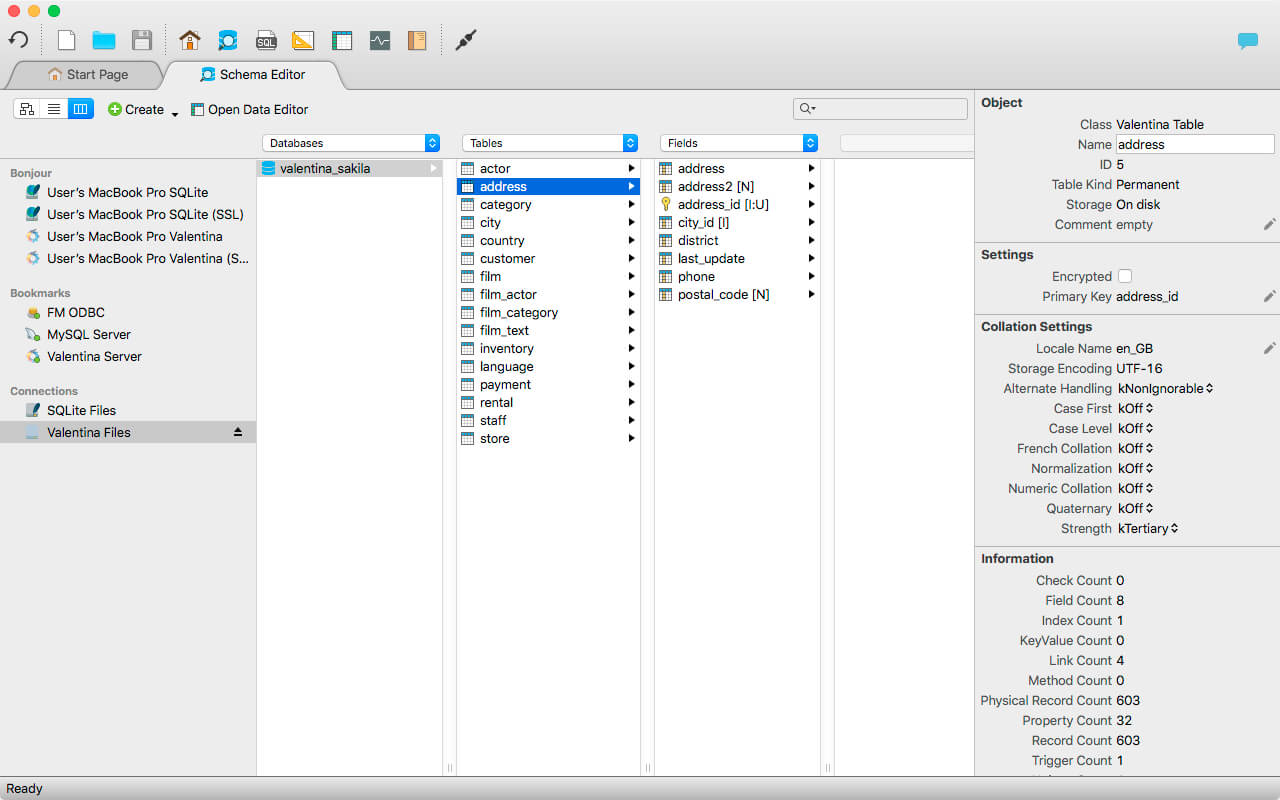
Schema Editor (tree view and column view) – create and modify all schema objects of supported databases: Tables, Views, Fields, Enums, Links, Constraints, Triggers, Indexes, Stored Procedures, …
Diagram Editor – design new diagrams or do reverse engineering, e.i explore existing databases visually.
Data Editor – easily browse table records in the grid, modify records, an inline edit of values, sort, filter records and save favorite filters, preview images, hex editors for binary values, …
Related Data Editor – easily learn and manage linked records of two tables, link/unlink records by a mouse click, do set operations over linked records, …
SQL Editor – with color syntax, auto-completion, recent and saved favorite queries, templates, console with error/warning reporting, …
Query Editor – build SQL queries visually using just a few mouse clicks
Server Admin – where you can manage users, learn logs and other parameters of servers.
Open as many editors as you like at the same time for different databases/servers opened in tab-panels. You also get different DB related utilities, including: Import/Export, Dumps, Diagnose, Clone, Reindex, …
MAS version of Valentina Studio uses iCloud to share bookmarks between your devices!
Valentina Studio Pro as an in-app purchase to get additional advanced pro-features such as:
Report Editor – visual editor of Valentina Reports that can be saved into Valentina Project file (.vsp). Reports can use as datasource MS SQL, MySQL, PostgreSQL, SQLite, Valentina DB, ODBC.
Form Editor – visual editor of Valentina Forms that can be saved into Valentina Project file (.vsp). Forms can use all supported databases as the datasource.
Data Editor – enables go to parent record function.
Data Editor Layouts – save columns and their order as a named layout
Data Editor Multiple Update – update few records at once.
Data Transfer – copy data between different databases
Diagram Editor – enables forward engineering – i.e. generation of SQL scripts for new/changed database objects.
Dump Wizard – enables filter for tables to select them for a dump.
Error Lookup – search for error description by its code.
Keyboard Shortcuts – enables the ability to redefine the shortcuts and create own shortcut sets.
Object Colors – enables marking objects with specific colors.
Query Editor – enables the ability to copy the generated query.
Schema Cache – save and reuse the schema cache.
Schema Editor – copy one or few schema objects using drag&drop mechanism.
Schema Editor – expanding and collapsing the tree items with subitems using OPTION + click
Schema Snapshot – save and load schema in structured format.
Source Control – develop database using any VCS.
SQLDiff – find differences between two states of a databases and generate SQL script to move between these states.
SQL Search – search of schema objects.
SQL Editor – enables autocompletion for table aliases.
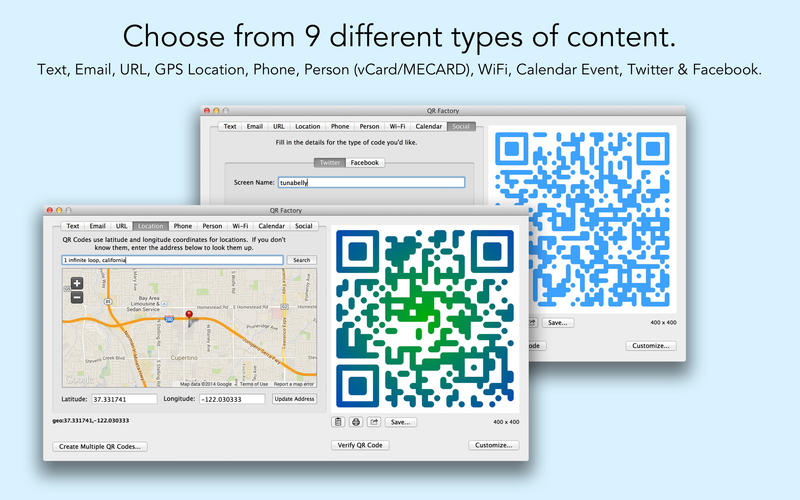
QR Factory is the end of boring black-and-white QR codes! Create QR codes from 9 different types of content and make them stand out from your competition.
Features
Create unlimited batch codes from a CSV file with no in-app purchase required.
Customize your code with smooth rounded corners, beautiful gradients, background colours, and enhanced reliability.
Save as bitmap (PNG) or vector (PDF).
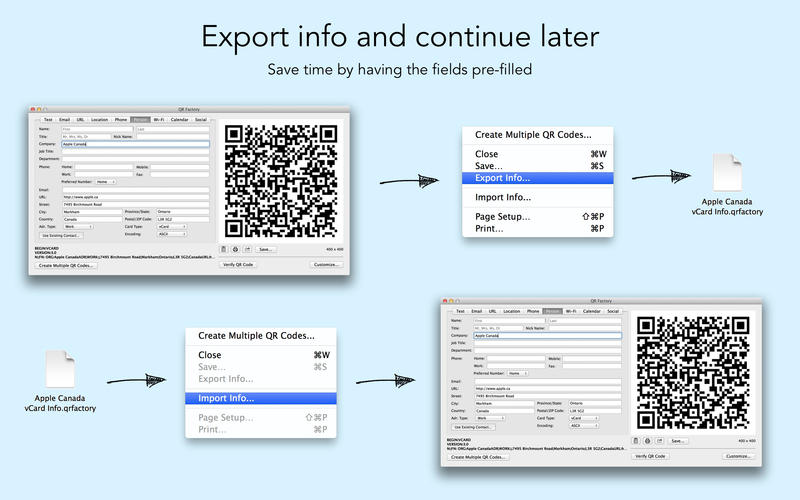
Export the code information and then import it back later for less typing.
Use the full featured map search for making location codes or use an existing contact to make a MECARD/VCARD code.
Print your codes directly from the app.
Verify that your code will be readable with the built-in checker.
No Internet connection required (except for Location). Securely create your codes knowing that your data never leaves your Mac.
Built-in support for the following types of QR codes:
Plain Text
Email
URL
Location (by address or latitude/longitude)
Phone/SMS
Person (new or existing contact)
Wi-Fi Setup
Calendar Events
Twitter and Facebook
What’s New:
Version 2.9.17:
Release notes were unavailable when this listing was updated.
The TK7 panel is the newest release of the comprehensive panel for making luminosity masks and running Photoshop. It includes all the features of the previous V6 panel plus many new ones. Like its predecessor, the TK7 panel is modular, so users can configure it in whatever manner works best in their workspace. The Combo module even has two different arrangements to allow a new compact layout if that’s desired. (Sean Bagshaw has a video at the bottom of this page that shows how to do this.) TK panels are used worldwide and come pre-programmed with six common languages: English, Spanish, German, French, Italian, and Chinese. Users can choose the language they prefer.
The RapidMask module uses the unique Rapid Mask engine to quickly generate entire spectrums of luminosity masks and other pixel-based masks at near real time speeds. The mask-based interface calculates 16-bit masks and users see these up front to make intelligent choices about which one to use. The interface is organized with a top-to-bottom workflow that makes creating masks quick and easy. Numbered sections guide users through the process. There are several modification options including a mask calculator that allows all masks, even modified masks, to be combined in unique ways. The video below provides an overview of all the overall layout of the panel and the newest features.
The TK7 panel is designed exclusively for Photoshop CC to take advantage of the HTML5 architecture that Photoshop CC can accommodate. Below are some of the features of each module.
RapidMask Multiple masks/multiple sources−The TK7 panel is much more than just a luminosity mask panel. Channel, color, saturation, and vibrance masks are created just as easily as luminosity masks, and entire spectrums of these pixel-based, self-feathering masks can be generated. The SOURCE menus makes it easy to choose different pixel data as the starting point for making masks
Organized workflow−Four distinct sections−SOURCE, MASK, MODIFY, and OUTPUT−that guide users through the mask-making process.
New masks−TK7 now has Color Zone masks and CMYK masks.
Add and subtract masks with ease−The mask calculator provides an easy way to add, subtract, or intersect any mask created by the panel.
More MODIFY options-New modify functions allow precision masks through painting, burning, dodging, and even Photoshop’s Camera Raw filter.
Numerous output options−Easily create adjustment layers and pixel layers with the current Rapid Mask as a layer mask.
Layer Mask mode−Provides an image-based approach to quickly choose or create the best mask by having the mask applied directly as a layer mask on the active layer.
Accent color interface−Only one accent color for the entire module that users can change to whatever they prefer.
Click-tracking−Buttons retain an accent-colored shadow after clicking so users can track which mask they last chose.
Combo/Cx Compact design−Combines Photoshop control, web-sharpening, and creative actions into one module.
Run Photoshop from the module−Many common Photoshop functions, keyboard shortcuts, and menu items can be run with a single button click from the module.
Muted color interface−Separates buttons into logical groups in order to quickly find the correct Photoshop function.
Multi-function buttons−Several buttons have dual functions that are graphically displayed on the button itself or can be activated with the CTRL/command key.
Use the “TK ▶” button to access the creative Photoshop actions menu−Includes new actions Freehand Vignette, Spotlight, Dehaze and Add Color.
Exposure blending actions−Stack, Align, and Focus Blend are part of the “TK ▶” button.
Integrated web-sharpening−TK7 now provides multi-dimension support. Sharpen images for the web to any dimension, convert to sRGB, and run post-sharpening actions.
Expanded user actions−Ten programmable actions, accessed via the “User ▶” button, allow users to run their own actions directly from the panel.
Batch Multi-image sharpening−Resize and sharpen entire folders of images for the web with one button click.
Multi-dimension sharpening−TK7 now allows different vertical and horizontal dimensions that can be combined for folders containing both vertical and horizontal images that need to be resized differently.
All Modules Active selection indicator−Shows when there is an active selection even if there are no marching ants visible.
Rollover help−Holding down the ALT/option key and rolling over a button displays a help message at either the top or the bottom of the module.
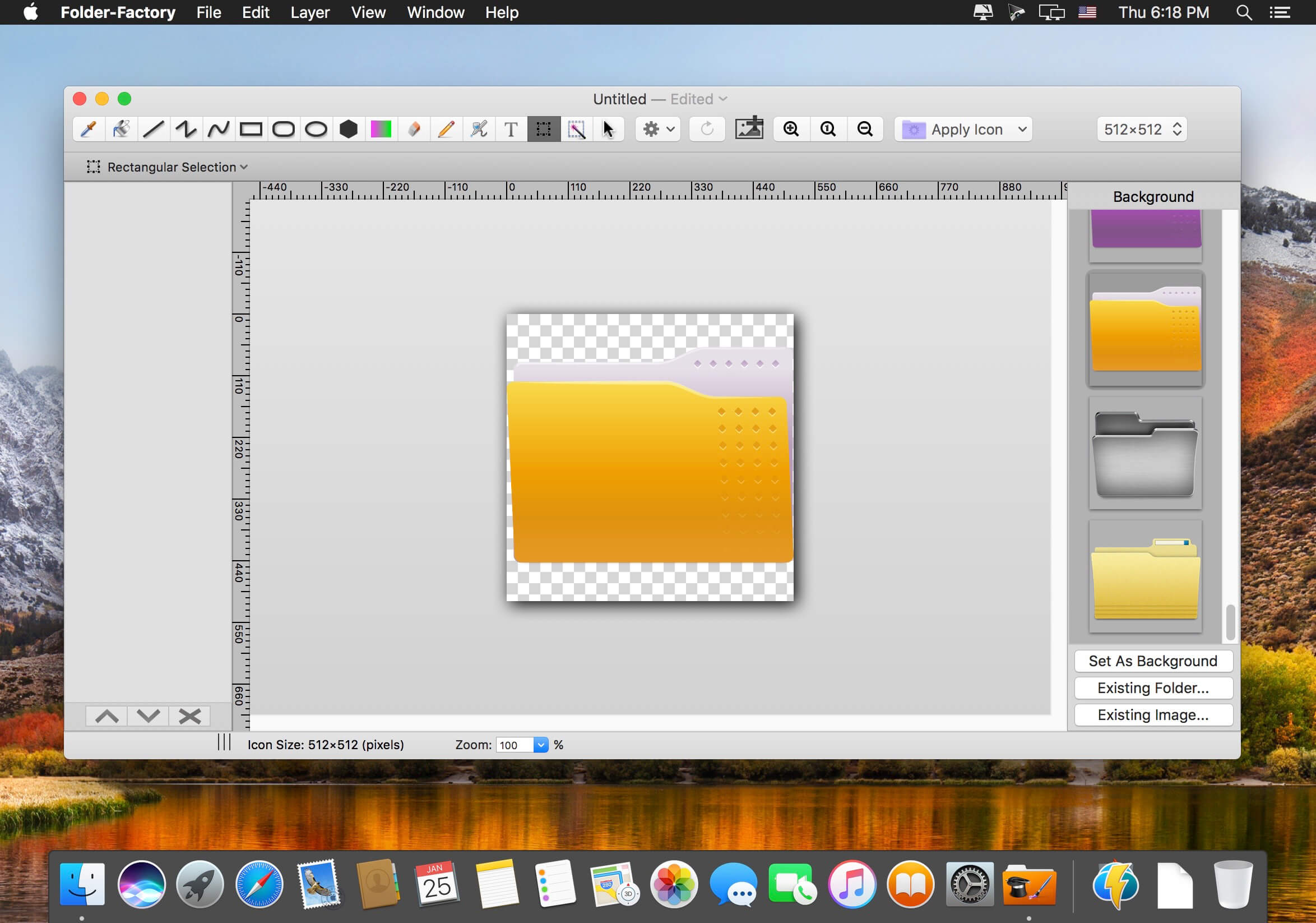
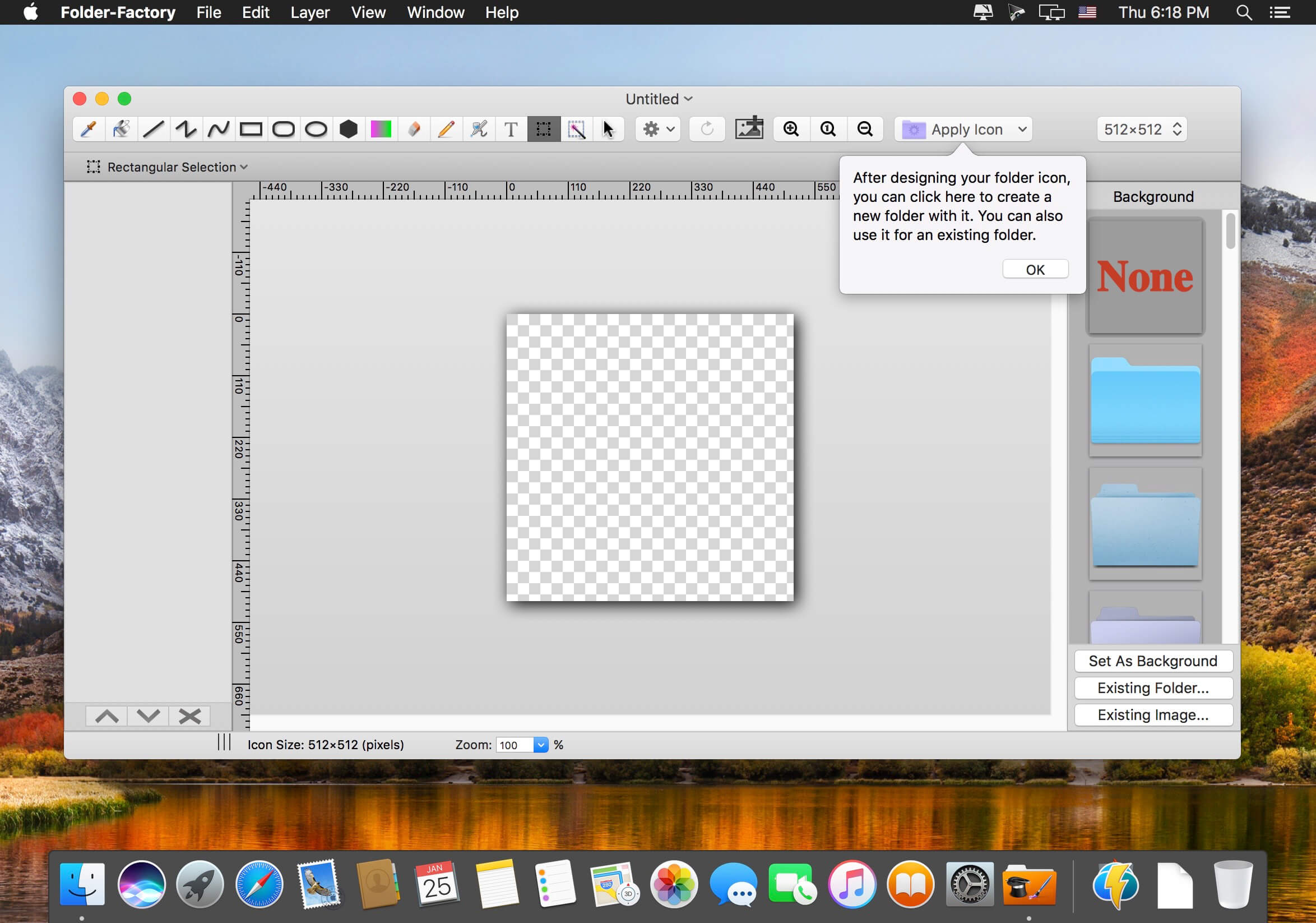
Folder-Factory is a basic icon tool for OS X which help you to customize, design and enhance your folder icons. With it you can combine folder icon with images, text, sketch, and shape. This will improve your system’s appearance, keep your Mac organized and improve your working productivity. You’ll no longer need to read folder names as you can now easily identify them. And at last, it has a friendly and clean UI and it’s really easy to use.
Key features:
Support retina display.
Customize, design and enhance your folder icons.
Support all kinds of tools. For example eyedropper, fill, line, rectangle, ellipse, pen, eraser, text, image, round rectangle and so on.
Config line width, pen color and fill color and so on.
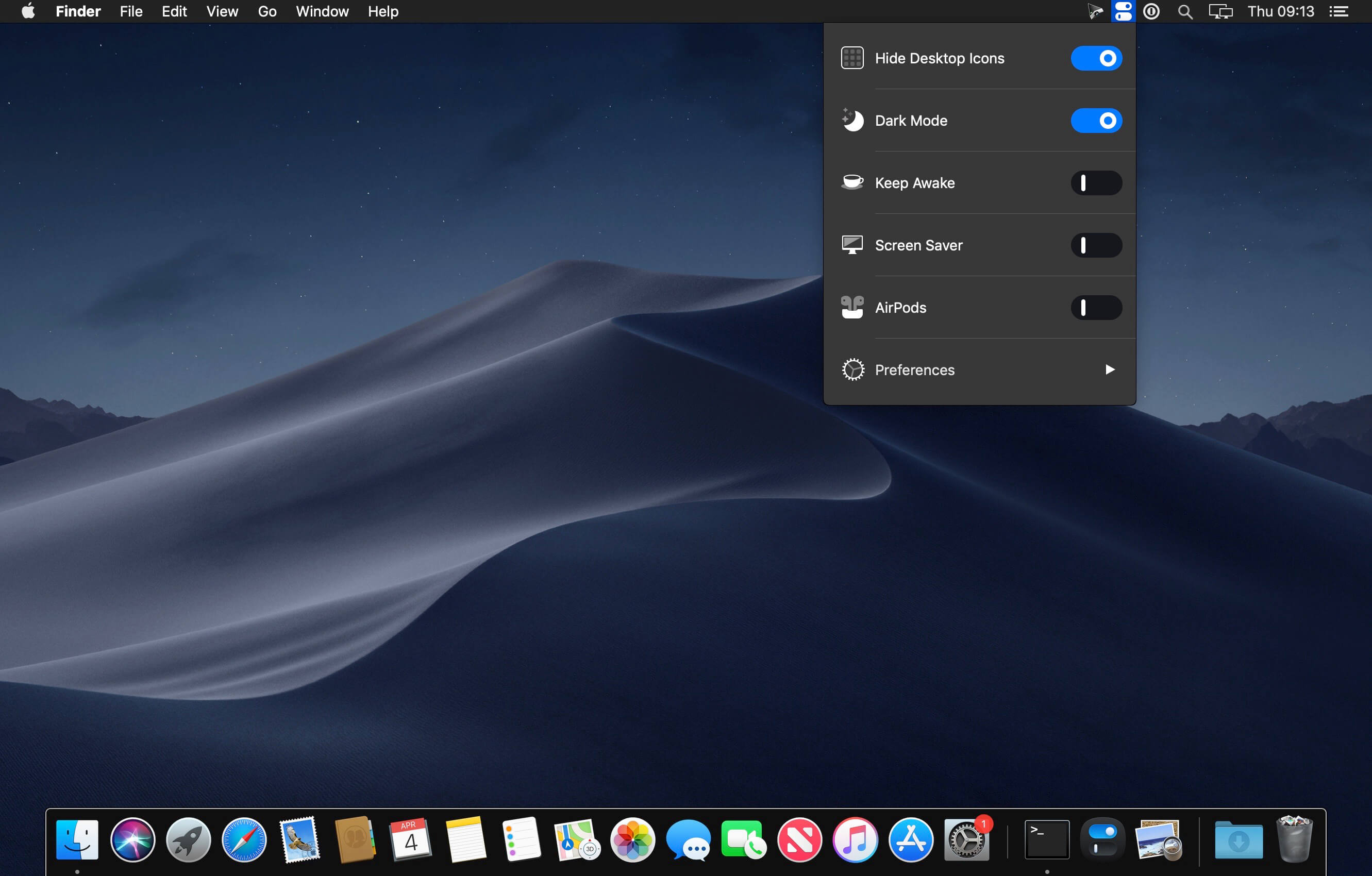
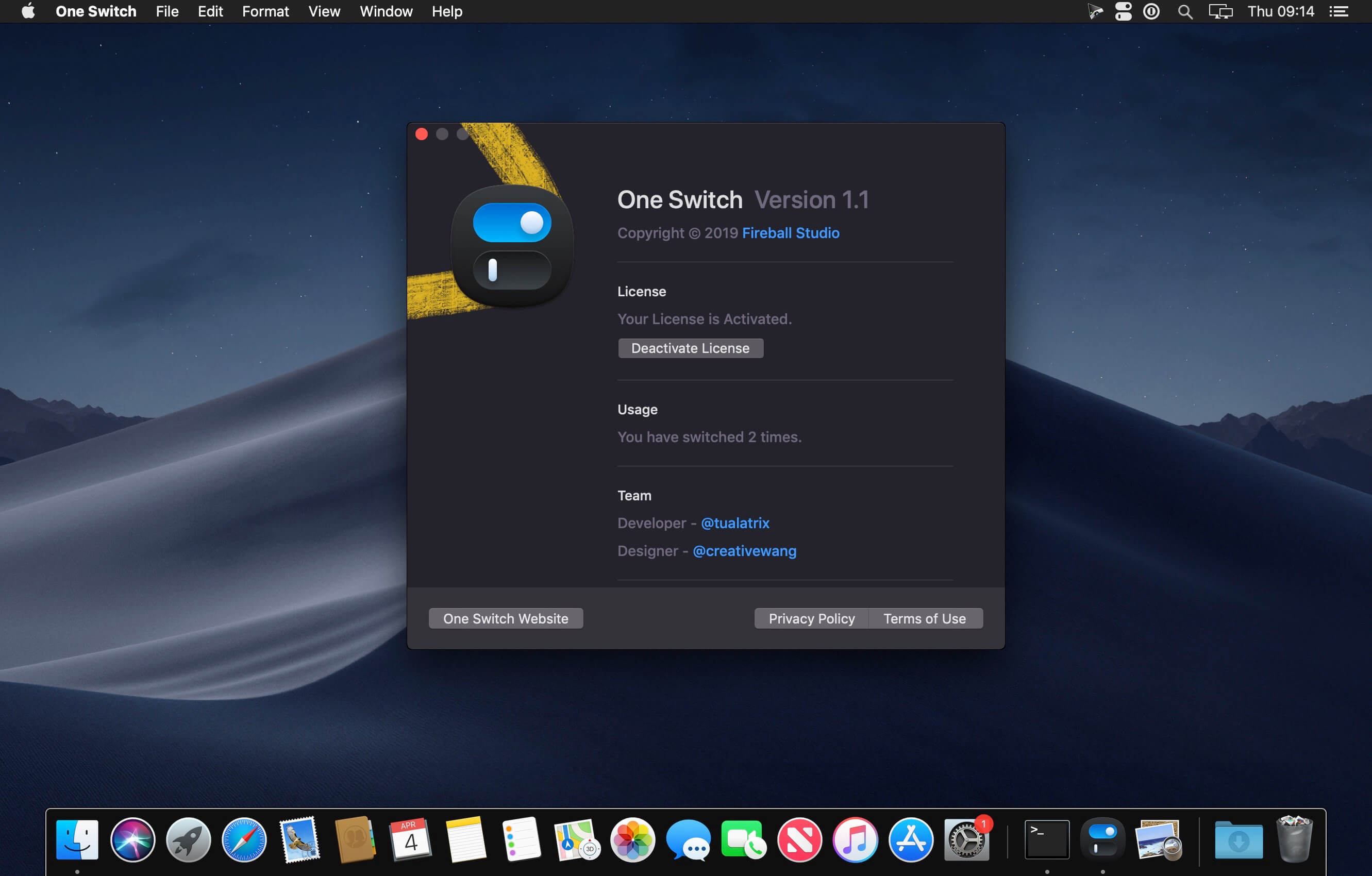
One Switch is a tiny app designed to improve your efficiency by providing quick access to a few important switches. It can be opened from your menu bar, and it allows you to toggle certain system features with just a couple of clicks.
Hide Desktop Icons Hide your messy desktop with one click. Dark Mode Toggle Dark Mode at any time. Keep Awake Prevent your Mac from sleeping or displaying the screen saver. Screen Saver Sometimes you will like to turn it on manually. AirPods Connect AirPods with your Mac in just a second.
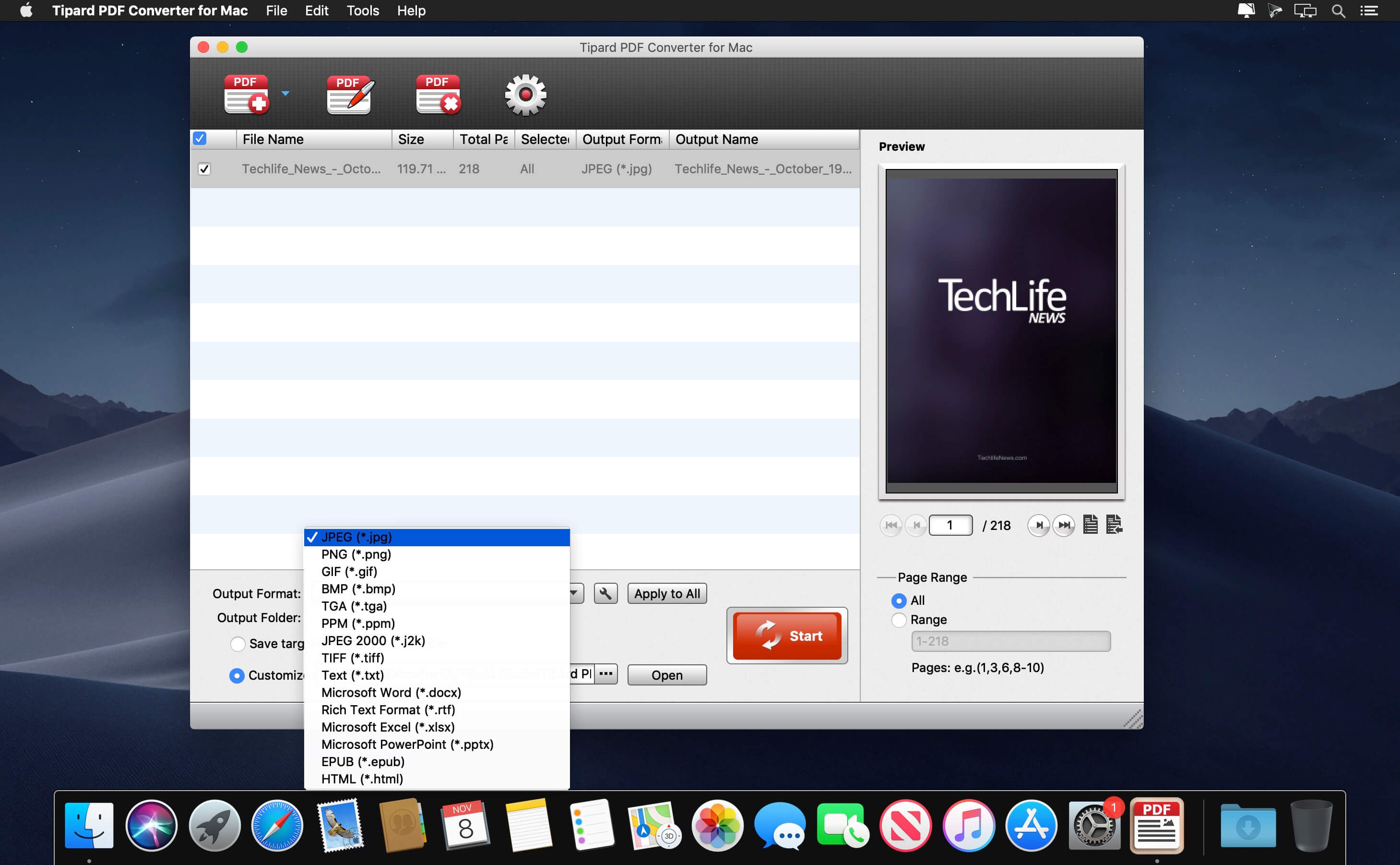
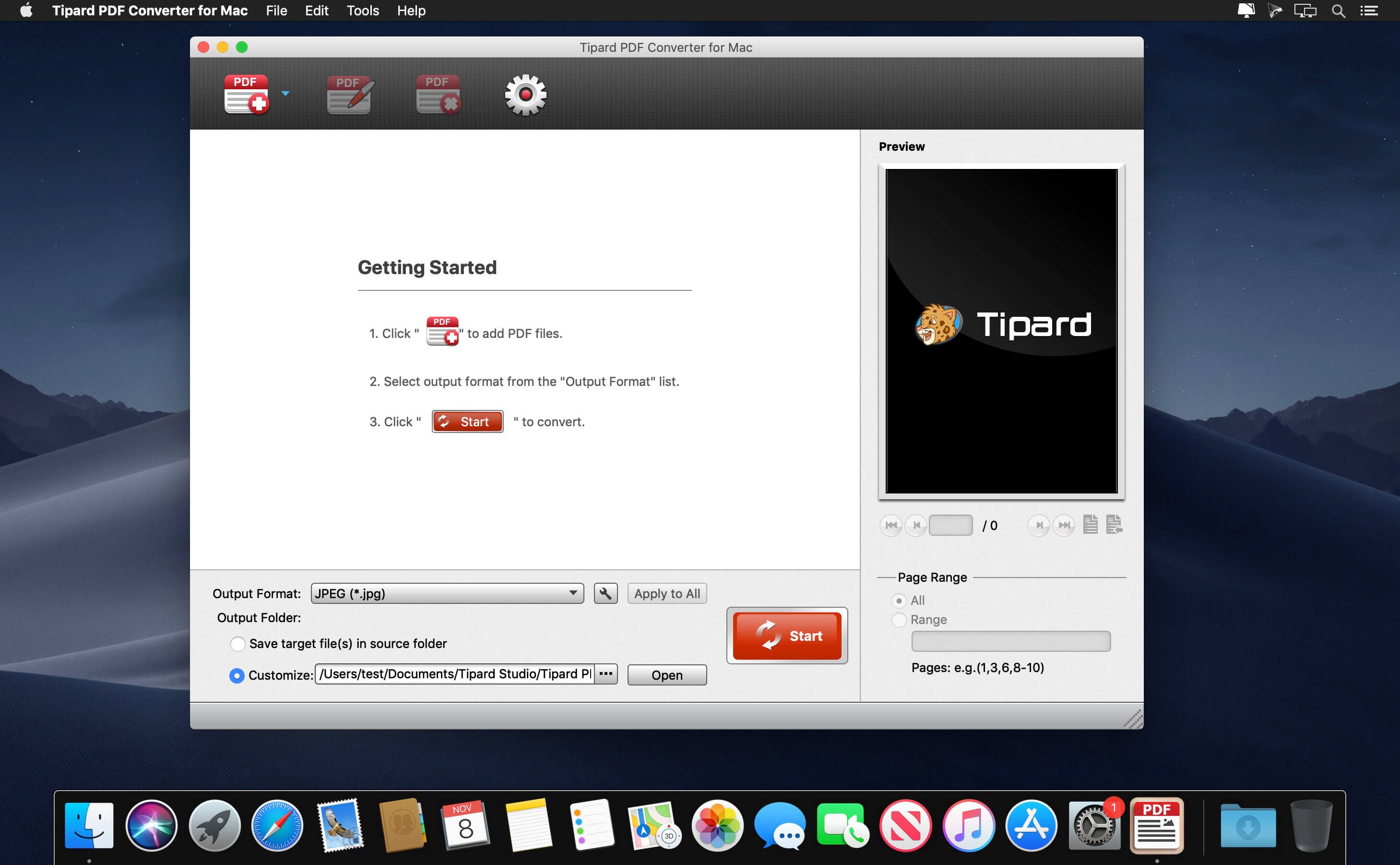
The PDF Converter for Mac is a must-have for office workers. It’s the all-in-one Mac PDF Conversion software, which is able to convert any PDF files including protected one to image formats like JPG, PNG, GIF, BMP, etc and popular text-based document formats like Text, Microsoft Word, Excel, PPT, Rich Text Format even HTML with lightening speed and original quality.
Convert any PDF file to image format like JPG/PNG/GIF/BMP/TIFF, etc
Output multiple document formats like Microsoft Word/Excel/Powerpoint/Text/HTML
Select specific PDF page and page range at will for PDF conversione
Support OCR technology for converting accuracy
Free output settings
What’s New:
Version 3.1.26:
Release notes were unavailable when this listing was updated.
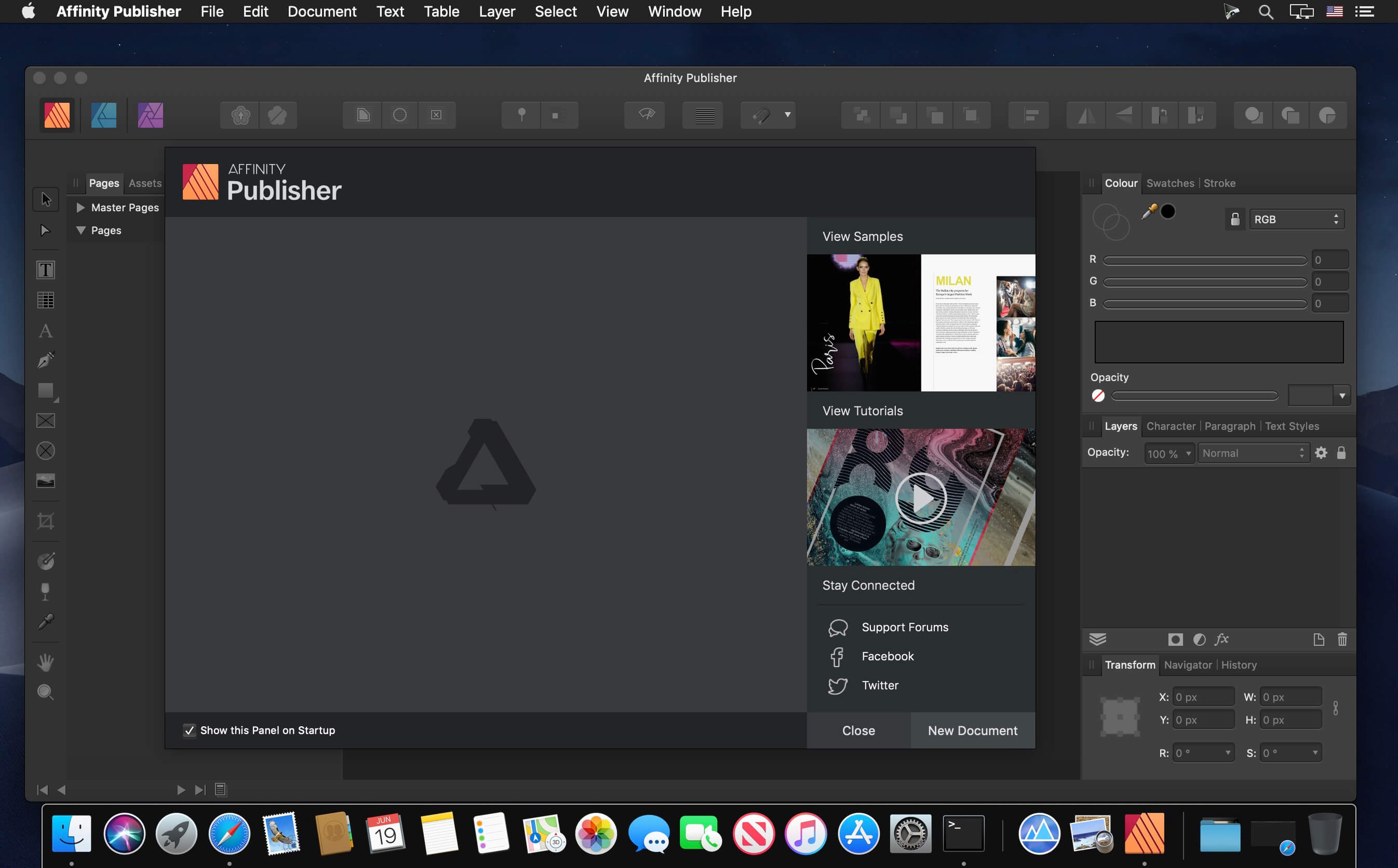
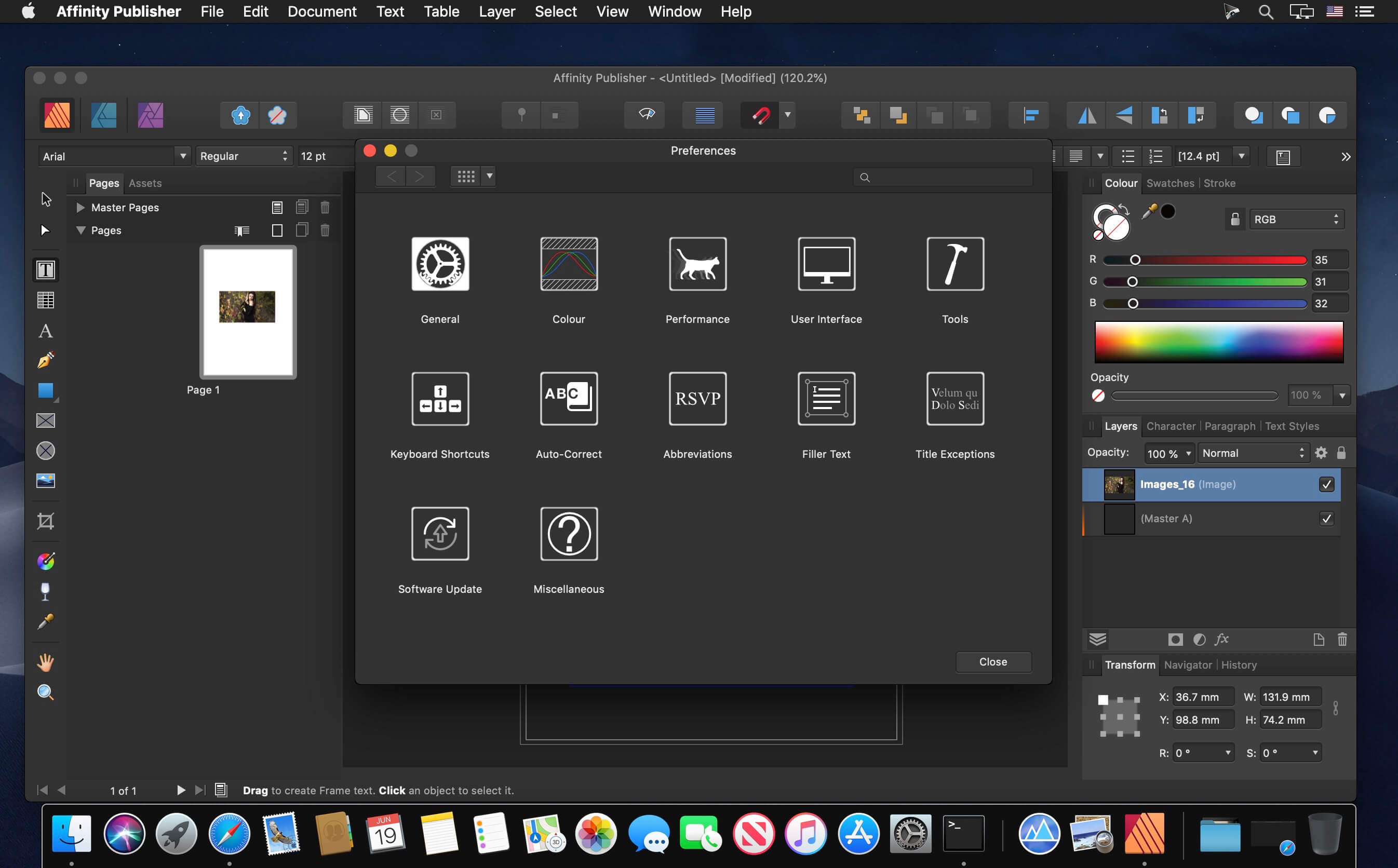
Bring your vision to life with Affinity Publisher, the next generation of professional publishing software. From magazines, books, brochures, posters, reports and stationery to other creations, this incredibly smooth, intuitive app gives you the power to combine your images, graphics and text to make beautiful layouts ready for publication.
With essentials like master pages, facing page spreads, grids, tables, advanced typography, text flow, full professional print output and other amazing features, Affinity Publisher has everything you need to create the perfect layout – whatever your project.
Double page spreads
Live master pages, including nested master pages
Image frames with intelligent scaling options
Text wrapping with fine padding control
Custom shaped text frames
Link multiple text frames together across your document
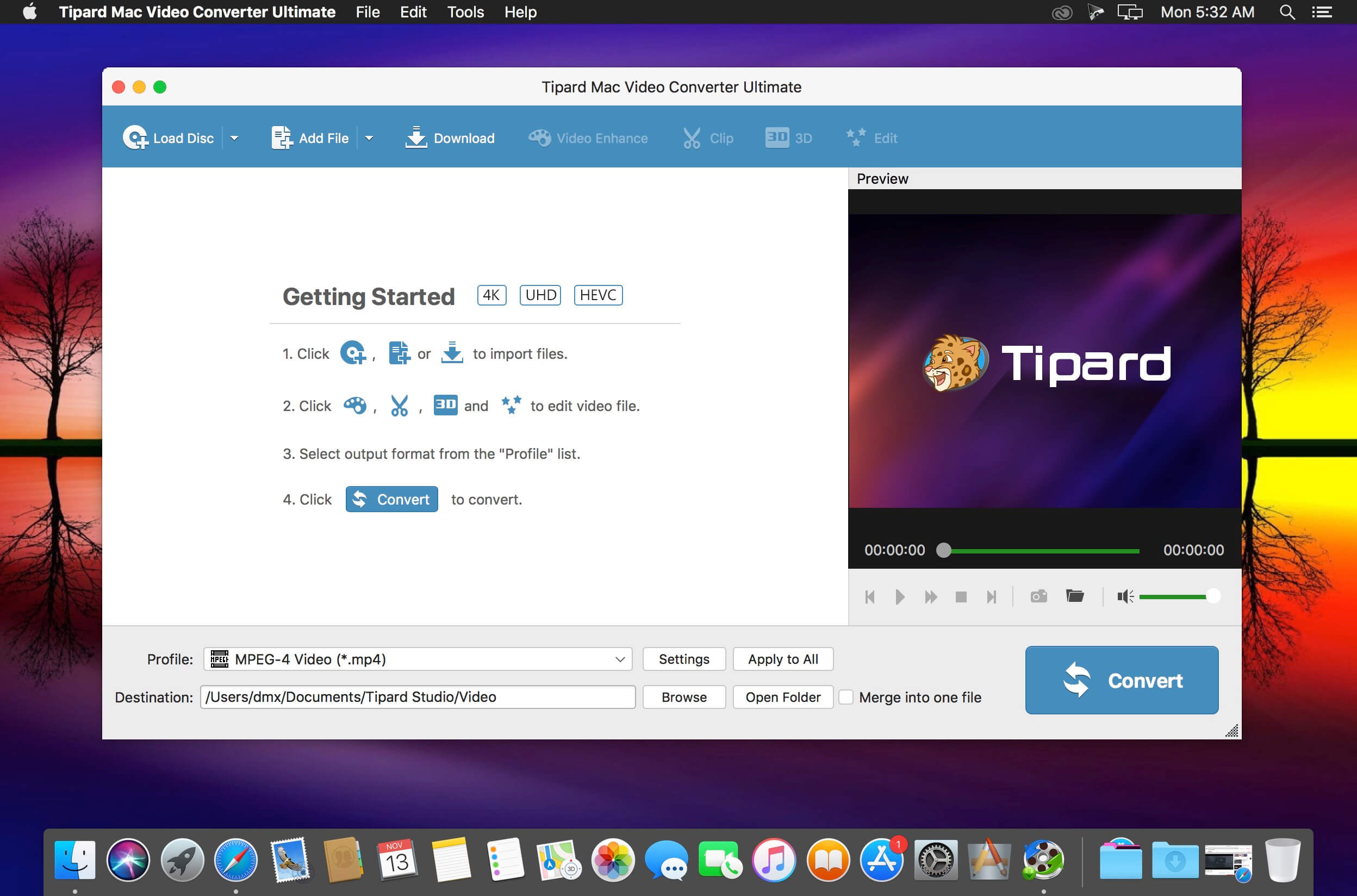
One stop solution to download video and convert DVD/video to 2D/3D format on Mac. It’s very convenient since you don’t have to use several different tools when you need to download, edit and convert videos on Mac. Plus, you can also rip and convert DVD to any video format and convert any video to 3D format on Mac.
Convert between different audio formats or extract audio tracks from video files
Offer a wide range of output video/audio formats including MP4, WMV, AVI, MP3, etc.
Provide ready-to-use profiles for iPhone X, iPhone 8, iPhone 7, iPhone 6s, iPhone 6, iPhone SE, iPad Pro/mini 4, iPod, Samsung Galaxy S/Note series and other devices
Why Choose Mac Video Converter Ultimate? It’s very convenient since you don’t have to use several different tools when you need to download, edit and convert videos on Mac. Plus, you can also rip and convert DVD to any video format and convert any video to 3D format on Mac.
How to add external audio tracks and subtitles (New) You are able to add audio track or multi-audio track to video according to your need with Tipard Video Converter Ultimate. If you want to replace the unsynchronized audio file from video and animate it with another audio file, this program will be your best choice. The software highly supports MP3, M4A, AAC, WMA and other audio formats. In addition, you can also use Video Converter Ultimate to add external subtitle file to video or remove the soft subtitles from a video. The supported subtitle formats are *.srt, *.ssa and *.ass.
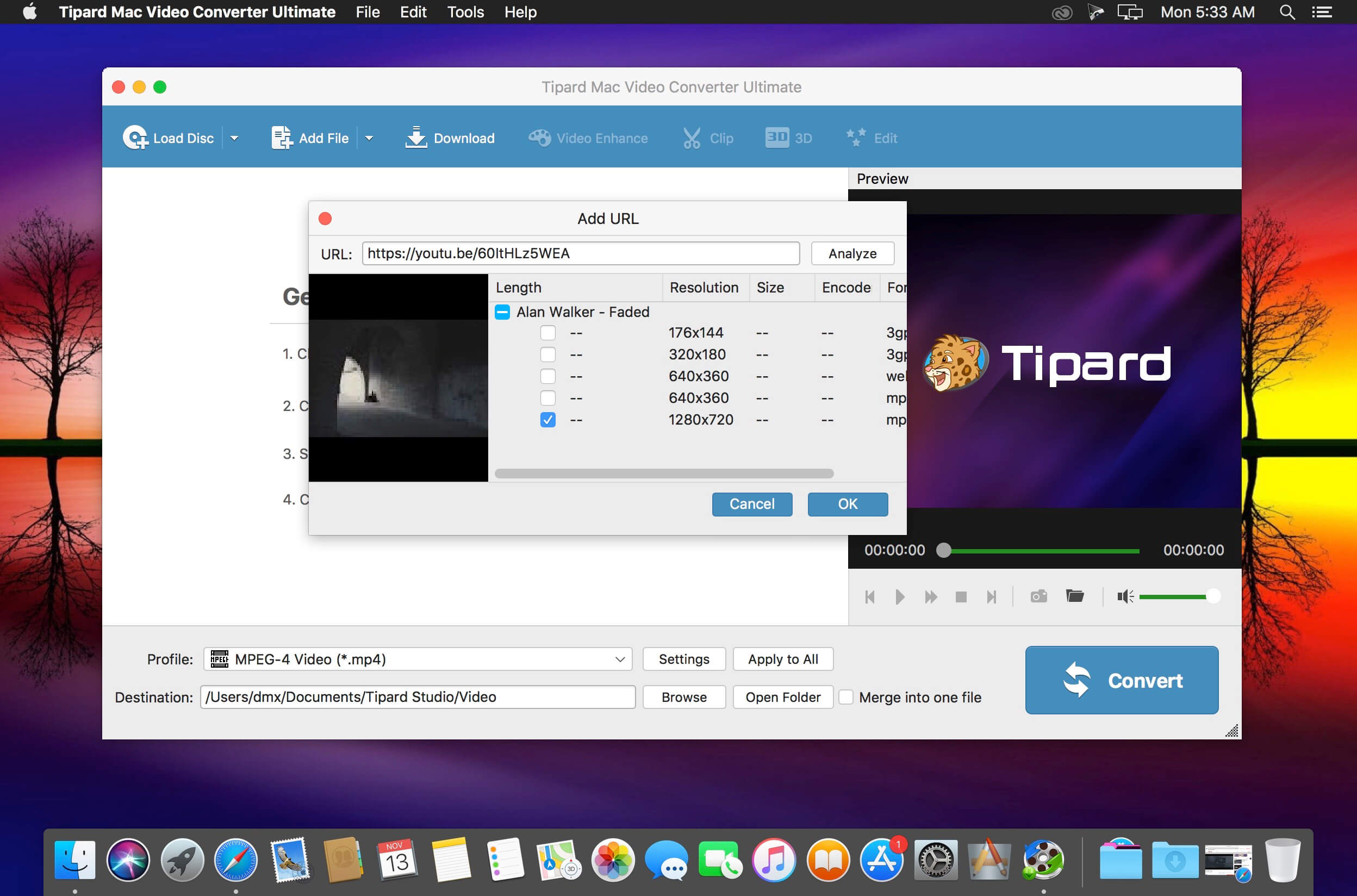
Download online videos from YouTube, Vimeo and more on Mac Save your favorite YouTube videos to your mobile device so you can watch them when there’s no Internet. Furthermore, streaming lots of online videos can quickly chew through your monthly data allotment. The fix for both issues: Download online videos for offline viewing. Tipard Mac Video Converter Ultimate is a good choice for you to easily download videos from video sharing websites including Youtube, Facebook, Metacafe, Dailymotion, Vimeo, Vevo, Yahoo, etc.
Convert DVD/video/audio to 4K video and 3D format Tipard Mac Video Converter Ultimate lets you easily convert any DVD and 4k video to popular video formats like 4KH.265/HEVC Video(*.mp4) /4K H.264 FLV Video (*.flv), AVI, MKV, WMV, and MOV. Also it’s an excellent audio extractor that can extract audio track from video files and convert between different audio formats such as MP3, OGG, WMA and WAV. It also supports five 3D modes – Anaglyph 3D, Side by Side (Half-Width) 3D, Side by Side (Full) 3D, Top and Bottom (Half-Height) 3D and Top and Bottom (Full) 3D. You can use it to convert DVDs/videos to videos in 3D format for striking visuals.
Personalize your video files Apart from downloading videos and converting DVDs/videos, Tipard Mac Video Converter Ultimate also allows you to edit video files with built-in video editor. You can modify the brightness, saturation, contrast, hue and volume. The Clip function lets you split a video into several parts. And the Crop function allows you to remove letterboxing, pillarboxing and windowboxing. You could also personalize the video by adding your own text or image watermark.
Rotate and enhance your video effect If your video is recorded by iPhone or other mobile devices which is displayed by a small screen, you can use this program to rotate video direction to make it play completely. The enhance function can help you get superb video quality, optimize brightness and contrast and remove your video noise. This function can also reduce shaking motion in your videos which can makes video more clearly.
What’s New:
Version 9.2.26:
Release notes were unavailable when this listing was updated.
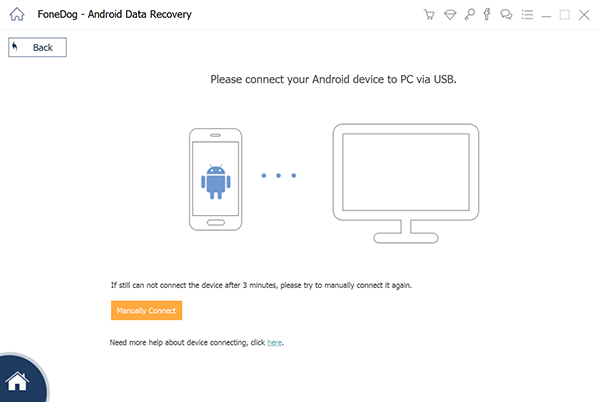
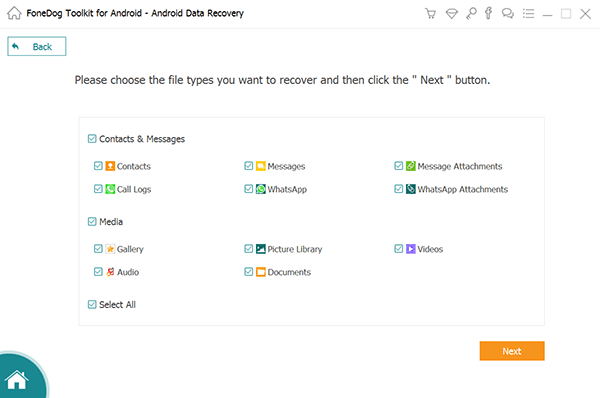
FoneDog Android Data Recovery is a data recovery tool that can recover deleted photos, videos, audio files, text messages, contacts, call logs and documents from an Android device. You can free scan deleted data directly from your Android phone without root. Never worry about data loss.
Ease to Use Friendly interface for everyone to use. One click to recover your deleted data on Android.
Free Try to Preview Free try our file recovery software to scan files. Preview deleted data before purchase.
Data Safe The recovery process is done on your computer. No one can access your data. 100% Security.
30-day Guarantee No worries after purchased FoneDog software. We have the 30-day money back guarantee.
Practical software to convert 3D/2D to 2D/3D videos with no limitation on Mac
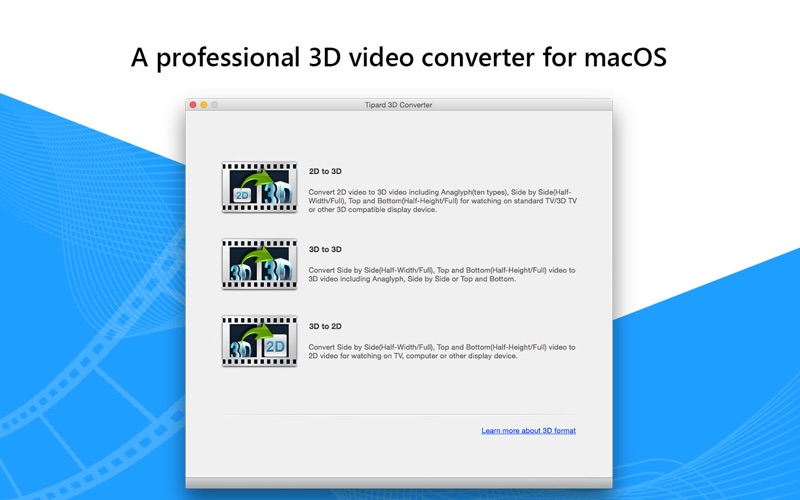
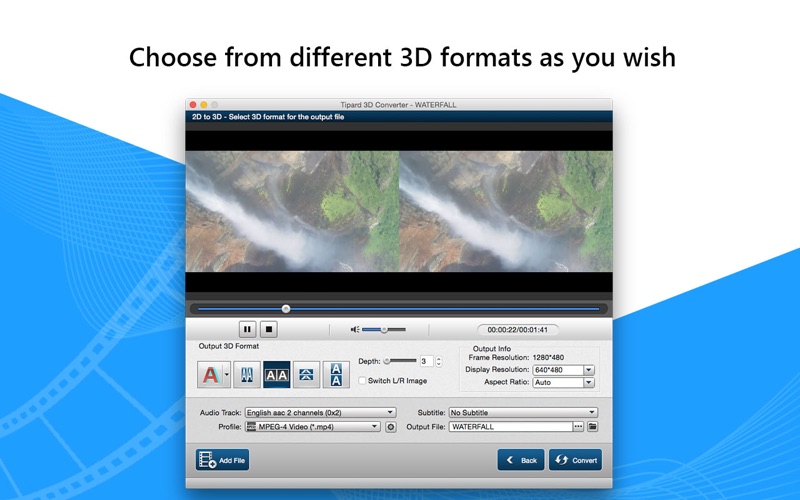
Tipard Mac 3D Converter, the best and professional 3D conversion software for Mac, is especially designed to assist you to convert your favorite 2D videos to 3D format, and even convert 3D movies to 2D/3D format according to needs. In a word, with the all-in-one Mac 3D Converter, you’re enabled to experience the lightening converting speed and a visual feast.
Easily convert 2D videos to 3D format on Mac
Convert 3D videos to your desired 2D/3D formats like MP4, MOV, etc.
Free multiple editing features to perfect the video effect
Support various devices like iPhone 11/11 Pro/11 Pro Max, iPhone XS/XS Max, iPhone XR, iPhone X, iPhone 8, iPhone 7, iPhone 6s, iPhone 6, iPad Pro/mini 4, and other player, etc.
Multiple libraries
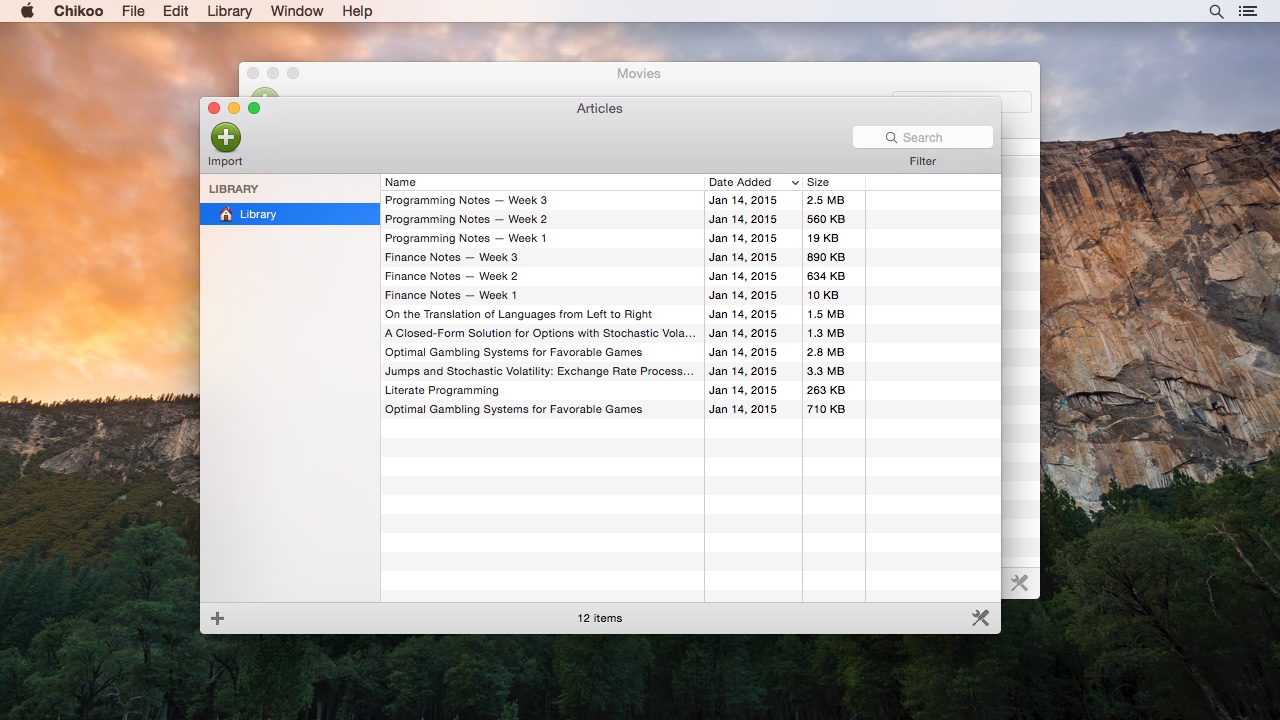
Create as many libraries as you want and organize whatever files you want in each. For example, organize your articles in one library and movies in another.
Custom attributes
Chikoo does not limit you to a fixed set of hardcoded attributes. For example, organize your articles with respect to the author’s father’s name, or your movies with respect to the director’s pet’s date of birth. It’s all up to you.
Type groups
Organize the file extensions of your files into groups of your choice. For example, put the file extensions “mov” and “mp4” into the “Movies” group, and “jpg” and “png” into the “Images” group. This feature can be useful when organizing multiple types of file within a single Chikoo library.
Lists, smart lists, and list folders
Chikoo libraries have a sidebar in which you can add regular lists, smart lists, and list folders—much like playlists in iTunes.
Library folders
By default, Chikoo leaves files at their existing locations when importing them into a library. But you can also associate folders of your choice with a library, and have Chikoo automatically move or copy files into any of them upon import. With Chikoo, you have complete control over where your files are located on the filesystem.
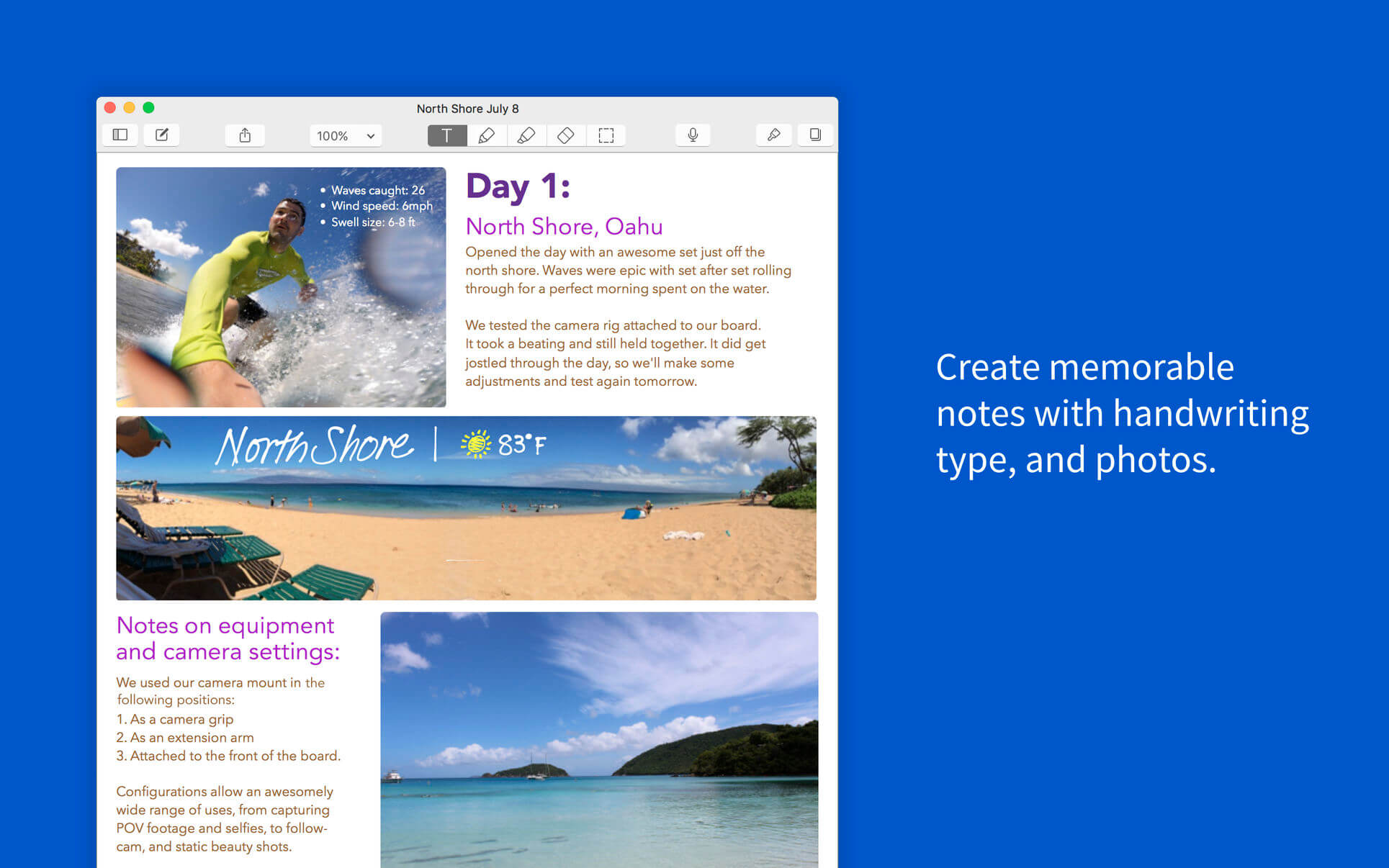
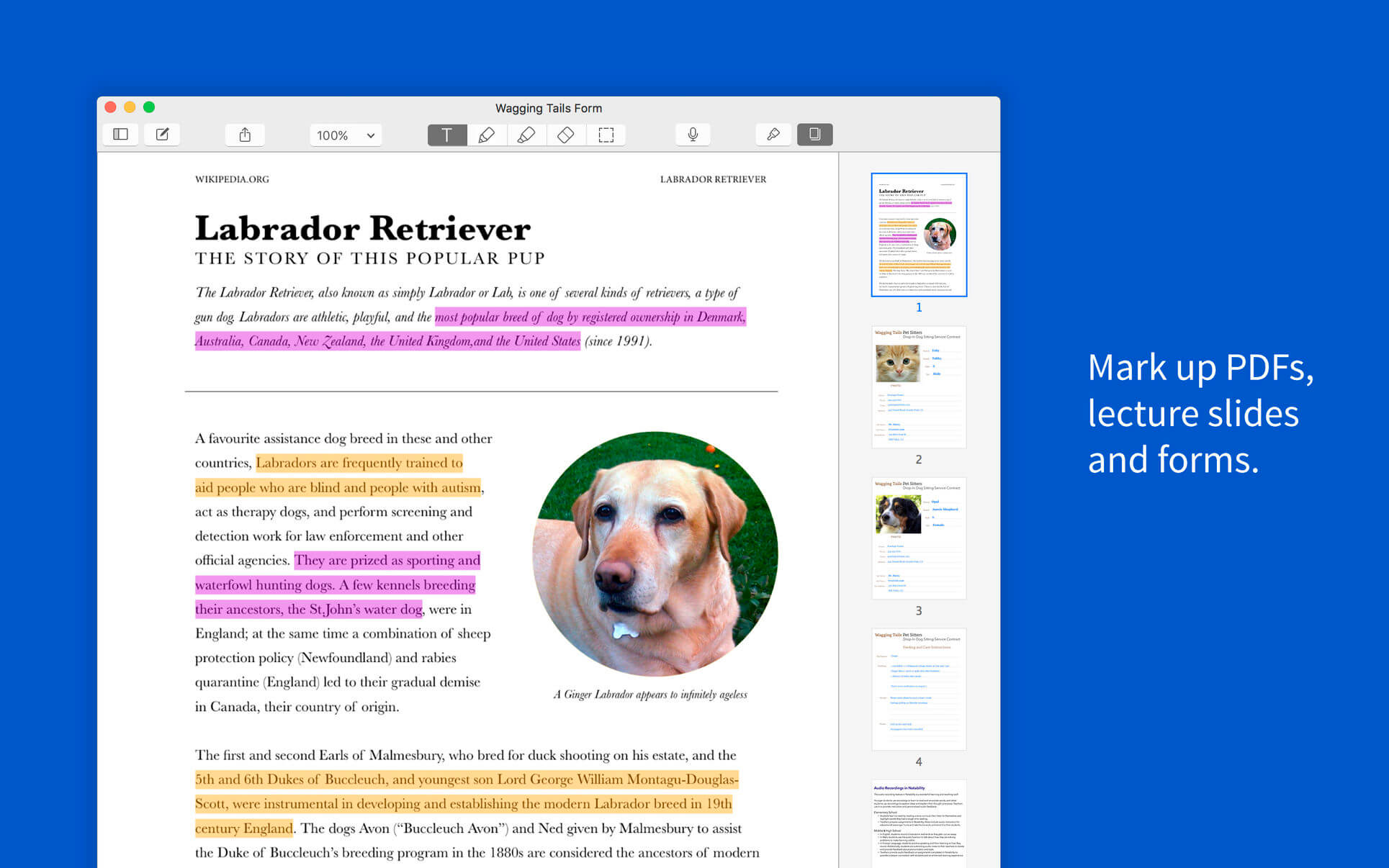
Notability is a powerful note-taker to annotate documents, sketch ideas, record lectures, take notes and more. It combines, typing, handwriting, audio recording, and photos so you can create notes that fit your needs. With iCloud support, your notes are always available on iPad, iPhone and Mac. Anytime, anywhere.
Notability is optimized for Mac: Quickly create notes by dragging documents, photos, or audio recordings from the desktop and dropping onto the library. Enhance notes by dragging photos, audio recordings, and PDFs from the desktop and dropping onto a note. Get more done with smart keyboard shortcuts. Handwriting and sketches can be scaled, transformed, free and constrained rotated, nudged (with arrow keys), and restyled. Notes look the same on Mac, iPad, and iPhone. Capture memorable notes with these essential features: Type reports and outlines in a variety of fonts, sizes, colors and styles. Text automatically reflows around images. Handwriting has been fine-tuned to be smooth and expressive using a trackpad or mouse. Sketch and write using a variety of colors, line widths, and styles. Record audio during lectures and meetings to capture more detail. Import audio recordings from other sources.
Downie is the only video download for macOS you will ever need. It isn’t simply another YouTube-downloader: Downie supports at this moment over 700 different sites! The full list may be viewed in Downie’s preferences, under the Sites tab.
Key features:
Supports many sites – currently supports over 750 different sites (including YouTube, Vimeo, etc.) and the number is rapidly growing.
4K video YouTube support – unlike many other YouTube downloaders, Downie supports HD video on YouTube, up to 4K.
Postprocessing – need your video in MP4 for iTunes? Or want just the audio track? No problem, Downie can handle this for you automatically!
International – not only that Downie supports country-specific sites, it is localized into various languages. If your language is missing, contact us – we can offer you a free license in exchange for a translation.
New Features
UI Redesign – Most of the UI is completely redesigned, including the app icon.
Menu Bar Control – Ability to control Downie from the menu bar.
Link Filtering – Select the links you want to download in case Downie finds multiple downloads on a single page.
Windowless Mode – Ability to close main window without closing the app.
Simple Mode – Less distracting way to display your downloads.
Download Folder Hierarchy – Options to sort downloaded files by website, playlist and include playlist information in file name.
Automatic Ordering – Option to automatically order the queue by progress or name.
Automatic Clearing – Option to automatically remove completed downloads from the queue.
Safari Extension Options – Option not to activate Downie when using Safari extension.
Browser Extensions + Postprocessing – Browser extensions are updated and support sending links to Downie with a postprocessing intent.
DASH Stream Support – It’s a good thing!
HLS Subtitles Support – More weird letters, but trust us, it’s a good thing.
AAC Support – Option not to enforce MP3 with audio postprocessing.
User-Guided Extraction + Pop-Ups – User-Guided Extraction now supports pop up windows (disabled by default), which allows signing into some services using e.g. Facebook, Google or LinkedIn.
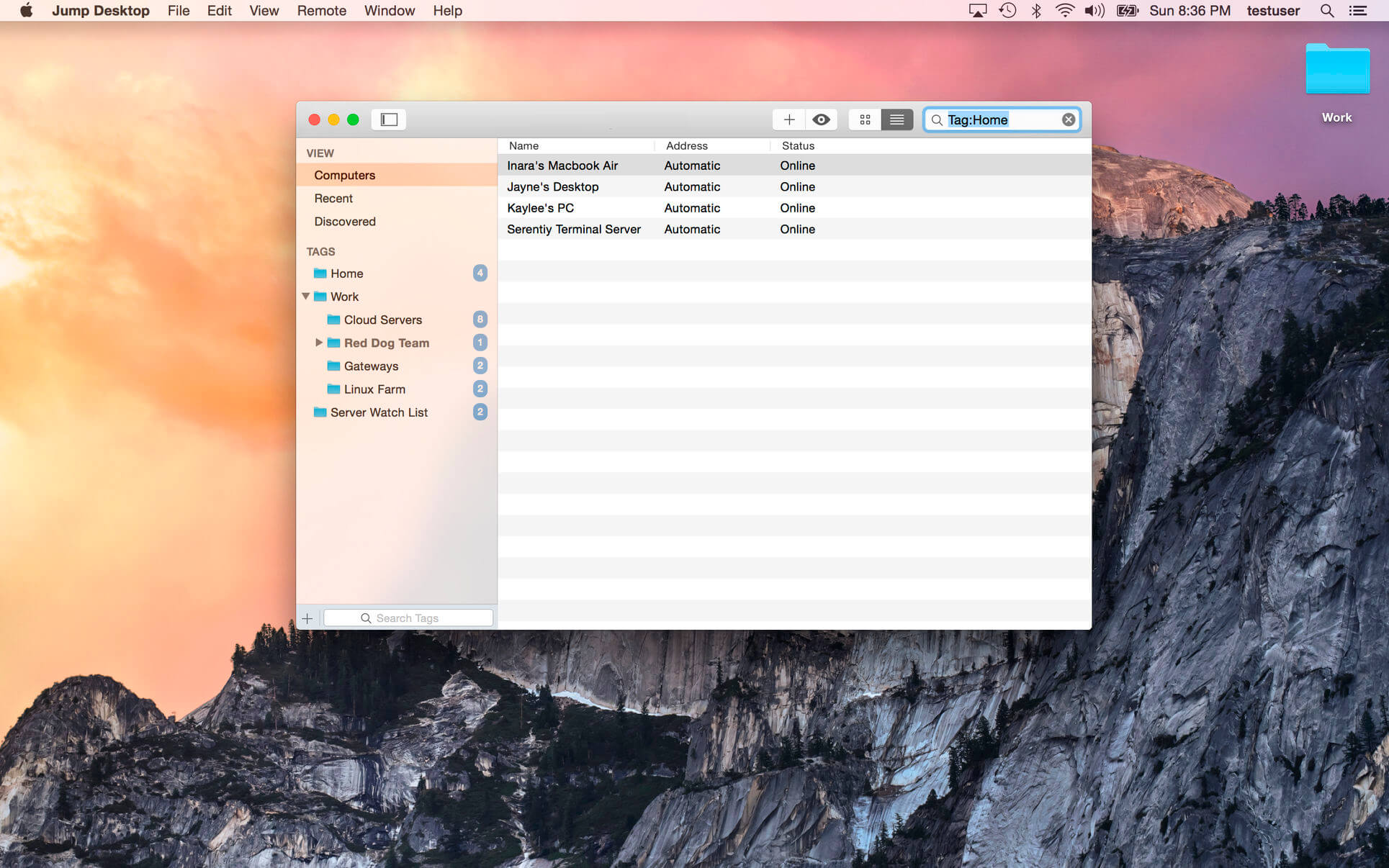
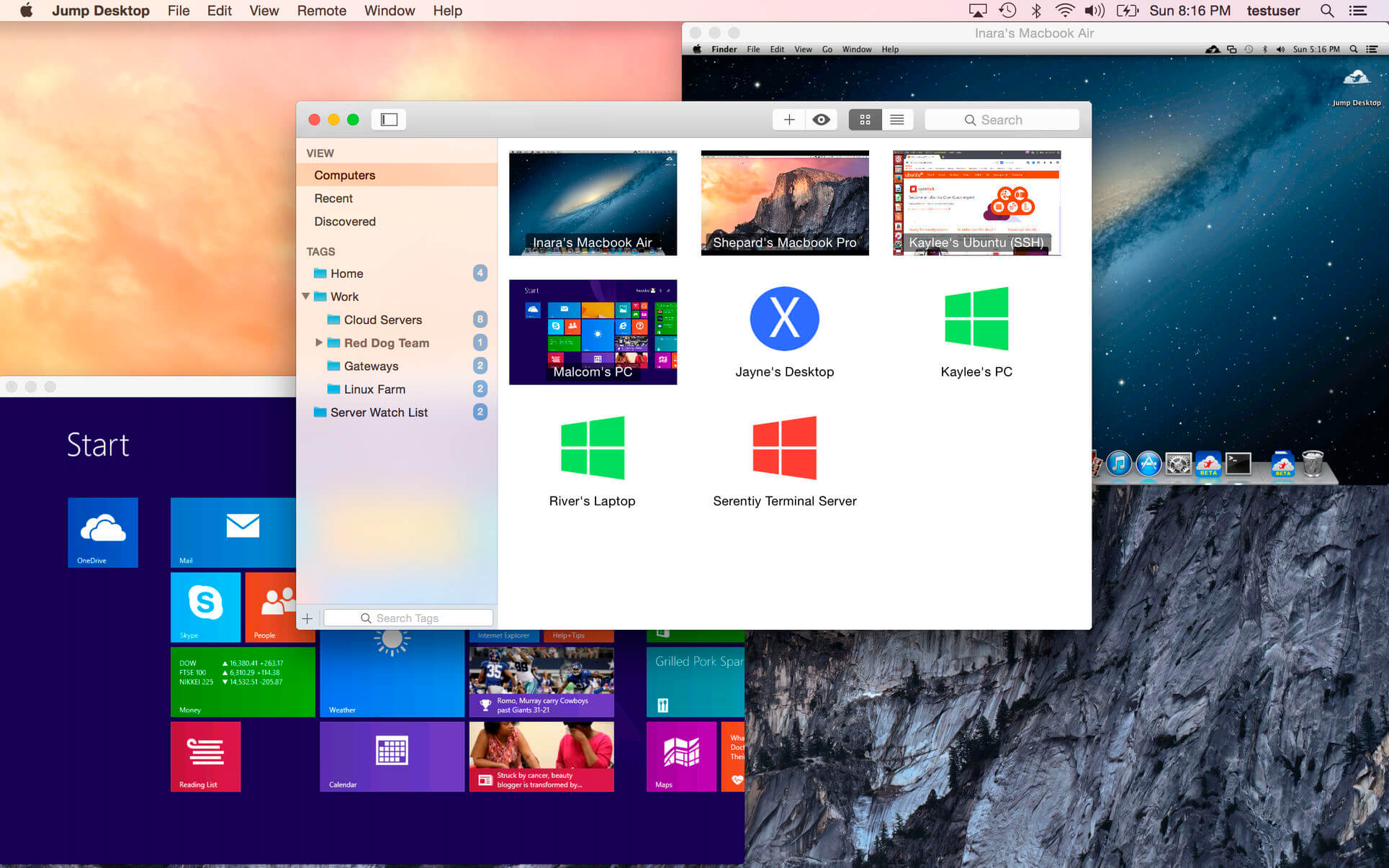
Jump Desktop is a remote desktop application that lets you securely connect to any computer in the world. Compatible with both RDP and VNC, Jump Desktop is secure, reliable, and very easy to set up.
Easy setup and reliable:
Jump Desktop is very easy to configure; anyone can do it! Just visit: https://www.jumpdesktop.com on your PC or Mac, click the ‘Automatic Setup’ link and follow step-by-step instructions. You’ll be up and running in no time.
Secure:
Jump encrypts the connection between computers to ensure privacy and security. Automatic connections are always encrypted by default. Supports NLA, TLS/SSL encryption for RDP. SSH Tunnelling and SSL/TLS encryption for VNC.
Supercharged Productivity:
Use Mac keyboard shortcuts in Windows. Seamlessly switch between computers without changing the way you use the keyboard. Vastly improves productivity. Fully customizable: Configure your own shortcuts or use the built-in defaults. No other app comes close.
Integrated into macOS
Quickly search and launch computers directly from Spotlight. Tightly integrated into macOS’s power saving technology to give you the best battery life on the go. Tabbing support.
Super fast and beautiful:
Powered by one of the fastest VNC and RDP engines on the planet. Multi-core, hardware accelerated rendering for zippy performance. Optimized for MacBook Pros and iMacs with Retina display
Features:
Multi-protocol: supports RDP, VNC and Fluid Remote Desktop
Full international keyboard support for RDP, VNC and ARD
Dictation support (Mountain Lion and later)
Tabs (macOS Sierra and later)
3 different ways to zoom and pan the remote screen (really useful when controlling multi-monitor remote systems from laptops)
Easy and secure setup: Automatically configure your PC or Mac for remote access without worrying about your router settings. Set up as many computers as you like and manage them all using your Google account (optional)
Built-in SSH tunneling for RDP and VNC connections
RDP features:
Tested on: Windows 2000, XP, Vista, Windows 7, Windows 8, Server 2003, Server 2008, Server 2008 R2, Server 2012/R2/2016, SBS Server, Windows 10
RD Broker and Load balancer support
RD Gateway support
Dynamic resolution updates (Win 8.1/2012 R2+)
Desktop Scaling (Win 8.1/2012 R2+)
Multi monitor support
Secure: 128-bit RDP, TLS/SSL, FIPS and NLA authentication supported
Printing redirection support (including a optional , super-fast server side-driver)
Audio streaming
Console sessions
Folder sharing
International keyboard layouts
VNC features:
Tested with macOS 10.5+, TightVNC, RealVNC, UltraVNC, Linux (Ubuntu Remote Desktop)
Secure: Supports SSH tunneling as well as SSL encryption (SSL only available when using automatic setup)
Black and white, Grayscale, 8-bit and 16-bit color modes to help manage bandwidth
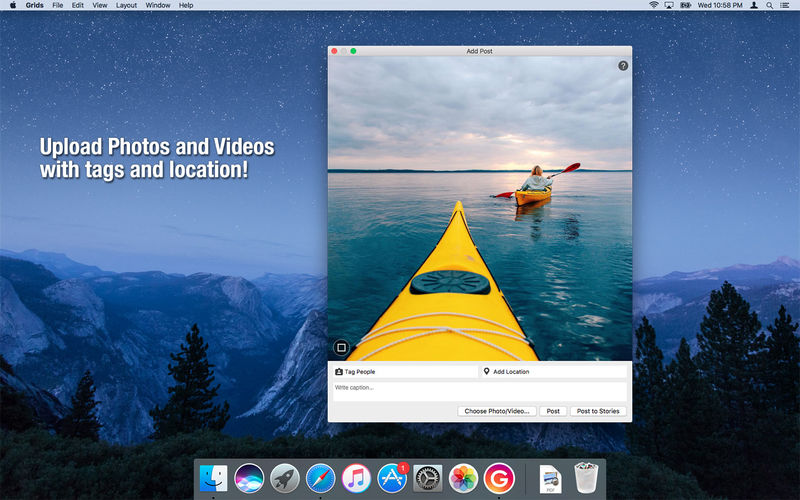
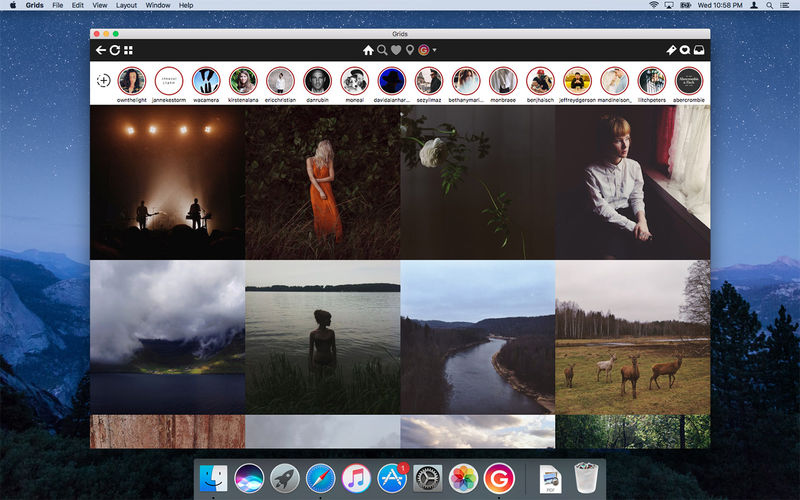
Grids brings the best Instagram experience to your Mac, with Stories (first and only app that supports stories!), Direct Message and Large/Fullscreen photo and video viewing.
As featured on TheNextWeb, AppAdvice, iDownloadBlog, DigitalTrends and many others.
View Stories (pro)
Direct message (pro)
Share photos/user profiles/tags/locations via message
Enlarged view mode allows photo viewing and video playing in large or full screen
Clean, adaptive UI. Works at full screen as well as widget-sized window.
Pixel-perfect layout and rendering. Retina display support. Your Instagram photos never looked this gorgeous.
4 beautiful layout styles for the pleasure of your eyes
Picture size as well as spacing and background color can be adjusted to your liking.
Fastest Instagram browsing experience you will have!
Switch between multiple accounts seamlessly.
Like, comment, follow, search people and tags.
Show users tagged in photo
Bookmark allows you to bookmark people (without having to follow them), locations, tags and individual photos or videos (without having to like them).
Get notification when new feed is available and/or when there is new followers/likes/comments/mentions.
View latest following/news just like on your phone
Note: An Instagram account is required to use this app.
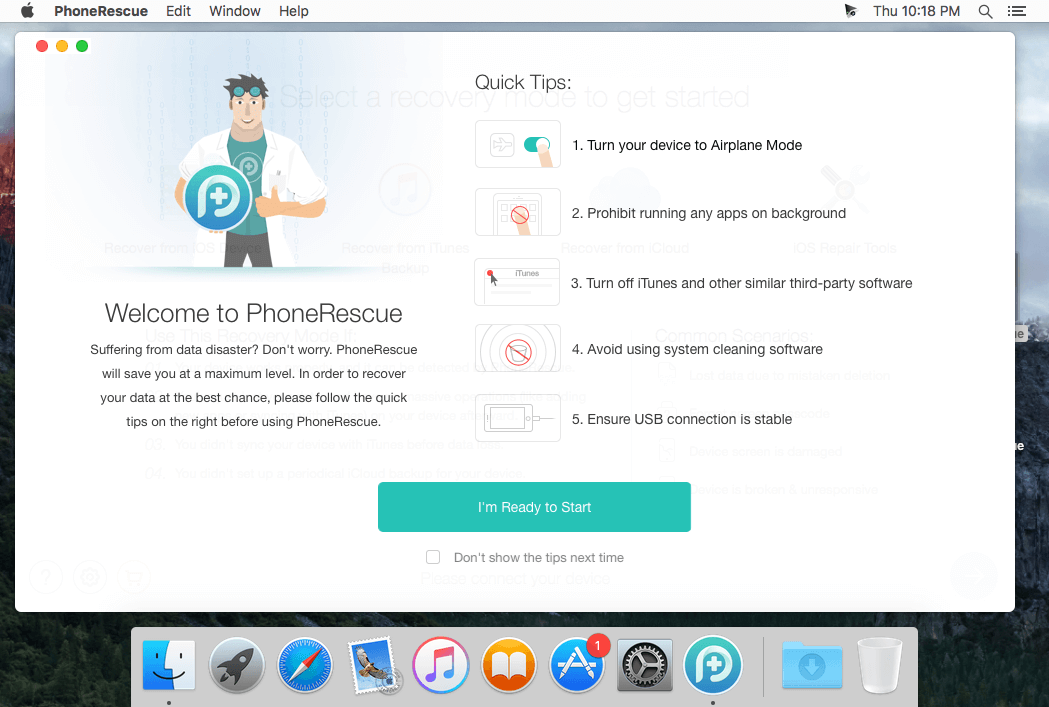
PhoneRescue is an ultimate iOS data recovery program designed for retrieving your lost photos, messages, contacts, notes and more on your iPhone, iPad and iPod touch. Also it can repair an iDevice from any iOS crash error.
Features
Focuses on analyzing and recovering the most important 25 types of iOS content
Recovers data & files directly back to iPhone for instant use, or to computer for future use
Pinpoints your lost contents in the first moment and conjure them back in an eye-blink
Retrieves your valued information via 3 safe and reliable ways: from device, iTunes backup, and iCloud
Extracts your needed information from iTunes backup – even it has been encrypted
Offers options of file types that you intend to scan and recover, making the process more accurate and faster
Fixes any iOS error within a single click to revive your broken iPhone
Mistaken deletion of your photos, text messages, contacts or other vital info on your iPhone could be a disaster in your life. That’s why we introduced PhoneRescue, with the promise to get all your lost-but-valued media or text data back in your hands. Apart from supporting 3-way recovery (from device, iTunes backups, and iCloud) to ensure the maximum recovery rate, PhoneRescue can recover data directly back into iPhone for instant use.
What’s New:
Version 4.0:
Release notes were unavailable when this listing was updated.
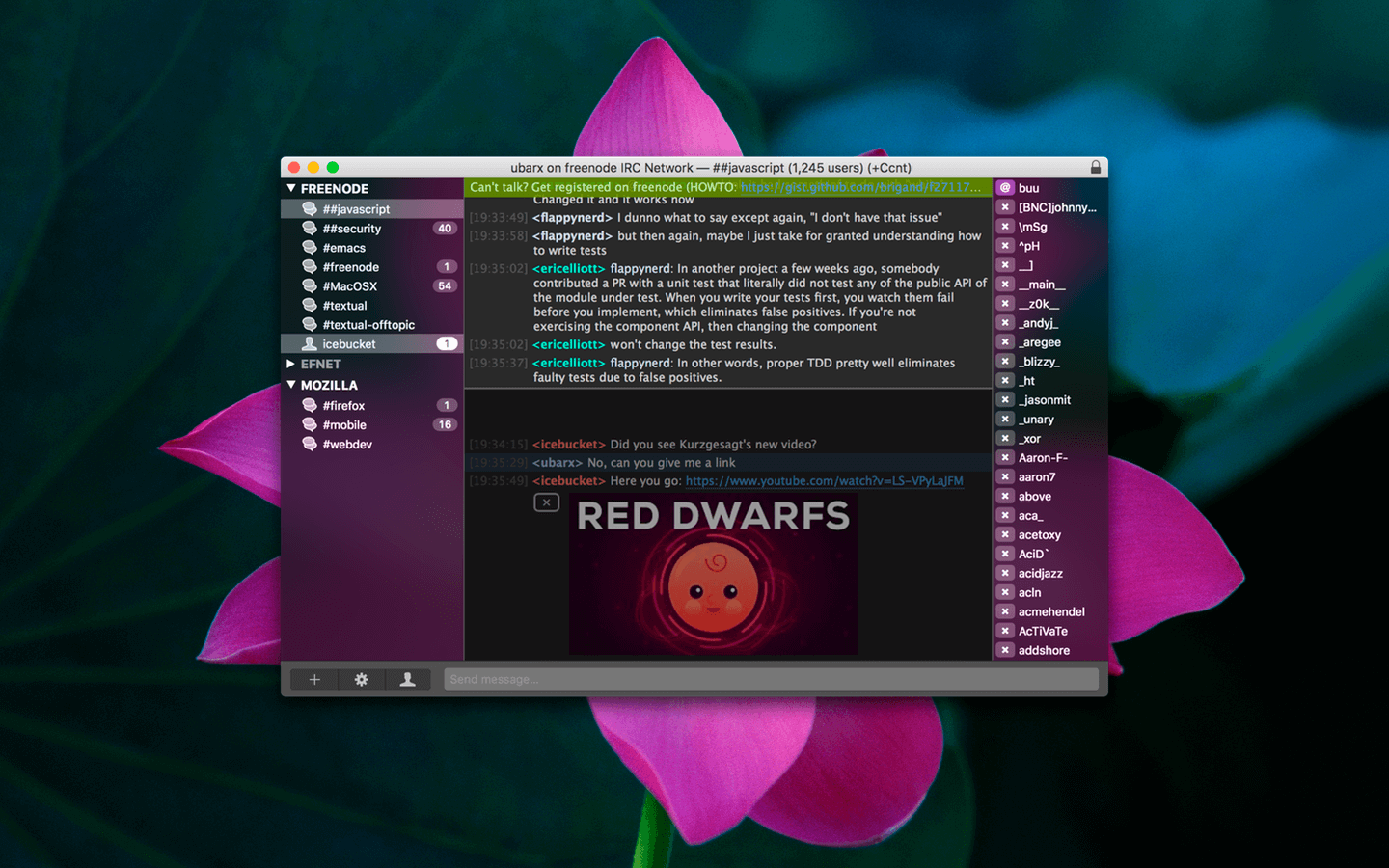
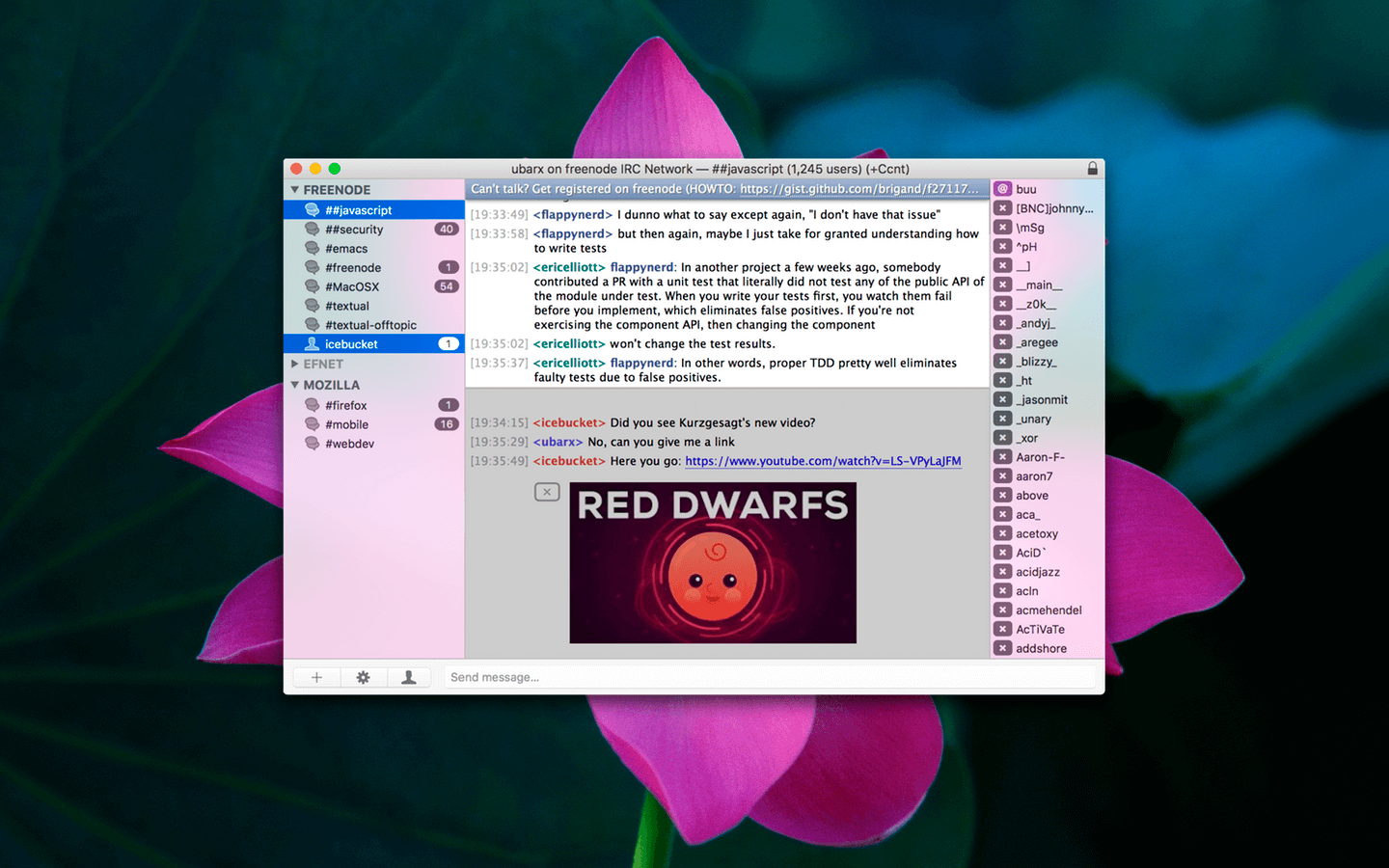
Textual is the world’s most popular application for interacting with Internet Relay Chat (IRC) chatrooms on OS X.
First appearing in 2010, Textual has since evolved and matured into the top IRC client for OS X; relied on and trusted by thousands of people.
Beautiful Interface Textual includes two elegantly designed dark and light variants of the user interface which have been refined all the way down to the very last pixel.
Powerful, yet lightweight Textual supports very powerful modern technologies such as native IPv6, the latest IRCv3 specifications, client-side certificate authentication, and much, much more in an easy to navigate, clutter free environment.
Privacy is valued Textual protects your privacy by leveraging widely accepted, proven technologies such as Off-the-Record Messaging (OTR) to ensure that the only people reading your conversations are those that you intend to.
Customizable Textual takes customization to the next level with styles created using well documented, open web standards in addition to addons built using a multitude of programming languages such as AppleScript, Objective-C, PHP, Python, Perl, Ruby, Shell, and Swift.
Textual also includes…
Multi-channel selection
Quick navigation using fuzzy searching
Inline nickname colorization
Rich array of keyboard shortcuts
iCloud support for syncing connections and preferences
Address Book for tracking when friends are online & offline
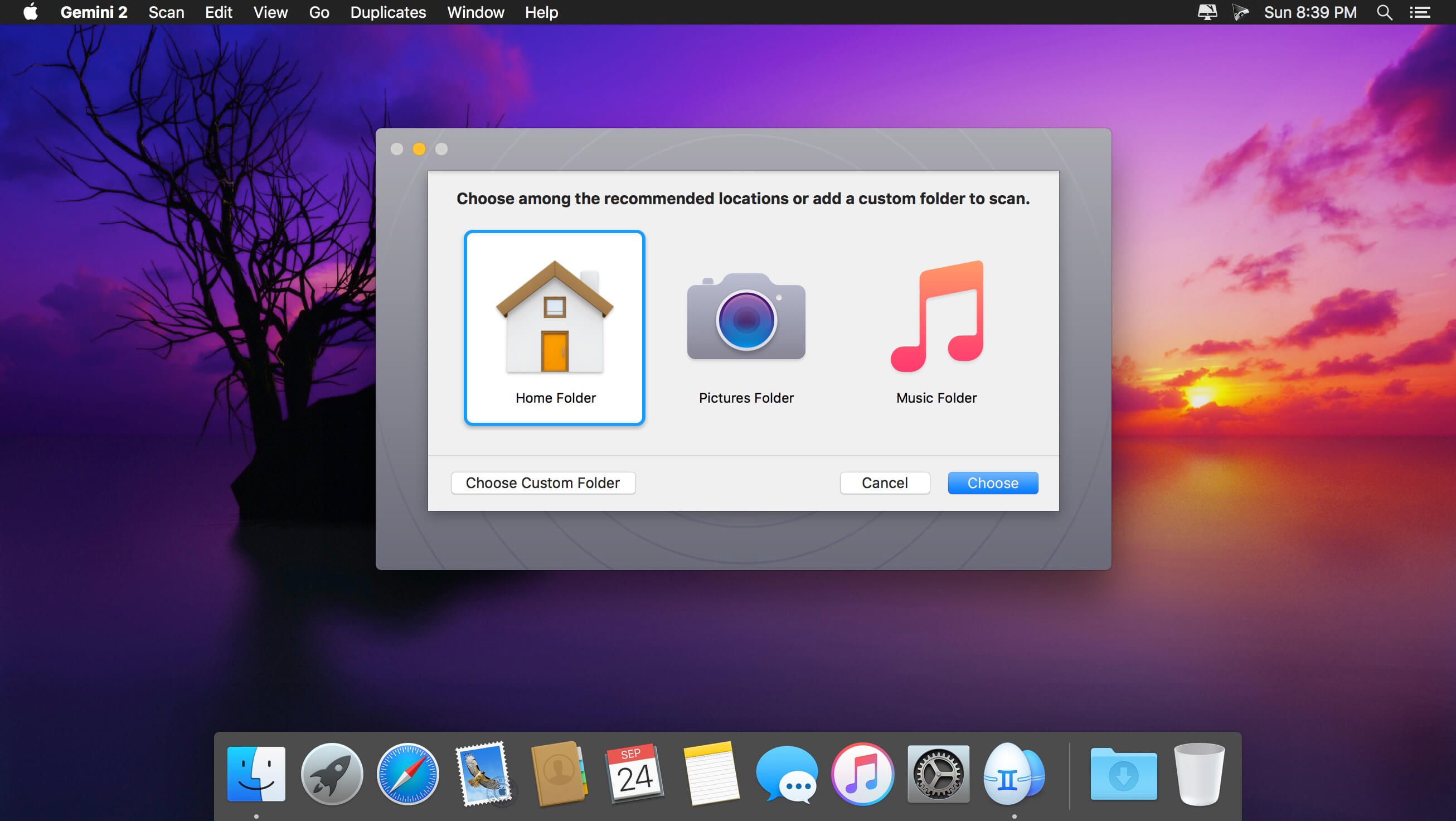
Gemini 2 helps you find duplicate files and wipe them away. It’s smart, laser-accurate, and recovers tons of space on your Mac.
Features
Detect and delete duplicates. Locate and remove duplicate files, even if they’re in remote corners of your system. Gemini 2 scans your whole disk speed-of-light fast, no matter how massive it is. Dig through scan results and hand-pick the files to erase, or better – let Smart Select do all the work.
Spot and shred similars. Just like duplicates, similars are space wasters. Now, Gemini 2 is after them. Spot files that look alike, see how they differ, and delete those you don’t need. Because you have better use for all the space they occupy.
Your photos matter. Their copies don’t. Do you really need 10 retakes of the Golden Gate? Probably not. Don’t let copies invade your Photos: find duplicate pictures, look at them closely, and zap the extras.
You only enjoy one tune at a time. Even if you play the same tune on repeat, one copy is enough. Delete duplicates in iTunes: Gemini scans it to find those five copies of “Space Oddity” you’ve stored up.
It’s smart, and getting smarter. Gemini is smart. It easily tells copies from originals. It knows which files to keep intact. But the best thing is that it learns to select duplicates the way you do. Gemini’s algorithm remembers what you delete and what you choose to keep. It’s like an apprentice you are training.
Simple is stellar. Gemini’s carefully crafted to be super simple. Whatever you need to do – view duplicates in detail or quickly destroy them – it takes a few clicks. Because that’s what a good duplicate finder does: makes things simpler.
Nothing’s deleted for good — until you say so. Never worry about losing the wrong file by mistake. Gemini moves duplicates to the Trash and lets you bring them back in a click. If you do want the copies off your Mac, delete them for good. If you just want them out of your way, stash them in a faraway folder. It’s always your call.
What’s New:
Version 2.6.2:
Release notes were unavailable when this listing was updated.
Compatibility: OS X 10.10 or later, 64-bit processor Language: Multilingual Homepagehttps://macpaw.com/gemini
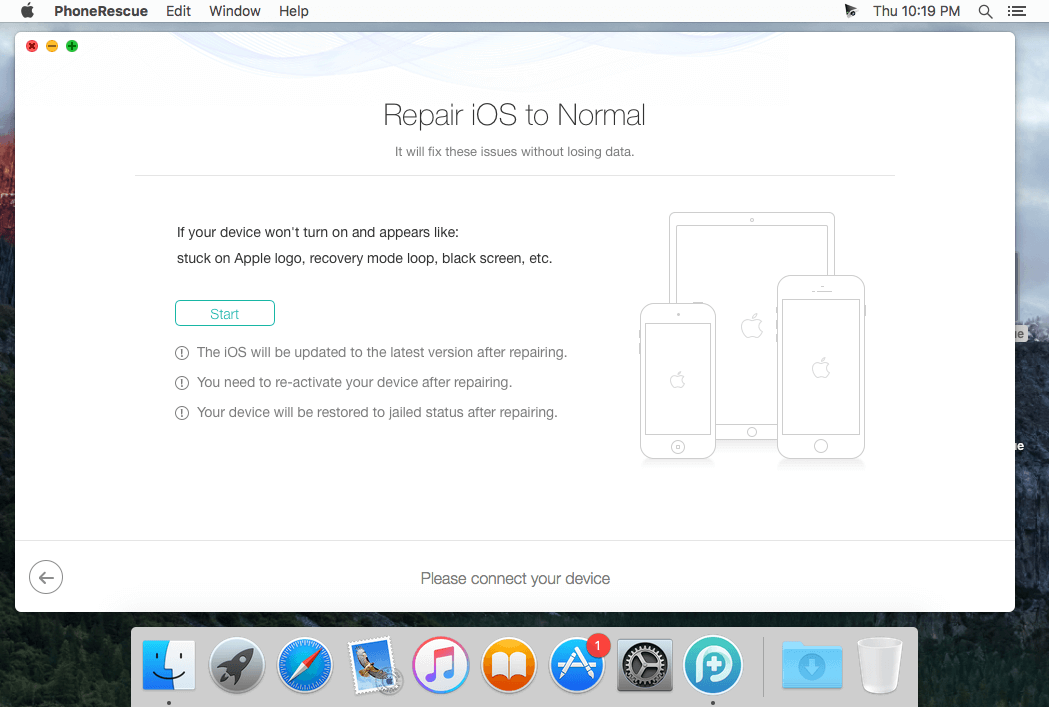
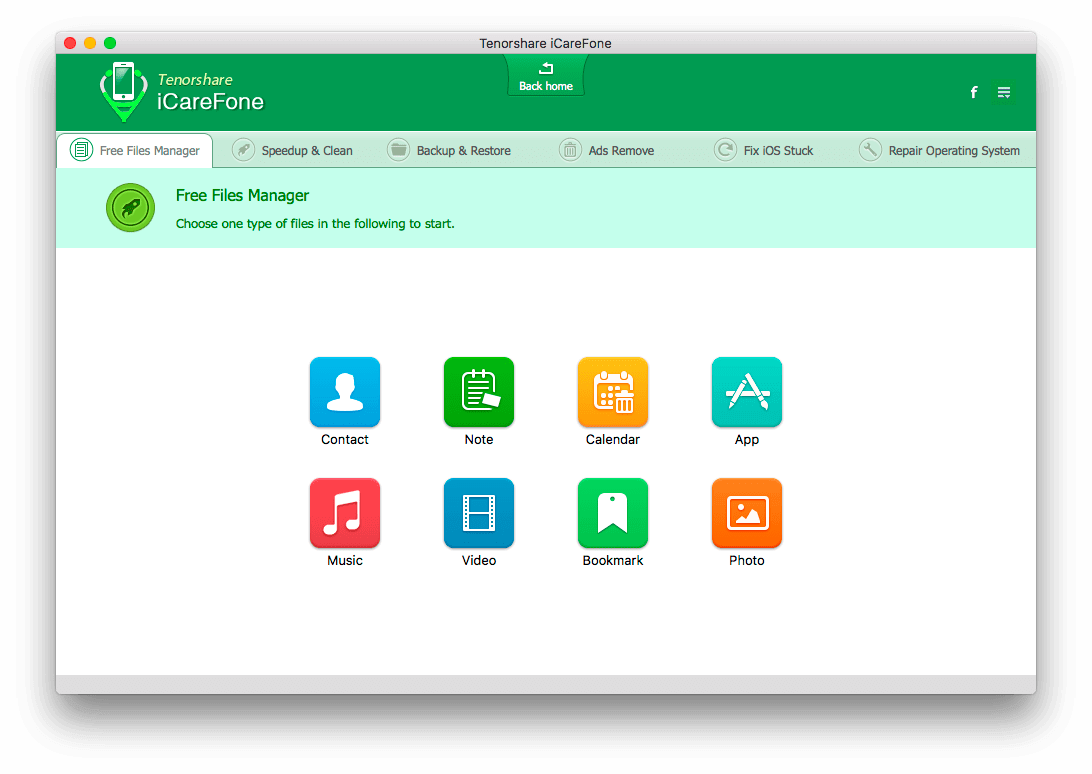
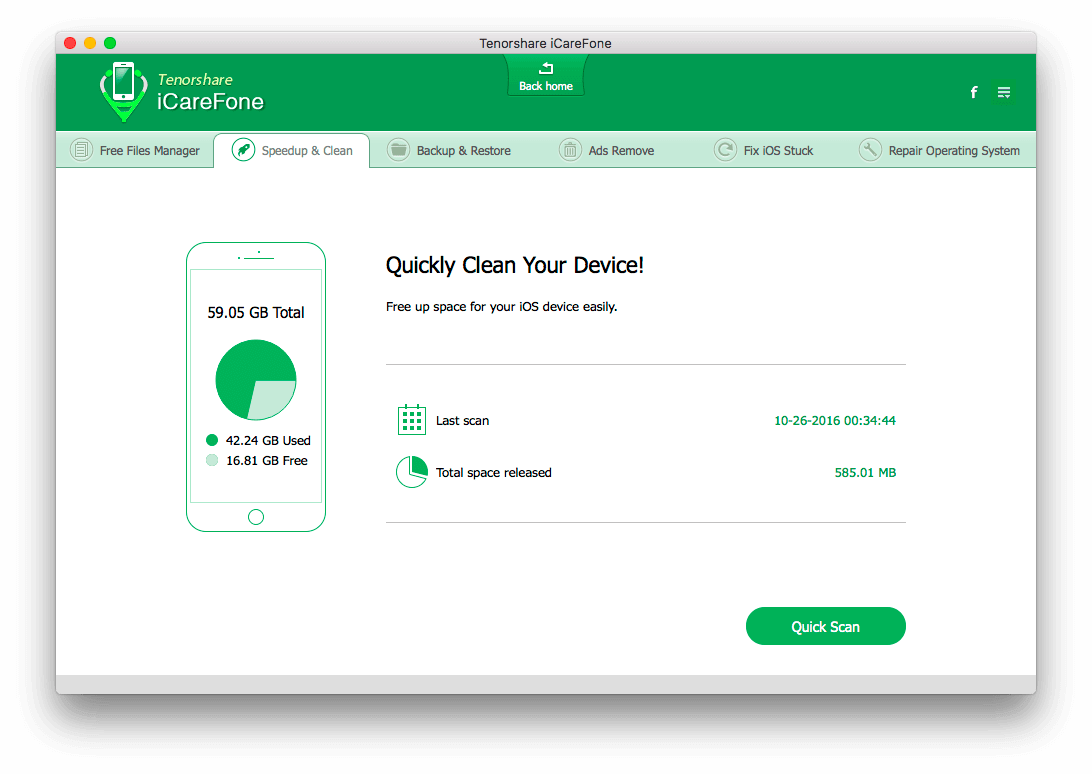
iCareFone will fix iOS to normal by installing the latest firmware file without wiping data on iPhone/iPad/iPod touch. Repairing Operating System can fix all iOS stuck, crash, and errors occur on iOS update/jailbreak. You can also repair the system just for a faster and better iOS experience.
Issues you can fix
Stuck in white Apple, recovery mode, dfu mode, black/white screen…
App crashing on iPhone, iPad, iPod touch.
iPhone/iPad restarts randomly and repeatedly.
Black screen and blue screen of death.
iPhone becomes sluggish after updating a new iOS version.
Other iOS issues that cause your iPhone/iPad/iPod perform abnormally.
What’s New:
Version 6.0.3.1:
Release notes were unavailable when this listing was updated.
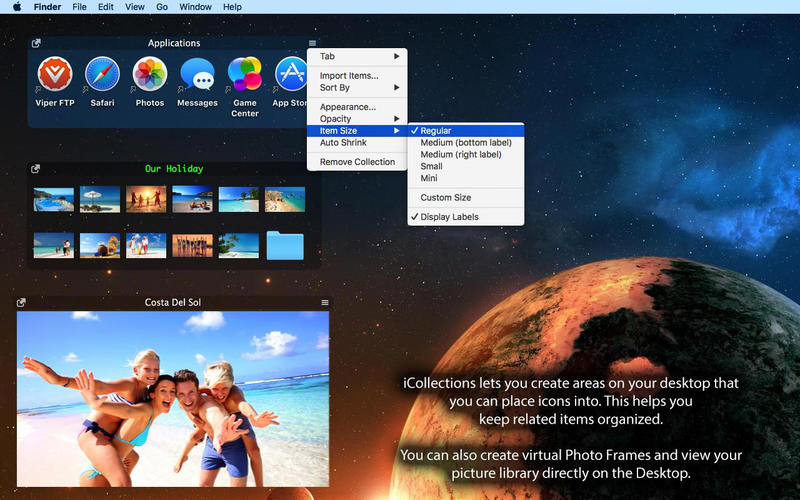
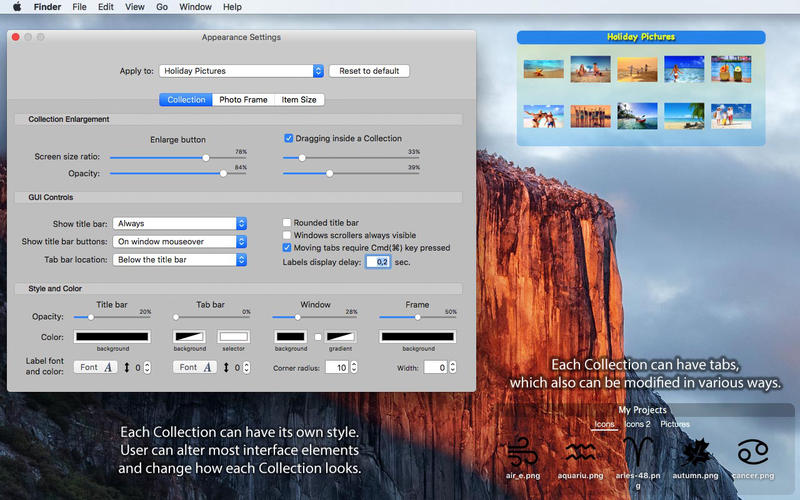
iCollections is an expertly designed application which helps you keep your desktop organized. The app’s unique features are what make it the most popular method of desktop organization for Mac users. iCollections lets you create areas on your desktop that you can place icons into. This helps you keep related items together so your files (pictures, documents, screenshot, applications, etc.) remain organized.
When selecting Photo Frame, a picture frame will be created at the desktop. The Photo Frame will display collection of your pictures as a slide show, eg. a new picture every day. Select your pictures folder and recall wonderful memories.
Use View Settings to define a slide show: window design and details to show. You can also create a static picture – just select a picture instead of a folder. Quick and easy!
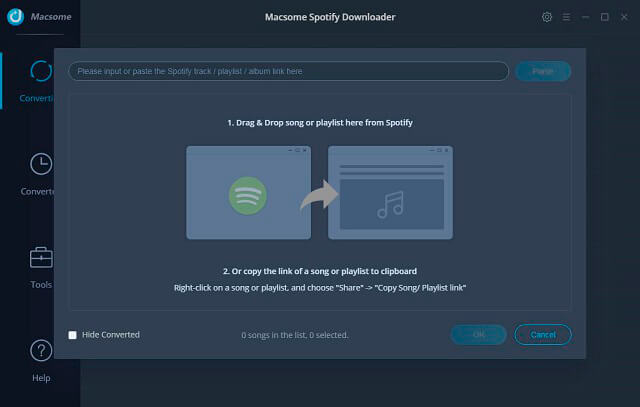
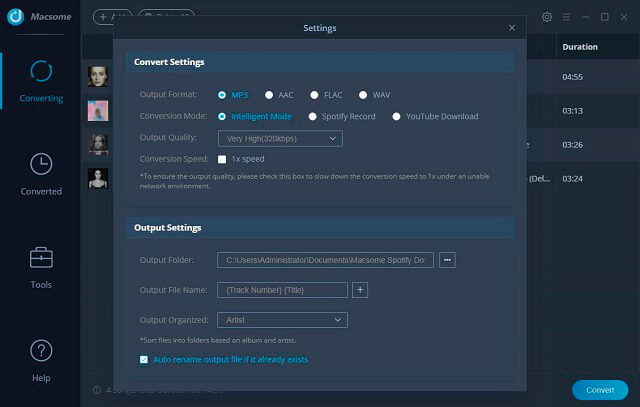
All-in-one Spotify Music Converter and Audio Downloader Spotify Downloader for Mac is a professional Spotify Music Converter, Spotify Audio Downloader and Spotify Recorder, which can convert all the Spotify music songs and playlists to MP3, AAC, FLAC and WAV, and unlock Spotify, so you can play the converted songs on Sony PSP, Sony Walkman, iRiver, the general MP3 player and so on.
It also helps users decrypt the limitations from Spotify audio tracks and convert them to MP3, AAC, FLAC and WAV audio format, and then users can play the downloaded files on kinds of audio players as they like.
Support converting Spotify to MP3, AAC, FLAC, WAV Fast conversion speed and free upgrades all life. Support macOS 10.15 Catalina and the latest Spotify.
What’s New:
Version 1.0.2:
Fix some conversion failure issue in some circumstances.
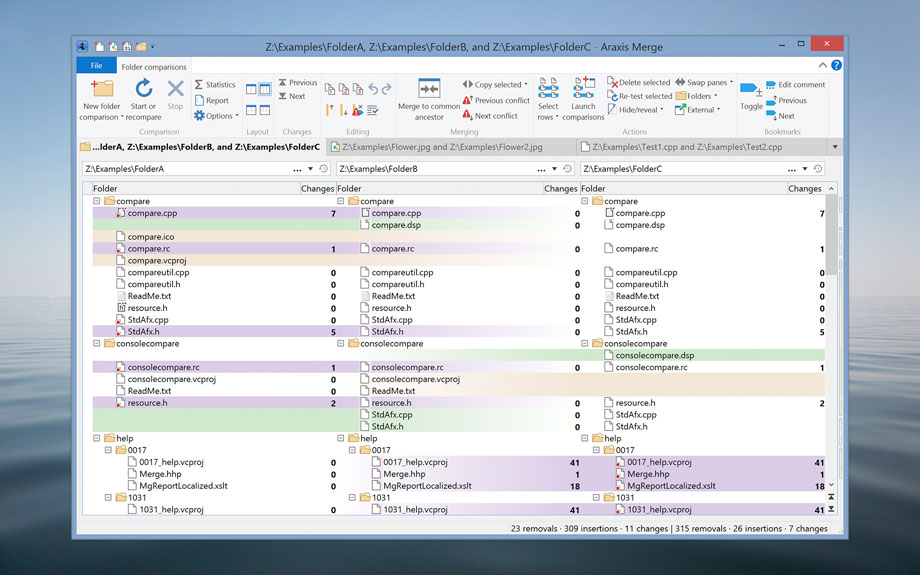
Araxis Merge is the two- and three-way visual file comparison/merging and folder synchronization application. Use it to compare, understand and combine different versions of source code, Web pages and other text files, or even text copied and pasted from another application (e.g., Pages or Microsoft Word). Merge integrates with Time Machine, so you can compare older versions of files..
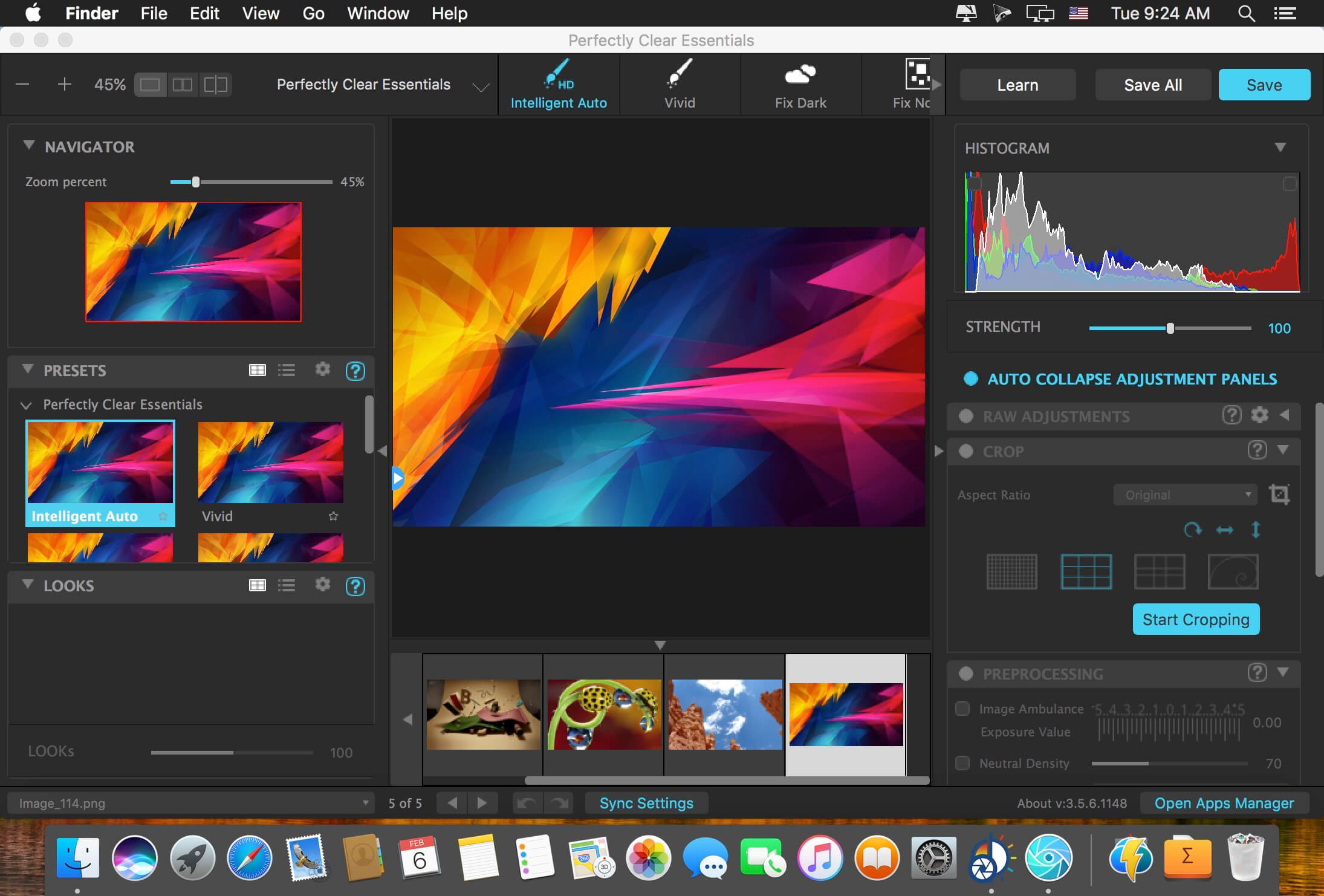
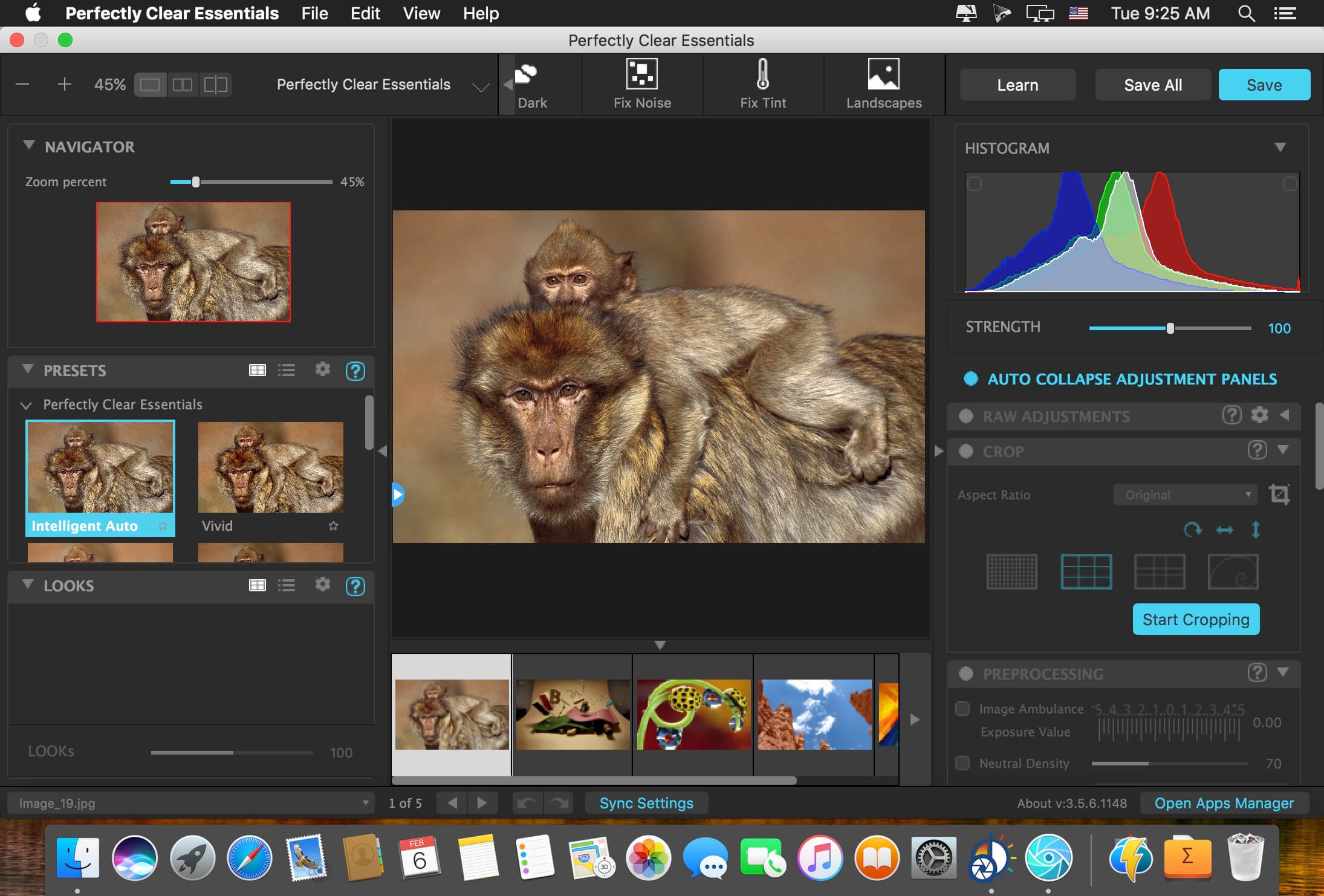
Athentech has released a new product called Perfectly Clear Essentials. This product contains all of the Tone, Color, and Details controls that can give you perfect exposure, great color, and sharp photos with no noise. All of the preset functionality, as well as Creative LOOKs and Corrective Filters, are also unlocked.
40+ useful adjustments for perfect exposure, color, and details
Includes 32 Useful Presets for fixing most photographic challenges
Includes 42 Creative LOOKs to stylize your images
Unlock more features your favorite presets or LOOKs
Create your own presets and share with others
It is virtually identical to Perfectly Clear Complete except in two ways. It removes controls for all of the Beautify technology. These adjustments are helpful for portrait and wedding photographers, but not really useful to landscape and travel folks. It removed the batch export module from Lightroom.
While both of the above are useful, they are designed for pros who need the most time-saving options for processing portraits. If you do need portrait adjustments, you can easily add the Kristina Sherk preset packs or a new forthcoming one from Matthew Jordan Smith.
You can also create your own presets and exchange your favorite settings with other users. This is a great deal if you want the time-saving features as well as advanced technology to unlock perfect exposure and sharper images.
There is a whole world that we get from images. A single picture can fill us with inspiration which, in turn, brings us joy. Such impressions grow to create wonder and amazement for the world. That growth and creation is made possible by you. And Pixave is here to store and organize those inspired moments – to enable you to bring them to mind whenever, wherever you are.
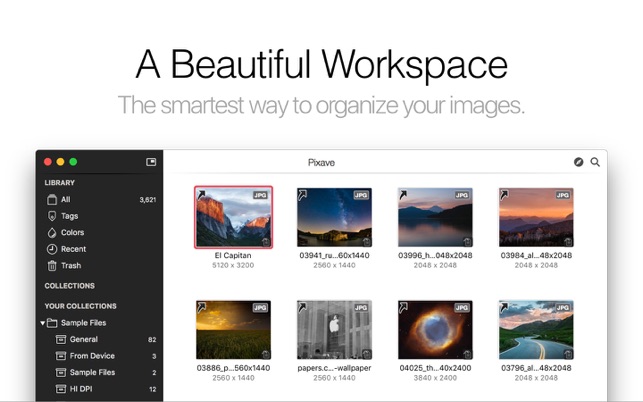
A beautiful workspace, more powerful than before Pixave is the ultimate image organizer. The updated version includes the new Light/Dark user interface with the Collection now supporting auto-import, while the Smart Collection and System Collection has become more powerful and refined, providing this new version with an even more convenient and user-friendly workspace. You will be amazed at such useful features. Pixave’s innovative and useful workspace lays the groundwork for you to draw inspiration, unhindered, from your images – because your inspirations are precious and beautiful.
More Formats! Pixave supports common image formats such as GIF, JPEG, JPEG 2000, PNG, TIFF, ICNS, AI, PSD, EPS (included PDF info only), PDF, TGA, SVG, BMP, ICO, Camera RAW, HEIC, HEIF, as well as document formats from Mac Graphic Killer applications such as *Affinity Designer, *Affinity Photo, *Pixelmator, *Pixelmator Pro, *Sketch, *Audodesk Graphic, *Acorn document. And now, even more formats are supported: TrueType® Font, OpenType® Font, MOV, M4V, MP4, MPO, DAE for 3D Objects, OBJ files, *Apple Pages, *Numbers, *Keynote, *iBook Author, *MS Word, *Excel, *PowerPoint. Also the popular Mac software *OmniGraffle, *MindNode, *Comic Life 3, *Napkin, *Flinto, *iThoughtsX, *Principle, *Art Text 3 document are supported. (formats with “*” requires the relevant app to be already installed)
Automation Specified media, along with tag information, can now be automatically imported from a designated folder. To import, images no longer need to be dragged, images no longer need to be clicked to apply tags, and image types no longer need to be separately categorized. Just place your desired files into the designated folder and Pixave will automatically import the selected media and automatically apply selected tags. Now importing media is taken care of automatically. How convenient!
Easy Tagging Adding and searching for tags is a piece of cake. Many tags can be applied immediately to a number of images, and can be searched for along with its tag. Pixave’s new Tag system really is quite something. During import, not only are the keywords included in the image identified and automatically added to the tag, but tags added by the user can also be very easily applied. For tagging, simply drag the tag to an image or vice versa. This way of adding new tags or searching for tags provides a fresh approach in accessing them. Beware to not become overwhelmed by the incredible new tagging interface – the ability to apply numerous tags simultaneously to numerous images.
Enhanced Web Capture Pixave’s web capturing capabilities have evolved. Now, the website that you wish to capture can be captured while interchanging freely between desktop and mobile modes. Pixave’s web capture also provides iPhone, iPad, as well as Landscape options for easy and flexible capture. Additionally, webpage resources can be directly downloaded as well – this feature enables you to directly import any graphic elements that you see on a website into Pixave with Web Browser Extensions
Exciting Export Even exporting has evolved. Alongside the basic function of exporting according to image type, you can also adjust the image size in set increments, customize the file naming pattern and apply Watermarks. Tags you have inserted and managed are now also included within the image during export. And the ability to create ePub files is, no doubt, a bonus.
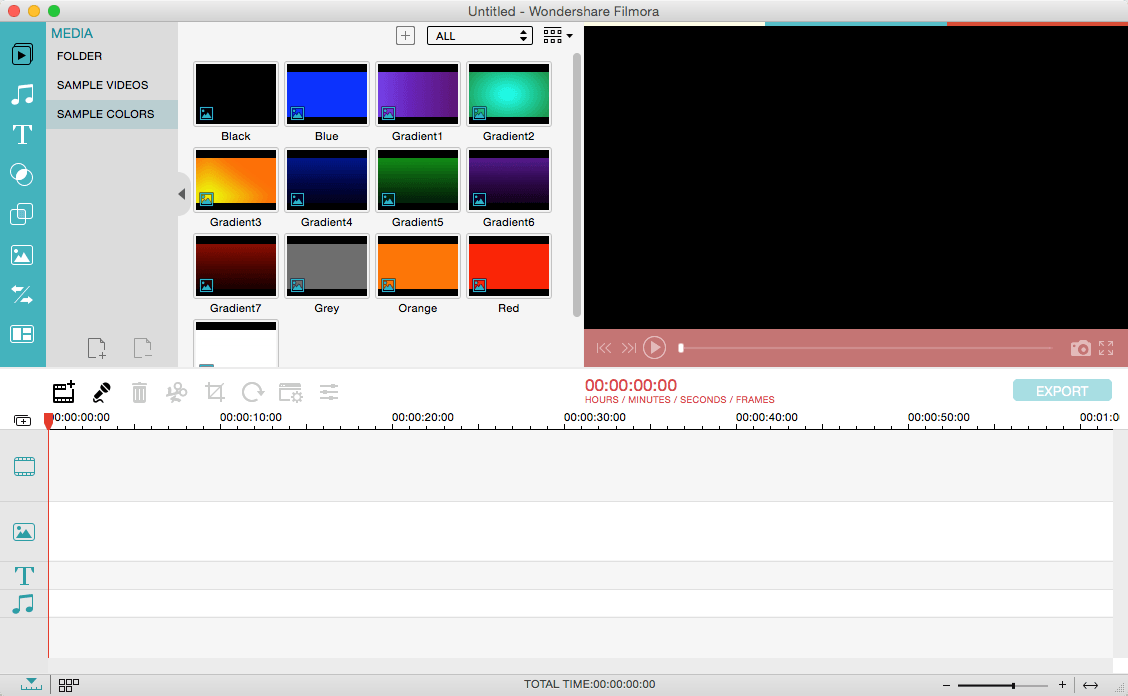
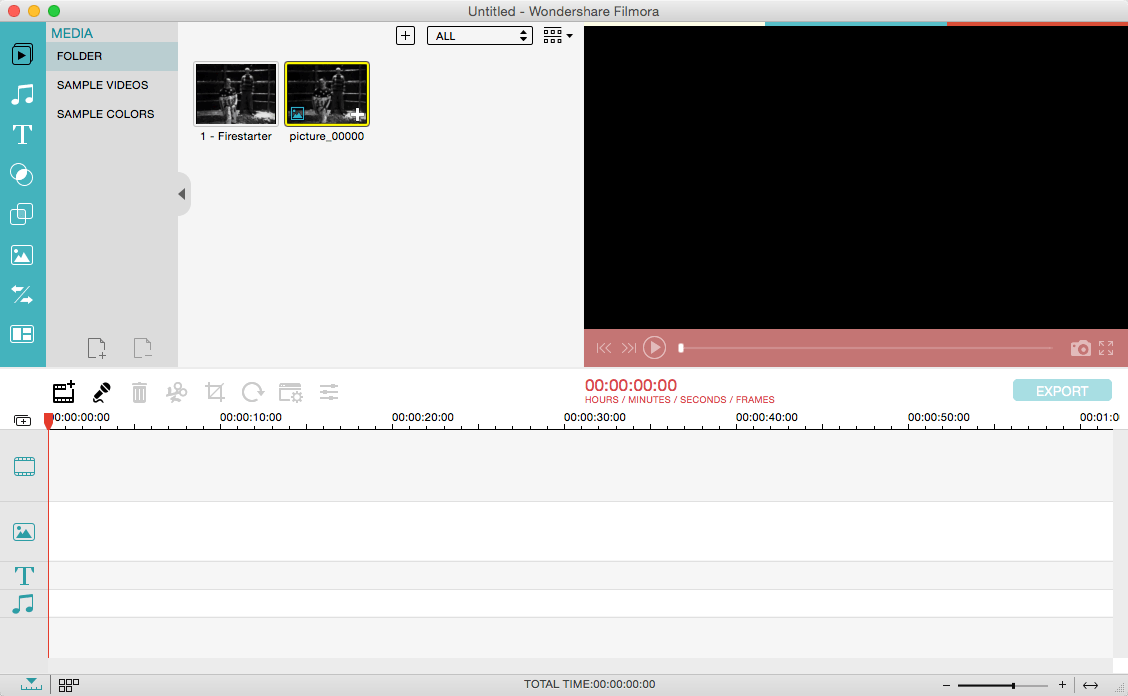
Wondershare Filmora, an easy-to-use video editor with all the video editing tools you need, enables you to create Hollywood-like home movies with titles, effects and transitions from all regular videos, audio and photos. Share instantly with family and friends with easy upload to YouTube, Facebook, etc.
Ignite your story Use Filmora video editor to express your creativity and amaze with beautiful results.
Modern and Simple UI A modern and intuitive design that you’ll be delighted to use again and again.
Text & Titles Now you can create beautiful animated messages from our text & titles library
Music Library Add your favorite music dircectly into your movie to create the perfect atmosphere.
Overlays & Filters Transform a movie into something spectacular with our handcrafted, overlays and filters.
Elements Take your video to the next level by adding impressive Still and Motion Graphics.
Simple Effects Expand Your Imagination with Over a Hundred Unique Visual Effects. Wondershare Filmora allows you to turn your home video into something extraordinary with minimal effort.
Advanced Effects Expand Your Imagination with Over a Hundred Unique Visual Effects. Turn your home video into something extraordinary with minimal effort.
Share Your Creative Work Showcase your creativity with your family, friends and the rest of the world! You can easily publish your masterpiece in so many ways.
Key Features: Support Formats Support video formats editing: MP4, FLV, MOV, AVI, MKV, FLV, WMV, TS, MTS, etc. Make it possible for homemade and downloaded SD/HD videos for editing. Audio: MP3, WMA, WAV, M4A, AAC, AC3, OGG, etc., as background music of the videos. Photo:BMP, JPG, PNG, GIF, etc. and create home movies combining photos.
Basic Editing
Trim, crop and rotate videos
Remove unwanted black edges or other unwanted parts
Change audio pitch, adjust volume, and get rid of video noise
Professional Effects
80+ professional filters and artistic effects including particle effects, fire effects, face-off effect, tilt-s**t effect, mosaic and more.
50+ transition and motion effects.
Touch up your photo with perfect brightness, contrast, or saturation, and turn your photos into an animated slideshow.
Effects Pack
8bit Gamers Effect Pack.
80s Vintage Collection.
Fashion Collection.
Summer Effect Pack.
Travel Effect Pack
Special Thanks to iTEHb
What’s New:
Version 9.3.5.7:
Release notes were unavailable when this listing was updated.
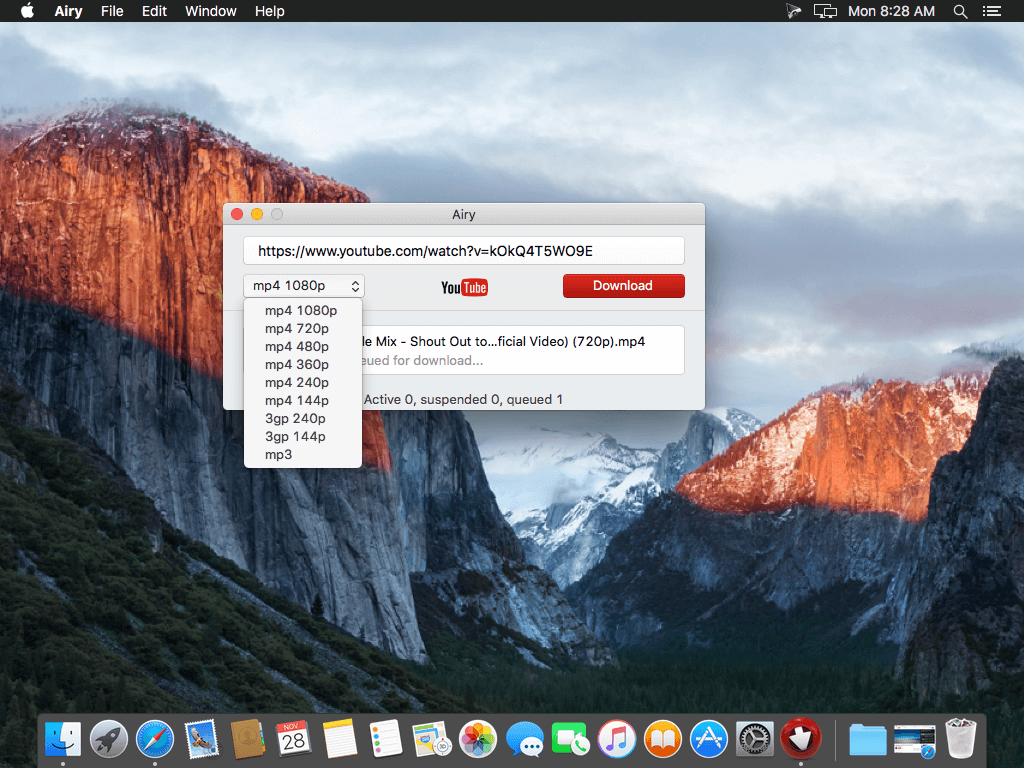
Airy will help you save YouTube video on your computer so that you can always watch it even if there is no Internet available. Airy is a utility for downloading videos from YouTube in a simple and efficient way.
Download YouTube videos on Mac A simple and neat Mac YouTube downloader: start multiple downloads at the same time, select formats you want to save videos in and choose the desired resolution. Airy can download whole YouTube playlists and channels.
Download MP3 from YouTube How many times you needed YouTube MP3 download Mac instead of video? Pretty often we bet. When you just need YouTube MP3 downloader for Mac Airy is your first choice! It will extract sounds from YouTube videos and fetch titles and album art, and it supports other audio formats too! For fast and easy YouTube download MP3 on Mac simply copy and paste the link, select audio format and click ‘Download’.
Integrate into Browser Airy can be integrated in your browser to catch YouTube downloads directly from web. It supports all popular browsers like Safari, Chrome, Firefox, or Opera. To be able to save YouTube videos on Mac with Airy click “Integrate into Browser” in main menu and follow comprehensive instructions to set it up. Now saving YouTube videos on Mac is very easy – just click Airy bookmark each time you need it.
Choose Preferred Quality Benefit from the possibility to choose the quality for the video to be saved. You can save video in MP4, FLV, and 3GP formats in a resolution of your choice. Airy downloads HD videos – even 4K and 8K Ultra HD videos are supported. Choose the format to save videos in depending on their further usage – device you will be using, player you want to watch videos in. Keep in mind that if you are going to watch videos on your mobile phone, lower resolution is preferable, however watching an HD video on a large screen will be much more comfortable.
Playlists and channels Airy can download YouTube playlist on Mac; downloading of YouTube channels is also fully supported. The steps are really easy: copy and paste YouTube link, choose the desired format and click Download. When you are downloading playlists, you can choose to download each item in its best available quality.
Login & password Airy offers downloading of age-restricted and protected videos. Simply go to Airy menu to log in to your YouTube account (save your login and password for future if you’d like) and enjoy unlimited video experience.
What’s New:
Version 3.12.252:
Release notes were unavailable when this listing was updated.
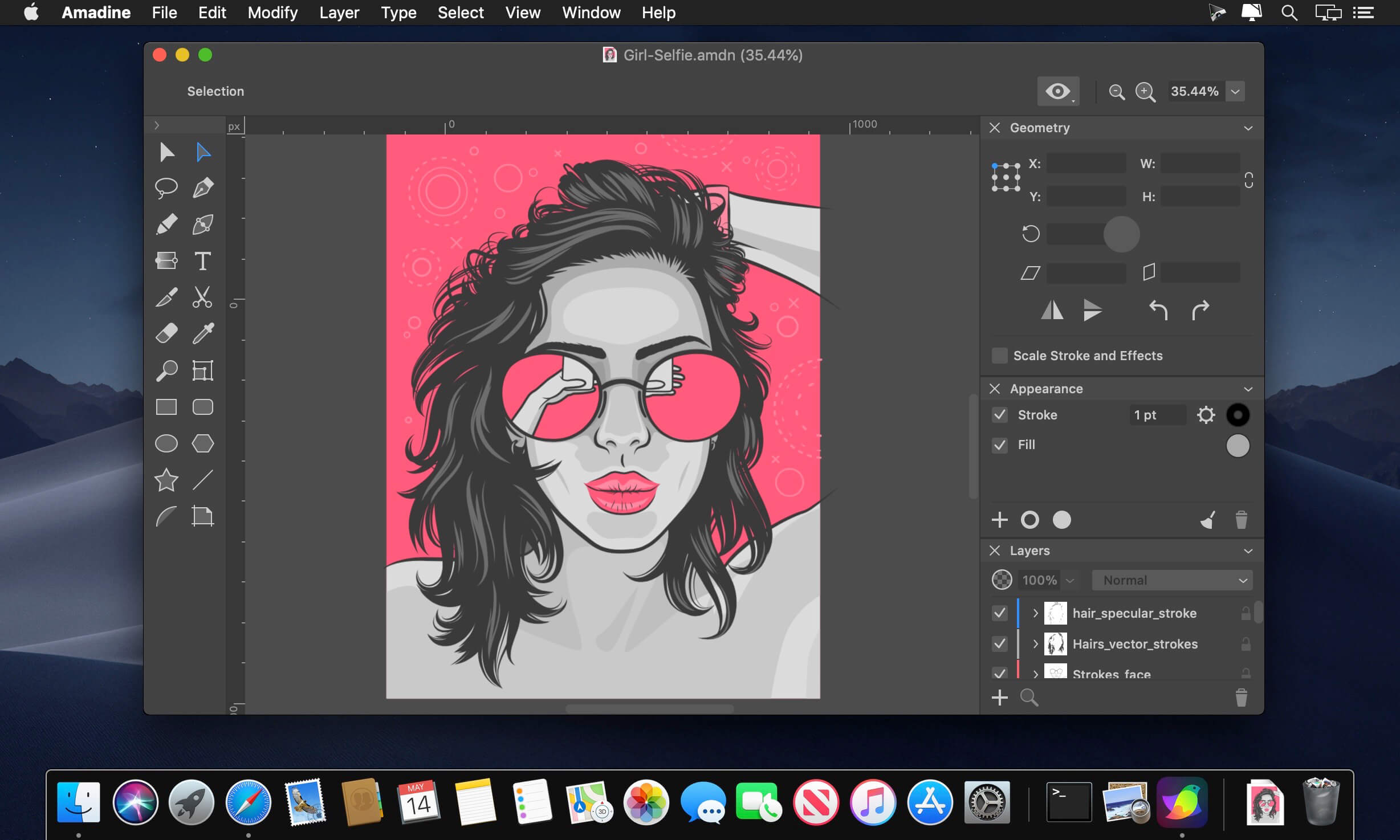
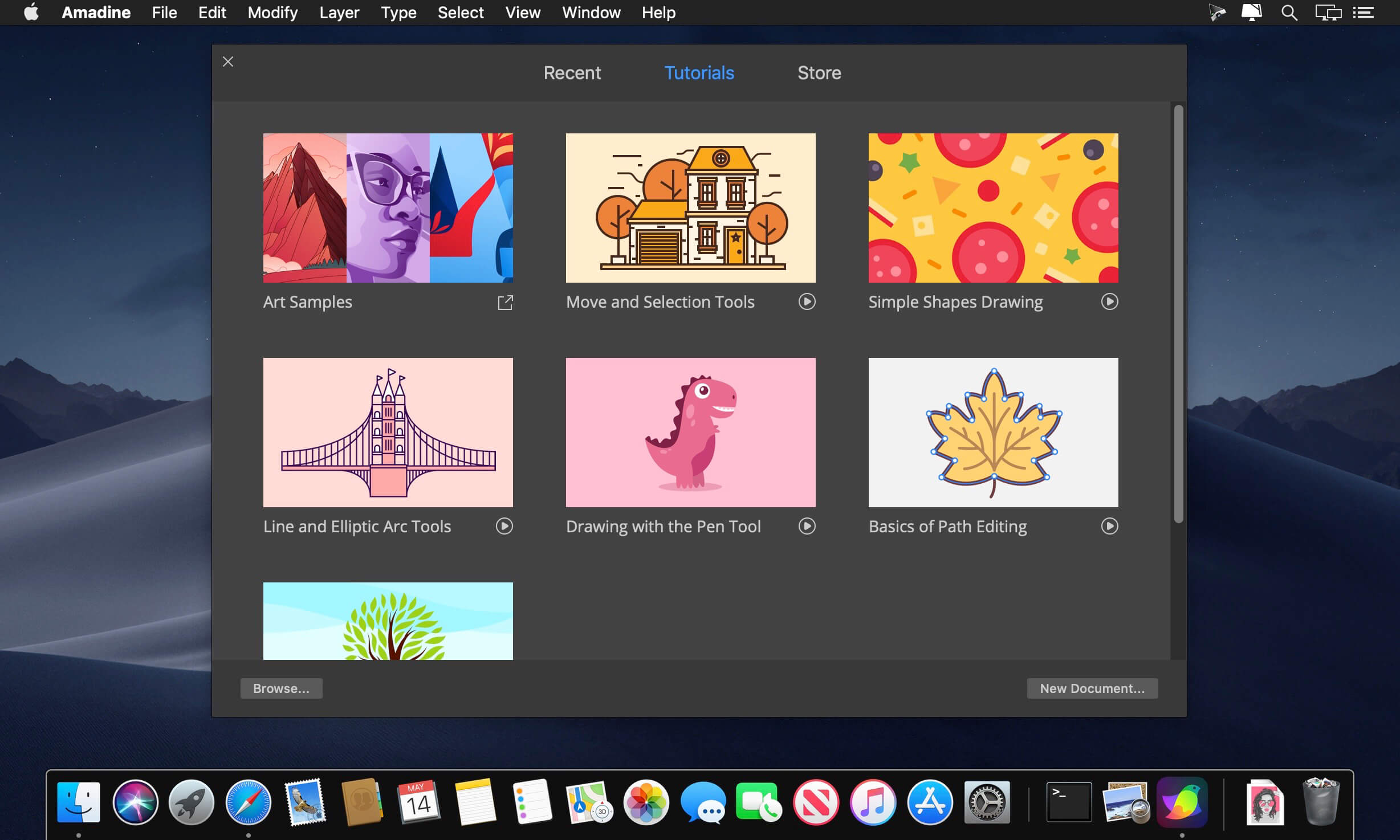
Amadine is a vector drawing software with perfectly balanced UI that guarantees smooth workflow and quick learning. The app is perfect for illustrations, designing websites, user interface, laying out flyers and brochures, creating logos and icons.
Developed with precision and attention to what users need, Amadine offers everything you may require to bring the craziest illustration ideas to life.
Tools:
Use more that 30 tools for selecting, drawing, editing, slicing and typing.
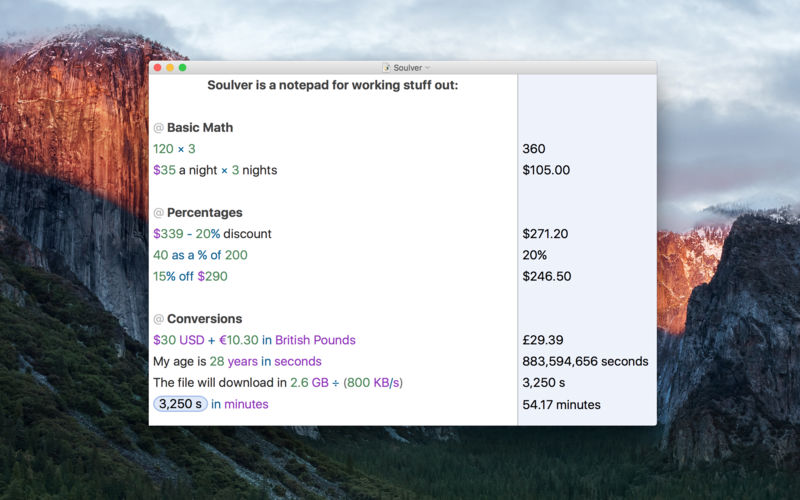
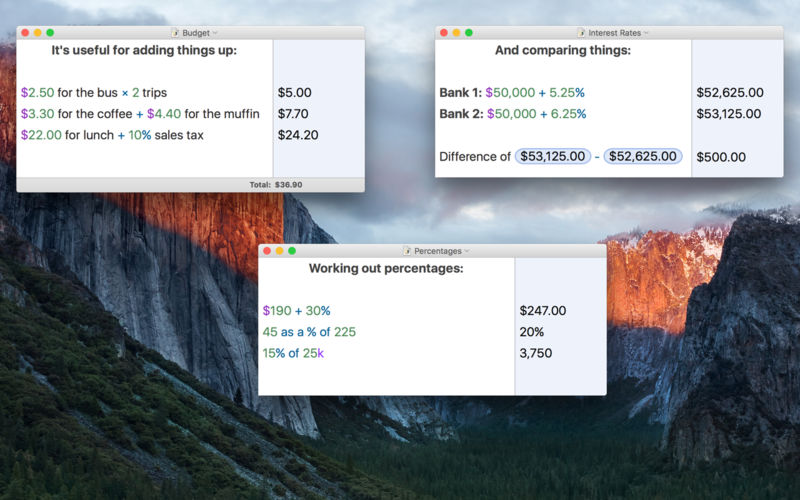
Soulver 3 is a smart notepad with a built-in calculator. It gives instant answers to any calculations it finds in your text. It’s a better way to work stuff out than with a traditional calculator, and a more lightweight tool for quick calculations than a spreadsheet.
Math Features
Instant calculations, no equals required
Use words alongside numbers, so calculations make sense
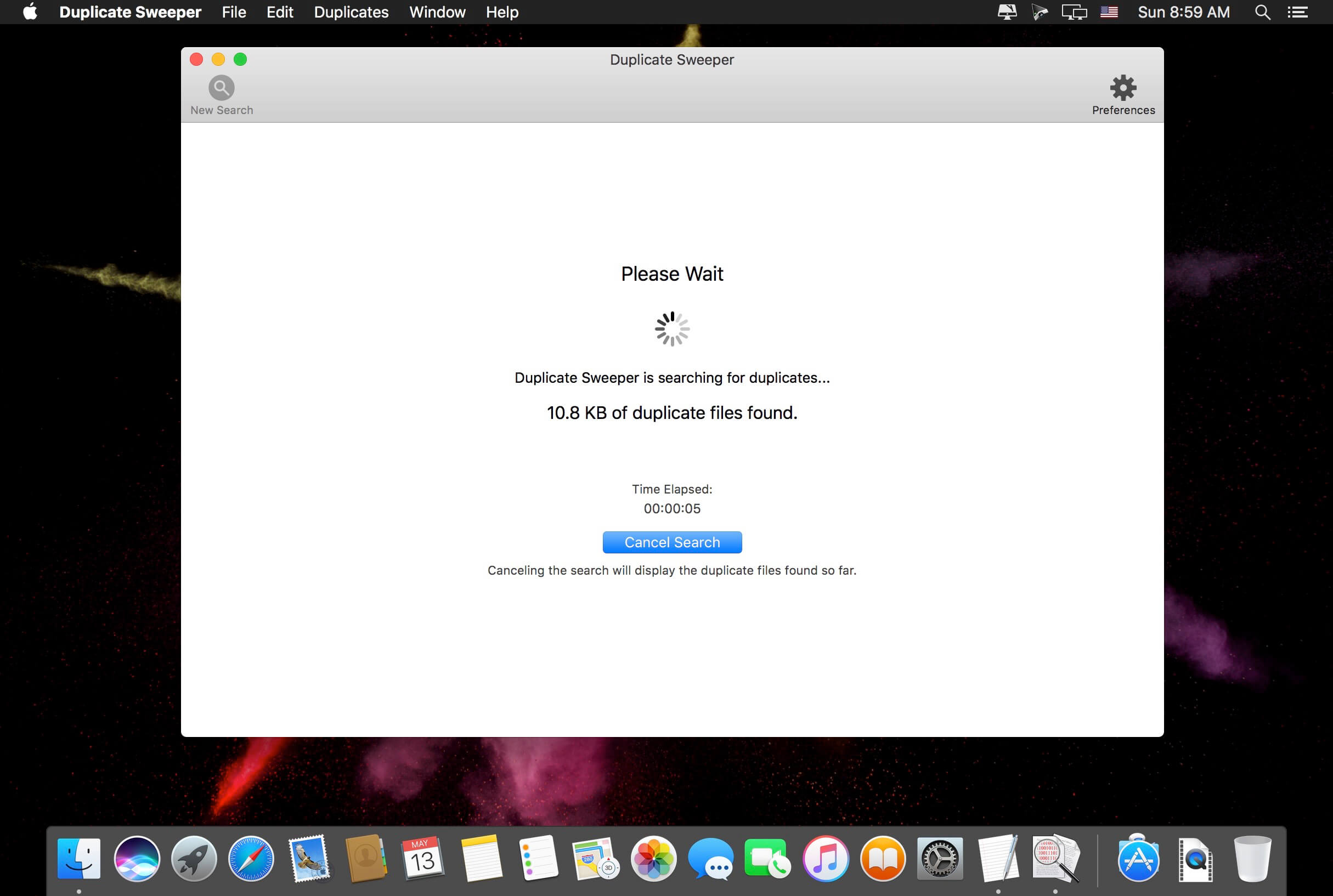
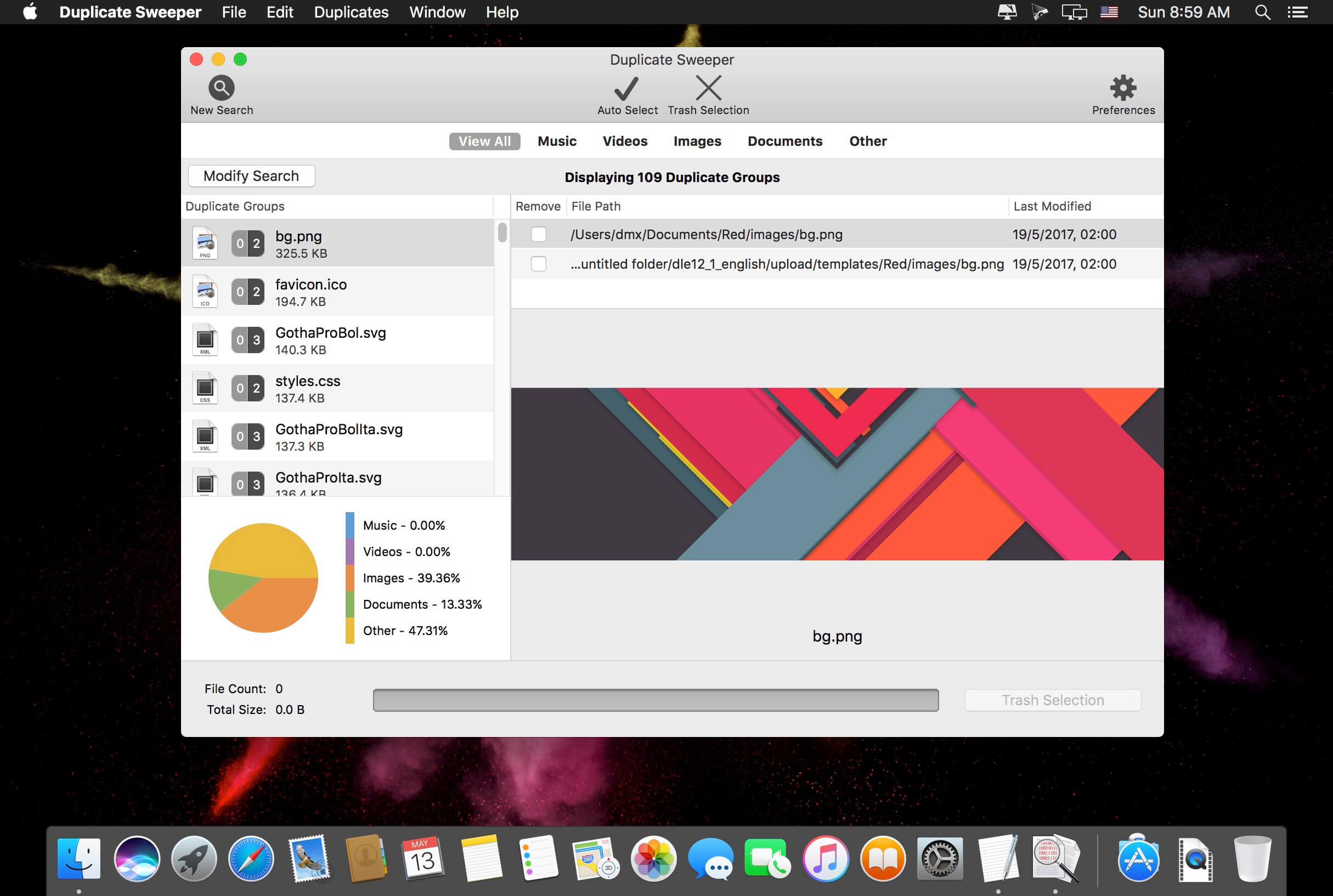
Duplicate Sweeper uses an advanced search algorithm to detect files on your Mac that have the same content even if they have a different file name. It is not uncommon to amass duplicate files throughout general use of your Mac. Whilst some of these duplicate files may have their uses, the ones that do not are unnecessarily taking up storage space.
Duplicate Sweeper can detect these files and remove them to claim back that storage space. Duplicate Sweeper allows you to specify which folders on your Mac to search for duplicates in. This allows you to include only the folders that you want into the search and exclude the folders that you do not. This way you can choose to leave out important folders or places where you have purposely created duplicate files such as backup files.
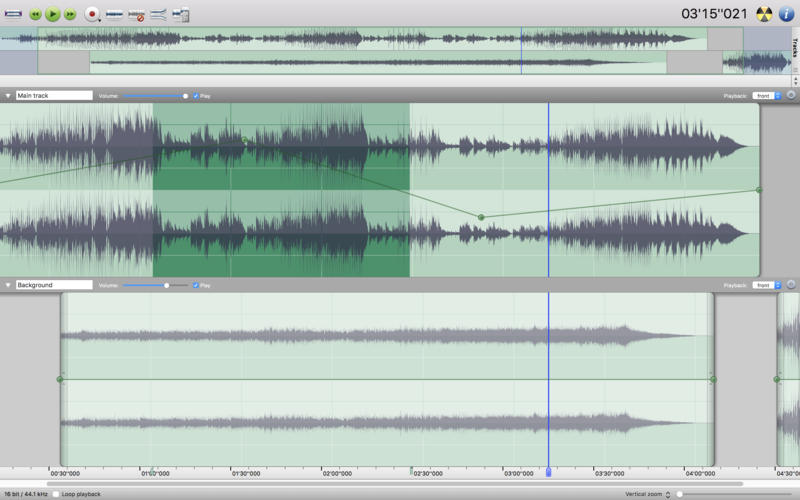
Amadeus Pro lets you use your Mac computer for any audio-related task, such as live audio recording, digitizing tapes and records, converting between a variety of sound formats, etc. Thanks to its outstanding direct-to-disk abilities and waveform caching, edits on arbitrarily large sounds (even beyond the usual 2GB limit) are performed at lightning speed. The handling of large sounds is furthermore facilitated by the extensive support of markers. Its outstanding sound repairing and denoising abilities make Amadeus Pro particularly suitable for transferring vinyl records on CD.
Features
Simple and elegant OS X-like user interface
Multitrack editing an recording.
Batch processing and conversion.
Sound denoising and repairing.
Supports a variety of sound formats, including AIFF, Multichannel Wave, MP3, MP4, Ogg Vorbis, FLAC, SoundDesigner II, QuickTime, Apple CAF, etc.
Support for VST and Audio Unit plug-ins.
A “favourite actions” palette allows to have your most commonly used effects only a mouse click away.
A wide range of powerful audio analysis tools.
Audio CDs with CD-TEXT data can be burned directly from within Amadeus Pro.
What’s New:
Version 2.8.2418
Release notes were unavailable when this listing was updated.
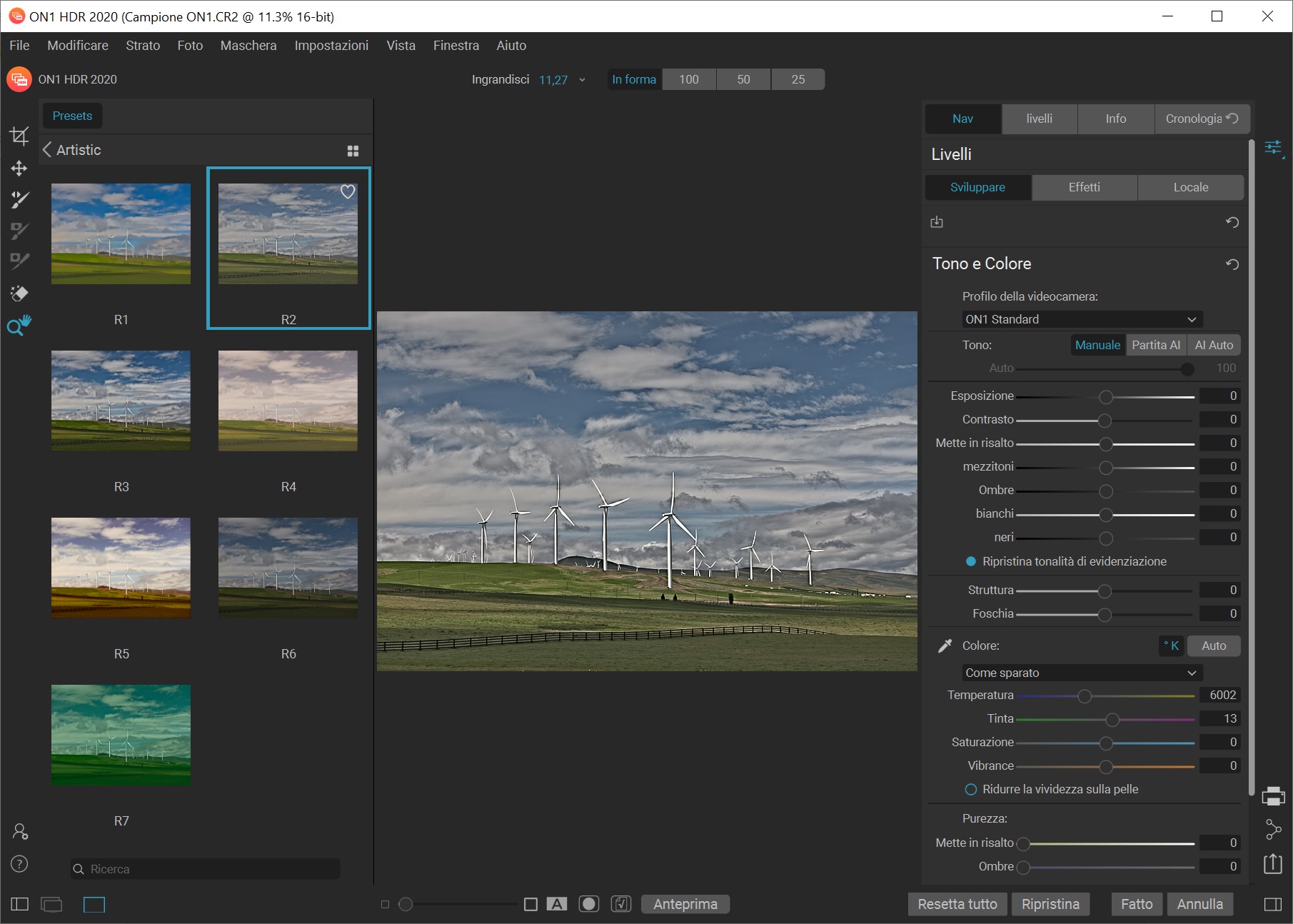
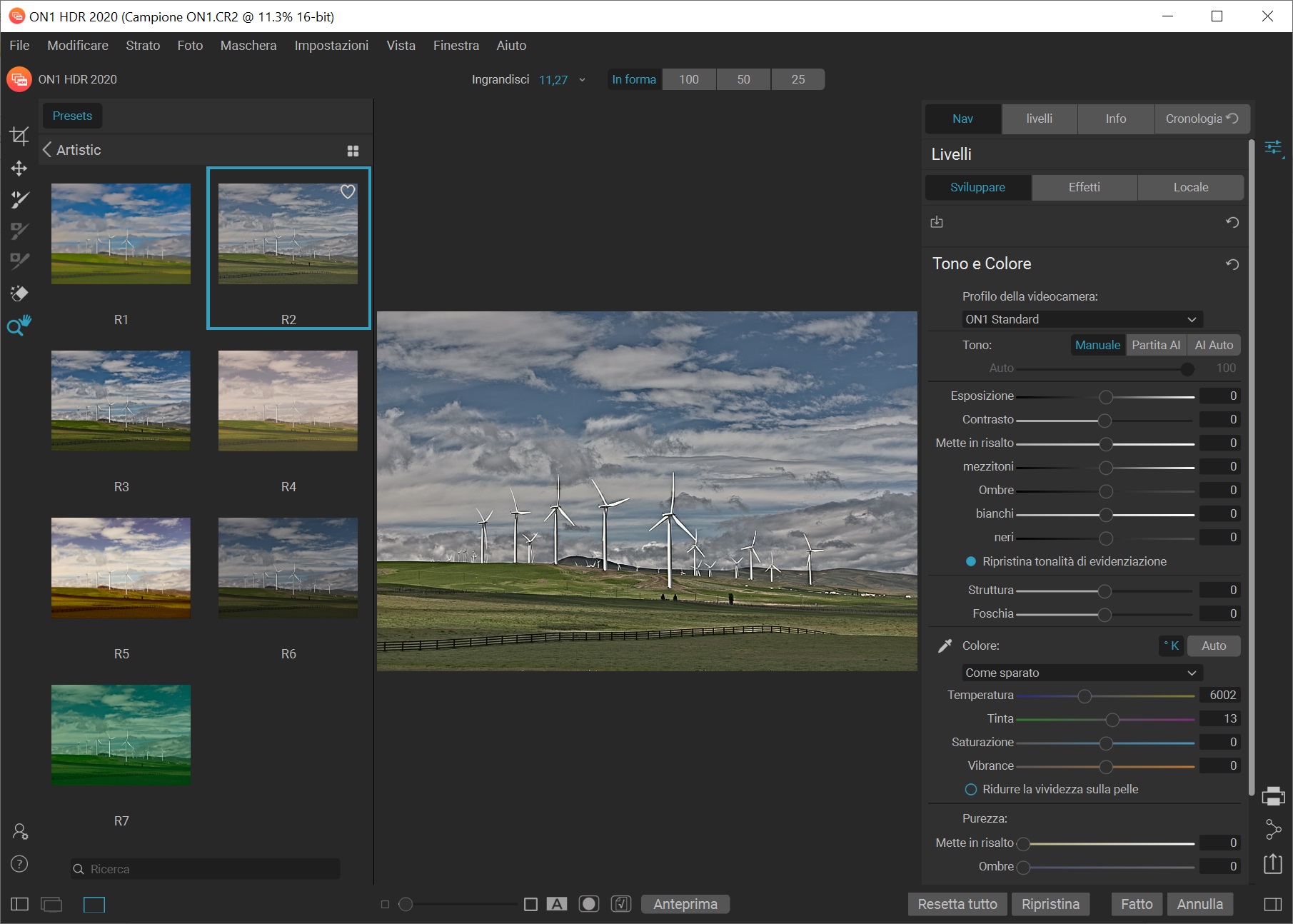
ON1 HDR 2020 creates flawless, natural HDR photos, that combine the highlight and shadow details from a bracket of exposures, in the blink of an eye. You can control the movement, such as clouds and running water with a live preview. Then, perfect your HDR photos with powerful tools and presets that showcase your creativity. ON1 HDR works as both a standalone and a plug-in for Lightroom® Classic CC.
Plug-in & Integrate – Plug-in to Adobe® Lightroom® Classic – Batch process the creation of your HDR files, perfect for real estate photographers. – Your files will work with HDR’s broad file support. It can handle raw photos from over 800 cameras spanning 20 years. Plus it supports PSD, TIF, JPG, PNG, and HEIC.
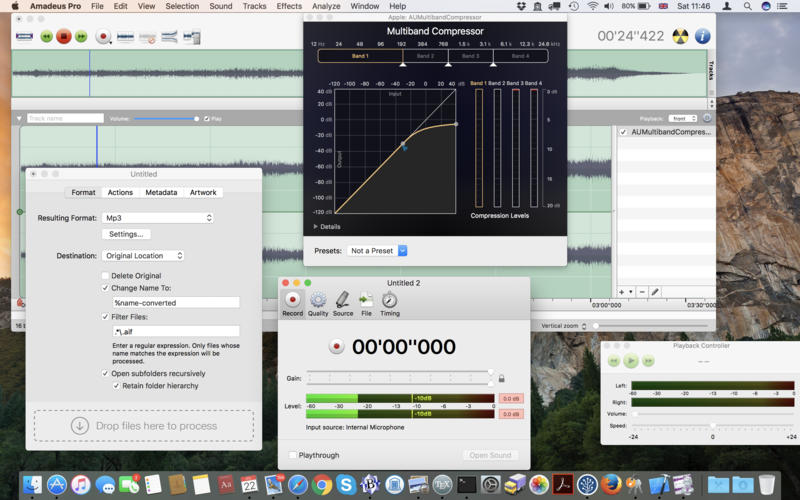
Amadeus Pro lets you use your Mac computer for any audio-related task, such as live audio recording, digitizing tapes and records, converting between a variety of sound formats, etc. Thanks to its outstanding direct-to-disk abilities and waveform caching, edits on arbitrarily large sounds (even beyond the usual 2GB limit) are performed at lightning speed. The handling of large sounds is furthermore facilitated by the extensive support of markers. Its outstanding sound repairing and denoising abilities make Amadeus Pro particularly suitable for transferring vinyl records on CD.
Features
Simple and elegant OS X-like user interface
Multitrack editing an recording.
Batch processing and conversion.
Sound denoising and repairing.
Supports a variety of sound formats, including AIFF, Multichannel Wave, MP3, MP4, Ogg Vorbis, FLAC, SoundDesigner II, QuickTime, Apple CAF, etc.
Support for VST and Audio Unit plug-ins.
A “favourite actions” palette allows to have your most commonly used effects only a mouse click away.
A wide range of powerful audio analysis tools.
Audio CDs with CD-TEXT data can be burned directly from within Amadeus Pro.
What’s New:
Version 2.8.2417
Release notes were unavailable when this listing was updated.
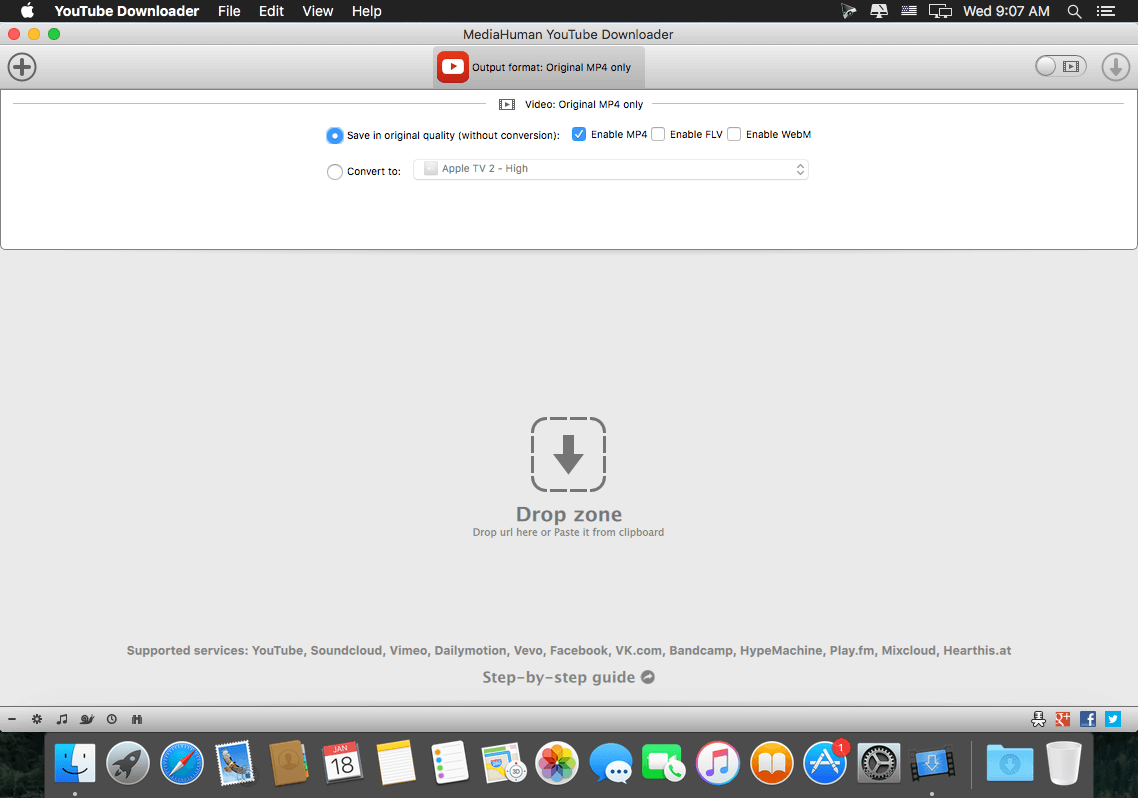
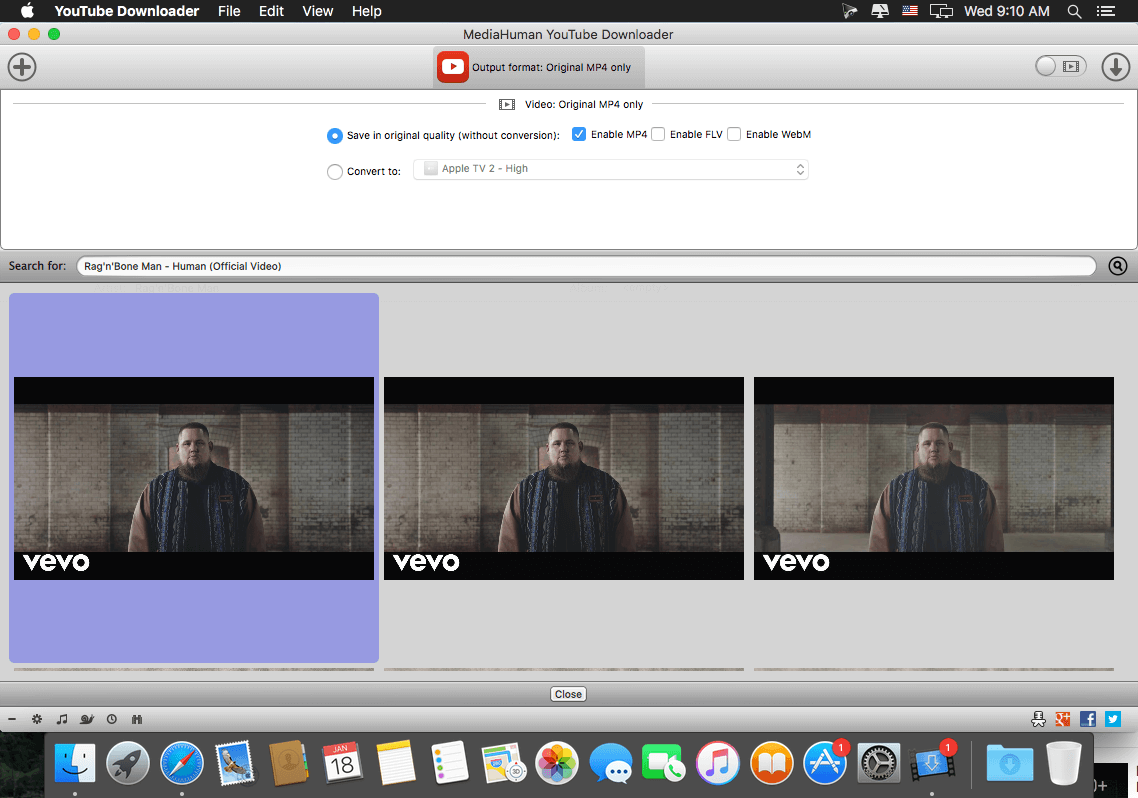
MediaHuman YouTube Downloader is a handy application when you find a favorite music video or a trailer of a new movie and want to keep it on your computer for viewing offline. Very useful if you need to download a video lesson/tutorial for viewing later or offline. Our video downloader is the ideal solution for such kind of tasks.
Main Features: Playlists and channels The program supports downloading of all videos of a playlist or a channel. And there’s also an option to track the selected channel or playlist and download new clips as they are uploaded.
Add to iTunes You can configure the program to automatically add downloaded movies to your iTunes library. You can also pick a playlist to add them.
HQ, HD or 4K The program supports all available resolutions, be that 720p, 1080p or 4K. The choice is up to you.
Monitor the clipboard The program keeps an eye on the clipboard and as soon as it spots a supported link there, it automatically adds this video into the download queue.
Quality of the original You can choose to save videos in the original quality (usually in MP4 format), without any modifications. In this case, the clip you get is exactly the same as the one its author uploaded.
Simple tag editor The app automatically detects the artist and the title of a video and saves them to the downloaded file. And you can easily change them later.
Not just YouTube The program supports Vevo.com, Vimeo, Dailymotion, Facebook, VKontakte, SoundCloud and a lot of other sites. So you can download video from these websites as easy as you do from YouTube.
Drag & Drop The app features a 100% drag&drop support. Just drag the link to a video with your mouse and drop it to the main window of the program, or to its dock icon on Mac.
What’s New:
improved Facebook authorization
added ‘skipped’ to filter panel
added support for 2K and 4K Dailymotion videos
added ‘open in browser’ to context menu for failed items
corrected behaviour of ‘auto add from clipboard’ to filter not links content
added option ‘expand playlist automatically’ in Preferences
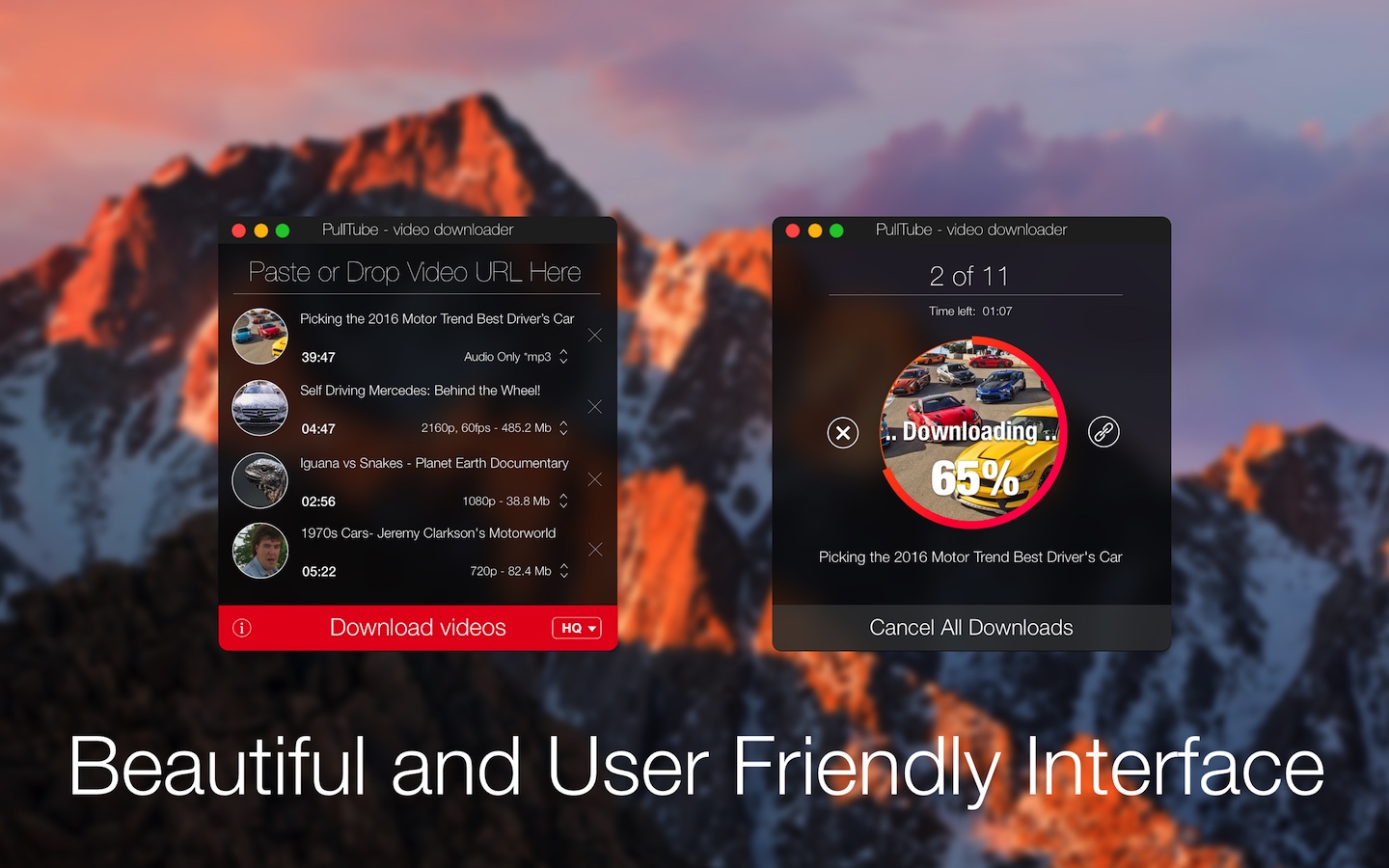
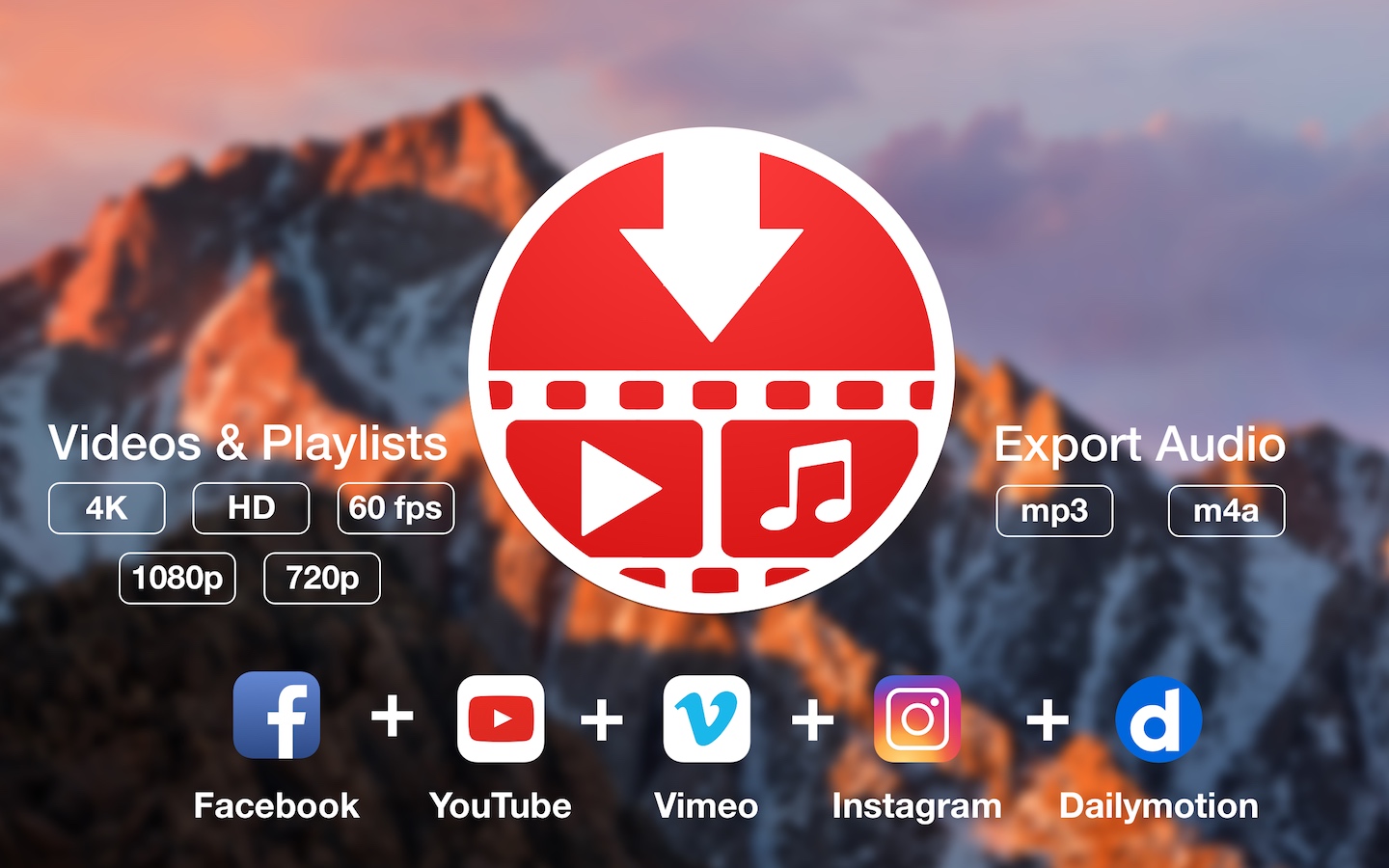
A beautiful online video downloader for your Mac PullTube proposes a streamlined workflow for quickly downloading videos from YouTube or Vimeo, provides control over the output quality, and enables you to extract the audio to MP3 or M4A files. The PullTube app can handle videos of any duration or size, and you get to monitor the download progress within its main window. The utility also integrates with the Notification Center to send completion alerts.
YouTube and Vimeo Supports Youtube and Vimeo. More platforms to be added upon user requests.
4K, HD and 60fps support PullTube allows you to download video in any format available
Video to Audio Convert and save videos to mp3 and m4a
Beautiful and Flexible Interface Nice looking, dark user interface
What’s New:
Version 1.3.8:
Release notes were unavailable when this listing was updated.
Fixel EdgeHancer features a novel algorithm to enhance and emphasize edges in images.
Unlike “classic” sharpeners, EdgeHancer emphasizes the edges exclusively instead of increasing the contrast of the surrounding pixels.
EdgeHancer 3 adds the new Edge Preserving feature and is compatible with Adobe After Effects and Adobe Premier in a single Plug-In.
Features
Enhance Edges Only The user can set the width of Edges to be enhanced without affecting the edge surrounding.
Edge Preserving Mode Reduce halos using state of the art edge preserving algorithm
2 in 1 Plug In Support for both Adobe After Effects and Adobe Premier in single Plug In (Fixel EdgeHancer 3 Plug In for Adobe Photoshop is also available).
Preserve Saturation Mode The filter will affect the Luminosity channel only. No color shifting.
HDR Like Effect Using large radius the user can achieve pseudo HDR effect.
Intuitive & User Friendly Full integration with Adobe After Effects & Adobe Premier using Native Code API.
Fixel EdgeHancer 3 User Manual.
Compatibility: After Effects 2020, CC 2019, CC 2018, CC 2017, CC 2015.3 Premiere 2020, CC 2019, CC 2018, CC 2017, CC 2015.3 Homepagehttps://aescripts.com/fixel-edgehancer/
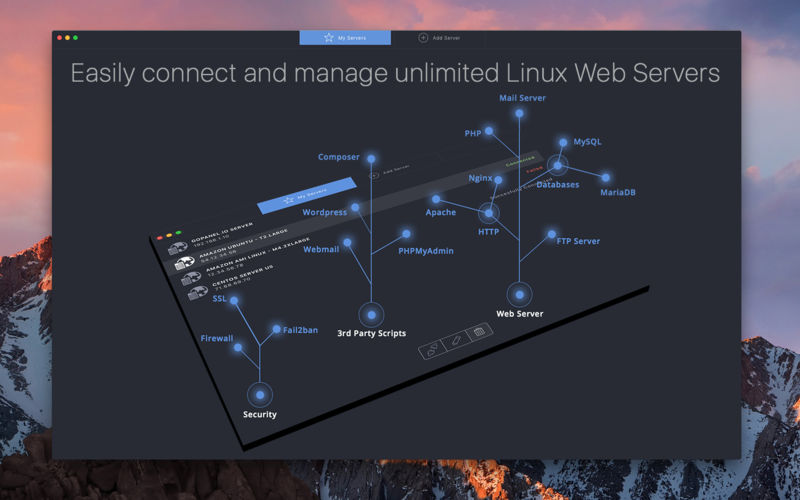
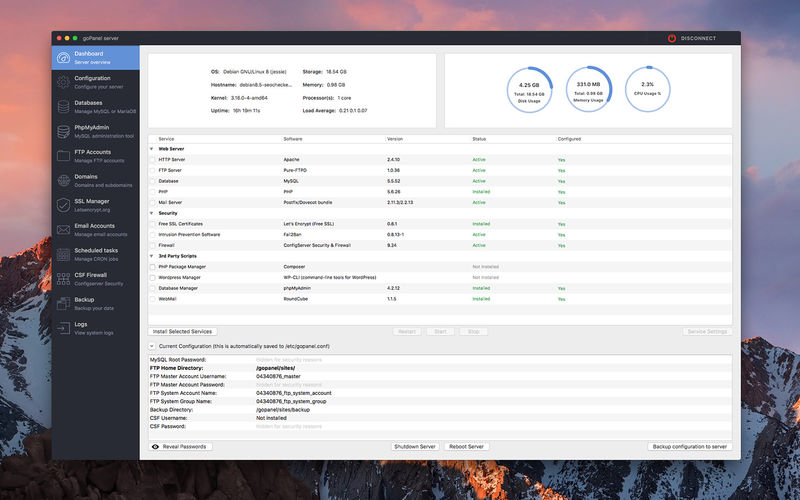
goPanel is the most intuitive OSX App to manage web servers, an alternative to existing control panel softwares you install on your Unix based servers for web hosting. Easy to install and configure Apache, php, mysql, ftp, domains and emails on your server goPanel APP lets you easily connect and manage UNLIMITED linux servers.
Features
Add and manage unlimited servers (VPS or dedicated)
Install, configure and manage: Apache or Nginx, PHP, FTP (Pure-FTPd), MySQL or MariaDB, Mail Server to get each of your servers ready to host domains
PHP and Apache on/off from selection of modules
Unlimited MySQL/MariaDB users and databases, domains, ftp accounts and emails
Unlimited free SSL** certs issued by Let’s Encrypt certificate authority
Fail2Ban intrusion prevention software Install and Configure
Setup scheduled cron jobs
Setup backup for your files or databases
View server logs and block IP’s
Rollback up to 50 earlier versions of your config files in case you need to
System updates – keep your linux server up to date
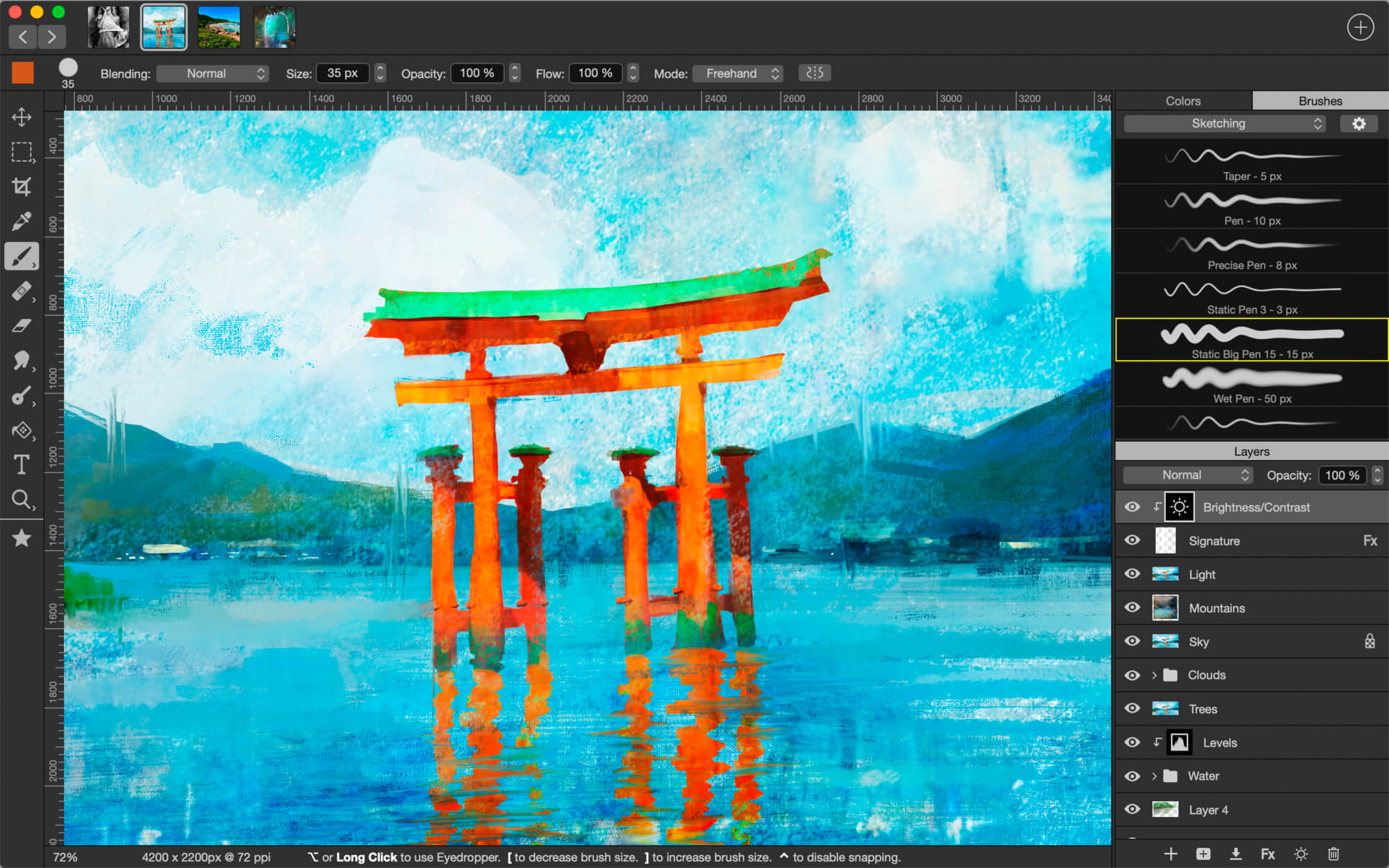
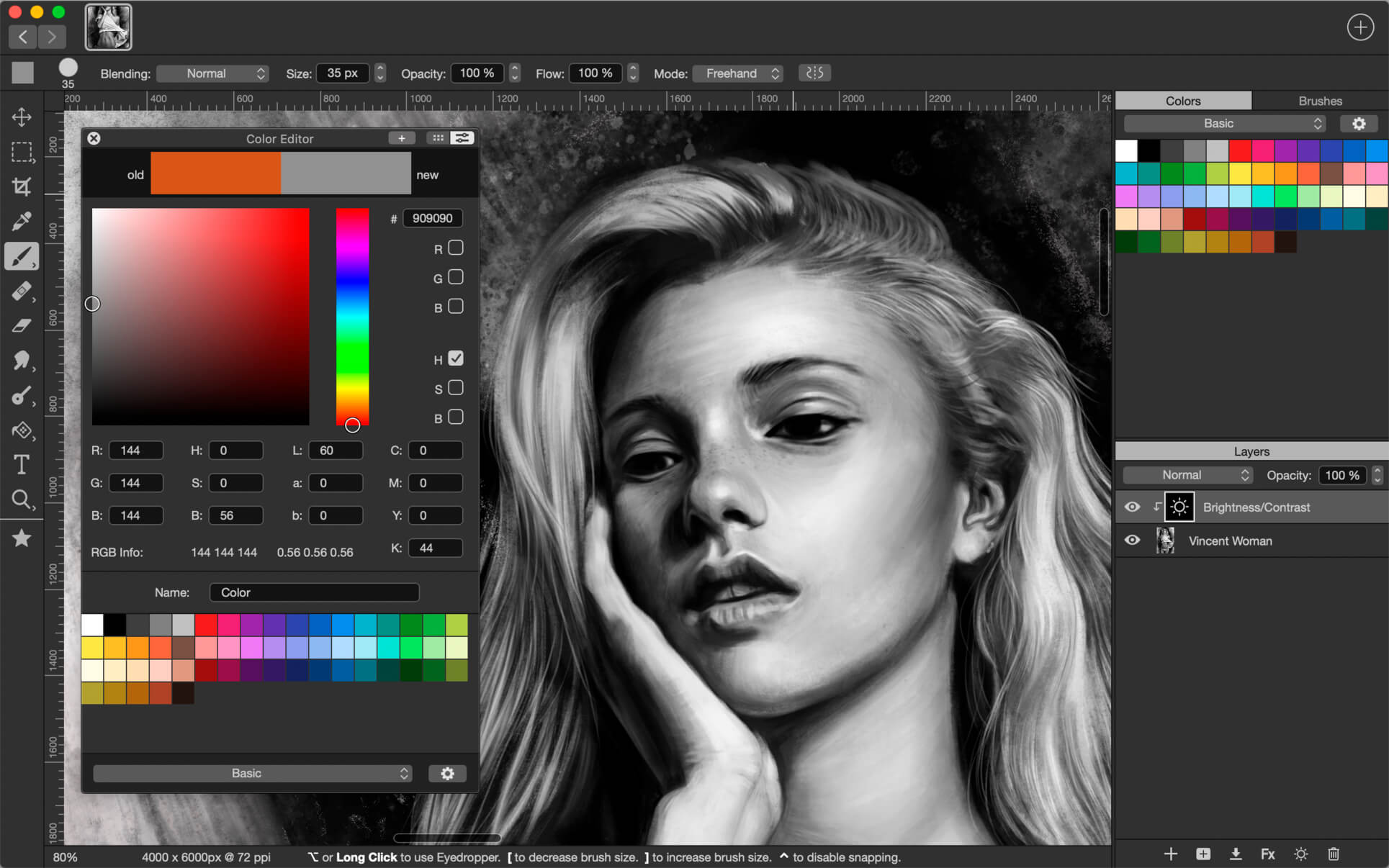
Introducing Artstudio Pro, the most powerful painting and photo editing app available for both macOS and iOS . The successor to our famous ArtStudio app has been redesigned bringing many new features and improvements taking full advantage of the latest technologies Metal, iCloud Drive, and optimized for 64-bit multi-core processors to achieve the smoothest possible workflow.
Hundreds of assets are included and users have the ability to import resources in the most popular formats (ABR, TPL, PAT, GRD, ASE, ACO) giving instant access to millions of brushes, patterns, gradients, color swatches and fonts. It will boost your creativity and help you bring your ideas to life quickly and easily.
New engine The powerful GPU accelerated ArtEngine developed by Lucky Clan is 5-10 times faster than the previous engine. It allows working with multiple documents, supports large canvas sizes and an unlimited number of layers. Incredible optimization ensures smooth work even with large canvases.
Flexible layer system Artstudio Pro introduces a new layer system with grouping, non-destructive layer effects, and adjustment layers.
Groups
Masks, clipping masks
13 adjustment layers: Brightness/Contrast, Levels, Curves, Exposure/Gamma, Shadows/Highlights, Vibrance, Hue/Saturation, Color Balance, Temperature/Tint, Black and White and more
Advanced Brush engine Perfectly optimized, lag free mechanism generating smooth, real looking strokes, making the most of the stylus.
Brush size up to 4000×4000
64-bit painting with pattern, double stamp, wet brush, dynamics
Brush editor with 80 customizable settings
Over 100 built-in brushes divided into a few groups: Painting, Sketching, Markers, Inking, Dots & Specks, and more
Symmetric painting with custom symmetry line
Professional photo editor Photo editing options developed in cooperation with professional photographers. Each feature was tested in several scenarios and light conditions.
13 adjustments available as non-destructive layer or simple adjustment (list above)
4 auto adjustments: Auto Contrast, Levels, Lightness, Saturation
Dozens of filters with realtime preview and the ability to generate seamless patterns
Inpaint function
Retouching tools: Heal, Dodge, Burn, Sponge and more
Image resize with 5 interpolations: Nearest, Linear, Cubic Smooth, Cubic Sharp, and Cubic Sharper
Crop using special tool, crop from selection, trim transparent areas
Import/Export We have implemented many parsers from the most popular assets/images formats and we are especially proud of our ABR/TPL parser which not only reads brush stamps and patterns, but also most settings which are converted to Artstudio Pro brush engine values. Import
Images – PNG, JPEG, PSD, HEIC, TIFF
Brushes – ABR, TPL
Color swatches – ASE, ACO
Patterns – PAT
Gradients – GRD
Fonts – TTF, OTF
Export
Images – PNG, JPEG, PSD, TIFF
Other features
Full iCloud integration
Screen recording
All features available on macOS, iPad and iPhone
Selection displayed as marching ants, quick mask or invisible
Snapping to guidelines, dynamic guidelines, grid
Canvas rotation
What’s New:
Version 2.3.21
fixed stability issue
Version 2.0 in a huge update which improves the interface and adds few big functionalities. 1. NEW INTERFACE COLORS
new grey color shades in toolbars, menu, controls and others
improved Preferences window
2. NEW FILTERS, IMPROVED ELASTIFY
added Lighting filter – it adds up to 5 Point/Spot/Directional lights, with optional emboss effect, ambient light, colors etc
added Depth Of Field filter with Tilt Shift and Ellipse modes
Elastify (Liquify) is now working with multiple layers/groups
added option to show original Layer in Elastify
3. OTHER IMPROVEMENTS
faster and less intrusive autosave
improved Lasso / Polygon Lasso – added undo/redo and option to disable auto-closing
easier Screen Recording option – just tap File>Screen Recording>Recording to start/stop recording. • added Auto Start Video Recording option in Preferences
added Control+Option+Mouse drag shortcut to change brush size
added Cmd-L key shortcut to Load Paint in Wet Paint tool
Select>Blur menu item renamed to Select>Feather
fixed few macOS Mojave related issues
many other small fixes, improvements and optimisations
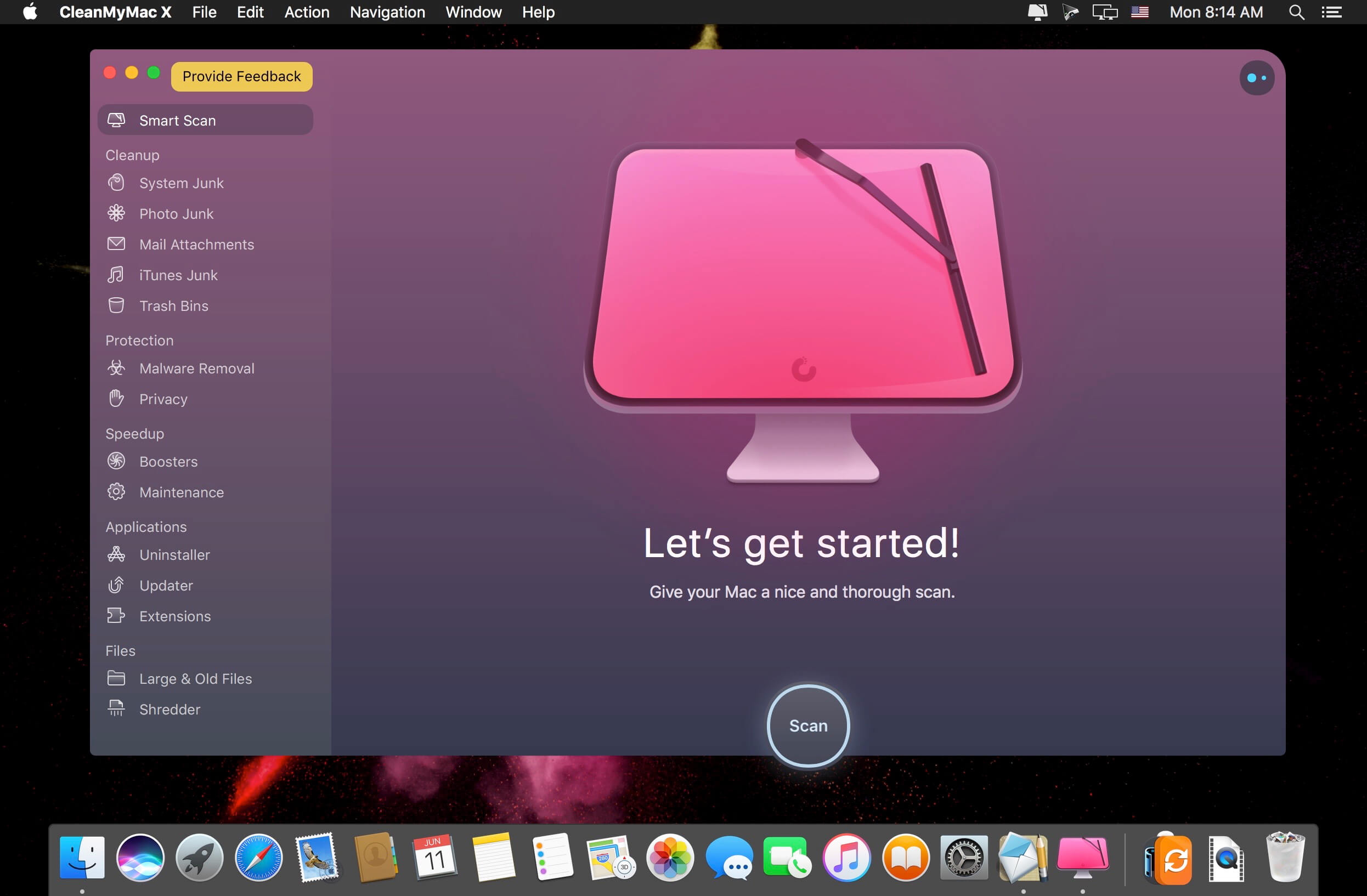
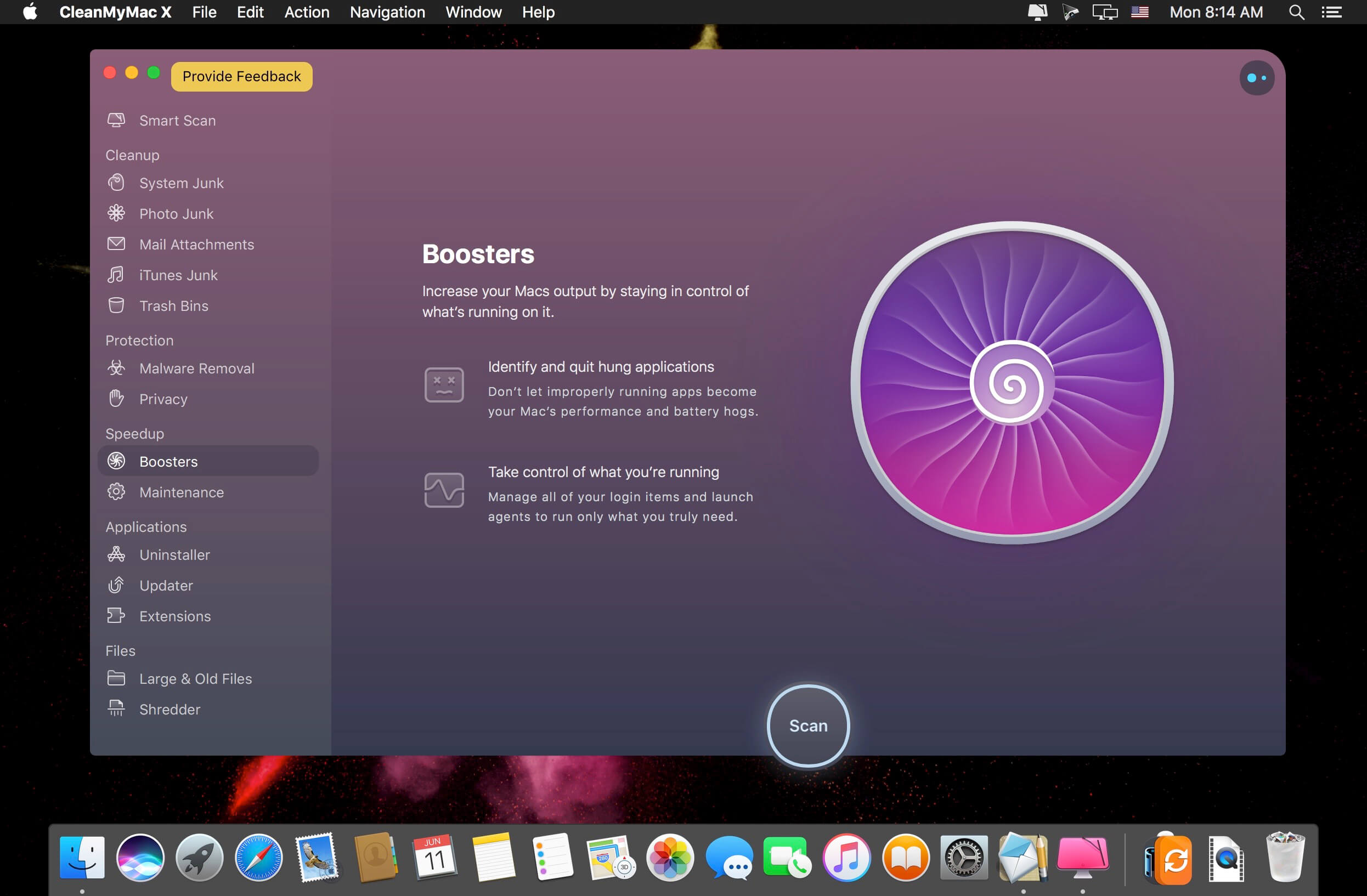
CleanMyMac X makes space for the things you love. Sporting a range of ingenious new features, CleanMyMac lets you safely and intelligently scan and clean your entire system, delete large, unused files, reduce the size of your iPhoto library, uninstall unneeded apps or fix the ones that started to work improperly, manage all your extensions from one place and do much more – all from one newly designed and beautifully simple interface.
FEATURES
Easy to use, user-friendly interface
Drag and drop nature
Slims universal binaries
Removes useless language translations
Most accurate application uninstallation
Quick and Secure file eraser
Manages widgets, plugins and preference panes
Erases garbage left from previously removed applications and widgets
Monitors your Trash helping you to uninstall trashed applications correctly
Keeps an eye on your removable devices to clean them up from junk service files
What’s New:
Version 4.6.2: Added:
New ways of detecting viruses and malware within Malware Removal
Suggestions in CleanMyMac X Assistant are now based on a machine learning model
Freeing up RAM right from the notification when your Mac’s running out of memory
Improved:
Detection and removal of Steam app resources
A guide for granting Full Disk Access became simpler and more intuitive
Fixed:
Full Disk Access window position in full-screen mode
Crash on scanning items in the Privacy module
Another case when CleanMyMac X Menu icon was invisible in the status bar
Compatibility: OS X 10.10 or later 64-bit Language: Multilangual Homepagehttps://macpaw.com/
Magic Bullet Film gives your digital footage the look of real film by emulating the entire photochemical process – from the original film negative, to color grading, and finally to the print stock.
Give your footage chemistry Magic Bullet Film gives your digital footage the look of real film by emulating the entire photochemical process – from the original film negative, to color grading, and finally to the print stock.
Take Stock Magic Bullet Film includes 22 negative stocks and 4 print stocks, giving you 88 possible cinematic combinations.
Real Film The digital stocks in Magic Bullet Film are based on real film and the real color grading experience of an industry expert.
Old/New Give any film stock a vintage color treatment, or push the colors into a more modern grade.
Film Grain Real film has real texture. Film includes accurate, measured film grain to complete the look.
Vignettes Film includes a fool-proof vignette tool that always feels natural and in-camera
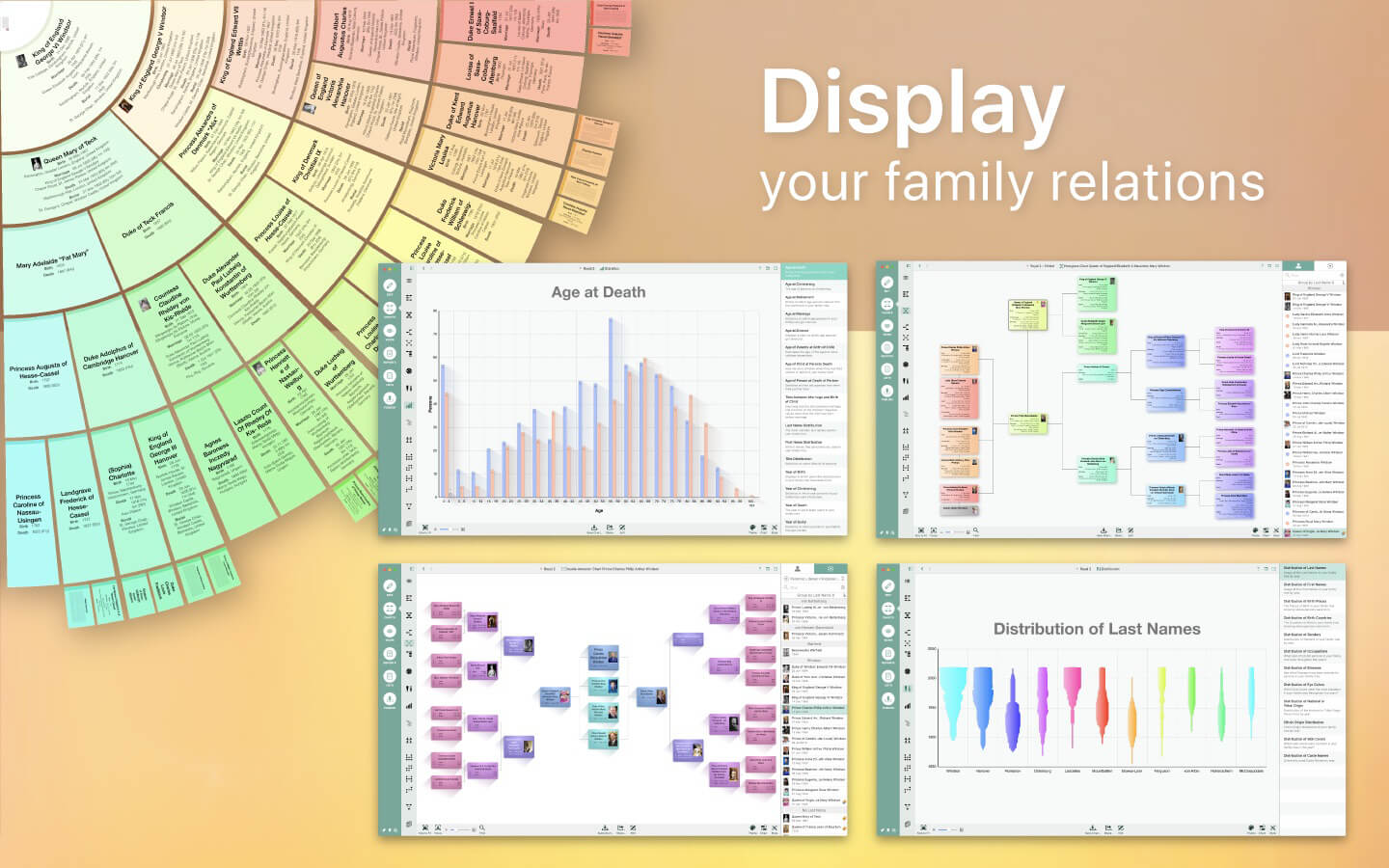
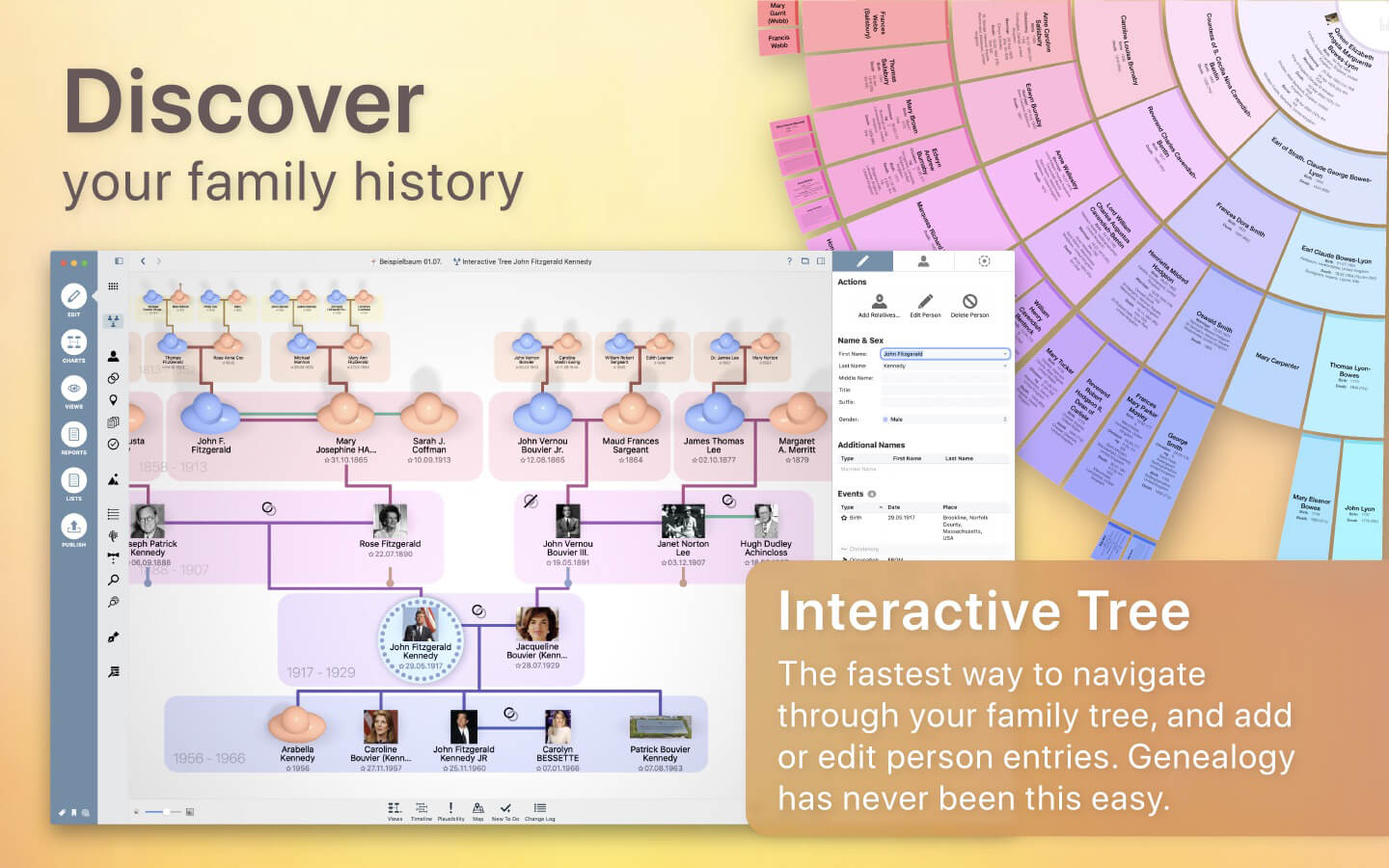
Discover your personal family history! Genealogy gets a facelift with MacFamilyTree 9: modern, interactive, convenient, and fast. Explore your family tree and your family history in a way that would have amazed generations of chroniclers before you. Create visually impressive charts, evaluations, reports, and books, navigate through the Interactive Family Tree or Virtual Tree 3D view and experience genealogy in a whole new way.
MODERN GENEALOGY
Designed specifically for Mac to make full use of Apple’s latest technologies
Clear and easy-to-use interface
Show your family tree: charts, reports, views, and lists
CloudTree Sync&Share: real-time sync and collaboration
Use MobileFamilyTree for iPhone & iPad to continue your research on the go (sold separately)
RESEARCH AND PUBLISH
FamilySearch: Billions of genealogical entries
Web research: search popular genealogy portals directly from within the application
MacFamilyTree.com: Create websites
Family books: a perfect gift
GEDCOM import and export: exchange information with other applications
Export charts and reports in a wide range of formats
WIDE RANGE OF REPORTS AND LISTS
Person, family, and kinship reports
Narrative report
Places list, events list, anniversary list
Particularities report
Map report
Person analysis
Lists of persons
Marriage lists
Plausibility report
Sources list
Descendancy report
WIDE RANGE OF CHARTS AND VIEWS
Hourglass chart
Ahnentafel
Timeline
Double Ahnentafel
Virtual globe & statistic maps
Name distribution chart
Fan chart
Relationship chart
Genogram chart
HIGHEST LEVEL OF DATA PRIVACY
Your data will be stored locally …
… or encrypted and stored on iCloud
You decide what happens to your data
Password protection for website
Persons and entries can be hidden from export
NEW USER INTERFACE
Modern look
More logical structure
Easier and more comfortable to use
COMPLETELY NEW CHARTS
Can be fully customized to your needs
Countless display templates to choose from
Significantly faster rendering, making full use of your graphics board/GPU’s performance
Drastically improved tree charts, showing all persons belonging to a given tree
Countless layout and display upgrades for all charts
New chart editor offering a wide range of improvements: support of Undo, better options to distribute content across several pages, insert images and much more
COMPLETELY NEW REPORTS
Many style templates to choose from
Fully adaptable to your own ideas
Export as CSV (compatible with Numbers and Excel), plain text, RTF, or PDF
Updated feature for conversion of reports into books
SUPPORTS DNA TESTS
Store DNA test results
Supports yDNA, mtDNA, and atDNA tests
CLOUDTREE SYNC & SHARE 2.0
Share databases of any size with friends, family or between your own devices
No more limitation to 5000 entries
Considerably faster and more efficient sync
Much faster invitations to other people
MORE
Numerous database upgrades: Birth order of children can now be specified without a date of birth, precise mapping of adoptive and step relationships & much more…
Supports family crests & author information
Specify and store alternative names for places
New help guide system: Click the question mark icon to instantly display instructions for the section at hand
Supports Apple’s latest technologies: Dark Mode for the user interface, Handoff between MacFamilyTree & MobileFamilyTree, charts use Core Animation, interactive tree uses Metal
What’s New:
Version 9.0.12
Reliability of CloudTree improved
Issues displaying maps in the maps report fixed
Merging larger family trees now works as expected
Custom event and fact types are now handled correctly in the person list report
Using Smart Filters with To Dos works correctly now
Issue launching MacFamilyTree fixed when the default network interface is not present
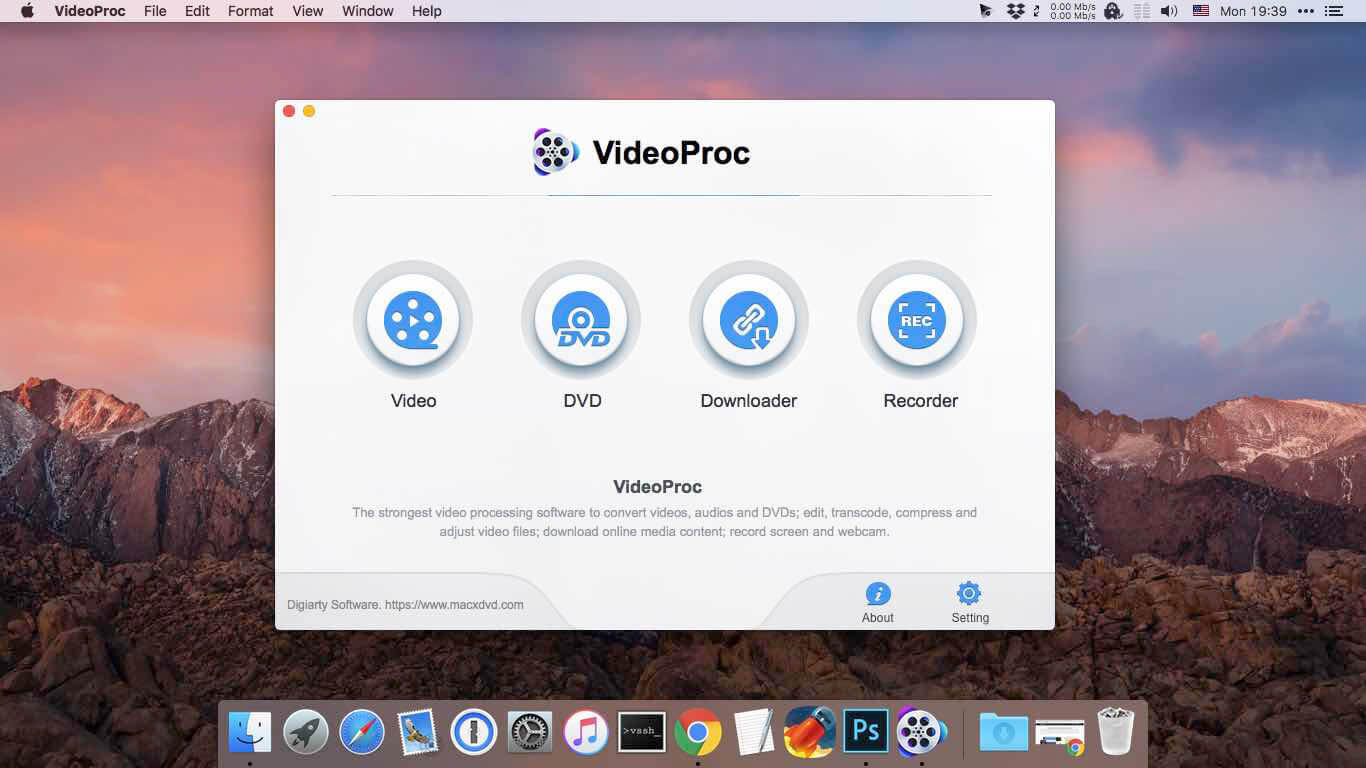
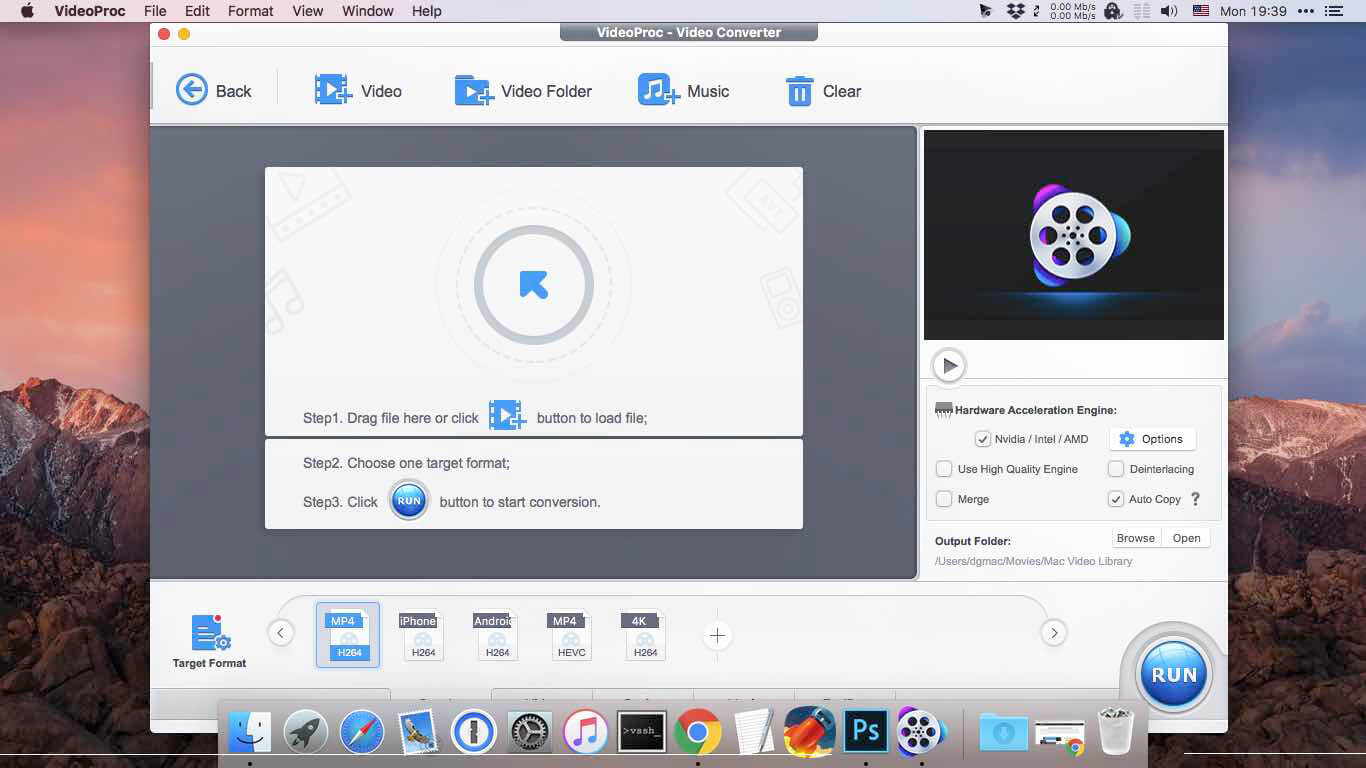
New video processing software designed to cut, trim, merge, adjust, transcode, edit 4k video with full hardware acceleration.
VideoProc (former MacX Video Converter Pro) achieves the record-setting “FIRST” in video processing industry – crafting the easiest video editor, together with DVD video converter, downloader, and recorder at the core. All engineered for the 4K UHD era, it is your must-have video toolbox to handle even the most demanding tasks from HD to 3D, UHD 4K, 5K and 8K, no matter it is from iPhone, GoPro, Dji, Samsung, YouTube, DVD disc or other sources. Process your media files to fit YouTube, Facebook, Instagram, iPhone, iPad, TV, PS4, etc, edit raw footages flexibly into more engaging stories, backup and rip a full DVD in 5 minutes, all finished at world’s fastest speed, without compromising quality.
Accept Every Media with the Largest Codec Library VideoProc works on video and audio files from iPhone, iPad, GoPro, DLSR, Dji drones to discs, internet websites and others. The leading 370+ codec library provides industry’s broadest support for nearly every major formats used in consumer and professional worlds today. It goes beyond the current mainstream SD/HD videos, all the way up to UHD 4K, 5K and 8K clips. Import media with no extra codecs required.
Supported video formats: MP4, MOV, HEVC, H.264, MPEG4, AVI, WMV, FLV, MKV, MTS, M2TS, TS, AVCHD, MOD, etc. Supported audio formats: MP3, AAC, AC3, FLAC, iPhone ringtone, etc.
Industry-leading Editor for Every Skill Level Unique in industry, VideoProc houses everything newbies or seasoned editors need to produce studio-quality films like a pro. Tell a story, make travel videos for YouTube, or create home movies. Import the footages and trim, cut, crop, and add effects or subtitles right away. You will find the most complete one-click options to stabilize, denoise, split, merge, make animated GIFs, remove fisheye, convert 3D to 2D, copy MKV and etc.
Convert Videos to Any Format You Name VideoProc delivers the widest range of output formats, covering from MP3, AAC, AC3, to MP4, MOV, MKV, H.264, MPEG4, etc.
It offers the largest device-specific profiles (up to 420), running the gamut from phones, tablets, TVs, to game consoles. This regularly updated library lets you convert any video to a file perfectly sized for even the latest iPhone X, Apple TV 4, iPad Pro or so, without tinkering with the complex settings manually. The mammoth profiles also ready your video clips for uploading to YouTube, Facebook, Instagram, etc without a hitch.
Rip a Full DVD in 5 Mins [Support 99-Title Discs] Experience the most powerful processing solution for DVDs/ISO/folders of any kind. Freely backup movie collections in 5 modes, make 1:1 copies, digitize disc to mainstream formats and move DVD movies to mobiles with one click. Flawlessly convert new movies, 99-title DVDs, damaged & unplayable discs, other DVDs. No more DVD ripping failure or crashes thanks to the market-leading DVD analysis algorithm and title check mechanism. Rip a full DVD in 5 minutes only.
Download Video/Music from YouTube & 1000+ Sites VideoProc is equipped with a fuss-free YouTube downloader that can download videos from 1000+ sites like YouTube, Facebook, Vimeo, Dailymotion, etc. Save videos, songs, playlists, TV shows, movies, gameplays, cartoons in 4K, Full HD 1080p/720p or so and convert YouTube to MP3, AAC, MP4, etc, so you can tailor it for use on whatever device.
Make a backup of online videos for safekeeping and watch videos offline without distracting ads or battling with slow network.
Capture Everything on Screen to Share with World The screen recorder for Mac is ideal for recording anything on your screen (specific region or full screen), from gameplay, webinars, online streams, tutorials, Skype calls, live chats, to visual presentations.
You can record video from iPhone, webcam, or screen and computer camera simultaneously, pair your creation with sound and save it as standard MP4, AVI, MOV, MKV, etc.
Reduce 4K/HD File Size by 90% Smaller VideoProc delivers a fast 4k video processing and allows you the full control on the output file size. Compress HD/4K videos to be up to 90% smaller for YouTube, Email or so. Ease the intense strains on storage with an industry-leading compression engine.
Upscale HD to 4K for sharper image – Beyond SD to HD, VideoProc offers a full set of resolutions, bit rates, conversion quality, codecs etc. to improve quality from HD to 4K for 4k TV or UHD screens, thanks to the 4K upscaling algorithm.
Compress 4K to HD/SD for smaller size – Scale down 4K to HD 1080p or lower video resolution, allowing UHD videos to reach almost any screen with immersive ulra-HD quality yet smallest sizes.
Decode & Encode HEVC/H.265 with No Burden VideoProc is in the lead in processing High Efficiency Video Coding/H.265. Hardware-accelerated HEVC transcoding helps 4K videos go to your screen in unparalleled speed. No more hang-up, lengthy wait or high CPU usage under HEVC workloads anymore.
Decode HEVC: Convert HEVC/H.265 to H.264, MP4, MOV, etc for better compatibility. Encode HEVC: Encode MKV, MTS, M2TS, AVCHD, H264, especially the large 4K UHD videos into HEVC for half the size with untouched quality.
What’s New:
Version 3.6:
Release notes were unavailable when this listing was updated.