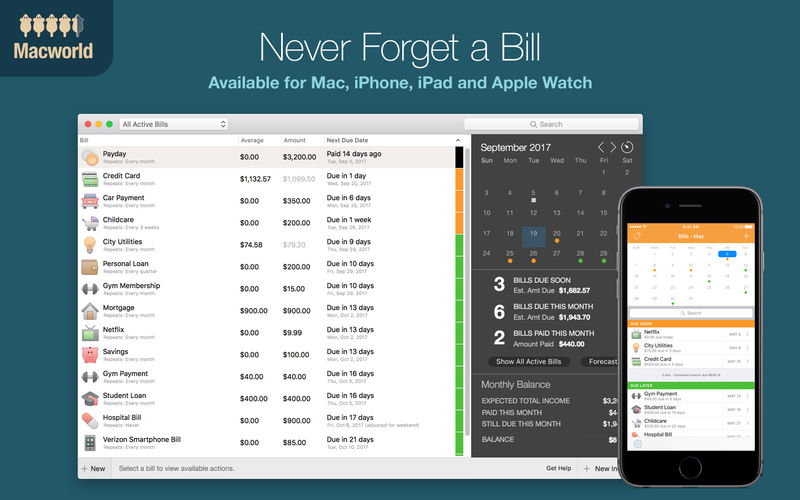
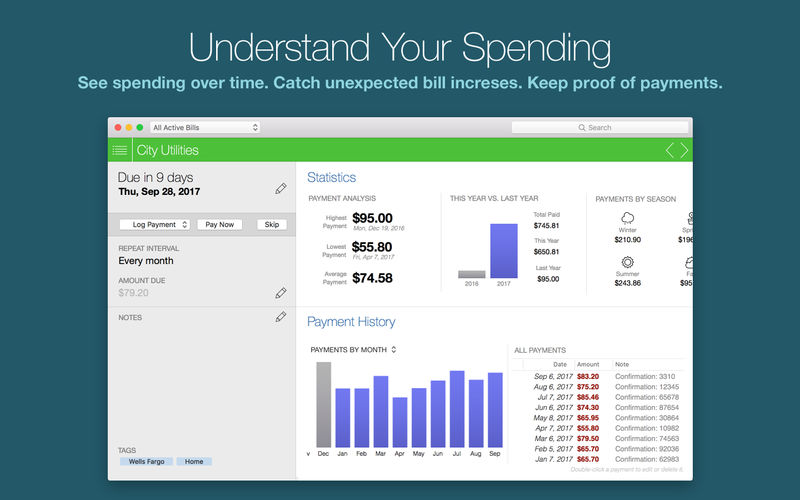
Chronicle Pro is all about eliminating financial surprises and helping you understand your spending. Chronicle reminds you to pay your bills, so you can just enter them once, and never have to worry about them again.
In addition to reminding you to pay your bills, Chronicle keeps track of all your payment history, including confirmation numbers, so you always have proof of payments.
Chronicle Pro takes things even further. Available as an in-app purchase, Chronicle Pro gives you access to all new features of Chronicle as they are updated, on Mac, iPhone and iPad. It allows you to track an unlimited number of bills, plus much more.
Here’s what is currently available features in Chronicle Pro:
Forecast View & Amount to Save
See the future—see what will be due every month for a year in advance, including how much to save every month for bills that repeat less often. For example, you may have an auto insurance bill of $500 that is due every 6 months. Chronicle will calculate that you need to set aside $83.33 each month in order to have enough to pay the bill each time it is due.
Intelligent Estimated Amount Due
Helps you know how much will be due for bills that vary. Using the type of bill, your payment history, and the time of year, Chronicle will intelligently calculate an estimate of how much is due. For example, Chronicle will be able to learn if your electric bills are higher or lower in the winter, and estimate accordingly.
Monthly History & Annual Reports
See your spending month by month, and compare year-over-year spending for each month. On the Mac, you can also see spending for each month.
Chronicle Cloud
Backup your bills to the cloud, sync across all your devices, and share with a partner, spouse or business associate.
Custom Repeat Intervals
Custom repeat intervals allow you to manage bills with less common repeat intervals, and even some irregular intervals, like US Estimated Income Tax Schedules.
Compatibility: macOS 11.0 or later • Apple Silicon or Intel Core processor Homepagehttp://chronicleapp.com
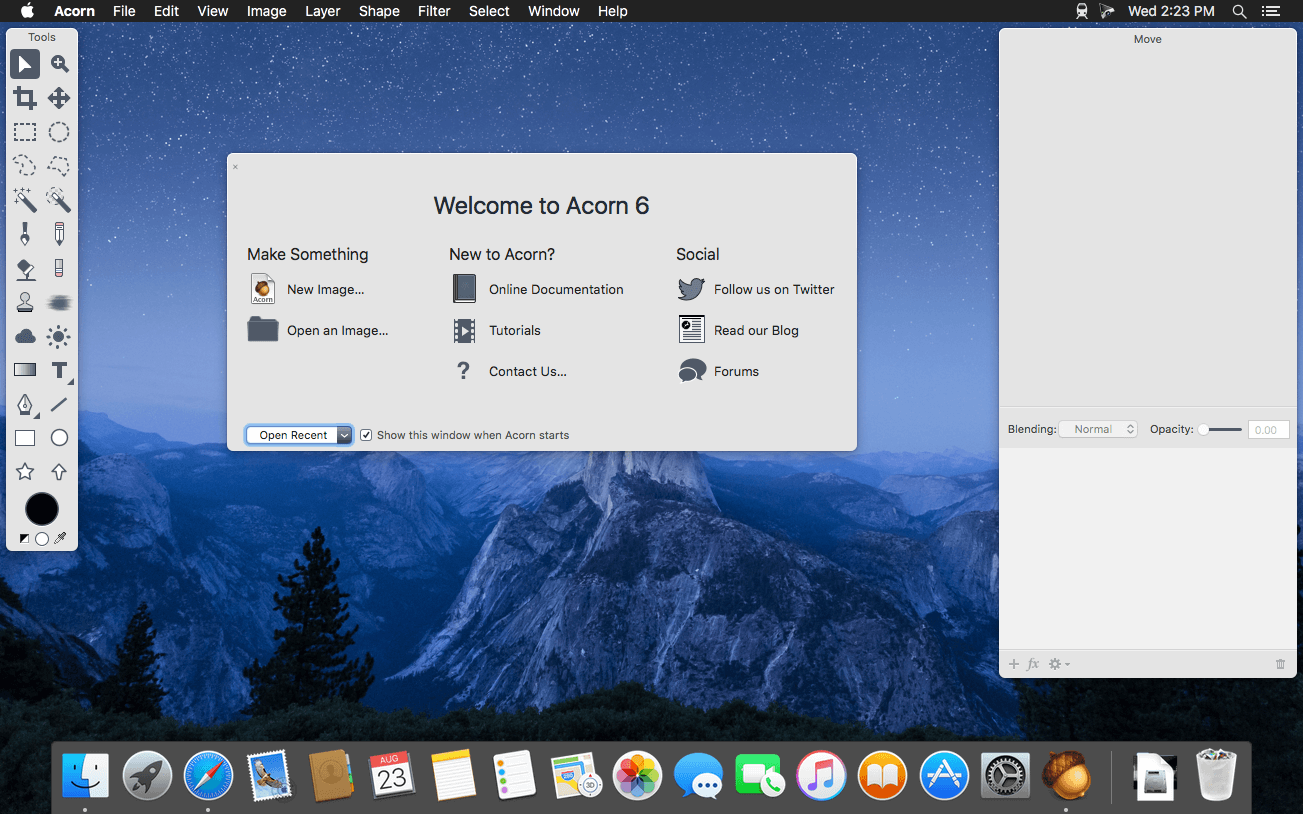
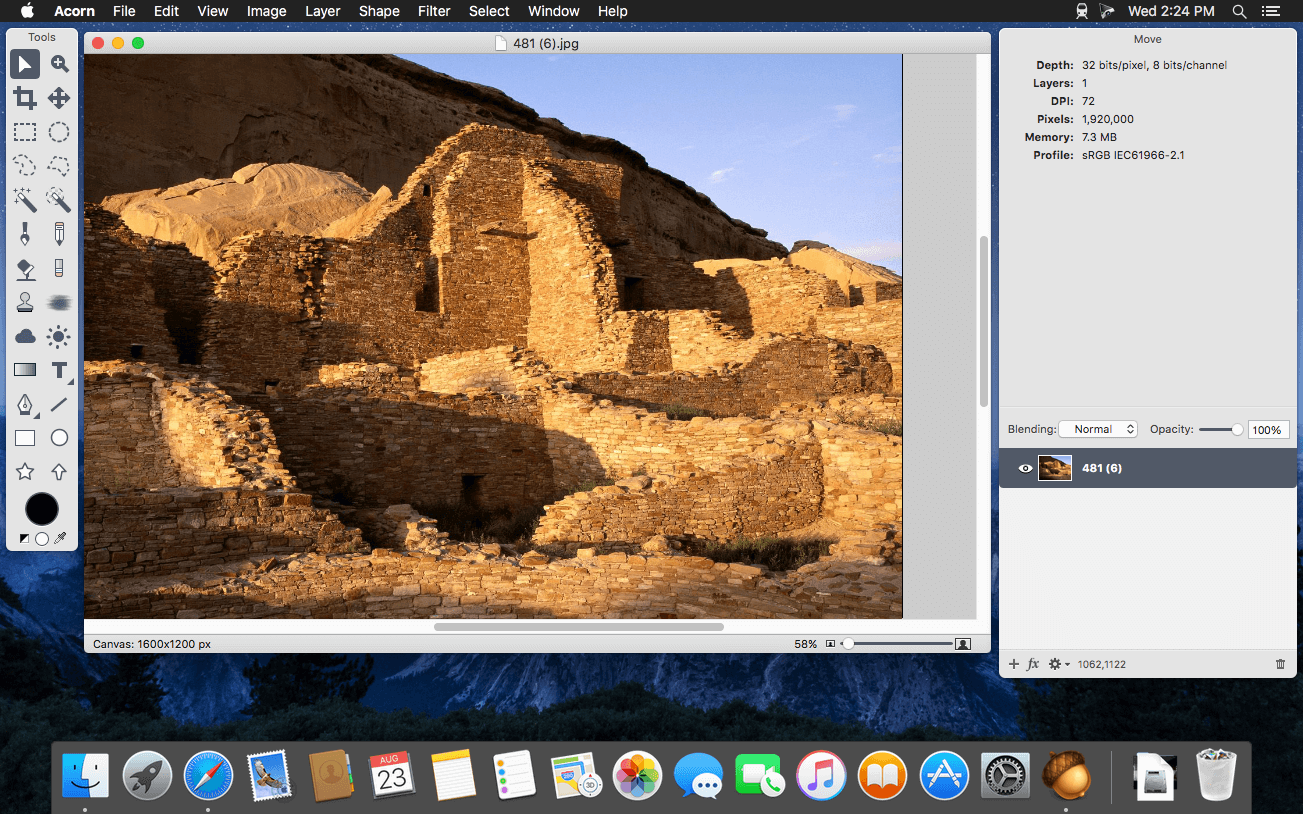
Acorn is a new image editor built with one goal in mind – simplicity. Fast, easy, and fluid, Acorn provides the options you’ll need without any overhead. Acorn feels right, and won’t drain your bank account.
Take screenshots using Acorn and edit them right away.
Chain together image filters to create stunning effects.
Layer based image editing, an industry standard.
Make new images and layers using your built-in iSight.
Easy image and canvas resizing, just by changing the size of your window.
Take advantage of every pixel of your monitor with full screen image editing.
Tablet sensitive for pressure strokes and using the tablet’s eraser.
Vector shape and text layers.
Freeform, elliptical, rectangular, and magic wand selections.
Gradients.
Create and apply custom text styles.
Control opacity and blending modes for each layer.
Write plugins using the Python scripting language, as well as in Objective-C.
GPU powered. The same graphics card that makes your gaming experience smooth, helps Acorn fly through the toughest of graphics operations.
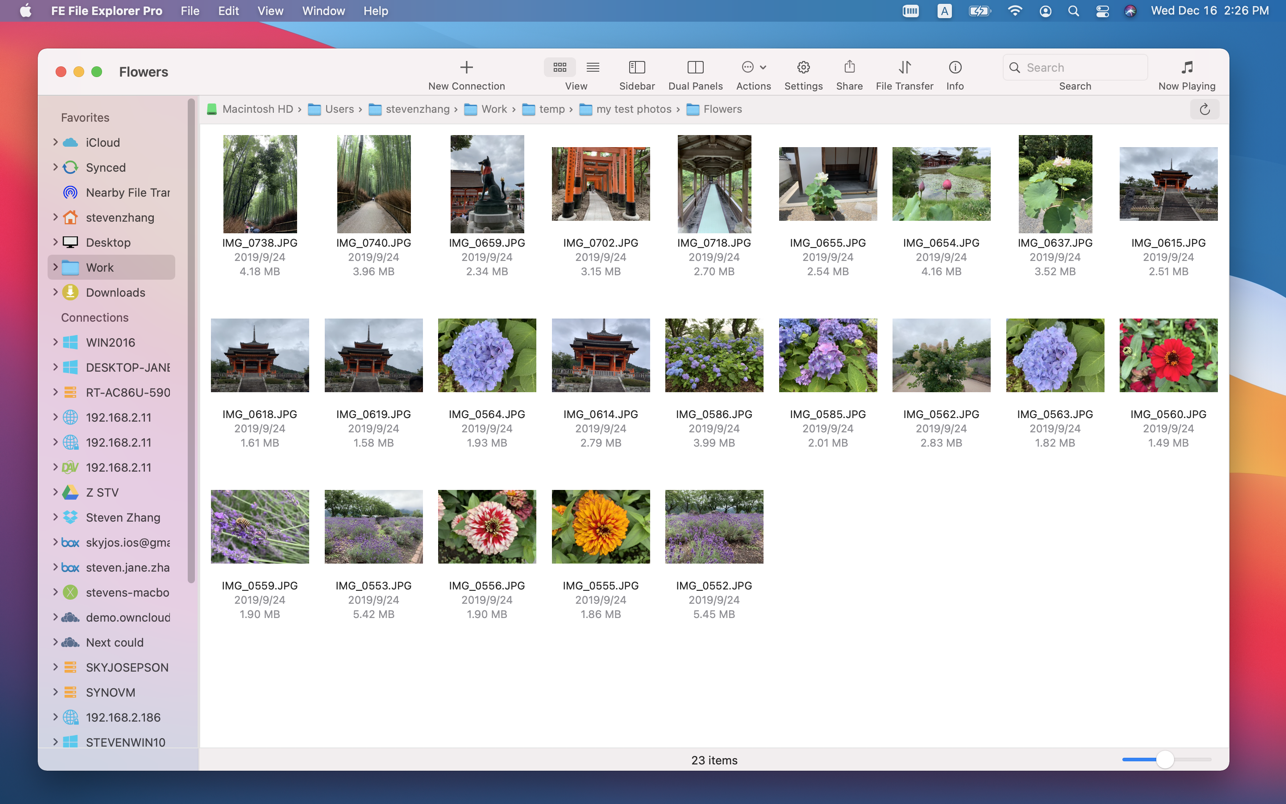
FE File Explorer Pro is a powerful file manager app on iOS. Now, we bring it on macOS. It can access files on FTP, SFTP, WebDAV servers and network shares. Transfer files among those locations. Stream movies and songs to your Mac. Directly view and edit documents, photos, files on remote locations without downloading.
FEATURES:
Access network shares on macOS, Windows, Linux, NAS via SMB/CIFS protocol.
Access WebDAV, FTP and SFTP Servers
Access cloud storages: OwnCloud, Dropbox, Google Drive, OneDrive, OneDrive for Business, Box.
In-app FTP server: A simple FTP server for file transfer between FE File Explorer iOS version and macOS version.
Automatically discover computers, servers and NAS when you setup new connections.
View, copy, move, rename and delete files
Stream movies and musics from network shares, servers or cloud drives to Mac.
Transfer files between network shares, servers, cloud drives and Mac.
Transfer files between nearby iPhone, iPad and Mac.
Sync files between macOS and remote locations.
Search files by file name.
Dark Mode
Support both of single panel and dual panels
Photo Gallery: JPG, PNG, GIF, CR2, NEF, ARW, DNG etc.
Music Player: MP3, AAC, AIFF, WAV, FLAC, APE etc.
Music Playlist: CUE, M3U
Video Player: MOV, MP4, AVI, XVID, MKV, RMVB, WMV, FLV etc.
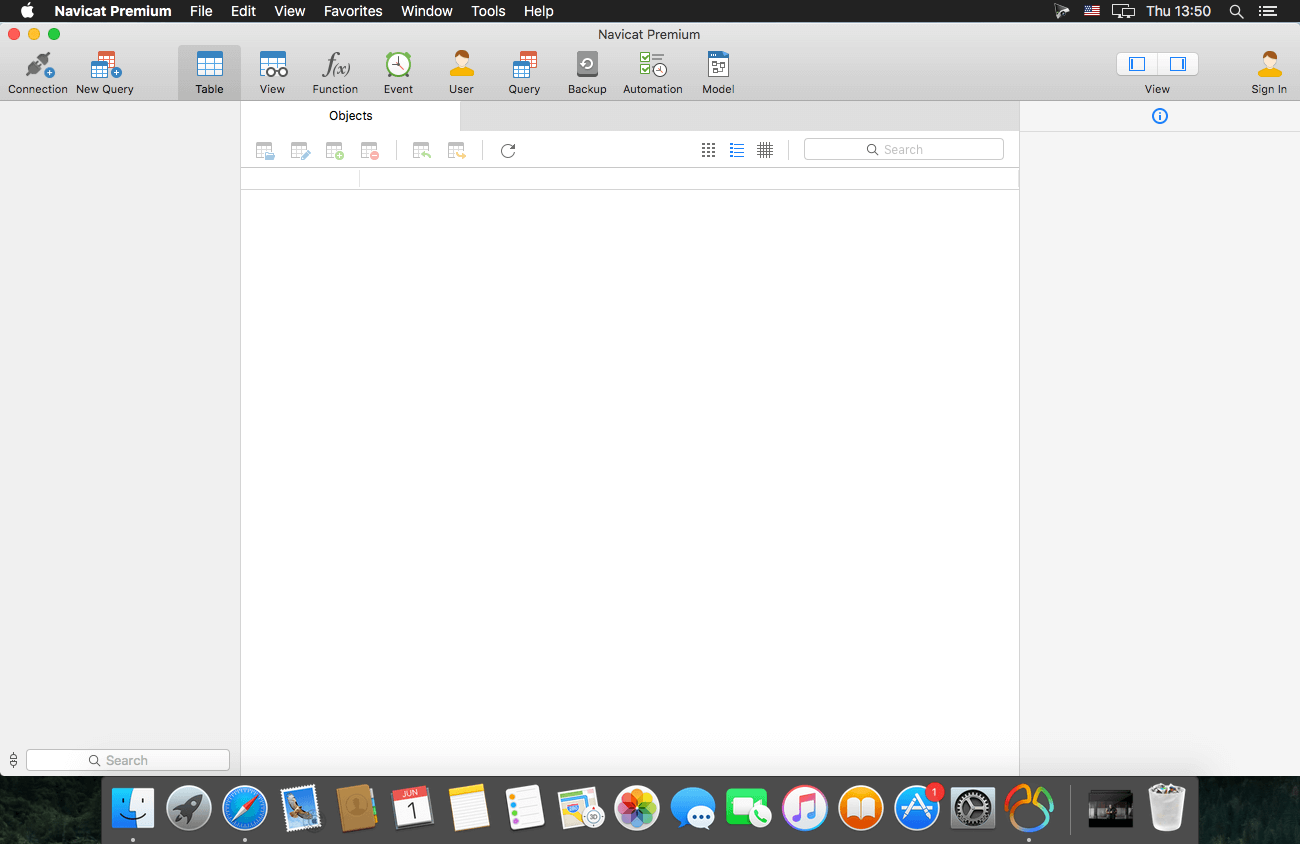
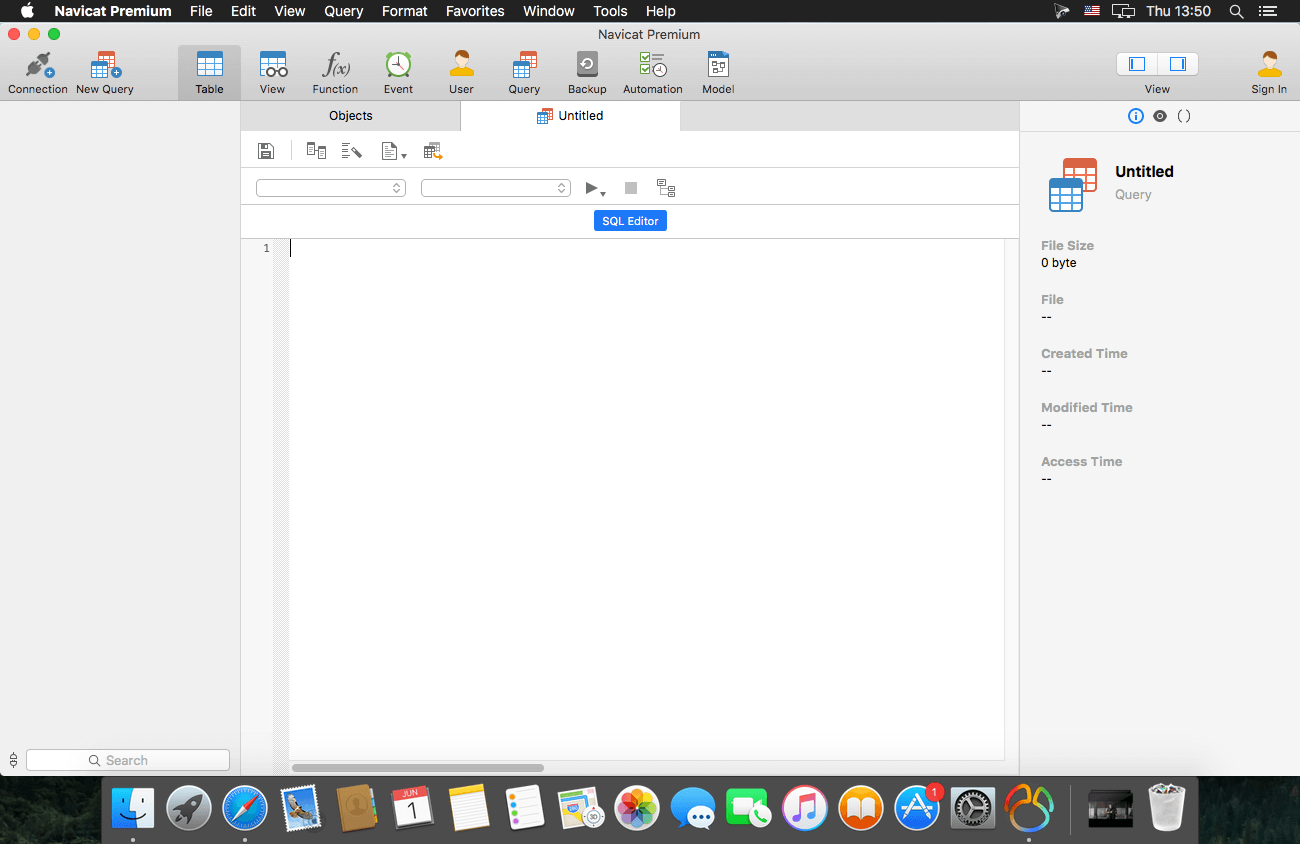
Navicat Premium Essentials is a compact version of Navicat which provides basic and necessary features you will need to perform simple administration on a database. It supports the latest features including Trigger, Function, View, and it also comes with an Import/Export tool which allow user to import and export data from plain text file formats including TXT, CSV and XML.
Navicat Essentials is for commercial use. Currently, Navicat Essentials is available for MySQL, SQL Server, PostgreSQL, Oracle and SQLite databases. If you need to administer all the above database servers at the same time, there is also Navicat Premium Essentials which allows you to access multiple database servers within one single application.
Navicat Essentials is available for three platforms – Microsoft Windows, OS X and Linux. It can connect you to local/remote server, providing several utilities such as SQL editors, import/export, dump/execute SQL scripts and Server Monitor to facilitate the process of data maintenance.
*** You need to disable the System Integrity Protection (SIP) to perform the selected Application and Gatekeeper off!
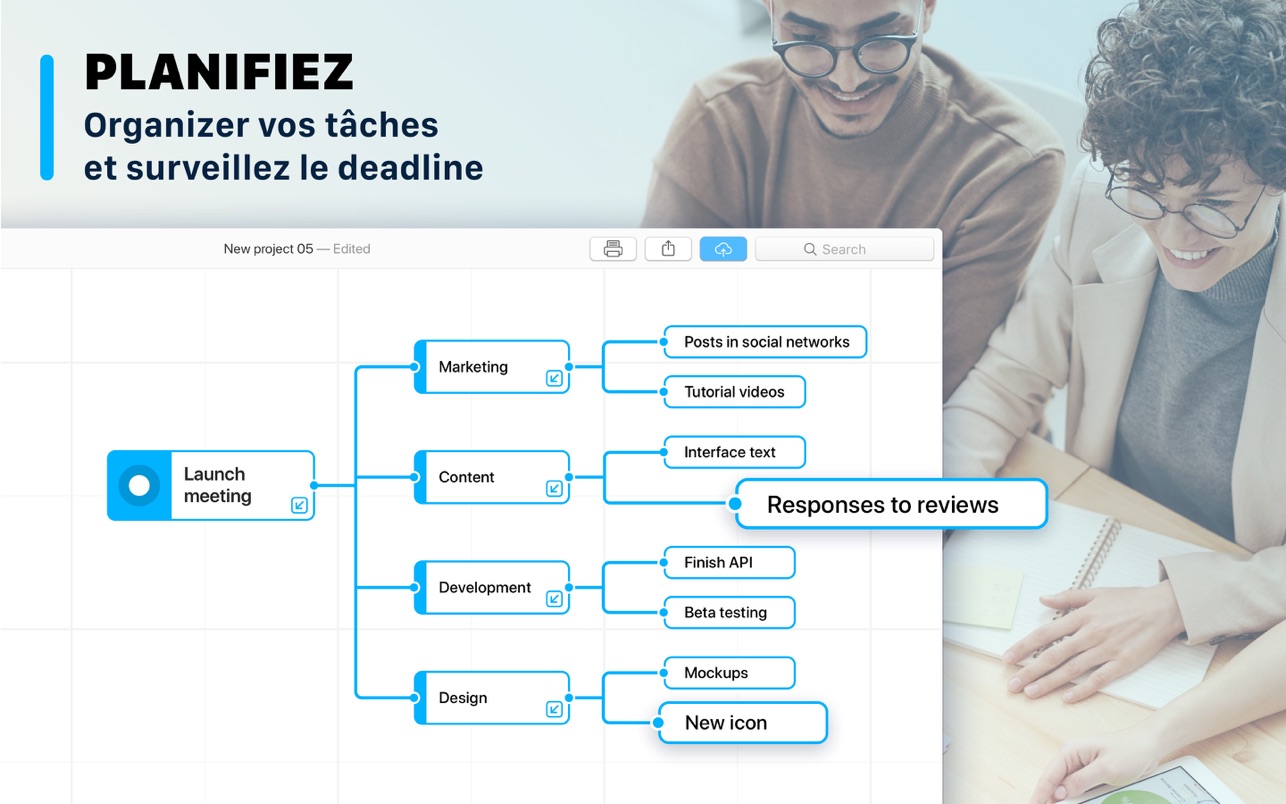
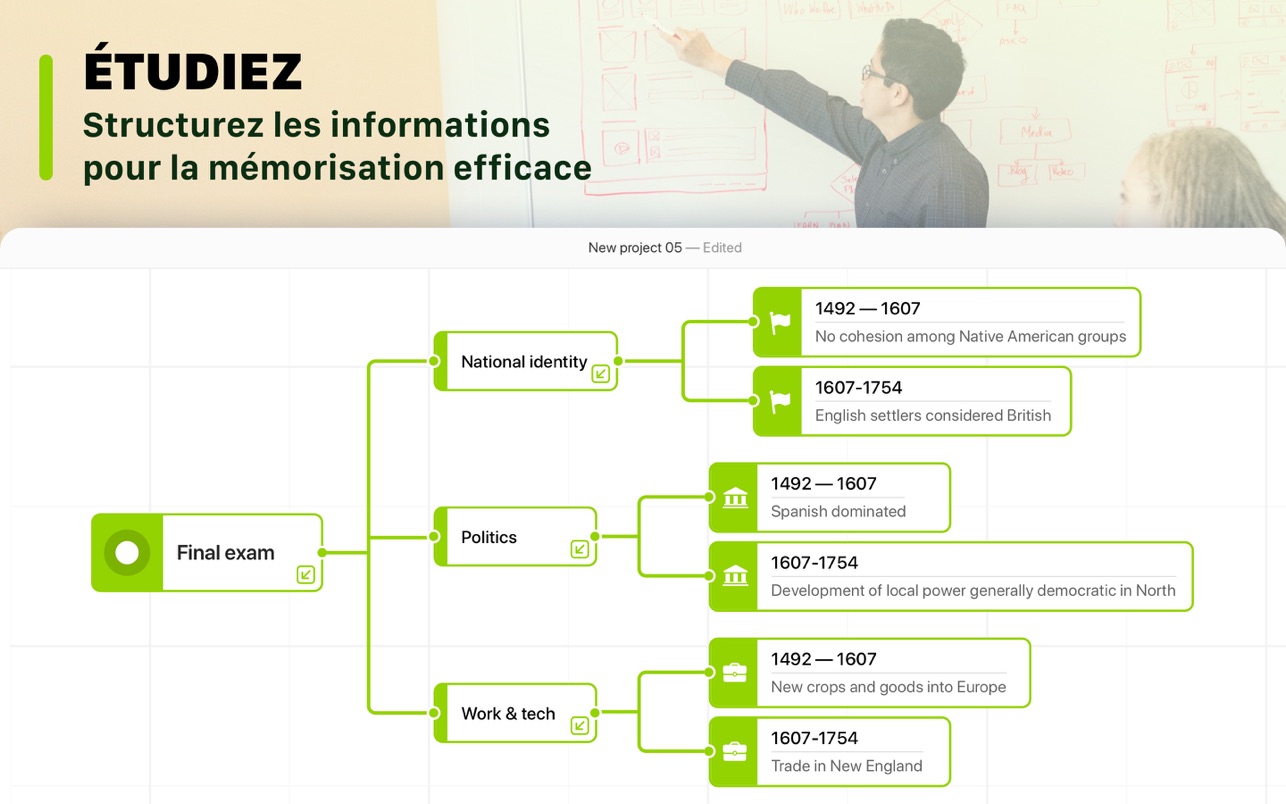
iMap Builder – Structure Your Thoughts is a simple app designed for bringing your thoughts in order. Pick all your ideas together and create a clear mind map.
UNIVERSAL DATABASE
– Storage of any thought and ideas;
– Images and diagrams adding;
– Convenient built-in calendar;
– Quick and easy tutorial;
WORKFLOW ORGANIZATION
– create several “central” blocks inside of your project;
– add different colors to your subtasks;
– set due dates for each block;
– add icons or pictures to your blocks;
SMART REPRESENTATION
– 3 different templates to work with;
– mark your tasks as done;
– connect different elements of blocks into one “cloud”;
– make comments for any connections;
– share your project in social media;
NECESSARY TOOLS
– search for necessary objects inside your mind map;
– export to PNG file or print out your projects;
– Fonts, colors, icon – everything is adjustable;
– Delete, undo/redo, export – full set of operations.
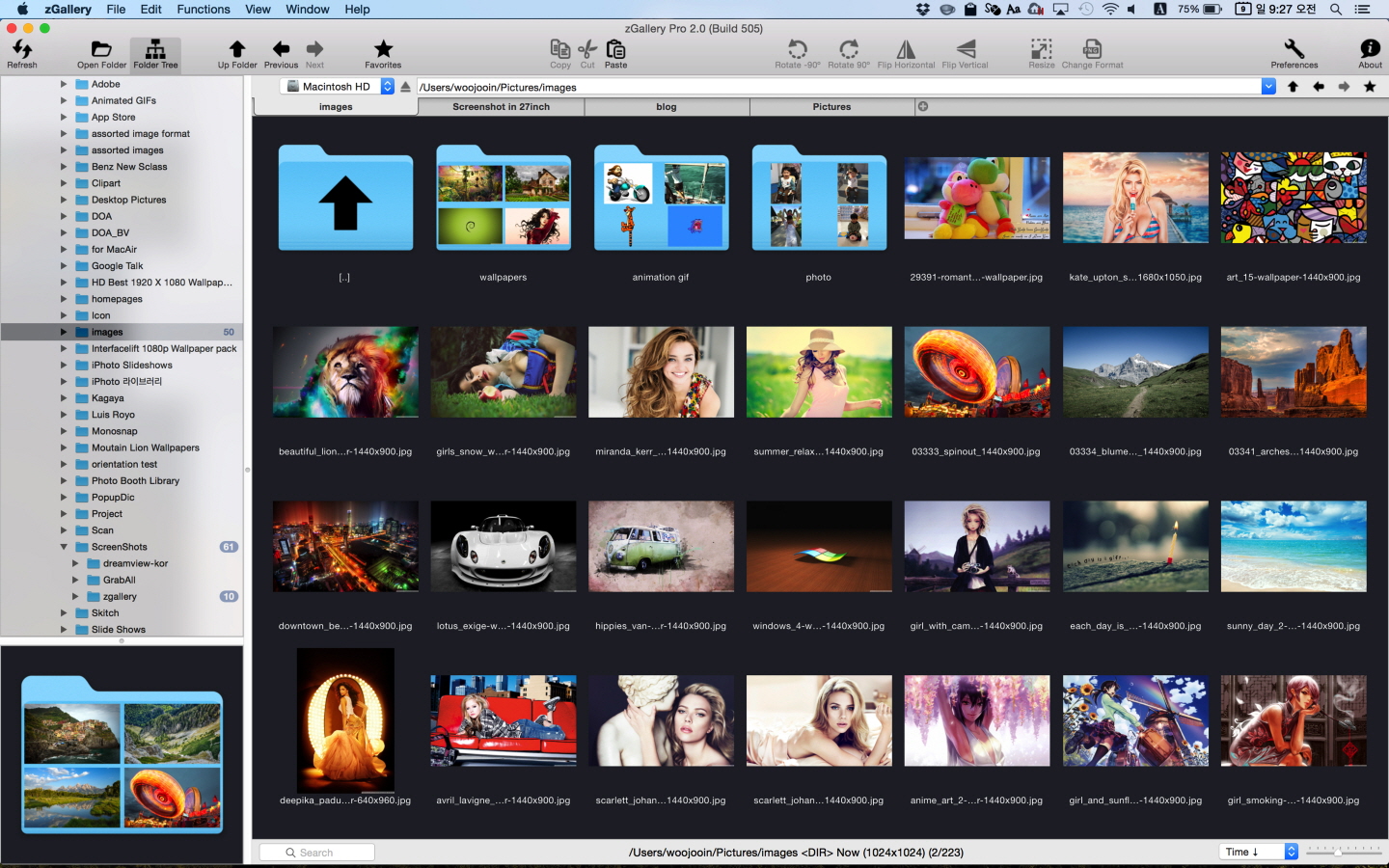
zGallery is the elegant software that shows, browses and edits images and photos in your folder and disk.
It is very easy to use but provides all must-have powerful functions.
If you’re looking for the solutions for managing images and photos,
zGallery will be the best choice.
Main Features:
Shows almost every common format image
Thumbnail browsing for all type of file. (even video image files)
Folder search browsing in tree panel
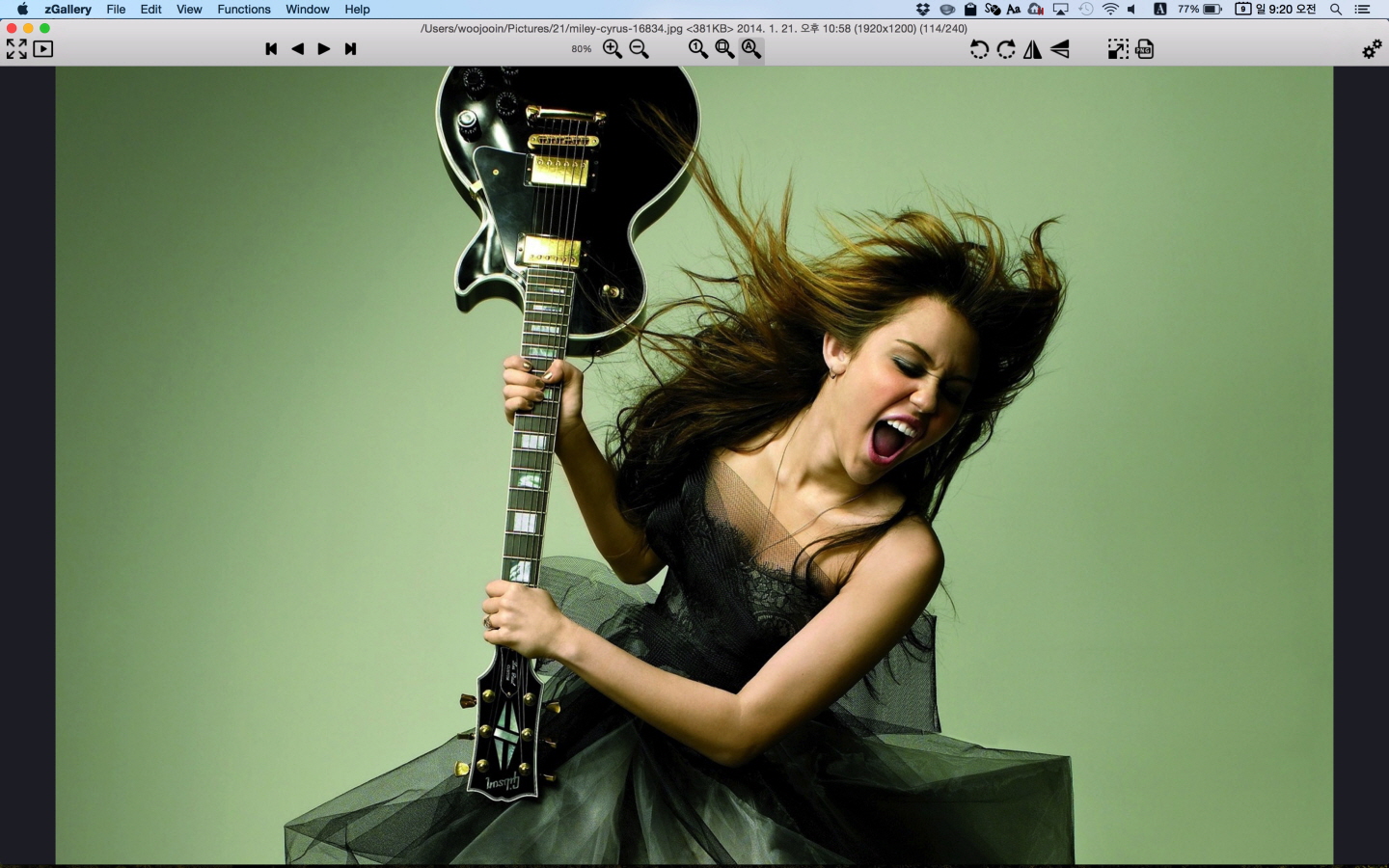
Zooming in/out
Fullscreen mode
Slide show
File management functions such as copy, move, delete and so forth
Image editing functions such as rotate, flip, resizing, changing format and so forth
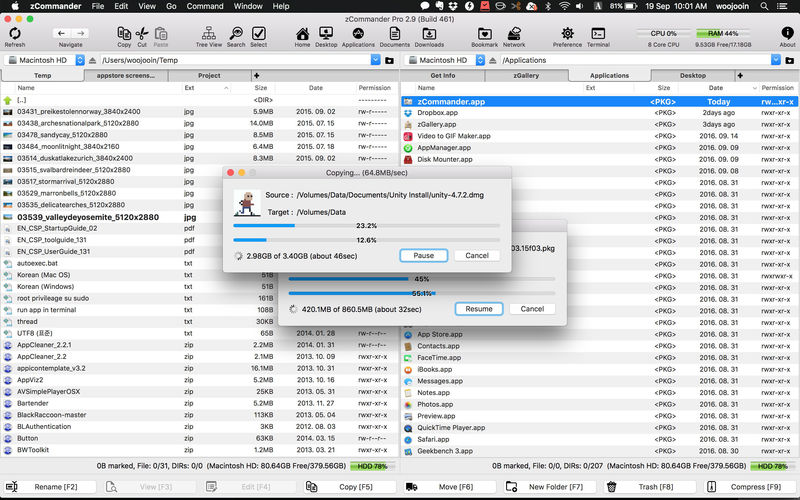
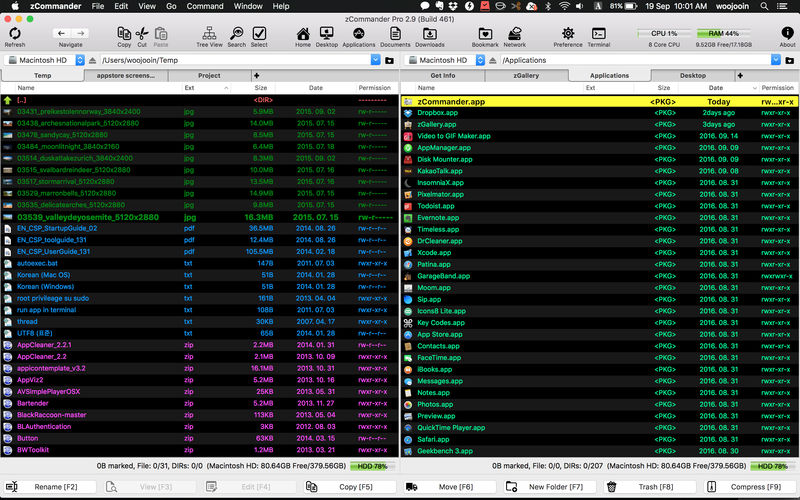
zCommander is advanced and comprehensive file management software. It looks like simple but is actually beautiful and powerful and rapid.
Must-have Software for all users (especially for immigrators from PC and power-users).
No more searching for Total Commander in Mac World.
Here is zCommander !!
Main Features:
Familiar double pane for file list view and each pane can have multiple tabs.
List View or Thumbnail View Mode support.
Quick Preview support (almost every file format)
Sorted items by elements (Name, Extension, Date, etc, …)
You can do most of file operations with only keyboard interface so it’s simple and fast. (Of course you can customise input interface or do it with mouse action)
Copy & Paste file work support like Windows Explorer.
Advanced filtering support in file work.
Quick & Easy to Preview on fingertip.
Quick searching by typing.
Multithreaded file work support (copy, move, delete)
Advanced file searching (by name matching, date, size and contents)
Easy and fast folder bookmark and history management.
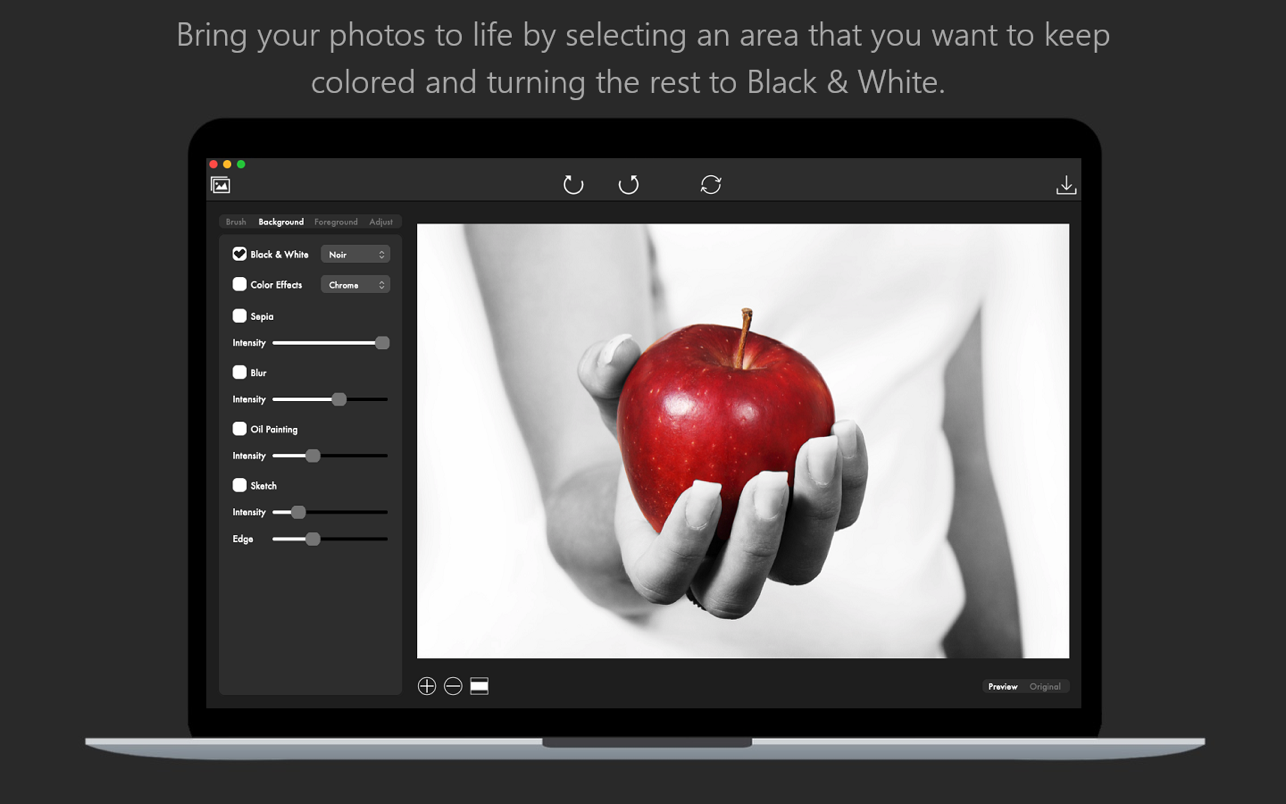
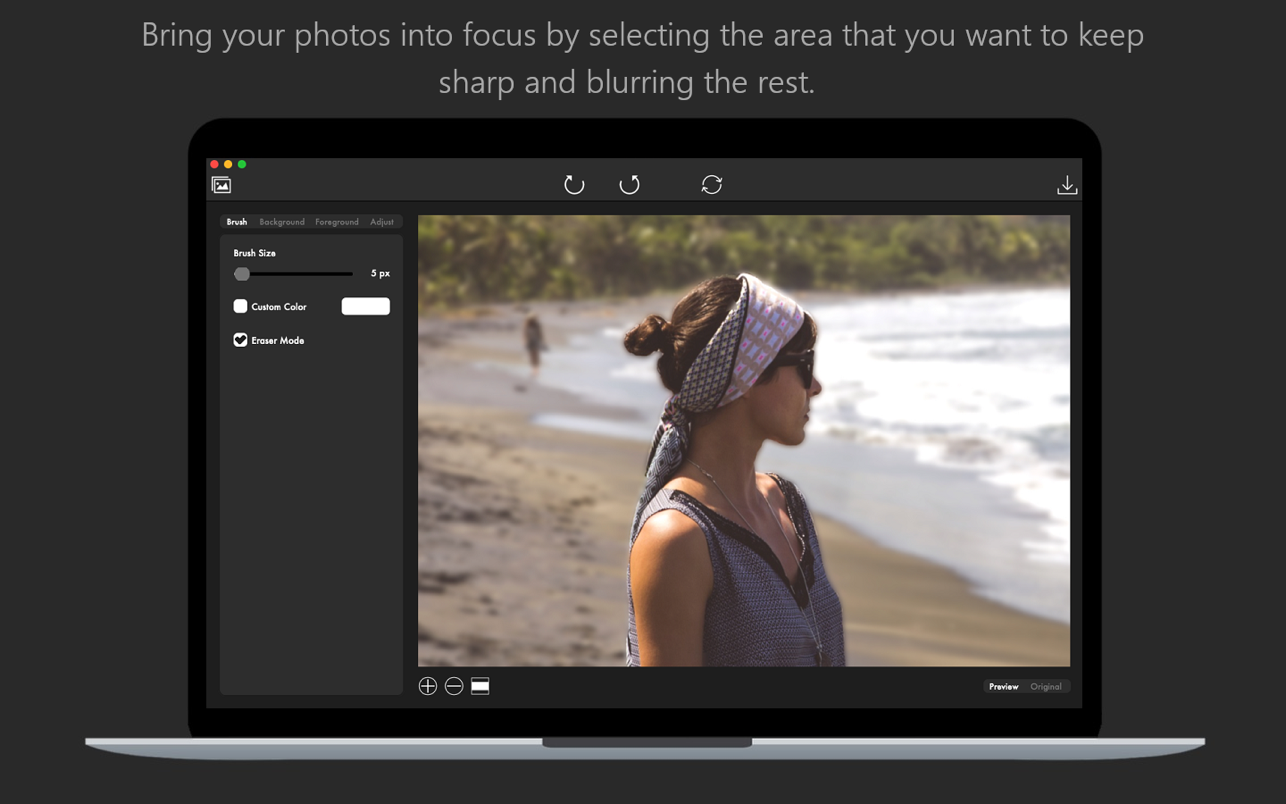
Bring your photos to life with Color Ray by applying spectacular color and blur effects. Select the area of your photo that you want to keep colored and paint the rest in black and white for a dramatic effect.
Do you want to apply a focus blur effect to your photo? Just select the area of the photo that you want to keep into focus and blur the background for a depth of field effect. Combine artistic filters like Black and White, Sepia, Oil Painting or Sketch to make your photos stand out.
But here is what Color Ray has to offer:
* Adjustable brush size that lets you edit your photos to the smallest detail
* Custom color selection for your brush
* Eraser Mode lets you remove those small imperfections quick and easy
* Edit both the Background and Foreground layers of your photo
Apply the following artistic effects to both the Background and Foreground layers of your photo:
– Black & White: Mono, Noir, Tonal
– Color Effects: Chrome, Fade, Instant, Process, Transfer
– Sepia
– Blur
– Oil Painting
– Sketch
Adjust the general appearance of your photo by adjusting the following settings:
– Brightness
– Exposure
– Contrast
– Saturation
– Gamma
– Hue
– RGB
* Easily switch between the view of the edited photo and the original
* Undo/Redo your changes
* Save your photo as a JPG, JPEG, JPE, JP2, JPX, PNG, TIFF, TIF, GIF, BMP, HEIF or HEIC
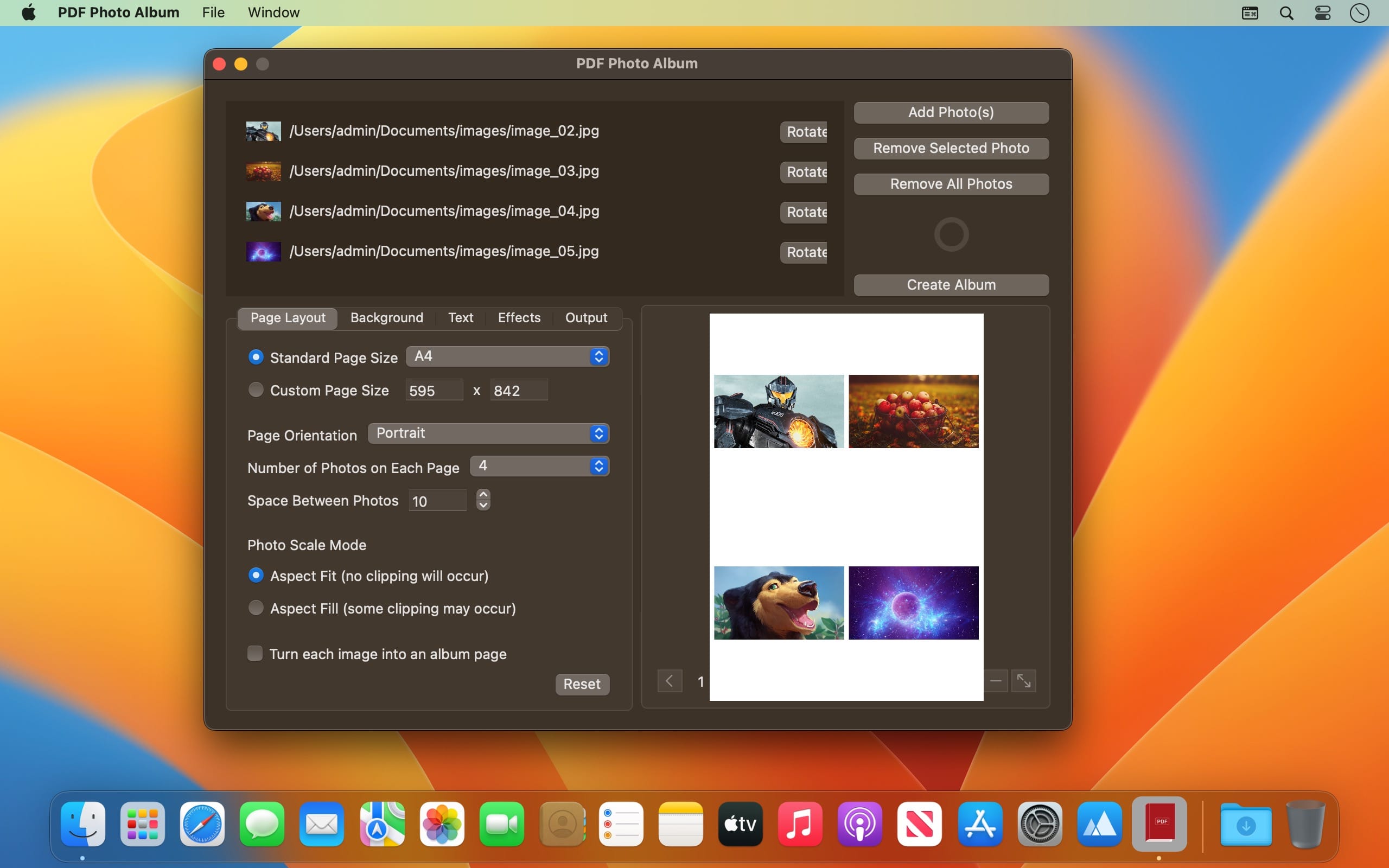
PDF Photo Album is the complete solution for creating beautiful Photo Albums and Collages. Customise the page layout and background of your album down to the smallest detail and apply artistic effects to make your album photos stand out. Add text to your album pages to make them more interesting and export your album as a PDF document or as a set of images.
But here is a detailed list of what PDF Photo Album has to offer
Select the photos that you want to add to your album
Change the order of your album photos
Remove photos from your album
Preview your album in real time
Customise the page layout of your album by adjusting the following settings
Special option to turn each image into an album page
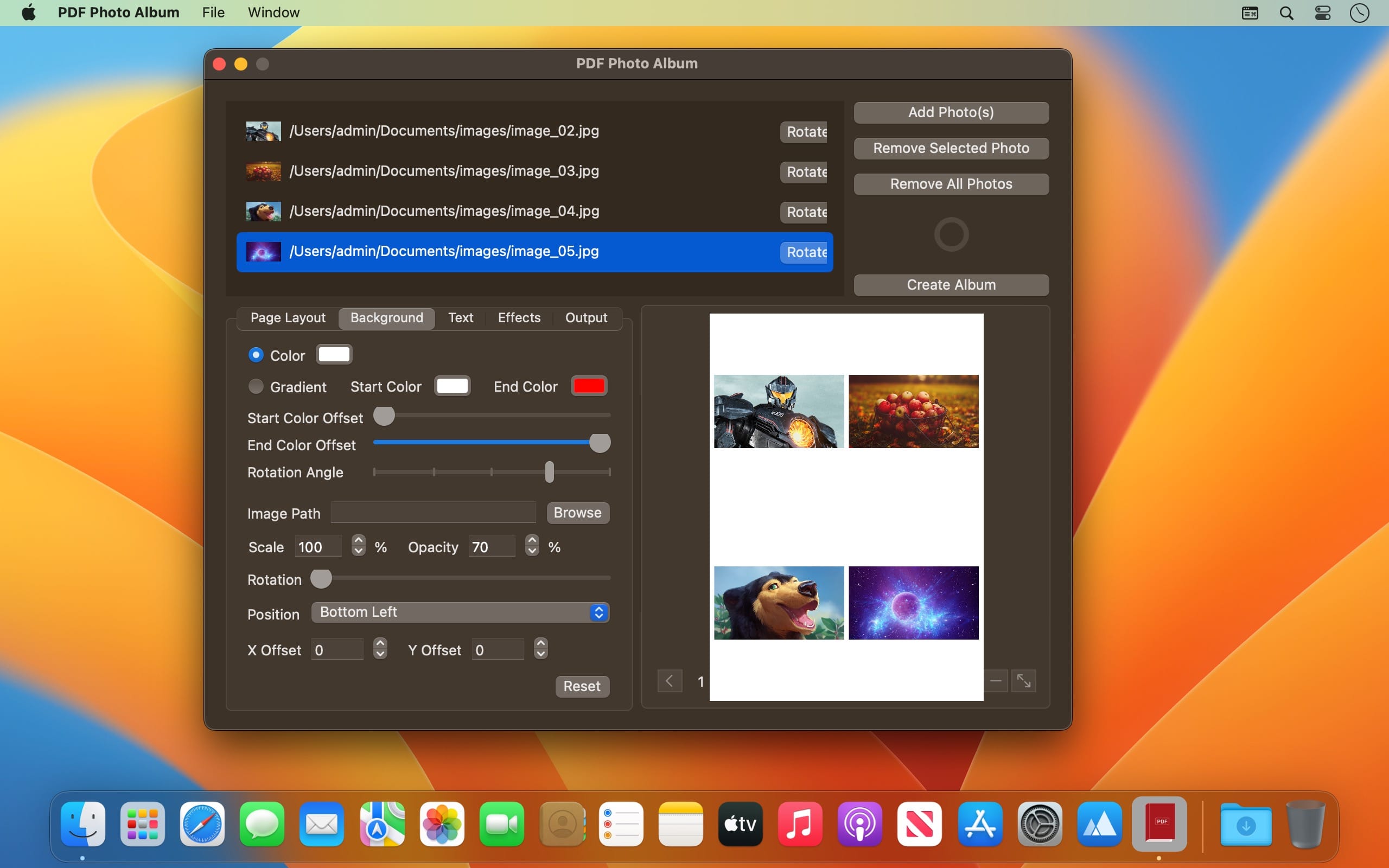
Customise the background of your album pages by adjusting the following settings
Background color
Background gradient (Start color, End color, Start color offset, End color offset, Rotation)
Background image (Path, Scale, Opacity, Rotation, Position, X Offset, Y Offset)
Customise the text of your album pages by adjusting the following settings
Text (Color, Font type, Font size)
Stroke (Color, Size)
Shadow (Color, Offset, Angle, Blur)
Position (Bottom Left, Bottom Right, Top Left, Top Right, Center, Bottom Center, Top Center)
X Offset
Y Offset
Apply the following artistic effects to your album photos
Color Effects: Chrome, Fade, Instant, Mono, Noir, Process, Tonal, Transfer
Sepia (makes your photo look old)
Oil Painting (makes your photo look like an oil painting)
Vignette (makes your photo darker around the edges)
Focus Blur (applies a blur effect on the outer regions of your photo bringing the center in focus)
* Set the quality of the output PDF document / images
* Export your album as a PDF document or as a set of images
* Select the folder where the output images will be exported
* Give the output images meaningful names using a rename scheme
* Select the format of the output images (JPG, JPEG, PNG, TIFF, TIF, GIF, BMP)
* Set the compression of the output images (only available for JPG and JPEG)
What’s New:
Version 1.1
The app has been updated to run natively on both Intel and Mac Silicon platforms.
The minimum OS version requirement has been increased to 10.13
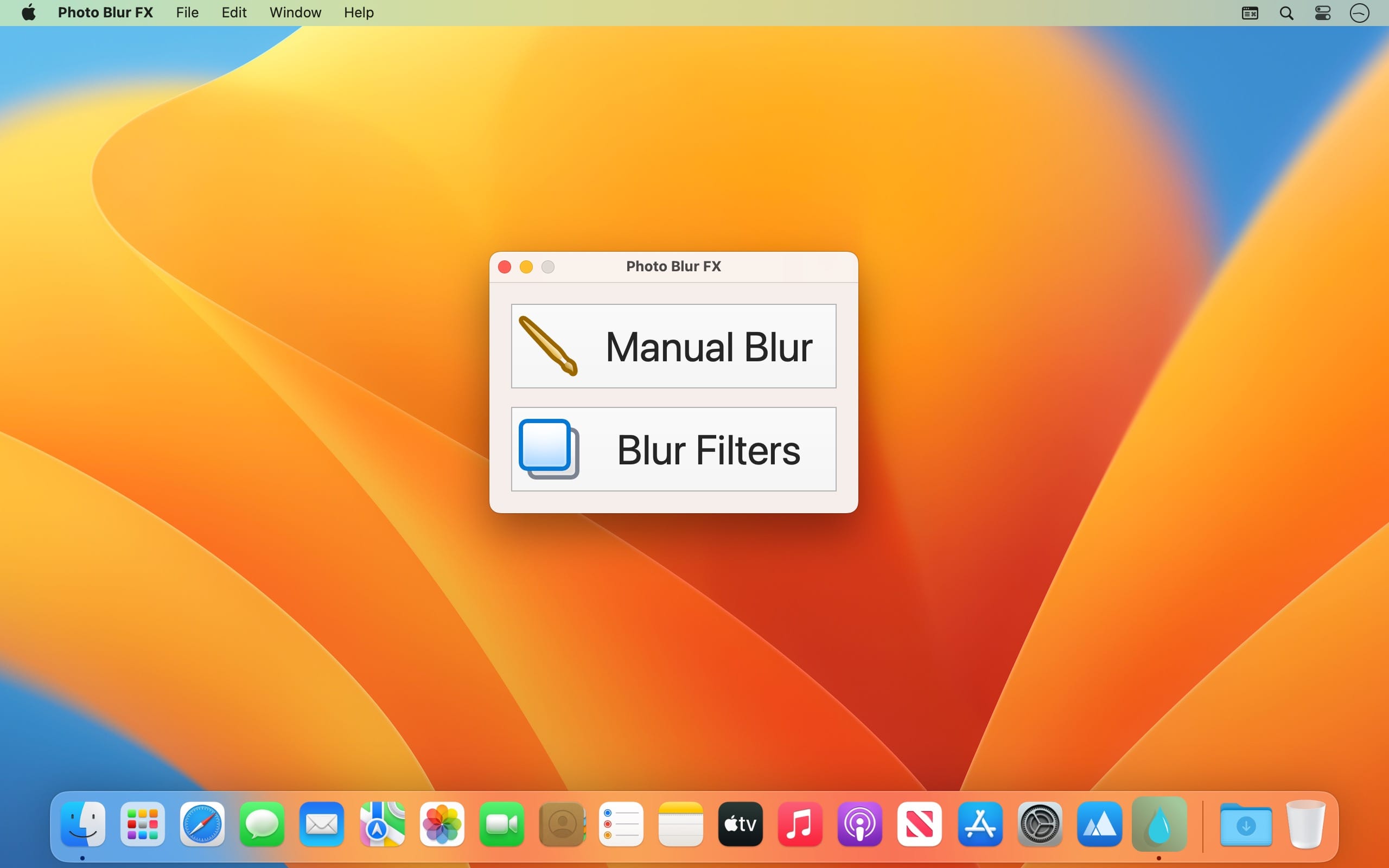
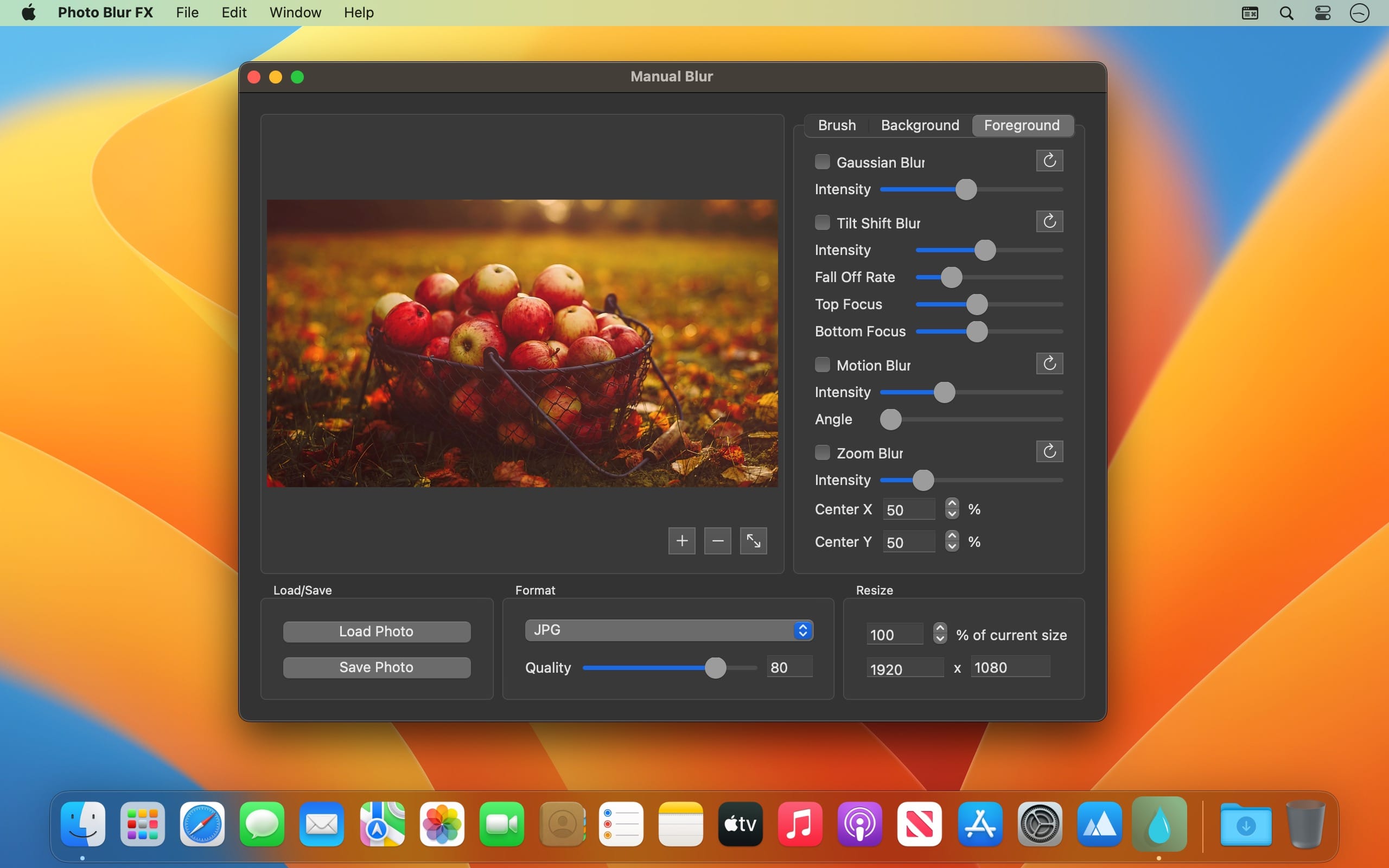
Photo Blur FX is the complete solution for applying blur and focus effects to your photos. Designed to satisfy the needs of both amateur and professional photographers and featuring an impressive set of blur and focus effects.
Photo Blur FX gives you unlimited creative freedom when it comes to photo blur editing.
But here is what Photo Blur FX has to offer
Manually blur certain areas of your photo to get various focus and depth of field effects
Apply and combine the following blur effects to enhance your photo
Gaussian Blur (blurs your entire photo using the Gaussian blur algorithm)
Motion Blur (gives your photo a dynamic look)
Zoom Blur (applies a lens zoom effect in the center of your photo)
Circle Blur (blurs a certain circular area of your photo)
Apply the following focus effects to your photo
Tilt Shift Blur (blurs the top and lower regions of your photo bringing the center into focus)
Focus Blur (blurs your entire photo except a certain area that will be brought into focus)
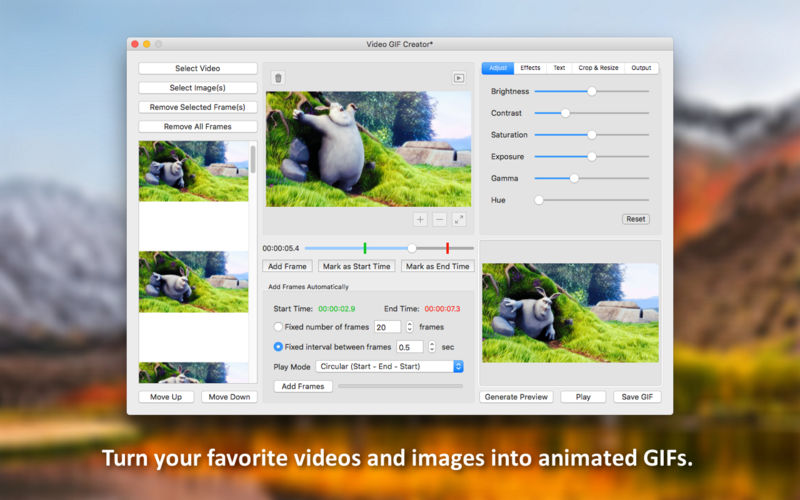
Video GIF Creator is the complete solution for converting videos and images to animated GIFs. Designed to satisfy the needs of both casual users and professional web designers and featuring an impressive set of editing options, Video GIF Creator gives you unlimited creative freedom when it comes to generating animated GIF images. But here is what Video GIF Creator has to offer:
Select any video/image(s) from your hard drive
Add the selected image(s) to the new GIF
Manually add any frame from the selected video to the new GIF
Define a custom section of the selected video from which frames will be automatically extracted and added to the new GIF
Define a fixed number of frames that will be automatically extracted
Define a fixed time interval between the frames that will be automatically extracted
Choose between a liniar (start – end) or circular (start – end – start) play style for the new GIF
Adjust the following properties of the new GIF:
Brightness (make the GIF darker or brighter)
Exposure (change the exposure of the GIF)
Contrast (change the contrast of the GIF)
Saturation (increase or decrease the saturation level of the GIF)
Gamma (change the gamma of the GIF)
Hue (change the hue of the GIF)
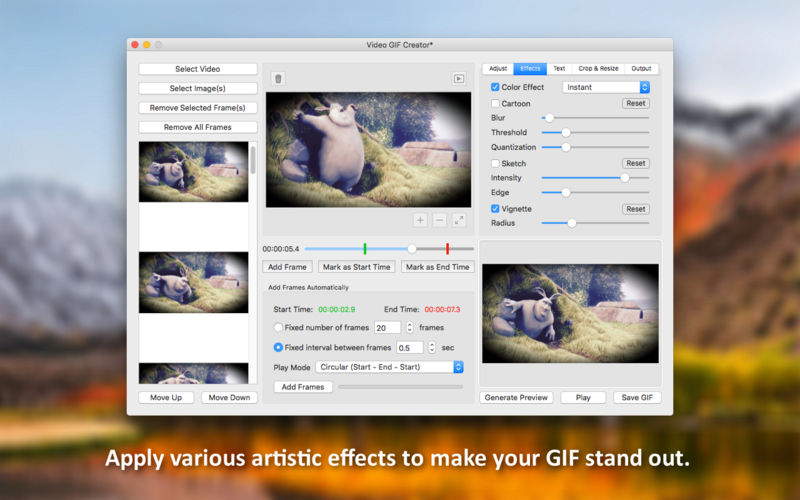
Apply the following artistic effects to the new GIF:
Color Effects: Chrome, Fade, Instant, Mono, Noir, Process, Tonal, Transfer
Cartoon (makes the GIF look like a cartoon)
Sketch (makes the GIF look like a sketch)
Vignette (makes the GIF darker around the edges)
Add a text to the new GIF for which you can customise the following:
Text (this is the text that will appear on the GIF)
Text Color (change the color of your text)
Font Type (choose from 20 types of hand-picked fonts)
Font Size (change the font size of your text)
Opacity (make your text more opaque or transparent)
Shadow (make your text more visible by adding a shadow effect)
Stroke (make your text more visible by adding a stroke effect)
Position (you can choose between: Bottom Left, Bottom Right, Top Left, Top Right and Center)
X Offset (for an exact horizontal positioning of your text)
Y Offset (for an exact vertical positioning of your text)
Automatically crop the new GIF to one of the following aspect ratios: 1:1, 4:3, 3:2, 16:9
Manually crop the new GIF using either pixels or percents to define the crop area
Resize the new GIF using percents or pixels
Define the frame delay, loop count and color levels of the new GIF
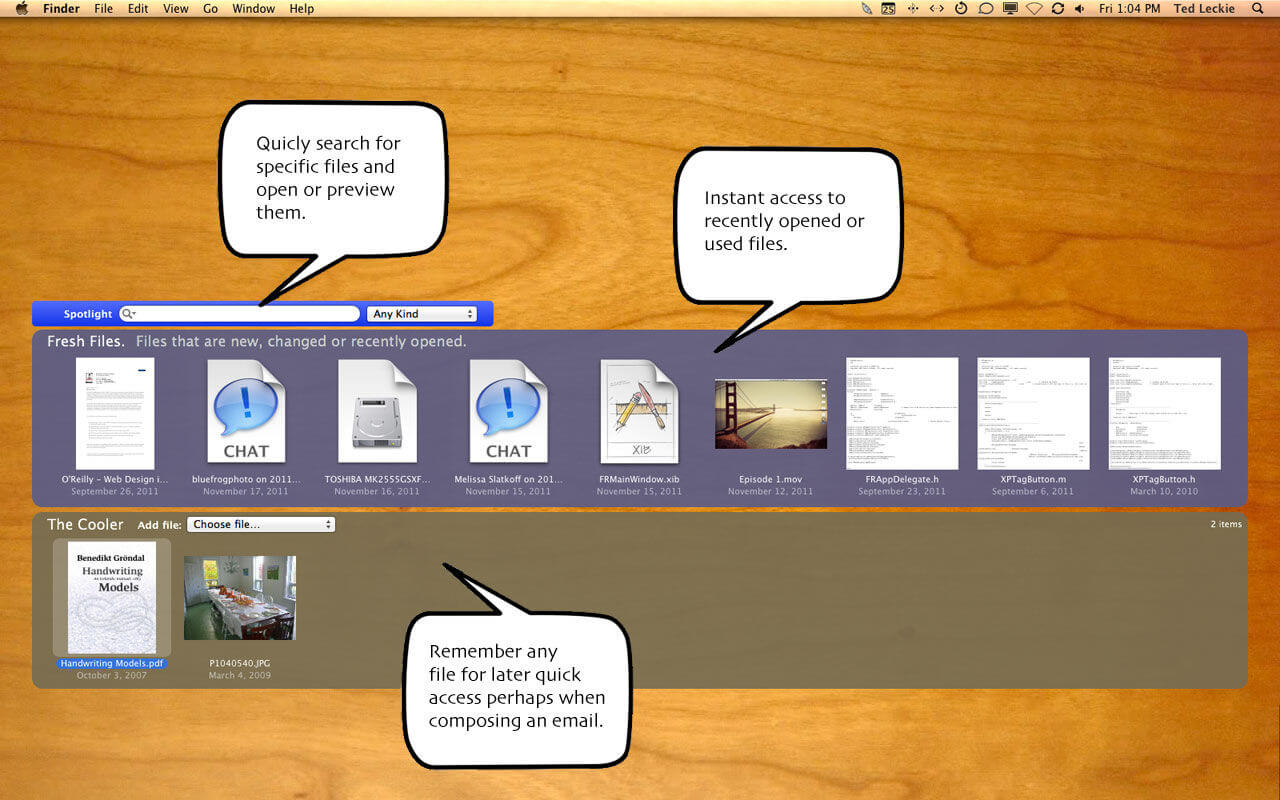
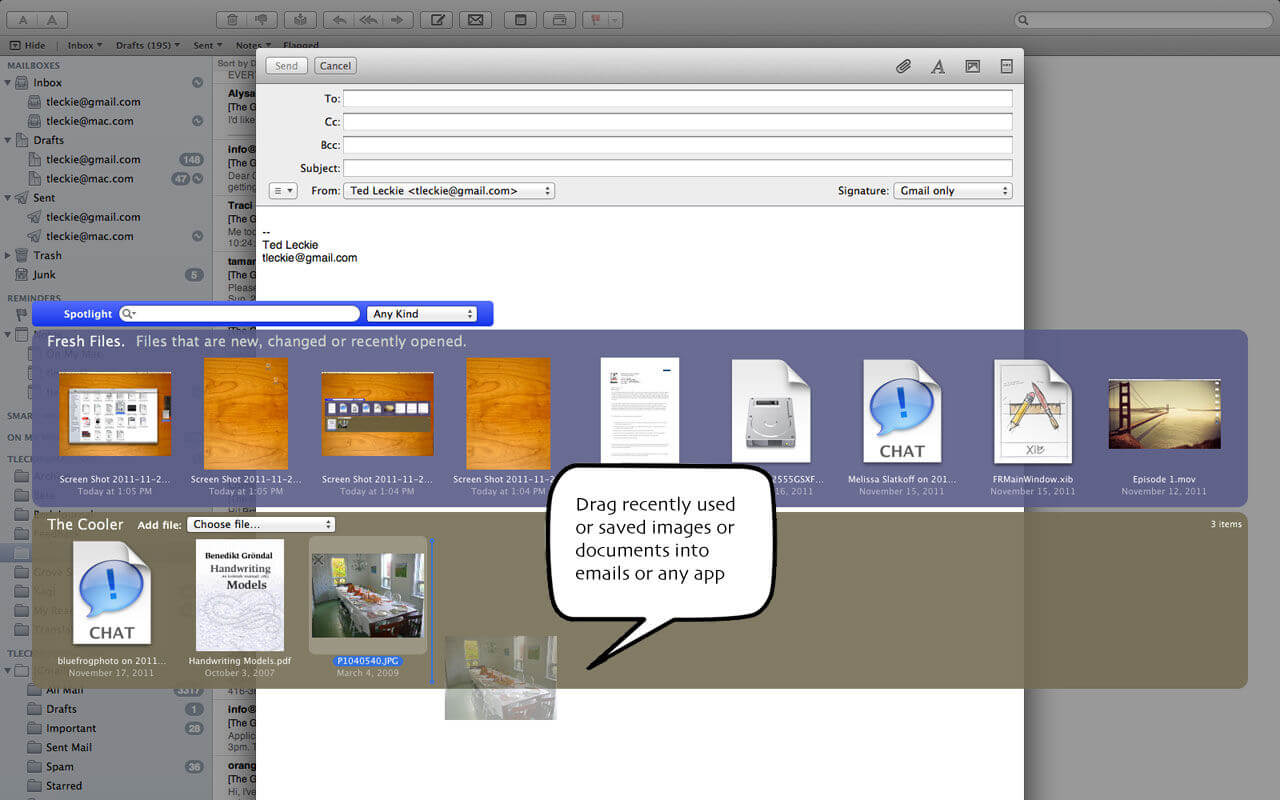
Fresh allows you to instantly find attachments you download, no matter what weird name they have. Rename files that you just downloaded, then file them with a single click.
Filed Documents is a place where Fresh will file items by date, helping keep you organized. With Fresh you can easily find any file – no matter where you are – without going back to the Finder. Plus it has an awesome ‘file dock’ which works like the dock, but who has room for files on their dock anymore?
Features
Instantly access the files that you are working on.
Downloads from the web show up without having to remember the file name.
Usually access it with a configurable keyboard shortcut.
Built for macOS Sierra. Runs back to 10.8.
Works with full screen apps – grab that file without ever leaving full screen mode.
Shows recent files, favourites (like a dock), spotlight search, or just navigate to any file directly.
Shows all recently changed files automatically.
Rename or trash files.
Preferences for many options.
Indispensable.
Runs as small icon in menu bar.
Large easy to use UI hides itself when you drag files out.
What’s New:
Version 4.0.7
Release notes were unavailable when this listing was updated.
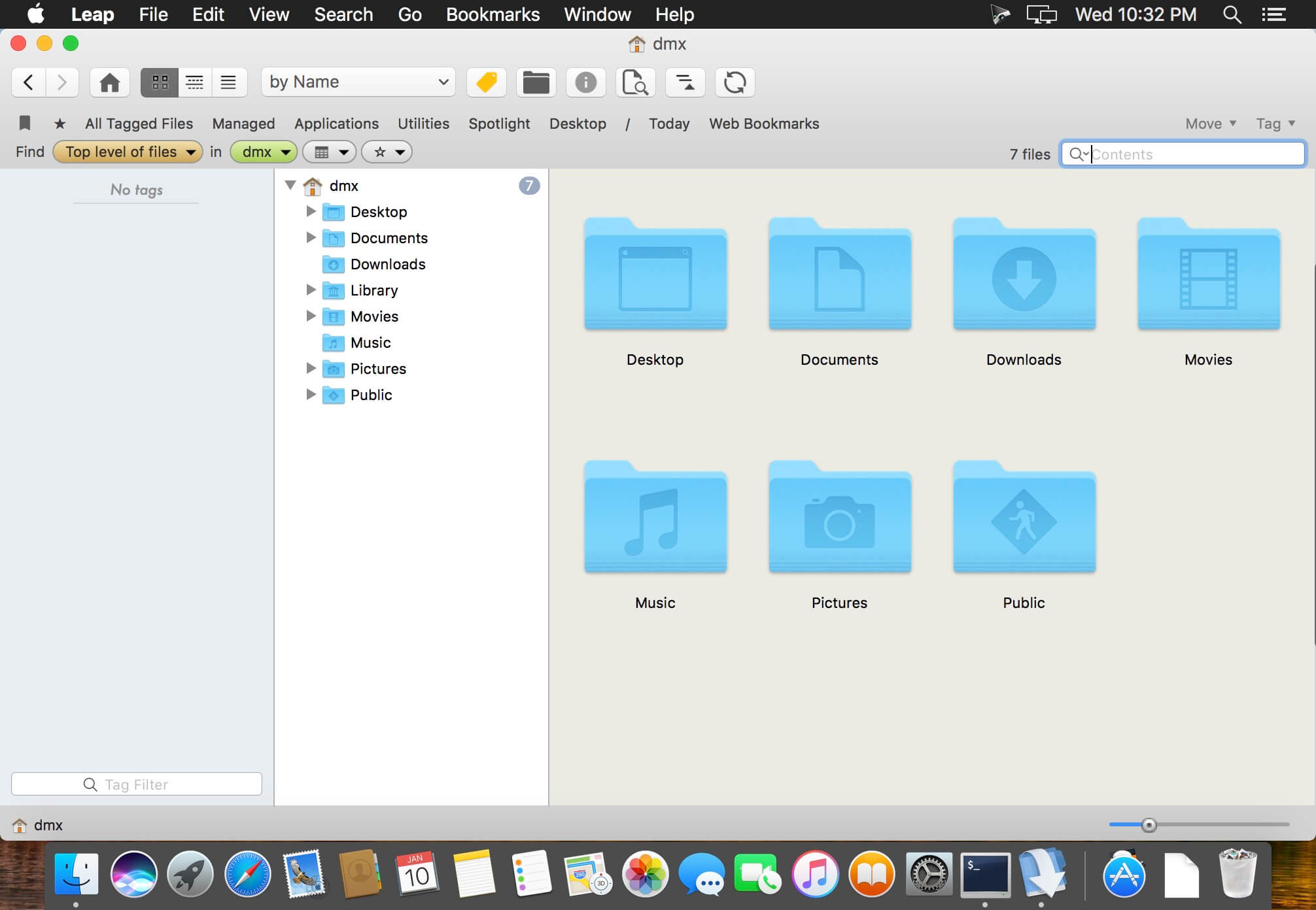
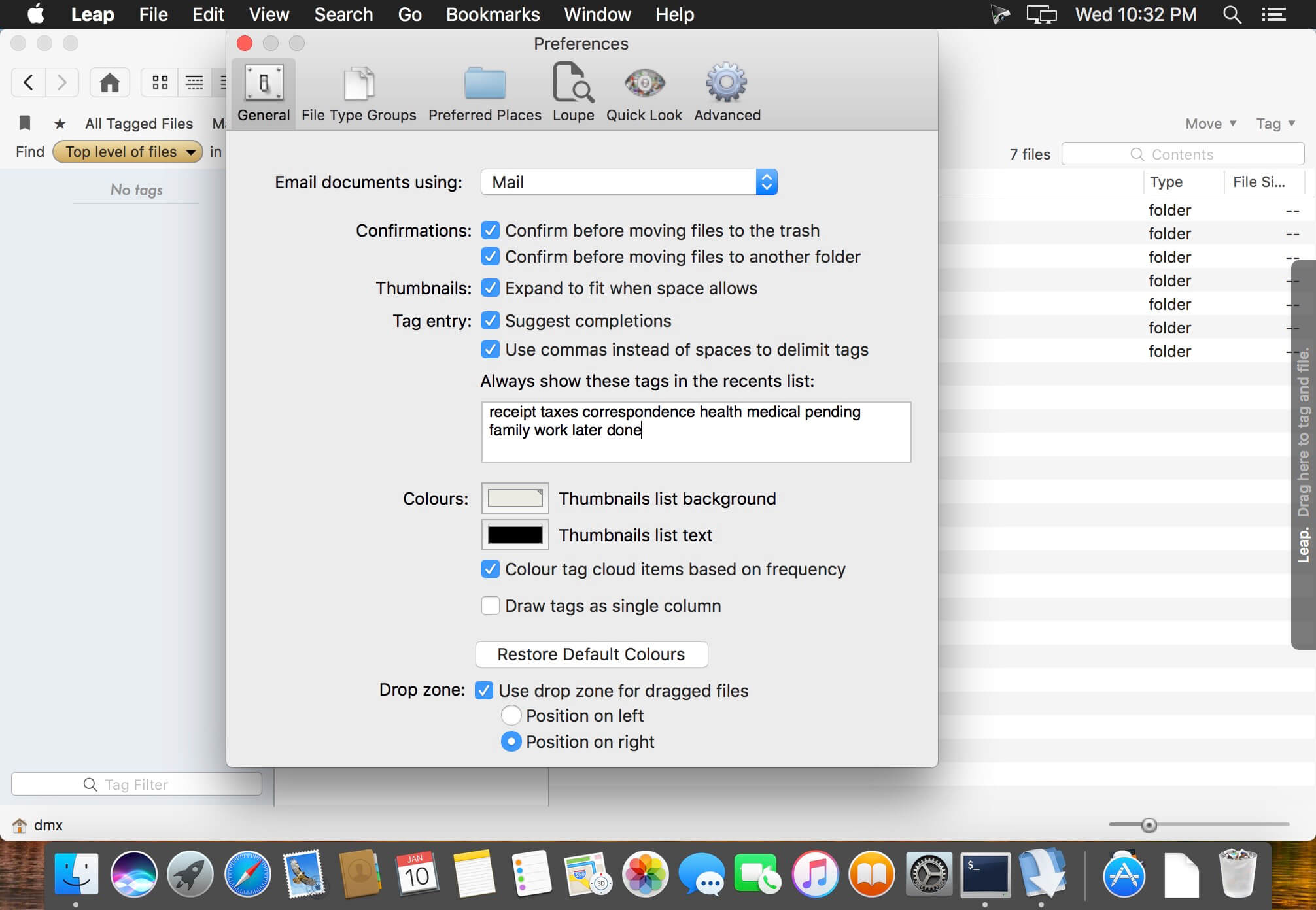
Leap is a combination Spotlight, Bridge, Finder, and more. The Finder on macOS is slow, cumbersome, and limited. The Finder search interface is very cumbersome. Leap shows you all your files and more importantly – where they are on your computer. No other tool does this. Works great for images and PDF’s, too. Leap does not force you to put documents in a special place, it uses no databases. Just see whats on your hard drive.
Fully integrated with Mavericks and later, including its tagging system.
Dropbox support. Leap now uses Dropbox if you have it to back up tags.
Dropbox bookmark quickly allows you to search your Dropbox.
What’s New:
Version 4.0.7:
Release notes were unavailable when this listing was updated.
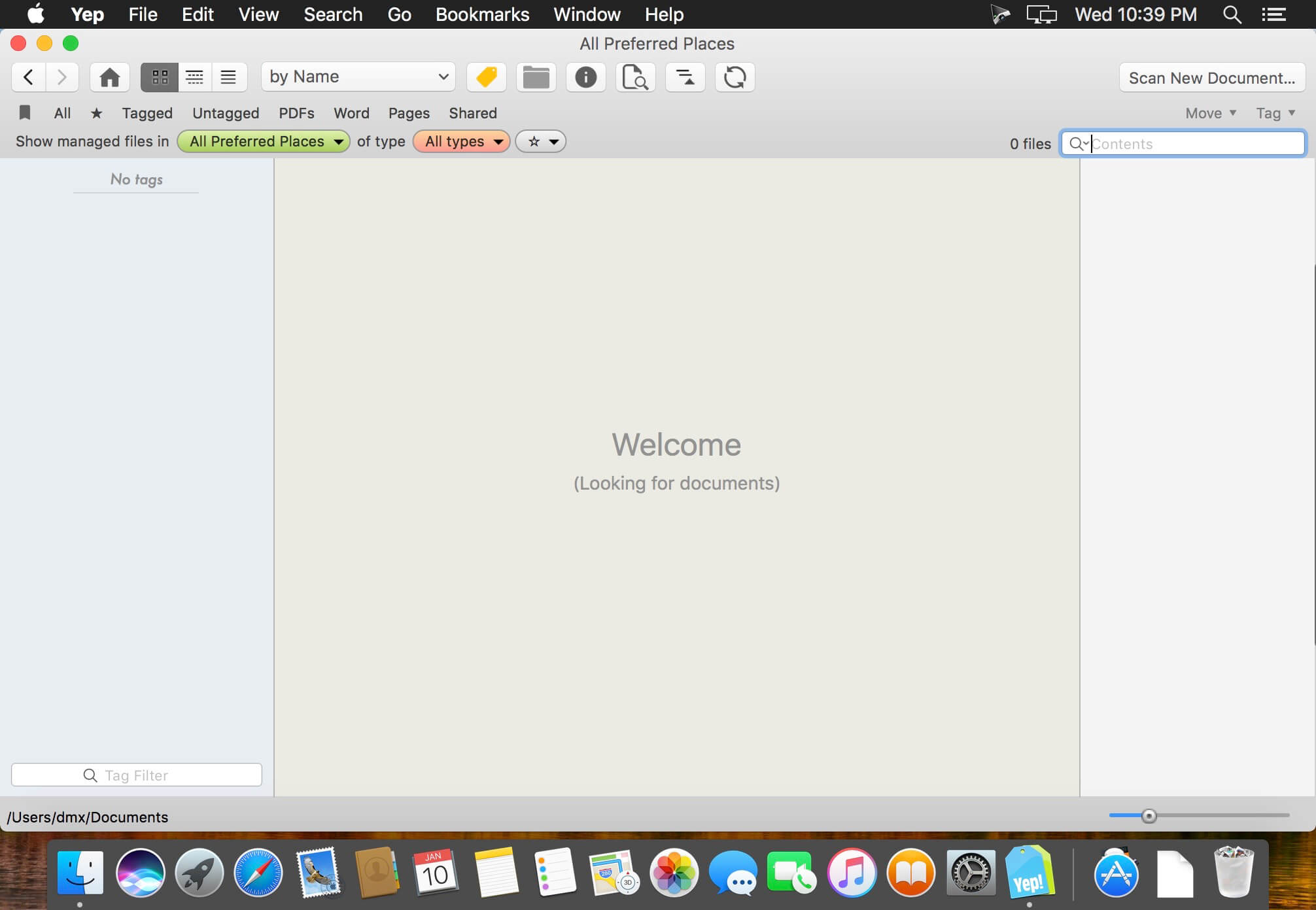
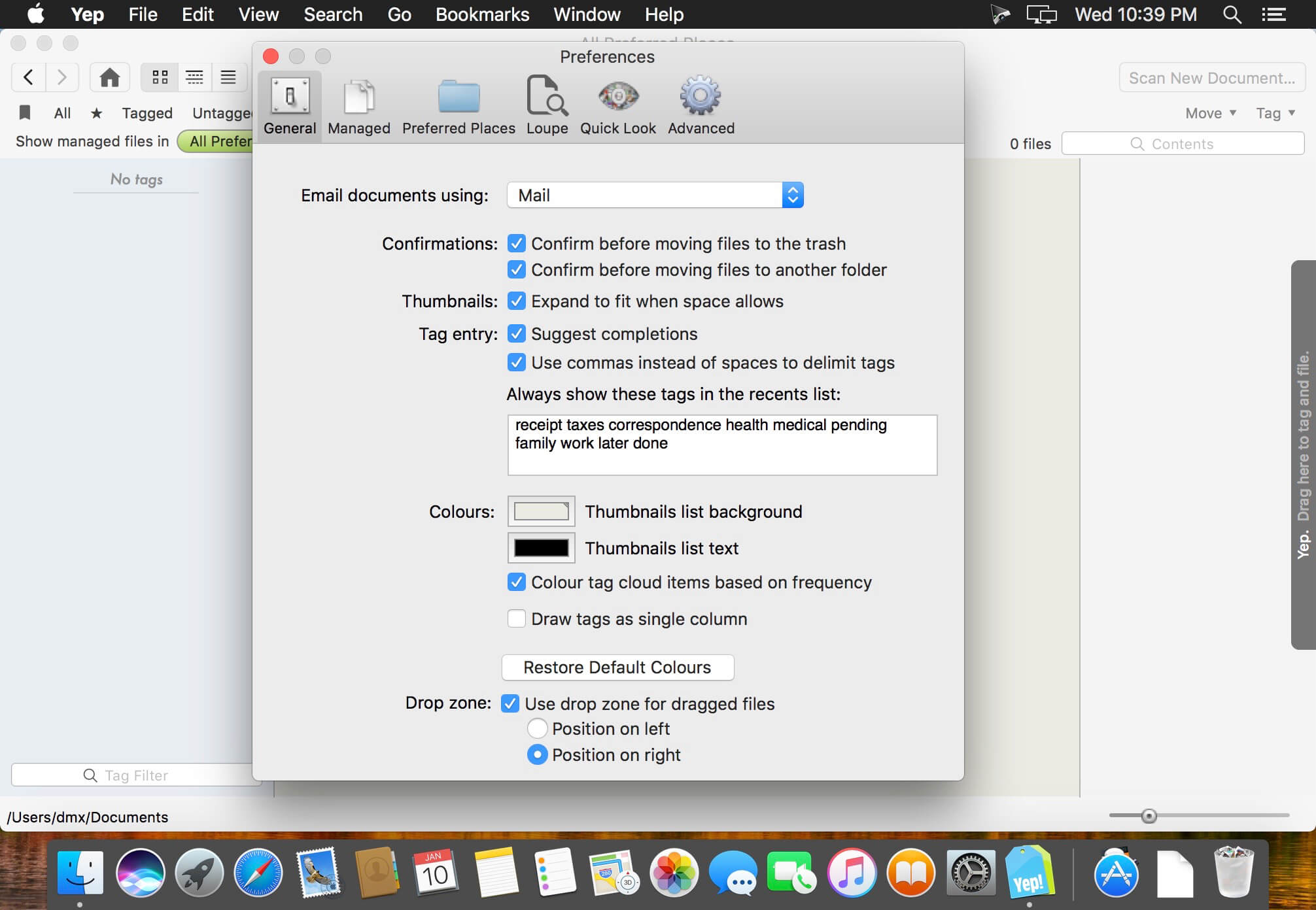
Yep is a document organization and management tool. Like iTunes for music or iPhoto for photos, Yep lets you search and view your documents in a comfortable interface, while offering the ability to automatically save documents into a file in your Documents folder. Yep also provides direct scanning support and new drag-and-drop text or image file creation from within the application.
What’s New:
Version 4.0.7:
Release notes were unavailable when this listing was updated.
Cocktail is a general purpose utility for macOS that lets you clean, repair and optimize your Mac. It is a powerful digital toolset that helps hundreds of thousands of Mac users around the world get the most out of their computers every day. The application serves up a perfect mix of maintenance tools and tweaks, all accessible through a clean and easy to use interface.
Cocktail’s features are arranged into five categories that helps you manage various aspects of your computer. It also comes with an automatic Pilot mode that allows you to simply press a button and relax, knowing that Cocktail will take care of the rest.
Cocktail is installed at more than 250 000 computers world wide. The largest part being private individuals, but Cocktail can also be found at large international companies, educational institutions or newspapers.
Disks
Automatically check S.M.A.R.T. status of disks
Enable or disable journaling
Set disk sleep (spindown) time
Modify standby delay
Change other disk sleep settings
Force eject CD/DVD
System
Run periodic maintenance scripts
Purge inactive memory and optimize virtual memory usage
Manage Spotlight indexing
Erase Spotlight indexes
Modify Time Machine settings
Rebuild Launch Services and Help databases
Rebuild Mail’s Envelope Index
Update locate and whatis databases
Force empty the Trash
Change startup mode or set startup delay
Disable startup sound
Disable Notification Center and App Nap
Files
Clear system caches
Clear user caches
Clear font caches
Clear virtual memory swap files
Clear temporary files
Clear Internet caches
Clear DNS cache
Clear Mail downloads
Clear cookies, download lists, form values and history files
Clear Adobe Flash Player caches and cookies
Clear applications caches
Search for corrupted preference files
Delete unnecessary localization (language resources) files
Clear and manage (view, print and save) log files
Delete invisible DS Store files
Delete locked or inaccessible items
Network
Change speed, duplex and MTU of network cards
Easily optimize network settings for common connection types
Modify IP configuration parameters
Configure File Sharing settings
Interface
Customize look and features of Finder, Dock, login window and other system services
Modify hidden settings of Safari, iTunes and Launchpad
Pilot
Clean, repair and optimize your system with one click of the button
Schedule clearing of caches and log files as well as run of periodic maintenance scripts
Ventura Cache Cleaner is an award winning general purpose tool for macOS. VCC makes system maintenance simple with an easy point and click interface to many macOS functions. Novice and expert users alike will appreciate the powerful toolset VCC provides. Ventura Cache Cleaner is one of the world’s leading maintenance tools with millions of downloads around the globe.
Maintenance
Ventura Cache Cleaner is a one stop solution for all of your macOS X maintenance needs. Intel or PPC, Tiger or Ventura, VCC has the tools to keep your system running at its best. VCC Documents and the VCC Engine maintain system health by providing full automation of common maintenance chores including virus scanning of internet downloads. The VCC Engine can even repair permissions automatically after software installations. With the VCC Engine, powerful system maintenance and antivirus can be completely transparent or as close as your menu bar.
Optimization
Ventura Cache Cleaner can improve system performance by tuning internet and file cache settings, implementing ram disks, and cleaning out various cached and stale data. VCC includes tools to help optimize files and memory. VCC can recover wasted disk space by eliminating language localization files and slimming Universal Binaries.
Customization
Ventura Cache Cleaner lets you control your macOS X experience. Turn off Spotlight or Dashboard, or turn on a Login Items Folder. VCC can tweak many macOS X features to suit your tastes. All without permanently altering or harming your system.
Disaster Planning
Ventura Cache Cleaner lets you create a bootable Installer USB drive from your Ventura download that will boot and install Ventura on any supported machine. Ventura Cache Cleaner lets you create bootable Emergency Disks that include system repair utilities and VCC’s powerful cache cleaning functions. If disaster strikes, the power of Ventura Cache Cleaner is available at the command prompt in Single User Mode. Registered users of VCC can install a portable version on a flash drive or iPod. Ventura Cache Cleaner Portable runs on any supported Mac and is a great tool for testing hard drives, screen pixels, batteries, ram, and more before buying a machine.
Antivirus
Ventura Cache Cleaner helps protect your system from malware. VCC adds three additional layers of malware protection to Big Sur, and ships with the powerful ClamAV antivirus built in. VCC can scan your downloads on the fly providing industrial strength virus protection from Mac and Windows threats.
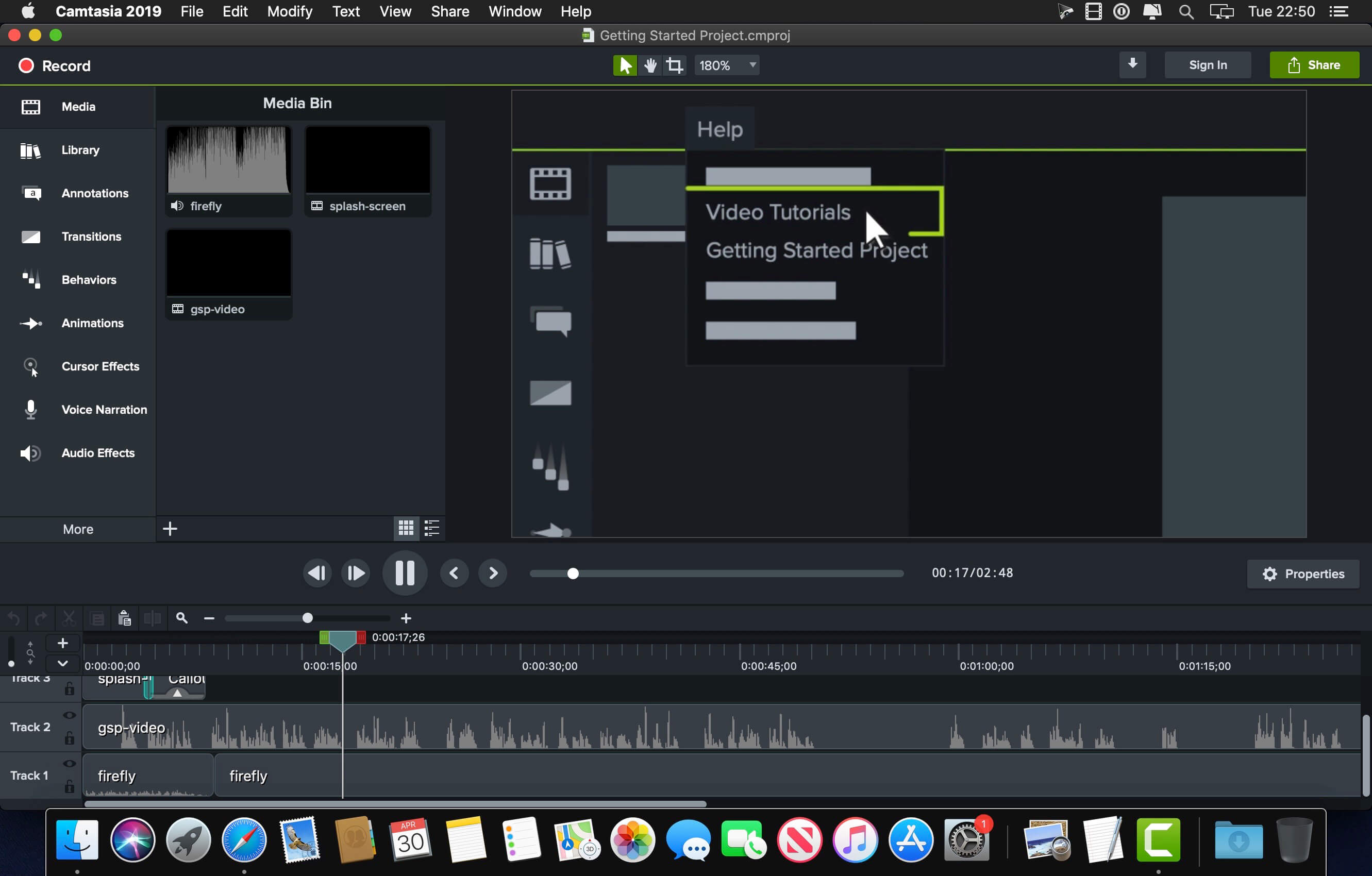
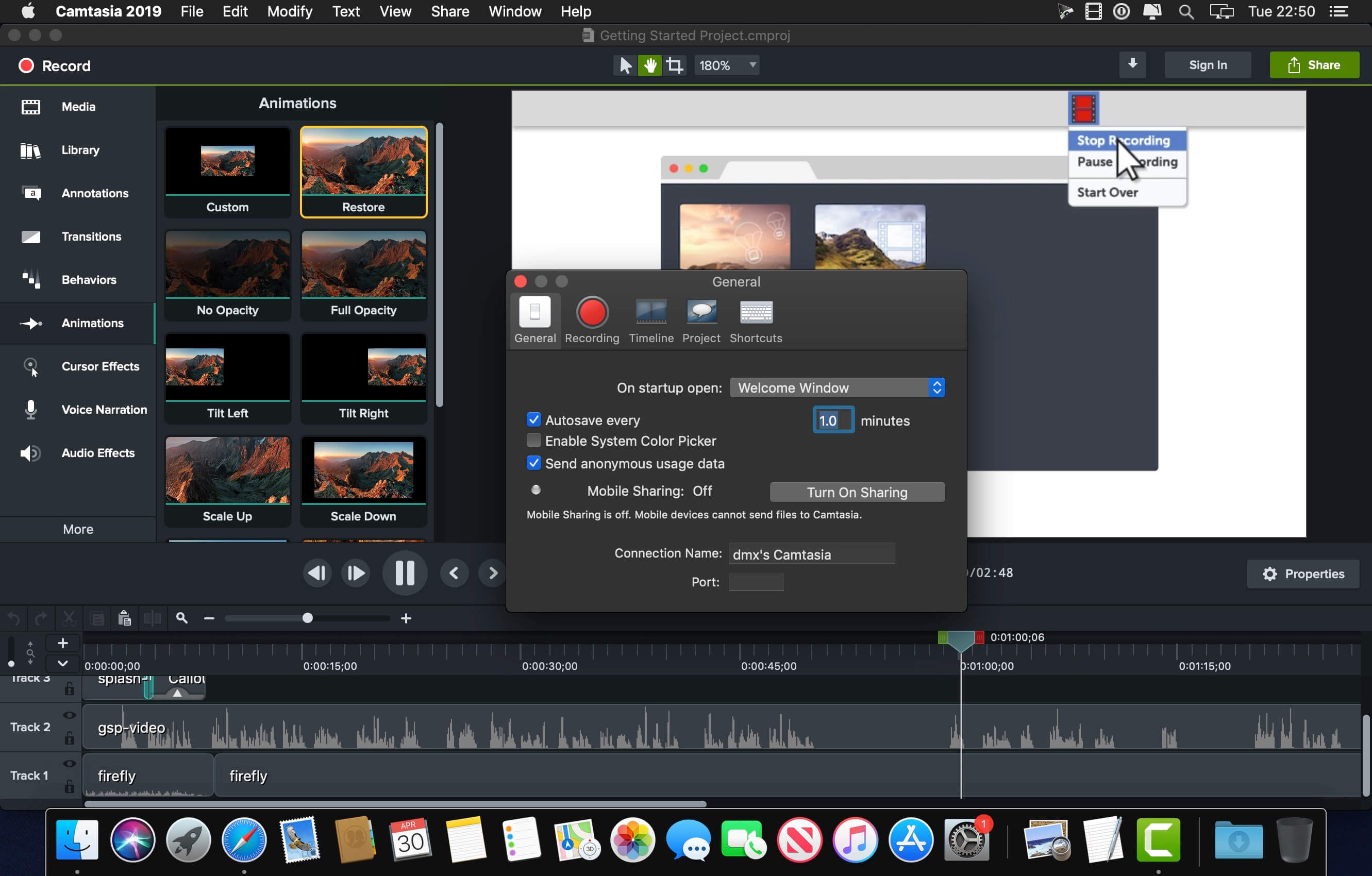
Camtasia is the go-to video solution for creating professional-looking software demonstrations, product tutorials, online lessons, and recorded presentations- no video experience needed. Pre-built video templates help you create the videos you need with ease. Record your screen, import PowerPoint presentations, or add video footage you already have. Then edit, add effects with drag-and-drop ease, and share out your videos with anyone. With so many easy to use features and effects, you’ll be creating polished videos in no time.
Start Fast
Camtasia is quick to learn. You don’t need a big budget or fancy video editing skills. Start with a template or just record your screen and add a few effects.
Feel Confident
Whether you have experience or this is your first time making a video, we’ll give you everything you need to make a high-quality video.
Engage Viewers
Create content your viewers actually watch. A video will give you more interaction and help your audience to learn more than with text alone.
Sharpen, remove noise, and increase the resolution of your photos with tomorrow’s technology. Topaz Photo AI supercharges your image quality so you can focus on the creative part of photography.
Focus on your creativity rather than your tools.
AI is good at some things but bad at others. It can write sentences but can’t tell a story, and it can recommend songs but can’t compose music. But most importantly for us: AI is exceptionally good at improving image quality, but bad at knowing what to do with it.
We believe that stunning photography comes from artistic vision paired with world-class tools. AI will never replicate human creativity, so it’s still your job to provide the vision. But just like a sharper lens or better camera, Topaz Photo AI empowers you to create images that just aren’t possible with yesterday’s tools.
Your photos at their very sharpest.
You won’t always be able to retake a shot when your subject is blurry. Sometimes you won’t even know until you’re reviewing your photos on your computer.
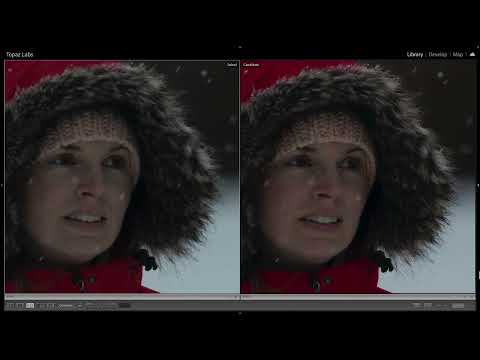
In these cases, use Topaz Photo AI to ensure that your photos are the sharpest they can possibly be. Instead of artificially increasing edge contrast like traditional sharpening, the Sharpen AI module naturally reverses root causes of blurriness (camera shake, motion blur, misfocus) to create more natural results.
In the absence of blur, sharpness remains – crisp, clear detail that’s free of edge haloes or other artifacts.
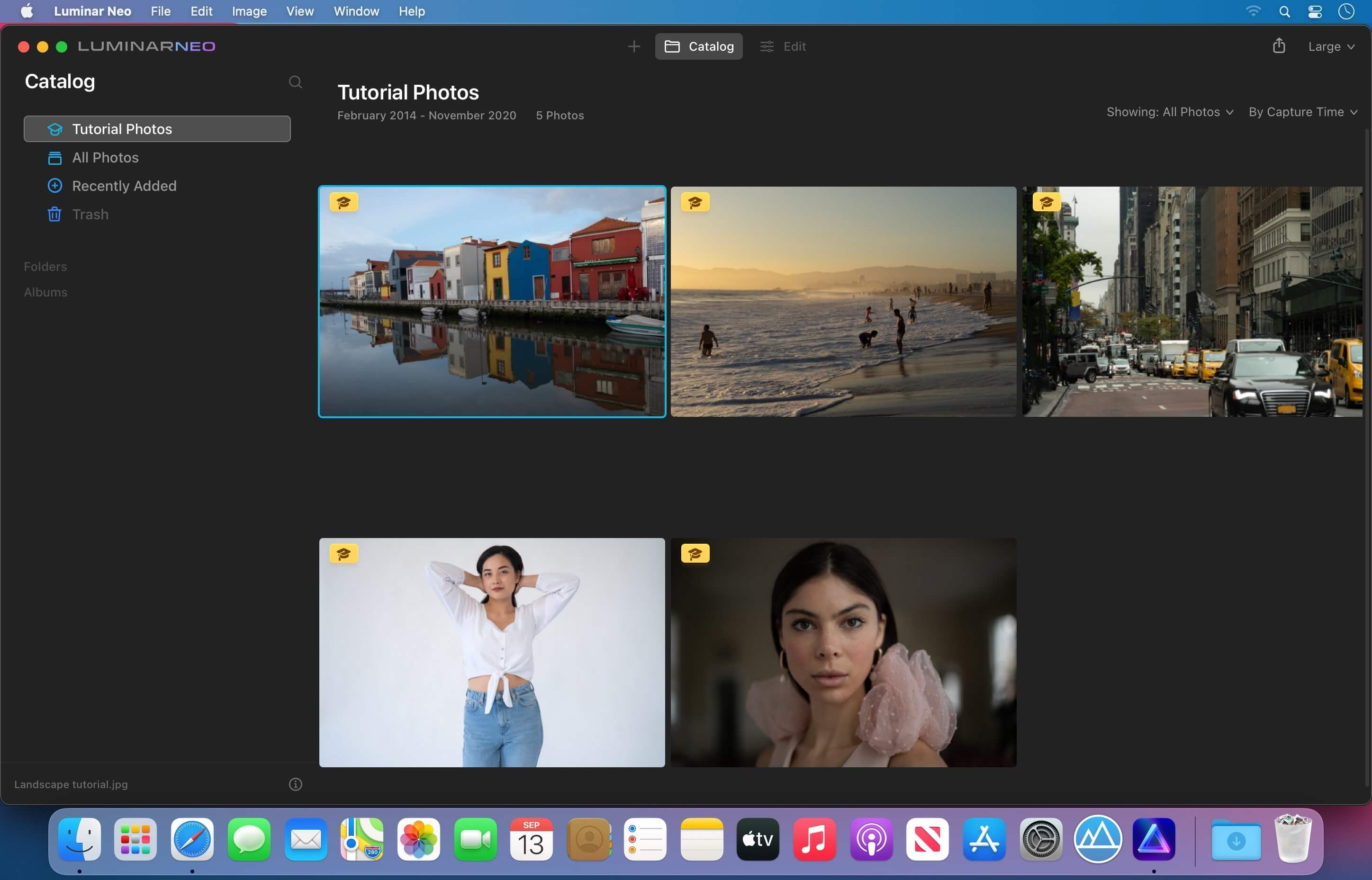
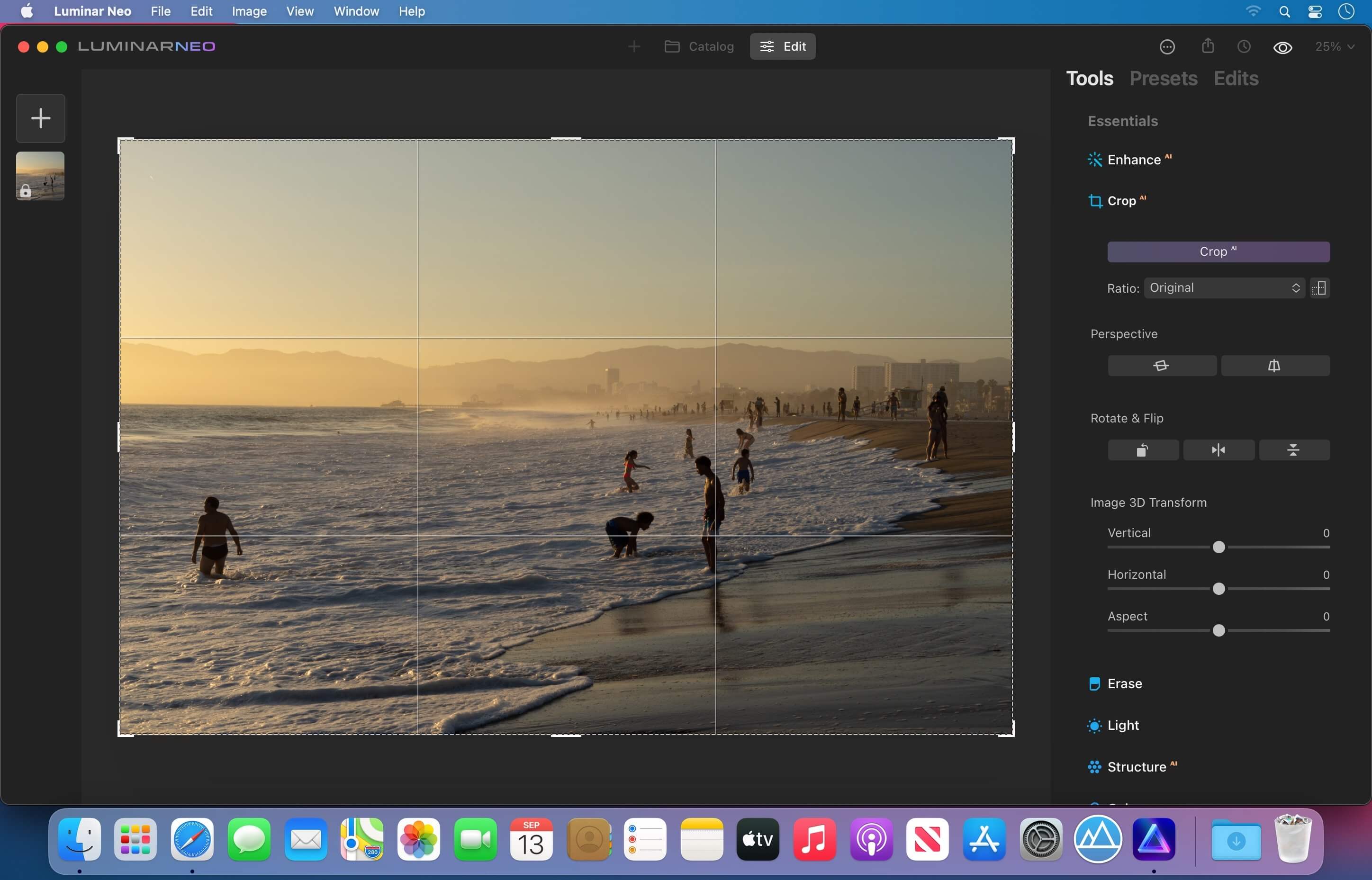
Luminar Neo is an AI-driven creative image editor. A creative image editor to bring your ideas to life. Have you ever wanted to achieve more with your images? Luminar Neo is an innovative image editor powered by AI technologies of the future that simplifies complex editing routines and enables creators to bring their boldest ideas to life. And enjoy it.
Control the light in 3D space with RelightAI
Relight backlit photos or darkened images in a click with the RelightAI feature. Luminar Neo calculates the depth of a photo and creates a 3D map, making it possible to spread light naturally in 3D space across a 2D image. You can also relight the background and foreground separately — meaning you can darken parts of the image as well. This opens up an opportunity for creative relighting in order to bring your artistic vision to life.
Remove messy powerlines with AI
Automatically remove distracting elements in your cityscapes, urban landscapes or travel photos. Get a clear sky with no cluttered phone or power lines.
Unleash your creativity with Layers and AI Masking
Use both MaskAI and Layers for limitless creativity. MaskAI automates the masking process by identifying objects in the image and creating precise masks. You can always manually refine those masks with a brush if you choose to. Layers open up a whole new level of creative expression, with endless possibilities for adding objects, textures, watermarks, and any other graphics to your images.
Replace the sky in one click
Cutting-edge sky replacement technology with water reflections, sky positioning, and human-aware relighting to match the new sky.
Lightning-fast creative editing with an all-new image engine.
Designed as a module system its parts now can be optimized separately, for the best performance.
→ What is Luminar Neo?
Have you ever wanted to achieve more with your images? Luminar Neo is an innovative image editor powered by AI technologies of the future that simplifies complex editing routines and enables creators to bring their boldest ideas to life. And enjoy it.
• Get speed and flexibility in your editing with our brand-new core engine and layers workflow.
• The new engine we built for Luminar Neo is based on all the best solutions from our combined and evolved experience for maximum performance and creativity and is developed for achieving complex creative results.
• Adjust the light in your photo for creative control over the lighting in a scene. You can control the exposure of an image based on the distance from the lens to independently adjust the background and foreground exposure.
• Automatically remove spots on your images caused by dust and dirt on your lens and sensor.
• Clean up unwanted power lines from the skies in your cityscapes.
• Experiment with infinite creative possibilities by effortlessly combining two or more images in a shot.
• …And much more.
The new technologies and innovative user experience in Luminar Neo make creative image editing simple and fun.
→ What’s New in Luminar Neo?
Luminar Neo is a giant leap forward to more innovative, AI-based editing that targets the pains of photographers. Its goal is high-quality, fast, easy, and enjoyable results for anyone who wants to edit their images and channel their creativity in new ways.
The collection of AI-powered tools take a significant jump forward in function and performance with Luminar Neo. The application expands its toolbox with more groundbreaking AI-powered tools. The new tools are joined by additional options to solve even more problems and unleash creativity.
Speed up your editing workflow with our new fast core engine.
It’s based on unique technologies developed by Skylum and works on a module system, which means that different parts of the application can now be optimized separately for the best results. Thanks to the independent modules engine, Luminar Neo will be updated more frequently. Luminar Neo has a more flexible editing process, which means less memory is required to edit photos. The new engine has many small background optimizations of memory use, which increases the speed of all processes inside the application, from uploading to applying editing effects, using layers, and exporting.
Completely transform your photos with new relighting options.
Luminar Neo analyzes each image to recognize the depth of a scene and its subject allowing for unique control over exposure and tone.
Easily remove distracting image blemishes caused by a dirty camera sensor or lens.
There are also new tools to clean up unwanted elements in the background of a photo.
Explore creativity with an effortless layers workflow and combine a photograph with other visual elements.
Discover a collection of textures, overlays, and visual effects to add creativity to an image and personalize it. This addition unlocks new creative options for compositing images and visuals to create a custom style. You can add an infinite number of Layers, move Layers on top of each other, use blending modes and masking modes, make collages, add double exposure effects, and do more on each layer.
Skylum is also excited to announce that a new mobile app is in development.
It will allow easy transfer of photos between a mobile device and a computer. This will make it easier to add pictures captured on a mobile device to your Luminar library. Once edited in Luminar Neo, results can be sent back to the portable device for easy social sharing or viewing on the go.
The powerful AI tools and the convenient and fresh design that helps photographers effortlessly access all the features give anyone the ability to transform photos easily and achieve satisfying results. We’ll treat you to even more cutting-edge features that will ship as free updates after the official release.
Compatibility: macOS 10.14.6 or later, Apple Silicon+Intel Homepagehttps://skylum.com
Download movies on Mac with VideoDuke! It supports all popular video websites and will save your videos in various file formats. You can also download streaming videos on Mac at a pleasantly fast speed and with great quality.
You can download any video you like in a click! Simply paste the link to the video and VideoDuke will do the rest.
In Simple mode you are getting quick access to music videos, movies, TV shows, cartoons available from Vimeo, YouTube, and Dailymotion. Files can be saved as 3GP, MP4, M4V, FLV and in a preferred resolution: 360p, HD 720p, HD 1080p or other.
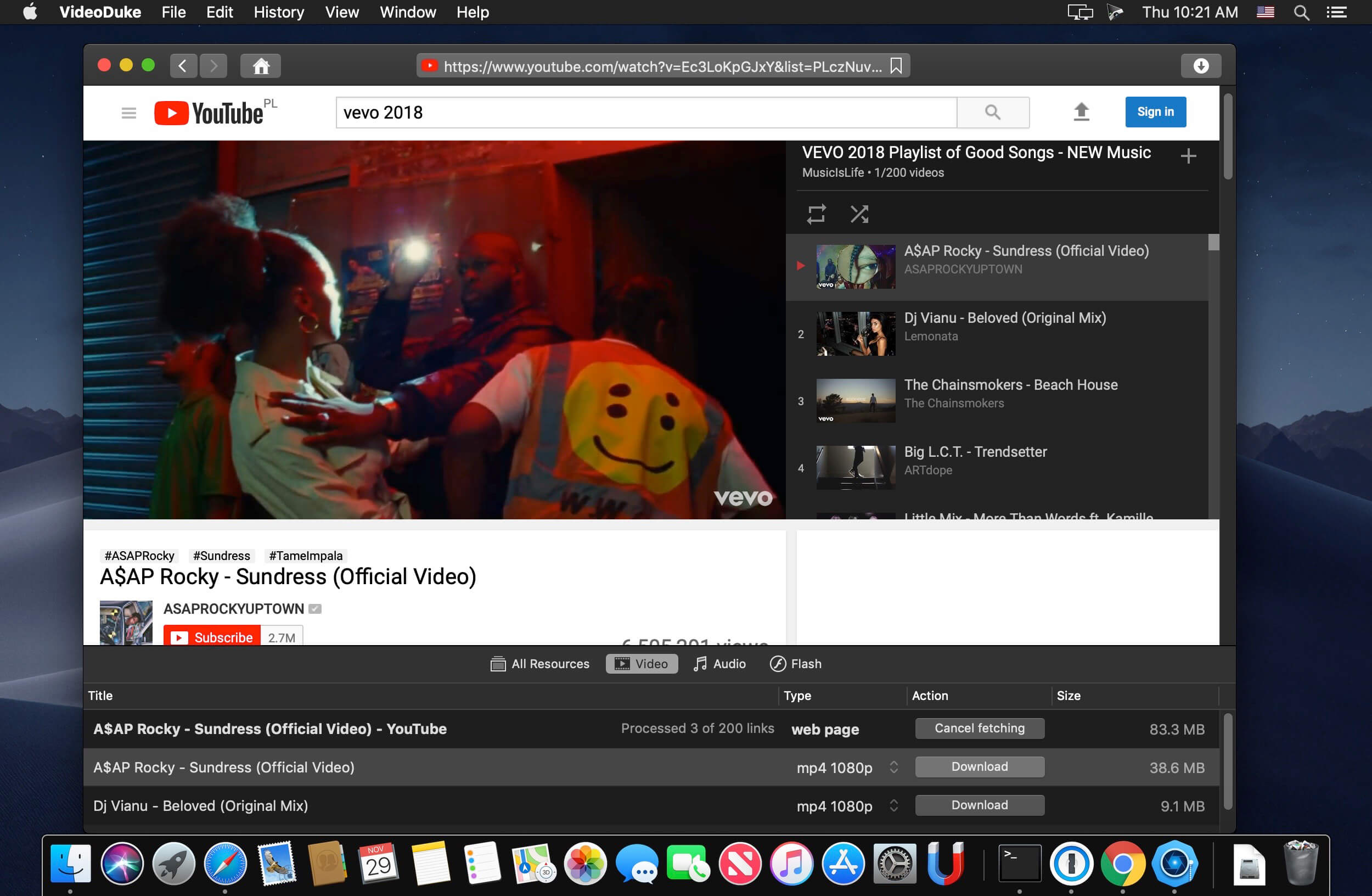
Download Full YouTube Playlists and Channels
With VideoDuke you’ll be able to save complete channels and playlists off YouTube. Just as with separate videos, you can select quality for each video: 1440p, 1080p, 720p, 480p, 360p, 240p, or 180p.
MP3 Downloader
VideoDuke will also download YouTube videos as audio files. No conversion needed – you will simply get a soundtrack instead of the original YouTube clip. The app keeps the audio track title and album art and can save files as WebM, MP3 or other available formats.
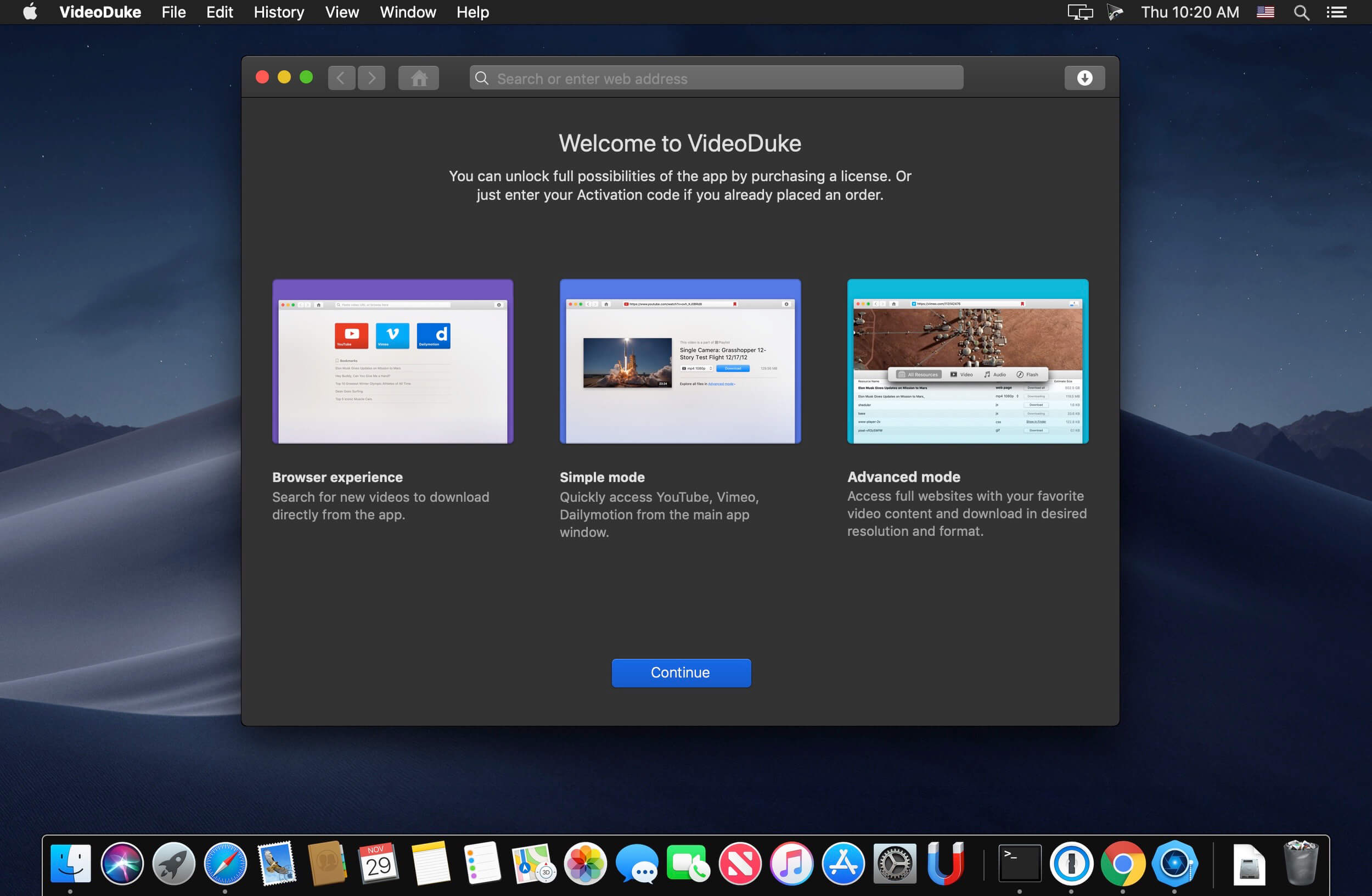
Using VideoDuke is easy and intuitive – just type your search words in the app to find the videos you’ll download from the web. You can also search for videos in the web browser – VideoDuke supports all popular video websites, such as YouTube, Dailymotion, Vimeo with quick access buttons.
In an advanced mode of VideoDuke you get more profound options when downloading content. For example, you can see all resources fetched from the web page, including video, audio, Flash animation, images, etc. Switch to a needed tab to see exactly the types of files you need to download.
The Gorilla drive offers a super soft preamp emulation with Germanium overdrive as well as an amazing tone tilt button that shifts from boosting low end and subs to super high frequencies.
Features also include:
– Auto Gain (Your welcome Wytse/White Sea Studio)
– Input drive, Output trim
– Blend knob
– Unique tilt eq
Plugin Requirements:
MacOS: VST3, AU, AAX | Windows 64bit: VST3, AAX
1 GHz Intel Dual Core Processor or AMD equivalent (PC)
4GB of RAM
Mac OS X 10 or higher, 10.13 or higher recommended
Windows 8 & Above
Windows 8 is listed as a requirement but plugin works fine on WIndows 7 also.
Serials might work on Mac too.
The Time Machine plugin will give you access to 4 super unique sound “filters” of the iconic sounds of the 50’s, 60’s, 70’s and 80’s with one click of a button.
The plugin features a tailored combination of filtering, saturation and compression of each era, As well as recorded Lo-Fi noise sounds of each of the eras.
Features also include:
– Compression Dry/Wet knob
– Auto Gain (Your welcome Wytse/White Sea Studio)
– Input drive, Output trim
– Blend knob
– Recorded noise sample of each era
Plugin Requirements:
MacOS: VST3, AU, AAX | Windows 64bit: VST3
1 GHz Intel Dual Core Processor or AMD equivalent (PC)
4GB of RAM
Mac OS X 10 or higher, 10.13 or higher recommended
Windows 8 & Above
REAPER is a digital audio workstation. It is a complete multitrack audio and MIDI recording, editing, processing, mixing, and mastering environment. Using your current computer and no other software, you can import any audio and MIDI, synthesize, sample, compose, arrange, edit, mix, and master songs or any other audio projects.
If you add a hardware audio interface of your choice (AD/DA: analog-to-digital/ digital-to-analog) and a microphone, you have a complete recording studio. It is suitable for recording anything from a soloist to a band to an orchestra.
REAPER converts your computer into the full power of any top-of-the-line recording studio. It will support almost any existing audio interface. Even interfaces manufactured by companies whose software does not allow you to use any other hardware interface.
REAPER doesn’t have track types, busses, tools, or offline processing. If you want to create a drum bus, simply add a track above the drum tracks and press the folder button. The drums will automatically send to the folder. Once you get the drum levels and FX tweaked right where you want them, you can record the folder’s output to non-destructively freeze the drums and move on.
Basic features:
– Portable – supports running from USB keys or other removable media
– 64 bit audio engine
– Excellent low-latency performance
– Multiprocessor capable
– Direct multi-track recording to many formats including WAV/BWF/W64, AIFF, WavPack, FLAC, OGG, and MIDI.
– Extremely flexible routing
– Fast, tool-less editing
– Supports a wide range of hardware (nearly any audio interface, outboard hardware, many control surfaces)
– Support for VST, VSTi, DX, DXi effects
– ReaPlugs: high quality 64 bit effect suite
– Tightly coded – installer is just over 2MB
Editing features:
– Tool-less mouse interface — spend less time clicking
– Drag and drop files to instantly import them into a project
– Support for mixing any combination of file type/samplerate/bit depth on each track
– Easily split, move, and resize items
– Each item has easily manipulated fades and volume
– Tab to transient support
– Configurable and editable automatic crossfading of overlapping items
– Per-item pitch shift and time stretch
– Arbitrary item grouping
– Markers and envelopes can be moved in logical sync with editing operations
– Ripple editing – moving/deletion of items can optionally affect later items
– Multiple tempos and time signatures per project
– Ability to define and edit project via regions
– Automation envelopes
A simple download manager that offers you the possibility to quickly save videos from different websites to your own disk drive.
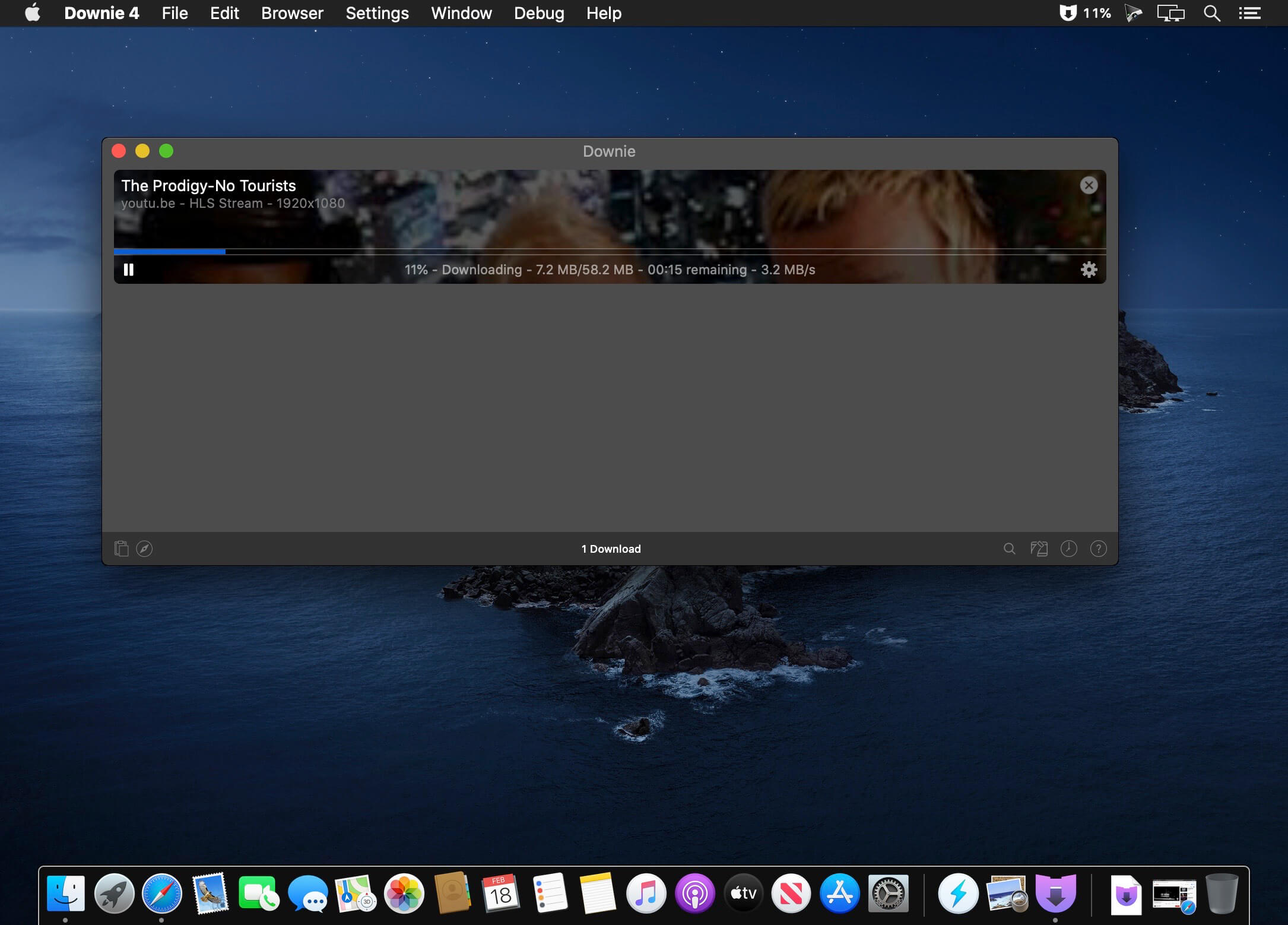
f you are using a poor internet connection, trying to visualize videos streamlined online might not work properly since the content is loaded too slowly. Downie is a simple Mac app that can help you download those videos to your computer, and then watch them by using your default media player.
User friendly video downloader featuring support for drag and drop actions
Working with Downie is extremely straightforward: simply drop the video URL on top of the app’s main window or on the Dock icon. Downie adds the video to your downloads list, so all you have to do next is start the process by pressing the appropriate button. Of course, you can also remove items from the list.
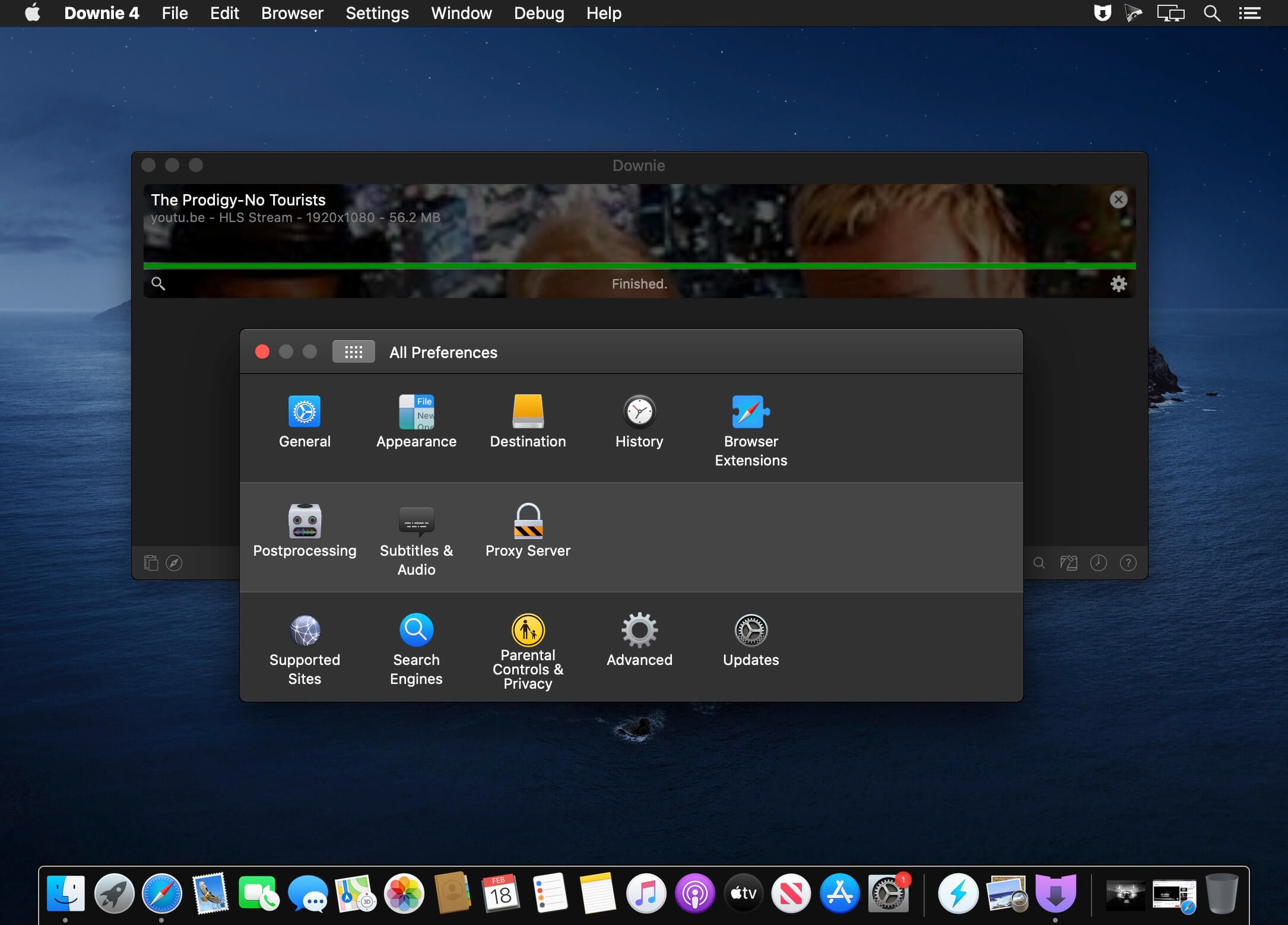
By default, Downie downloads MP4 files and places them in your default Downloads folder, but you can easily change this via the Preferences window. The same area allows you to setup notifications, or post processing actions (convert to MP4 if necessary, or extract audio only).
Effortlessly download videos from a wide collection of hosting websites
Downie provides support for more than 400 different websites that host video content, among which there are the most popular choices, such as YouTube, Apple, LiveLeak, Vimeo, BBC, and so on. If a certain website is not included, within the app you can send a request email to the Downie developers.
Moreover, Downie also provides matching extensions for various popular web browsers, such as Firefox, Safari, Google Chrome or Chromium. The add-ons are not installed by default: open the Preferences window and install only the ones you plan to use.
Straightforward solution for downloading video content hosted online
Downie is a great tool for saving videos posted on various websites to your Mac for offline playback. The application is extremely useful especially if you have a slow internet connection.
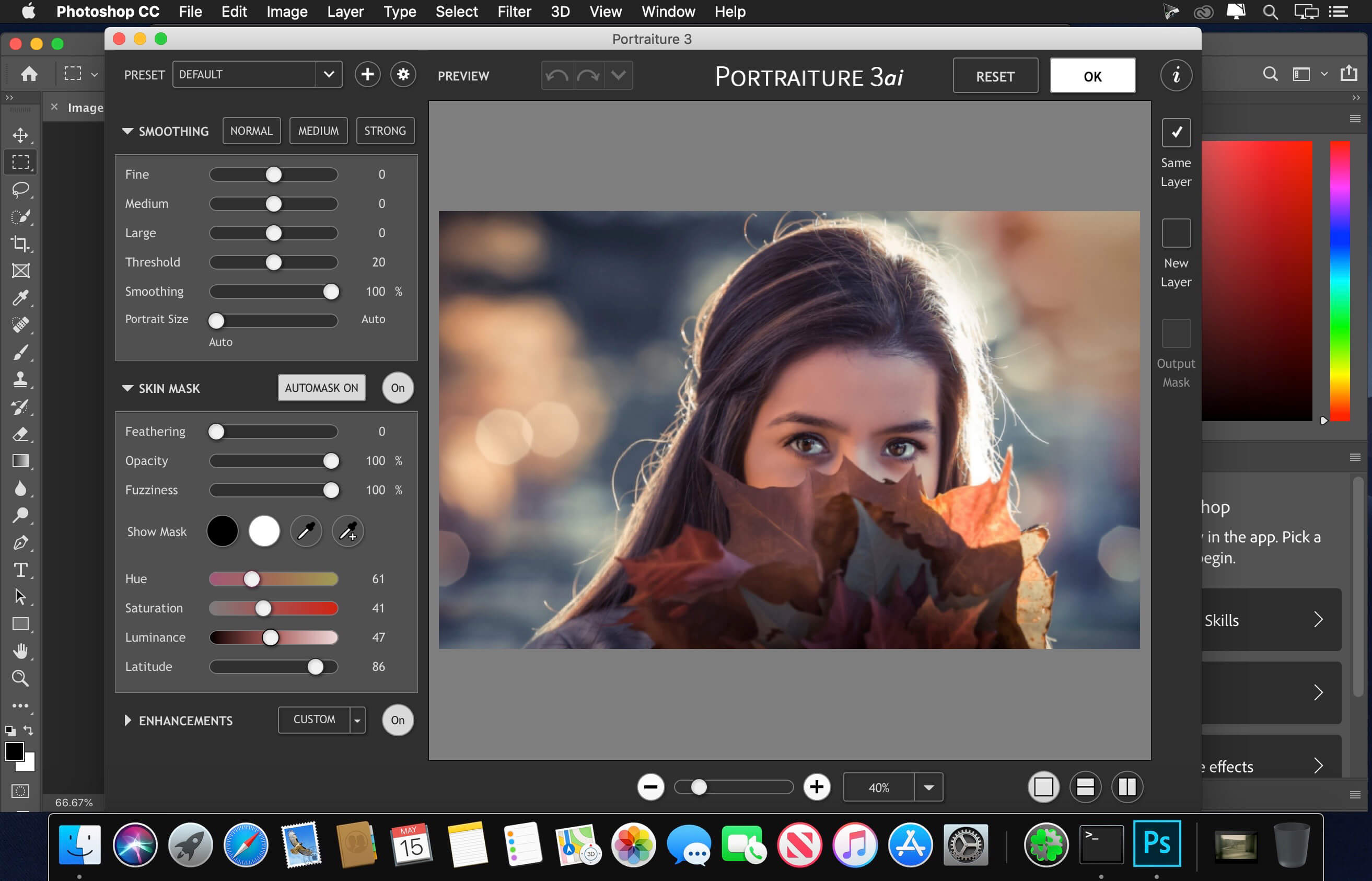
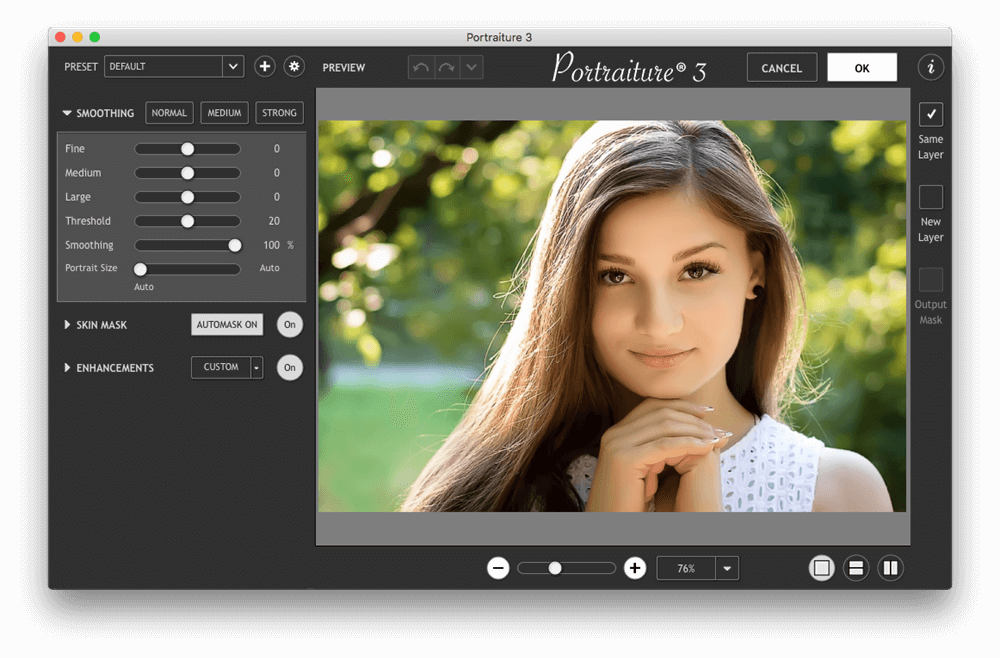
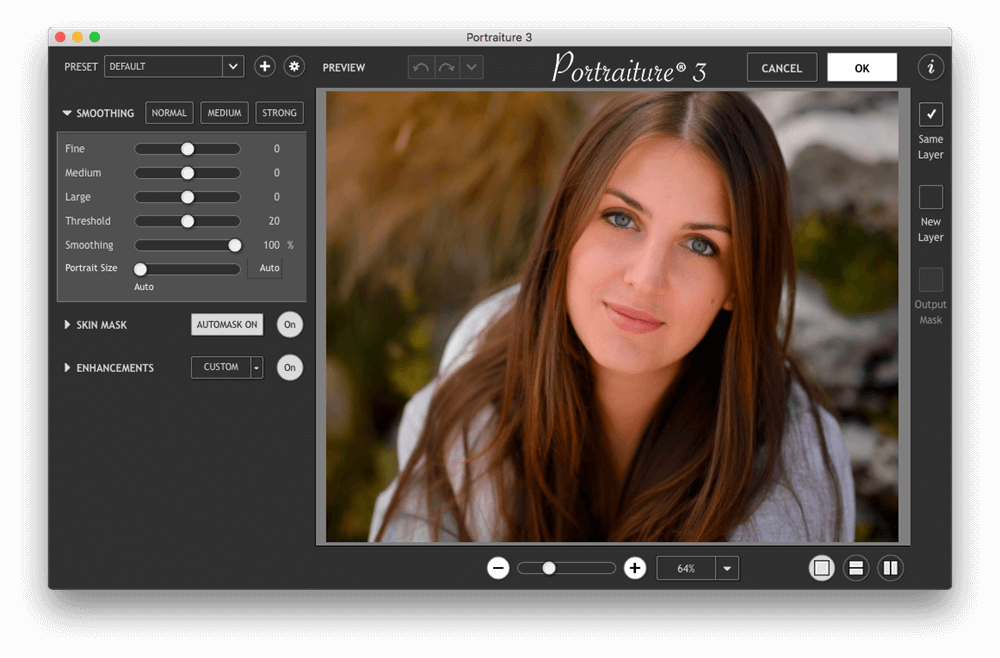
Portraiture – an indispensable filter that will transform your photo into a glamorous picture, avoiding time-consuming procedures pixel image retouching to remove image defects. By virtue of its technology in the application of intellectual dithering, amateurs will be able to completely remove the defects without affecting image detail, including the texture of the skin, hair, eyebrows, eyelashes, and others.
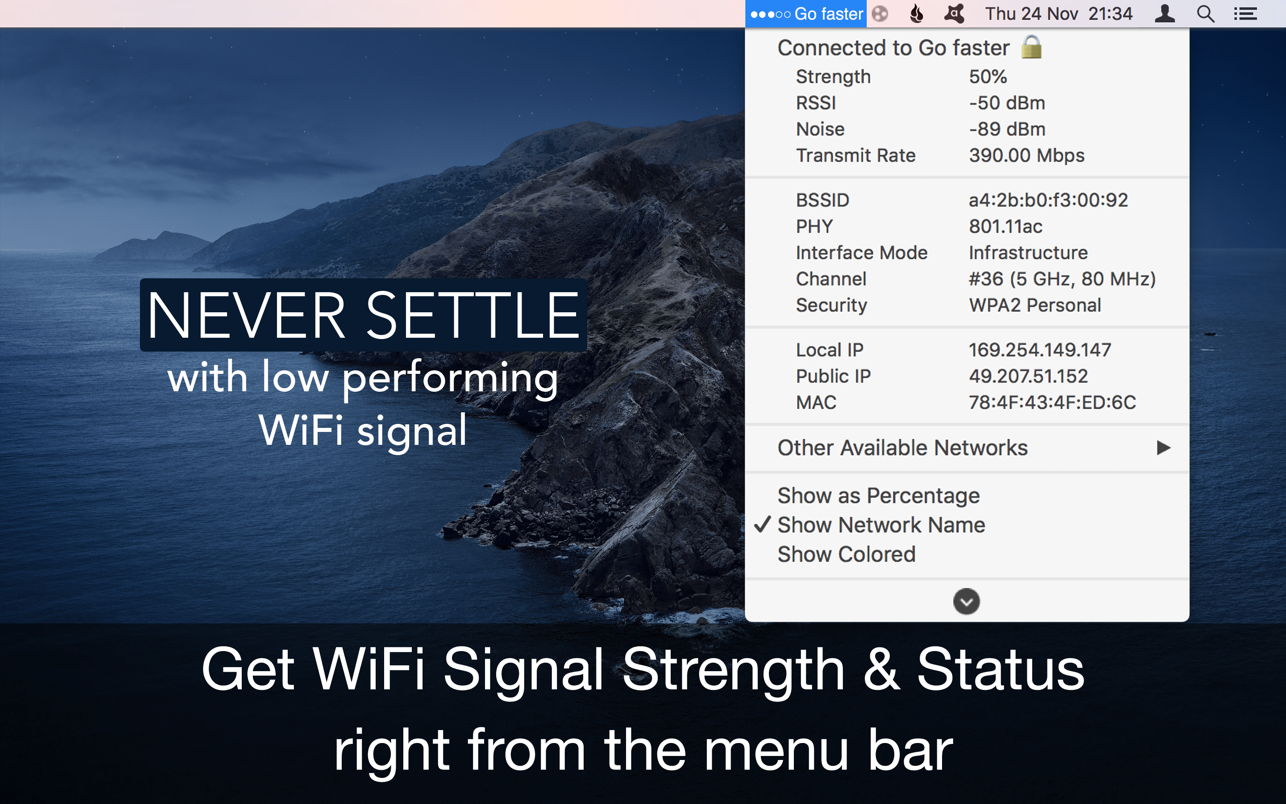
With Wifiry: Wifi Signal App, scan, monitor & connect strongest WiFi signal, if a weak signal, position the WiFi router or move closer. Best for flexible work style.
Monitor real-time WiFi signal strength and display the same in percentage with the connected network name in menu-bar.
■ Real-time Wifi Signal Strength Monitor from Menu bar.
■ Auto-connect, strongest Wifi signal available.
■ Get complete details of other available networks around.
■ Also, get the vendor details router of the available wireless signal.
■ Works with MacBook Air, MacBook Pro, iMac, MacBook, MacPro, Mac Mini.
This utility adds network name, signal strength with “neat icon”, “percentage” or “dots” on the menu bar.
▸▸▸ Easy Color code & Percentage indicators rules.
Green – Good signal strength (100-40%)
Yellow – Ok signal strength (40-20%)
Red – Bad signal strength(20-0%)
With signal strength & connection status also get an IP address, mac address, open or secured, channels, BSSID, RSSI, Noise, Transmit Rate, PHY, Interface mode, vendor details, Security type, etc.
≈ Features: ≈
◉ Get the public and local IP address.
◉ Connected wireless network name(optional)
◉ Copy IP, Mac address from the menu
◉ Set refresh rate of signal strength to scan wifi.
◉ Auto-connect to the strongest signal available.
◉ Transmit rate of a connected Wifi network.
◉ Colour code indication for easy sight.
◉ Customizable menu bar info displays.
SketchUp is an easy-to-learn 3D modeling program that enables you to explore the world in 3D. With just a few simple tools, you can create 3D models of houses, sheds, decks, home additions, woodworking projects – even space ships.
Programming, diagramming, design development, detailing, documentation, RFIs—wherever you need drawings, you need SketchUp Pro.
A great mix of our classic desktop software, our shiny new SketchUp for Web modeler, and all sorts of things you’ve been asking for over the years — including the ability to publish, share, and store projects in the cloud with Trimble Connect.
Tools for your 3D modeling toolbox: SketchUp Pro for Desktop
Fast, easy 3D modeling for anything you can imagine.
SketchUp for Web
Our powerful web modeler, with all the features you need to turn your designs into real things.
Unlimited cloud storage
Share, collaborate, and store your projects in the cloud. Gain flexibility and peace of mind.
2D design documentation
Create scaled drawing sets in 2D with LayOut.
VR model viewing
Wow your clients with a walkthrough of their project on Microsoft HoloLens, HTC Vive, or Oculus, on your phone or tablet.
Features that make your projects yours
Make your project look like only you can with custom Styles, Materials, and Outliner. And, make that work smooth and easy with Dynamic Components.
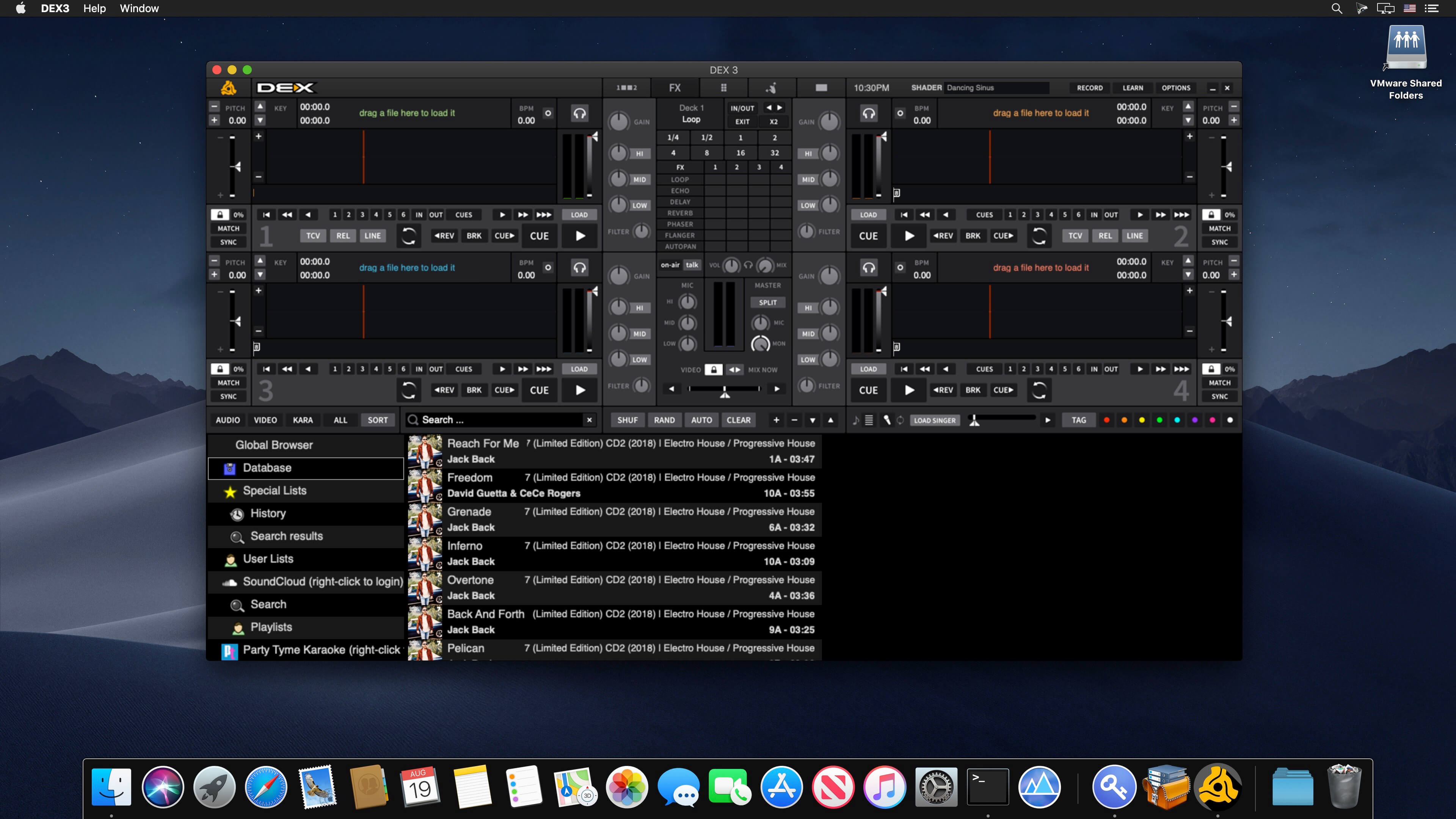
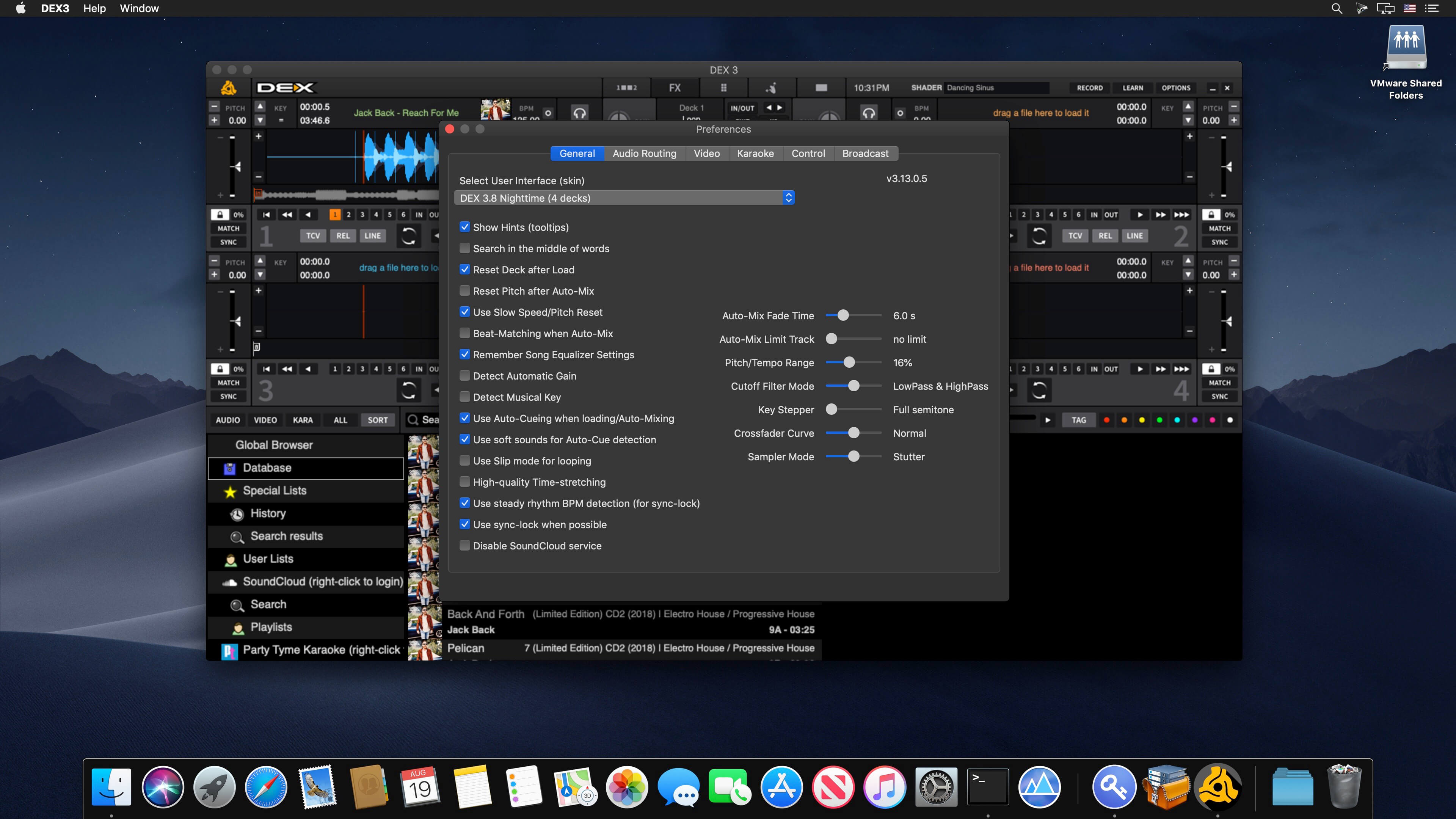
PCDJ DEX 3 is professional DJ Software for Mac and Windows that allows you to seamlessly mix music, music videos, and host karaoke shows. DEX 3 gives you full control over your media, allowing for more creative freedom while mixing than ever before. With our beat-grid-based automatic beat mixing it’s easy to blend tracks, allowing you to focus on the other aspects of your mix.
Since DEX 3 offers no-latency playback, loops, hot cues, and all playback features are ultra-responsive. Use DEX 3 with a keyboard or mouse, or use one of the 65+ supported DJ controllers for tactile hands-on control. So download DEX 3, import you tunes, and cue up your imagination — DEX 3 is the complete DJ mixing software solution.
Transport And DJ Mixer Controls
DEX 3 makes it easy to mix everything. The DEX user interface emulates the look and feel of CD Decks and includes mixer controls much like you find on physical DJ mixers. Use a traditional 2-Deck interface with or without video mixing controls, or layer in your mix with one of the included 4-Deck skins. BPM beat-sync, looping, key-lock, hot cue points, filters and effects all work flawlessly whether youíre mixing audio or blending music videos.
Advanced Media File Browser With Search, Playlists And Automix
DEX 3 includes an advanced media file browser for all your music, music videos and karaoke files. The included library filters allow you to view only the file type you want to work with, and the fast search feature displays results as you type. Create custom playlists or generate lists from directories on your hard drive. Album art and color coding makes it easy to find the song/s you’re looking for. Playlist playback automation is built right in; engage Automix or Shuffle Play if you need a break.
65+ COMPATIBLE DJ CONTROLLERS
DJ Controllers provide hands-on tactile control over PCDJ DEX, allowing for more creativity while mixing. Over 65 DJ controllers from popular DJ equipment manufacturers are natively supported, which means zero-configuration for you so you can get into the mix right away. When you press a button, twist a knob or scratch a platter on your DJ controller PCDJ will react immediately, without latency.
DJ Music And Music Videos For DJs
PCDJ has teamed up with two great record pool services for pro DJs. Our partners at the iDJPool have the hottest new music in 320kbps MP3, plus 2 years of back catalog available in all popular genres to subscribers. Get unlimited downloads in all genres for only $50, or select the “Country Pool” or “Urban Pool” options only.
What’s New:
Version 3.20.5:
Release notes were unavailable when this listing was updated.
Compatibility: macOS 10.14 or later • Apple Silicon or Intel Core processor Homepagehttp://www.pcdj.com/
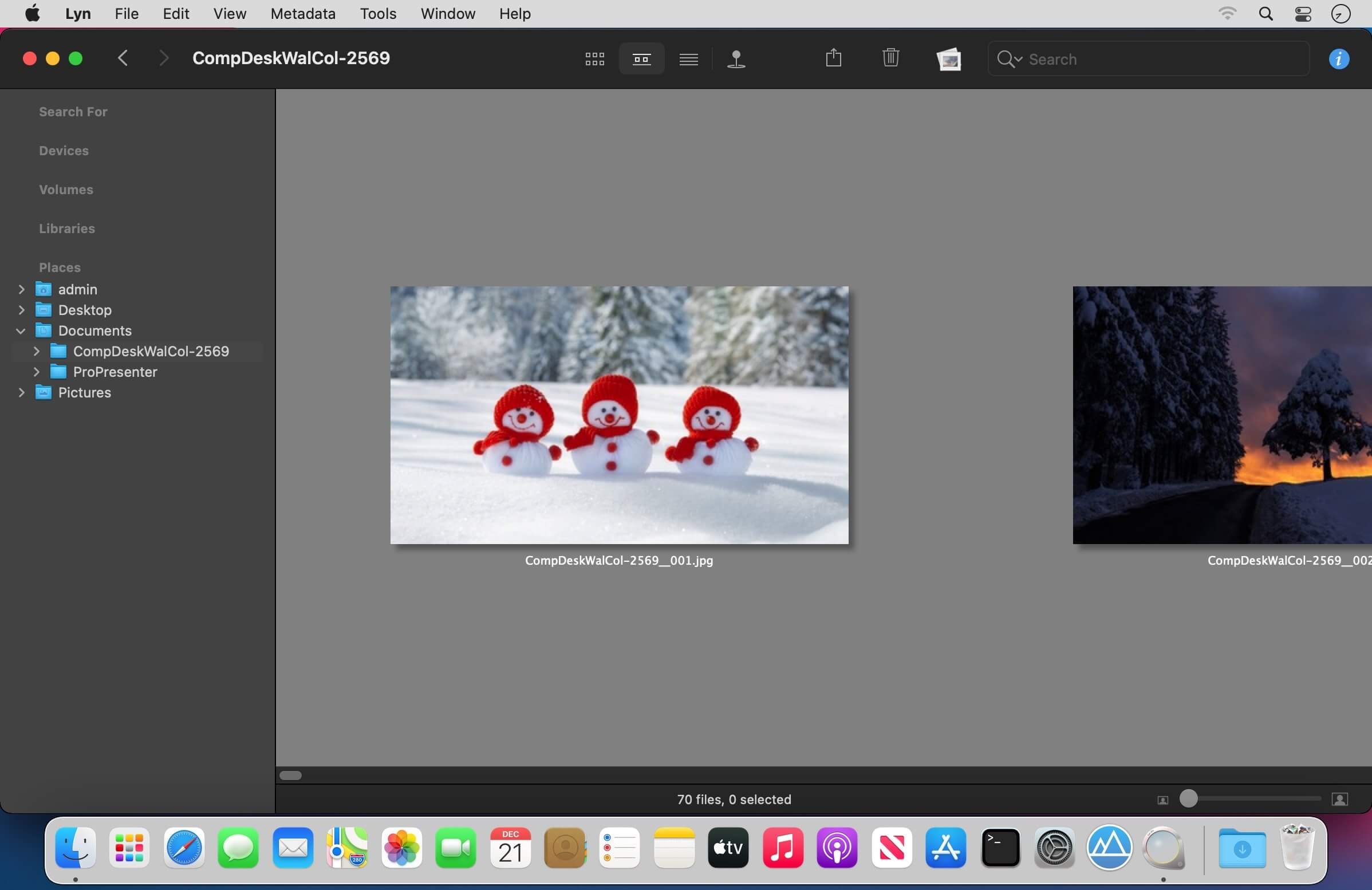
Lyn is a lightweight and fast image browser and viewer designed for photographers, graphic artists and Web designers. Featuring an extremely versatile and aesthetically pleasing interface, it delivers an easy-to-use geotagging technology and a complete solution for sharing your photographs.
Lyn natively supports all popular image formats like JPEG, TIFF, JPEG 2000, PNG, PPM, TGA, RAW, HDR, OpenEXR, animated GIF, and any other image format supported by OS X. It also integrates a movie player to watch camera recordings.
The new editing inspector gives you everything to turn your shots into great photos. Adjust exposure, color temperature, brightness, and contrast or reveal image details with highlight and shadow adjustments. You can experiment and convert your color photos to black and white, try a classic sepia tone, or add a vignette.
Features:
Progressive display, on single- or multiple-monitor configurations, of images of virtually any size.
Multi-threading to take advantage of multicore CPUs.
Display color-corrected images and soft-proofing function.
Compatible with High Dynamic-Range images like TIFF float as well as Radiance and OpenEXR.
Common metadata parser: EXIF, Camera’s makernote, GPS, GeoTIFF, IPCT.
Image navigation with Apple Remote Control or Magic Trackpad.
User-switchable thumbnails cache.
Filtering by tags and metadata.
Fullscreen and slideshow with music.
Full IPTC editing with user-defined presets.
Batch operations: convert and rename.
User-defined places.
Non-destructive editing.
Editing inspector with filters and effects: temperature and tint, exposure, brightness, contrast, highlight, and shadow. Black and white, sepia tone, and vignette.
Easily browse your iPhoto, Aperture, and Lightroom libraries!
Facebook, Flickr, Dropbox, SmugMug, 500px, and Picasa Web Albums sharing!
Maps layout: geotag your photographs and edit locations with a simple drag and drop.
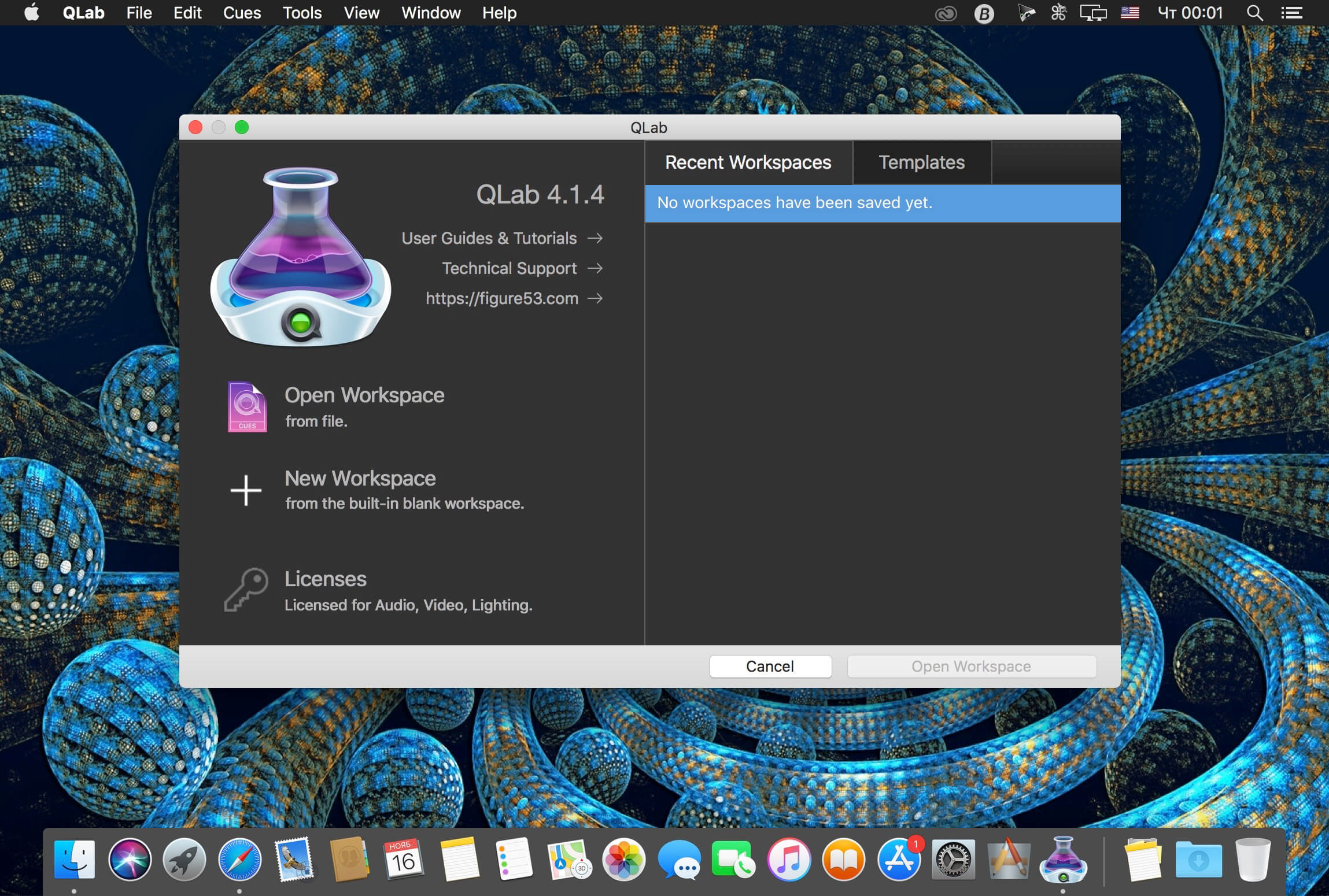
QLab makes it simple to create rich multimedia designs for live performances and installations. From Broadway to the West End, in churches, museums, store fronts, concert halls, and theaters around the world, people use QLab to bring their audio and video to life.
Simply powerful show control
QLab allows you to design and operate amazing multimedia performances from your Mac OS X computer. A single QLab workspace can control audio, video, MIDI, OSC, and more.
Amazingly deep, surprisingly easy
Using building blocks called “cues”, you can create sophisticated designs in seconds.
Getting started is as simple as dragging in a file and pressing “GO”. From there, add commands to fade volume, animate videos, or add audio and video effects.
Once you master the basics, become a power user with advanced features like scripting, video corner pinning, multi-projector edge blending, audio localization, or even building multi-computer designs by sending commands to other QLab machines on your local network.
The industry standard.
Battle-tested and used by designers around the world, QLab is the tool of choice in venues large and small.
Audio Effects
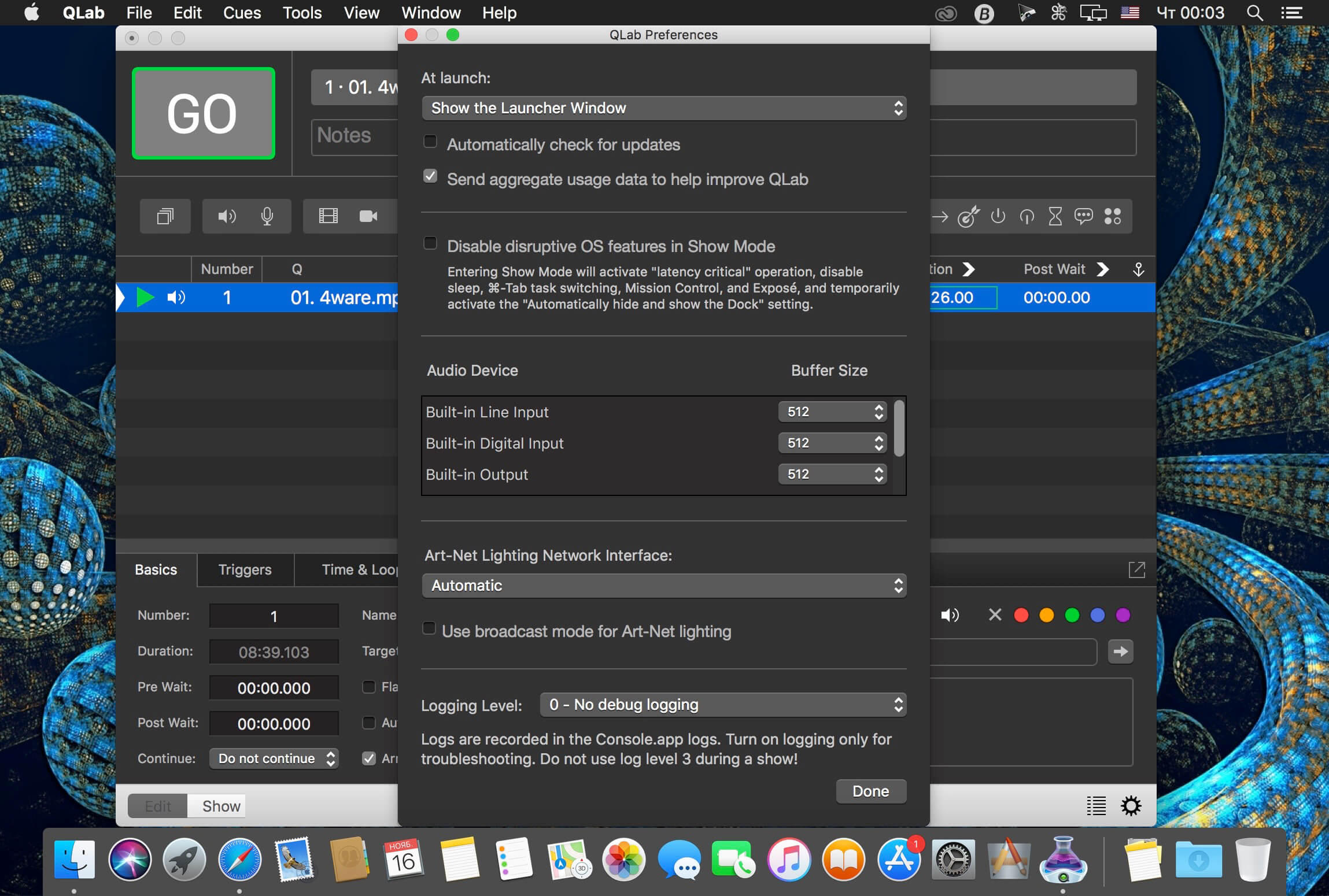
You can now apply live audio effects to all your cues: EQ, pitch shift, reverb, and more. Add audio effects to individual cues, across all cue outputs, or on your device outputs.
Dynamic Effects
The powerful new Fade Cue can adjust your audio effect parameters in real time. It can even adjust playback rate, to dynamically speed up or slow down your audio, with or without pitch shifting.
Live Audio Inputs
The new Mic Cue offers up to 24 channels of live audio inputs. Plus all those routing, fading, and audio effects you get on Audio Cues? You get those on Mic Cues too.
Create Your Own Worksheets. Quickly and Easily. Make the perfect teaching templates, worksheets and class tests for your primary & special students in just a few clicks. Craft your own worksheets in a few clicks. It’s fun to use, tested by 1000+ teachers, and as familiar as Microsoft Word.
Easy & Fun to Use Craft your own worksheets in a few clicks. It’s fun to use, tested by 1000+ teachers, and as familiar as Microsoft Word. Numerous Templates Choose from professional exercises templates designed by teachers, or modify the designs with your own text. Smart Exercise Generator Automatically generate and tweak your templates in a few clicks, or manually create exercises whenever you want. 2300+ Clip Art Images Freely design your worksheets using built-in clip art, speech bubbles and more. Comes with 2000+ FREE clip art designs out of the box. Find out more. Differentiate Your Designs Every class is different. Individualize your worksheets on the fly to meet your classroom’s individual needs. Export to MS Word If you use Microsoft Word, you can export full or partial worksheets into MS Word with one click. Exchange with Other Teachers Share your worksheets with colleagues and teachers online, and access thousands of other teacher-created templates. Join the marketplace today. Crafted by Teachers for Teachers Handcrafted in close cooperation with thousands of teachers who use it daily in today’s classrooms. Use Self-Control Items Give your students the possibility to control their results on their own. For you this just requires a few clicks. Optionally like hand-drawn Do you prefer your worksheets in a more creative style? With a single click you can print your worksheets as if they where hand-drawn.
Nuke, NukeX and Nuke Studio offer cutting-edge toolkits for node-based compositing, editorial and review. The Nuke family’s unparalleled flexibility and collaborative workflows help you get the highest quality results-fast.
Compositing and much more
All the tools you need to get the job done, no matter how you’re working. From advanced node-based compositing, to 3D tracking and model building, to editorial and conform, the Nuke range can scale to suit your needs.
Highest quality results
Used by many of the best VFX houses in the industry, the Nuke family’s state-of-the-art tools make producing pixel perfect, film-grade results both painless and creatively satisfying.
Power and performance
Built to meet the needs of modern production work, the Nuke family offers unparalleled levels of power and performance, whether you’re a team with a deadline or tackling a solo project.
Collaborative workflow
Efficient, collaborative workflows lie at the heart of the Nuke range. Easily communicate, share and work together with others, whether you’re sitting side by side or across the globe.
Speed and efficiency
Work fast and interactively with Nuke’s cutting-edge toolkits, GPU acceleration and fluid workflows. Everything you need to complete your project on time is built in and ready to go.
The perfect fit for your pipeline
Open and customizable, Nuke fits perfectly into your pipeline, with major operating system support, low hardware requirements, support for industry standards like OCIO and Alembic, and a Python API and Pyside included.
2D compositing and visual effects
Nuke’s industry-leading nodel toolset making compositing and review faster and easier than ever before
With over 200 creative nodes, Nuke delivers everything you need to tackle the diverse challenges of digital compositing. This includes industry-standard keyers, rotoscope, vector paint tools, color correction and so much more.
Nodal toolset
With over 200 creative nodes, Nuke delivers everything you need to tackle the diverse challenges of digital compositing. This includes industry-standard keyers, rotoscope, vector paint tools, color correction and so much more.
Deep Image compositing
Deep Image compositing tools let you create and work with images that contain multiple opacity, color and camera-relative depth samples per pixel, so there’s no need to re-render CG elements when content changes. Homepagehttps://www.foundry.com/products/nuke
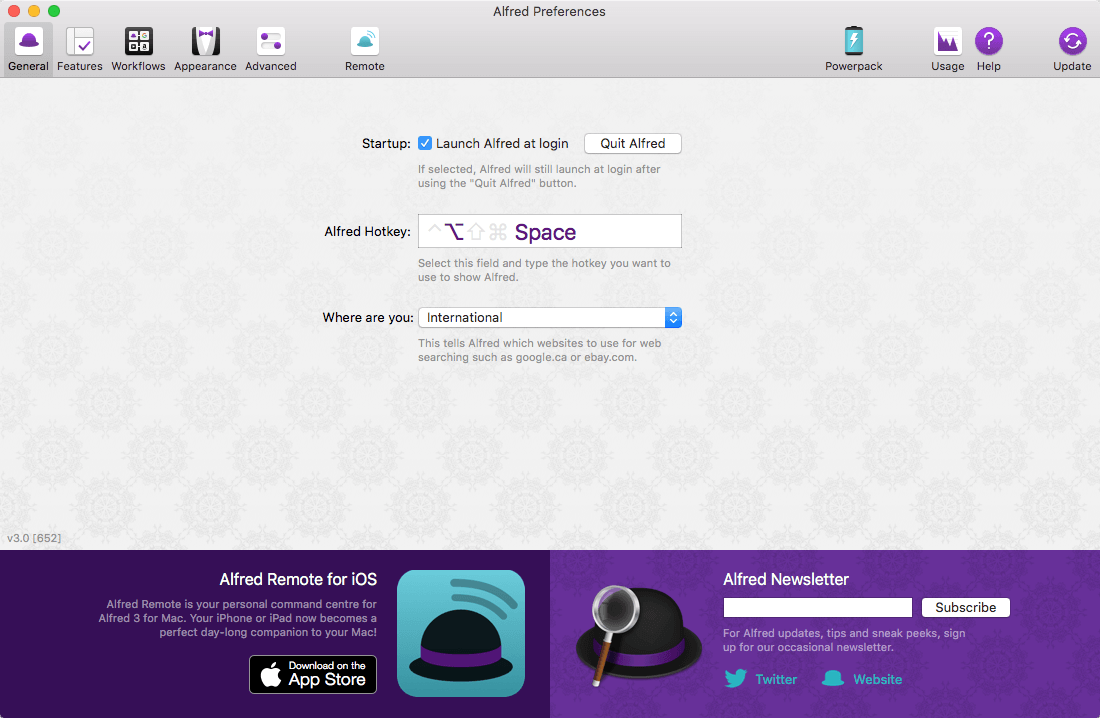
Alfred 5 is an award-winning app for macOS which boosts your efficiency with hotkeys, keywords, text expansion and more. Search your Mac and the web, and be more productive with custom actions to control your Mac. Alfred 5 brings a wealth of exciting features for both new and advanced users.
New Workflow Editor
The Workflow Editor has been rewritten from the ground up to be higher performance, more efficient, user-friendly and accessible. We’ve added keyboard shortcuts, new mouse interactions, a customisable and searchable palette, and VoiceOver accessibility of Workflow contents and editing.
Workflows can now be created using keyboard shortcuts, including searching for and inserting workflow objects into the canvas. We’ve also added a new ⌥click paradigm which allows you to quickly connect, multi-connect or chain-connect workflow objects.
Workflow Palette and Search
The new Workflow Palette gives you an easy way to navigate, discover and use the broad range of workflow objects available. Simply drag an object from the Palette into the canvas, or hold ⌥ and drag to automatically connect to the currently selected objects.
Add your most-used objects to the Palette Favourites list for quick access, or search and filter the Palette instantly with the / shortcut. Use ↩︎ to add the searched item to the canvas, or ⌥↩︎ to insert and automatically connect.
Configure the Palette to be full, compact, or hidden to suit your workspace. Even when hidden, the Palette Search will be dynamically available when needed.
Workflow Prefabs
Prefabs enable you to save pre-configured objects, or groups of connected objects, into the Palette. You can then reuse these throughout your workflows just like any other workflow object, saving you time and effort.
Workflow User Configuration
Workflow creators can now add simple user-facing preferences to workflows, making them easier for users to install and set up. The Workflow readme supports a subset of Markdown, so you can style your workflow introduction and help.
Use easy text fields, checkboxes, selection lists, file pickers and more to allow users to configure a workflow without having to navigate into individual objects or scripts!
Configuration items can have default values, or can be marked as required, ensuring the user has configured the workflow before it can be used. User values are automatically migrated on updating a workflow.
Automation Tasks
This is the start of something amazing…
Alfred’s Automation Task object adds an ever-growing collection of configurable actions you can add to your workflows as building blocks, without having to think about the code behind it; From resizing images and moving files to getting the current Safari tab or switching to Dark Mode.
The Automation Task collection is aimed at both non-developers, and advanced workflow creators alike. We develop, maintain and enhance the repository of underlying actions, you simply add them to your workflow.
Run macOS Shortcuts
It’s now possible run macOS Shortcuts as part of your Workflows.
Accessibility & Keyboard-based Workflow Editing
This is part of our ongoing commitment to make Alfred more accessible and better suited for use with the VoiceOver and Accessibility macOS features.
In addition to the Palette Search and Workflow User Configuration, both of which were conceived with Accessibility in mind, Workflows can now be edited and navigated using the keyboard.
Use ⌘arrows to move between objects on the canvas, or ⌘⌥left or ⌘⌥right to navigate forward and back through connected objects. Navigate to sibling objects using ⌘⌥up or ⌘⌥down.
With VoiceOver enabled, Alfred will be reading the object and connection details as you navigate.
Improved Ubiquitous Search
Alfred’s Ubiquitous search has received more improvements, making it easy to get to a specific preference keyword or snippet directly, and even create a new workflow directly from Alfred’s main bar.
And so much more…
Boost your everyday productivity in every way with many more new features and improvements
We’ve added Interactive Getting Started guides to introduce new users to the Workflow Editor and walk them through creating their first workflows
Redesigned icons to make workflow objects even easier to recognise
Many new objects to allow you to write even more code-free workflows, including Conditional objects, a Speech output and a Running Apps filter
The Workflow list can now be resized to more easily see long workflow names
Workflow connections can now be disabled in a workflow, preventing Alfred from following that stream when running the workflow
Improved Workflow object snapping and sizing
Contextual help in more places throughout the workflow editor
The Workflow Debugger can be opened and run regardless of a workflow being opened
Added Workflow Object alignment options to horizontally or vertically align the selected objects, centred, or references around clicked object
Improved workflow connection click detection, including improved hit zones for alt-connection hints
Improved colours for hotkey highlighting when sharing combo with other workflows, including disabled ones
Workflow object notes can now be edited by double clicking them
Swift and Python 3 have been added to the available script selections (may trigger Apple Developer CLI Tools automatic install)
External Trigger objects can now optionally be run from the alfred: URL scheme
Snippet Triggers can now optionally be shown in the Clipboard / Snippets viewer
The Script Filter object has a new `skipknowledge` boolean field in the JSON, preventing Alfred from sorting your outputted results when using UIDs for reselection
New word matching framework for higher performance, and more intelligent boundary matching when using e.g. Script and List filters
The {query} placeholder can now have modifiers performed on it e.g. {query.trim.lowercase}
Added {const:} access to Alfred workflow constants, previously only available to the Scripting environment
Alfred now defaults to using the Dark / Light Modern themes to better match macOS
Improved URL handling throughout Alfred
Improved text view undo algorithm to break coalescing on non-alphanumeric breaks instead of timing
Add custom Alfred accent colour to Preferences UI, for improved experience on Big Sur+
Improved icon rendering across the board
Larger hit zones for buttons at the bottom of the Workflows, Themes and Remote Pages lists
Improved macOS Colour palette behaviour in theme editor when changing colour options
New option to allow resetting of colour, size and font in rich text snippets
Separate icons for Snippets and Snippet Collections for UI clarity
Enable drag and drop of snippets between collections in the preferences
Reveal in Finder Universal Action now works with multiple file selections
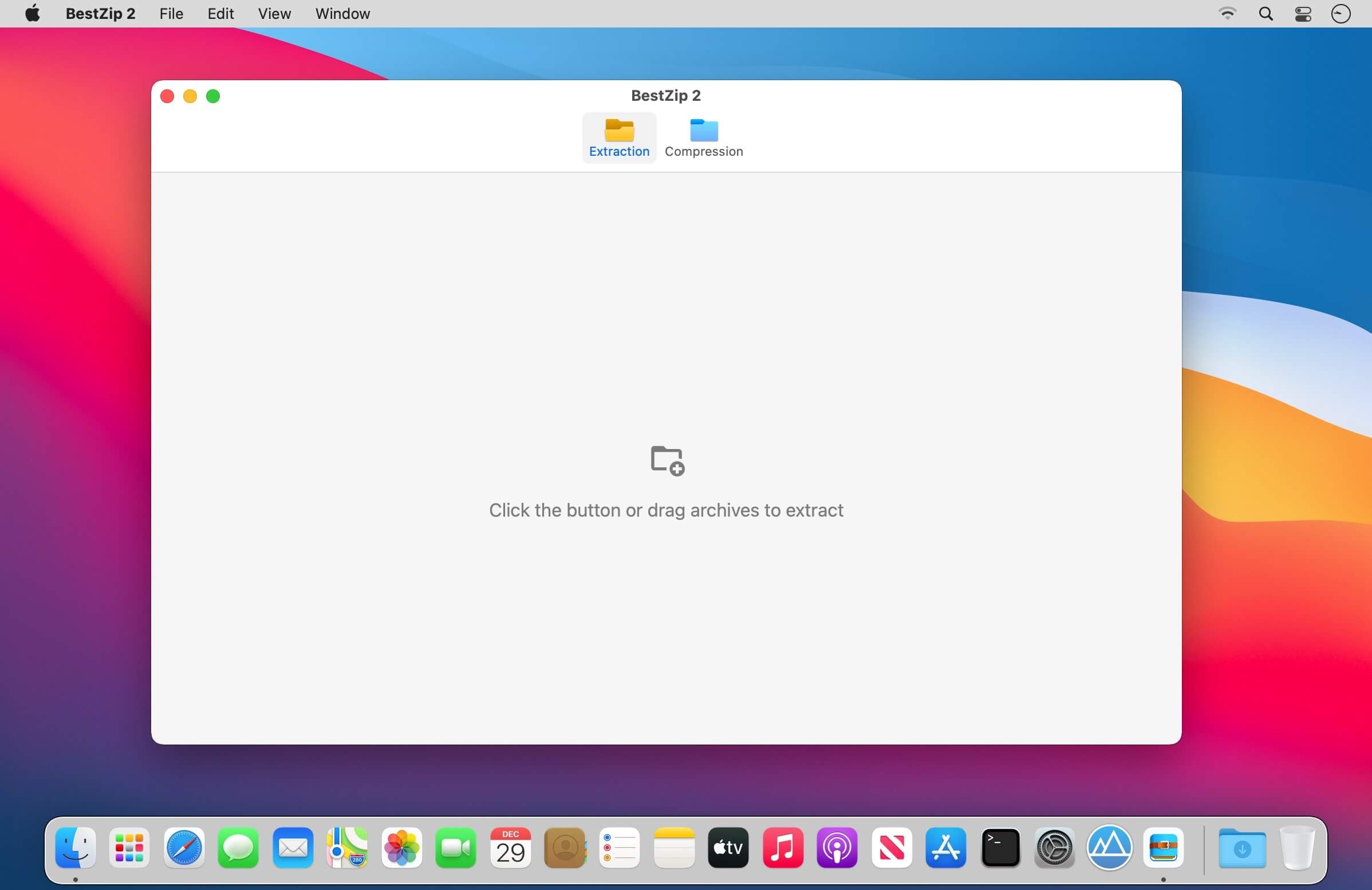
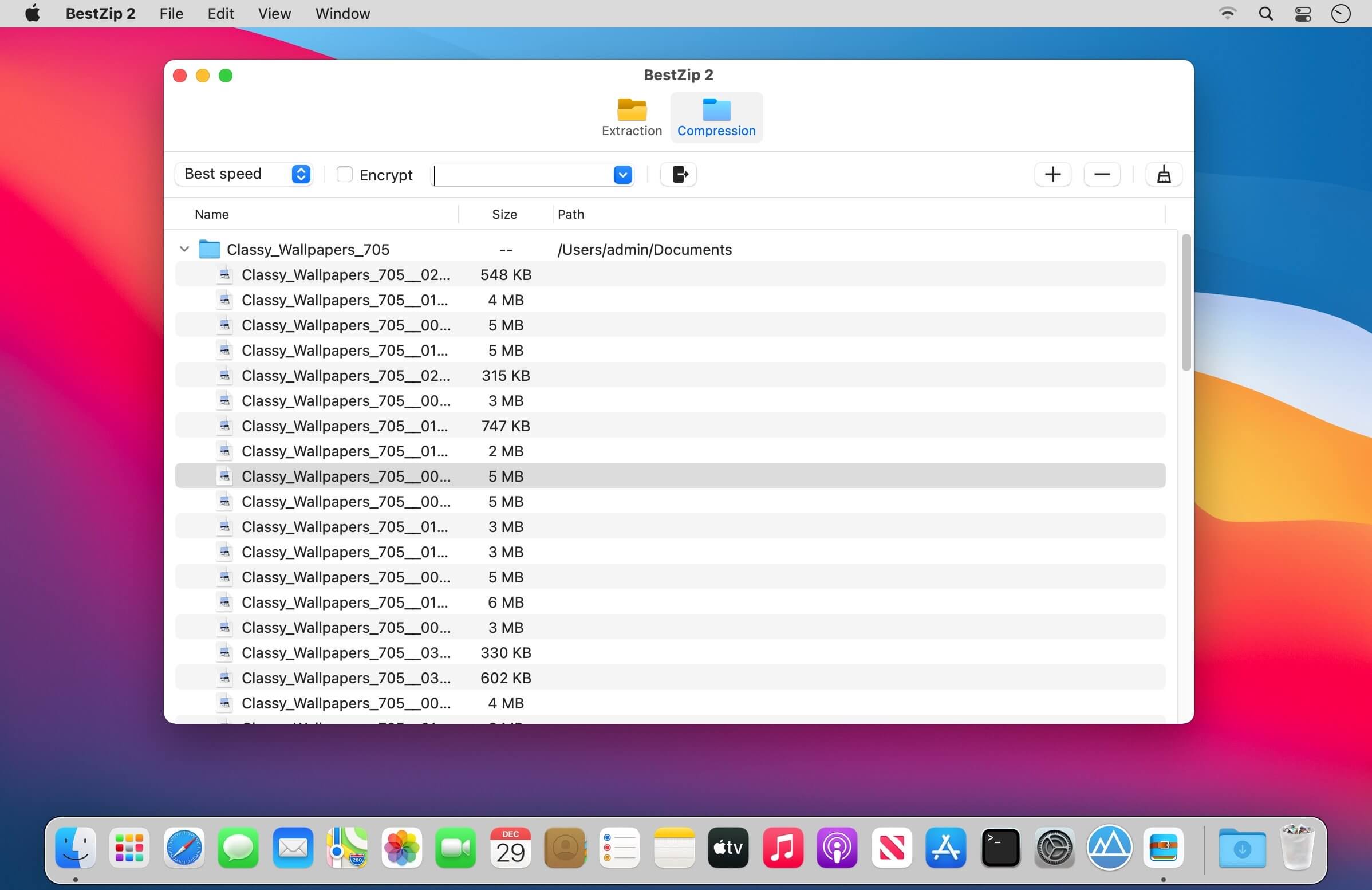
“BestZip 2″ has a brand new design, and on the basis of inheriting all the advantages of “BestZip, more powerful functions are added. At the same time, the software interface is simpler and easier to use.
“Version Introduction”
BestZip/BestZip Pro: The first-generation product, powerful and stable, has been widely praised by users.
BestZip 2: Redesigned on the basis of the first generation BestZip, with more concise interface, richer functions, stronger compatibility, and more supported formats.
BestZip Lite: Lightweight, with only decompression function. It is the basic version of “BestZip 2” and is inexpensive.
“Supported Formats”
Support extract all kinds of archives, including but not limited to: RAR, ZIP, 7z, gz, sit, tbz, tar, xar, lha, lzh, hqx, bin, macbin, as, bz2, bzip2, bz, xz, iso, cdi, nrg, mdf, z, taz, tar-z, lzma, xip, ace, arj, arc, pak, spk, zoo, lbr, lqr, lzr, pma, cab, rpm, deb, alz, dd, cpt, pit, now, sea, exe, msi, cpio, cpgz, pax, warc, ha, adf, adz, dms, f, lzx, dcs, pkd, xms, zom, pp, nsa, sar, jar, nds, pkg, a, swf, pdf, alz, a01, b01, sfx
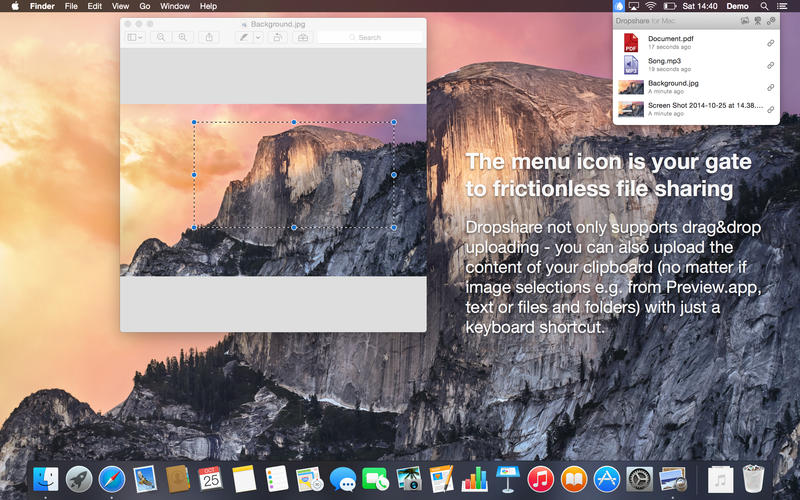
Your very own secure file sharing tool! Dropshare is a so-called menulet that enables you to easily drag&drop files, folders and anything else to your own server, Amazon S3, Rackspace Cloud Files or Google Drive. Once uploaded, the app copies the link to the file to your Mac’s clipboard and you’re ready to share with anyone you like!
Dropshare supports SCP over SSH, a secure industry standard protocol for file transfers. Uploads to Amazon Simple Storage Service (S3) or Rackspace Cloud Files are also supported, which both are low-priced file hosting services in the cloud. Compared to other cloud hosted file sharing services, Dropshare directly connects to your very own Amazon S3 bucket or Rackspace Cloud Files container, so there is no third-party involved at all.
Dropshare supports Multiple Connections: You can set up different upload destinations at the same time and switch between them using user-defined keyboard shortcuts!
Features: Uploads everything
No matter if files, folders, text or screenshots – Dropshare uploads every file and data to your selected destination – also from clipboard or other applications like Safari.
Automatic screenshot upload
Set up your own keyboard shortcuts for fullscreen or selection-based screenshots that’ll be uploaded automatically with Dropshare.
Screen Recordings
Take & upload Screen Recordings directly with Dropshare, both fullscreen and selection-based recordings are available.
Dropshare Safe
Easily create access-restricted URLs for your uploads with either a lifetime and/or password.
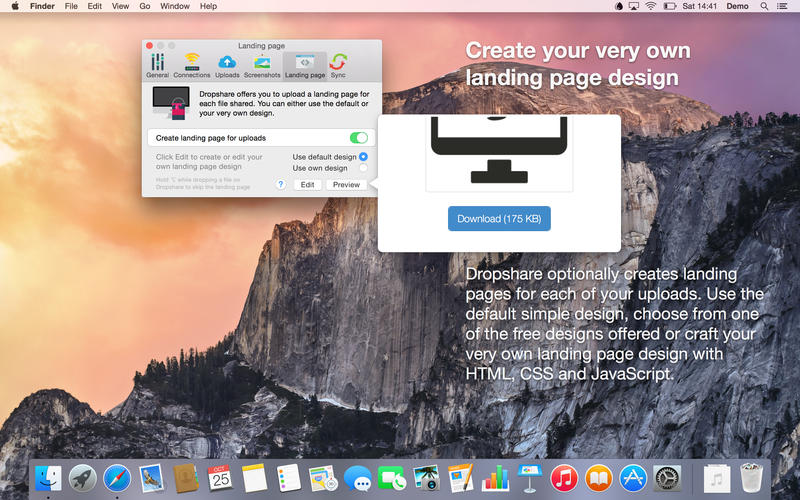
Beautiful individual landing pages
Choose from a number of free designs or craft an individual design on your own using HTML, CSS and jаvascript. A preview can be embedded for several file types, e.g. images, text or video files.
Choose your URL shortener
Dropshare supports URL shorteners as well – natively supported URLs (e.g. dsh.re), or configure your very own URL shortener service like bit.ly (for hosted services) or YOURLS (for self-hosted services).
Dropshare Sync
Synchronize your upload history across all your devices which have Dropshare installed.
1-Click Delete from your server
Whenever you decide that you no longer want to share a specific file, just use Dropshare to delete it from the upload destination again.
Markdown to HTML
If enabled, Dropshare automatically converts Markdown files to HTML.
Services enabled
Dropshare introduces itself to the Mac OS X Services Menu. By doing so, you can perfectly use the tools Mac OS X provides to create e.g. keyboard shortcuts for specific actions.
IPv6 ready
Worth to mention, Dropshare works perfectly well in IPv6 environments.
Rip DVD/ISO/DVD Folder to 600+ Formats and Devices. Make a Quality Lossless ISO and MPG of the Original DVD. Convert DVD to Videos with GPU Accelerated at 60X Fast Speed. Edit and Touch up DVD Movies with Stunning Effect
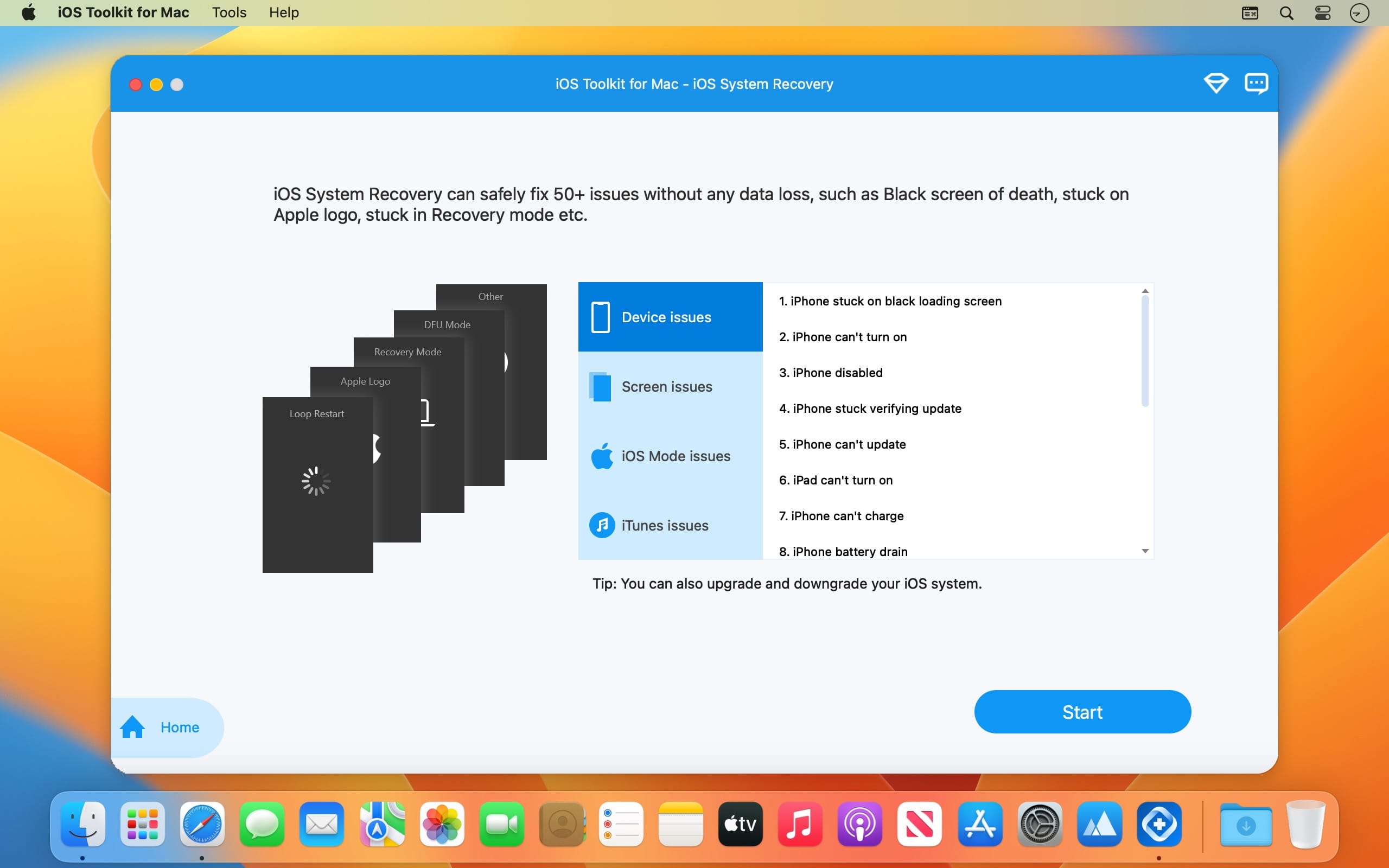
Recover all data from your iOS devices, iTunes and iCloud backup. Fix most iOS system error and even stuck and disabled iOS devices. Compatible with all models and iOS versions of iPhone/iPad/iPod. Able to backup/restore data, and transfer WhatsApp messages.
What’s New:
Version 1.0.26:
Release notes were unavailable when this listing was updated.
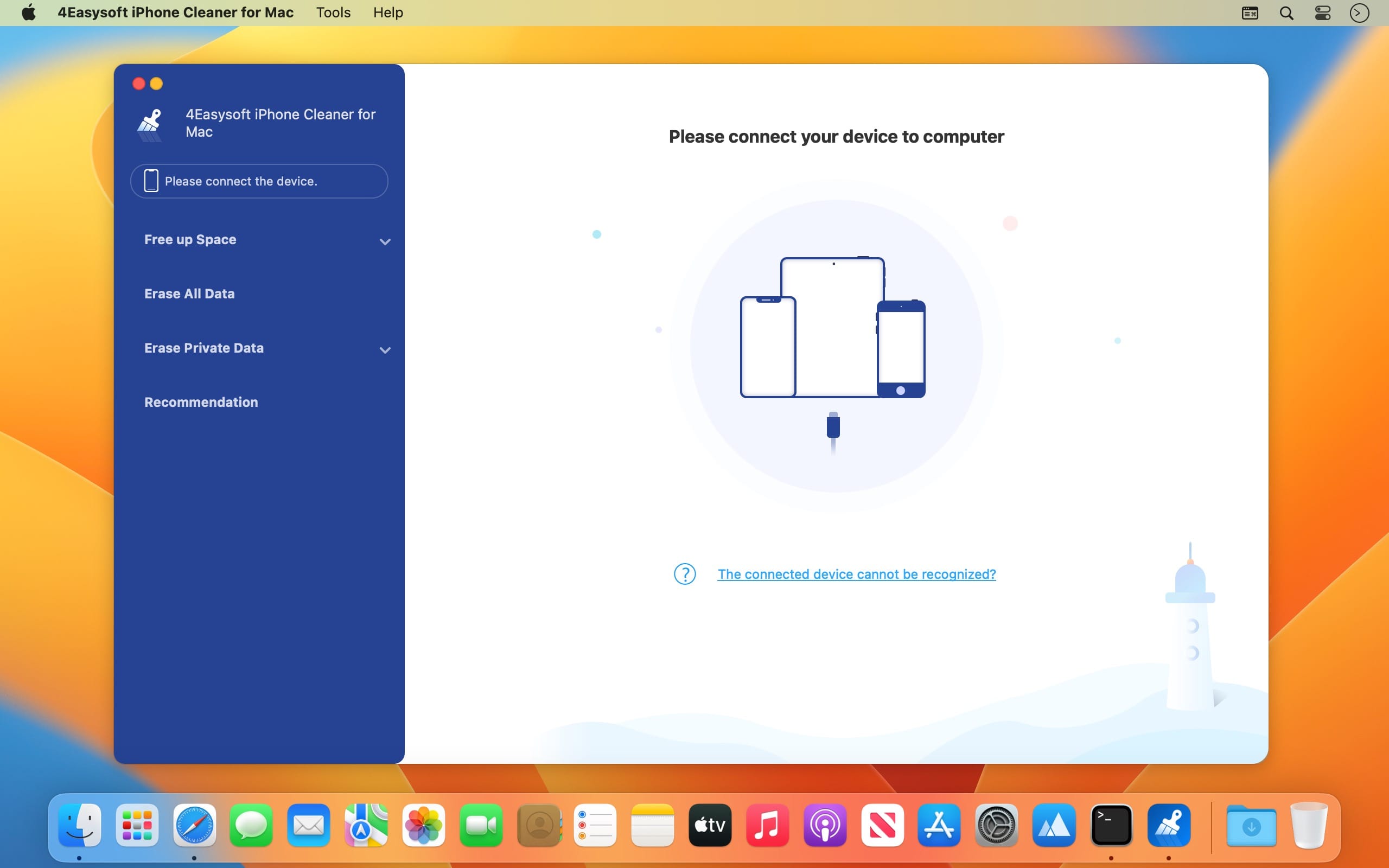
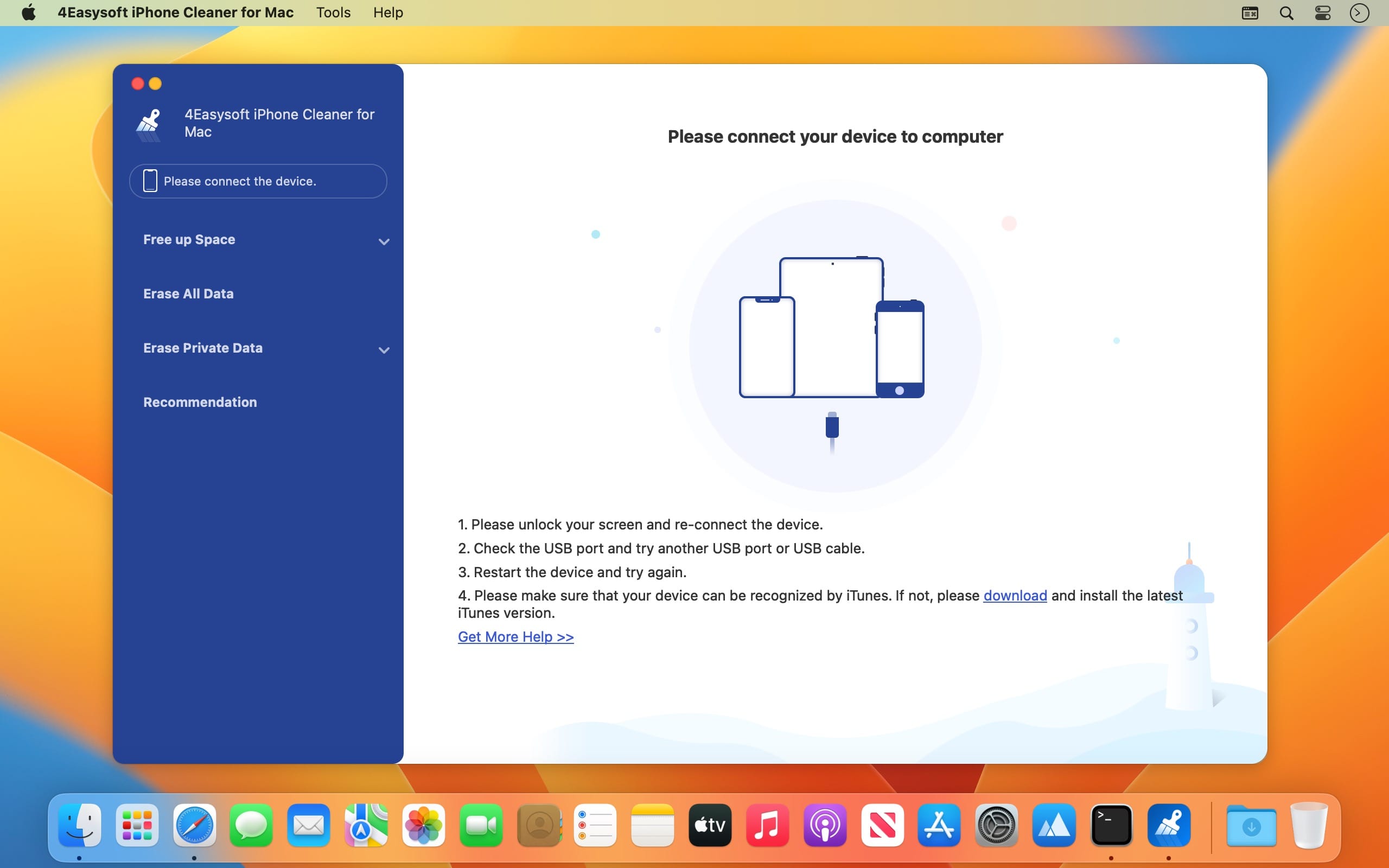
Completely scan your iOS devices and classify unnecessary data. Easily delete all junk files and apps on your iPhone, iPad, and iPod. Provide three cleaning modes with even 3 times and high security.
Preview the desired file in real-time before erasing it thoroughly.
What’s New:
Version 1.0.12:
Release notes were unavailable when this listing was updated.
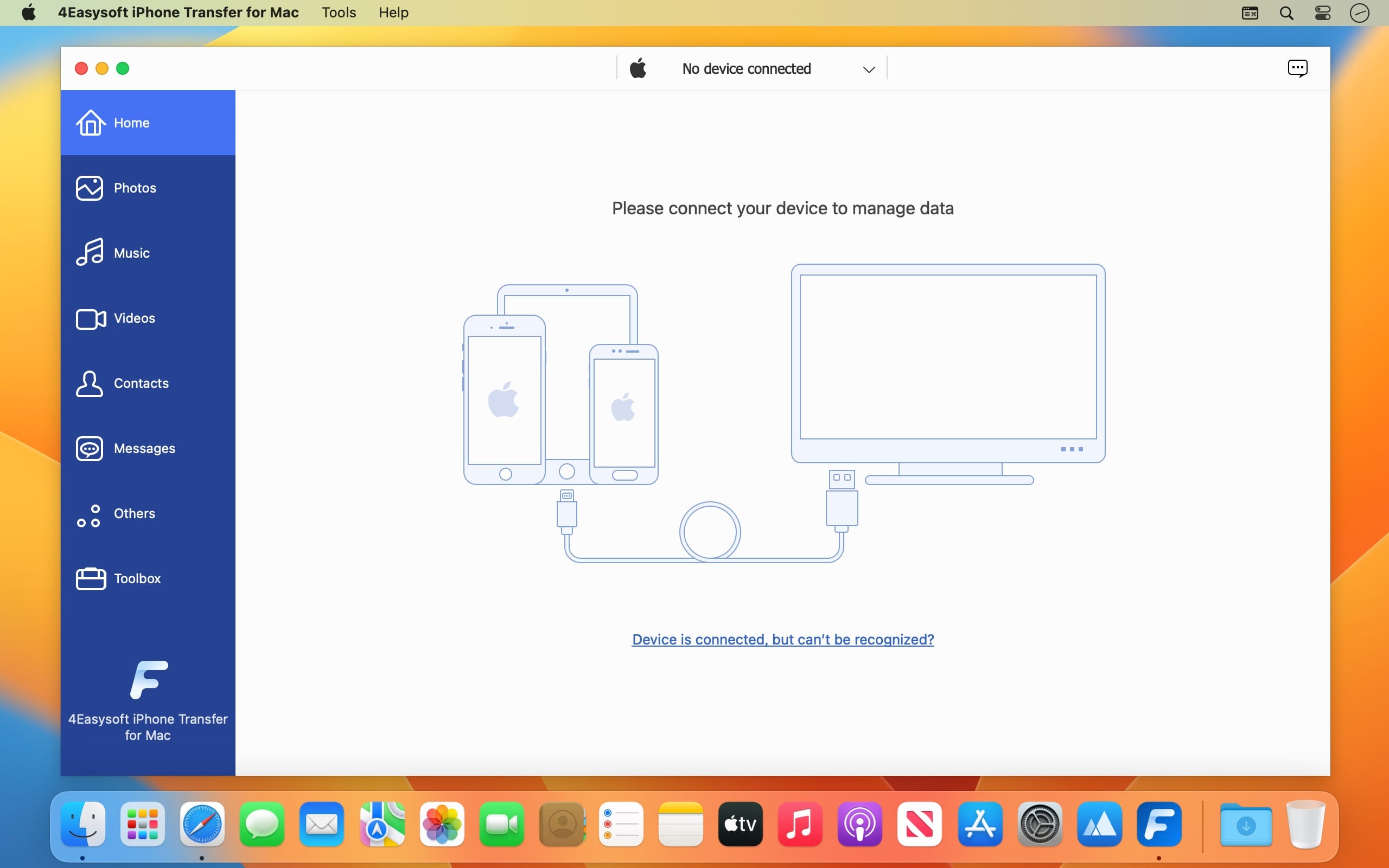
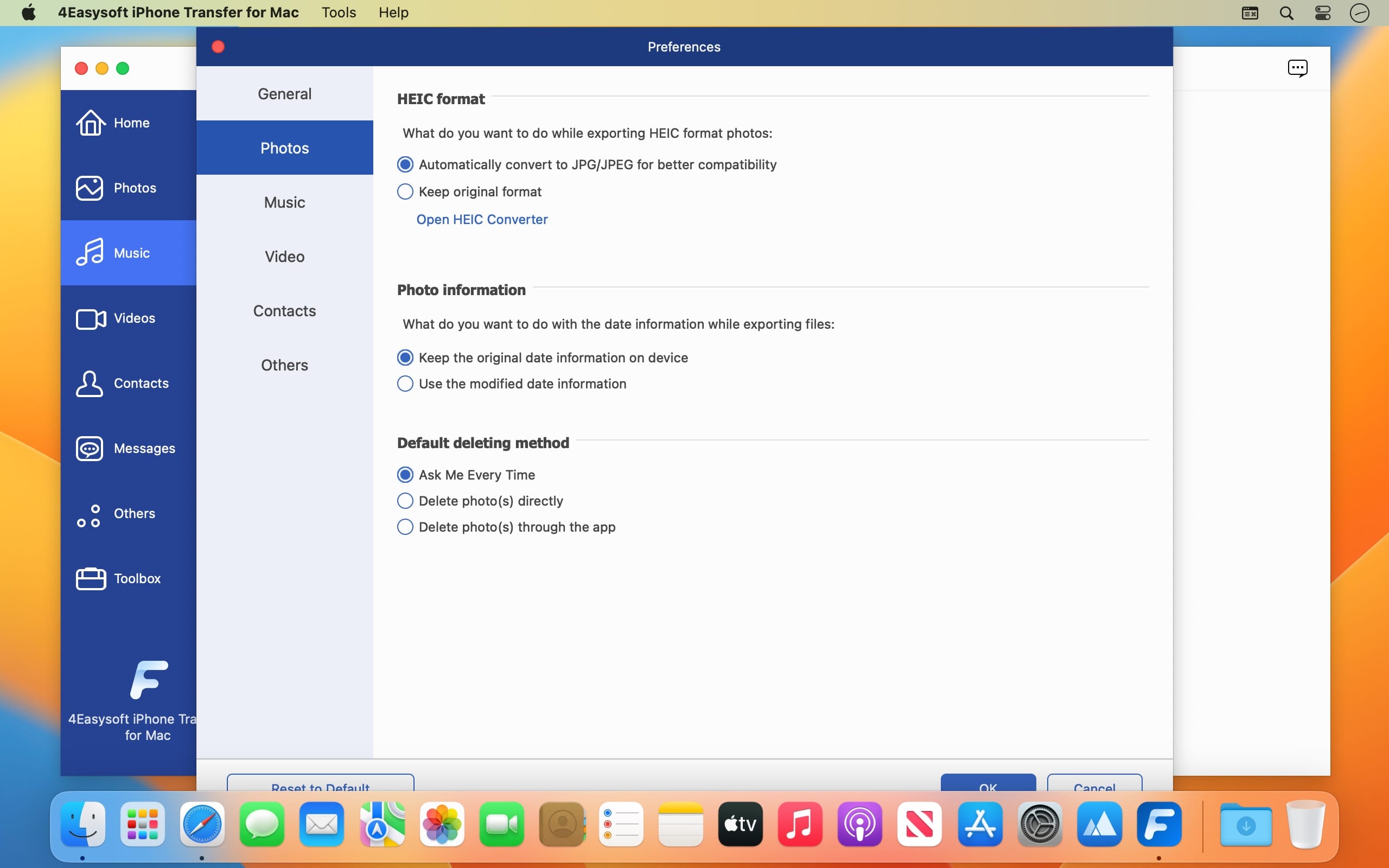
Transfer iOS data between computers and iOS devices quickly. Manage and edit all data, such as contacts, photos, music, etc. Sync and backup important files to your computer or iTunes. More tools to make ringtones, convert HEIC, and restore iOS.
What’s New:
Version 1.0.16:
Release notes were unavailable when this listing was updated.
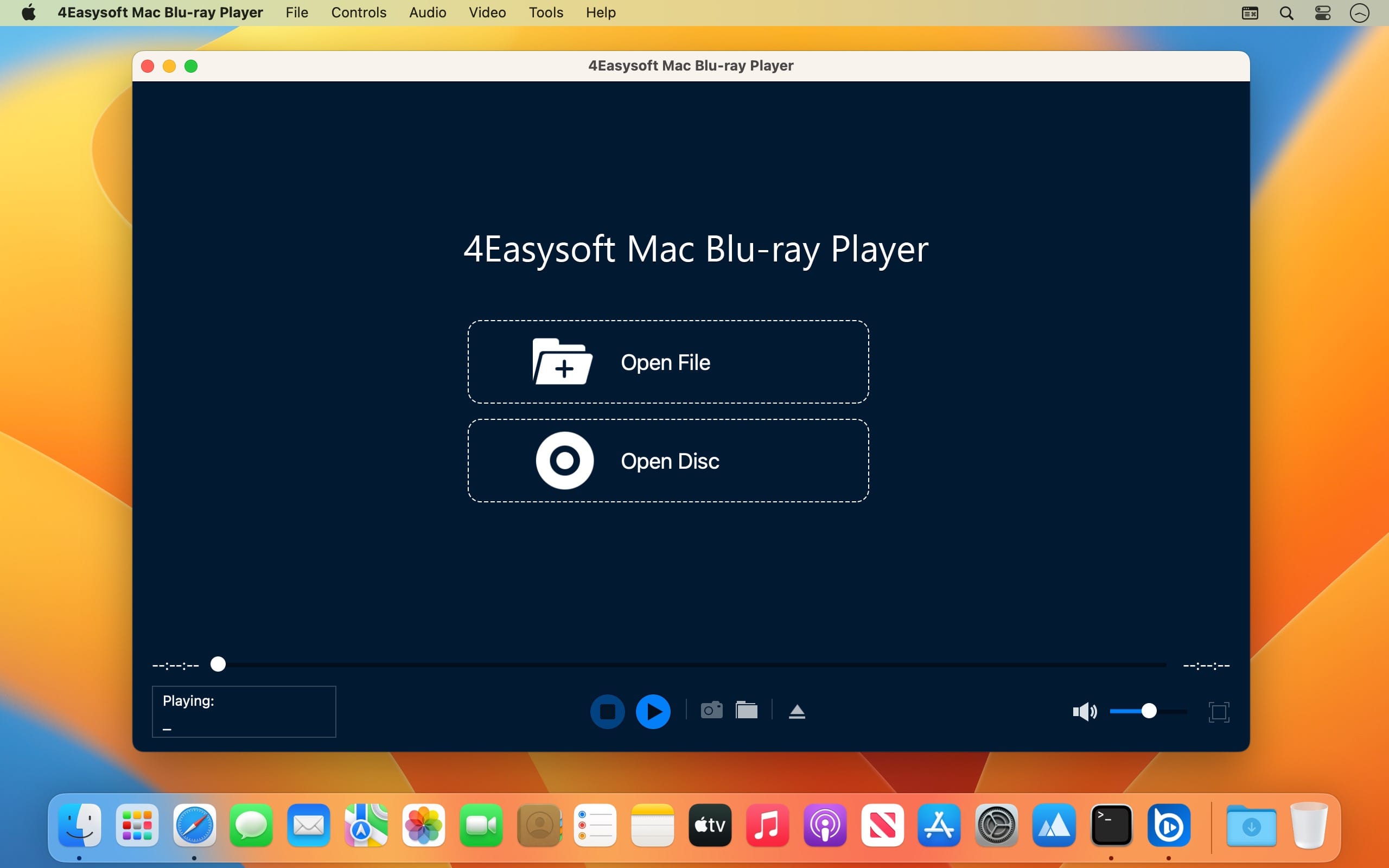
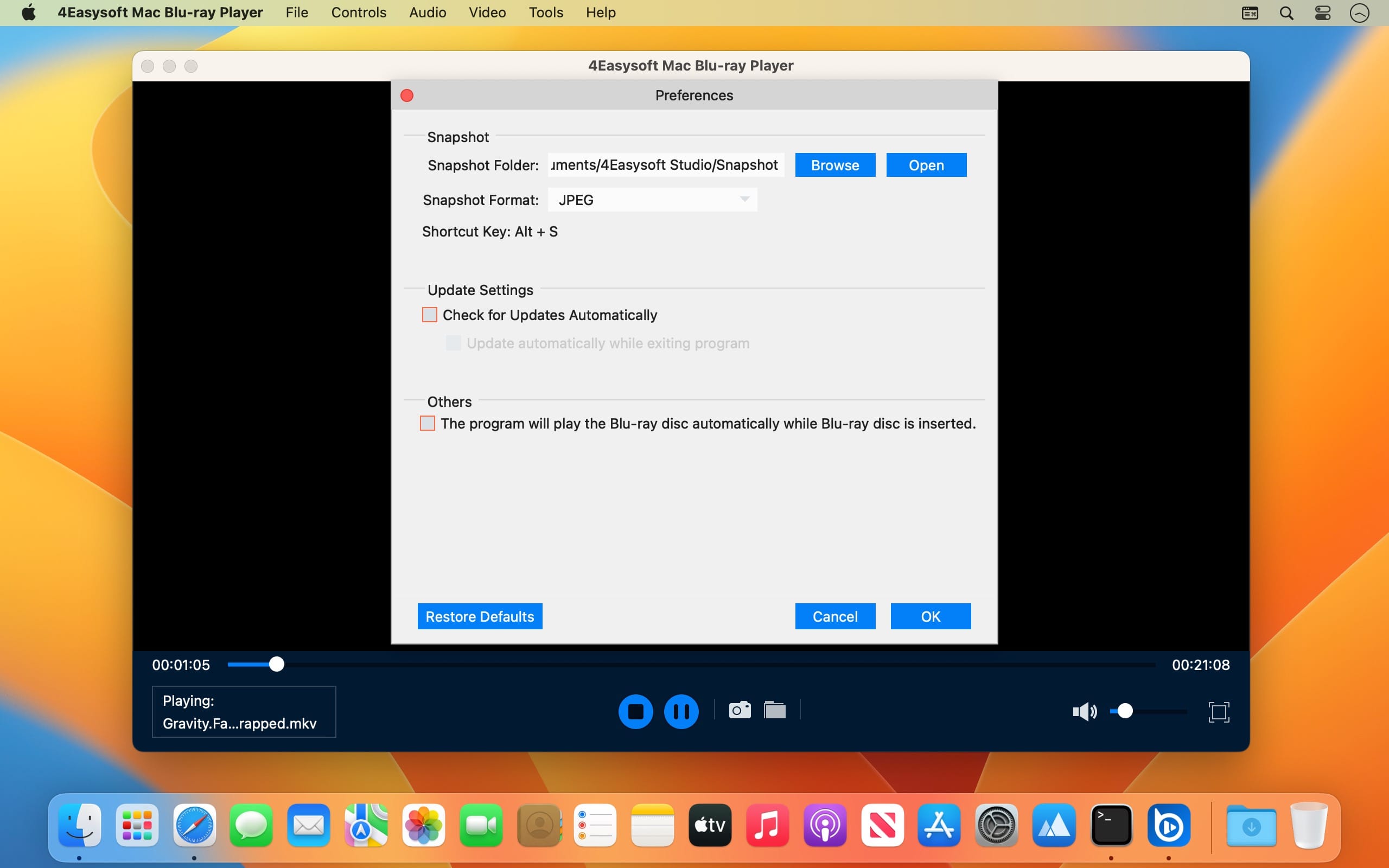
Playback Blu-ray Discs, ISO files, and Ultra HD Video Files. Get HEVC, AVC & XAVC-S Hi-Definition Video Playback. Enhance the Quality of Any Media File with AI Technologies. Easy to Control Your Blu-ray and Media Playback Settings.
What’s New:
Version 1.0.18:
Release notes were unavailable when this listing was updated.
Create DVD/Blu-ray disc/folder or ISO files from all video formats. Support editing MP4, FLV, MOV, WMV, VOB, MTS, AVI, and more. Customize the DVD menu with the desired music, background, etc. Trim, crop, add subtitles, adjust effects, and merge/split chapters.
Easy and Powerful Screen Recorder to Record Every Moment. Whether you want to screen record tutorials, online lectures, meetings, TV shows, music, capture gameplay, take screenshots, or do voiceovers on your videos, 4Easysoft Mac Screen Recorder can help you capture all you want with simple clicks.
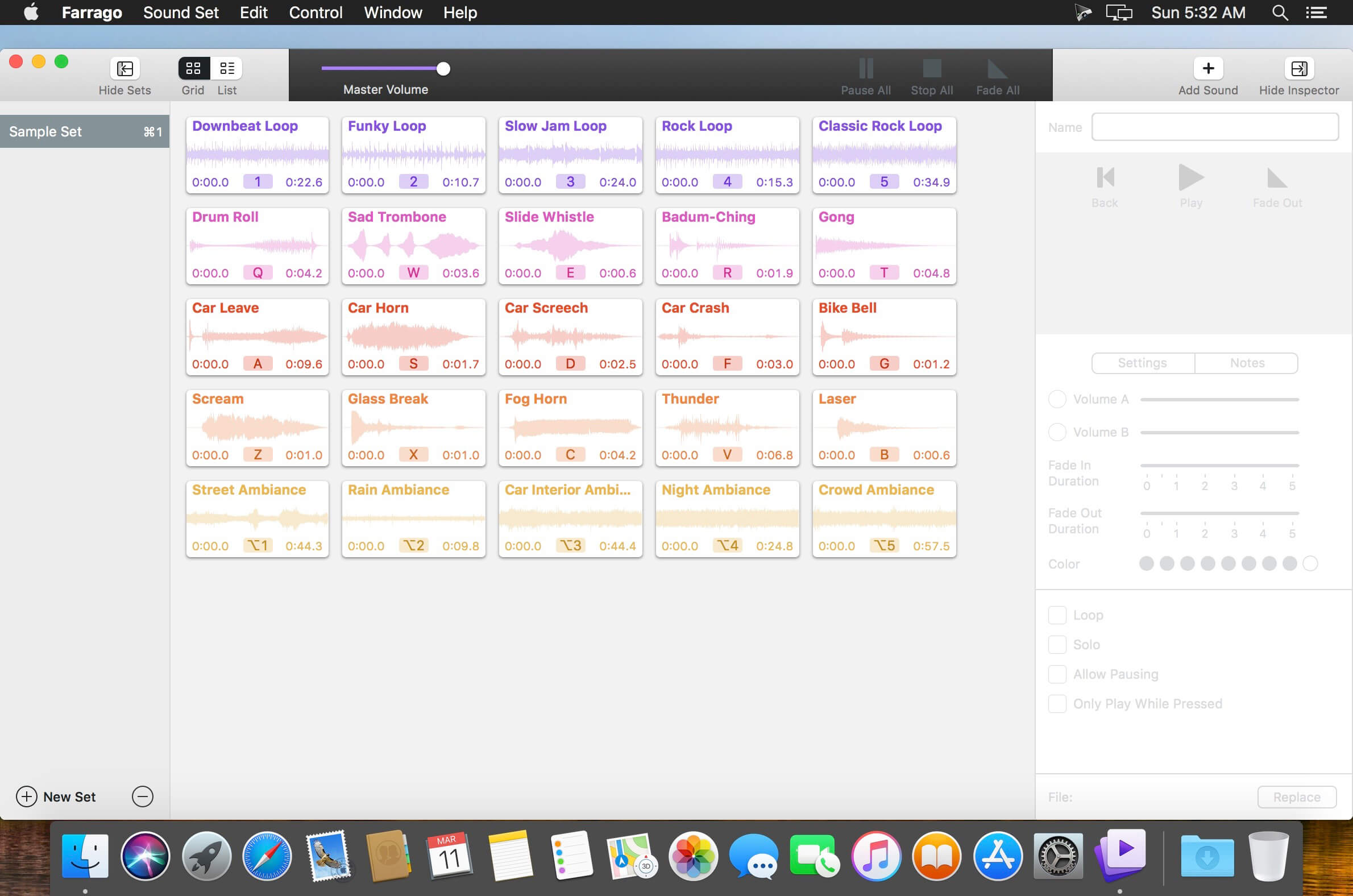
Farrago provides the best way to quickly play sound bites, audio effects, and music clips on your Mac. Podcasters can use Farrago to include musical accompaniment and sound effects during recording sessions, while theater techs can run the audio for live shows. Whether it’s providing quick access to a large library of sounds or running through a defined list of audio, Farrago is ready to assist!
Powerful Tile Interface: Farrago’s tile grid lets you lay out your audio exactly how you want it. Put your sounds at your fingertips and work the way you want.
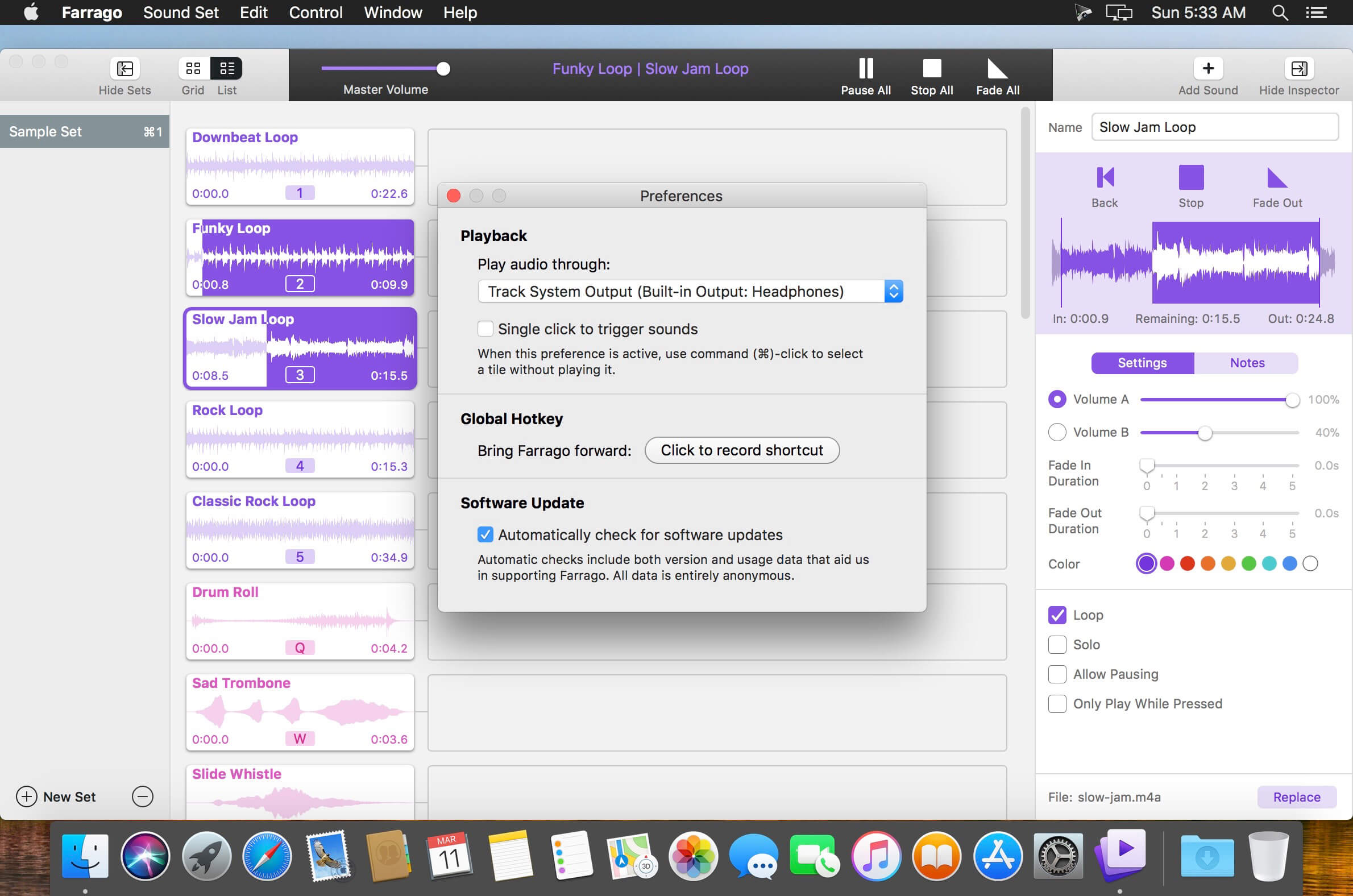
Customize With the Inspector: Use the inspector to tailor each sound’s settings to your needs. Set the tile name and color, tweak in/out points, alter fade settings and more.
Organize With Sets: Create distinct groups of audio based on mood, show, or any other critera you like. Using sets makes managing audio a breeze.
Sound Sets: Farrago’s default sound set is useful, but you can create your own sets based on show, mood, or anything else you like.
A Thoughtful Interface: Farrago’s tile-based layout provides an easily understood way to play your audio via the keyboard or mouse.
Global Access via Hotkeys: With Farrago’s user-definable Global Hotkey, you can pull the app forward, then use the in-app shortcuts to instantly trigger your desired audio.
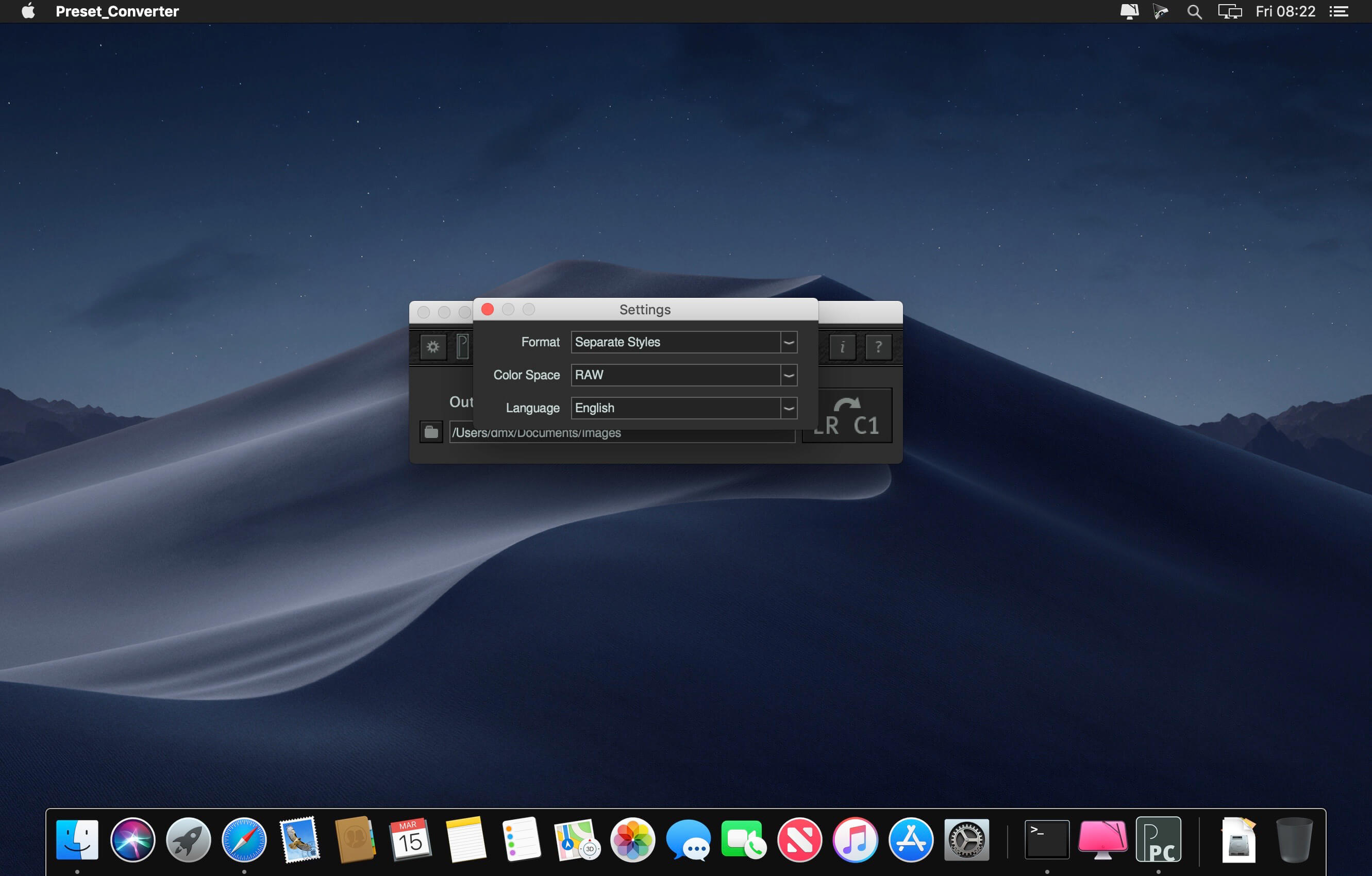
Preset Converter is a small and useful tool to convert Lightroom presets (.xmp or lrtemplate) into Capture One Styles (.costyle). Since Adobe Lightroom and Capture One are fundamentally different RAW converters with different features and algorithms, we would like to use this manual not only to explain the operation of the software but also illustrate the limits of conversion.
Preset Converter only converts from Lightroom into Capture One and not the other way round. For many features in Capture One we have not found a visual equivalent in Lightroom. Therefore the decision to only work in one direction is purely technical.
Advantages:
Large choice of Lightroom presets usable in Capture One
Presets created by users can easily be transferred and then used in Capture One
Any number of presets can be converted (even simultaneously)
No need for painstaking recreation, especially for gradation curves
Conversion of .xmp or .lrtemplate presets
Creation of individual styles (.costyle) or stylepacks (.costylepack)
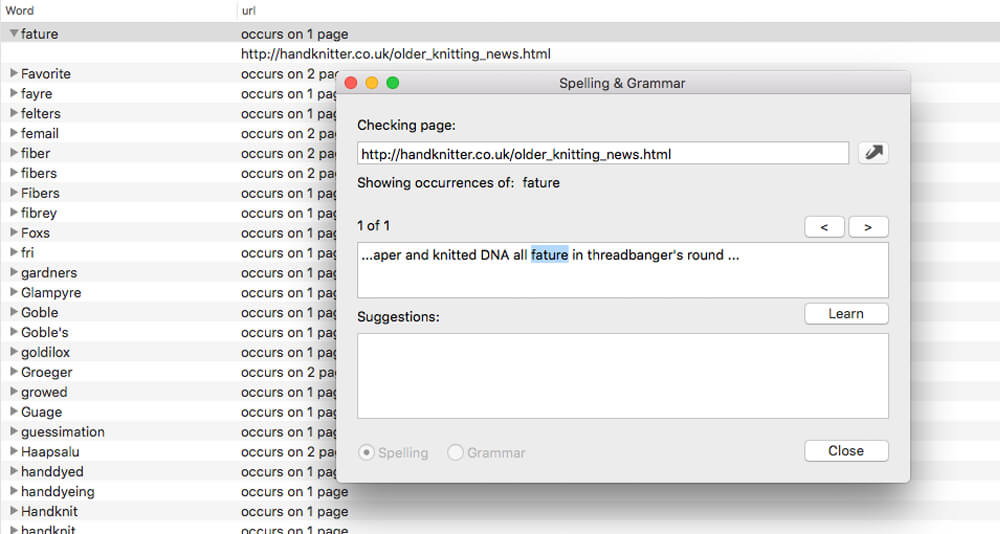
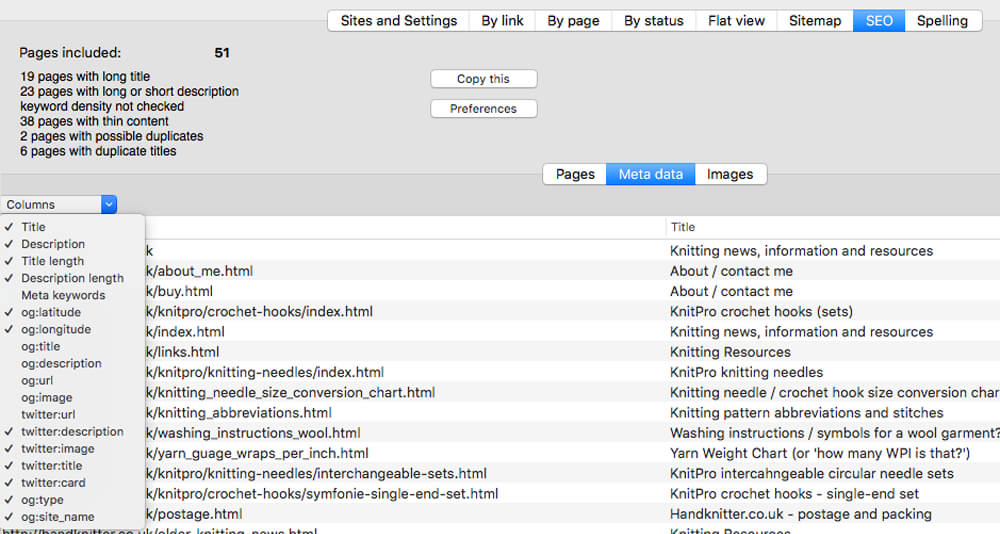
Integrity Pro builds on Integrity Plus. It has the new v10 crawling engine, it checks links and generates a sitemap with all the searching, filtering and exporting functionality of the Plus version. It adds SEO details and a sitewide spellcheck. It isn’t intended to replace Scrutiny, but to be pitched between Integrity Plus and Scrutiny, a more affordable step for Integrity Plus users.
There will, of course, be an upgrade from Integrity Plus, but this early public beta is simply free until the stable version is released.