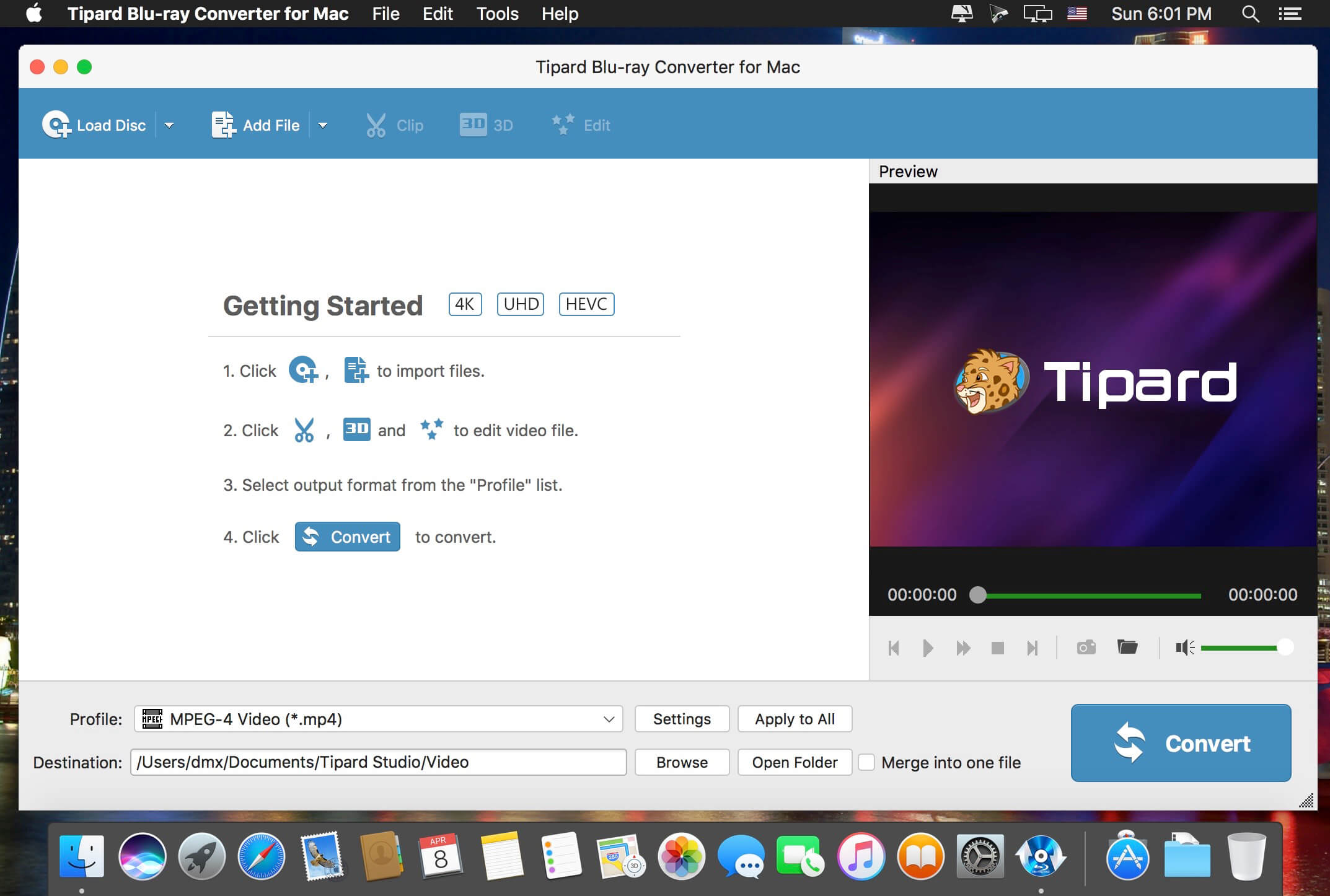
Tipard Mac Blu-ray ripper is a 3-in-1 media video converting application, which can be a Mac Blu-ray Converter, also can be a Mac DVD Ripper and a Mac Video converter. Then, you can easily convert home-made Blu-ray movie to your preferred video or audio formats to enjoy on your mobile phone or video player.
Plus, you can rip and convert home-made DVD disc, DVD folder or IFO files and video files to various popular formats on Mac with this powerful Blu-ray Converter for Mac. Also, you are allowed to edit any video source file to create personalized video work to share with friends for entertainment and joy.
Media converter to rip any Blu-ray/DVD, and convert video
Powerful Blu-ray Converter for Mac, DVD Ripper for Mac, and Video Converter for Mac
Rip Blu-ray and DVD files
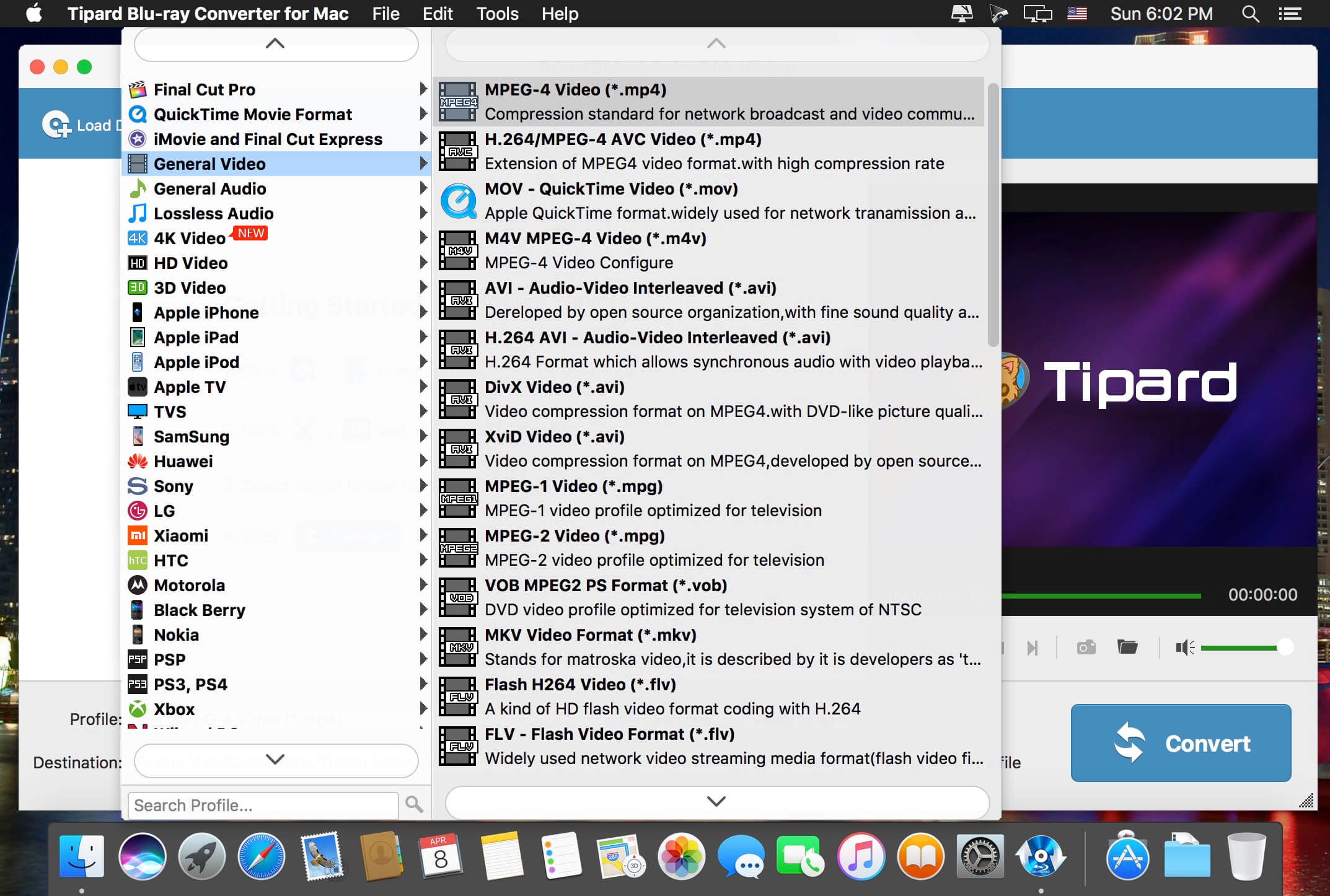
Easily rip Blu-ray Disc, Blu-ray folder, DVD ROM, DVD folder and IFO files to any other video/audio formats like , etc.MP4, AVI, 3GP, MPEG, FLV and TS, MKV, ASF
Convert any video files
Support almost all video formats (including HD) and can convert any source file to 3GP, 3G2, AMV, ASF, AVI, MPEG-4, MP4, M4V and other popular video and audio formats on Mac.
VMware InstallBuilder is a development tool for building cross-platform installers for desktop and server software. With InstallBuilder, you can quickly create dynamic, professional installers for Linux, Windows, Mac OS X, Solaris and other platforms from a single project file and build environment. In addition to installers, InstallBuilder will generate RPM and Debian packages and multiplatform CDs/DVDs. Automatic update functionality makes it easy to deliver updates directly to users once they have your software installed.
Powerful UI for Installer Development
Develop installers using the intuitive GUI or by editing XML-based installer project files.
Built-in actions automate adding commonly required functionality to installers.
Make platform-specific customizations while maintaining one project file for all platforms.
Installers for Any Desktop or Server Environment
Create installers for Linux, Windows, Mac OS X, Solaris, HP-UX, AIX, IRIX, FreeBSD and more.
Generate RPMs, Debian packages and multi-platform DVDs or CD-ROMs.
Installers run in GUI, text and unattended modes.
Developer-Friendly
Included debugger allows you test installers as you develop and pinpoint areas to troubleshoot.
Command line interface allows for integration with build and test systems.
“Human friendly” XML-based project files support source control integration and customizing installers using external scripts
Dynamic Parameter Support
Enhanced parameter support makes it possible to create dynamic pages that will be automatically reconfigured based on user’s input. This allows you to create a more customized and streamlined installation experience for users.
Enhanced Component Functionality
InstallBuilder provides support for downloadable components and component groups, including support for subcomponents. Downloadable components will be downloaded at runtime only if the user chooses to install them, reducing the size of installer downloads. The InstallBuilder component system allows you to group individual components and build feature sets that will be displayed in a tree structure (“subcomponents”.) It also allows users to add and remove specific components from existing installations.
Expanded Documentation
Over 350 pages of documentation are now available for InstallBuilder. The documentation not only explains every feature of InstallBuilder, but also provides sample code for a wide variety of installer functions, such as bundling a Java runtime, detecting pre-requisites on the system, offering basic and advanced installation modes and more.
Compatibility: Mac OS X 10.2-10.7 ; OS X 10.8 – 11 ; macOS 10.12 and later Homepagehttps://installbuilder.com/
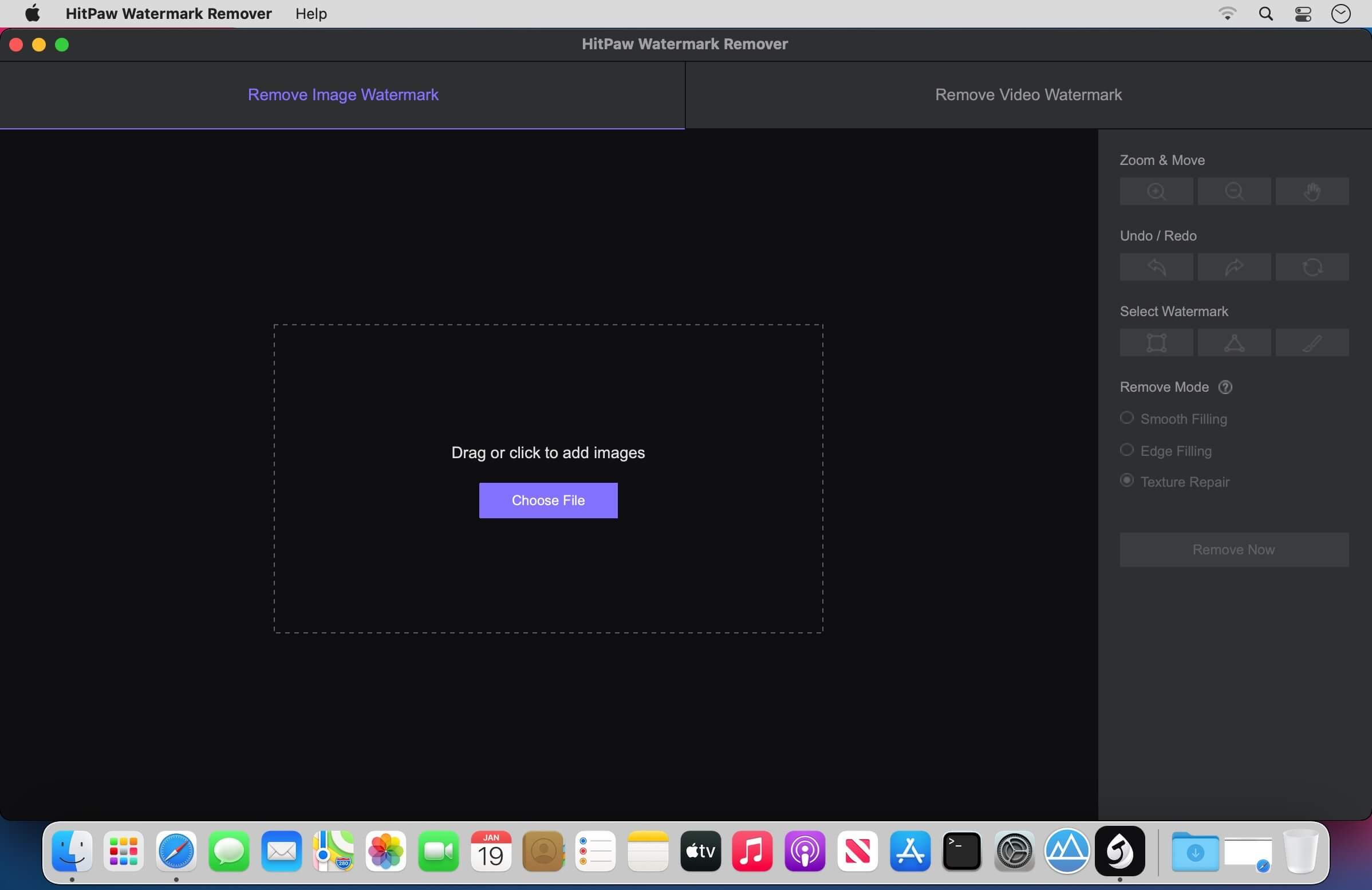
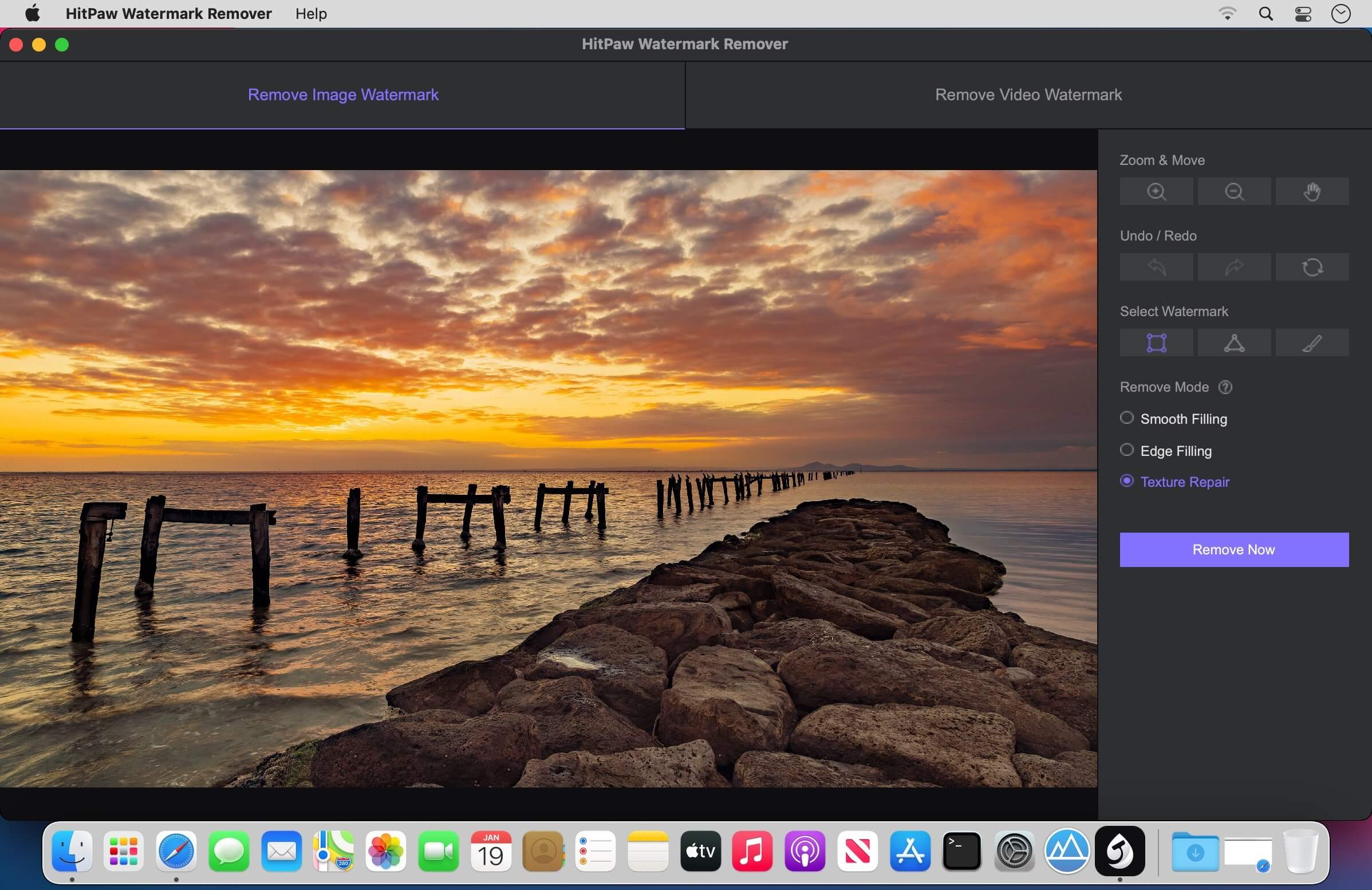
When you need to quickly erase a watermark from one of your images, it is best to resort to specialized software solutions to ensure you obtain high-quality results. HitPaw Watermark Remover is one such utility.
All in all, HitPaw Watermark Remover can come in handy when you need to erase a watermark from your images or clips, and you do not have the expert skills to do it manually.
CHM Reader is a lightweight chm file reader, it can help you view your chm files, and export chm to PDF
※ CHM Reader
– Support single page search and full text search, and highlight search results.
– Support the forward and backward browsing history.
– Support page turning, zooming, and sidebar shrinking.
– Support page printing.
– Support CHM to PDF.
※ Bookshelf
– All the files you have read will be saved in the bookshelf for quick review next time.
– Support file(s) drag and drop addition.
※ Reading Experience
– It can remember the location of the last reading, so that it can continue reading next time.
– Photo adaptation, better layout.
– Support for page zooming using command+ or command- key combinations.
– Support for quick page turns and quick view of history pages using a combination of command and up and down left and right arrows.
– In the process of page reading, you can use the buttons J and K to quickly slide up and down the page.
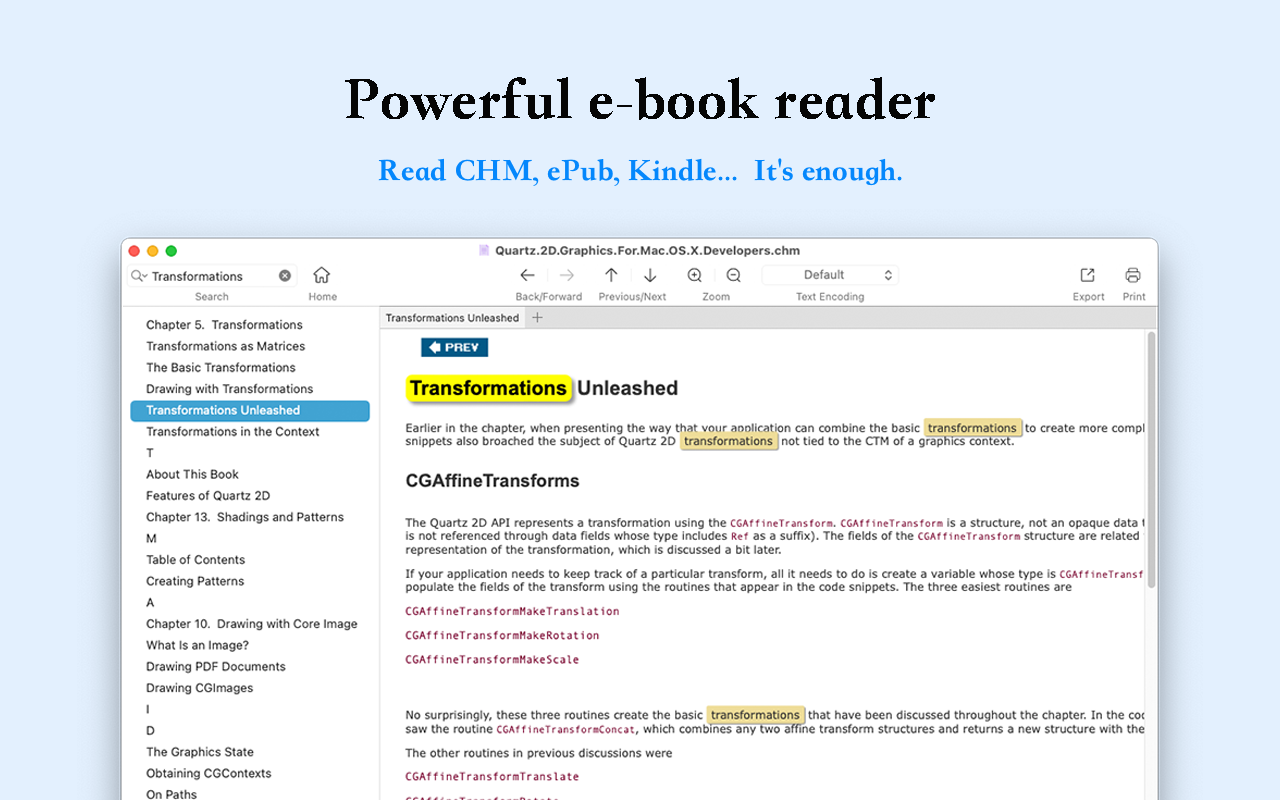
Read EPUB,CHM,MOBI… use it.. GM Reader is a fully functional book Reader with a simple and beautiful interface and a good reading experience.
▸ Features
– Supports reading EPUB, CHM and Kindle files.
– Support single page search and full text search, and highlight search results.
– Support the forward and backward browsing history.
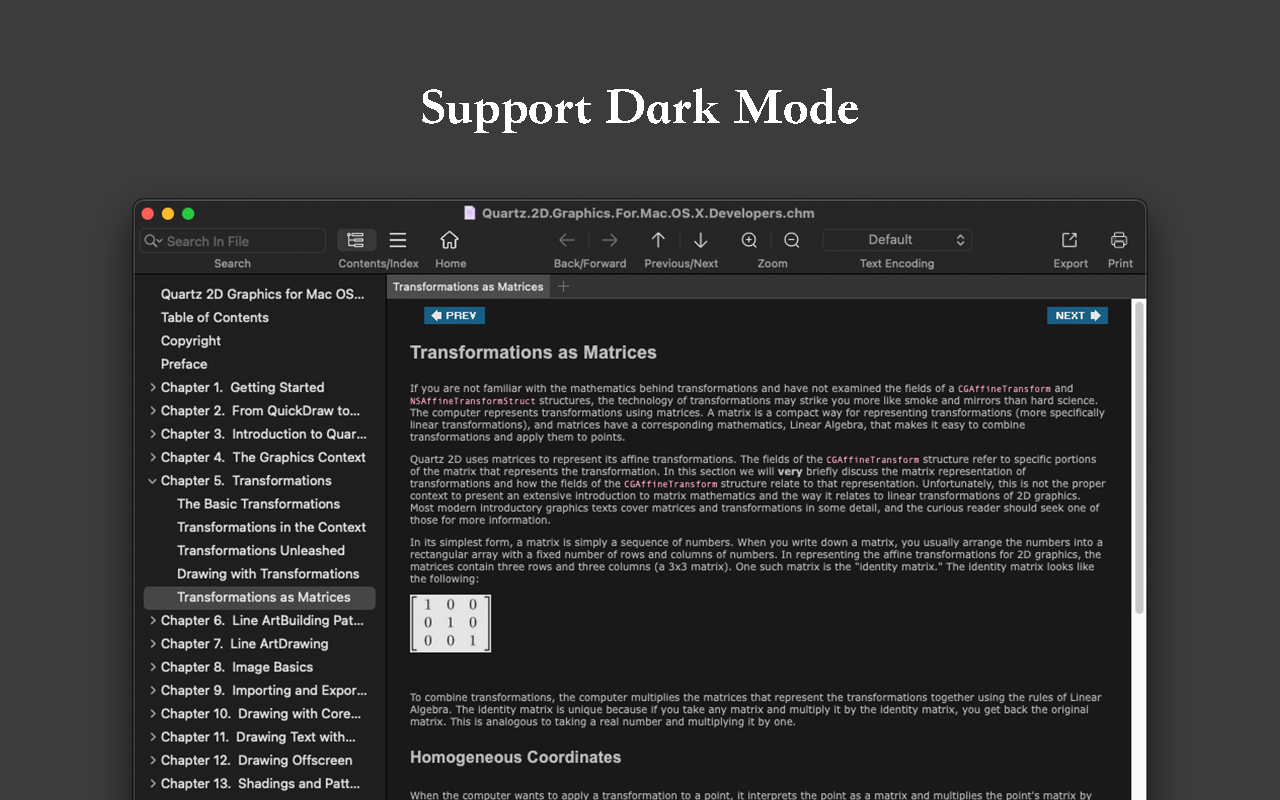
– Supports page turning, zooming, and sidebar shrinking.
– Support page printing.
– Support to view the basic information of the file.
– Supports file export to EPUB, PDF.
– Support to extract all images in the file.
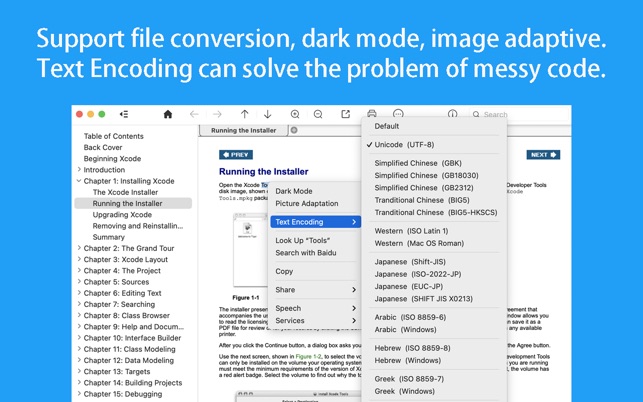
– Support file coding, deal with the problem of garbled code.
– Support image adaptive, automatically adjust the size of the picture.
▸ Bookrack
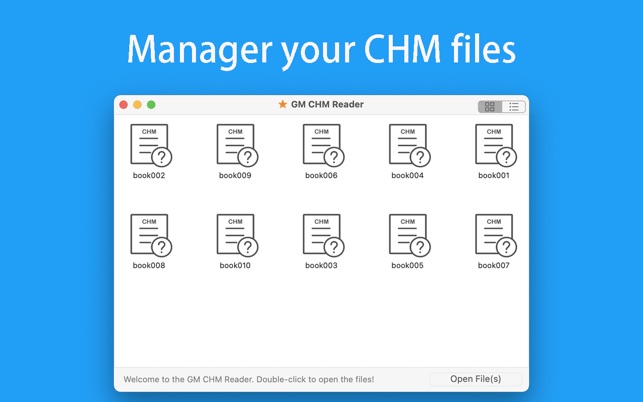
– All the files you have read will be saved in the bookshelf for quick review next time.
– Supports file drag and drop addition.
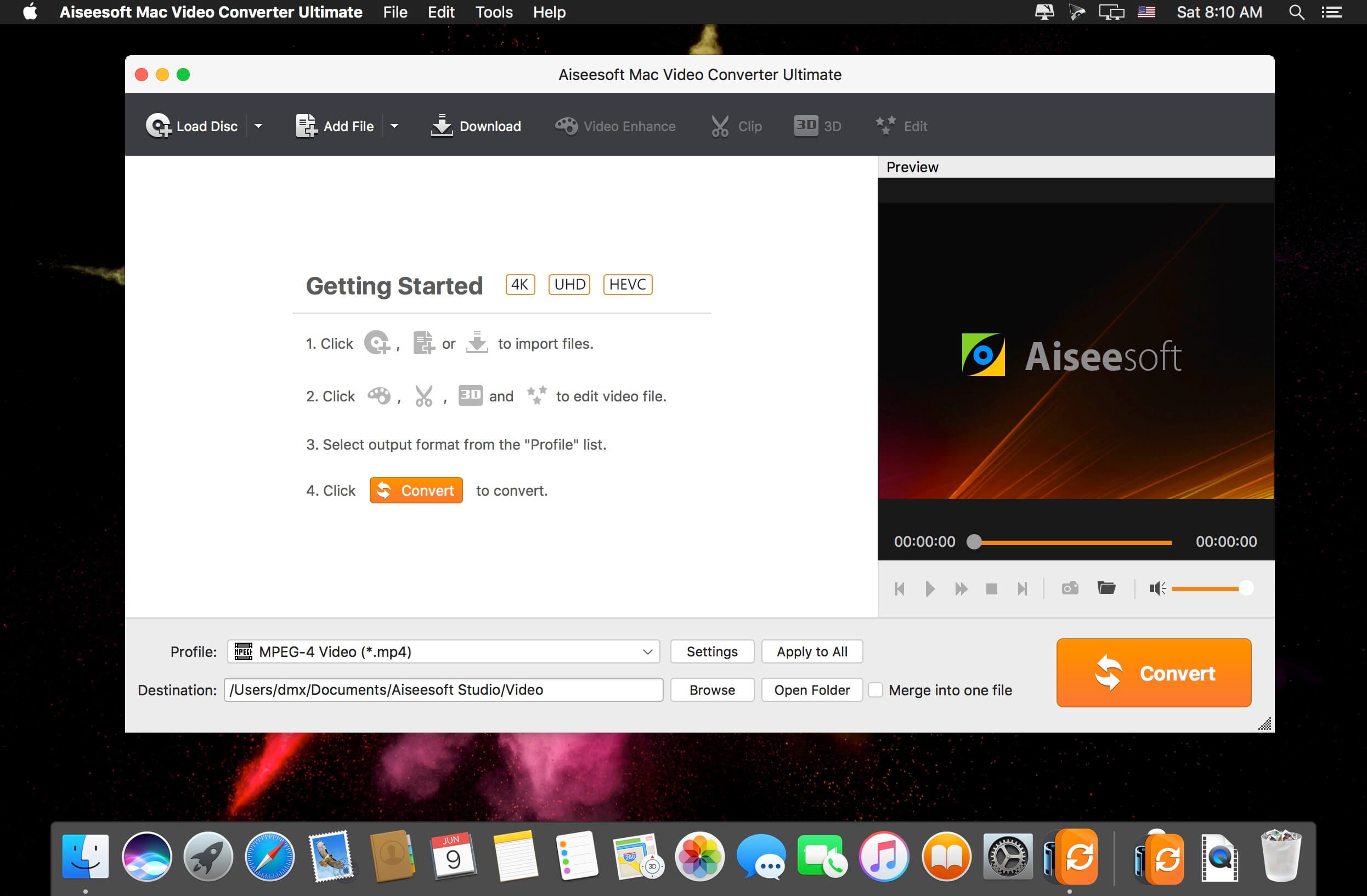
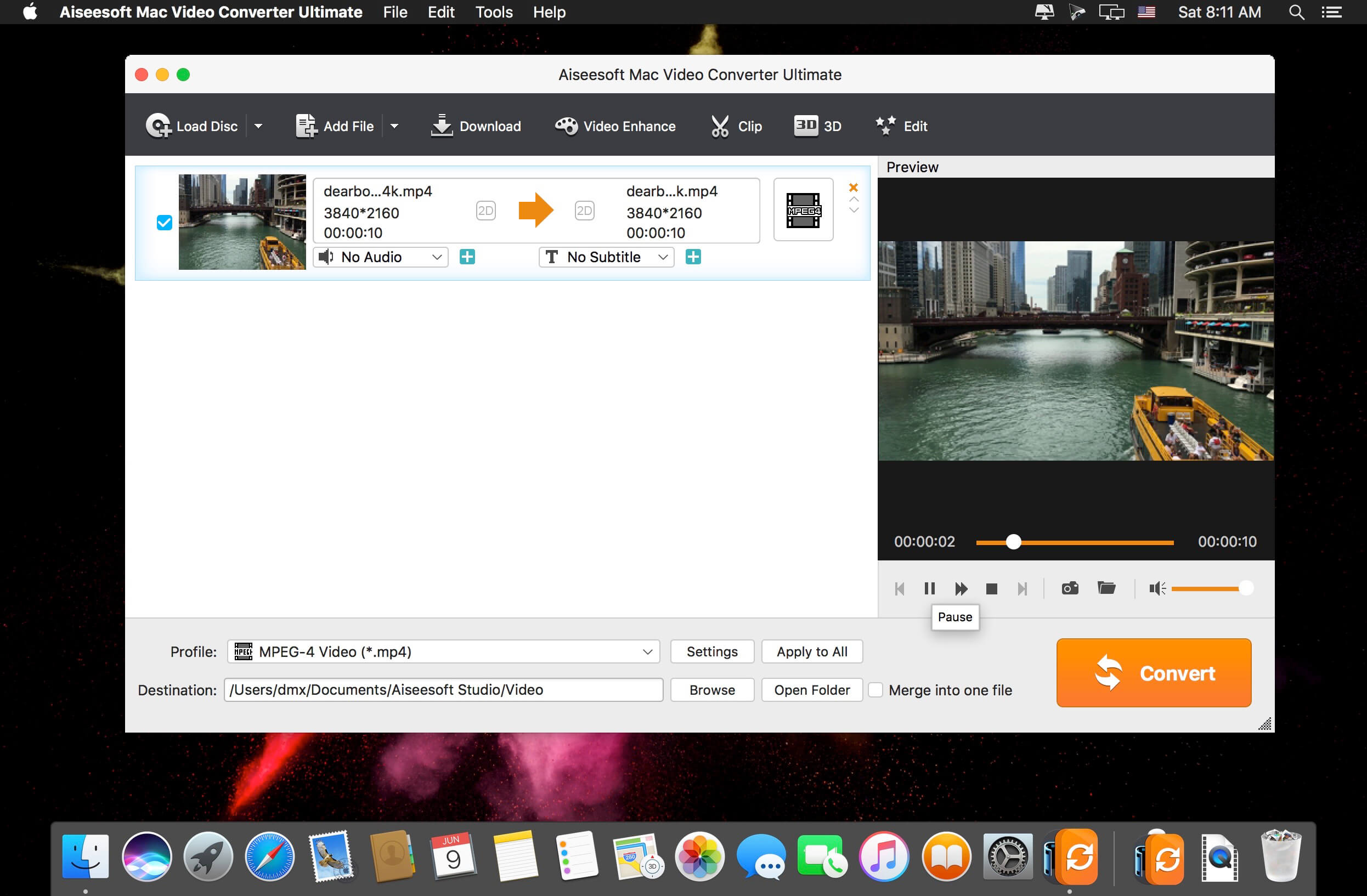
The best Mac video software ever, allowing users to easily download, convert and edit videos including 4K videos as well as homemade DVDs on Mac. Keep perfecting. Now Aiseesoft Mac Video Converter Ultimate is greater than ever before.
Enhance video quality for clearer visual experience (New)
The new-added video enhance function makes it possible to edit your video easily. You are able to make your video clearer by upscaling video resolution from SD to HD, optimizing the brightness and contrast to make your video more enjoyable. In addition, this new-added function allows you to remove the tiresome video noise so that the video can be cleaner than the former one. Other editing functions such as Crop, Effect, and Watermark can bring out a more vivid video effect.
Rotate and flip video file with one click (New)
People are more willing to record videos with phone for it is convenient for carrying wherever you go. While when you transfer the phone recorded video to computer, it may display sideways and worse upside down. The video rotate function makes it easy to adjust your video to the right angle. You can rotate the video 90 clockwise or 90 counter clockwise, and flip the video vertically or horizontally within only one click.
Download and save online videos on Mac, including 4K videos
With this Mac video software, downloading videos from YouTube, Vevo, Vimeo, Dailymotion, Metacafe, Yahoo and Facebook has never been easier. It supports all available YouTube formats (MP4, FLV, WebM) for any video quality (from 360p up to 3072p) and easily downloads all new 1080p FULL-HD videos, 2k-resolution videos, 4k-resolution videos or even 3D videos, preserving 100% of the original YouTube video’s quality. Highest sound quality is available with M4A, MP3, MP4, AAC, FLV and HD formats! The best part is that you can convert the downloaded YouTube videos to as many as 432 video/audio profiles for various devices.
Support converting videos to and from 4K UHD
It can convert home DVDs and videos to all popular video formats including MOV, AVI, MP4, MPG, MKV, HD MP4, HD MOV, etc. It also supports 4K converting, which means you can use it to convert all leading standard and high definition video formats to and from 4K video/audio formats. It supports every popular 4K encoding technology, including H.265/HEVC, H.264, MPEG, Xvid, VP8, VP9, etc. It supports the latest Mac OS X El Capitan. High compatibility makes it suitable for all Mac users.
Edit your videos
Adjust video brightness, contrast, saturation, hue and volume control. Remove a section that is not pertinent to the message of your video. Extract multiple segments from any video clip. Crop letterbox or pillarbox from video clips. Add text or image watermarks to personalize your video. Preview your edited video in real time, to ensure optimal results are achieved.
Play and watch videos on iPad, iPhone, Kindle Fire, PS3, Android devices and more
With this exceptional video software for Mac, converting home DVDs and videos to various popular personal devices has never been easier. It offers preset profiles that include the highest quality video settings for iPhone, iPad, iPod, Samsung Galaxy, Nokia Lumia, BlackBerry, Google Nexus, Moto X, Kindle Fire, etc.
Convert 2D home DVD/video to Anaglyph, Side-by-Side or Top/Bottom 3D
This Mac video software acts as a 2D to 3D conversion tool, helping users convert any standard 2D video to Anaglyph (ten types), Side by Side (Half-Width/Full), Top and Bottom (Half-Height/Full) 3D files in a variety of formats like AVI, MP4, MKV, FLV, etc. allowing playback on portable 3D video devices, computers (PC/Mac), or 3D TVs. It allows you to switch L/R image and change the 3D scene depth as desired.
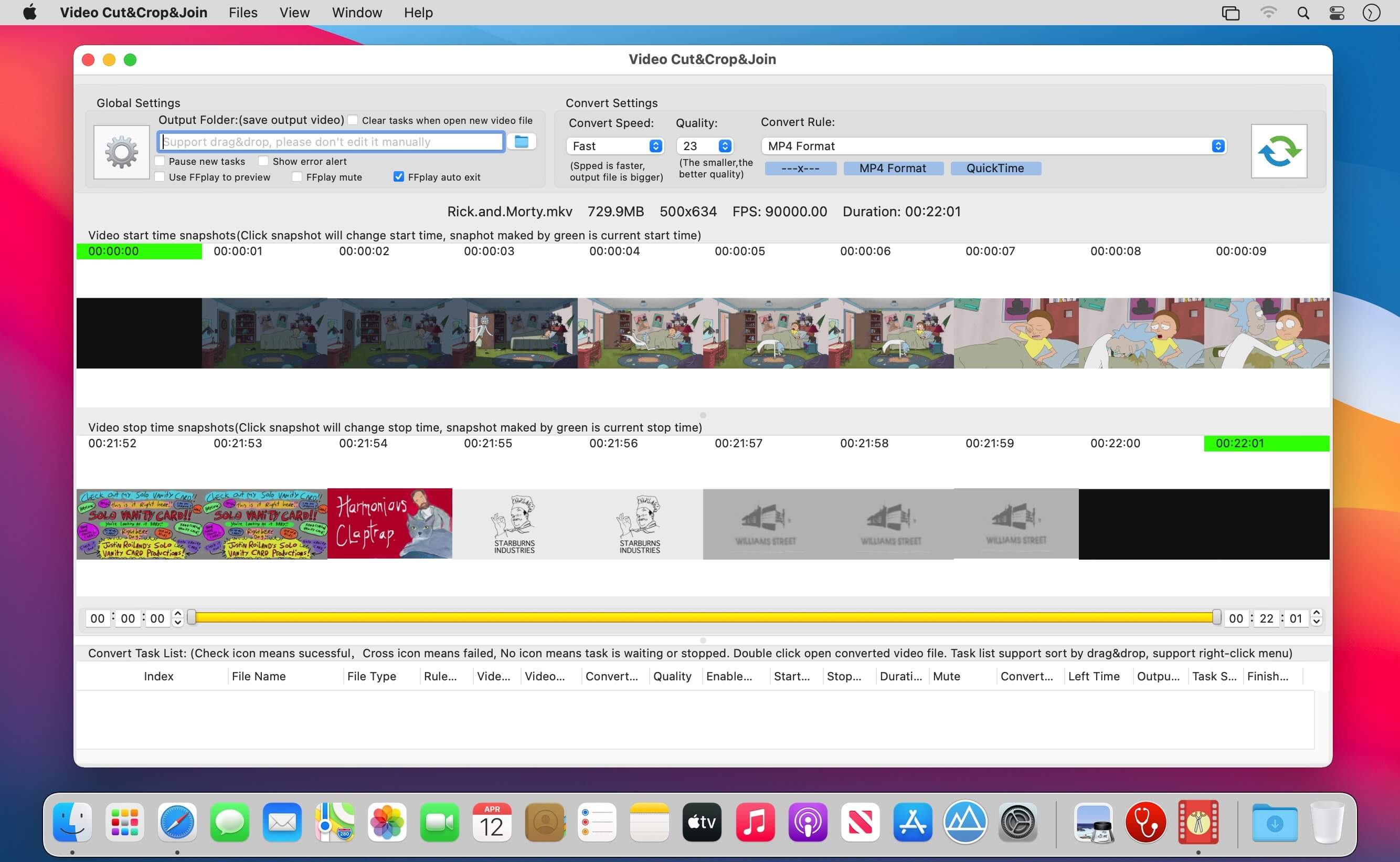
A handy video cut&crop tool. It can help to cut interesting video clips and compress it to small size and various format, help to share on websites.
How to use
1. Cut Videos:
Step1: Drag&Drop video file to app’s snapshot view, it will read the video file automatically.
Step2: Choose the video clip, and Choose video convert option
Step3: Click the “submit” button to submit cut task
2. Merge Video Clips:
Step1: use the step in “Cut Videos”
Step2: Select the Clips to merge
Step3: right-click the task list, and select “Merge vidoes” menu to merge video clips
Key Feature
1. Base on FFmpeg, cut&merge&crop video extreme fast, support all popular video formats.
2. Handy and powerful video clip selection
3. Support video frame crop, deduce the size of output file greatly.
4. Rich video convert option, support iCloud sync
5. Support multi convert task
6. Embed powerful and efficient FFplay, right click video snapshot to play video from the snapshot’s timestamp, help to select video clips more accurate
FQAs
1. How to crop part of video frame?
Answer:please follow the steps below:
1) In “Screenshot&crop” window, use mouse to draw the rectangle you want to crop in screenshot , and click “set crop rectangle”
2) In the main interface, choose the convert rule and click the “convert” button
3) To clear crop selection, in “Screenshot&crop” window, click “clear crop”
2. How to join video clips?
A:(Please note: Only video clips from the same video file and cut with the same rule can be joined)
1) Add video to the app
2) Cut clips from the video
3) Sort clips by drag&drop
4) Select clips to merge
5) Right click and select “Merge Video” from the right menu
2. How to select video clip?
Answer: There are 5 way to select video clips:
1) Drag the time slides
2) Change the start&end time text field, and press ENTER key
3) Click start&end time text field and click the steppers to change each field
4) Click the start&end screenshot, it will jump to the correspond timestamp
5) From the menu or use shortcuts.
3. Why sometimes conversion fail?
Answer:
1)Please clear or reset the output folder and try again. the filename and output folder don’t be too long, and the file name don’t contain illegal characters
2) Please try other output video format
4. How to use the embed FFplay?
A:the embed ffplay is a powerful and efficient video player.
1) Left/Right Arrow: Move Backward/Forward
2) Q key: quit the player
3) S: Step frame
4) Space key: Pause replay
5) Mouse right click: video jump to the click point
Please goole “FFPlay” for more more shortcuts
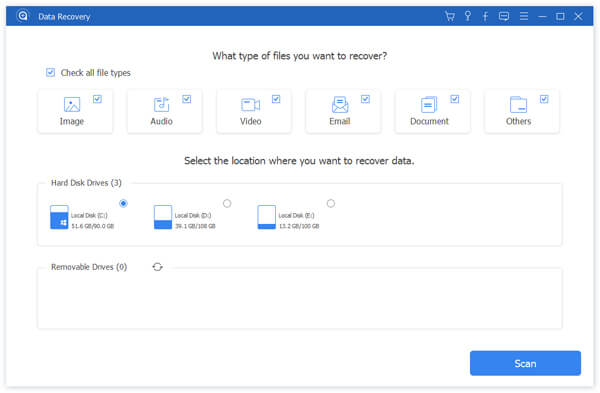
Whether you mistakenly deleted some important files, or lost data due to hard drive formatted or a system crash, data loss will no longer be your biggest nightmare. Apeaksoft Data Recovery offers professional solutions to handle various data loss issues. It can help you recover all types of data from Mac, recycle bin, hard/flash drive, memory card, etc. with ease.
Any frequently-used data type can be recovered by this data recovery software, such as pictures, songs, videos, documents (Word, Excel, PowerPoint, PDF, TXT, RTF, etc.), emails and other files.
Compared with other data recovering tools, Apeaksoft Data Recovery has the capability to scan the deleted files with faster speed. When you restore lost videos, photos, music, documents, emails, etc. from your computer, Data Recovery won’t store any of these data. It will 100% guarantee your privacy safety. Moreover, you are allowed to directly recover the scanned data while the scanning.
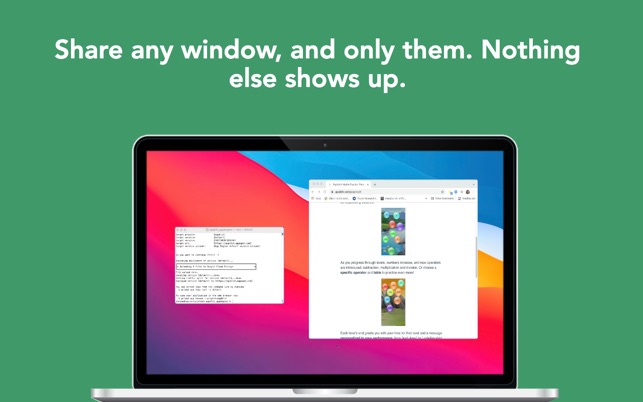
Screegle lets you share any window you want over a clean desktop background image. Screegle = Screen Sharing for Professionals.
Your co-workers, team, customers, or students see a clean, uncluttered version of your desktop that only contains the windows you explicitly selected, nothing more.
No more notifications popping up, personal web sites, files and folders that might reveal personal information.
Using Screegle is very simple
– press ⌘ F1 over any window you want to select or deselect (a blue ribbon will appear around it)
– in your video meeting app, share the “Screegle Share” window and you’re all set!
You can also record a video of your Screegle windows, with voice.
This is useful to share clean desktops with co-workers for asynchronous communication.
And you can even add your webcam as an overlay, useful during screen recordings or when you present windows and want people to focus on you (turn off your webcam in your video app!)
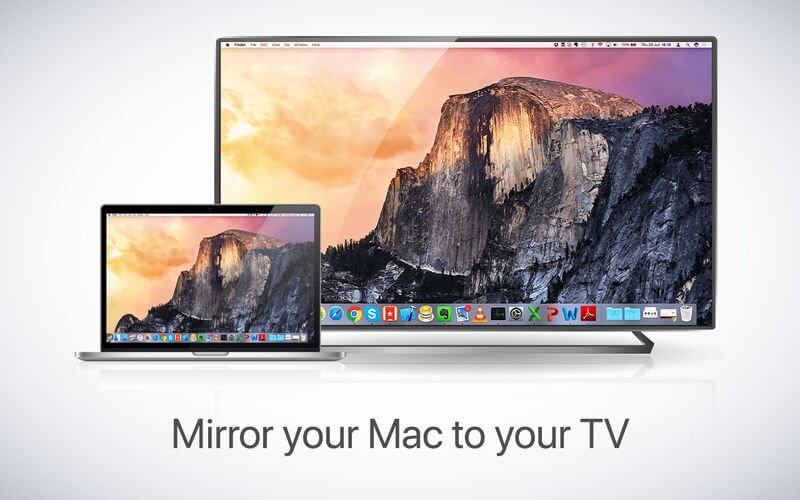
Application to mirror the screen of your Mac to any TCL Smart TV. No wires and no additional hardware needed! You can also stream individual video files from your Mac to your TV. Also, this app works without the need for an Apple TV or Airplay. Our app also works on TCL Android TVs and TCL Roku TVs.
Application to mirror the screen of your Mac to any Philips Smart TV. No wires and no additional hardware needed! You can also stream individual video files from your Mac to your TV. Also, we included the option to watch one window on your Mac, and another window on your TV!
This works on any Philips Smart TV from the 2012 models onward.
In using the app, there will be about a second of latency. So this mirroring is not suitable for gaming.
However, it is very suitable for watching movies, giving presentations, watching photos, and much more!
The quality of your experience will be dependent on the quality of your local network. Some tips to enhance the experience:
Preferably, connect your TV by LAN cable to your router.
Use an “ac” router. If you don’t have one, then an “n” router.
Try not to overload your wifi network by moving big files around while you are mirroring.
How the app works:
First, make sure that your Samsung TV is on the same local network and same subnet as your Mac. The TV should not be in screen mirroring mode, but just on “TV” Mode or any HDMI IN port.
After launching the app, you will see the app icon appearing in the top bar of your Mac and the app will look for your TV on the network. It will show your TV when it has found it. Now, you have two options:
Mirror your Mac Screen:
Use this option to put the screen of your Mac on TV. In source, you can select which screen (or attached monitor) you want to display on TV. If you are running multiple applications on your Mac, you can also select which application window you want to see on TV.
Enable Sound: check this to hear the sound of your Mac coming from the TV. You will need the additional (free) audio driver, which you can download here: http://bit.ly/MirrorAudio
Play Video File:
Use this option if you have a video file on your Mac and you want to play just the file on TV. Drop it in the box and it will play on TV.
What’s New:
Version 2.8.3:
Release notes were unavailable when this listing was updated.
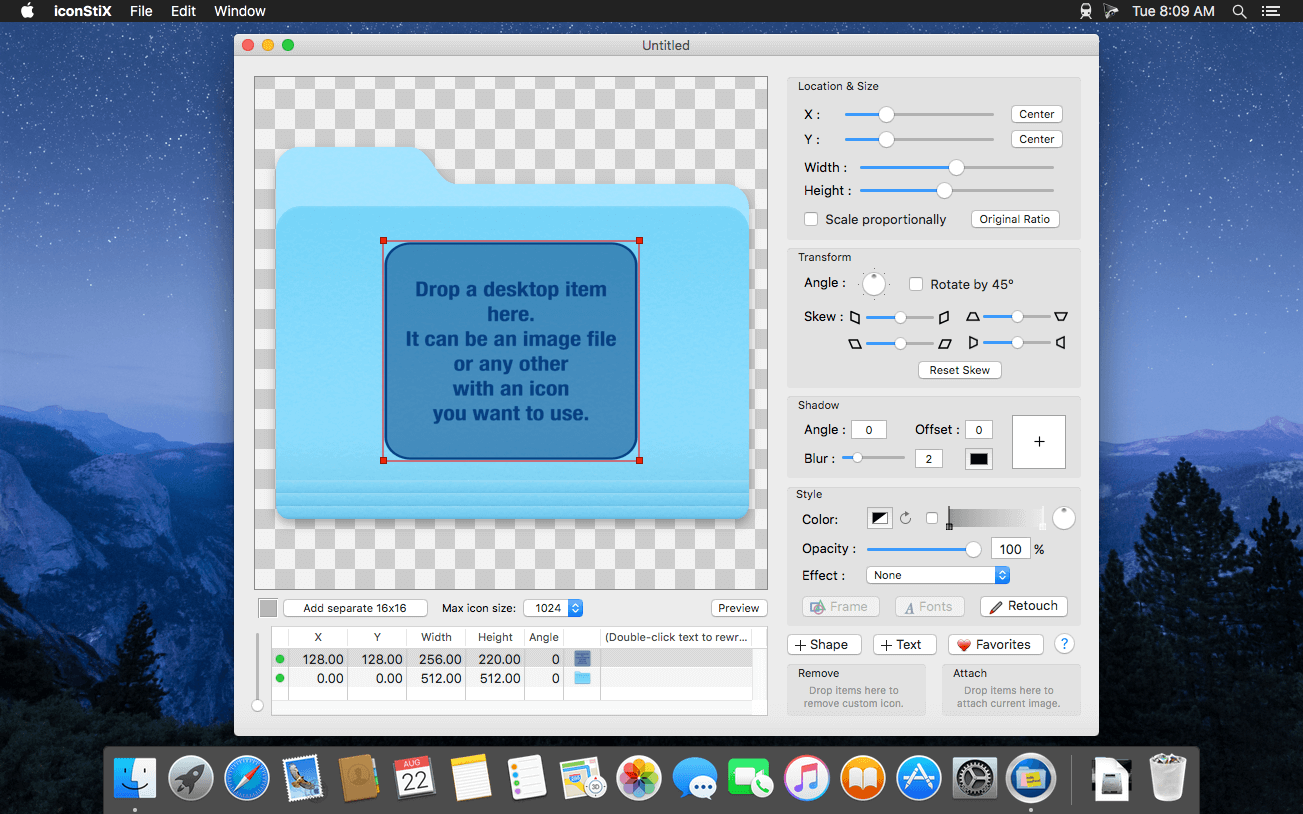
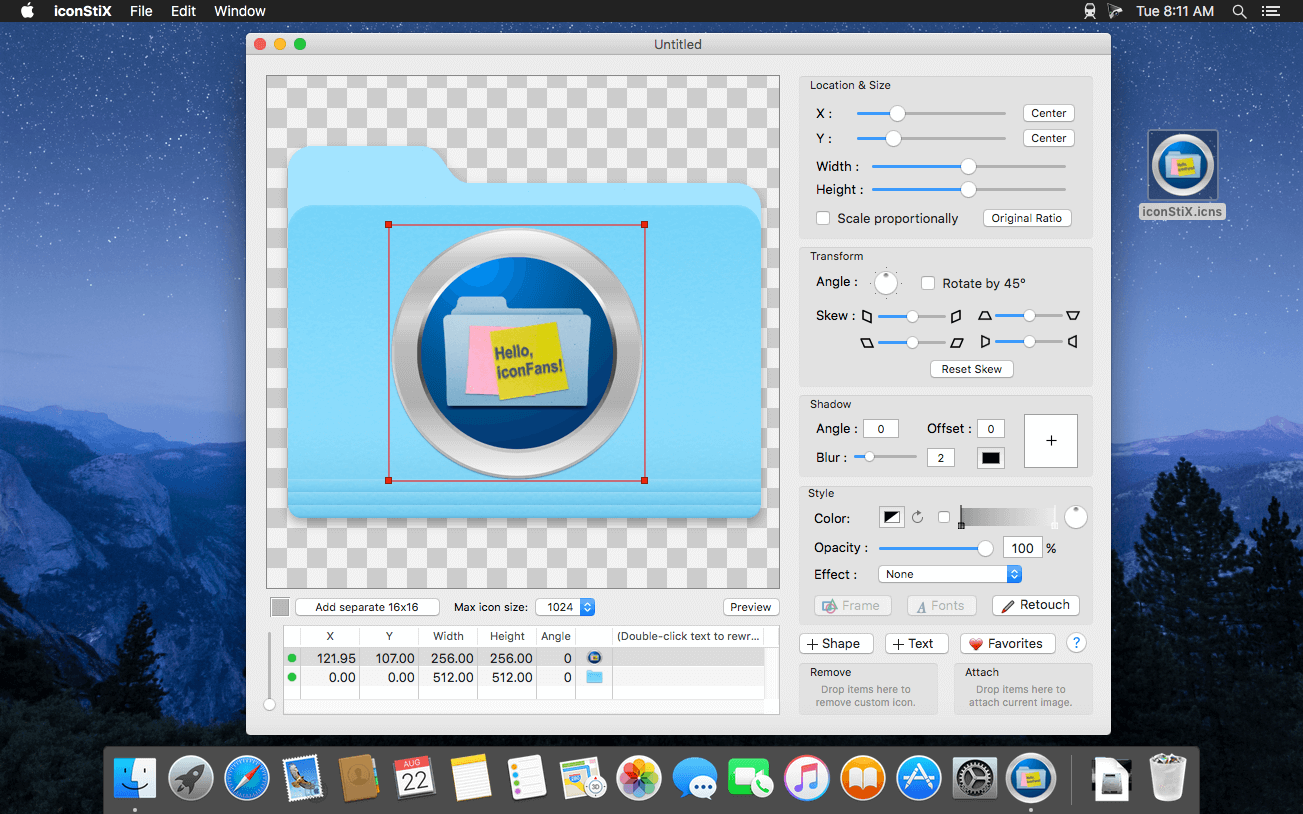
iconStiX is a custom icon tool to combine images, shapes & text and attach the composition to desktop items such as folder. Easy-to-use custom icon tool to combine and attach images to desktop items.
You can use the app normally or as Finder’s services.
Main Features:
• Multiple objects (image, shape and text) can be added and ordered in a list
• Edit the objects in various way (move, resize, rotate, skew, color, shadow, change font)
• A retouch tool (overdraw or erase specified color)
• Preview of scaled images
• Attach / remove custom icons (read/write permission is required)
• Possible to change the max icon size to reduce memory use (refrain from high quality)
• Saving own documents to be used as template (QuickLook compatible)
• Export as image (icns, png, tiff)
• A separate panel to keep favorite icons
• Finder services: copy, attach, remove, and open
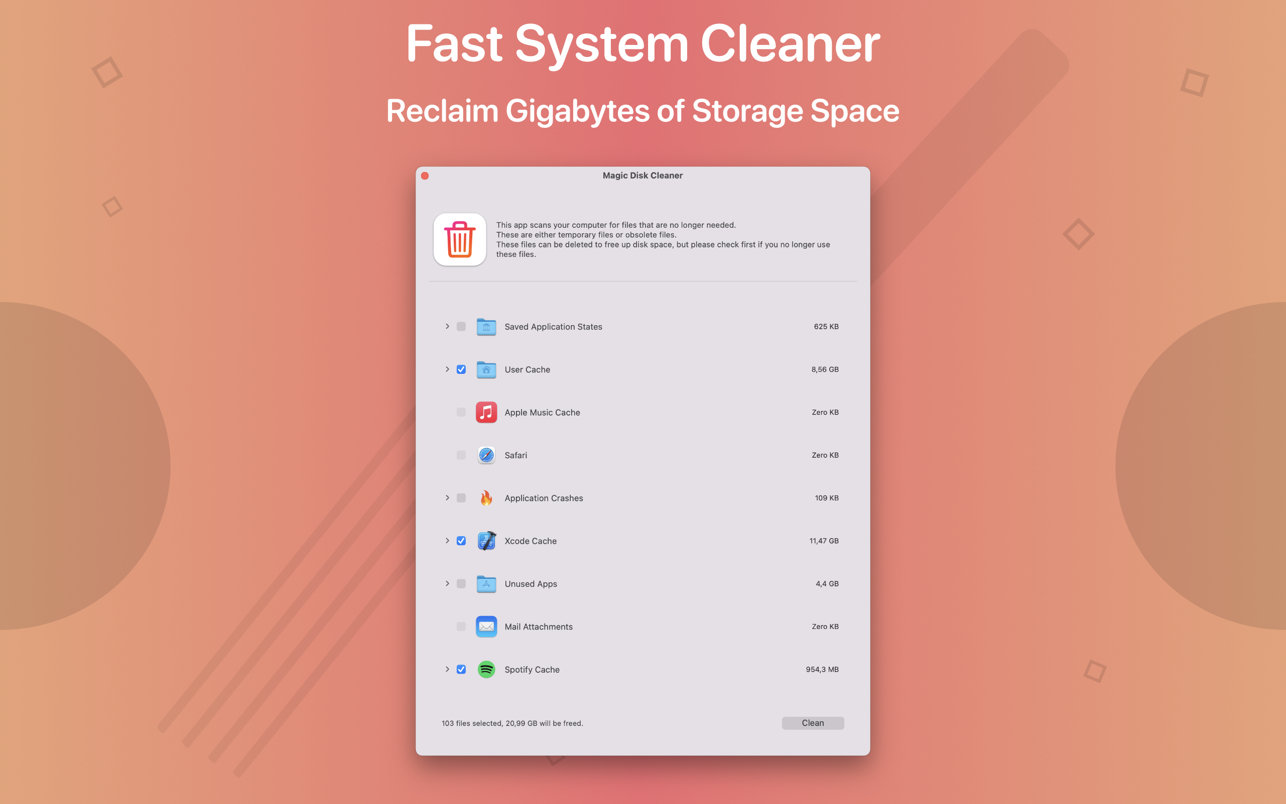
Magic Disk Cleaner finds and deletes files temporary files that waste lots of space. The app is lightning fast and frees disk space in no time.
Magic Disk Cleaner searches your computer for temporary files and can also delete them directly if you wish.
Magic Disk Cleaner offers the following features:
Fast Search
Magic Disk Cleaner quickly scans your computer for temporary data that can be removed. You can have them deleted with one click.
Extremely easy handling
Magic Disk Cleaner couldn’t be simpler. The search is started immediately after the app is started. You can now delete files with just one click.
No automatic deletion
Magic Disk Cleaner does not delete any data without your consent. Choose for yourself which data is deleted and which you want to keep.
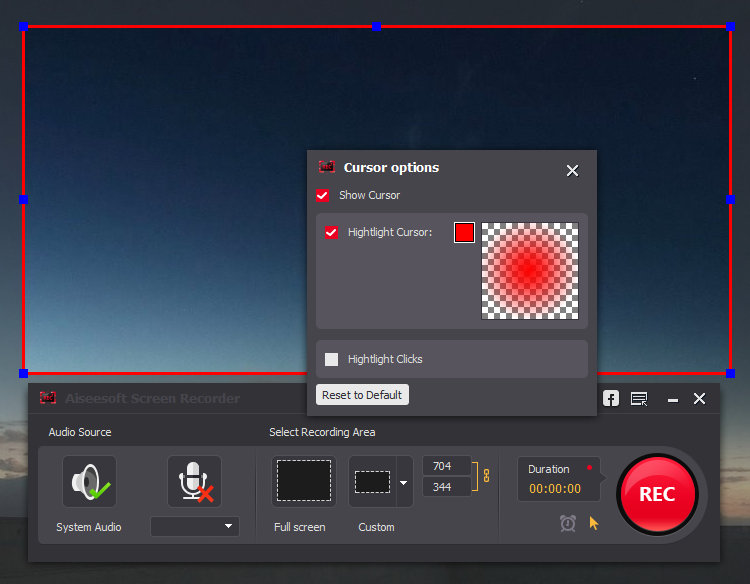
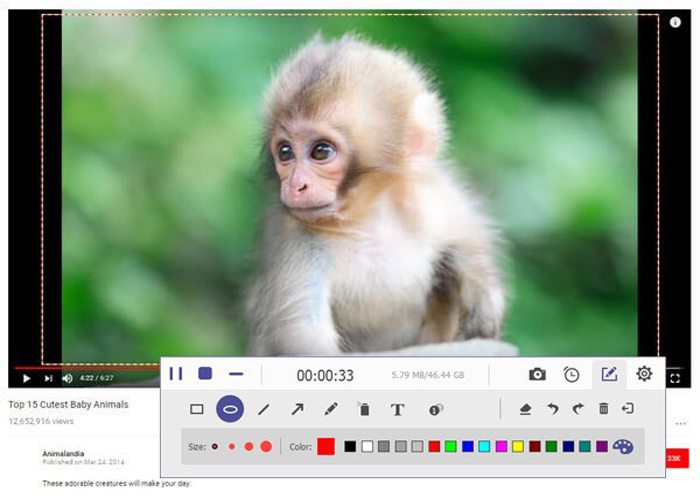
Get the easiest but professional way to record your screen and take snapshots here. Aiseesoft Screen Recorder is the best screen recording software to capture any activity on Mac computer. It can work as a good video game recorder, Skype call capture, YouTube video recording app, and more to capture any area of your screen. While screen recording, you can edit video/snapshot and draw new labels to output file.
What’s New:
Version 2.1.30:
Release notes were unavailable when this listing was updated.
The GM EPUB Reader is a full-featured ebook reader with a simple and beautiful interface and a good reading experience.
※ EPUB Reader
– Support for reading EPUB and Mobi files.
– Support single page search and full text search, and highlight search results.
– Support the forward and backward browsing history.
– Support page turning, zooming, and sidebar shrinking.
– Support page printing.
– Support to view basic information of files.
– Support page number display and quick page switching.
– Support EPUB to PDF, Mobi to EPUB, Mobi to PDF.
– Support extracting images from EPUB and Mobi.
※ EPUB Bookshelf
– All the files you have read will be saved in the bookshelf for quick review next time.
– Support file(s) drag and drop addition.
※ Reading Experience
– It can remember the location of the last reading, so that it can continue reading next time.
– Photo adaptation, better layout.
– Support for page zooming using command+ or command- key combinations.
– Support for quick page turns and quick view of history pages using a combination of command and up and down left and right arrows.
– In the process of page reading, you can use the buttons J and K to quickly slide up and down the page.
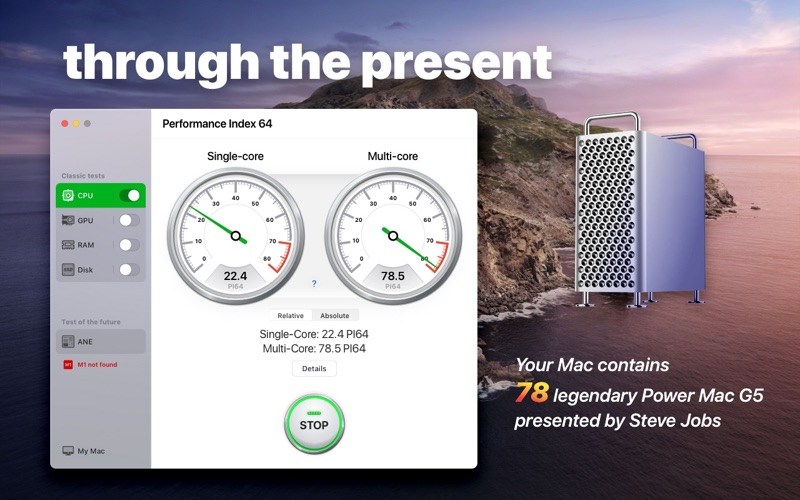
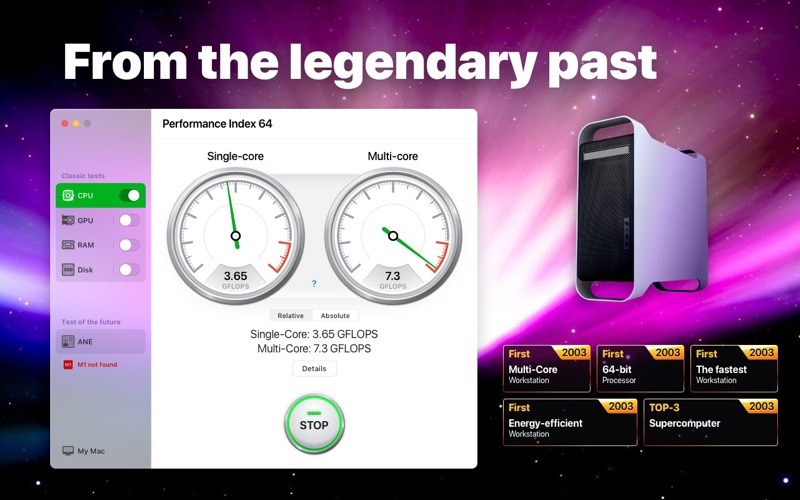
The Performance Index 64 app is designed to compare your Mac with other macOS devices and evaluate performance and efficiency of different configurations.
Since we are talking about a 64-bit system, we took the very first 64-bit computer designed by Apple as a conventional unit – the legendary Power Mac G5 first introduced by Steve Jobs in July 2003.
Powered by the PowerPC processors, the Power Mac G5 was so effective and energy efficient that in autumn 2003 a group of enthusiastic students introduced the System X supercomputer, combined with 1100 of such desktops. This supercomputer became a real technological breakthrough, taking third place in the TOP-500 rating.
Nowadays, such a result would be impossible. If we would have combined a similar configuration of 1100 top 64-bit desktops, the resulting supercomputer wouldn’t even be included in the TOP-100 of the world ranking.
With the help of our application you can find out how much of the legendary Power Mac G5 your Mac contains.
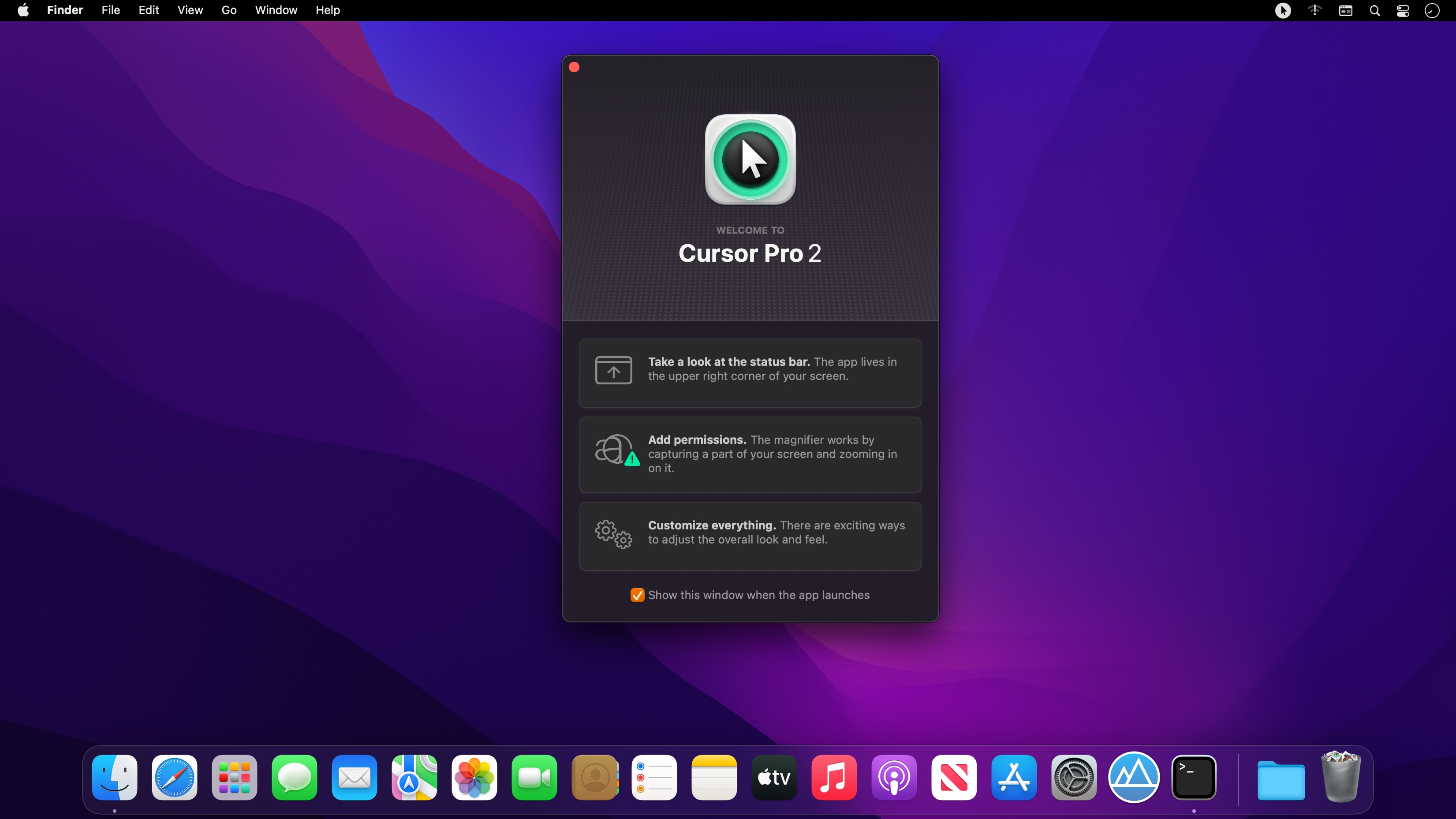
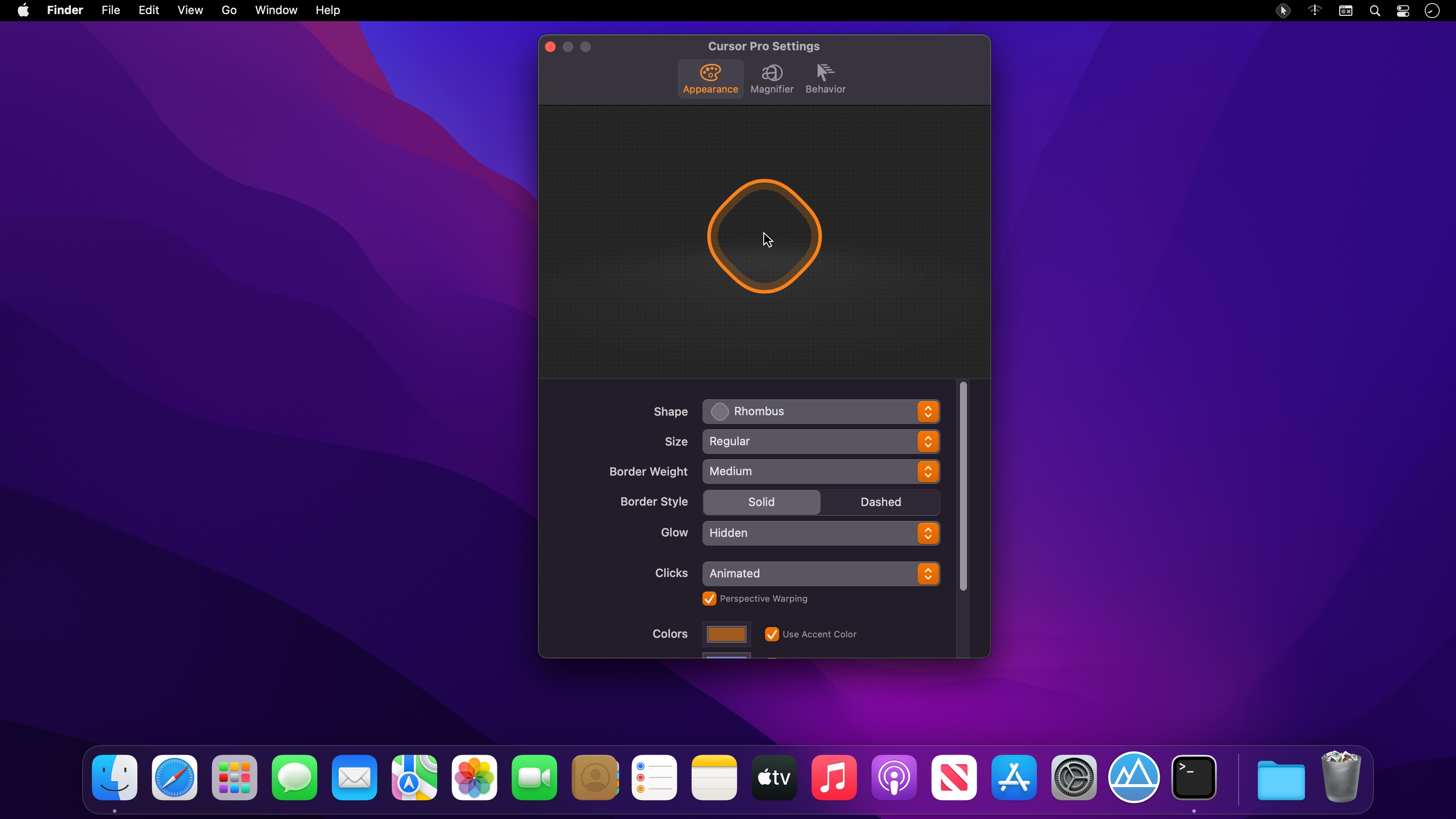
With Cursor Pro you can make your pointer pulse and beg for attention when you can’t find it and have it act as a magnifier all from one carefully designed, fun-to-use app. It’s fully customizable: Choose how you want your pointer to be highlighted with options including a circle, an eye-pleasing squircle, and a diamond-shaped rhombus. Want to make it appear a specific color?
You’ll find Cursor Pro invaluable and indispensable if you:
• Want to make a professional impression. Use your Mac to demonstrate apps, workflows, or anything else. People will see your pointer and the clicks you perform more easily.
• Work remotely and need to be able to share your screen with a colleague without them asking what you’re doing all the time. Your pointer, and the actions you perform, will be clearly visible.
• Present on a big screen and want to make sure everyone can see exactly what you’re doing without issue. Enable the magnifier and make sure everyone can see on-screen text and interface elements.
• Capture on-screen tutorials for sharing online or to help promote an app or service.
• Have a large screen or even multiple displays. Losing your pointer is something that happens to many of us far too often. Cursor Pro will make sure you always know where your pointer is.
Features
• Customizable Cursor Highlight: Choose your preferred Shape, Size, Weight, Border Style, Glow, Animations and Colors.
• Magnifier: Set up a magnifying key, choose a zoom factor, define magnifier qualify and size.
• Behavior: Auto-Hide, Beg For Attention, Global Hot Key.
• Display the app within your Dock, the StatusBar or both.• Autostart: Launch the app automatically on login.
• Works great with Screen Sharing apps like Zoom, Google Hangout or Skype (but share your entire screen, not just a single window!)
• Updated for macOS 12 Monterey
• Optimized for Mac with M1 (Apple Silicon)
We take your privacy seriously. Cursor Pro doesn’t collect any data and all of your actions and clicks stay offline, on your computer. No network connection is needed for Cursor Pro to function.
Capture Text and Graphics! Upgrade your productivity to the next level!
Initiater is an easy to use small macOS OCR (Optical Character Recognition) app that extracts and recognizes any non-editable text on your Mac computer’s screen. As an extra feature, it can turn graphic files into editable text.
Initiater is a small app which lives in menu bar, it’s accessible whenever you need it. The app is convenient to use and makes extracting text from your images, scanned documents, or even videos easy.
If you have ever used a built-in Mac’s screen capture application or any other screenshot app before, then it’s not difficult for you to work with Iitiater. Select with a mouse any part of the image, photo, document, or anything on the screen, and the app will process and recognizes any text within this selection. Grabbed part of the screen and having any text in that area be instantly recognized and copied to clipboard or shown in a small window.
Screenshot images containing text part, convert them into editable text files or copy to clipboard where you can paste as a text. Or just save selected part as an image file.
Additionally, the application supports recognizing text from PNG, JPG, JPEG, BMP, TIFF and PSD files, and convert them into plain text. All conversion and screenshots are done securely only on your device, none of your images or texts are sent to any third-party services in the cloud.
This app’s OCR engine or any other feature doesn’t need an internet connection to process function. Secure optical character recognition or screenshot solution for those who are concerned about privacy. The application doesn’t collect any users’ data.
Features in Short
Grab an screen area
Recognize text – copy to clipboard or save as text file
Save screenshot as an image file
Recognize text from graphic files
Ultra light app which runs as a menu bar app
Runs natively on Apple M1 and Intel processors
On-device OCR Technology, no internet connection is needed
Instant text recognition. No need to upload files into the network
Running macOS Catalina: English language is only supported
This version of the app recognizes primarily written in English, French, German, Italian, Spanish, Portuguese and Chinese languages. You can change default recognition language in Settings window.
For best results, use “Best” mode, or “Normal” mode for lighting speed results. For corrupted or old images, using “Best” mode is recommended.
What’s New:
Version 1.0.4
Added ESC button function to cancel Capture function
Improved translations and background optimizations
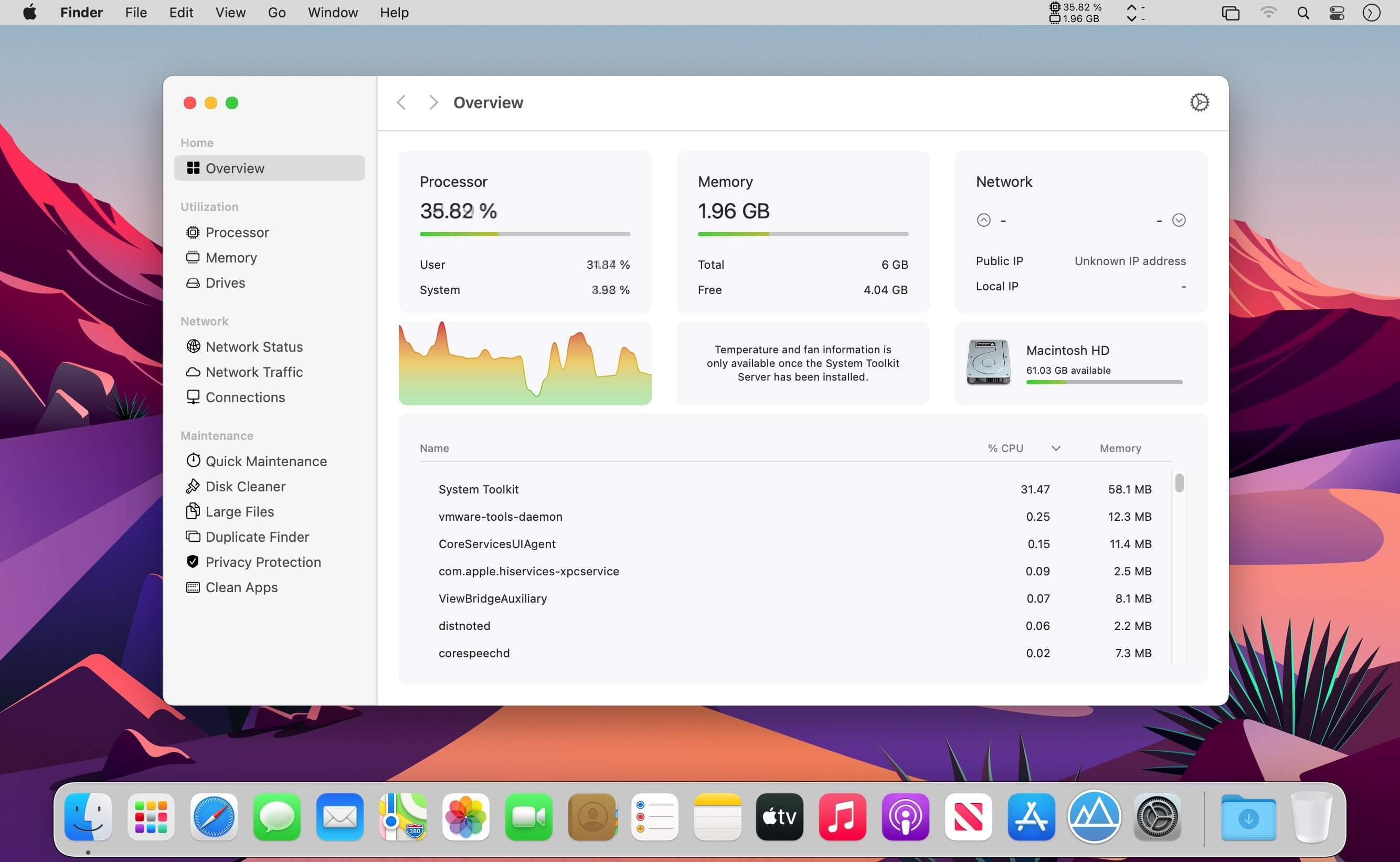
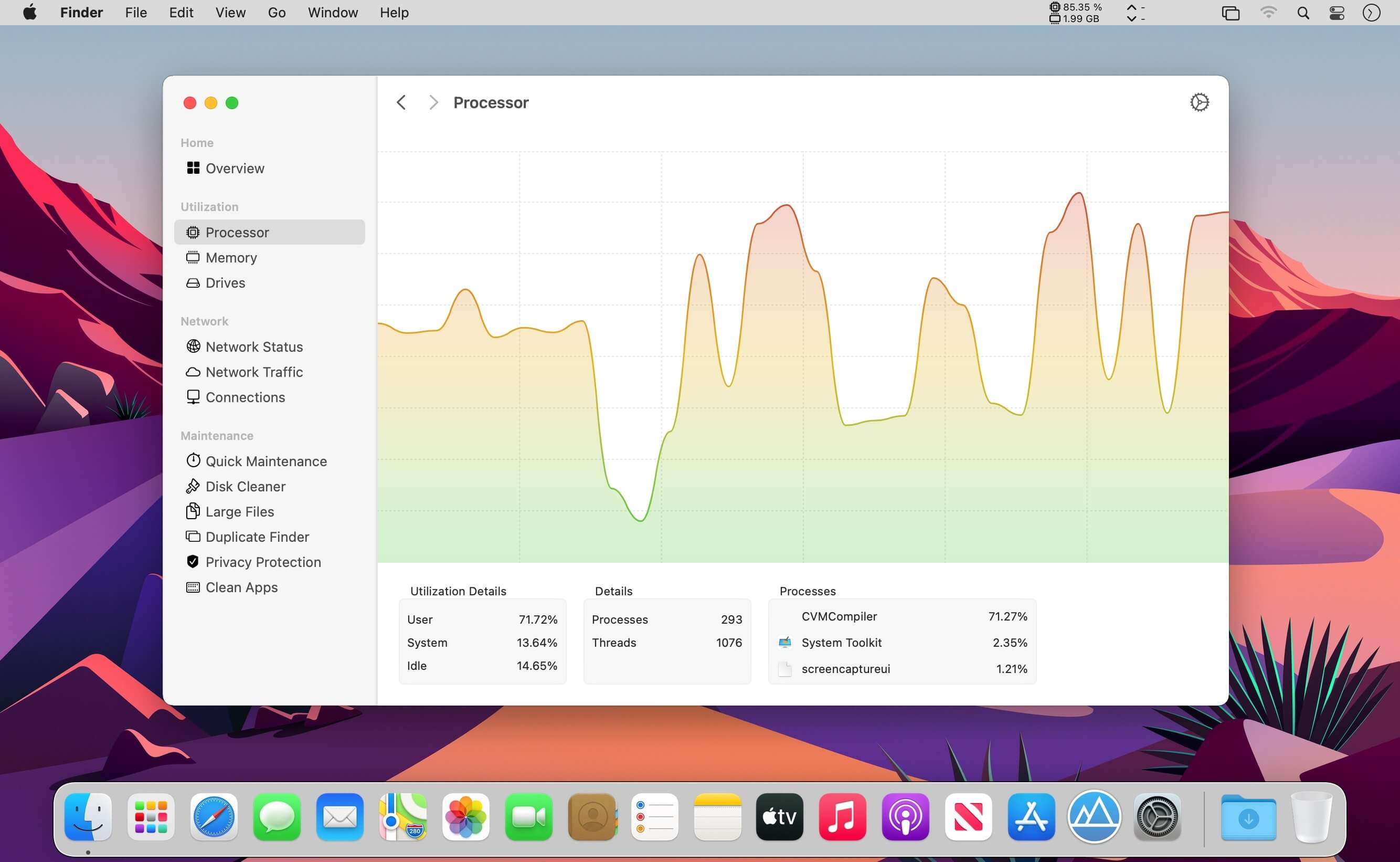
The System Toolkit is an all-in-one information and maintenance app designed for macOS.
Information: System Information
Keep track of all your system loads. This includes CPU load, memory usage, network speeds and -traffic and the open network connections. All information can be shown in both the menu bar extra and the overlay window. Use the Dashboard to take a look at the most important parameters.
Menu Bar Extra
You can add as many menu bar widgets as you like. Every menu bar widget can be configured to show information.
Info Panel
The info panel shows the most important information in a separate window.
Bluetooth Device Battery Levels
The System Toolkit shows the battery levels of Bluetooth devices.
The following devices are supported:
Peripherals:
Apple Magic Mouse
Apple Magic Mouse 2
Apple Magic Trackpad 2
Apple Wireless Keyboard
Apple Wireless Trackpad
Earphones:
Apple AirPods
Apple AirPods Pro
Apple AirPods Max
Beats Solo 3
Beats
Battery Information
You can check the battery parameters on the battery page. This page shows detailed information about the internal battery. If you are using a Mac without battery, this page is hidden.
Besides the information pages, the System Toolkit also offers the following maintenance features:
Fast Maintenance: Clean your Mac System with a single click!
Disk Cleaner
The disk cleaner searches your entire hard disk for temporary or cached files that can be deleted to free up some disk space. The categories include application- and user cache, developer cache, browser cache and many more caches.
Duplicate Finder
Find duplicate files on your system. Use the smart selection to quickly select and delete your duplicate files and free up disk space.
Big Files Finder
This feature allows you to find big files on your hard disk. Quickly see which files take the most space. The files can be deleted from within the app.
Privacy Protector
Erase all your private data on your system. Did you visit some website that you do not want your other system users to find out about? Just start the Privacy Protector and erase your footsteps – it cleans the data of all major Werb Browsers.
App Cleaner
Use the App Cleaner to find and remove files that were created and are being used by an app.
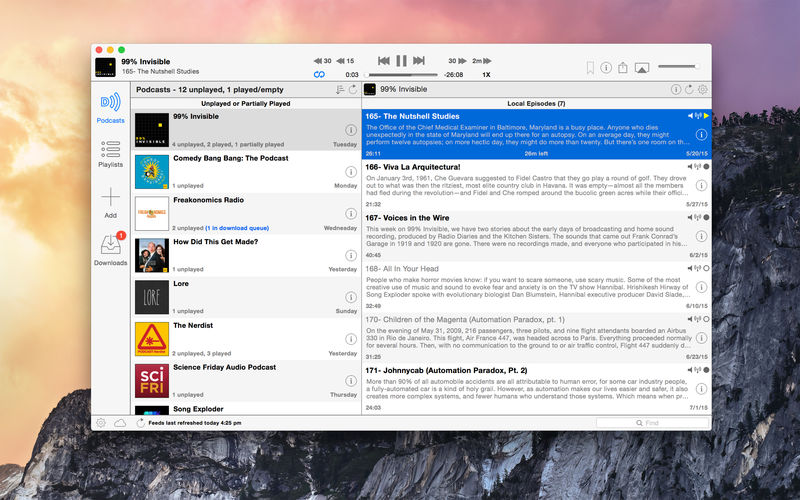
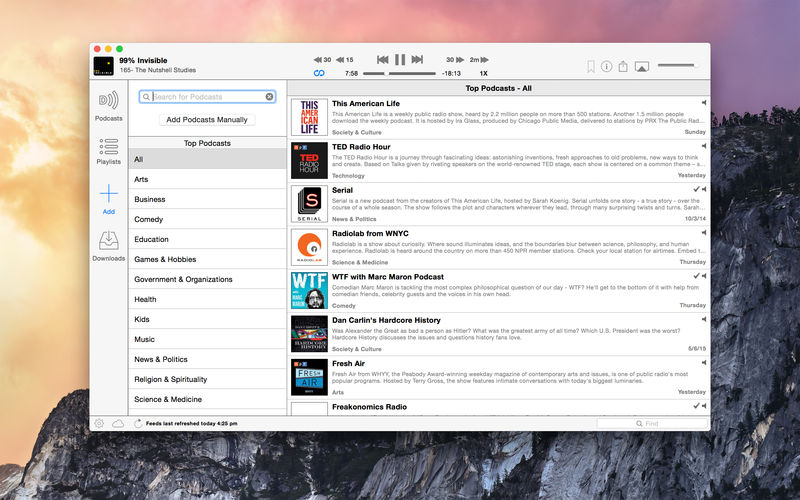
Downcast, the popular iOS podcast app is now available for macOS! Download, play and sync** your favorite podcasts with an intuitive interface built specifically for podcasts.
Subscription Features
Search, subscribe to and download audio and video podcasts
Pixel Film Studios presents FCPX Light Rays, a trackable volumetric lighting tool for Final Cut Pro X. With FCPX Light Rays, you can outline the light source of any video by using built-in masking controls and tracking its’ movement. Quickly and easily create realistic beams of beautiful light that can follow the movement of your camera with FCPX Light Rays from Pixel Film Studios.
Realistic Light Effects
 FCPX Light Rays lets users add realistic volumetric lighting to their media using new and advanced motion tracking technology. Create a mask around a light source and track it’s movement. Then, make adjustments to the direction and size of light rays using intuitive on-screen controls. FCPX Light Rays can help light up any scene in just a few easy steps.
Completely Customizable Rays
Invigorate your media with realistic rays of light. Add radiant beams to indoor shots and enhance outdoor lighting with beautiful crepuscular rays. The possibilities are endless using FCPX Light Rays from Pixel Film Studios. Homepagehttps://store.pixelfilmstudios.com/lighting-effects-and-tools/ FCPX Light Rays
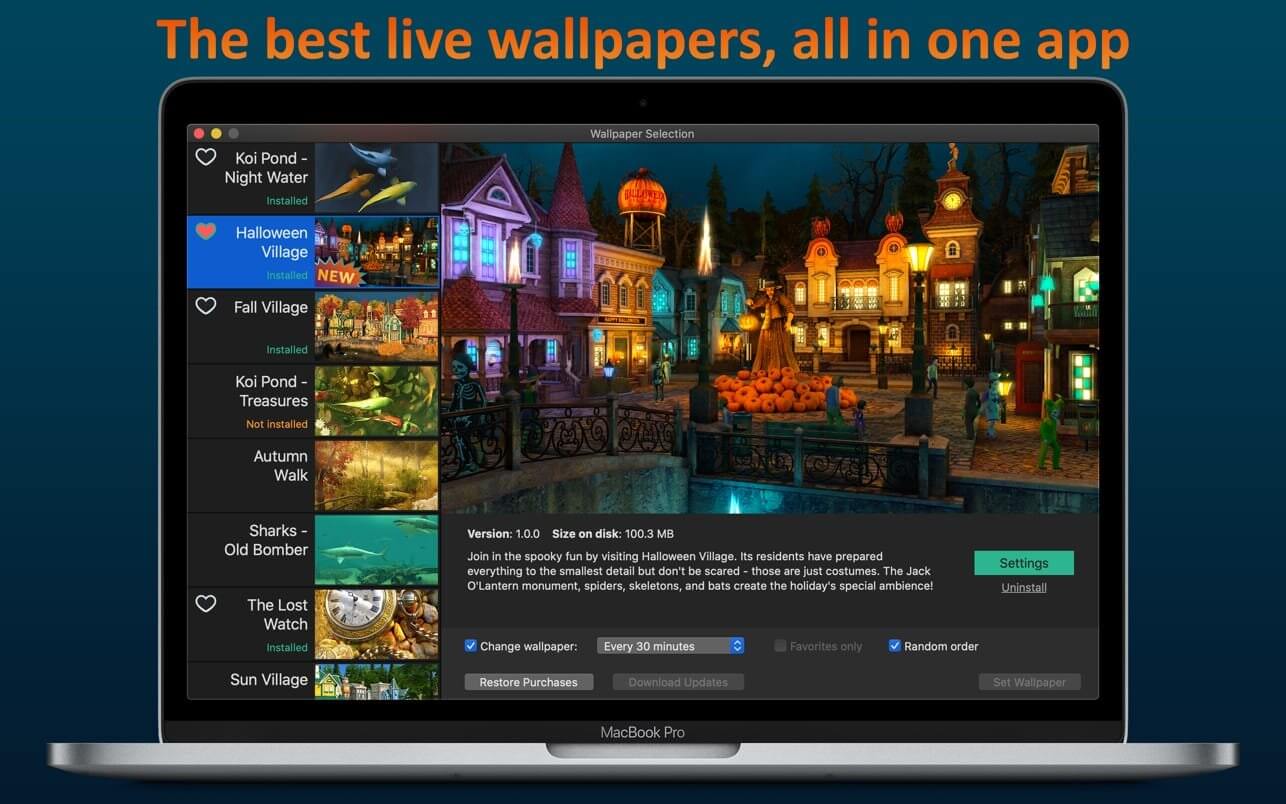
If you’re tired of the motionless pictures on your desktop, if you’re ready to welcome the magic of various places around the world and even parallel universes, we have gathered the best live wallpapers in this app! The variety of themes, seasons, and festive scenes are sure to appeal to you.
They say beauty demands sacrifice but you don’t need to worry because the smart energy-saving settings will slow down the wallpaper if you need your computer to work at full capacity or if your notebook is running low on power. So sit back comfortably and relax – the wonders are already on your screen! And we continue creating new ones.
Features:
high-quality 3D graphics and effects
Retina 5K display ready
multi-monitor support
option to automatically change wallpaper after a certain interval
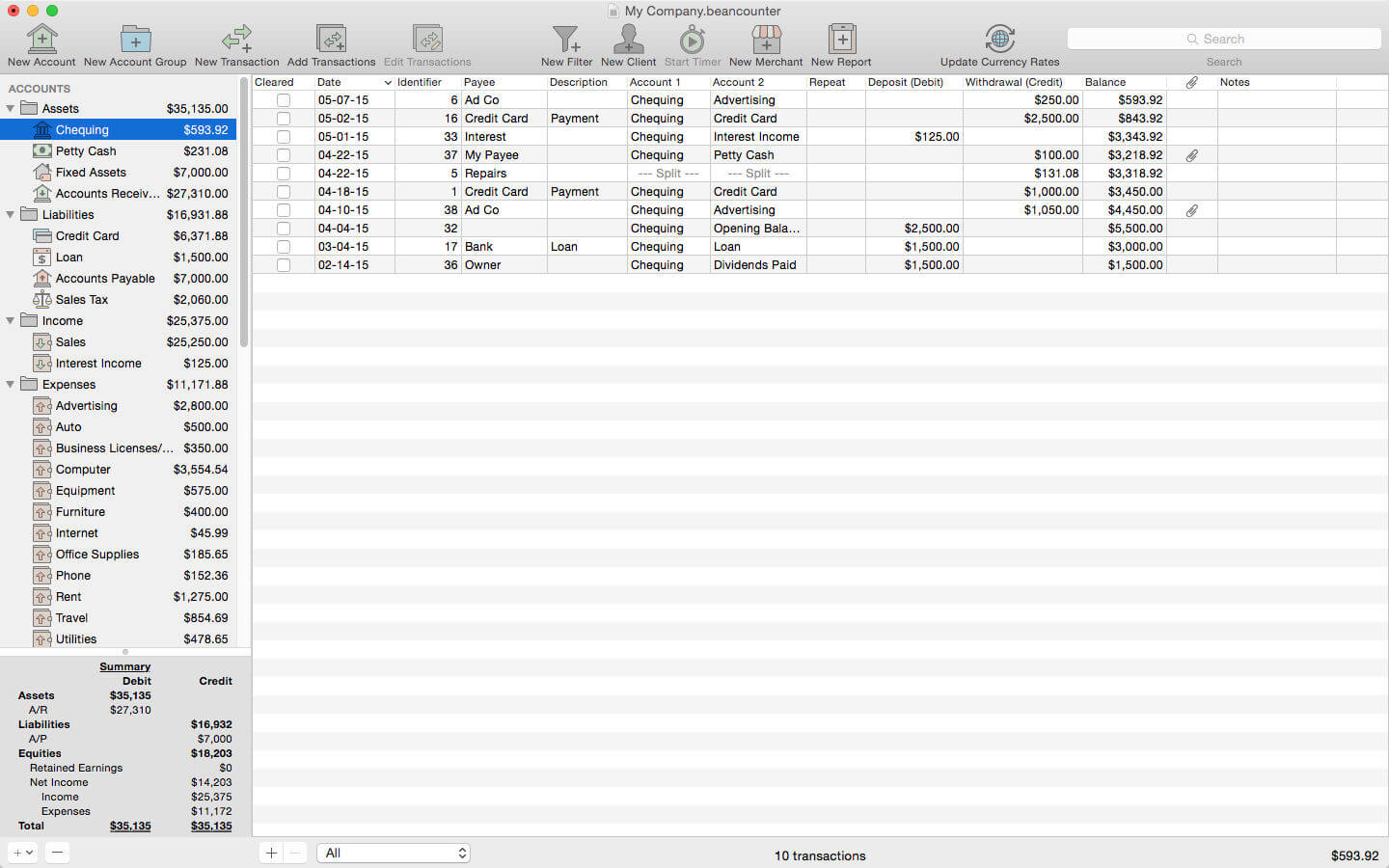
BeanCounter is a powerful yet easy to use professional bookkeeping, time tracking, and invoicing application. It features double-entry accounting, multiple currency support, and a simple one window user interface. Manage accounts, clients, projects, merchants, and bills for an unlimited number of businesses. Stay on top of your business with detailed reports and graphs.
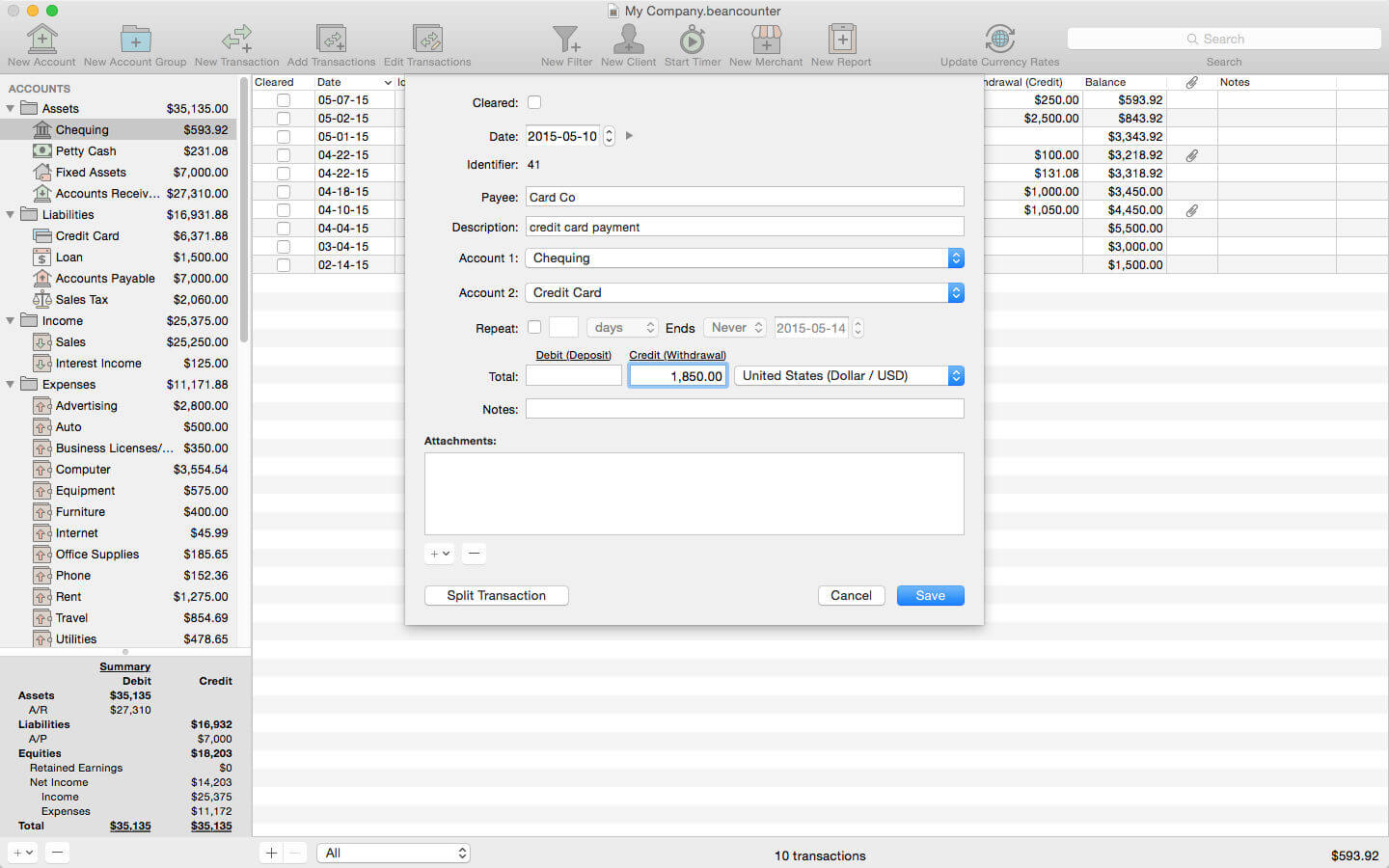
Add new transactions with support for nine types of custom fields and file attachments. Attach photos, scans, voice memos, and files such as receipts, invoices, and other documents to each transaction. Define custom accounting periods and automatically clear down nominal accounts. BeanCounter supports budgets, filters, batch transaction editing, autofill, and split/repeat transactions. Import and export transactions to a variety of file formats.
Track project tasks and expenses for clients. Tasks may be timed (using the included time tracker) or non-timed. Generate customized estimates and invoices itemizing tasks and expenses. Choose from five invoice layouts or design your own custom layout. Keep track of outstanding invoice balances and manage incoming payments.
General:
double-entry, accrual accounting
create an unlimited number of businesses
support for self-proprietorships, partnerships, and corporations
define custom accounting periods
create custom units/currencies
full-screen support
auto save
Accounts:
create 16 types of accounts
set a budget for each account
create complex filters with any combination of transaction fields
advanced search
Transactions:
single and multiple transaction entry forms
multiple currency support
add custom fields (nine types) for local taxes, payment type, completion dates, or anything else
mileage support including start/stop values
attach photos, voice memos, and other files to transactions
split transactions with balance button
create repeating transactions
batch edit transactions
autofill
Merchants:
create merchants for tracking bills and payments
create repeating bills
make payments to multiple bills
Clients:
create clients for managing projects with tasks and expenses
timed tasks with time tracker (application and menulet)
Connect AirPods (or other Bluetooth headphones) to your Mac with a single click or keypress.
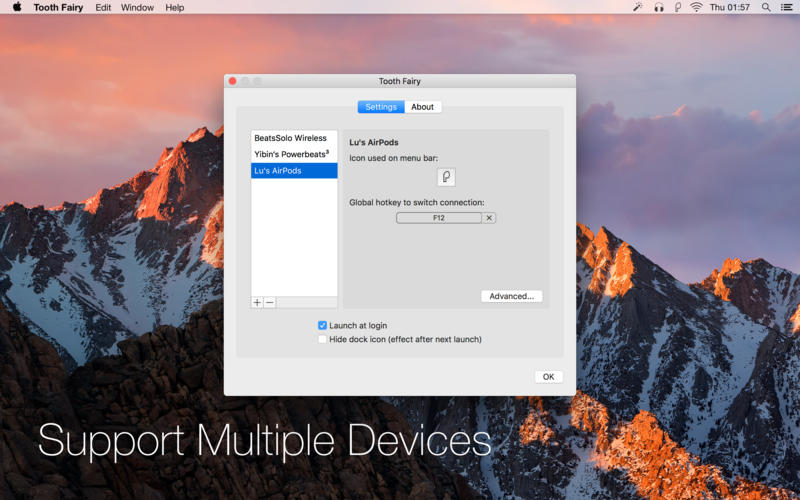
AirPods are great, but they don’t work quite as smoothly with Macs as they do iPhones. You can’t tell at a glance whether audio will play from the AirPods or your Mac’s built-in speaker, you have to dig into a Bluetooth submenu to connect, and then you have to go back to the menu to see when the AirPods are ready for use. ToothFairy streamlines this: just click an icon in the menu bar (or press a hotkey) to switch to the AirPods, and the icon always shows whether they’re connected.
Works with AirPods, as well as any Bluetooth headphones, speakers, or headset that you can connect to your Mac.
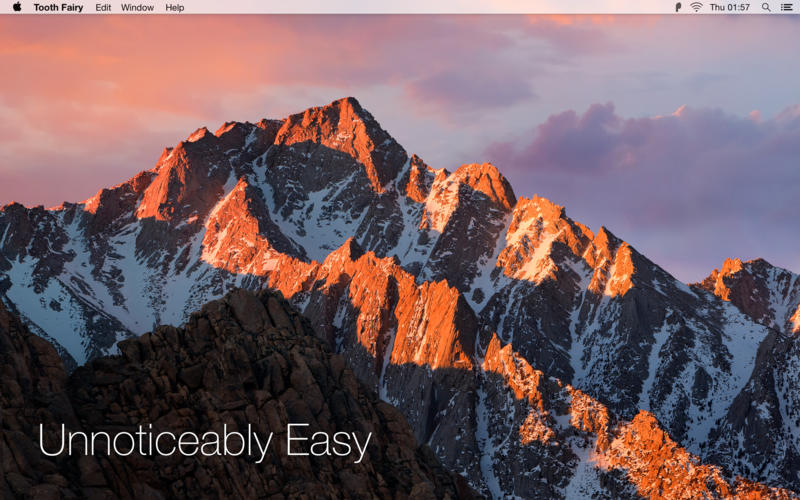
Click the hollow AirPods icon in the menu bar to switch to AirPods. It fills in to show they are connected and also displays a battery indicator.
Supports multiple Bluetooth audio devices; you can choose a different icon and hotkey for each.
Get the best audio quality. macOS will normally use the SCO codec if it thinks you’re going to use the microphone. ToothFairy can ensure that it uses the higher quality AAC codec when you only care about audio output: listening to music or video or playing a game.
Disconnect a Bluetooth device by clicking the icon (or pressing the hotkey) again, so that you can switch back to your phone. AirPods and Beats devices with an Apple W1 chip do not need to be manually disconnected, and you can set them to “Connection only mode” to avoid accidental disconnetions when pressing the hotkey multiple times.
ToothFairy automatically launches at login, so it’s always there when you need it.
Optionally hide the Dock icon so it only appears in the menu bar. With the Dock icon hidden, you can right-click (or Control-click) the menu bar icon to access the settings.
Run a shell script when the AirPods are connected or disconnected.
Note: ToothFairy works with devices that can be connected via the macOS Bluetooth menu. Please make sure the devices you want to connect have been paired to the system correctly before using them with ToothFairy.
What’s New:
Version 2.8.3
Made various improvements to the workaround for the macOS issue that could prevent the sound output from being set when connecting a device. The workaround is successful more often, avoids unnecessary disconnections when the sound output spontaneously fixes itself, and it better handles devices that have been put away or manually disconnected.
The menu bar icon now shows when ToothFairy is fixing the sound output. An arrow in a solid circle indicates that the device is currently connected but in the process of disconnecting. An arrow with no circle indicates that the device is waiting to reconnect.
ToothFairy no longer reports that the sound output is not set when the device isn’t connected, anyway.
Fixed a problem where the progress spinner could stay visible forever, even after the device disconnected.
Fixed a problem where ToothFairy could show a Bluetooth connection failure error message for connections that the user did not initiate.
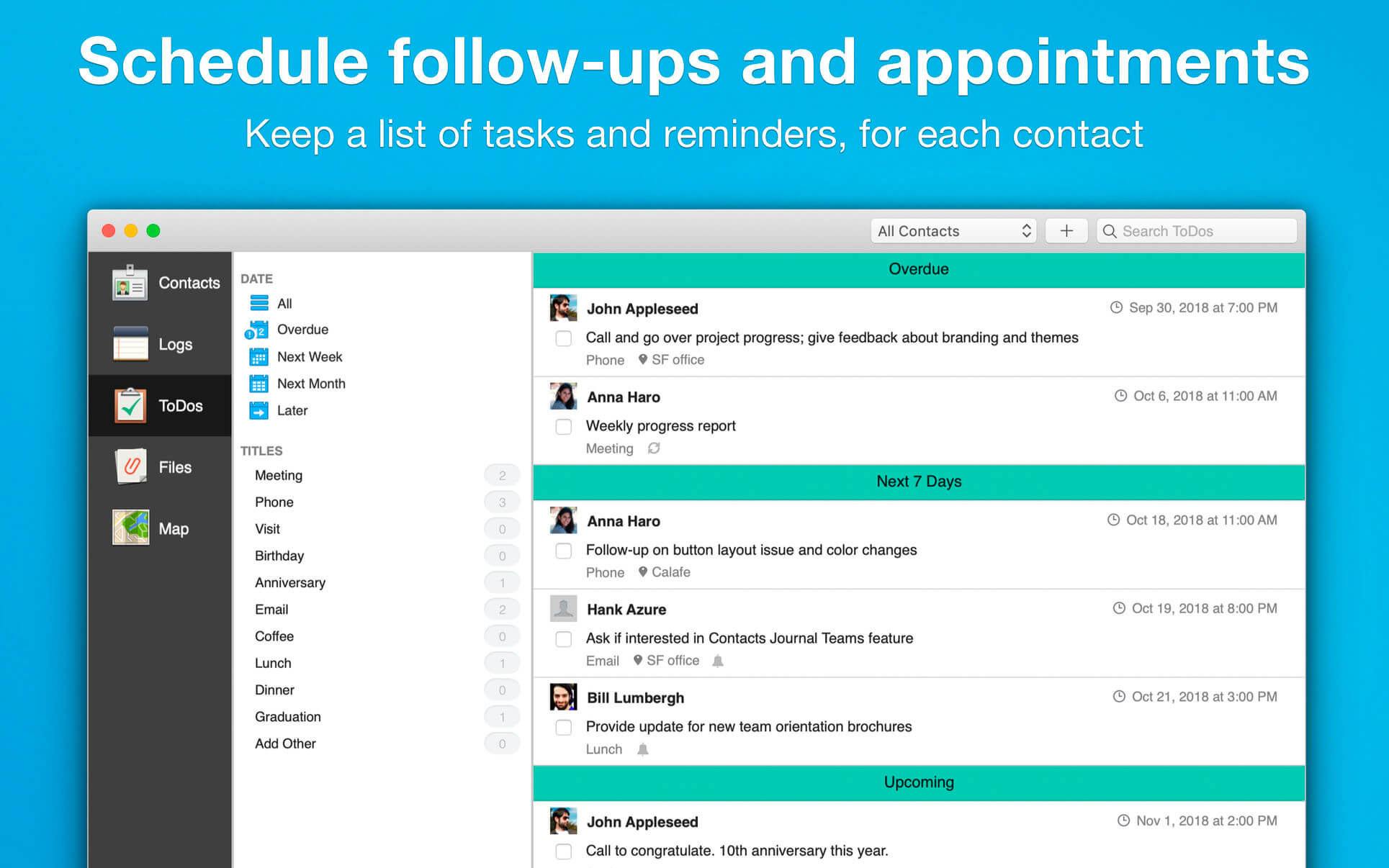
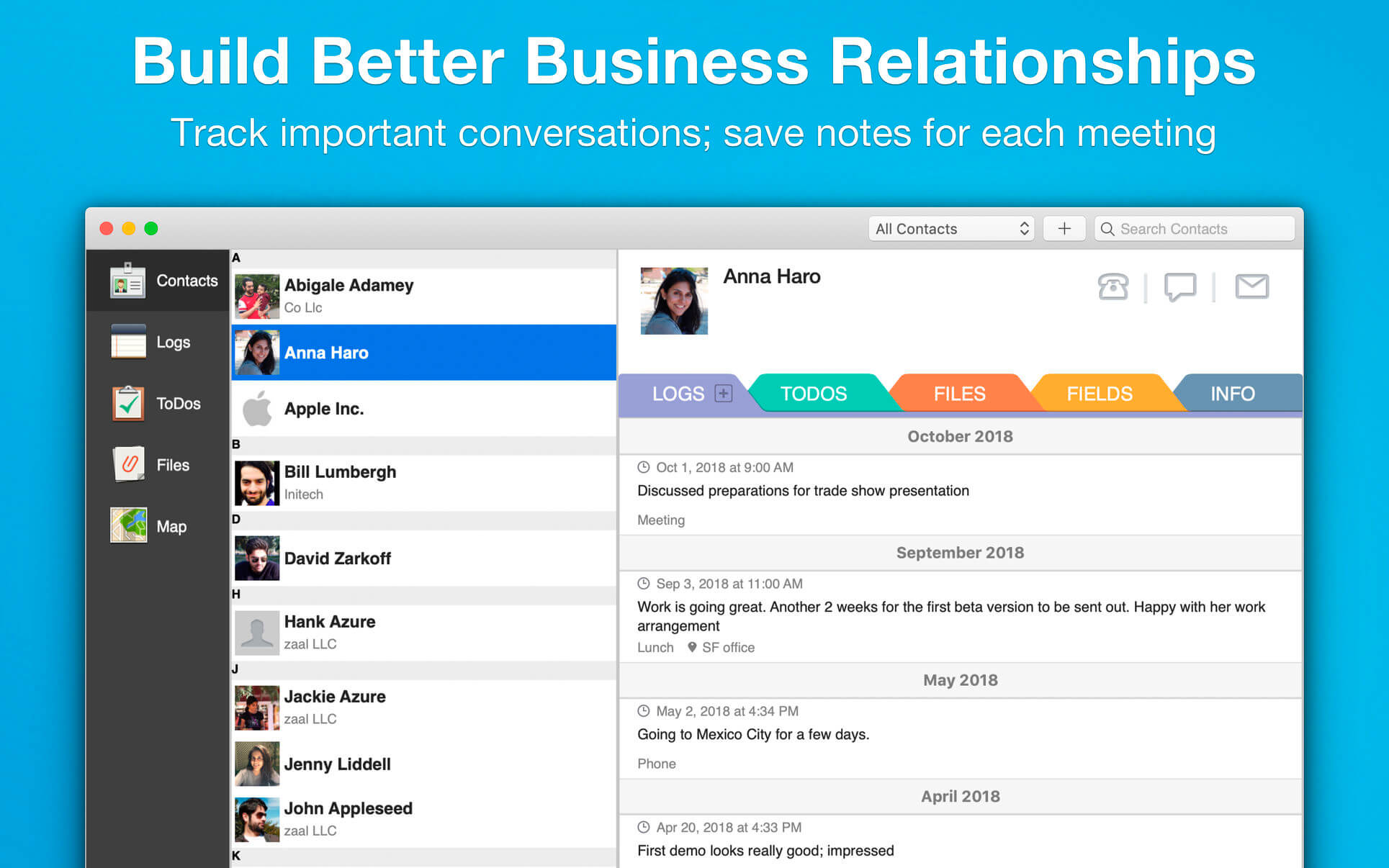
Contacts Journal is a powerful tool that will transform your business and personal relationships: save notes of important meetings, set follow ups and meetings, create custom contact fields, and attach important documents to each of your contacts. Available on the Mac, iPhone and iPad, with seamless iCloud syncing across all devices.
USE CONTACTS JOURNAL TO:
add value to your professional network
track your customer and client relationships
manage your sales pipeline
get the best out of networking opportunities
see a map of all your contacts, with color-coding options
be prepared for your next meeting
track interactions with friends and family
effectively manage tasks and appointments
carry a virtual folder of documents with you
keep a call log
store important contact data using customizable contact fields
OUR CUSTOMERS INCLUDE:
sales teams
small business owners
contractors
portfolio managers
personal productivity hackers
professional like lawyers, real-estate agents, teachers, nurses etc.
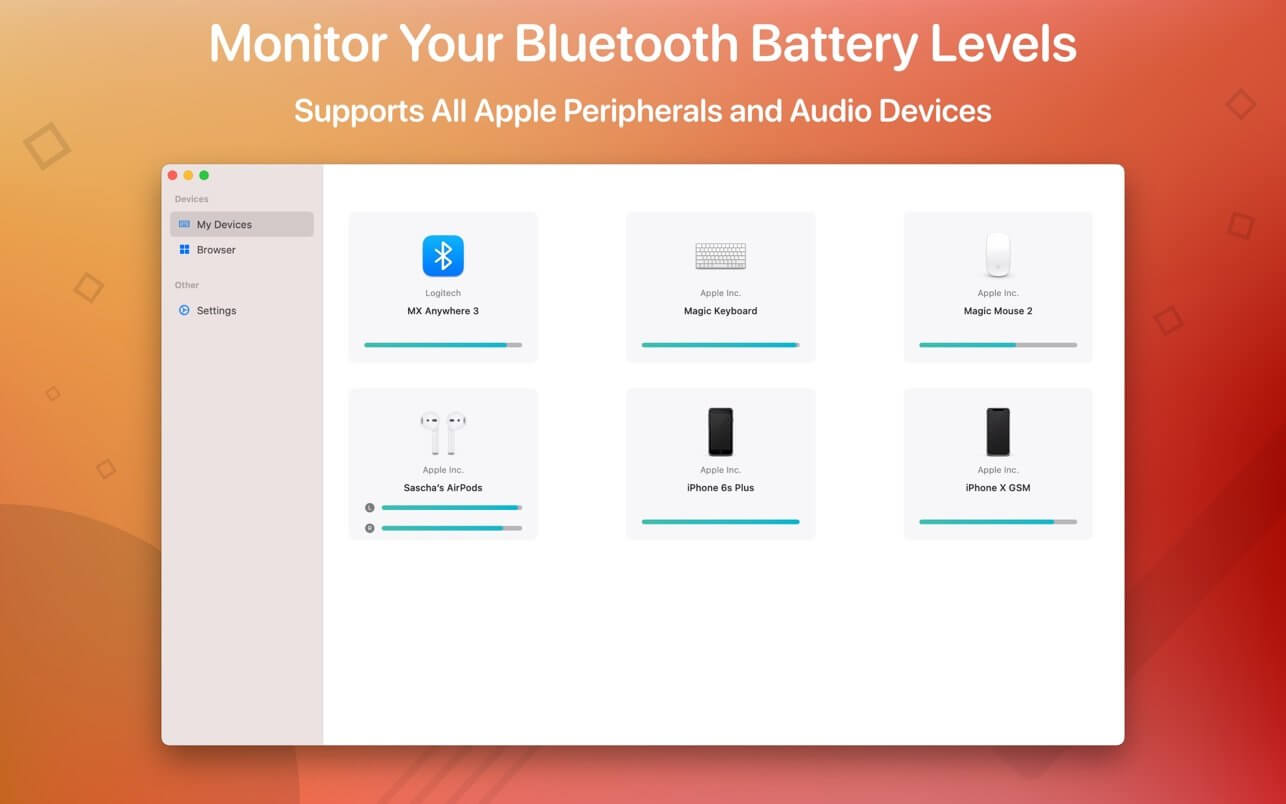
Magic Battery supports all Apple input and audio devices. Battery information will be shown in the menu bar and the main window.
The App Magic Battery shows the battery level of supported input devices and headphones that are connected via Bluetooth in the menu bar. Internal batteries are also supported.
The following devices are supported:
Input devices:
Apple Magic Mouse
Apple Magic Mouse 2
Apple Magic Trackpad 2
Apple Wireless Keyboard
Apple Wireless Trackpad
Logitech MX Anywhere 3
Headphones:
AirPods
AirPods Pro
AirPods Max
Beats Solo 3
Beats X
Beats Studio 3 Wireless
Other devices:
Apple iPad (all models)
Apple iPhone (all models)
The app features:
Modern GUI for displaying connected devices and their battery levels.
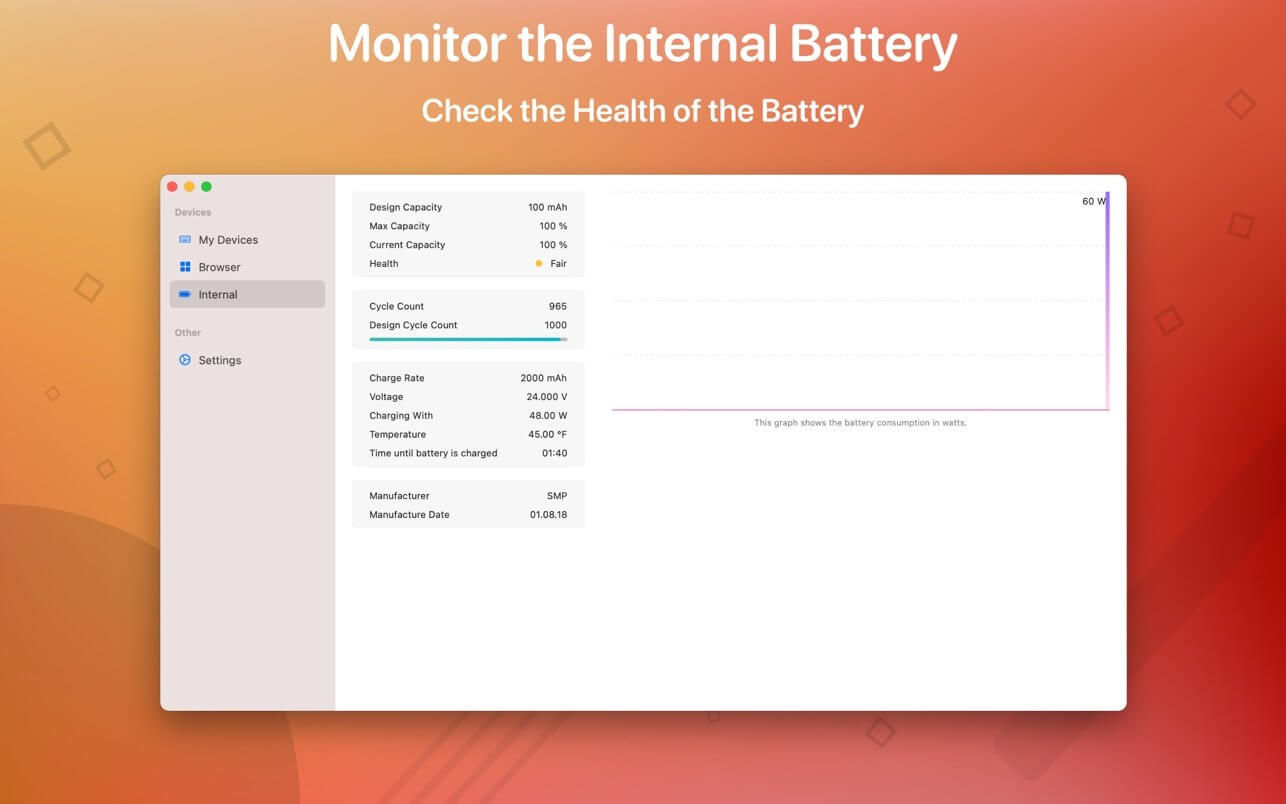
Shows the percentage of the internal battery including how long the battery will last.
You can choose between a detailed, a compact or an icon-only view. In the detailed view, the battery level is shown next to the device icon. In the icon-only view, the battery levels are shown once the menu of the app is opened. The compact view shows all the information in a way that very little space is used.
Apple Silicon support.
Connected or disconnected devices are detected automatically. The view is then adjusted accordingly.
Receive notifications when the battery level of a device is reaches 20%.
Support for auto-start: The app is started as soon as the user is logged in (optional).
All products that are supported and were listed above are a registered trademark of Apple Inc.
Ghost Buster Pro finds and deletes files from apps you’ve already uninstalled. The app is lightning fast and frees memory in no time.
Many apps are installed on a computer, but they usually only stay on your computer for a short time. Each app creates files, but deleting the app does not remove them.
This leads to a large number of files accumulating over time, which take up valuable storage space.
Ghost Buster Pro searches your computer for exactly such files and can also delete them directly if you wish.
Ghost Buster Pro offers the following features:
Fast Search
Ghost Buster Pro quickly scans your computer for data from previously deleted apps. You can have them deleted with one click.
Extremely easy handling
Ghost Buster Pro couldn’t be simpler. The search is started immediately after the app is started. You can now delete files with just one click.
No automatic deletion
Ghost Buster Pro does not delete any data without your consent. Choose for yourself which data is deleted and which you want to keep.
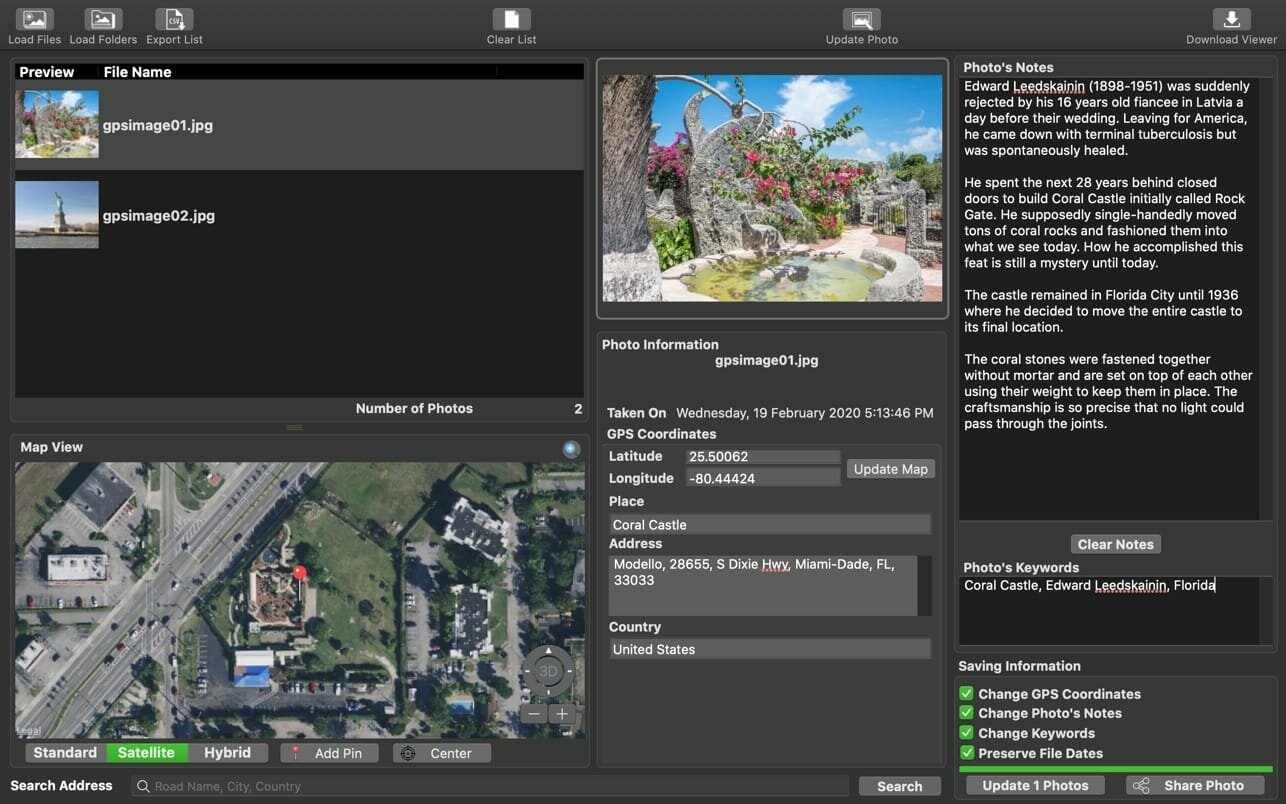
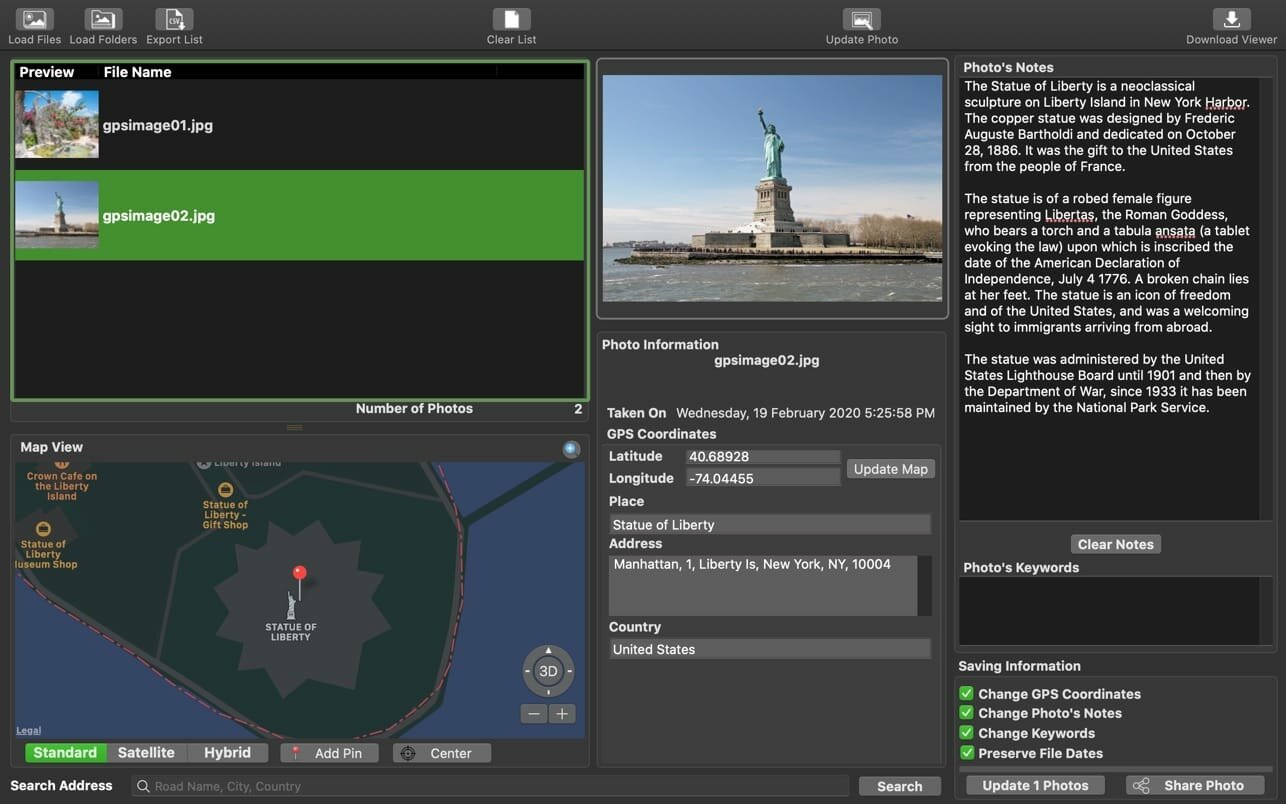
Memory Pictures is an OS X app which lets you do just that. Photos taken from digital cameras come supported with a wide varied amount of information about all the settings used to take the picture with the EXIF header. Nested within the EXIF header is the GPS Coordinates and User’s Comment settings. Memory Pictures supports JPEG, HEIC photos, PNG, TIFF and RAW photos formats which includes Adobe RAW (DNG), Canon RAW (CR2 & CR3), Fujifilm RAW (RAF), Hasselblad RAW (3FR), Mamiya RAW (MEF), Minolta RAW (MRW), Nikon RAW (NEF & NRW), Olympus RAW (ORF), Panasonic RAW (RW2), Pentax RAW (PEF) and Sony RAW (SR2 & ARW).
The core goal of Memory Pictures is to allow to keep your memories alive by assisting you in embedding the location and journal entries within the photo header. We all take photos with our digital cameras and smartphones and it certainly is a great way to look back at where we came from and where we have been to. However, a picture alone may not paint the whole story.
A Photo may paint a thousand words but a few words added to the photo would certainly bring back memories of the Special Occasion. Memory Pictures was developed to let you do just that.
Photo + Location + Story = Memory Forever
The iPhone comes with a wonderful camera and like many smartphones, it is certain widely used as one. One beautiful thing is that the iPhone comes with GPS and does embed the location as to where the photo was taken into the photo so you can view back and know where those magnificent memories were captured in. It is great if the subject is right in front of you but at times we do take pictures from a distance but the phone only records the GPS of where you are standing at.
That’s where Memory Pictures come in. It helps you :
Add/Modify GPS Coordinates embedded in the Photos
Add/Modify the Place, Address and Country in the Photos to personalize it
Add/Modify Your Personal Notes or Stories, right into the Photos so you do not need to keep separate notes to the photos
Add/Modify Photo Keywords
Support Export the List of All the Photos’ Coordinates and Notes into a CSV file. The CSV Format is as follows Filename, Date, Latitude, Longitude, GPS Coordinates, Place, Address, Country, Notes
Finding Your Photo Location is easy with Memory Pictures and you do not need to know the Latitude and Longitude of the place.
For Photos without any GPS coordinates inside it, like those taken from a Point-and-Shoot or DSLR camera, you can :-
a) Use the Search Feature by typing in the popular place name, address and/or country and it will pin the place for you.
b) To fine-tune the location, just drag the Pin to the actual location and the GPS coordinates is automatically computed. Great for those photos which captures GPS Coordinates.
or
c) Scroll around the map and bring up the contextual menu and pin that location.
It’s never easier. You can change the GPS Coordinates and Notes to one or more photos on your list.
To launch the larger map view, click on the blue magnifying glass on the top right of the built-in Map View.
We do not use any proprietary settings so your user comments and GPS coordinates can be read by any apps or websites that support them.
Have your friends download our Free Memory Pictures Viewer to photos with the embedded information.
Memory Pictures is a must-have to preserve the memories you have for the future. We make sure that the app does not make changes to the EXIF Date (if any), File Creation and Modification Date. So they will be exactly as prior to processing. Only the Notes and GPS Coordinates are being added or modified.
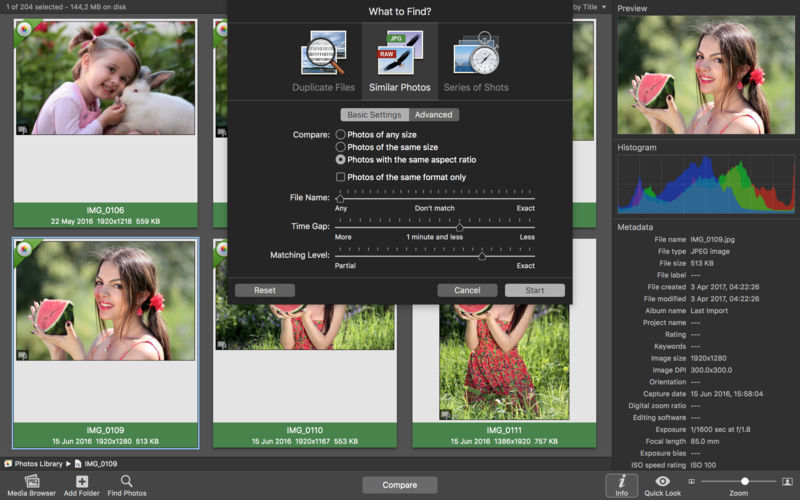
PhotoSweeper helps quickly and efficiently eliminate similar or duplicate photos. It works with photos from iPhoto, Aperture and Adobe Lightroom libraries as well as photos from your Mac.
PhotoSweeper will help you if:
You take a series of shots of the same scene trying to get the perfect one.
You edit photos with applications, such PhotoShop, Pixelmator, etc., and make backups just in case.
You have photos scattered on external hard drives and local disks, in iPhoto, Aperture or Lightroom libraries.
You have a mess in your photo collection or just want to free disk space by removing junk photos.
Features Easy to find photos
Just drag and drop folders to allow PhotoSweeper to find all photos inside. Add more photos from your iPhoto, Aperture or Lightroom library via the Media window.
Flexible comparison settings
Use 6 different methods to find similar or duplicate photos, even those edited in external programs such Photoshop, regardless of image size or format.
Fast
PhotoSweeper was developed to be extremely fast at comparing large number of photos. Using efficient caches allows you to make the next comparison much faster. You have an opportunity to regroup the results on-the-fly by changing a matching level of similarity.
Easy to manage photos
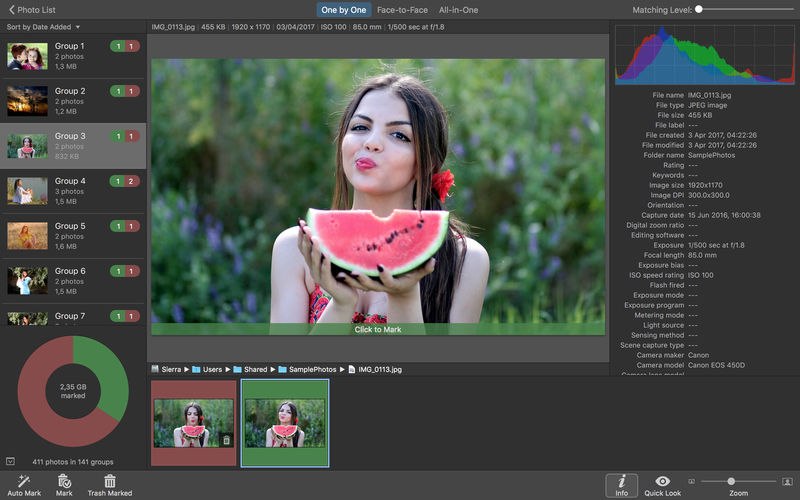
Review results in “Face-to-Face” or “Groups” mode. Put photos into a virtual container, “Box”. Delete, move, or copy photos from the Box. Bulk rename photos while copying or moving.
Great photo browsing
PhotoSweeper provides an up-to-date photo browser with such features as: fast loading of thumbnails, Quick Look preview, drag and drop support, showing paths, ratings, labels, etc. The “Image Info” panel shows more detailed information, including histogram and image metadata (EXIF, IPTC, etc.).
A comprehensive user manual is available in the Help menu.
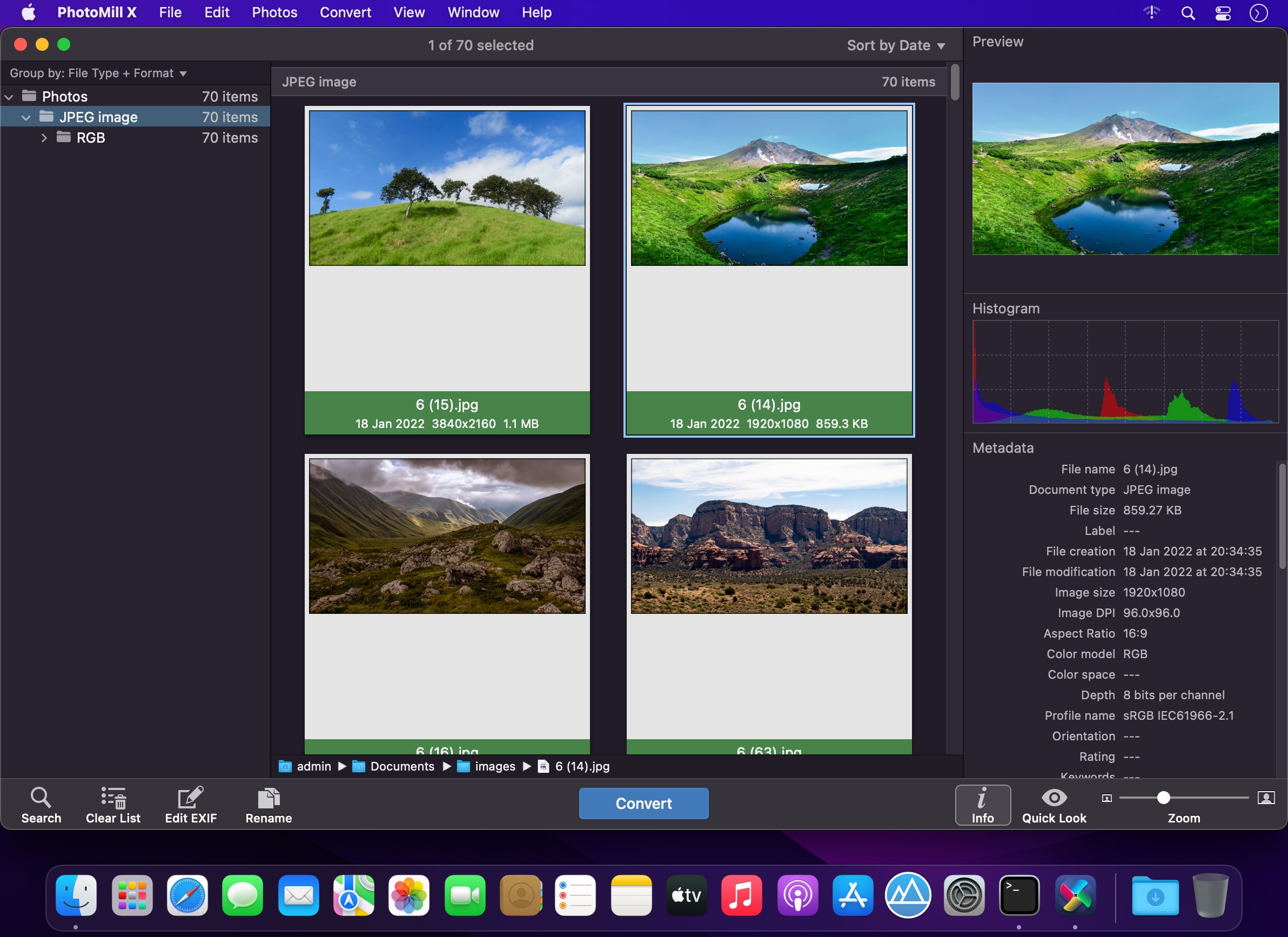
PhotoMill helps you convert a bulk of images into the most popular image formats, give your files meaningful names, watermark with text and image, adjust photos (brightness/saturation/exposure/grayscale/etc.), fit geometry (scale/crop/trim/etc.), remove private metadata, add your own copyrights etc. Also, PhotoMill is a great batch metadata editor, renamer and photo browser.
Features Convert
Conversion to: BMP, GIF, JPEG, JPEG 2000, PDF, PNG, TIFF
Color models: RGB, Gray, CMYK Color depth: 8/16/32 bits; with or without alpha channel
Metadata editor
Correct EXIF/IPTC metadata tags in your photos: place GPS coordinates, remove private information from your photos, correct or set capture dates, add your own copyright, keywords or rating.
Photo browser
The app has a bunch of features for comfortable browsing and multi-criteria search of photos in the Browser. The Browser has 3 panels: Image Info – displays detailed information about a selected photo; Groups – splits photos into groups/subgroups based on a chosen criteria, for instance, by capture dates; Search – gives you an opportunity to search photos by different criteria.
Rename
You can give meaningful names to converted photos constructing file names in the “pro” way – using text and tags: index, capture date, original name, image width, “find & replace” etc. Also, you can rename photos without any conversion.
Resize
Fit image size with a bunch of geometry actions: scale, crop, add border, trim, trim color, rotate & flip, auto rotate (by EXIF orientation), change resolution.
Watermark
Text – you can use photo metadata information – tags: capture date, keywords, camera maker etc., as well as entered text. Font size can be either fixed or relative to an image width, height, long or short edge. Multiline text, stroke, shadow, rotation, tiling and other features.
Image – image size can be either fixed or relative to main image size. Image tiling is also available.
Rectangle – background for text; square or rounded. Fill and stroke color can be half-transparent.
Adjust colors
Available filters: auto contrast, auto white balance, gamma, contrast, exposure, sharpness, grayscale, sepia, colorize, temperature, HSL channels (Hue/Saturation/Lightness), HSV channels (Hue/Saturation/Value,Brightness), RGB channels, curves.
Working with transparency: alpha mask, color to alpha, alpha to color. Color matching: assign profile, convert to profile, proof with profile.
What’s New:
Version 2.3.0:
Release notes were unavailable when this listing was updated.
AnyMP4 Screen Recorder is the best choice for you to record screen movements and actions. With its intuitive and terse interface, you can master it quickly. It is powerful software for video recording, and can record all video files and sound that are played on the computer screen. Whether you want to record a streaming video or a Blu-ray movie as a video file, record Skype calls or webinars, this software can help you. After recording, it saves the video files in WMV or MP4 format.
In order to avoid the black bars around the video and to better view the recording on different media devices, you can easily define the aspect ratio and the image size of the video recording. The Screen Recorder also offers you some predefined picture sizes, such as 640×480, 800×600, 1024×768. In addition, you are able to record the full image of your desktop.
What’s New:
Version 2.1.20:
Release notes were unavailable when this listing was updated.
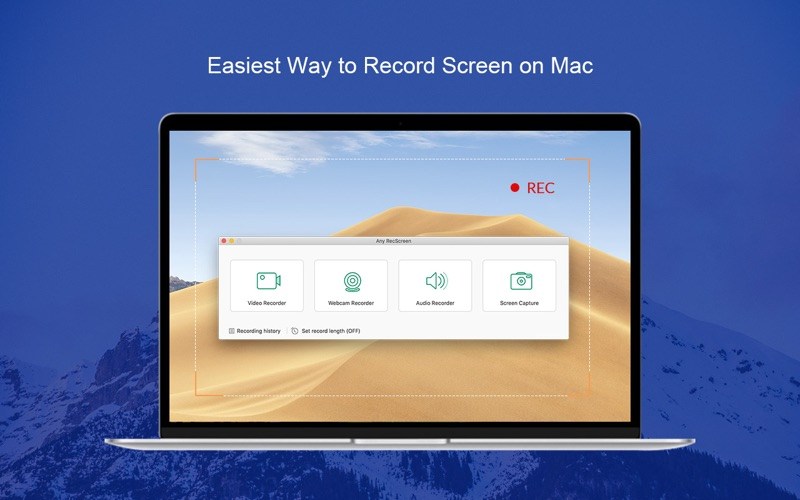
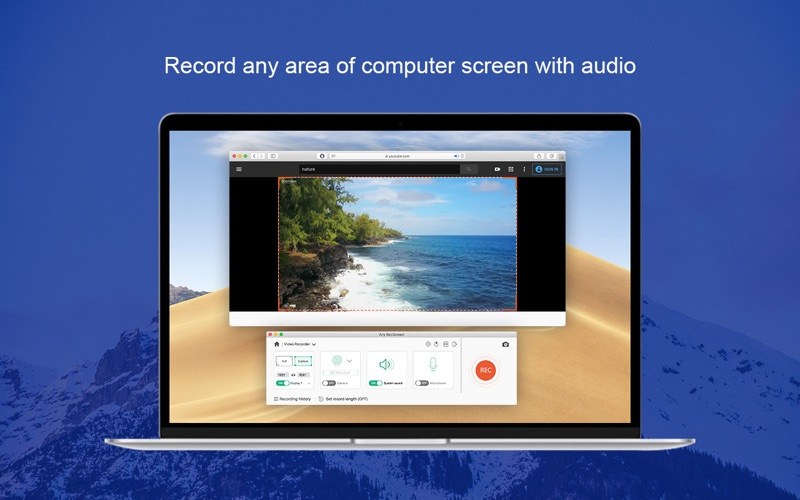
Any RecScreen is an easy-to-use screen recorder for Mac that enables you to record computer screen in full screen or a customized area. You can record webcam to create picture-in-picture video through adding webcam in recording area. The audio in your videos from either a microphone or your computer’s system audio can be also captured.
Key features of Any RecScreen
Record desktop screen on Mac OS X
Record system audio and microphone
Record videos from webcam
Take screenshots and add annotations
Provide real-time editing during recording
Set recording length before start
Get started with a free screen recorder trial! Any RecScreen gives you everything you need to record your Mac. To create high quality screencasts, just follow these four simple steps:
Set recording area and audio input.
Capture your screencast.
Preview and trim the recording.
Save it in the desired format.
What’s new
1. Support Apple M1 chip.
2. Fix bugs under macOS Big Sur.
3. Support HEVC encoder for MOV, MP4, M4V.
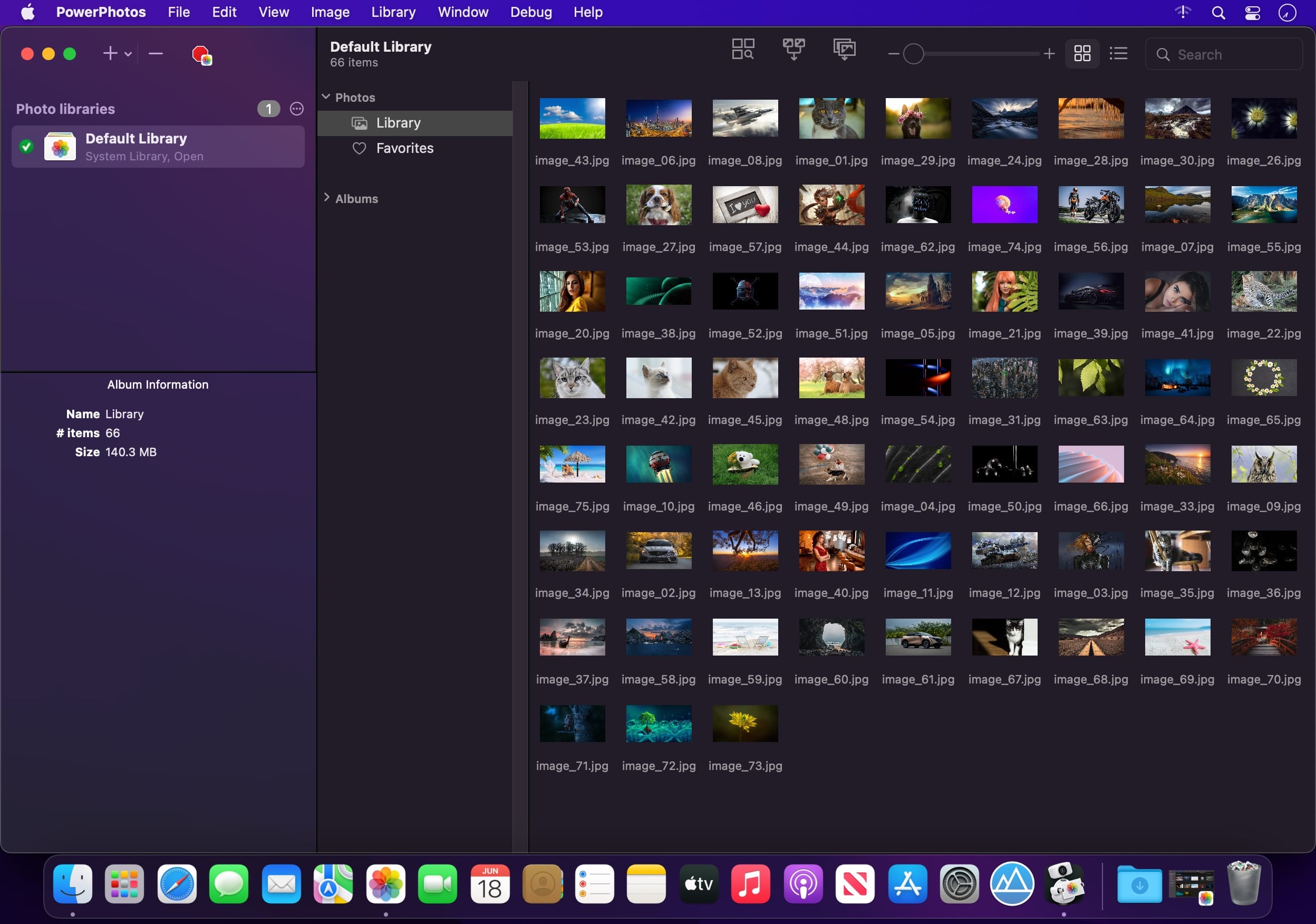
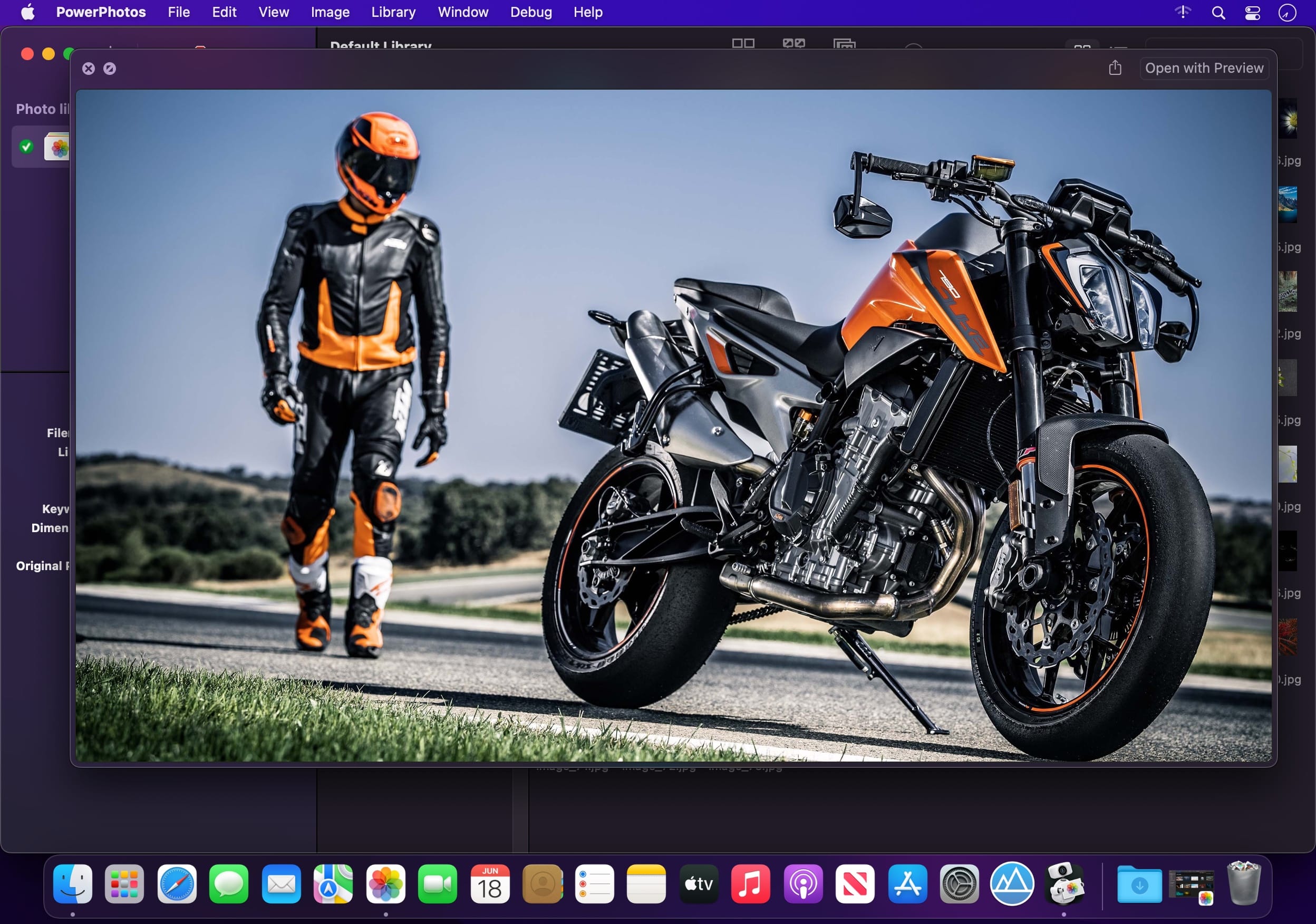
PowerPhotos – The ultimate toolbox for Photos on the Mac. PowerPhotos works with the built-in Photos app on your Mac, providing an array of tools to help you get your photo collection in order.
Create and manage multiple libraries
Instead of being limited to putting all your photos in a single library, PowerPhotos can work with multiple Photos libraries, giving you many more options for how to organize your ever growing photo collection.
Splitting your photos between multiple libraries helps Photos open more quickly, lets you archive older photos, store some of your collection on an external hard drive, and reduce storage space used by iCloud Photo Library.
Copy photos and their metadata
You can split your library by copying albums and photos with a simple drag and drop. PowerPhotos will take care of copying the photos and retaining their metadata, including keywords, descriptions, titles, dates, and favorite status. Read more about what PowerPhotos can copy.
Merge Photos libraries
Got a whole bunch of libraries you want to consolidate into one? PowerPhotos lets you merge your libraries together while weeding out duplicate photos in the process. You will be shown a preview of what your merged library will look like before any modifications are done, to ensure your merged library looks how you want.
Find duplicate photos
It’s easy to have multiple copies of the same photo creep into your photo collection over time. Use PowerPhotos to find duplicate photos in one or more libraries, view them side by side, and separate them into albums where you can easily delete them from your library.
Browse and search
Use PowerPhotos’ image browser to quickly view your photos without having to open Photos itself. View detailed photo information using List View, and search for photos across all your libraries at once.
Migrate your iPhoto/Aperture libraries
If you have a lot of existing iPhoto or Aperture libraries that you want to migrate over to Photos, PowerPhotos will help automate your migrations so you don’t have to spend time babysitting this lengthy process.
New features:
Improved iCloud Photos support: If you use iCloud Photos, PowerPhotos 1.x was only able to see photos in your library that had already been downloaded to your local hard drive. For users with the “Optimize Mac Storage” option enabled, this could mean a significant portion of your iCloud library would not be visible to PowerPhotos. In PowerPhotos 2.0, it can now see and work with any photos in your iCloud photo library, and will automatically download any photos from iCloud as needed.
Advanced exporting: Photos has an export command, but it is fairly limited in what it can provide. PowerPhotos 2.0 has a new, more fully featured export function with options such as
Export as a flat folder or as a folder hierarchy in the Finder that mimics your album hierarchy
Export unmodified photos, or as JPG, PNG, HEIF, or TIFF of different sizes
Include captions, dates, keywords, and titles in EXIF metadata
Retain or strip location metadata
Optionally include videos from Live Photos and all photos from a burst
Set Finder creation/modification dates to the photo’s EXIF date
Video export support as H.264 or H.265
Global menu bar item: Get fast access to your libraries via a global item in your menu bar even when PowerPhotos itself isn’t running.
Library groups: For those with lots of libraries, you can now organize your libraries into groups in the PowerPhotos sidebar.
Multiple windows: You can now open each library in a separate window in PowerPhotos, allowing for easier comparison between libraries, and dragging and dropping photos/albums between libraries.
New duplicate search engine: PowerPhotos 2.0 uses a new duplicate comparison algorithm that can find more duplicate photos which are not quite 100% identical, such as scaled down copies of photos, photos that have been resaved in a different format or with different compression, and even photos with minor edits applied to them.
Faster library loading: PowerPhotos 2.0 has rewritten a bunch of its internals to load your library much faster than PowerPhotos 1.0.
Improved AppleScript support: New support for copying albums or photos between libraries, merging libraries, and exporting photos/albums from a library.
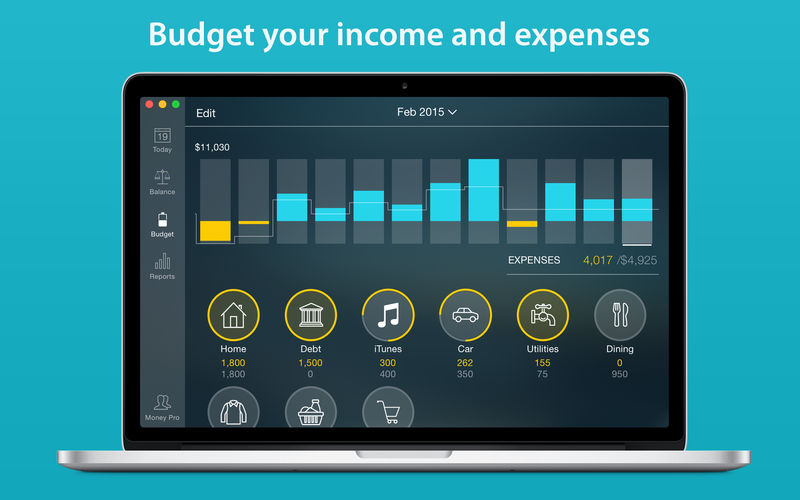
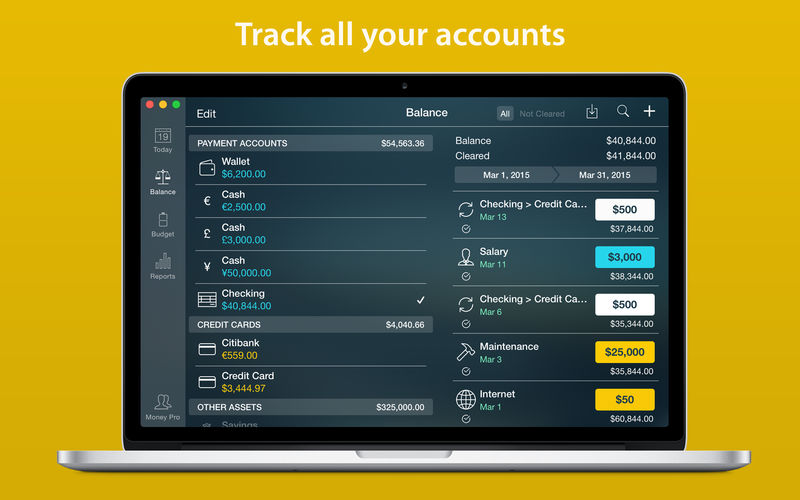
Money Pro is the one place for bill planning, budgeting and keeping track of your accounts. Easy sync with iPhone/iPad versions. Money Pro works great for home budgeting and even for business use.
Calendar
Mark days on the big calendar when your bills are due.
Schedule recurring bills with custom periodicity.
Filter transactions by selecting dates on the calendar.
Today view
Take a quick glance at bills due.
When you actually have a transaction, approve it quickly.
Money Pro predicts transactions for the day that may not have been scheduled manually.
Bills due notifications
A whole system of reminders will alert you of upcoming bills.
Quick rescheduling option will help you deal with bills due (tomorrow, in 3 days, next week).
Budgets
Create budgeted entries, both for your income and expenses, and indicate budget limits for each entry.
You can set different budget limits for every period, which is useful if you plan to reduce your spending gradually month by month.
Start adding every transaction you have, and see progress of each category and the overall progress.
Monitor visual indicators for budget overspending.
Select the category you want to analyze and examine a budget trend chart generated on the fly.
Budget rollover
You can set budgets to transfer the leftover of the current period to the next budget period.
Budget rollover limits your spending automatically if you overspent in previous periods.
Checkbook register
Unlimited number of accounts in one place (checking, savings, credit card, etc).
Setting transactions as recurring or as one-time only.
Balance change history.
Additional fields for organizing your records including payee, description, check #, class (personal/business travel expenses).
Attachment of receipt photos.
Account reconciliation
You can record transactions and clear them later on (reconcile).
Automatically calculated available balance and cleared balance.
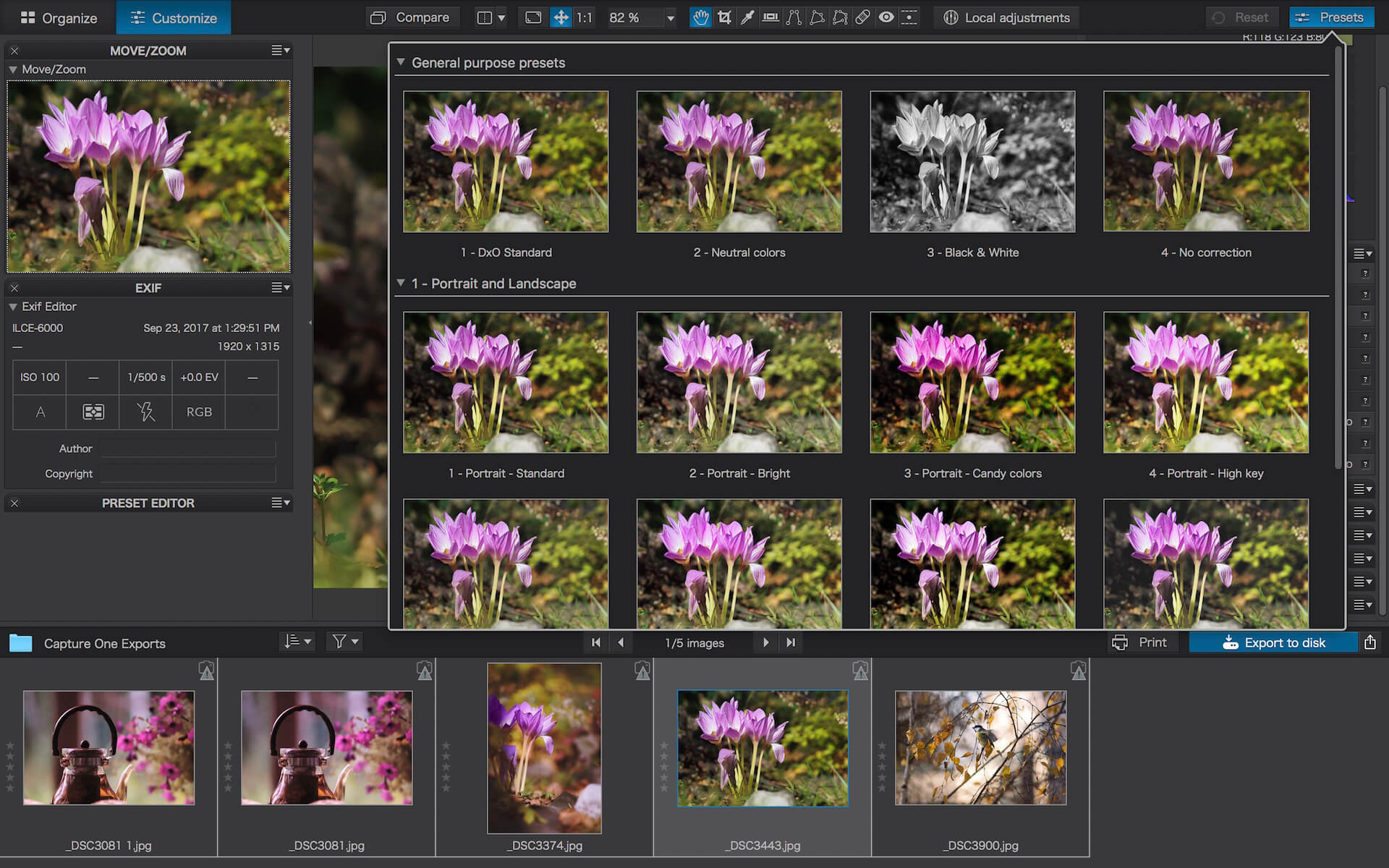
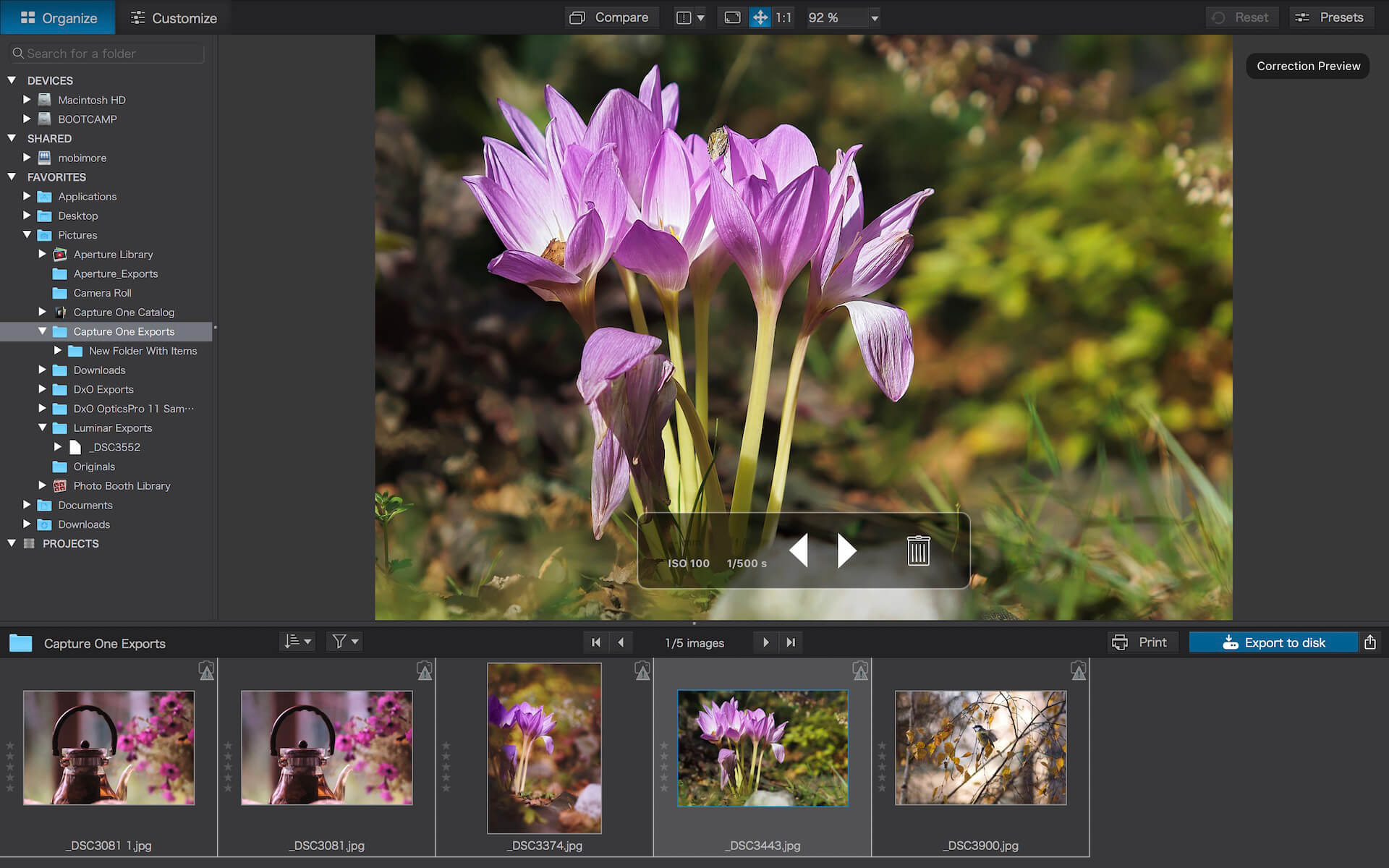
DxO PhotoLab (was DxO Optics Pro) provides a complete set of smart assisted corrections that you can manually fine-tune at any time. Take control on every aspect of your photos: effectively remove noise, get rid of light constraints, recover color details, apply sophisticated optical corrections, and enhance details.
Reducing digital noise in RAW images is an ongoing challenge for most photo-editing software. But with DxO DeepPRIME we are breaking new ground. The first artificial intelligence-based (AI) technology of its kind, DeepPRIME enables you to demosaic and denoise images simultaneously. Try it out – the results speak for themselves.
Demosaicing and denoising are usually two separate processes. But with DxO DeepPRIME we’ve combined them to achieve even better results.
The outcome is spectacular. DxO DeepPRIME removes noise and renders photographic information without reducing color detail. Transitions are smoother and more natural, and you gain nearly two ISO sensitivity values compared to our earlier version, DxO PRIME, the benchmark software for all comparable programs currently available.
If you are an expert photographer, DxO DeepPRIME will open up a world of new possibilities by enabling you to shoot at very high sensitivities. As an amateur photographer, DeepPRIME will allow you to compensate for the drawbacks of small sensors in compact and bridge cameras that produce digital noise even at low ISO sensitivities. And if you’re struggling with low quality, or older-generation cameras that are no longer suitable because of the scale of digital noise, DxO DeepPRIME will give your images a new lease of life.
Features
DxO Smart Lighting
DxO ClearView
DxO PRIME
Optical Corrections
Introducing U Point
What’s New:
Version 6.2.0.41
Release notes were unavailable when this listing was updated.
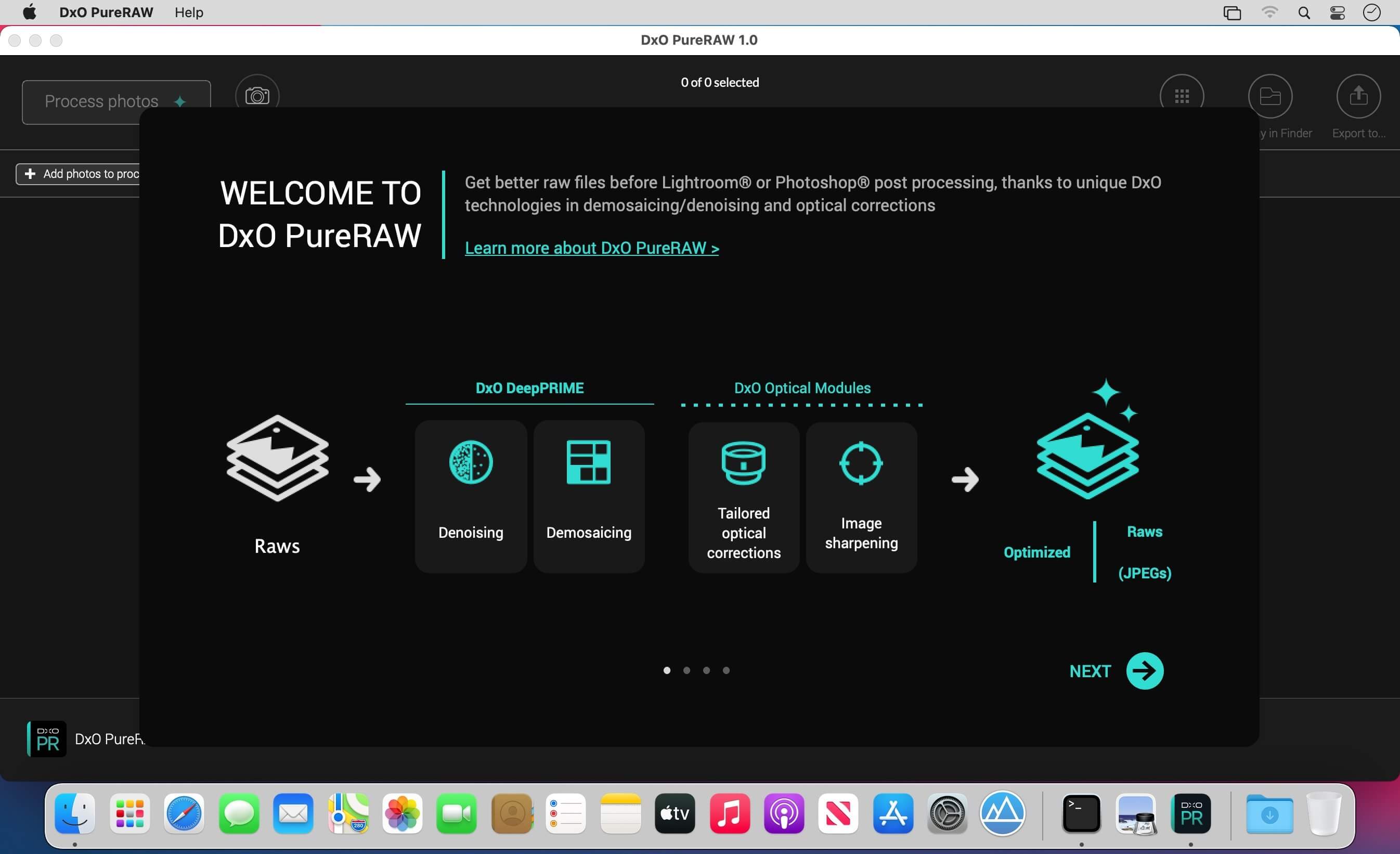
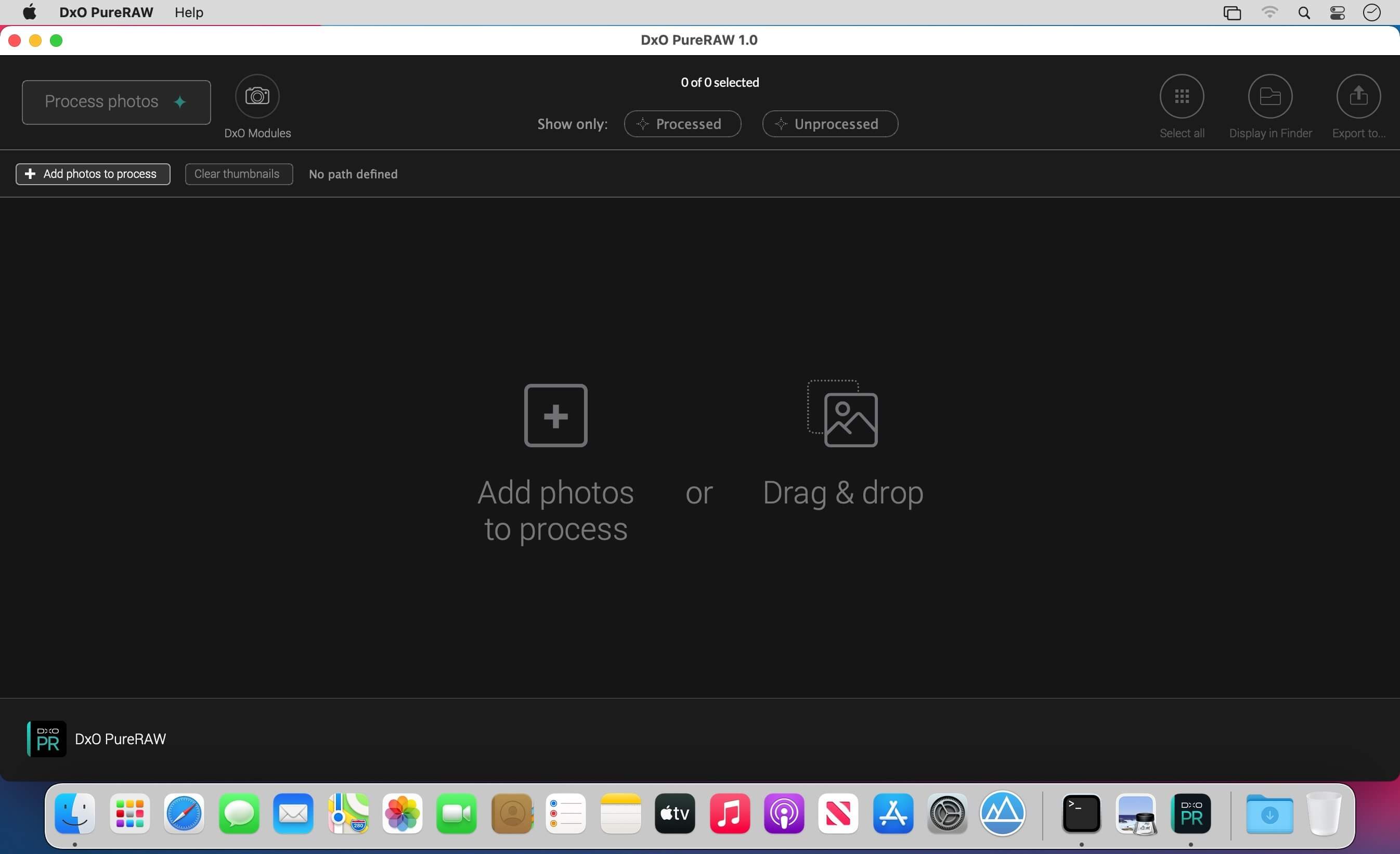
DxO PureRAW Simply better RAW files, Enhance your RAW files to open up even more possibilities with Adobe Photoshop and Lightroom®.
Unlock the RAW-file editing capacity of Adobe Photoshop and Lightroom
Create better RAW files before retouching them in Adobe Photoshop, Lightroom, or other programs thanks to DxO’s exclusive demosaicing, denoising, and lens defect correction technologies.
Pure, flawless, and noise-free RAW photos
DxO PureRAW’s artificial intelligence strikes the perfect balance between preserving detail and eliminating noise. DeepPRIME technology solves these problems before you and better than you.
Your lenses deserve the very best corrections
Automatically correct the defects in your equipment using DxO’s specially designed optical modules.
Recover your old RAW files
Get back to editing your old photos that you set aside because of poor image quality, noise, or a lack of sharpness. DxO PureRAW gives you another chance.
Perfection is in the details
Enjoy large format photos: DxO PureRAW reveals all the details and finesse of every texture you capture so you can enjoy incredibly pure photos.
Soft, non-grainy bokeh
Permanently delete the “parasitic” grain your camera creates in the blurry areas of your photos. DxO PureRAW adds incredible softness to your images.
Photo editing made simple
Use DxO PureRAW before your usual editing software and convert your RAW files into DNG files in just a few clicks—all without sliders or complex adjustments.
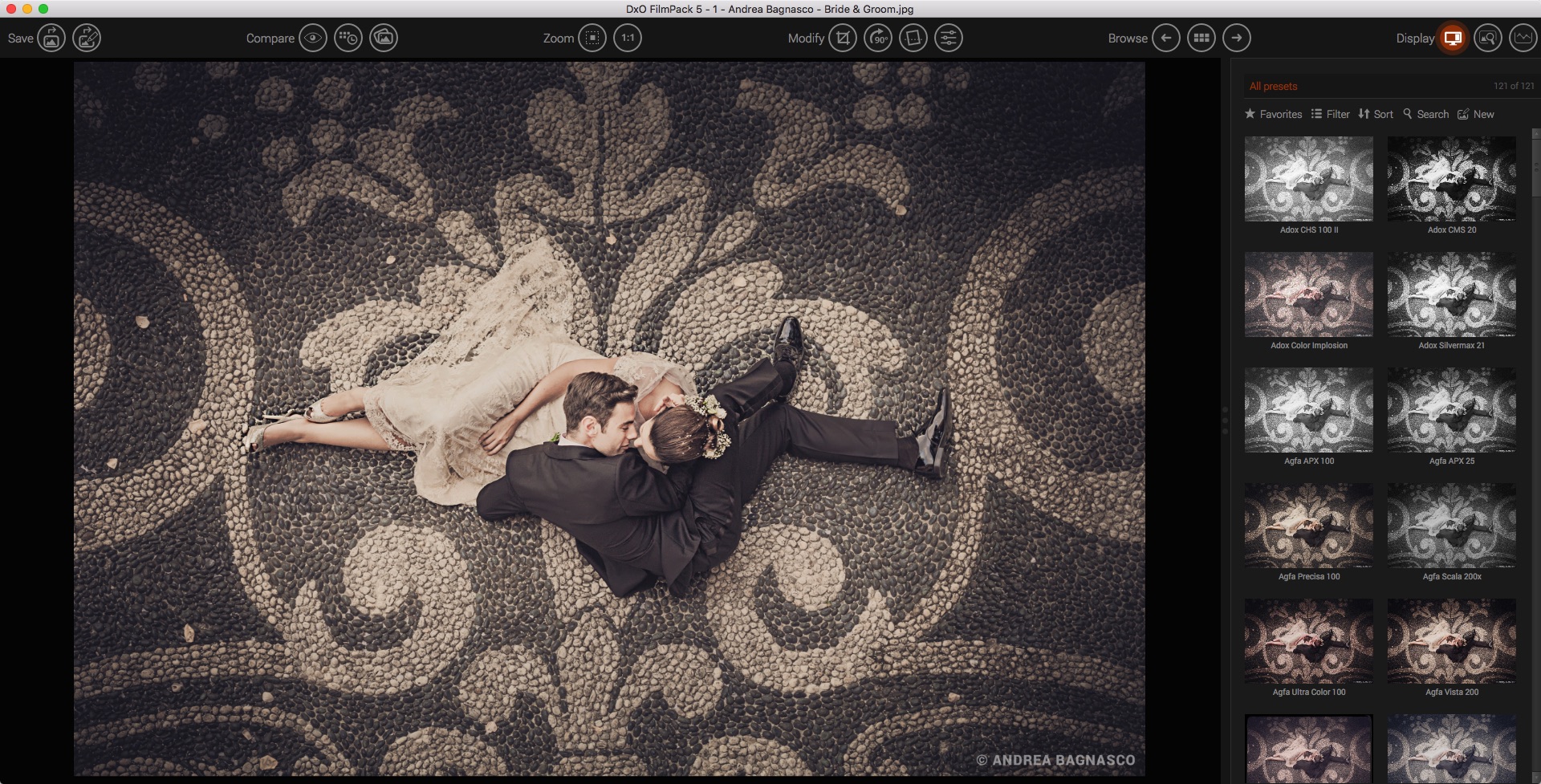
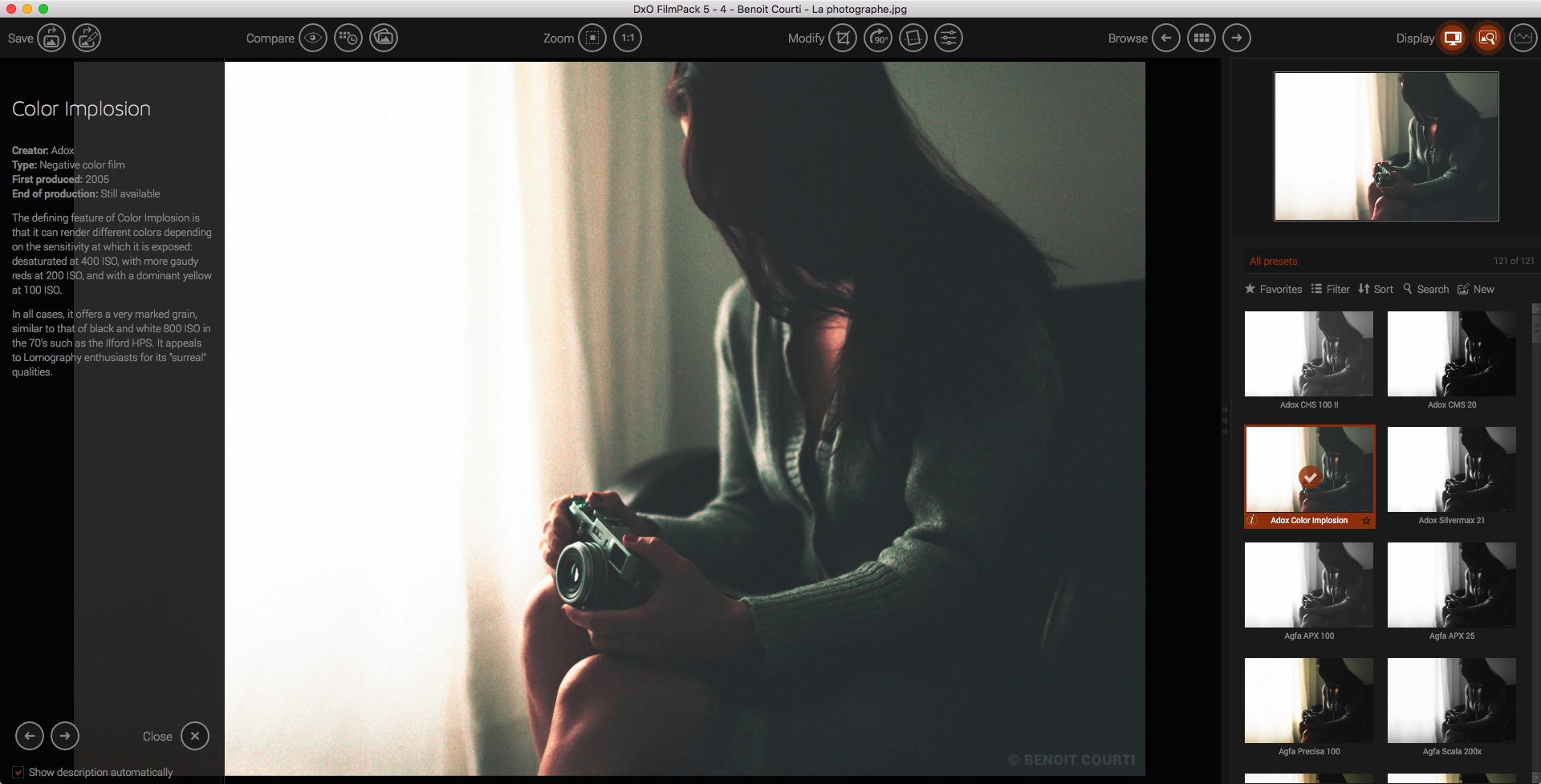
DxO FilmPack 6 ELITE Edition reproduces the colors and grain of iconic films as closely as possible using an exclusive calibration procedure developed in the company’s laboratories. The software recreates the hues, saturation, contrast, and grain of 84 authentic analog renderings within digital images. It also offers a decidedly original approach to browsing the various eras of photography.
Praised by professionals for the faithfulness of its analog film renderings, DxO FilmPack lets photographers apply to their digital images all of the characteristics of the analog films that have made photo history, as well as numerous original renderings, filters, toning, and visual effects — all of which can be infinitely combined.
Rediscover the magic of analog in the age of digital! DxO FilmPack traces the history of analog photography through 84 high-fidelity film renderings.
The soul of analog.
A truer-than-life analog rendering
DxO FilmPack, a direct product of DxO’s expertise as a pioneer of optical corrections, demosaicing, and denoising, faithfully reproduces the colors and grains of analog films thanks to an exclusive calibration process developed in its laboratories.
Faithfully rendered colors (NEW)
Choose from 46 color film stocks that made history. Capture fantastic images using the vivid red and intense blues tones of EKTACHROME Professional Infrared EIR. Rediscover the softness of Kodak Portra 160 NC for your portraits, the magic of Polaroid, or the contrast and the vibrant colors of Fujichrome Velvia 50 for macro photography.
Legendary black-and-white film stocks (NEW)
Discover the grain and contrast of iconic or missing black-and-white film stocks, including the legendary Kodak Tri-X, Fujifilm Neopan, Ilford FP4 Plus, or even Polaroid 664. DxO FilmPack helps you uncover your inner artist with its collection of 38 black-and-white film stocks. With IMPOSSIBLE PX 600 SILVER SHADE, you can also rekindle the effect of Polaroid 600 by creating the pastel sepia look of monochrome instant film.
Add a grain of truth to your images
Explore a new aspect of photography with the many grain effects available. Using the denoising tool, remove digital noise from your high-ISO images and replace it with authentic analog grain.
Time Machine: harnessing history to power your creativity (NEW)
Version 6 features a completely new, interactive exploration of photography’s history, presenting era-defining images and describing major events that shaped its evolution.
Infuse your photos with the look and feel of the eras that inspire you.
Image processing.
The advantages of digital but with the spirit of analog
Thanks to RAW format support and the use of DxO’s optical modules, you can correct all of your camera’s lens defects, effectively reduce unwanted digital noise, and faithfully restore color.
The ultimate in lens corrections
DxO FilmPack 6 perfectly rectifies all lens defects thanks to the advanced measurements made in the DxO laboratory. From sharpness and distortion to chromatic aberrations and vignetting, discover the best lens corrections available.
Sharpness
Distortion
Chromatic aberrations
Vignetting
8-channel HSL adjustments (NEW)
Enjoy even greater color precision using the new rendering engine which now uses eight channels instead of six. Gain better control over the orange and purple tones of your photos.
Take your creativity even further
Textures with a vintage look
Simulate an accidental exposure of the film to light and create areas of overexposure or color saturation around the edges of the image
A wide range of frames
Vignetting and a host of creative options
Selective blurring to focus the viewer’s attention
Reveal the subtleties of black and white
Create subtle conversions with color filters. Using the channel blender, enhance the tones in your images with finely tuned precision.
Add intensity to your black-and-white photos
With the fine micro-contrast tool, precisely adjust local contrast in your photos. The algorithm applies a multi-scale filter which removes unwanted details while preserving the sharp edges of the image.
For more advanced processing Customize your editing process.
Save your settings for intensity, grain, and contrast and apply them easily to other images in your library.
Create consistent renderings across all of your photos
Share your presets
Snapshots
Workflow.
Total efficiency with DXO FilmPack
FilmPack was created from film characterizations that were built in the laboratory using the best digital development technologies. Simply put, it delivers the most authentic film renderings on the market.
Software that is seamlessly integrated into your workflow
DxO FilmPack can be used as an independent application, as a module within DxO PhotoLab, or in addition to Adobe Lightroom Classic, Photoshop, or Capture One.
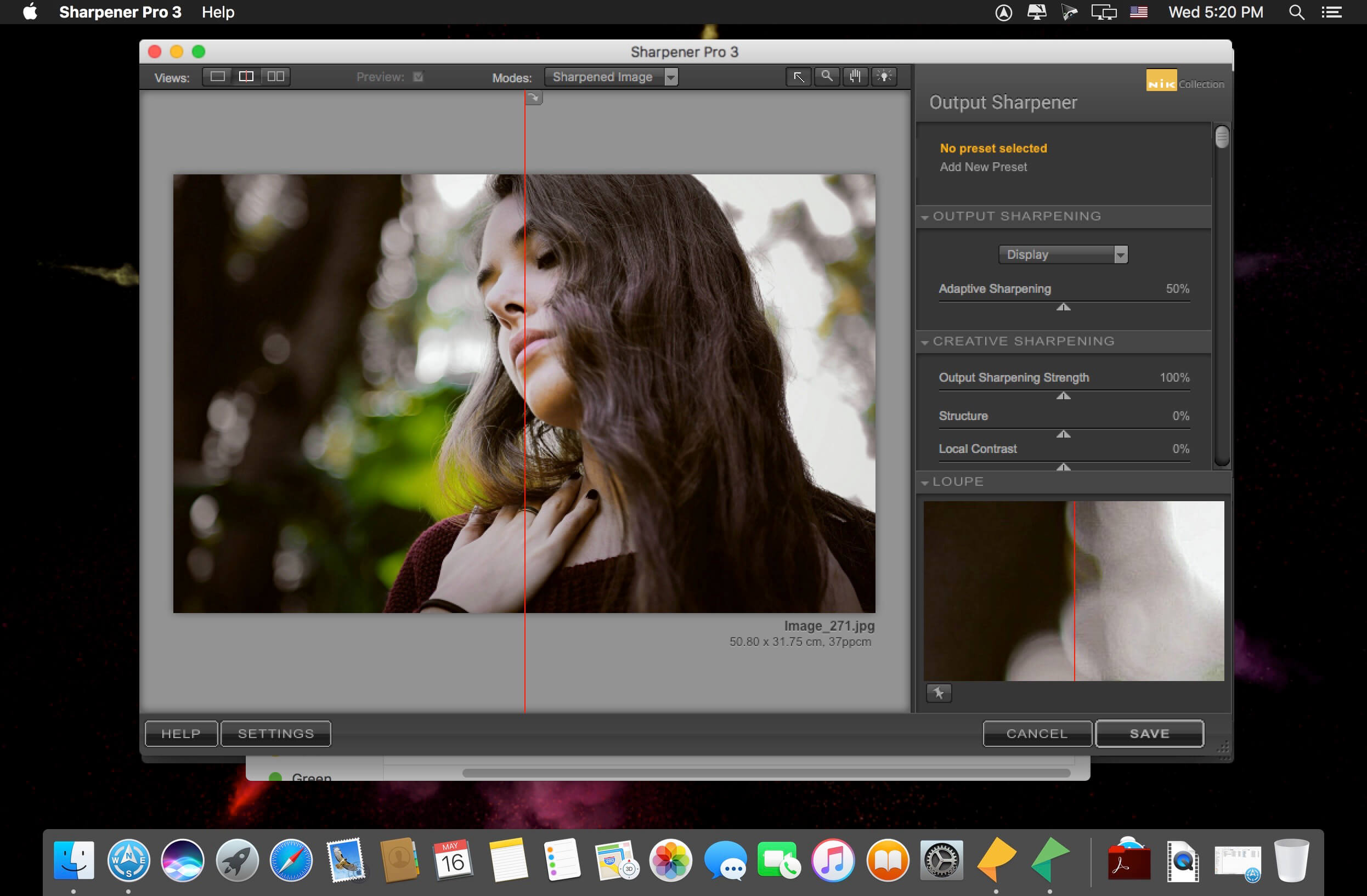
Nik Collection 4 by DxO is the world’s most exciting and creative suite of photo plugins.
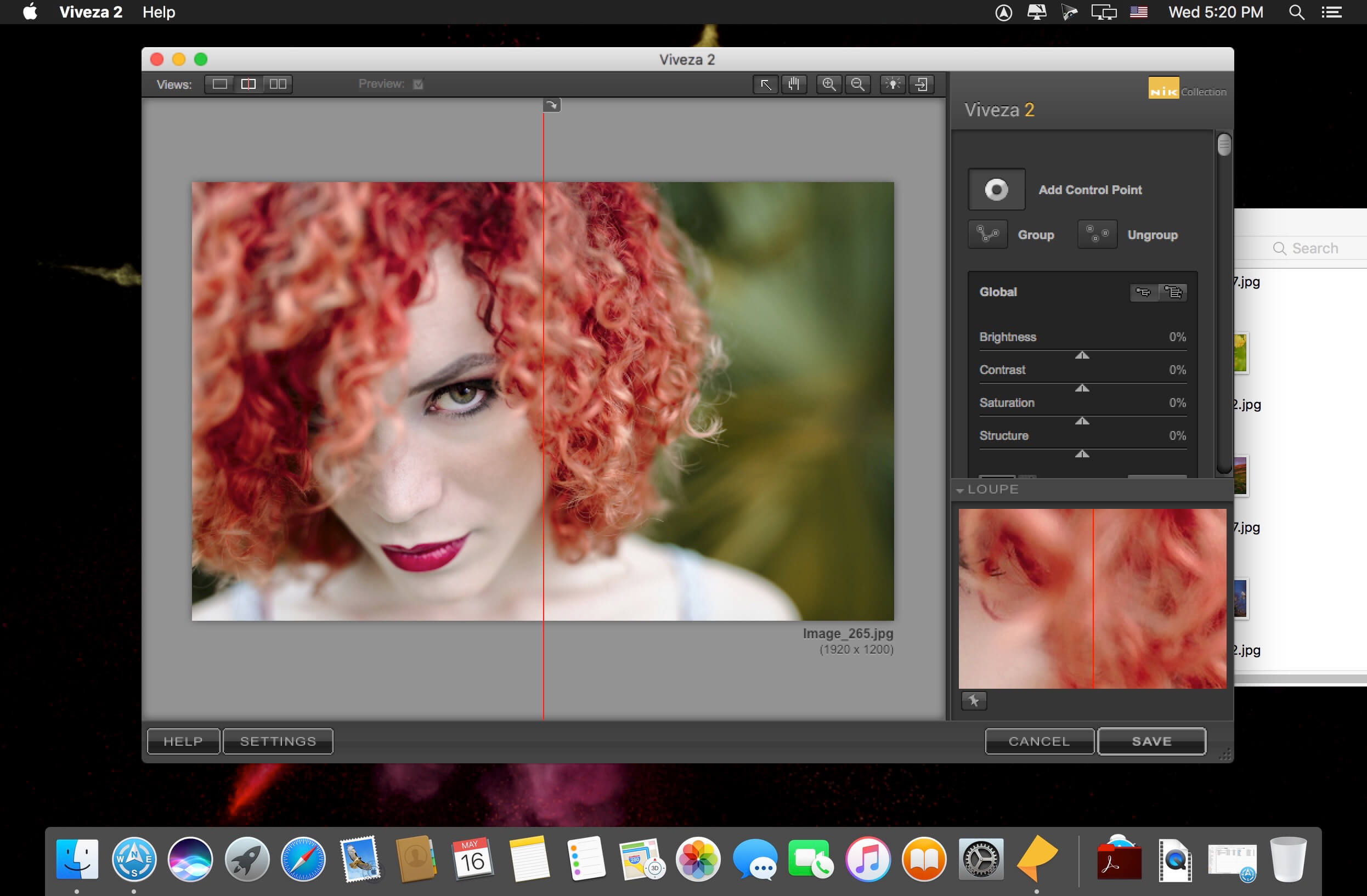
Even More Possibilities for Even Greater Creativity. New interface, even more precise Control Points, and optimized tools for Adobe Photoshop and Lightroom: Nik Collection 4 helps your creativity reach even greater heights.
New Interface, New Experience
The new interface of Nik Viveza and Nik Silver Efex is more modern, more appealing, and more functional. It also provides quicker access to all available tools and presets so you can concentrate on what’s most important—finding your very own style.
Add Control Points to your custom presets
Save your favorite presets that you’ve created with Control Points, and then apply a similar style to a series of images—all while preserving a specific area in your photo. This is the perfect way to apply a color effect to several portraits as well as a blurred background!
Create an optimized and easier-to-use workflow
Because the Control Points now feature fewer sliders, you can now see the applied effects more easily. To really optimize your workflow, you can even rename them.
Adjust the saturation of a specific tone range
Thanks to the new Color Tolerance setting, users can not only select the color they want to edit, but also adjust the tolerance of similar color hues.
Combine the settings from several plugins with a single click
Meta Presets, which can be accessed directly from the Nik Selective Tool in Adobe Photoshop, combine all the presets and settings from the various Nik Collection plugins so you can apply several effects with a single click.
Incredible photos
Discover 10 Meta Presets created by professional photographers and instantly infuse your landscape and wildlife photography with a unique style—all without leaving Adobe Photoshop.
Lightning-fast retouching
With the Last Edit feature, you can recreate the last preset you used with one of the Nik Collection plugins.
Smart Copy & Paste
Selectively reapply a plugin’s finish to one or several images directly in Adobe Lightroom—all without having to launch the Nik Collection interface. The definition of efficient.
Even more striking black-and-white photos
Nik Silver Efex now features revolutionary ClearView technology, which was first released as part of DxO PhotoLab. Remove haze, boost local contrast, and give your photos an entirely new dimension.
Add color
Nik Viveza features ten native presets designed by professional photographers. Pick the style you like the most and make your own local adjustments. The possibilities are endless!
Reconnect with the emotional impact of analog
Accurately recreate the finish of films that left their mark on the history of photography: Nik Silver Efex features 39 ultra-realistic grains to help you produce authentic black-and-white photos.
Create and share
Create and save your personalized presets in Nik Viveza. Easily share them or import them to another computer so you can continue editing, no matter where you are.
Control your tones
With Nik Viveza’s new Selective Tone Tool, you can edit your images with even more control over bright lights, midtones, and shadows.
Adjust color temperatures
Nik Viveza’s new Color Temperature Selector lets you select the true white value in your image for flawless white balance.
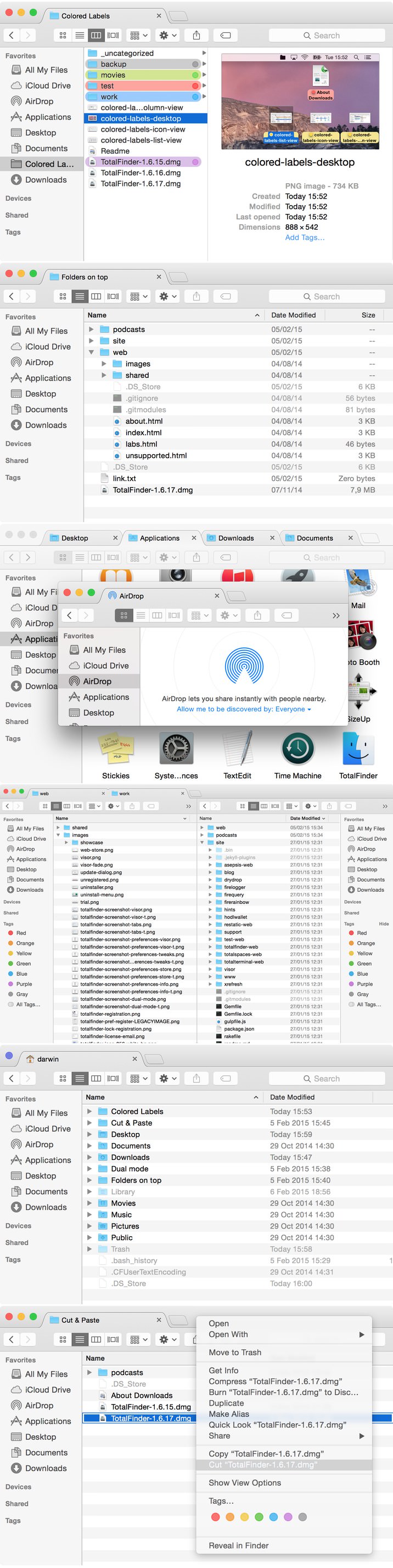
TotalFinder adds tabs, hotkeys, and other tweaks to the Mac OS X Finder.
TotalFinder application delivers exceptional performance, user-friendly interface, compact and does not require a system reboot after installation. The list of improvements also includes additional tools for getting clients from the file collection. The program allows the user to quickly get rid of the file format .ds_store, accumulated on the hard disk. Updated TotalFinder also allows you to hide or show invisible files, and a new Explorer window can now be opened at any time using the appropriate “hot” keys, and more.
Implemented features:
TABS like in Google Chrome!
Add a dual-panel mode (like in good old Norton Commander)
Make Finder available system-wide on a hot-key (like Visor)
Stop creating .DS_Store litter
Show the folders always on top
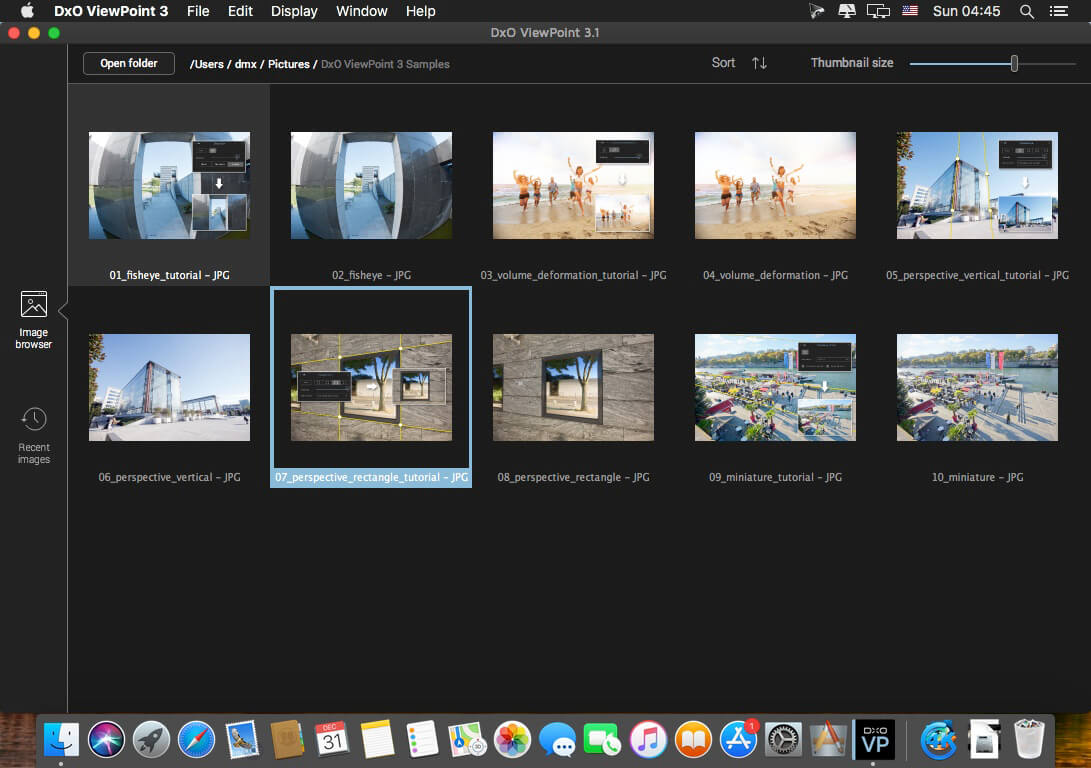
The perfect complement for your wide-angle lens
DxO ViewPoint automatically fixes skewed perspectives and restores subjects on the edges of the frame to their natural shape with just one click.
Fix skewed perspectives
Manually use anchor points or the software’s automatic feature to correct skewed perspectives in wide-angle photos, from the simplest to the most complex.
Restore proportions
For natural-looking shapes, automatically correct the volume deformation of faces, bodies, and objects at the edges photos taken with a wide-angle lens.
Neutralize distortion
With DxO’s Optics Module database, the only one of its kind in the world, DxO ViewPoint can correct any type of distortion, including barrel, pincushion, and even fisheye effects.
Straighten the horizon
Rebalance landscape photos by automatically straightening a slanted horizon lin
What’s New:
Version 4.2.0.177:
Release notes were unavailable when this listing was updated.
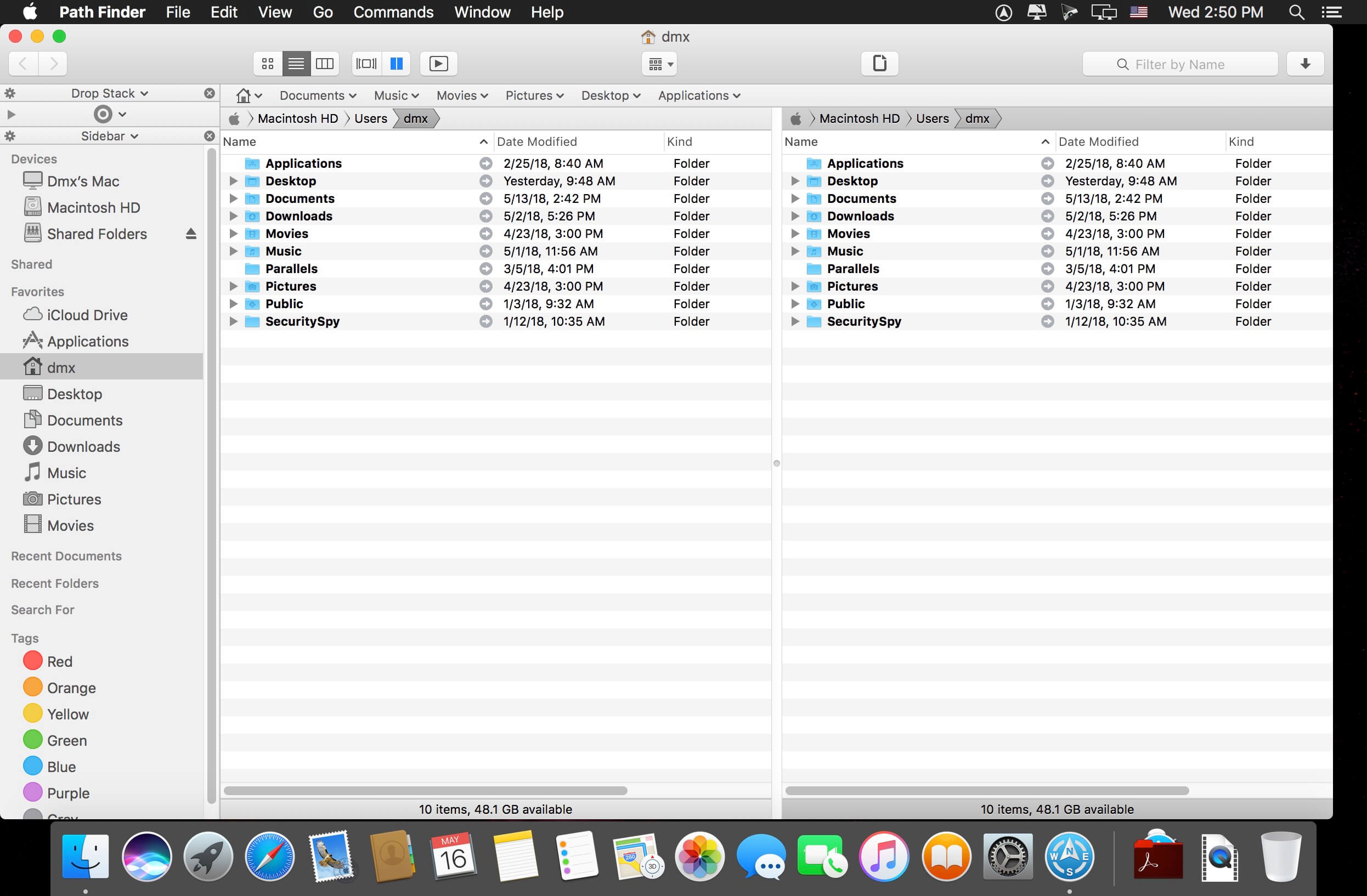
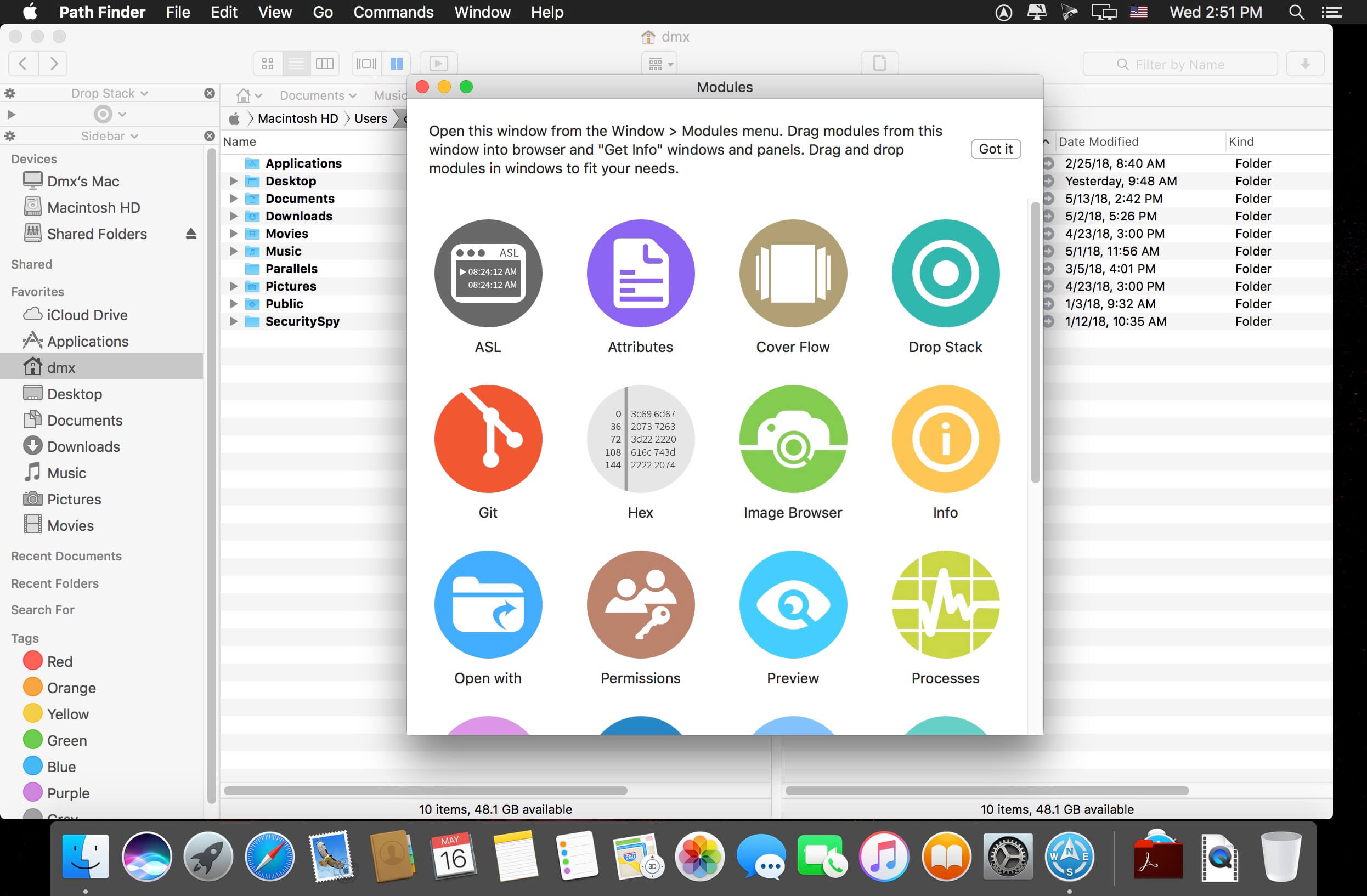
Path Finder 10 makes you a master of file management. Take full control over your file system. Save your time: compare and synchronize folders, view hidden files, use Dual Pane and full keyboard navigation to browse your file system.
Work how you want: extreme customization allows you to access most tools in many different ways to suit your workflow. Work seamlessly with other platforms: don’t leave any hidden .DS_Store files on non-Mac volumes, delete files securely and completely with the powerful delete feature from any volume type, search any network volume.
Features
View and manipulate hidden files
Dual Pane View
Full keyboard navigation
Folder comparison and synchronization
Folder merging
Batch renaming
Powerful file filtering
One-click dual-pane copy
Bookmarks and Tab Presets
ACL editor
File tagging
Editable Path Navigator
Powerful low-level search
Smart sorting
Advanced selection
Integrated terminal
Integrated text and image editors
Language: Multilingual Compatibility: macOS 10.12 or later Homepagehttps://cocoatech.com/
Soulver 3 is a smart notepad with a built-in calculator. It gives instant answers to any calculations it finds in your text. It’s a better way to work stuff out than with a traditional calculator, and a more lightweight tool for quick calculations than a spreadsheet.
Math Features
Instant calculations, no equals required
Use words alongside numbers, so calculations make sense
Easy percentages (“$300 – 10%”, “30 as a % of 200”)
Unit conversions (“10 kg in pounds, “25 meters in feet”)
168 live real-world and cryptocurrency rates.
Line references to build little calculating documents
Variables & variable autocompleting
Global variables & custom units
App Features
Dark mode
Sidebar for organising your sheets and the ability to make folders
Headings (#), comments (//) & labels (:)
Customize your syntax coloring & font
Automatic number formatting, with spaces around operators and thousand separators
Number scrubbing (hold shift and hover over a number)
Deep macOS system integration: Touch Bar support, Quicklook, Calculate anywhere services
Automation tools: a command-line interface, Alfred workflow, Automator action
What’s New:
Version 3.00:
Soulver 3 has 50 new features. Most requested features include support for dark mode, date & time math, subtotals, an integrated sheets manager and a redesigned user interface.
Note: Soulver 3 for Mac does not sync with Soulver 2 for iOS as they use different math engines. It can import your Soulver 2 (.soulver) files though
Intergace
Redesigned user interface supports dark mode and includes a sidebar for managing sheets within the app.
Calculator
Support for calendar calculations.
Proportion/’rule of three’ functions (10 is to 20 as 50 is to what/15 is to 30 as what is to 80)
Functions with multiple parameters: ‘midpoint between’, ‘greater/lesser of’, ‘remainder of’
Unix time calculations
More intuitive syntax for some percentage operators (’50 is 25% of what’)
More large SI prefixes & support for small SI prefixes in answer formatting
‘Half of’ function
Organization
Create folders for managing sheets.
Trash for recovering recently deleted files.
Drag sheets out of the sidebar to export a .slvr file
Spotlight search integration
Sort sheets by date edited, date created or title
Import Soulver 2 or Soulver 3 files by dropping them on the dock icon.
Subtotals
Designate a line a subtotal, which will add up all lines above it (up to the next subtotal or heading)
Variables
Variables can now include multiple words
Auto-complete support for variables (hit the escape key)
Shift-hover over a variable to see its actual value on that line
Variables can now be redeclared with new values.
Editing
Scrubbable numbers (shift hover over a number to show the scrubber)
A simple download manager that offers you the possibility to quickly save videos from different websites to your own disk drive.
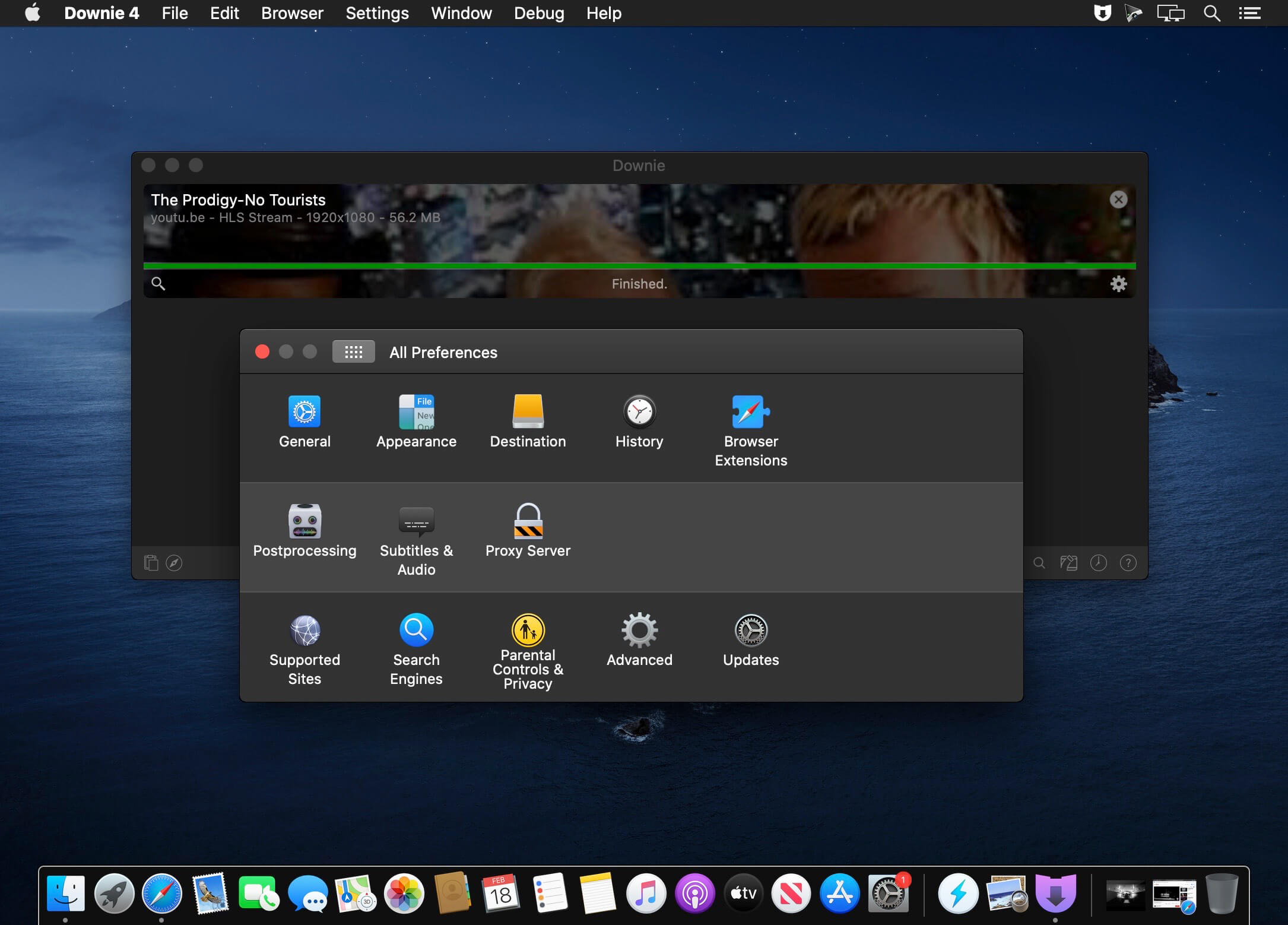
f you are using a poor internet connection, trying to visualize videos streamlined online might not work properly since the content is loaded too slowly. Downie is a simple Mac app that can help you download those videos to your computer, and then watch them by using your default media player.
User friendly video downloader featuring support for drag and drop actions
Working with Downie is extremely straightforward: simply drop the video URL on top of the app’s main window or on the Dock icon. Downie adds the video to your downloads list, so all you have to do next is start the process by pressing the appropriate button. Of course, you can also remove items from the list.
By default, Downie downloads MP4 files and places them in your default Downloads folder, but you can easily change this via the Preferences window. The same area allows you to setup notifications, or post processing actions (convert to MP4 if necessary, or extract audio only).
Effortlessly download videos from a wide collection of hosting websites
Downie provides support for more than 400 different websites that host video content, among which there are the most popular choices, such as YouTube, Apple, LiveLeak, Vimeo, BBC, and so on. If a certain website is not included, within the app you can send a request email to the Downie developers.
Moreover, Downie also provides matching extensions for various popular web browsers, such as Firefox, Safari, Google Chrome or Chromium. The add-ons are not installed by default: open the Preferences window and install only the ones you plan to use.
Straightforward solution for downloading video content hosted online
Downie is a great tool for saving videos posted on various websites to your Mac for offline playback. The application is extremely useful especially if you have a slow internet connection.
Eassiy Video Converter Ultimate is a comprehensive multimedia software with most tools on the market. These tools can help you create, edit, enjoy and share various multimedia file types such as video, audio, GIF, photo, MV, ID3, Subtitle, etc. Whether you are video producers, movies and music lovers, home video sharers, students and tethering or vloggers, Eassiy Video Converter Ultimate is a must-have tool for you.
Super Powerful Converter Beyond Your Imagination
Easy Video Converter Ultimate is not only multi-functional but also has very powerful and professional conversion functions. In addition, it is at the industry-leading level regarding conversion speed, quality, and supported formats.
Convert video/audio files to 1000+ formats
– Industry Leading in The Supported Formats
Convert video/audio to 1000+ video/audio formats such as MP4, MOV, AVI, MKV, MPG, MP3 etc for all kinds of devices, including iOS devices, Android devices, Drones, VR devices, game consoles, etc
– Batch Conversion with One Click
Batch converts many videos simultaneously just with one click, easy to use and efficient.
60X Video Conversion Speed
– Lossless Conversion Technology
With an advanced converting technology, the Easy HD video converter will convert 8K/5K/4K/HD videos without over-encoding/decoding in just a few minutes.
– GPU Acceleration
With GPU acceleration and high-speed conversion available, Eassiy fast video converter empowers video conversion 60X faster.
– Multi-core Processor Optimization
Eassiy video converter uses AI technology to improve the converting speed by optimizing the multi-core processor.
Convert Video Up to 8K Without Losing Quality
– Convert HD/4K/5K/8K videos like H264(AVC) and H265(HEVC) from Drone, GoPro, HD camera, Camcorders and more to any format for playback.
– 1:1 conversion quality with 8K/5K/4K/HD videos with no quality loss.
Built-in Editors to Enrich Your Video Production
– Trim and Cup Videos
– Merge Videos
– Crop & Rotate Videos
– Add Subtitles
– Add Watermark
– Add Video Effects
– Video Enhancer
– Adjust Soundtracks
– Change Video Speed
HD Video Compression
– Compress HD Videos for Sharing to YouTube, Facebook, TikTok etc.
Custom to compress HD videos or large videos size and convert to the format and resolution you want for social media platforms such as YouTube, Facebook, TikTok, Instagram etc. Video compression up to 90%.
Harness the beauty of your images with one of the speediest digital asset managers and RAW processors on the platform, ACDSee Photo Studio for Mac . Take control of your collection with one-click searches, drag and drop searching, and saved searches, all with the convenience of import-free access to your images. Faster launching, browsing, scrolling, and searching, sleek organizational tools, customizable batch operations, RAW support for over 550 camera models, and a full toolkit of non-destructive adjustments make ACDSee Photo Studio for Mac your go-to digital photography resource.
More Ways to Control Your Collection
Improved Browser History Support – Hold down the Back button to view a list of your Recently Browsed Folders.
Easy-Select Tabs – Select or deselect multiple folders and subfolders using the Easy-Select Tabs along your file tree.
Direct Access to iCloud Drive – Easily backup and share files on your iCloud drive directly through ACDSee.
Improved Keyword Management – Frequently-used keyword sets come pre-loaded in the latest version, and established keyword lists can be imported and exported.
Saved Searches – Create searches based on criteria you choose, and access those results with a single click at any time.
What’s New:
Version 9.2.2740:
Release notes were unavailable when this listing was updated.
GraphicConverter is an all-purpose image-editing program that can import 200 different graphic-based formats, edit the image, and export it to any of 80 available file formats.
The high-end editing tools are perfect for graphic manipulation as well as the ability to use Photoshop-compatible plug-ins. It offers batch-conversion capabilities, a slide-show window, batch rename, batch and individual editing of metadata (EXIF, IPTC, XMP) and so much more.
GraphicConverter 11 RAW Developer
RAW images are much easier to edit thanks to their enormous data depth. This is particularly noticeable when brightening images with the Exposure slider. The picture remains clear, there is no gray haze as with many JPG images. GraphicConverter now offers a full-screen dialog when opening RAW files with controls for Exposure, Contrast, and Color Corrections. The picture noise can be reduced even with 6 controllers.
Unpack Archives
You want to know which pictures and documents are in an archive file? Then double-click is enough: GraphicConverter temporarily shows you the content or secures the content permanently. In addition to the Zip format, there are 12 additional formats supported, such as the TAR and TGZ formats.
Wide Equalization
In wide-angle shooting, faces and objects on the left and right edges of the image are often heavily distorted in width. With the new wide-angle equalization in GraphicConverter 11, you can now reduce this distortion.
Gradients
You need a gradient, e.g. as a background for a collage? No problem. Easily create color gradients with up to 10 colors via the new dialog.
Duo-Tone
Color your shots with two colors to duo-tone images. In this impressive technique, the lighter shades are colored with the color 1 and the darker ones with the color 2. The result is an effect that enchants your pictures.
Apple Finder Tags
Do you organize your work with Finder Tags from Apple? Then your work will be even easier, because in the browser you can now use the context menu to directly display and change these tags.
Turn your photos into amazing comic pages or create an entire comic book with Comic Life. Start with fully customizable templates or build your own pages with speech balloons, comic lettering, and photo filters so slick they can make your grandmother look like a superhero. Comic Life isn’t just for creating comics. You can retell a family vacation or capture a special day using your photos. It’s simple to do: just drag photos onto the page and add your text in speech balloons and captions. Filter your images and add in some halftones or speedlines for more action
Compatibility: OS X 10.10.3 or later 64-bit Homepagehttp://plasq.com/