Convert your files quickly and easily. Lots of formats for input and output file as well as advanced converting algorithm make the tool useful in both everyday life and professional tasks. Audio to audio converting or video to audio – you can do what you need
Useful features:
– Audio to audio or video to audio converting;
– Instant convertation;
– Output files in .mp3, .m4a, .aac, .flac, .ogg, .wav;
– History with all your converted files;
– Save and share wherever you want.
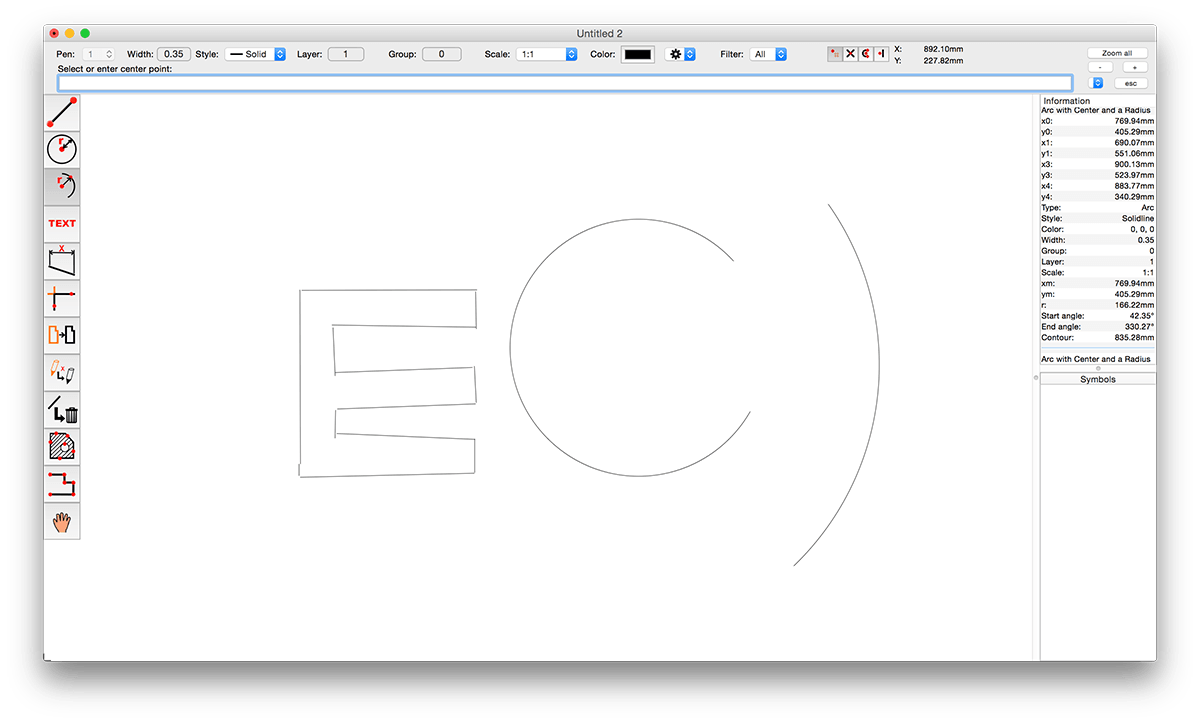
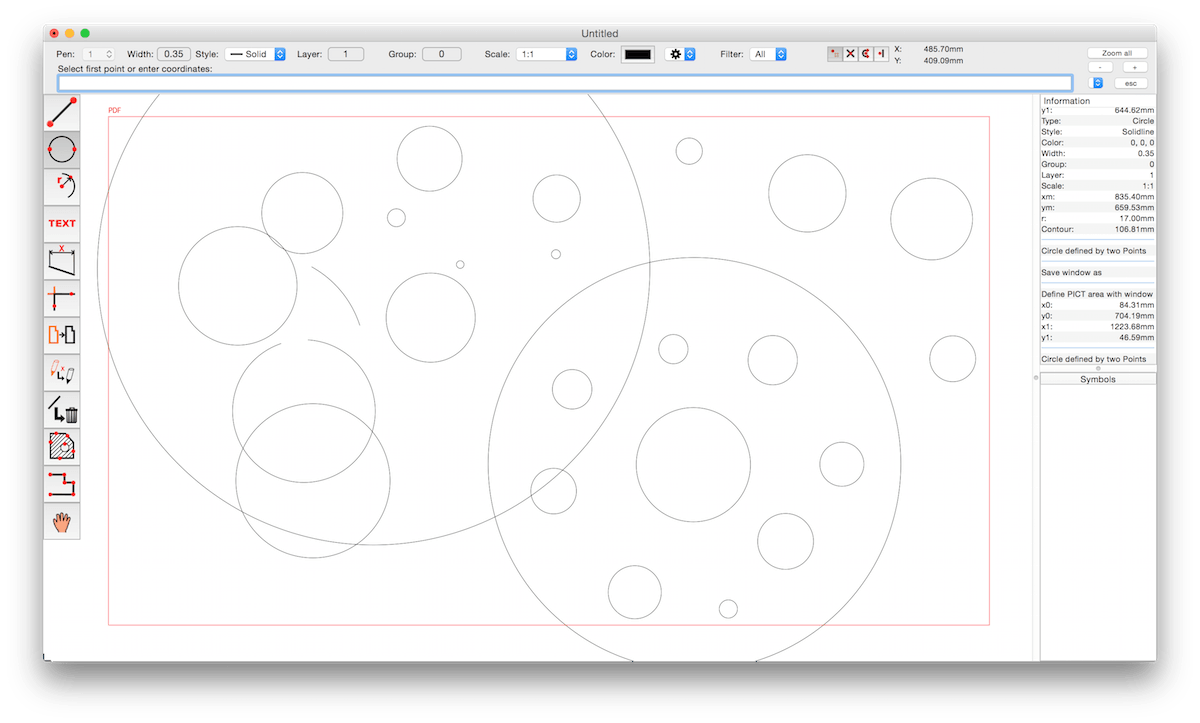
CADintosh is a 2D-CAD program for technical and architectural drawings. You will benefit from professional and well thought-out features for all your design requirements.
Features include:
Interactive window redrawing (you can work in the same time of the window redrawing)
Number of elements limited by memory
Pen oriented mode: 8 line widths/line colors/pens
Individual mode: line width from 0.0 to 99.99 mm, pattern and colors
It has a lot of tools like lines, arcs, dimensions, splines, hatching etc.
Import and export HPGL, DXF, and PICT
6 line types (solid, dash, dot-dash, phantom, zigzag, dotted)
32000 groups
1024 layer
Alternative units in inches or freely definable
Shareware version has a simple layer filter (easy to use)
Registered version has a additional extended layer filter (named filter sets, palette with name of filter)
Shareware version has internal symbols (number of symbols only limited by memory)
Registered version has additional external symbol libraries and more simple work with symbols
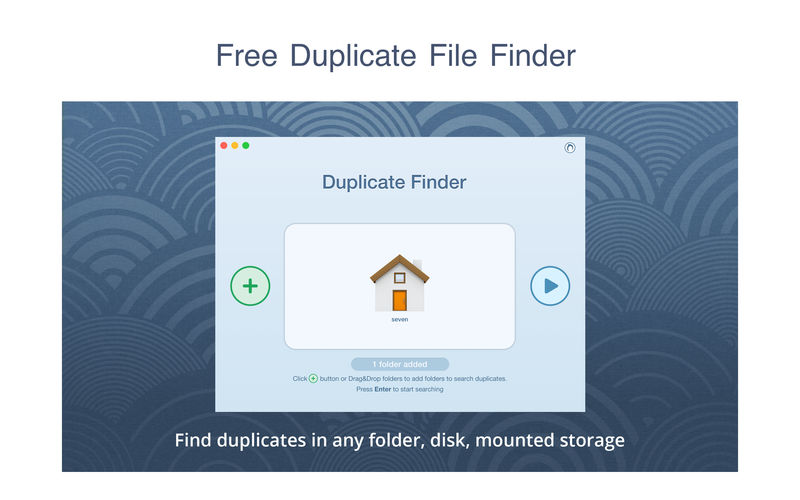
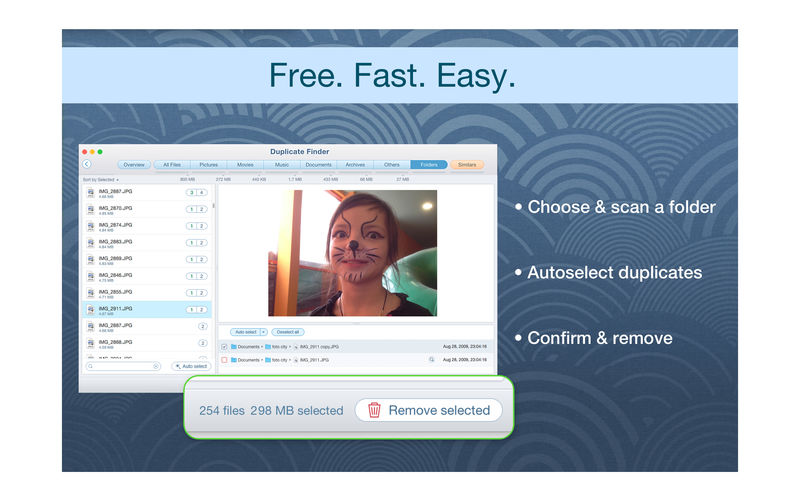
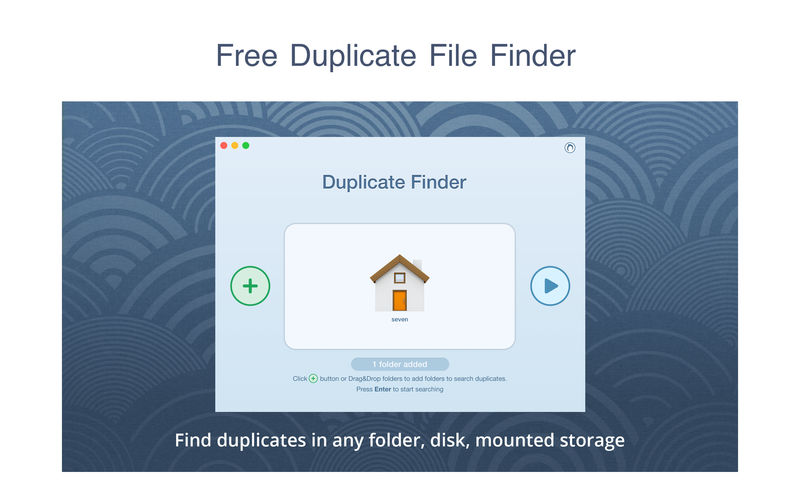
PrimeFile is a free utility that finds duplicate files on your Mac in just 3 clicks. Drag & drop as many folders as you wish and click SCAN.
Within a minute the app will give a report with all duplicate files by categories: images, videos, music, archives, documents, and all other specific extensions. It’s really easy to see how much space each file takes.
Features: SCANNING
fast scanning algorithm
scanning for duplicates in multiple folders or drives
external drives & mounted network folders support
“Recent Folders List” for scanned folders
animated scanning process
skip list for various files & folders
RESULTS OVERVIEW
visual chart report when scanning
duplicate files list
duplicate files by types
DUPLICATES
built-in duplicates search
preview & quick look for every file
sort duplicates (by name, size, total size, type, and duplicates count)
PrimeFile is a free utility that finds duplicate files on your Mac in just 3 clicks. Drag & drop as many folders as you wish and click SCAN.
Within a minute the app will give a report with all duplicate files by categories: images, videos, music, archives, documents, and all other specific extensions. It’s really easy to see how much space each file takes.
Features: SCANNING
fast scanning algorithm
scanning for duplicates in multiple folders or drives
external drives & mounted network folders support
“Recent Folders List” for scanned folders
animated scanning process
skip list for various files & folders
RESULTS OVERVIEW
visual chart report when scanning
duplicate files list
duplicate files by types
DUPLICATES
built-in duplicates search
preview & quick look for every file
sort duplicates (by name, size, total size, type, and duplicates count)
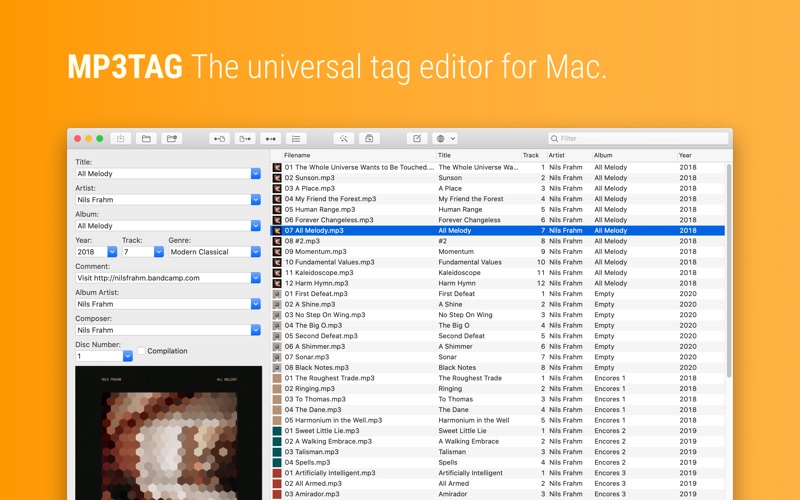
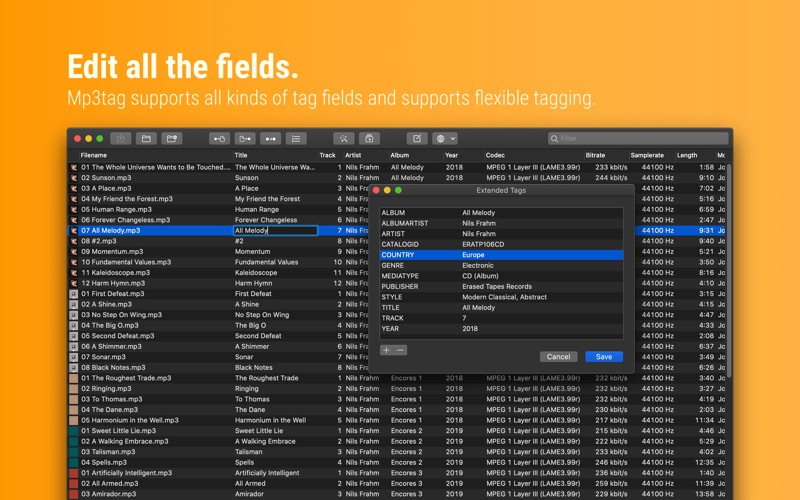
Mp3tag is a powerful and easy-to-use tool to edit metadata of audio files. Musicians, DJs, podcasters, and audio-enthusiasts use it for many different aspects of handling audio files. It supports batch tag-editing for multiple files at once, covering many audio formats from MP3, over MP4, and M4V (yes, that’s video!) to FLAC, OGG, OPUS, AIF, DSF, MPC, and WAV.
Furthermore, it supports online database lookups from Discogs and MusicBrainz, allowing to gather proper tags and download cover art for music libraries.
It offers renaming files based on the tag information, replacing characters or words in tags and filenames, importing tag information, and adjusting the size and image format of embedded cover art.
Since some of the tasks in managing a digital library are repetitive, Mp3tag allows for combining tasks into action groups, which serve as workflows for keeping consistency and order. Examples are formatting tag fields, performing case conversion, removing unwanted fields, or adjusting embedded cover art to match required sizes.
Key Features
Bulk-Editing of Tags for multiple files at once.
Editing of cover-art.
Renaming files based on tags.
Importing metadata from filenames.
Assign track and disc numbers via the auto-numbering wizard.
Importing metadata from online Tag Sources.
Support for Flexible Tagging, allowing for user-defined tag fields in a standardized way.
Applying action groups with many tasks combined into reusable workflows.
Support for many file types under a universal user interface.
and more…
Supported File Formats
MP3 (ID3v1, ID3v2.3, ID3v2.4 with UTF-8)
MP4/M4A/M4B/M4V (iTunes and Nero)
FLAC (Vorbis Comments)
OGG (Vorbis Comments)
OPUS (Vorbis Comments)
AIF (RIFF INFO and RIFF ID3)
DSF (ID3v2)
MPC (APEv2)
WAV (RIFF INFO and RIFF ID3)
Compatibility: macOS 10.14 or later • Apple Silicon or Intel Core processor Homepagehttps://mp3tag.app/
One-Stop Video Processing Software. The simple solution to batch download UHD/HD videos, audios, playlists; convert, edit and record with 47X faster GPU hardware-accelerated speed.
Supporting up to 370 codecs, VideoProc 4K accepts any video format and can effortlessly carry out the video conversion tasks. All the videos from iPhone, Android, cameras, drones or GoPro will be processed smoothly while keeping the best possible quality.
What’s New:
Version 4K 5.4 (2023020601):
Release notes were unavailable when this listing was updated.
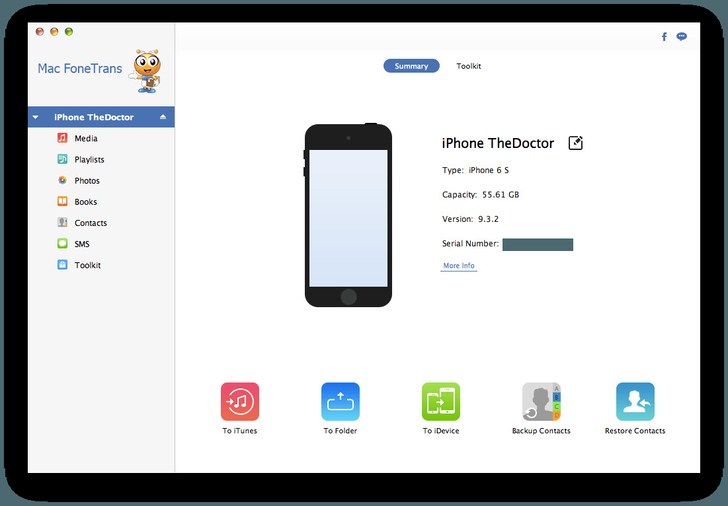
This Mac iOS transfer and management software can transfer contacts/photos/songs/videos and more between Mac and iOS devices. It enables you to edit Playlist/Podcasts… effectively. Your digital life can be managed easier.
What’s New:
Version 9.1.62:
Release notes were unavailable when this listing was updated.
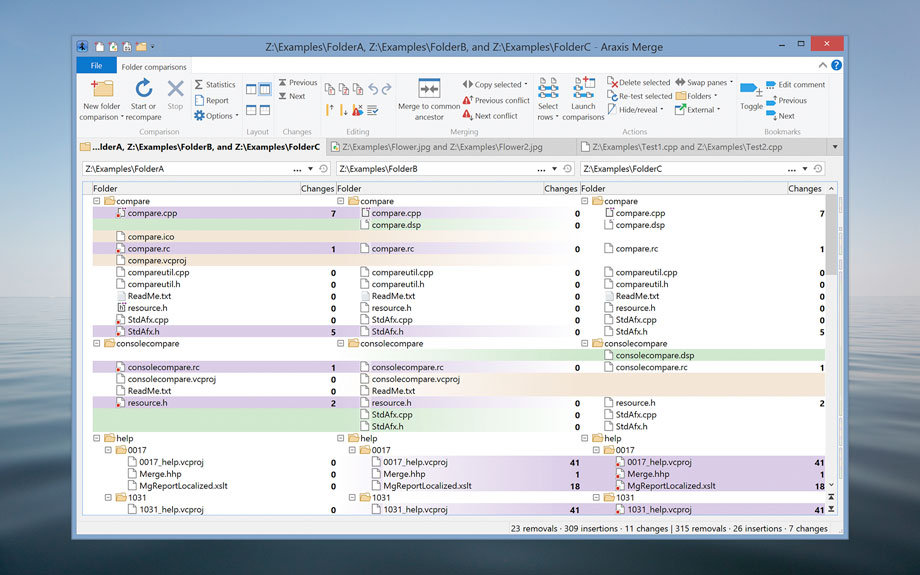
Araxis Merge is the two- and three-way visual file comparison/merging and folder synchronization application. Use it to compare, understand and combine different versions of source code, Web pages and other text files, or even text copied and pasted from another application (e.g., Pages or Microsoft Word). Merge integrates with Time Machine, so you can compare older versions of files.
Broad appeal, many uses
For legal and publishing professionals:
instantly identify every change between different contract or manuscript drafts. Directly open and compare the text from Microsoft Office (Word and Excel), OpenDocument, PDF and RTF files. Copy text from other applications (such as Microsoft Word) and paste it directly into a text comparison.
For code reviewers and auditors:
identify in context every change made between two or three source code hierarchies. Create a standalone HTML or XML report of your findings. Add bookmarks and comments to a file or folder comparison, then save it as a single-file archive for emailing to other team members for review.
For software engineers and web developers:
compare, understand and combine different source file versions. Work quickly and accurately, whether you are comparing individual files or reconciling entire branches of source code. Use three-way comparison to integrate changes made by you, and those made by a colleague, with a common ancestor version. Synchronize a website with its staging area via FTP using the supplied FTP plugin
For release and quality control managers:
compare different source code branches to give total confidence that you know and understand every change made to every file for a specific release. Compare product releases to be certain that only the expected files have been modified. Create an HTML or XML report of changes for audit purposes.
Other users:
Whether you are working with multiple revisions of text files or need to keep multiple folder hierarchies in sync (for example, between a desktop and laptop machine), Merge could help save time and reduce errors by helping you to work quickly and accurately.
Text comparison and merging
Merge enables you to compare and work with different revisions of text files, such as program source code, XML and HTML files. Merge can extract and compare the text from Microsoft Office, OpenDocument, PDF and RTF files. XML files can be shown with special formatting, helping you to see changes more clearly. It supports files with ASCII, MBCS and Unicode character encodings.
Merge shows detailed highlights of changes within lines. It can be configured to ignore differences in whitespace and line endings, as well as changes in lines matching specified regular expressions. The latter is useful for ignoring unimportant changes such as timestamps or expanded version control keywords.
A colour-coded side-by-side comparison makes it easy to pinpoint at a glance similarities and differences between files. Linking lines are drawn between the documents showing clearly how they are related.
Point-and-click merging helps you choose the parts of each file that you would like to add to a final merged version by simply clicking buttons. The in-place editor with unlimited undo enables complete control over the merged file as you create it. The text comparison display dynamically updates as the merge progresses.
Compare text from common office file formats
Extract and compare the text content from Microsoft Office, OpenDocument, PDF and RTF files. Copy text from other applications and paste directly into a text comparison. (Note that office document layout and formatting is not shown in text comparisons.)
Image and binary file comparison
Merge doesn’t just compare text files. Use image comparison to compare many different types of image file and instantly see which pixels have been modified. Binary comparison enables you to identify differences in data files at a byte level.
Three-way comparison and automatic merging
Merge Professional adds advanced three-way visual file comparison and merging to the Standard Edition’s two-way visual file comparison and merging. This is particularly useful when more than one person is working on the same set of files.
Automatic Merging enables swift reconciliation of even the largest files. Three-way file comparisons can be launched directly from a three-way folder comparison, allowing efficient integration of entire branches of source code.
Folder hierarchy comparison and synchronization
Merge supports folder hierarchy comparison and synchronization, enabling you to compare and merge entire directory trees. This is ideal for detecting changes in different versions of source code or web pages. You can even use the efficient byte-by-byte comparison option to verify the contents of recordable CDs or USB thumbsticks.
With support for a variety of archive formats (.zip, .tar, etc.), Merge enables you to compare archives as if they were folders†. Compare the contents of an archive to a folder to verify its contents, or to see which files have changed since the archive was created.
The Professional Edition of Merge supports three-way folder comparison (with automatic merging capability), enabling two revisions of a folder hierarchy to be merged with their common ancestor or some other folder hierarchy. This can be especially useful when used in conjunction with a source code control or software configuration management system.
What’s New:
Version 2023.5849:
Release notes were unavailable when this listing was updated.
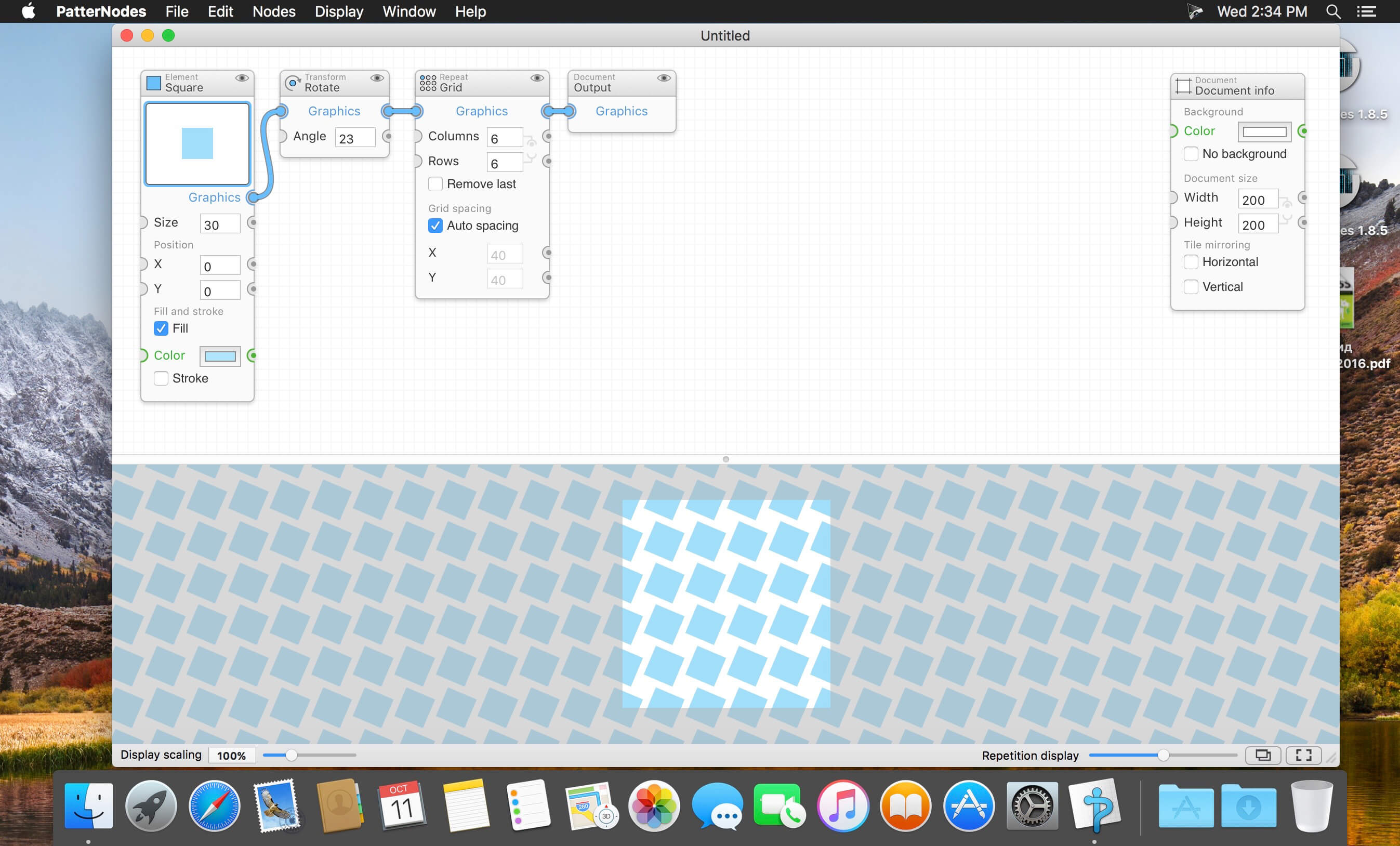
PatterNodes is a tool for creating graphical patterns, animations, gradients, or illustrations based on repetitions. This is done by defining a sequence of steps, a recipe of sorts, that describes the pattern. Each pattern element or operation is represented by a little panel called a node, and the nodes are then linked by connections drawn between them. As the nodes can be freely combined and connected, this gives you a very flexible and powerful interface.
While this interface requires a different way of thinking, it also offers a lot of benefits compared to traditional Illustrator-type editors. Most importantly it enables you to use sliders to instantly change any aspect, like color, spacing, scaling, rotation or repetition count of any part of the pattern without having to undo/redo any steps. You can also specify animation value ranges for any of these parameters.
The resulting pattern tile is always shown in the bottom preview view, repeated and updating in real time with any changes, giving you instant feedback of what the end result will be. To make pattern creation easier PatterNodes also includes a lot of nodes that automatically perform common tedious tasks like repeating elements at the tile edges to make the pattern seamless, or randomizing different aspects (like color, position, rotation, etc.) of the elements in a pattern to give it a little more life. Finally, when you’re done you can simply copy the pattern tile into whatever illustration or graphics application you use, or export it either as vector graphics or a bitmap image file. Animations can be exported as GIF, QuickTime MOV or numbered PNG or JPG files
Download All Videos from TikTok Hashtags & Users in One Click .4K Tokkit is the ultimate application for mass TikTok content download. Save TikTok challenges, captions, whole accounts, hashtags, and single videos in high quality. Watch TikToks offline, browse your TikTok feed without ads, repost clips to other social networks.
What’s New:
Version 1.7.0:
Release notes were unavailable when this listing was updated.
Softorino YouTube Converter – YouTube to MP3. Offline YT Converter. No Ads. Background Playback.
YouTube on the iPhone and iPad, without advertising, to support offline viewing but still nothing. You think it’s impossible? But not guessed!
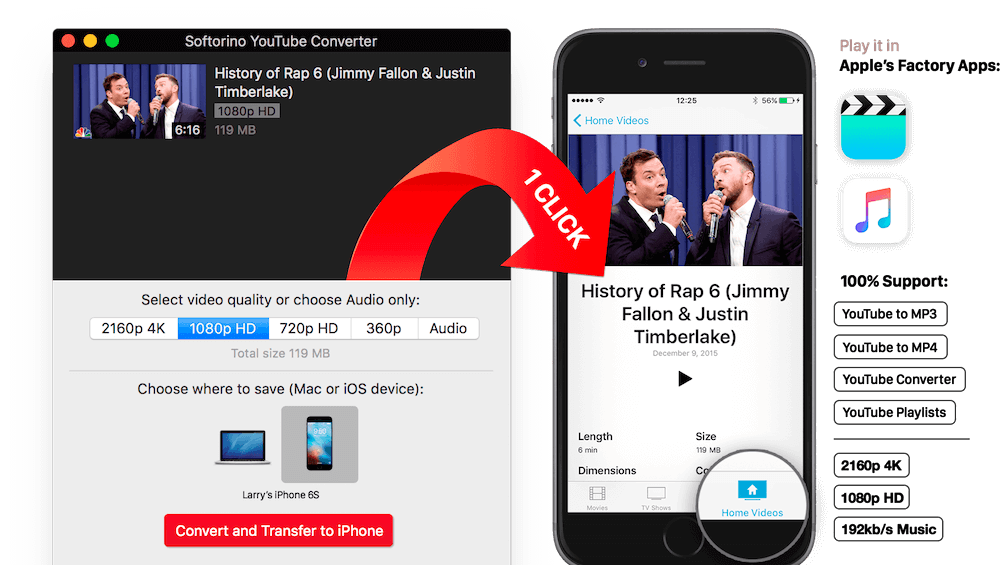
All this and a little bit more you can get by using Softorino YouTube Converter. The whole process is simple in the extreme: copy the link to the video, go to the app and choose where you want to save the video.
After you copy the link to the clipboard, Softorino YouTube Converter automatically recognizes it, and you will only choose the quality (60fps, 2160p 4K, 1080p HD, 720p, 360p, or audio only) and a place to save (Mac or iOS-device ). A few seconds after pressing the button Download the file is in the “Boot” on the Mac, or “Video” application / “Music” on iOS. That’s all.
No advertising;
You can download any video from YouTube and Vimeo;
You can download the audio track of the video and listen to the standard player on iOS;
Do not need internet to view;
less discharged battery;
for it not to be paid;
it works anywhere in the world, in contrast to the YouTube Red.
What’s New:
Version 5.0.97:
Release notes were unavailable when this listing was updated.
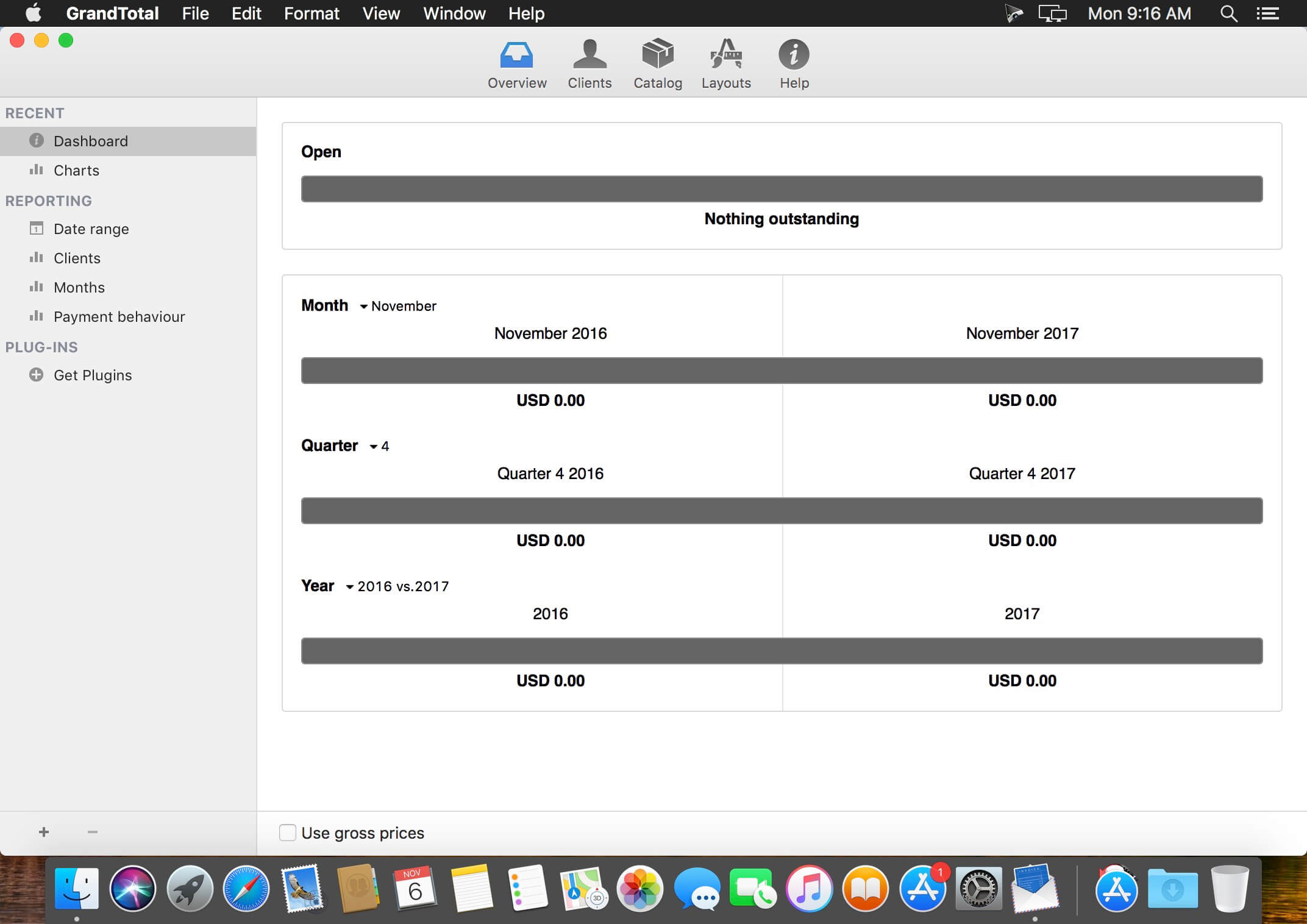
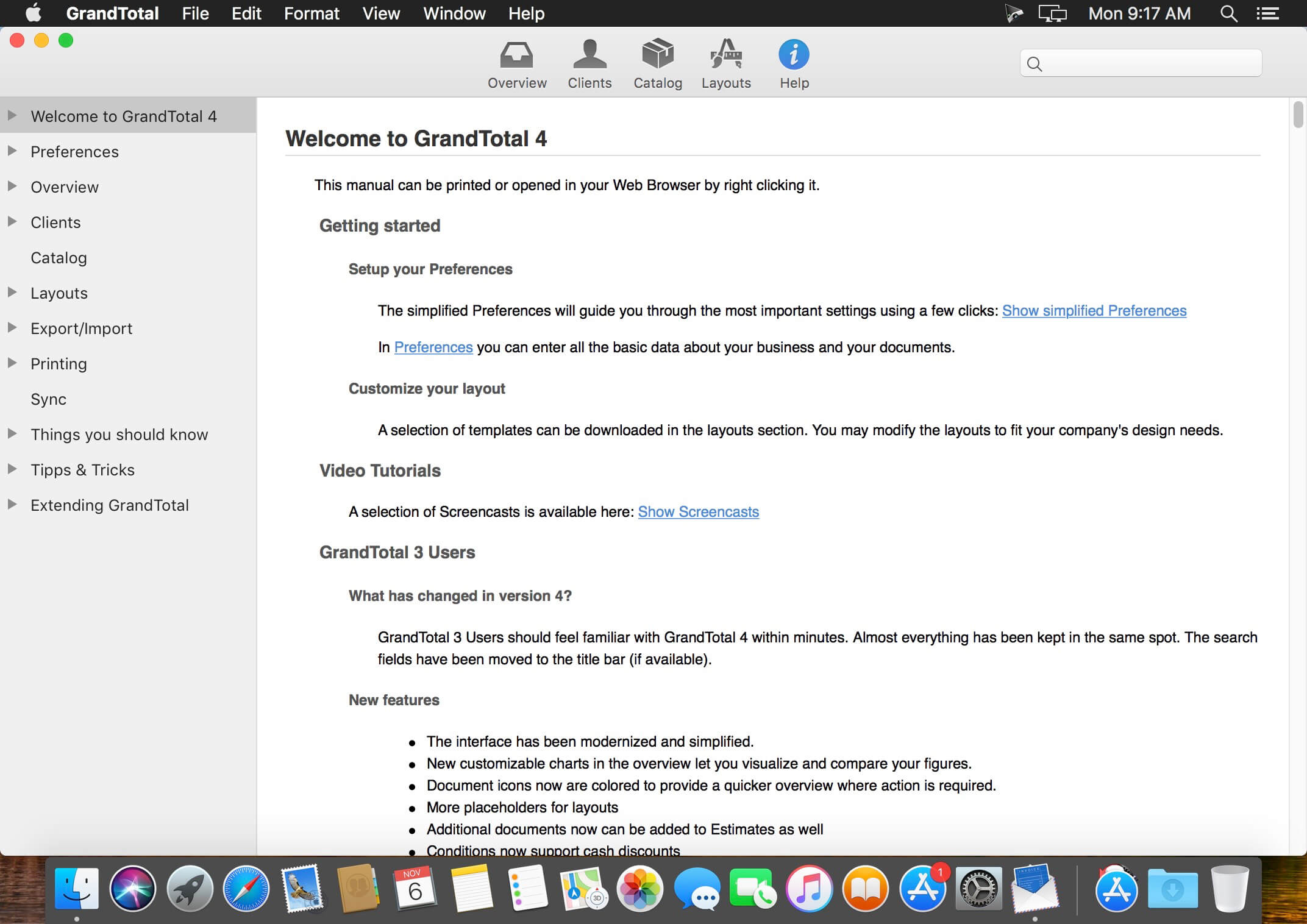
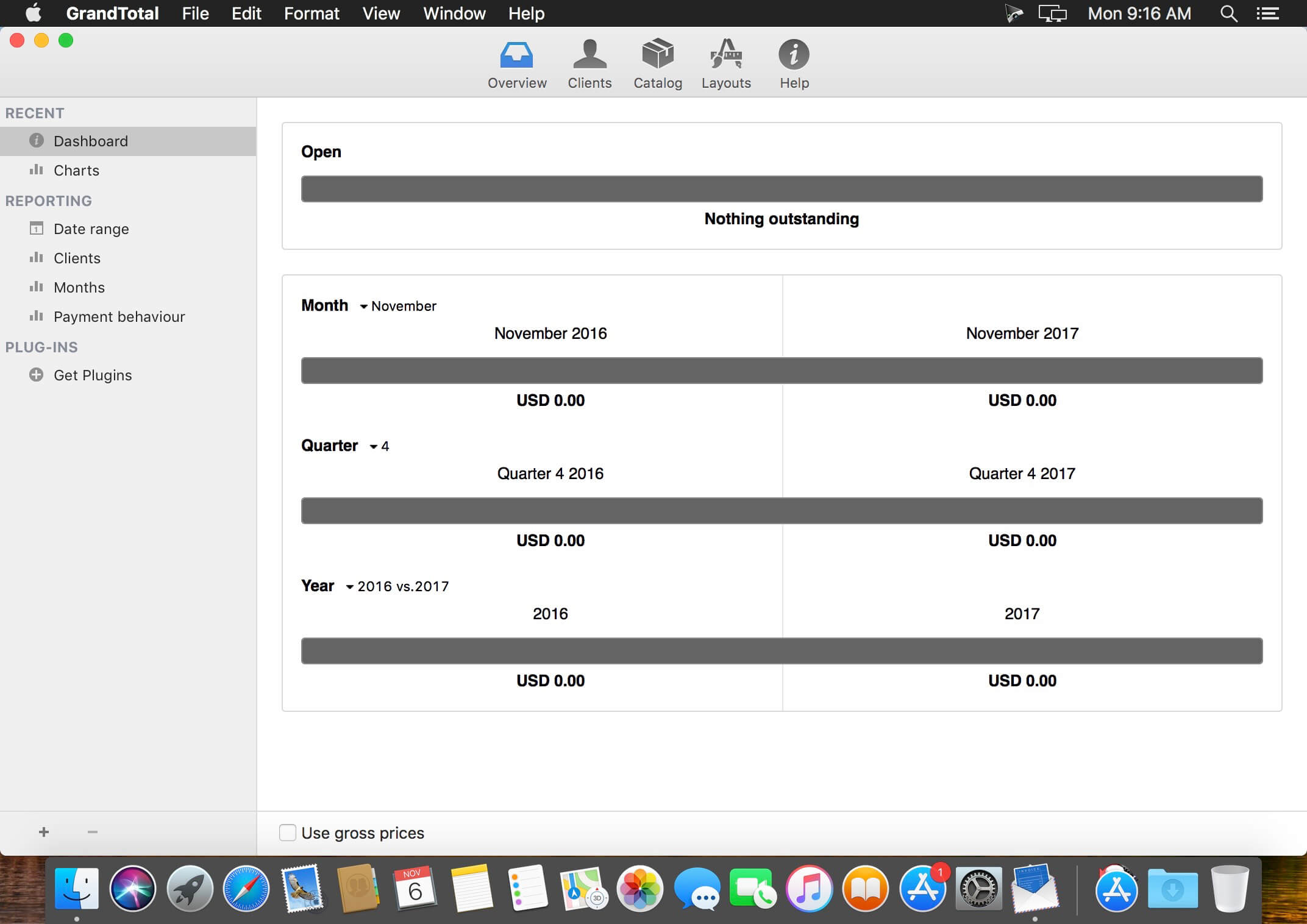
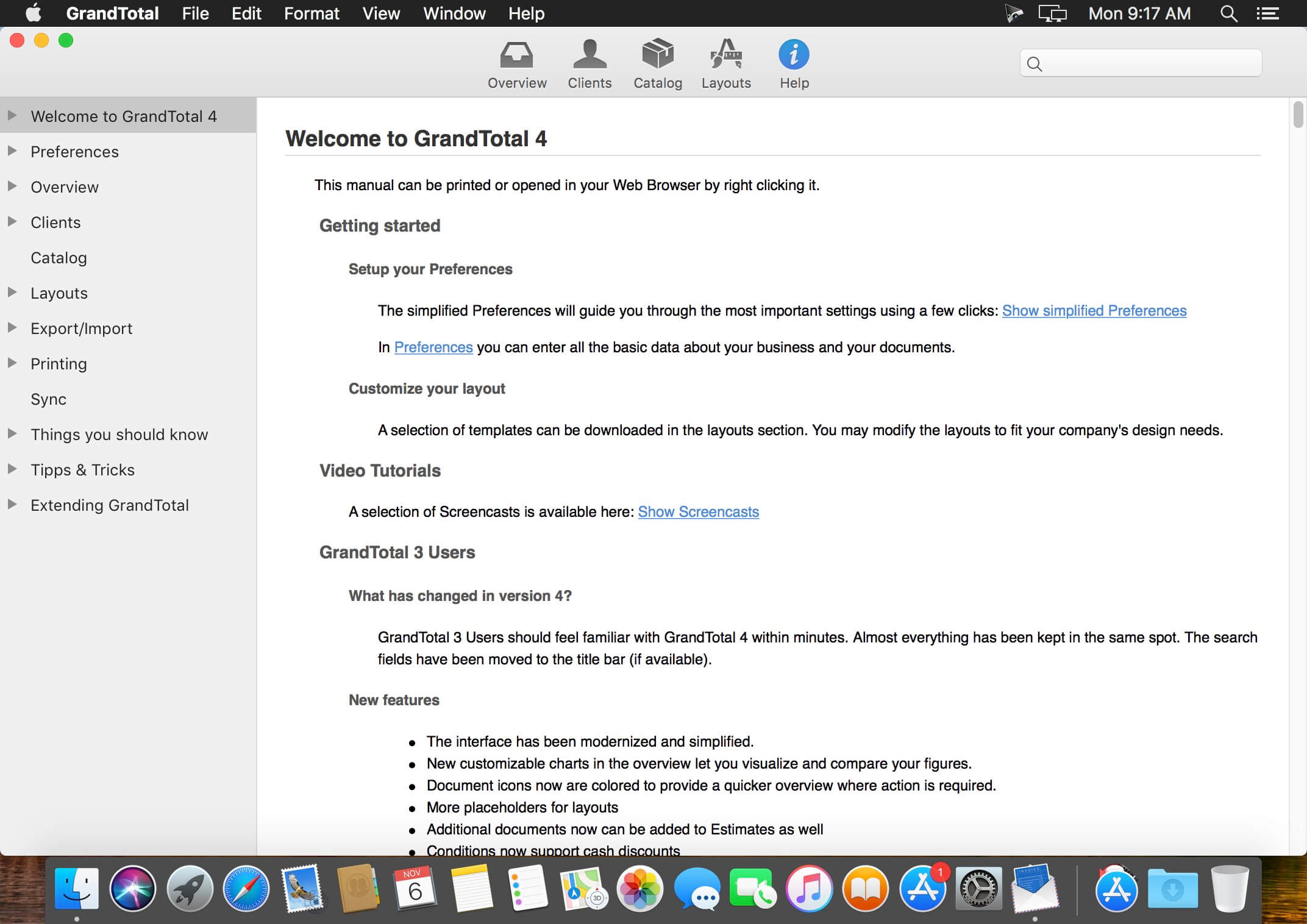
GrandTotal is an application to create invoices and estimates based on your own templates. The built-in template editor allows you to adjust your layout to fit your company’s corporate design. GrandTotal works great in conjunction with TimeLog. Using GrandTotal you can create invoices and estimates in the twinkling of an eye and keep track over the outstanding payments. Detailed statistics and graphs give you an insight into the current state of your business and allow comparison to previous periods.
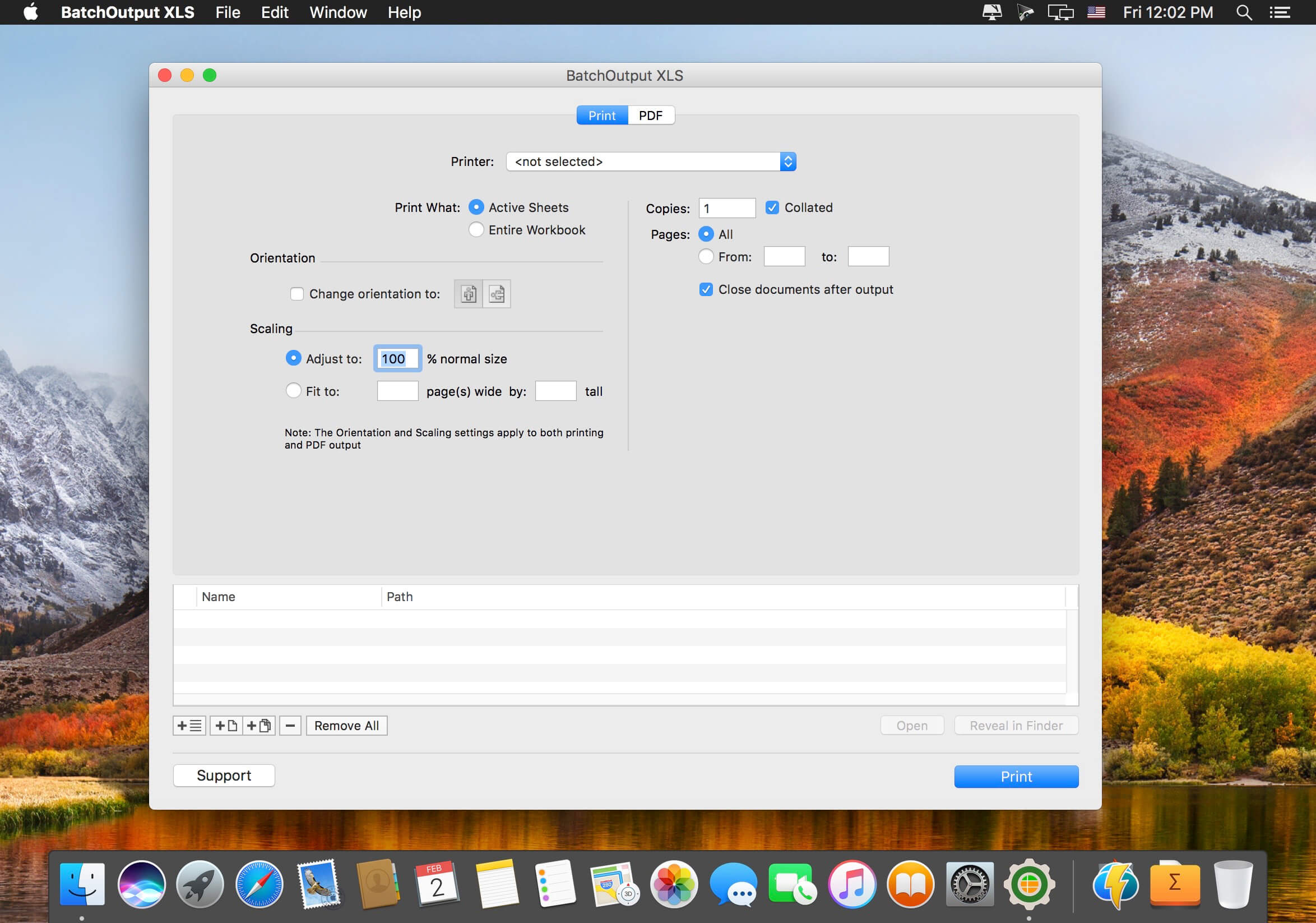
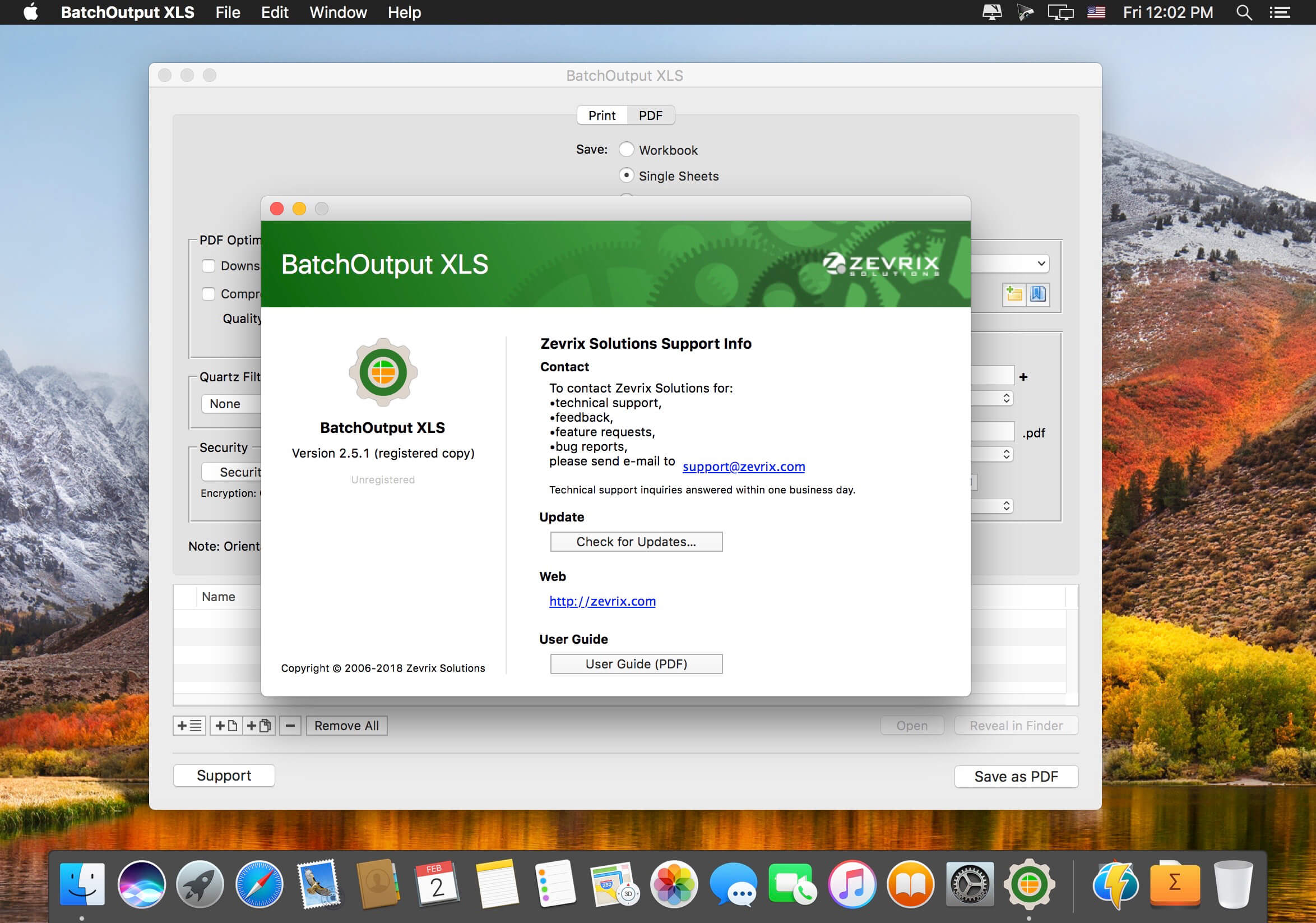
BatchOutput XLS automates printing and PDF production from Microsoft Excel. Just add Excel files to the BatchOutput XLS list, adjust the settings, and BatchOutput will do the rest automatically. For example, BatchOutput can be left to process hundreds of Excel files overnight, and the completed job can be picked up next morning.
In addition to batch printing, BatchOutput XLS offers automated professional PDF production:
New video processing software designed to cut, trim, merge, adjust, transcode, edit 4k video with full hardware acceleration.
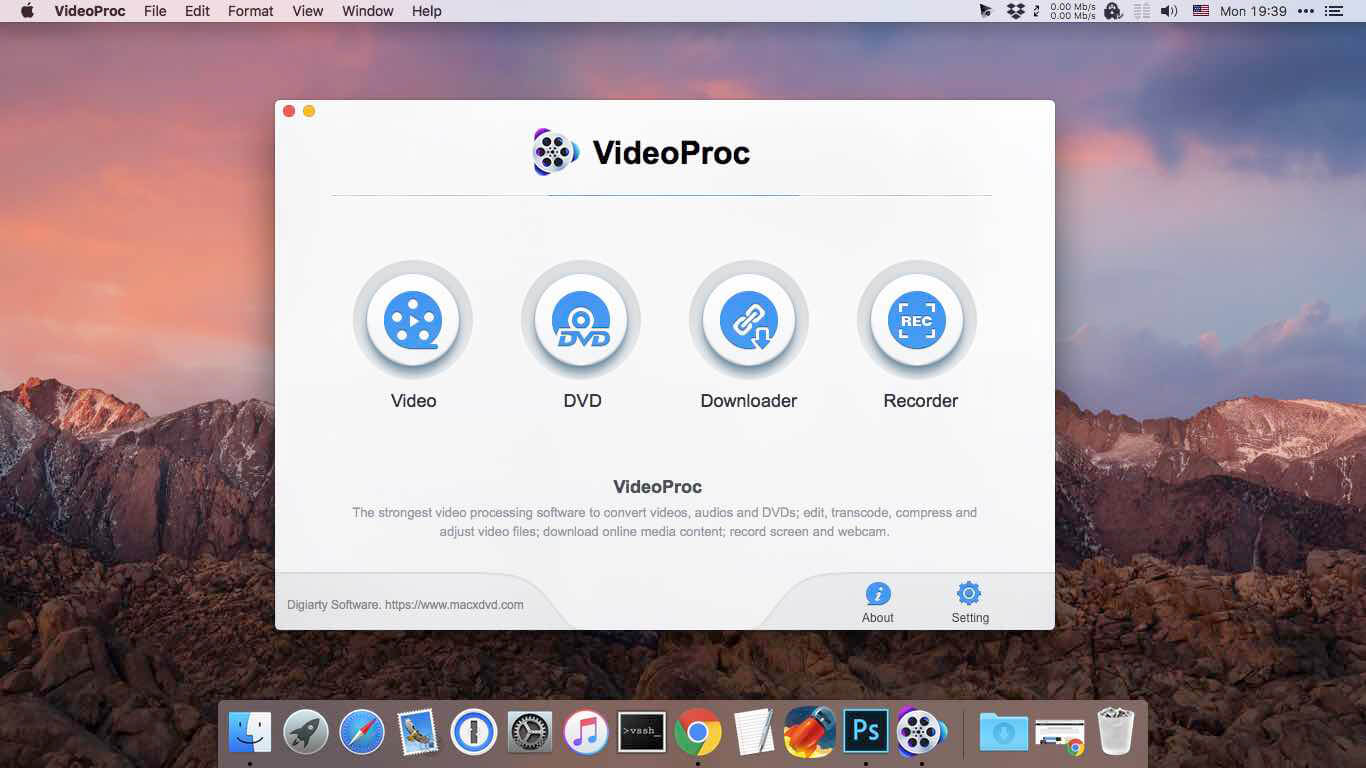
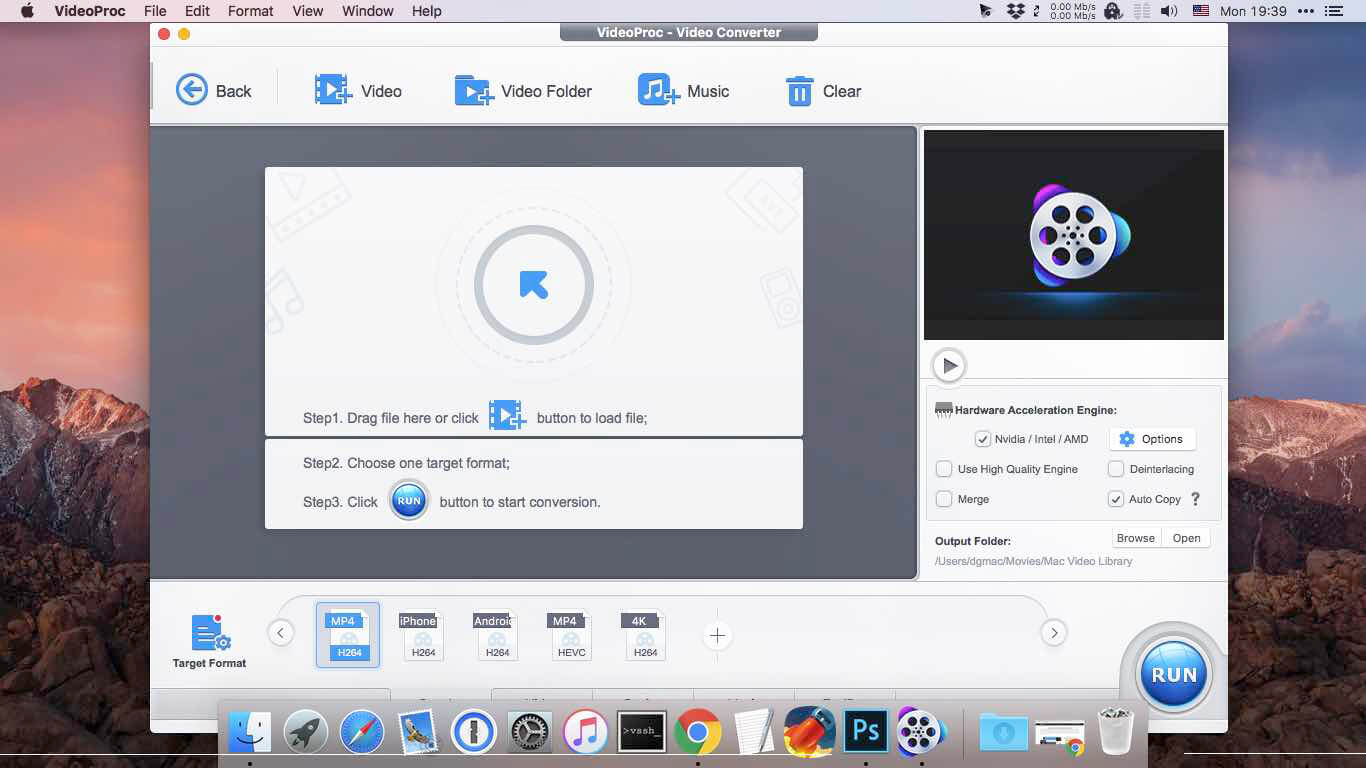
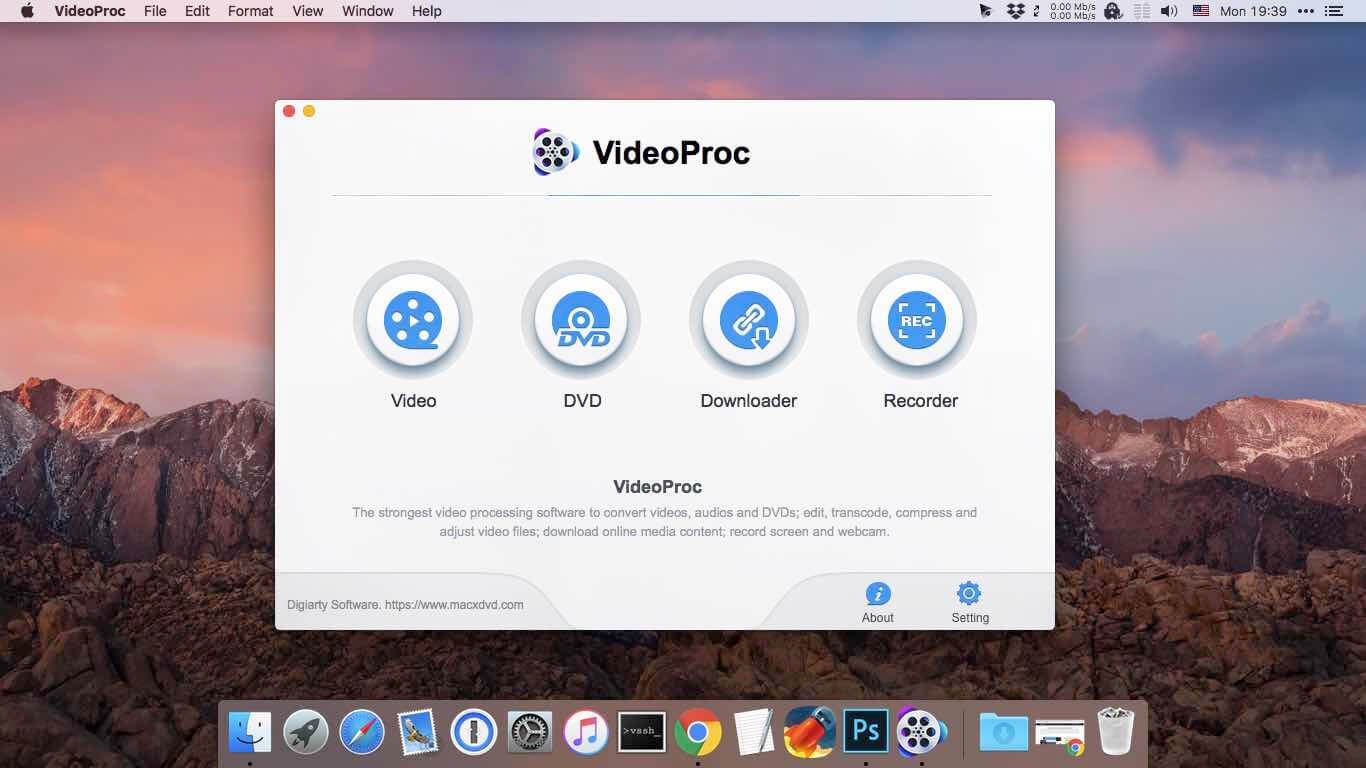
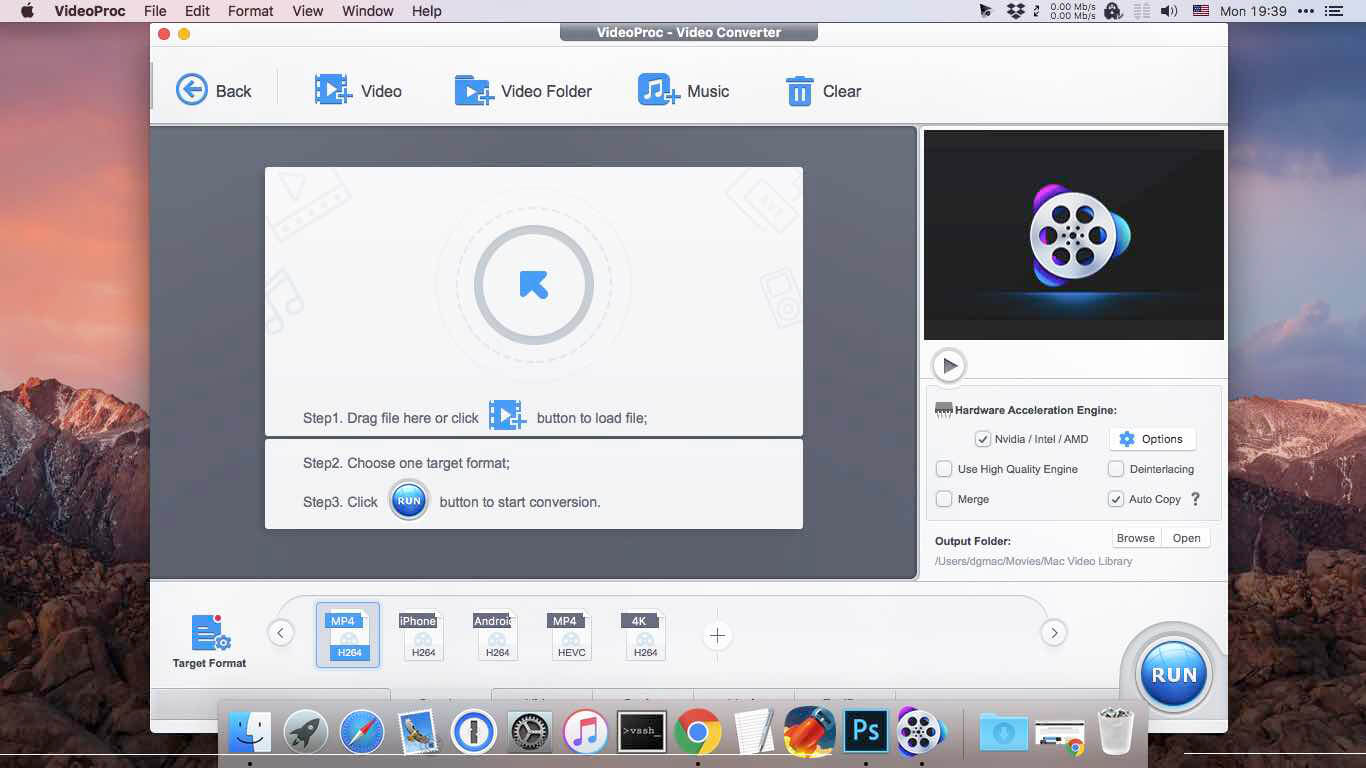
VideoProc (former MacX Video Converter Pro) achieves the record-setting “FIRST” in video processing industry – crafting the easiest video editor, together with DVD video converter, downloader, and recorder at the core. All engineered for the 4K UHD era, it is your must-have video toolbox to handle even the most demanding tasks from HD to 3D, UHD 4K, 5K and 8K, no matter it is from iPhone, GoPro, Dji, Samsung, YouTube, DVD disc or other sources. Process your media files to fit YouTube, Facebook, Instagram, iPhone, iPad, TV, PS4, etc, edit raw footages flexibly into more engaging stories, backup and rip a full DVD in 5 minutes, all finished at world’s fastest speed, without compromising quality.
Accept Every Media with the Largest Codec Library
VideoProc works on video and audio files from iPhone, iPad, GoPro, DLSR, Dji drones to discs, internet websites and others. The leading 370+ codec library provides industry’s broadest support for nearly every major formats used in consumer and professional worlds today. It goes beyond the current mainstream SD/HD videos, all the way up to UHD 4K, 5K and 8K clips. Import media with no extra codecs required.
Supported video formats: MP4, MOV, HEVC, H.264, MPEG4, AVI, WMV, FLV, MKV, MTS, M2TS, TS, AVCHD, MOD, etc. Supported audio formats: MP3, AAC, AC3, FLAC, iPhone ringtone, etc.
Industry-leading Editor for Every Skill Level
Unique in industry, VideoProc houses everything newbies or seasoned editors need to produce studio-quality films like a pro. Tell a story, make travel videos for YouTube, or create home movies. Import the footages and trim, cut, crop, and add effects or subtitles right away. You will find the most complete one-click options to stabilize, denoise, split, merge, make animated GIFs, remove fisheye, convert 3D to 2D, copy MKV and etc.
Convert Videos to Any Format You Name
VideoProc delivers the widest range of output formats, covering from MP3, AAC, AC3, to MP4, MOV, MKV, H.264, MPEG4, etc.
It offers the largest device-specific profiles (up to 420), running the gamut from phones, tablets, TVs, to game consoles. This regularly updated library lets you convert any video to a file perfectly sized for even the latest iPhone X, Apple TV 4, iPad Pro or so, without tinkering with the complex settings manually. The mammoth profiles also ready your video clips for uploading to YouTube, Facebook, Instagram, etc without a hitch.
Rip a Full DVD in 5 Mins [Support 99-Title Discs]
Experience the most powerful processing solution for DVDs/ISO/folders of any kind. Freely backup movie collections in 5 modes, make 1:1 copies, digitize disc to mainstream formats and move DVD movies to mobiles with one click. Flawlessly convert new movies, 99-title DVDs, damaged & unplayable discs, other DVDs. No more DVD ripping failure or crashes thanks to the market-leading DVD analysis algorithm and title check mechanism. Rip a full DVD in 5 minutes only.
Download Video/Music from YouTube & 1000+ Sites
VideoProc is equipped with a fuss-free YouTube downloader that can download videos from 1000+ sites like YouTube, Facebook, Vimeo, Dailymotion, etc. Save videos, songs, playlists, TV shows, movies, gameplays, cartoons in 4K, Full HD 1080p/720p or so and convert YouTube to MP3, AAC, MP4, etc, so you can tailor it for use on whatever device.
Make a backup of online videos for safekeeping and watch videos offline without distracting ads or battling with slow network.
Capture Everything on Screen to Share with World
The screen recorder for Mac is ideal for recording anything on your screen (specific region or full screen), from gameplay, webinars, online streams, tutorials, Skype calls, live chats, to visual presentations.
You can record video from iPhone, webcam, or screen and computer camera simultaneously, pair your creation with sound and save it as standard MP4, AVI, MOV, MKV, etc.
Reduce 4K/HD File Size by 90% Smaller
VideoProc delivers a fast 4k video processing and allows you the full control on the output file size. Compress HD/4K videos to be up to 90% smaller for YouTube, Email or so. Ease the intense strains on storage with an industry-leading compression engine.
Upscale HD to 4K for sharper image – Beyond SD to HD, VideoProc offers a full set of resolutions, bit rates, conversion quality, codecs etc. to improve quality from HD to 4K for 4k TV or UHD screens, thanks to the 4K upscaling algorithm.
Compress 4K to HD/SD for smaller size – Scale down 4K to HD 1080p or lower video resolution, allowing UHD videos to reach almost any screen with immersive ulra-HD quality yet smallest sizes.
Decode & Encode HEVC/H.265 with No Burden
VideoProc is in the lead in processing High Efficiency Video Coding/H.265. Hardware-accelerated HEVC transcoding helps 4K videos go to your screen in unparalleled speed. No more hang-up, lengthy wait or high CPU usage under HEVC workloads anymore.
Decode HEVC: Convert HEVC/H.265 to H.264, MP4, MOV, etc for better compatibility. Encode HEVC: Encode MKV, MTS, M2TS, AVCHD, H264, especially the large 4K UHD videos into HEVC for half the size with untouched quality.
What’s New:
Version 5.4 (2023020601):
Release notes were unavailable when this listing was updated.
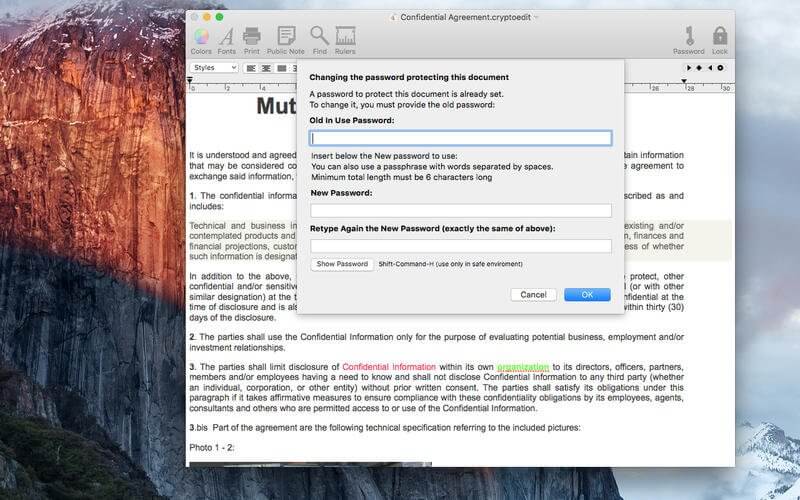
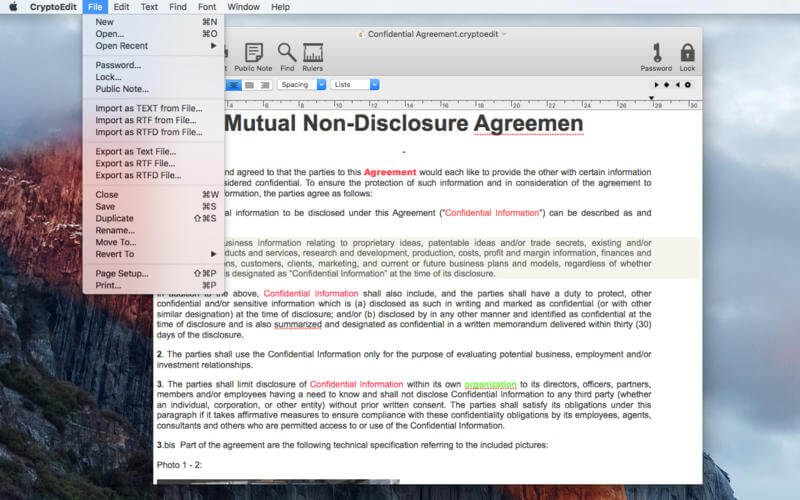
CrytoEdit is an absolutely simple, powerful, and secure application to create and edit documents that are encrypted by default. It handles TEXT, RTF, and RTFD (RTF with images) files. All files are saved encrypted. It is the ideal solution for managing private documents in plain text and RTF.
CryptoEdit allows you to edit documents with a simple word processor. It can handle text and images. All the features available in a modern, Cocoa-based RTF editor are available in CryptoEdit. Text may be formatted using rulers, styles, and fonts of different sizes and colors. All font selections are available from standard menu dialogs and custom styles may be used.
CryptoEdit performs spell-checking in your native language and includes full text search. Insertion of images may be done with simple drag-and-drop. CryptoEdit can import existing documents and export in standard TEXT, RTF, and RTFD. CryptoEdit documents are always saved encrypted for security. If it was saved, it was encrypted! Saving a document with images (RTFD) creates a single file with all text and images encrypted.
Always saves content encrypted. You are always safe because it can’t save in plain text. No way to create documents that anyone can read.
Easy and effective, you will be productive from the first seconds of use
Accepts drag and drop to insert images
Import from files on disk in standard TEXT or RTF or RTFD (RTF + images) .
Documents can also be exported as TEXT, RTF or standard RTFD (included images) in plain format
Super-protected content. CryptoEdit uses a strong AES-256 algorithm.
Full-featured editor with spell-check in any language
Fully implemented search
Insertion of images via drag-and-drop.
Unbelievably fast. It decrypts and opens super-secure AES-256 files as if they were plain text.
Native Intel 64 bit to take full advantage of the power of the latest Macs
Sandboxed and Gatekeeper signed respecting all the Apple rules for first class OS X apps
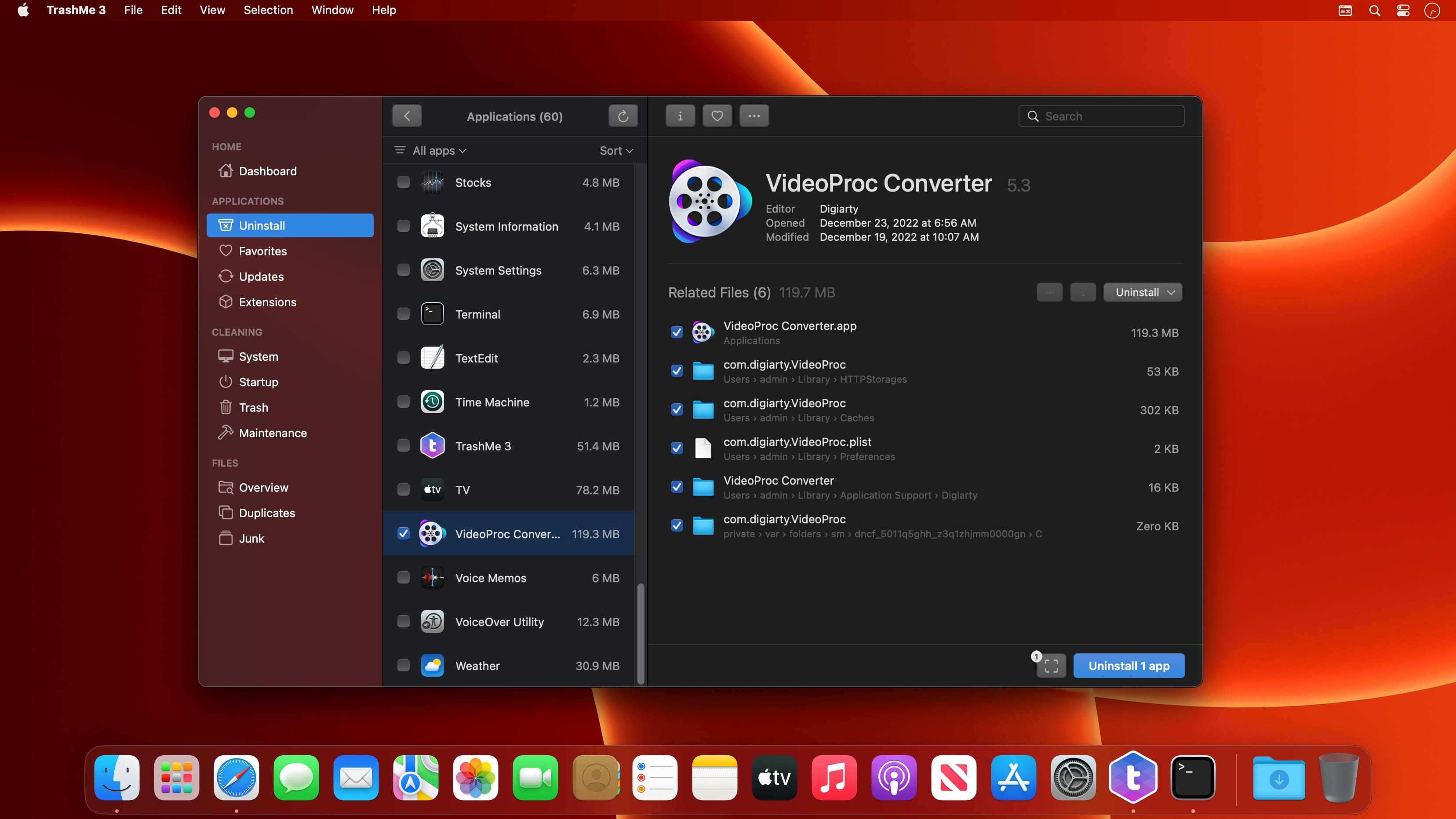
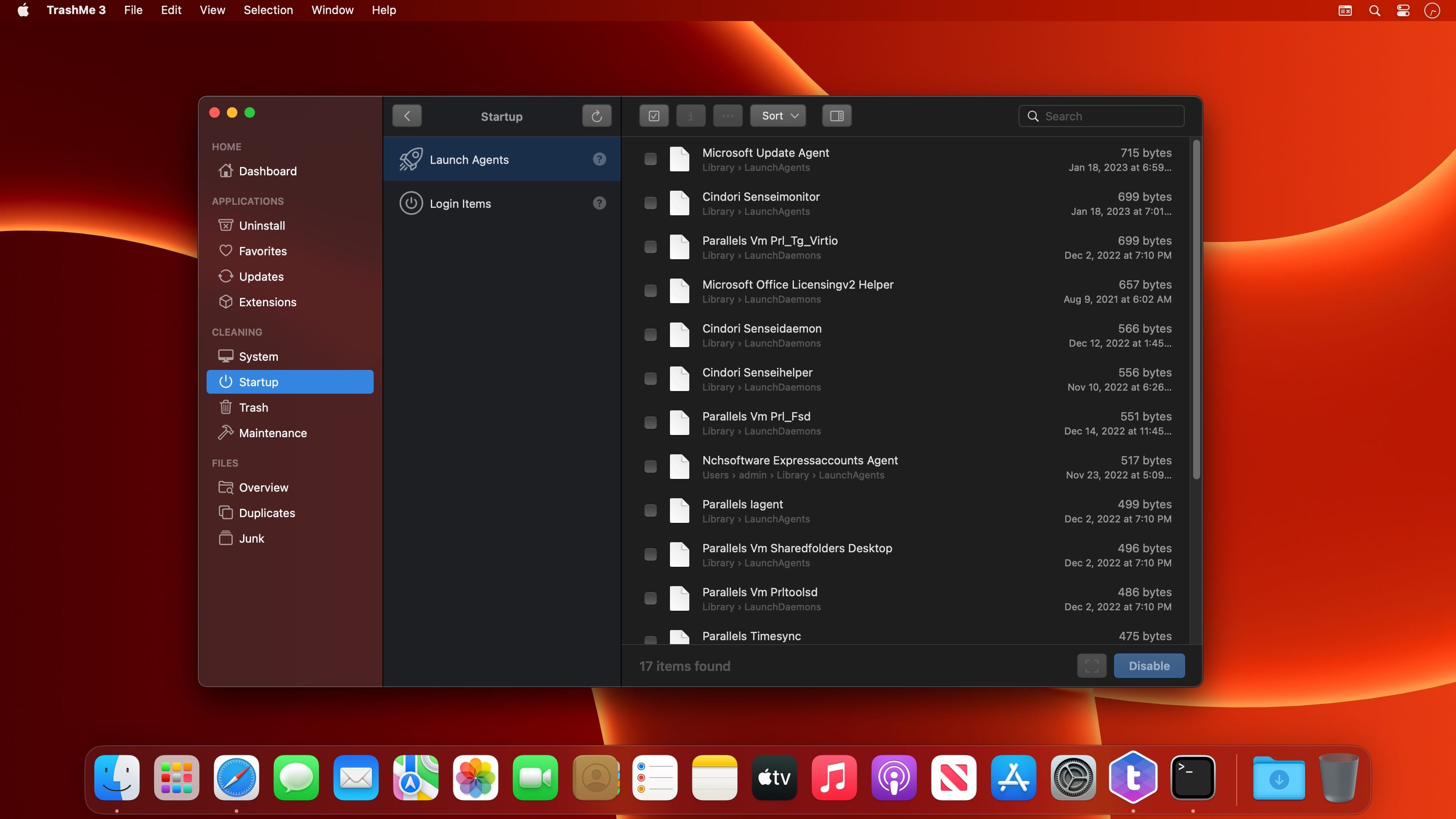
TrashMe is a powerful uninstaller with other great useful tools to clean your Mac.
You’ve probably ever thought that an application only needs to be moved to your Trash to get uninstalled? This is not completely true, as many files would be left behind, those files created by the application (temporary files, caches, settings…). With TrashMe, you’ll never let those files tidying up your Mac!
Main Features
Trash any application, widget, plugin and preference pane easily
Find all related files that need to be deleted too
Protect application from being uninstalled
Automatically detect an application moved to the Trash and delete its related files
Tools
Manage a list of favorite applications and store registration info securely
Clean macOS caches to solve some issues and free up hard disk space
Force empty your Trash when some files can’t be deleted with Finder
Choose to delete only particular files in your Trash instead of whole Trash
Delete junk files (files such as Desktop.ini, incomplete downloads, orphans…)
Get a warning when your Trash is full
Language: English, Danish, Dutch, Finnish, French, German, Italian, Portuguese, Russian, Slovak, Spanish, Turkish Compatibility: macOS 10.13 or later Homepagehttps://www.jibapps.com/
MakeItHome helps you feel your workspace as if it were your home, giving you rapid access to your most used applications accessing over the bounds of your screen with your mouse.
Just accelerate your pointer over the lateral sides or the bottom of your screen and you can break the bounds of your computer and focus on your preferred applications; those that you don’t use just drag them away.
The development is in progress and we are glad to listen to you at the support center!
== Introduction to MakeItHome ==
MakeItHome is the product of the newborn software house Gecko’s Ink which aims to offer a set of functions aimed at improving the usability of our Mac.
Its salient technology is the screen-breaking effect that allows us to literally break through the boundaries of the screen to reach hidden features during its use.
Gecko’s Ink took advantage of this technology to initially offer a more practical extension of the Stage Manager function offered by macOS Ventura, giving the user a quick access to their most used applications at the time, their workspace, with lots of windows preview.
But precisely, the real software technology is the screen-breaking effect that the parent company intends to exploit in the next versions to implement additional features, such as quick access to notes, favorite widgets, or the very simple but extremely effective ability to drag and drop files into the “over screen” area and then pick them up and place them wherever we prefer, like a “scrolling” clipboard.
MakeItHome supports virtual desktops, for example it allows you to switch to another window of the same application present into another space, and also multi-monitor, without interfering with the normal functionality of our favorite operating system.
Lastly, in the Menu Bar, it is possible to set various settings, including sensitivity to “break through the monitor”, on which sides to enable it, and other features to improve one’s experience in this particular User Experience.
Particular is the request for the screen recording but don’t worry, it will not save or send the screens anywhere, but it will be essential to create the illusion of the screen-breaking effect.
Wait, have I told you how it works? Just move the mouse beyond the borders of the monitor, on the sides or the bottom (the top one is temporarily disabled to support particular features in the future) and voilà, the magic begins.
And if you don’t need anymore an app in the list, just drag it away to remove it.
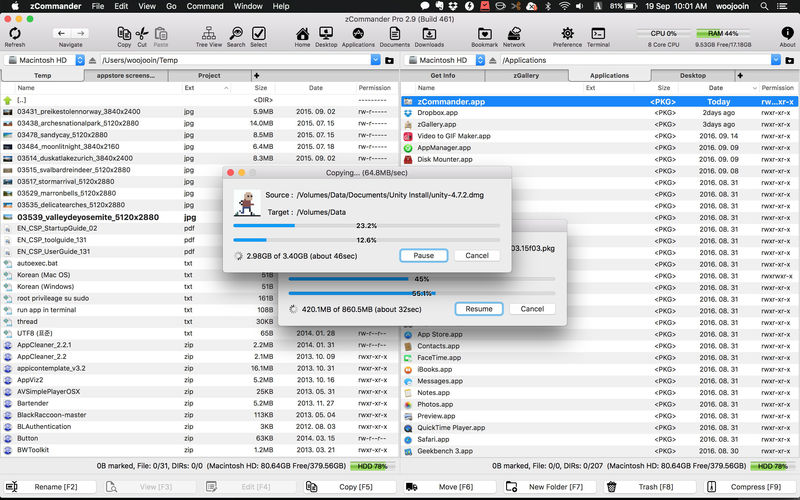
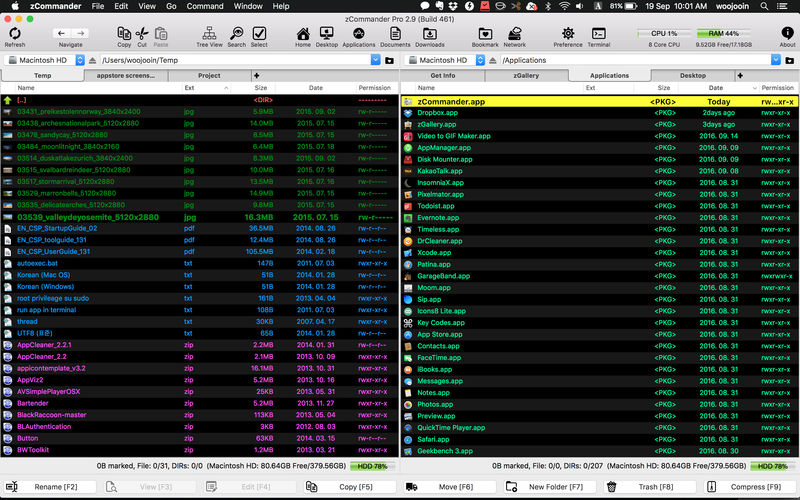
zCommander is advanced and comprehensive file management software. It looks like simple but is actually beautiful and powerful and rapid.
Must-have Software for all users (especially for immigrators from PC and power-users).
No more searching for Total Commander in Mac World.
Here is zCommander !!
Main Features:
Familiar double pane for file list view and each pane can have multiple tabs.
List View or Thumbnail View Mode support.
Quick Preview support (almost every file format)
Sorted items by elements (Name, Extension, Date, etc, …)
You can do most of file operations with only keyboard interface so it’s simple and fast. (Of course you can customise input interface or do it with mouse action)
Copy & Paste file work support like Windows Explorer.
Advanced filtering support in file work.
Quick & Easy to Preview on fingertip.
Quick searching by typing.
Multithreaded file work support (copy, move, delete)
Advanced file searching (by name matching, date, size and contents)
Easy and fast folder bookmark and history management.
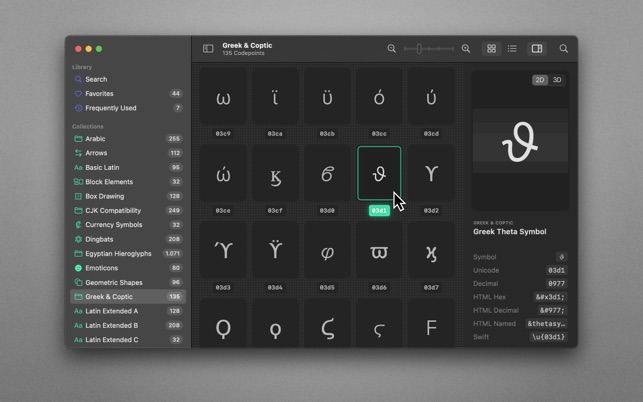
70,000+ Unicodes in your pocket. Search Unicodes, Glyphs, SF Symbols and Emojis in a blink. Codepoint helps you to find the exact characters you need and supports you in discovering new glyphs. Export them as Symbols, Strings, Hexadecimals, HTML entities or even Swift code. Save Favourites in iCloud. Remember your Frequently Used symbols. Codepoint is tailored for you—a creative, ambitious professional.
Features:
• Explore, search and share Unicodes
• Search Engine: Lightning fast, surprisingly smart
• Find Unicodes, Hex, Decimals, HTML and Swift entities
• Favourites synced across all your devices
• Typography Advice for selected characters
• 3D Glyph Preview
• Supports SF Symbol names
• Works offline
• Looks brilliant in dark and light
• Optimised for Macs with Apple Silicon (M1, M2)
• Works great on macOS 13 Ventura
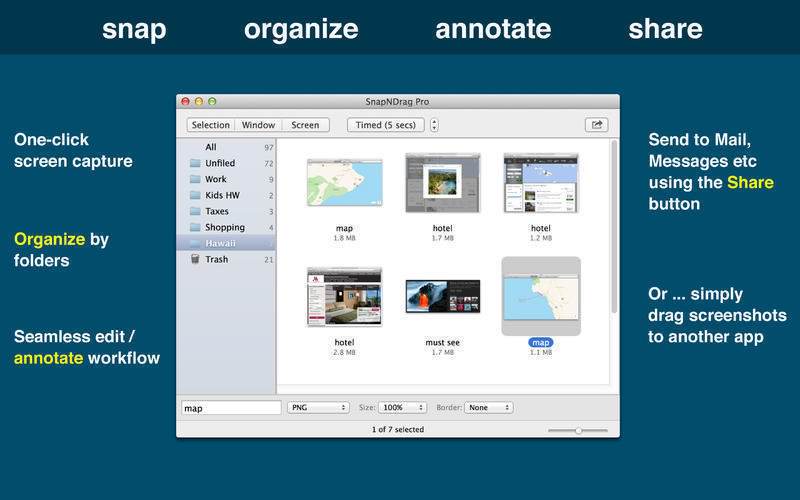
SnapNDrag started off as a simple app that lets you snap a screenshot with one click and then drag the result off to Mail, Finder, or any other app that accepts an image. It has since matured into a powerful screenshot tool that helps you annotate, organize, and share your screenshots.
As we added features over time, we have made it a top priority to keep the app easy to use. And we think the extra thought we put into this speaks for itself. This powerful app is still as easy to use as the day it was born as a simple one-trick pony.
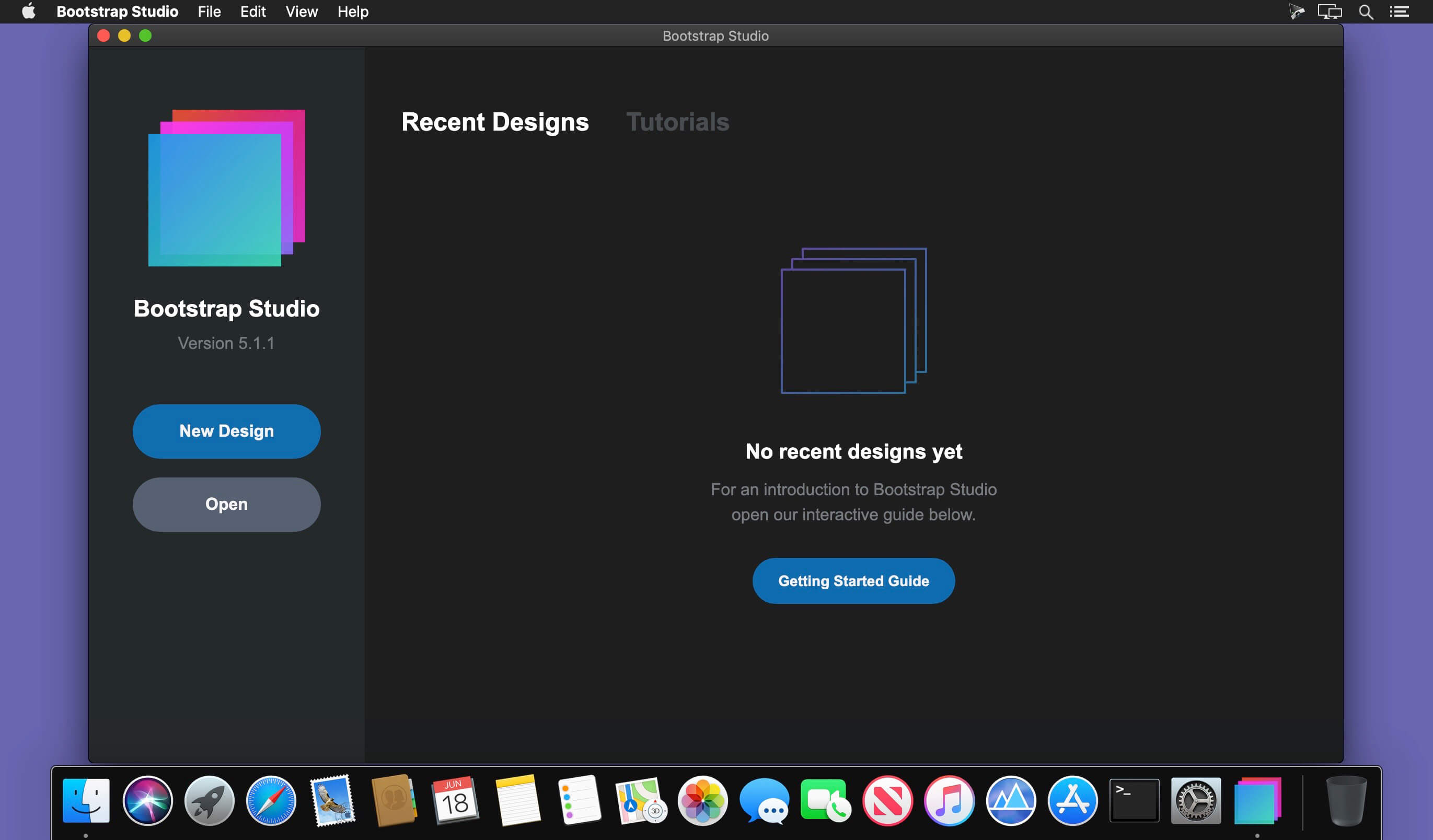
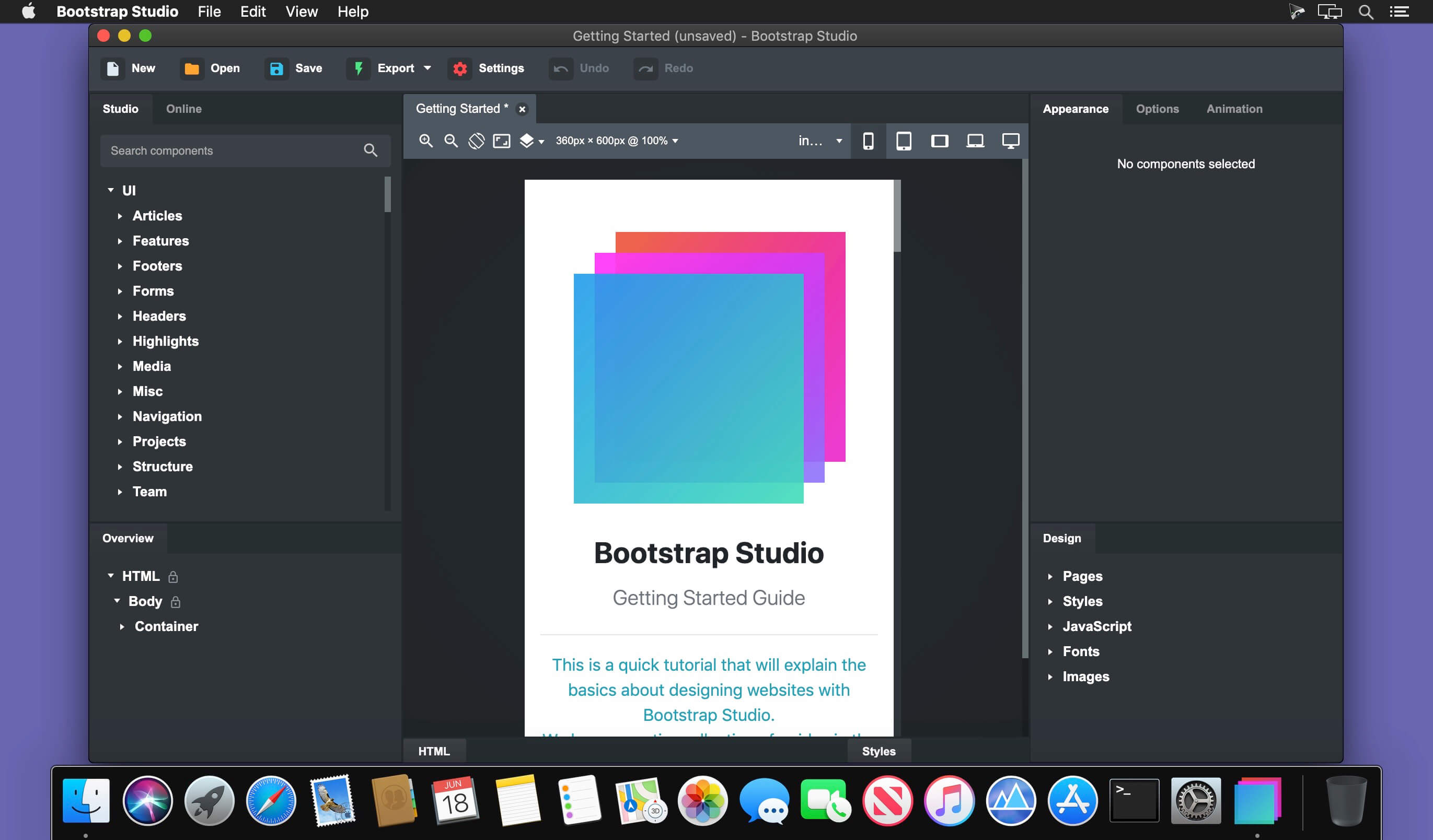
A powerful desktop app for creating responsive websites using the Bootstrap framework. Bootstrap Studio is a desktop application that helps you create beautiful websites. It comes with a large number of built-in components, which you can drag and drop to assemble responsive web pages. It is built on top of the hugely popular Bootstrap framework, and exports clean and semantic HTML. Thousands of developers and designers use it every day. We are sure you’ll love it too!
The Interface
Bootstrap Studio has a beautiful and powerful interface, which is built around the simplicity of drag and drop. This makes it the perfect tool for prototyping and designing web pages and apps.
Beautiful Built-in Components
Bootstrap Studio comes with a large number of pretty components for building responsive pages. We’ve got headers, footers, galleries, slideshows and even basic elements like spans and divs.
Smart Drag & Drop
Bootstrap Studio knows which Bootstrap components can be nested in one another and gives you suggestions. It automatically generates beautiful HTML for you, which looks as if it was written by hand by an expert.
Create Your Own Components
You can extract pieces of your designs as Custom Components, and have them ready to be dropped into any design you create. You can also export these components as files and share them.
Online Library
If you need a component which doesn’t exist in our library, just click the Online tab in the Component Panel. There you will find thousands of components built and shared by the community. You can also upload your own.
Linked Components
This is a powerful feature which allows you to synchronize components, so changing one will automatically change the other. This is especially useful for things like headers and footers which you need to update across pages.
Realtime Preview
Bootstrap Studio has a powerful feature called Preview. With it, you can open your design in multiple web browsers and devices, and every change you make within the app will be shown instantaneously everywhere.
Editing Code
For some things drag and drop isn’t enough. This is why Bootstrap Studio gives you full control over your markup when you need it. You can import and edit CSS, jаvascript and HTML in our Sublime Text-like editor.
Advanced CSS Editor
Our advanced CSS editing interface supports auto suggest and rule validation, and shows the active and inherited rules at an any given time. You will soon dread having to go back to your text editor.
jаvascript Editing
Write jаvascript in our Sublime Text-like editor. All your changes are synced with the preview, so you can write code and try it out without having to reload your browser.
HTML Editing
With our powerful Custom Code component, you can write HTML directly, without going through our drag and drop interface. You can also convert any piece of your page into Custom Code when you need it.
Import Existing Websites
If you have a website that you’ve developed previously, you can import it. Just drag and drop the HTML, CSS, JS files and images into Bootstrap Studio and they will be added to your project.
Even More Features
There is a lot more to say about our wonderful app. From productivity features to specialized Bootstrap tools, Bootstrap Studio makes designing websites and building fully working prototypes a real joy.
Built for Bootstrap
Bootstrap Studio knows how to construct a valid Bootstrap page and automatically writes the correct HTML. It supports Bootstrap 3 and will be updated to Bootstrap 4 once it’s out.
Grid Tools
The app has specialized tools for working with the Bootstrap grid. Easily create, resize and offset columns, and apply responsive visibility classes.
Google Webfonts
Bootstrap Studio is integrated with Google Webfonts and gives you an easy way to import and manage your fonts. Font family names are even auto-suggested in our css editor.
Productivity Features
Bootstrap Studio has comprehensive support for keyboard shortcuts which allow you to speed up your workflow dramatically.
Themes and Icons
The app has a number of built-in Bootstrap themes, icon fonts, templates and components, which you can combine into beautiful and unique designs.
Always Up to Date
Bootstrap Studio updates automatically, so you always have the latest version. We release updates every month, filled with new features, components and improvements.
Compatibility: macOS 10.13 or later • Apple Silicon or Intel Core processor Homepagehttps://bootstrapstudio.io/
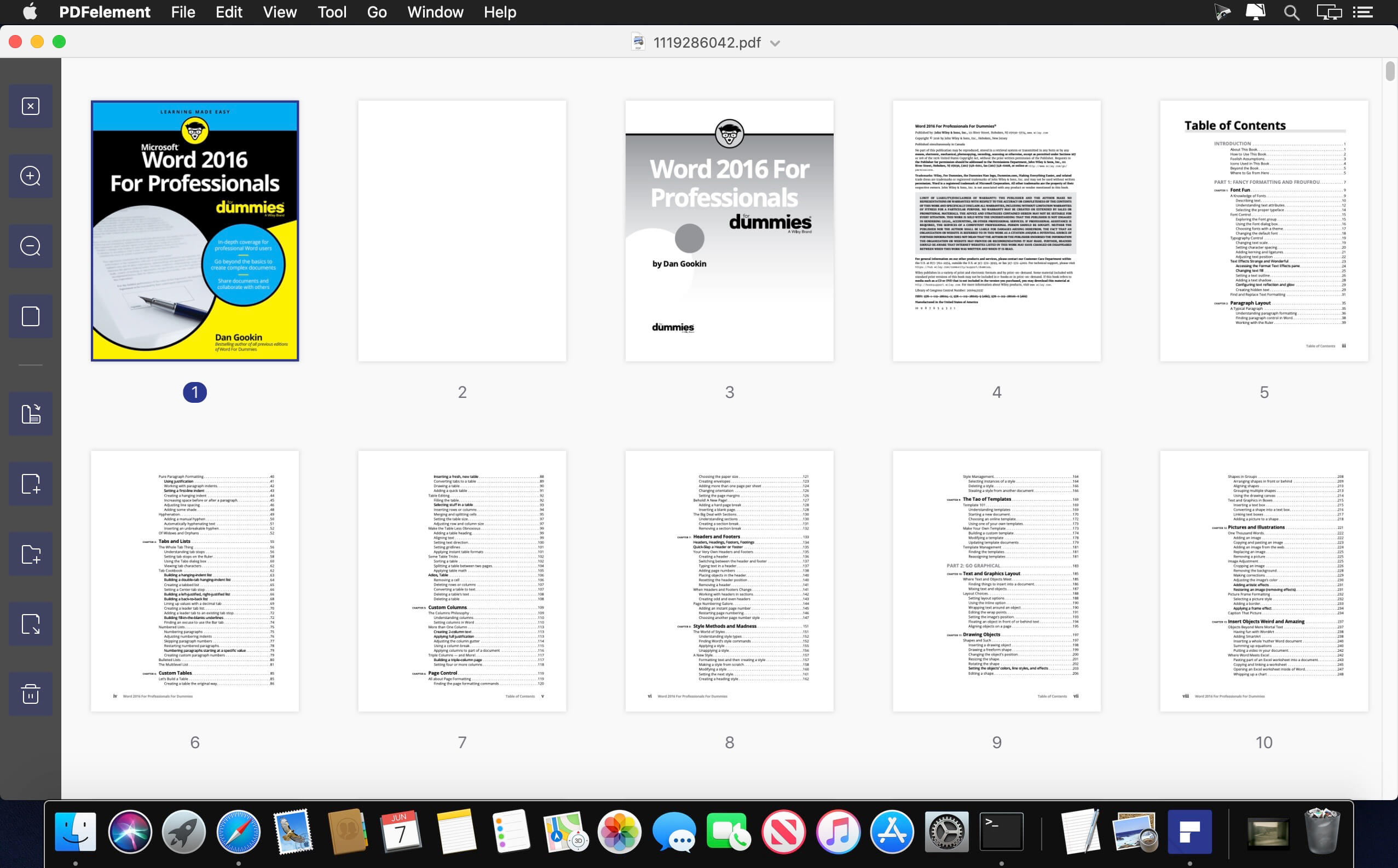
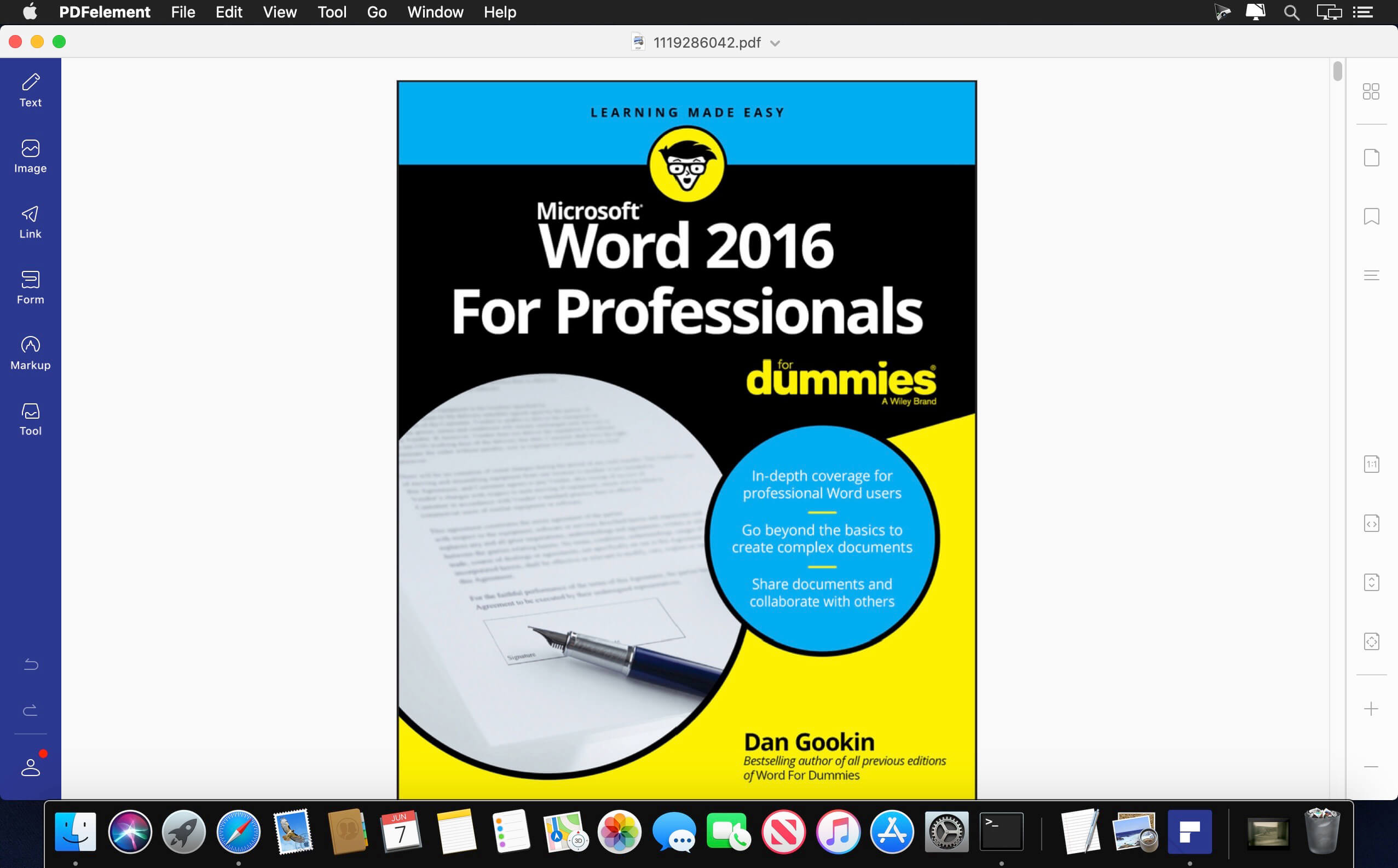
PDFelement – The easiest way to create, edit, convert, and sign PDF documents. We’re now introducing the all-new PDFelement 8, which includes a redesigned UI, more advanced writing tools, improved team collaboration features, more powerful conversion tools, a user management console, and more.
PDFelement Pro OCR (Exclusive in Pro version)
OCR (Optical Character Recognition)enables you to edit and convert characters in scanned PDF files or pictures
Supports recognition of 29 languages
Create & Sign Forms (Exclusive in Pro version)
Create fillable PDF Forms from interactive field objects, such as buttons, check boxes, radio buttons, list boxes, and drop-down lists
Support adding digital signatures to forms
Merge PDF (Exclusive in Pro version)
Combine different format files into a new PDF
Convert PDF (Exclusive in Pro version)
Supports converting PDF file to a greater number of output formats like EPUB, HTML, Text, RTF
PDF/A (Exclusive in Pro version)
Support PDF/A as an available output format with ISO Standard for long term archiving
Batch Processing of PDF Files (Exclusive in Pro version)
Process PDFs in batches
Add backgrounds, watermarks, headers and footers in batches
Bates Numbering (Exclusive in Pro version)
Apply Bates Numbering with advanced formatting
Redact PDF (Exclusive in Pro version)
Redact sensitive text and images in PDFs
What’s New:
Version 9.2.4 (OCR):
Release notes were unavailable when this listing was updated.
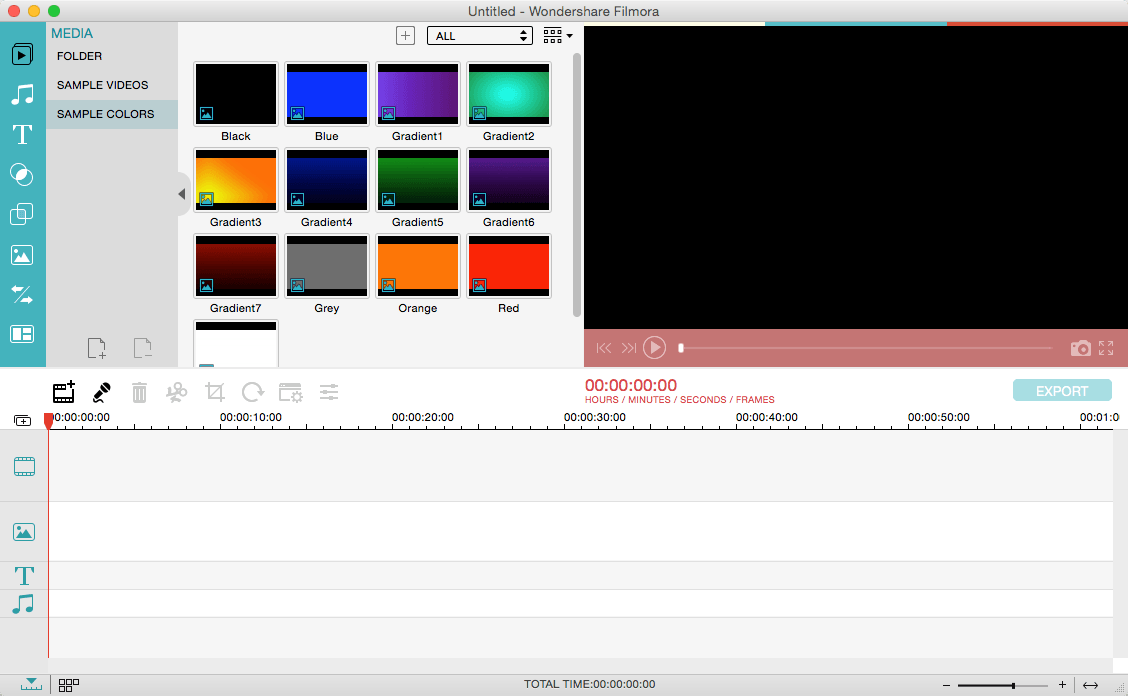
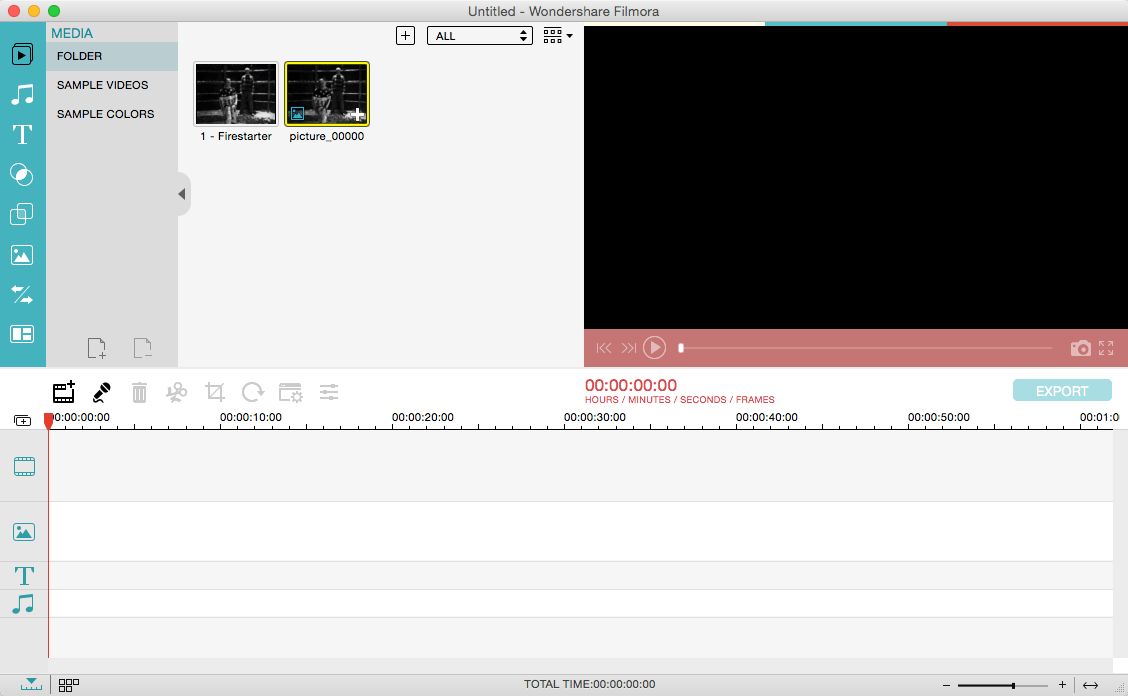
Wondershare Filmora, an easy-to-use video editor with all the video editing tools you need, enables you to create Hollywood-like home movies with titles, effects and transitions from all regular videos, audio and photos. Share instantly with family and friends with easy upload to YouTube, Facebook, etc.
Ignite your story
Use Filmora video editor to express your creativity and amaze with beautiful results.
Modern and Simple UI
A modern and intuitive design that you’ll be delighted to use again and again.
Text & Titles
Now you can create beautiful animated messages from our text & titles library
Music Library
Add your favorite music dircectly into your movie to create the perfect atmosphere.
Overlays & Filters
Transform a movie into something spectacular with our handcrafted, overlays and filters.
Elements
Take your video to the next level by adding impressive Still and Motion Graphics.
Simple Effects
Expand Your Imagination with Over a Hundred Unique Visual Effects. Wondershare Filmora allows you to turn your home video into something extraordinary with minimal effort.
Advanced Effects
Expand Your Imagination with Over a Hundred Unique Visual Effects. Turn your home video into something extraordinary with minimal effort.
Share Your Creative Work
Showcase your creativity with your family, friends and the rest of the world! You can easily publish your masterpiece in so many ways.
Key Features: Support Formats Support video formats editing: MP4, FLV, MOV, AVI, MKV, FLV, WMV, TS, MTS, etc. Make it possible for homemade and downloaded SD/HD videos for editing. Audio: MP3, WMA, WAV, M4A, AAC, AC3, OGG, etc., as background music of the videos. Photo:BMP, JPG, PNG, GIF, etc. and create home movies combining photos.
Basic Editing
Trim, crop and rotate videos
Remove unwanted black edges or other unwanted parts
Change audio pitch, adjust volume, and get rid of video noise
Professional Effects
80+ professional filters and artistic effects including particle effects, fire effects, face-off effect, tilt-s**t effect, mosaic and more.
50+ transition and motion effects.
Touch up your photo with perfect brightness, contrast, or saturation, and turn your photos into an animated slideshow.
Effects Pack
8bit Gamers Effect Pack.
80s Vintage Collection.
Fashion Collection.
Summer Effect Pack.
Travel Effect Pack
Special Thanks to iTEHb
What’s New:
Version 12.0.9:
Release notes were unavailable when this listing was updated.
RAW Power® has the best Finder, Photos and iCloud integration of any non-Apple photo app, plus advanced RAW editing, ratings and more.
RAW Power is three tools in one:
A fast, non-destructive image editor app. No need to import – RAW Power can quickly browse any folder on your disk.
An Apple Photos library app. It is also compatible with iCloud Photos, so any Photos library changes you make sync to your other Macs and iOS devices.
A Photos editing extension.
Any way you use it, you get the same impressive editing features. With either app mode, you can rate, flag, and filter too.
RAW Power is great with JPEGs, with powerful adjustments absent from Apple’s Photos (such as LUTs, Depth Effect and Chromatic Aberration)
If you loved Aperture’s advanced RAW processing, you’ll feel at home with RAW Power. Adjustments like Boost, previously only available in Aperture, help you improve your images in ways that simply can’t be done in any other application.
OVERVIEW
ADVANCED RAW: Unlock the power of Apple’s RAW engine (previously only in Aperture). Unique adjustments improve photos in ways impossible in any other app.
ORGANIZE: RAW Power can organize and manage your Photos Library (requires Catalina). Fully compatible with iCloud Photo Library, so library changes are synced.
FINDER SUPPORT: RAW Power is a fast, standalone image editor with the same excellent non-destructive, RAW processing.
RATE & FILTER: Filter by file type, rating, flag, and edit state. Ratings and flags sync over iCloud Photos!
EDIT CROSS-PLATFORM: Start on one device and continue on another using RAW Power 3 for iOS (separate purchase). RAW Power is also a Photos editing extension with all the same adjustments.
BATCH PROCESSING: Apply presets, paste adjustments, and export images. Apply Auto Enhance or Auto White Balance to many images at once.
ORGANIZATION AND DISPLAY
Zoom up to 800% for extremely precise adjustments.
Create Photo library albums, delete images, and arrange images in albums.
View metadata such as file name, shot information, flash status, and location with map.
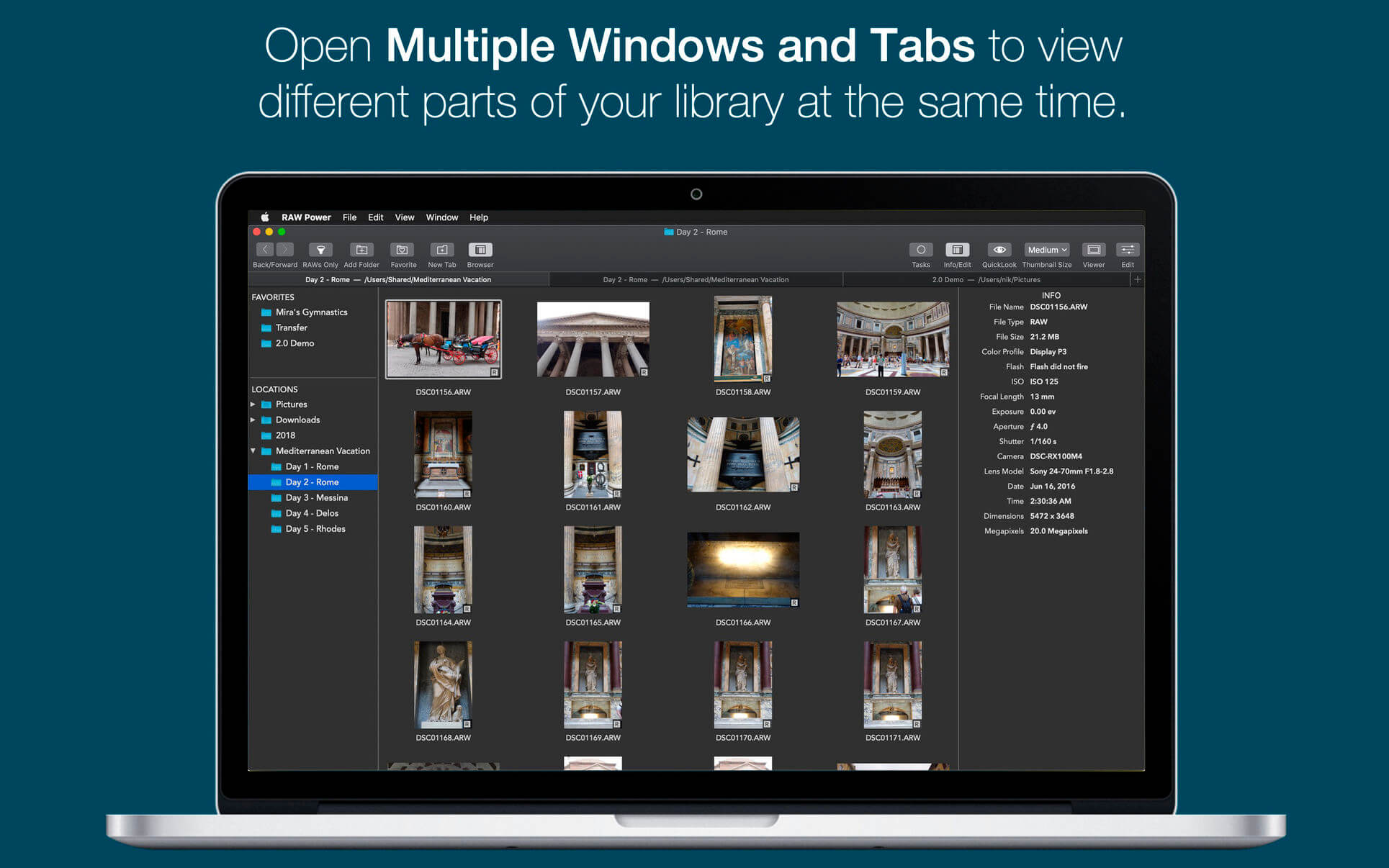
Browse folders on your disk or albums in your library, pick favorite folders
Multiple Windows / Tabs to view different parts of your disk or library at once
Open and edit multiple files at once
Thumbnail Grid with badges for edit state, file type, rating, and flags
Filter by file type, edit state, rating, flags and tags
Export with control over size, format, profile, and name
Apply Presets, Paste Adjustments, Export, and more with Batch Processing in the background
REAL-TIME EDITING
Compatible with hundreds of cameras, including iPhone RAW. (see https://support.apple.com/en-jo/HT210191). Fuji Compressed RAW is not supported. Supports most DNGs.
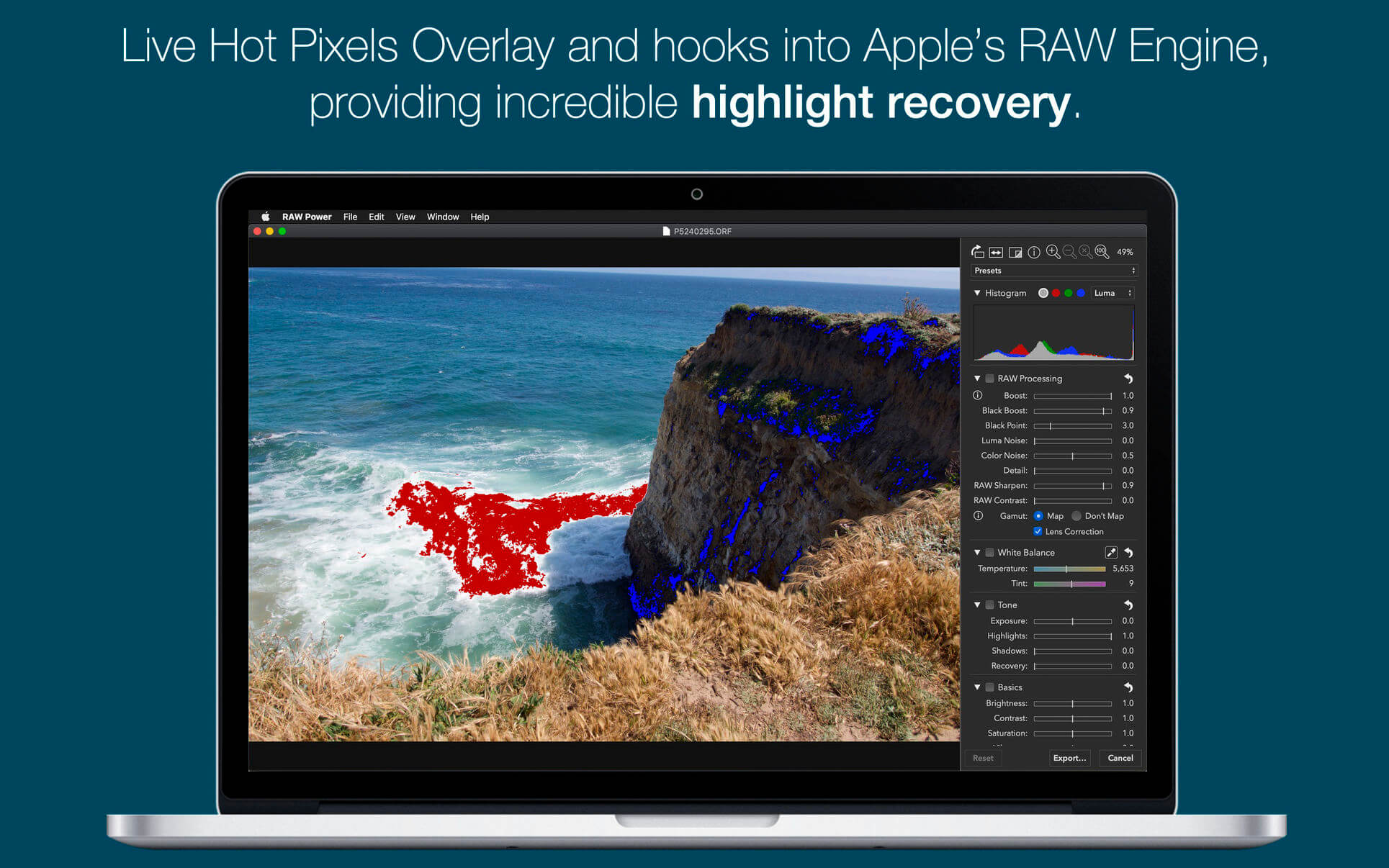
Unparalleled highlight recovery. Real-time control of Apple’s RAW, including Noise Reduction, Black Point, Gamut Mapping and more
Auto Enhance, Auto White Balance, Auto Levels and Auto Curves
Histogram with Clipping Indicators and Hot Pixels Overlay
LUTs (Look up tables) with built-in looks and film simulations. Add your own!
Crop and Straighten, Rotate and Flip, White Balance with sampler and auto
Highlights, Shadows, Vibrancy, Local Contrast and incredible Lighten and Darken sliders
Curves and Levels. Curves has Linear and Lab modes, and samplers
Depth Effect to enhance photos shot with the dual camera system
Chromatic Aberration to correct lens artifacts, Perspective, Black & White, Vignette with adjustable center point
Metal-based image processing engine for better performance. High-precision, deep color imaging.
Fully non-destructive editing, with all changes stored in sidecars
All sliders are real-time and GPU accelerated
Customizable Presets and Copy / Paste of adjustments
Camera Presets let you create a starting point for each camera model
Export for iTunes lets you export your playlists and albums from iTunes to any local folder, external storage, SD card or USB drive! With Export for iTunes you can transfer easily your playlists to your car stereo or any other media player. Convert aac/m4a files to mp3 for best compatibility with most sound systems.
The app converts, copies and organizes your playlists’ and albums’ music files into folders, and creates the .m3u file that lets you play your playlist on any media player. For every album, you can include an image file with album artwork. You can browse and select which of your playlists or albums you want to export. See all playlist/album tracks with their metadata without opening the iTunes app. You can also export the track list from any album or playlist to Excel, so you can create a file with info about all your iTunes music. This iTunes export app let you preview and export metadata like: Title, Artist, Time, Album, Genre, File path, Kind, and Bitrate. The app does not modify your iTunes library.
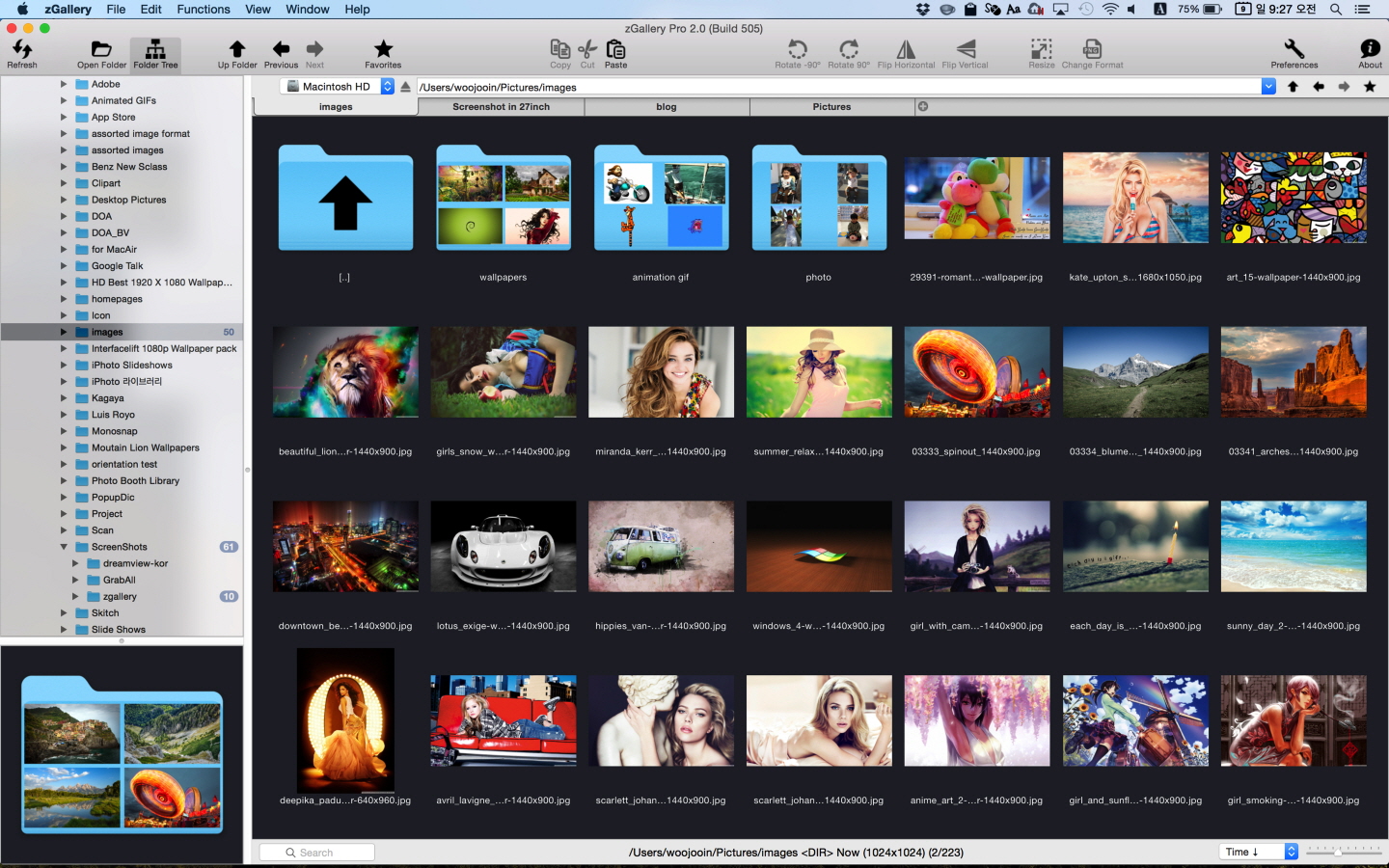
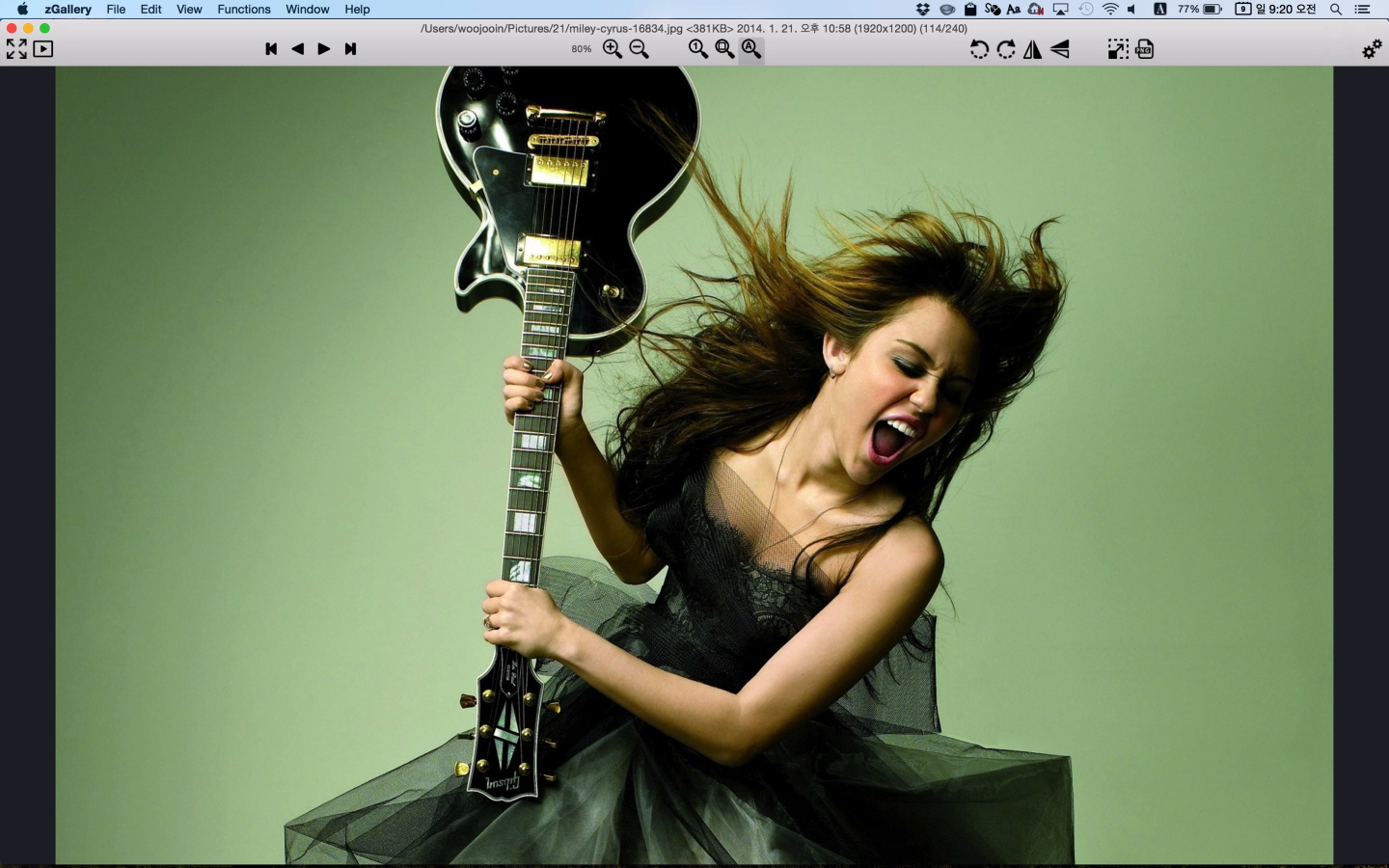
zGallery is the elegant software that shows, browses and edits images and photos in your folder and disk.
It is very easy to use but provides all must-have powerful functions.
If you’re looking for the solutions for managing images and photos,
zGallery will be the best choice.
Main Features:
Shows almost every common format image
Thumbnail browsing for all type of file. (even video image files)
Folder search browsing in tree panel
Zooming in/out
Fullscreen mode
Slide show
File management functions such as copy, move, delete and so forth
Image editing functions such as rotate, flip, resizing, changing format and so forth
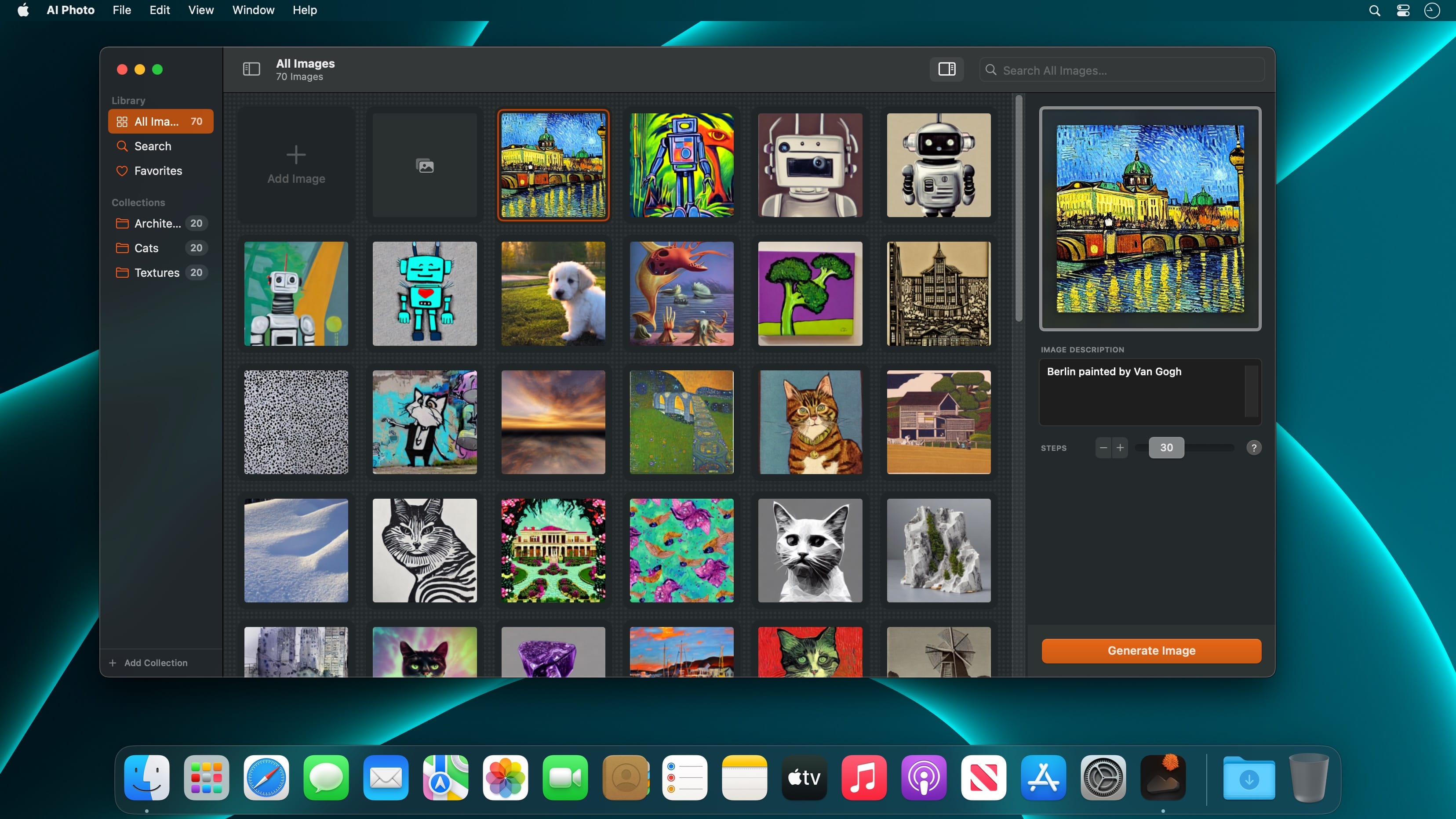
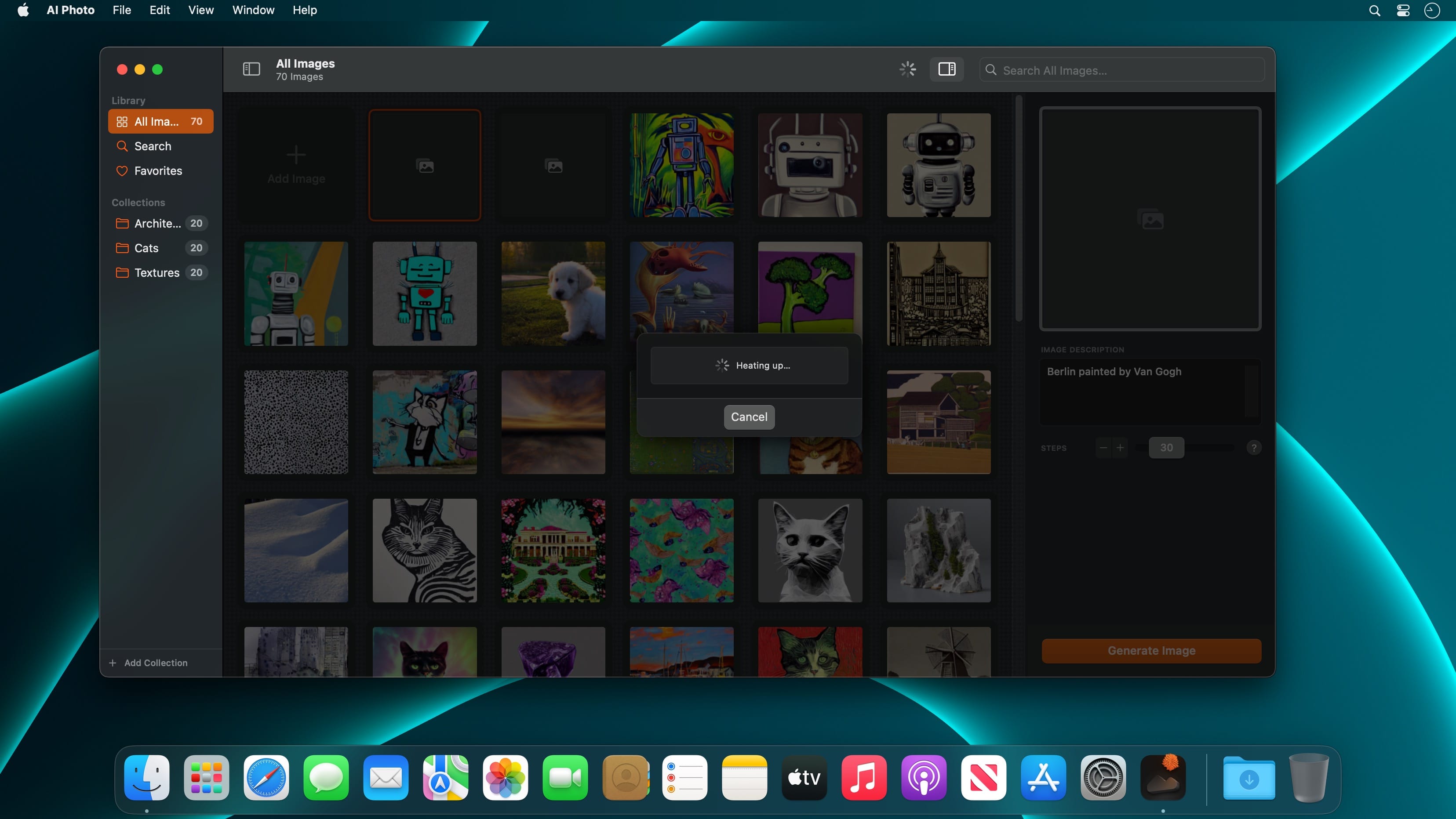
Turn text into images! AI Photo is a user-friendly text-to-image generator app that creates photos and artworks, all offline, based on your image description.
Features
AI-powered Text-to-Image generator
Supercharged by Stable Diffusion
Privacy by Design: Computes offline, directly on your Mac, iPhone or iPad
Fast: Optimised for Apple silicon chips (M1, M2)
Collections: Organise and manage your artworks
Favourites: Your best creations always at hand
Search: Lightning fast, surprisingly smart
Pros in Mind: Change Steps, Seeds, Guidance Scales
Custom Models: On the Mac, you can add custom CoreML models.
Export & Share
Looks brilliant in dark and light
What’s New:
Version 1.9:
Release notes were unavailable when this listing was updated.
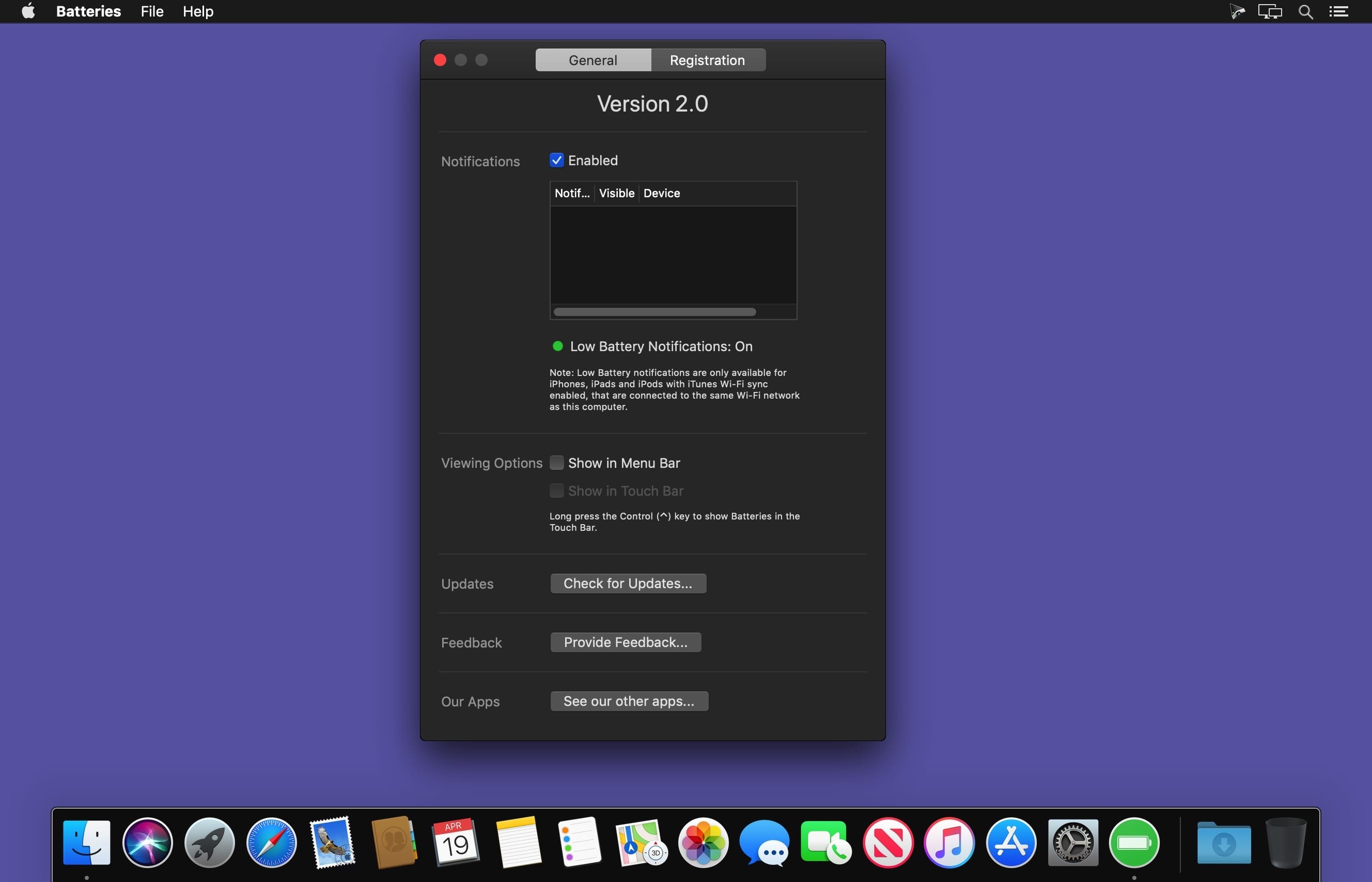
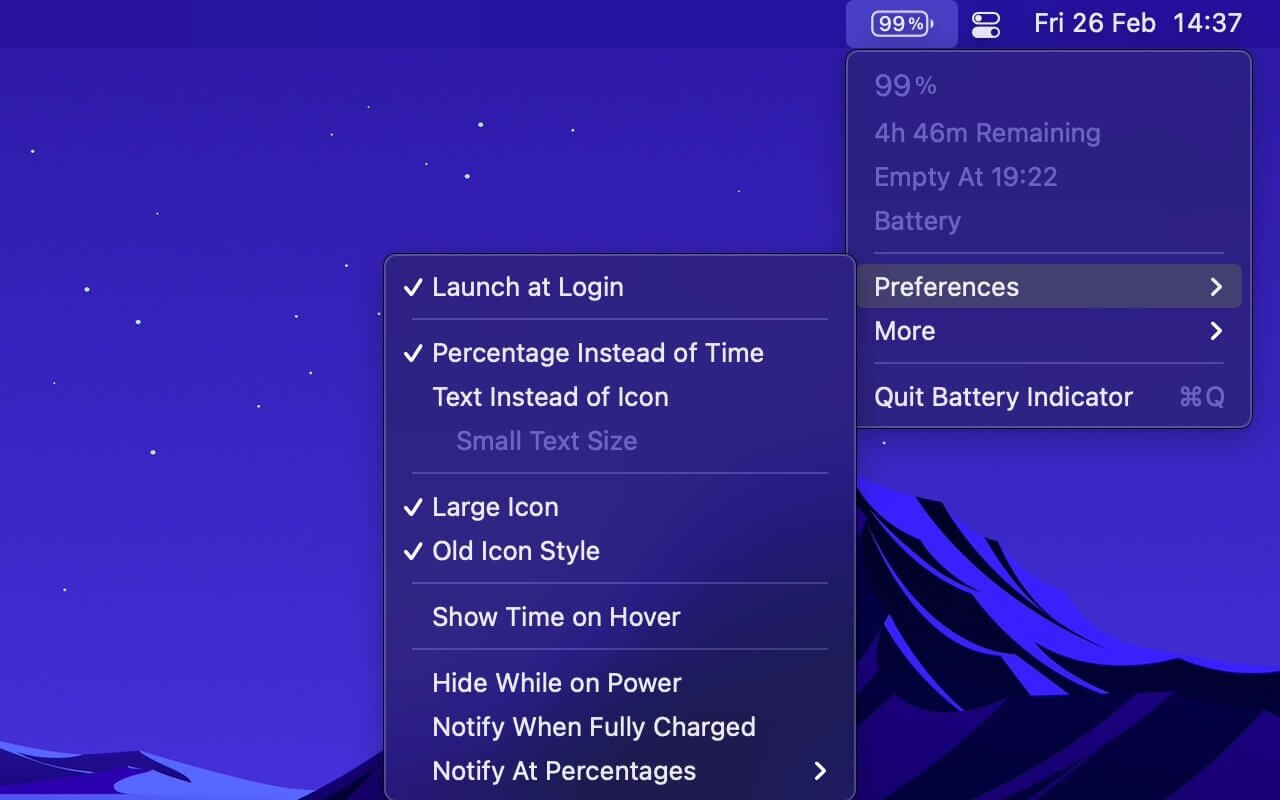
Shows the remaining battery time and percentage in the menu bar.
The app has a setting to hide the menu bar icon when the power plug is connected, which can be useful if you only care about the battery time/percentage when on battery.
You can hide the system battery indicator by dragging its icon out of the menu bar while pressing the Command key. You can also reorder menu bar icons by dragging them around while pressing the Command key. That means you can place this app exactly where the system battery indicator used to live.
There’s also a preference to notify when the battery is fully charged or at certain percentages.
It also comes with support for Shortcuts (on macOS 12).
Requires a MacBook, MacBook Pro, or MacBook Air.
Tip: Press the Option key while the menu is open to see battery condition and health.
Close your eyes and imagine a store full of great teams and powerful processing including compressors, limiters, reverbs, de-essers, multiband processors and a shelf full of legendary vintage emulations gears. In short, a shop dream to record musicians, engineers and producers.
Features:
Free version of T-RackS including Custom Shop, Classic EQ and basic measurement functionality
standalone workstation, set of accessories and unique accessories for audio units, VST2 formats, VST3 and AAX
Functionality Custom Shop will It allows purchase additional modules from within the program
the T-RackS shell allows chaining up to 16 processors
autonomous integration with processing ARC System 2.5
All processors available as individual accessories
Native 64 – bit support
Oversampling high – fidelity audio processing high quality throughout the signal path
The SCC technology together with exclusive DSM technology provides IK emulation software more realistic vintage gear to date
Extremely easy to use, with presets based on style, full chain visualization, individual module with a single click or bypass chain function “comparison” and more.
What’s New:
4 new powerful modules: Master Match, Dyna-Mu, EQual, ONE
Fully redesigned, fully resizable, flexible interface with faster workflow
New audiophile-grade audio engine, completely improved from input to output
Enhanced, extensive broadcast ready professional metering tools
Album assembly with multi-format file export
The most powerful mix and master modular system — remastered
The ultimate mix and mastering workstation from the creator of the first desktop mastering software.
IK Multimedia invented T-RackS in 1999, marking the beginning of a new era by unleashing the power of a complete, affordable mastering software tool to everyone.
Since then we have been leading the way, setting an industry standard and crafting some of the world’s best sounding plug-ins for professional applications.
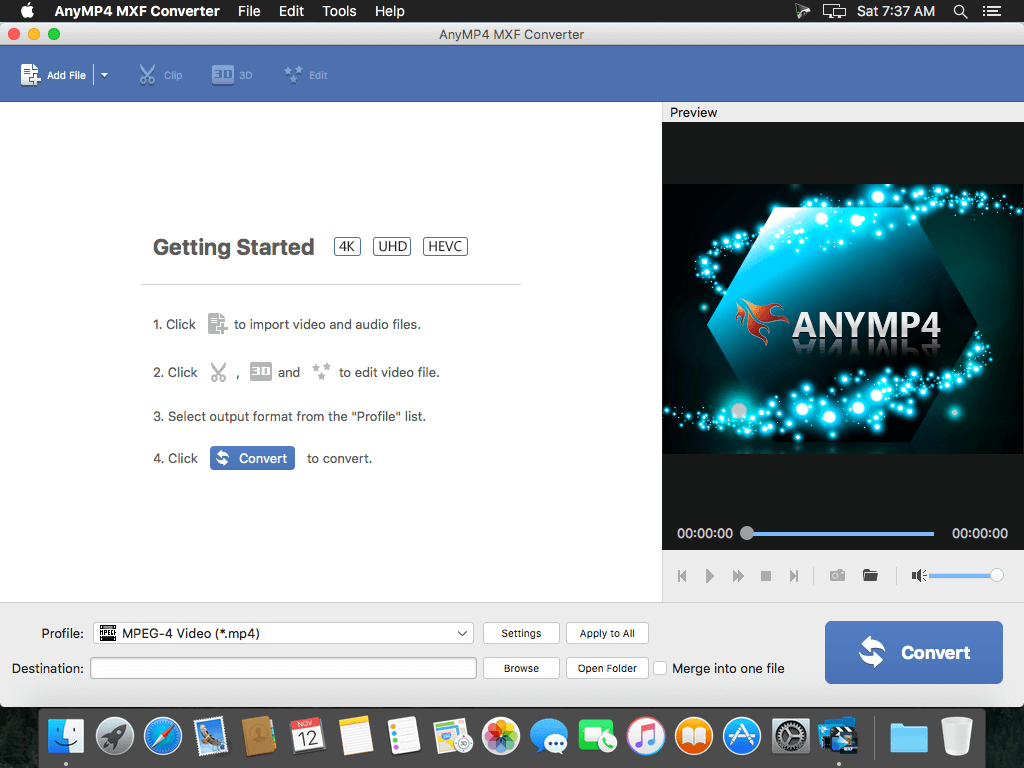
AnyMP4 MXF Converter helps you import any MXF video to Final Cut Pro, iMovie, and Avid Media Composer, CatDV, Motion, Sound Track Pro, QuickTime Player, Adobe Premiere Pro CS, Adobe After Effects CS, and Adobe Media Encode CS 5.0/5.5/6.0. It highly supports MXF videos recorded by different camcorders like Panasonic P2 camcorders (PanasonicAG- HPX260MC, Panasonic AG-HPX393, Panasonic AG-HPX265MC, Panasonic AG-HPX600MC, Panasonic AG-HPX500,PanasonicAG-HVX200), Canon XF series cameras (Canon XF 100, Canon XF 305, Canon XF 105, Canon XF 300), Sony and others.
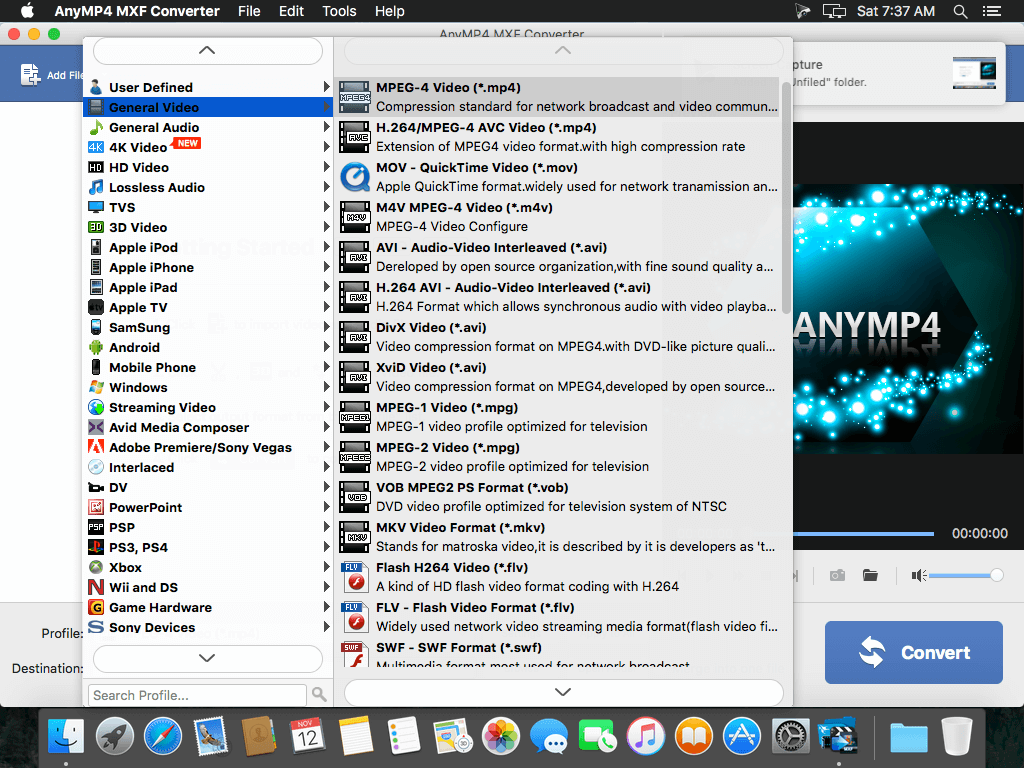
With this powerful MXF video converter, you can easily convert MXF to AVI, MP4, MOV, M4V, MPEG, WMV, and 3D videos, and import to Final Cut Pro, iMovie, and Avid Media Composer for further editing. Converting MXF file to special formats including Apple ProRes, Apple Intermediate Codec, and Avid DNxHD that highly supported by video editing software like Final Cut Pro, iMovie, and Avid Media Composer. Also you can put the converted MXF file on your iPad (iPad Air 2/mini 3), iPhone (iPhone 6/6 plus/5/5s), and iPod for playback.
Key Features
Convert MXF file to FCP, iMovie, and Avid Media Composer, etc., and to 2D and even 3D videos – AnyMP4 MXF Converter can help you convert MXF video to other popular video/audio format like AVI, MP4, MOV, M4V, MPEG, AAC, AIFF, MP3, and WAV, etc. Thus you can enjoy the converted MXF video on iPhone 6/6 plus/5s/5c, iPhone 5, iPhone 4s, iPad iPad Air 2/mini 3/Air/ mini 2/1, iPad 4, iPod touch, and iPod nano.
Transcoding MXF to Video Editing software – You are allowed to transcoding MXF/P2 MXF file to any special video format like Apple ProRes, Apple Intermediate Codec, and Avid DNxHD for any Video Editing software including Final Cut Pro, iMovie, and Avid Media Composer.
Customize your video to be personalized – This MXF Converter has multiple editing features for you to use, you can adjust the video effect, trim the video length, crop video length, and add watermark to the video, and also you can merge the video clips into a new single file.
Set output parameters – Open the “Profile Settings” window; here you can easily set the video and audio settings like video resolution, video bitrate, frame rate, video encoder, aspect ratio, and audio channels, sample rate, audio encoder, audio bitrate as you like.
Batch conversion – You can convert multiple MXF files to different video formats at the same time without any limitation, and the unique design and intuitive interface can make you finish all the conversion processes in unparalleled spee
What’s New:
Version 8.1.10
Release notes were unavailable when this listing was updated.
GrandTotal is an application to create invoices and estimates based on your own templates. The built-in template editor allows you to adjust your layout to fit your company’s corporate design. GrandTotal works great in conjunction with TimeLog. Using GrandTotal you can create invoices and estimates in the twinkling of an eye and keep track over the outstanding payments. Detailed statistics and graphs give you an insight into the current state of your business and allow comparison to previous periods.
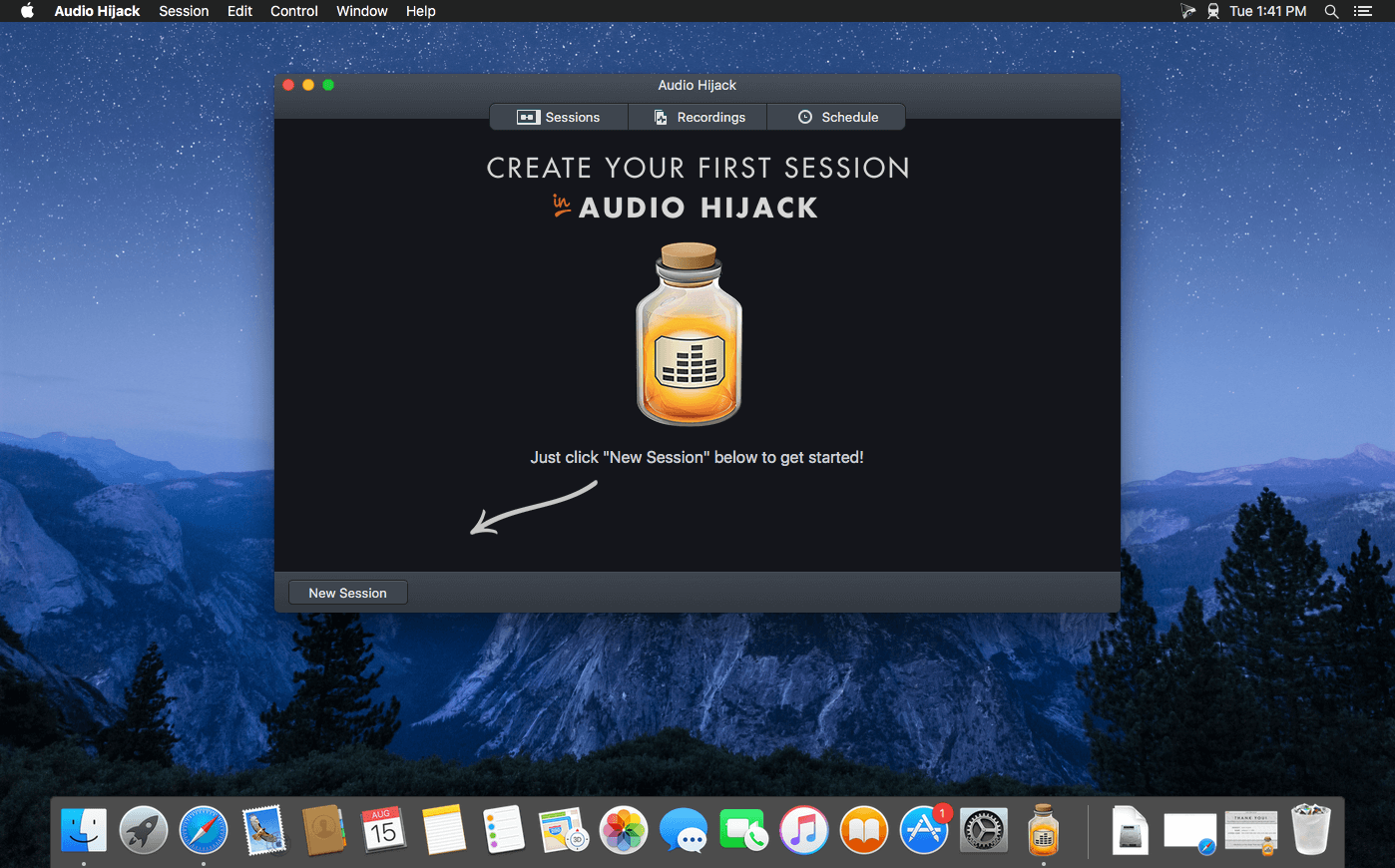
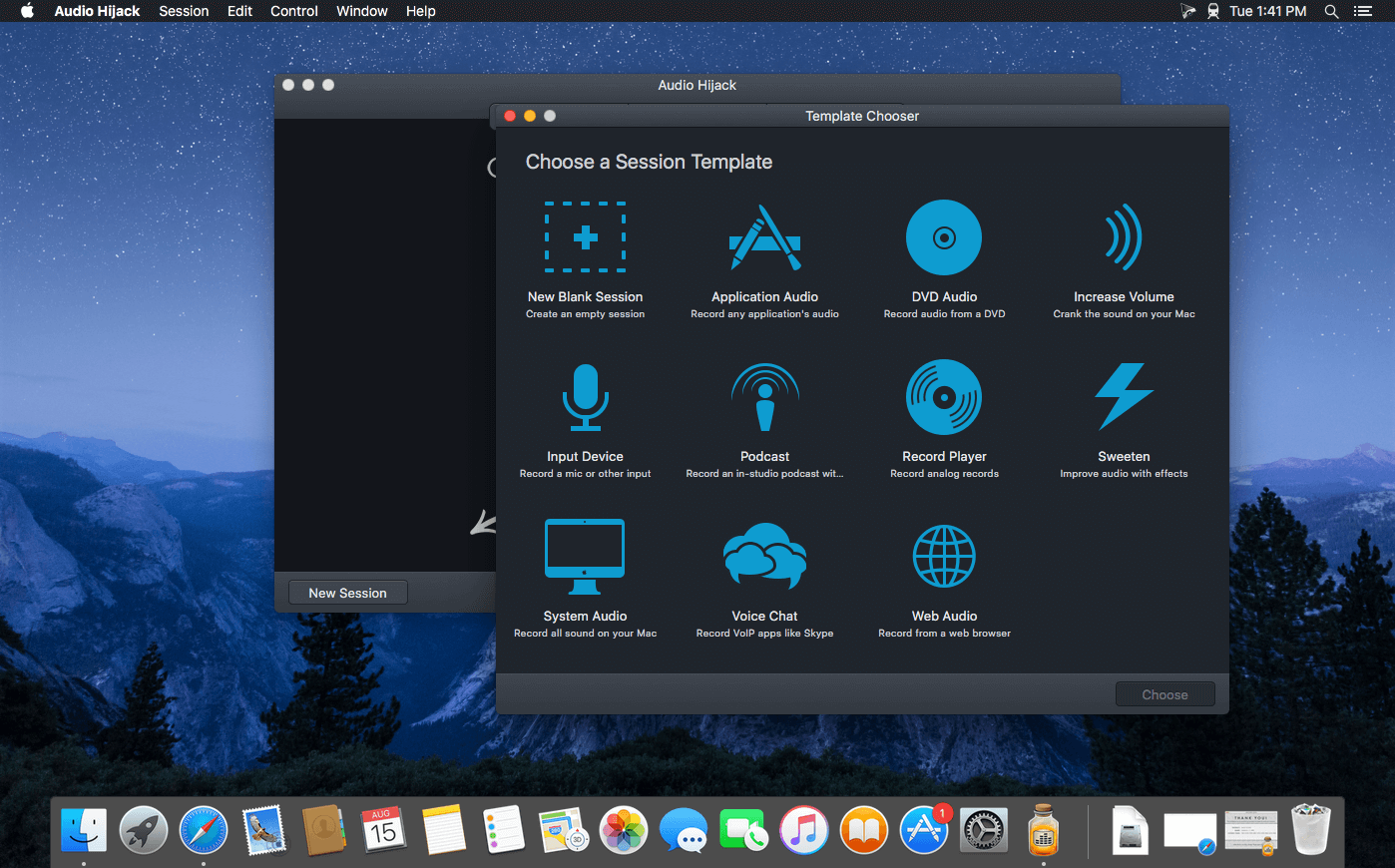
If you can hear it, you can record it – Record any application’s audio, including VoIP calls from Skype, web streams from Safari, and much more. Save audio from hardware devices like microphones and mixers as well. You can even record all the audio heard on your Mac at once! If you can hear it, Audio Hijack can record it.
Application Audio
Set any application as your source in Audio Hijack, then hit the record button to save its audio!
Device Audio
Audio Hijack can also capture and record audio from microphones, mixers, and other input devices.
All System Audio
Use the System Audio source to capture all the audio heard on your Mac at once.
More Great Features
Record to All Major Formats
Record to the world’s most popular audio formats, including MP3 and AAC, or save in perfect-fidelity AIFF, WAV, ALAC or FLAC.
Reusable Sessions
Once you’ve configured a Session to your liking, you can re-use it over and over. With one click, you’ll be recording exactly as desired.
Easy File Organization
Find all of your recordings sorted by Session in the Recordings tab, where you can quickly pass files to an audio editor, add them to iTunes, or share them.
Timed Recordings
Use the Schedule tab to set up timed recordings for when you’re not around. Your audio will be waiting for you when you return.
Silence Monitoring
When silence is detected, Audio Hijack can automatically stop recording, split to a new file, or remove audio.
Bulletproof Recording
Bulletproof recording means that even if the power goes out or your computer crashes, you’ll never lose a recording.
A Thoughtful Interface
Audio Hijack’s intuitive audio grid provides a terrific pipeline-style view of exactly how your audio flows, so you can easily understand it.
Gorgeous Audio Effects
The included audio effects are easy to use and easy on the eyes. Their functionality is now accessible to all.
Time Shift Your Audio
Now you can pause, delay, and rewind live audio on your Mac. It’s perfect for transcribing audio and more!
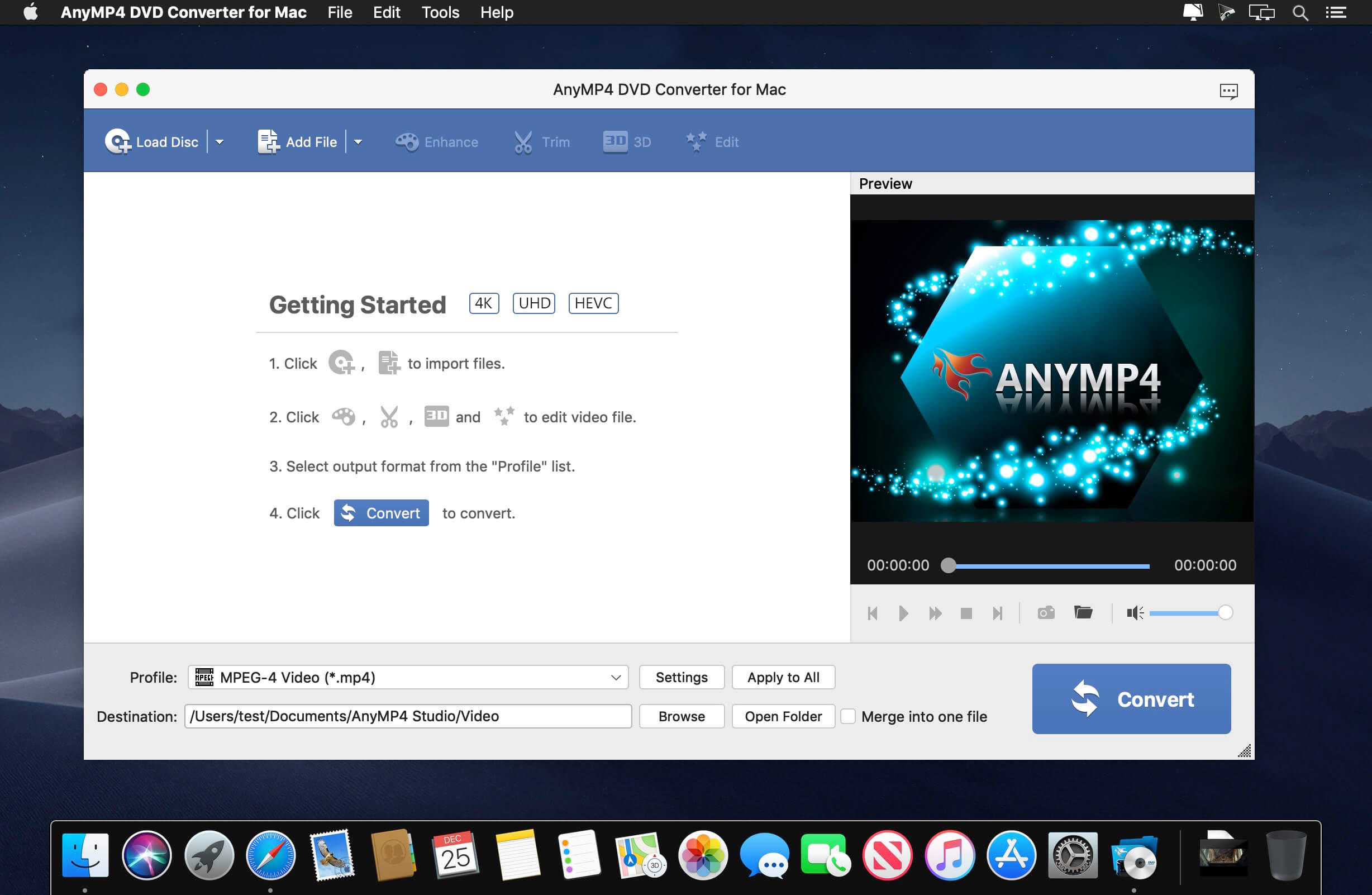
AnyMP4 DVD Converter is the professional DVD/video conversion software which gives users the best solution to convert DVDs and videos. This powerful DVD converter can help you convert DVDs/videos to any popular video format, such as MP4, MOV, AVI, MKV, FLV, WMV, 3GP, etc. What’s more, this DVD Converter is equipped with many useful editing features to customize your DVD movie and video. You are allowed to cut video length, crop video image section, adjust video effects add your personal watermark, and merge video clips and so on.
What’s New:
Version 8.2.18:
Release notes were unavailable when this listing was updated.
Perfectly Clear Workbench is an application that uses Athentech’s Perfectly Clear image correction libraries and is made available to demonstrate the capabilities of the Perfectly Clear processing libraries, face detection library and to allow a quick export of the processing settings for use.
Supported Image Formats:
Perfectly Clear requires RGB-formatted images in either 8 or 16-bit color depth. Any image file that Photoshop or Lightroom can open and convert to this format may be used in Perfectly Clear. Monochrome and CMYK images must be converted to RGB before using Perfectly Clear. RAW files must be opened through Adobe Camera RAW and loaded into Photoshop to be accessible to Perfectly Clear.
What’s New:
Version 4.2.0.2398:
Release notes were unavailable when this listing was updated.
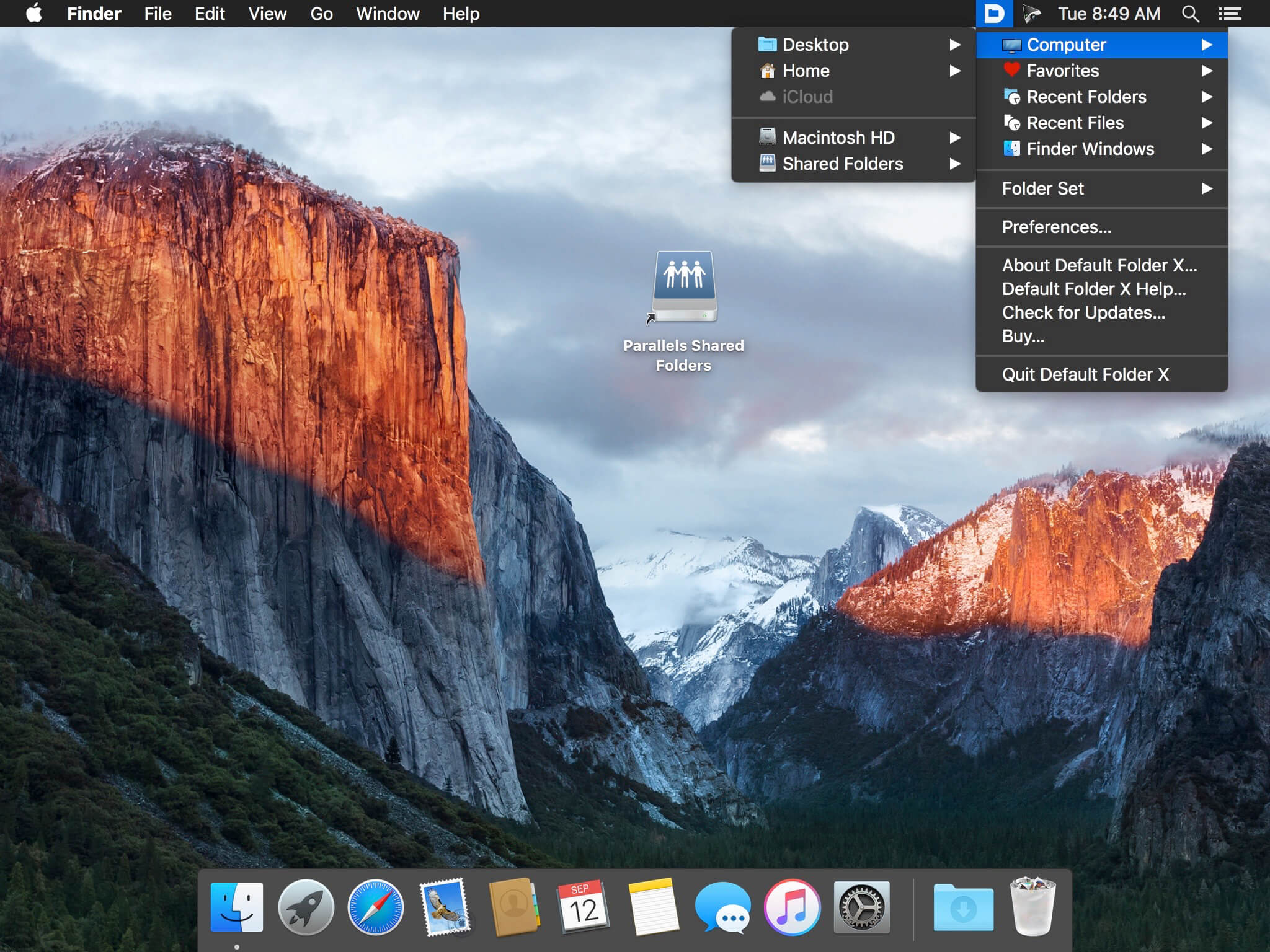
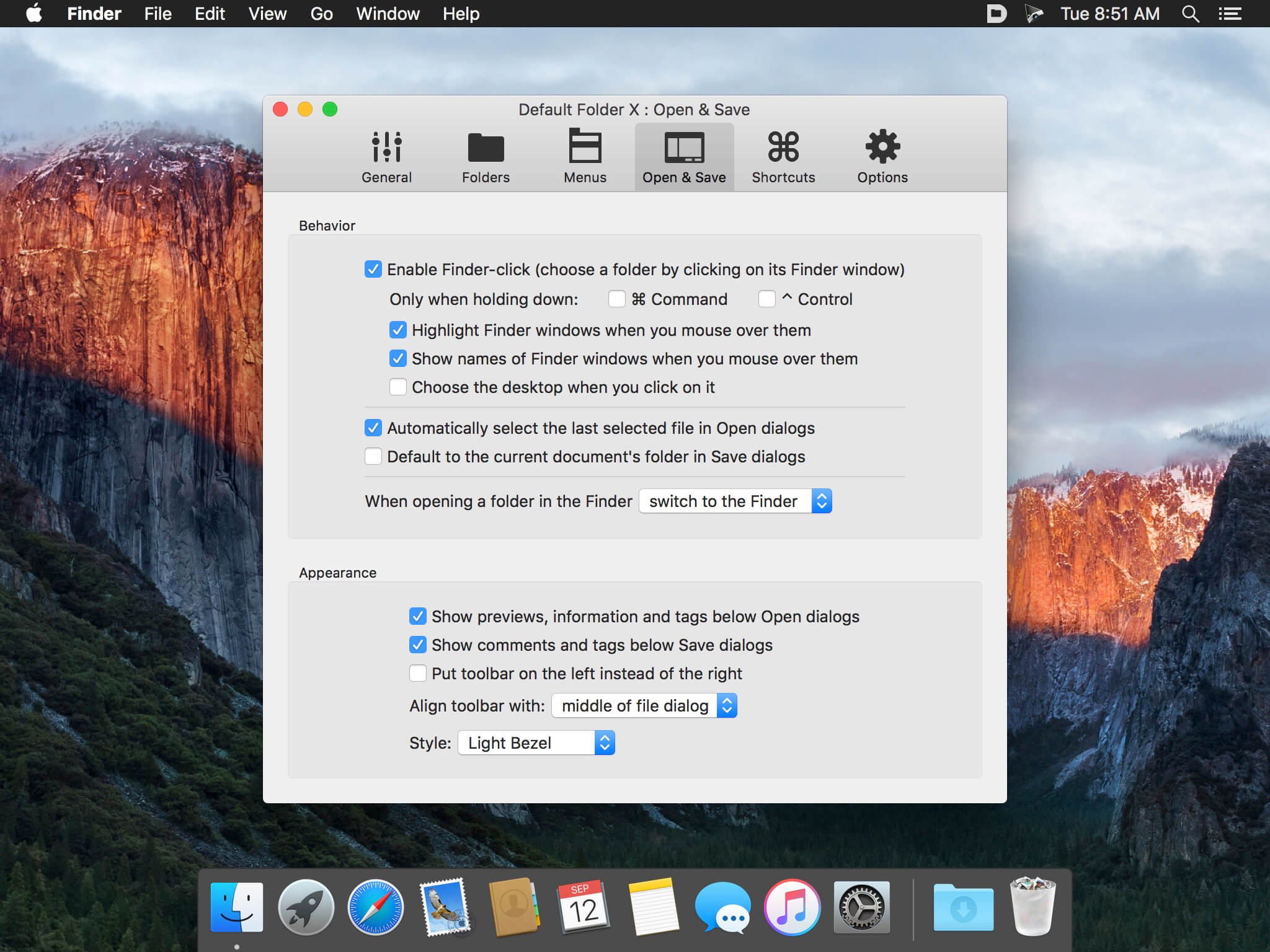
Default Folder X attaches a toolbar to the right side of the Open and Save dialogs in any macOS-native application. The toolbar gives you fast access to various folders and commands. You just click on the buttons to go to your favorite and recently used folders, manage the folders and files shown in the list, and make changes to your settings. It also fixes a number of problems in Open and Save dialogs, “rebounding” to the last selected file, putting the path listing back in the top menu, and correcting bugs in scrolling column views.
Features
Directory assistant: You can access the contents of your recent, favorite, and open folders right from Default Folder X’s toolbar.
Real time saving: If you’re constantly saving things inside the same folder, Default Folder X can remember that folder for you.
Finder management: Default Folder X lets you open up or save to any Finder window with a single click.
Instant Recall: To help you quickly return to folders you’ve recently used, Default Folder X remembers them for you.
Spotlight on the spot: Default Folder X lets you add Spotlight keywords, OpenMeta tags, and Finder labels on the spot, while you’re still in the Save dialog.
Information central: With Default Folder X you get previews below every Open dialog, expanded to fill the available space. Need to see more detail? Click on the image and it zooms up to full size.
Workflow without work: Rather than make you learn and set up a new application, Default Folder X blends into OS X.
Tipard Screen Capture software helps you capture screen movements and actions easily. If you want to create some teaching videos or tutorials, capture some interesting screenshot, webcam contents, video call chats and game videos, or want to grab some online/ streaming videos
– Capture screen and record video with the best quality
– Easily customize the screen size according to your needs
– Record audio files and save them with 100% original quality
– Preview captured screen video immediately after you finish recording
– Output the recorded video/audio and save it on your Mac computer
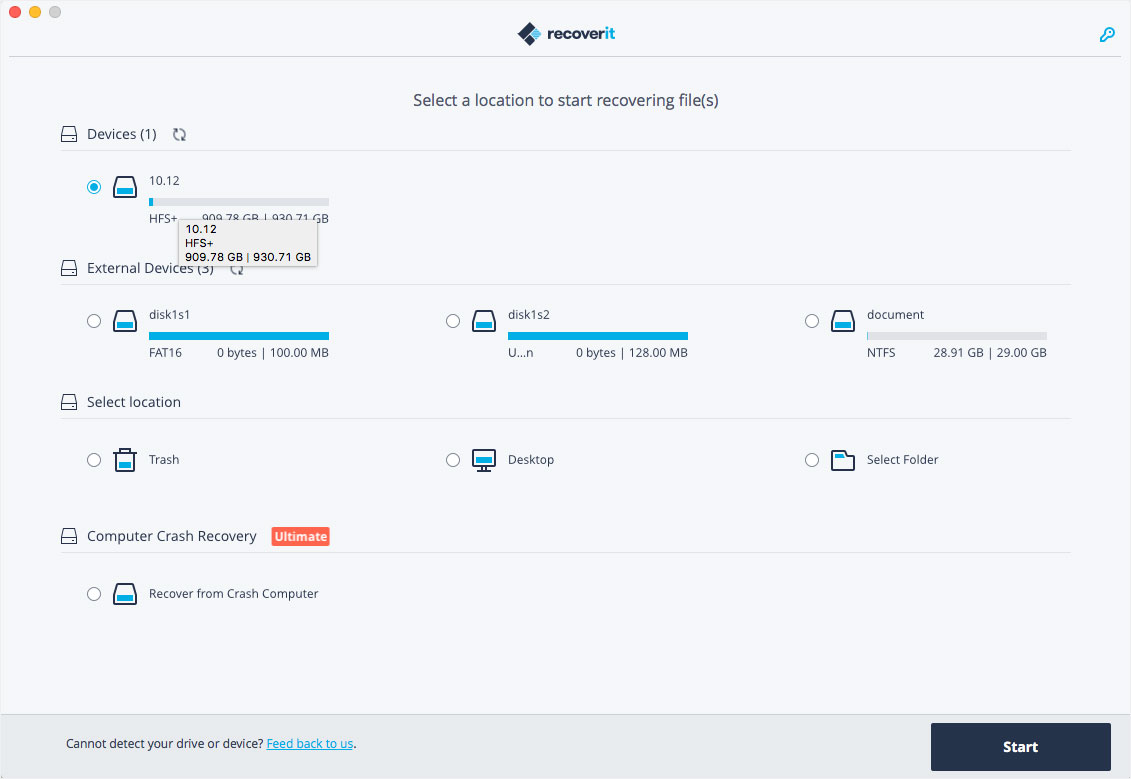
Wondershare Recoverit is a comprehensive data recovery suite to recover Mac data lost due to accidental deleting, formatting, virus infection, improper operation, unexpected power failure, and other unknown reasons.
It can recover Mac data from lost, deleted, logical corrupted and formatted Mac hard drive, iPod, USB drive, SD card, digital camera, mobile phone, MP3, and MP4 player. Compatible with HFS+, FAT16/32, and NTFS file system volumes, this non-destructive Mac file recovery software ensures safe Mac file recovery without modifying the original data saved on your Mac machine or any other storage media. Versatile preview lets you enjoy Mac data recovery in advance.
Features
Safety First:
Read-only and risk-free Mac data recovery program. No any writing operation to your original data.
Versatile Preview Ability:
For images, real-time and direct scan results is displayed during the scan process to let users stop scanning once the target images are found.
For other Mac files such as videos, audio files, archives and documents, they are displayed as a text in a Hex mode for preview to let users enjoy file recovery on Mac in advance.
Precise File Recovery for Mac:
Before data recovery on Mac, you can choose the target file types to scan, which saves you much time especially when there are tons of files on your Mac machine.
Restore deleted files for Mac with original file names, shooting date, and storage paths.
Support file names search for scanning results to provide you precise Mac file recovery.
Easy-to-use and Clean Interface:
Complete wizard and easy-to-use interface let you perform Mac data recovery in a breeze.
What’s New:
Version 11.0.2.3:
Release notes were unavailable when this listing was updated.
MarkupTable will help you quickly and efficiently create Markup-formatted tables in no time. MarkupTable allows you to import already formatted tables from files formatted with the languages MarkdownExtra, MultiMarkdown, HTML, Textile, Wikitext, BBCode, and Smark, add more or remove rows and columns, move entire columns and rows, and of course to edit individual cells.
Export your edited tables to your preferred markup language as a simple text-file or as a Textbundle- or Textpack-file. MarkupTable also acts as a CSV-editor and can therefore read in and save CSV files. When reading CSV files, MarkupTable can automatically detect the field-separator used in the CSV file.
What’s New:
Version 1.7.0:
Release notes were unavailable when this listing was updated.
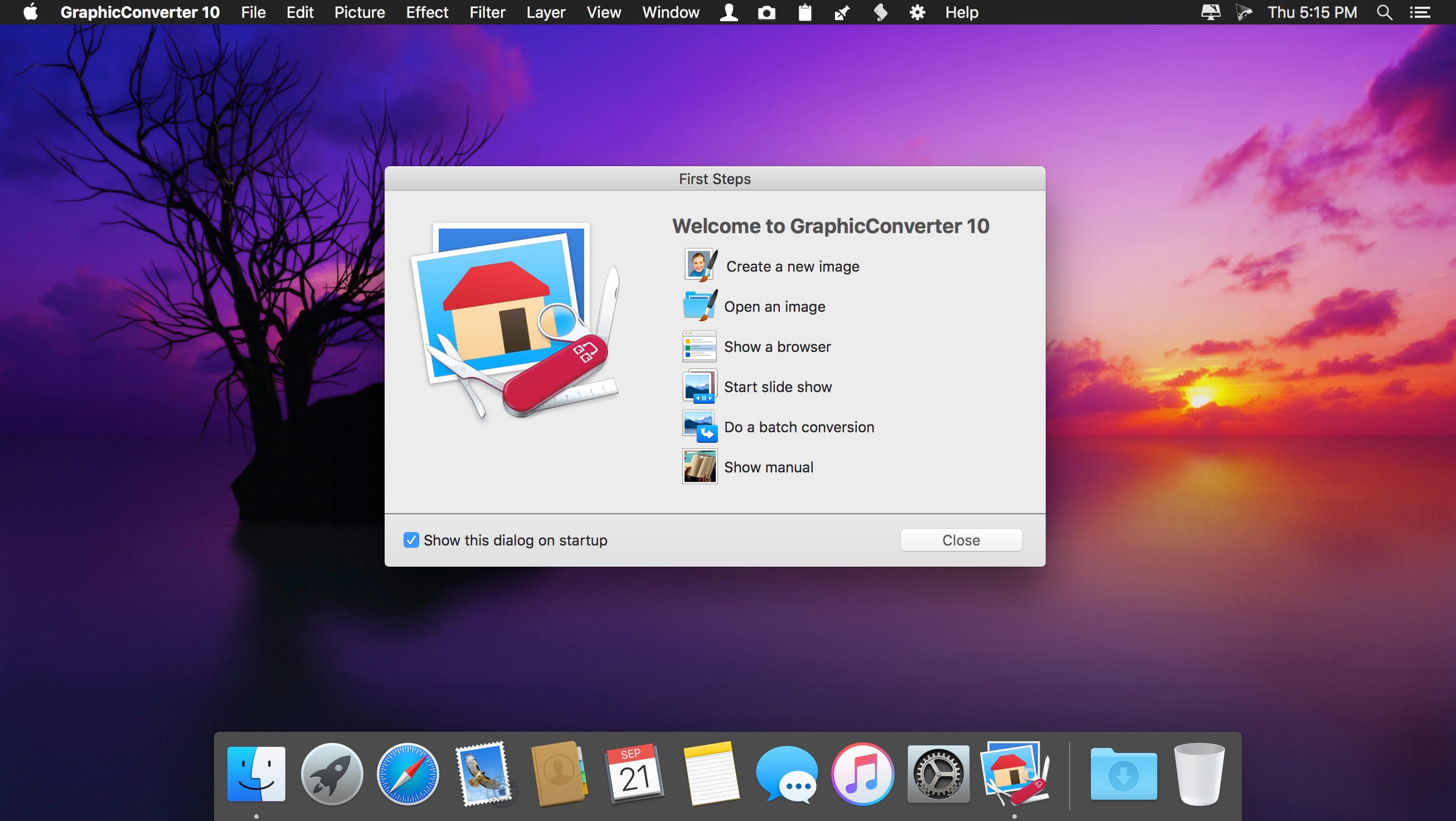
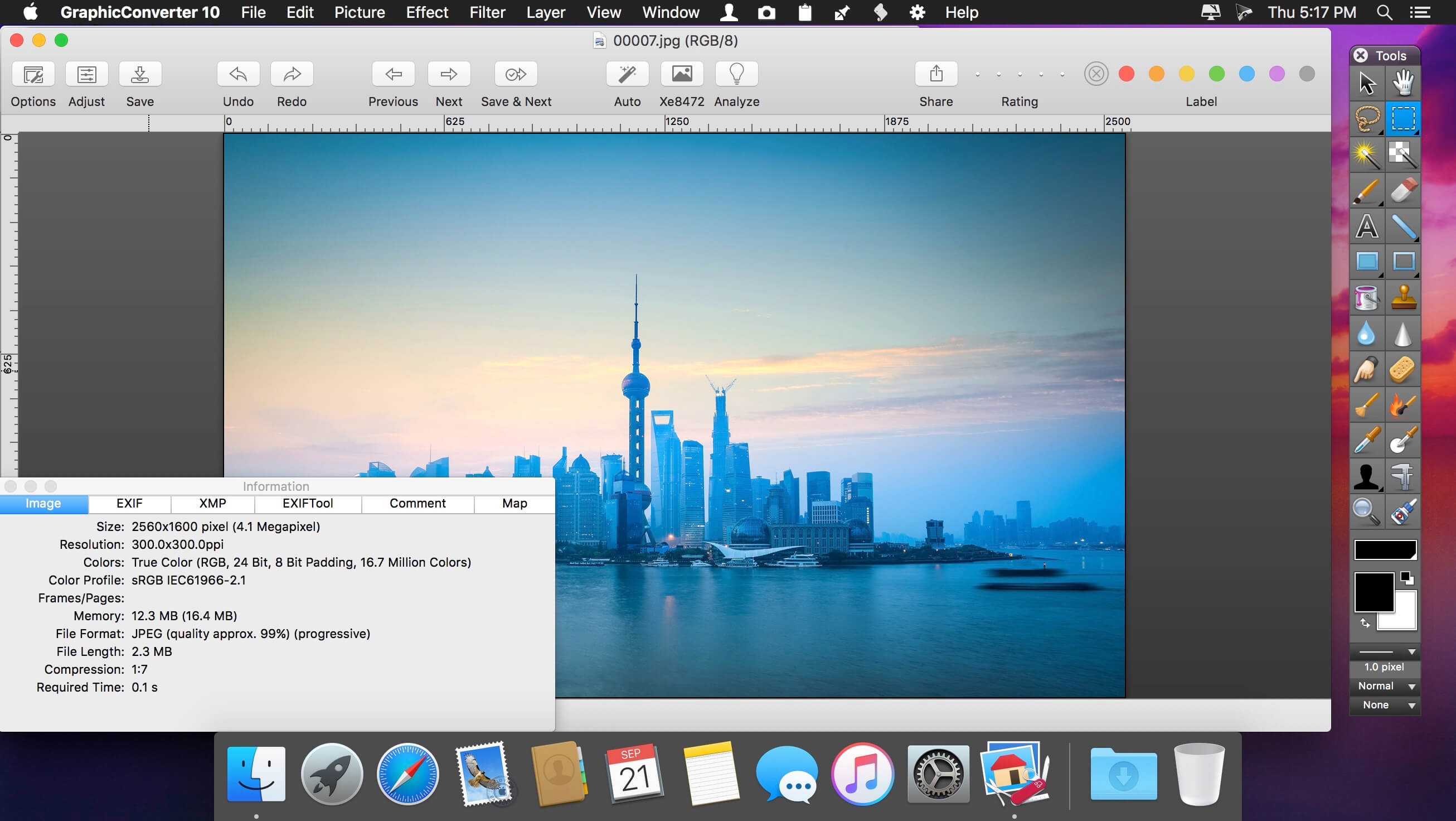
GraphicConverter is an all-purpose image-editing program that can import 200 different graphic-based formats, edit the image, and export it to any of 80 available file formats.
The high-end editing tools are perfect for graphic manipulation as well as the ability to use Photoshop-compatible plug-ins. It offers batch-conversion capabilities, a slide-show window, batch rename, batch and individual editing of metadata (EXIF, IPTC, XMP) and so much more.
GraphicConverter 11 RAW Developer
RAW images are much easier to edit thanks to their enormous data depth. This is particularly noticeable when brightening images with the Exposure slider. The picture remains clear, there is no gray haze as with many JPG images. GraphicConverter now offers a full-screen dialog when opening RAW files with controls for Exposure, Contrast, and Color Corrections. The picture noise can be reduced even with 6 controllers.
Unpack Archives
You want to know which pictures and documents are in an archive file? Then double-click is enough: GraphicConverter temporarily shows you the content or secures the content permanently. In addition to the Zip format, there are 12 additional formats supported, such as the TAR and TGZ formats.
Wide Equalization
In wide-angle shooting, faces and objects on the left and right edges of the image are often heavily distorted in width. With the new wide-angle equalization in GraphicConverter 11, you can now reduce this distortion.
Gradients
You need a gradient, e.g. as a background for a collage? No problem. Easily create color gradients with up to 10 colors via the new dialog.
Duo-Tone
Color your shots with two colors to duo-tone images. In this impressive technique, the lighter shades are colored with the color 1 and the darker ones with the color 2. The result is an effect that enchants your pictures.
Apple Finder Tags
Do you organize your work with Finder Tags from Apple? Then your work will be even easier, because in the browser you can now use the context menu to directly display and change these tags.
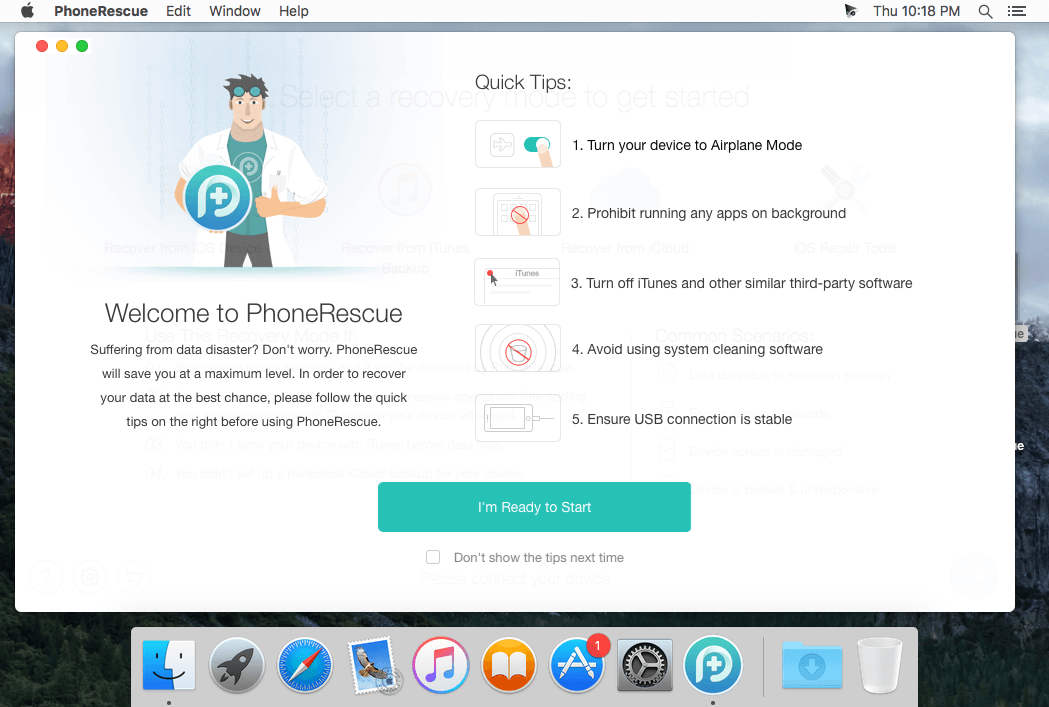
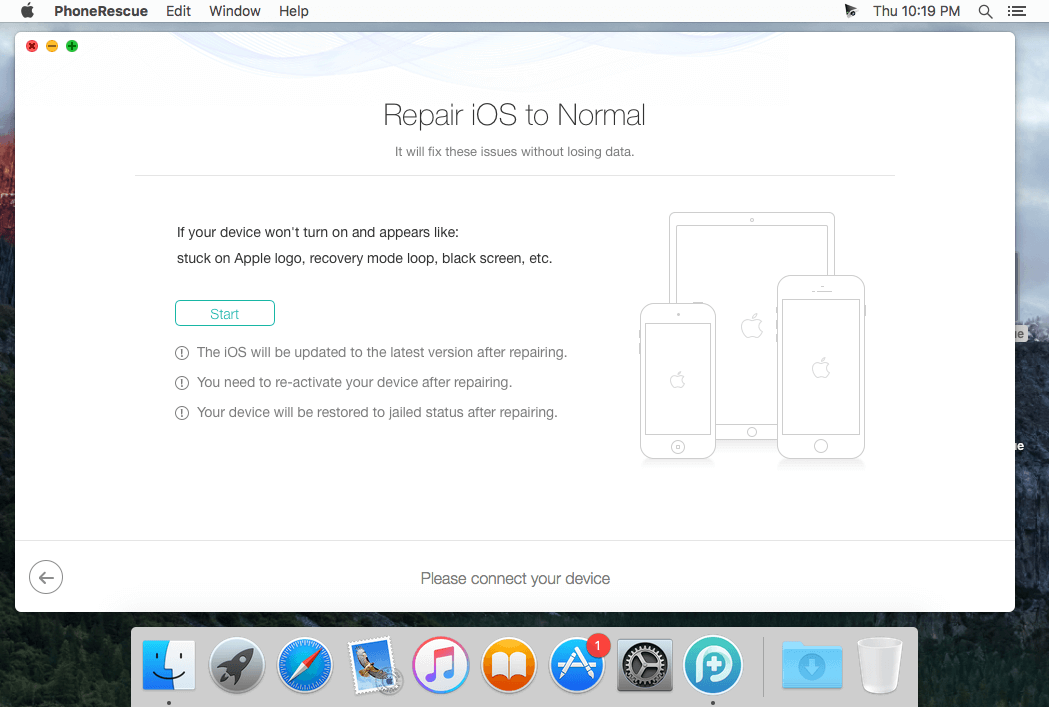
PhoneRescue is an ultimate iOS data recovery program designed for retrieving your lost photos, messages, contacts, notes and more on your iPhone, iPad and iPod touch. Also it can repair an iDevice from any iOS crash error.
Features
Focuses on analyzing and recovering the most important 25 types of iOS content
Recovers data & files directly back to iPhone for instant use, or to computer for future use
Pinpoints your lost contents in the first moment and conjure them back in an eye-blink
Retrieves your valued information via 3 safe and reliable ways: from device, iTunes backup, and iCloud
Extracts your needed information from iTunes backup – even it has been encrypted
Offers options of file types that you intend to scan and recover, making the process more accurate and faster
Fixes any iOS error within a single click to revive your broken iPhone
Mistaken deletion of your photos, text messages, contacts or other vital info on your iPhone could be a disaster in your life. That’s why we introduced PhoneRescue, with the promise to get all your lost-but-valued media or text data back in your hands. Apart from supporting 3-way recovery (from device, iTunes backups, and iCloud) to ensure the maximum recovery rate, PhoneRescue can recover data directly back into iPhone for instant use.
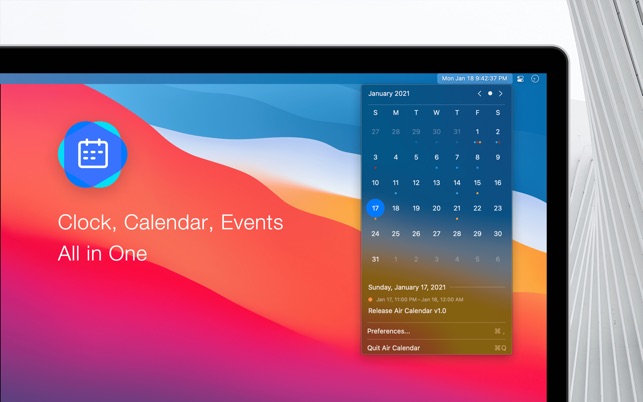
Air Calendar is a menu bar application that integrates clock, calendar and events. It supports Google, Outlook and all calendar services that the macOS’s Calendar supports. It presents you a beautiful and clean calendar with your meetings, appointments, holidays and all agendas to you in the fastest and most convenient way.
Air Calendar is committed to providing a visual and interactive experience that perfectly fits the macOS. It is as natural, light and indispensable as air.
Main features
• Subscribe to Google, Outlook, iCloud and all your calendar services.
• A beautiful and clean calendar, with just a glance.
• A delightful Light and Dark appearances.
• An accuracy and highly configurable clock which just like built-in’s.
• Consistent visual experience with the system, inheriting your accent color.
• Convenient keyboard shortcuts.
• Collect no data at all, it’s safe and secure.
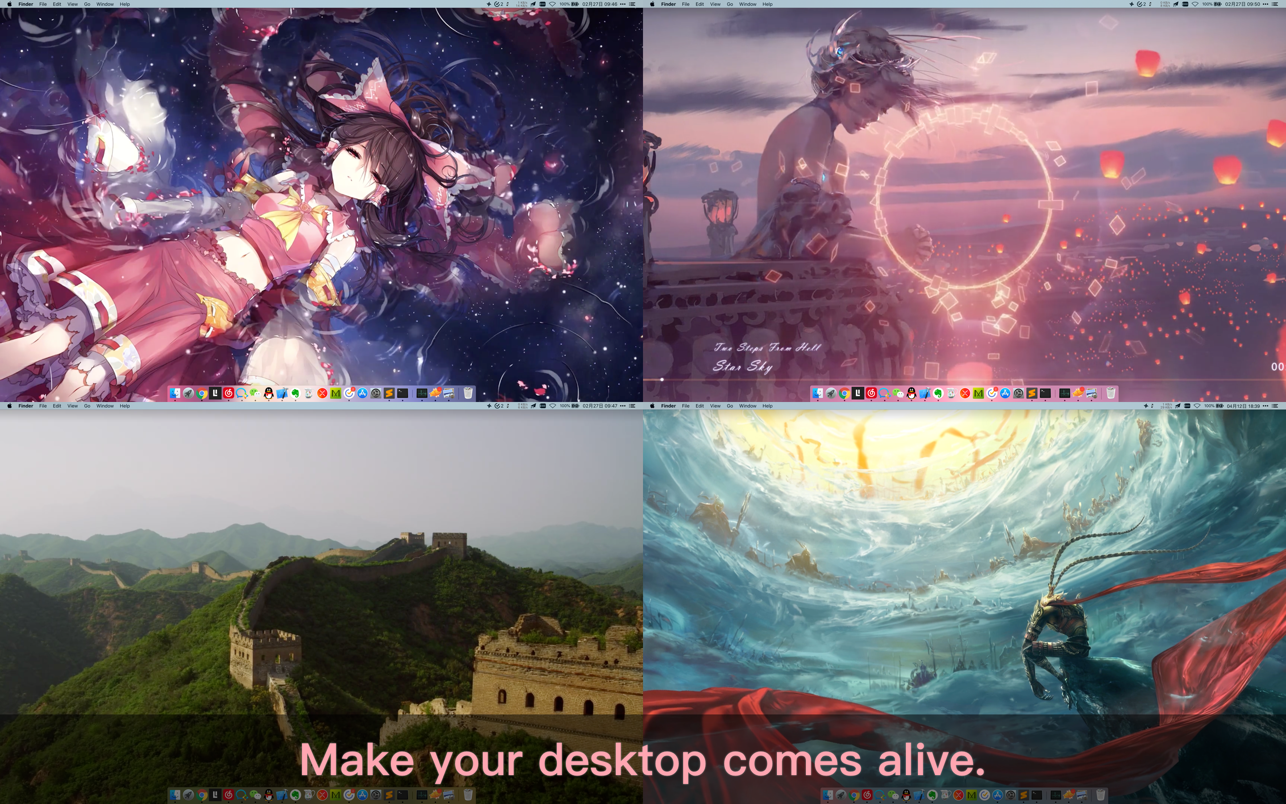
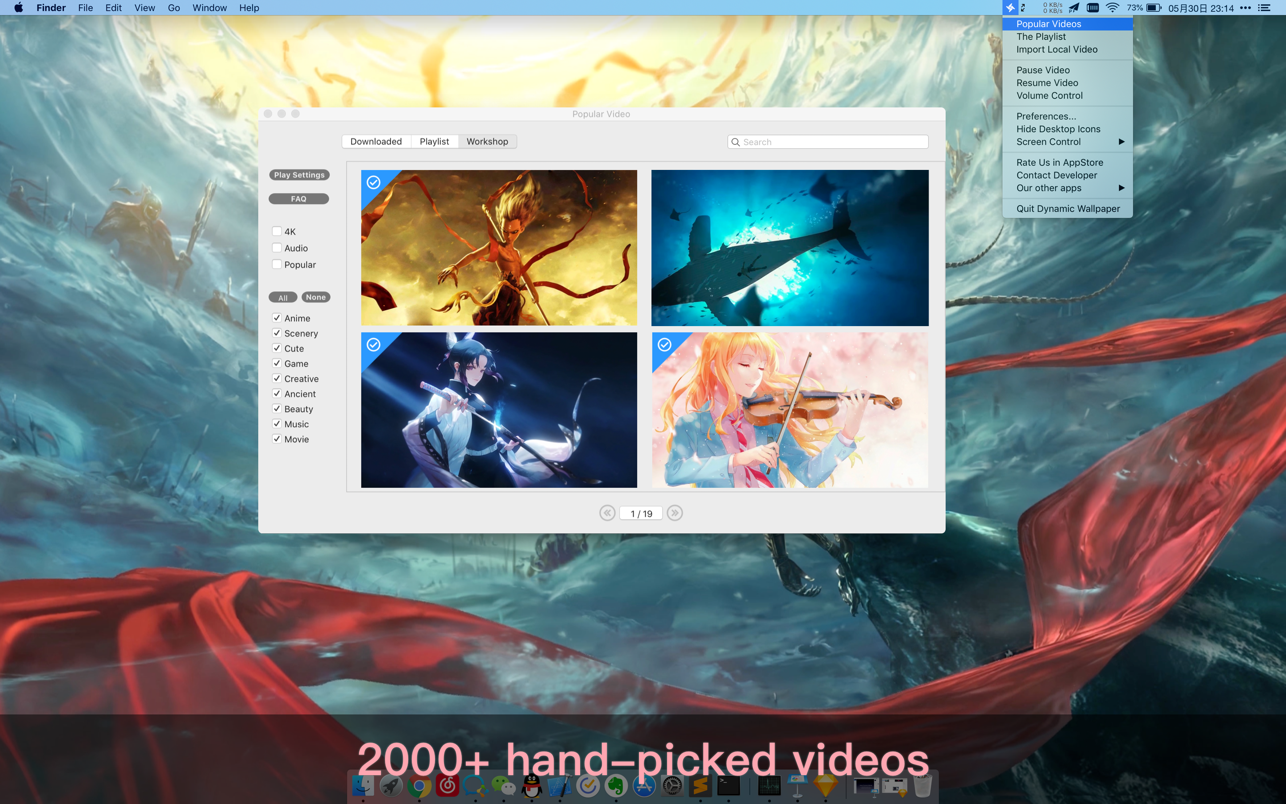
Dynamic Wallpaper Engine allows you to use live wallpapers on your desktop/screensaver. It provides thousands of live wallpapers in the Workshop while taking as little system resources as possible. It’s the Wallpaper Engine for Mac.
Features:
• 2000+ hand-picked videos which are updated every day.
• Multiple types of 4K Ultra HD videos, anime, scenery, cute, game, creative, Beauty, Ancient, Movie, etc.
• Supports “keyword searching” in videos.
• Supports “Dynamic-ScreenSaver”, personalize your lock screen.
• Easy to import local video.
• Supports The playlist, list loop, shuffle loop.
• Supports multiple screen aspect ratios and video native resolutions.
• Supports global hotkeys to control wallpaper, hide desktop icons and show screensaver.
• Set different wallpapers on different displays.
• Manual control, video pause, resume and mute.
• Break reminders, with flexible customization if you want it.
• Auto mode, pause the video when other apps are active, not disturbed at work.
• Auto mode, pause the video when Power Disconnected.
• Support for hiding desktop icons.
• Dynamic Wallpaper Engine is designed to provide an interesting experience while consuming as little system resources as possible.
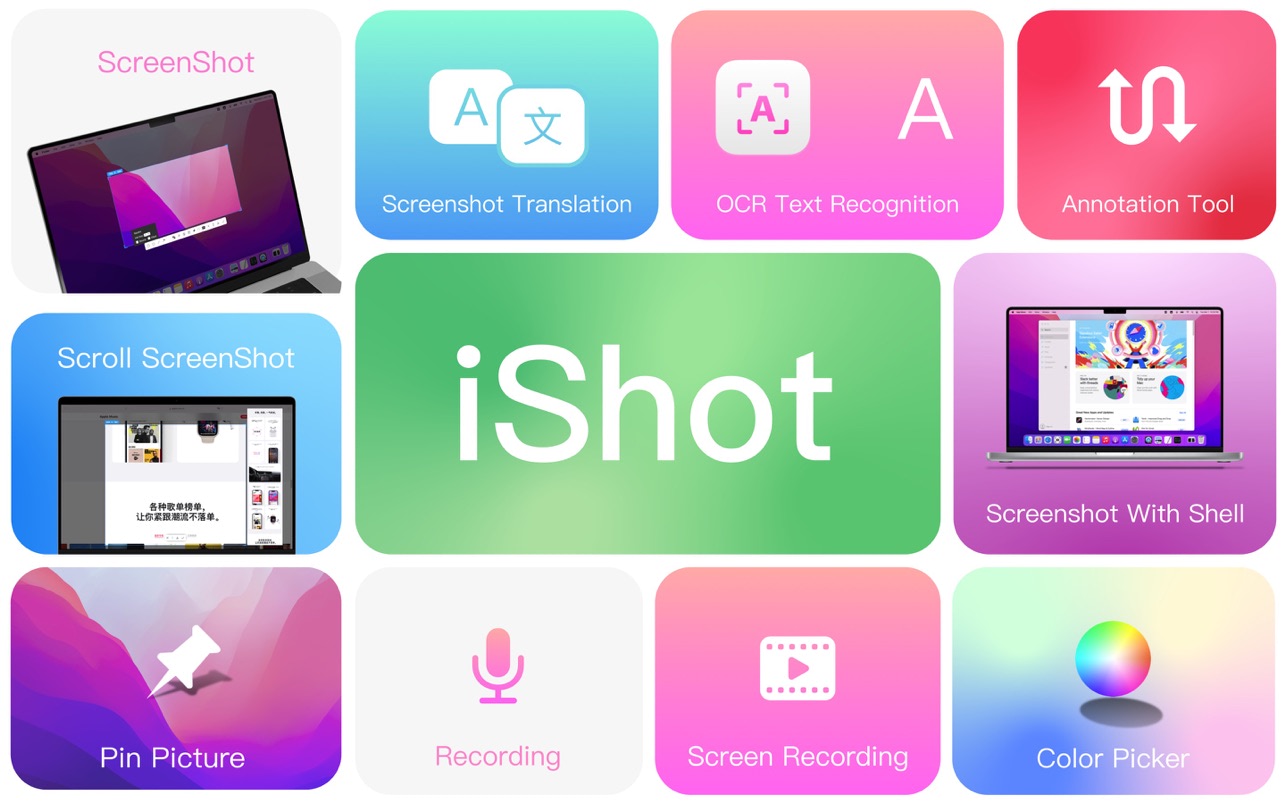
iShot is an excellent, full-featured area screenshot, window screenshot, multi-window screenshot, long screenshot, shell screenshot, time-lapse screenshot, quick annotation, texture, color picking, screen recording, audio recording, OCR, screenshot translation tool on Mac .
1. Screenshots
Area screenshot, window screenshot
Supports frame selection screenshots, intelligent recognition window screenshots, and custom screenshot shortcuts.
Multi-window screenshot
Press the screenshot shortcut key, then Shift, and click on multiple windows to take screenshots of multiple windows.
Delay full screen screenshot
Delay full-screen screenshots, support countdown sound playback, and use to capture windows that are not easy to select.
Take a screenshot of the last screenshot area
Use the shortcut keys to quickly take a screenshot of the area where the last frame was selected.
Screenshot window under cursor
Use the shortcut key to directly capture the window under the current mouse without activating the window.
Screenshot rounded corners and shadow effects
Screenshot to open quickly
After completing the screenshot, you can double-click Option to open the picture with a custom App, so that your screenshot and editing can be seamlessly connected.
Save/Storage
Support saving to clipboard and local
Support saving to the clipboard and saving to the local
Support single save as, custom save name and format
Support HD and SD image quality
Support jpg, png, tiff screenshot saving formats
Support output color standard pictures
2. long screenshots, scrolling screenshots
Select the scrolling screenshot area, then press the “S” shortcut key and slide the screenshot area upwards to start taking a long screenshot. The length of the long screenshot is unlimited.
Support automatic scrolling of long screenshots.
3. with shell screenshot
After taking a full screen screenshot, match your picture with a beautiful Mac shell mockup, high-end and elegant.
4. stickers
After the frame selection area is supported, click the map button to map;
The sticker library will store the record of the sticker.
After supporting the texture, right-click, mark and modify the texture image.
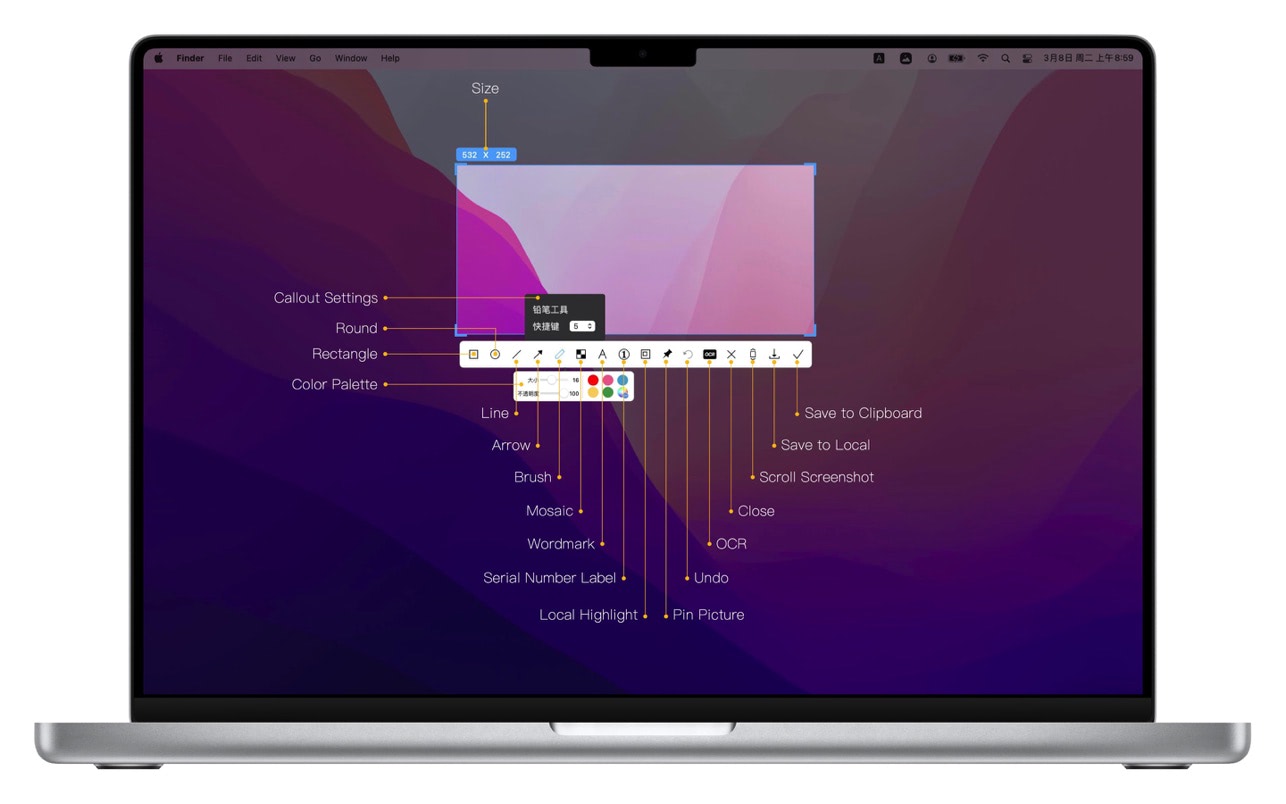
5. Quick Marking
Marking function:
Rectangle, circle, horizontal line, arrow, brush, mosaic, text mark, serial number label, local highlight;
Quickly adjust dimension and transparency
Rich annotation styles
Arrows, mosaics and other annotation tools provide a variety of styles to choose from, making your annotations colorful.
6. Color picking function
When you press the screenshot shortcut key, the magnifying glass will display the color name under the current cursor, press R, G to copy the RGB and HEX color codes, and supports custom color codes with powerful functions.
Support native, normal RGB, SRGB, Adobe RGB, P3 multiple color gamut standards
7. Screen recording function
Supports screen recording of various resolutions and FPS in Ultra HD, HD and SD;
Support for recording the internal sound of the system;
Support for recording online meetings
8.Recording
Support recording function, recording anytime and anywhere, a good helper for business people.
Support for recording the internal sound of the system
9.OCR text recognition
After selecting the screenshot area, click the OCR button to perform text recognition, which is convenient and easy to use
The OCR function supports QR code recognition and prioritizes QR code recognition
Support OCR continuous recognition mode
Support OCR to cancel line feed
10. Screenshot translation
After selecting the screenshot area for OCR recognition, perform translation
AnyMP4 DVD Ripper for Mac is capable of converting almost all DVDs including copy-protected DVDs to popular SD or HD video formats, such as MOV, AVI, MPEG, MP4, WMV, FLV, MKV, 3GP, VOB, DivX, and ASF, etc. on Mac at super fast speed. With just a few clicks, you can convert the DVD to your favorite video, so you can play and enjoy your DVD at home with a variety of devices.
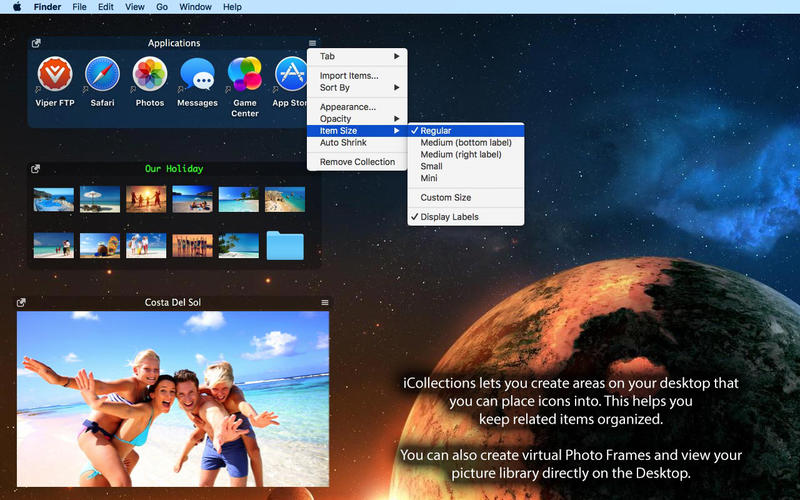
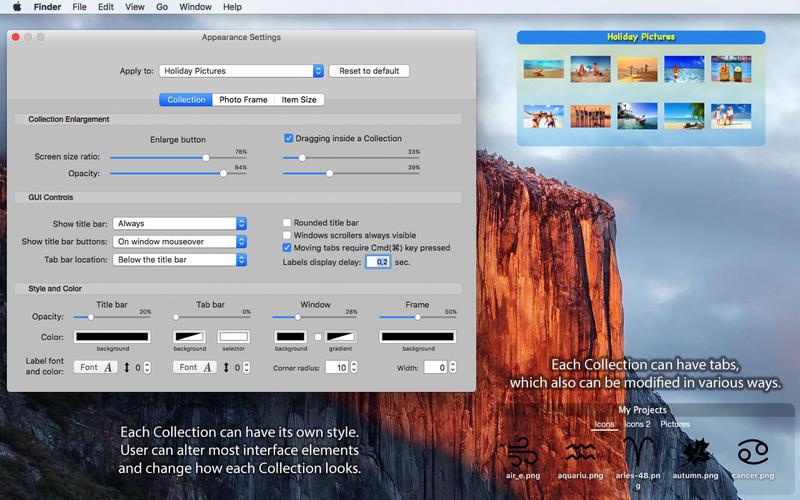
iCollections is an expertly designed application which helps you keep your desktop organized. The app’s unique features are what make it the most popular method of desktop organization for Mac users. iCollections lets you create areas on your desktop that you can place icons into. This helps you keep related items together so your files (pictures, documents, screenshot, applications, etc.) remain organized.
When selecting Photo Frame, a picture frame will be created at the desktop. The Photo Frame will display collection of your pictures as a slide show, eg. a new picture every day. Select your pictures folder and recall wonderful memories.
Use View Settings to define a slide show: window design and details to show. You can also create a static picture – just select a picture instead of a folder. Quick and easy!