
Category Archives: OS

macOS High Sierra 10.13.1 (17B48) and compatible Utilities

Macos high sierra 10 13 1 and compatible utilities icon
Name macOS High Sierra 10.13.1 (17B48) and compatible Utilities [cutl]
Size 5.71 GB
Created on 2017-11-10 02:56:13
Hash bdf035476f53536d7b83d6a4ebfc5a7c04095616
Files macOS High Sierra 10.13.1 (17B48) and compatible Utilities (5.71 GB)

Descriptions for Descriptions for macOS High Sierra 10.13.1 (17B48) and compatible Utilities

Includes:
  1. macOS High Sierra 10.13.1 (17B48)
  2. Clean MyMac 3.9.1
  3. UninstallPKG 1.0.29
  4. 1Password 6.8.4 [Multi/Ru]
  5. App Uninstaller 4.6 [En]
  6. Find Any File 1.9.0 [En]
  7. Geekbench 4.2.0 [En]
  8. iExplorer 4.1.6 [En]
  9. Malwarebytes for Mac Premium 3.1.1.505 [En]
  10. Path Finder 7.6.2 (1729) [Multi/Ru]
  11. PDF Squeezer 3.8 [Multi/Ru]
  12. Sierra Cache Cleaner 11.1.1 [En]
  13. zCommander 3.4 [En]

macOS High Sierra 10.13.1 (17B48)
New technologies used in the operating system, making the Mac more reliable, functional and fast. And lay the Foundation for future innovation. In addition, macOS High Sierra improved features and apps you use every day. MacOS system to a new level.

year: 2017, Oct 31
Version: 10.13.1 Build 17B48
Platform: Intel only
Interface language: Multilingual
System requirements:
64-bit Intel CPU
OS X 10.7 Lion or higher
a minimum of 2 GB of memory
8 GB of free disk space
Some features require Apple ID; requires compliance with.
Some features require a compatible Internet service provider;
you may be charged.
To use the functions Continuity (Handoff and AirDrop) requires a compatible Bluetooth L (4.0)

Supported models:

iMac (mid 2009 or newer)
MacBook Air (late 2010 or newer)
MacBook model (late 2009 or newer)
Mac mini (early 2010 or newer)
MacBook Pro (early 2010 or newer)
Mac Pro (early 2010 or newer)

How to install.

Update
1. Mount the disk image
2. Copy the “Install macOS High Sierra” in the folder “Programs”
3. Run the copied app

Disable transition on APFS.

One of the key changes macOS High Sierra was the transition to new file system APFS. But

some Mac users prefer to stay on existing FS HFS+. Pass the change in APFS can perform in “Terminal” in just one team.

To install macOS High Sierra and skip the conversion to HFS+ in APFS need to perform the

Following steps:

— Move the installer “Install macOS High Sierra.app” to the applications folder (Applications);

— Open “Terminal” and enter the following command:

/Applications/Install macOS High Sierra.app/Contents/Resources/startosinstall —

converttoapfs NO

— Press “Enter” to start the installation process of macOS High Sierra.

CleanMyMac 3.9.1
Year of release: 26 Oct 2017
Version: 3.9.1
Platform: Intel only
Language: multilingual Russian present
Tablet: Not required

System requirements:

Intel, 64-bit processor
OS X 10.9 or newer

Description:

CleanMyMac allows you to get rid of various garbage on your Mac: caches programs, log files, unnecessary localization programs, extra code, etc. All data is visually sorted into different categories, which gives the opportunity to clearly evaluate where you can win a couple of hundred megabytes and make the appropriate treatment. Other possibilities CleanMyMac should be noted: remove programs with all their service files, secure file deletion, search and remove widgets, optimization of the system.

CleanMyMac has a beautiful interface that will not leave anyone indifferent.

All done in a standard macOS: beautiful, convenient and affordable.

What’s new in version 3.9.1:

Added a Temporary Halloween theme.
Fixed CleanMyMac not found on the album “Files to delete” in the Photos app after changing
system language.
Fixed All known crashes and exceptions.

The installation procedure.

-Mount image
– Drag the application icon to the folder “Programs” (“Applications”)
The program does not update
– Please, when you delete something, wait for messages from the program about installing a
helper’……otherwise, You will receive error messages

– helper installed be sure to

UninstallPKG 1.0.29

year: 2017
Version: 1.0.29
Platform: Intel only
Language: English
Tablet: Program treated (does not require data entry/enter any data)
System requirements: Mac OS X 10.10 or later

Description:

UninstallPKG – an application which allows You to completely uninstall the packages (file-extension .pkg) and all their installed contents from Your Mac.

The program can be used to clean free space on disk , for example to remove unused drivers or completely remove applications You no longer use.

UninstallPKG helps keep Your Mac clean, removing the remains of applications that You have already partially removed manually.

1Password 6.8.4 [Multi/Ru]

The release took place: November 03, 2017
Supported OS: macOS 10.10 +
Interface language: Russian, English, etc.
Type of medicine: the license file

System requirements:

OS X 10.10 or later
Intel, 64-bit processor

Description:

1Password– password Manager and other important data. The program can store credit card information, passwords, secret texts, is able to automatically fill Webform and integrate into a large number of browsers.

The program automatically saves all passwords that you enter in the browser when visiting various services (each time, of course, asking your permission to do this). When you visit this resource you will not need to enter login and password again – just click on the button c is drawn with the key that appears in all your browsers when you install 1Password (supported browsers Safari, Firefox, Chrome and Opera). In the same way 1Password can automatically fill in for you any form. For example, once completing the field name, last name, city, phone, you no longer need to fill their sites with registration.

What’s new in version:

6.8.4 (build #684001) – released 2017-11-03
Good day, all! We have a small but important update to 1Password today that fixes a crash
that could occur during setup for some customers.

Installation procedure:

Before installation, make sure that you are not running the last version of 1Password
(close/quit the application completely)

Mount image, run the installer and follow the instructions (Yes, now pkg )

Double click on the license file – the program will be automatically activated

!!!! If something goes wrong, go to Users > (your name) > Library > Containers Group, delete
the folder “2BUA8C4S2C.com.agilebits” and start again. Or restart the Mac.

App Uninstaller 4.6 [En]

The release took place: November 06, 2017
Supported OS: macOS 10.9 +
Language: English
Treatment: not required (the installer is already treated)

System requirements:

OS X 10.9 or newer
Intel, 64-bit processor

Description:

App Uninstaller is an excellent and probably the best application Uninstaller!

App Uninstaller is the best way to remove applications on Mac OS X! A complete and safecleaning.

This program enables you to correctly, completely and safely remove unwanted apps with all their “tails” from your computer! These “unwanted” programs normally leave some unnecessary files like Log, Cache, Preferences, Sevice, Crash report and other related.

These files accumulate over a long period of time, which occupy a lot hard disk space and slow down the speed of Your system.

App Uninstaller helps to remove all traces of previously uninstalled apps freeing up space on your hard drive. Allows you to delete system files and to run any application again as the first time!

Installation procedure:

Mount the image and see Readme.txt why so …
Further to the selection, installation as you normally would or by using the Open Gatekeeper
friendly

Find Any File 1.9.0 [En]

The release took place: 04.11.2017
Supported OS: OS X 10.9 or higher
Language: English

System requirements:

OS X 10.9 or higher
Intel 64-bit CPU

Description:

Find Any File – utility to search any file on your Mac

Find Any File does not contain any submenus with settings, to quickly cope with the task and comfortable to use. All you have to do is write the key word (or words) in the search box, without the prior menu settings. But if you need to complicate the search, then Find Any File has a lot of submenu makes this process convenient.

Unlike Spotlight, FAF does not use indexierung database. Instead, the program birches assistant driver of the file system to perform operations for searching (when possible). This gives you the ability to search files by name, creation date, size, etc., except the content of the file.

Installation procedure:

Mount image and drag the application icon to the applications folder
To register – select File menu -> Purchase

Geekbench 4.2.0 [En]
The release took place: 03.11.2017
Supported OS: macOS 10.10.5 or higher
Language: English
Treatment: not required

System requirements:

10.10.5 macOS or higher
Intel 64-bit CPU

Description:

4 Geekbench – benchmark to measure the performance of real tasks

When we buy a Mac or when we want to be sure that all the components of our systems are working well, we usually use programs to run the tests.

Geekbench 4 offers a revamped interface and several new benchmarks that are designed to measure the performance of devices in real-world situations that require high intensity of the processor. The tests cover a range of different tasks, including signal computations, work with images, encryption, and physics simulation. In addition, in the benchmark there are several completely rewritten the tests from the previous version of the program, which are also expected to become more attached to the real calculations, not the abstract measurements. One of the main features of this program is that you will be able to conduct all the tests in one click. Finally, Geekbench allows you to share test results with other users to compare them and know exactly how does your system properly.

Re-introduce Battery Benchmark

Fix issues that could cause Geekbench to underreport Metal performance on discrete GPUs such as the NVIDIA GeForce GTX 1080 or the AMD Radeon RX 580.

Fix an issue that prevented Geekbench for Android from sharing results via Gmail, GoogleDrive.

Installation procedure:

Mount image and drag the application icon to the applications folder

iExplorer 4.1.6 [En]
The release took place: November 03, 2017
Supported OS: OS X 10.10 +
Language: English
Treatment: not required (the installer is already treated)

System requirements:

Intel, 64-bit processor
OS X 10.10 or newer
iTunes 12 or later
iPhone 7 & iOS 11 Ready
(And Still Supports All iPhones, iPads & iPods)

Description:

The situation when it is vital to download any information from PC to external drive, is familiar to all. This is especially true when such a drive with him. But most importantly, at hand were favorite i-device because, in this case, the solution to this problem already exists – the app iExplorer.

iExplorer is a utility to view and work with files that are stored in the memory of iOS devices.

Thanks to iExplorer you can simple drag and drop to quickly copy files and folders between your computer and iPhone or iTouch.

Features:

– edit files and folders
– use iPhone as removable media
– support for all iOS devices
– view photos and images
– export sms and imessage chats
– and much more

Installation procedure:

Mount the image and see Readme.txt why so …
Further to the selection, installation as you normally would or by using the Open Gatekeeper friendly

Malwarebytes for Mac Premium 3.1.1.505 [En]

The release took place: 01.11.2017
Supported OS: macOS10.10 or above
Language: English
Type of medicine: ready keygen

System requirements:

macOS 10.10 or higher
Intel CPU 64 bit

Description:

A powerful application for finding and removing malicious software (rootkits, Trojans, spyware, adware, phishing, etc.). While Malwarebytes finds and eliminates those malicious programs which are impossible to identify even well-known comprehensive antivirus products.

Malwarebytes proven technology to effectively confronts the growing threat for Mac computers from malware. Now You are protected and Your computer will work flawlessly.

The algorithms of cyber security has finally risen to the level of Mac computers.

Installation procedure:

– Mount the DMG image
– Start ustianowski and follow the instructions
– To register data from a text file

Path Finder 7.6.2 (1729) [Multi/Ru]

The release took place: 06.11.2017
Supported OS: macOS 10.7 or higher
Interface language: Russian, English, German etc.
Treatment: not required

System requirements:

macOS 10.7 or higher
Intel, 64-bit processor

Description:

Path Finder is one of the best file managers, attention to detail interface: tabbed browsing, previewing a document or audio/video files, management processes, work with archives, install/uninstall apps, the ability to change hotkeys in the system to convert the images of CD/DVD/BlueRay-ROM drive, dwuhvalentnoe and much, much more.

PathFinder – replacement for the standard Finder’u, offers its users features such as full navigation with keyboard, built-in FTP client, work with tabs, customization of folder views, convenient search, flexible file selection.

Installation procedure:

Mount image and drag the application icon to the applications folder

PDF Squeezer 3.8 [Multi/Ru]
The release took place: 07.10.2017
Supported OS: macOS 10.9.5 or higher
Interface language: Russian, English, German etc.
Treatment: not required

System requirements:

macOS 10.9.5 or higher
Intel 64-bit CPU

Description:

PDF squeezer reduces the file size of large PDF documents.

The application allows you to compress the size of large PDF documents by compressing images and removing irrelevant information. This will allow you to obtain a good compromise between the parameters of the broadband network, transmission times of files across the network and cost of storing digital content.

Program features:

-simply drag and drop your PDF file in the window or on the icon of the application
-choose from pre-made filters or create your
-simultaneous compression of multiple files
-support password protected PDF files
-automatic compression and save with ‘one click’ with compression

Installation procedure:

Mount image and drag the application icon to the applications folder

Sierra Cache Cleaner 11.1.1 [En]
The release took place: 31.10.2017
Supported OS: OS X 10.7 or later
Language: English
Type of medicine: keygen+sn

System requirements:

OS X 10.7 or later
Intel 64-bit processor

Description:

Sierra Cache Cleaner, offering the user a wide range of tools to customize Mac OS X. Sierra Cache Cleaner allows you to perform settings for more comfortable work in macOS with a simple and convenient interface, increase system performance by optimizing the network connections and customization file caching.

Despite the fact that the title contains the name of the latest Apple system, app Cache Cleaner Sierra has a quite long history of existence. Just the developers regularly update their app and use the name of the current macOS. Along with the name change is complemented and expanded the functionality of the application.

Installation procedure:

Mount image and start the installer application
To register the data from the attached files

zCommander 3.4 [En]

The release took place: 27.09.2017
Supported OS: OS X 10.7 or above
Language: English
Treatment: not required

System requirements:

Intel, 64-bit processor
OS X 10.7 or later

Description:

zCommander is a powerful, fast, functional, convenient and nice interface, the file Manager, which will make the procedure of file management on your Mac easy and convenient, especially for those users who recently switched to the macOS platform.

Installation procedure:

Mount image and drag the application icon to the applications folder
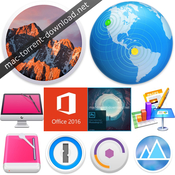
macOS Sierra 10.12.6 & software

Description

Includes:
 - macOS Sierra 10.12.6 (16G29) (Installer)
 - Adobe Photoshop CC 2017.1.1 (18.1.1) 
 - Ms Office 2016 v15.30.0
 - Apple iWork Keynote 7.1, Numbers 4.1 & Pages 6.1
 - CleanMyMac 3.7.1
 - CleanMyDrive 2 v2.1.3
 - Disk Cleaner - Free Your Hard Drive Space 1.2
 - macOS Server 5.3
 - App Cleaner Pro 4.1
 - 1Password 6.6.4

macOS Sierra 10.12.6 (16G29) [Multi/Ru] (Installer)

The release took place: July 19, 2017
Build number: 10.12.6 Build 16G29
Interface language: Russian, English, and other

Treatment: not required

System requirements:
 - 64-bit, Intel-based Mac.
 - OS X 10.7 or higher
 - A minimum of 2 GB of memory
 - 8 GB of free disk space
 - Some features require Apple ID; requires compliance with.
 -  Some features require a compatible Internet service provider; fees may apply.
 -  To use the functions Continuity (Handoff and AirDrop) requires a compatible Bluetooth LE (4.0)

Supported Models:
iMac: late 2009 or later.
MacBook: late 2009 and later.
MacBook Air: late 2010 or later.
MacBook Pro: mid 2010 or later.
Mac Mini: mid 2010 and newer.
Mac Pro: mid 2010 or later.


Description:

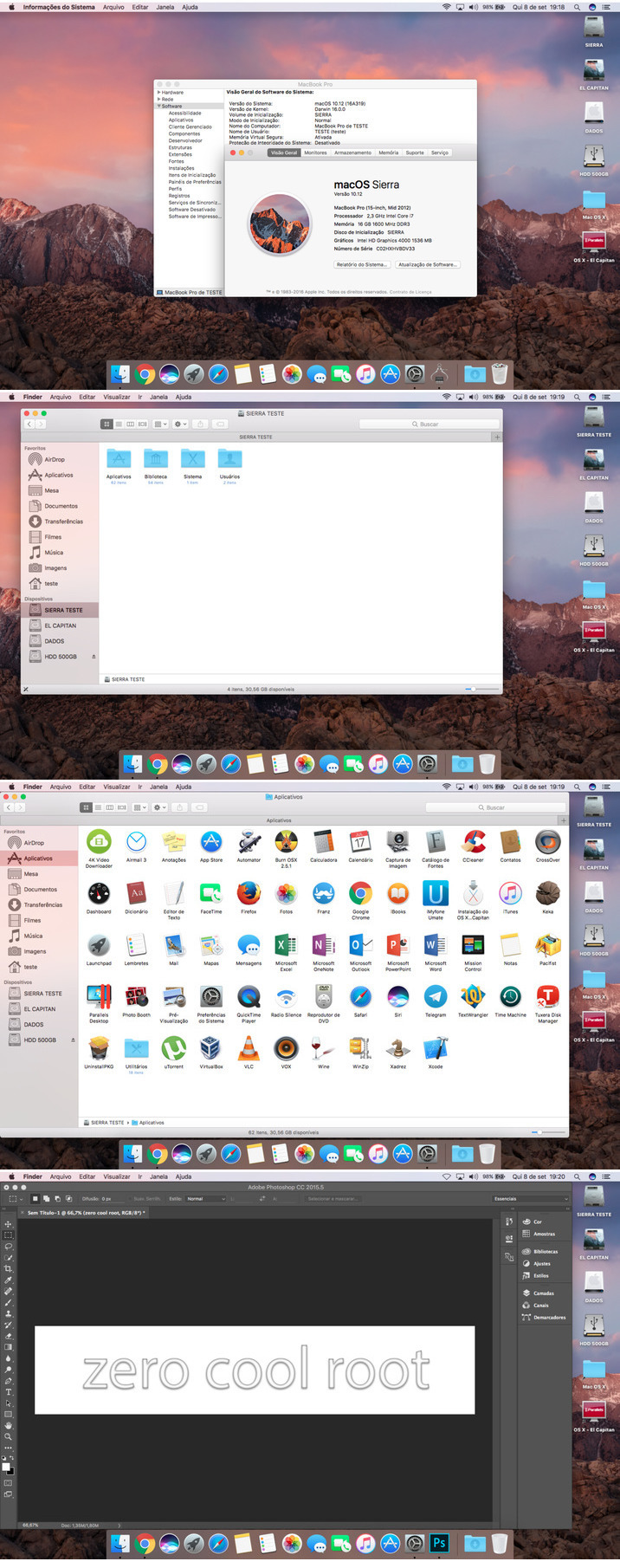
Sierra macOS (version 10.12) — an operating system for personal computers developed by Apple; thirteenth version of macOS.

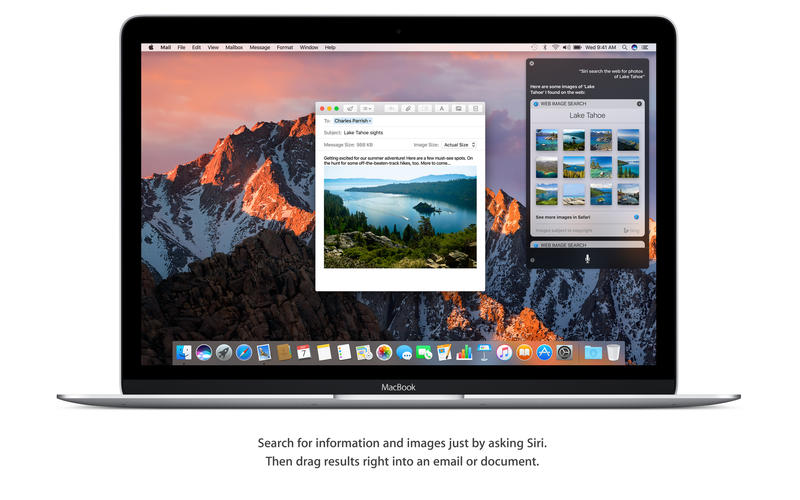
Welcome to Mac — Siri voice assistant with a range of new unique features for desktop computers. Mac now interacts with iCloud and your Apple devices in a completely new way and much more efficient. To process the photos, listen to music and access messages became more interesting. Whatever the task in front of you or standing, you can always talk to Siri — your intelligent assistant on your Mac.


What's new in version 10.12.6.
Updating macOS Sierra 10.12.6 improves security, stability and compatibility of your Mac.

In this update:
 • Fixed a bug that could cause intermittent audio playback when using USB headphones.
 • Extended support for future software updates in the Mac App Store.
 • Added support for Windows 10 installation Creators Update without carriers using Boot 
 • Camp.


Installation procedure:
Update:
Mount the downloaded image on your Desktop.

Rewrite Install macOS Sierra.app to the applications folder and run the installer (double click on the file "Install macOS Sierra")

Installing on a separate partition on the hard drive:
To install macOS Sierra 10.12.6 we need to partition the drive the computer into multiple partitions. To do this go into disk utility, select your hard drive, then the tab "Section" and add a new one by clicking on the plus. We recommend that you allocate under macOS at least 12 GB or better 15 GB.

Mount the image and move the setup application in the directory "Program" and it immediately launched.

A menu will appear that will prompt you to choose which hard drive partition to install macOS Sierra 10.12.6. Click on macOS Sierra, and then the program will do everything for you. Upon completion of the installation the system reboots and starts already with macOS Sierra.


* How to switch between two installed on the computer operating systems? It is enough to 
restart the Mac before booting the system hold the Option (alt), and then you will be able to 
choose system to boot.

Adobe Photoshop CC 2017.1.1 (18.1.1) [Multi/Ru]

The release took place: may 2017
Publication type: macOS Software
Supported OS: macOS 10.10 +

Interface language: Russian, English, etc.

Type of medicine: patch

System requirements:
• Multicore Intel processor with 64-bit support functions
• macOS 10.10 (Yosemite), 10.11 (El Capitan), 10.12 (Sierra); the 64-bit version
• 2 GB of RAM (8 GB recommended)
• 4 GB of free hard disk space for installation; during installation requires additional free 
space (cannot install on a disk that uses a file system with case-sensitive symbols)
• Monitor resolution 1024x768 (recommended 1280x800), support for 16-bit color and 512MB 
of dedicated video memory; 2 GB recommended*
• The system supports OpenGL 2.0
 

Description:
Adobe Photoshop CC — a program for processing raster graphics. Supports various graphic formats. Adobe Photoshop allows both create new images and edit them. Photoshop used to create photorealistic images to work with color scanned images, retouching, color correction, collage, transformation of graphs, color separation, etc Adobe Photoshop has all the methods of work with point images, and has the ability to work with layers and uses the contours. The program is the undisputed leader among professional graphic editors due to its widest possibilities, high efficiency and speed. Adobe Photoshop provides all the necessary tools for correcting, editing, preparing images for printing and high quality output.


Fixed customer issues:
Issues fixed in Photoshop CC (May 2017)
- Scratch Disk size error
- Nik Dfine 2 freezes on macOS Sierra
- Error: Can't save changes to the Adobe Photoshop document before quitting
- The last-used grouped tool is forgotten after using the Move tool (V)
- AppleScript: Open options error while launching Photoshop
- Patches for some vulnerabilities and various other bug fixes 


Installing with the patch:
Software INSTALLATION:

Attention! Before installation, disconnect from the Internet

1. Run the installer and follow the Install instructions

2. After installation, do not run the program in trial mode (force close the app if it automatically starts)


Before applying the patch make a copy of the original file:
3. Click the right mouse button on the application - Show package contents. Open the folder Contents — the folder Frameworks.

4. Make a copy the original amtlib.framework / library or rename and leave it in the package (leave the original in place)

5. From the desktop, run the patch Adobe Zii 2.2.1 for Adobe CC15 CC17 PATCH and click or drag selected/a specific application in the open window of the patch


ATTENTION:
- the program should be installed by default
- if you have installed other programs from the package SS 2015-СС2017, in those applications where it is required, will be automatically replaced/patched the original amtlib.framework , that this did not happen - drag the application window of the running patch.

- before applying the patch make a copy of the original files

• Before updating software, it is advisable to return the original amtlib.framework, to apply the 

updates again and apply the patch

• block outgoing connections do not need (if you are using a patch to treat)

• Adobe Zii 2.2.1 for Adobe CC15 CC17 - also enables programs downloaded from Adobe Creative Cloud

• The distribution utility included with Adobe Creative Cloud (CC) Cleaner Tool

Adobe Creative Cloud (CC) Cleaner Tool can clean from installation and problem installed the beta version of software, Adobe Creative Cloud, Adobe Creative Suite 6, Adobe Creative Suite 5 - 5.5, Adobe Creative Suite 4 and Adobe Creative Suite 3, etc.

Adobe (CC) Cleaner Tool is not a full-fledged program for uninstalling any software, it is a console application that works in coordination with You. Ie You do not delete anything extra besides what you have chosen. You decide yourself coordinating your actions with your needs to remove.

Microsoft Office for Mac 2016 v15.30.0 VL

Publication type: macOS Software

The release took place: 11.01.2017
Supported OS: Mac OS 10.10+
Interface language:  English, and other

System requirements:
 - Mac computer with an Intel processor
 - Mac OS X version 10.10
 - Recommended: 1 GB of RAM
 - 6.45 GB of free hard disk space
 - Hard disk formatting type HFS+ (also known as Mac OS Extended or HFS Plus)
 - A monitor with 1280x800 resolution or higher
 - Recommended Safari 7 


Description:
Quickly get to work with modern versions of Word, Excel, PowerPoint,OneNote, Outlook, combining the familiar Office interface and unique capabilities of the Mac, who managed to catch the fancy of you. Support full screen mode-optimized for Retina displays enjoyable and relevant innovation.

Additional information:

Word
- Create professional looking documents, edit them and make them shared

- Advanced tools for authoring and reviewing in Word make it easy to create polished documents. A new field "details" allows you to view contextual information from the web directly in Word. 

- The layout tab allows you to control the layout, colors, and fonts throughout the document. 

- Boost productivity by working together using built-in tools to share documents and their review. Several people can work simultaneously on one document and use threaded comments for discussions directly next to the relevant text.

Excel
- New intuitive ways to analyze and visualize numerical data

- The new Excel for Mac allows you to turn numbers into valuable information. Familiar keyboard shortcuts and improved input data such as formula Builder and autocomplete will help you to immediately raise productivity.

- Excel also helps to visualize your data by suggesting the most appropriate chart and allowing to preview the result of applying different parameters. New PivotTable slicers allow you to identify patterns in large volumes of data.


PowerPoint
- Create a multimedia presentation and present your ideas with confidence

- Take the presentation with full confidence in their capabilities. In the new presenter view in PowerPoint on your Mac displays the current and next slide, speaker notes and a timer, and on the big screen, the audience sees only the contents of the presentation.

With the new animation pane you can create and customize animation effects, and improved 
slide transitions will help bring your presentation to perfection.


Outlook
- Keep your Affairs in order with the app for email and calendars with a stylish interface and high performance

- To manage email, calendars, contacts and tasks has never been easier. The new Outlook for Mac supports the operational delivery of mail, so your Inbox will always be relevant. 

- Improved conversation view contents of the Inbox automatically sorts by the threaded conversations, so you no longer have to spend time searching for related messages. Thanks to the new preview function under the subject of the message gives you the first sentence, so you can quickly decide if you want to read it now or later.


Installation procedure:
Microsoft_Office_2016_VL_Serializer.pkg

IS in the ZIP folder in the images of "dmg".(installer and update).

To disable the distribution to the torrent client and copy - you need the "dmg"on your desktop.

Open the "dmg" and (RMB=arrange FILES by name in the image folder.)

To open the image. On your desktop copy the Installer.pkg.

Pack or update for your programs.

To disconnect from the network [Internet]
Run the installer and follow the instructions. (requires administrator rights)

Don't forget in settings of the installer to select the desired program.


Note!!!
Office is installed on the default language of the operating system
(the choice of language of the interface as a point in principle)


Treatment procedure:

If you have problems with licenziatari Microsoft_Office_2016_VL_Serializer.pkg

Is used several times.

Apple iWork: Keynote 7.1, Numbers 4.1 & Pages 6.1 (upd 27.03.2017) [Multi/Ru]

Publication type: macOS Software
The release took place: March 27, 2017
Supported OS: macOS 10.12 +
Interface language: Russian, English, Dutch, Spanish, etc.

Treatment: not required (the installer is already treated)

System requirements:
macOS 10.12 or later


Description:
iWork is the easiest way to create stunning documents, spreadsheets and presentations. In 
Pages is very easy to type texts and create page layouts. Numbers gives you simple ways to work with data. A new animations, transitions and movie-quality effects in Keynote will delight your audience. In addition, the package iWork works with Microsoft Office, so sharing files becomes even easier.


Pages - a new word in the text! You will feel easy and natural to create great documents in Pages with the first letter. Draw a verbal picture. And add images, shapes and interactive tables.
All the necessary tools always at hand at the right time.


Numbers - table with a maximum amount of advantages! Numbers make your spreadsheets more informative and beautiful. Drag the data to one of the templates Apple. Or start with a clean slate. Add the necessary calculations. And imagine the result on a magnificent interactive diagram.


Keynote - Presentations for show! Start in one of the stylish themes developed Apple. Add video with pictures and edit them using powerful tools. And emphasize key points using animated diagrams. And then add effects and transitions cinematic level. It's all available in a simple and intuitive interface.


Installation procedure:
Mount image and drag the application icon in the applications folder

macOS Server 5.3 [Multi]

The release took place: March 27, 2017
Supported OS: macOS 10.12.4 +
Language: English, Dutch, Spanish, etc.

Treatment: not required

System requirements:
To install OS X Server 5.3, you need one of these computers:
 - iMac (Mid 2007 or newer)
 - MacBook (Late 2008 Aluminum, or Early 2009 or newer)
 - MacBook Pro (Mid/Late 2007 or newer)
 - MacBook Air (Late 2008 or newer)
 - Mac mini (Early 2009 or newer)
 - Mac Pro (Early 2008 or newer)
 - Xserve (Early 2009)

Your Mac needs:
 - 10.12.4 macOS or later
 - At least 2 GB of RAM
 - At least 10 GB of available disk space (50 GB if you wish to use Caching Server) 

 
Description:
macOS Server for macOS and iOS devices makes it easy to share files, schedule meetings, synchronize contacts, develop applications, maintain your own website, publish wiki-projects, compatible with Mac, iPhone and iPad, go to the network remotely and much more.

macOS Server is an application which can be added to macOS directly from the Mac App Store. Anyone can quickly and easily turn a Mac running macOS in a server that's perfect for home offices, businesses, schools, developers and hobbyists.


Installation procedure:
Mount the image and see Readme.txt why so ...

Further to the selection, installation as you normally would or by using the Open Gatekeeper friendly

App Cleaner Pro 4.1 [En]

The release took place: March 25, 2017
Supported OS: OS X 10.9 +
Language: English

Treatment: not required (the installer is already treated)

System requirements:
 - Intel, 64bit
 - OS X 10.9 or later,


Description:
View installed applications and remove the package files for complete removal.

App Cleaner is the Best application to remove the application file service on Mac OS X uninstalling applications.

Some applications cannot be removed, since they require administrator rights.
In this case, switch to the Finder and delete the application file in the usual manner.
Remove service files application. Make sure they don't eat up precious space on your Mac with this useful app that does the legwork for you.


Installation procedure:
Mount the image and see Readme.txt why so ...

Further to the selection, installation as you normally would or by using the Open Gatekeeper friendly

1Password 6.6.4 [Multi/Ru]

The release took place: March 23, 2017
Supported OS: macOS 10.10 +
Interface language: Russian, English, etc.

Treatment: complete
Type of medicine: the license file

System requirements:
OS X 10.10 or later
Intel, 64-bit processor


Description:
1Password– password Manager and other important data. The program can store credit card information, passwords, secret texts, is able to automatically fill Webform and integrate into a large number of browsers.

The program automatically saves all passwords that you enter in the browser when visiting various services (each time, of course, asking your permission to do this). When you visit this resource you will not need to enter login and password again – just click on the button c is drawn with the key that appears in all your browsers when you install 1Password (supported browsers Safari, Firefox, Chrome and Opera). In the same way 1Password can automatically fill in for you any form. For example, once completing the field name, last name, city, phone, you no longer need to fill their sites with registration.

6.6.4 (build #664001)

Today's update brings with it an important fix to remedy some confusion around the License 1Password window thanking you for purchasing 1Password before you purchased it. Once you install this update you should be all set. Our apologies for the confusion.

If you're looking to chat with us directly be sure to drop us a line at @1Password on Twitter or on Facebook at facebook.com/1Password. If you have questions or need support just pop on over to support.1password.com and we'll point you in the right direction.

IMPROVEMENTS
Updated our translations with the latest from our incredible translators on Crowdin.

FIXED
Corrected some inaccurate wording in the "trial expired" message.
Repaired a regression that caused the user to receive a device added email during sign-up. {OPM-4950} 


Installation procedure:
 - Before installation, make sure that you are not running the last version of 1Password (close/quit the application completely)
 - Mount image, run the installer and follow the instructions (Yes, now pkg )
 - Double click on the license file - the program will be automatically activated

If something goes wrong, go to Users > (your name) > Library > Containers Group, delete the folder "2BUA8C4S2C.com.agilebits" and start again. Or restart the Mac.


CleanMyMac 3.7.1

Publication type: macOS Software
The release took place: December 30, 2016
Supported OS: macOS 10.8 +
Interface language:  English, etc

Treatment: not required (the installer is already treated)

System requirements
 - Intel, 64-bit processor
 - Mac OS X 10.8 or newer 


Description:
CleanMyMac - the best app for cleaning Mac.

CleanMyMac 3 scans every corner of your system, removes gigabytes of junk in just two clicks and helps you keep your Mac in good condition.

CleanMyMac can get rid of various garbage on your Mac: caches programs, log files, unnecessary localization programs, extra code, etc. All data is visually sorted into different categories, which gives the opportunity to clearly evaluate where you can win a couple of hundred megabytes and make the appropriate treatment. Other possibilities CleanMyMac should be noted: remove programs with all their service files, secure file deletion, search and remove widgets, optimization of the system.

CleanMyMac has a beautiful interface that will not leave anyone indifferent. 

All done in a standard Mac OS: beautiful, convenient and affordable.

CleanMyDrive 2 v2.1.4

Publication type: OS X Software
The release took place: October 22, 2016
Supported OS: OS X 10.10 +
Interface language:  English, etc.

Treatment: not required (the installer is already treated)

System requirements:
 - Intel, 64-bit processor
 - OS X 10.10 or newer


Description:
CleanMyDrive 2 is a lightweight, Manager of external and internal disks. It provides quick access to any drive, displays detailed information about its use and also cleans external drives from hidden debris. The program is fast, easy to use and has a user-friendly interface, accessible from the main menu OS x, CleanMyDrive 2 is a new and improved version of CleanMyDrive with a brand new look and a whole set of new features.


With CleanMyDrive 2 you will be able to:

To avoid problems with external drives after using them on other operating systems.

Safely remove drives, even on a closed MacBook and removing them before that from the 
system.

Easily manage disk space, knowing the categories of files on the disks occupied by them place.

Quickly copy files to any disc drag-and-drop them to the program.

To save time, removing all of the drives with one click or using global keyboard shortcuts.

To choose a terrific individual icon for each disk.

What rubbish CleanMyDrive removes 2?

1. Service files OS X .DS_Store .Spotlight-V100 .TemporaryItems, .fseventsd

2. Service Windows files: Thumbs.db, RECYCLED, RECYCLER, $RECYCLE.BIN

3. Branch resources: eg ._MyPhoto.jpeg

4. The contents of crude baskets.


Why do I need to delete these files?

Created OS X and Windows service files can upset the disc's compatibility with other devices. For example, your camera may slow down, if the SD card is hidden system files. They will spoil you the experience, will spam the main folders on the disks.

When using a USB stick in your TV or radio you will see the resource forks previously recorded files. These devices will not be able to read them, but will still display them. As a result, you have to flip through them before you get to the right things.

Finally, the contents of the baskets simply takes place on your disks. And who doesn't want some free space?


Installation procedure:
Mount the image and see Help.txt why so ...

Further to the selection, installation as you normally would or by using the Open Gatekeeper 
friendly

Disk Cleaner - Free Your Hard Drive Space 1.2

Publication type: OS X Software
The release took place: January 14, 2017
Supported OS: OS X 10.8 +
Language: English

Treatment: not required (the installer is already treated)

System requirements
 - Intel, 64-bit processor
 - OS X 10.8 or newer


Description:
Disk Cleaner does all the work for you!

Optimization of the most effective places for a quick scan and delete all the rubbish occupying your valuable disk space. Stop wasting disk space on unnecessary files, remnants of uninstalled apps, temporary Internet files, old email attachments, as well as other what you do not know. 
Let Disk Cleaner to free your hard disk space!

Disk Cleaner fully customizable! Not only that, it scans the temporary and unnecessary files, but can also do deep scan for all the large files over 100MB (configurable to any size). You can easily view and remove large files that you could forget. Edit and optimize search settings to exclude certain file extensions (e.g. zip, psd, jpg, etc.).


Installation procedure:
Mount the image and see Readme.txt why so ...

Further to the selection, installation as you normally would or by using the Open Gatekeeper 
friendly

Files

macOS Sierra 10.12.6 & software
│── Adobe Photoshop CC 2017.1.1 (18.1.1) [cutl]
│   │── Adobe Zii 2.2.1  for Adobe CC15 CC17[cutl] .dmg (9.08 MB)
│   │── AdobeCreativeCloudCleanerTool[cutl].dmg (1.46 MB)
│   └─ AdobePhotoshop18.1.1-mul[cutl].dmg (1.51 GB)
│── Apple iWork_ Keynote 7.1_Numbers 4.1_Pages 6.1 (upd 27.03.2017) [cutl]
│   │── Keynote 7.1[cutl] .dmg (478.0 MB)
│   │── Numbers 4.1[cutl].dmg (182.2 MB)
│   └─ Pages 6.1[cutl].dmg (240.0 MB)
│── OFISE_For_Mac_15_30_2017 [cutl]
│   │── Microsoft_Office_2016_15.30.17010700_Installer[cutl].dmg (1.62 GB)
│   └─ Microsoft_Office_2016_15.30.17010700_Update[cutl].dmg (4.08 GB)
│── Torrent downloaded from Demonoid.pw.txt (0.04 kB)
│── Utilities [cutl]
│   │── 1Password-6.6.4[cutl].dmg (49.99 MB)
│   │── Adguard.release.dmg (42.50 MB)
│   │── App Cleaner Pro 4.1[cutl].dmg (13.55 MB)
│   │── CleanMyDrive_2-v2.3.1[cutl].dmg (29.01 MB)
│   │── CleanMyMac 3.7.1[cutl].dmg (43.61 MB)
│   │── Disk Cleaner 1.2 [cutl].dmg (4.66 MB)
│   └─ macOS Server 5.3[cutl].dmg (177.1 MB)
│── macOS Sierra 10.12.6 & software [cutl].rtf (105.3 MB)
│── macOS Sierra 10.12.6 & software.txt (49.51 kB)
└─ macOS.Sierra.10.12.6[cutl].dmg (5.03 GB)

Name macOS Sierra 10.12.6 & software
Size 13.62 GB
Created on 2017-07-26 08:09:41
Hash f3ff1c0e77bf36f1c95c21d5df72f609e9a25e19
Files ※ See Files

macOS 10.13 High Sierra Beta 2 (17A291j) (Installer)

Description

Name: macOS 10.13 High Sierra
Version: Beta 2 Build 17A291j (Developer Preview 2)

Requirements:
 • OS X 10.8 or later
 • MacBook or iMac: Late 2009 or newer
 • MacBook Air, MacBook Pro, Mac mini, or Mac Pro: 2010 or newer


Web Site: https://www.apple.com/macos/high-sierra-preview/


InstallESD.dmg can be found within the .app structure if needed.
Install macOS High Sierra Beta.app/Contents/SharedSupport/InstallESD.dmg

USB Installer Creation Command:
sudo /Applications/Install macOS High Sierra Beta.app/Contents/Resources/createinstallmedia -volume /Volumes/[Path to Install Volume] -applicationpath /Applications/Install macOS High Sierra Beta.app


Overview
Apple unveiled iOS 11 and macOS High Sierra 10.13 at WWDC, and while the final versions will not be available until the fall, users who are enrolled in the developer beta testing program can download the first beta releases now.

The first beta builds give developers an early look at some of the new features announced for the upcoming system software versions for Mac, iPhone, iPad, Apple TV, and Apple Watch.

Currently macOS High Sierra is only available to paying Apple developers, with a public beta coming in July. However for those of you who want to get their hands on it right now, you can do just that. You don’t need to be a paying to developer to install and use macOS High Sierra developer preview 1. All you need is the install file and a Mac to install it on.


I would however not recommend installing this as your default operating system.

It is best to install it within a virtual machine or on an external drive, due to the inevitable bugs you will run into.

Screenshots

Name macOS_10.13_Beta_(17A291j).dmg
Size 5.20 GB
Created on 2017-06-25 03:28:13
Hash 0631492c412e17650aacfa979cc0a489079f3e06
Files macOS_10.13_Beta_(17A291j).dmg (5.20 GB)

macOS Sierra 10.12.3 (16D32) + Ms Office 2016 15.30.0 +necessary utilities

Description

Includes:
 • macOS Sierra 10.12.3
 • Ms Office  2016 v15.30.0
 • CleanMyMac 3.7.1
 • CleanMyDrive 2 v2.1.3
 • Disk Cleaner - Free Your Hard Drive Space 1.2

macOS Sierra 10.12.3

Name: macOS Sierra
Version: 10.12.3
Release Date: January 24, 2017

Languages: English, Arabic, Catalan, Croatian, Czech, Danish, Dutch, Finnish, French, German, Greek, Hebrew, Hungarian, Indonesian, Italian, Japanese, Korean, Malay, Norwegian, Polish, Portuguese, Romanian, Russian, Simplified Chinese, Slovak, Spanish, Swedish, Thai, Traditional Chinese, Turkish, Ukrainian, Vietnamese

Developer: Apple
MAS Rating: 4+
Mac Platform: Intel
OS Version: OS X 10.7 or later


DESCRIPTION
Siri makes its debut on Mac, with new features designed just for the desktop. Your Mac works with iCloud and your Apple devices in smart new ways, and intelligent capabilities make your photos, music, and messaging even more enjoyable.


Get things done by asking Siri, the intelligent assistant now on your Mac. 
 • Enjoy your favorite features from iOS as well as new ones optimized for Mac.
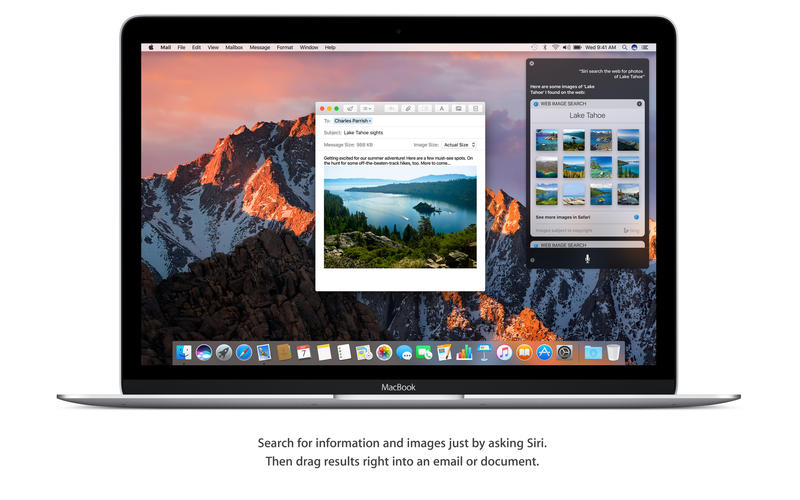
 • Send messages, create reminders, search the web, and more while you work.
 • Drag and drop or copy and paste Siri results into your documents. 
 • Pin Siri results in Notification Center and reference them later.
 • Find files, adjust settings, and get system information just by asking Siri.


Copy and paste between your devices with Universal Clipboard.
 • Copy a quote, image, or video from an app on one device and paste it into an app on another device.

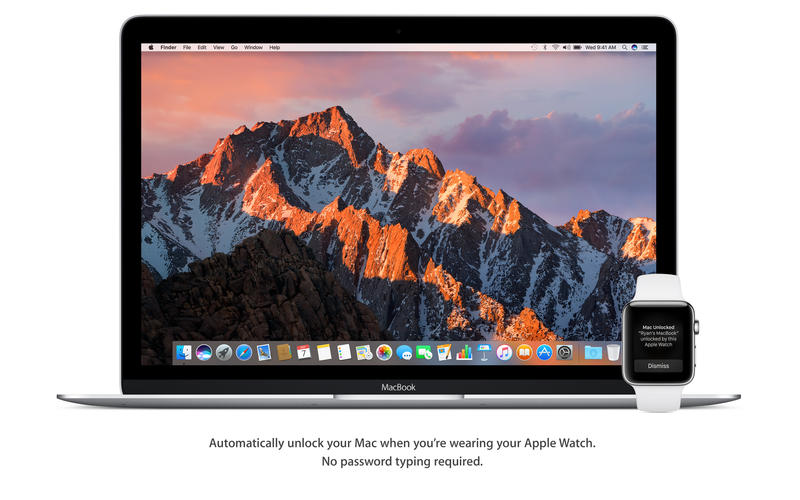
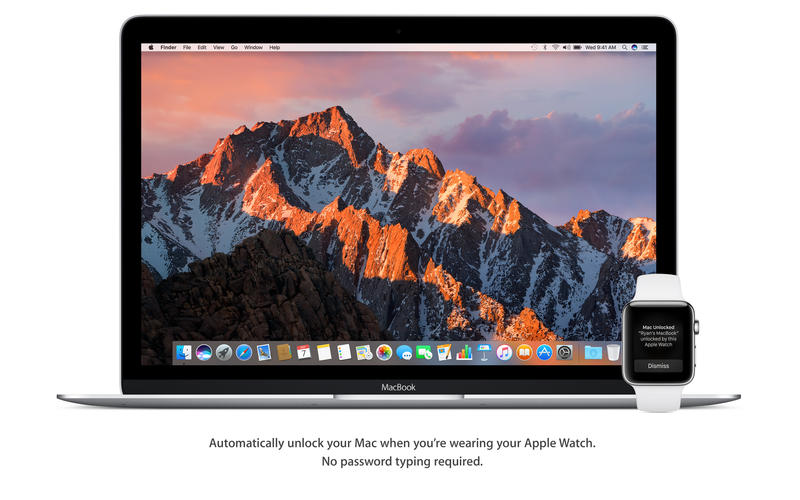
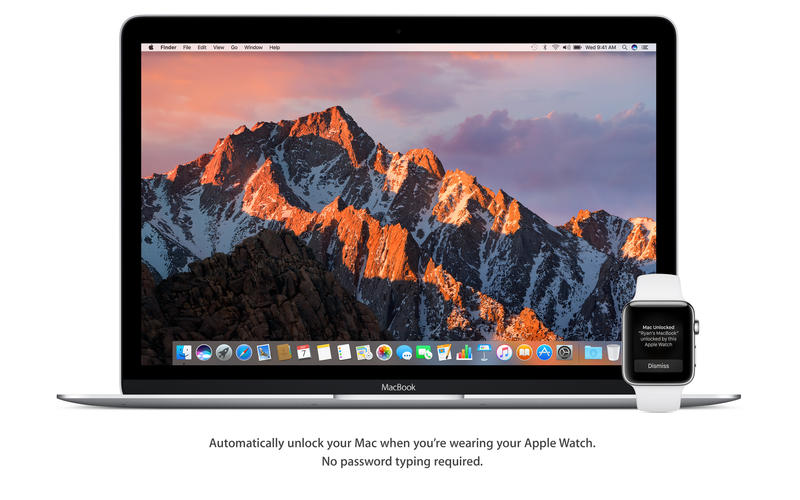
Automatically log in with Auto Unlock.
 • Log in to your Mac automatically when you wear your Apple Watch — no need to type your password.

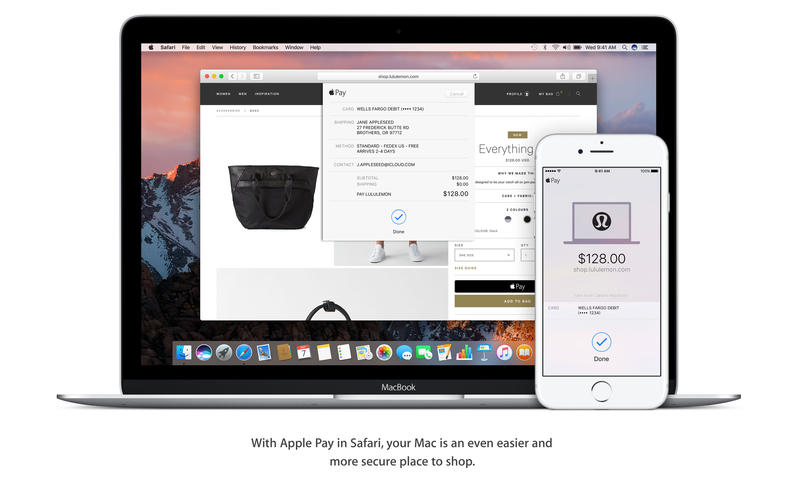
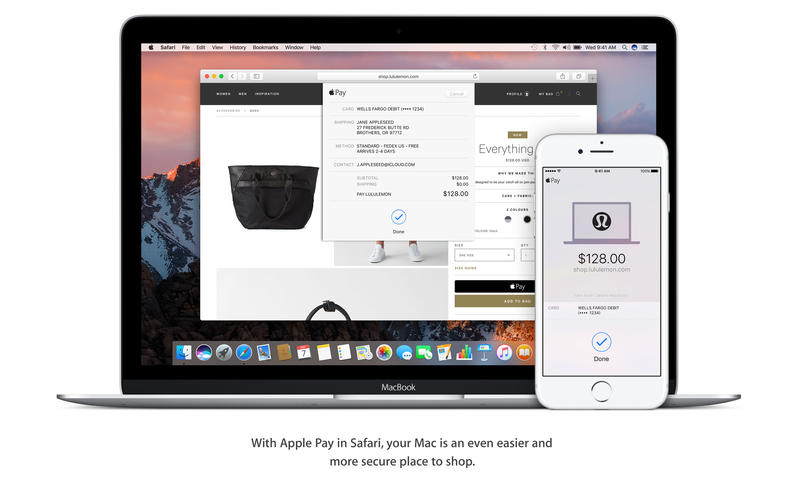
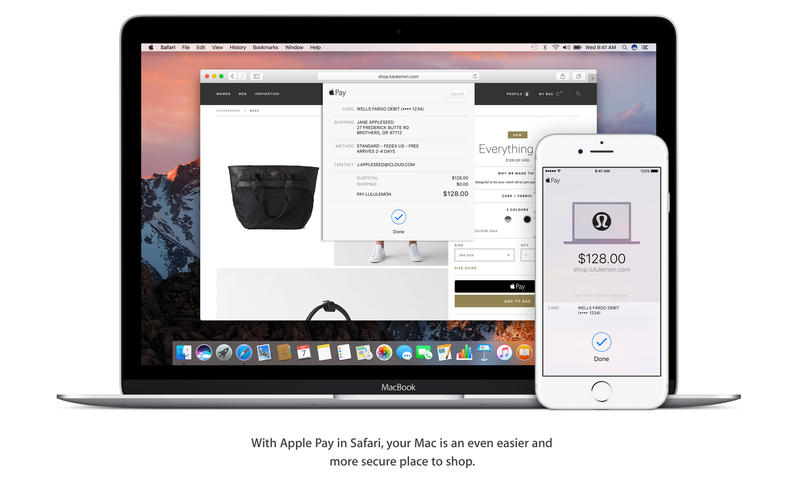
Enjoy the convenience and security of Apple Pay when you shop on the web. 
 • Use Apple Pay to make easy, secure payments when shopping in Safari on your Mac.
 • Complete your purchase with Touch ID on your iPhone or with your Apple Watch.

Access files on your Mac desktop from your iPhone with iCloud Desktop and Documents.
 • Automatically store all the files on your desktop and in your Documents folder in iCloud, and access them from all your devices.
 • Keep the same desktop and Documents folder on your other Mac.

Easily free up space on your Mac with Optimized Storage.
 • Automatically store seldom-used files in iCloud, where they’ll be available on demand. 
 • Additional tools help you remove files you don’t need, to save even more space.

Get control of your desktop with tabs in apps. 
 • Use tabs to manage multiple windows in Maps, Pages, Keynote, Numbers, and more.
 • Work with tabs in your favorite third-party apps — no developer adoption required.

Keep an eye on the big game or your favorite video with Picture in Picture.
 • Float a video window from Safari or iTunes over your desktop as you work.
 • Place the Picture in Picture window in any corner, and it stays put when you switch spaces or work in full screen.

Rediscover the most meaningful moments in your Photos library. 
 • Enjoy favorite and forgotten occasions from your photo library with Memories.
 • View your images by who’s in them. Photos uses advanced face recognition technology to automatically group photos of the same person together. 
 • Search your photos by what’s in them, such as beaches, dogs, or concerts, thanks to intelligent search that can recognize objects and scenes.
 • Track your photo expeditions across an interactive world map.


Enjoy an all-new Apple Music experience in iTunes.
 • Easily navigate your library with the redesigned Apple Music.
 • Discover great new music thanks to expert curation and advanced machine learning that give you the best recommendations. 

Liven up your Messages conversations.
 • See web content previews and watch web videos right in a conversation.
 • Respond to messages with quick, handy Tapbacks.    
 • Express yourself with 3x larger emoji. 
 • View the stickers, Digital Touch, invisible ink, and handwritten messages that friends send from their iOS devices.


Some features may not be available in all regions or all languages. Some features have hardware requirements. Some features require an iCloud storage plan.

Ms Office 2016 v15.30.0

Name: Microsoft Office 2016 - Popular productivity suite
Version: 15.30
Mac Platform: Intel
OS Version: OS X 10.10 or later


Web Site: https://products.office.com/en-us/mac/microsoft-office-for-mac


DESCRIPTION:
Microsoft Office 2016 - Unmistakably Office, designed for Mac.

The new versions of Word, Excel, PowerPoint, Outlook and OneNote provide the best of both worlds for Mac users - the familiar Office experience paired with the best of Mac. If you already use Office on a PC or iPad, you will find yourself right at home in Office 2016 for Mac. It works the way you expect, with the familiar ribbon interface and powerful task panes. Mac users will appreciate the modernized Office experience and the integration of Mac capabA3F96ilities like Full Screen view and Multi-TouchTM gestures. With full Retina display support, your Office documents look sharper and more vibrant than ever.

Office for Mac is cloud-connected, so you can quickly get to the documents you've recently used on other devices and pick up where you left off. New, built-in document sharing tools make it easy to invite teammates to work on a document together. When sharing documents, you won't have to worry about losing content or formatting, as Office for Mac offers unparalleled compatibility with Office on PCs, tablets, phones and online.

CleanMyMac 3.7.1

Name: CleanMyMac for Mac
Version: 3.7.1
Release Date: 30 Dec 2016
Mac Platform: Intel
OS version:OS X 10.8 or later 
Processor type(s) & speed: 64-bit

Web Site: http://macpaw.com/cleanmymac


DESCRIPTION:
CleanMyMac makes space for the things you love. Sporting a range of ingenious new features, CleanMyMac lets you safely and intelligently scan and clean your entire system, delete large, unused files, reduce the size of your iPhoto library, uninstall unneeded apps or fix the ones that started to work improperly, manage all your extensions from one place and do much more - all from one newly designed and beautifully simple interface.

CleanMyDrive 2 2.1.3

Name: CleanMyDrive 2: Manage and Clean External Drives
Version: 2.1.3
Release Date: September 22, 2016

Languages: English, Dutch, French, German, Italian, Japanese, Polish, Portuguese, Russian, Simplified Chinese, Spanish, Ukrainian

Developer: MacPaw Inc.
MAS Rating: 4+
Mac Platform: Intel
OS Version: OS X 10.10 or later
Processor type(s) & speed: 64-bit processor


Web Site: http://macpaw.com/cleanmydrive
Mac App Store: https://itunes.apple.com/app/cleanmydrive-2-manage-clean/id523620159?mt=12


DESCRIPTION:
CleanMyDrive 2 is a lightweight disk manager for external and internal drives. It provides quick access to any drive with detailed information on space usage, and cleans hidden junk from external disks. It’s lightning fast and easy to use, with a convenient interface that opens right from the OS X menu bar. CleanMyDrive 2 is the new, improved version of CleanMyDrive, with a beautiful makeover and a whole set of new features.

“...A cute little companion to ease up your workflow.” – MacStories
"...A nifty utility for people who want an easier way to manage drives." – MacWorld
"...Just let it run in the background and keep your drives from accumulating junk." – LifeHacker
“I can’t see any reason for you to not install it.” – AppShopper 
“The app is super simplistic.” – Cult of Mac 
“It makes storage-related chores a breeze.” – Softpedia 

With CleanMyDrive 2, you’ll be able to:

Prevent issues with external drives after using them on other operating systems.
Keep your external drives safe, even when you close your Macbook and unplug them without ejecting in advance.
Easily manage storage by knowing the types of files on your drives and how much space they take up.
Quickly copy files to any drive by dragging them right into the app.
Save time by ejecting all drives with one click or using a global shortcut.
Choose a hand-crafted icon for each drive to make it look amazing.

What kind of junk does CleanMyDrive 2 get rid of?

1. OS X Service files: .DS_Store, .Spotlight-V100, .TemporaryItems, .fseventsd
2. Windows Service files: Thumbs.db, RECYCLED, RECYCLER, $RECYCLE.BIN
3. Resource forks: files like ._MyPhoto.jpeg
4. Trash, such as files in trash bins that haven’t been emptied.

Why should these files be removed?

Service files created by OS X and Windows could corrupt your external drive’s compatibility with other devices. For instance, your camera slows down if the SD card has hidden system files. And, they spoil your experience by cluttering the main folder of your disks. 

You see resource forks when you’ve stored files on your USB stick and want to use them on other devices, such as your TV or car audio system. These devices can’t actually read them, but display them in the folder all the same. You have to scroll through them before you get to the files you actually need. 

Finally, trash from the bins simply takes space on your drives. And who doesn’t need a little extra disk space?

Disk Cleaner – Free Your Hard Drive Space 1.2

Name: Disk Cleaner - Free Your Hard Drive Space
Version: 1.2
Release Date: January 14, 2017
Language: English
Developer: Pocket Bits LLC
MAS Rating: 4+
Mac Platform: Intel
OS Version: OS X 10.8 or later
Processor type(s) & speed: 64-bit processor


Web Site: http://support.pocketbitsllc.com
Mac App Store: https://itunes.apple.com/app/disk-cleaner-free-your-hard/id970246631?mt=12


DESCRIPTION:
■ #1 Customizable disk cleaner on Mac App Store
■ The only fully optimized and customizable disk cleaner
■ Featured on EatAppleNews, Brothersoft, and many more!

“It took me 5 seconds to clean up 5GB.”

“The most productive 2 minutes of my day!”

Disk Cleaner does all the work for you! We’ve optimized the most efficient locations to quickly scan and remove all the junk taking up your valuable disk space. Stop wasting disk space on unneeded files leftover from uninstalled apps, temporary internet files, old mail attachments, and others you didn’t know about. Let Disk Cleaner free up your hard drive space!

≈ 1-Click to Clean ≈
◎ Application Caches
◎ Application Logs
◎ Browser Data
◎ Mail Downloads
◎ Downloads
◎ Trash
◎ iTunes Downloads
◎ Large Files > 100 MB (customizable!)

Disk Cleaner is fully customizable! Not only does it scan for temporary and unneeded files, but it can do a deep scan for all large files over 100MB (customizable to any size). You can easily view and remove large files you might have forgotten about and no longer need. Edit and optimize your search preferences to exclude certain file extensions (e.g. zip, psd, jpg, etc). 

*Compare to competing disk cleaners that only scan for 7 of our 8 features and haven’t been updated since 2013! We’re optimized for the newest macOS to deep clean your hard disk and free up your valuable space.

≈ Other award winning apps in our family ≈
◉ BitMedic AntiVirus- http://bit.ly/bitmedicapp
◉ Adware Cleaner- http://bit.ly/adwareclean
◉ Sleep Alarm Clock- http://bit.ly/sleepalarmclock

For any questions, suggestions, or bugs, please email us at support@pocketbitsllc.com. We cannot respond directly to user reviews, so we encourage you to email us directly for the fastest response. We want to hear your thoughts and make improvements to future versions of this app to keep you happy. We plan to make active updates powered by your love and support! Every bit helps! :)

Files

macOS Sierra 10.12.3 +Ms Office  2016 v15.30.0+necessary utilities
│── Adguard.release.dmg (49.79 MB)
│── CleanMyDrive_2-v2.3.1-MAS.dmg (29.01 MB)
│── CleanMyMac 3.7.1.dmg (43.61 MB)
│── Disk Cleaner 1.2 MAS [TNT].dmg (4.66 MB)
│── OFISE_For_Mac_15_30_2017
│   │── Microsoft_Office_2016_15.30.17010700_Installer.dmg (1.62 GB)
│   └─ Microsoft_Office_2016_15.30.17010700_Update.dmg (4.08 GB)
│── PBmacOS Sierra 10.12.3 +Ms Office  2016 v15.30.0+necessary utilities.txt (24.79 kB)
│── Torrent downloaded from Demonoid.pw.txt (0.04 kB)
│── macOS Sierra 10.12.3 +Ms Office  2016 v15.30.0+necessary utilities.rtf (26.86 MB)
└─ macOS302240Sierra 10.12.3 (16D32).dmg (4.98 GB)

Name macOS Sierra 10.12.3 +Ms Office 2016 v15.30.0+necessary utilities
Size 10.84 GB
Created on 2017-03-11 02:04:05
Hash 2460747ac3b5ae1d50203d0d8812d782641daa5a
Files ※ See Description

macOS Sierra 10.12.3 (16D32)

Description

Name: macOS Sierra
Version: 10.12.3
Release Date: January 24, 2017

Languages: English, Arabic, Catalan, Croatian, Czech, Danish, Dutch, Finnish, French, German, Greek, Hebrew, Hungarian, Indonesian, Italian, Japanese, Korean, Malay, Norwegian, Polish, Portuguese, Romanian, Russian, Simplified Chinese, Slovak, Spanish, Swedish, Thai, Traditional Chinese, Turkish, Ukrainian, Vietnamese

Developer: Apple
MAS Rating: 4+
Mac Platform: Intel
OS Version: OS X 10.7 or later


Web Site: http://www.apple.com/macos/sierra/
Mac App Store: https://itunes.apple.com/app/macos-sierra/id1127487414?mt=12
Build Versions: https://support.apple.com/en-us/HT201260


InstallESD.dmg
InstallESD.dmg can be found within the .app structure if needed.
Install macOS Sierra.app/Contents/SharedSupport/InstallESD.dmg


Overview:
Siri makes its debut on Mac, with new features designed just for the desktop. Your Mac works with iCloud and your Apple devices in smart new ways, and intelligent capabilities make your photos, music, and messaging even more enjoyable.


Get things done by asking Siri, the intelligent assistant now on your Mac. 
 • Enjoy your favorite features from iOS as well as new ones optimized for Mac.
 • Send messages, create reminders, search the web, and more while you work.
 • Drag and drop or copy and paste Siri results into your documents. 
 • Pin Siri results in Notification Center and reference them later.
 • Find files, adjust settings, and get system information just by asking Siri.


Copy and paste between your devices with Universal Clipboard.
 • Copy a quote, image, or video from an app on one device and paste it into an app on another device.

Automatically log in with Auto Unlock.
 • Log in to your Mac automatically when you wear your Apple Watch — no need to type your password.

Enjoy the convenience and security of Apple Pay when you shop on the web. 
 • Use Apple Pay to make easy, secure payments when shopping in Safari on your Mac.
 • Complete your purchase with Touch ID on your iPhone or with your Apple Watch.

Access files on your Mac desktop from your iPhone with iCloud Desktop and Documents.
 • Automatically store all the files on your desktop and in your Documents folder in iCloud, and access them from all your devices.
 • Keep the same desktop and Documents folder on your other Mac.

Easily free up space on your Mac with Optimized Storage.
 • Automatically store seldom-used files in iCloud, where they’ll be available on demand. 
 • Additional tools help you remove files you don’t need, to save even more space.

Get control of your desktop with tabs in apps. 
 • Use tabs to manage multiple windows in Maps, Pages, Keynote, Numbers, and more.
 • Work with tabs in your favorite third-party apps — no developer adoption required.

Keep an eye on the big game or your favorite video with Picture in Picture.
 • Float a video window from Safari or iTunes over your desktop as you work.
 • Place the Picture in Picture window in any corner, and it stays put when you switch spaces or work in full screen.

Rediscover the most meaningful moments in your Photos library. 
 • Enjoy favorite and forgotten occasions from your photo library with Memories.
 • View your images by who’s in them. Photos uses advanced face recognition technology to automatically group photos of the same person together. 
 • Search your photos by what’s in them, such as beaches, dogs, or concerts, thanks to intelligent search that can recognize objects and scenes.
 • Track your photo expeditions across an interactive world map.


Enjoy an all-new Apple Music experience in iTunes.
 • Easily navigate your library with the redesigned Apple Music.
 • Discover great new music thanks to expert curation and advanced machine learning that give you the best recommendations. 

Liven up your Messages conversations.
 • See web content previews and watch web videos right in a conversation.
 • Respond to messages with quick, handy Tapbacks.    
 • Express yourself with 3x larger emoji. 
 • View the stickers, Digital Touch, invisible ink, and handwritten messages that friends send from their iOS devices.


Some features may not be available in all regions or all languages. Some features have hardware requirements. Some features require an iCloud storage plan.


What's New in Version 10.12.3:
The macOS Sierra 10.12.3 update improves the stability and security of your Mac.

This update:
• Improves automatic graphics switching on MacBook Pro (15-inch, October 2016)
• Resolves graphics issues while encoding Adobe Premiere Pro projects on MacBook Pro with Touch Bar (13- and 15-inch, October 2016)
• Fixes an issue that prevented the searching of scanned PDF documents in Preview

Screenshots

Files

Mac_OS_X_Sierra_v10.12.3
│── Free APPS.webloc (0.24 kB)
└─ macOS Sierra 10.12.3.dmg (4.98 GB)

Name Mac_OS_X_Sierra_v10.12.3
Size 4.98 GB
Created on 2017-01-25 14:38:20
Hash f1715ef78886d54c2eaf7cd6e44a2c4a62e981ae
Files ※ See Description

macOS Sierra 10.12.2 (Installer) and necessary Office utilities

Description

Includes:
 • macOS Sierra 10.12.2 (16C67) (Installer)
 • Adobe Photoshop CC 2017.0.1 (18.0.1) 
 • Templates Bundle for iWork 4.0 Themes for Keynote, Templates for Pages and Numbers 4.0
 • Themes for Keynote 5.1.1 
 • Infographics for Pages 3.1.2 
 • Corporate Templates - Business Stationery 3.1.1 
 • Graphics for iWork 3.1 
 • Letter Templates for Pages 4.1 

macOS Sierra 10.12.2 (16C67) (Installer)

The release took place: 12.12.2016
Build number: 16C67
Interface language: English, and other

System requirements:
 • 64-bit, Intel-based Mac
 • OS X 10.6.8 Snow Leopard or higher
 • A minimum of 2 GB of memory
 • 8 GB of free disk space
 • Some features require Apple ID; requires compliance with.
 • Some features require a compatible Internet service provider; fees may apply.
 • To use the functions Continuity (Handoff and AirDrop) requires a compatible Bluetooth LE (4.0) 


Description:

The main feature of the new macOS is support voice control using Siri, 
migrated to the big screen with the Junior system Apple — iOS. It is on the audio input emphasized Craig Federighi,
because most of the time he talked about all the features of the "big" Siri.

The voice assistant is able to send messages, search for photos,
music and even learned how to find and play the video in a small window.
This was the second feature of the system that you proudly called Picture in Picture.
The ability to play video over other apps were previously only available on the iPad, 
but now it will be able to use a Mac — works even in full screen mode.


- Improves setup and reliability of Auto Unlock
- Allows addition of a Chinese Trackpad Handwriting button to the Touch Bar Control Strip
- Adds support for taking screenshots of the Touch Bar using the Grab app or Cmd-Shift-6 shortcut
- Fixes an issue that caused the Touch Bar emoji picker to appear on the display
- Resolves graphics issues on MacBook Pro (October 2016) computers
- Fixes an issue where System Integrity Protection was disabled on some MacBook Pro (October 2016) computers
- Improves setup and opt-out experience for iCloud Desktop and Documents
- Fixes an issue with the delivery of Optimized Storage alerts
- Improves audio quality when using Siri and FaceTime with Bluetooth headphones
- Improves the stability of Photos when creating and ordering books
- Fixes an issue where incoming Mail messages did not appear when using a Microsoft Exchange account
- Fixes an issue that prevented installation of Safari Extensions downloaded outside the Safari Extensions Gallery
- Adds support for new installations of Windows 8 and Windows 7 using Boot Camp on supported Macs 


Installation procedure:
Update:
Mount the downloaded image on your Desktop.
Rewrite Install macOS Sierra.app to the applications folder and run the installer 
(double click on the file "Install macOS Sierra")


Installing on a separate partition on the hard drive:
To install macOS Sierra 10.12.2 we will need to partition the drive the computer into multiple partitions.
To do this go into disk utility, select your hard drive, then the tab "Section" and add a new one by clicking on the plus.
We recommend that you allocate under macOS at least 12 GB or better 15 GB.

Mount the image and move the setup application in the directory "Program" and it immediately launched.

A menu will appear that will prompt you to choose which hard drive partition to install macOS Sierra 10.12.2. 
Click on macOS Sierra, and then the program will do everything for you. 
Upon completion of the installation the system reboots and starts already with macOS Sierra.


How to switch between two installed on the computer operating systems?
It is enough to restart the Mac before booting the system hold the Option (alt), 
and then you will be able to choose system to boot.

Adobe Photoshop CC 2017.0.1 (18.0.1)

The release took place: 12 December 2016
Supported OS: macOS 10.10 +
Interface language: English, German etc.

Type of medicine: patch

System requirements:
Multicore Intel processor with 64-bit support functions
macOS 10.10 (Yosemite), 10.11 (El Capitan), 10.12 (Sierra); the 64-bit version
2 GB of RAM (8 GB recommended)
4 GB of free hard disk space for installation; during installation requires additional free space 
(cannot install on a disk that uses a file system with case-sensitive symbols)
Monitor resolution 1024x768 (recommended 1280x800), support for 16-bit color and 512MB of dedicated video memory;
2 GB recommended*
The system supports OpenGL 2.0


Description:

Adobe Photoshop CC — a program for processing raster graphics. Supports various graphic formats.
Adobe Photoshop allows both create new images and edit them. 
Photoshop used to create photorealistic images to work with color scanned images, retouching, color correction, 
collage, transformation of graphs, color separation, etc Adobe Photoshop has all the methods of work with point images,
and has the ability to work with layers and uses the contours.
The program is the undisputed leader among professional graphic editors due to its widest possibilities,
high efficiency and speed. Adobe Photoshop provides all the necessary tools for correcting, editing,
preparing images for printing and high quality output.


Installation procedure and treatment
Adobe stripped-user offline installers
Distribution is made on the basis of the original file downloaded from Adobe official website.

Installer machine picks up the default language of the OS.
If you need other language interface before installing you need to change the OS language to correspond.
After installation you can change back.


Installing with the patch:

Software INSTALLATION:

Attention!
Before installation, disconnect from the Internet or use Little Snitch to block all outgoing connections!

1. Run the installer and follow the instructions (the interface language can be changed in menu of the program)

2. After installation, do not run the program in trial mode

Before applying the patch make a copy of the original file:

3. Click the right mouse button on the application - Show package contents. Open the folder Contents — the folder Frameworks.

4. Make a copy the original amtlib.framework / library or rename and leave it in the package

5. From the desktop, run the patch Adobe Zii (Zii 2.2.1 Adobe for Adobe CC15 CC17) 
and click PATCH or drag selected/a specific application in the open window of the patch


ATTENTION: 
- the program should be installed by default
- if you have installed other programs from the package SS 2015-??2017, in those applications where it is required, 
will be automatically replaced/patched the original amtlib.framework , 
that this did not happen - drag the application window of the running patch.
- before applying the patch make a copy of the original files

Before updating software, it is advisable to return the original amtlib.framework,
to apply the updates again and apply the patch
block outgoing connections do not need (if you are using a patch to treat)
Adobe Zii 2.2.1 for Adobe CC15 CC17 - also enables programs downloaded from Adobe Creative Cloud

Templates Bundle for iWork 4.0 [En]

Themes for Keynote, Templates for Pages and Numbers 4.0
- New 80 templates for Pages 

Installation procedure:
Mount image and drag the application icon to the applications folder
Themes for Keynote 5.1.1 [Multi/Ru]

Fixed a rare issue causing unusually long opening times;
General bug fixes and performance improvements. 


Installation procedure:
Mount the image and see Help.txt why so ...
Further to the selection, installation as you normally would or by using the Open Gatekeeper friendly

Infographics for Pages 3.1.2

Fixed a rare issue causing unusually long opening times;
General bug fixes and performance improvements.


Installation procedure:
Mount the image and see Help.txt why so ...
Further to the selection, installation as you normally would or by using the Open Gatekeeper friendly

Corporate Templates – Business Stationery 3.1.1

Fixed a rare issue causing unusually long opening times;
General bug fixes and performance improvements.


Installation procedure:
Mount the image and see Help.txt why so ...
Further to the selection, installation as you normally would or by using the Open Gatekeeper friendly
Graphics for iWork 3.1

Graphic Styles becomes Graphics for iWork!

Added new localizations:
Chinese (Simplified)
French
German
Italian
Japanese
Korean
Russian
Spanish

General bug fixes and performance improvements. 


Installation procedure:
Mount the image and see Help.txt why so ...
Further to the selection, installation as you normally would or by using the Open Gatekeeper friendly

Letter Templates for Pages 4.1

Additional information:
Each object in the set Stationery Set can be easily changed, moved or removed, and colors can be easily changed.
Type or paste your own text add and remove text boxes and change the font.
Drag your photos or pictures to documents to replace stock images.
You can even copy and paste an entire layout from one template to drugovi using the thumbnail view.
Unleash your creativity with the amazing application that is Pages!


Installation procedure:
Mount the image and see Help.txt why so ...
Further to the selection, installation as you normally would or by using the Open Gatekeeper friendly

Adguard for Mac 1.4(v.001)

Adguard is the world’s first standalone ad blocker for Mac 
Enjoy clean and safe internet with Adguard! 
2017 EDITION. 60 days trial !!! 

The release took place: dec 16, 2016
Supported OS: OS X 10.7 +
Interface language: Russian, English and other
Treatment: not required 60 days

System requirements:
Intel, 64-bit processor
OS X 10.7 or newer

Files

macOS Sierra 10.12.2 (Installer)
│── 14Adguard.release.dmg (49.69 MB)
│── Adobe Photoshop CC2017 (18.0.1)
│   │── Adobe Zii 2.2.1  for Adobe CC15 CC17.dmg (9.08 MB)
│   │── AdobeCreativeCloudCleanerTool.dmg (1.46 MB)
│   └─ AdobePhotoshop18.0.1-mul.dmg (1.41 GB)
│── Corporate Templates - Business Stationery 3.1.1 .dmg (2.11 GB)
│── Graphics for iWork 3.1].dmg (1.70 GB)
│── Infographics for Pages 3.1.2 .dmg (988.2 MB)
│── Letter Templates for Pages 4.1.dmg (477.2 MB)
│── Templates Bundle for iWork - Alungu Designs 4.0.dmg (2.08 GB)
│── Themes for Keynote 5.1.1 .dmg (805.7 MB)
│── Torrent downloaded from Demonoid.pw.txt (0.05 kB)
│── macOS Sierra 10.12.2 (Installer).rtf (51.67 MB)
│── macOS Sierra 10.12.2 (Installer).txt (21.07 kB)
└─ macOS_Sierra_10.12.2_(16C67).dmg (4.98 GB)

Name macOS Sierra 10.12.2 (Installer)
Size 14.66 GB
Created on 2016-12-19 17:26:52
Hash a591481850c808c7d0ffa68ee6cabb38339b1890
Files ※ See Files

macOS Sierra 10.12 + OS X El Capitan 10.11.6 + BootDiskUtility + Microsoft Office 2016 15.28 VL + Apple iWork + Adobe Photoshop

Description

macOS directly from MacAppStore - for BDU deployment under Windows

Includes:
 • macOS Sierra 10.12 (16A323) 5.hfs
 • OS X El Capitan 10.11.6 5.hfs 
 • BootDiskUtility
 • Microsoft Office for Mac 2016 v15.28 VL This latest release
 • Apple iWork: Keynote 7.0.5, Numbers 4.0.5 & Pages 6.0.5 (upd 27.10.2016) [Multi/Ru]
 • Adobe Photoshop CC 2017 (2017.0.0) [Multi/Ru]


ATTENTION!!!
The distribution contains the file 5.hfs is designed to create a bootable USB drive MAC OS in WINDOWS 7,8,10 AND XP


How to use BootDiskUtility
Spend a full install Clover bootloader on a USB Flash Drive with the installed tick on Boot Partition Size.

Run BootDiskUtility, go to "Options/Configuration" and make the necessary settings. 
Partition for boot loader can be done in smaller volumes. 
Click "OK", then "Format Disk". 
To complete the operation, click "OK".
We get two partitions Part1 and Part2

In the main window -> Destination Disk - choose our USB Flash Drive -> Part2. 

Click the button "Restore Partition". 

In the Explorer window that opens, find and select the file with the extension 5.hfs.
File size should not exceed the size of Part2. 

We wait and enjoy the result of the program.


macOS directly from MacAppStore - for BDU deployment under Windows
System requirements: 
 • Windows XP,7,8,8.1 
 • 64-bit, Intel at least 2 GB of memory 
 • 8 GB of free disk space 
 • USB Flash Drive min 8 GB

Files

macOS Sierra 10.12 + OS X El Capitan 10.11.6 + BootDiskUtility
│── BDU_v2.1.2016.020b
│   │── BootDiskUtility.exe (1.43 MB)
│   │── BootDiskUtility.ini (3.67 kB)
│   │── BootDiskUtility.md5 (0.11 kB)
│   │── BootDiskUtility.txt (0.69 kB)
│   └─ UserDL.ini (0.38 kB)
│── OSX_10.11.6_(15G31)_FOR_BDU
│   └─ 5.hfs (7.76 GB)
│── macOS Sierra 10.12 + OS X El Capitan 10.11.6 + BootDiskUtility.rtf (46.69 MB)
│── macOS Sierra 10.12 + OS X El Capitan 10.11.6 + BootDiskUtility.txt (31.79 kB)
│── macOS_10.12_(16A323)_FOR_BDU
│   └─ 5.hfs (6.31 GB)
└─ necessary utilities
    │── Adguard.release.dmg (49.79 MB)
    │── Adobe Photoshop CC 2017 (2017.0.0)
    │   │── Adobe Zii 2.2.1  for Adobe CC15 CC17.dmg (9.08 MB)
    │   │── AdobeCreativeCloudCleanerTool.dmg (1.46 MB)
    │   │── AdobePhotoshop18.0-mul.dmg (1.40 GB)
    │   └─ amtemu.v0.8.0.mac-painter.dmg (1.42 MB)
    │── Apple iWork_ Keynote 7.0.5, Numbers 4.0.5 & Pages 6.0.5 (10.2016)
    │   │── Keynote 7.0.5.dmg (477.1 MB)
    │   │── Numbers 4.0.5.dmg (181.4 MB)
    │   └─ Pages 6.0.5.dmg (238.6 MB)
    │── Office for Mac_15.28.0(16111501).dmg (4.36 GB)
    └─ Torrent downloaded from Demonoid.pw.txt (0.05 kB)

Name macOS Sierra 10.12 + OS X El Capitan 10.11.6 + BootDiskUtility
Size 20.84 GB
Created on 2016-12-16 01:21:36
Hash f9be432beecd52a1db211c1338e1705022e690bf
Files ※ See Files

macOS Sierra 10.12.1 (16В2657) and necessary utilities

Description

Includes:
 ・macOS Sierra 10.12.1 (16В2657) [Multi/Ru]
 ・Apple Final Cut Pro X 10.3, Motion 5.3 & Compressor 4.3 [Multi]
 ・Apple iWork: Keynote 7.0, Numbers 4.0 & Pages 6.0 (ups 20.09.2016) [Multi/Ru]
 ・Sierra Cache Cleaner 11.0.0 [En]
 ・Art Text 3.1 [Multi]
 ・ABBYY FineReader OCR Pro for Mac 12.1.6 [Multi/Ru]

macOS Sierra 10.12.1 (16В2657) [Multi/Ru]

Publication type: Installer

The release took place: 27.10.2016
Build number: 16?2657
Interface language: Russian, English, and other
Treatment: not required
System requirements:
64-bit, Intel-based Mac
OS X 10.6.8 Snow Leopard or higher
A minimum of 2 GB of memory
8 GB of free disk space

Some features require Apple ID; requires compliance with.
Some features require a compatible Internet service provider; fees may apply.
To use the functions Continuity (Handoff and AirDrop) requires a compatible Bluetooth LE (4.0)

Supported Models:

iMac: late 2009 or later
MacBook: late 2009 and later
MacBook Air: late 2010 or later
MacBook Pro: mid 2010 or later
Mac Mini: mid 2010 and newer
Mac Pro: mid 2010 or later
About the macOS Sierra 10.12.1 update


This update is recommended for all macOS Sierra users.

The macOS Sierra 10.12.1 Update improves the stability, compatibility, and security of your Mac, and is recommended for all users.

This update:

Adds an automatic smart album in Photos for Depth Effect images taken on iPhone 7 Plus.
Improves the compatibility of Microsoft Office when using iCloud Desktop and Documents.
Fixes an issue that may prevent Mail from updating when using a Microsoft Exchange account.
Fixes an issue that caused text to sometimes paste incorrectly when using Universal Clipboard.
Improves reliability of Auto Unlock with Apple Watch.
Improves security and stability in Safari.
Fixes an issue that may cause Mail to display unnecessary password prompts for AOL accounts.
Improves compatibility with Fujitsu's ScanSnap scanning software.
Addresses a “Filter Failed” error when printing to some Canon printers.
Fixes an issue that may prevent Grapher files from opening.
Brings back the Safari option to "never use font sizes smaller than” for displaying fonts on webpages.

Enterprise content:

Improves reliability of System Image Utility and imagetool when creating network disk images. 


Installation procedure:
Update:

Mount the downloaded image
Rewrite Install macOS Sierra.app to the applications folder and run the installer (double click on the file "Install macOS Sierra")

Installing on a separate partition on the hard drive:
To install macOS Sierra 10.12 we will need to partition the drive the computer into multiple partitions. To do this go into disk utility, 
select your hard drive, then the tab "Section" and add a new one by clicking on the plus.
We recommend that you allocate under macOS at least 12 GB or better 15 GB.

Mount the image and move the setup application in the directory "Program" and it immediately launched.

A menu will appear that will prompt you to choose which hard drive partition to install macOS Sierra 10.12. Click on macOS Sierra,
and then the program will do everything for you. Upon completion of the installation the system reboots and starts already with macOS Sierra.

Apple Final Cut Pro X 10.3, Motion 5.3 & Compressor 4.3 [Multi]

The release took place: October 27, 2016
Supported OS: OS X 10.11.4 +
Language: English, Chinese, French, etc.
Treatment: not required (the installer is already treated)

System requirements:
OS X 10.11.4 or newer
4GB of RAM (8GB recommended for 4K)
OpenCL-capable graphics card or Intel HD Graphics 3000 or later.
Cm. minimum system on the official website
256MB of VRAM (1GB recommended for 4K)
3.5 GB of disk space


Description:

Final Cut Pro X

includes the basic functions of audiomontage and color correction of Final Cut Studio, 
so now at all stages of post production, you can use one app.


Motion. Animation for Final Cut

Create stunning titles, transitions, effects and much more in the application Motion. This is a great addition to Final Cut Pro.
New smart Motion templates let you instantly adjust the graphic elements in the process of editing.
New interface designed specifically for video Directors. Smart templates for making changes during installation.
Easy-to-use animation tools to create spectacular transitions, effects and titles. Motion — a great addition to Final Cut Pro.


Compressor

a wonderful and powerful tool for video compression. Compressor can convert your videos to many formats, 
it is worth it just to ask, and he will prepare your video for iPod, or recode it in H. 264 and allow you to view it 
on virtually any operating system, or just compress it for YouTube and help put it ther

Apple iWork: Keynote 7.0, Numbers 4.0 & Pages 6.0 (upd 20.09.2016) [Multi/Ru]

Publication type: OS X Software
The release took place: September 20, 2016
Supported OS: macOS 10.12 +
Interface language: Russian, English, Dutch, Spanish, etc.
Treatment: not required (the installer is already treated)

System requirements:
macOS 10.12 or later


Description:

iWork is the easiest way to create stunning documents, spreadsheets and presentations. In Pages is very easy to type texts and create page 
layouts. Numbers gives you simple ways to work with data. A new animations, transitions and movie-quality effects in Keynote will delight
your audience. In addition, the package iWork works with Microsoft Office, so sharing files becomes even easier.

Pages - 
a new word in the text! You will feel easy and natural to create great documents in Pages with the first letter. Draw a verbal picture.
And add images, shapes and interactive tables. All the necessary tools always at hand at the right time.

Numbers -
table with a maximum amount of advantages! Numbers make your spreadsheets more informative and beautiful. Drag the data to one of 
the templates Apple. Or start with a clean slate. Add the necessary calculations. And imagine the result on a magnificent interactive diagram.

Keynote - 
Presentations for show! Start in one of the stylish themes developed Apple. Add video with pictures and edit them using powerful tools. And emphasize key points using animated diagrams. 
And then add effects and transitions cinematic level. It's all available in a simple and intuitive interface.

Sierra Cache Cleaner 11.0.0 [En]

Publication type: OS X Software
The release took place: September 21, 2016
Supported OS: OS X 10.7 +
Language: English

Type of medicine: keygen / sn

System requirements:
Version 11.0.0:
- Built for macOS 10.12 Sierra 

Intel, 64-bit processor
OS X 10.7 or later
OS X 10.4 or later for legacy build (included in download, Intel32/PPC32)


Description:

Sierra Cache Cleaner - a tool for configuring operating system
Sierra Cache Cleaner is a comprehensive tool to optimize your system and improve performance: cleanup log files, caches, memory optimization, 
Saedinenie, delete the backup data, restore, access rights, help protect your system from malware, clean Swap file, 
the execution of various scripts and much more.

Cache Cleaner interface is quite simple. The developers divided the main window into two columns: on the left are the main sections that
open access to features Sierra Cache Cleaner and the right workspace.

Novice and experienced users will appreciate the powerful toolset in ElCC. Sierra Cache Cleaner is one of the leading maintenance tools
in the world, with millions of downloads around the world.


Installation procedure:
Mount image and drag the application icon to the applications folder
To register the data obtained in the keygen or use the ready ones from a text file

Art Text 3.1 [Multi]

The release took place: October 25, 2016
Supported OS: OS X 10.10 +
Language: English, German, French, etc.
Treatment: complete
Type of medicine: sn

System requirements:
Intel, 64-bit processor
OS X 10.10 or later


Description:

Art Text is a beautiful text graphic
Art Text is an indispensable program for Mac OS for those who often need to draw high quality graphics: headers, buttons, banners, logos,
icons and the like. The program allows you to convert any text or vector image in the vivid graphics of the highest quality.

Due to the support for layers, vast vector library, and more than 700 primitives, you can create any masterpieces, 
which will allow your creative potential. The result of your work can be exported in formats such as PDF, TIFF, JPEG, PNG, GIF, EPS,
or directly used in applications, iWork, iWeb, Microsoft Office, BeLight or layout of the future Web-site..

Version 3.1:

Introduces depth gradient effect for 3D objects
Three new 3D chamfer types
New 3D shear transformation
Create isometric-style graphics with Camera Parallel Projection tool
Adds inner shadow
20 logo samples
Expands the ability to apply masks to 3D objects
Introduces custom image folder to create and fine-tune 3D textures
Ability to save user style elements as a template in Custom Templates
LinkBack support
Pan tool
macOS 10.12 Sierra support
Minor fixes and improvements 


Installation procedure:
Mount image and drag the application icon to the applications folder
In a special field program enter any name and number from a text file

ABBYY FineReader OCR Pro for Mac 12.1.6 [Multi/Ru]

Publication type: OS X Software
The release took place: September 22, 2016
Supported OS: OS X 10.7 +
Interface language: Russian, English, German etc.
Type of medicine: ready keygen

System requirements:
Mac computer with an Intel processor
Operating system: Mac OS X 10.7 Lion, Mac OS X 10.8 Mountain Lion, Mac OS X 10.9 Mavericks and Mac OS 10.10 Yosemite, 
Mac OS 10.11 El Capitan, macOS 10.12 Sierra
Free disk space: 1.5 GB for typical installation programs and 1 GB of RAM for the program
Keyboard, mouse or other pointing device
added support for macOS 10.12 Sierra


Description:

ABBYY FineReader Pro for Mac – software for text recognition, which converts document images and any types of PDF-files into editable
electronic formats. The program identifies and accurately restores the logical structure of the document in its electronic copy, 
allowing forget about reprinting texts.
ABBYY FineReader Pro for Mac recognizes documents on 189 languages based on Cyrillic, Latin, Greek, Armenian and hieroglyphic writing,
by which supports Chinese, Japanese and Korean.


Installation procedure:
Before installation, and at the time of activation disable network in-t
Mount image and drag the application icon to the applications folder

Register the serial number from a text file
...To refuse participation in the Program to improve the quality of ON - press Skip

For those who have installed a previous version:
- install over an existing (re-activate is not necessary)

Adguard 1.3 (353) [Multi/Ru]

Publication type: OS X Software
The release took place: OCT 29, 2016
Supported OS: OS X 10.7 +
Interface language: Russian, English and other
Treatment: not required (the installer is already treated)

System requirements:
Intel, 64-bit processor
OS X 10.7 or newer


Description:

Adguard is the best way to get rid of annoying advertising, to protect themselves from online surveillance and fraudulent websites.
Adguard – Internet filter to protect users from dangerous web sites, blocking all possible types of advertising on the Internet.
The program is a great addition to your basic anti-virus protection with effective blocking malicious, fraudulent and phishing resources, 
and parental control over the online activity of children. Web protection works with all web browsers, 
effectively blocking Internet threats due to the daily update database program with the largest resources Google Safe Browsing,
lists, Web of Trust (WOT) and Malwaredomains. Adguard belongs to the family of Adblock programs,
whose main task is the quality control operation web-based resources and the Internet in General.
The number of users amounts to several million people.

Files

macOS Sierra 10.12.1 (16В2657) and necessary utilities/Torrent downloaded from Demonoid.pw.txt (0.05 kB)
macOS Sierra 10.12.1 (16В2657) and necessary utilities/macOS 10.12.1.dmg (4.91 GB)
macOS Sierra 10.12.1 (16В2657) and necessary utilities/macOS Sierra 10.12.1   Utilities/ABBYY FineReader OCR Pro 12.1.6.dmg (536.1 MB)
macOS Sierra 10.12.1 (16В2657) and necessary utilities/macOS Sierra 10.12.1   Utilities/Adguard.release.dmg (49.79 MB)
macOS Sierra 10.12.1 (16В2657) and necessary utilities/macOS Sierra 10.12.1   Utilities/Apple iWork_ Keynote 7.0, Numbers 4.0 & Pages 6.0 (upd 22.09.2016)/Keynote 7.0.dmg (476.8 MB)
macOS Sierra 10.12.1 (16В2657) and necessary utilities/macOS Sierra 10.12.1   Utilities/Apple iWork_ Keynote 7.0, Numbers 4.0 & Pages 6.0 (upd 22.09.2016)/Numbers 4.0.dmg (181.1 MB)
macOS Sierra 10.12.1 (16В2657) and necessary utilities/macOS Sierra 10.12.1   Utilities/Apple iWork_ Keynote 7.0, Numbers 4.0 & Pages 6.0 (upd 22.09.2016)/Pages 6.0.dmg (238.7 MB)
macOS Sierra 10.12.1 (16В2657) and necessary utilities/macOS Sierra 10.12.1   Utilities/ArtText 3.1.dmg (654.8 MB)
macOS Sierra 10.12.1 (16В2657) and necessary utilities/macOS Sierra 10.12.1   Utilities/Final Cut Pro 10.3_Motion 5.3_Compressor 4.3 [MAS]/Compressor 4.3.dmg (432.3 MB)
macOS Sierra 10.12.1 (16В2657) and necessary utilities/macOS Sierra 10.12.1   Utilities/Final Cut Pro 10.3_Motion 5.3_Compressor 4.3 [MAS]/Final Cut Pro 10.3.dmg (2.85 GB)
macOS Sierra 10.12.1 (16В2657) and necessary utilities/macOS Sierra 10.12.1   Utilities/Final Cut Pro 10.3_Motion 5.3_Compressor 4.3 [MAS]/Motion 5.3 .dmg (2.20 GB)
macOS Sierra 10.12.1 (16В2657) and necessary utilities/macOS Sierra 10.12.1   Utilities/Sierra Cache Cleaner 11.0.0.dmg (75.76 MB)
macOS Sierra 10.12.1 (16В2657) and necessary utilities/macOS Sierra 10.12.1   Utilities/Torrent downloaded from Demonoid.pw.txt (0.05 kB)
macOS Sierra 10.12.1 (16В2657) and necessary utilities/macOS Sierra 10.12.1 (16В2657) and necessary utilities.rtf (52.96 MB)
macOS Sierra 10.12.1 (16В2657) and necessary utilities/macOS Sierra 10.12.1 (16В2657) and necessary utilities.txt (24.91 kB)

Name macOS Sierra 10.12.1 (16В2657) and necessary utilities
Size 12.67 GB
Created on 2016-10-31 06:33:01
Hash ed97b7ebe33bdeac834ab2ab0bd980c9837e8b21
Files ※ See Files

macOS Sierra 10.12.1 (16B2657) Installer

Description

Name: macOS Sierra
Version: 10.12.1 (16B2657) Installer
Release Date: October 28, 2016

Languages: English, Arabic, Catalan, Croatian, Czech, Danish, Dutch, Finnish, French, German, Greek, Hebrew, Hungarian, Indonesian, Italian, Japanese, Korean, Malay, Norwegian, Polish, Portuguese, Romanian, Russian, Simplified Chinese, Slovak, Spanish, Swedish, Thai, Traditional Chinese, Turkish, Ukrainian, Vietnamese

Developer: Apple
MAS Rating: 4+
Mac Platform: Intel
OS Version: OS X 10.7 or later


Web Site: http://www.apple.com/macos/sierra/
Mac App Store: https://itunes.apple.com/app/macos-sierra/id1127487414?mt=12


Full 10.12.1 (Build 16B2657) installer with a dummy receipt. Drag Install app to /Applications and run.

InstallESD.dmg can be found within the .app structure if needed.

"Install macOS Sierra.app/Contents/SharedSupport/InstallESD.dmg"
MD5: 42856038d3089e36c37bb9a3de9b60dd
SHA1: e559e142a4c9ebaaa740c575d5c3c23c6eb3fb06

Can be made into a bootable usb drive with DiskMaker X or createinstallmedia


Overview:
Siri makes its debut on Mac, with new features designed just for the desktop. Your Mac works with iCloud and your Apple devices in smart new ways, and intelligent capabilities make your photos, music, and messaging even more enjoyable.


Get things done by asking Siri, the intelligent assistant now on your Mac. 
 • Enjoy your favorite features from iOS as well as new ones optimized for Mac.
 • Send messages, create reminders, search the web, and more while you work.
 • Drag and drop or copy and paste Siri results into your documents. 
 • Pin Siri results in Notification Center and reference them later.
 • Find files, adjust settings, and get system information just by asking Siri.


Copy and paste between your devices with Universal Clipboard.
 • Copy a quote, image, or video from an app on one device and paste it into an app on another device.

Automatically log in with Auto Unlock.
 • Log in to your Mac automatically when you wear your Apple Watch — no need to type your password.

Enjoy the convenience and security of Apple Pay when you shop on the web. 
 • Use Apple Pay to make easy, secure payments when shopping in Safari on your Mac.
 • Complete your purchase with Touch ID on your iPhone or with your Apple Watch.

Access files on your Mac desktop from your iPhone with iCloud Desktop and Documents.
 • Automatically store all the files on your desktop and in your Documents folder in iCloud, and access them from all your devices.
 • Keep the same desktop and Documents folder on your other Mac.

Easily free up space on your Mac with Optimized Storage.
 • Automatically store seldom-used files in iCloud, where they’ll be available on demand. 
 • Additional tools help you remove files you don’t need, to save even more space.

Get control of your desktop with tabs in apps. 
 • Use tabs to manage multiple windows in Maps, Pages, Keynote, Numbers, and more.
 • Work with tabs in your favorite third-party apps — no developer adoption required.

Keep an eye on the big game or your favorite video with Picture in Picture.
 • Float a video window from Safari or iTunes over your desktop as you work.
 • Place the Picture in Picture window in any corner, and it stays put when you switch spaces or work in full screen.

Rediscover the most meaningful moments in your Photos library. 
 • Enjoy favorite and forgotten occasions from your photo library with Memories.
 • View your images by who’s in them. Photos uses advanced face recognition technology to automatically group photos of the same person together. 
 • Search your photos by what’s in them, such as beaches, dogs, or concerts, thanks to intelligent search that can recognize objects and scenes.
 • Track your photo expeditions across an interactive world map.


Enjoy an all-new Apple Music experience in iTunes.
 • Easily navigate your library with the redesigned Apple Music.
 • Discover great new music thanks to expert curation and advanced machine learning that give you the best recommendations. 

Liven up your Messages conversations.
 • See web content previews and watch web videos right in a conversation.
 • Respond to messages with quick, handy Tapbacks.    
 • Express yourself with 3x larger emoji. 
 • View the stickers, Digital Touch, invisible ink, and handwritten messages that friends send from their iOS devices.


Some features may not be available in all regions or all languages. Some features have hardware requirements. Some features require an iCloud storage plan.


What's New in Version 10.12.1:
The macOS Sierra 10.12.1 update improves the stability, compatibility, and security of your Mac. 

This update:

• Adds an automatic smart album in Photos for Depth Effect images taken on iPhone 7 Plus
• Improves the compatibility of Microsoft Office when using iCloud Desktop and Documents
• Fixes an issue that may prevent Mail from updating when using a Microsoft Exchange account
• Fixes an issue that caused text to sometimes paste incorrectly when using Universal Clipboard
• Improves reliability of Auto Unlock with Apple Watch
• Improves security and stability in Safari

Screenshots

Name macOS Sierra 10.12.1 (16B2657)
Size 4.91 GB
Created on 2016-10-28 11:27:50
Tracker http://109.235.50.166:2710/announce
Hash 5f8f52f2f1a67ac0d160607ba549fece2ad6c1cc
Files macOS Sierra 10.12.1 (16B2657) Installer/Install macOS Sierra 12.0.57.dmg (4.91 GB)

macOS Sierra 10.12 (16A323) bootable USB (DMG File)

Description

How to do info.. 

Format Your USB Flash Drive:
1. Insert the USB flash drive into your Mac's USB port.
2. Launch Disk Utility, located at /Applications/Utilities/.
3. In the list of drives attached to your Mac, select the USB flash drive device. In my case, it's called “16 GB TDK Stick”.
4. Click on “Erase”
5. Name the formatted usb drive “Untitled”
6. Select Mac OS X Extended (Journaled) from the Format dropdown menu.
7. For Scheme choose “Guid Partition Map”
6. And click “Erase”


Now the USB flash drive is prepared you can Restore "Install macOS Sierra.dmg” to your USB flash drive.

1. Open Disk Utility
2. In the menu left of the “Disk Utility” window select the USB Drive “Untitled”.
3. In the top menu bar from “Disk Utility”  click “Edit” / “Restore”
4.Click on “Image” and go to the DMG File with macOS Sierra named “Install macOS Sierra.dmg” and click “Open”
5. Now click “Restore” 

(To install macOS Sierra restart your Mac with “alt” hold  and select your USB flash drive)

Done..
————————————————————————

Known problem:
image need to be scanned before restore?
Unmount the dmg file named “Install macOS Sierra.dmg” (if it is mounted :)
Go to the top menu of “Disk Utility” window and select “images” and then “Scan image for restore”
Go to the “Install macOS Sierra.dmg” and click open.
Now you are able to restore the dmg-file to your usb drive.

Enjoy

Name Install macOS Sierra.dmg
Size 4.84 GB
Created on 2016-09-27 13:07:32
Hash 50f7efb95bc37d1cf0e9c80df1179430264b2c5d
Files Install macOS Sierra.dmg (4.84 GB)

OS X Server (macOS Server) 5.2

Description

Name: macOS Server
Version: 5.2
Release Date: September 21, 2016

Languages: English, Dutch, French, German, Italian, Japanese, Korean, Simplified Chinese, Spanish, Traditional Chinese

Developer: Apple
MAS Rating: 4+
Mac Platform: Intel
OS Version: OS X 10.11.6 or later

Includes: Pre-Activation (install and play)

Web Site: http://www.apple.com/osx/server/
Mac App Store: https://itunes.apple.com/app/macos-server/id883878097?mt=12


Overview:
Designed for macOS and iOS devices, macOS Server makes it easy to share files, schedule meetings, synchronize contacts, develop software, host your own website, publish wikis, configure Mac, iPhone, and iPad devices, remotely access your network, and more.

macOS Server is an application you can add to macOS right from the Mac App Store. Anyone can quickly and easily turn a Mac into a server that’s perfect for home offices, businesses, schools, developers, and hobbyists alike. 

Here’s what you’ll get with macOS Server:

File Sharing
• File sharing for Mac, PC, iPhone and iPad
• Standards-based SMB, AFP, and WebDAV file services
• Flexible file permissions
• Spotlight searching

Profile Manager
• Mobile device management for Mac and iOS devices
• Simplified management and deployment of iOS and macOS.
• Distribution of institution licensed apps and books purchased from the Volume Purchase Program to users or devices
	• 	Install Software Updates on devices running iOS 10 and mac OS 10.12.
	• 	Device Enrollment Program integration
• Web-based administration console
• Self-service user portal for clearing passcodes, remote lock, and remote wipe

Caching Server
• Speed up the download of software distributed by Apple
• Locally cache apps, books, iTunes U, software updates, and macOS Recovery images
	• 	Accelerate the download of iCloud data, including documents in iCloud Drive and photos.
• Fault-tolerant design with multiserver cache replication and load balancing
• No client configuration required

Xcode Server
• Use Xcode to create continuous integration bots that build, analyze, and test on any Mac running macOS Server
• Configure bots to integrate at a specific time, or continually as code is committed to the repository
• Automate testing of macOS and iOS apps, executing on multiple connected iOS devices
• Host your own Git repositories on macOS Server or connect to remote Git or Subversion hosts
• Remotely access detailed integration summaries and nightly builds using the Web interface

Time Machine
• Provide a backup destination for Mac computers on your network
• Monitor which computers have backed up, when they last backed up, and size of backup
• Set limits on the amount of Time Machine storage a user can use

Calendar Server
• Share calendars, schedule meetings and events, and book conference rooms
• Standards-based CalDAV server for access from Mac, iPad, iPhone, and PC
• View availability with free/busy lookups
• Email invitations and push notifications

Contacts Server
• Synchronize contacts with Mac, iPad, and iPhone
• Allow multiple users to access and update contacts
• Standards-based CardDAV server

Wiki Server
• Point-and-click page edit to change formatting and insert images, movies, and attachments
• Access controls
• Tags and comments
• Revision history
• Document sharing
• Quick Look previews

Mail Server
• Standards-based SMTP, IMAP, and POP server
• Push notifications
• SSL encryption
• Adaptive junk mail filtering
• Virus detection and quarantine

Virtual Private Network
• Remote access for your network services
• Encrypted VPN connections for Mac, iPad, iPhone, and PC

Xsan
• Block-level SAN file sharing with concurrent read/write access
• Xsan volume hosting and configuration
• Volume management, storage pooling, stripping, and volume mapping
• Real-time monitoring, graphs, and event notifications
• Metadata controller failover and file system journaling

Server App
• Local and remote management
• Users and group settings
• View real-time graphs of server usage
• Receive alerts on network changes, certificate expiration, storage usage, and more

Some features require an Apple ID and/or compatible Internet access; additional fees and terms apply. Some features require macOS 10.12. Some features require program enrollment. Some features are not available in all countries.


What's New in Version 5.2:
Profile Manager
• Integration with Apple School Manager to get Managed Apple ID and class information
• Skip the iMessage & FaceTime Setup Assistant pane in iOS 10
• Skip the Siri Setup Assistant pane in macOS Sierra version 10.12
• Choose default app for audio calls for Contacts, Exchange, and Google accounts
• Set Bluetooth Modification restriction on supervised devices
• Set Apple Music; iCloud Keychain Sync; and Sharing to Notes, Reminders, or LinkedIn restrictions for macOS Sierra version 10.12
• Set new IKEv2 authentication method option or specify IPSec disconnect on idle timeout for VPN
• Restrict Cisco fast lane Quality of Service marking or disable captive network detection for Wi-Fi networks
• Restrict unlocking a Mac using Apple Watch
• Configure IP firewall

Caching Server
• Enhanced control over peer replication

SMB
• To improve security, SMB connections now require signing by default.

NFS
• AES is now a supported encryption type for Kerberized NFS

Xsan 5
• macOS Sierra and Server 5.2 include support for the Xsan 5 file system. Xsan 5 is compatible with the Quantum StorNext 5.3 file system. 
• See Xsan Compatibility information before upgrading to Xsan 5.

Screenshots

Name macOS_Server_v5.2.zip
Size 212.3 MB
Created on 2016-09-25 18:18:02
Hash 02050e2f05c2cb7d2c6b615d82002de735d9b63a
Files macOS_Server_v5.2.zip (212.3 MB)

macOS Sierra 10.12 (16A323) Installer

Description

Name: macOS Sierra
Version: 10.12
Release Date: September 20, 2016

Languages: English, Arabic, Catalan, Croatian, Czech, Danish, Dutch, Finnish, French, German, Greek, Hebrew, Hungarian, Indonesian, Italian, Japanese, Korean, Malay, Norwegian, Polish, Portuguese, Romanian, Russian, Simplified Chinese, Slovak, Spanish, Swedish, Thai, Traditional Chinese, Turkish, Ukrainian, Vietnamese

Developer: Apple
MAS Rating: 4+
Mac Platform: Intel
OS Version: OS X 10.7 or later


Web Site: http://www.apple.com/macos/sierra/
Mac App Store: https://itunes.apple.com/app/macos-sierra/id1127487414?mt=12


** InstallESD.dmg **
/Applications/Install macOS Sierra.app/Contents/SharedSupport/InstallESD.dmg

MD5: 98eb1328baa53f5b1e8445c869fcbb3a
SHA1: 139ef35e4af0da8286b2a3af326cb114d774f606

How to Create a USB installer.
http://arstechnica.com/gadgets/2016/09/how-to-make-your-own-bootable-macos-10-12-sierra-usb-install-drive/


Overview:
macOS Sierra
What can your Mac do now? Just ask.

Siri makes its debut on Mac, with new features designed just for the desktop. Your Mac works with iCloud and your Apple devices in smart new ways, and intelligent capabilities make your photos, music, and messaging even more enjoyable.


Get things done by asking Siri, the intelligent assistant now on your Mac. 
 • Enjoy your favorite features from iOS as well as new ones optimized for Mac.
 • Send messages, create reminders, search the web, and more while you work.
 • Drag and drop or copy and paste Siri results into your documents. 
 • Pin Siri results in Notification Center and reference them later.
 • Find files, adjust settings, and get system information just by asking Siri.


Copy and paste between your devices with Universal Clipboard.
 • Copy a quote, image, or video from an app on one device and paste it into an app on another device.

Automatically log in with Auto Unlock.
 • Log in to your Mac automatically when you wear your Apple Watch — no need to type your password.

Enjoy the convenience and security of Apple Pay when you shop on the web. 
 • Use Apple Pay to make easy, secure payments when shopping in Safari on your Mac.
 • Complete your purchase with Touch ID on your iPhone or with your Apple Watch.

Access files on your Mac desktop from your iPhone with iCloud Desktop and Documents.
 • Automatically store all the files on your desktop and in your Documents folder in iCloud, and access them from all your devices.
 • Keep the same desktop and Documents folder on your other Mac.

Easily free up space on your Mac with Optimized Storage.
 • Automatically store seldom-used files in iCloud, where they’ll be available on demand. 
 • Additional tools help you remove files you don’t need, to save even more space.

Get control of your desktop with tabs in apps. 
 • Use tabs to manage multiple windows in Maps, Pages, Keynote, Numbers, and more.
 • Work with tabs in your favorite third-party apps — no developer adoption required.

Keep an eye on the big game or your favorite video with Picture in Picture.
 • Float a video window from Safari or iTunes over your desktop as you work.
 • Place the Picture in Picture window in any corner, and it stays put when you switch spaces or work in full screen.

Rediscover the most meaningful moments in your Photos library. 
 • Enjoy favorite and forgotten occasions from your photo library with Memories.
 • View your images by who’s in them. Photos uses advanced face recognition technology to automatically group photos of the same person together. 
 • Search your photos by what’s in them, such as beaches, dogs, or concerts, thanks to intelligent search that can recognize objects and scenes.
 • Track your photo expeditions across an interactive world map.


Enjoy an all-new Apple Music experience in iTunes.
 • Easily navigate your library with the redesigned Apple Music.
 • Discover great new music thanks to expert curation and advanced machine learning that give you the best recommendations. 

Liven up your Messages conversations.
 • See web content previews and watch web videos right in a conversation.
 • Respond to messages with quick, handy Tapbacks.    
 • Express yourself with 3x larger emoji. 
 • View the stickers, Digital Touch, invisible ink, and handwritten messages that friends send from their iOS devices.


Some features may not be available in all regions or all languages. Some features have hardware requirements. Some features require an iCloud storage plan.

Screenshots

Name macOS Sierra 10.12 (16A323)
Size 4.77 GB
Created on 2016-09-21 12:42:53
Tracker http://109.235.50.166:2710/announce
Hash 793f5942ddbc1bcbc4aa324c64eab9b39dfb818a
Files Install macOS Sierra.zip (4.77 GB)

macOS 10.12 Sierra Golden Master 2

Description

System Requirements:
・MacBook - Late 2009 and later 
・iMac - Late 2009 and later 
・MacBook Air - 2010 and later 
・MacBook Pro -2010 and later 
・Mac Mini - 2010 and later 
・Mac Pro - 2010 and later


Overview
Mac OS X 10.12 Sierra is the new Apple operating system for its Mac devices to be presented at WWDC 2016 and that almost certainly will no longer be called OS X. We summarize the best features and the most important functions that will surely bring this new version that we call and MacOS.  

with this new version 10.12 Sierra greater operating system upgrade is expected, so we can expect big changes and some exciting new features. The first one, one that has caught our attention is that it could incorporate Siri as an assistant in the Mac. 

Using an icon intended for Siri in your Dock, can activate the voice command, which recognize large number of orders and requests, in the style of what you already do in iOS. In the same way that in our iPhone, you can activate the hands - free mode, so that Siri is activated with the voice command 'Hey Siri'. Both options are configurable.

Screenshots

Name MacOS_10.12_Sierra_Golden_Master_2.zip
Size 4.77 GB
Created on 2016-09-17 16:20:56
Hash 6e4853810cba1b42bbf3ef00f0890ff7b2a1ae5d
Files MacOS_10.12_Sierra_Golden_Master_2.zip (4.77 GB)

macOS Sierra 10.12 GM (16A322)

Description

macOS Sierra (version 10.12) is the upcoming thirteenth major release of macOS (previously OS X), Apple Inc.'s desktop and server operating system for Macintosh computers. The successor to OS X El Capitan, it is the first version of the operating system issued under the June 2016 rebranding as macOS. Following the California landmark-based naming scheme introduced with OS X Mavericks, Sierra was named after California's Sierra Nevada mountain range. Its major new features concern Continuity, iCloud, and windowing, as well as support for Apple Pay and Siri.


macOS Sierra will run on:
- iMac: Late 2009 or newer
- MacBook: Late 2009 or newer
- MacBook Air: 2010 or newer
- MacBook Pro: 2010 or newer
- Mac Mini: 2010 or newer
- Mac Pro: 2010 or newer


Sierra is the first version of macOS since OS X Mountain Lion, released in 2012, that does not run on all computers that the previous version supported. Developers have created workarounds to install macOS Sierra on some Mac computers that are no longer officially supported.

Screenshots

Name macOS Sierra 10.12 (16A322)
Size 4.78 GB
Created on 2016-09-16 06:28:47
Hash bbe18a96d688ffc3000cb3f0a604c87e0f8ca5d5
Files macOS Sierra 10.12 (16A322)/Install macOS Sierra 10.12 (16A322).zip (4.78 GB)
macOS Sierra 10.12 (16A322)/Torrent downloaded from www.Demonoid.pw.txt (0.05 kB)

macOS Sierra 10.12 Public Beta 6 (16A304a)

Description

Name: macOS Sierra
Version: 10.12 Public Beta 6 (16A304a)


Supported devices:
 ・MacBook - Late 2009 and later
 ・iMac - Late 2009 and later
 ・MacBook Air - 2010 and later
 ・MacBook Pro -2010 and later
 ・Mac Mini - 2010 and later
 ・Mac Pro - 2010 and later


Overview
Mac OS X 10.12 Sierra is the new Apple operating system for its Mac devices to be presented at WWDC 2016 and that almost certainly will no longer be called OS X. We summarize the best features and the most important functions that will surely bring this new version that we call and MacOS.  

with this new version 10.12 Sierra greater operating system upgrade is expected, so we can expect big changes and some exciting new features. The first one, one that has caught our attention is that it could incorporate Siri as an assistant in the Mac. 

Using an icon intended for Siri in your Dock, can activate the voice command, which recognize large number of orders and requests, in the style of what you already do in iOS. In the same way that in our iPhone, you can activate the hands - free mode, so that Siri is activated with the voice command 'Hey Siri'. Both options are configurable.

Screenshots

Name MacOS_Sierra_Public_Beta_16A304a.zip
Size 4.73 GB
Created on 2016-08-28 17:43:43
Hash 9eac6e8ef326ddf25f461fe0f0b1761ffc288534
Files MacOS_Sierra_Public_Beta_16A304a.zip (4.73 GB)

OS X Cracked Utilities 07 08 2016

Description

OS X Cracked Utilities 07 08 2016 Includes:
 ・CleanMyMac 3.4.1 [Multi/Ru]
 ・Toast Titanium 15 (4396) 
 ・Parallels Desktop for Mac Business Edition 11.2.1 (32626)
 ・OS X Server 5.1.7 [Multi]
 ・TechTool Pro 9.0.1
 ・Papers 3.4.5 [En]
 ・Charles Web Debugging Proxy 4.0 [En]
 ・Framer Studio 67 [En]
 ・CameraBag Cinema 1.0.600
 ・Airmail 3.0.2 [Multi/Ru]
 ・Adguard 1.3 (309) [Multi/Ru]

CleanMyMac 3.4.1 [Multi/Ru]

Publication type: OS X Software
The release took place: August 03, 2016
Supported OS: OS X 10.9 +
Interface language: Russian, English, etc
Treatment: not required (the installer is already treated)

System requirements:
Intel, 64-bit processor
Mac OS X 10.9 or newer
macOS 10.12 b not working 


Description:
3 CleanMyMac - the best app for cleaning Mac.
CleanMyMac 3 scans every corner of your system, removes gigabytes of junk in just two clicks and helps
you keep your Mac in good condition.

CleanMyMac can get rid of various garbage on your Mac: caches programs, log files, unnecessary 
localization programs, extra code, etc. All data is visually sorted into different categories, 
which gives the opportunity to clearly evaluate where you can win a couple of hundred megabytes 
and make the appropriate treatment. Other possibilities CleanMyMac should be noted: 
remove programs with all their service files, secure file deletion, search and remove widgets, 
optimization of the system.

CleanMyMac has a beautiful interface that will not leave anyone indifferent. 
All done in a standard Mac OS: beautiful, convenient and affordable. 

Version 3.4.1:
Fixed rare hangs in Broken Login Items, Universal Binaries, and Leftovers modules
Improved CloudKit caches grouping by application
Updated Safety Database to v. 2.1.19 


Installation procedure:
!!!!!!ATTENTION: Before installing this version you must uninstall the previous 
by using AppDelete and reboot.
Mount image
Drag the application icon to the folder "Programs" ("Applications")

Toast Titanium 15 [Multi]

Publication type: OS X Software
The release took place: July 23, 2016
Supported OS: OS X 10.8 +
Language: English, German, French, etc.
Type of medicine: ready sn

System requirements:
Minimum System Requirements:
Mac® computer with an Intel® processor
1 GB RAM (2 GB RAM recommended for Pro)
Mac OS® X 10.8, 10.9, 10.10, 10.11. Partial functionality on Mac OS 10.8
Approximately 1 GB (5 GB for Pro) of free space to install all components
VideoBoost requires a compatible NVIDIA® card and 4 GB of RAM for optimal performance
DVD drive required for installation
Internet connection required for video tutorials, OS compatibility and other product updates
orfunctionality


Description:
Software Roxio Toast Titanium is a program for working with disks and multimedia. 
Roxio Toast Titanium is a package of modules for recording music, videos and photos on CD, 
DVD and Blue-Ray discs, for discs and media files, organize disks in directories and creating covers and inlays.
Interface Roxio Toast Titanium intuitive and easy to manage, because the version designed for 
domestic and nonprofessional users. In addition, Roxio Toast Titanium allows you to create 
slideshows with various effects, titles and background music.

In addition, Roxio Toast Titanium allows you to create slideshows with various effects, 
titles and background music. The program contains the possibility of extracting and converting movies 
to the right format, save the web video for viewing on a portable device or TV, convert audiobooks from disk, 
transfer video from PC to TiVo DVR for viewing on television, the automatic creation music libraries
to capture and tags from the Internet radio.

Supported Input Formats: 
Audio: AAC, AIFF, MP3, WAV, M4A, OGG, FLAC and Dolby® Digital AC-3
Video: AVCHD, AVCHD Lite, AVI, DivX Plus HD, DV, FLV and F4V for Adobe® Flash®, MJPEG, MOV, MKV, 
MPEG-1/2/4, VOB, VIDEO_TS folder, and EyeTV recordings
Photo: BMP, GIF. JPG, PDF, PSD, PNG, TIFF
Disc Images: ISO, BIN/CUE, IMG, DMG, CDR, NRG 

New
Toast Slice video editor Quickly trim unwanted parts of your video clips with new Toast Slice simple 
video editor. While your video is playing, click to select the sections you wish to keep. Then easily 
fine tune your selections by dragging the beginning and ending markers on the Timeline. Export your
clips as a file, send to Toast MyDVD for burning, or to iMovie for further editing.
Protect your files with Roxio Secure Burn Protect your files on disc and USB with easy drag and drop
burning and powerful encryption. Roxio Secure Burn can create Mac - and Windows -compatible formats, 
so your encrypted files can be read on either Mac or Windows computers, or both.

Enhanced
Toast MyDVD video burning software, now with new templates Turn your videos into professional-looking 
multimedia disc projects, complete with stylish menus and music. Burn to DVD and AVCHD in a few simple steps.
Get polished results with 20+ themed templates and easily combine multiple movies on one disc.
Capture from your screen, the web and portable devices Record system audio and content directly from 
your screen, and add voiceover with Live Screen Capture, then edit, save and share as a video.
Plus, you can now choose whether to capture from your full screen, a window or a defined area. 
Ideal for educators, trainers and anyone who wants to make how-to videos, Live Screen Capture lets 
you create engaging and educational content for any audience. 


Installation procedure:
Before installation, turn off the network int-t
1. Mount the image to run the installer
2. Install the program.
3. In a special field program enter any name and number from a text (the rest of the data in the
following window to be filled in, click - Skip)

Parallels Desktop for Mac Business Edition 11.2.1 [Multi/Ru]

Publication type: OS X Software
The release took place: July 20, 2016
Supported OS: OS X 10.9.5+
Interface language: Russian, English, French, German etc.

Treatment: not required (the installer is already treated)

System requirements:
Equipment:
Mac computer with an Intel Core 2 Duo, Core i3, Core i5, Core i7, Intel Core M, or Xeon processor 
(Core Solo and Core Duo are no longer supported)
A minimum of 2 GB of memory (to install Windows 7 in a virtual machine or if your
host OS is Lion, 4 GB recommended)
About 850 MB of disk space on the boot volume (Macintosh HD) for Parallels Desktop installation
About 15 GB of free space for each virtual machine

Software:
OS X Yosemite 10.11.1 or later
10.10.5 OS X Yosemite or later
OS X Mavericks 10.9.5 or later
To find out your version of Mac OS X, type processor and RAM, open the Apple menu and select About this Mac.
Note. To activate the program, install updates and some features need an Internet connection.


Description:
Parallels Desktop for Mac - The fastest, simplest, and most powerful solution for running Windows
applications on a Mac without rebooting.
With Parallels Desktop for Mac, you can simultaneously run Windows and Mac OS X without rebooting,
drag and drop files between Windows and Mac applications and launch Windows applications from the
panel of Mac Dock. Thanks to its high performance you can easily launch any, even the most
graphics-intensive Windows applications.

Created based on the world's best solutions for desktop virtualization product Parallels Desktop
for Mac Business Edition provides the it Department complete control over the virtual machines, 
through centralized administration, management functions and security while improving user productivity 
in any applications for Mac and Windows.

Addresses overall stability and performance issues, and includes the following fixes:
Resolves an issue with the Windows 10 Insider Preview Start menu not showing up in Coherence
Resolves an issue with Parallels Desktop crashing on quit when downloading a Free System from the New 
Virtual Machine assistant
Resolves an issue with Parallels Tools not installing in OpenSUSE Linux 42.1
Resolves an issue with not connecting to Mint 17.3 and Ubuntu 16.04 virtual machines via VNC if
Parallels Tools are installed
Resolves an issue with an error switching to Coherence in Ubuntu 16.04 virtual machines
Resolves an issue with a kernel panic when upgrading OS X Mavericks virtual machine to OS X El Capitan
Resolves an issue with the Space key not working in virtual machines after upgrading the host 
OS to macOS Sierra Preview or Public Beta
Resolves an issue with sharing Windows with a macOS Sierra host OS
Resolves an issue with accidental sticky keys in OS X virtual machines
Resolves an issue with bridging to tagged VLAN networks
Resolves an issue with desktop visual artefacts in Ubuntu virtual machines on the MacBook 12-inch Retina 


Installation procedure:
All who in any way participated in the creation of the PD release ,
if you have enabled "Show hidden files" - before installing disable. (otherwise you will get 
confused with the icons in Montillana the way)
Installation:
Mount image and run installer
Follow the instructions in the installer.

The program does not update!
When installing this version of the program previously installed (v 9, v 10 and v11 last) will be deleted.

OS X Server 5.1.7 [Multi]

Publication type: OS X Software
The release took place: July 18, 2016
Supported OS: OS X 10.11.6 +
Language: English, Dutch, Spanish, etc.
Treatment: not required

System requirements:
To install OS X Server 5.1.7, you need one of these computers:
iMac (Mid 2007 or newer)
MacBook (Late 2008 Aluminum, or Early 2009 or newer)
MacBook Pro (Mid/Late 2007 or newer)
MacBook Air (Late 2008 or newer)
Mac mini (Early 2009 or newer)
Mac Pro (Early 2008 or newer)
Xserve (Early 2009)

Your Mac needs:
10.11.6 OS X or later
At least 2 GB of RAM
At least 10 GB of available disk space (50 GB if you wish to use Caching Server) 


Description:
OS X Server for OS X devices and iOS makes it easy to share files, schedule meetings, synchronize contacts,
develop applications, maintain your own website, publish wiki-projects, compatible with Mac, iPhone and iPad,
go to the network remotely and much more.


OS X Server is an application that you can add to OS X directly from the Mac App Store. Anyone can quickly 
and easily turn a Mac computer with OS X server that's perfect for home offices, businesses, schools, 
developers and hobbyists.


Installation procedure:
Mount image and drag the application icon to the applications folder
TechTool Pro 9.0.1 [Multi]

Publication type: OS X Software
The release took place: July 29, 2016
Supported OS: Mac OS X 10.8 +
Language: English, French, German etc.
Treatment: complete
Type of medicine: sn

System requirements:
Intel-based Macs
Mac OS X 10.8 or newer,(10.12 support for macOS coming soon)
1 GB RAM or higher


Description:
TechTool Pro diagnostics ordered?
New TechTool Pro is the most advanced version of the utility for diagnostics and Troubleshooting on 
Macintosh computers. Easy to use and suitable for home users and professionals. TechTool Pro provides 
full compatibility with 64-bit systems, which allows the program to work more efficiently on the 
latest Macintosh computers.

TechTool Pro brings with it some new test equipment - testing of components on the motherboard, 
no other utility is unable to obtain such access. Now you can check the sensors and fans on your computer,
and the battery if you're using a Mac notebook. Also, now integrated with Protogo, so you can create your own test drives.


Version 9.0.1:
New partition-map test
Check computer - now you're in control
TechTool Protection has been re-engineered
SMART Check is smarter than ever
New processor benchmarks
Memory tests now tests even more memory
New Bluetooth-adapter test
New network-interfaces test
New partition-repair tool 


Installation procedure:
Mount image
Run the TechTool Pro installer 9 Installer and follow the instructions (you will need administrator rights)
Register the serial number from a text file

In order to correctly uninstall the application, run the installer and on the "installation Type" click Customize.
Select "Uninstall ..." and click Install

Papers 3.4.5 [En]

Publication type: OS X Software
The release took place: may 11, 2016
Supported OS: OS X 10.9 +
Language: English
Treatment: not required (the installer is already treated)

System requirements:
Intel, 64-bit processor
OS X 10.9 or newer


Description:
Papers — personal organizer scientific articles
Cataloging journal articles and publications — a very difficult task. This is especially know the people 
leading journalism and scientific work. No wonder that to simplify this task really want to use the computer.
Partly they have enough built-in OS X tools: search using Spotlight, viewing standard viewer... But what
to do when you need more? The aid comes a wonderful tool Papers.


Its functions include the following:
Browse the largest online repository of articles, search for them and jump without leaving the program.
A single library containing all your articles with the possibility of easy sorting. Group,
allowing you to combine your articles on certain criteria. Built-in flexible search. Automatic
file management articles on the hard disk. Full screen reading. Sync with iPhone/iPad app.
Searching, sorting, setting ratings and more. For ease of reading - there is a full screen viewer.
And finally, the main "chip" of the program - the browser online repositories, which allows you 
to view the largest database of articles on the Internet by searching at them. In those cases where
it is permitted — PDF file of the article will be downloaded and added to your local library.

Fixes
Match with Selection now works in the Reader mode.
Papers no longer crashes if an incorrect EZProxy address is entered in the Access preferences.
General stability improvements. 


Installation procedure:
Mount image and drag the application icon to the applications folder

The program does not update.

Charles Web Debugging Proxy 4.0 [En]

Publication type: OS X Software
The release took place: 01 Aug 2016
Supported OS: OS X 10.7 +
Language: English
Type of medicine: the replacement file/other

System requirements:
Intel, 64-bit processor
OS X 10.7 or newer


Description:
Charles Web Debugging Proxy is gaining popularity overseas web proxy server running on your personal 
computer or laptop, which often relates to the programs section of the HTTP Monitor. The popularity of 
this program was due to the high functionality, speed of operation and excellent, clear and accessible design.

Many employees of the IT departments use, because the dialogue of the client with the server, 
you can't through your browser to check what information has been received, what is transmitted, 
and it is sometimes very necessary. This is Charles, which displays all the information you need. 
Thanks to the capabilities of this program, you can easily and quickly track problems and errors in
the future, without a long search to identify and fix.


Major features:
HTTP 2 support
IPv6 support
Updated look and feel
Improved performance

The updated look and feel includes:
Enhanced app icon!
Beautiful new custom designed icons for the toolbar and in the session navigator tree
Improved tab visual design on Mac OS X
Reduced border chrome

Minor features:
Command-line tool to export SSL certificates
Notes field added to Sequence view
XML summary export now includes headers
JSON export format
Kept-Alive count visible on Host and Path summaries
Uncompressed sizes added to Summary tab 


Installation procedure:
Mount image and drag the application icon to the applications folder

Go to the Applications folder and right-click the mouse on Charles.app> Show Package Contents (show package contents)
Copy charles.jar from the distribution to the Java folder in the following path:
/Applications/Charles.app/Contents/Java and agree with the replacement!
To detect any arbitrary data

Block outgoing connections by any convenient means.
Code: 
www.charlesproxy.com 


Turn off automatic updates!

Framer Studio 67 [En]

Publication type: OS X Software
The release took place: July 22, 2016
Supported OS: OS X 10.10 +
Language: English
Type of medicine: the replacement file

System requirements:
OS X 10.10 or later
64-bit processor


Description:
Framer Studio - innovative prototyping.
Framer Studio is built on Framer.js is the basis for rapid prototyping of open source.
Framer allows you to define the animation and the relationship.
Javascript framework for rapid prototyping. With filters, Spring Physics and 3D effects.
Framer Studio has integration with Photoshop and Sketch and allows you to import layers directly 
from your static designs and turn them into interactive prototypes.
Hardware accelerated for high frame rates, with CSS transform.
Animate any layer in three-dimensional space with Spring Physics and Bezier curves.
Works on desktops, mobile devices and tablets. Interacts well with WebKit.
Quickly find out what is wrong with the built-in Javascript console.

Source on GitHub
Hardware Accelerated
Events & 3D Animations
Spring Physics

Framer.js used at:
Google
Facebook
Instagram
Stripe 


Added:
Mirror security with an access code per project.
Mirror menu to contain a link to the new Framer for iOS.
Support for submenus in the snippet menu by creating folders.
Improved:
Import paths to be clickable when pressing cmd (opens Finder).
Images to be added by dragging straight from Sketch.
Gesture Events to be device screen based rather then Canvas based.
Fixed:
Syntax highlighting for numbers starting with a ..
A scroll lag in the editor when clicking layers in the layer panel.
The ordering of user added snippets.
Issues with Sketch 39.
Font rendering issues in folds on resize.
Interactions with arrow keys in folds.
Issues with special characters in document name.
Positioning issues with Sketch Importer.
Issues with image loading.
An issue with scrolling nested ScrollComponents.
An issue with BackgroundLayer when no device is present.
An issue where the normal and multi-touch cursors looked different. 


Installation procedure:
1. Mountable image
2. Copy the program into the Applications folder.
3. Model original executable file to the file from the distribution (after unzip)

Code: 
/Applications/Framer.app/Contents/MacOS 

4. If the icon jumps in the dock and the application does not start
- open the terminal, insert the command

Code: 
xattr-d -r-s com.apple.quarantine 

observing the space bar drag the application icon to open a terminal window and press Enter

CameraBag Cinema 1.0.600 [En]

The release took place: July 26, 2016
Publication type: OS X Software
Supported OS: OS X 10.8 +
Language: English
Type of medicine: the replacement file

System requirements:
Mac: OSX 10.8 or newer, Intel CPU (Core 2 Duo or better)
1GB RAM
70MB Hard Drive space


Description:
Designed for professionals, CameraBag Cinema offers video filters, color correction and film simulation, 
all in a standalone package (which can be used together with Final Cut, Premier or any other NLE).
The program uses the basic principles and technology CameraBag Photo, which was selected as 
Apple's Mac App Of The Year runner-up.

Professional video and image processing
32-bit per channel analog instrument provides unprecedented image quality
Easy, instant and offline editing
Easy to use with Final Cut, Premier or any other NLE
Filter import / export using 3D LUT
More than 200 carefully-preparedness and a fully adjustable presets
Additional adjustment of color and light
Supports 4K + RED .r3d files
RAW photo support


Installation procedure:
Mount image
Drag the application icon in the applications folder
To run the program in demo mode and completely shut down the application
Replace the original file on a file from the distribution
change here:
/Applications/CameraBag Cinema.app/Contents/MacOS

Airmail 3.0.2 [Multi/Ru]

Publication type: OS X Software
The release took place: 01 Aug 2016
Supported OS: Mac OS X 10.8 +

Interface language: Russian, English, Dutch, Spanish, Italian, Korean, German, Simplified Chinese, 
French, Burmese, Hungarian, Galician, Greek, Danish, Hebrew, Catalan, Norwegian Nynorsk, Polish,
Portuguese, Romanian, Serbian, traditional Chinese, Turkish, Finnish, Czech, Swedish, Japanese
Treatment: not required (the installer is already treated)

System requirements:
OS X 10.8 or later,
64-bit processor


Description:
Airmail is a mail client for Mac OS X that supports Gmail, Google Apps, iCloud, Yahoo!, AOL and IMAP.

According to the authors of the program, its interface is very light, designed in minimalist style". 
When creating a design Airmail developers were inspired by the official Twitter client for Mac. 
The programmers didn't go on about the stereotypes and put at the forefront of simplicity and convenience.
"Airmail was designed to provide equally good way of interacting with one or more accounts and provides
users with a modern and user-friendly interface. We raised usability and functionality to a new level, 
giving the application supports all major email services such as Gmail, Yahoo and others. 
Easily switch between accounts and respond to messages with a single click.


Fixed OKTA login Support
Fixed Google Directory Search
Fixed Search in Labels
Fixed Send Later
Fixed Apply Label
Fixed Send Later on Exchange
Fixed Pdf Action
Improved – Busy Cal Support
Minor fixes and improvements


Installation procedure:
Mount and drag the application icon in the applications folder

Adguard 1.3 (309) [Multi/Ru]

Publication type: OS X Software
The release took place: July 12, 2016
Supported OS: OS X 10.7 +
Interface language: Russian, English and other
Treatment: not required (the installer is already treated)

System requirements:
Intel, 64-bit processor
OS X 10.7 or newer


Description:
Adguard is the best way to get rid of annoying advertising, to protect themselves
from online surveillance and fraudulent websites.
Adguard – Internet filter to protect users from dangerous web sites, blocking all possible 
types of advertising on the Internet. The program is a great addition to your basic anti-virus
protection with effective blocking malicious, fraudulent and phishing resources, and parental 
control over the online activity of children. Web protection works with all web browsers,
effectively blocking Internet threats due to the daily update database program with the 
largest resources Google Safe Browsing, lists, Web of Trust (WOT) and Malwaredomains. 
Adguard belongs to the family of Adblock programs, whose main task is the quality control
operation web-based resources and the Internet in General. The number of users amounts 
to several million people.


Installation procedure:
Mount image and drag the application icon to the applications folder
Files

OS X Cracked  Utilities 07 08 2016/Adguard.release.dmg (49.79 MB)
OS X Cracked  Utilities 07 08 2016/Airmail 3 v3.0.2 MAS .dmg (45.68 MB)
OS X Cracked  Utilities 07 08 2016/CameraBag Cinema v1.0.600.dmg (47.04 MB)
OS X Cracked  Utilities 07 08 2016/Charles Web Debugging Proxy 4.0 .dmg (57.87 MB)
OS X Cracked  Utilities 07 08 2016/CleanMyMac 3.4.1.dmg (41.38 MB)
OS X Cracked  Utilities 07 08 2016/Framer Studio v67.dmg (49.74 MB)
OS X Cracked  Utilities 07 08 2016/OS X Cracked  Utilities 07 08 2016.rtf (129.9 MB)
OS X Cracked  Utilities 07 08 2016/OS X Cracked  Utilities 07 08 2016.txt (46.58 kB)
OS X Cracked  Utilities 07 08 2016/ParallelsDesktop-11.2.1-32626.dmg (376.9 MB)
OS X Cracked  Utilities 07 08 2016/Roxio Toast Titanium 15.dmg (722.3 MB)
OS X Cracked  Utilities 07 08 2016/Server 5.1.7 MAS .dmg (166.0 MB)
OS X Cracked  Utilities 07 08 2016/TechTool Pro 9.0.1 .dmg (142.7 MB)
OS X Cracked  Utilities 07 08 2016/Torrent downloaded from Demonoid.com.txt (0.04 kB)
OS X Cracked  Utilities 07 08 2016/papers 3.4.5 (512).dmg (76.93 MB)

Name OS X Cracked Utilities 07 08 2016
Size 1.91 GB
Created on 2016-08-06 19:03:50
Hash 92c4230a88d58c8109a60178332ecd6010d618af
Files ※ See Files

OS X El Capitan 10.11.6 & MS Office VL 15.23 & MAC Antiviruses & Browsers

Description

Browsers

  • Brave for Mac
  • Chromium for Mac
  • CLIQZ for Mac
  • Mozilla Firefox for Mac
  • Opera for Mac
  • Pale Moon for Mac
  • Vivaldi for Mac

MAC Antiviruses

  • Avast free mac security
  • Avira Free Mac Security for Mac
  • ClamAV for Mac

OS X El Capitan 10.11.6

Installation procedure:

Update:
Mount the downloaded image
Rewrite the Install OS X Mavericks.app to the applications folder and run the installer (double click on the file "Install OS X Mavericks.app")
Installing on a separate partition on the hard drive:

To install OS X 10.11.6 we need to partition the drive the computer into multiple partitions. To do this, go into disk utility, select hard drive,
then the tab "Partition", and add a new one by clicking on the plus. Call it like El Capitan. 
We recommend that you allocate under El Capitan at least 12 GB or better 15 GB.

Mount the image and move the setup application in the directory "Program" and it immediately launched.

A menu will appear that will prompt you to choose which hard drive partition to install OS X 10.11.6 click on El Capitan,
and then the installation will run automatically. Upon completion of the installation the system reboots and starts up with the help of El Capitan.

* How to switch between two installed on the computer operating systems? It is enough to restart the Mac before
booting the system hold the Option (alt), after which you will be able to choose their old system.

Microsoft Office Standard 2016 VL v15.23

Description:
Unmistakably Office, designed for Mac
Quickly get to work with modern versions of Word, Excel, PowerPoint and Outlook, which combines the familiar Office
interface and unique capabilities of the Mac, who managed to catch the fancy of you. Support full screen mode-optimized 
for Retina displays enjoyable and relevant innovation.


Installation procedure:

!!!! 
Anyone have a newer version of Office 2016 VL - anything to reinstall is not necessary - this distribution for 
those who may be set for the first time.

Installation
Mount image, run the installer and follow the instructions. (requires administrator rights)

Note:
Don't miss the selection of components (programs) to install

Office is installed on the default operating system language (interface language selection is missing as a point in principle)
After installation, you can remove unused apps
After installation you can update via avtoapdeyt to the current status
The distribution of the original image assembled by Microsoft (the update came 15.23 14 Jun 2016)
Microsoft_Office_2016_VL_Serializer.pkg for those who have problems with the licensing program

Files

OS X El Capitan 10.11.6 (15G31)/How to Block Ads/Hello, My Friend.rtf (211.4 kB)
OS X El Capitan 10.11.6 (15G31)/How to Block Ads/How to Block Ads.rtf (1.43 MB)
OS X El Capitan 10.11.6 (15G31)/How to Block Ads/Torrent downloaded from Demonoid.com.txt (0.04 kB)
OS X El Capitan 10.11.6 (15G31)/How to Block Ads/ads-defender/Adguard --adblock program for Mac/Adguard.release.dmg (25.53 MB)
OS X El Capitan 10.11.6 (15G31)/How to Block Ads/ads-defender/Adguard --adblock program for Mac/first adblock program for Mac.txt (2.39 kB)
OS X El Capitan 10.11.6 (15G31)/How to Block Ads/ads-defender/Adguard 2.0.60 web filter for Android/How to install Adguard for Android 1 1 888.rtf (2.67 MB)
OS X El Capitan 10.11.6 (15G31)/How to Block Ads/ads-defender/Adguard 2.0.60 web filter for Android/How to install Adguard for Android.txt (1.02 kB)
OS X El Capitan 10.11.6 (15G31)/How to Block Ads/ads-defender/Adguard 2.0.60 web filter for Android/adguard.apk (5.18 MB)
OS X El Capitan 10.11.6 (15G31)/How to Block Ads/ads-defender/Adguard 5.10. ad block Win 7 8 10 xp/adguardInstaller.exe (391.7 kB)
OS X El Capitan 10.11.6 (15G31)/MAC Antivirus/Avira Free Mac Security for Mac.txt (3.68 kB)
OS X El Capitan 10.11.6 (15G31)/MAC Antivirus/Avira_Free_Antivirus_for_Mac.pkg (197.5 MB)
OS X El Capitan 10.11.6 (15G31)/MAC Antivirus/ClamAV for Mac.txt (4.03 kB)
OS X El Capitan 10.11.6 (15G31)/MAC Antivirus/avast_free_mac_security.dmg (76.31 MB)
OS X El Capitan 10.11.6 (15G31)/MAC Antivirus/avast_free_mac_security.txt (5.19 kB)
OS X El Capitan 10.11.6 (15G31)/MAC Antivirus/clamav-0.99.1.tar.gz (15.99 MB)
OS X El Capitan 10.11.6 (15G31)/Microsoft Office Standard 2016 VL v15.23/Microsoft Office Standard 2016 VL v15.23.rtf (1.85 kB)
OS X El Capitan 10.11.6 (15G31)/Microsoft Office Standard 2016 VL v15.23/Microsoft Office Standard 2016 VL v15.23.txt (2.47 kB)
OS X El Capitan 10.11.6 (15G31)/Microsoft Office Standard 2016 VL v15.23/SW_DVD5_Office_Mac_Standard_2016_MultiLang_-7_.dmg_MLF_X21-15621.ISO (1.59 GB)
OS X El Capitan 10.11.6 (15G31)/OS X El Capitan 10.11.6 &MsOffice  v15.23 & MAC Antiviruses & browsers.rtf (8.16 MB)
OS X El Capitan 10.11.6 (15G31)/OS X El Capitan 10.11.6 (15G31).dmg (6.24 GB)
OS X El Capitan 10.11.6 (15G31)/browserS/Adguard first adblock program for Mac.dmg (48.31 MB)
OS X El Capitan 10.11.6 (15G31)/browserS/Adguard first adblock program for Mac.txt (2.39 kB)
OS X El Capitan 10.11.6 (15G31)/browserS/Brave for Mac.txt (5.17 kB)
OS X El Capitan 10.11.6 (15G31)/browserS/Brave.dmg (93.41 MB)
OS X El Capitan 10.11.6 (15G31)/browserS/CLIQZ for Mac.txt (4.17 kB)
OS X El Capitan 10.11.6 (15G31)/browserS/CLIQZ-1.2.1.en-US.mac.dmg (96.08 MB)
OS X El Capitan 10.11.6 (15G31)/browserS/Chromium for Mac.txt (4.05 kB)
OS X El Capitan 10.11.6 (15G31)/browserS/Chromium for Mac.zip (70.99 MB)
OS X El Capitan 10.11.6 (15G31)/browserS/Firefox 46.0.1.dmg (87.09 MB)
OS X El Capitan 10.11.6 (15G31)/browserS/Mozilla Firefox for Mac.txt (5.23 kB)
OS X El Capitan 10.11.6 (15G31)/browserS/Opera for Mac.txt (4.72 kB)
OS X El Capitan 10.11.6 (15G31)/browserS/Opera_37.0.2178.43_Setup.dmg (59.83 MB)
OS X El Capitan 10.11.6 (15G31)/browserS/Pale Moon for Mac.txt (3.91 kB)
OS X El Capitan 10.11.6 (15G31)/browserS/Vivaldi for Mac.txt (4.14 kB)
OS X El Capitan 10.11.6 (15G31)/browserS/Vivaldi.1.1.453.59.dmg (59.65 MB)
OS X El Capitan 10.11.6 (15G31)/browserS/palemoon-26.2.2.en-US.mac64.dmg (30.63 MB)

Name OS X El Capitan 10.11.6 (15G31)
Size 8.71 GB
Created on 2016-07-26 04:54:03
Hash 81085c0a8e47a73fbe2e5f5febb63825b0f0f71a
Files ※ See Files

Mac OS X 10.11.3 El Capitan and all possible and necessary Applications

Description

Name: OS X 10.11.3 El Capitan
Type of the edition: Installer
The release took place: January 19, 2016
Build number: 15D21

Interface language: Russian, English and other

Treatment: not required

System requirements:
• 64-bit Intel-based Mac
• OS X 10.6.8 Snow Leopard or higher
• A minimum of 2 GB of memory
• 8 GB of free space on your disk
• Some features require Apple ID; requires compliance with.
• Some features require a compatible Internet service provider; fees may apply.
• To use the Continuity (Handoff and AirDrop) requires a compatible Bluetooth LE (4.0)

Supported Models
iMac (mid 2007 or newer)
MacBook Air (late 2008 or newer)
MacBook (late 2008 Aluminum, early 2009 or newer)
Mac mini (early 2009 or newer)
MacBook Pro (model mid/late 2007 or newer)
Mac Pro (early 2008 or newer)
Xserve (early 2009)
Description:
OS X El Capitan - Fall in love more and more with each new click.
Users love Macs. And OS X is one of the main reasons. It makes the Mac unique.
OS X El Capitan, named after iconic places in Yosemite national Park in the U.S.,
based on the superb features and excellent design of OS X Yosemite. However, 
thanks to the many point improvements in performance and operation, it will give you a new experience.
El Capitan is available as a free update.

OS X El Capitan is the latest version of the operating system of Macs based on unique features and 
beautiful design of OS X Yosemite. You will notice the increased performance and advanced capabilities,
when they start to work.

ADDITIONALLY you can download all kinds of applications for the new operating system. They are located in the respective folders

21 Web Browsers for Mac

  1. Thunderbird 16.0.1
  2. Mozilla Firefox
  3. Apple Safari
  4. Torch Browser
  5. Opera
  6. RockMelt
  7. Netscape X
  8. Maxthon
  9. iTube
  10. Mozilla Firefox Aurora
  11. SeaMonkey
  12. Vivaldi Technical Preview
  13. OmniWeb
  14. Portable Firefox
  15. SlimBoat Web Browser
  16. Coowon Browser
  17. Citrio
  18. Chromium FreeSMUG build
  19. Cruz
  20. SRWare Iron
  21. Mozilla Firefox beta

Applications Mac multi language

  1. Apple Remote Desktop 3.8 (380A95)
  2. avast free mac security online
  3. Beamer 2.1.2
  4. CrossOver 14.1.0
  5. Geekbench 3.3.2
  6. Hands Off! 2.3.4 [k’d]
  7. iStat Menus 5.10
  8. Little Snitch 3.3.4 (lsreset)
  9. OS X Server 4.1 MAS [TNT]
  10. Pacifist 3.5.3
  11. ParallelsDesktop-10.2.1-29006
  12. Periscope Pro 2.3.2
  13. PhoneClean Pro 3.6.2
  14. PlistEdit Pro 1.8.1
  15. VMwareFusionPro 7.1.1 (2498930) [kg]
  16. WiFi Explorer 1.7.2
  17. Winclone Pro v4.4

Mac OS X Popup Ad Spyware Blockers

  1. Popup Blocker Settings for Mac
  2. Fasterfox 3.9.85 (FIREFOX EXTENSIONS)
  3. DragonDrop for Mac
  4. Poper Blocker for Mac
  5. Edit Bookmark Plus 2.3.0
  6. GlimmerBlocker 1.6.5 / 1.6.6 Beta 3
  7. CMPopTipView for Mac
  8. Adguard for Mac

10 MAC antiviruses

  1. Norman Antivirus
  2. Kaspersky Internet Security (trial)
  3. Avast Free Mac Security 2015
  4. ClamXav
  5. OPSWAT GEARS
  6. Comodo Antivirus for Mac
  7. Avira Free Antivirus
  8. Bitdefender Adware Removal Tool
  9. Sophos Antivirus for Mac Home Edition
  10. Agax

MAC Internet Utilities

  1. Telegram 1.65.22149 / 1.70.22294 Beta
  2. Chromium 45.0.2451.0
  3. WebKit R186394
  4. Google Chrome 43.0.2357.132 / 44.0.2403.61 Beta / 45.0.2438.3
  5. Opera 30.0.1835.88 / 31.0.1889.50 Beta / 32.0.1918.0 Dev
  6. Mozilla Firefox 39.0 / 40.0b2 Beta / 41.0a2 Developer / 42.0a1
  7. OmniWeb 5.11.2 / 6.00 R237236 Test
  8. Thunderbird 38.0.1 / 41.0a2 Earlybird
  9. Vuze 5.6.1.2 / 5.6.1.3 Beta 8
  10. Vivaldi 1.0.162.9 Technical Preview 3 / 1.0.212.3 Snapshot
  11. TenFourFox 31.8.0 / 38.0.1 Beta 1
  12. World s first adblock program for Mac

MAC Utilities

  1. Fontstand 1.0.4 Build 26
  2. MachineProfile 1.1.1 Build 407
  3. Battery Guardian 1.1.0
  4. SABnzbd 0.7.20 / 0.8.0 Alpha 3
  5. Frink 20150704
  6. BiblioteQ 2015.07.04
  7. Yaoqiang BPMN Editor 4.0.36
  8. Autoplot 20150702b
  9. iBackup Viewer 3.61
  10. MenuAndDockless 2.1

Files

OS X El Capitan 10.11.3/21 Web Browsers for Mac.txt (2.02 kB)
OS X El Capitan 10.11.3/Applications Mac multi lang/10 MAC antiviruses 07 2016/Avira_Free_Antivirus_for_Mac.pkg (160.3 MB)
OS X El Capitan 10.11.3/Applications Mac multi lang/10 MAC antiviruses 07 2016/Bitdefender Adware Removal Tool/Adware Removal Tool.zip (1.16 MB)
OS X El Capitan 10.11.3/Applications Mac multi lang/10 MAC antiviruses 07 2016/ClamXav_2.7.5.dmg (22.15 MB)
OS X El Capitan 10.11.3/Applications Mac multi lang/10 MAC antiviruses 07 2016/avast_free_mac_security_online.dmg (7.56 MB)
OS X El Capitan 10.11.3/Applications Mac multi lang/10 MAC antiviruses 07 2016/cbsidlm-sp1_0_817-Agax-ORG-155.dmg (151.4 kB)
OS X El Capitan 10.11.3/Applications Mac multi lang/10 MAC antiviruses 07 2016/cbsidlm-sp1_0_817-Comodo_Antivirus_for_Mac-ORG-76171344.dmg (151.4 kB)
OS X El Capitan 10.11.3/Applications Mac multi lang/10 MAC antiviruses 07 2016/cbsidlm-sp1_0_817-Norman_Antivirus-ORG-76171346.dmg (151.4 kB)
OS X El Capitan 10.11.3/Applications Mac multi lang/10 MAC antiviruses 07 2016/cbsidlm-sp1_0_817-OPSWAT_GEARS-ORG-76246850.dmg (151.4 kB)
OS X El Capitan 10.11.3/Applications Mac multi lang/10 MAC antiviruses 07 2016/cbsidlm-sp1_0_817-Sophos_Antivirus_for_Mac_Home_Edition-ORG-75328306.dmg (151.4 kB)
OS X El Capitan 10.11.3/Applications Mac multi lang/10 MAC antiviruses 07 2016/ksm14_0_1_46mlg_en_KISMAC005.dmg (198.9 MB)
OS X El Capitan 10.11.3/Applications Mac multi lang/21 Web Browsers for Mac/Cruz_0.4.zip (6.08 MB)
OS X El Capitan 10.11.3/Applications Mac multi lang/21 Web Browsers for Mac/Firefox 38.0.1.dmg (74.68 MB)
OS X El Capitan 10.11.3/Applications Mac multi lang/21 Web Browsers for Mac/Firefox 39.0b1.dmg (76.78 MB)
OS X El Capitan 10.11.3/Applications Mac multi lang/21 Web Browsers for Mac/Opera_NI_stable.zip (1.48 MB)
OS X El Capitan 10.11.3/Applications Mac multi lang/21 Web Browsers for Mac/PortableFirefox_3.5_en-US-OSX_r4.0.dmg (23.87 MB)
OS X El Capitan 10.11.3/Applications Mac multi lang/21 Web Browsers for Mac/RockMelt.zip (40.02 MB)
OS X El Capitan 10.11.3/Applications Mac multi lang/21 Web Browsers for Mac/Safari8.0.6Yosemite.pkg (69.04 MB)
OS X El Capitan 10.11.3/Applications Mac multi lang/21 Web Browsers for Mac/Thunderbird 16.0.1.dmg (38.44 MB)
OS X El Capitan 10.11.3/Applications Mac multi lang/21 Web Browsers for Mac/TorchSetup.pkg (58.42 MB)
OS X El Capitan 10.11.3/Applications Mac multi lang/21 Web Browsers for Mac/ads blocking program/Adguard.release.dmg (25.54 MB)
OS X El Capitan 10.11.3/Applications Mac multi lang/21 Web Browsers for Mac/ads blocking program/Special features.txt (0.50 kB)
OS X El Capitan 10.11.3/Applications Mac multi lang/21 Web Browsers for Mac/ads blocking program/first adblock program for Mac.txt (2.38 kB)
OS X El Capitan 10.11.3/Applications Mac multi lang/21 Web Browsers for Mac/cbsidlm-sp1_0_817-Chromium_FreeSMUG_build-SEO-75625209.dmg (145.3 kB)
OS X El Capitan 10.11.3/Applications Mac multi lang/21 Web Browsers for Mac/cbsidlm-sp1_0_817-Citrio-SEO-76213677.dmg (145.3 kB)
OS X El Capitan 10.11.3/Applications Mac multi lang/21 Web Browsers for Mac/cbsidlm-sp1_0_817-Coowon_Browser-SEO-76129522.dmg (145.3 kB)
OS X El Capitan 10.11.3/Applications Mac multi lang/21 Web Browsers for Mac/cbsidlm-sp1_0_817-Netscape_X-SEO-25805.dmg (145.3 kB)
OS X El Capitan 10.11.3/Applications Mac multi lang/21 Web Browsers for Mac/cbsidlm-sp1_0_817-OmniWeb-SEO-3256.dmg (145.3 kB)
OS X El Capitan 10.11.3/Applications Mac multi lang/21 Web Browsers for Mac/cbsidlm-sp1_0_817-Vivaldi_Technical_Preview-SEO-76254073.dmg (145.3 kB)
OS X El Capitan 10.11.3/Applications Mac multi lang/21 Web Browsers for Mac/firefox-40.0a2.en-US.mac.dmg (100.7 MB)
OS X El Capitan 10.11.3/Applications Mac multi lang/21 Web Browsers for Mac/iron-mac64.zip (72.75 MB)
OS X El Capitan 10.11.3/Applications Mac multi lang/21 Web Browsers for Mac/itubedown141-10.3.dmg.zip (420.7 kB)
OS X El Capitan 10.11.3/Applications Mac multi lang/21 Web Browsers for Mac/slimboat.dmg (19.84 MB)
OS X El Capitan 10.11.3/Applications Mac multi lang/Applications Mac/Adguard.release.dmg (25.54 MB)
OS X El Capitan 10.11.3/Applications Mac multi lang/Applications Mac/Apple Remote Desktop 3.8 (380A95).dmg (13.81 MB)
OS X El Capitan 10.11.3/Applications Mac multi lang/Applications Mac/Beamer 2.1.2.dmg (11.51 MB)
OS X El Capitan 10.11.3/Applications Mac multi lang/Applications Mac/CrossOver 14.1.0.dmg (86.93 MB)
OS X El Capitan 10.11.3/Applications Mac multi lang/Applications Mac/Geekbench 3.3.2.dmg (12.57 MB)
OS X El Capitan 10.11.3/Applications Mac multi lang/Applications Mac/Hands Off! 2.3.4 [k'd].dmg (8.99 MB)
OS X El Capitan 10.11.3/Applications Mac multi lang/Applications Mac/Little Snitch 3.3.4 (lsreset).dmg (23.14 MB)
OS X El Capitan 10.11.3/Applications Mac multi lang/Applications Mac/OS X Server 4.1 MAS [TNT].dmg (173.7 MB)
OS X El Capitan 10.11.3/Applications Mac multi lang/Applications Mac/Pacifist 3.5.3.dmg (20.27 MB)
OS X El Capitan 10.11.3/Applications Mac multi lang/Applications Mac/ParallelsDesktop-10.2.1-29006.dmg (367.9 MB)
OS X El Capitan 10.11.3/Applications Mac multi lang/Applications Mac/Periscope Pro 2.3.2.dmg (6.48 MB)
OS X El Capitan 10.11.3/Applications Mac multi lang/Applications Mac/PhoneClean Pro 3.6.2.dmg (6.24 MB)
OS X El Capitan 10.11.3/Applications Mac multi lang/Applications Mac/PlistEdit Pro 1.8.1.dmg (4.60 MB)
OS X El Capitan 10.11.3/Applications Mac multi lang/Applications Mac/VMwareFusionPro 7.1.1 (2498930) [kg].dmg (348.6 MB)
OS X El Capitan 10.11.3/Applications Mac multi lang/Applications Mac/WiFi Explorer 1.7.2.dmg (3.37 MB)
OS X El Capitan 10.11.3/Applications Mac multi lang/Applications Mac/Winclone Pro v4.4.dmg (10.31 MB)
OS X El Capitan 10.11.3/Applications Mac multi lang/Applications Mac/avast_free_mac_security_online.dmg (7.56 MB)
OS X El Capitan 10.11.3/Applications Mac multi lang/Applications Mac/iStat Menus 5.10.dmg (25.90 MB)
OS X El Capitan 10.11.3/Applications Mac multi lang/FREE MAC  Utilities/BiblioteQ.d.dmg (18.32 MB)
OS X El Capitan 10.11.3/Applications Mac multi lang/FREE MAC  Utilities/Fontstand_1-0-4.zip (6.56 MB)
OS X El Capitan 10.11.3/Applications Mac multi lang/FREE MAC  Utilities/LIST of MAC  Utilities.txt (3.42 kB)
OS X El Capitan 10.11.3/Applications Mac multi lang/FREE MAC  Utilities/MachineProfile-1.1.1_407.zip (2.38 MB)
OS X El Capitan 10.11.3/Applications Mac multi lang/FREE MAC  Utilities/MenuAndDockless.zip (1.84 MB)
OS X El Capitan 10.11.3/Applications Mac multi lang/FREE MAC  Utilities/SABnzbd-0.8.0Alpha3-osx.dmg (27.76 MB)
OS X El Capitan 10.11.3/Applications Mac multi lang/FREE MAC  Utilities/autoplot.jar (26.11 MB)
OS X El Capitan 10.11.3/Applications Mac multi lang/FREE MAC  Utilities/dsswbatteryguardian-110.dmg (1.42 MB)
OS X El Capitan 10.11.3/Applications Mac multi lang/FREE MAC  Utilities/frink.jar (1.34 MB)
OS X El Capitan 10.11.3/Applications Mac multi lang/FREE MAC  Utilities/ibackupviewer.zip (6.46 MB)
OS X El Capitan 10.11.3/Applications Mac multi lang/FREE MAC  Utilities/yaoqiang-bpmn-editor-4.0.36.zip (12.84 MB)
OS X El Capitan 10.11.3/Applications Mac multi lang/MAC Internet Utilities/Adguard.release.dmg (25.53 MB)
OS X El Capitan 10.11.3/Applications Mac multi lang/MAC Internet Utilities/Firefox 39.0.dmg (76.65 MB)
OS X El Capitan 10.11.3/Applications Mac multi lang/MAC Internet Utilities/OmniWeb-5.11.2.dmg (28.03 MB)
OS X El Capitan 10.11.3/Applications Mac multi lang/MAC Internet Utilities/Opera_30.0.1835.88_Setup.dmg (54.52 MB)
OS X El Capitan 10.11.3/Applications Mac multi lang/MAC Internet Utilities/Telegram.app.zip (7.27 MB)
OS X El Capitan 10.11.3/Applications Mac multi lang/MAC Internet Utilities/TenFourFoxG5-31.8.0.app.zip (39.60 MB)
OS X El Capitan 10.11.3/Applications Mac multi lang/MAC Internet Utilities/Thunderbird 38.0.1.dmg (69.99 MB)
OS X El Capitan 10.11.3/Applications Mac multi lang/MAC Internet Utilities/Vivaldi_TP3.1.0.162.9.dmg (57.35 MB)
OS X El Capitan 10.11.3/Applications Mac multi lang/MAC Internet Utilities/Vuze_5613-08.jar (17.10 MB)
OS X El Capitan 10.11.3/Applications Mac multi lang/MAC Internet Utilities/WebKit-SVN-r186394.dmg (67.73 MB)
OS X El Capitan 10.11.3/Applications Mac multi lang/MAC Internet Utilities/chrome-mac.zip (65.80 MB)
OS X El Capitan 10.11.3/Applications Mac multi lang/MAC Internet Utilities/googlechrome.dmg (66.37 MB)
OS X El Capitan 10.11.3/Applications Mac multi lang/MAC Internet Utilities/list MAC Internet Utilities.txt (5.46 kB)
OS X El Capitan 10.11.3/Applications Mac multi lang/Mac OS X  Popup  Ad  Spyware Blockers/CMPopTipView-2.2.0.zip (51.98 kB)
OS X El Capitan 10.11.3/Applications Mac multi lang/Mac OS X  Popup  Ad  Spyware Blockers/DragonDrop.dmg (849.5 kB)
OS X El Capitan 10.11.3/Applications Mac multi lang/Mac OS X  Popup  Ad  Spyware Blockers/GlimmerBlocker-1.6.6b3.dmg (66.99 MB)
OS X El Capitan 10.11.3/Applications Mac multi lang/Mac OS X  Popup  Ad  Spyware Blockers/edit_bookmark_plus-2.3.0-fx+sm.xpi (27.55 kB)
OS X El Capitan 10.11.3/Applications Mac multi lang/Mac OS X  Popup  Ad  Spyware Blockers/fasterfox-3.9.85-fx.xpi (106.8 kB)
OS X El Capitan 10.11.3/Applications Mac multi lang/Mac OS X  Popup  Ad  Spyware Blockers/list  Mac OS X  Popup  Ad  Spyware Blockers 01072015.txt (4.93 kB)
OS X El Capitan 10.11.3/Applications Mac multi lang/Mac OS X  Popup  Ad  Spyware Blockers/poper-blocker.xpi (53.19 kB)
OS X El Capitan 10.11.3/Applications Mac multi lang/Mac OS X  Popup  Ad  Spyware Blockers/popupblockersettings.xpi (7.09 kB)
OS X El Capitan 10.11.3/Applications Mac multi lang/Torrent downloaded from Demonoid.com.txt (0.04 kB)
OS X El Capitan 10.11.3/How to Block Ads/Hello, My Friend.rtf (18.25 MB)
OS X El Capitan 10.11.3/How to Block Ads/How to Block Ads.rtf (1.43 MB)
OS X El Capitan 10.11.3/How to Block Ads/Torrent downloaded from Demonoid.com.txt (0.04 kB)
OS X El Capitan 10.11.3/How to Block Ads/ads-defender/Adguard --adblock program for Mac/Adguard.release.dmg (25.53 MB)
OS X El Capitan 10.11.3/How to Block Ads/ads-defender/Adguard --adblock program for Mac/first adblock program for Mac.txt (2.39 kB)
OS X El Capitan 10.11.3/How to Block Ads/ads-defender/Adguard 2.0.60 web filter for Android/How to install Adguard for Android 1 1 888.rtf (2.67 MB)
OS X El Capitan 10.11.3/How to Block Ads/ads-defender/Adguard 2.0.60 web filter for Android/How to install Adguard for Android.txt (1.02 kB)
OS X El Capitan 10.11.3/How to Block Ads/ads-defender/Adguard 2.0.60 web filter for Android/Torrent downloaded from Demonoid.com.txt (0.04 kB)
OS X El Capitan 10.11.3/How to Block Ads/ads-defender/Adguard 2.0.60 web filter for Android/adguard.apk (5.18 MB)
OS X El Capitan 10.11.3/How to Block Ads/ads-defender/Adguard 5.10. ad block Win 7 8 10 xp/adguardInstaller.exe (391.7 kB)
OS X El Capitan 10.11.3/LIST  Applications Mac multi language.txt (0.44 kB)
OS X El Capitan 10.11.3/LIST of MAC  Utilities.txt (3.42 kB)
OS X El Capitan 10.11.3/OS X El Capitan 10.11.3 (15D21).dmg (6.22 GB)
OS X El Capitan 10.11.3/list  Mac OS X  Popup  Ad  Spyware Blockers 01072015.txt (4.93 kB)
OS X El Capitan 10.11.3/list 10 MAC antiviruses 07 2016.txt (1.03 kB)
OS X El Capitan 10.11.3/list MAC Internet Utilities.txt (5.46 kB)

Name OS X El Capitan 10.11.3
Size 9.18 GB
Created on 2016-07-14 12:28:15
Hash bfb031500069535fe7628ff403fb1fd1ec7ef890
Files ※ See Files

macOS Sierra 10.12 Developer Beta 2 – Update

Description

Name: macOS Sierra 10.12
Version: Developer Beta 2

No need Developer Account
Requirements: macOS Sierra 10.12 Developer Beta 1
macOS 10.12 Sierra - Developer Preview Beta 1 - Original AppStore
macOS 10.12 Sierra - Developer Preview Beta1

More information: http://www.apple.com/macos/sierra-preview/


macOS Sierra supported devices:
- iMac (late 2009 or newer)
- MacBook Air (2010 or newer)
- MacBook Pro (2010 or newer
- Mac mini (2010 or newer)
- MacBook (2009 or newer)
- Mac Pro (2010 or newer)


How to Install:
1) Download torrent files.
2) Copy the 4 files .pkg.
3) Open /Library/Updates/031-63042 and paste it.
4) Restart your Mac.
5) Open AppStore and click Update.
6) It should now ask you to reboot and will install the Beta 2
7) Reboot and wait to install.

macOS Sierra

macOS Sierra (version 10.12) is the thirteenth major release of macOS (previously OS X), Apple Inc.’s desktop and server operating system for Macintosh computers. It is the successor to OS X El Capitan and will focus on Continuity, iCloud and windowing enhancements, and support for Apple Pay and Siri. Apple rebranded OS X into macOS, reminiscing the old naming scheme used since Mac OS 7.6.

The first beta of macOS Sierra was released to developers shortly following the 2016 WWDC keynote on June 13, 2016. macOS Sierra will be available to end users in the fall of 2016 as a free upgrade through the Mac App Store.

Features:

Continuity, iCloud and Apple Pay

The computer can be unlocked automatically when the user wears a paired Apple Watch. The clipboard can be shared across nearby macOS Sierra and iOS 10 devices for cut, copy and paste. iCloud Drive will be able to sync files that are located in the Documents directory and on the desktop, in addition to the iCloud Drive directory. Old files across the system can also be uploaded automatically and be deleted locally as the computer runs out of space. Apple Pay will be made available to online shops and users can authenticate purchases through a connected iPhone or Apple Watch.

Windowing enhancements

Applications that support multiple windows will support multiple tabs within a single window. Picture in Picture, a miniature video player that floats on top and follows the user across spaces, will be supported.

Siri

The Siri intelligent assistant will be integrated into the system. Users can access it via the Dock, the menu bar or a keyboard shortcut and results are shown with an interface in the upper-right corner. Results are interactive and be dropped into other applications, for instance, pictures from a web search can be dragged into a document.

Photos

Using deep learning, Apple added facial recognition to Photos. It groups similar pictures together using faces, locations and object recognition to create “memories”. Memories contain picture slideshows with transitions and music selected by the algorithm, which can be modified to the user’s liking.

Apple File System

Apple announced a preview of a new file system, called Apple File System (APFS). It is intended for SSDs and will adopt several features introduced by ZFS, such as snapshots and cloning, as well as native support for features that Apple already provides through HFS Plus and supplementary software, such as encryption and TRIM. Usage is currently experimental and a release is planned for 2017. Apple plans to make it open source.

Screenshots

Name macOS Sierra 10.12 Developer Beta 2 Update
Size 2.79 GB
Created on 2016-07-08 07:05:44
Hash 7f2fe149cb6e9e969ccab5ffee4bfe5503d61169
Files macOS Sierra 10.12 Developer Beta 2 Update/FirmwareUpdate.pkg (132.9 MB)
macOS Sierra 10.12 Developer Beta 2 Update/FullBundleUpdate.pkg (17.68 MB)
macOS Sierra 10.12 Developer Beta 2 Update/OSXUpd10.12.pkg (1.64 GB)
macOS Sierra 10.12 Developer Beta 2 Update/OSXUpd10.12Patch.pkg (996.9 MB)

macOS 10.12 Sierra DP For Windows PC

A DETAILED STEP BY STEP GUIDE:

Pre-Requisite:
Windows OS:10/8.1/8/7 [Only and ONLY 64 Bit OS is supported]

RAM: 4 GB+ [Please do not try installing MAC OS X SIERRA DP if you have less than 4 GB RAM. The Virtual OS will simply crawl].

CPU: Intel Pentium Dual Core/i3/i5/i7/Celeron [AMD ATHLON/PHENOM PROCESSOR IS NOT SUPPORTED NORMALLY, THERE ARE WAYS, HOWEVER THOSE ARE ONLY FOR GEEKS]

Free Hard Disk: 40 GB for MAC OS X [YOU DO NOT NEED TO HAVE 40 GB IN C:/ DRIVE].


Step One:
Start or Restart your Computer.
Now go to UEFI or Bios setup.
Find for 'INTEL VIRTUALIZATION TECHNOLOGY' and Enable the option.
Save and restart computer.
Boot to Windows.


Step Two:
Install VMware Player 12.1.1 Build 3770994 as an Administrator. 
While installing you may or may not install 'Enhanced Keyboard Driver'. This is up to you.
Uncheck 'Product Updates' and 'Help Improve VMware Workstation Pro' options. Proceed.
Click 'Finish' and now you are done.


Step Three:
Install WinRAR. Copy the rarreg.key to C:Program FilesWinRAR and paste it there for Licensed copy of WinRAR.
Note: If you have pre-installed any version of WinRAR, it will do. Do not bother whether licensed or not.


Step Four:
UnRAR VMWare Unlocker 2.0.8.
Inside the folder run win-install file as an Administrator.
Done!
Now VMware Player 12.1.1 Build 3770994 is patched to accept MAC OS X as guest operating system.


Step Five:
Double click VMware Player 12.1.1 Build 3770994 to open it.
Click 'Create A New Virtual Machine'.
In the next screen select 'I will install the operating system later'.
In the list of Guest Operating System select 'Apple Mac OS X'.
In the 'Version' field select 10.11. [AS THE LATEST PATCH IS NOT RELEASED JUST SELECT 10.12]
Click ‘Next'.
In the next screen type the virtual machine name. For example, you can give a name like MAC OS X 10.12 – Sierra DP. However, this is up to you what name you want to give.
Now browse to select a suitable location for the Virtual Machines RAM file. Say, for example if you are ready to allocate 4-8 GB in your D:/ drive you can type D:/MAC OS X RAM DISK. So in this case under your D:/ drive a new folder namely MAC OS X RAM DISK will be created and some files will be automatically created over there.
Click next and keep the maximum disk size as 40.0 GB.
Select 'Store virtual disk as a single file'.
Click ‘Next' and select 'Customize Hardware'.
Hardware Customization window will appear.
Select Memory as 4 GB. [YOU MAY SELECT LESS, YOU WILL SUFFER...]
Number of processor cores [YOUR PROCESSOR...YOU KNOW BETTER]
USB Controller>USB Compatibility [Your MOTHERBOARD...YOU KNOW BETTER]. However better to choose 2.0 if not known to you.
Close this window.
Click 'Finish'.
Exit VMware Player 12.1.1 Build 3770994.


Step Six:
Go to D:/MAC OS X RAM DISK folder and open it.
Open VMWare virtual machine configuration file ‘MAC OS X 10.12 - Sierra DP' (2 KB size) by right clicking over it and clicking 'open with....'
Select 'More apps' and then browse to open this file with Notepad.
A file will open in notepad with lots of configuration. DO NOT ALTER ANYTING IN THIS FILE. Go to the end of the file i.e. the last line and type exactly what is typed in the next line:
smc.version = "0"
[The above symbol is ZERO.]
Save the file and exit.


Step Seven:
Assuming you are ready to spend at-least 25 GB in your D:/ drive create a folder in D:/ Drive, say D:/MAC OS X HARD DISK.
Copy the downloaded MAC OS X 10.12 - SierraDP (VMWare virtual disk file with .vmdk extension – 6.0 GB size) to the folder D:/MAC OS X HARD DISK.


Note:
DO NOT WORK WITH THE DOWNLOADED COPY OF MAC OS X 10.12 - SierraDP 6.0 GB FILE. 
TAKE A COPY OF THIS 6.0 GB FILE AND PUT IT TO THE DESIRED LOCATION YOU WANT, SAY D:/ DRIVE, E:/ DRIVE etc. THE OS INSTALLATION WILL MODIFY THIS ORIGINAL FILE, SO WORK WITH A COPY. ALSO WHERE YOU PUT THIS COPY MUST HAVE AT LEAST 25 GB SPACE.

Double click VMware Player 12.1.1 Build 3770994 to open it.
Click 'Edit Virtual Machine Settings'.
Select Hard Disk (SATA) 40 GB and REMOVE it.
Now click 'Add' button.
Select Hard Disk.
Click 'Next' and select 'SATA'.
Select 'Next' and select 'Use an existing virtual disk'.
Click 'Next' and then browse to D:/MAC OS X HARD DISK and select the MAC OS X 10.12 - SierraDP (VMWare virtual disk file with .vmdk extension – 6.0 GB size).
Click 'Finish'.

Step Eight:
If VMware Player 12.1.1 Build 3770994 is already opened just click ‘Play virtual machine'.
Wait patiently and watch the famous ‘MAC APPLE' logo.
Select ‘MAC HDD' as your target installation disk.
Select your Country. [FOR NOW AS THIS IS DP VERSION THE LIST IS INCOMPLETE]
Click ‘Continue'.
Select your Keyboard.
Click ‘Continue'.
In the next screen let ‘Don't transfer any information now' be pre-selected. Click ‘Continue'.
In the next screen you may or may not select ‘Enable location service on this Mac'. Click ‘Continue'.
Click ‘Agree' arrow.
Now wait for near-about 15/20 minutes for your installation to complete.
Your Virtual Machine will reboot.
In the new screen type your ‘Full Name', ‘Account Name', ‘MAC OS X Login Password'. This is up to you what name, password, password hint you will choose. You can also change the Login Picture'.
Click ‘Continue'.
Wait few seconds and you are logged into MAC OS X Desktop.

Step Nine:
In the Upper Right Corner of VMware Player 12.1.1 Build 3770994, you will find the CD Icon.
Right-click it and select ‘Settings'.
Select 'ISO Image File' and browse to select the VM Tools.iso file which you have downloaded along with the VMWare virtual disk file.
Click 'OK'.
Now MAC OS X will show a window. There, double-click 'Install VMWare Tools'.
Click 'Continue'.
Click 'Install'.
Put the login password and click 'Install Software'.
Click 'Continue Installation'.
Click 'Restart'.
After MAC OS X Boots just right-click the VMWare Tools folder over desktop and eject it.
Right-click CD icon and select ‘Settings' and select ‘Your physical drive'.

Click ‘OK'.
Now click ‘Enter the full screen mode' of your VMware Player 12.1.1 Build 3770994.
Enjoy your MAC OS X 10.12 Sierra Developers Preview!!!

P.S: YOU CAN RIGHT CLICK THE APPLE SIGN AT the UPPER-LEFT AND SELECT 'ABOUT THIS MAC'. YOU WILL OBSERVE THE VERSION AS 10.12.

Files

MAC OS X 10.12 Sierra DP For Windows PC/Instructions.docx (15.90 kB)
MAC OS X 10.12 Sierra DP For Windows PC/MAC OS X 10.12 - SierraDP.vmdk (6.41 GB)
MAC OS X 10.12 Sierra DP For Windows PC/VMTools.iso/VM Tool.iso (3.10 MB)
MAC OS X 10.12 Sierra DP For Windows PC/VMWare Unlocker 2.0.8.rar (9.36 MB)
MAC OS X 10.12 Sierra DP For Windows PC/VMware Player 12.1.1 Build 3770994/VMware-player-12.1.1-3770994.exe (73.13 MB)
MAC OS X 10.12 Sierra DP For Windows PC/WinRAR 5.31/ReadMe.txt (0.12 kB)
MAC OS X 10.12 Sierra DP For Windows PC/WinRAR 5.31/rarreg.key (0.47 kB)
MAC OS X 10.12 Sierra DP For Windows PC/WinRAR 5.31/wrar531.exe (1.81 MB)

Name MAC OS X 10.12 Sierra DP For Windows PC
Size 6.49 GB
Created on 2016-06-21 23:34:47
Hash be7fbd5d4536cef30519b28a668317e71cc5b720
Files ※ See Files

Mac OS X El Capitan 10.11.5

Name Mac OS X El Capitan 10.11.5 Size 6.22 GB Created on 2016-05-17 12:47:58 Tracker http://109.235.50.166:2710/announce Hash 5bdcfcc3c625eac09faaa5c8ef06a60d730fc6e7 Files Mac OS X El Capitan 10.11.5 (15F34) Installer/Install OS X El Capitan.app.zip (6.22 GB) Download Download Description Name: Mac OS X El Capitan Version: 10.11.5 (15F34) Installer Mac Platform: Intel OS version: OS X 10.6.8 or later App Store: https://itunes.apple.com/us/app/os-x-el-capitan/id1018109117?mt=12 More Info: http://www.apple.com/osx/ Note: Full 10.11.5 (Build 15F34) installer with a dummy receipt, zipped with Entropy I recommend unzipping with the default OS X Archive Utility for the best compatibility (Right Click > Open With… > Archive Utility) InstallESD.dmg can be …

Copyright © 2019 Mac Torrent Download All Rights Reserved.

OS X El Capitan 10.11.4 (15E65) & Microsoft Office Standard 2016 Volume License Edition v15.17

Description

El Capitan OS X 10.11.4

Type of the edition: Installer
The release took place: March 21, 2016
Build number: 15E65
Developer: Apple Inc.
Interface language: Russian, English and other
Treatment: not required
System requirements:
• 64-bit Intel-based Mac
• OS X 10.6.8 Snow Leopard or higher
• A minimum of 2 GB of memory
• 8 GB of free space on your disk
• Some features require Apple ID; requires compliance with.
• Some features require a compatible Internet service provider; fees may apply.
• To use the Continuity (Handoff and AirDrop) requires a compatible Bluetooth LE (4.0)

Supported Models
iMac (mid 2007 or newer)
MacBook Air (late 2008 or newer)
MacBook (late 2008 Aluminum, early 2009 or newer)
Mac mini (early 2009 or newer)
MacBook Pro (model mid/late 2007 or newer)
Mac Pro (early 2008 or newer)
Xserve (early 2009)

Description:

OS X El Capitan - Fall in love more and more with each new click.
Users love Macs. And OS X is one of the main reasons. It makes the Mac unique. OS X El Capitan, 
named after iconic places in Yosemite national Park in the U.S., based on the superb features and 
excellent design of OS X Yosemite. However, thanks to the many point improvements in performance and operation,
it will give you a new experience. El Capitan is available as a free update.

OS X El Capitan is the latest version of the operating system of Macs based on unique features and beautiful
design of OS X Yosemite. You will notice the increased performance and advanced capabilities, when they start to work.

Installation procedure:

--Update:
Mount the downloaded image
Rewrite the Install OS X El Capitan.app in the Programs folder and run the installer (double-click on the file "Install OS X El Capitan.app")
--Installing on a separate hard disk partition:
To install OS X 10.11.4 we need to break the computer drive into several partitions. To do this, go to disk utility, select hard drive, 
then the tab "Partition", and add a new one by clicking on plus. Called it El Capitan. We recommend that you allocate under El Capitan at

least 12 GB or better 15 GB.

Mount the image and move the setup application in the directory "Program" and run it immediately.

Will appear the setup menu, where you will be prompted to choose which hard drive partition to install OS X 10.11.4 click on El Capitan, 
and then the installation will be in automatic mode. Upon completion of the installation the system reboots and starts up with El Capitan.

* How to switch between the two installed on the computer operating systems? It's enough to restart the Mac and before 
the boot hold Option (alt), after which you will be able to choose their old system.


2016 Microsoft Office Standard Volume License Edition v15.17

Edition type: OS X Software
The release took place: February 19, 2016 (10 December 2015)
Supported OS: OS X 10.10 +
Interface language: Russian, English, German, Spanish, etc.

Treatment: not required (VL license)

System requirements:
• Mac computer with an Intel processor
• Mac OS X version 10.10
• Recommended: 1 GB RAM
• 6.45 GB of free hard disk space
• Hard disk formatting type HFS+ (also known as Mac OS Extended or HFS Plus)
• A monitor with 1280x800 resolution or higher
• Recommended Safari 7

Description:

Easily recognizable Office developed for Mac
Quickly get to work with modern versions of Word, Excel, PowerPoint, Outlook and OneNote, 
which combines the familiar Office interface and unique features Mac, who managed to catch the fancy of you. 
Support full screen mode-optimized for Retina displays was a pleasant and appropriate innovation.


Installation procedure:
!!!! 
* Who has installed a newer version of Office 2016 VL - anything to reinstall is not necessary - 
the hand for those who may be set for the first time.
* Office 2016 is set next to Office 2011

Installation
• Mount the image, run the installer Microsoft_Office_2016_Volume_Installer.pkg and follow the instructions. (need admin rights)

Note:
• Feature selection none (all set ... Word, Excel, PowerPoint and OneNote)
• The office is set at the default operating system language (interface language selection is missing as a point in principle)
• After installation, you can remove unused apps
• After installation you can update through AutoUpdate to current status
• In the original distribution the way Microsoft collected February 19, 2016 (the updating 15.17 released in December 2015)
• Microsoft_Office_2016_VL_Serializer.pkg for those who have problems with licensing program
• Included in the distribution script (delFontLang_v4.5.the app was tested in v15.19.1):

With this script, you'll get rid of :
- Unused languages applications,
- Redundant Proofing tools languages
- Microsoft bug reporting applications.
- Redundant fonts inside Office applications packages,

Using the script You will get rid of:
- Unused applied languages
- Excess languages of Verification tools
- Redundant fonts in the packages of Office applications,

Reference:
And file with the VL license is stored in the library named "com.microsoft.office.licensingV2.plist"
/Library/Preferences/com.microsoft.office.licensingV2.plist
It can be used in the future (save in any comfortable position) , if you want to install office again on any other system and a newer version ...

Files

OS X El Capitan 10.11.4 (15E65)  Microsoft Office  v15.17/Microsoft Office Standard 2016  v15.17.txt (2.68 kB)
OS X El Capitan 10.11.4 (15E65)  Microsoft Office  v15.17/Microsoft Office Standard 2016  v15.17/SW_DVD5_Office_Mac_Standard_2016_MultiLang_-4_.dmg_MLF_X20-88759.ISO (1.37 GB)
OS X El Capitan 10.11.4 (15E65)  Microsoft Office  v15.17/Microsoft Office Standard 2016  v15.17/delFontLang_v4.5.app.zip (914.9 kB)
OS X El Capitan 10.11.4 (15E65)  Microsoft Office  v15.17/Microsoft Office Standard 2016  v15.17/delFontLang_v4.5.app/__MACOSX/._delFontLang_v4.5.app (0.24 kB)
OS X El Capitan 10.11.4 (15E65)  Microsoft Office  v15.17/Microsoft Office Standard 2016  v15.17/delFontLang_v4.5.app/__MACOSX/delFontLang_v4.5.app/._Contents (0.24 kB)
OS X El Capitan 10.11.4 (15E65)  Microsoft Office  v15.17/Microsoft Office Standard 2016  v15.17/delFontLang_v4.5.app/__MACOSX/delFontLang_v4.5.app/Contents/._Info.plist (0.24 kB)
OS X El Capitan 10.11.4 (15E65)  Microsoft Office  v15.17/Microsoft Office Standard 2016  v15.17/delFontLang_v4.5.app/__MACOSX/delFontLang_v4.5.app/Contents/._MacOS (0.24 kB)
OS X El Capitan 10.11.4 (15E65)  Microsoft Office  v15.17/Microsoft Office Standard 2016  v15.17/delFontLang_v4.5.app/__MACOSX/delFontLang_v4.5.app/Contents/._PkgInfo (0.24 kB)
OS X El Capitan 10.11.4 (15E65)  Microsoft Office  v15.17/Microsoft Office Standard 2016  v15.17/delFontLang_v4.5.app/__MACOSX/delFontLang_v4.5.app/Contents/._Resources (0.24 kB)
OS X El Capitan 10.11.4 (15E65)  Microsoft Office  v15.17/Microsoft Office Standard 2016  v15.17/delFontLang_v4.5.app/__MACOSX/delFontLang_v4.5.app/Contents/MacOS/._applet (0.24 kB)
OS X El Capitan 10.11.4 (15E65)  Microsoft Office  v15.17/Microsoft Office Standard 2016  v15.17/delFontLang_v4.5.app/__MACOSX/delFontLang_v4.5.app/Contents/Resources/._Scripts (0.24 kB)
OS X El Capitan 10.11.4 (15E65)  Microsoft Office  v15.17/Microsoft Office Standard 2016  v15.17/delFontLang_v4.5.app/__MACOSX/delFontLang_v4.5.app/Contents/Resources/._applet.icns (0.24 kB)
OS X El Capitan 10.11.4 (15E65)  Microsoft Office  v15.17/Microsoft Office Standard 2016  v15.17/delFontLang_v4.5.app/__MACOSX/delFontLang_v4.5.app/Contents/Resources/._applet.rsrc (0.24 kB)
OS X El Capitan 10.11.4 (15E65)  Microsoft Office  v15.17/Microsoft Office Standard 2016  v15.17/delFontLang_v4.5.app/__MACOSX/delFontLang_v4.5.app/Contents/Resources/._description.rtfd (0.24 kB)
OS X El Capitan 10.11.4 (15E65)  Microsoft Office  v15.17/Microsoft Office Standard 2016  v15.17/delFontLang_v4.5.app/__MACOSX/delFontLang_v4.5.app/Contents/Resources/._iconesOffice2.icns (0.24 kB)
OS X El Capitan 10.11.4 (15E65)  Microsoft Office  v15.17/Microsoft Office Standard 2016  v15.17/delFontLang_v4.5.app/__MACOSX/delFontLang_v4.5.app/Contents/Resources/Scripts/._main.scpt (0.24 kB)
OS X El Capitan 10.11.4 (15E65)  Microsoft Office  v15.17/Microsoft Office Standard 2016  v15.17/delFontLang_v4.5.app/__MACOSX/delFontLang_v4.5.app/Contents/Resources/description.rtfd/._TXT.rtf (0.24 kB)
OS X El Capitan 10.11.4 (15E65)  Microsoft Office  v15.17/Microsoft Office Standard 2016  v15.17/delFontLang_v4.5.app/delFontLang_v4.5.app/Contents/Info.plist (1.50 kB)
OS X El Capitan 10.11.4 (15E65)  Microsoft Office  v15.17/Microsoft Office Standard 2016  v15.17/delFontLang_v4.5.app/delFontLang_v4.5.app/Contents/MacOS/applet (24.95 kB)
OS X El Capitan 10.11.4 (15E65)  Microsoft Office  v15.17/Microsoft Office Standard 2016  v15.17/delFontLang_v4.5.app/delFontLang_v4.5.app/Contents/PkgInfo (0.01 kB)
OS X El Capitan 10.11.4 (15E65)  Microsoft Office  v15.17/Microsoft Office Standard 2016  v15.17/delFontLang_v4.5.app/delFontLang_v4.5.app/Contents/Resources/Scripts/main.scpt (50.77 kB)
OS X El Capitan 10.11.4 (15E65)  Microsoft Office  v15.17/Microsoft Office Standard 2016  v15.17/delFontLang_v4.5.app/delFontLang_v4.5.app/Contents/Resources/applet.icns (71.87 kB)
OS X El Capitan 10.11.4 (15E65)  Microsoft Office  v15.17/Microsoft Office Standard 2016  v15.17/delFontLang_v4.5.app/delFontLang_v4.5.app/Contents/Resources/applet.rsrc (1.42 kB)
OS X El Capitan 10.11.4 (15E65)  Microsoft Office  v15.17/Microsoft Office Standard 2016  v15.17/delFontLang_v4.5.app/delFontLang_v4.5.app/Contents/Resources/description.rtfd/TXT.rtf (2.76 kB)
OS X El Capitan 10.11.4 (15E65)  Microsoft Office  v15.17/Microsoft Office Standard 2016  v15.17/delFontLang_v4.5.app/delFontLang_v4.5.app/Contents/Resources/iconesOffice2.icns (832.5 kB)
OS X El Capitan 10.11.4 (15E65)  Microsoft Office  v15.17/OS X El Capitan gives YOU a gift  !!!/OS X El Capitan  gives you ads-defender/Adguard for Mac version 1.2.xxx-adblock program/Adguard.release.dmg (48.31 MB)
OS X El Capitan 10.11.4 (15E65)  Microsoft Office  v15.17/OS X El Capitan gives YOU a gift  !!!/OS X El Capitan  gives you ads-defender/Adguard for Mac version 1.2.xxx-adblock program/LOOK AT ME.mp4 (11.45 MB)
OS X El Capitan 10.11.4 (15E65)  Microsoft Office  v15.17/OS X El Capitan gives YOU a gift  !!!/OS X El Capitan  gives you ads-defender/Adguard for Mac version 1.2.xxx-adblock program/first adblock program for Mac_.txt (2.39 kB)
OS X El Capitan 10.11.4 (15E65)  Microsoft Office  v15.17/OS X El Capitan gives YOU a gift  !!!/OS X El Capitan  gives you ads-defender/Adguard for Mac version 1.2.xxx.mp4 (11.45 MB)
OS X El Capitan 10.11.4 (15E65)  Microsoft Office  v15.17/OS X El Capitan gives YOU a gift  !!!/OS X El Capitan gives YOU a gift !!!.rtf (4.14 MB)
OS X El Capitan 10.11.4 (15E65)  Microsoft Office  v15.17/OS X El Capitan 10.11.4 (15E65).dmg (6.23 GB)
OS X El Capitan 10.11.4 (15E65)  Microsoft Office  v15.17/OS X El Capitan 10.11.4 (15E65).txt (2.73 kB)
OS X El Capitan 10.11.4 (15E65)  Microsoft Office  v15.17/Torrent downloaded from Demonoid.pw.txt (0.10 kB)

Name OS X El Capitan 10.11.4 (15E65) Microsoft Office v15.17
Size 7.68 GB
Created on 2016-03-23 16:19:14
Hash 522d4dde6ba2a06cfe4ce1d4b00c6b456f0b6139
Files ※ See Files

Mac OS X El Capitan 10.11.4

Description

Name: Mac OS X El Capitan
Version: 10.11.4 (15E65) Installer
Release Date: March 22, 2016

Languages: English, Arabic, Catalan, Croatian, Czech, Danish, Dutch, Finnish, French, German, Greek, Hebrew, Hungarian, Indonesian, Italian, Japanese, Korean, Malay, Norwegian, Polish, Portuguese, Romanian, Russian, Simplified Chinese, Slovak, Spanish, Swedish, Thai, Traditional Chinese, Turkish, Ukrainian, Vietnamese

Mac Platform: Intel
OS version: OS X 10.6.8 or later


Full 10.11.4 (Build 15E65) installer with a dummy receipt, zipped with Entropy

I recommend unzipping with the default OS X Archive Utility for the best compatibility (Right Click > Open With... > Archive Utility)

"Install OS X El Capitan.app/Contents/SharedSupport/InstallESD.dmg"
MD5: 1a36088e63612b79a645ec2cff474c5a
SHA1: f6292573395b46e8110be6077fd4827409bc948b

Can be made into a bootable usb drive with DiskMaker X or createinstallmedia


App Store: https://itunes.apple.com/us/app/os-x-el-capitan/id1018109117?mt=12
More Info: http://www.apple.com/osx/


What's New in Version 10.11.4
The OS X El Capitan 10.11.4 update improves the stability, compatibility, and security of your Mac.
This update:

Adds the ability to passcode-protect notes containing personal data in Notes
Adds the ability to sort notes alphabetically, by date created, or date modified in Notes
Adds the ability to import Evernote files into Notes
Adds support for sharing Live Photos between iOS and OS X via AirDrop and Messages
Addresses an issue that may cause RAW images to open slowly in Photos
Adds the ability for iBooks to store PDFs in iCloud, making them available across all your devices
Fixes an issue that prevented loading Twitter t.co links in Safari
Prevents JavaScript dialogs from blocking access to other webpages in Safari
Fixes an issue that prevented the VIPs mailbox from working with Gmail accounts
Fixes an issue that caused USB audio devices to disconnect
Improves the compatibility and reliability of Apple USB-C Multiport Adapters


Build Versions: https://support.apple.com/en-us/HT201260


DESCRIPTION:
OS X El Capitan, the latest version of the Mac operating system, builds on the groundbreaking features and beautiful design introduced in OS X Yosemite, refining the experience and improving performance in lots of ways that you’ll enjoy everyday.

Make the most of your screen with Split View.
• Focus on two apps at once – neatly arranged side by side — in full screen without distractions.

Take control of your desktop with Mission Control.
• View all your open windows in a single layer with no overlap, so you can instantly find that window you’re looking for.
• Create a new desktop space easily by dragging a window to the top of your screen.

Smarter search in Spotlight.
• Search for weather, stocks, sports, web video, and transit information right in Spotlight.
• Use your own words to search for files on your Mac, like “Documents I edited yesterday.”
• Resize the Spotlight window and move it anywhere on the screen.

Handy improvements in Mail.
• Use your trackpad to manage your inbox with a swipe, just like on iPhone. Swipe right to mark as read or unread, or swipe left to delete.
• Mail automatically suggests contacts and events from your messages to help you keep your Contacts and Calendar organized.
• An improved full-screen view lets you switch between your inbox and your draft email messages.

A simple and powerful all-new Notes app.
• Format your notes with titles, paragraph headings, bullets, numbers, and checklists.
• Save rich content like photos, videos, documents, PDFs, web links, and map locations.
• Easily search and browse the content from all your notes in the Attachments Browser.
• Add content to a note directly from other OS X apps using the Share menu.
• Create notes on your Mac and they’ll automatically sync to your iOS devices using iCloud.

New ways to organize and enhance your images in Photos.
• Photos automatically organizes your library and helps you edit like a pro with simple and powerful editing tools.
• Access your library on all your devices with iCloud Photo Library.
• Add or edit location data, and batch change titles, descriptions, and keywords.
• Sort your albums and the photos in them by date, title, and more.
• Use third-party editing extensions to take your photo editing to the next level.

Better surfing in Safari.
• Keep your favorite websites open, up to date, and easily accessible with Pinned Sites.
• Choose a font and theme for Reader, including Sepia and Night themes.
• Mute web page audio from the Smart Search field.

Maps, now with Transit view.
• See transit lines and stations for select cities, including subway, train, bus, and ferry routes.
• Plan your trip based on when you want to leave or arrive.
• Research your trip on your Mac and share it to your iPhone or iPad for use on the go.

New fonts.
• Designed for Retina displays, beautiful system font San Francisco is crisp, clear and space efficient.
• PingFang (苹方), the new Chinese system font, is designed for crisp readability in both Simplified and Traditional Chinese.
• Hiragana Sans, the Japanese system font, now features additional weights.
• Four new Japanese fonts let you add a personal touch to documents and presentations.

Improved input methods for Chinese and Japanese.
• Type Chinese more quickly with an improved character prediction engine and a smarter candidate window.
• Write multiple Chinese characters using the trackpad and the new, roomier Trackpad window.
• Live conversion automatically transforms Hiragana into written Japanese as you type.

Faster graphics with Metal.
• Enjoy faster, more efficient system-level graphics rendering.
• Experience a richer, more immersive gaming experience.
• Create content more quickly with accelerated high-performance apps.

Snappier performance for everyday tasks.
• Launch apps and switch between them more quickly.
• Access email and render PDFs more quickly.

Screenshots

Name Mac OS X El Capitan 10.11.4
Size 6.21 GB
Created on 2016-03-22 12:50:16
Tracker http://109.235.50.166:2710/announce
Hash beeaf0583e811052d755d0e9af4d17054ea4670b
Files Mac OS X El Capitan 10.11.4 (15E65) Installer/Install OS X El Capitan.app.zip (6.21 GB)

MAC OS X 10.6.3 Snow Leopard Clean Rip

Description

Mac OS X 10.6.3 installation image .dmg

-For use to reinstall your macs operating system
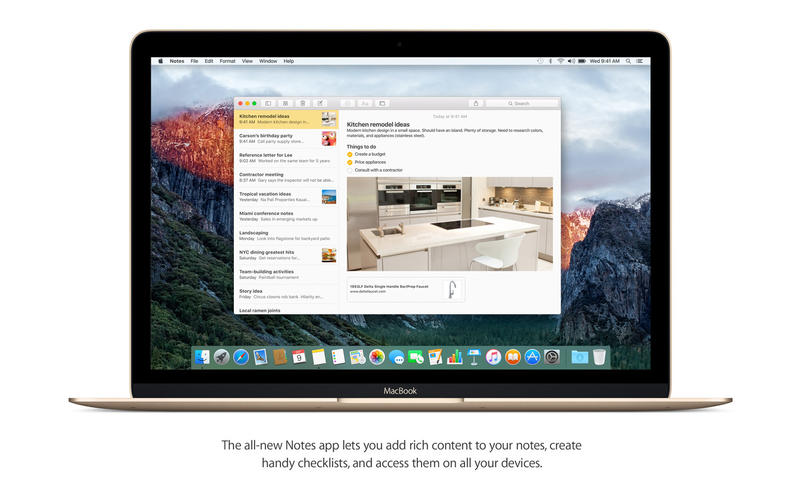
-This is a clean rip using disk utility (untouched)
-No serial needed as App!e doesn't use them on any core products
-ONLY FOR 2010 MACBOOK PRO 15inch i7 ---others beware!
Instructions:
Burn to a DUAL LAYER DVD using a mac with disk utility
go to U tube to learn how to install.comments/questions list below


Clean, easy, NO RAR, NO ZIP. Just ".dmg"!!!


▬▬▬▬▬▬▬▬▬▬▬▬▬▬▬▬▬▬▬▬▬▬▬

If do not have DVD drive, just put it on a flash drive (large enough) following these instructions:
Install OS X Snow Leopard from a USB flash drive
Don't forget to partition the Flash Drive in GUID or you will get this "Do not enter"-Sign. For anyone that wants to hackintosh a Dell optiplex gx620 this is the perfect guide that will you up and running to the latest 10.6.8! http://www.insanelymac.com/forum/topic/275293-guide-1068-on-a-dell-optiplex-gx620/page__st__20

Name mac.os.x.10.6.3.snow.leopard.clean.rip
Size 6.90 GB
Created on 2013-08-27 03:01:17
Hash 15f6cbf7a517a83347809aef3f5253328ea7a393
Files Mac OS X Install DVD 10.6.3.dmg (6.90 GB)

Mac OS X Snow Leopard 10.6.8 VMware Image [Ultimate Final Build]

Description

Right, apologies for the long description but I'm going to try answer everything at once :P 

This is the final Snow Leopard VMware Image I'll be bringing out until the release of 10.6.9 (which I doubt will happen), and with it comes every fix that I've worked on in the past, what? 3 months? Both Intel and AMD processors are supported, with various fixes implemented to accommodate both, without actually changing much from 'stock' 10.6.8 (the kernel is even the same :P). Ideal for running XCode or any other Mac programs, they work as though it was a Mac, and as usual with any of my builds, there's plenty of contact information contained within the torrent should you need me (it's in the torrent so it's not broadcasted online). Oh, and every language Mac OS X supports is also included.

Make sure to watch the video link, because it details how to configure for your preferences (i.e. some stuff won't work unless you configure) and there is also valuable information on it

Works under pretty much all VMware products, only problems you may get are with video and audio (audio is easily fixable whereas video is slightly more complicated).

▬▬▬▬▬▬▬▬▬▬▬▬▬▬▬▬▬▬▬▬▬▬▬

The root password is "password". If you having problem of the password, the keyboard is configured in QWERTY.
Here's the associated video.

Video

Name mac.os.x.snow.leopard.10.6.8.vmware.image.ultimate.final.build
Size 8.76 GB
Created on 2011-08-08 08:19:55
Hash baeccb7423777b45c846061f21f2d9525935e0f8
Files Mac OS X Snow Leopard 10.6.8 VMware Image [Ultimate Build]/Mac OS X Snow Leopard 10.6.8 VMware Image [Ultimate Build].7z (8.76 GB)
Mac OS X Snow Leopard 10.6.8 VMware Image [Ultimate Build]/Setup Tutorial – Must Watch To Work.url (0.13 kB)
Mac OS X Snow Leopard 10.6.8 VMware Image [Ultimate Build]/Torrent downloaded from Demonoid.me.txt (0.05 kB)

Windows 7 Ultimate x64 SysPrepped Bootcamp Winclone

Description

The Professional version of Windows 7 is available here:
https://mactorrent.io/application/utility/windows-7-professional-x64-sysprepped-bootcamp-winclone/


The new version is basically Neater. 
Had to rebuild this after I did the Professional version like this.

Improvements:
Smaller Size
No Pre-installed Software - The other one has Chrome and 7-zip
Bootcamp was never installed - Sounded like a good idea but having bootcamp leftovers may cause some weird problems depending on your hardware and bootcamp version.
The included WinClone app actually works - Sorry about that guys, the app from the other Torrent is corrupt.

For those who like video Tutorials, this may help:
Using Winclone 4 with Mac Boot Camp

README.TXT>>
############################################################################
## Windows 7 Ultimate x64 + Updates + Sysprep + Winclone ##
############################################################################

--Tav#2016

Install Windows 7 Ultimate x64 on any Mac directly from Mac OS X.
No need for external installation (DVD, Pendrive, etc).
Dumps the whole updated system in minutes.

This system was installed from USB on a Macmini6,2 (Late 2012),
running Yosemite and was extracted using Winclone Pro 4.4.

Installed all Windows Updates including IE11 and .Net packages.
Skipped some troublesome updates.

Never activated the install so I am not sure if one of the 3 rearms 
was used by sysprep.


############################################################################


The system is in English, but the Ultimate version has the option of 
installing 34 additional Language Packs that change the whole system 
language.

Language Packs Available on Windows Update:

01 Arabic
02 Bulgarian
03 Chinese (Simplified)
04 Chinese (Traditional)
05 Croatian
06 Czech
07 Danish
08 Dutch
09 Estonian
10 Finnish
11 French
12 German
13 Greek
14 Hebrew
15 Hungarian
16 Italian
17 Japanese
18 Korean
19 Latvian
20 Lithuanian
21 Norwegian
22 Polish
23 Portuguese (Brazil)
24 Portuguese (Portugal)
25 Romanian
26 Russian 
27 Serbian (Latin) 
28 Slovak
29 Slovenian
30 Spanish
31 Swedish
32 Thai
33 Turkish
34 Ukrainian


############################################################################


Considerations:

- Minimum disk size: 65GB
Was the size of the sysprepped system's disk.

- Memory cache files removed by WinClone when creating the image.
(pagefile.sys).

- You must activate your windows after you install.
You can use your key if you have one or try DAZ (Windows Loader).

- After you create your user and finish the setup, you can delete 
the user "User" which was used to install the system, update and 
run sysprep.

- You can find the bootcamp installation pack for your Mac here:
https://support.apple.com/en-us/HT205016
Or you can use the Bootcamp assistant to downloaded the Drivers
on a FAT32 formatted USB drive.

- It is recommended that you let the scheduled chkdsk command to run 
at first boot. A system reboot will follow. 


############################################################################


Software Installed:

* Windows Updates until the 16th of January, 2016
Skipped WAT (KB971033)
Skipped Win10 related (KB3035583) and (KB3021917)
Skipped Windows Malicious Software Removal Tool

* Nothing Else Installed
(not even Bootcamp)

** My network card was installed to Update Windows, but then removed
before running sysprep. 


############################################################################


Install Instructions:


(01) Download Bootcamp Drivers from Apple or using Bootcamp Assistant and
put it somewhere readable on Windows (eg. a FAT32 Pendrive).

Find your model here to download:
https://support.apple.com/en-us/HT205016

If your model is not officially supported on Windows7 you will need
to download the drivers manually from each hardware vendor. You
can do this after you install Windows. You will need some Apple 
drivers anyways though. You will find those in the Drivers/Apple 
folder.


(02) Create your bootcamp partition using disk utility or the bootcamp 
assistant. 

Be careful not to do anything stupid when dealing with disk
partitions on disk utility. It is OK to resize a Mac partition if
you have enough free space in it. Then you should just format the new
partition as FAT32.

The Bootcamp Assistant will ask for a Windows DVD to create the 
partition, if you have Toast you can use Services > Mount it! to make 
it think a disk was inserted. A Pendrive installation would also work.

The Bootcamp Assistant will also try to boot on the designated disk 
and fail. Just hold the ALT key on boot and choose the MacOS X disk 
to come back.


(03) Install & Crack & Run Winclone Pro
- Extract Winclone Pro.app from Winclone Pro 4.4 (4589).zip and move 
it to your Applications folder.
- Extract Winclone Pro 4.x [SP].app from Winclone Pro 4.x [SP].zip and
open it.
- Drag/Drop your /Applications/Winclone Pro.app bundle into 
Winclone Pro 4.x [SP].app to patch Winclone.
- After Patching you can run Winclone.


(04) Restore image to Bootcamp partition:
- Drag Drop the Windows 7 Winclone image bundle to winclone sources.
- Select the image bundle on the left panel of Winclone (Sources).
- Select the Bootcamp partition on the right (destination) and 
click restore.
- If the installer asks about adding a generic BCD, you can confirm
it. Not adding it may also work, but is not recommended.
- In a few minutes Windows will be installed...


(05) Reboot into Windows using Preferences/Startup Disk

It is better to unplug anything not needed (like external drives)
before rebooting into Windows the first time.

If you use TuxeraNTFS or any other third party NTFS driver, the 
bootcamp partition will not show up at the Startup Disk menu unless 
you disable the third party driver and reboot (or unmount/mount 
the partition).

You may hold ALT during boot to choose Windows, but you will have to
do it a few times during setup, since it will require a few reboots.


(06) Wait for chkdsk to complete on First Boot.


(07) Complete OOBE Setup and get to Windows Desktop. 
You may Skip the registration if don't have a cdkey.


(08) Remove the user "User" from Windows (came preinstalled).
This is an admin user with no password, so I recommend you 
remove it. This can be done at the Control Panel.


(09) Install your bootcamp Drivers from step 1.


(10) Activate Windows.
I have not tested, but you should be able to use your own keys.
DAZ (Windows Loader 2) was tested to work.
KMS does NOT work.


Enjoy your MacWindowzing!


WinClone is really Awesome!
You should consider buying it!
You can keep images of your running systems as well ;)

Files

Windows 7 Ultimate x64 SysPrepped Bootcamp Winclone/README.TXT (6.51 kB)
Windows 7 Ultimate x64 SysPrepped Bootcamp Winclone/Win7_Ult_x64_SysPrep_updated16Jan2016.winclone/boot.img.gz (6.33 GB)
Windows 7 Ultimate x64 SysPrepped Bootcamp Winclone/Win7_Ult_x64_SysPrep_updated16Jan2016.winclone/boot.mbr (0.45 kB)
Windows 7 Ultimate x64 SysPrepped Bootcamp Winclone/Win7_Ult_x64_SysPrep_updated16Jan2016.winclone/partitionid (0.01 kB)
Windows 7 Ultimate x64 SysPrepped Bootcamp Winclone/Win7_Ult_x64_SysPrep_updated16Jan2016.winclone/size (0.01 kB)
Windows 7 Ultimate x64 SysPrepped Bootcamp Winclone/Winclone Pro v4.4/Winclone Pro 4.4 (4589).zip (8.78 MB)
Windows 7 Ultimate x64 SysPrepped Bootcamp Winclone/Winclone Pro v4.4/Winclone Pro 4.x [SP].zip (1.27 MB)
Windows 7 Ultimate x64 SysPrepped Bootcamp Winclone/Windows Activation/Windows Loader 2.2.1 by Daz/Keys.ini (14.71 kB)
Windows 7 Ultimate x64 SysPrepped Bootcamp Winclone/Windows Activation/Windows Loader 2.2.1 by Daz/Read me.txt (33.06 kB)
Windows 7 Ultimate x64 SysPrepped Bootcamp Winclone/Windows Activation/Windows Loader 2.2.1 by Daz/Windows Loader.exe (3.95 MB)
Windows 7 Ultimate x64 SysPrepped Bootcamp Winclone/Windows Activation/Windows Loader 2.2.1 by Daz/checksums.md5 (0.14 kB)

Name windows.7.ultimate.x64.sysprepped.bootcamp.winclone
Size 6.35 GB
Created on 2016-01-16 14:21:48
Hash df3c6d37d1608137f41bdec3a580571f4e0b59b6
Files ※ See Files

Windows 7 Professional x64 SysPrepped Bootcamp Winclone

Description

The Ultimate version of Windows 7 is available here:
https://mactorrent.io/application/utility/windows-7-ultimate-x64-sysprepped-bootcamp-winclone/

For those who like video Tutorials, this may help:
Using Winclone 4 with Mac Boot Camp

README.TXT>> ############################################################################ ## Windows 7 Professional x64 + Updates + Sysprep + Winclone ############################################################################ --Tavinus#2016 Install Windows 7 Professional x64 on any Mac directly from Mac OS X. No need for external installation (DVD, Pendrive, etc). Dumps the whole updated system in minutes. The system is in English - US. This system was installed from USB on a Macmini6,2 (Late 2012), running Yosemite and was extracted using Winclone Pro 4.4. Installed all Windows Updates including IE11 and .Net packages. Skipped some troublesome updates. Never activated the install so I am not sure if one of the 3 rearms was used by sysprep. ############################################################################ Considerations: - Minimum disk size: 65GB Was the size of the sysprepped system's disk. - Memory cache files removed by WinClone when creating the image. (pagefile.sys). - You must activate your windows after you install. You can use your key if you have one or try KMS or DAZ. - After you create your user and finish the setup, you can delete the user "User" which was used to install the system, update and run sysprep. - You can find the bootcamp installation pack for your Mac here: https://support.apple.com/en-us/HT205016 Or you can use the Bootcamp assistant to downloaded the Drivers on a FAT32 formatted USB drive. - It is important to let the chkdsk command to run when first booting Windows. Just DON'T press any key at the first boot and then wait for chkdsk to do it's thing. A reboot will follow. ############################################################################ Software installed: * Windows Updates until the 15th of January, 2016 Skipped WAT (KB971033) Skipped Win10 related (KB3035583) and (KB3021917) Skipped Windows Malicious Software Removal Tool * Nothing Else (not even Bootcamp) ** My network card was installed to Update Windows, but then removed before running sysprep. Syprep would remove it anyways though. ############################################################################ Install Instructions: (01) Download Bootcamp Drivers from Apple or using Bootcamp Assistant and put it somewhere readable on Windows (eg. a FAT32 Pendrive). Find your model here to download: https://support.apple.com/en-us/HT205016 If your model is not officially supported on Windows7 you will need to download the drivers manually from each hardware vendor. You can do this after you install Windows. You will need some Apple drivers anyways though. You will find those in the Drivers/Apple folder. (02) Create your bootcamp partition using disk utility or the bootcamp assistant. Be careful not to do anything stupid when dealing with disk partitions on disk utility. It is OK to resize a Mac partition if you have enough free space in it. Then you should just format the new partition as FAT32. The Bootcamp Assistant will ask for a Windows DVD to create the partition, if you have Toast you can use Services > Mount it! to make it think a disk was inserted. A Pendrive installation would also work. The Bootcamp Assistant will also try to boot on the designated disk and fail. Just hold the ALT key on boot and choose the MacOS X disk to come back. (03) Install & Crack & Run Winclone Pro - Extract "Winclone Pro.app" from "Winclone Pro 4.4 (4589).zip" and move it to your Applications folder. - Extract "Winclone Pro 4.x [SP].app" from "Winclone Pro 4.x [SP].zip" and open it. - Drag/Drop your "/Applications/Winclone Pro.app" bundle into "Winclone Pro 4.x [SP].app" to patch Winclone. - After Patching you can run Winclone. (04) Restore image to Bootcamp partition - Drag Drop the Windows 7 Winclone image bundle to winclone sources. - Select the image bundle on the left panel of Winclone (Sources). - Select the Bootcamp partition on the right (destination) and click restore. - If the installer asks about adding a generic BCD, you can confirm it. Not adding it may also work, but is not recommended. - In a few minutes Windows will be installed... (05) Reboot into Windows using Preferences/Startup Disk It is better to unplug anything not needed (like external drives) before rebooting into Windows the first time. If you use TuxeraNTFS or any other third party NTFS driver, the bootcamp partition will not show up at the Startup Disk menu unless you disable the third party driver and reboot (or unmount/mount the partition). You may hold ALT during boot to choose Windows, but you will have to do it a few times during setup, since it will require a few reboots. (06) Wait for chkdsk to complete on First Boot. (07) Complete OOBE Setup and get to Windows Desktop. You may Skip the registration if don't have a cdkey. (08) Remove the user "User" from Windows (came preinstalled). This is an admin user with no password, so I recommend you remove it. This can be done at the Control Panel. (09) Install your bootcamp Drivers from step 1. (10) Activate Windows. I have not tested, but you should be able to use your own keys. KMS and DAZ (Windows Loader 2) were both tested to work, you can use either. Enjoy your MacWindowzing!

Files

Windows 7 Professional x64 SysPrepped Bootcamp Winclone/README.TXT (5.77 kB)
Windows 7 Professional x64 SysPrepped Bootcamp Winclone/Win7_Pro_x64_SysPrep_updated15Jan2016.winclone/boot.img.gz (6.81 GB)
Windows 7 Professional x64 SysPrepped Bootcamp Winclone/Win7_Pro_x64_SysPrep_updated15Jan2016.winclone/boot.mbr (0.45 kB)
Windows 7 Professional x64 SysPrepped Bootcamp Winclone/Win7_Pro_x64_SysPrep_updated15Jan2016.winclone/partitionid (0.01 kB)
Windows 7 Professional x64 SysPrepped Bootcamp Winclone/Win7_Pro_x64_SysPrep_updated15Jan2016.winclone/size (0.01 kB)
Windows 7 Professional x64 SysPrepped Bootcamp Winclone/Winclone Pro v4.4/Winclone Pro 4.4 (4589).zip (8.78 MB)
Windows 7 Professional x64 SysPrepped Bootcamp Winclone/Winclone Pro v4.4/Winclone Pro 4.x [SP].zip (1.27 MB)
Windows 7 Professional x64 SysPrepped Bootcamp Winclone/Windows Activation/KMSpico 10.1.6 FINAL/KMSpico Install/KMSpico_setup.exe (3.15 MB)
Windows 7 Professional x64 SysPrepped Bootcamp Winclone/Windows Activation/KMSpico 10.1.6 FINAL/KMSpico Install/ReadMe KMSpico Install.txt (6.49 kB)
Windows 7 Professional x64 SysPrepped Bootcamp Winclone/Windows Activation/KMSpico 10.1.6 FINAL/KMSpico Install/UnInstall_Service.cmd (0.15 kB)
Windows 7 Professional x64 SysPrepped Bootcamp Winclone/Windows Activation/KMSpico 10.1.6 FINAL/KMSpico OEM/$OEM$/$$/Setup/Scripts/Clean.cmd (0.09 kB)
Windows 7 Professional x64 SysPrepped Bootcamp Winclone/Windows Activation/KMSpico 10.1.6 FINAL/KMSpico OEM/$OEM$/$$/Setup/Scripts/KMSpico_setup.exe (3.15 MB)
Windows 7 Professional x64 SysPrepped Bootcamp Winclone/Windows Activation/KMSpico 10.1.6 FINAL/KMSpico OEM/$OEM$/$$/Setup/Scripts/RunOnce.reg (0.47 kB)
Windows 7 Professional x64 SysPrepped Bootcamp Winclone/Windows Activation/KMSpico 10.1.6 FINAL/KMSpico OEM/$OEM$/$$/Setup/Scripts/SetupComplete.cmd (0.15 kB)
Windows 7 Professional x64 SysPrepped Bootcamp Winclone/Windows Activation/KMSpico 10.1.6 FINAL/KMSpico OEM/ReadMe KMSpico OEM.txt (6.62 kB)
Windows 7 Professional x64 SysPrepped Bootcamp Winclone/Windows Activation/KMSpico 10.1.6 FINAL/KMSpico Only Service/Install_Service.cmd (0.45 kB)
Windows 7 Professional x64 SysPrepped Bootcamp Winclone/Windows Activation/KMSpico 10.1.6 FINAL/KMSpico Only Service/ReadMe KMSpico Service.txt (6.57 kB)
Windows 7 Professional x64 SysPrepped Bootcamp Winclone/Windows Activation/KMSpico 10.1.6 FINAL/KMSpico Only Service/Service_KMS.exe (734.9 kB)
Windows 7 Professional x64 SysPrepped Bootcamp Winclone/Windows Activation/KMSpico 10.1.6 FINAL/KMSpico Only Service/driver/OpenVPN.cer (1.72 kB)
Windows 7 Professional x64 SysPrepped Bootcamp Winclone/Windows Activation/KMSpico 10.1.6 FINAL/KMSpico Only Service/driver/tap-windows-9.9.2_3.exe (240.5 kB)
Windows 7 Professional x64 SysPrepped Bootcamp Winclone/Windows Activation/KMSpico 10.1.6 FINAL/KMSpico Portable/Auto (Run as Admin).cmd (0.36 kB)
Windows 7 Professional x64 SysPrepped Bootcamp Winclone/Windows Activation/KMSpico 10.1.6 FINAL/KMSpico Portable/AutoPico.exe (738.0 kB)
Windows 7 Professional x64 SysPrepped Bootcamp Winclone/Windows Activation/KMSpico 10.1.6 FINAL/KMSpico Portable/DisableSmartScreen.reg (0.70 kB)
Windows 7 Professional x64 SysPrepped Bootcamp Winclone/Windows Activation/KMSpico 10.1.6 FINAL/KMSpico Portable/ReadMe KMSpico Portable.txt (6.65 kB)
Windows 7 Professional x64 SysPrepped Bootcamp Winclone/Windows Activation/KMSpico 10.1.6 FINAL/KMSpico Portable/RemoveWaterMark.cmd (0.10 kB)
Windows 7 Professional x64 SysPrepped Bootcamp Winclone/Windows Activation/KMSpico 10.1.6 FINAL/KMSpico Portable/Uninstall/EnableSmartScreen.cmd (0.07 kB)
Windows 7 Professional x64 SysPrepped Bootcamp Winclone/Windows Activation/KMSpico 10.1.6 FINAL/KMSpico Portable/Uninstall/EnableSmartScreen.reg (0.64 kB)
Windows 7 Professional x64 SysPrepped Bootcamp Winclone/Windows Activation/KMSpico 10.1.6 FINAL/KMSpico Portable/Uninstall/Remove_ScheduleTask.cmd (0.09 kB)
Windows 7 Professional x64 SysPrepped Bootcamp Winclone/Windows Activation/KMSpico 10.1.6 FINAL/KMSpico Portable/Uninstall/Restore_Watermark.cmd (1.19 kB)
Windows 7 Professional x64 SysPrepped Bootcamp Winclone/Windows Activation/KMSpico 10.1.6 FINAL/KMSpico Portable/Vestris.ResourceLib.dll (90.11 kB)
Windows 7 Professional x64 SysPrepped Bootcamp Winclone/Windows Activation/KMSpico 10.1.6 FINAL/KMSpico Portable/cert/installAll.cmd (0.17 kB)
Windows 7 Professional x64 SysPrepped Bootcamp Winclone/Windows Activation/KMSpico 10.1.6 FINAL/KMSpico Portable/cert/kmscert2010/Access/AccessVLReg32.reg (5.19 kB)
Windows 7 Professional x64 SysPrepped Bootcamp Winclone/Windows Activation/KMSpico 10.1.6 FINAL/KMSpico Portable/cert/kmscert2010/Access/AccessVLReg64.reg (5.19 kB)
Windows 7 Professional x64 SysPrepped Bootcamp Winclone/Windows Activation/KMSpico 10.1.6 FINAL/KMSpico Portable/cert/kmscert2010/Access/AccessVLRegWOW.reg (5.29 kB)
Windows 7 Professional x64 SysPrepped Bootcamp Winclone/Windows Activation/KMSpico 10.1.6 FINAL/KMSpico Portable/cert/kmscert2010/Access/Access_KMS_Client.OOB.xrm-ms (13.43 kB)
Windows 7 Professional x64 SysPrepped Bootcamp Winclone/Windows Activation/KMSpico 10.1.6 FINAL/KMSpico Portable/cert/kmscert2010/Access/Access_KMS_Client.PL.xrm-ms (11.39 kB)
Windows 7 Professional x64 SysPrepped Bootcamp Winclone/Windows Activation/KMSpico 10.1.6 FINAL/KMSpico Portable/cert/kmscert2010/Access/Access_KMS_Client.PPDLIC.xrm-ms (6.67 kB)
Windows 7 Professional x64 SysPrepped Bootcamp Winclone/Windows Activation/KMSpico 10.1.6 FINAL/KMSpico Portable/cert/kmscert2010/Access/Access_KMS_Client.RAC_Priv.xrm-ms (5.28 kB)
Windows 7 Professional x64 SysPrepped Bootcamp Winclone/Windows Activation/KMSpico 10.1.6 FINAL/KMSpico Portable/cert/kmscert2010/Access/Access_KMS_Client.RAC_Pub.xrm-ms (5.28 kB)
Windows 7 Professional x64 SysPrepped Bootcamp Winclone/Windows Activation/KMSpico 10.1.6 FINAL/KMSpico Portable/cert/kmscert2010/Excel/ExcelVLReg32.reg (5.18 kB)
Windows 7 Professional x64 SysPrepped Bootcamp Winclone/Windows Activation/KMSpico 10.1.6 FINAL/KMSpico Portable/cert/kmscert2010/Excel/ExcelVLReg64.reg (5.18 kB)
Windows 7 Professional x64 SysPrepped Bootcamp Winclone/Windows Activation/KMSpico 10.1.6 FINAL/KMSpico Portable/cert/kmscert2010/Excel/ExcelVLRegWOW.reg (5.28 kB)
Windows 7 Professional x64 SysPrepped Bootcamp Winclone/Windows Activation/KMSpico 10.1.6 FINAL/KMSpico Portable/cert/kmscert2010/Excel/Excel_KMS_Client.OOB.xrm-ms (13.42 kB)
Windows 7 Professional x64 SysPrepped Bootcamp Winclone/Windows Activation/KMSpico 10.1.6 FINAL/KMSpico Portable/cert/kmscert2010/Excel/Excel_KMS_Client.PL.xrm-ms (11.38 kB)
Windows 7 Professional x64 SysPrepped Bootcamp Winclone/Windows Activation/KMSpico 10.1.6 FINAL/KMSpico Portable/cert/kmscert2010/Excel/Excel_KMS_Client.PPDLIC.xrm-ms (6.67 kB)
Windows 7 Professional x64 SysPrepped Bootcamp Winclone/Windows Activation/KMSpico 10.1.6 FINAL/KMSpico Portable/cert/kmscert2010/Excel/Excel_KMS_Client.RAC_Priv.xrm-ms (5.28 kB)
Windows 7 Professional x64 SysPrepped Bootcamp Winclone/Windows Activation/KMSpico 10.1.6 FINAL/KMSpico Portable/cert/kmscert2010/Excel/Excel_KMS_Client.RAC_Pub.xrm-ms (5.28 kB)
Windows 7 Professional x64 SysPrepped Bootcamp Winclone/Windows Activation/KMSpico 10.1.6 FINAL/KMSpico Portable/cert/kmscert2010/Groove/GrooveVLReg32.reg (5.30 kB)
Windows 7 Professional x64 SysPrepped Bootcamp Winclone/Windows Activation/KMSpico 10.1.6 FINAL/KMSpico Portable/cert/kmscert2010/Groove/GrooveVLReg64.reg (5.30 kB)
Windows 7 Professional x64 SysPrepped Bootcamp Winclone/Windows Activation/KMSpico 10.1.6 FINAL/KMSpico Portable/cert/kmscert2010/Groove/GrooveVLRegWOW.reg (5.40 kB)
Windows 7 Professional x64 SysPrepped Bootcamp Winclone/Windows Activation/KMSpico 10.1.6 FINAL/KMSpico Portable/cert/kmscert2010/Groove/Groove_KMS_Client.OOB.xrm-ms (13.43 kB)
Windows 7 Professional x64 SysPrepped Bootcamp Winclone/Windows Activation/KMSpico 10.1.6 FINAL/KMSpico Portable/cert/kmscert2010/Groove/Groove_KMS_Client.PL.xrm-ms (11.39 kB)
Windows 7 Professional x64 SysPrepped Bootcamp Winclone/Windows Activation/KMSpico 10.1.6 FINAL/KMSpico Portable/cert/kmscert2010/Groove/Groove_KMS_Client.PPDLIC.xrm-ms (6.67 kB)
Windows 7 Professional x64 SysPrepped Bootcamp Winclone/Windows Activation/KMSpico 10.1.6 FINAL/KMSpico Portable/cert/kmscert2010/Groove/Groove_KMS_Client.RAC_Priv.xrm-ms (5.28 kB)
Windows 7 Professional x64 SysPrepped Bootcamp Winclone/Windows Activation/KMSpico 10.1.6 FINAL/KMSpico Portable/cert/kmscert2010/Groove/Groove_KMS_Client.RAC_Pub.xrm-ms (5.28 kB)
Windows 7 Professional x64 SysPrepped Bootcamp Winclone/Windows Activation/KMSpico 10.1.6 FINAL/KMSpico Portable/cert/kmscert2010/InfoPath/InfoPathVLReg32.reg (5.21 kB)
Windows 7 Professional x64 SysPrepped Bootcamp Winclone/Windows Activation/KMSpico 10.1.6 FINAL/KMSpico Portable/cert/kmscert2010/InfoPath/InfoPathVLReg64.reg (5.21 kB)
Windows 7 Professional x64 SysPrepped Bootcamp Winclone/Windows Activation/KMSpico 10.1.6 FINAL/KMSpico Portable/cert/kmscert2010/InfoPath/InfoPathVLRegWOW.reg (5.30 kB)
Windows 7 Professional x64 SysPrepped Bootcamp Winclone/Windows Activation/KMSpico 10.1.6 FINAL/KMSpico Portable/cert/kmscert2010/InfoPath/InfoPath_KMS_Client.OOB.xrm-ms (13.44 kB)
Windows 7 Professional x64 SysPrepped Bootcamp Winclone/Windows Activation/KMSpico 10.1.6 FINAL/KMSpico Portable/cert/kmscert2010/InfoPath/InfoPath_KMS_Client.PL.xrm-ms (11.40 kB)
Windows 7 Professional x64 SysPrepped Bootcamp Winclone/Windows Activation/KMSpico 10.1.6 FINAL/KMSpico Portable/cert/kmscert2010/InfoPath/InfoPath_KMS_Client.PPDLIC.xrm-ms (6.67 kB)
Windows 7 Professional x64 SysPrepped Bootcamp Winclone/Windows Activation/KMSpico 10.1.6 FINAL/KMSpico Portable/cert/kmscert2010/InfoPath/InfoPath_KMS_Client.RAC_Priv.xrm-ms (5.28 kB)
Windows 7 Professional x64 SysPrepped Bootcamp Winclone/Windows Activation/KMSpico 10.1.6 FINAL/KMSpico Portable/cert/kmscert2010/InfoPath/InfoPath_KMS_Client.RAC_Pub.xrm-ms (5.28 kB)
Windows 7 Professional x64 SysPrepped Bootcamp Winclone/Windows Activation/KMSpico 10.1.6 FINAL/KMSpico Portable/cert/kmscert2010/OneNote/OneNoteVLReg32.reg (5.20 kB)
Windows 7 Professional x64 SysPrepped Bootcamp Winclone/Windows Activation/KMSpico 10.1.6 FINAL/KMSpico Portable/cert/kmscert2010/OneNote/OneNoteVLReg64.reg (5.20 kB)
Windows 7 Professional x64 SysPrepped Bootcamp Winclone/Windows Activation/KMSpico 10.1.6 FINAL/KMSpico Portable/cert/kmscert2010/OneNote/OneNoteVLRegWOW.reg (5.30 kB)
Windows 7 Professional x64 SysPrepped Bootcamp Winclone/Windows Activation/KMSpico 10.1.6 FINAL/KMSpico Portable/cert/kmscert2010/OneNote/OneNote_KMS_Client.OOB.xrm-ms (13.43 kB)
Windows 7 Professional x64 SysPrepped Bootcamp Winclone/Windows Activation/KMSpico 10.1.6 FINAL/KMSpico Portable/cert/kmscert2010/OneNote/OneNote_KMS_Client.PL.xrm-ms (11.39 kB)
Windows 7 Professional x64 SysPrepped Bootcamp Winclone/Windows Activation/KMSpico 10.1.6 FINAL/KMSpico Portable/cert/kmscert2010/OneNote/OneNote_KMS_Client.PPDLIC.xrm-ms (6.67 kB)
Windows 7 Professional x64 SysPrepped Bootcamp Winclone/Windows Activation/KMSpico 10.1.6 FINAL/KMSpico Portable/cert/kmscert2010/OneNote/OneNote_KMS_Client.RAC_Priv.xrm-ms (5.28 kB)
Windows 7 Professional x64 SysPrepped Bootcamp Winclone/Windows Activation/KMSpico 10.1.6 FINAL/KMSpico Portable/cert/kmscert2010/OneNote/OneNote_KMS_Client.RAC_Pub.xrm-ms (5.28 kB)
Windows 7 Professional x64 SysPrepped Bootcamp Winclone/Windows Activation/KMSpico 10.1.6 FINAL/KMSpico Portable/cert/kmscert2010/Outlook/OutlookVLReg32.reg (5.20 kB)
Windows 7 Professional x64 SysPrepped Bootcamp Winclone/Windows Activation/KMSpico 10.1.6 FINAL/KMSpico Portable/cert/kmscert2010/Outlook/OutlookVLReg64.reg (5.20 kB)
Windows 7 Professional x64 SysPrepped Bootcamp Winclone/Windows Activation/KMSpico 10.1.6 FINAL/KMSpico Portable/cert/kmscert2010/Outlook/OutlookVLRegWOW.reg (5.30 kB)
Windows 7 Professional x64 SysPrepped Bootcamp Winclone/Windows Activation/KMSpico 10.1.6 FINAL/KMSpico Portable/cert/kmscert2010/Outlook/Outlook_KMS_Client.OOB.xrm-ms (13.43 kB)
Windows 7 Professional x64 SysPrepped Bootcamp Winclone/Windows Activation/KMSpico 10.1.6 FINAL/KMSpico Portable/cert/kmscert2010/Outlook/Outlook_KMS_Client.PL.xrm-ms (11.39 kB)
Windows 7 Professional x64 SysPrepped Bootcamp Winclone/Windows Activation/KMSpico 10.1.6 FINAL/KMSpico Portable/cert/kmscert2010/Outlook/Outlook_KMS_Client.PPDLIC.xrm-ms (6.67 kB)
Windows 7 Professional x64 SysPrepped Bootcamp Winclone/Windows Activation/KMSpico 10.1.6 FINAL/KMSpico Portable/cert/kmscert2010/Outlook/Outlook_KMS_Client.RAC_Priv.xrm-ms (5.28 kB)
Windows 7 Professional x64 SysPrepped Bootcamp Winclone/Windows Activation/KMSpico 10.1.6 FINAL/KMSpico Portable/cert/kmscert2010/Outlook/Outlook_KMS_Client.RAC_Pub.xrm-ms (5.28 kB)
Windows 7 Professional x64 SysPrepped Bootcamp Winclone/Windows Activation/KMSpico 10.1.6 FINAL/KMSpico Portable/cert/kmscert2010/PowerPoint/PowerPointVLReg32.reg (5.22 kB)
Windows 7 Professional x64 SysPrepped Bootcamp Winclone/Windows Activation/KMSpico 10.1.6 FINAL/KMSpico Portable/cert/kmscert2010/PowerPoint/PowerPointVLReg64.reg (5.22 kB)
Windows 7 Professional x64 SysPrepped Bootcamp Winclone/Windows Activation/KMSpico 10.1.6 FINAL/KMSpico Portable/cert/kmscert2010/PowerPoint/PowerPointVLRegWOW.reg (5.32 kB)
Windows 7 Professional x64 SysPrepped Bootcamp Winclone/Windows Activation/KMSpico 10.1.6 FINAL/KMSpico Portable/cert/kmscert2010/PowerPoint/PowerPoint_KMS_Client.OOB.xrm-ms (13.45 kB)
Windows 7 Professional x64 SysPrepped Bootcamp Winclone/Windows Activation/KMSpico 10.1.6 FINAL/KMSpico Portable/cert/kmscert2010/PowerPoint/PowerPoint_KMS_Client.PL.xrm-ms (11.41 kB)
Windows 7 Professional x64 SysPrepped Bootcamp Winclone/Windows Activation/KMSpico 10.1.6 FINAL/KMSpico Portable/cert/kmscert2010/PowerPoint/PowerPoint_KMS_Client.PPDLIC.xrm-ms (6.68 kB)
Windows 7 Professional x64 SysPrepped Bootcamp Winclone/Windows Activation/KMSpico 10.1.6 FINAL/KMSpico Portable/cert/kmscert2010/PowerPoint/PowerPoint_KMS_Client.RAC_Priv.xrm-ms (5.28 kB)
Windows 7 Professional x64 SysPrepped Bootcamp Winclone/Windows Activation/KMSpico 10.1.6 FINAL/KMSpico Portable/cert/kmscert2010/PowerPoint/PowerPoint_KMS_Client.RAC_Pub.xrm-ms (5.28 kB)
Windows 7 Professional x64 SysPrepped Bootcamp Winclone/Windows Activation/KMSpico 10.1.6 FINAL/KMSpico Portable/cert/kmscert2010/ProPlus/ProPlusVLReg32.reg (6.28 kB)
Windows 7 Professional x64 SysPrepped Bootcamp Winclone/Windows Activation/KMSpico 10.1.6 FINAL/KMSpico Portable/cert/kmscert2010/ProPlus/ProPlusVLReg64.reg (6.28 kB)
Windows 7 Professional x64 SysPrepped Bootcamp Winclone/Windows Activation/KMSpico 10.1.6 FINAL/KMSpico Portable/cert/kmscert2010/ProPlus/ProPlusVLRegWOW.reg (6.40 kB)
Windows 7 Professional x64 SysPrepped Bootcamp Winclone/Windows Activation/KMSpico 10.1.6 FINAL/KMSpico Portable/cert/kmscert2010/ProPlus/ProPlus_KMS_Client.OOB.xrm-ms (13.43 kB)
Windows 7 Professional x64 SysPrepped Bootcamp Winclone/Windows Activation/KMSpico 10.1.6 FINAL/KMSpico Portable/cert/kmscert2010/ProPlus/ProPlus_KMS_Client.PL.xrm-ms (11.39 kB)
Windows 7 Professional x64 SysPrepped Bootcamp Winclone/Windows Activation/KMSpico 10.1.6 FINAL/KMSpico Portable/cert/kmscert2010/ProPlus/ProPlus_KMS_Client.PPDLIC.xrm-ms (9.40 kB)
Windows 7 Professional x64 SysPrepped Bootcamp Winclone/Windows Activation/KMSpico 10.1.6 FINAL/KMSpico Portable/cert/kmscert2010/ProPlus/ProPlus_KMS_Client.RAC_Priv.xrm-ms (5.28 kB)
Windows 7 Professional x64 SysPrepped Bootcamp Winclone/Windows Activation/KMSpico 10.1.6 FINAL/KMSpico Portable/cert/kmscert2010/ProPlus/ProPlus_KMS_Client.RAC_Pub.xrm-ms (5.28 kB)
Windows 7 Professional x64 SysPrepped Bootcamp Winclone/Windows Activation/KMSpico 10.1.6 FINAL/KMSpico Portable/cert/kmscert2010/ProjectPro/ProjectProVLReg32.reg (5.30 kB)
Windows 7 Professional x64 SysPrepped Bootcamp Winclone/Windows Activation/KMSpico 10.1.6 FINAL/KMSpico Portable/cert/kmscert2010/ProjectPro/ProjectProVLReg64.reg (5.30 kB)
Windows 7 Professional x64 SysPrepped Bootcamp Winclone/Windows Activation/KMSpico 10.1.6 FINAL/KMSpico Portable/cert/kmscert2010/ProjectPro/ProjectProVLRegWOW.reg (5.40 kB)
Windows 7 Professional x64 SysPrepped Bootcamp Winclone/Windows Activation/KMSpico 10.1.6 FINAL/KMSpico Portable/cert/kmscert2010/ProjectPro/ProjectPro_KMS_Client.OOB.xrm-ms (13.45 kB)
Windows 7 Professional x64 SysPrepped Bootcamp Winclone/Windows Activation/KMSpico 10.1.6 FINAL/KMSpico Portable/cert/kmscert2010/ProjectPro/ProjectPro_KMS_Client.PL.xrm-ms (11.41 kB)
Windows 7 Professional x64 SysPrepped Bootcamp Winclone/Windows Activation/KMSpico 10.1.6 FINAL/KMSpico Portable/cert/kmscert2010/ProjectPro/ProjectPro_KMS_Client.PPDLIC.xrm-ms (6.68 kB)
Windows 7 Professional x64 SysPrepped Bootcamp Winclone/Windows Activation/KMSpico 10.1.6 FINAL/KMSpico Portable/cert/kmscert2010/ProjectPro/ProjectPro_KMS_Client.RAC_Priv.xrm-ms (5.28 kB)
Windows 7 Professional x64 SysPrepped Bootcamp Winclone/Windows Activation/KMSpico 10.1.6 FINAL/KMSpico Portable/cert/kmscert2010/ProjectPro/ProjectPro_KMS_Client.RAC_Pub.xrm-ms (5.28 kB)
Windows 7 Professional x64 SysPrepped Bootcamp Winclone/Windows Activation/KMSpico 10.1.6 FINAL/KMSpico Portable/cert/kmscert2010/ProjectStd/ProjectStdVLReg32.reg (5.80 kB)
Windows 7 Professional x64 SysPrepped Bootcamp Winclone/Windows Activation/KMSpico 10.1.6 FINAL/KMSpico Portable/cert/kmscert2010/ProjectStd/ProjectStdVLReg64.reg (5.80 kB)
Windows 7 Professional x64 SysPrepped Bootcamp Winclone/Windows Activation/KMSpico 10.1.6 FINAL/KMSpico Portable/cert/kmscert2010/ProjectStd/ProjectStdVLRegWOW.reg (5.92 kB)
Windows 7 Professional x64 SysPrepped Bootcamp Winclone/Windows Activation/KMSpico 10.1.6 FINAL/KMSpico Portable/cert/kmscert2010/ProjectStd/ProjectStd_KMS_Client.OOB.xrm-ms (13.45 kB)
Windows 7 Professional x64 SysPrepped Bootcamp Winclone/Windows Activation/KMSpico 10.1.6 FINAL/KMSpico Portable/cert/kmscert2010/ProjectStd/ProjectStd_KMS_Client.PL.xrm-ms (11.41 kB)
Windows 7 Professional x64 SysPrepped Bootcamp Winclone/Windows Activation/KMSpico 10.1.6 FINAL/KMSpico Portable/cert/kmscert2010/ProjectStd/ProjectStd_KMS_Client.PPDLIC.xrm-ms (6.68 kB)
Windows 7 Professional x64 SysPrepped Bootcamp Winclone/Windows Activation/KMSpico 10.1.6 FINAL/KMSpico Portable/cert/kmscert2010/ProjectStd/ProjectStd_KMS_Client.RAC_Priv.xrm-ms (5.28 kB)
Windows 7 Professional x64 SysPrepped Bootcamp Winclone/Windows Activation/KMSpico 10.1.6 FINAL/KMSpico Portable/cert/kmscert2010/ProjectStd/ProjectStd_KMS_Client.RAC_Pub.xrm-ms (5.28 kB)
Windows 7 Professional x64 SysPrepped Bootcamp Winclone/Windows Activation/KMSpico 10.1.6 FINAL/KMSpico Portable/cert/kmscert2010/Publisher/PublisherVLReg32.reg (5.22 kB)
Windows 7 Professional x64 SysPrepped Bootcamp Winclone/Windows Activation/KMSpico 10.1.6 FINAL/KMSpico Portable/cert/kmscert2010/Publisher/PublisherVLReg64.reg (5.22 kB)
Windows 7 Professional x64 SysPrepped Bootcamp Winclone/Windows Activation/KMSpico 10.1.6 FINAL/KMSpico Portable/cert/kmscert2010/Publisher/PublisherVLRegWOW.reg (5.31 kB)
Windows 7 Professional x64 SysPrepped Bootcamp Winclone/Windows Activation/KMSpico 10.1.6 FINAL/KMSpico Portable/cert/kmscert2010/Publisher/Publisher_KMS_Client.OOB.xrm-ms (13.44 kB)
Windows 7 Professional x64 SysPrepped Bootcamp Winclone/Windows Activation/KMSpico 10.1.6 FINAL/KMSpico Portable/cert/kmscert2010/Publisher/Publisher_KMS_Client.PL.xrm-ms (11.40 kB)
Windows 7 Professional x64 SysPrepped Bootcamp Winclone/Windows Activation/KMSpico 10.1.6 FINAL/KMSpico Portable/cert/kmscert2010/Publisher/Publisher_KMS_Client.PPDLIC.xrm-ms (6.68 kB)
Windows 7 Professional x64 SysPrepped Bootcamp Winclone/Windows Activation/KMSpico 10.1.6 FINAL/KMSpico Portable/cert/kmscert2010/Publisher/Publisher_KMS_Client.RAC_Priv.xrm-ms (5.28 kB)
Windows 7 Professional x64 SysPrepped Bootcamp Winclone/Windows Activation/KMSpico 10.1.6 FINAL/KMSpico Portable/cert/kmscert2010/Publisher/Publisher_KMS_Client.RAC_Pub.xrm-ms (5.28 kB)
Windows 7 Professional x64 SysPrepped Bootcamp Winclone/Windows Activation/KMSpico 10.1.6 FINAL/KMSpico Portable/cert/kmscert2010/SmallBusBasics/SmallBusBasicsVLReg32.reg (5.64 kB)
Windows 7 Professional x64 SysPrepped Bootcamp Winclone/Windows Activation/KMSpico 10.1.6 FINAL/KMSpico Portable/cert/kmscert2010/SmallBusBasics/SmallBusBasicsVLReg64.reg (5.64 kB)
Windows 7 Professional x64 SysPrepped Bootcamp Winclone/Windows Activation/KMSpico 10.1.6 FINAL/KMSpico Portable/cert/kmscert2010/SmallBusBasics/SmallBusBasicsVLRegWOW.reg (5.73 kB)
Windows 7 Professional x64 SysPrepped Bootcamp Winclone/Windows Activation/KMSpico 10.1.6 FINAL/KMSpico Portable/cert/kmscert2010/SmallBusBasics/SmallBusBasics_KMS_Client.OOB.xrm-ms (13.47 kB)
Windows 7 Professional x64 SysPrepped Bootcamp Winclone/Windows Activation/KMSpico 10.1.6 FINAL/KMSpico Portable/cert/kmscert2010/SmallBusBasics/SmallBusBasics_KMS_Client.PL.xrm-ms (11.43 kB)
Windows 7 Professional x64 SysPrepped Bootcamp Winclone/Windows Activation/KMSpico 10.1.6 FINAL/KMSpico Portable/cert/kmscert2010/SmallBusBasics/SmallBusBasics_KMS_Client.PPDLIC.xrm-ms (7.13 kB)
Windows 7 Professional x64 SysPrepped Bootcamp Winclone/Windows Activation/KMSpico 10.1.6 FINAL/KMSpico Portable/cert/kmscert2010/SmallBusBasics/SmallBusBasics_KMS_Client.RAC_Priv.xrm-ms (5.28 kB)
Windows 7 Professional x64 SysPrepped Bootcamp Winclone/Windows Activation/KMSpico 10.1.6 FINAL/KMSpico Portable/cert/kmscert2010/SmallBusBasics/SmallBusBasics_KMS_Client.RAC_Pub.xrm-ms (5.28 kB)
Windows 7 Professional x64 SysPrepped Bootcamp Winclone/Windows Activation/KMSpico 10.1.6 FINAL/KMSpico Portable/cert/kmscert2010/Standard/StandardVLReg32.reg (6.12 kB)
Windows 7 Professional x64 SysPrepped Bootcamp Winclone/Windows Activation/KMSpico 10.1.6 FINAL/KMSpico Portable/cert/kmscert2010/Standard/StandardVLReg64.reg (6.12 kB)
Windows 7 Professional x64 SysPrepped Bootcamp Winclone/Windows Activation/KMSpico 10.1.6 FINAL/KMSpico Portable/cert/kmscert2010/Standard/StandardVLRegWOW.reg (6.24 kB)
Windows 7 Professional x64 SysPrepped Bootcamp Winclone/Windows Activation/KMSpico 10.1.6 FINAL/KMSpico Portable/cert/kmscert2010/Standard/Standard_KMS_Client.OOB.xrm-ms (13.44 kB)
Windows 7 Professional x64 SysPrepped Bootcamp Winclone/Windows Activation/KMSpico 10.1.6 FINAL/KMSpico Portable/cert/kmscert2010/Standard/Standard_KMS_Client.PL.xrm-ms (11.40 kB)
Windows 7 Professional x64 SysPrepped Bootcamp Winclone/Windows Activation/KMSpico 10.1.6 FINAL/KMSpico Portable/cert/kmscert2010/Standard/Standard_KMS_Client.PPDLIC.xrm-ms (7.77 kB)
Windows 7 Professional x64 SysPrepped Bootcamp Winclone/Windows Activation/KMSpico 10.1.6 FINAL/KMSpico Portable/cert/kmscert2010/Standard/Standard_KMS_Client.RAC_Priv.xrm-ms (5.28 kB)
Windows 7 Professional x64 SysPrepped Bootcamp Winclone/Windows Activation/KMSpico 10.1.6 FINAL/KMSpico Portable/cert/kmscert2010/Standard/Standard_KMS_Client.RAC_Pub.xrm-ms (5.28 kB)
Windows 7 Professional x64 SysPrepped Bootcamp Winclone/Windows Activation/KMSpico 10.1.6 FINAL/KMSpico Portable/cert/kmscert2010/Visio/VisioPrem_KMS_Client.OOB.xrm-ms (13.44 kB)
Windows 7 Professional x64 SysPrepped Bootcamp Winclone/Windows Activation/KMSpico 10.1.6 FINAL/KMSpico Portable/cert/kmscert2010/Visio/VisioPrem_KMS_Client.PL.xrm-ms (11.40 kB)
Windows 7 Professional x64 SysPrepped Bootcamp Winclone/Windows Activation/KMSpico 10.1.6 FINAL/KMSpico Portable/cert/kmscert2010/Visio/VisioPrem_KMS_Client.PPDLIC.xrm-ms (6.82 kB)
Windows 7 Professional x64 SysPrepped Bootcamp Winclone/Windows Activation/KMSpico 10.1.6 FINAL/KMSpico Portable/cert/kmscert2010/Visio/VisioPrem_KMS_Client.RAC_Priv.xrm-ms (5.28 kB)
Windows 7 Professional x64 SysPrepped Bootcamp Winclone/Windows Activation/KMSpico 10.1.6 FINAL/KMSpico Portable/cert/kmscert2010/Visio/VisioPrem_KMS_Client.RAC_Pub.xrm-ms (5.28 kB)
Windows 7 Professional x64 SysPrepped Bootcamp Winclone/Windows Activation/KMSpico 10.1.6 FINAL/KMSpico Portable/cert/kmscert2010/Visio/VisioPro_KMS_Client.OOB.xrm-ms (13.44 kB)
Windows 7 Professional x64 SysPrepped Bootcamp Winclone/Windows Activation/KMSpico 10.1.6 FINAL/KMSpico Portable/cert/kmscert2010/Visio/VisioPro_KMS_Client.PL.xrm-ms (11.40 kB)
Windows 7 Professional x64 SysPrepped Bootcamp Winclone/Windows Activation/KMSpico 10.1.6 FINAL/KMSpico Portable/cert/kmscert2010/Visio/VisioPro_KMS_Client.PPDLIC.xrm-ms (6.75 kB)
Windows 7 Professional x64 SysPrepped Bootcamp Winclone/Windows Activation/KMSpico 10.1.6 FINAL/KMSpico Portable/cert/kmscert2010/Visio/VisioPro_KMS_Client.RAC_Priv.xrm-ms (5.28 kB)
Windows 7 Professional x64 SysPrepped Bootcamp Winclone/Windows Activation/KMSpico 10.1.6 FINAL/KMSpico Portable/cert/kmscert2010/Visio/VisioPro_KMS_Client.RAC_Pub.xrm-ms (5.28 kB)
Windows 7 Professional x64 SysPrepped Bootcamp Winclone/Windows Activation/KMSpico 10.1.6 FINAL/KMSpico Portable/cert/kmscert2010/Visio/VisioStd_KMS_Client.OOB.xrm-ms (13.44 kB)
Windows 7 Professional x64 SysPrepped Bootcamp Winclone/Windows Activation/KMSpico 10.1.6 FINAL/KMSpico Portable/cert/kmscert2010/Visio/VisioStd_KMS_Client.PL.xrm-ms (11.40 kB)
Windows 7 Professional x64 SysPrepped Bootcamp Winclone/Windows Activation/KMSpico 10.1.6 FINAL/KMSpico Portable/cert/kmscert2010/Visio/VisioStd_KMS_Client.PPDLIC.xrm-ms (6.67 kB)
Windows 7 Professional x64 SysPrepped Bootcamp Winclone/Windows Activation/KMSpico 10.1.6 FINAL/KMSpico Portable/cert/kmscert2010/Visio/VisioStd_KMS_Client.RAC_Priv.xrm-ms (5.28 kB)
Windows 7 Professional x64 SysPrepped Bootcamp Winclone/Windows Activation/KMSpico 10.1.6 FINAL/KMSpico Portable/cert/kmscert2010/Visio/VisioStd_KMS_Client.RAC_Pub.xrm-ms (5.28 kB)
Windows 7 Professional x64 SysPrepped Bootcamp Winclone/Windows Activation/KMSpico 10.1.6 FINAL/KMSpico Portable/cert/kmscert2010/Visio/VisioVLReg32.reg (7.38 kB)
Windows 7 Professional x64 SysPrepped Bootcamp Winclone/Windows Activation/KMSpico 10.1.6 FINAL/KMSpico Portable/cert/kmscert2010/Visio/VisioVLReg64.reg (7.38 kB)
Windows 7 Professional x64 SysPrepped Bootcamp Winclone/Windows Activation/KMSpico 10.1.6 FINAL/KMSpico Portable/cert/kmscert2010/Visio/VisioVLRegWOW.reg (7.57 kB)
Windows 7 Professional x64 SysPrepped Bootcamp Winclone/Windows Activation/KMSpico 10.1.6 FINAL/KMSpico Portable/cert/kmscert2010/Word/WordVLReg32.reg (5.18 kB)
Windows 7 Professional x64 SysPrepped Bootcamp Winclone/Windows Activation/KMSpico 10.1.6 FINAL/KMSpico Portable/cert/kmscert2010/Word/WordVLReg64.reg (5.18 kB)
Windows 7 Professional x64 SysPrepped Bootcamp Winclone/Windows Activation/KMSpico 10.1.6 FINAL/KMSpico Portable/cert/kmscert2010/Word/WordVLRegWOW.reg (5.27 kB)
Windows 7 Professional x64 SysPrepped Bootcamp Winclone/Windows Activation/KMSpico 10.1.6 FINAL/KMSpico Portable/cert/kmscert2010/Word/Word_KMS_Client.OOB.xrm-ms (13.42 kB)
Windows 7 Professional x64 SysPrepped Bootcamp Winclone/Windows Activation/KMSpico 10.1.6 FINAL/KMSpico Portable/cert/kmscert2010/Word/Word_KMS_Client.PL.xrm-ms (11.38 kB)
Windows 7 Professional x64 SysPrepped Bootcamp Winclone/Windows Activation/KMSpico 10.1.6 FINAL/KMSpico Portable/cert/kmscert2010/Word/Word_KMS_Client.PPDLIC.xrm-ms (6.67 kB)
Windows 7 Professional x64 SysPrepped Bootcamp Winclone/Windows Activation/KMSpico 10.1.6 FINAL/KMSpico Portable/cert/kmscert2010/Word/Word_KMS_Client.RAC_Priv.xrm-ms (5.28 kB)
Windows 7 Professional x64 SysPrepped Bootcamp Winclone/Windows Activation/KMSpico 10.1.6 FINAL/KMSpico Portable/cert/kmscert2010/Word/Word_KMS_Client.RAC_Pub.xrm-ms (5.28 kB)
Windows 7 Professional x64 SysPrepped Bootcamp Winclone/Windows Activation/KMSpico 10.1.6 FINAL/KMSpico Portable/cert/kmscert2013/Access/AccessVL_KMS_Client_OOB.xrm-ms (11.60 kB)
Windows 7 Professional x64 SysPrepped Bootcamp Winclone/Windows Activation/KMSpico 10.1.6 FINAL/KMSpico Portable/cert/kmscert2013/Access/AccessVL_KMS_Client_PL.xrm-ms (9.59 kB)
Windows 7 Professional x64 SysPrepped Bootcamp Winclone/Windows Activation/KMSpico 10.1.6 FINAL/KMSpico Portable/cert/kmscert2013/Access/AccessVL_KMS_Client_PPDLIC.xrm-ms (6.79 kB)
Windows 7 Professional x64 SysPrepped Bootcamp Winclone/Windows Activation/KMSpico 10.1.6 FINAL/KMSpico Portable/cert/kmscert2013/Excel/LicenseSetData._F7461D52_7C2B_43B2_8744_EA958E0BD09A.OOB.xrm-ms (11.60 kB)
Windows 7 Professional x64 SysPrepped Bootcamp Winclone/Windows Activation/KMSpico 10.1.6 FINAL/KMSpico Portable/cert/kmscert2013/Excel/LicenseSetData._F7461D52_7C2B_43B2_8744_EA958E0BD09A.PL.xrm-ms (9.59 kB)
Windows 7 Professional x64 SysPrepped Bootcamp Winclone/Windows Activation/KMSpico 10.1.6 FINAL/KMSpico Portable/cert/kmscert2013/Excel/LicenseSetData._F7461D52_7C2B_43B2_8744_EA958E0BD09A.PPDLIC.xrm-ms (6.79 kB)
Windows 7 Professional x64 SysPrepped Bootcamp Winclone/Windows Activation/KMSpico 10.1.6 FINAL/KMSpico Portable/cert/kmscert2013/InfoPath/LicenseSetData._A30B8040_D68A_423F_B0B5_9CE292EA5A8F.OOB.xrm-ms (11.61 kB)
Windows 7 Professional x64 SysPrepped Bootcamp Winclone/Windows Activation/KMSpico 10.1.6 FINAL/KMSpico Portable/cert/kmscert2013/InfoPath/LicenseSetData._A30B8040_D68A_423F_B0B5_9CE292EA5A8F.PL.xrm-ms (9.60 kB)
Windows 7 Professional x64 SysPrepped Bootcamp Winclone/Windows Activation/KMSpico 10.1.6 FINAL/KMSpico Portable/cert/kmscert2013/InfoPath/LicenseSetData._A30B8040_D68A_423F_B0B5_9CE292EA5A8F.PPDLIC.xrm-ms (6.79 kB)
Windows 7 Professional x64 SysPrepped Bootcamp Winclone/Windows Activation/KMSpico 10.1.6 FINAL/KMSpico Portable/cert/kmscert2013/Licenses.sl.ISSUANCE.CLIENT_BRIDGE_OFFICE.xrm-ms (3.21 kB)
Windows 7 Professional x64 SysPrepped Bootcamp Winclone/Windows Activation/KMSpico 10.1.6 FINAL/KMSpico Portable/cert/kmscert2013/Licenses.sl.ISSUANCE.CLIENT_ROOT.xrm-ms (3.10 kB)
Windows 7 Professional x64 SysPrepped Bootcamp Winclone/Windows Activation/KMSpico 10.1.6 FINAL/KMSpico Portable/cert/kmscert2013/Licenses.sl.ISSUANCE.CLIENT_ROOT_BRIDGE_TEST.xrm-ms (3.22 kB)
Windows 7 Professional x64 SysPrepped Bootcamp Winclone/Windows Activation/KMSpico 10.1.6 FINAL/KMSpico Portable/cert/kmscert2013/Licenses.sl.ISSUANCE.CLIENT_STIL.xrm-ms (3.38 kB)
Windows 7 Professional x64 SysPrepped Bootcamp Winclone/Windows Activation/KMSpico 10.1.6 FINAL/KMSpico Portable/cert/kmscert2013/Licenses.sl.ISSUANCE.CLIENT_UL.xrm-ms (4.21 kB)
Windows 7 Professional x64 SysPrepped Bootcamp Winclone/Windows Activation/KMSpico 10.1.6 FINAL/KMSpico Portable/cert/kmscert2013/Licenses.sl.ISSUANCE.CLIENT_UL_OOB.xrm-ms (4.39 kB)
Windows 7 Professional x64 SysPrepped Bootcamp Winclone/Windows Activation/KMSpico 10.1.6 FINAL/KMSpico Portable/cert/kmscert2013/Lync/LicenseSetData._1B9F11E3_C85C_4E1B_BB29_879AD2C909E3.OOB.xrm-ms (11.59 kB)
Windows 7 Professional x64 SysPrepped Bootcamp Winclone/Windows Activation/KMSpico 10.1.6 FINAL/KMSpico Portable/cert/kmscert2013/Lync/LicenseSetData._1B9F11E3_C85C_4E1B_BB29_879AD2C909E3.PL.xrm-ms (9.58 kB)
Windows 7 Professional x64 SysPrepped Bootcamp Winclone/Windows Activation/KMSpico 10.1.6 FINAL/KMSpico Portable/cert/kmscert2013/Lync/LicenseSetData._1B9F11E3_C85C_4E1B_BB29_879AD2C909E3.PPDLIC.xrm-ms (6.85 kB)
Windows 7 Professional x64 SysPrepped Bootcamp Winclone/Windows Activation/KMSpico 10.1.6 FINAL/KMSpico Portable/cert/kmscert2013/OneNote/LicenseSetData._EFE1F3E6_AEA2_4144_A208_32AA872B6545.OOB.xrm-ms (11.61 kB)
Windows 7 Professional x64 SysPrepped Bootcamp Winclone/Windows Activation/KMSpico 10.1.6 FINAL/KMSpico Portable/cert/kmscert2013/OneNote/LicenseSetData._EFE1F3E6_AEA2_4144_A208_32AA872B6545.PL.xrm-ms (9.60 kB)
Windows 7 Professional x64 SysPrepped Bootcamp Winclone/Windows Activation/KMSpico 10.1.6 FINAL/KMSpico Portable/cert/kmscert2013/OneNote/LicenseSetData._EFE1F3E6_AEA2_4144_A208_32AA872B6545.PPDLIC.xrm-ms (6.79 kB)
Windows 7 Professional x64 SysPrepped Bootcamp Winclone/Windows Activation/KMSpico 10.1.6 FINAL/KMSpico Portable/cert/kmscert2013/Outlook/LicenseSetData._771C3AFA_50C5_443F_B151_FF2546D863A0.OOB.xrm-ms (11.61 kB)
Windows 7 Professional x64 SysPrepped Bootcamp Winclone/Windows Activation/KMSpico 10.1.6 FINAL/KMSpico Portable/cert/kmscert2013/Outlook/LicenseSetData._771C3AFA_50C5_443F_B151_FF2546D863A0.PL.xrm-ms (9.60 kB)
Windows 7 Professional x64 SysPrepped Bootcamp Winclone/Windows Activation/KMSpico 10.1.6 FINAL/KMSpico Portable/cert/kmscert2013/Outlook/LicenseSetData._771C3AFA_50C5_443F_B151_FF2546D863A0.PPDLIC.xrm-ms (6.79 kB)
Windows 7 Professional x64 SysPrepped Bootcamp Winclone/Windows Activation/KMSpico 10.1.6 FINAL/KMSpico Portable/cert/kmscert2013/PowerPoint/LicenseSetData._8C762649_97D1_4953_AD27_B7E2C25B972E.OOB.xrm-ms (11.62 kB)
Windows 7 Professional x64 SysPrepped Bootcamp Winclone/Windows Activation/KMSpico 10.1.6 FINAL/KMSpico Portable/cert/kmscert2013/PowerPoint/LicenseSetData._8C762649_97D1_4953_AD27_B7E2C25B972E.PL.xrm-ms (9.61 kB)
Windows 7 Professional x64 SysPrepped Bootcamp Winclone/Windows Activation/KMSpico 10.1.6 FINAL/KMSpico Portable/cert/kmscert2013/PowerPoint/LicenseSetData._8C762649_97D1_4953_AD27_B7E2C25B972E.PPDLIC.xrm-ms (6.79 kB)
Windows 7 Professional x64 SysPrepped Bootcamp Winclone/Windows Activation/KMSpico 10.1.6 FINAL/KMSpico Portable/cert/kmscert2013/ProPlus/LicenseSetData._B322DA9C_A2E2_4058_9E4E_F59A6970BD69.OOB.xrm-ms (11.61 kB)
Windows 7 Professional x64 SysPrepped Bootcamp Winclone/Windows Activation/KMSpico 10.1.6 FINAL/KMSpico Portable/cert/kmscert2013/ProPlus/LicenseSetData._B322DA9C_A2E2_4058_9E4E_F59A6970BD69.PL.xrm-ms (9.60 kB)
Windows 7 Professional x64 SysPrepped Bootcamp Winclone/Windows Activation/KMSpico 10.1.6 FINAL/KMSpico Portable/cert/kmscert2013/ProPlus/LicenseSetData._B322DA9C_A2E2_4058_9E4E_F59A6970BD69.PPDLIC.xrm-ms (10.74 kB)
Windows 7 Professional x64 SysPrepped Bootcamp Winclone/Windows Activation/KMSpico 10.1.6 FINAL/KMSpico Portable/cert/kmscert2013/ProPlus/proplus.reg (21.14 kB)
Windows 7 Professional x64 SysPrepped Bootcamp Winclone/Windows Activation/KMSpico 10.1.6 FINAL/KMSpico Portable/cert/kmscert2013/ProjectPro/LicenseSetData._4A5D124A_E620_44BA_B6FF_658961B33B9A.OOB.xrm-ms (11.62 kB)
Windows 7 Professional x64 SysPrepped Bootcamp Winclone/Windows Activation/KMSpico 10.1.6 FINAL/KMSpico Portable/cert/kmscert2013/ProjectPro/LicenseSetData._4A5D124A_E620_44BA_B6FF_658961B33B9A.PL.xrm-ms (9.61 kB)
Windows 7 Professional x64 SysPrepped Bootcamp Winclone/Windows Activation/KMSpico 10.1.6 FINAL/KMSpico Portable/cert/kmscert2013/ProjectPro/LicenseSetData._4A5D124A_E620_44BA_B6FF_658961B33B9A.PPDLIC.xrm-ms (6.86 kB)
Windows 7 Professional x64 SysPrepped Bootcamp Winclone/Windows Activation/KMSpico 10.1.6 FINAL/KMSpico Portable/cert/kmscert2013/ProjectStd/LicenseSetData._427A28D1_D17C_4ABF_B717_32C780BA6F07.OOB.xrm-ms (11.62 kB)
Windows 7 Professional x64 SysPrepped Bootcamp Winclone/Windows Activation/KMSpico 10.1.6 FINAL/KMSpico Portable/cert/kmscert2013/ProjectStd/LicenseSetData._427A28D1_D17C_4ABF_B717_32C780BA6F07.PL.xrm-ms (9.61 kB)
Windows 7 Professional x64 SysPrepped Bootcamp Winclone/Windows Activation/KMSpico 10.1.6 FINAL/KMSpico Portable/cert/kmscert2013/ProjectStd/LicenseSetData._427A28D1_D17C_4ABF_B717_32C780BA6F07.PPDLIC.xrm-ms (6.79 kB)
Windows 7 Professional x64 SysPrepped Bootcamp Winclone/Windows Activation/KMSpico 10.1.6 FINAL/KMSpico Portable/cert/kmscert2013/Publisher/LicenseSetData._00C79FF1_6850_443D_BF61_71CDE0DE305F.OOB.xrm-ms (11.62 kB)
Windows 7 Professional x64 SysPrepped Bootcamp Winclone/Windows Activation/KMSpico 10.1.6 FINAL/KMSpico Portable/cert/kmscert2013/Publisher/LicenseSetData._00C79FF1_6850_443D_BF61_71CDE0DE305F.PL.xrm-ms (9.61 kB)
Windows 7 Professional x64 SysPrepped Bootcamp Winclone/Windows Activation/KMSpico 10.1.6 FINAL/KMSpico Portable/cert/kmscert2013/Publisher/LicenseSetData._00C79FF1_6850_443D_BF61_71CDE0DE305F.PPDLIC.xrm-ms (6.79 kB)
Windows 7 Professional x64 SysPrepped Bootcamp Winclone/Windows Activation/KMSpico 10.1.6 FINAL/KMSpico Portable/cert/kmscert2013/Standard/LicenseSetData._B13AFB38_CD79_4AE5_9F7F_EED058D750CA.OOB.xrm-ms (11.61 kB)
Windows 7 Professional x64 SysPrepped Bootcamp Winclone/Windows Activation/KMSpico 10.1.6 FINAL/KMSpico Portable/cert/kmscert2013/Standard/LicenseSetData._B13AFB38_CD79_4AE5_9F7F_EED058D750CA.PL.xrm-ms (9.60 kB)
Windows 7 Professional x64 SysPrepped Bootcamp Winclone/Windows Activation/KMSpico 10.1.6 FINAL/KMSpico Portable/cert/kmscert2013/Standard/LicenseSetData._B13AFB38_CD79_4AE5_9F7F_EED058D750CA.PPDLIC.xrm-ms (8.62 kB)
Windows 7 Professional x64 SysPrepped Bootcamp Winclone/Windows Activation/KMSpico 10.1.6 FINAL/KMSpico Portable/cert/kmscert2013/VisioPro/LicenseSetData._E13AC10E_75D0_4AFF_A0CD_764982CF541C.OOB.xrm-ms (11.61 kB)
Windows 7 Professional x64 SysPrepped Bootcamp Winclone/Windows Activation/KMSpico 10.1.6 FINAL/KMSpico Portable/cert/kmscert2013/VisioPro/LicenseSetData._E13AC10E_75D0_4AFF_A0CD_764982CF541C.PL.xrm-ms (9.60 kB)
Windows 7 Professional x64 SysPrepped Bootcamp Winclone/Windows Activation/KMSpico 10.1.6 FINAL/KMSpico Portable/cert/kmscert2013/VisioPro/LicenseSetData._E13AC10E_75D0_4AFF_A0CD_764982CF541C.PPDLIC.xrm-ms (6.86 kB)
Windows 7 Professional x64 SysPrepped Bootcamp Winclone/Windows Activation/KMSpico 10.1.6 FINAL/KMSpico Portable/cert/kmscert2013/VisioPro/visio.reg (20.61 kB)
Windows 7 Professional x64 SysPrepped Bootcamp Winclone/Windows Activation/KMSpico 10.1.6 FINAL/KMSpico Portable/cert/kmscert2013/VisioStd/LicenseSetData._AC4EFAF0_F81F_4F61_BDF7_EA32B02AB117.OOB.xrm-ms (11.61 kB)
Windows 7 Professional x64 SysPrepped Bootcamp Winclone/Windows Activation/KMSpico 10.1.6 FINAL/KMSpico Portable/cert/kmscert2013/VisioStd/LicenseSetData._AC4EFAF0_F81F_4F61_BDF7_EA32B02AB117.PL.xrm-ms (9.60 kB)
Windows 7 Professional x64 SysPrepped Bootcamp Winclone/Windows Activation/KMSpico 10.1.6 FINAL/KMSpico Portable/cert/kmscert2013/VisioStd/LicenseSetData._AC4EFAF0_F81F_4F61_BDF7_EA32B02AB117.PPDLIC.xrm-ms (6.79 kB)
Windows 7 Professional x64 SysPrepped Bootcamp Winclone/Windows Activation/KMSpico 10.1.6 FINAL/KMSpico Portable/cert/kmscert2013/Word/LicenseSetData._D9F5B1C6_5386_495A_88F9_9AD6B41AC9B3.OOB.xrm-ms (11.59 kB)
Windows 7 Professional x64 SysPrepped Bootcamp Winclone/Windows Activation/KMSpico 10.1.6 FINAL/KMSpico Portable/cert/kmscert2013/Word/LicenseSetData._D9F5B1C6_5386_495A_88F9_9AD6B41AC9B3.PL.xrm-ms (9.58 kB)
Windows 7 Professional x64 SysPrepped Bootcamp Winclone/Windows Activation/KMSpico 10.1.6 FINAL/KMSpico Portable/cert/kmscert2013/Word/LicenseSetData._D9F5B1C6_5386_495A_88F9_9AD6B41AC9B3.PPDLIC.xrm-ms (6.79 kB)
Windows 7 Professional x64 SysPrepped Bootcamp Winclone/Windows Activation/KMSpico 10.1.6 FINAL/KMSpico Portable/cert/kmscert2013/pkeyconfig-office.xrm-ms (480.3 kB)
Windows 7 Professional x64 SysPrepped Bootcamp Winclone/Windows Activation/KMSpico 10.1.6 FINAL/KMSpico Portable/cert/kmscert2016/Access/AccessVL_KMS_Client-ppd.xrm-ms (6.79 kB)
Windows 7 Professional x64 SysPrepped Bootcamp Winclone/Windows Activation/KMSpico 10.1.6 FINAL/KMSpico Portable/cert/kmscert2016/Access/AccessVL_KMS_Client-ul-oob.xrm-ms (11.61 kB)
Windows 7 Professional x64 SysPrepped Bootcamp Winclone/Windows Activation/KMSpico 10.1.6 FINAL/KMSpico Portable/cert/kmscert2016/Access/AccessVL_KMS_Client-ul.xrm-ms (9.61 kB)
Windows 7 Professional x64 SysPrepped Bootcamp Winclone/Windows Activation/KMSpico 10.1.6 FINAL/KMSpico Portable/cert/kmscert2016/Excel/ExcelVL_KMS_Client-ppd.xrm-ms (6.86 kB)
Windows 7 Professional x64 SysPrepped Bootcamp Winclone/Windows Activation/KMSpico 10.1.6 FINAL/KMSpico Portable/cert/kmscert2016/Excel/ExcelVL_KMS_Client-ul-oob.xrm-ms (11.61 kB)
Windows 7 Professional x64 SysPrepped Bootcamp Winclone/Windows Activation/KMSpico 10.1.6 FINAL/KMSpico Portable/cert/kmscert2016/Excel/ExcelVL_KMS_Client-ul.xrm-ms (9.60 kB)
Windows 7 Professional x64 SysPrepped Bootcamp Winclone/Windows Activation/KMSpico 10.1.6 FINAL/KMSpico Portable/cert/kmscert2016/Mondo/MondoVL_KMS_Client-ppd.xrm-ms (12.48 kB)
Windows 7 Professional x64 SysPrepped Bootcamp Winclone/Windows Activation/KMSpico 10.1.6 FINAL/KMSpico Portable/cert/kmscert2016/Mondo/MondoVL_KMS_Client-ul-oob.xrm-ms (11.61 kB)
Windows 7 Professional x64 SysPrepped Bootcamp Winclone/Windows Activation/KMSpico 10.1.6 FINAL/KMSpico Portable/cert/kmscert2016/Mondo/MondoVL_KMS_Client-ul.xrm-ms (9.60 kB)
Windows 7 Professional x64 SysPrepped Bootcamp Winclone/Windows Activation/KMSpico 10.1.6 FINAL/KMSpico Portable/cert/kmscert2016/OneNote/OneNoteVL_KMS_Client-ppd.xrm-ms (6.86 kB)
Windows 7 Professional x64 SysPrepped Bootcamp Winclone/Windows Activation/KMSpico 10.1.6 FINAL/KMSpico Portable/cert/kmscert2016/OneNote/OneNoteVL_KMS_Client-ul-oob.xrm-ms (11.62 kB)
Windows 7 Professional x64 SysPrepped Bootcamp Winclone/Windows Activation/KMSpico 10.1.6 FINAL/KMSpico Portable/cert/kmscert2016/OneNote/OneNoteVL_KMS_Client-ul.xrm-ms (9.61 kB)
Windows 7 Professional x64 SysPrepped Bootcamp Winclone/Windows Activation/KMSpico 10.1.6 FINAL/KMSpico Portable/cert/kmscert2016/Outlook/OutlookVL_KMS_Client-ppd.xrm-ms (6.79 kB)
Windows 7 Professional x64 SysPrepped Bootcamp Winclone/Windows Activation/KMSpico 10.1.6 FINAL/KMSpico Portable/cert/kmscert2016/Outlook/OutlookVL_KMS_Client-ul-oob.xrm-ms (11.62 kB)
Windows 7 Professional x64 SysPrepped Bootcamp Winclone/Windows Activation/KMSpico 10.1.6 FINAL/KMSpico Portable/cert/kmscert2016/Outlook/OutlookVL_KMS_Client-ul.xrm-ms (9.61 kB)
Windows 7 Professional x64 SysPrepped Bootcamp Winclone/Windows Activation/KMSpico 10.1.6 FINAL/KMSpico Portable/cert/kmscert2016/PowerPoint/PowerPointVL_KMS_Client-ppd.xrm-ms (6.80 kB)
Windows 7 Professional x64 SysPrepped Bootcamp Winclone/Windows Activation/KMSpico 10.1.6 FINAL/KMSpico Portable/cert/kmscert2016/PowerPoint/PowerPointVL_KMS_Client-ul-oob.xrm-ms (11.63 kB)
Windows 7 Professional x64 SysPrepped Bootcamp Winclone/Windows Activation/KMSpico 10.1.6 FINAL/KMSpico Portable/cert/kmscert2016/PowerPoint/PowerPointVL_KMS_Client-ul.xrm-ms (9.63 kB)
Windows 7 Professional x64 SysPrepped Bootcamp Winclone/Windows Activation/KMSpico 10.1.6 FINAL/KMSpico Portable/cert/kmscert2016/ProPlus/ProPlusVL_KMS_Client-ppd.xrm-ms (10.32 kB)
Windows 7 Professional x64 SysPrepped Bootcamp Winclone/Windows Activation/KMSpico 10.1.6 FINAL/KMSpico Portable/cert/kmscert2016/ProPlus/ProPlusVL_KMS_Client-ul-oob.xrm-ms (11.62 kB)
Windows 7 Professional x64 SysPrepped Bootcamp Winclone/Windows Activation/KMSpico 10.1.6 FINAL/KMSpico Portable/cert/kmscert2016/ProPlus/ProPlusVL_KMS_Client-ul.xrm-ms (9.61 kB)
Windows 7 Professional x64 SysPrepped Bootcamp Winclone/Windows Activation/KMSpico 10.1.6 FINAL/KMSpico Portable/cert/kmscert2016/ProjectPro/ProjectProVL_KMS_Client-ppd.xrm-ms (6.87 kB)
Windows 7 Professional x64 SysPrepped Bootcamp Winclone/Windows Activation/KMSpico 10.1.6 FINAL/KMSpico Portable/cert/kmscert2016/ProjectPro/ProjectProVL_KMS_Client-ul-oob.xrm-ms (11.63 kB)
Windows 7 Professional x64 SysPrepped Bootcamp Winclone/Windows Activation/KMSpico 10.1.6 FINAL/KMSpico Portable/cert/kmscert2016/ProjectPro/ProjectProVL_KMS_Client-ul.xrm-ms (9.63 kB)
Windows 7 Professional x64 SysPrepped Bootcamp Winclone/Windows Activation/KMSpico 10.1.6 FINAL/KMSpico Portable/cert/kmscert2016/ProjectStd/ProjectStdVL_KMS_Client-ppd.xrm-ms (6.80 kB)
Windows 7 Professional x64 SysPrepped Bootcamp Winclone/Windows Activation/KMSpico 10.1.6 FINAL/KMSpico Portable/cert/kmscert2016/ProjectStd/ProjectStdVL_KMS_Client-ul-oob.xrm-ms (11.63 kB)
Windows 7 Professional x64 SysPrepped Bootcamp Winclone/Windows Activation/KMSpico 10.1.6 FINAL/KMSpico Portable/cert/kmscert2016/ProjectStd/ProjectStdVL_KMS_Client-ul.xrm-ms (9.63 kB)
Windows 7 Professional x64 SysPrepped Bootcamp Winclone/Windows Activation/KMSpico 10.1.6 FINAL/KMSpico Portable/cert/kmscert2016/Publisher/PublisherVL_KMS_Client-ppd.xrm-ms (6.80 kB)
Windows 7 Professional x64 SysPrepped Bootcamp Winclone/Windows Activation/KMSpico 10.1.6 FINAL/KMSpico Portable/cert/kmscert2016/Publisher/PublisherVL_KMS_Client-ul-oob.xrm-ms (11.63 kB)
Windows 7 Professional x64 SysPrepped Bootcamp Winclone/Windows Activation/KMSpico 10.1.6 FINAL/KMSpico Portable/cert/kmscert2016/Publisher/PublisherVL_KMS_Client-ul.xrm-ms (9.62 kB)
Windows 7 Professional x64 SysPrepped Bootcamp Winclone/Windows Activation/KMSpico 10.1.6 FINAL/KMSpico Portable/cert/kmscert2016/SkypeforBusiness/SkypeforBusinessVL_KMS_Client-ppd.xrm-ms (6.82 kB)
Windows 7 Professional x64 SysPrepped Bootcamp Winclone/Windows Activation/KMSpico 10.1.6 FINAL/KMSpico Portable/cert/kmscert2016/SkypeforBusiness/SkypeforBusinessVL_KMS_Client-ul-oob.xrm-ms (11.66 kB)
Windows 7 Professional x64 SysPrepped Bootcamp Winclone/Windows Activation/KMSpico 10.1.6 FINAL/KMSpico Portable/cert/kmscert2016/SkypeforBusiness/SkypeforBusinessVL_KMS_Client-ul.xrm-ms (9.66 kB)
Windows 7 Professional x64 SysPrepped Bootcamp Winclone/Windows Activation/KMSpico 10.1.6 FINAL/KMSpico Portable/cert/kmscert2016/Standard/StandardVL_KMS_Client-ppd.xrm-ms (8.61 kB)
Windows 7 Professional x64 SysPrepped Bootcamp Winclone/Windows Activation/KMSpico 10.1.6 FINAL/KMSpico Portable/cert/kmscert2016/Standard/StandardVL_KMS_Client-ul-oob.xrm-ms (11.62 kB)
Windows 7 Professional x64 SysPrepped Bootcamp Winclone/Windows Activation/KMSpico 10.1.6 FINAL/KMSpico Portable/cert/kmscert2016/Standard/StandardVL_KMS_Client-ul.xrm-ms (9.62 kB)
Windows 7 Professional x64 SysPrepped Bootcamp Winclone/Windows Activation/KMSpico 10.1.6 FINAL/KMSpico Portable/cert/kmscert2016/VisioPro/VisioProVL_KMS_Client-ppd.xrm-ms (6.87 kB)
Windows 7 Professional x64 SysPrepped Bootcamp Winclone/Windows Activation/KMSpico 10.1.6 FINAL/KMSpico Portable/cert/kmscert2016/VisioPro/VisioProVL_KMS_Client-ul-oob.xrm-ms (11.62 kB)
Windows 7 Professional x64 SysPrepped Bootcamp Winclone/Windows Activation/KMSpico 10.1.6 FINAL/KMSpico Portable/cert/kmscert2016/VisioPro/VisioProVL_KMS_Client-ul.xrm-ms (9.62 kB)
Windows 7 Professional x64 SysPrepped Bootcamp Winclone/Windows Activation/KMSpico 10.1.6 FINAL/KMSpico Portable/cert/kmscert2016/VisioStd/VisioStdVL_KMS_Client-ppd.xrm-ms (6.80 kB)
Windows 7 Professional x64 SysPrepped Bootcamp Winclone/Windows Activation/KMSpico 10.1.6 FINAL/KMSpico Portable/cert/kmscert2016/VisioStd/VisioStdVL_KMS_Client-ul-oob.xrm-ms (11.62 kB)
Windows 7 Professional x64 SysPrepped Bootcamp Winclone/Windows Activation/KMSpico 10.1.6 FINAL/KMSpico Portable/cert/kmscert2016/VisioStd/VisioStdVL_KMS_Client-ul.xrm-ms (9.62 kB)
Windows 7 Professional x64 SysPrepped Bootcamp Winclone/Windows Activation/KMSpico 10.1.6 FINAL/KMSpico Portable/cert/kmscert2016/Word/WordVL_KMS_Client-ppd.xrm-ms (6.71 kB)
Windows 7 Professional x64 SysPrepped Bootcamp Winclone/Windows Activation/KMSpico 10.1.6 FINAL/KMSpico Portable/cert/kmscert2016/Word/WordVL_KMS_Client-ul-oob.xrm-ms (11.60 kB)
Windows 7 Professional x64 SysPrepped Bootcamp Winclone/Windows Activation/KMSpico 10.1.6 FINAL/KMSpico Portable/cert/kmscert2016/Word/WordVL_KMS_Client-ul.xrm-ms (9.60 kB)
Windows 7 Professional x64 SysPrepped Bootcamp Winclone/Windows Activation/KMSpico 10.1.6 FINAL/KMSpico Portable/cert/kmscert2016/client-issuance-bridge-office.xrm-ms (3.21 kB)
Windows 7 Professional x64 SysPrepped Bootcamp Winclone/Windows Activation/KMSpico 10.1.6 FINAL/KMSpico Portable/cert/kmscert2016/client-issuance-root-bridge-test.xrm-ms (3.22 kB)
Windows 7 Professional x64 SysPrepped Bootcamp Winclone/Windows Activation/KMSpico 10.1.6 FINAL/KMSpico Portable/cert/kmscert2016/client-issuance-root.xrm-ms (3.10 kB)
Windows 7 Professional x64 SysPrepped Bootcamp Winclone/Windows Activation/KMSpico 10.1.6 FINAL/KMSpico Portable/cert/kmscert2016/client-issuance-stil.xrm-ms (3.38 kB)
Windows 7 Professional x64 SysPrepped Bootcamp Winclone/Windows Activation/KMSpico 10.1.6 FINAL/KMSpico Portable/cert/kmscert2016/client-issuance-ul-oob.xrm-ms (4.39 kB)
Windows 7 Professional x64 SysPrepped Bootcamp Winclone/Windows Activation/KMSpico 10.1.6 FINAL/KMSpico Portable/cert/kmscert2016/client-issuance-ul.xrm-ms (4.21 kB)
Windows 7 Professional x64 SysPrepped Bootcamp Winclone/Windows Activation/KMSpico 10.1.6 FINAL/KMSpico Portable/cert/kmscert2016/pkeyconfig-office.xrm-ms (590.5 kB)
Windows 7 Professional x64 SysPrepped Bootcamp Winclone/Windows Activation/KMSpico 10.1.6 FINAL/KMSpico Portable/cert/kmscertW10/Core/Core-Volume-GVLK-1-ul-oob-rtm.xrm-ms (11.50 kB)
Windows 7 Professional x64 SysPrepped Bootcamp Winclone/Windows Activation/KMSpico 10.1.6 FINAL/KMSpico Portable/cert/kmscertW10/Core/Core-Volume-GVLK-1-ul-rtm.xrm-ms (9.90 kB)
Windows 7 Professional x64 SysPrepped Bootcamp Winclone/Windows Activation/KMSpico 10.1.6 FINAL/KMSpico Portable/cert/kmscertW10/Education/Education-Volume-GVLK-1-ul-oob-rtm.xrm-ms (11.59 kB)
Windows 7 Professional x64 SysPrepped Bootcamp Winclone/Windows Activation/KMSpico 10.1.6 FINAL/KMSpico Portable/cert/kmscertW10/Education/Education-Volume-GVLK-1-ul-rtm.xrm-ms (10.00 kB)
Windows 7 Professional x64 SysPrepped Bootcamp Winclone/Windows Activation/KMSpico 10.1.6 FINAL/KMSpico Portable/cert/kmscertW10/Enterprise/Enterprise-Volume-GVLK-1-ul-oob-rtm.xrm-ms (11.60 kB)
Windows 7 Professional x64 SysPrepped Bootcamp Winclone/Windows Activation/KMSpico 10.1.6 FINAL/KMSpico Portable/cert/kmscertW10/Enterprise/Enterprise-Volume-GVLK-1-ul-rtm.xrm-ms (10.00 kB)
Windows 7 Professional x64 SysPrepped Bootcamp Winclone/Windows Activation/KMSpico 10.1.6 FINAL/KMSpico Portable/cert/kmscertW10/EnterpriseS/EnterpriseS-Volume-GVLK-1-ul-oob-rtm.xrm-ms (11.60 kB)
Windows 7 Professional x64 SysPrepped Bootcamp Winclone/Windows Activation/KMSpico 10.1.6 FINAL/KMSpico Portable/cert/kmscertW10/EnterpriseS/EnterpriseS-Volume-GVLK-1-ul-rtm.xrm-ms (10.01 kB)
Windows 7 Professional x64 SysPrepped Bootcamp Winclone/Windows Activation/KMSpico 10.1.6 FINAL/KMSpico Portable/cert/kmscertW10/EnterpriseS/EnterpriseS-Volume-GVLK-2-ul-oob.xrm-ms (11.88 kB)
Windows 7 Professional x64 SysPrepped Bootcamp Winclone/Windows Activation/KMSpico 10.1.6 FINAL/KMSpico Portable/cert/kmscertW10/EnterpriseS/EnterpriseS-Volume-GVLK-2-ul.xrm-ms (10.20 kB)
Windows 7 Professional x64 SysPrepped Bootcamp Winclone/Windows Activation/KMSpico 10.1.6 FINAL/KMSpico Portable/cert/kmscertW10/Professional/Professional-Volume-GVLK-1-ul-oob-rtm.xrm-ms (11.61 kB)
Windows 7 Professional x64 SysPrepped Bootcamp Winclone/Windows Activation/KMSpico 10.1.6 FINAL/KMSpico Portable/cert/kmscertW10/Professional/Professional-Volume-GVLK-1-ul-rtm.xrm-ms (10.01 kB)
Windows 7 Professional x64 SysPrepped Bootcamp Winclone/Windows Activation/KMSpico 10.1.6 FINAL/KMSpico Portable/cert/kmscertW10/pkeyconfig.xrm-ms (552.0 kB)
Windows 7 Professional x64 SysPrepped Bootcamp Winclone/Windows Activation/KMSpico 10.1.6 FINAL/KMSpico Portable/cert/kmscertW6/Business/Security-Licensing-SLC-Component-SKU-Business-VL-BYPASS-RAC-private.xrm-ms (5.28 kB)
Windows 7 Professional x64 SysPrepped Bootcamp Winclone/Windows Activation/KMSpico 10.1.6 FINAL/KMSpico Portable/cert/kmscertW6/Business/Security-Licensing-SLC-Component-SKU-Business-VL-BYPASS-RAC-public.xrm-ms (4.12 kB)
Windows 7 Professional x64 SysPrepped Bootcamp Winclone/Windows Activation/KMSpico 10.1.6 FINAL/KMSpico Portable/cert/kmscertW6/Business/Security-Licensing-SLC-Component-SKU-Business-VL-BYPASS-ul-oob.xrm-ms (12.81 kB)
Windows 7 Professional x64 SysPrepped Bootcamp Winclone/Windows Activation/KMSpico 10.1.6 FINAL/KMSpico Portable/cert/kmscertW6/Business/Security-Licensing-SLC-Component-SKU-Business-VL-BYPASS-ul.xrm-ms (13.02 kB)
Windows 7 Professional x64 SysPrepped Bootcamp Winclone/Windows Activation/KMSpico 10.1.6 FINAL/KMSpico Portable/cert/kmscertW6/Business/Security-Licensing-SLC-Component-SKU-Business-VL-KMS-pl.xrm-ms (13.32 kB)
Windows 7 Professional x64 SysPrepped Bootcamp Winclone/Windows Activation/KMSpico 10.1.6 FINAL/KMSpico Portable/cert/kmscertW6/Business/Security-Licensing-SLC-Component-SKU-Business-VL-KMS-ul-oob.xrm-ms (12.80 kB)
Windows 7 Professional x64 SysPrepped Bootcamp Winclone/Windows Activation/KMSpico 10.1.6 FINAL/KMSpico Portable/cert/kmscertW6/Business/Security-Licensing-SLC-Component-SKU-Business-VL-KMS-ul-phn.xrm-ms (16.30 kB)
Windows 7 Professional x64 SysPrepped Bootcamp Winclone/Windows Activation/KMSpico 10.1.6 FINAL/KMSpico Portable/cert/kmscertW6/Business/Security-Licensing-SLC-Component-SKU-Business-VL-KMS1-pl.xrm-ms (13.32 kB)
Windows 7 Professional x64 SysPrepped Bootcamp Winclone/Windows Activation/KMSpico 10.1.6 FINAL/KMSpico Portable/cert/kmscertW6/Business/Security-Licensing-SLC-Component-SKU-Business-VL-KMS1-ul-oob.xrm-ms (12.80 kB)
Windows 7 Professional x64 SysPrepped Bootcamp Winclone/Windows Activation/KMSpico 10.1.6 FINAL/KMSpico Portable/cert/kmscertW6/Business/Security-Licensing-SLC-Component-SKU-Business-VL-KMS1-ul-phn.xrm-ms (16.30 kB)
Windows 7 Professional x64 SysPrepped Bootcamp Winclone/Windows Activation/KMSpico 10.1.6 FINAL/KMSpico Portable/cert/kmscertW6/Business/Security-Licensing-SLC-Component-SKU-Business-ul-oob.xrm-ms (12.79 kB)
Windows 7 Professional x64 SysPrepped Bootcamp Winclone/Windows Activation/KMSpico 10.1.6 FINAL/KMSpico Portable/cert/kmscertW6/Business/Security-Licensing-SLC-Component-SKU-Business-ul-phn.xrm-ms (16.29 kB)
Windows 7 Professional x64 SysPrepped Bootcamp Winclone/Windows Activation/KMSpico 10.1.6 FINAL/KMSpico Portable/cert/kmscertW6/BusinessN/Security-Licensing-SLC-Component-SKU-BusinessN-VL-BYPASS-RAC-private.xrm-ms (5.28 kB)
Windows 7 Professional x64 SysPrepped Bootcamp Winclone/Windows Activation/KMSpico 10.1.6 FINAL/KMSpico Portable/cert/kmscertW6/BusinessN/Security-Licensing-SLC-Component-SKU-BusinessN-VL-BYPASS-RAC-public.xrm-ms (4.12 kB)
Windows 7 Professional x64 SysPrepped Bootcamp Winclone/Windows Activation/KMSpico 10.1.6 FINAL/KMSpico Portable/cert/kmscertW6/BusinessN/Security-Licensing-SLC-Component-SKU-BusinessN-VL-BYPASS-ul-oob.xrm-ms (12.81 kB)
Windows 7 Professional x64 SysPrepped Bootcamp Winclone/Windows Activation/KMSpico 10.1.6 FINAL/KMSpico Portable/cert/kmscertW6/BusinessN/Security-Licensing-SLC-Component-SKU-BusinessN-VL-BYPASS-ul.xrm-ms (13.02 kB)
Windows 7 Professional x64 SysPrepped Bootcamp Winclone/Windows Activation/KMSpico 10.1.6 FINAL/KMSpico Portable/cert/kmscertW6/BusinessN/Security-Licensing-SLC-Component-SKU-BusinessN-VL-KMS-pl.xrm-ms (13.32 kB)
Windows 7 Professional x64 SysPrepped Bootcamp Winclone/Windows Activation/KMSpico 10.1.6 FINAL/KMSpico Portable/cert/kmscertW6/BusinessN/Security-Licensing-SLC-Component-SKU-BusinessN-VL-KMS-ul-oob.xrm-ms (12.80 kB)
Windows 7 Professional x64 SysPrepped Bootcamp Winclone/Windows Activation/KMSpico 10.1.6 FINAL/KMSpico Portable/cert/kmscertW6/BusinessN/Security-Licensing-SLC-Component-SKU-BusinessN-VL-KMS-ul-phn.xrm-ms (16.30 kB)
Windows 7 Professional x64 SysPrepped Bootcamp Winclone/Windows Activation/KMSpico 10.1.6 FINAL/KMSpico Portable/cert/kmscertW6/BusinessN/Security-Licensing-SLC-Component-SKU-BusinessN-VL-KMS1-pl.xrm-ms (13.32 kB)
Windows 7 Professional x64 SysPrepped Bootcamp Winclone/Windows Activation/KMSpico 10.1.6 FINAL/KMSpico Portable/cert/kmscertW6/BusinessN/Security-Licensing-SLC-Component-SKU-BusinessN-VL-KMS1-ul-oob.xrm-ms (12.80 kB)
Windows 7 Professional x64 SysPrepped Bootcamp Winclone/Windows Activation/KMSpico 10.1.6 FINAL/KMSpico Portable/cert/kmscertW6/BusinessN/Security-Licensing-SLC-Component-SKU-BusinessN-VL-KMS1-ul-phn.xrm-ms (16.30 kB)
Windows 7 Professional x64 SysPrepped Bootcamp Winclone/Windows Activation/KMSpico 10.1.6 FINAL/KMSpico Portable/cert/kmscertW6/BusinessN/Security-Licensing-SLC-Component-SKU-BusinessN-ul-oob.xrm-ms (12.79 kB)
Windows 7 Professional x64 SysPrepped Bootcamp Winclone/Windows Activation/KMSpico 10.1.6 FINAL/KMSpico Portable/cert/kmscertW6/BusinessN/Security-Licensing-SLC-Component-SKU-BusinessN-ul-phn.xrm-ms (16.29 kB)
Windows 7 Professional x64 SysPrepped Bootcamp Winclone/Windows Activation/KMSpico 10.1.6 FINAL/KMSpico Portable/cert/kmscertW6/Enterprise/Security-Licensing-SLC-Component-SKU-Enterprise-VL-BYPASS-RAC-private.xrm-ms (5.28 kB)
Windows 7 Professional x64 SysPrepped Bootcamp Winclone/Windows Activation/KMSpico 10.1.6 FINAL/KMSpico Portable/cert/kmscertW6/Enterprise/Security-Licensing-SLC-Component-SKU-Enterprise-VL-BYPASS-RAC-public.xrm-ms (4.12 kB)
Windows 7 Professional x64 SysPrepped Bootcamp Winclone/Windows Activation/KMSpico 10.1.6 FINAL/KMSpico Portable/cert/kmscertW6/Enterprise/Security-Licensing-SLC-Component-SKU-Enterprise-VL-BYPASS-ul-oob.xrm-ms (12.81 kB)
Windows 7 Professional x64 SysPrepped Bootcamp Winclone/Windows Activation/KMSpico 10.1.6 FINAL/KMSpico Portable/cert/kmscertW6/Enterprise/Security-Licensing-SLC-Component-SKU-Enterprise-VL-BYPASS-ul.xrm-ms (13.03 kB)
Windows 7 Professional x64 SysPrepped Bootcamp Winclone/Windows Activation/KMSpico 10.1.6 FINAL/KMSpico Portable/cert/kmscertW6/Enterprise/Security-Licensing-SLC-Component-SKU-Enterprise-VL-KMS-pl.xrm-ms (13.32 kB)
Windows 7 Professional x64 SysPrepped Bootcamp Winclone/Windows Activation/KMSpico 10.1.6 FINAL/KMSpico Portable/cert/kmscertW6/Enterprise/Security-Licensing-SLC-Component-SKU-Enterprise-VL-KMS-ul-oob.xrm-ms (12.81 kB)
Windows 7 Professional x64 SysPrepped Bootcamp Winclone/Windows Activation/KMSpico 10.1.6 FINAL/KMSpico Portable/cert/kmscertW6/Enterprise/Security-Licensing-SLC-Component-SKU-Enterprise-VL-KMS-ul-phn.xrm-ms (16.30 kB)
Windows 7 Professional x64 SysPrepped Bootcamp Winclone/Windows Activation/KMSpico 10.1.6 FINAL/KMSpico Portable/cert/kmscertW6/Enterprise/Security-Licensing-SLC-Component-SKU-Enterprise-VL-KMS1-pl.xrm-ms (13.32 kB)
Windows 7 Professional x64 SysPrepped Bootcamp Winclone/Windows Activation/KMSpico 10.1.6 FINAL/KMSpico Portable/cert/kmscertW6/Enterprise/Security-Licensing-SLC-Component-SKU-Enterprise-VL-KMS1-ul-oob.xrm-ms (12.81 kB)
Windows 7 Professional x64 SysPrepped Bootcamp Winclone/Windows Activation/KMSpico 10.1.6 FINAL/KMSpico Portable/cert/kmscertW6/Enterprise/Security-Licensing-SLC-Component-SKU-Enterprise-VL-KMS1-ul-phn.xrm-ms (16.30 kB)
Windows 7 Professional x64 SysPrepped Bootcamp Winclone/Windows Activation/KMSpico 10.1.6 FINAL/KMSpico Portable/cert/kmscertW6/Enterprise/Security-Licensing-SLC-Component-SKU-Enterprise-ul-oob.xrm-ms (12.80 kB)
Windows 7 Professional x64 SysPrepped Bootcamp Winclone/Windows Activation/KMSpico 10.1.6 FINAL/KMSpico Portable/cert/kmscertW6/Enterprise/Security-Licensing-SLC-Component-SKU-Enterprise-ul-phn.xrm-ms (16.30 kB)
Windows 7 Professional x64 SysPrepped Bootcamp Winclone/Windows Activation/KMSpico 10.1.6 FINAL/KMSpico Portable/cert/kmscertW6/pkeyconfig.xrm-ms (620.7 kB)
Windows 7 Professional x64 SysPrepped Bootcamp Winclone/Windows Activation/KMSpico 10.1.6 FINAL/KMSpico Portable/cert/kmscertW7/Embedded/Security-SPP-Component-SKU-Embedded-VLBA-ul-oob.xrm-ms (13.06 kB)
Windows 7 Professional x64 SysPrepped Bootcamp Winclone/Windows Activation/KMSpico 10.1.6 FINAL/KMSpico Portable/cert/kmscertW7/Embedded/Security-SPP-Component-SKU-Embedded-VLBA-ul.xrm-ms (11.23 kB)
Windows 7 Professional x64 SysPrepped Bootcamp Winclone/Windows Activation/KMSpico 10.1.6 FINAL/KMSpico Portable/cert/kmscertW7/Embedded/Security-SPP-Component-SKU-Embedded-pl.xrm-ms (13.30 kB)
Windows 7 Professional x64 SysPrepped Bootcamp Winclone/Windows Activation/KMSpico 10.1.6 FINAL/KMSpico Portable/cert/kmscertW7/Embedded/Security-SPP-Component-SKU-Embedded-ul-oob.xrm-ms (13.05 kB)
Windows 7 Professional x64 SysPrepped Bootcamp Winclone/Windows Activation/KMSpico 10.1.6 FINAL/KMSpico Portable/cert/kmscertW7/Embedded/Security-SPP-Component-SKU-Embedded-ul-phn.xrm-ms (16.27 kB)
Windows 7 Professional x64 SysPrepped Bootcamp Winclone/Windows Activation/KMSpico 10.1.6 FINAL/KMSpico Portable/cert/kmscertW7/Embedded/pkeyconfig-embedded.xrm-ms (19.48 kB)
Windows 7 Professional x64 SysPrepped Bootcamp Winclone/Windows Activation/KMSpico 10.1.6 FINAL/KMSpico Portable/cert/kmscertW7/Professional/Security-SPP-Component-SKU-Professional-VL-BYPASS-RAC-private.xrm-ms (5.28 kB)
Windows 7 Professional x64 SysPrepped Bootcamp Winclone/Windows Activation/KMSpico 10.1.6 FINAL/KMSpico Portable/cert/kmscertW7/Professional/Security-SPP-Component-SKU-Professional-VL-BYPASS-RAC-public.xrm-ms (4.12 kB)
Windows 7 Professional x64 SysPrepped Bootcamp Winclone/Windows Activation/KMSpico 10.1.6 FINAL/KMSpico Portable/cert/kmscertW7/Professional/Security-SPP-Component-SKU-Professional-VL-BYPASS-ul-oob.xrm-ms (13.08 kB)
Windows 7 Professional x64 SysPrepped Bootcamp Winclone/Windows Activation/KMSpico 10.1.6 FINAL/KMSpico Portable/cert/kmscertW7/Professional/Security-SPP-Component-SKU-Professional-VL-BYPASS-ul.xrm-ms (13.01 kB)
Windows 7 Professional x64 SysPrepped Bootcamp Winclone/Windows Activation/KMSpico 10.1.6 FINAL/KMSpico Portable/cert/kmscertW7/Professional/Security-SPP-Component-SKU-Professional-VLKMS1-pl.xrm-ms (13.56 kB)
Windows 7 Professional x64 SysPrepped Bootcamp Winclone/Windows Activation/KMSpico 10.1.6 FINAL/KMSpico Portable/cert/kmscertW7/Professional/Security-SPP-Component-SKU-Professional-VLKMS1-ul-oob.xrm-ms (13.34 kB)
Windows 7 Professional x64 SysPrepped Bootcamp Winclone/Windows Activation/KMSpico 10.1.6 FINAL/KMSpico Portable/cert/kmscertW7/Professional/Security-SPP-Component-SKU-Professional-VLKMS1-ul-phn.xrm-ms (16.55 kB)
Windows 7 Professional x64 SysPrepped Bootcamp Winclone/Windows Activation/KMSpico 10.1.6 FINAL/KMSpico Portable/cert/kmscertW7/Professional/Security-SPP-Component-SKU-Professional-ul-oob.xrm-ms (13.07 kB)
Windows 7 Professional x64 SysPrepped Bootcamp Winclone/Windows Activation/KMSpico 10.1.6 FINAL/KMSpico Portable/cert/kmscertW7/Professional/Security-SPP-Component-SKU-Professional-ul-phn.xrm-ms (16.29 kB)
Windows 7 Professional x64 SysPrepped Bootcamp Winclone/Windows Activation/KMSpico 10.1.6 FINAL/KMSpico Portable/cert/kmscertW7/Professional/pkeyconfig.xrm-ms (1.02 MB)
Windows 7 Professional x64 SysPrepped Bootcamp Winclone/Windows Activation/KMSpico 10.1.6 FINAL/KMSpico Portable/cert/kmscertW8/Core/Core-Volume-GVLK-1-ul-oob-rtm.xrm-ms (11.32 kB)
Windows 7 Professional x64 SysPrepped Bootcamp Winclone/Windows Activation/KMSpico 10.1.6 FINAL/KMSpico Portable/cert/kmscertW8/Core/Core-Volume-GVLK-1-ul-rtm.xrm-ms (9.73 kB)
Windows 7 Professional x64 SysPrepped Bootcamp Winclone/Windows Activation/KMSpico 10.1.6 FINAL/KMSpico Portable/cert/kmscertW8/CoreN/CoreN-Volume-GVLK-1-ul-oob-rtm.xrm-ms (11.33 kB)
Windows 7 Professional x64 SysPrepped Bootcamp Winclone/Windows Activation/KMSpico 10.1.6 FINAL/KMSpico Portable/cert/kmscertW8/CoreN/CoreN-Volume-GVLK-1-ul-rtm.xrm-ms (9.74 kB)
Windows 7 Professional x64 SysPrepped Bootcamp Winclone/Windows Activation/KMSpico 10.1.6 FINAL/KMSpico Portable/cert/kmscertW8/CoreSingleLanguage/CoreSingleLanguage-Volume-GVLK-1-ul-oob-rtm.xrm-ms (11.39 kB)
Windows 7 Professional x64 SysPrepped Bootcamp Winclone/Windows Activation/KMSpico 10.1.6 FINAL/KMSpico Portable/cert/kmscertW8/CoreSingleLanguage/CoreSingleLanguage-Volume-GVLK-1-ul-rtm.xrm-ms (9.80 kB)
Windows 7 Professional x64 SysPrepped Bootcamp Winclone/Windows Activation/KMSpico 10.1.6 FINAL/KMSpico Portable/cert/kmscertW8/Enterprise/Enterprise-Volume-GVLK-1-ul-oob-rtm.xrm-ms (11.36 kB)
Windows 7 Professional x64 SysPrepped Bootcamp Winclone/Windows Activation/KMSpico 10.1.6 FINAL/KMSpico Portable/cert/kmscertW8/Enterprise/Enterprise-Volume-GVLK-1-ul-rtm.xrm-ms (9.77 kB)
Windows 7 Professional x64 SysPrepped Bootcamp Winclone/Windows Activation/KMSpico 10.1.6 FINAL/KMSpico Portable/cert/kmscertW8/EnterpriseN/EnterpriseN-Volume-GVLK-1-ul-oob-rtm.xrm-ms (11.36 kB)
Windows 7 Professional x64 SysPrepped Bootcamp Winclone/Windows Activation/KMSpico 10.1.6 FINAL/KMSpico Portable/cert/kmscertW8/EnterpriseN/EnterpriseN-Volume-GVLK-1-ul-rtm.xrm-ms (9.77 kB)
Windows 7 Professional x64 SysPrepped Bootcamp Winclone/Windows Activation/KMSpico 10.1.6 FINAL/KMSpico Portable/cert/kmscertW8/Professional/Professional-Volume-GVLK-1-ul-oob-rtm.xrm-ms (11.36 kB)
Windows 7 Professional x64 SysPrepped Bootcamp Winclone/Windows Activation/KMSpico 10.1.6 FINAL/KMSpico Portable/cert/kmscertW8/Professional/Professional-Volume-GVLK-1-ul-rtm.xrm-ms (9.77 kB)
Windows 7 Professional x64 SysPrepped Bootcamp Winclone/Windows Activation/KMSpico 10.1.6 FINAL/KMSpico Portable/cert/kmscertW8/ProfessionalN/ProfessionalN-Volume-GVLK-1-ul-oob-rtm.xrm-ms (11.37 kB)
Windows 7 Professional x64 SysPrepped Bootcamp Winclone/Windows Activation/KMSpico 10.1.6 FINAL/KMSpico Portable/cert/kmscertW8/ProfessionalN/ProfessionalN-Volume-GVLK-1-ul-rtm.xrm-ms (9.77 kB)
Windows 7 Professional x64 SysPrepped Bootcamp Winclone/Windows Activation/KMSpico 10.1.6 FINAL/KMSpico Portable/cert/kmscertW8/ProfessionalWMC/ProfessionalWMC-Volume-GVLK-1-ul-oob-rtm.xrm-ms (11.39 kB)
Windows 7 Professional x64 SysPrepped Bootcamp Winclone/Windows Activation/KMSpico 10.1.6 FINAL/KMSpico Portable/cert/kmscertW8/ProfessionalWMC/ProfessionalWMC-Volume-GVLK-1-ul-rtm.xrm-ms (9.80 kB)
Windows 7 Professional x64 SysPrepped Bootcamp Winclone/Windows Activation/KMSpico 10.1.6 FINAL/KMSpico Portable/cert/kmscertW8/pkeyconfig.xrm-ms (273.5 kB)
Windows 7 Professional x64 SysPrepped Bootcamp Winclone/Windows Activation/KMSpico 10.1.6 FINAL/KMSpico Portable/cert/kmscertW81/Core/Core-Volume-GVLK-1-ul-oob-rtm.xrm-ms (11.50 kB)
Windows 7 Professional x64 SysPrepped Bootcamp Winclone/Windows Activation/KMSpico 10.1.6 FINAL/KMSpico Portable/cert/kmscertW81/Core/Core-Volume-GVLK-1-ul-rtm.xrm-ms (9.90 kB)
Windows 7 Professional x64 SysPrepped Bootcamp Winclone/Windows Activation/KMSpico 10.1.6 FINAL/KMSpico Portable/cert/kmscertW81/CoreConnectedSingleLanguage/CoreConnectedSingleLanguage-Volume-GVLK-1-ul-oob-rtm.xrm-ms (11.59 kB)
Windows 7 Professional x64 SysPrepped Bootcamp Winclone/Windows Activation/KMSpico 10.1.6 FINAL/KMSpico Portable/cert/kmscertW81/CoreConnectedSingleLanguage/CoreConnectedSingleLanguage-Volume-GVLK-1-ul-rtm.xrm-ms (9.99 kB)
Windows 7 Professional x64 SysPrepped Bootcamp Winclone/Windows Activation/KMSpico 10.1.6 FINAL/KMSpico Portable/cert/kmscertW81/EmbeddedIndustry/EmbeddedIndustry-Volume-GVLK-1-ul-oob-rtm.xrm-ms (11.75 kB)
Windows 7 Professional x64 SysPrepped Bootcamp Winclone/Windows Activation/KMSpico 10.1.6 FINAL/KMSpico Portable/cert/kmscertW81/EmbeddedIndustry/EmbeddedIndustry-Volume-GVLK-1-ul-rtm.xrm-ms (10.15 kB)
Windows 7 Professional x64 SysPrepped Bootcamp Winclone/Windows Activation/KMSpico 10.1.6 FINAL/KMSpico Portable/cert/kmscertW81/Enterprise/Enterprise-Volume-GVLK-1-ul-oob-rtm.xrm-ms (11.52 kB)
Windows 7 Professional x64 SysPrepped Bootcamp Winclone/Windows Activation/KMSpico 10.1.6 FINAL/KMSpico Portable/cert/kmscertW81/Enterprise/Enterprise-Volume-GVLK-1-ul-rtm.xrm-ms (9.92 kB)
Windows 7 Professional x64 SysPrepped Bootcamp Winclone/Windows Activation/KMSpico 10.1.6 FINAL/KMSpico Portable/cert/kmscertW81/Professional/Professional-Volume-GVLK-1-ul-oob-rtm.xrm-ms (11.53 kB)
Windows 7 Professional x64 SysPrepped Bootcamp Winclone/Windows Activation/KMSpico 10.1.6 FINAL/KMSpico Portable/cert/kmscertW81/Professional/Professional-Volume-GVLK-1-ul-rtm.xrm-ms (9.93 kB)
Windows 7 Professional x64 SysPrepped Bootcamp Winclone/Windows Activation/KMSpico 10.1.6 FINAL/KMSpico Portable/cert/kmscertW81/ProfessionalWMC/ProfessionalWMC-Volume-GVLK-1-ul-oob-rtm.xrm-ms (11.54 kB)
Windows 7 Professional x64 SysPrepped Bootcamp Winclone/Windows Activation/KMSpico 10.1.6 FINAL/KMSpico Portable/cert/kmscertW81/ProfessionalWMC/ProfessionalWMC-Volume-GVLK-1-ul-rtm.xrm-ms (9.95 kB)
Windows 7 Professional x64 SysPrepped Bootcamp Winclone/Windows Activation/KMSpico 10.1.6 FINAL/KMSpico Portable/cert/kmscertW81/ServerDatacenter/ServerDatacenter-Volume-GVLK-1-ul-oob-rtm.xrm-ms (11.45 kB)
Windows 7 Professional x64 SysPrepped Bootcamp Winclone/Windows Activation/KMSpico 10.1.6 FINAL/KMSpico Portable/cert/kmscertW81/ServerDatacenter/ServerDatacenter-Volume-GVLK-1-ul-rtm.xrm-ms (9.85 kB)
Windows 7 Professional x64 SysPrepped Bootcamp Winclone/Windows Activation/KMSpico 10.1.6 FINAL/KMSpico Portable/cert/kmscertW81/ServerStandard/ServerStandard-Volume-GVLK-1-ul-oob-rtm.xrm-ms (11.44 kB)
Windows 7 Professional x64 SysPrepped Bootcamp Winclone/Windows Activation/KMSpico 10.1.6 FINAL/KMSpico Portable/cert/kmscertW81/ServerStandard/ServerStandard-Volume-GVLK-1-ul-rtm.xrm-ms (9.84 kB)
Windows 7 Professional x64 SysPrepped Bootcamp Winclone/Windows Activation/KMSpico 10.1.6 FINAL/KMSpico Portable/cert/kmscertW81/pkeyconfig.xrm-ms (494.8 kB)
Windows 7 Professional x64 SysPrepped Bootcamp Winclone/Windows Activation/KMSpico 10.1.6 FINAL/KMSpico Portable/driver/OpenVPN.cer (1.72 kB)
Windows 7 Professional x64 SysPrepped Bootcamp Winclone/Windows Activation/KMSpico 10.1.6 FINAL/KMSpico Portable/driver/UnInstallDriver.cmd (0.11 kB)
Windows 7 Professional x64 SysPrepped Bootcamp Winclone/Windows Activation/KMSpico 10.1.6 FINAL/KMSpico Portable/driver/tap-windows-9.21.0.exe (225.4 kB)
Windows 7 Professional x64 SysPrepped Bootcamp Winclone/Windows Activation/KMSpico 10.1.6 FINAL/KMSpico Portable/sounds/affirmative.mp3 (4.54 kB)
Windows 7 Professional x64 SysPrepped Bootcamp Winclone/Windows Activation/KMSpico 10.1.6 FINAL/KMSpico Portable/sounds/begin.mp3 (9.54 kB)
Windows 7 Professional x64 SysPrepped Bootcamp Winclone/Windows Activation/KMSpico 10.1.6 FINAL/KMSpico Portable/sounds/complete.mp3 (5.41 kB)
Windows 7 Professional x64 SysPrepped Bootcamp Winclone/Windows Activation/KMSpico 10.1.6 FINAL/KMSpico Portable/sounds/diagnostic.mp3 (16.64 kB)
Windows 7 Professional x64 SysPrepped Bootcamp Winclone/Windows Activation/KMSpico 10.1.6 FINAL/KMSpico Portable/sounds/enterauthorizationcode.mp3 (8.42 kB)
Windows 7 Professional x64 SysPrepped Bootcamp Winclone/Windows Activation/KMSpico 10.1.6 FINAL/KMSpico Portable/sounds/incomingtransmission.mp3 (8.99 kB)
Windows 7 Professional x64 SysPrepped Bootcamp Winclone/Windows Activation/KMSpico 10.1.6 FINAL/KMSpico Portable/sounds/inputfailed.mp3 (2.85 kB)
Windows 7 Professional x64 SysPrepped Bootcamp Winclone/Windows Activation/KMSpico 10.1.6 FINAL/KMSpico Portable/sounds/inputok.mp3 (2.85 kB)
Windows 7 Professional x64 SysPrepped Bootcamp Winclone/Windows Activation/KMSpico 10.1.6 FINAL/KMSpico Portable/sounds/processing.mp3 (6.31 kB)
Windows 7 Professional x64 SysPrepped Bootcamp Winclone/Windows Activation/KMSpico 10.1.6 FINAL/KMSpico Portable/sounds/transfer.mp3 (12.22 kB)
Windows 7 Professional x64 SysPrepped Bootcamp Winclone/Windows Activation/KMSpico 10.1.6 FINAL/KMSpico Portable/sounds/verified.mp3 (9.15 kB)
Windows 7 Professional x64 SysPrepped Bootcamp Winclone/Windows Activation/KMSpico 10.1.6 FINAL/KMSpico Portable/sounds/warning.mp3 (10.40 kB)
Windows 7 Professional x64 SysPrepped Bootcamp Winclone/Windows Activation/Windows Loader 2.2.1 by Daz/Keys.ini (14.71 kB)
Windows 7 Professional x64 SysPrepped Bootcamp Winclone/Windows Activation/Windows Loader 2.2.1 by Daz/Read me.txt (33.06 kB)
Windows 7 Professional x64 SysPrepped Bootcamp Winclone/Windows Activation/Windows Loader 2.2.1 by Daz/Windows Loader.exe (3.95 MB)
Windows 7 Professional x64 SysPrepped Bootcamp Winclone/Windows Activation/Windows Loader 2.2.1 by Daz/checksums.md5 (0.14 kB)

Name windows.7.professional.x64.sysprepped.bootcamp.winclone
Size 6.84 GB
Created on 2016-01-16 06:25:34
Hash d29d8fc12a8fd3821d9c76f770051fdd7534c8aa
Files ※ See Files

Mac OS X – Yosemite – Hackintosh (Bootable ISO)

Description

Mac OS X - Yosmite (Hackintosh)

Mac OS X Yosemite Hackintosh System Requirements:


OS X Yosemite 10.10.1 (Build: 14B25) is compatible and supported by following computer hardware systems.
Intel Based Processors
AMD Based Processors
Installed on Windows Only i.e.(Windows 10,Windows 8.1, Windows 8, Windows 7, Windows Vista, Windows XP)
Minimum 2 GB of RAM
Minimum 8 GB of Hard Disk Drive (HDD)


Step 1: Download Hackintosh OS X 10.10.1 Yosemite .ISO File for Windows 

Step 2: Mount the Hackintosh ISO Image File i.e. 10101usb.iso.

Step 3: Install R-Drive (in the hand).

Step 4: Now expand the image 10.10.1.usb.arc to any Bootable USB flash drive or Bootable DVD for manual installation.

Step 5: After that, Specified during installation to become the partition active.

Step 6: Now, reboot, load with flash to make Mac OS X installation.

Step 7: When installation gets complete, reboot again with the USB stick or DVD, but choose a boot menu section with a freshly installed Mac OS X Yosemite.

Step 8: Now, after download completes successfully - install the boot loader and the necessary kekstov. Congratulations!! You're done

Name mac.os.x.yosemite.hackintosh.bootable.iso
Size 5.50 GB
Created on 2016-01-11 02:46:59
Hash 92a25c6c78738e55a1392907804b105a96df7898
Files Yosemite_Hackintosh.iso (5.50 GB)