Can a native Mac code editor really be that much better? Find out.
The Editor.
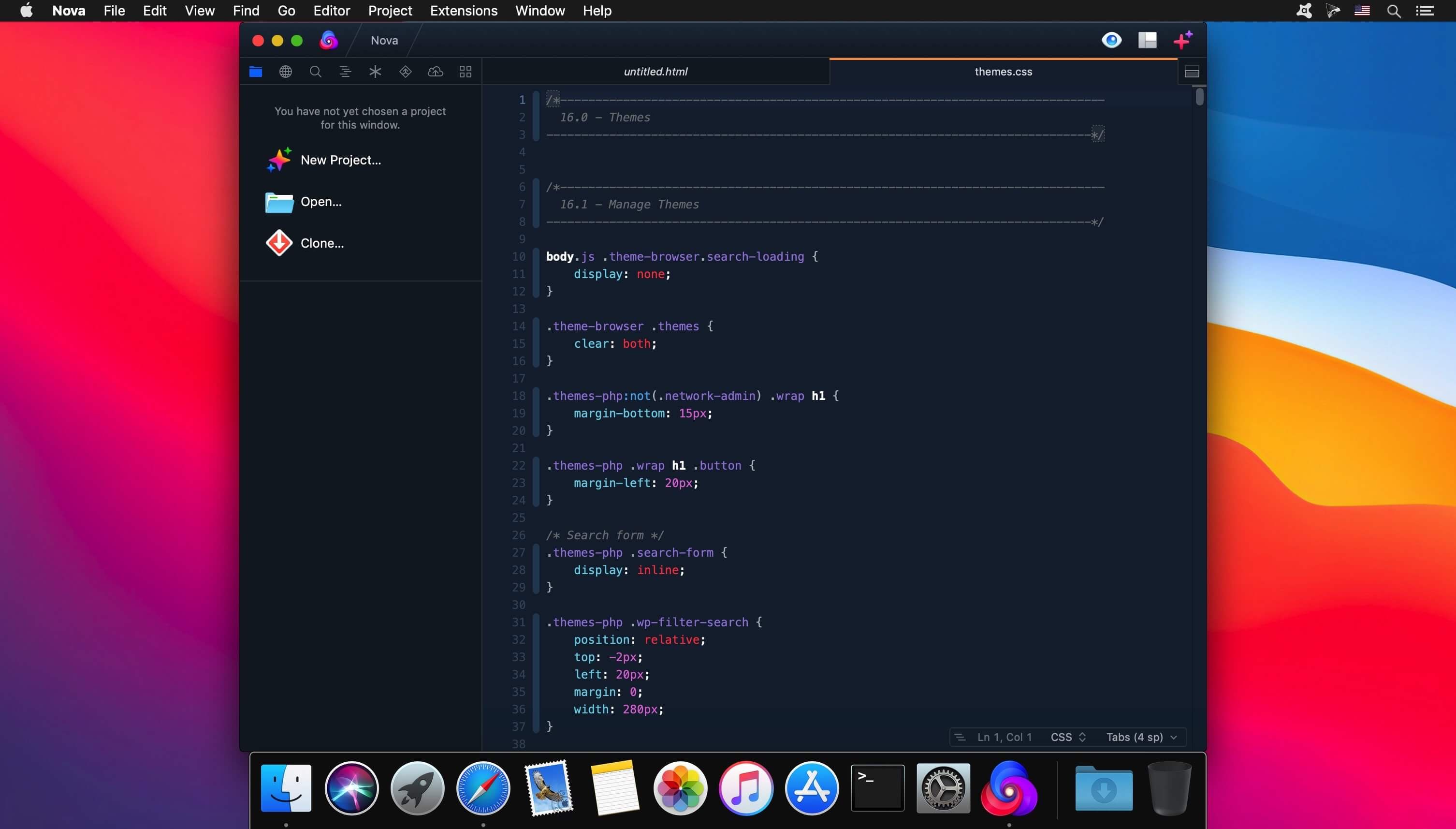
It all starts with our first-class text-editor.
It’s new, hyper-fast, and flexible, with all the features you want: smart autocomplete, multiple cursors, a Minimap, editor overscroll, tag pairs and brackets, and way, way more.
The Interface.
It’s beautiful. And clean. And fun.
You can make Nova look exactly the way you want, while still feeling Mac-like. Bright, dark, cyberpunk, it’s all you. Plus, themes are CSS-like and easy to write. Nova can even automatically change your theme when your Mac switches from light to dark mode.
The Workflows.
Nova doesn’t just help you code. It helps your code run.
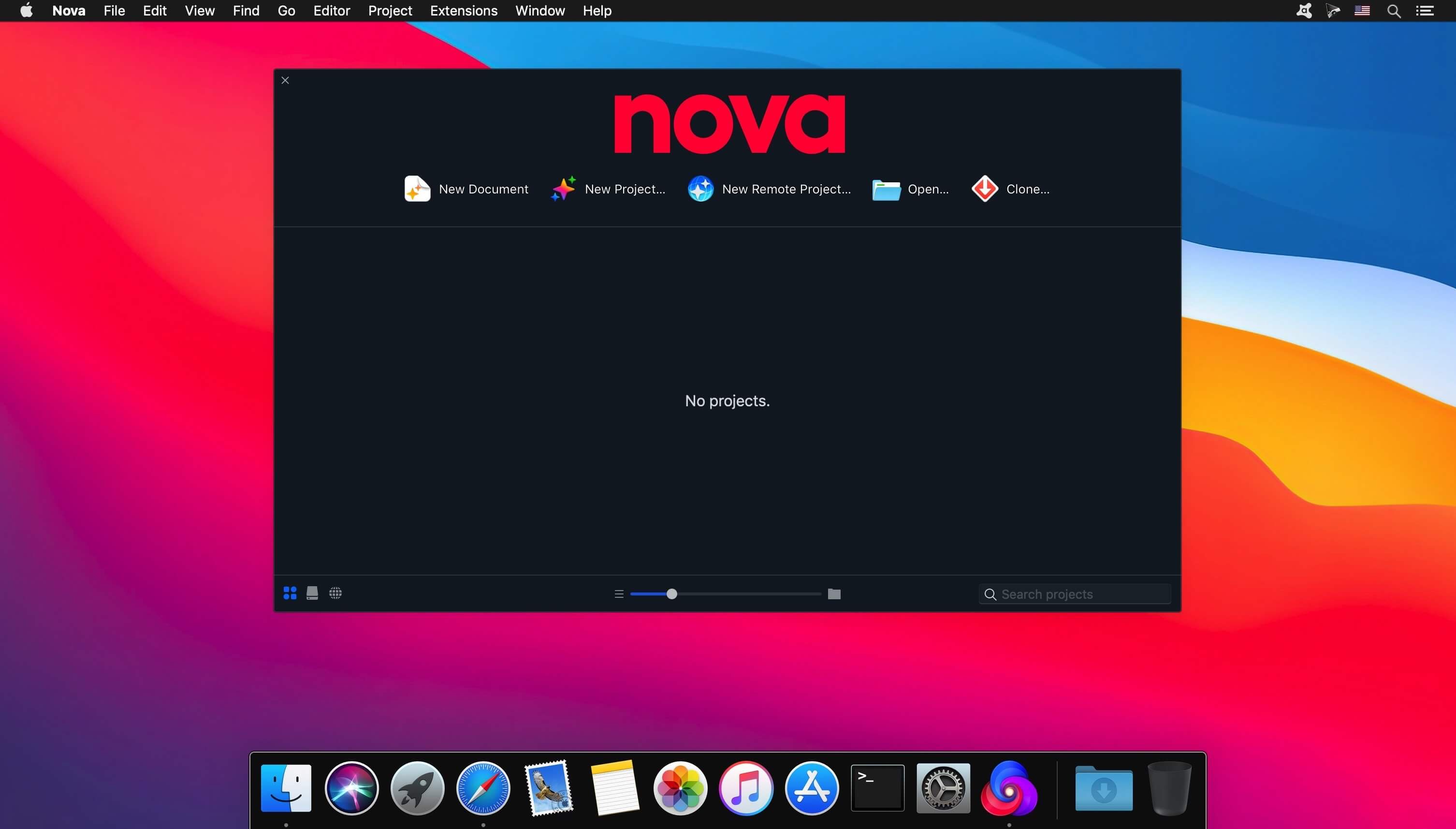
You can easily create build and run tasks for your projects. We didn’t have them in Coda, but boy do we have them now. They’re custom scripts that can be triggered at any time by toolbar buttons or keyboard shortcuts.
Imagine building content, and with the single click of a button watching as Nova fires up your local server, grabs the appropriate URL, and opens a browser for you, instantly. Just think of the time you’ll save.
Nova supports separate Build, Run, and Clean tasks. It can open a report when run. And the scripts can be written in a variety of languages.
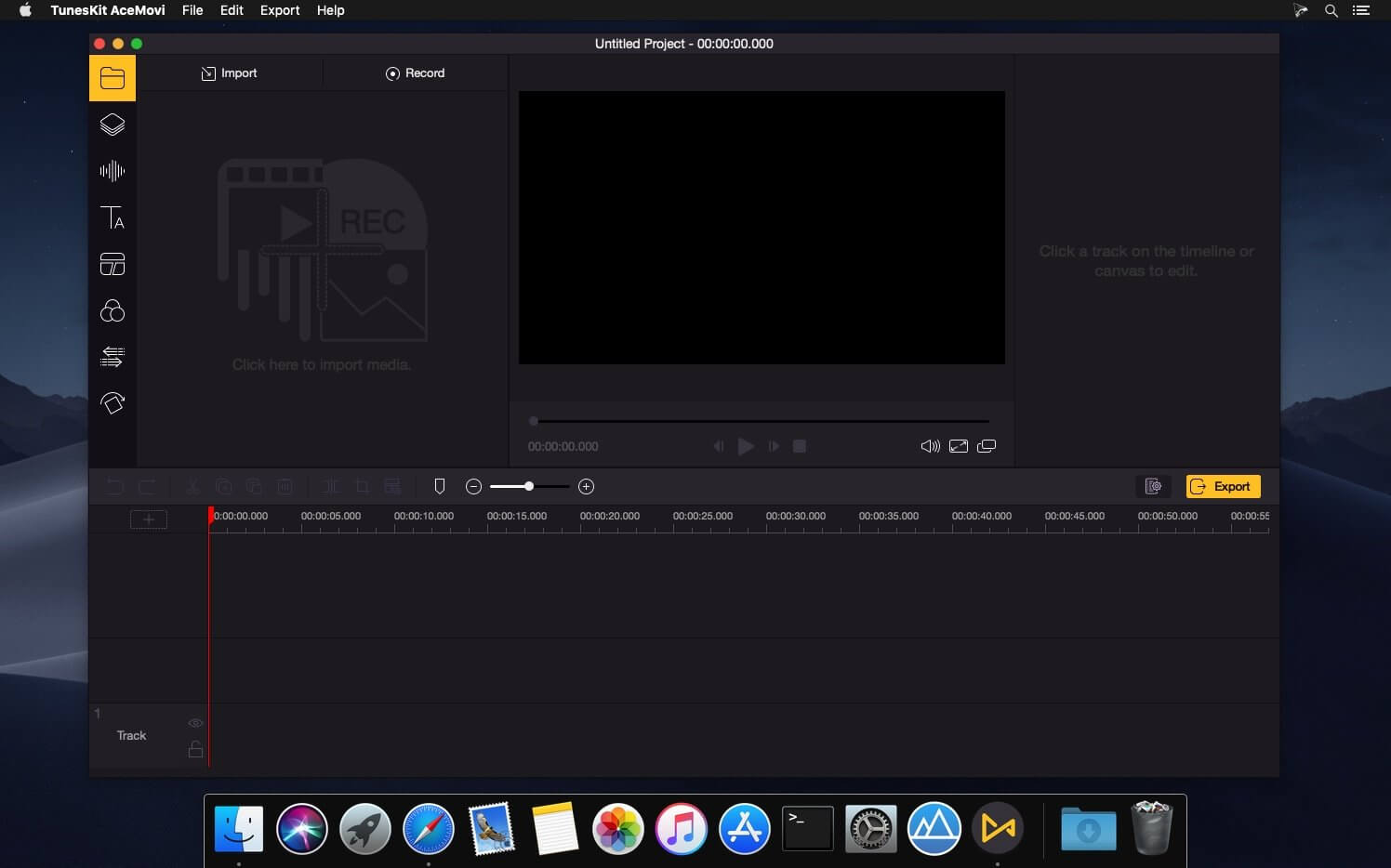
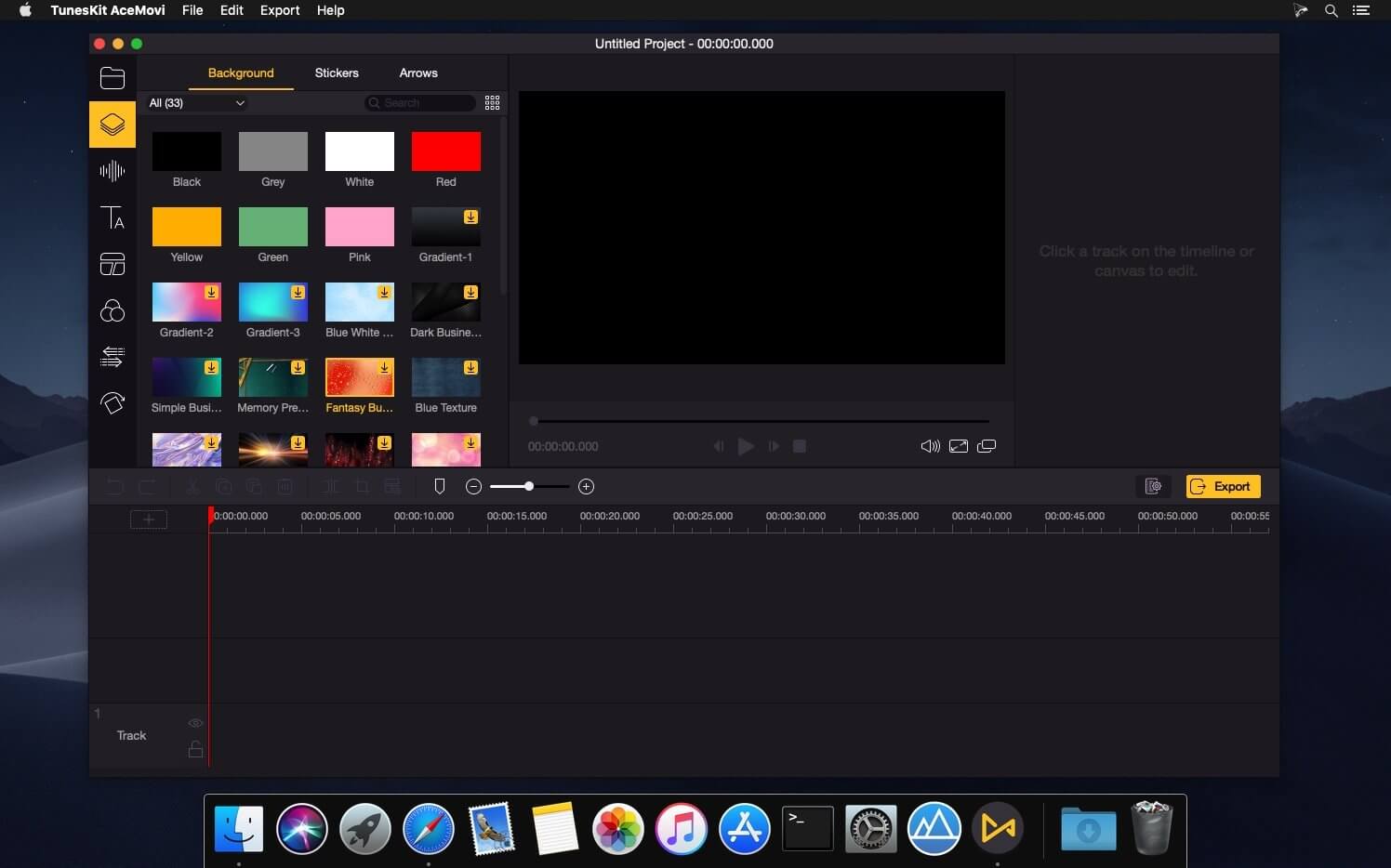
TunesKit AceMovi Video Editor can stand out from numerous similar video editor apps in the market is mainly because of its simple and intuitive interface, as well as a variety of powerful features. With this software, you can easily create high-quality videos on Mac and Windows, no matter you’re a pro or just about to video editing field. You can simply record your screen or import your media, drop and drop text, music, transitions, and more effects, and then export and share your video. Done!After everything is well-tailored, you can now save your video to the local computer or share your story online like YouTube, Vimeo, Facebook, etc. It supports various popular video formats and devices incTunesKit AceMovi Video Editor can stand out from numerous similar video editor apps in the market is mainly because of its simple and intuitive luding MP4, M4V, MOV, MKV, MPG, 3GP, 3GP-2, OGV, iPhone, iPad, Apple TV, Galaxy series, Huawei, Xbox, PSP, LG TV, etc.Compatibility: macOS 10.10 or later Homepagehttps://www.tuneskit.com/
A simple download manager that offers you the possibility to quickly save videos from different websites to your own disk drive.
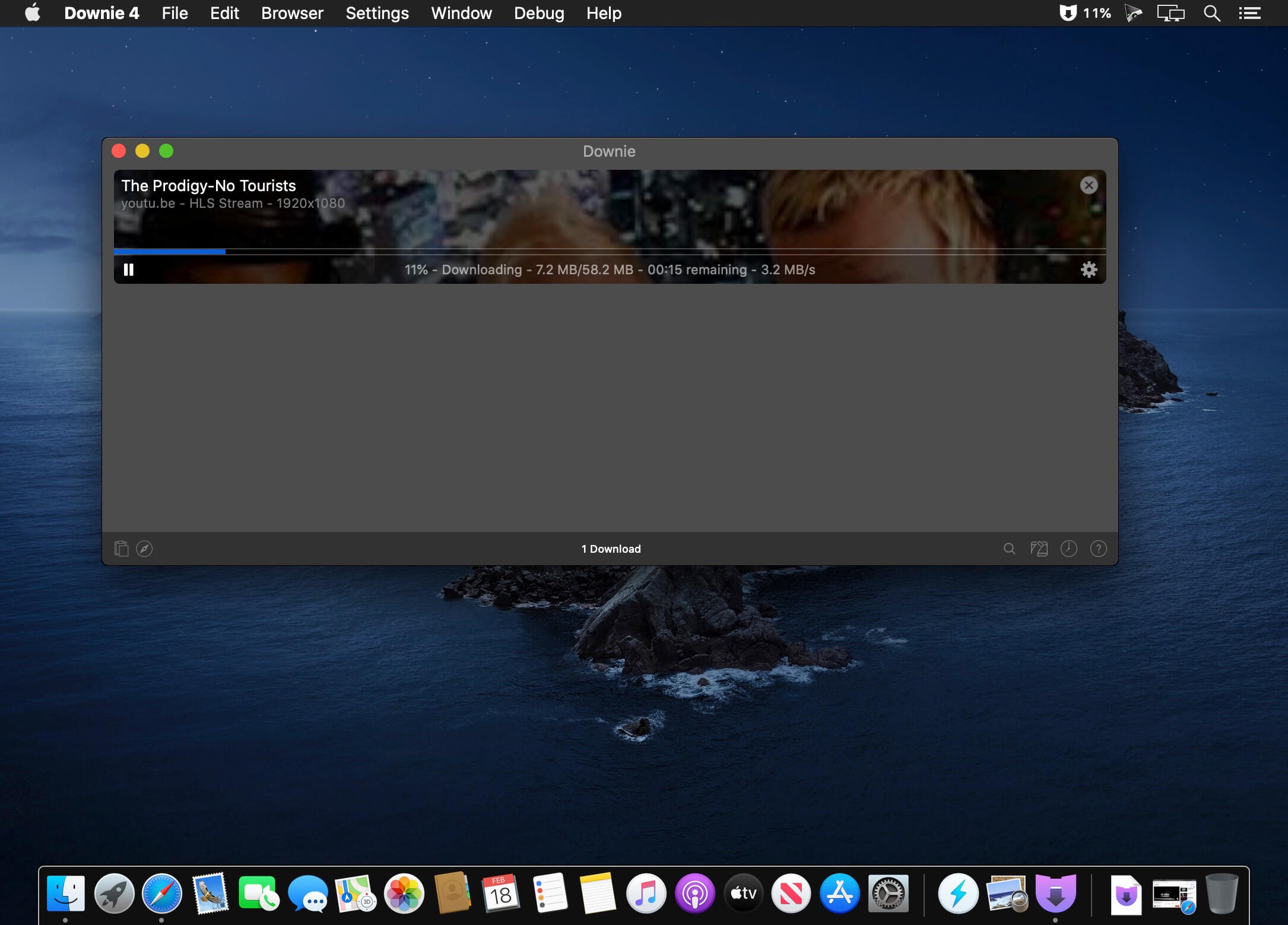
f you are using a poor internet connection, trying to visualize videos streamlined online might not work properly since the content is loaded too slowly. Downie is a simple Mac app that can help you download those videos to your computer, and then watch them by using your default media player.
User friendly video downloader featuring support for drag and drop actions
Working with Downie is extremely straightforward: simply drop the video URL on top of the app’s main window or on the Dock icon. Downie adds the video to your downloads list, so all you have to do next is start the process by pressing the appropriate button. Of course, you can also remove items from the list.
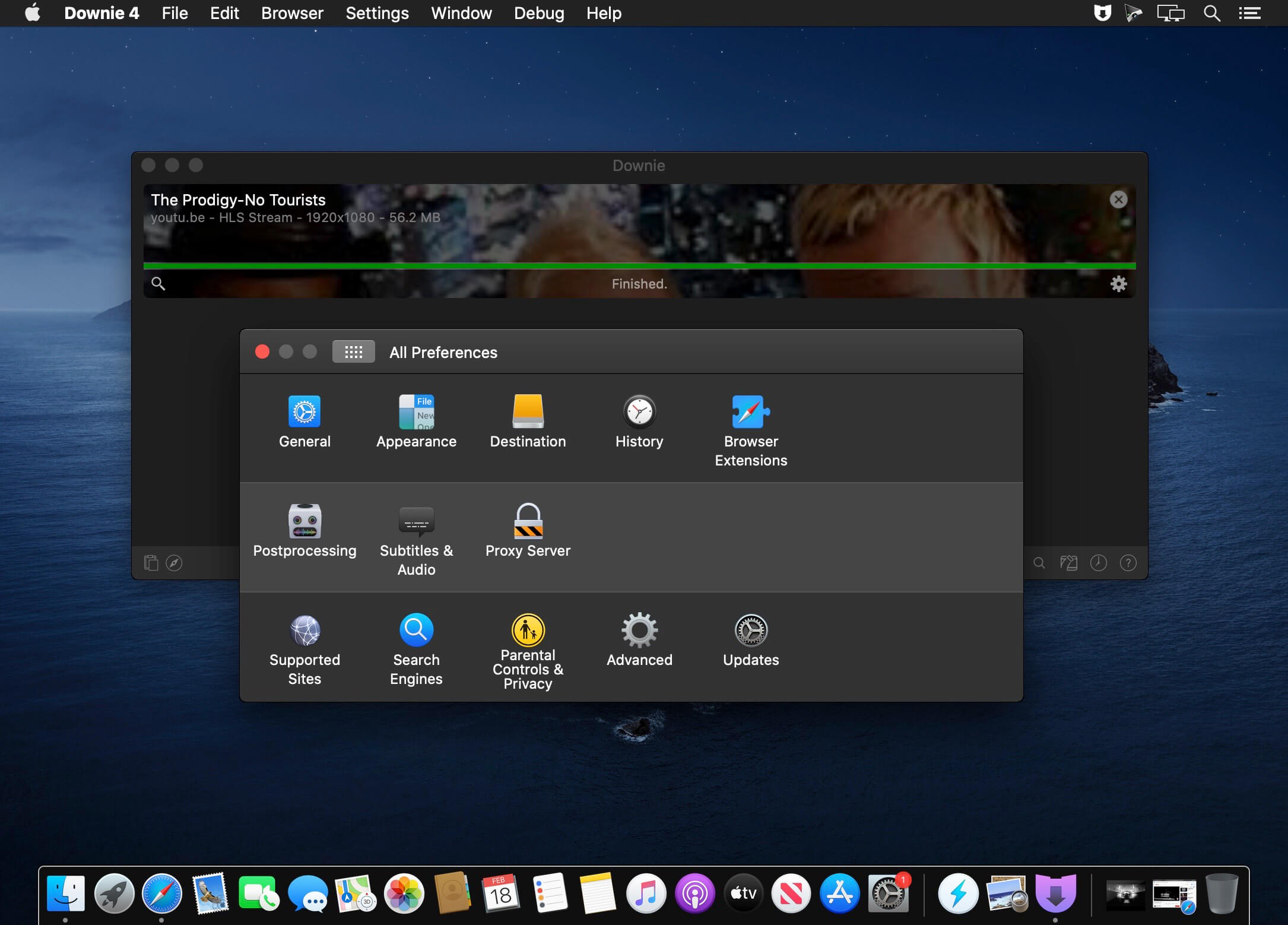
By default, Downie downloads MP4 files and places them in your default Downloads folder, but you can easily change this via the Preferences window. The same area allows you to setup notifications, or post processing actions (convert to MP4 if necessary, or extract audio only).
Effortlessly download videos from a wide collection of hosting websites
Downie provides support for more than 400 different websites that host video content, among which there are the most popular choices, such as YouTube, Apple, LiveLeak, Vimeo, BBC, and so on. If a certain website is not included, within the app you can send a request email to the Downie developers.
Moreover, Downie also provides matching extensions for various popular web browsers, such as Firefox, Safari, Google Chrome or Chromium. The add-ons are not installed by default: open the Preferences window and install only the ones you plan to use.
Straightforward solution for downloading video content hosted online
Downie is a great tool for saving videos posted on various websites to your Mac for offline playback. The application is extremely useful especially if you have a slow internet connection.
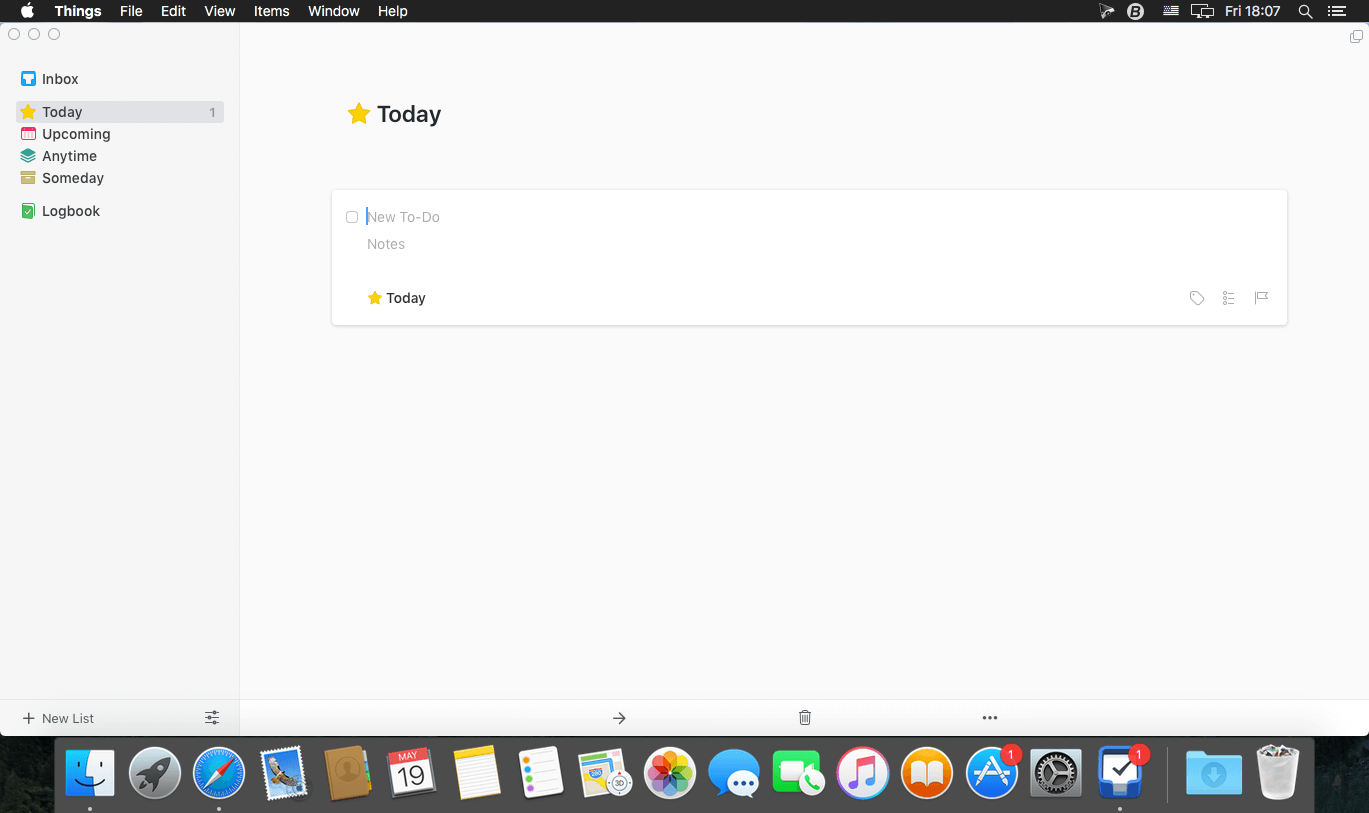
Things is a task management solution that helps to organize your tasks in an elegant and intuitive way. Things combines powerful features with simplicity through the use of tags and its intelligent filter bar. A Leopard style source list allows for quick and easy focusing. Together with a beautiful user interface, Things aims at the seemingly impossible: making task management both easy and fun.
Our screencast is a great introduction.
The big picture. A Leopard-style source list lets you easily focus without ever switching view modes or wrapping your head around filter criteria.
A magical tag bar automatically appears when needed and adapts to the currently displayed list. It lets you drill down even the longest list of To-Dos. Hierarchical tags? We got you covered!
Teamwork. Things offers convenient collaboration features. Easily delegate tasks to members of your team. (This is work in progress.)
No columns! Whether it’s multiple tags, dates or notes, To-Do items display their information on an as needed basis. No more space wasted by empty or irrelevant column cells!
Out of your head, out of your way. A quick entry HUD lets you enter any idea the moment it hits you. Never let the thought of an unfinished business distract you again.
Yours forever. We won’t lock you in. Things will use an open XML file format to store your data. (Not yet activated.)
Things even supports GTD, so if you’re familiar and comfortable with GTD concepts, you’ll feel right at home.
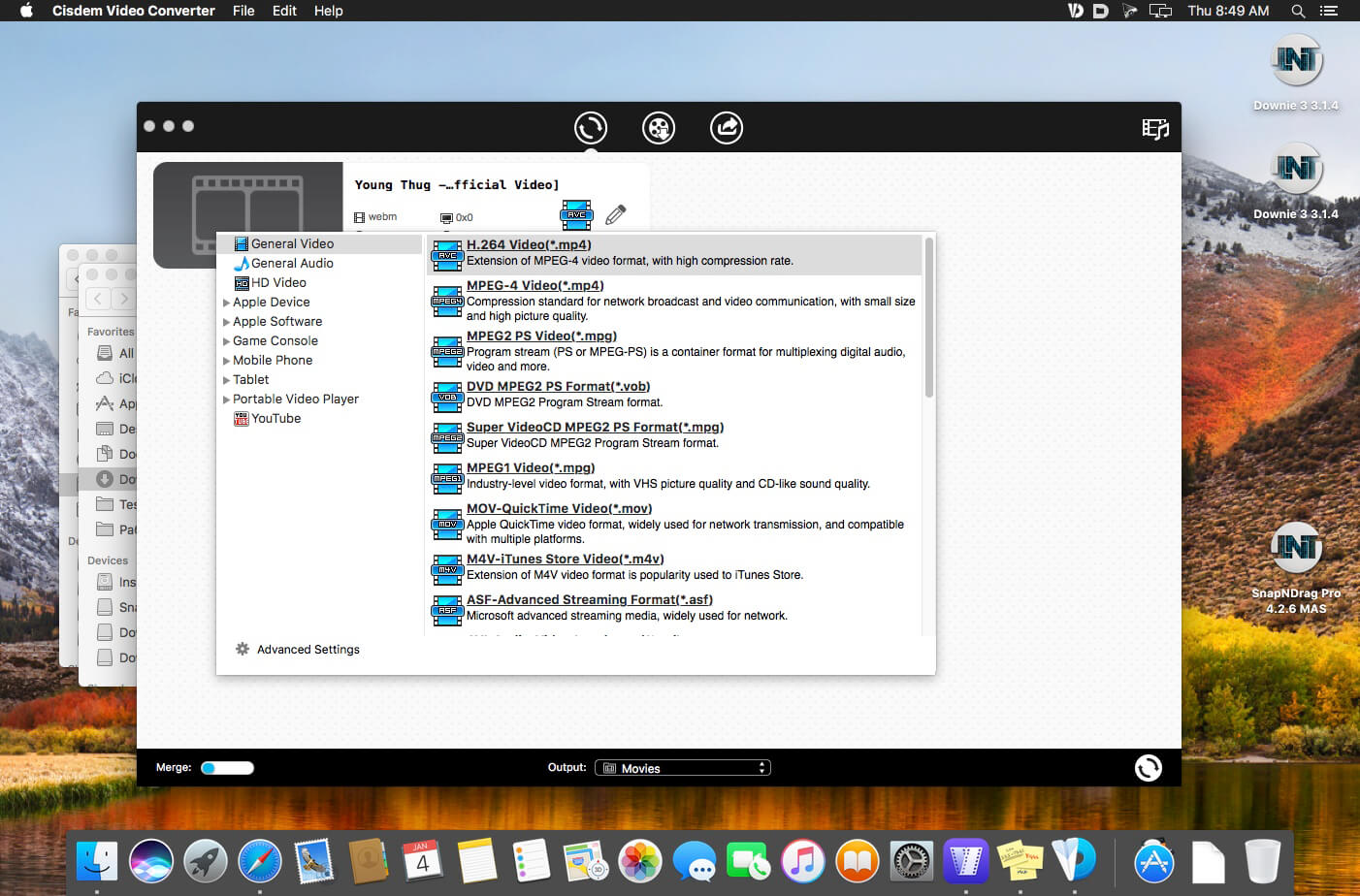
Cisdem Video Converter 6 for Mac – Download and Convert Videos on Mac without Quality Loss! The best video converting tool gives you everything you need to download and convert videos for mainstream devices.
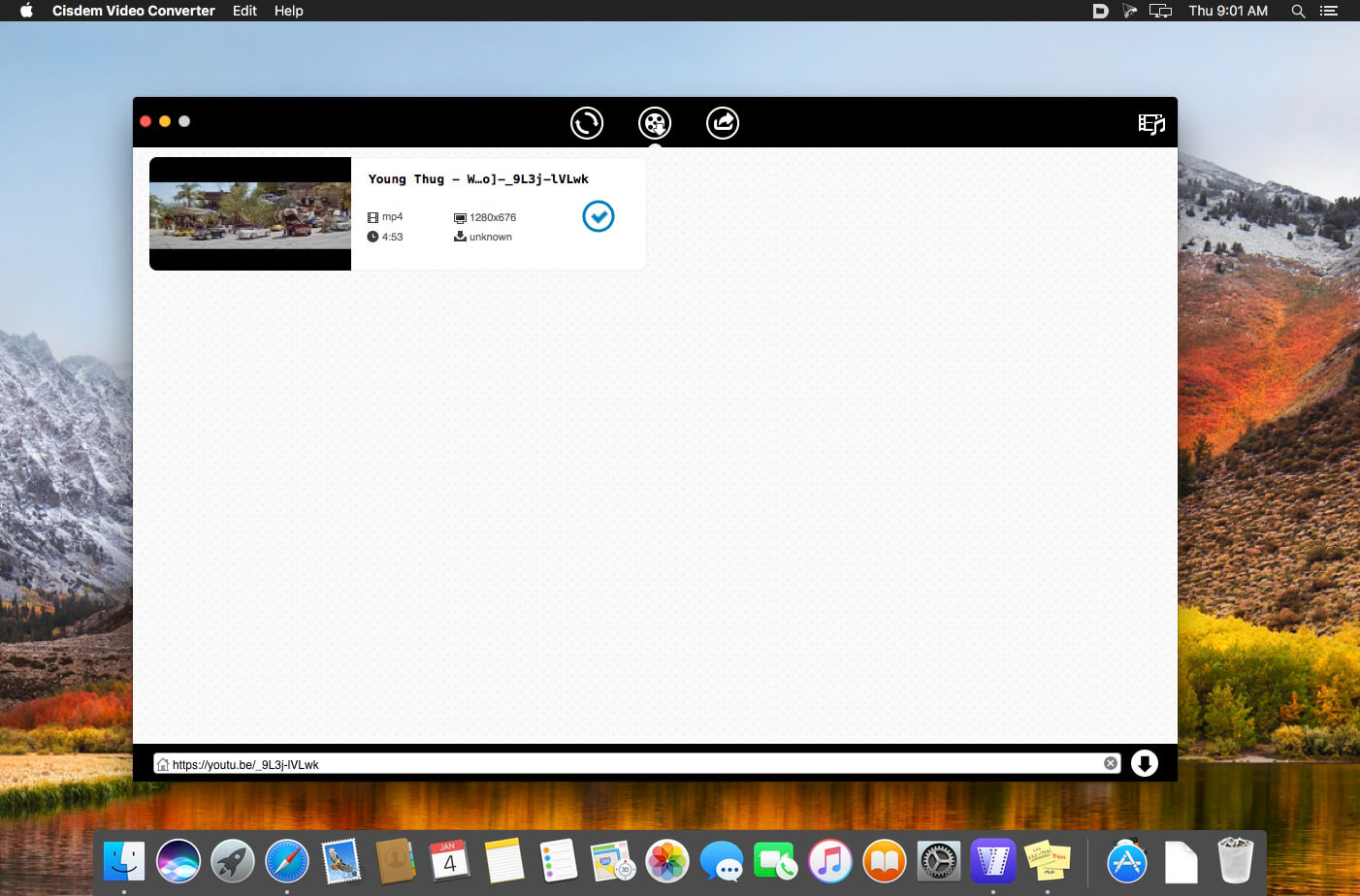
Download YouTube and YouTube HD Videos
Mac Video Converter lets you download any YouTube videos, including YouTube HD and YouTube 4K UHD videos for totally free. You can save the downloaded YouTube videos in a chosen quality and resolution up to your choice.
Convert Video & Audio and Rip DVD Movies at Ease
Mac Video Converter is the All in one solution for converting video & audio files in any format, ripping DVD movies, and converting online videos.
Convert Videos with the Highest Possible Quality Output
We know quality matters. That’s why we use advanced HD video decoding engine to convert video from one format to another without re-compressing it. Since it changes only the format of a file, not its content. You can preserve the quality of the original video and get output video files of the highest possible quality.
Advanced Audio and Video Sync Technology
The program adopted advanced audio and video sync technology; fixed Video/Audio sync problems to let you enjoy smooth synced videos.
A Real Time Saver – Up to 30X Faster
With extremely fast download and convert accelerator built-in. Every video you put into the Mac Video Converter is converted as fast as copying files from one folder to another – even during batch conversions of multiple files simultaneously. Some formats even processed 30x faster than any competitor! Download the program and check it out for yourself.
Regain Space by Compressing Large Media Files
Video files recorded by camcorders are often very large, especially those taken by HD Camcorder. Integrated with an advanced video processing technology, Video Converter for Mac will downsize video files with minimum quality loss! The converted videos are nearly indistinguishable from the originals. Thus you are able to free up a decent amount of storage space on your devices.
Do Basic Editing: Crop, Rotate, Watermark, etc.
The Mac Video Converter also includes a range of basic editing tools including merge, trim, crop, rotate, watermark, subtitle, Deinterlacing, effects, etc.
Watermark Your Video
Add Watermark to videos for copyright protection or self-promotion.
Add Subtitles
Load subtitle with external .srt for better understanding.
Get the Sections You Need
Crop video to remove unnecessary parts and trim to get your favorite segment.
Merge Videos into One
Join video file or different clips into a single video.
Deinterlacing Raw Footages
Deinterlace an interlaced video into a progressive one.
Adjust Video Effects
Set video brightness or add effects like 2D to 3D, Grayscale, Gamma, etc.
Devices
iPhone7/ 7Plus / 6/ 6S, iPad, iPod Touch, Apple TV, Samsung, Amazon, PSP, etc.
SD/HD Video
AVI, MP4, FLV, WMV, 3GP, MKV, MPEG, MP3, etc.
Social Sites
Publish newly-made videos on many social networks like facebook, twitter, goolge+, etc.
Online
Directly upload your video to YouTube, Vemeo, and other video sharing sites
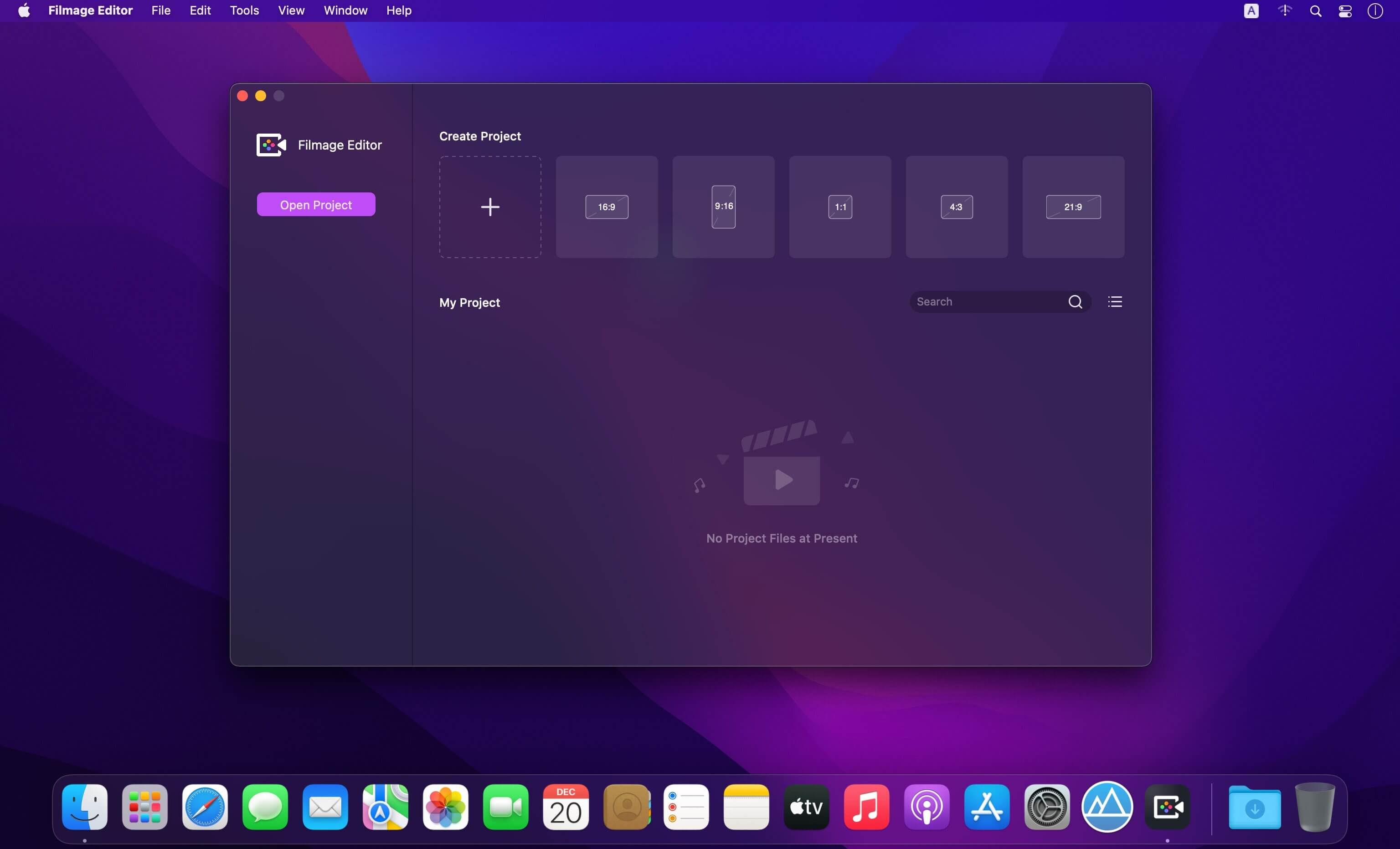
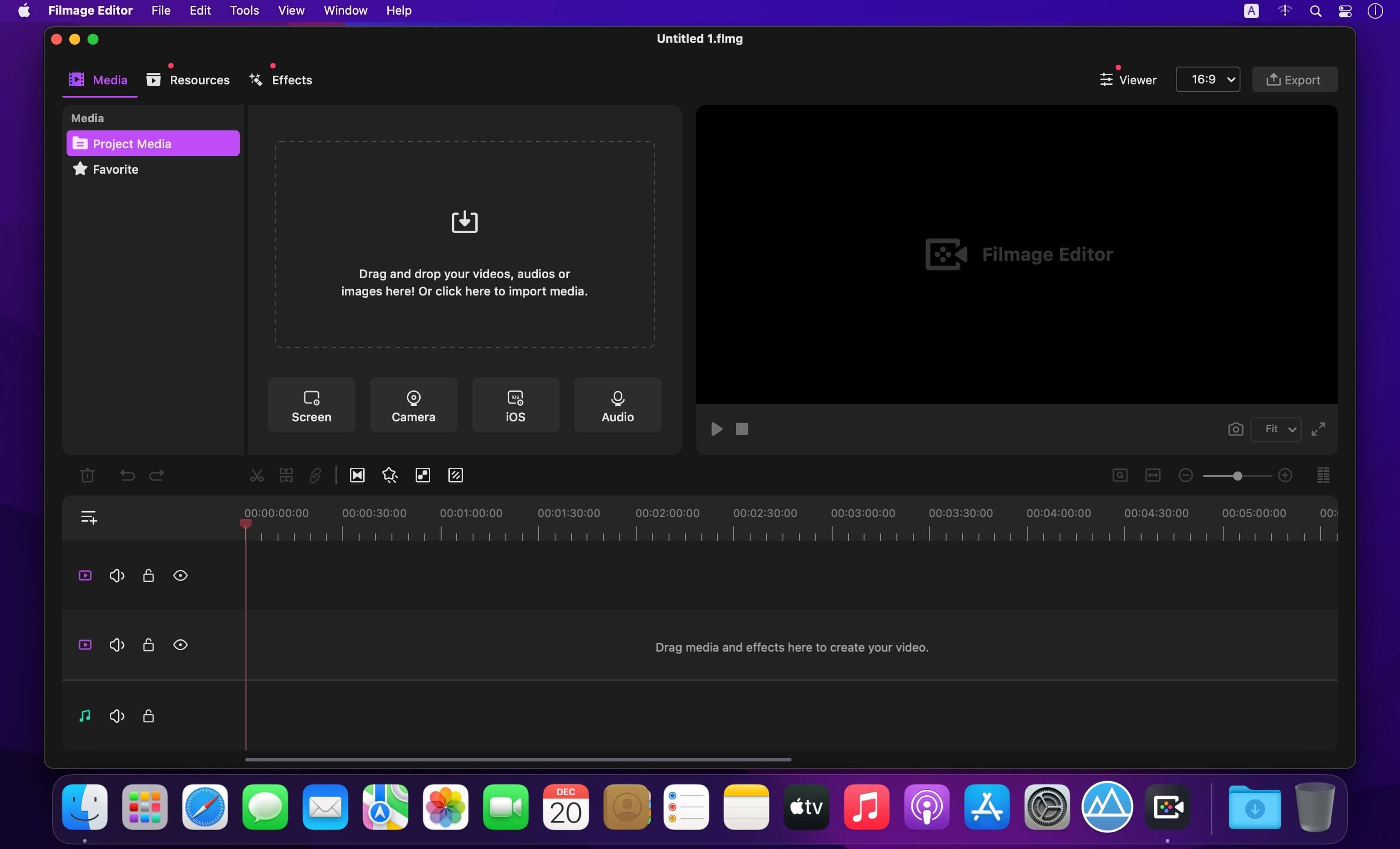
Professional and Easy-to-use Video Editing Software Inspires Everyone.. Filmage Editor consists of all advanced & basic features, making you create & edit video in minutes even if you’re new to video editing. Use all editing and share them with anyone in the world. Give your videos a creative boost!
Features
Key Frame Customizes Animations.
Professional Video Editing Suite.
Easy-to-use Video Maker.
Customizable Built-in Video Resources (Titles, Filters, Transitions, etc.).
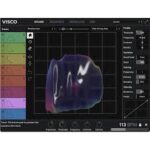
Introducing Visco — VST/AU plugin that can model and manipulate any sample you supply, freeing you from the usual limitations of working with recorded audio.
Equal parts designated beat maker, competent sound design tool, and live performance drum machine — Visco is a VST/AU plugin that can model and manipulate any sample you supply, freeing you from the usual limitations of working with recorded audio. meet the Blob
Visco is centered around the blob — a malleable representation of your sound on a 2D grid. With tools similar to modern UI design software, including a hand, magnet, eraser tool, plus a crossfader, you can grab, pull, push, and blend your sound however you please.
Use Visco to bend and stretch samples across frequency and time, meld the qualities of two sounds into one, or fine-tune any sound to fit your mix.
All Features 8 Track, 32 Voice Drum Engine Turn any drum sample into a synthesized counterpart, free from the usual limitations of recorded audio.
Character and Shape Play with time, frequency, timbre, velocity, and more to create subtle and not-so-subtle variations.
Modulation Matrix Bring your idea to life with expansive modulation options.
Step Sequencer Develop ideas swiftly or use the randomize button for inspiration.
Mixer and effects section Put the final touches on your idea and make it fit the bigger picture.
Presets and sound library Get inspired from the get-go with included presets and sounds.
The Grand Library of Distortions
Classics: emulate all sorts of analog amplification, from guitar amp to consoles and turntables.
Edgy: make your synth leads scream with razor-sharp cubic or v-shaped distortions.
Wacky: time freeze, chastity belts and a jellyfish = endless possibilities.
Switch at will between Standard, XXX (even more analog-like behavior) or ODD (deliciously broken).
111 algorithms (37 types x 3 modes) self-documented within the UI.
Shape. Texturize.
Unique two-knob upward compressor/expander to control dynamics…
… and expose all the hidden textures of your sound once fed through distortion
Type-specific mod controls per distortion
Bias with 3 distinct behaviors per family, including our signature ODD mode and its gritty sweeps
Be reasonable. Be unreasonable.
Gate the noise… or gate the signal.
Filter out frequencies. Or make them scream.
Cut the feedback. Or let it roam free.
Stick to mono. Or to stereo.
Sound surgery
Split the signal in bands by frequency – or make them parallel.
Conveniently always keep a low end X band available to be treated separately.
Pre and post bands to allow for serial distortions shenanigans.
The best preset browser in the biz
Easy on your memory thanks to highly visual banks.
Easy on your time thanks to in-UI documentation of banks and presets.
108 presets including 30 by the team of Ohmicide experts audio engineers Keep Forest.
Easy live with Macros²
4 controllers per preset that can do everything you can think of and then some
Unlimited mapping, control ranges on both ends as well as response curve…
…sounds esoteric until you realise you can set them to skim off a bit the high when the gain knob is close to the max. Then you’re using them everywhere.
Modulation? Yes.
Modulate every audio parameter.
With every conceivable modulation.
Modulate the modulations.
Did you know? Envelope follower and ADSR completely change the distortion game
NFO
“We like this one so much that we almost didn’t want to crack it, but we want everyone to feel like Skrillex in 2010.”
P821 MDN Tape is based on Marc Daniel Nelson’s personal Stephens 821 2” tape machine.
Which was utilized at the Producer’s Workshop, renowned for producing iconic albums such as The Wall, Aja, Rumours, and others. The P821 signature sound is very open and has a large sonic character, as there is very little electronics and zero transformers in the tape machine, making the sound stage massive and no aggressive compression or clamping down. This is the first plugin of its type where you’re actually hearing TAPE and how it reacts. Now, hearing the P821 MDN Tape plugin recreates that same experience. It’s truly incredible and unlike anything else out there.
Features P821 MDN Tape
• Zero samples delay compensation when modulation is off or 1.1 ms when on.
• Two legendary tape formulas: 900 & 456.
• Speed: 15 and 30 ips.
• True tape-hiss generator (not noise).
• Pre/Post shelving EQ.
• Low and High Bias controls.
• VU meter with dual input/output needles.
• Tape delay circuit with feedback and filtering.
• Modulation circuit—Wow & Flutter (Slow/Fast) with tape flanging.
CLASSIC MACHINES AND ALL THAT’S UNSEEN
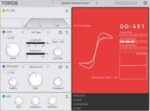
Give every sound its perfect character with Topos.
This VST/AU plugin lets you explore the personality of classic studio gear, seamlessly blend between iconic tonal colors, and design your speaker down to the smallest detail.
TAKE THE SIGNAL PATH LESS TRAVELLED
Saturation can do so many things − from a subtle mixing tool to a core element of sound design.
Topos is filled with emulations of pedals, studio gear, tape machines, and tube amps that let you sculpt your tone using beloved gear from the past decades of music making.
When you find a sound that resonates with you, the Amp Designer view lets you perfect your sound with precise control over each parameter.
The Amp Map lets you dynamically explore emulations, seamlessly blend between tones, and find new textures not possible with hardware. Mix the vintage charm of a 1970s British preamp with the brightness of a modern American one, or find a point somewhere else entirely — unique to only you.
AMPLE ROOM TO GROW
Topos isn’t just about tone, it’s also about space. The size and shape of a speaker directly affect the perception of a sound’s size.
Make your sounds massive or place them in a tiny corner of your mix. Play with expectations by running a physically small instrument into a large, physically-modelled speaker cabinet. This isn’t adding size with reverb; it’s changing what your sound sources are amplified through.
From the punch of a closed-back design to the expansive feel of an open-back cabinet and even unique models that break every traditional design rule, you can design the exact space your sound lives in.
Just like in the Amp section, you can explore a map full of speaker simulations to discover — and create — your own unique design
Meet the Macros²
Macros are nothing new in the world of audio – they are simply “meta” parameter that drives one or more other. Their main use is generally to clarify for you what parameters you’ll find useful to tweak in a patch. But Macros² change that scope dramatically. By giving full control to preset creator on things like mapping range, response curve and multiple parameters assignation, they become intuitive controls for the musician that makes immediate sense musically and open a brave new world of live expression.
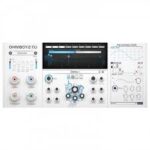
The Swiss Army Lightsaber of Delays
No matter what classic delay sounds of the last decades you’re after, Ohmboyz Infinity is providing. It does tap delays, it does analog like delays, digital delays, it has filter in the feedback loop, reverb, frequency shifter, distortion and more modulation than you can imagine.
And if you’d rather go for innovation, you’re in for a ride. Ever changing rhythms & tones patterns, scary sonic landscapes, scratch and bends, endless electronica variation, Ohmboyz Infinity opens a world of audio exploration that will reward your effort.
A Powerful Virtual Instrument Platform Soundbox is our new fully customizable MPE sampler crafted to introduce cutting-edge virtual instruments with enhanced power and capability.
It comes with a plethora of features and is entirely customizable allowing you to create your own bespoke virtual instruments from scratch.
A powerful combination of features make Soundbox the do-it-all sampler instrument that helps create anything you can imagine.
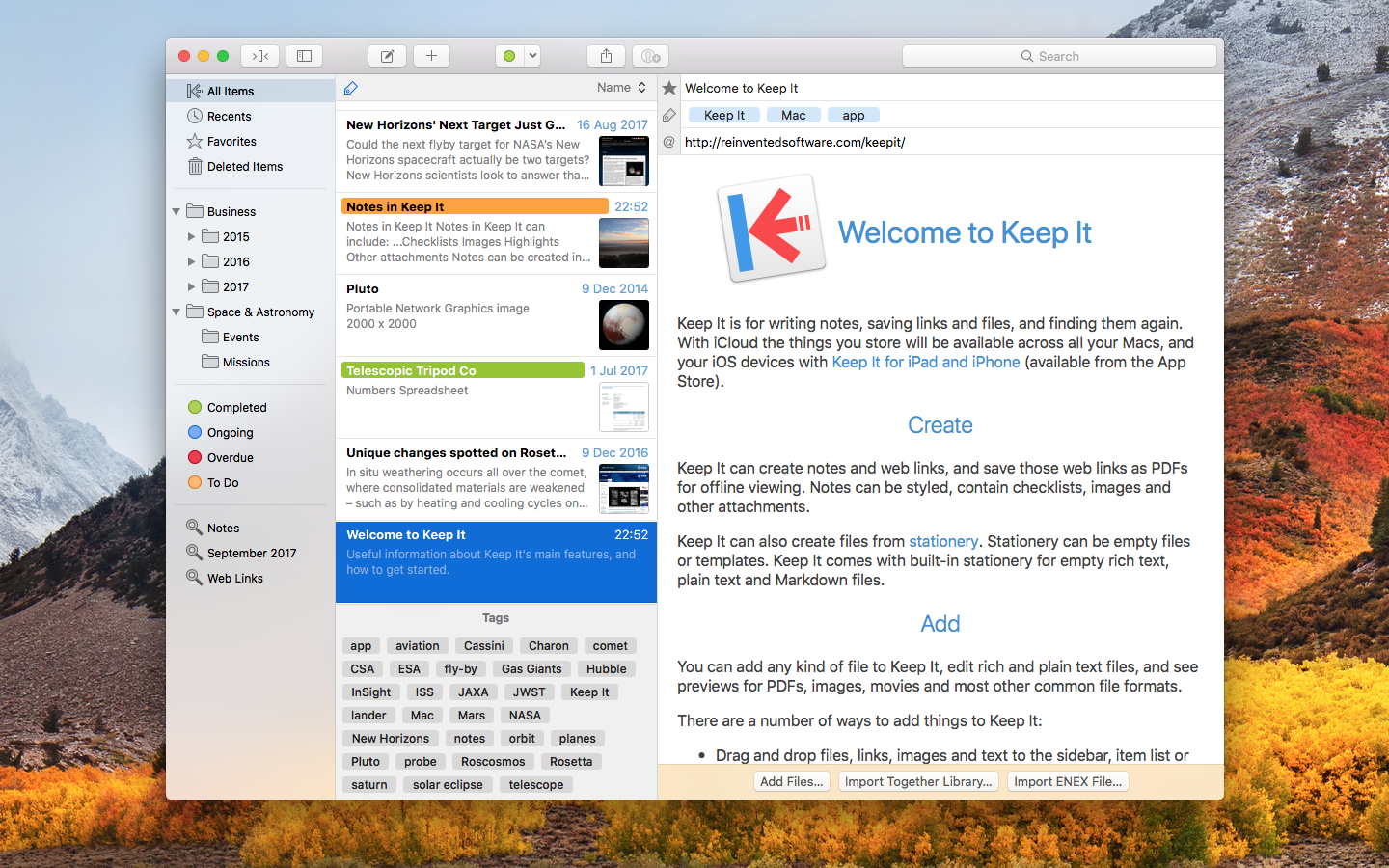
Keep It is for writing notes, keeping web links and documents, and finding them again. Available on Mac, and as a separate app for iPhone and iPad, Keep It is the destination for all those things you want to put somewhere, confident you will find them again later.
Notes and Links Make Notes
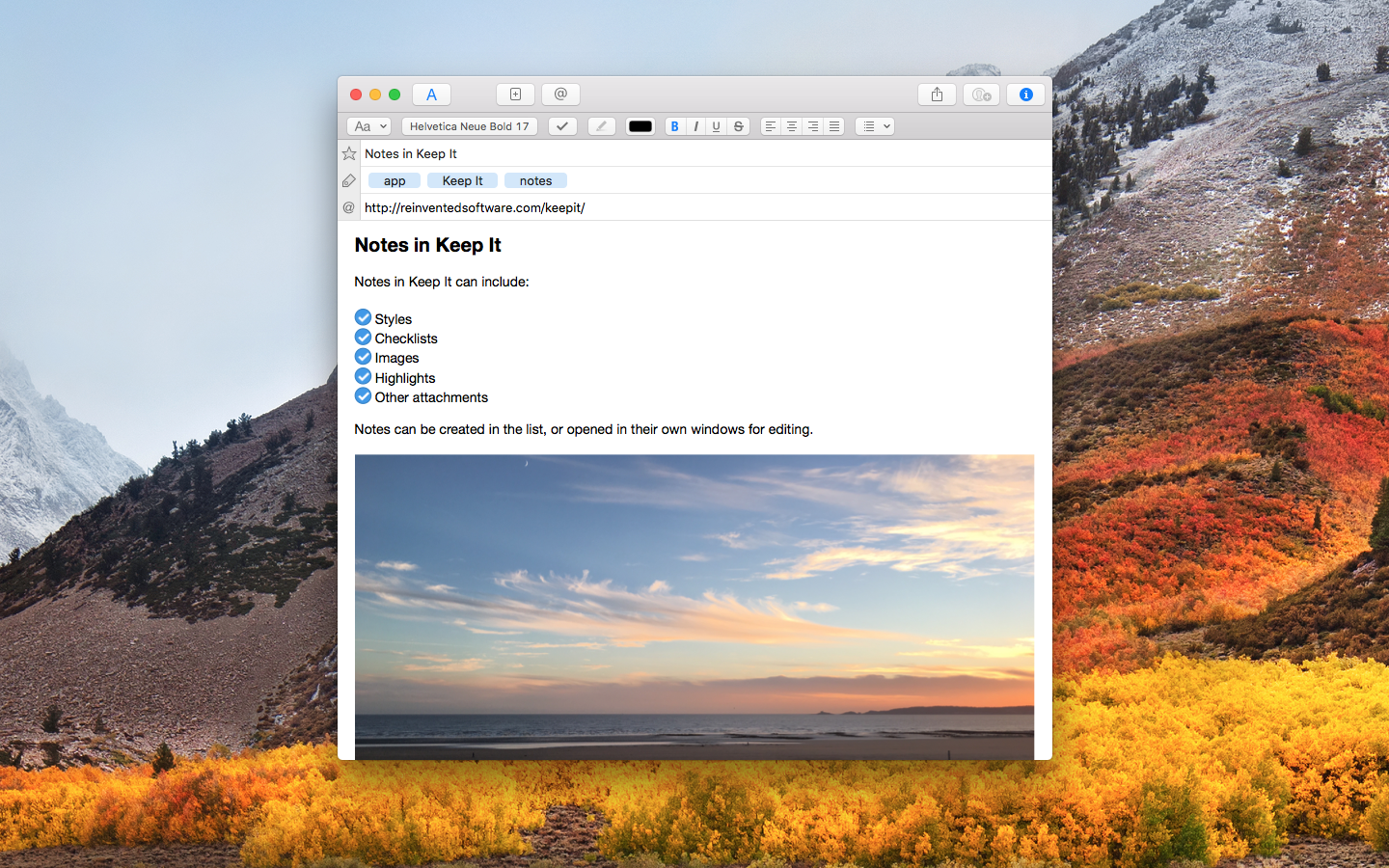
Create notes with built-in styles that look good and read well on all your devices. Notes can contain checklists, bulleted and numbered lists, images, links and other attachments.
Save Web Links
Save web links to Keep It, view them in the app, open them in your browser, or save them as PDFs for offline reading.
Files Add Anything
Any kind of file can be added to Keep It or saved to its folders, and opened for editing in their original applications. With iCloud, changes are automatically made available across all your Macs and iOS devices.
Preview and Edit
Keep It generates thumbnails and summaries for most files, can edit its own notes, rich and plain text files, and show previews for PDFs, images, web pages and most other documents.
Search and Filter Search
Keep It can search the content of most files. Suggestions appear as you type, allowing you to narrow down results to exactly what you need, or use keywords and natural language. Save searches for later reuse.
Tag Filter
Keep It’s Tag Filter makes finding things by their tags a pleasure. Choose a tag to see all the tagged items and any other relevant tags; choose another tag to drill down further.
Organize Folders
Folders let you organize items and bundles hierarchically, when needed. Select a folder to see everything it contains.
Bundles
When you need to gather things into one place, make a bundle. Items can be in more than one bundle at a time, and when you remove the bundle, everything else stays where it was.
Labels
Use labels to color-code items for quick visual recognition. Labels are listed in the sidebar so you can quickly see everything with a particular label.
More Lists
Use the Recents list to see things you’ve added or viewed lately, with the latest shown at the top. Favorites provide quick access. Deleted Items are automatically removed after 30 days.
Where You Need It Compact Mode
In compact mode, Keep It for Mac becomes a single column, ideal for using alongside other apps or in split screen.
Works with Other Apps
Pretty much anything can be dragged to Keep It, and you can also add things from a variety of apps with Keep It’s share extension.
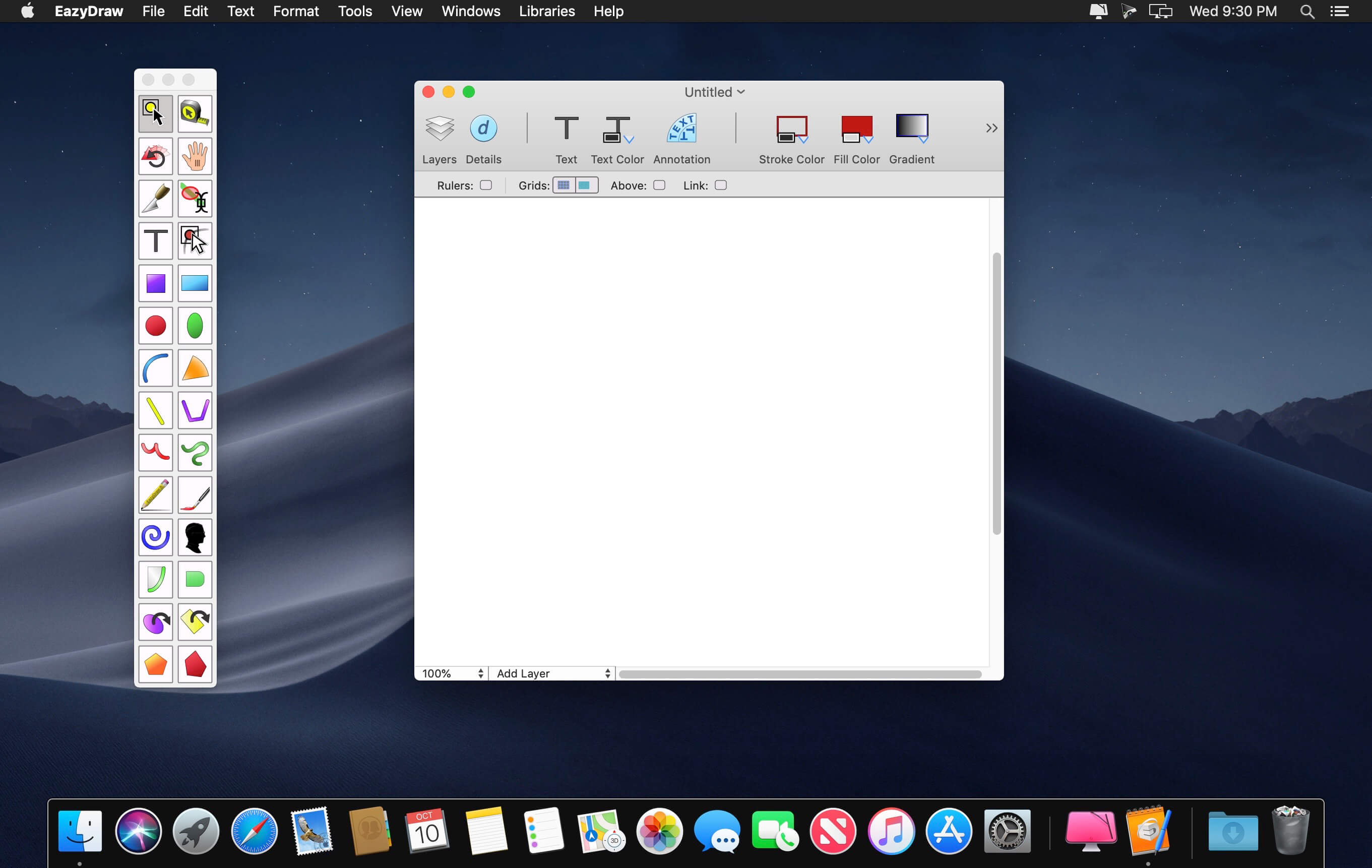
EazyDraw is a vector drawing application. For the full journey from Jaguar to El Capitan, EazyDraw has been the trail-blazing app for the new vector-drawing paradigm on the Mac.
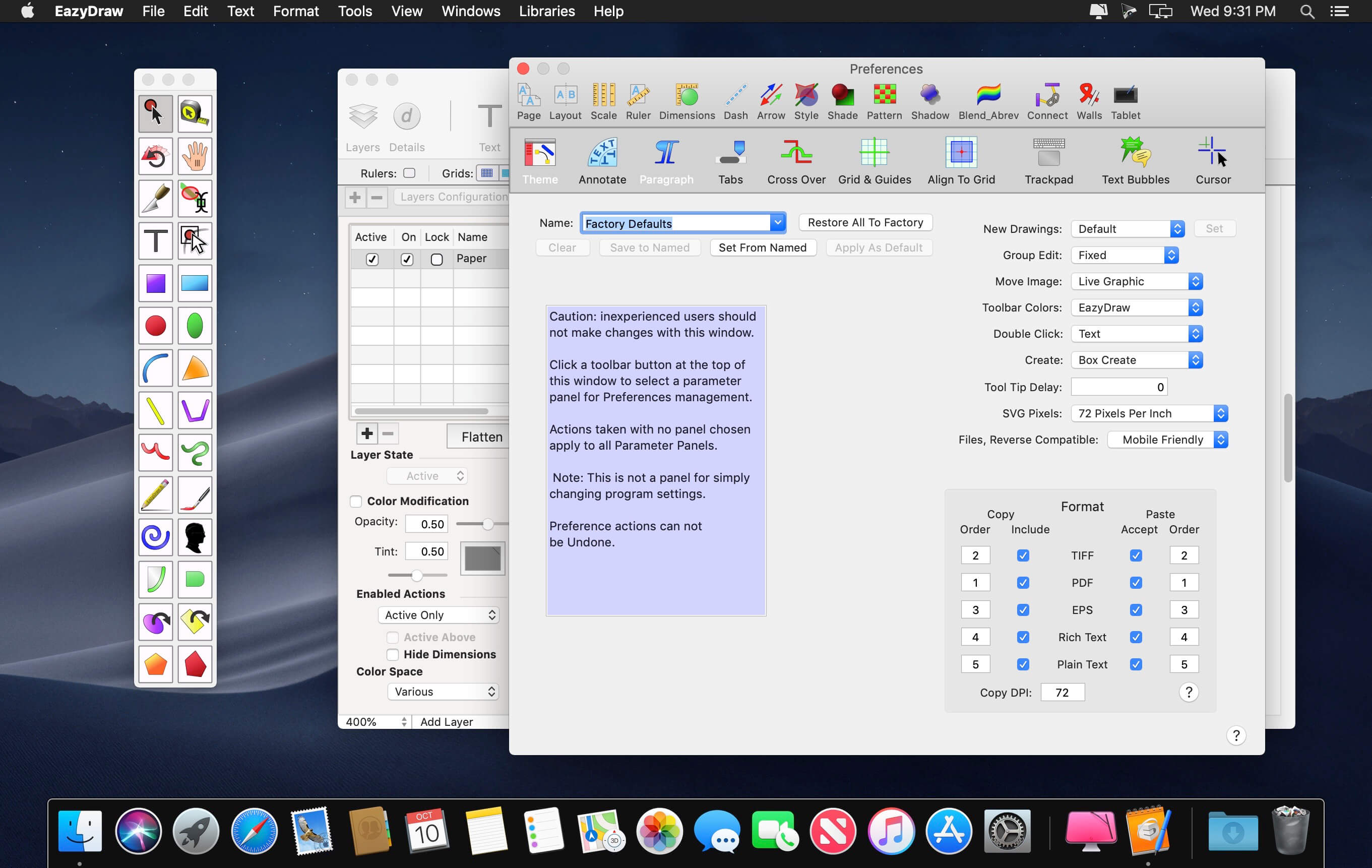
EazyDraw provides a balanced feature set that includeas tools needed for technical drawing, Web and app graphic design, print publishing, logos, page – text layout and more. Easy enough for everyone, but with the depth your project will need.
Includes comprehensive support for bitmap and vector graphic formats. Import and ungroup for editing PDF and EPS. Import and export SVG and now DXF. Preview and publish to EPS and TIFF with RGB or CMYK process colors. Exchange scaled CAD drawings with DXF. Publish Web graphics. Create Mac, iPhone, and iPad app-development graphics and icons.
Top In-App Purchases: Full Version – included Compatibility: macOS 11.0 or later Homepagehttp://www.eazydraw.com/
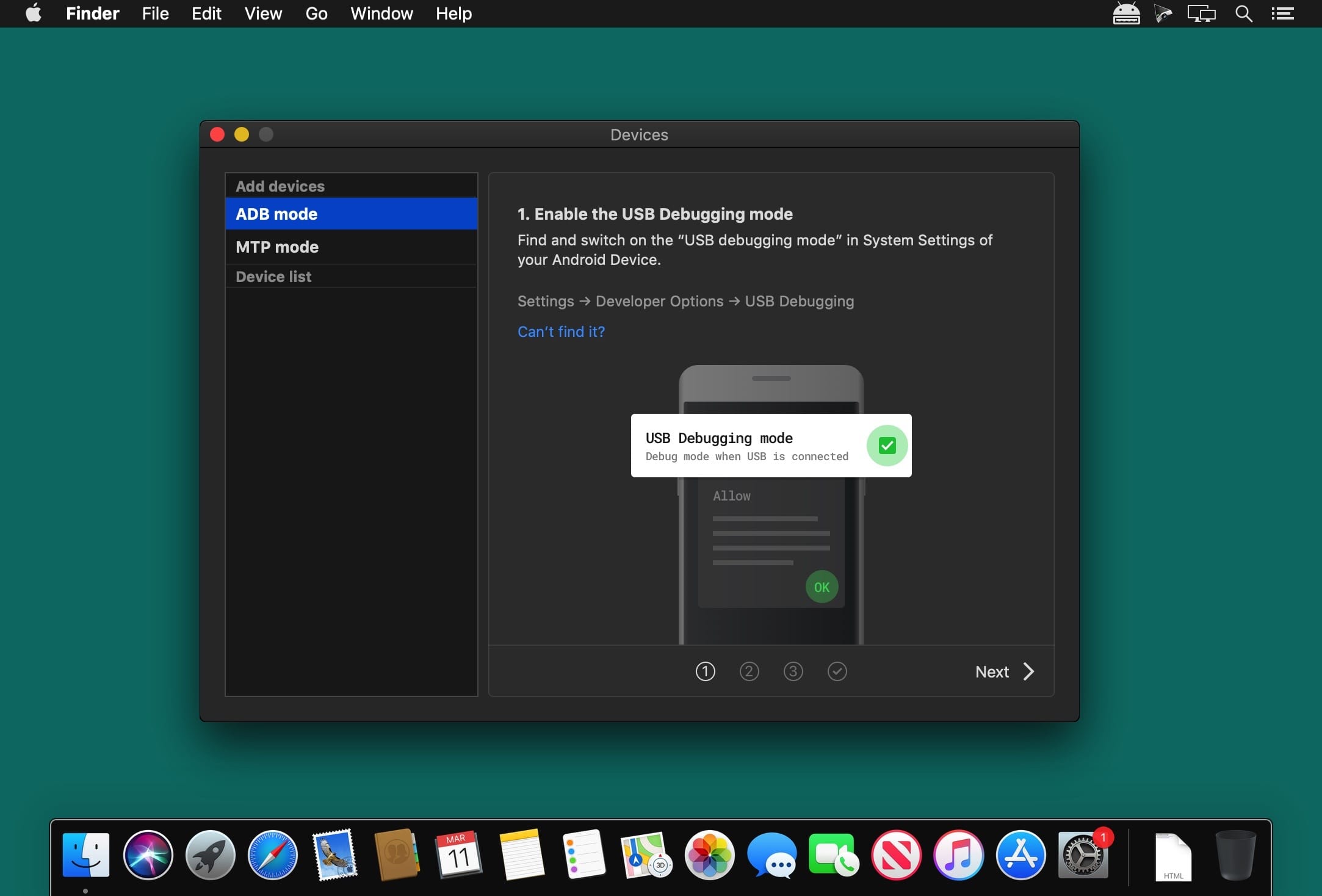
MacDroid app is a very helpful solution for those who use Mac or MacBook, at the same time preferring an Android device to an iPhone. Android and macOS cannot natively work together, hence there is a vital need for an interface that would not only connect the two systems but also allow safe and smooth file transfer between them.
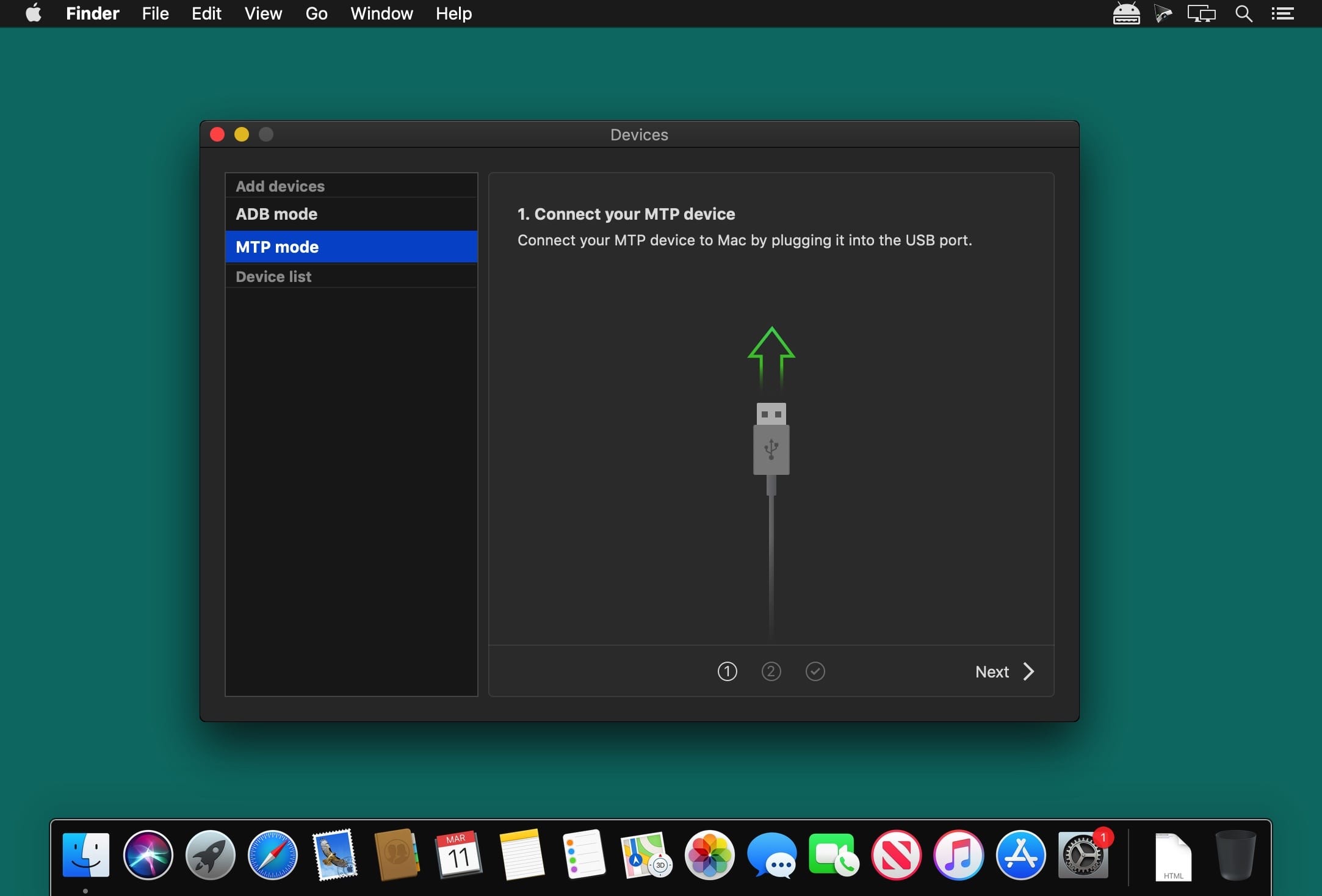
With MacDroid you get the convenience of connecting Mac and an Android phone or tablet and accessing the portable device’s content in the Finder. You will be able to transfer photos, music, videos as well as entire folders. You’ll only need a USB cable to connect your phone to computer, MacDroid will take care of everything else.
Transfer your photos You can access your Android photos in the Finder app and easily drag them with your mouse cursor to any folder on your Mac.
Transfer music to your phone You can add your favorite tracks to Android from your Mac or vice versa and enjoy the music on the go.
Watch videos when offline Got some great new episodes that you want to watch, but not planning to take your computer with you? Not a problem! You can transfer them to your Android and watch on a plane, on a train, or while having an Uber ride.
Edit Android files directly from Mac When you don’t really feel like moving files around, you can edit your Android files with your favorite Mac app without actually saving them to your computer.
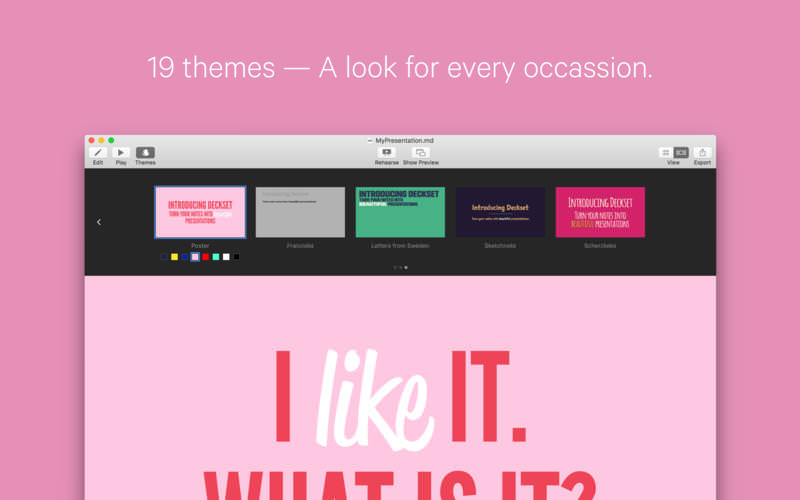
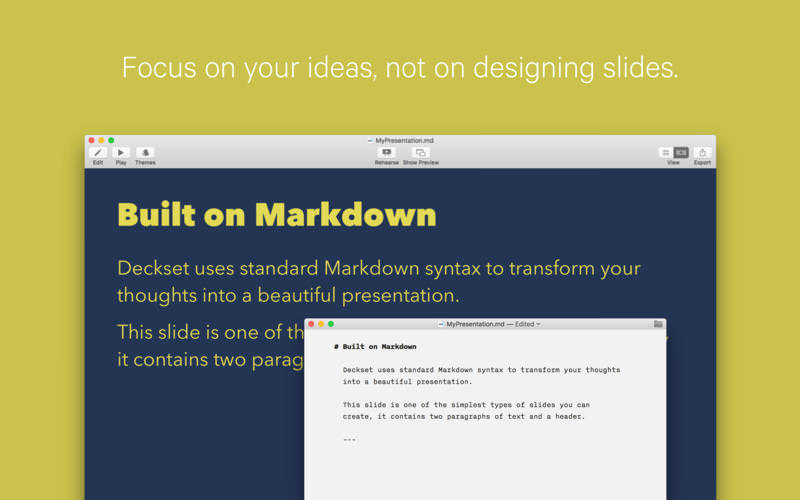
Deckset is a new, simple way to create presentations. Open your favorite text editor, write down your thoughts, and Deckset will turn them into beautiful presentations. Focus on your ideas, not on designing slides.
Deckset comes with ten amazing-looking themes that are designed to work for any audience, whether it’s a business meeting or a tech conference.
Features
10 themes for every occasion, ranging from playful to serious
Automatic layout and advanced typographic features
Present code samples with syntax highlighting and “scale to fit”
Easily include images and videos
Stunning image filters
Speaker notes and rehearsal mode
Everything’s Markdown: edit your presentation using your favorite text editor
Floating preview window
Easily change aspect ratio to suit any projector
Export to PDF
Formula support as in-app purchase
What’s New:
Version 2.0.40:
Release notes were unavailable when this listing was updated.
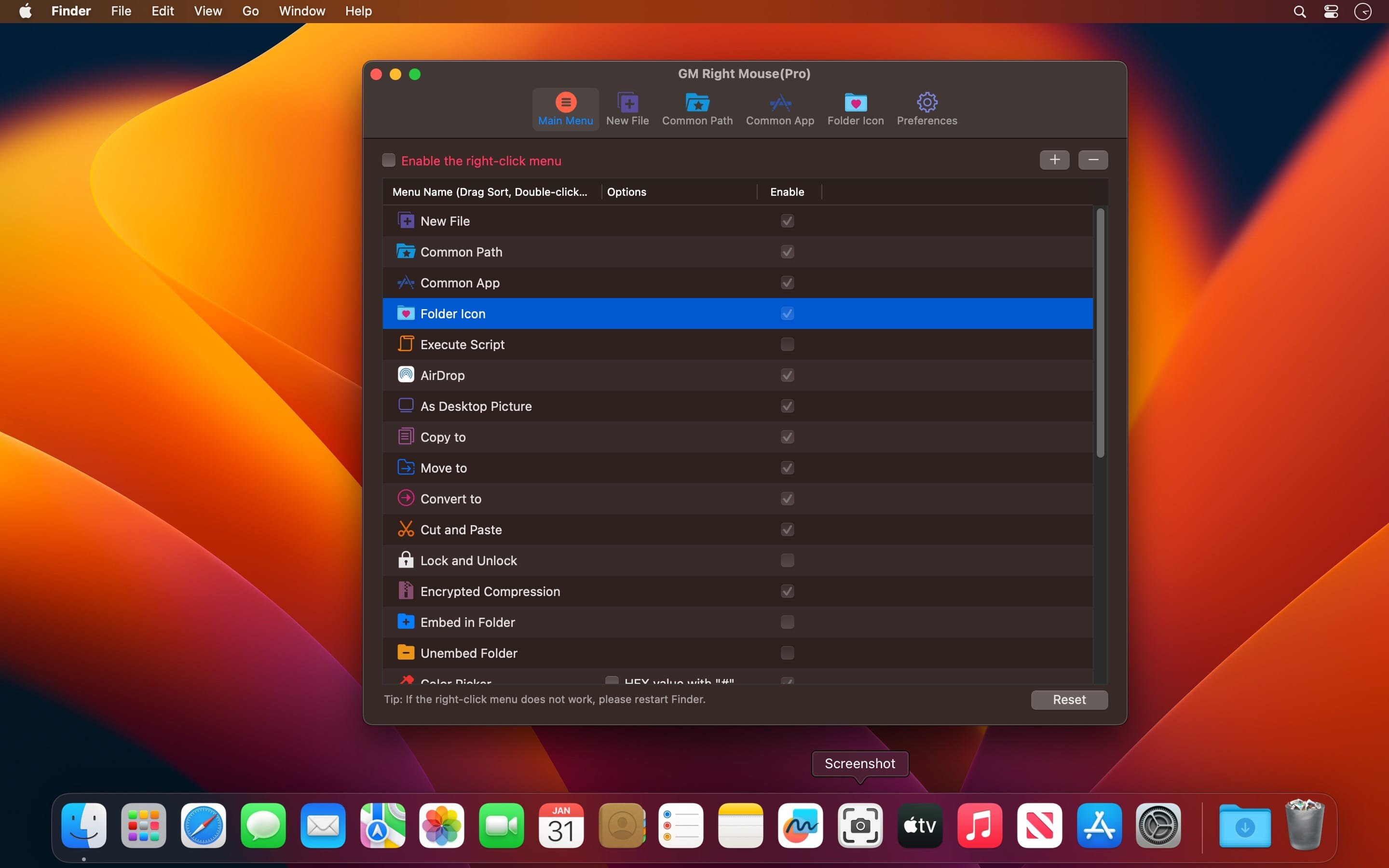
MouseBoost Pro integrates more than 30 kinds of small tools, and the operation way is very simple, as long as you click the right mouse button, you can activate all kinds of functions you want, so that your work efficiency is greatly improved.
You can create any file type you want, open any APP you want, self-sorting, fully customized!
Main Features
All menus support custom sorting.
Quickly create all kinds of commonly used files, and supports custom creation of various file types you want.
Quickly open your terminal, iTerm2, and go to the directory you want.
Quickly open VSCode, Sublime Text and Emacs, and customize the various apps you want to open.
Quickly copy the current path power.
Complete files deletion is supported.
Supports files moving, copying and cutting.
Supports files encrypted compression.
Quickly open your favorite directory.
Quickly get file MD5,SHA1,SHA256 and other information.
Supports hiding and displaying of specified files.
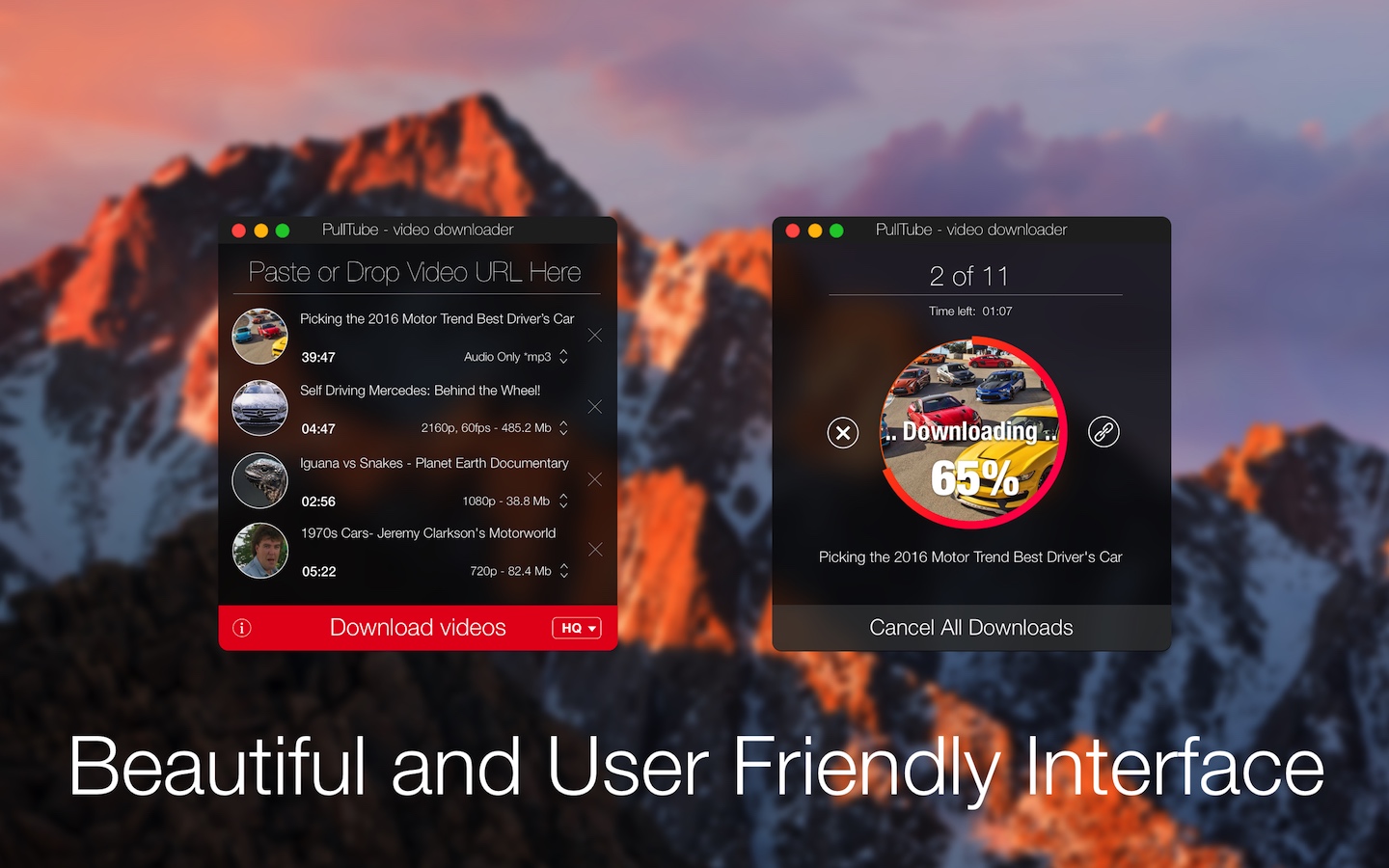
A beautiful online video downloader for your Mac PullTube proposes a streamlined workflow for quickly downloading videos from YouTube or Vimeo, provides control over the output quality, and enables you to extract the audio to MP3 or M4A files. The PullTube app can handle videos of any duration or size, and you get to monitor the download progress within its main window. The utility also integrates with the Notification Center to send completion alerts.
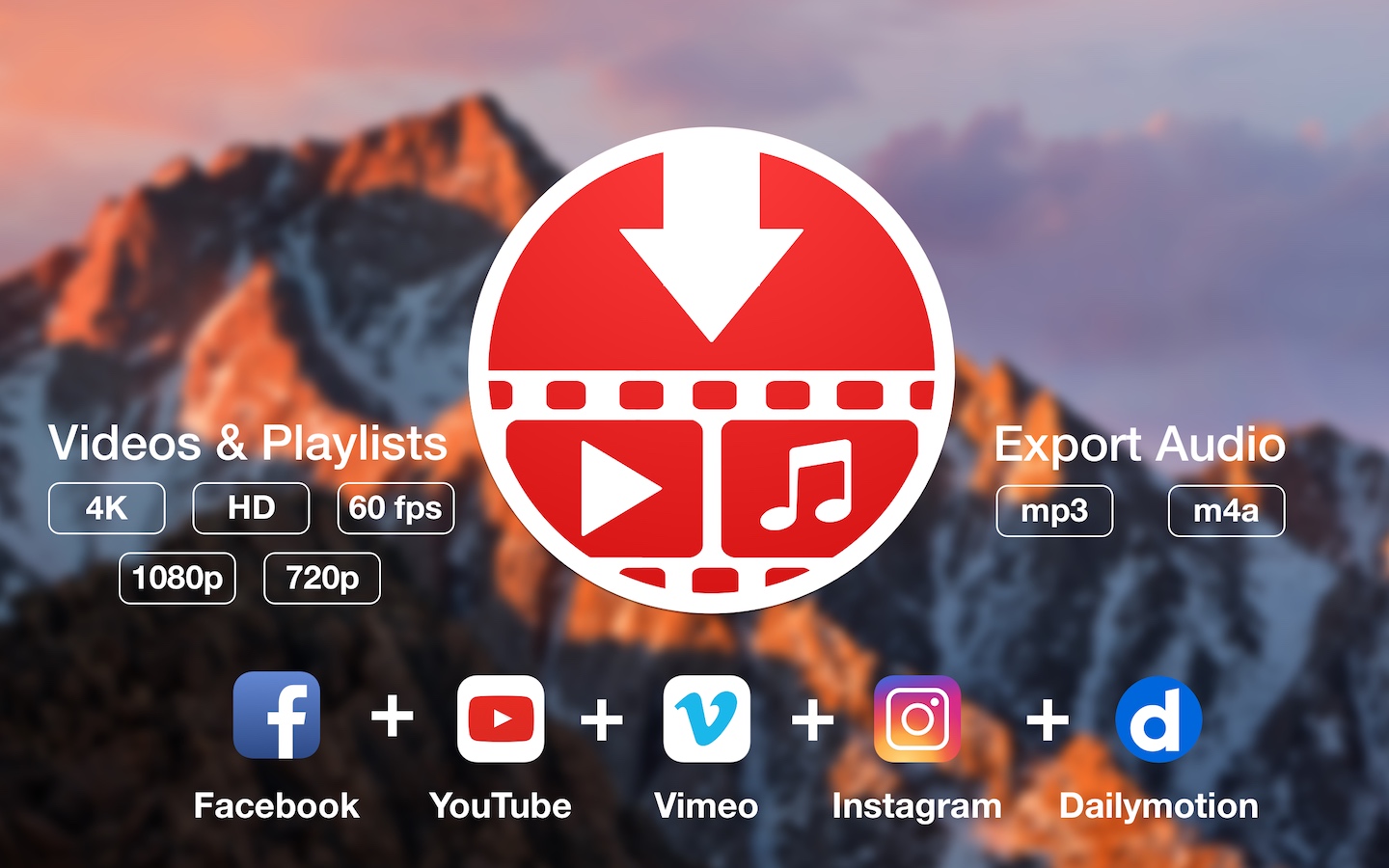
YouTube and Vimeo
Supports Youtube and Vimeo. More platforms to be added upon user requests.
4K, HD and 60fps support
PullTube allows you to download video in any format available
Video to Audio
Convert and save videos to mp3 and m4a
Beautiful and Flexible Interface
Nice looking, dark user interface
What’s New:
Version 1.8.5.73:
Release notes were unavailable when this listing was updated.
Kaleidoscope is the most powerful file comparison app. Spot the differences in text and image files, or even folders full of files. Review changes in seconds, with the world’s most advanced and beautiful file comparison app.
Kaleidoscope 3 features the first major redesign in over eight years, with support for Apple Silicon-based Macs, a redesigned interface that looks great in the latest versions of macOS, and new dark mode support, Kaleidoscope 3 marks the comeback of a longtime developer favorite for spotting changes in text, images, and folders. There is a new Reader view, and changesets have received major improvements.
WHAT’S NEW IN KALEIDOSCOPE 3?A
Redesigned interface, including new dark mode and new app icon; Kaleidoscope’s design now fits macOS Big Sur and macOS Monterey
Runs natively on all Macs, including those based on Apple silicon (Apple M1 chip).
Reader view makes it easier to focus on the content
Greater control over how text layout, with better font options and display choices
Ability to ignore particular folders and files during folder compare, using powerful patterns.
Persistent top toolbar with convenient Add and Paste buttons
Redesigned Unified text comparison and File Shelf views to make it easier to review differences and keep track of files being compared
Powerful filters for comparing items in changeset windows
KALEIDOSCOPE FEATURES:
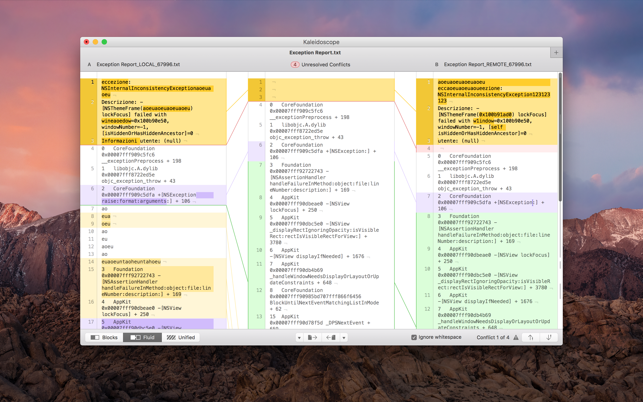
Two-Way Text Comparison & Merging
Supports any text file, Word documents, PDF, RTF
Super-fast diffing of lines and character-level changes
Directly paste from clipboard
Three powerful display modes: Blocks, Fluid and Unified
Color coding to spot added, deleted, and changed text
Powerful text layout customization
Reader view that helps focus on content
Built-in search
Three-Way Merge
Review code changes and resolve conflicts
Edit text inline
Intelligently auto-merge the right content
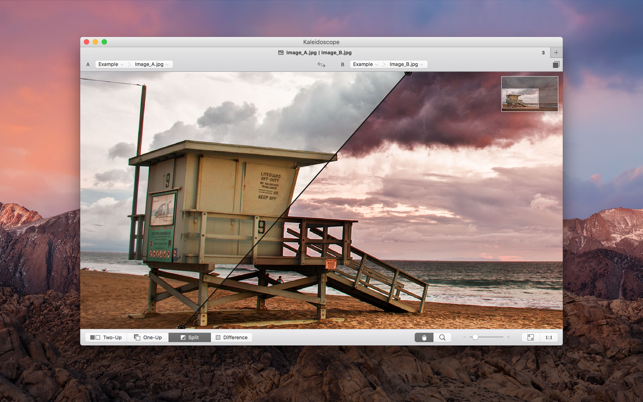
Powerful Image Comparison
Supports any file that can be imported as bitmap
Directly paste from clipboard
Compare images in four different modes: Two-Up, One-Up, Split and Difference
Spot subtle pixel differences with a high contrast “difference mask”
Navigate large images using pan & zoom tools
Folder Comparison
Ultra-fast algorithm for finding differences in large folders
Sort and filter down to what is most important
Powerful ignore patterns to exclude extraneous files and folders
Drill deeper into folders for more detailed comparisons
Copy your preferred files across sources
Code Review
Well-designed overview of all files changed in a changeset
Find a file by filtering by name or by kind of change
Inspect changes in text and image files using all of Kaleidoscope’s compare tools
Easy Workflow Integration
Git, Mercurial, Subversion, Bazaar, and Perforce support
Works as a fully functional diff or merge tool
ksdiff tool unleashes the power of the unix command-line
Supported by a growing list of GUI source control management apps
Integrate with the Xcode debugger (lldb) for text and graphics
Integrates with tools like Alfred for even faster workflows
Xpand!2 is a multitimbral workstation offering four active sound slots, or parts, per patch. Each part is provided with its own MIDI channel, Note Range (Zone), Mix, Arpeggiation, Modulation, and Effects settings—an excellent method for creating individual parts. Harnessing the four parts together to build one amazing Patch is where Xpand!2 reveals its true power. The Voice Mode for each part can be set to polyphonic or monophonic. Polyphonic parts can have up to 64 voices; monophonic parts offer First, Last, Highest, or Lowest priority making it easy to designate a bass, lead, or solo instrument.
Air Music Technology originally created Xpand! as part of the Creative Collection of instrument plug-ins included as part of Avid™ Pro Tools™. With the release of Pro Tools 8, this widely popular workstation was given new controls, improved features, an additional Gigabyte of sounds, and a new name: Xpand!2. As the popularity of Pro Tools grew, more and more musicians and producers came to rely on the incredible sonic firepower of this amazing workstation. Xpand!2 continued to evolve, and demand grew. Finally, Xpand!2 is now available on its own, available to anyone who hungers for the finest sounds—instantly.
Four on the Floor
Xpand!2 is a multitimbral workstation offering four active sound slots, or parts, per patch. Each part is provided with its own MIDI channel, Note Range (Zone), Mix, Arpeggiation, Modulation, and Effects settings—an excellent method for creating individual parts. Harnessing the four parts together to build one amazing Patch is where Xpand!2 reveals its true power. The Voice Mode for each part can be set to polyphonic or monophonic. Polyphonic parts can have up to 64 voices; monophonic parts offer First, Last, Highest, or Lowest priority making it easy to designate a bass, lead, or solo instrument.
Sounds Galore
Using everything from wavetables and FM synthesis to sample playback, the expert sound design team at Air Music Tech has carefully created thousands of ready-to-play Xpand!2 patches. Creating your own is easy, too. Parts can be quickly browsed and are conveniently sorted into 29 categories, offering a simple path to find just what you’re looking for.
Smart Knobs and Easy Edits
Six smart knobs are provided for custom-tweaking your Xpand!2 sounds. Each knob changes function depending on the part selected, offering hands-on control of the most critical sound elements. Select the Easy mode, and all six knobs now control all four of the common parts in a patch simultaneously for quickly performing those crucial edits. And of course, all of your edits can be saved for instant recall.
Major Modulation
Express yourself with powerful performance features! Pitch Bend wheel and Aftertouch (pressure) modulation assignments can be made independently for each part. Modulation rates can be tempo sync’d or free-wheeling. Numerous modulation destinations are provided, and the WAVE destination parameters are different from part to part, providing unique Xpand!2 sound-shaping capabilities.
Advanced Arpeggiation
Keep things moving with advanced arpeggiation. Simply set the Rate—including dotted and triplet values—and then select the Mode. Using the Latch switch allows the arpeggiator to continue to play, even when your hands leave the keyboard. Each Xpand!2 part is provided with its own arpeggiator. Many parts such as Action Pads and Loops will automatically activate the Arpeggiator, as it forms an integral part of the sound.
Dynamic Effects Duo
Xpand!2 includes two independent effect processors with fifty studio-grade effects, ranging from rich reverbs to the mind-bending Chaos Delay. When selecting a new effect type, Xpand!2 will instantly change the edit knob functions to provide accurate control of every effect. The output of FX1 can be fed into the input of FX2 to create advanced “cascade-style” effects.
Accentize is a young start-up based in Darmstadt, Germany which develops cutting-edge audio processing software using machine learning techniques. After some years of academic research we realized that there is a huge gap between state-of-the-art theoretical insights and available productive implementations. Our products aim at filling this gap by applying intelligent algorithms to common audio processing challenges. Most of our currently available products focus on speech enhancing and restoration applications for post-production and content creation.
OmniPlayer for Mac is a comprehensive media player for almost any video and audio format on macOS. It has powerful features with a modern and clean design. You can use it to play various 4K/1080P/720P HD videos and normal/lossless audio easily with hardware decoding. OmniPlayer’s rich features let you conveniently control and adjust the playback, playlists, video images, audio tracks, subtitles, and screenshots, etc.
· Supports Multiple Media Types
– Play almost any format of the local and remote server videos and audios (SAMBA/FTP protocol).
– Supports online videos and audio with HTTP/HTTPS protocols.
– Play Youtube and Vimeo videos using the webpage URL directly without online ads.
· Playlist Control
– Record media files to playlists automatically and automatically clear all when exiting the player.
– Play, search, delete, change repeat mode of media items in the playlist.
· Playback Control
– Pause, resume, fast forward, rewind and jump to a specified progress time.
– Record last progress time of playback when stopping automatically.
– Show preview images on the progress bar when playing a local video.
– Hide controls automatically to display pure video view without any occlusion.
– Adjust playback speed from 0.25x to 4x.
Aspect Ratio Pro is a Rule of Three calculator. It’s handy for calculating aspect ratios and scaling.
Features – Calculate aspect ratios (rule of three) – Swap values horizontally and vertically – Select scales and ratios – Browse common resolutions – Browse recent ratios – Formula preview – Uses imperial or metric system automatically based on your system settings – Multi-window support – Optimized for macOS 11 (Big Sur) and macOS 12 (Monterey) – Optimized for Mac with M1, M1 Pro and M1 Max (Apple Silicon)
OmniFocus Standard and Pro are in-app purchases, with discounts for people who bought earlier versions of OmniFocus for Mac through the Mac App Store. Download the app for details.
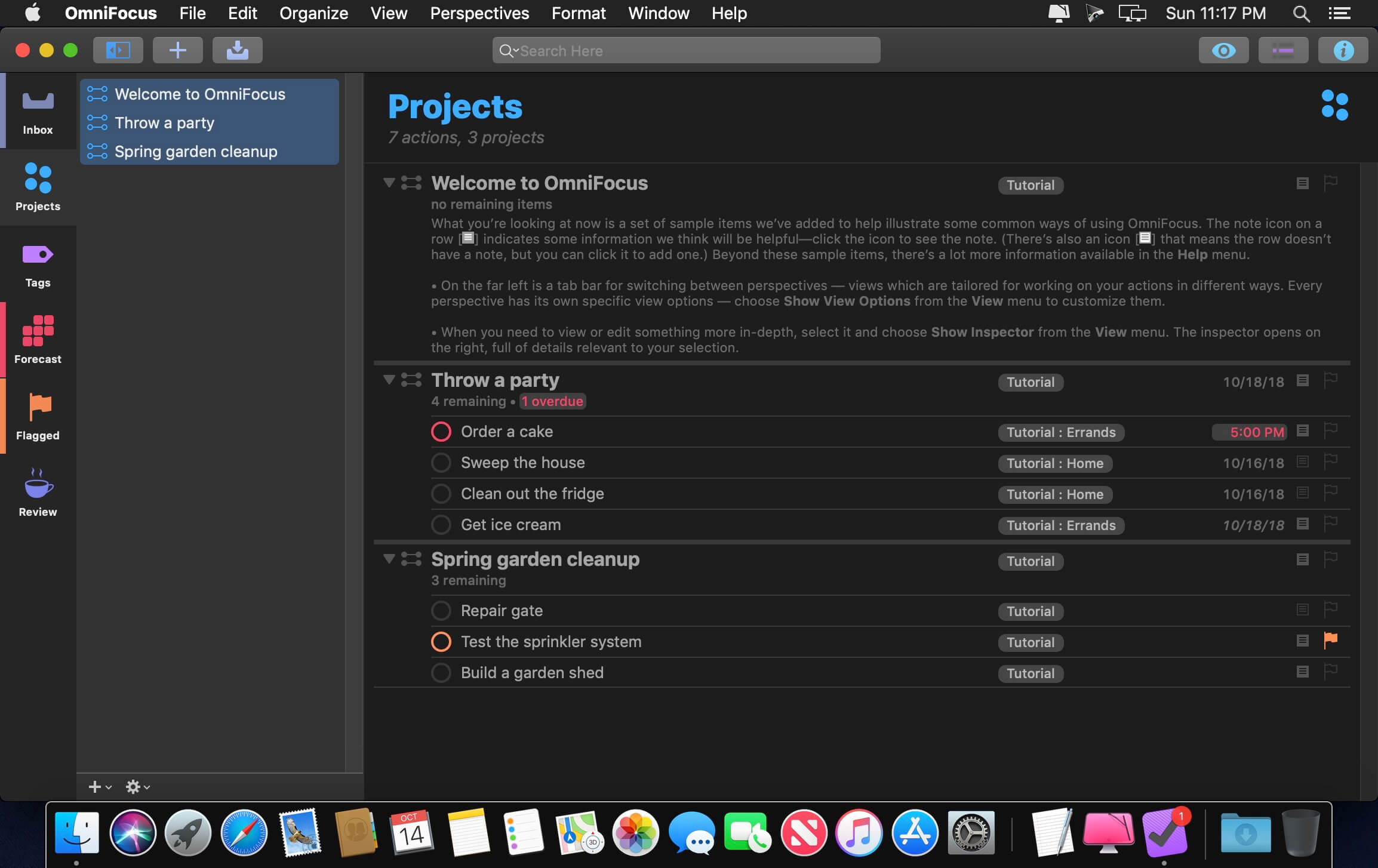
Use OmniFocus to accomplish more every day. Create projects and tasks, organize them with tags, focus on what you can do right now — and get stuff done.
OmniFocus — now celebrating 10 years as the trusted, gold-standard to-do list app — brings unrivaled power and flexibility to your Mac, making it easy to work the way you want to work.
OmniFocus manages everything in your busy life. Use projects to organize tasks naturally, and then add tags to organize across projects. Easily enter tasks when you’re on the go, and process them when you have time. Tap the Forecast view — which shows both tasks and calendar events — to get a handle on your day. Use the Review perspective to keep your projects and tasks on track.
Then let our free syncing system make sure you data is the same on every Mac. (And on OmniFocus for iOS, available separately.) Because your data is encrypted, it’s safe in the cloud.
STANDARD FEATURES
NEW: Tags add a powerful additional organizing tool. Create tags for people, energy levels, priorities, locations, and more.
NEW: The Forecast view shows your tasks and calendar events in order, so you can better see what’s coming up in your day.
NEW: Enhanced repeating tasks are easier than ever to set up — and they work with real-world examples such as the first weekday of the month.
NEW: The Modern, fresh-but-familiar design helps you focus on your content.
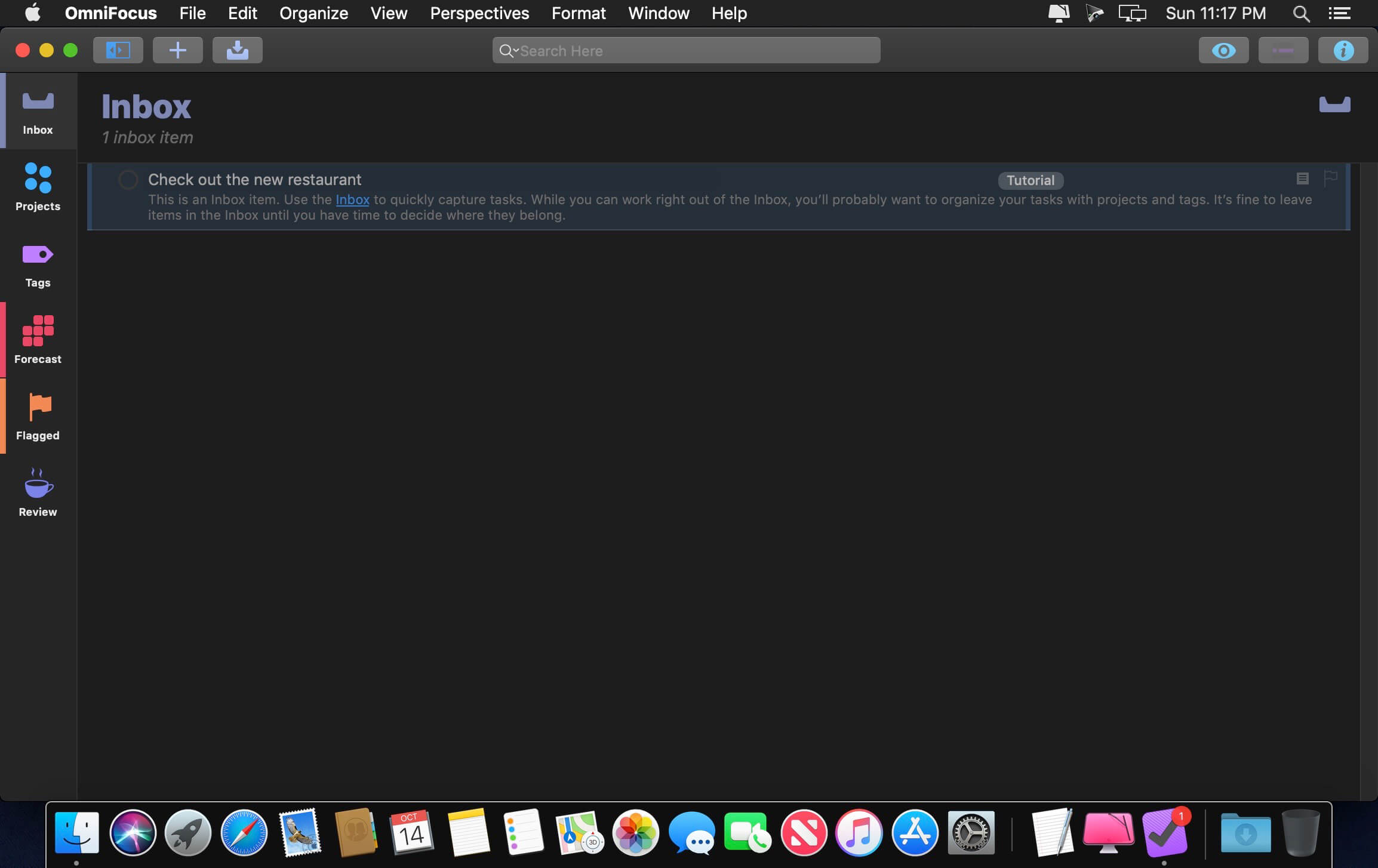
Inbox is where you quickly add tasks — save them when you think of them, and organize them later.
Syncing supports end-to-end encryption so that your data is safe wherever it’s stored, on our server or yours.
Notes can be attached to your tasks, so you have all the information you need.
Attachments — graphics, video, audio, whatever you want — add richness to your tasks.
View Options let you customize each perspective by deciding what it should show and how it should filter your tasks.
The Review perspective takes you through your projects and tasks — so you stay on track.
OmniFocus Mail Drop adds tasks via email and works with services like IFTTT and Zapier (if you’re using our free syncing server).
The Today Widget shows you your most important items — you don’t even have to switch to the app to know what’s up.
PRO FEATURES
Custom perspectives help you create new ways to see your data by filtering and grouping projects and tags. NEW: The filtering rules are simpler to use while being more powerful than ever, letting you combine rules with “all,” “any,” and “none.” You can also choose any image to use as your custom perspective’s icon, and a custom tint color to go with it.
NEW: Today’s Forecast can include items with a specific tag, and you can reorder those tasks however you choose, so you can plan your day better.
The customizable sidebar lets you organize your perspectives the way you want to, for super-fast access.
The Today Widget shows a perspective of your choice in Notification Center.
AppleScript support opens up a world of automation, using Apple’s Mac scripting language.
Language: English, Dutch, French, German, Italian, Japanese, Korean, Portuguese, Russian, Simplified Chinese, Spanish
strong>Compatibility: macOS 14.0 or later Homepagehttps://www.omnigroup.com/omnifocus/
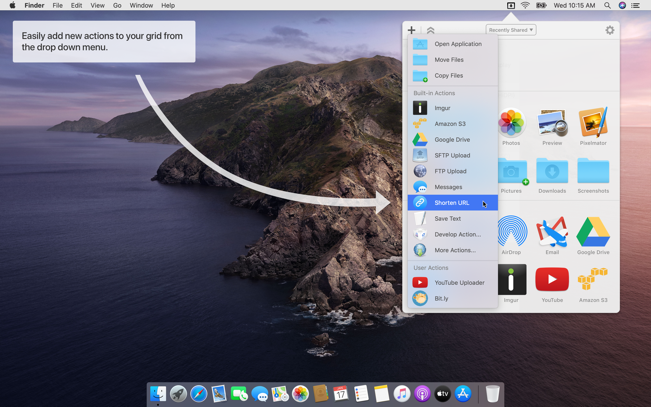
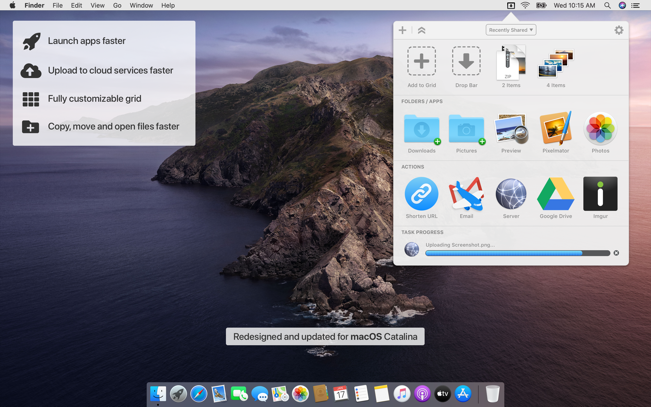
Dropzone makes it faster and easier to copy and move files, open applications and share files with many different services. Dropzone is a unique and amazing app that’s like nothing you’ve ever used before. We’ve paid fanatical attention to every detail and built an app that looks and feels like an integral part of macOS.
Dropzone ships with a powerful scripting API and with a little programming knowledge you can modify any of your actions or even create entirely new ones. This gives Dropzone unlimited extendability and utility. We’re always thinking up new actions so Dropzone will become even more useful over time.
Dropzone also includes Drop Bar – Drop Bar makes it easy to stash files you know you’ll need later. Just drop files on the Drop Bar icon in the grid and they will stick there until you’re ready to use them.
Features
Open applications, move and copy files faster than ever before.
Shorten URLs quickly using Tinyurl shortener. Just select a URL to shorten and press Ctrl+Option+Cmd+S and the shortened URL is automatically copied to the clipboard.
AirDrop integration lets you drop files or folders from any app and share them with your other Macs over the network.
Imgur integration lets you share images fast and get a link for pasting.
Upload files to Amazon S3 (Dropzone Pro feature).
Upload files to your FTP server (Dropzone Pro feature).
Upload files to your Google Drive (Dropzone Pro feature).
Download and install add-on actions that let you upload to services like Google Drive, YouTube and many others (Dropzone Pro feature).
Powerful multi-tasking engine allows you to run multiple tasks at once and track the progress of each one through the in-grid task status area.
See how tasks are progressing at a glance in the animated menu item.
Launch Dropzone actions with the newly added keyboard shortcuts feature (Dropzone Pro feature).
Add applications, folders or actions to your grid easily by dragging and dropping them on the Add to Grid area.
Develop your own actions using the updated and massively improved Ruby or Python API (Dropzone Pro feature).
PhotoSweeper helps quickly and efficiently eliminate similar or duplicate photos. It works with photos from iPhoto, Aperture and Adobe Lightroom libraries as well as photos from your Mac.
PhotoSweeper will help you if:
You take a series of shots of the same scene trying to get the perfect one.
You edit photos with applications, such PhotoShop, Pixelmator, etc., and make backups just in case.
You have photos scattered on external hard drives and local disks, in iPhoto, Aperture or Lightroom libraries.
You have a mess in your photo collection or just want to free disk space by removing junk photos.
Features Easy to find photos
Just drag and drop folders to allow PhotoSweeper to find all photos inside. Add more photos from your iPhoto, Aperture or Lightroom library via the Media window.
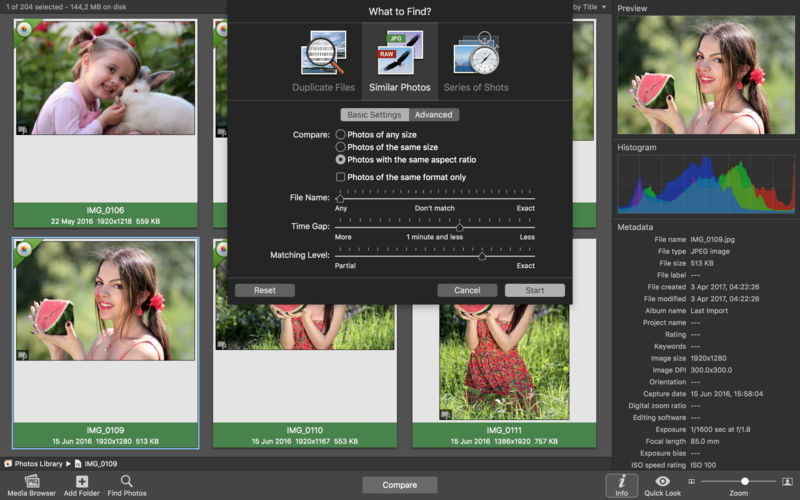
Flexible comparison settings
Use 6 different methods to find similar or duplicate photos, even those edited in external programs such Photoshop, regardless of image size or format.
Fast
PhotoSweeper was developed to be extremely fast at comparing large number of photos. Using efficient caches allows you to make the next comparison much faster. You have an opportunity to regroup the results on-the-fly by changing a matching level of similarity.
Easy to manage photos
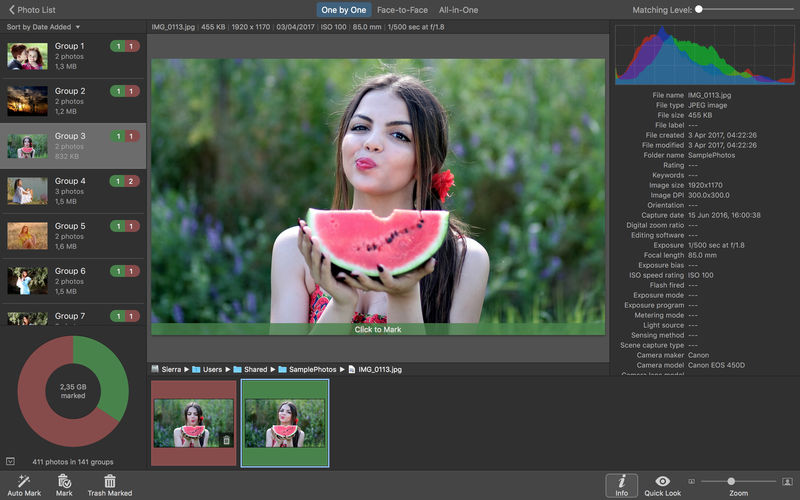
Review results in “Face-to-Face” or “Groups” mode. Put photos into a virtual container, “Box”. Delete, move, or copy photos from the Box. Bulk rename photos while copying or moving.
Great photo browsing
PhotoSweeper provides an up-to-date photo browser with such features as: fast loading of thumbnails, Quick Look preview, drag and drop support, showing paths, ratings, labels, etc. The “Image Info” panel shows more detailed information, including histogram and image metadata (EXIF, IPTC, etc.).
A comprehensive user manual is available in the Help menu.
What’s New:
Version 5.0.0
Fresh new look with a redesigned app icon.
Now available in multiple popular languages.
Zoom in to view image details in Face-to-Face and One by One modes.
Improved integration with Apple Photos and Adobe Lightroom.
Better support for RAW image formats.
Improved performance when working with NAS.
Bug fixes and performance improvements based on user feedback.
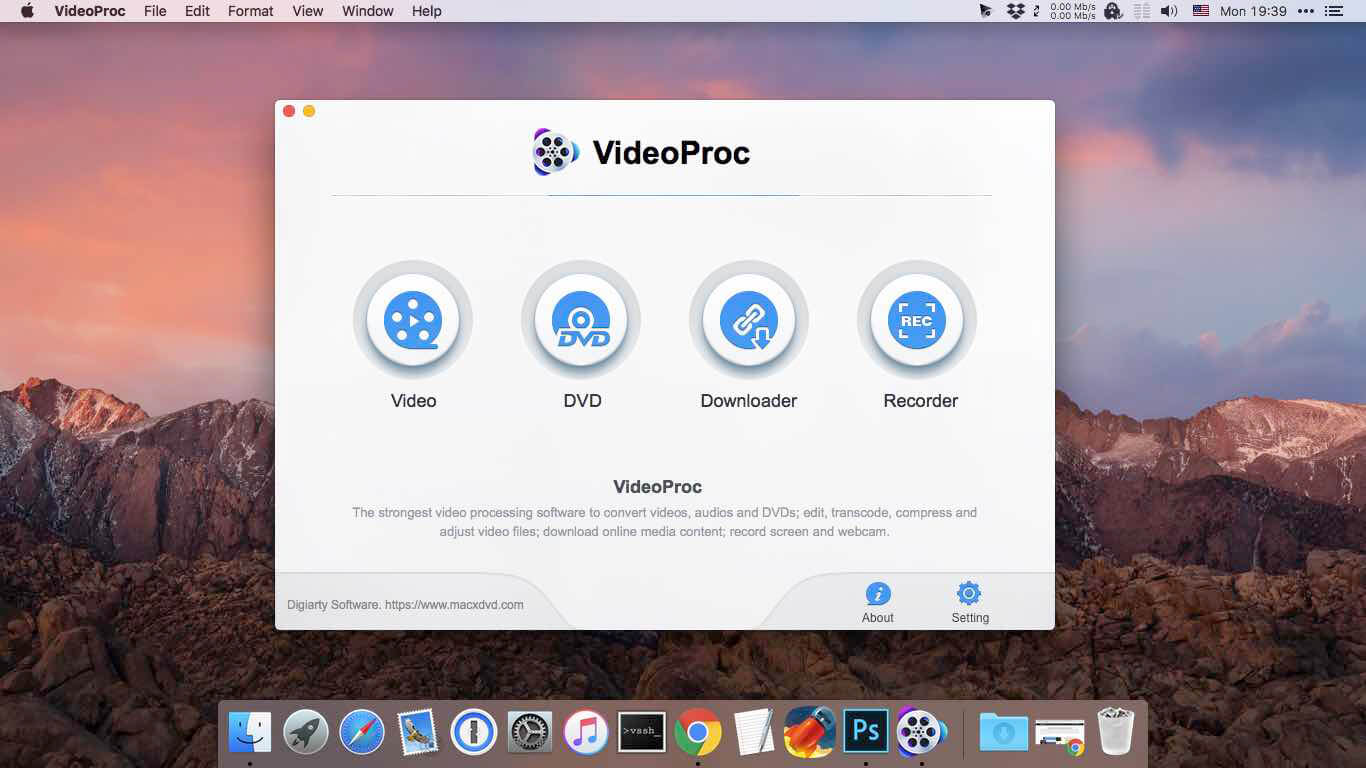
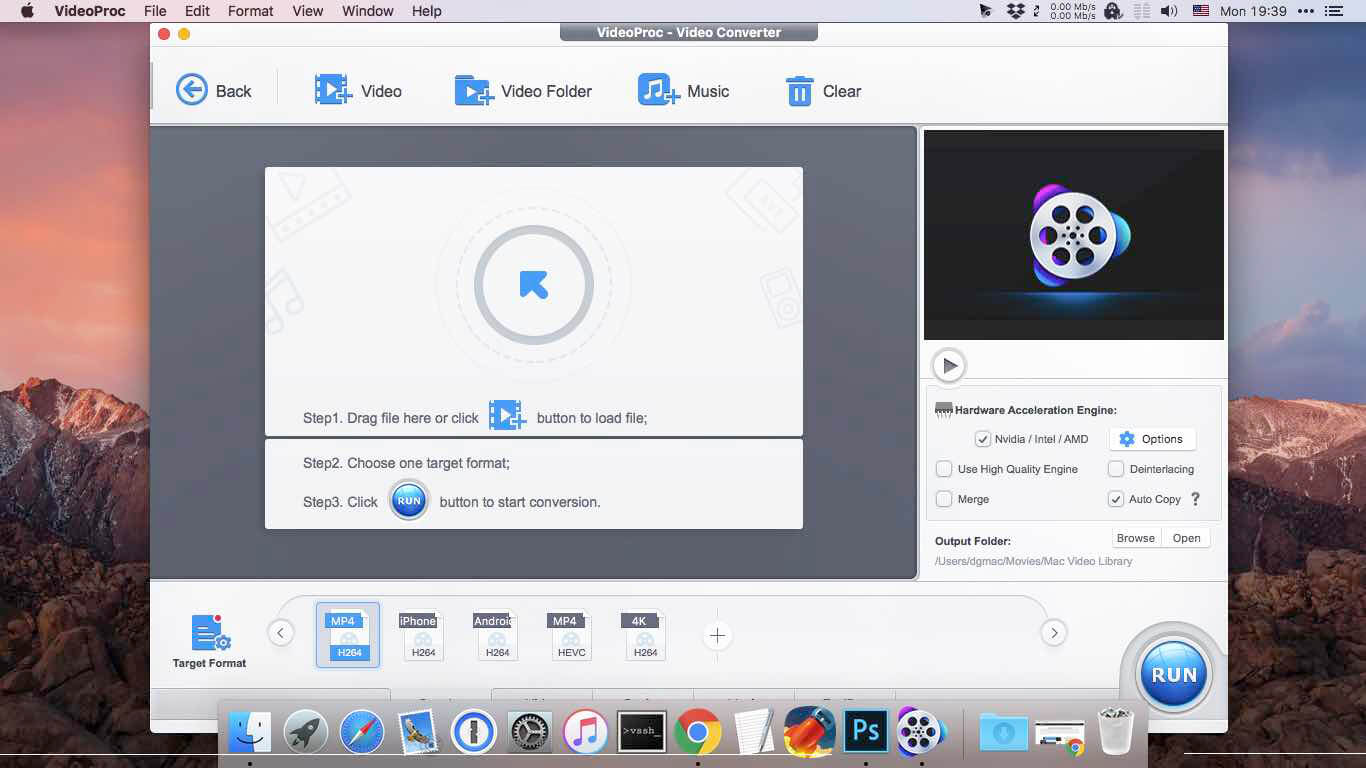
Built with AI tools for video/image/audio enhancement. Remaster, upscale, restore, colorize, convert, edit, compress, download, and record with GPU acceleration. The best video converter works with videos shot with GoPro, DJI, iPhone, Android, DSLR, mirrorless, camcorders, or other 4K cameras.
VideoProc peaks Level-3 Hardware Acceleration fully powered by Intel®, AMD®, NVIDIA® GPUs, and Apple M1/M2/M3/M4 (Pro/Max/Ultra), delivering buttery smooth (4K/8K) video processing and transcoding without compromising quality.
What’s New:
Version 7.6 (2025070701):
Release notes were unavailable when this listing was updated.
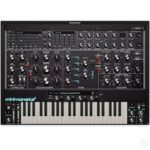
Minimonsta2 – Boldly going where no mini has gone before
When we first released it, the original Minimonsta gained heavy praise from fans and critics alike for providing an extraordinarily accurate sonic replication of the legendary Model D®.
But it went much further, augmenting the simplicity of the original design with a host of new features that allowed the deeply familiar tones to be pushed into previously unexplored sonic realms.
Minimonsta2 retains the fundamental architecture at the heart of its predecessor, but builds on this in ways that extend its sonic and musical capabilities into a uniquely deep & musical instrument and sets it apart from other Mini.
New in Minimonsta2
Minimonsta2 features
a new fully resizable UI,
an improved audio engine,
a powerful new Preset Browser,
over 300 new presets,
a new Reverb effect,
a Vintage control for adding subtle analogue imperfections,
four programmable Macros,
selectable 4-stage envelopes,
an alternative bass-preserving ladder filter,
PWM for OSC1 and much more.
L2 Aura – Classic vintage tube compressor, with dual-mono mode and external sidechain..
L2 Aura
The immortal tube compression
Based on an absolute vintage classic.
L2Aura is simple to use, delivering the gentle, smooth compression to vocals, guitars, keyboards, basically everywhere.
Level your screams with precision and keep them where you want them.
External sidechain gives you even more flexibility, while dual-mono feature gives you more control over your bus.
Ideal for making sure the track stays tight in the mix.
Key features
2 modes (compress/limit).
Dual-mono mode.
External sidechain.
Laboga Mr Hector Suite Completely rebuilt Mr. Hector and his little brother The Beast.
Laboga Mr. Hector Suite Experience a new standard in boutique, handcrafted Laboga amplifier simulations. The legendary Mr. Hector has been entirely rebuilt using our advanced DriveNET Neural Network Modeling engine, meticulously capturing not only the gain structure, tone stack, and speaker cabinet responses but also the subtle interactions between channel volumes and authentic power-amp dynamics relative to preamp settings.
In addition, we’ve introduced a second amplifier—the Beast—Mr. Hector’s younger, more aggressive sibling, delivering a sharper, edgier tone.
AK-476
Legendary FET compressor/limiter, with dual-mono mode and external sidechain.
AK-476
The legendary FET compression.
Based on arguably the most famous compressor/limiter in history. AK-476 is the perfect tool for vocals, drums, bass guitars, and any track where you need reliable, fast dynamic control.
Able to tame the fastest transients, as well as accentuating the instant smack of your snare. External sidechain gives you even more flexibility, while dual-mono feature gives you more control over your bus. There’s a reason why it’s a classic.
Key features
– Wide range of release times.
– Fast attack time.
– Dual-mono mode.
– External sidechain.
Monster 4000 – Neural Bus Compressor
Versatile bus compressor, with extra saturation, dual-mono mode, and external sidechain.
Monster 4000
The classic, reimagined.
Monster 4000 is an essential mixing tool, modelled after the well-known console compressor used as a mixing “glue”.
Now with extra saturation. Add more punch, make the record tighter, smooth out the mix – it handles all of that.
External sidechain gives you even more flexibility, while dual-mono feature gives you more control.
It’s that final something needed for every recording.
Key features
Mix knob for parallel compression
SAT switch for extra character
Sidechain high-pass filtering
Auto-release option
Dual-mono mode
External sidechain
Oberheim OB-1 – Astounding, Angry, Almighty.
It’s incredible that the hardware Oberheim OB-1 has remained under the radar for so long. With the GForce OB-1 emulation, designed in collaboration with Oberheim, we’re bringing this classic synth to the fore. The GForce Oberheim OB-1 broadens the Oberheim sound palette in ways that we believe will see it become a big favourite among techno and electro producers and underground artists, as well as composers for its character and anyone cherishing vintage analogue tones. Its rich, aggressive sound and expansive feature set make it an essential hustler.
Key features
An authentic-sounding emulation of the 1978 Oberheim OB-1
Developed in collaboration with Oberheim
Unique 2-pole or 4-pole with screeching resonance
Unique Waveshaping possibilities
Augmented with vast modulation options via X-Modifiers
Fully-scalable UI
Note Pan Modes
Over 300 presets
Powerful Preset Browser
High-Pass Filter, Chorus, Delay and Reverb effects
Four programmable Macros for easy manipulation of sounds
Arpeggiator and Sequencer including macro4 automation
Mono Unison, Legato and Poly Modes, up to 16 voices
Programmable Velocity Responses and Poly Aftertouch
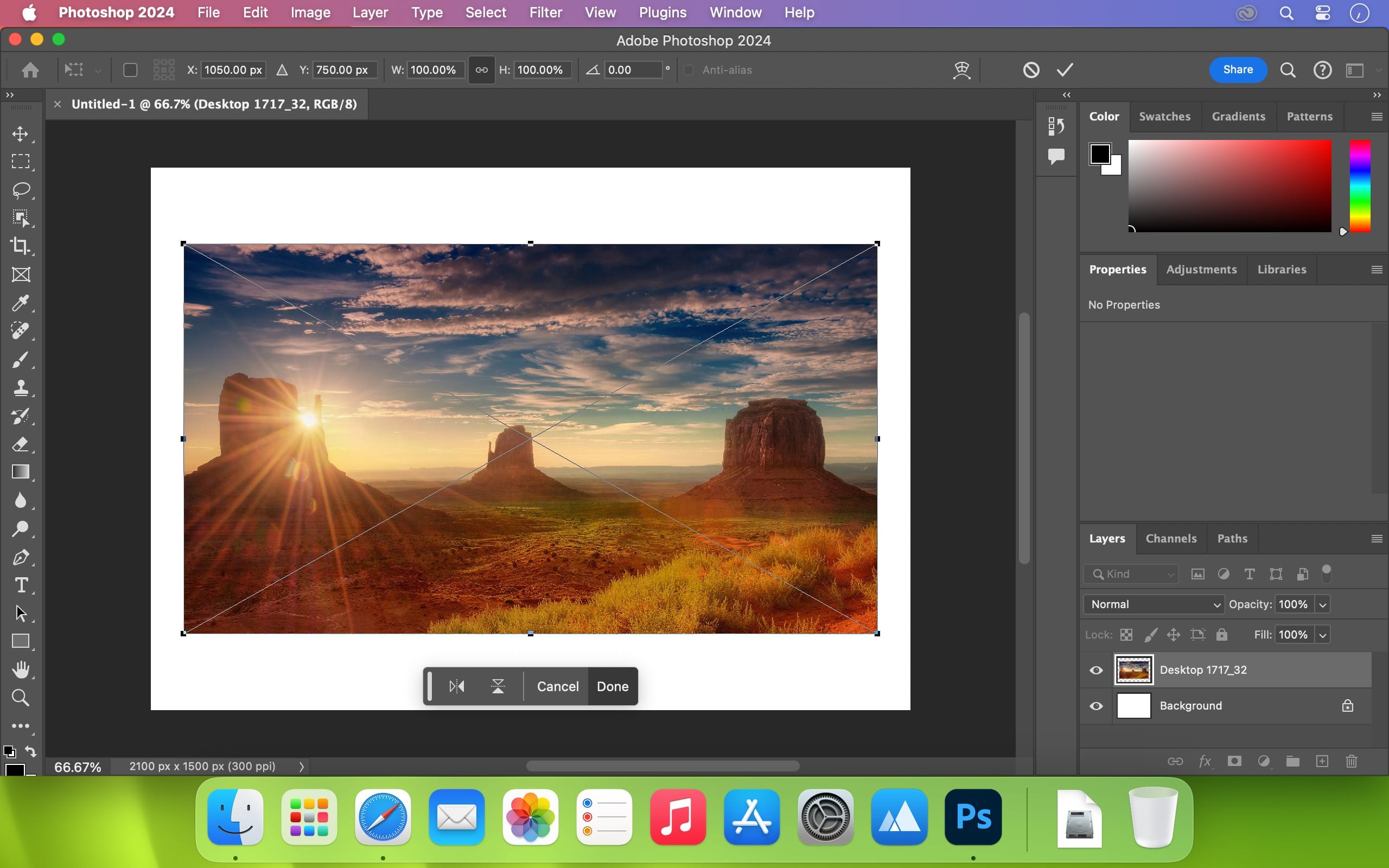
Welcome to the AI generation. The full power of generative AI. All your favorite Adobe tools. A new era of creativity and productivity has arrived.
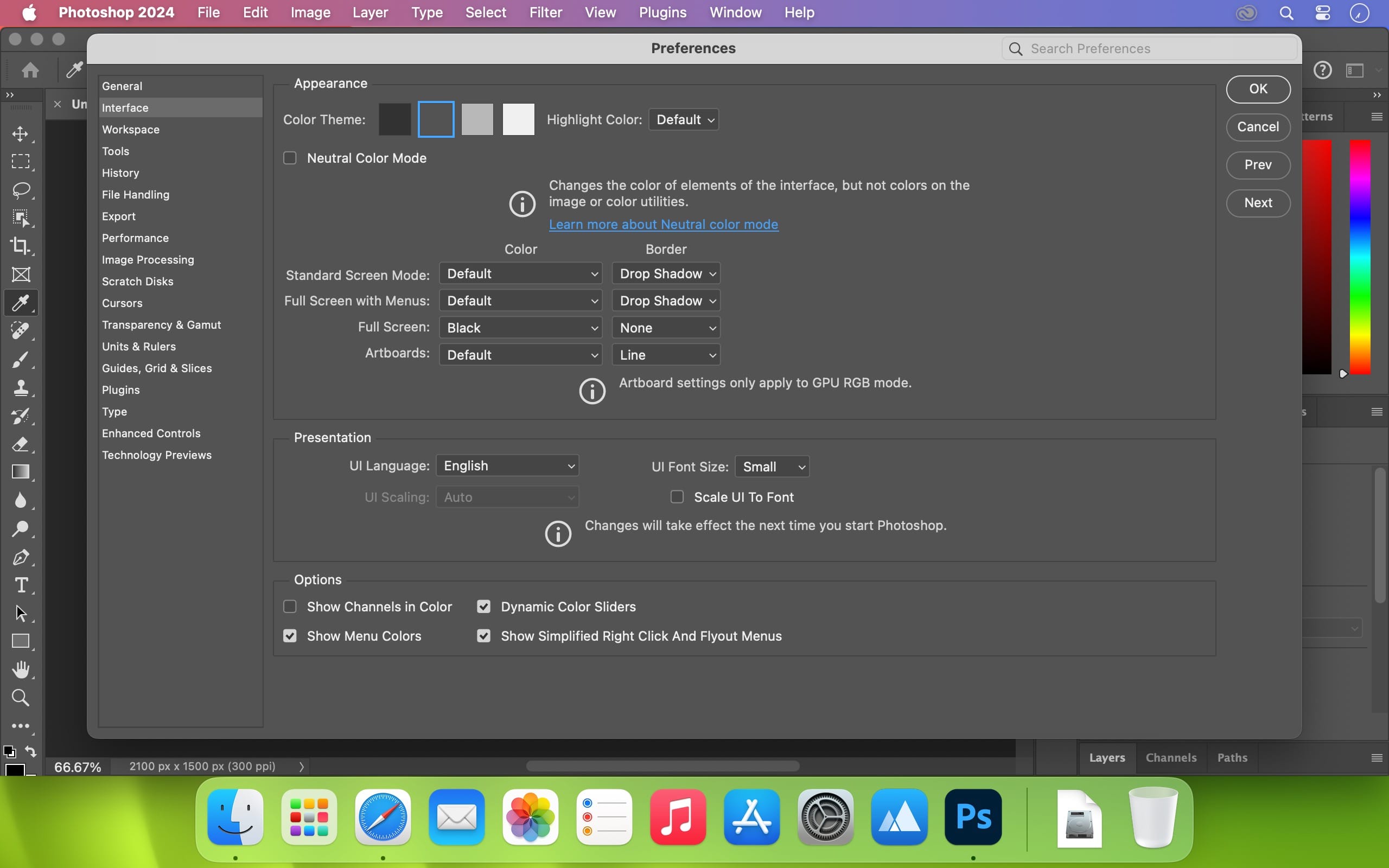
From photo editing and compositing to digital painting, animation and graphic design, everything you can imagine, you can create in Photoshop. Bring ideas to life on desktops and iPads. Use artificial intelligence technology for fast editing. Learn new skills and share your work with the community. With our latest release, doing amazing things has never been easier.
Adobe Photoshop is a recognized classic of photo-enhancing software. It offers a broad spectrum of tools that can turn your inspiration into incredible images, photos, composites, 3D artwork, paintings, and graphics on any device.
Photoshop has become the choice of thousands of creative professionals around the world. First introduced in 1988, it still is the world’s leading image-editing software.
Intuitive and clean user interface
Although Photoshop for Mac is the most comprehensive graphics and image-editing software available in the market today, it has a very intuitive and easy-to-navigate interface.
With recently improved usability, this photo-editor has become even more enjoyable to use. The interface loads as soon as you decide to use Photoshop.
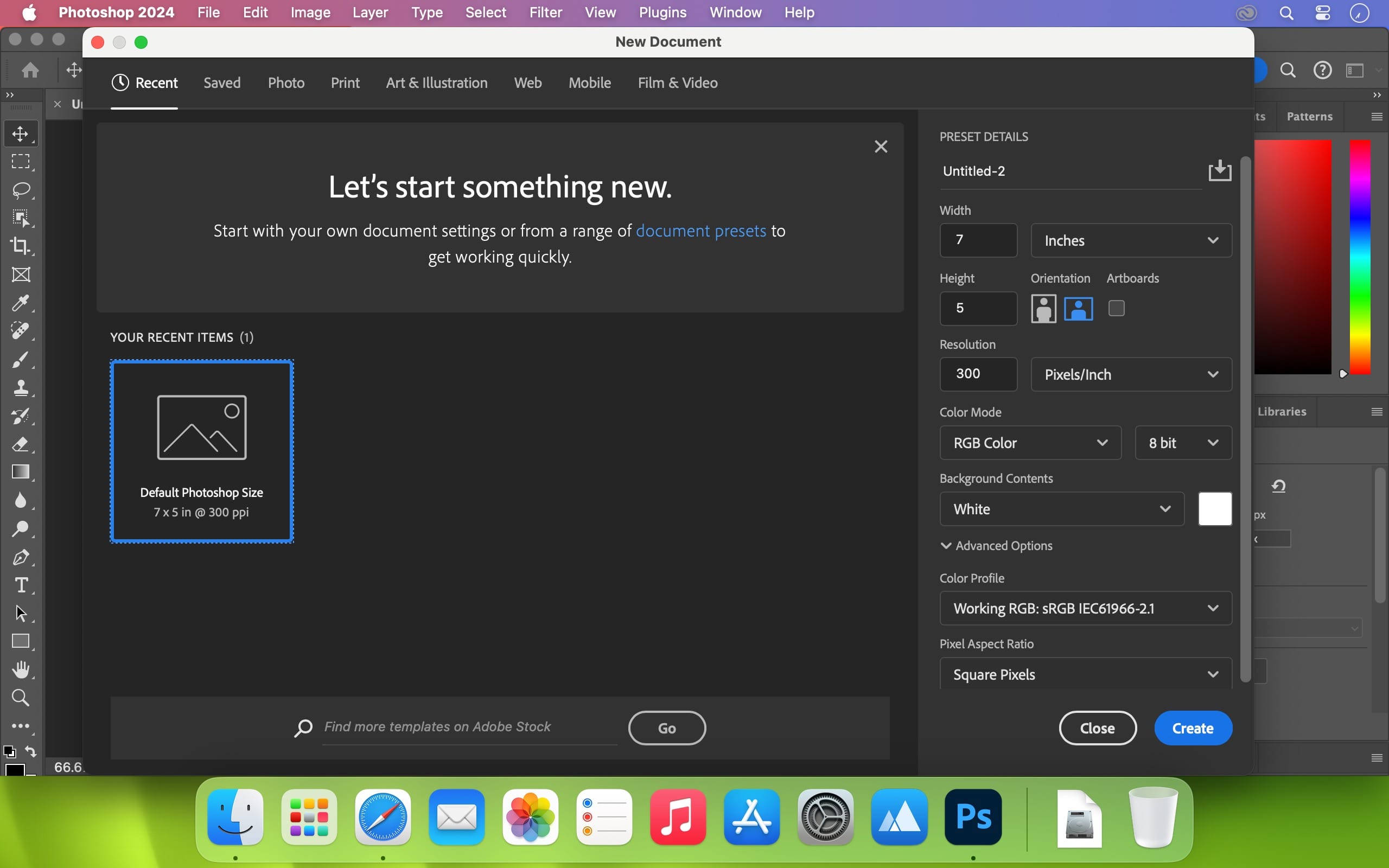
A user-friendly interface updates you about new features, suggests learning content, and allows you to quickly access recent files. You can easily pick up where you left or create a new project, access cloud and desktop pictures, and open an existing document.
Convenient content-aware fill workspace
Adobe has recently announced the launch of its new Content-Aware Fill workspace. It allows you to remove objects or distracting elements from your images easier than ever before.
This new option offers an interactive editing experience. Now, you can take full Control over which “good” parts of the picture to use to replace the undesired areas. It allows resizing the initial selection, rotating, scaling, and mirroring content.
Enjoy a range of new tools
The latest version of the software provides a new Frame Tool that allows you to enjoy much simpler masking. Now, you can place shapes and text into placeholder frames and fill them with pictures. To create elliptical or rectangular forms, you only need to select the Frame Tool and press “K.”
There is also a new default feature of multiple undo. If you want to view an object before changes are applied, just click Control + Z (for Windows OS) and Command + Z (for macOS). Don’t worry about losing any project changes in Adobe Photoshop on your MacBook Air or MacBook Pro. With a new auto-commit feature, they are saved automatically.
What’s New:
Version 2025 v26.8.0:
Release notes were unavailable when this listing was updated.
Compatibility: – Processor: Multicore Intel® or AMD processor (2 GHz or faster processor with SSE 4.2 or later) with 64-bit support
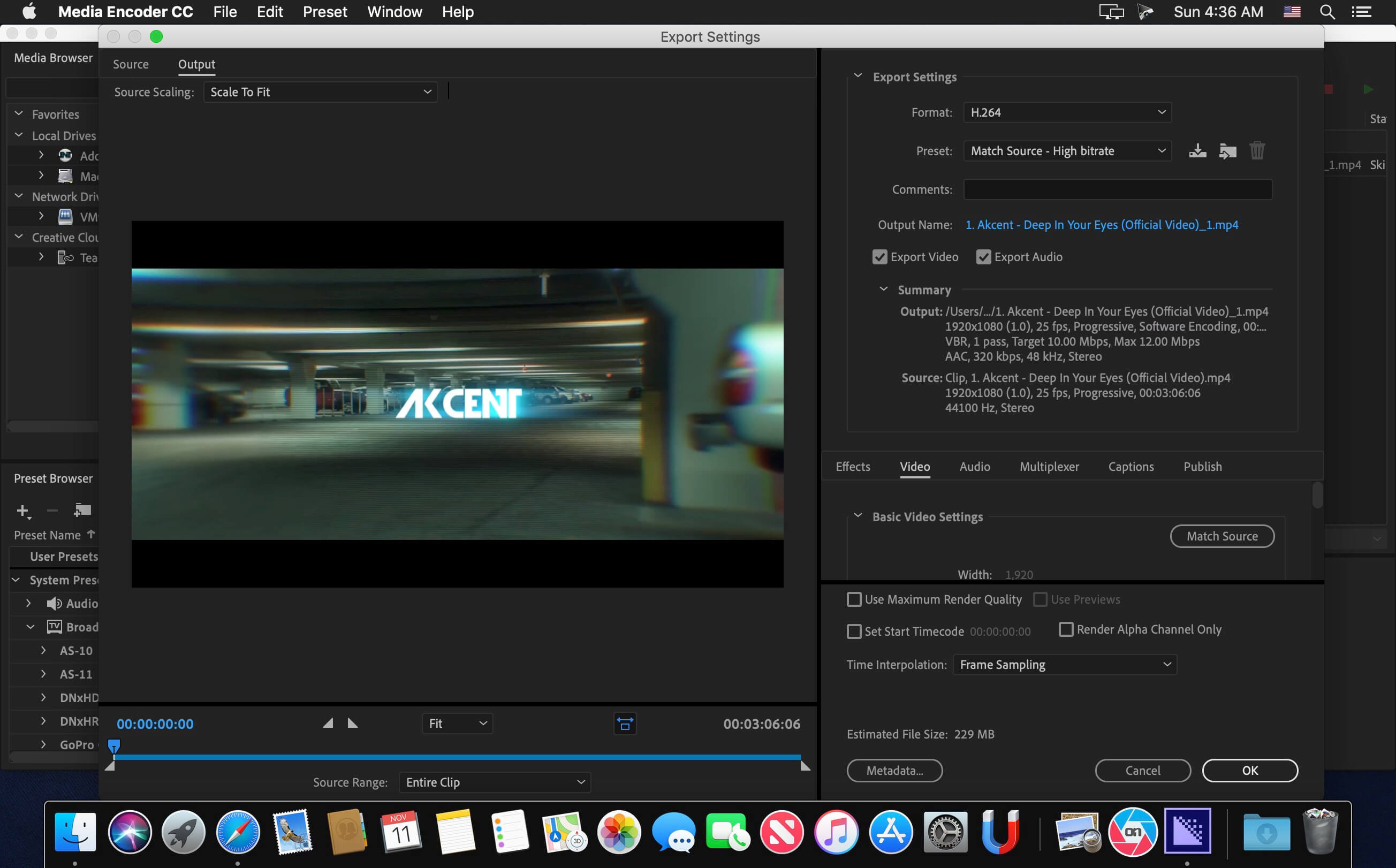
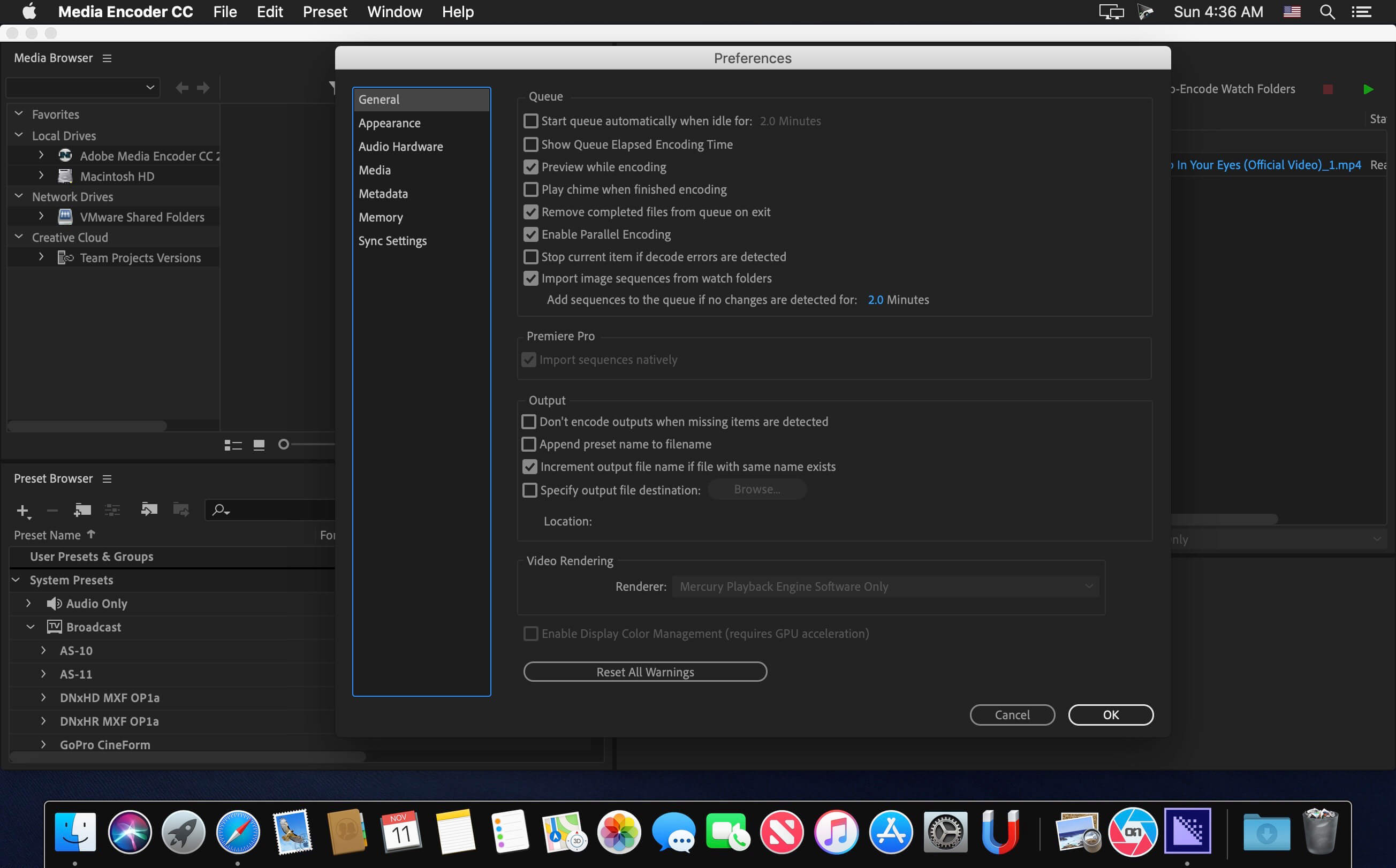
Ingest, transcode, create proxies, and output any format you can imagine. This powerful media management tool allows you to work with media in a unified way across applications. Tight integration with Adobe Premiere Pro CC, After Effects CC, and other applications provides a seamless workflow.
Key Features: – Support for 8K H.264 export – Export XAVC QFHD Long GOP 4:2:2 formats – Hardware-accelerated HEVC encoding on Windows 10 with 7th Generation (or later) Intel® Core™ processors and Intel Graphics enabled – Improved RED camera format decoding – Improved Sony RAW/X-OCN camera format decoding – Hardware-accelerated H.264 encoding on Windows 10 with 6th Generation (or later) Intel® Core™ processors and Intel Graphics enabled – Hardware-accelerated H.264 and HEVC encoding on Mac OS 10.13 systems with supported hardware – Support for importing Canon C200 camera formats – Support for importing Sony Venice camera formats – RED camera Image Processing Pipeline [IPP2] support – Destination Publishing support for new Twitter 280-character limit – Channel selection when publishing to YouTube and Vimeo – Playlist selection when publishing to YouTube – Page selection when publishing to Facebook – Add custom titles when publishing to YouTube, Facebook, or Vimeo – Add custom video thumbnails when publishing to YouTube – Notification for missing items in queue before encoding – H.264 adaptive bitrate presets automatically choose best output bitrate based on source frame size and frame rate – Animated GIF export on macOS and Windows – Time Tuner effect improvements – Newly optimized list of H.264 presets – Format support for RF64 WAV Decode/Encode, decode for Sony X-OCN, and QuickTime DNx Smart Rendering – Warning when importing non-native QuickTime sources – Timecode modification for 720p 59.94 media – Destination Publishing to Adobe Stock Contributor – Adobe Team Projects support – Support for Color Profiles from After Effects sources – Automatically relinked assets when importing a sequence – Option to maintain playback in Premiere Pro while rendering in Media Encoder – Streamlined bit depth and alpha channel settings (QuickTime only) – Export support for ambisonic audio (H.264 only) – Support for Hybrid LOG Gamma (HLG) – Support for HDR in HEVC (H.265) export Export support for Panasonic AVC-Long GOP Op1b
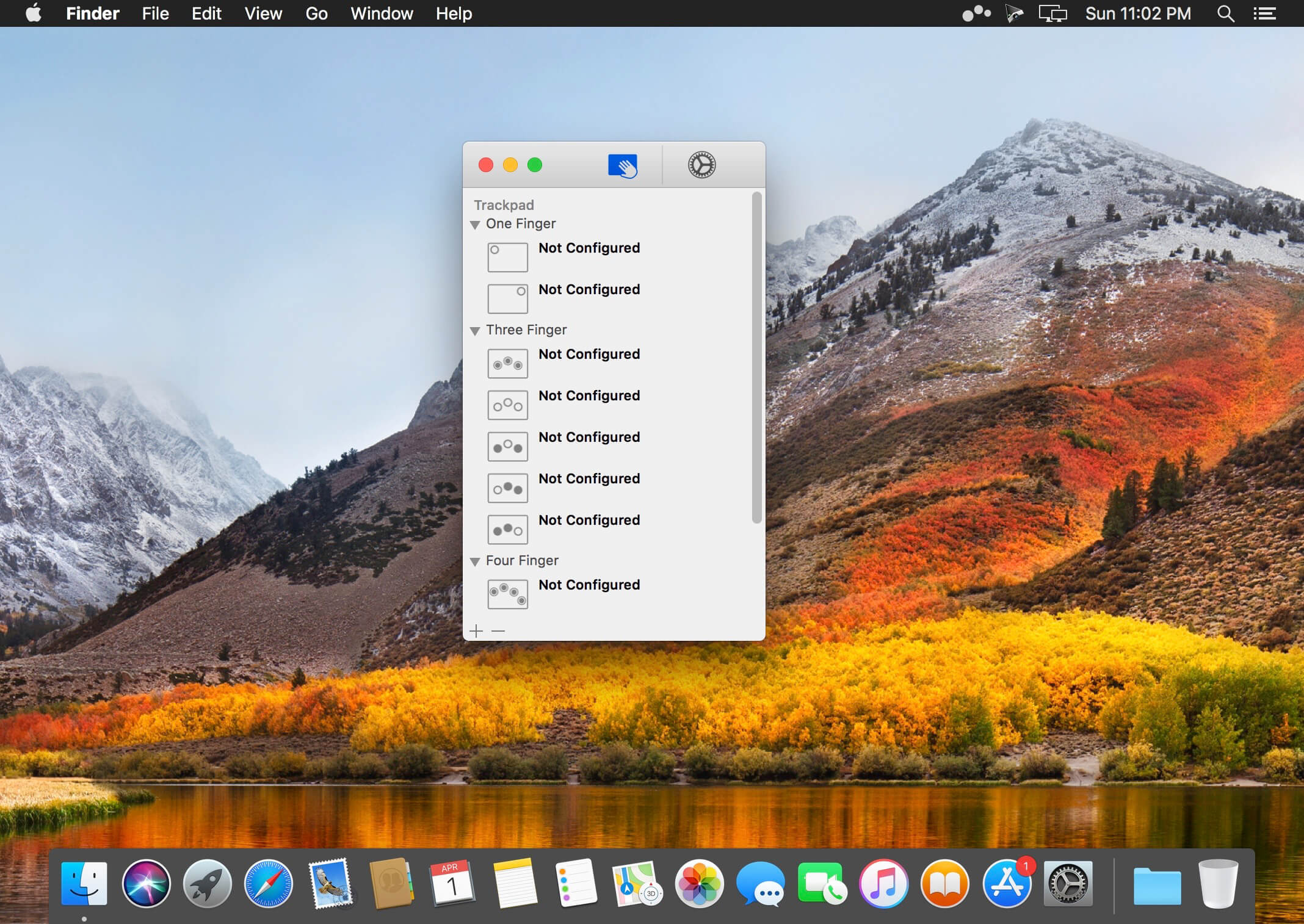
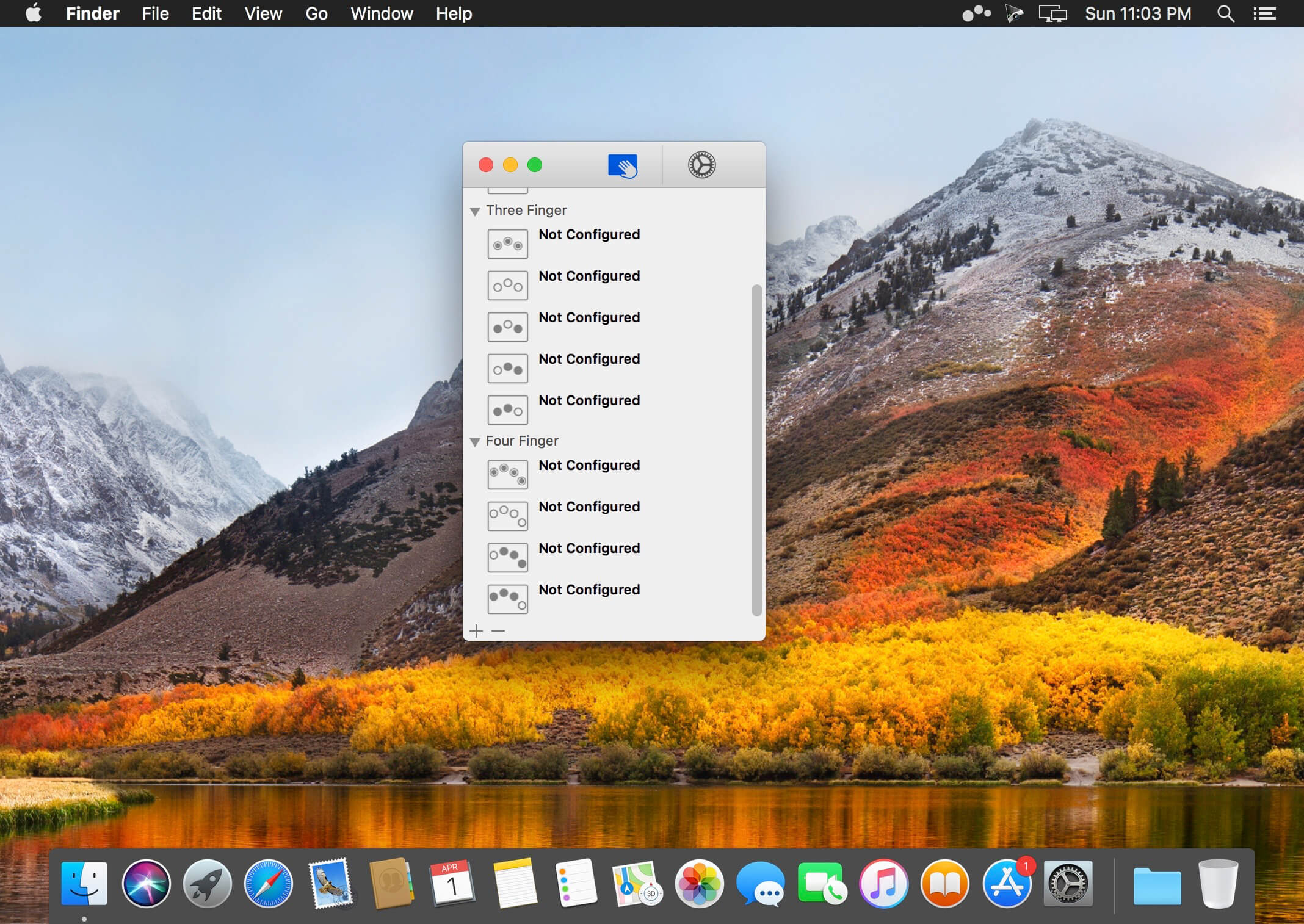
Easily add gestures to macOS Multitouch lets you tie a custom action to a specific magic trackpad or magic mouse gesture. For example, a three finger click can execute a paste. Improve your workflow by executing keyboard shortcuts, controlling your browser’s tabs, performing a middle mouse click, and much more.
Features
One time purchase and free updates with a growing list of gestures and actions.
Privacy. No user data is gathered from the app.
Does not require Accessibility privileges to run.
What’s New:
Version 1.32:
Release notes were unavailable when this listing was updated.
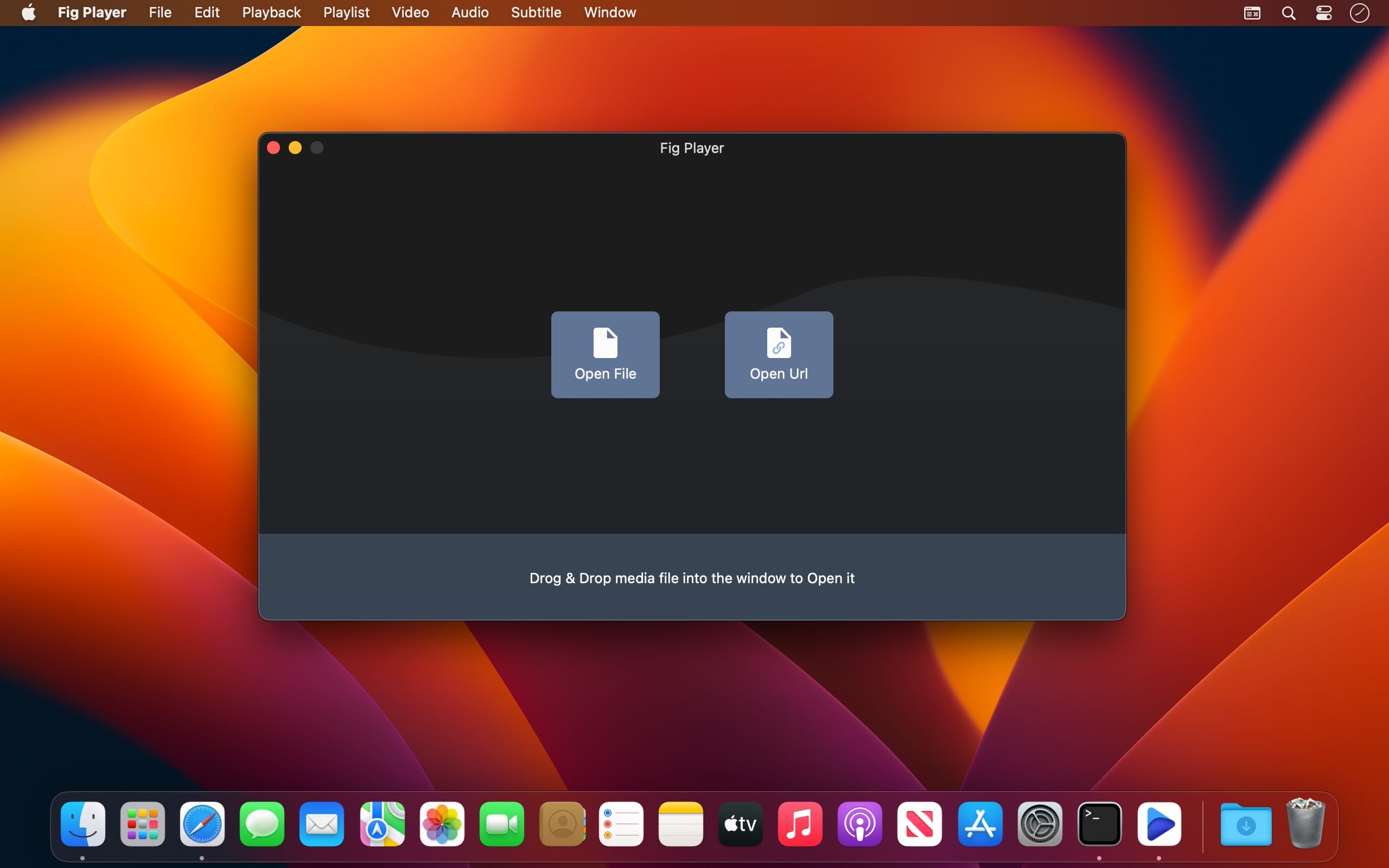
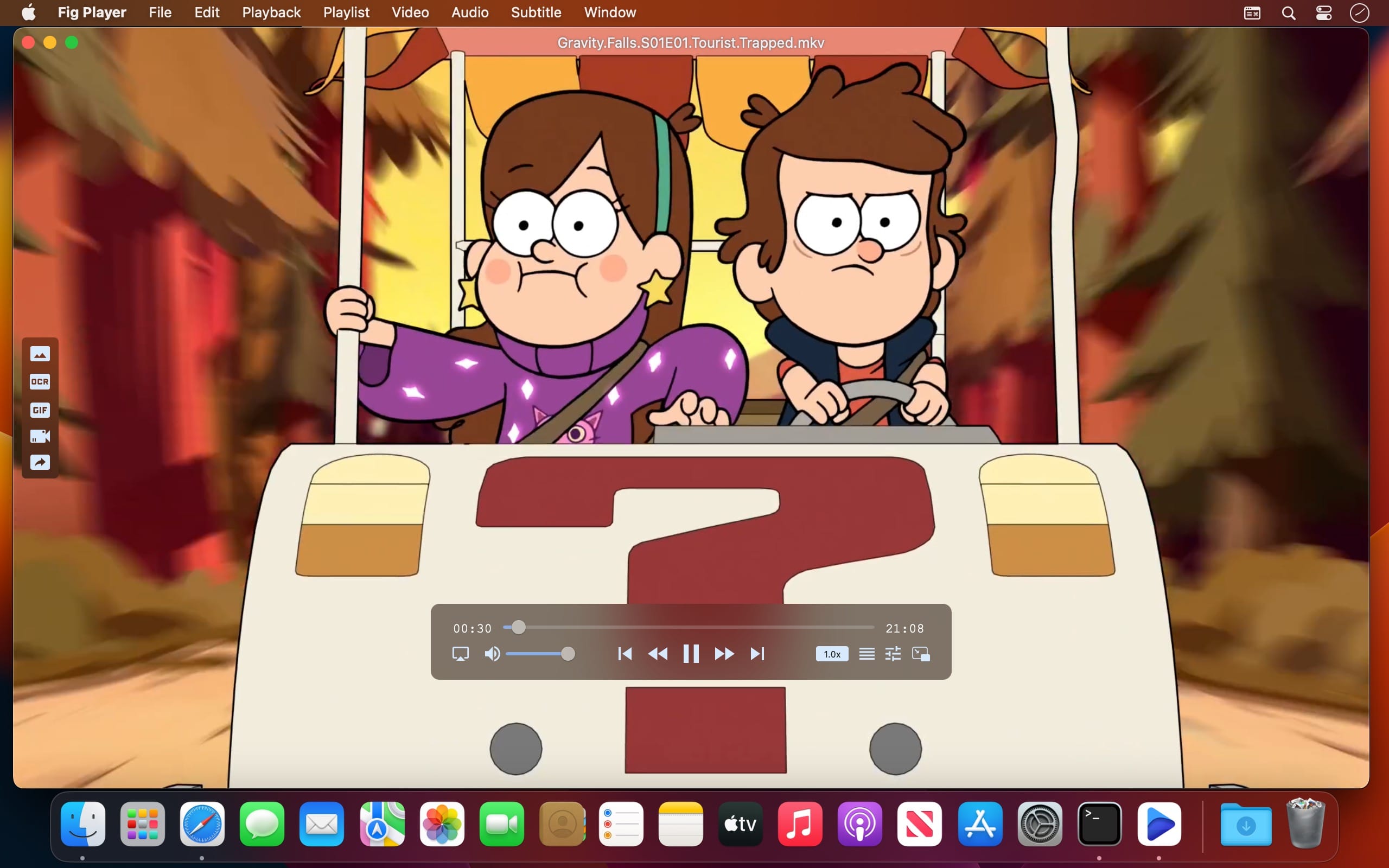
Fig Player, is a media player for Mac that supports a wide variety of media files and allows you to listen to music, watch videos and movies.
If you have an extensive media library but don’t have a good media player for Mac, here’s a good solution. Fig Player. It’s free to use and comes with a friendly interface. On the screen, you’ll be able to see all of the buttons that give you control over your experience, such as the play and stop button, playback options, volume slider, preview section, screenshot, and recording.
More Advanced Features
Smooth, seamless video play, support 4K.
Auto deinterlacing.
H/W-acceleration.
A-B loop.
Frame by Frame playback.
PIP mode.
Support various Subtitle formats(Text subtitles(SRT), Vobsub and ASS/SSA, etc.).
Choose which one when you have multiple sound output devices.
Create the scene poster with snapshots.
Playlist with upper-level folder name.
Support multiple windows and play multiple videos at the same time.
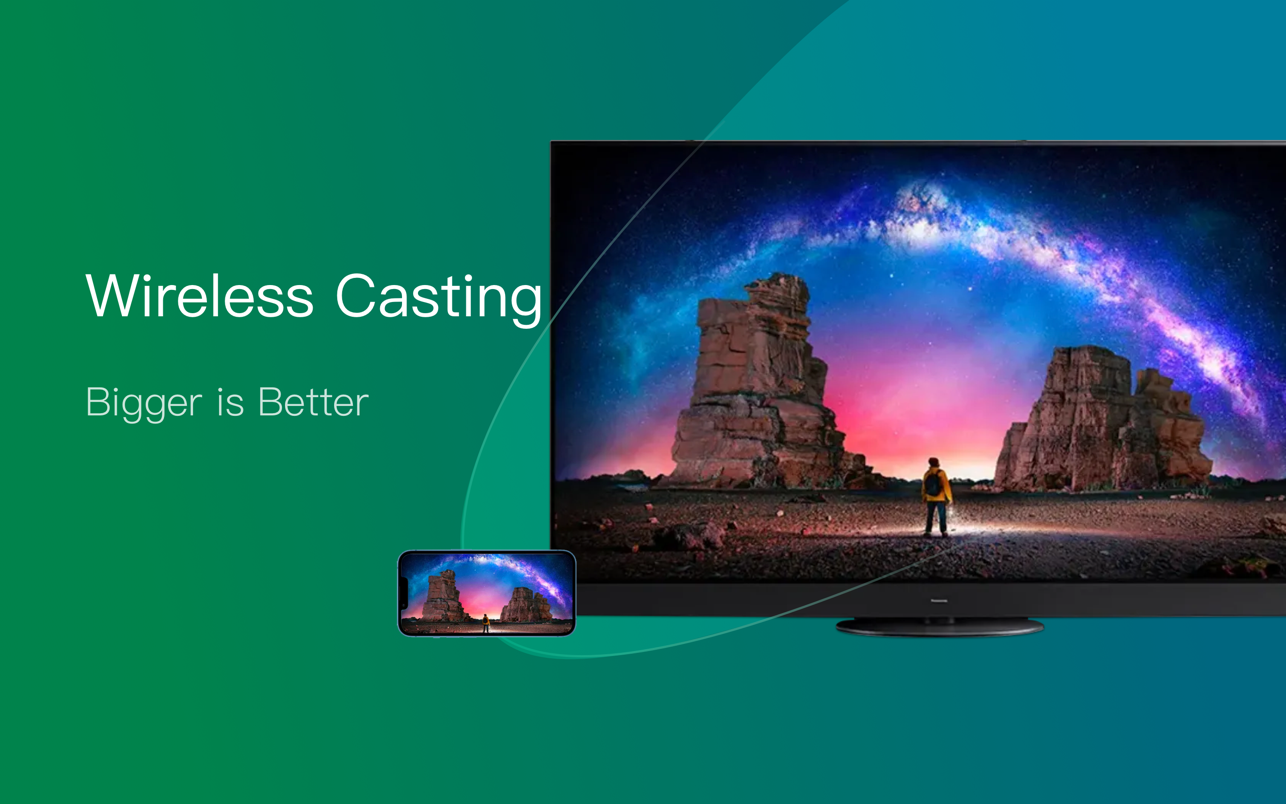
Support Wireless display to DLNA, Chromecast, Roku devices.
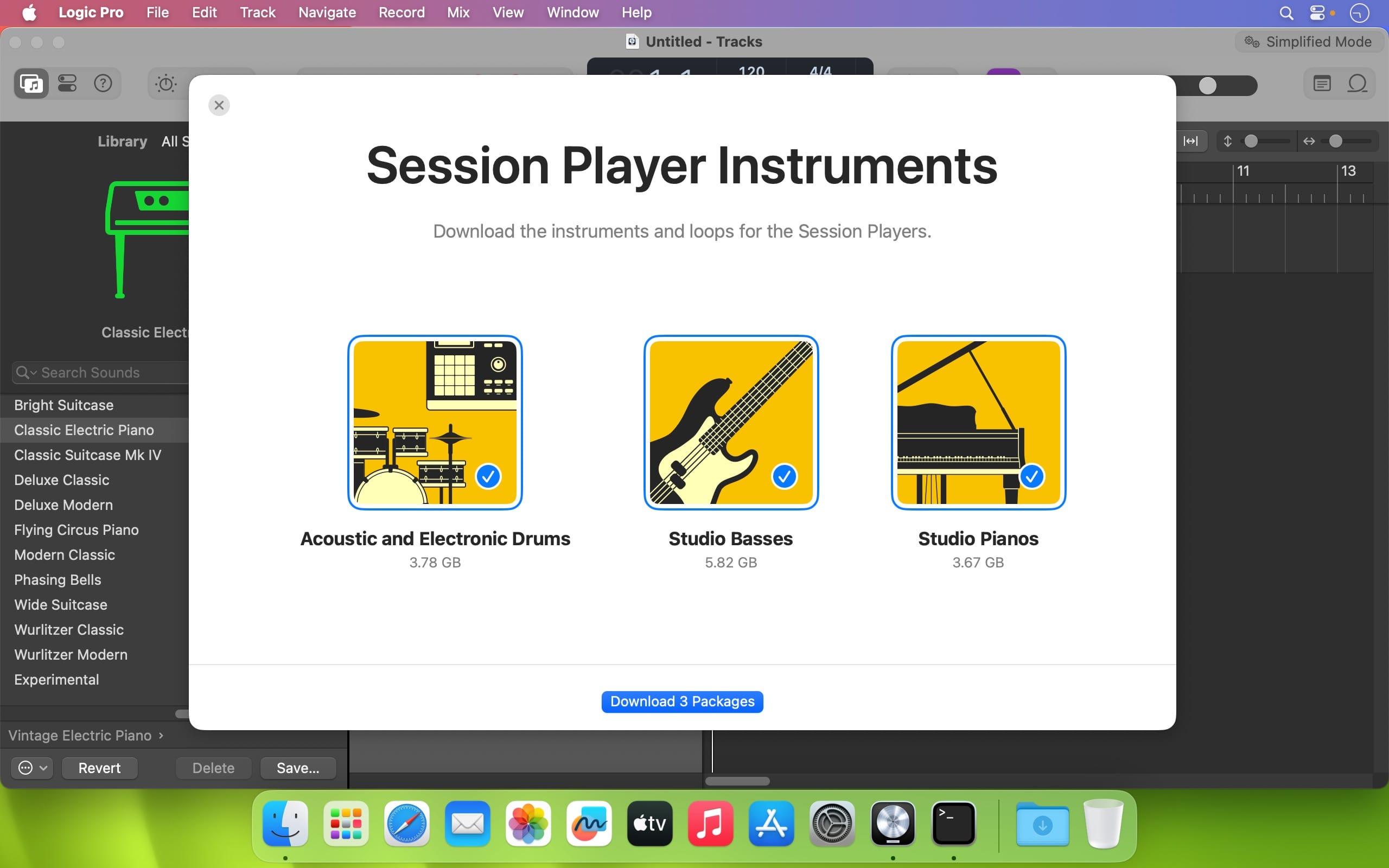
Logic Pro is a complete collection of sophisticated creative tools for professional songwriting, beat making, editing, and mixing, built around a modern interface that’s designed to get results quickly and also deliver more power whenever it’s needed. Logic Pro includes a massive collection of instruments, effects, loops and samples, providing a complete toolkit to create amazing-sounding music.
Professional Music Production
Use a complete set of spatial audio authoring tools that provide everything you need to mix and export your music for Dolby Atmos
Use Live Loops to capture inspiration and quickly build arrangements by mixing and matching loops, samples, and your recordings
Record and edit MIDI or audio using a comprehensive set of editors and tools
Keep takes organized with take folders and build comps quickly with Quick Swipe Comping
Track Alternatives let you create and switch between different playlists of regions and edits on a track
Fix out-of-tune vocals and change the melodies of recorded audio with Flex Pitch
Manipulate the timing and tempo of any recording with ease using Flex Time Use Smart Tempo to import audio and have it automatically conform to your project BPM
Perform and mix from anywhere in the room using Logic Remote on iPad or iPhone
Produce simple lead sheets or orchestral scores with built-in Score editor
Drum Production and Beat Making
Use Drum Machine Designer to build and perform your own custom kits
Program beats, bass lines and melodic parts using Step Sequencer
Create authentic acoustic, electronic, or hip-hop drum tracks using Drummer, a virtual session player and beat producer
Sampling
Use Sampler to quickly create and edit sophisticated multi-sampled instruments
Import a single audio file or record directly into Quick Sampler to instantly build a playable instrument
Keyboards and Synths
Get inspired by collection of synths that provide analog, wavetable, FM, additive, granular, spectral, and modeling synthesis
Quickly find sounds or create unique new ones with Alchemy, a powerful sample manipulation synthesizer
Instantly turn a simple chord into a rich performance with the Arpeggiator
Play faithful models of classic organs, keyboards, and vintage synths
Guitar and Bass Gear
Build your own guitar or bass rig with Amp Designer using vintage and modern amps, cabinets, and mics
Design a custom Pedalboard from a collection of delay, distortion, and modulation stompboxes
Creative and Production Effects
Access a professional collection of vintage and modern delays, EQs and compressors
Play your sounds through a variety of realistic acoustic spaces or creative synthesized reverbs
Add movement to your tracks with a variety of modulation effects
Sound Library
Over 5,900 instrument and effect patches
1,200 meticulously sampled instruments
14,750 Apple Loops in a wide range of genres
Compatibility
Expand your instrument and effects library with third-party Audio Units-compatible plug-ins
Share to GarageBand option allows you to remotely add new tracks to your Logic project from your iPhone or iPad via iCloud
Import and export XML to support Final Cut Pro workflows
Export your spatial audio mix as a Dolby Atmos ADM file compatible with Apple Music
Export and share your songs directly to SoundCloud
Storage Requirements
6GB available storage space for minimum install / 72GB storage space for full Sound Library installation
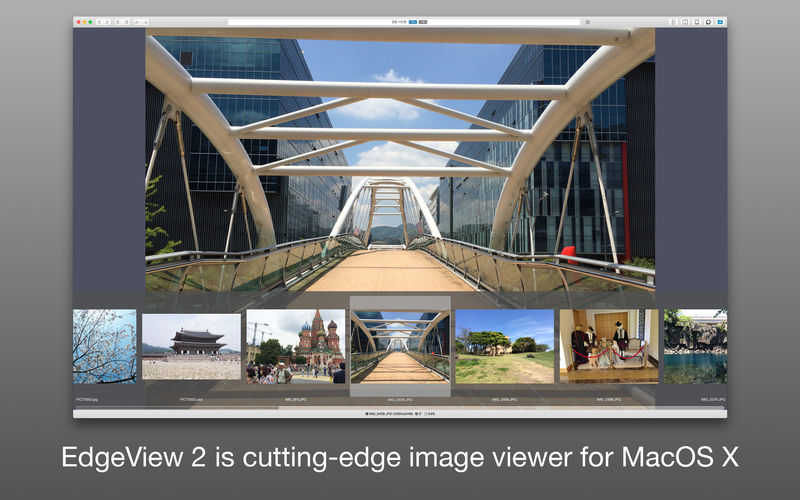
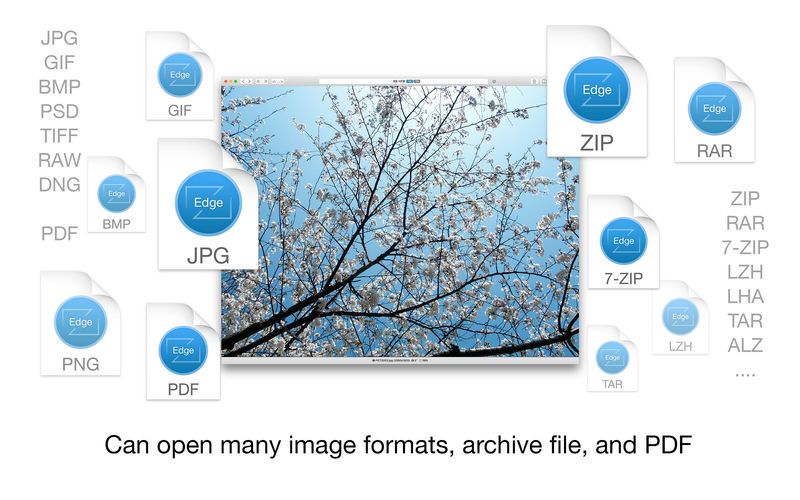
EdgeView 3 is fast image viewer has elegant user interface. EdgeView 3 is developed and designed for modern MacOS. It can open various image files such as JPEG, PNG, TIFF, BMP, and RAW file of DSLR, EPS and PDF, AI(Adobe Illustrator). Can open image files in archive directly without extraction.
User can open files, rename files, delete files from EdgeView’s file browser. Also can access to SMB/AFP/FTP network volume.
User can navigate images quickly by using keyboard shorcut, mouse wheel, trackpad gesture. EdgeVew show EXIF information, play animation GIF/PNG/WebP smoothly. Save last status to history, and restore when reopen file.
EdgeView 3 will be the best choice when viewing and managing image files.
Features
Rewrote full code as Swift for improve performance.
Support m1 CPU Mac.
Has easy UI, can control main function at Sidebar.
Support English/Korean/Japanese/Chinese(Simplified).
Image Viewer
Supporting image files such as JPG, GIF, BMP, PSD, TIFF, RAW, WEBP and PDF, EPS, AI(Adobe Illustrator), OpenEXR, HDR, TGA.
Can play animation GIF/PNG/WebP. User can control animation with floating animation controller.
Dispaly internal image(or frame) of animation GIF/PNG/WebP or HEIC that has multiple internal image.
Can read and show images of major archive formats (such as ZIP, RAR, CBZ, CBR, 7-zip) without extraction. Of course, can open ZIP file that 4GB over.
Can read encrypted archive file.
Can read archive file in archive file recursively
Improved draw speed by rebuilt image cache system and drawing engine.
Draw images as high quality.
Provide suitable functions for comic reading such as ‘Two-Page Spread’, ‘Continuous Scroll mode’, ‘Right to Left’, etc.
Provide multiple navigation functions like as ‘Move’, ‘Skip’, ‘Shift’, etc.
User can navigate images and check whole thumbnails at Thumbnailsbar.
User can navigate images by using keyboard shortcut, mouse wheel, trackpad gesture.
Can rotate and flip images. Orientation will be saved to history.
User can select part of images, and copy it or save as file.
Can zoom in/out image freely.
Built-in loupe function to make it easier to magnify part of image.
Show histogram.
Show neighbor files list. And can open neighbor file.
Support history feature for saving and restoring last status of file.
Can reopen file or remove history at history list.
Can rate image files.
File Browser
Built-in file browser can show and open files from local drive or AFP/SMB/FTP network drive.
Can display files as lists or icon.
Show images in folder/archive file at preview panel.
Generate thumbnails of archive files and folders.
Support powerful search feature.
Show category and writer information.
User can sort files by various options, and can delete or rename files.
Can rate files or folders.
Others
Support customizing feature. Also user can change shortcuts.
Built-in Quick Look Extension generate thumbnails and preview of archive files at Finder.
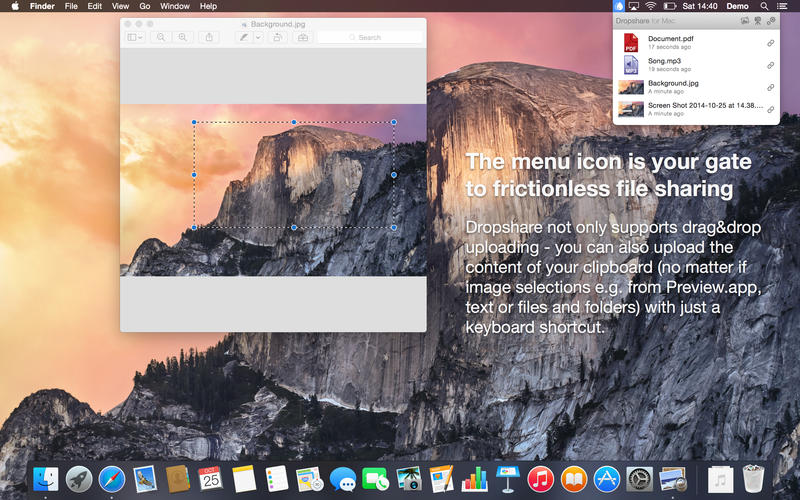
Your very own secure file sharing tool! Dropshare is a so-called menulet that enables you to easily drag&drop files, folders and anything else to your own server, Amazon S3, Rackspace Cloud Files or Google Drive. Once uploaded, the app copies the link to the file to your Mac’s clipboard and you’re ready to share with anyone you like!
Dropshare supports SCP over SSH, a secure industry standard protocol for file transfers. Uploads to Amazon Simple Storage Service (S3) or Rackspace Cloud Files are also supported, which both are low-priced file hosting services in the cloud. Compared to other cloud hosted file sharing services, Dropshare directly connects to your very own Amazon S3 bucket or Rackspace Cloud Files container, so there is no third-party involved at all.
Dropshare supports Multiple Connections: You can set up different upload destinations at the same time and switch between them using user-defined keyboard shortcuts!
Features: Uploads everything
No matter if files, folders, text or screenshots – Dropshare uploads every file and data to your selected destination – also from clipboard or other applications like Safari.
Automatic screenshot upload
Set up your own keyboard shortcuts for fullscreen or selection-based screenshots that’ll be uploaded automatically with Dropshare.
Screen Recordings
Take & upload Screen Recordings directly with Dropshare, both fullscreen and selection-based recordings are available.
Dropshare Safe
Easily create access-restricted URLs for your uploads with either a lifetime and/or password.
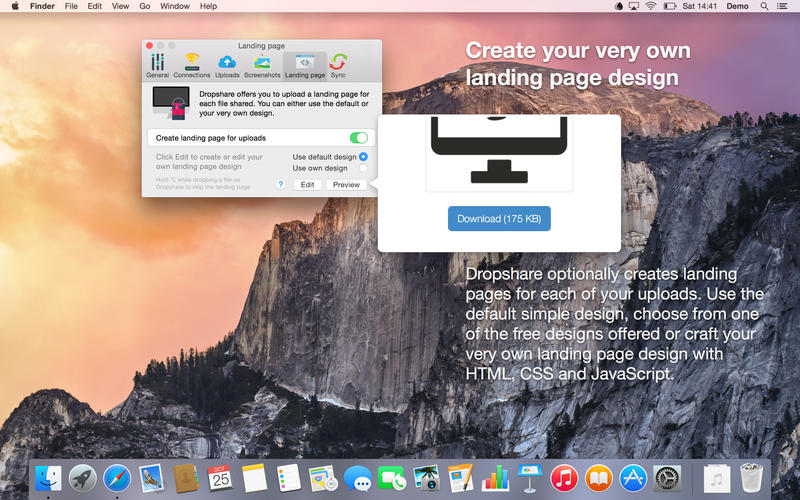
Beautiful individual landing pages
Choose from a number of free designs or craft an individual design on your own using HTML, CSS and jаvascript. A preview can be embedded for several file types, e.g. images, text or video files.
Choose your URL shortener
Dropshare supports URL shorteners as well – natively supported URLs (e.g. dsh.re), or configure your very own URL shortener service like bit.ly (for hosted services) or YOURLS (for self-hosted services).
Dropshare Sync
Synchronize your upload history across all your devices which have Dropshare installed.
1-Click Delete from your server
Whenever you decide that you no longer want to share a specific file, just use Dropshare to delete it from the upload destination again.
Markdown to HTML
If enabled, Dropshare automatically converts Markdown files to HTML.
Services enabled
Dropshare introduces itself to the Mac OS X Services Menu. By doing so, you can perfectly use the tools Mac OS X provides to create e.g. keyboard shortcuts for specific actions.
IPv6 ready
Worth to mention, Dropshare works perfectly well in IPv6 environments.
Dynamic Wallpaper Engine allows you to use live wallpapers on your desktop/screensaver. It provides thousands of live wallpapers in the Workshop while taking as little system resources as possible. It’s the Wallpaper Engine for Mac.
Features • 2000+ hand-picked videos which are updated every day. • Multiple types of 4K Ultra HD videos, anime, scenery, cute, game, creative, Beauty, Ancient, Movie, etc. • Supports “keyword searching” in videos. • Supports “Dynamic-ScreenSaver”, personalize your lock screen. • Easy to import local video. • Supports The playlist, list loop, shuffle loop. • Supports multiple screen aspect ratios and video native resolutions. • Supports global hotkeys to control wallpaper, hide desktop icons and show screensaver. • Set different wallpapers on different displays. • Manual control, video pause, resume and mute. • Break reminders, with flexible customization if you want it. • Auto mode, pause the video when other apps are active, not disturbed at work. • Auto mode, pause the video when Power Disconnected. • Support for hiding desktop icons. • Dynamic Wallpaper Engine is designed to provide an interesting experience while consuming as little system resources as possible.
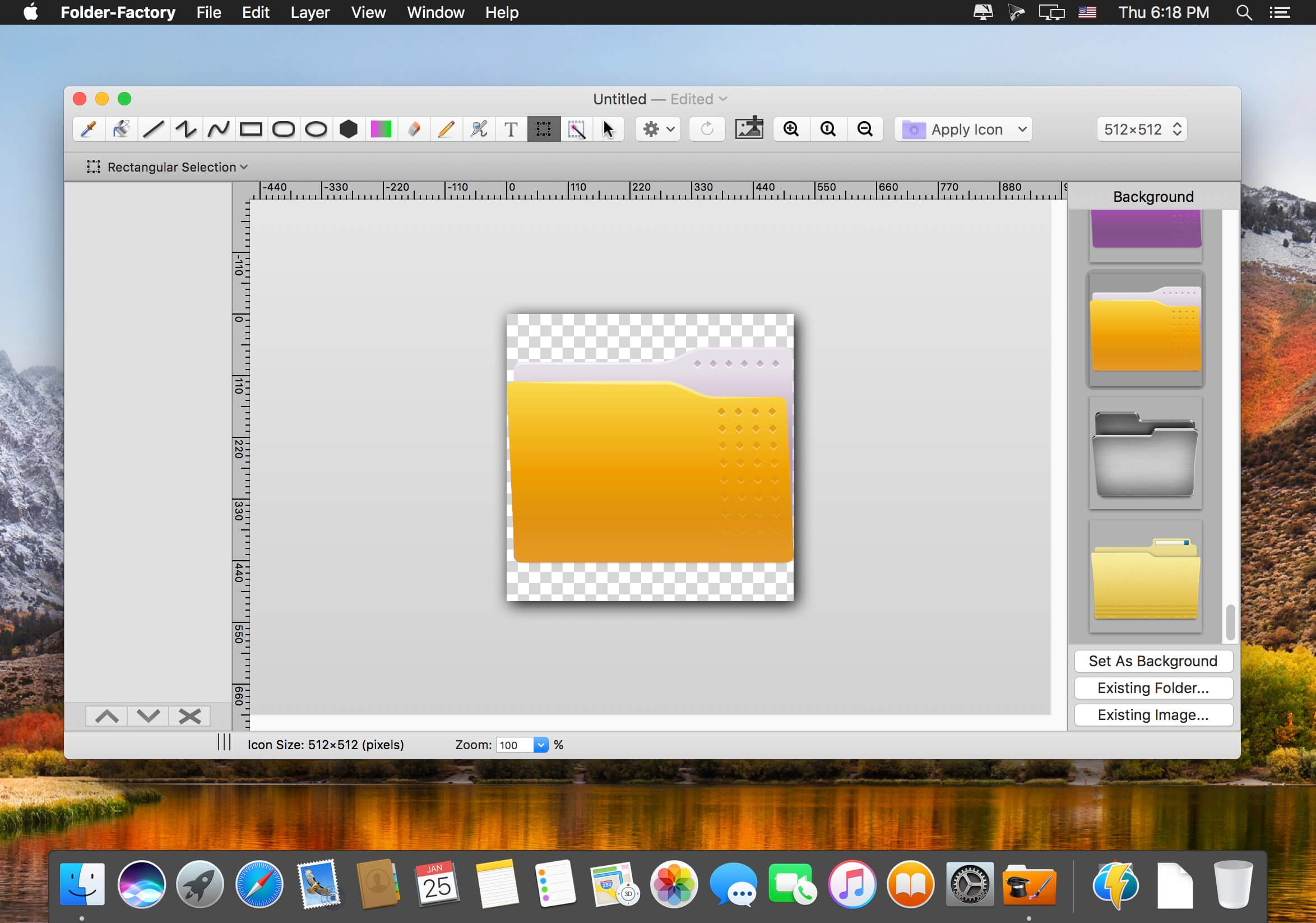
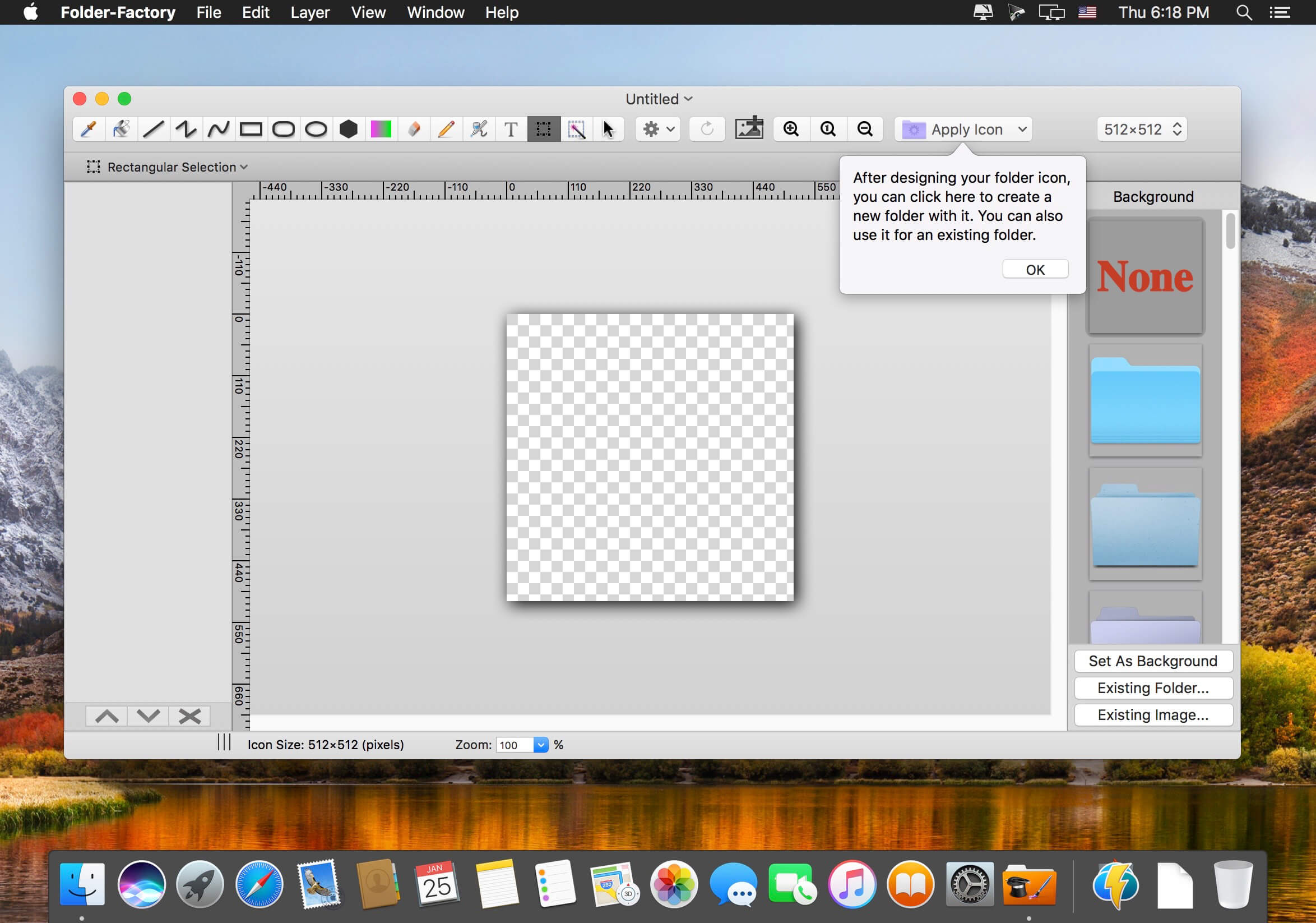
Folder-Factory is a basic icon tool for OS X which help you to customize, design and enhance your folder icons. With it you can combine folder icon with images, text, sketch, and shape. This will improve your system’s appearance, keep your Mac organized and improve your working productivity. You’ll no longer need to read folder names as you can now easily identify them. And at last, it has a friendly and clean UI and it’s really easy to use.
Key features:
Support retina display.
Customize, design and enhance your folder icons.
Support all kinds of tools. For example eyedropper, fill, line, rectangle, ellipse, pen, eraser, text, image, round rectangle and so on.
Config line width, pen color and fill color and so on.
Support archive files and folder to encrypted zip&7z
Quicklook files in archive before extraction.
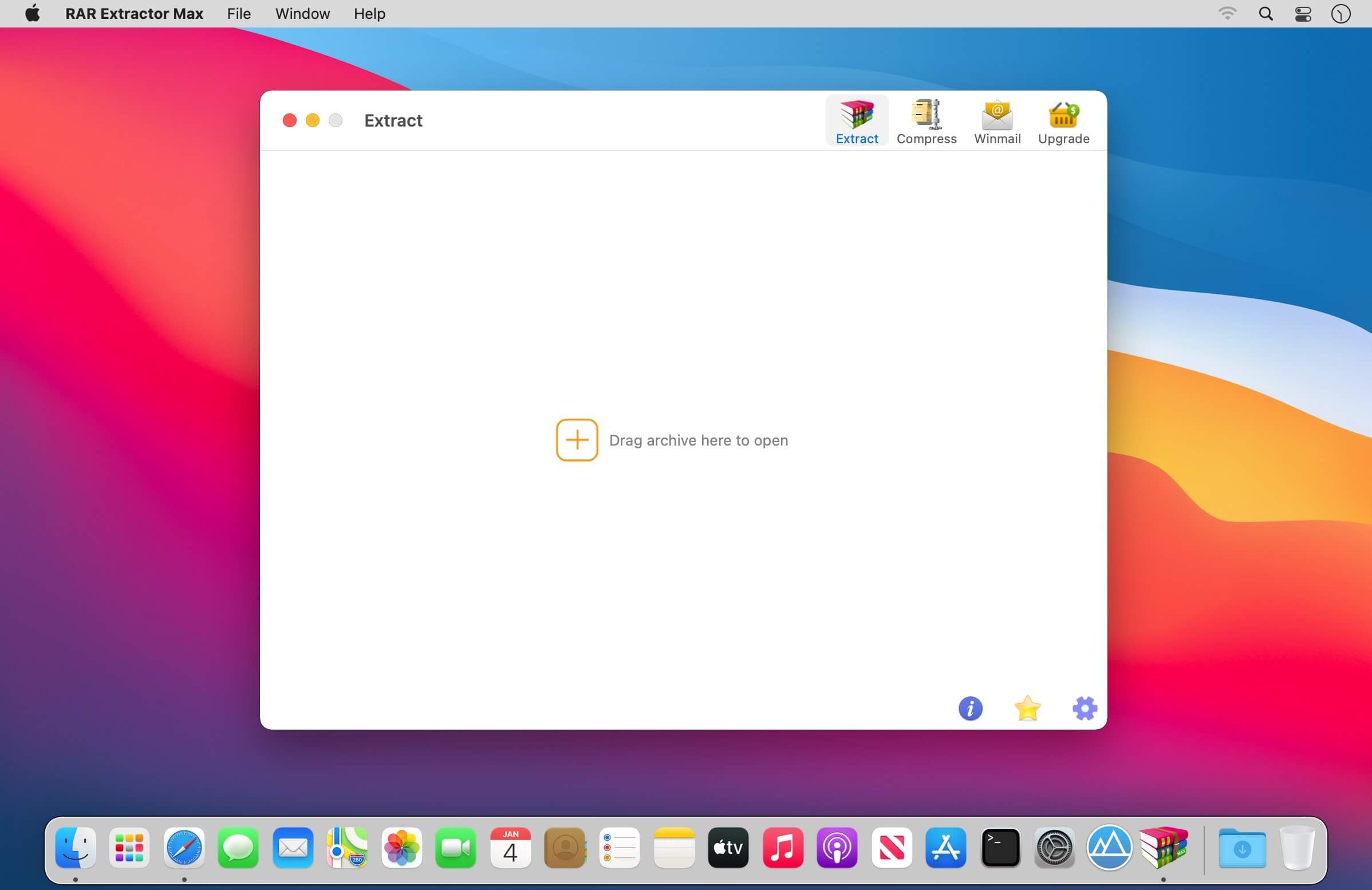
MAIN FEATURES
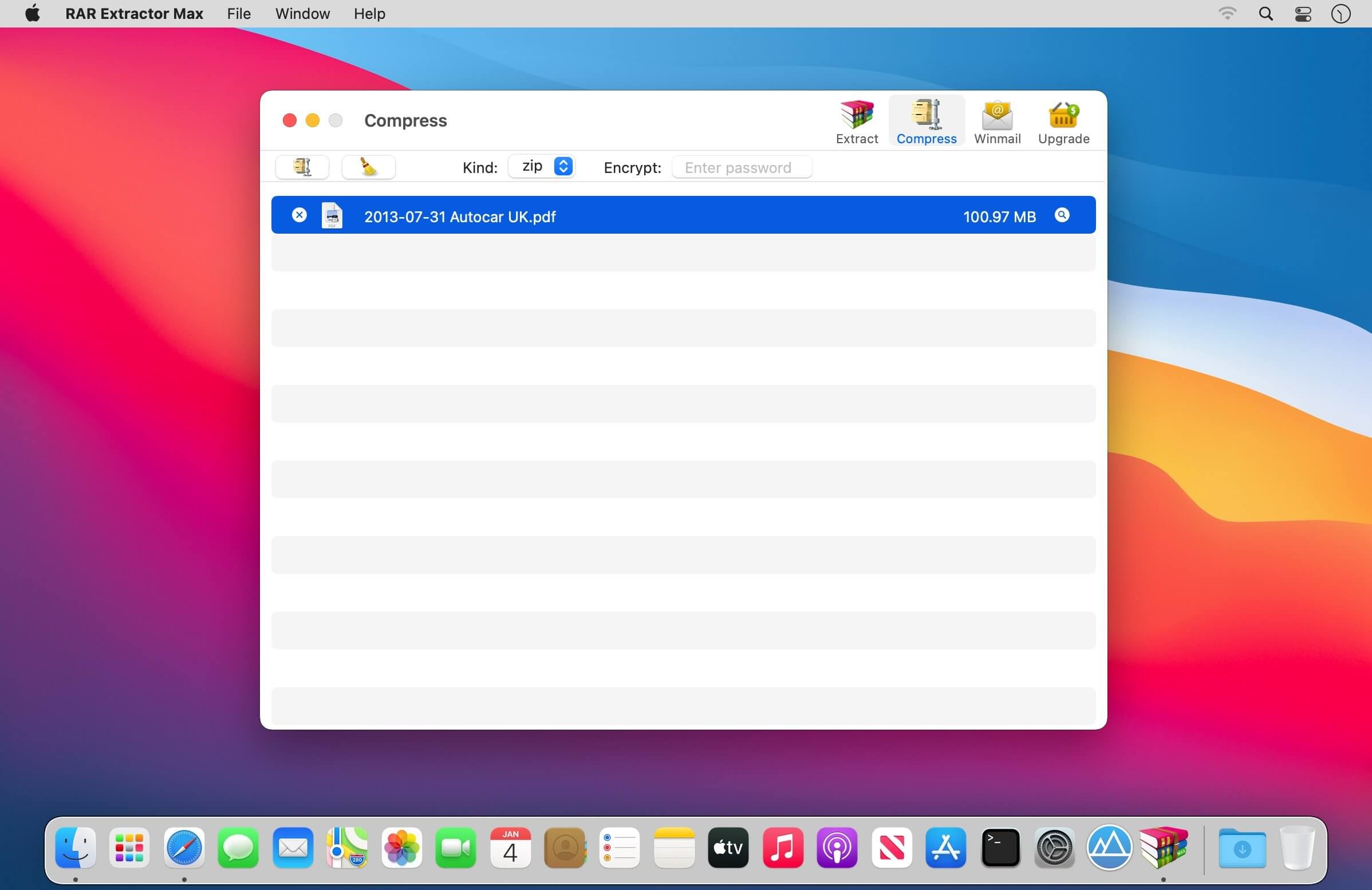
Extract extract compressed files in all most formats(over 50 formats).
Unzip, unrar encrypted archives.
Preview and open the file in winmail.dat sent from Microsoft Outlook
Easy view of an archive’s file list.
Quicklook files in archive before extraction.
Unarchive & unrar the selected individual file or folder in the archive.
Double click to display or extract directly after setting this APP as default archiver.
Drag archives to the dock icon to extract or display directly.
Batch decompress many archives
Create password-protected ZIP & 7Z archives.
AES256 encryption algorithm to create ZIP & 7Z archives.
Drag the file in archive to the desktop to extract directly
VERSION INTRODUCTION
RAR Extractor: a lite version the first-generation product, supporting decompress all most of formats of archives and compress files to rar and 7z packages.
RAR Extractor Pro: a pro version the first-generation product, supporting decompress all most of archives, meanwhile, it supports view the contents of archive before extraction.
RAR Extractor Max:based on the first-generation app, we redesigned the UI and improve the functionalities
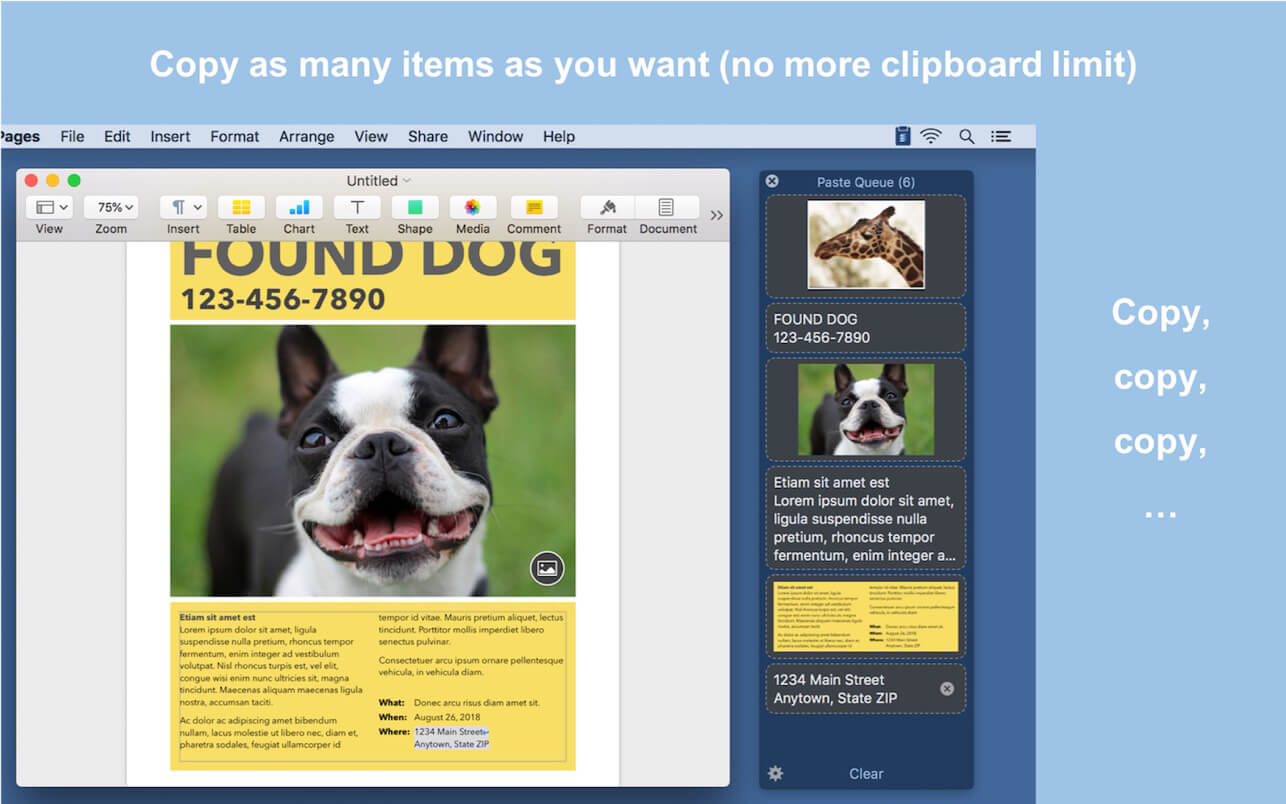
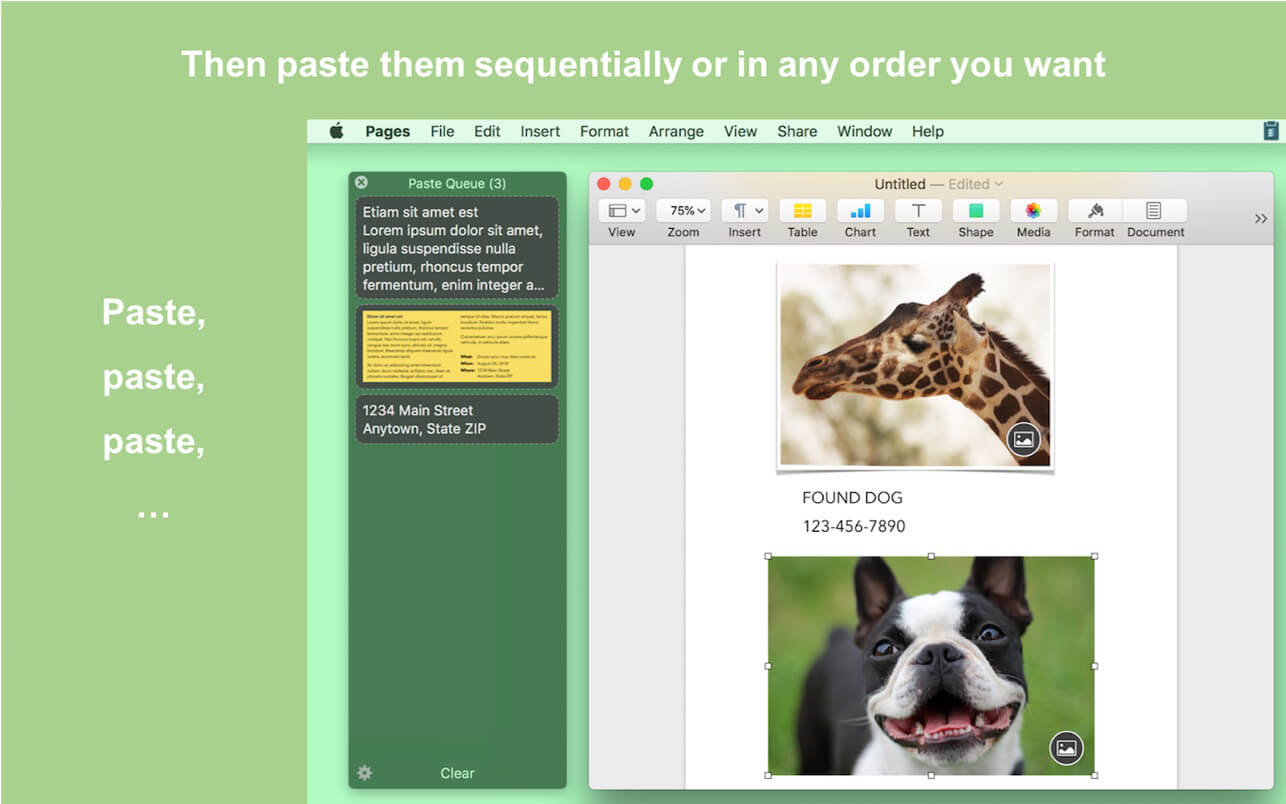
Paste Queue is a great time-saver for copying and pasting multiple items between locations. Just copy all needed items first. Then paste them one by one or all at once — no need to switch back and forth between your source and destination.
For example, you can copy a name, phone number, and address, one by one with a keyboard shortcut, and then paste them all at once (or one by one) in the same order into a form, with another shortcut. It’s like an extended clipboard, where you can copy and paste as many items as you wish each time, in sequential (or reverse) order!
Paste Queue also lets you paste items in a custom order, paste rich text as plain text, rearrange copied items, delete them, etc. If you copy and paste often, it is a right app for you. It’ll make your copy and paste routines simple, fun, and fast!
KEY FEATURES
Supports text, HTML, code, images, files, hyperlinks, PDFs, and app-proprietary data
Works across different apps and windows
Can hold unlimited number of items before pasting them
Customizable keyboard shortcut for copying items into the queue
Can use regular copy commands to copy items into the queue (when the app window is open)
Option to not record duplicated items into the queue
Customizable keyboard shortcuts for pasting items one by one, in first-in-first-out (sequential) or last-in-first-out order
Can paste items in any order by clicking them
Can drag and drop items to destinations
Can reorder items before pasting them
Customizable keyboard shortcut for pasting all items at once
Can insert text that separates multiple items pasted together
Can paste multiple items into consecutive fields/cells in a form/spreadsheet in one shot
Can paste rich text as plain text
Optional copy and paste sound effects
Quick access to the queue via the app’s menu-bar icon
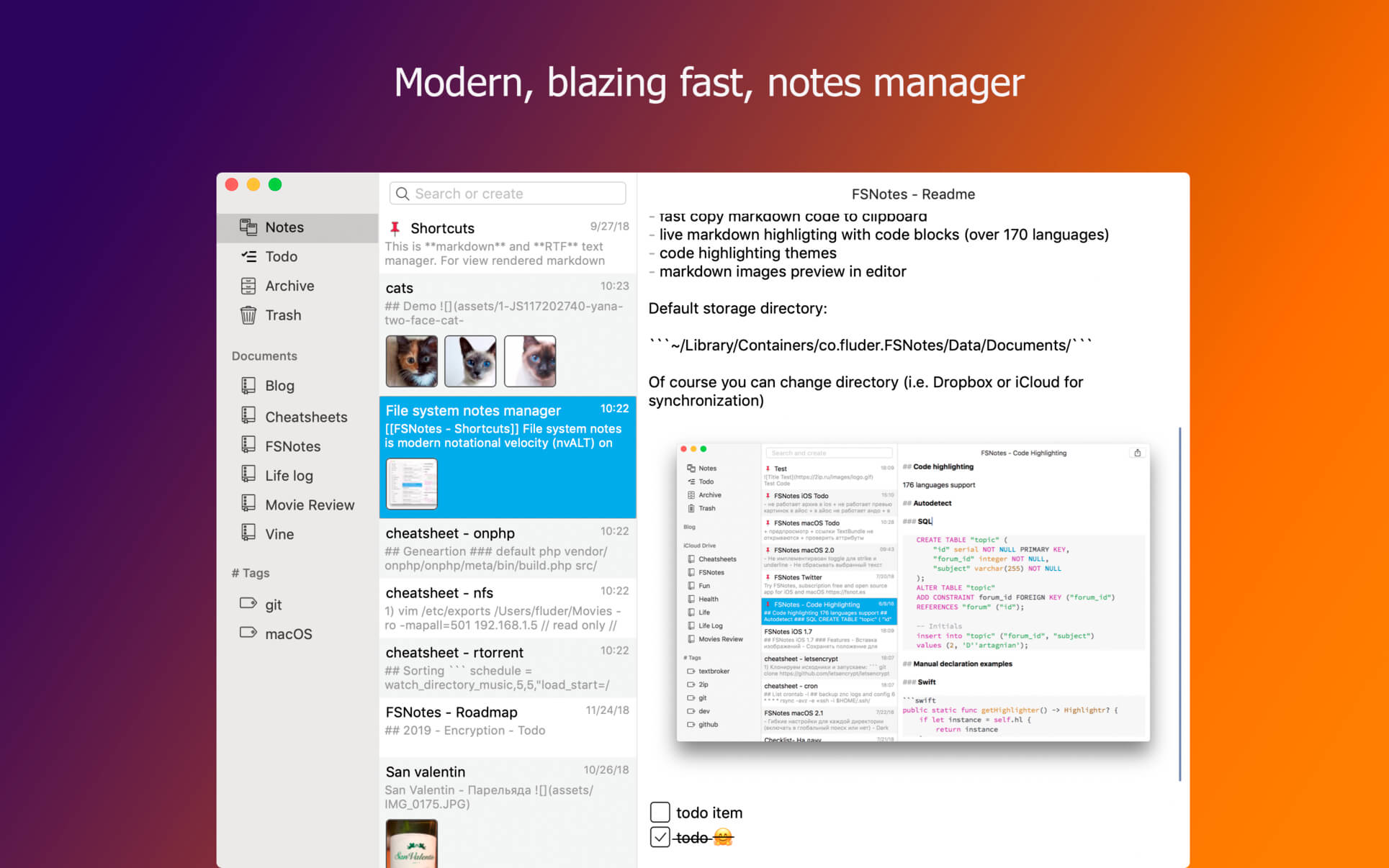
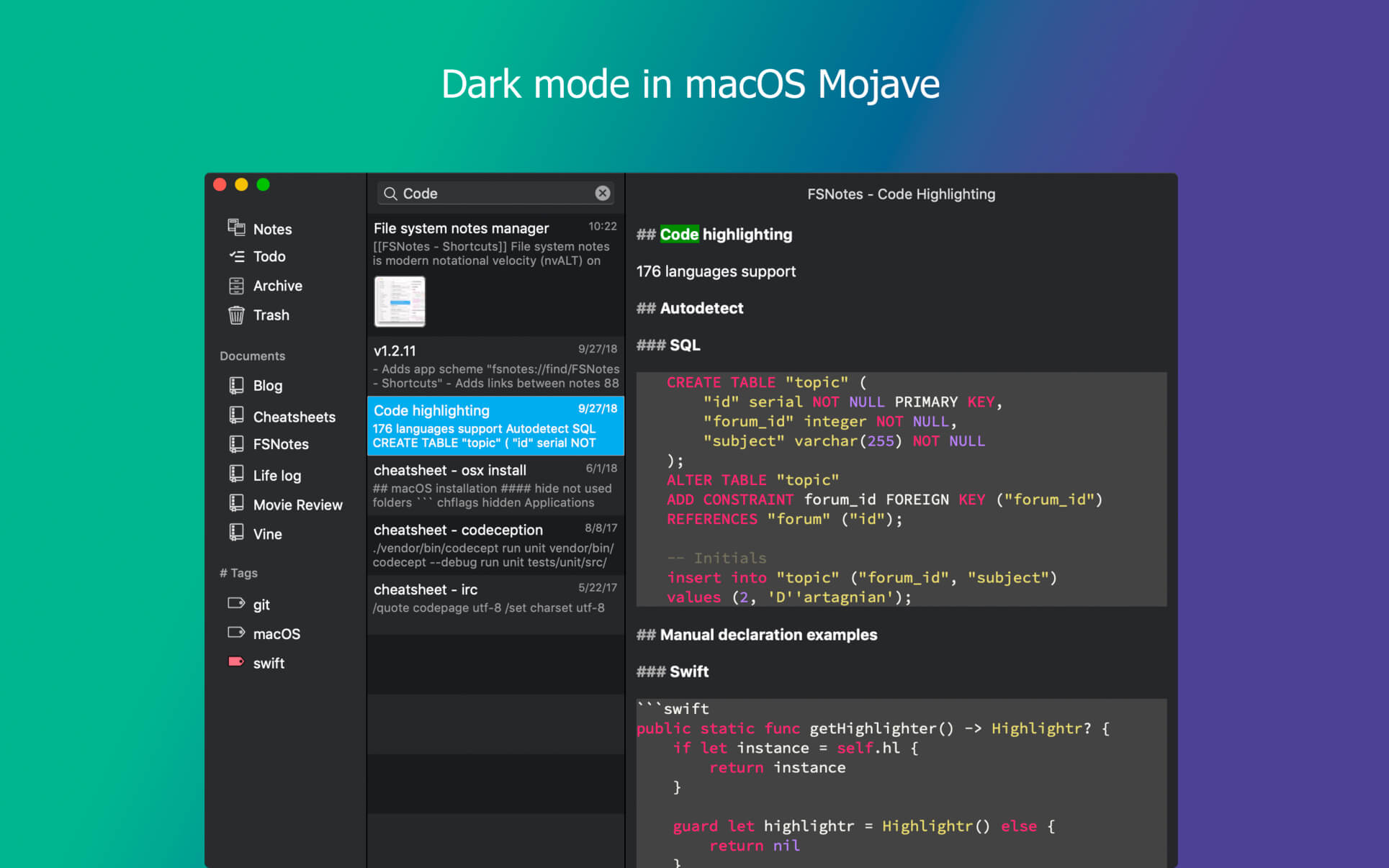
FSNotes is a plain-text note manager for macOS, and is modern reinvention of notational velocity (nvALT) on steroids. Our application respects the following open formats: plain/text, Markdown, and RTF, and stores data in the file system. You can view, edit, and copy data in your favourite external editor, and see live results in FSNotes.
Features
ICloud synchronization
Keyboard centric
Global shortcuts (clipboard save / search field)
Markdown and RTF markup (files stored on disk as plain/text and rich text)
Markdown preview mode
Elastic two pane view (vertical and horizontal layout)
Blazing fast and lightweight
Open files in finder / works with external editors (changes seamless live sync with UI)
Pin/unpin important notes in top
Multi folder storage
Markdown live highlighting with over 170 languages in code blocks
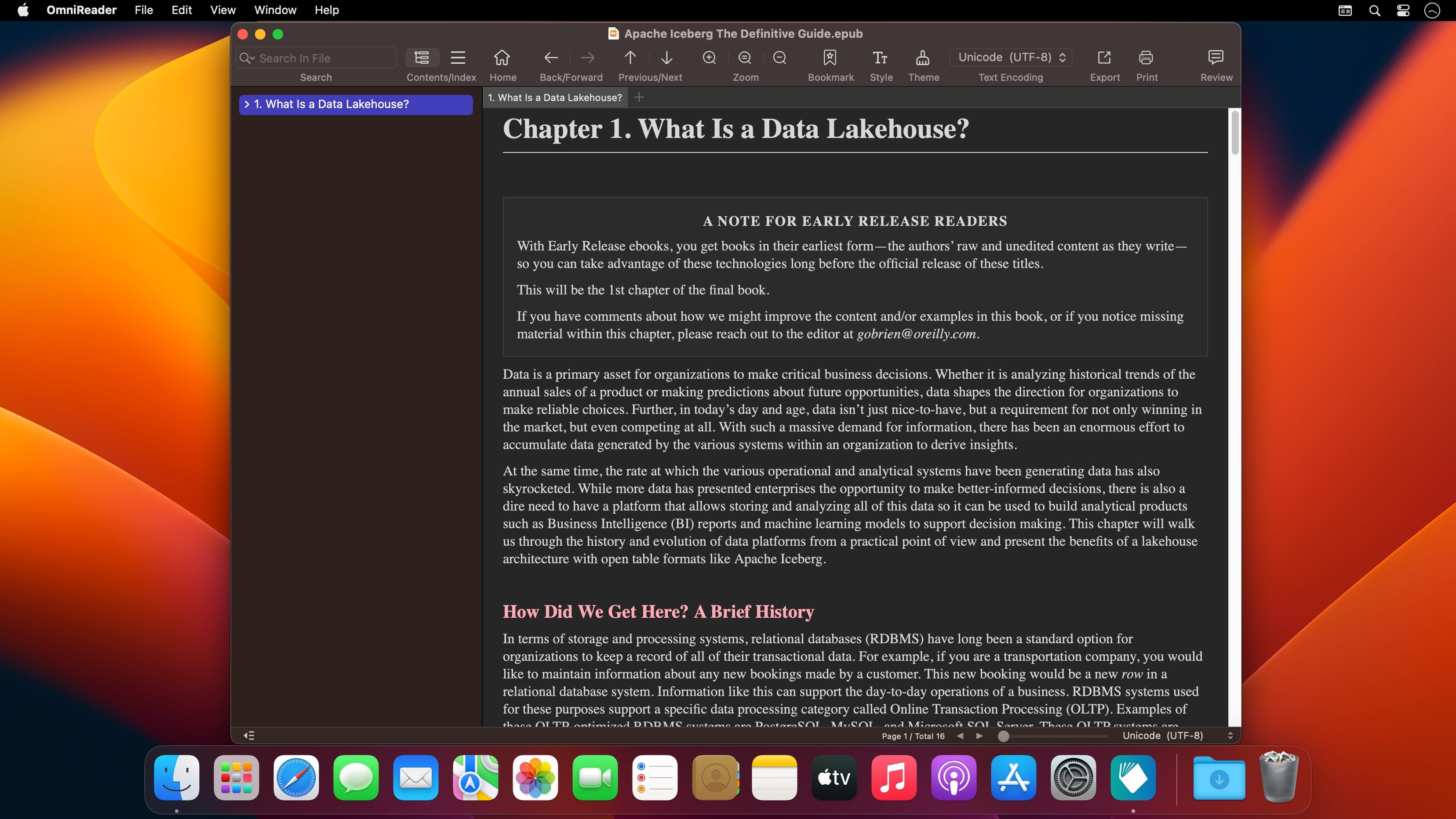
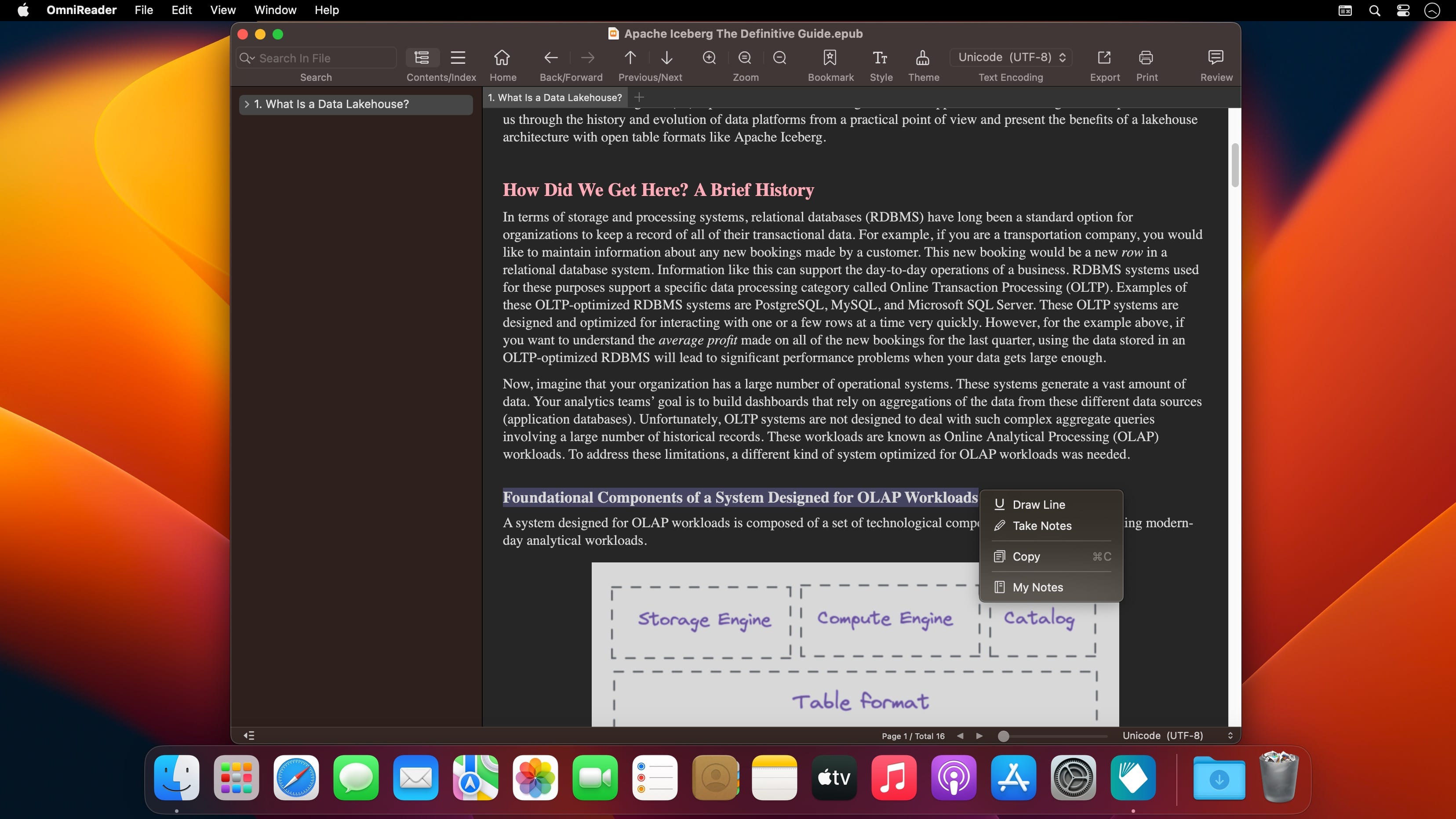
A simple and easy to use TXT ebook reader, support to read TXT, EPUB format files.
# Functional Features
– Bookshelves to record the books you have read.
– Automatically remember where you last read.
– Intelligent recognition of common text encoding.
– Intelligent chapter division.
– Supports multiple theme switching.
– Supports immersive reading mode.
– Supports Text-to-Speech.
– Supports status bar window reading mode.
– Supports export to PDF, HTML and UTF8 encoded TXT file.
– Full-text search is supported.