Features:
• Calculate aspect ratios (rule of three)
• Swap values horizontally and vertically
• Select scales and ratios
• Browse common resolutions
• Browse recent ratios
• Formula preview
• Uses imperial or metric system automatically based on your system settings
• Multi-window support
• Optimized for macOS 11+
• Optimized for Mac with M1 (Apple Silicon)
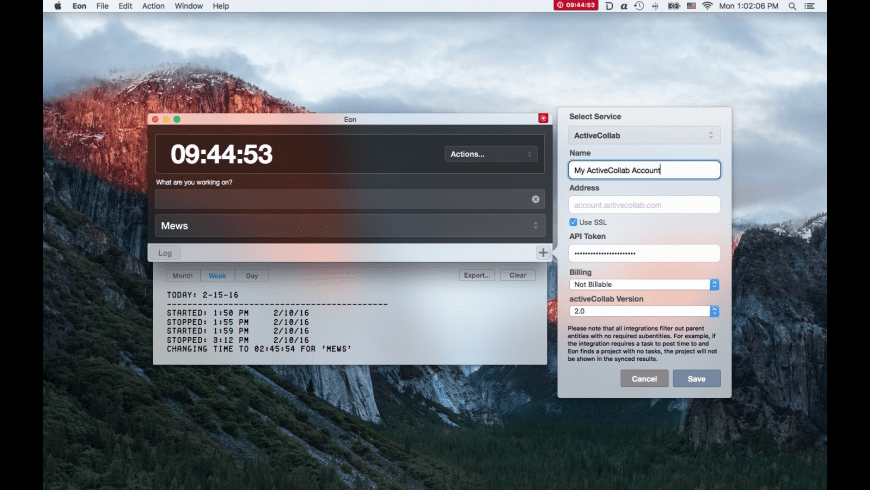
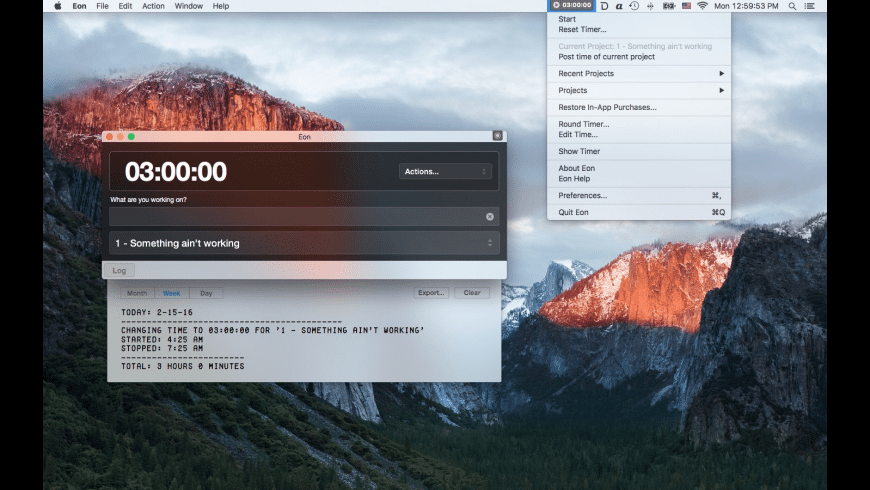
Simple and elegant time tracking.. Eon helps you easily track time on your Mac. Eon allows you to easily post time to several services to make invoicing as painless as possible. Keeping track of time that you spend on a project is the basis of every business. Eon can not only track the time, but it synchronizes with over 40 different online services.
ActiveCollab
Apollo
Assembla
AtTask
Blinksale
Cashboard
Celoxis
Codebase
Ding
fixx
FogBugz
Freckle
FreeAgent
FreshBooks
Harvest
Intervals
Invoice Machine
Invoicera
JIRA
KashFlow
LessAccounting
Mavenlink
MinuteDock
mite
Paymo
Project Bubble
Redmine
Ronin
ScrumDo
SUBERNOVA
TargetProcess
Teambox
TeamLab
TeamworkPM
Tick
Toggl
TriggerApp
TSheets
Unfuddle
WorkflowMax
YouTrack
Zoho Invoice
Language: English, Czech, German, Portuguese, Russian, Simplified Chinese Compatibility: macOS 10.12 or later Homepagehttp://software.charliemonroe.net
With Cursor Pro you can make your pointer pulse and beg for attention when you can’t find it and have it act as a magnifier all from one carefully designed, fun-to-use app. It’s fully customizable: Choose how you want your pointer to be highlighted with options including a circle, an eye-pleasing squircle, and a diamond-shaped rhombus. Want to make it appear a specific color?
You’ll find Cursor Pro invaluable and indispensable if you:
• Want to make a professional impression. Use your Mac to demonstrate apps, workflows, or anything else. People will see your pointer and the clicks you perform more easily.
• Work remotely and need to be able to share your screen with a colleague without them asking what you’re doing all the time. Your pointer, and the actions you perform, will be clearly visible.
• Present on a big screen and want to make sure everyone can see exactly what you’re doing without issue. Enable the magnifier and make sure everyone can see on-screen text and interface elements.
• Capture on-screen tutorials for sharing online or to help promote an app or service.
• Have a large screen or even multiple displays. Losing your pointer is something that happens to many of us far too often. Cursor Pro will make sure you always know where your pointer is.
Features
• Customizable Cursor Highlight: Choose your preferred Shape, Size, Weight, Border Style, Glow, Animations and Colors.
• Magnifier: Set up a magnifying key, choose a zoom factor, define magnifier qualify and size.
• Behavior: Auto-Hide, Beg For Attention, Global Hot Key.
• Display the app within your Dock, the StatusBar or both.• Autostart: Launch the app automatically on login.
• Works great with Screen Sharing apps like Zoom, Google Hangout or Skype (but share your entire screen, not just a single window!)
• Updated for macOS 12 Monterey
• Optimized for Mac with M1 (Apple Silicon)
We take your privacy seriously. Cursor Pro doesn’t collect any data and all of your actions and clicks stay offline, on your computer. No network connection is needed for Cursor Pro to function.
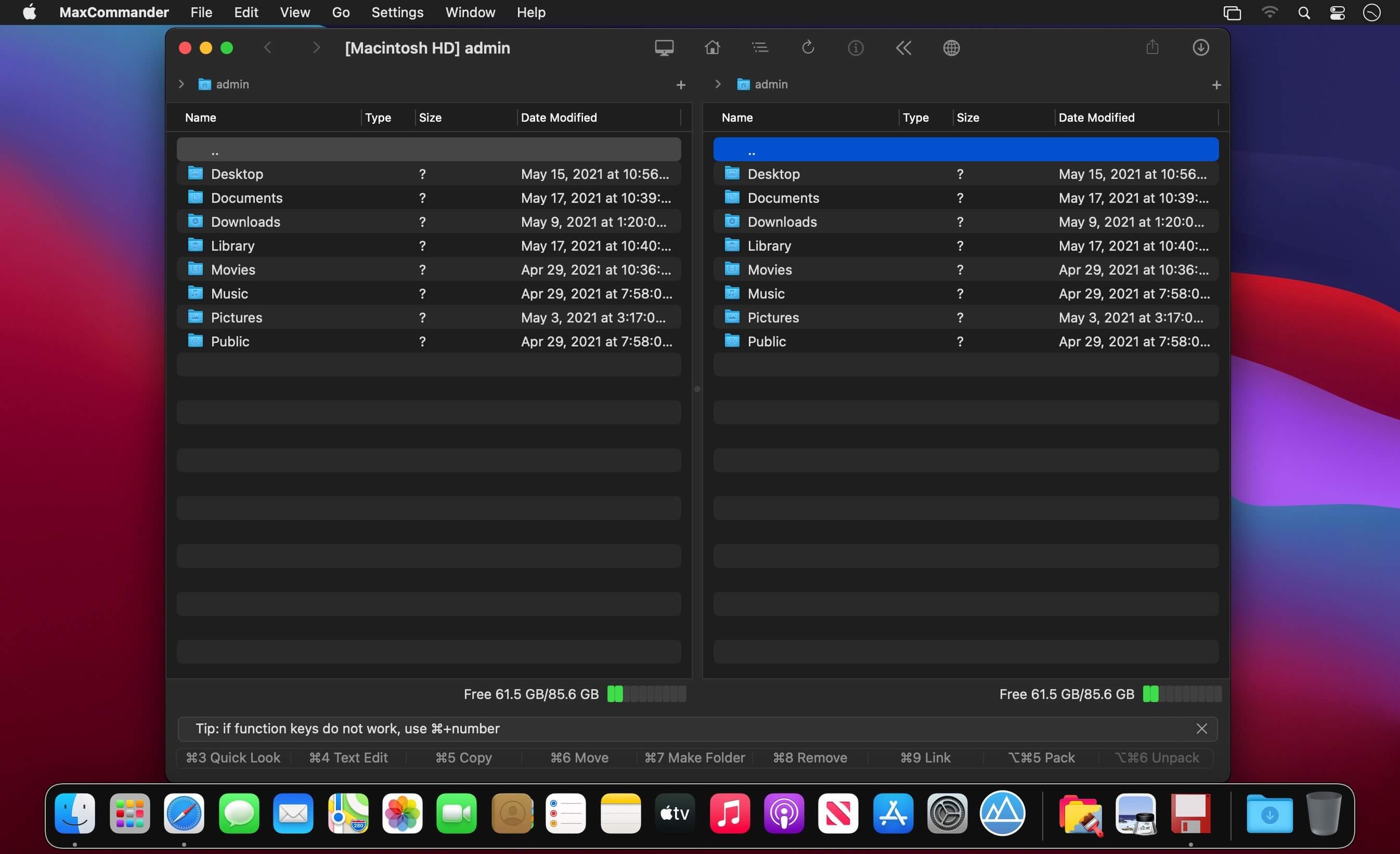
Manage files as always – using two panels and the keyboard (and sometimes the mouse). Introducing the MaxCommander application.
MaxCommander is all you need to manage files on your local drives and remote file servers. The app supports the following operations:
Browsing folders
Previewing files with QuickLook
Editing files
Copying, moving, deleting, renaming files and folders
Creating folders
Creating links
Packing and unpacking archives
Searching for files
You can browse and manage content of an archive as it was a folder on a local drive. You can browse, create, modifie, and unpacke archives of these types:
zip
7z
jar
tar
wim
You can browse, create, and unpacke these archive types:
tgz, taz, tbz2
gz, bz2, xz
These archives are supported for browsing and unpacking:
Encrypted 7z, zip and rar archives are also supported.
If you have an archive file created on an operating system that does not use Unicode you can open it in MaxCommander and select the right characters encoding for file names (available for arj, lha/lzh, zip, rar and tar archives).
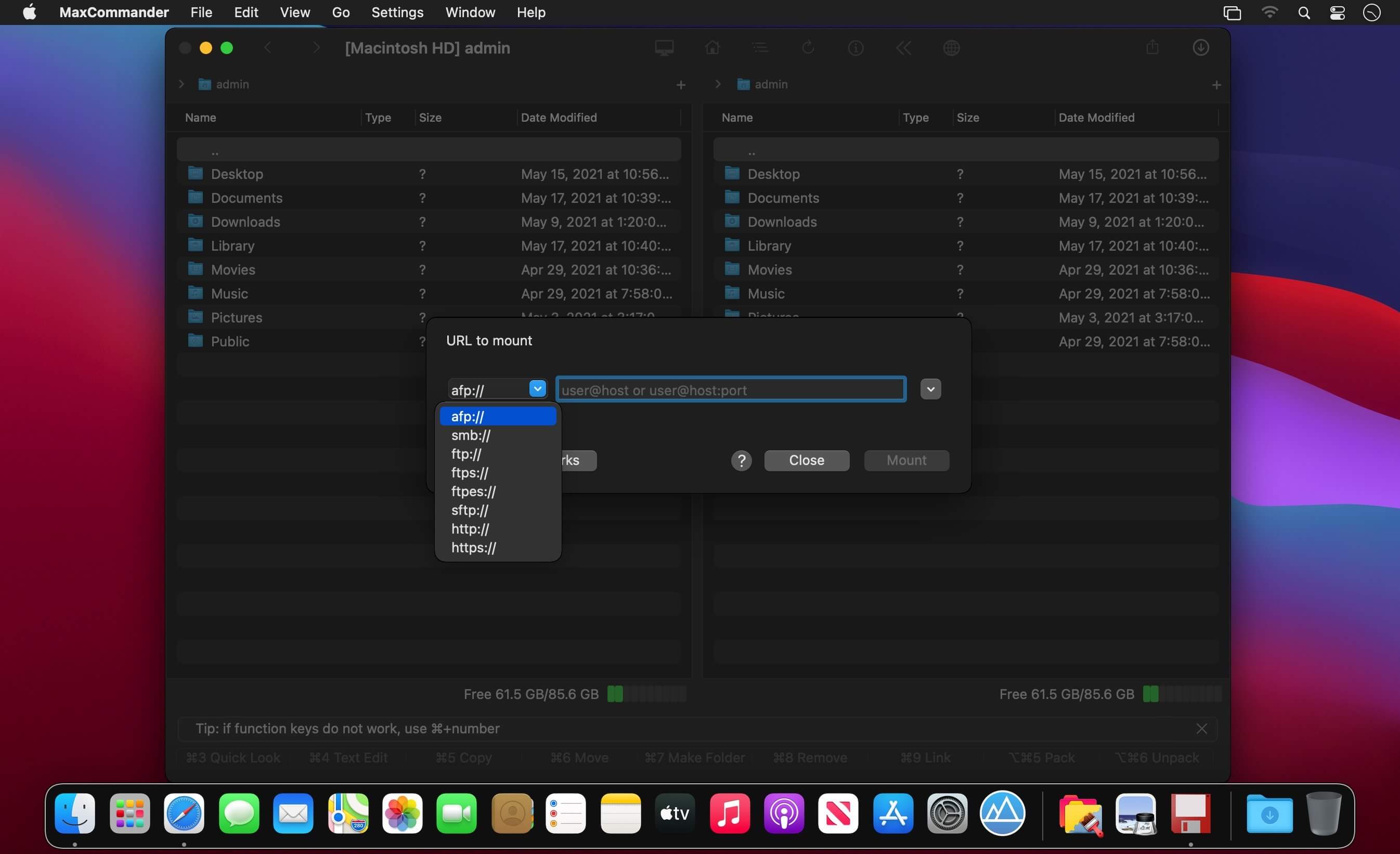
MaxCommander can connect to file servers and you can manage remote files and folders on such servers. The following servers are supported:
FTP
FTPS – implicit FTP over SSL/TLS
FTPES – explicit FTP over SSL/TLS
SFTP
SMB
AFP
WebDAV
Files servers for a local network can be discovered using Bonjour.
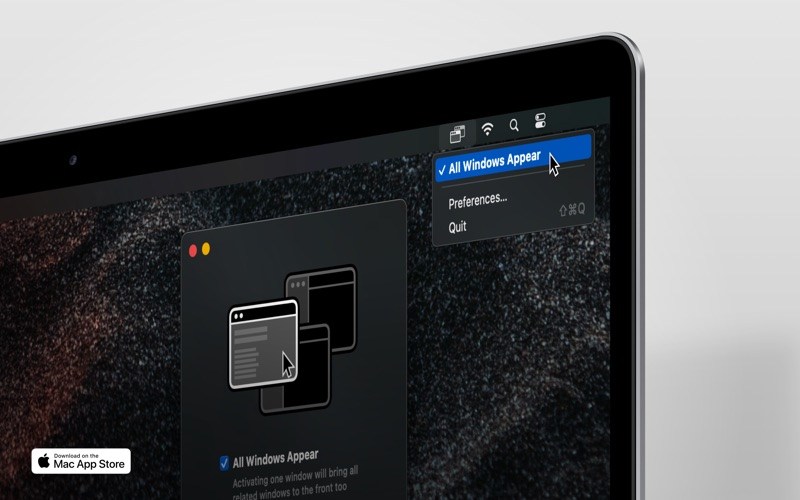
If “All Windows Appear” is enabled, focusing a window will bring all related windows of that app also to the front — like in the legacy versions of macOS.
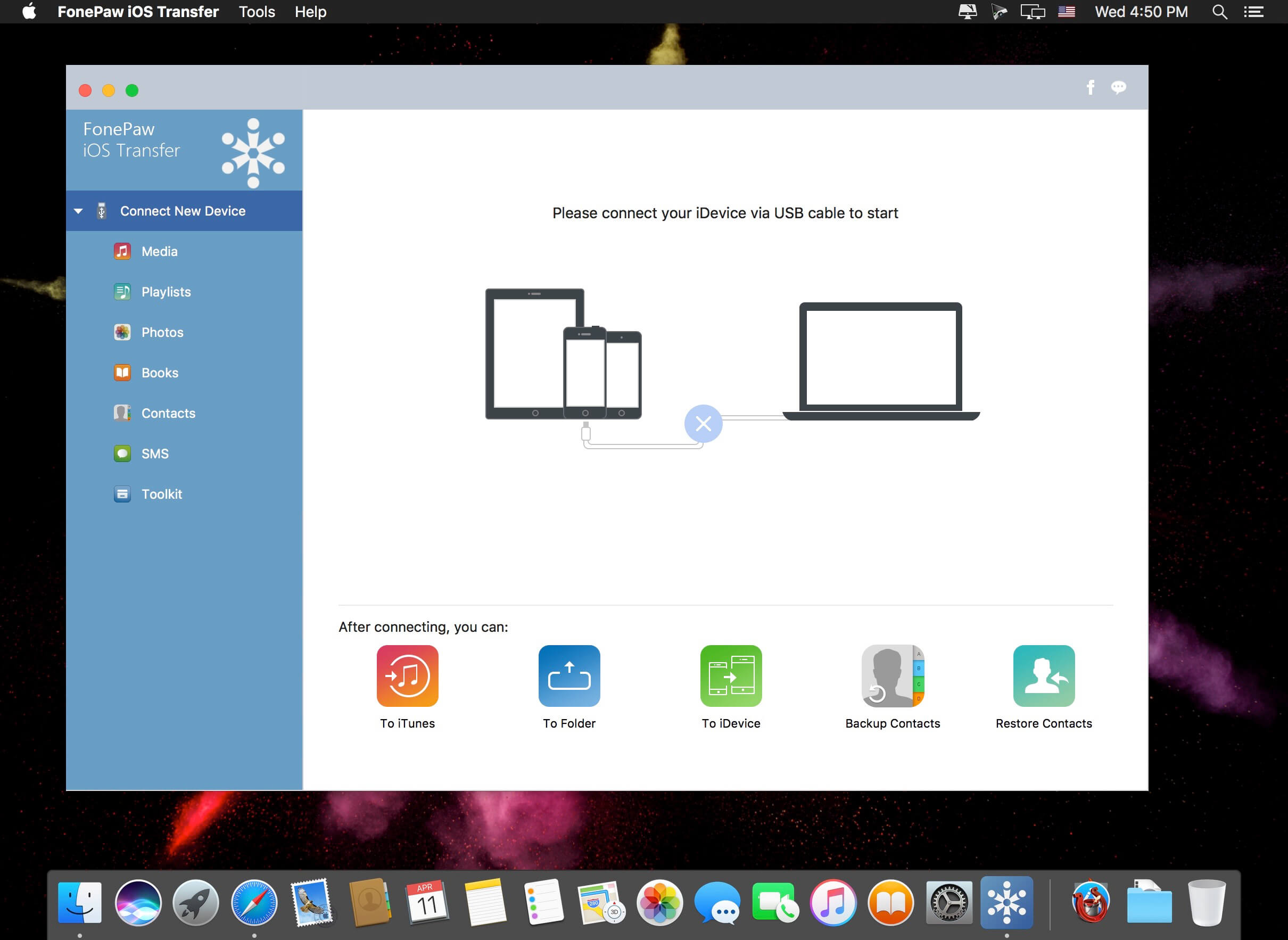
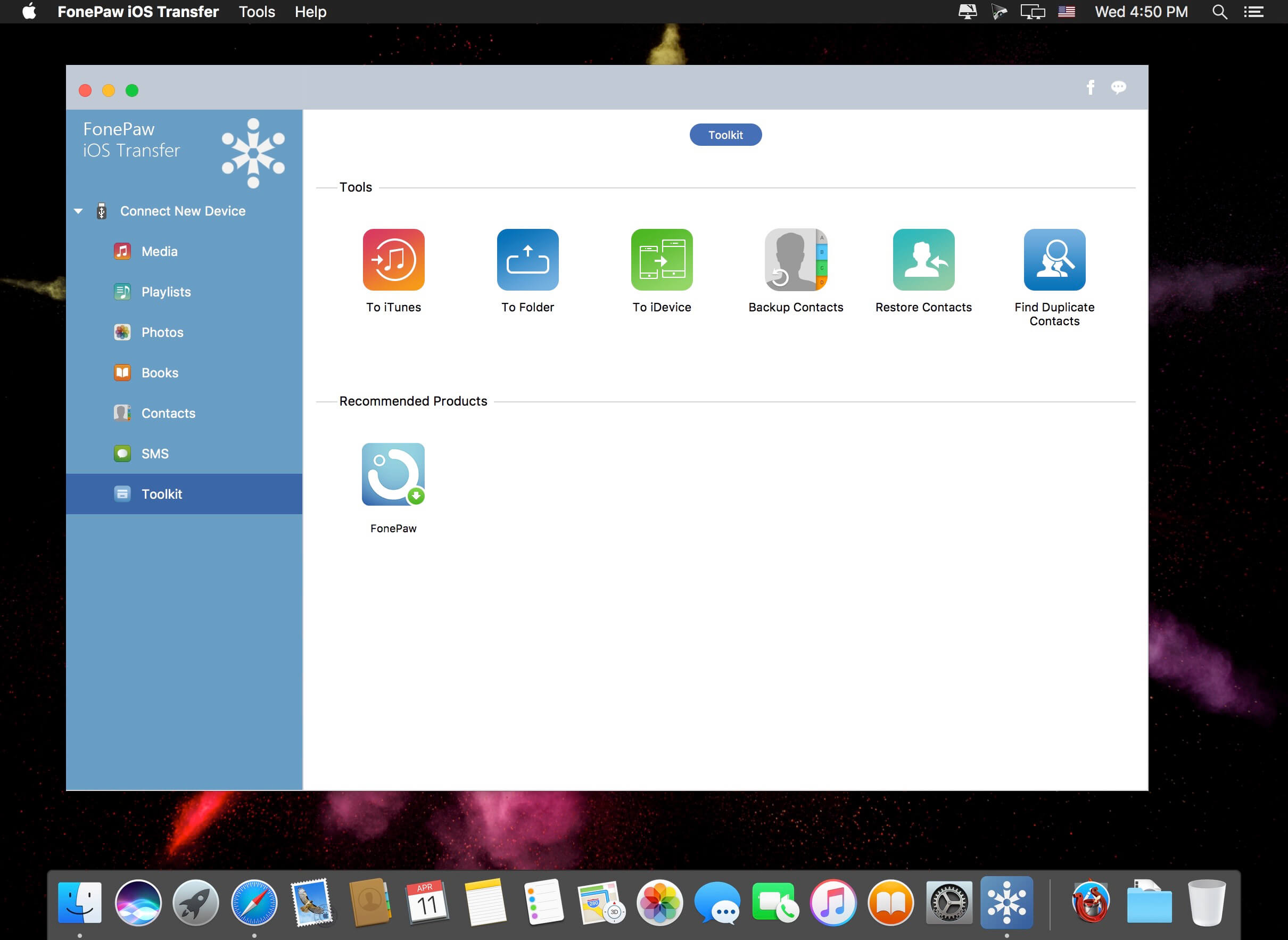
FonePaw iOS Transfer is customized for all iPhone, iPad, iPod users to transfer data from iPhone to computer or the other way around. It’s easy-to-use, user-friendly, fast, and reliable.
Transfer Everything of your iPhone, iPad and iPod
Getting started with FonePaw iOS Transfer to transfer media files, photos, contacts, SMS, Books, etc. from iPhone, iPad and iPod to computer/iTunes with ease.
Music & Videos
Change another computer? You can use FonePaw iOS Transfer to re-create your iTunes library.With this powerful iOS Transfer, you can sync all or partial music, movies, TV shows, music videos, podcasts, iTunes U, ringtones, audio book and even voice memos between Apple iOS device and PC/iTunes library in a click.
Contacts
FonePaw iOS Transfer enables you to import or export contacts from or to Outlook, Windows Address Book, Hotmail, AOL, Yahoo, Gmail. You can also quickly add, edit, group contacts and find and merge your duplicate contacts in this program. In addition, with the assistance of the transfer tool, you can back up or restore your contacts.
Playlists
Having spending much time customizing your playlists on computer and don’t want to manually re-create these playlists on your device? You can now transfer it to your iPhone, iPad or iPod touch. Moreover, adding or deleting playlists is just a piece of cake by using FonePaw iOS Transfer.
Books
If you purchase some audiobooks, ePub, PDF, etc. and want to transfer them to computer or other iDevice or share them to your friends, you can’t miss FonePaw iOS Transfer, which provides you with an effective way to transfer books with a fast speed and high quality.
Photos
FonePaw iOS Transfer is capable of exporting your photos or albums from iPhone/iPad/iPod to computer so that you can back them up or edit photos on PC. And moving new pictures back to devices is fairly easy.
SMS
SMS text messages are supported to be accessed and transferred safely from iPhone to computer/Mac as CSV, HTML and TXT file. Then you can back up your important messages or print them.
What’s New:
Version 5.4.0:
Release notes were unavailable when this listing was updated.
Money Pro is the one place for bill planning, budgeting and keeping track of your accounts. Easy sync with iPhone/iPad versions. Money Pro works great for home budgeting and even for business use.
Calendar
Mark days on the big calendar when your bills are due.
Schedule recurring bills with custom periodicity.
Filter transactions by selecting dates on the calendar.
Today view
Take a quick glance at bills due.
When you actually have a transaction, approve it quickly.
Money Pro predicts transactions for the day that may not have been scheduled manually.
Bills due notifications
A whole system of reminders will alert you of upcoming bills.
Quick rescheduling option will help you deal with bills due (tomorrow, in 3 days, next week).
Budgets
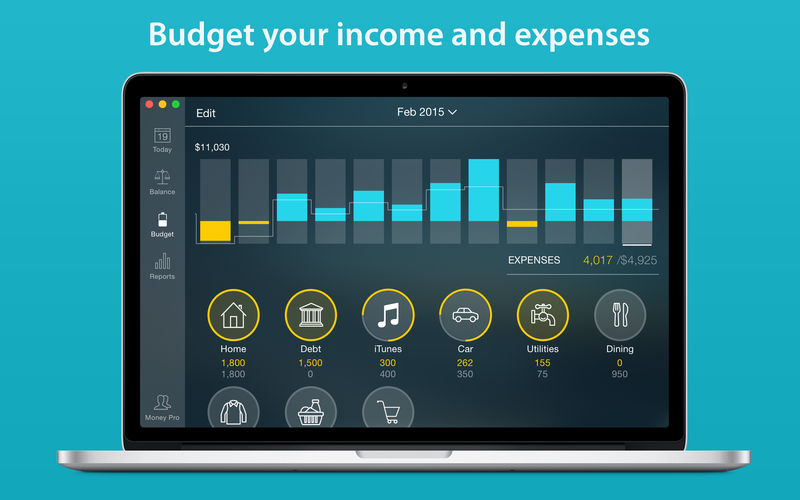
Create budgeted entries, both for your income and expenses, and indicate budget limits for each entry.
You can set different budget limits for every period, which is useful if you plan to reduce your spending gradually month by month.
Start adding every transaction you have, and see progress of each category and the overall progress.
Monitor visual indicators for budget overspending.
Select the category you want to analyze and examine a budget trend chart generated on the fly.
Budget rollover
You can set budgets to transfer the leftover of the current period to the next budget period.
Budget rollover limits your spending automatically if you overspent in previous periods.
Checkbook register
Unlimited number of accounts in one place (checking, savings, credit card, etc).
Setting transactions as recurring or as one-time only.
Balance change history.
Additional fields for organizing your records including payee, description, check #, class (personal/business travel expenses).
Attachment of receipt photos.
Account reconciliation
You can record transactions and clear them later on (reconcile).
Automatically calculated available balance and cleared balance.
Bartender lets you organize your menu-bar apps by hiding them, rearranging them, or moving them to Bartender’s Bar. You can display the full menu bar, set options to have menu-bar items show in the menu bar when they have updated, or have them always visible in Bartender’s Bar.
Features
Lets you tidy your menu bar apps how you want.
See your menu bar apps when you want.
Hide the apps you need to run, but do not need to see.
FonePaw iPhone Data Recovery is made for those unexpected incidents which can result in data loss on an iPhone, such as iPhone damaged/lost/stolen, reset, accident deletion, virus attack, jailbreak or even error operation. The lost data can be recovered using several free or paid, but how to choose the best iPhone Data Recovery software for your Mac? Here is a review of FonePaw iPhone Data Recovery. Read and know the features and how to recover deleted files from iPhone using FonePaw program. FonePaw iPhone Data Recovery.
Features
Directly recover deleted files from iPhone without backup No backup is needed. Just connect your iPhone to the Mac and run this program, you can get back all your deleted, lost data.
Recover data from iTunes backup & iCloud backup This practical program can also extract data from unreadable iTunes backup files, which is very helpful when iPhone is stolen/lost.
Selectively recovery This tool enables you to preview before recovery and selectively retrieve data, rather than the whole from iTunes backup.
Outstanding user experience After launching the program, you can see a well-designed and easy-to-navigate interface. And you can recover what you want with super fast data scan and recovery speed.
FonePaw iPhone Data Recovery Usage Connect iPhone to the Mac and Launch FonePaw iPhone Data Recovery Hit “Start Scan” Preview the scan result Click “Recover” and you can recover the files in different formats depending on your selection
What’s New:
Version 7.5.0:
Release notes were unavailable when this listing was updated.
One click to do a whole backup for your iPhone or iPad data, like contacts, messages, photos, videos, podcast, music, WhatsApp, Messenger, etc. And easily export data from backups partially or completely after previewing.
Back Up Your iPhone/iPad with One Click
Once your iOS device is connected to Mac, FonePaw iOS Data Backup & Restore will scan out your phone data and allow you to do a backup in one click. There is no limitation for the number of backups and the newest one will not erase the old one.
Securely Restore from Backups
All backup files can be previewed before restoring. You’re able to export part of the data or all data from the backups. What you have backed up are compatible to be restored to the computer, iPhone, iPad and iPod. (Only contacts can be restored to iDevice now but it may support more data in future.)
Note: This restoring is different from iPhone Data Recovery feature since it works for recovering from backups that you have done before while iPhone Data Recovery retrieves deleted files without backups.
PDFelement – The easiest way to create, edit, convert, and sign PDF documents. We’re now introducing the all-new PDFelement 8, which includes a redesigned UI, more advanced writing tools, improved team collaboration features, more powerful conversion tools, a user management console, and more.
PDFelement Pro OCR (Exclusive in Pro version)
OCR (Optical Character Recognition)enables you to edit and convert characters in scanned PDF files or pictures
Supports recognition of 29 languages
Create & Sign Forms (Exclusive in Pro version)
Create fillable PDF Forms from interactive field objects, such as buttons, check boxes, radio buttons, list boxes, and drop-down lists
Support adding digital signatures to forms
Merge PDF (Exclusive in Pro version)
Combine different format files into a new PDF
Convert PDF (Exclusive in Pro version)
Supports converting PDF file to a greater number of output formats like EPUB, HTML, Text, RTF
PDF/A (Exclusive in Pro version)
Support PDF/A as an available output format with ISO Standard for long term archiving
Batch Processing of PDF Files (Exclusive in Pro version)
Process PDFs in batches
Add backgrounds, watermarks, headers and footers in batches
Bates Numbering (Exclusive in Pro version)
Apply Bates Numbering with advanced formatting
Redact PDF (Exclusive in Pro version)
Redact sensitive text and images in PDFs
What’s New:
Version 9.1.8 (OCR):
Release notes were unavailable when this listing was updated.
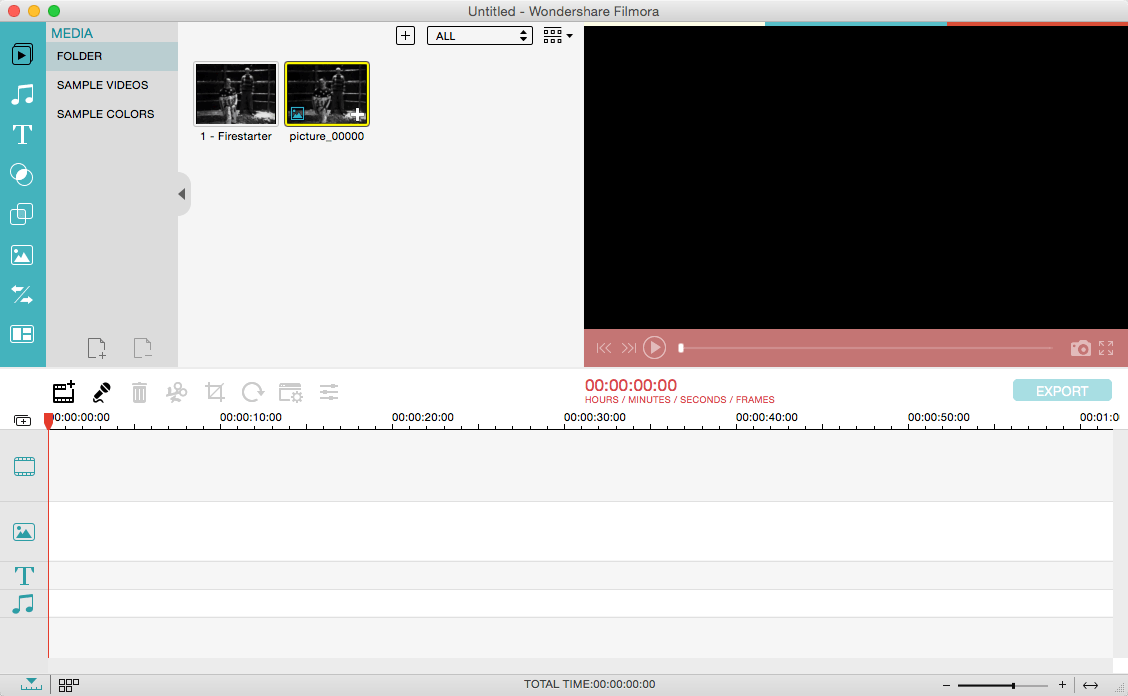
Wondershare Filmora, an easy-to-use video editor with all the video editing tools you need, enables you to create Hollywood-like home movies with titles, effects and transitions from all regular videos, audio and photos. Share instantly with family and friends with easy upload to YouTube, Facebook, etc.
Ignite your story
Use Filmora video editor to express your creativity and amaze with beautiful results.
Modern and Simple UI
A modern and intuitive design that you’ll be delighted to use again and again.
Text & Titles
Now you can create beautiful animated messages from our text & titles library
Music Library
Add your favorite music dircectly into your movie to create the perfect atmosphere.
Overlays & Filters
Transform a movie into something spectacular with our handcrafted, overlays and filters.
Elements
Take your video to the next level by adding impressive Still and Motion Graphics.
Simple Effects
Expand Your Imagination with Over a Hundred Unique Visual Effects. Wondershare Filmora allows you to turn your home video into something extraordinary with minimal effort.
Advanced Effects
Expand Your Imagination with Over a Hundred Unique Visual Effects. Turn your home video into something extraordinary with minimal effort.
Share Your Creative Work
Showcase your creativity with your family, friends and the rest of the world! You can easily publish your masterpiece in so many ways.
Key Features: Support Formats Support video formats editing: MP4, FLV, MOV, AVI, MKV, FLV, WMV, TS, MTS, etc. Make it possible for homemade and downloaded SD/HD videos for editing. Audio: MP3, WMA, WAV, M4A, AAC, AC3, OGG, etc., as background music of the videos. Photo:BMP, JPG, PNG, GIF, etc. and create home movies combining photos.
Basic Editing
Trim, crop and rotate videos
Remove unwanted black edges or other unwanted parts
Change audio pitch, adjust volume, and get rid of video noise
Professional Effects
80+ professional filters and artistic effects including particle effects, fire effects, face-off effect, tilt-s**t effect, mosaic and more.
50+ transition and motion effects.
Touch up your photo with perfect brightness, contrast, or saturation, and turn your photos into an animated slideshow.
Effects Pack
8bit Gamers Effect Pack.
80s Vintage Collection.
Fashion Collection.
Summer Effect Pack.
Travel Effect Pack
Special Thanks to iTEHb
What’s New:
Version 11.7.7:
Release notes were unavailable when this listing was updated.
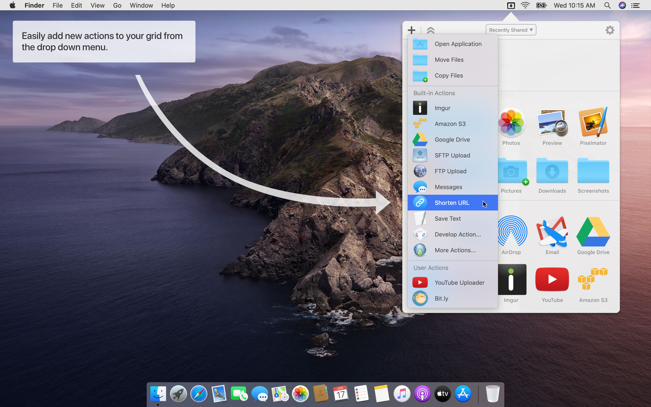
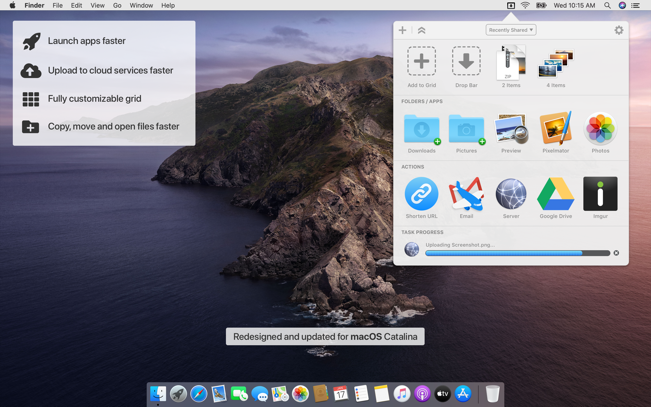
Dropzone makes it faster and easier to copy and move files, open applications and share files with many different services. Dropzone is a unique and amazing app that’s like nothing you’ve ever used before. We’ve paid fanatical attention to every detail and built an app that looks and feels like an integral part of macOS.
Dropzone ships with a powerful scripting API and with a little programming knowledge you can modify any of your actions or even create entirely new ones. This gives Dropzone unlimited extendability and utility. We’re always thinking up new actions so Dropzone will become even more useful over time.
Dropzone also includes Drop Bar – Drop Bar makes it easy to stash files you know you’ll need later. Just drop files on the Drop Bar icon in the grid and they will stick there until you’re ready to use them.
Features
Open applications, move and copy files faster than ever before.
Shorten URLs quickly using Tinyurl shortener. Just select a URL to shorten and press Ctrl+Option+Cmd+S and the shortened URL is automatically copied to the clipboard.
AirDrop integration lets you drop files or folders from any app and share them with your other Macs over the network.
Imgur integration lets you share images fast and get a link for pasting.
Upload files to Amazon S3 (Dropzone Pro feature).
Upload files to your FTP server (Dropzone Pro feature).
Upload files to your Google Drive (Dropzone Pro feature).
Download and install add-on actions that let you upload to services like Google Drive, YouTube and many others (Dropzone Pro feature).
Powerful multi-tasking engine allows you to run multiple tasks at once and track the progress of each one through the in-grid task status area.
See how tasks are progressing at a glance in the animated menu item.
Launch Dropzone actions with the newly added keyboard shortcuts feature (Dropzone Pro feature).
Add applications, folders or actions to your grid easily by dragging and dropping them on the Add to Grid area.
Develop your own actions using the updated and massively improved Ruby or Python API (Dropzone Pro feature).
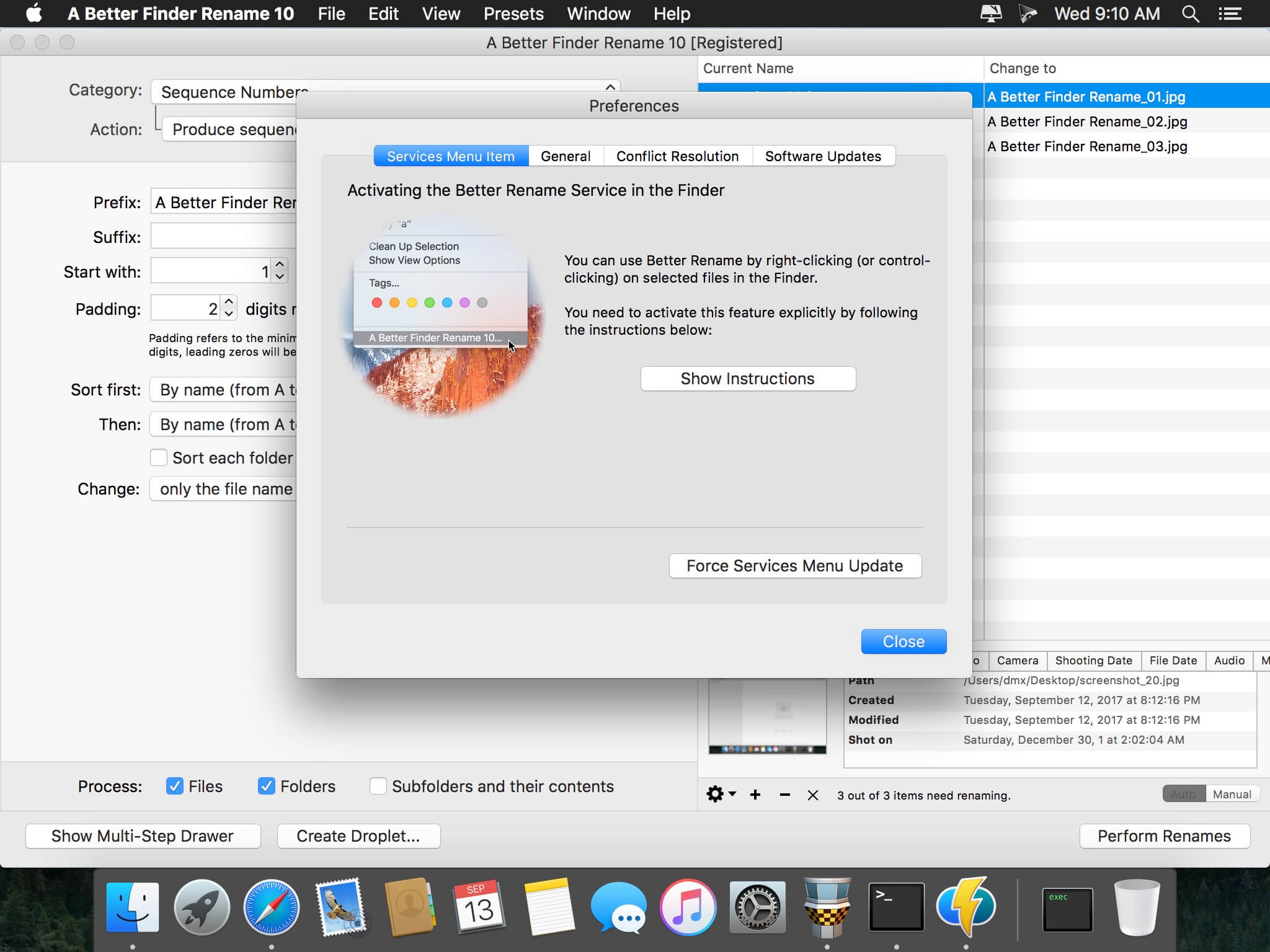
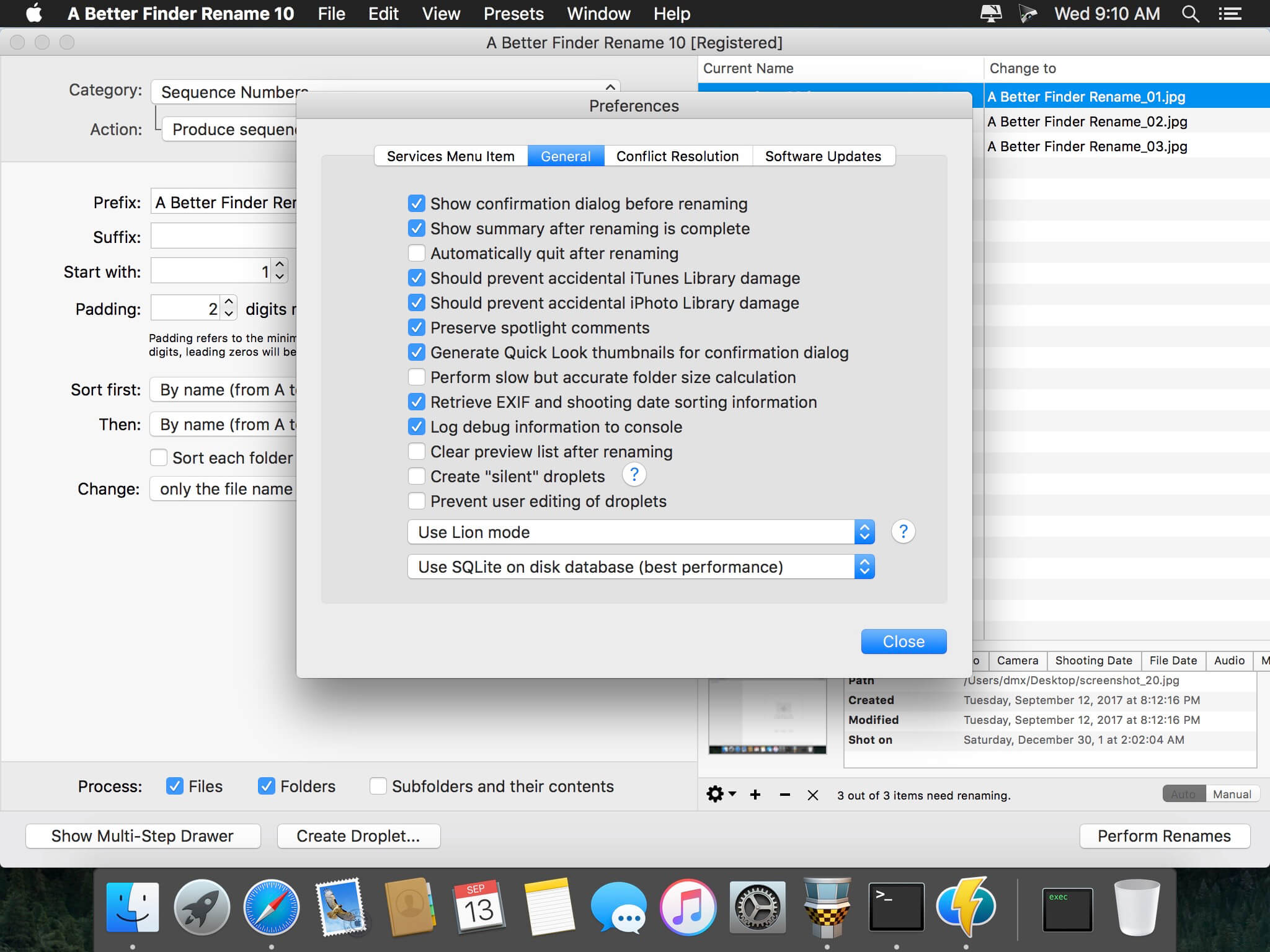
A Better Finder Rename is the most complete renaming solution available on the market today. That’s why, since 1996, tens of thousands of hobbyists, professionals and businesses depend on A Better Finder Rename to organize and maintain files. The Instant Preview feature eliminates guesswork and costly errors and helps you find the right settings quickly and accurately by providing as-you-type feedback.
A Better Finder Rename offers a complete set of renaming options that are organized into 15 categories covering all the text, character, position, conversion and truncation features that you would expect from a file renamer, but it does not stop there. The multi-step renaming feature allows multiple renaming steps to be combined to deal with complex renaming jobs in a single operation. Unlike other tools, A Better Finder Rename allows any number of renaming actions to be combined, re-ordered, copied and deleted.
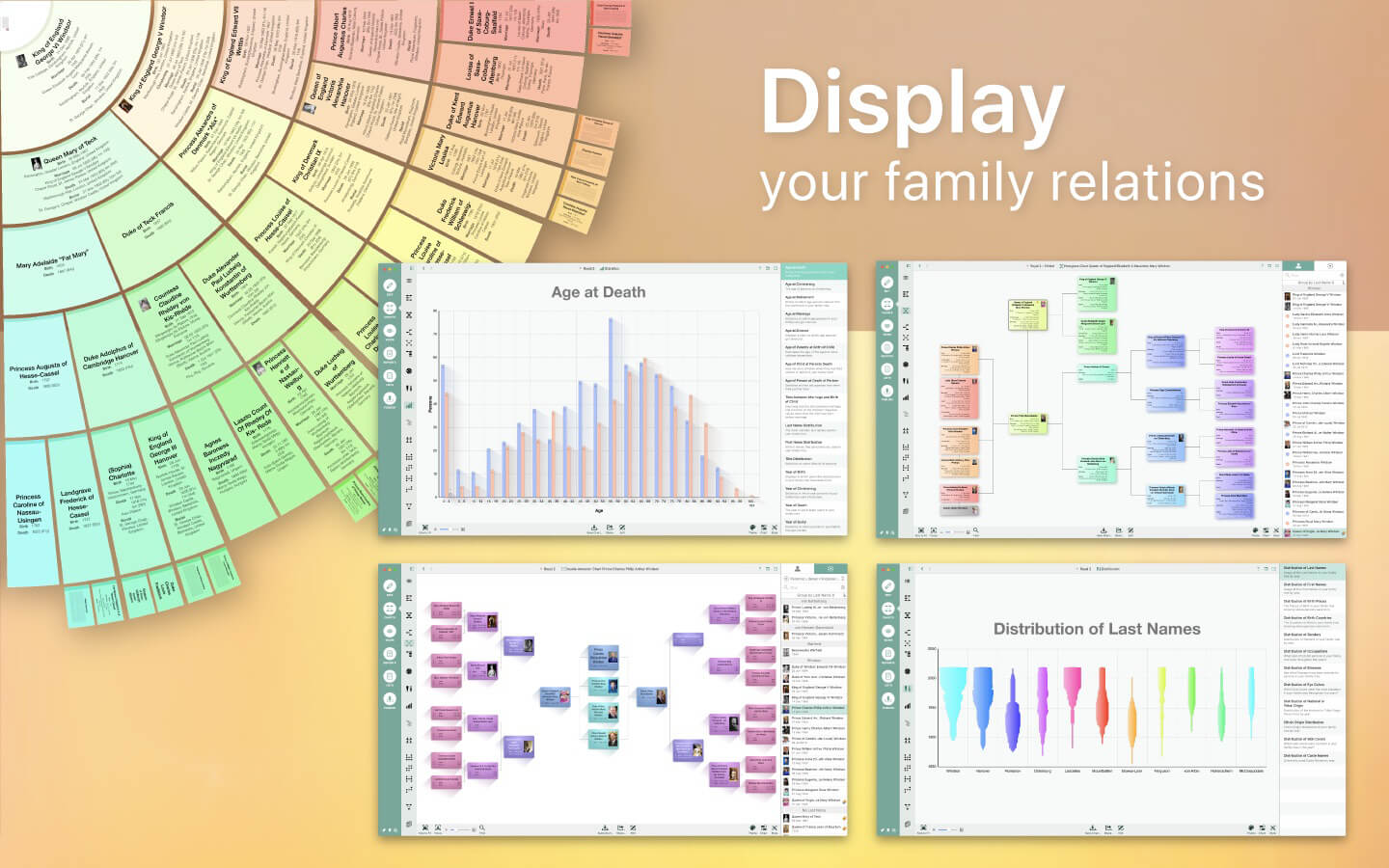
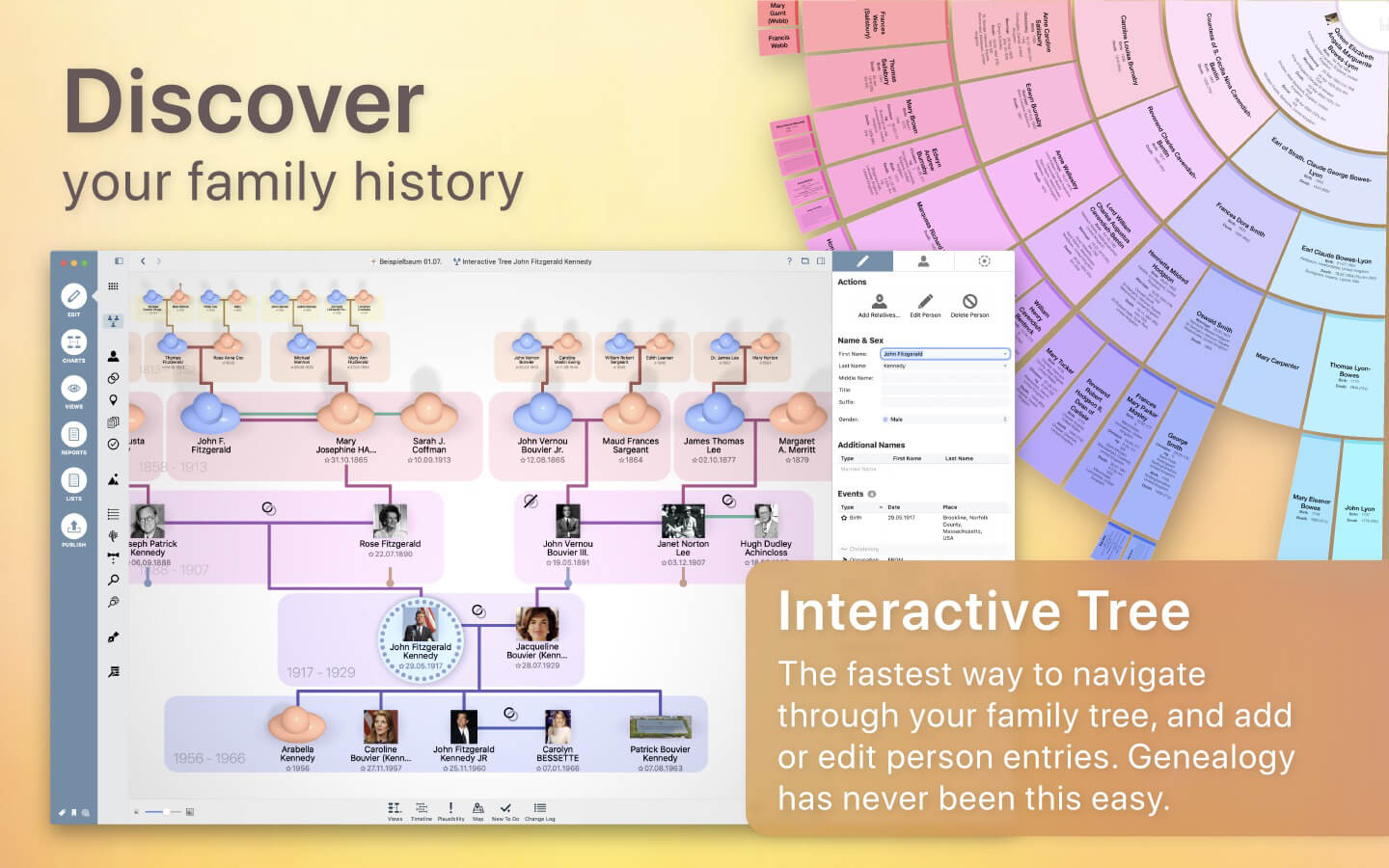
Discover your personal family history! Genealogy gets a facelift with MacFamilyTree 9: modern, interactive, convenient, and fast. Explore your family tree and your family history in a way that would have amazed generations of chroniclers before you. Create visually impressive charts, evaluations, reports, and books, navigate through the Interactive Family Tree or Virtual Tree 3D view and experience genealogy in a whole new way.
MODERN GENEALOGY
Designed specifically for Mac to make full use of Apple’s latest technologies
Clear and easy-to-use interface
Show your family tree: charts, reports, views, and lists
CloudTree Sync&Share: real-time sync and collaboration
Use MobileFamilyTree for iPhone & iPad to continue your research on the go (sold separately)
RESEARCH AND PUBLISH
FamilySearch: Billions of genealogical entries
Web research: search popular genealogy portals directly from within the application
MacFamilyTree.com: Create websites
Family books: a perfect gift
GEDCOM import and export: exchange information with other applications
Export charts and reports in a wide range of formats
WIDE RANGE OF REPORTS AND LISTS
Person, family, and kinship reports
Narrative report
Places list, events list, anniversary list
Particularities report
Map report
Person analysis
Lists of persons
Marriage lists
Plausibility report
Sources list
Descendancy report
WIDE RANGE OF CHARTS AND VIEWS
Hourglass chart
Ahnentafel
Timeline
Double Ahnentafel
Virtual globe & statistic maps
Name distribution chart
Fan chart
Relationship chart
Genogram chart
HIGHEST LEVEL OF DATA PRIVACY
Your data will be stored locally …
… or encrypted and stored on iCloud
You decide what happens to your data
Password protection for website
Persons and entries can be hidden from export
NEW USER INTERFACE
Modern look
More logical structure
Easier and more comfortable to use
COMPLETELY NEW CHARTS
Can be fully customized to your needs
Countless display templates to choose from
Significantly faster rendering, making full use of your graphics board/GPU’s performance
Drastically improved tree charts, showing all persons belonging to a given tree
Countless layout and display upgrades for all charts
New chart editor offering a wide range of improvements: support of Undo, better options to distribute content across several pages, insert images and much more
COMPLETELY NEW REPORTS
Many style templates to choose from
Fully adaptable to your own ideas
Export as CSV (compatible with Numbers and Excel), plain text, RTF, or PDF
Updated feature for conversion of reports into books
SUPPORTS DNA TESTS
Store DNA test results
Supports yDNA, mtDNA, and atDNA tests
CLOUDTREE SYNC & SHARE 2.0
Share databases of any size with friends, family or between your own devices
No more limitation to 5000 entries
Considerably faster and more efficient sync
Much faster invitations to other people
MORE
Numerous database upgrades: Birth order of children can now be specified without a date of birth, precise mapping of adoptive and step relationships & much more…
Supports family crests & author information
Specify and store alternative names for places
New help guide system: Click the question mark icon to instantly display instructions for the section at hand
Supports Apple’s latest technologies: Dark Mode for the user interface, Handoff between MacFamilyTree & MobileFamilyTree, charts use Core Animation, interactive tree uses Metal
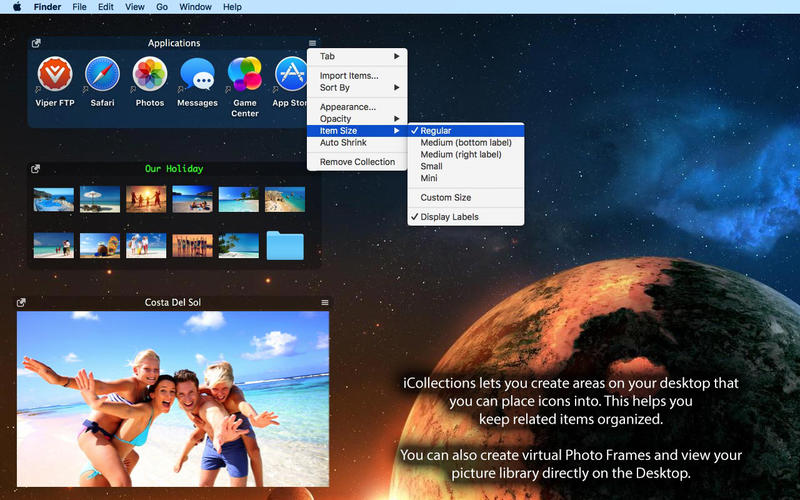
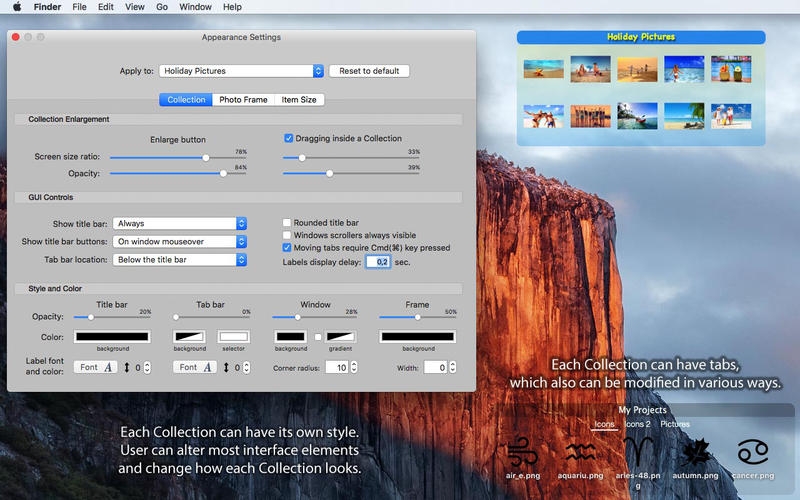
iCollections is an expertly designed application which helps you keep your desktop organized. The app’s unique features are what make it the most popular method of desktop organization for Mac users. iCollections lets you create areas on your desktop that you can place icons into. This helps you keep related items together so your files (pictures, documents, screenshot, applications, etc.) remain organized.
When selecting Photo Frame, a picture frame will be created at the desktop. The Photo Frame will display collection of your pictures as a slide show, eg. a new picture every day. Select your pictures folder and recall wonderful memories.
Use View Settings to define a slide show: window design and details to show. You can also create a static picture – just select a picture instead of a folder. Quick and easy!
OmniFocus Standard and Pro are in-app purchases, with discounts for people who bought earlier versions of OmniFocus for Mac through the Mac App Store. Download the app for details.
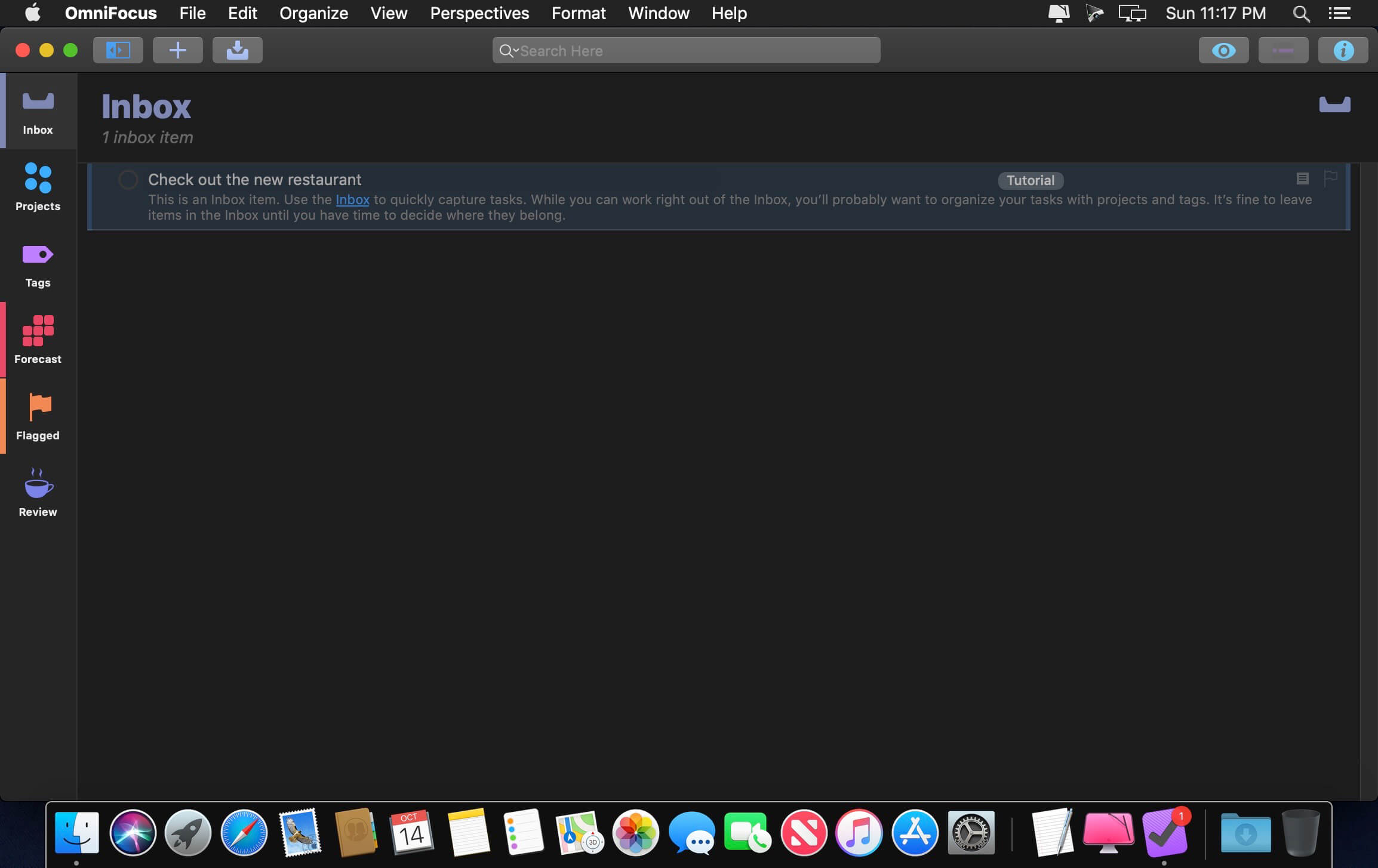
Use OmniFocus to accomplish more every day. Create projects and tasks, organize them with tags, focus on what you can do right now — and get stuff done.
OmniFocus — now celebrating 10 years as the trusted, gold-standard to-do list app — brings unrivaled power and flexibility to your Mac, making it easy to work the way you want to work.
OmniFocus manages everything in your busy life. Use projects to organize tasks naturally, and then add tags to organize across projects. Easily enter tasks when you’re on the go, and process them when you have time. Tap the Forecast view — which shows both tasks and calendar events — to get a handle on your day. Use the Review perspective to keep your projects and tasks on track.
Then let our free syncing system make sure you data is the same on every Mac. (And on OmniFocus for iOS, available separately.) Because your data is encrypted, it’s safe in the cloud.
STANDARD FEATURES
NEW: Tags add a powerful additional organizing tool. Create tags for people, energy levels, priorities, locations, and more.
NEW: The Forecast view shows your tasks and calendar events in order, so you can better see what’s coming up in your day.
NEW: Enhanced repeating tasks are easier than ever to set up — and they work with real-world examples such as the first weekday of the month.
NEW: The Modern, fresh-but-familiar design helps you focus on your content.
Inbox is where you quickly add tasks — save them when you think of them, and organize them later.
Syncing supports end-to-end encryption so that your data is safe wherever it’s stored, on our server or yours.
Notes can be attached to your tasks, so you have all the information you need.
Attachments — graphics, video, audio, whatever you want — add richness to your tasks.
View Options let you customize each perspective by deciding what it should show and how it should filter your tasks.
The Review perspective takes you through your projects and tasks — so you stay on track.
OmniFocus Mail Drop adds tasks via email and works with services like IFTTT and Zapier (if you’re using our free syncing server).
The Today Widget shows you your most important items — you don’t even have to switch to the app to know what’s up.
PRO FEATURES
Custom perspectives help you create new ways to see your data by filtering and grouping projects and tags. NEW: The filtering rules are simpler to use while being more powerful than ever, letting you combine rules with “all,” “any,” and “none.” You can also choose any image to use as your custom perspective’s icon, and a custom tint color to go with it.
NEW: Today’s Forecast can include items with a specific tag, and you can reorder those tasks however you choose, so you can plan your day better.
The customizable sidebar lets you organize your perspectives the way you want to, for super-fast access.
The Today Widget shows a perspective of your choice in Notification Center.
AppleScript support opens up a world of automation, using Apple’s Mac scripting language.
Language: English, Dutch, French, German, Italian, Japanese, Korean, Portuguese, Russian, Simplified Chinese, Spanish
strong>Compatibility: macOS 10.14 or later Homepagehttps://www.omnigroup.com/omnifocus/
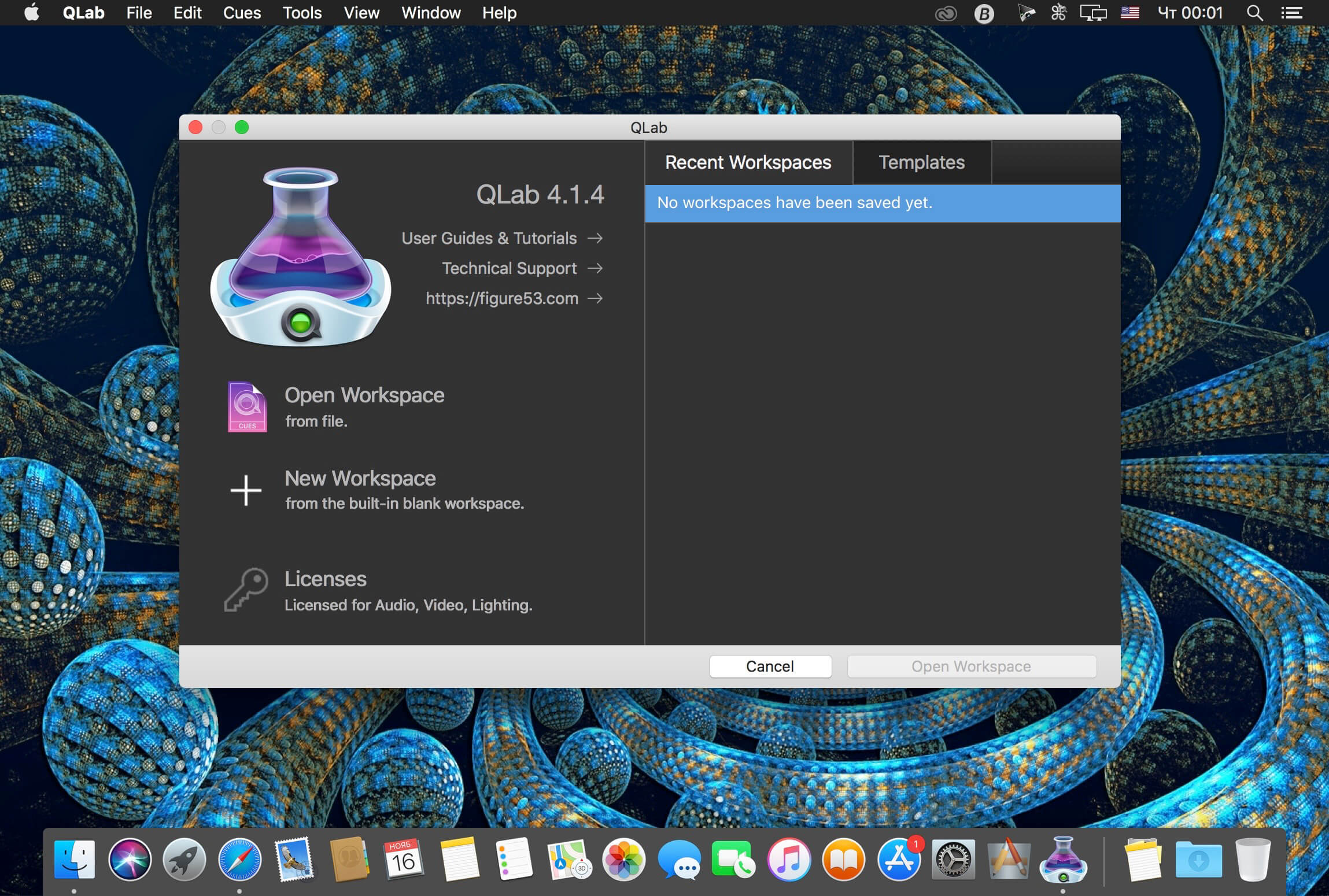
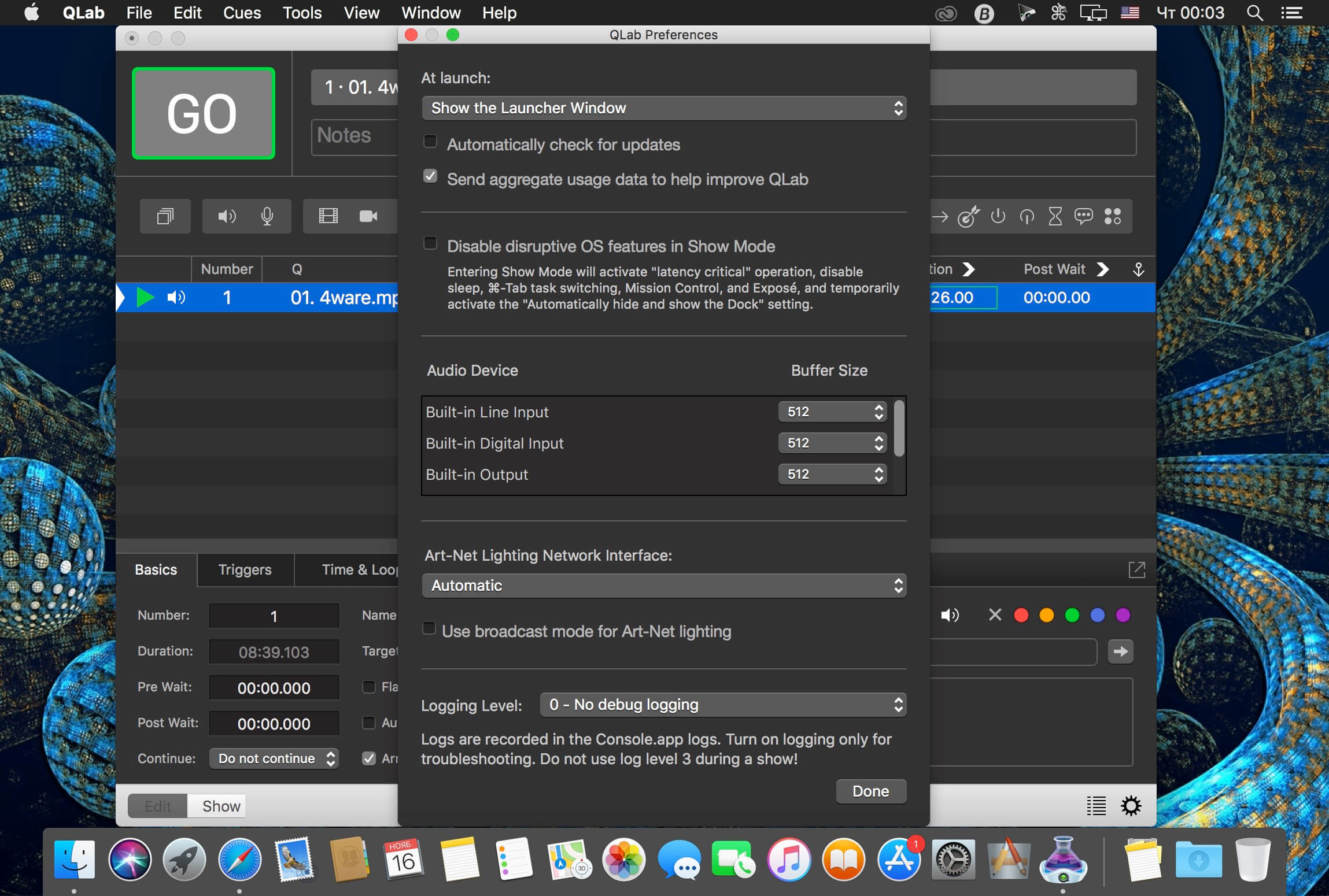
QLab makes it simple to create rich multimedia designs for live performances and installations. From Broadway to the West End, in churches, museums, store fronts, concert halls, and theaters around the world, people use QLab to bring their audio and video to life.
Simply powerful show control
QLab allows you to design and operate amazing multimedia performances from your Mac OS X computer. A single QLab workspace can control audio, video, MIDI, OSC, and more.
Amazingly deep, surprisingly easy
Using building blocks called “cues”, you can create sophisticated designs in seconds.
Getting started is as simple as dragging in a file and pressing “GO”. From there, add commands to fade volume, animate videos, or add audio and video effects.
Once you master the basics, become a power user with advanced features like scripting, video corner pinning, multi-projector edge blending, audio localization, or even building multi-computer designs by sending commands to other QLab machines on your local network.
The industry standard.
Battle-tested and used by designers around the world, QLab is the tool of choice in venues large and small.
Audio Effects
You can now apply live audio effects to all your cues: EQ, pitch shift, reverb, and more. Add audio effects to individual cues, across all cue outputs, or on your device outputs.
Dynamic Effects
The powerful new Fade Cue can adjust your audio effect parameters in real time. It can even adjust playback rate, to dynamically speed up or slow down your audio, with or without pitch shifting.
Live Audio Inputs
The new Mic Cue offers up to 24 channels of live audio inputs. Plus all those routing, fading, and audio effects you get on Audio Cues? You get those on Mic Cues too.
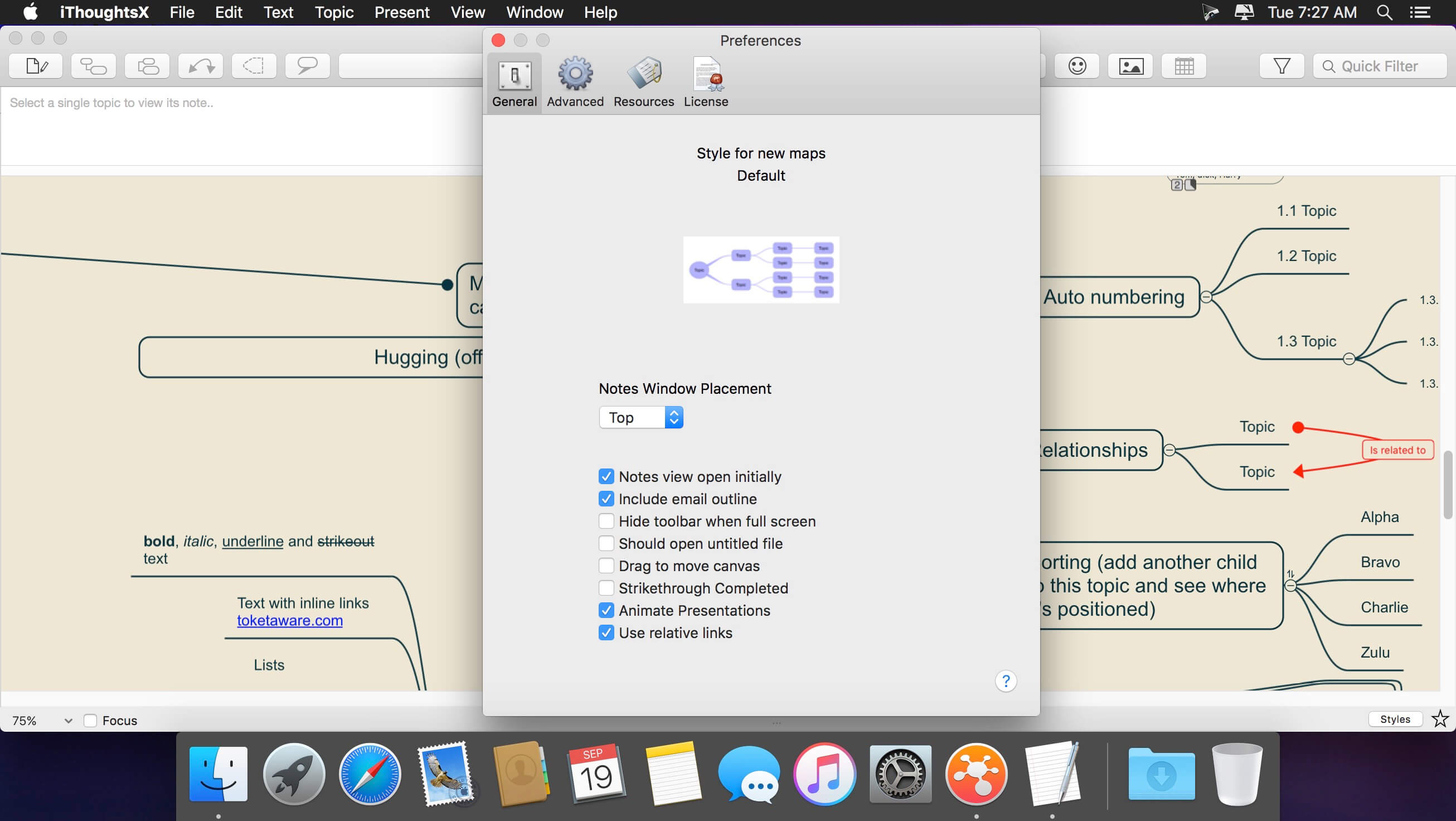
Capture and organize your ideas the right way with iThoughtsX, a robust mind mapping app, which was specifically created to assist with brainstorming and creating long-term plans. The app doesn’t just boast an elegant interface, but backs it up with all the features you need to excel at ideation.
With just a glance, remember things that matter and all the connections between them to generate new ideas with ease. Give iThoughtsX mindmapping tool a try and find out how it feels to be a mastermind.
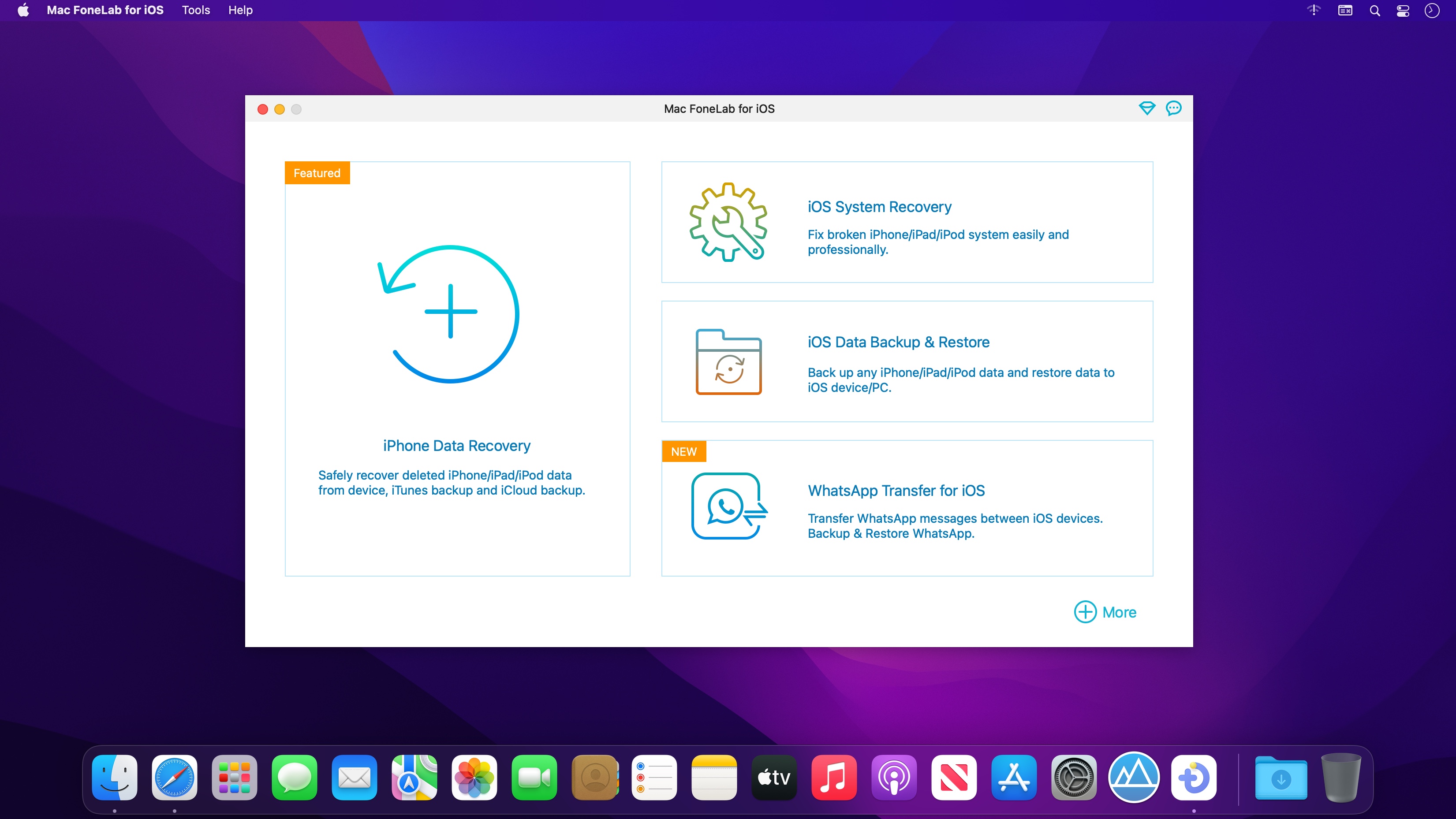
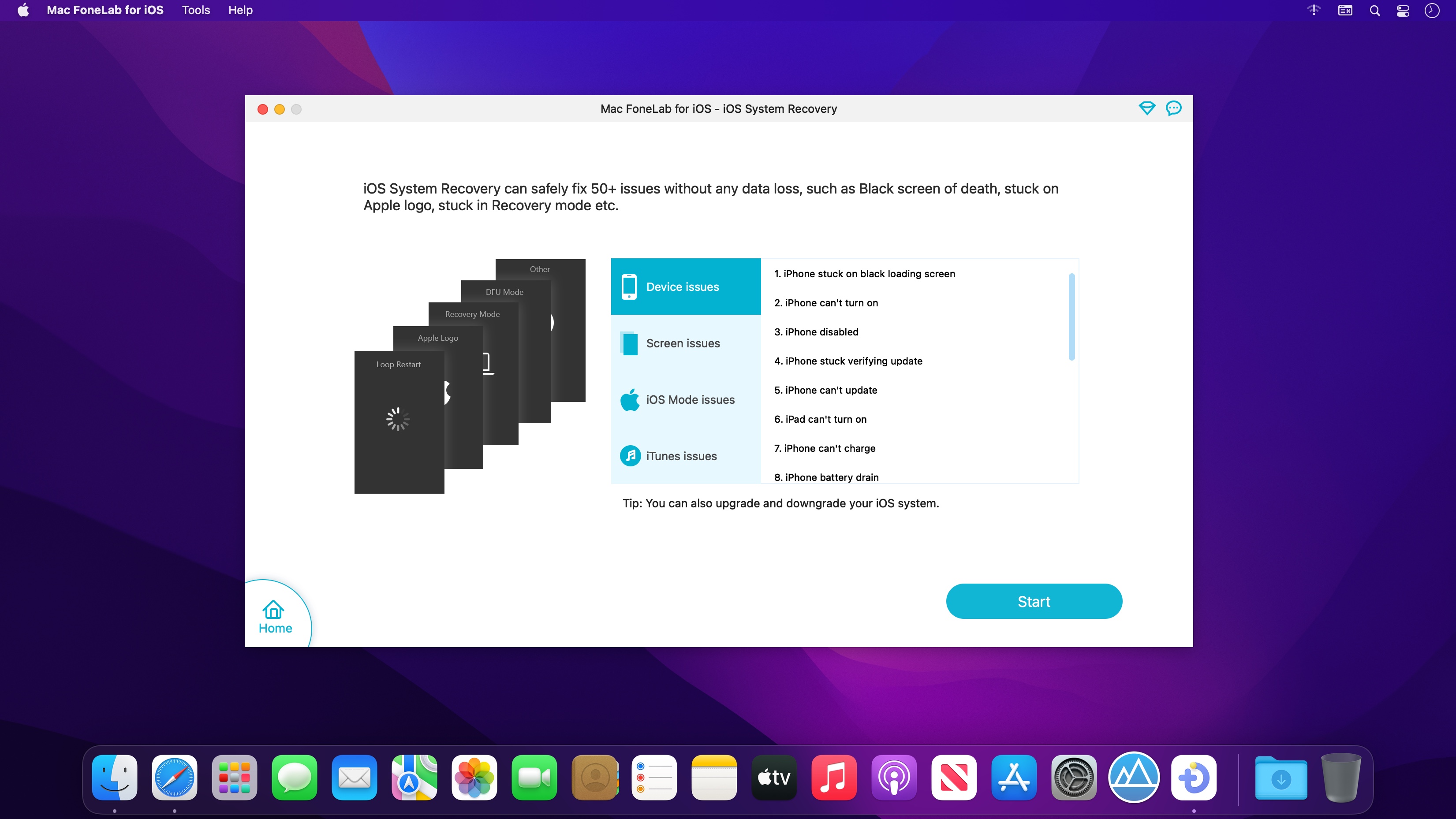
If you are just careless to drop your iPhone into water, how to recover lost photos/videos and other files from your iPhone? FoneLab iPhone data recovery specialized in recovering lost or deleted iOS data within a couple of clicks. It has 3 recovery modes for options, you can choose one to scan your device or backup files, then choose certain items to get them back.
Recover deleted or lost data from iOS Devices directly and iTunes/iCloud backup.
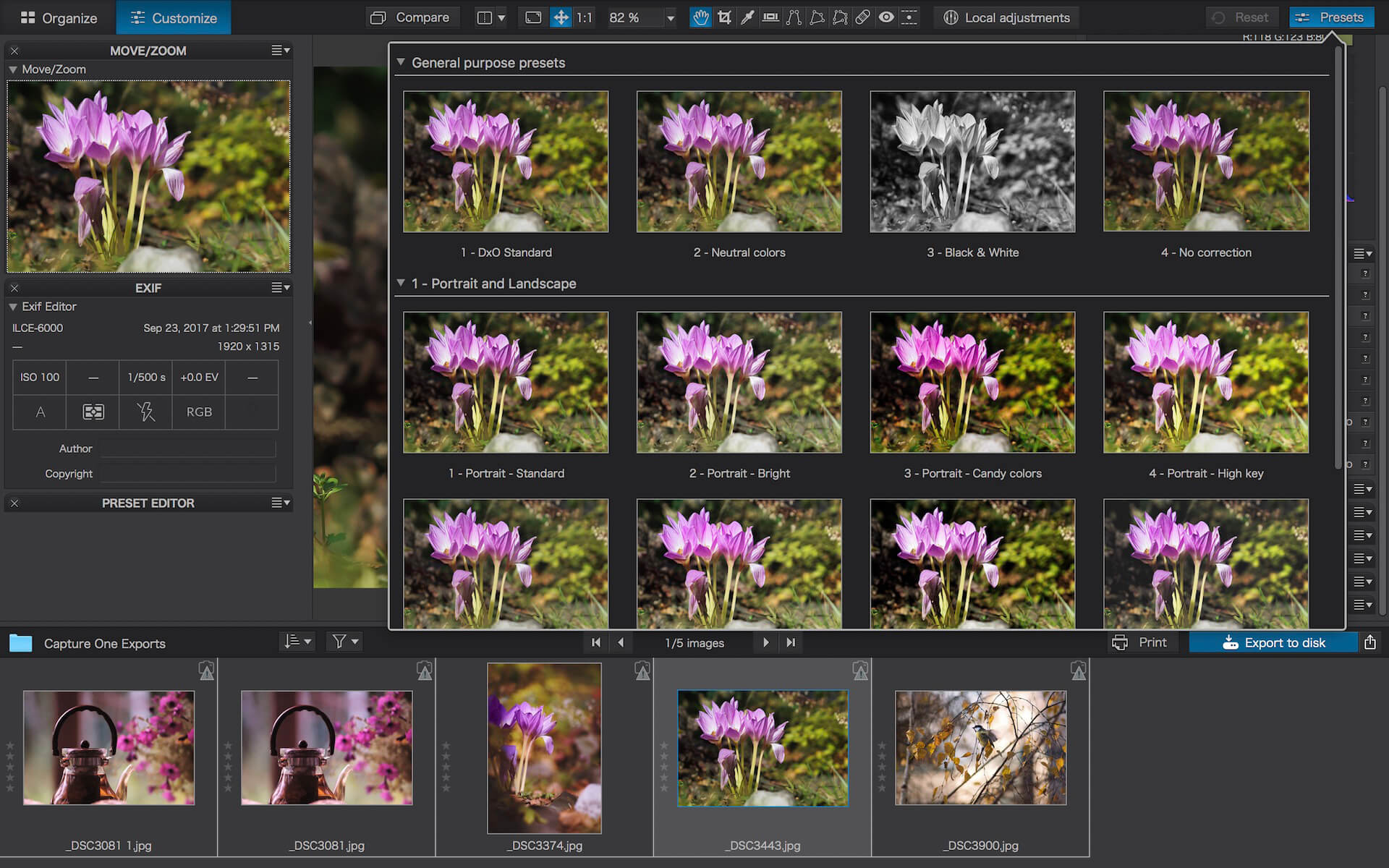
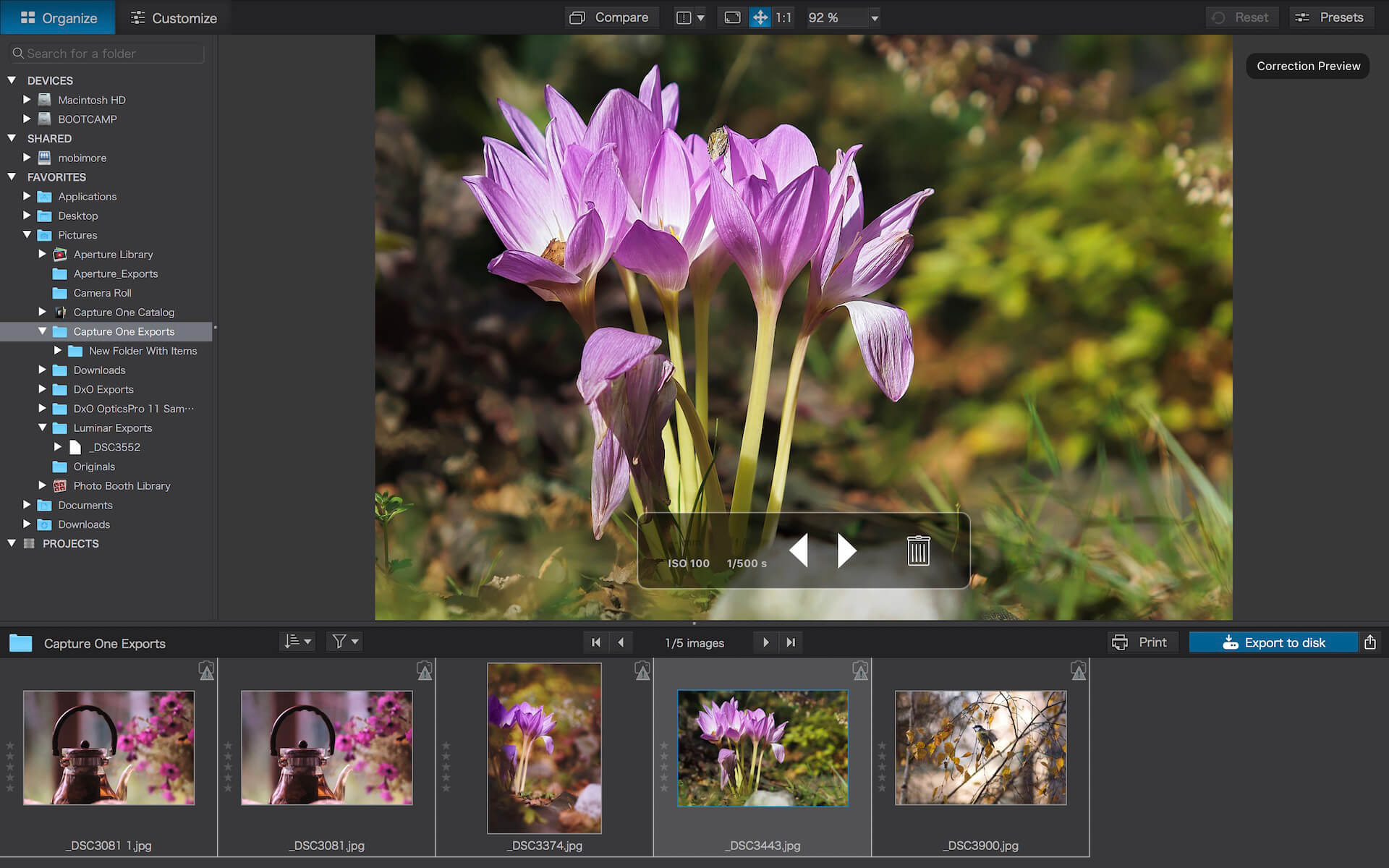
DxO PhotoLab (was DxO Optics Pro) provides a complete set of smart assisted corrections that you can manually fine-tune at any time. Take control on every aspect of your photos: effectively remove noise, get rid of light constraints, recover color details, apply sophisticated optical corrections, and enhance details.
Reducing digital noise in RAW images is an ongoing challenge for most photo-editing software. But with DxO DeepPRIME we are breaking new ground. The first artificial intelligence-based (AI) technology of its kind, DeepPRIME enables you to demosaic and denoise images simultaneously. Try it out – the results speak for themselves.
Demosaicing and denoising are usually two separate processes. But with DxO DeepPRIME we’ve combined them to achieve even better results.
The outcome is spectacular. DxO DeepPRIME removes noise and renders photographic information without reducing color detail. Transitions are smoother and more natural, and you gain nearly two ISO sensitivity values compared to our earlier version, DxO PRIME, the benchmark software for all comparable programs currently available.
If you are an expert photographer, DxO DeepPRIME will open up a world of new possibilities by enabling you to shoot at very high sensitivities. As an amateur photographer, DeepPRIME will allow you to compensate for the drawbacks of small sensors in compact and bridge cameras that produce digital noise even at low ISO sensitivities. And if you’re struggling with low quality, or older-generation cameras that are no longer suitable because of the scale of digital noise, DxO DeepPRIME will give your images a new lease of life.
Features
DxO Smart Lighting
DxO ClearView
DxO PRIME
Optical Corrections
Introducing U Point
What’s New:
Version 6.0.3.31
Release notes were unavailable when this listing was updated.
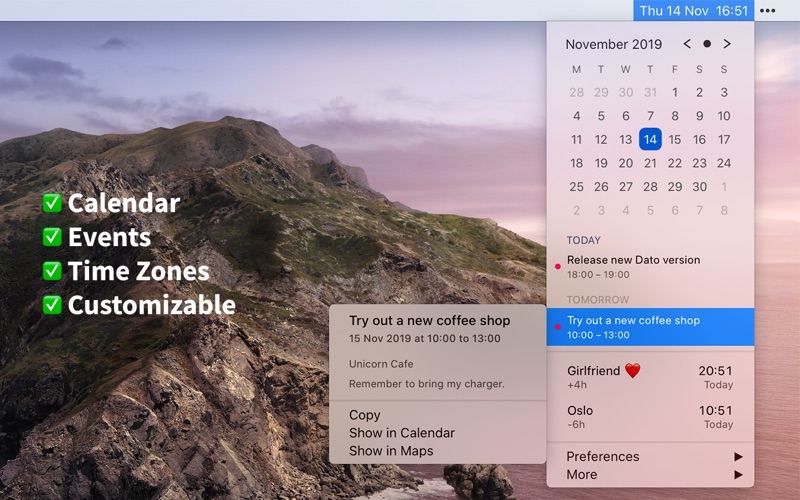
Dato gives you a local clock, date, and multiple world clocks in the menu bar. When you click Dato in the menu bar, you get a menu with a calendar, calendar events, and world clocks. All of this is highly customizable. Dato also comes with some macOS 11 widgets.
One-time purchase with free upgrades forever. Dato will never be subscription-based.
Dato supports all the locales and languages that macOS supports for the menu bar text, dates, times, and the calendar, but the menus and preferences are English-only.
Note to Chinese users: 该应用程序仅以英语提供,它将永远不支持农历。
On macOS 11, it’s no longer possible to completely hide the system menu bar clock. So Dato can only replace the date or you can make the system clock just be an analog clock icon.
Note: Some of the features in the screenshots are macOS 11-only features.
Features Your upcoming events at a glance
Customize how many events to show and for how many days
Supports HTML formatted notes
Quickly reveal the event in your default calendar app
Calendar
Week numbers
Event indicators
Highlighting specific days of the week
World clocks
Shown in either the Dato menu or the menu bar
Custom names
Search 15k cities offline
And a lot more!
Supports all calendar services that macOS supports (iCloud, Google, Outlook, etc)
Custom format for the date & time in the menu bar
Zoom, Google Meet, and Microsoft Teams integration (shows an icon on events and button to quickly join)
Many menu bar icons to choose from (for example, date in calendar like Itsycal)
Show seconds in the menu bar clock or in the menu
Global keyboard shortcut to open/close the app
Lots of in-app keyboard shortcuts for power users
Open calendar events from Google Calendar directly in Google Calendar on the web
Large text mode
Fully customizable
macOS 11-only features
Show the upcoming event in the menu bar (like Fantastical, Meeter, and MeetingBar)
Create events (even with a global keyboard shortcut)
Widgets: Date & time and calendar
Join the next meeting (Zoom/Meet/Teams) with a customizable global keyboard shortcut
macOS 10.15-only features
Today widget in the Notification Center for time zones
Custom color for the date & time menu bar item (macOS 11 broke this)
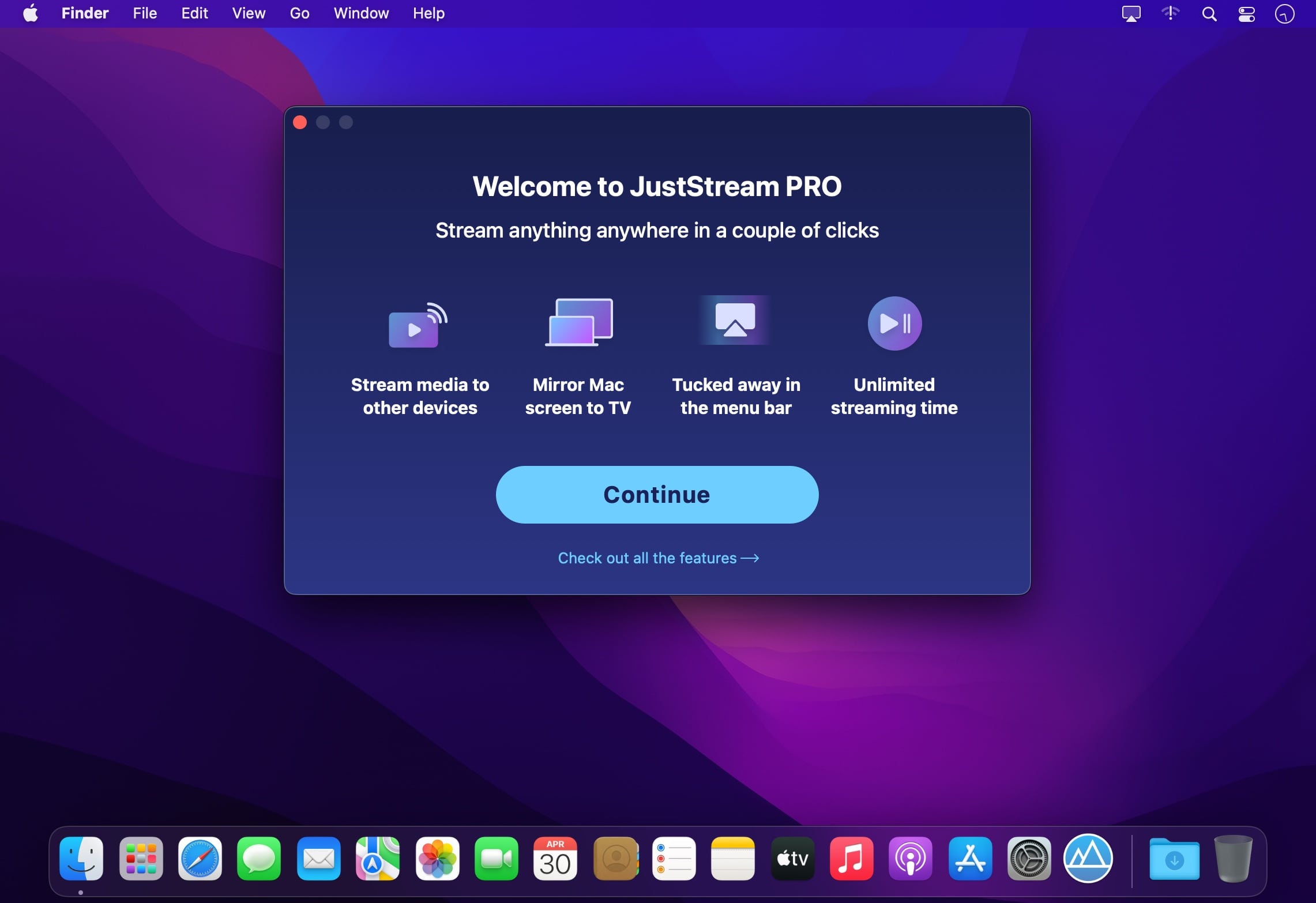
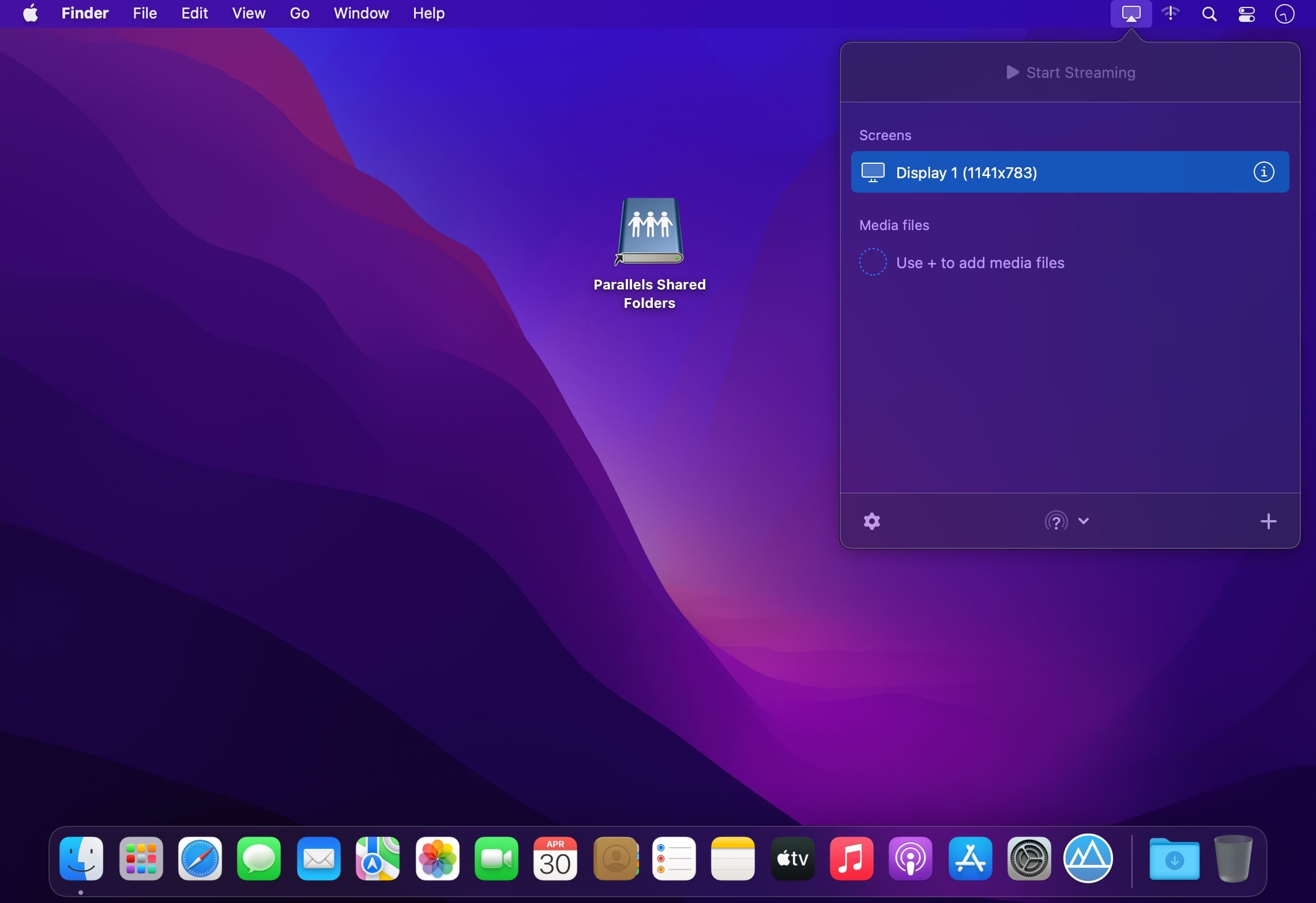
JustStream is a great app that can mirror display on Mac to TV, mirror Mac to Chromecast, mirror Mac to Apple TV, and so on. You can stream your video to TV and enjoy it on a big screen without any need of wires or cables or any additional hardware.
JustStream features at a glance:
Supports a huge variety of video formats
JustStream can work with pretty much any media file type, including the popular AVI, FLV, MKV, 3GP, MP4, MKV, MOV, AVI, WMV, MP3, WAV. The greatest thing about JustStream is that even if your movie format is not supported by a device you are streaming it to, the app can convert it on the fly. No need to search the web for conversion options and wait for hours – JustStream will smoothly run the conversion while you are already enjoying your content. Thanks to the full native M1 support on Apple Silicon Macs video conversion is much lighter on the CPU.
Supports subtitles
Doesn’t matter if the subtitles your video comes with are external or embedded – JustStream features an advanced support for multiple subtitle formats. When streaming to Chromecast & Chromecast Ultra you can also change subtitle font, size and color.
Streaming playlists
Create playlists that you can stream non-stop, no matter how large they are. You can have hundreds of MP3 files or hundreds of short videos – JustStream lets you organize them in playlists and stream them on TV for your unlimited entertainment.
Supports both external and embedded audio
JustStream will effortlessly pick up both external and embedded soundtracks while streaming.
Pause/Resume at your convenience
With JustStream you can resume your video or audio from where playback was stopped at any time.
JustStream is discreet
The app is neatly tucked away in the menu bar only to be easily accessed exactly when you need it.
Mirror Mac screen & audio on TV, Chromecast & AppleTV
Your Mac or MacBook screen can be easily mirrored to Smart TV, Apple TV or Chromecast device. JustStream works with pretty much any brand including Samsung, Roku, LG, Sony, Panasonic and a huge number of other DLNA-certified devices.
Advantages of mirroring Mac to TV
Choose which screen (or connected monitor) will be displayed on TV.
Fit the streaming video to TV Screen.
Decide whether to capture the movement of a mouse cursor.
Decide whether to capture mouse clicks.
Choose the output quality: Auto / Full HD (1080p) / HD (720p).
What’s New:
Version 2.7
Fixed: issues with streaming to Roku devices.
Fixed: autoplay the next file in playlist when streaming to some devices.
Lots of other fixes and improvements (thank you for your continued feedback!).
BusyCal is an award-winning desktop calendar that combines personal productivity features for individuals with powerful calendar sharing capabilities for families and workgroups. Its unique features include a non-modal Info Panel for easier data entry; To Dos that display in the calendar and auto-forward until completed; repeating To Dos; customizable calendar views including a List view and scrolling Month and Week views; adjustable font styles and sizes, live weather feeds, moon phases, graphics, sticky notes and more. And when you first launch BusyCal, all of your iCal data is instantly imported. BusyCal automatically syncs with iCal, iPhone, iPad, iPod Touch, and other apps and devices that sync with MobileMe or Sync Services. If you later decide to switch back to iCal, all of your calendar data will be current.
BusyCal allows families and workgroups to share calendars with MobileMe, Google Calendar, iCal Server, and other CalDAV Servers. You can even share calendars with other BusyCal users on a local area network without the need of a server. And BusyCal syncs with iCal, iPhone, iPad, iPod Touch, and other apps and devices that sync with MobileMe or Sync Services.
Features
View and edit event details in a non-modal info panel.
Create repeating To Dos that display in the calendar and carry-forward until completed.
Scrolling Month and Week Views.
Customizable list view lets you filter and sort events by date, calendar, and more.
View live weather forecasts, sunrise/sunset times, and moon phases right in your calendar.
Customizable event fonts, sizes, styles and colors.
Add graphics to your calendar.
Add virtual sticky notes to your calendar.
Sync with the iPad, iPhone, and iPod Touch via MobileMe, Google Calendar, or iTunes.
Sync with MobileMe Calendar and other computers/devices that sync with MobileMe.
Sync with Google Calendar and other computers/devices that sync with Google Calendar.
Sync with other BusyCal users on a local area network or over the internet.
Share calendars with others, with password-protection and SSL encryption.
BookMacster is a bookmarks manager for your Mac, which plays nicely with iCloud, Sign In to Chrome, and Firefox Sync. It can be used in three ways, or all three:
Cross-Browser Syncing. Sync bookmarks of Safari Firefox, Chrome, and more among all your devices.
Directly. Keep your bookmarks in one central store, accessible within web browsers.
Features
Compatible with iCloud’s Safari syncing, Google Chrome’s Sign In, and Firefox Sync. Bookmarks added to Safari from BookMacster on your Mac will sync via iCloud to Safari on iOS devices.
Import/export with Safari, Firefox, Chrome, iCab, Opera 11-12, Roccat, Pinboard, Delicious, Diigo, and OmniWeb.
Easily organize with Tags, Hierarchy, or both.
Verifies bookmarks, fixes redirects and duplicates.
Sort (alphabetize) automatically when bookmarks are changed. You control which folders you want to be sorted or not sorted, how to sort them.
Supports multiple User Profiles in Firefox and Google Chrome.
Scriptable to collect new bookmarks from NetNewsWire or similar apps.
Markster keeps your internet bookmarks in a central store. People use Markster because either:
The internal bookmarks facilities (Bookmarks Bar, Bookmarks Menu, Favorites Bar, etc.) in their web browser(s) do not meet their feature expectations.
They use more than one web browser, and prefer to keep all their bookmarks in a separate app, independent of the web browsers, instead of syncing the browsers’ internal bookmarks facilities together.
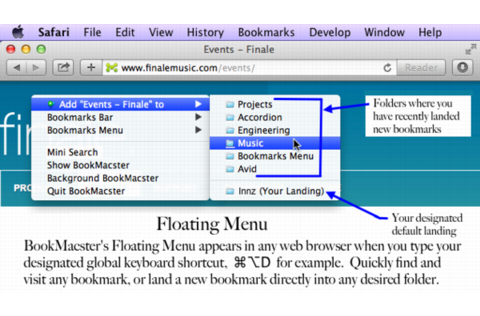
When Markster users want to visit a bookmark they have previously stored, or add a new bookmark, instead of reaching for the Bookmarks Bar or Bookmarks Menu in the browser, they bring up Markster’s Floating Menu. Markster provides three ways to do that:
Global Keyboard Shortcut, for example Cmd-Shift-D.
Dock Menu
Status Menulet (right side of Menu Bar)
The keyboard shortcut and/or status menulet are enable/disabled in Markster’s preferences.
What’s New:
Version 3.0.9:
Release notes were unavailable when this listing was updated.
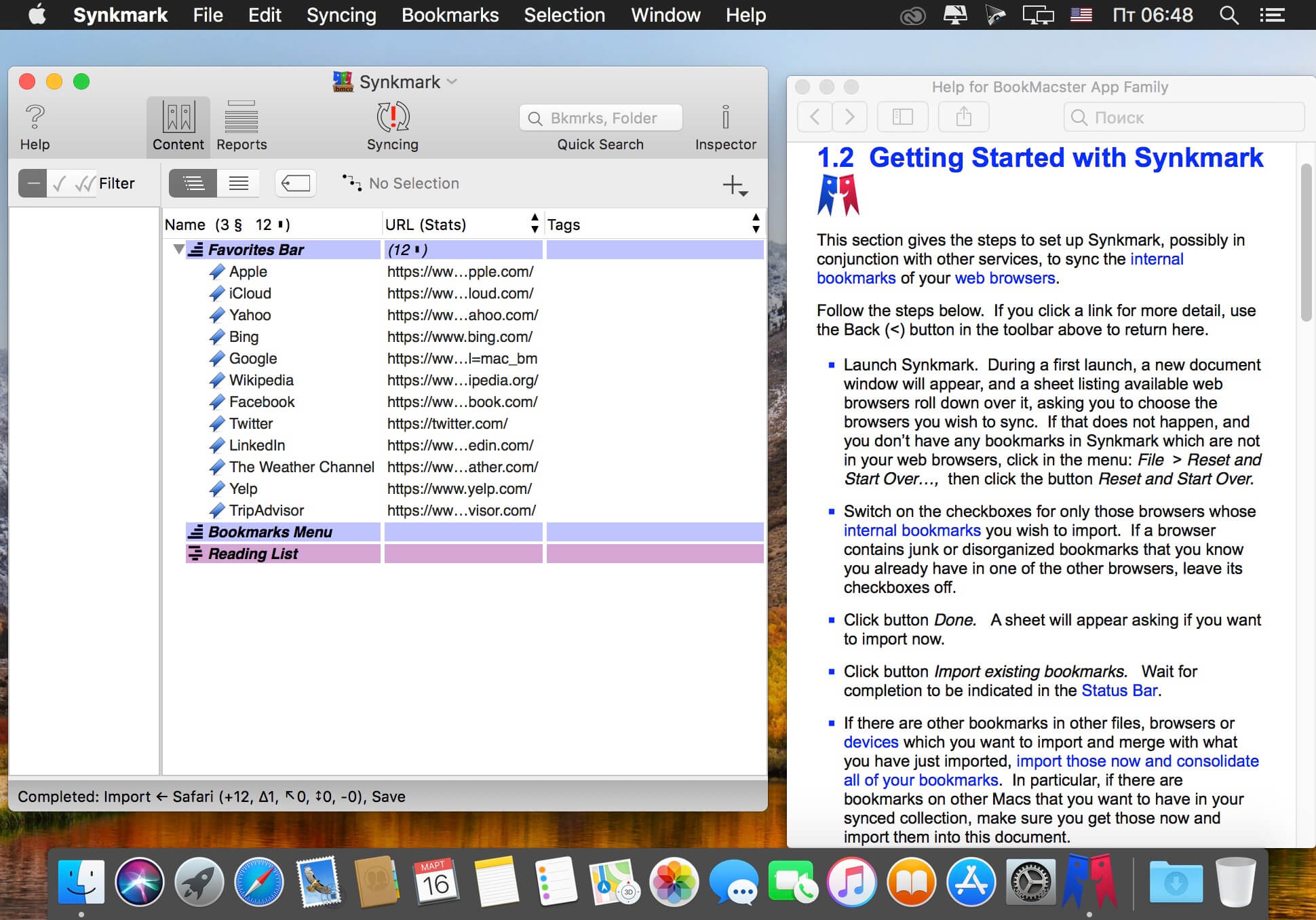
Synkmark is your bridge for keeping bookmarks in sync among Safari, Google Chrome, and Firefox. Synkmark can also keep your bookmarks alphabetized as you prefer, verified and free of duplicates. Synkmark is compatible with iCloud, Sign in to Google, and Firefox Sync, so that you can have organized bookmarks on all of your devices. Download Synkmark to start your free trial. Synkmark is a member of the BookMacster family of apps, based on the same proven technology, but with a simplified user interface focused on syncing Safari, Google Chrome, and Firefox. For other apps and pricing options, see the Bookmarks Manager Selection Guide on our site. One Synkmark license covers all the Macs used by one person.
There are a bunch of macOS functions that aren’t particularly easy to toggle on or off, and some can’t be disabled at all.
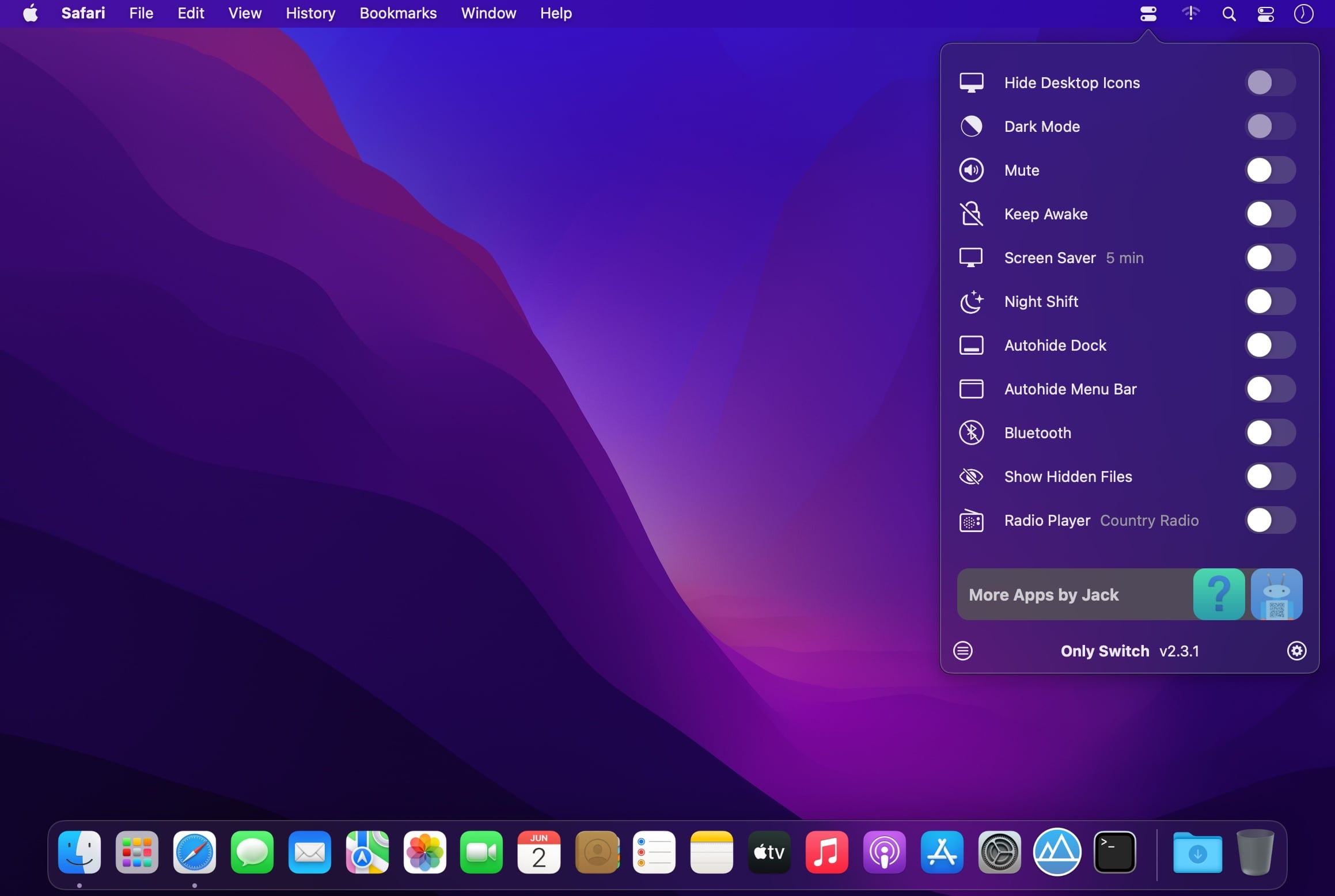
OnlySwitch aims to make a few switches more accessible and add a couple that aren’t available in the first place. It also provides some extra features, such as an Xcode derived data cleaner and radio player.
Useful switches in your menu bar
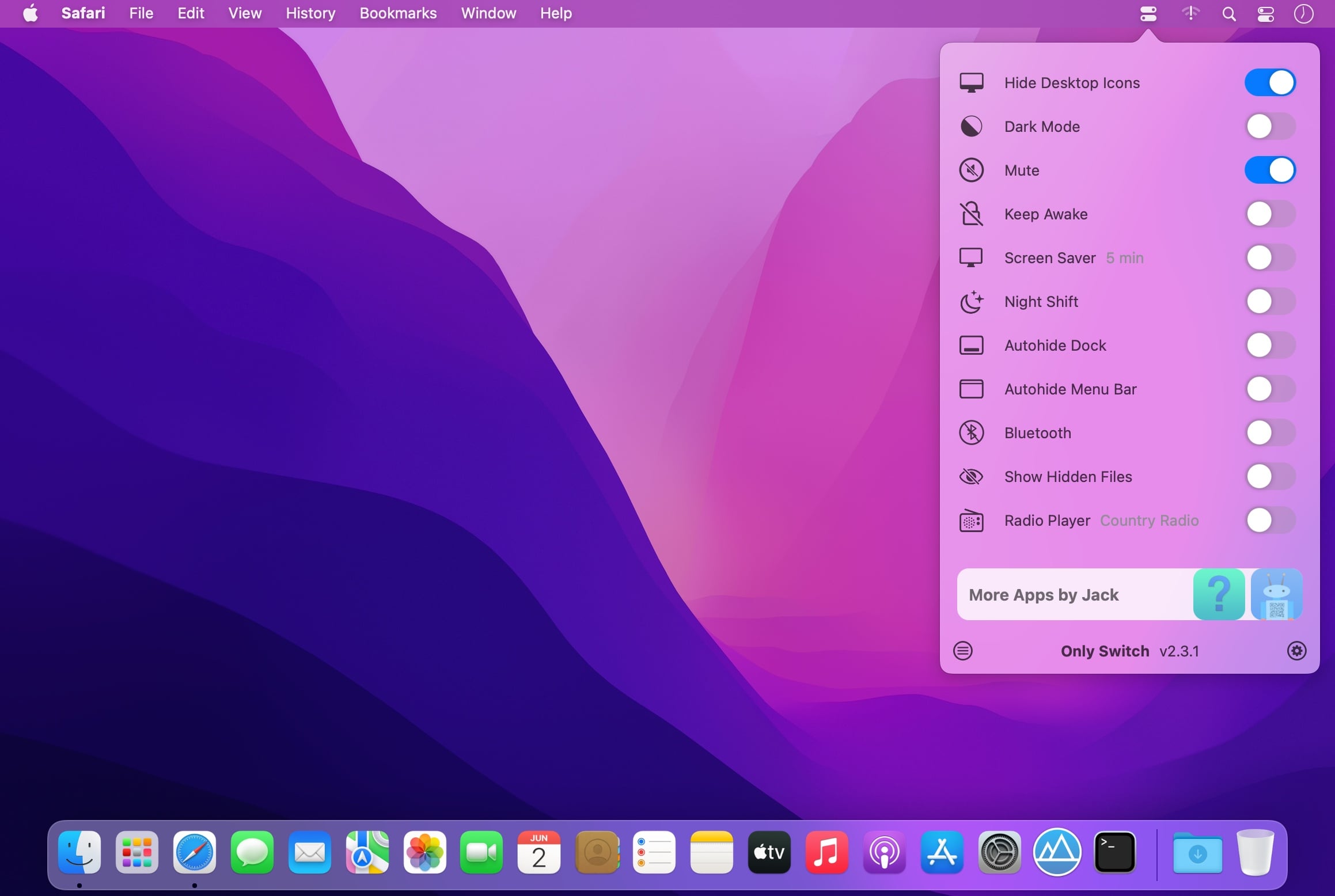
The app itself is pretty simple. It adds an icon to the menu bar, which you can use to access a collection of switches. Among others, you can hide the MacBook Pro notch, hide desktop icons, enable Night Shift, show hidden files, and toggle auto-hiding the Dock and menu bar.
If some of these switches aren’t necessary, you can disable them from the app’s preferences. A few aren’t even enabled by default, so be sure to check them out in case you find some of them useful.
Hide the notch, listen to radio stations, and more
Of course, everyone’s needs are different, and some of the app’s features are definitely not for everyone. If you have a 2021 MacBook Pro, with its characteristic notch, OnlySwitch allows you to blend it with the rest of the menu bar, and it even supports dynamic wallpapers.
If you like listening to online radio, the app even has an integrated player. You can add your own stations and select your preferred one from the settings. The player is accessible and can be controlled from the menu bar.
If you’re a developer, a quick shortcut for clearing Xcode derived data might also prove useful.
Helpful switches in a customizable menu
Apple certainly makes some things less accessible than we would like, and apps like OnlySwitch seek to remedy that. Considering that it’s completely free and open-source, there’s no reason not to grab it if any of its switches sound useful.
Massive X is Native Instruments’ new flagship synth, built by the same team as its predecessor. Based on a state of the art architecture, it delivers pristine sound, and huge creative flexibility for artists and sound designers alike – allowing them to create, modulate, and experiment with sound from a huge range of sources, in any way they like.
THE OSCILLATORS
At the heart of MASSIVE X you’ll find the completely new oscillator section – capable of producing more variation than some entire synths, right at the source. Choose from over 170 wavetables and 10 different modes of reading them – from the aggressive Gorilla family, to a wavetable-bending mode, Hardsync, Formant, and many more – each with their own unique sub-modes and additional controls. Dial in two phase-modulation oscillators to inject extra movement into the main oscillators.
ROUTING REIMAGINED
Connect any output to any input, and see what happens. The intuitive routing setup lets you essentially rewire parts of MASSIVE X, meaning you can bypass, feedback, and send audio any way you like. It’s also possible to route modulators as audio sources to excite elements such as the comb filter.
PERFORMERS: MADE TO MODULATE
Draw precise patterns of modulation in the Performer section, and assign them to parameters for complex, evolving patches, or for controlled changes to your sound. You can then use the Remote Octave control to trigger them on your keyboard, meaning you get truly playable modulation and huge expressive variety within a single patch.
Included expansions:
Bounce
Bump
Drive
Haze
Mechanix
Moebius
Our House
Pulse
Quest
Rush
Scene
Formats:
macOS; AU, VST3, VSTi
What’s New:
Version 1.4.1
MASSIVE X is available as AAX, AU, VST and VST3 Plug-ins in this version.
MASSIVE X requires an Intel processor with AVX or an Apple Silicon processor.
On Apple Silicon machines, Rosetta 2 must be installed in order to install and use MASSIVE X.
The MASSIVE X Factory Library is a separate installation, be sure to install via NATIVE ACCESS.
FIXED Reduced the aliasing of the SVF filter in LP4 mode when using feedback
FIXED Browser icons displayed incorrectly
FIXED Intermittent crashes in Logic
KNOWN ISSUE VST3 crashes in Reaper on macOS during scan (but still passes validation)
KNOWN ISSUE Host automation parameter names are fixed to “Macro” in Logic and GarageBand on Apple Silicon computers
KNOWN ISSUE Intermittent crashes when used with Mainstage
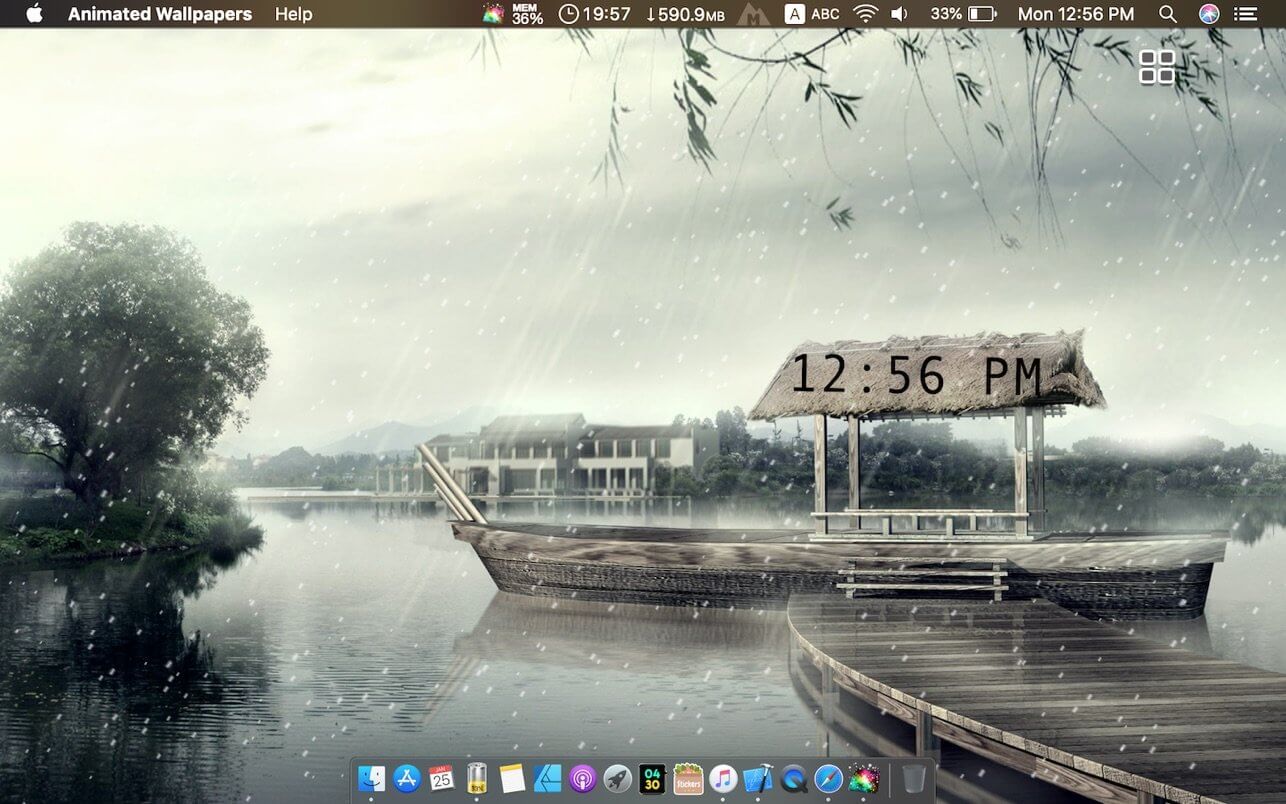
Feel the breeze of your desktop, your desktop is not boring anymore!
Select from 14 themes: Nature, Space and more.
Show/Hide Desktop Icons : it can be used as a curtain to hide desktop icons, Just in case you are having a work presentation and you want to hide all the mess on the desktop.
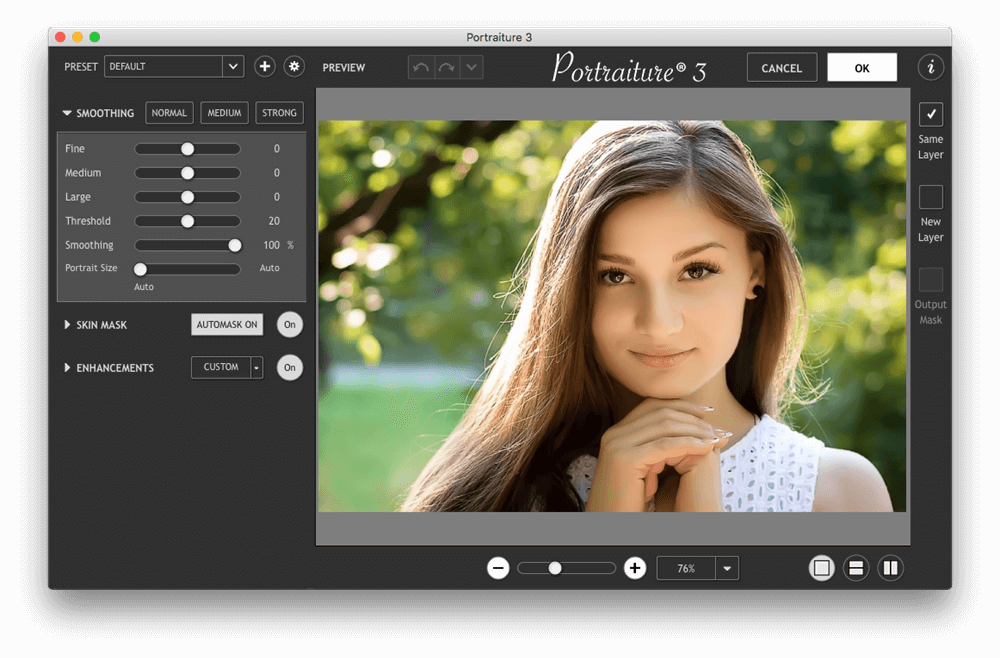
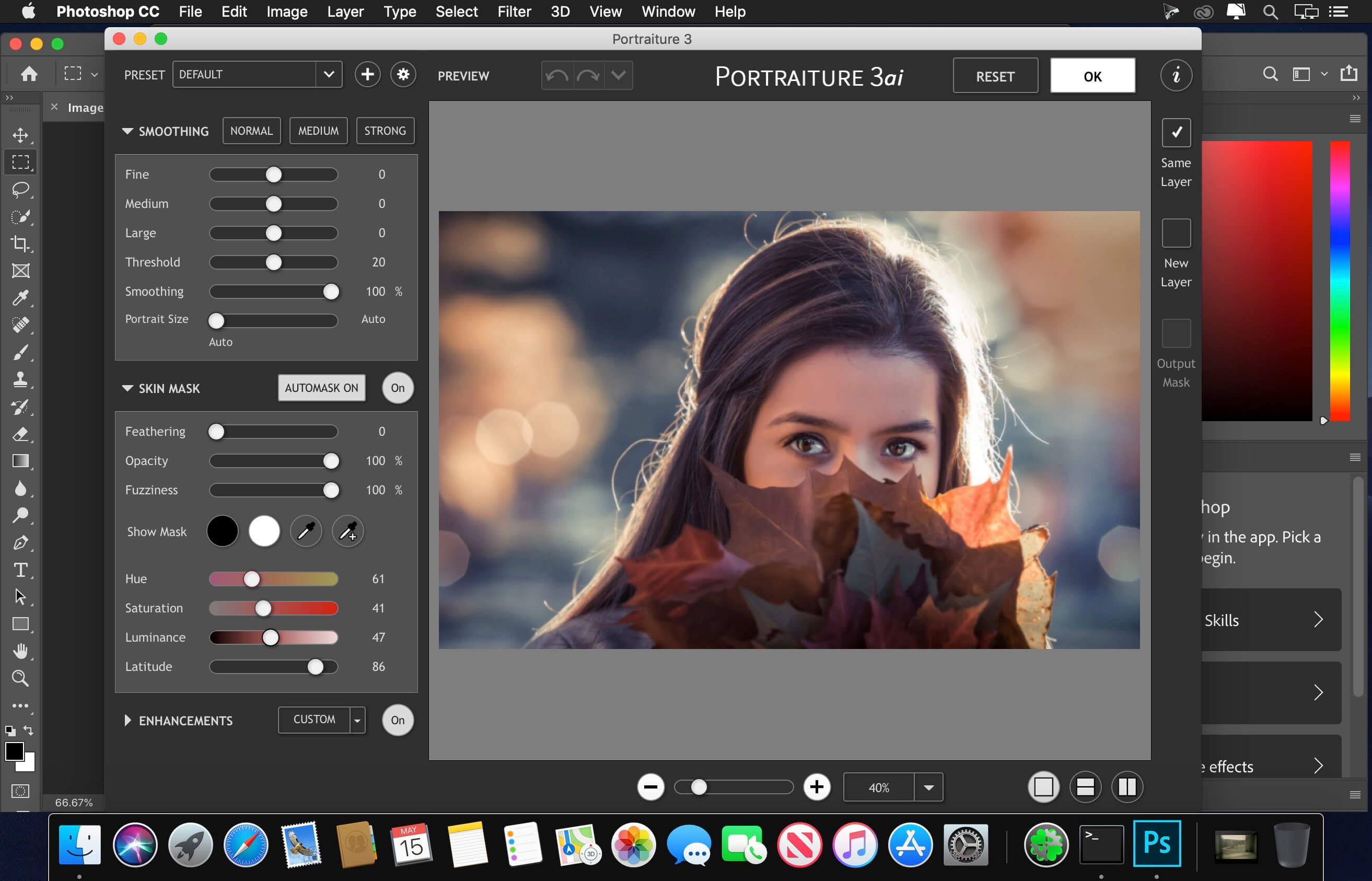
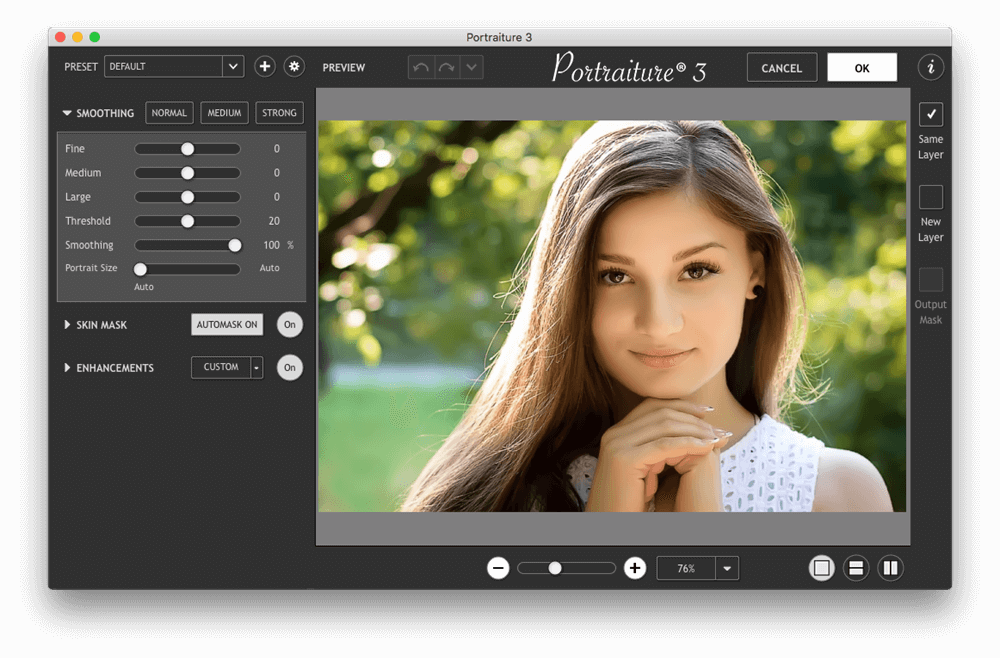
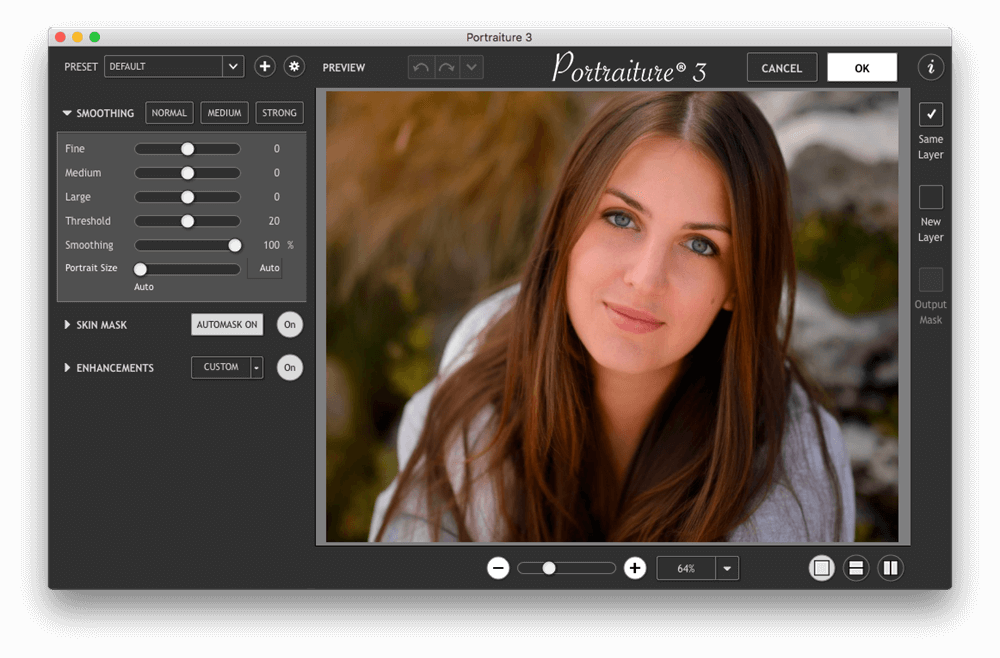
Portraiture – an indispensable filter that will transform your photo into a glamorous picture, avoiding time-consuming procedures pixel image retouching to remove image defects. By virtue of its technology in the application of intellectual dithering, amateurs will be able to completely remove the defects without affecting image detail, including the texture of the skin, hair, eyebrows, eyelashes, and others.
Portraiture for dobe Lightroom eliminates the tedious manual labor of selective masking and pixel-by-pixel treatments to help you achieve excellence in portrait retouching.
Imagenomic’s Portraiture is a powerful but user-friendly plug-in for Lightroom. It’s an effective tool for smoothing skin while maintaining texture for realistic results—a fine line that all portrait photographers must be aware of. The program automatically detects the subject’s skin and creates a mask, which can be tweaked if needed. There are plenty of options for refining the portrait with tools to adjust hue, saturation, luminance and latitude. A separate Enhancements panel provides sliders for a range of parameters including sharpness, tint, brightness, and contrast for fine-tuning the overall look and feel of a portrait. And if you’re not sure exactly what you want, the program has a bracketing feature so you can choose from several variations of the same image. A handful of presets are available to get you started but you can create and save your own, along with a space for your notes so you can mix and match them each time you shoot a portrait under similar conditions.
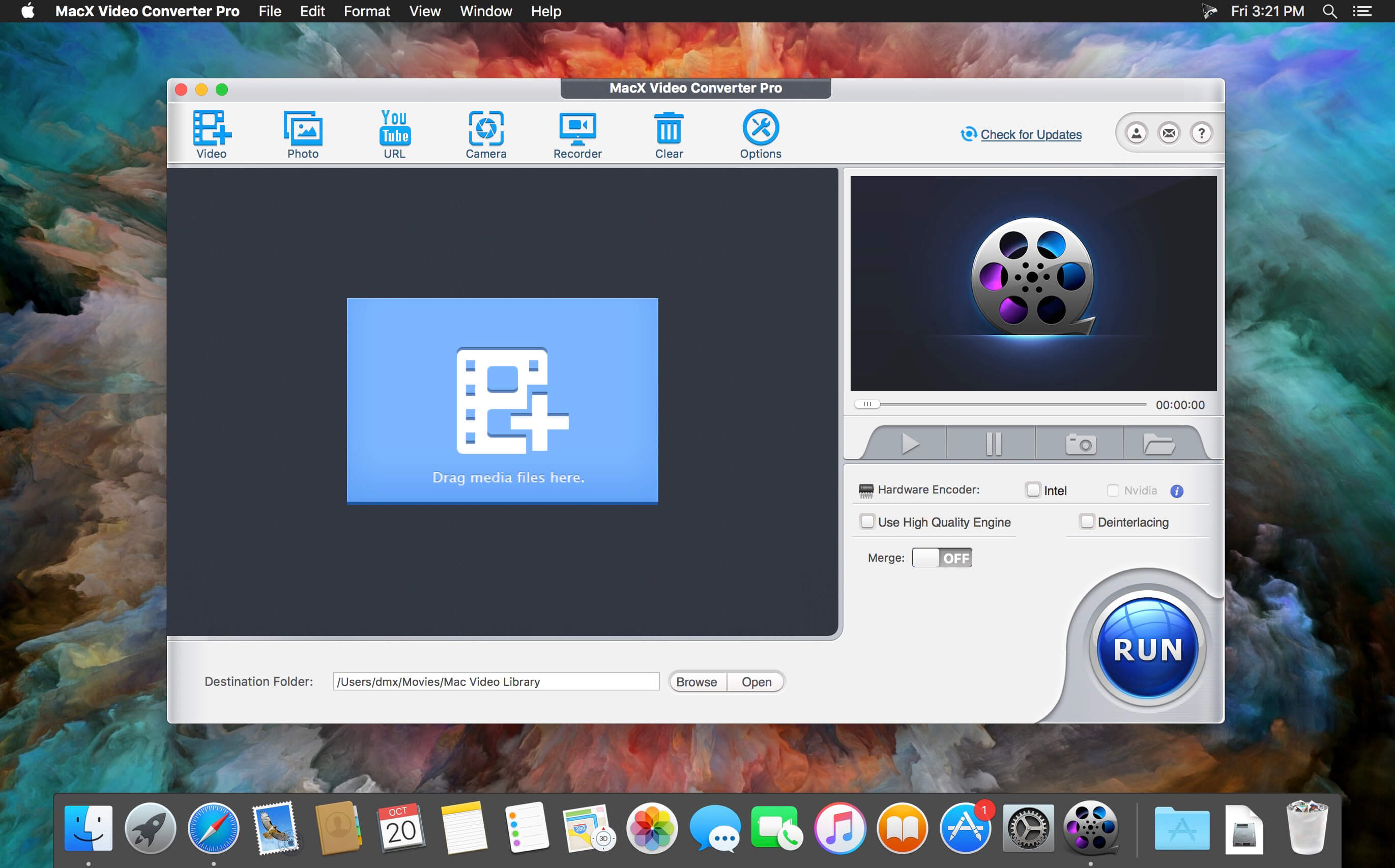
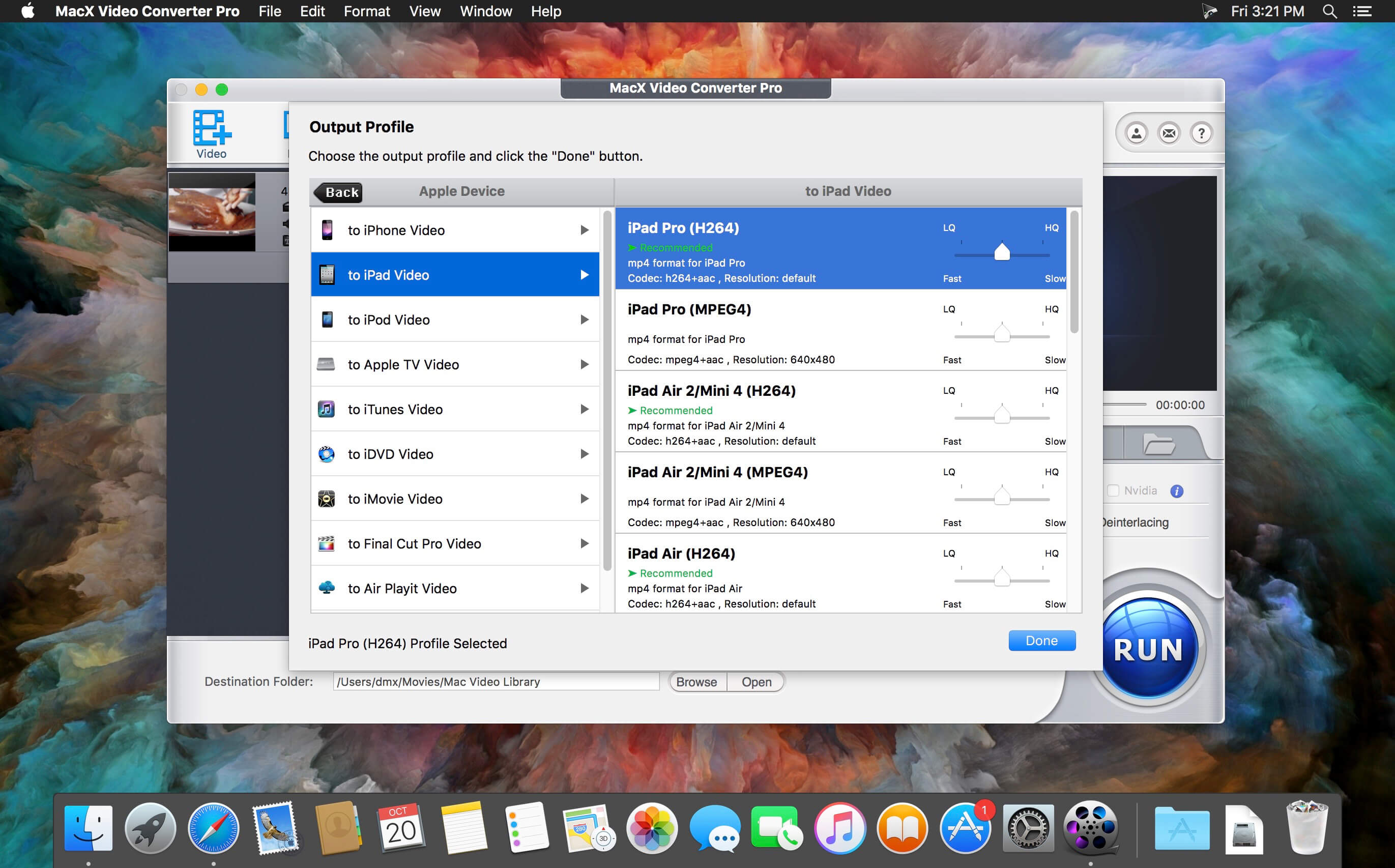
MacX Video Converter Pro is an excellent all-in-one toolkit that works as an HD video converter, video editor, screen recorder, and slideshow maker. It lets you convert 4K HD/SD videos to MP4, AVI, MPEG, FLV, MOV, WMV, MKV, MP3, etc., for playback on QuickTime, iPhone, iPad, or Android flawlessly, and for editing with iMovie and Final Cut Pro. This easy-to-use video converter gives you complete control over all videos recorded with an HD camcorder or downloaded from the Internet at 83x speed and with high video quality.
Main features
Ultra-fast video converter: Built-in 370 video/audio codecs, MacX Video Converter Pro is able to convert any video to popular video/audio formats, such as M2TS to MP4, MKV to AVI, MKV to MP4, WMV to MOV, AVI to iMovie, FLV to AVI, MP4 to MP3, etc. The 350+ preset profiles allows you to convert video to iPhone 6/6 Plus, iPad Air 2/Mini 3, iPod, Apple TV 3, iTunes, QuickTime, Galaxy S5 mini/ Note 4, Surface Pro3, Xperia Z3, PS4, etc., for playback.
Edit, trim and record video: Besides the video converting and downloading ability, MacX Video Converter Pro also offers robust functionality to edit video (cut/trim/merge video, add external subtitles and watermark), adjust video parameters, record screen activity, etc.
No.1 converting speed and high video quality: This Mac video converter has an easy-to-navigate interface and brings the fastest converting speed and zero quality loss with the help of hyper-threading technology and high quality engine.
Supported Input Formats
HD Video
AVCHD Video (*.mts, *.m2ts), H.264/MPEG-4 AVC (*.mp4), MPEG2 HD Video (*.mpg; *.mpeg), MPEG-4 TS HD Video (*.ts), MPEG-2 TS HD Video (*.ts), Quick Time HD Video (*.mov), WMV HD Video (*.wmv, *.xwmv), Blu-ray Video (*.mts, *.m2ts), HDTV Video (*.ts), Matroska Video (*.mkv)
Apple Device
iPhone 5S, iPhone 5C, iPhone 5,iPhone 4S, iPhone 3/3GS, iPad Air, iPad Mini with retina display, iPad Mini, New iPad/iPad 4, iPad 2, iPod Touch, Apple TV 3, iTunes, iDVD, iMovie, Final Cut Pro
Android Pad
General Android Pad Video, HTC Jetstream, HTC Flyer, HTC EVO View 4G, Samsung Galaxy Tab 7.0/7.7/10.1 (2014 Edition), Amazon Kindle Fire (HD/HDX8.9), Google Nexus 7, Google New Nexus 7, Huawei Pad, Lenovo Pad, Acer Iconia, Asus Pad (Asus Transformer Pad TF701)
Android Mobile
General Mobile Video, HTC Butterfly, HTC New One, Samsung Galaxy S4/S3, Galaxy Note 2/3, Google Mobile, Huawei Mobile, Acer Mobile
Microsoft Device
Microsoft WP8 Pad, Nokia Lumia 2520, WP8 Mobile, Xbox One, Xbox, Zune (HD), Surface RT/2, Surface Pro (2)
Other Devices
PSP, PS3, Blackberry, Nokia, PDA, ZEN
Web Sharing
What’s New:
Version 6.7.1:
Release notes were unavailable when this listing was updated.
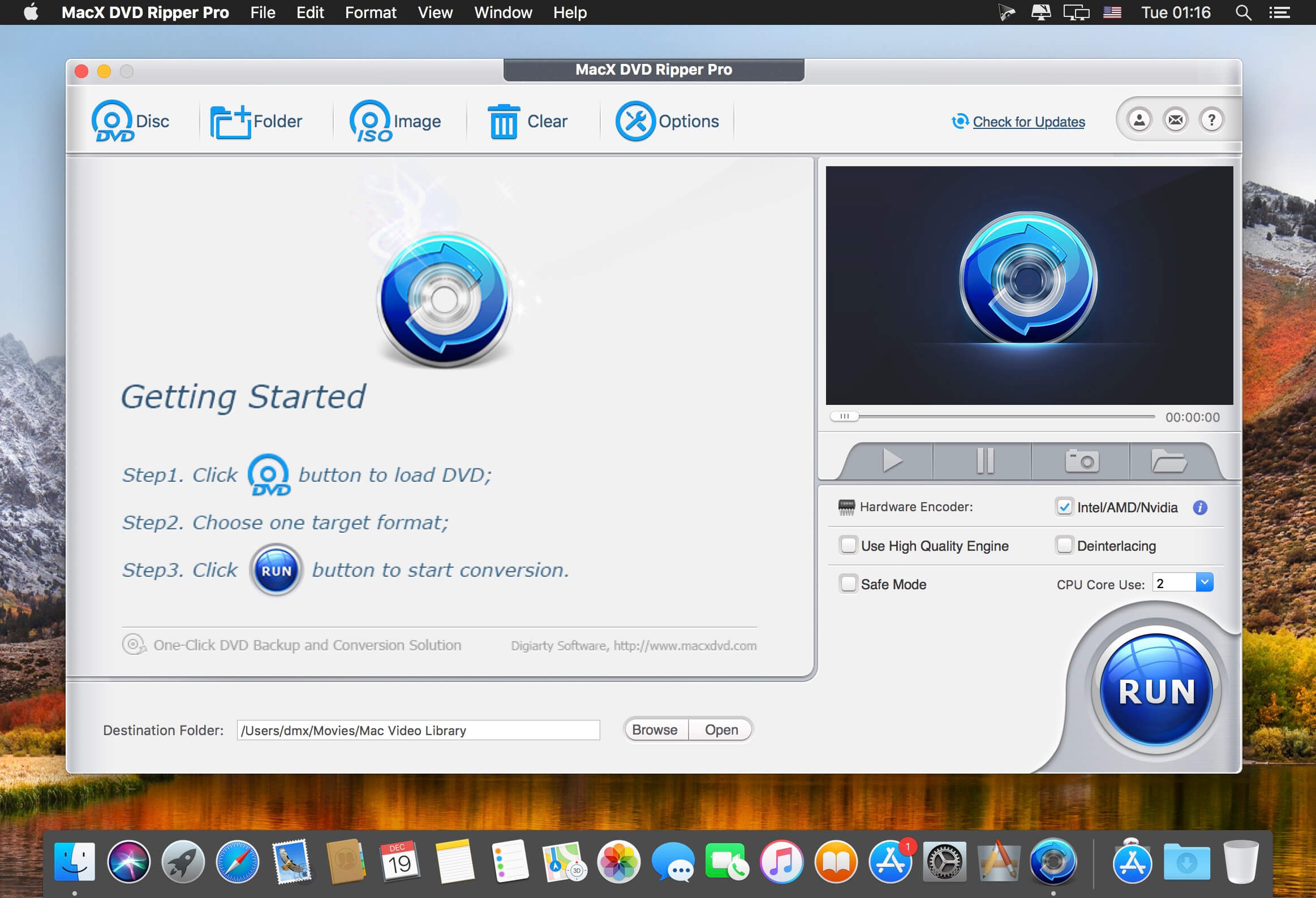
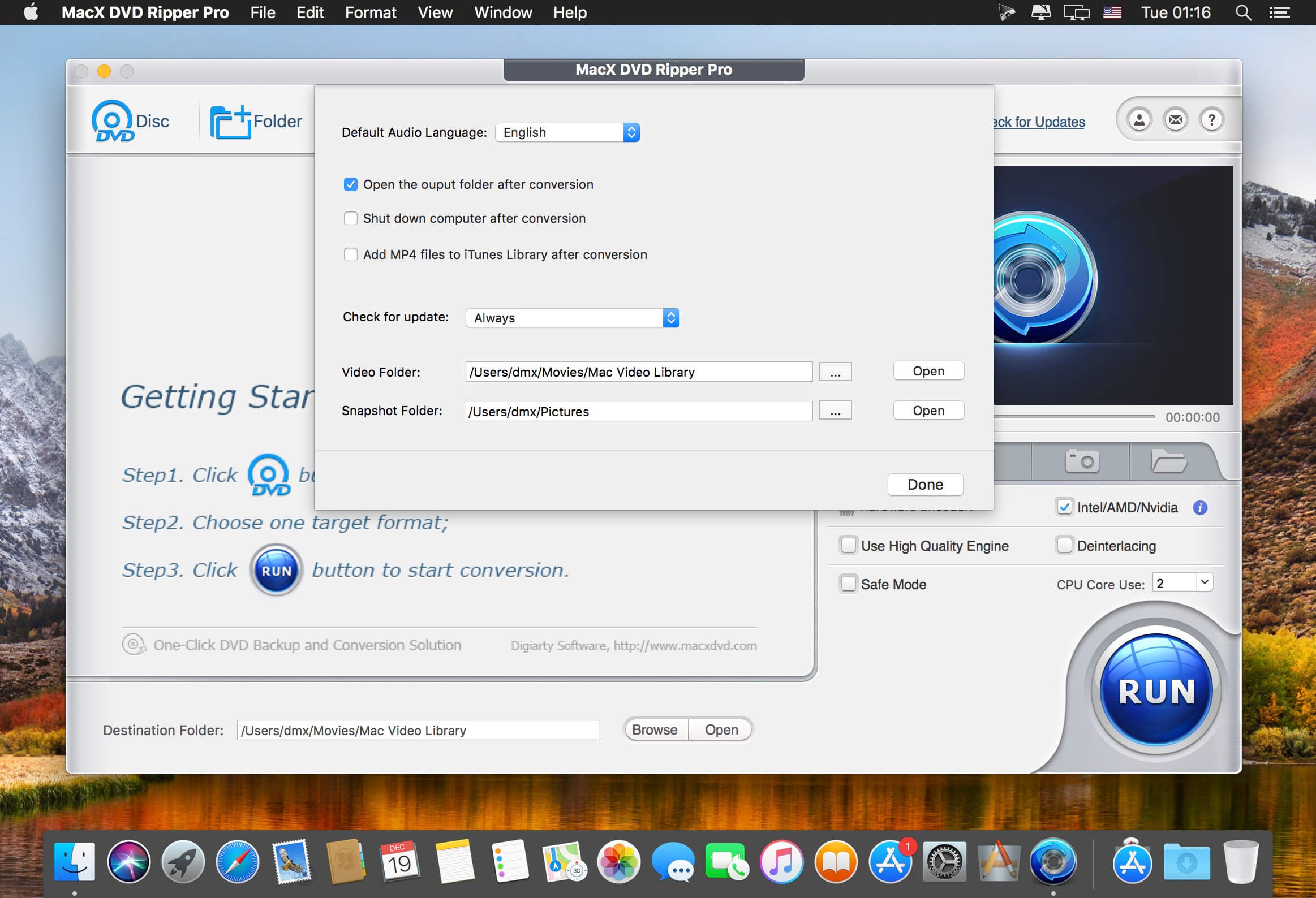
MacX DVD Ripper Pro is an ultimate Mac DVD ripper to backup & rip your DVDs on Mac with the final video and audio file in all sorts of formats, including DVD to MP4, H.264, MOV, M4V, FLV, MPEG4, AVI, QT, MP3, etc. With 350+ preset profiles, MacX DVD Ripper Pro makes it hassle-free to rip any DVDs including encrypted DVDs for Mac, iTunes, QuickTime, iPhone, iPad, Android, Apple TV, etc. bypass all copy protections (DVD CSS, region code, RCE, Sony ArccOS, UOPs, Disney X-project DRM, etc). The copy feature ensures you 1:1 DVD copy to ISO image, MKV, MPEG2 to protect them from scratches, damages, or loss. 36X faster and outstanding quality.
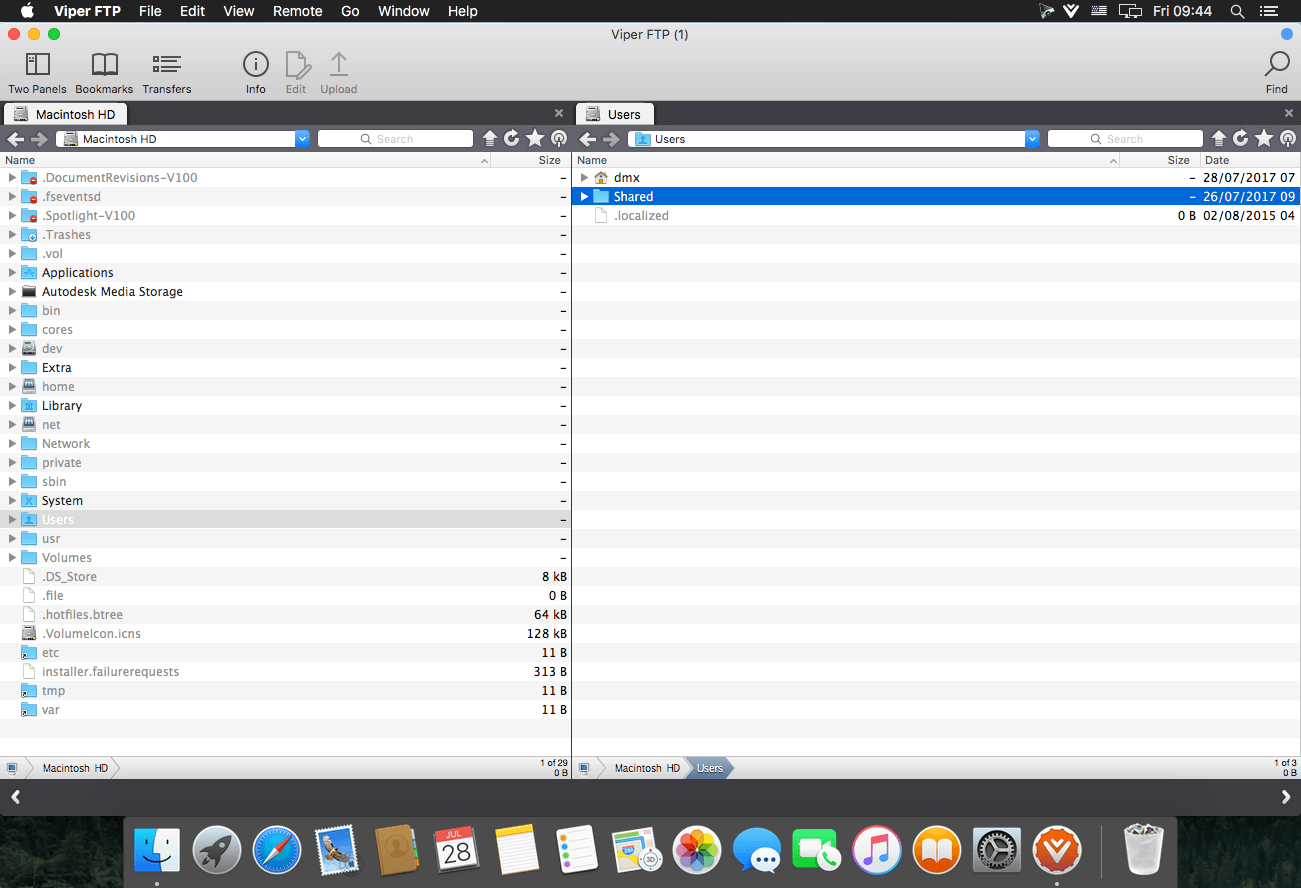
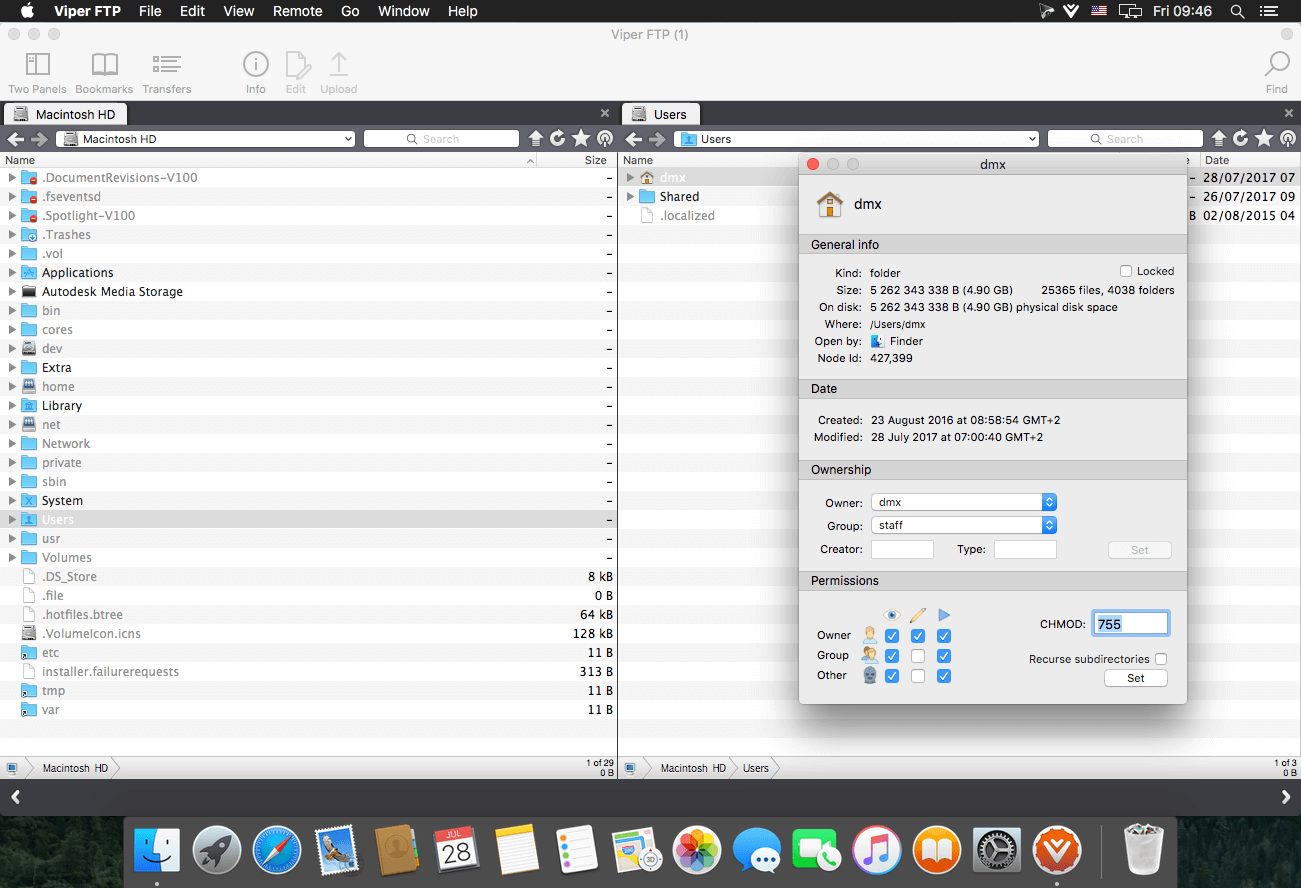
Viper FTP is a handy and powerful file manager for macOS, with a tremendous user interface that makes it effortless to use. Quickly access your remote servers to manage and transfer your files. The new user interface was redesigned to be cool, clean and functional. Viper FTP handles WebDav servers, Amazon S3 servers, LAN Bonjour servers, and even the uploading of videos directly to YouTube. It will create the HTTP URL of files you select, allowing you to easily share them via URL or email. It stores and shows your history and trace log, stores the credentials of multiple FTP accounts, and allows you to have multiple simultaneous transfers happening across different servers. The Toolbar gives you instant access to your bookmarked servers. Viper FTP has in-built ZIP, RAR, GZ, and TAR support. It has fast file searching on both your local and remote machines. You can customise many elements of the interface via preferences. You can edit remote files to make quick changes.
Top 10 Features
Local and remote file management (FTP, SFTP, WebDav, Amazon S3, YouTube-upload)
Last connections, Bookmarks, Bonjour, Favorites
can be managed in one place.
History of file operations (what, when, where with a server reply)
Converting remote file/folder into HTTP/HTTPS address with an instant email option.
Searching, viewing and editing files directly on a remote server.
Using the toolbar for keeping your favorite servers gives an instant access to the remote locations.
All files (hidden, system) are visible. To locate a file just start typing its name.
Files/folders compare.
Zip,rar,gz and tar management.
Application windows can be linked (will move, show and hide together)
Language: English, German, French, Spanish and others. Compatibility: macOS 10.12 or later Homepagehttps://viperftp.com
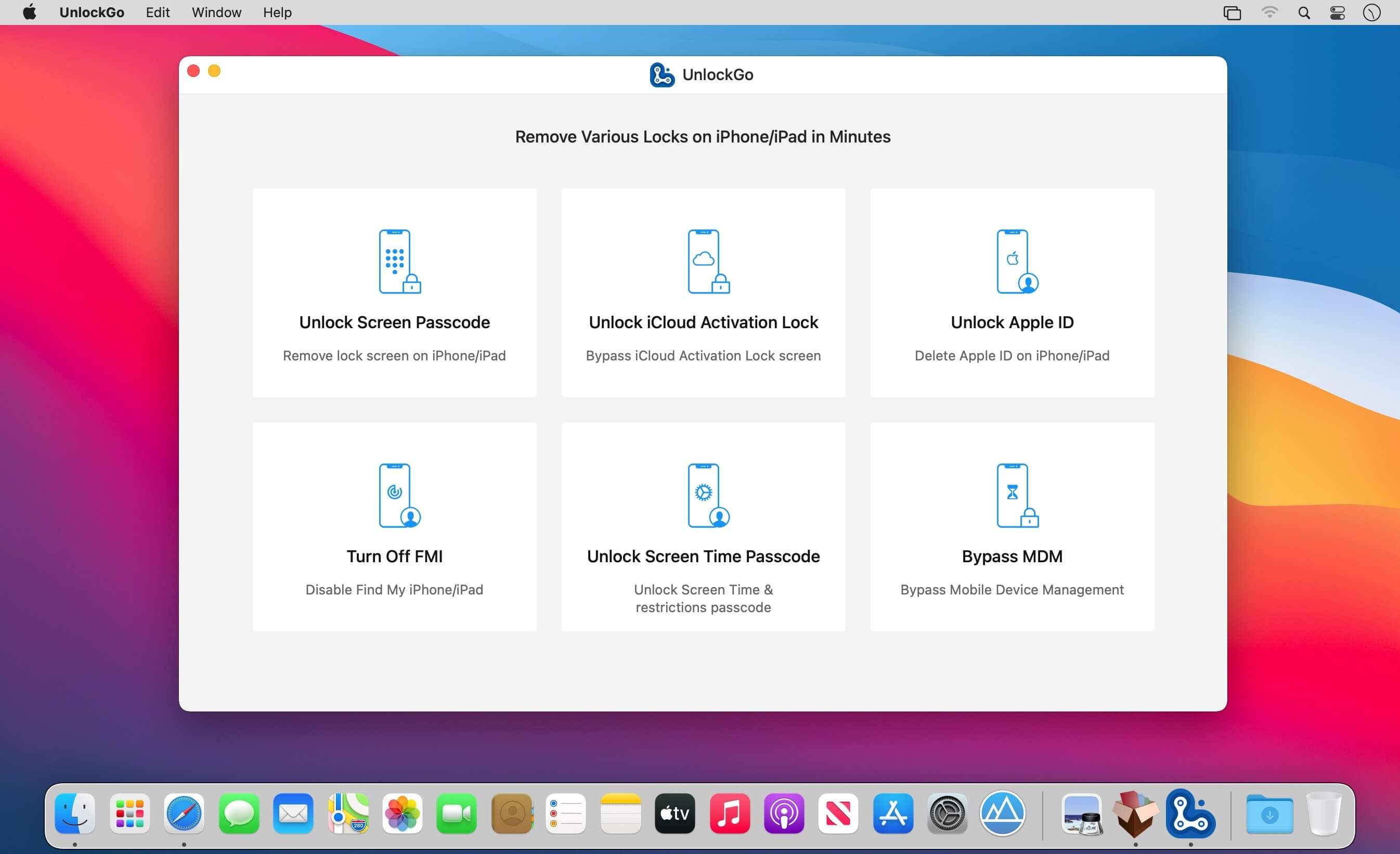
All-in-One iPhone Lock Removal Tool. Remove Various Locks on iPhone/iPad in Minutes. Instantly unlock your iPhone/iPad’s passcode
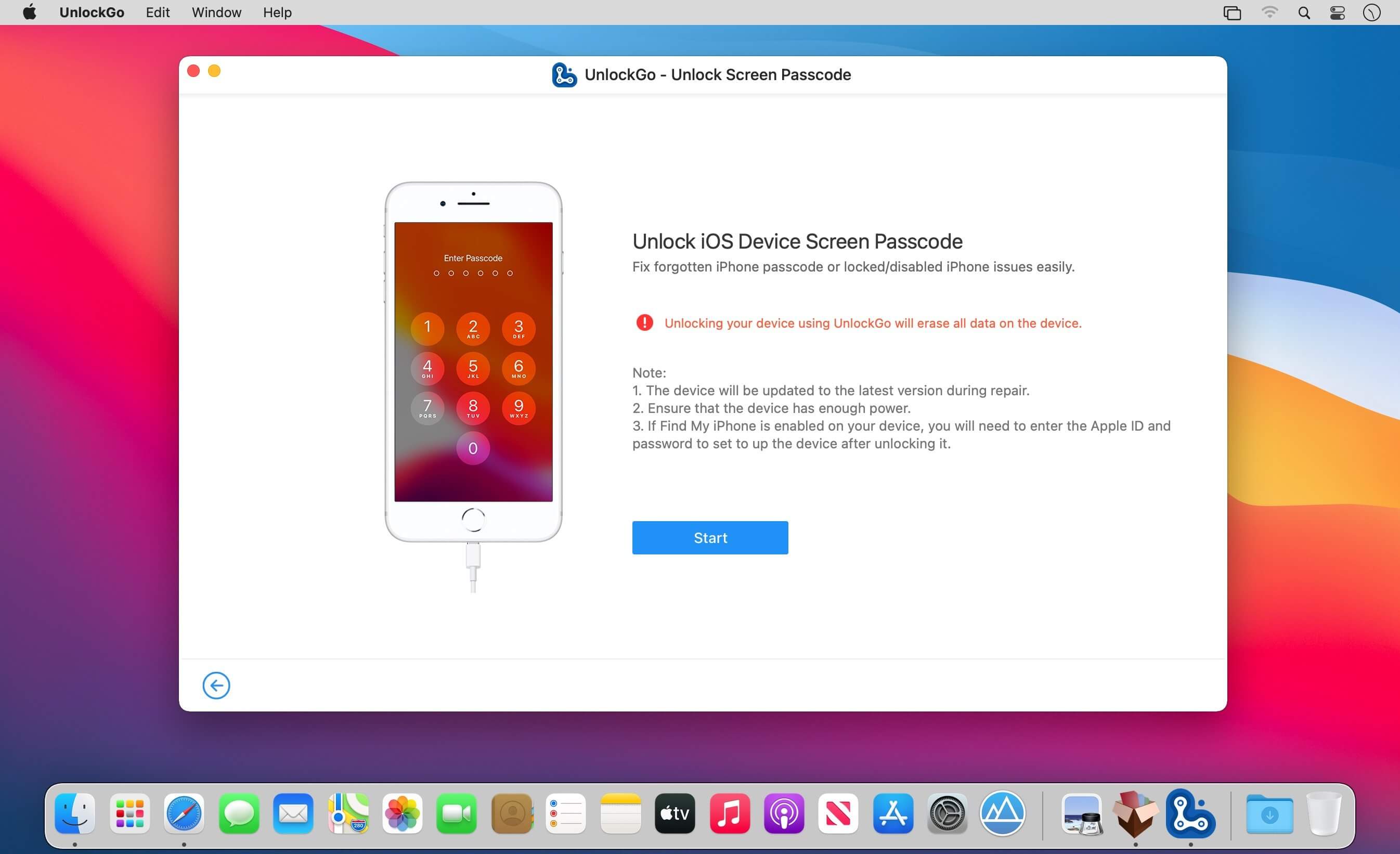
iToolab UnlockGo allows you to easily bypass iPhone passcode and gain full access to the device. It works on the following scenarios, and all kinds of passcodes are fully supported.
All types of passcodes are fully supported
UnlockGo supports to remove all types of passcodes easily including the 4-digit code, the 6-digit code, custom numeric code, alphanumeric code, Touch ID or Face ID.
Note: The removal of passwords for business purposes is illegal and prohibited.
Forgot iPhone password
iPhone is disabled
Face/Touch ID is not available
Passcode expired
Second-hand iPhone
Broken screen
Bypass iCloud activation lock without password
UnlockGo enables you to turn off the iCloud Activation Lock without password easily, if your device is stuck in the “Activation Lock” screen.
Remove activation lock after restore
Remove activation lock of lost iPhone
Could not activate iPhone
Unable to activate
Get access to the device after iCloud Activation Lock removal
Once Activation Lock is disabled, you can enjoy the following:
Gain access to your device.
Use a new Apple ID for iTunes Store & App Store.
The device won’t be tracked by the previous Apple ID.
The device won’t be remotely erased by the previous Apple ID.
The Activation Lock won’t appear again even if you restart the device.
Remove Apple ID without password
Forgot Apple ID password or it has been disabled? iToolab UnlockGo helps you delete Apple ID account with no restrictions. By creating a new account, you can then obtain access to all iCloud services and Apple ID features once more.
Get complete control over your iPhone after Apple ID removal
No specialist knowledge is required to remove Apple ID from locked iOS devices, so you’ll be able to take advantage of all of the following features on iPhone/iPad in no time.
Switch to another Apple ID or set up a new one.
Take advantage of all iCloud and Apple ID functionality.
Easily switch off Find My iPhone/iPad.
Remove the previous Apple ID’s tracking.
No password required to disable Find My iPhone. UnlockGo is the best choice on how to turn off Find My iPhone.
You can access to your iPhone/iPad/iPod touch, but you don’t know your Apple ID account password? Simply switch off FMI with UnlockGo.
Find My iPhone can be disabled with no Apple ID or password necessary.
Delete the previous Apple ID completely and avoid being tracked by the device’s previous owner.
Your iOS device can be used as a brand new one!
Take advantage of all the iOS features and iCloud services with no limitations.
Even if you restart or factory reset your iOS device, the activation lock will no longer be displayed after you disable Find My iPhone.
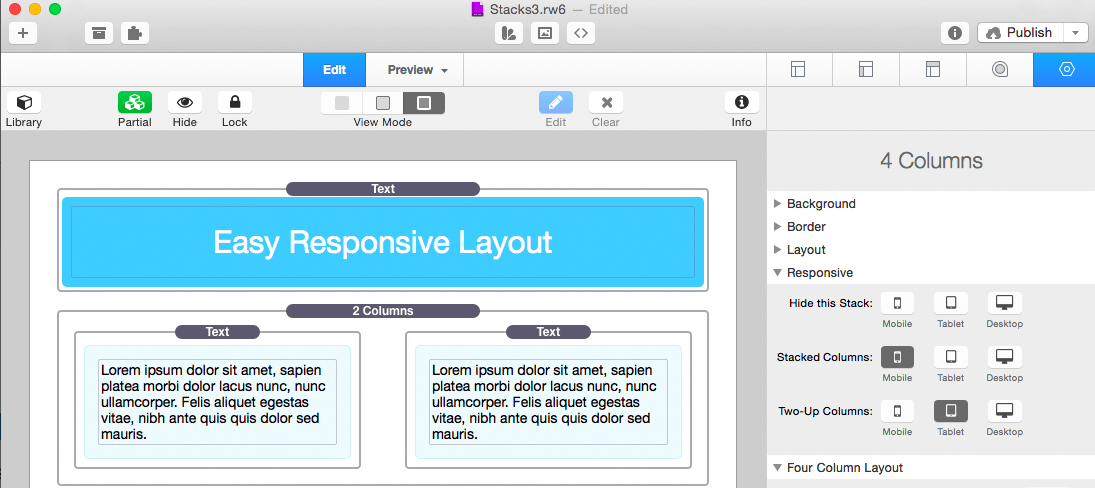
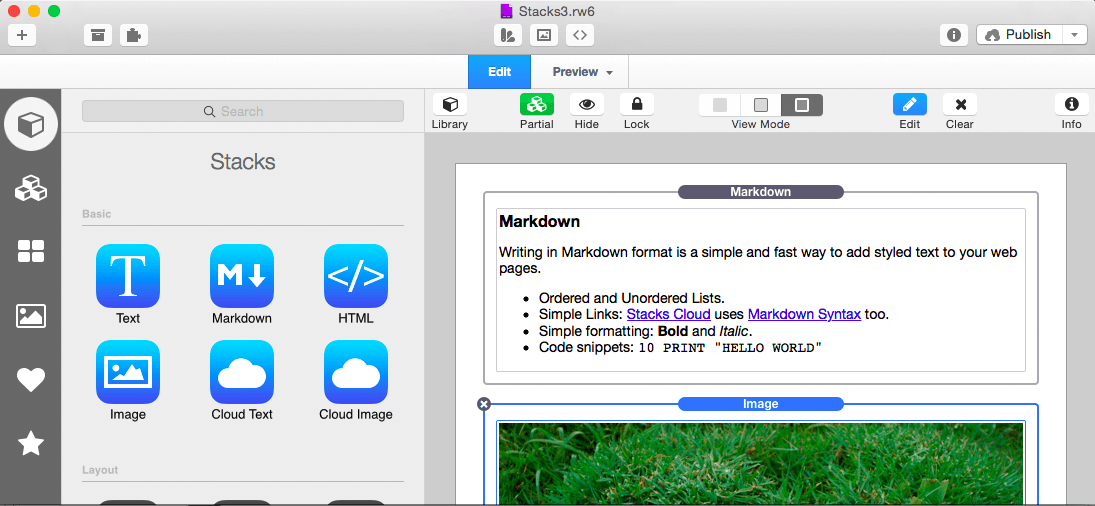
Stacks is a new way to create pages in RapidWeaver. It’s a plugin designed to combine drag-and-drop simplicity with the power of fluid layout.
Features
Fluid Layout: Stacks lets you build pages that flow text to the dimensions of a theme even if the theme has a variable width. You can build flowing columns, flexible rows, and tiles of images.
Nesting Objects: Build columns within columns within rows within columns. Or group a stack of objects inside a box. Almost anything is possible with Stacks.
Download More Stacks:There are hundreds of professionally designed free and low cost stacks ready for download. Easily add amazing content to your site.
Live Image Editing: Resize, rotate, and style your images with an easy to use HUD and see the changes happen right in the layout.
Pros Welcome: Because Stacks builds layout with relative positioning from a simple two-div structure, the HTML is clean and valid. Pros can use Stacks to prototype difficult layout and add their own HTML to the mix.
Stacks API: You can build your own components for Stacks or even publish them for others to use. The Stacks API reference covers how to build and configure a stack and even build a custom UI for the Stacks HUD.
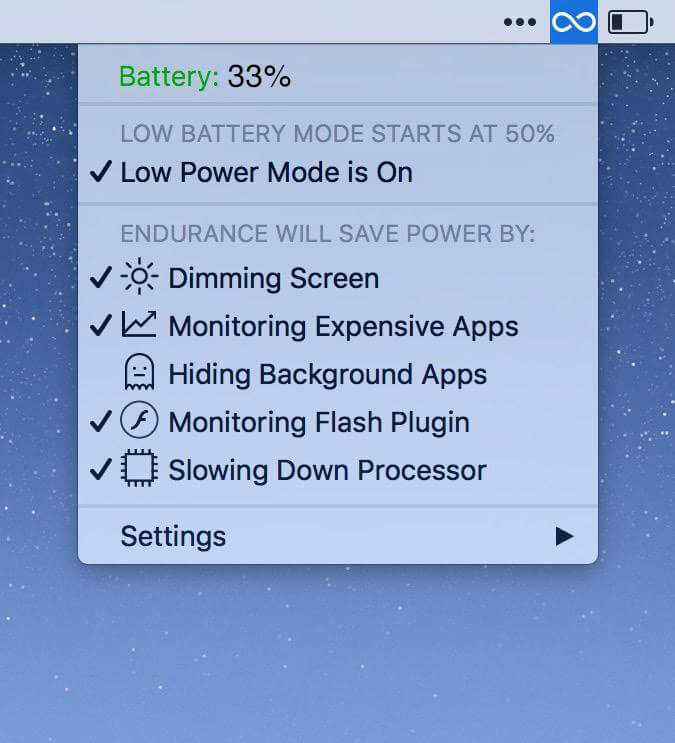
No matter how good your battery is, everyone could use a little more battery power! Endurance is an app that helps your Mac run longer. Endurance runs in the background and when your battery level drops to a certain level, it automatically starts adjusting your settings and turning off features which use a lot of energy. Our tests have shown that it can give you about 20% more runtime, which you can spend writing, browsing the web and watching movies.
How Endurance Works
Endurance is actually a set of different tools all bundled together in one app, which can work together or separately to help you to lower your energy usage. Prefer not to use a certain module? You can turn it off so it won’t bother you.
Slow Down Your Processor
Your processor, the brains of your computer, can go into overdrive, which uses up a lot of processor. By turning off Turbo, your computer will run a little bit slower, but it’ll last a lot longer.
Monitor Intense Apps
Did you know that Chrome can take up 20% of your battery, even when it’s just open in the background? Endurance keeps track of what’s gobbling up your energy and puts those apps to sleep. Reopen them, and your tabs are right where they were.
Put Background Apps to Sleep
Your Mac is smart enough to slow down apps which are hidden offscreen. So we just automatically minimize them when they’re in the background. Easy!
Auto-Dim Your Screen
Your big shiny screen takes a ton of electricity to run. Endurance can slowly dim it over time, but like a frog in boiling water, you won’t even notice.
Tweaking applications for macOS come in various shapes and prices, and you are free to pick the one that meets your needs, be it focused on finding and fixing as many system errors and problems as possible or on boosting your Mac’s overall performance.
All-in-one system maintenance, tweak and cleaning tool
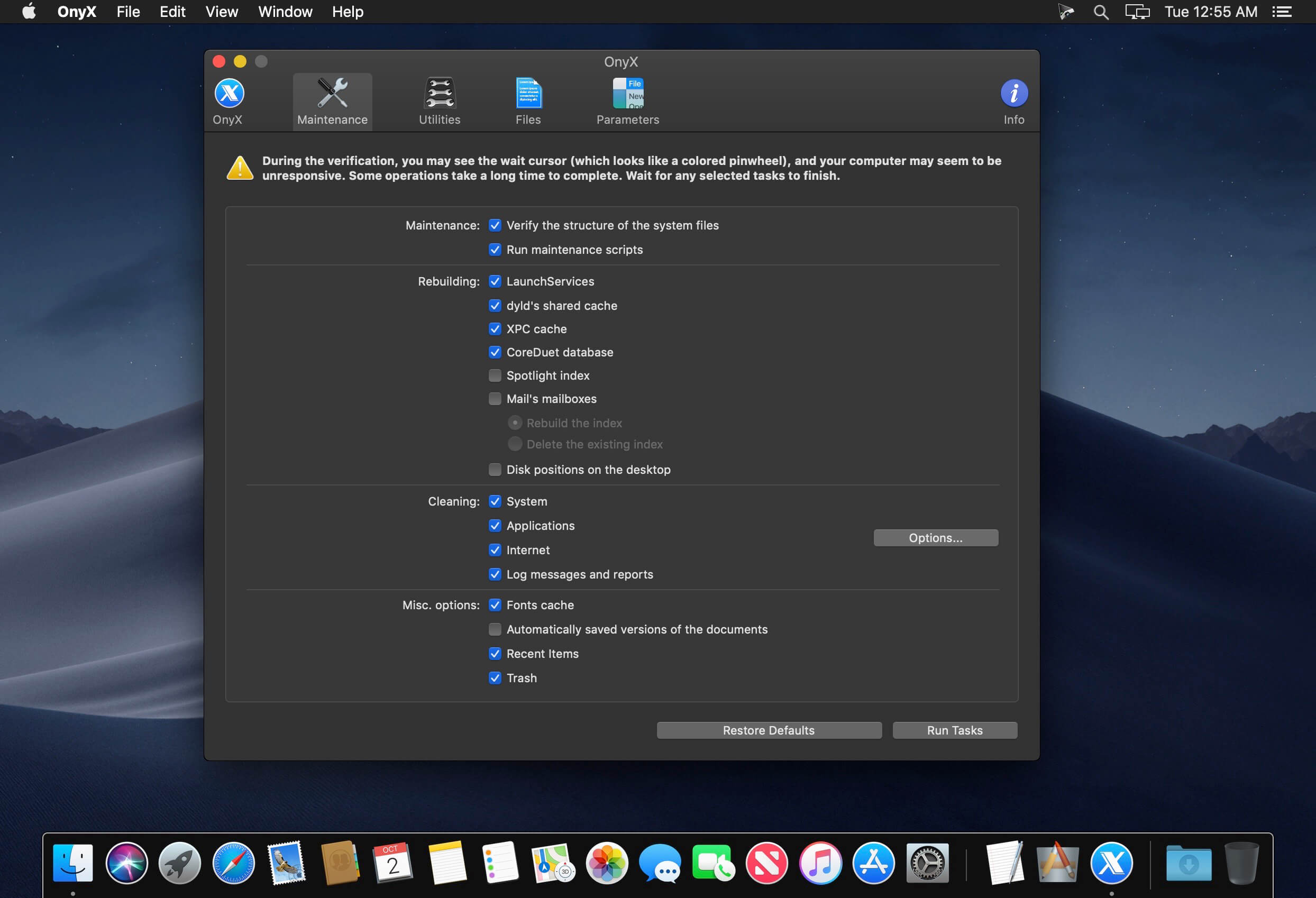
The OnyX utility has been designed as multi-functional app to help you check your Mac’s start-up disk and system files, to run various system maintenance tasks, to tweak the settings for various apps and system components, and to find and remove app caches and various types of files that, in time, will occupy unnecessary space on your hard drive.
As said before, Onyx comes with a user-friendly graphical interface which organizes all the available tools using tabs, to make it easy for you to find the exact setting or utility you need, as rapidly as possible.
Run automated maintenance scripts and fix permissions
Via the “Verify” tab, Onyx provides you with the tools you need to run a SMART status diagnostic that will help you prevent a hard disk failure.
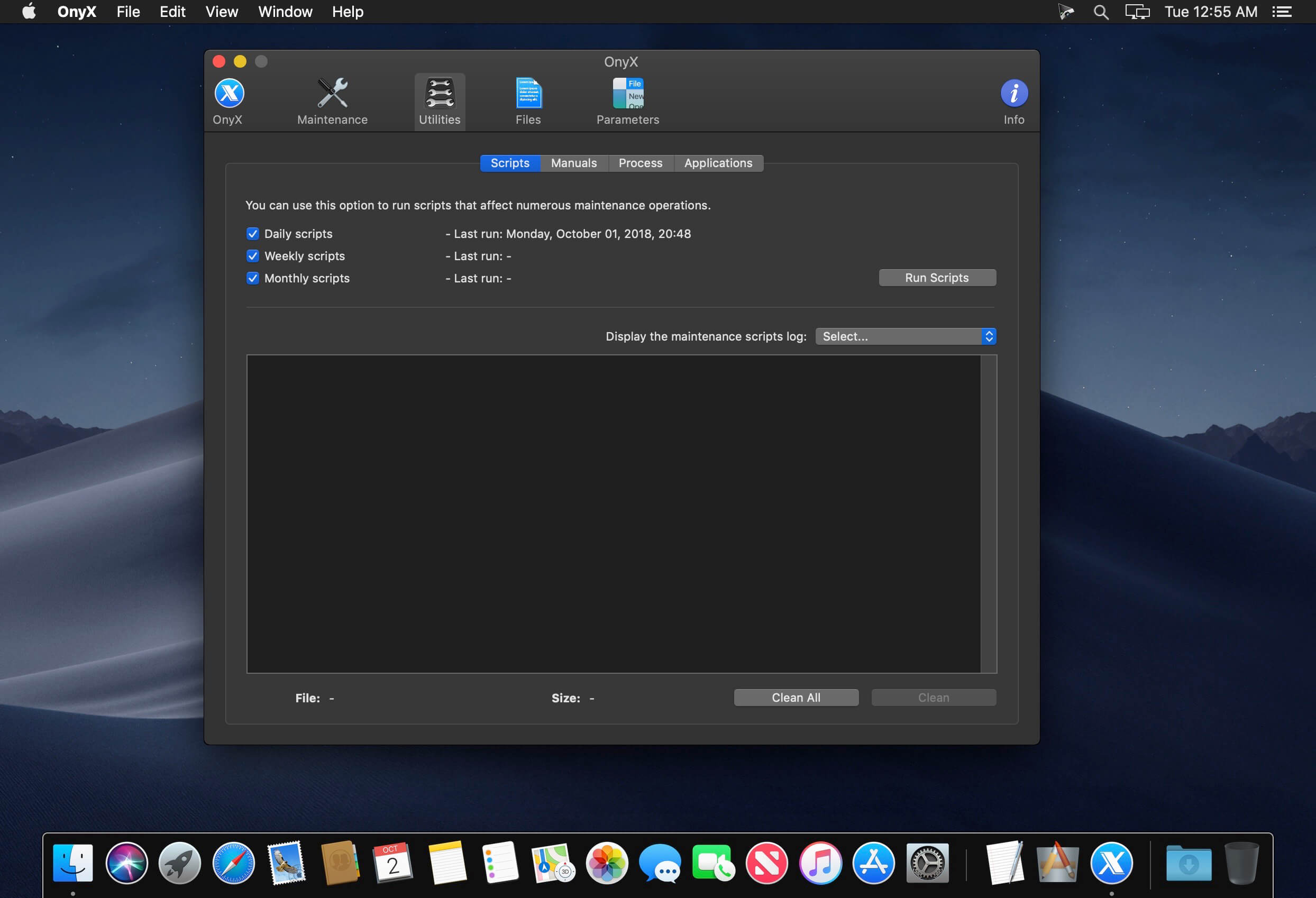
The next tab, “Maintenance”, will help you to launch a system files permissions check and repair, to execute macOS’ daily, weekly and monthly maintenance scripts, and to rebuild various services and indexes.
Clean your Mac’s hard drive with a couple of mouse clicks
Additionally, Onyx can be used to quickly clean system, user, fonts and internet caches, to remove obsolete and unneeded log files, and to securely empty the contents of the Trash folder, all of these for freeing up space on your Mac’s hard drive and to take make your applications more responsive and quicker to launch.
On top of that, you can also use Onyx to run multiple maintenance, cleaning and rebuilding tasks via the Automation tab. Thus, you can check which tasks you want to perform at a time and, by clicking the “Execute” button, they will all be started one after the other, to help you effortlessly automate the process of optimizing and maintaining your system.
Intuitive and streamlined macOS optimizer
On the whole, Onyx is more than your average junk file remover or system optimizing tool because it can do almost anything that’s needed to keep a macOS system in perfect shape, with little to no intervention on your part.
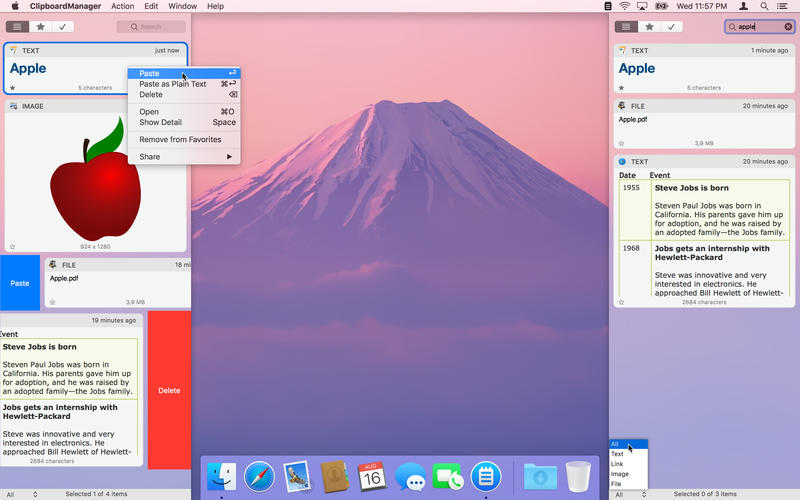
Clipboard Manager is smart clipboard history manager, which stores everything you copy for the later uses.
Key Features:
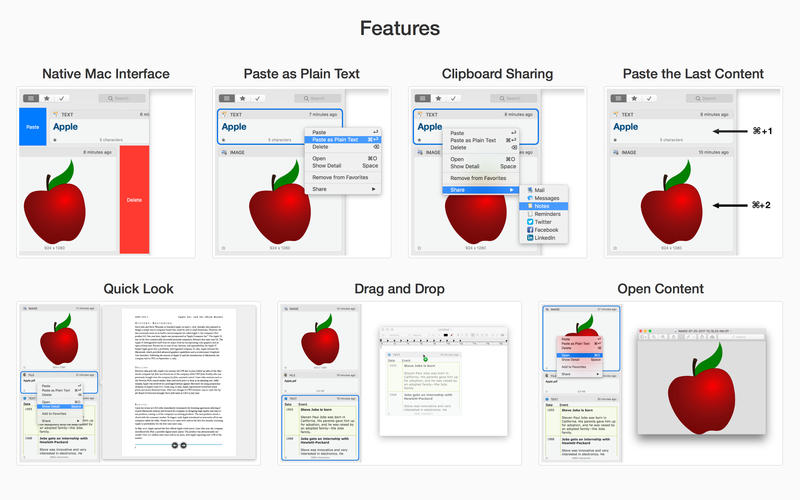
• Native Mac Interface – Paste or Delete clippings by swipe gesture.
• Direct Paste – Paste clippings direct to the current application.
• Application Actions – Paste, Paste as Plain Text, Open, Save to File and Search with Google.
• Custom Actions – User defined actions using AppleScript or Automator Workflow.
• Quick Panel – Panel in the header of every clippings for quick action execution.
• Drag and Drop – Drag and drop clippings to any application.
• Quick Look – Large preview for any clippings type.
• Sharing – Share clippings with your friends.
• Selected Text – Work with the selected text.
• Bulk Actions – Paste, delete or share more clippings at one time.
• Search and Filter – text search and filter clippings by type or application.
• Favorites – Choose your favorite clippings for easy search.
• Folders – Organize your clippings to Folders.
• Most Used – Show clippings ordered by paste count.
• Mode without Dock Icon – Show application window on active screen and active space.
• Ignored Applications – Ignore the contents of the clipboard from these applications.
• Ignored Contents – Ignore the contents of the clipboard by pasteboard type.
• Global Shortcut – Show application from anywhere.
• Launch Application at Login.
• Touch Bar Support.
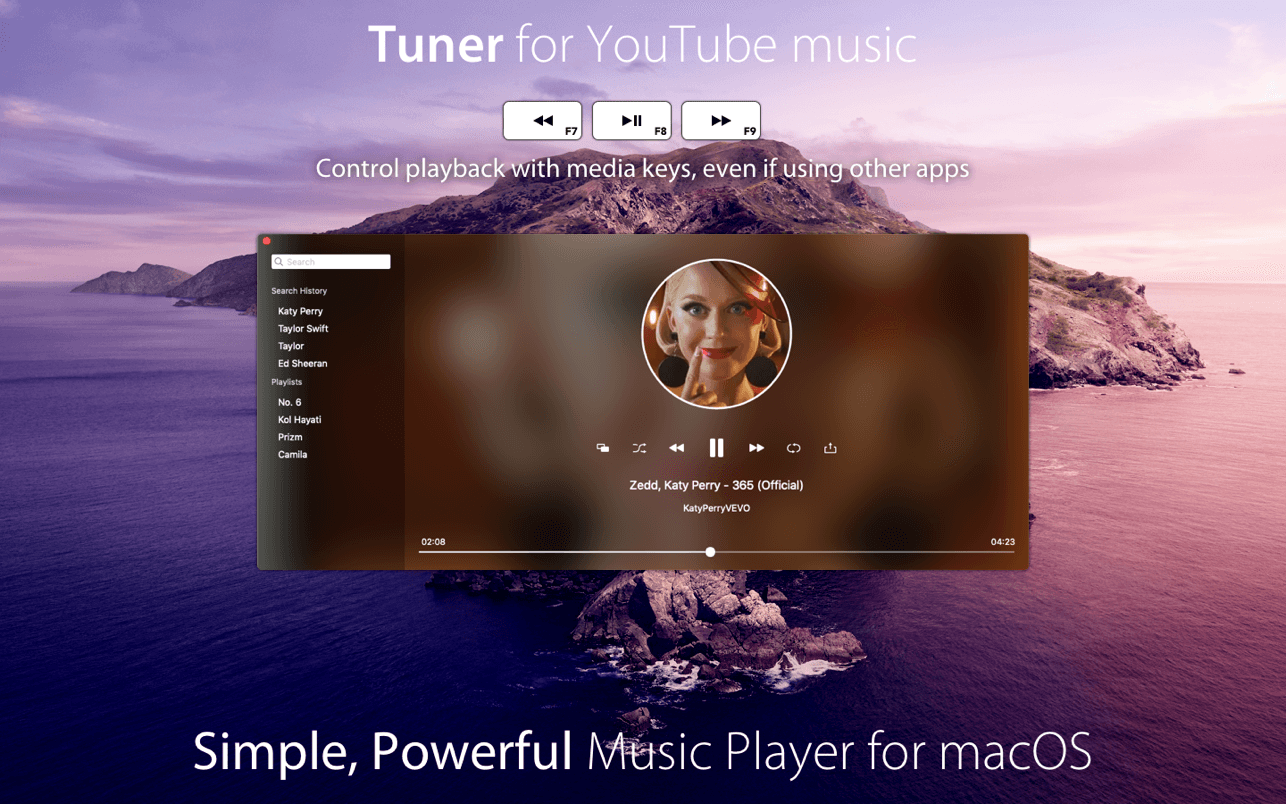
Want an unlimited music library? that’s why we developed Tuner, the YouTube music player for your Mac.
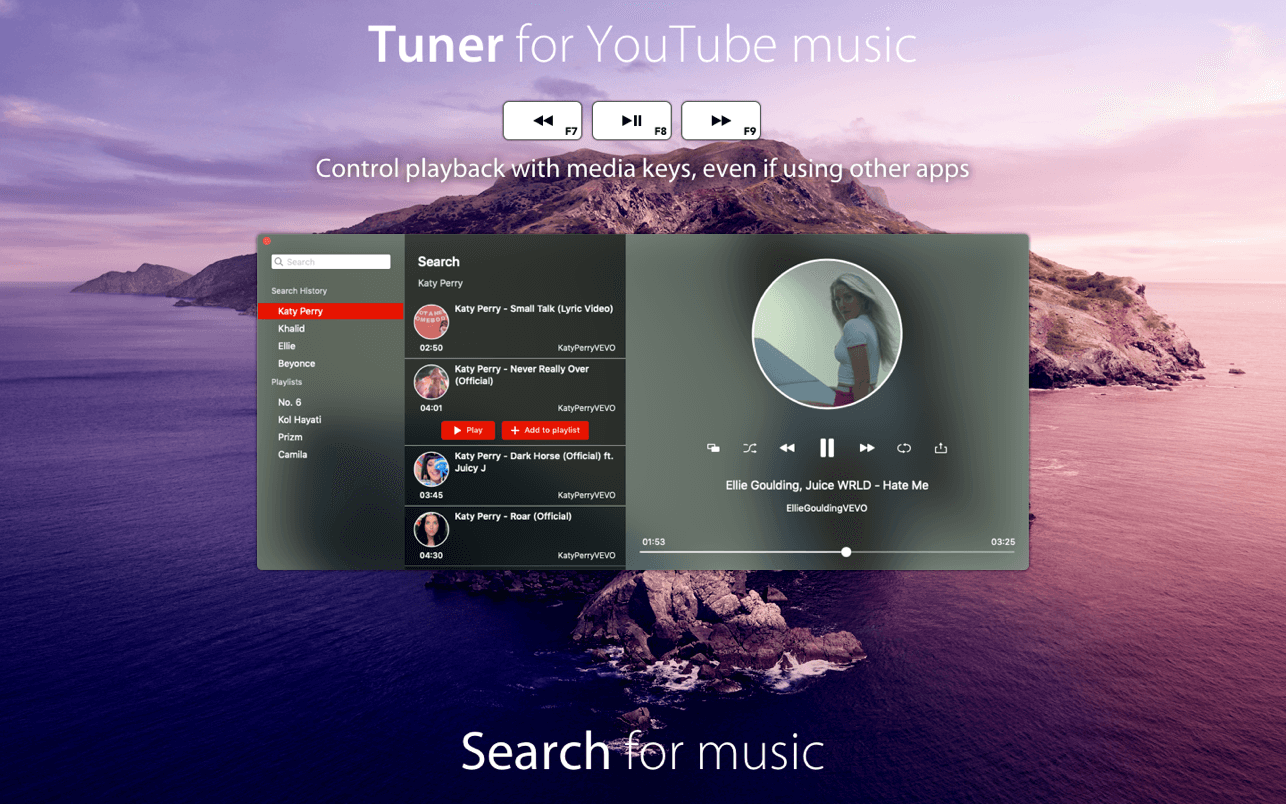
Tuner lets you stream music on YouTube, with a friendly UI.
Main features:
Stream music directly from YouTube.
Picture in picture, keep watching videos while using other apps.
Use media keys to control playback, even if Tuner is in background.
No YouTube account required.
Create your custom playlists.
Edit your local playlists.
Share your favorite songs with your friends on Facebook, Twitter, message or mail.
Tuner uses YouTube public API to access YouTube content & is fully compliant with the API terms of service.
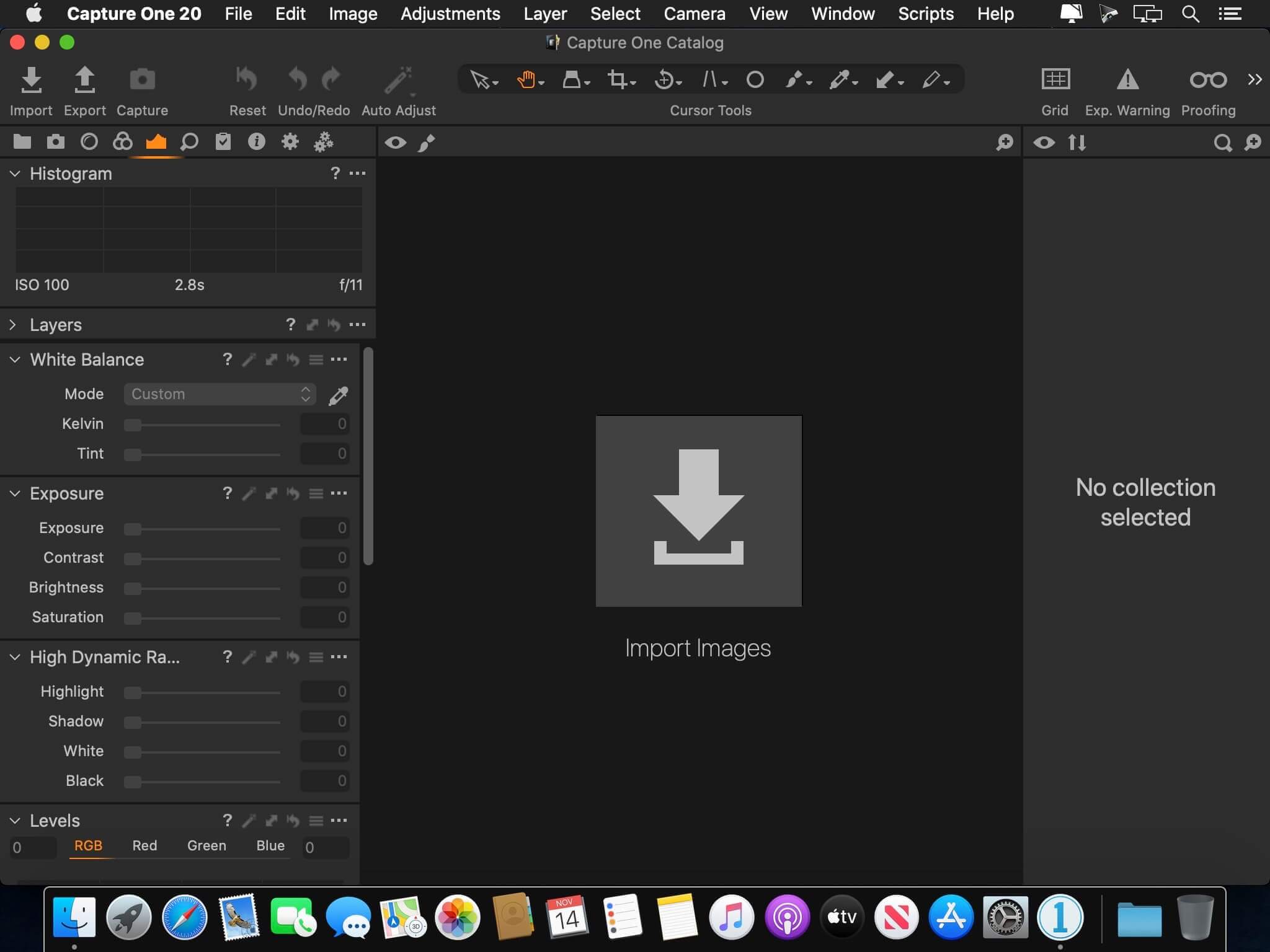
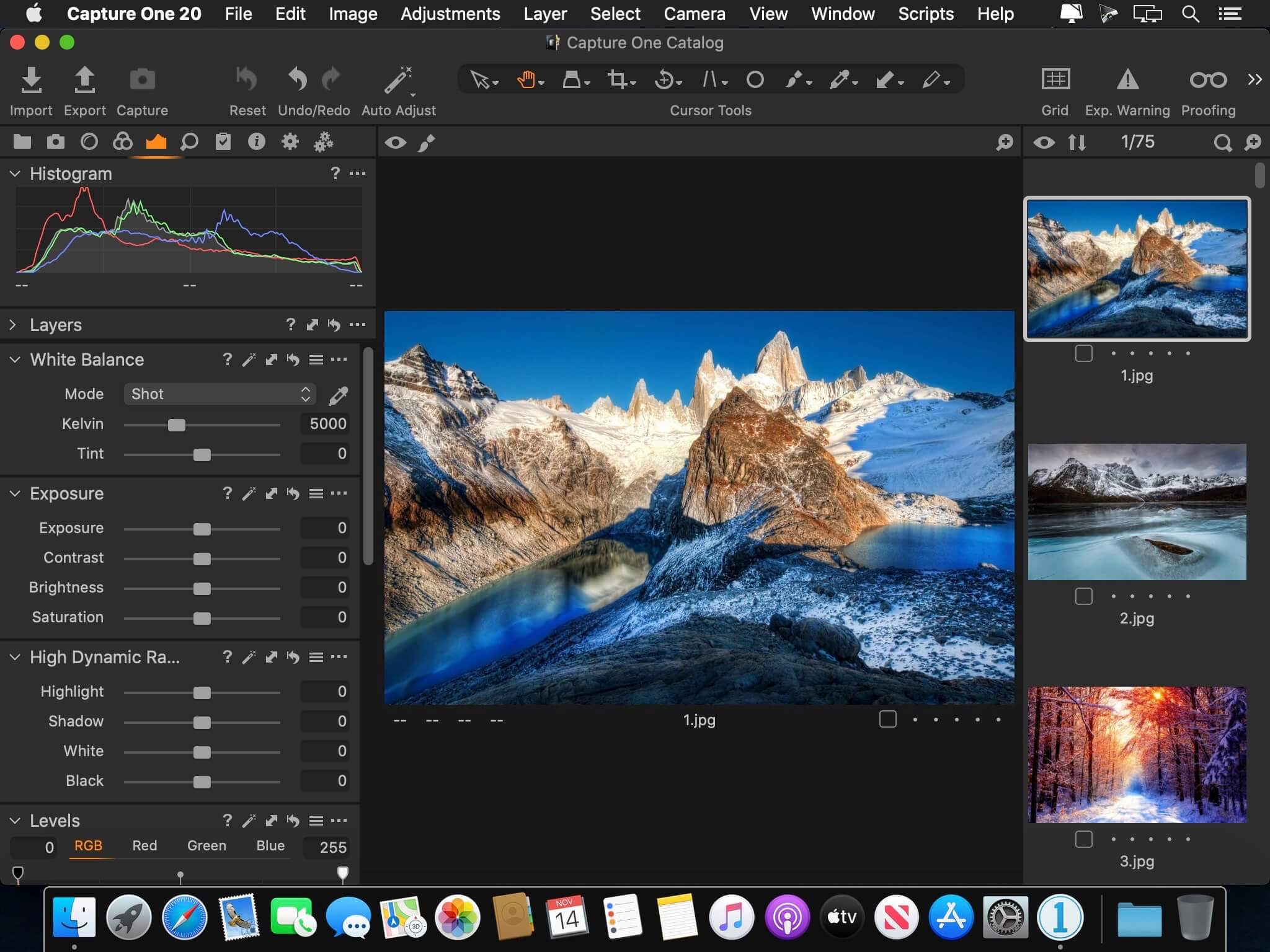
Capture One 23 is a professional RAW converter offering you ultimate image quality with beautiful colors and incredible detail for more than 500 high-end cameras. It offers state- of-the-art tethered capture, powerful digital asset management, extensive adjustment tools and a flexible workflow through customizable workspaces.
With an updated processing engine, market-leading performance and powerful new features, Capture One is the professional choice in imaging software. You get the highly responsive precision tools you need to create stunning images from your camera’s RAW files in a time-saving workflow that can be customized to fit your needs.
New features and improvements
Speed Edit
Dehaze
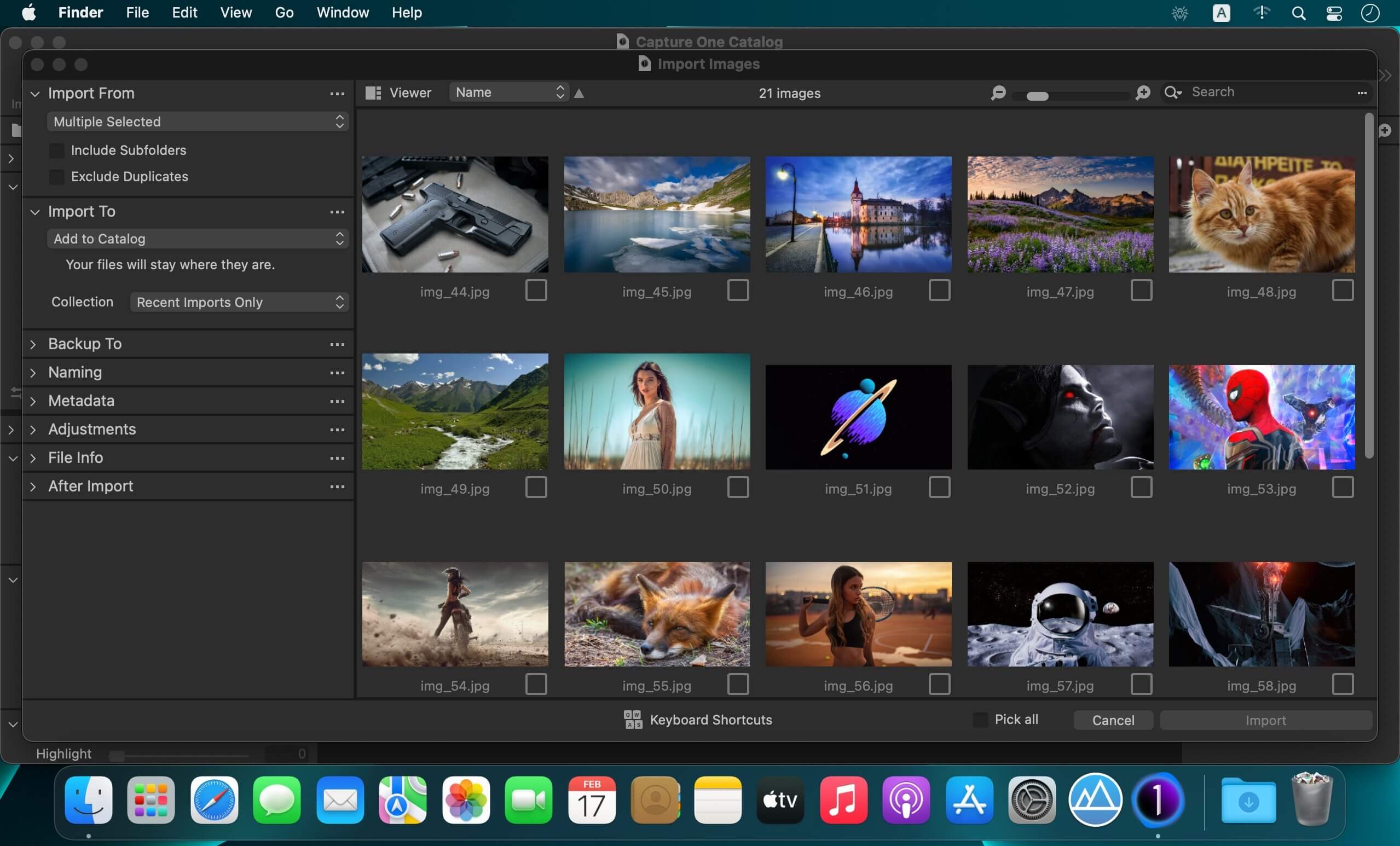
Improved importer
General User Experience Improvements and tweaks
HEIF support
Easy brush adjusting
Improved performance
Colored gradients on White Balance Sliders
Enhanced tooltips
Easy access to Tutorials
Compatibility: macOS 10.15 or later , Apple Silicon (M1) native support Homepagehttps://www.phaseone.com/
Capture One 23 Enterprise – the photo editing solution for image production studios and e-commerce platforms. Its authentic true-to-life color processing, seamless editing experience, and fastest tethering in the industry gives you total creative control, making it a household name in studios across the world. Based in Copenhagen, Denmark, Capture One empowers photographers with cutting-edge features to keep your photography one step ahead.
How any photography studio can create value with Capture One Enterprise
For the past 10 years, leading studio photography has been created with photo editing software Capture One. With world-class tethering, state-of-the-art photo editing tools and the highest quality RAW processing, it’s been a staple in any photography studio.
Now, Capture One has introduced an “Enterprise” version which is specifically built for business and aligned to the way a photography studio works.
Capture One Enterprise offers the same standard features as Capture One’s flagship product Capture One 20 – tailored to the needs of studio photography.
Built for Business
Photographers are key to the success of any photography studio.
But what if the photography studio involves several photographers, studio managers, retouchers, quality assurance managers, project leaders, etc who need to collaborate, standardize and carry out the same workflows over and over again? What if those workflows also need to be integrated to other systems, eg. barcode scanners, PIM systems, digital asset management systems, ecommerce platforms etc?
Capture One Enterprise has been developed to address the challenges faced by studio photography and help any enterprise or e-commerce photography studio optimize their image production process and boost results across relevant KPI’s.
Value creation with Capture One Enterprise
Studio photography has huge value creation potential with Capture One Enterprise. By incorporating its enterprise-specific features into the workflow, it can improve KPI’s such as
“Time to Market” – Optimizing the hours your photography studio spends on the image production process, from planning your image, to shoots, to publishing the final photo on your ecommerce platform.
“Cost per image” – Optimizing each step in your studio photography process can dramatically increase your efficiency and reduce your costs
“Reduce Risk” – Secure your studio photography and image production to reduce errors and costs, thanks to enterprise exclusive features such as Image back-Up, License Management, MDM support etc.
This is achieved via enterprise features such as the Barcode scanner tool, Advanced Guides, Next Capture Backup, Next Capture Keywords, Next Capture Metadata, Tool Locks, Capture Pilot with Enterprise enhancements and Dedicated Studio workspaces.
Automated workflows in Capture One Enterprise
Once your studio has implemented Capture One Enterprise and begun implementing its standard features in your workflows, there are further opportunities to intensify value creation by automating workflows and integrating Capture One Enterprise into your IT infrastructure. You can do this by implementing
Workflow enhancement (an automation feature within Capture One)
Integrations (extension or automation interfacing with another app)
Customized solutions can maximize value, too
Your photography studio might also have very specialized needs – here, customized solutions can generate value for your studio photography. For example, ultra-accurate color profiling can assist in achieving one critical KPI in particular
“Reduce product returns” – Color profiling optimization on true color reproduction can reduce the rate of goods returned due to discrepancies in color between the actual product and the image.
Capture One offers individual color profiles for businesses, so you can reduce editing time and save on retoucher costs with fine-tuned color profiling for the most popular e-commerce cameras used by photography studios. Minimize color discrepancies and meet the demands of specialist product and studio photography with more accurate colors out-of-the-box.
These are just some of the exclusive features designed for studio photography – get in touch with the Enterprise team to learn more and discover where Capture One Enterprise can specifically meet the demands of your business. For more insight into specific tools, check out the Tools and Functionality white paper and Barcode Reader white paper.
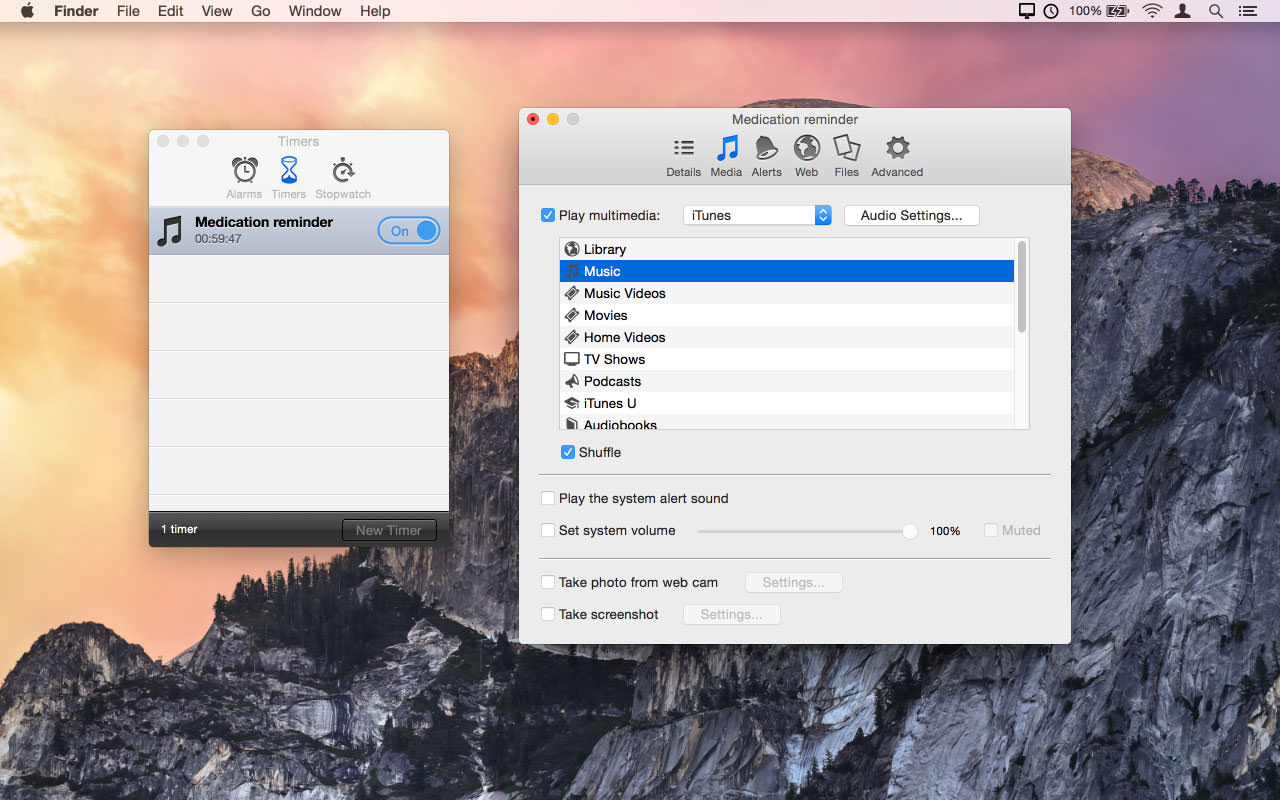
Alarm Clock Pro isn’t just an ordinary alarm clock. Use it to wake you up in the morning, send and compose e-mails, remind you of appointments, randomize the iTunes selection, control an internet radio station, and even time your baking!
Wake up to the serenity of your musical selection. Put to rest the goofy retro beeps and buzzing of a bedside alarm clock or cell phone. Use Alarm Clock Pro when waking up, as a reminder to take medications, or keep social appointments. At work, schedule follow up appointments with clients, set break reminders, run the office radio, set project timers, or discreetly monitor employee workspaces.
Features
iTunes Enhanced – Connect directly with iTunes to play a specific playlist or the entire library! Shuffle or play songs in sequence.
On-Screen Notifications – Display passive onscreen notifications that serve as great reminders!
Built-in Jingles – Select from one of numerous professionally designed custom ringtones, or import an alternative!
Stopwatches and Timers – Kitchen-style timers as well as an unlimited number of stop watches.
Web Radio Ready – Stream music live from a favourite web radio station for the freshest music selection every day!
Wake from Sleep – Never have to leave your computer on! Automatically wakes your Mac from sleep or turns it on as needed.
What’s New:
Version 14.0:
Upgrade Notes:
This upgrade is free for users owning an active subscription or a non-subscription “lifetime license.” No action is required other than downloading the new version from our web site and unlocking as normal with an e-mail address. For all other users, orders for the current version can be purchased on our web site.
Enhancement:
Modernized App Icon.
Bug Fix:
Compatibility with macOS Monterey.
Bug Fix Coming Soon:
Fade-in Catalina errors when Music is quit half-through fade-in
Repair Your Corrupted Videos, Photos and Files. What to do when your videos, photos or files get corrupted or fail to open? Don’t worry! Here is a one-stop solution to repair corrupted videos, photos and files regardless of their level of damage.
Easily regain corrupted, inaccessible, unreadable files.
The document cannot be opened, or part of the content cannot be displayed is a problem that we often encounter in our daily operations. With Repairit, you’ll never lose your files due to unwanted data corruption issues. No matter what the situation is, Repairit can instantly fix your PDF, Word, Excel, and PowerPoint files by following a simple 3-step process.
Video Repair
Make corrupted, unplayable, videos playable.
Events such as sudden power surges and failures, complete system crashes, updating errors, and file mishandling can cause video files to become inaccessible. Repairit has an intuitive interface that makes it simple for novices to repair corrupted videos quickly. It’s Advanced Repair option even enables you to restore most severely damaged videos.
Photo Repair
Recover important photos even if the file is broken.
Photos help capture important moments, which can be precious memories of you, your loved ones, a place, or essential information. However, the files might become corrupted and unopenable. Repairit allows you to fix your corrupted photos regardless of their level of damage. It also enables you to repair multiple image files at once.
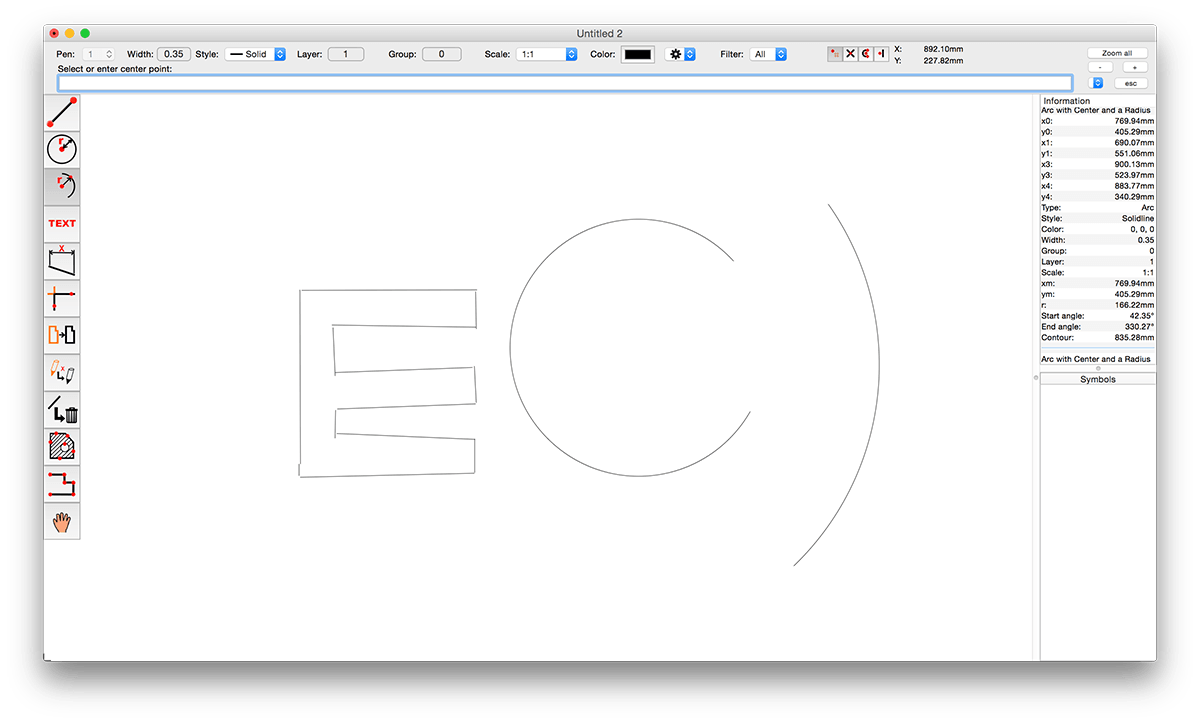
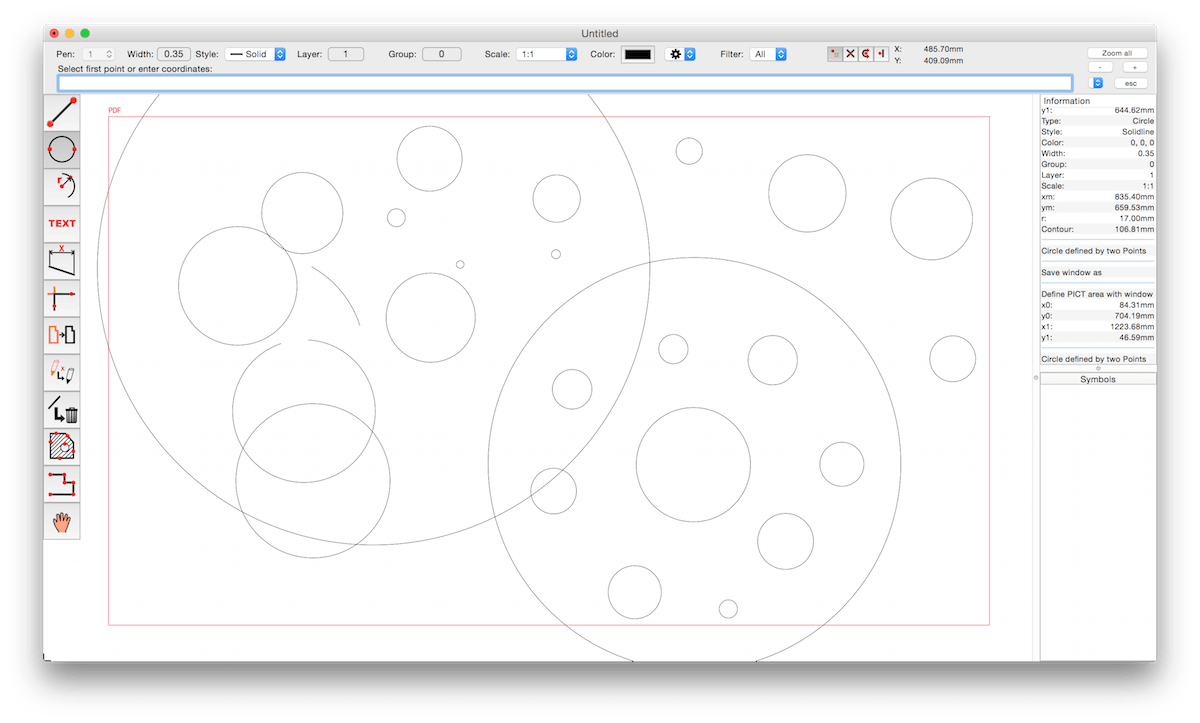
CADintosh is a 2D-CAD program for technical and architectural drawings. You will benefit from professional and well thought-out features for all your design requirements.
Features include:
Interactive window redrawing (you can work in the same time of the window redrawing)
Number of elements limited by memory
Pen oriented mode: 8 line widths/line colors/pens
Individual mode: line width from 0.0 to 99.99 mm, pattern and colors
It has a lot of tools like lines, arcs, dimensions, splines, hatching etc.
Import and export HPGL, DXF, and PICT
6 line types (solid, dash, dot-dash, phantom, zigzag, dotted)
32000 groups
1024 layer
Alternative units in inches or freely definable
Shareware version has a simple layer filter (easy to use)
Registered version has a additional extended layer filter (named filter sets, palette with name of filter)
Shareware version has internal symbols (number of symbols only limited by memory)
Registered version has additional external symbol libraries and more simple work with symbols