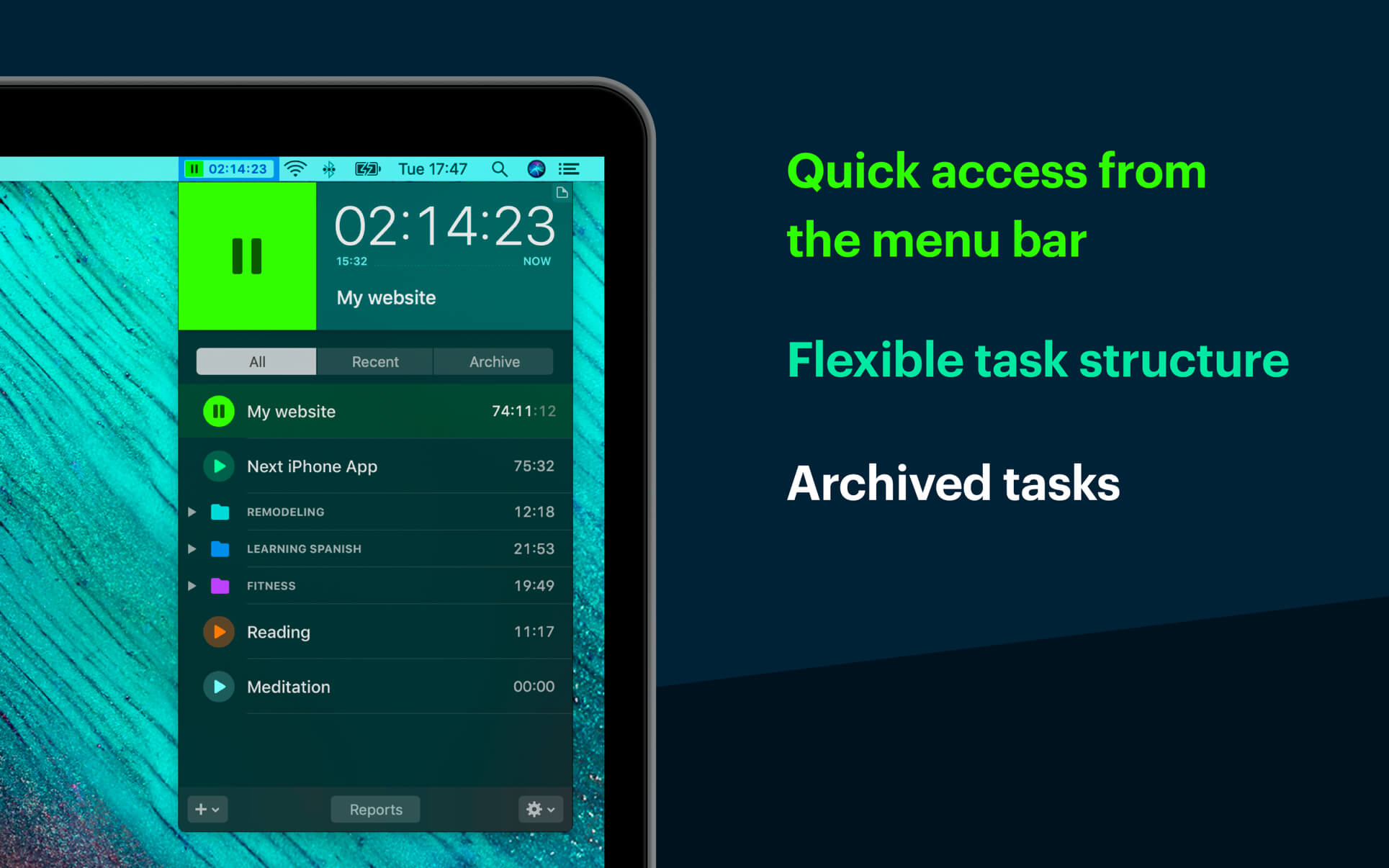
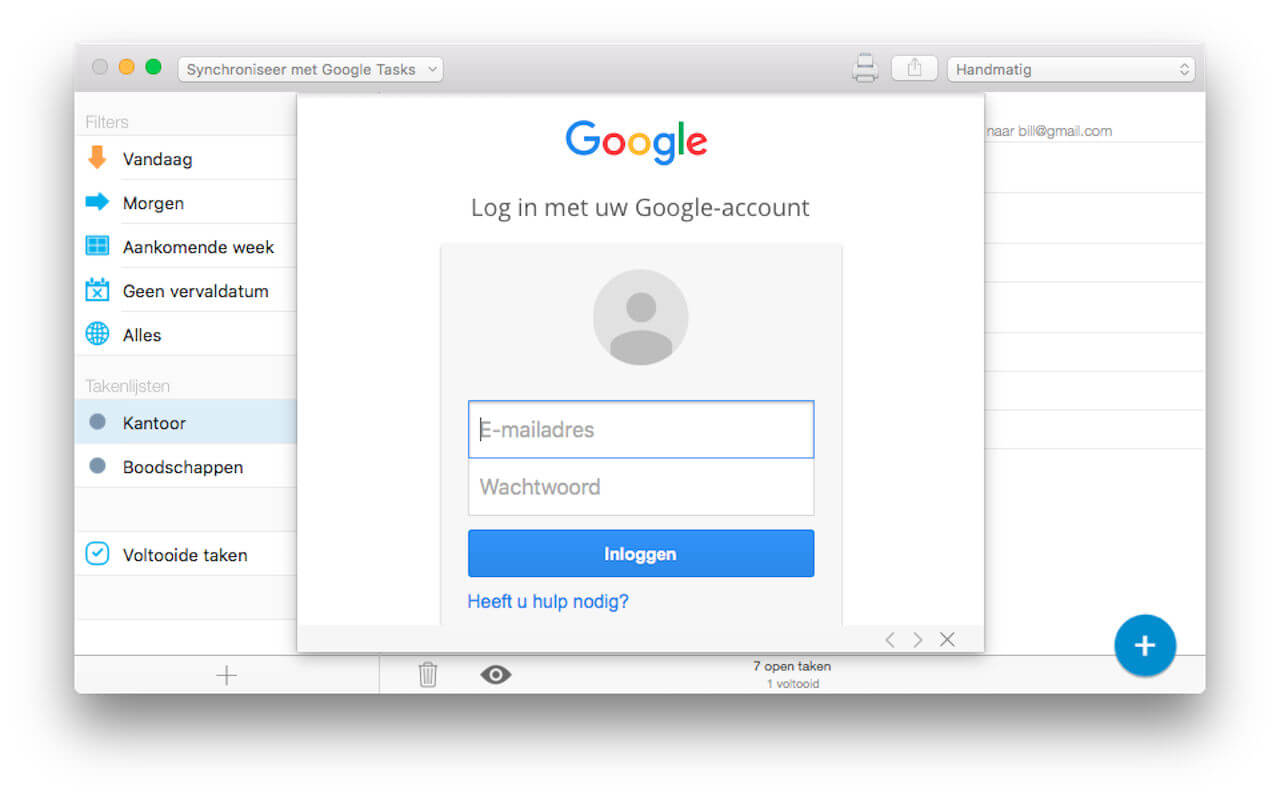
Automate your time-tracking based on your activities on the Mac. Timemator lets you fully automate your time-tracking based on your activities on the Mac. Just tell Timemator what files, applications or websites you use for your work and it will start the timer for you. Automatically!
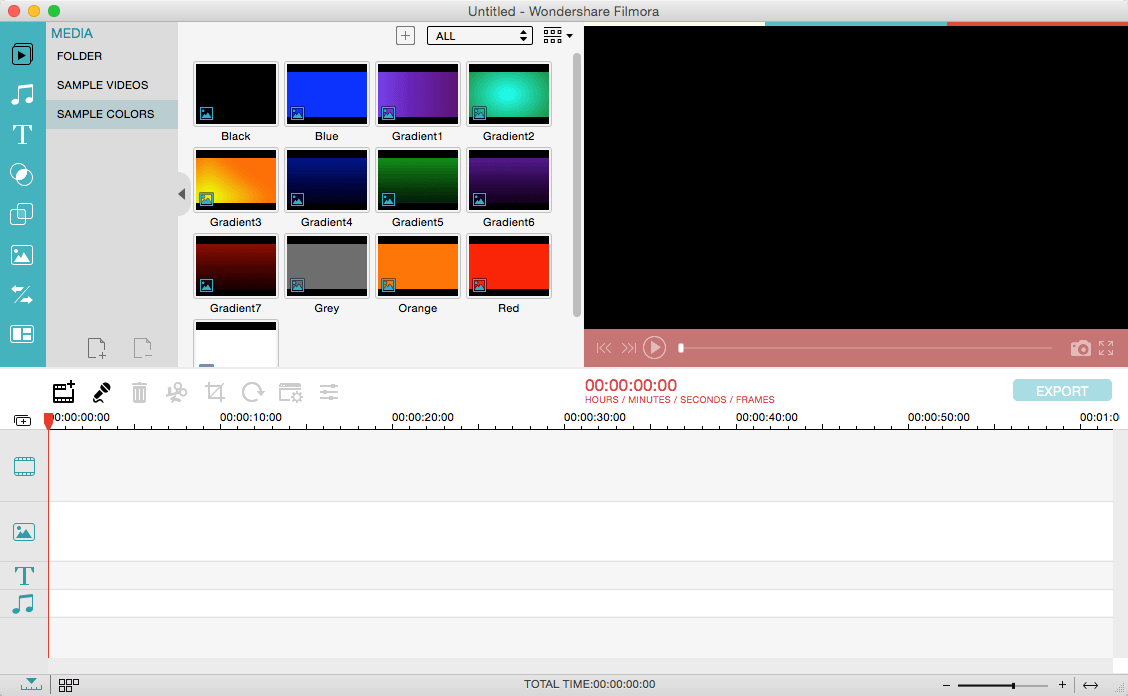
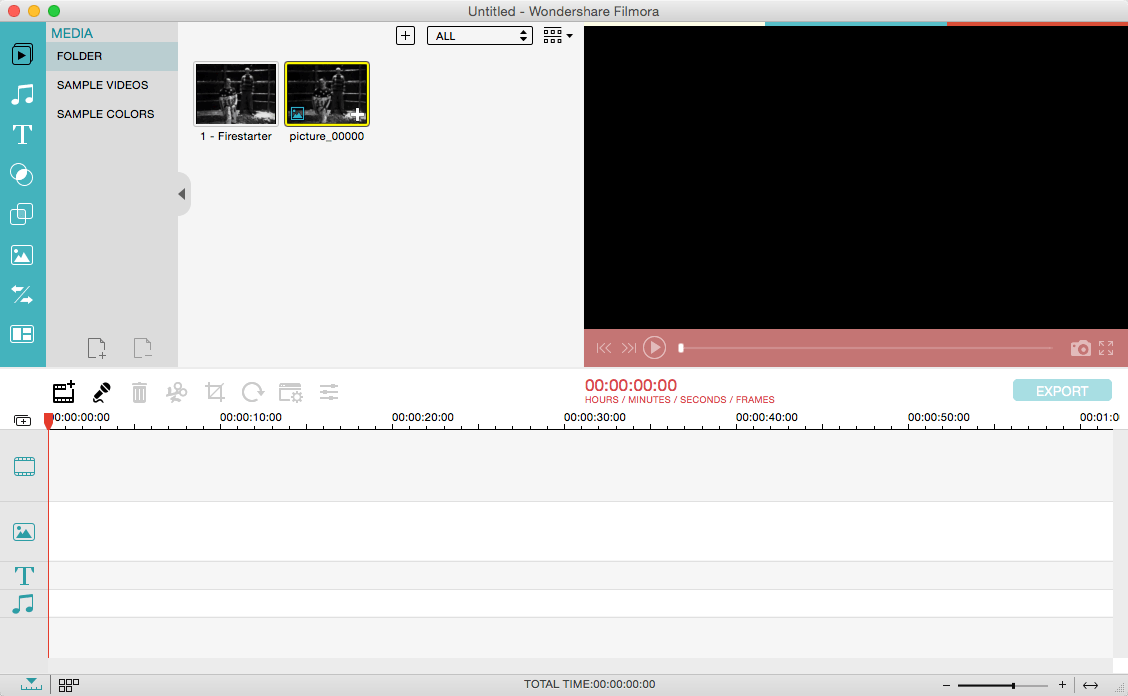
Wondershare Filmora, an easy-to-use video editor with all the video editing tools you need, enables you to create Hollywood-like home movies with titles, effects and transitions from all regular videos, audio and photos. Share instantly with family and friends with easy upload to YouTube, Facebook, etc.
Ignite your story
Use Filmora video editor to express your creativity and amaze with beautiful results.
Modern and Simple UI
A modern and intuitive design that you’ll be delighted to use again and again.
Text & Titles
Now you can create beautiful animated messages from our text & titles library
Music Library
Add your favorite music dircectly into your movie to create the perfect atmosphere.
Overlays & Filters
Transform a movie into something spectacular with our handcrafted, overlays and filters.
Elements
Take your video to the next level by adding impressive Still and Motion Graphics.
Simple Effects
Expand Your Imagination with Over a Hundred Unique Visual Effects. Wondershare Filmora allows you to turn your home video into something extraordinary with minimal effort.
Advanced Effects
Expand Your Imagination with Over a Hundred Unique Visual Effects. Turn your home video into something extraordinary with minimal effort.
Share Your Creative Work
Showcase your creativity with your family, friends and the rest of the world! You can easily publish your masterpiece in so many ways.
Key Features: Support Formats Support video formats editing: MP4, FLV, MOV, AVI, MKV, FLV, WMV, TS, MTS, etc. Make it possible for homemade and downloaded SD/HD videos for editing. Audio: MP3, WMA, WAV, M4A, AAC, AC3, OGG, etc., as background music of the videos. Photo:BMP, JPG, PNG, GIF, etc. and create home movies combining photos.
Basic Editing
Trim, crop and rotate videos
Remove unwanted black edges or other unwanted parts
Change audio pitch, adjust volume, and get rid of video noise
Professional Effects
80+ professional filters and artistic effects including particle effects, fire effects, face-off effect, tilt-s**t effect, mosaic and more.
50+ transition and motion effects.
Touch up your photo with perfect brightness, contrast, or saturation, and turn your photos into an animated slideshow.
Effects Pack
8bit Gamers Effect Pack.
80s Vintage Collection.
Fashion Collection.
Summer Effect Pack.
Travel Effect Pack
Special Thanks to iTEHb
What’s New:
Version 12.0.5.6:
Release notes were unavailable when this listing was updated.
Rhinoceros can create, edit, analyze, document, render, animate, and translate NURBS* curves, surfaces, and solids, point clouds, and polygon meshes. There are no limits on complexity, degree, or size beyond those of your hardware.
Special features include:
Uninhibited free-form 3-D modeling tools like those found only in products costing 20 to 50 times more. Model any shape you can imagine.
Accuracy needed to design, prototype, engineer, analyze, and manufacture anything from an airplane to jewelry.
Compatibility with all your other design, drafting, CAM, engineering, analysis, rendering, animation, and illustration software.
Read and repair meshes and extremely challenging IGES files.
Accessible. So easy to learn and use that you can focus on design and visualization without being distracted by the software.
Fast, even on an ordinary laptop computer. No special hardware is needed.
Development platform for hundreds of speciality modeling products. (Windows only)
Affordable. Ordinary hardware. Short learning curve. Affordable purchase price. No maintenance fees.
What’s New:
Version 7.25.22326.19002:
Release notes were unavailable when this listing was updated
Compatibility: macOS 10.14 or later • Apple Silicon or Intel Core processor Homepagehttps://www.rhino3d.com
MarsEdit is a blog editor for macOS that makes editing your blog like writing email, with spell-checking, drafts, multiple windows, and even AppleScript support.
It works with with most blog services including WordPress, Blogger, Drupal, Movable Type, TypePad, and many others.
What’s New:
MarsEdit 4.6
New Color Scheme preference to choose Dark, Light, or System appearance
New Share Extension supports opening images from the Share menu of other apps
Improve appearance of color preference indicators on a future update to macOS
Fix a bug that caused incorrect character count when HTML entities were included in post
Fix an issue that caused the Media Manager selected blog to change unexpectedly
Micro.blog specific improvements
Title is now hidden by default until post exceeds 280 characters
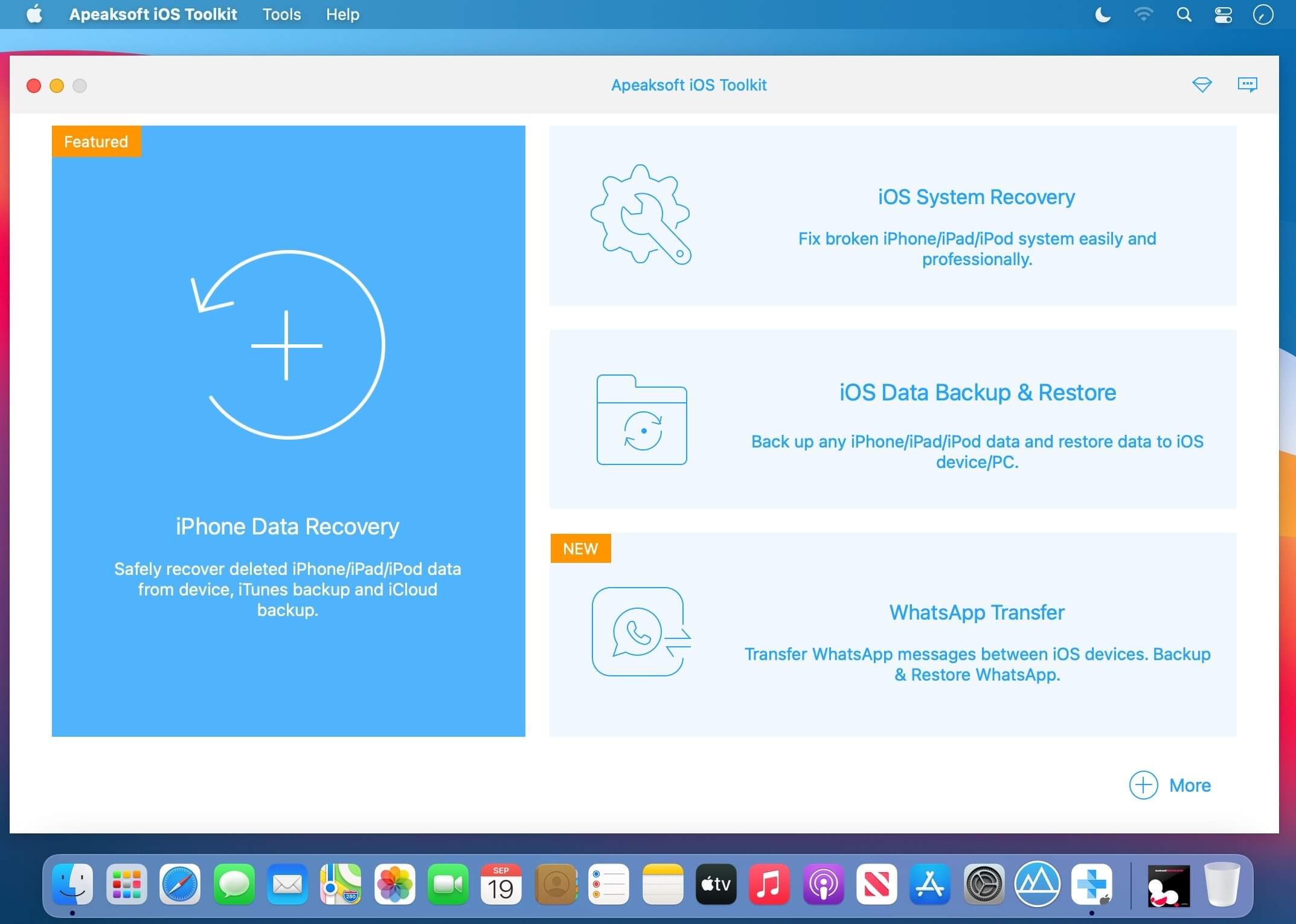
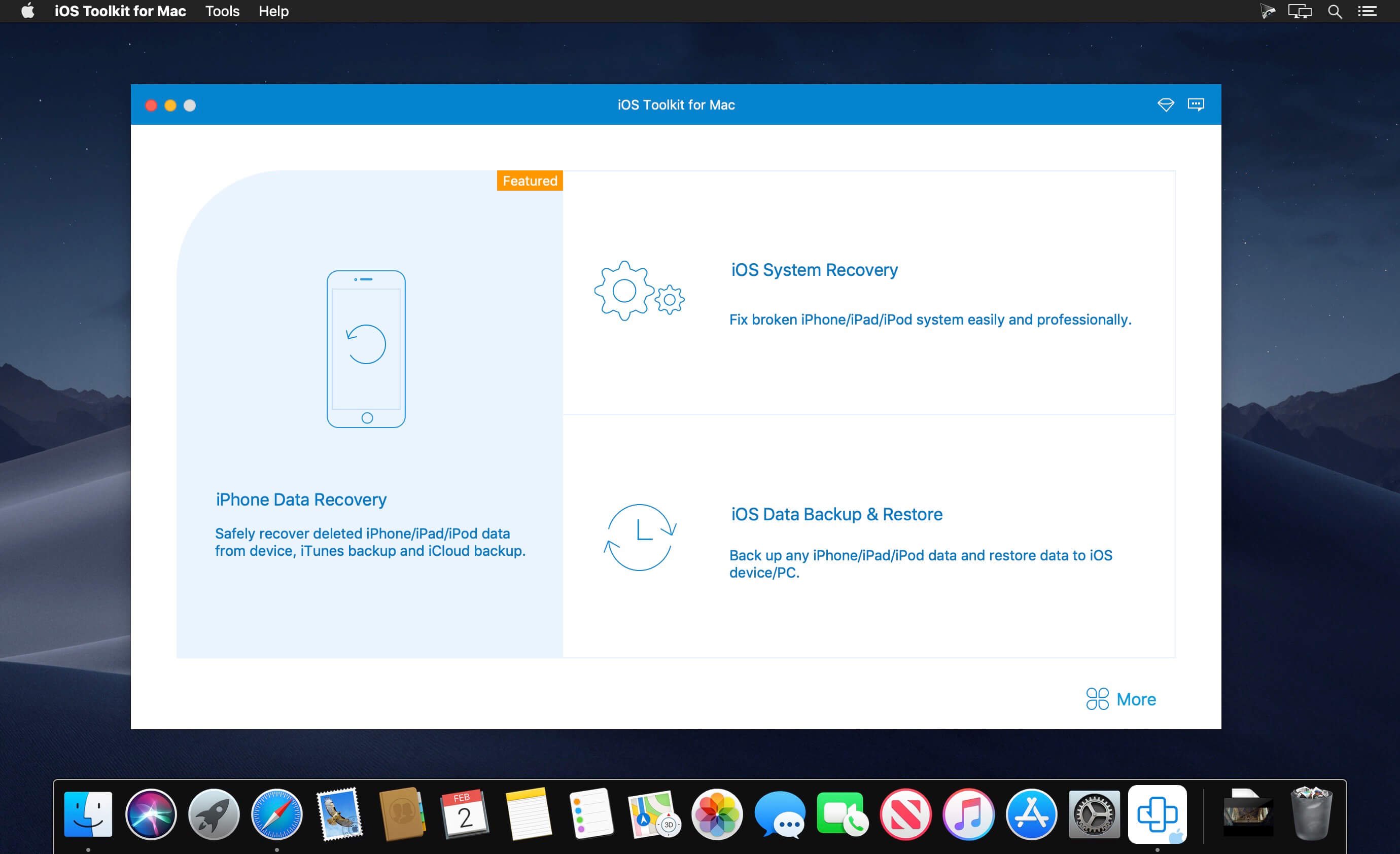
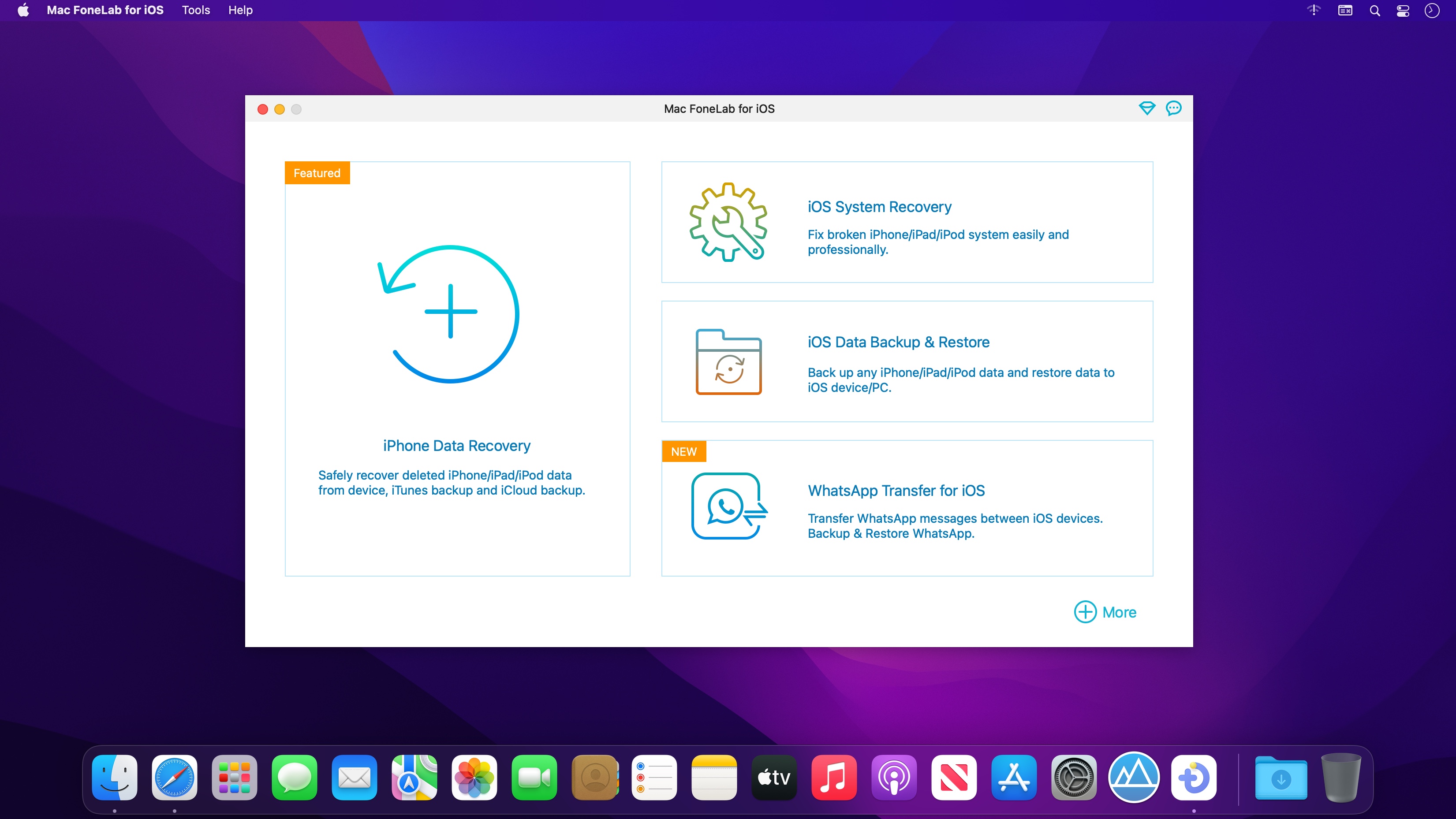
iPhone Data Recovery can recover lost/deleted Messages, Contacts, Call History, Calendar, Notes, WhatsApp data, Photos, etc. from iPhone/iPad/iPod and from iTunes backup files. It supports all portable iOS devices, including iPhone XS/XS Max/XR/X, iPad Pro, iPad mini 4, iPod touch, etc. And it allows you to preview your lost data before recovery
Key Functions:
Recover lost or deleted data directly from iPhone/iPad/iPod iOS Toolkit can recover your lost/deleted data before your device data is overwritten. Recoverable data includes Contacts, Messages, Call history, Calendar, Notes, Reminder, Safari bookmark, Camera Roll, Photo Library, Photo Stream, Message attachments, Voice memos. As for iPhone XS/XS Max/XR/X/SE/6s/6s Plus/6/6 Plus/iPhone 5s/iPhone 5c/iPhone 5/iPhone 4S, iPad 4/2/Air, iPad Air 1/2 and iPod touch 5, it can recover deleted Contacts, Messages, Call history, Calendar, Notes, Reminder and Safari bookmark.
Restore data from iTunes backup files and Preview files before recovery. No matter what type your device is, this iOS Toolkit can recover lost/deleted data as long as your device has been backed up with iTunes. So if your data was deleted incautiously or intentionally, you can get them back.
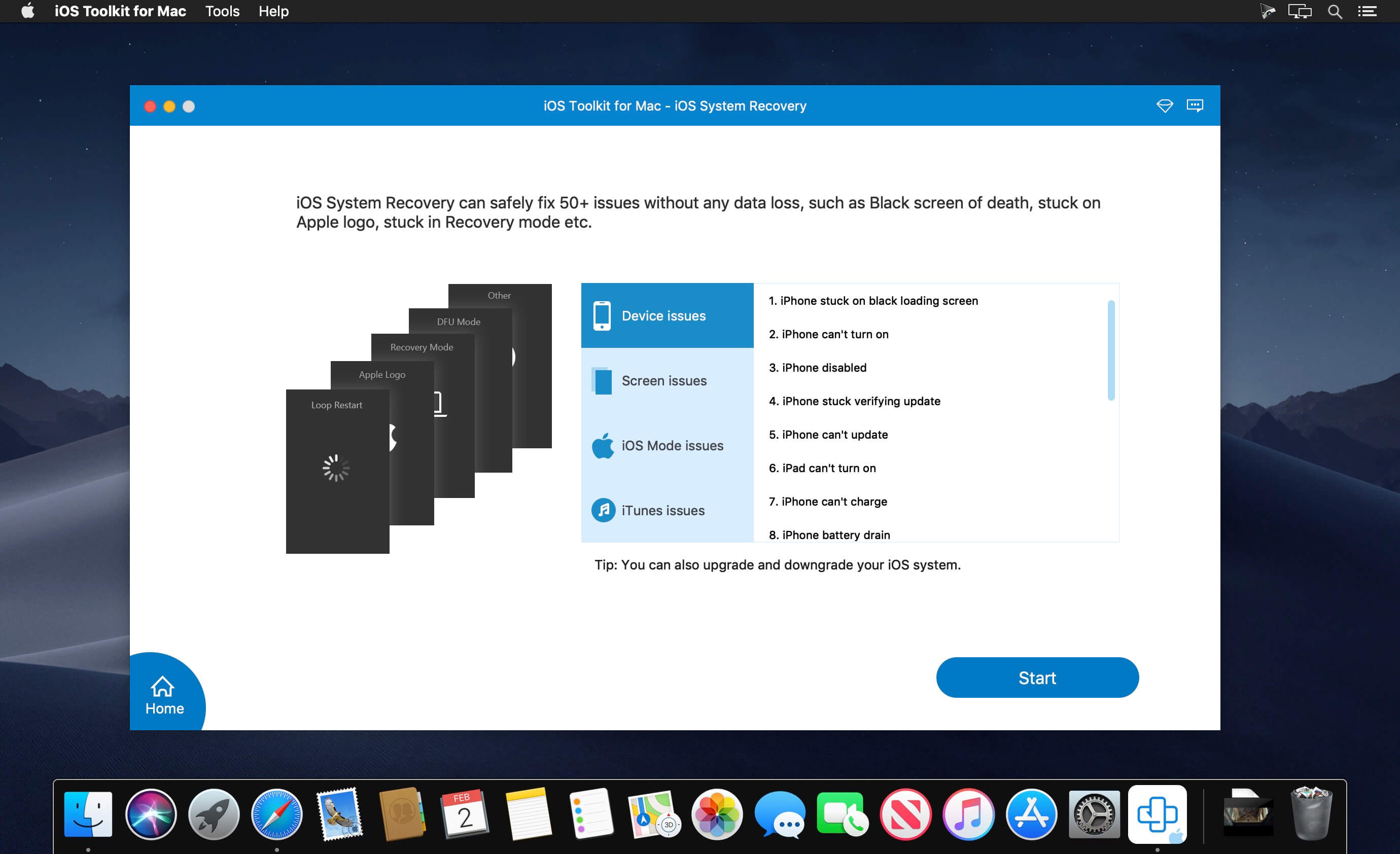
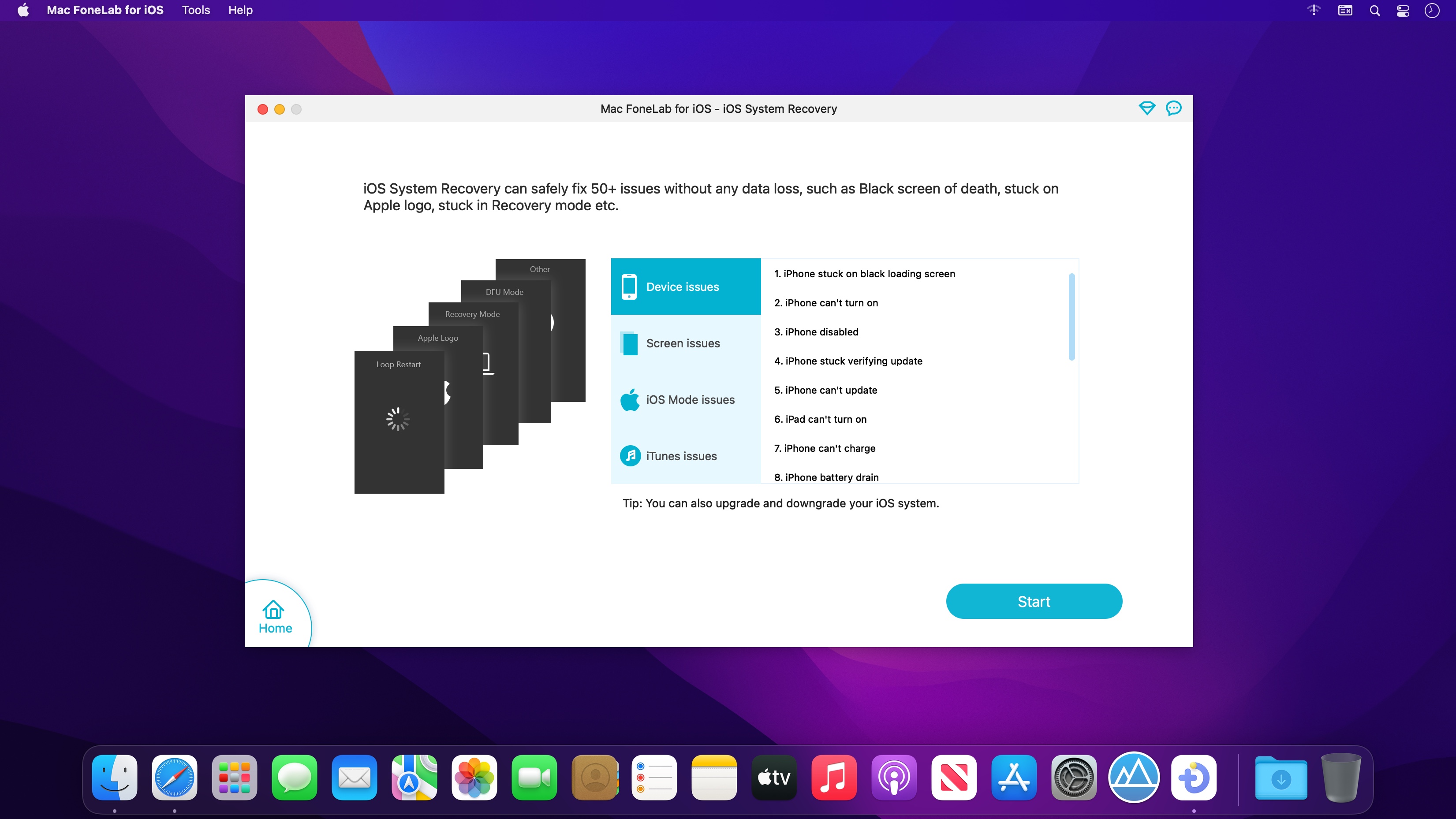
iOS System Recovery function. iOS System Recovery function can help you fix your iOS system back to normal in various issues including stuck in recovery mode, DFU mode, white Apple logo, black screen, looping on start, etc. without losing your iPhone/iPad/iPod data.
iOS Data Backup & Restore function. iOS Data Backup & Restore function can help you backup your iOS data to computer in one click and can preview and restore backup to any iOS device without any data loss.
What’s New:
Version 1.2.18:
Release notes were unavailable when this listing was updated.
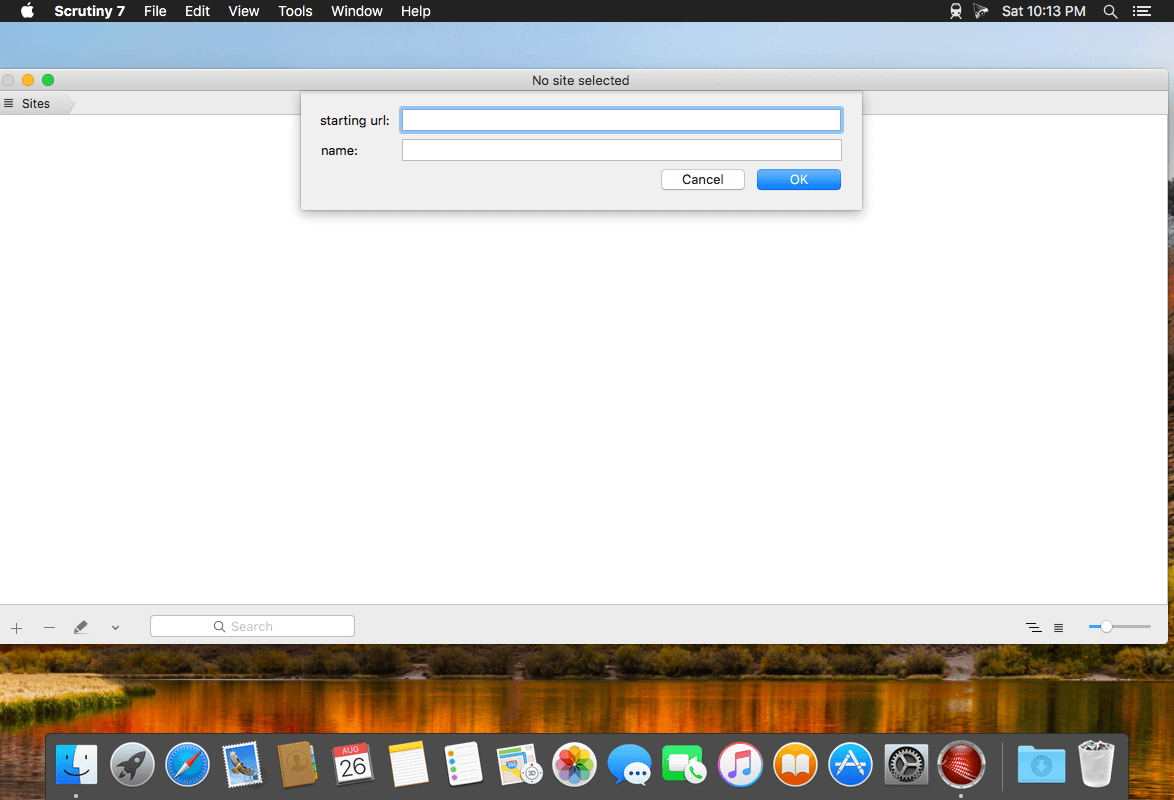
Integrity Plus fills the gap between Integrity, the free no-frills link checker, and Scrutiny, the webmaster tools suite. If you manage more than one site then Integrity Plus allows you to store settings for each site and switch between them. It generates a sitemap in xml and a variety of other formats. it also adds a search box and filter button to help you search your data.
Version 6 is faster and leaner. It also separates the engine from the UI so that the engine can be made available to other developers.
Scans your site for broken links – as fast and accurate as Integrity
All the features of the free Integrity
Manage multiple sites
Generate a sitemap in xml, dot and csv
Good xml sitemap options, optionally include images and pdfs, add rules for setting update frequency and priority, or edit these manually
Search your data
Archive the pages while scanning with the option to convert them to a browsable archive
OS X native, retina screen compatible and OS X 10.12 Sierra tested and supported
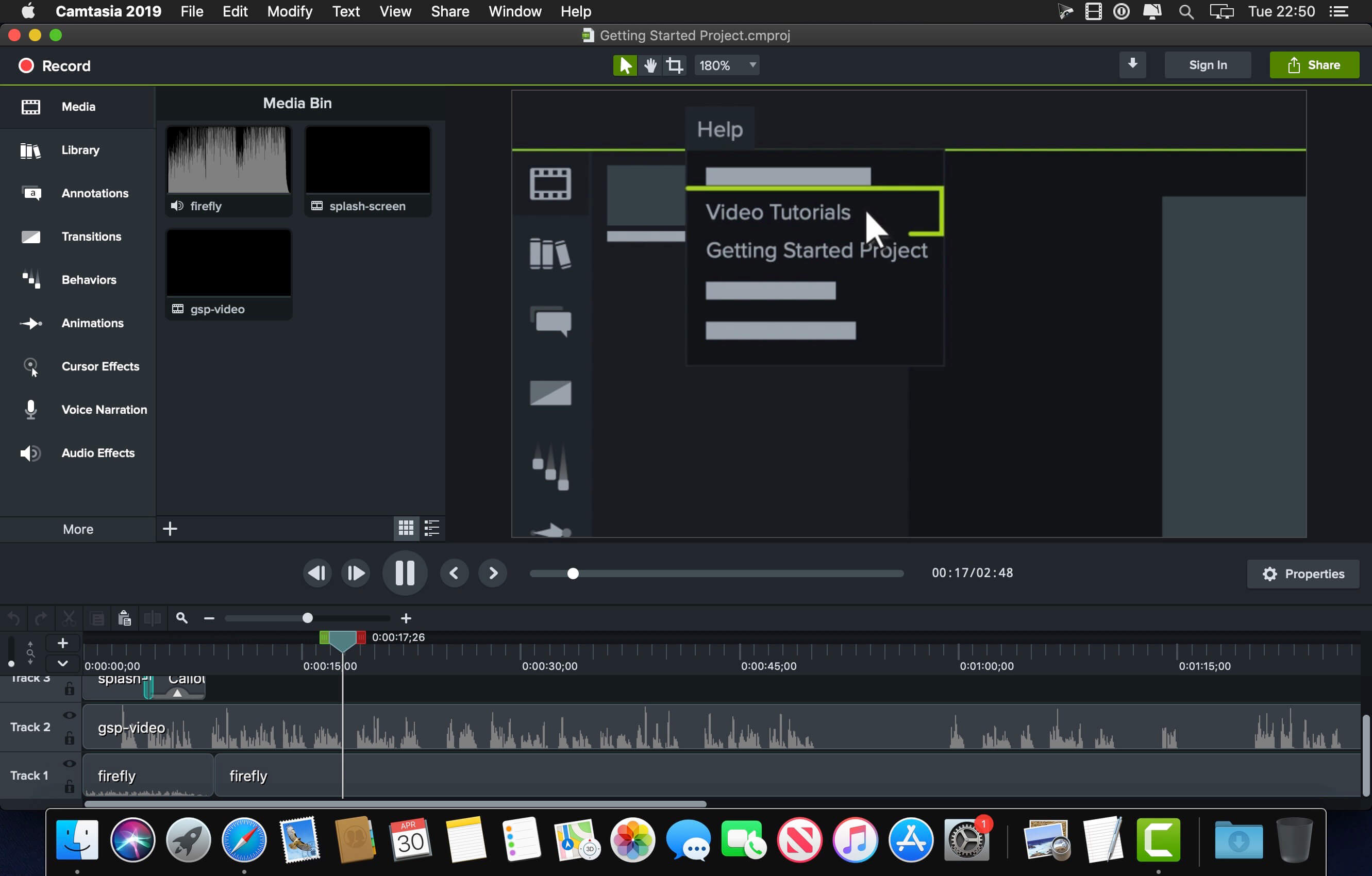
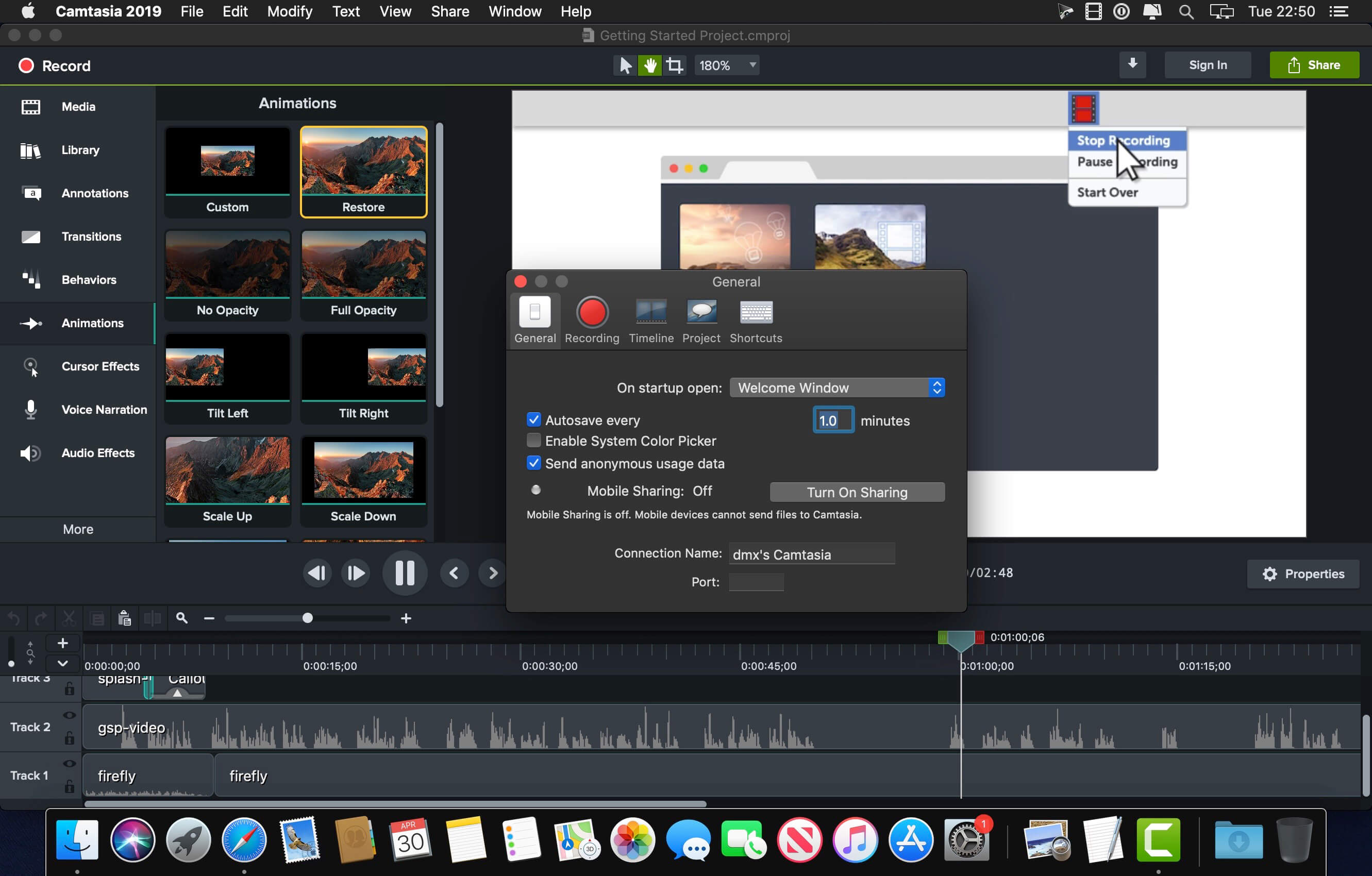
Camtasia is the go-to video solution for creating professional-looking software demonstrations, product tutorials, online lessons, and recorded presentations- no video experience needed. Pre-built video templates help you create the videos you need with ease. Record your screen, import PowerPoint presentations, or add video footage you already have. Then edit, add effects with drag-and-drop ease, and share out your videos with anyone. With so many easy to use features and effects, you’ll be creating polished videos in no time.
Start Fast
Camtasia is quick to learn. You don’t need a big budget or fancy video editing skills. Start with a template or just record your screen and add a few effects.
Feel Confident
Whether you have experience or this is your first time making a video, we’ll give you everything you need to make a high-quality video.
Engage Viewers
Create content your viewers actually watch. A video will give you more interaction and help your audience to learn more than with text alone.
The best screen recording software for…
Video tutorials
How-to videos
Demo videos
Meeting recordings
YouTube videos
Training videos
Video lessons
Webinar recordings
Instructional videos
Explainer videos
Presentation recordings
…and more!
Compatibility: macOS 10.14 or later • Apple Silicon or Intel Core processor Homepagehttps://www.techsmith.com/
Navicat Premium Essentials is a compact version of Navicat which provides basic and necessary features you will need to perform simple administration on a database. It supports the latest features including Trigger, Function, View, and it also comes with an Import/Export tool which allow user to import and export data from plain text file formats including TXT, CSV and XML.
Navicat Essentials is for commercial use. Currently, Navicat Essentials is available for MySQL, SQL Server, PostgreSQL, Oracle and SQLite databases. If you need to administer all the above database servers at the same time, there is also Navicat Premium Essentials which allows you to access multiple database servers within one single application.
Navicat Essentials is available for three platforms – Microsoft Windows, OS X and Linux. It can connect you to local/remote server, providing several utilities such as SQL editors, import/export, dump/execute SQL scripts and Server Monitor to facilitate the process of data maintenance.
*** You need to disable the System Integrity Protection (SIP) to perform the selected Application and Gatekeeper off!
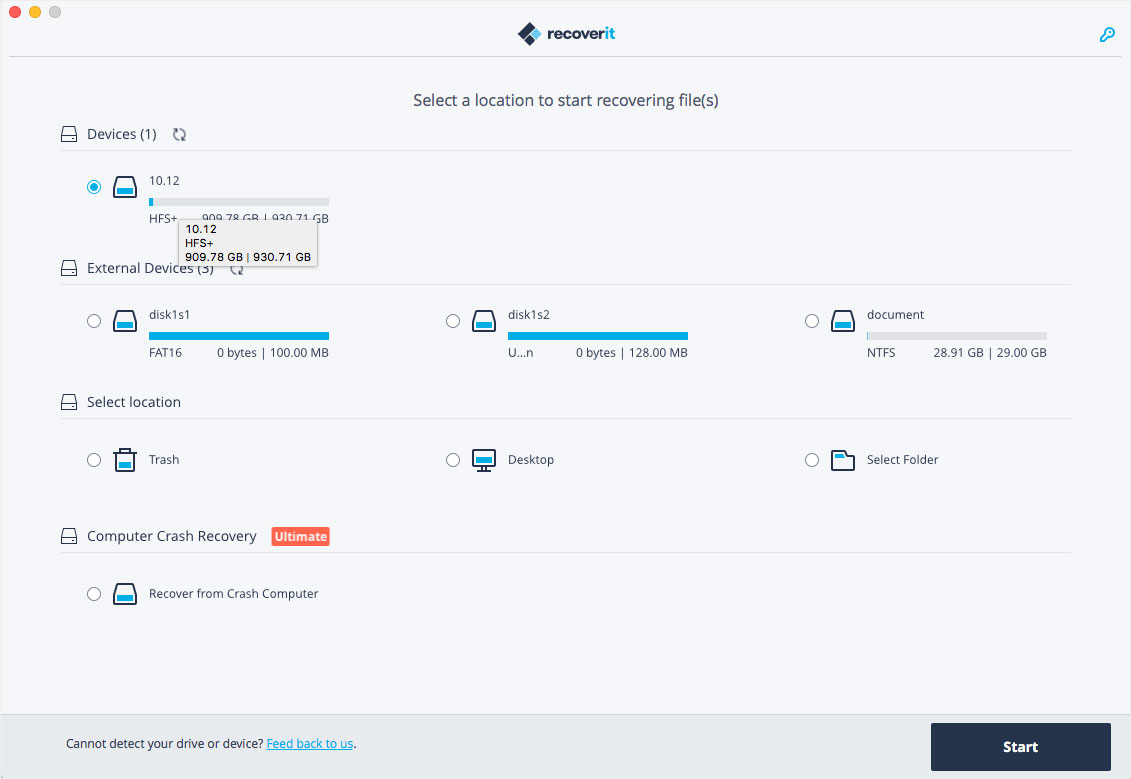
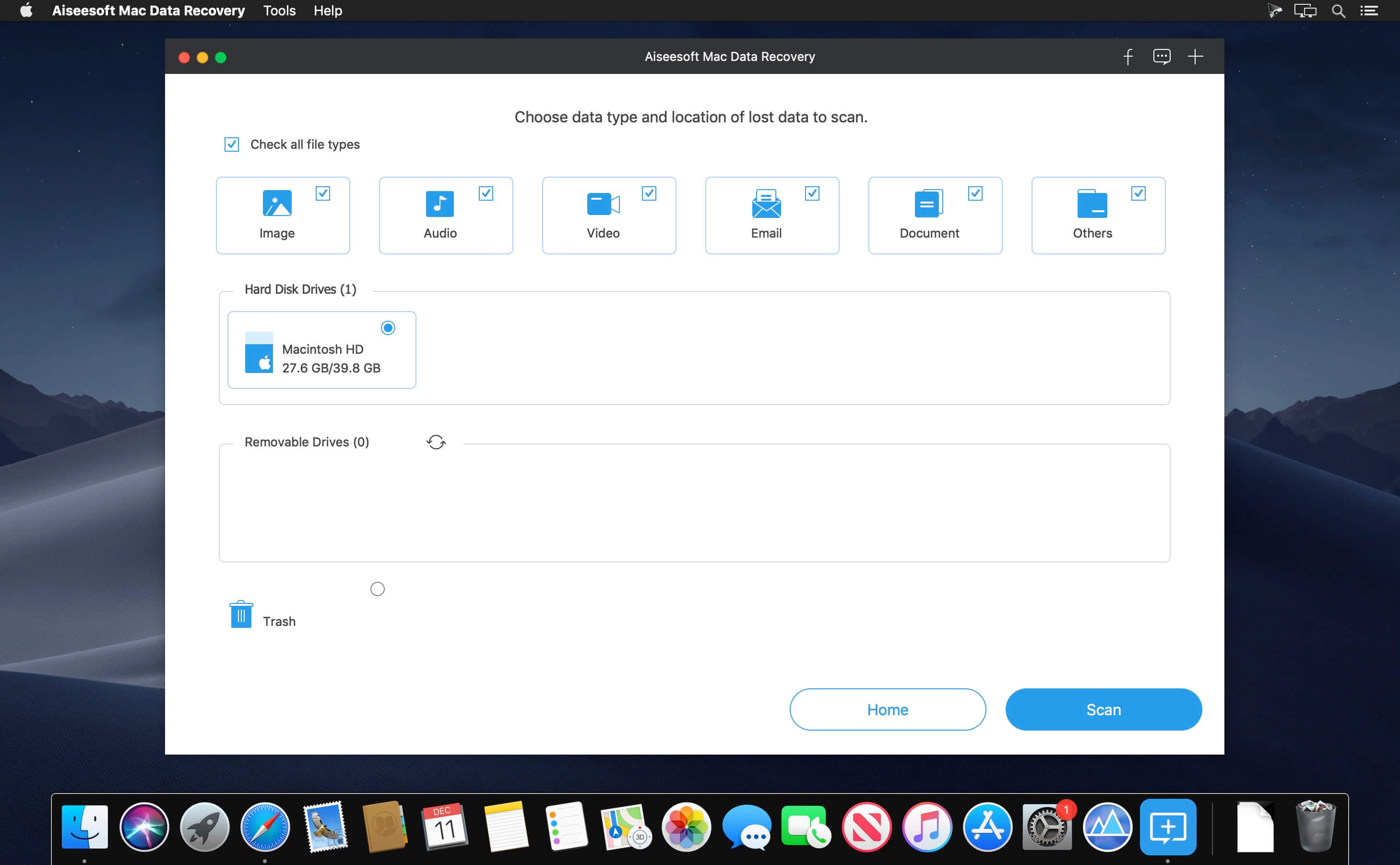
Wondershare Recoverit is a comprehensive data recovery suite to recover Mac data lost due to accidental deleting, formatting, virus infection, improper operation, unexpected power failure, and other unknown reasons.
It can recover Mac data from lost, deleted, logical corrupted and formatted Mac hard drive, iPod, USB drive, SD card, digital camera, mobile phone, MP3, and MP4 player. Compatible with HFS+, FAT16/32, and NTFS file system volumes, this non-destructive Mac file recovery software ensures safe Mac file recovery without modifying the original data saved on your Mac machine or any other storage media. Versatile preview lets you enjoy Mac data recovery in advance.
Features
Safety First:
Read-only and risk-free Mac data recovery program. No any writing operation to your original data.
Versatile Preview Ability:
For images, real-time and direct scan results is displayed during the scan process to let users stop scanning once the target images are found.
For other Mac files such as videos, audio files, archives and documents, they are displayed as a text in a Hex mode for preview to let users enjoy file recovery on Mac in advance.
Precise File Recovery for Mac:
Before data recovery on Mac, you can choose the target file types to scan, which saves you much time especially when there are tons of files on your Mac machine.
Restore deleted files for Mac with original file names, shooting date, and storage paths.
Support file names search for scanning results to provide you precise Mac file recovery.
Easy-to-use and Clean Interface:
Complete wizard and easy-to-use interface let you perform Mac data recovery in a breeze.
What’s New:
Version 10.6.7.18:
Release notes were unavailable when this listing was updated.
Export for iTunes lets you export your playlists and albums from iTunes to any local folder, external storage, SD card or USB drive! With Export for iTunes you can transfer easily your playlists to your car stereo or any other media player. Convert aac/m4a files to mp3 for best compatibility with most sound systems.
The app converts, copies and organizes your playlists’ and albums’ music files into folders, and creates the .m3u file that lets you play your playlist on any media player. For every album, you can include an image file with album artwork. You can browse and select which of your playlists or albums you want to export. See all playlist/album tracks with their metadata without opening the iTunes app. You can also export the track list from any album or playlist to Excel, so you can create a file with info about all your iTunes music. This iTunes export app let you preview and export metadata like: Title, Artist, Time, Album, Genre, File path, Kind, and Bitrate. The app does not modify your iTunes library.
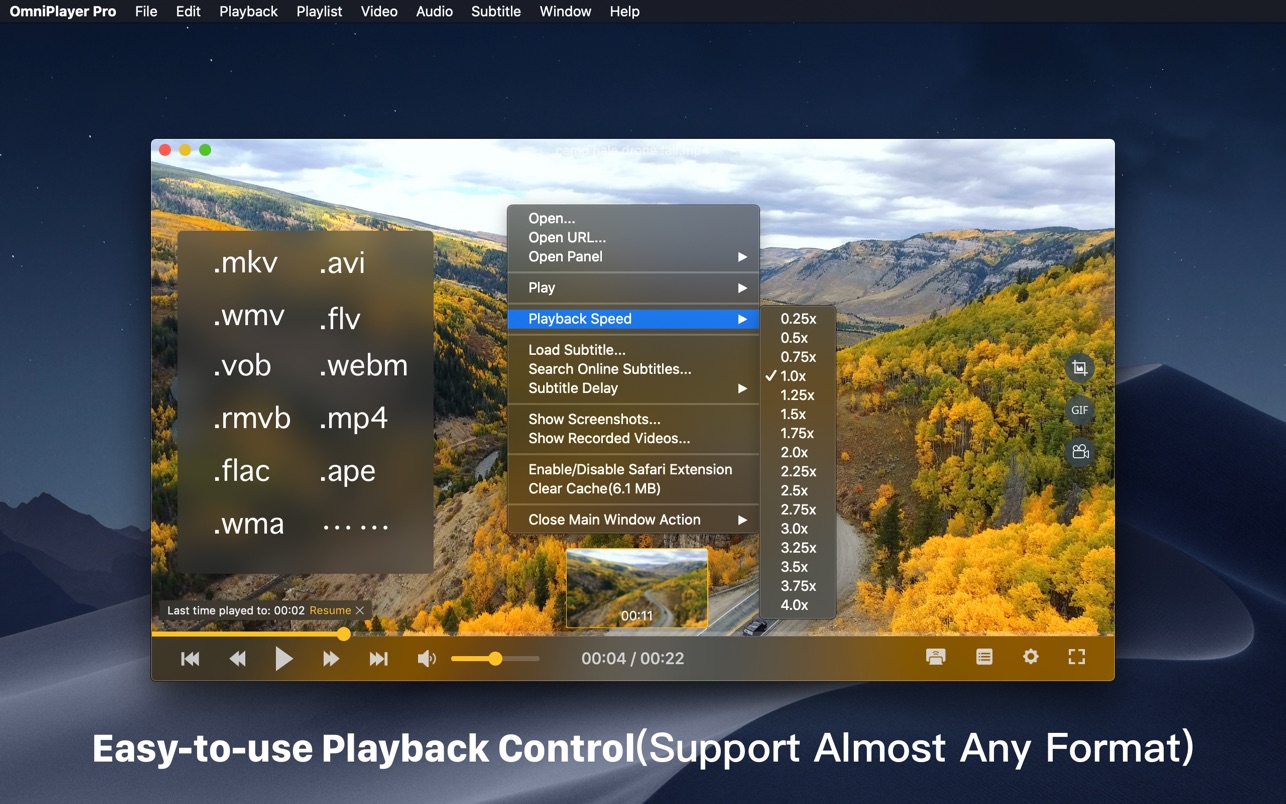
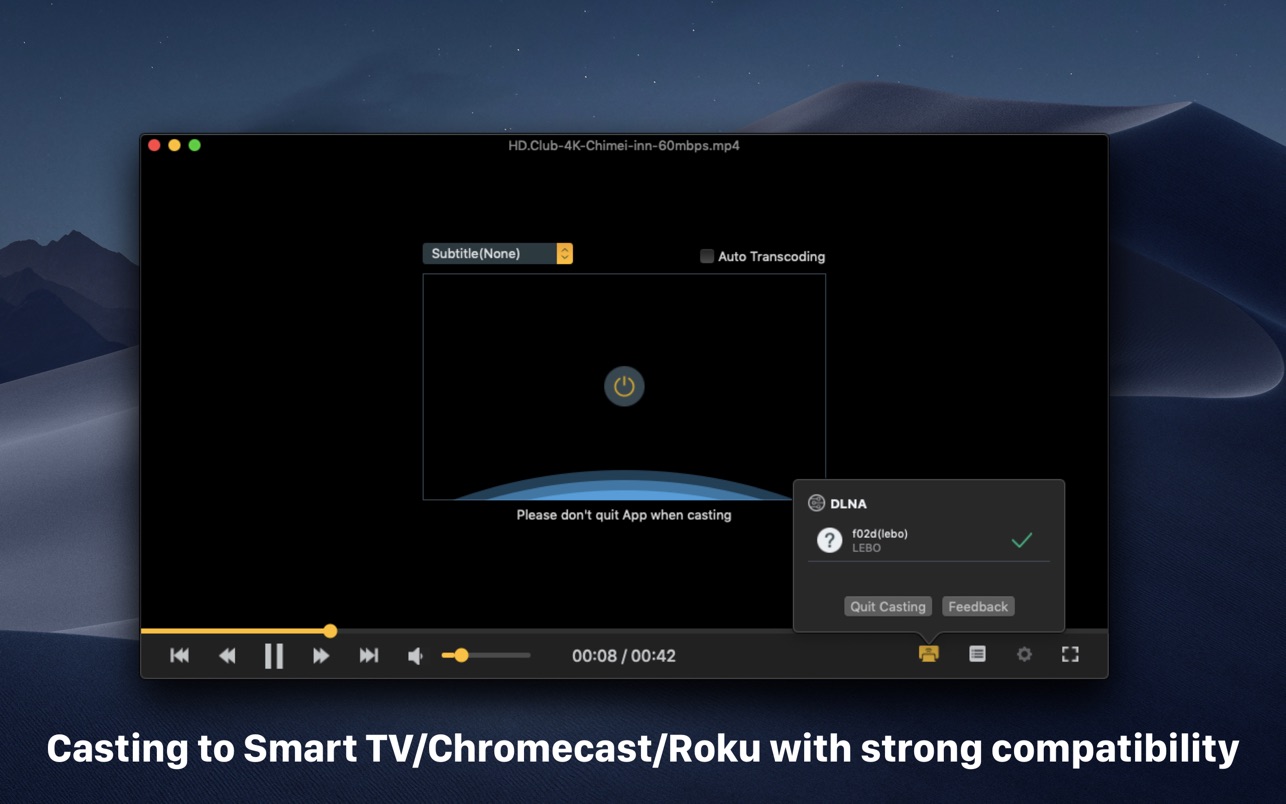
OmniPlayer Pro for Mac is a comprehensive media player for almost any video and audio format on macOS. It has powerful features with a modern and clean design. You can use it to play various 4K/1080P/720P HD videos and normal/lossless audio easily with hardware decoding. OmniPlayer’s rich features let you conveniently control and adjust the playback, playlists, video images, audio tracks, subtitles, and screenshots, etc.
Recover deleted/lost files like photos, documents, emails, audio, videos, etc. Restore from computer, hard drive, flash drive, memory card, digital camera, etc. Recover due to accidentally deletion, formatted partition, hard drive problem, RAW hard drive, crashed computer.
What’s New:
Version 1.5.10:
Release notes were unavailable when this listing was updated.
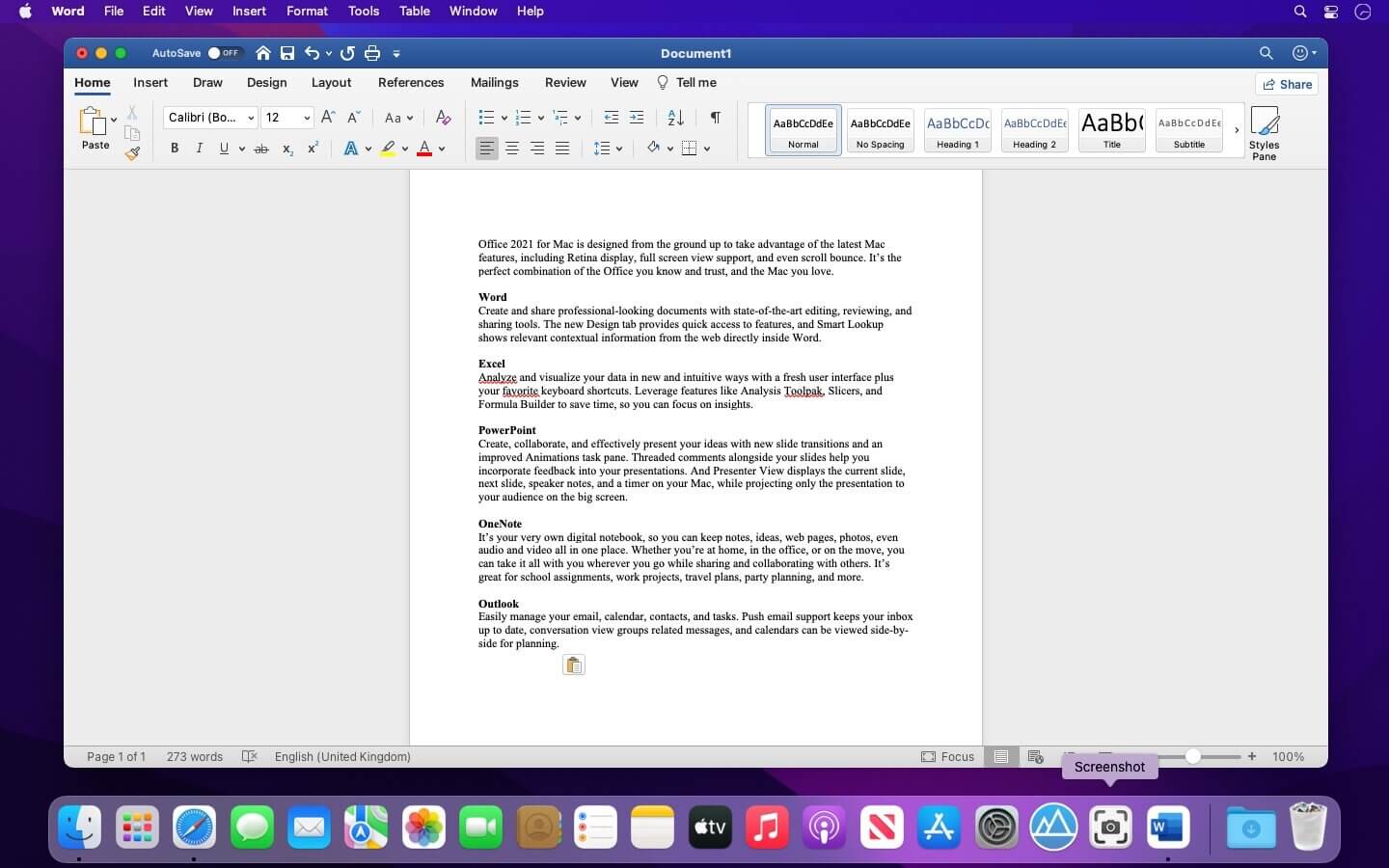
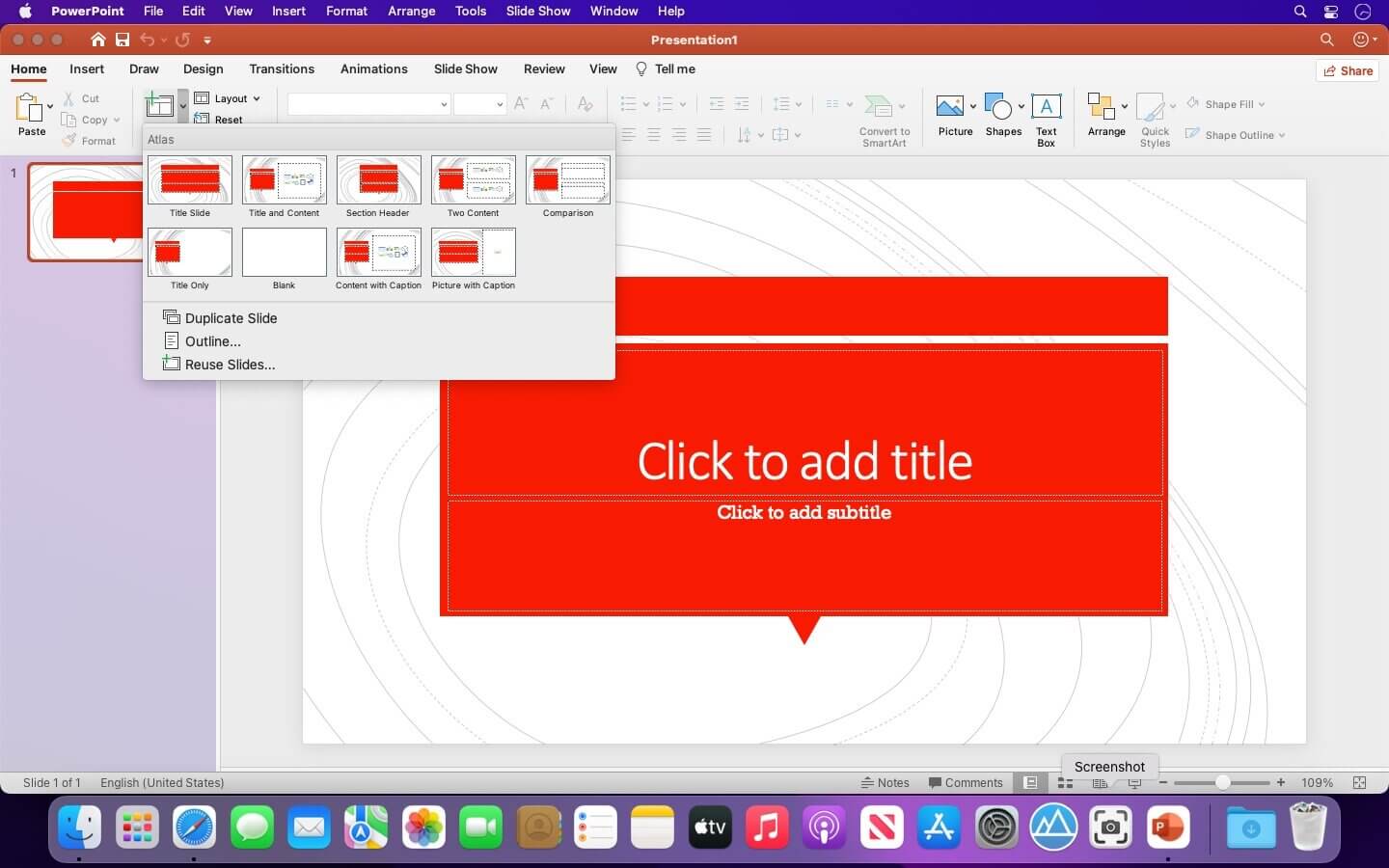
Office 2021 for Mac is designed from the ground up to take advantage of the latest Mac features, including Retina display, full screen view support, and even scroll bounce. It’s the perfect combination of the Office you know and trust, and the Mac you love.
Word
Create and share professional-looking documents with state-of-the-art editing, reviewing, and sharing tools. The new Design tab provides quick access to features, and Smart Lookup shows relevant contextual information from the web directly inside Word.
Excel
Analyze and visualize your data in new and intuitive ways with a fresh user interface plus your favorite keyboard shortcuts. Leverage features like Analysis Toolpak, Slicers, and Formula Builder to save time, so you can focus on insights.
PowerPoint
Create, collaborate, and effectively present your ideas with new slide transitions and an improved Animations task pane. Threaded comments alongside your slides help you incorporate feedback into your presentations. And Presenter View displays the current slide, next slide, speaker notes, and a timer on your Mac, while projecting only the presentation to your audience on the big screen.
OneNote
It’s your very own digital notebook, so you can keep notes, ideas, web pages, photos, even audio and video all in one place. Whether you’re at home, in the office, or on the move, you can take it all with you wherever you go while sharing and collaborating with others. It’s great for school assignments, work projects, travel plans, party planning, and more.
Outlook
Easily manage your email, calendar, contacts, and tasks. Push email support keeps your inbox up to date, conversation view groups related messages, and calendars can be viewed side-by-side for planning.
Languages: English, العربية, 中文, Čeština, Dansk, Nederlands, Suomi, Français, Deutsch, Ελληνικά,
עברית, Magyar, Bahasa Indonesia, Italiano, 日本語, 한국어, Norsk, Polski, Português,
Русский, Slovenčina, Español, Svenska, ภาษาไทย, Türkçe
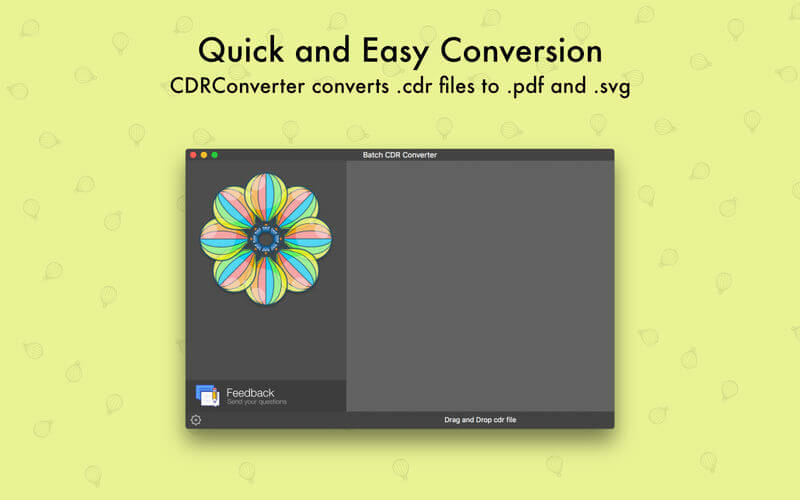
CDRConverter allows you convert single or multiple CorelDRAW files into .pdf on macOS. As every designer knows CorelDRAW is discontinued after version 11. Now We have developed a simple application that converts CorelDRAW files on macOS into Vector PDF format file. Opening CorelDRAW format files on macOS is possible now.
CDRConverter features:
Convert CorelDraw files into PDF documents;
Convert CorelDraw files into SVG files;
Converts CDR to quality Vector Editable PDF files;
Doesn’t need of CorelDraw, CDRConverter creates high quality vector PDF files from CorelDraw files;
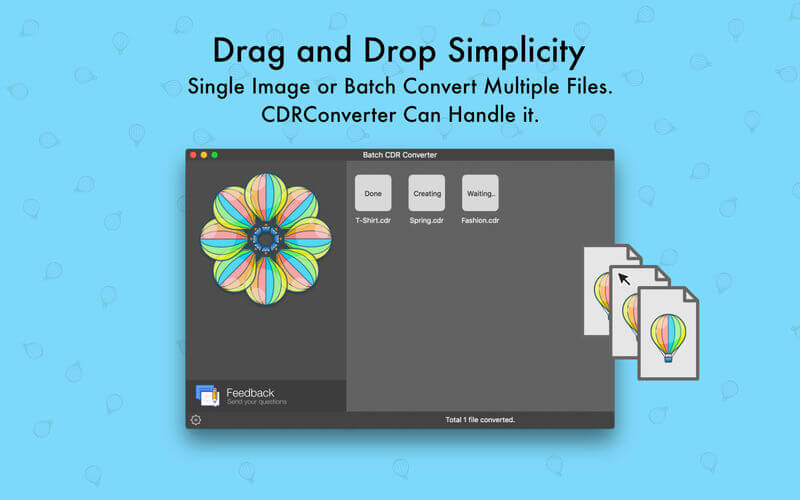
Convert Single or Multiple files at once.
Drag and Drop to Convert.
Notable features:
CDRConverter runs on your macOS.
Can convert single or multiple files at once.
Fast file converting.
Standalone software, CorelDraw, Adobe Acrobat and Reader NOT required!
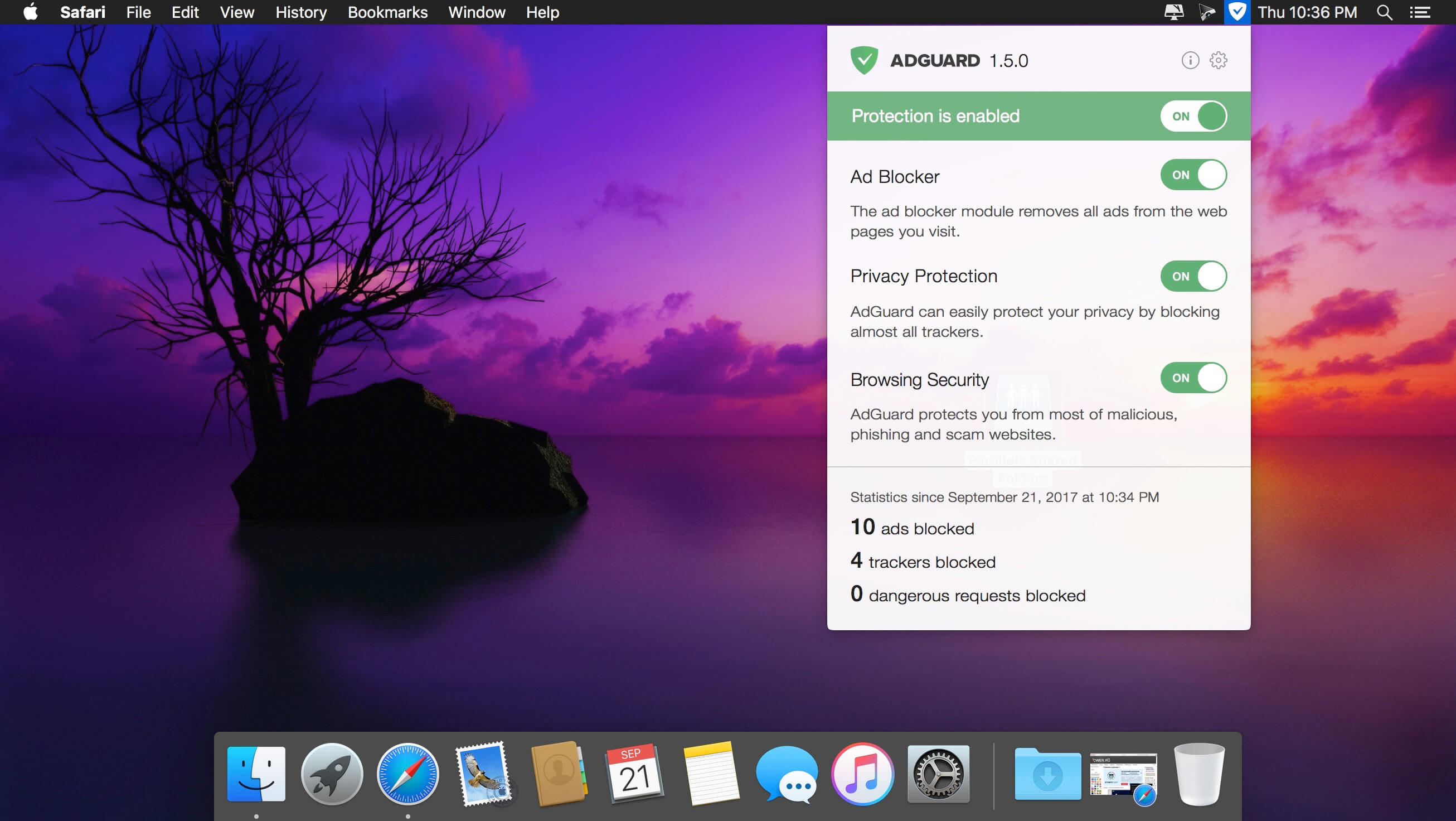
Adguard can make your online experience safer because, though Macs and Apple laptops are quite safe to use, when it comes to ad blockers, Macs experience real problems. Already-existing solutions do not consider the specifics of OS X. That greatly influences the stability of work in Safari, and these ad-blocking extensions fail to do their work properly, especially when video ads are an issue.
INFO Release
AdGuard isn’t compatible with Little Snitch 5
https://kb.adguard.com/en/macos/solving-problems/big-sur-issues#little-snitch
Solution: https://kb.adguard.com/en/macos/solving-problems/big-sur-issues#automatic-proxy
Using “Automatic proxy” filtering mode
If you face problems in Big Sur or Monterey which can’t be resolved by any of the methods above, you can try switching AdGuard to Automatic proxy mode.
1) Open AdGuard’s menu.
2) Select Preferences….
3) Switch to the Network tab.
4) Click the Select Mode… button.
5) Select Automatic Proxy.
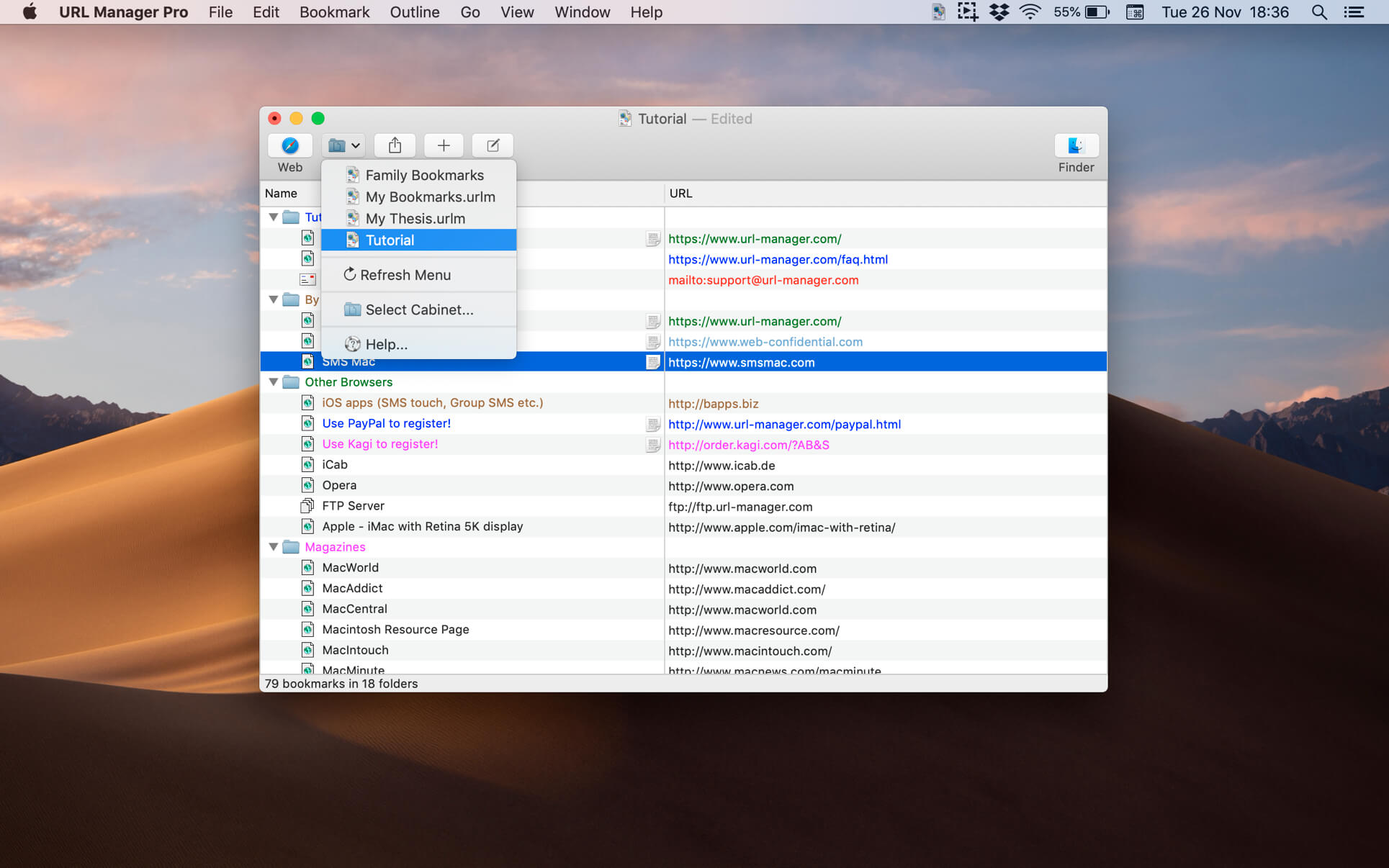
The popular and award-winning bookmark manager now available in 64-bit version for the latest macOS with support for Retina displays, Auto Save and Versions.
URL Manager Pro allows you to manage your bookmarks independently from a web browser, yet use your bookmarks with any web browser, like Safari, Chrome, Edge, Chromium, Opera, Firefox, Vivaldi, Brave, iCab etc.
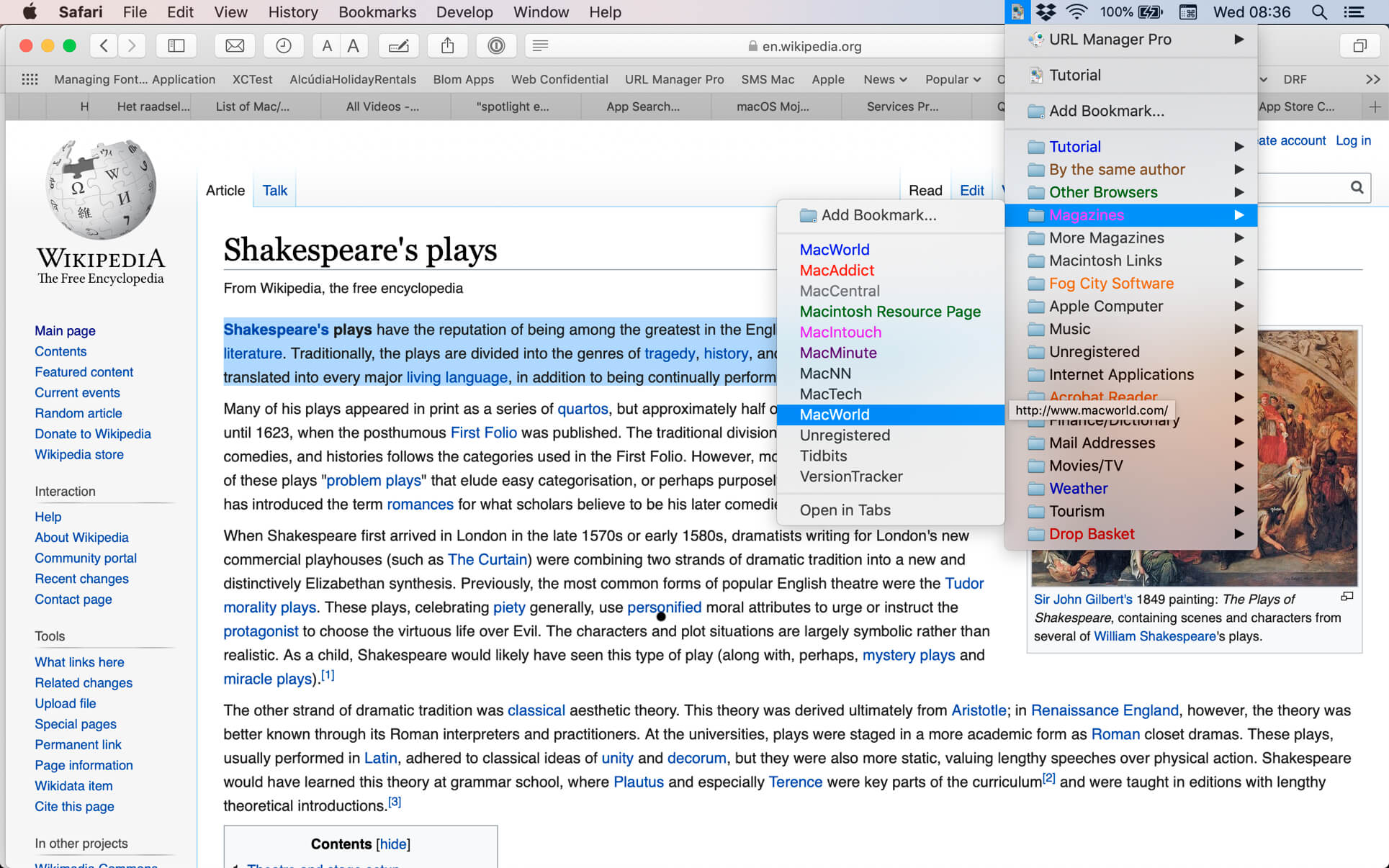
You can create and save several separate bookmark documents and you can access them all from the system-wide bookmarks menu.
Using a system-wide bookmarks menu, you have access to your bookmarks in any app or web browser.
You can also bookmark the current web page directly to URL Manager Pro from within your favourite web browser.
In the URL Manager Pro documents, you can manage your bookmarks easily with drag and drop. You can add tags, notes and colours to your bookmarks.
You can import bookmarks from several popular browsers, like Safari, Chrome, Edge, Firefox, Vivaldi, Brave, iCab, Opera etc. You can also scan TEXT files for URLs and import links and bookmarks from HTML and XBEL format.
You can also export your bookmarks to HTML, XBEL, TEXT and Internet Location files.
AnyMP4 Screen Recorder is the best choice for you to record screen movements and actions. With its intuitive and terse interface, you can master it quickly. It is powerful software for video recording, and can record all video files and sound that are played on the computer screen. Whether you want to record a streaming video or a Blu-ray movie as a video file, record Skype calls or webinars, this software can help you. After recording, it saves the video files in WMV or MP4 format.
In order to avoid the black bars around the video and to better view the recording on different media devices, you can easily define the aspect ratio and the image size of the video recording. The Screen Recorder also offers you some predefined picture sizes, such as 640×480, 800×600, 1024×768. In addition, you are able to record the full image of your desktop.
What’s New:
Version 2.1.20:
Release notes were unavailable when this listing was updated.
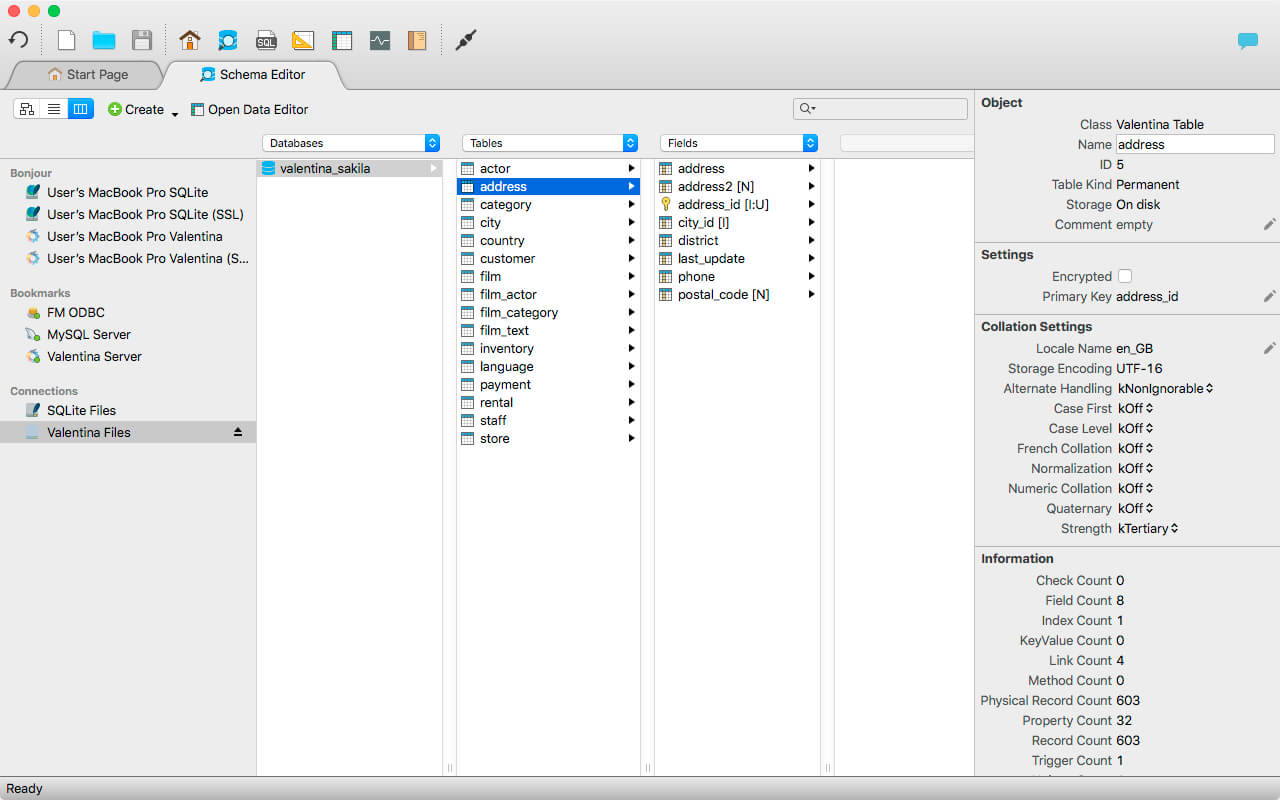
Valentina Studio is the ultimate data management tool for database administrators. Valentina Studio includes a wealth of database administration tools. Valentina Studio PRO to unlock advanced data modeling tools, report design and editing and more.
Valentina Studio brings you powerful, visual editors for your data including:
Schema Editor (tree view and column view) – create and modify all schema objects of supported databases: Tables, Views, Fields, Enums, Links, Constraints, Triggers, Indexes, Stored Procedures, …
Diagram Editor – design new diagrams or do reverse engineering, e.i explore existing databases visually.
Data Editor – easily browse table records in the grid, modify records, an inline edit of values, sort, filter records and save favorite filters, preview images, hex editors for binary values, …
Related Data Editor – easily learn and manage linked records of two tables, link/unlink records by a mouse click, do set operations over linked records, …
SQL Editor – with color syntax, auto-completion, recent and saved favorite queries, templates, console with error/warning reporting, …
Query Editor – build SQL queries visually using just a few mouse clicks
Server Admin – where you can manage users, learn logs and other parameters of servers.
Open as many editors as you like at the same time for different databases/servers opened in tab-panels. You also get different DB related utilities, including: Import/Export, Dumps, Diagnose, Clone, Reindex, …
MAS version of Valentina Studio uses iCloud to share bookmarks between your devices!
Valentina Studio Pro as an in-app purchase to get additional advanced pro-features such as:
Report Editor – visual editor of Valentina Reports that can be saved into Valentina Project file (.vsp). Reports can use as datasource MS SQL, MySQL, PostgreSQL, SQLite, Valentina DB, ODBC.
Form Editor – visual editor of Valentina Forms that can be saved into Valentina Project file (.vsp). Forms can use all supported databases as the datasource.
Data Editor – enables go to parent record function.
Data Editor Layouts – save columns and their order as a named layout
Data Editor Multiple Update – update few records at once.
Data Transfer – copy data between different databases
Diagram Editor – enables forward engineering – i.e. generation of SQL scripts for new/changed database objects.
Dump Wizard – enables filter for tables to select them for a dump.
Error Lookup – search for error description by its code.
Keyboard Shortcuts – enables the ability to redefine the shortcuts and create own shortcut sets.
Object Colors – enables marking objects with specific colors.
Query Editor – enables the ability to copy the generated query.
Schema Cache – save and reuse the schema cache.
Schema Editor – copy one or few schema objects using drag&drop mechanism.
Schema Editor – expanding and collapsing the tree items with subitems using OPTION + click
Schema Snapshot – save and load schema in structured format.
Source Control – develop database using any VCS.
SQLDiff – find differences between two states of a databases and generate SQL script to move between these states.
SQL Search – search of schema objects.
SQL Editor – enables autocompletion for table aliases.
SQL Editor – format SQL queries.
SQL Editor – edit the result of SQL queries.
What’s New:
Version 12.0.0:
[New] MongoDB
[New] MongoDB plugin – the first NON-SQL DB in Valentina Studio.
Schema Editor
Command Editor (similar to SQL Editor)
Collection Editor (Data editor)
Server Admin (manage users, databases, etc)
[New] Workspaces
[New][Pro] Workspaces – this great feature for PRO-developers, which now get a clean isolated room for a project.
You can create a new workspace, which will collect Bookmarks, Recent databases, Recent SQL queries, SQL snippets, opened TAB panels (soon)
Switching between workspaces moves you to this or that project context.
[New] Menu ‘Workspaces’ in the main menu
[New] Top-Right button-menu workspaces to visualize the current workspace and manage workspaces.
Others
[Imp][Start Page] – COPY/PASTE a single bookmark
[Imp][SQL Editor] – Tooltip of a snippet now shows database(s) to which it belongs.
[Imp][SQL Editor] – Tooltip about hidden snippets.
[Imp][Dialogs] – Dialogs to export bookmarks, snippets, etc, now suggest the default name of the file.
Valentina DB
[New][SQL] JOIN between 2 different databases.
[New][SQL] Triggers on Links.
This allows you to CREATE TRIGGER, which will work on LINK / UNLINK commands – events.
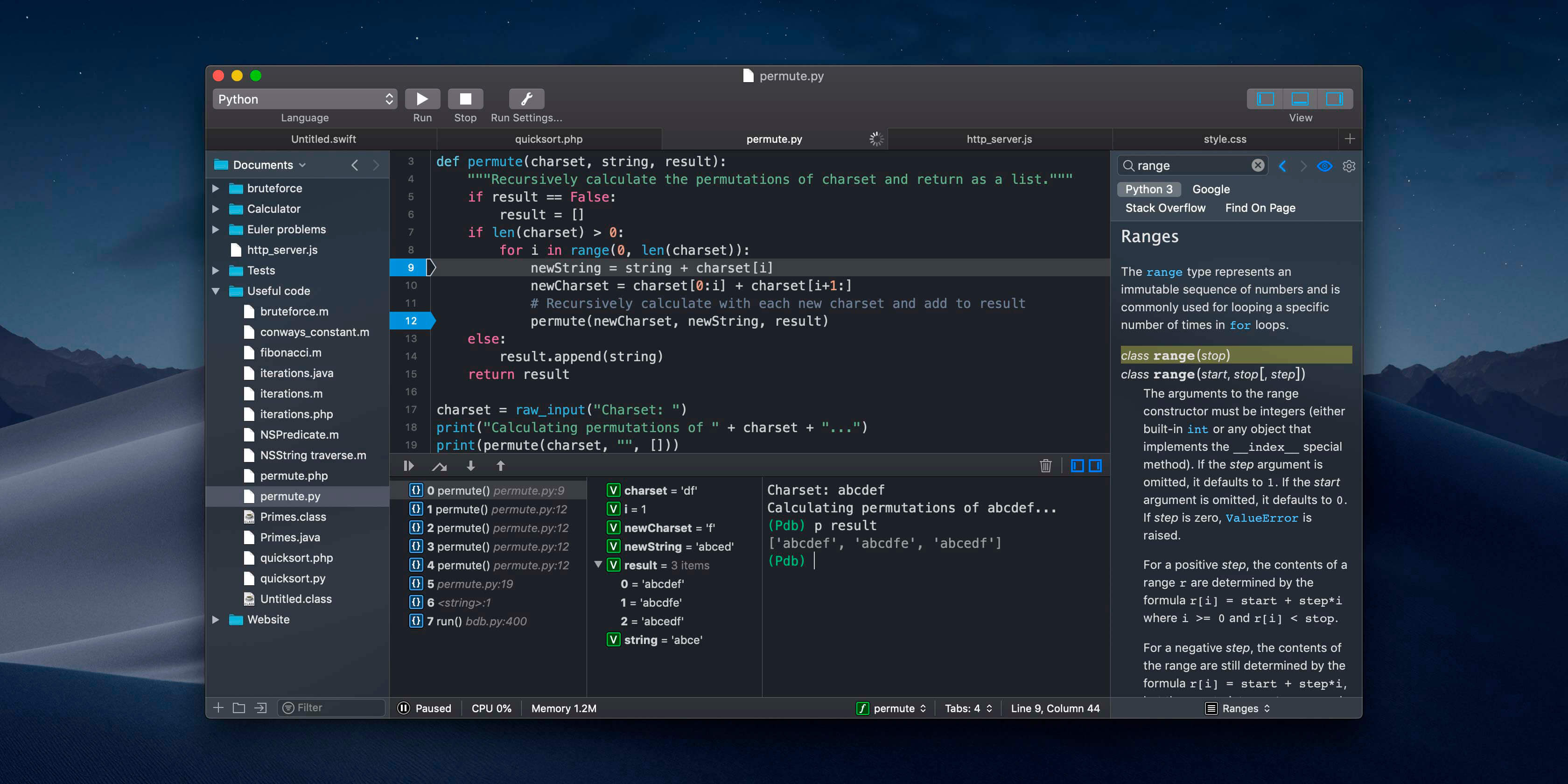
CodeRunner, an advanced, highly flexible, and easy-to-use programming editor, supports a large number of languages, and delivers big IDE features while remaining lightweight and clutter-free. CodeRunner can run code in 23 languages out-of-the-box, and can be easily extended to run code in any other language. Notable features include debugging with breakpoints in lots of languages, IDE-level code completion, and lots of other high-end features making it easier than ever to write and work with code.
Advanced Code Completion
Any programmer knows the importance of good code completion. That’s why CodeRunner supports full-blown IDE-level code completion for most languages, including fuzzy-search, tab-selectable placeholders, and documentation snippets.
Run Code in Any Language
CodeRunner was built on the principle that you should be able to run your code instantly in any language. CodeRunner can run code in 23 languages out-of-the-box, and can be easily extended to support any other language. Adding a language is as easy as entering its terminal command.
Debugging with Breakpoints
It’s easy to get frustrated when your code is not working right. New in CodeRunner 2.2, you can set breakpoints and step through code line by line. Just click the text margin to set a breakpoint and start debugging. Explore the call stack, view and edit local variables, and leverage the full power of the debugger by issuing debugger commands. Debugging your code has never been this convenient.
Until now, managing and interacting with your contacts has been a real frustration. Cardhop’s magical parsing engine is incredibly intuitive, letting you search, add, edit, and interact with your contacts using a simple sentence!
FEATURES
A beautiful and simple menu bar app, designed exclusively for macOS
Instantly works with your existing macOS contacts, nothing to configure
Groups: quickly toggle contact groups with a click
Notes: a convenient and powerful way to add notes to your contacts, helping you to strengthen your relationships
Recents: quickly interact with your recent contacts
Birthdays: instantly see upcoming birthdays and easily send a wish on their special day
iPhone and Bluetooth dialing
macOS Action Extension
Dark and light themes
And much, much more!
POWERFUL ACTIONS
Quickly interact with your contacts with the following actions: Call, Copy, Directions, Email, FaceTime, FaceTime Audio, Large Type, Message, Skype, Telegram, Twitter, URL, and VoIP
Simply enter an action or abbreviation (which you’ll find in the Help Book by entering “?” or “help”) followed by your contact’s name and Cardhop will handle the rest
Even better, some actions are flexible. For example, you can add a subject to an email by entering “email Kent Lunch tomorrow?” and the email including the subject will instantly appear, ready to go!
Customizable quick actions are also available per contact, allowing for single-click actions
What’s New:
Version 2.2.3:
Release notes were unavailable when this listing was updated.
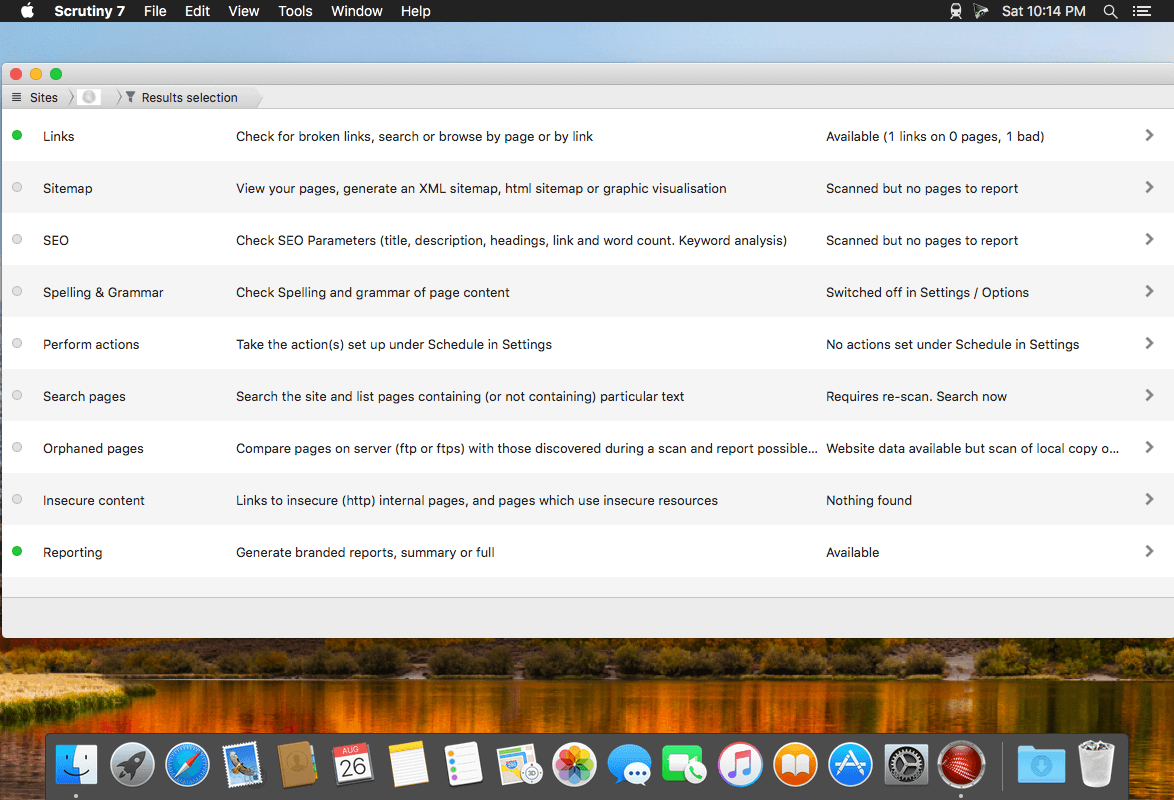
Scrutiny is a suite of web optimization tools including link checking, SEO checks, Sitemap generation, page load speed test, html validation. Version 9 is a major update and includes these new features.
Features
Link checker
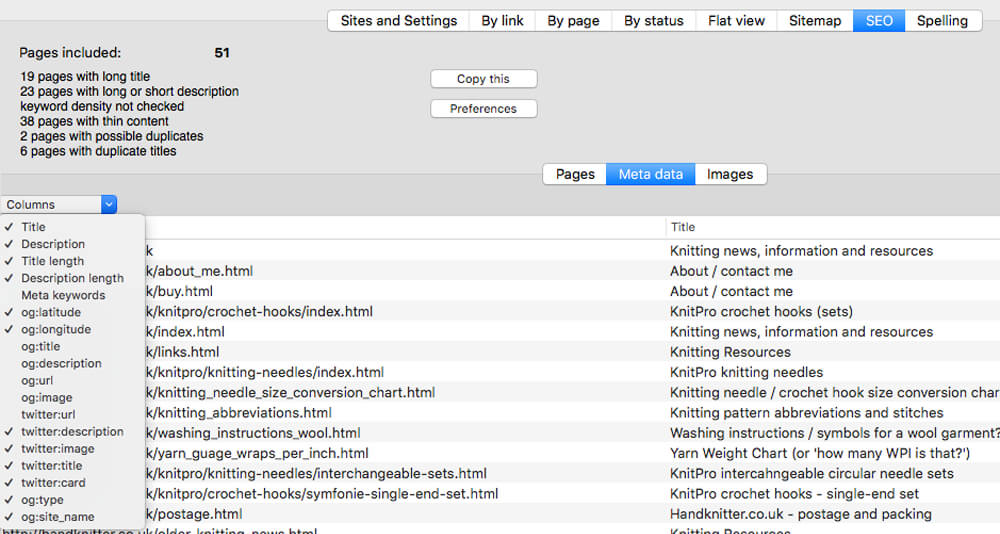
SEO analysis
XML sitemap generation, optionally include images / PDF pages
Insecure / mixed content reporting
Page-load speed test
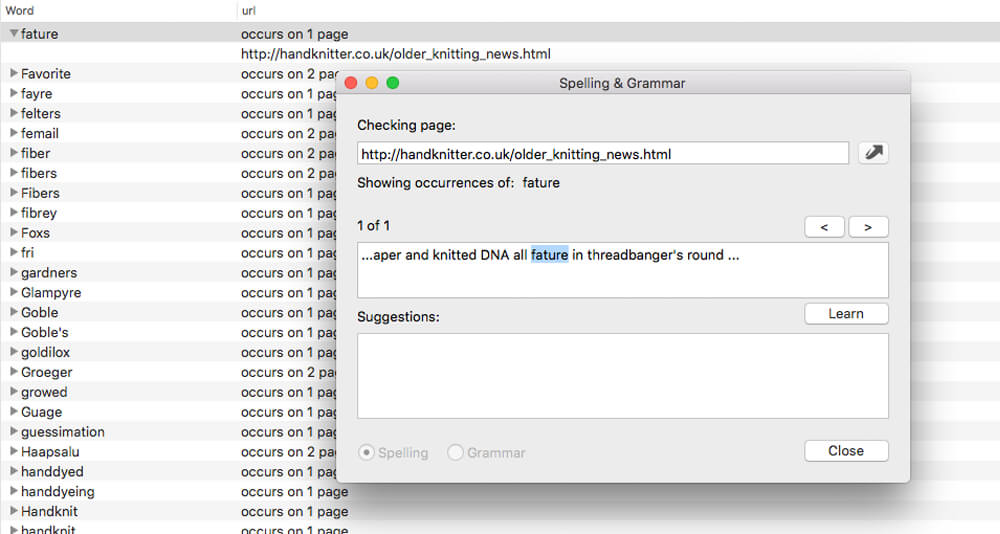
Spelling and grammar checking
Scans sites requiring authentication
Search your site (source or visible text) obtain a list of pages containing a search term or not containing a search term
Website monitoring of as many URL’s as you like with a choice of alerts and logging
Scheduling made easy with a few easy clicks
On finish, send an email, save a report, open a file or AppleScript, FTP the sitemap XML, and other actions
Opens and scans a list of links in HTML, CSV, plain text format, or XML sitemap
Design your room, office, apartment or house, plan gardens, and more… Room Arranger is 3D room / apartment / floor planner with simple user interface. Once you get the basics, you can draw whatever you imagine. While having wide library of objects, you can easily create your own piece of furniture.
Easy to Use
Room Arranger is small and compact piece of software. Still it lets you design nearly anything you imagine. Once you understand the basics it’s easy to bring it to next level. Nearly all functions have keyboard shortcuts, so you can learn to be pretty fast in Room Arranger.
Wide Object Library
There are nearly 300 objects in the standard object library. Furniture, and other equipment. For each of them, you can modify their dimensions exactly as you need – you are not limited to what we think is the most common. Additionally you can quickly and easily design all your special objects directly in Room Arranger, there is a set of 3D objects just for such needs.
3D Visualization
3D can give you a better impression of your design. Room Arranger will not only let you fly around the scene, but you can also walk through it like in reality. BTW, did you know you can have multiple floors in the single project? And you can make movies here too.
Measurement
There is a measurement tool in Room Arranger that helps you to check if there is enough space left for other objects, or just visualize the dimensions in the project. The software also measures the room areas, wall areas and other useful values. It will let you copy – paste them to Excel for further processing.
Print in Scale
Printing is the integral part of designer’s work. We try to make this output precisely and in high quality. Professional architects usually require printouts in exact 1:50 or 1:100 scale, which is possible in Room Arranger. In case you have only small A4 printer, the software manages to print the project over more pages. You will just glue all sheets of paper together.
Build on Floor Plan Image
Drawing walls can be quite time consuming for apartment or house design. So there is a way to make it easier in case you have an image or photo of the floor plan. Just load the image of the floor plan into the Wall Editor, calibrate it, and draw walls on top of it.
Multilingual
Even if Room Arranger is already easy, there is a huge chance you can switch the program to your language and understand it even better. All translations are included in the main setup file.
Highlights for version 9:
Annotations
Copy object properties (like Format Painter in Office)
Snap objects to near walls while moving them with mouse
Ceiling color
Baseboards and crown moldings
Doorframe has editable thickness and color
Picture can have frame with editable thickness and color
Window frames not scaled in 3D
What’s New:
Version 9.7.1:
Added: Possibility to save image preview in Rooms Tuning
Fixed: Antialiasing in 3D viewer
Fixed: Screenshots and video recording in 3D viewer
AnyMP4 Mac Blu-ray Ripper is designed with the most efficient solutions to rip Blu-ray disc to any popular video format like MP4, TS, MKV, MOV, M4V, AVI, WMV, VOB, DivX, XviD, MPEG, F4V, WebM and more, and even convert Blu-ray to 4K and 1080p HD video with the codec of H.265, H.264, MPEG4, XviD, VP8, VP9, and more. It also extracts background music from Blu-ray movie to save as MP3, M4A, AAC, FLAC, ALAC, WMA, and more for your music enjoyment.
This Blu-ray Ripper for Mac can easily rip Blu-ray disc, Blu-ray folder, and Blu-ray ISO image file to multiple digital device like iPhone 11/11 Pro/11 Pro Max/XS/XS Max/XR/X/8/7 Plus/7/6s Plus/6s/6 Plus, iPad Por, iPad Air 2, iPad mini 4, Samsung Galaxy S7, Samsung Galaxy Note 5, LG G5, Sony Z5, HTC 10, Huawei P9, and others. This software also lets you rip Blu-ray to other devices like Apple TV, Samsung TV, LG TV, Xbox 360, PS3/PS4, Final Cut Pro, iMovie, and more for playing or editing easily.
What’s New:
Version 9.0.38:
Release notes were unavailable when this listing was updated.
With this powerful iPhone Data Recovery for Mac, you can recover 9 types of data including contacts, SMS, call history, calendar, notes, reminder, Safari bookmarks, Safari history and WhatsApp to Mac. It highly supports any frequently-used iOS device like iPhone 11/11 Pro/11 Pro Max/XS/XS Max/XR/X/8/8 Plus/7/7 Plus/6s/6s Plus/6/6 Plus/SE/5s/5c, iPad, iPad Pro/mini 4/mini 3/mini 2/mini/Air 2/Air/4/3/2/New iPad Pro, iPod touch/nano and more.
For iPhone 4/3GS, iPad 1, and iPod touch 4, this Mac iPhone Data Recovery can restore 19 types of data, including Contacts, SMS/MMS, Call history, Calendar, Notes, Reminders, Safari bookmarks, Safari history, WhatsApp Chats, Camera Roll, Photo Library, Photo Stream, Message attachments, Voice memos, WhatsApp Attachments, Voicemail, App Photos, App Videos, App Audio and so on.
What’s New:
Version 9.0.82:
Release notes were unavailable when this listing was updated.
Compatibility: macOS 10.10 or later (Apple Silicon compatible) Homepagehttps://www.anymp4.com
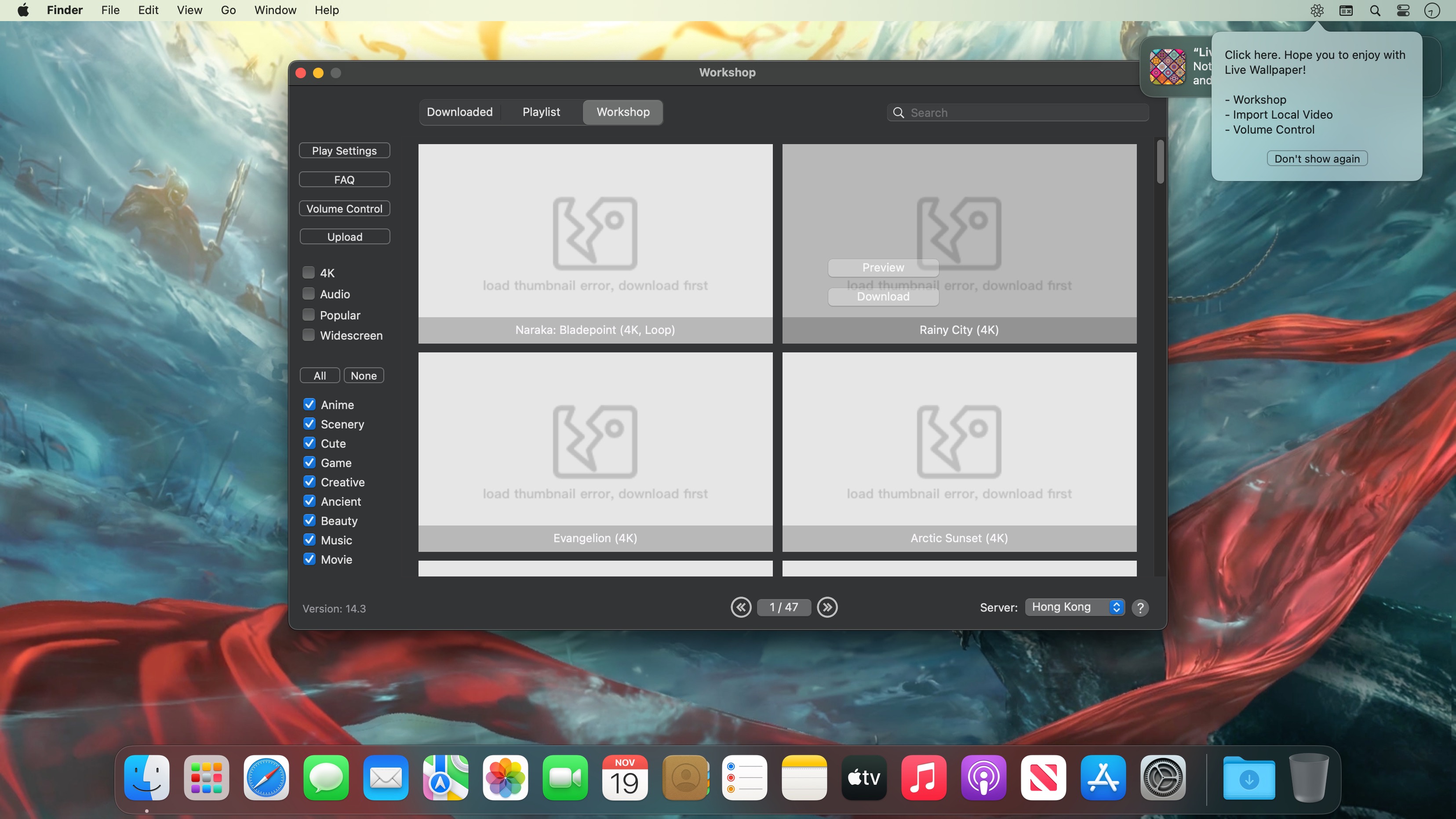
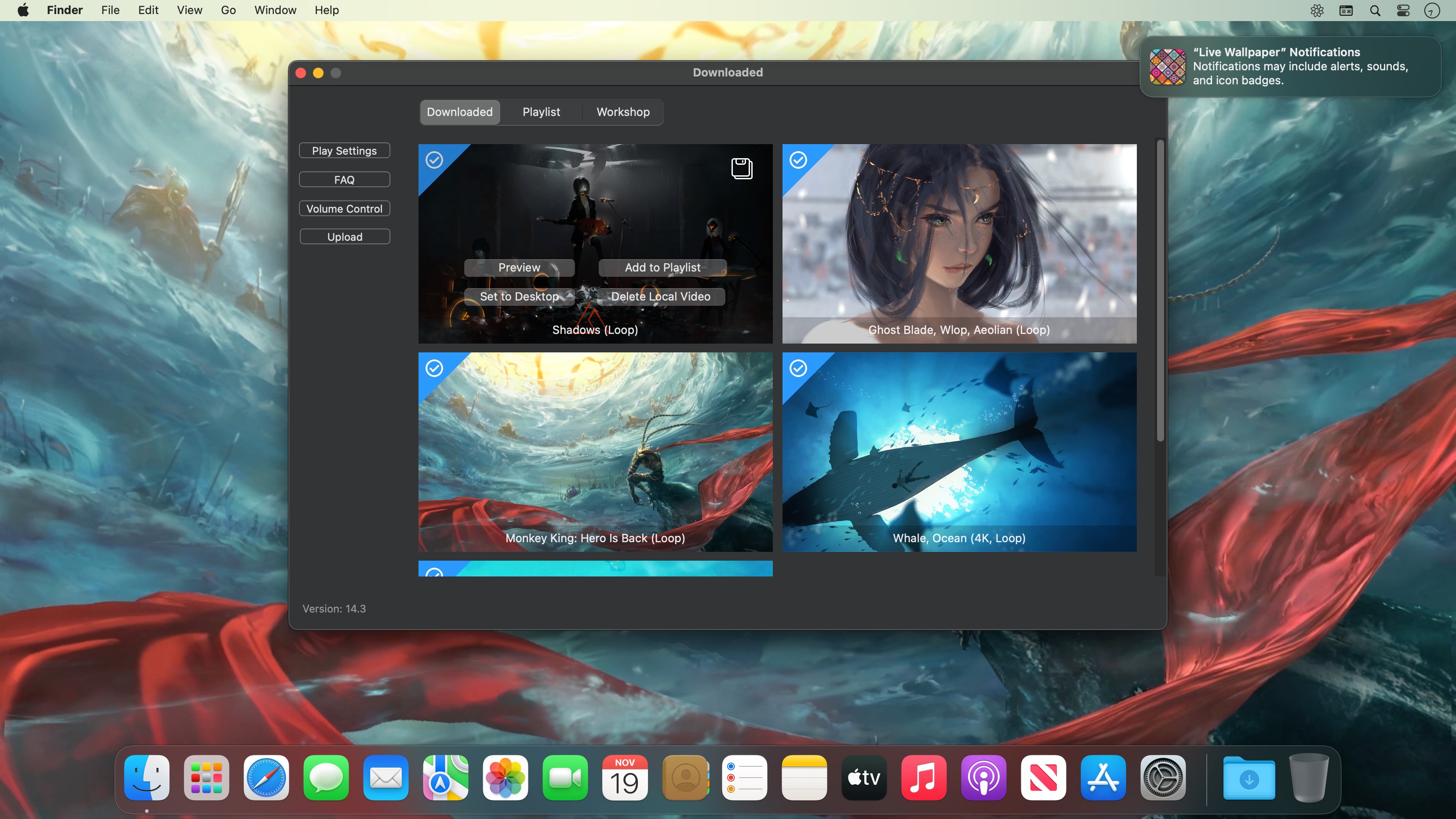
Live Wallpaper & Themes 4K allows you to use live wallpapers on your desktop/screensaver. It provides thousands of live wallpapers in the Workshop while taking as little system resources as possible. It’s the Wallpaper Engine for Mac.
Feature:
2000+ hand-picked videos which are updated every day.
Multiple types of 4K Ultra HD videos, anime, scenery, cute, game, creative, Beauty, Ancient, Movie, etc.
Supports “keyword searching” in videos.
Supports “Dynamic-ScreenSaver”, personalize your lock screen.
Easy to import local video.
Supports The playlist, list loop, shuffle loop.
Supports multiple screen aspect ratios and video native resolutions.
Set different wallpapers on different displays.
Manual control, video pause, resume and mute.
Break reminders, with flexible customization if you want it.
Supports global hotkeys to control wallpaper, hide desktop icons and show screensaver.
Auto mode, pause the video when other apps are active, not disturbed at work.
Auto mode, pause the video when Power Disconnected.
Support for hiding desktop icons.
Live Wallpaper Engine is designed to provide an interesting experience while consuming as little system resources as possible.
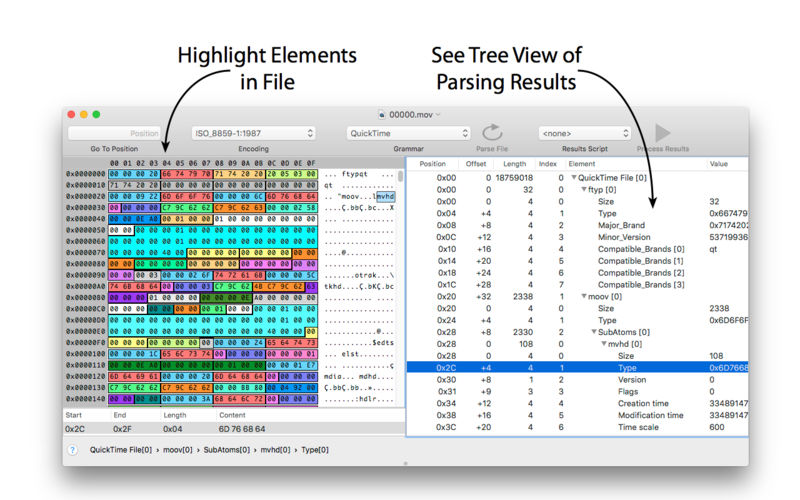
Synalyze It! Pro is a simple-to-use hex editor which will allow you to easily edit and analyze binary files of any size. It features enhanced support for many character encodings and enables you to interactively define “grammars” for various file formats to speed up analysis and reduce manual decoding of files. Incremental search for strings and numbers, printing and other features make it a quite powerful tool.
Pro-Only Features
– Scripting editor
– Custom element types (scripted)
– Scripting element
– Export results to XML or Text
– Multi selection of results
– Go to Position in Toolbar
– Reference external grammars
– GraphViz export for grammars
– View columns in Hex Editor
– Select font in Hex Editor
More…
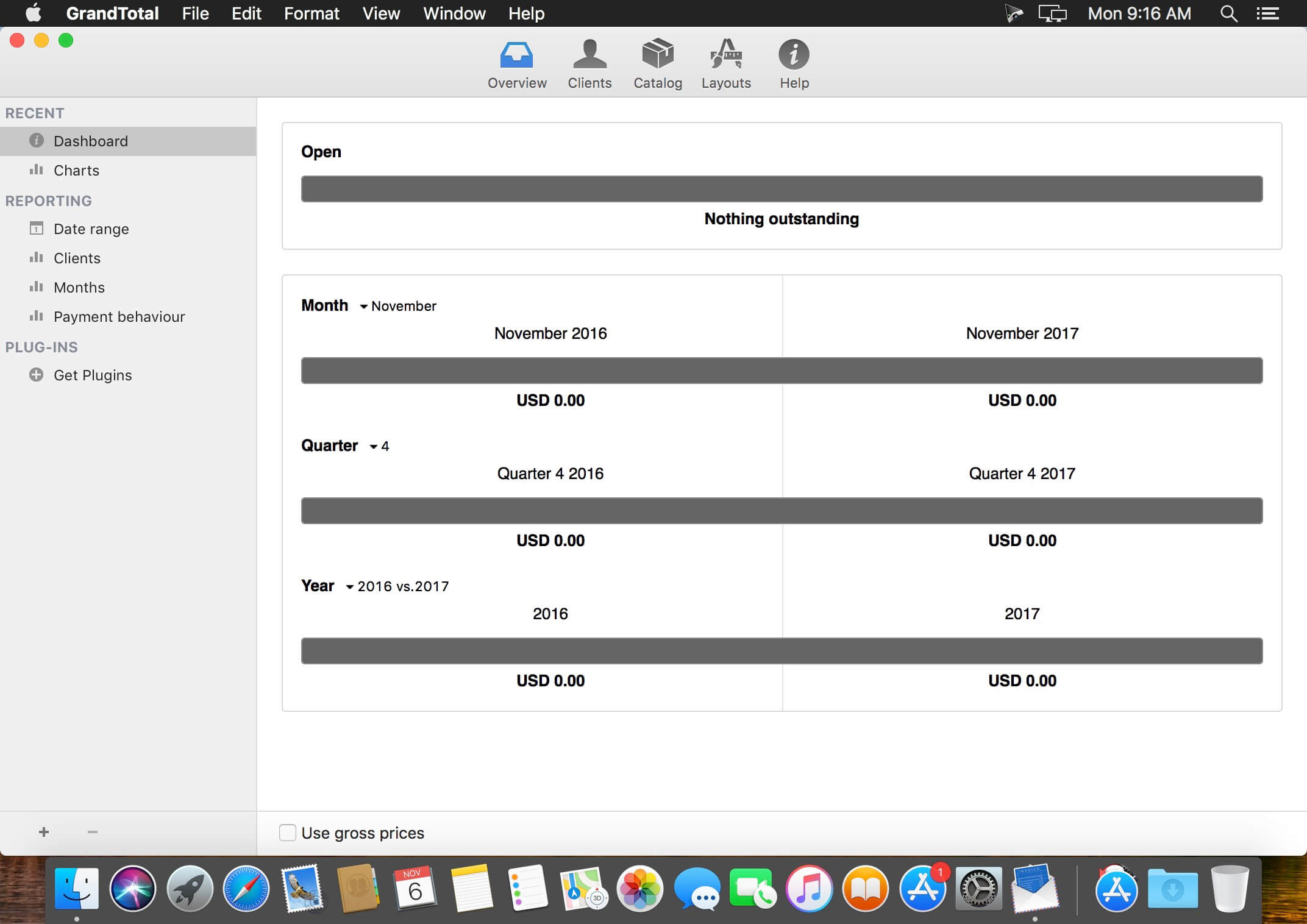
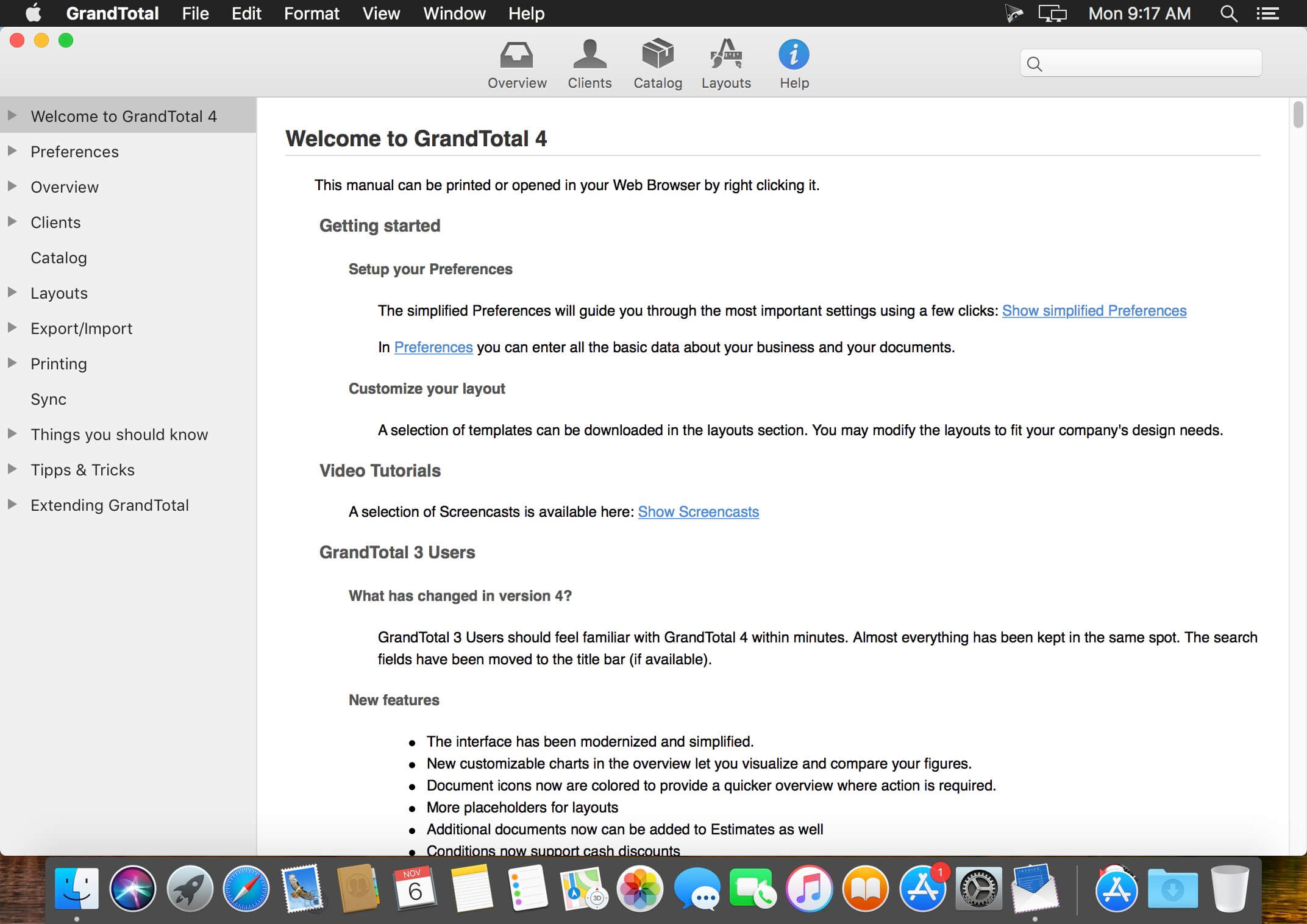
GrandTotal is an application to create invoices and estimates based on your own templates. The built-in template editor allows you to adjust your layout to fit your company’s corporate design. GrandTotal works great in conjunction with TimeLog.
What’s New:
GrandTotal 8.0
Classic
Added: Cost prices & margin calculation
Added: Number fields can calculate formulas
Added: Markdown like lists in descriptions
Added: Multiple conditions for estimates
Added: Sending mails via SMTP
Added: Sending mails via Gmail
Added: Archiving of company contacts
Added: Fast typing of discounts
Added: Custom rates on documents
Added: Custom numbering on additional documents
Added: Grouping of external documents
Added: Export Cards from client reports
Added: QuickLook previews for work time
Added: Analytics by Project
Added: Send to Accounting
Added: Support for Stripe payments
Added: Customizable mail attachment name
Please note, that most of new Classic feature were already available in the subscriptions
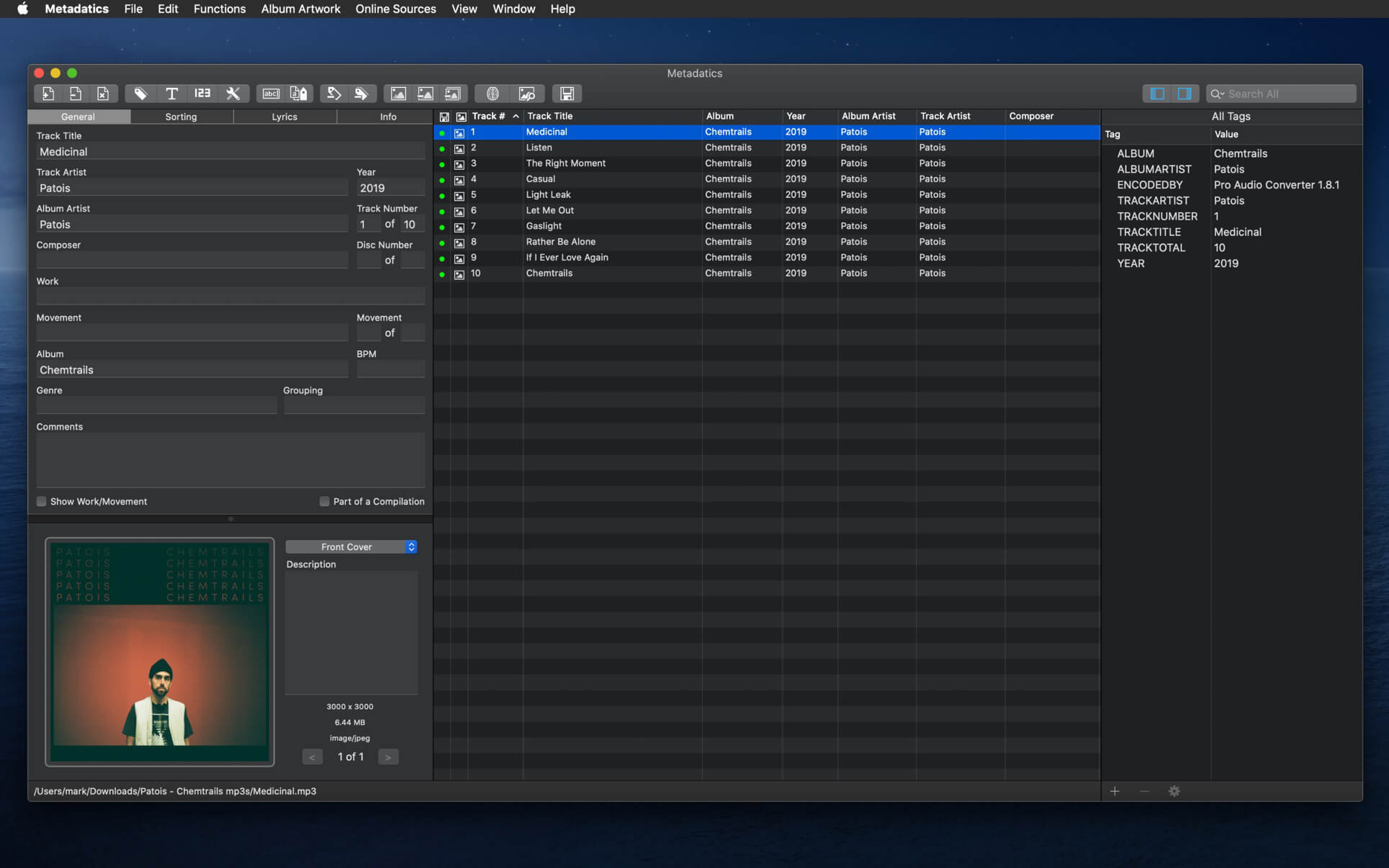
Metadatics is a powerful and advanced audio metadata editor. It supports batch editing of most common audio file types including MP3, M4A, AIFF, WAV, FLAC, APE, OGG, WMA, and more. Lookup metadata from online sources, rename files based on metadata, or manipulate metadata using one of the many built in functions. Metadatics provides all you need to edit metadata with ease and flexibility.
Metadatics Main Features
Batch Editing – Edit multiple files at once quickly and easily.
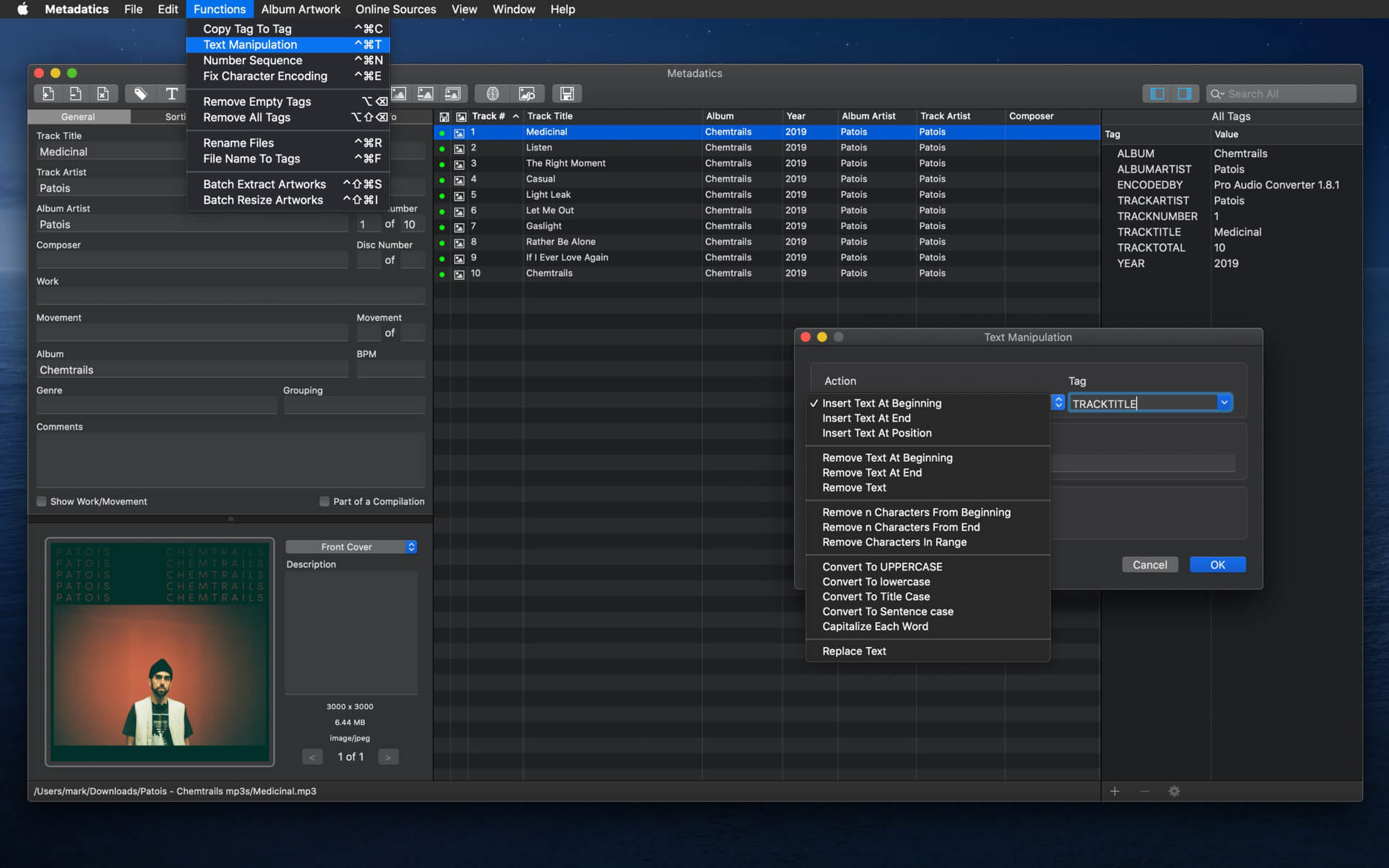
Functions – Metadatics has a number of built in function to quickly manipulate data. Replace text, remove characters from the beginning or end of a tag, generate number sequences, copy from tag-to-tag, and much more!
Online Sources – Search for tags on MusicBrainz and album artwork on Google.
Album Artwork – Metadatics supports reading and writing multiple images per file. Artwork can be extracted or resized either in a batch or individually.
File Rename – Generate directory structures and rename files based on metadata.
Support For Many Metadata Formats – Metadatics supports reading and writing ID3v1, ID3v2, MP4, Vorbis, APE, and ASF tags all from a variety of audio file types.
A very simple yet powerful application that makes it very easy to clean and optimize your Mac and to protect your privacy and security while online. MacBooster is a simple and user-oriented Mac application designed from scratch to provides you with all the tools required to speed up and fine tune your Mac.
Free up disk space. More space for the necessary files.
The hard drive of your Mac quickly clogged with unnecessary files, such as binary files, event logs, caches, etc. This is especially true if you have a SSD-drive small size. MacBooster can find and delete these files to free up disk space. You will have more space for the files you need.
Faster – better!
When using multiple programs, your computer may slow down due to lack of RAM. Sometimes the system simply hangs, ceasing to respond to your commands! MacBooster comprises means for optimizing memory, which solves this problem. Freeing up unused memory, it increases the responsiveness of the system. MacBooster can also speed up loading of OS X, streamlining the download list.
Your personal data are protected.
The main thing – safety!
macOS operating system is well protected. However, this does not mean that you are 100% protected against all kinds of threats, including the leakage of personal data. In addition to viruses, your personal details and banking information claimed hackers and phishing sites. MacBooster virus protection for Mac OS, phishing attacks, spyware, malware and other online threats.
Do not hold unnecessary applications
MacBooster help cope with existing applications. Even on macOS can sometimes be unwittingly set some unwanted application. Moreover, after uninstalling applications often remain “tails.” MacBooster help solve these problems! Now you will have full control over all applications.
The disc is not rubber!
The hard disk can hide not only unnecessary system files, but also large files such as movies, disk images (.dmg). MacBooster can find and remove these files, freeing up disk space. In the end, Mac faylopomoyki not. Keep your computer only what you need. And do not worry, MacBooster not delete useful files.
A single backup
Many users are unaware of the existence of duplicate files, which OS X can be done. However, the accumulation of duplicates is less and less space for essential files. MacBooster detects duplicate files and offers to delete them to free up disk space.MacBooster help customize and speed up OS X. This software is able to release memory and optimize the download list and the system as a whole. MacBooster also removes unnecessary files to free up space on your hard drive. Try the program in the case, to learn about all of its features!
What’s New:
Version 8.2.0:
New Turbo Boost – Boosts your Mac ultimately
New System Status Ul – Displays information more intuitively
System Junk – Adds the support of removing Xcode junk and old application updates
Virus & Malware Scan – Optimizes the scanning process and enhances the removal of malicious extensions
Uninstaller – Uninstalls more thorough and supports uninstalling more applications
MacBooster Mini – Adds Lightning Booster and memory fr. up options
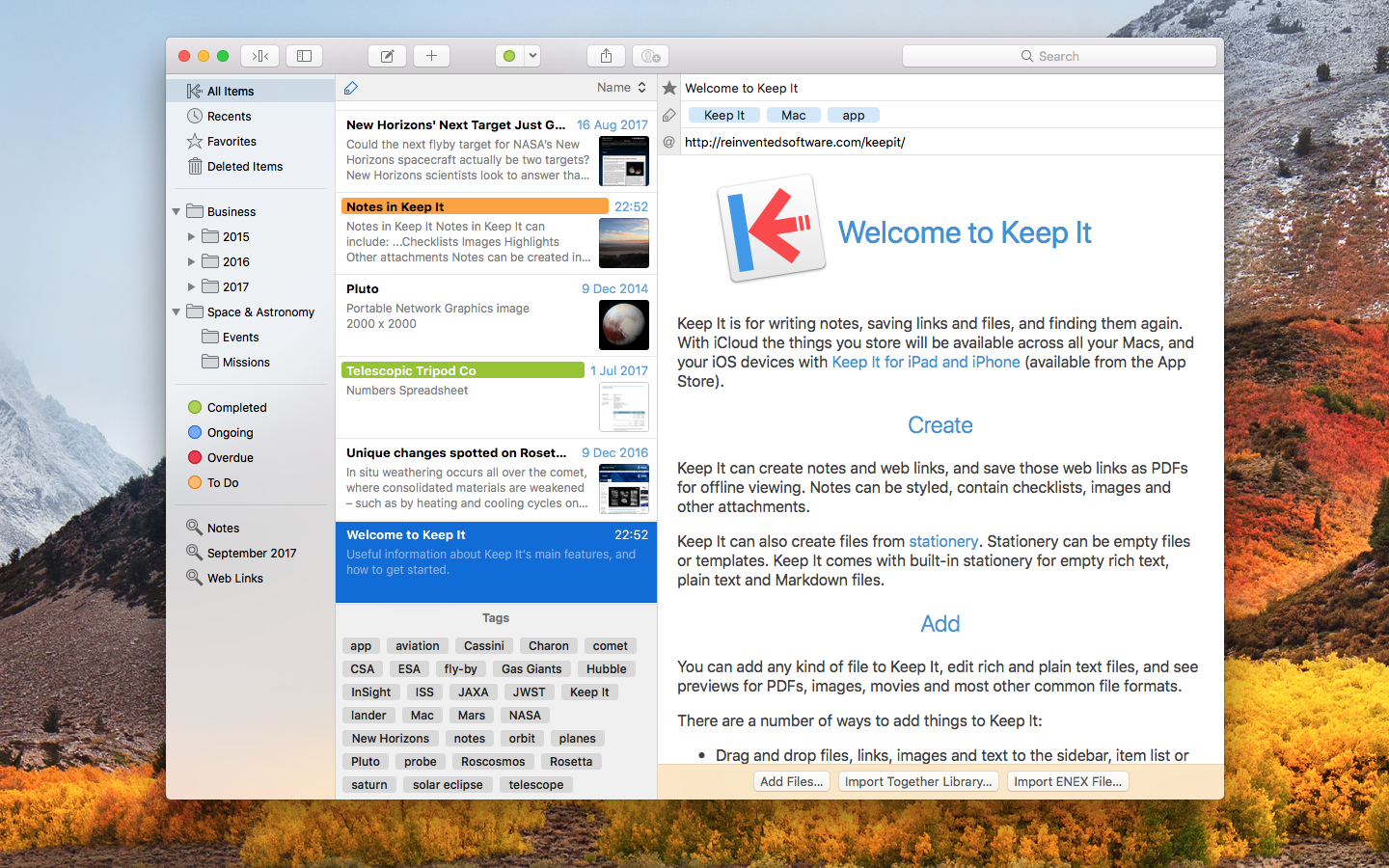
Keep It is for writing notes, keeping web links and documents, and finding them again. Available on Mac, and as a separate app for iPhone and iPad, Keep It is the destination for all those things you want to put somewhere, confident you will find them again later.
Notes and Links Make Notes
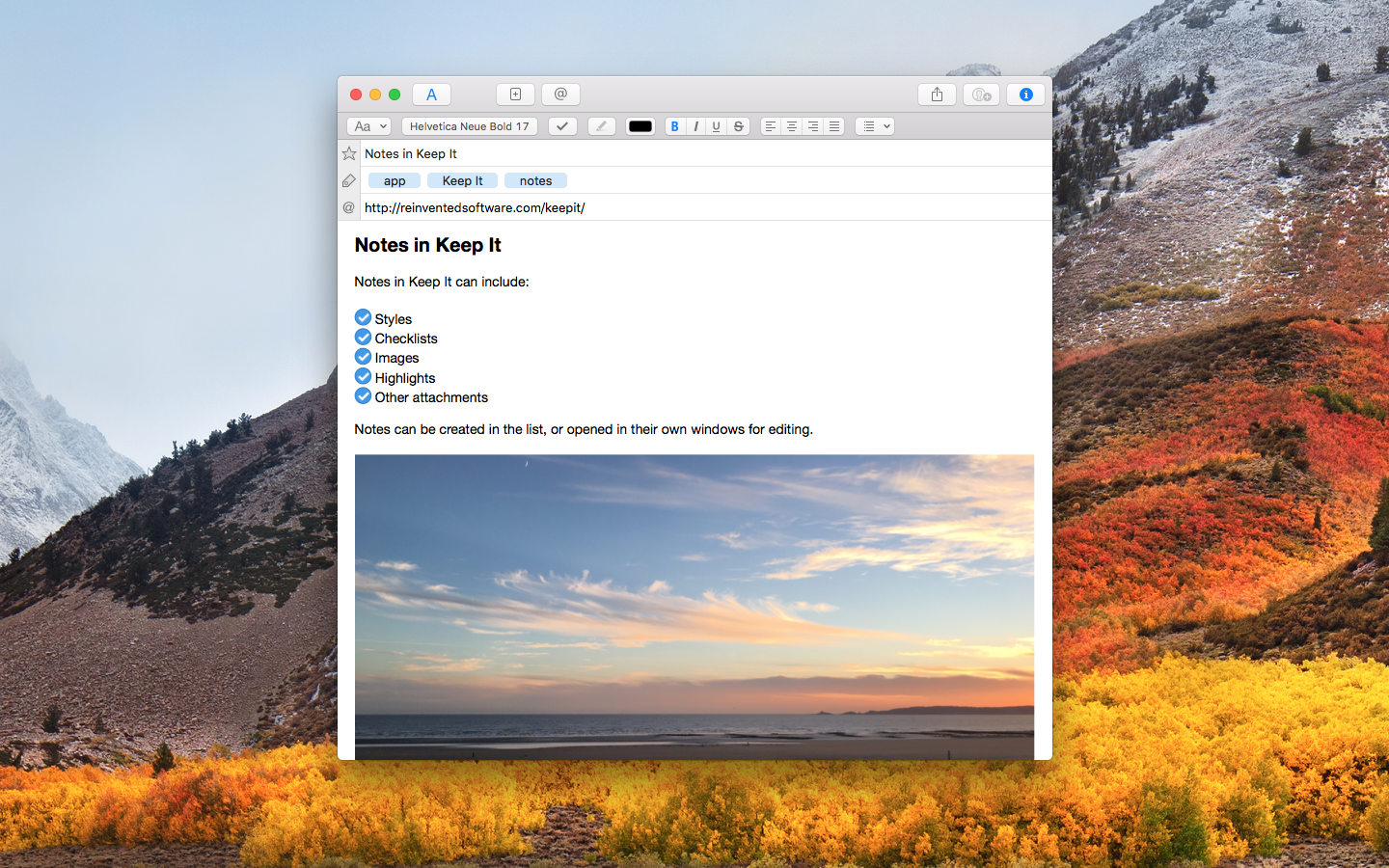
Create notes with built-in styles that look good and read well on all your devices. Notes can contain checklists, bulleted and numbered lists, images, links and other attachments.
Save Web Links
Save web links to Keep It, view them in the app, open them in your browser, or save them as PDFs for offline reading.
Files Add Anything
Any kind of file can be added to Keep It or saved to its folders, and opened for editing in their original applications. With iCloud, changes are automatically made available across all your Macs and iOS devices.
Preview and Edit
Keep It generates thumbnails and summaries for most files, can edit its own notes, rich and plain text files, and show previews for PDFs, images, web pages and most other documents.
Search and Filter Search
Keep It can search the content of most files. Suggestions appear as you type, allowing you to narrow down results to exactly what you need, or use keywords and natural language. Save searches for later reuse.
Tag Filter
Keep It’s Tag Filter makes finding things by their tags a pleasure. Choose a tag to see all the tagged items and any other relevant tags; choose another tag to drill down further.
Organize Folders
Folders let you organize items and bundles hierarchically, when needed. Select a folder to see everything it contains.
Bundles
When you need to gather things into one place, make a bundle. Items can be in more than one bundle at a time, and when you remove the bundle, everything else stays where it was.
Labels
Use labels to color-code items for quick visual recognition. Labels are listed in the sidebar so you can quickly see everything with a particular label.
More Lists
Use the Recents list to see things you’ve added or viewed lately, with the latest shown at the top. Favorites provide quick access. Deleted Items are automatically removed after 30 days.
Where You Need It Compact Mode
In compact mode, Keep It for Mac becomes a single column, ideal for using alongside other apps or in split screen.
Works with Other Apps
Pretty much anything can be dragged to Keep It, and you can also add things from a variety of apps with Keep It’s share extension.
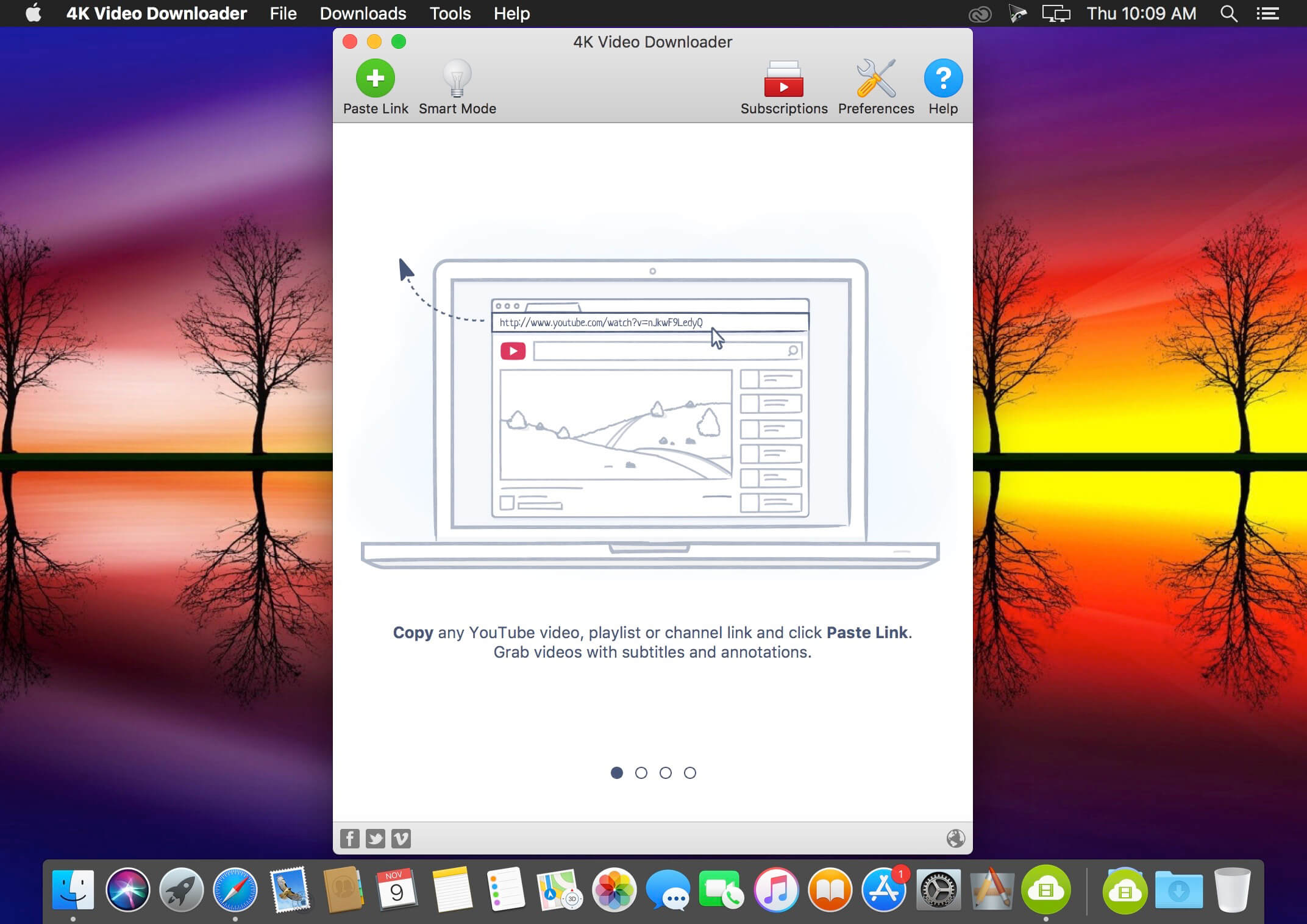
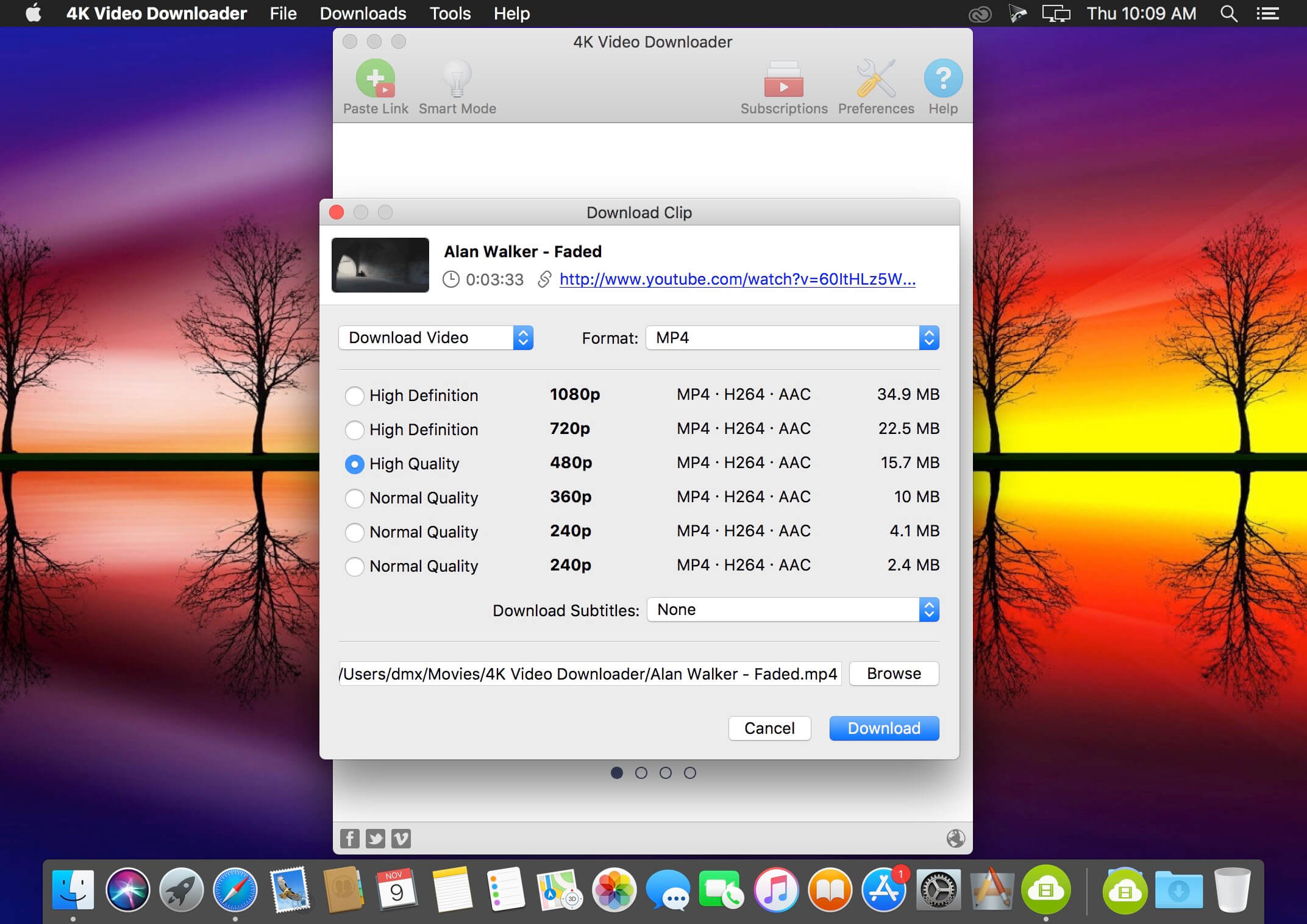
4K Video Downloader allows to download video, audio and subtitles from YouTube in high-quality and as fast as your computer and connection will allow. If you want that video on your iPad, iPhone or other device we’ve got you covered. Downloading is simple and straightforward: just copy the video link from your browser and click ‘Paste Url’. Done!
Download entire playlists and channels from YouTube and save them in MP4, MKV, M4A, MP3, FLV, 3G, generate .m3u file for playlists.
Download video in HD 1080p, HD 720p or 4K quality and enjoy high dimension video on your HD TV, iPad or other devices.
Advanced subtitles download, select if you would like to have .srt file or embedd subtitles in video file to watch it on your Mac for example.
Activate “Smart Mode” in order to apply the selected settings to all your downloads, easy and fast.
Download video in 3D format, you will find a small special icon among available formats after video parsing. It’s really impressive to watch live shows and cartoons in 3D.
Download embedded YouTube videos from any web pages, just copy/paste link and the program will find the source of download.
Download video and audio from Vimeo, SoundCloud, Flickr, Facebook and DailyMotion.
A new era for Tinderbox: the tool for notes. Tinderbox 9 is faster, more expressive, and more helpful than ever – the invaluable tool for capturing and visualizing your ideas.
Tinderbox’s agents automatically scan your notes, looking for patterns and building relationships. Agents help discover relationships and help make sure important things don’t get lost. Agents are easy to make and easy to modify. They’re flexible and powerful. And Tinderbox can even gather and update changing information and breaking news from the Internet. When it’s time to share your notes, Tinderbox can assemble multiple notes into one page. Updates are a breeze — even if you update several times a day. Private notes, timestamps, permanent links, archives: everything you want, just the way you want it.
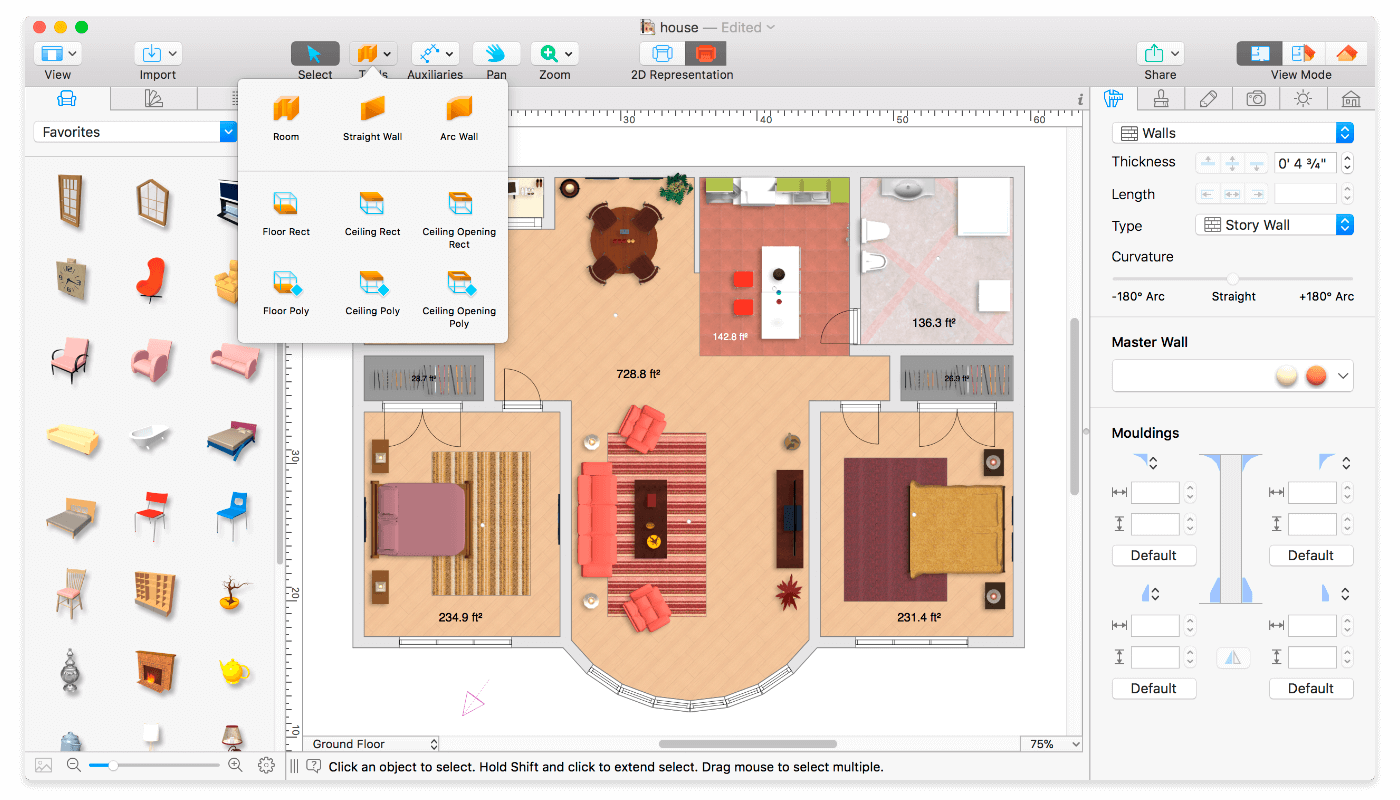
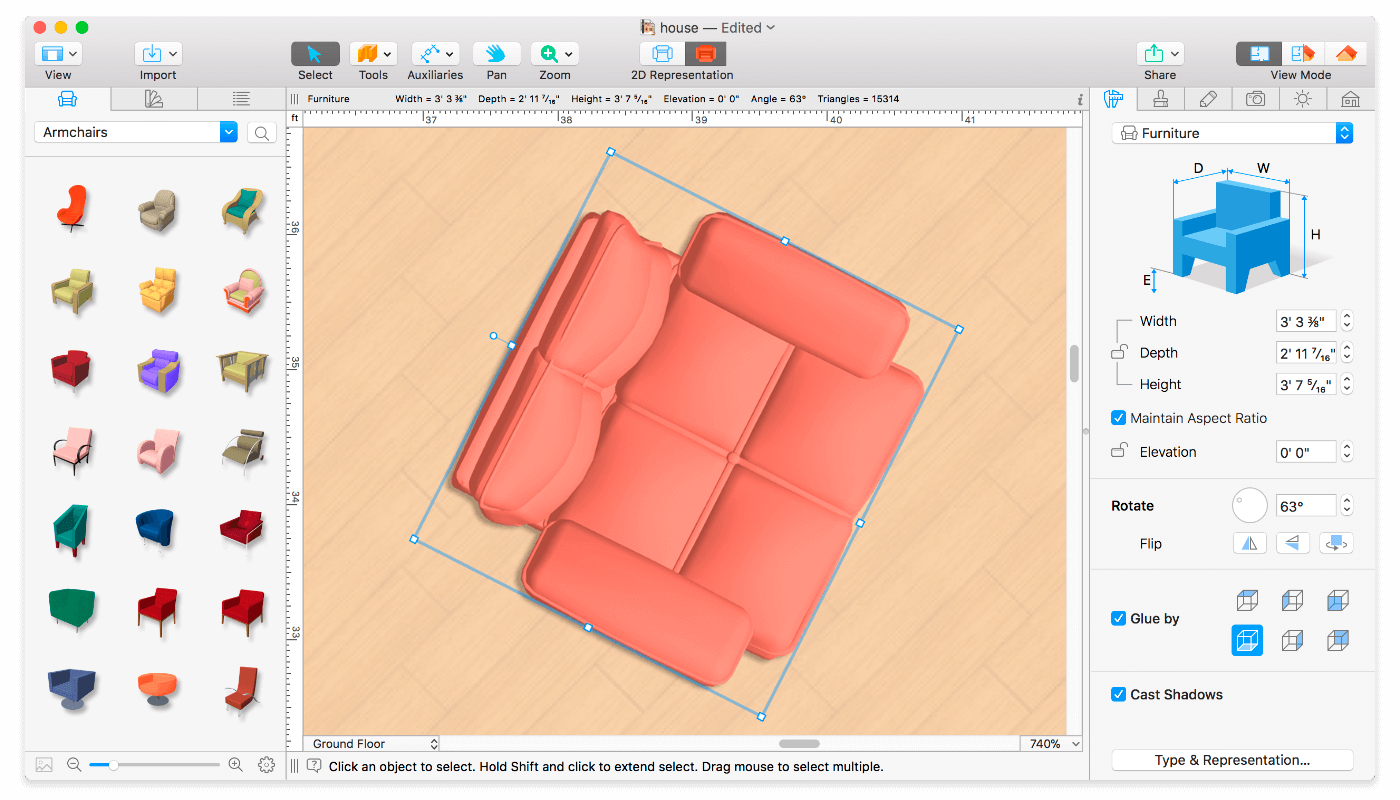
Live Home 3D Pro is the most intuitive and feature packed home design app suitable for homeowners and professional designers, a successor of Live Interior 3D. Besides offering advanced home design tools, Pro edition provides superior export quality and Elevation View mode.
General
Create detailed 2D floor plans.
Beautiful real-time 3D rendering.
Unlimited floor levels. (Pro edition only)
A collection of in-depth video tutorials.
Built-in Help Assistant and free, quick tech support service.
Project Gallery with house projects and sample rooms.
Native Support for Live Interior 3D Projects.
Floor Plan Tools
Draw complete rooms using Room tool.
Use Arc and Straight Wall tools for drawing walls.
Elevation view. (Pro edition only)
‘Auto outline’ vector-based 2D representation for furniture.
View real-time measurements for walls, ceilings, and floors when drawing in 2D Plan view.
Select the necessary measurement units (inches, feet, meters, etc).
Use smart Dimension tool to set the distance between underlying objects or walls.
Precise positioning thanks to smart guides and object snapping.
Real-Time 3D Environment
Adjust the lighting, add and move objects, apply materials, and more right in 3D.
All changes, made in 3D or 2D, are rendered in 3D in real time.
Walk through your 3D interior.
FOV (field of view) and parallel camera projection. (Pro edition only)
Set multiple cameras to see the house from different point of views.
Achieve natural lighting by setting up true Geo position, daytime and overcast.
Adjust light fixtures throughout your project to get realistic lighting scene.
Light editor helps to add a light source to an imported objects. (Pro edition only)
Create corner windows and complex openings using the program advanced technology.
Level of details tool allows to optimize 3D object and speed up the project.
Professional Shadow Map technique makes shadows look soft and natural.
3D Models and Materials
2,000+ furniture and other models.
Import models seamlessly from Trimble 3D Warehouse (previously Google 3D Warehouse).
Edit furniture in SketchUp. (Pro edition only)
2,100+ supplied materials.
Drag and drop any image from the Finder to apply it to any surface as custom material.
Advanced material editor. (Pro edition only)
Set the exact size of a material tile to know how much of the material is needed for your house renovation project.
Import objects in SketchUp, COLLADA, KMZ, FBX, OBJ or 3DS formats by simply dragging and dropping them into your project.
Polygonal-based Block tool for drawing balconies, porches, and more. (Pro edition only)
Roofs and Dormers
Roof Assistant with 12 customizable roof templates.
Custom shaped roofs. (Pro edition only)
Add custom segments to fully customize your roof.
16 customizable dormers.
Export and Share the Result
Share the result to Facebook, Twitter, Vimeo or YouTube.
Export 3D views to JPEG, TIFF, PNG, and BMP (up to 16000 x 16000).
Share 360° Panorama JPEG images (up to Ultra HD) to Facebook.
Render a realistic video walkthrough (up to Ultra HD).
Create Stereo 3D Video, 360° Video and even Stereo 3D 360° Video.
Quickly send a copy of your project via Mail, Messages or AirDrop.
Export the entire project or selected objects to COLLADA, Trimble SketchUp, VRML Version 2.0 or X3D format.
Export to 3DS, FBX, USDZ and OBJ formats. (Pro edition only)
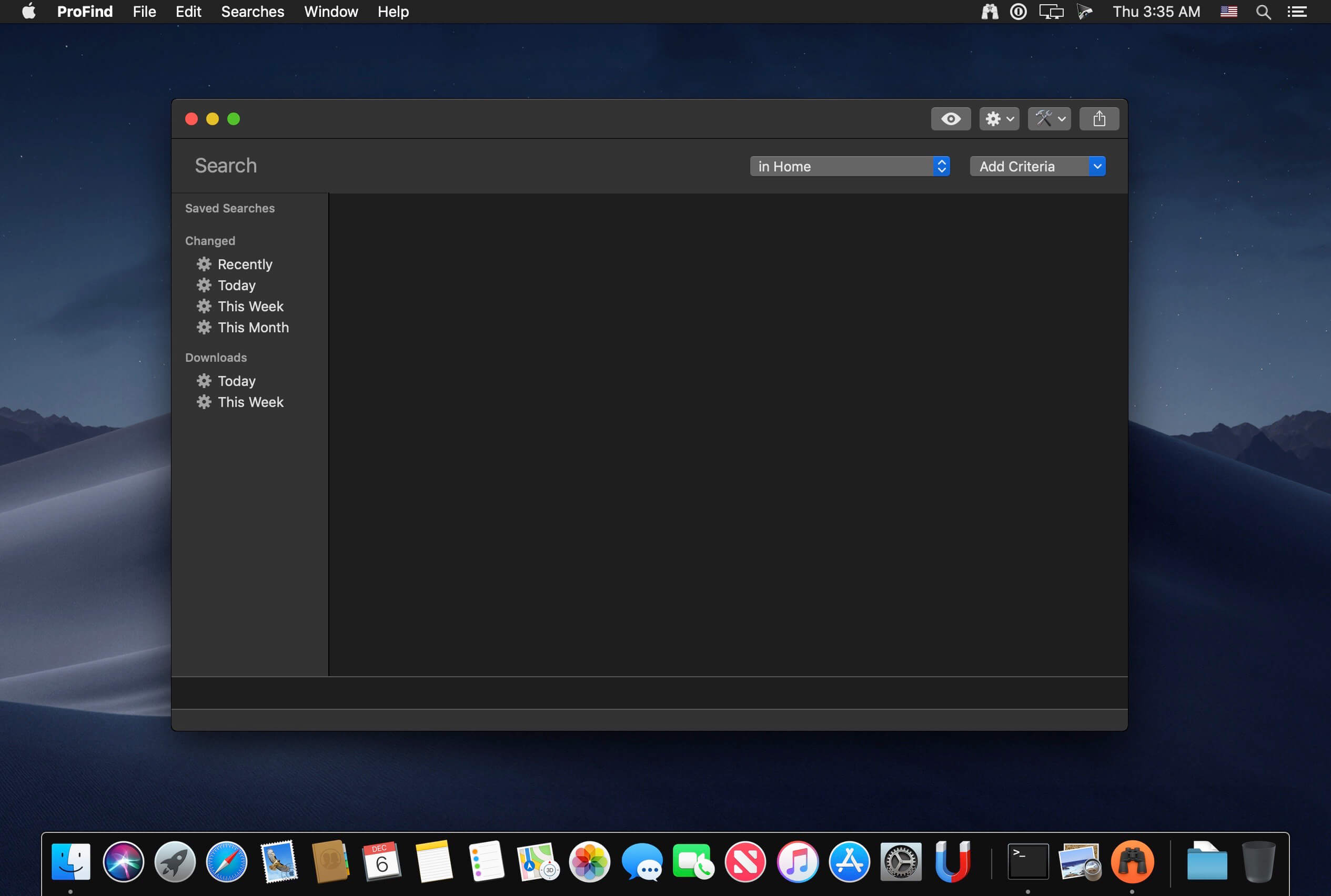
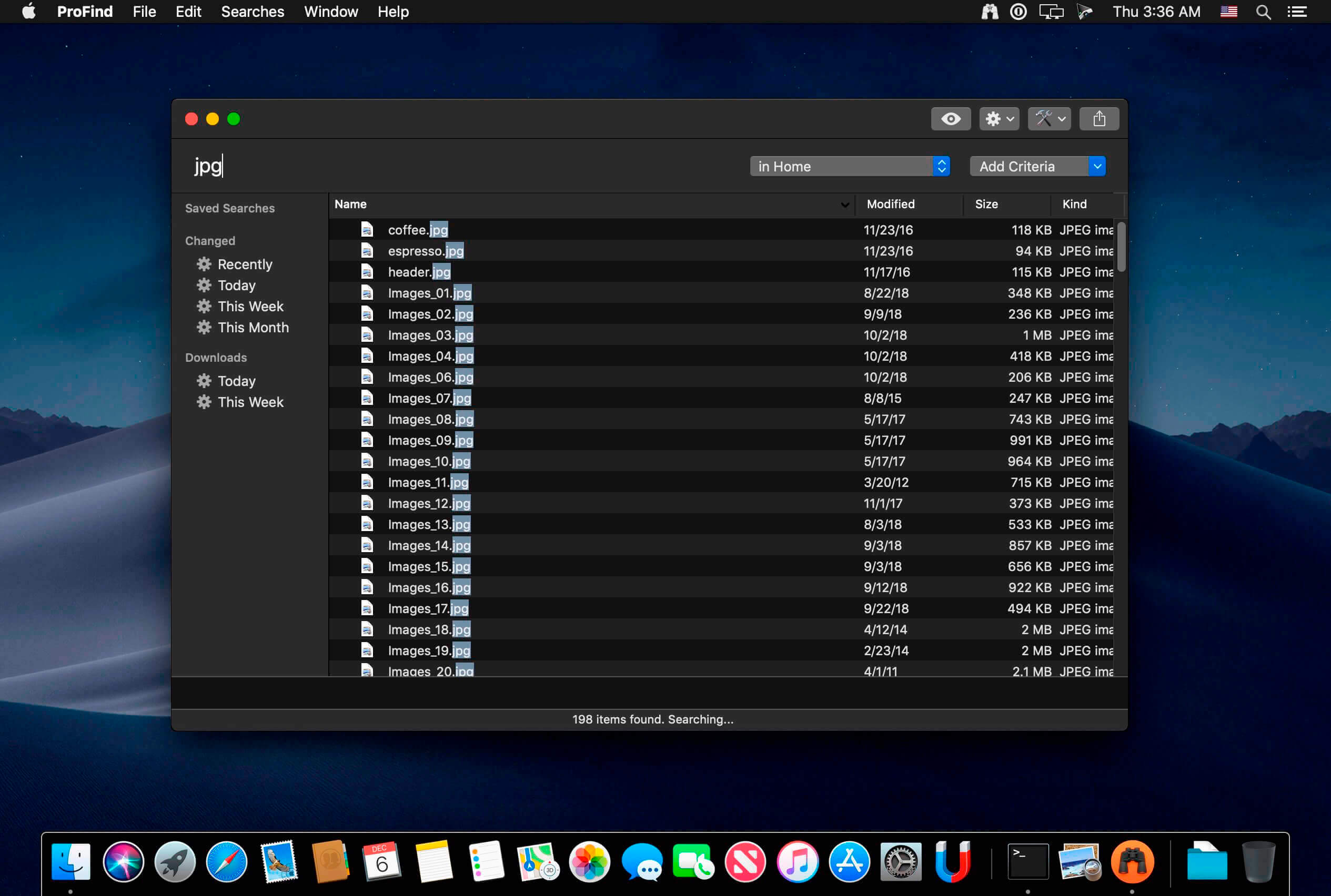
With powerful features and great performance, ProFind delivers advanced file search for macOS. And with support for natural language queries, application launching, hidden location searches, scripting and more.
Search inside invisible folders and packages. Searches any disk type.
Uses kernel based searching (searchfs) when available. Uses metadata indexes (as used by Spotlight) when available to improve performance. Autocompletion for application names. Large icon view for one or two search results.
Under it’s elegant user interface, ProFind combines the power of macOS’s different search capabilities to make sure it finds all the files your looking for. And it’s been carefully tuned for performance and responsiveness.
If you are just careless to drop your iPhone into water, how to recover lost photos/videos and other files from your iPhone? FoneLab iPhone data recovery specialized in recovering lost or deleted iOS data within a couple of clicks. It has 3 recovery modes for options, you can choose one to scan your device or backup files, then choose certain items to get them back.
Recover deleted or lost data from iOS Devices directly and iTunes/iCloud backup.
Trusted by top post production engineers to quickly and reliably deliver clean audio.
With version 10, we’ve added new features and functionality to address some of the most common repair problems that exist in today’s post projects, making it the definitive choice for audio post production. While there are so many other new features included, here’s a glimpse of the new RX 10 Repair Assistant, which (bonus!) will be available to use directly in your DAW.
Included
iZRX10AmbienceMatch
iZRX10BreathControl
iZRX10Connect
iZRX10De-click
iZRX10De-clip
iZRX10De-crackle
iZRX10De-ess
iZRX10De-hum
iZRX10De-plosive
iZRX10De-reverb
iZRX10De-rustle
iZRX10DialogueIsolate
iZRX10GuitarDe-noise
iZRX10Monitor
iZRX10MouthDe-click
iZRX10MusicRebalance
iZRX10MusicRebalanceARA
iZRX10RepairAssistant
iZRX10SpectralDe-noise
iZRX10SpectralEditor
iZRX10VoiceDe-noise
What’s New:
Version 10.3.0 Improvements & Updates
Spectral Repair: improved interpolation quality in the Replace mode
Feathering: optimized calculations for better performance
Feathering: expanded the available range to 5 s and 3 oct for time and frequency feathering respectively.
Improved the Audiosuite learn behavior in Spectral Denoise, Voice Denoise, and Guitar Denoise
Bug Fixes
Fixed long startup times in the RX app for sessions with long transcriptions saved
Fixed most labels for screen-readers in the Repair Assistant, Loudness Control, and Spectral Recovery modules.
Fixed an issue where rendering Spectral Denoise in Audiosuite with the Learn enabled would shift audio.
Fixed an issue where the frequency cutoffs for Spectral Recovery could not be accessed via the keyboard.
Fixed a bug in Resample with files louder than 0 dBFS.
Known Issues
Any files or RX docs opened or saved in RX 10.3.0 will not load in versions of RX prior to 10.2.0
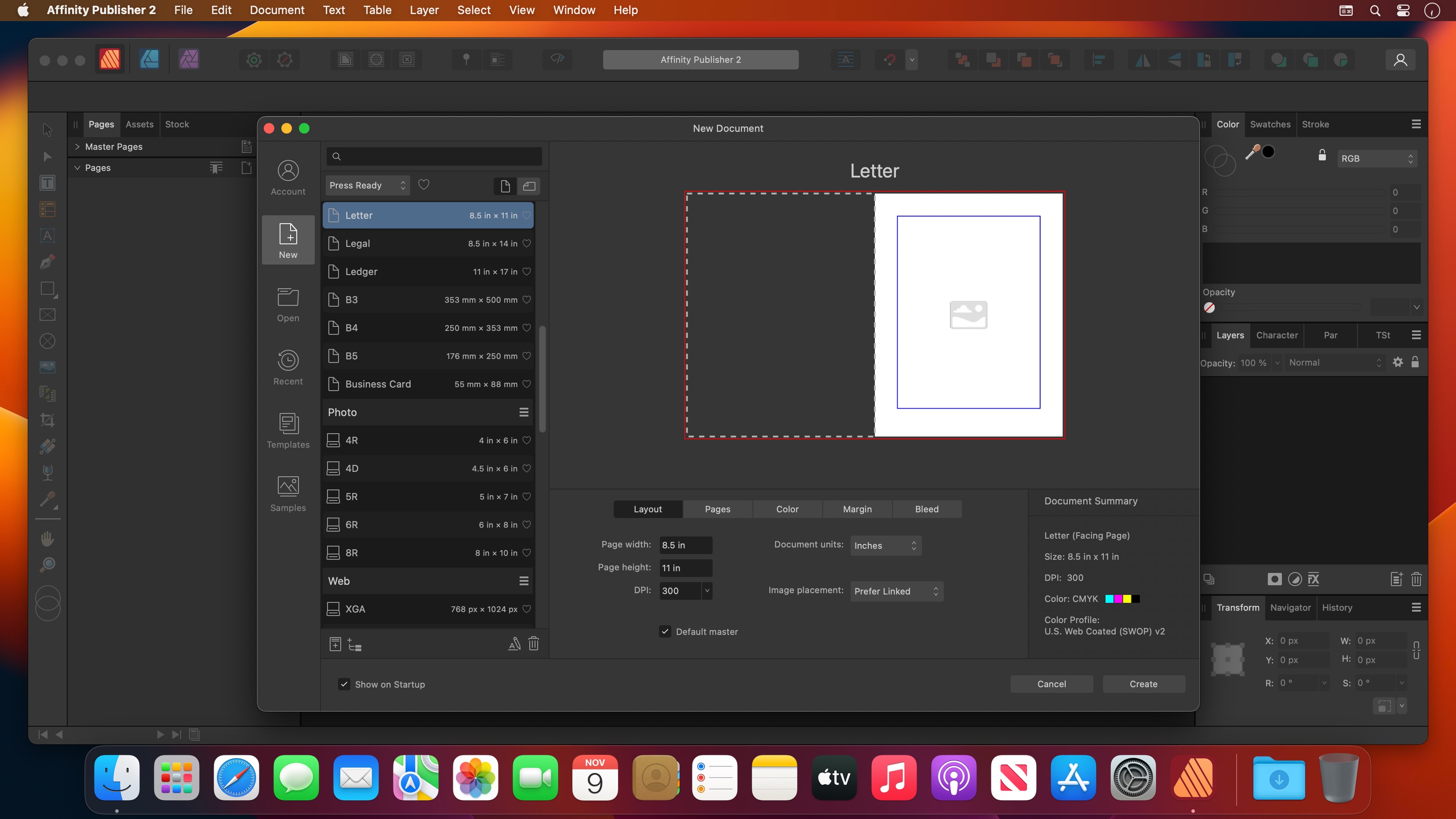
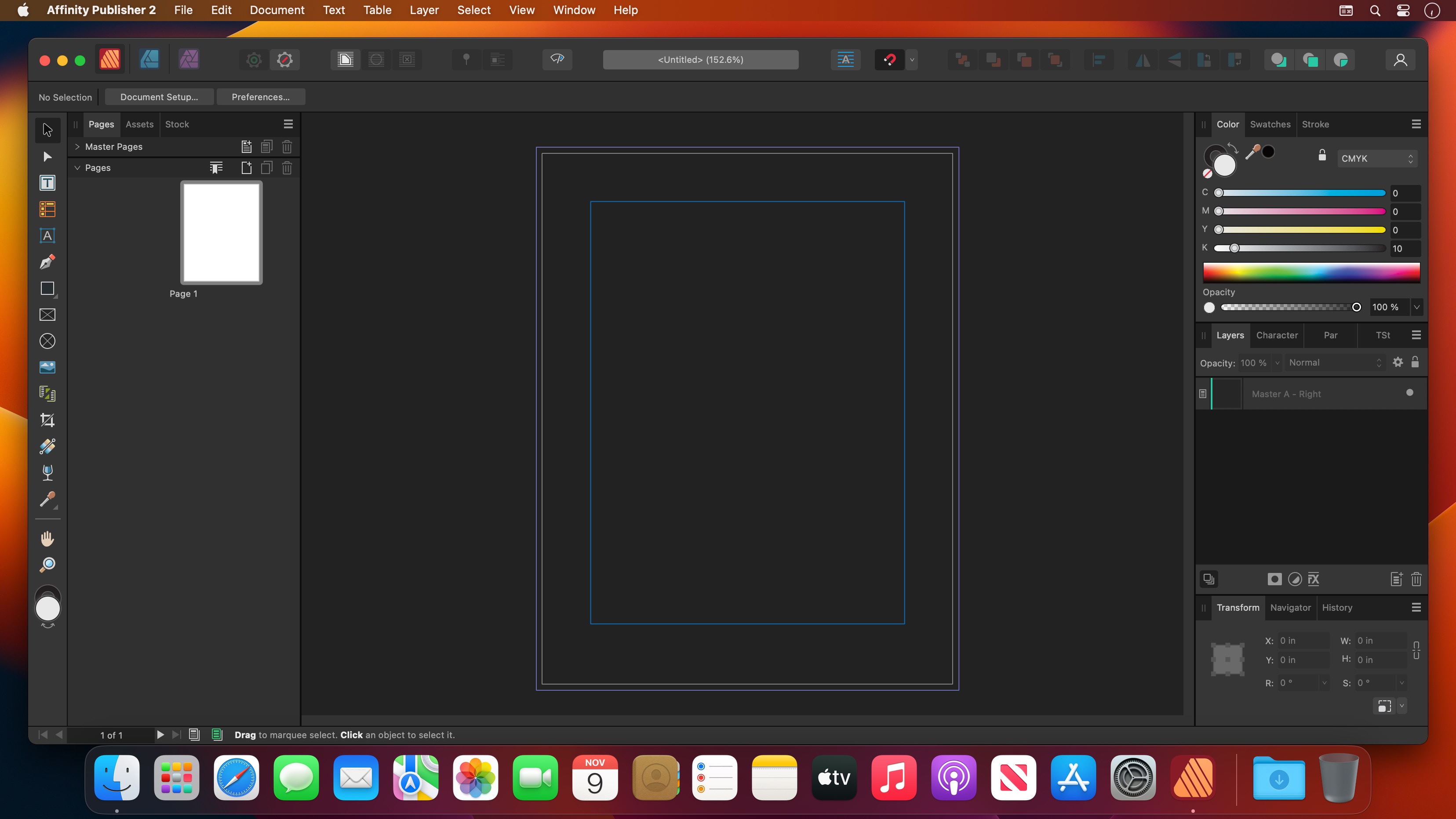
Bring your vision to life with Affinity Publisher, the next generation of professional publishing software. From magazines, books, brochures, posters, reports and stationery to other creations, this incredibly smooth, intuitive app gives you the power to combine your images, graphics and text to make beautiful layouts ready for publication.
With essentials like master pages, facing page spreads, grids, tables, advanced typography, text flow, full professional print output and other amazing features, Affinity Publisher has everything you need to create the perfect layout – whatever your project.
Double page spreads
Live master pages, including nested master pages
Image frames with intelligent scaling options
Text wrapping with fine padding control
Custom shaped text frames
Link multiple text frames together across your document
Advanced guides, grids and snapping
Tables and custom table formats
What’s New:
Version 2.0.0 (1640):
Release notes were unavailable when this listing was updated.
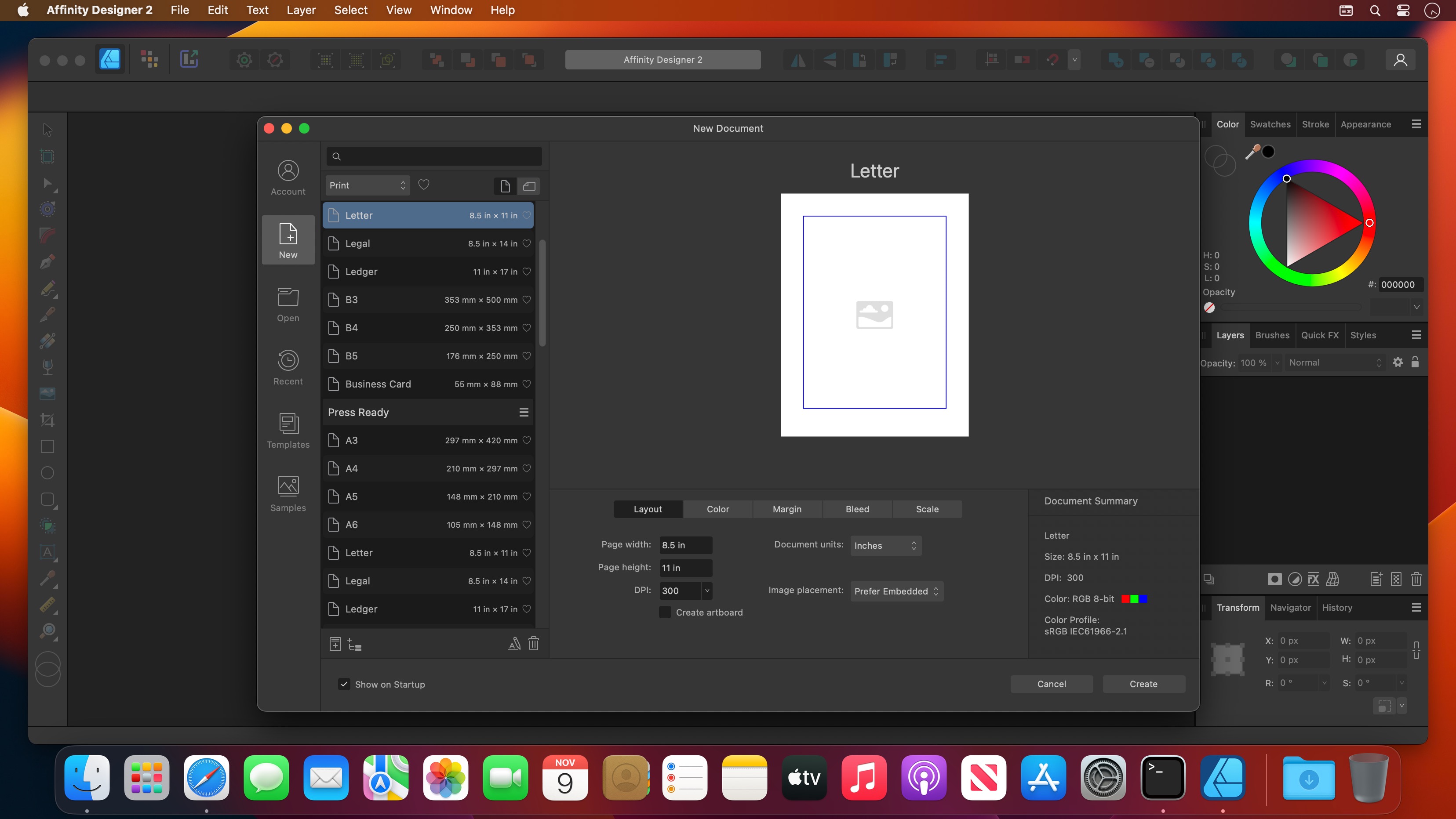
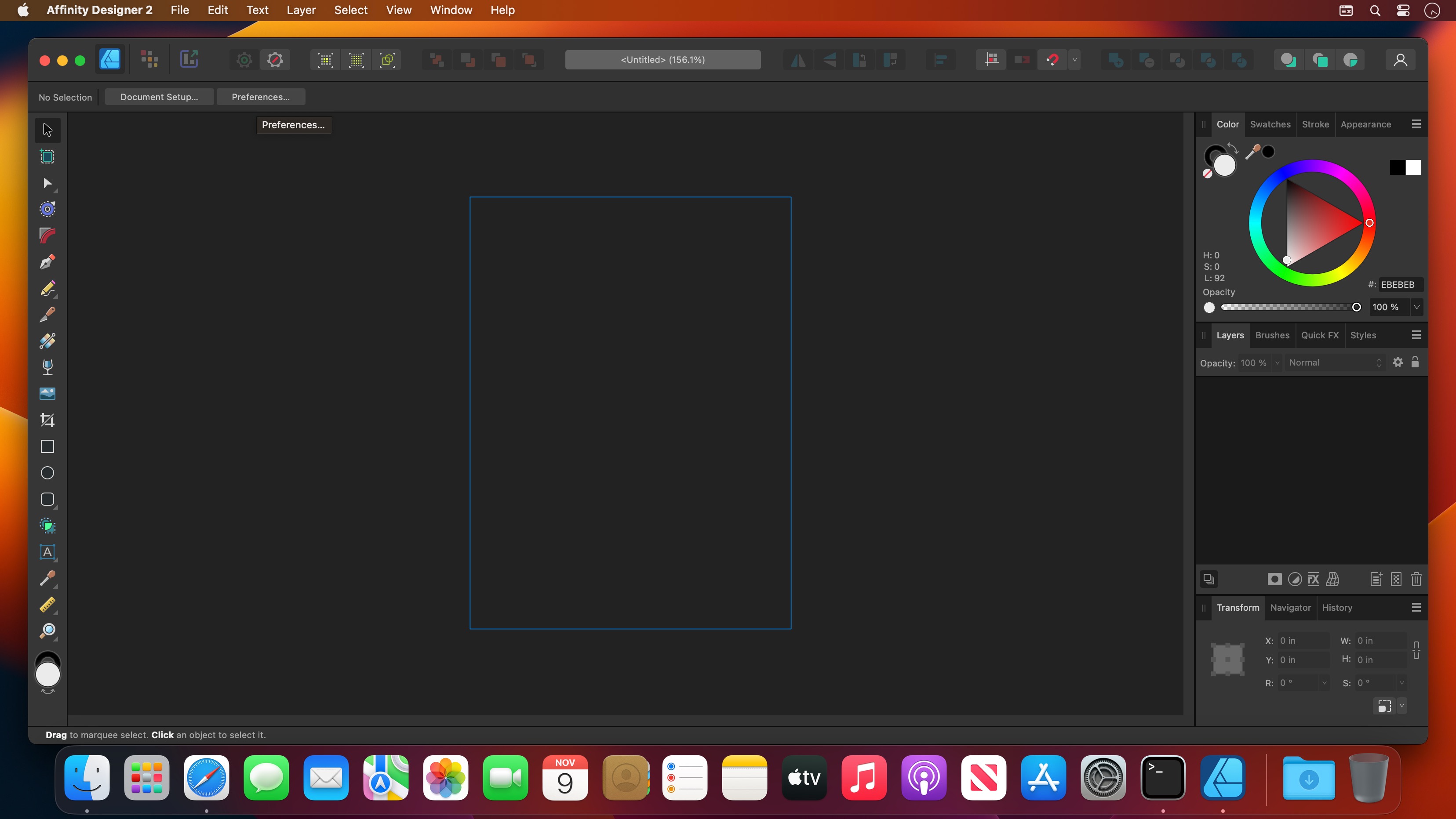
Affinity Designer is an advanced graphic design application that provides all the tools and features you might need to prepare various graphic materials for websites, interface design, icons and even modern concept art.
Professional-grade graphic design application for Mac users
Affinity Designer comes with a versatile and fully customizable workspace that enables you to work with a docked or floating UI that seamlessly integrates with macOS’ workflow features such as iCloud, Full Screen and Spaces.
From the main window you have instant access to a wide variety of design and graphic tools such as node, pen, crop, pencil and crop tools, as well as vector brushes, gradient fill tool, text, alignment guides and more.
Numerous highly customizable and powerful design tools
What is more, Affinity Designer offers accurate pixel control with a real-time pixel preview that allows you to edit in pixels if the desired result cannot be obtained solely in vector.
In addition, the suite of raster tools also includes lasso tool, pixel and paint brush, eraser, blur, dodge, burn, smudge, selection brush and sharpen.
Furthermore, you can use the pressure and velocity of a stylus and draw smooth, clean strokes that are fully editable. Consequently, you can enjoy the flexibility of brush texture and variable opacity and create natural-looking artwork while taking advantage of the benefits of vector editing.
Affinity Designer allows you to use pixel brush tools to erase and paint inside vectors in a non-destructive manner, a function that enables you to paint shadows, textures and highlights onto vector shapes with high precision.
Take advantage of the support for most popular file formats
On top of that, Affinity Designer delivers a broad collection of customizable shapes that you can adjust with the help of smart-snapping indicators and a full set of Boolean geometry operations.
Finally, Affinity Designer offers you the option to work in the desired color space, being it RGB, LAB, CMYK or Greyscale and comes with full support for AI, PSD, PDF and SVG files. At the same time, you can export areas, layers or objects independently with standard or retina versions.
What’s New:
Version 2.0.3.3 Beta:
Release notes were unavailable when this listing was updated.
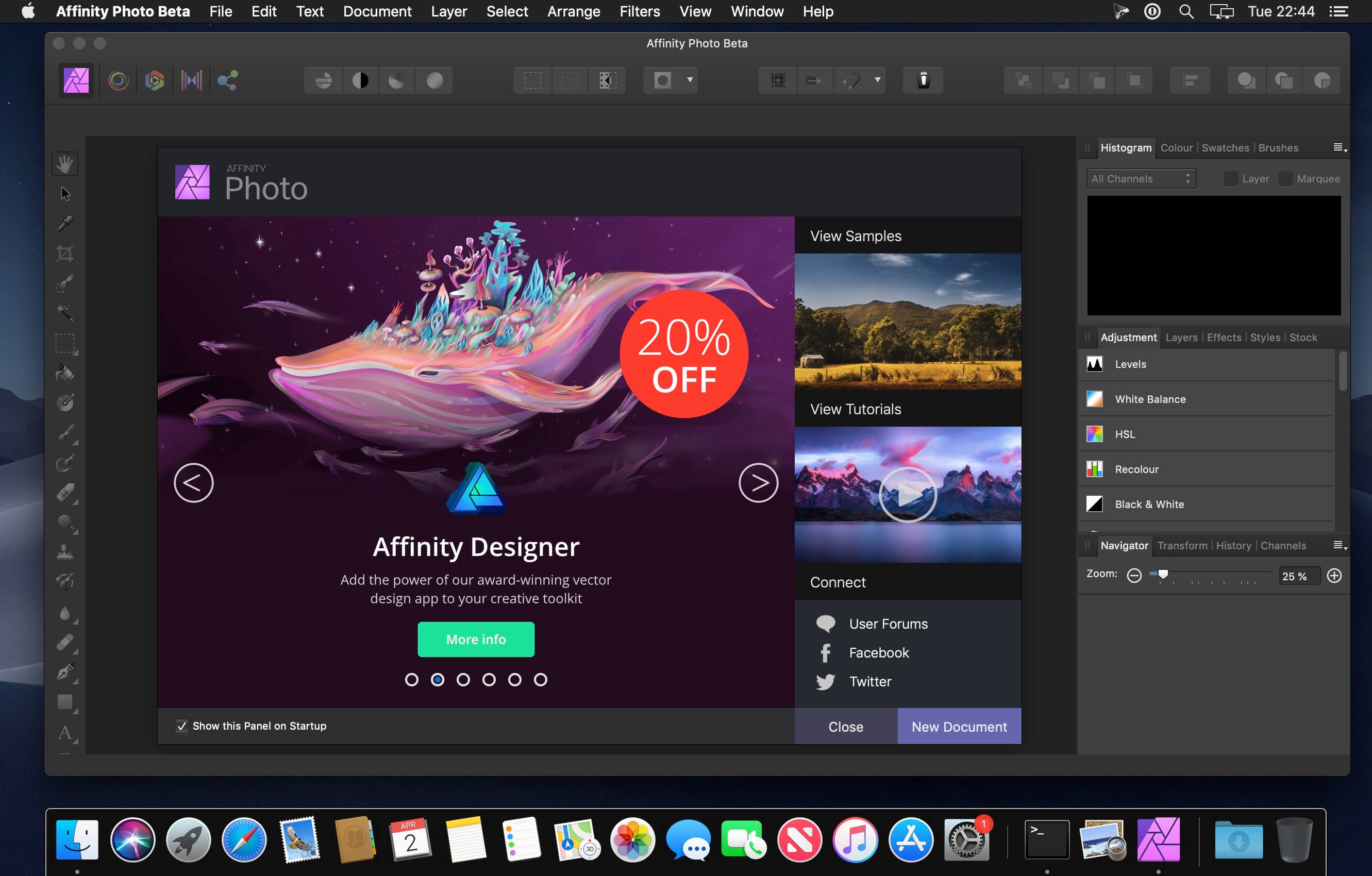
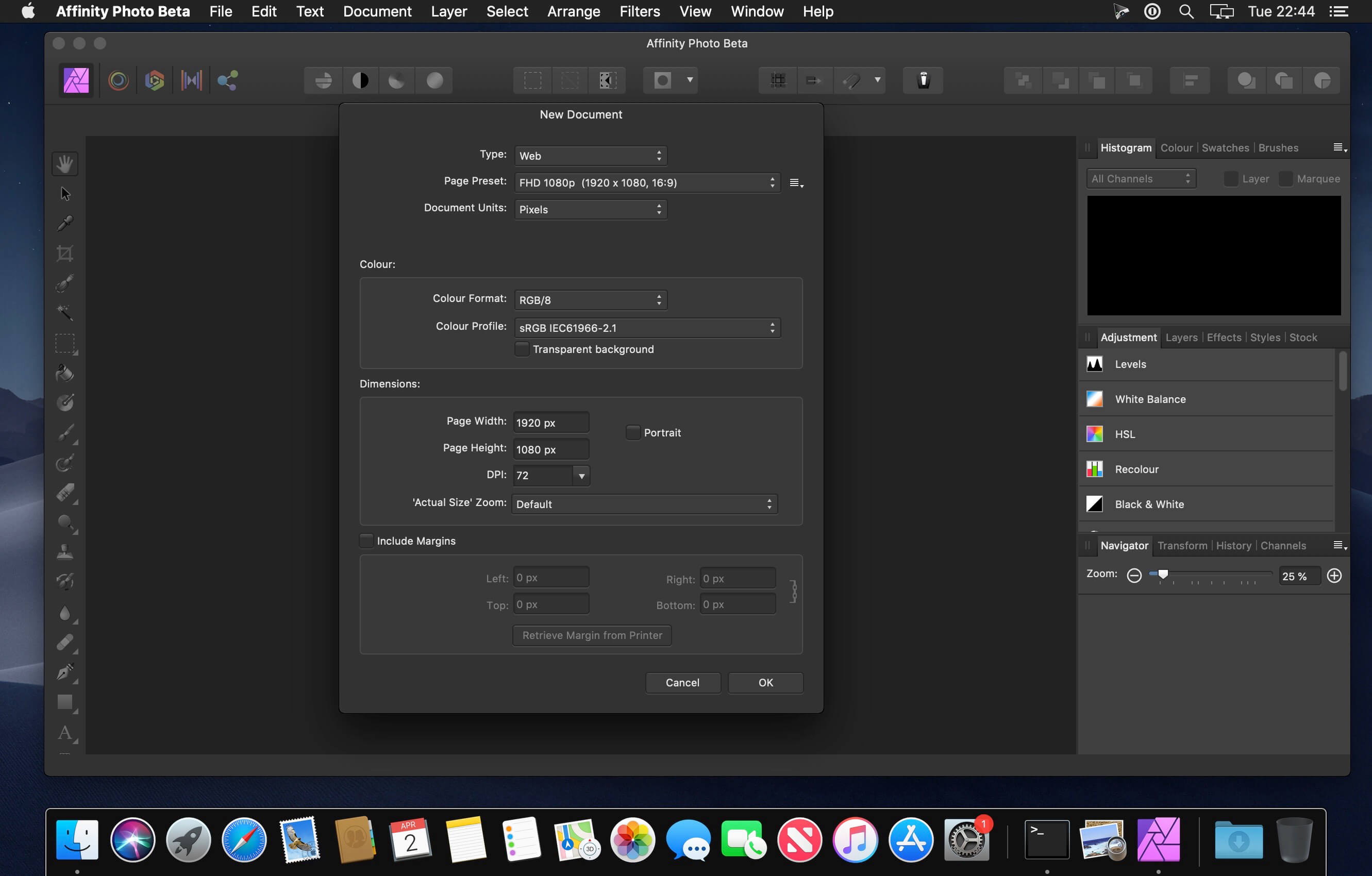
Aimed at professional photographers and other visual artists, Affinity Photo is a comprehensive and multi-platform software solution for powerful photo editing that offers an interesting alternative to other more expensive and more popular similar apps.
Keeping in mind that most fully featured photo processing apps are not what you would call resource friendly, Affinity Photo’s takes on a different approach and focuses on performance and speed, a fact that becomes obvious from the first minutes you start using it.
Everything is done with the help of the app’s five “Personas”
You interact with Affinity Photo with the help of five built-in design environments, named “Personas”: Photo, Liquify, Develop, Macro, and Export. The Photo Persona will probably the most used mode because it features all the main tools needed for basic photo editing tasks, while the Liquify Persona bundles a couple of special warping effects and useful retouching tools.
The Develop Persona is designed with RAW photo processing in mind and it provides you with full control for adjusting your image’s tones and colors, the Macro Persona is specially useful for building and applying macro presets, while the Export Persona, as its name clearly suggests, makes it easy for you to export your images, layers or image slices to a wide variety of formats.
Well organized, but not without faults, user interface
Build to be a valid alternative to other fully featured photo editors, Affinity Photo’s interface doesn’t stray from the common layout with applications of this kind, and, therefore, its majority of features can be easily accessed from the panels found in the extreme left and right sides of its main window.
Regarding its interface, the only downside would be the fact that it bundles very small buttons, which, on the long run might decrease your productivity rate, as well as annoy you at times, especially if your have a Mac with a Retina display.
Bundles a plethora of useful and powerful photo editing tools
As expected, the software enables you to work with overlays and to perform basic adjustments (clarity, contrast, exposure, shadow, highlights, vibrance white, balance, detail refinement, noise reduction, noise addition), as well as to correct the lens’ distortions and chromatic aberrations.
Furthermore, Affinity Photo helps you work with layers and perform complex layer related operations, perform retouching effects, use filters and effects from its large collection, as well as perform local adjustments with the help of its versatile brushes.
All in all, Affinity Photo proved to be a fast and powerful photo editing solution for the vast majority of Mac users, but we will probably see a lot more additions, further improvements and enhancements in the near future.
What’s New:
Version 2.0.3.316 Beta:
Release notes were unavailable when this listing was updated.
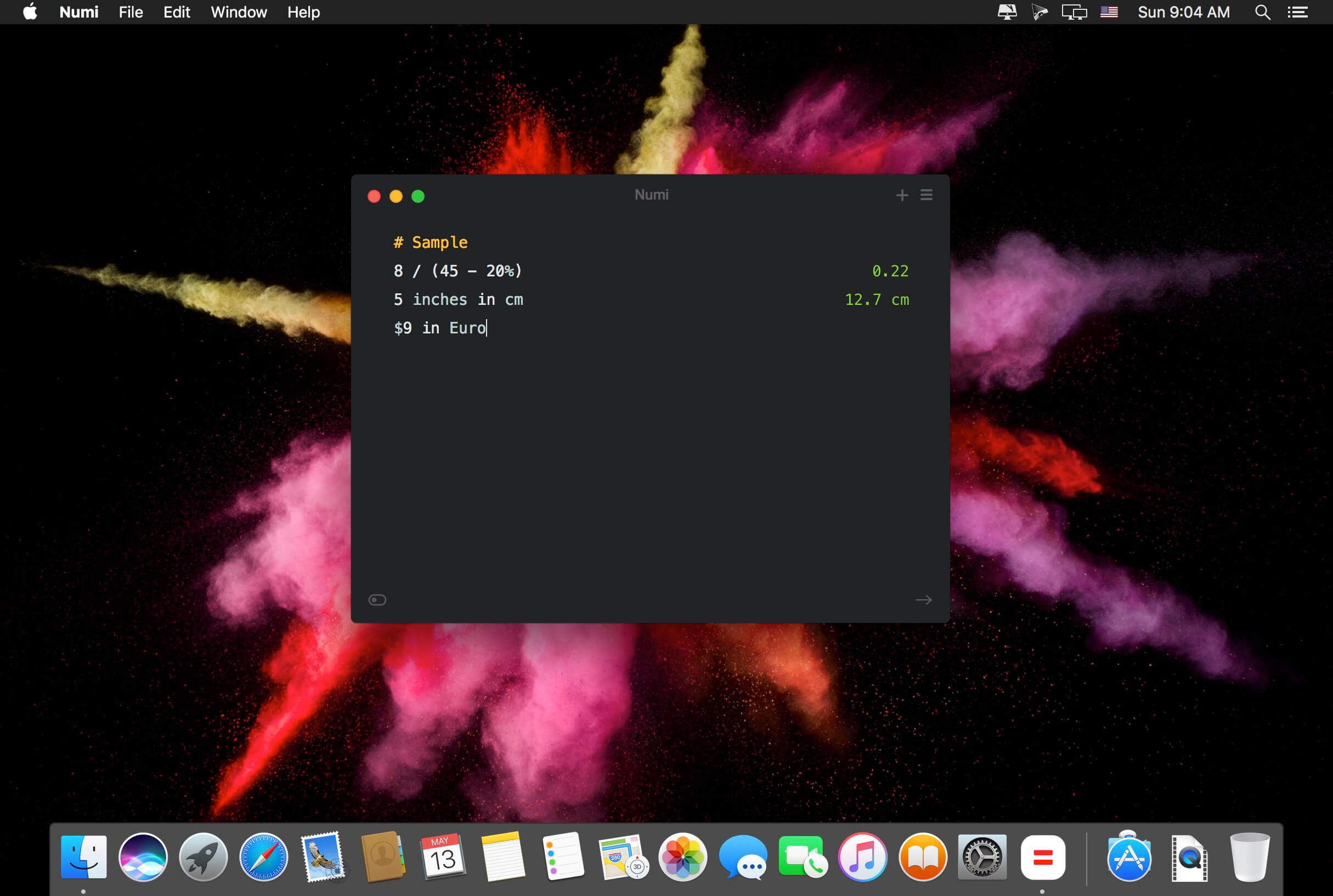
Numi is a calculator that magically combines calculations with text, and allows you to freely share your computations.
Numi combines text editor and calculator
Support plain English. For example, ‘5 cm plus 1 meter’
Unit converter: Numi supports currency, length, area, volume, time, temperature, and data size. It automatically convert units if it’s needed.
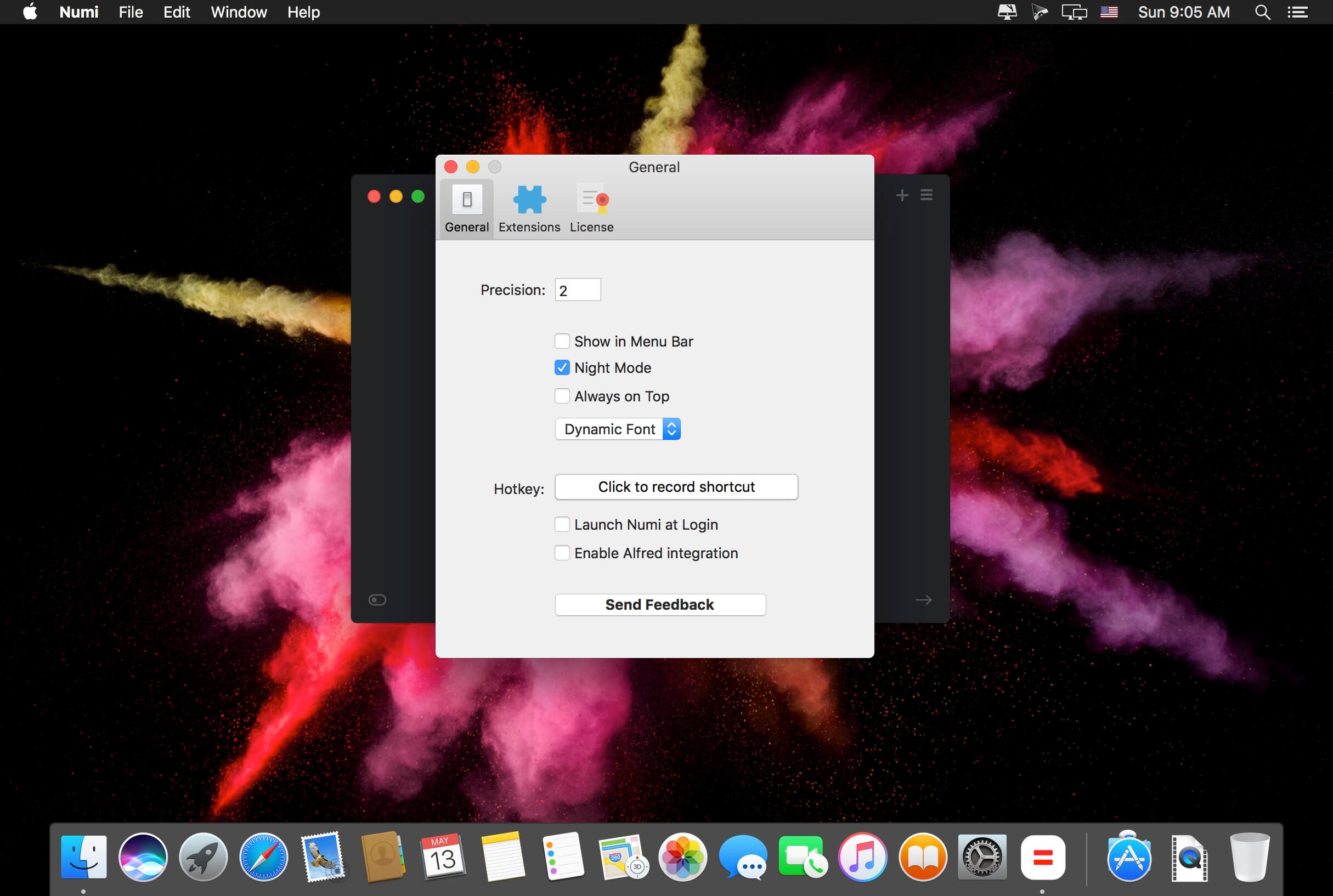
Configurable hotkey
Menubar and Dock modes
Language: English, Deutsch, Français, Italiano Dutch, Português, Русский, 繁體中文 Compatibility: OS X 10.11 or later 64-bit, 64-bit processor Homepagehttps://numi.app/
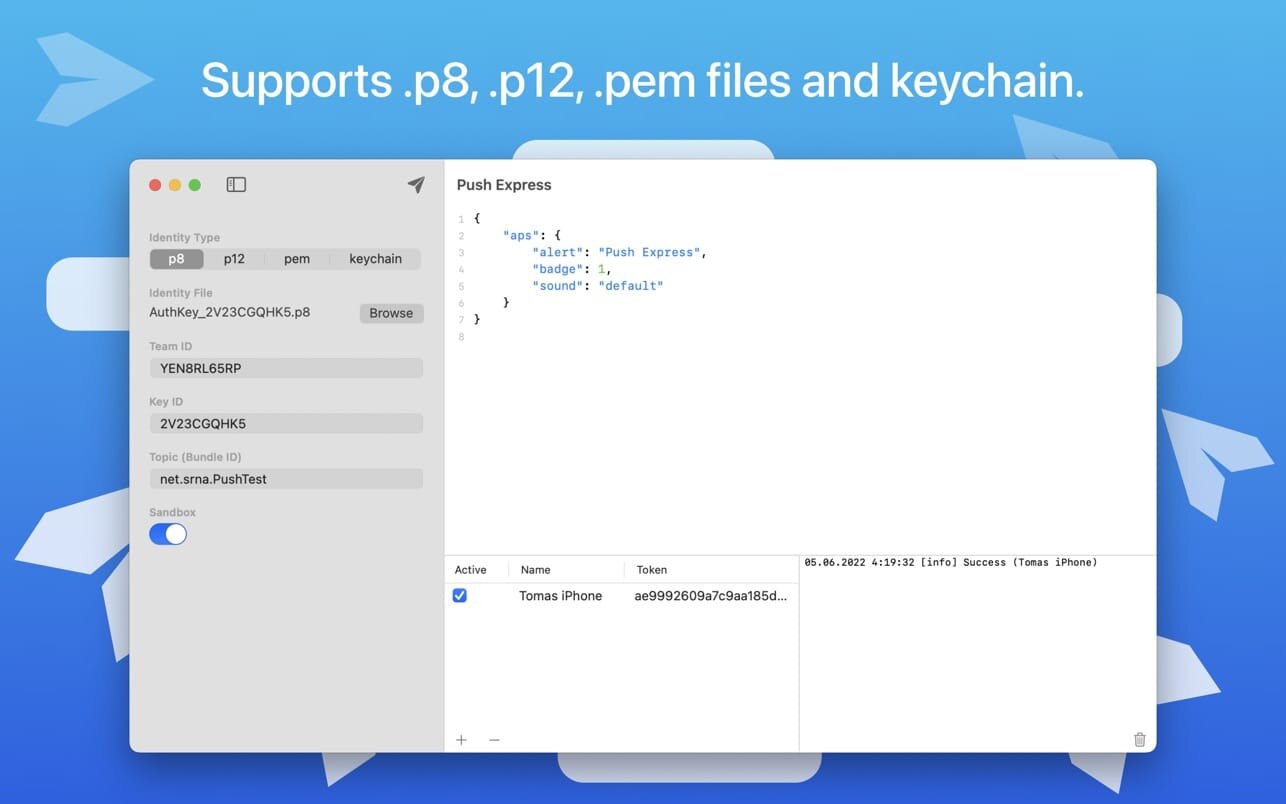
Powerful Push Notifications testing tool for developers. Supports all signing identity formats (p8, p12, pem, keychain). Good looking UI so you want to use it every day.
Supports all of known signing identity configurations
Newest P8 with JWT token
P12 exported certificate
PEM
Keychain-loaded from your keychain
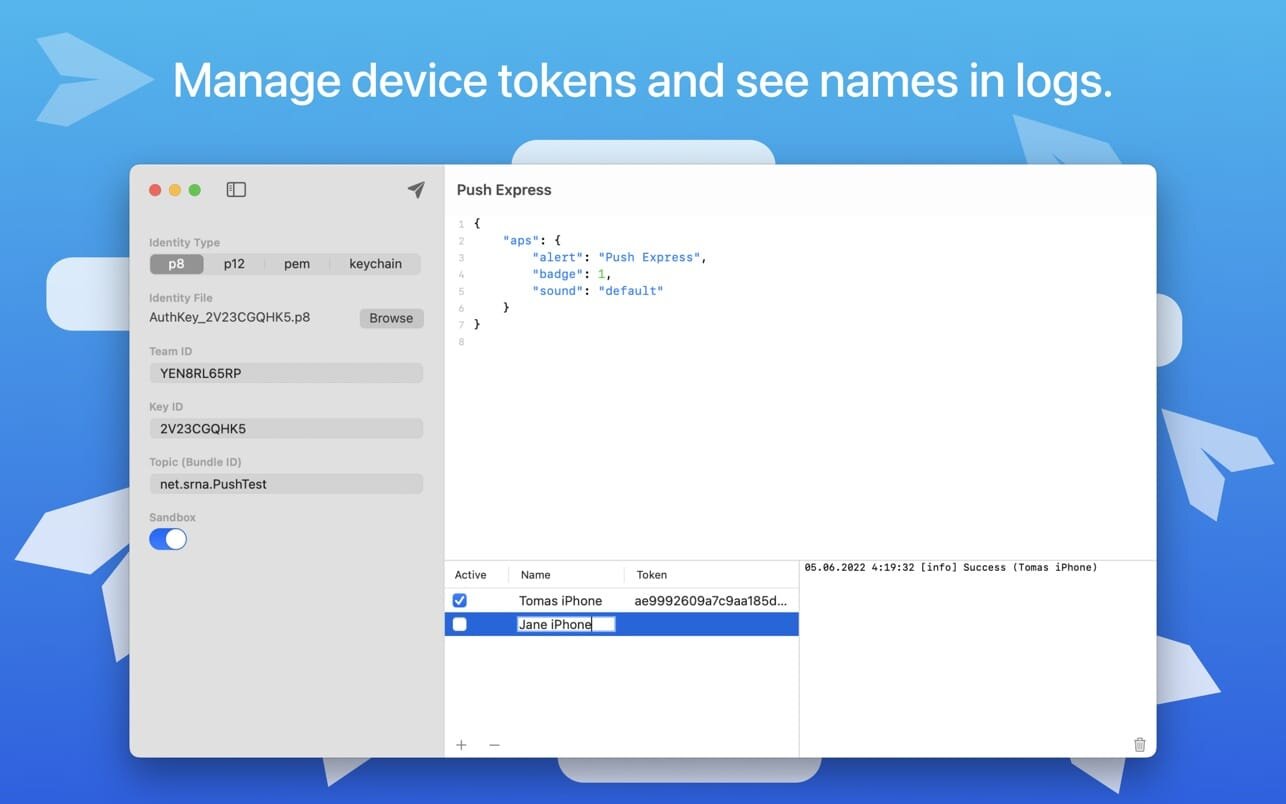
Well-designed device token management with device names and a request log using these names, so you have a good overview of which device received the notification successfully and which not. You can also activate/deactivate a device in the list, so you don’t have to reenter any previous token after it was removed from testing.
A good amount of work was put in into creating understandable error messages in case the notification cannot be sent, so even beginners know quickly what’s happened.
User’s session is persistent, so you don’t have to worry about re-entering all the data upon new run or creating a list of devices
What’s New:
Version 1.2
In this version we start to kindly ask you to rate and review Push Express. Just once per version and maximum of 3 times a year.
Download All Videos from TikTok Hashtags & Users in One Click .4K Tokkit is the ultimate application for mass TikTok content download. Save TikTok challenges, captions, whole accounts, hashtags, and single videos in high quality. Watch TikToks offline, browse your TikTok feed without ads, repost clips to other social networks.
What’s New:
Version 1.5.0:
Release notes were unavailable when this listing was updated.
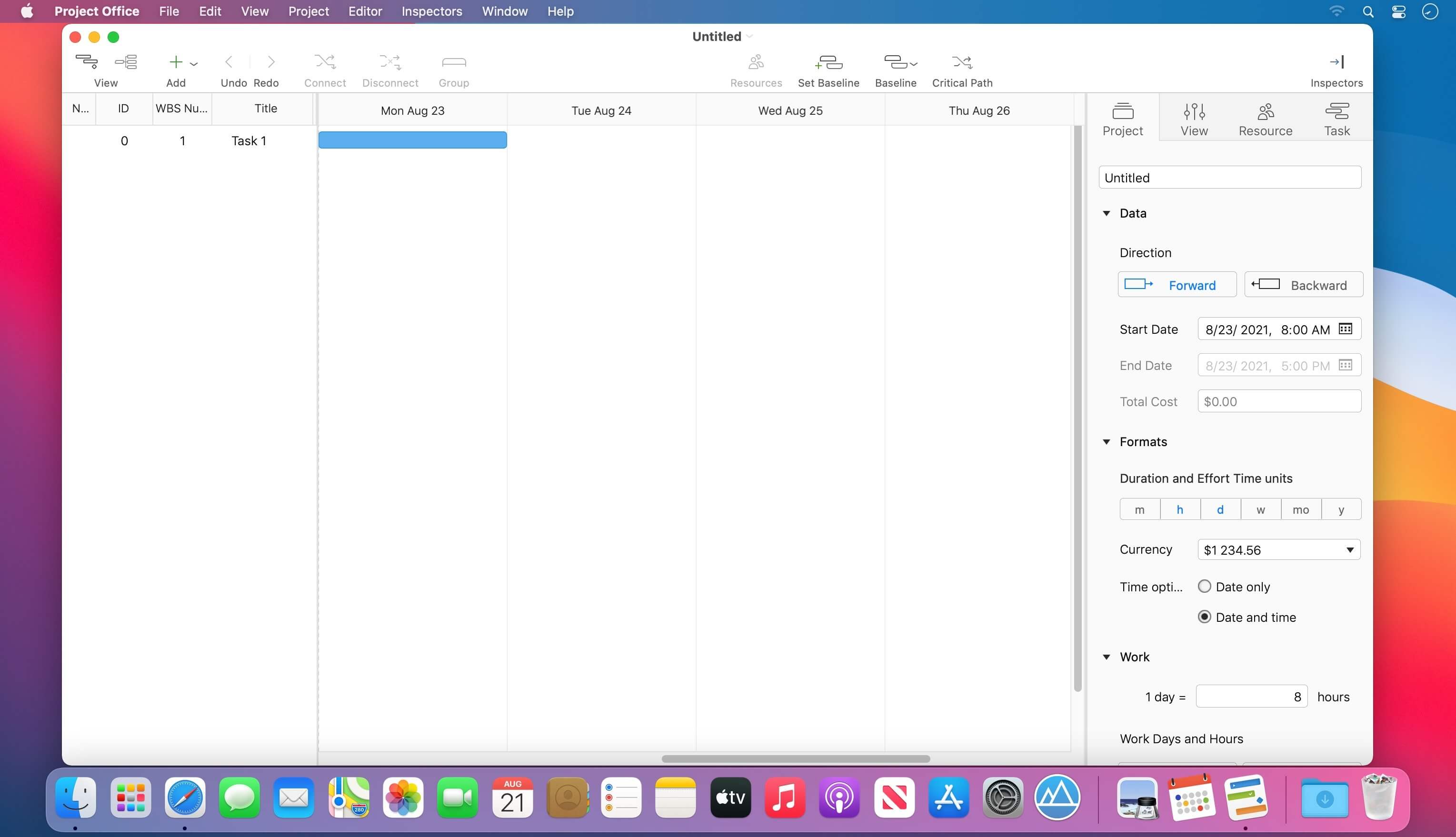
Designed to help you manage, create and monitor your projects. Use tasks, milestones, groups, connections and a lot of other features, for better work organization.
Project Office has peculiarities like Gantt charts, schedules, summaries, and milestones to let you manage all of your activities.
Project Office helps you in managing both simple and complex projects without any complexity.
Features:
Gantt chart allows monitoring your entire plan at a glance. Each task is shown graphically on a visual timeline by day, week, month or year. The visualized view helps you keep an eye on tasks durations, start and due dates, completion percentage, dependencies and resources assigned. Furthermore, you can easily edit tasks directly in the Gantt chart view.
Friendly and intuitive interface helps you get things done fast and stays out of your way while doing so.
Efficient resource management. Add resources to your project: people or materials, necessary to make this project done. Identify bottlenecks in your project and distribute workloads fairly.
Tool for tracking changes. Set a baseline to track development by comparing the set baseline with actual plan and progress.
Customized calendar. Modifying work hours for the entire project you can create a more realistic plan taking into account off-time and weekends into account.
Smart filter. You can easily hide those tasks you don’t need to think about at the moment. Simply use filter to focus on tasks you need to be done.
Share your projects. Send an entire project to your colleagues or Email the Gantt chart to others as PDF. For more convenience, you can make task and resources report and send them as HTML.
iCloud Backup. Backup your projects to keep all information you have added.
Critical Path – Project Office displays your project’s critical path, which is the series of tasks that are necessary in order to finish your project on schedule.
We developed Project Office to help you manage your business and keep it growing.
What’s New:
Version 1.0.6.1:
Release notes were unavailable when this listing was updated.