TechSmith Snagit 2023.0.3

Image and Video Screen Capture

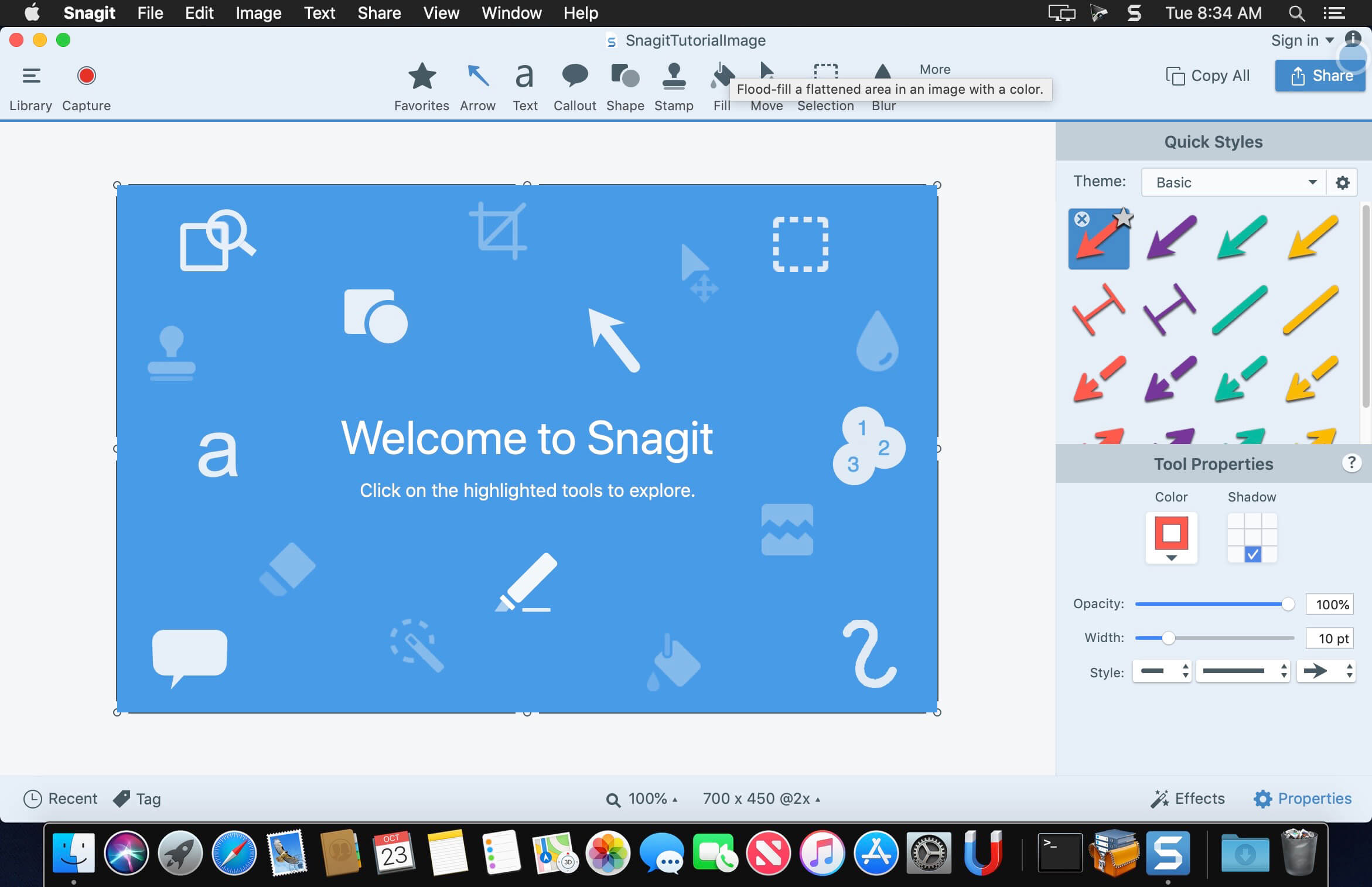
macOS comes with basic screen capturing capabilities, but the customization options are fairly limited. Snagit is an unobtrusive yet very easily accessible Mac app that proposes more diversified screenshot taking functions, and is also able to record videos.

In addition, Snagit provides an editing area where you can to personalize your projects without having to employ third party applications.

Capture screenshots or record videos in no time
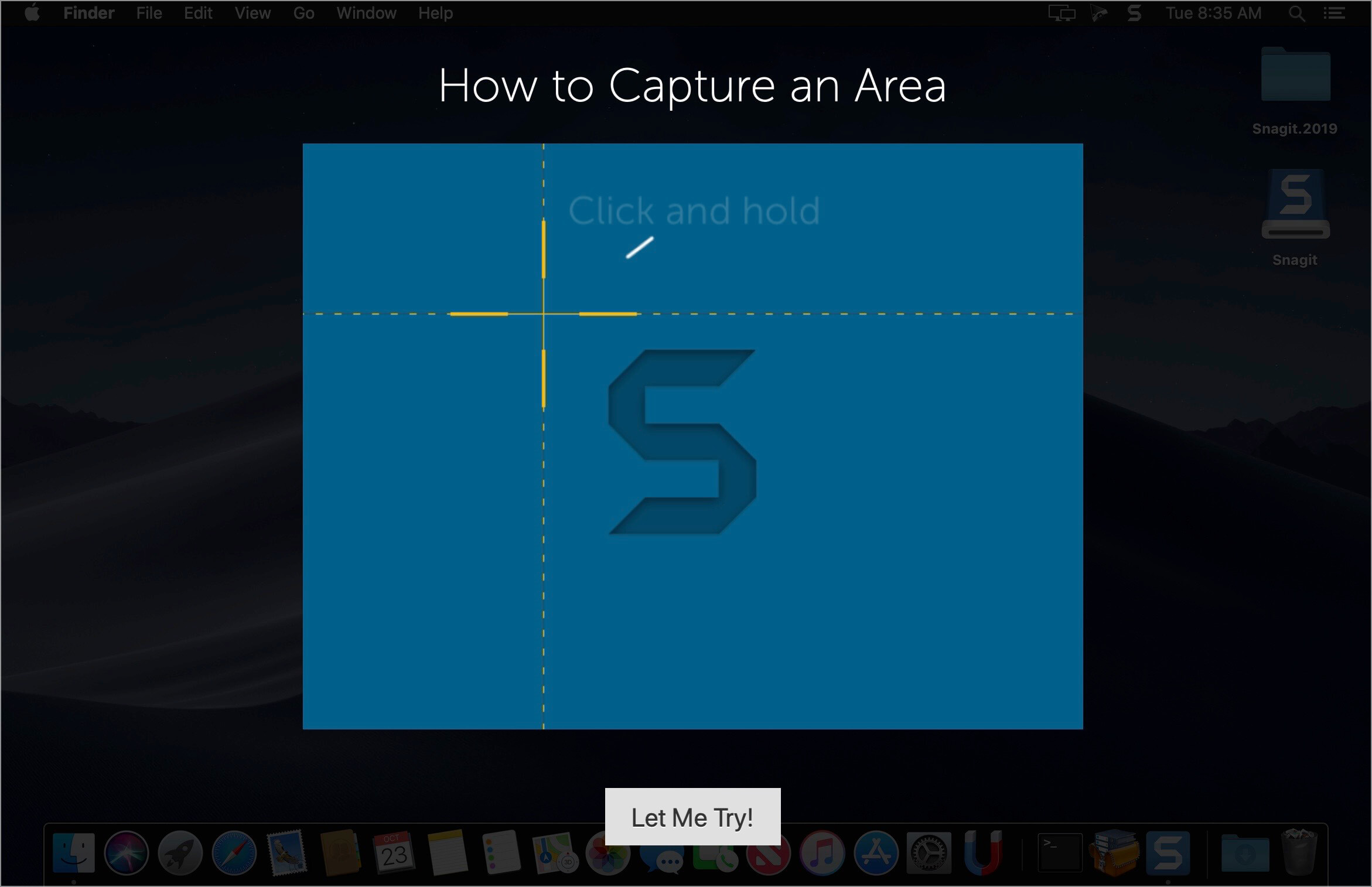
By default, Snagit is a status bar menu application that also provides an autohiding capture window placed in the top right corner of your screen. Via the app’s Preferences window you can quickly decide to keep only one of them enabled. At the same time, you can also make use of the already defined hotkeys.

All you have to do is select the capture type via any of those controllers, and highlight the area you want to record. Snagit automatically sends the captures to the processing window but that does not obstruct you workflow in any way: if you are already satisfied with the result, simply select one of the many image or video sharing solutions.

Versatile editing and sharing solutions
The Snagit image editor includes a collection of simple tools that can be used to highlight certain areas, to write down text, to erase certain elements, and much more. Moreover, you also get to apply color filters, edge effects, and more.

When dealing with video content, all you can do is preview the recording and cut a specific portion. Noteworthy is that Snagit allows you to connect to various online account in order to quickly upload the final projects from within the application: this makes the entire procedure extremely straightforward.

Powerful screen capturing tool that includes editing and sharing capabilities
Snagit succeeds at being a complete screen capturing solution: you get to capture both screenshots (including menus or entire webpages, on the spot or with a small delay) and videos (with your screen activity or with the images captured by your webcam).

To conclude, Snagit is the tool you want if you have to highlight certain aspects of an image, or if you need to record video presentations: use its built-in tools to edit the content, and then share the results with your friends in no time.

What’s New:

New Features in Snagit 2023:

Screen Draw

  • Draw on your screen as you record a video! Use arrows, squares, and step numbers in customizable colors to highlight important information on your screen.
  • Each item added automatically fades out as your video advances.

Share Link

  • Snagit 2023 puts you in control of your content. Instantly create a shareable link or upload your content directly to the apps you use every day.
  • One-click sharing to Screencast or use the Share dropdown menu to choose a sharing destination of your choice.

Screencast

  • Take control of your workday with a platform that empowers your team to collaborate and get work done without the meeting fatigue.
  • Conversation feature lets your team discuss and collaborate.
  • Post threads of comments on images or at different points in a video, contextually relevant to the topic.
  • Draw on a frame of a video or on an image with a square, arrow, or pen tool to make a point more clear.

Snagit-Slack Integration

  • Official Snagit Slack App now available!
  • Crank up your async collaboration by sharing your latest video, image or GIF created by Snagit directly to Slack.
  • Choose your way to instantly send your content to Slack from Snagit. Customize your Snagit toolbar, use the Share dropdown menu, or set your Snagit Presets for fewer clicks and faster collaboration.
  • Images and videos appear as a thumbnail to view directly in Slack meaning content sent – content received.

Language: English, Deutsch, Français
Compatibility: macOS 10.14 or later
Homepage https://www.techsmith.com/

Screenshots

Name: Snagit_2023.0.3__TNT_Mactorrents.is.dmg
Size: 219.22 MB
Files Snagit_2023.0.3__TNT_ Mactorrents.is.dmg[219.22 MB]

   Download Torrent
   Download Links

Capture One 23 Enterprise 16.0.2.21

Capture One 23 Enterprise – the photo editing solution for image production studios and e-commerce platforms. Its authentic true-to-life color processing, seamless editing experience, and fastest tethering in the industry gives you total creative control, making it a household name in studios across the world. Based in Copenhagen, Denmark, Capture One empowers photographers with cutting-edge features to keep your photography one step ahead.

How any photography studio can create value with Capture One Enterprise
For the past 10 years, leading studio photography has been created with photo editing software Capture One. With world-class tethering, state-of-the-art photo editing tools and the highest quality RAW processing, it’s been a staple in any photography studio.

Now, Capture One has introduced an “Enterprise” version which is specifically built for business and aligned to the way a photography studio works.
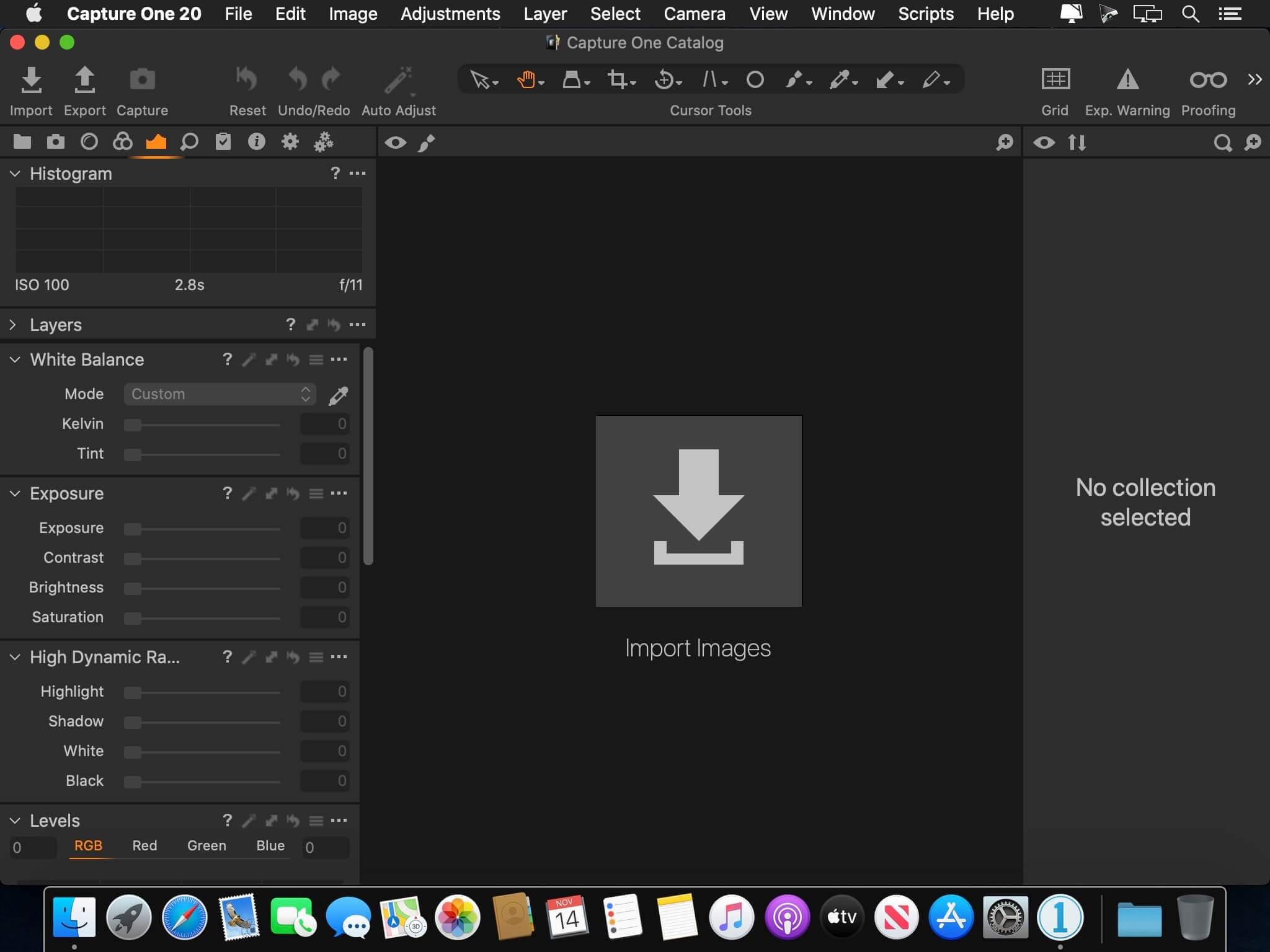
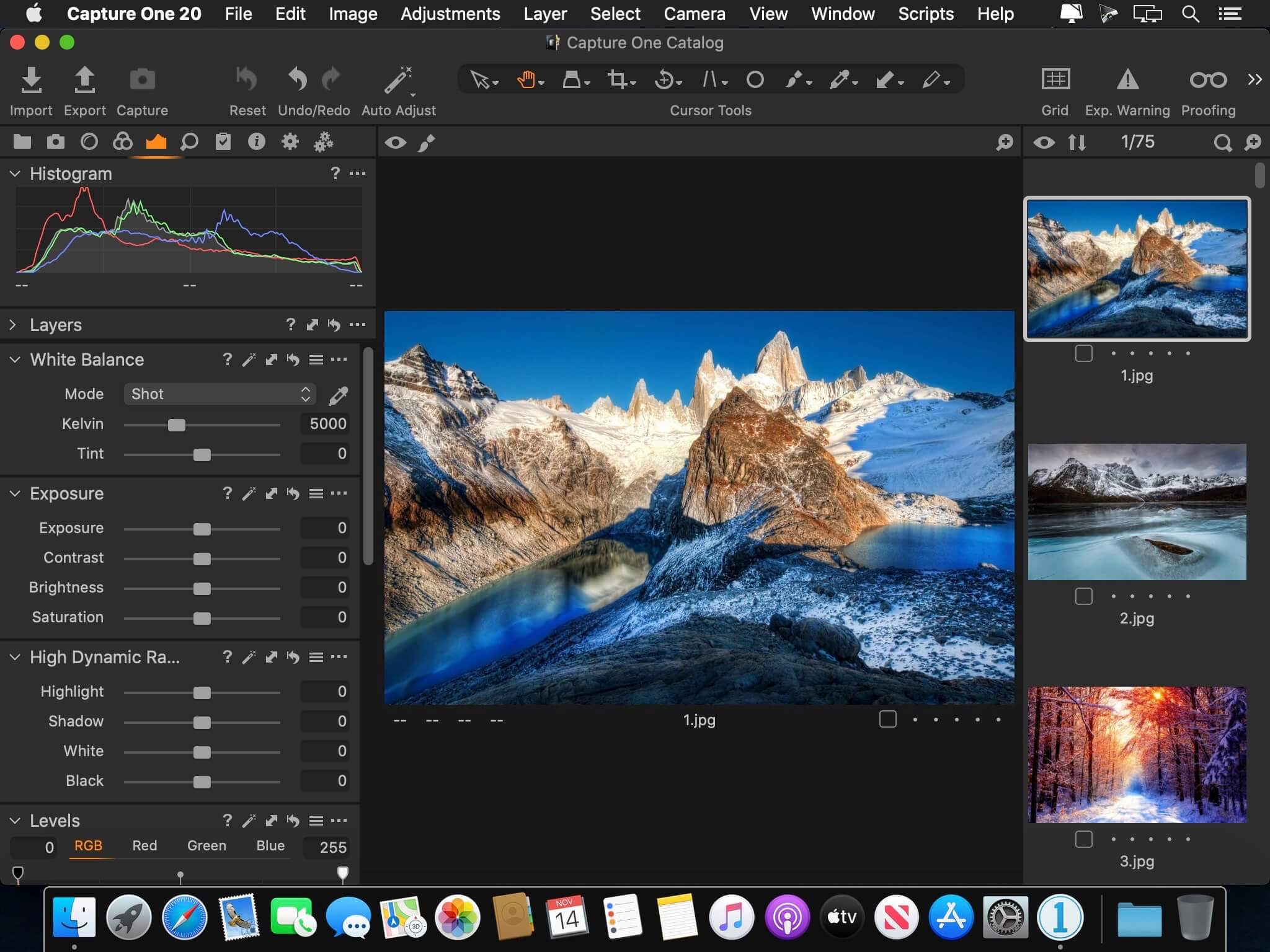
Capture One Enterprise offers the same standard features as Capture One’s flagship product Capture One 20 – tailored to the needs of studio photography.

Built for Business
Photographers are key to the success of any photography studio.

But what if the photography studio involves several photographers, studio managers, retouchers, quality assurance managers, project leaders, etc who need to collaborate, standardize and carry out the same workflows over and over again? What if those workflows also need to be integrated to other systems, eg. barcode scanners, PIM systems, digital asset management systems, ecommerce platforms etc?

Capture One Enterprise has been developed to address the challenges faced by studio photography and help any enterprise or e-commerce photography studio optimize their image production process and boost results across relevant KPI’s.

Value creation with Capture One Enterprise
Studio photography has huge value creation potential with Capture One Enterprise. By incorporating its enterprise-specific features into the workflow, it can improve KPI’s such as

  • “Time to Market” – Optimizing the hours your photography studio spends on the image production process, from planning your image, to shoots, to publishing the final photo on your ecommerce platform.
  • “Cost per image” – Optimizing each step in your studio photography process can dramatically increase your efficiency and reduce your costs
  • “Reduce Risk” – Secure your studio photography and image production to reduce errors and costs, thanks to enterprise exclusive features such as Image back-Up, License Management, MDM support etc.

This is achieved via enterprise features such as the Barcode scanner tool, Advanced Guides, Next Capture Backup, Next Capture Keywords, Next Capture Metadata, Tool Locks, Capture Pilot with Enterprise enhancements and Dedicated Studio workspaces.

Automated workflows in Capture One Enterprise
Once your studio has implemented Capture One Enterprise and begun implementing its standard features in your workflows, there are further opportunities to intensify value creation by automating workflows and integrating Capture One Enterprise into your IT infrastructure. You can do this by implementing

  • Workflow enhancement (an automation feature within Capture One)
  • Integrations (extension or automation interfacing with another app)

Customized solutions can maximize value, too
Your photography studio might also have very specialized needs – here, customized solutions can generate value for your studio photography. For example, ultra-accurate color profiling can assist in achieving one critical KPI in particular

“Reduce product returns” – Color profiling optimization on true color reproduction can reduce the rate of goods returned due to discrepancies in color between the actual product and the image.

Capture One offers individual color profiles for businesses, so you can reduce editing time and save on retoucher costs with fine-tuned color profiling for the most popular e-commerce cameras used by photography studios. Minimize color discrepancies and meet the demands of specialist product and studio photography with more accurate colors out-of-the-box.

These are just some of the exclusive features designed for studio photography – get in touch with the Enterprise team to learn more and discover where Capture One Enterprise can specifically meet the demands of your business. For more insight into specific tools, check out the Tools and Functionality white paper and Barcode Reader white paper.

What’s New:

Release Notes:

Compatibility: macOS 10.15 or later , Apple Silicon (M1) native support
Homepage https://www.captureone.com/en/explore-features/enterprise

Screenshots


Name: Capture_One_Ent_16.0.2.21__TNT_Mactorrents.is.dmg
Size: 704.05 MB
Files Capture_One_Ent_16.0.2.21__TNT_ Mactorrents.is.dmg[704.05 MB]

   Download Torrent
   Download Links

Capture One 23 Pro 16.0.2.21

Capture One 23 is a professional RAW converter offering you ultimate image quality with beautiful colors and incredible detail for more than 500 high-end cameras. It offers state- of-the-art tethered capture, powerful digital asset management, extensive adjustment tools and a flexible workflow through customizable workspaces.

With an updated processing engine, market-leading performance and powerful new features, Capture One is the professional choice in imaging software. You get the highly responsive precision tools you need to create stunning images from your camera’s RAW files in a time-saving workflow that can be customized to fit your needs.

New features and improvements

  • Speed Edit
  • Dehaze
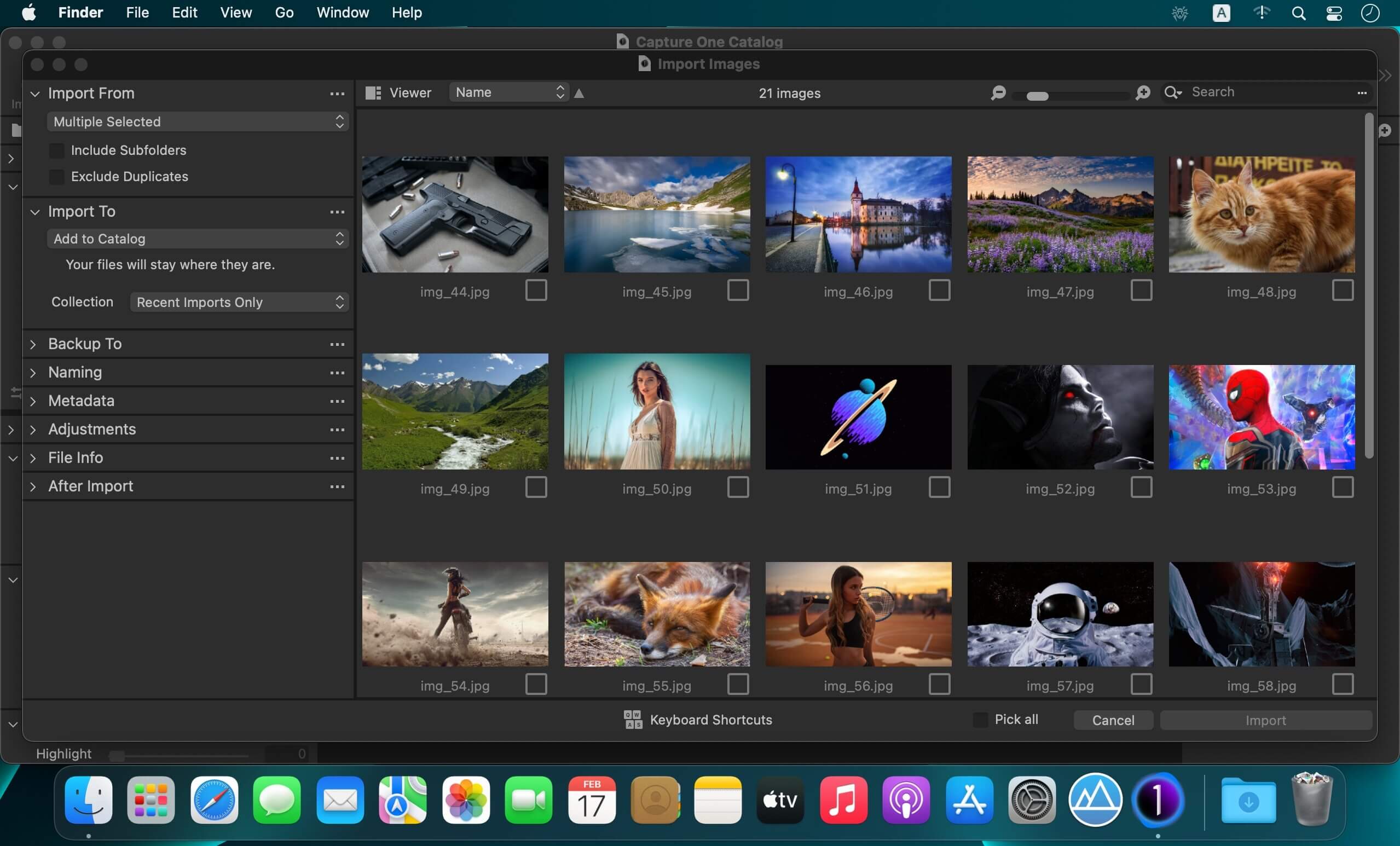
  • Improved importer

General User Experience Improvements and tweaks

  • HEIF support
  • Easy brush adjusting
  • Improved performance
  • Colored gradients on White Balance Sliders
  • Enhanced tooltips
  • Easy access to Tutorials

Compatibility: macOS 10.15 or later , Apple Silicon (M1) native support
Homepage https://www.phaseone.com/

Screenshots


Name: Capture_One_Pro_16.0.2.21__TNT_Mactorrents.is.dmg
Size: 704 MB
Files Capture_One_Pro_16.0.2.21__TNT_ Mactorrents.is.dmg[704 MB]

   Download Torrent
   Download Links

Keka 1.2.60

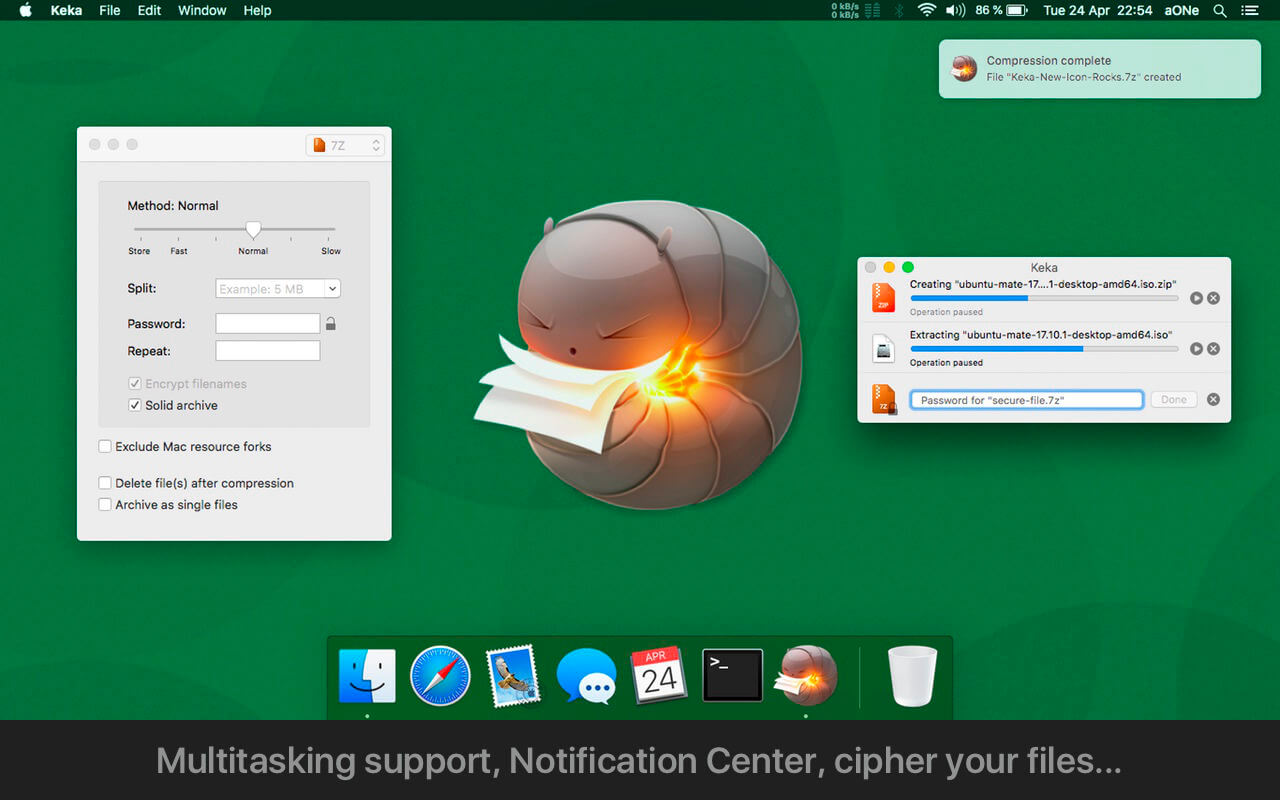
Keka is a full featured file archiver, as easy as it can be.

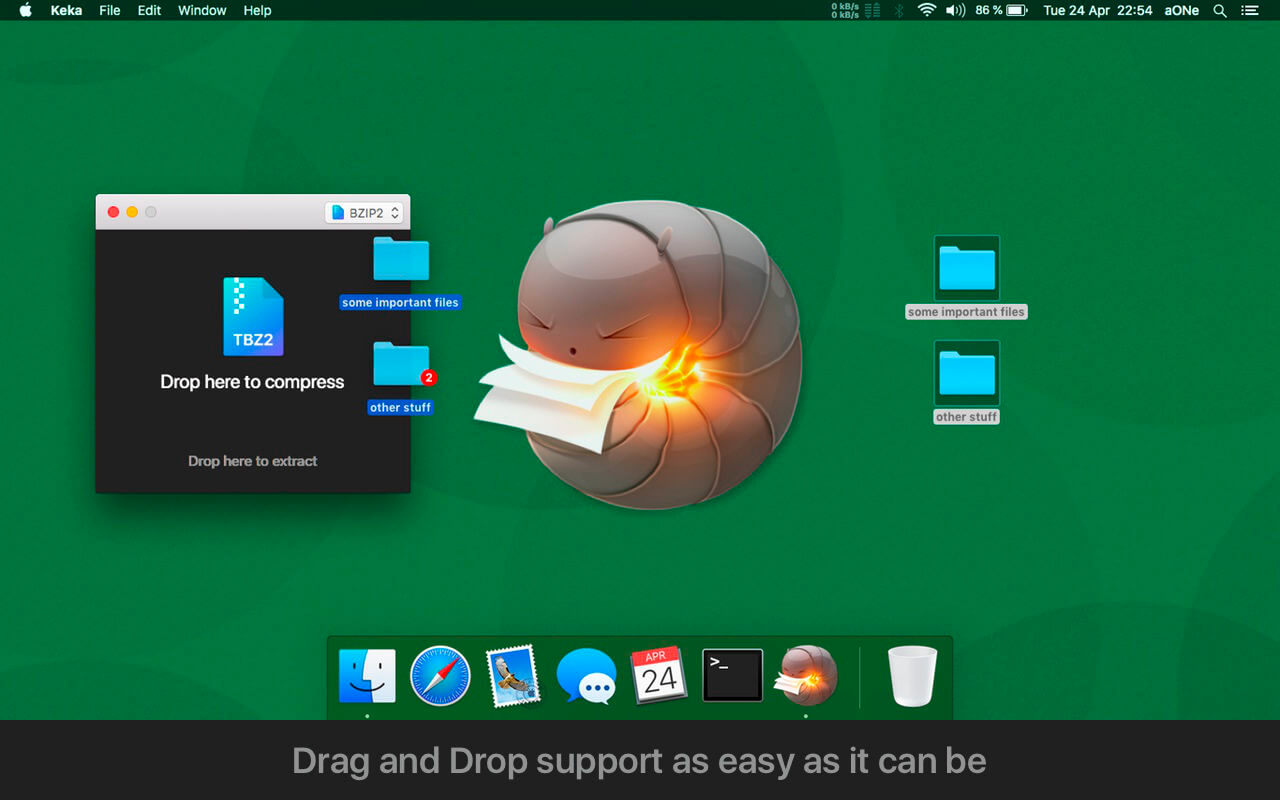
With Keka you can compress as many files as you want in a bunch of formats. Divide files and protect them with a password is now a kids game. Just drop the files you want to compress to the Keka icon in the Dock or the main window.

Also Keka can extract lots of compressed files, from ZIP and 7Z to RAR archives, even parted ones. Just double click on those files and they will be extracted using Keka, or drop them to the icon in the Dock or the main window.

Compression formats supported:
7Z, ZIP, TAR, GZIP, BZIP2, XZ, LZIP and ISO

Extraction formats supported:
7Z, ZIP, RAR, TAR, GZIP, BZIP2, XZ, LZIP, DMG, ISO, LZMA, EXE, CAB, WIM, PAX, JAR, APK, APPX, XPI, IPA, CPGZ, CPIO and more

Compatibility: OS X 10.10 or later, 64-bit processor
Homepage https://www.keka.io/en/

Screenshots


Name: Keka_1.2.60_MAS__TNT_Mactorrents.is.dmg
Size: 35 MB
Files Keka_1.2.60_MAS__TNT_ Mactorrents.is.dmg[35 MB]

   Download Torrent
   Download Links

Keep It 2.1.8

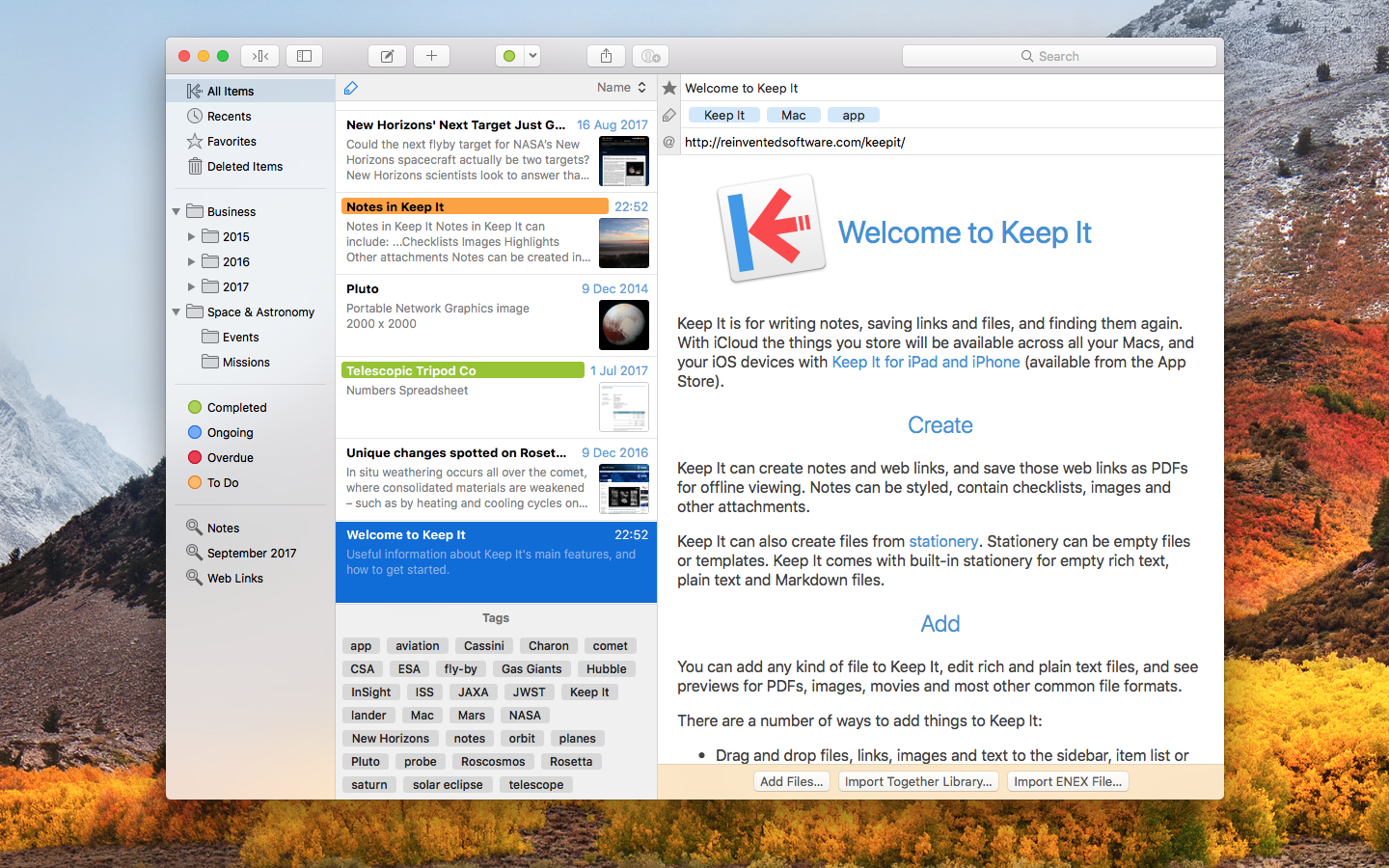
Keep It is for writing notes, keeping web links and documents, and finding them again. Available on Mac, and as a separate app for iPhone and iPad, Keep It is the destination for all those things you want to put somewhere, confident you will find them again later.

Notes and Links
Make Notes
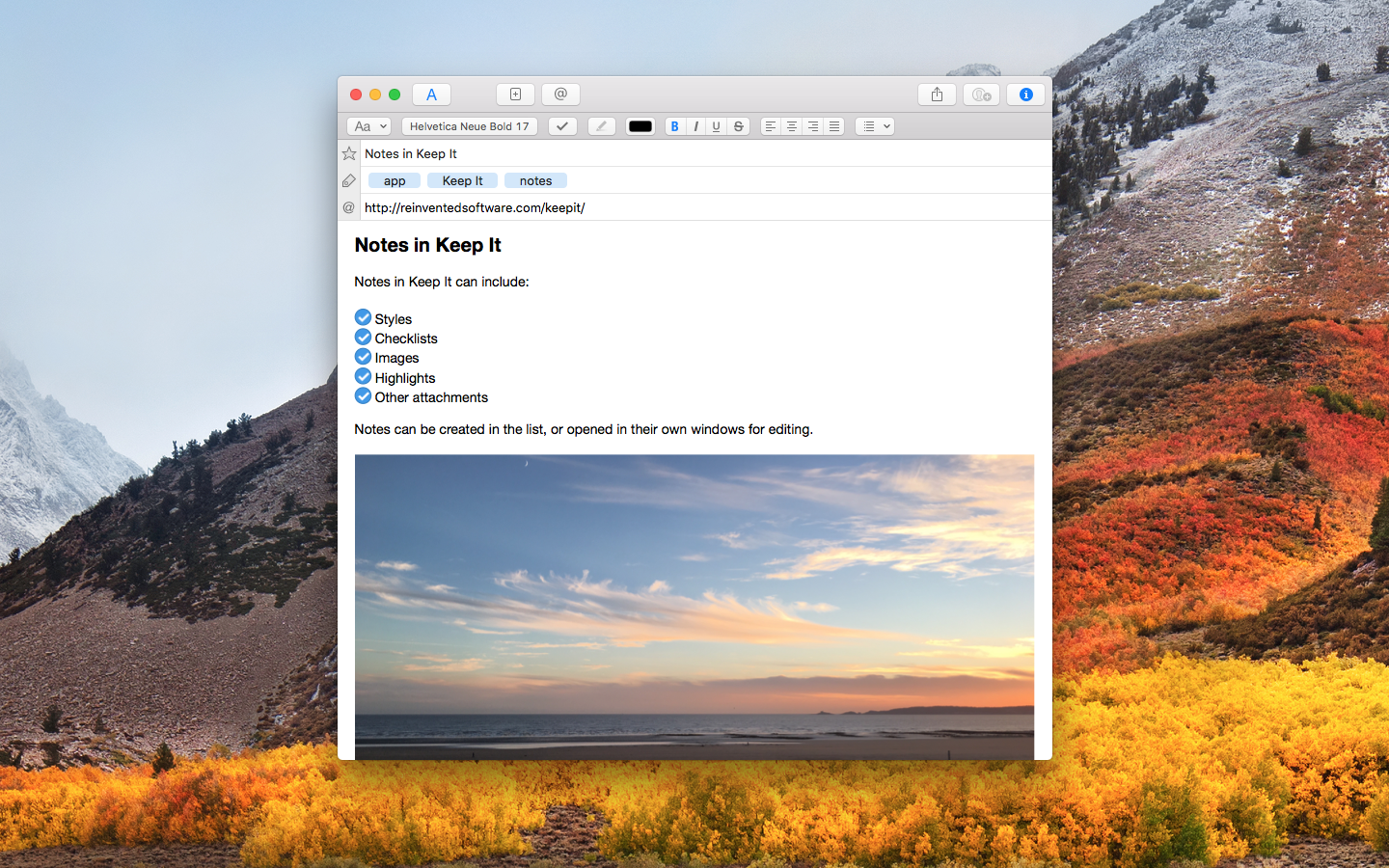
Create notes with built-in styles that look good and read well on all your devices. Notes can contain checklists, bulleted and numbered lists, images, links and other attachments.

Save Web Links
Save web links to Keep It, view them in the app, open them in your browser, or save them as PDFs for offline reading.

Files
Add Anything
Any kind of file can be added to Keep It or saved to its folders, and opened for editing in their original applications. With iCloud, changes are automatically made available across all your Macs and iOS devices.

Preview and Edit
Keep It generates thumbnails and summaries for most files, can edit its own notes, rich and plain text files, and show previews for PDFs, images, web pages and most other documents.

Search and Filter
Search
Keep It can search the content of most files. Suggestions appear as you type, allowing you to narrow down results to exactly what you need, or use keywords and natural language. Save searches for later reuse.

Tag Filter
Keep It’s Tag Filter makes finding things by their tags a pleasure. Choose a tag to see all the tagged items and any other relevant tags; choose another tag to drill down further.

Organize
Folders
Folders let you organize items and bundles hierarchically, when needed. Select a folder to see everything it contains.

Bundles
When you need to gather things into one place, make a bundle. Items can be in more than one bundle at a time, and when you remove the bundle, everything else stays where it was.

Labels
Use labels to color-code items for quick visual recognition. Labels are listed in the sidebar so you can quickly see everything with a particular label.

More Lists
Use the Recents list to see things you’ve added or viewed lately, with the latest shown at the top. Favorites provide quick access. Deleted Items are automatically removed after 30 days.

Where You Need It
Compact Mode
In compact mode, Keep It for Mac becomes a single column, ideal for using alongside other apps or in split screen.

Works with Other Apps
Pretty much anything can be dragged to Keep It, and you can also add things from a variety of apps with Keep It’s share extension.

Compatibility: macOS 11.3 or later
Homepage http://reinventedsoftware.com/keepit/

Screenshots


Name: Keep_It_2.1.8__TNT_Mactorrents.is.dmg
Size: 26 MB
Files Keep_It_2.1.8__TNT_ Mactorrents.is.dmg[26 MB]

   Download Torrent
   Download Links

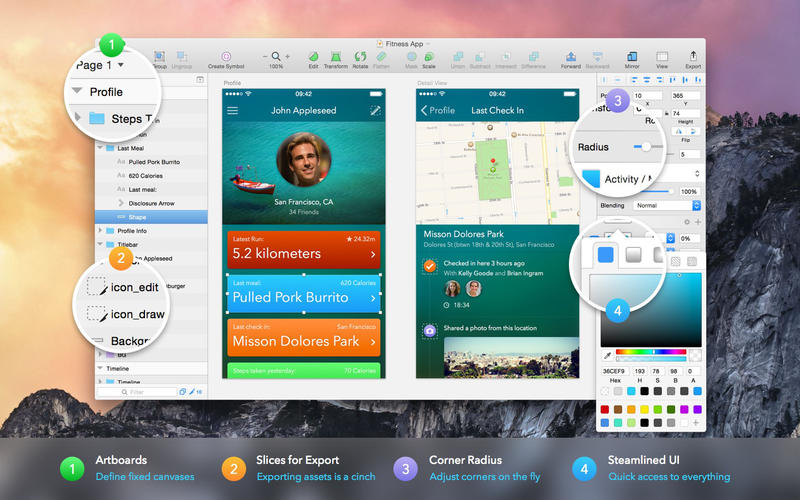
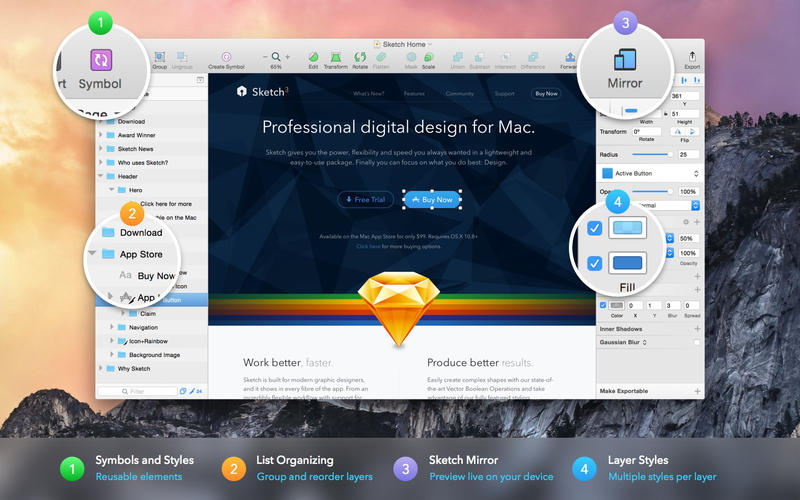
Sketch 95

Sketch: graphic design for a digital world. Powerful tools and an elegant interface, in a single award-winning package. Because making beautiful things should be a joy, not a burden.

Sketch supports multiple fills, borders and shadows per layer; has powerful non-destructive boolean operations; smart pixel alignment; and makes exporting a breeze with automatic slicing and multiple resolution export.

Vector tools and basic shapes are the foundation; whether you are designing icons, websites, interfaces or anything else. Combine these into complex shapes with non-destructive boolean operations, leaving you free to edit them in the future, then apply advanced layer style options like multiple shadows, fills, gradients, noise, blending, background blurring, and more.

Sketch doesn’t just do shapes, of course. Imported images can be rotated, scaled, cropped and masked. The best-in-class text tool lets you add beautiful typography to your designs, using native font rendering, so you can be sure that text always looks 100% accurate!

Brand new to Sketch 3, Symbols allow you to reuse entire groups of content in multiple places in your design. Think of interface elements such as buttons, headers and footers. Change them once, and they update everywhere in your document.

Built for the Mac, Sketch supports OS X’s Versions and Auto Save, letting you focus on your work instead of hitting CMD+S. Keep your work safely in sync across multiple Mac computers with iCloud. And take Sketch full screen to maximise the size of your canvas.

All this power is deliciously baked into Sketch’s single-window interface. Everything is there, tucked away until you need it. A simple interface with powerful tools.

Compatibility: macOS 11.0 or later (Apple M1 compatible)
Homepage https://www.sketch.com/updates/

Screenshots


Name: Sketch_95__TNT_Mactorrents.is.dmg
Size: 69 MB
Files Sketch_95__TNT_ Mactorrents.is.dmg[69 MB]

   Download Torrent
   Download Links

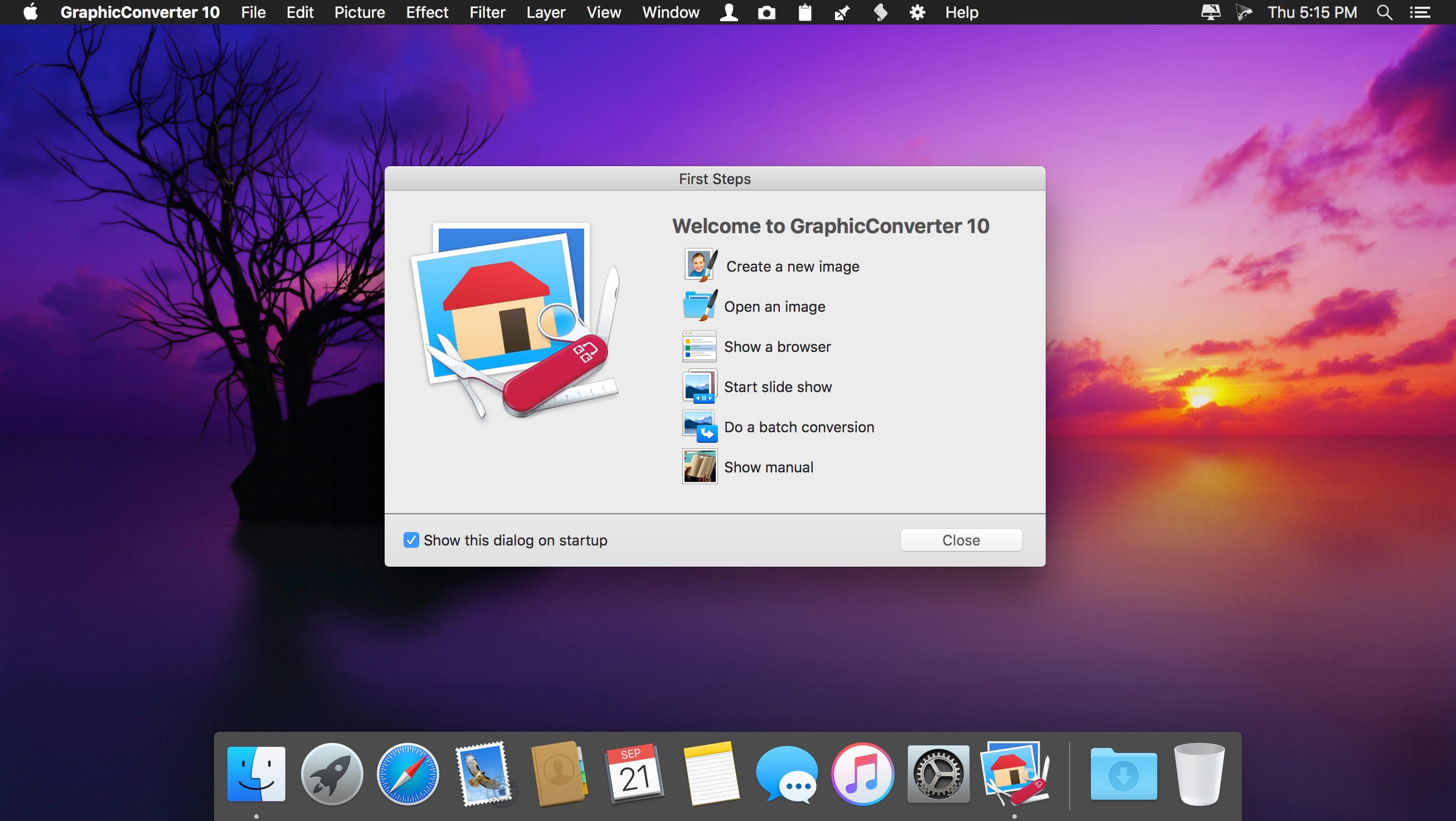
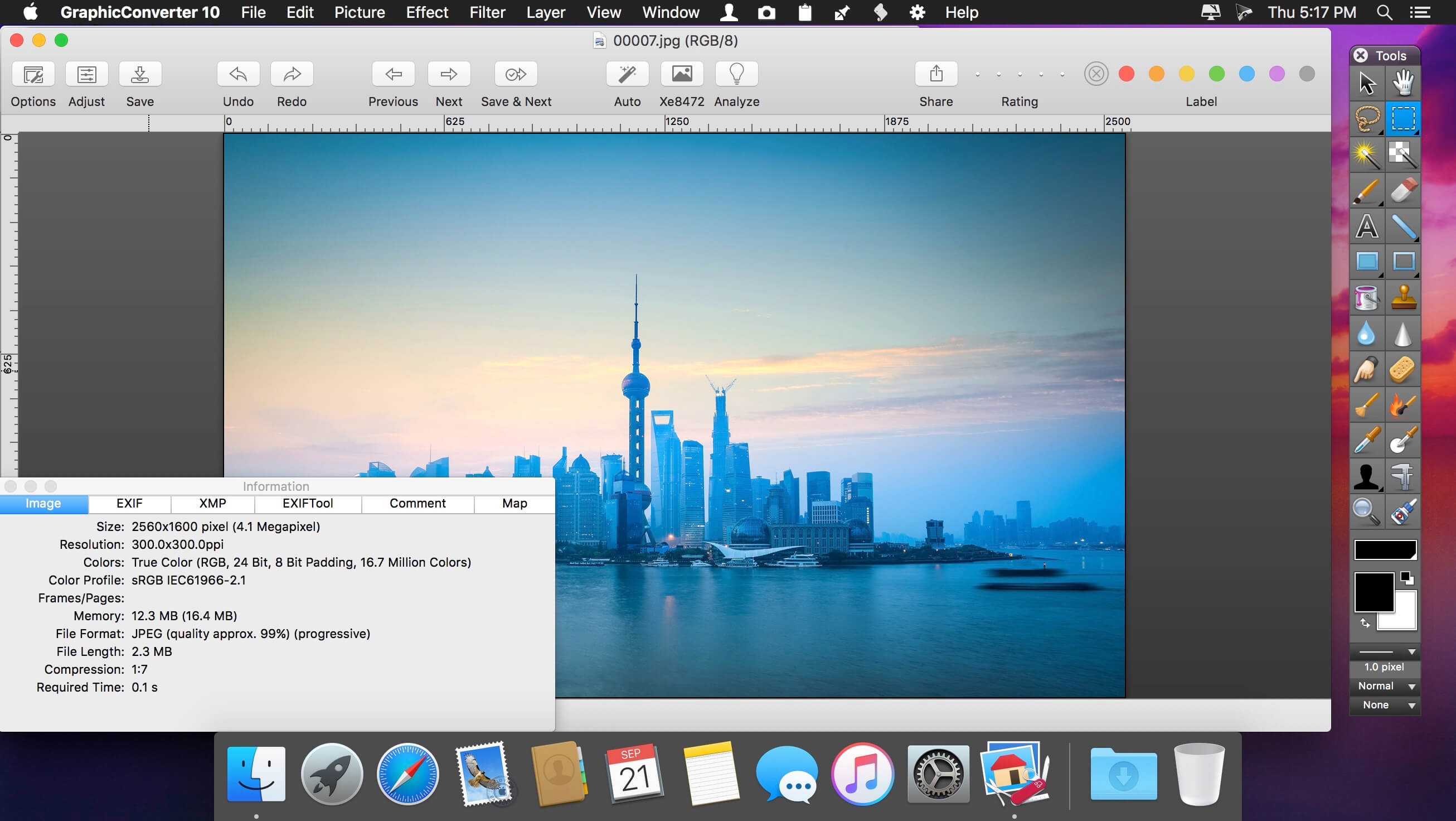
GraphicConverter 11.7.1 (5729)

GraphicConverter is an all-purpose image-editing program that can import 200 different graphic-based formats, edit the image, and export it to any of 80 available file formats.

The high-end editing tools are perfect for graphic manipulation as well as the ability to use Photoshop-compatible plug-ins. It offers batch-conversion capabilities, a slide-show window, batch rename, batch and individual editing of metadata (EXIF, IPTC, XMP) and so much more.

GraphicConverter 11

RAW Developer
RAW images are much easier to edit thanks to their enormous data depth. This is particularly noticeable when brightening images with the Exposure slider. The picture remains clear, there is no gray haze as with many JPG images. GraphicConverter now offers a full-screen dialog when opening RAW files with controls for Exposure, Contrast, and Color Corrections. The picture noise can be reduced even with 6 controllers.

Unpack Archives
You want to know which pictures and documents are in an archive file? Then double-click is enough: GraphicConverter temporarily shows you the content or secures the content permanently. In addition to the Zip format, there are 12 additional formats supported, such as the TAR and TGZ formats.

Wide Equalization
In wide-angle shooting, faces and objects on the left and right edges of the image are often heavily distorted in width. With the new wide-angle equalization in GraphicConverter 11, you can now reduce this distortion.

Gradients
You need a gradient, e.g. as a background for a collage? No problem. Easily create color gradients with up to 10 colors via the new dialog.

Duo-Tone
Color your shots with two colors to duo-tone images. In this impressive technique, the lighter shades are colored with the color 1 and the darker ones with the color 2. The result is an effect that enchants your pictures.

Apple Finder Tags
Do you organize your work with Finder Tags from Apple? Then your work will be even easier, because in the browser you can now use the context menu to directly display and change these tags.

Compatibility: macOS 10.11 or later (Apple Silicon compatible)
Homepage https://www.lemkesoft.de

Screenshots


Name: GraphicConverter_11_11.7.1.5729__TNT_Mactorrents.is.dmg
Size: 243 MB
Files GraphicConverter_11_11.7.1.5729__TNT_ Mactorrents.is.dmg[243 MB]

   Download Torrent
   Download Links

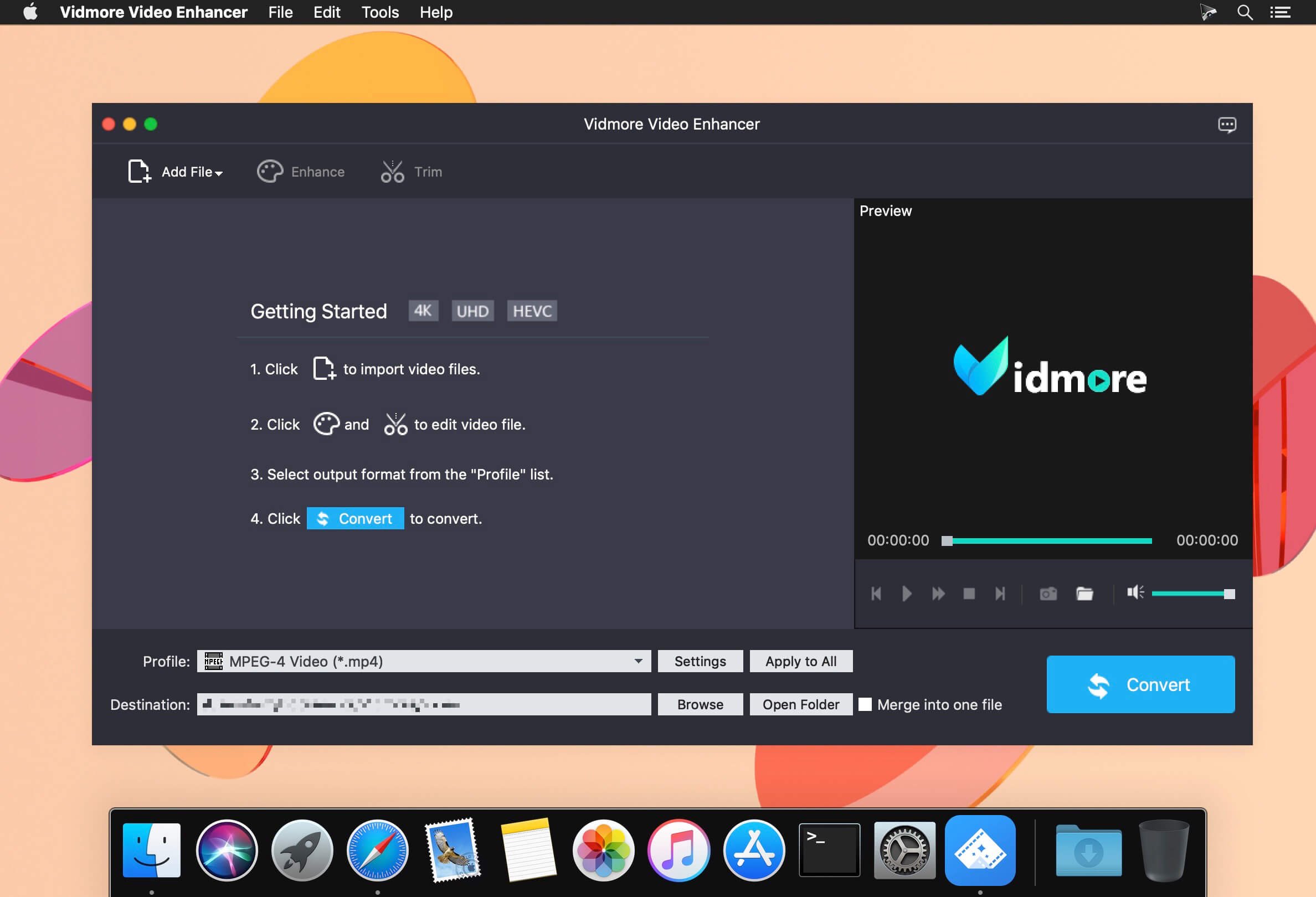
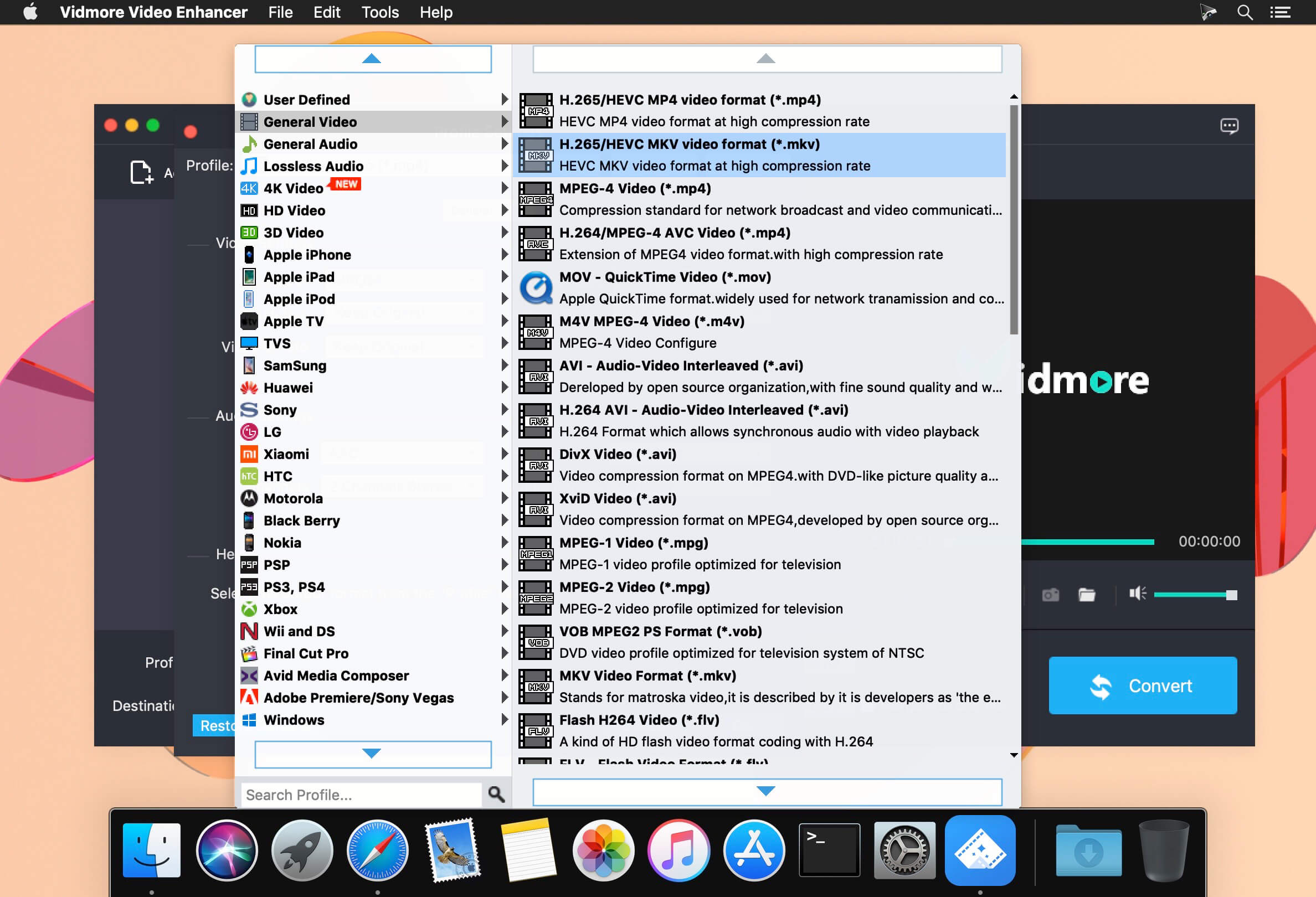
Vidmore Video Enhancer 1.0.12

Vidmore Video Enhancer lets you easily increase video resolution, adjust unsaturated and dull-looking colors, and remove high levels of noise to create a stunning masterpiece, featuring the revolutionary smart algorithms.

Excellent Performance in Every Video
Vidmore Video Enhancer lets you easily increase video resolution, adjust unsaturated and dull-looking colors, and remove high levels of noise to create a stunning masterpiece, featuring the revolutionary smart algorithms.

Upscale Resolution
To realize video quality enhancement, the professional video enhancer software has everything you need to enhance CCTV video image, turn SD footage into full HD, and upscale 480p video to 720p/1080p/4K.

Optimize Brightness and Contrast
By analyzing color relationships and overall image, this feature lets you fix exposure, and adjust brightness, contrast, hue, etc. automatically to improve light, shadows, color balance for creating a professional video.

Remove Video Noise
Also coming with a noise reduction tool, it can distinguish and remove noise like car voice, wind wuthering, person’s voice, etc. and create clean and clear video clips without sacrificing sound details.

What’s New:

Version 1.0.12:

  • Release notes were unavailable when this listing was updated.

Compatibility: OS X 10.10 or later 64-bit
Homepage https://www.vidmore.com/video-enhancer/

Screenshots


Name: Vidmore_Video_Enhancer_1.0.12.114707__TNT_Mactorrents.is.dmg
Size: 52 MB
Files Vidmore_Video_Enhancer_1.0.12.114707__TNT_ Mactorrents.is.dmg[52 MB]

   Download Torrent
   Download Links

TurboMosaic Pro Plus 3.6.9

TurboMosaic is a photomosaic software that lets you make the most amazing picture mosaics with little effort — we bet you’d be pleasantly surprised with the quality of results.

What is a Photo Mosaic?
A mosaic is a photo made out of many smaller photos. When viewed from a distance the big picture is prominent whereas when viewed from close up the individual smaller pictures show out distinctly.

What’s New:

Version 3.6.9:

  • Release notes were unavailable when this listing was updated.

Compatibility: macOS 10.10 or later
Homepage http://www.turbomosaic.com/

Screenshots

Name: TurboMosaic_3.6.9__TNT_Mactorrents.is.dmg
Size: 85 MB
Files TurboMosaic_3.6.9__TNT_ Mactorrents.is.dmg[85 MB]

   Download Torrent
   Download Links

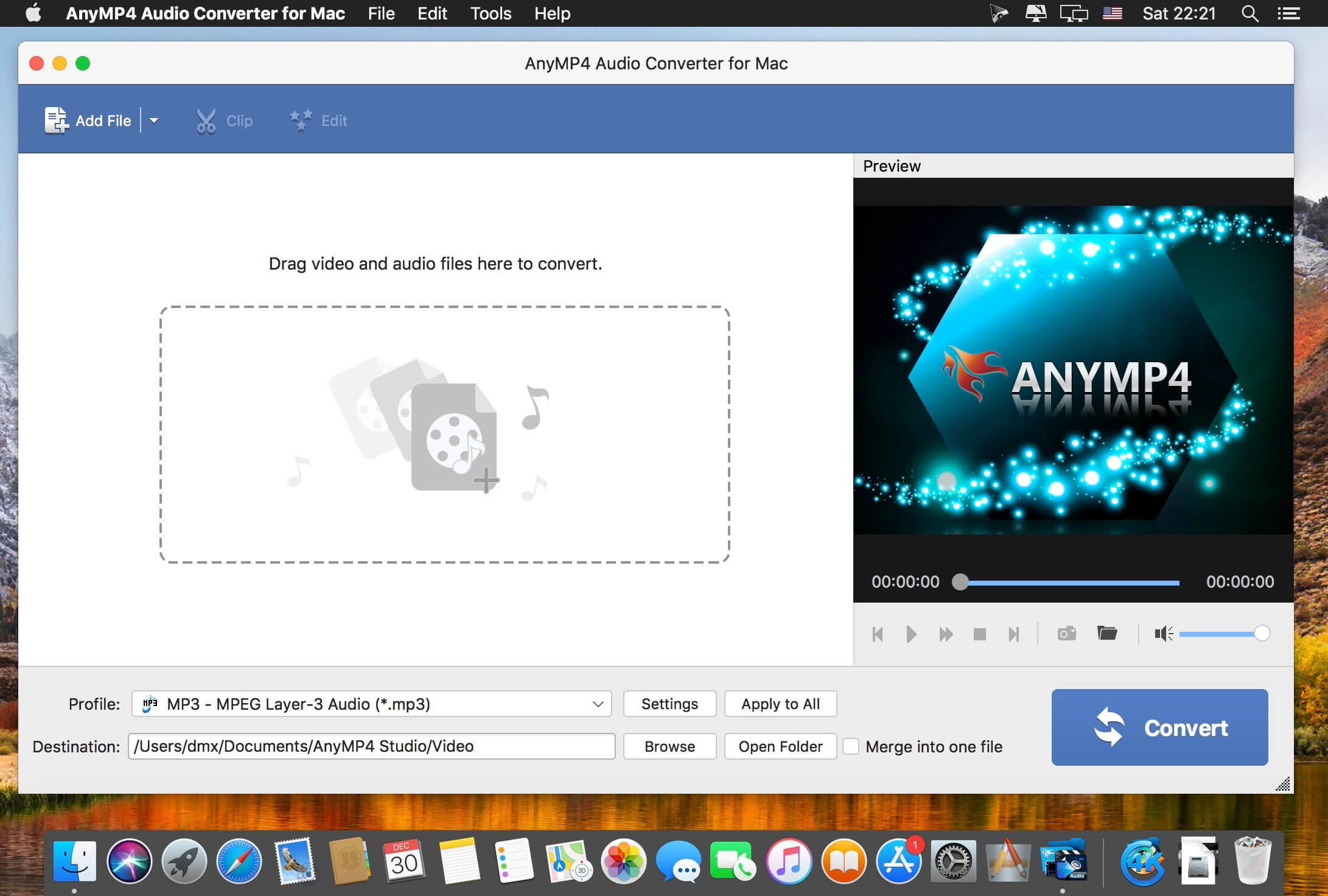
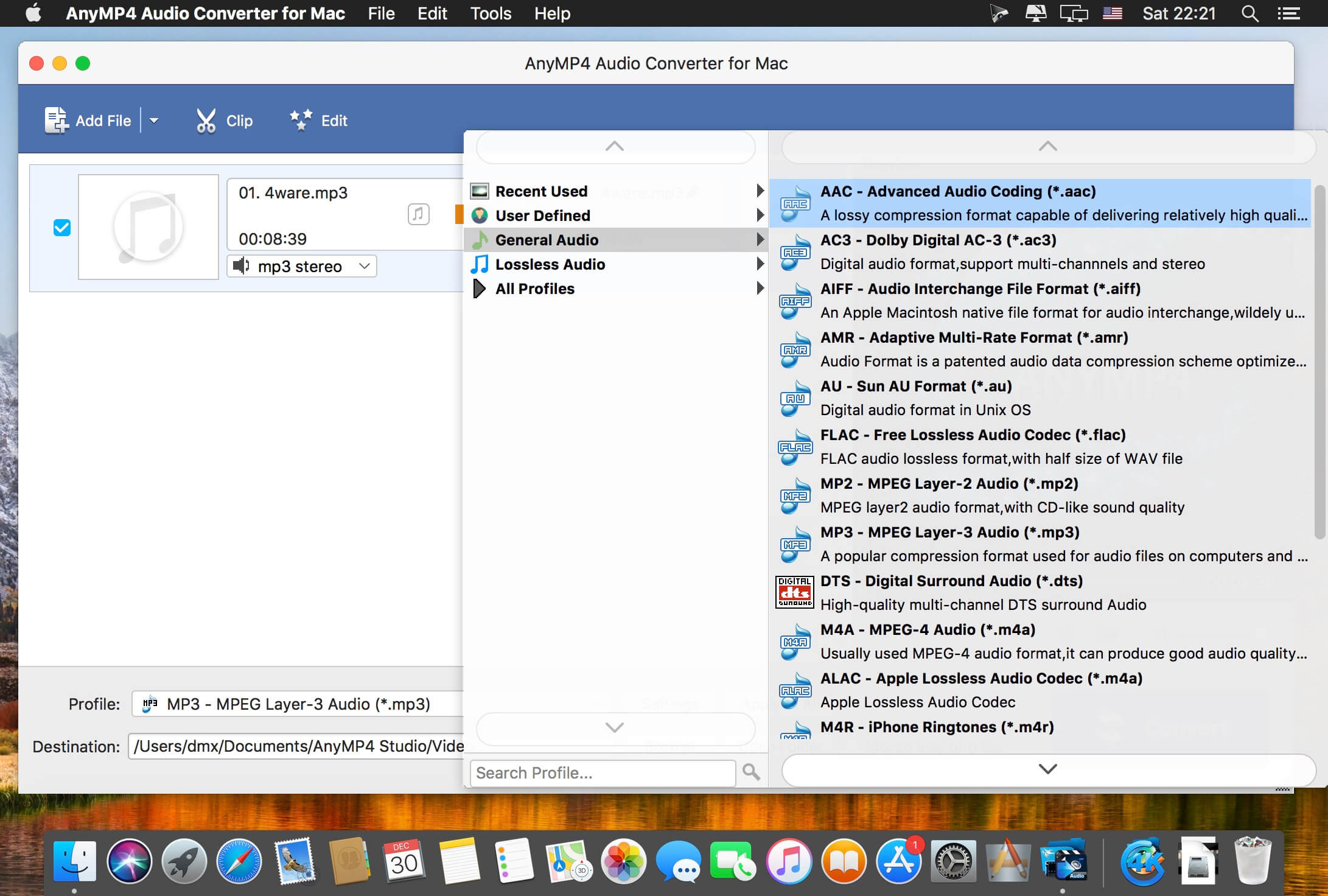
AnyMP4 Audio Converter 8.2.18

AnyMP4 Audio Converter for Mac is an easy-to-use Mac audio converter and can convert various music files in WMA, FLAC, M4A, AIFF, AU, OGG, etc. to other favorite audio formats to Mac. In addition, you can extract audio from video and convert the audio to a desired audio format on Mac, so you can enjoy the beautiful music on your devices. With this program, you can also adjust audio volume before conversion, cut the audio file length and merge several audio files.

Compatibility: macOS 10.10 or later
Homepage https://www.anymp4.com/

Screenshots


Name: AnyMP4_Audio_Converter_for_Mac_8.2.18.97409__TNT_Mactorrents.is.dmg
Size: 52 MB
Files AnyMP4_Audio_Converter_for_Mac_8.2.18.97409__TNT_ Mactorrents.is.dmg[52 MB]

   Download Torrent
   Download Links

Dropzone 4 Pro 4.5.6

Dropzone makes it faster and easier to copy and move files, open applications and share files with many different services. Dropzone is a unique and amazing app that’s like nothing you’ve ever used before. We’ve paid fanatical attention to every detail and built an app that looks and feels like an integral part of macOS.

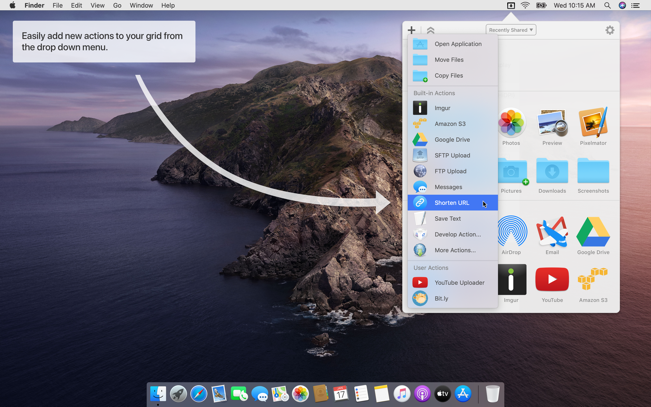
Dropzone ships with a powerful scripting API and with a little programming knowledge you can modify any of your actions or even create entirely new ones. This gives Dropzone unlimited extendability and utility. We’re always thinking up new actions so Dropzone will become even more useful over time.

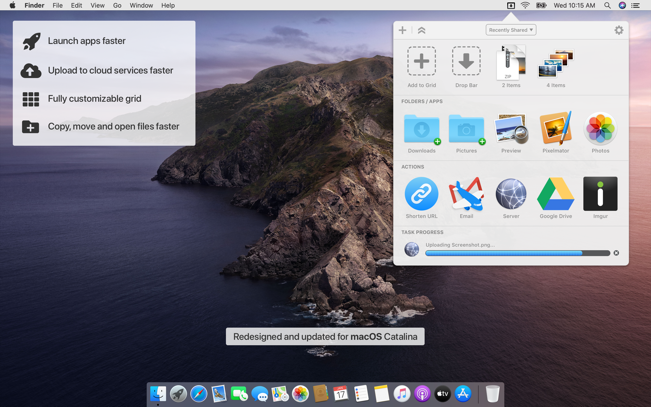
Dropzone also includes Drop Bar – Drop Bar makes it easy to stash files you know you’ll need later. Just drop files on the Drop Bar icon in the grid and they will stick there until you’re ready to use them.

Features

  • Open applications, move and copy files faster than ever before.
  • Shorten URLs quickly using Tinyurl shortener. Just select a URL to shorten and press Ctrl+Option+Cmd+S and the shortened URL is automatically copied to the clipboard.
  • AirDrop integration lets you drop files or folders from any app and share them with your other Macs over the network.
  • Imgur integration lets you share images fast and get a link for pasting.
  • Upload files to Amazon S3 (Dropzone Pro feature).
  • Upload files to your FTP server (Dropzone Pro feature).
  • Upload files to your Google Drive (Dropzone Pro feature).
  • Download and install add-on actions that let you upload to services like Google Drive, YouTube and many others (Dropzone Pro feature).
  • Powerful multi-tasking engine allows you to run multiple tasks at once and track the progress of each one through the in-grid task status area.
  • See how tasks are progressing at a glance in the animated menu item.
  • Launch Dropzone actions with the newly added keyboard shortcuts feature (Dropzone Pro feature).
  • Add applications, folders or actions to your grid easily by dragging and dropping them on the Add to Grid area.
  • Develop your own actions using the updated and massively improved Ruby or Python API (Dropzone Pro feature).

In-App Purchases: Dropzone 4 Pro
Compatibility: macOS 10.15 or later
Mac App Store: https://geo.itunes.apple.com/app/id1485052491

Screenshots


Name: Dropzone_4_4.5.6__TNT_Mactorrents.is.dmg
Size: 62 MB
Files Dropzone_4_4.5.6__TNT_ Mactorrents.is.dmg[62 MB]

   Download Torrent
   Download Links

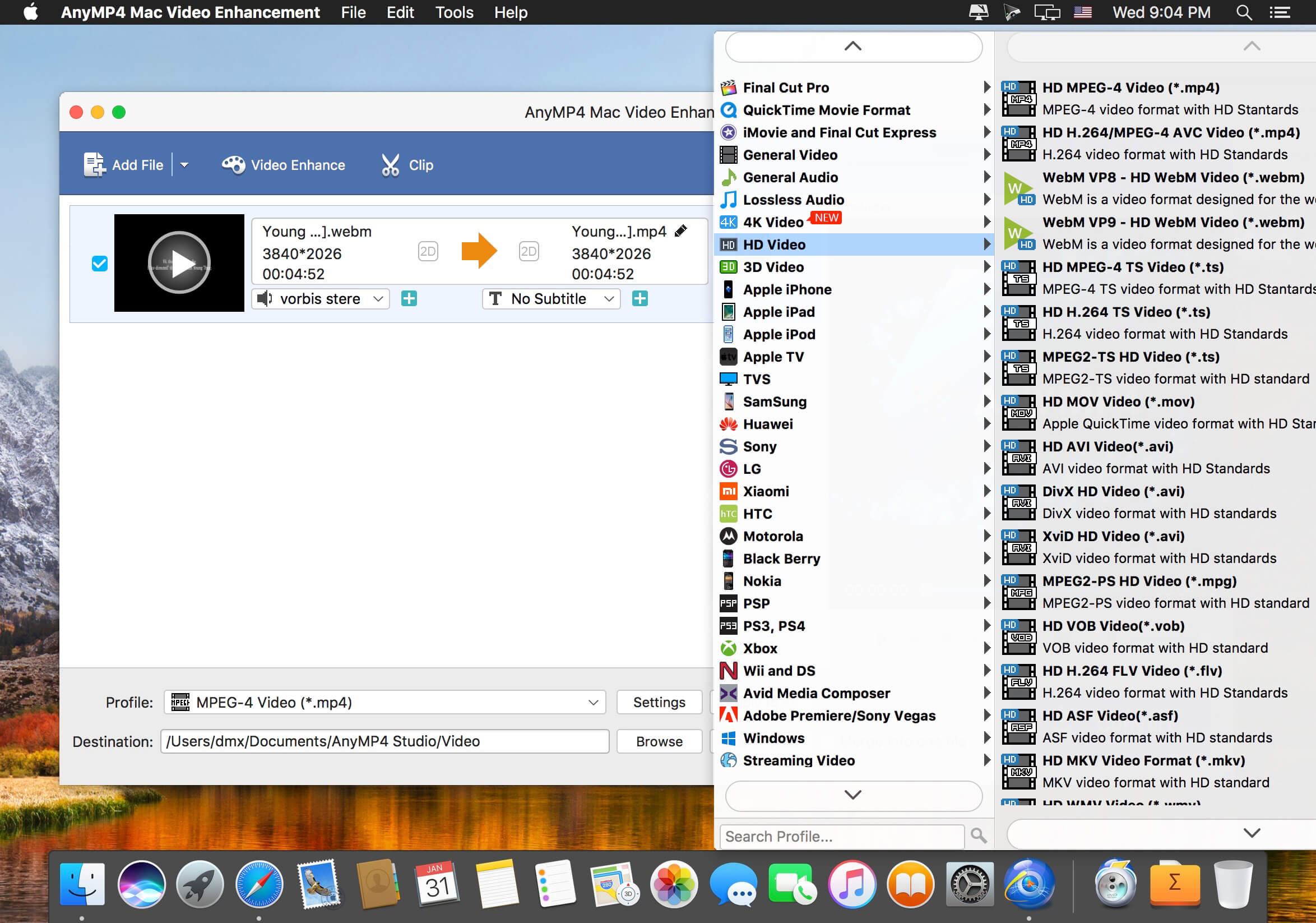
AnyMP4 Video Enhancement 8.2.30

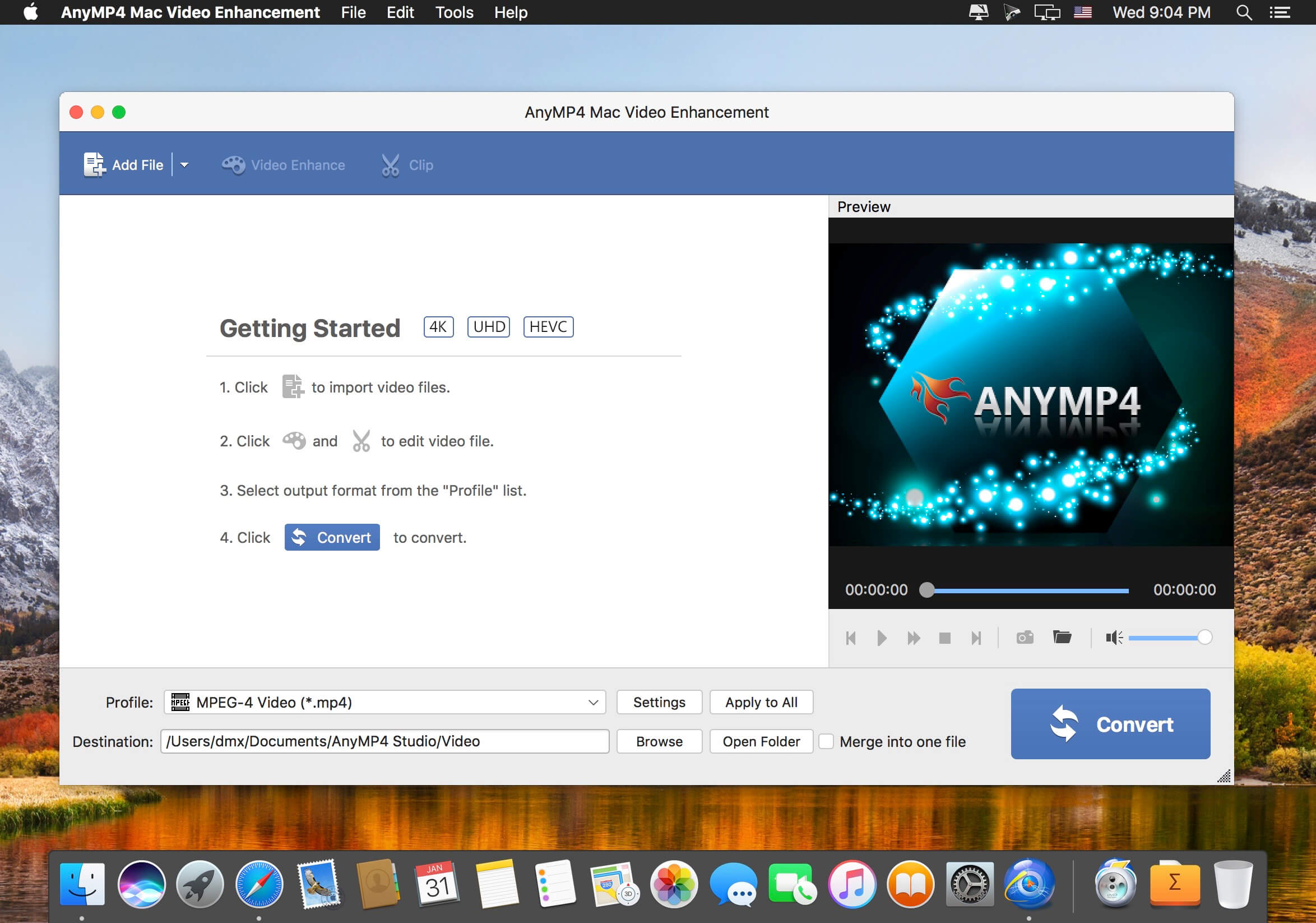
You may have trouble with some low quality video files and want to change video resolution to enhance video resolution. If you’re looking for powerful video enhancing software, AnyMP4 Video Enhancement Software for Mac is the best choice. It has the capacity of enhancing video quality from SD to HD, and improving the brightness and contrast.

With the Mac Video Enhancement, you can choose to remove the background noise and stabilize shaky video automatically. In addition, it is available to editing videos effect by adjusting the Brightness, Contrast, Saturation, Hue and Volume automatically.

Compatibility: macOS 10.10 or later
Homepage https://www.anymp4.com/mac-video-enhancement/

Screenshots


Name: AnyMP4_Mac_Video_Enhancement_8.2.30.97409__TNT_Mactorrents.is.dmg
Size: 52.85 MB
Files AnyMP4_Mac_Video_Enhancement_8.2.30.97409__TNT_ Mactorrents.is.dmg[52.85 MB]

   Download Torrent
   Download Links

Perfectly Clear WorkBench 4.2.0.2398

Perfectly Clear Workbench is an application that uses Athentech’s Perfectly Clear image correction libraries and is made available to demonstrate the capabilities of the Perfectly Clear processing libraries, face detection library and to allow a quick export of the processing settings for use.

Supported Image Formats:
Perfectly Clear requires RGB-formatted images in either 8 or 16-bit color depth. Any image file that Photoshop or Lightroom can open and convert to this format may be used in Perfectly Clear. Monochrome and CMYK images must be converted to RGB before using Perfectly Clear. RAW files must be opened through Adobe Camera RAW and loaded into Photoshop to be accessible to Perfectly Clear.

What’s New:

Version 4.2.0.2398:

  • Release notes were unavailable when this listing was updated.

Compatibility: macOS 10.10 or later
Homepage https://eyeq.photos/

Name: Perfectly_Clear_Workbench_v4_4.2.0.2398__TNT_Mactorrents.is.dmg
Size: 112 MB
Files Perfectly_Clear_Workbench_v4_4.2.0.2398__TNT_ Mactorrents.is.dmg[112 MB]

   Download Torrent
   Download Links

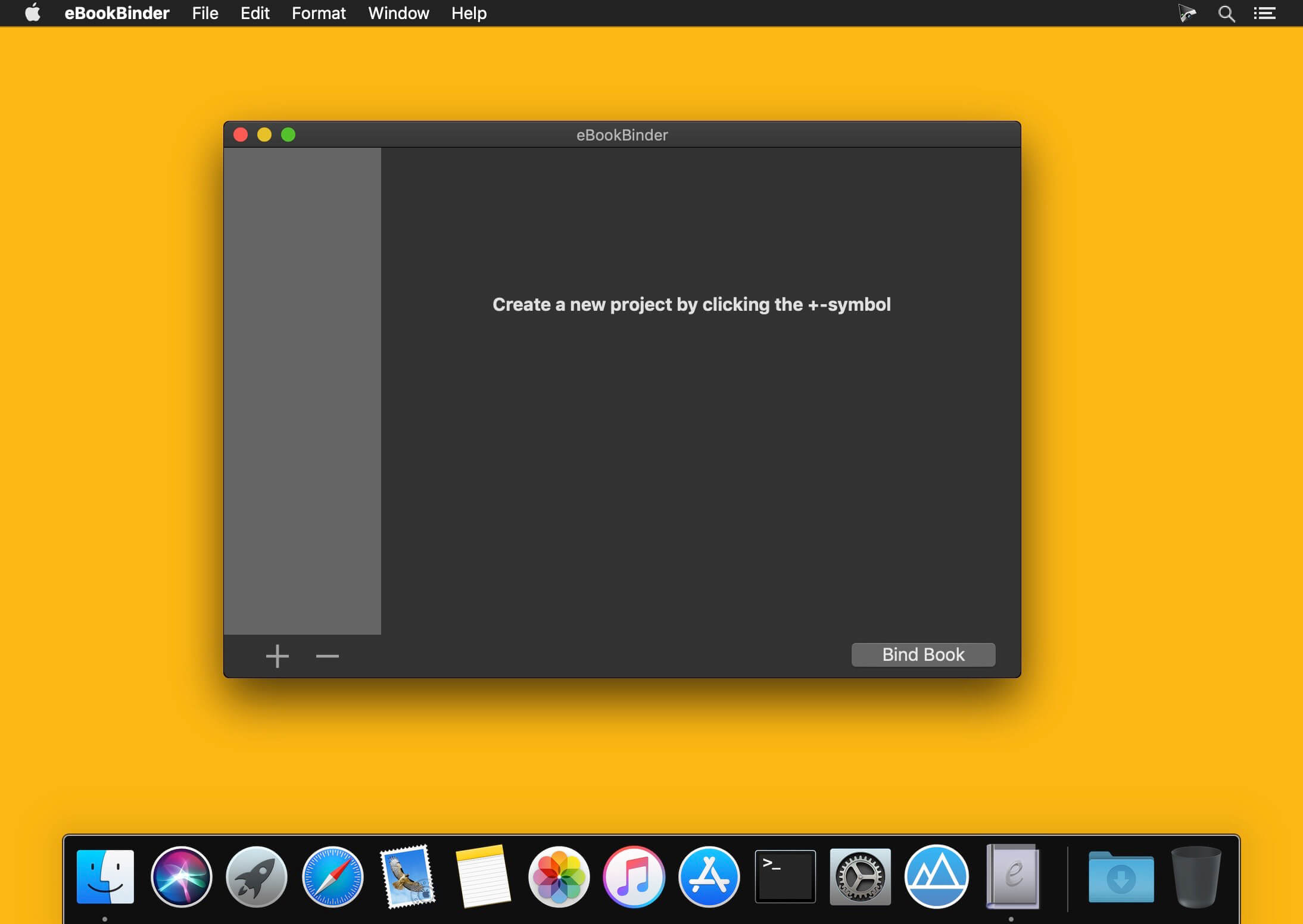
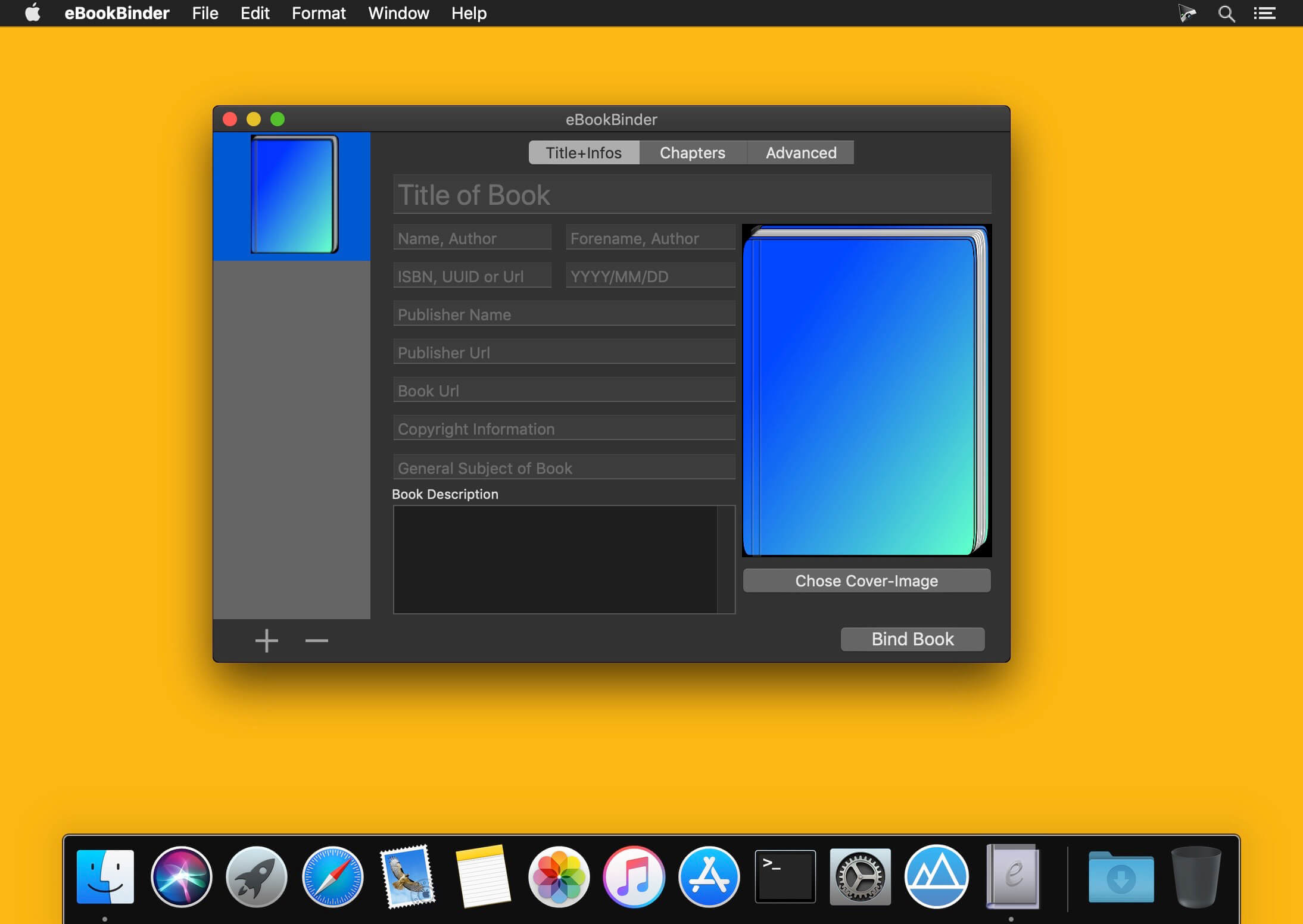
eBookBinder 1.12.1

eBookBinder is the super-easy tool to create your own ebooks using your existing documents. When compiling your book project, eBookBinder creates an epub file. There are just three major steps to your very own eBook:

  • Enter book details. Name of the book and its author, add an image for the book-cover, webpage of the publisher and other details can be entered. There is no need to fill all fields, at least you should enter a name for your book.
  • Add text files as chapters to your book project. Every single text file you add to eBookBinder is treated as a single chapter. Give your chapters a name and order them per drag-and-drop to your desired sequence of chapters.
  • Create your ebook. Just hit the “Bind Book” Button and eBookBinder will compile the ebook for you. That’s all!

What’s New:

Version 1.12.0

New:

  • New internal markup interpreter with improvements for all Markup languages supported by eBookBinder

Improvements:

  • Internal adjustments to improve the chapter read-in process
  • Improvements when adding chapters via drag’n drop

Compatibility: macOS 10.10 or later
Homepage https://www.xelaton.com/en

Screenshots


Name: eBookBinder_1.12.1__TNT_Mactorrents.is.dmg
Size: 6.19 MB
Files eBookBinder_1.12.1__TNT_ Mactorrents.is.dmg[6.19 MB]

   Download Torrent
   Download Links

CRAX Commander 1.13.2

CRAX Commander is dual-pane file manager with approachable user interface. It is integrated with Subversion and it has built-in FTP/FTPS, SFTP/SSH,WebDAV,SMB,AFP client functionality. CRAX Commander provides many of functionalities you need to quickly and effectively access and manage your local and remote files. WITH CRAX Commander FILE MANAGEMENT IS MUCH FASTER and EASIER than it has been before.

Features
– DUAL-PANE & multi-tabbed UI
– full UI customization (Fonts, Colors, Behaviour, Actions, Toolbar)
– full keyboard SHORTCUTS customization
– definition of CUSTOM TOOLS as menu items and toolbar items
– configurable SIDEBAR panel
– support for COLOR definition based on the file’s extension or attributes
– copying and moving files/folders in BACKGROUND (non blocking GUI file operations)
– MERGING content of folders when copying or moving
– built-in clients for connection to remote volumes using SSH/SFTP, FTP/FTPS, SMB, AFP, WebDAV protocols
– built-in text file editor with SYNTAX coloring
– SPLITTING and combining files
– DROPBOX integration with exporting and importing app’s settings
– calculation and verification CHECKSUMS
– archive support: ZIP, RAR, 7-ZIP, GZIP, BZIP2, AR/IPK, ISO9660, RPM (browsing, selectively unpack, delete, browsing archives in archives etc.)
– advanced searching for files with support for searching for DUPLICATES
– advanced MULTI-RENAME tool
– support for SUBVERSION
– experimental support for GIT
– KEYCHAIN passwords saving and restoring
– QUICK-LOOK support

Compatibility: macOS 10.10 or later macOS 10.10 or later (Apple Silicon compatible)

Name: CRAX_Commander_1.13.2_MAS__TNT_Mactorrents.is.dmg
Size: 71 MB
Files CRAX_Commander_1.13.2_MAS__TNT_ Mactorrents.is.dmg[71 MB]

   Download Torrent
   Download Links

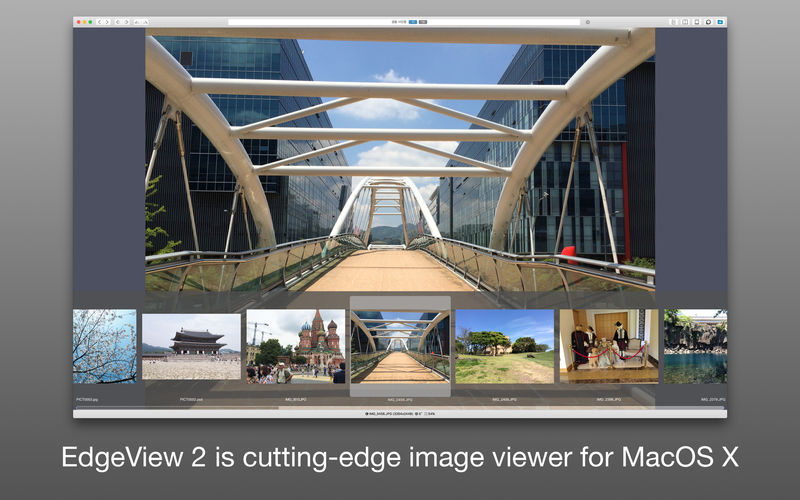
EdgeView 3.9.5

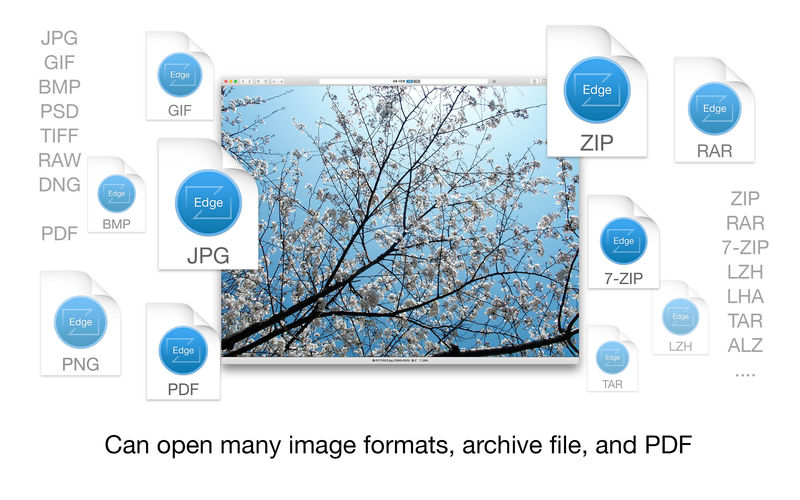
EdgeView 3 is fast image viewer has elegant user interface. EdgeView 3 is developed and designed for modern MacOS. It can open various image files such as JPEG, PNG, TIFF, BMP, and RAW file of DSLR, EPS and PDF, AI(Adobe Illustrator). Can open image files in archive directly without extraction.

User can open files, rename files, delete files from EdgeView’s file browser. Also can access to SMB/AFP/FTP network volume.

User can navigate images quickly by using keyboard shorcut, mouse wheel, trackpad gesture. EdgeVew show EXIF information, play animation GIF/PNG/WebP smoothly. Save last status to history, and restore when reopen file.

EdgeView 3 will be the best choice when viewing and managing image files.

Features

  • Rewrote full code as Swift for improve performance.
  • Support m1 CPU Mac.
  • Has easy UI, can control main function at Sidebar.
  • Support English/Korean/Japanese/Chinese(Simplified).

Image Viewer

  • Supporting image files such as JPG, GIF, BMP, PSD, TIFF, RAW, WEBP and PDF, EPS, AI(Adobe Illustrator), OpenEXR, HDR, TGA.
  • Can play animation GIF/PNG/WebP. User can control animation with floating animation controller.
  • Dispaly internal image(or frame) of animation GIF/PNG/WebP or HEIC that has multiple internal image.
  • Can read and show images of major archive formats (such as ZIP, RAR, CBZ, CBR, 7-zip) without extraction. Of course, can open ZIP file that 4GB over.
  • Can read encrypted archive file.
  • Can read archive file in archive file recursively
  • Improved draw speed by rebuilt image cache system and drawing engine.
  • Draw images as high quality.
  • Provide suitable functions for comic reading such as ‘Two-Page Spread’, ‘Continuous Scroll mode’, ‘Right to Left’, etc.
  • Provide multiple navigation functions like as ‘Move’, ‘Skip’, ‘Shift’, etc.
  • User can navigate images and check whole thumbnails at Thumbnailsbar.
  • User can navigate images by using keyboard shortcut, mouse wheel, trackpad gesture.
  • Can rotate and flip images. Orientation will be saved to history.
  • User can select part of images, and copy it or save as file.
  • Can zoom in/out image freely.
  • Built-in loupe function to make it easier to magnify part of image.
  • Show histogram.
  • Show neighbor files list. And can open neighbor file.
  • Support history feature for saving and restoring last status of file.
  • Can reopen file or remove history at history list.
  • Can rate image files.

File Browser

  • Built-in file browser can show and open files from local drive or AFP/SMB/FTP network drive.
  • Can display files as lists or icon.
  • Show images in folder/archive file at preview panel.
  • Generate thumbnails of archive files and folders.
  • Support powerful search feature.
  • Show category and writer information.
  • User can sort files by various options, and can delete or rename files.
  • Can rate files or folders.

Others

  • Support customizing feature. Also user can change shortcuts.
  • Built-in Quick Look Extension generate thumbnails and preview of archive files at Finder.

Compatibility: macOS 11.1 or later
Homepage https://apps.apple.com/pk/app/edgeview-2/id1206246482

Screenshots


Name: EdgeView_3.9.5_MAS__TNT_Mactorrents.is.dmg
Size: 33 MB
Files EdgeView_3.9.5_MAS__TNT_ Mactorrents.is.dmg[33 MB]

   Download Torrent
   Download Links

Geekbench 5.5.0

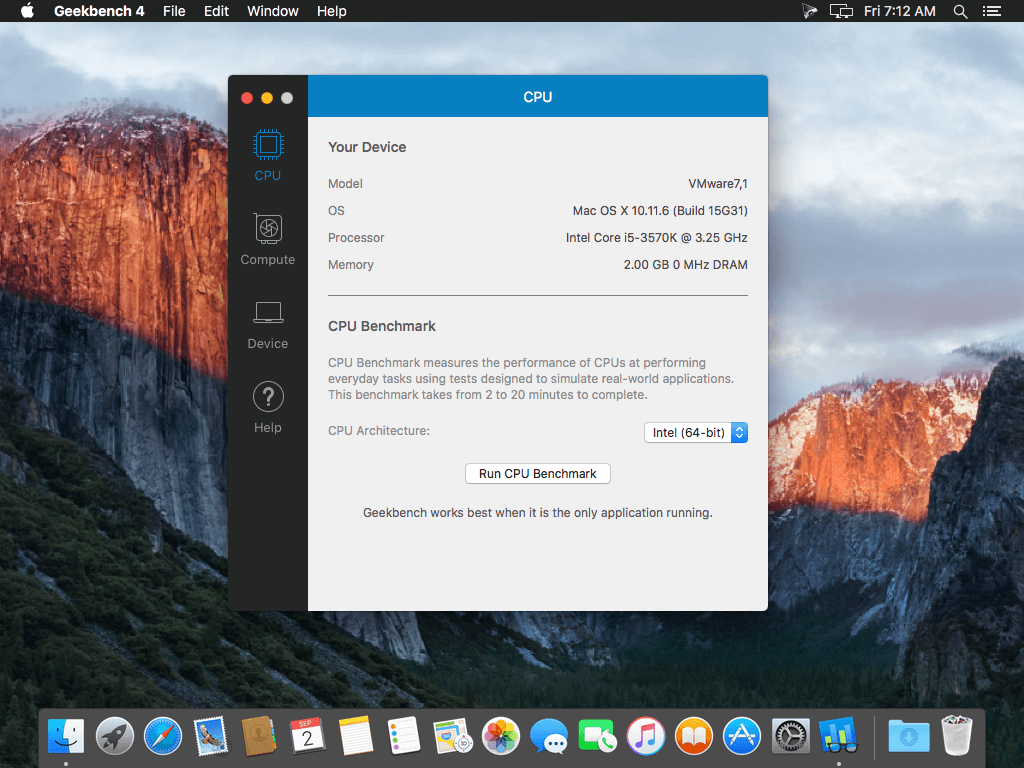
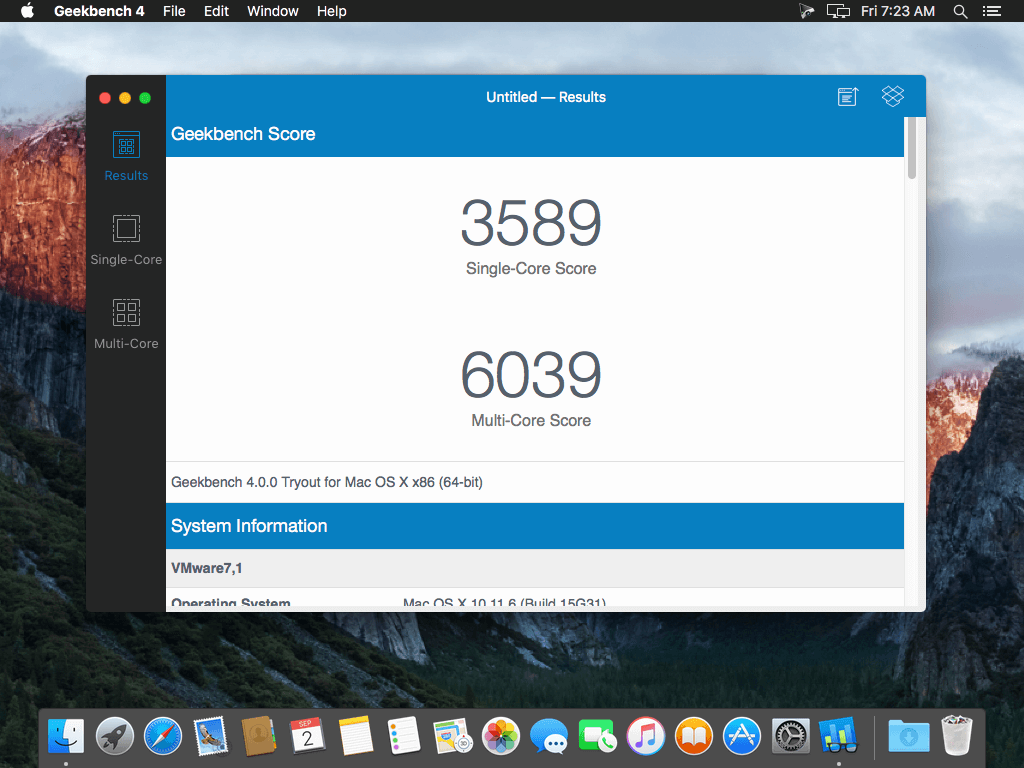
Geekbench 5 is a cross-platform benchmark that measures your system’s performance with the press of a button. How will your mobile device or desktop computer perform when push comes to crunch? How will it compare to the newest devices on the market? Find out today with Geekbench 5.

CPU Benchmark
Geekbench 5 measures your processorвЂs single-core and multi-core power, for everything from checking your email to taking a picture to playing music, or all of it at once. Geekbench 5вЂs CPU benchmark measures performance in new application areas including Augmented Reality and Machine Learning, so youвЂll know how close your system is to the cutting-edge.

Compute Benchmark
Test your system’s potential for gaming, image processing, or video editing with the Compute Benchmark. Test your GPUвЂs power with support for the OpenCL, CUDA, and Metal APIs. New to Geekbench 5 is support for Vulkan, the next-generation cross-platform graphics and compute API.

Cross-Platform
Compare apples and oranges. Or Apples and Samsungs. Designed from the ground-up for cross-platform comparisons, Geekbench 5 allows you to compare system performance across devices, operating systems, and processor architectures. Geekbench 5 supports Android, iOS, macOS, Windows, and Linux.

Geekbench Browser
Upload your results to the Geekbench Browser to share them with others, or to let the world know how fast (or slow) your devices can go! You can track all your results in one place by creating an account, and find them easily from any of your devices.

Compatibility: macOS 10.13 or later
Homepage http://www.geekbench.com/

Screenshots


Name: Geekbench_5_5.5.0__TNT_Mactorrents.is.dmg
Size: 141 MB
Files Geekbench_5_5.5.0__TNT_ Mactorrents.is.dmg[141 MB]

   Download Torrent
   Download Links

GrandTotal 8.0.3.1

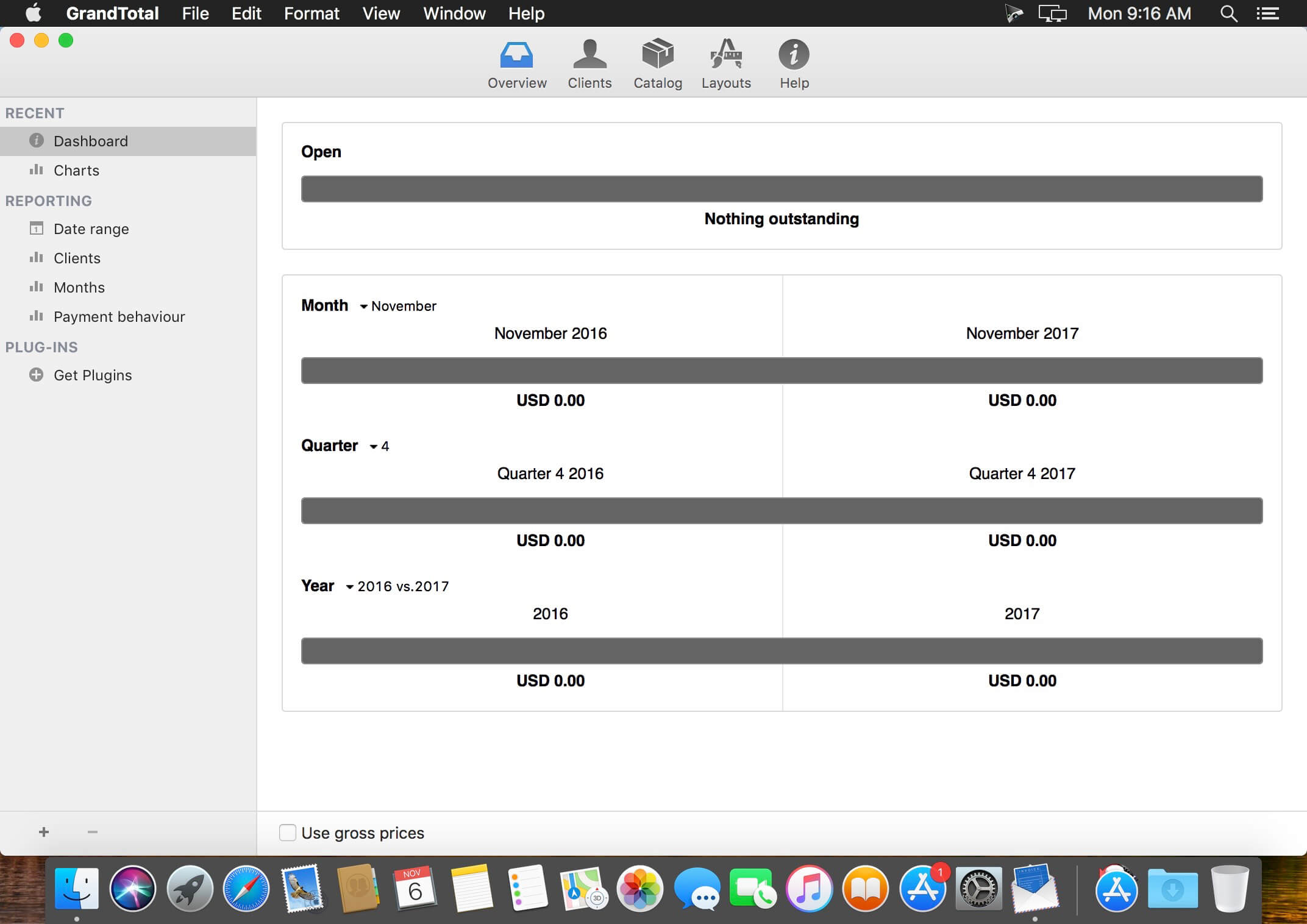
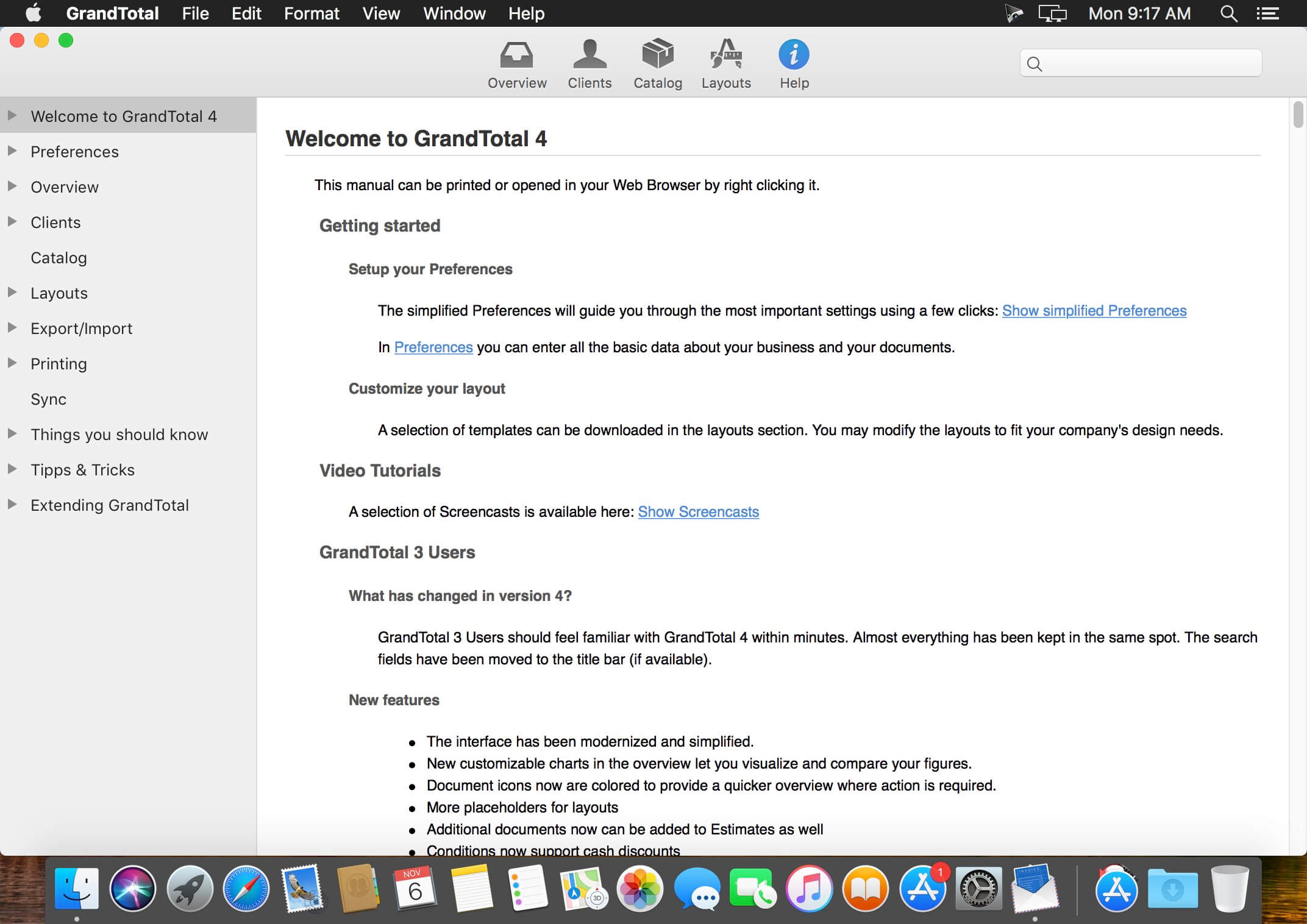
GrandTotal is an application to create invoices and estimates based on your own templates. The built-in template editor allows you to adjust your layout to fit your company’s corporate design. GrandTotal works great in conjunction with TimeLog. Using GrandTotal you can create invoices and estimates in the twinkling of an eye and keep track over the outstanding payments. Detailed statistics and graphs give you an insight into the current state of your business and allow comparison to previous periods.

Compatibility: macOS 10.13 or later
Homepage http://www.mediaatelier.com/GrandTotal4/

Screenshots


Name: GrandTotal_8.0.3.1__TNT_Mactorrents.is.dmg
Size: 47 MB
Files GrandTotal_8.0.3.1__TNT_ Mactorrents.is.dmg[47 MB]

   Download Torrent
   Download Links

FigrCollage Pro 3.3.6

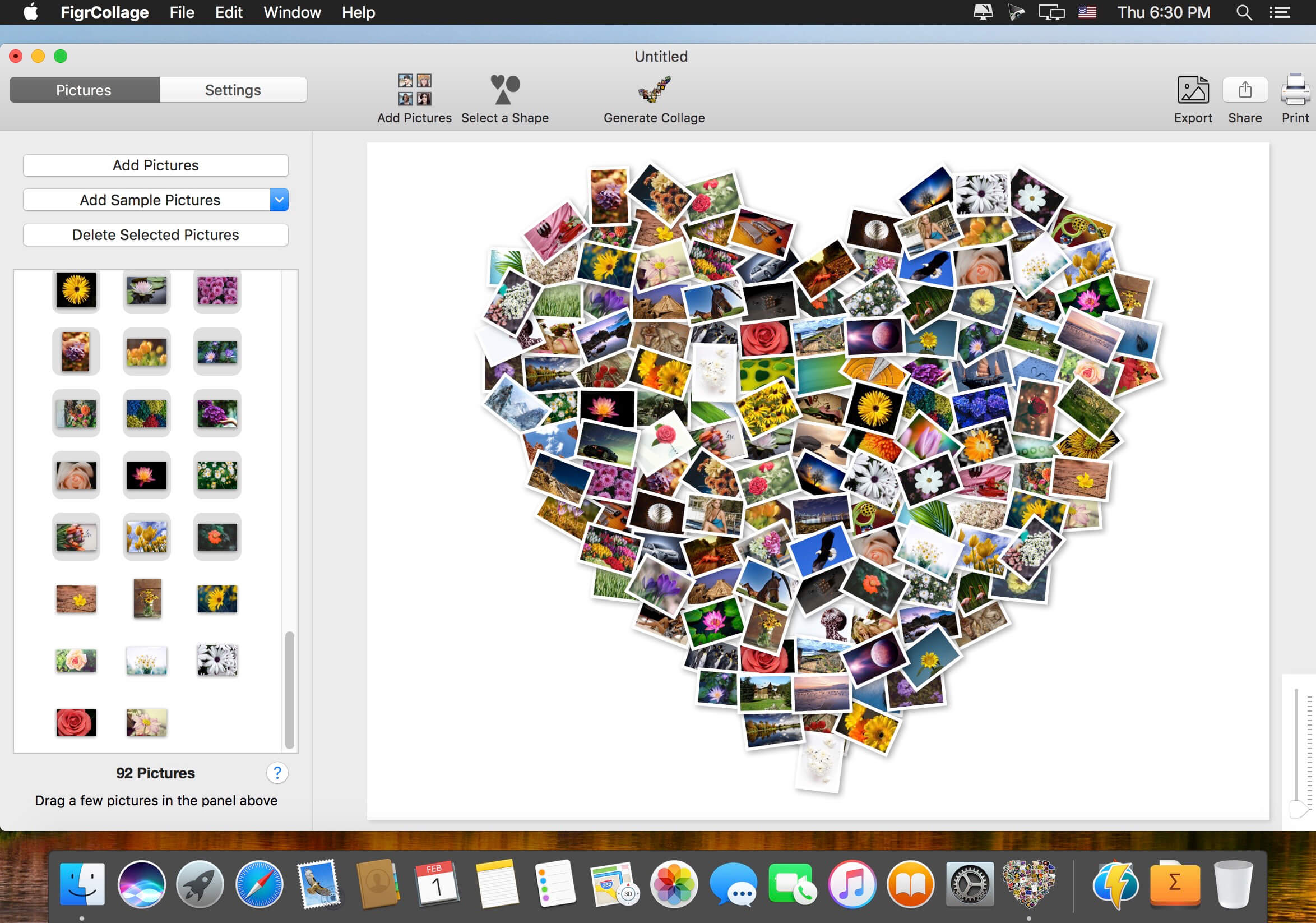
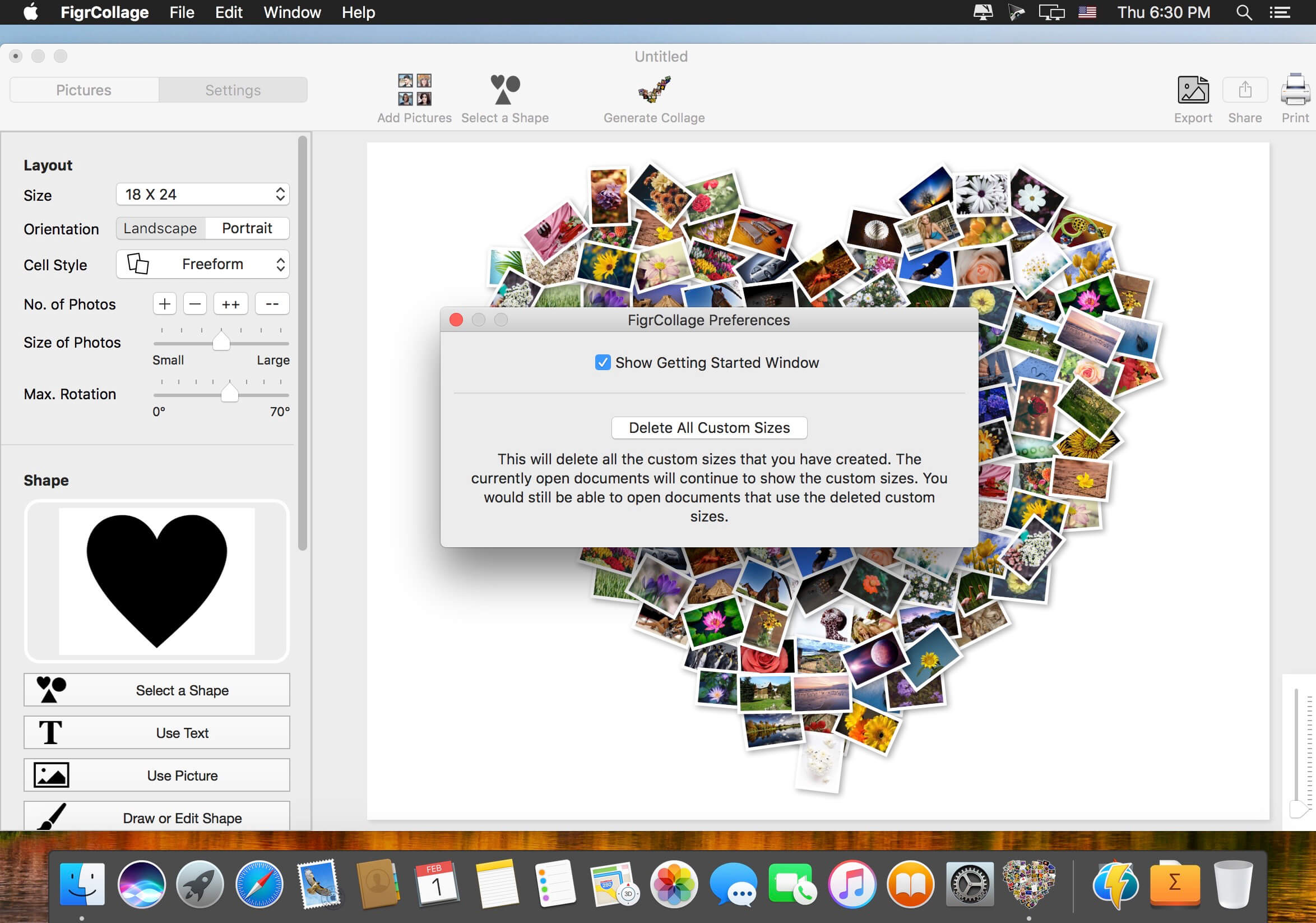
Make a photo collage in the form of any shape, number, word, or text. Make a heart collage, number collage, letter collage, word collage, or a collage from any alphabet. Absolutely anyone can make a collage from a shape or text in a few minutes — no design expertise or experience needed. We bet you’d be pleasantly surprised with the ease of use and the quality of results! Make a collage in one of the standard shapes or use your own custom shape. Here’re some sample pictures made using FigrCollage.

What’s New:

Version 3.3.6:

  • Release notes were unavailable when this listing was updated.

Compatibility: macOS 10.10 or later (Apple Silicon compatible)
Homepage http://www.figrcollage.com/

Screenshots


Name: FigrCollage_3.3.6__TNT_Mactorrents.is.dmg
Size: 62 MB
Files FigrCollage_3.3.6__TNT_ Mactorrents.is.dmg[62 MB]

   Download Torrent
   Download Links

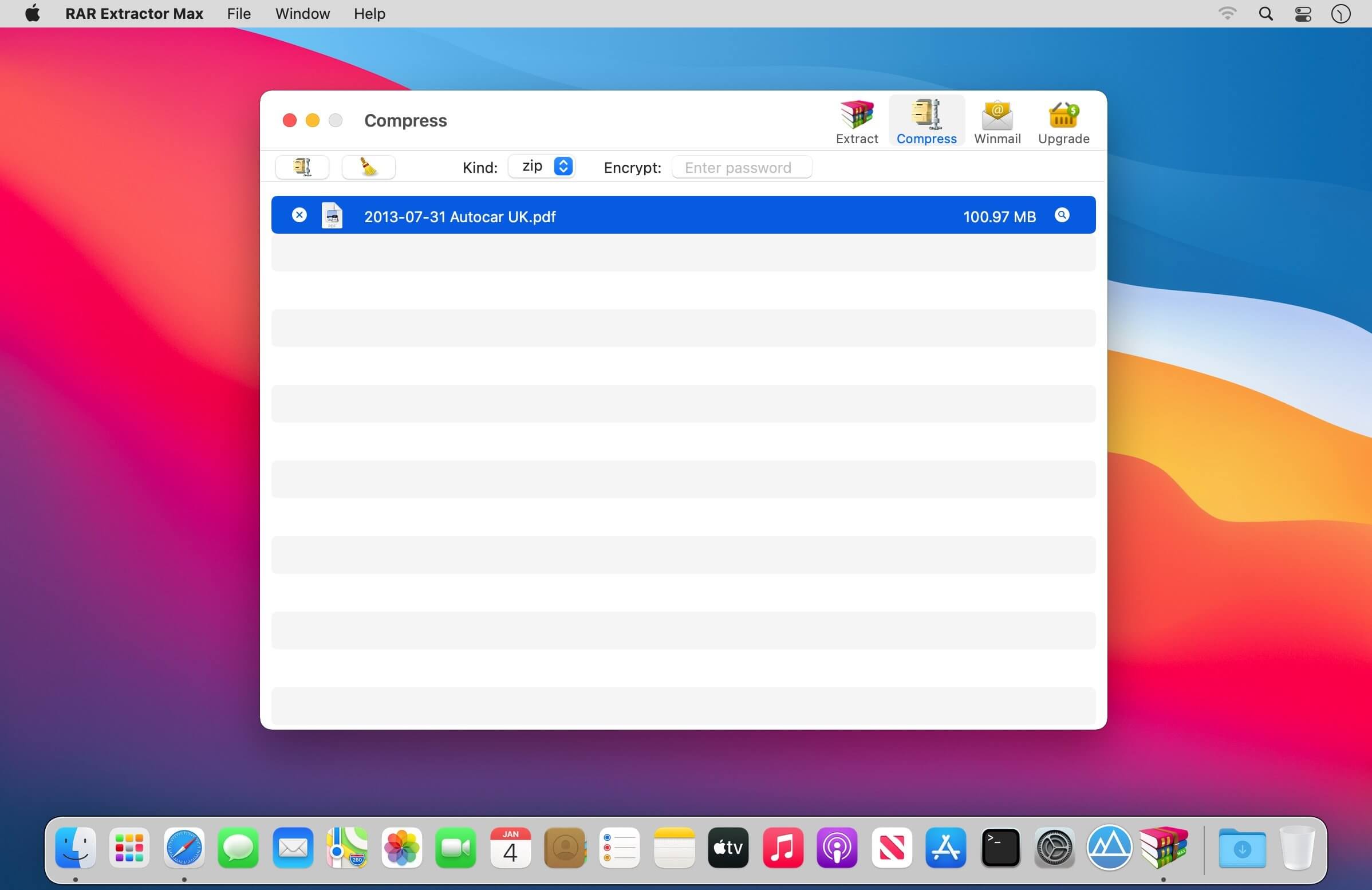
RAR Extractor Max – Unzip File 10.8.0

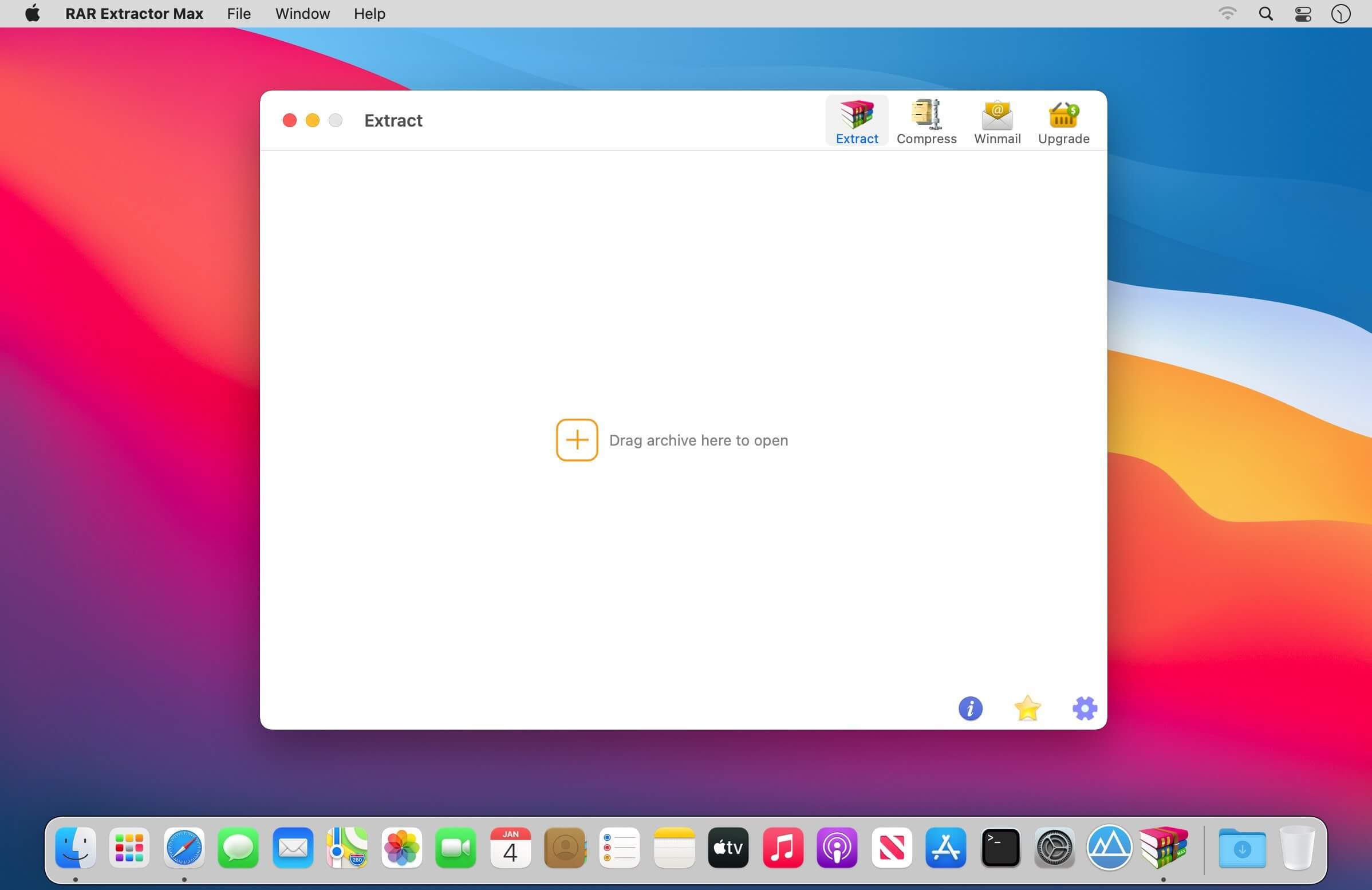
“RAR Extractor Max” inherited the advantages of “RAR Extractor Pro”, we redesigned the UI and added more powerful functionalities.

  • Support unarchive RAR, winmail.dat, ZIP, 7z, tbz, sti, tar, xar, lha, lzh, hqx, bin, bz2, bzip2, bz, xz, iso, cid, nrg, mdf, taz, lzma, exe, msi, cpio, lzx, jar, swf, xip, ace, arj, pak, pkg, apk, lbr, lqr, cab, rpm, cpt, sea, pdf, nsa, dcs, now, spk…
  • Support archive files and folder to encrypted zip&7z
  • Quicklook files in archive before extraction.

MAIN FEATURES

  • Extract extract compressed files in all most formats(over 50 formats).
  • Unzip, unrar encrypted archives.
  • Preview and open the file in winmail.dat sent from Microsoft Outlook
  • Easy view of an archive’s file list.
  • Quicklook files in archive before extraction.
  • Unarchive & unrar the selected individual file or folder in the archive.
  • Double click to display or extract directly after setting this APP as default archiver.
  • Drag archives to the dock icon to extract or display directly.
  • Batch decompress many archives
  • Create password-protected ZIP & 7Z archives.
  • AES256 encryption algorithm to create ZIP & 7Z archives.
  • Drag the file in archive to the desktop to extract directly

VERSION INTRODUCTION

  • RAR Extractor: a lite version the first-generation product, supporting decompress all most of formats of archives and compress files to rar and 7z packages.
  • RAR Extractor Pro: a pro version the first-generation product, supporting decompress all most of archives, meanwhile, it supports view the contents of archive before extraction.
  • RAR Extractor Max:based on the first-generation app, we redesigned the UI and improve the functionalities

What’s New:

Version 10.8.0:

  • Bug fixes and performance improvement

Compatibility: macOS 10.11 or later
Homepage https://apps.apple.com/pk/app/rar-extractor-max-unzip-file/id1535136051

Screenshots


Name: RAR_Extractor_Max_10.8.0_MAS_In-App__TNT_Mactorrents.is.dmg
Size: 14 MB
Files RAR_Extractor_Max_10.8.0_MAS_In-App__TNT_ Mactorrents.is.dmg[14 MB]

   Download Torrent
   Download Links

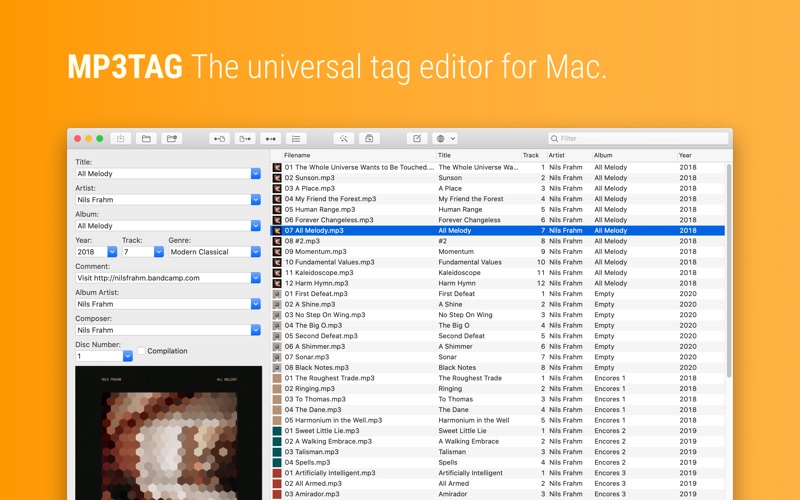
Mp3tag 1.7.2

Mp3tag is a powerful and easy-to-use tool to edit metadata of audio files. Musicians, DJs, podcasters, and audio-enthusiasts use it for many different aspects of handling audio files. It supports batch tag-editing for multiple files at once, covering many audio formats from MP3, over MP4, and M4V (yes, that’s video!) to FLAC, OGG, OPUS, AIF, DSF, MPC, and WAV.

Furthermore, it supports online database lookups from Discogs and MusicBrainz, allowing to gather proper tags and download cover art for music libraries.

It offers renaming files based on the tag information, replacing characters or words in tags and filenames, importing tag information, and adjusting the size and image format of embedded cover art.
Since some of the tasks in managing a digital library are repetitive, Mp3tag allows for combining tasks into action groups, which serve as workflows for keeping consistency and order. Examples are formatting tag fields, performing case conversion, removing unwanted fields, or adjusting embedded cover art to match required sizes.

Key Features

  • Bulk-Editing of Tags for multiple files at once.
  • Editing of cover-art.
  • Renaming files based on tags.
  • Importing metadata from filenames.
  • Assign track and disc numbers via the auto-numbering wizard.
  • Importing metadata from online Tag Sources.
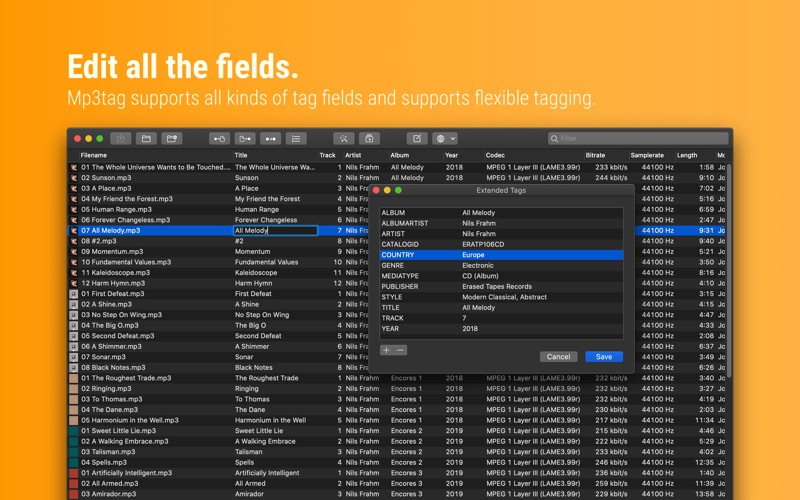
  • Support for Flexible Tagging, allowing for user-defined tag fields in a standardized way.
  • Applying action groups with many tasks combined into reusable workflows.
  • Support for many file types under a universal user interface.
  • and more…

Supported File Formats

  • MP3 (ID3v1, ID3v2.3, ID3v2.4 with UTF-8)
  • MP4/M4A/M4B/M4V (iTunes and Nero)
  • FLAC (Vorbis Comments)
  • OGG (Vorbis Comments)
  • OPUS (Vorbis Comments)
  • AIF (RIFF INFO and RIFF ID3)
  • DSF (ID3v2)
  • MPC (APEv2)
  • WAV (RIFF INFO and RIFF ID3)

Compatibility: macOS 10.14 or later • Apple Silicon or Intel Core processor
Homepage https://mp3tag.app/

Screenshots


Name: Mp3tag_1.7.2__TNT_Mactorrents.is.dmg
Size: 11 MB
Files Mp3tag_1.7.2__TNT_ Mactorrents.is.dmg[11 MB]

   Download Torrent
   Download Links

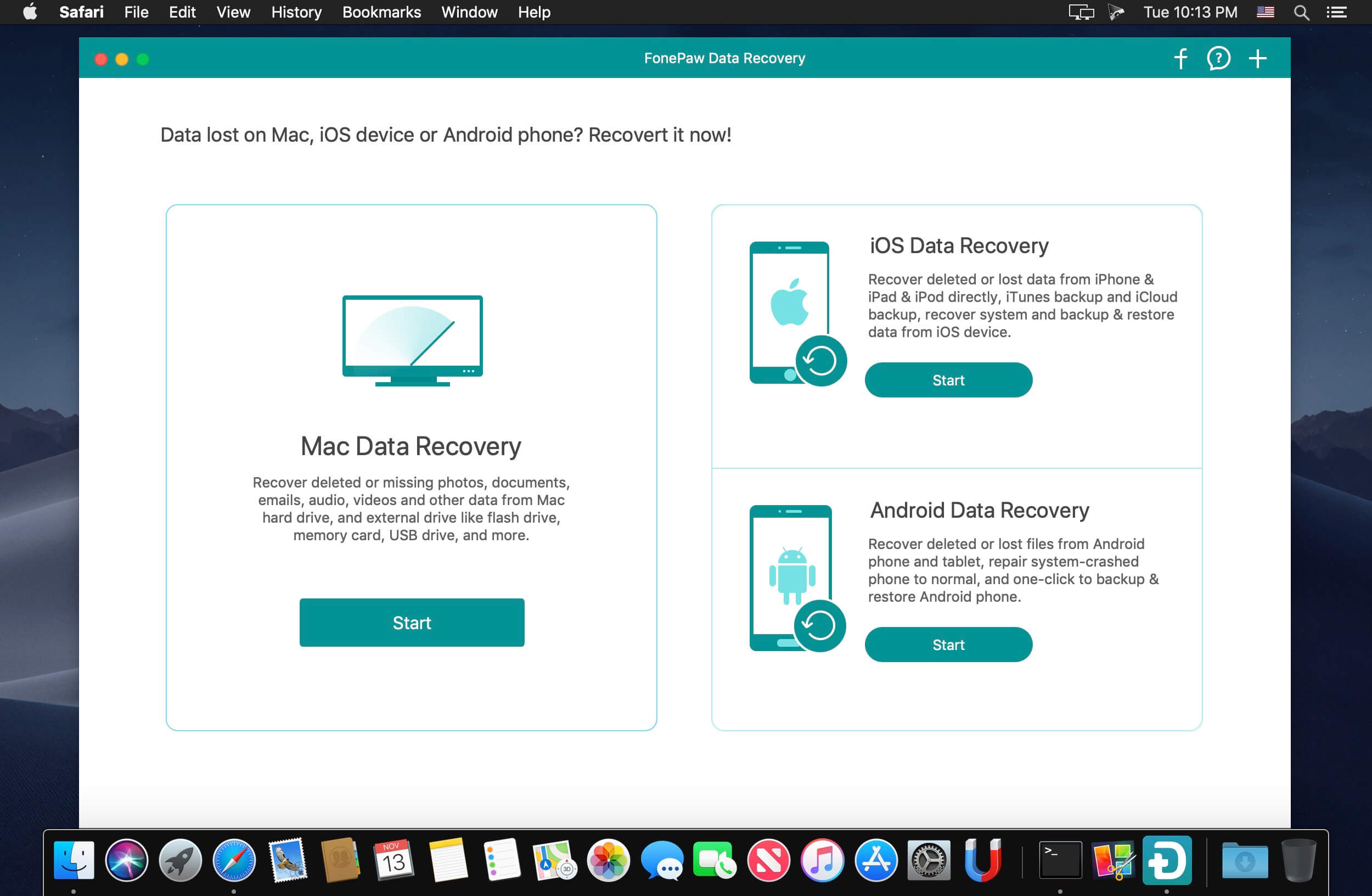
FonePaw Data Recovery 3.2.0

Pro Data Recovery Wizard! Quick and deep scan your computer to retrieve deleted images, videos, audios, emails, documents and more from hard drives (including Recycle Bin) .

When You Should Use FonePaw Data Recovery?
A professional data recovery wizard can recover the lost data from different situations.

Recover Deleted Files
Lose data accidentally without backups, empty the trash bin or press “Shift+Del”? FonePaw Data Recovery will access the deleted files quickly and get them back.

Hard Drive Recovery
Effectively retrieve the inaccessible/hidden/corrupted files from your Windows due to RAW hard drive, RAW partition or disk, data system damage or partition loss.

Partition Recovery
You can recover the missing data caused by formatting the partition, re-partition, deleting the partition mistakenly, system crashing, improper cloning, etc.

Memory Card Recovery
This smart recovery tool can extract the deleted and existing data from SD card, CF card, MMC card, XD card and SDHC card.

Flash Drive Recovery
If you have cleaned up your USB flash drive, FonePaw Data Recovery will works as a doctor to recover the lost files on removable storage media.

Crashed PC Recovery
Any problems, like system upgrade, about Windows OS may erase the data. This data recovery utility will rescue the lost things in your crashed Windows PC/Mac.

What’s New:

Version 3.2.0:

  • Release notes were unavailable when this listing was updated.

Compatibility: OS X 10.10 or later, 64-bit processor
Homepage https://www.fonepaw.com/

Screenshots

Name: FonePaw_Data_Recovery_3.2.0.125275__TNT_Mactorrents.is.dmg
Size: 23 MB
Files FonePaw_Data_Recovery_3.2.0.125275__TNT_ Mactorrents.is.dmg[23 MB]

   Download Torrent
   Download Links

GraphicConverter 11.7.1 (5728)

GraphicConverter is an all-purpose image-editing program that can import 200 different graphic-based formats, edit the image, and export it to any of 80 available file formats.

The high-end editing tools are perfect for graphic manipulation as well as the ability to use Photoshop-compatible plug-ins. It offers batch-conversion capabilities, a slide-show window, batch rename, batch and individual editing of metadata (EXIF, IPTC, XMP) and so much more.

GraphicConverter 11

RAW Developer
RAW images are much easier to edit thanks to their enormous data depth. This is particularly noticeable when brightening images with the Exposure slider. The picture remains clear, there is no gray haze as with many JPG images. GraphicConverter now offers a full-screen dialog when opening RAW files with controls for Exposure, Contrast, and Color Corrections. The picture noise can be reduced even with 6 controllers.

Unpack Archives
You want to know which pictures and documents are in an archive file? Then double-click is enough: GraphicConverter temporarily shows you the content or secures the content permanently. In addition to the Zip format, there are 12 additional formats supported, such as the TAR and TGZ formats.

Wide Equalization
In wide-angle shooting, faces and objects on the left and right edges of the image are often heavily distorted in width. With the new wide-angle equalization in GraphicConverter 11, you can now reduce this distortion.

Gradients
You need a gradient, e.g. as a background for a collage? No problem. Easily create color gradients with up to 10 colors via the new dialog.

Duo-Tone
Color your shots with two colors to duo-tone images. In this impressive technique, the lighter shades are colored with the color 1 and the darker ones with the color 2. The result is an effect that enchants your pictures.

Apple Finder Tags
Do you organize your work with Finder Tags from Apple? Then your work will be even easier, because in the browser you can now use the context menu to directly display and change these tags.

Compatibility: macOS 10.11 or later (Apple Silicon compatible)
Homepage https://www.lemkesoft.de

Screenshots


Name: GraphicConverter_11_11.7.1.5728__TNT_Mactorrents.is.dmg
Size: 243 MB
Files GraphicConverter_11_11.7.1.5728__TNT_ Mactorrents.is.dmg[243 MB]

   Download Torrent
   Download Links

GrandTotal 8.0.3

GrandTotal is an application to create invoices and estimates based on your own templates. The built-in template editor allows you to adjust your layout to fit your company’s corporate design. GrandTotal works great in conjunction with TimeLog. Using GrandTotal you can create invoices and estimates in the twinkling of an eye and keep track over the outstanding payments. Detailed statistics and graphs give you an insight into the current state of your business and allow comparison to previous periods.

Compatibility: macOS 10.13 or later
Homepage http://www.mediaatelier.com/GrandTotal4/

Screenshots


Name: GrandTotal_8.0.3__TNT_Mactorrents.is.dmg
Size: 47 MB
Files GrandTotal_8.0.3__TNT_ Mactorrents.is.dmg[47 MB]

   Download Torrent
   Download Links

ProFind 1.20.0

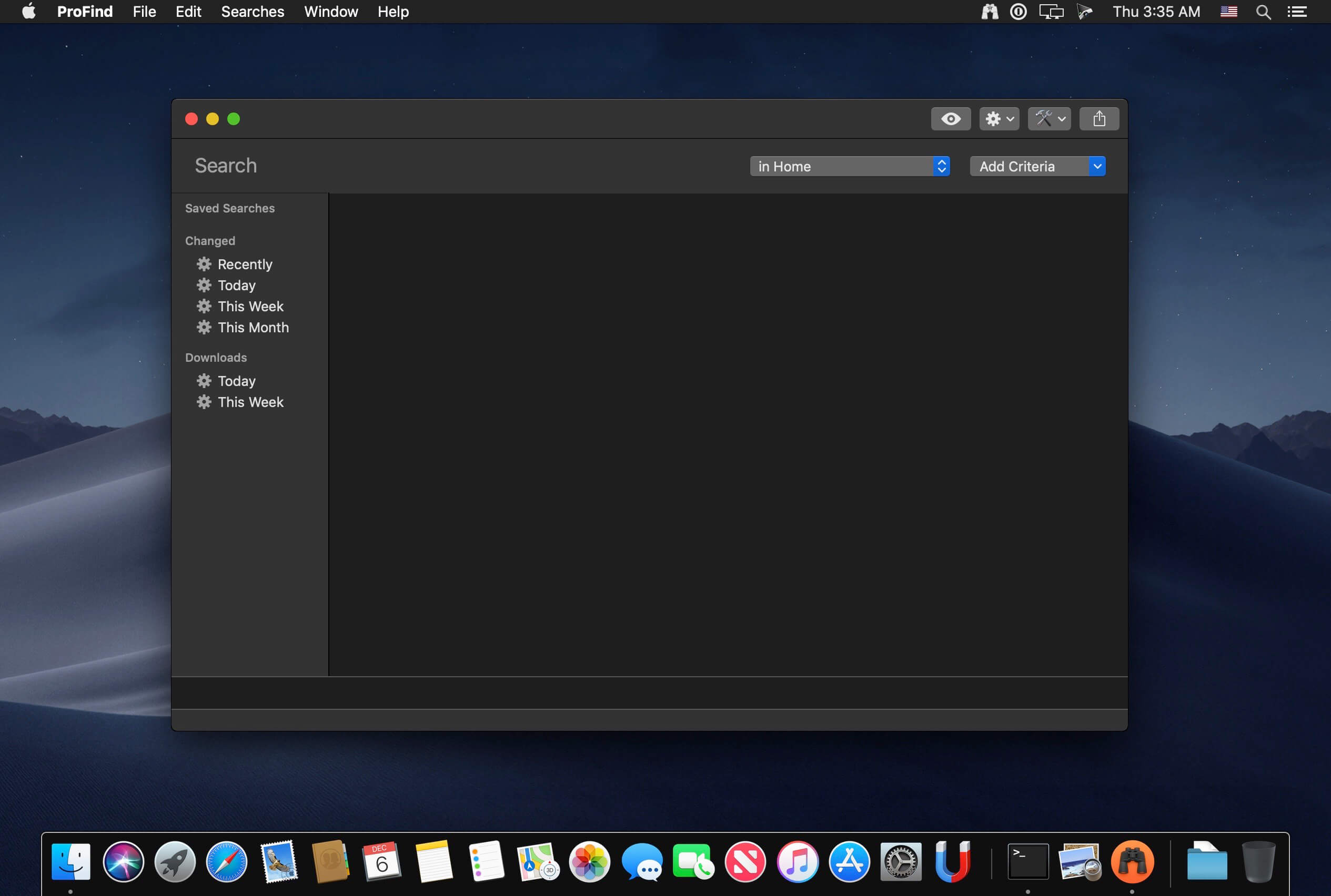
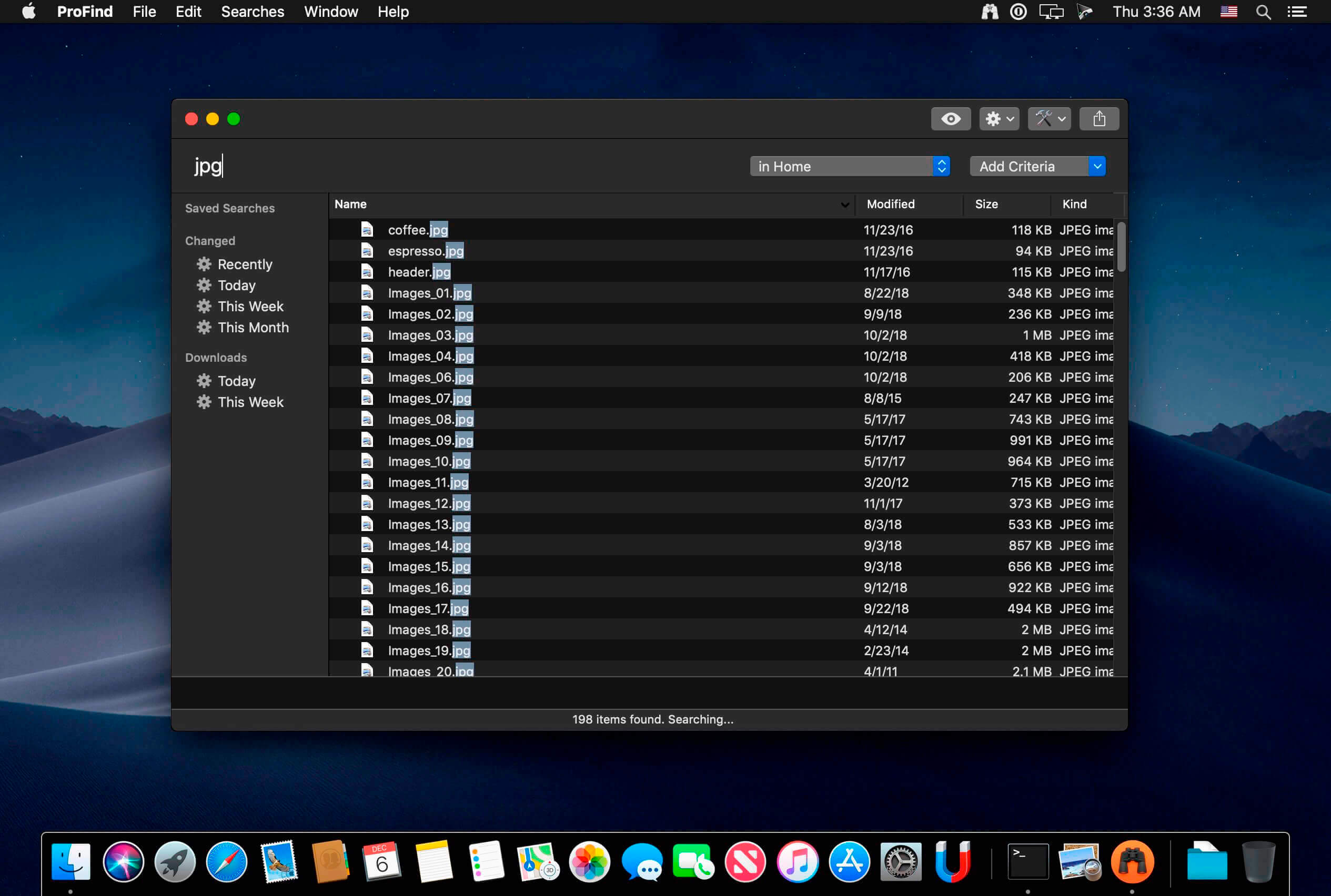
ProFind is advanced file search app for macOS.

With powerful features and great performance, ProFind delivers advanced file search for macOS. And with support for natural language queries, application launching, hidden location searches, scripting and more.

Search inside invisible folders and packages. Searches any disk type.

Uses kernel based searching (searchfs) when available. Uses metadata indexes (as used by Spotlight) when available to improve performance. Autocompletion for application names. Large icon view for one or two search results.

Under it’s elegant user interface, ProFind combines the power of macOS’s different search capabilities to make sure it finds all the files your looking for. And it’s been carefully tuned for performance and responsiveness.

Compatibility: macOS 10.15 or later
Homepage https://www.zeroonetwenty.com/

Screenshots


Name: ProFind_1.20.0__TNT_Mactorrents.is.dmg
Size: 9 MB
Files ProFind_1.20.0__TNT_ Mactorrents.is.dmg[9 MB]

   Download Torrent
   Download Links

Native SQLite Manager 1.24.0

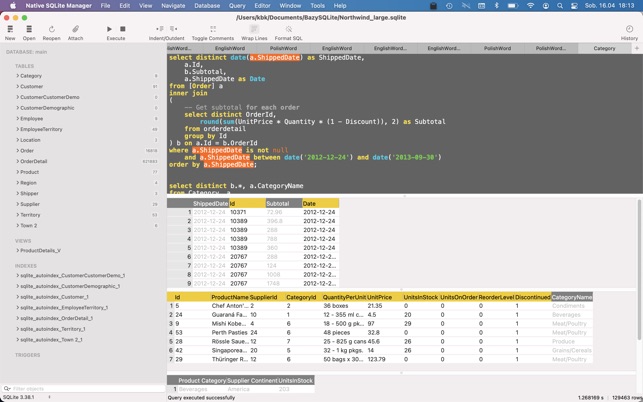
Native SQLite Manager is an minimalist SQLite database manager.

Application features
– Support for many versions of SQLite
– Support for SQLCipher
– SQLite extensions support
– Autocompletion and syntax highlighting
– Customizable themes
– SQL formatter
– Export data to CSV, JSON, XML
– Import data from CSV
– Minimalist interface without unnecessary additions

Compatibility: macOS 10.15 or later • Apple Silicon or Intel Core processor
Mac App Store http://apps.apple.com/app/native-sqlite-manager/id1416282836

Screenshots

Name: Native_SQLite_Manager_1.24.0_MAS__HCiSO_Mactorrents.is.dmg
Size: 83.85 MB
Files Native_SQLite_Manager_1.24.0_MAS__HCiSO_ Mactorrents.is.dmg[83.85 MB]

   Download Torrent
   Download Links

PullTube 1.8.4.20

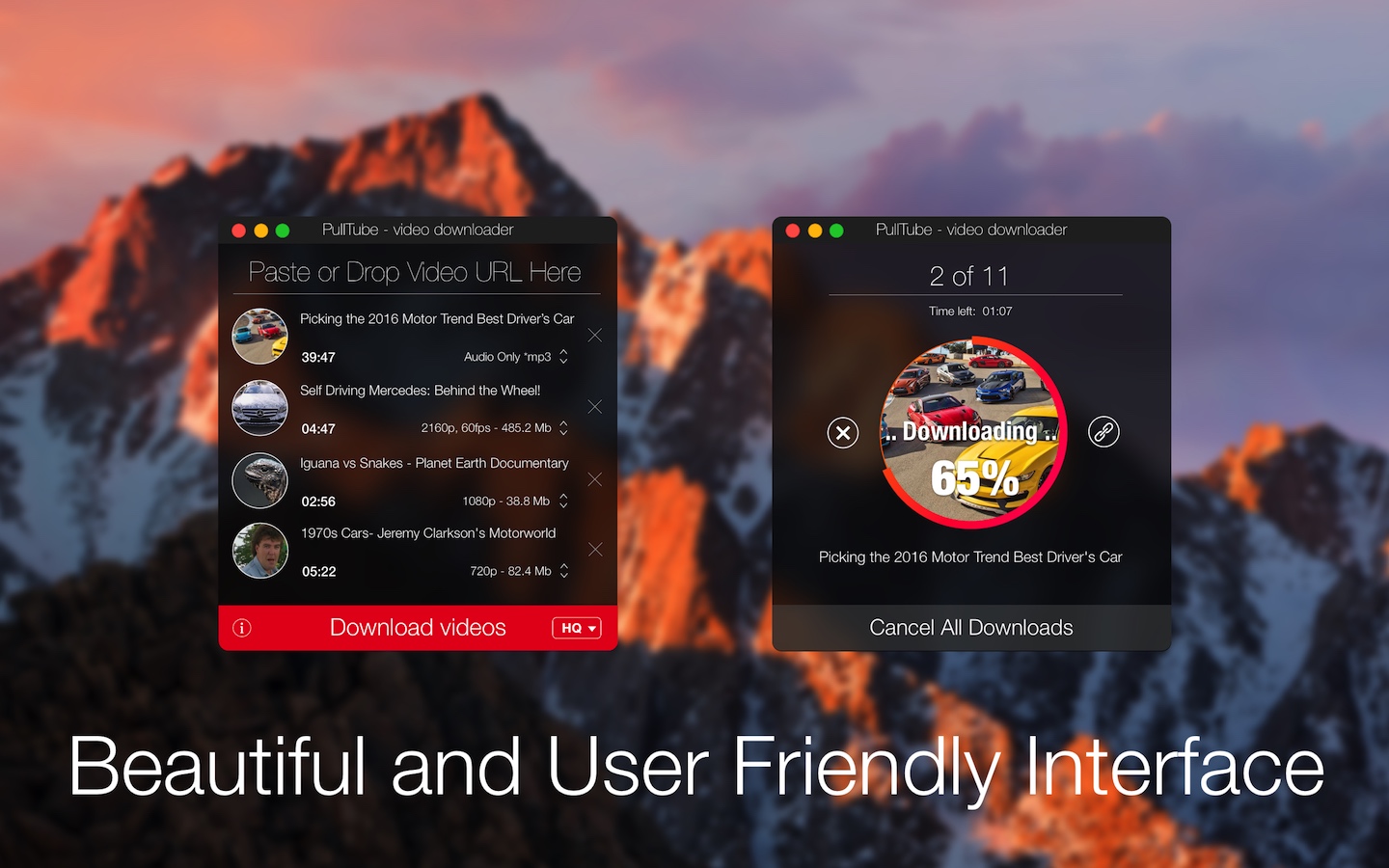
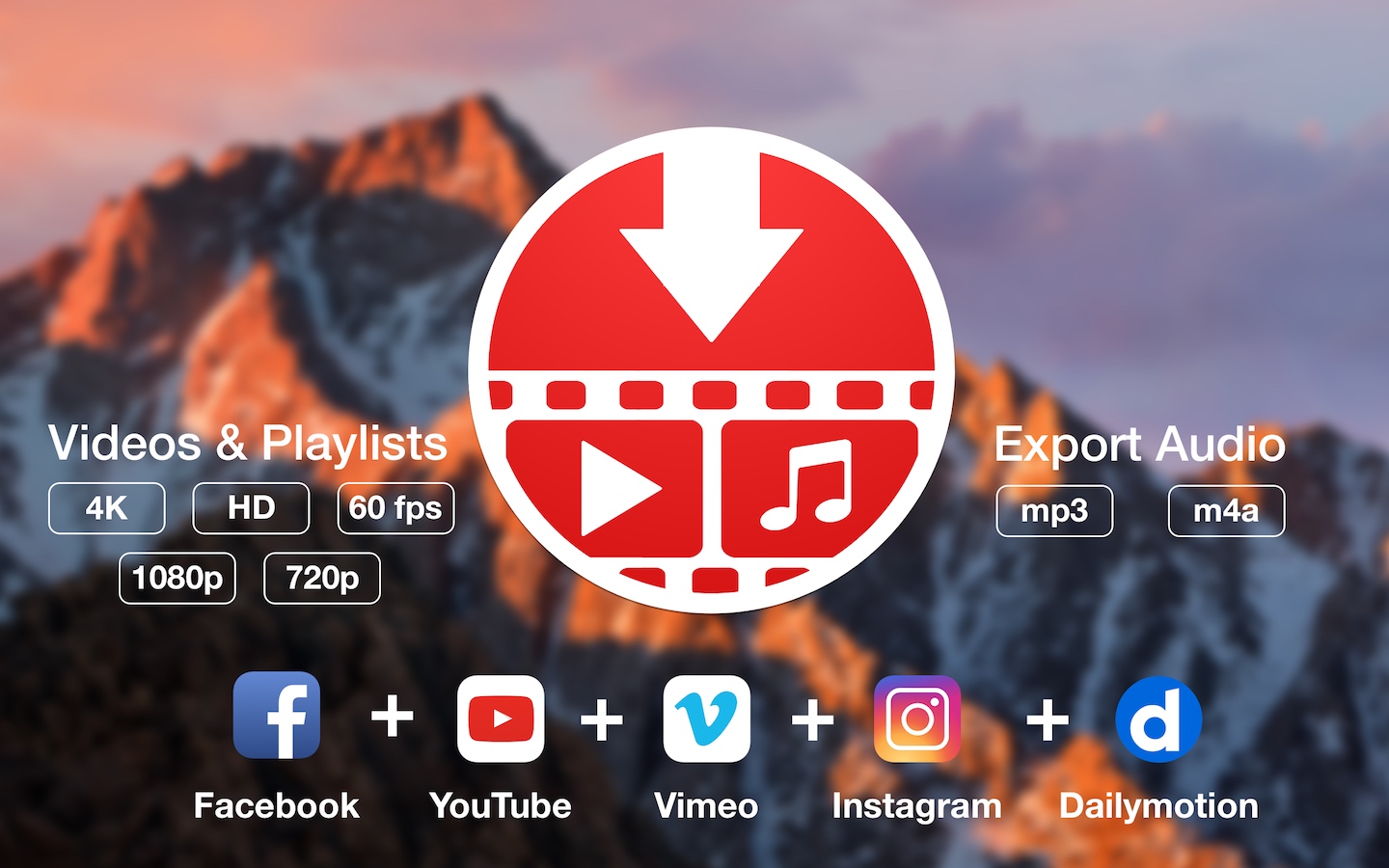
A beautiful online video downloader for your Mac PullTube proposes a streamlined workflow for quickly downloading videos from YouTube or Vimeo, provides control over the output quality, and enables you to extract the audio to MP3 or M4A files. The PullTube app can handle videos of any duration or size, and you get to monitor the download progress within its main window. The utility also integrates with the Notification Center to send completion alerts.

YouTube and Vimeo
Supports Youtube and Vimeo. More platforms to be added upon user requests.

4K, HD and 60fps support
PullTube allows you to download video in any format available

Video to Audio
Convert and save videos to mp3 and m4a

Beautiful and Flexible Interface
Nice looking, dark user interface

What’s New:

Version 1.8.4.20:

  • Release notes were unavailable when this listing was updated.

Compatibility: macOS 10.12 or later (Apple Silicon compatible)
Language: Multilingual
Homepage https://mymixapps.com/pulltube

Screenshots


Name: PullTube_1.8.4.20__TNT_Mactorrents.is.dmg
Size: 137 MB
Files PullTube_1.8.4.20__TNT_ Mactorrents.is.dmg[137 MB]

   Download Torrent
   Download Links

SiteSucker Pro 5.1.1

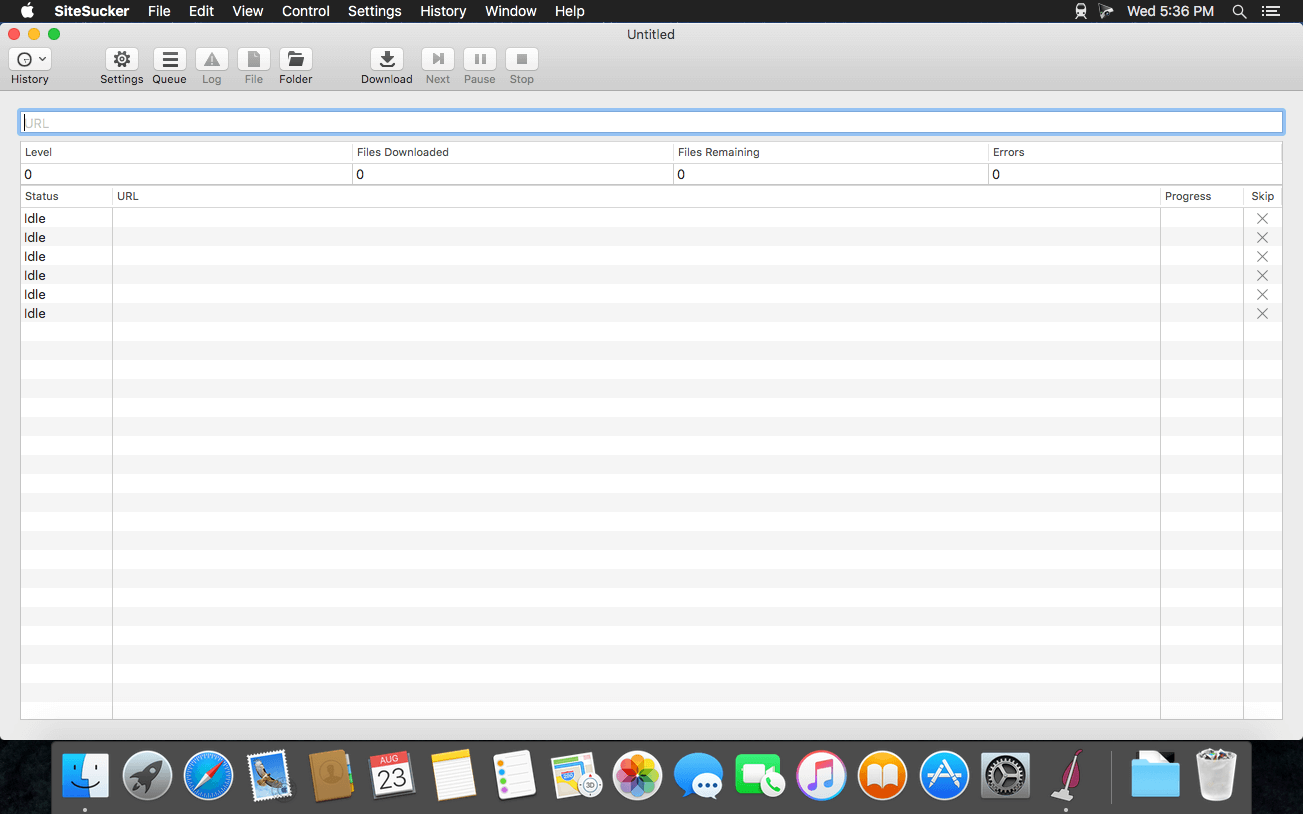
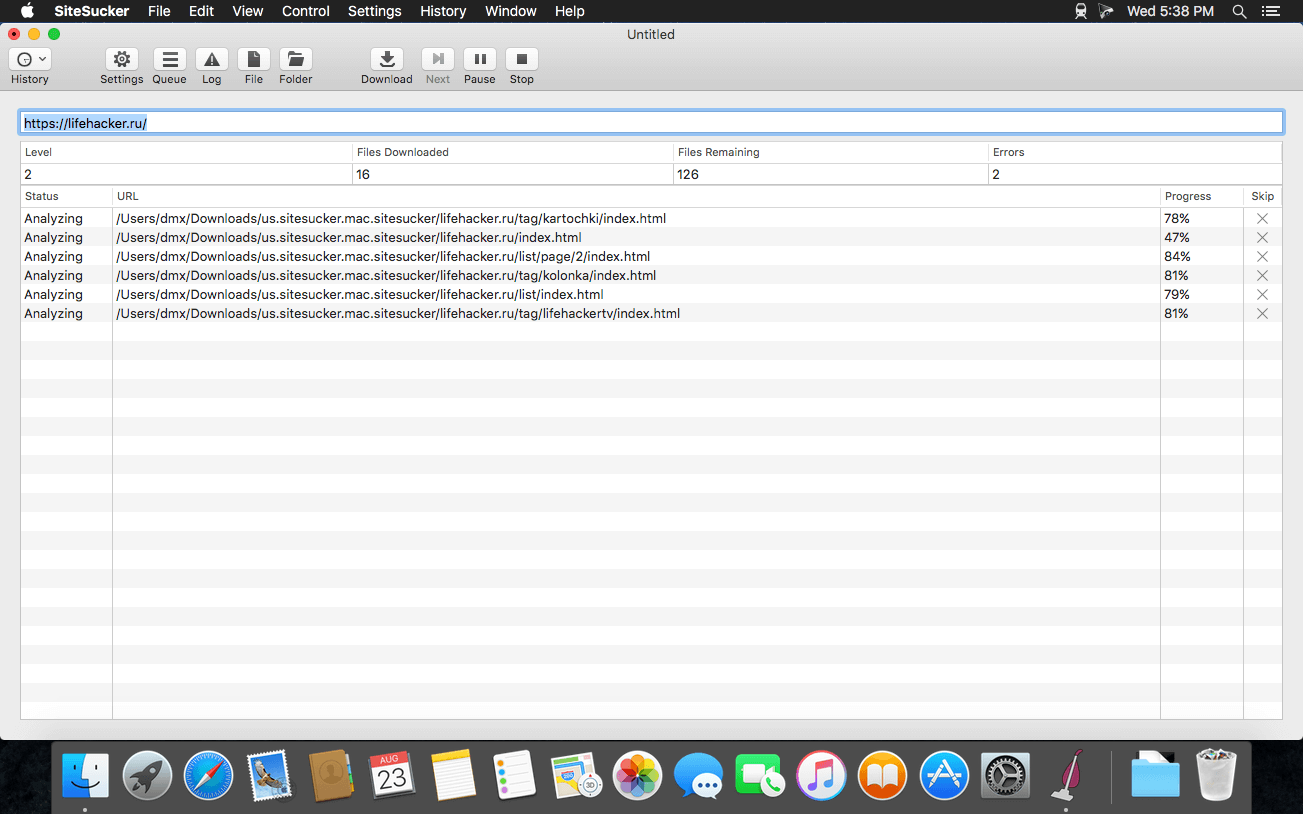
SiteSucker is an Macintosh application that automatically downloads Web sites from the Internet. It does this by asynchronously copying the site’s webpages, images, PDFs, style sheets, and other files to your local hard drive, duplicating the site’s directory structure. SiteSucker Pro is an enhanced version of SiteSucker that can download embedded videos, including embedded YouTube and Vimeo videos.

SiteSucker can be used to make local copies of Web sites. By default, SiteSucker “localizes” the files it downloads, allowing you to browse a site offline, but it can also download sites without modification.

Compatibility: macOS 11.0 or later
Homepage https://apps.apple.com/us/app/sitesucker/id442168834

Screenshots


Name: SiteSucker_Pro_5.1.1__TNT_Mactorrents.is.dmg
Size: 6 MB
Files SiteSucker_Pro_5.1.1__TNT_ Mactorrents.is.dmg[6 MB]

   Download Torrent
   Download Links

SiteSucker 5.1.1

SiteSucker is an Macintosh application that automatically downloads Web sites from the Internet. It does this by asynchronously copying the site’s webpages, images, PDFs, style sheets, and other files to your local hard drive, duplicating the site’s directory structure. SiteSucker Pro is an enhanced version of SiteSucker that can download embedded videos, including embedded YouTube and Vimeo videos.

SiteSucker can be used to make local copies of Web sites. By default, SiteSucker “localizes” the files it downloads, allowing you to browse a site offline, but it can also download sites without modification.

Compatibility: macOS 11.0 or later (Apple Silicon compatible)
Homepage https://apps.apple.com/us/app/sitesucker/id442168834

Screenshots


Name: SiteSucker_5.1.1__TNT_Mactorrents.is.dmg
Size: 6 MB
Files SiteSucker_5.1.1__TNT_ Mactorrents.is.dmg[6 MB]

   Download Torrent
   Download Links

Tipard DVD Creator 3.2.36

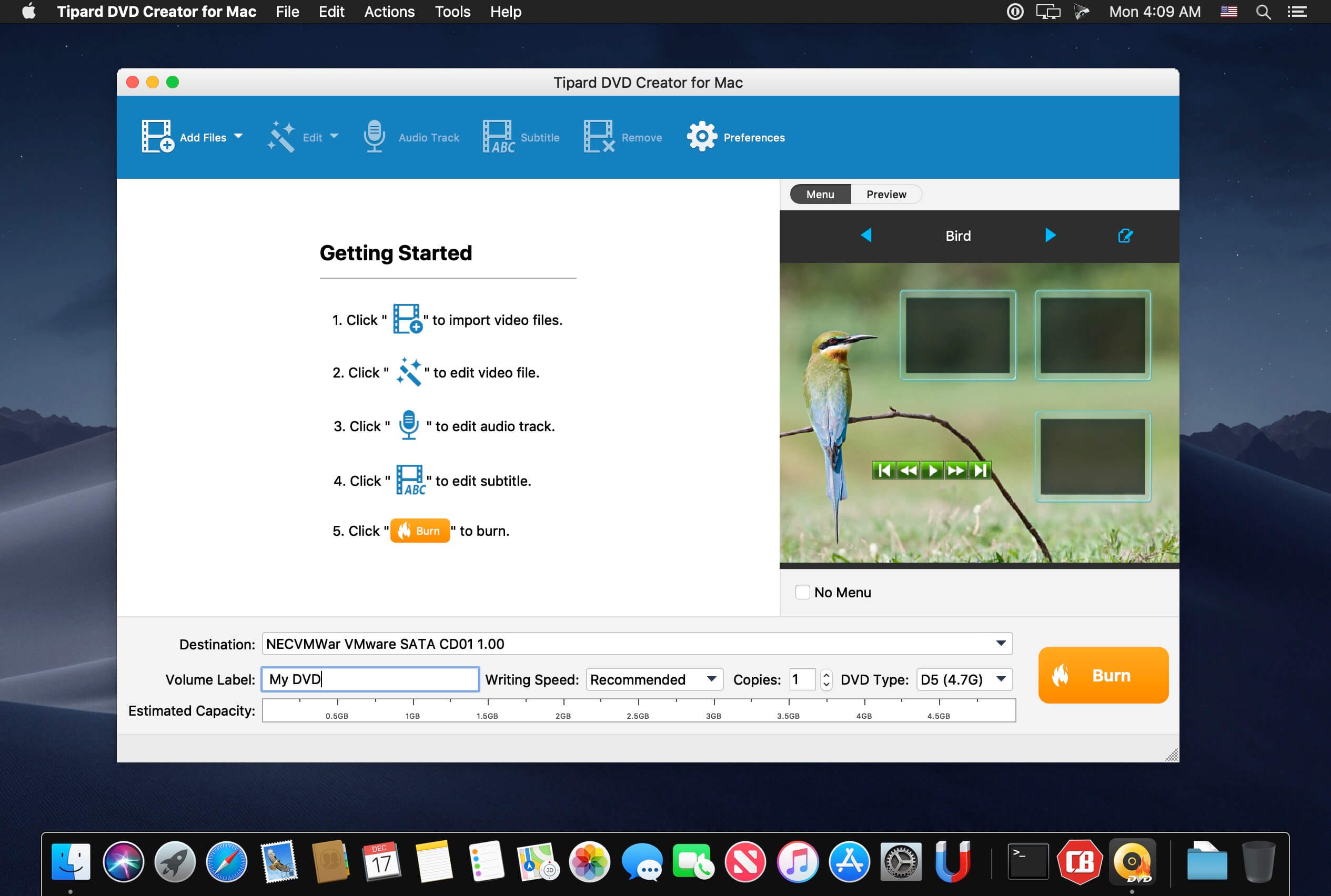
Tipard DVD Creator for Mac lets you burn any videos like MP4, AVI, WMV, MOV, MKV to DVD on Mac at ultra-fast speed. Tipard DVD Creator for Mac is a professional DVD authoring, burning and copying tool that helps you convert video in any format like MKV, AVI and MP4 to DVD without watermark. Now you can create your personalized DVD disc/folder/ISO files from favorite videos!

  • Burn videos from MP4, AVI, FLV, MOV, etc. (including HD videos) to DVD Disc/folder/ISO files on Mac
  • Create DVD with downloaded YouTube video and home movie recorded by iPhone, iPad, camcorder, etc.
  • Free customize DVD with various menu templates
  • Free edit your video by trimming, cropping, and watermarking
  • DVD-5, DVD-9; DVD-R, DVD+R, DVD-R DL, DVD+R DL, DVD-RW, DVD+RW are supported

Compatibility: macOS 10.7 or later
Homepage https://www.tipard.com

Screenshots


Name: Tipard_DVD_Creator_3.2.36.118988__TNT_Mactorrents.is.dmg
Size: 39 MB
Files Tipard_DVD_Creator_3.2.36.118988__TNT_ Mactorrents.is.dmg[39 MB]

   Download Torrent
   Download Links

Smooze Pro 2.0.30

Unobtrusive tool created to help you smooth out your scrolling, as well as to add custom mouse buttons actions and mouse gestures to any app.

Even though macOS comes with a mouse preference pane, it is quite limited as it offers insufficient options for customizing the scroll feature, the mouse’s buttons, and absolutely no mouse gesture support. Smooze is an application designed to fill in the gap left by Apple in macOS’ mouse customization department. Once launched, Smooze will add a status bar item with a menu which enables you to set the app to start automatically on login, as well to disable its custom scroll engine and button actions, and access its options.

And a lot more

Animated Scroll
Every app you own will have buttery smooth scrolling.

Productive
Save time by attaching mouse buttons to actions.

Gestures
Assign gestures and Rocker gestures to any button / shortcut / app.

Auto Scroll
Auto scroll anywhere on the screen, hands free, with buttery smooth animations!

Grab & Drag & Throw
Grab and scroll anywhere on the screen. Throwing will animate the scrolling just like it would on a trackpad.

CPU Friendly
Highly optimized & uses a very small percentage of your CPU power, even during excessive use.

High FPS
Smooze synchronizes its drawings to the refresh rate of your display which ensures the best scrolling experience.

Disable acceleration
Disable scroll acceleration and select the number of lines you want to scroll on each tick. These features are, and will always be, free!

Multiple displays
All settings can now be configured per app per display.

Intuitive Design
Easy to configure with a brand new design.

Moustache
This app also includes a pro moustache.

What’s New:

Version 2.0.30:

  • Release notes were unavailable when this listing was updated.

Compatibility: macOS 10.15 or later
Homepage https://smooze.co/

Screenshots


Name: Smooze_Pro_2.0.30__TNT_Mactorrents.is.dmg
Size: 9 MB
Files Smooze_Pro_2.0.30__TNT_ Mactorrents.is.dmg[9 MB]

   Download Torrent
   Download Links

FoneLab HEIC Converter 1.0.20

FoneLab HEIC Converter helps you convert HEIC photos to JPG/PNG without hassle to solve this problem.

Given that you take a lot of pictures of HEIC also allows you to convert all photos from iOS 11 lots instead of finishing the conversion process one by one for a long time. In addition, assuming you have idea of setting the quality to a designated value, Aiseesoft HEIC Converter gives you availability.

In addition, to meet the preferences of different users, it is designed with two accessible methods to add files. One is pressing the button “Add HEIC” while the other is dragging images HEIC to the main interface. In order to maintain zero data loss, it has the ability to keep information EXIF. Safely it allows you to perform the entire conversion process at high speed locally. That is, all converted images are saved on your computer. You have the right to change the storage path and create a specific folder for saving files. There will be 10 images HEIC to convert free of charge, which means you can take this opportunity to try.

  • Support output formats: JPG and PNG
  • Cmpatible with Mac OS
  • Access the batch conversion
  • Allow the quality setting their own volition
  • HEIC converts images quickly and safely

Compatibility: macOS 10.10 or later
Homepage https://www.fonelab.com

Name: FoneLab_HEIC_Converter_for_Mac_1.0.18.124969__TNT_Mactorrents.is.dmg
Size: 19 MB
Files FoneLab_HEIC_Converter_for_Mac_1.0.18.124969__TNT_ Mactorrents.is.dmg[19 MB]

   Download Torrent
   Download Links

Video GIF converter 2.6

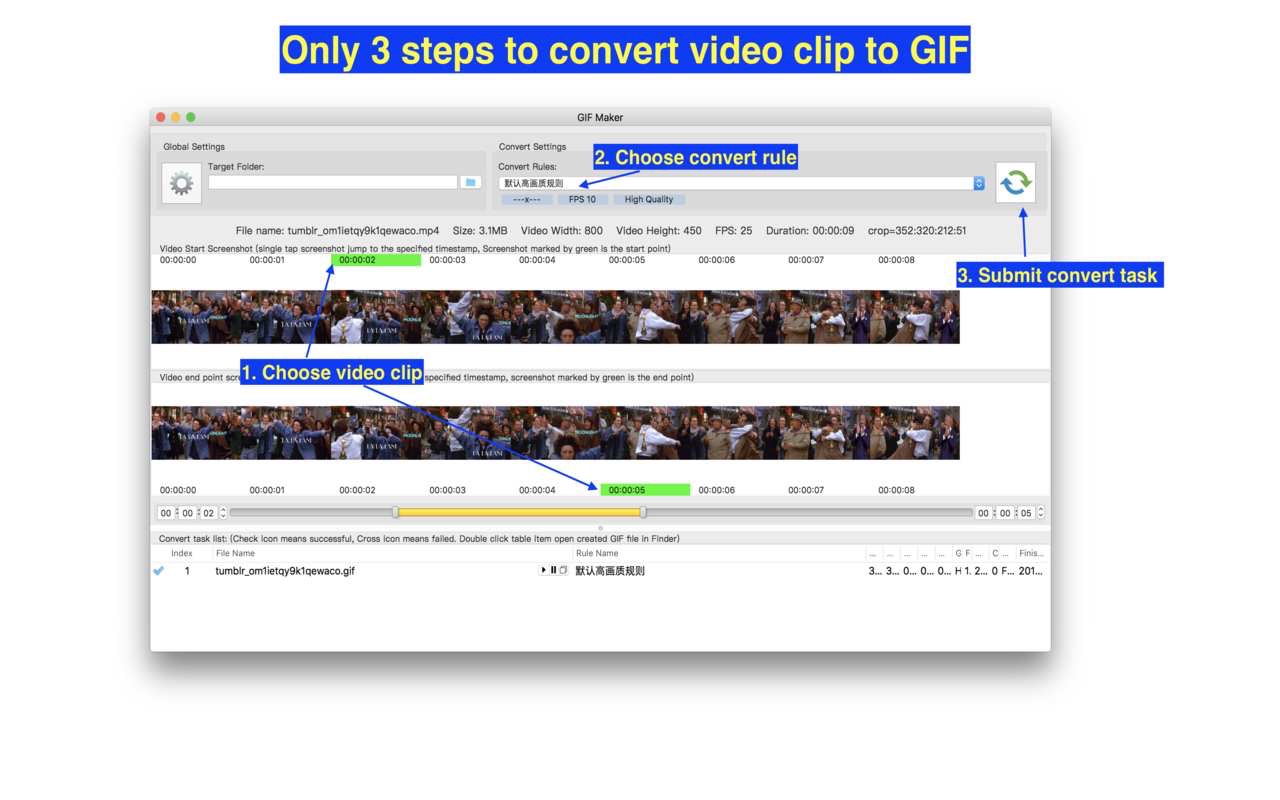
A handy and powerful video to gif converter!

[Key Feature]
1. Base on FFmpeg, support all popular video formats.
2. Powerful and accurate video clips selection, you won’t miss any wonderful moment.
3. Support video image crop, users can eliminate useless part of the video frame to reduce gif file size greatly.
4. Support high quality conversion, output GIF has no quality loss.
5. Support custom GIF image size, FPS
6. Support iCloud sync.
7. Embed ffplay video player, right click video snapshot can play video from its timestamp.

Compatibility: macOS 10.12 or later
Mac App Store https://geo.itunes.apple.com/app/id1242759333

Screenshots

Name: Gif_Maker_2.6_MAS__TNT_Mactorrents.is.dmg
Size: 165 MB
Files Gif_Maker_2.6_MAS__TNT_ Mactorrents.is.dmg[165 MB]

   Download Torrent
   Download Links

Sketch Fashion 1.2.5

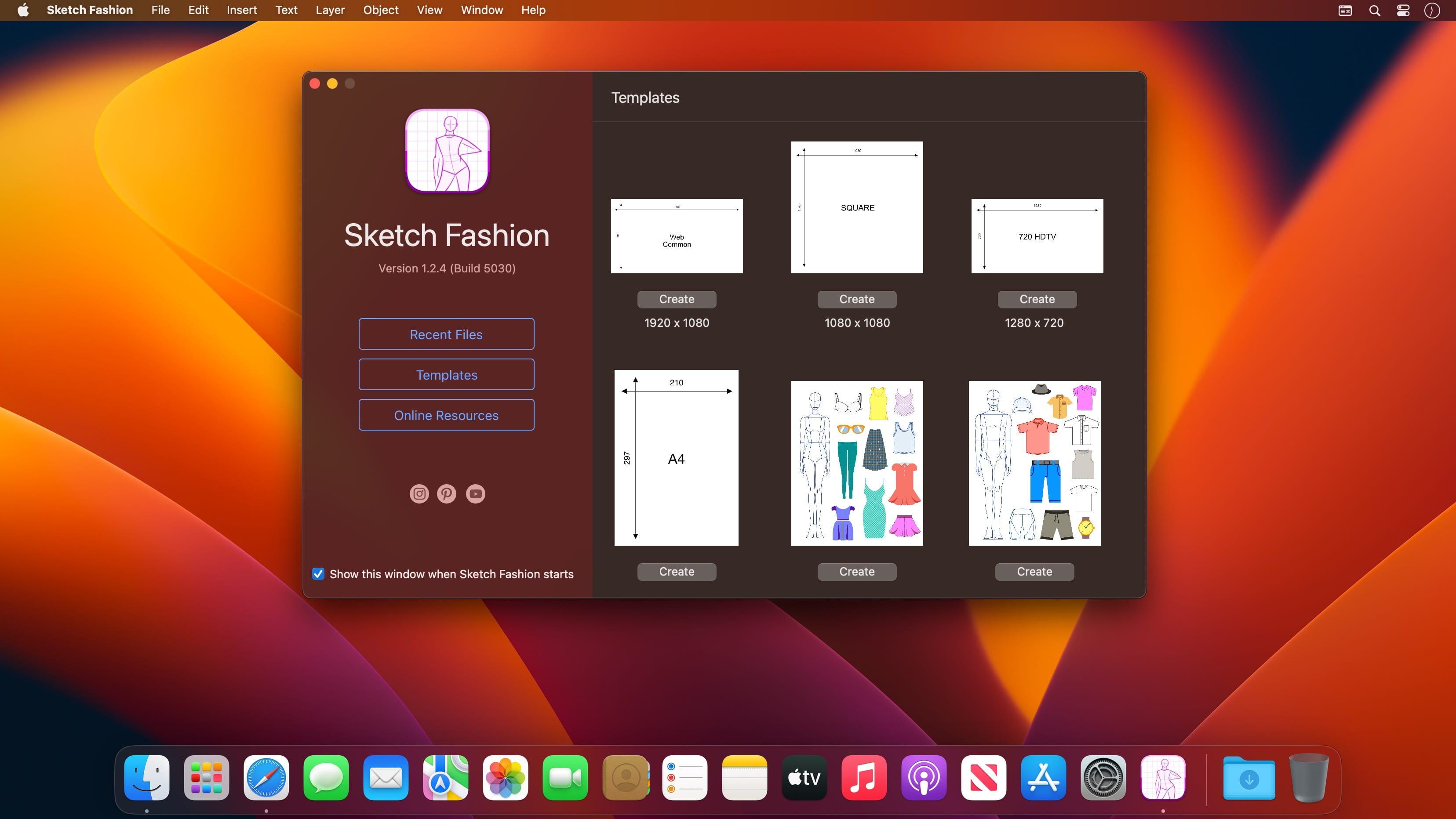
Sketch Fashion gives you all the tools you need to prototype and create good apparel design. It all starts here. Sketch Fashion is a beautiful, easy to use apparel design creator designed exclusively for Mac.

Create, prototype, sketch and bring your ideas to life with a new fashion design tool. Good fashion starts with Sketch Fashion.

With a wide range of models, fashion sketch tools, Sketch Fashion lets you create fashion sketches in seconds, draw with vector tool extra details, apply ready styles or create your own. And thanks to its intuitive and and accessible interface, Sketch Fashion is delightfully easy to use – whether you’re just a beginner or a pro.

Interface and Functionality

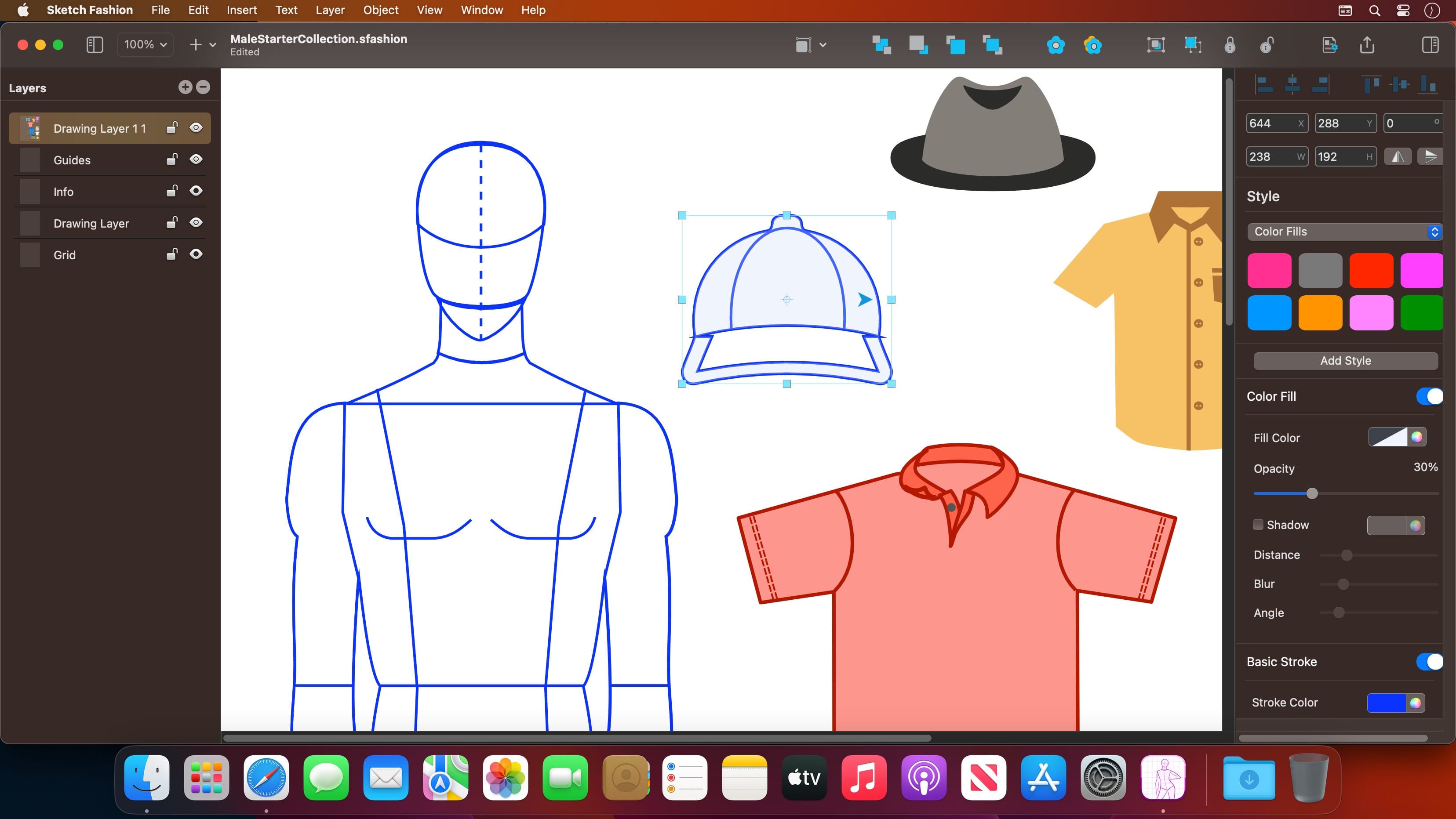
  • The modern, single-window interface of Sketch Fashion is designed exclusively for creating best apparel sketches on a Mac
  • Ready creator tools make sketching easy and accessible, even if you’re a complete beginner
  • Native dark and light appearances adapt to the light and dark modes of macOS
  • A customizable toolbar, inspector and sidebar lets you organize your creative environment just the way you want

Professional Drawing Tools

  • Full-featured Bezier Pen tool for creating custom shapes
  • Basic Shape Tools for drawing extra stuff
  • Essential set of apparel creation tools
  • Path multi-point selection and editing
  • Rotate, Scale tools
  • Easily move, resize, and arrange objects to create stunning compositions
  • Adjust fill color, shadow, stroke and pattern
  • Multiple fill, stroke and pattern style elements
  • Speed up creating with ready shape styles
  • Easily design great-looking text with a full set of typography tools

Compatibility

  • Import selected types of bitmap and vector graphics
  • Export ready fashion sketches to PDF, PNG, TIFF and JPG
  • Share your designs to Photos, Mail, AirDrop, and other locations

Many other powerful features, including

  • Layers and Groups
  • Smart Alignment Guides
  • Canvas Scale, Rulers, and Units
  • Snap to Grid / Snap to Guide
  • Align and Distribute objects
  • Duplicate and Transform
  • Convert Text to Paths
  • Export as vector-based PDF file

Draw fashion sketches like you are drawing a rectangle.

Compatibility: macOS 10.14 or later
Mac App Store https://apps.apple.com/app/sketch-fashion/id1532447539

Screenshots


Name: Sketch_Fashion_1.2.5_MAS__HCiSO_Mactorrents.is.dmg
Size: 7.72 MB
Files Sketch_Fashion_1.2.5_MAS__HCiSO_ Mactorrents.is.dmg[7.72 MB]

   Download Torrent
   Download Links

Timecode Pro 3.2.3

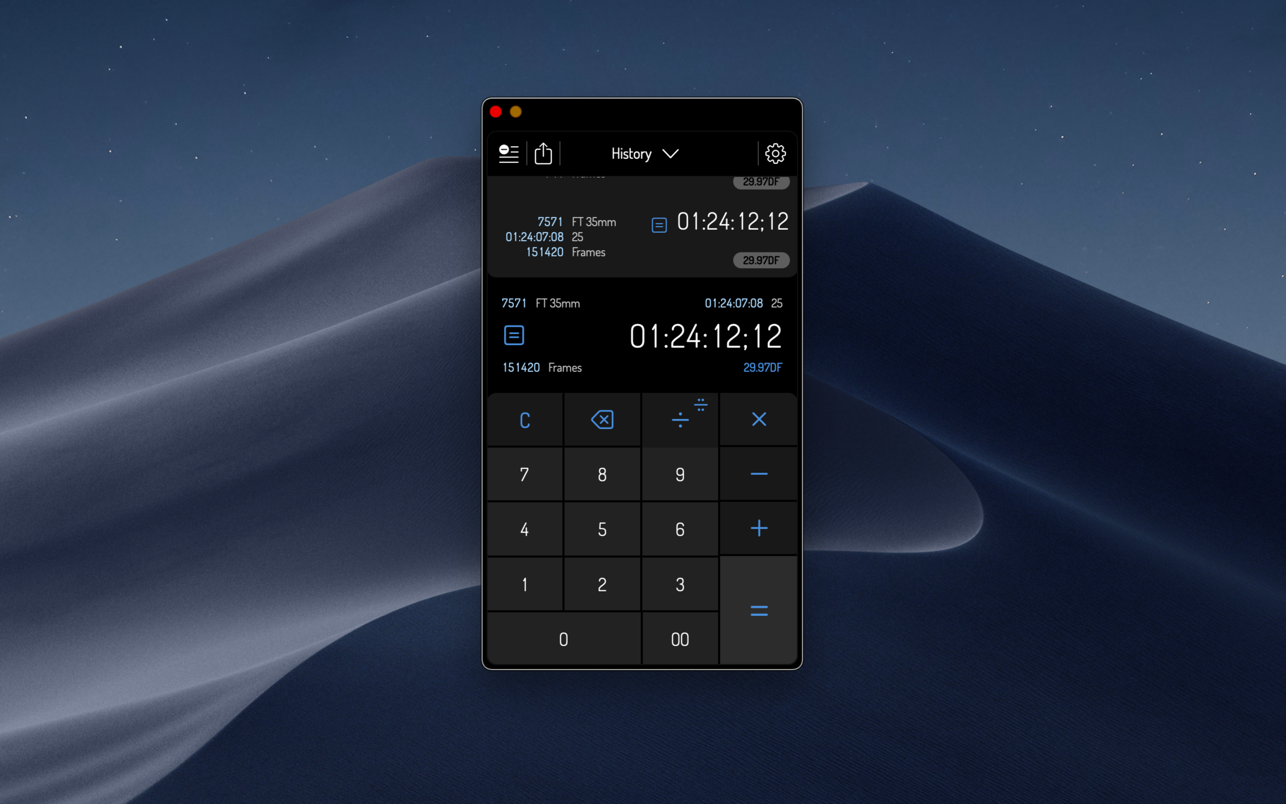
Timecode by Panoptik is the most attractive Timecode calculator on the market (if we do say so ourselves). It is the only professional choice for performing fast, ultra-precise timecode calculations and film unit conversions.

Using Timecode, you can calculate and convert any timecode into any other timecode or unit at the touch of a button. Timecode displays four user-definable units at once, allowing you to view conversions on any frame rate like 29.97 fps, 25 fps, rolls of film and frame results at the same time.

Do you need to know more? OK, OK not only can you do all those fancy frame and film rate calculations but it also gathers them together in an elegant little log that can be forwarded on to anyone who needs to know. Packed under the hood of its deceptively simple interface is one of the most robust timecode math engines on the planet, designed by a team of filmmakers, editors, designers, technicians and developers.

Thanks to Timecode’s peerless combination of precision software engineering and clear, contemporary design, complicated timecode calculations are more simple than they have ever been.

Honestly, you need this in your life.

FEATURES
– Over 10 different preset formats
– Over 10 preset frame rates and units
– Unique, elegant user interface makes calculating timecode and footage a pleasure
– Mix any units you desire. From feet to frames to HD to PAL to NTSC to IMAX and beyond!
– Simply tap on the settings button to reveal format and framerate options
– View your previous calculations in the comprehensive log

Compatibility: macOS 11.3 or later • Apple Silicon or Intel Core processor
Mac App Store https://apps.apple.com/app/timecode-pro/id1578150290

Screenshots


Name: Timecode_Pro_3.2.3_MAS__HCiSO_Mactorrents.is.dmg
Size: 3.01 MB
Files Timecode_Pro_3.2.3_MAS__HCiSO_ Mactorrents.is.dmg[3.01 MB]

   Download Torrent
   Download Links

My PaintBrush Pro 2.2.0

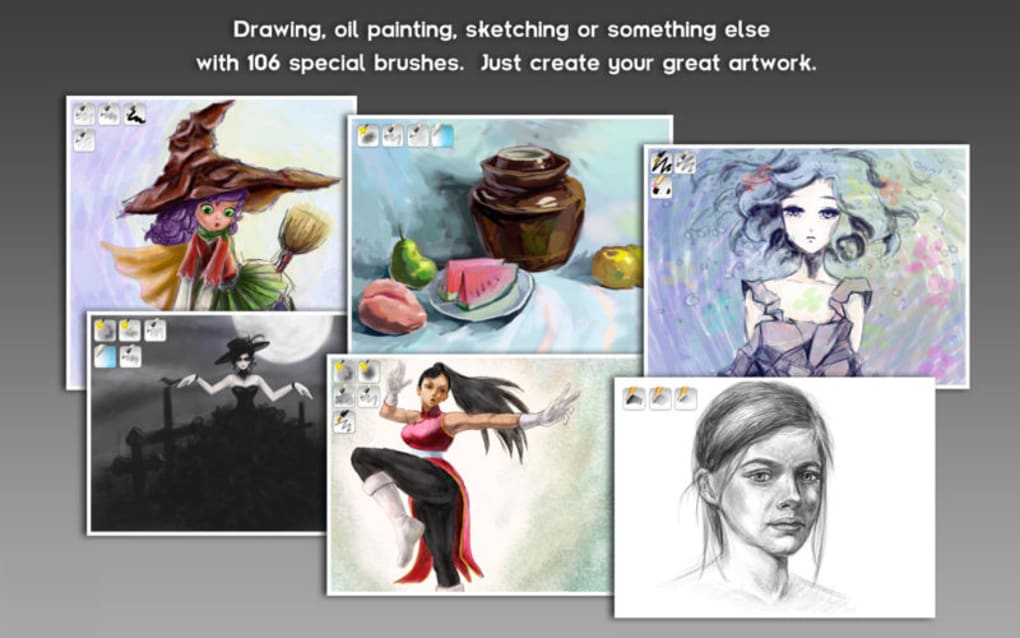
My PaintBrush for Mac is a powerful multilayer paint and drawing application. Use inspiring tools and brushes to create and save smooth images on your Mac.

My PaintBrush Pro features highlights:

√ More than 100 types of High-quality Natural Brushes
• Brush: 25 types
• Pencil : 6 types
• Pen : 16 types
• Airbrush : 11 types
• Decoration : 25 types
• Blur : 19 types
• eraser: 4 types

√ Adjustable Parameter of Brushes
• Transparency
• Pressure-sensitive
• Radius
• Hardness

√ Build up and manage multiple layers
• Merge or combine layers.
• Set the alpha value of individual layer.
• Customize the layer to be visible or not.
• Freely Change the order of layers.
• Delete unwanted layers.

√ Operations on each layer
• Customized times undo/redo.
• Flip horizontally and vertically.
• Move selected zone.

√ Familiar preset tools
• Erasers, Fill tools, Colorpicker, Zoom In.
• Straight lines, Curves, Rectangles, Rounded-rectangles, Ellipses.
• Text: customize font, size, color of text.
• Palette: set the foreground and background color for tools.

√ Export to
• PNG, JPEG, TIFF, BMP, GIF
• MPB (contains layers information)

Compatibility: OS X 10.9 or later • Apple Silicon or Intel Core processor
Mac App Store https://apps.apple.com/app/my-paintbrush-pro-draw-edit/id583822799

Screenshots

Name: My_PaintBrush_Pro_2.2.0_MAS__HCiSO_Mactorrents.is.dmg
Size: 5.82 MB
Files My_PaintBrush_Pro_2.2.0_MAS__HCiSO_ Mactorrents.is.dmg[5.82 MB]

   Download Torrent
   Download Links

Backtrack – Record Past Audio 1.6.2

Backtrack lets you record all those conversations, calls, and brainstorming sessions that you forgot to click the record button for.

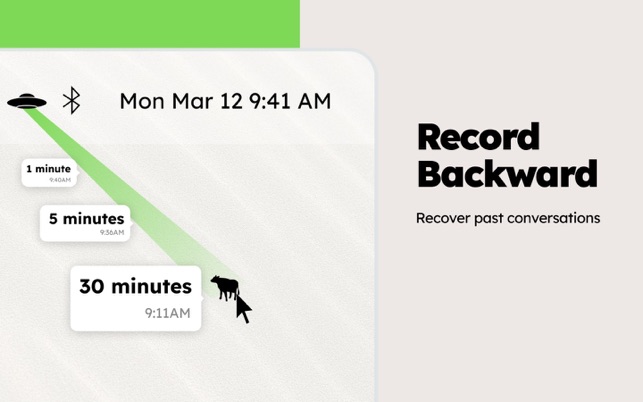
Backtrack is always recording, and over-writes a 60 minute window of audio over and over throughout the day, locally on your Mac. As soon as something happens that you realize you should have recorded, just drag the icon down to the time you need to backtrack to, and the app will save an audio file to your desktop.

Backtrack is a menubar app. To access settings or quit the app, use the dropdown from the menubar.

What’s New:

Version 1.7

New branding, same functionality.

This update contains new branding (check out the Flying Saucer icon at the top of your screen in your menu bar).
Be on the lookout for much-anticipated updates coming out in the next few months like:

– screen recording
– headphones support
– cloud storage (optional)
– shareable links
Can’t wait to try more?
Signup for the beta at usebacktrack.com to start abducting before anyone else.

Compatibility: macOS 10.15 or later • Apple Silicon or Intel Core processor
Homepage https://apps.apple.com/app/backtrack-record-past-audio/id1477089520

Screenshots


Name: Backtrack_1.6.2_MAS__HCiSO_Mactorrents.is.dmg
Size: 6.92 MB
Files Backtrack_1.6.2_MAS__HCiSO_ Mactorrents.is.dmg[6.92 MB]

   Download Torrent
   Download Links

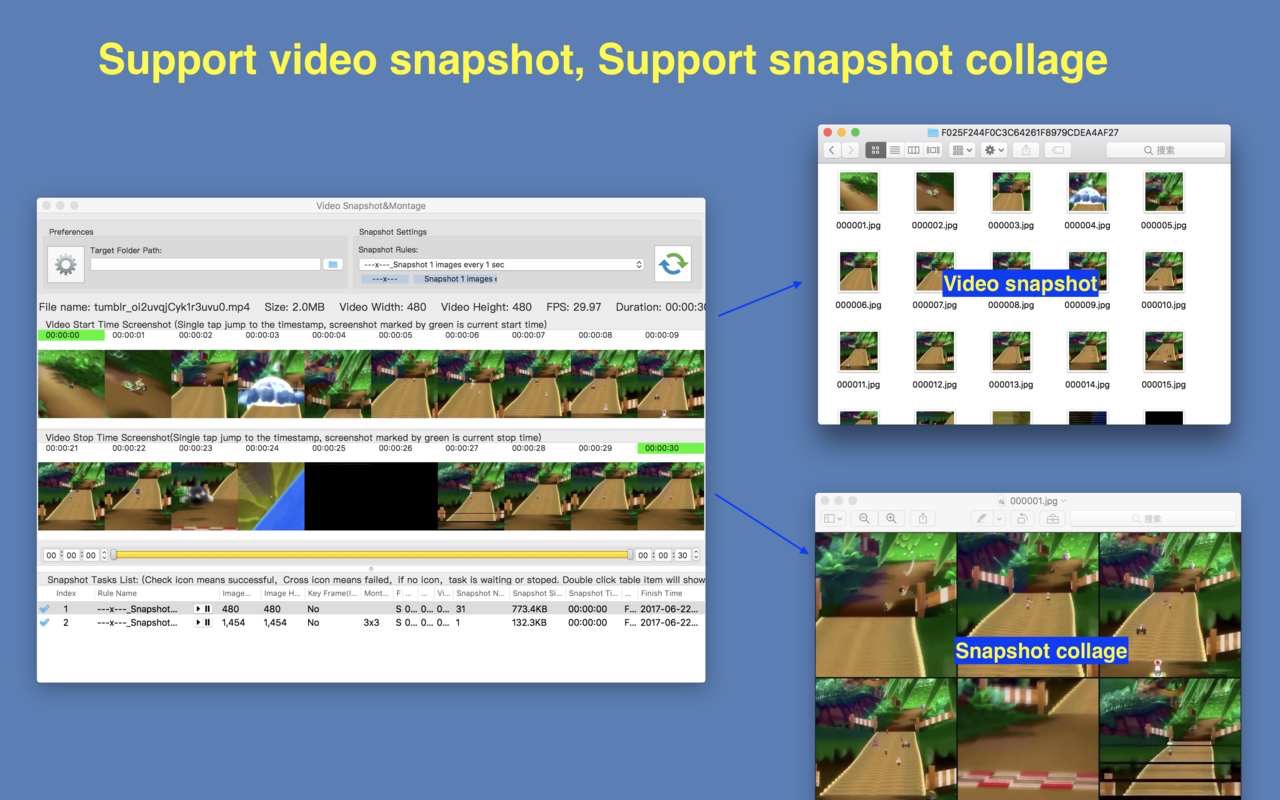
Video Snapshot&Collage 2.5

A handy, high quality and easy to use video snapshot&montage tool.

Key Feature

  • Base on FFmpeg, support all popular video formats.
  • Powerful and accurate video clips selection, you won’t miss any wonderful moment.
  • Rich snapshot option, help to extract the most interesting video frame, and support snapshot preview, help to choose the best snapshot.
  • Support collage several video snapshots into one image.
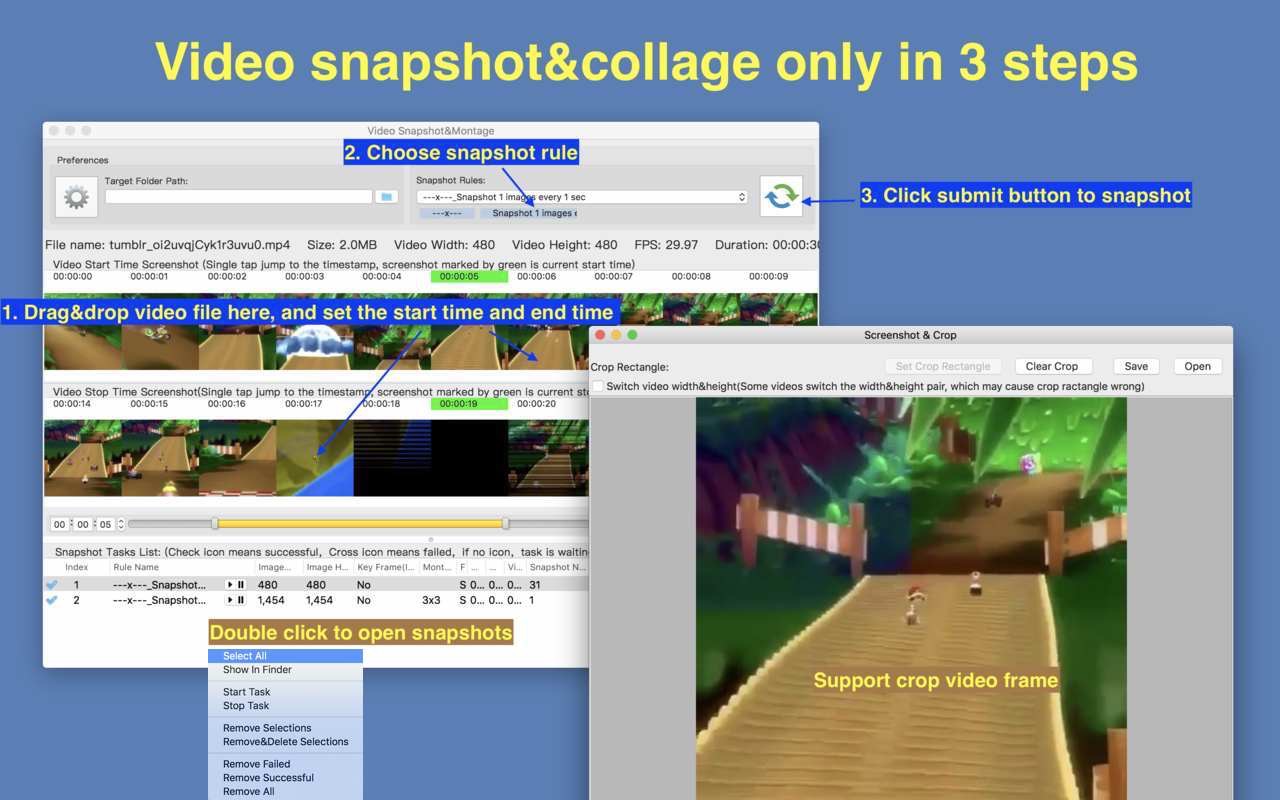
  • Support video image crop, users can eliminate useless part of the video frame to reduce file size greatly.
  • Support custom output image size, image number and etc
  • Support iCloud sync.
  • Emed FFplay, right click can play video from snapshot’s timestamp, help select video clips more accurate

How To Use it

  • Step1: Drag&drop video file into the app
  • Step2: Mark the start time and end time of interested video clip
  • Step3: Choose snapshot rule and start to snapshot

FAQs
1. How to select video clip?
Answer: There are 5 way to select video clips:

  1. Drag the time slides
  2. Change the start&end time text field, and press ENTER key
  3. Click start&end time text field and click the steppers to change each field
  4. Click the start&end screenshot, it will jump to the correspond timestamp
  5. From the menu or use shortcuts.

2. How to use the embed FFplay?
A:the embed ffplay is a powerful and efficient video player.

  1. Left/Right Arrow: Move Backward/Forward
  2. Q key: quit the player
  3. S: Step frame
  4. Space key: Pause replay
  5. Mouse right click: video jump to the click point

Please goole “FFPlay” for more more shortcuts

[Copyright]
This App use binaries from FFMpeg binary, thanks very much to the great FFMpeg project and
the developers for the great job!

Compatibility: macOS 10.12 or later • Apple Silicon or Intel Core processor
Mac App Store https://apps.apple.com/app/video-snapshot-collage/id1251204022

Screenshots


Name: Video_Snapshot_Collage_2.5_MAS__HCiSO_Mactorrents.is.dmg
Size: 162.81 MB
Files Video_Snapshot_Collage_2.5_MAS__HCiSO_ Mactorrents.is.dmg[162.81 MB]

   Download Torrent
   Download Links

WonderPen 2.2.4

WonderPen is a writing app for both professional and amateur writers.

Features:

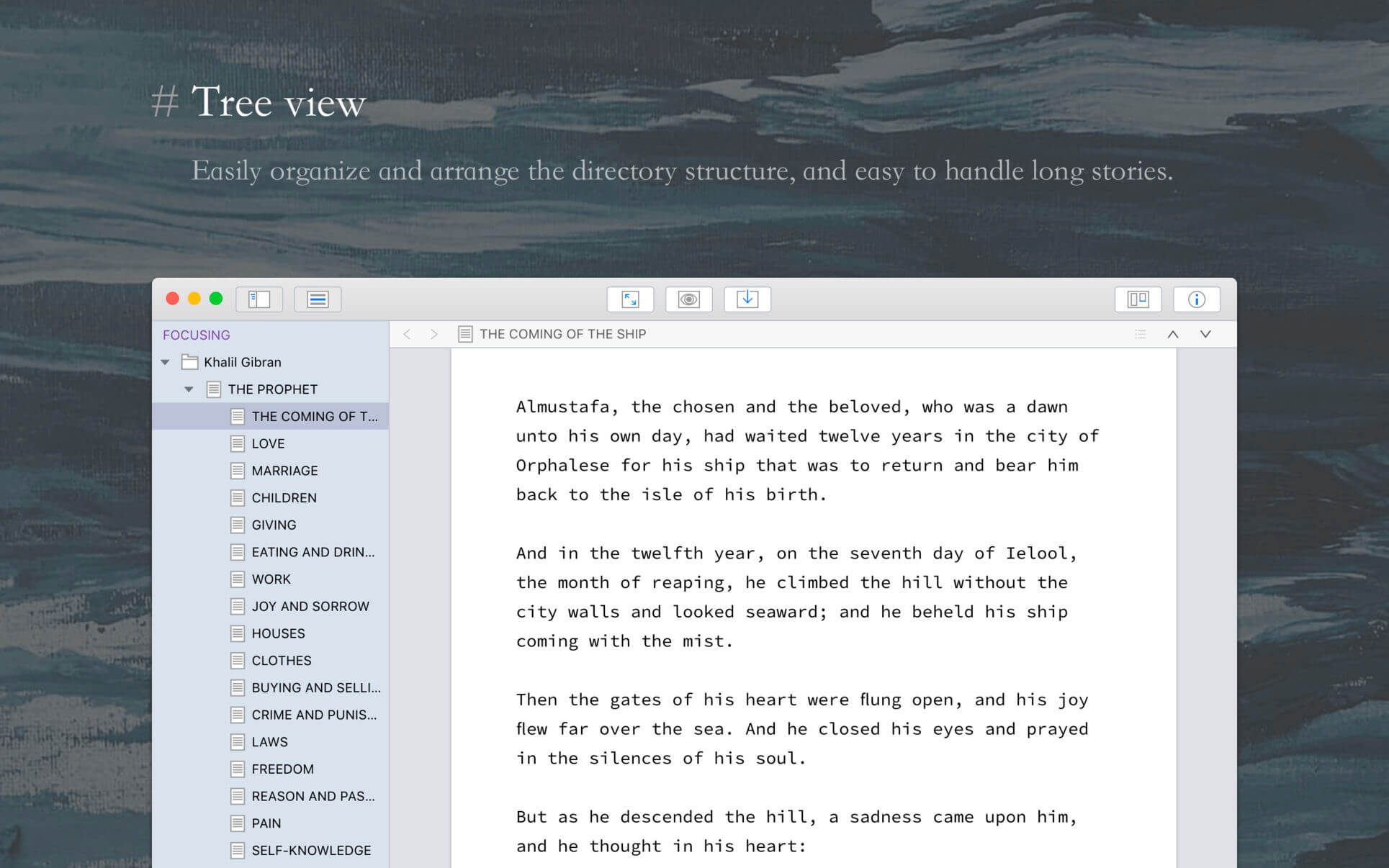
  • Tree view, drag-and-drop to reorder.
  • An easy-to-use text editor that supports Markdown.
  • Supports full-screen mode, lets you focus on writing.
  • Docs can be exported as Image, PDF, HTML, etc.
  • Auto save while editing. You can backup all docs as a single file and restore from it later.
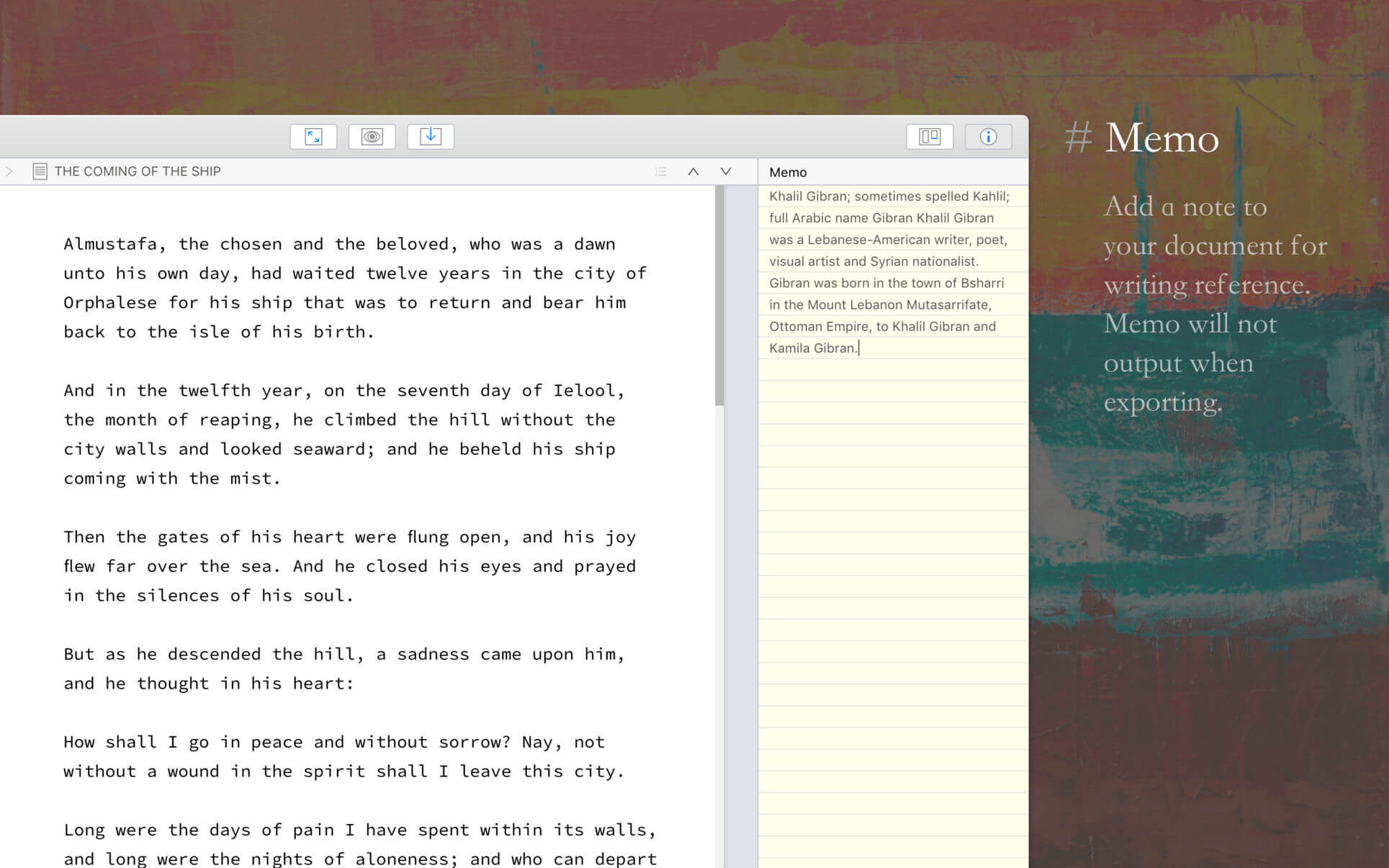
  • Add memo for each doc.
  • Focus on one node of the doc tree.
  • Search in all docs.
  • Automatic backup.

Support
Hope you enjoy this app. If you have any questions or suggestions about using it, you can contact us via the “Feedback” option in the “Help” menu

What’s New:

Version 2.2.4

  • Card titles can be highlighted in the editor
  • You can select text in the editor and right-click to add it as a card
  • Some details and experience improvements

Compatibility: macOS 10.11.0 or later
Homepage https://itunes.apple.com/us/app/wonderpen/id1173437104

Screenshots


Name: WonderPen_2.2.4_MAS__TNT_Mactorrents.is.dmg
Size: 178.28 MB
Files WonderPen_2.2.4_MAS__TNT_ Mactorrents.is.dmg[178.28 MB]

   Download Torrent
   Download Links

Topaz Video AI 3.0.12

Time-aware video quality enhancement. Video Enhance AI uses information from multiple frames to achieve high-end results for video upscaling, denoising, deinterlacing, and restoration. Improving the quality of videos is substantially more complex than photos because of motion-related issues like flickering, blockiness, and wavy artifacts. To solve this issue, Video Enhance AI looks at surrounding frames to improve resolution and reduce motion artifacts for natural results.

Upscaling
Upscale video resolution with detail gathered from multiple frames. Our video upscaler can convert SD to HD and HD to 4k or 8k while adding crisp and natural video details.

Denoising
Remove noise and grain while recovering real detail in your videos. Minimize flickering and other temporal artifacts caused by frame-by-frame denoising approaches.

Deinterlacing
Use deep learning to convert interlaced videos to progressive while preserving image definition. Significantly reduces visual artifacts compared to traditional deinterlacing.

Restoration
Naturally restore old videos without adding visual artifacts. Restore realistic details and remove compression artifacts from old or degraded sources.

Frame rate conversion for 2021
Introduced in v2.3, the Chronos AI model uses deep learning to increase video frame rate without artifacts. Existing methods like frame blending and optical flow are decades old and produce inconsistent and unnatural results. Video Enhance AI generates new frames that are often indistinguishable from frames captured in-camera, enhancing videos with more natural results.

Increase video frame rate (24 to 60 FPS, 30 to 60 FPS)
To increase your video’s frame rate, you’ll need to generate new frames between your video’s existing frames. The existing ways to do this (frame blending, optical flow) often look unnatural and jittery especially with moving backgrounds. Video Enhance AI uses a new approach based on machine learning to “predict” the best intermediate frame between existing ones, which gives you much better results with a wider variety of material.

Create a smooth slow-motion effect
When you create a slow motion effect, it’s even more important that you generate new frames without stuttering or motion artifacts. Video Enhance AI creates much more natural slow motion results compared to traditional time interpolation.

Fewer motion artifacts
Other video upscaling techniques often create a “shimmering” or “flickering” effect from different processing in adjacent frames. VEAI is trained to significantly reduce such artifacts.

Recover video details
VEAI has been trained to inject real details into your videos, derived from the additional information in multiple adjacent frames, allowing us to deliver superior video enhancement.

Get more natural results
Traditional upscaling often causes artifacts. While visual artifacts do exist in VEAI too, they’re mitigated by information derived from multiple frames.

Trained on videos
VEAI was trained exclusively on video clips instead of still images. (The improved results are worth the increased effort to gather the dataset!)

Optimized for your hardware
We work directly with different hardware manufacturers to ensure the software works as fast as possible on your machine.

Convenient workflow
Easily convert and combine multiple videos from SD to HD, HD to 4k, and much more. Includes export presets and batch processing.

Flexible import / export
Supports common video file types and image sequence as input, and export directly to mp4, mov, or image sequence.

Batch processing
Leave Video Enhance AI running overnight with your videos queued up, and come back in the morning to enhanced footage.

Compatibility: macOS 10.12 or later.
Homepage https://www.topazlabs.com/topaz-video-ai

Topaz Video AI

Name: Topaz.Video.AI.3.0.12_Mactorrents.is.zip
Size: 117.9 MB
Files Topaz.Video.AI.3.0.12_Mactorrents.io.dmg[117.9 MB]

   Download Torrent
   Download Links

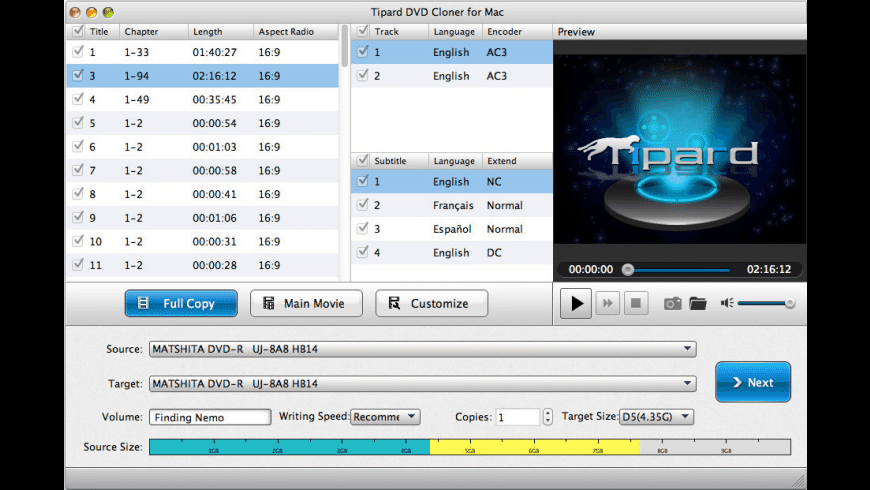
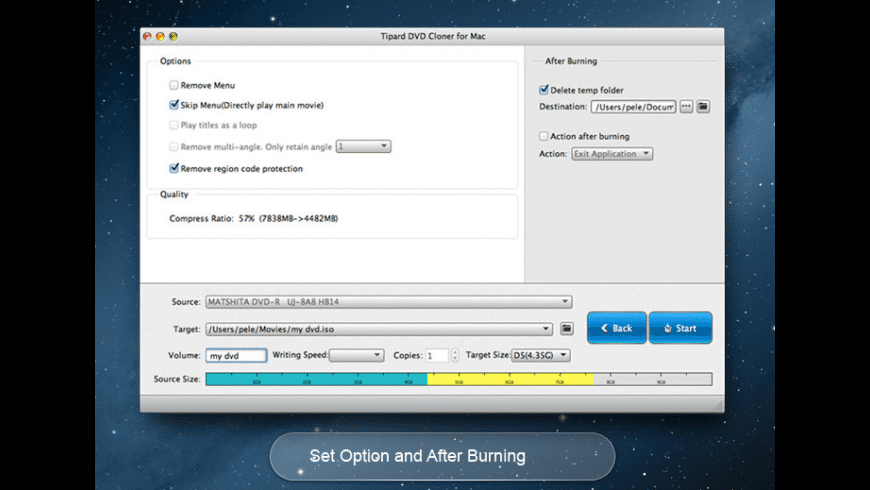
Tipard DVD Cloner 6.2.38

Tipard DVD Cloner for Mac is the fastest and easiest Mac DVD Copy software, which is capable of backup DVD disc to DVD disc, copy DVD disc to DVD folder/iso file and vice versa. It can compress DVD-9 to DVD-5 preserving the original quality with three copy modes – Full Copy, Main Movie and Customized.

  • DVD to DVD Copy between DVD disc, folder, iso files
  • Copy DVD-9 to DVD-9, DVD-5 to DVD-5 exactly with Zero quality loss
  • Compress DVD-9 to DVD-5 still with high quality
  • Three Copy modes are available: Full Copy, Main Movie, customized

What’s New:

Version 6.2.38:

  • Release notes were unavailable when this listing was updated.

Compatibility: macOS 10.10 or later
Homepage https://www.tipard.com

Screenshots


Name: Tipard_DVD_Cloner_6.2.38.118931__TNT_Mactorrents.is.dmg
Size: 24.75 MB
Files Tipard_DVD_Cloner_6.2.38.118931__TNT_ Mactorrents.is.dmg[24.75 MB]

   Download Torrent
   Download Links

Apeaksoft Screen Recorder 2.1.32

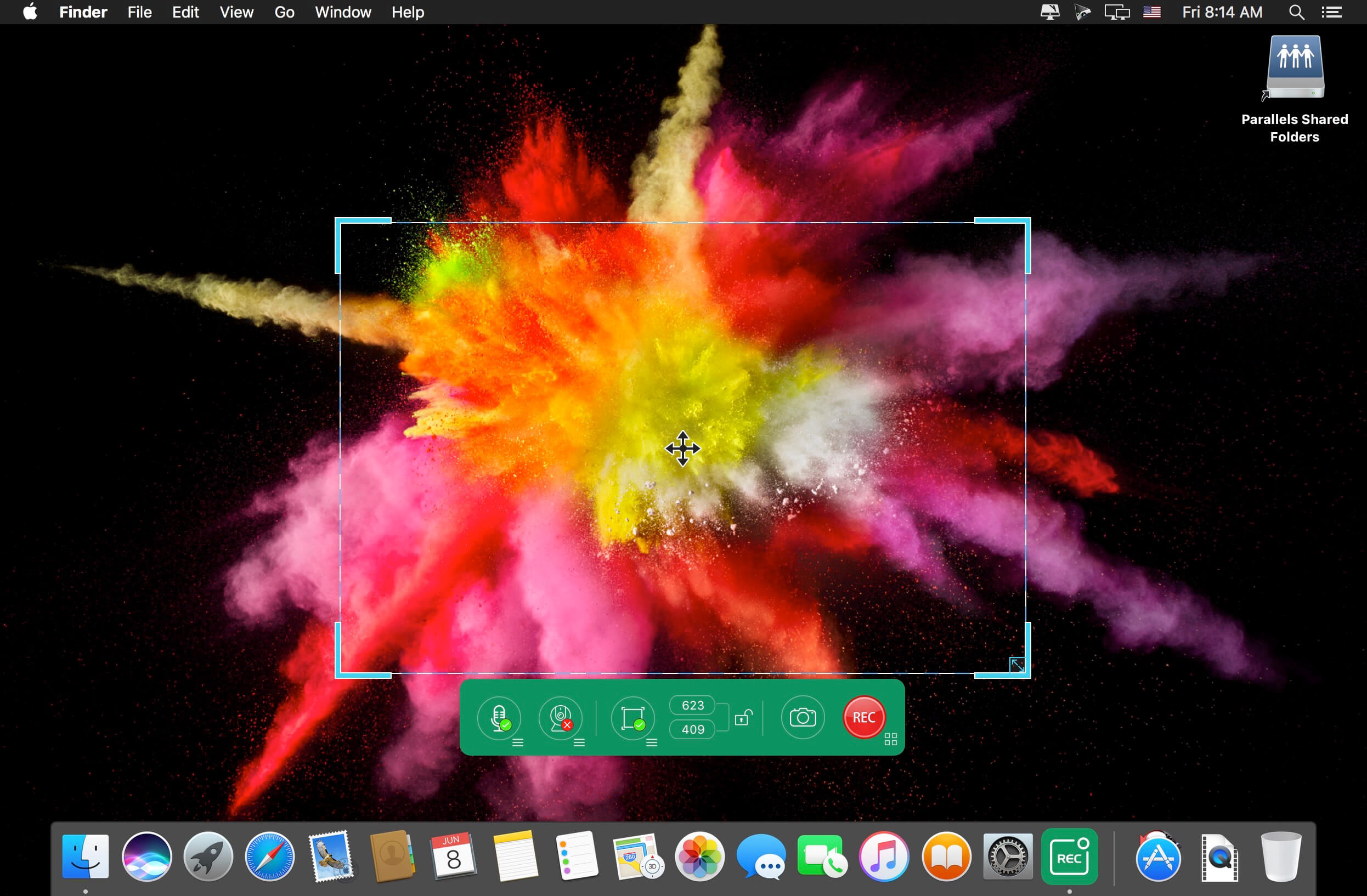
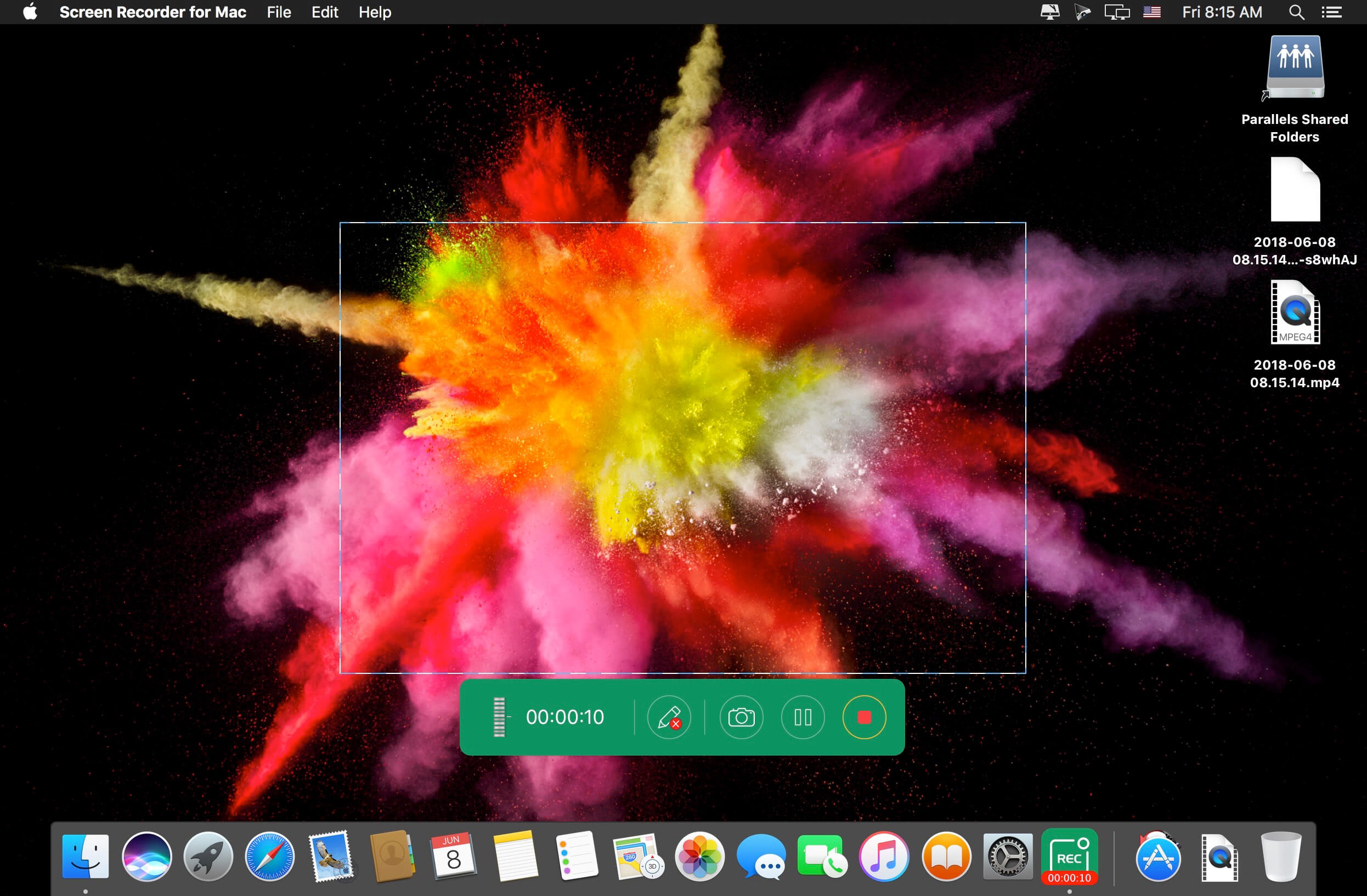
Apeaksoft Screen Recorder is a professional tool to record any video/audio and capture screen on your Mac computer. This excellent video screen recording software can help you easily get online movies and radio, record games, make video tutorials, capture webcam videos, take screenshot, etc. on your computer. Also, you are able to annotate your recording with a text box, arrow, highlight and more. What’s more, this powerful Screen Recorder enables you to make the settings you prefer in advance, and then you are able to record video using these settings next time. It is pretty convenient if you have lots of on-screen activities to record in the same demand. Screen Recorder enables you to record lock window as well.

What’s New:

Version 2.1.32:

  • Release notes were unavailable when this listing was updated.

Compatibility: macOS 10.10 or later (Apple M1 compatible)
Homepage https://www.apeaksoft.com/

Screenshots


Name: Apeaksoft_Screen_Recorder_2.1.32.4691__TNT_Mactorrents.is.dmg
Size: 33 MB
Files Apeaksoft_Screen_Recorder_2.1.32.4691__TNT_ Mactorrents.is.dmg[33 MB]

   Download Torrent
   Download Links

Apeaksoft iPhone Eraser 1.0.10

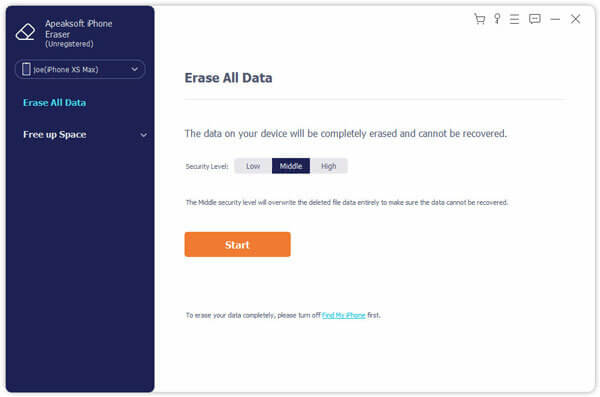
Apeaksoft iPhone Eraser is the most useful utility to erase all content and settings permanently and thoroughly from iPhone iPad or iPod. In addition, you are able to erase more than one iOS device simultaneously.

Erase All Content and Settings on iOS Devices Permanently
The program offers 100% promise to securely erase all data on your iPhone/iPad/iPod, including contacts, SMS, account information, photos, browser history, videos, songs, games, weather, notes, mails, apps, voice memos, calendars, Apple Maps, Reminders, voicemails, downloads, etc. Moreover, settings made on your device will also be clean to get a “new” device.

Clean iPhone Safely to Secure Your Privacy
As one of the professional phone data erasing tools, iPhone Eraser guards your private information. It provides 100% promise to securely remove all the data and settings from your device safely. No personal information will be tracked after you sell your phone. iPhone Eraser guards your private information and protects your personal data from data criminals.

Delete Device with Different Erasing Levels
This professional software provides you three modes to clear your iPhone iPad or iPod data. Whether you want to wipe out confidential documents on your job, or erase data for selling the device, you can choose one of the erasing levels to move on.

  1. Low level: Erase data quickly with overwriting only one time, which can save you time for plenty of data files.
  2. Medium level: Completely erase all data with overwriting the device for twice, remaining no trace. Nobody will know the data on your device is erased.
  3. High level: Destroy data thoroughly with overwriting data for three times, which is the safest and most radical way to get your device started with a clean slate.

What’s New:

Version 1.0.10:

  • Release notes were unavailable when this listing was updated.

Compatibility: macOS 10.10 or later
Homepage https://www.apeaksoft.com/

Screenshots


Name: Apeaksoft_iPhone_Eraser_for_Mac_1.0.10.115109__TNT_Mactorrents.is.dmg
Size: 29.19 MB
Files Apeaksoft_iPhone_Eraser_for_Mac_1.0.10.115109__TNT_ Mactorrents.is.dmg[29.19 MB]

   Download Torrent
   Download Links

Perfectly Clear WorkBench 4.2.0.2395

Perfectly Clear Workbench is an application that uses Athentech’s Perfectly Clear image correction libraries and is made available to demonstrate the capabilities of the Perfectly Clear processing libraries, face detection library and to allow a quick export of the processing settings for use.

Supported Image Formats:
Perfectly Clear requires RGB-formatted images in either 8 or 16-bit color depth. Any image file that Photoshop or Lightroom can open and convert to this format may be used in Perfectly Clear. Monochrome and CMYK images must be converted to RGB before using Perfectly Clear. RAW files must be opened through Adobe Camera RAW and loaded into Photoshop to be accessible to Perfectly Clear.

What’s New:

Version 4.2.0.2395:

  • Release notes were unavailable when this listing was updated.

Compatibility: macOS 10.10 or later
Homepage https://eyeq.photos/

Name: Perfectly_Clear_Workbench_v4_4.2.0.2395__TNT_Mactorrents.is.dmg
Size: 112 MB
Files Perfectly_Clear_Workbench_v4_4.2.0.2395__TNT_ Mactorrents.is.dmg[112 MB]

   Download Torrent
   Download Links

Perfectly Clear WorkBench 4.2.0.2395

Perfectly Clear Workbench is an application that uses Athentech’s Perfectly Clear image correction libraries and is made available to demonstrate the capabilities of the Perfectly Clear processing libraries, face detection library and to allow a quick export of the processing settings for use.

Supported Image Formats:
Perfectly Clear requires RGB-formatted images in either 8 or 16-bit color depth. Any image file that Photoshop or Lightroom can open and convert to this format may be used in Perfectly Clear. Monochrome and CMYK images must be converted to RGB before using Perfectly Clear. RAW files must be opened through Adobe Camera RAW and loaded into Photoshop to be accessible to Perfectly Clear.

What’s New:

Version 4.2.0.2395:

  • Release notes were unavailable when this listing was updated.

Compatibility: macOS 10.10 or later
Homepage https://eyeq.photos/

Name: Perfectly_Clear_Workbench_v4_4.2.0.2395__TNT_Mactorrents.is.dmg
Size: 112 MB
Files Perfectly_Clear_Workbench_v4_4.2.0.2395__TNT_ Mactorrents.is.dmg[112 MB]

   Download Torrent
   Download Links

FSNotes 6.1.1

FSNotes is a plain-text note manager for macOS, and is modern reinvention of notational velocity (nvALT) on steroids. Our application respects the following open formats: plain/text, Markdown, and RTF, and stores data in the file system. You can view, edit, and copy data in your favourite external editor, and see live results in FSNotes.

Features

  • ICloud synchronization
  • Keyboard centric
  • Global shortcuts (clipboard save / search field)
  • Markdown and RTF markup (files stored on disk as plain/text and rich text)
  • Markdown preview mode
  • Elastic two pane view (vertical and horizontal layout)
  • Blazing fast and lightweight
  • Open files in finder / works with external editors (changes seamless live sync with UI)
  • Pin/unpin important notes in top
  • Multi folder storage
  • Markdown live highlighting with over 170 languages in code blocks

Compatibility: macOS 10.14 or later
Homepage https://apps.apple.com/pk/app/fsnotes/id1277179284

Screenshots


Name: FSNotes_6.1.1_MAS__TNT_Mactorrents.is.dmg
Size: 27 MB
Files FSNotes_6.1.1_MAS__TNT_ Mactorrents.is.dmg[27 MB]

   Download Torrent
   Download Links

Soulver 3.7.3

Soulver 3 is a smart notepad with a built-in calculator. It gives instant answers to any calculations it finds in your text. It’s a better way to work stuff out than with a traditional calculator, and a more lightweight tool for quick calculations than a spreadsheet.

Math Features

  • Instant calculations, no equals required
  • Use words alongside numbers, so calculations make sense
  • Quick totals of all your lines, and subtotals
  • Calendar calculations (June 9 + 3 weeks, 3:35 pm + 6 hours 27 minutes)
  • Easy percentages (“$300 – 10%”, “30 as a % of 200”)
  • Unit conversions (“10 kg in pounds, “25 meters in feet”)
  • 168 live real-world and cryptocurrency rates.
  • Line references to build little calculating documents
  • Variables & variable autocompleting
  • Global variables & custom units

App Features

  • Dark mode
  • Sidebar for organising your sheets and the ability to make folders
  • Headings (#), comments (//) & labels (:)
  • Customize your syntax coloring & font
  • Automatic number formatting, with spaces around operators and thousand separators
  • Number scrubbing (hold shift and hover over a number)
  • Deep macOS system integration: Touch Bar support, Quicklook, Calculate anywhere services
  • Automation tools: a command-line interface, Alfred workflow, Automator action

What’s New:

Version 3.00:
Soulver 3 has 50 new features. Most requested features include support for dark mode, date & time math, subtotals, an integrated sheets manager and a redesigned user interface.

Note: Soulver 3 for Mac does not sync with Soulver 2 for iOS as they use different math engines. It can import your Soulver 2 (.soulver) files though

Intergace

  • Redesigned user interface supports dark mode and includes a sidebar for managing sheets within the app.

Calculator

  • Support for calendar calculations.
  • Proportion/’rule of three’ functions (10 is to 20 as 50 is to what/15 is to 30 as what is to 80)
  • Functions with multiple parameters: ‘midpoint between’, ‘greater/lesser of’, ‘remainder of’
  • Unix time calculations
  • More intuitive syntax for some percentage operators (’50 is 25% of what’)
  • More large SI prefixes & support for small SI prefixes in answer formatting
  • ‘Half of’ function

Organization

  • Create folders for managing sheets.
  • Trash for recovering recently deleted files.
  • Drag sheets out of the sidebar to export a .slvr file
  • Spotlight search integration
  • Sort sheets by date edited, date created or title
  • Import Soulver 2 or Soulver 3 files by dropping them on the dock icon.

Subtotals

  • Designate a line a subtotal, which will add up all lines above it (up to the next subtotal or heading)

Variables

  • Variables can now include multiple words
  • Auto-complete support for variables (hit the escape key)
  • Shift-hover over a variable to see its actual value on that line
  • Variables can now be redeclared with new values.

Editing

  • Scrubbable numbers (shift hover over a number to show the scrubber)
  • Auto-thousands separator insertion (1000 becomes 1,000)
  • QuickOperators (1p1 becomes 1 + 1, etc)
  • Keystrokes to insert labels & variable declarations
  • Touch Bar support with quick access to operators, sheet defined variables, and line references.
  • A preferences to start sheets with a heading or a comment

Units & Currencies

  • User definable custom units
  • More scientific units
  • Better answer formatting of time & imperial lengths
  • Support for 16 popular cryptocurrencies
  • Better handling of unit calculations in many cases than in Soulver 2.
  • All real-world currencies now enabled by default (no need to add them manually)

Lines & References

  • Rearrange & delete lines & via the answer column
  • Bump lines up/down using keystrokes
  • Reference insertion mode (hit ⌘L, then type the number of the line you want to insert a reference to)

Automation

  • Command-line interface
  • URL schemes
  • Automator Action for evaluating text using Soulver
  • Calculate anywhere services
  • Alfred integration

Miscellaneous

  • Automatically convert documents created in foreign locales into your preferred locale
  • Soulver now uses a JSON based file format (.slvr) rather than XML based (.soulver)
  • Import Soulver 2 files, and have them migrated to the latest syntax
  • Use # for headings
  • Implicit unit detection in some case (i.e 2 ducks + 2 ducks = 4 ducks)
  • References can optionally refer to a line’s rounded value
  • Redesigned styling preference pane with a live preview
  • Heading styling (custom font size, and # colour)
  • A redesigned reference that mimics the Soulver UI
  • A new app icon by Marc Edwards

Compatibility: macOS 10.14 or later, 64-bit processor
Homepage https://www.acqualia.com/soulver/

Screenshots


Name: Soulver_3_3.7.3__TNT_Mactorrents.is.dmg
Size: 26 MB
Files Soulver_3_3.7.3__TNT_ Mactorrents.is.dmg[26 MB]

   Download Torrent
   Download Links

Grids for Instagram 8.3.1

Grids brings the best Instagram experience to your Mac, with Stories (first and only app that supports stories!), Direct Message and Large/Fullscreen photo and video viewing.

As featured on TheNextWeb, AppAdvice, iDownloadBlog, DigitalTrends and many others.

  • View Stories (pro)
  • Direct message (pro)
  • Share photos/user profiles/tags/locations via message
  • Enlarged view mode allows photo viewing and video playing in large or full screen
  • Clean, adaptive UI. Works at full screen as well as widget-sized window.
  • Pixel-perfect layout and rendering. Retina display support. Your Instagram photos never looked this gorgeous.
  • 4 beautiful layout styles for the pleasure of your eyes
  • Picture size as well as spacing and background color can be adjusted to your liking.
  • Fastest Instagram browsing experience you will have!
  • Switch between multiple accounts seamlessly.
  • Like, comment, follow, search people and tags.
  • Show users tagged in photo
  • Bookmark allows you to bookmark people (without having to follow them), locations, tags and individual photos or videos (without having to like them).
  • Get notification when new feed is available and/or when there is new followers/likes/comments/mentions.
  • View latest following/news just like on your phone

What’s New:

Version 8.3.1:

  • Release notes were unavailable when this listing was updated.

Language: English, German, French, Portuguese and others.
Compatibility: macOS 10.13 or later, (Apple Silicon compatible)
Homepage http://gridsapp.net

Screenshots


Name: Grids_8.3.1__TNT_Mactorrents.is.dmg
Size: 66 MB
Files Grids_8.3.1__TNT_ Mactorrents.is.dmg[66 MB]

   Download Torrent
   Download Links

Torrents Download Apple,Mac Osx,Apps ,Software

Exit mobile version