Category Archives: Photography

Iridient Developer 4.2.0

Name: RawDeveloper_4.2_Mactorrents.biz.dmg
Size: 37 MB
Files RawDeveloper_4.2_Mactorrents.biz.dmg[37 MB]

   Download Torrent
   Link Download

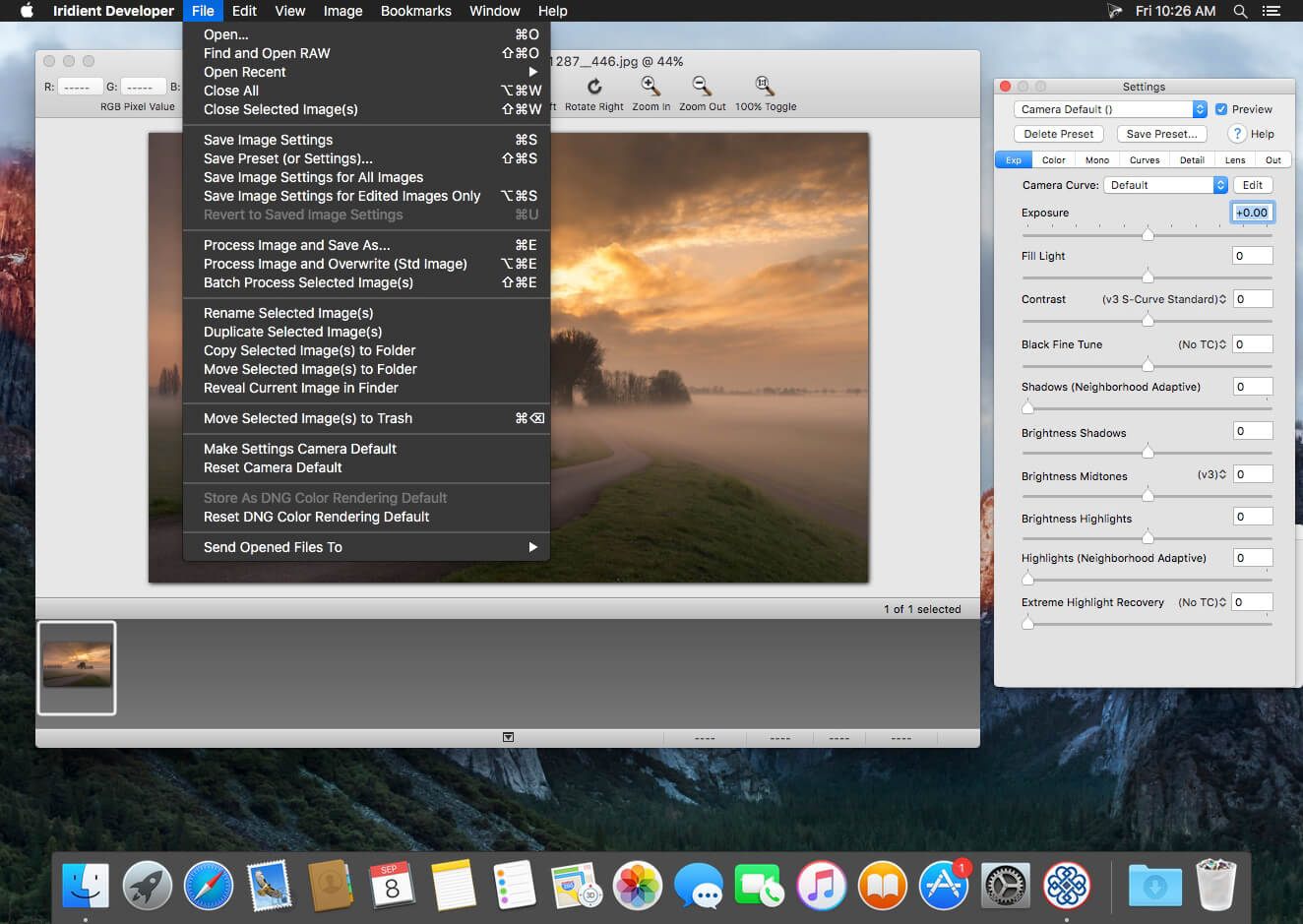
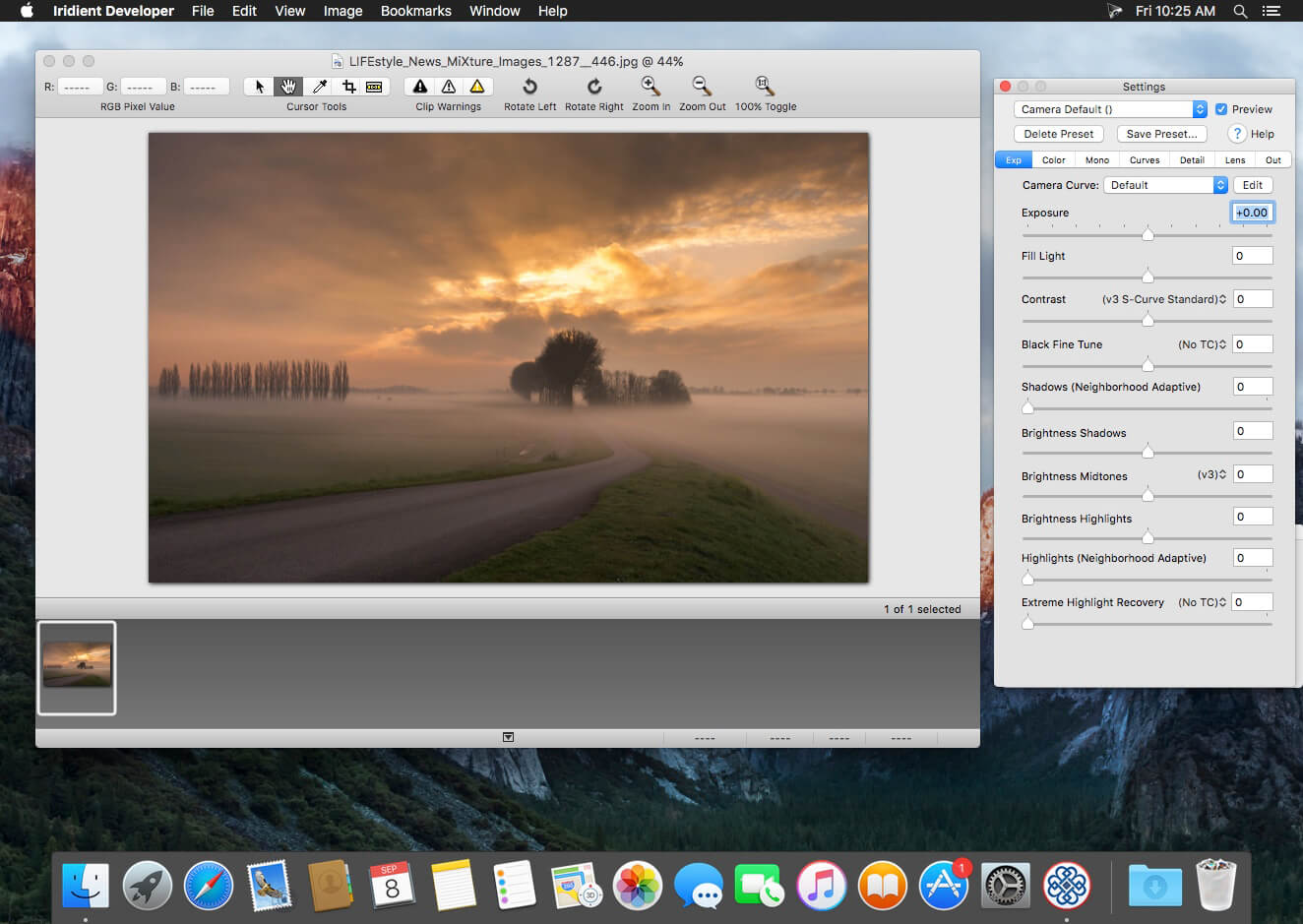
Iridient Developer is a powerful RAW image conversion application designed and optimized specifically for Mac OS X. Iridient Developer gives advanced photographers total control over their digital photographs, yet still provides easy drag and drop batch conversion and access to basic adjustments for the casual user.

Advanced Sharpening and Noise Reduction Algorithms Iridient Developer offers SIX advanced sharpening methods, including “Iridient Reveal”, a “super” sharpener utilizing aspects of both state of the art edge enhancement techniques and deconvolution, traditional unsharp masking, high pass, difference of gaussians, a unique “hybrid” sharpening algorithm and an advanced Richardson-Lucy Deconvolution based method. All are processed in a special 32 bits/channel floating point color space to avoid color artifacts and provide amazing detail. Powerful hot/dead pixel filters and new, state of the art noise reduction methods help eliminate noise, especially from images taken with long exposures or high ISO settings. All sharpening methods also now support advanced edge masking for limiting the sharpening effect to just edge regions while leaving “flat” or low contrast areas of the image unchanged.  

High Quality Image Resizing Whether down sizing for the web or producing massive prints for gallery display, Iridient Developer offers a wide range of resizing methods that allow you fine tune the level of output to best suit your own preferences from incedibly high levels of sharpness and detail to smooth, artifact free output.  

Fabulously Flexible Camera Color Specification Iridient Developer includes support for just about any camera color specification imaginable from industry standard ICC color profiles to DNG color matrix values to the latest DNG v1.4 camera profile (DCP) specification to camera manufacturer specific color metadata. Iridient Developer provides incedible control over establishing the ideal color starting point for your photos whether you want to use custom camera profiling solutions or simply to match a color look provided by the camera manufacturer or just about any other RAW processing software.  

Extensive Image Adjustment Options You’re in total control of every step of the conversion process, fully editable tone curves in RAW, RGB and LAB color spaces, advanced highlight recovery, white balancing, noise reduction, sharpening, exposure compensation, brightness, contrast, saturation and more.  

Super Monochrome (Black And White) Conversion Options High quality black and white conversion options including direct access to RAW image color planes, standard RGB channel mixers, perceptual LAB lightness based conversion, luma, desaturation, intensity, custom duotones and other toning options including curves.

Fast, High Quality Image Previews RAW developer allows you to view and make all image adjustments while viewing a full resolution, fully color managed, 16 bit per channel preview.  

Advanced Histogram View Supports 256, 512 or an extra wide 1024 levels of detail. Viewing modes include RGB, individual R, G, B channels, all three colors at once, CIE Lightness, CIE Luminance, CIE Chroma (ab), luminosity, hue and saturation.  

Fully Configurable Color Management Support for two high quality color management engine options including Apple’s ColorSync and LittleCMS 2.6 which includes full support for the latest ICC v4.3 standard. Ability to specify camera or image specific input profiles, RGB working space profiles for image adjustments and final image output profiles. Automatic support for LAB and chroma color space curves without any manual color space changes.  

Unlimited batch processing You can continue making image adjustments while other images are converted in the background. Supports, easy drag and drop image conversion with flexible file naming options and support for multiple file formats including JPEG, TIFF, PNG, JPEG2000 and more.  

Multithreaded and vector processor (SSE3+) optimized Iridient Developer takes full advantage of multi-core and multi processor systems and the advanced vector processing capabilities of Intel processors. Highly optimized for all the latest and greatest Mac OS X technologies including Grand Central Dispatch (GCD), 64-bit processing, Core Image, Quartz Extreme and more. All image processing is handled by secondary threads so your real time editing work is never blocked waiting for export processing to complete.  

Support for IPTC, XMP and EXIF v2.3 metadata EXIF, IPTC and XMP metadata is supported when exporting to TIFF, PNG or JPEG image formats.  

“Processing Disabled” Output Mode Ability to bypass all image adjustments and all color matching operations for fast, high quality export of linear files intended for further processing with other image processing programs or RAW workflows. Also useful for creating non-color matched output for use in generating custom camera or scene profiles with ICC camera profiling software.

Compatibility: macOS 10.13 or later
Homepage https://www.iridientdigital.com/products/rawdeveloper.html

Screenshots

FotoMagico 6.5.6

Name: FotoMagico_6.5.6_Mactorrents.biz.dmg
Size: 75 MB
Files FotoMagico_6.5.6_Mactorrents.biz.dmg[75 MB]

   Download Torrent
   Link Download

FotoMagico is the easiest way to create a gorgeous slideshow on your Mac using your photos, videos, music and text telling your story in a live presentation or a high resolution video. Use per-built stories or story-parts or tell your very own, unique story.

Main Features:
• Knock the socks of your audience with your live presentations
• Step up your wedding photography game and make the newlyweds happy
• Relive and retell your travel adventures
• Save a lot of time animating stills for your Final Cut Pro X projects
• Spice up your storefront window or Point of Sales signage
• Be endlessly creative and get impressive results quickly
• Make your photos and videos stand out with brilliant quality

FotoMagico 5 Highlights:
• Snippets give you a whole new way to compose complex slideshows quickly by simply choosing from a collection of pre-built story parts and adding in your own photos and videos
• Music Snippets keep you out of copyright troubles by providing free to use CC licensed music and the proper attribution
• Animation Assistant lets you choose from a variety of styles to automatically make your slideshow move
• Improved Text Editing and Text Placeholders make it a snap to express yourself. Automatically insert slideshow title, author, music title and artist or filename, EXIF metadata and more to quickly create a portfolio show.
• Audio Marker Assistant helps you to keep music and slides in perfect harmony (Pro Feature via In-App Purchase)
• Audio Volume Envelopes & Fades – the most requested new feature! Use envelopes to make parts of the music softer when you intend to speak, or if video volume should take center stage, or increase volume when you want to enhance the mood. (Pro Feature via In-App Purchase)
• Completely new dark user interface

Features in FotoMagico Pro:
• Timeline View displays the timing of the slideshow in a more intuitive way
• Extra audio track and recording mode for narration
• Direct access to Aperture and Lightroom photo libraries
• Teleprompter view supports you when giving a live presentation
• Chapters let you group your slides for a better overview
• Masks and Borders give you more creative possibilities
• Additional export options: Standalone Player, ProRes video file, custom video format

Compatibility: macOS 10.14 or later
Homepage: https://fotomagico.com/

Topaz Gigapixel AI 7.0.2

Name: Topaz.Gigapixel.AI.702_Mactorrents.biz.zip
Size: 230 MB
Files Topaz.Gigapixel.AI.702_Mactorrents.biz.dmg[230 MB]

   Download Torrent
   Link Download

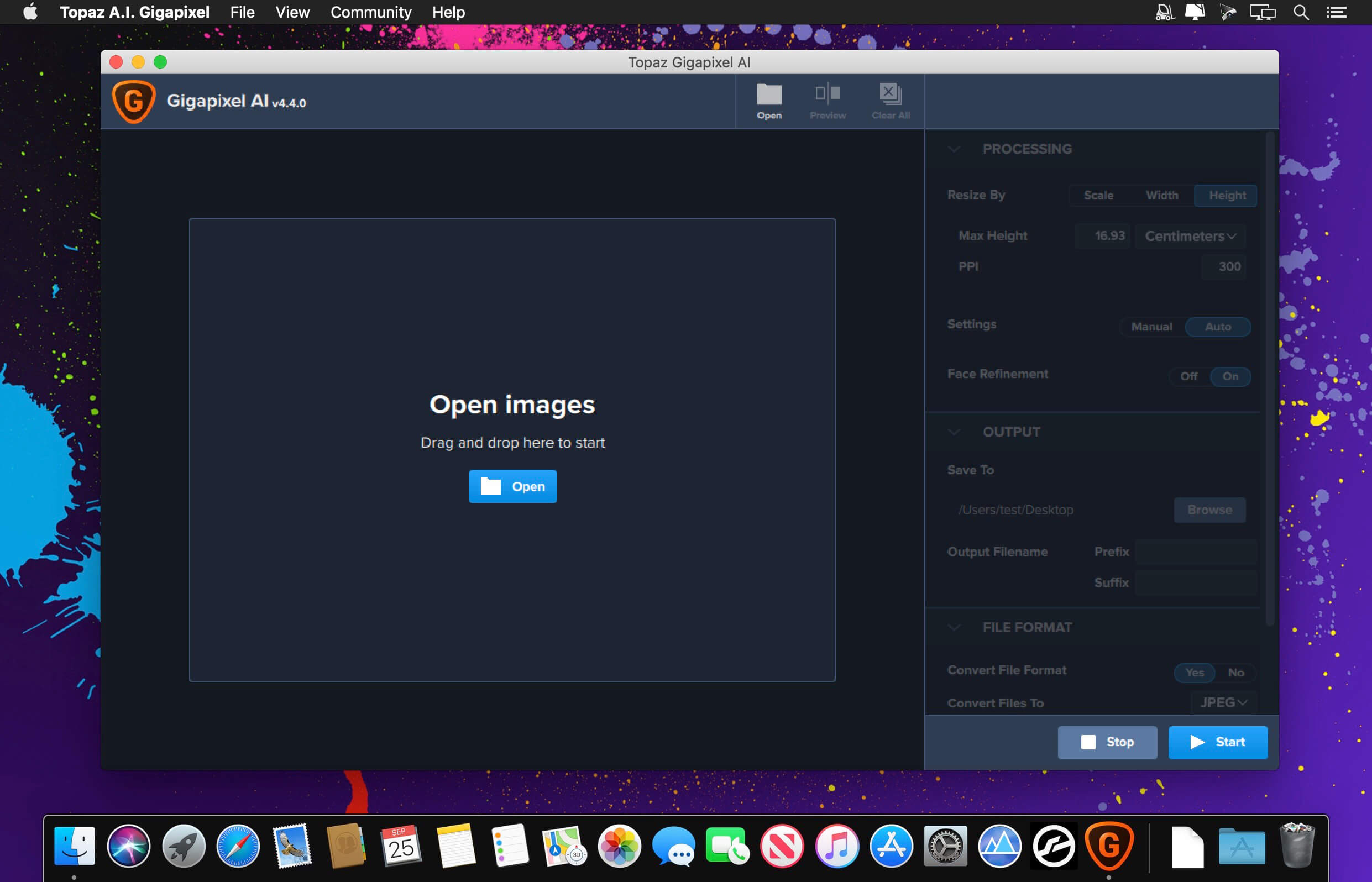
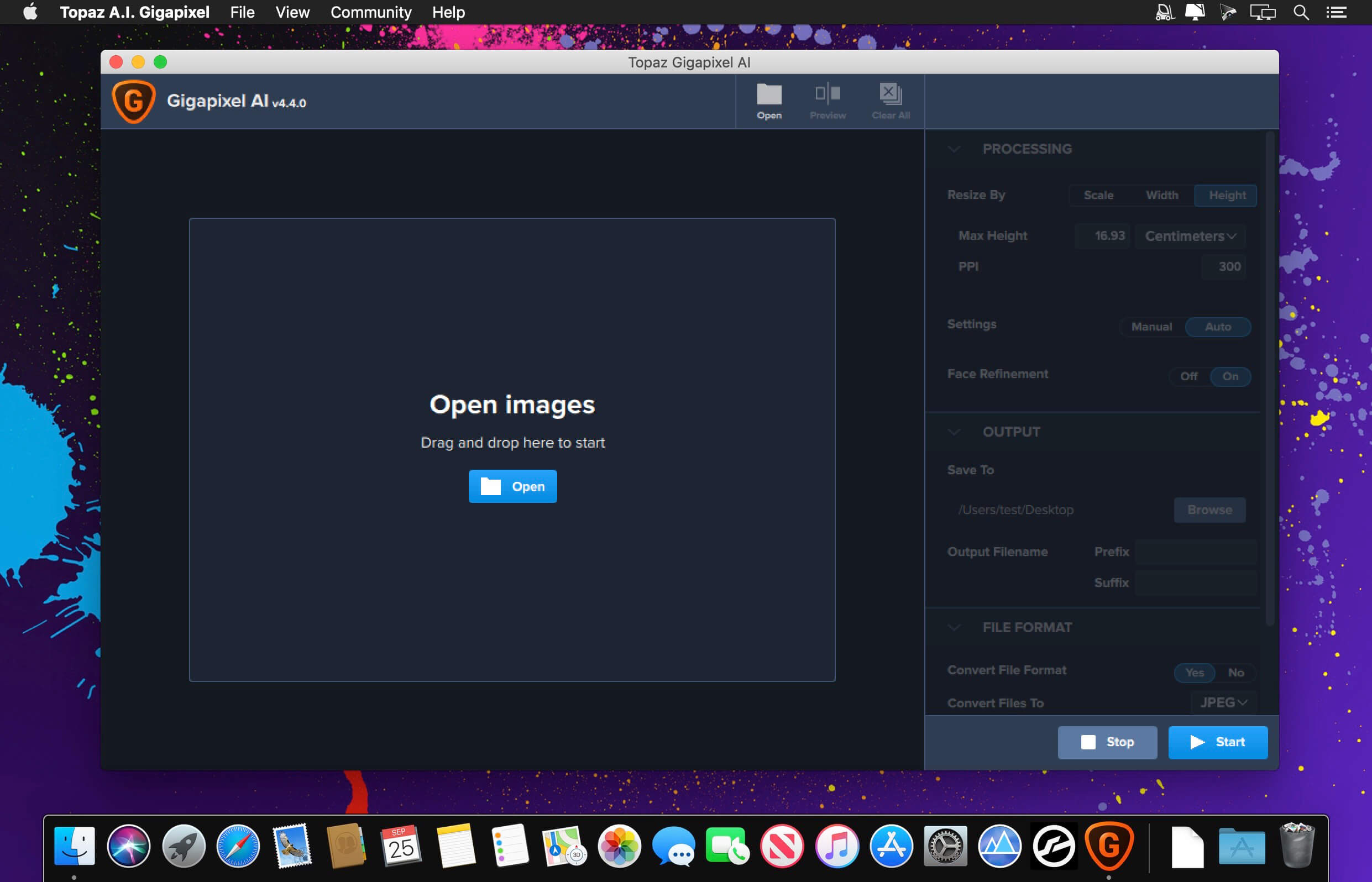
Beautiful photo enlargements using machine learning. Enlarging your image without losing detail has always been impossible… until now. Upscale your photos by up to 600% while perfectly preserving image quality.

Enlarge Images by up to 600%
Create a beautiful 80 x 60 inch print from a simple iPhone photo. Or transform your DSLR photos into sharp and ultra-detailed 100MP images.

Use truly intelligent upscaling
After being trained with millions of sample images, Gigapixel can now enlarge your images with a surprising level of quality.

Get crisp and clear results.
Gigapixel performs around 2 million operations per pixel to get you results with as much detail and sharpness as possible.

No more fuzzy enlargements.
Breathtakingly sharp prints. High-resolution cropping in post-production. iPhone photos that look like they came out of a DSLR. No matter why you’re enlarging your photos, you always want the best possible quality for your results. AI Gigapixel is currently the only photo enlargement product available that can actually add detail back to your upscaled photo.

Recover real details for actual sharpness
Increasing edge contrast is the simplest way to make an image look “sharp”, and how most other upscaling software works. Gigapixel is different: it increases the actual sharpness of your upscaled photo by recovering real detail in your image. This is only possible through training and exposure to millions of test images.

Crisp photos that look like they were never upscaled
It’s hard to believe that the crisp output image above was enlarged 4x, but it was. Gigapixel AI successfully determines which image features are stars (detail) and what’s noise. Then, it naturally accentuates and recovers detail while suppressing noise in your upscaled photo.

The highest-quality image upscaling that you can get anywhere
Because of these exceptional results, Gigapixel AI is used by everyone from leading photographers, to video game modders, to major motion studios. If you ever need to upscale your photo while preserving beautiful detail, take advantage of the most modern technology in the space and give Gigapixel AI a try.

Image enlargement: interpolation vs machine learning
Interpolation-based photo enlargement software has been around for decades. Gigapixel’s new approach based on machine learning is a giant leap ahead: state-of-the-art “deep learning” methods allow it to enlarge images while actually adding new details.

Interpolation
Interpolation algorithms work by approximating new pixels from the colors of surrounding ones. This does not add any detail to the image, it just smoothes out the transition between pixels.

Neural Network (Gigapixel AI)
A neural network analyzes thousands of photo pairs to learn how details usually get lost. The algorithm learns to “fill in” information in new images based on what it has learned… effectively adding new detail to your photo.

What’s New:

 Version 7.0.2:

  • Release notes were unavailable when this listing was updated.

Compatibility: macOS 10.14 or later
Homepage https://topazlabs.com/

Screenshots


EdgeView 4.5.0

Name: EdgeView_4.5.0_Mactorrents.biz.dmg
Size: 38 MB
Files EdgeView_4.5.0_Mactorrents.biz.dmg[38 MB]

   Download Torrent
   Link Download

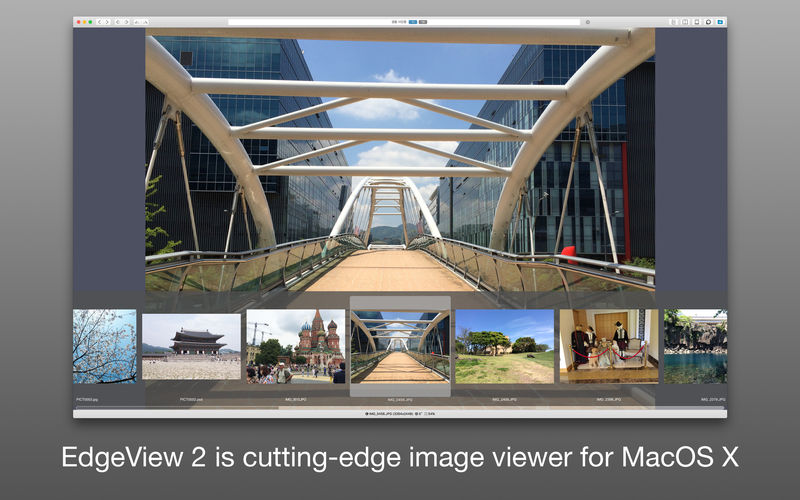
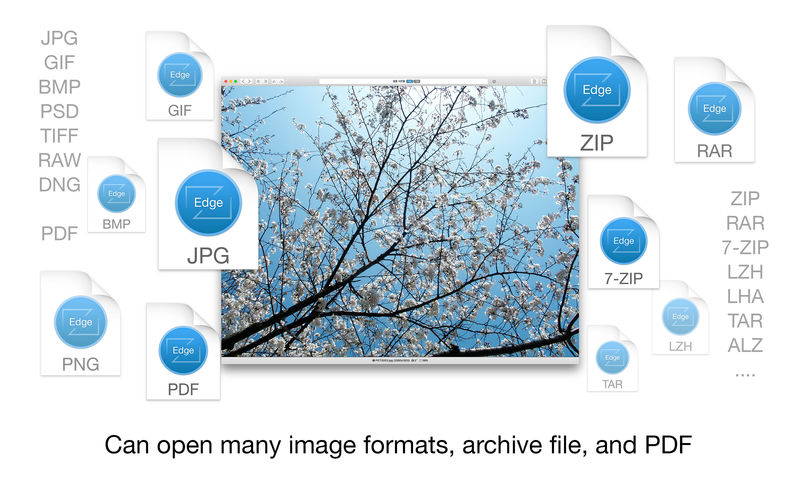
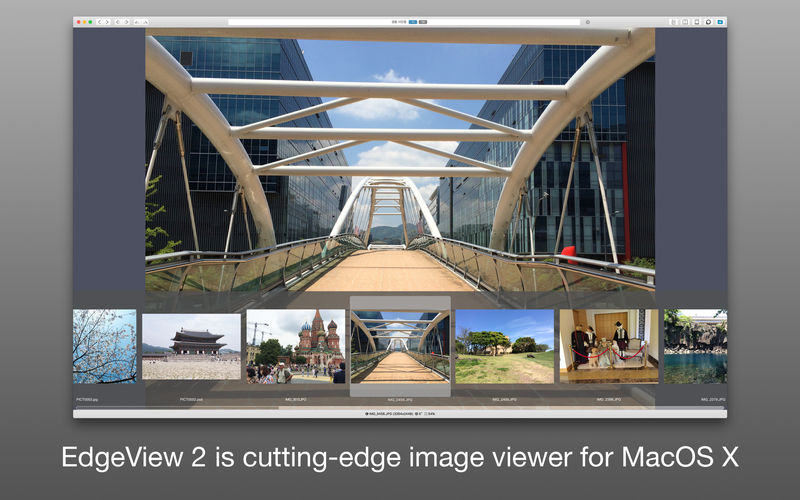
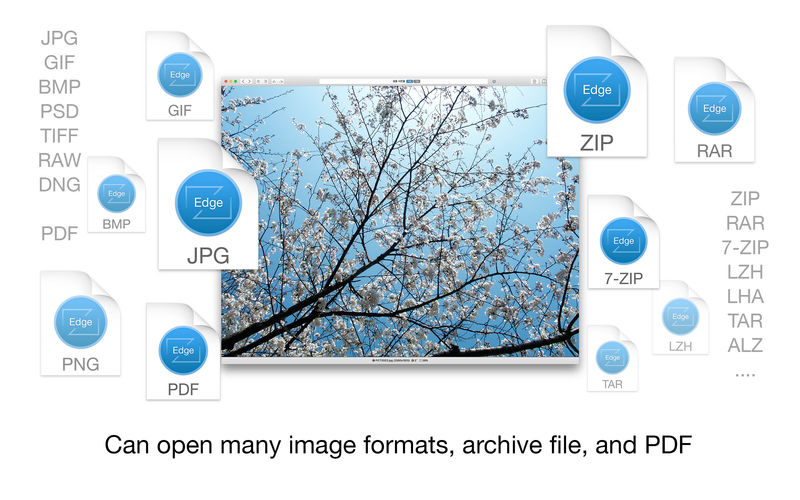
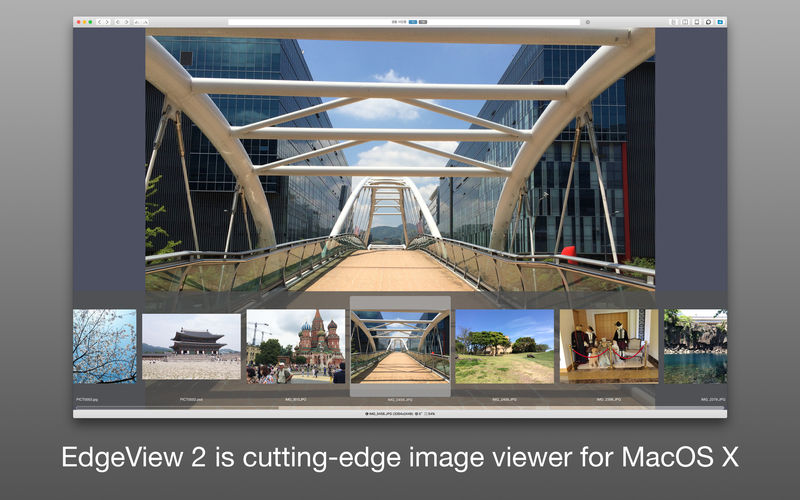
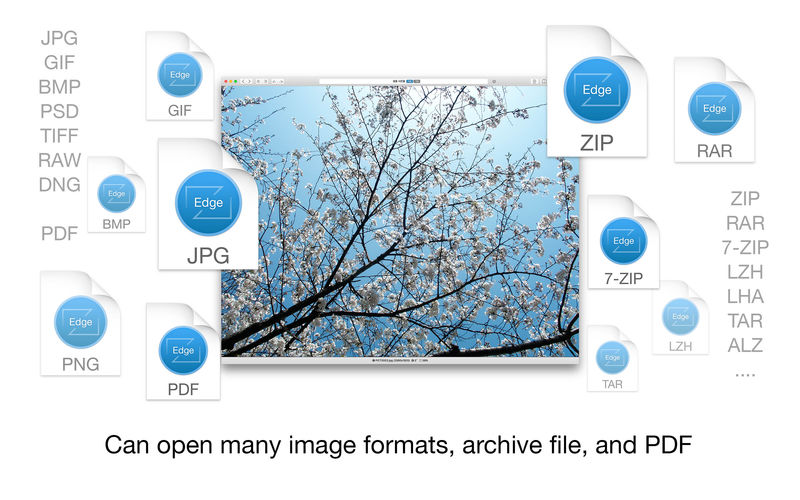
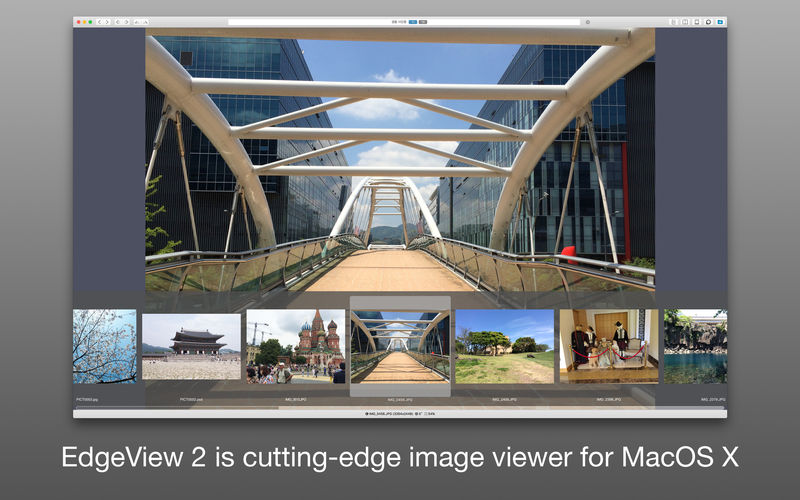
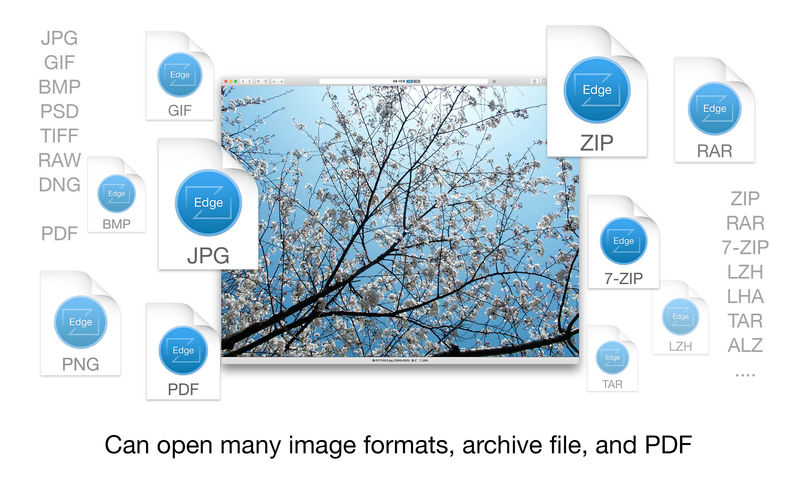
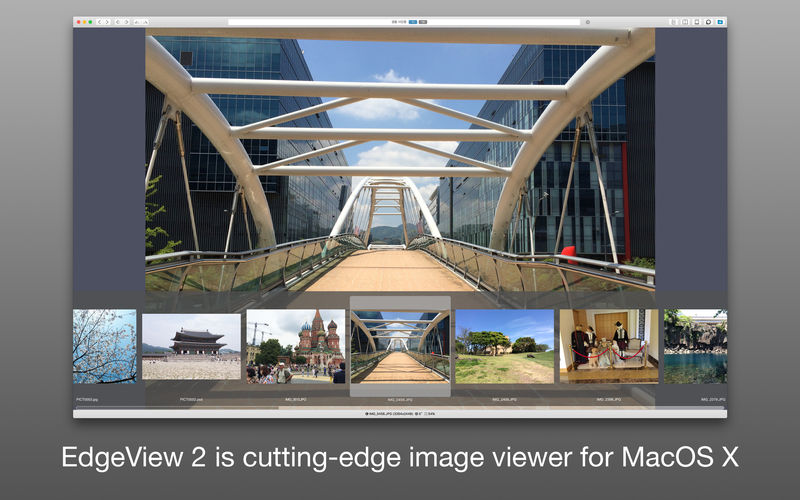
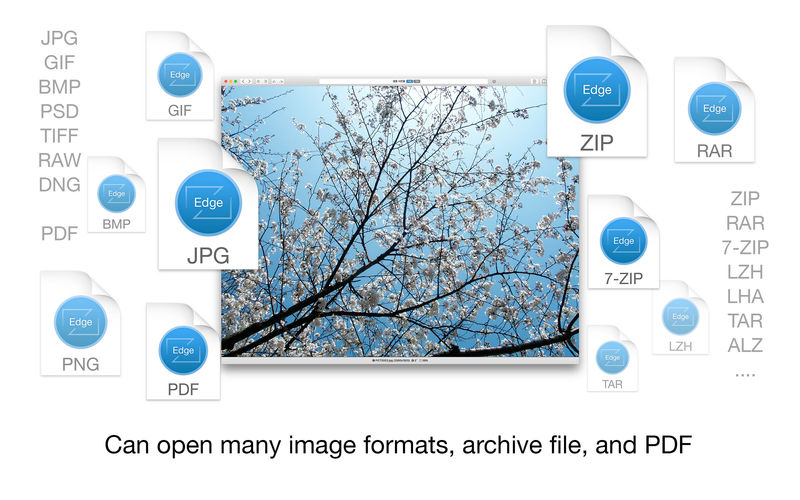
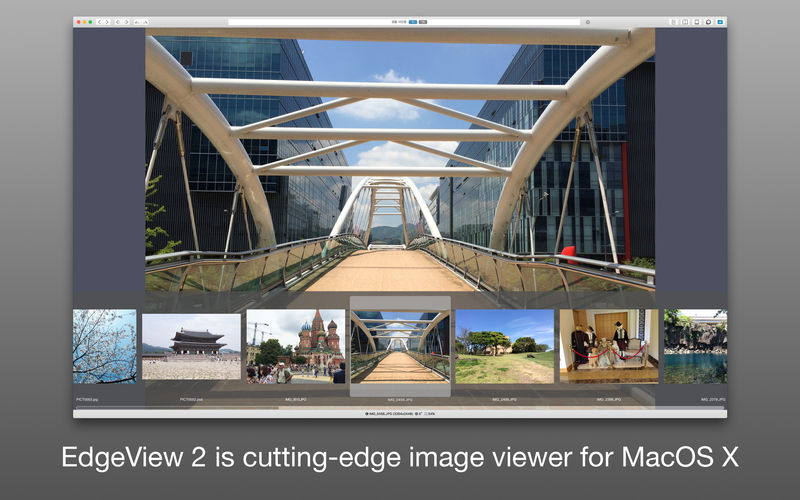
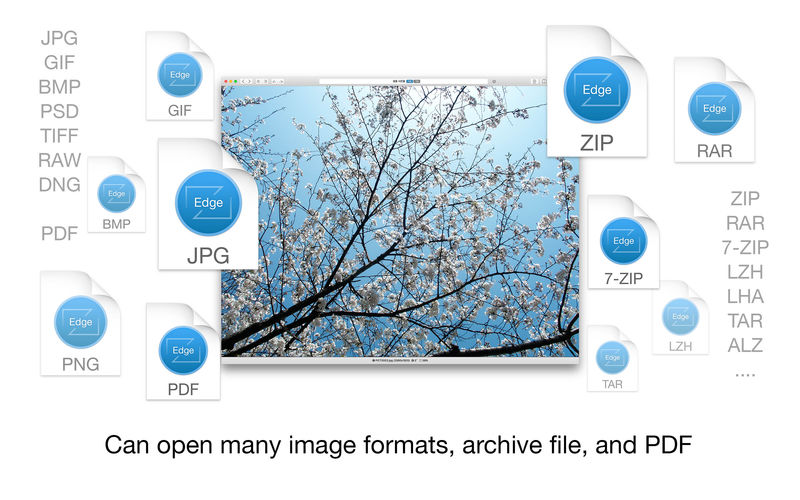
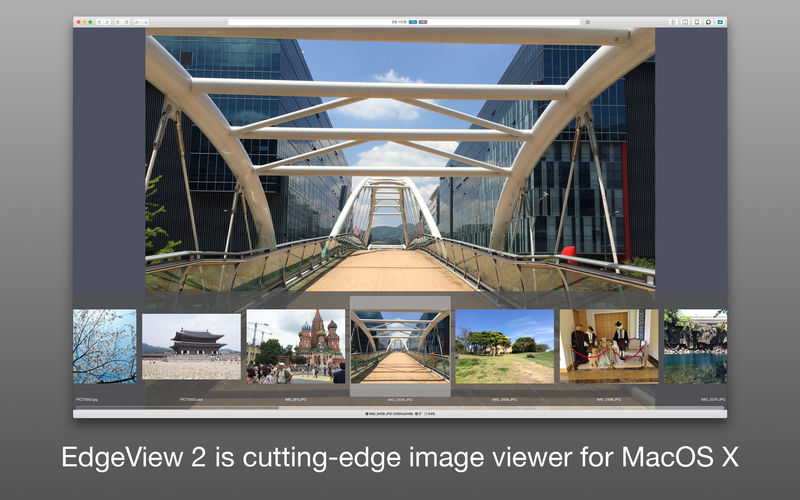
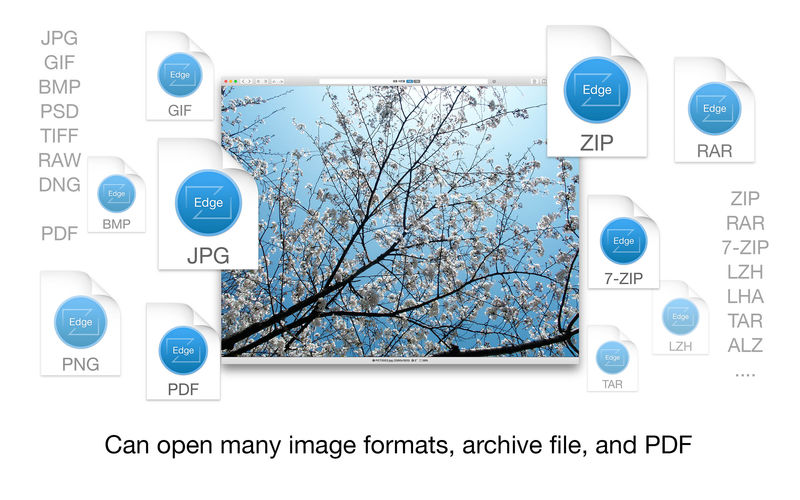
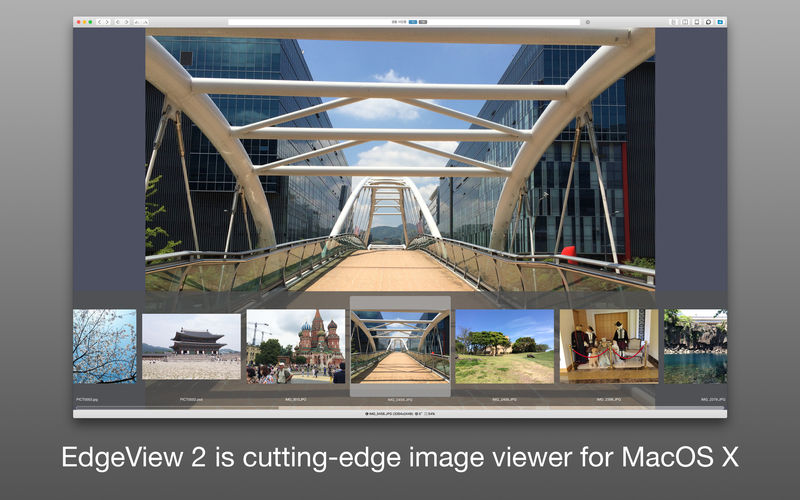
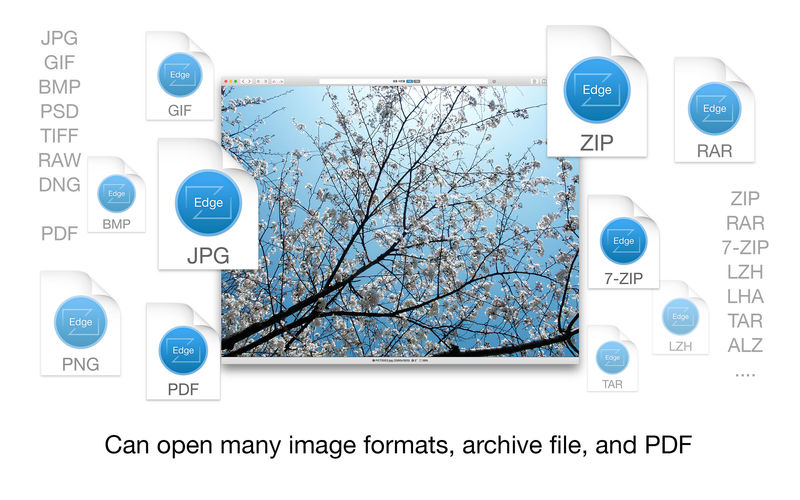
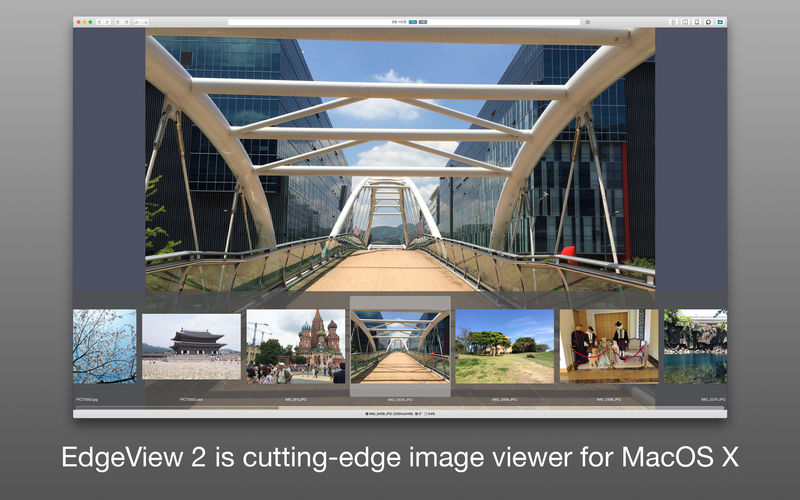
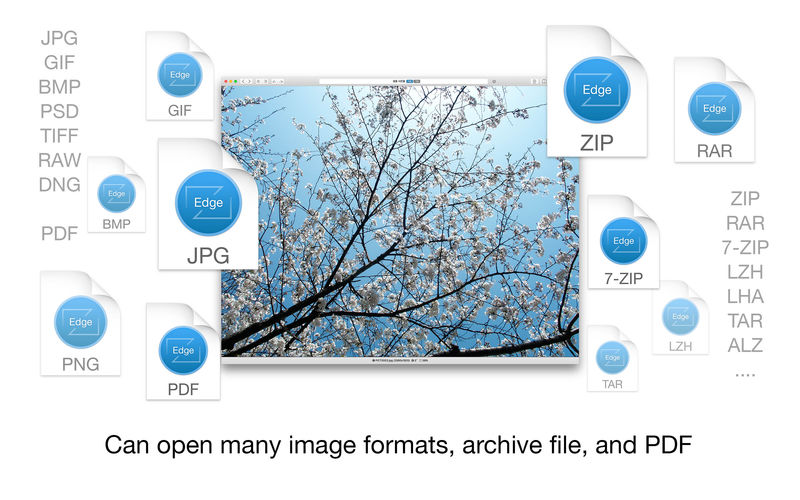
EdgeView 3 is fast image viewer has elegant user interface. EdgeView 3 is developed and designed for modern MacOS. It can open various image files such as JPEG, PNG, TIFF, BMP, and RAW file of DSLR, EPS and PDF, AI(Adobe Illustrator). Can open image files in archive directly without extraction.

User can open files, rename files, delete files from EdgeView’s file browser. Also can access to SMB/AFP/FTP network volume.

User can navigate images quickly by using keyboard shorcut, mouse wheel, trackpad gesture. EdgeVew show EXIF information, play animation GIF/PNG/WebP smoothly. Save last status to history, and restore when reopen file.

EdgeView 3 will be the best choice when viewing and managing image files.

Features

  • Rewrote full code as Swift for improve performance.
  • Support m1 CPU Mac.
  • Has easy UI, can control main function at Sidebar.
  • Support English/Korean/Japanese/Chinese(Simplified).

Image Viewer

  • Supporting image files such as JPG, GIF, BMP, PSD, TIFF, RAW, WEBP and PDF, EPS, AI(Adobe Illustrator), OpenEXR, HDR, TGA.
  • Can play animation GIF/PNG/WebP. User can control animation with floating animation controller.
  • Dispaly internal image(or frame) of animation GIF/PNG/WebP or HEIC that has multiple internal image.
  • Can read and show images of major archive formats (such as ZIP, RAR, CBZ, CBR, 7-zip) without extraction. Of course, can open ZIP file that 4GB over.
  • Can read encrypted archive file.
  • Can read archive file in archive file recursively
  • Improved draw speed by rebuilt image cache system and drawing engine.
  • Draw images as high quality.
  • Provide suitable functions for comic reading such as ‘Two-Page Spread’, ‘Continuous Scroll mode’, ‘Right to Left’, etc.
  • Provide multiple navigation functions like as ‘Move’, ‘Skip’, ‘Shift’, etc.
  • User can navigate images and check whole thumbnails at Thumbnailsbar.
  • User can navigate images by using keyboard shortcut, mouse wheel, trackpad gesture.
  • Can rotate and flip images. Orientation will be saved to history.
  • User can select part of images, and copy it or save as file.
  • Can zoom in/out image freely.
  • Built-in loupe function to make it easier to magnify part of image.
  • Show histogram.
  • Show neighbor files list. And can open neighbor file.
  • Support history feature for saving and restoring last status of file.
  • Can reopen file or remove history at history list.
  • Can rate image files.

File Browser

  • Built-in file browser can show and open files from local drive or AFP/SMB/FTP network drive.
  • Can display files as lists or icon.
  • Show images in folder/archive file at preview panel.
  • Generate thumbnails of archive files and folders.
  • Support powerful search feature.
  • Show category and writer information.
  • User can sort files by various options, and can delete or rename files.
  • Can rate files or folders.

Others

  • Support customizing feature. Also user can change shortcuts.
  • Built-in Quick Look Extension generate thumbnails and preview of archive files at Finder.

Compatibility: macOS 11.1 or later
Homepage https://apps.apple.com/pk/app/edgeview-2/id1206246482

Screenshots


FotoMagico 6.5.5

Name: FotoMagico_6.5.5_Mactorrents.biz.dmg
Size: 75 MB
Files FotoMagico_6.5.5_Mactorrents.biz.dmg[75 MB]

   Download Torrent
   Link Download

FotoMagico is the easiest way to create a gorgeous slideshow on your Mac using your photos, videos, music and text telling your story in a live presentation or a high resolution video. Use per-built stories or story-parts or tell your very own, unique story.

Main Features:
• Knock the socks of your audience with your live presentations
• Step up your wedding photography game and make the newlyweds happy
• Relive and retell your travel adventures
• Save a lot of time animating stills for your Final Cut Pro X projects
• Spice up your storefront window or Point of Sales signage
• Be endlessly creative and get impressive results quickly
• Make your photos and videos stand out with brilliant quality

FotoMagico 5 Highlights:
• Snippets give you a whole new way to compose complex slideshows quickly by simply choosing from a collection of pre-built story parts and adding in your own photos and videos
• Music Snippets keep you out of copyright troubles by providing free to use CC licensed music and the proper attribution
• Animation Assistant lets you choose from a variety of styles to automatically make your slideshow move
• Improved Text Editing and Text Placeholders make it a snap to express yourself. Automatically insert slideshow title, author, music title and artist or filename, EXIF metadata and more to quickly create a portfolio show.
• Audio Marker Assistant helps you to keep music and slides in perfect harmony (Pro Feature via In-App Purchase)
• Audio Volume Envelopes & Fades – the most requested new feature! Use envelopes to make parts of the music softer when you intend to speak, or if video volume should take center stage, or increase volume when you want to enhance the mood. (Pro Feature via In-App Purchase)
• Completely new dark user interface

Features in FotoMagico Pro:
• Timeline View displays the timing of the slideshow in a more intuitive way
• Extra audio track and recording mode for narration
• Direct access to Aperture and Lightroom photo libraries
• Teleprompter view supports you when giving a live presentation
• Chapters let you group your slides for a better overview
• Masks and Borders give you more creative possibilities
• Additional export options: Standalone Player, ProRes video file, custom video format

Compatibility: macOS 10.14 or later
Homepage: https://fotomagico.com/

Cinemagraph Pro 2.11

Name: Cinemagraph_Pro_2.11_Mactorrents.biz.dmg
Size: 72 MB
Files Cinemagraph_Pro_2.11_Mactorrents.biz.dmg[72 MB]

   Download Torrent
   Link Download

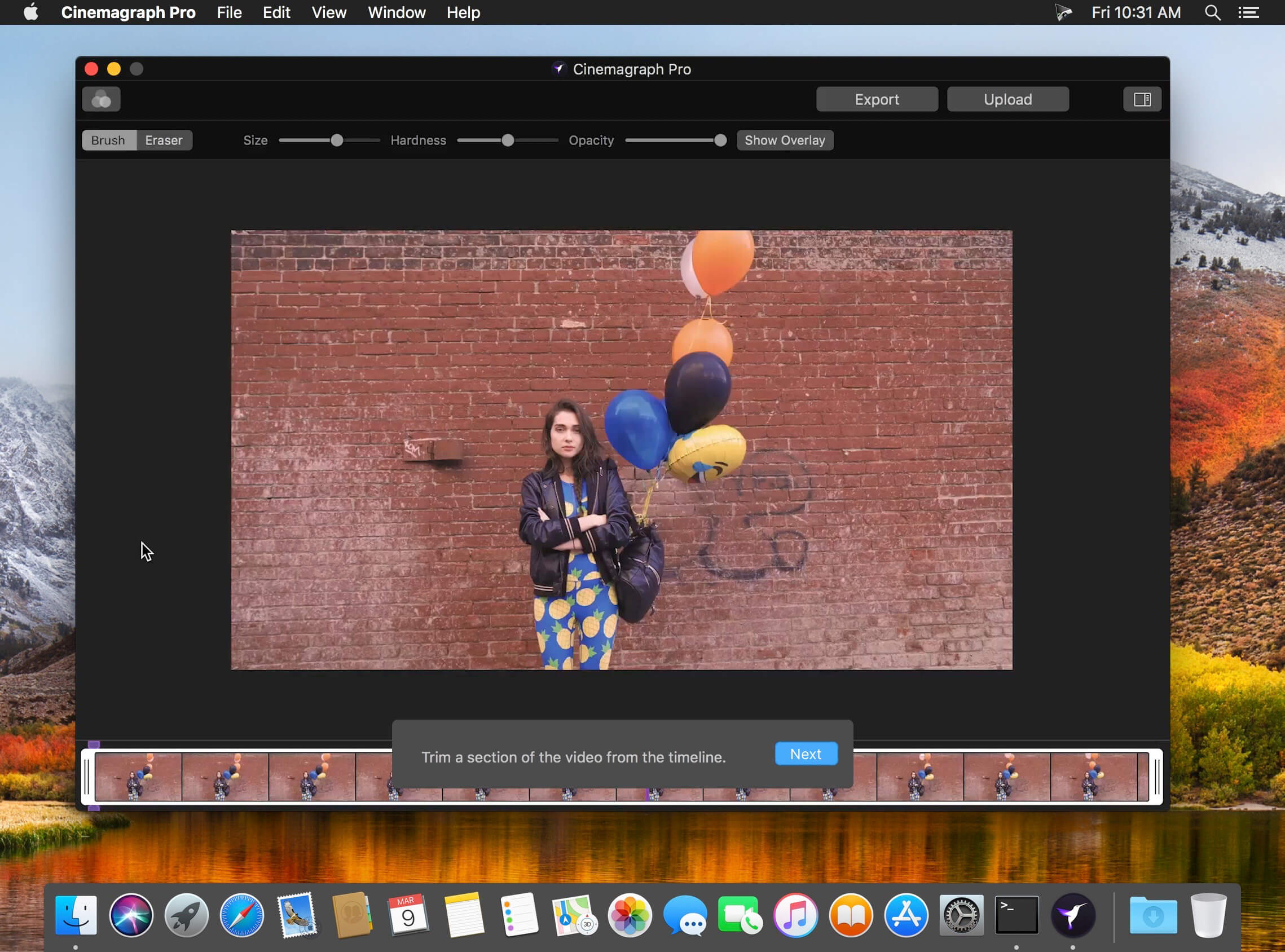
Cinemagraph Pro is the only professional tool specifically designed for the creation of living photos. With its unique “live-masking” technology, artists can preview their living images in real time and output HD (1080) and UHD (4k) quality hybrid photographs.

An intuitive interface enables swift navigation amongst a full suite of editing modes and with just a few clicks, your living photos are shared with the world. It’s never been easier to create beautiful professional grade Cinemagraph images.

Compatibility: macOS 10.15 or later
Homepage https://flixel.com/products/mac/cinemagraph-pro/

Screenshots


SILKYPIX JPEG Photography 11.2.14.0

Name: SILKYPIX_JPEG_Photography_11_11.2.14.0_[TNT]_Mactorrents.biz.dmg
Size: 101 MB
Files SILKYPIX_JPEG_Photography_11_11.2.14.0_[TNT]_Mactorrents.biz.dmg[101 MB]

   Download Torrent
   Link Download

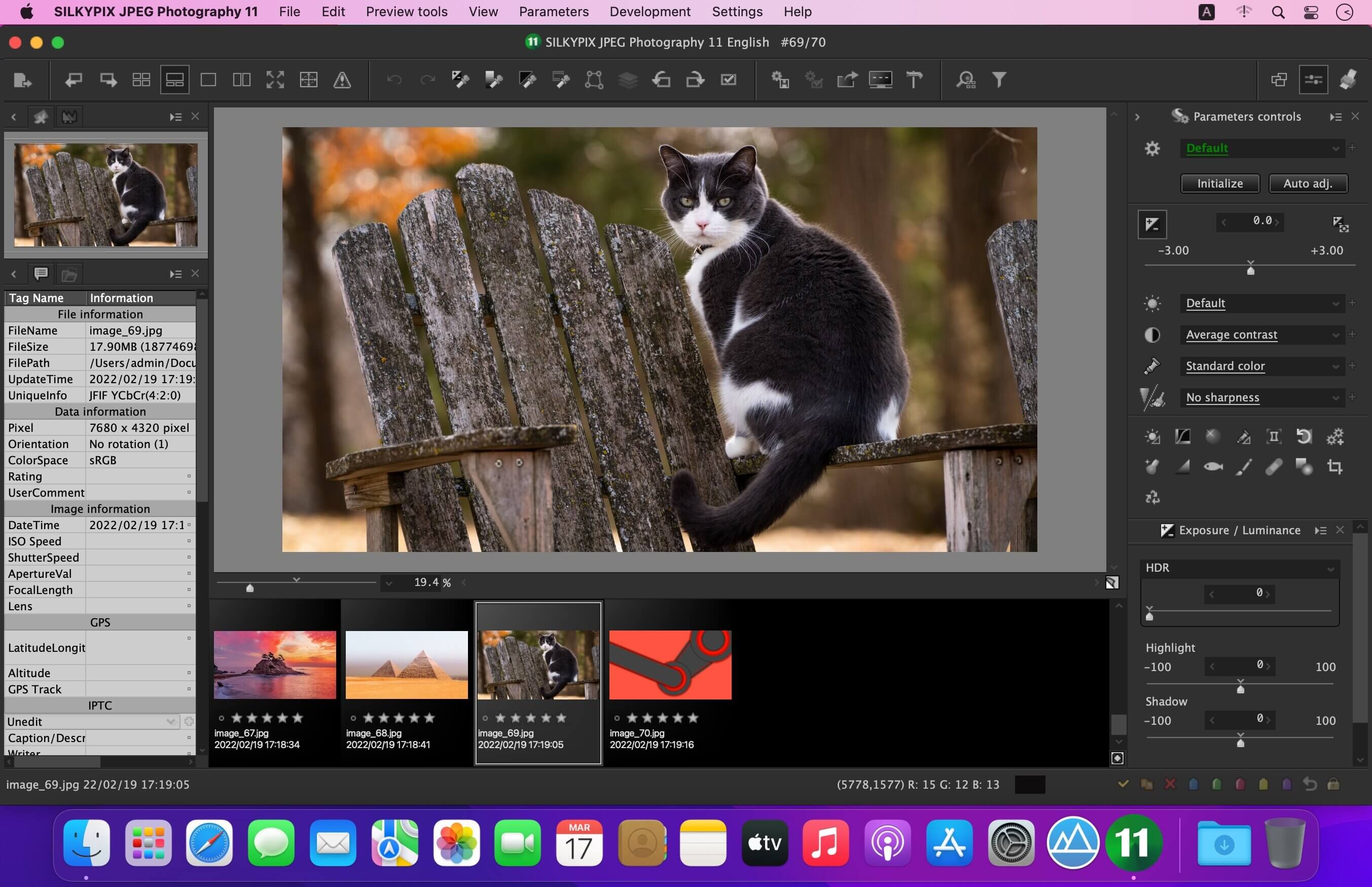
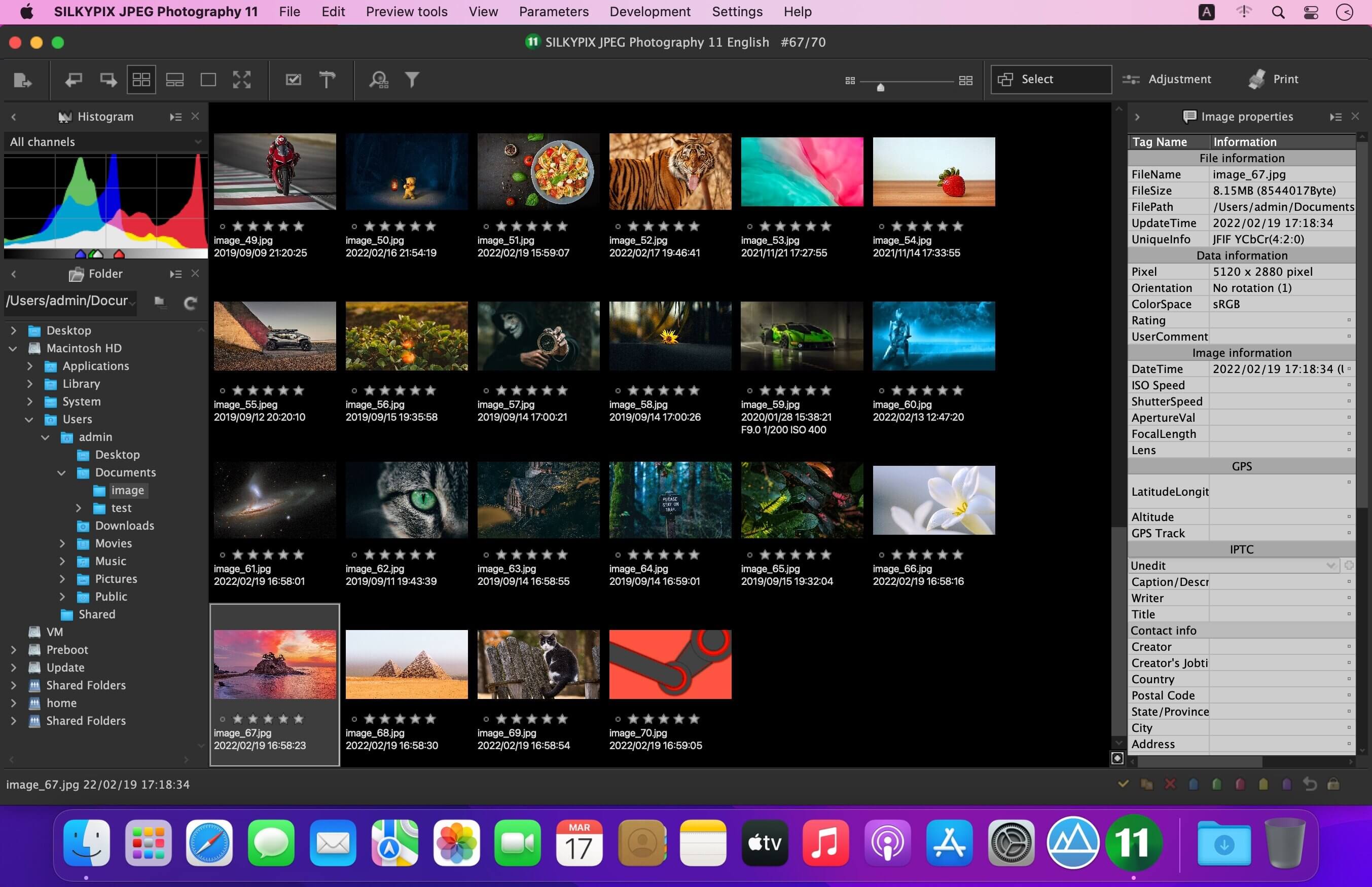
With SILKYPIX JPEG Photography, you can release your creativity! Improve your JPEG photos taken with digital cameras, smart phones, and other devices. Use clarity tools to adjust sharpness, the freehand selection brush and other tools. Produce the high quality photo you imagined when you took your picture.

Although JPEG data uses 8 bit (256 gradations) gradation, it is automatically expanded to 16 bit (65,536 gradations) using SILKYPIX RAW Bridge. By treating JPEG data in a similar way to RAW data, high gradation rich image quality adjustment is possible.

SILKYPIX JPEG Photography includes “tastes”, a kind of preset that incorporates useful styles and forms. Choose a taste such as “Landscape” or “Portrait” to make a finished photograph easily that fits your image. In addition, you can save all of your custom, adjusted parameters as a taste preset. Parameters are very useful functions, and you can easily recreate themes and styles across any number of photographs you take.

Remove unwanted objects using the Spotting Tool, such as dust that may appear due to contamination of your camera sensor. You can also adjust and apply rotation and cropping as you wish.

f you work with multiple images at the same time (such as images shot with continuous shooting), and adjust the taste and parameters, you can make corrections for all selected images at once.
For example, even if you darken the exposure setting of the camera, if you select that picture and make correction, you can correct all the selected images at once.

What’s New:

Version 11.2.14.0:

  • Release notes were unavailable when this listing was updated.

Compatibility: macOS 10.10 or later
Homepage https://silkypix.isl.co.jp/en/product/jp8/

Screenshots


Capture One Pro 16.3.5.10

Name: Capture_One_Pro_16.3.5.10_[TNT]_Mactorrents.biz.dmg
Size: 966 MB
Files Capture_One_Pro_16.3.5.10_[TNT]_Mactorrents.biz.dmg[966 MB]

   Download Torrent
   Link Download

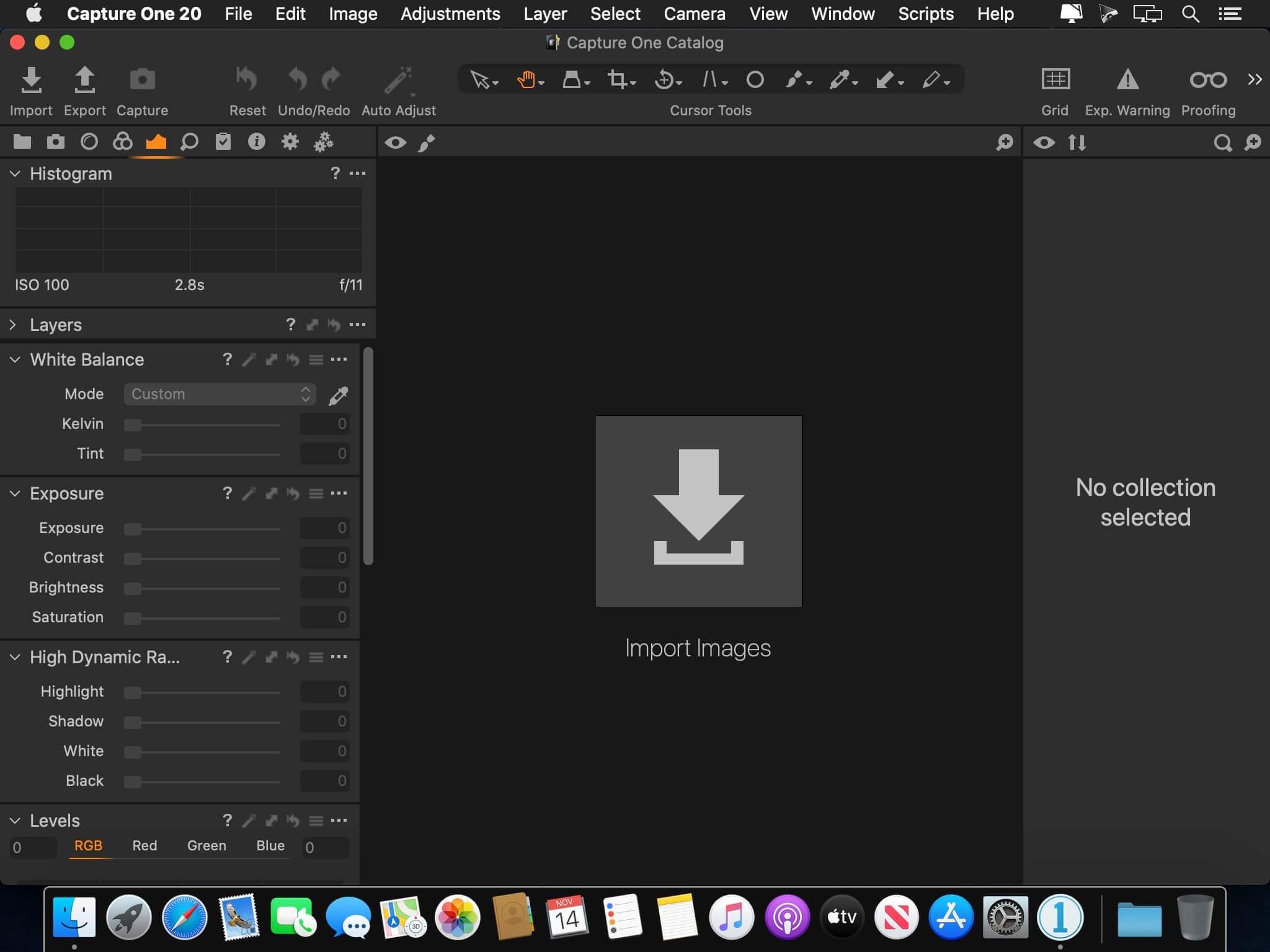
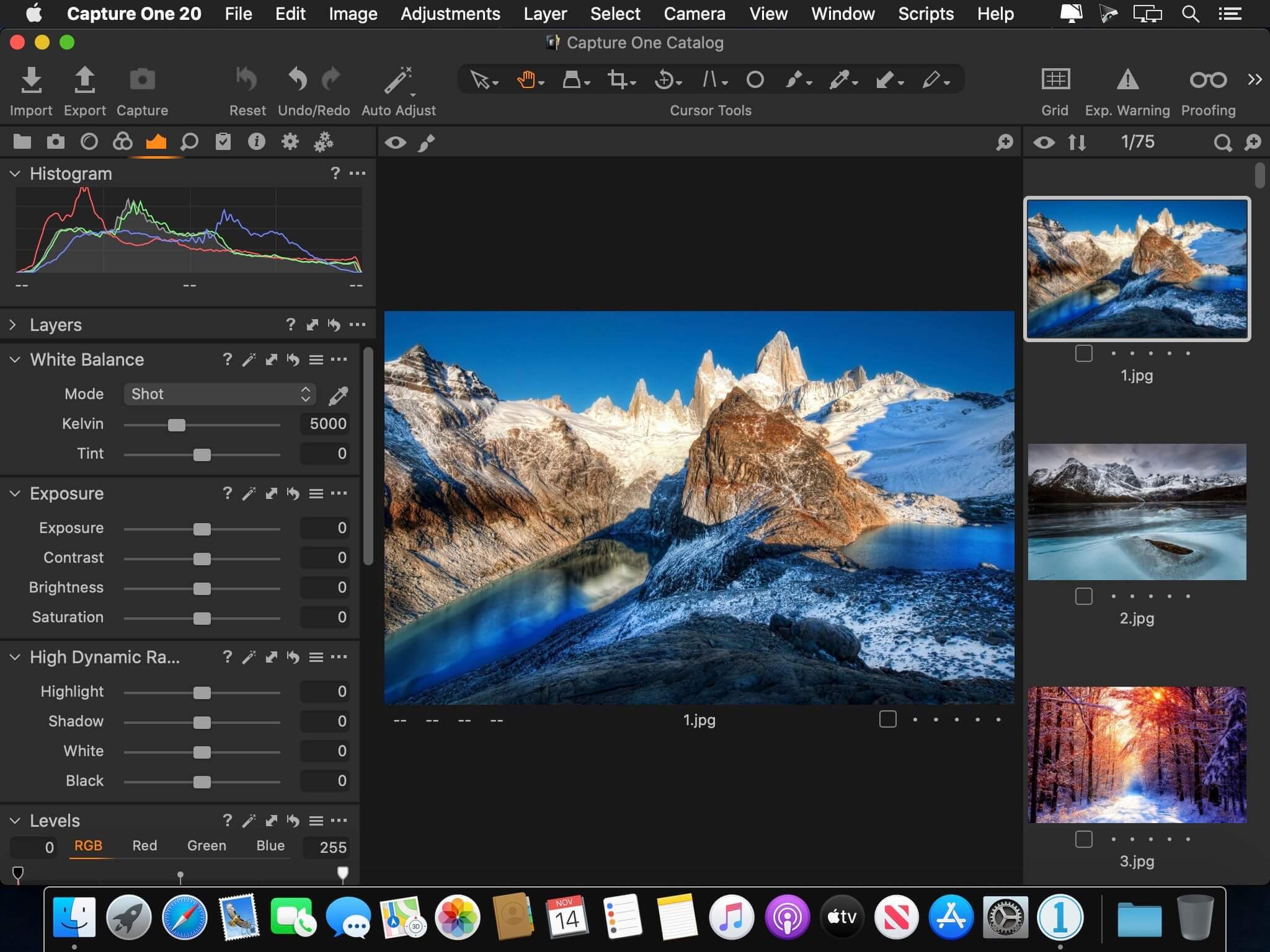
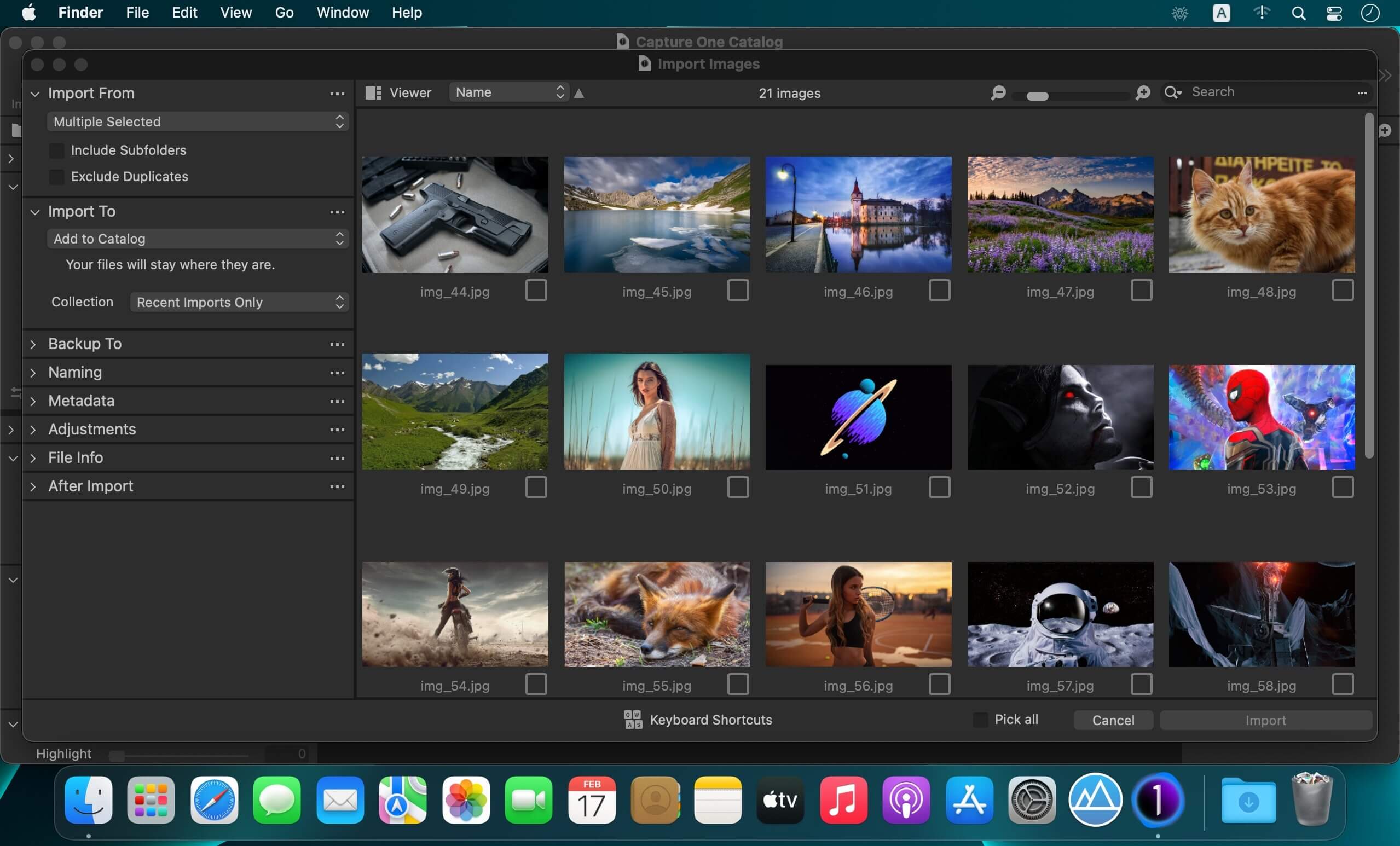
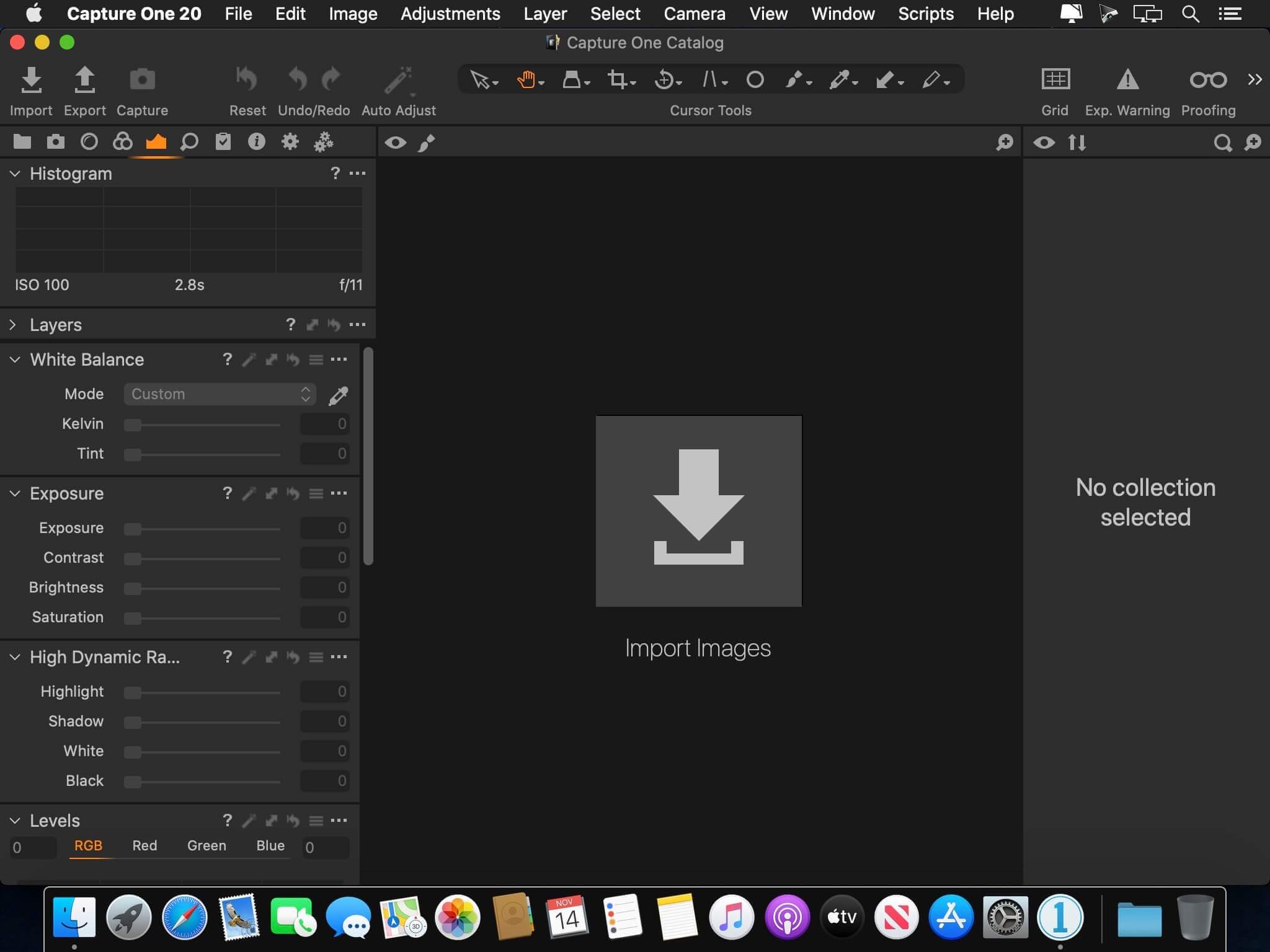
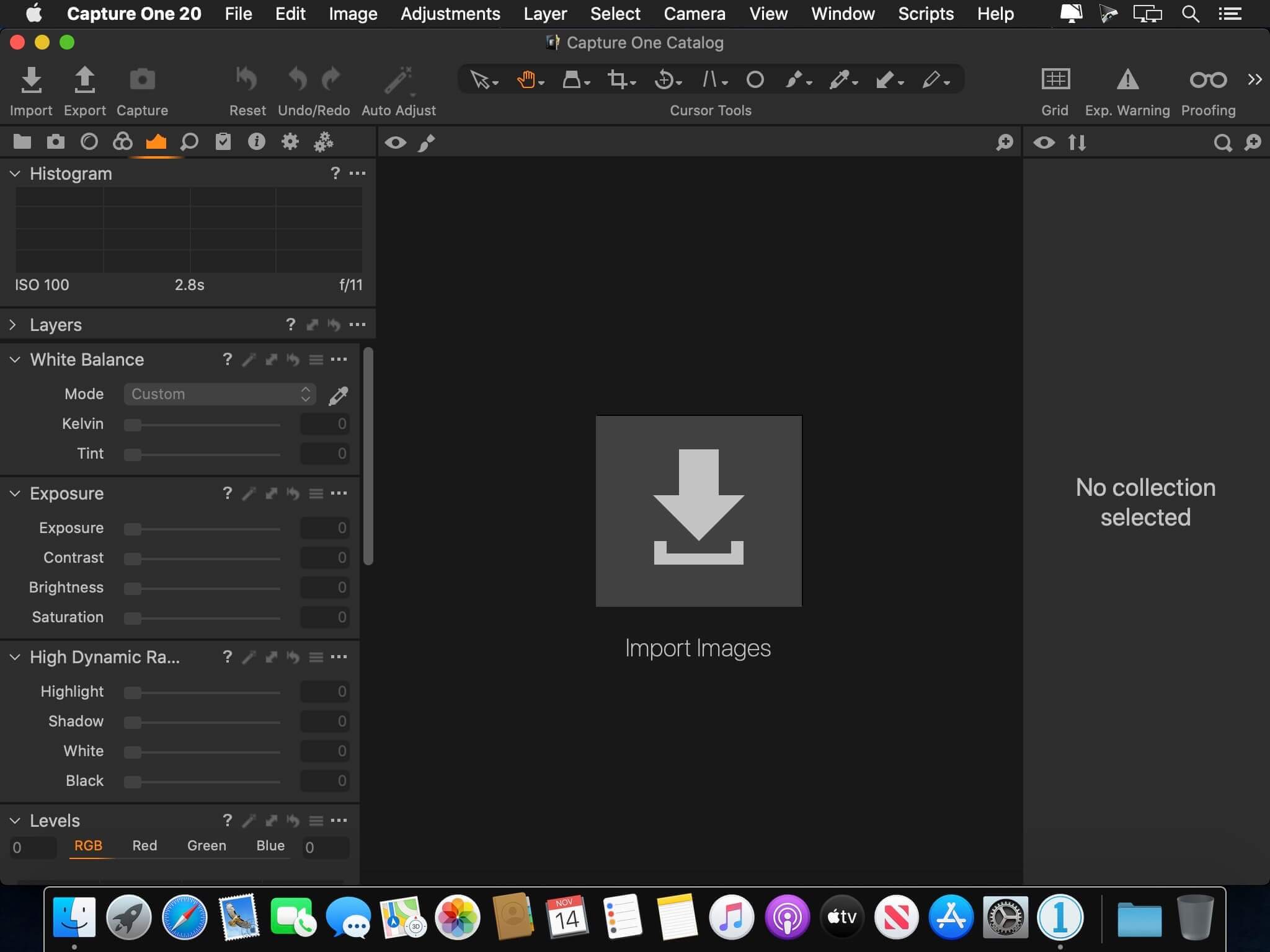
Capture One 23 is a professional RAW converter offering you ultimate image quality with beautiful colors and incredible detail for more than 500 high-end cameras. It offers state- of-the-art tethered capture, powerful digital asset management, extensive adjustment tools and a flexible workflow through customizable workspaces.

With an updated processing engine, market-leading performance and powerful new features, Capture One is the professional choice in imaging software. You get the highly responsive precision tools you need to create stunning images from your camera’s RAW files in a time-saving workflow that can be customized to fit your needs.

New features and improvements

  • Speed Edit
  • Dehaze
  • Improved importer

General User Experience Improvements and tweaks

  • HEIF support
  • Easy brush adjusting
  • Improved performance
  • Colored gradients on White Balance Sliders
  • Enhanced tooltips
  • Easy access to Tutorials

Compatibility: macOS 10.15 or later
Homepage https://www.phaseone.com/

Screenshots


Capture One Enterprise 16.3.5.10

Name: Capture_One_Ent_16.3.5.10_Mactorrents.biz.dmg
Size: 966 MB
Files Capture_One_Ent_16.3.5.10_Mactorrents.biz.dmg[966 MB]

   Download Torrent
   Link Download

Capture One 23 Enterprise – the photo editing solution for image production studios and e-commerce platforms. Its authentic true-to-life color processing, seamless editing experience, and fastest tethering in the industry gives you total creative control, making it a household name in studios across the world. Based in Copenhagen, Denmark, Capture One empowers photographers with cutting-edge features to keep your photography one step ahead.

How any photography studio can create value with Capture One Enterprise
For the past 10 years, leading studio photography has been created with photo editing software Capture One. With world-class tethering, state-of-the-art photo editing tools and the highest quality RAW processing, it’s been a staple in any photography studio.

Now, Capture One has introduced an “Enterprise” version which is specifically built for business and aligned to the way a photography studio works.
Capture One Enterprise offers the same standard features as Capture One’s flagship product Capture One 20 – tailored to the needs of studio photography.

Built for Business
Photographers are key to the success of any photography studio.

But what if the photography studio involves several photographers, studio managers, retouchers, quality assurance managers, project leaders, etc who need to collaborate, standardize and carry out the same workflows over and over again? What if those workflows also need to be integrated to other systems, eg. barcode scanners, PIM systems, digital asset management systems, ecommerce platforms etc?

Capture One Enterprise has been developed to address the challenges faced by studio photography and help any enterprise or e-commerce photography studio optimize their image production process and boost results across relevant KPI’s.

Value creation with Capture One Enterprise
Studio photography has huge value creation potential with Capture One Enterprise. By incorporating its enterprise-specific features into the workflow, it can improve KPI’s such as

  • “Time to Market” – Optimizing the hours your photography studio spends on the image production process, from planning your image, to shoots, to publishing the final photo on your ecommerce platform.
  • “Cost per image” – Optimizing each step in your studio photography process can dramatically increase your efficiency and reduce your costs
  • “Reduce Risk” – Secure your studio photography and image production to reduce errors and costs, thanks to enterprise exclusive features such as Image back-Up, License Management, MDM support etc.

This is achieved via enterprise features such as the Barcode scanner tool, Advanced Guides, Next Capture Backup, Next Capture Keywords, Next Capture Metadata, Tool Locks, Capture Pilot with Enterprise enhancements and Dedicated Studio workspaces.

Automated workflows in Capture One Enterprise
Once your studio has implemented Capture One Enterprise and begun implementing its standard features in your workflows, there are further opportunities to intensify value creation by automating workflows and integrating Capture One Enterprise into your IT infrastructure. You can do this by implementing

  • Workflow enhancement (an automation feature within Capture One)
  • Integrations (extension or automation interfacing with another app)

Customized solutions can maximize value, too
Your photography studio might also have very specialized needs – here, customized solutions can generate value for your studio photography. For example, ultra-accurate color profiling can assist in achieving one critical KPI in particular

“Reduce product returns” – Color profiling optimization on true color reproduction can reduce the rate of goods returned due to discrepancies in color between the actual product and the image.

Capture One offers individual color profiles for businesses, so you can reduce editing time and save on retoucher costs with fine-tuned color profiling for the most popular e-commerce cameras used by photography studios. Minimize color discrepancies and meet the demands of specialist product and studio photography with more accurate colors out-of-the-box.

These are just some of the exclusive features designed for studio photography – get in touch with the Enterprise team to learn more and discover where Capture One Enterprise can specifically meet the demands of your business. For more insight into specific tools, check out the Tools and Functionality white paper and Barcode Reader white paper.

What’s New:

Release Notes:

Compatibility: macOS 10.15 or later
Homepage https://www.captureone.com/en/explore-features/enterprise

Screenshots


Movie Thumbnails Maker 4.5.0

Name: Movie_Thumbnails_Maker_4.5.0_Mactorrents.biz.dmg
Size: 39 MB
Files Movie_Thumbnails_Maker_4.5.0_Mactorrents.biz.dmg[39 MB]

   Download Torrent
   Link Download

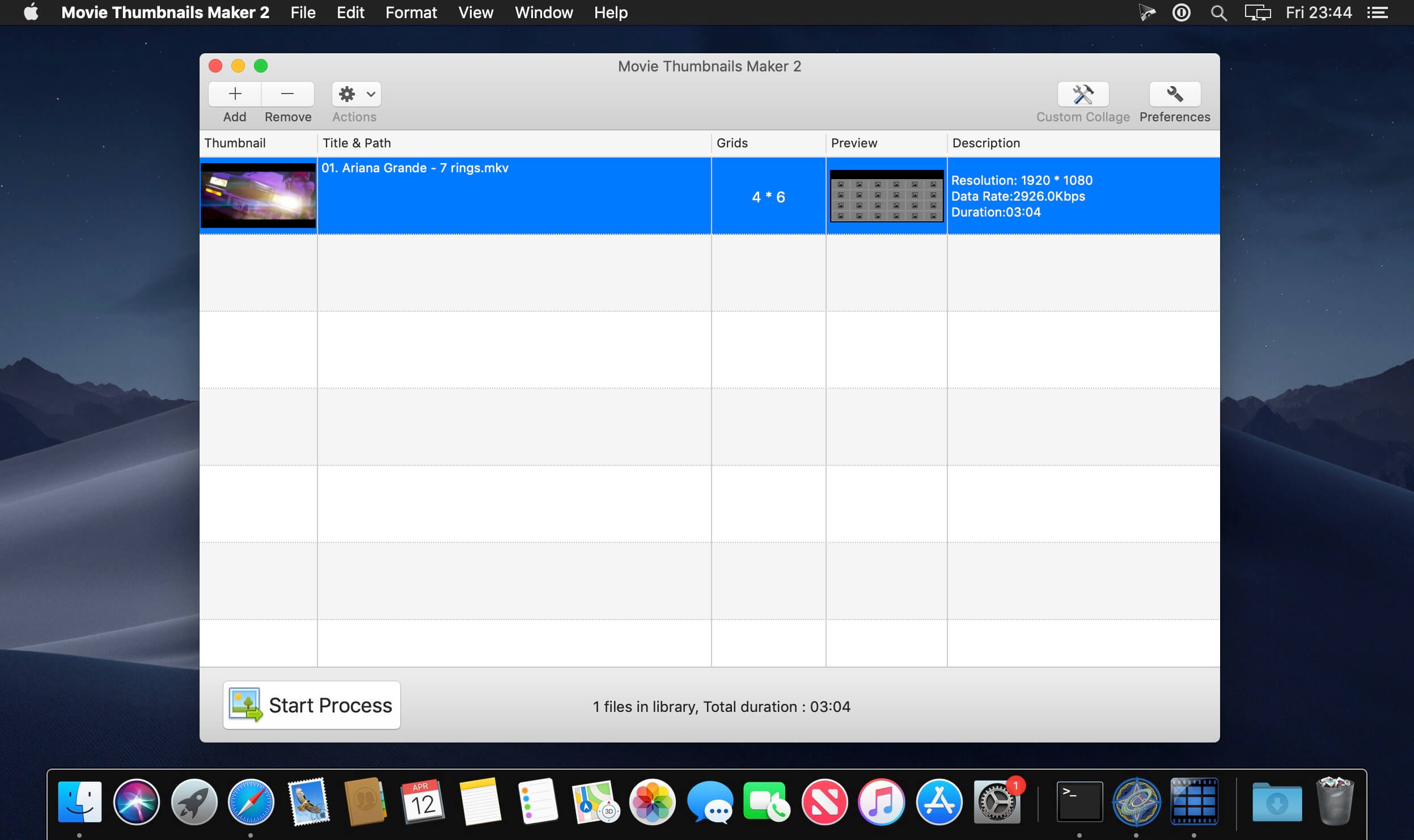
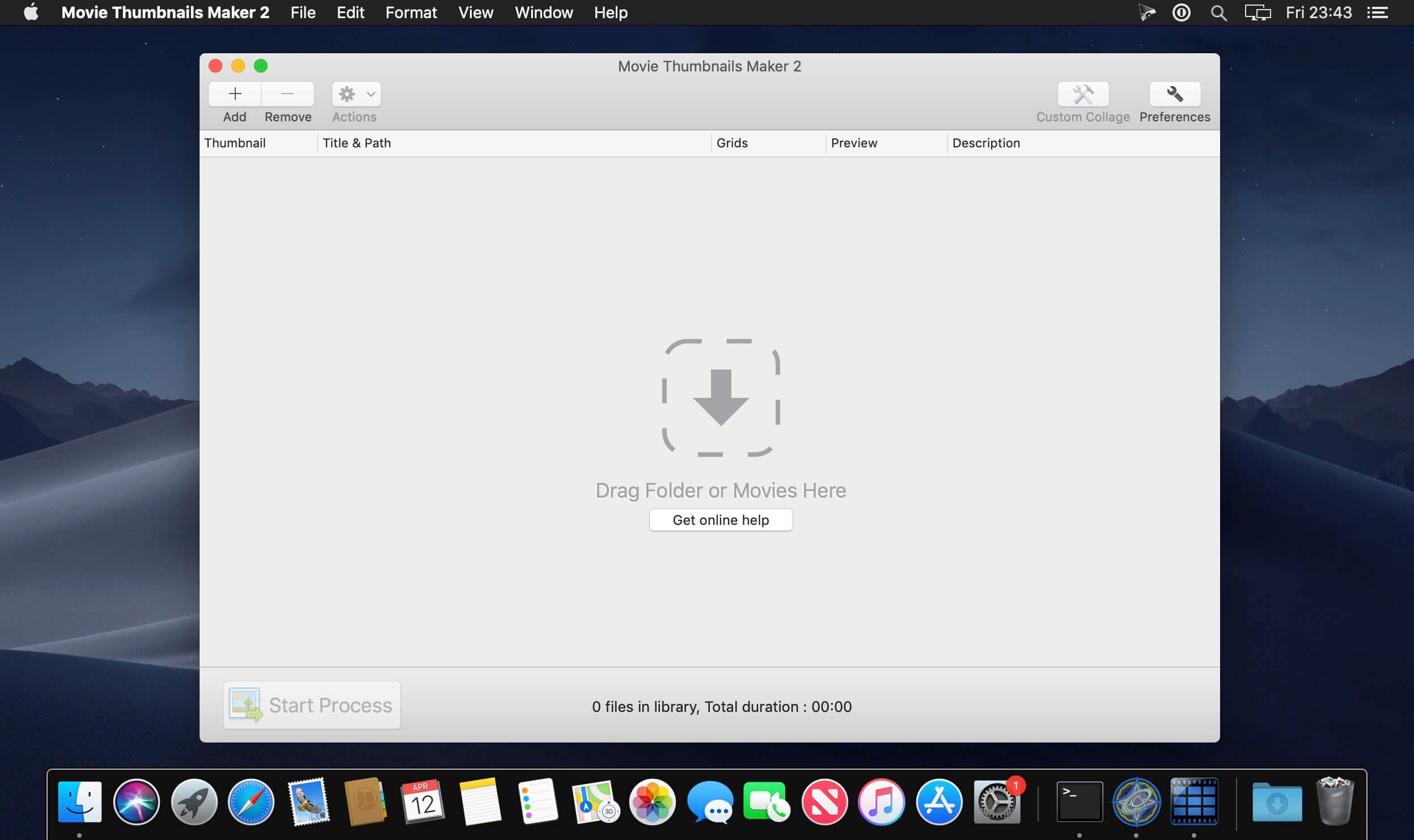
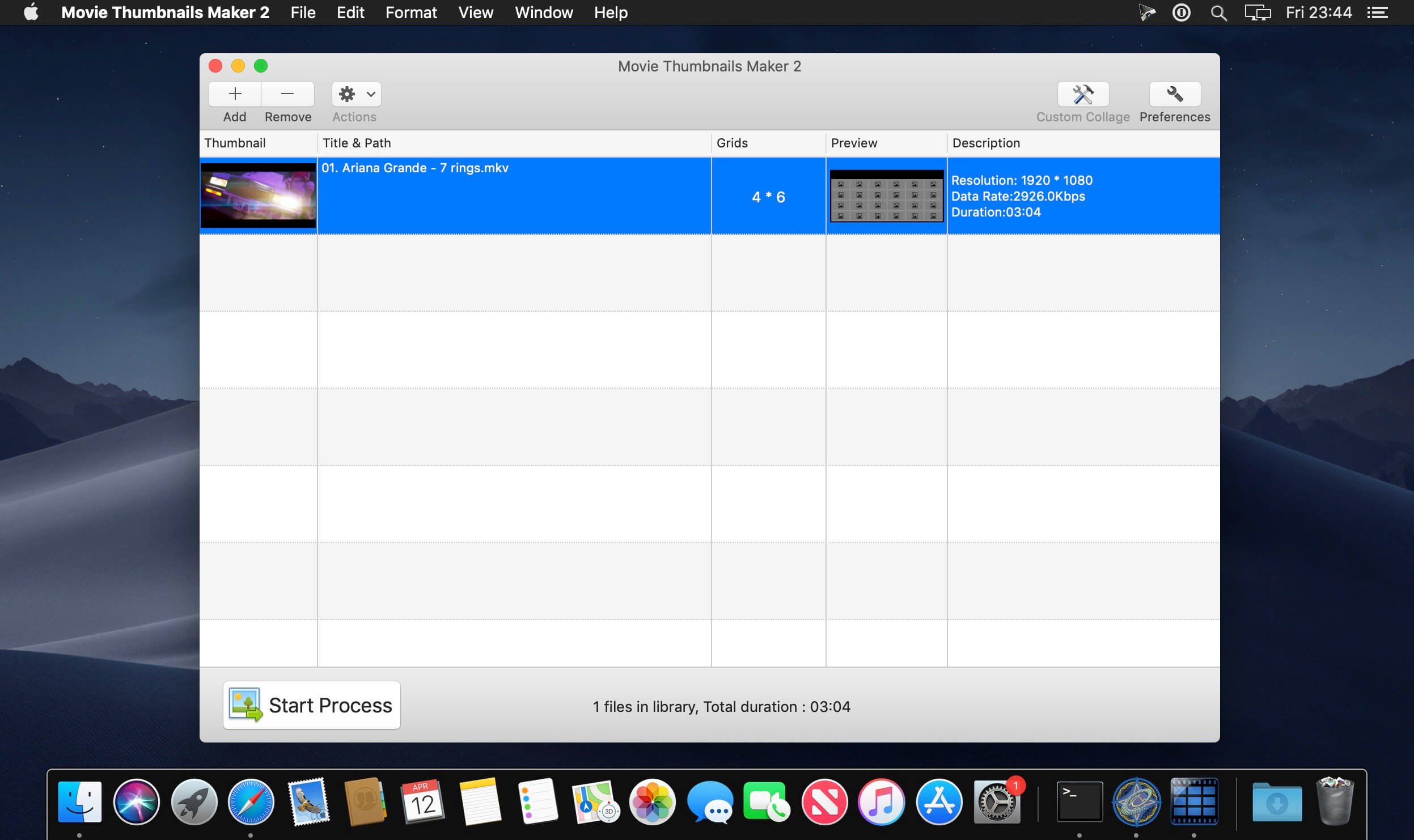
Movie Thumbnails Maker lets you catch the content of the latest movies at first glance. How about creating an amazing overview for all the latest movies? Movie Thumbnails Maker is the all-in-one solution, you don’t need guess the content of the movie any more.

Key Features:

  • Support various formats such as AVI, WMV, RM, MPG, TS, MKV, MOV, FLV, MP4, RMVB, etc;
  • Fast and easy to use, you can get the amazing overview with one click;
  • Custom settings for background color,border color, position of metadata,etc;
  • Batch process several movie files at onece, with one setting for each movie;
  • Various output image formats such as BMP, PNG, TIFF,JPEG.

What’s New:

Version 4.5.0:

  • Release notes were unavailable when this listing was updated.

Compatibility: macOS 10.10 or later
Homepage http://www.yumysoft.com

Screenshots


DxO FilmPack 7.4.0.508

Name: DxO_FilmPack_7_7.4.0.508_Mactorrents.biz.dmg
Size: 1 GB
Files DxO_FilmPack_7_7.4.0.508_Mactorrents.biz.dmg[1 GB]

   Download Torrent
   Link Download

DxO FilmPack Multilin7.4.0.508gual macOS
Infuse your RAW files with the timeless qualities of film. DxO FilmPack faithfully takes almost 200 years’ worth of photographic science and keeps it alive, giving you instant access to historic film stocks. Experience the precision, satisfaction, and undefinable joy of darkroom processing and printing techniques but with the reassuring ease of digital.

FilmPack is the result of years of investigative and technical research.
We have analyzed hundreds of different films and prints to ensure our high-fidelity film emulations accurately reproduce the very same color response, grain structure, and magic as the originals.

Embrace the beauty of imperfections
The indescribable qualities of chemical processes can bring a certain looseness. Go further with blurring, vignetting, and grain, and turn your RAW files into works of art.

Compatibility: macOS 10.14 or later
Homepage: http://www.dxo.com

DxO ViewPoint 4.14.0.288

Name: DxO_ViewPoint_4_4.14.0.288_Mactorrents.biz.dmg
Size: 1 GB
Files DxO_ViewPoint_4_4.14.0.288_Mactorrents.biz.dmg[1 GB]

   Download Torrent
   Link Download

The perfect complement for your wide-angle lens
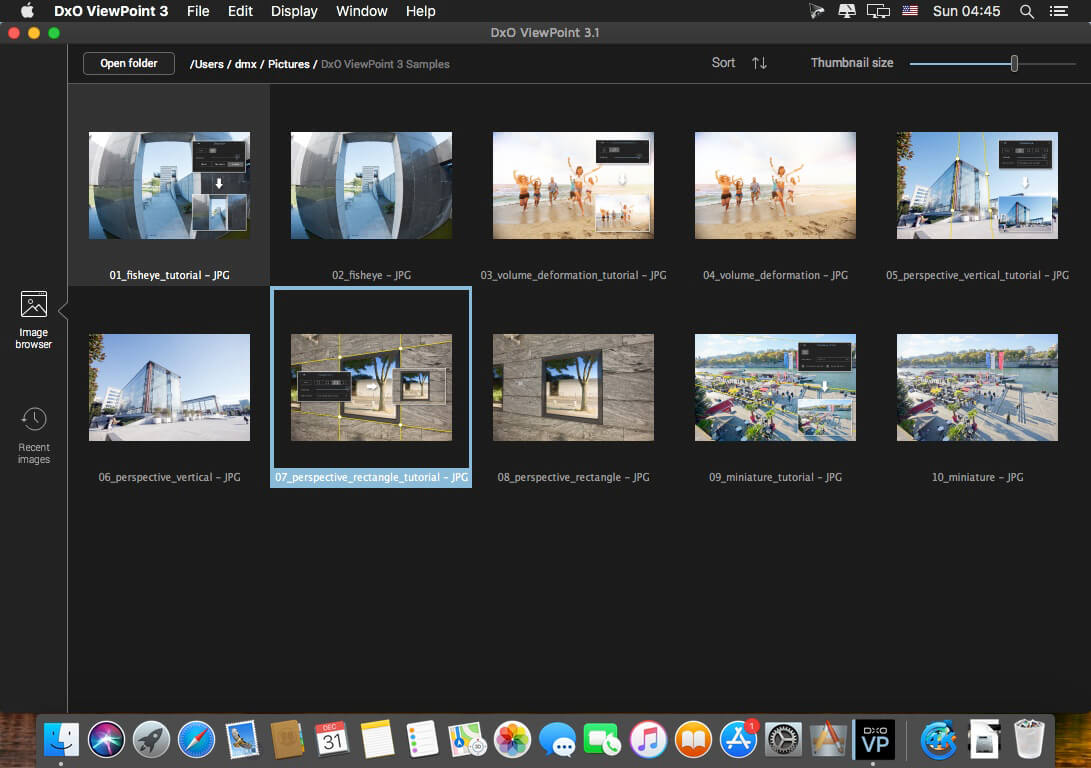
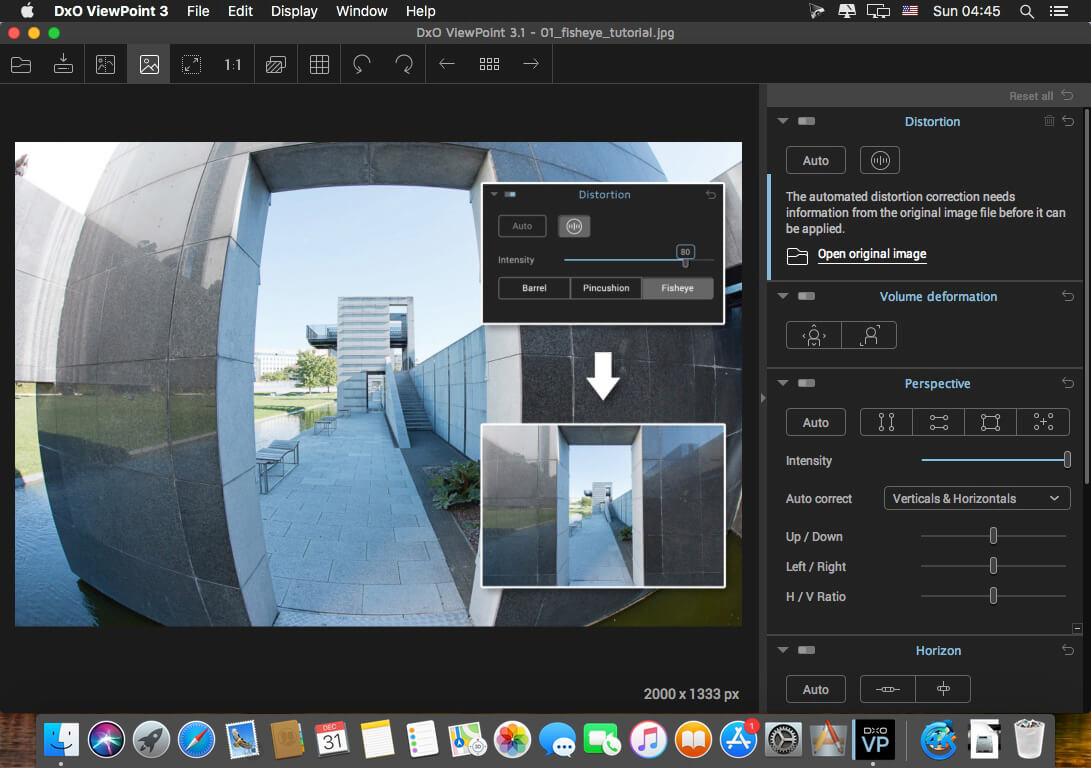
DxO ViewPoint automatically fixes skewed perspectives and restores subjects on the edges of the frame to their natural shape with just one click.

Fix skewed perspectives
Manually use anchor points or the software’s automatic feature to correct skewed perspectives in wide-angle photos, from the simplest to the most complex.

Restore proportions
For natural-looking shapes, automatically correct the volume deformation of faces, bodies, and objects at the edges photos taken with a wide-angle lens.

Neutralize distortion
With DxO’s Optics Module database, the only one of its kind in the world, DxO ViewPoint can correct any type of distortion, including barrel, pincushion, and even fisheye effects.

Straighten the horizon
Rebalance landscape photos by automatically straightening a slanted horizon lin

What’s New:

Version 4.14.0.288:

  • Release notes were unavailable when this listing was updated.

Compatibility: OS X 10.14 or late
Homepage https://www.dxo.com/

Screenshots


DxO PhotoLab 7 ELITE Edition 7.4.0.45

Name: DxO_PhotoLab_7_7.4.0.45_Mactorrents.biz.dmg
Size: 753 MB
Files DxO_PhotoLab_7_7.4.0.45_Mactorrents.biz.dmg[753 MB]

   Download Torrent
   Link Download

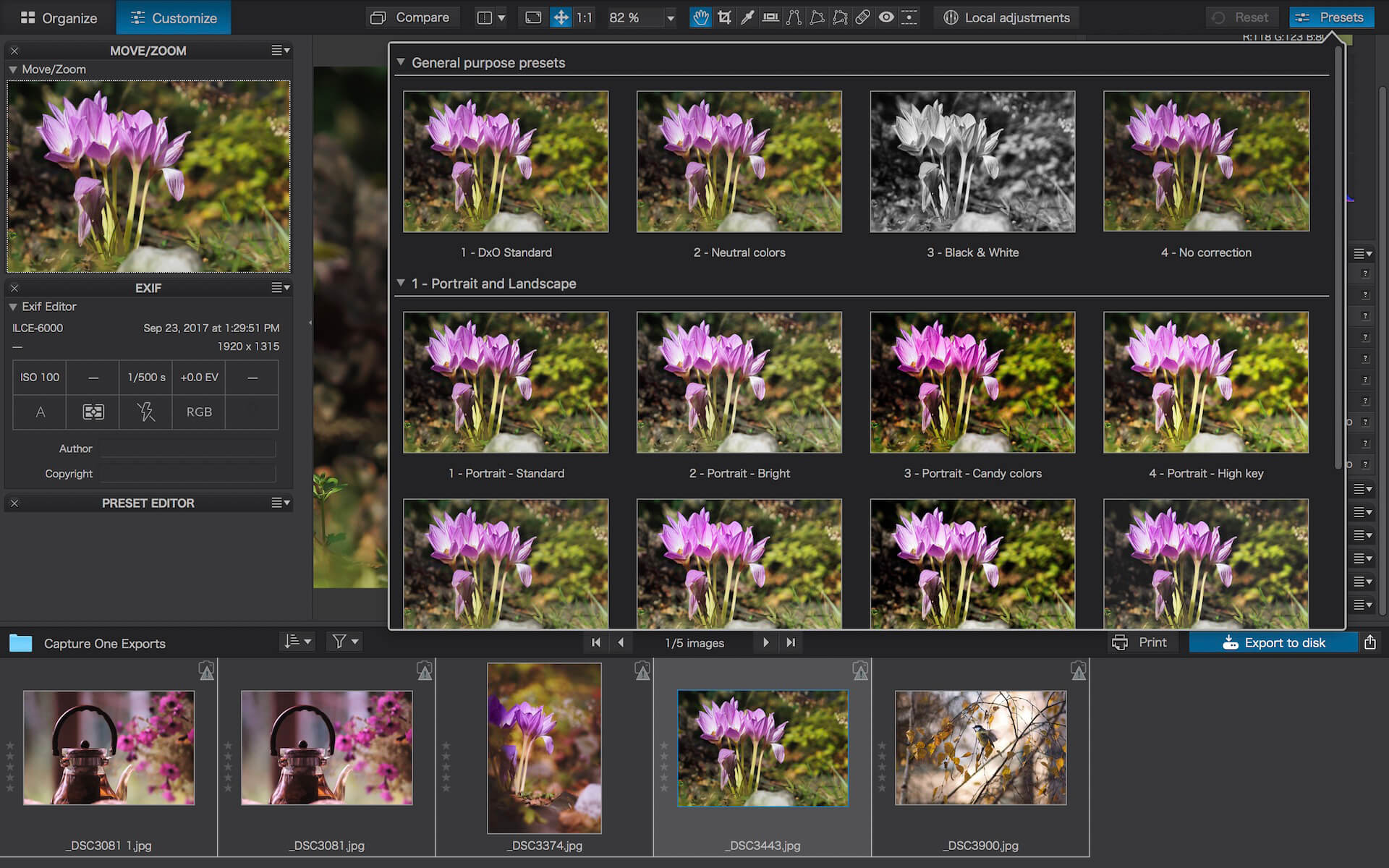
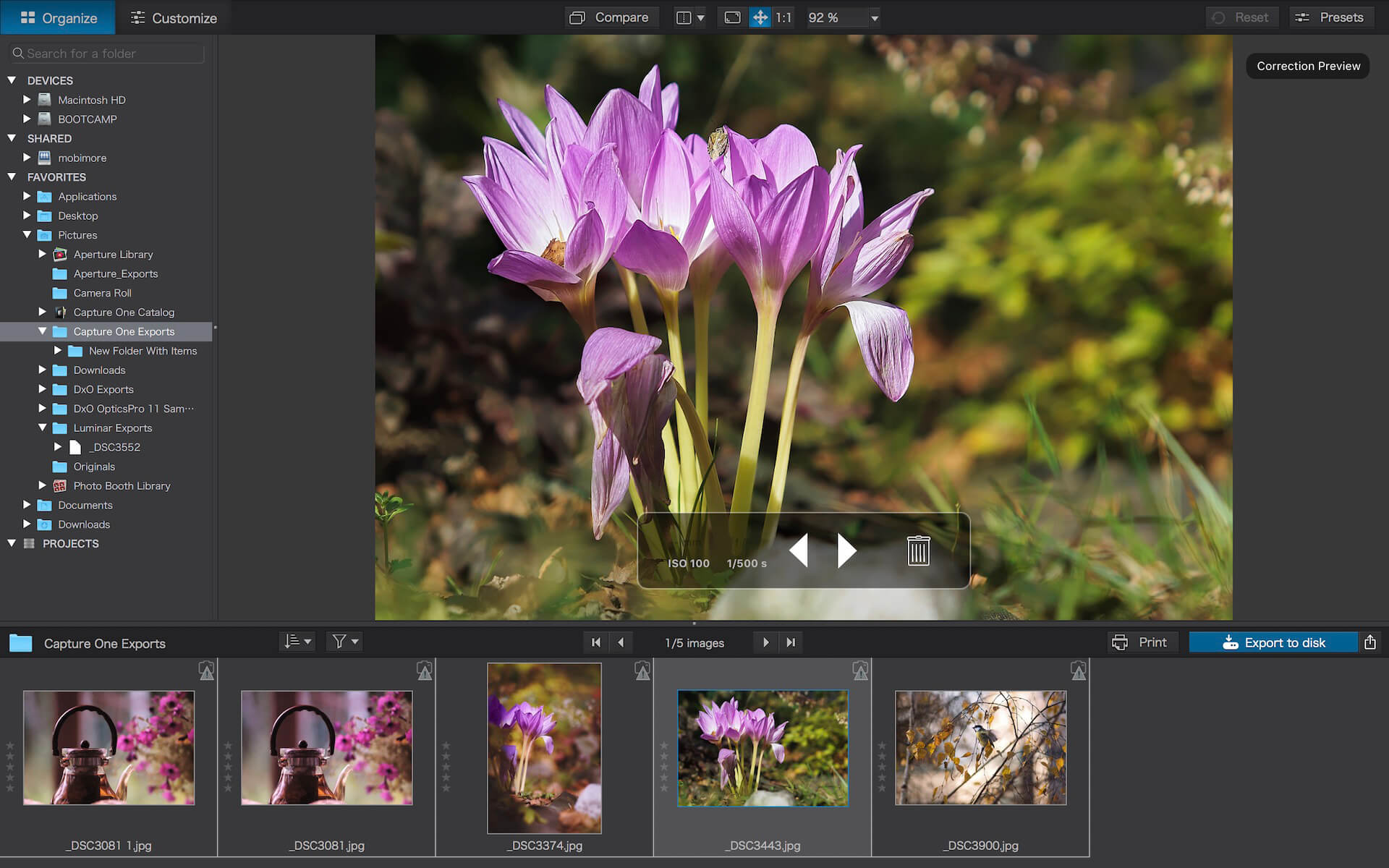
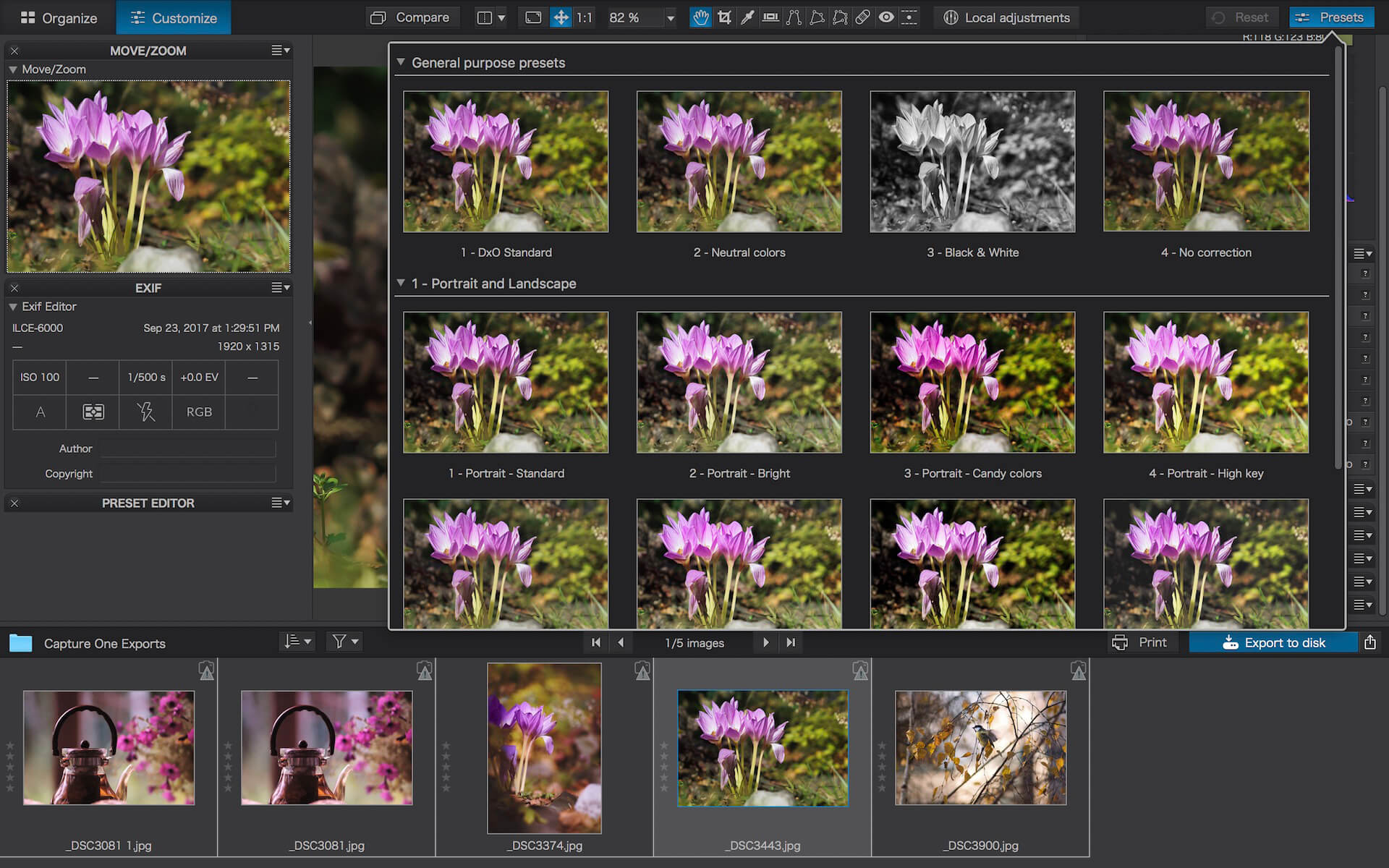
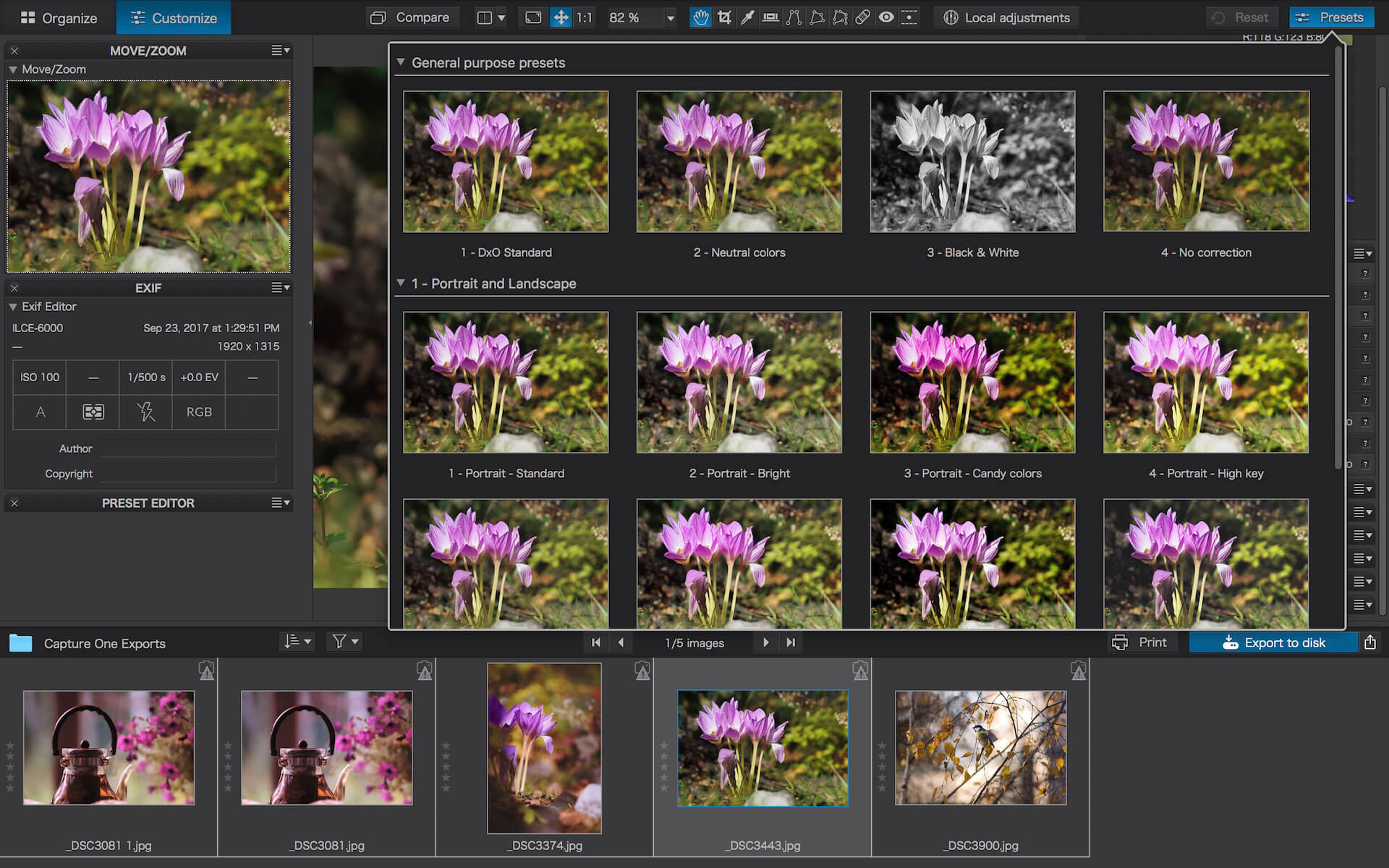
DxO PhotoLab provides a complete set of smart assisted corrections that you can manually fine-tune at any time. Take control on every aspect of your photos: effectively remove noise, get rid of light constraints, recover color details, apply sophisticated optical corrections, and enhance details.

Reducing digital noise in RAW images is an ongoing challenge for most photo-editing software. But with DxO DeepPRIME we are breaking new ground. The first artificial intelligence-based (AI) technology of its kind, DeepPRIME enables you to demosaic and denoise images simultaneously. Try it out – the results speak for themselves.

Demosaicing and denoising are usually two separate processes. But with DxO DeepPRIME we’ve combined them to achieve even better results.
The outcome is spectacular. DxO DeepPRIME removes noise and renders photographic information without reducing color detail. Transitions are smoother and more natural, and you gain nearly two ISO sensitivity values compared to our earlier version, DxO PRIME, the benchmark software for all comparable programs currently available.

If you are an expert photographer, DxO DeepPRIME will open up a world of new possibilities by enabling you to shoot at very high sensitivities. As an amateur photographer, DeepPRIME will allow you to compensate for the drawbacks of small sensors in compact and bridge cameras that produce digital noise even at low ISO sensitivities. And if you’re struggling with low quality, or older-generation cameras that are no longer suitable because of the scale of digital noise, DxO DeepPRIME will give your images a new lease of life.

Features

  • DxO Smart Lighting
  • DxO ClearView
  • DxO PRIME
  • Optical Corrections
  • Introducing U Point

What’s New:

Version 7.4.0.45:

  • Release notes were unavailable when this listing was updated.

Compatibility: macOS 12.6.0 or later
Homepage http://www.dxo.com

Screenshots


EdgeView 4.4.9

Name: EdgeView_4.4.9_Mactorrents.biz.dmg
Size: 38 MB
Files EdgeView_4.4.9_Mactorrents.biz.dmg[38 MB]

   Download Torrent
   Link Download

EdgeView 3 is fast image viewer has elegant user interface. EdgeView 3 is developed and designed for modern MacOS. It can open various image files such as JPEG, PNG, TIFF, BMP, and RAW file of DSLR, EPS and PDF, AI(Adobe Illustrator). Can open image files in archive directly without extraction.

User can open files, rename files, delete files from EdgeView’s file browser. Also can access to SMB/AFP/FTP network volume.

User can navigate images quickly by using keyboard shorcut, mouse wheel, trackpad gesture. EdgeVew show EXIF information, play animation GIF/PNG/WebP smoothly. Save last status to history, and restore when reopen file.

EdgeView 3 will be the best choice when viewing and managing image files.

Features

  • Rewrote full code as Swift for improve performance.
  • Support m1 CPU Mac.
  • Has easy UI, can control main function at Sidebar.
  • Support English/Korean/Japanese/Chinese(Simplified).

Image Viewer

  • Supporting image files such as JPG, GIF, BMP, PSD, TIFF, RAW, WEBP and PDF, EPS, AI(Adobe Illustrator), OpenEXR, HDR, TGA.
  • Can play animation GIF/PNG/WebP. User can control animation with floating animation controller.
  • Dispaly internal image(or frame) of animation GIF/PNG/WebP or HEIC that has multiple internal image.
  • Can read and show images of major archive formats (such as ZIP, RAR, CBZ, CBR, 7-zip) without extraction. Of course, can open ZIP file that 4GB over.
  • Can read encrypted archive file.
  • Can read archive file in archive file recursively
  • Improved draw speed by rebuilt image cache system and drawing engine.
  • Draw images as high quality.
  • Provide suitable functions for comic reading such as ‘Two-Page Spread’, ‘Continuous Scroll mode’, ‘Right to Left’, etc.
  • Provide multiple navigation functions like as ‘Move’, ‘Skip’, ‘Shift’, etc.
  • User can navigate images and check whole thumbnails at Thumbnailsbar.
  • User can navigate images by using keyboard shortcut, mouse wheel, trackpad gesture.
  • Can rotate and flip images. Orientation will be saved to history.
  • User can select part of images, and copy it or save as file.
  • Can zoom in/out image freely.
  • Built-in loupe function to make it easier to magnify part of image.
  • Show histogram.
  • Show neighbor files list. And can open neighbor file.
  • Support history feature for saving and restoring last status of file.
  • Can reopen file or remove history at history list.
  • Can rate image files.

File Browser

  • Built-in file browser can show and open files from local drive or AFP/SMB/FTP network drive.
  • Can display files as lists or icon.
  • Show images in folder/archive file at preview panel.
  • Generate thumbnails of archive files and folders.
  • Support powerful search feature.
  • Show category and writer information.
  • User can sort files by various options, and can delete or rename files.
  • Can rate files or folders.

Others

  • Support customizing feature. Also user can change shortcuts.
  • Built-in Quick Look Extension generate thumbnails and preview of archive files at Finder.

Compatibility: macOS 11.1 or later
Homepage https://apps.apple.com/pk/app/edgeview-2/id1206246482

Screenshots


Topaz Gigapixel AI 7.0.1

Name: TopazGigapixelAI-7.0.1_Mactorrents.biz.zip
Size: 227.73 MB
Files TopazGigapixelAI-7.0.1_Mactorrents.biz.dmg[227.73 MB]

   Download Torrent
   Link Download

Beautiful photo enlargements using machine learning. Enlarging your image without losing detail has always been impossible… until now. Upscale your photos by up to 600% while perfectly preserving image quality.

Enlarge Images by up to 600%
Create a beautiful 80 x 60 inch print from a simple iPhone photo. Or transform your DSLR photos into sharp and ultra-detailed 100MP images.

Use truly intelligent upscaling
After being trained with millions of sample images, Gigapixel can now enlarge your images with a surprising level of quality.

Get crisp and clear results.
Gigapixel performs around 2 million operations per pixel to get you results with as much detail and sharpness as possible.

No more fuzzy enlargements.
Breathtakingly sharp prints. High-resolution cropping in post-production. iPhone photos that look like they came out of a DSLR. No matter why you’re enlarging your photos, you always want the best possible quality for your results. AI Gigapixel is currently the only photo enlargement product available that can actually add detail back to your upscaled photo.

Recover real details for actual sharpness
Increasing edge contrast is the simplest way to make an image look “sharp”, and how most other upscaling software works. Gigapixel is different: it increases the actual sharpness of your upscaled photo by recovering real detail in your image. This is only possible through training and exposure to millions of test images.

Crisp photos that look like they were never upscaled
It’s hard to believe that the crisp output image above was enlarged 4x, but it was. Gigapixel AI successfully determines which image features are stars (detail) and what’s noise. Then, it naturally accentuates and recovers detail while suppressing noise in your upscaled photo.

The highest-quality image upscaling that you can get anywhere
Because of these exceptional results, Gigapixel AI is used by everyone from leading photographers, to video game modders, to major motion studios. If you ever need to upscale your photo while preserving beautiful detail, take advantage of the most modern technology in the space and give Gigapixel AI a try.

Image enlargement: interpolation vs machine learning
Interpolation-based photo enlargement software has been around for decades. Gigapixel’s new approach based on machine learning is a giant leap ahead: state-of-the-art “deep learning” methods allow it to enlarge images while actually adding new details.

Interpolation
Interpolation algorithms work by approximating new pixels from the colors of surrounding ones. This does not add any detail to the image, it just smoothes out the transition between pixels.

Neural Network (Gigapixel AI)
A neural network analyzes thousands of photo pairs to learn how details usually get lost. The algorithm learns to “fill in” information in new images based on what it has learned… effectively adding new detail to your photo.

What’s New:

 Version 7.0.0:

  • Release notes were unavailable when this listing was updated.

Compatibility: macOS 10.14 or later
Homepage https://topazlabs.com/

Screenshots


PowerPhotos 2.5.6

Name: PowerPhotos_2.5.6_Mactorrents.biz.dmg
Size: 33 MB
Files PowerPhotos_2.5.6_Mactorrents.biz.dmg[33 MB]

   Download Torrent
   Link Download

PowerPhotos – The ultimate toolbox for Photos on the Mac. PowerPhotos works with the built-in Photos app on your Mac, providing an array of tools to help you get your photo collection in order.

Create and manage multiple libraries
Instead of being limited to putting all your photos in a single library, PowerPhotos can work with multiple Photos libraries, giving you many more options for how to organize your ever growing photo collection.

Splitting your photos between multiple libraries helps Photos open more quickly, lets you archive older photos, store some of your collection on an external hard drive, and reduce storage space used by iCloud Photo Library.

Copy photos and their metadata
You can split your library by copying albums and photos with a simple drag and drop. PowerPhotos will take care of copying the photos and retaining their metadata, including keywords, descriptions, titles, dates, and favorite status. Read more about what PowerPhotos can copy.

Merge Photos libraries
Got a whole bunch of libraries you want to consolidate into one? PowerPhotos lets you merge your libraries together while weeding out duplicate photos in the process. You will be shown a preview of what your merged library will look like before any modifications are done, to ensure your merged library looks how you want.

Find duplicate photos
It’s easy to have multiple copies of the same photo creep into your photo collection over time. Use PowerPhotos to find duplicate photos in one or more libraries, view them side by side, and separate them into albums where you can easily delete them from your library.

Browse and search
Use PowerPhotos’ image browser to quickly view your photos without having to open Photos itself. View detailed photo information using List View, and search for photos across all your libraries at once.

Migrate your iPhoto/Aperture libraries
If you have a lot of existing iPhoto or Aperture libraries that you want to migrate over to Photos, PowerPhotos will help automate your migrations so you don’t have to spend time babysitting this lengthy process.

New features:

  • Improved iCloud Photos support: If you use iCloud Photos, PowerPhotos 1.x was only able to see photos in your library that had already been downloaded to your local hard drive. For users with the “Optimize Mac Storage” option enabled, this could mean a significant portion of your iCloud library would not be visible to PowerPhotos. In PowerPhotos 2.0, it can now see and work with any photos in your iCloud photo library, and will automatically download any photos from iCloud as needed.
  • Advanced exporting: Photos has an export command, but it is fairly limited in what it can provide. PowerPhotos 2.0 has a new, more fully featured export function with options such as
  • Export as a flat folder or as a folder hierarchy in the Finder that mimics your album hierarchy
  • Export unmodified photos, or as JPG, PNG, HEIF, or TIFF of different sizes
  • Include captions, dates, keywords, and titles in EXIF metadata
  • Retain or strip location metadata
  • Optionally include videos from Live Photos and all photos from a burst
  • Set Finder creation/modification dates to the photo’s EXIF date
  • Video export support as H.264 or H.265
  • Global menu bar item: Get fast access to your libraries via a global item in your menu bar even when PowerPhotos itself isn’t running.
  • Library groups: For those with lots of libraries, you can now organize your libraries into groups in the PowerPhotos sidebar.
  • Multiple windows: You can now open each library in a separate window in PowerPhotos, allowing for easier comparison between libraries, and dragging and dropping photos/albums between libraries.
  • New duplicate search engine: PowerPhotos 2.0 uses a new duplicate comparison algorithm that can find more duplicate photos which are not quite 100% identical, such as scaled down copies of photos, photos that have been resaved in a different format or with different compression, and even photos with minor edits applied to them.
  • Faster library loading: PowerPhotos 2.0 has rewritten a bunch of its internals to load your library much faster than PowerPhotos 1.0.
    Improved AppleScript support: New support for copying albums or photos between libraries, merging libraries, and exporting photos/albums from a library.

Compatibility: macOS 11.0 or later
Homepage https://www.fatcatsoftware.com/powerphotos/

Screenshots


HitPaw Watermark Remover 2.4.4

Name: HitPaw_Watermark_Remover_2.4.4_Mactorrents.biz.dmg
Size: 312 MB
Files HitPaw_Watermark_Remover_2.4.4_Mactorrents.biz.dmg[312 MB]

   Download Torrent
   Link Download

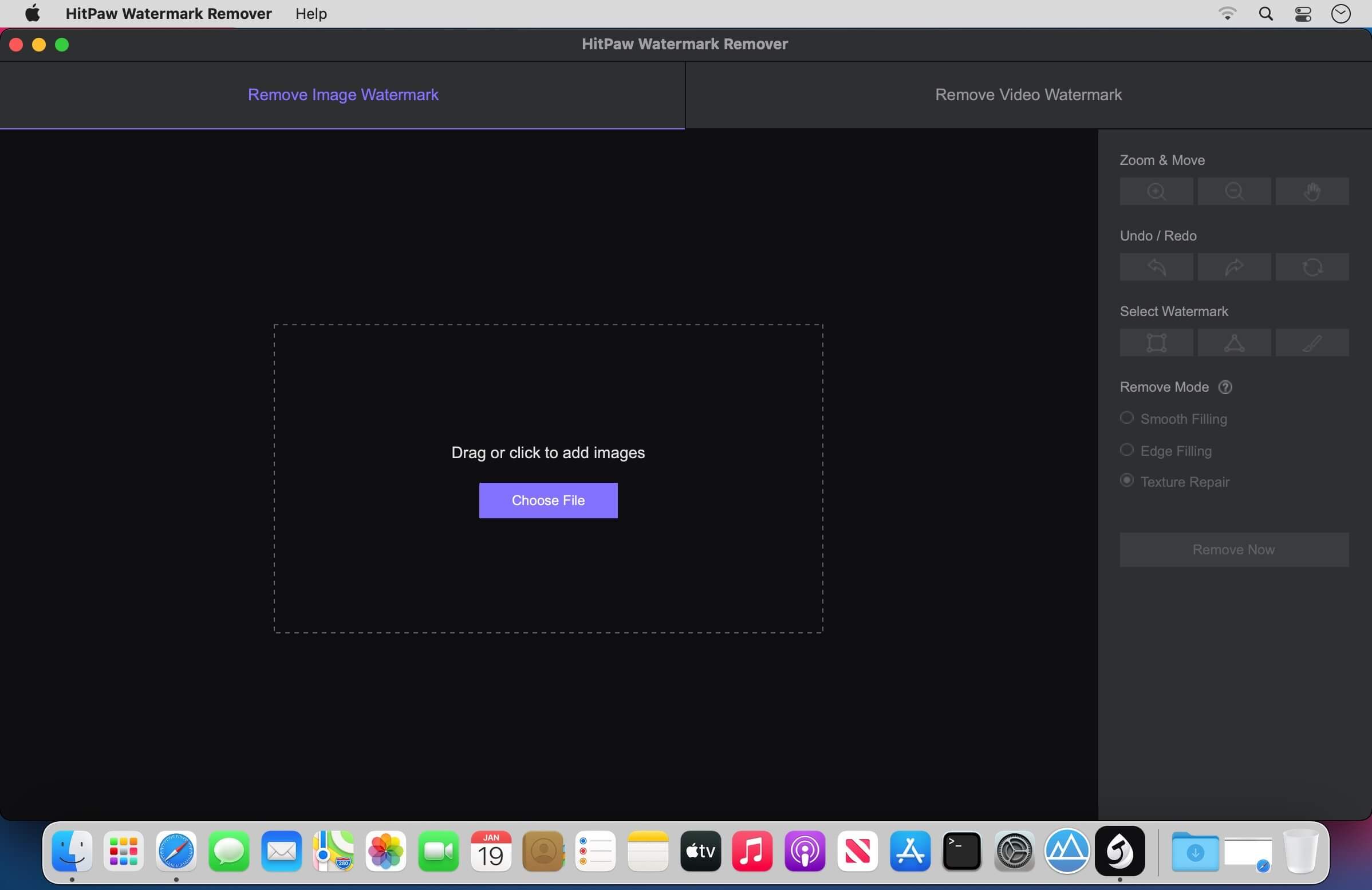
When you need to quickly erase a watermark from one of your images, it is best to resort to specialized software solutions to ensure you obtain high-quality results. HitPaw Watermark Remover is one such utility.

All in all, HitPaw Watermark Remover can come in handy when you need to erase a watermark from your images or clips, and you do not have the expert skills to do it manually.

Compatibility: macOS 10.13 or later 64-bit
Homepage https://www.hitpaw.com

Screenshots


EdgeView 4.4.8

Name: EdgeView_4.4.8_Mactorrents.biz.dmg
Size: 38 MB
Files EdgeView_4.4.8_Mactorrents.biz.dmg[38 MB]

   Download Torrent
   Link Download

EdgeView 3 is fast image viewer has elegant user interface. EdgeView 3 is developed and designed for modern MacOS. It can open various image files such as JPEG, PNG, TIFF, BMP, and RAW file of DSLR, EPS and PDF, AI(Adobe Illustrator). Can open image files in archive directly without extraction.

User can open files, rename files, delete files from EdgeView’s file browser. Also can access to SMB/AFP/FTP network volume.

User can navigate images quickly by using keyboard shorcut, mouse wheel, trackpad gesture. EdgeVew show EXIF information, play animation GIF/PNG/WebP smoothly. Save last status to history, and restore when reopen file.

EdgeView 3 will be the best choice when viewing and managing image files.

Features

  • Rewrote full code as Swift for improve performance.
  • Support m1 CPU Mac.
  • Has easy UI, can control main function at Sidebar.
  • Support English/Korean/Japanese/Chinese(Simplified).

Image Viewer

  • Supporting image files such as JPG, GIF, BMP, PSD, TIFF, RAW, WEBP and PDF, EPS, AI(Adobe Illustrator), OpenEXR, HDR, TGA.
  • Can play animation GIF/PNG/WebP. User can control animation with floating animation controller.
  • Dispaly internal image(or frame) of animation GIF/PNG/WebP or HEIC that has multiple internal image.
  • Can read and show images of major archive formats (such as ZIP, RAR, CBZ, CBR, 7-zip) without extraction. Of course, can open ZIP file that 4GB over.
  • Can read encrypted archive file.
  • Can read archive file in archive file recursively
  • Improved draw speed by rebuilt image cache system and drawing engine.
  • Draw images as high quality.
  • Provide suitable functions for comic reading such as ‘Two-Page Spread’, ‘Continuous Scroll mode’, ‘Right to Left’, etc.
  • Provide multiple navigation functions like as ‘Move’, ‘Skip’, ‘Shift’, etc.
  • User can navigate images and check whole thumbnails at Thumbnailsbar.
  • User can navigate images by using keyboard shortcut, mouse wheel, trackpad gesture.
  • Can rotate and flip images. Orientation will be saved to history.
  • User can select part of images, and copy it or save as file.
  • Can zoom in/out image freely.
  • Built-in loupe function to make it easier to magnify part of image.
  • Show histogram.
  • Show neighbor files list. And can open neighbor file.
  • Support history feature for saving and restoring last status of file.
  • Can reopen file or remove history at history list.
  • Can rate image files.

File Browser

  • Built-in file browser can show and open files from local drive or AFP/SMB/FTP network drive.
  • Can display files as lists or icon.
  • Show images in folder/archive file at preview panel.
  • Generate thumbnails of archive files and folders.
  • Support powerful search feature.
  • Show category and writer information.
  • User can sort files by various options, and can delete or rename files.
  • Can rate files or folders.

Others

  • Support customizing feature. Also user can change shortcuts.
  • Built-in Quick Look Extension generate thumbnails and preview of archive files at Finder.

Compatibility: macOS 11.1 or later
Homepage https://apps.apple.com/pk/app/edgeview-2/id1206246482

Screenshots


EdgeView 4.4.7

Name: EdgeView_4.4.7_Mactorrents.biz.dmg
Size: 36 MB
Files EdgeView_4.4.7_Mactorrents.biz.dmg[36 MB]

   Download Torrent
   Link Download

EdgeView 3 is fast image viewer has elegant user interface. EdgeView 3 is developed and designed for modern MacOS. It can open various image files such as JPEG, PNG, TIFF, BMP, and RAW file of DSLR, EPS and PDF, AI(Adobe Illustrator). Can open image files in archive directly without extraction.

User can open files, rename files, delete files from EdgeView’s file browser. Also can access to SMB/AFP/FTP network volume.

User can navigate images quickly by using keyboard shorcut, mouse wheel, trackpad gesture. EdgeVew show EXIF information, play animation GIF/PNG/WebP smoothly. Save last status to history, and restore when reopen file.

EdgeView 3 will be the best choice when viewing and managing image files.

Features

  • Rewrote full code as Swift for improve performance.
  • Support m1 CPU Mac.
  • Has easy UI, can control main function at Sidebar.
  • Support English/Korean/Japanese/Chinese(Simplified).

Image Viewer

  • Supporting image files such as JPG, GIF, BMP, PSD, TIFF, RAW, WEBP and PDF, EPS, AI(Adobe Illustrator), OpenEXR, HDR, TGA.
  • Can play animation GIF/PNG/WebP. User can control animation with floating animation controller.
  • Dispaly internal image(or frame) of animation GIF/PNG/WebP or HEIC that has multiple internal image.
  • Can read and show images of major archive formats (such as ZIP, RAR, CBZ, CBR, 7-zip) without extraction. Of course, can open ZIP file that 4GB over.
  • Can read encrypted archive file.
  • Can read archive file in archive file recursively
  • Improved draw speed by rebuilt image cache system and drawing engine.
  • Draw images as high quality.
  • Provide suitable functions for comic reading such as ‘Two-Page Spread’, ‘Continuous Scroll mode’, ‘Right to Left’, etc.
  • Provide multiple navigation functions like as ‘Move’, ‘Skip’, ‘Shift’, etc.
  • User can navigate images and check whole thumbnails at Thumbnailsbar.
  • User can navigate images by using keyboard shortcut, mouse wheel, trackpad gesture.
  • Can rotate and flip images. Orientation will be saved to history.
  • User can select part of images, and copy it or save as file.
  • Can zoom in/out image freely.
  • Built-in loupe function to make it easier to magnify part of image.
  • Show histogram.
  • Show neighbor files list. And can open neighbor file.
  • Support history feature for saving and restoring last status of file.
  • Can reopen file or remove history at history list.
  • Can rate image files.

File Browser

  • Built-in file browser can show and open files from local drive or AFP/SMB/FTP network drive.
  • Can display files as lists or icon.
  • Show images in folder/archive file at preview panel.
  • Generate thumbnails of archive files and folders.
  • Support powerful search feature.
  • Show category and writer information.
  • User can sort files by various options, and can delete or rename files.
  • Can rate files or folders.

Others

  • Support customizing feature. Also user can change shortcuts.
  • Built-in Quick Look Extension generate thumbnails and preview of archive files at Finder.

Compatibility: macOS 11.1 or later
Homepage https://apps.apple.com/pk/app/edgeview-2/id1206246482

Screenshots


Topaz Photo AI 2.3.0

Name: TPZPHAI.230.OSX_Mactorrents.biz.zip
Size: 228 MB
Files TPZPHAI.230.OSX_Mactorrents.biz.dmg[228 MB]

   Download Torrent
   Link Download

Sharpen, remove noise, and increase the resolution of your photos with tomorrow’s technology. Topaz Photo AI supercharges your image quality so you can focus on the creative part of photography.

Focus on your creativity rather than your tools.
AI is good at some things but bad at others. It can write sentences but can’t tell a story, and it can recommend songs but can’t compose music. But most importantly for us: AI is exceptionally good at improving image quality, but bad at knowing what to do with it.

We believe that stunning photography comes from artistic vision paired with world-class tools. AI will never replicate human creativity, so it’s still your job to provide the vision. But just like a sharper lens or better camera, Topaz Photo AI empowers you to create images that just aren’t possible with yesterday’s tools.

Your photos at their very sharpest.
You won’t always be able to retake a shot when your subject is blurry. Sometimes you won’t even know until you’re reviewing your photos on your computer.

In these cases, use Topaz Photo AI to ensure that your photos are the sharpest they can possibly be. Instead of artificially increasing edge contrast like traditional sharpening, the Sharpen AI module naturally reverses root causes of blurriness (camera shake, motion blur, misfocus) to create more natural results.

In the absence of blur, sharpness remains – crisp, clear detail that’s free of edge haloes or other artifacts.

Minimum Hardware Requirements
Mac Operating System Big Sur 11 and higher
CPU Intel with AVX instructions
System Memory (RAM) 16GB
Graphics Card Any
Video RAM 2GB

Compatibility:
Homepage https://topazlabs.com/

Topaz Photo AI

Capture One 23 Pro 16.3.4.5

Name: Capture_One_16_3_4_5_TNT_Mactorrents.biz.dmg
Size:
Files Capture_One_16_3_4_5_TNT_Mactorrents.biz.dmg[

   Download Torrent
   Link Download

Capture One 23 is a professional RAW converter offering you ultimate image quality with beautiful colors and incredible detail for more than 500 high-end cameras. It offers state- of-the-art tethered capture, powerful digital asset management, extensive adjustment tools and a flexible workflow through customizable workspaces.

With an updated processing engine, market-leading performance and powerful new features, Capture One is the professional choice in imaging software. You get the highly responsive precision tools you need to create stunning images from your camera’s RAW files in a time-saving workflow that can be customized to fit your needs.

New features and improvements

  • Speed Edit
  • Dehaze
  • Improved importer

General User Experience Improvements and tweaks

  • HEIF support
  • Easy brush adjusting
  • Improved performance
  • Colored gradients on White Balance Sliders
  • Enhanced tooltips
  • Easy access to Tutorials

Compatibility: macOS 10.15 or later
Homepage https://www.phaseone.com/

Screenshots


ACDSee Photo Studio 10.0.3

Name: ACDSee_Photo_Studio_10_10.0.3_Mactorrents.biz.dmg
Size: 181 MB
Files ACDSee_Photo_Studio_10_10.0.3_Mactorrents.biz.dmg[181 MB]

   Download Torrent
   Link Download

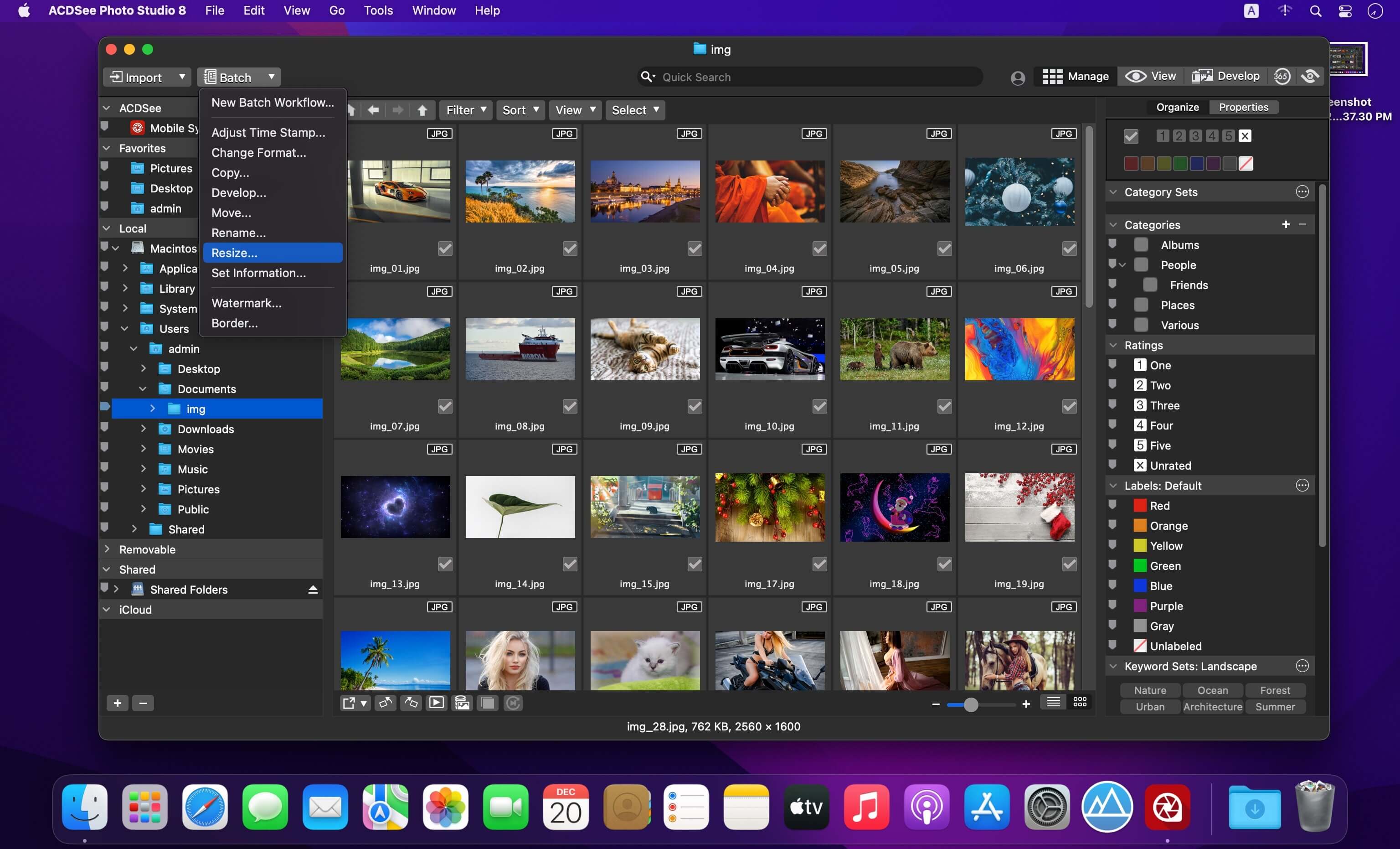
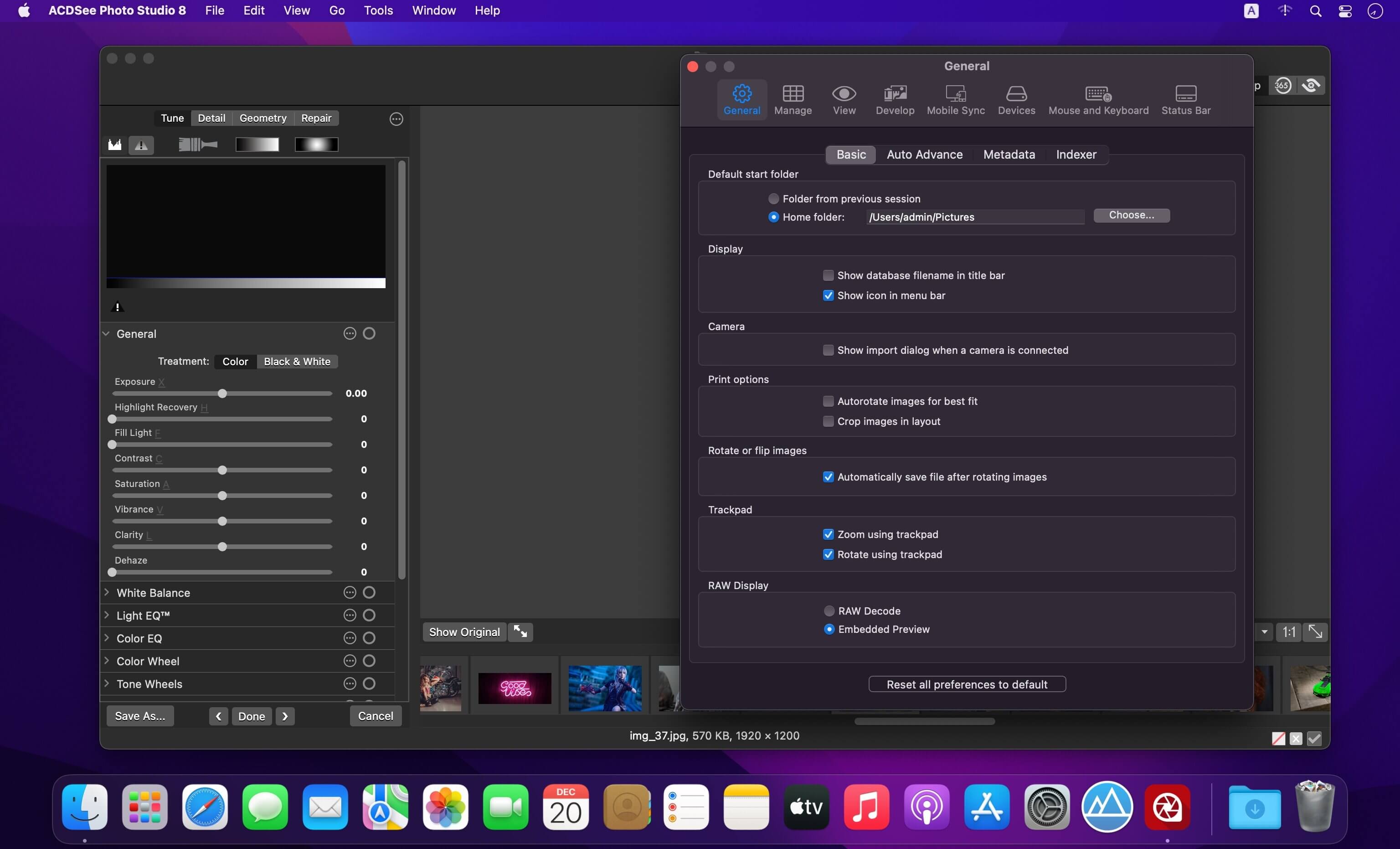
Harness the beauty of your images with one of the speediest digital asset managers and RAW processors on the platform, ACDSee Photo Studio for Mac . Take control of your collection with one-click searches, drag and drop searching, and saved searches, all with the convenience of import-free access to your images. Faster launching, browsing, scrolling, and searching, sleek organizational tools, customizable batch operations, RAW support for over 550 camera models, and a full toolkit of non-destructive adjustments make ACDSee Photo Studio for Mac your go-to digital photography resource.

  • More Ways to Control Your Collection
  • Improved Browser History Support – Hold down the Back button to view a list of your Recently Browsed Folders.
  • Easy-Select Tabs – Select or deselect multiple folders and subfolders using the Easy-Select Tabs along your file tree.
  • Direct Access to iCloud Drive – Easily backup and share files on your iCloud drive directly through ACDSee.
  • Improved Keyword Management – Frequently-used keyword sets come pre-loaded in the latest version, and established keyword lists can be imported and exported.
  • Saved Searches – Create searches based on criteria you choose, and access those results with a single click at any time.

What’s New:

Version 10.0.3:

  • Release notes were unavailable when this listing was updated.

Compatibility: macOS 12.0 or later
Homepage https://www.acdsee.com/en/index/

Screenshots


DxO FilmPack 7.3.0.502

Name: DxO_FilmPack_7_7.3.0.502_Mactorrents.biz.dmg
Size: 1 GB
Files DxO_FilmPack_7_7.3.0.502_Mactorrents.biz.dmg[1 GB]

   Download Torrent
   Link Download

DxO FilmPack 7.3.0.502 Multilingual macOS
Infuse your RAW files with the timeless qualities of film. DxO FilmPack faithfully takes almost 200 years’ worth of photographic science and keeps it alive, giving you instant access to historic film stocks. Experience the precision, satisfaction, and undefinable joy of darkroom processing and printing techniques but with the reassuring ease of digital.

FilmPack is the result of years of investigative and technical research.
We have analyzed hundreds of different films and prints to ensure our high-fidelity film emulations accurately reproduce the very same color response, grain structure, and magic as the originals.

Embrace the beauty of imperfections
The indescribable qualities of chemical processes can bring a certain looseness. Go further with blurring, vignetting, and grain, and turn your RAW files into works of art.

Compatibility: macOS 10.14 or later
Homepage: http://www.dxo.com

DxO ViewPoint 4.13.0.282

Name: DxO_ViewPoint_4_4.13.0.282_Mactorrents.biz.dmg
Size: 1 GB
Files DxO_ViewPoint_4_4.13.0.282_Mactorrents.biz.dmg[1 GB]

   Download Torrent
   Link Download

The perfect complement for your wide-angle lens
DxO ViewPoint automatically fixes skewed perspectives and restores subjects on the edges of the frame to their natural shape with just one click.

Fix skewed perspectives
Manually use anchor points or the software’s automatic feature to correct skewed perspectives in wide-angle photos, from the simplest to the most complex.

Restore proportions
For natural-looking shapes, automatically correct the volume deformation of faces, bodies, and objects at the edges photos taken with a wide-angle lens.

Neutralize distortion
With DxO’s Optics Module database, the only one of its kind in the world, DxO ViewPoint can correct any type of distortion, including barrel, pincushion, and even fisheye effects.

Straighten the horizon
Rebalance landscape photos by automatically straightening a slanted horizon lin

What’s New:

Version 4.13.0.282:

  • Release notes were unavailable when this listing was updated.

Compatibility: OS X 10.14 or late
Homepage https://www.dxo.com/

Screenshots


DxO PhotoLab 7 ELITE Edition 7.3.0.43

Name: DxO_PhotoLab_7_7.3.0_Mactorrents.biz.dmg
Size: 753 MB
Files DxO_PhotoLab_7_7.3.0_Mactorrents.biz.dmg[753 MB]

   Download Torrent
   Link Download

DxO PhotoLab provides a complete set of smart assisted corrections that you can manually fine-tune at any time. Take control on every aspect of your photos: effectively remove noise, get rid of light constraints, recover color details, apply sophisticated optical corrections, and enhance details.

Reducing digital noise in RAW images is an ongoing challenge for most photo-editing software. But with DxO DeepPRIME we are breaking new ground. The first artificial intelligence-based (AI) technology of its kind, DeepPRIME enables you to demosaic and denoise images simultaneously. Try it out – the results speak for themselves.

Demosaicing and denoising are usually two separate processes. But with DxO DeepPRIME we’ve combined them to achieve even better results.
The outcome is spectacular. DxO DeepPRIME removes noise and renders photographic information without reducing color detail. Transitions are smoother and more natural, and you gain nearly two ISO sensitivity values compared to our earlier version, DxO PRIME, the benchmark software for all comparable programs currently available.

If you are an expert photographer, DxO DeepPRIME will open up a world of new possibilities by enabling you to shoot at very high sensitivities. As an amateur photographer, DeepPRIME will allow you to compensate for the drawbacks of small sensors in compact and bridge cameras that produce digital noise even at low ISO sensitivities. And if you’re struggling with low quality, or older-generation cameras that are no longer suitable because of the scale of digital noise, DxO DeepPRIME will give your images a new lease of life.

Features

  • DxO Smart Lighting
  • DxO ClearView
  • DxO PRIME
  • Optical Corrections
  • Introducing U Point

What’s New:

Version 7.3.0.43:

  • Release notes were unavailable when this listing was updated.

Compatibility: macOS 12.6.0 or later
Homepage http://www.dxo.com

Screenshots


DxO PhotoLab 6 ELITE Edition 6.13.0.64

Name: DxO_PhotoLab_6_6.13.0_Mactorrents.biz.dmg
Size: 700 MB
Files DxO_PhotoLab_6_6.13.0_Mactorrents.biz.dmg[700 MB]

   Download Torrent
   Link Download

DxO PhotoLab (was DxO Optics Pro) provides a complete set of smart assisted corrections that you can manually fine-tune at any time. Take control on every aspect of your photos: effectively remove noise, get rid of light constraints, recover color details, apply sophisticated optical corrections, and enhance details.

Reducing digital noise in RAW images is an ongoing challenge for most photo-editing software. But with DxO DeepPRIME we are breaking new ground. The first artificial intelligence-based (AI) technology of its kind, DeepPRIME enables you to demosaic and denoise images simultaneously. Try it out – the results speak for themselves.

Demosaicing and denoising are usually two separate processes. But with DxO DeepPRIME we’ve combined them to achieve even better results.
The outcome is spectacular. DxO DeepPRIME removes noise and renders photographic information without reducing color detail. Transitions are smoother and more natural, and you gain nearly two ISO sensitivity values compared to our earlier version, DxO PRIME, the benchmark software for all comparable programs currently available.

If you are an expert photographer, DxO DeepPRIME will open up a world of new possibilities by enabling you to shoot at very high sensitivities. As an amateur photographer, DeepPRIME will allow you to compensate for the drawbacks of small sensors in compact and bridge cameras that produce digital noise even at low ISO sensitivities. And if you’re struggling with low quality, or older-generation cameras that are no longer suitable because of the scale of digital noise, DxO DeepPRIME will give your images a new lease of life.

Features

  • DxO Smart Lighting
  • DxO ClearView
  • DxO PRIME
  • Optical Corrections
  • Introducing U Point

Compatibility: macOS 11.6 or later
Homepage http://www.dxo.com

Screenshots


FotoMagico 6.5.4

Name: FotoMagico_6.5.4_Mactorrents.biz.dmg
Size: 46 MB
Files FotoMagico_6.5.4_Mactorrents.biz.dmg[46 MB]

   Download Torrent
   Link Download

FotoMagico is the easiest way to create a gorgeous slideshow on your Mac using your photos, videos, music and text telling your story in a live presentation or a high resolution video. Use per-built stories or story-parts or tell your very own, unique story.

Main Features:
• Knock the socks of your audience with your live presentations
• Step up your wedding photography game and make the newlyweds happy
• Relive and retell your travel adventures
• Save a lot of time animating stills for your Final Cut Pro X projects
• Spice up your storefront window or Point of Sales signage
• Be endlessly creative and get impressive results quickly
• Make your photos and videos stand out with brilliant quality

FotoMagico 5 Highlights:
• Snippets give you a whole new way to compose complex slideshows quickly by simply choosing from a collection of pre-built story parts and adding in your own photos and videos
• Music Snippets keep you out of copyright troubles by providing free to use CC licensed music and the proper attribution
• Animation Assistant lets you choose from a variety of styles to automatically make your slideshow move
• Improved Text Editing and Text Placeholders make it a snap to express yourself. Automatically insert slideshow title, author, music title and artist or filename, EXIF metadata and more to quickly create a portfolio show.
• Audio Marker Assistant helps you to keep music and slides in perfect harmony (Pro Feature via In-App Purchase)
• Audio Volume Envelopes & Fades – the most requested new feature! Use envelopes to make parts of the music softer when you intend to speak, or if video volume should take center stage, or increase volume when you want to enhance the mood. (Pro Feature via In-App Purchase)
• Completely new dark user interface

Features in FotoMagico Pro:
• Timeline View displays the timing of the slideshow in a more intuitive way
• Extra audio track and recording mode for narration
• Direct access to Aperture and Lightroom photo libraries
• Teleprompter view supports you when giving a live presentation
• Chapters let you group your slides for a better overview
• Masks and Borders give you more creative possibilities
• Additional export options: Standalone Player, ProRes video file, custom video format

Compatibility: macOS 10.14 or later
Homepage: https://fotomagico.com/

Pixelmator Pro 3.5.4

Name: Pixelmator_Pro_3.5.4_Mactorrents.biz.dmg
Size: 612 MB
Files Pixelmator_Pro_3.5.4_Mactorrents.biz.dmg[612 MB]

   Download Torrent
   Link Download

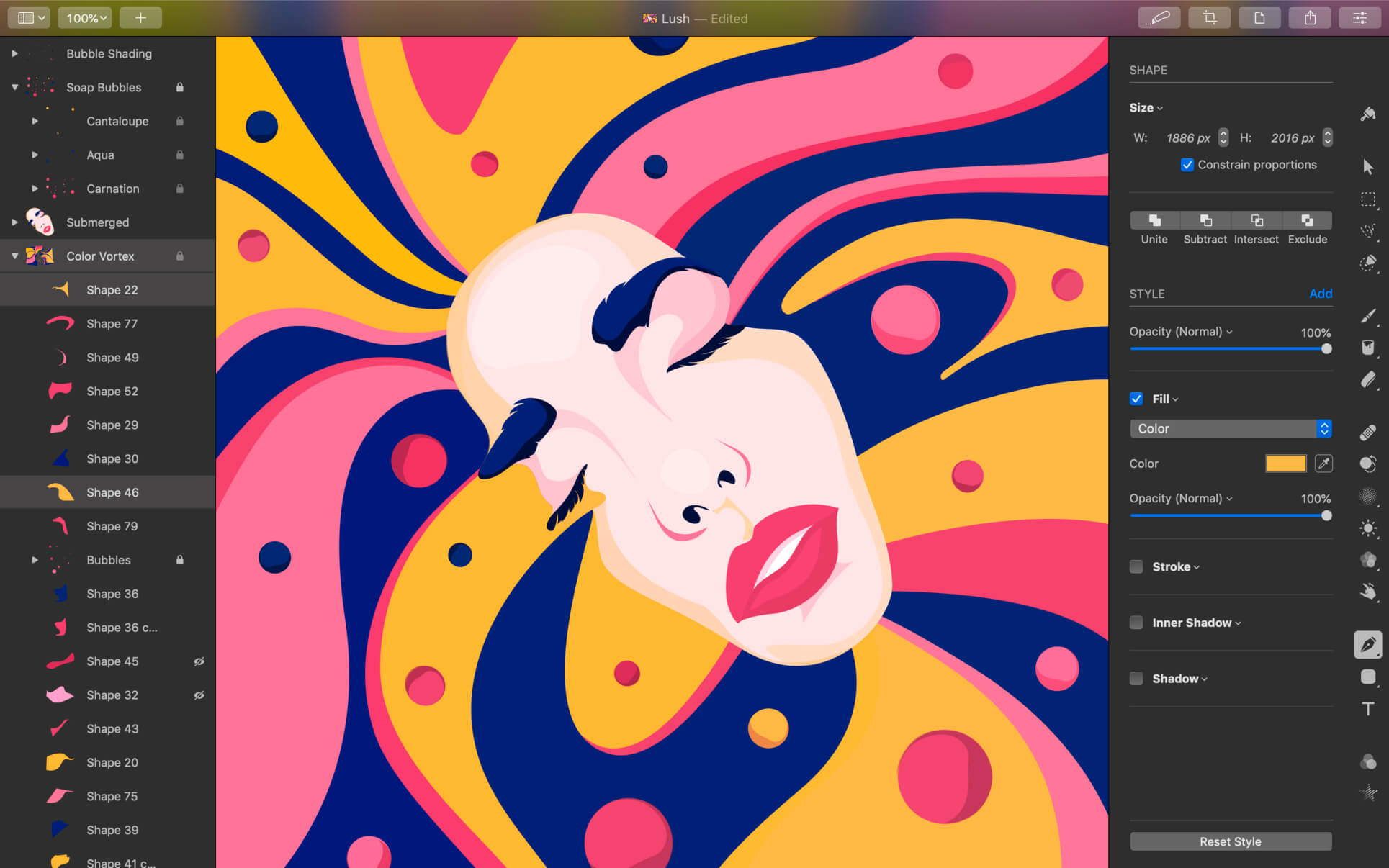
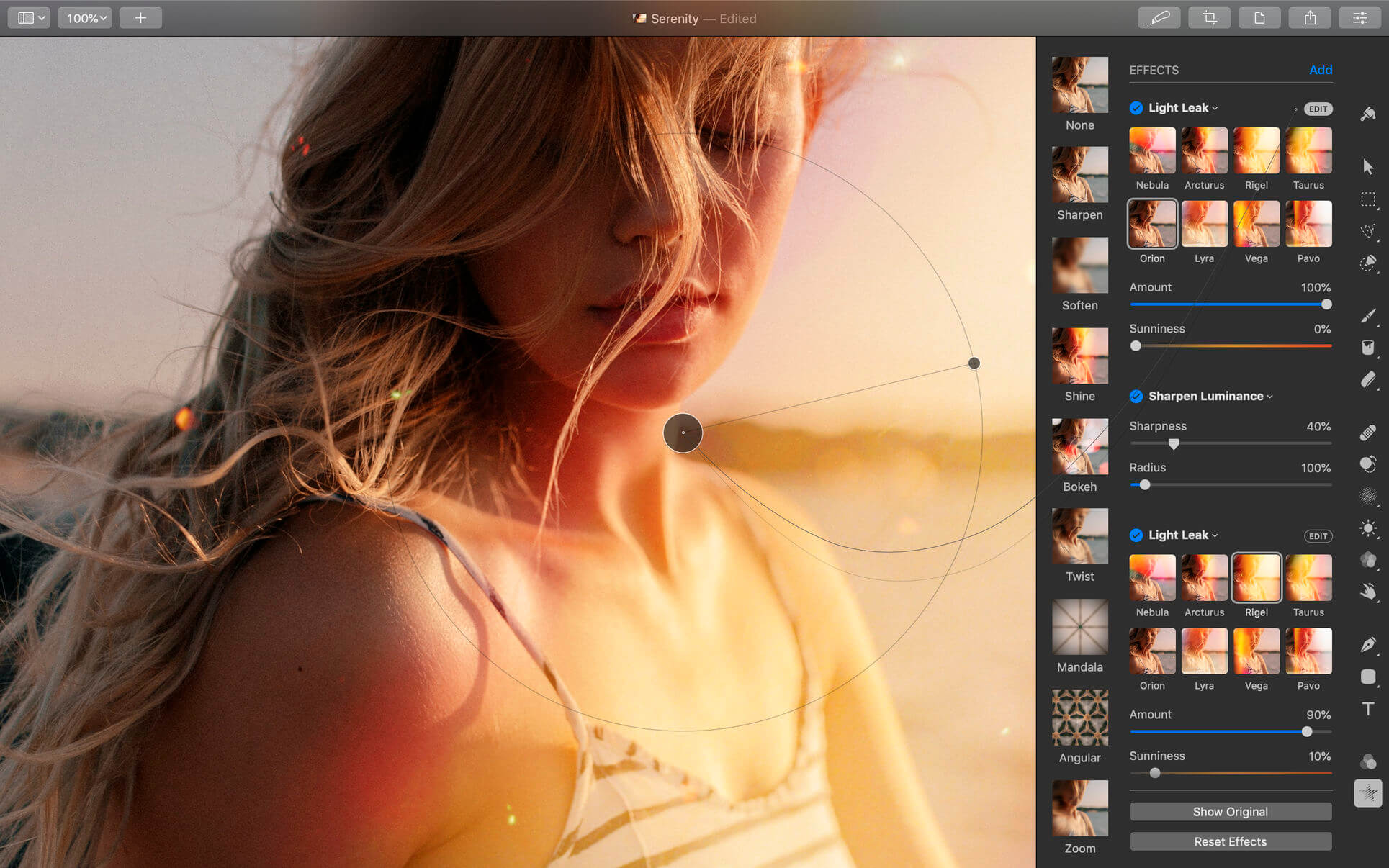
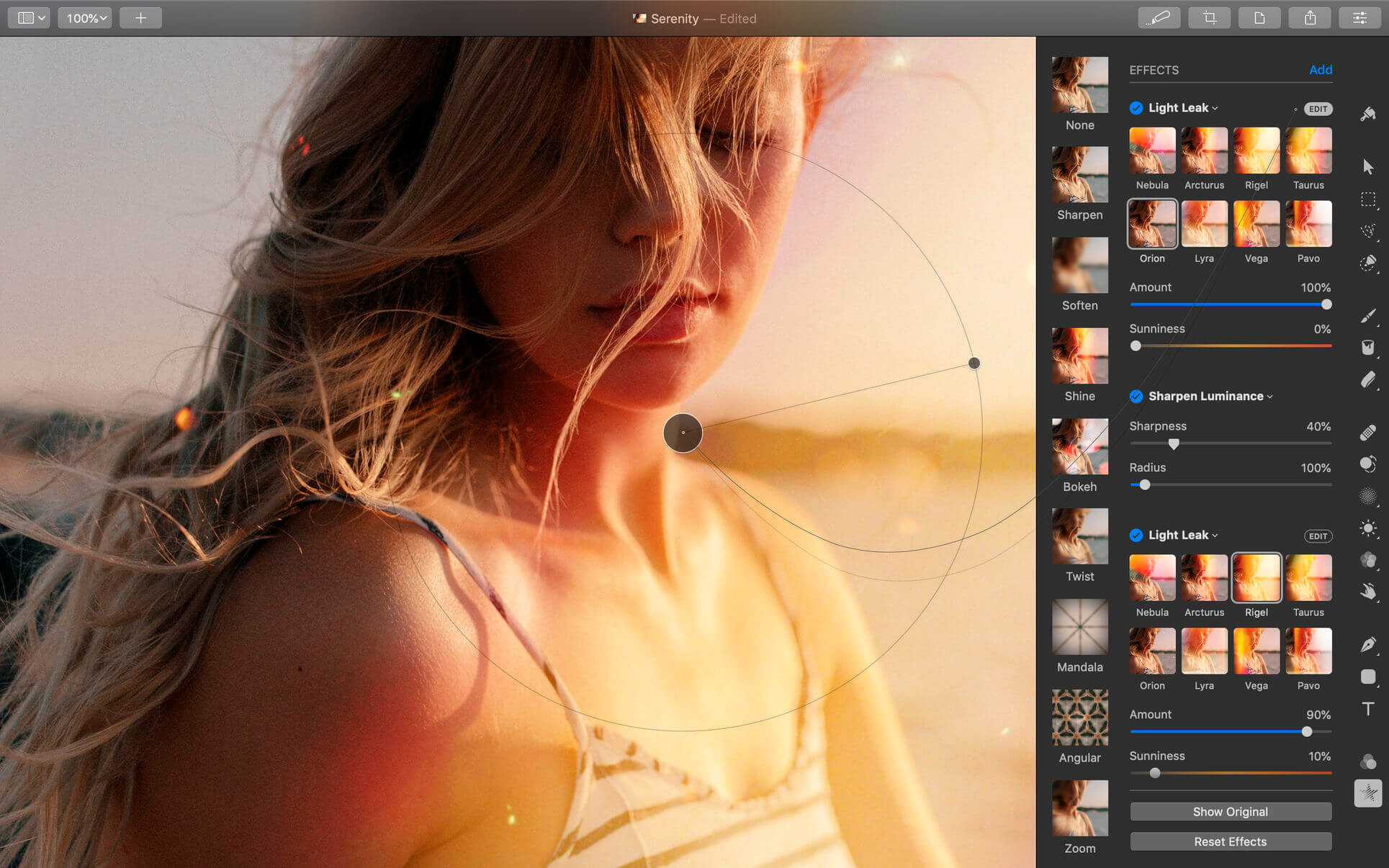
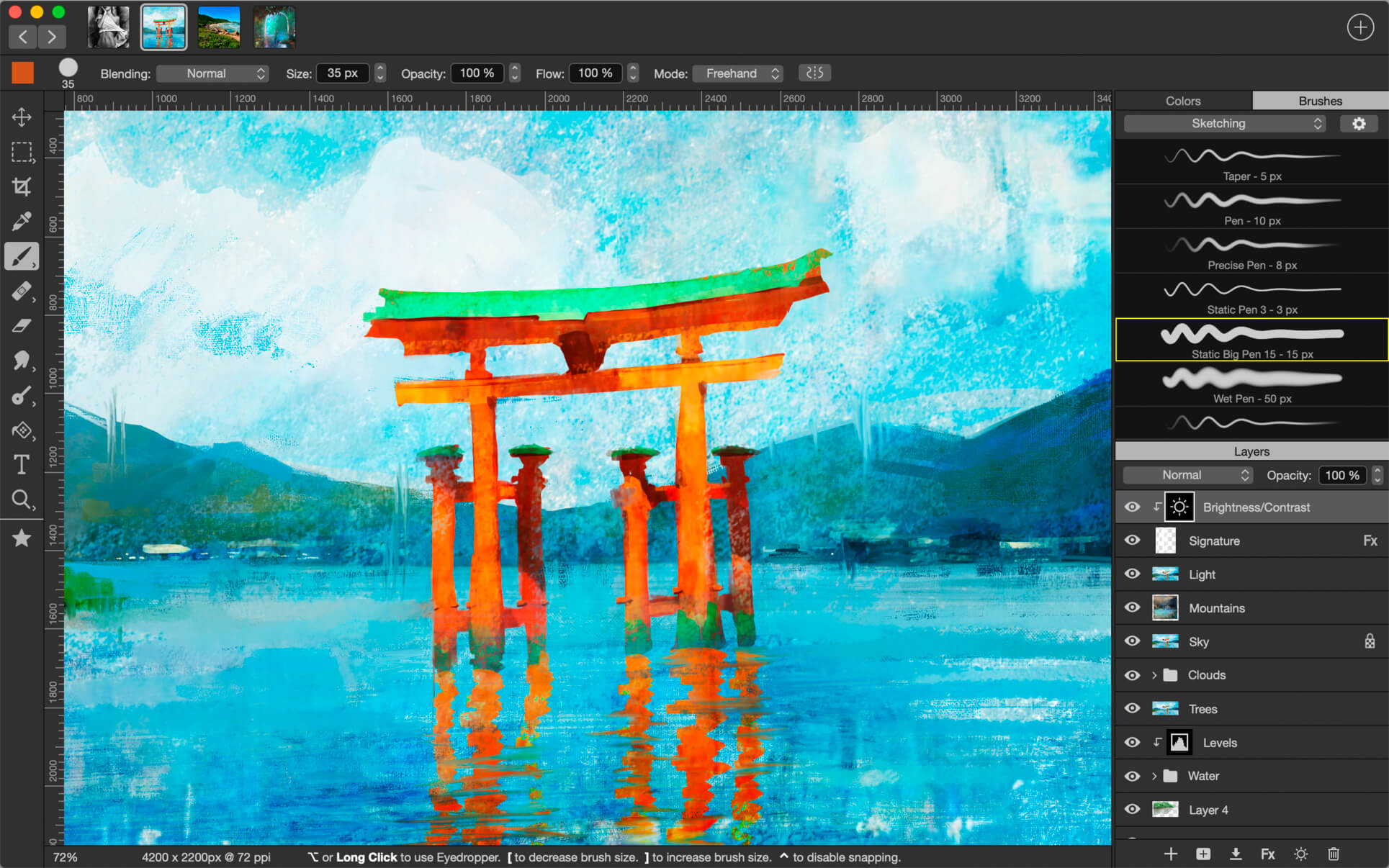
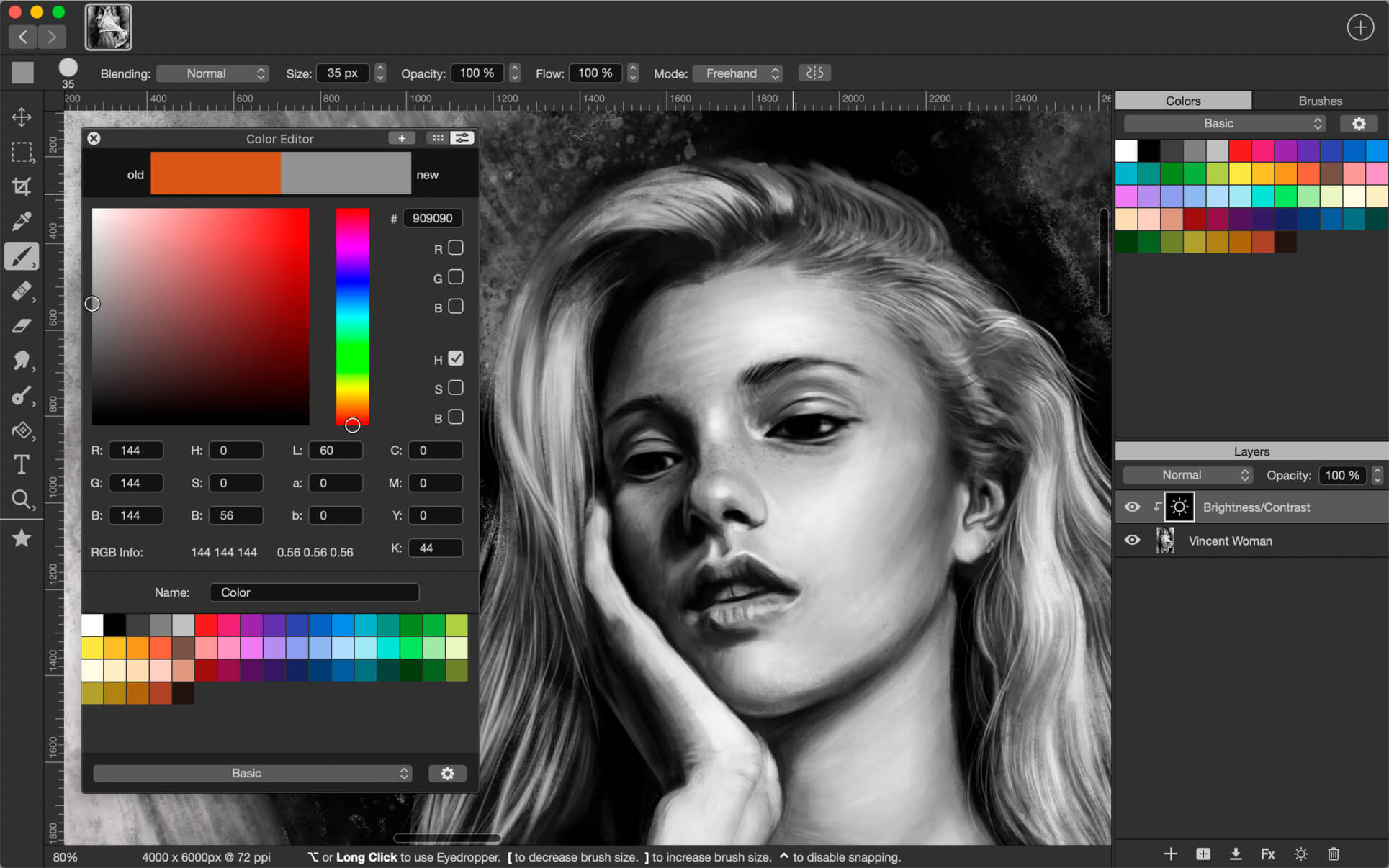
Pixelmator Pro is an incredibly powerful, beautiful, and easy to use image editor designed exclusively for Mac.
With a wide range of professional-grade, nondestructive image editing tools, Pixelmator Pro lets you bring out the best in your photos, create gorgeous compositions and designs, draw, paint, apply stunning effects, design beautiful text, and edit images in just about any way you can imagine. And thanks to its intuitive and accessible design, Pixelmator Pro is delightfully easy to use — whether you’re just starting out with image editing or you’re a seasoned pro.

Exceptional Design and Functionality

  • The modern, single-window interface of Pixelmator Pro is designed exclusively for working with images on a Mac
  • An intuitive and refined design makes image editing easy and accessible, even if you’re a complete beginner
  • Native dark and light appearances adapt to the light and dark modes of macOS
  • A customizable interface lets you organize your creative environment just the way you want
  • Choose from workspace presets created for photography, design, illustration, and painting
  • A full-featured Photos extension lets you edit images using Pixelmator Pro without ever leaving Photos, saving layered, nondestructive edits directly to your library

Professional Tools

  • Enhance your existing images and create new ones using every image editing tool you could ever need
  • Edit nondestructively, adjusting individual changes whenever you like
  • Easily move, resize, and arrange objects to create stunning compositions
  • Adjust colors with a collection of nondestructive, machine learning-powered color adjustments
  • Enjoy superior support for RAW files, editing RAW images using all their extended range data
  • Create digital or traditional paintings using handcrafted, fully-customizable, dual-texture brushes with full support for digital graphics tablets
  • Combine the built-in effects to create any artistic or special effects you can imagine
  • Save adjustment, effect, and layer style combinations as presets, use them in any of your images, and share them with others
  • Speed up image editing with hundreds of presets for color adjustments, effects, layer styles, and shapes
  • Magically remove small imperfections or entire objects, seamlessly clone parts of your photos, and lighten or darken precise areas using a full set of retouching tools
  • Use the reshaping tools to easily change the shape of any object or area in your images
  • Add customizable vector graphics designed by the Pixelmator Team
  • Create your own vector graphics using the Pen tool
  • Easily design great-looking text with a full set of typography tools
  • Quickly create curved, circular, and path text
  • Optimize and save your images for the web, using advanced compression to shrink file sizes
  • Batch process images using built-in Automator actions
  • Effortlessly automate workflows using full-featured AppleScript support

Image Editing Enhanced by Machine Learning

  • Magically remove objects, recreating image areas with stunning realism using the Repair tool
  • Use ML Enhance to intelligently enhance photos with a machine learning algorithm trained on millions of professional photos
  • Zoom and enhance image resolution with the incredible ML Super Resolution
  • Automatically copy the look of one photo to another with ML Match Colors
  • Remove image noise and compression artifacts while preserving details using ML Denoise
  • Quickly make accurate selections with ease using the Quick Selection tool

Compatibility

  • Open and edit images in all the most popular image formats, including JPEG, TIFF, PNG, PSD, HEIF, SVG, PDF, GIF, BMP, TGA, WebP and JPEG-2000
  • Open and edit Photoshop images with layers
  • Open and edit SVG vector images
  • Share your images to Photos, Mail, AirDrop, and other locations

Built Exclusively for Mac

  • Designed exclusively for macOS, Pixelmator Pro supports almost every major macOS feature and integrates seamlessly with macOS Big Sur.

Compatibility: macOS 12.0 or later
Homepage https://apps.apple.com/pk/app/pixelmator-pro/id1289583905

Screenshots


Affinity Photo 2.3.1

Name: Affinity_Photo_2_2.3.1_Mactorrents.biz.dmg
Size: 924 MB
Files Affinity_Photo_2_2.3.1_Mactorrents.biz.dmg[924 MB]

   Download Torrent
   Link Download

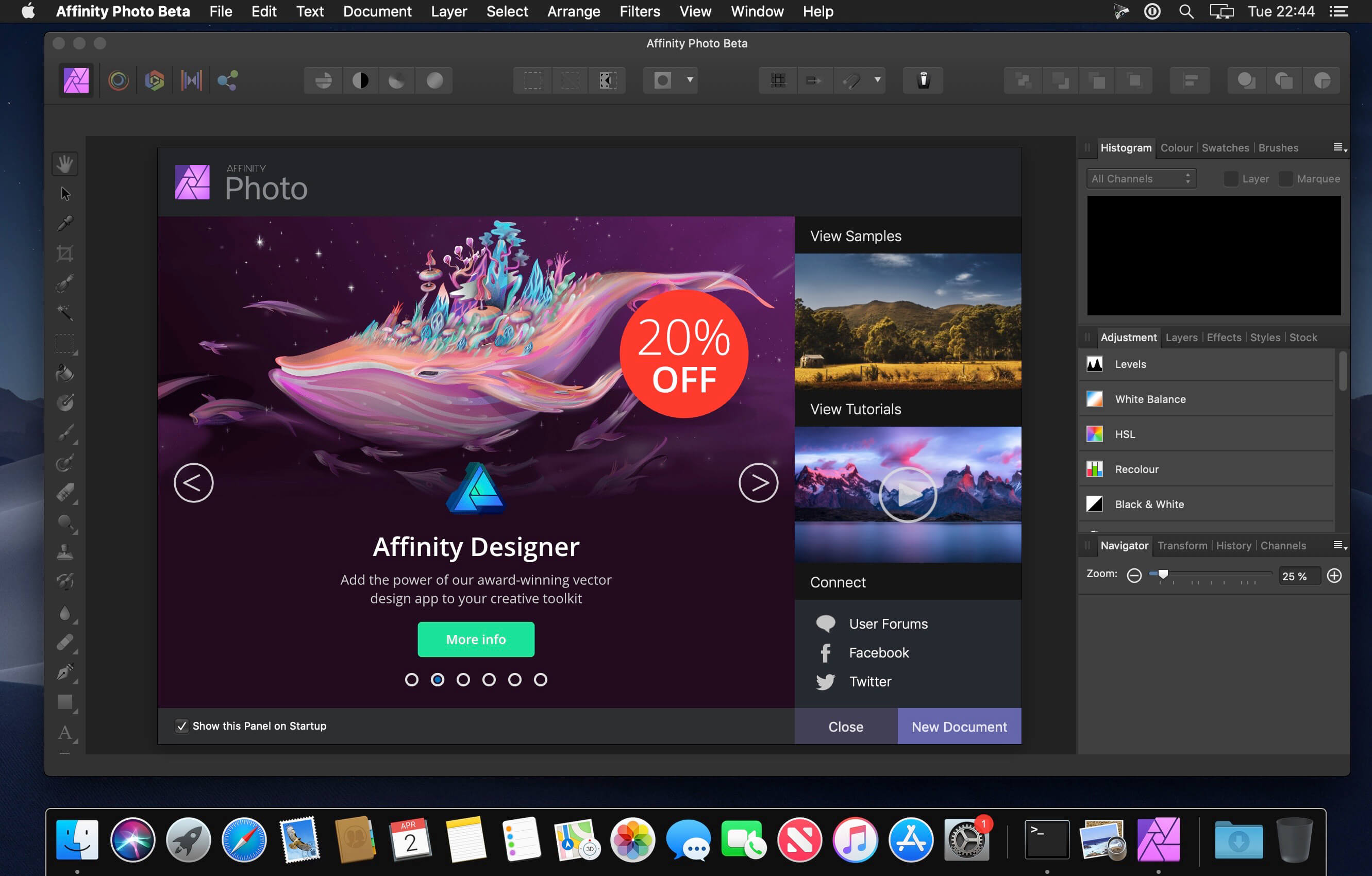
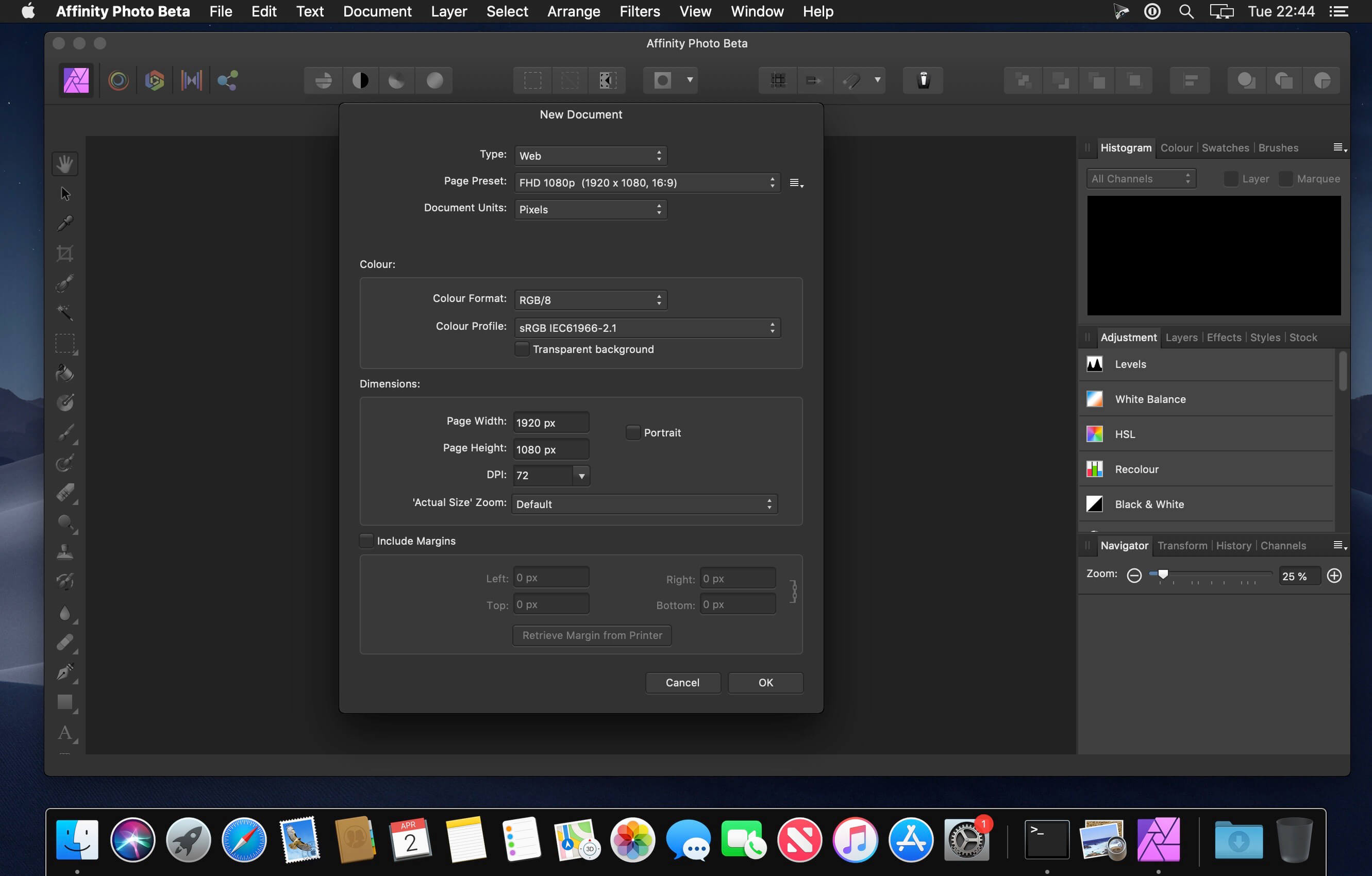
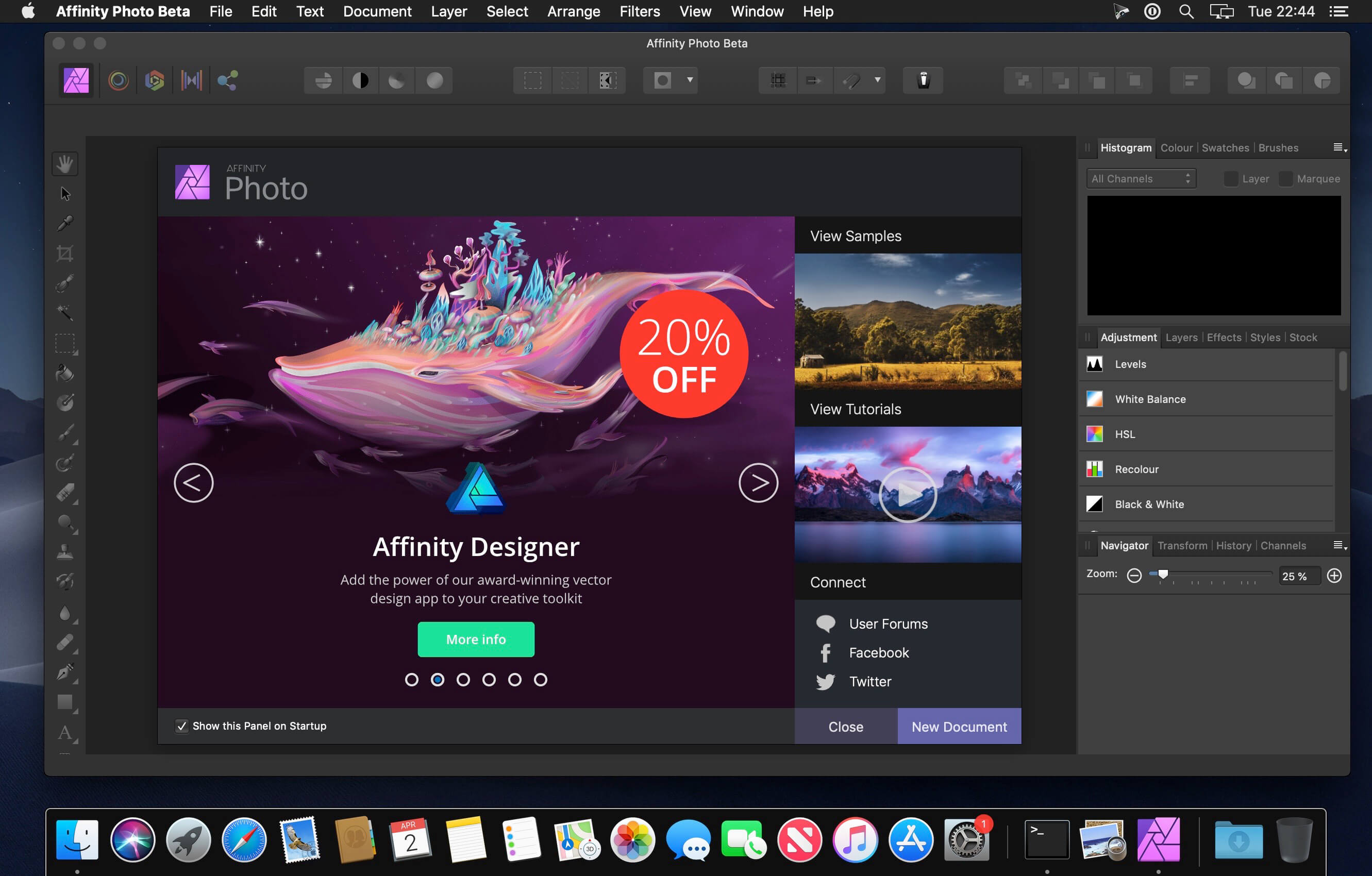
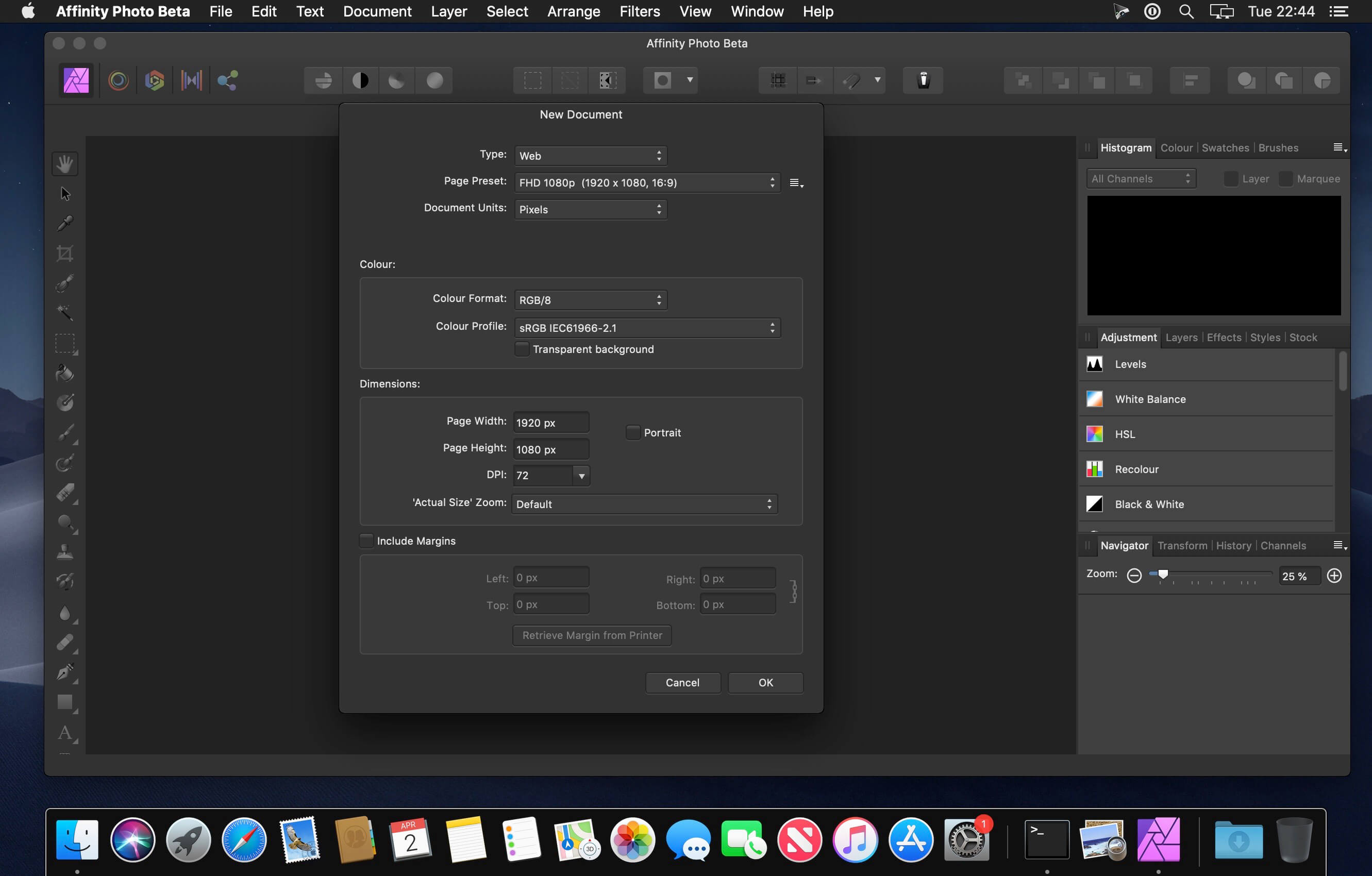
Affinity Photo redefines the boundaries for professional photo editing software on the Mac. With a meticulous focus on workflow it offers sophisticated tools for enhancing, editing and retouching your images in an incredibly intuitive interface with all the power and performance you need.

Engineered for Professionals
• Open, edit and save Photoshop® PSD files
• RGB, CMYK, Greyscale and LAB color spaces
• End-to-end CMYK workflow with ICC color management
• Full 16 and 32-bit per channel editing
• Work with all standard formats like PNG, TIFF, JPG, GIF, SVG, EPS, EXR, HDR and PDF
• Panning and zooming is always live at 60fps with live previews, live tools and real-time editing
• Open and edit massive images without compromising performance or running out of memory
and other

What’s New:

Version 2.3.1:

  • Release notes were unavailable when this listing was updated.

Compatibility: macOS 10.15 or later
Homepage https://affinity.serif.com

Screenshots


Planner 5D Premium 4.15

Name: Planner_5D_4.15_Mactorrents.biz.dmg
Size: 299 MB
Files Planner_5D_4.15_Mactorrents.biz.dmg[299 MB]

   Download Torrent
   Link Download

Whether you’re remodeling, renovating, or designing your dream home, Planner 5D has you covered! Create detailed 2D & 3D floor plans, browse a 3000+ item catalog, and create photo-realistic images of your projects. With over 2 million downloads, Planner 5D makes interior design easier than ever!

Features:

  • Drag and drop design in both 2D & 3D modes
  • User-friendly features that do not require special skills
  • Create a completely unique home – from the floorplan to the finishing details
  • Browse the regularly updated 3000+ item catalog complete with furniture, appliances, decor, household items, landscape features and more
  • Create exceptionally detailed and personalized design in both the interior and exterior of your project
  • “Snapshot” function to create photo-realistic images of your projects with realistic lighting, textures, and shadows
  • Sign in with Google+ or Facebook to work on your projects on any platform, including your laptop or other mobile device
  • Switch between Metric and Imperial systems of measurement
  • Save and share your projects with friends, family and home professionals
  • Work on downloaded projects offline
  • Completely Ad-free
  • Multi-language

Free Version

  • 2D and 3D editor
  • 150+ item catalog
  • Unlimited number of projects
  • Multi-platform synchronization
  • 600+ item catalog of colors, textures and patterns to personalize your design

Premium Version

  • Access to the entire 3000+ item catalog
  • Ability to alter the size and appearance of all furniture

Other Features

  • Apple Pencil support
  • 3D Touch support
  • Follows Apple Design Guidelines
  • Split-screen multitasking on iPad
  • Basic Accessibility features for the visually impaired

Top In-App Purchases: Premium features – included
*** You need to disable the System Integrity Protection (SIP) to perform the selected Application.

Compatibility: macOS 10.15 or later
Homepage http://www.yumysoft.com

Screenshots


PhotoPad Professional 11.97

Name: PhotoPad.Professional.11.97_Mactorrents.biz.zip
Size: 8.7 MB
Files PhotoPad.Professional.11.97_Mactorrents.biz.dmg[8.7 MB]

   Download Torrent
   Link Download

Whether you’re a professional photographer or just want to edit your personal photos, PhotoPad offers the powerful tools and features you need to improve your digital images.

Features:
– Crop, rotate, resize and flip pictures
– Touch up photos to remove red-eye and blemishes
– Apply photo effects, including oil paint, cartoon, vignette, sepia and many more
– Improve photo quality and focus with blur, sharpening and noise reduction tools
– Adjust image color/hue, saturation, brightness and contrast
– Create collages and photo mosaics with your photographs
– Photo stitching to make your own panorama images
– Load jpg, gif, png and other popular image formats
– Add text and captions to photos
– Insert clipart from the included clipart library
– Add frames and borders around your photographs
– Change the aspect ratio of an image without distorting key features using the liquid resize effect
– Non-destructive editing allows easy modifications of individual photo effects on the layers list
– Upload edited pictures directly to Facebook or Flickr

Compatibility: Intel, 32-bit processor OS X 10.5 or later
Homepage http://www.nch.com.au

EdgeView 4.4.6

Name: EdgeView_4.4.6_Mactorrents.biz.dmg
Size: 36 MB
Files EdgeView_4.4.6_Mactorrents.biz.dmg[36 MB]

   Download Torrent
   Link Download

EdgeView 3 is fast image viewer has elegant user interface. EdgeView 3 is developed and designed for modern MacOS. It can open various image files such as JPEG, PNG, TIFF, BMP, and RAW file of DSLR, EPS and PDF, AI(Adobe Illustrator). Can open image files in archive directly without extraction.

User can open files, rename files, delete files from EdgeView’s file browser. Also can access to SMB/AFP/FTP network volume.

User can navigate images quickly by using keyboard shorcut, mouse wheel, trackpad gesture. EdgeVew show EXIF information, play animation GIF/PNG/WebP smoothly. Save last status to history, and restore when reopen file.

EdgeView 3 will be the best choice when viewing and managing image files.

Features

  • Rewrote full code as Swift for improve performance.
  • Support m1 CPU Mac.
  • Has easy UI, can control main function at Sidebar.
  • Support English/Korean/Japanese/Chinese(Simplified).

Image Viewer

  • Supporting image files such as JPG, GIF, BMP, PSD, TIFF, RAW, WEBP and PDF, EPS, AI(Adobe Illustrator), OpenEXR, HDR, TGA.
  • Can play animation GIF/PNG/WebP. User can control animation with floating animation controller.
  • Dispaly internal image(or frame) of animation GIF/PNG/WebP or HEIC that has multiple internal image.
  • Can read and show images of major archive formats (such as ZIP, RAR, CBZ, CBR, 7-zip) without extraction. Of course, can open ZIP file that 4GB over.
  • Can read encrypted archive file.
  • Can read archive file in archive file recursively
  • Improved draw speed by rebuilt image cache system and drawing engine.
  • Draw images as high quality.
  • Provide suitable functions for comic reading such as ‘Two-Page Spread’, ‘Continuous Scroll mode’, ‘Right to Left’, etc.
  • Provide multiple navigation functions like as ‘Move’, ‘Skip’, ‘Shift’, etc.
  • User can navigate images and check whole thumbnails at Thumbnailsbar.
  • User can navigate images by using keyboard shortcut, mouse wheel, trackpad gesture.
  • Can rotate and flip images. Orientation will be saved to history.
  • User can select part of images, and copy it or save as file.
  • Can zoom in/out image freely.
  • Built-in loupe function to make it easier to magnify part of image.
  • Show histogram.
  • Show neighbor files list. And can open neighbor file.
  • Support history feature for saving and restoring last status of file.
  • Can reopen file or remove history at history list.
  • Can rate image files.

File Browser

  • Built-in file browser can show and open files from local drive or AFP/SMB/FTP network drive.
  • Can display files as lists or icon.
  • Show images in folder/archive file at preview panel.
  • Generate thumbnails of archive files and folders.
  • Support powerful search feature.
  • Show category and writer information.
  • User can sort files by various options, and can delete or rename files.
  • Can rate files or folders.

Others

  • Support customizing feature. Also user can change shortcuts.
  • Built-in Quick Look Extension generate thumbnails and preview of archive files at Finder.

Compatibility: macOS 11.1 or later
Homepage https://apps.apple.com/pk/app/edgeview-2/id1206246482

Screenshots


Pixelmator Pro 3.5.3

Name: Pixelmator_Pro_3.5.3_Mactorrents.biz.dmg
Size: 612 MB
Files Pixelmator_Pro_3.5.3_Mactorrents.biz.dmg[612 MB]

   Download Torrent
   Link Download

Pixelmator Pro is an incredibly powerful, beautiful, and easy to use image editor designed exclusively for Mac.
With a wide range of professional-grade, nondestructive image editing tools, Pixelmator Pro lets you bring out the best in your photos, create gorgeous compositions and designs, draw, paint, apply stunning effects, design beautiful text, and edit images in just about any way you can imagine. And thanks to its intuitive and accessible design, Pixelmator Pro is delightfully easy to use — whether you’re just starting out with image editing or you’re a seasoned pro.

Exceptional Design and Functionality

  • The modern, single-window interface of Pixelmator Pro is designed exclusively for working with images on a Mac
  • An intuitive and refined design makes image editing easy and accessible, even if you’re a complete beginner
  • Native dark and light appearances adapt to the light and dark modes of macOS
  • A customizable interface lets you organize your creative environment just the way you want
  • Choose from workspace presets created for photography, design, illustration, and painting
  • A full-featured Photos extension lets you edit images using Pixelmator Pro without ever leaving Photos, saving layered, nondestructive edits directly to your library

Professional Tools

  • Enhance your existing images and create new ones using every image editing tool you could ever need
  • Edit nondestructively, adjusting individual changes whenever you like
  • Easily move, resize, and arrange objects to create stunning compositions
  • Adjust colors with a collection of nondestructive, machine learning-powered color adjustments
  • Enjoy superior support for RAW files, editing RAW images using all their extended range data
  • Create digital or traditional paintings using handcrafted, fully-customizable, dual-texture brushes with full support for digital graphics tablets
  • Combine the built-in effects to create any artistic or special effects you can imagine
  • Save adjustment, effect, and layer style combinations as presets, use them in any of your images, and share them with others
  • Speed up image editing with hundreds of presets for color adjustments, effects, layer styles, and shapes
  • Magically remove small imperfections or entire objects, seamlessly clone parts of your photos, and lighten or darken precise areas using a full set of retouching tools
  • Use the reshaping tools to easily change the shape of any object or area in your images
  • Add customizable vector graphics designed by the Pixelmator Team
  • Create your own vector graphics using the Pen tool
  • Easily design great-looking text with a full set of typography tools
  • Quickly create curved, circular, and path text
  • Optimize and save your images for the web, using advanced compression to shrink file sizes
  • Batch process images using built-in Automator actions
  • Effortlessly automate workflows using full-featured AppleScript support

Image Editing Enhanced by Machine Learning

  • Magically remove objects, recreating image areas with stunning realism using the Repair tool
  • Use ML Enhance to intelligently enhance photos with a machine learning algorithm trained on millions of professional photos
  • Zoom and enhance image resolution with the incredible ML Super Resolution
  • Automatically copy the look of one photo to another with ML Match Colors
  • Remove image noise and compression artifacts while preserving details using ML Denoise
  • Quickly make accurate selections with ease using the Quick Selection tool

Compatibility

  • Open and edit images in all the most popular image formats, including JPEG, TIFF, PNG, PSD, HEIF, SVG, PDF, GIF, BMP, TGA, WebP and JPEG-2000
  • Open and edit Photoshop images with layers
  • Open and edit SVG vector images
  • Share your images to Photos, Mail, AirDrop, and other locations

Built Exclusively for Mac

  • Designed exclusively for macOS, Pixelmator Pro supports almost every major macOS feature and integrates seamlessly with macOS Big Sur.

Compatibility: macOS 12.0 or later
Homepage https://apps.apple.com/pk/app/pixelmator-pro/id1289583905

Screenshots


4K Stogram Pro 4.7.0

Name: 4K_Stogram_4.7_Mactorrents.biz.dmg
Size: 55 MB
Files 4K_Stogram_4.7_Mactorrents.biz.dmg[55 MB]

   Download Torrent
   Link Download

4K Stogram is an Instagram downloader which allows you to download and backup Instagram photos and videos, even from private accounts. Download Instagram photos by hashtags or favorite locations!

Features:

  • Grab photos of few account simultaneously and save it in JPEG on your desktop.
  • Follow your favourite photographers and get their latest photos automatically.
  • Download Instagram Stories as video or image files.
  • Login with your Instagram credentials and download photos of private friends accounts.
  • Access to your viewer directly from the application.
  • Download Instagram video in MP4 format.
  • Enjoy the minimalistic interface of application.

What’s New:

Version 4.7.0:

  • Release notes were unavailable when this listing was updated.

Compatibility: OS X 10.13 or later 64-bit
Homepage https://www.4kdownload.com/products/product-stogram

Screenshots


Adobe Photoshop 2024 v25.3.1

Name: /Adobe.Photoshop.2024.v25.3.1_Mactorrents.biz.zip
Size: 6.2 GB
Files /Adobe.Photoshop.2024.v25.3.1_Mactorrents.biz.dmg[6.2 GB]

   Download Torrent
   Link Download

Welcome to the AI ​​generation. The full power of generative AI. All your favorite Adobe tools. A new era of creativity and productivity has arrived.

From photo editing and compositing to digital painting, animation and graphic design, everything you can imagine, you can create in Photoshop. Bring ideas to life on desktops and iPads. Use artificial intelligence technology for fast editing. Learn new skills and share your work with the community. With our latest release, doing amazing things has never been easier.

Adobe Photoshop is a recognized classic of photo-enhancing software. It offers a broad spectrum of tools that can turn your inspiration into incredible images, photos, composites, 3D artwork, paintings, and graphics on any device.

Photoshop has become the choice of thousands of creative professionals around the world. First introduced in 1988, it still is the world’s leading image-editing software.

Intuitive and clean user interface

  • Although Photoshop for Mac is the most comprehensive graphics and image-editing software available in the market today, it has a very intuitive and easy-to-navigate interface.
  • With recently improved usability, this photo-editor has become even more enjoyable to use. The interface loads as soon as you decide to use Photoshop.
  • A user-friendly interface updates you about new features, suggests learning content, and allows you to quickly access recent files. You can easily pick up where you left or create a new project, access cloud and desktop pictures, and open an existing document.

Convenient content-aware fill workspace

  • Adobe has recently announced the launch of its new Content-Aware Fill workspace. It allows you to remove objects or distracting elements from your images easier than ever before.
  • This new option offers an interactive editing experience. Now, you can take full Control over which “good” parts of the picture to use to replace the undesired areas. It allows resizing the initial selection, rotating, scaling, and mirroring content.

Enjoy a range of new tools

  • The latest version of the software provides a new Frame Tool that allows you to enjoy much simpler masking. Now, you can place shapes and text into placeholder frames and fill them with pictures. To create elliptical or rectangular forms, you only need to select the Frame Tool and press “K.”
  • There is also a new default feature of multiple undo. If you want to view an object before changes are applied, just click Control + Z (for Windows OS) and Command + Z (for macOS). Don’t worry about losing any project changes in Adobe Photoshop on your MacBook Air or MacBook Pro. With a new auto-commit feature, they are saved automatically.

What’s New:

 Version 2024 v25.3.1 :

  • Release notes were unavailable when this listing was updated.

Language: Multilingual
Compatibility: macOS v10.15 or later, Intel or Apple silicon
Homepage https://www.adobe.com/products/photoshop.html

Screenshots


Pixelmator Pro 3.5.1

Name: Pixelmator_Pro_3.5.1_Mactorrents.biz.dmg
Size: 610 MB
Files Pixelmator_Pro_3.5.1_Mactorrents.biz.dmg[610 MB]

   Download Torrent
   Link Download

Pixelmator Pro is an incredibly powerful, beautiful, and easy to use image editor designed exclusively for Mac.
With a wide range of professional-grade, nondestructive image editing tools, Pixelmator Pro lets you bring out the best in your photos, create gorgeous compositions and designs, draw, paint, apply stunning effects, design beautiful text, and edit images in just about any way you can imagine. And thanks to its intuitive and accessible design, Pixelmator Pro is delightfully easy to use — whether you’re just starting out with image editing or you’re a seasoned pro.

Exceptional Design and Functionality

  • The modern, single-window interface of Pixelmator Pro is designed exclusively for working with images on a Mac
  • An intuitive and refined design makes image editing easy and accessible, even if you’re a complete beginner
  • Native dark and light appearances adapt to the light and dark modes of macOS
  • A customizable interface lets you organize your creative environment just the way you want
  • Choose from workspace presets created for photography, design, illustration, and painting
  • A full-featured Photos extension lets you edit images using Pixelmator Pro without ever leaving Photos, saving layered, nondestructive edits directly to your library

Professional Tools

  • Enhance your existing images and create new ones using every image editing tool you could ever need
  • Edit nondestructively, adjusting individual changes whenever you like
  • Easily move, resize, and arrange objects to create stunning compositions
  • Adjust colors with a collection of nondestructive, machine learning-powered color adjustments
  • Enjoy superior support for RAW files, editing RAW images using all their extended range data
  • Create digital or traditional paintings using handcrafted, fully-customizable, dual-texture brushes with full support for digital graphics tablets
  • Combine the built-in effects to create any artistic or special effects you can imagine
  • Save adjustment, effect, and layer style combinations as presets, use them in any of your images, and share them with others
  • Speed up image editing with hundreds of presets for color adjustments, effects, layer styles, and shapes
  • Magically remove small imperfections or entire objects, seamlessly clone parts of your photos, and lighten or darken precise areas using a full set of retouching tools
  • Use the reshaping tools to easily change the shape of any object or area in your images
  • Add customizable vector graphics designed by the Pixelmator Team
  • Create your own vector graphics using the Pen tool
  • Easily design great-looking text with a full set of typography tools
  • Quickly create curved, circular, and path text
  • Optimize and save your images for the web, using advanced compression to shrink file sizes
  • Batch process images using built-in Automator actions
  • Effortlessly automate workflows using full-featured AppleScript support

Image Editing Enhanced by Machine Learning

  • Magically remove objects, recreating image areas with stunning realism using the Repair tool
  • Use ML Enhance to intelligently enhance photos with a machine learning algorithm trained on millions of professional photos
  • Zoom and enhance image resolution with the incredible ML Super Resolution
  • Automatically copy the look of one photo to another with ML Match Colors
  • Remove image noise and compression artifacts while preserving details using ML Denoise
  • Quickly make accurate selections with ease using the Quick Selection tool

Compatibility

  • Open and edit images in all the most popular image formats, including JPEG, TIFF, PNG, PSD, HEIF, SVG, PDF, GIF, BMP, TGA, WebP and JPEG-2000
  • Open and edit Photoshop images with layers
  • Open and edit SVG vector images
  • Share your images to Photos, Mail, AirDrop, and other locations

Built Exclusively for Mac

  • Designed exclusively for macOS, Pixelmator Pro supports almost every major macOS feature and integrates seamlessly with macOS Big Sur.

Compatibility: macOS 12.0 or later
Homepage https://apps.apple.com/pk/app/pixelmator-pro/id1289583905

Screenshots


Pixelmator Pro 3.5.0

Name: Pixelmator_Pro_3.5_Mactorrents.biz.dmg
Size: 608 MB
Files Pixelmator_Pro_3.5_Mactorrents.biz.dmg[608 MB]

   Download Torrent
   Link Download

Pixelmator Pro is an incredibly powerful, beautiful, and easy to use image editor designed exclusively for Mac.
With a wide range of professional-grade, nondestructive image editing tools, Pixelmator Pro lets you bring out the best in your photos, create gorgeous compositions and designs, draw, paint, apply stunning effects, design beautiful text, and edit images in just about any way you can imagine. And thanks to its intuitive and accessible design, Pixelmator Pro is delightfully easy to use — whether you’re just starting out with image editing or you’re a seasoned pro.

Exceptional Design and Functionality

  • The modern, single-window interface of Pixelmator Pro is designed exclusively for working with images on a Mac
  • An intuitive and refined design makes image editing easy and accessible, even if you’re a complete beginner
  • Native dark and light appearances adapt to the light and dark modes of macOS
  • A customizable interface lets you organize your creative environment just the way you want
  • Choose from workspace presets created for photography, design, illustration, and painting
  • A full-featured Photos extension lets you edit images using Pixelmator Pro without ever leaving Photos, saving layered, nondestructive edits directly to your library

Professional Tools

  • Enhance your existing images and create new ones using every image editing tool you could ever need
  • Edit nondestructively, adjusting individual changes whenever you like
  • Easily move, resize, and arrange objects to create stunning compositions
  • Adjust colors with a collection of nondestructive, machine learning-powered color adjustments
  • Enjoy superior support for RAW files, editing RAW images using all their extended range data
  • Create digital or traditional paintings using handcrafted, fully-customizable, dual-texture brushes with full support for digital graphics tablets
  • Combine the built-in effects to create any artistic or special effects you can imagine
  • Save adjustment, effect, and layer style combinations as presets, use them in any of your images, and share them with others
  • Speed up image editing with hundreds of presets for color adjustments, effects, layer styles, and shapes
  • Magically remove small imperfections or entire objects, seamlessly clone parts of your photos, and lighten or darken precise areas using a full set of retouching tools
  • Use the reshaping tools to easily change the shape of any object or area in your images
  • Add customizable vector graphics designed by the Pixelmator Team
  • Create your own vector graphics using the Pen tool
  • Easily design great-looking text with a full set of typography tools
  • Quickly create curved, circular, and path text
  • Optimize and save your images for the web, using advanced compression to shrink file sizes
  • Batch process images using built-in Automator actions
  • Effortlessly automate workflows using full-featured AppleScript support

Image Editing Enhanced by Machine Learning

  • Magically remove objects, recreating image areas with stunning realism using the Repair tool
  • Use ML Enhance to intelligently enhance photos with a machine learning algorithm trained on millions of professional photos
  • Zoom and enhance image resolution with the incredible ML Super Resolution
  • Automatically copy the look of one photo to another with ML Match Colors
  • Remove image noise and compression artifacts while preserving details using ML Denoise
  • Quickly make accurate selections with ease using the Quick Selection tool

Compatibility

  • Open and edit images in all the most popular image formats, including JPEG, TIFF, PNG, PSD, HEIF, SVG, PDF, GIF, BMP, TGA, WebP and JPEG-2000
  • Open and edit Photoshop images with layers
  • Open and edit SVG vector images
  • Share your images to Photos, Mail, AirDrop, and other locations

Built Exclusively for Mac

  • Designed exclusively for macOS, Pixelmator Pro supports almost every major macOS feature and integrates seamlessly with macOS Big Sur.

Compatibility: macOS 11.0 or later
Homepage https://apps.apple.com/pk/app/pixelmator-pro/id1289583905

Screenshots


EdgeView 4.4.5

Name: EdgeView_4.4.5_Mactorrents.biz.dmg
Size: 36 MB
Files EdgeView_4.4.5_Mactorrents.biz.dmg[36 MB]

   Download Torrent
   Link Download

EdgeView 3 is fast image viewer has elegant user interface. EdgeView 3 is developed and designed for modern MacOS. It can open various image files such as JPEG, PNG, TIFF, BMP, and RAW file of DSLR, EPS and PDF, AI(Adobe Illustrator). Can open image files in archive directly without extraction.

User can open files, rename files, delete files from EdgeView’s file browser. Also can access to SMB/AFP/FTP network volume.

User can navigate images quickly by using keyboard shorcut, mouse wheel, trackpad gesture. EdgeVew show EXIF information, play animation GIF/PNG/WebP smoothly. Save last status to history, and restore when reopen file.

EdgeView 3 will be the best choice when viewing and managing image files.

Features

  • Rewrote full code as Swift for improve performance.
  • Support m1 CPU Mac.
  • Has easy UI, can control main function at Sidebar.
  • Support English/Korean/Japanese/Chinese(Simplified).

Image Viewer

  • Supporting image files such as JPG, GIF, BMP, PSD, TIFF, RAW, WEBP and PDF, EPS, AI(Adobe Illustrator), OpenEXR, HDR, TGA.
  • Can play animation GIF/PNG/WebP. User can control animation with floating animation controller.
  • Dispaly internal image(or frame) of animation GIF/PNG/WebP or HEIC that has multiple internal image.
  • Can read and show images of major archive formats (such as ZIP, RAR, CBZ, CBR, 7-zip) without extraction. Of course, can open ZIP file that 4GB over.
  • Can read encrypted archive file.
  • Can read archive file in archive file recursively
  • Improved draw speed by rebuilt image cache system and drawing engine.
  • Draw images as high quality.
  • Provide suitable functions for comic reading such as ‘Two-Page Spread’, ‘Continuous Scroll mode’, ‘Right to Left’, etc.
  • Provide multiple navigation functions like as ‘Move’, ‘Skip’, ‘Shift’, etc.
  • User can navigate images and check whole thumbnails at Thumbnailsbar.
  • User can navigate images by using keyboard shortcut, mouse wheel, trackpad gesture.
  • Can rotate and flip images. Orientation will be saved to history.
  • User can select part of images, and copy it or save as file.
  • Can zoom in/out image freely.
  • Built-in loupe function to make it easier to magnify part of image.
  • Show histogram.
  • Show neighbor files list. And can open neighbor file.
  • Support history feature for saving and restoring last status of file.
  • Can reopen file or remove history at history list.
  • Can rate image files.

File Browser

  • Built-in file browser can show and open files from local drive or AFP/SMB/FTP network drive.
  • Can display files as lists or icon.
  • Show images in folder/archive file at preview panel.
  • Generate thumbnails of archive files and folders.
  • Support powerful search feature.
  • Show category and writer information.
  • User can sort files by various options, and can delete or rename files.
  • Can rate files or folders.

Others

  • Support customizing feature. Also user can change shortcuts.
  • Built-in Quick Look Extension generate thumbnails and preview of archive files at Finder.

Compatibility: macOS 11.1 or later
Homepage https://apps.apple.com/pk/app/edgeview-2/id1206246482

Screenshots


Artstudio Pro 5.1.21

Name: Artstudio_Pro_5.1.21_Mactorrents.biz.dmg
Size: 243 MB
Files Artstudio_Pro_5.1.21_Mactorrents.biz.dmg[243 MB]

   Download Torrent
   Link Download

Introducing Artstudio Pro, the most powerful painting and photo editing app available for both macOS and iOS . The successor to our famous ArtStudio app has been redesigned bringing many new features and improvements taking full advantage of the latest technologies Metal, iCloud Drive, and optimized for 64-bit multi-core processors to achieve the smoothest possible workflow.

Hundreds of assets are included and users have the ability to import resources in the most popular formats (ABR, TPL, PAT, GRD, ASE, ACO) giving instant access to millions of brushes, patterns, gradients, color swatches and fonts. It will boost your creativity and help you bring your ideas to life quickly and easily.

New engine
The powerful GPU accelerated ArtEngine developed by Lucky Clan is 5-10 times faster than the previous engine. It allows working with multiple documents, supports large canvas sizes and an unlimited number of layers. Incredible optimization ensures smooth work even with large canvases.

  • Multiple open documents
  • Canvas size: 256Mpix
  • Unlimited layers
  • 27 tools: Move, Select, Crop, Eyedropper, Paint, Wet Paint, Eraser, Bucket/Pattern/Gradient Fill, Smudge, Dodge, Burn, Sponge, Text, Heal, Clone, and more

Flexible layer system
Artstudio Pro introduces a new layer system with grouping, non-destructive layer effects, and adjustment layers.

  • Groups
  • Masks, clipping masks
  • Adjustment layers
  • 9 layer effects: Bevel/Emboss, Stroke, Inner Shadow, Inner Glow, Outer Glow, Color/Gradient/Pattern Overlay, Drop Shadow
  • 27 blending modes
  • Text layers
  • Transform multiple layers simultaneously

Advanced Brush engine
Perfectly optimized, lag free mechanism generating smooth, real looking strokes, making the most of the stylus.

  • Brush size up to 4000×4000
  • 64-bit painting with pattern, double stamp, wet brush, dynamics
  • Brush editor with 80 customizable settings
  • Over 100 built-in brushes divided into a few groups: Painting, Sketching, Markers, Inking, Dots & Specks, and more
  • Symmetric painting with custom symmetry line

Professional photo editor
Photo editing options developed in cooperation with professional photographers. Each feature was tested in several scenarios and light conditions.

  • 15 adjustments available as non-destructive layer or simple adjustment: Brightness/Contrast, Levels, Curves, Exposure/Gamma, Shadows/Highlights, Vibrance, Hue/Saturation, Color Balance, Temperature/Tint, Black and White, Gradient Map and more
  • 4 auto adjustments: Auto Contrast, Levels, Lightness, Saturation
  • Dozens of filters with realtime preview and the ability to generate seamless patterns
  • Inpaint, Elastify (Liquify) ,Lighting, Depth Of Field, Denoise
  • Retouching tools: Heal, Dodge, Burn, Sponge and more
  • Image resize, Canvas resize
  • Crop using special tool, crop from selection, trim transparent areas

Import/Export
We have implemented many parsers from the most popular assets/images formats and we are especially proud of our ABR/TPL parser which not only reads brush stamps and patterns, but also most settings which are converted to Artstudio Pro brush engine values.

Import

  • Images – PNG, JPEG, PSD, HEIC, TIFF, GIF, most raw formats
  • Brushes – ABR, TPL
  • Color swatches – ASE, ACO
  • Patterns – PAT
  • Gradients – GRD
  • Fonts – TTF, OTF

Export

  • Images – PNG, JPEG, PSD, TIFF, PDF

Other features

  • Full iCloud integration
  • Screen recording
  • All features available on macOS, iPad and iPhone
  • Selection displayed as marching ants, quick mask or invisible
  • Snapping to guidelines, dynamic guidelines, grid
  • Perspective grid assist
  • Mirror (flipped) view
  • Canvas rotation

Compatibility: macOS 11.0 or later
Homepage https://geo.itunes.apple.com/app/id1313773050

Screenshots


EdgeView 4.4.2

Name: EdgeView_4.4.2_Mactorrents.biz.dmg
Size: 36 MB
Files EdgeView_4.4.2_Mactorrents.biz.dmg[36 MB]

   Download Torrent
   Link Download

EdgeView 3 is fast image viewer has elegant user interface. EdgeView 3 is developed and designed for modern MacOS. It can open various image files such as JPEG, PNG, TIFF, BMP, and RAW file of DSLR, EPS and PDF, AI(Adobe Illustrator). Can open image files in archive directly without extraction.

User can open files, rename files, delete files from EdgeView’s file browser. Also can access to SMB/AFP/FTP network volume.

User can navigate images quickly by using keyboard shorcut, mouse wheel, trackpad gesture. EdgeVew show EXIF information, play animation GIF/PNG/WebP smoothly. Save last status to history, and restore when reopen file.

EdgeView 3 will be the best choice when viewing and managing image files.

Features

  • Rewrote full code as Swift for improve performance.
  • Support m1 CPU Mac.
  • Has easy UI, can control main function at Sidebar.
  • Support English/Korean/Japanese/Chinese(Simplified).

Image Viewer

  • Supporting image files such as JPG, GIF, BMP, PSD, TIFF, RAW, WEBP and PDF, EPS, AI(Adobe Illustrator), OpenEXR, HDR, TGA.
  • Can play animation GIF/PNG/WebP. User can control animation with floating animation controller.
  • Dispaly internal image(or frame) of animation GIF/PNG/WebP or HEIC that has multiple internal image.
  • Can read and show images of major archive formats (such as ZIP, RAR, CBZ, CBR, 7-zip) without extraction. Of course, can open ZIP file that 4GB over.
  • Can read encrypted archive file.
  • Can read archive file in archive file recursively
  • Improved draw speed by rebuilt image cache system and drawing engine.
  • Draw images as high quality.
  • Provide suitable functions for comic reading such as ‘Two-Page Spread’, ‘Continuous Scroll mode’, ‘Right to Left’, etc.
  • Provide multiple navigation functions like as ‘Move’, ‘Skip’, ‘Shift’, etc.
  • User can navigate images and check whole thumbnails at Thumbnailsbar.
  • User can navigate images by using keyboard shortcut, mouse wheel, trackpad gesture.
  • Can rotate and flip images. Orientation will be saved to history.
  • User can select part of images, and copy it or save as file.
  • Can zoom in/out image freely.
  • Built-in loupe function to make it easier to magnify part of image.
  • Show histogram.
  • Show neighbor files list. And can open neighbor file.
  • Support history feature for saving and restoring last status of file.
  • Can reopen file or remove history at history list.
  • Can rate image files.

File Browser

  • Built-in file browser can show and open files from local drive or AFP/SMB/FTP network drive.
  • Can display files as lists or icon.
  • Show images in folder/archive file at preview panel.
  • Generate thumbnails of archive files and folders.
  • Support powerful search feature.
  • Show category and writer information.
  • User can sort files by various options, and can delete or rename files.
  • Can rate files or folders.

Others

  • Support customizing feature. Also user can change shortcuts.
  • Built-in Quick Look Extension generate thumbnails and preview of archive files at Finder.

Compatibility: macOS 11.1 or later
Homepage https://apps.apple.com/pk/app/edgeview-2/id1206246482

Screenshots


JixiPix Photo Formation Pro 1.0.22

Name: Photo_Formation_Pro_1.0.22_Mactorrents.biz.dmg
Size: 132 MB
Files Photo_Formation_Pro_1.0.22_Mactorrents.biz.dmg[132 MB]

   Download Torrent
   Link Download

Photo Formation is a photo effect that auto-transforms images into super creative paper formations then uses a 3D light engine to cast ultra cool shadows. Use it to fragment, join, weave, slice and fold photos into fascinating eye-catching pieces, with all the subtle creases, curls and bends as if painstakingly assembled by hand.

Photo Formation comes with a library of one-touch presets to get you started fast, and a randomize button that automatically renders a variety of paper creations over and over until you get something catered to you. Moving, rotating and scaling tools can then be used to customize each composition—the sky is the limit to what can be done!

We make it easy to use without taking control away from you, the artist. If you are the hands on type who likes to make stuff from scratch, an Auto Generate button gets you in the creative mode by starting the initial paper effect for you then presents a control panel so you can make it exactly the way you like. It’s not as much work as it sounds, just specify how many strips, tiles or folds; how much curl, crinkle or depth; and if you want exposure, opacity, texture and grain. An apply button renders the creation to the document where you finish it off by moving around paper elements (only if you want), and adding optional photo settings.

What sets Photo Formation apart from others is it’s powerful lighting system. Oriented in a 2D space, Photo Formation renders true 3D popping folds and creases along with all their perspective distortions that cast realistic shadows for an amazing high-end result! The lighting is fully adjustable and by simply moving it around the document you can change the direction of the shadows. You can also set up multiple light sources by duplicating the light to create fantastic double and triple shadows—how many is up to you!

Photo Formation comes as a standard application or blend it into your workflow with an included plugin for: Photoshop, Elements, Lightroom, PaintShop Pro and Affinity Photo

What’s New:

Version 1.0.22:

  • Release notes were unavailable when this listing was updated.

Compatibility: macOS 10.9 or later
Homepage https://jixipix.com/

Screenshots


EdgeView 4.4.1

Name: EdgeView_4.4.1_Mactorrents.biz.dmg
Size: 36 MB
Files EdgeView_4.4.1_Mactorrents.biz.dmg[36 MB]

   Download Torrent
   Link Download

EdgeView 3 is fast image viewer has elegant user interface. EdgeView 3 is developed and designed for modern MacOS. It can open various image files such as JPEG, PNG, TIFF, BMP, and RAW file of DSLR, EPS and PDF, AI(Adobe Illustrator). Can open image files in archive directly without extraction.

User can open files, rename files, delete files from EdgeView’s file browser. Also can access to SMB/AFP/FTP network volume.

User can navigate images quickly by using keyboard shorcut, mouse wheel, trackpad gesture. EdgeVew show EXIF information, play animation GIF/PNG/WebP smoothly. Save last status to history, and restore when reopen file.

EdgeView 3 will be the best choice when viewing and managing image files.

Features

  • Rewrote full code as Swift for improve performance.
  • Support m1 CPU Mac.
  • Has easy UI, can control main function at Sidebar.
  • Support English/Korean/Japanese/Chinese(Simplified).

Image Viewer

  • Supporting image files such as JPG, GIF, BMP, PSD, TIFF, RAW, WEBP and PDF, EPS, AI(Adobe Illustrator), OpenEXR, HDR, TGA.
  • Can play animation GIF/PNG/WebP. User can control animation with floating animation controller.
  • Dispaly internal image(or frame) of animation GIF/PNG/WebP or HEIC that has multiple internal image.
  • Can read and show images of major archive formats (such as ZIP, RAR, CBZ, CBR, 7-zip) without extraction. Of course, can open ZIP file that 4GB over.
  • Can read encrypted archive file.
  • Can read archive file in archive file recursively
  • Improved draw speed by rebuilt image cache system and drawing engine.
  • Draw images as high quality.
  • Provide suitable functions for comic reading such as ‘Two-Page Spread’, ‘Continuous Scroll mode’, ‘Right to Left’, etc.
  • Provide multiple navigation functions like as ‘Move’, ‘Skip’, ‘Shift’, etc.
  • User can navigate images and check whole thumbnails at Thumbnailsbar.
  • User can navigate images by using keyboard shortcut, mouse wheel, trackpad gesture.
  • Can rotate and flip images. Orientation will be saved to history.
  • User can select part of images, and copy it or save as file.
  • Can zoom in/out image freely.
  • Built-in loupe function to make it easier to magnify part of image.
  • Show histogram.
  • Show neighbor files list. And can open neighbor file.
  • Support history feature for saving and restoring last status of file.
  • Can reopen file or remove history at history list.
  • Can rate image files.

File Browser

  • Built-in file browser can show and open files from local drive or AFP/SMB/FTP network drive.
  • Can display files as lists or icon.
  • Show images in folder/archive file at preview panel.
  • Generate thumbnails of archive files and folders.
  • Support powerful search feature.
  • Show category and writer information.
  • User can sort files by various options, and can delete or rename files.
  • Can rate files or folders.

Others

  • Support customizing feature. Also user can change shortcuts.
  • Built-in Quick Look Extension generate thumbnails and preview of archive files at Finder.

Compatibility: macOS 11.1 or later
Homepage https://apps.apple.com/pk/app/edgeview-2/id1206246482

Screenshots


JixiPix PuzziPix Pro 1.0.20

Name: PuzziPix_Pro_1.0.20_Mactorrents.biz.dmg
Size: 124 MB
Files PuzziPix_Pro_1.0.20_Mactorrents.biz.dmg[124 MB]

   Download Torrent
   Link Download

Look how easy it is to turn any photo into a jigsaw puzzle! If you’re looking to add dimension to your photo creation, PuzziPix Pro will leave a lasting impression.

PuzziPix Pro combines photos with perfectly fitting puzzle components for great composition and storytelling. In Advertising, contexts and connotations can be in high demand for designers, so having puzzles, as a visual technique can be invaluable. PuzziPix Pro turns any photograph into an eye-catching jigsaw puzzle with creative control over the final outcome.

Getting Started
Every photo placed in the app is automatically turned into a puzzle. Use Auto Generate to change puzzle styles, and the built-in Tools to Move, Size, Rotate and send pieces Front or Back.

Cutout Shapes
Use Auto Generate to get to the Library of included shapes or import your own using the custom button. Move and Resize Shapes then Apply to cut shapes out of the puzzle. Use the import Photo tool to change the photo on one puzzle piece or groups of them. This technique works great with Text and Logos.

Logo Cutouts and Custom Shapes
Use logos and custom shapes to create eye catching visual designs with puzzles. This video shows you how to Import Custom Artwork, Duplicate Layers and how to use Conform and Cutout to create a tree design with a logo cutout.

Compatibility: macOS 10.12 or later
Homepage https://jixipix.com/puzzipix-pro/details.html

Screenshots
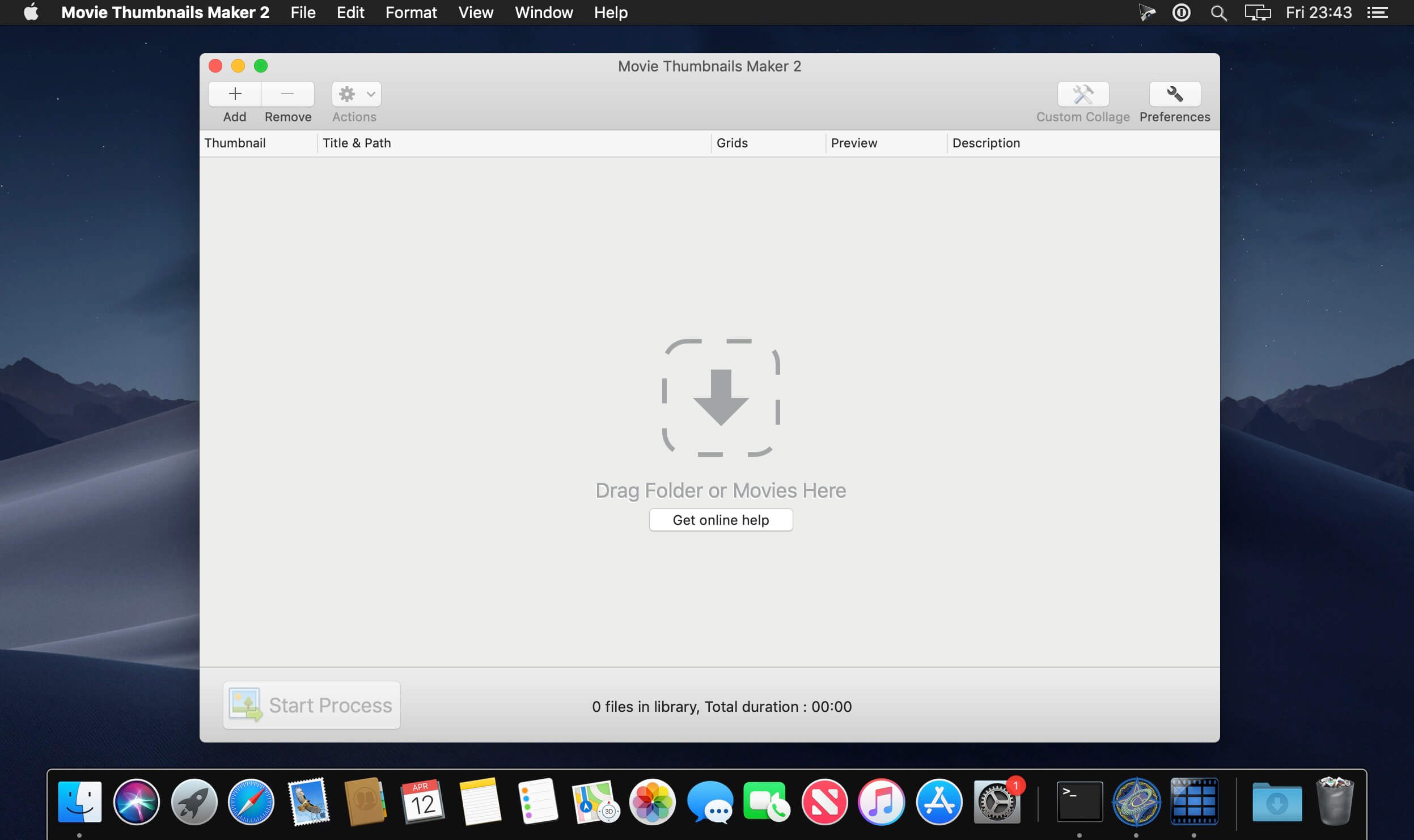

EdgeView 4.4.0

Name: EdgeView_4.4.0_Mactorrents.biz.dmg
Size: 36 MB
Files EdgeView_4.4.0_Mactorrents.biz.dmg[36 MB]

   Download Torrent
   Link Download

EdgeView 3 is fast image viewer has elegant user interface. EdgeView 3 is developed and designed for modern MacOS. It can open various image files such as JPEG, PNG, TIFF, BMP, and RAW file of DSLR, EPS and PDF, AI(Adobe Illustrator). Can open image files in archive directly without extraction.

User can open files, rename files, delete files from EdgeView’s file browser. Also can access to SMB/AFP/FTP network volume.

User can navigate images quickly by using keyboard shorcut, mouse wheel, trackpad gesture. EdgeVew show EXIF information, play animation GIF/PNG/WebP smoothly. Save last status to history, and restore when reopen file.

EdgeView 3 will be the best choice when viewing and managing image files.

Features

  • Rewrote full code as Swift for improve performance.
  • Support m1 CPU Mac.
  • Has easy UI, can control main function at Sidebar.
  • Support English/Korean/Japanese/Chinese(Simplified).

Image Viewer

  • Supporting image files such as JPG, GIF, BMP, PSD, TIFF, RAW, WEBP and PDF, EPS, AI(Adobe Illustrator), OpenEXR, HDR, TGA.
  • Can play animation GIF/PNG/WebP. User can control animation with floating animation controller.
  • Dispaly internal image(or frame) of animation GIF/PNG/WebP or HEIC that has multiple internal image.
  • Can read and show images of major archive formats (such as ZIP, RAR, CBZ, CBR, 7-zip) without extraction. Of course, can open ZIP file that 4GB over.
  • Can read encrypted archive file.
  • Can read archive file in archive file recursively
  • Improved draw speed by rebuilt image cache system and drawing engine.
  • Draw images as high quality.
  • Provide suitable functions for comic reading such as ‘Two-Page Spread’, ‘Continuous Scroll mode’, ‘Right to Left’, etc.
  • Provide multiple navigation functions like as ‘Move’, ‘Skip’, ‘Shift’, etc.
  • User can navigate images and check whole thumbnails at Thumbnailsbar.
  • User can navigate images by using keyboard shortcut, mouse wheel, trackpad gesture.
  • Can rotate and flip images. Orientation will be saved to history.
  • User can select part of images, and copy it or save as file.
  • Can zoom in/out image freely.
  • Built-in loupe function to make it easier to magnify part of image.
  • Show histogram.
  • Show neighbor files list. And can open neighbor file.
  • Support history feature for saving and restoring last status of file.
  • Can reopen file or remove history at history list.
  • Can rate image files.

File Browser

  • Built-in file browser can show and open files from local drive or AFP/SMB/FTP network drive.
  • Can display files as lists or icon.
  • Show images in folder/archive file at preview panel.
  • Generate thumbnails of archive files and folders.
  • Support powerful search feature.
  • Show category and writer information.
  • User can sort files by various options, and can delete or rename files.
  • Can rate files or folders.

Others

  • Support customizing feature. Also user can change shortcuts.
  • Built-in Quick Look Extension generate thumbnails and preview of archive files at Finder.

Compatibility: macOS 11.1 or later
Homepage https://apps.apple.com/pk/app/edgeview-2/id1206246482

Screenshots


Topaz Photo AI 2.1.3

Name: Topaz.Photo.AI.v2.1.3.macOS_Mactorrents.biz.zip
Size: 4 GB
Files Topaz.Photo.AI.v2.1.3.macOS_Mactorrents.biz.dmg[4 GB]

   Download Torrent

Sharpen, remove noise, and increase the resolution of your photos with tomorrow’s technology. Topaz Photo AI supercharges your image quality so you can focus on the creative part of photography.

Focus on your creativity rather than your tools.
AI is good at some things but bad at others. It can write sentences but can’t tell a story, and it can recommend songs but can’t compose music. But most importantly for us: AI is exceptionally good at improving image quality, but bad at knowing what to do with it.

We believe that stunning photography comes from artistic vision paired with world-class tools. AI will never replicate human creativity, so it’s still your job to provide the vision. But just like a sharper lens or better camera, Topaz Photo AI empowers you to create images that just aren’t possible with yesterday’s tools.

Your photos at their very sharpest.
You won’t always be able to retake a shot when your subject is blurry. Sometimes you won’t even know until you’re reviewing your photos on your computer.

In these cases, use Topaz Photo AI to ensure that your photos are the sharpest they can possibly be. Instead of artificially increasing edge contrast like traditional sharpening, the Sharpen AI module naturally reverses root causes of blurriness (camera shake, motion blur, misfocus) to create more natural results.

In the absence of blur, sharpness remains – crisp, clear detail that’s free of edge haloes or other artifacts.

Compatibility:
Homepage https://topazlabs.com/

Topaz Photo AI

Capture One Enterprise 16.3.2.32

Name: Capture_One_Ent_16.3.2.32_Mactorrents.biz.dmg
Size: 962 MB
Files Capture_One_Ent_16.3.2.32_Mactorrents.biz.dmg[962 MB]

   Download Torrent

Capture One 23 Enterprise – the photo editing solution for image production studios and e-commerce platforms. Its authentic true-to-life color processing, seamless editing experience, and fastest tethering in the industry gives you total creative control, making it a household name in studios across the world. Based in Copenhagen, Denmark, Capture One empowers photographers with cutting-edge features to keep your photography one step ahead.

How any photography studio can create value with Capture One Enterprise
For the past 10 years, leading studio photography has been created with photo editing software Capture One. With world-class tethering, state-of-the-art photo editing tools and the highest quality RAW processing, it’s been a staple in any photography studio.

Now, Capture One has introduced an “Enterprise” version which is specifically built for business and aligned to the way a photography studio works.
Capture One Enterprise offers the same standard features as Capture One’s flagship product Capture One 20 – tailored to the needs of studio photography.

Built for Business
Photographers are key to the success of any photography studio.

But what if the photography studio involves several photographers, studio managers, retouchers, quality assurance managers, project leaders, etc who need to collaborate, standardize and carry out the same workflows over and over again? What if those workflows also need to be integrated to other systems, eg. barcode scanners, PIM systems, digital asset management systems, ecommerce platforms etc?

Capture One Enterprise has been developed to address the challenges faced by studio photography and help any enterprise or e-commerce photography studio optimize their image production process and boost results across relevant KPI’s.

Value creation with Capture One Enterprise
Studio photography has huge value creation potential with Capture One Enterprise. By incorporating its enterprise-specific features into the workflow, it can improve KPI’s such as

  • “Time to Market” – Optimizing the hours your photography studio spends on the image production process, from planning your image, to shoots, to publishing the final photo on your ecommerce platform.
  • “Cost per image” – Optimizing each step in your studio photography process can dramatically increase your efficiency and reduce your costs
  • “Reduce Risk” – Secure your studio photography and image production to reduce errors and costs, thanks to enterprise exclusive features such as Image back-Up, License Management, MDM support etc.

This is achieved via enterprise features such as the Barcode scanner tool, Advanced Guides, Next Capture Backup, Next Capture Keywords, Next Capture Metadata, Tool Locks, Capture Pilot with Enterprise enhancements and Dedicated Studio workspaces.

Automated workflows in Capture One Enterprise
Once your studio has implemented Capture One Enterprise and begun implementing its standard features in your workflows, there are further opportunities to intensify value creation by automating workflows and integrating Capture One Enterprise into your IT infrastructure. You can do this by implementing

  • Workflow enhancement (an automation feature within Capture One)
  • Integrations (extension or automation interfacing with another app)

Customized solutions can maximize value, too
Your photography studio might also have very specialized needs – here, customized solutions can generate value for your studio photography. For example, ultra-accurate color profiling can assist in achieving one critical KPI in particular

“Reduce product returns” – Color profiling optimization on true color reproduction can reduce the rate of goods returned due to discrepancies in color between the actual product and the image.

Capture One offers individual color profiles for businesses, so you can reduce editing time and save on retoucher costs with fine-tuned color profiling for the most popular e-commerce cameras used by photography studios. Minimize color discrepancies and meet the demands of specialist product and studio photography with more accurate colors out-of-the-box.

These are just some of the exclusive features designed for studio photography – get in touch with the Enterprise team to learn more and discover where Capture One Enterprise can specifically meet the demands of your business. For more insight into specific tools, check out the Tools and Functionality white paper and Barcode Reader white paper.

What’s New:

Release Notes:

Compatibility: macOS 10.15 or later
Homepage https://www.captureone.com/en/explore-features/enterprise

Screenshots


Capture One Pro 16.3.2.32

Name: Capture_One_Pro_16.3.2.32_Mactorrents.biz.dmg
Size: 962 MB
Files Capture_One_Pro_16.3.2.32_Mactorrents.biz.dmg[962 MB]

   Download Torrent

Capture One 23 is a professional RAW converter offering you ultimate image quality with beautiful colors and incredible detail for more than 500 high-end cameras. It offers state- of-the-art tethered capture, powerful digital asset management, extensive adjustment tools and a flexible workflow through customizable workspaces.

With an updated processing engine, market-leading performance and powerful new features, Capture One is the professional choice in imaging software. You get the highly responsive precision tools you need to create stunning images from your camera’s RAW files in a time-saving workflow that can be customized to fit your needs.

New features and improvements

  • Speed Edit
  • Dehaze
  • Improved importer

General User Experience Improvements and tweaks

  • HEIF support
  • Easy brush adjusting
  • Improved performance
  • Colored gradients on White Balance Sliders
  • Enhanced tooltips
  • Easy access to Tutorials

Compatibility: macOS 10.15 or later
Homepage https://www.phaseone.com/

Screenshots


Affinity Photo 2.3.0

Name: Affinity_Photo_2_2.3.0_Mactorrents.biz.dmg
Size: 924 MB
Files Affinity_Photo_2_2.3.0_Mactorrents.biz.dmg[924 MB]

   Download Torrent

Aimed at professional photographers and other visual artists, Affinity Photo is a comprehensive and multi-platform software solution for powerful photo editing that offers an interesting alternative to other more expensive and more popular similar apps.

Keeping in mind that most fully featured photo processing apps are not what you would call resource friendly, Affinity Photo’s takes on a different approach and focuses on performance and speed, a fact that becomes obvious from the first minutes you start using it.

Everything is done with the help of the app’s five “Personas”
You interact with Affinity Photo with the help of five built-in design environments, named “Personas”: Photo, Liquify, Develop, Macro, and Export. The Photo Persona will probably the most used mode because it features all the main tools needed for basic photo editing tasks, while the Liquify Persona bundles a couple of special warping effects and useful retouching tools.
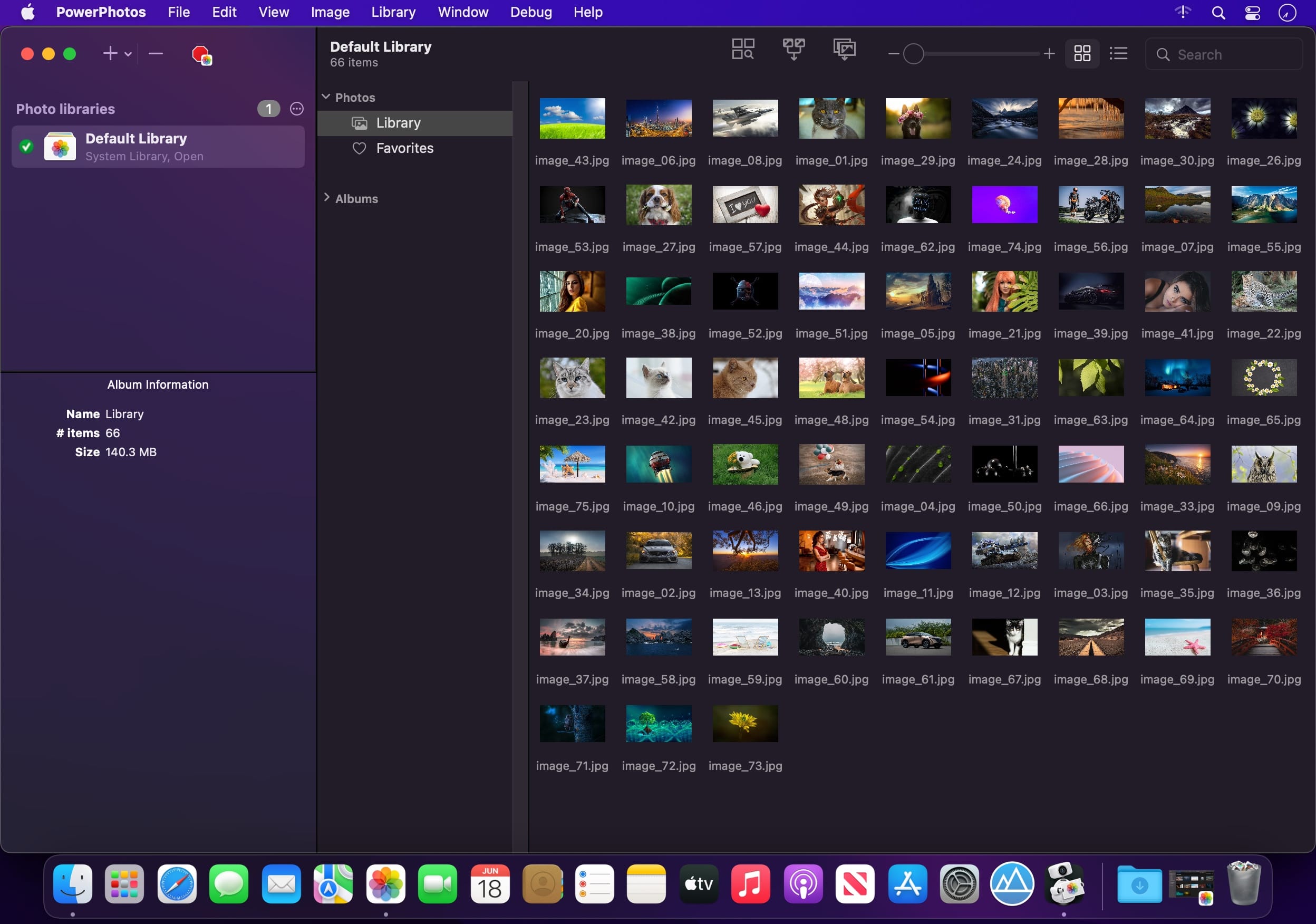
The Develop Persona is designed with RAW photo processing in mind and it provides you with full control for adjusting your image’s tones and colors, the Macro Persona is specially useful for building and applying macro presets, while the Export Persona, as its name clearly suggests, makes it easy for you to export your images, layers or image slices to a wide variety of formats.
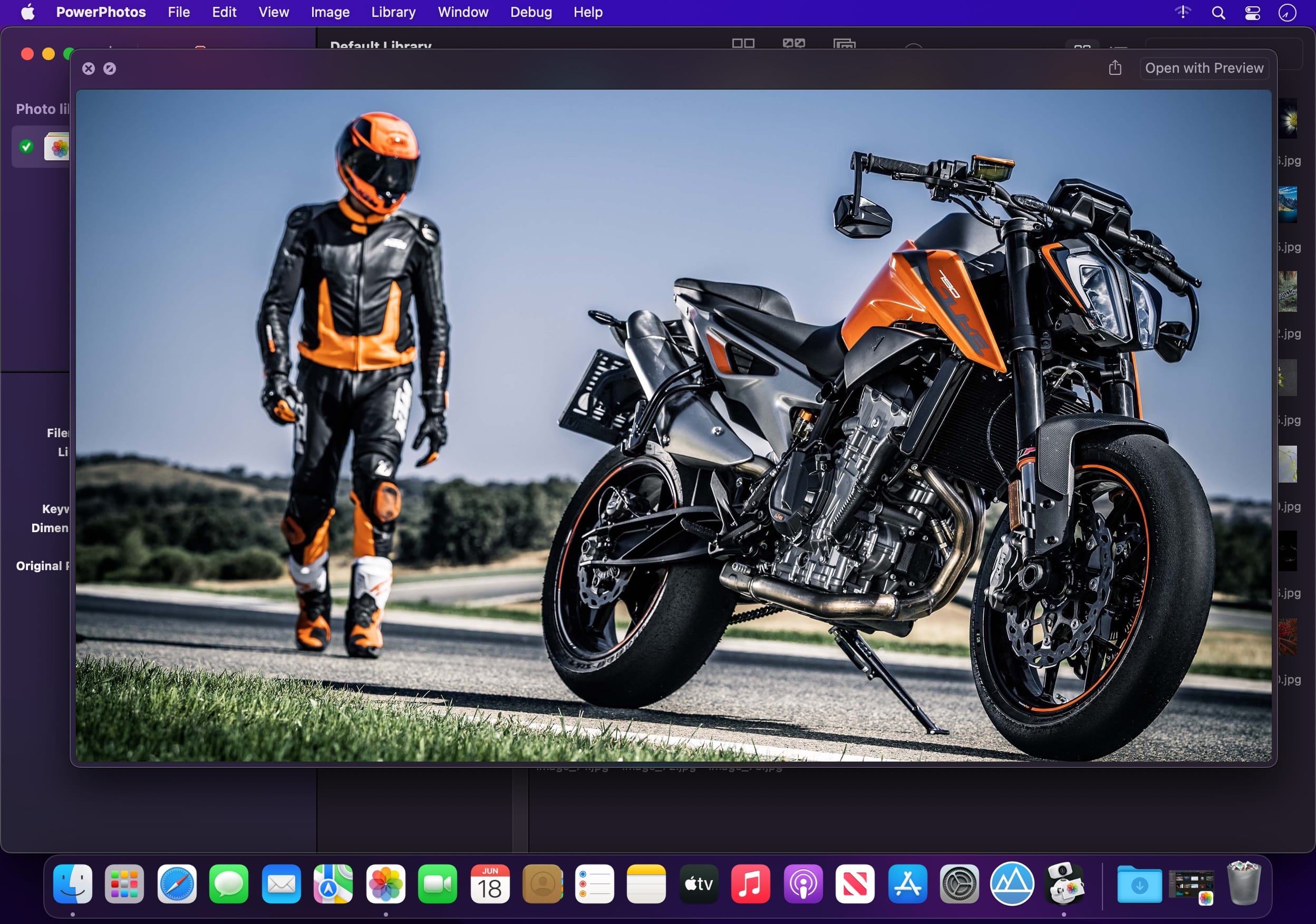
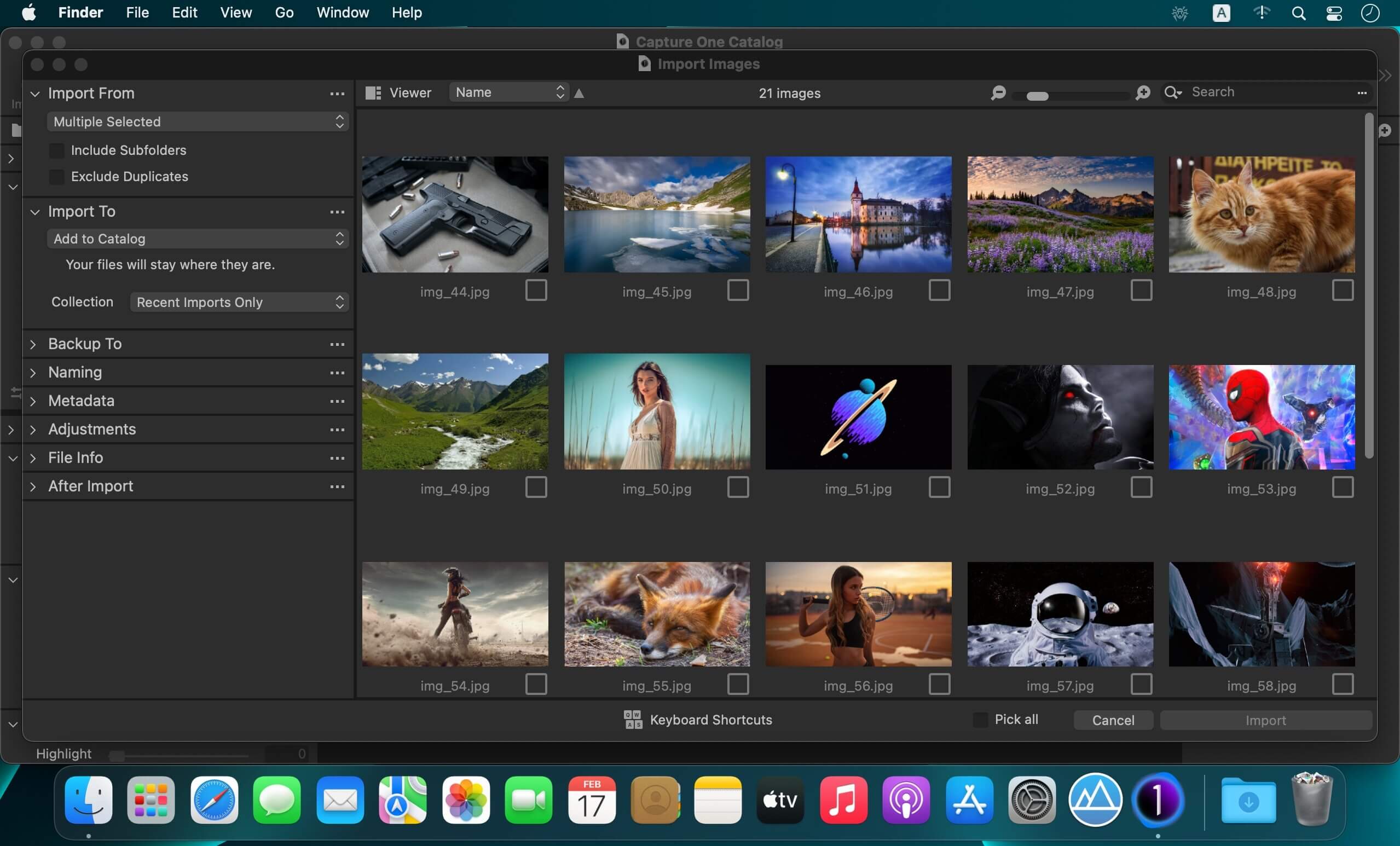
Well organized, but not without faults, user interface
Build to be a valid alternative to other fully featured photo editors, Affinity Photo’s interface doesn’t stray from the common layout with applications of this kind, and, therefore, its majority of features can be easily accessed from the panels found in the extreme left and right sides of its main window.

Regarding its interface, the only downside would be the fact that it bundles very small buttons, which, on the long run might decrease your productivity rate, as well as annoy you at times, especially if your have a Mac with a Retina display.

Bundles a plethora of useful and powerful photo editing tools
As expected, the software enables you to work with overlays and to perform basic adjustments (clarity, contrast, exposure, shadow, highlights, vibrance white, balance, detail refinement, noise reduction, noise addition), as well as to correct the lens’ distortions and chromatic aberrations.

Furthermore, Affinity Photo helps you work with layers and perform complex layer related operations, perform retouching effects, use filters and effects from its large collection, as well as perform local adjustments with the help of its versatile brushes.

All in all, Affinity Photo proved to be a fast and powerful photo editing solution for the vast majority of Mac users, but we will probably see a lot more additions, further improvements and enhancements in the near future.

What’s New:

Version 2.3.0:

  • Release notes were unavailable when this listing was updated.

Compatibility: macOS 10.15 or later
Homepage https://affinity.serif.com

Screenshots