Category Archives: Photography

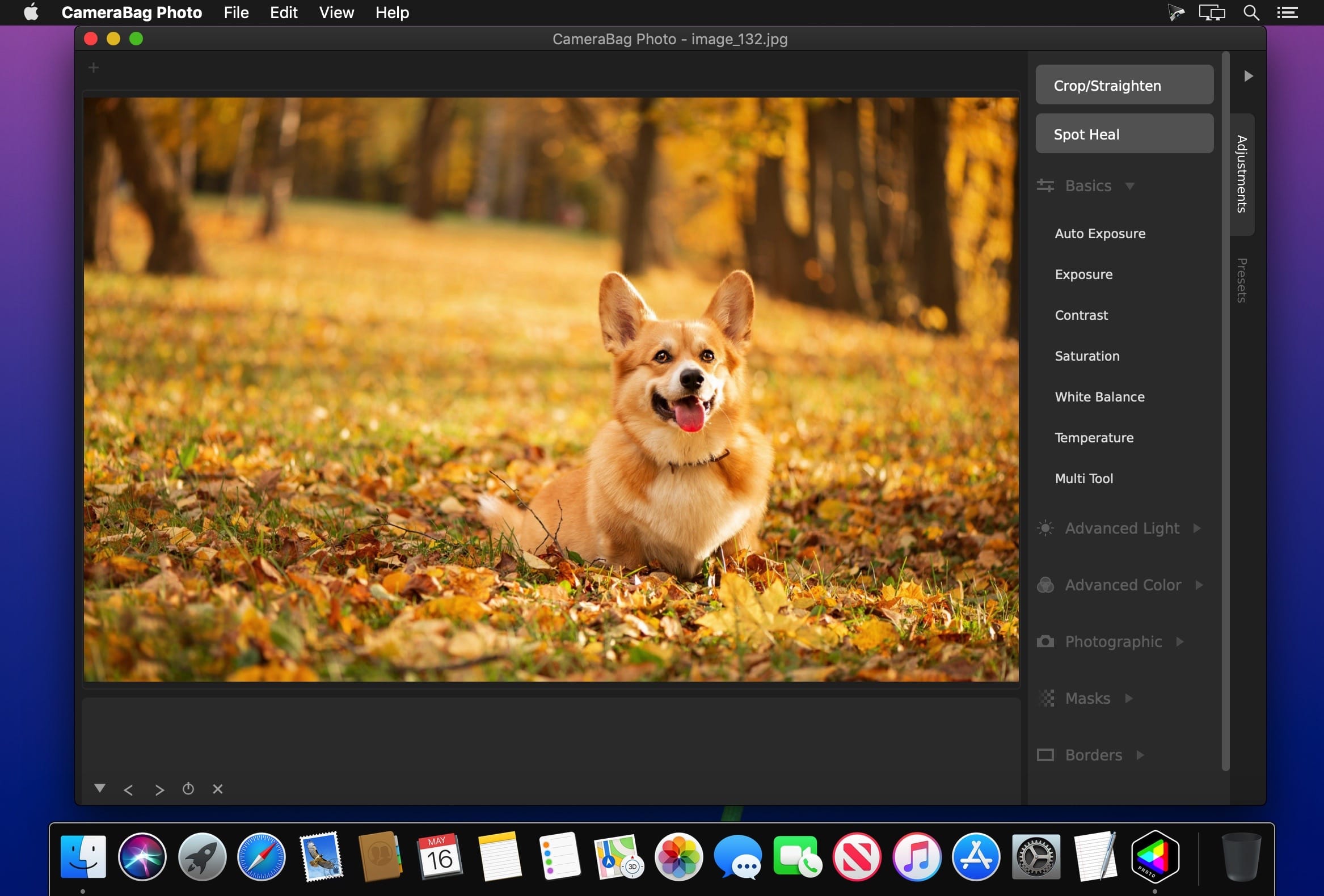
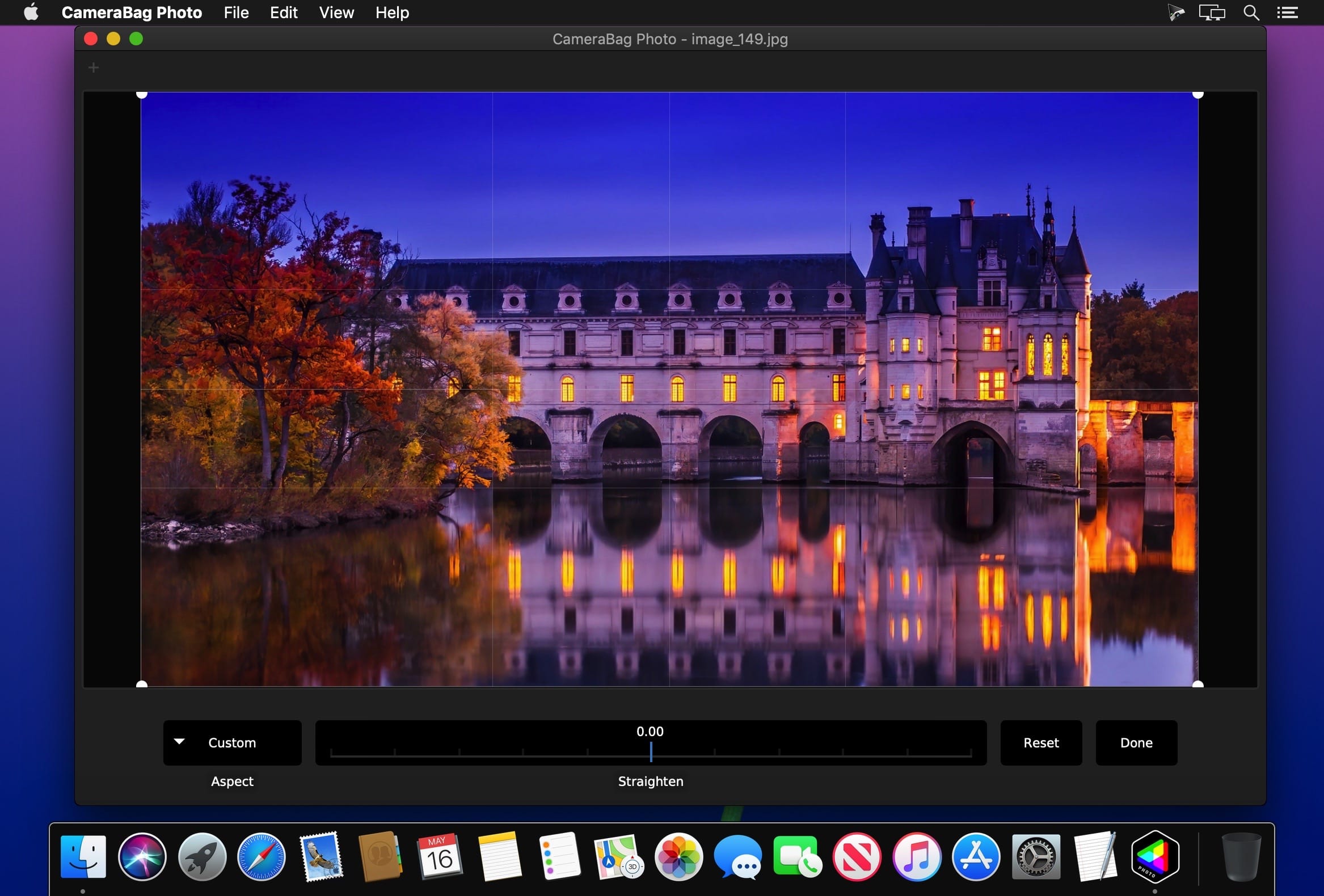
Nevercenter CameraBag Photo 2024.2.0

Name: CameraBag_Photo_2024.2.0_Mactorrents.biz.dmg
Size: 58 MB
Files CameraBag_Photo_2024.2.0_Mactorrents.biz.dmg[58 MB]

   Download Torrent

The best kept secret in photography just got a whole lot better! CameraBag lets you instantly apply one of hundreds of beautiful presets to your photos, and then dive deeper with ultra-intuitive professional adjustments.

With presets specifically designed for portraits, different landscape scenarios, faithful emulation of analog film stock from the past, popular modern photo styles, and more, CameraBag has you covered, even if you don’t yet know how to use all of its powerful tools.

For those with professional needs, what really sets CameraBag apart from other photo editors is just how intuitive and powerful its advanced tools are.

Unique curve tools, adjustment re-ordering and layering, and large precise controls let you do things you simply can’t do in other popular software.
Following are some ways CameraBag is perfect for specific groups of users.

Wedding Photography

  • Easy batch filtering and watermarking
  • Quick comparison tools for large sets of photos
  • Tons of useful presets for wedding photography

What’s New:

Version 2024.2.0:

  • Release notes were unavailable when this listing was updated.

Compatibility: OS X 10.10 or later 64-bit
Homepage https://nevercenter.com/

Screenshots


ON1 Effects 2024.3 v18.3.0.15358

Name: ON1_Effects_2024.3_v18.3.0.15358_Mactorrents.biz.dmg
Size: 1.7 GB
Files ON1_Effects_2024.3_v18.3.0.15358_Mactorrents.biz.dmg[1.7 GB]

   Download Torrent

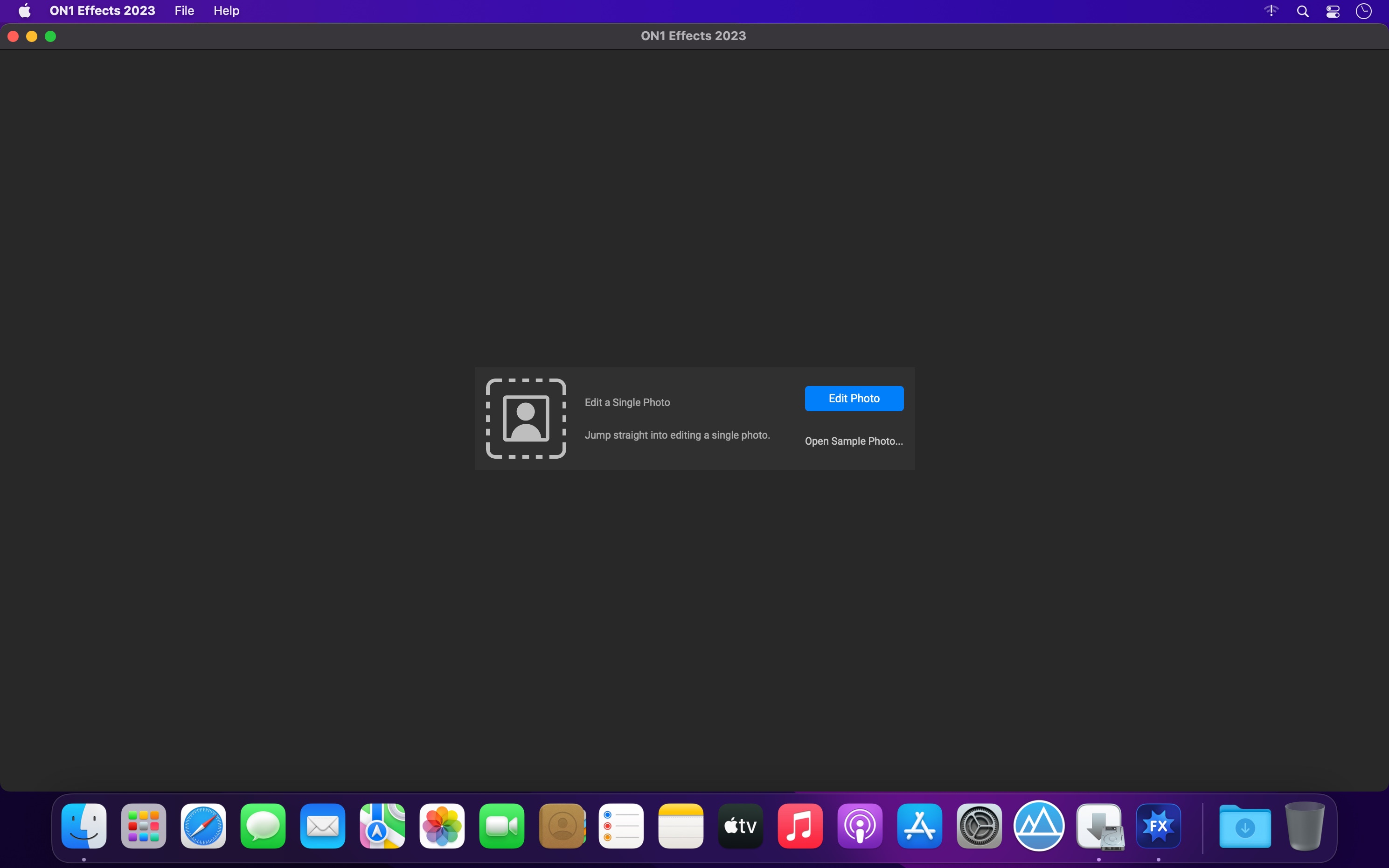
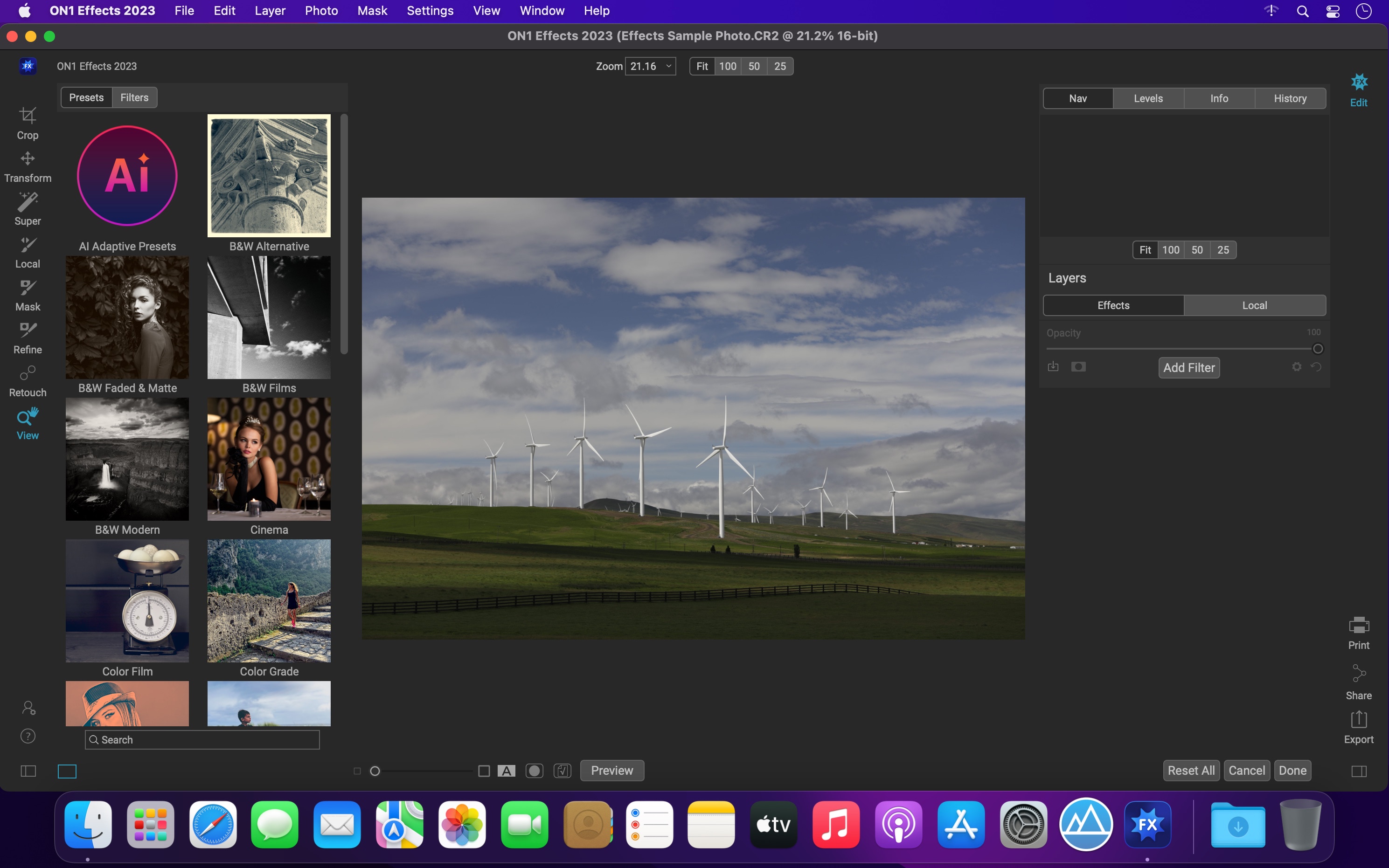
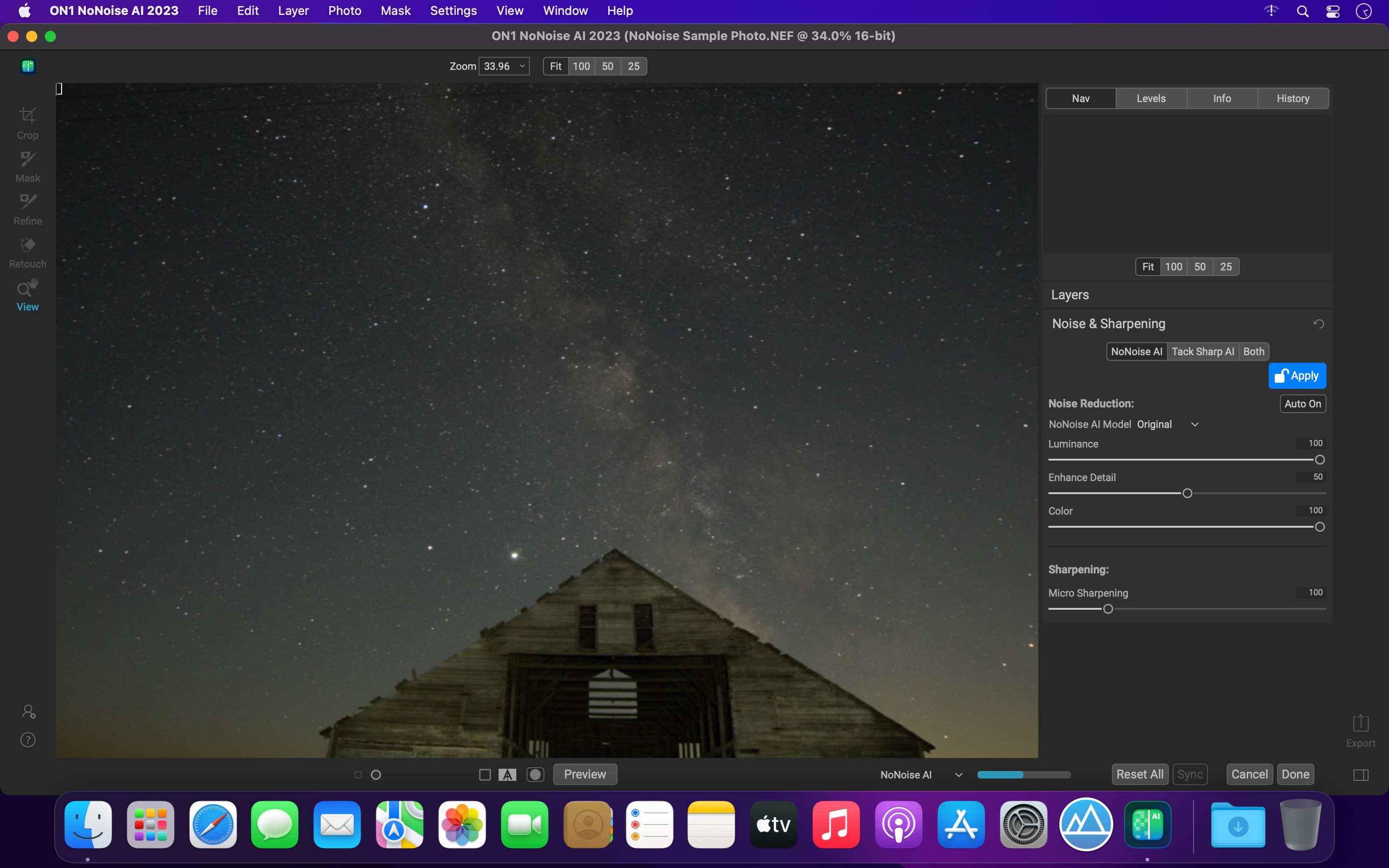
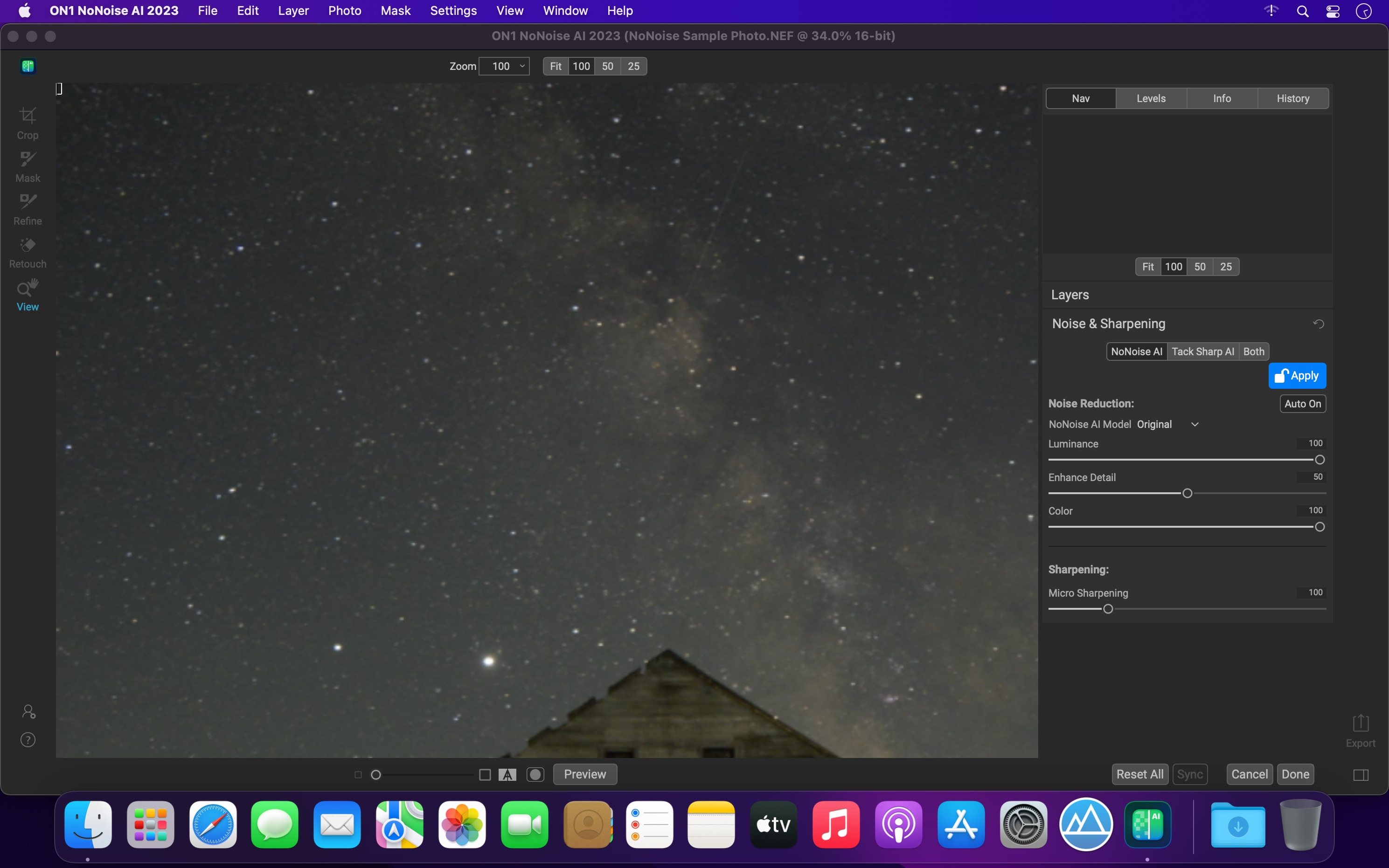
The Ultimate Collection of Photo Effects, Filters, LUTs, and Presets. ON1 Effects includes hundreds of built-in photo effects, filters, LUTs, borders, textures, and presets — all completely customizable to your style. There are endless creative possibilities with ON1 Effects.

Our most popular include HDR Look, B&W, Lens Blur (tilt-shift), Glows, Color Enhancer, Tone Enhancer, Textures, Borders, Film Looks, Split Tone, and more.

We promise you will have fun using ON1 Effects 2023. It includes everything you need to create any style. Whether you are color grading, looking to style an HDR photo, or looking for an elegant black and white look, ON1 Effects includes it all. You can also customize any look to your taste and quickly save your own presets.

What’s New:

Version 2024.3 v18.3.0.15358:

  • Release notes were unavailable when this listing was updated.

Compatibility: macOS 10.15 or later
Homepage https://www.on1.com/

Screenshots


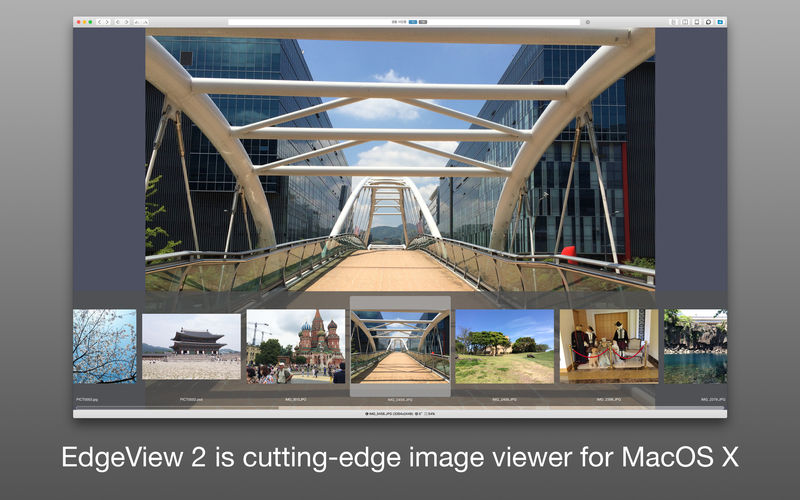
EdgeView 4.6.9

Name: EdgeView_4.6.9_Mactorrents.biz.dmg
Size: 39 MB
Files EdgeView_4.6.9_Mactorrents.biz.dmg[39 MB]

   Download Torrent

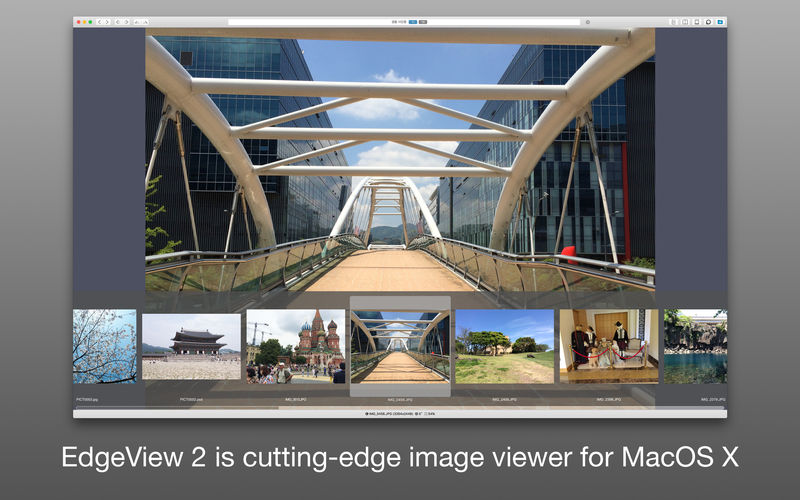
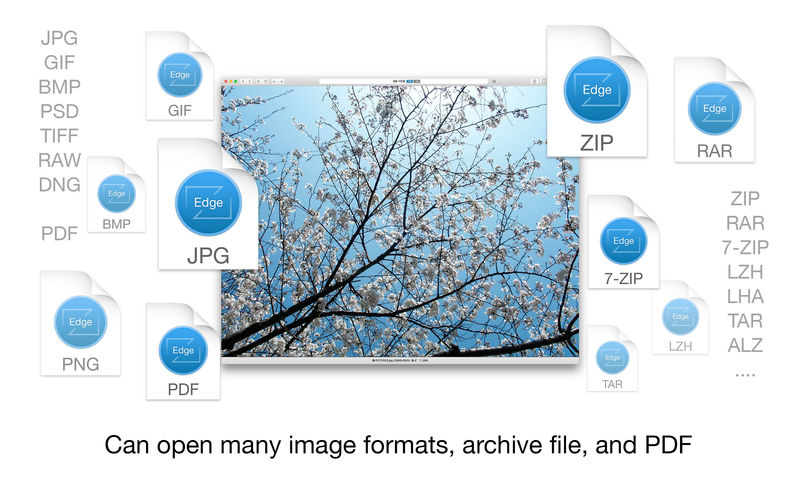
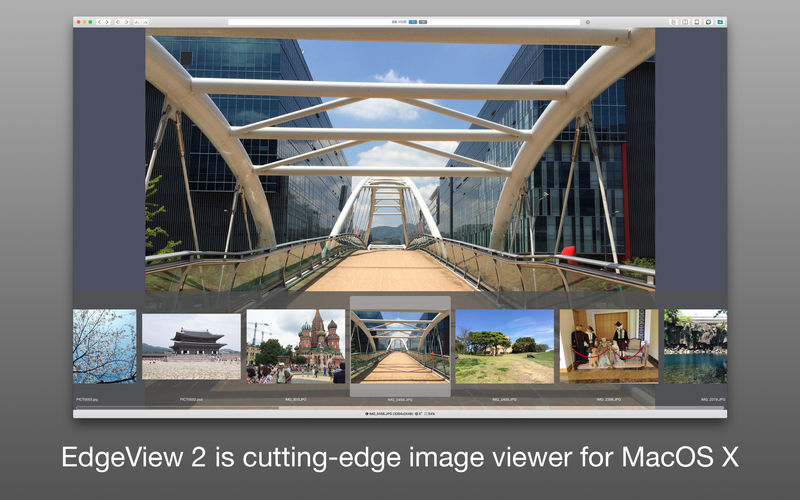
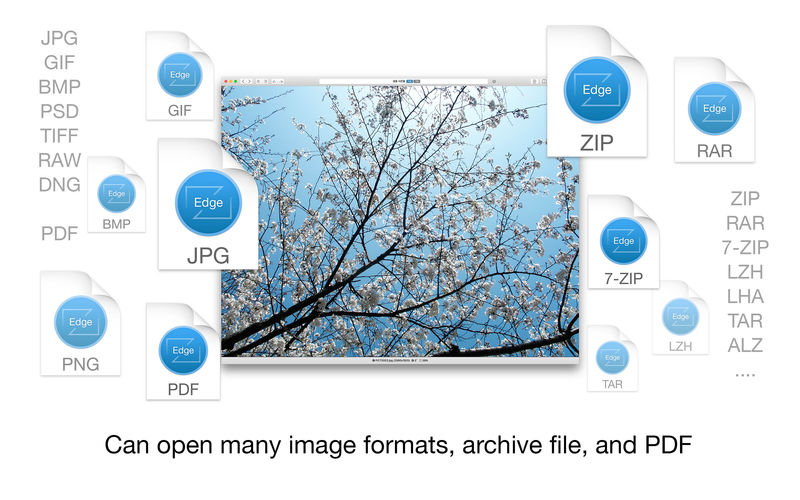
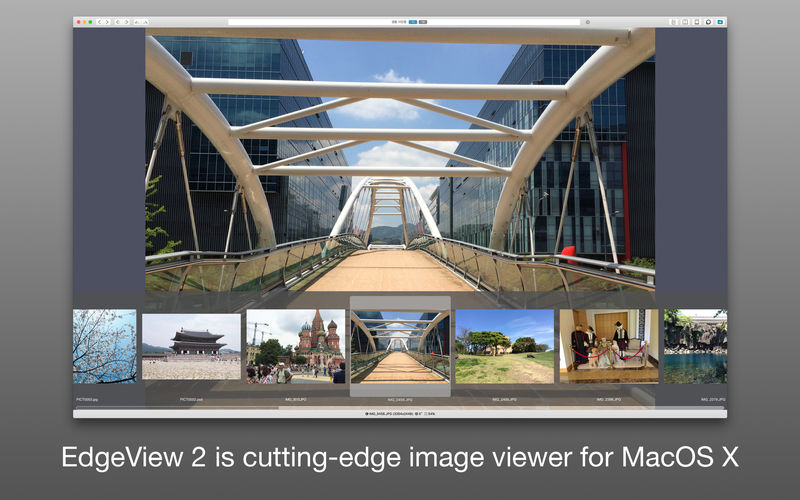
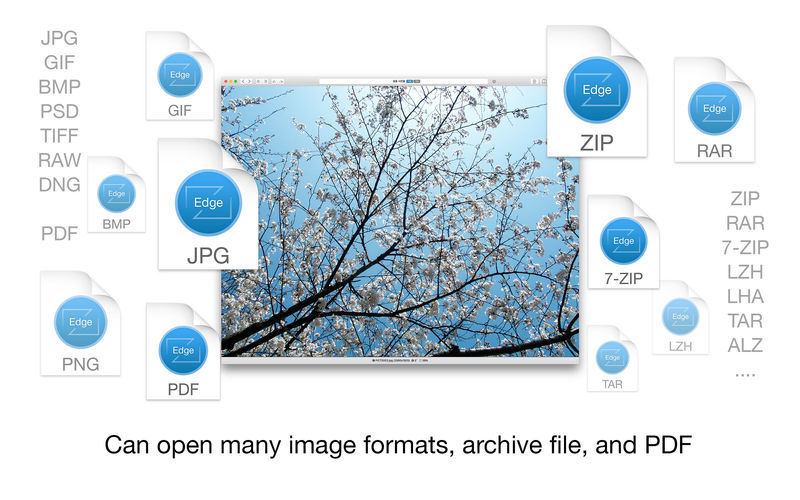
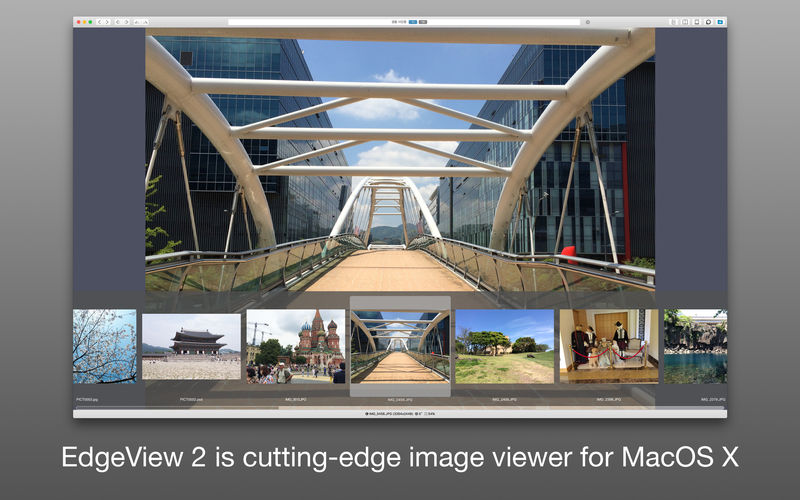
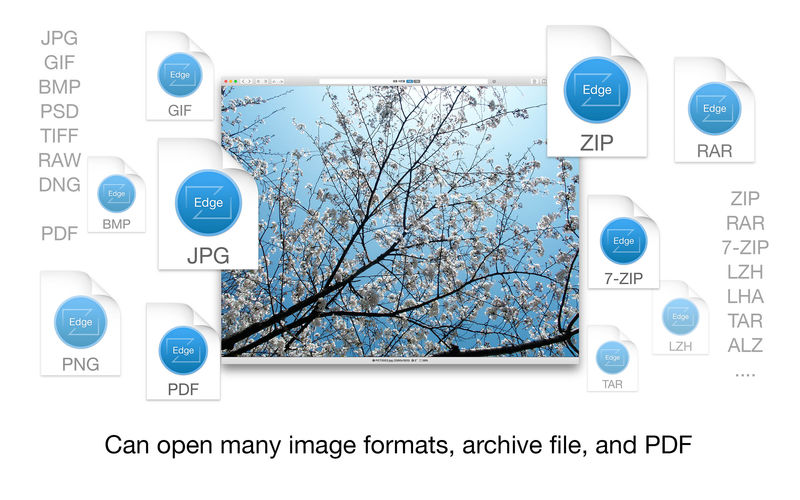
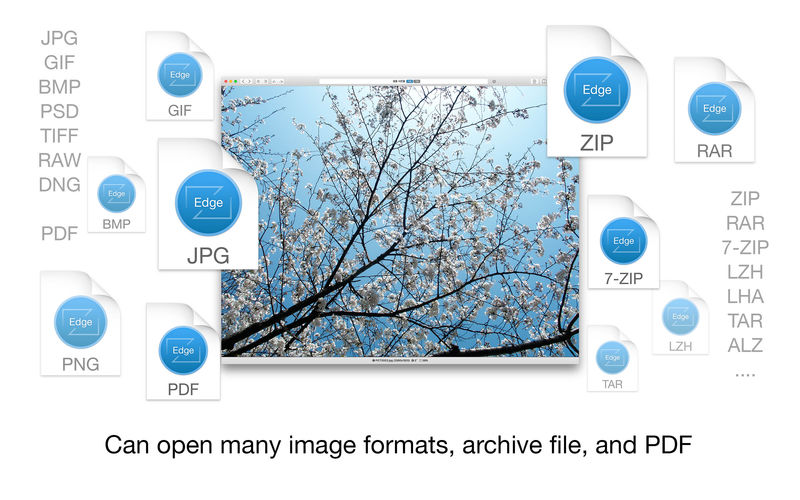
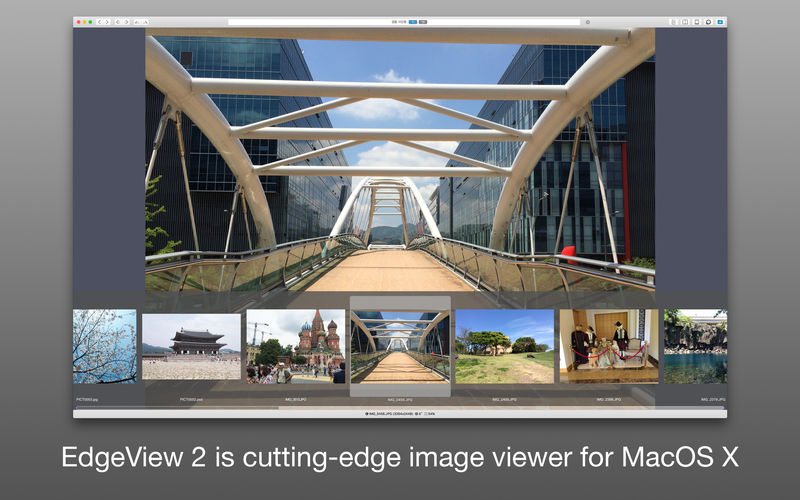
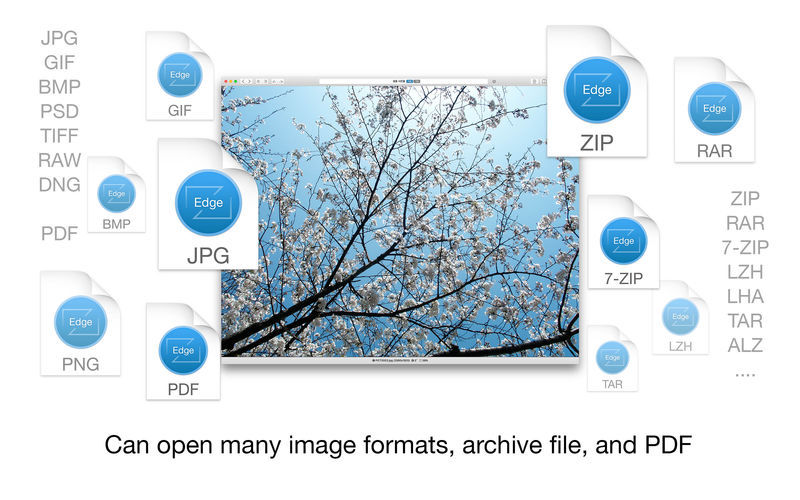
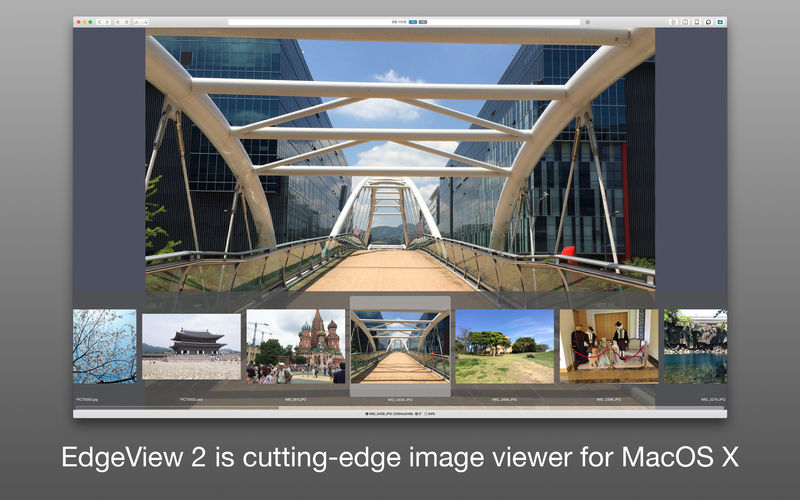
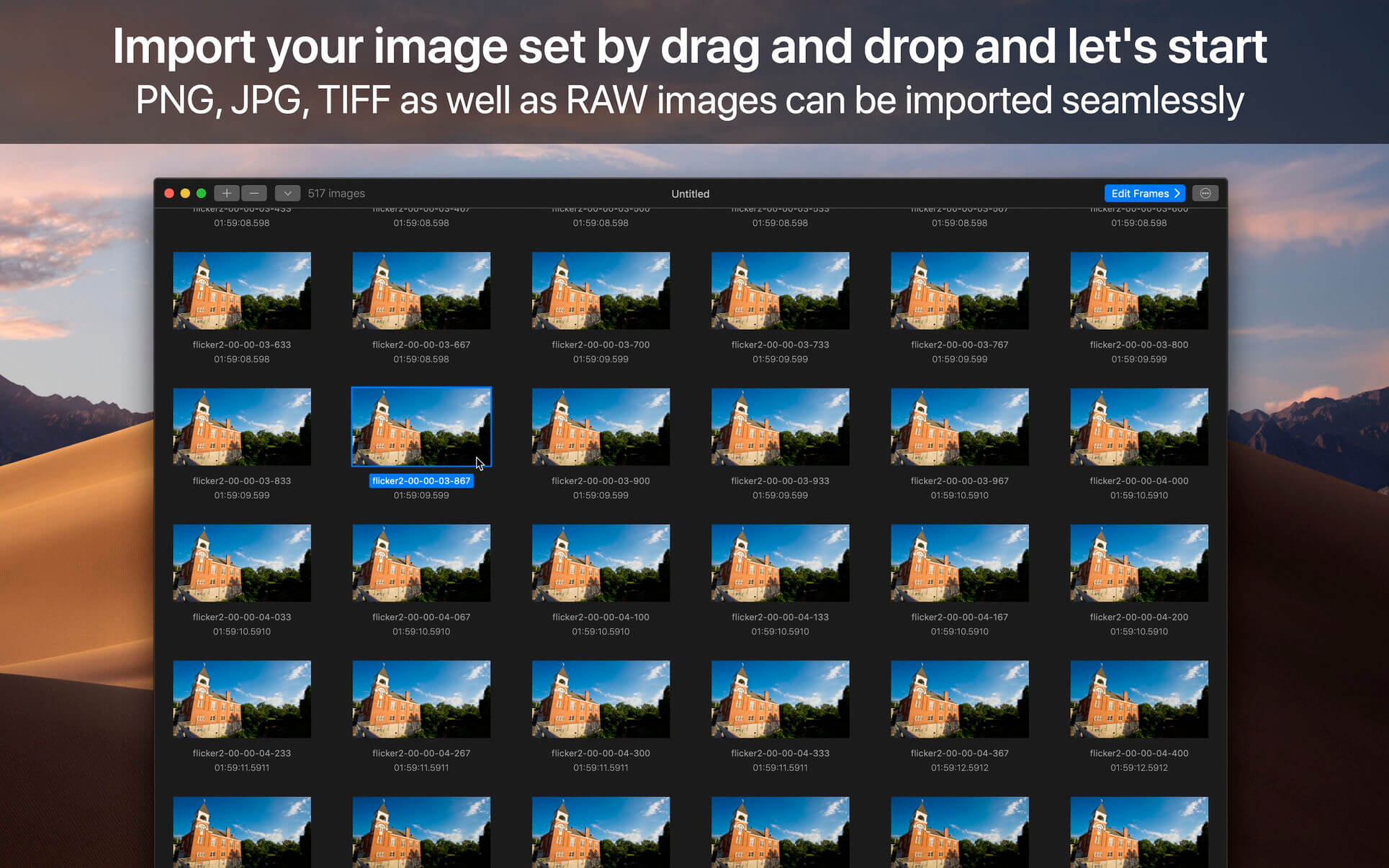
EdgeView 3 is fast image viewer has elegant user interface. EdgeView 3 is developed and designed for modern MacOS. It can open various image files such as JPEG, PNG, TIFF, BMP, and RAW file of DSLR, EPS and PDF, AI(Adobe Illustrator). Can open image files in archive directly without extraction.

User can open files, rename files, delete files from EdgeView’s file browser. Also can access to SMB/AFP/FTP network volume.

User can navigate images quickly by using keyboard shorcut, mouse wheel, trackpad gesture. EdgeVew show EXIF information, play animation GIF/PNG/WebP smoothly. Save last status to history, and restore when reopen file.

EdgeView 3 will be the best choice when viewing and managing image files.

Features

  • Rewrote full code as Swift for improve performance.
  • Support m1 CPU Mac.
  • Has easy UI, can control main function at Sidebar.
  • Support English/Korean/Japanese/Chinese(Simplified).

Image Viewer

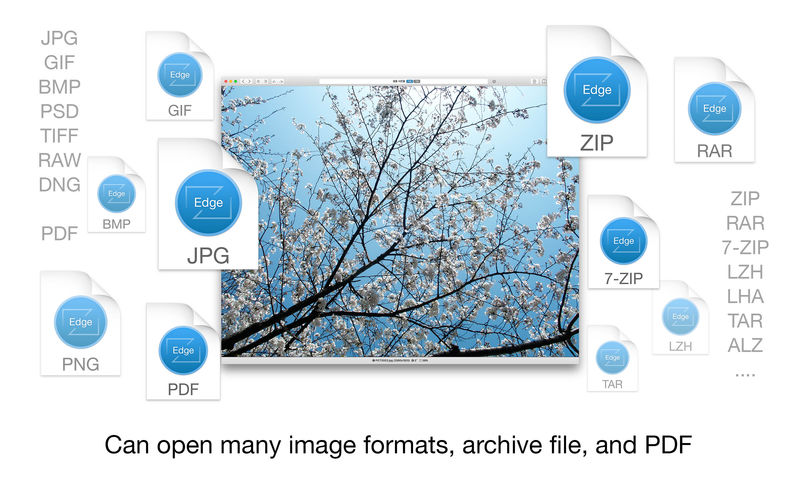
  • Supporting image files such as JPG, GIF, BMP, PSD, TIFF, RAW, WEBP and PDF, EPS, AI(Adobe Illustrator), OpenEXR, HDR, TGA.
  • Can play animation GIF/PNG/WebP. User can control animation with floating animation controller.
  • Dispaly internal image(or frame) of animation GIF/PNG/WebP or HEIC that has multiple internal image.
  • Can read and show images of major archive formats (such as ZIP, RAR, CBZ, CBR, 7-zip) without extraction. Of course, can open ZIP file that 4GB over.
  • Can read encrypted archive file.
  • Can read archive file in archive file recursively
  • Improved draw speed by rebuilt image cache system and drawing engine.
  • Draw images as high quality.
  • Provide suitable functions for comic reading such as ‘Two-Page Spread’, ‘Continuous Scroll mode’, ‘Right to Left’, etc.
  • Provide multiple navigation functions like as ‘Move’, ‘Skip’, ‘Shift’, etc.
  • User can navigate images and check whole thumbnails at Thumbnailsbar.
  • User can navigate images by using keyboard shortcut, mouse wheel, trackpad gesture.
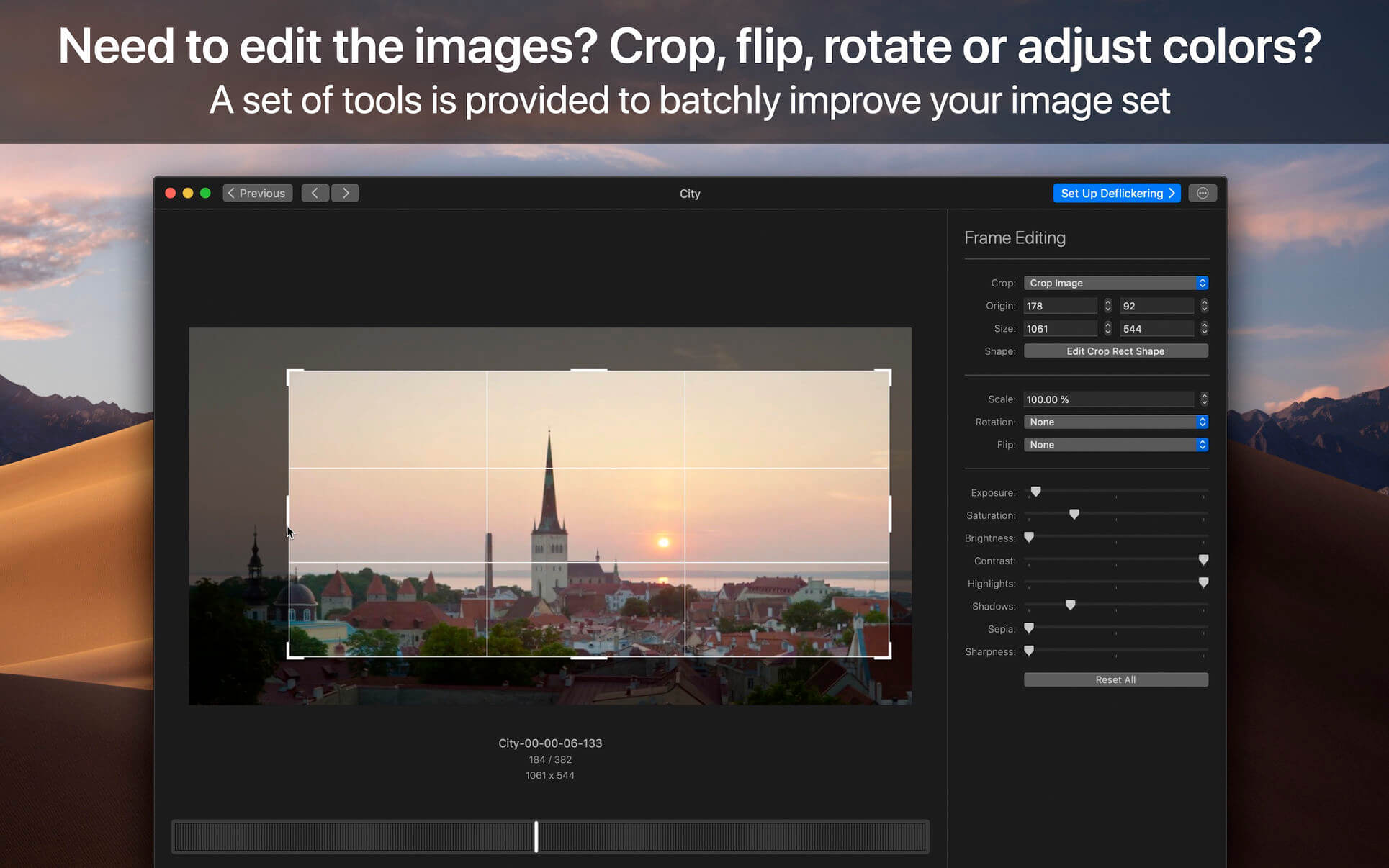
  • Can rotate and flip images. Orientation will be saved to history.
  • User can select part of images, and copy it or save as file.
  • Can zoom in/out image freely.
  • Built-in loupe function to make it easier to magnify part of image.
  • Show histogram.
  • Show neighbor files list. And can open neighbor file.
  • Support history feature for saving and restoring last status of file.
  • Can reopen file or remove history at history list.
  • Can rate image files.

File Browser

  • Built-in file browser can show and open files from local drive or AFP/SMB/FTP network drive.
  • Can display files as lists or icon.
  • Show images in folder/archive file at preview panel.
  • Generate thumbnails of archive files and folders.
  • Support powerful search feature.
  • Show category and writer information.
  • User can sort files by various options, and can delete or rename files.
  • Can rate files or folders.

Others

  • Support customizing feature. Also user can change shortcuts.
  • Built-in Quick Look Extension generate thumbnails and preview of archive files at Finder.

Compatibility: macOS 11.1 or later
Homepage https://apps.apple.com/pk/app/edgeview-2/id1206246482

Screenshots


Topaz Photo AI 3.0.2

Name: Topaz.Photo.AI.3.0.2.OSX_Mactorrents.biz.zip
Size: 350 MB
Files Topaz.Photo.AI.3.0.2.OSX_Mactorrents.biz.dmg[350 MB]

   Download Torrent
   Link Download

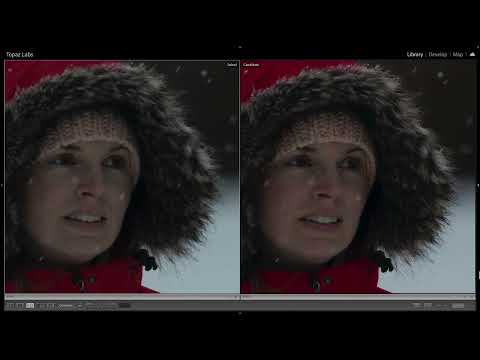
Enhance the quality of your photos by sharpening, reducing noise, and enhancing resolution using the latest technology available. Topaz Photo AI is designed to elevate the quality of your images, allowing you to concentrate on the artistic aspect of photography.

Enhance the quality of your photos by sharpening, reducing noise, and enhancing resolution using the latest technology available. Topaz Photo AI is designed to elevate the quality of your images, allowing you to concentrate on the artistic aspect of photography.

Focus on unleashing your creativity rather than getting caught up in the technical details.
AI excels in certain areas but falls short in others. While it can generate sentences, it struggles to craft a compelling narrative. It can suggest songs, but it can’t compose music. However, when it comes to enhancing image quality, AI shines. It may not possess human creativity, but it can significantly enhance the quality of your photos.

We believe that exceptional photography is the result of a blend of artistic vision and cutting-edge tools. AI will never replace human creativity, so it remains your responsibility to provide the vision. Just like a high-quality lens or camera, Topaz Photo AI empowers you to create images that were previously unattainable with older tools.

Ensure your photos are at their sharpest.
There are instances where you won’t have the opportunity to capture another shot if your subject is blurry. Sometimes, you may only notice the blurriness when reviewing your photos on a computer.

In such situations, rely on Topaz Photo AI to guarantee that your photos are as sharp as possible. Instead of artificially boosting edge contrast like traditional sharpening methods, the Sharpen AI module naturally corrects the root causes of blurriness (such as camera shake, motion blur, and misfocus) to produce more authentic results.

Homepage https://topazlabs.com/

Topaz Photo AI

PowerPhotos 2.5.8

Name: PowerPhotos_2.5.8_Mactorrents.biz.dmg
Size: 33 MB
Files PowerPhotos_2.5.8_Mactorrents.biz.dmg[33 MB]

   Download Torrent
   Link Download

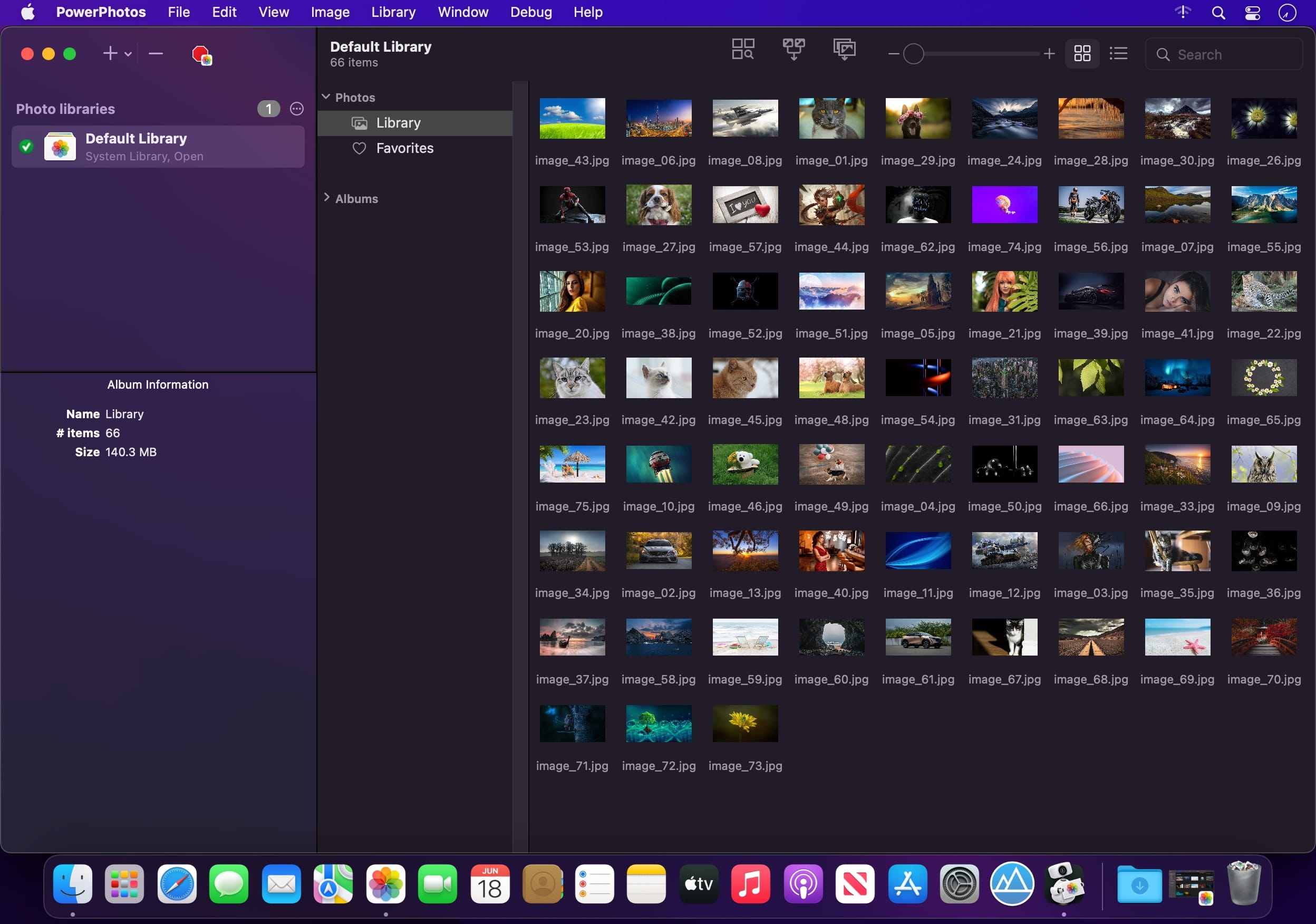
PowerPhotos – The ultimate toolbox for Photos on the Mac. PowerPhotos works with the built-in Photos app on your Mac, providing an array of tools to help you get your photo collection in order.

Create and manage multiple libraries
Instead of being limited to putting all your photos in a single library, PowerPhotos can work with multiple Photos libraries, giving you many more options for how to organize your ever growing photo collection.

Splitting your photos between multiple libraries helps Photos open more quickly, lets you archive older photos, store some of your collection on an external hard drive, and reduce storage space used by iCloud Photo Library.

Copy photos and their metadata
You can split your library by copying albums and photos with a simple drag and drop. PowerPhotos will take care of copying the photos and retaining their metadata, including keywords, descriptions, titles, dates, and favorite status. Read more about what PowerPhotos can copy.

Merge Photos libraries
Got a whole bunch of libraries you want to consolidate into one? PowerPhotos lets you merge your libraries together while weeding out duplicate photos in the process. You will be shown a preview of what your merged library will look like before any modifications are done, to ensure your merged library looks how you want.

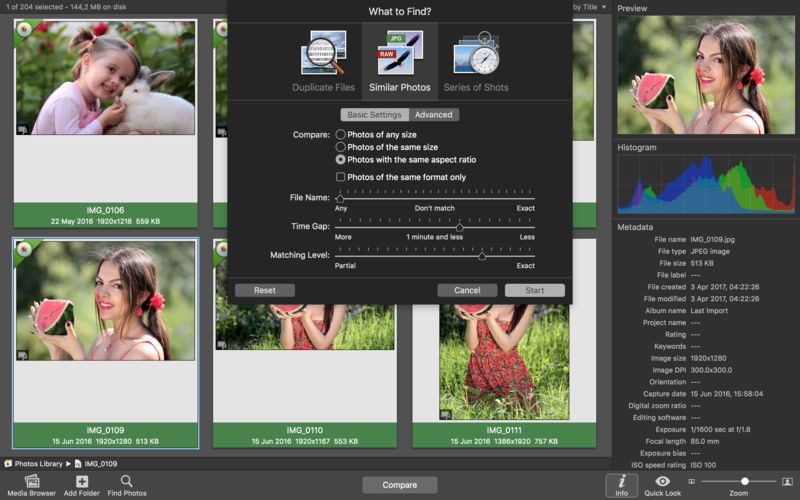
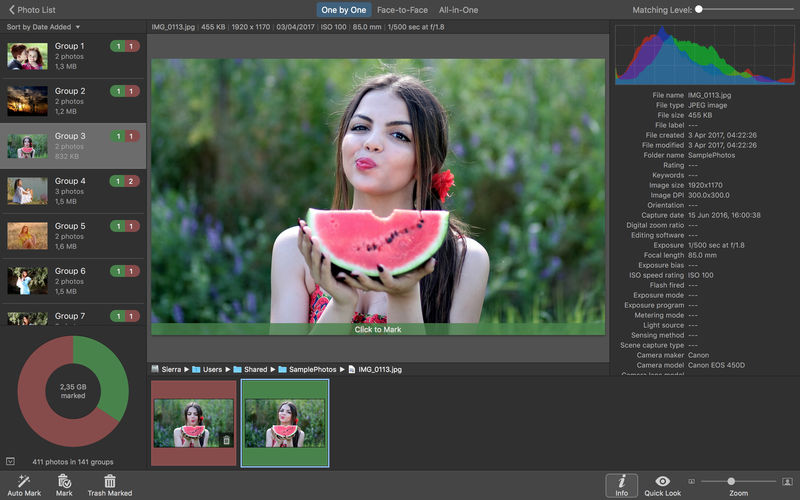
Find duplicate photos
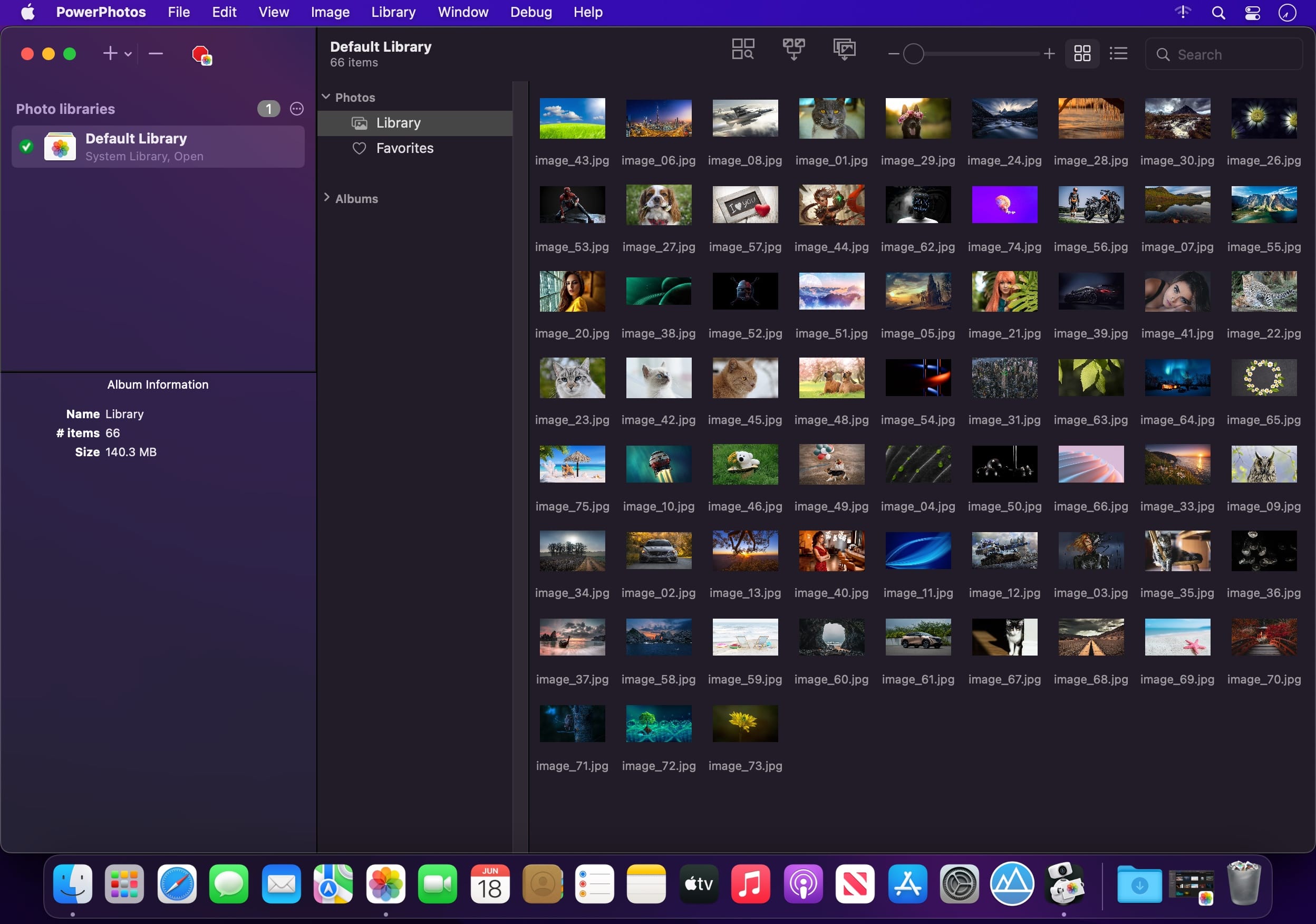
It’s easy to have multiple copies of the same photo creep into your photo collection over time. Use PowerPhotos to find duplicate photos in one or more libraries, view them side by side, and separate them into albums where you can easily delete them from your library.

Browse and search
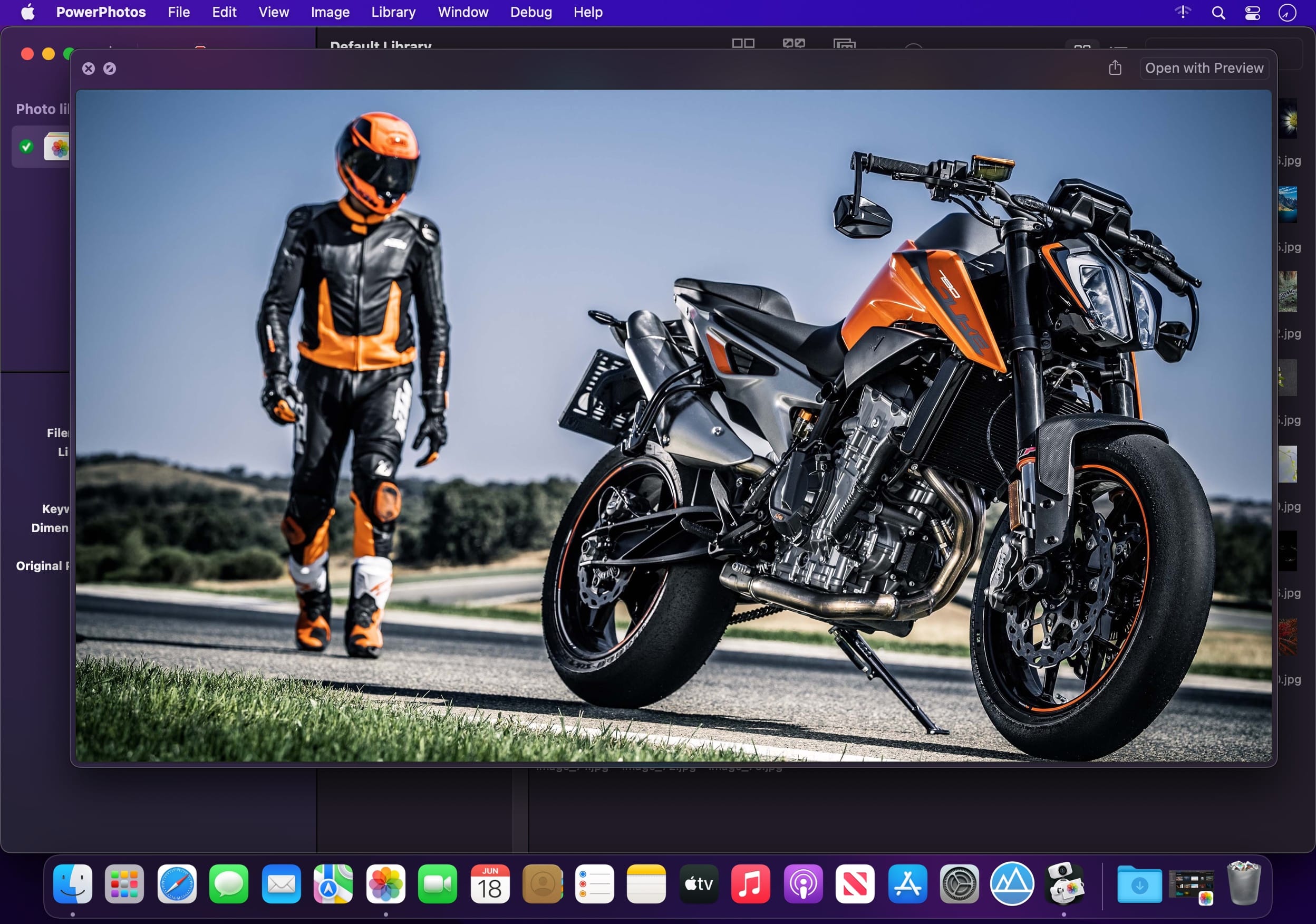
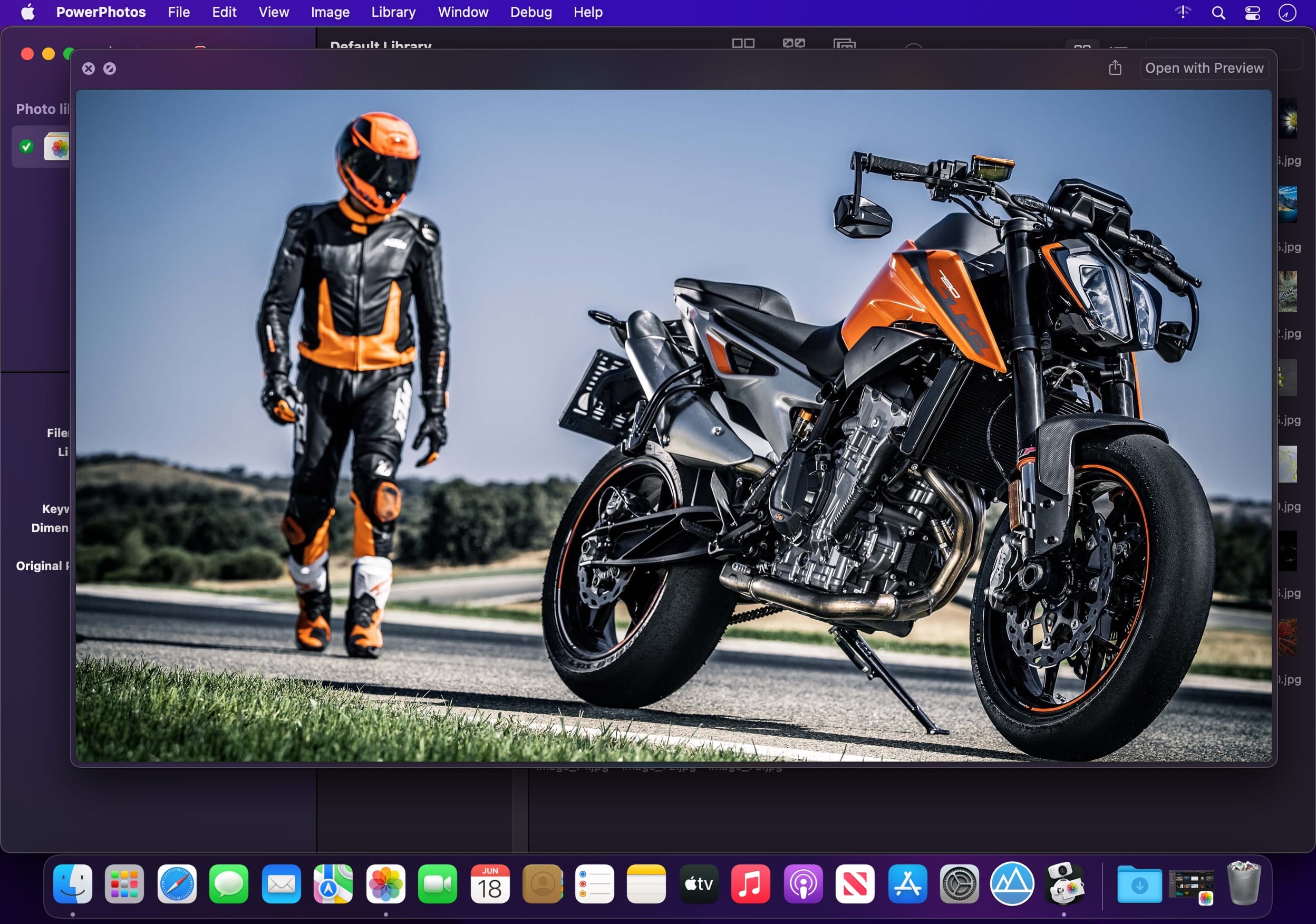
Use PowerPhotos’ image browser to quickly view your photos without having to open Photos itself. View detailed photo information using List View, and search for photos across all your libraries at once.

Migrate your iPhoto/Aperture libraries
If you have a lot of existing iPhoto or Aperture libraries that you want to migrate over to Photos, PowerPhotos will help automate your migrations so you don’t have to spend time babysitting this lengthy process.

New features:

  • Improved iCloud Photos support: If you use iCloud Photos, PowerPhotos 1.x was only able to see photos in your library that had already been downloaded to your local hard drive. For users with the “Optimize Mac Storage” option enabled, this could mean a significant portion of your iCloud library would not be visible to PowerPhotos. In PowerPhotos 2.0, it can now see and work with any photos in your iCloud photo library, and will automatically download any photos from iCloud as needed.
  • Advanced exporting: Photos has an export command, but it is fairly limited in what it can provide. PowerPhotos 2.0 has a new, more fully featured export function with options such as
  • Export as a flat folder or as a folder hierarchy in the Finder that mimics your album hierarchy
  • Export unmodified photos, or as JPG, PNG, HEIF, or TIFF of different sizes
  • Include captions, dates, keywords, and titles in EXIF metadata
  • Retain or strip location metadata
  • Optionally include videos from Live Photos and all photos from a burst
  • Set Finder creation/modification dates to the photo’s EXIF date
  • Video export support as H.264 or H.265
  • Global menu bar item: Get fast access to your libraries via a global item in your menu bar even when PowerPhotos itself isn’t running.
  • Library groups: For those with lots of libraries, you can now organize your libraries into groups in the PowerPhotos sidebar.
  • Multiple windows: You can now open each library in a separate window in PowerPhotos, allowing for easier comparison between libraries, and dragging and dropping photos/albums between libraries.
  • New duplicate search engine: PowerPhotos 2.0 uses a new duplicate comparison algorithm that can find more duplicate photos which are not quite 100% identical, such as scaled down copies of photos, photos that have been resaved in a different format or with different compression, and even photos with minor edits applied to them.
  • Faster library loading: PowerPhotos 2.0 has rewritten a bunch of its internals to load your library much faster than PowerPhotos 1.0.
    Improved AppleScript support: New support for copying albums or photos between libraries, merging libraries, and exporting photos/albums from a library.

Compatibility: macOS 11.0 or later
Homepage https://www.fatcatsoftware.com/powerphotos/

Screenshots


EdgeView 4.6.8

Name: EdgeView_4.6.8_Mactorrents.biz.dmg
Size: 39 MB
Files EdgeView_4.6.8_Mactorrents.biz.dmg[39 MB]

   Download Torrent
   Link Download

EdgeView 3 is fast image viewer has elegant user interface. EdgeView 3 is developed and designed for modern MacOS. It can open various image files such as JPEG, PNG, TIFF, BMP, and RAW file of DSLR, EPS and PDF, AI(Adobe Illustrator). Can open image files in archive directly without extraction.

User can open files, rename files, delete files from EdgeView’s file browser. Also can access to SMB/AFP/FTP network volume.

User can navigate images quickly by using keyboard shorcut, mouse wheel, trackpad gesture. EdgeVew show EXIF information, play animation GIF/PNG/WebP smoothly. Save last status to history, and restore when reopen file.

EdgeView 3 will be the best choice when viewing and managing image files.

Features

  • Rewrote full code as Swift for improve performance.
  • Support m1 CPU Mac.
  • Has easy UI, can control main function at Sidebar.
  • Support English/Korean/Japanese/Chinese(Simplified).

Image Viewer

  • Supporting image files such as JPG, GIF, BMP, PSD, TIFF, RAW, WEBP and PDF, EPS, AI(Adobe Illustrator), OpenEXR, HDR, TGA.
  • Can play animation GIF/PNG/WebP. User can control animation with floating animation controller.
  • Dispaly internal image(or frame) of animation GIF/PNG/WebP or HEIC that has multiple internal image.
  • Can read and show images of major archive formats (such as ZIP, RAR, CBZ, CBR, 7-zip) without extraction. Of course, can open ZIP file that 4GB over.
  • Can read encrypted archive file.
  • Can read archive file in archive file recursively
  • Improved draw speed by rebuilt image cache system and drawing engine.
  • Draw images as high quality.
  • Provide suitable functions for comic reading such as ‘Two-Page Spread’, ‘Continuous Scroll mode’, ‘Right to Left’, etc.
  • Provide multiple navigation functions like as ‘Move’, ‘Skip’, ‘Shift’, etc.
  • User can navigate images and check whole thumbnails at Thumbnailsbar.
  • User can navigate images by using keyboard shortcut, mouse wheel, trackpad gesture.
  • Can rotate and flip images. Orientation will be saved to history.
  • User can select part of images, and copy it or save as file.
  • Can zoom in/out image freely.
  • Built-in loupe function to make it easier to magnify part of image.
  • Show histogram.
  • Show neighbor files list. And can open neighbor file.
  • Support history feature for saving and restoring last status of file.
  • Can reopen file or remove history at history list.
  • Can rate image files.

File Browser

  • Built-in file browser can show and open files from local drive or AFP/SMB/FTP network drive.
  • Can display files as lists or icon.
  • Show images in folder/archive file at preview panel.
  • Generate thumbnails of archive files and folders.
  • Support powerful search feature.
  • Show category and writer information.
  • User can sort files by various options, and can delete or rename files.
  • Can rate files or folders.

Others

  • Support customizing feature. Also user can change shortcuts.
  • Built-in Quick Look Extension generate thumbnails and preview of archive files at Finder.

Compatibility: macOS 11.1 or later
Homepage https://apps.apple.com/pk/app/edgeview-2/id1206246482

Screenshots


Topaz Gigapixel AI 7.1.3

Name: Topaz.Gigapixel.AI.7.1.3.macOS_Mactorrents.biz.zip
Size: 236 MB
Files Topaz.Gigapixel.AI.7.1.3.macOS_Mactorrents.biz.dmg[236 MB]

   Download Torrent
   Link Download

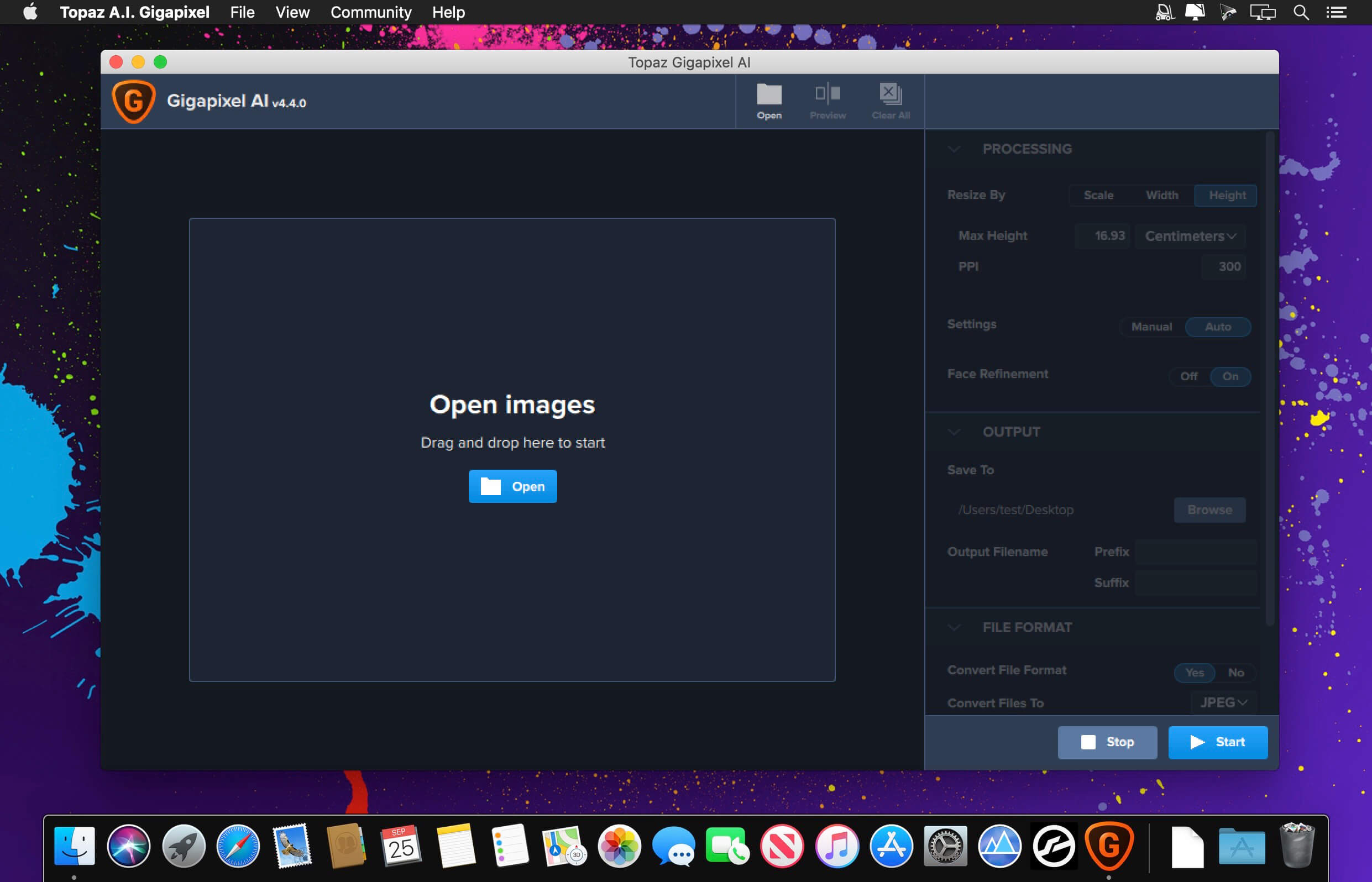
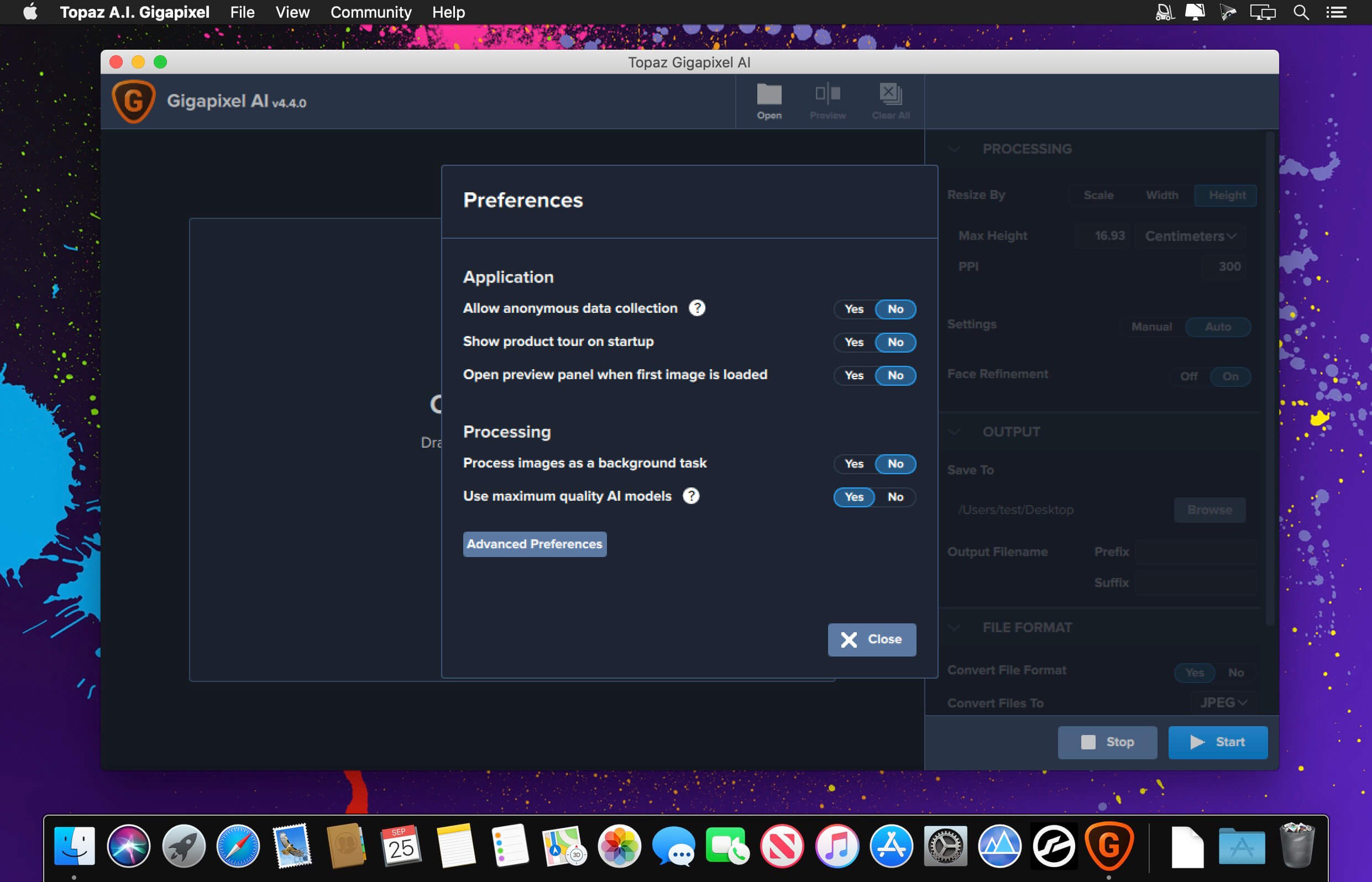
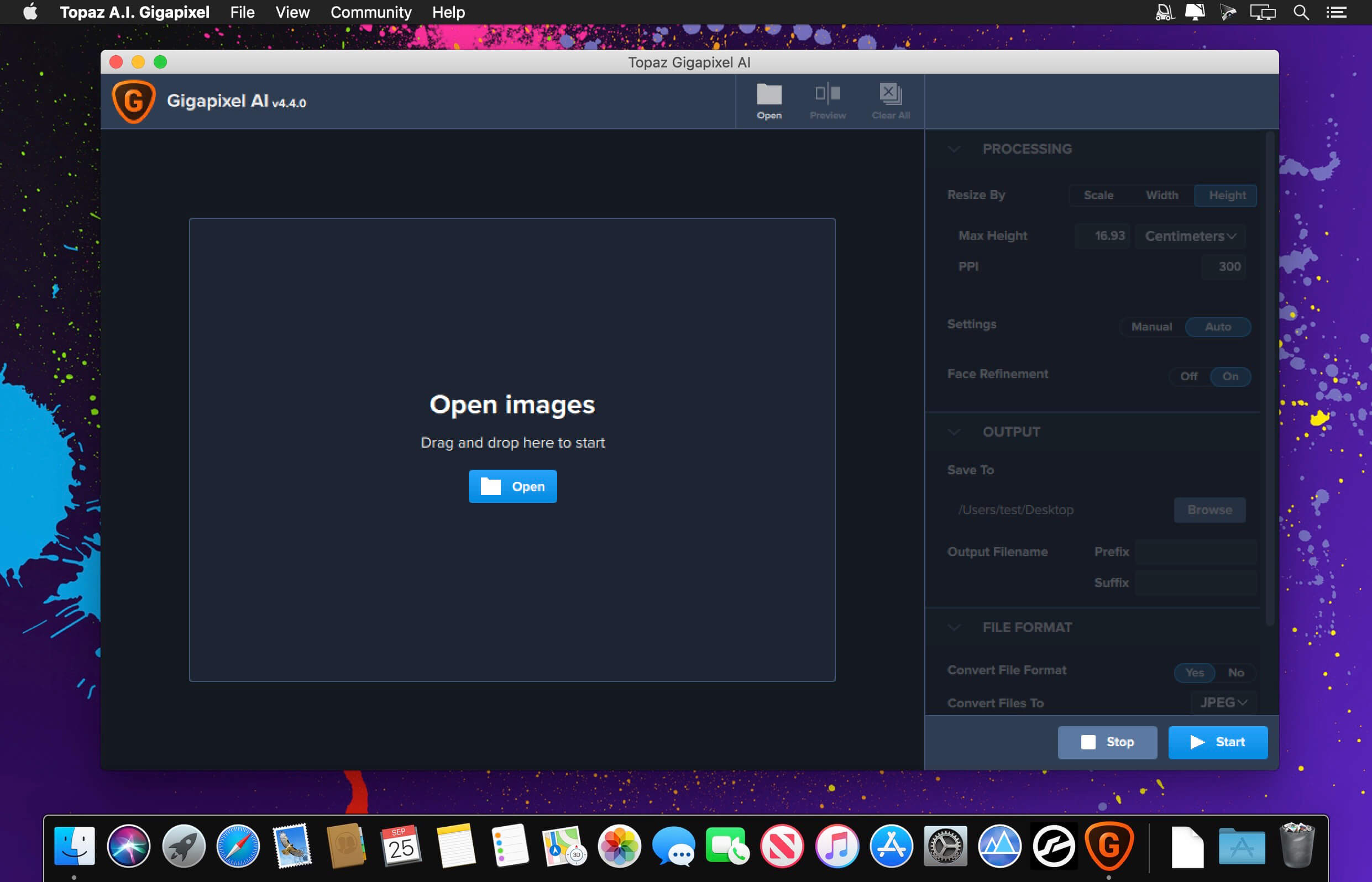
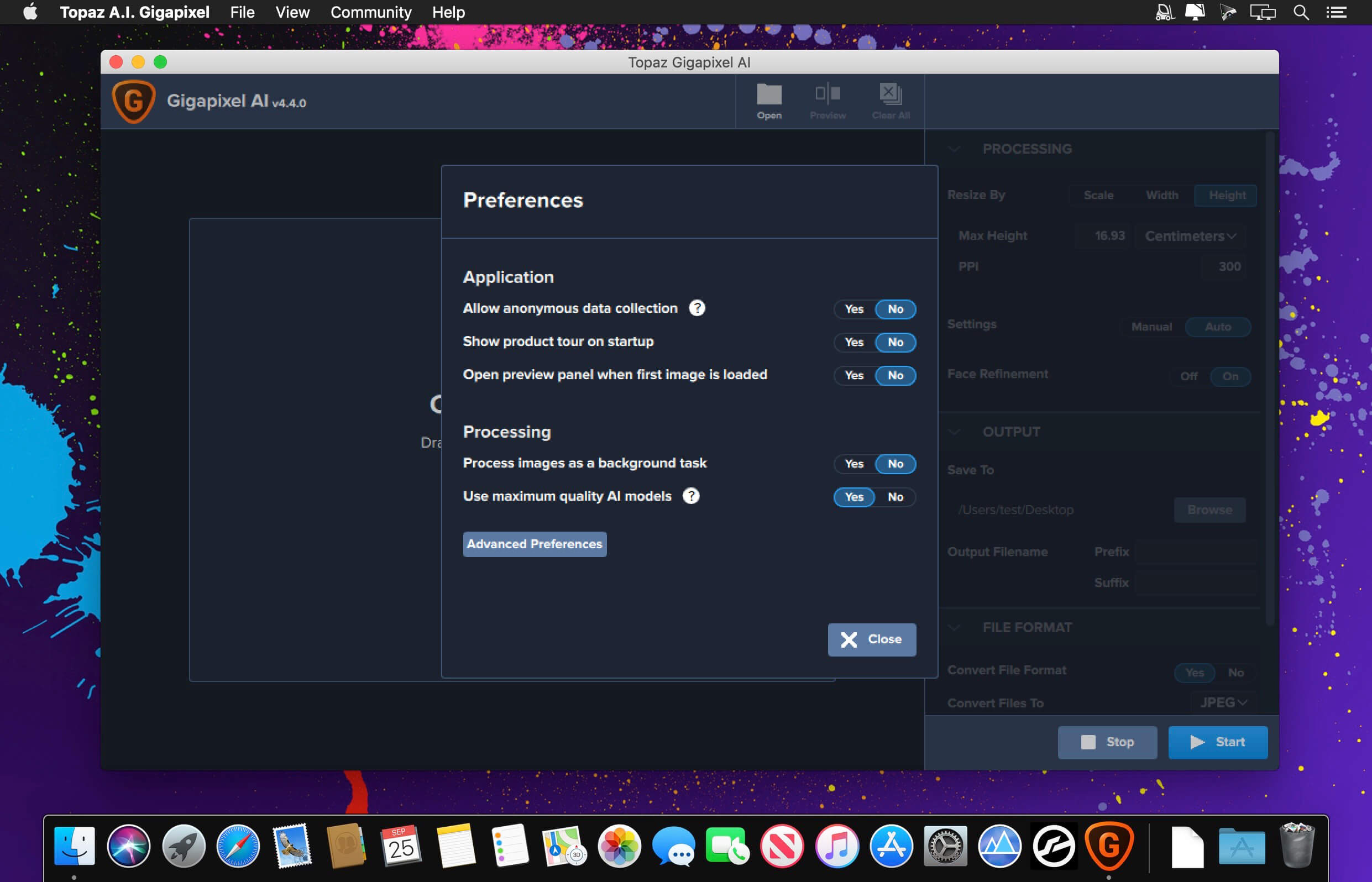
Beautiful photo enlargements using machine learning. Enlarging your image without losing detail has always been impossible… until now. Upscale your photos by up to 600% while perfectly preserving image quality.

Enlarge Images by up to 600%
Create a beautiful 80 x 60 inch print from a simple iPhone photo. Or transform your DSLR photos into sharp and ultra-detailed 100MP images.

Use truly intelligent upscaling
After being trained with millions of sample images, Gigapixel can now enlarge your images with a surprising level of quality.

Get crisp and clear results.
Gigapixel performs around 2 million operations per pixel to get you results with as much detail and sharpness as possible.

No more fuzzy enlargements.
Breathtakingly sharp prints. High-resolution cropping in post-production. iPhone photos that look like they came out of a DSLR. No matter why you’re enlarging your photos, you always want the best possible quality for your results. AI Gigapixel is currently the only photo enlargement product available that can actually add detail back to your upscaled photo.

Recover real details for actual sharpness
Increasing edge contrast is the simplest way to make an image look “sharp”, and how most other upscaling software works. Gigapixel is different: it increases the actual sharpness of your upscaled photo by recovering real detail in your image. This is only possible through training and exposure to millions of test images.

Crisp photos that look like they were never upscaled
It’s hard to believe that the crisp output image above was enlarged 4x, but it was. Gigapixel AI successfully determines which image features are stars (detail) and what’s noise. Then, it naturally accentuates and recovers detail while suppressing noise in your upscaled photo.

The highest-quality image upscaling that you can get anywhere
Because of these exceptional results, Gigapixel AI is used by everyone from leading photographers, to video game modders, to major motion studios. If you ever need to upscale your photo while preserving beautiful detail, take advantage of the most modern technology in the space and give Gigapixel AI a try.

Image enlargement: interpolation vs machine learning
Interpolation-based photo enlargement software has been around for decades. Gigapixel’s new approach based on machine learning is a giant leap ahead: state-of-the-art “deep learning” methods allow it to enlarge images while actually adding new details.

Interpolation
Interpolation algorithms work by approximating new pixels from the colors of surrounding ones. This does not add any detail to the image, it just smoothes out the transition between pixels.

Neural Network (Gigapixel AI)
A neural network analyzes thousands of photo pairs to learn how details usually get lost. The algorithm learns to “fill in” information in new images based on what it has learned… effectively adding new detail to your photo.

What’s New:

 Version 7.1.3:

  • Release notes were unavailable when this listing was updated.

Compatibility: macOS 10.14 or later
Homepage https://topazlabs.com/

Screenshots


Pixelmator Pro 3.5.11

Name: Pixelmator_Pro_3.5.11_Mactorrents.biz.dmg
Size: 607 MB
Files Pixelmator_Pro_3.5.11_Mactorrents.biz.dmg[607 MB]

   Download Torrent
   Link Download

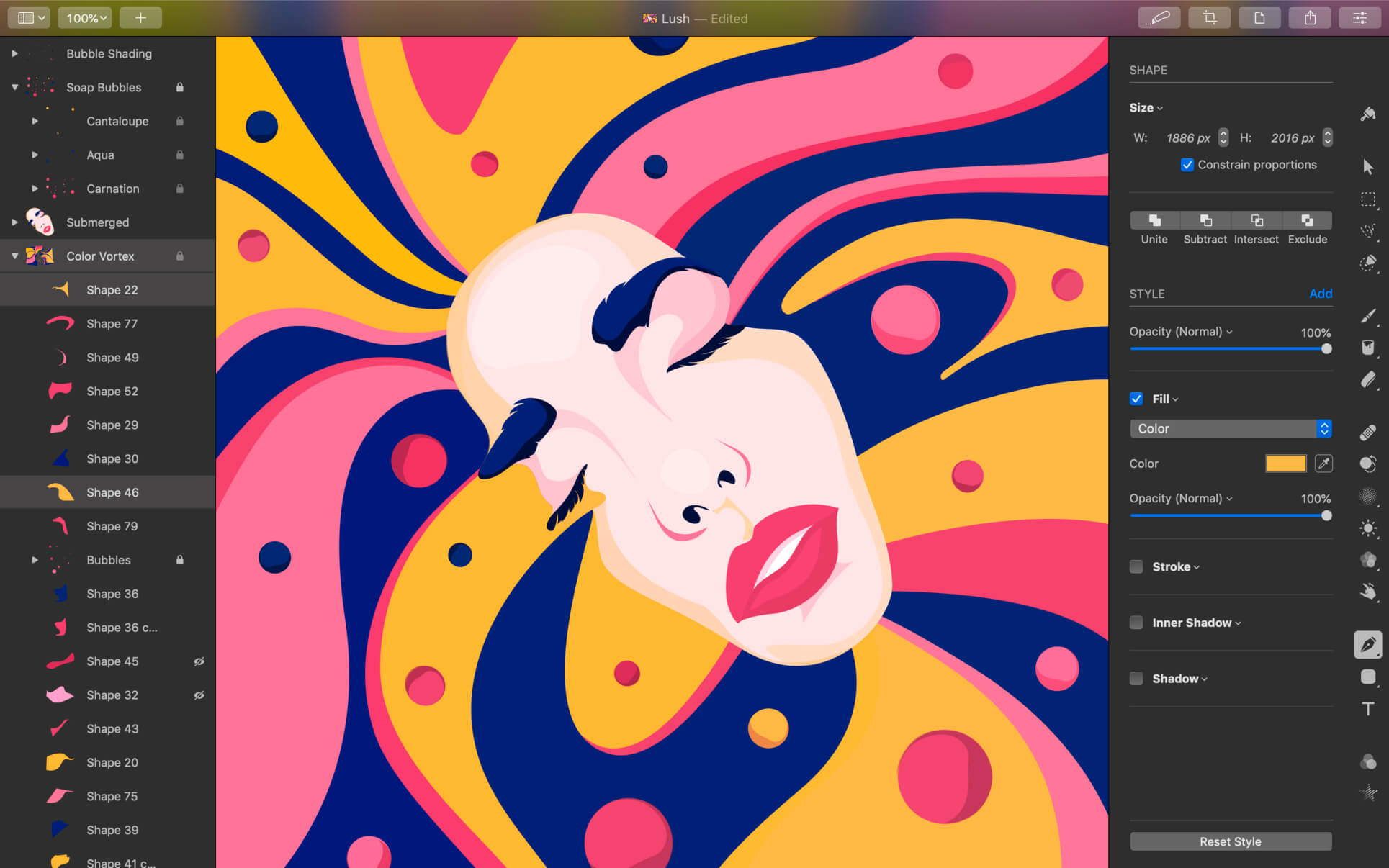
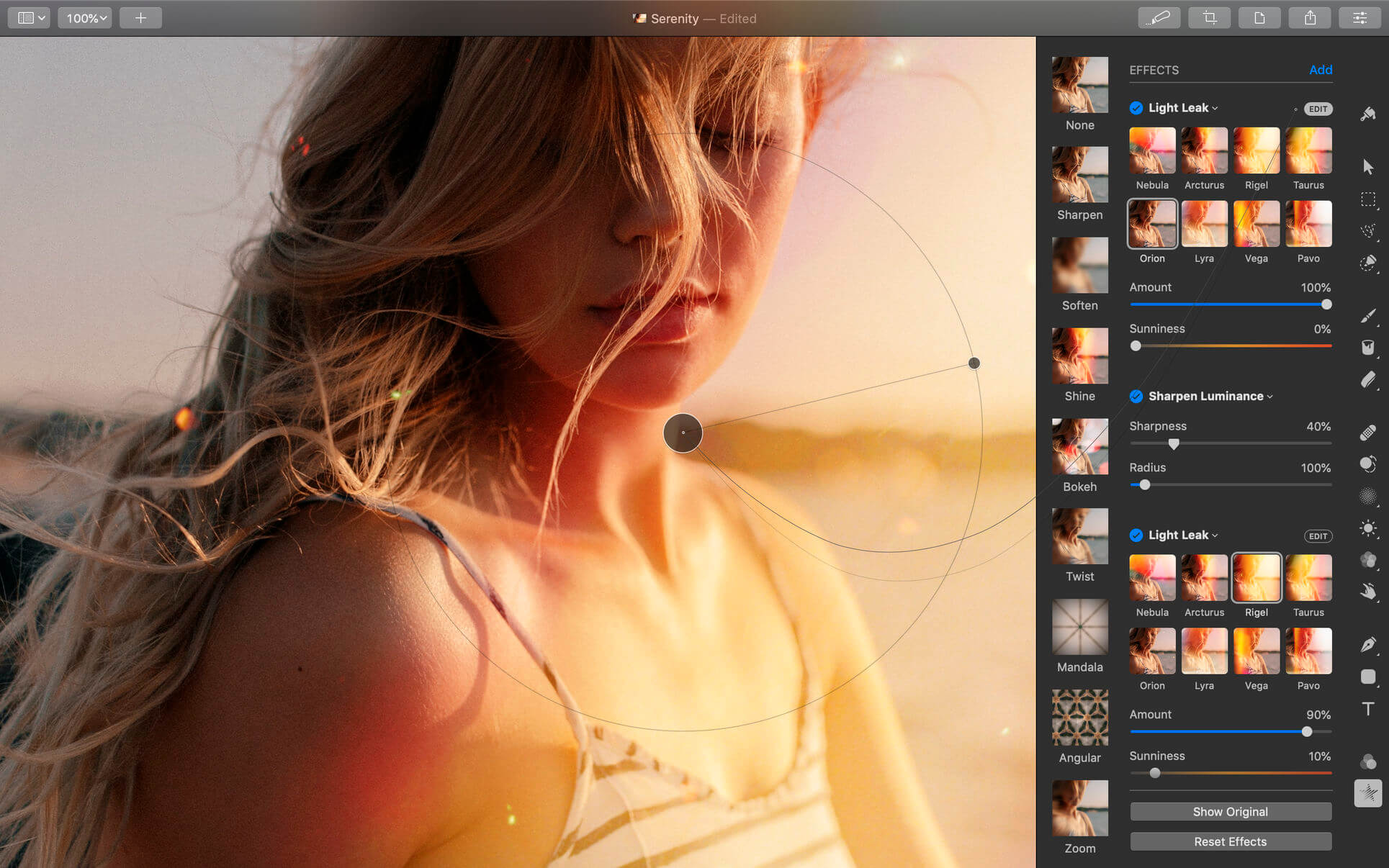
Pixelmator Pro is an incredibly powerful, beautiful, and easy to use image editor designed exclusively for Mac.
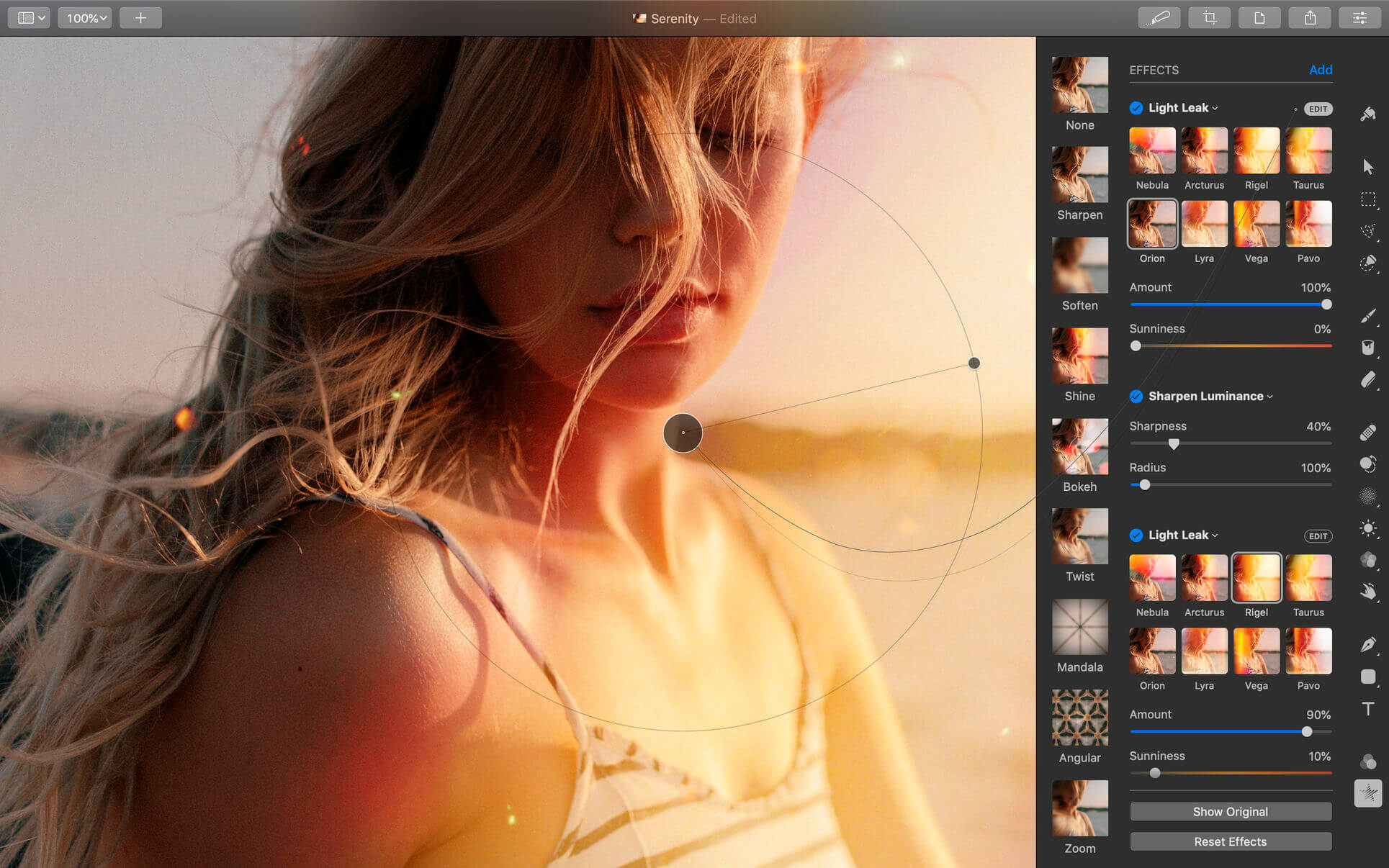
With a wide range of professional-grade, nondestructive image editing tools, Pixelmator Pro lets you bring out the best in your photos, create gorgeous compositions and designs, draw, paint, apply stunning effects, design beautiful text, and edit images in just about any way you can imagine. And thanks to its intuitive and accessible design, Pixelmator Pro is delightfully easy to use — whether you’re just starting out with image editing or you’re a seasoned pro.

Exceptional Design and Functionality

  • The modern, single-window interface of Pixelmator Pro is designed exclusively for working with images on a Mac
  • An intuitive and refined design makes image editing easy and accessible, even if you’re a complete beginner
  • Native dark and light appearances adapt to the light and dark modes of macOS
  • A customizable interface lets you organize your creative environment just the way you want
  • Choose from workspace presets created for photography, design, illustration, and painting
  • A full-featured Photos extension lets you edit images using Pixelmator Pro without ever leaving Photos, saving layered, nondestructive edits directly to your library

Professional Tools

  • Enhance your existing images and create new ones using every image editing tool you could ever need
  • Edit nondestructively, adjusting individual changes whenever you like
  • Easily move, resize, and arrange objects to create stunning compositions
  • Adjust colors with a collection of nondestructive, machine learning-powered color adjustments
  • Enjoy superior support for RAW files, editing RAW images using all their extended range data
  • Create digital or traditional paintings using handcrafted, fully-customizable, dual-texture brushes with full support for digital graphics tablets
  • Combine the built-in effects to create any artistic or special effects you can imagine
  • Save adjustment, effect, and layer style combinations as presets, use them in any of your images, and share them with others
  • Speed up image editing with hundreds of presets for color adjustments, effects, layer styles, and shapes
  • Magically remove small imperfections or entire objects, seamlessly clone parts of your photos, and lighten or darken precise areas using a full set of retouching tools
  • Use the reshaping tools to easily change the shape of any object or area in your images
  • Add customizable vector graphics designed by the Pixelmator Team
  • Create your own vector graphics using the Pen tool
  • Easily design great-looking text with a full set of typography tools
  • Quickly create curved, circular, and path text
  • Optimize and save your images for the web, using advanced compression to shrink file sizes
  • Batch process images using built-in Automator actions
  • Effortlessly automate workflows using full-featured AppleScript support

Image Editing Enhanced by Machine Learning

  • Magically remove objects, recreating image areas with stunning realism using the Repair tool
  • Use ML Enhance to intelligently enhance photos with a machine learning algorithm trained on millions of professional photos
  • Zoom and enhance image resolution with the incredible ML Super Resolution
  • Automatically copy the look of one photo to another with ML Match Colors
  • Remove image noise and compression artifacts while preserving details using ML Denoise
  • Quickly make accurate selections with ease using the Quick Selection tool

Compatibility

  • Open and edit images in all the most popular image formats, including JPEG, TIFF, PNG, PSD, HEIF, SVG, PDF, GIF, BMP, TGA, WebP and JPEG-2000
  • Open and edit Photoshop images with layers
  • Open and edit SVG vector images
  • Share your images to Photos, Mail, AirDrop, and other locations

Built Exclusively for Mac

  • Designed exclusively for macOS, Pixelmator Pro supports almost every major macOS feature and integrates seamlessly with macOS Big Sur.

Compatibility: macOS 12.0 or later
Homepage https://apps.apple.com/pk/app/pixelmator-pro/id1289583905

Screenshots


Pixelmator Pro 3.5.10

Name: Pixelmator_Pro_3.5.10_Mactorrents.biz.dmg
Size: 607 MB
Files Pixelmator_Pro_3.5.10_Mactorrents.biz.dmg[607 MB]

   Download Torrent
   Link Download

Pixelmator Pro is an incredibly powerful, beautiful, and easy to use image editor designed exclusively for Mac.
With a wide range of professional-grade, nondestructive image editing tools, Pixelmator Pro lets you bring out the best in your photos, create gorgeous compositions and designs, draw, paint, apply stunning effects, design beautiful text, and edit images in just about any way you can imagine. And thanks to its intuitive and accessible design, Pixelmator Pro is delightfully easy to use — whether you’re just starting out with image editing or you’re a seasoned pro.

Exceptional Design and Functionality

  • The modern, single-window interface of Pixelmator Pro is designed exclusively for working with images on a Mac
  • An intuitive and refined design makes image editing easy and accessible, even if you’re a complete beginner
  • Native dark and light appearances adapt to the light and dark modes of macOS
  • A customizable interface lets you organize your creative environment just the way you want
  • Choose from workspace presets created for photography, design, illustration, and painting
  • A full-featured Photos extension lets you edit images using Pixelmator Pro without ever leaving Photos, saving layered, nondestructive edits directly to your library

Professional Tools

  • Enhance your existing images and create new ones using every image editing tool you could ever need
  • Edit nondestructively, adjusting individual changes whenever you like
  • Easily move, resize, and arrange objects to create stunning compositions
  • Adjust colors with a collection of nondestructive, machine learning-powered color adjustments
  • Enjoy superior support for RAW files, editing RAW images using all their extended range data
  • Create digital or traditional paintings using handcrafted, fully-customizable, dual-texture brushes with full support for digital graphics tablets
  • Combine the built-in effects to create any artistic or special effects you can imagine
  • Save adjustment, effect, and layer style combinations as presets, use them in any of your images, and share them with others
  • Speed up image editing with hundreds of presets for color adjustments, effects, layer styles, and shapes
  • Magically remove small imperfections or entire objects, seamlessly clone parts of your photos, and lighten or darken precise areas using a full set of retouching tools
  • Use the reshaping tools to easily change the shape of any object or area in your images
  • Add customizable vector graphics designed by the Pixelmator Team
  • Create your own vector graphics using the Pen tool
  • Easily design great-looking text with a full set of typography tools
  • Quickly create curved, circular, and path text
  • Optimize and save your images for the web, using advanced compression to shrink file sizes
  • Batch process images using built-in Automator actions
  • Effortlessly automate workflows using full-featured AppleScript support

Image Editing Enhanced by Machine Learning

  • Magically remove objects, recreating image areas with stunning realism using the Repair tool
  • Use ML Enhance to intelligently enhance photos with a machine learning algorithm trained on millions of professional photos
  • Zoom and enhance image resolution with the incredible ML Super Resolution
  • Automatically copy the look of one photo to another with ML Match Colors
  • Remove image noise and compression artifacts while preserving details using ML Denoise
  • Quickly make accurate selections with ease using the Quick Selection tool

Compatibility

  • Open and edit images in all the most popular image formats, including JPEG, TIFF, PNG, PSD, HEIF, SVG, PDF, GIF, BMP, TGA, WebP and JPEG-2000
  • Open and edit Photoshop images with layers
  • Open and edit SVG vector images
  • Share your images to Photos, Mail, AirDrop, and other locations

Built Exclusively for Mac

  • Designed exclusively for macOS, Pixelmator Pro supports almost every major macOS feature and integrates seamlessly with macOS Big Sur.

Compatibility: macOS 12.0 or later
Homepage https://apps.apple.com/pk/app/pixelmator-pro/id1289583905

Screenshots


Pixelmator Pro 3.5.9

Name: Pixelmator_Pro_3.5.9_Mactorrents.biz.dmg
Size: 612 MB
Files Pixelmator_Pro_3.5.9_Mactorrents.biz.dmg[612 MB]

   Download Torrent
   Link Download

Pixelmator Pro is an incredibly powerful, beautiful, and easy to use image editor designed exclusively for Mac.
With a wide range of professional-grade, nondestructive image editing tools, Pixelmator Pro lets you bring out the best in your photos, create gorgeous compositions and designs, draw, paint, apply stunning effects, design beautiful text, and edit images in just about any way you can imagine. And thanks to its intuitive and accessible design, Pixelmator Pro is delightfully easy to use — whether you’re just starting out with image editing or you’re a seasoned pro.

Exceptional Design and Functionality

  • The modern, single-window interface of Pixelmator Pro is designed exclusively for working with images on a Mac
  • An intuitive and refined design makes image editing easy and accessible, even if you’re a complete beginner
  • Native dark and light appearances adapt to the light and dark modes of macOS
  • A customizable interface lets you organize your creative environment just the way you want
  • Choose from workspace presets created for photography, design, illustration, and painting
  • A full-featured Photos extension lets you edit images using Pixelmator Pro without ever leaving Photos, saving layered, nondestructive edits directly to your library

Professional Tools

  • Enhance your existing images and create new ones using every image editing tool you could ever need
  • Edit nondestructively, adjusting individual changes whenever you like
  • Easily move, resize, and arrange objects to create stunning compositions
  • Adjust colors with a collection of nondestructive, machine learning-powered color adjustments
  • Enjoy superior support for RAW files, editing RAW images using all their extended range data
  • Create digital or traditional paintings using handcrafted, fully-customizable, dual-texture brushes with full support for digital graphics tablets
  • Combine the built-in effects to create any artistic or special effects you can imagine
  • Save adjustment, effect, and layer style combinations as presets, use them in any of your images, and share them with others
  • Speed up image editing with hundreds of presets for color adjustments, effects, layer styles, and shapes
  • Magically remove small imperfections or entire objects, seamlessly clone parts of your photos, and lighten or darken precise areas using a full set of retouching tools
  • Use the reshaping tools to easily change the shape of any object or area in your images
  • Add customizable vector graphics designed by the Pixelmator Team
  • Create your own vector graphics using the Pen tool
  • Easily design great-looking text with a full set of typography tools
  • Quickly create curved, circular, and path text
  • Optimize and save your images for the web, using advanced compression to shrink file sizes
  • Batch process images using built-in Automator actions
  • Effortlessly automate workflows using full-featured AppleScript support

Image Editing Enhanced by Machine Learning

  • Magically remove objects, recreating image areas with stunning realism using the Repair tool
  • Use ML Enhance to intelligently enhance photos with a machine learning algorithm trained on millions of professional photos
  • Zoom and enhance image resolution with the incredible ML Super Resolution
  • Automatically copy the look of one photo to another with ML Match Colors
  • Remove image noise and compression artifacts while preserving details using ML Denoise
  • Quickly make accurate selections with ease using the Quick Selection tool

Compatibility

  • Open and edit images in all the most popular image formats, including JPEG, TIFF, PNG, PSD, HEIF, SVG, PDF, GIF, BMP, TGA, WebP and JPEG-2000
  • Open and edit Photoshop images with layers
  • Open and edit SVG vector images
  • Share your images to Photos, Mail, AirDrop, and other locations

Built Exclusively for Mac

  • Designed exclusively for macOS, Pixelmator Pro supports almost every major macOS feature and integrates seamlessly with macOS Big Sur.

Compatibility: macOS 12.0 or later
Homepage https://apps.apple.com/pk/app/pixelmator-pro/id1289583905

Screenshots


Topaz Photo AI 3.0.1

Name: TopazPhotoAI-3.0.1_Mactorrents.biz.rar
Size: 351 MB
Files TopazPhotoAI-3.0.1_Mactorrents.biz.rar[351 MB]

   Download Torrent
   Link Download

Enhance the quality of your photos by sharpening, reducing noise, and enhancing resolution using the latest technology available. Topaz Photo AI is designed to elevate the quality of your images, allowing you to concentrate on the artistic aspect of photography.

Enhance the quality of your photos by sharpening, reducing noise, and enhancing resolution using the latest technology available. Topaz Photo AI is designed to elevate the quality of your images, allowing you to concentrate on the artistic aspect of photography.

Focus on unleashing your creativity rather than getting caught up in the technical details.
AI excels in certain areas but falls short in others. While it can generate sentences, it struggles to craft a compelling narrative. It can suggest songs, but it can’t compose music. However, when it comes to enhancing image quality, AI shines. It may not possess human creativity, but it can significantly enhance the quality of your photos.

We believe that exceptional photography is the result of a blend of artistic vision and cutting-edge tools. AI will never replace human creativity, so it remains your responsibility to provide the vision. Just like a high-quality lens or camera, Topaz Photo AI empowers you to create images that were previously unattainable with older tools.

Ensure your photos are at their sharpest.
There are instances where you won’t have the opportunity to capture another shot if your subject is blurry. Sometimes, you may only notice the blurriness when reviewing your photos on a computer.

In such situations, rely on Topaz Photo AI to guarantee that your photos are as sharp as possible. Instead of artificially boosting edge contrast like traditional sharpening methods, the Sharpen AI module naturally corrects the root causes of blurriness (such as camera shake, motion blur, and misfocus) to produce more authentic results.

Homepage https://topazlabs.com/

Topaz Photo AI

PhotosCollage 1.4.1

Name: PhotosCollage_1.4.1_Mactorrents.biz.dmg
Size: 4 MB
Files PhotosCollage_1.4.1_Mactorrents.biz.dmg[4 MB]

   Download Torrent
   Link Download

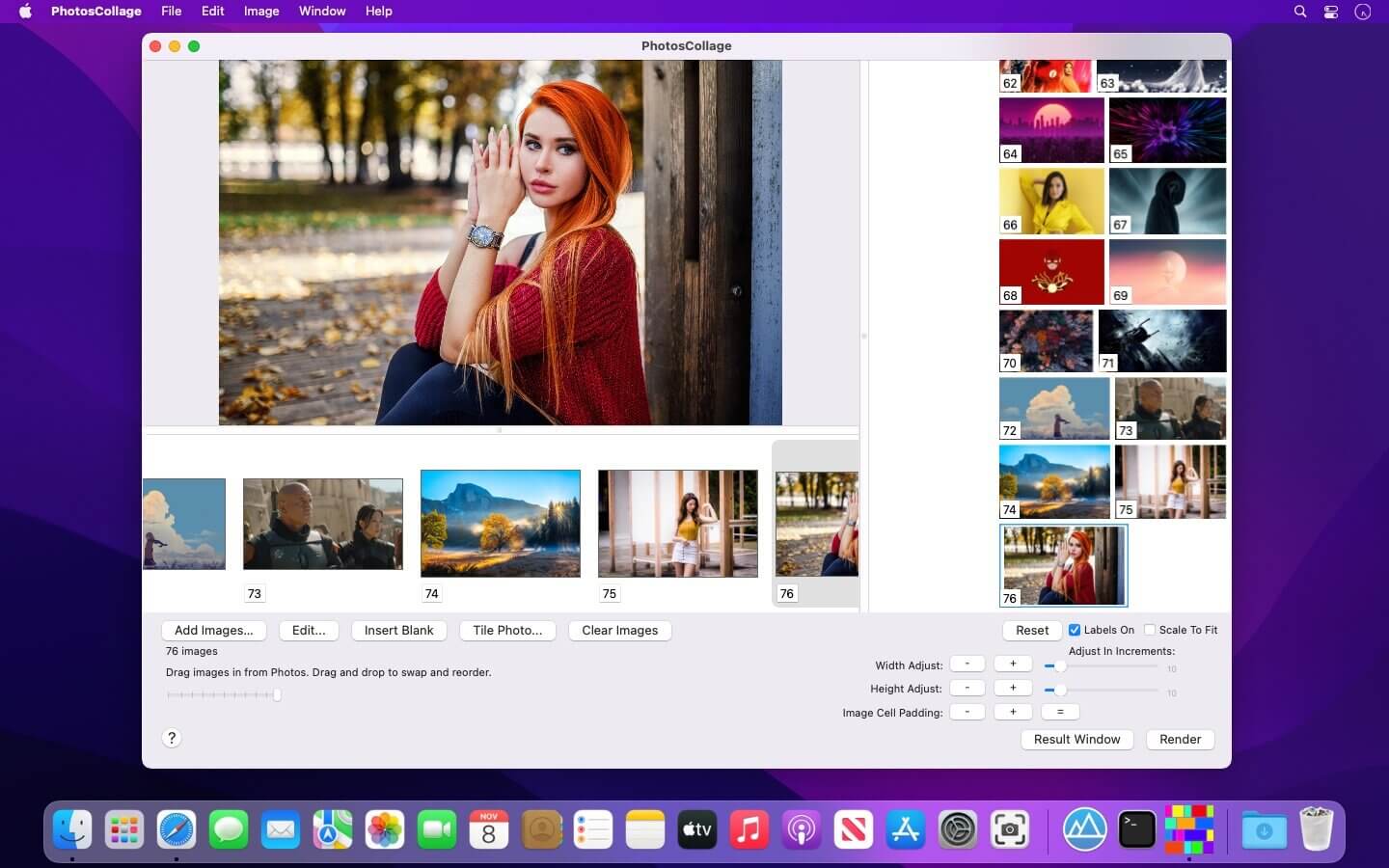
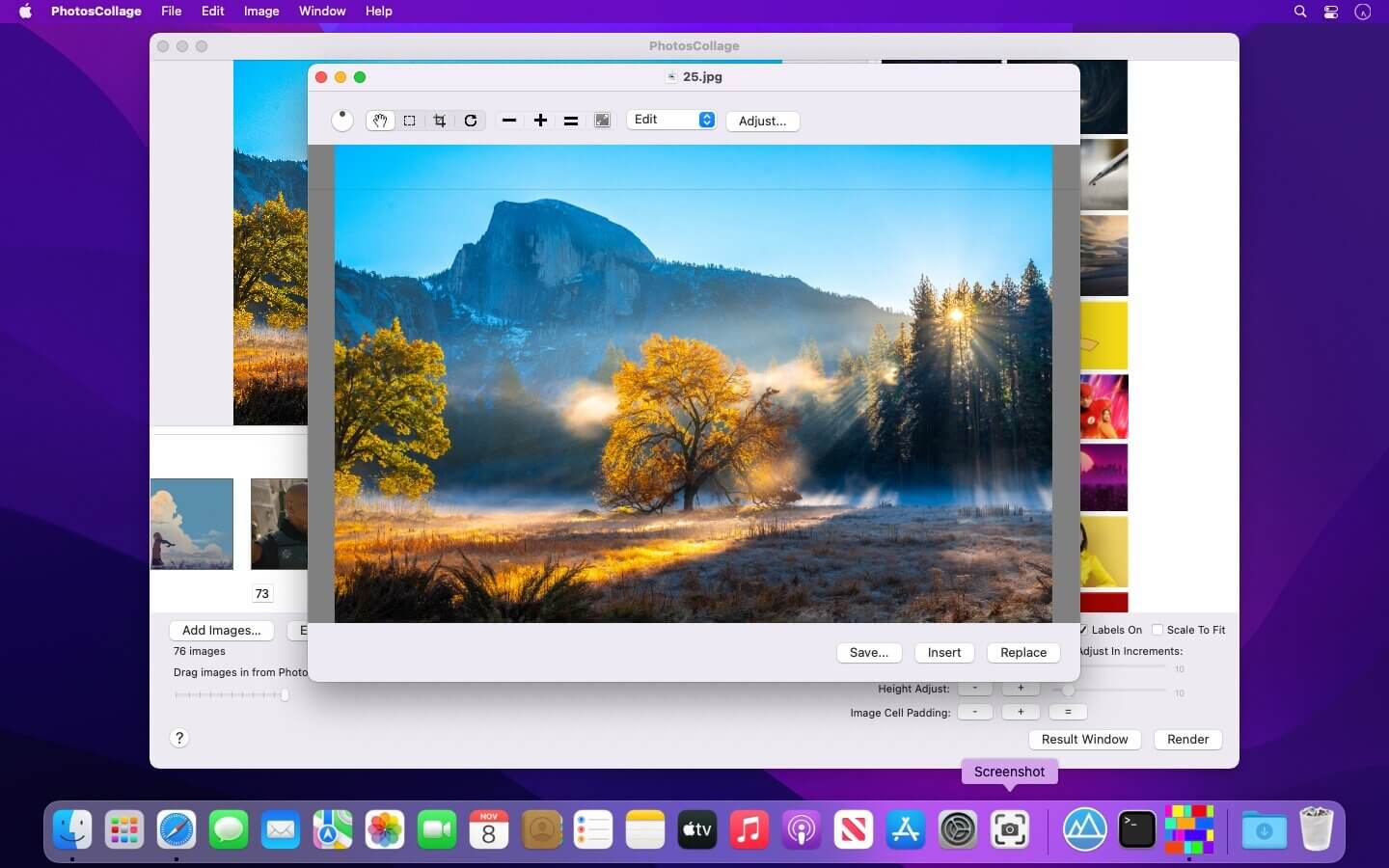
PhotosCollage creates justified collages and combines the photos horizontally or vertically using gradient blending at the seams where they are joined.

What’s New:

Version 1.4.1:

  • Maintenance update

Compatibility: OS X 10.10 or later
Mac App Store https://itunes.apple.com/us/app/photoscollage./id628960643?mt=12

Screenshots


Movie Thumbnails Maker 5.0.1

Name: Movie_Thumbnails_Maker_5.0.1_Mactorrents.biz.dmg
Size: 39 MB
Files Movie_Thumbnails_Maker_5.0.1_Mactorrents.biz.dmg[39 MB]

   Download Torrent
   Link Download

Movie Thumbnails Maker lets you catch the content of the latest movies at first glance. How about creating an amazing overview for all the latest movies? Movie Thumbnails Maker is the all-in-one solution, you don’t need guess the content of the movie any more.

Key Features:

  • Support various formats such as AVI, WMV, RM, MPG, TS, MKV, MOV, FLV, MP4, RMVB, etc;
  • Fast and easy to use, you can get the amazing overview with one click;
  • Custom settings for background color,border color, position of metadata,etc;
  • Batch process several movie files at onece, with one setting for each movie;
  • Various output image formats such as BMP, PNG, TIFF,JPEG.

What’s New:

Version 5.0.1:

  • Release notes were unavailable when this listing was updated.

Compatibility: macOS 10.10 or later
Homepage http://www.yumysoft.com

Screenshots


Adobe Photoshop 2024 v25.7.0

Name: Adobe_Photoshop_2024_v25.7.0_macOS_Mactorrents.biz.zip
Size: 6.29 GB
Files Adobe_Photoshop_2024_v25.7.0_macOS_Mactorrents.biz.dmg[6.29 GB]

   Download Torrent
   Link Download


Welcome to the AI ​​generation. The full power of generative AI. All your favorite Adobe tools. A new era of creativity and productivity has arrived.From photo editing and compositing to digital painting, animation and graphic design, everything you can imagine, you can create in Photoshop. Bring ideas to life on desktops and iPads. Use artificial intelligence technology for fast editing. Learn new skills and share your work with the community. With our latest release, doing amazing things has never been easier.

Adobe Photoshop is a recognized classic of photo-enhancing software. It offers a broad spectrum of tools that can turn your inspiration into incredible images, photos, composites, 3D artwork, paintings, and graphics on any device.

Photoshop has become the choice of thousands of creative professionals around the world. First introduced in 1988, it still is the world’s leading image-editing software.

Intuitive and clean user interface

  • Although Photoshop for Mac is the most comprehensive graphics and image-editing software available in the market today, it has a very intuitive and easy-to-navigate interface.
  • With recently improved usability, this photo-editor has become even more enjoyable to use. The interface loads as soon as you decide to use Photoshop.
  • A user-friendly interface updates you about new features, suggests learning content, and allows you to quickly access recent files. You can easily pick up where you left or create a new project, access cloud and desktop pictures, and open an existing document.

Convenient content-aware fill workspace

  • Adobe has recently announced the launch of its new Content-Aware Fill workspace. It allows you to remove objects or distracting elements from your images easier than ever before.
  • This new option offers an interactive editing experience. Now, you can take full Control over which “good” parts of the picture to use to replace the undesired areas. It allows resizing the initial selection, rotating, scaling, and mirroring content.

Enjoy a range of new tools

  • The latest version of the software provides a new Frame Tool that allows you to enjoy much simpler masking. Now, you can place shapes and text into placeholder frames and fill them with pictures. To create elliptical or rectangular forms, you only need to select the Frame Tool and press “K.”
  • There is also a new default feature of multiple undo. If you want to view an object before changes are applied, just click Control + Z (for Windows OS) and Command + Z (for macOS). Don’t worry about losing any project changes in Adobe Photoshop on your MacBook Air or MacBook Pro. With a new auto-commit feature, they are saved automatically.

What’s New:

 Version 25.7.0:

  • Release notes were unavailable when this listing was updated.

Language: Multilingual
Compatibility: macOS v10.15 or later, Intel or Apple silicon
Homepage https://www.adobe.com/products/photoshop.html

Screenshots


EdgeView 4.6.7

Name: EdgeView_4.6.7_Mactorrents.biz.dmg
Size: 39 MB
Files EdgeView_4.6.7_Mactorrents.biz.dmg[39 MB]

   Download Torrent
   Link Download

EdgeView 3 is fast image viewer has elegant user interface. EdgeView 3 is developed and designed for modern MacOS. It can open various image files such as JPEG, PNG, TIFF, BMP, and RAW file of DSLR, EPS and PDF, AI(Adobe Illustrator). Can open image files in archive directly without extraction.

User can open files, rename files, delete files from EdgeView’s file browser. Also can access to SMB/AFP/FTP network volume.

User can navigate images quickly by using keyboard shorcut, mouse wheel, trackpad gesture. EdgeVew show EXIF information, play animation GIF/PNG/WebP smoothly. Save last status to history, and restore when reopen file.

EdgeView 3 will be the best choice when viewing and managing image files.

Features

  • Rewrote full code as Swift for improve performance.
  • Support m1 CPU Mac.
  • Has easy UI, can control main function at Sidebar.
  • Support English/Korean/Japanese/Chinese(Simplified).

Image Viewer

  • Supporting image files such as JPG, GIF, BMP, PSD, TIFF, RAW, WEBP and PDF, EPS, AI(Adobe Illustrator), OpenEXR, HDR, TGA.
  • Can play animation GIF/PNG/WebP. User can control animation with floating animation controller.
  • Dispaly internal image(or frame) of animation GIF/PNG/WebP or HEIC that has multiple internal image.
  • Can read and show images of major archive formats (such as ZIP, RAR, CBZ, CBR, 7-zip) without extraction. Of course, can open ZIP file that 4GB over.
  • Can read encrypted archive file.
  • Can read archive file in archive file recursively
  • Improved draw speed by rebuilt image cache system and drawing engine.
  • Draw images as high quality.
  • Provide suitable functions for comic reading such as ‘Two-Page Spread’, ‘Continuous Scroll mode’, ‘Right to Left’, etc.
  • Provide multiple navigation functions like as ‘Move’, ‘Skip’, ‘Shift’, etc.
  • User can navigate images and check whole thumbnails at Thumbnailsbar.
  • User can navigate images by using keyboard shortcut, mouse wheel, trackpad gesture.
  • Can rotate and flip images. Orientation will be saved to history.
  • User can select part of images, and copy it or save as file.
  • Can zoom in/out image freely.
  • Built-in loupe function to make it easier to magnify part of image.
  • Show histogram.
  • Show neighbor files list. And can open neighbor file.
  • Support history feature for saving and restoring last status of file.
  • Can reopen file or remove history at history list.
  • Can rate image files.

File Browser

  • Built-in file browser can show and open files from local drive or AFP/SMB/FTP network drive.
  • Can display files as lists or icon.
  • Show images in folder/archive file at preview panel.
  • Generate thumbnails of archive files and folders.
  • Support powerful search feature.
  • Show category and writer information.
  • User can sort files by various options, and can delete or rename files.
  • Can rate files or folders.

Others

  • Support customizing feature. Also user can change shortcuts.
  • Built-in Quick Look Extension generate thumbnails and preview of archive files at Finder.

Compatibility: macOS 11.1 or later
Homepage https://apps.apple.com/pk/app/edgeview-2/id1206246482

Screenshots


Topaz Gigapixel AI 7.1.2

Name: Topaz_Gigapixel_AI_v7.1.2_macOS_Mactorrents.biz.zip
Size: 2.4 GB
Files Topaz_Gigapixel_AI_v7.1.2_macOS_Mactorrents.biz.dmg[2.4 GB]

   Download Torrent
   Link Download

Beautiful photo enlargements using machine learning. Enlarging your image without losing detail has always been impossible… until now. Upscale your photos by up to 600% while perfectly preserving image quality.

Enlarge Images by up to 600%
Create a beautiful 80 x 60 inch print from a simple iPhone photo. Or transform your DSLR photos into sharp and ultra-detailed 100MP images.

Use truly intelligent upscaling
After being trained with millions of sample images, Gigapixel can now enlarge your images with a surprising level of quality.

Get crisp and clear results.
Gigapixel performs around 2 million operations per pixel to get you results with as much detail and sharpness as possible.

No more fuzzy enlargements.
Breathtakingly sharp prints. High-resolution cropping in post-production. iPhone photos that look like they came out of a DSLR. No matter why you’re enlarging your photos, you always want the best possible quality for your results. AI Gigapixel is currently the only photo enlargement product available that can actually add detail back to your upscaled photo.

Recover real details for actual sharpness
Increasing edge contrast is the simplest way to make an image look “sharp”, and how most other upscaling software works. Gigapixel is different: it increases the actual sharpness of your upscaled photo by recovering real detail in your image. This is only possible through training and exposure to millions of test images.

Crisp photos that look like they were never upscaled
It’s hard to believe that the crisp output image above was enlarged 4x, but it was. Gigapixel AI successfully determines which image features are stars (detail) and what’s noise. Then, it naturally accentuates and recovers detail while suppressing noise in your upscaled photo.

The highest-quality image upscaling that you can get anywhere
Because of these exceptional results, Gigapixel AI is used by everyone from leading photographers, to video game modders, to major motion studios. If you ever need to upscale your photo while preserving beautiful detail, take advantage of the most modern technology in the space and give Gigapixel AI a try.

Image enlargement: interpolation vs machine learning
Interpolation-based photo enlargement software has been around for decades. Gigapixel’s new approach based on machine learning is a giant leap ahead: state-of-the-art “deep learning” methods allow it to enlarge images while actually adding new details.

Interpolation
Interpolation algorithms work by approximating new pixels from the colors of surrounding ones. This does not add any detail to the image, it just smoothes out the transition between pixels.

Neural Network (Gigapixel AI)
A neural network analyzes thousands of photo pairs to learn how details usually get lost. The algorithm learns to “fill in” information in new images based on what it has learned… effectively adding new detail to your photo.

What’s New:

 Version 7.1.2:

  • Release notes were unavailable when this listing was updated.

Compatibility: macOS 10.14 or later
Homepage https://topazlabs.com/

Screenshots


Pixelmator Pro 3.5.8

Name: Pixelmator_Pro_3.5.8_Mactorrents.biz.dmg
Size: 612 MB
Files Pixelmator_Pro_3.5.8_Mactorrents.biz.dmg[612 MB]

   Download Torrent
   Link Download

Pixelmator Pro is an incredibly powerful, beautiful, and easy to use image editor designed exclusively for Mac.
With a wide range of professional-grade, nondestructive image editing tools, Pixelmator Pro lets you bring out the best in your photos, create gorgeous compositions and designs, draw, paint, apply stunning effects, design beautiful text, and edit images in just about any way you can imagine. And thanks to its intuitive and accessible design, Pixelmator Pro is delightfully easy to use — whether you’re just starting out with image editing or you’re a seasoned pro.

Exceptional Design and Functionality

  • The modern, single-window interface of Pixelmator Pro is designed exclusively for working with images on a Mac
  • An intuitive and refined design makes image editing easy and accessible, even if you’re a complete beginner
  • Native dark and light appearances adapt to the light and dark modes of macOS
  • A customizable interface lets you organize your creative environment just the way you want
  • Choose from workspace presets created for photography, design, illustration, and painting
  • A full-featured Photos extension lets you edit images using Pixelmator Pro without ever leaving Photos, saving layered, nondestructive edits directly to your library

Professional Tools

  • Enhance your existing images and create new ones using every image editing tool you could ever need
  • Edit nondestructively, adjusting individual changes whenever you like
  • Easily move, resize, and arrange objects to create stunning compositions
  • Adjust colors with a collection of nondestructive, machine learning-powered color adjustments
  • Enjoy superior support for RAW files, editing RAW images using all their extended range data
  • Create digital or traditional paintings using handcrafted, fully-customizable, dual-texture brushes with full support for digital graphics tablets
  • Combine the built-in effects to create any artistic or special effects you can imagine
  • Save adjustment, effect, and layer style combinations as presets, use them in any of your images, and share them with others
  • Speed up image editing with hundreds of presets for color adjustments, effects, layer styles, and shapes
  • Magically remove small imperfections or entire objects, seamlessly clone parts of your photos, and lighten or darken precise areas using a full set of retouching tools
  • Use the reshaping tools to easily change the shape of any object or area in your images
  • Add customizable vector graphics designed by the Pixelmator Team
  • Create your own vector graphics using the Pen tool
  • Easily design great-looking text with a full set of typography tools
  • Quickly create curved, circular, and path text
  • Optimize and save your images for the web, using advanced compression to shrink file sizes
  • Batch process images using built-in Automator actions
  • Effortlessly automate workflows using full-featured AppleScript support

Image Editing Enhanced by Machine Learning

  • Magically remove objects, recreating image areas with stunning realism using the Repair tool
  • Use ML Enhance to intelligently enhance photos with a machine learning algorithm trained on millions of professional photos
  • Zoom and enhance image resolution with the incredible ML Super Resolution
  • Automatically copy the look of one photo to another with ML Match Colors
  • Remove image noise and compression artifacts while preserving details using ML Denoise
  • Quickly make accurate selections with ease using the Quick Selection tool

Compatibility

  • Open and edit images in all the most popular image formats, including JPEG, TIFF, PNG, PSD, HEIF, SVG, PDF, GIF, BMP, TGA, WebP and JPEG-2000
  • Open and edit Photoshop images with layers
  • Open and edit SVG vector images
  • Share your images to Photos, Mail, AirDrop, and other locations

Built Exclusively for Mac

  • Designed exclusively for macOS, Pixelmator Pro supports almost every major macOS feature and integrates seamlessly with macOS Big Sur.

Compatibility: macOS 12.0 or later
Homepage https://apps.apple.com/pk/app/pixelmator-pro/id1289583905

Screenshots


Affinity Photo 2.4.2

Name: Affinity_Photo_2_2.4.2_Mactorrents.biz.dmg
Size: 924 MB
Files Affinity_Photo_2_2.4.2_Mactorrents.biz.dmg[924 MB]

   Download Torrent
   Link Download

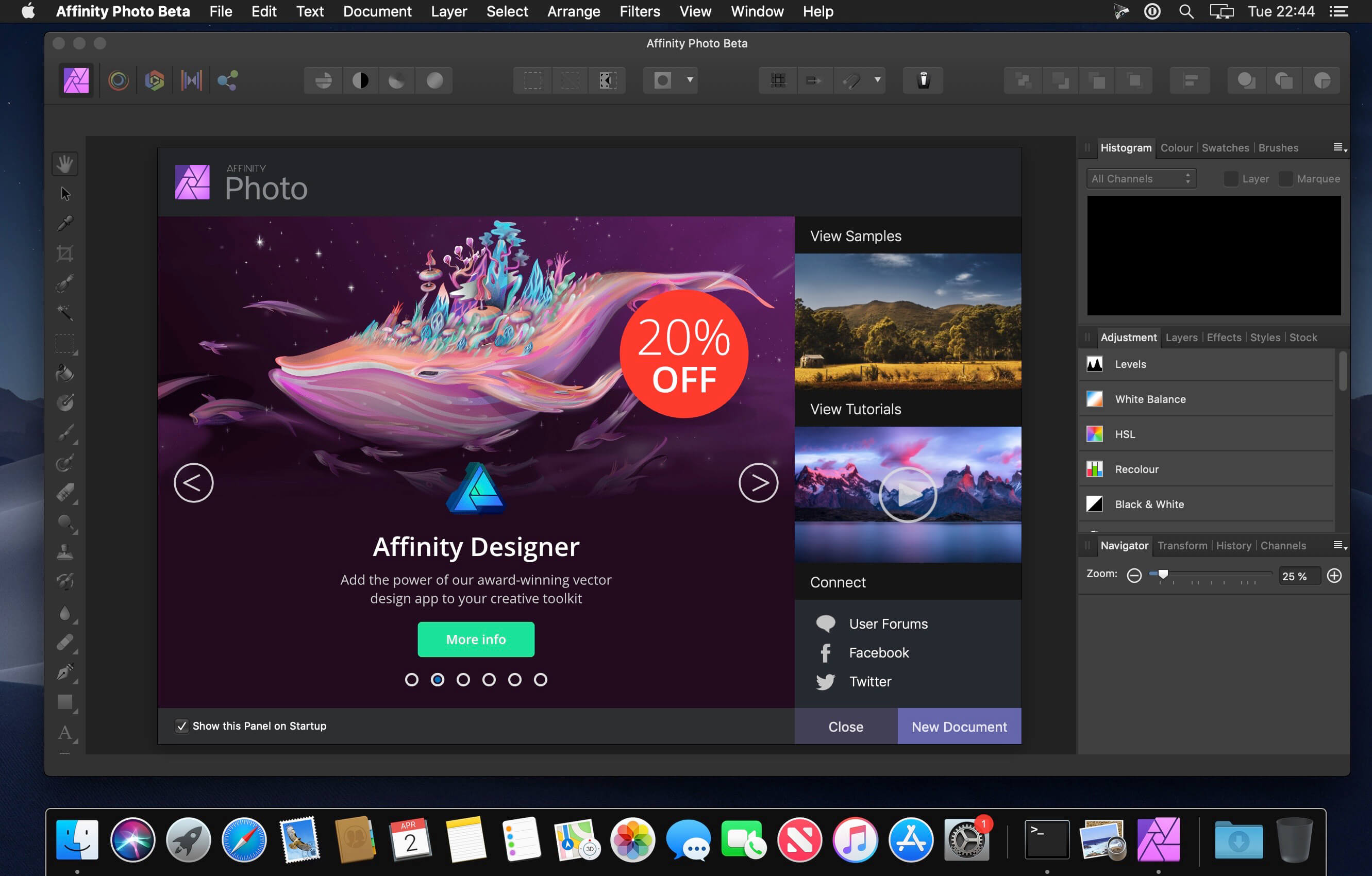
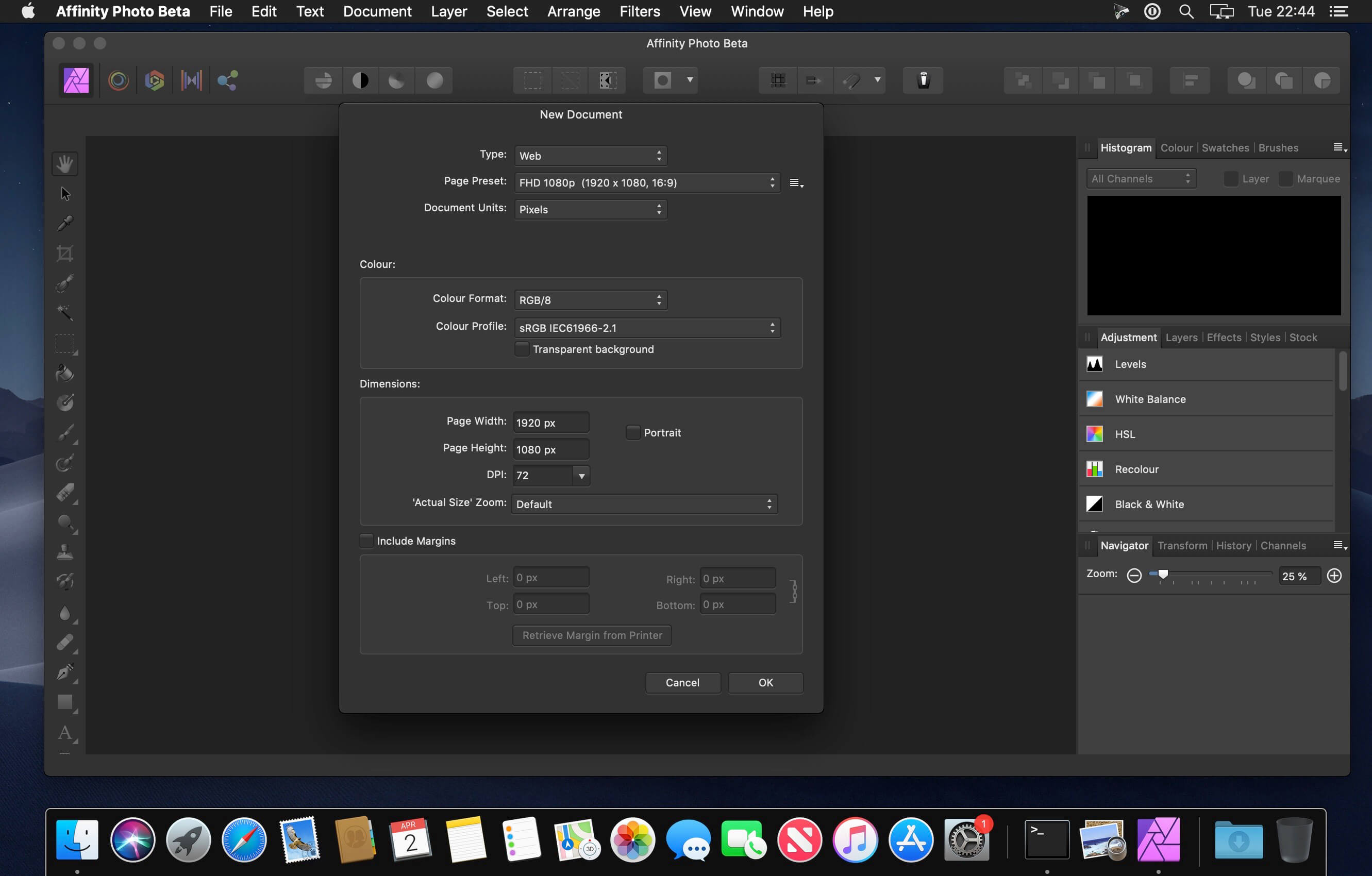
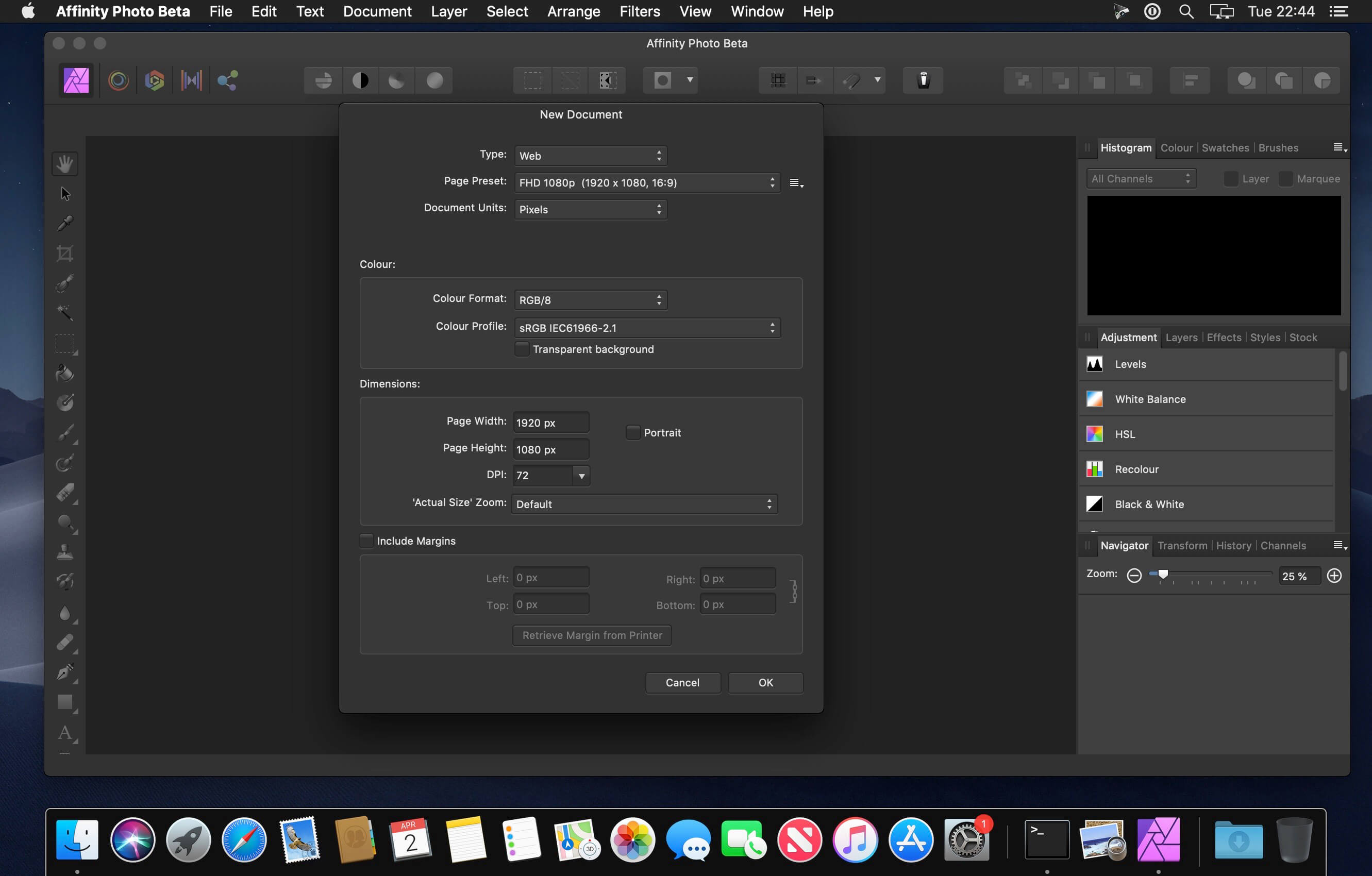
Affinity Photo redefines the boundaries for professional photo editing software on the Mac. With a meticulous focus on workflow it offers sophisticated tools for enhancing, editing and retouching your images in an incredibly intuitive interface with all the power and performance you need.

Engineered for Professionals
• Open, edit and save Photoshop® PSD files
• RGB, CMYK, Greyscale and LAB color spaces
• End-to-end CMYK workflow with ICC color management
• Full 16 and 32-bit per channel editing
• Work with all standard formats like PNG, TIFF, JPG, GIF, SVG, EPS, EXR, HDR and PDF
• Panning and zooming is always live at 60fps with live previews, live tools and real-time editing
• Open and edit massive images without compromising performance or running out of memory
and other

What’s New:

Version 2.4.2:

  • Release notes were unavailable when this listing was updated.

Compatibility: macOS 10.15 or later
Homepage https://affinity.serif.com

Screenshots


Adobe Lightroom Classic 2024 v13.2

Name: Adobe Lightroom Classic 2024 v13.2 macOS_Mactorrents.biz.rar
Size: 3.5 GB
Files Adobe Lightroom Classic 2024 v13.2 macOS_Mactorrents.biz.rar[3.5 GB]

   Download Torrent
   Link Download

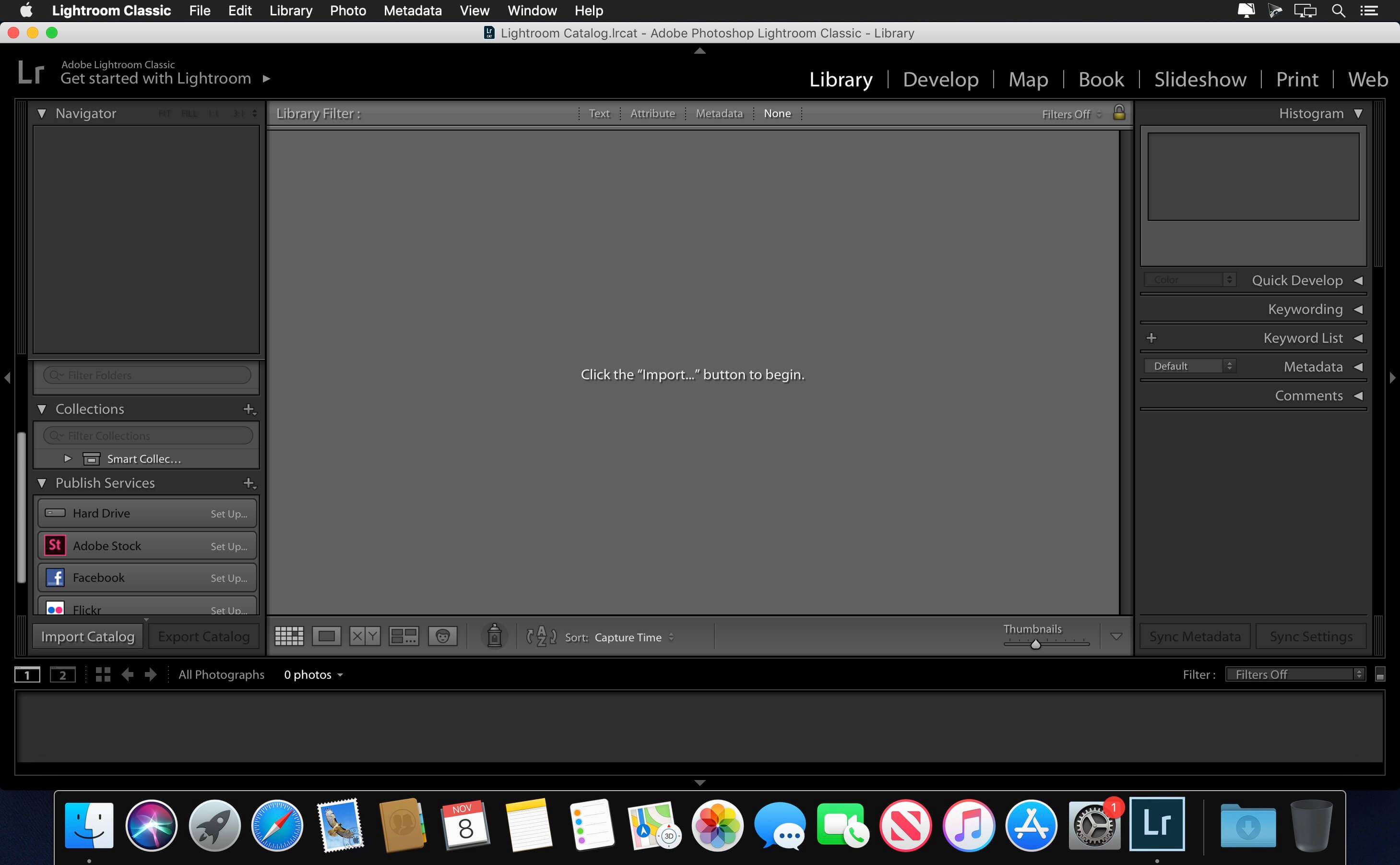
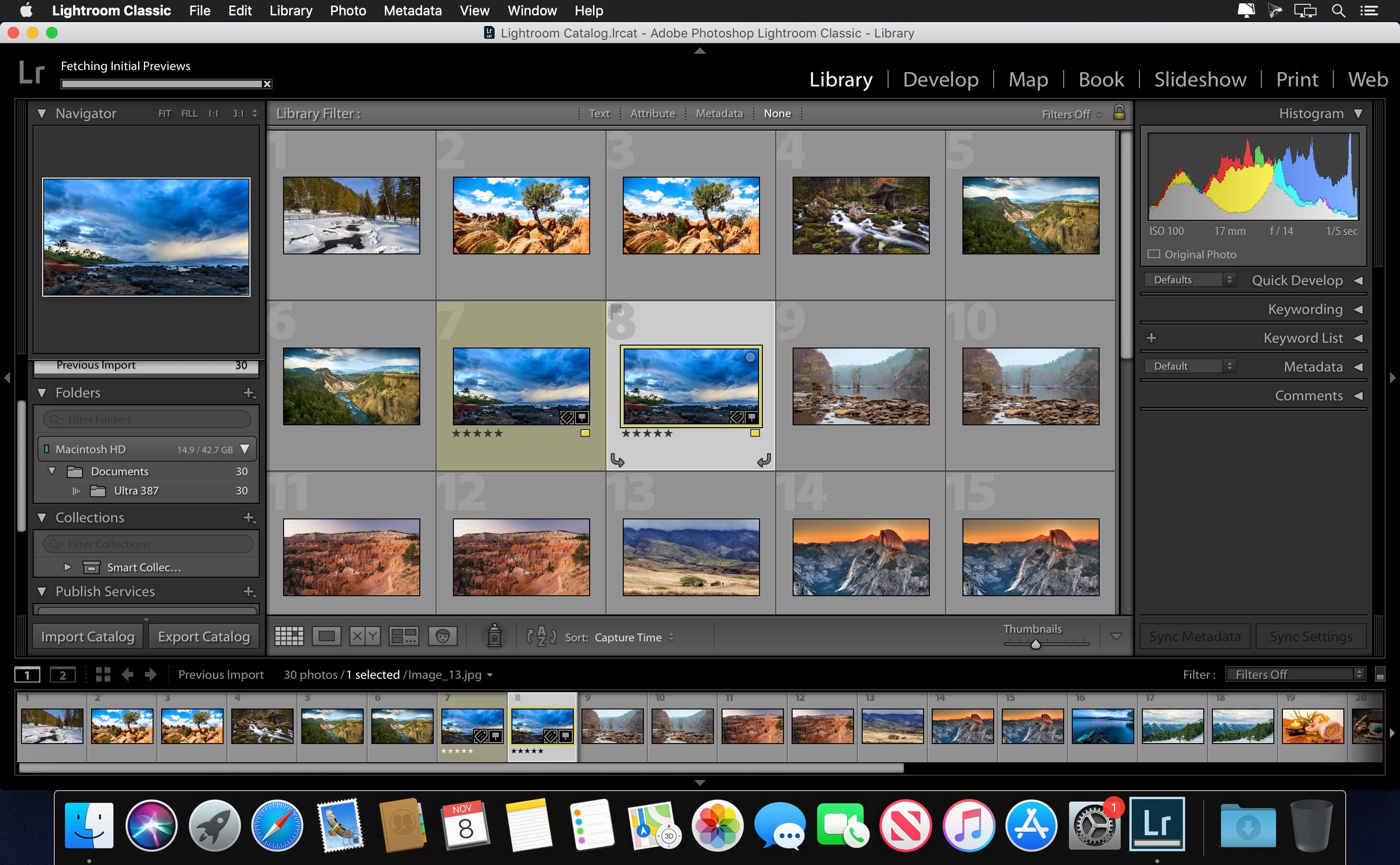
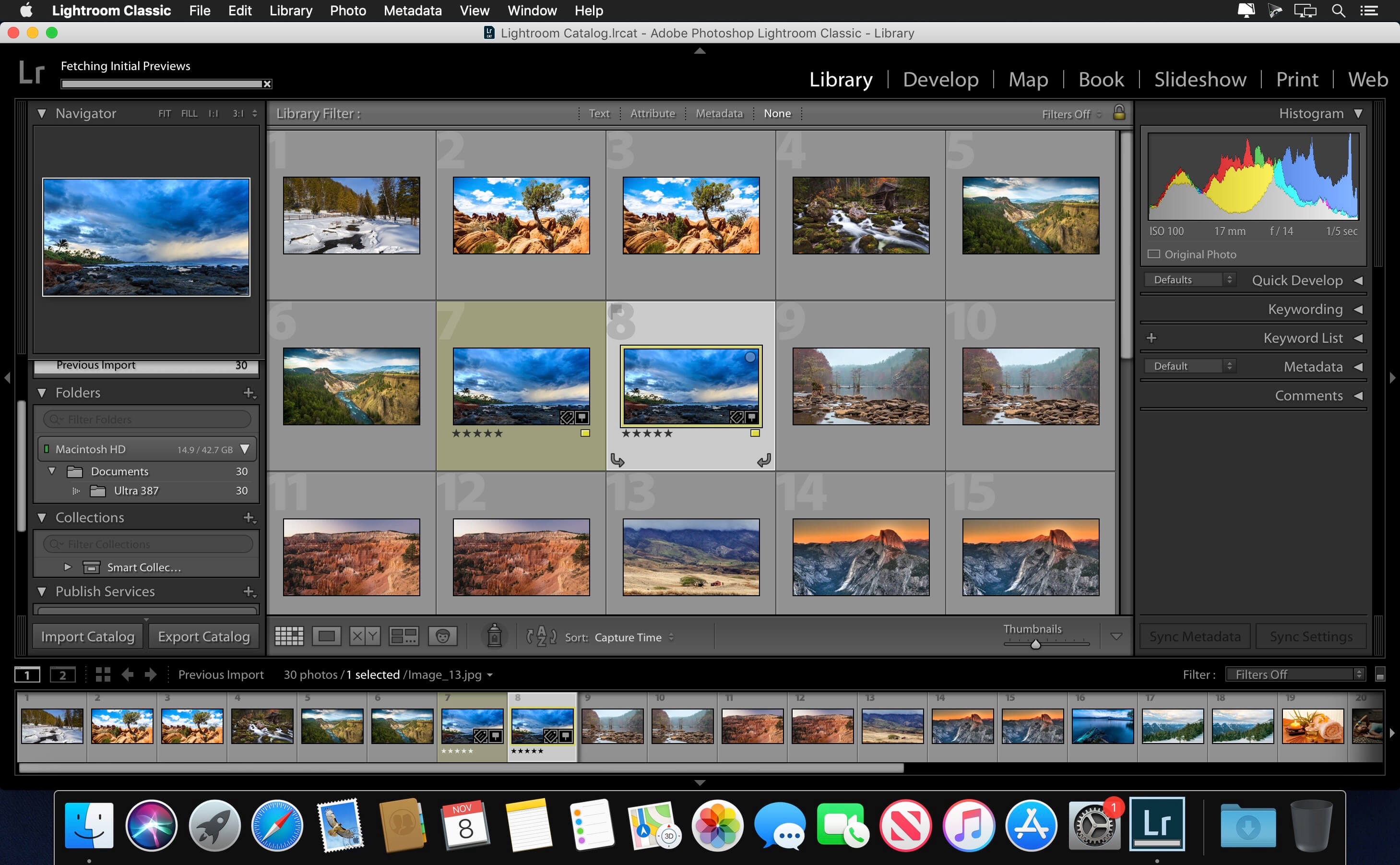
Edit and organize your photos with the app that’s optimized for desktop. Lightroom Classic gives you powerful one-click tools and advanced controls to make your photos look amazing. Easily organize all your photos on your desktop, and share in a variety of ways.

Your best shots. Made even better.
Your photos don’t always reflect the scene the way you remember it. But with Lightroom Classic, you have all the desktop editing tools you need to bring out the best in your photographs. Punch up colors, make dull-looking shots vibrant, remove distracting objects, and straighten skewed shots. Plus, the latest release offers improved performance so you can work faster than ever.

– With better performance under the hood, Lightroom Classic lets you import photos, generate previews, and move from Library to Develop Module in record time.
– Use range masking tools to easily select the areas or objects you want to edit based on their color, luminance, or depth.
– Create HDR panos faster now that you can merge multiple bracketed exposures into multiple HDR photos and then stitch them into a panorama — all in one step.

The future of photography. Here today. Get to know Lightroom.
Go beyond the desktop and edit, organize, store, and share from anywhere with the cloud-based Lightroom photo service:

– Store and access your full-resolution photos in the cloud
– Find photos on any device fast with auto tagging
– Edit from any device using an intuitive, streamlined interface

Accelerate image-editing with GPU support
Use the GPU of your system to enhance image-editing experience.

Organize your collections with color labels
Color labels can be added for collections, collections sets, and smart collections.

Support for new cameras and lenses
Adds support for new cameras and lens profiles.

Other enhancements
Find information about PNG export, batch merge for HDR and panoramas, and other new enhancements in this release.

Compatibility: macOS 10.15 or later
Homepage https://www.adobe.com/

Screenshots


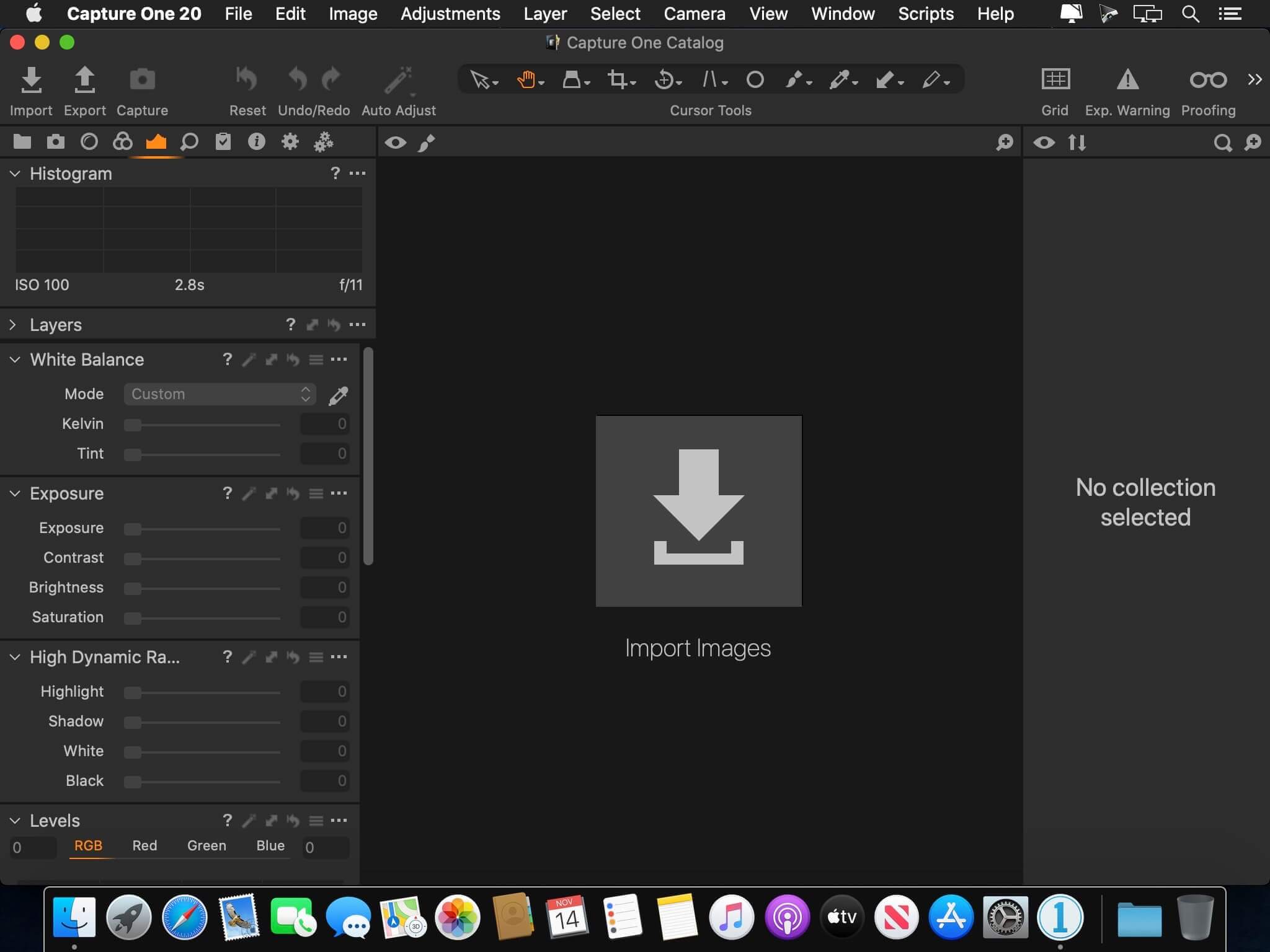
Capture One Pro 16.3.8.23

Name: Capture_One_16.3.8.23._Pro_dmg_Mactorrents.biz.dmg
Size: 963 MB
Files Capture_One_16.3.8.23._Pro_dmg_Mactorrents.biz.dmg[963 MB]

   Download Torrent
   Link Download

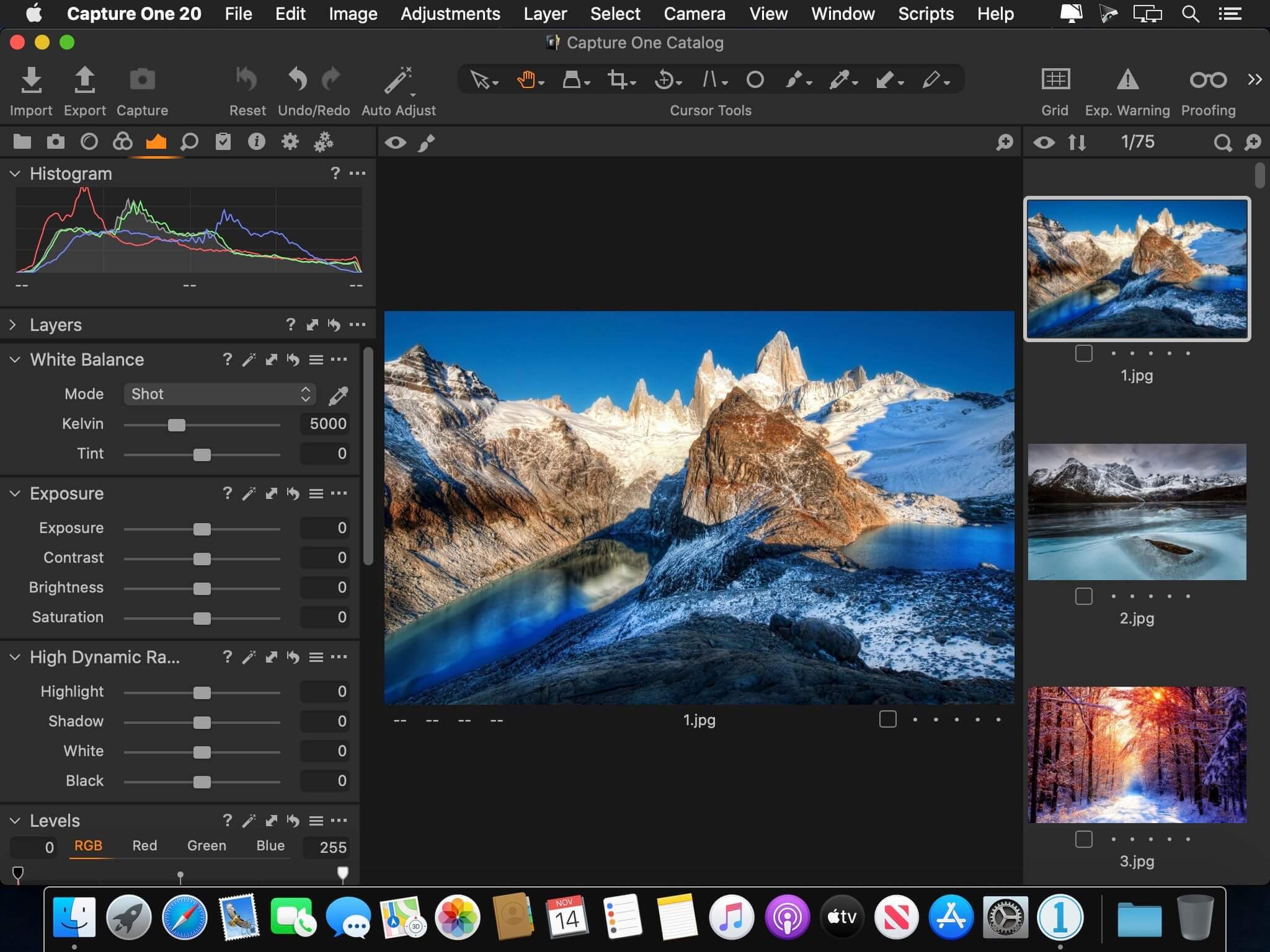
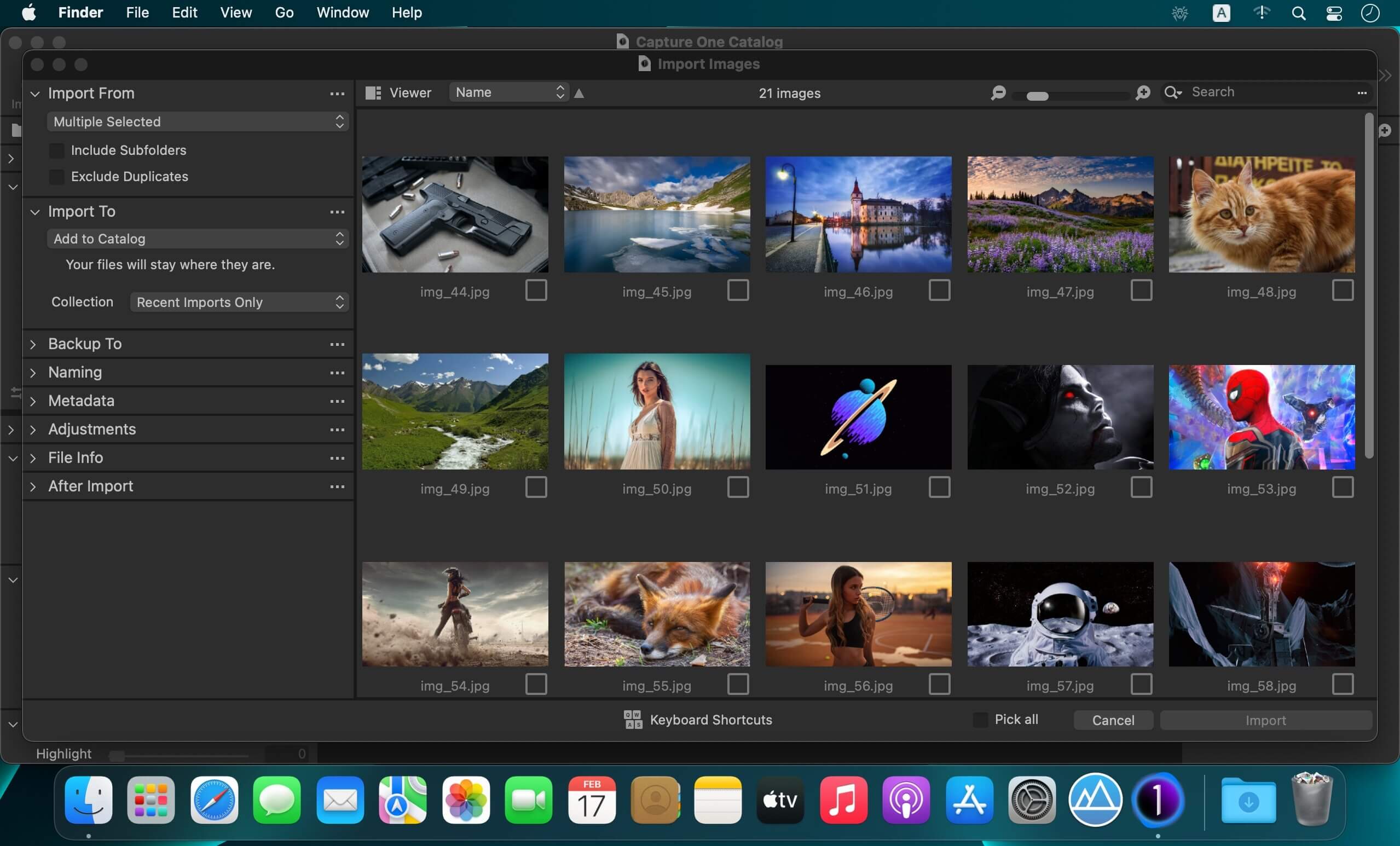
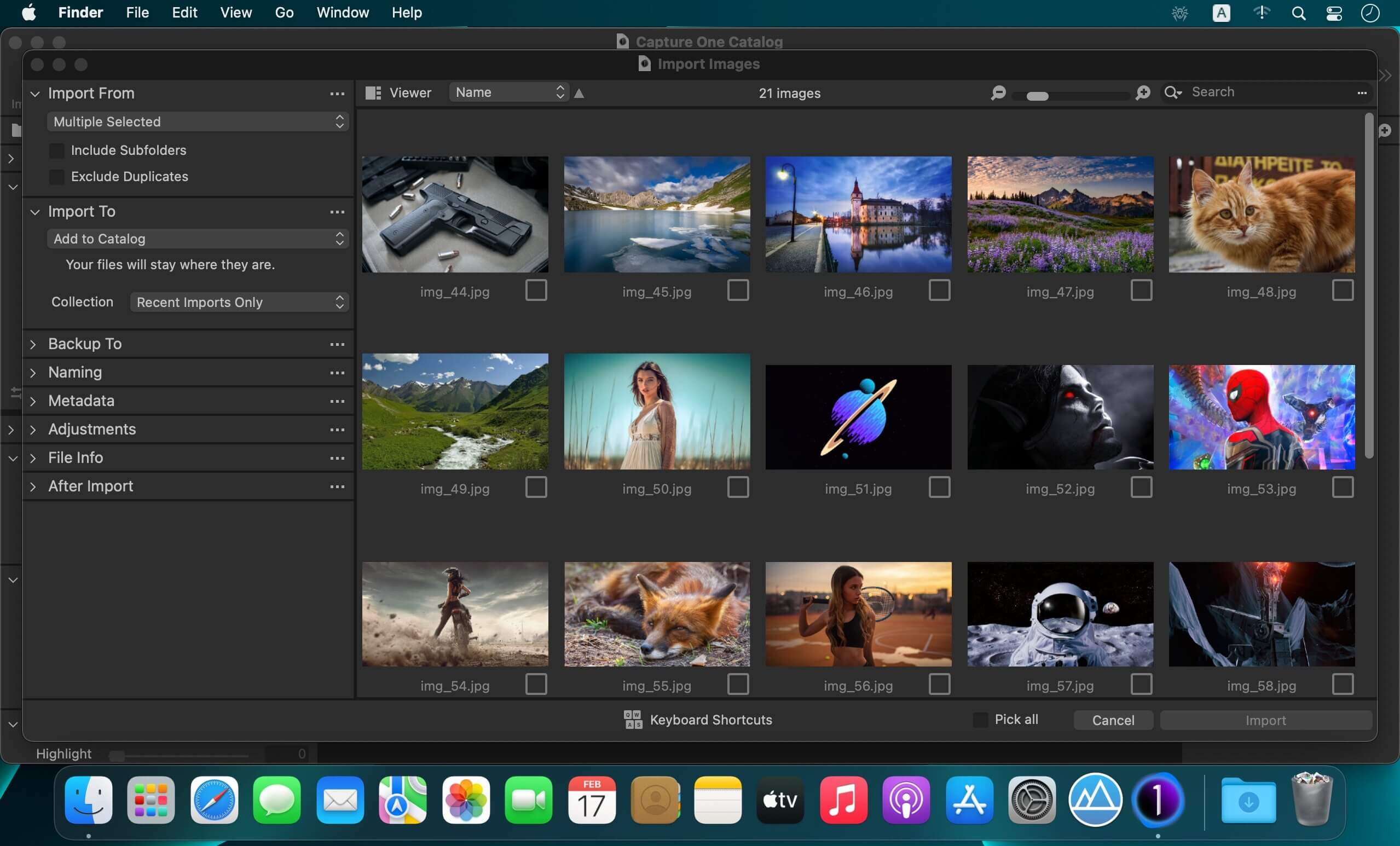
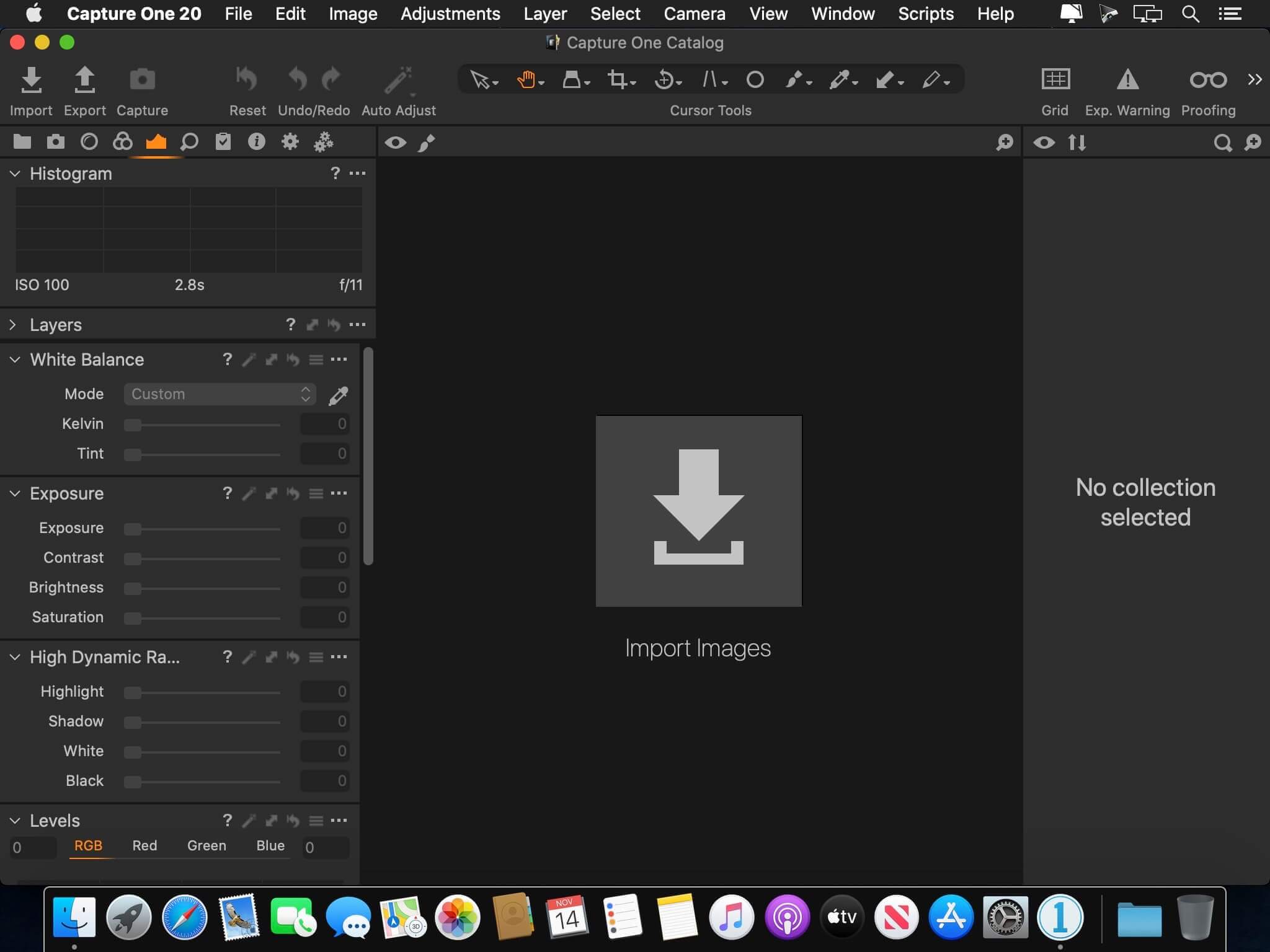
Capture One 23 is a professional RAW converter offering you ultimate image quality with beautiful colors and incredible detail for more than 500 high-end cameras. It offers state- of-the-art tethered capture, powerful digital asset management, extensive adjustment tools and a flexible workflow through customizable workspaces.

With an updated processing engine, market-leading performance and powerful new features, Capture One is the professional choice in imaging software. You get the highly responsive precision tools you need to create stunning images from your camera’s RAW files in a time-saving workflow that can be customized to fit your needs.

New features and improvements

  • Speed Edit
  • Dehaze
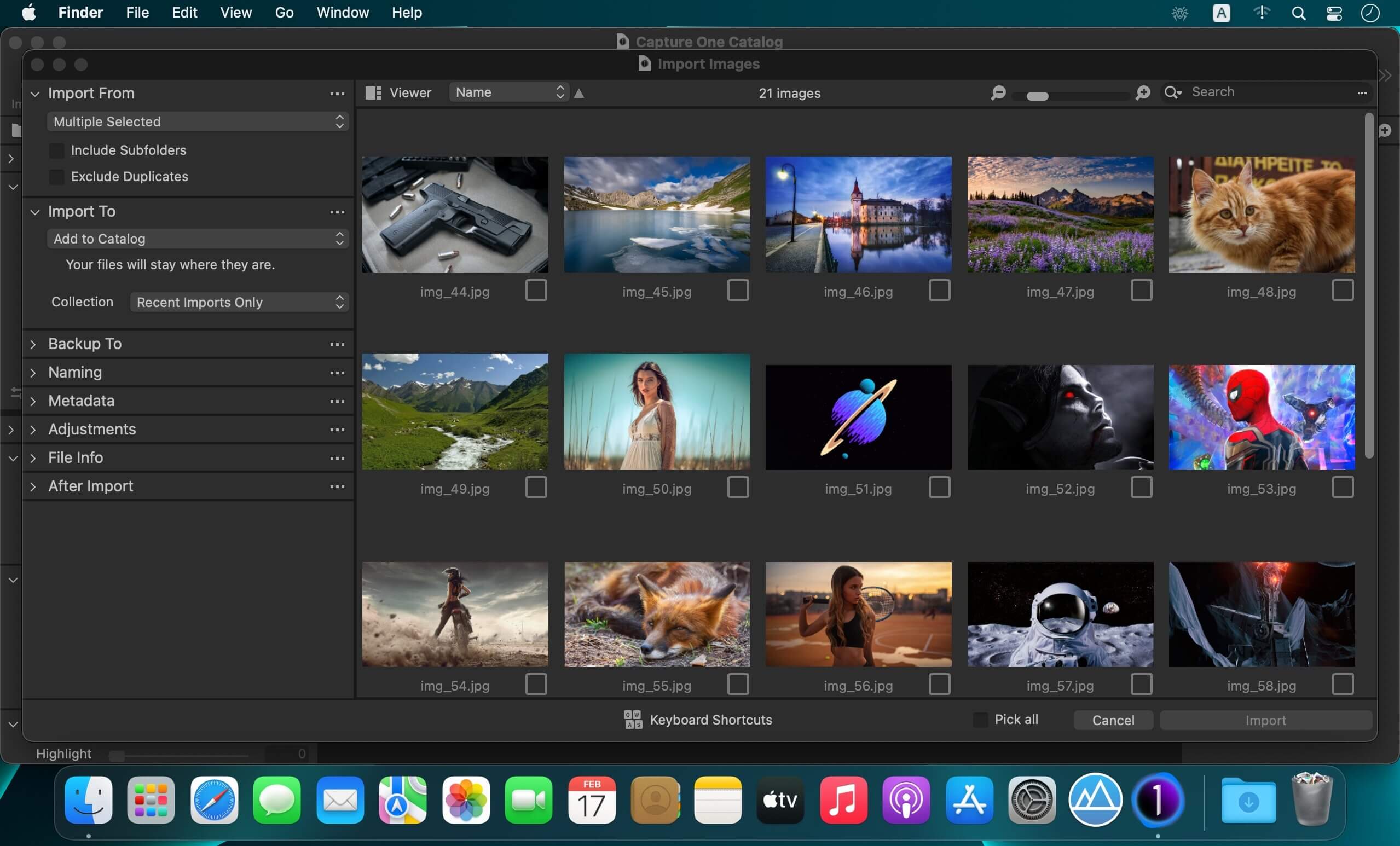
  • Improved importer

General User Experience Improvements and tweaks

  • HEIF support
  • Easy brush adjusting
  • Improved performance
  • Colored gradients on White Balance Sliders
  • Enhanced tooltips
  • Easy access to Tutorials

Compatibility: macOS 10.15 or later
Homepage https://www.phaseone.com/

Screenshots


Capture One Enterprise 16.3.8.23

Name: Capture_One_16.3.8.23_Ent_Mactorrents.biz.dmg
Size: 963 MB
Files Capture_One_16.3.8.23_Ent_Mactorrents.biz.dmg[963 MB]

   Download Torrent
   Link Download

Capture One 23 Enterprise – the photo editing solution for image production studios and e-commerce platforms. Its authentic true-to-life color processing, seamless editing experience, and fastest tethering in the industry gives you total creative control, making it a household name in studios across the world. Based in Copenhagen, Denmark, Capture One empowers photographers with cutting-edge features to keep your photography one step ahead.

How any photography studio can create value with Capture One Enterprise
For the past 10 years, leading studio photography has been created with photo editing software Capture One. With world-class tethering, state-of-the-art photo editing tools and the highest quality RAW processing, it’s been a staple in any photography studio.

Now, Capture One has introduced an “Enterprise” version which is specifically built for business and aligned to the way a photography studio works.
Capture One Enterprise offers the same standard features as Capture One’s flagship product Capture One 20 – tailored to the needs of studio photography.

Built for Business
Photographers are key to the success of any photography studio.

But what if the photography studio involves several photographers, studio managers, retouchers, quality assurance managers, project leaders, etc who need to collaborate, standardize and carry out the same workflows over and over again? What if those workflows also need to be integrated to other systems, eg. barcode scanners, PIM systems, digital asset management systems, ecommerce platforms etc?

Capture One Enterprise has been developed to address the challenges faced by studio photography and help any enterprise or e-commerce photography studio optimize their image production process and boost results across relevant KPI’s.

Value creation with Capture One Enterprise
Studio photography has huge value creation potential with Capture One Enterprise. By incorporating its enterprise-specific features into the workflow, it can improve KPI’s such as

  • “Time to Market” – Optimizing the hours your photography studio spends on the image production process, from planning your image, to shoots, to publishing the final photo on your ecommerce platform.
  • “Cost per image” – Optimizing each step in your studio photography process can dramatically increase your efficiency and reduce your costs
  • “Reduce Risk” – Secure your studio photography and image production to reduce errors and costs, thanks to enterprise exclusive features such as Image back-Up, License Management, MDM support etc.

This is achieved via enterprise features such as the Barcode scanner tool, Advanced Guides, Next Capture Backup, Next Capture Keywords, Next Capture Metadata, Tool Locks, Capture Pilot with Enterprise enhancements and Dedicated Studio workspaces.

Automated workflows in Capture One Enterprise
Once your studio has implemented Capture One Enterprise and begun implementing its standard features in your workflows, there are further opportunities to intensify value creation by automating workflows and integrating Capture One Enterprise into your IT infrastructure. You can do this by implementing

  • Workflow enhancement (an automation feature within Capture One)
  • Integrations (extension or automation interfacing with another app)

Customized solutions can maximize value, too
Your photography studio might also have very specialized needs – here, customized solutions can generate value for your studio photography. For example, ultra-accurate color profiling can assist in achieving one critical KPI in particular

“Reduce product returns” – Color profiling optimization on true color reproduction can reduce the rate of goods returned due to discrepancies in color between the actual product and the image.

Capture One offers individual color profiles for businesses, so you can reduce editing time and save on retoucher costs with fine-tuned color profiling for the most popular e-commerce cameras used by photography studios. Minimize color discrepancies and meet the demands of specialist product and studio photography with more accurate colors out-of-the-box.

These are just some of the exclusive features designed for studio photography – get in touch with the Enterprise team to learn more and discover where Capture One Enterprise can specifically meet the demands of your business. For more insight into specific tools, check out the Tools and Functionality white paper and Barcode Reader white paper.

What’s New:

Release Notes:

Compatibility: macOS 10.15 or later
Homepage https://www.captureone.com/en/explore-features/enterprise

Screenshots


EdgeView 4.6.4

Name: EdgeView_4.6.4_Mactorrents.biz.dmg
Size: 39 MB
Files EdgeView_4.6.4_Mactorrents.biz.dmg[39 MB]

   Download Torrent
   Link Download

EdgeView 3 is fast image viewer has elegant user interface. EdgeView 3 is developed and designed for modern MacOS. It can open various image files such as JPEG, PNG, TIFF, BMP, and RAW file of DSLR, EPS and PDF, AI(Adobe Illustrator). Can open image files in archive directly without extraction.

User can open files, rename files, delete files from EdgeView’s file browser. Also can access to SMB/AFP/FTP network volume.

User can navigate images quickly by using keyboard shorcut, mouse wheel, trackpad gesture. EdgeVew show EXIF information, play animation GIF/PNG/WebP smoothly. Save last status to history, and restore when reopen file.

EdgeView 3 will be the best choice when viewing and managing image files.

Features

  • Rewrote full code as Swift for improve performance.
  • Support m1 CPU Mac.
  • Has easy UI, can control main function at Sidebar.
  • Support English/Korean/Japanese/Chinese(Simplified).

Image Viewer

  • Supporting image files such as JPG, GIF, BMP, PSD, TIFF, RAW, WEBP and PDF, EPS, AI(Adobe Illustrator), OpenEXR, HDR, TGA.
  • Can play animation GIF/PNG/WebP. User can control animation with floating animation controller.
  • Dispaly internal image(or frame) of animation GIF/PNG/WebP or HEIC that has multiple internal image.
  • Can read and show images of major archive formats (such as ZIP, RAR, CBZ, CBR, 7-zip) without extraction. Of course, can open ZIP file that 4GB over.
  • Can read encrypted archive file.
  • Can read archive file in archive file recursively
  • Improved draw speed by rebuilt image cache system and drawing engine.
  • Draw images as high quality.
  • Provide suitable functions for comic reading such as ‘Two-Page Spread’, ‘Continuous Scroll mode’, ‘Right to Left’, etc.
  • Provide multiple navigation functions like as ‘Move’, ‘Skip’, ‘Shift’, etc.
  • User can navigate images and check whole thumbnails at Thumbnailsbar.
  • User can navigate images by using keyboard shortcut, mouse wheel, trackpad gesture.
  • Can rotate and flip images. Orientation will be saved to history.
  • User can select part of images, and copy it or save as file.
  • Can zoom in/out image freely.
  • Built-in loupe function to make it easier to magnify part of image.
  • Show histogram.
  • Show neighbor files list. And can open neighbor file.
  • Support history feature for saving and restoring last status of file.
  • Can reopen file or remove history at history list.
  • Can rate image files.

File Browser

  • Built-in file browser can show and open files from local drive or AFP/SMB/FTP network drive.
  • Can display files as lists or icon.
  • Show images in folder/archive file at preview panel.
  • Generate thumbnails of archive files and folders.
  • Support powerful search feature.
  • Show category and writer information.
  • User can sort files by various options, and can delete or rename files.
  • Can rate files or folders.

Others

  • Support customizing feature. Also user can change shortcuts.
  • Built-in Quick Look Extension generate thumbnails and preview of archive files at Finder.

Compatibility: macOS 11.1 or later
Homepage https://apps.apple.com/pk/app/edgeview-2/id1206246482

Screenshots


Adobe Photoshop 2024 v25.6.0

Name: Adobe Photoshop 2024 v25.6.0 macOS_Mactorrents.biz.rar
Size: 6.2 GB
Files Adobe Photoshop 2024 v25.6.0 macOS_Mactorrents.biz.rar[6.2 GB]

   Download Torrent
   Link Download

Welcome to the AI ​​generation. The full power of generative AI. All your favorite Adobe tools. A new era of creativity and productivity has arrived.

From photo editing and compositing to digital painting, animation and graphic design, everything you can imagine, you can create in Photoshop. Bring ideas to life on desktops and iPads. Use artificial intelligence technology for fast editing. Learn new skills and share your work with the community. With our latest release, doing amazing things has never been easier.

Adobe Photoshop is a recognized classic of photo-enhancing software. It offers a broad spectrum of tools that can turn your inspiration into incredible images, photos, composites, 3D artwork, paintings, and graphics on any device.

Photoshop has become the choice of thousands of creative professionals around the world. First introduced in 1988, it still is the world’s leading image-editing software.

Intuitive and clean user interface

  • Although Photoshop for Mac is the most comprehensive graphics and image-editing software available in the market today, it has a very intuitive and easy-to-navigate interface.
  • With recently improved usability, this photo-editor has become even more enjoyable to use. The interface loads as soon as you decide to use Photoshop.
  • A user-friendly interface updates you about new features, suggests learning content, and allows you to quickly access recent files. You can easily pick up where you left or create a new project, access cloud and desktop pictures, and open an existing document.

Convenient content-aware fill workspace

  • Adobe has recently announced the launch of its new Content-Aware Fill workspace. It allows you to remove objects or distracting elements from your images easier than ever before.
  • This new option offers an interactive editing experience. Now, you can take full Control over which “good” parts of the picture to use to replace the undesired areas. It allows resizing the initial selection, rotating, scaling, and mirroring content.

Enjoy a range of new tools

  • The latest version of the software provides a new Frame Tool that allows you to enjoy much simpler masking. Now, you can place shapes and text into placeholder frames and fill them with pictures. To create elliptical or rectangular forms, you only need to select the Frame Tool and press “K.”
  • There is also a new default feature of multiple undo. If you want to view an object before changes are applied, just click Control + Z (for Windows OS) and Command + Z (for macOS). Don’t worry about losing any project changes in Adobe Photoshop on your MacBook Air or MacBook Pro. With a new auto-commit feature, they are saved automatically.

What’s New:

 Version 2024 v25.6.0 :

  • Release notes were unavailable when this listing was updated.

Language: Multilingual
Compatibility: macOS v10.15 or later
Homepage https://www.adobe.com/products/photoshop.html

Screenshots


Adobe Lightroom Classic 2024 v13.1

Name: Adobe_Lightroom_Classic_v13.1_macOS_Mactorrents.biz.zip
Size: 3.5 GB
Files Adobe_Lightroom_Classic_v13.1_macOS_Mactorrents.biz.dmg[3.5 GB]

   Download Torrent
   Link Download


Edit and organize your photos with the app that’s optimized for desktop. Lightroom Classic gives you powerful one-click tools and advanced controls to make your photos look amazing. Easily organize all your photos on your desktop, and share in a variety of ways.

Your best shots. Made even better.
Your photos don’t always reflect the scene the way you remember it. But with Lightroom Classic, you have all the desktop editing tools you need to bring out the best in your photographs. Punch up colors, make dull-looking shots vibrant, remove distracting objects, and straighten skewed shots. Plus, the latest release offers improved performance so you can work faster than ever.

– With better performance under the hood, Lightroom Classic lets you import photos, generate previews, and move from Library to Develop Module in record time.
– Use range masking tools to easily select the areas or objects you want to edit based on their color, luminance, or depth.
– Create HDR panos faster now that you can merge multiple bracketed exposures into multiple HDR photos and then stitch them into a panorama — all in one step.

The future of photography. Here today. Get to know Lightroom.
Go beyond the desktop and edit, organize, store, and share from anywhere with the cloud-based Lightroom photo service:

– Store and access your full-resolution photos in the cloud
– Find photos on any device fast with auto tagging
– Edit from any device using an intuitive, streamlined interface

Accelerate image-editing with GPU support
Use the GPU of your system to enhance image-editing experience.

Organize your collections with color labels
Color labels can be added for collections, collections sets, and smart collections.

Support for new cameras and lenses
Adds support for new cameras and lens profiles.

Other enhancements
Find information about PNG export, batch merge for HDR and panoramas, and other new enhancements in this release.

Compatibility: macOS 10.15 or later, Apple Silicon or Intel Core processor
Homepage https://www.adobe.com/

Screenshots


OmniPlayer: MKV Video Player 2.1.4

Name: OmniPlayerStore_2.1.4_Mactorrents.biz.dmg
Size: 100 MB
Files OmniPlayerStore_2.1.4_Mactorrents.biz.dmg[100 MB]

   Download Torrent
   Link Download

OmniPlayer for Mac is a comprehensive media player for almost any video and audio format on macOS. It has powerful features with a modern and clean design. You can use it to play various 4K/1080P/720P HD videos and normal/lossless audio easily with hardware decoding. OmniPlayer’s rich features let you conveniently control and adjust the playback, playlists, video images, audio tracks, subtitles, and screenshots, etc.

Supported Formats:
– Videos: mkv, rmvb, rm, avi, mov, wmv, flv, f4v, f4p, f4a, f4b, swf, mpg, mpeg, mpeg1, mpeg2, m1v, m2v, mpv, mp4, mpeg4, m4v, 3gp, 3gpp, 3g2, 3gp2, m2p, ps, ts, m2ts, mts, mt2s, ogm, ogv, divx, dv, asf, wtv, webm, m3u, m3u8 etc.
-mAudios: flac, ape, m2a, mp1, mp2, mpa, mp3, mpg3, m4a, m4b, wma, wav, wv, xm, aiff, aif, ac3, a52, aac, opus, ogg, oga, mid, midi, mka etc.
– Subtitles: ass, ssa, srt, idx&sub

Features

· Supports Multiple Media Types
– Play almost any format of the local and remote server videos and audios (SAMBA/FTP protocol).
– Supports online videos and audio with HTTP/HTTPS protocols.
– Play Youtube and Vimeo videos using the webpage URL directly without online ads.
· Playlist Control
– Record media files to playlists automatically and automatically clear all when exiting the player.
– Play, search, delete, change repeat mode of media items in the playlist.
· Playback Control
– Pause, resume, fast forward, rewind and jump to a specified progress time.
– Record last progress time of playback when stopping automatically.
– Show preview images on the progress bar when playing a local video.
– Hide controls automatically to display pure video view without any occlusion.
– Adjust playback speed from 0.25x to 4x.

Top In-App Purchases: Full (PRO) Version – included
Compatibility: macOS 10.13 or later
Mac App Store https://geo.itunes.apple.com/app/id1470926410

Screenshots

zFuse Pro – Player For Everything 1.7.40

Name: sPlayer_1.7.40_Mactorrents.biz.dmg
Size: 56 MB
Files sPlayer_1.7.40_Mactorrents.biz.dmg[56 MB]

   Download Torrent
   Link Download

zFuse Pro macOS version, with iOS version of the same light, simple and powerful.

The following is a characteristic:

  • Simultaneously open multiple instances.
  • Video rotation, you can watch movies lying down.
  • Hardware acceleration.
  • Supports HDR Tone Mapping on non-HDR display.
  • Media preview in seeking.
  • Built-in audio enhancement.
  • Multi Soundtrack selection.
  • Embedded/External subtitle-track selection.
  • Subtitle synchronization.
  • Support for external subtitle font selection .
  • 0.5x-3.0x playback speed control.
  • 0.5x-5.0x zoom screen.
  • Can directly load Blu-ray ISO to play.
  • Support audio output format switching.
  • Support audio output sample rate switching.
  • Support audio output channels switching.

Function/Shortcut key

  • Double click: full screen/quit full screen.
  • Space: pause/play.
  • Shortcuts: See the items under the “Control” menu.
  • Supported video formats : MP4, MOV, MKV, AVI, WMV, FLV, RMVB, ASF,OGV and so on.
  • Supported audio formats : MP3, WAV, WMA, FLAC, APE and so on.
  • Support subtitle format : SRT, SSA, ASS.
  • Supported image formats : JPG, PNG, BMP,TIFF etc.
  • Supported playlist formats : M3U/M3U8/PLS/TXT/DPL.

Compatibility: macOS 10.15 or later
Mac App Store https://apps.apple.com/app/zfuse-pro/id1012278958

Screenshots


Adobe Photoshop 2024 v25.5.0


Name: Adobe.Photoshop.2024.v25.5.0.macOS_Mactorrents.biz.zip
Size: 5.6 GB
Files Adobe.Photoshop.2024.v25.5.0.macOS_Mactorrents.biz.dmg[5.6 GB]

   Download Torrent
   Link Download

Welcome to the AI ​​generation. The full power of generative AI. All your favorite Adobe tools. A new era of creativity and productivity has arrived.

From photo editing and compositing to digital painting, animation and graphic design, everything you can imagine, you can create in Photoshop. Bring ideas to life on desktops and iPads. Use artificial intelligence technology for fast editing. Learn new skills and share your work with the community. With our latest release, doing amazing things has never been easier.

Adobe Photoshop is a recognized classic of photo-enhancing software. It offers a broad spectrum of tools that can turn your inspiration into incredible images, photos, composites, 3D artwork, paintings, and graphics on any device.

Photoshop has become the choice of thousands of creative professionals around the world. First introduced in 1988, it still is the world’s leading image-editing software.

Intuitive and clean user interface

  • Although Photoshop for Mac is the most comprehensive graphics and image-editing software available in the market today, it has a very intuitive and easy-to-navigate interface.
  • With recently improved usability, this photo-editor has become even more enjoyable to use. The interface loads as soon as you decide to use Photoshop.
  • A user-friendly interface updates you about new features, suggests learning content, and allows you to quickly access recent files. You can easily pick up where you left or create a new project, access cloud and desktop pictures, and open an existing document.

Convenient content-aware fill workspace

  • Adobe has recently announced the launch of its new Content-Aware Fill workspace. It allows you to remove objects or distracting elements from your images easier than ever before.
  • This new option offers an interactive editing experience. Now, you can take full Control over which “good” parts of the picture to use to replace the undesired areas. It allows resizing the initial selection, rotating, scaling, and mirroring content.

Enjoy a range of new tools

  • The latest version of the software provides a new Frame Tool that allows you to enjoy much simpler masking. Now, you can place shapes and text into placeholder frames and fill them with pictures. To create elliptical or rectangular forms, you only need to select the Frame Tool and press “K.”
  • There is also a new default feature of multiple undo. If you want to view an object before changes are applied, just click Control + Z (for Windows OS) and Command + Z (for macOS). Don’t worry about losing any project changes in Adobe Photoshop on your MacBook Air or MacBook Pro. With a new auto-commit feature, they are saved automatically.

What’s New:

 Version 2024 v25.5.0 :

  • Release notes were unavailable when this listing was updated.

Language: Multilingual
Compatibility: macOS v10.15 or later, Intel or Apple silicon
Homepage https://www.adobe.com/products/photoshop.html

Screenshots


Topaz Gigapixel AI 7.0.5

Name: Topaz.Gigapixel.AI.7.0.5_Mactorrents.biz.zip
Size: 225 MB
Files Topaz.Gigapixel.AI.7.0.5_Mactorrents.biz.dmg[225 MB]

   Download Torrent
   Link Download

Beautiful photo enlargements using machine learning. Enlarging your image without losing detail has always been impossible… until now. Upscale your photos by up to 600% while perfectly preserving image quality.

Enlarge Images by up to 600%
Create a beautiful 80 x 60 inch print from a simple iPhone photo. Or transform your DSLR photos into sharp and ultra-detailed 100MP images.

Use truly intelligent upscaling
After being trained with millions of sample images, Gigapixel can now enlarge your images with a surprising level of quality.

Get crisp and clear results.
Gigapixel performs around 2 million operations per pixel to get you results with as much detail and sharpness as possible.

No more fuzzy enlargements.
Breathtakingly sharp prints. High-resolution cropping in post-production. iPhone photos that look like they came out of a DSLR. No matter why you’re enlarging your photos, you always want the best possible quality for your results. AI Gigapixel is currently the only photo enlargement product available that can actually add detail back to your upscaled photo.

Recover real details for actual sharpness
Increasing edge contrast is the simplest way to make an image look “sharp”, and how most other upscaling software works. Gigapixel is different: it increases the actual sharpness of your upscaled photo by recovering real detail in your image. This is only possible through training and exposure to millions of test images.

Crisp photos that look like they were never upscaled
It’s hard to believe that the crisp output image above was enlarged 4x, but it was. Gigapixel AI successfully determines which image features are stars (detail) and what’s noise. Then, it naturally accentuates and recovers detail while suppressing noise in your upscaled photo.

The highest-quality image upscaling that you can get anywhere
Because of these exceptional results, Gigapixel AI is used by everyone from leading photographers, to video game modders, to major motion studios. If you ever need to upscale your photo while preserving beautiful detail, take advantage of the most modern technology in the space and give Gigapixel AI a try.

Image enlargement: interpolation vs machine learning
Interpolation-based photo enlargement software has been around for decades. Gigapixel’s new approach based on machine learning is a giant leap ahead: state-of-the-art “deep learning” methods allow it to enlarge images while actually adding new details.

Interpolation
Interpolation algorithms work by approximating new pixels from the colors of surrounding ones. This does not add any detail to the image, it just smoothes out the transition between pixels.

Neural Network (Gigapixel AI)
A neural network analyzes thousands of photo pairs to learn how details usually get lost. The algorithm learns to “fill in” information in new images based on what it has learned… effectively adding new detail to your photo.

What’s New:

 Version 7.0.5:

  • Release notes were unavailable when this listing was updated.

Compatibility: macOS 10.14 or later
Homepage https://topazlabs.com/

Screenshots


Topaz Photo AI 2.4.2

Name: Topaz_Photo_AI_2.4.2_Mactorrents.biz.rar
Size: 341 MB]
Files Topaz_Photo_AI_2.4.2_Mactorrents.biz.rar[341 MB]

   Download Torrent
   Link Download

Enhance the quality of your photos by sharpening, reducing noise, and enhancing resolution using the latest technology available. Topaz Photo AI is designed to elevate the quality of your images, allowing you to concentrate on the artistic aspect of photography.

Enhance the quality of your photos by sharpening, reducing noise, and enhancing resolution using the latest technology available. Topaz Photo AI is designed to elevate the quality of your images, allowing you to concentrate on the artistic aspect of photography.

Focus on unleashing your creativity rather than getting caught up in the technical details.
AI excels in certain areas but falls short in others. While it can generate sentences, it struggles to craft a compelling narrative. It can suggest songs, but it can’t compose music. However, when it comes to enhancing image quality, AI shines. It may not possess human creativity, but it can significantly enhance the quality of your photos.

We believe that exceptional photography is the result of a blend of artistic vision and cutting-edge tools. AI will never replace human creativity, so it remains your responsibility to provide the vision. Just like a high-quality lens or camera, Topaz Photo AI empowers you to create images that were previously unattainable with older tools.

Ensure your photos are at their sharpest.
There are instances where you won’t have the opportunity to capture another shot if your subject is blurry. Sometimes, you may only notice the blurriness when reviewing your photos on a computer.

In such situations, rely on Topaz Photo AI to guarantee that your photos are as sharp as possible. Instead of artificially boosting edge contrast like traditional sharpening methods, the Sharpen AI module naturally corrects the root causes of blurriness (such as camera shake, motion blur, and misfocus) to produce more authentic results.

Homepage https://topazlabs.com/

Topaz Photo AI

Affinity Photo 2.4.1

Name: Affinity_Photo_2_2.4.1_Mactorrents.biz.dmg
Size: 924 MB
Files Affinity_Photo_2_2.4.1_Mactorrents.io.dmg[924 MB]

   Download Torrent
   Link Download

Affinity Photo redefines the boundaries for professional photo editing software on the Mac. With a meticulous focus on workflow it offers sophisticated tools for enhancing, editing and retouching your images in an incredibly intuitive interface with all the power and performance you need.

Engineered for Professionals
• Open, edit and save Photoshop® PSD files
• RGB, CMYK, Greyscale and LAB color spaces
• End-to-end CMYK workflow with ICC color management
• Full 16 and 32-bit per channel editing
• Work with all standard formats like PNG, TIFF, JPG, GIF, SVG, EPS, EXR, HDR and PDF
• Panning and zooming is always live at 60fps with live previews, live tools and real-time editing
• Open and edit massive images without compromising performance or running out of memory
and other

What’s New:

Version 2.4.1:

  • Release notes were unavailable when this listing was updated.

Compatibility: macOS 10.15 or later
Homepage https://affinity.serif.com

Screenshots


PowerPhotos 2.5.7

Name: PowerPhotos_2.5.7_Mactorrents.biz.dmg
Size: 33 MB
Files PowerPhotos_2.5.7_Mactorrents.biz.dmg[33 MB]

   Download Torrent
   Link Download

PowerPhotos – The ultimate toolbox for Photos on the Mac. PowerPhotos works with the built-in Photos app on your Mac, providing an array of tools to help you get your photo collection in order.

Create and manage multiple libraries
Instead of being limited to putting all your photos in a single library, PowerPhotos can work with multiple Photos libraries, giving you many more options for how to organize your ever growing photo collection.

Splitting your photos between multiple libraries helps Photos open more quickly, lets you archive older photos, store some of your collection on an external hard drive, and reduce storage space used by iCloud Photo Library.

Copy photos and their metadata
You can split your library by copying albums and photos with a simple drag and drop. PowerPhotos will take care of copying the photos and retaining their metadata, including keywords, descriptions, titles, dates, and favorite status. Read more about what PowerPhotos can copy.

Merge Photos libraries
Got a whole bunch of libraries you want to consolidate into one? PowerPhotos lets you merge your libraries together while weeding out duplicate photos in the process. You will be shown a preview of what your merged library will look like before any modifications are done, to ensure your merged library looks how you want.

Find duplicate photos
It’s easy to have multiple copies of the same photo creep into your photo collection over time. Use PowerPhotos to find duplicate photos in one or more libraries, view them side by side, and separate them into albums where you can easily delete them from your library.

Browse and search
Use PowerPhotos’ image browser to quickly view your photos without having to open Photos itself. View detailed photo information using List View, and search for photos across all your libraries at once.

Migrate your iPhoto/Aperture libraries
If you have a lot of existing iPhoto or Aperture libraries that you want to migrate over to Photos, PowerPhotos will help automate your migrations so you don’t have to spend time babysitting this lengthy process.

New features:

  • Improved iCloud Photos support: If you use iCloud Photos, PowerPhotos 1.x was only able to see photos in your library that had already been downloaded to your local hard drive. For users with the “Optimize Mac Storage” option enabled, this could mean a significant portion of your iCloud library would not be visible to PowerPhotos. In PowerPhotos 2.0, it can now see and work with any photos in your iCloud photo library, and will automatically download any photos from iCloud as needed.
  • Advanced exporting: Photos has an export command, but it is fairly limited in what it can provide. PowerPhotos 2.0 has a new, more fully featured export function with options such as
  • Export as a flat folder or as a folder hierarchy in the Finder that mimics your album hierarchy
  • Export unmodified photos, or as JPG, PNG, HEIF, or TIFF of different sizes
  • Include captions, dates, keywords, and titles in EXIF metadata
  • Retain or strip location metadata
  • Optionally include videos from Live Photos and all photos from a burst
  • Set Finder creation/modification dates to the photo’s EXIF date
  • Video export support as H.264 or H.265
  • Global menu bar item: Get fast access to your libraries via a global item in your menu bar even when PowerPhotos itself isn’t running.
  • Library groups: For those with lots of libraries, you can now organize your libraries into groups in the PowerPhotos sidebar.
  • Multiple windows: You can now open each library in a separate window in PowerPhotos, allowing for easier comparison between libraries, and dragging and dropping photos/albums between libraries.
  • New duplicate search engine: PowerPhotos 2.0 uses a new duplicate comparison algorithm that can find more duplicate photos which are not quite 100% identical, such as scaled down copies of photos, photos that have been resaved in a different format or with different compression, and even photos with minor edits applied to them.
  • Faster library loading: PowerPhotos 2.0 has rewritten a bunch of its internals to load your library much faster than PowerPhotos 1.0.
    Improved AppleScript support: New support for copying albums or photos between libraries, merging libraries, and exporting photos/albums from a library.

Compatibility: macOS 11.0 or later
Homepage https://www.fatcatsoftware.com/powerphotos/

Screenshots


Nevercenter CameraBag Photo 2024.1.0

Name: CameraBag_Photo_2024.1.0_Mactorrents.biz.dmg
Size: 58 MB
Files CameraBag_Photo_2024.1.0_Mactorrents.biz.dmg[58 MB]

   Download Torrent
   Link Download

The best kept secret in photography just got a whole lot better! CameraBag lets you instantly apply one of hundreds of beautiful presets to your photos, and then dive deeper with ultra-intuitive professional adjustments.

With presets specifically designed for portraits, different landscape scenarios, faithful emulation of analog film stock from the past, popular modern photo styles, and more, CameraBag has you covered, even if you don’t yet know how to use all of its powerful tools.

For those with professional needs, what really sets CameraBag apart from other photo editors is just how intuitive and powerful its advanced tools are.

Unique curve tools, adjustment re-ordering and layering, and large precise controls let you do things you simply can’t do in other popular software.
Following are some ways CameraBag is perfect for specific groups of users.

Wedding Photography

  • Easy batch filtering and watermarking
  • Quick comparison tools for large sets of photos
  • Tons of useful presets for wedding photography

What’s New:

Version 2024.1.0:

  • Release notes were unavailable when this listing was updated.

Compatibility: OS X 10.10 or later 64-bit
Homepage https://nevercenter.com/

Screenshots


EdgeView 4.6.2

Name: EdgeView_4.6.2_Mactorrents.biz.dmg
Size: 38 MB
Files EdgeView_4.6.2_Mactorrents.biz.dmg[38 MB]

   Download Torrent
   Link Download

EdgeView 3 is fast image viewer has elegant user interface. EdgeView 3 is developed and designed for modern MacOS. It can open various image files such as JPEG, PNG, TIFF, BMP, and RAW file of DSLR, EPS and PDF, AI(Adobe Illustrator). Can open image files in archive directly without extraction.

User can open files, rename files, delete files from EdgeView’s file browser. Also can access to SMB/AFP/FTP network volume.

User can navigate images quickly by using keyboard shorcut, mouse wheel, trackpad gesture. EdgeVew show EXIF information, play animation GIF/PNG/WebP smoothly. Save last status to history, and restore when reopen file.

EdgeView 3 will be the best choice when viewing and managing image files.

Features

  • Rewrote full code as Swift for improve performance.
  • Support m1 CPU Mac.
  • Has easy UI, can control main function at Sidebar.
  • Support English/Korean/Japanese/Chinese(Simplified).

Image Viewer

  • Supporting image files such as JPG, GIF, BMP, PSD, TIFF, RAW, WEBP and PDF, EPS, AI(Adobe Illustrator), OpenEXR, HDR, TGA.
  • Can play animation GIF/PNG/WebP. User can control animation with floating animation controller.
  • Dispaly internal image(or frame) of animation GIF/PNG/WebP or HEIC that has multiple internal image.
  • Can read and show images of major archive formats (such as ZIP, RAR, CBZ, CBR, 7-zip) without extraction. Of course, can open ZIP file that 4GB over.
  • Can read encrypted archive file.
  • Can read archive file in archive file recursively
  • Improved draw speed by rebuilt image cache system and drawing engine.
  • Draw images as high quality.
  • Provide suitable functions for comic reading such as ‘Two-Page Spread’, ‘Continuous Scroll mode’, ‘Right to Left’, etc.
  • Provide multiple navigation functions like as ‘Move’, ‘Skip’, ‘Shift’, etc.
  • User can navigate images and check whole thumbnails at Thumbnailsbar.
  • User can navigate images by using keyboard shortcut, mouse wheel, trackpad gesture.
  • Can rotate and flip images. Orientation will be saved to history.
  • User can select part of images, and copy it or save as file.
  • Can zoom in/out image freely.
  • Built-in loupe function to make it easier to magnify part of image.
  • Show histogram.
  • Show neighbor files list. And can open neighbor file.
  • Support history feature for saving and restoring last status of file.
  • Can reopen file or remove history at history list.
  • Can rate image files.

File Browser

  • Built-in file browser can show and open files from local drive or AFP/SMB/FTP network drive.
  • Can display files as lists or icon.
  • Show images in folder/archive file at preview panel.
  • Generate thumbnails of archive files and folders.
  • Support powerful search feature.
  • Show category and writer information.
  • User can sort files by various options, and can delete or rename files.
  • Can rate files or folders.

Others

  • Support customizing feature. Also user can change shortcuts.
  • Built-in Quick Look Extension generate thumbnails and preview of archive files at Finder.

Compatibility: macOS 11.1 or later
Homepage https://apps.apple.com/pk/app/edgeview-2/id1206246482

Screenshots


EdgeView 4.6.1

Name: EdgeView_4.6.1_Mactorrents.biz.dmg
Size: 38 MB
Files EdgeView_4.6.1_Mactorrents.biz.dmg[38 MB]

   Download Torrent
   Link Download

EdgeView 3 is fast image viewer has elegant user interface. EdgeView 3 is developed and designed for modern MacOS. It can open various image files such as JPEG, PNG, TIFF, BMP, and RAW file of DSLR, EPS and PDF, AI(Adobe Illustrator). Can open image files in archive directly without extraction.

User can open files, rename files, delete files from EdgeView’s file browser. Also can access to SMB/AFP/FTP network volume.

User can navigate images quickly by using keyboard shorcut, mouse wheel, trackpad gesture. EdgeVew show EXIF information, play animation GIF/PNG/WebP smoothly. Save last status to history, and restore when reopen file.

EdgeView 3 will be the best choice when viewing and managing image files.

Features

  • Rewrote full code as Swift for improve performance.
  • Support m1 CPU Mac.
  • Has easy UI, can control main function at Sidebar.
  • Support English/Korean/Japanese/Chinese(Simplified).

Image Viewer

  • Supporting image files such as JPG, GIF, BMP, PSD, TIFF, RAW, WEBP and PDF, EPS, AI(Adobe Illustrator), OpenEXR, HDR, TGA.
  • Can play animation GIF/PNG/WebP. User can control animation with floating animation controller.
  • Dispaly internal image(or frame) of animation GIF/PNG/WebP or HEIC that has multiple internal image.
  • Can read and show images of major archive formats (such as ZIP, RAR, CBZ, CBR, 7-zip) without extraction. Of course, can open ZIP file that 4GB over.
  • Can read encrypted archive file.
  • Can read archive file in archive file recursively
  • Improved draw speed by rebuilt image cache system and drawing engine.
  • Draw images as high quality.
  • Provide suitable functions for comic reading such as ‘Two-Page Spread’, ‘Continuous Scroll mode’, ‘Right to Left’, etc.
  • Provide multiple navigation functions like as ‘Move’, ‘Skip’, ‘Shift’, etc.
  • User can navigate images and check whole thumbnails at Thumbnailsbar.
  • User can navigate images by using keyboard shortcut, mouse wheel, trackpad gesture.
  • Can rotate and flip images. Orientation will be saved to history.
  • User can select part of images, and copy it or save as file.
  • Can zoom in/out image freely.
  • Built-in loupe function to make it easier to magnify part of image.
  • Show histogram.
  • Show neighbor files list. And can open neighbor file.
  • Support history feature for saving and restoring last status of file.
  • Can reopen file or remove history at history list.
  • Can rate image files.

File Browser

  • Built-in file browser can show and open files from local drive or AFP/SMB/FTP network drive.
  • Can display files as lists or icon.
  • Show images in folder/archive file at preview panel.
  • Generate thumbnails of archive files and folders.
  • Support powerful search feature.
  • Show category and writer information.
  • User can sort files by various options, and can delete or rename files.
  • Can rate files or folders.

Others

  • Support customizing feature. Also user can change shortcuts.
  • Built-in Quick Look Extension generate thumbnails and preview of archive files at Finder.

Compatibility: macOS 11.1 or later
Homepage https://apps.apple.com/pk/app/edgeview-2/id1206246482

Screenshots


ON1 NoNoise AI 2024 v18.2.0.15224

Name: ON1_NoNoise_AI_2024_18.2.0.15224_Mactorrents.biz.dmg
Size: 2 GB
Files ON1_NoNoise_AI_2024_18.2.0.15224_Mactorrents.biz.dmg[2 GB]

   Download Torrent
   Link Download

The New Standard in Quality and Speed for Removing Image Noise. It’s the best noise reduction software for photography. Quickly remove noise and get the sharpest details in your photos with AI-powered NoNoise AI.

ON1 NoNoise AI intelligently removes all the image noise while intelligently recovering and enhancing the details. It integrates into your workflow by supporting common photo editors and file formats, including saving DNG raw files that maintain the full tonal and color range.

Get the Absolute Best Results Way Faster!
ON1 NoNoise is up to ten times faster than the other leading image noise removal products and the results will amaze you!

AI-Based Noise Reduction
Leverages state-of-art machine learning to build an AI network to remove luminance and color noise while maintaining the details like no other application producing excellent results.

AI-Based Demosaicing
For raw photos, most image noise comes in the demosaicing process. Combining this step with the noise reduction during the AI training in ON1 NoNoise AI will achieve both better noise reduction and help increase detail and sharpness.

AI-Based Demosaicing
Includes the ON1 exclusive Progressive Sharpening algorithm to enhance the sharpness and details based on the size of the details in the photo, without the halos and artifacts that other sharpening techniques can create.

Super-Fast Live Preview of the Adjustments
Results can be viewed in only a fraction of the time it takes other apps to produce viewable results. There are also far fewer controls to adjust without the limitation of sacrificing sharpness to reduce image noise.

Plugin to Your Workflow

  • ON1 NoNoise AI is the perfect fit for almost any workflow.
  • Get amazing retouching results in seconds when using ON1 NoNoise AI as a plugin for
  • Adobe Photoshop
  • Adobe Lightroom Classic
  • Adobe Photoshop Elements
  • Affinity Photo
  • Capture One
  • Corel Paintshop Pro

What’s New:

Version 2023 v17.1.0.13508:

  • Improved the masking fidelity and consistency of the AI Masking features: Super Select AI, Mask AI, Quick Mask AI, and AI Adaptive Presets
  • Improved the performance of the Mask Refine Brush
  • Improved raw file opening speed by 33%
  • Reduced Vulkan errors on Windows that could prevent launching
  • Reduced pixelation when using content-aware crop and the Perfect Eraser
  • Fixed an issue that could cause the log file to grow large
  • Fixed an issue where the menus could disappear on Windows when using full-screen mode
  • Added raw file support for:
    • Fujifilm X-T5
    • OM Systems OM-5
    • Sony a7RV (ILCE-7RM5)
  • Added lens profiles for:
    • Canon PowerShot G7 X Mark III
    • Samsung Galaxy S21 ultrawide
    • Canon RF 35mm F1.8 MACRO IS STM
    • NIKKOR Z 24-120mm f/4 S
    • Leica D Vario-Elmar 14-150mm f/3.5-5.6 Asph. OIS
    • Samyang XP 10mm f/3.5
    • Sony E 11mm F1.8
    • Sony FE 14mm F1.8 GM
    • Sony FE 40mm F2.5 G
    • Sony FE 50mm F1.2 GM
    • Mitakon Speedmaster 50mm f/0.95 III
    • Voigtlander Color Skopar 20mm F3.5 SLII Aspherical
  • Improved stability

Compatibility: macOS 10.15 or later, Apple Silicon or Intel Core processor
Homepage https://www.on1.com/products/nonoise-ai

Screenshots


Topaz Photo AI 2.4.1

Name: Topaz_Photo_AI_2.4.1_Mactorrents.biz.rar
Size: 341 MB
Files Topaz_Photo_AI_2.4.1_Mactorrents.biz.rar[341 MB]

   Download Torrent
   Link Download

Sharpen, remove noise, and increase the resolution of your photos with tomorrow’s technology. Topaz Photo AI supercharges your image quality so you can focus on the creative part of photography.

Focus on your creativity rather than your tools.
AI is good at some things but bad at others. It can write sentences but can’t tell a story, and it can recommend songs but can’t compose music. But most importantly for us: AI is exceptionally good at improving image quality, but bad at knowing what to do with it.

We believe that stunning photography comes from artistic vision paired with world-class tools. AI will never replicate human creativity, so it’s still your job to provide the vision. But just like a sharper lens or better camera, Topaz Photo AI empowers you to create images that just aren’t possible with yesterday’s tools.

Your photos at their very sharpest.
You won’t always be able to retake a shot when your subject is blurry. Sometimes you won’t even know until you’re reviewing your photos on your computer.

In these cases, use Topaz Photo AI to ensure that your photos are the sharpest they can possibly be. Instead of artificially increasing edge contrast like traditional sharpening, the Sharpen AI module naturally reverses root causes of blurriness (camera shake, motion blur, misfocus) to create more natural results.

In the absence of blur, sharpness remains – crisp, clear detail that’s free of edge haloes or other artifacts.

Minimum Hardware Requirements
Mac Operating System Big Sur 11 and higher
CPU Intel with AVX instructions
System Memory (RAM) 16GB
Graphics Card Any
Video RAM 2GB

Homepage https://topazlabs.com/

Topaz Photo AI

Topaz Gigapixel AI 7.0.4

Name: Topaz_Gigapixel_AI_7.0.4_Mactorrents.biz.rar
Size: 228 MB
Files Topaz_Gigapixel_AI_7.0.4_Mactorrents.biz.rar[228 MB]

   Download Torrent
   Link Download

Beautiful photo enlargements using machine learning. Enlarging your image without losing detail has always been impossible… until now. Upscale your photos by up to 600% while perfectly preserving image quality.

Enlarge Images by up to 600%
Create a beautiful 80 x 60 inch print from a simple iPhone photo. Or transform your DSLR photos into sharp and ultra-detailed 100MP images.

Use truly intelligent upscaling
After being trained with millions of sample images, Gigapixel can now enlarge your images with a surprising level of quality.

Get crisp and clear results.
Gigapixel performs around 2 million operations per pixel to get you results with as much detail and sharpness as possible.

No more fuzzy enlargements.
Breathtakingly sharp prints. High-resolution cropping in post-production. iPhone photos that look like they came out of a DSLR. No matter why you’re enlarging your photos, you always want the best possible quality for your results. AI Gigapixel is currently the only photo enlargement product available that can actually add detail back to your upscaled photo.

Recover real details for actual sharpness
Increasing edge contrast is the simplest way to make an image look “sharp”, and how most other upscaling software works. Gigapixel is different: it increases the actual sharpness of your upscaled photo by recovering real detail in your image. This is only possible through training and exposure to millions of test images.

Crisp photos that look like they were never upscaled
It’s hard to believe that the crisp output image above was enlarged 4x, but it was. Gigapixel AI successfully determines which image features are stars (detail) and what’s noise. Then, it naturally accentuates and recovers detail while suppressing noise in your upscaled photo.

The highest-quality image upscaling that you can get anywhere
Because of these exceptional results, Gigapixel AI is used by everyone from leading photographers, to video game modders, to major motion studios. If you ever need to upscale your photo while preserving beautiful detail, take advantage of the most modern technology in the space and give Gigapixel AI a try.

Image enlargement: interpolation vs machine learning
Interpolation-based photo enlargement software has been around for decades. Gigapixel’s new approach based on machine learning is a giant leap ahead: state-of-the-art “deep learning” methods allow it to enlarge images while actually adding new details.

Interpolation
Interpolation algorithms work by approximating new pixels from the colors of surrounding ones. This does not add any detail to the image, it just smoothes out the transition between pixels.

Neural Network (Gigapixel AI)
A neural network analyzes thousands of photo pairs to learn how details usually get lost. The algorithm learns to “fill in” information in new images based on what it has learned… effectively adding new detail to your photo.

What’s New:

 Version 7.0.4:

  • Release notes were unavailable when this listing was updated.

Compatibility: macOS 10.14 or later
Homepage https://topazlabs.com/

Screenshots
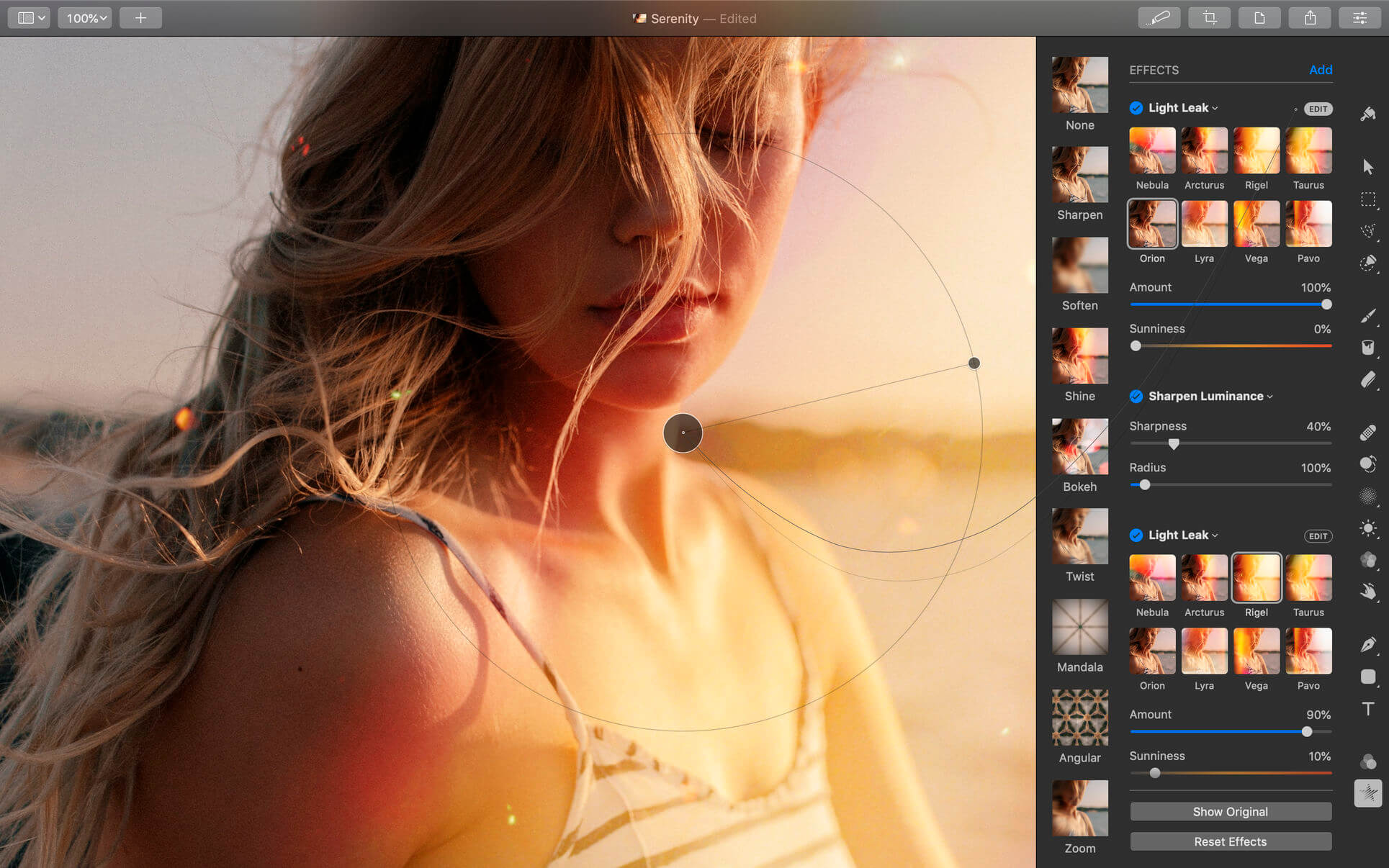

Capture One Enterprise 16.3.7.10

Name: Capture_One_Ent_16.3.7.10_Mactorrents.biz.dmg
Size: 963 MB
Files Capture_One_Ent_16.3.7.10_Mactorrents.biz.dmg[963 MB]

   Download Torrent
   Link Download

Capture One 23 Enterprise – the photo editing solution for image production studios and e-commerce platforms. Its authentic true-to-life color processing, seamless editing experience, and fastest tethering in the industry gives you total creative control, making it a household name in studios across the world. Based in Copenhagen, Denmark, Capture One empowers photographers with cutting-edge features to keep your photography one step ahead.

How any photography studio can create value with Capture One Enterprise
For the past 10 years, leading studio photography has been created with photo editing software Capture One. With world-class tethering, state-of-the-art photo editing tools and the highest quality RAW processing, it’s been a staple in any photography studio.

Now, Capture One has introduced an “Enterprise” version which is specifically built for business and aligned to the way a photography studio works.
Capture One Enterprise offers the same standard features as Capture One’s flagship product Capture One 20 – tailored to the needs of studio photography.

Built for Business
Photographers are key to the success of any photography studio.

But what if the photography studio involves several photographers, studio managers, retouchers, quality assurance managers, project leaders, etc who need to collaborate, standardize and carry out the same workflows over and over again? What if those workflows also need to be integrated to other systems, eg. barcode scanners, PIM systems, digital asset management systems, ecommerce platforms etc?

Capture One Enterprise has been developed to address the challenges faced by studio photography and help any enterprise or e-commerce photography studio optimize their image production process and boost results across relevant KPI’s.

Value creation with Capture One Enterprise
Studio photography has huge value creation potential with Capture One Enterprise. By incorporating its enterprise-specific features into the workflow, it can improve KPI’s such as

  • “Time to Market” – Optimizing the hours your photography studio spends on the image production process, from planning your image, to shoots, to publishing the final photo on your ecommerce platform.
  • “Cost per image” – Optimizing each step in your studio photography process can dramatically increase your efficiency and reduce your costs
  • “Reduce Risk” – Secure your studio photography and image production to reduce errors and costs, thanks to enterprise exclusive features such as Image back-Up, License Management, MDM support etc.

This is achieved via enterprise features such as the Barcode scanner tool, Advanced Guides, Next Capture Backup, Next Capture Keywords, Next Capture Metadata, Tool Locks, Capture Pilot with Enterprise enhancements and Dedicated Studio workspaces.

Automated workflows in Capture One Enterprise
Once your studio has implemented Capture One Enterprise and begun implementing its standard features in your workflows, there are further opportunities to intensify value creation by automating workflows and integrating Capture One Enterprise into your IT infrastructure. You can do this by implementing

  • Workflow enhancement (an automation feature within Capture One)
  • Integrations (extension or automation interfacing with another app)

Customized solutions can maximize value, too
Your photography studio might also have very specialized needs – here, customized solutions can generate value for your studio photography. For example, ultra-accurate color profiling can assist in achieving one critical KPI in particular

“Reduce product returns” – Color profiling optimization on true color reproduction can reduce the rate of goods returned due to discrepancies in color between the actual product and the image.

Capture One offers individual color profiles for businesses, so you can reduce editing time and save on retoucher costs with fine-tuned color profiling for the most popular e-commerce cameras used by photography studios. Minimize color discrepancies and meet the demands of specialist product and studio photography with more accurate colors out-of-the-box.

These are just some of the exclusive features designed for studio photography – get in touch with the Enterprise team to learn more and discover where Capture One Enterprise can specifically meet the demands of your business. For more insight into specific tools, check out the Tools and Functionality white paper and Barcode Reader white paper.

What’s New:

Release Notes:

Compatibility: macOS 10.15 or later
Homepage https://www.captureone.com/en/explore-features/enterprise

Screenshots


EdgeView 4.6.0

Name: EdgeView_4.6.0_Mactorrents.biz.dmg
Size: 38 MB
Files EdgeView_4.6.0_Mactorrents.biz.dmg[38 MB]

   Download Torrent
   Link Download

EdgeView 3 is fast image viewer has elegant user interface. EdgeView 3 is developed and designed for modern MacOS. It can open various image files such as JPEG, PNG, TIFF, BMP, and RAW file of DSLR, EPS and PDF, AI(Adobe Illustrator). Can open image files in archive directly without extraction.

User can open files, rename files, delete files from EdgeView’s file browser. Also can access to SMB/AFP/FTP network volume.

User can navigate images quickly by using keyboard shorcut, mouse wheel, trackpad gesture. EdgeVew show EXIF information, play animation GIF/PNG/WebP smoothly. Save last status to history, and restore when reopen file.

EdgeView 3 will be the best choice when viewing and managing image files.

Features

  • Rewrote full code as Swift for improve performance.
  • Support m1 CPU Mac.
  • Has easy UI, can control main function at Sidebar.
  • Support English/Korean/Japanese/Chinese(Simplified).

Image Viewer

  • Supporting image files such as JPG, GIF, BMP, PSD, TIFF, RAW, WEBP and PDF, EPS, AI(Adobe Illustrator), OpenEXR, HDR, TGA.
  • Can play animation GIF/PNG/WebP. User can control animation with floating animation controller.
  • Dispaly internal image(or frame) of animation GIF/PNG/WebP or HEIC that has multiple internal image.
  • Can read and show images of major archive formats (such as ZIP, RAR, CBZ, CBR, 7-zip) without extraction. Of course, can open ZIP file that 4GB over.
  • Can read encrypted archive file.
  • Can read archive file in archive file recursively
  • Improved draw speed by rebuilt image cache system and drawing engine.
  • Draw images as high quality.
  • Provide suitable functions for comic reading such as ‘Two-Page Spread’, ‘Continuous Scroll mode’, ‘Right to Left’, etc.
  • Provide multiple navigation functions like as ‘Move’, ‘Skip’, ‘Shift’, etc.
  • User can navigate images and check whole thumbnails at Thumbnailsbar.
  • User can navigate images by using keyboard shortcut, mouse wheel, trackpad gesture.
  • Can rotate and flip images. Orientation will be saved to history.
  • User can select part of images, and copy it or save as file.
  • Can zoom in/out image freely.
  • Built-in loupe function to make it easier to magnify part of image.
  • Show histogram.
  • Show neighbor files list. And can open neighbor file.
  • Support history feature for saving and restoring last status of file.
  • Can reopen file or remove history at history list.
  • Can rate image files.

File Browser

  • Built-in file browser can show and open files from local drive or AFP/SMB/FTP network drive.
  • Can display files as lists or icon.
  • Show images in folder/archive file at preview panel.
  • Generate thumbnails of archive files and folders.
  • Support powerful search feature.
  • Show category and writer information.
  • User can sort files by various options, and can delete or rename files.
  • Can rate files or folders.

Others

  • Support customizing feature. Also user can change shortcuts.
  • Built-in Quick Look Extension generate thumbnails and preview of archive files at Finder.

Compatibility: macOS 11.1 or later
Homepage https://apps.apple.com/pk/app/edgeview-2/id1206246482

Screenshots


Topaz Photo AI 2.4.0

Name: Topaz_Photo_AI-2.4.0_Mactorrents.biz.rar
Size: 341 MB
Files Topaz_Photo_AI-2.4.0_Mactorrents.biz.rar[341 MB]

   Download Torrent
   Link Download

Sharpen, remove noise, and increase the resolution of your photos with tomorrow’s technology. Topaz Photo AI supercharges your image quality so you can focus on the creative part of photography.

Focus on your creativity rather than your tools.
AI is good at some things but bad at others. It can write sentences but can’t tell a story, and it can recommend songs but can’t compose music. But most importantly for us: AI is exceptionally good at improving image quality, but bad at knowing what to do with it.

We believe that stunning photography comes from artistic vision paired with world-class tools. AI will never replicate human creativity, so it’s still your job to provide the vision. But just like a sharper lens or better camera, Topaz Photo AI empowers you to create images that just aren’t possible with yesterday’s tools.

Your photos at their very sharpest.
You won’t always be able to retake a shot when your subject is blurry. Sometimes you won’t even know until you’re reviewing your photos on your computer.

In these cases, use Topaz Photo AI to ensure that your photos are the sharpest they can possibly be. Instead of artificially increasing edge contrast like traditional sharpening, the Sharpen AI module naturally reverses root causes of blurriness (camera shake, motion blur, misfocus) to create more natural results.

In the absence of blur, sharpness remains – crisp, clear detail that’s free of edge haloes or other artifacts.

Minimum Hardware Requirements
Mac Operating System Big Sur 11 and higher
CPU Intel with AVX instructions
System Memory (RAM) 16GB
Graphics Card Any
Video RAM 2GB

Compatibility:
Homepage https://topazlabs.com/

Topaz Photo AI

GlueMotion 2.2.2

Name: GlueMotion_2.2.2_Mactorrents.biz.dmg
Size: 14 MB
Files GlueMotion_2.2.2_Mactorrents.biz.dmg[14 MB]

   Download Torrent
   Link Download

GlueMotion is the perfect tool for time lapse photographers. The application allows you to batch edit, deflicker and assemble sequences of images into time lapse movies.

GlueMotion has been made to save your time and guide you during the process of creation. By using the included batch editing tool, you will not have to use additional applications. GlueMotion is able to crop, rotate, flip and adjust colors of your photos such as exposure, saturation or brightness. Moreover the application is able to deflicker the sequences of photos. In other words, GlueMotion will analyze your photos and select automatically the optimal brightness correction for each image.

The application is designed for professional needs. That is why it can handle several hundreds of thousands of images painlessly. In addition, all industry-standard formats are supported. The application can import PNG, JPEG as well as all RAW image formats supported by macOS. The exported movie can be encoded in H.264, Apple ProRes as well as HEVC.

This version has been optimized for macOS High Sierra and later. Moreover the application is available in 7 languages (English, French, German, Spanish, Italian, Japanese and Chinese).

Feedbacks can be sent directly from the application. In this way, you can contact us for any kind of suggestions and improvements in few clics.

GlueMotion is accompanied by other applications.

  • SnapMotion: extract still images from videos with precision.
  • MetaImage: edit image metadata and geographical tags.

Language: English, French, German, Italian, Japanese, Simplified Chinese, Spanish
Compatibility: macOS 11 or later
Homepage https://neededapps.com/

Screenshots
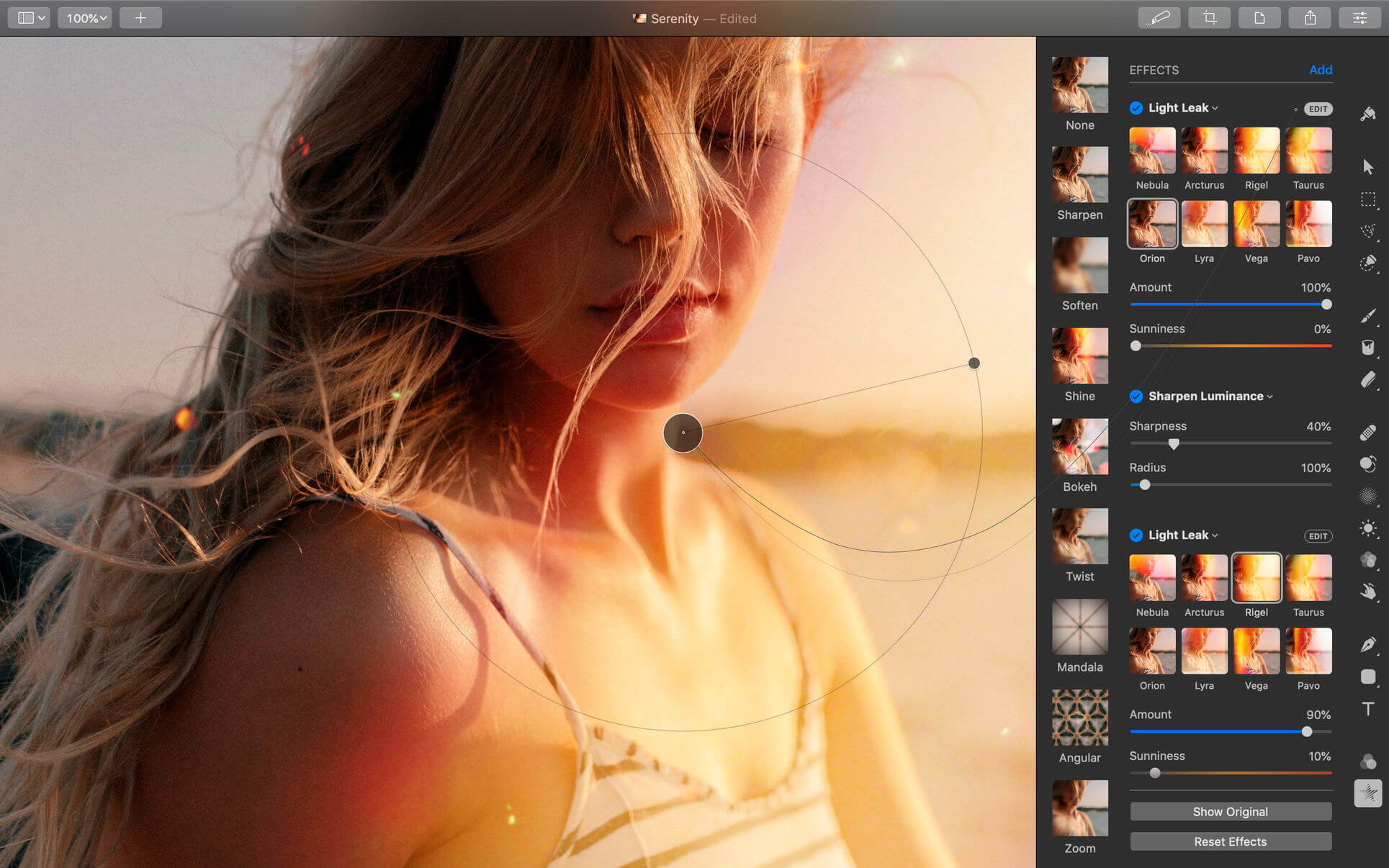

Affinity Photo 2.4.0

Name: Affinity_Photo_2_2.4.0_Mactorrents.biz.dmg
Size: 924 MB
Files Affinity_Photo_2_2.4.0_Mactorrents.biz.dmg[924 MB]

   Download Torrent
   Link Download

Affinity Photo redefines the boundaries for professional photo editing software on the Mac. With a meticulous focus on workflow it offers sophisticated tools for enhancing, editing and retouching your images in an incredibly intuitive interface with all the power and performance you need.

Engineered for Professionals
• Open, edit and save Photoshop® PSD files
• RGB, CMYK, Greyscale and LAB color spaces
• End-to-end CMYK workflow with ICC color management
• Full 16 and 32-bit per channel editing
• Work with all standard formats like PNG, TIFF, JPG, GIF, SVG, EPS, EXR, HDR and PDF
• Panning and zooming is always live at 60fps with live previews, live tools and real-time editing
• Open and edit massive images without compromising performance or running out of memory
and other

What’s New:

Version 2.4.0:

  • Release notes were unavailable when this listing was updated.

Compatibility: macOS 10.15 or later
Homepage https://affinity.serif.com

Screenshots


Pixelmator Pro 3.5.7

Name: Pixelmator_Pro_3.5.7_Mactorrents.biz.dmg
Size: 612 MB
Files Pixelmator_Pro_3.5.7_Mactorrents.biz.dmg[612 MB]

   Download Torrent
   Link Download

Pixelmator Pro is an incredibly powerful, beautiful, and easy to use image editor designed exclusively for Mac.
With a wide range of professional-grade, nondestructive image editing tools, Pixelmator Pro lets you bring out the best in your photos, create gorgeous compositions and designs, draw, paint, apply stunning effects, design beautiful text, and edit images in just about any way you can imagine. And thanks to its intuitive and accessible design, Pixelmator Pro is delightfully easy to use — whether you’re just starting out with image editing or you’re a seasoned pro.

Exceptional Design and Functionality

  • The modern, single-window interface of Pixelmator Pro is designed exclusively for working with images on a Mac
  • An intuitive and refined design makes image editing easy and accessible, even if you’re a complete beginner
  • Native dark and light appearances adapt to the light and dark modes of macOS
  • A customizable interface lets you organize your creative environment just the way you want
  • Choose from workspace presets created for photography, design, illustration, and painting
  • A full-featured Photos extension lets you edit images using Pixelmator Pro without ever leaving Photos, saving layered, nondestructive edits directly to your library

Professional Tools

  • Enhance your existing images and create new ones using every image editing tool you could ever need
  • Edit nondestructively, adjusting individual changes whenever you like
  • Easily move, resize, and arrange objects to create stunning compositions
  • Adjust colors with a collection of nondestructive, machine learning-powered color adjustments
  • Enjoy superior support for RAW files, editing RAW images using all their extended range data
  • Create digital or traditional paintings using handcrafted, fully-customizable, dual-texture brushes with full support for digital graphics tablets
  • Combine the built-in effects to create any artistic or special effects you can imagine
  • Save adjustment, effect, and layer style combinations as presets, use them in any of your images, and share them with others
  • Speed up image editing with hundreds of presets for color adjustments, effects, layer styles, and shapes
  • Magically remove small imperfections or entire objects, seamlessly clone parts of your photos, and lighten or darken precise areas using a full set of retouching tools
  • Use the reshaping tools to easily change the shape of any object or area in your images
  • Add customizable vector graphics designed by the Pixelmator Team
  • Create your own vector graphics using the Pen tool
  • Easily design great-looking text with a full set of typography tools
  • Quickly create curved, circular, and path text
  • Optimize and save your images for the web, using advanced compression to shrink file sizes
  • Batch process images using built-in Automator actions
  • Effortlessly automate workflows using full-featured AppleScript support

Image Editing Enhanced by Machine Learning

  • Magically remove objects, recreating image areas with stunning realism using the Repair tool
  • Use ML Enhance to intelligently enhance photos with a machine learning algorithm trained on millions of professional photos
  • Zoom and enhance image resolution with the incredible ML Super Resolution
  • Automatically copy the look of one photo to another with ML Match Colors
  • Remove image noise and compression artifacts while preserving details using ML Denoise
  • Quickly make accurate selections with ease using the Quick Selection tool

Compatibility

  • Open and edit images in all the most popular image formats, including JPEG, TIFF, PNG, PSD, HEIF, SVG, PDF, GIF, BMP, TGA, WebP and JPEG-2000
  • Open and edit Photoshop images with layers
  • Open and edit SVG vector images
  • Share your images to Photos, Mail, AirDrop, and other locations

Built Exclusively for Mac

  • Designed exclusively for macOS, Pixelmator Pro supports almost every major macOS feature and integrates seamlessly with macOS Big Sur.

Compatibility: macOS 12.0 or later
Homepage https://apps.apple.com/pk/app/pixelmator-pro/id1289583905

Screenshots


PhotoSweeper X 4.8.5

Name: PhotoSweeper_X_4.8.5_Mactorrents.biz.dmg
Size: 51 MB
Files PhotoSweeper_X_4.8.5_Mactorrents.biz.dmg[51 MB]

   Download Torrent
   Link Download

PhotoSweeper helps quickly and efficiently eliminate similar or duplicate photos. It works with photos from iPhoto, Aperture and Adobe Lightroom libraries as well as photos from your Mac.

PhotoSweeper will help you if:

  • You take a series of shots of the same scene trying to get the perfect one.
  • You edit photos with applications, such PhotoShop, Pixelmator, etc., and make backups just in case.
  • You have photos scattered on external hard drives and local disks, in iPhoto, Aperture or Lightroom libraries.
  • You have a mess in your photo collection or just want to free disk space by removing junk photos.

Features
Easy to find photos
Just drag and drop folders to allow PhotoSweeper to find all photos inside. Add more photos from your iPhoto, Aperture or Lightroom library via the Media window.

Flexible comparison settings
Use 6 different methods to find similar or duplicate photos, even those edited in external programs such Photoshop, regardless of image size or format.

Fast
PhotoSweeper was developed to be extremely fast at comparing large number of photos. Using efficient caches allows you to make the next comparison much faster. You have an opportunity to regroup the results on-the-fly by changing a matching level of similarity.

Easy to manage photos
Review results in “Face-to-Face” or “Groups” mode. Put photos into a virtual container, “Box”. Delete, move, or copy photos from the Box. Bulk rename photos while copying or moving.

Great photo browsing
PhotoSweeper provides an up-to-date photo browser with such features as: fast loading of thumbnails, Quick Look preview, drag and drop support, showing paths, ratings, labels, etc. The “Image Info” panel shows more detailed information, including histogram and image metadata (EXIF, IPTC, etc.).

A comprehensive user manual is available in the Help menu.

Compatibility: macOS 10.12.2 or later
Homepage https://geo.itunes.apple.com/app/id463362050

Screenshots


JixiPix Artista Impresso Pro 1.8.26

Name: Impresso_Pro_1.8.26_Mactorrents.biz.dmg
Size: 121 MB
Files Impresso_Pro_1.8.26_Mactorrents.biz.dmg[121 MB]

   Download Torrent
   Link Download

For professionals who like creative control we give them Layers for blending multiple paint styles and brushes to paint on and off the impressionism strokes. We have also included an ultra-impressionism effect called ‘Tache’ to cover the painting with broken brush strokes or dabs of color that literally stand out, apply them sparsely or cover the entire painting, the choice is yours.

The 19th century brush-wielding Impressionist artists were crazy about flowers and gardens, and it was good. With flowing brush strokes and thickly painted texture, Van Gogh made his Sunflowers immortal with harmonious movement of color, contrast, and form. Monet made his Water Lilly Pond a celebrity. It took their genius and a lifetime of practice navigating the riot of their senses, but these extraordinary artists took what they saw and felt in the petals and leaves and transferred their impressions onto canvasses full of beauty, mood and meaning.

Lucky you, 21st century software wielding seer and lovers of beauty, Impresso gives you the same enduring attention to detail, light, color and texture by transforming your photos into multi-textured, stroke-filled Impressionist masterpieces. Keen eyes will love how Impresso maintains the balance of your piece! The results are captivating paintings brimming with passion, life, and beauty.

Features
A pro workflow adds impressionism styles per layer. With Layers, users can blend styles using brushes to paint on or off areas in the painting! Also, included is the powerful Ellipse Detail tool to add finely painted details to faces, flowers or to create focal points in landscapes. Once completed , resize then hit the ‘Apply’ button to render small brushstrokes inside the Ellipse. With layers photographers and artists now have the power to composite multiple impressionism styles for impressive results.

IMPRESSIONISM STYLES

  • Alla Prima (‘wet-on-wet’ or ‘all-at-once’)—is great for portraits! This beautiful paint style starts by filling the painting with an abundance of brushstrokes. A library of artistic finishes compliments this style by adding light, color and movement with controls over strength.
  • En Plein Air (in open air) is perfect for landscapes. This stroke-filled effect consists of eight artists’ palettes created by famous impressionists. Use them as they are or edit the paint colors to make your own palette. The Save Preset feature keeps the palette and all the layers intact for future projects.
  • Tache (‘spot’ or ‘blot’) applies broken brushstrokes throughout the image. This technique of laying thick patches, flecks and dabs of color is great for making paint look as if it stands out from the surface. Apply a light spackling of strokes or fill the painting with dabs of color—the choice is up to you!
  • Canvas layer is added to each painting created. By creating a canvas layer, it can now be turned on or off for viewing strokes created on previous layers. As with traditional methods, the canvas is an integral part of the painting, so we have locked the layer to keep it from being accidentally deleted.

INCLUDES

  • Three stroke styles: #1 is a series of straighter strokes, #2 combines the first style with curved ones, and #3 is an abstract set. Then the Tache effect has its own custom set of brushes designed for depth.
  • Three Impressionism styles: Alla Prima, En Plein Air and Tache (pronounced tash)
  • Pro Layers with built-in Impressionism styles for multi-layer types and options to duplicate, reorder, and delete them
  • Control over detail ellipse tool, stroke size, stroke volume, bristle strength & depth, artistic finishes and the painted edge
  • Save Preset to save customized paint palettes and keep all strokes & layers intact for future projects
  • Smart brushes to remove or add impressionism effect—the brushes are smart because they remove the effect by stroke
  • Mask with fill, invert and clear to support brushes and layers
  • Canvas and linen texture
  • 8 Impressionist palette styles
  • One-touch paint styles
  • 70 Artistic finishes
  • One-of-a-kind ellipse detail tool renders small brush strokes inside the placed area
  • Plugin for Photoshop CS3+, Lightroom and Elements for Mac and Windows

Compatibility: mac OS 10.12 or later
Homepage https://jixipix.com/artista-impresso-pro/details.html

Screenshots


Capture One Enterprise 16.3.6.6

Name: Capture_One_Ent_16.3.6.6_Mactorrents.biz.dmg
Size: 963 MB
Files Capture_One_Ent_16.3.6.6_Mactorrents.biz.dmg[963 MB]

   Download Torrent
   Link Download

Capture One 23 Enterprise – the photo editing solution for image production studios and e-commerce platforms. Its authentic true-to-life color processing, seamless editing experience, and fastest tethering in the industry gives you total creative control, making it a household name in studios across the world. Based in Copenhagen, Denmark, Capture One empowers photographers with cutting-edge features to keep your photography one step ahead.

How any photography studio can create value with Capture One Enterprise
For the past 10 years, leading studio photography has been created with photo editing software Capture One. With world-class tethering, state-of-the-art photo editing tools and the highest quality RAW processing, it’s been a staple in any photography studio.

Now, Capture One has introduced an “Enterprise” version which is specifically built for business and aligned to the way a photography studio works.
Capture One Enterprise offers the same standard features as Capture One’s flagship product Capture One 20 – tailored to the needs of studio photography.

Built for Business
Photographers are key to the success of any photography studio.

But what if the photography studio involves several photographers, studio managers, retouchers, quality assurance managers, project leaders, etc who need to collaborate, standardize and carry out the same workflows over and over again? What if those workflows also need to be integrated to other systems, eg. barcode scanners, PIM systems, digital asset management systems, ecommerce platforms etc?

Capture One Enterprise has been developed to address the challenges faced by studio photography and help any enterprise or e-commerce photography studio optimize their image production process and boost results across relevant KPI’s.

Value creation with Capture One Enterprise
Studio photography has huge value creation potential with Capture One Enterprise. By incorporating its enterprise-specific features into the workflow, it can improve KPI’s such as

  • “Time to Market” – Optimizing the hours your photography studio spends on the image production process, from planning your image, to shoots, to publishing the final photo on your ecommerce platform.
  • “Cost per image” – Optimizing each step in your studio photography process can dramatically increase your efficiency and reduce your costs
  • “Reduce Risk” – Secure your studio photography and image production to reduce errors and costs, thanks to enterprise exclusive features such as Image back-Up, License Management, MDM support etc.

This is achieved via enterprise features such as the Barcode scanner tool, Advanced Guides, Next Capture Backup, Next Capture Keywords, Next Capture Metadata, Tool Locks, Capture Pilot with Enterprise enhancements and Dedicated Studio workspaces.

Automated workflows in Capture One Enterprise
Once your studio has implemented Capture One Enterprise and begun implementing its standard features in your workflows, there are further opportunities to intensify value creation by automating workflows and integrating Capture One Enterprise into your IT infrastructure. You can do this by implementing

  • Workflow enhancement (an automation feature within Capture One)
  • Integrations (extension or automation interfacing with another app)

Customized solutions can maximize value, too
Your photography studio might also have very specialized needs – here, customized solutions can generate value for your studio photography. For example, ultra-accurate color profiling can assist in achieving one critical KPI in particular

“Reduce product returns” – Color profiling optimization on true color reproduction can reduce the rate of goods returned due to discrepancies in color between the actual product and the image.

Capture One offers individual color profiles for businesses, so you can reduce editing time and save on retoucher costs with fine-tuned color profiling for the most popular e-commerce cameras used by photography studios. Minimize color discrepancies and meet the demands of specialist product and studio photography with more accurate colors out-of-the-box.

These are just some of the exclusive features designed for studio photography – get in touch with the Enterprise team to learn more and discover where Capture One Enterprise can specifically meet the demands of your business. For more insight into specific tools, check out the Tools and Functionality white paper and Barcode Reader white paper.

What’s New:

Release Notes:

Compatibility: macOS 10.15 or later
Homepage https://www.captureone.com/en/explore-features/enterprise

Screenshots


Capture One Pro 16.3.6.6

Name: Capture_One_Pro_16.3.6.6_Mactorrents.biz.dmg
Size: 963 MB
Files Capture_One_Pro_16.3.6.6_Mactorrents.biz.dmg[963 MB]

   Download Torrent
   Link Download

Capture One 23 is a professional RAW converter offering you ultimate image quality with beautiful colors and incredible detail for more than 500 high-end cameras. It offers state- of-the-art tethered capture, powerful digital asset management, extensive adjustment tools and a flexible workflow through customizable workspaces.

With an updated processing engine, market-leading performance and powerful new features, Capture One is the professional choice in imaging software. You get the highly responsive precision tools you need to create stunning images from your camera’s RAW files in a time-saving workflow that can be customized to fit your needs.

New features and improvements

  • Speed Edit
  • Dehaze
  • Improved importer

General User Experience Improvements and tweaks

  • HEIF support
  • Easy brush adjusting
  • Improved performance
  • Colored gradients on White Balance Sliders
  • Enhanced tooltips
  • Easy access to Tutorials

Compatibility: macOS 10.15 or later
Homepage https://www.phaseone.com/

Screenshots


LRTimelapse Pro 6.5.4

Name: LRTimelapse_Pro_6.5.4_Mactorrents.biz.rar
Size: 164 MB
Files LRTimelapse_Pro_6.5.4_Mactorrents.biz.rar[164 MB]

   Download Torrent
   Link Download

LRTimelapse 6 provides the most comprehensive solution for time lapse editing, keyframing, grading and rendering. No matter if on Windows or Mac, or which camera you use: LRTimelapse will take your time lapse results to the next level.
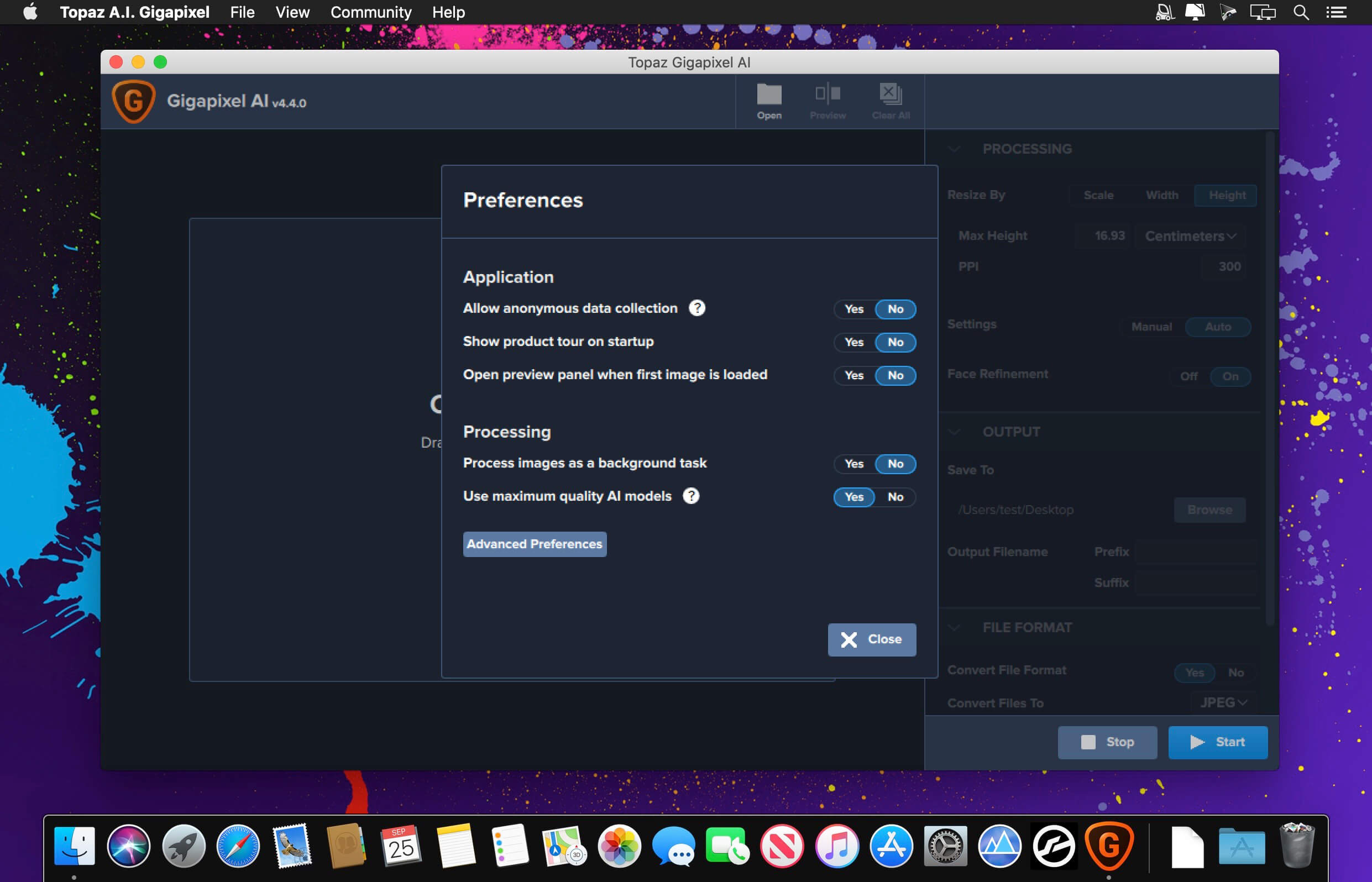
LRTimelapse 5 provides the most comprehensive solution for time lapse editing, keyframing, grading and rendering. No matter if on Windows or Mac, or which camera you use: LRTimelapse will take your time lapse results to the next level. LRTimelapse is being used by most known time lapse producers and many amateurs. It allows keyframing and grading of time lapse sequences in an all-raw-file-based workflow, utilizing the Adobe Camera RAW develop engine implemented in Lightroom (CC Classic, 6, 5 and 4) and Adobe Camera Raw.
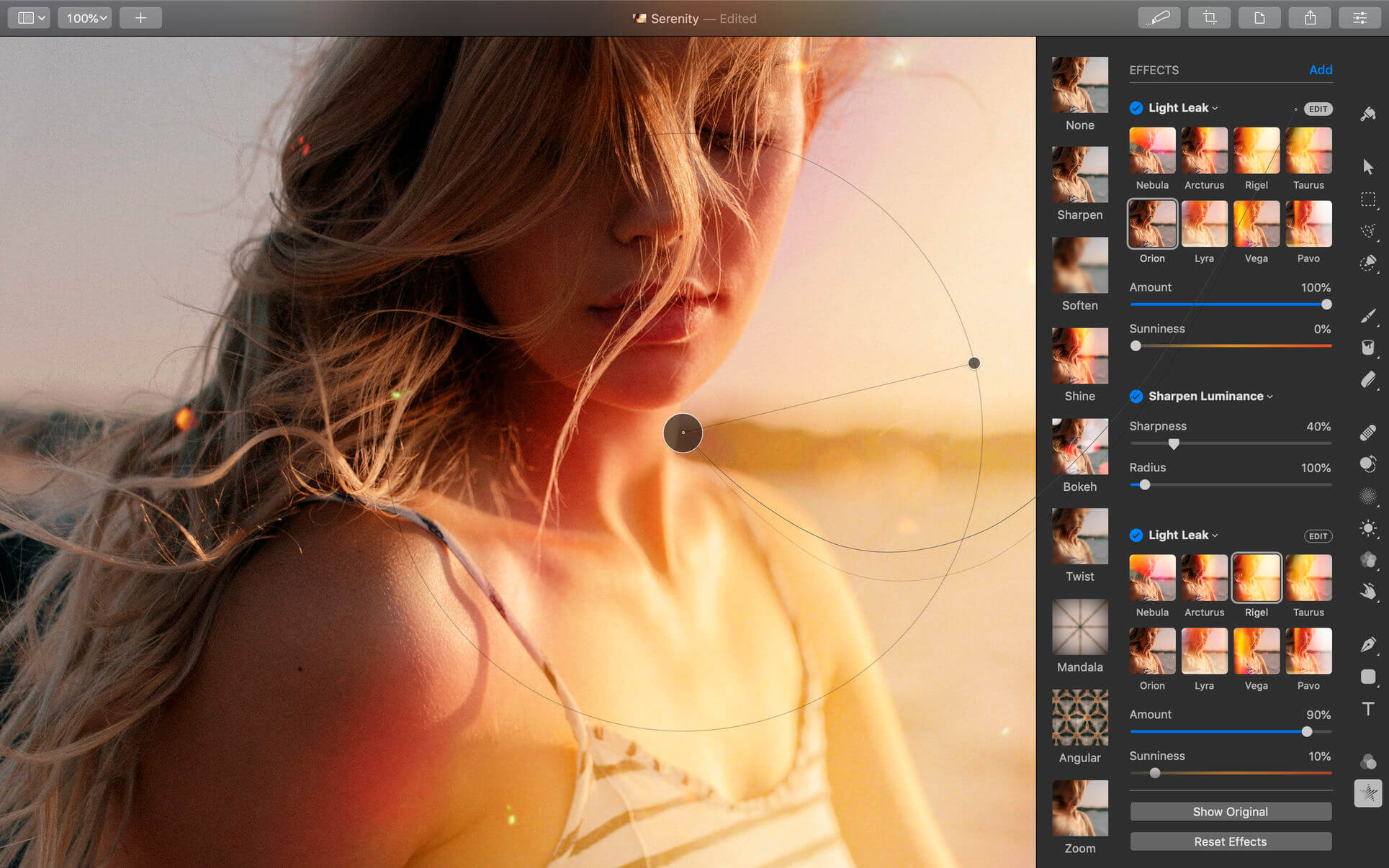

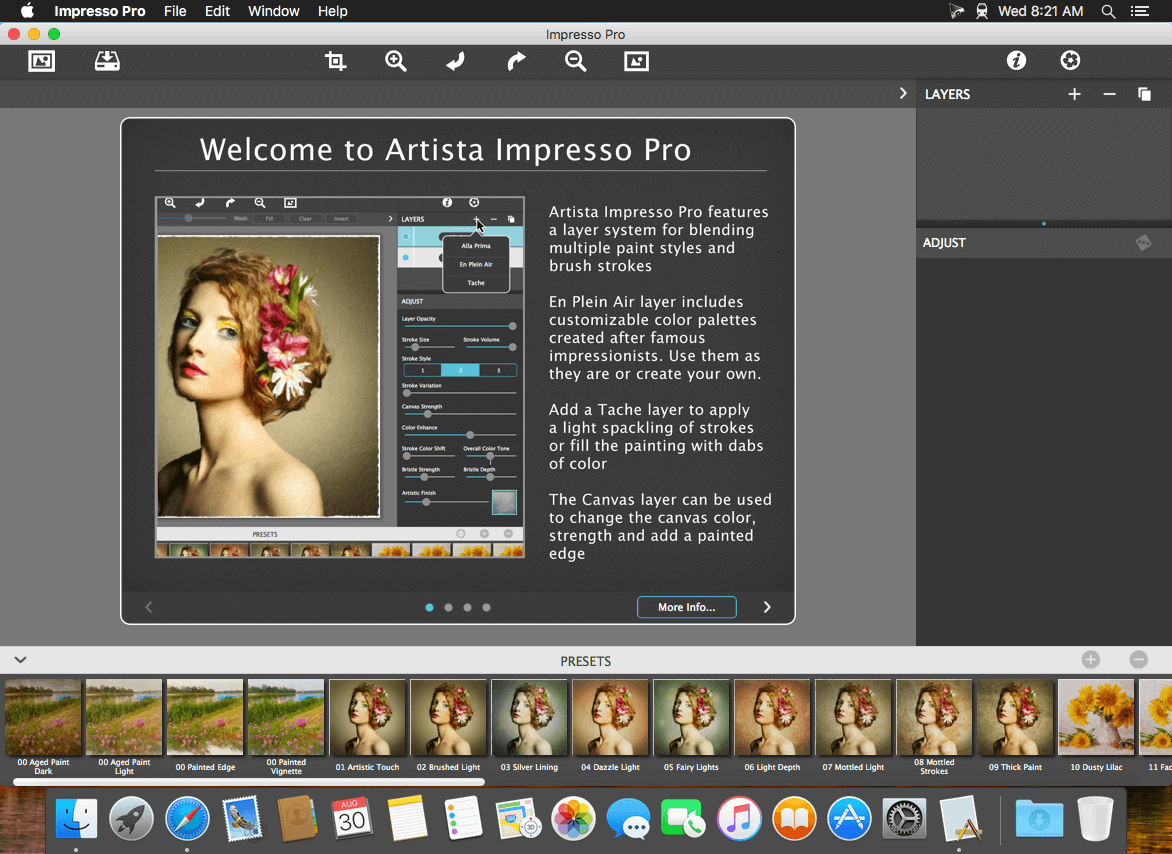
Creating Day-to-Night and Night-to-Day time lapse transitions is easily and perfectly done with the “Holy-Grail-Wizard”. Rendering of the final sequences can be done in professional video formats like Prores 4:4:4 and 4:2:2 and resolutions up to 8K and beyond – of course consumer formats like MP4/H.264/H.265/HEVC, MJpeg are supported as well. Time lapse movies are getting more and more popular these days. Still-photographers, filmmakers and multimedia artists are discovering this new and exciting facet of photography.

LRTimelapse is being used by those people (see some outstanding work by LRTimelapse users on the demo page), because it enables them to use their favorite photographic tools (Lightroom Classic or Adobe Camera RAW) to produce time lapses with all the advantages and power that those tools offer for image editing. It allows them to easily deal with time lapse specifics, like getting rid of the tedious flicker-effect and even helps them to achieve the so called “holy grail of time lapse photography”: smooth day-to-night transitions.

Features:

  • Animate and Keyframe Exposure, White Balance, and any other Lightroom editing tool over the time. You can use the full potential of Lightroom / ACR for color grading and even animate Graduated-, Radial- and Paint-Brush-Filters
  • Make the “Holy Grail” of time lapse photography – (day to night transition) really easy – either by just manually adjusting your camera when shooting or by using a ramper like qDslrDashboard or others.
  • Deflicker with one click – do this based on the look of the developed images without having to leave the RAW-workflow. This gives you the best quality possible.
  • Seamless integration with Lightroom CC Classic, 6, 5, and 4 with the powerful LRTExport plugin.
  • High performance video rendering engine for high quality videos in up to 8K resolution and in MP4/H.264, ProRes (even on Windows), H.265 and MJpeg.
  • and many, many more…

System Requirements:

  • LRTimelapse supports Lightroom CC Classic, 6, 5 and 4 as well as Adobe Camera Raw, Bridge and After Effects in the corresponding versions.

Compatibility: macOS 10.10 or later
Homepage https://lrtimelapse.com/

Screenshots