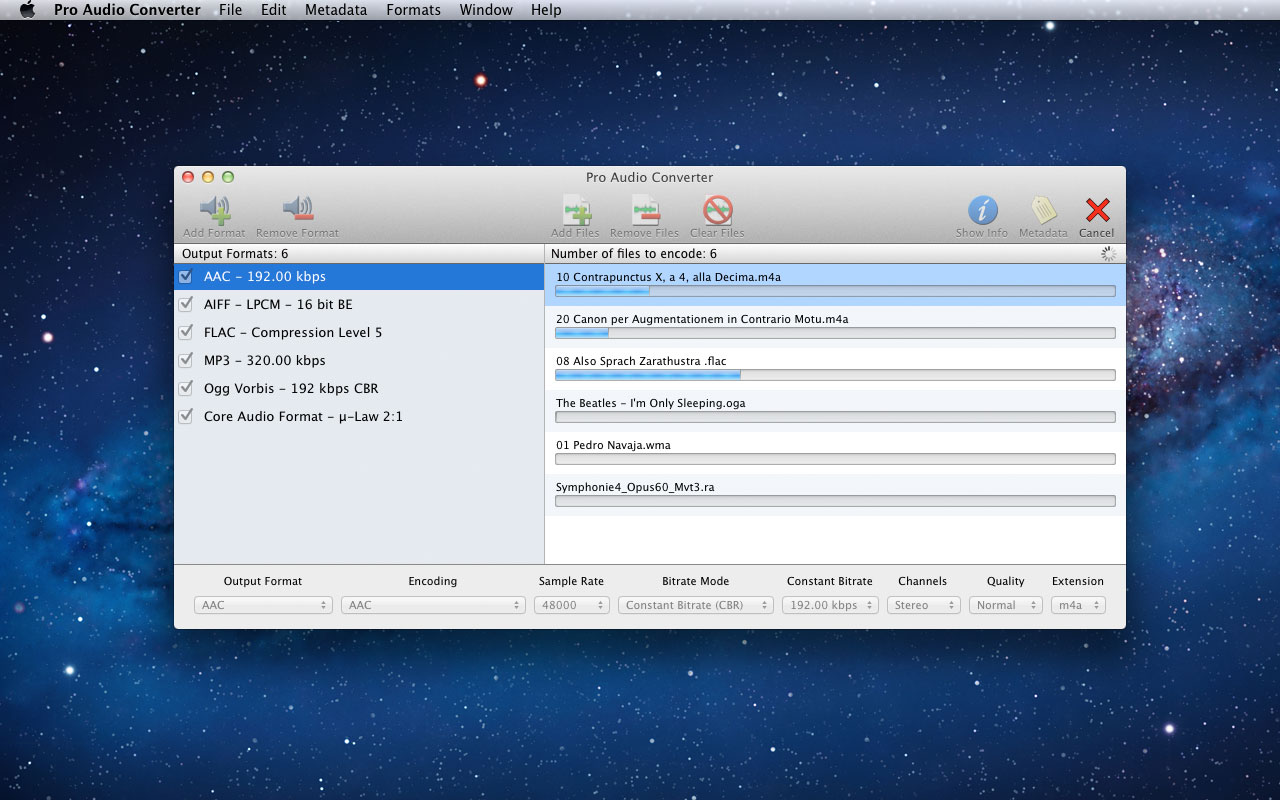
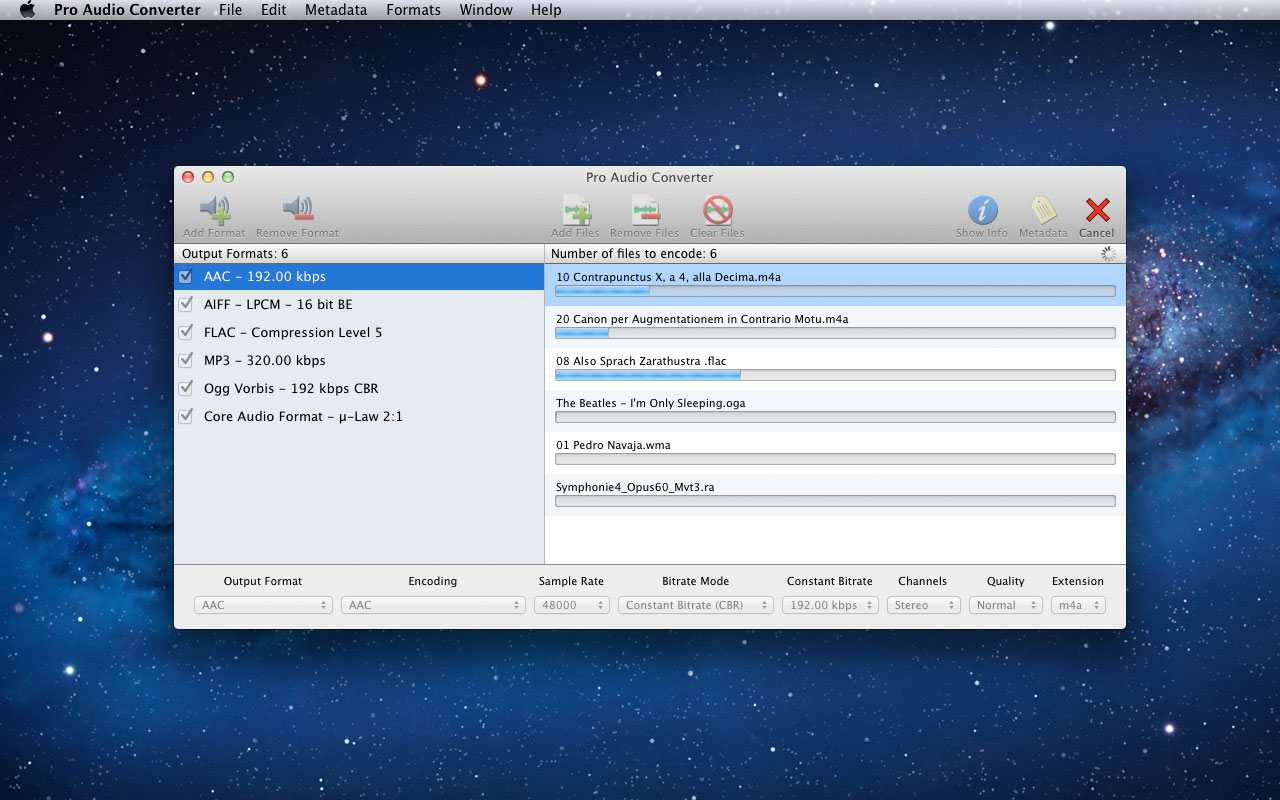
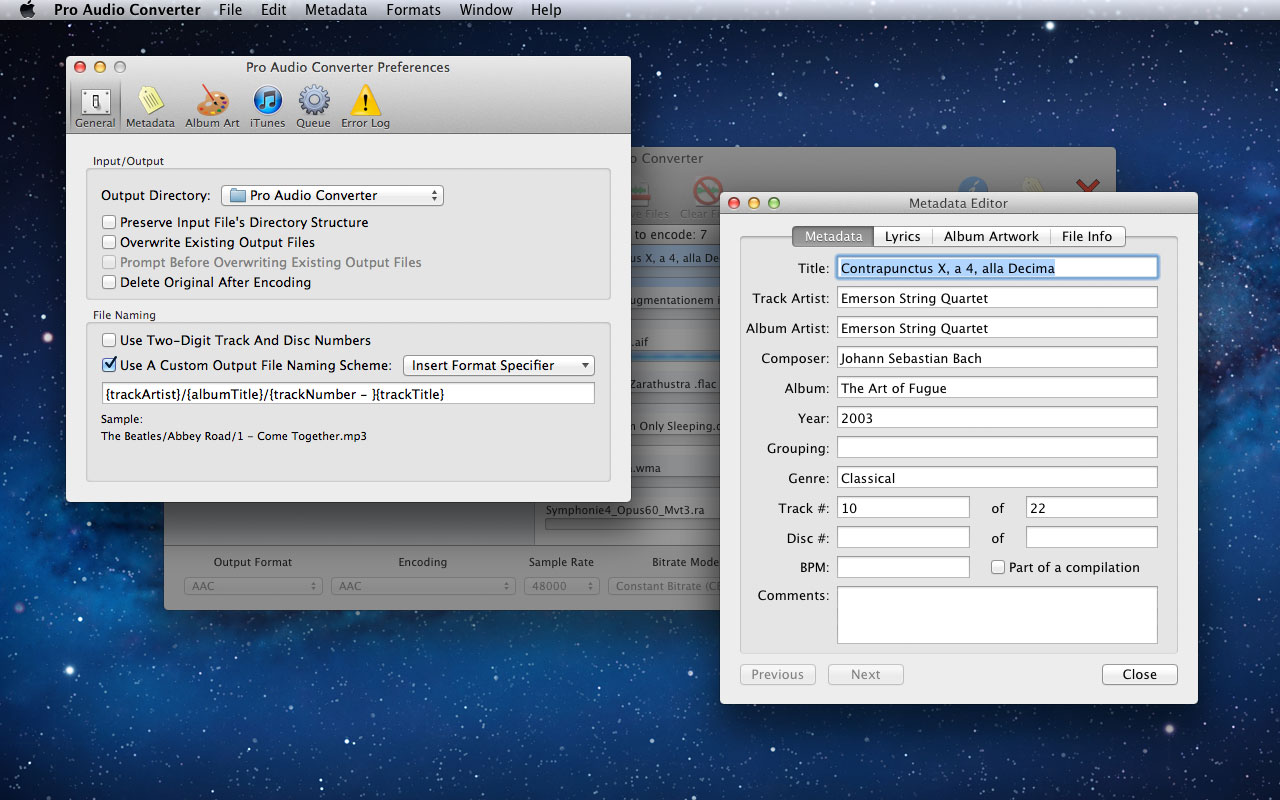
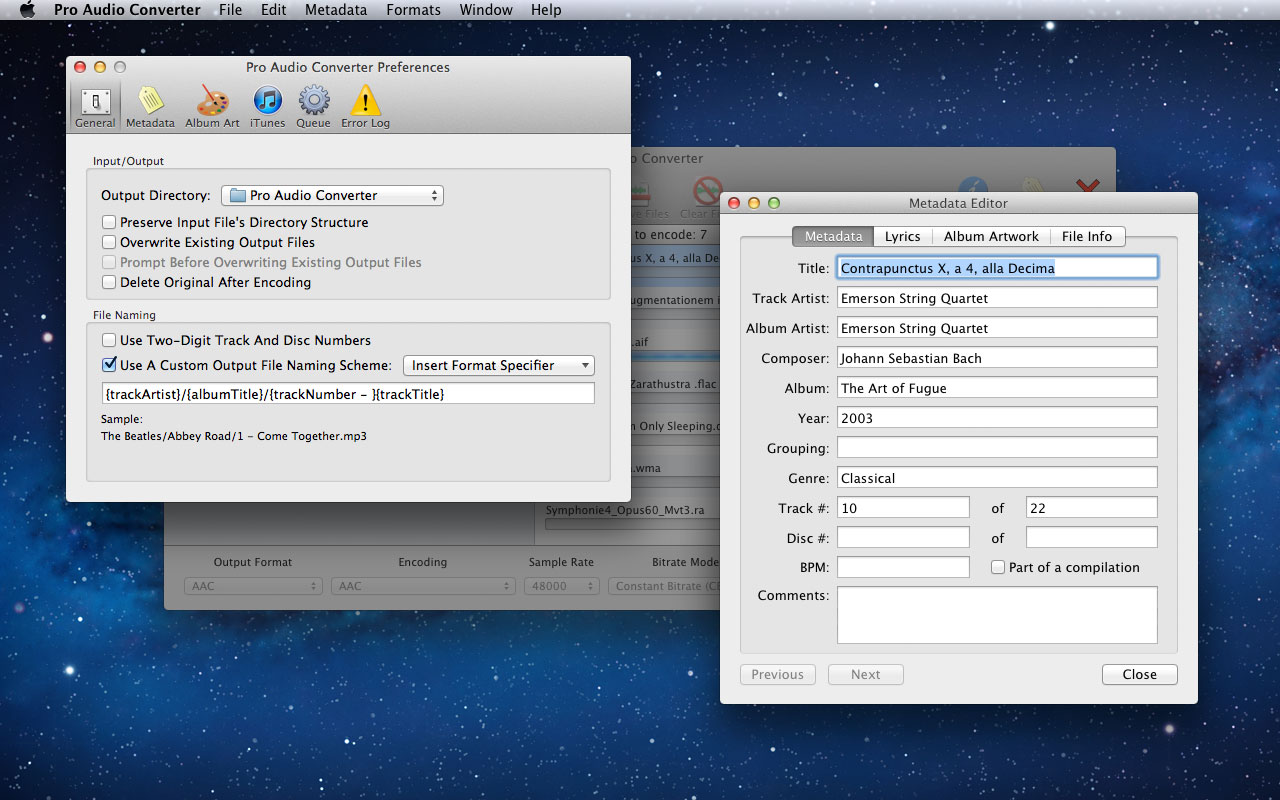
Pro Audio Converter is an application for converting between a variety of audio file formats. It is multi-threaded and will batch convert multiple files at once to multiple formats at once. It supports reading and writing metadata and can create custom output file paths based on the metadata. It can also edit the metadata of existing audio files without the need to re-encode, functioning as a basic tag editor. Pro Audio Converter also gives you the option to add your converted files to iTunes.
Pro Audio Converter currently can read and write the following formats:
3GP Audio
3GPP-2 Audio
AAC
AIFF
AIFC
Apple Lossless
Core Audio Format
FLAC
Monkey’s Audio
MP3
NeXT/Sun
Ogg Vorbis
Ogg Flac
Ogg Speex
Opus
Sound Designer II
True Audio
WAVE
Pro Audio Converter can also read (but not write) the following formats:
DSD/DSF
DSD/DFF
WavPack
Musepack
Module Files
Real Audio
Real Media
Windows Media Audio
*DRM protected files of any kind are not supported.
What’s New:
Version 1.9.0:
Release notes were unavailable when this listing was updated.
MP3 Encoder enables you to convert a variety of audio formats to MP3 using a simple front-end to the high-quality LAME encoder. MP3 Encoder can also be used as a simple MP3 tag editor!
Features
Supports Multi-Threading! Encode multiple MP3s at once, up to the number of processor cores your system has.
Reads and Writes Meta-data! Reads meta-data from the source file and writes it to the MP3 file. You can also enter your own meta-data via a pull-out drawer.
Converts songs bought on iTunes to MP3 and retains the metadata.
Edit metadata of existing MP3 files without re-encoding.
Also supports re-encoding exsting MP3 files.
MP3s are written to the same folder as the source file by default, but you can specify an alternate output folder in the preferences.
Currently supported source formats
AIF
WAV
FLAC
MP3
M4A – Apple Lossless
M4A – AAC
MP4 – AAC
WMA
RA – Real Audio
RM – Real Media
Note: WMA Lossless and DRM Protected files are not supported.
What’s New:
Version 2.17
Added support for decoding DSD files.
Added ‘source encoded with’ as a format specifier.
Updated FLAC decoder to 1.3.1
No longer creates default directory in your Music folder.
Cinematic Watercolor is a breathtaking After Effects template with an eye-catching design, simple text animations and smooth transitions. It’s so easy to use and works well with both images and videos. A stunning intro or opener to your presentations, slideshows, promotions and events videos or use your best portfolio, fashion, friends and family photos. Create a bright and colorful slideshow with this amazing AE template. No plugins required.
Glitch Slideshow is a trendy After Effects template with a modern design, creative text animations and dynamic transitioning effects. It’s so easy to use, simply edit the text, drag and drop in your new media and hit render. Template contains 23 media files and 36 text placeholders. A cool intro or opener to your TV shows, commercials, advertisements, promotions and events videos or show off your traveling, portfolio, sports and fashion photos. Impress your audience with this up to date and dynamically animated AE template. No plugins required.
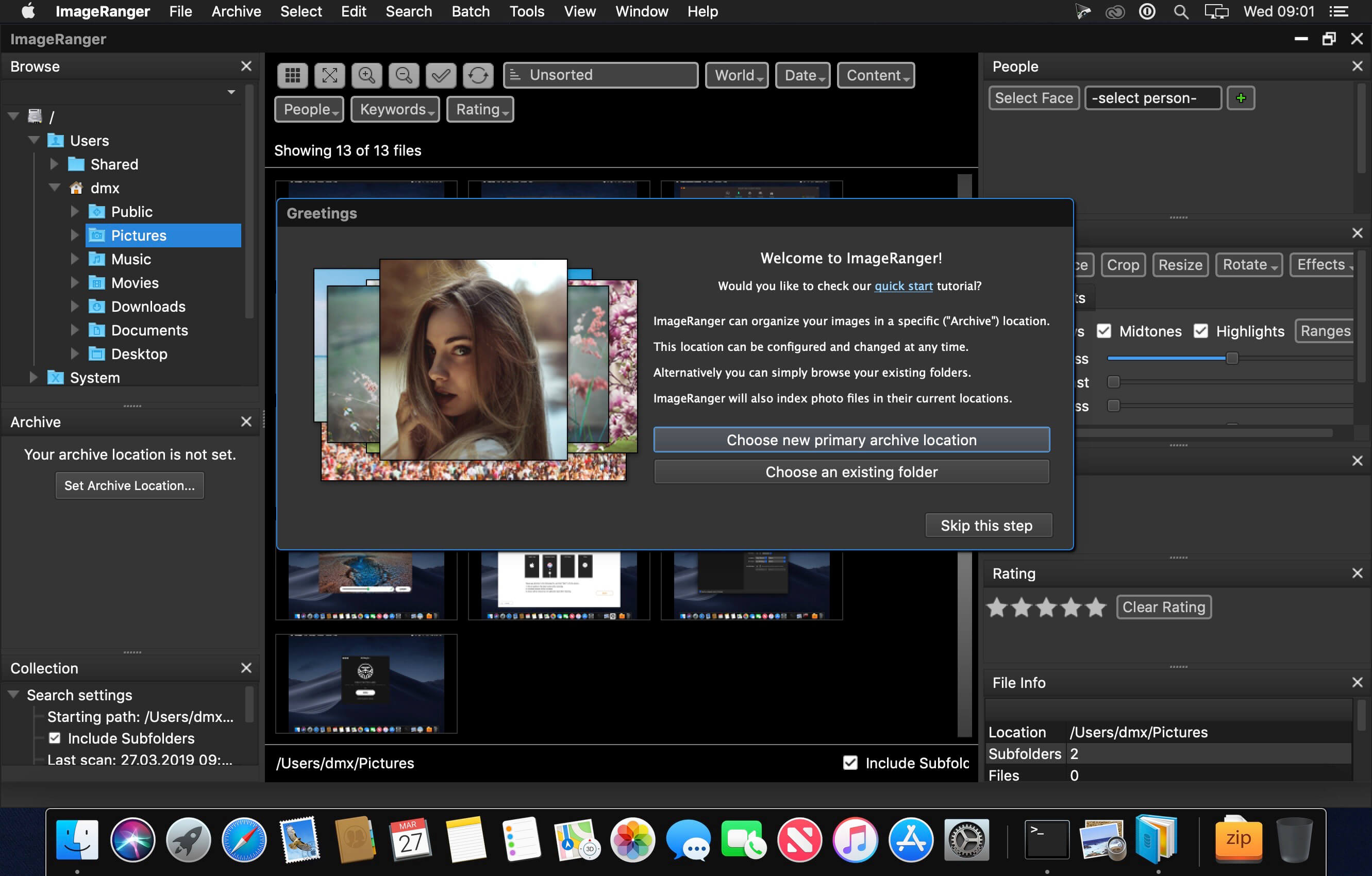
We live in the day in which pictures are a common thing, especially with all phones being equipped with pretty powerful cameras. As such, your computer can end up the storage place of your picture collections, but it can be a hassle to manually handle it. In this regard, ImageRanger comes as an advanced picture finding and organizing tool.
With ImageRanger, auto-enhancements can be applied to multiple images at once. Manual fine-tuning makes it possible to select dark or bright regions of the image and apply various correction settings.
All necessary editing controls (brightness, contrast, sharpness, saturation) are designed in a user friendly interface, with an UNDO function to correct any mishaps as you go.
You can even ask ImageRanger to find and categorize all images of poor quality automatically for your convenience. For advanced users, a powerful batch-processing allows work to be carried out on entire folders while processing only relevant photos.
ImageRanger will index photos on your Mac or storage drives so you can:
Quickly load thousands of images
Find portraits, faces
Sort and filter
Find duplicates and remove copies
Organize in folders by year, location
Crop, resize very quickly
Manually sort collections from multiple folders
Sort out your images from other illustrations, clip arts
Find low quality images and improve image contrast
Perform general photo managment tasks
Print hundreds of photos
What’s New:
Version 1.7.4.1572:
Release notes were unavailable when this listing was updated.
MP3 Gain for mac is a simple tool designed specifically to adjust and normalize the volume of audio(mp3, wma, etc) files. It automatically normalize the volume of audio files and adjust the loudness of audio tracks without lossy. It performs statistical analysis to determine how loud the file actually sounds to the human ear.
Key feature:
Support many audio formats(mp3, wma, wav, flac, m4a, ac3, mp2, ogg)
Bang is an After Effects plugin that lets you easily add realistic and stylised muzzle flashes directly to your footatge. Its 3D particle system renders unique flashes viewable from any angle, taking into account After Effects’ comp cameras. Bang is a modular plugin allowing up to four different flash types and sixteen flash instances per layer, and includes the Bang Relighter module for simulating illumination of your actors and surroundings.
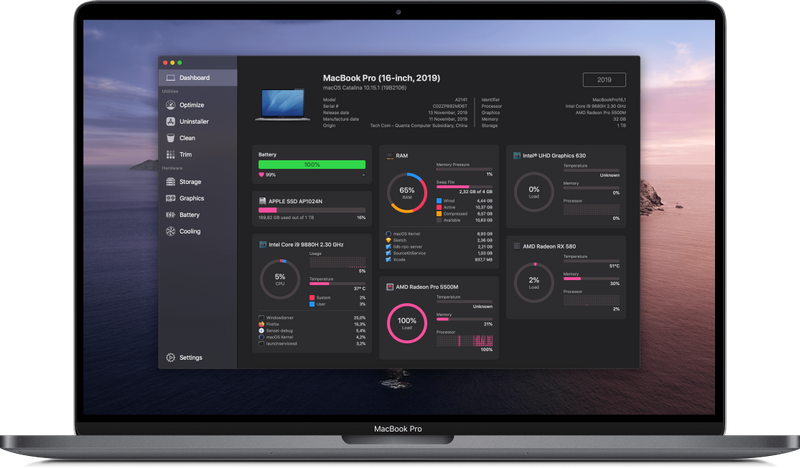
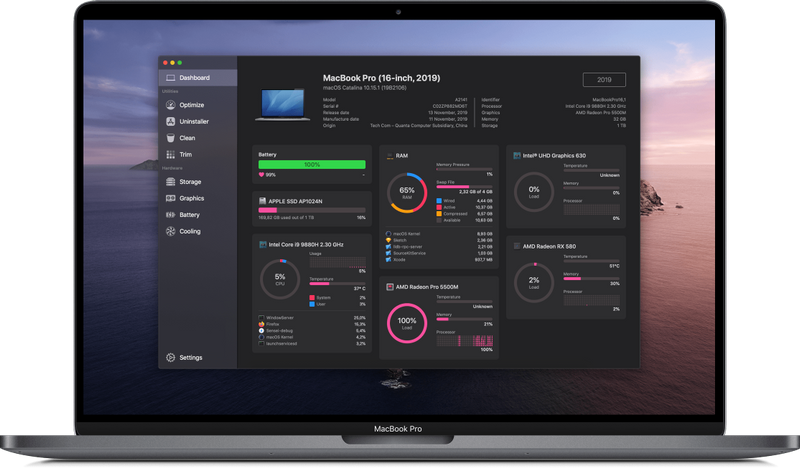
Sensei is an app that spans both software and hardware, including many more features than other apps in the Mac optimization category. It includes features for cleaning your disk, uninstalling apps, analyzing battery and disk health, monitoring CPU/GPU/RAM statistics, optimizing boot startup speeds and much more.
Sensei Features
Performance Dashboard
Detailed Battery Reporter
Disk Cleaner
Thermal Dashboard
Theme Support
App Uninstaller
Detailed Hardware Information
Temperature Monitor
GPU Monitor
Performance Optimized
CPU Monitor
Bespoke Design
RAM Monitor
Detailed Display Reporter
HDD/SSD S.M.A.R.T Reporter
100% Native Code
Fan Control
Detailed GPU/eGPU Reporter
SSD Trim Enabler
Accent Color Support
Disk Health Analyzer
Disk Benchmark
Battery Health Analyzer
Multiple Localizations
Disk Monitor
Dark Mode
Startup Speed Optimizer
Partition Map Explorer
GPU Firmware Exporter
What’s New:
Version 1.2.9:
Resolved an crash related to launching Sensei Monitor for the first time.
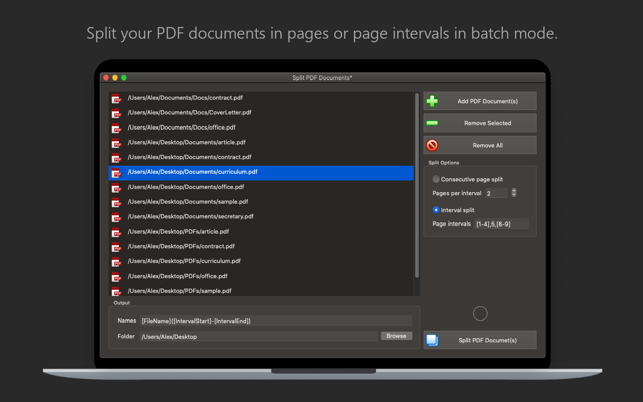
PDF Plus is a powerful PDF processor that will help you merge, split, watermark and crop PDF documents in just three easy steps. For example, if you want to watermark a set of PDF documents with your company’s logo, PDF Plus will do the job in just a few seconds. Just select the files you want to watermark, select the desired logo and PDF Plus will do the rest. In the same way you can crop, split and merge batches of PDF files. But here is a list of all the features that PDF Plus has to offer:
Merge PDF documents
Add/Remove PDF documents
Change the order in which the PDF documents will be merged
Instantly merge all your PDF documents into a single PDF file
Split PDF documents in batch mode
Add/Remove PDF documents
Split PDF documents in pages and/or page intervals
Give meaningful names to the resulting PDF files
Save the resulting PDF files in a folder of your choosing
Crop PDF documents in batch mode
Add/Remove PDF documents
Define the crop rectangle using either points or percents
Define the crop rectangle relative to a certain corner of the PDF page
Preview the crop rectangle for each PDF document
Select the pages and/or page intervals that will be cropped
Give meaningful names to the cropped PDF files
Save the cropped PDF files in a folder of your choosing
Watermark PDF documents in batch mode Add/Remove PDF documents Add a text watermark to your PDF documents for which you can customise the following:
Text (this is the text that will appear watermarked on your PDF documents)
Text Color (change the color of your text)
Font Type (choose from 20 types of hand-picked fonts)
Font Size (change the font size of your text)
Opacity (make your text more opaque or transparent)
Rotation (rotate your text at a certain angle)
Shadow (make your text more visible by adding a shadow effect)
Stroke (make your text more visible by adding a stroke effect)
Position (you can choose between: Bottom Left, Bottom Right, Top Left, Top Right and Center)
X Offset (for an exact horizontal positioning of your text)
Y Offset (for an exact vertical positioning of your text)
Add an image watermark to your PDF documents for which you can customise the following:
Image (you can select any JPG, PNG, TIFF, GIF or BMP image on your Mac)
Scale (change the scale of your selected image according to your needs)
Opacity (make your image more opaque or transparent)
Rotation (rotate your image at a certain angle)
Quality (increase or decrease the quality of your image)
Position (you can choose between: Bottom Left, Bottom Right, Top Left, Top Right and Center)
X Offset (for an exact horizontal positioning of your image)
Y Offset (for an exact vertical positioning of your image)
– Select the pages and/or page intervals that will be watermarked – Give meaningful names to the watermarked PDF files – Save the watermarked PDF files in a folder of your choosing
Change the image quality for the JPG, JPEG, JPE, JP2 and JPX formats
Multipage support for the GIF and TIFF image formats
Resize your images and change their DPI and print size
Give meaningful names to your images
Save the resulting images in a folder of your choosing
Edit PDF properties in batch mode
Add/Remove PDF documents
Change the following properties of the PDF documents: Title, Author, Subject, Keywords
Use tokens like [Original] and [FileName] to better deal with batches of PDF documents
Preview the original and output properties of your PDF documents before updating them
All in all, PDF Plus is the best solution for fine-tuning your PDF files and it should be a must-have for any company that works with a lot of PDF documents.
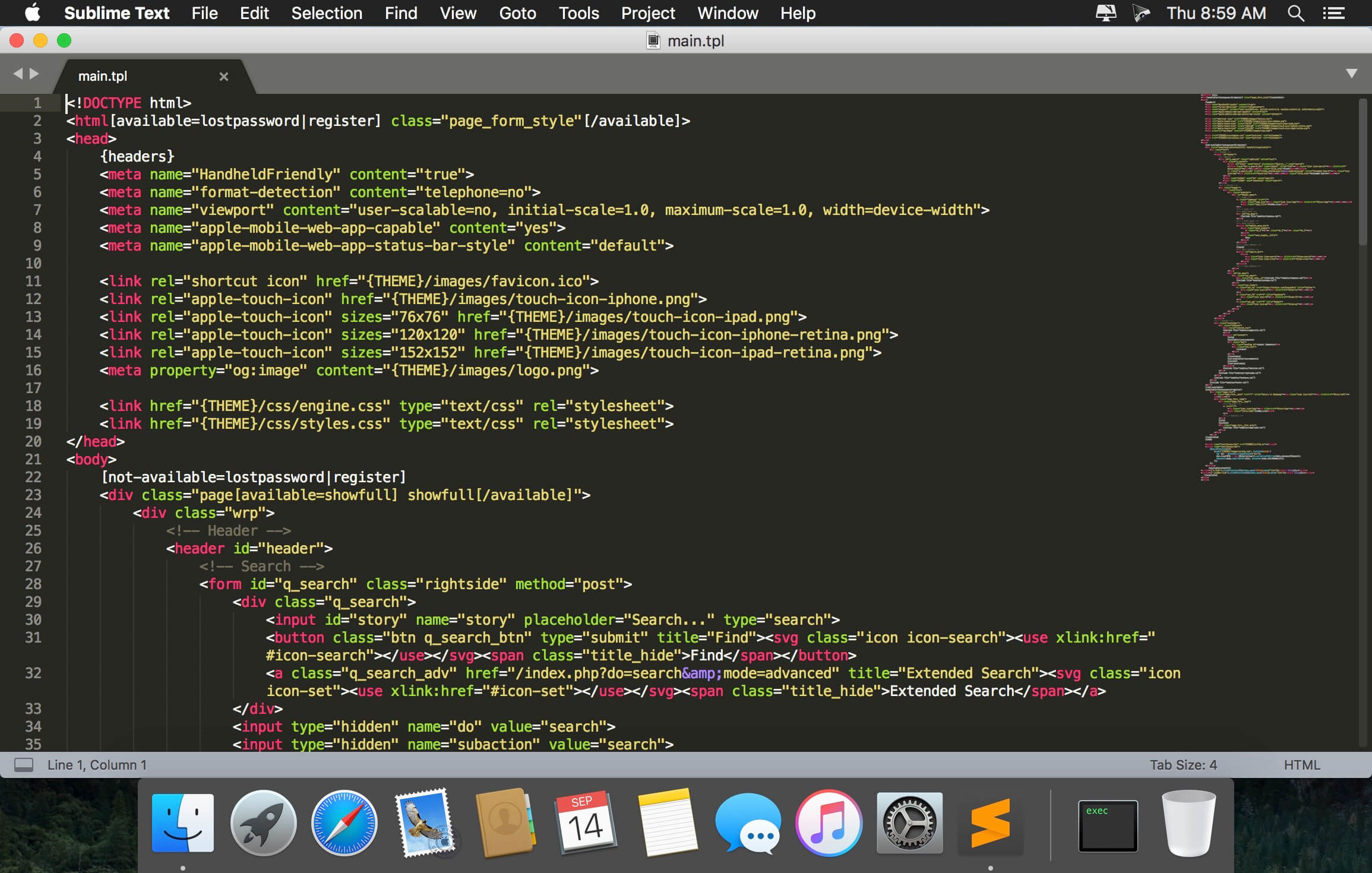
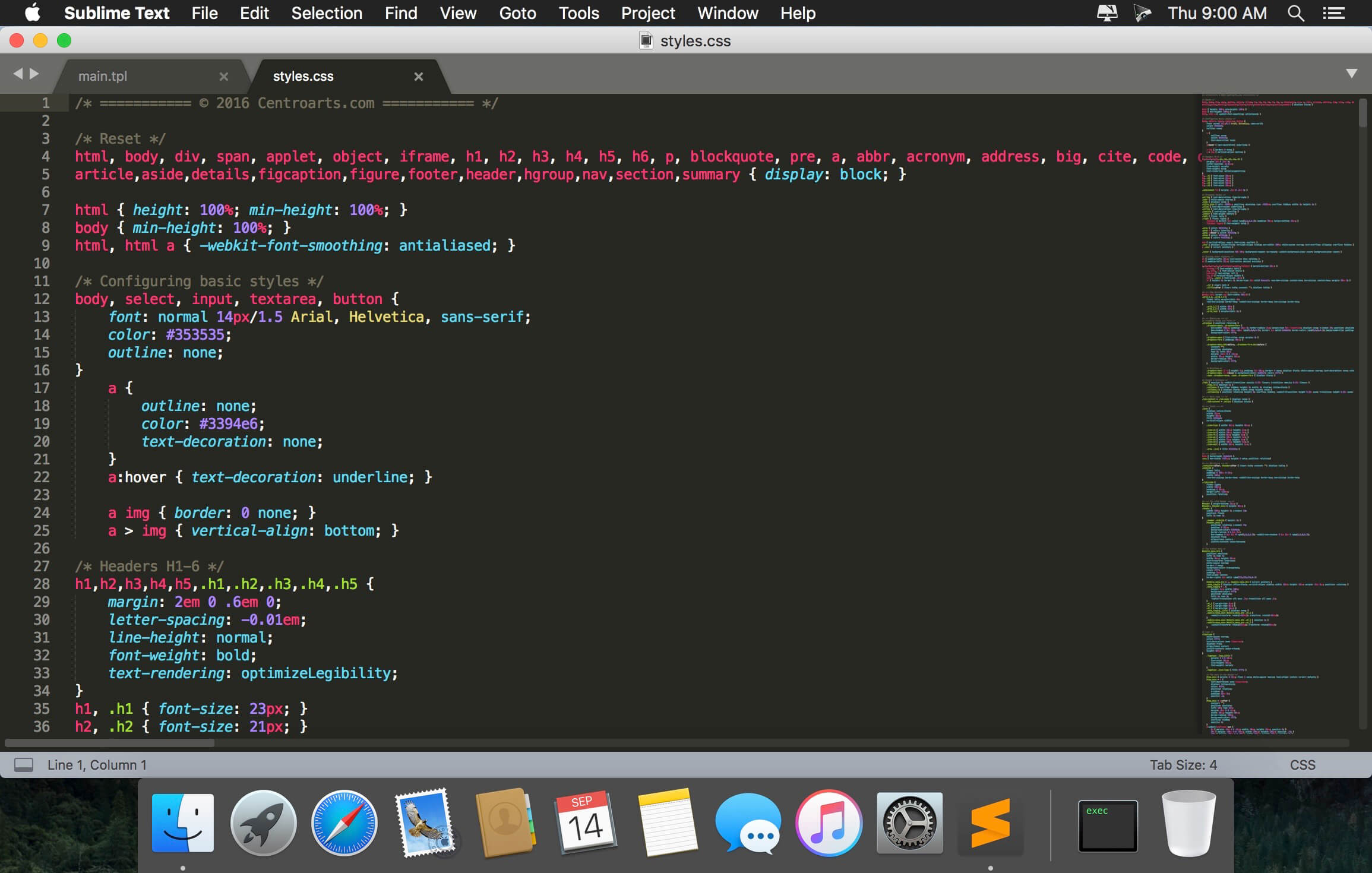
Sublime Text is a sophisticated text editor for code, markup and prose. You’ll love the slick user interface, extraordinary features and amazing performance.Sublime Text is a super fast and feature packed text and development editor. If you are going to be coding regularly you want to try this amazing editor (IDE).
Following some of the great features that make Sublime Text stand out from other code editors:
Multiple cursors: Once you have discovered multiple cursors you won’t want to work without them anymore. As the name suggests they let you write or edit in multiple places in a document at the same time.
Vintage mode: Vim keyboard shortcuts will work just like in the original Vim editor. To use them, all you need to do is to enable vintage mode.
Lightning fast: This is the fastest code editor you will find right now.
Command pallet: A great feature that allows you to reach about all functions of the editor via the keyboard. You will hardly use your mouse and thus code more efficiently.
Plugin collection: A hugely active community creates plugins for almost any task in Sublime Text. This includes syntax highlighting and code snippets for a large number of languages, for example jаvascript, PHP, CSS, HTML, Python, LESS, XML and C++ to name just a few.
Package control: This add-on let’s you install plugins within seconds directly from the editor.
What’s New:
Version 4.0 Build 4077 Dev:
Release notes were unavailable when this listing was updated.
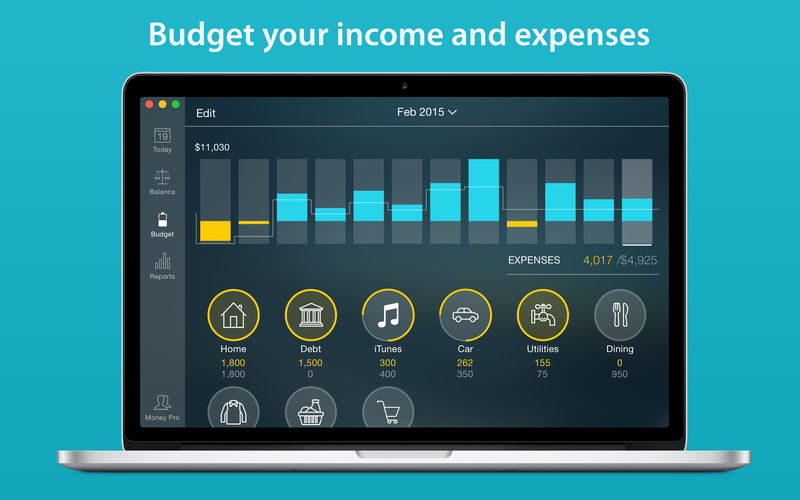
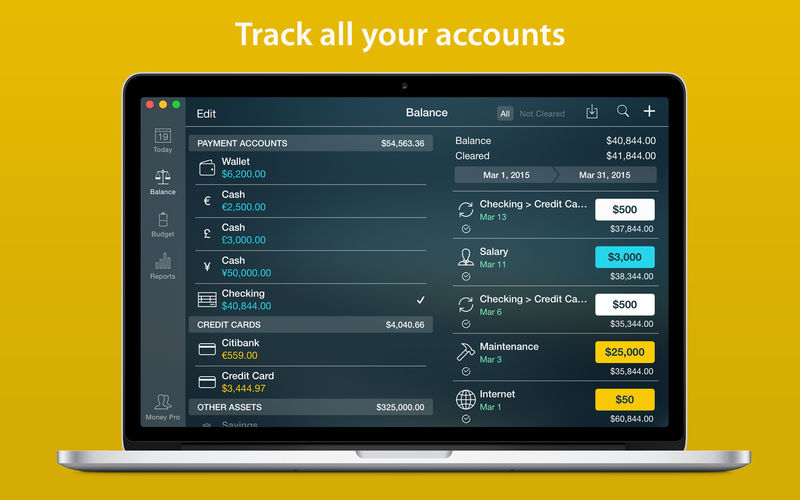
Money Pro is the one place for bill planning, budgeting and keeping track of your accounts. Easy sync with iPhone/iPad versions. Money Pro works great for home budgeting and even for business use.
Calendar
Mark days on the big calendar when your bills are due.
Schedule recurring bills with custom periodicity.
Filter transactions by selecting dates on the calendar.
Today view
Take a quick glance at bills due.
When you actually have a transaction, approve it quickly.
Money Pro predicts transactions for the day that may not have been scheduled manually.
Bills due notifications
A whole system of reminders will alert you of upcoming bills.
Quick rescheduling option will help you deal with bills due (tomorrow, in 3 days, next week).
Budgets
Create budgeted entries, both for your income and expenses, and indicate budget limits for each entry.
You can set different budget limits for every period, which is useful if you plan to reduce your spending gradually month by month.
Start adding every transaction you have, and see progress of each category and the overall progress.
Monitor visual indicators for budget overspending.
Select the category you want to analyze and examine a budget trend chart generated on the fly.
Budget rollover
You can set budgets to transfer the leftover of the current period to the next budget period.
Budget rollover limits your spending automatically if you overspent in previous periods.
Checkbook register
Unlimited number of accounts in one place (checking, savings, credit card, etc).
Setting transactions as recurring or as one-time only.
Balance change history.
Additional fields for organizing your records including payee, description, check #, class (personal/business travel expenses).
Attachment of receipt photos.
Account reconciliation
You can record transactions and clear them later on (reconcile).
Automatically calculated available balance and cleared balance.
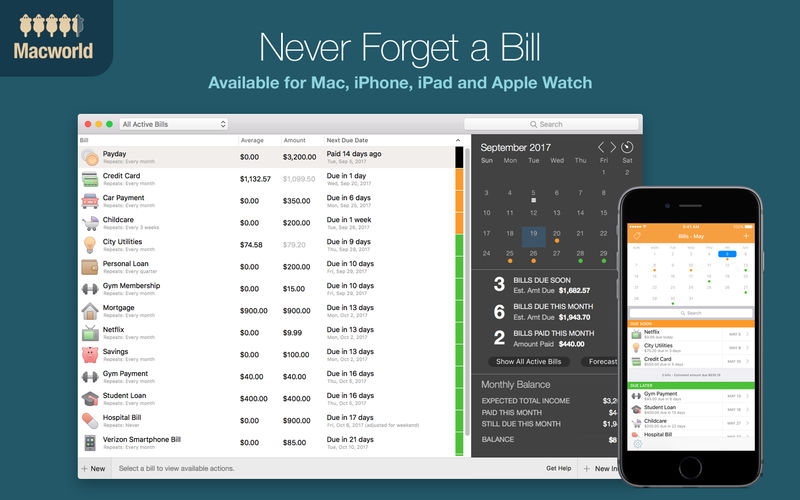
You need Chronicle if you pay bills. It gives you the peace of mind of never having to worry about whether you paid a bill again.
Even if you use another finance application for general finance, you need Chronicle. One late payment can wreak havoc on your credit score, leading to higher interest rates and denied loans– in short, completely affecting your financial life.
That’s why you need Chronicle. Chronicle will remind you when your bills are due, even when it isn’t running. And in just a few minutes a month, you can handle everything related to paying your bills.
Never forget a bill — get reminded when your bills are due with alerts that can be synced to your iPhone and across all your Macs, even when Chronicle isn’t running.
Easily pay your bills online using Chronicle’s integrated browser, or your default browser.
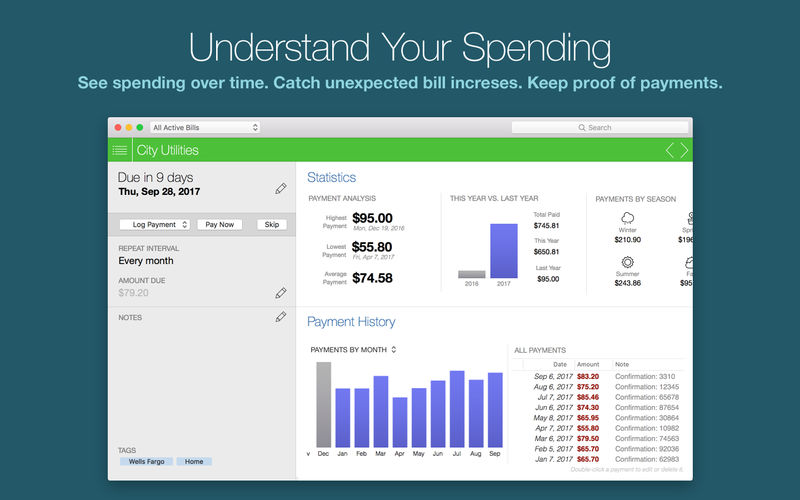
Keep proof of all your payments — store confirmation numbers and receipts right in Chronicle, so you always have proof of your payments.
Get reminders in your notification center and put bills on your calendar. Chronicle can remind you via notification center on Mountain Lion, and on all Macs, can add your bills to your calendar so you can visually see when they are due.
What’s New:
Version 9.0.0 Chronicle is now Chronicle Pro! Version 9.0 is a major update with significant new features, including history, savings goals and reports. Gain better insight than ever into your finances with the new Chronicle 9.0.
NEW—Monthly History: View a month-by-month history of all your income and bill payments. See at a glance how much you spent in any given month, and use tags to break down your payments even further.
NEW—Reports: View detailed reports for a given year, and analyze your spending across all bills or a selected tags. Break down bills by payment type or category using tags, and see exactly how much you are spending.
NEW—Savings Goals: Create savings goals in Chronicle to help you remember to set aside money every month. Savings goals reduce your OK to Spend balance, so you remember not to spend that money.
Resume Templates is a high-quality collection of 145 original Pages templates designed to give your career prospects a major boost. Present your educational background, experience, and skills in a way that will catch any recruitment manager’s attention.
Every object in Resume Templates can be easily recolored, reshaped, moved, or removed. Type or paste your own text, add or remove text boxes, and change the font if you want to. Add your photos to replace the stock images. Every layout – from the understated elegance of the traditional career descriptions to the buoyant colors of the resumes for creative professionals – features quality design and great usability.
The templates are available in the US and international page sizes.
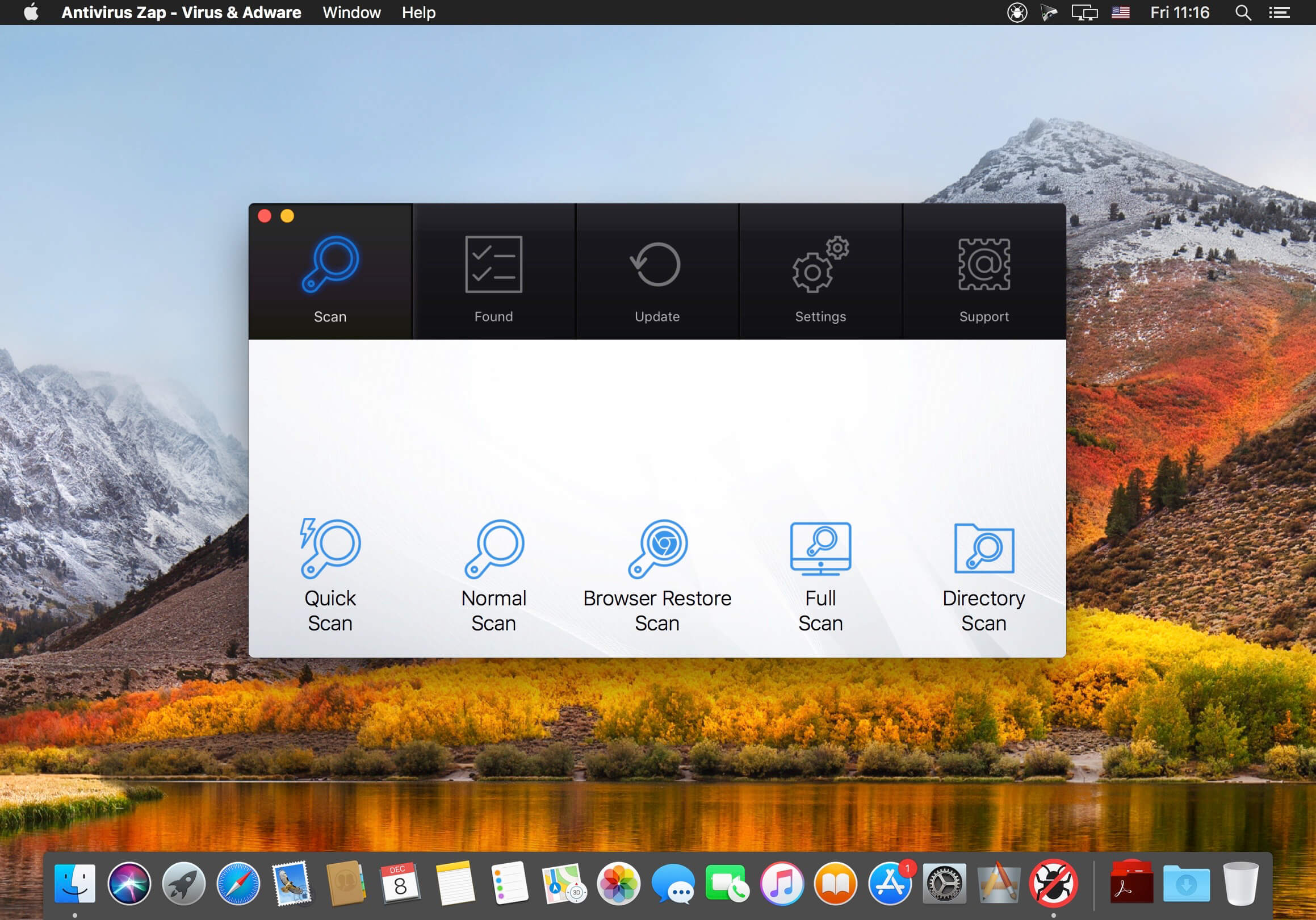
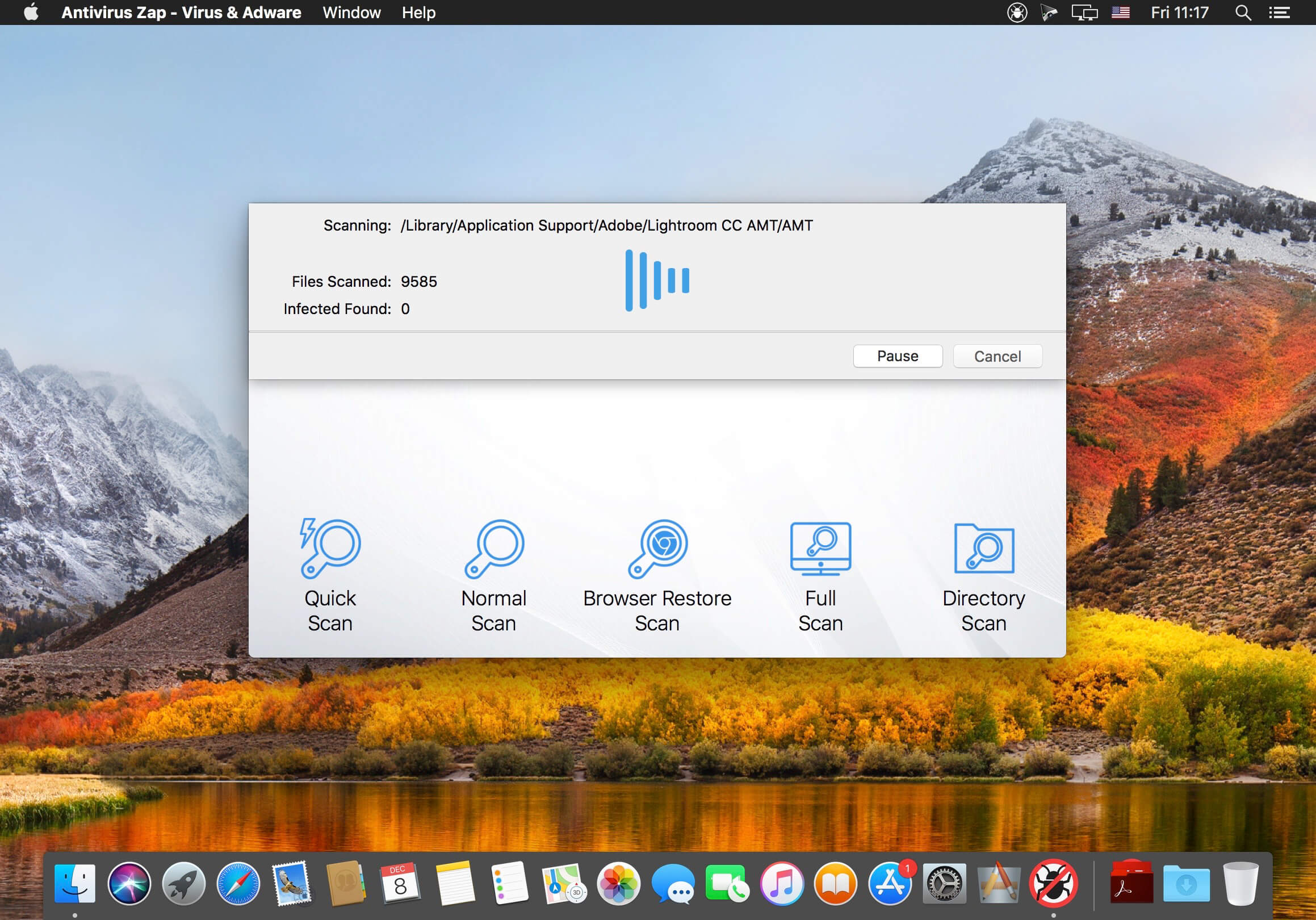
Antivirus Zap is a comprehensive solution that scans and removes malware and other malicious software from your Mac. It detects threats or suspicious files that are already on your Mac and protects you from being exposed in the future.
Features:
Detects and Removes malware and viruses to safeguard your Mac
Quick Scan:
Checks the most likely locations for malware and adware
Depending on the number of files, the scan takes about 5-15 minutes to complete
Normal Scan:
Checks an extended list of most likely locations including Applications, Downloads, Desktop, Mail Download etc. folders
Depending on the number of files, the scan takes about an hour or more to complete
Full scan:
Comprehensive scan that checks the whole system.
Depending on the number of files, it takes an hour or more to complete, ideal for an overnight scan
Custom scan:
Select any specific files or folders to scan
Perfect for suspicious files, folders and USB drives
Scan + Browser Restore:
Same as the Quick Scan and also restores internet browsers by removing extensions, cookies and caches
Depending on the number of files, the scan takes about 10-30 minutes to complete
Scans all applications and processes currently in the memory
Scans all programs that start automatically by the system
Detects not only macOS but also Windows and Linux threats. You can scan Windows bootcamp, external and network drives for malware.
Option to exclude certain file types which are unlikely to pose a threat such as image, movie and audio files
Also searches for malware in archives (zip, pkg, etc.) and inside various types of files such as pdf, pkg, zip, etc.
Easy to use user interface
Daily database updates
What’s New:
Version 3.9.4.1:
Release notes were unavailable when this listing was updated.
Language: English, Catalan, French, German, Italian, Japanese, Spanish Compatibility: OS X 10.10 or later, 64-bit processor Homepagehttps://antiviruszap.com/
ON1 creates world-class photo editing software applications for photographers to save them time.
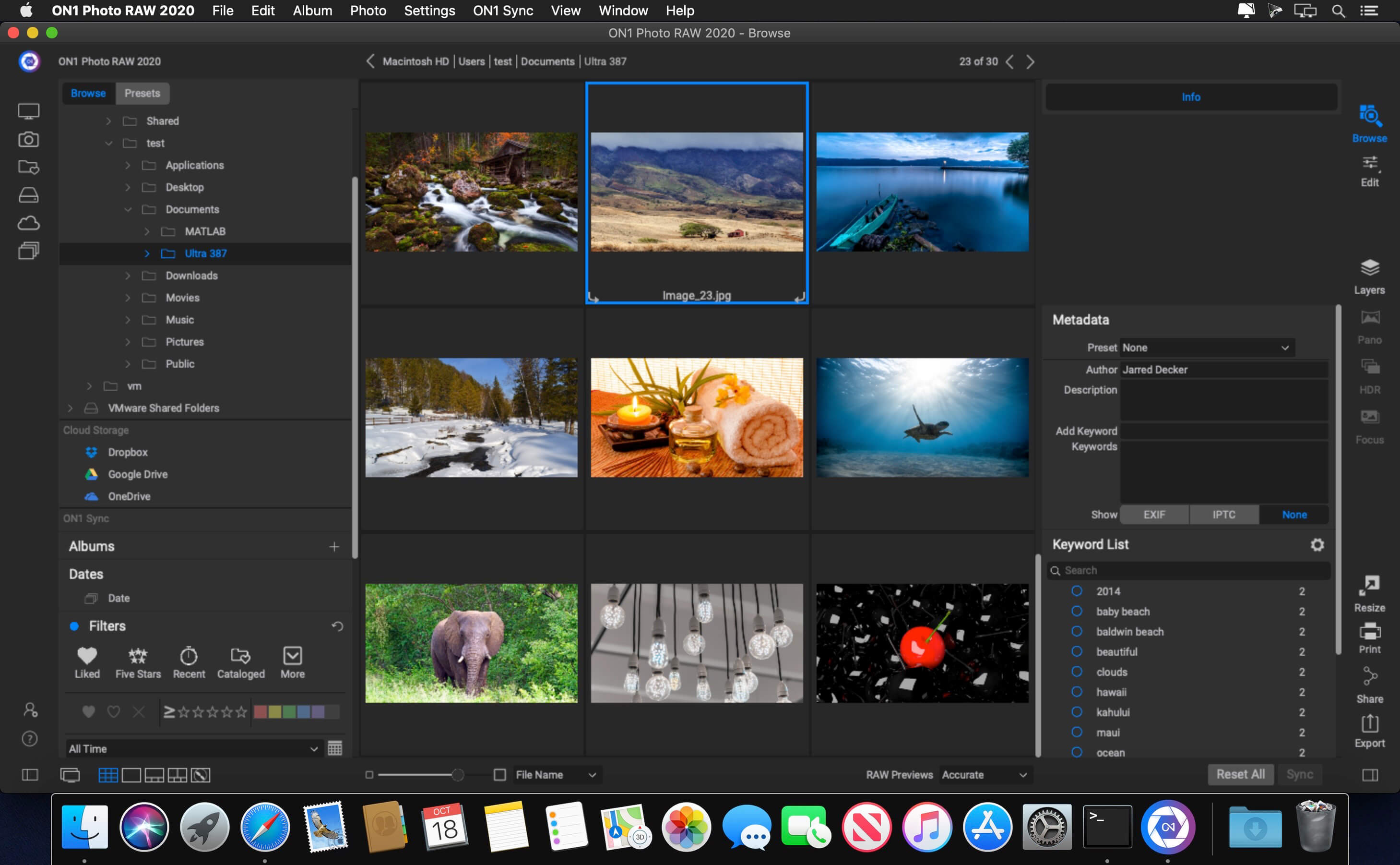
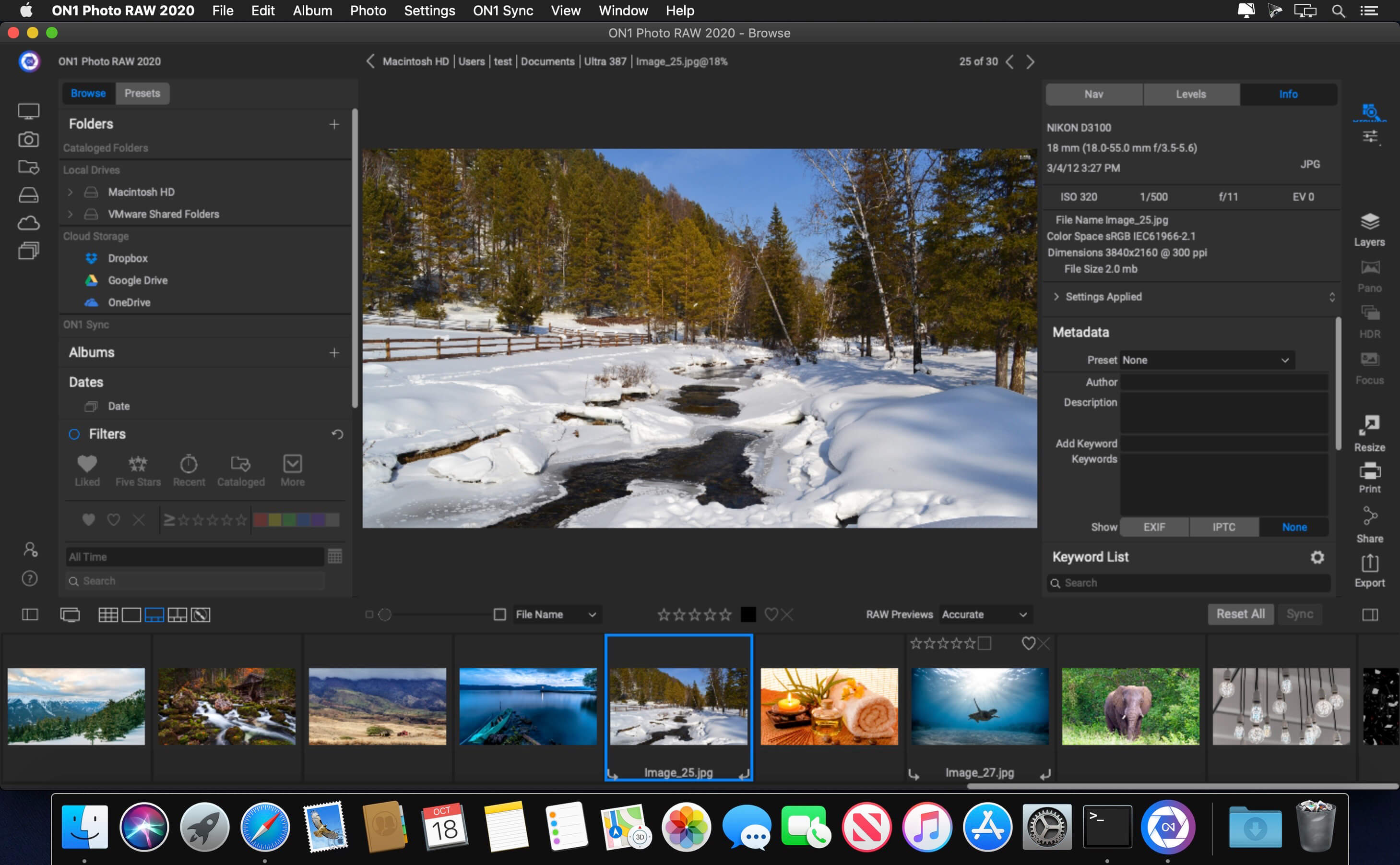
ON1 Photo RAW 2020 This professional-grade photo organizer, raw processor, layered editor, and effects app, includes everything you need in one photography application. The newest features include AI-powered features AI Match and AI Auto, four filters in Effects (Weather, Sun Flare, Color Balance, Channel Mixer), improved decoding of raw files (especially for Fujifilm), custom camera profiles with X-Rite, SmugMug integration, improved noise reduction, a map view, a Print Module, speed/performance enhancements, and much more!
ON1 Resize 2020 ON1 Resize (formerly known as Perfect Resize Standard) is a straightforward image resizing application that provides a set of tools designed to help you get your pictures ready for print. Organize & Resize. ON1 Resize just got a whole lot better. The NEW ON1 Resize now includes one of the fastest ways to view, cull, and edit photos–ON1 Browse. It’s the new starting point for your editing and resizing workflow.
ON1 Effects 2020 The Ultimate Collection of Photo Effects, Filters, LUTs, and Presets. ON1 Effects 2020 includes hundreds of built-in photo effects, filters, LUTs, borders, textures, and presets — all completely customizable to your style. There are endless creative possibilities with ON1 Effects. Our most popular include HDR Look, B&W, Lens Blur (tilt-shift), Glows, Color Enhancer, Tone Enhancer, Textures, Borders, Film Looks, Split Tone, and more.
ON1 HDR 2020 ON1 HDR 2020 creates flawless, natural HDR photos, that combine the highlight and shadow details from a bracket of exposures, in the blink of an eye. You can control the movement, such as clouds and running water with a live preview. Then, perfect your HDR photos with powerful tools and presets that showcase your creativity. ON1 HDR works as both a standalone and a plug-in for Lightroom® Classic CC.
The products in the Photo Bundle enhance a professional workflow by saving time, improving image quality, and providing creative freedom. In combination, these products are even more effective. For instance, Bokeh’s lens simulation and Exposure’s film simulation provide traditional photographic tools to make digital photos look more natural and less digital. Blow Up and Snap Art together can turn a photograph into a realistic oil painting that is suitable for printing on a large canvas.
About Blow Up Blow Up enlarges photos while keeping them crisp and clear. Blow Up takes the complexity out of preparing photos for printing with a user interface that intelligently handles resizing, cropping, and sharpening. The sophisticated enlargement algorithm produces photos dramatically sharper and more detailed than any other method.
About Exposure Exposure accurately simulates a wide range of film stocks, including ones that were discontinued such as Polaroid®, Kodachrome®, and Scala®. Attention to the subtleties of film grain, contrast, saturation, and color cast brings back the unique looks of classic film. With over 300 presets for films, special effects, and dark room techniques, it is easy to get started with Exposure.
About Snap Art Snap Art turns a photo into a beautiful work of art with a single click. Choose from ten natural media and hundreds of styles, such as oil paint, watercolor, and pencil sketch. Detailed simulation of individual brush strokes and canvas texture gives results that are indistinguishable from handmade art. You make the creative choices while Snap Art takes care of all the tedious work of drawing brush strokes.
About Eye Candy 7 Eye Candy 7 renders realistic effects that are difficult or impossible to achieve in Photoshop alone, such as Fire, Chrome, and the new Lightning. Effects like Animal Fur, Smoke, and Reptile Skin are rendered in exquisite detail down to individual hairs, turbulent wisps, and shiny scales. Eye Candy helps you quickly explore and design looks. In Eye Candy 7, effects are chosen through easy to recognize icons rather than text menus. Presets are rapidly previewed by simply mousing over them. The theme is less clicking and more visual browsing.
Sublime Text is a sophisticated text editor for code, markup and prose. You’ll love the slick user interface, extraordinary features and amazing performance.Sublime Text is a super fast and feature packed text and development editor. If you are going to be coding regularly you want to try this amazing editor (IDE).
Following some of the great features that make Sublime Text stand out from other code editors:
Multiple cursors: Once you have discovered multiple cursors you won’t want to work without them anymore. As the name suggests they let you write or edit in multiple places in a document at the same time.
Vintage mode: Vim keyboard shortcuts will work just like in the original Vim editor. To use them, all you need to do is to enable vintage mode.
Lightning fast: This is the fastest code editor you will find right now.
Command pallet: A great feature that allows you to reach about all functions of the editor via the keyboard. You will hardly use your mouse and thus code more efficiently.
Plugin collection: A hugely active community creates plugins for almost any task in Sublime Text. This includes syntax highlighting and code snippets for a large number of languages, for example jаvascript, PHP, CSS, HTML, Python, LESS, XML and C++ to name just a few.
Package control: This add-on let’s you install plugins within seconds directly from the editor.
What’s New:
Version 4.0 Build 4076 Dev:
Release notes were unavailable when this listing was updated.
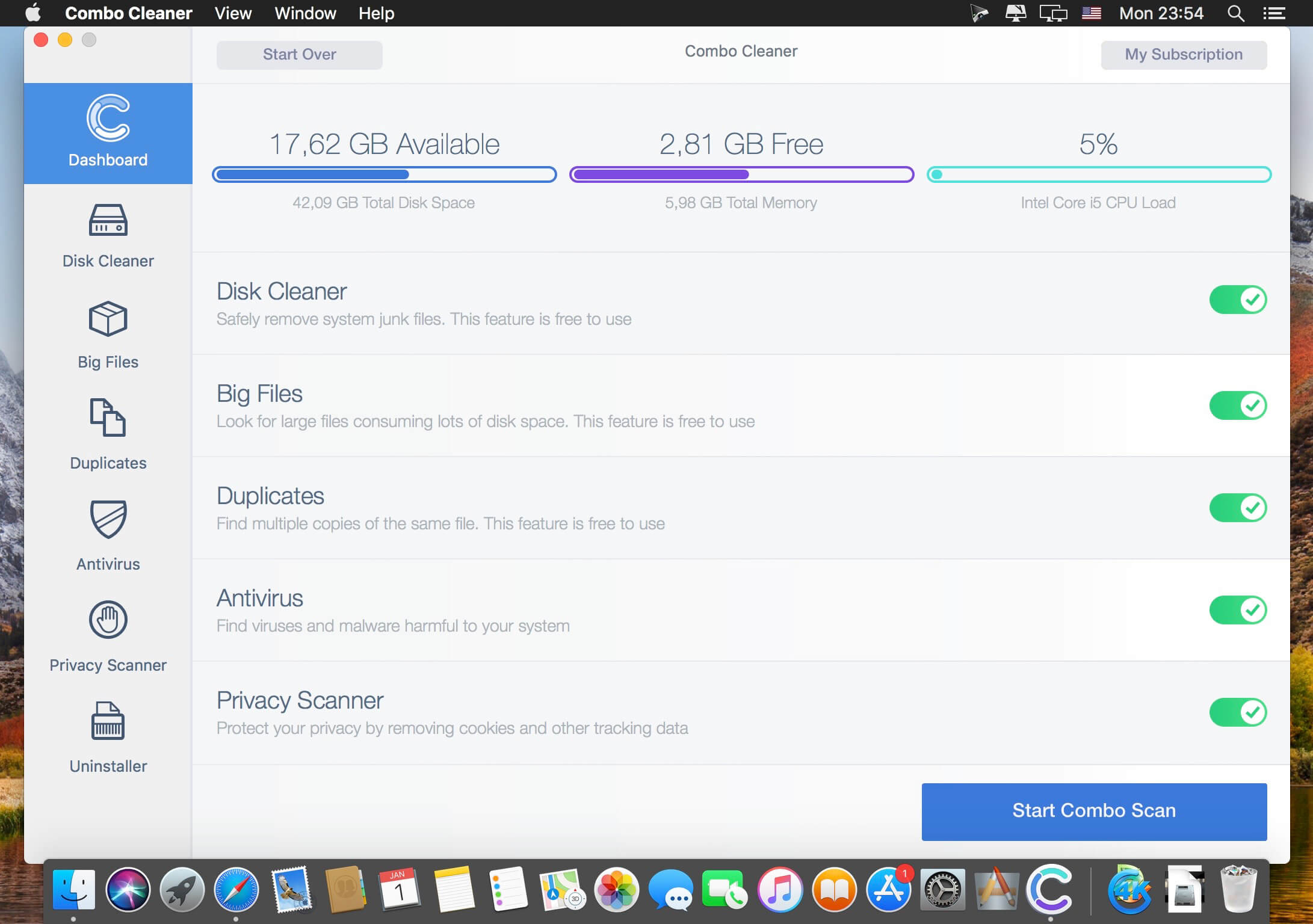
Your Mac is a masterpiece – keep it this way with Combo Cleaner. The most easy-to-use way to clean your Mac from junk files, viruses and malware. Our Anti-Malware engine is certified by OPSWAT Labs. Combo Cleaner will clean your disk of junk files and eliminate malware (including adware and potentially unwanted applications causing unwanted ads when browsing the Internet).
Combo Cleaner features:
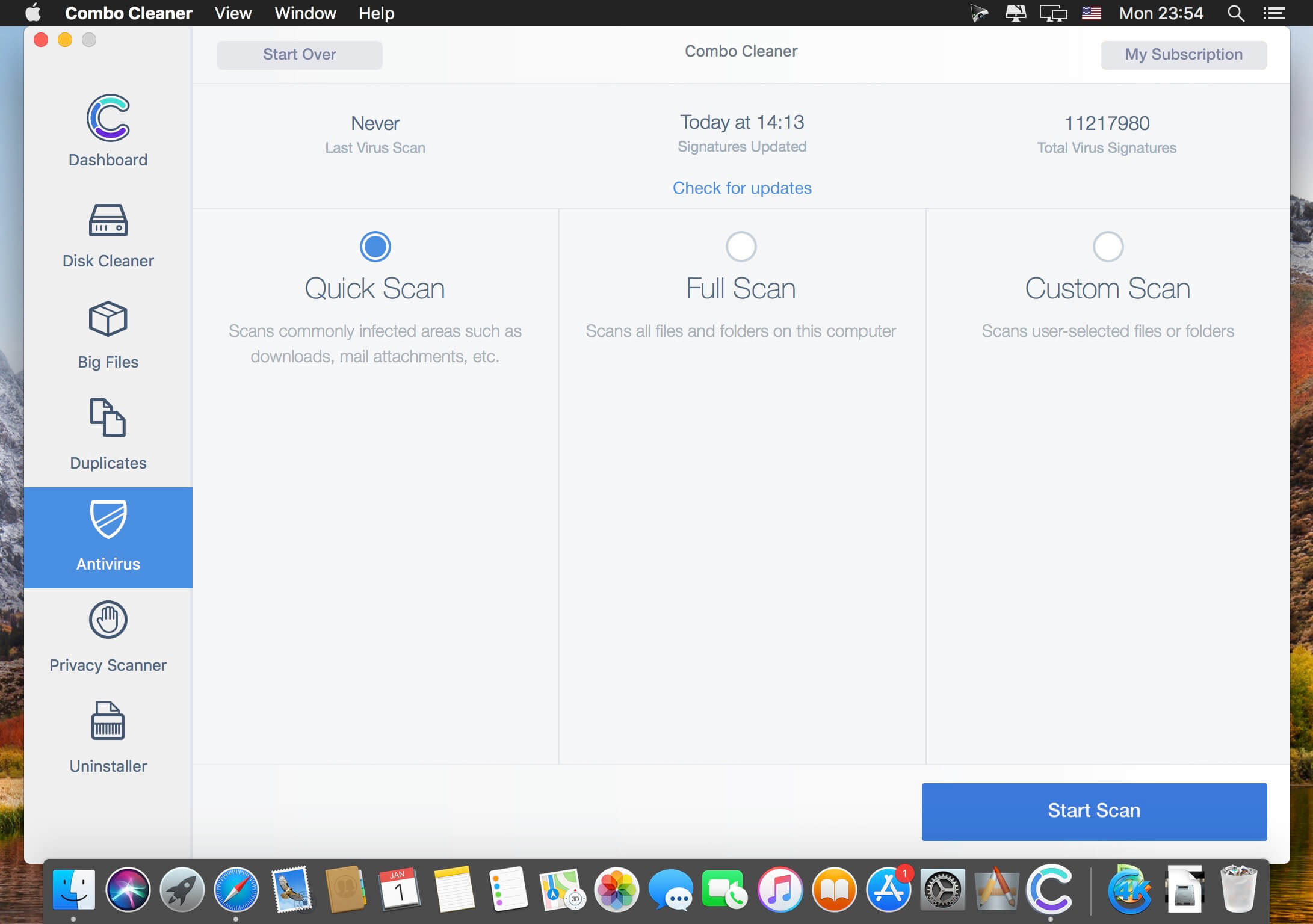
ANTIVIRUS – Combo Cleaner is equipped with an OPSWAT certified, award winning virus, malware, and adware scan engines. Hourly malware definition updates ensures that your Mac will be protected from the latest security threats.
DUPLICATE FILE FINDER – Duplicate files are identical copies stored in various places on your hard drive. Combo Cleaner will find and eliminate these files that are a waste of valuable disk space.
DISK CLEANER – Disk Cleaner ensures that your Mac is free of junk and obsolete files that can accumulate megabytes of wasted disk space.
BIG FILES FINDER – Big Files Finder checks your local and external disks, immediately listing all files and folders larger than 100 megabytes (or any other user defined size).
APP UNINSTALLER – When you remove applications from your Mac, many useless redundant files often remain on the system. Combo Cleaner will find such files and remove them.
PRIVACY SCANNER – Scans installed browsers and enables you to easily remove stored browsing history, cookies, etc. Take privacy into your own hands.
This professional-grade photo organizer, raw processor, layered editor, and effects app, includes everything you need in one photography application. The newest features include AI-powered features AI Match and AI Auto, four filters in Effects (Weather, Sun Flare, Color Balance, Channel Mixer), improved decoding of raw files (especially for Fujifilm), custom camera profiles with X-Rite, SmugMug integration, improved noise reduction, a map view, a Print Module, speed/performance enhancements, and much more!
ON1 Photo RAW 2020 puts the primary photo editing needs for every photographer regardless of what they shoot – without having to bounce between multiple pieces of software. Get the professional photo editing tools you need for the professional results you need while keeping your workflow efficient, powerful, and simple.
ON1 Photo RAW 2020 puts the primary photo editing needs for every photographer regardless of what they shoot – without having to bounce between multiple pieces of software. Get the professional photo editing tools you need for the professional results you need while keeping your workflow efficient, powerful, and simple.
We’ve curated hundreds of the most popular looks and styles seen throughout the industry. Our team of experts overhauled the preset library to give you the trendiest looks with these amazing new one-click presets.
Support for Over 800+ Cameras
Also supports JPEG, TIF, PSD, PSB, PNG, and DNG
Optional App Integration:
Photoshop CS6 and above
Photoshop Elements 14 and above
Photoshop Lightroom Classic 6 and above
Compatibility: OS X 10.11 or later, 64-bit processor Homepagehttps://www.on1.com/
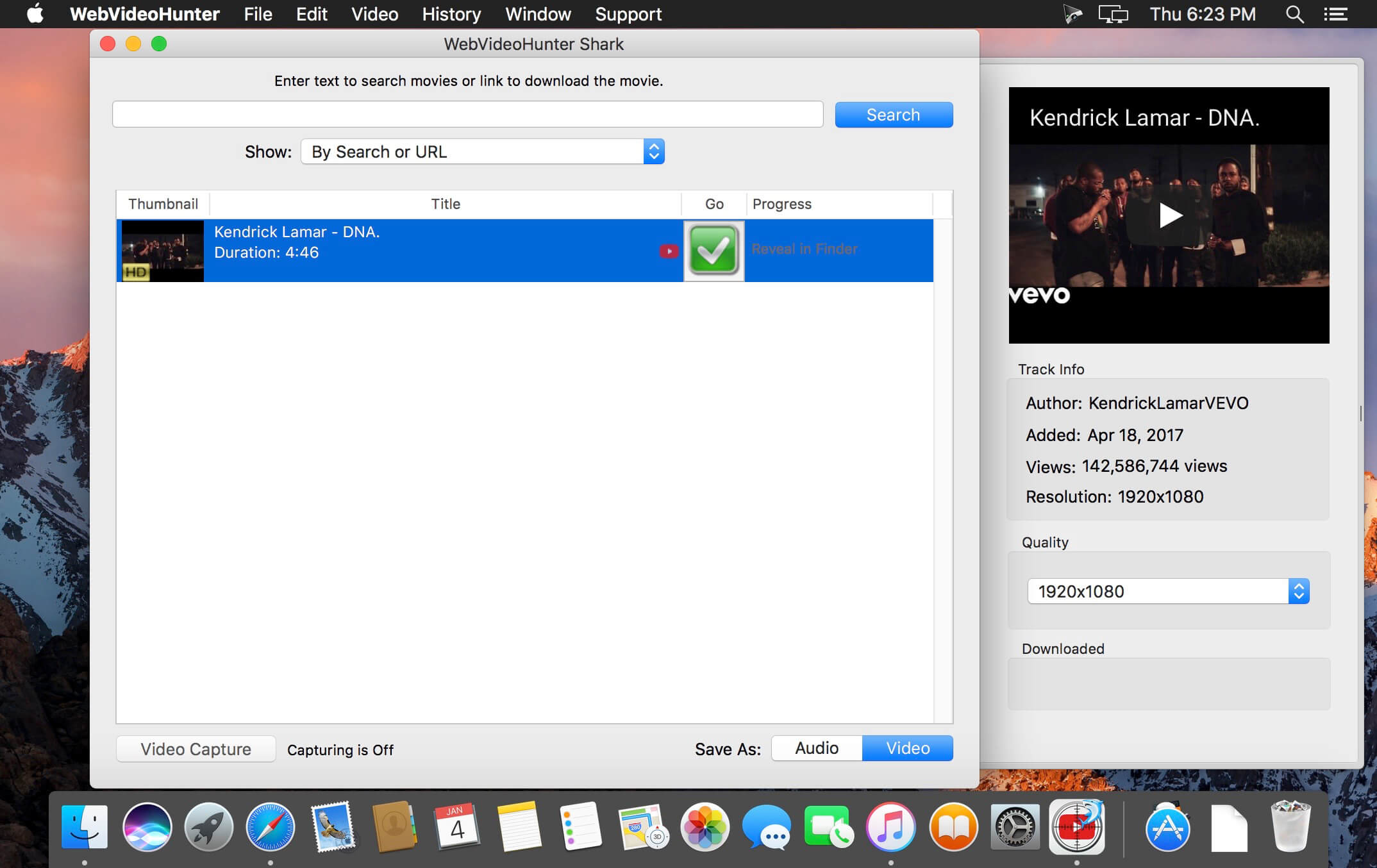
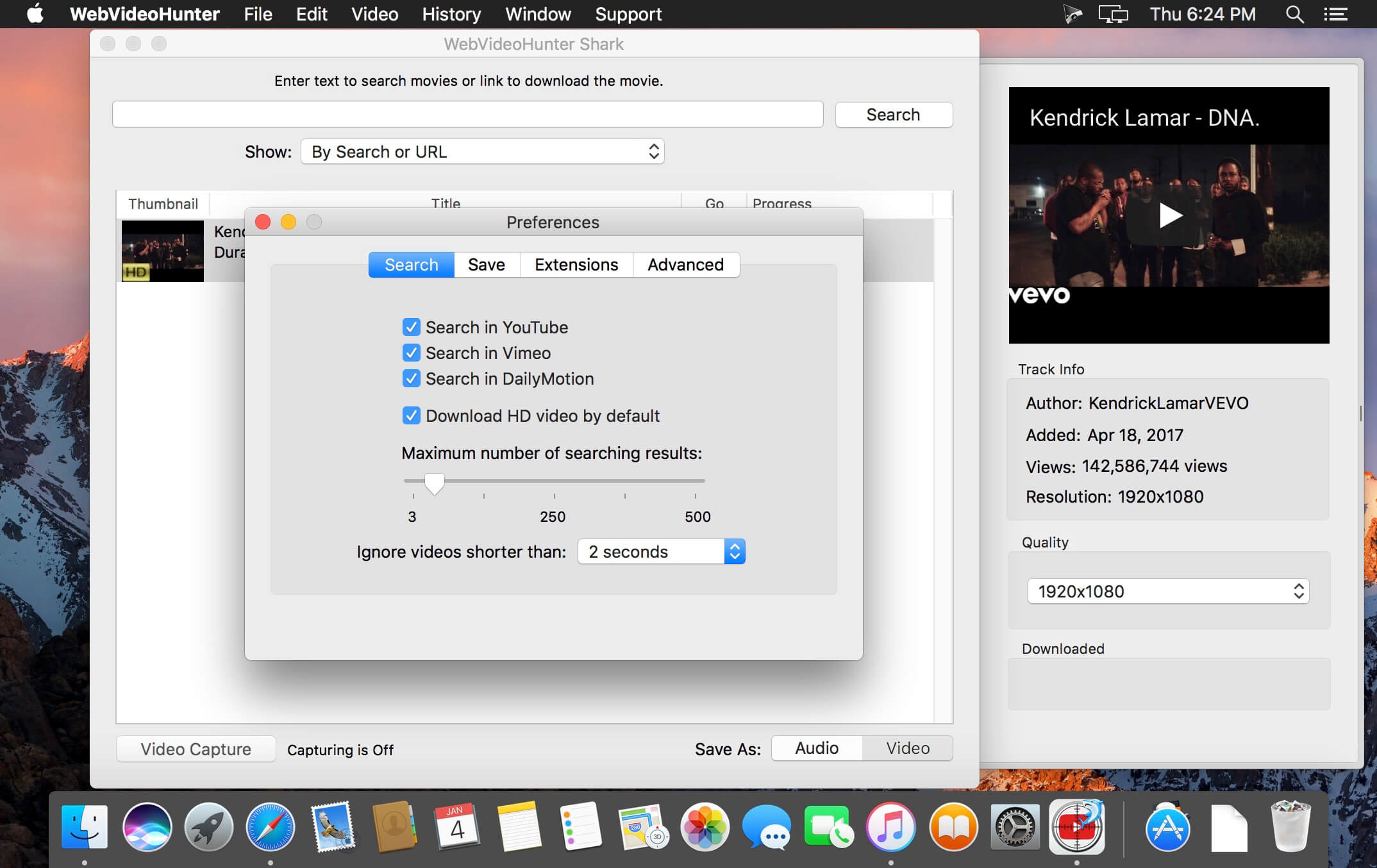
It takes only seconds to find and download videos from YouTube, Vimeo, DailyMotion, VEVO and others. WebVideoHunter downloads videos 15x faster than real time playing and supports simultaneous downloads.
WebVideoHunter keeps subtitles for YouTube and DailyMotion videos.
You don’t need install any additional players or converters. Downloaded videos will be automatically converted to format viewable on your Mac. Or you can can choose appropriate option and YouTube videos will be converted to mp3.
WebVideoHunter saves original names from source web-pages for downloaded videos.
With “Add to iTunes” feature you can immediately copy downloaded videos and music to any of your devices such as iPhone, iPad, iPod, etc.
Special Safari extension for YouTube hides the most of YouTube video advertisings.
Pro Version:
Search and download video from YouTube
Search and download HD video from YouTube
Search and download video from Vimeo and others, including HD video
Convert downloaded video
Convert YouTube video to MP3 • Get video by URL
YouTube to iTunes feature
WebVideoHunter supports English, Italian, Spanish, French, Japanese languages.
What’s New:
Version 6.0.17:
Release notes were unavailable when this listing was updated.
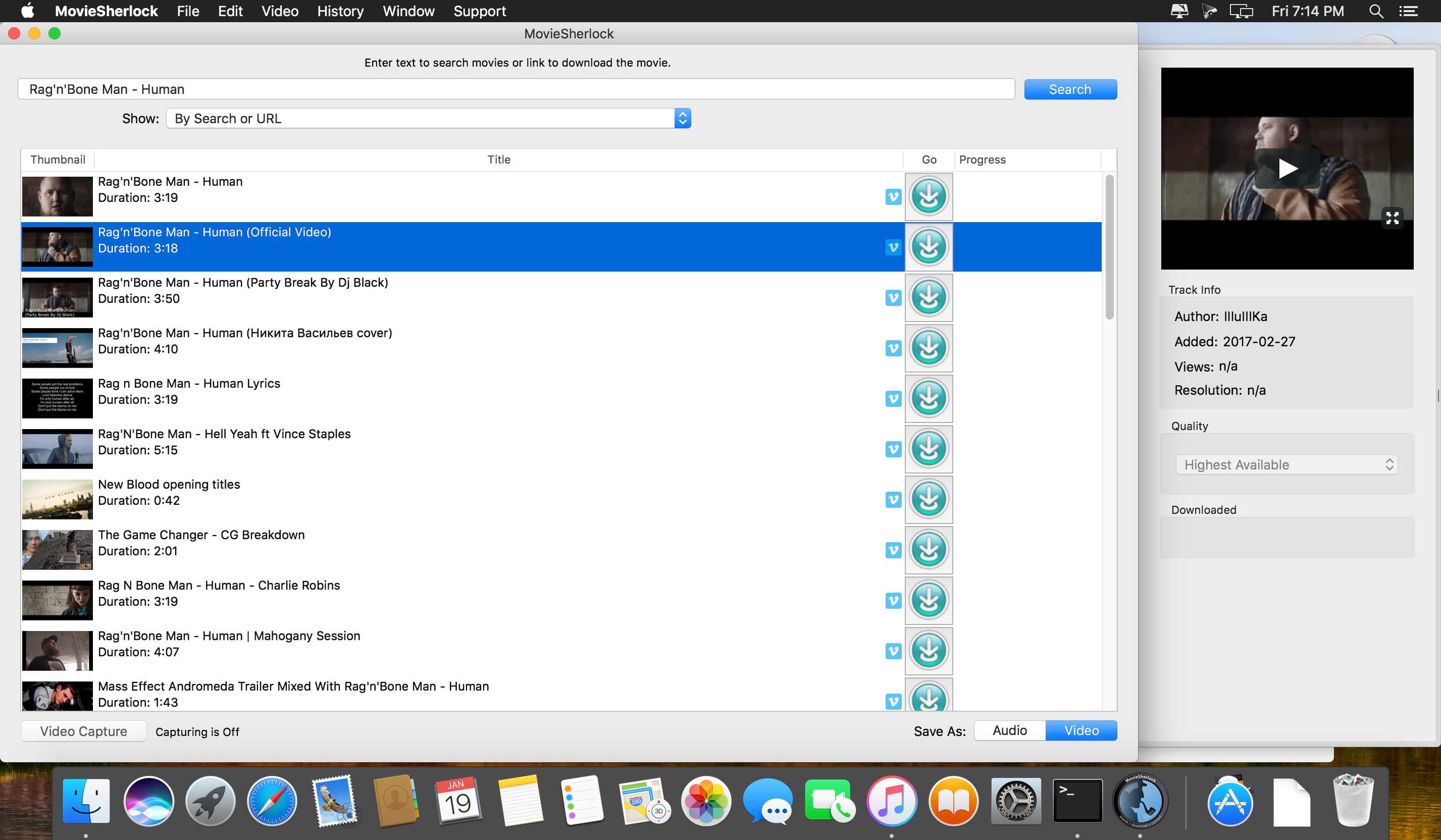
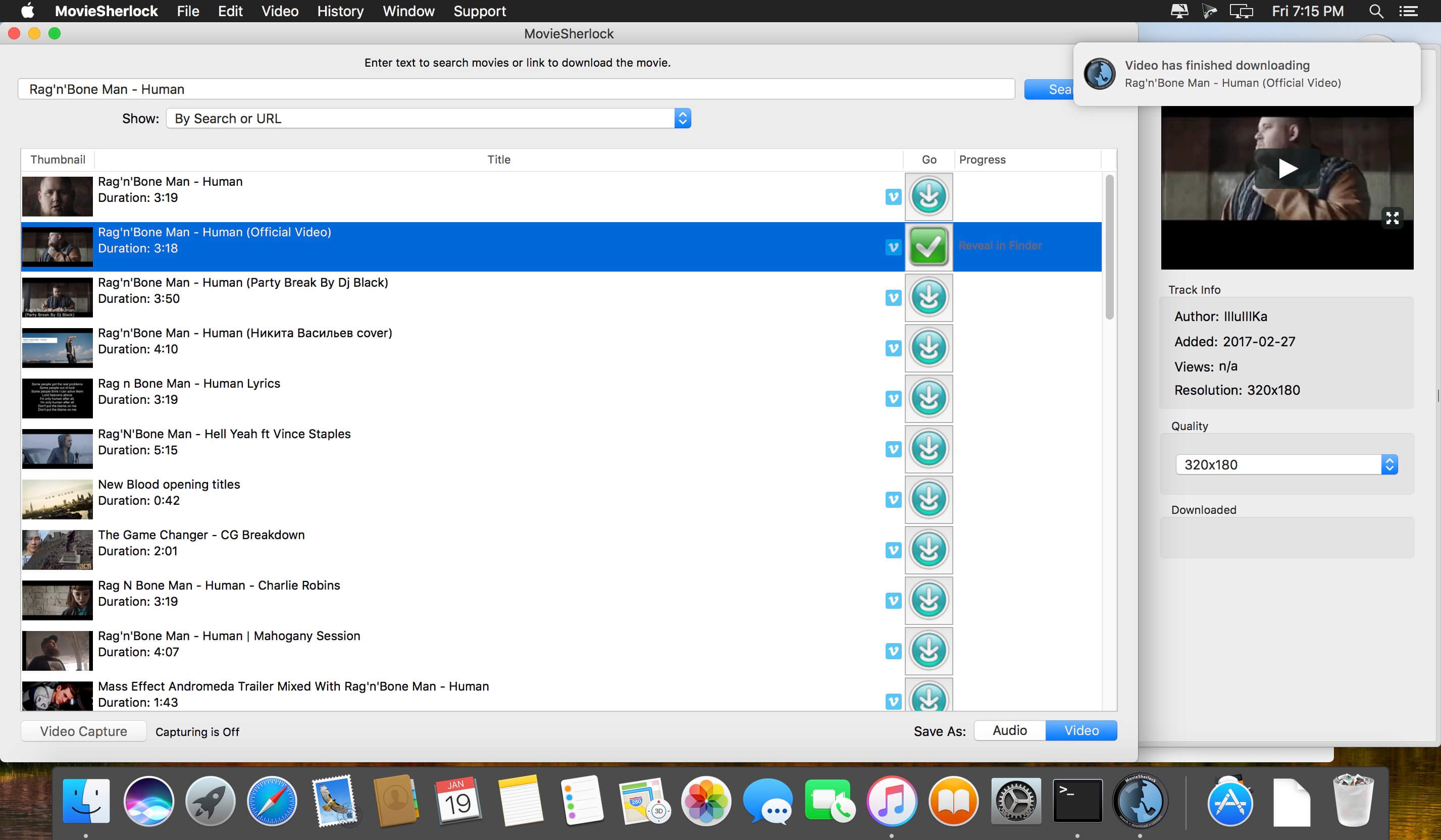
MovieSherlock is an all-in-one YouTube downloader and converter. It allows you to search, download, and convert YouTube movies. MovieSherlock lets you to download videos fast, smoothly and no quality loss whats so ever! MovieSherlock is just the best way to get videos to your Mac.
MovieSherlock allows you to download any video from YouTube and convert it on your Mac to a high-quality MP4 video that is playable in iTunes or your favorite video player. MovieSherlock supports both HD (High Definition) and SD (Standard Definition) video from YouTube. However.
Save as MP4 and MP3: downloaded videos will be automatically converted.
YouTube, Vimeo, DailyMotion and thousands of websites support
Fast download: 15x faster than real time!
iTunes integration: Add to iTunes feature allows to copy downloaded video and music to any of your devices such as iPhone, iPad, iPod, etc.
Download video with subtitles from YouTube and DailyMotion.
Correct file naming: The downloaded videos will retain the original names from the source web-pages.
Native video format: If you get the video with MovieSherlock, be sure you can play it.
Simultaneous download: Get so many files you need at one time.
What’s New:
Version 6.1.7:
Release notes were unavailable when this listing was updated.
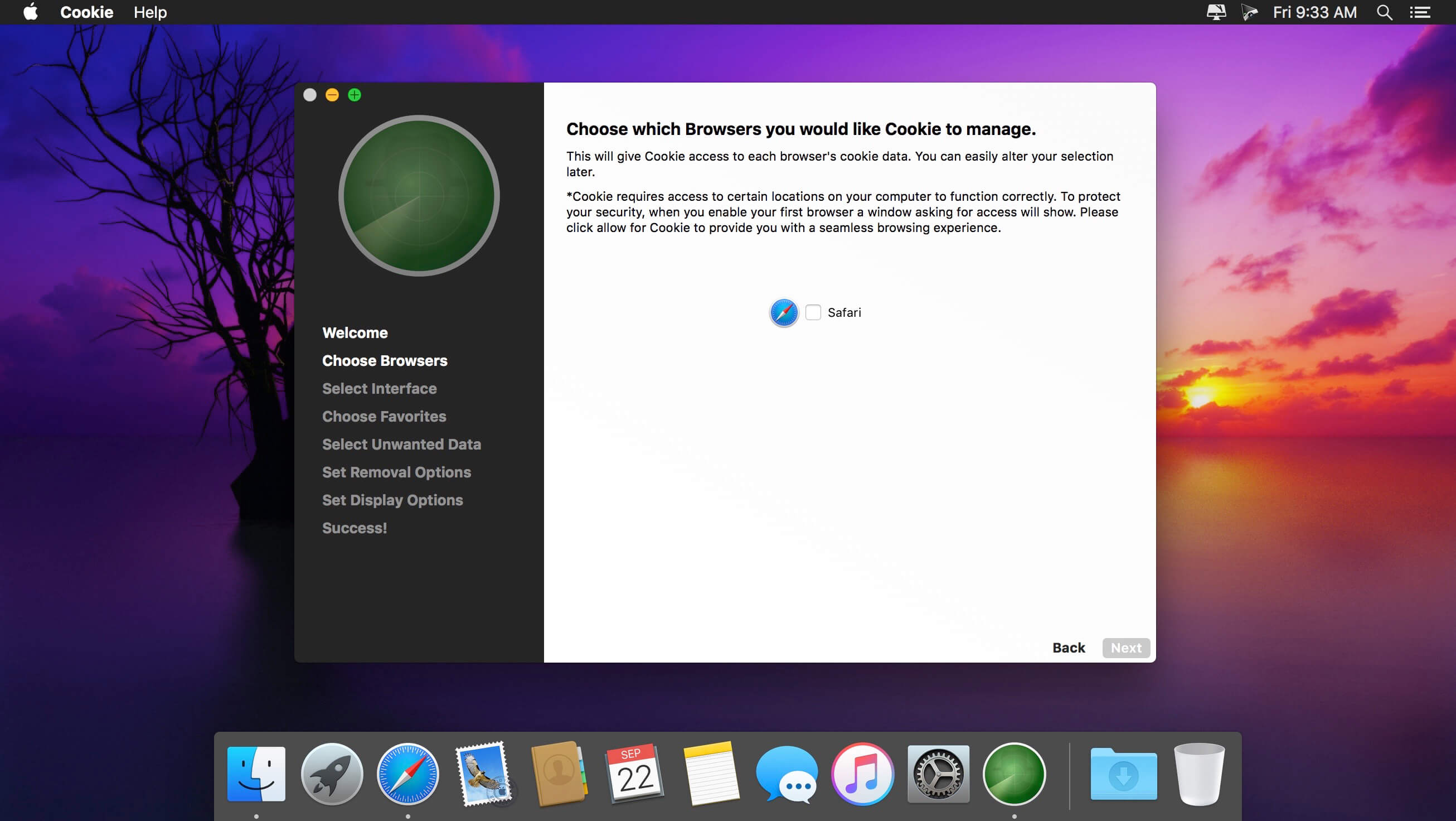
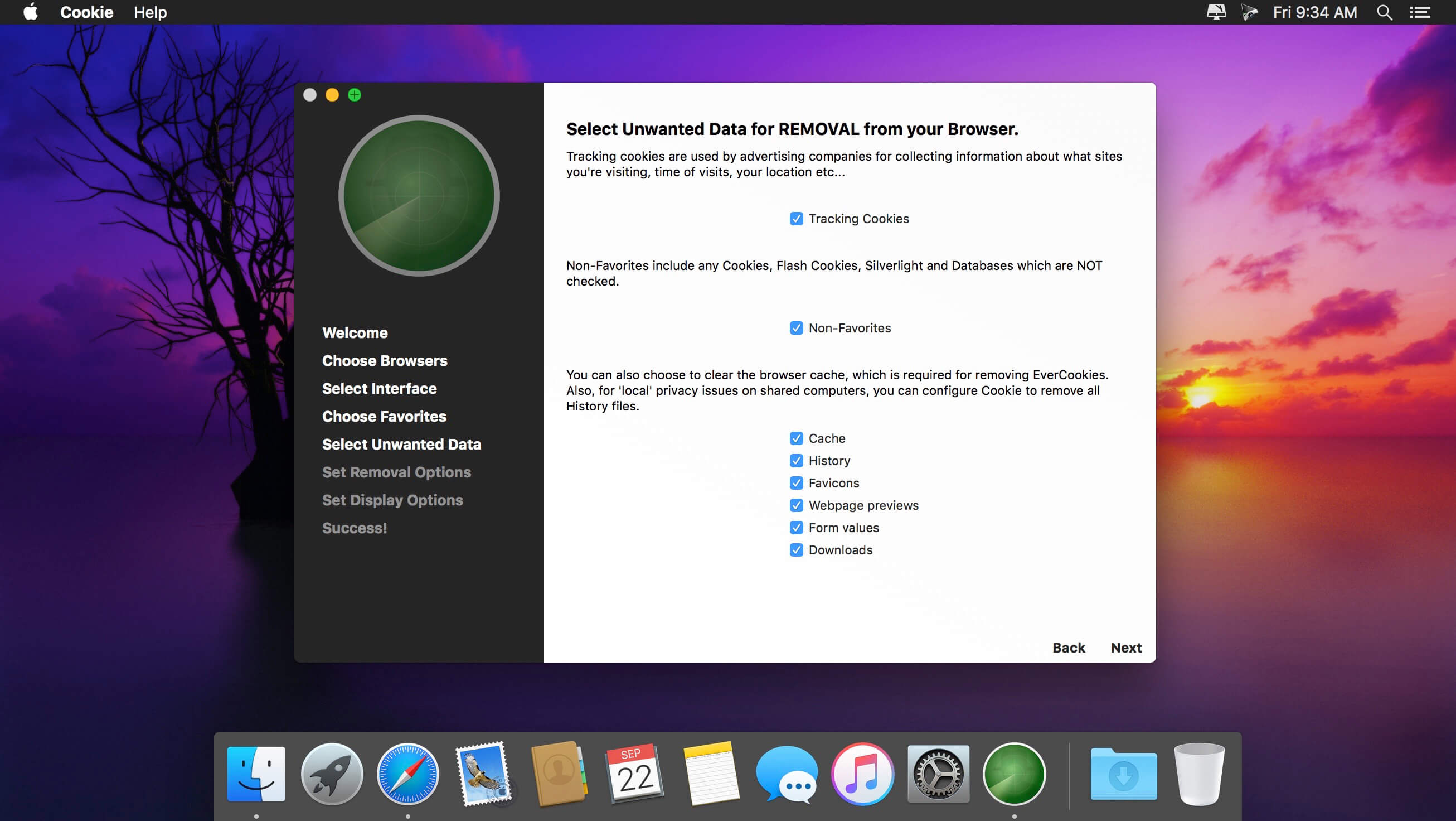
Cookie prevents third parties from hijacking your browsing experience. The sites you visit store “cookies” in your browser without your knowledge or consent. Some are helpful, but others are frustrating and invasive. Cookie can help.
Features:
Consolidate all your browser privacy settings
Simplified View that takes care of all the technical details for you
Advanced View which puts you in total control of all your privacy settings
Combined cookie view displaying all cookie/flash/localStorage data in one easy to manage view
Cookie’s can be favorited on a per domain, or per cookie basis. You decide
Individual Browser settings. It is possible to configure different automatic removal options for each browser. In the case of Chrome/Chromium/Canary/Brave you can even configure settings per user!
A number of removal schedules are possible: When quitting Cookie, when a Browser is Quit, on computer login, On computer waking from sleep, on a customizable time schedule, or entirely manually
Hotkey support, so you can remove all unwanted data quickly and easily
Customizable tracking cookie definitions
Whitelist individual tracking cookies
Clean, modern and Intuitive User Interface
Helpful setup window
Browser extension protection
Full Screen support
iCloud support
Dark/Regular theme
What’s New:
Version 6.0.17:
fixed an issue with duplicate user names in Chrome
updated safari history removal script
safari cache removal script is no longer necessary
external links to open scripts folder fixed
Version 6.0:
macOS Mojave+ only
New more intuitive UI
iCloud support
Granular permissions setup
Improved removal
Improved notifications
Improved setup
Improved Firefox Nightly support
Favorites and settings storage rewritten
New Icon
Removed support for deprecated Silverlight cookies
Removed secure delete as its not necessary on SSDs
Language: English, German, French, Italian and Portuguese
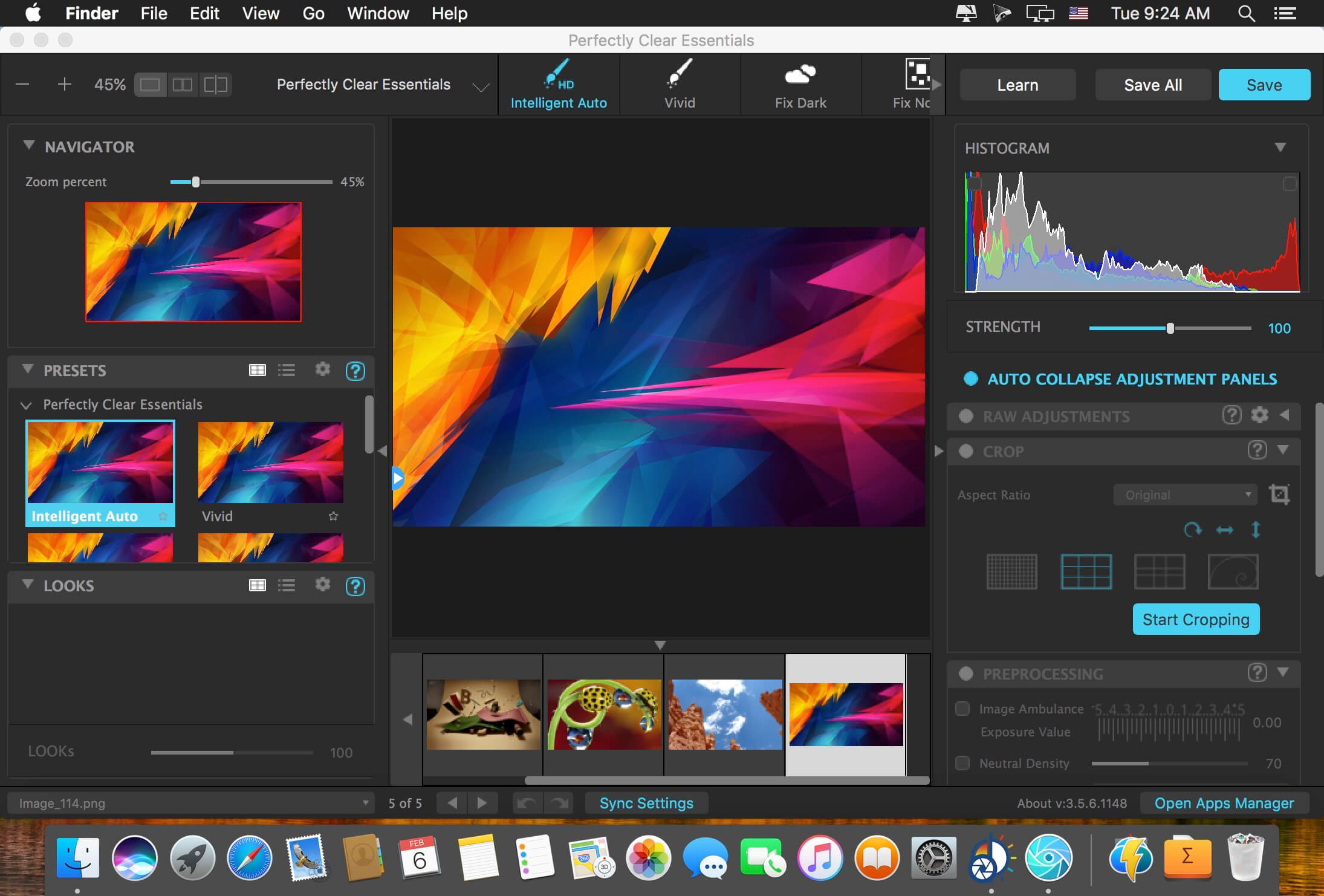
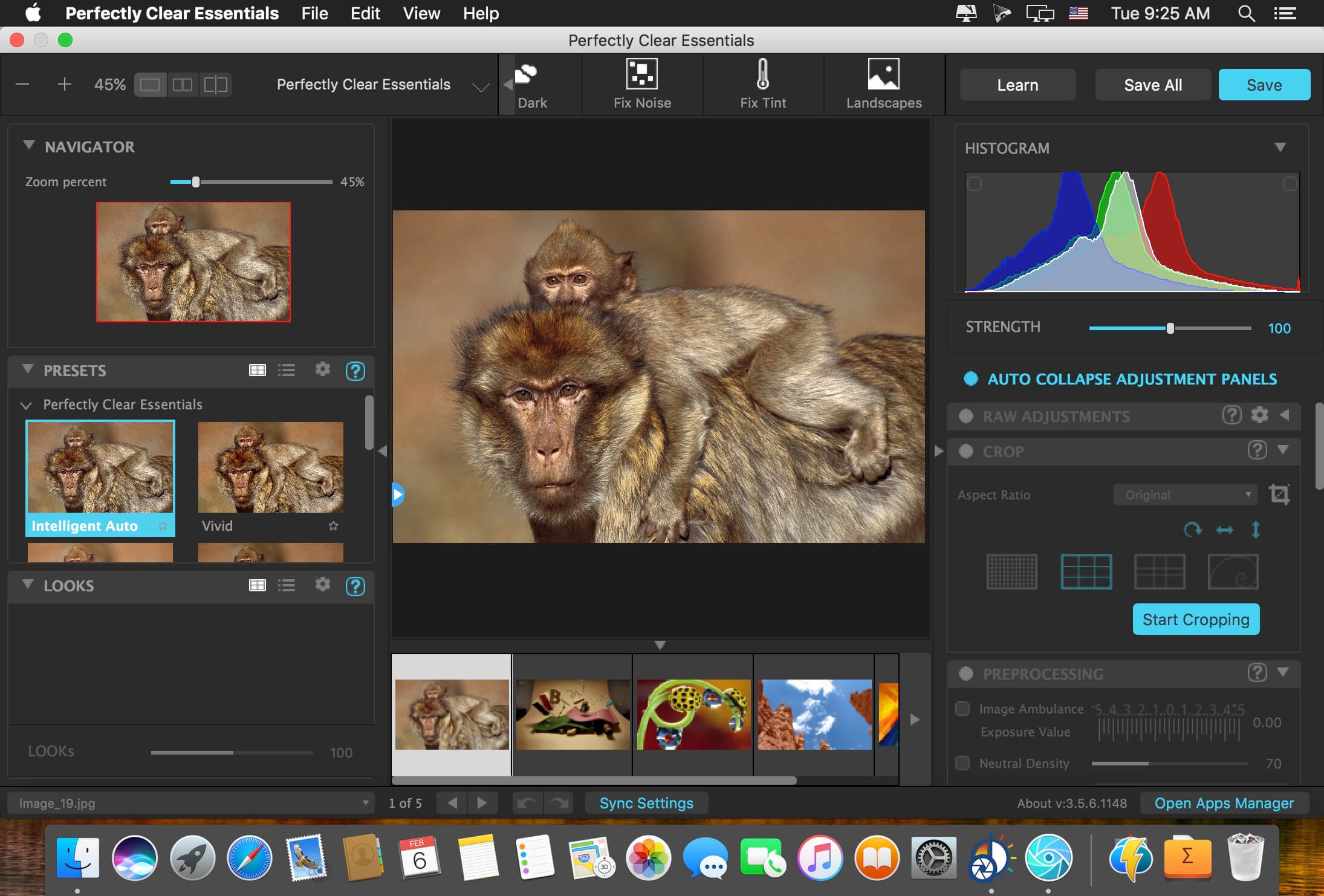
Built for precision. Made for beauty. Above all, you want better photos. But what if you could have better photos faster? Perfectly Clear has mastered the science of intelligent image correction – creating superior quality photos in record time, so you can get back to doing what you really love…in no time.
You have better ways to spend your day than laboring over manual edits You became a photographer to go out and capture the beauty of the world, not sit inside at an editing desk. We invented our automatic image corrections to take away the tedium and give you back your freedom. So let Perfectly Clear handle the editing chores while you devote your day to doing what you do best—creating incredible images.
– Up to 20 auto corrections with one click – Batch process 1000s of images in minutes – Stay within your workflow – Unlock the details in every image – Tap into professionally created presets – Save countless hours of manual editing – Fine tune details with precise controls
Also:
Perfectly Clear is Now A Stand-Alone Application!
– Open RAW and traditional photos directly – Crop to whatever size you need – Print your photos – Export in the original format or as JPEG or TIFF for sharing – Filmstrip for Easy Navigation – Undo/Redo – Visual Presets – Visual LOOKs – Preset & LOOKs Favorites – Graduated Filters – Stylistic Vignette and Radial Filters – Robust Color Restoration – Manual Finishing Controls
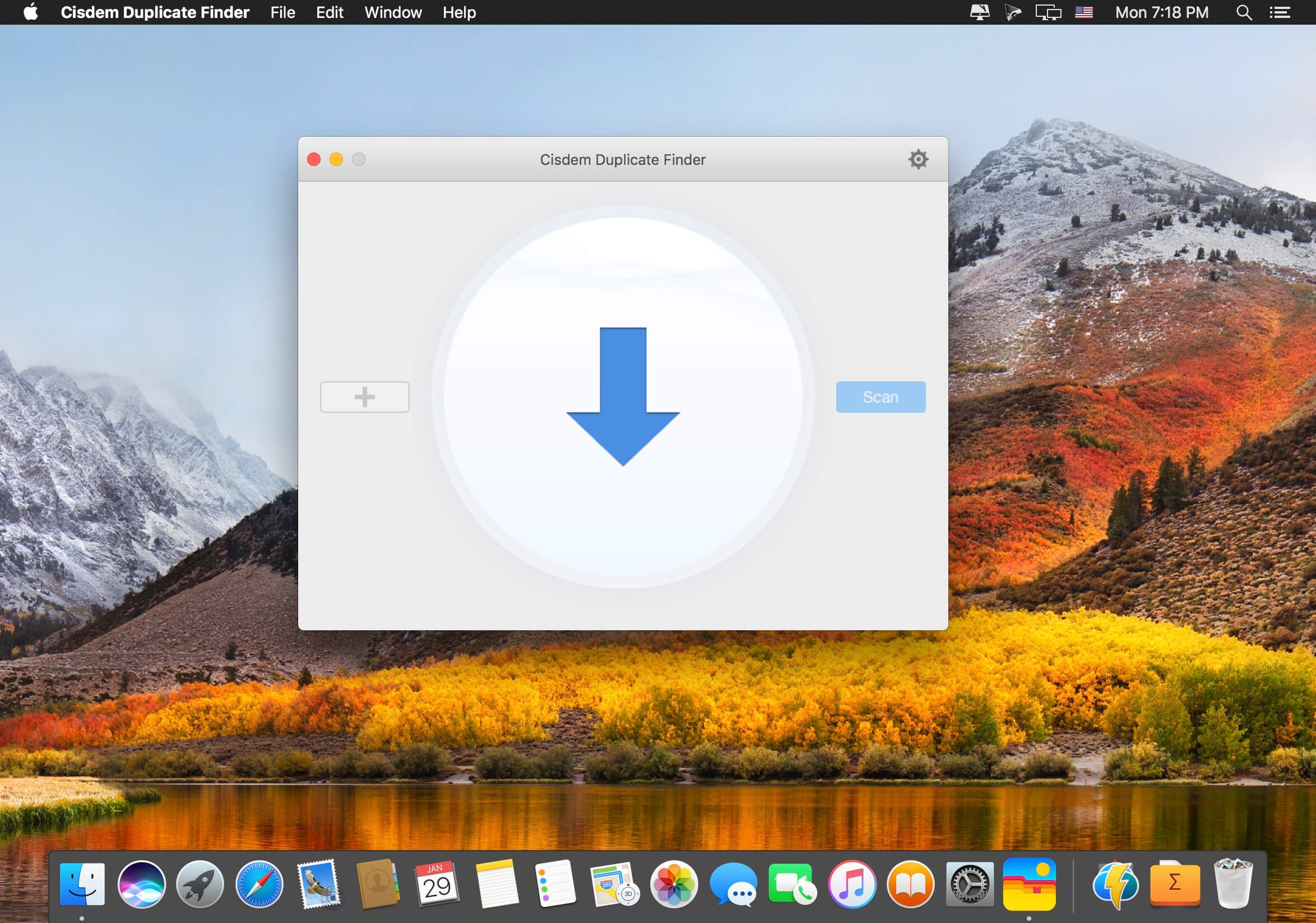
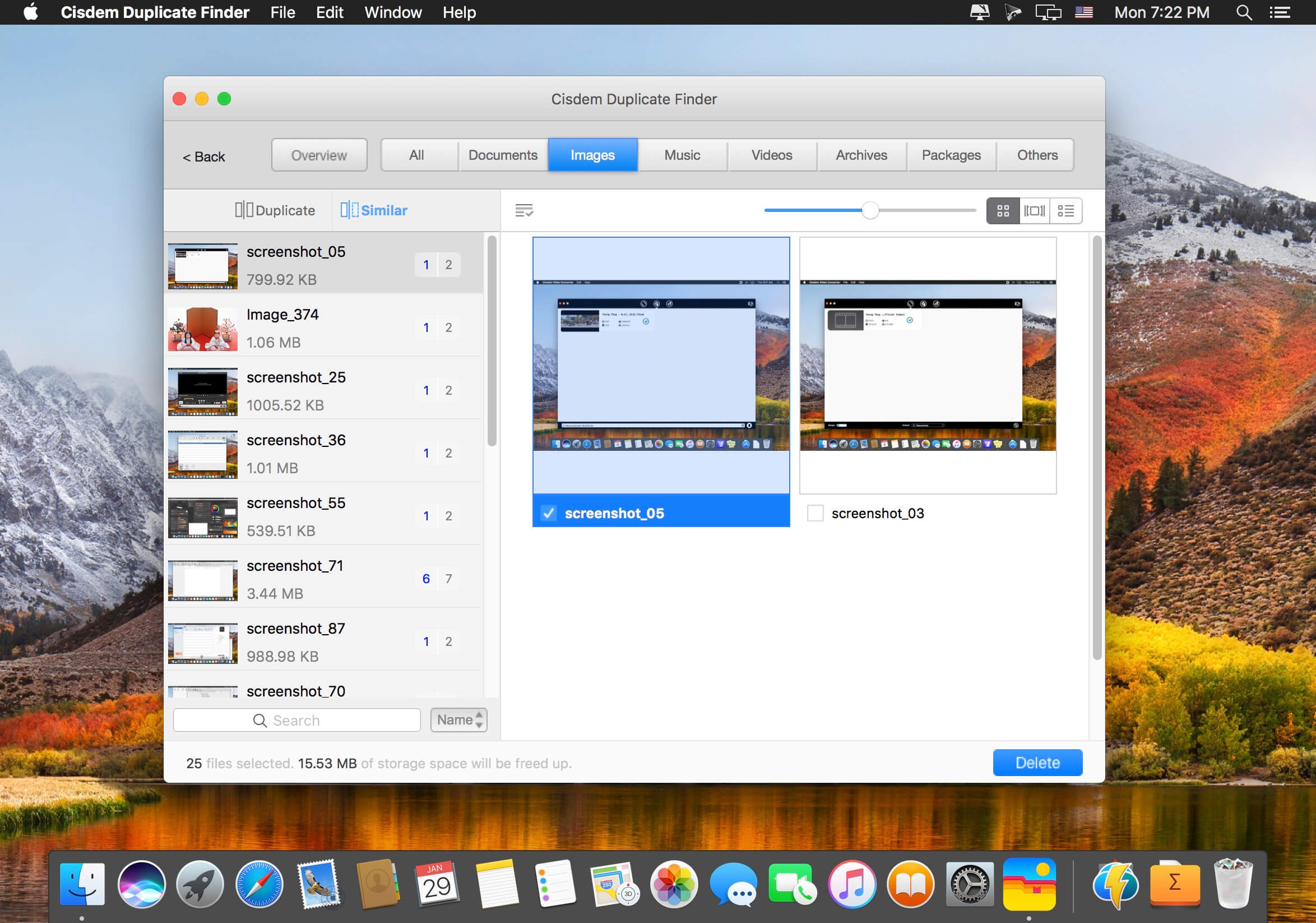
Cisdem DuplicateFinder offers a accurate way to find and delete all duplicate files. With this tool you can scan both computer drives and folders located on external devices, as well as Apple applications like iPhoto, iTunes, and Mail. Providing smart scanning algorithms, the program can find and remove duplicate files in batches, save hard drive space, and speed up your Mac to the most!
Powerful Scanning Engine
Regardless of file names, it can quickly find the true duplicate files with Precise detection of duplicates via MD5 value check-sum algorithm
Easily remove duplicates from Apps including iTunes, Photos and Mail
Fully support to scan and find duplicate files from Internal Mac hard drives and External storage
When scanning you can stop at any time and DuplciateFinder will show the instant result
Blacklist certain folders to ensure they are never scanned
Multiple Filter and Removal
Clearly show duplicate files in both pie chart and tab view
specify the filter depending on the duplicate size
Support One-click auto selection/deselection of all duplicates at ease
Support setting sorts for duplicate files by size, file, name or file count
Support full screen so you can locate and preview duplicate files in ease
What’s New:
Version 5.2.0
1. Fixed incompletely scanning issue with macOS 10.15 and later.
2. Optimized scanning speed with macOS 10.15 or later.
3. Canceled starting Photos app when scanning Photos Library, and delete duplicates directly on program.
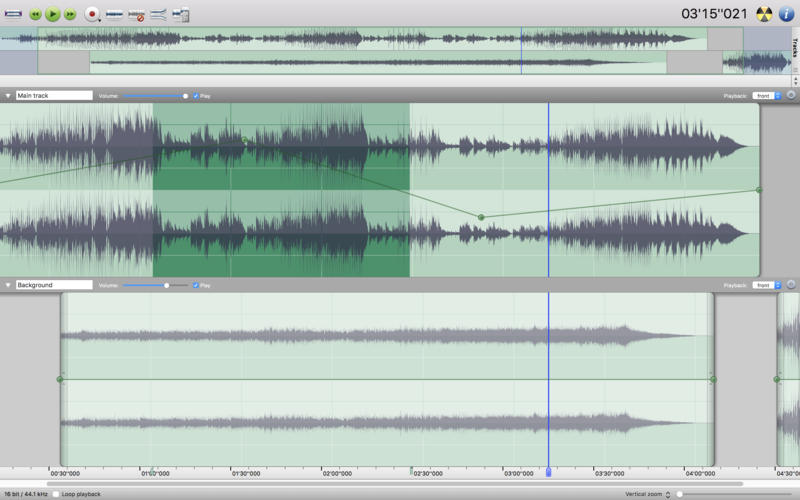
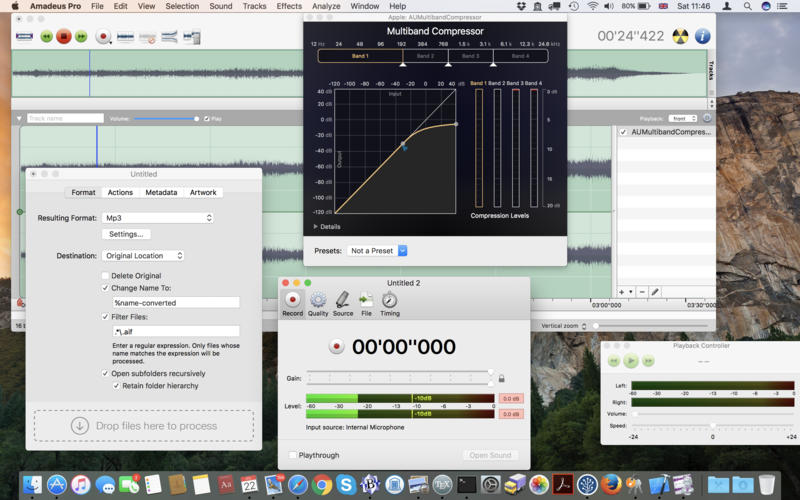
Amadeus Pro lets you use your Mac computer for any audio-related task, such as live audio recording, digitizing tapes and records, converting between a variety of sound formats, etc. Thanks to its outstanding direct-to-disk abilities and waveform caching, edits on arbitrarily large sounds (even beyond the usual 2GB limit) are performed at lightning speed. The handling of large sounds is furthermore facilitated by the extensive support of markers. Its outstanding sound repairing and denoising abilities make Amadeus Pro particularly suitable for transferring vinyl records on CD.
Features
Simple and elegant OS X-like user interface
Multitrack editing an recording.
Batch processing and conversion.
Sound denoising and repairing.
Supports a variety of sound formats, including AIFF, Multichannel Wave, MP3, MP4, Ogg Vorbis, FLAC, SoundDesigner II, QuickTime, Apple CAF, etc.
Support for VST and Audio Unit plug-ins.
A “favourite actions” palette allows to have your most commonly used effects only a mouse click away.
A wide range of powerful audio analysis tools.
Audio CDs with CD-TEXT data can be burned directly from within Amadeus Pro.
What’s New:
Version 2.8.4.2524
Release notes were unavailable when this listing was updated.
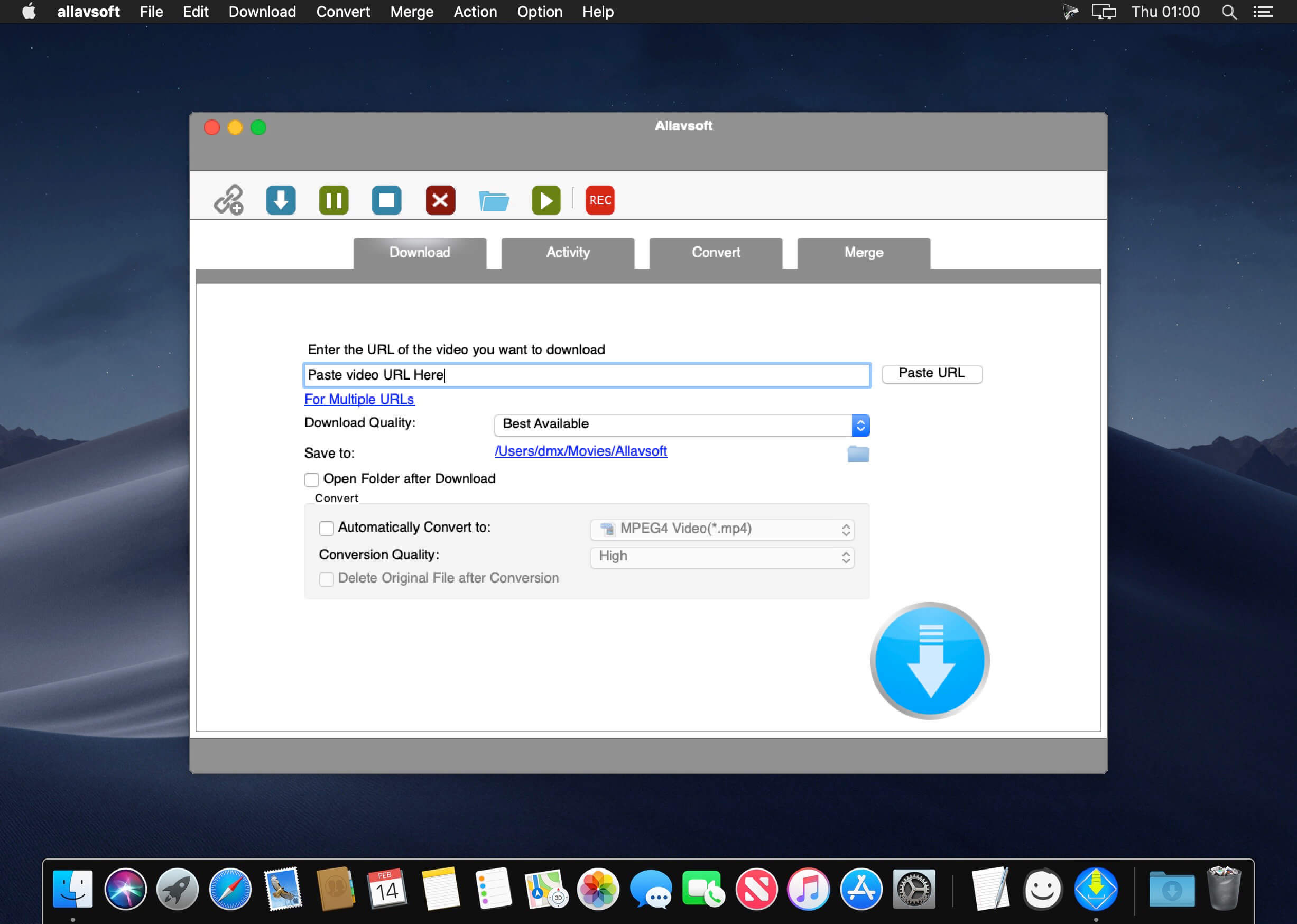
This powerful Video Downloader supports downloading movies, music videos, playlist, sport videos, lectures and more from free video sharing website like Facebook, Dailymotion, eHow, and more than 100 video sharing sites.
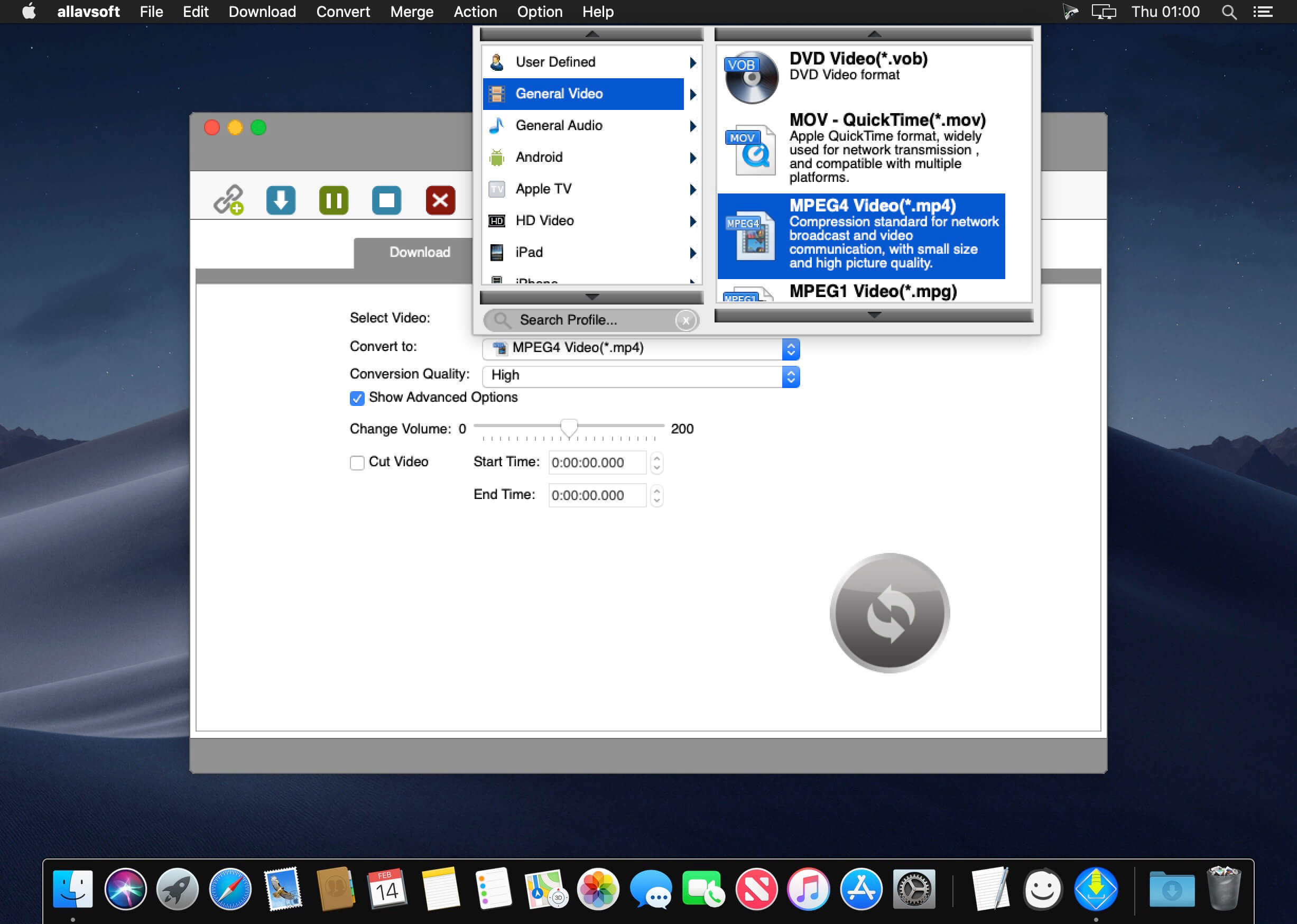
Besides downloading video in its original format, Allavsoft also features one-click to download as well as convert the downloaded video to popular video format like MP4, AVI, WMV, MOV, MPEG-1, MPEG-2, VOB, ASF, RMVB, DV, TS, Apple ProRes, WebM, FLV, OGV and etc.
This ideal Web Video Downloader app enables selecting among all video qualities available for downloading like download videos in ultra high definition (4K), 3D video, HD 2k, HD 1080p, HD 720p, and stand definition 480p, 360p, and 240p.
This professional Video Downloading and Converting tool also helps to extract and download audio from online music video or movies as well as convert to popular audio format like MP3, WMA, WAV, AAC, AAC, Apple Lossless M4A, AIFF, RA, FLAC, OGG, AU and etc.
Batch download and convert
Allavsoft supports adding multiple video URLs and batch downloading and converting multiple videos at a time.
When download web video files, this wonderful Video Downloader will automatically detects advertisements and does not download them.
Preview and playback downloaded video files
There is a built-in video player in Allavsoft for us to preview and playback the downloaded video files.
Breakpoint Resume
You can pause and resume downloading at any time. It is very convenient to use.
Action after download done
You can set automatically shut down computer after all the download tasks are finished, if you have lots of videos to download and want to leave your Windows on to download them.
Keep history for downloading.
What’s New:
Version 3.22.7.7491:
Release notes were unavailable when this listing was updated.
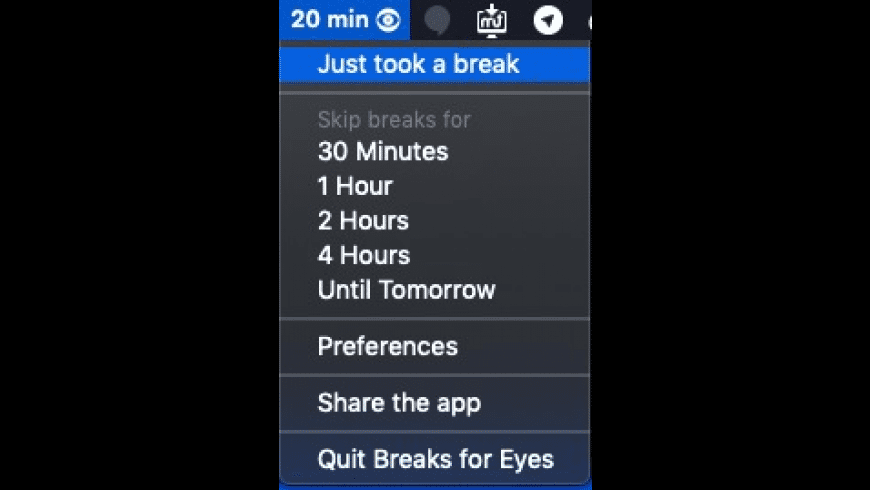
Breaks for Eyes is a Mac app that reminds you to take short breaks every 20 minutes. It’s a proven way to avoid eye strain & computer vision syndrome (CVS)
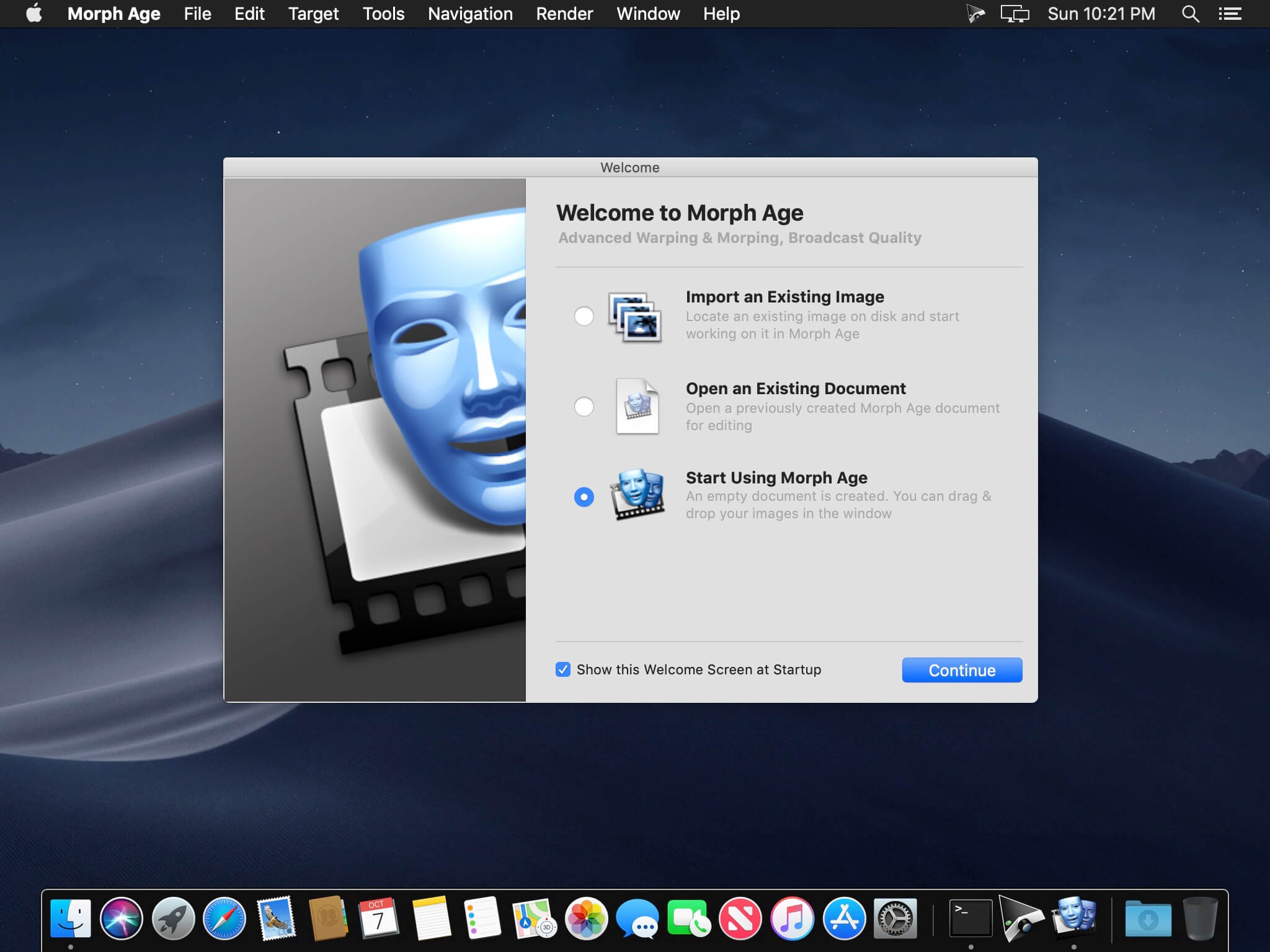
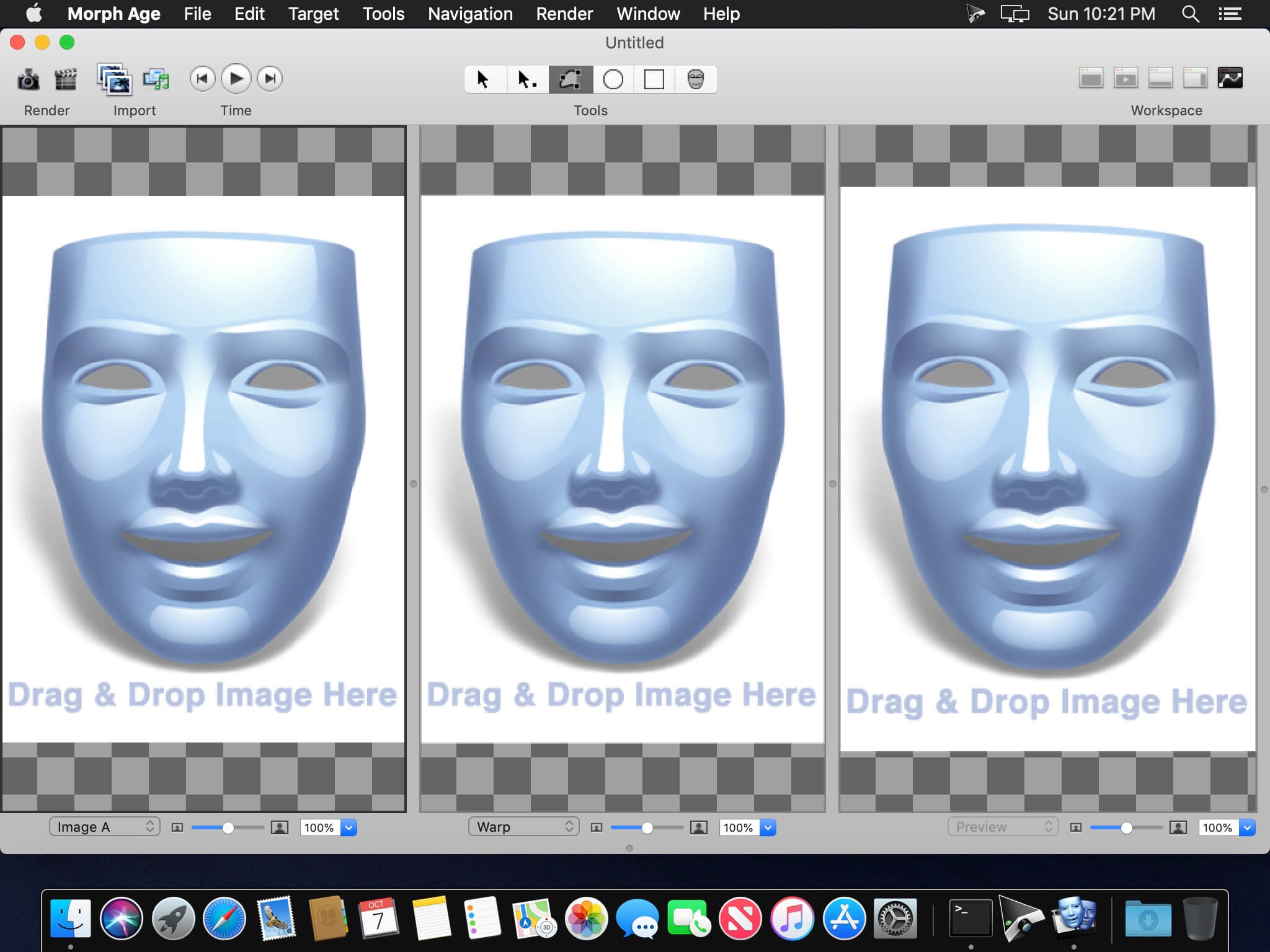
Morph Age (was Morph Age Express) is an application for morphing faces and warping images on macOS. It works by allowing you to define curves on one or more images and changes based on those curves are reflected in the resulting image through the corresponding distortion and morphing effect.
Features
Definitely Mac – Morph Age is 100% Mac software from the start. You can import various image formats from almost any source, including direct access to your iPhoto media. You can even use your iSight camera directly from within Morph Age to import pictures. The rendered animation is in QuickTime format, enabling further composition in Final Cut Pro, iMovie, or even export it to your iOS devices!
Controlling the morphing animation – Morph Age can animate warp curves independently, so that different parts of the image move at different times (the eyes, then the ears, then the mouth…). Also, animation effects are available, such as springy motion. Morph Age shows the result in real time, so that you can quickly and easily prototype the transformation.
Non-linear transformations – In Morph Age, not only shapes and curves can be animated at will in a fully controlled way but also blended. Blending allows you to control what amount, or percentage, of the first image that you want to combine with the second one.
Sub-pixel Accuracy – Morph Age has full support for zooming and scrolling capabilities. Through subpixel accuracy and zooming Morph Age gives you precise curve placement. This permits fine tuning of the curves that define the transformation, thus avoiding the “ghost” effect typical of morphing applications. Fine tuning of curves is seen in real-time in the interactive preview panel.
Zooming – Zooming allows accurate curve placement. This is necessary as Morph Age offers sub-pixel accuracy. The real-time preview rendering can also be zoomed and can serve to assist precise curve placement.
Colorizing – Morph Age has colorizing options that makes it possible for Hulk-like warp effects. This works by allowing the user to define, independently for each curve, a color that will “bleed” on the underlying image parts. This color bleeding is animated consistently with the deformation.
Layers – Layers in Morph Age is a way to highlight the changes in one part of the image over others. This allows you to morph specific parts of the image over the background, giving your transitions and morphing a more realistic look.
Real-time Rendering – Morph Age uses advanced GPU rendering techniques, allowing real-time preview even for large images. Click Play, and you see the morph/warp in real-time, whatever the image size. You can even move the curves that define the transformation while the animation is playing. This makes it convenient for iterative placement of curves as there is no lag in the render-cycle, making Morph Age well suited to easily and rapidly prototype the effect you want.
Compatibility: OS X 10.11 or later, 64-bit processor Homepagehttps://creaceed.com
For maximum savings and convenience, the Premium Pack bundles 18 incredible creative apps into one powerful package: Aquarella, Artista Haiku, Artista Oil, Artista Sketch, Artoon, Chalkspiration, Dramatic Black&White, Grungetastic, Kyoobik Photo, Moku Hanga, NIR Color, Pop Dot Comics, Portrait Painter, Rainy Daze, Romantic Photo, Simply HDR, Snow Daze and Vintage Scene. The Premium Pack comes wrapped together for convenience — one application, one installer, one interface.
Simply HDR This award-winning high dynamic range software instantly creates stunning and mesmerizing imagery from otherwise bland subjects and compositions.
Snow Daze One-touch settings automatically adds snow and frosty effects to photos creating beautiful snowy scenes. Use the snow brush to wipe snow from faces and other areas with options to brush them back in.
Vintage Scene Age any photo using this unique algorithm combined with several classic photo filters. Sepia tone, grain, borders, edges, and distressed paper give every image the look of one that time has left behind.
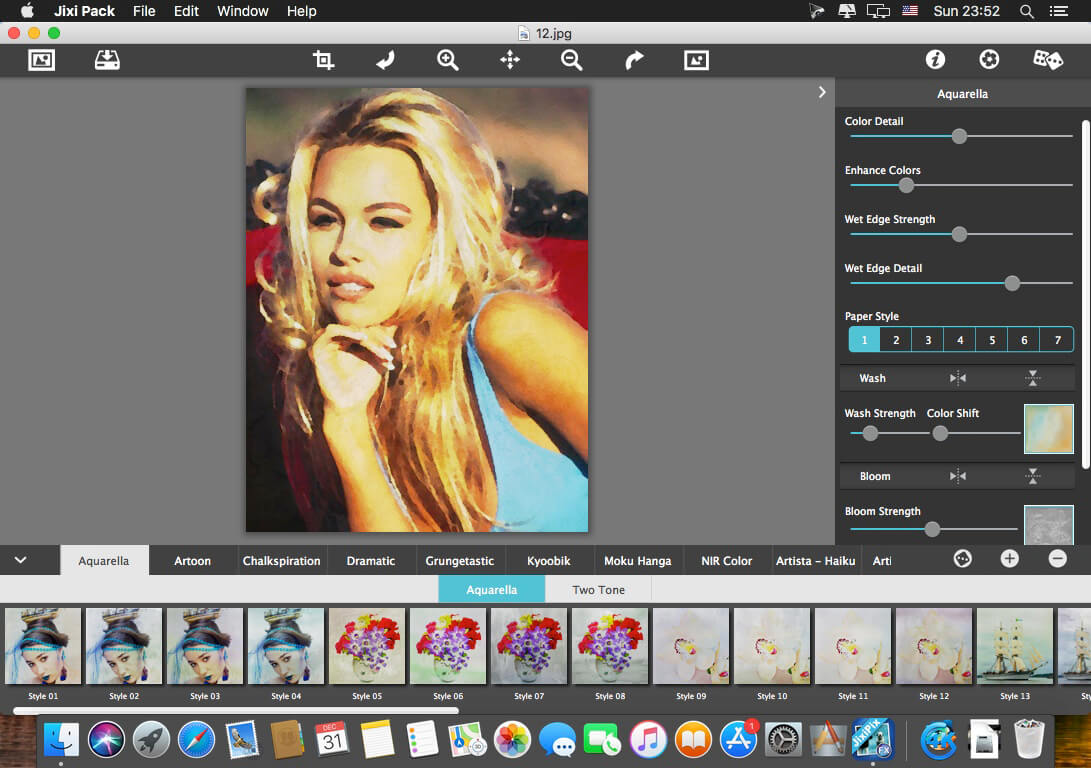
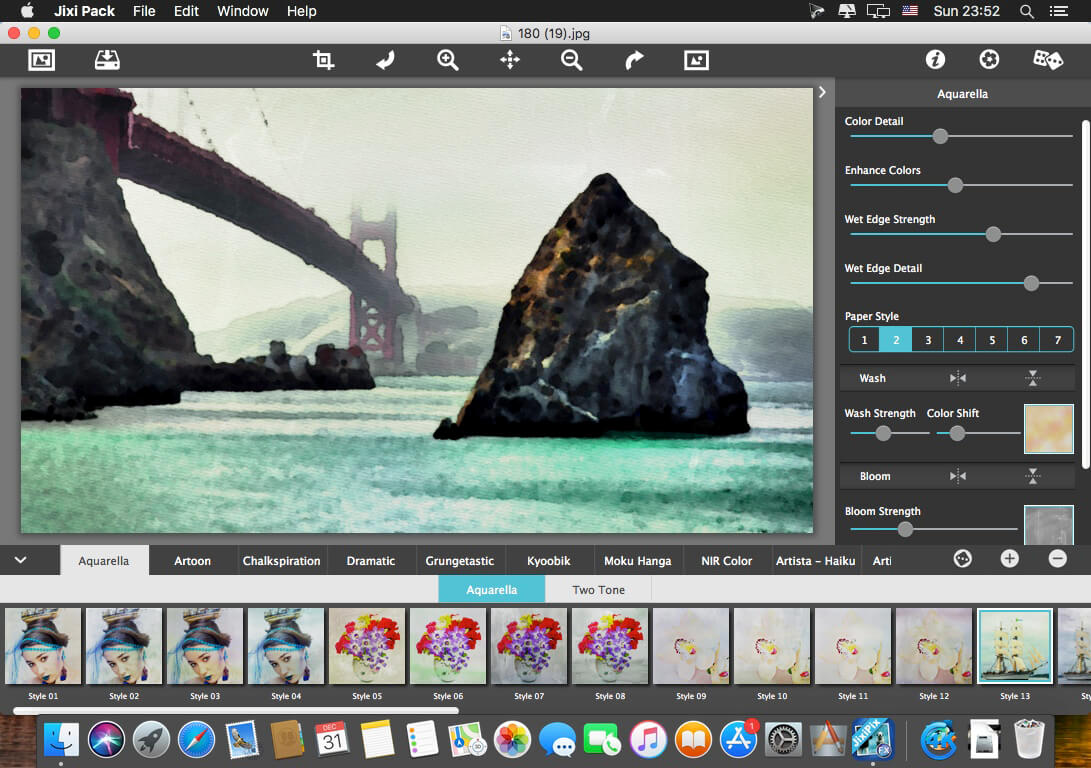
Aquarella Transform an image into a luminous watercolor with all the delicate details found in traditional watercolor media.
Artista Haiku Change a photo into a whimsical stylistic watercolor using non-traditional techniques such as digital photography & vintage papers to create unique art filled with movement & meaning.
Artista Oil This award winning portraiture & fine art app turns a photo alla prima (at once) into an oil painting masterpiece with no work on your part.
Artista Sketch Transform a photo into a sketch with wispy lines and delicate shading for a fine rendered drawing.
Artoon Create professional looking cartoons and colorful illustrations using four art-toon styles.
Chalkspiration Automatically convert an image into one with chalky outlines and light shading. Included are objects from a library of flourishes, banners, and embellishments to complete the composition.
Dramatic B&W This award winning app turns photos into gorgeous black and white photography with extraordinary light, contrast and form.
Grungetastic Crank your photos to 11 with seven hot & heavy looks. Aggressive grunge styles let you get down & dirty with your photos using unwell texture & tone to distress, bleach, & wear photos—for dangerously-addictive ultra-Grungy art.
Kyoobik Photo Turn mundane photos into ones with 3D popping geometric shapes. Use the included tools to remove tiles or add them back in for artistic and creative composition.
Moku Hanga Transform photos into exotic Japanese wood carved scenes, known for their flowing hand-chiseled outlines and brushed on color.
NIR Color Near infrared light technology creates surreal photos then uses color filters to add violet, blue, green, yellow, orange, and red back into the image.
Pop Dot Comics Create comic-book style illustrations using thick outlines, bold colors, and plenty of bendy dots for a creation that looks like it has been printed or published.
Portrait Painter Create gallery-style portraits on fine linen or canvas. This professional painting tool adds color, light & texture, which harmonize intelligently—and with stunning candor, to produce fabulous works of art that resonate with vibrant life.
Rainy Daze This stunning rain effect uses three powerful styles and an advanced tonal technique to give photos the feel of a rainy day—the response from your viewers will be subconscious, immediate, and visceral.
Romantic Photo Create romantic mood in photos using exquisite lighting and 30+ combinations of photography filters. Photos will look like they were taken using the highest professional techniques.
Simply HDR This award-winning high dynamic range software instantly creates stunning and mesmerizing imagery from otherwise bland subjects and compositions.
Snow Daze One-touch settings automatically adds snow and frosty effects to photos creating beautiful snowy scenes. Use the snow brush to wipe snow from faces and other areas with options to brush them back in.
Vintage Scene Age any photo using this unique algorithm combined with several classic photo filters. Sepia tone, grain, borders, edges, and distressed paper give every image the look of one that time has left behind.
PLUGIN HOST REQUIRMENTS Adobe Photoshop CS3+, CC, CC 2014, CC 2015, CC 2017, CC 2018 , CC2019, Photoshop Elements 10+ and Lightroom 4+
MacOS is considered one of the most secure operating systems available. But as popularity increases, they get targeted more by hackers and malware. Protect your Mac and protect your sensitive information. New threats target not only your Mac security, but your personal information and identity.
BitMedic® AntiVirus – Malware & Adware Security was designed specifically for the Mac and offers a full suite of protection. BitMedic® gives you simple 3-step protection to give you the utmost security and keep your Mac safe from attacks.
3 Step AntiVirus Protection
Full Mac Scan – Quick Scan & Deep Scan
Custom Scan – Drag & Drop File Scanner
Health Monitor – 24/7 Real-time Protection
The Full Mac Scan offers 2 options. Quick Scan will quickly scan the most critical locations of your Mac. Our proprietary algorithm makes this a painless and quick process, allowing you to conveniently scan your Mac more frequently. For maximum protection, deep scan will check every critical location for potential threats. Custom Scan supports drag & drop for ease of use. Health Monitor gives 24/7 real-time protection, scanning every change to the folders being monitored.
3 Step Adware Protection
Adware Scanner! Good-bye pop-up adware scams!
Remove adware browser add-ons that hijack your navigation.
Reset your web browsers to default settings
BitMedic® also offers Adware protection! Scan your Mac to remove adware. Advanced settings allow users to remove adware browser extensions and add-ons. You can also reset your web browser back to its default settings. Know that Adware and Malware are different! You’ll need to use “Adware Scan” for Adware and Quick/Deep scan for Malware.
Features
Adware scanner
High Performance Multi-threaded Virus Scanner
Virus database automatic background updates
24/7 Real-time protection
Optimized for performance
Works silently in the background
Supports all mail, archive, executable, and document files
Multiple scanning options
Exclude files/disks/folders to speed up scanning
1-click removal to send to quarantine or trash
Easily schedule scans
Drag & drop support
What’s New:
Version 3.1.3
AV-TEST & AV-Comparatives database update from test results
Bug fixes and improvements
Version 3.0
Brand new optimized GUI with new features and intuitive dashboard
Even faster scanning
Browser Privacy to clean sensitive information stored in your web browser
Automated scheduled scans
Easier 1-click real-time monitoring. Right-click your menubar icon.
Whitelist support
USB detection to automatically scan external drives
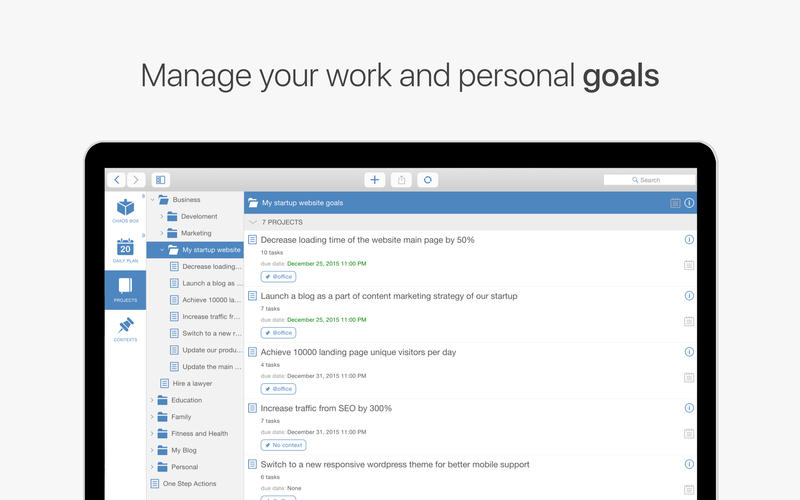
Chaos Control was created to help you manage your goals and desired outcomes in both your business and personal life.
People don’t usually achieve impressive results simply by being good at task management. It’s the ability to set legitimate goals that makes the difference. Just write down your desired outcomes to make them real. This simple technique helps you to prioritize your goals before acting on them.
Chaos Control is a task manager based on the best ideas of GTD (Getting Things Done) methodology created by David Allen. Whether you are running a business, launching an app, working on a project or simply planning your holiday trip, Chaos Control is a perfect tool to manage your goals, juggle your priorities, and organize your tasks to get things done. And the best part is, you can handle both heavyweight project planning and simple daily routine like shopping list management in one flexible app. Also, Chaos Control is available across all major mobile and desktop platforms with seamless sync.
HERE IS HOW IT WORKS:
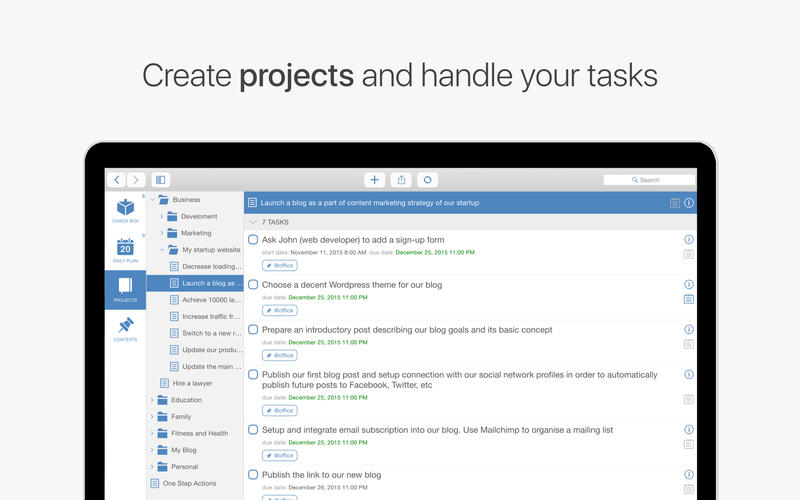
MANAGE YOUR PROJECTS Project is a goal combined with a set of tasks you need to complete in order to achieve it. Create as many projects as you like to write down all the desired outcomes you have
ORGANIZE YOUR GOALS Create unlimited number of projects and group them by category using Folders
USE GTD CONTEXTS Organize tasks from different projects using flexible context lists. If you are familiar with GTD you would just love this feature
PLAN YOUR DAY Set due dates for tasks and make plans for any particular day
USE CHAOS BOX Put all the incoming tasks, notes and ideas into Chaos Box in order to process them later. It works similar to GTD inbox, but you can use it as a simple to-do list
SYNC YOUR DATA Chaos Control works on both desktop and mobile devices. Setup an account and sync your projects across all of your devices
This app is designed with creative people in mind. Designers, writers, developers, startup founders, entrepreneurs of all kinds and pretty much anyone with ideas and desire to make them happen. We combined the power of GTD with the convenient interface to help you with:
personal goal setting
task management
time management
planning your business and personal activities
building your routine
handling simple to do lists, checklists and shopping lists
catching your ideas and thoughts to process them later
KEY FEATURES
Seamless cloud sync across all major mobile and desktop platforms
GTD-inspired Projects and Contexts supplemented with Folders, sub-folders and sub-contexts
Recurring tasks (daily, weekly, monthly and chosen days of the week)
Chaos Box – Inbox for your unstructured tasks, notes, memos, ideas and thoughts. Great tool for staying on track inspired by GTD ideas
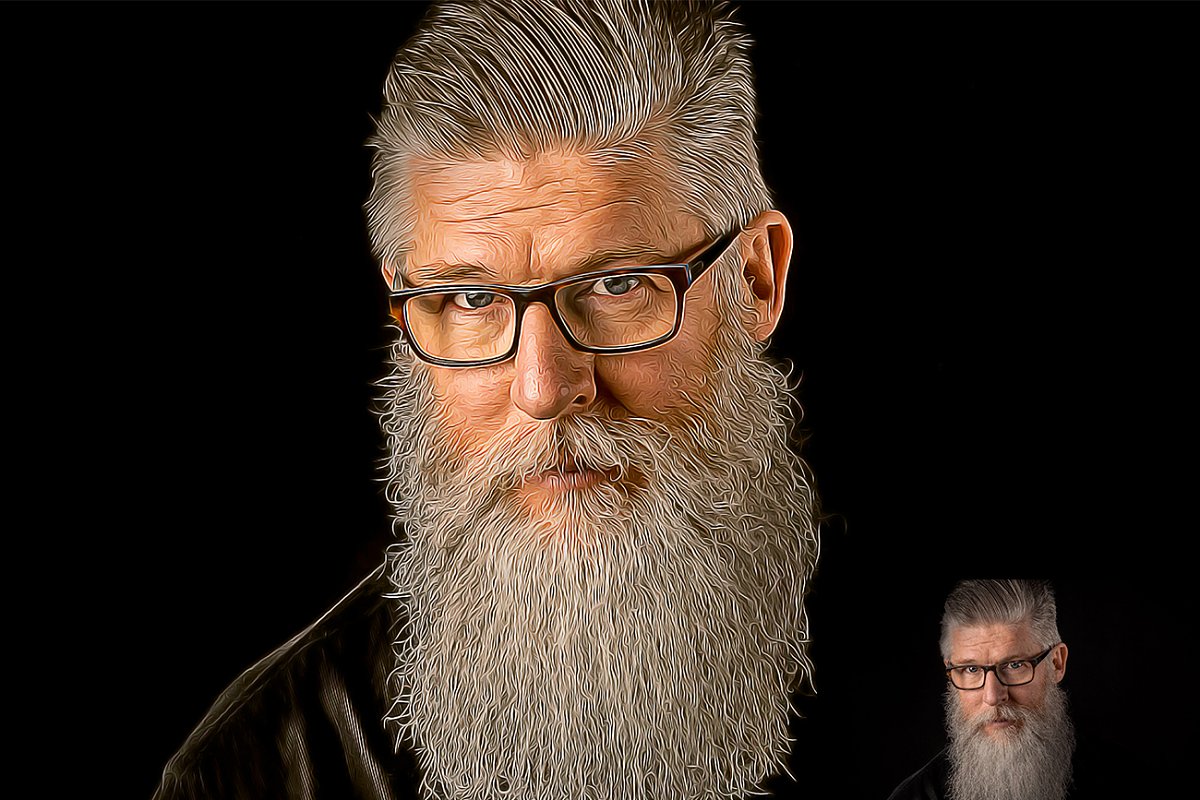
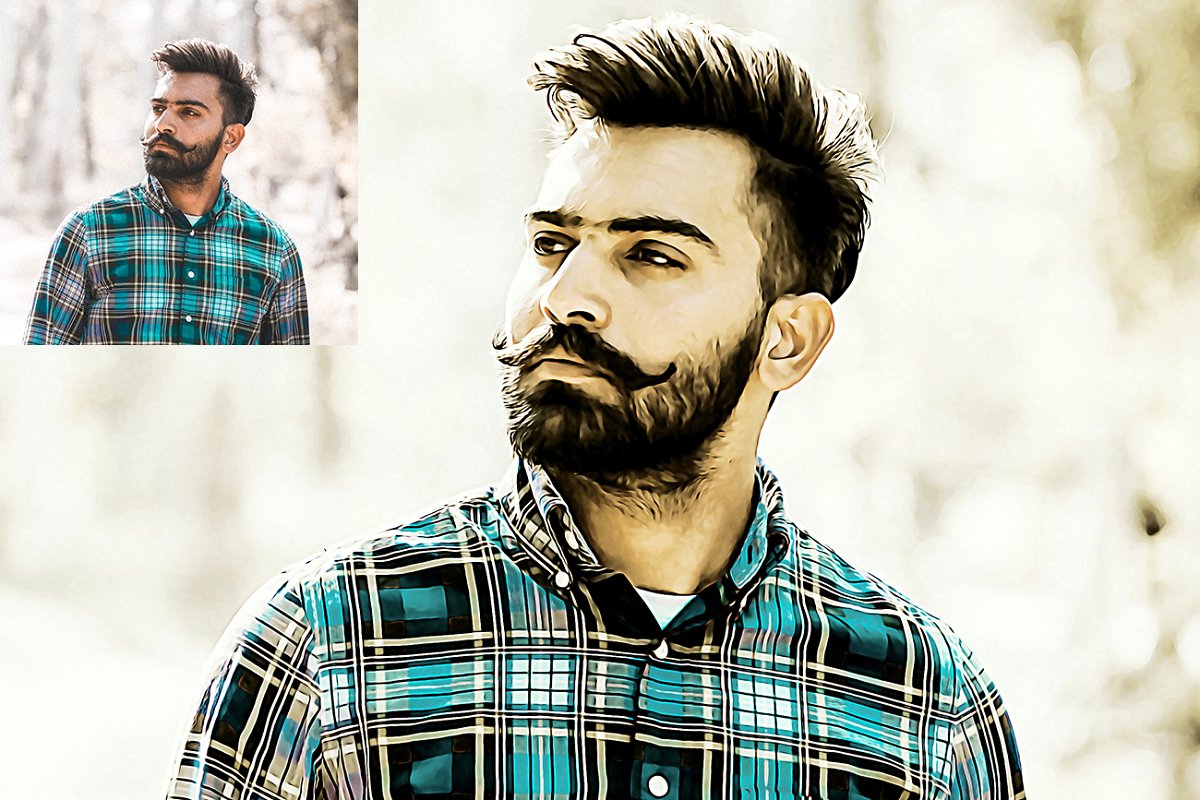
Oil Painting Photoshop Action. This action is designed to transform your photo’s into real Oil Painting look. With this is professional pack you may turn your ordinary photos into extraordinary images. Easy to customize, Non-destructive effect. This action has been tested and working on Photoshop (English versions) cs6 and CC2015.5 English Version. Software supported version: cs5.5, CS6,CC2015.5, CC2017, cc2018+ English Version.
File Includes:
Two version include:
if you usage cs6 AND cs5.5 so please usage “For CS5.5, CS6 Only “Oil Painting Photoshop Action”
if you usage cc2015.5 or CC2019 please usage “For CC2015.5 Only “Oil Painting Photoshop Action”
2 ATN File include
Help File
Work on every photos
High quality result
Note: Preview images are not included Recommend: For best result use photo between 2000-3000px,DPI 300
Cinematic Color Toning Action is Professional & Modern for Photographers and Designers. Each effect has been crafted to look great with a wide variety of images. In many instances, you will be able to get a great result with a single click. However, you can always make adjustments to suit individual photos. Take your photography to the next level, being able to professionally edit your images.
One click to apply an amazing effects on your photo
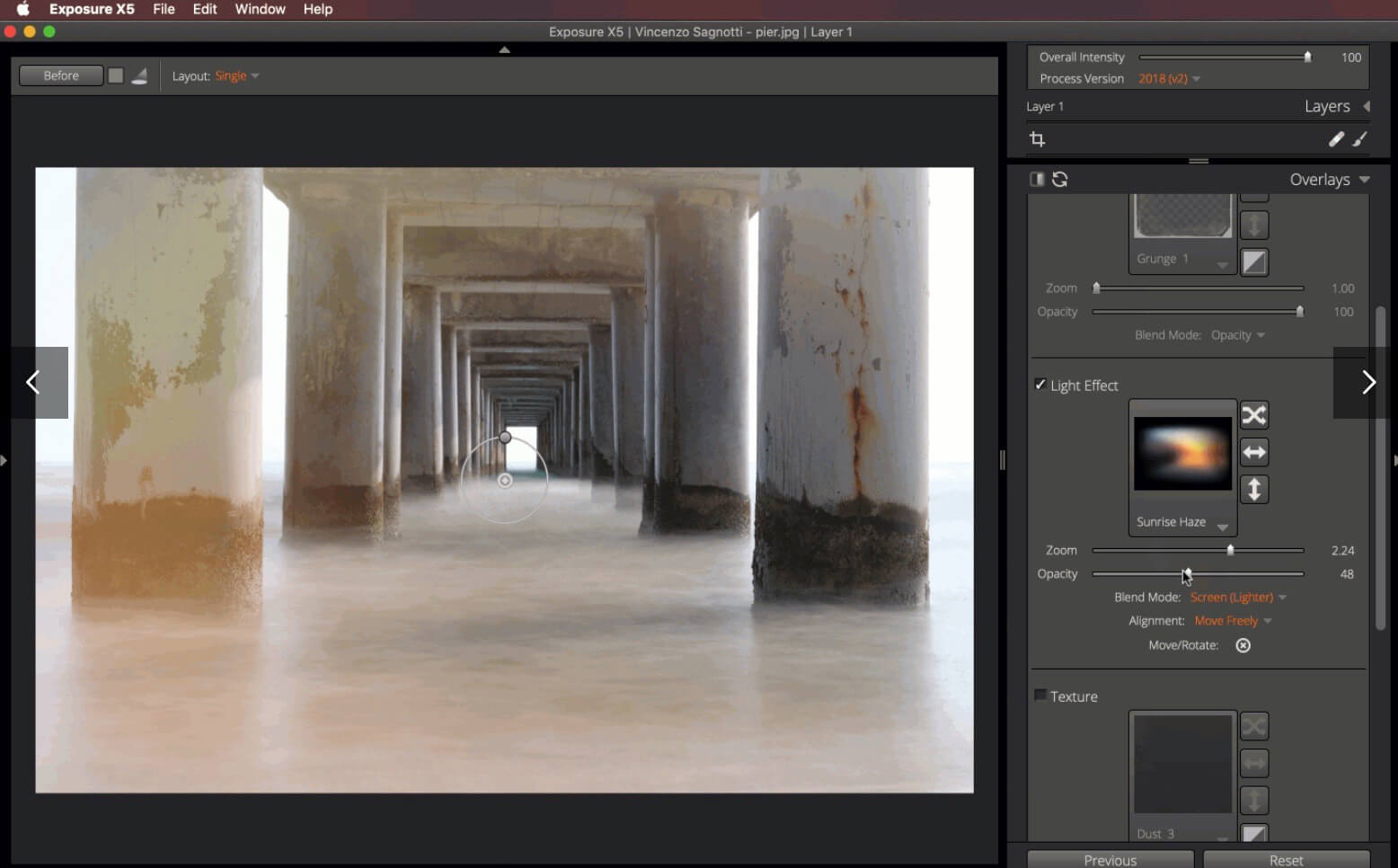
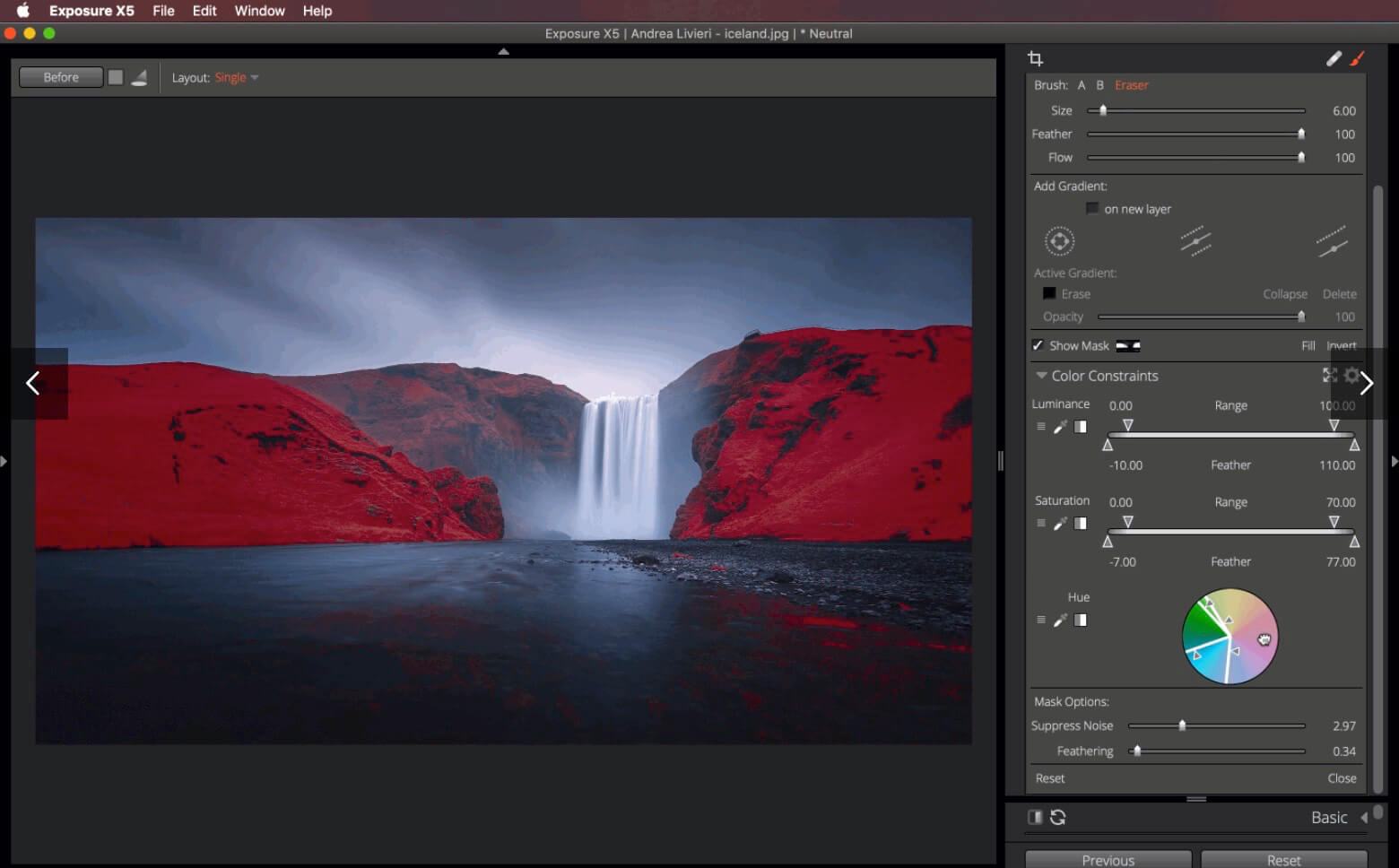
The Exposure X Bundle is a photo editor and organizer that integrates all of Alien Skin’s award-winning photo editing apps into a single product.. The centerpiece of the bundle is Exposure X, the editing app that streamlines your workflow and provides a rich set of creative tools. Two additional apps expand the creative possibilities: Blow Up 3 enlarges your photos into large prints with the sharpest resizing technology available, and Snap Art 4 transforms your photos into gorgeous, handcrafted paintings.
Exposure X5 non-destructive RAW photo editor
Integrated Snap Art natural media
Integrated Blow Up high-quality photo enlargement
Exposure X5, Snap Art, and Blow Up plug-ins for Lightroom and Photoshop
Exposure X5 is a complete photo editing and organizing solution. It can also be used as a creative editing plug-in. The plug-in requirements are as follows:
Adobe Photoshop CS6 or Adobe Photoshop CC 2015 or newer
Adobe Lightroom 6 or Adobe Lightroom CC 2015 or newer
What’s New:
Version 5.2.3.268:
Release notes were unavailable when this listing was updated.
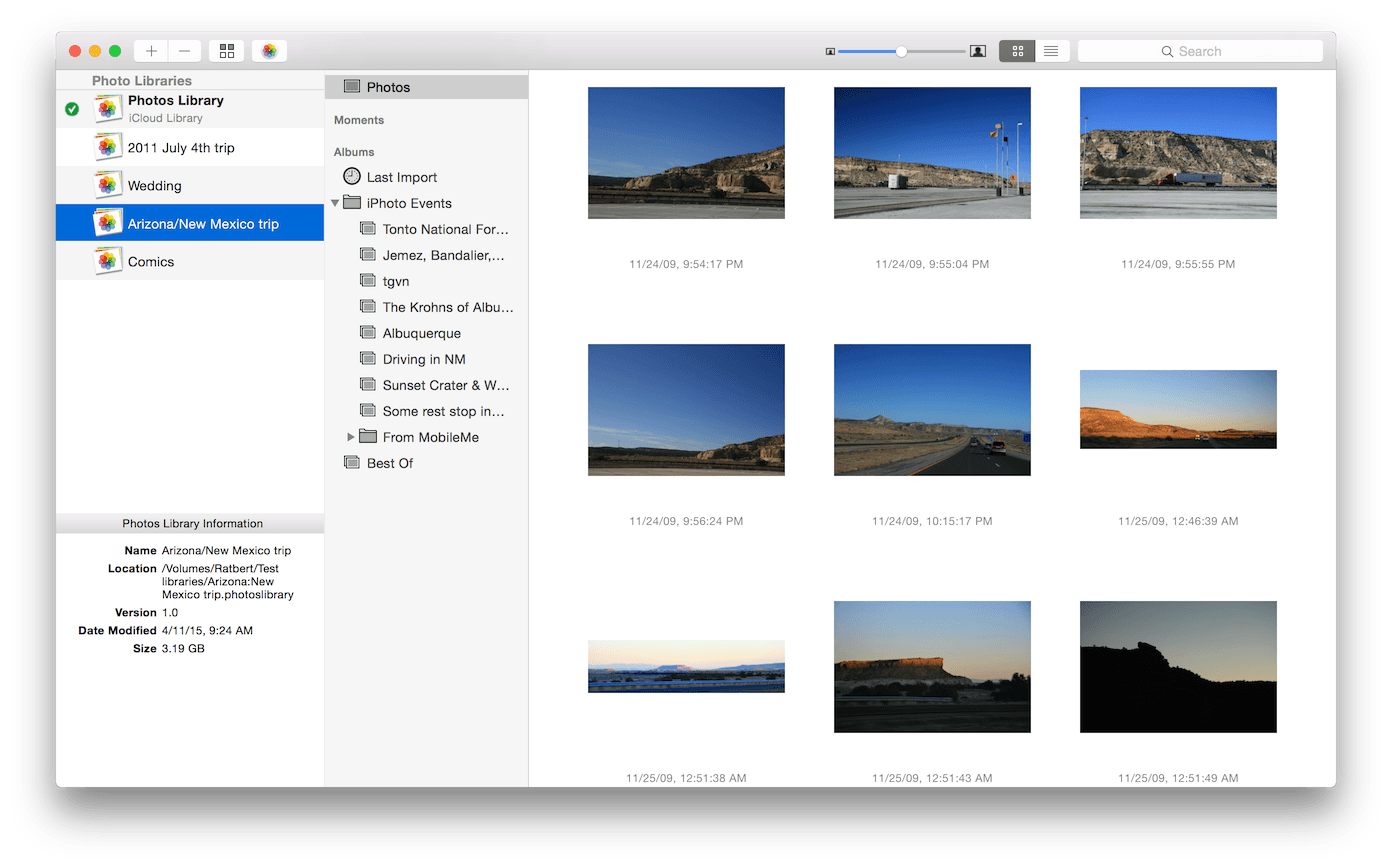
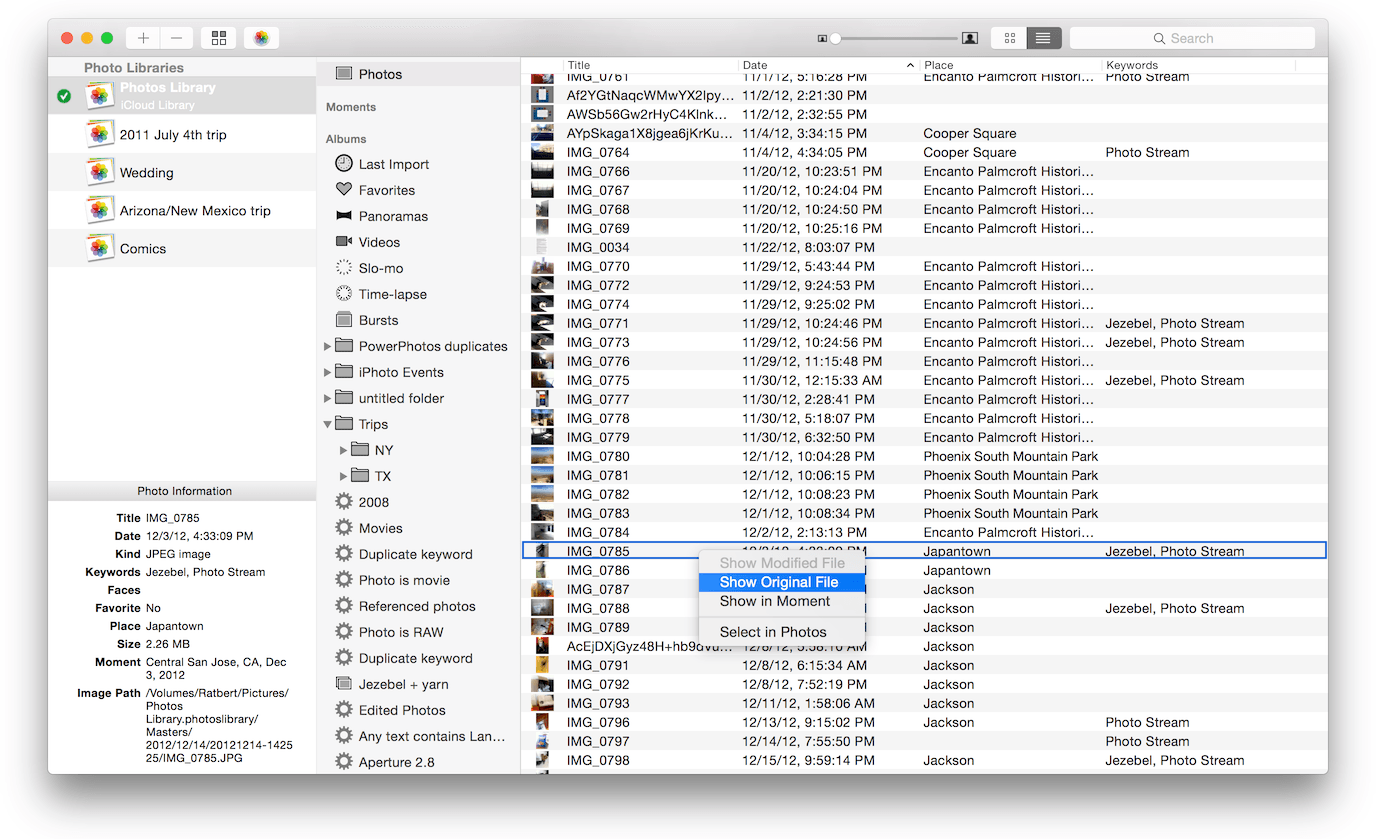
When using the Photos app to organize photos on your Mac, PowerPhotos allows you to break your photos up among multiple Photos libraries, rather than having to store all of your photos in one giant library. You can easily switch between libraries, or just browse the photos in your libraries directly from PowerPhotos, without having to open each library in Photos. PowerPhotos also supports searching across all your libraries at once to help track down a particular photo.
If you use iCloud Photo Library to sync photos with your other devices, splitting up your library can help save on iCloud storage costs. Use a single library to hold a smaller collection that you sync with iCloud, while keeping the bulk of your photos in separate libraries so they don’t take up space on iCloud.
PowerPhotos can analyze your libraries for duplicate photos, showing them to you side by side and letting you get rid of extra copies of photos that you no longer need.
The Exposure X Bundle is a photo editor and organizer that integrates all of Alien Skin’s award-winning photo editing apps into a single product.. The centerpiece of the bundle is Exposure X, the editing app that streamlines your workflow and provides a rich set of creative tools. Two additional apps expand the creative possibilities: Blow Up 3 enlarges your photos into large prints with the sharpest resizing technology available, and Snap Art 4 transforms your photos into gorgeous, handcrafted paintings.
Exposure X5 non-destructive RAW photo editor
Integrated Snap Art natural media
Integrated Blow Up high-quality photo enlargement
Exposure X5, Snap Art, and Blow Up plug-ins for Lightroom and Photoshop
Exposure X5 is a complete photo editing and organizing solution. It can also be used as a creative editing plug-in. The plug-in requirements are as follows:
Adobe Photoshop CS6 or Adobe Photoshop CC 2015 or newer
Adobe Lightroom 6 or Adobe Lightroom CC 2015 or newer
What’s New:
Version 5.2.3.285:
Release notes were unavailable when this listing was updated.
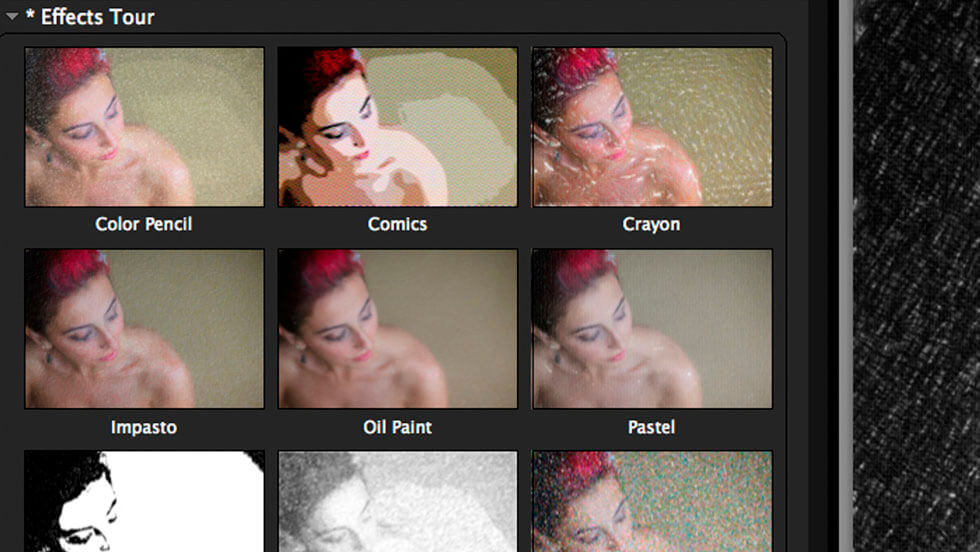
Transforming your photographs into beautiful works of art has never been easier than with Snap Art 4. By analyzing the visual elements and techniques of artists through the centuries, we have designed Snap Art to produce images that look they were made by a human, not a computer.
Snap Art 4 lets you experiment with multiple artistic styles via a simple, sleek user interface. The refreshed design and layout reduces distractions and provides fast visual browsing of a wide array of presets so you can achieve perfect results quicker than ever. Snap Art works everywhere you do, including as a standalone application that provides easy batch processing.
Forget about buying a pen tablet and taking classes to learn how to use complicated painting software. Snap Art expertly applies thousands of brush strokes. You simply show where you want more detail. This improved level of control makes it easy to render stunning portraits.
Quickly start by choosing from hundreds of new styles and ten natural media, such as oil paint, watercolor, and pencil sketch. Then customize anything from brush size to paint thickness to make your signature look. Snap Art’s wide range of control lets you make your work completely unique.
Whatever your workflow, Snap Art 4 will blend right in. It integrates seamlessly with Photoshop, Photoshop Elements, Lightroom and now Aperture. Snap Art now works as a standalone application too. This helps you quickly batch process multiple images and supports workflows that don’t use plug-ins.
Host Requirements Snap Art 4 may be used as a standalone program or a plug-in. When Snap Art is used as a plug-in it requires one of these host applications:
Alien Skin Exposure X or newer
Adobe Photoshop CS6 or Adobe Photoshop CC 2015 or newer
Adobe Lightroom 6 or Adobe Lightroom CC 2015 or newer
What’s New:
Version 4.1.3.314:
Release notes were unavailable when this listing was updated.
Alfred is an award-winning app for Mac OS X which boosts your efficiency with hotkeys, keywords, text expansion and more. Search your Mac and the web, and be more productive with custom actions to control your Mac.
Search and Browse Launch applications and find files on your Mac or on the web. Alfred learns how you use your Mac and prioritises results. Save countless hours by using hotkeys, keywords and customising how you want to search your Mac and activity history. Jump in and browse, preview files and take action on them without lifting your fingers off the keyboard.
Type Less, Say More With Alfred’s Clipboard History and Snippets features, there’s no need to type the same URLs or responses over and over. Use the Clipboard History to locate any text, image or file you copied earlier and paste it again. Create your own snippets and type a short abbreviation to auto-expand them into a full text snippet, saving yourself hours of typing in the long run!
Extend and Automate With Alfred’s Powerpack, use immensely powerful workflows to perform tasks more efficiently and cut down on repetitive manual tasks. Link hotkeys, keywords and actions together to create your own workflows; There’s no need to write a single line of code to create a workflow. Import workflows from the thousands our community of creators have shared.
Control Your Music You’re the boss. Boost your productivity by controlling your Mac using Alfred’s deep integration with OS X. Swiftly take action on files and contacts, control your music player and dispatch System commands. Add some fun to your day; Turn your iPhone or iPad into a command centre for your Mac with Alfred Remote for iOS. Alternatively, take a look at the many workflows for other music services like Spotify.
What’s New:
Version 4.0.9:
macOS Catalina improvements
Add potential workarounds to Catalina screen coordinates bug making Alfred’s window appear temporarily outside of the visible viewport when connecting a second display
Correctly locate Desktop backgrounds to display in Alfred’s theme editor on Catalina
Update Workflow templates sub-menu from iTunes to Music.app on Catalina
Update build environment to Xcode 11
Add in Workflow list filter option to only show disabled Workflows
Fix event threading issues in Snippet Manager which can cause unwanted Alfred behaviour with Snippet Expansion enabled when using fn+arrow keys
Fix edit Snippet and Snippet Collection edit sheets to correctly show if Alfred’s preferences window doesn’t have focus when selecting the context menu item
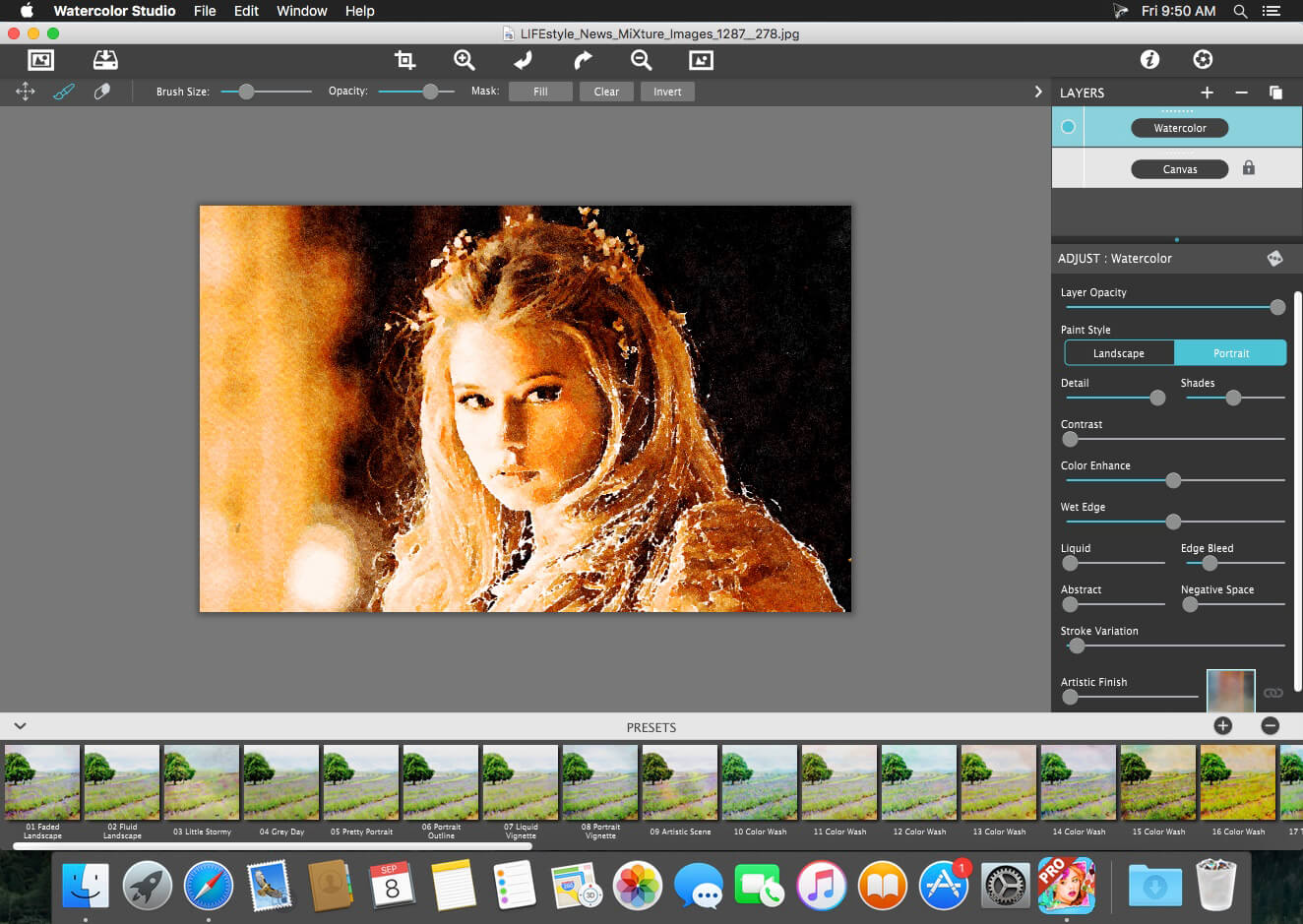
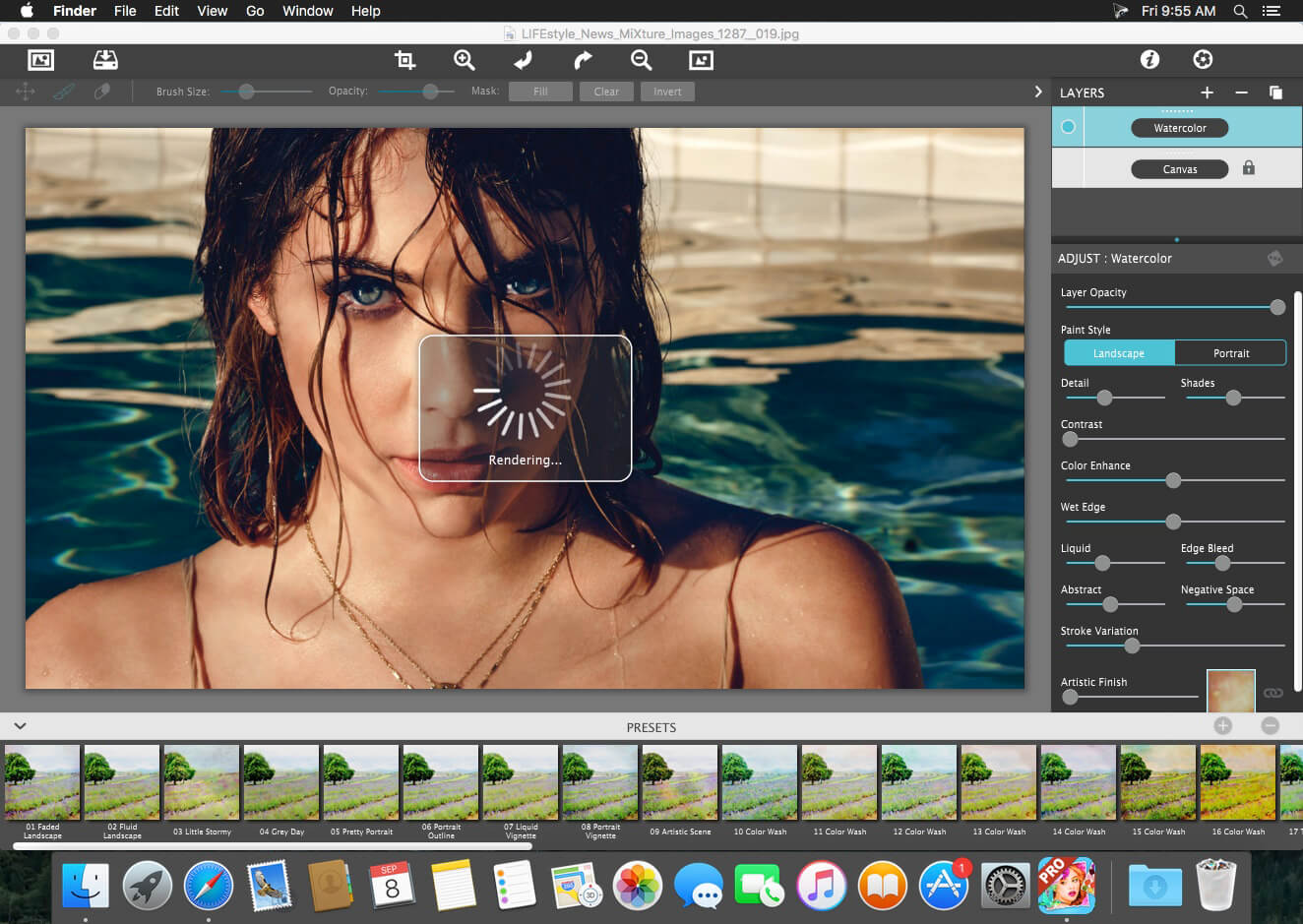
Watercolor Studio creates fluid, liquidy, translucent watercolors with paint that flows naturally. Built on-top of an incredible rendering system that uses real-world techniques, this application does the initial work, producing a watercolor instantly, then allows you to customize your paintings using an array of Sliders, Layers, Brushes, Color Washes and Artistic finishes. The end result—print quality watercolors filled with transparent luminosity and sheer beauty.
Watercolor Studio creates fluid, liquidy, translucent watercolors with paint that flows naturally. Built on-top of an incredible rendering system that uses real-world techniques, this application does the initial work, producing a watercolor instantly, then allows you to customize your paintings using an array of Sliders, Layers, Brushes, Color Washes and Artistic finishes. The end result—print quality watercolors filled with transparent luminosity and sheer beauty.
Watercolor Studio uses artificial intelligence and image recognition to render the initial watercolor then gives you the ability to create infinite variations quickly and easily. Change paintings into an ink wash, add a beautiful artistic finish, brush in details, and even spatter it with liquid spots. Control everything from details-to-shades-to-negative space-to-coloring. No artistic skill needed!
The beauty of a well executed watercolor comes from the transparency of paint on paper. It also comes from the watercolors unique free flowing characteristics. Watercolor Studio makes it easy to do just this with a one-of-a kind Liquid slider. As you move it, watch as color bleeds throughout the painting for an ultra wet style. Or use the Wet Edge slider to define edges with built-up pigment and color that bleeds inward naturally.
Paint Layers allows you to create beautiful and unique watercolors by stacking watercolor layers, blending color washes and texture, and brushing in details. No artistic skill needed! Every photo placed in Watercolor Studio is automatically transformed into a watercolor with full control over settings. While it’s great to have complete control over what the paint does on the paper, some of the most beautiful effects occur in the experiment process. So have fun and try not to be too careful. You will be amazed at some of the paintings you will get.
Watercolor—Portrait is a wet-on-dry painting with all the characteristics of a true watercolor. Fine-tune portrait detail and shades, then smooth color using the liquid slider while keeping contours clear and color defined.
Watercolor—Landscape is an abstract free flowing wet-in-wet paint style, great for landscapes. Use it to spread indiscriminate details as if saturated with water for a loose wet watercolor painting with color that bleeds together.
Ink Wash renders photos into soft subtle paintings, consisting of one-to-three colors. Choose from a library of washes to create ultra inky paintings or light monotone ones. Combine with Color Washes and Outline Layers for an expressive piece filled with artistic character.
Liquefy is a transparent layer used to dilute and bleed color. Use the Liquefy Layer above one or more layers then brush with a continuous motion to blend areas where needed. This subtle effect smooths areas like a true paint brush dipped in water.
Color Wash blends handmade color washes and textures into the painting while retaining some or all of the original color. Use them to warm up, cool down or to dapple light and color throughout the painting with control over how much. Use render modes to combine washes with Watercolor, Ink Wash and Outline Layers for breathtaking one-of-a-kind art pieces.
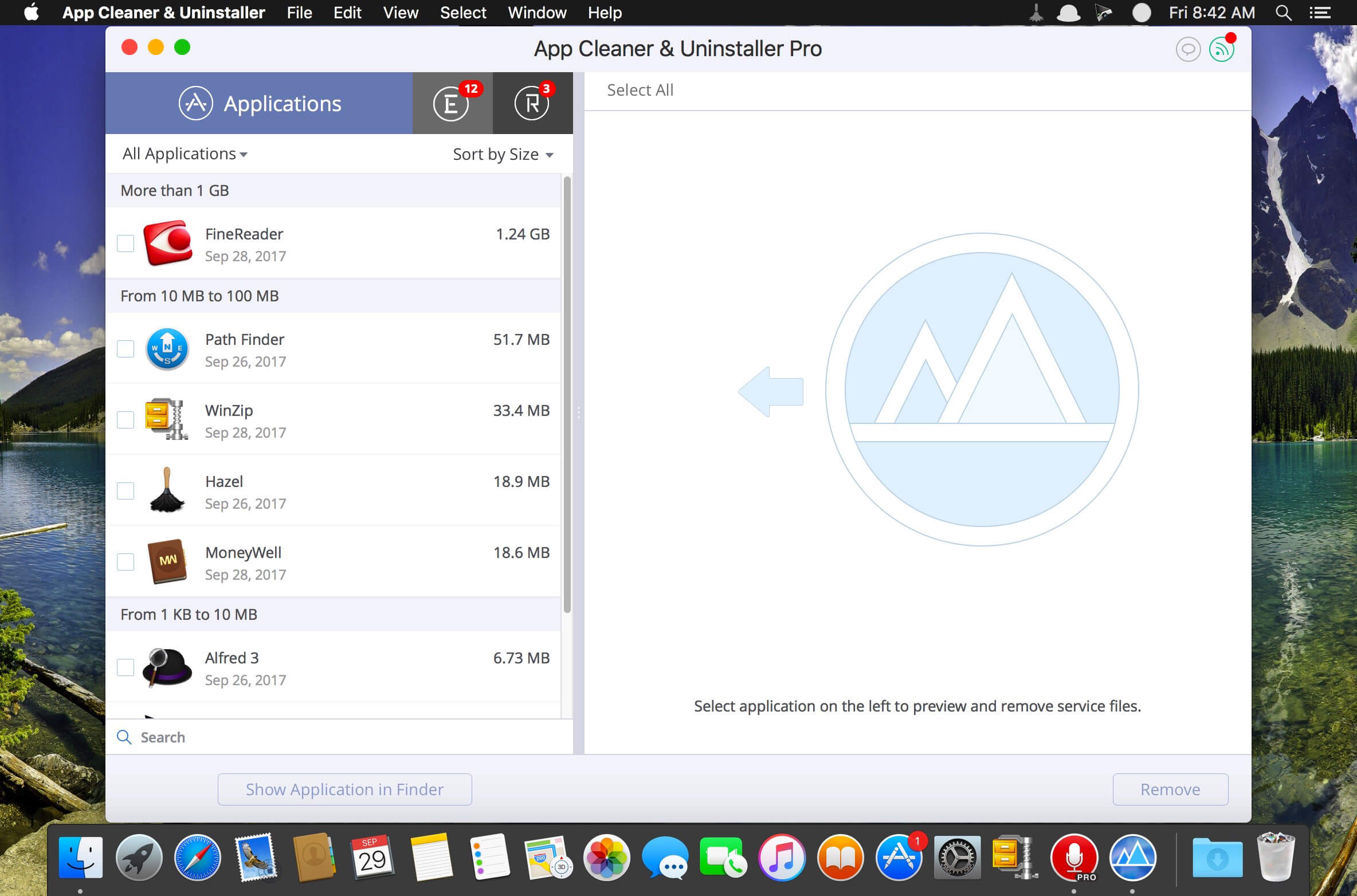
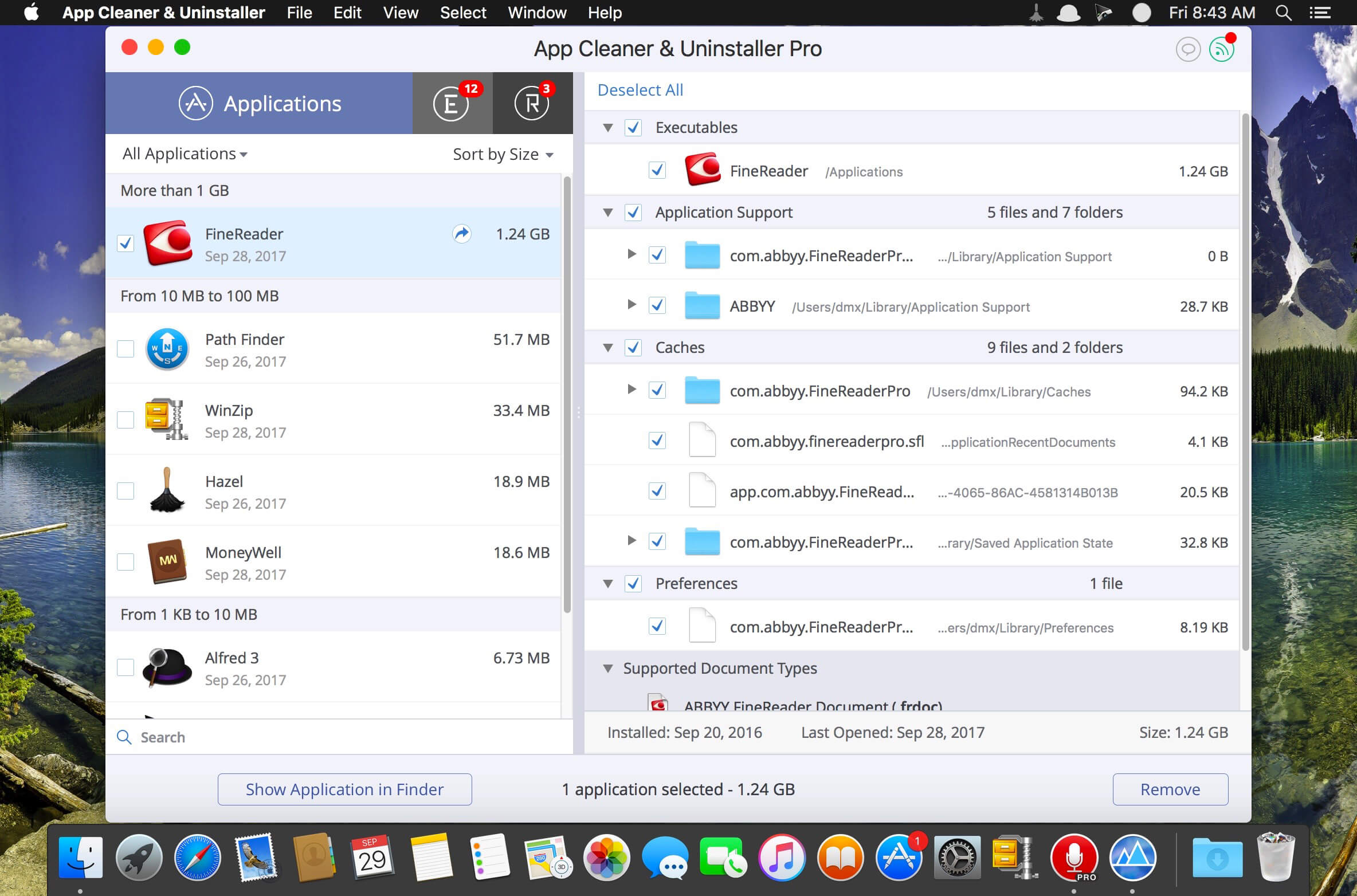
App Cleaner & Uninstaller (was App Cleaner) can remove applications and their service files on OS X*. Make sure they aren’t eating up precious space on your drive with this helpful app that does the legwork for you.
Features
– Scan the system and preview installed applications
– Remove all types of service files
– Remove remains of previously uninstalled apps
– Reset application to a first-launch state
– Easy-to-use shortcuts
– Any file or app quick preview
– Specific app-associated file formats preview
– Show unused applications
– Skip list option
Compatibility: OS X 10.10 or later, 64-bit processor Homepagehttps://nektony.com/
Important aspects of your life are stored within the data on your computer, the loss of which can turn into a nightmare. Some of these important files include photos, music and videos, e-mail archives, business related documents, financial records, and more. To protect yourself from hard drive crash or human error related data loss, back up your files.
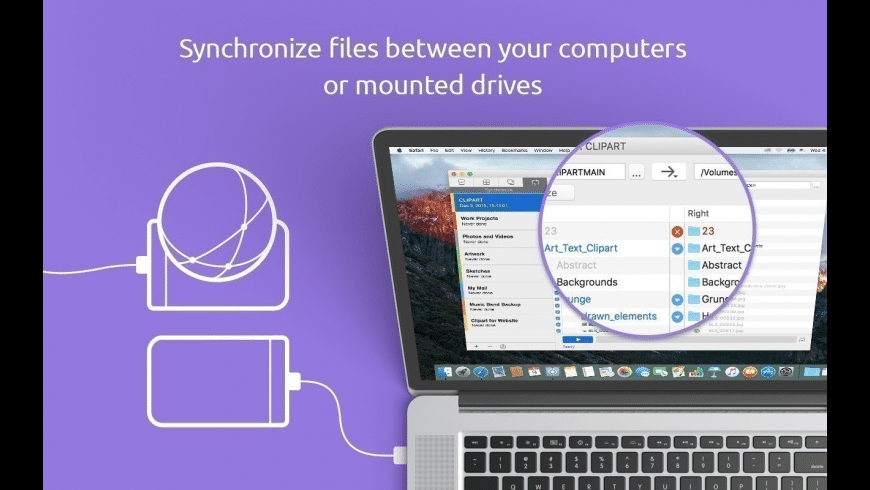
Get Backup gracefully combines various backup capabilities, such as disk cloning, scheduling, compression tools, the ability to restore an archive on any computer without necessarily using Get Backup, and much more. In addition to creating backup archives, Get Backup offers tools that allow you to automatically synchronize files and folders in two different locations. This helps keep files up-to-date on both your desktop and laptop computers.
Why use Get Backup? Produce compressed, encrypted backup archives of your data. Create bootable backups for instantaneous restore. Keep files in sync on two computers in one network. Automate backup, cloning, and sync processes.
Diverse Backup Methods: Full — all selected files are saved, and the resulting archive replaces the previously created one. Versioned — all selected files are saved in a new backup archive, and the previous archives remain intact. Incremental — each time a backup is built, only the files that were changed are saved in the new backup archive. (Pro only)
Get Backup vs. Apple Time Machine You may wonder why you need an additional backup software if you already have Apple Time Machine on your Mac. Get Backup has multiple advantages when you need to control what to backup. It offers advanced compression and encryption methods and much more. Compare Get Backup with Time Machine.
Key Features
Bootable Backups via Cloner When a hard disk crashes, one of the most frustrating things is that in order to copy over backed up files you must wait for a replacement hard drive and then go through the tedious restore process. The Cloner in Get Backup takes an external hard disk and turns it into a bootable copy of the disk in your Mac. So no need to wait for the replacement. You can place the clone right into your Mac and even work using the external disk until your replacement arrives.
Automate Backup and Sync Processes The customizable schedule tool allows to fully automate the backup and synchronization processes, so that backups are built and sync takes place on a regular basis (daily, weekly, biweekly or monthly). Specify the backup and sync start time down to a minute. You can even create separate schedules for several backup and file sync projects.
Back Up to CD/DVD and Any Mounted Device/Drive The program allows you to save backups to any locally mounted device/drive, including FireWire, USB, ATA, SCSI, CD and DVD devices, or network volumes.
Integration Integration with Apple iPhoto, Mail, iTunes and Address Book makes it very easy to access and backup your music, photos, e-mail and address records. Also, you can easily backup any other file or folder stored on your computer.
Data Sync Synchronize files and folders on your laptop and desktop computers, or any mounted drive. Two-way synchronization (Pro only) ensures that you have the most recent version of files you worked with, no matter which computer you are using. Schedule sync processes for more convenience and flexibility.
EncryptionSecure your backups using one of four encryption standards (AES-128, AES-256, Blowfish or Triple DES) to prevent unauthorized archive restore. The ability to encrypt backups provides a high level of comfort and peace of mind when storing backup archives on external hard drives, third-party servers, and other locations where others might have access to your archives.
Get Backup vs. Apple Time Machine You may wonder why you need an additional backup software if you already have Apple Time Machine on your Mac. Get Backup has multiple advantages when you need to control what to backup. It offers advanced compression and encryption methods and much more. Compare Get Backup with Time Machine.
Diverse Backup Methods: Full – all selected files are saved, and the resulting archive replaces the previously created one. Versioned – all selected files are saved in a new backup archive, and the previous archives remain intact. Incremental – each time a backup is built, only the files that were changed are saved in the new backup archive. (Pro only)
What’s New:
Version 3.5:
Reworked the process of cloning for macOS 10.15. First cloning is made with macOS asr utility, all subsequent clones are done with rsync utility. Cloning with asr utility can later be initiated by using Start Clean Cloning from Process menu.
Improved disk space calculation (free and used) for APFS containers.
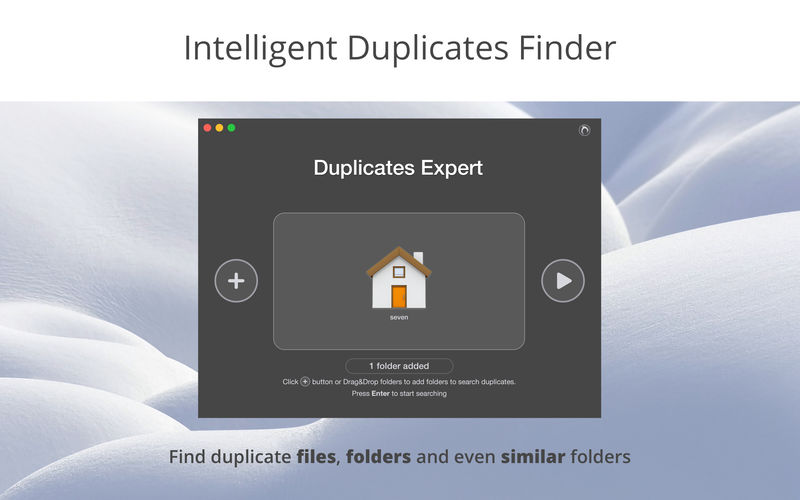
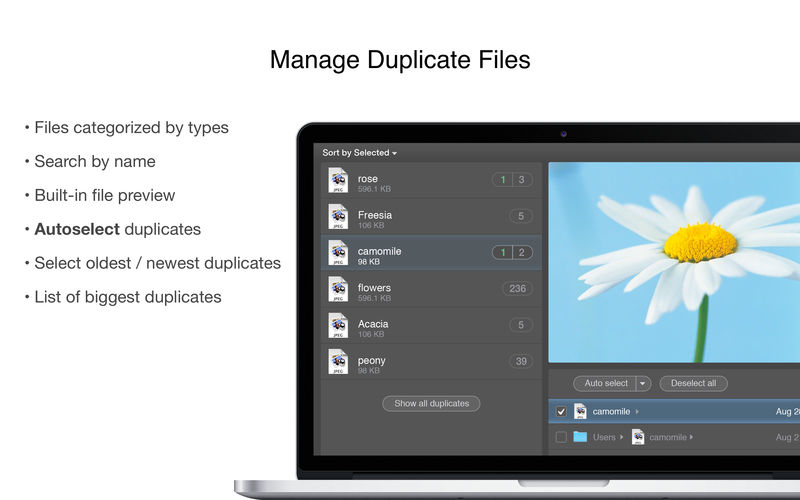
Duplicate File Remover PRO (Duplicates Expert) is a new generation class of duplicates managers, scanning for similar folders and supporting all external drives. The application scans for duplicates in multiple folders at the same time and presents animated duplicates chart while scanning. Once duplicate files and folders are identified, Duplicate File Remover PRO provides cleanup recommendations. The application provides visual report on duplicates scan result with charts by duplicates’ file types. It’s easy to see how much space takes each duplicate. Biggest similar folders are displayed on Overview screen, and then you can preview identical and unique files for similar folders.
Features Scanning
fast scanning algorithm
scanning for duplicates in multiple folders or drives
external drives and mounted network folders support
Create Hollywood looks via copy & paste. Load an image having a breathtaking look and Image 2 LUT will automatically generate a professional look from it. To see, how it will work on other images, you can load a reference image into the target area and see how the look is applied to it.
Simple use – professional results To further adjust the look or create any number of variations from it, Image 2 LUT offers a few very helpful options. Along with the general intensity of the coloring, you can also control its influence on skin tones in the image. You can control the skin tones intensity independently and a loss in contrast from a source image with a faded film look can always be dialled back seamlessly with our software.
Create Hollywood looks via copy & paste Load an image having a breathtaking look and Image 2 LUT will automatically generate a professional look from it. To see, how it will work on other images, you can load a reference image into the target area and see how the look is applied to it.
The one-color-look option homogenises differing tints in various areas of the image and heavily saturated colors can be protected optionally to achieve a higher brilliance for the look.
Image 2 LUT – spectacular results from a small tool! Afterwards, you can save the reference image along with the look as a file on your computer or export it as a 3D LUT for further use in other photo and video editing software. Available as output formats are the LUT-formats 3dl, cube17, cube32 and mga. In addition, it is possible to directly send the look to Unlimited Filters.
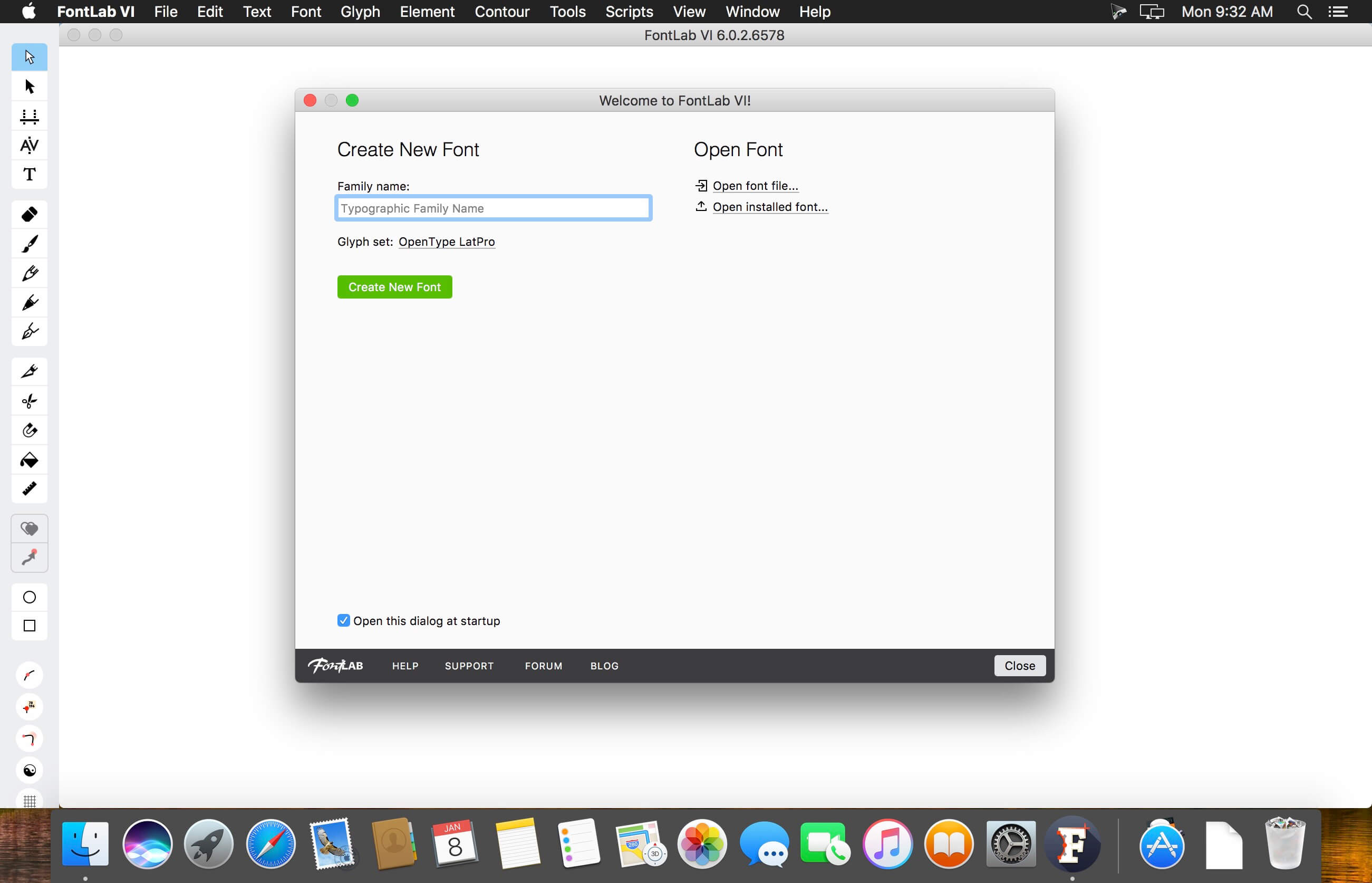
FontLab 7 for macOS is a modern, professional font editor, crafted for type designers and font geeks. It lets you create, open, modify, draw, space, kern, hint and export desktop, web, color and variable OpenType fonts for any Unicode writing system, from Latin, Cyrillic and Greek, to Arabic, Hebrew and Indic, all the way to Chinese, Japanese, emoji, symbols and icons.
FontLab also gives you groundbreaking new drawing tools and responsive contour operations to make your design process easier and more efficient, whether you’re an expert or a beginner. FontLab now supports color and variability, so you can explore these new possibilities and expand your creative reach.
What’s New:
Version 7.1.3.7493 :
Release notes were unavailable when this listing was updated.
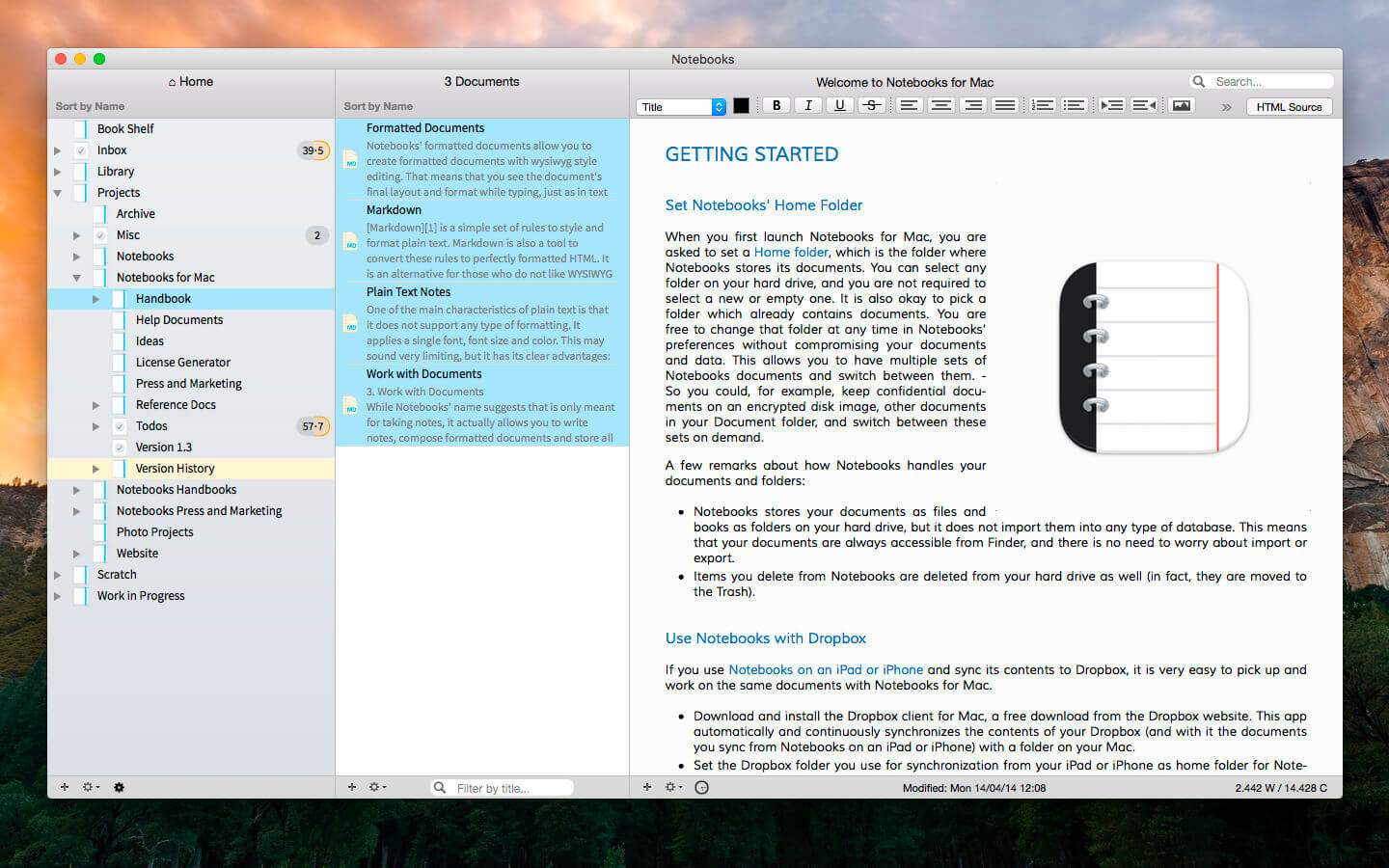
Notebooks allows you to create as many books as you need to write, store and structure your details of life, and it will quickly become the one and only repository for all journals, ideas, notes, drafts, stories and diaries but also for your projects, task lists, documents, files and everything else you want to keep close at hand.
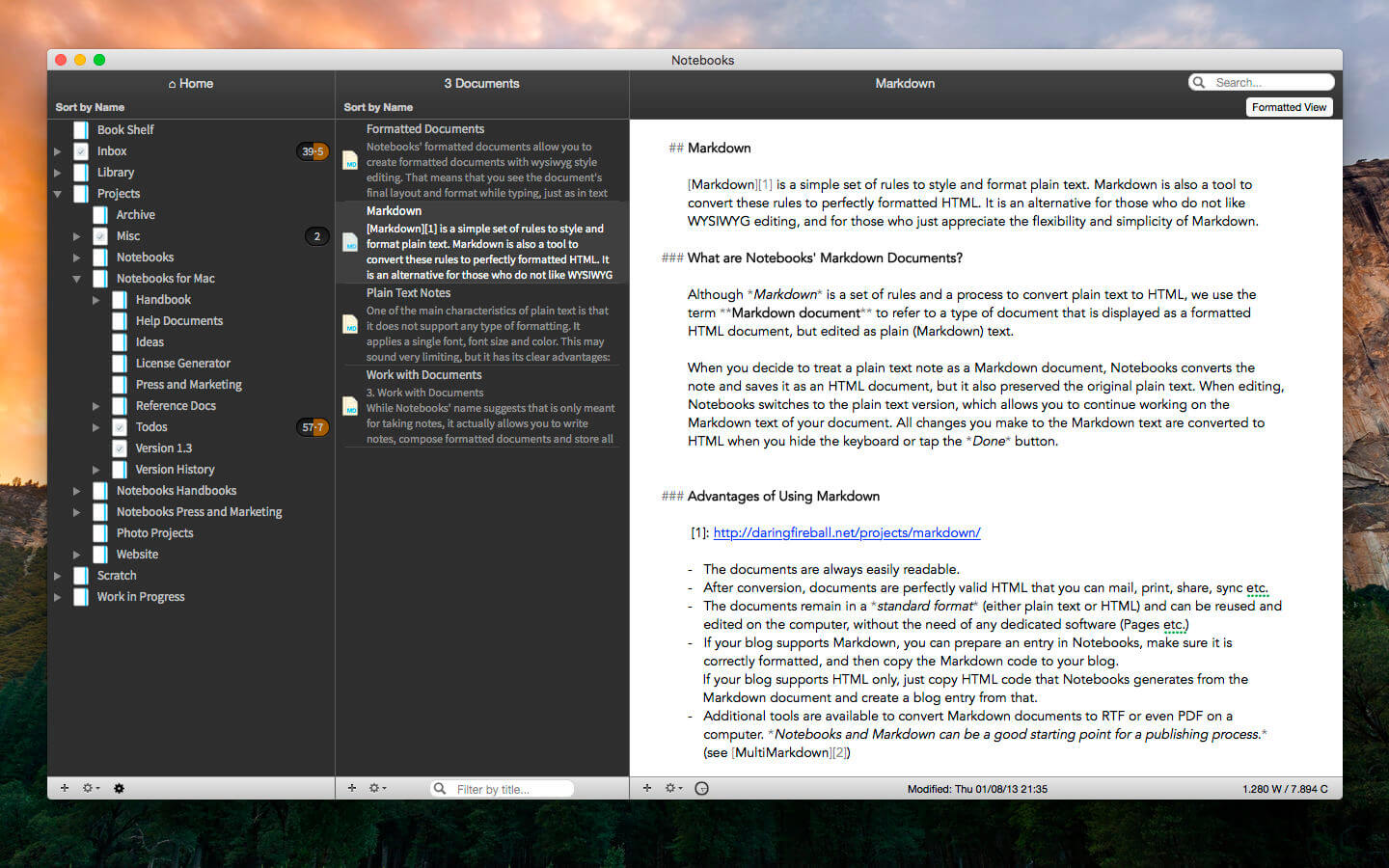
Use Notebooks to create carefully formatted documents with styles and embedded photos, or to quickly write plain text notes. Convert between these formats any time, and if you want to use Markdown, Notebooks knows how to handle that as well. It is a perfect, distraction free writing environment.
Notebooks stores and displays almost any type of document: plain text and formatted text, PDF, web pages, MS Office documents, photos, videos, music and much more. Everything you want to keep organized can go directly into Notebooks.
Notebooks also keeps your task lists and allows you to tick off your to-dos as you complete them. Divide your projects into nested sub projects, which makes them easier to handle, and cross-reference into your reference library, which, of course, is in Notebooks, too.
Notebooks can share its files with the mobile versions of Notebooks on the iPad and iPhone, which allows you to conveniently work on your documents from your desktop, but also on your iPad, iPhone or iPod touch when you are on your way. The synchronization between the devices currently supports Dropbox and many WebDAV servers (with Dropbox currently being the most convenient option).
Notebooks stores all your documents as regular files on your computer’s hard drive, so you can always access them through Finder to open and edit with other applications, too.
So whether you need to write something down or look something up, you need to have Notebooks on your Mac.
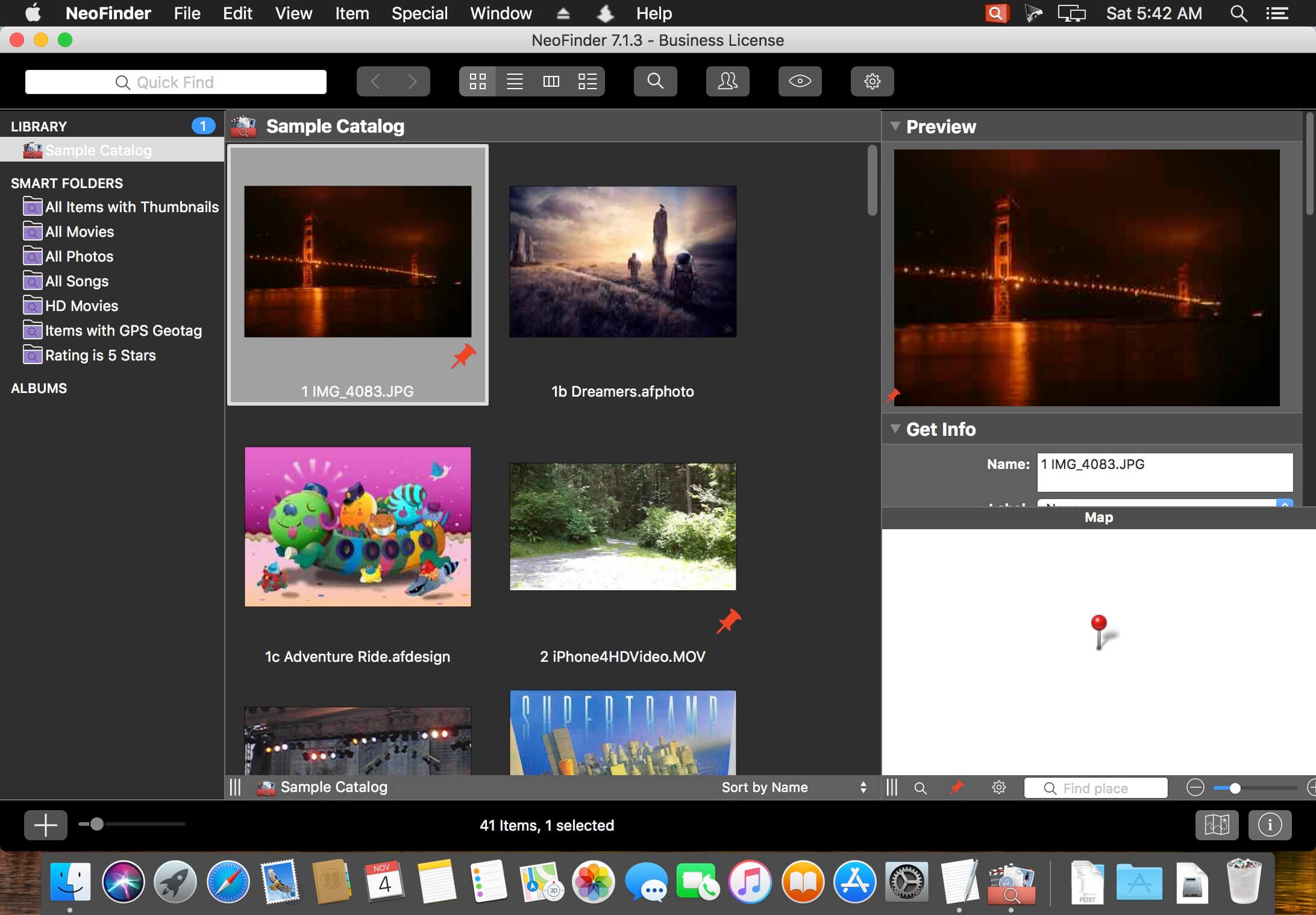
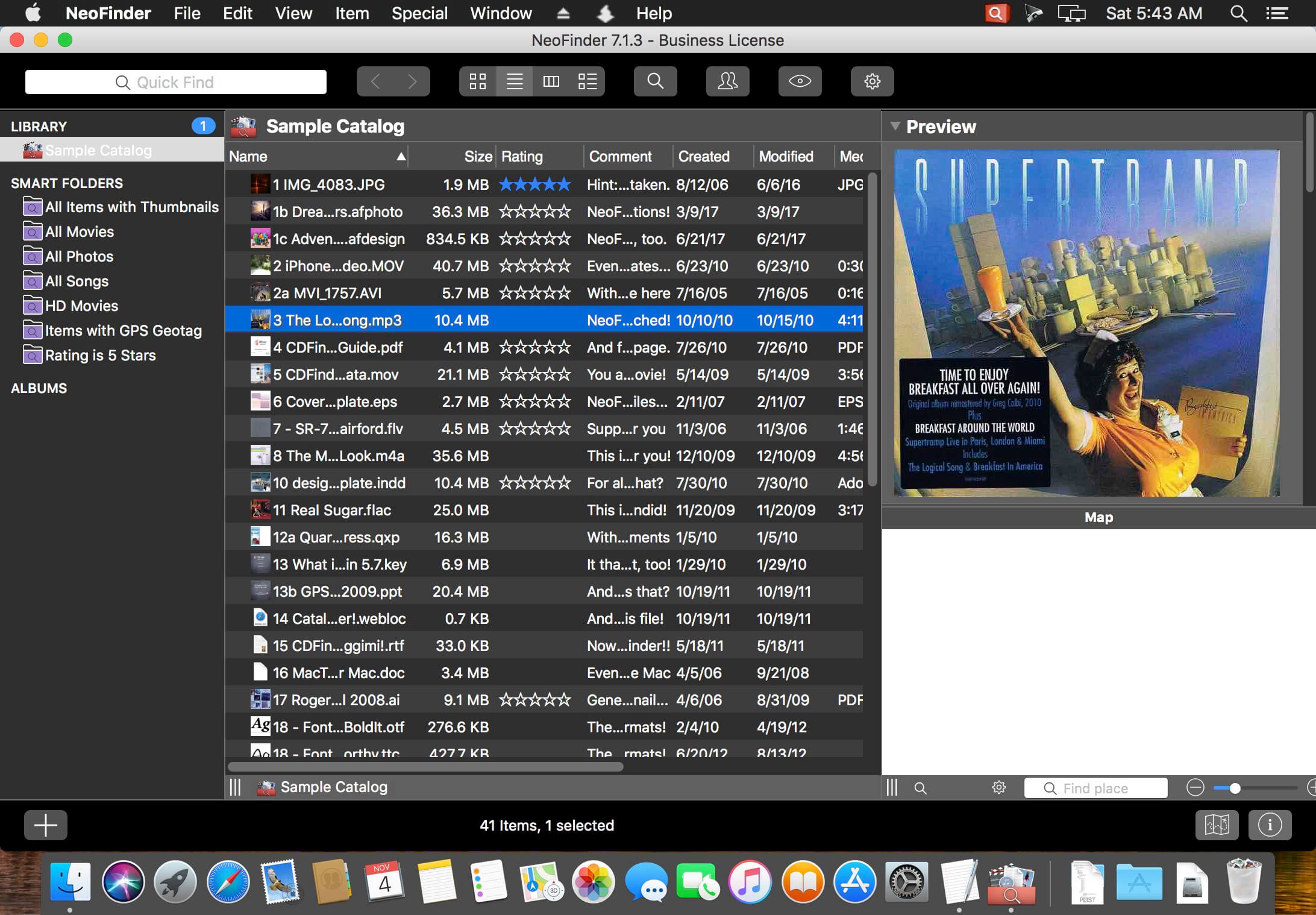
NeoFinder (formerly CDFinder) rapidly organizes your data, either on external or internal disks, or any other volumes. It catalogs all your data, so you stay in control of your data archive or disk library. With extensive metadata support, you can find your files quickly.
Features
Catalog: any hard disk, data folder, CD-ROM, DVD-ROM, BlueRay, HD-DVD, iPod, Server Volume, Audio-CD, USB-Stick, FTP-Server, and more
Power: Handle really large amounts of data
Photo Previews: Create beautiful thumbnails for many photo and image formats, such as JPG, TIFF, EPS, RAW, PDF, PSD, BMP, GIF, PNG, TGA, IFF (Maya)
Audio Meta dаta: MP3, AAC (iTunes), FLAC (Lossless), ALAC (Apple Lossless), and AIFF meta dаta: author, album, title, composer, lyrics, cover art, track number, duration, bit rate, genre, year, comment. Even catalogs whole Audio-CDs, and Apple iPhone ringtone files!
Photo Meta dаta: XMP (used by Adobe Bridge), EXIF and IPTC meta data (including GPS geotags), and JPG, TIFF, PICT and BMP photo details
Movie Meta dаta: get thumbnails, the dimension, duration, codec and frame rate out of movie files, supporting AVI, MOV, MP4, FLV, MPG, MKV, M4V, and others
Geotagging GPS support: NeoFinder catalogs and displays GPS EXIF tags of photos, and has direct links to Google Earth, Flickr, Panoramio, Google Maps and MapQuest. NeoFinder can even search for photos that were taken near any location (GeoFinder), and export GPS data to KMZ files
Networkable: Share your NeoFinder database in your entire workgroup (requires a Business License)
Cross-platform: with abeMeda (was CDWinder), you can use one database for both worlds!
Workflow Integration: Automatically catalog all discs burned by Roxio Toast; Drag any image directly from NeoFinder into applications like Adobe InDesign, Quark XPress, Apple Pages, Microsoft Office; integrate NeoFinder into FileMaker Pro databases, and much more
Find it! Best Find functions, and of course offline browsing of all your volumes – even in multiple windows, if you want to
Spotlight Integration: Search your local disks with Spotlight and as well as your catalogs from inside NeoFinder
Import Catalogs: These twelve formats are supported: Disk Recall, DiskWizard, Iomega FindIt, Portents DiskTracker (both 1.x and 2.x!), Catalogue, CatFinder, “Neometric” Catalog, DiskLibrary, Broken Cross Disk Manager (Windows), and Advanced Disk Catalog (ADC for Windows) catalog or export files, and iView MediaPro and Microsoft Expression Media XML files
Fast and really easy to use, see screenshots
Export and print catalog data
Insight: Look inside archive files: ZIP, TAR, .rar, StuffIt (.sit and even .sitx), and others, including Disk Image contents
International: English, German, French, Italian, Swedish, Spanish and Dutch user interface, all in one application
Unicode compatible: Use NeoFinder to catalog file names of any language
AppleScript: Integrate NeoFinder with FileMaker Pro or any other application, or extend the abilities of NeoFinder
Extend your NeoFinder catalog database by using five custom fields for any content you need
FileCheck: Only NeoFinder can generate an industrial strength MD5 checksum for every file being cataloged
AutoMount: NeoFinder automatically mounts every server volume you have cataloged or updated for you, if needed! And you can of course also ask NeoFinder to mount the volume for you at any time, using the context menu
QuickLook: Open a QuickLook window for any selected online file(s) right from inside NeoFinder!
Cross-Grade: you already bought a different disk cataloger or media asset manager application, ask us for a good offer!
Free email support
Languages: User Interface in eight languages, all in one application: English, German, Japanese, French, Italian, Swedish, Spanish and Dutch