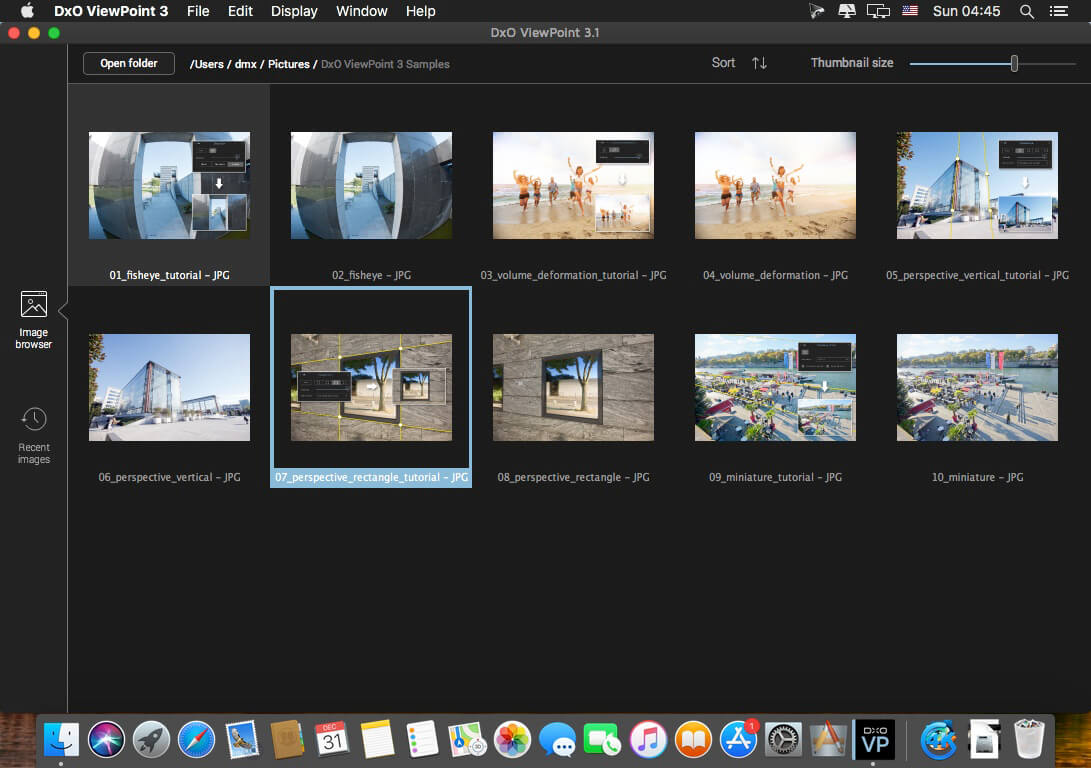
The perfect complement for your wide-angle lens
DxO ViewPoint automatically fixes skewed perspectives and restores subjects on the edges of the frame to their natural shape with just one click.
Fix skewed perspectives
Manually use anchor points or the software’s automatic feature to correct skewed perspectives in wide-angle photos, from the simplest to the most complex.
Restore proportions
For natural-looking shapes, automatically correct the volume deformation of faces, bodies, and objects at the edges photos taken with a wide-angle lens.
Neutralize distortion
With DxO’s Optics Module database, the only one of its kind in the world, DxO ViewPoint can correct any type of distortion, including barrel, pincushion, and even fisheye effects.
Straighten the horizon
Rebalance landscape photos by automatically straightening a slanted horizon lin
What’s New:
Version 4.1.0.168:
Release notes were unavailable when this listing was updated.
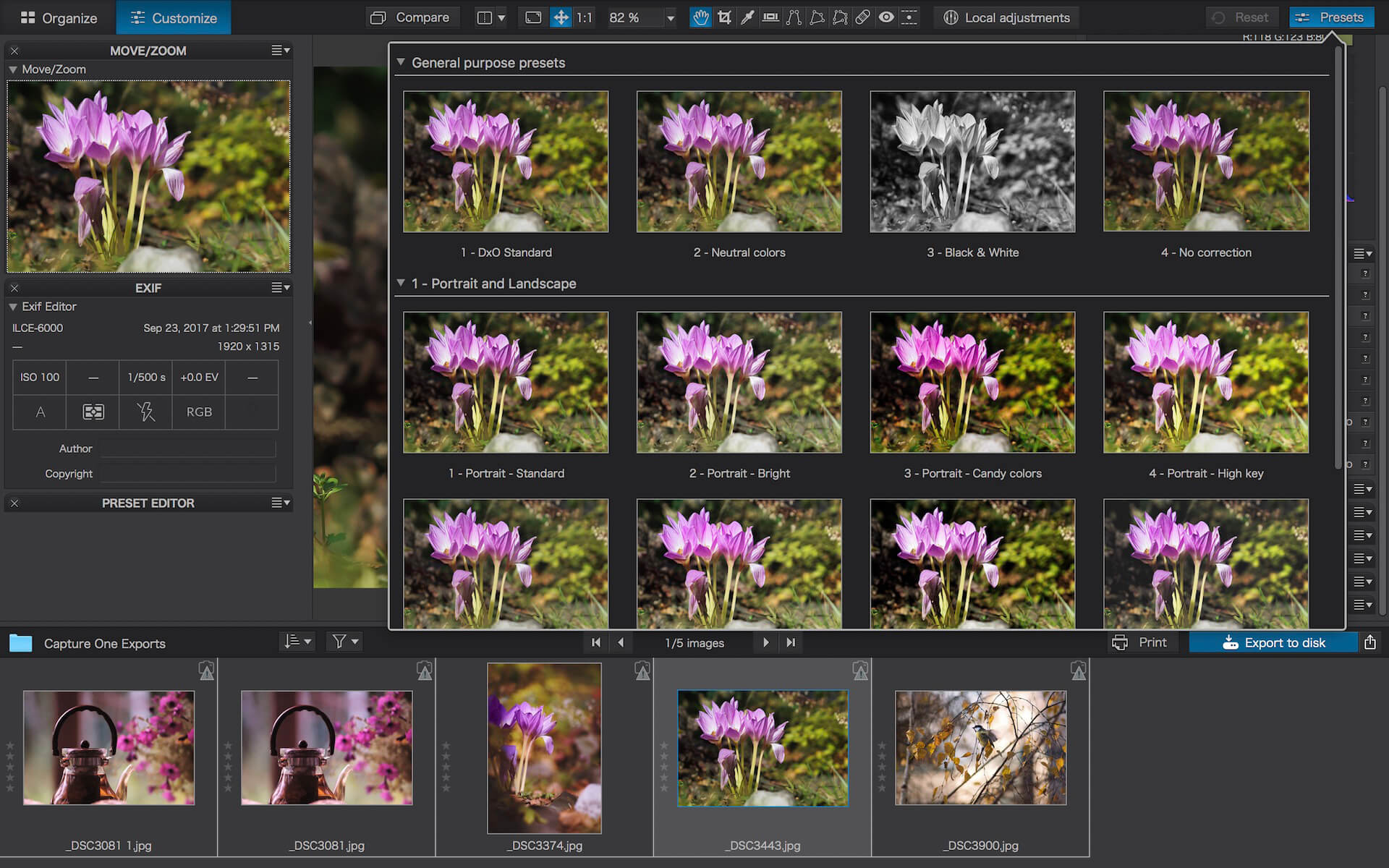
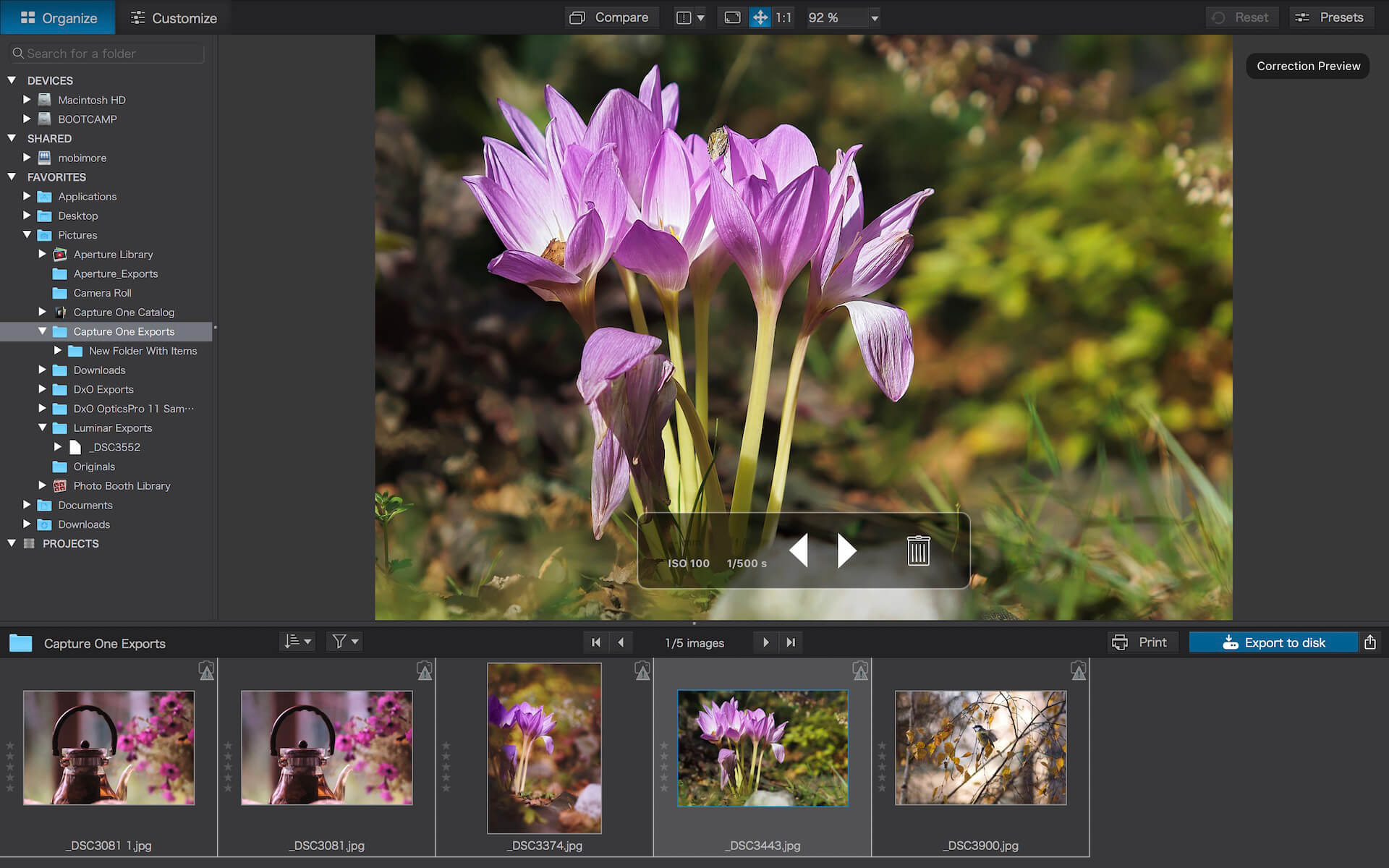
DxO PhotoLab (was DxO Optics Pro) provides a complete set of smart assisted corrections that you can manually fine-tune at any time. Take control on every aspect of your photos: effectively remove noise, get rid of light constraints, recover color details, apply sophisticated optical corrections, and enhance details.
Reducing digital noise in RAW images is an ongoing challenge for most photo-editing software. But with DxO DeepPRIME we are breaking new ground. The first artificial intelligence-based (AI) technology of its kind, DeepPRIME enables you to demosaic and denoise images simultaneously. Try it out – the results speak for themselves.
Demosaicing and denoising are usually two separate processes. But with DxO DeepPRIME we’ve combined them to achieve even better results.
The outcome is spectacular. DxO DeepPRIME removes noise and renders photographic information without reducing color detail. Transitions are smoother and more natural, and you gain nearly two ISO sensitivity values compared to our earlier version, DxO PRIME, the benchmark software for all comparable programs currently available.
If you are an expert photographer, DxO DeepPRIME will open up a world of new possibilities by enabling you to shoot at very high sensitivities. As an amateur photographer, DeepPRIME will allow you to compensate for the drawbacks of small sensors in compact and bridge cameras that produce digital noise even at low ISO sensitivities. And if you’re struggling with low quality, or older-generation cameras that are no longer suitable because of the scale of digital noise, DxO DeepPRIME will give your images a new lease of life.
Features
DxO Smart Lighting
DxO ClearView
DxO PRIME
Optical Corrections
Introducing U Point
What’s New:
Version 6.1.0.34
Release notes were unavailable when this listing was updated.
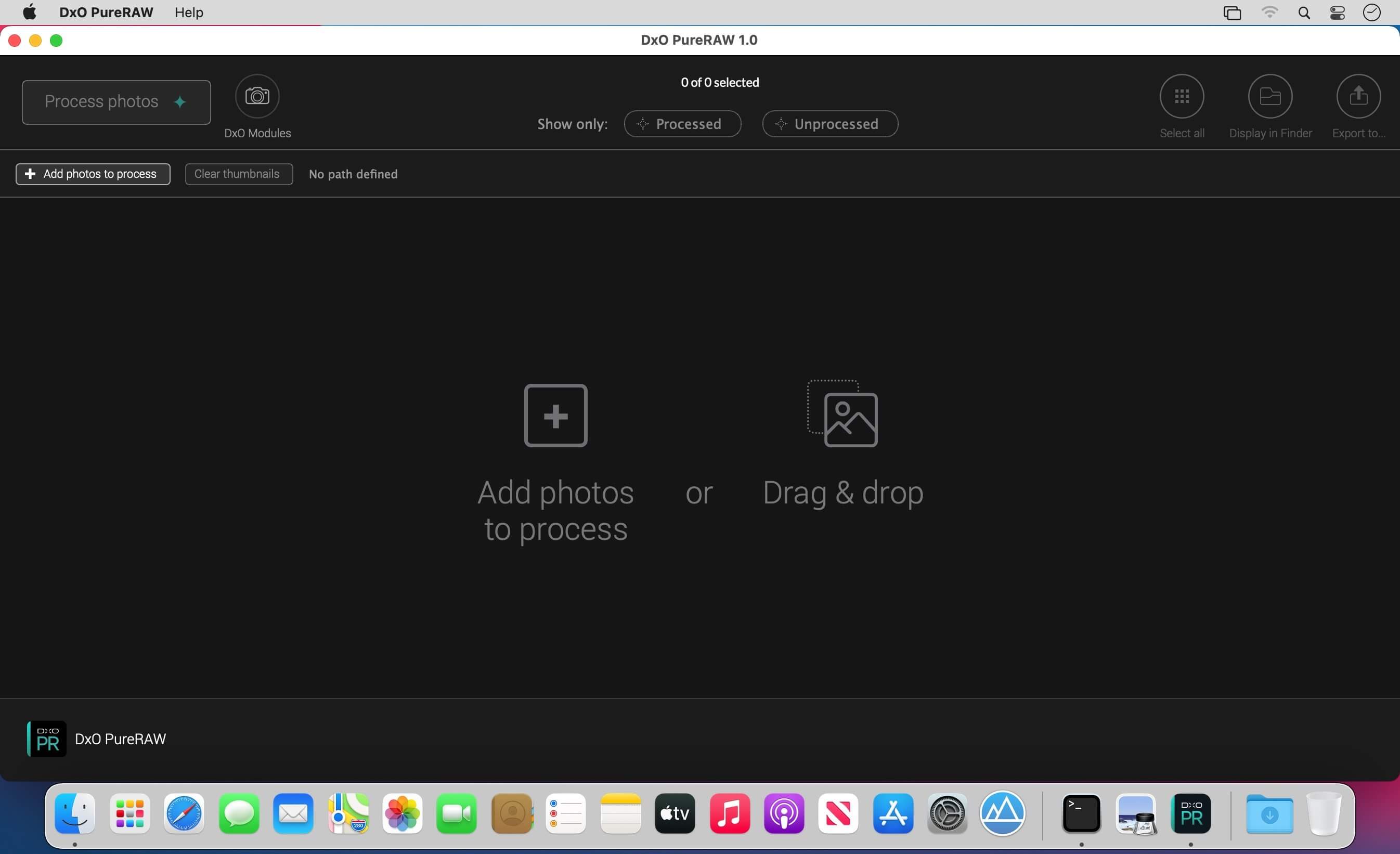
DxO PureRAW Simply better RAW files, Enhance your RAW files to open up even more possibilities with Adobe Photoshop and Lightroom®.
Unlock the RAW-file editing capacity of Adobe Photoshop and Lightroom
Create better RAW files before retouching them in Adobe Photoshop, Lightroom, or other programs thanks to DxO’s exclusive demosaicing, denoising, and lens defect correction technologies.
Pure, flawless, and noise-free RAW photos
DxO PureRAW’s artificial intelligence strikes the perfect balance between preserving detail and eliminating noise. DeepPRIME technology solves these problems before you and better than you.
Your lenses deserve the very best corrections
Automatically correct the defects in your equipment using DxO’s specially designed optical modules.
Recover your old RAW files
Get back to editing your old photos that you set aside because of poor image quality, noise, or a lack of sharpness. DxO PureRAW gives you another chance.
Perfection is in the details
Enjoy large format photos: DxO PureRAW reveals all the details and finesse of every texture you capture so you can enjoy incredibly pure photos.
Soft, non-grainy bokeh
Permanently delete the “parasitic” grain your camera creates in the blurry areas of your photos. DxO PureRAW adds incredible softness to your images.
Photo editing made simple
Use DxO PureRAW before your usual editing software and convert your RAW files into DNG files in just a few clicks—all without sliders or complex adjustments.
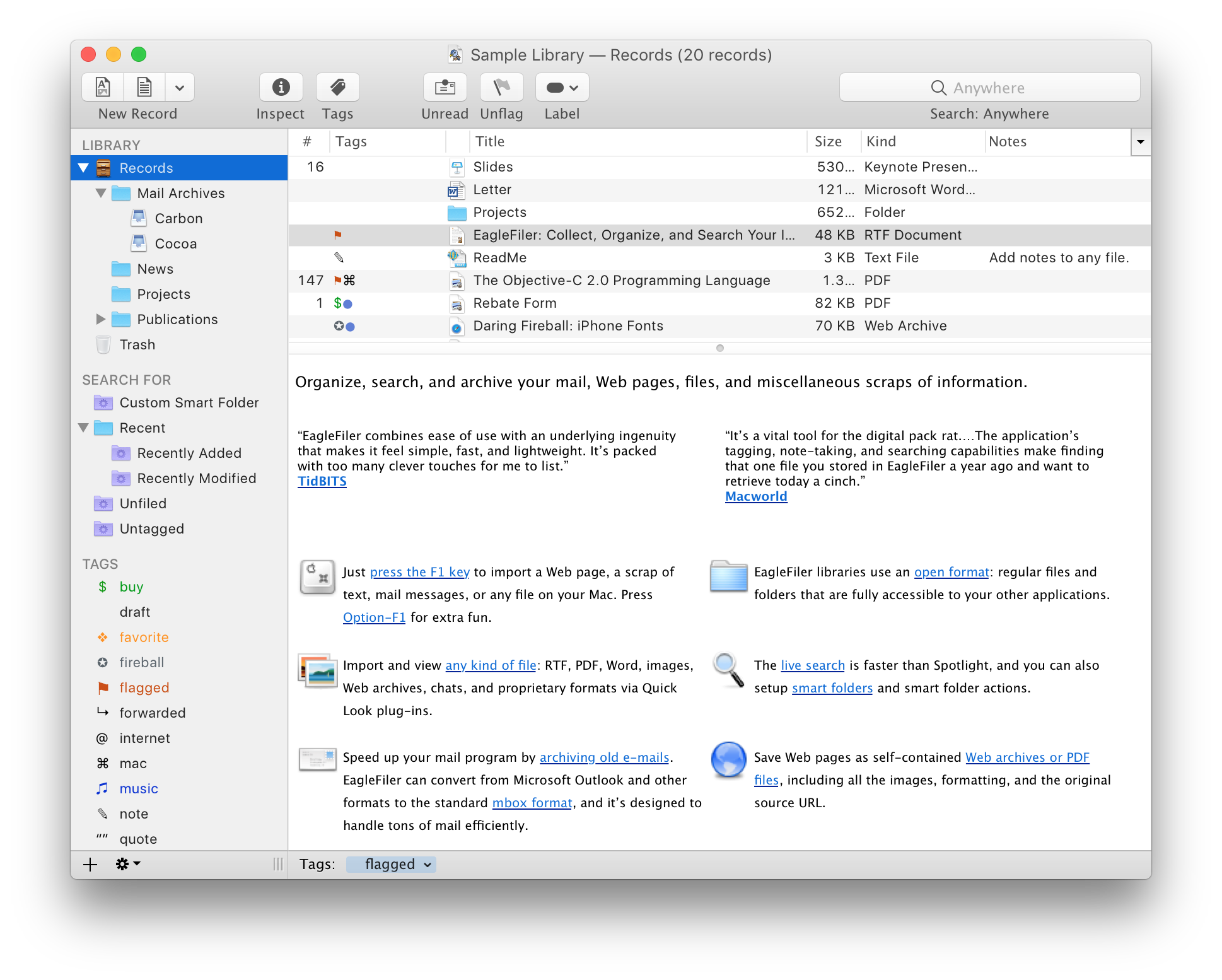
EagleFiler makes managing your information easy. It lets you archive and search mail, Web pages, PDF files, word processing documents, images, and more. Use it to collect information from a variety of sources. Browse different types of files using a standard three-pane interface. Organize them into folders and annotate them with tags and notes, or leave everything in one folder and pin-point the information you need using the live search. Since EagleFiler stores its library in Finder format, you can use it in concert with the other tools in your Mac ecosystem.
EagleFiler in a nutshell:
With a single keypress, import Web pages, mail messages, or any file on your Mac.
EagleFiler stores them in an open format: regular files and folders that are fully accessible to your other applications.
Optionally: encrypt the files, add tags, notes, color-coded labels, and other metadata.
Browse by folder or by tag, or use the live search to find the information you need (faster than Spotlight).
View, edit, or create documents directly in EagleFiler’s streamlined interface, or double-click to edit using another application.
EagleFiler is a digital filing cabinet, a research assistant, and a snippet collector. You can use it to write a journal, track all the files for a project or job, save your favorite Web articles, store financial statements, run a paperless office, plan a trip, collect your course notes, archive your e-mail correspondence, search mailing list archives, research a purchase, remember recipes to cook or books to read, store scientific papers, gather legal case notes, or assemble a scrapbook. It’s the most flexible tool on your Mac.
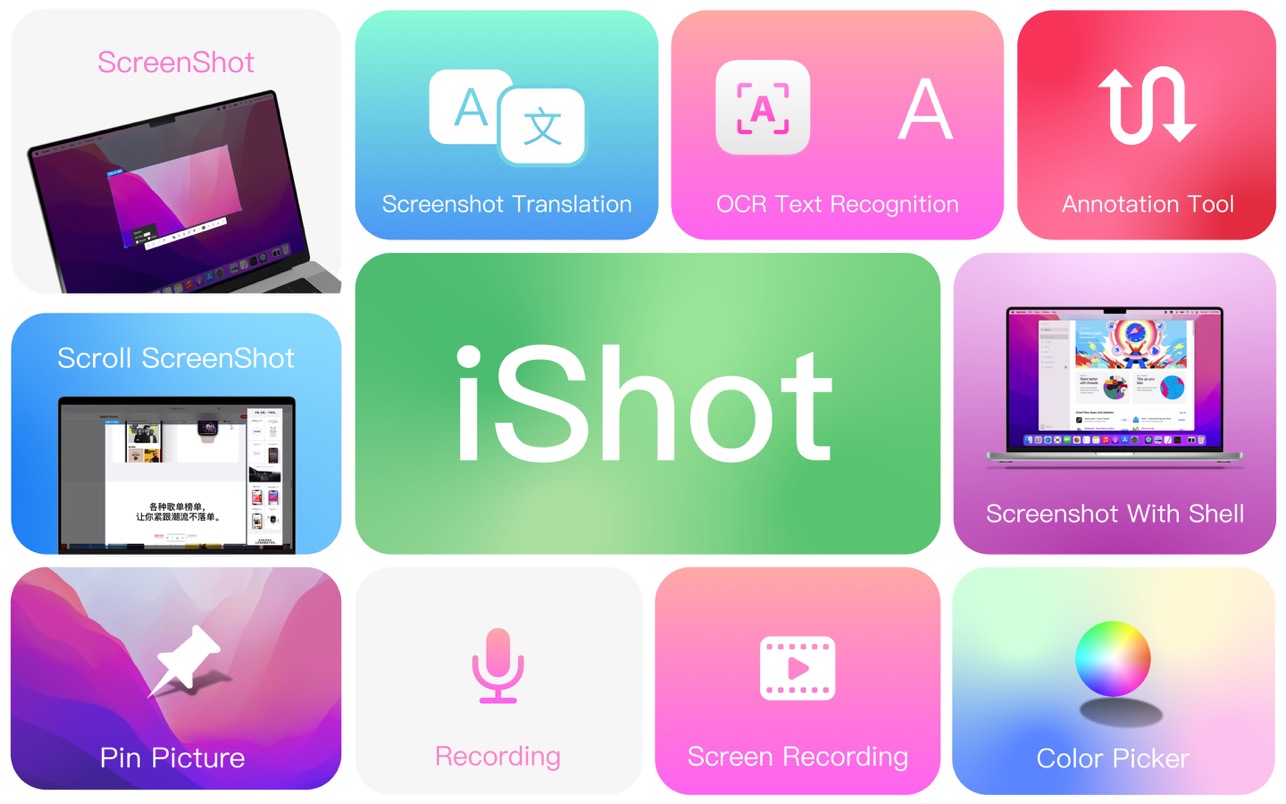
iShot is an excellent, full-featured area screenshot, window screenshot, multi-window screenshot, long screenshot, shell screenshot, time-lapse screenshot, quick annotation, texture, color picking, screen recording, audio recording, OCR, screenshot translation tool on Mac .
1. Screenshots
Area screenshot, window screenshot
Supports frame selection screenshots, intelligent recognition window screenshots, and custom screenshot shortcuts.
Multi-window screenshot
Press the screenshot shortcut key, then Shift, and click on multiple windows to take screenshots of multiple windows.
Delay full screen screenshot
Delay full-screen screenshots, support countdown sound playback, and use to capture windows that are not easy to select.
Take a screenshot of the last screenshot area
Use the shortcut keys to quickly take a screenshot of the area where the last frame was selected.
Screenshot window under cursor
Use the shortcut key to directly capture the window under the current mouse without activating the window.
Screenshot rounded corners and shadow effects
Screenshot to open quickly
After completing the screenshot, you can double-click Option to open the picture with a custom App, so that your screenshot and editing can be seamlessly connected.
Save/Storage
Support saving to clipboard and local
Support saving to the clipboard and saving to the local
Support single save as, custom save name and format
Support HD and SD image quality
Support jpg, png, tiff screenshot saving formats
Support output color standard pictures
2. long screenshots, scrolling screenshots
Select the scrolling screenshot area, then press the “S” shortcut key and slide the screenshot area upwards to start taking a long screenshot. The length of the long screenshot is unlimited.
Support automatic scrolling of long screenshots.
3. with shell screenshot
After taking a full screen screenshot, match your picture with a beautiful Mac shell mockup, high-end and elegant.
4. stickers
After the frame selection area is supported, click the map button to map;
The sticker library will store the record of the sticker.
After supporting the texture, right-click, mark and modify the texture image.
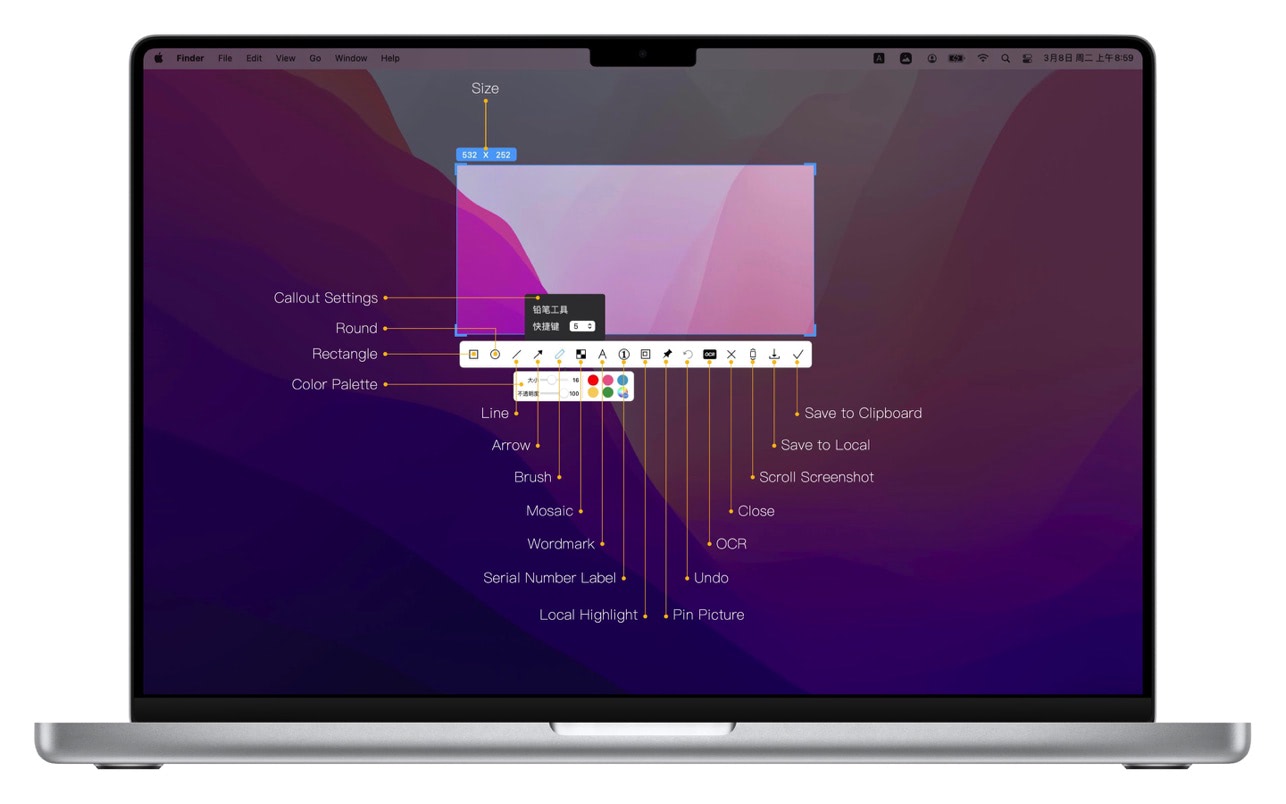
5. Quick Marking
Marking function:
Rectangle, circle, horizontal line, arrow, brush, mosaic, text mark, serial number label, local highlight;
Quickly adjust dimension and transparency
Rich annotation styles
Arrows, mosaics and other annotation tools provide a variety of styles to choose from, making your annotations colorful.
6. Color picking function
When you press the screenshot shortcut key, the magnifying glass will display the color name under the current cursor, press R, G to copy the RGB and HEX color codes, and supports custom color codes with powerful functions.
Support native, normal RGB, SRGB, Adobe RGB, P3 multiple color gamut standards
7. Screen recording function
Supports screen recording of various resolutions and FPS in Ultra HD, HD and SD;
Support for recording the internal sound of the system;
Support for recording online meetings
8.Recording
Support recording function, recording anytime and anywhere, a good helper for business people.
Support for recording the internal sound of the system
9.OCR text recognition
After selecting the screenshot area, click the OCR button to perform text recognition, which is convenient and easy to use
The OCR function supports QR code recognition and prioritizes QR code recognition
Support OCR continuous recognition mode
Support OCR to cancel line feed
10. Screenshot translation
After selecting the screenshot area for OCR recognition, perform translation
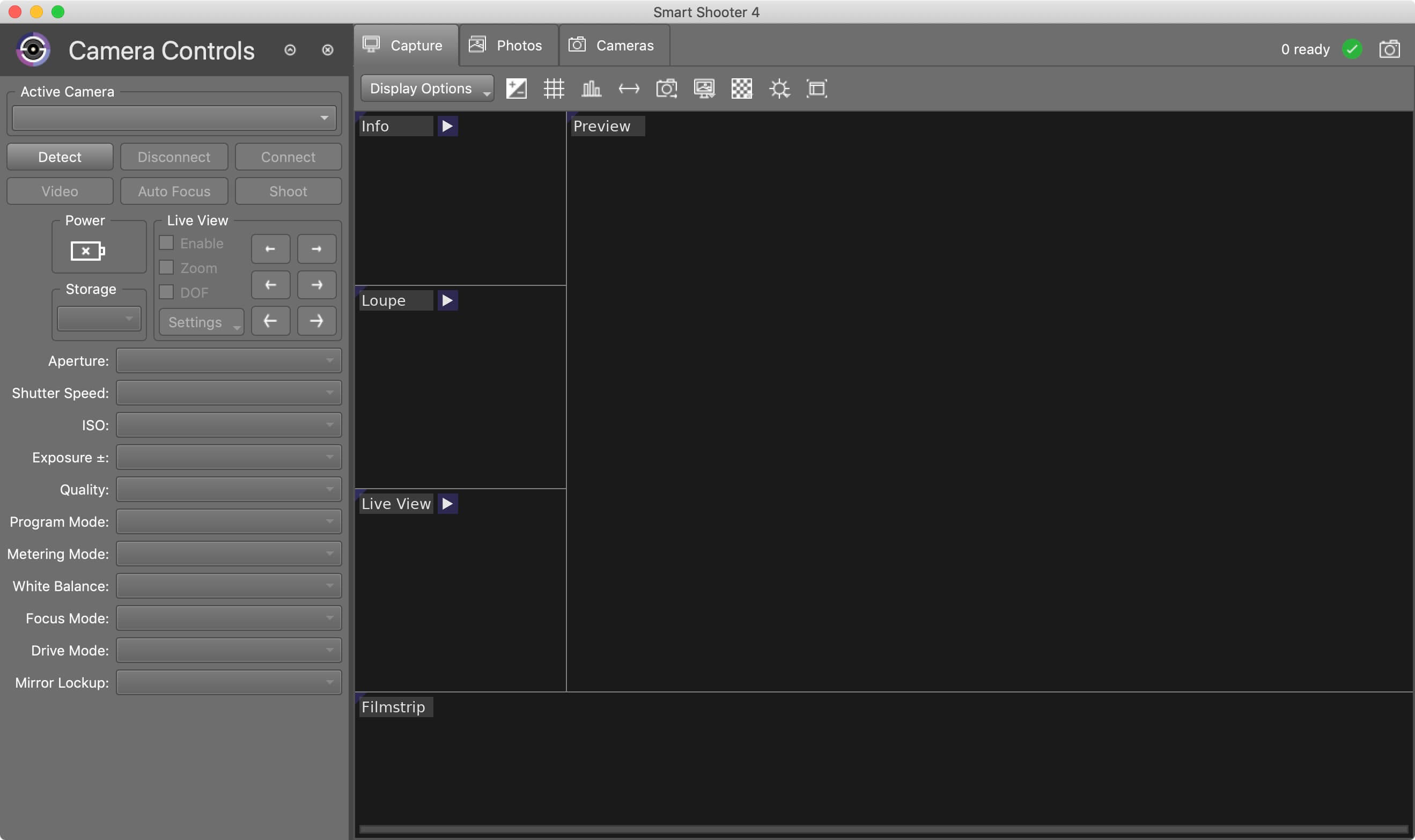
Smart Shooter is a digital photography work flow application for tethered shooting, remote capture and advanced camera control.
Smart Shooter allows you to fully control your camera from your computer, giving you freedom to explore and experiment to help take the perfect picture. Automatic download and display means you can fully evaluate your photos in seconds, and real time live view output will help you focus and compose the scene. Scripting language lets you control your camera, allowing you to take multiple photos with varying settings just by clicking a single button.
Key Features
Smart Shooter is aimed at both the professional and amateur photographer, providing them with the following features:
Remote camera control via USB cable
Full control of camera settings
Photo download and display on you computer
Real time zooming/panning photo display
Live View display including overlay mode
Live View recording of each frame to JPEG file
Bulb shooting with timed exposure
JPEG and RAW file formats
Connect and control multiple cameras
Automatic control via scripting
Tethered shooting with automatic download and preview
Smart Shooter works with all recent Canon EOS DSLR and Nikon DSLR cameras.
The following Canon cameras are supported:
1D Mark IV,1D C, 5D Mark II, 5D Mark III, 5D Mark IV, 5DS, 5DS R, 6D, 7D, 7D Mark II, 40D, 50D, 60D, 70D, 80D, 100D, 450D, 500D, 550D, 600D, 650D, 700D, 750D, 760D, 1000D, 1100D, 1200D, 1300D,
Rebel SL1, Rebel T1i, Rebel T2i, Rebel T3i, Rebel XS, Rebel T3, Rebel T4i, Rebel T5, Rebel T5i, Rebel T6, Rebel, T6i, Rebel T6s, Rebel XSi
Kiss F, Kiss X2, Kiss X3, Kiss X4, Kiss X5, Kiss X6i, Kiss X7, Kiss X8i, 8000D, Kiss X50, Kiss X70, Kiss X80
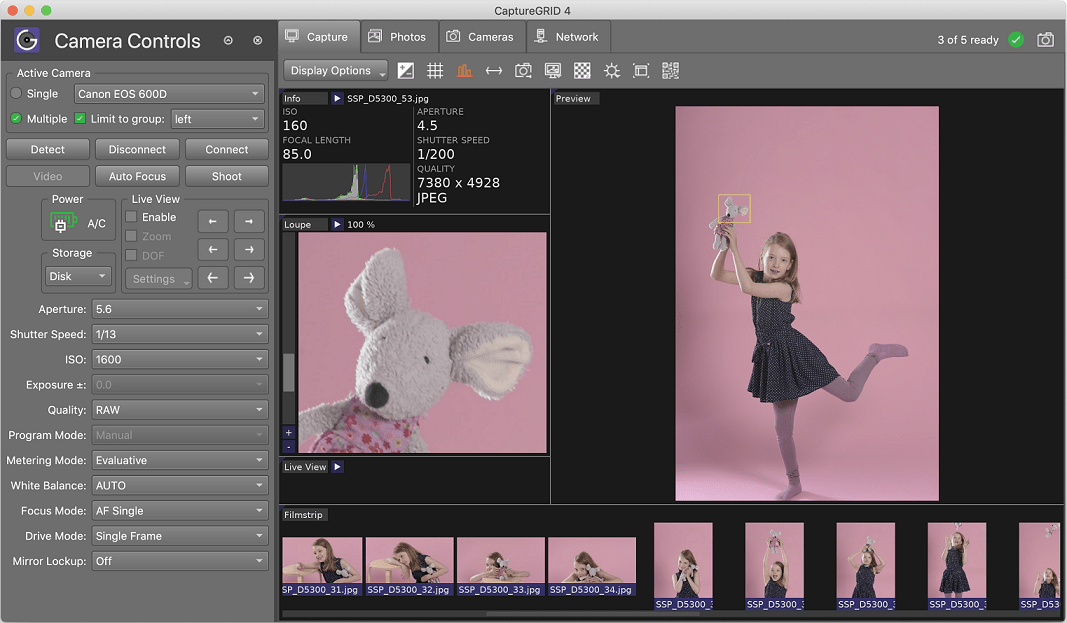
CaptureGRID is a digital photography work flow application for tethered shooting, remote capture and advanced camera control. CaptureGRID supports all recent DSLR cameras from Canon and Nikon, as well as some cameras from the Sony Alpha range. We regularly update the app, so support for new cameras is added as they come on to the market. The software uses wired USB connection for direct communication with the cameras, using our custom built PTP engine. This delivers reliable camera control and fast photo downloads.
What’s New:
Version 4.27:
Release notes were unavailable when this listing was updated.
Capture One 23 Enterprise – the photo editing solution for image production studios and e-commerce platforms. Its authentic true-to-life color processing, seamless editing experience, and fastest tethering in the industry gives you total creative control, making it a household name in studios across the world. Based in Copenhagen, Denmark, Capture One empowers photographers with cutting-edge features to keep your photography one step ahead.
How any photography studio can create value with Capture One Enterprise
For the past 10 years, leading studio photography has been created with photo editing software Capture One. With world-class tethering, state-of-the-art photo editing tools and the highest quality RAW processing, it’s been a staple in any photography studio.
Now, Capture One has introduced an “Enterprise” version which is specifically built for business and aligned to the way a photography studio works.
Capture One Enterprise offers the same standard features as Capture One’s flagship product Capture One 20 – tailored to the needs of studio photography.
Built for Business
Photographers are key to the success of any photography studio.
But what if the photography studio involves several photographers, studio managers, retouchers, quality assurance managers, project leaders, etc who need to collaborate, standardize and carry out the same workflows over and over again? What if those workflows also need to be integrated to other systems, eg. barcode scanners, PIM systems, digital asset management systems, ecommerce platforms etc?
Capture One Enterprise has been developed to address the challenges faced by studio photography and help any enterprise or e-commerce photography studio optimize their image production process and boost results across relevant KPI’s.
Value creation with Capture One Enterprise
Studio photography has huge value creation potential with Capture One Enterprise. By incorporating its enterprise-specific features into the workflow, it can improve KPI’s such as
“Time to Market” – Optimizing the hours your photography studio spends on the image production process, from planning your image, to shoots, to publishing the final photo on your ecommerce platform.
“Cost per image” – Optimizing each step in your studio photography process can dramatically increase your efficiency and reduce your costs
“Reduce Risk” – Secure your studio photography and image production to reduce errors and costs, thanks to enterprise exclusive features such as Image back-Up, License Management, MDM support etc.
This is achieved via enterprise features such as the Barcode scanner tool, Advanced Guides, Next Capture Backup, Next Capture Keywords, Next Capture Metadata, Tool Locks, Capture Pilot with Enterprise enhancements and Dedicated Studio workspaces.
Automated workflows in Capture One Enterprise
Once your studio has implemented Capture One Enterprise and begun implementing its standard features in your workflows, there are further opportunities to intensify value creation by automating workflows and integrating Capture One Enterprise into your IT infrastructure. You can do this by implementing
Workflow enhancement (an automation feature within Capture One)
Integrations (extension or automation interfacing with another app)
Customized solutions can maximize value, too
Your photography studio might also have very specialized needs – here, customized solutions can generate value for your studio photography. For example, ultra-accurate color profiling can assist in achieving one critical KPI in particular
“Reduce product returns” – Color profiling optimization on true color reproduction can reduce the rate of goods returned due to discrepancies in color between the actual product and the image.
Capture One offers individual color profiles for businesses, so you can reduce editing time and save on retoucher costs with fine-tuned color profiling for the most popular e-commerce cameras used by photography studios. Minimize color discrepancies and meet the demands of specialist product and studio photography with more accurate colors out-of-the-box.
These are just some of the exclusive features designed for studio photography – get in touch with the Enterprise team to learn more and discover where Capture One Enterprise can specifically meet the demands of your business. For more insight into specific tools, check out the Tools and Functionality white paper and Barcode Reader white paper.
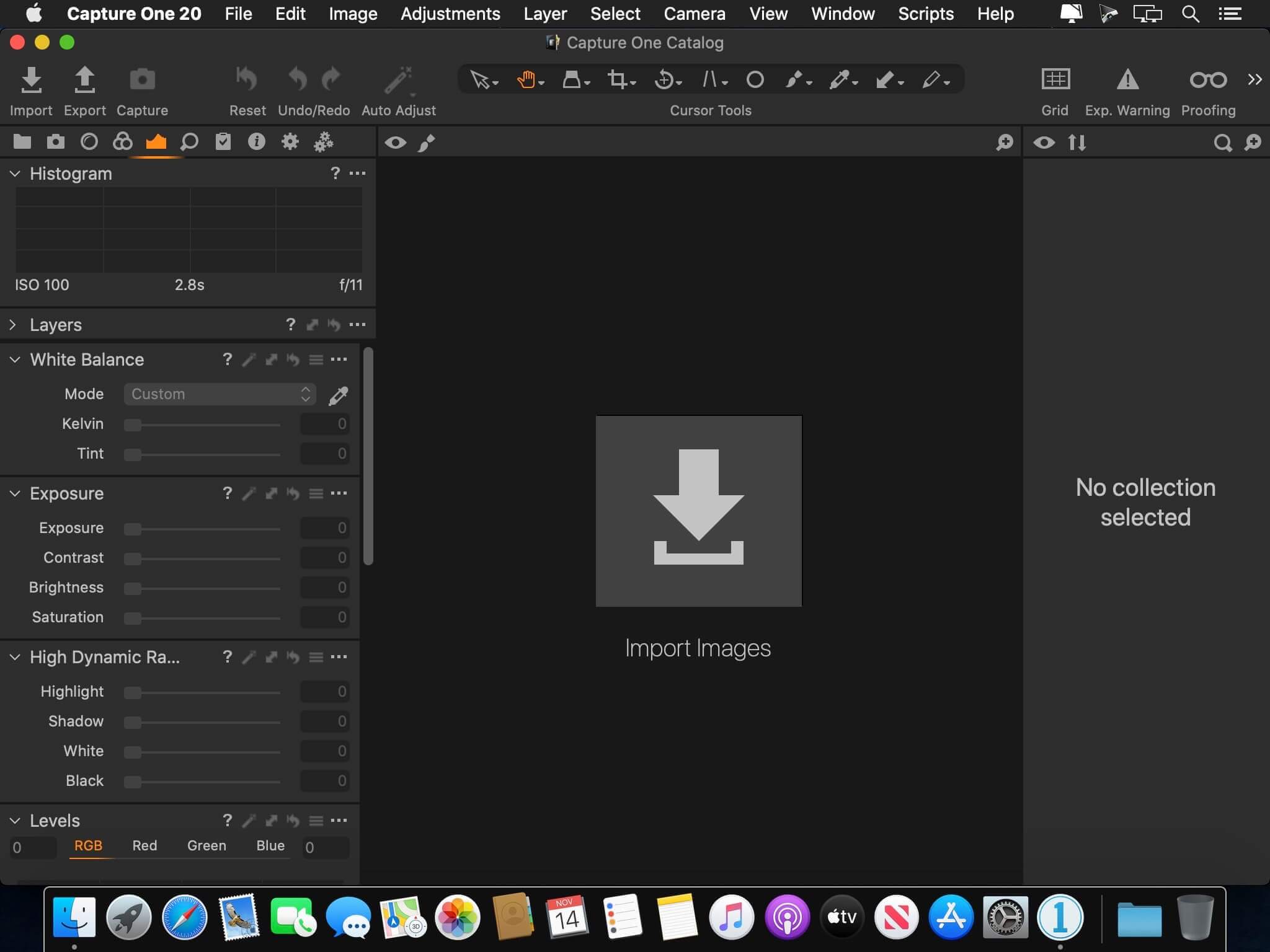
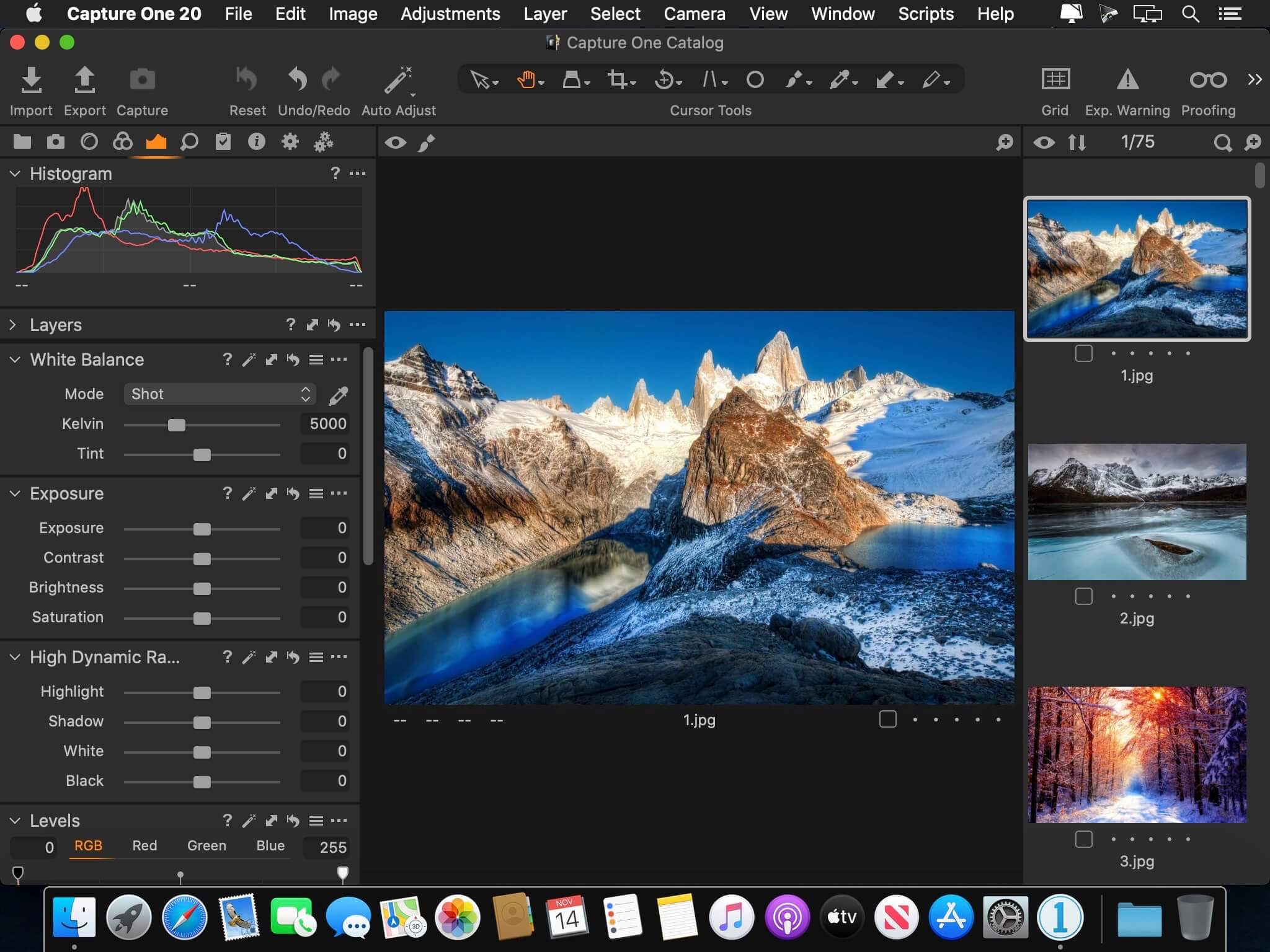
Capture One 23 is a professional RAW converter offering you ultimate image quality with beautiful colors and incredible detail for more than 500 high-end cameras. It offers state- of-the-art tethered capture, powerful digital asset management, extensive adjustment tools and a flexible workflow through customizable workspaces.
With an updated processing engine, market-leading performance and powerful new features, Capture One is the professional choice in imaging software. You get the highly responsive precision tools you need to create stunning images from your camera’s RAW files in a time-saving workflow that can be customized to fit your needs.
New features and improvements
Speed Edit
Dehaze
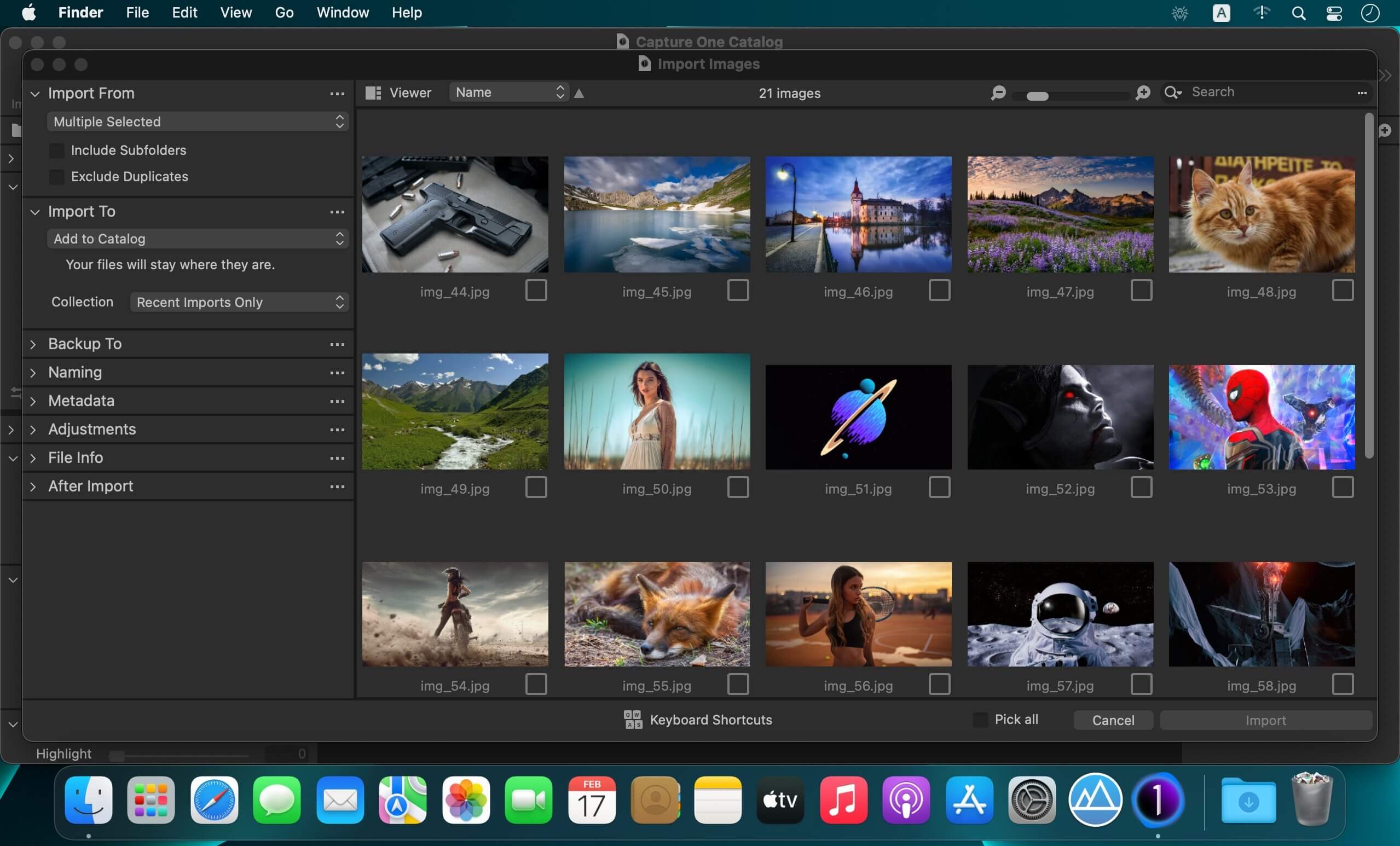
Improved importer
General User Experience Improvements and tweaks
HEIF support
Easy brush adjusting
Improved performance
Colored gradients on White Balance Sliders
Enhanced tooltips
Easy access to Tutorials
Compatibility: macOS 10.15 or later , Apple Silicon (M1) native support Homepagehttps://www.phaseone.com/
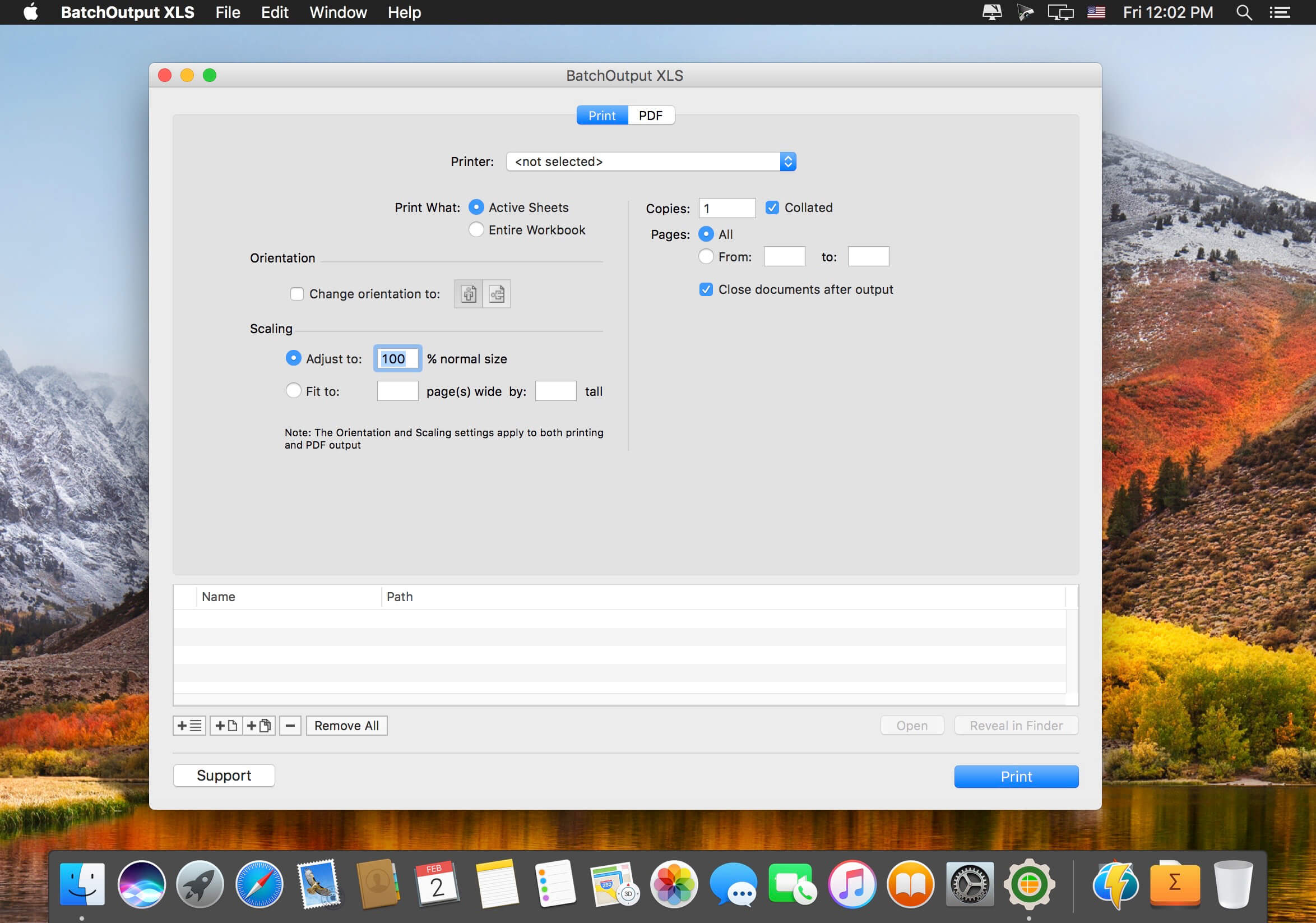
BatchOutput XLS automates printing and PDF production from Microsoft Excel. Just add Excel files to the BatchOutput XLS list, adjust the settings, and BatchOutput will do the rest automatically. For example, BatchOutput can be left to process hundreds of Excel files overnight, and the completed job can be picked up next morning.
In addition to batch printing, BatchOutput XLS offers automated professional PDF production:
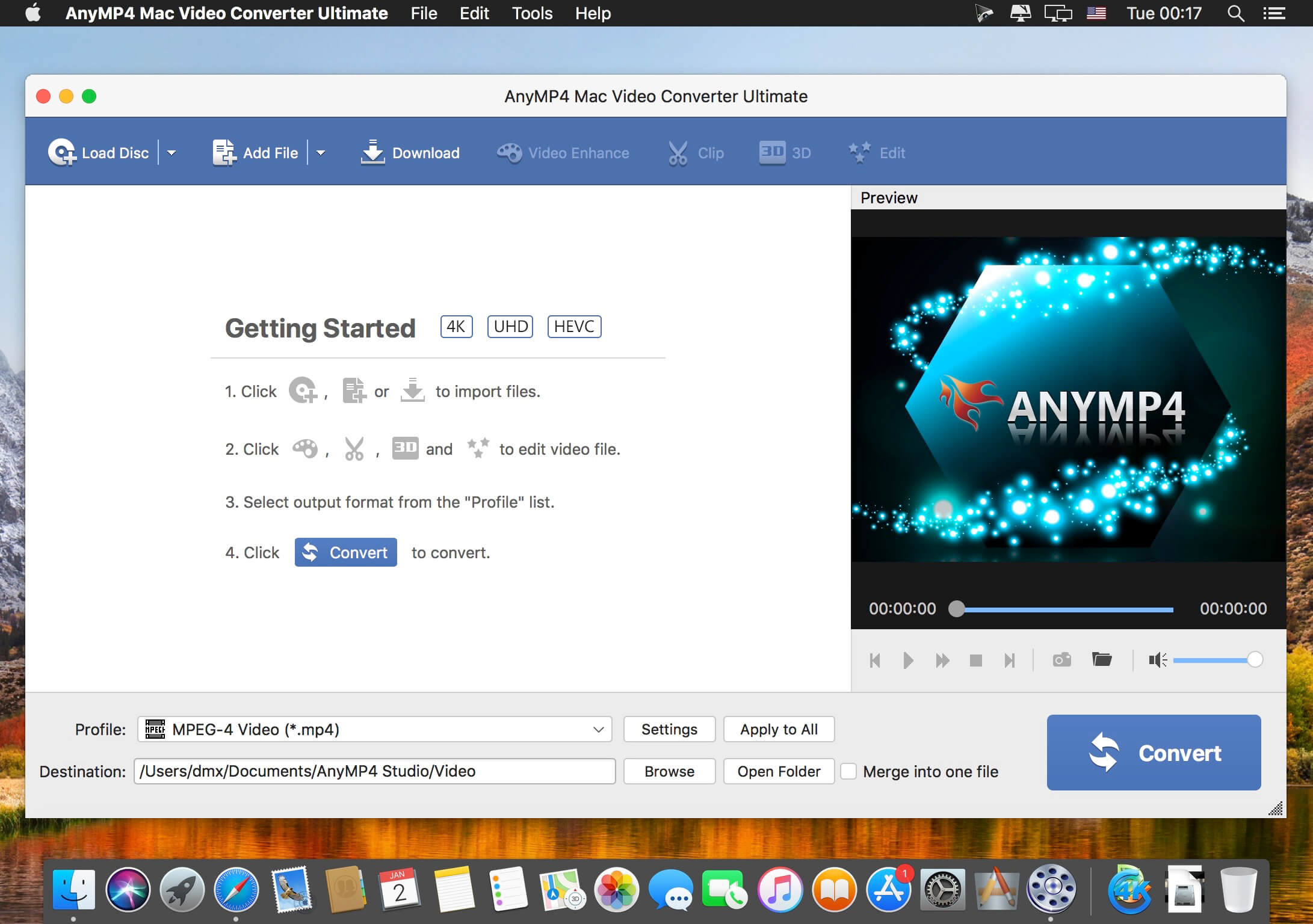
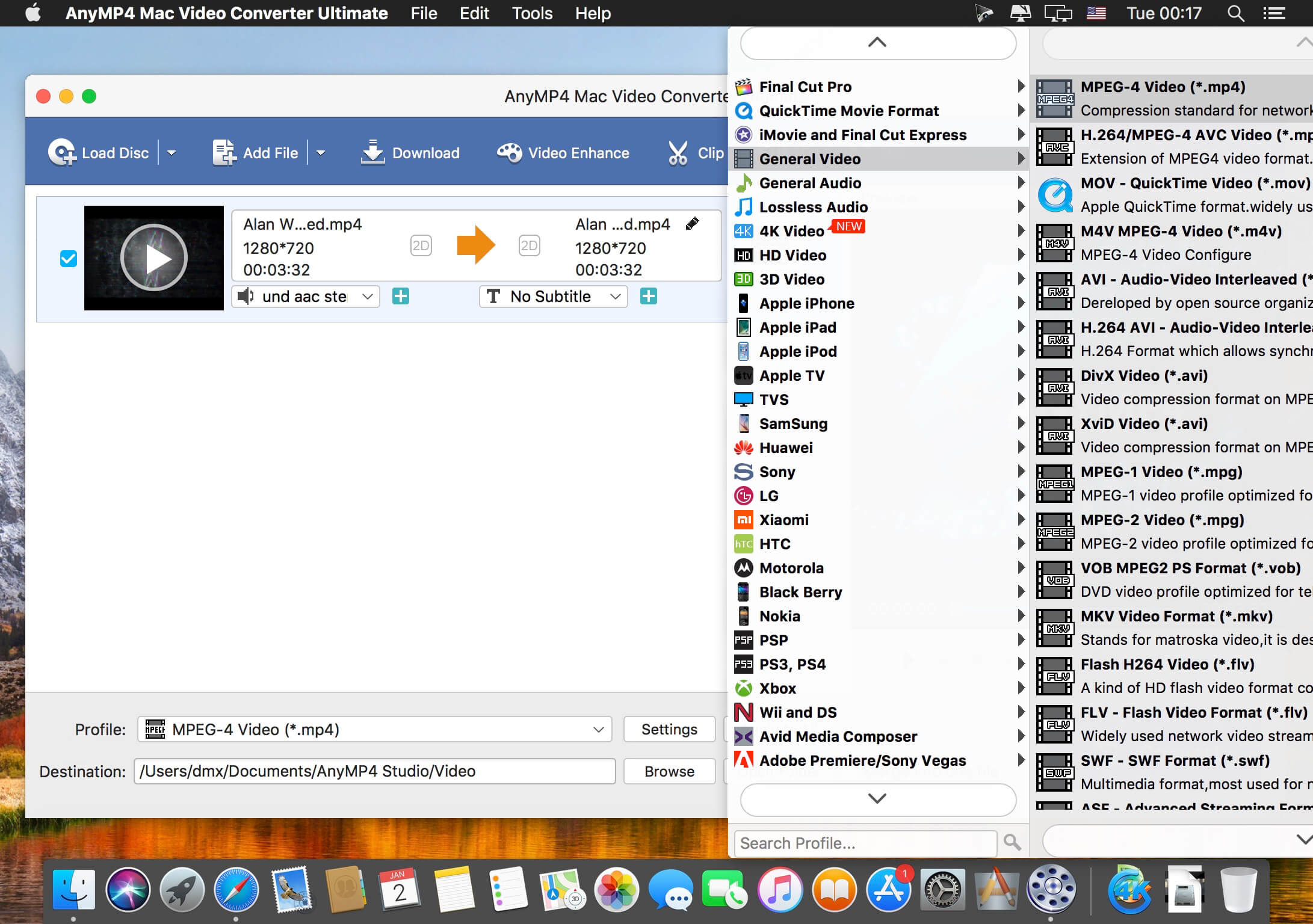
AnyMP4 Video Converter Ultimate for Mac offers you a fast and convenient solution for converting the videos between different formats under macOS. The Mac app lets you convert both 1080p HD videos and 4K UHD videos. With the advanced 4K technology, the powerful Mac Media Converter can quickly convert video with the latest 4K codecs, including H.265, VP9, H.264, VP9.
Want to watch your videos on your smartphone or tablet? AnyMP4 Mac Video Converter Ultimate offers you many predefined video formats for digital devices and TVs. For example, you can convert videos for iPhone X/8/7/6s/6/SE/5s/5, iPad Air 2/mini 4, Samsung Galaxy S7, Samsung Galaxy Note 5, Huawei Mate 9, LG G5, Sony Z5, Apple TV, Samsung TV and more.
With this professional Mac Video Converter, it is also easy to convert nearly all popular video formats for iMovie, Final Cut Pro, Avid Media Composer, Premiere Pro, etc. Then you can import and edit your videos into the video editing software.
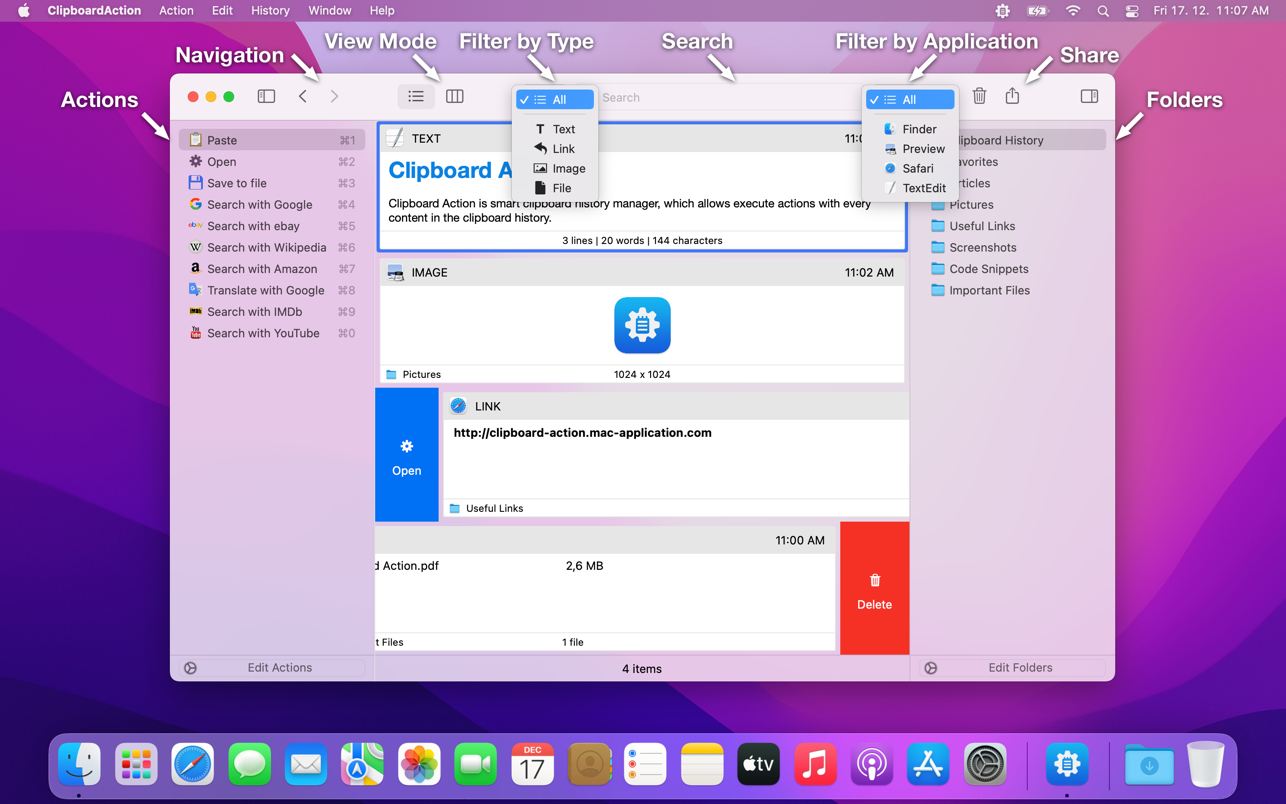
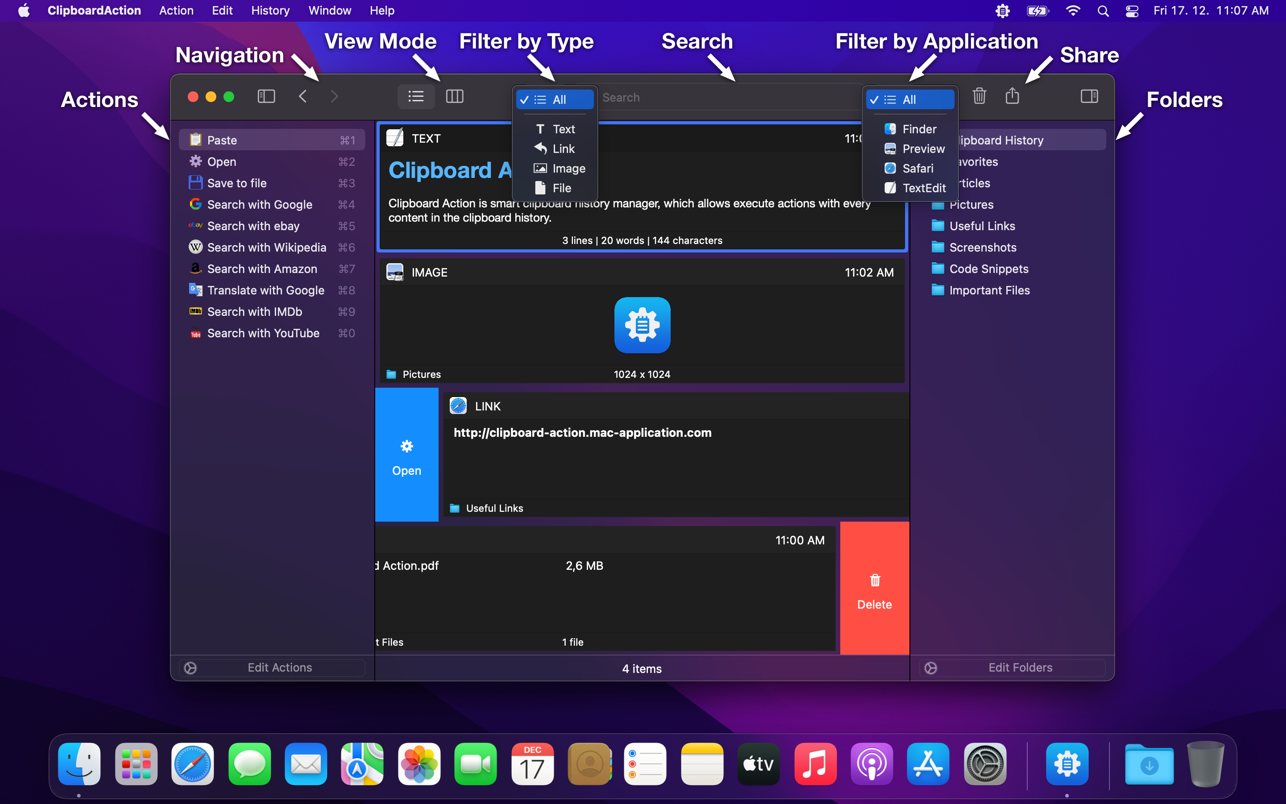
Clipboard Action is smart clipboard history manager, which allows execute actions with every content in the clipboard history. Define your custom actions using AppleScript or Automator Workflow or use a default application actions.
Key features
• View Modes – List and detail view mode.
• Native Mac Interface – Execute action or delete content by swipe gesture.
• Browsing Clipboard History – By swipe gesture, navigation buttons or keyboard shortcuts.
• Default Application Actions – Open, Save to File.
• Custom Actions – User defined actions using AppleScript or Automator Workflow.
• Folders – Organize your content to Folders.
• Search and Filter Content – text search and filter by content type or by application from which was content copied.
• Content Selection – There is no need to work with the whole content, just select a part of text and work with them.
• Content Sharing – Share clipboard content with your friends.
• Drag and Drop – Drag and drop content to any application.
• Global Shortcuts – Show application from anywhere.
• Global System Service – Use selected text from anywhere.
• Mode without Dock Icon – Show application window on active screen and active space.
• Ignored Applications – Ignore the copied content from these applications.
• Ignored Contents – Ignore the contents of the clipboard by pasteboard type.
• Touch Bar Support – Navigation in the clipboard history and execute actions.
• Launch Application at Login.
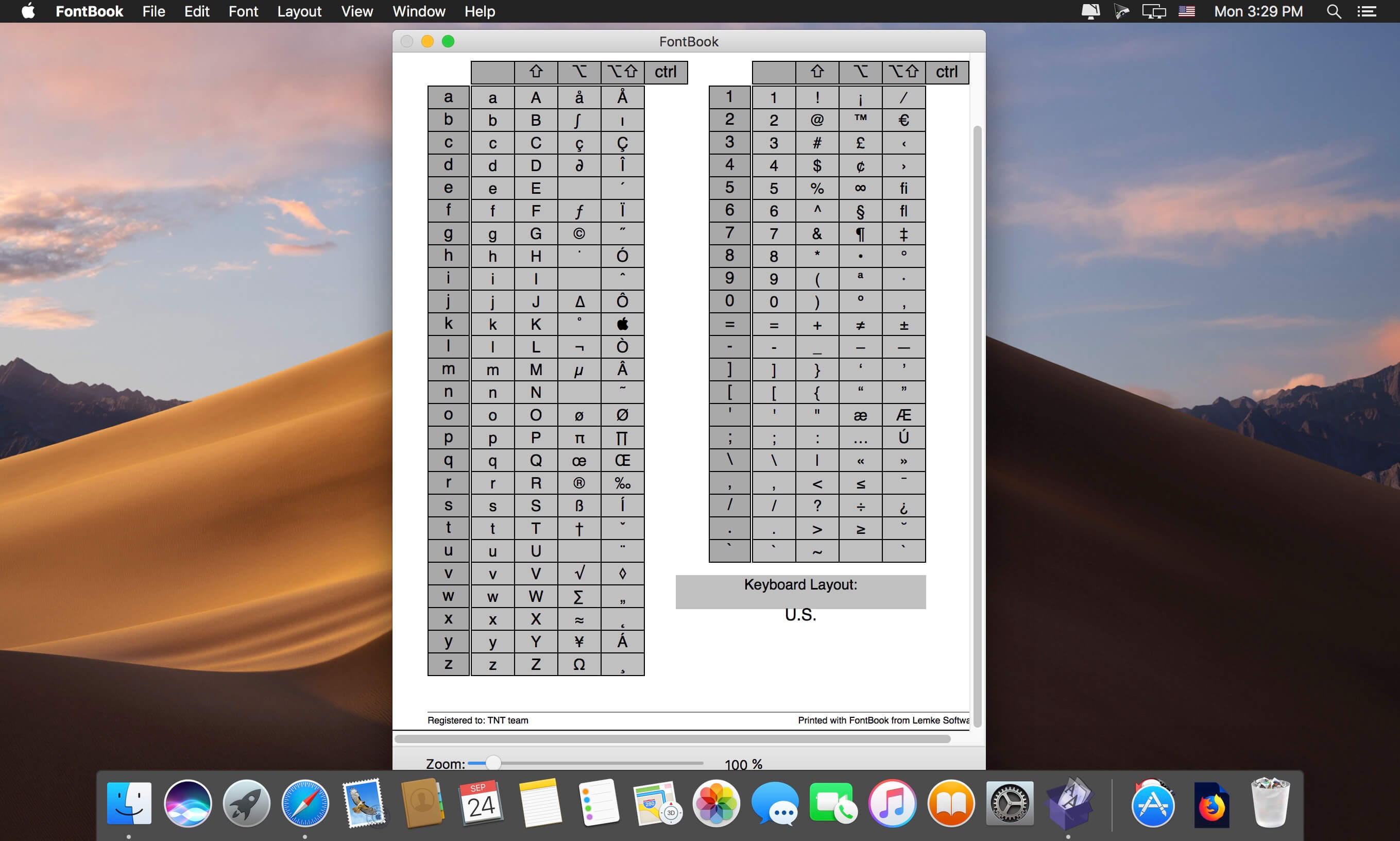
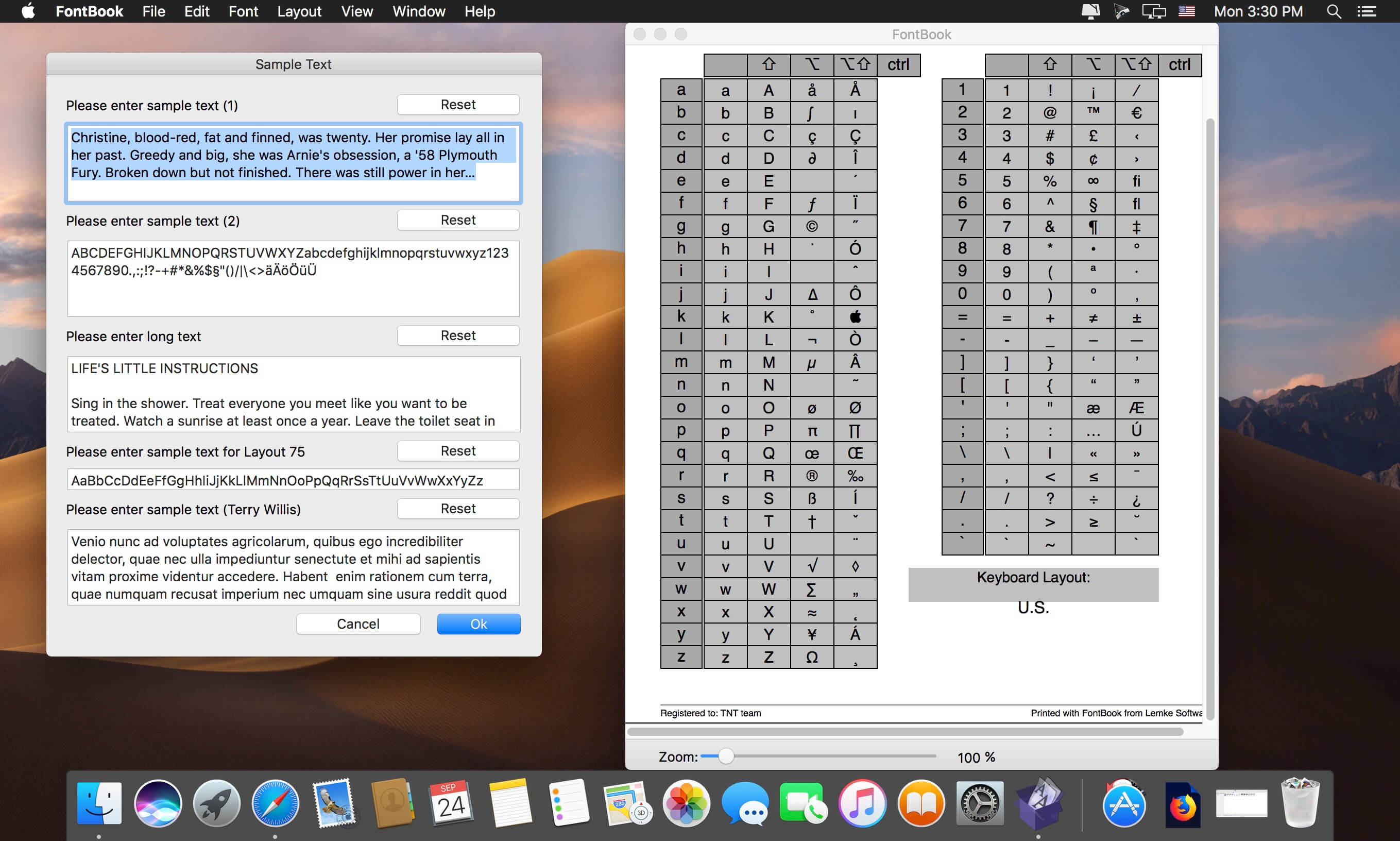
FontBook is the ultimate font utility for all macOSusers who require a quick, easy and comprehensive overview of all their fonts.
Let FontBook display uninstalled fonts on the screen in various layouts. You can print reference pages with selected fonts to assess the typeface, sizes and impression. Or you can find keyboard shortcuts for less-used special characters.
In short, FontBook is the ideal font utility if you regularly have to look for a suitable font or special character.
Kaleidoscope is the most powerful file comparison app. Spot the differences in text and image files, or even folders full of files. Review changes in seconds, with the world’s most advanced and beautiful file comparison app.
Kaleidoscope 3 features the first major redesign in over eight years, with support for Apple Silicon-based Macs, a redesigned interface that looks great in the latest versions of macOS, and new dark mode support, Kaleidoscope 3 marks the comeback of a longtime developer favorite for spotting changes in text, images, and folders. There is a new Reader view, and changesets have received major improvements.
WHAT’S NEW IN KALEIDOSCOPE 3?
Redesigned interface, including new dark mode and new app icon; Kaleidoscope’s design now fits macOS Big Sur and macOS Monterey
Runs natively on all Macs, including those based on Apple silicon (Apple M1 chip).
Reader view makes it easier to focus on the content
Greater control over how text layout, with better font options and display choices
Ability to ignore particular folders and files during folder compare, using powerful patterns.
Persistent top toolbar with convenient Add and Paste buttons
Redesigned Unified text comparison and File Shelf views to make it easier to review differences and keep track of files being compared
Powerful filters for comparing items in changeset windows
KALEIDOSCOPE FEATURES:
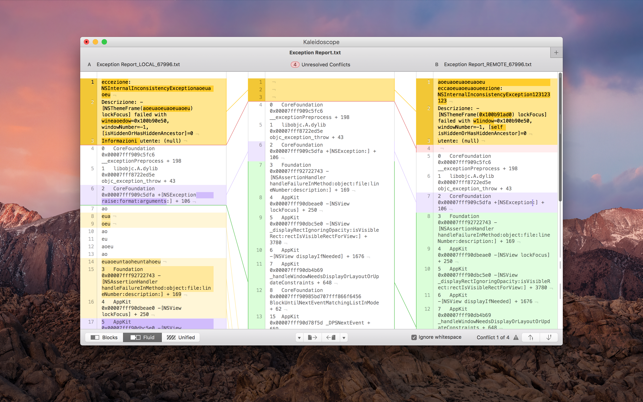
Two-Way Text Comparison & Merging
Supports any text file, Word documents, PDF, RTF
Super-fast diffing of lines and character-level changes
Directly paste from clipboard
Three powerful display modes: Blocks, Fluid and Unified
Color coding to spot added, deleted, and changed text
Powerful text layout customization
Reader view that helps focus on content
Built-in search
Three-Way Merge
Review code changes and resolve conflicts
Edit text inline
Intelligently auto-merge the right content
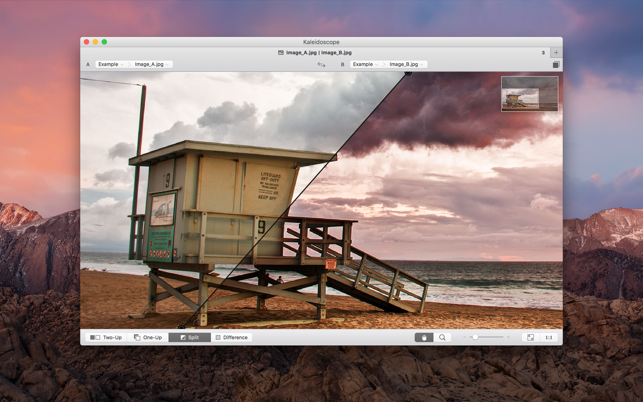
Powerful Image Comparison
Supports any file that can be imported as bitmap
Directly paste from clipboard
Compare images in four different modes: Two-Up, One-Up, Split and Difference
Spot subtle pixel differences with a high contrast “difference mask”
Navigate large images using pan & zoom tools
Folder Comparison
Ultra-fast algorithm for finding differences in large folders
Sort and filter down to what is most important
Powerful ignore patterns to exclude extraneous files and folders
Drill deeper into folders for more detailed comparisons
Copy your preferred files across sources
Code Review
Well-designed overview of all files changed in a changeset
Find a file by filtering by name or by kind of change
Inspect changes in text and image files using all of Kaleidoscope’s compare tools
Easy Workflow Integration
Git, Mercurial, Subversion, Bazaar, and Perforce support
Works as a fully functional diff or merge tool
ksdiff tool unleashes the power of the unix command-line
Supported by a growing list of GUI source control management apps
Integrate with the Xcode debugger (lldb) for text and graphics
Integrates with tools like Alfred for even faster workflows
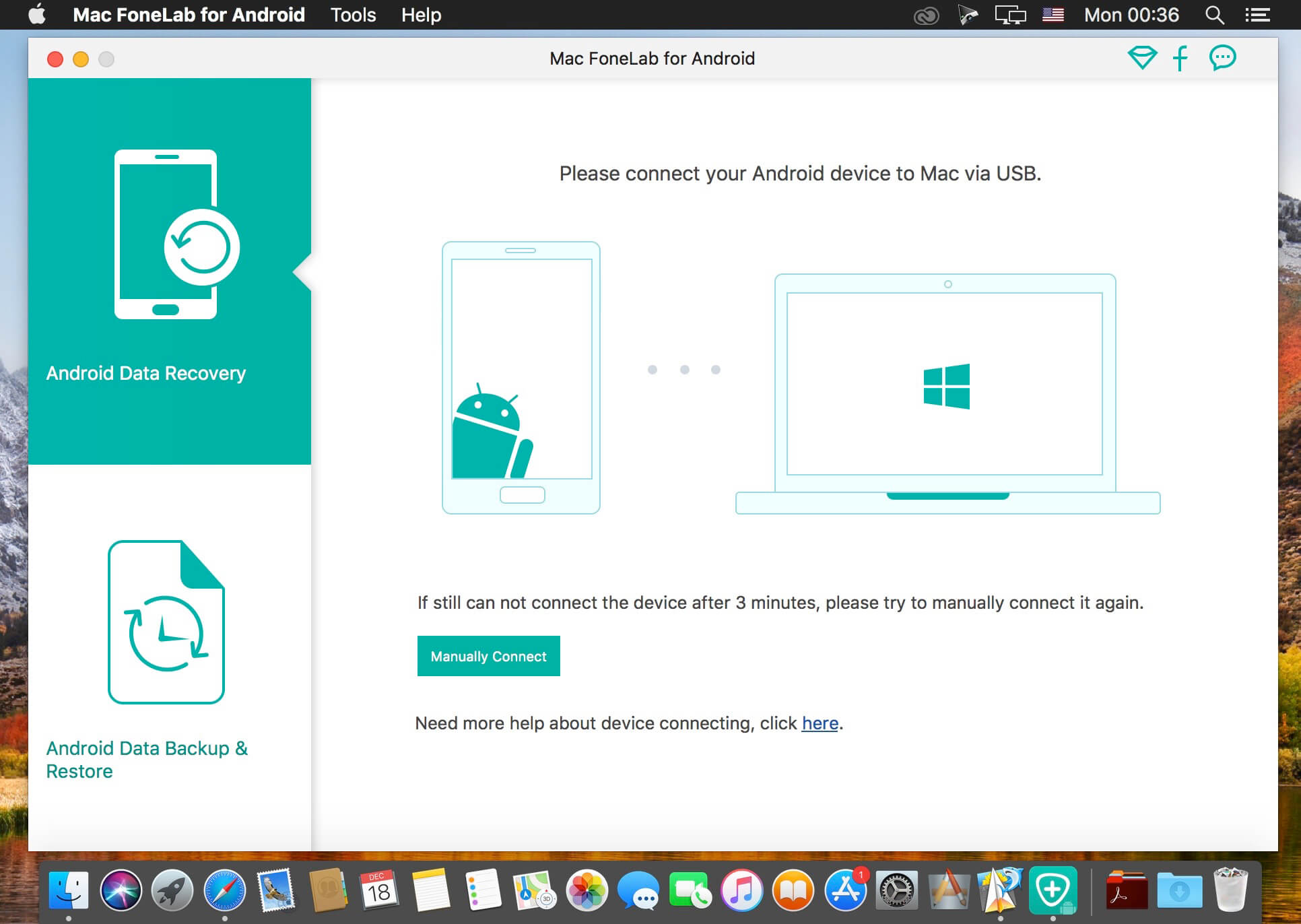
FoneLab for Android is one of the best Android Data Recovery software. Android Data Recovery is great data recovery software for android users that helps you to recover deleted Text Messages, lost Messaging Attachments, lost Contacts, cleared Call History and Photos, Pictures, Videos, Music, Documents on your Android phone, tablet and SD card.
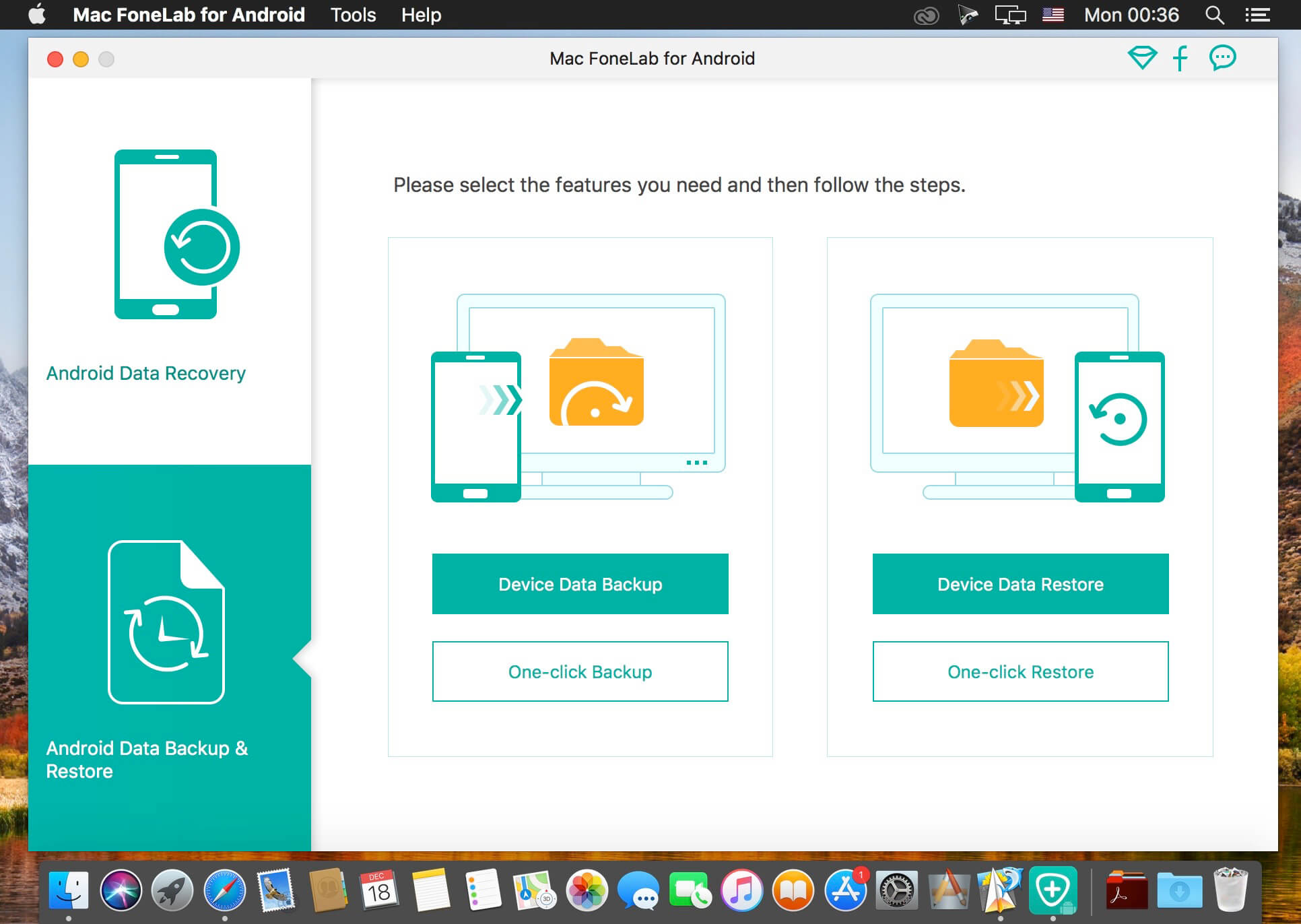
No matter you lost your files due to wrong deletion, rooting, upgrading, memory card formatting, virus attacking, or because you crashed, smashed, broke or dropped your device into water, this Android recovery software can rescue the important data in your device. For existing messages, contacts, photos and other files, you can also use the Android Data Recovery to make backups.
Main Features:
Recover deleted text messages, contacts, call history from Android phones/tablets and SD cards
Recover deleted photos, videos, music and document files on Android phones/tablets and SD Cards (Pro version only)
Rescue your Android data from wrong deletion, water damage, etc.
Support Samsung/LG/HTC/Sony/Huawei/ZTE phones/tablets
The simplest, fastest and safest Free Android data recovery software ever
What’s New:
Version 3.2.12:
Release notes were unavailable when this listing was updated.
Video Converter Ultimate is the mighty video converting software, which works on various video files in input and output, whether your videos files are from/to iOS/Android, USB flash drives or external hard drivers easily.
Convert videos downloaded from different sources: Videos downloaded from Facebook, Instagram, camcorder, phone, etc.
Convert videos to different devices: Samsung Galaxy S10/S9, iPhone 13/13 Pro/13 Pro Max/12/12 Pro/12 Pro Max/12 mini, Xbox One/360, PSP, Avid, Wii, Adobe Permiere, TV, DV, etc.
Convert videos, audio and home-made DVDs over 1000 formats.
Mirror, flip, clip, merge, crop, filter, watermark and adjust video effects.
Enhance video to improve video quality in 4 ways.
Create 3D videos, make GIF, compress video and edit ID3 tag.
What’s New:
Version 2.2.26:
Release notes were unavailable when this listing was updated.
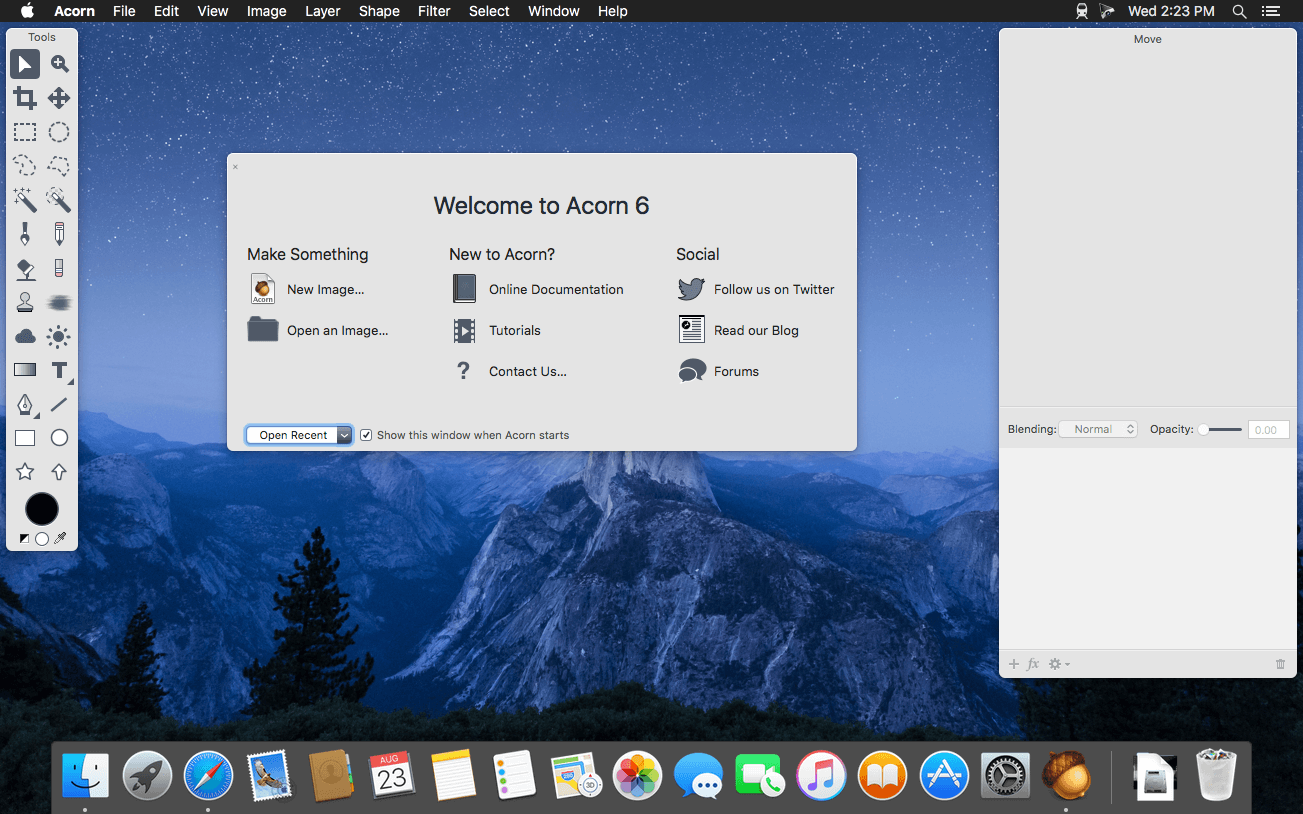
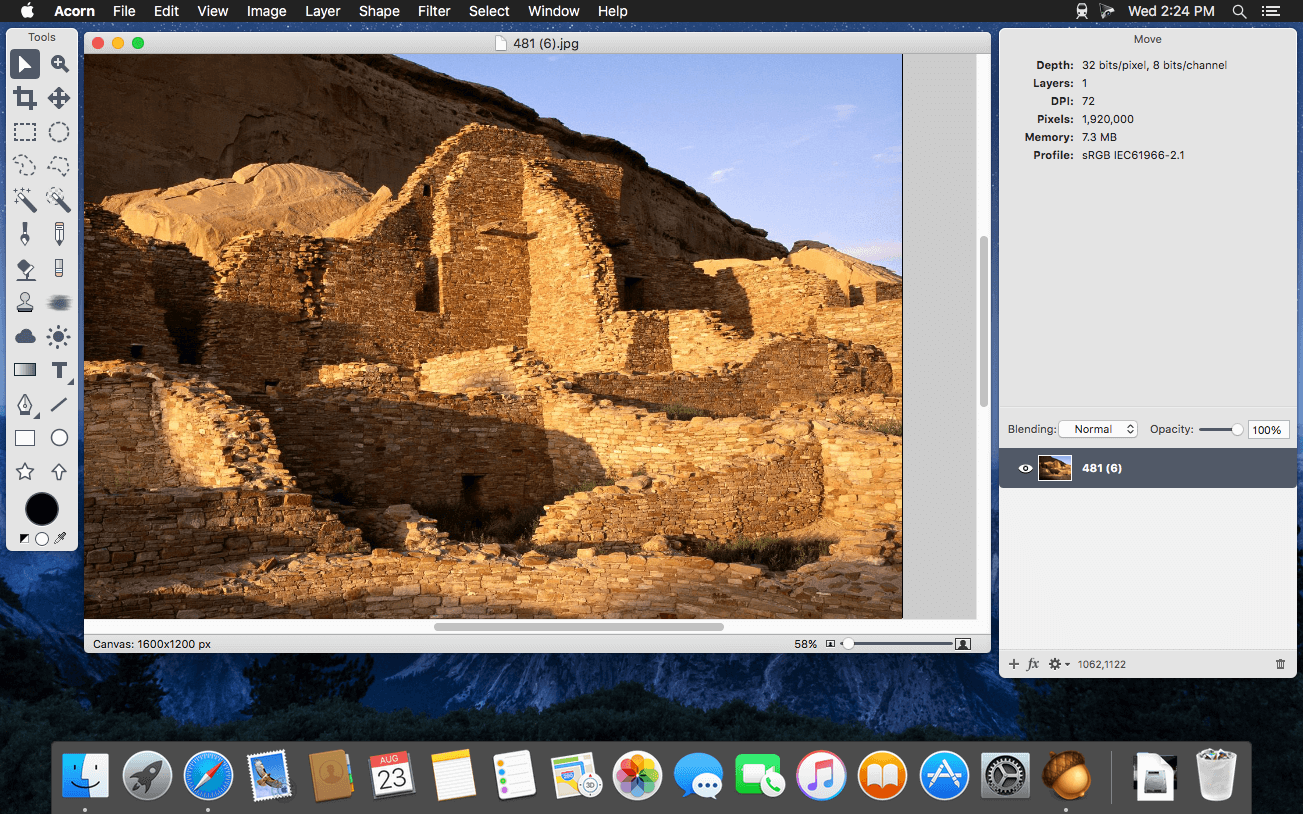
Acorn is a new image editor built with one goal in mind – simplicity. Fast, easy, and fluid, Acorn provides the options you’ll need without any overhead. Acorn feels right, and won’t drain your bank account.
Take screenshots using Acorn and edit them right away.
Chain together image filters to create stunning effects.
Layer based image editing, an industry standard.
Make new images and layers using your built-in iSight.
Easy image and canvas resizing, just by changing the size of your window.
Take advantage of every pixel of your monitor with full screen image editing.
Tablet sensitive for pressure strokes and using the tablet’s eraser.
Vector shape and text layers.
Freeform, elliptical, rectangular, and magic wand selections.
Gradients.
Create and apply custom text styles.
Control opacity and blending modes for each layer.
Write plugins using the Python scripting language, as well as in Objective-C.
GPU powered. The same graphics card that makes your gaming experience smooth, helps Acorn fly through the toughest of graphics operations.
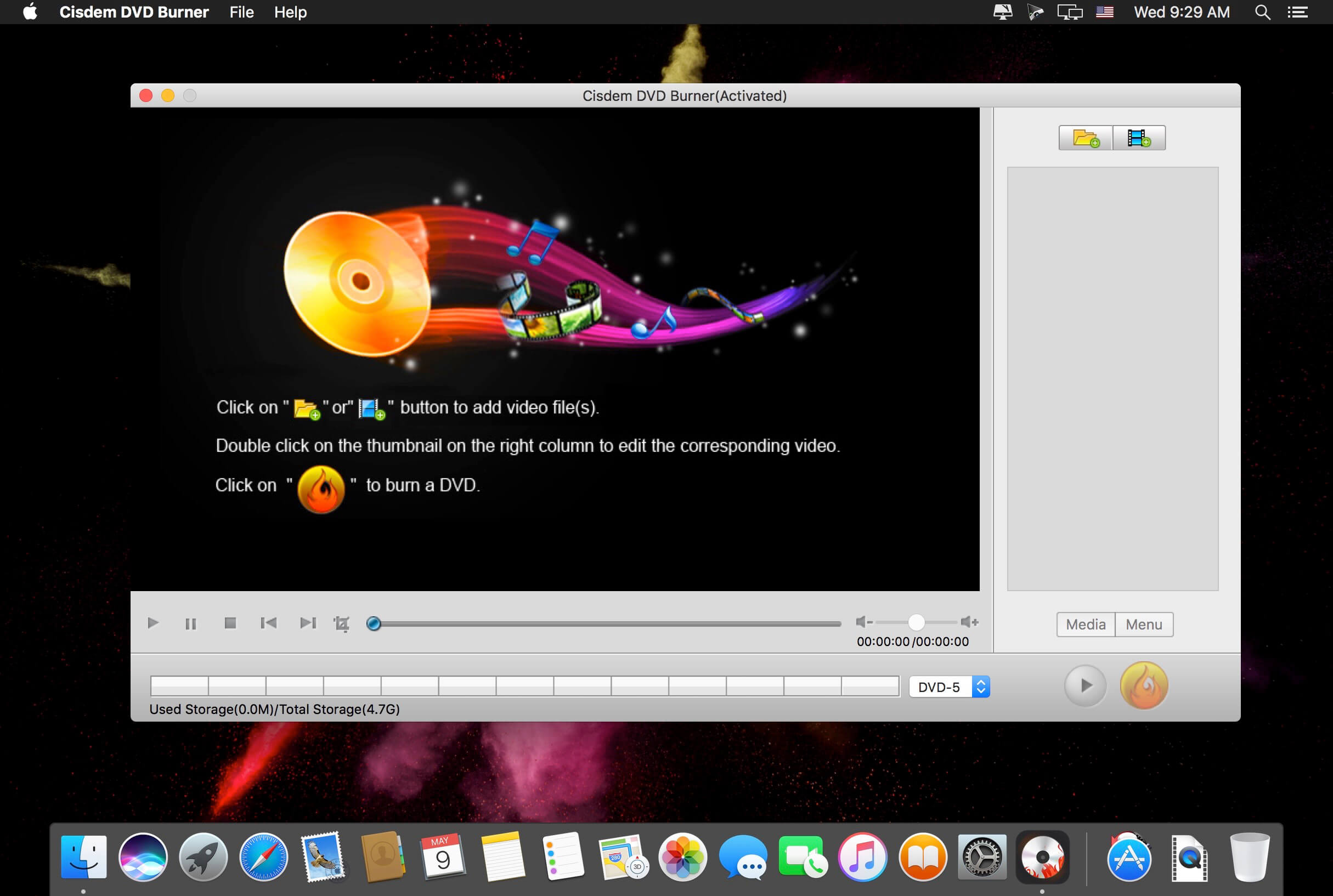
Cisdem DVDBurner is great DVD-burning software with more functionality but fewer steps to master than iDVD. It can burn any videos to DVD with subtitles/menu and background music and also provides an array of DVD menu templates to suite all your occasions. With its editing functions, you can crop, rotate, trim, remove letterboxing, and add special effects or watermarks, and then easily burn your high-quality personal DVD.
Features Much Better than iDVD – Burn Virtually any Video to DVD
It burns all sorts of videos to DVD , be it internet downloaded, camcorder recorded or iPhone, iPad and many other devices created and also supports an array of formats, like MTS, AVI, HD MKV, MOV, MP4 and so on.
Powerful video Editor – Customize DVD
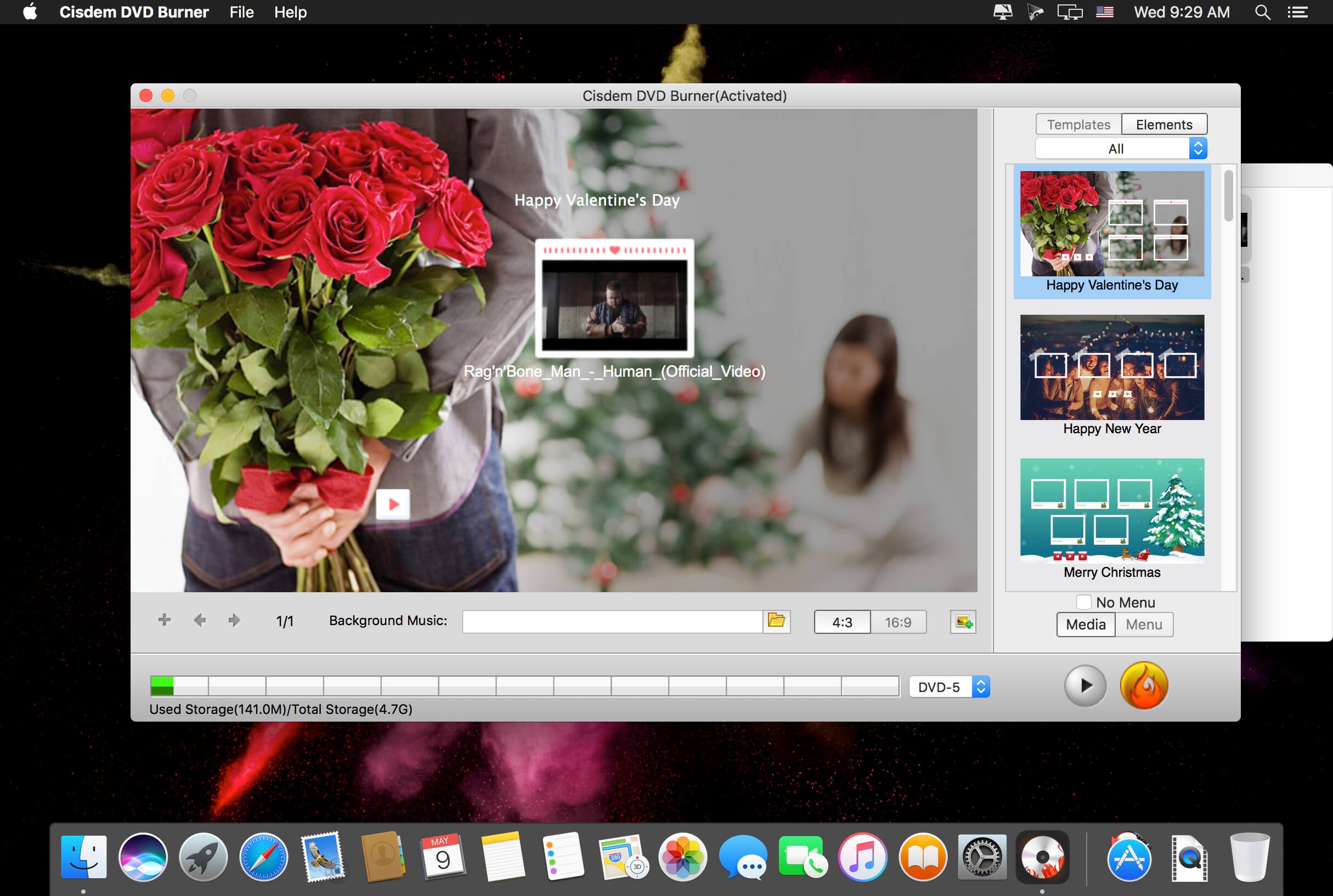
Provide different menu patterns for different occasions. Select one from to fit the subject of your DVD and customize it with your favorite thumbnails, buttons, frames, and text.
To drag and drop to add audio tracks or subtitles into it, You are easily to add background music and subtitles to better tell your story.
With the ability to crop, trim, deinterlace and add watermarks, and special effects to videos, you are easily to customize your DVD.
Real – time Preview and Burn DVD 16X Faster
With menu navigation and chapter switching over, you can play created DVD video in the Preview window just like on a DVD player.
With multi-threading, multi-core processing and multi-tasking DVD burning technology applied it is 10-20x faster than any competitor!
A High Quality DVD Experience Any Where
You can easily burn video into DVDs, ISO File, and DVD Folder and set to burn DVD based on disc volume (DVD5 or DVD9), TV system (NTSC or PAL), display ratio (16:9 or 4:3), etc. The output DVDs are playable on any DVD/BD player like Sony DVP serials and Panasonic DMP serials, etc.
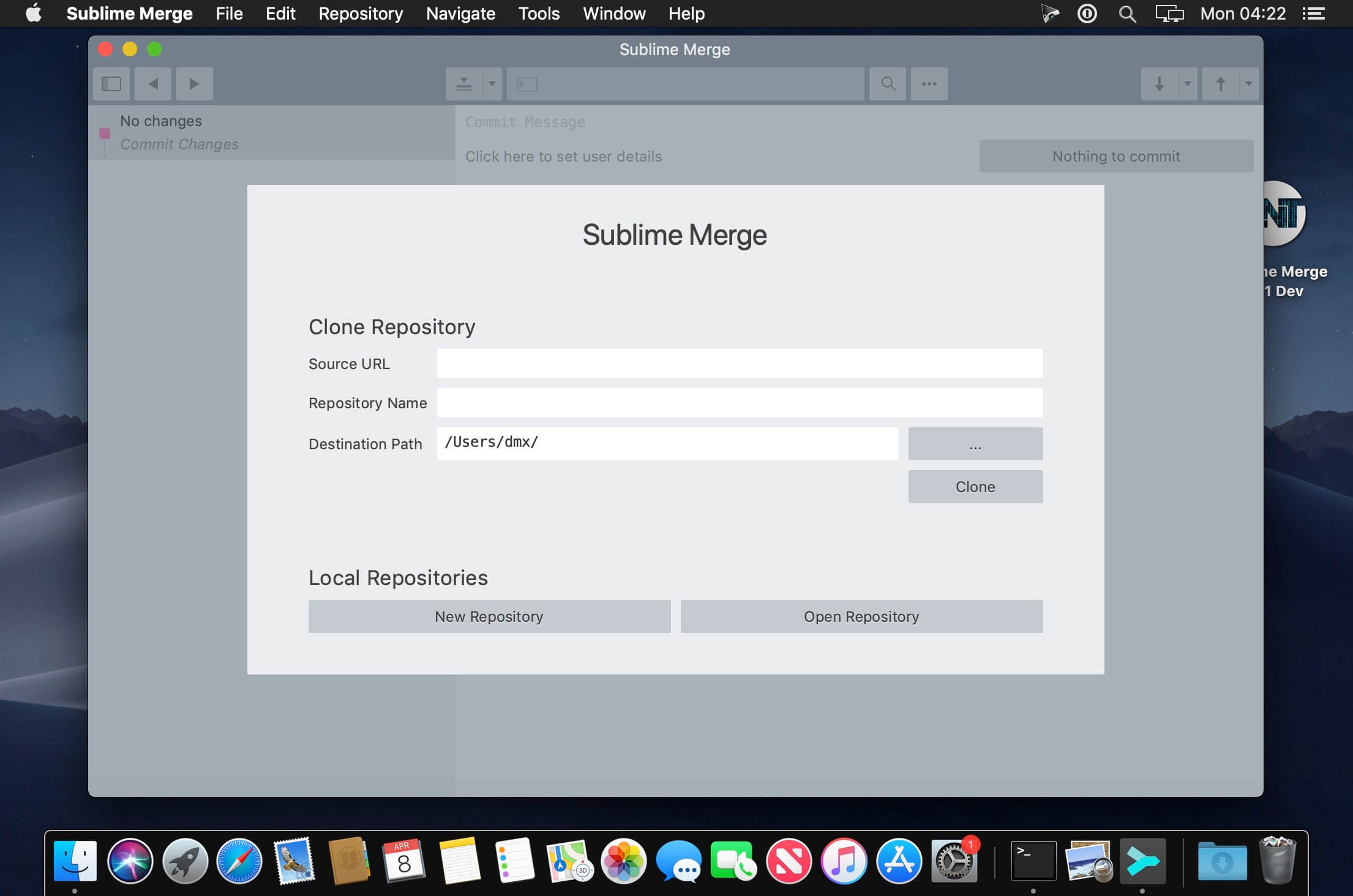
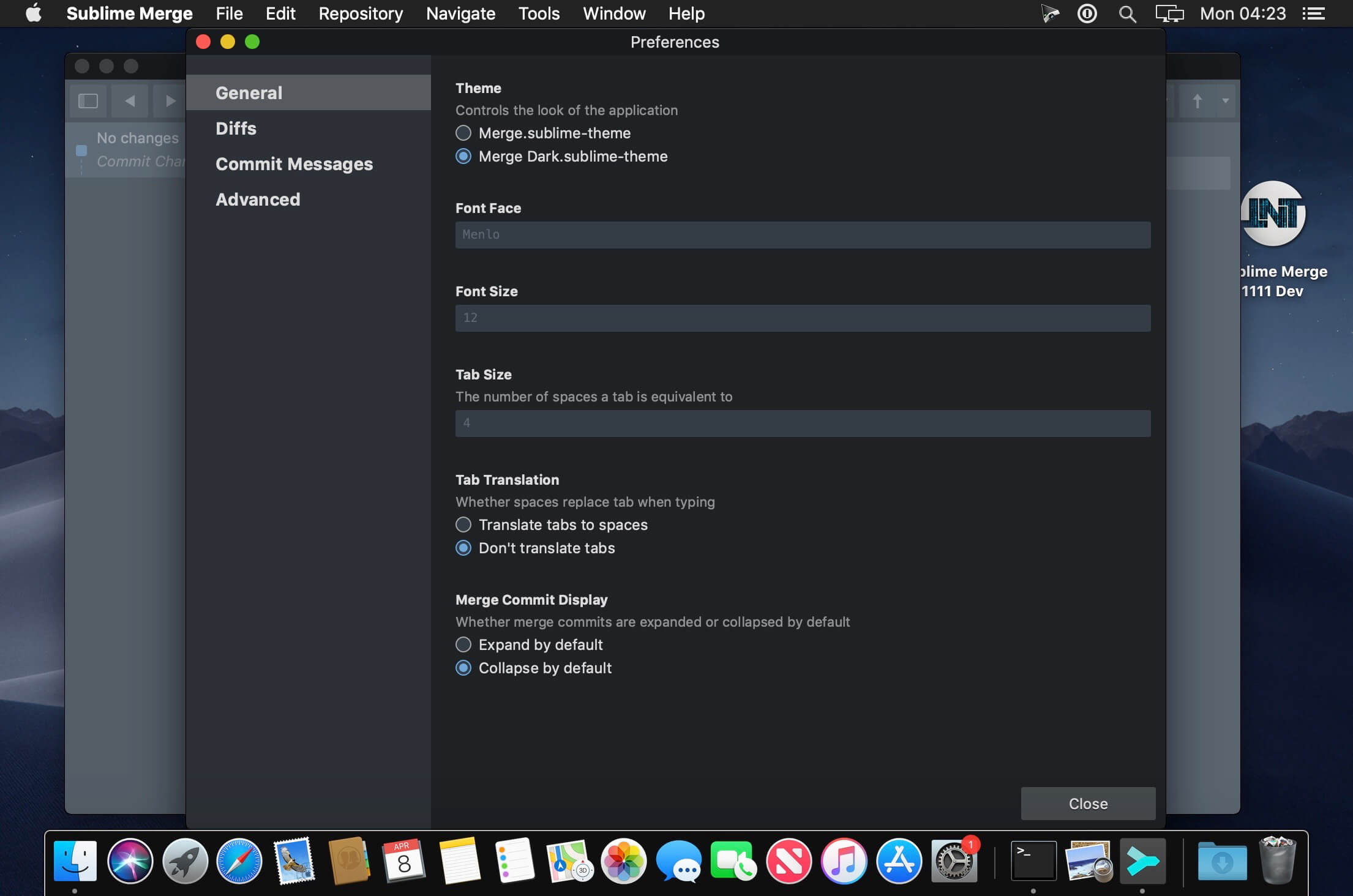
Git Client, done Sublime. Meet a new Git Client, from the makers of Sublime Text. A snappy UI, three-way merge tool, side-by-side diffs, syntax highlighting, and more. Stage Files, Hunks and Lines with no waiting – Sublime Merge is really, really fast.
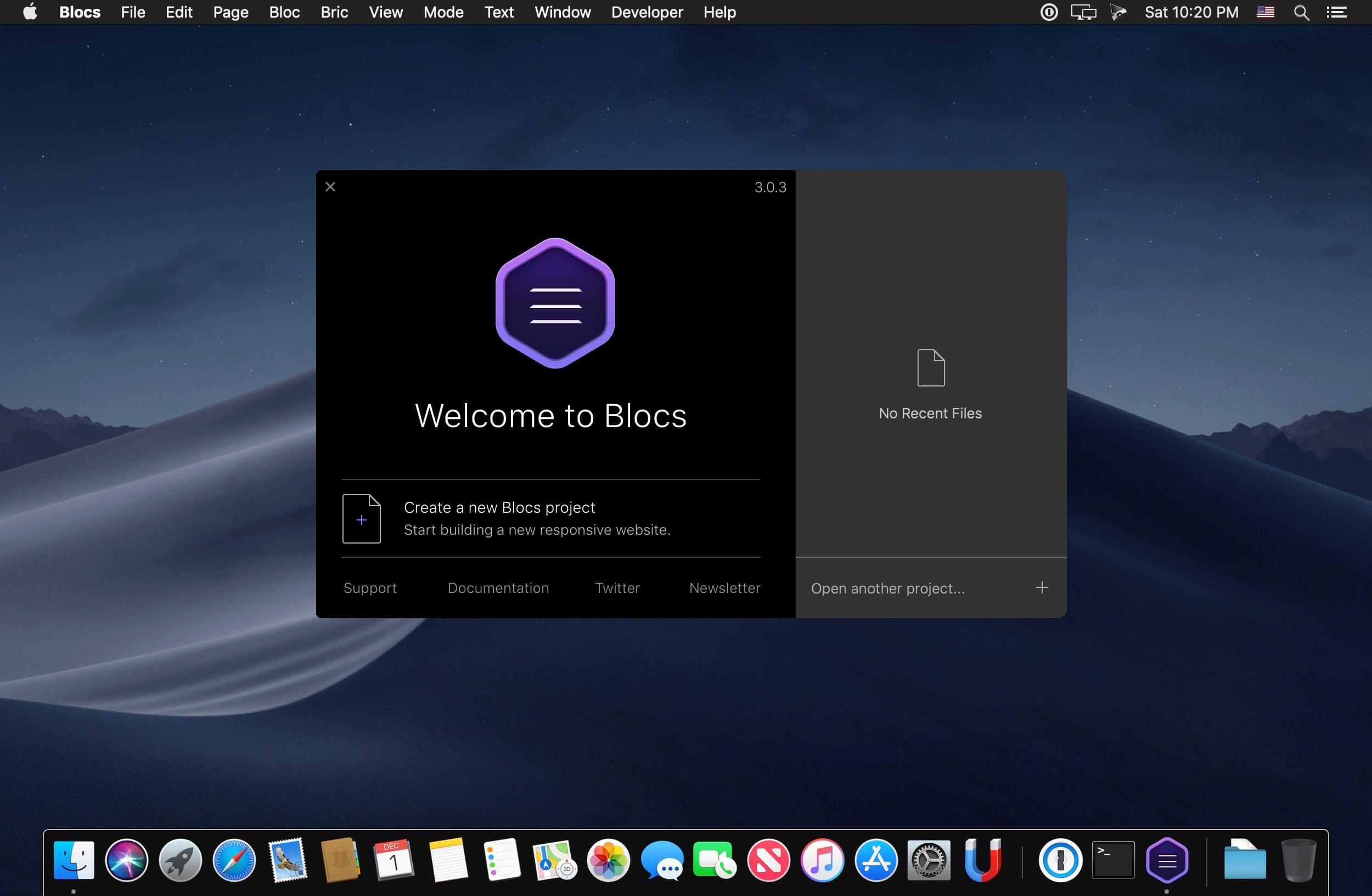
Blocs for Mac is a fast, easy-to-use, powerful visual web-design tool that lets you create beautiful, modern websites without the need to write code. Cleverly designed to accommodate complete beginners or those familiar with web design. You will love building with Blocs.
Features
Designed For Simplicity – Building with Blocs is simple and fun. A clean, intuitive interface makes creating sites unbelievably quick. Simply click, select, edit and enjoy stacking blocks to build your website. Its ease of use will make you feel right at home.
Powerful Styling features – Behind the simplified interface of Blocs lie some of its more advanced editing features. When you are ready to get more creative with your designs, Blocs will grow with you. You set the pace.
Create CMS-Driven Websites – Blocs has integrated support for a range of premium (paid) and open source (free) third-party content management systems. It’s now possible to easily create powerful, dynamic websites, that can be updated and contributed to, right from your web browser.
Time-Saving features – Paint mode, global swatches, auto text colouring and one click animations are just a few of the playful, time saving features in Blocs. You’ll be amazed how quickly you can create a website.
Navicat Premium Essentials is a compact version of Navicat which provides basic and necessary features you will need to perform simple administration on a database. It supports the latest features including Trigger, Function, View, and it also comes with an Import/Export tool which allow user to import and export data from plain text file formats including TXT, CSV and XML.
Navicat Essentials is for commercial use. Currently, Navicat Essentials is available for MySQL, SQL Server, PostgreSQL, Oracle and SQLite databases. If you need to administer all the above database servers at the same time, there is also Navicat Premium Essentials which allows you to access multiple database servers within one single application.
Navicat Essentials is available for three platforms – Microsoft Windows, OS X and Linux. It can connect you to local/remote server, providing several utilities such as SQL editors, import/export, dump/execute SQL scripts and Server Monitor to facilitate the process of data maintenance.
*** You need to disable the System Integrity Protection (SIP) to perform the selected Application and Gatekeeper off!
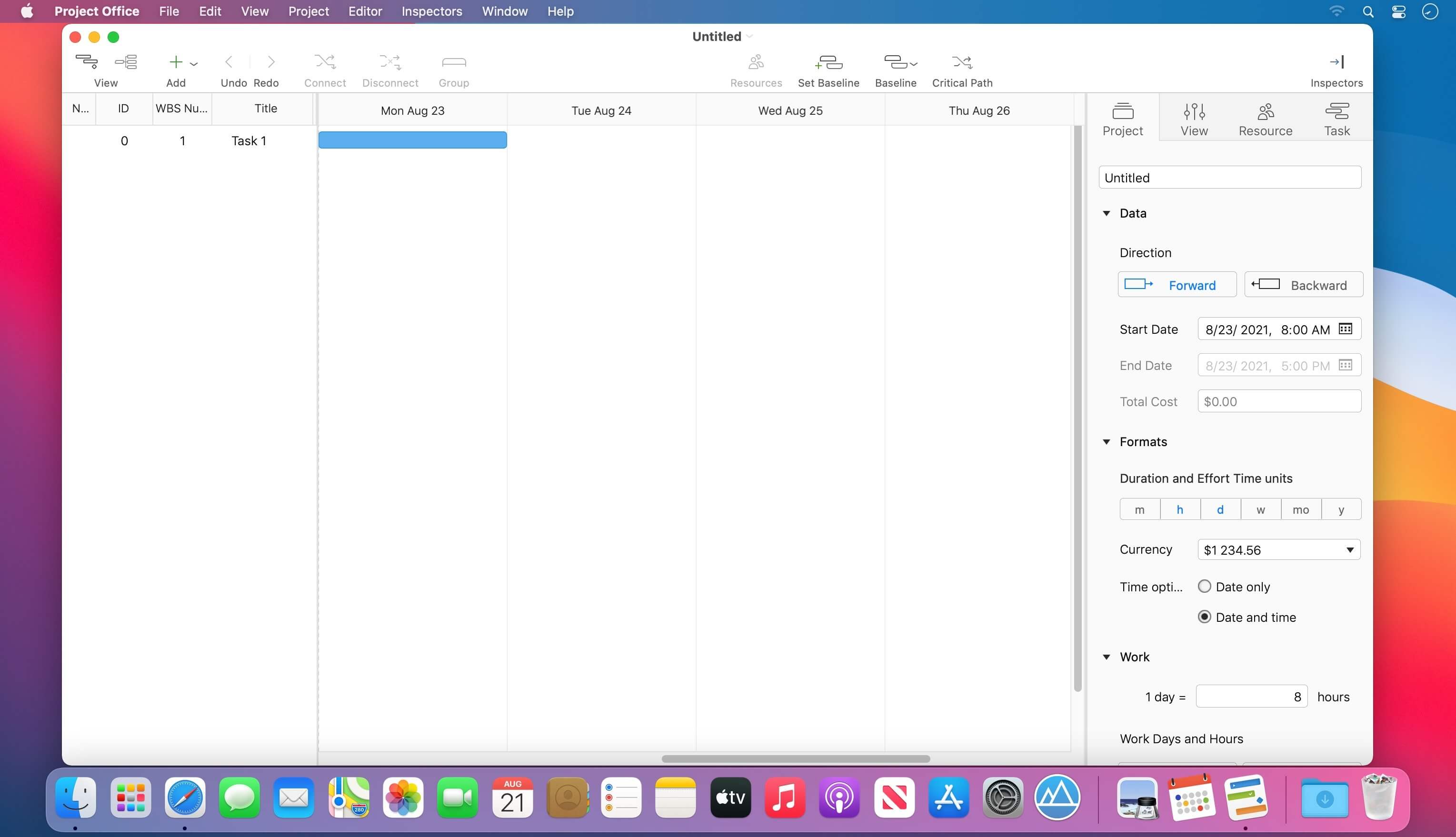
Designed to help you manage, create and monitor your projects. Use tasks, milestones, groups, connections and a lot of other features, for better work organization.
Project Office has peculiarities like Gantt charts, schedules, summaries, and milestones to let you manage all of your activities.
Project Office helps you in managing both simple and complex projects without any complexity.
Features:
Gantt chart allows monitoring your entire plan at a glance. Each task is shown graphically on a visual timeline by day, week, month or year. The visualized view helps you keep an eye on tasks durations, start and due dates, completion percentage, dependencies and resources assigned. Furthermore, you can easily edit tasks directly in the Gantt chart view.
Friendly and intuitive interface helps you get things done fast and stays out of your way while doing so.
Efficient resource management. Add resources to your project: people or materials, necessary to make this project done. Identify bottlenecks in your project and distribute workloads fairly.
Tool for tracking changes. Set a baseline to track development by comparing the set baseline with actual plan and progress.
Customized calendar. Modifying work hours for the entire project you can create a more realistic plan taking into account off-time and weekends into account.
Smart filter. You can easily hide those tasks you don’t need to think about at the moment. Simply use filter to focus on tasks you need to be done.
Share your projects. Send an entire project to your colleagues or Email the Gantt chart to others as PDF. For more convenience, you can make task and resources report and send them as HTML.
iCloud Backup. Backup your projects to keep all information you have added.
Critical Path – Project Office displays your project’s critical path, which is the series of tasks that are necessary in order to finish your project on schedule.
We developed Project Office to help you manage your business and keep it growing.
What’s New:
Version 1.0.5:
Release notes were unavailable when this listing was updated.
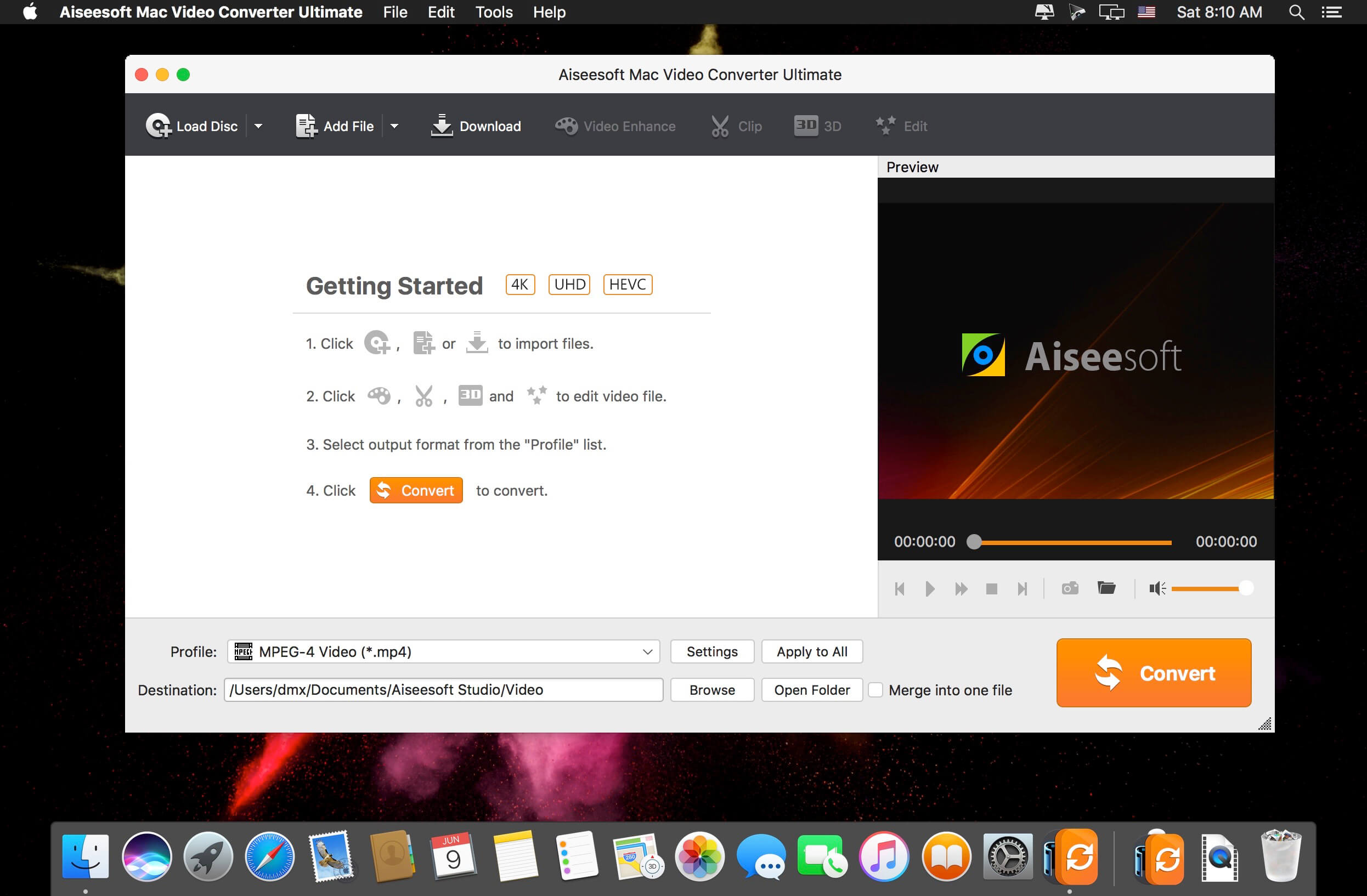
The best Mac video software ever, allowing users to easily download, convert and edit videos including 4K videos as well as homemade DVDs on Mac. Keep perfecting. Now Aiseesoft Mac Video Converter Ultimate is greater than ever before.
Enhance video quality for clearer visual experience (New)
The new-added video enhance function makes it possible to edit your video easily. You are able to make your video clearer by upscaling video resolution from SD to HD, optimizing the brightness and contrast to make your video more enjoyable. In addition, this new-added function allows you to remove the tiresome video noise so that the video can be cleaner than the former one. Other editing functions such as Crop, Effect, and Watermark can bring out a more vivid video effect.
Rotate and flip video file with one click (New)
People are more willing to record videos with phone for it is convenient for carrying wherever you go. While when you transfer the phone recorded video to computer, it may display sideways and worse upside down. The video rotate function makes it easy to adjust your video to the right angle. You can rotate the video 90 clockwise or 90 counter clockwise, and flip the video vertically or horizontally within only one click.
Download and save online videos on Mac, including 4K videos
With this Mac video software, downloading videos from YouTube, Vevo, Vimeo, Dailymotion, Metacafe, Yahoo and Facebook has never been easier. It supports all available YouTube formats (MP4, FLV, WebM) for any video quality (from 360p up to 3072p) and easily downloads all new 1080p FULL-HD videos, 2k-resolution videos, 4k-resolution videos or even 3D videos, preserving 100% of the original YouTube video’s quality. Highest sound quality is available with M4A, MP3, MP4, AAC, FLV and HD formats! The best part is that you can convert the downloaded YouTube videos to as many as 432 video/audio profiles for various devices.
Support converting videos to and from 4K UHD
It can convert home DVDs and videos to all popular video formats including MOV, AVI, MP4, MPG, MKV, HD MP4, HD MOV, etc. It also supports 4K converting, which means you can use it to convert all leading standard and high definition video formats to and from 4K video/audio formats. It supports every popular 4K encoding technology, including H.265/HEVC, H.264, MPEG, Xvid, VP8, VP9, etc. It supports the latest Mac OS X El Capitan. High compatibility makes it suitable for all Mac users.
Edit your videos
Adjust video brightness, contrast, saturation, hue and volume control. Remove a section that is not pertinent to the message of your video. Extract multiple segments from any video clip. Crop letterbox or pillarbox from video clips. Add text or image watermarks to personalize your video. Preview your edited video in real time, to ensure optimal results are achieved.
Play and watch videos on iPad, iPhone, Kindle Fire, PS3, Android devices and more
With this exceptional video software for Mac, converting home DVDs and videos to various popular personal devices has never been easier. It offers preset profiles that include the highest quality video settings for iPhone, iPad, iPod, Samsung Galaxy, Nokia Lumia, BlackBerry, Google Nexus, Moto X, Kindle Fire, etc.
Convert 2D home DVD/video to Anaglyph, Side-by-Side or Top/Bottom 3D
This Mac video software acts as a 2D to 3D conversion tool, helping users convert any standard 2D video to Anaglyph (ten types), Side by Side (Half-Width/Full), Top and Bottom (Half-Height/Full) 3D files in a variety of formats like AVI, MP4, MKV, FLV, etc. allowing playback on portable 3D video devices, computers (PC/Mac), or 3D TVs. It allows you to switch L/R image and change the 3D scene depth as desired.
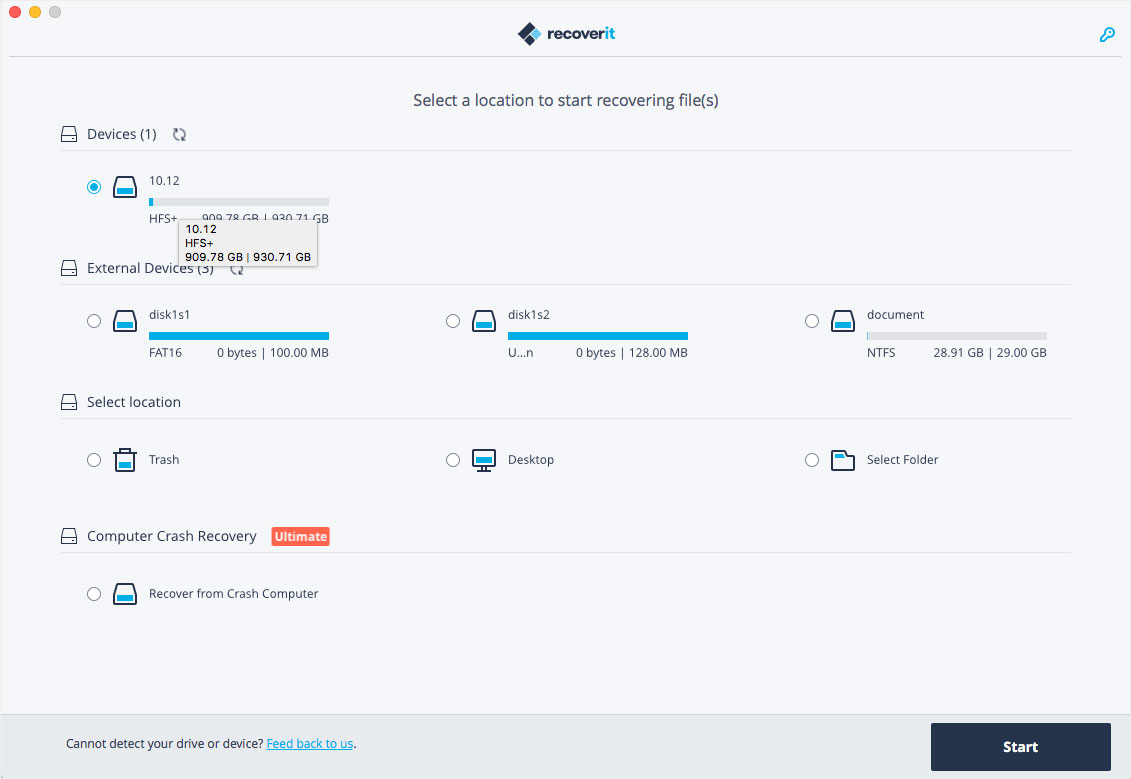
Wondershare Recoverit is a comprehensive data recovery suite to recover Mac data lost due to accidental deleting, formatting, virus infection, improper operation, unexpected power failure, and other unknown reasons.
It can recover Mac data from lost, deleted, logical corrupted and formatted Mac hard drive, iPod, USB drive, SD card, digital camera, mobile phone, MP3, and MP4 player. Compatible with HFS+, FAT16/32, and NTFS file system volumes, this non-destructive Mac file recovery software ensures safe Mac file recovery without modifying the original data saved on your Mac machine or any other storage media. Versatile preview lets you enjoy Mac data recovery in advance.
Features
Safety First:
Read-only and risk-free Mac data recovery program. No any writing operation to your original data.
Versatile Preview Ability:
For images, real-time and direct scan results is displayed during the scan process to let users stop scanning once the target images are found.
For other Mac files such as videos, audio files, archives and documents, they are displayed as a text in a Hex mode for preview to let users enjoy file recovery on Mac in advance.
Precise File Recovery for Mac:
Before data recovery on Mac, you can choose the target file types to scan, which saves you much time especially when there are tons of files on your Mac machine.
Restore deleted files for Mac with original file names, shooting date, and storage paths.
Support file names search for scanning results to provide you precise Mac file recovery.
Easy-to-use and Clean Interface:
Complete wizard and easy-to-use interface let you perform Mac data recovery in a breeze.
What’s New:
Version 10.6.6.7:
Release notes were unavailable when this listing was updated.
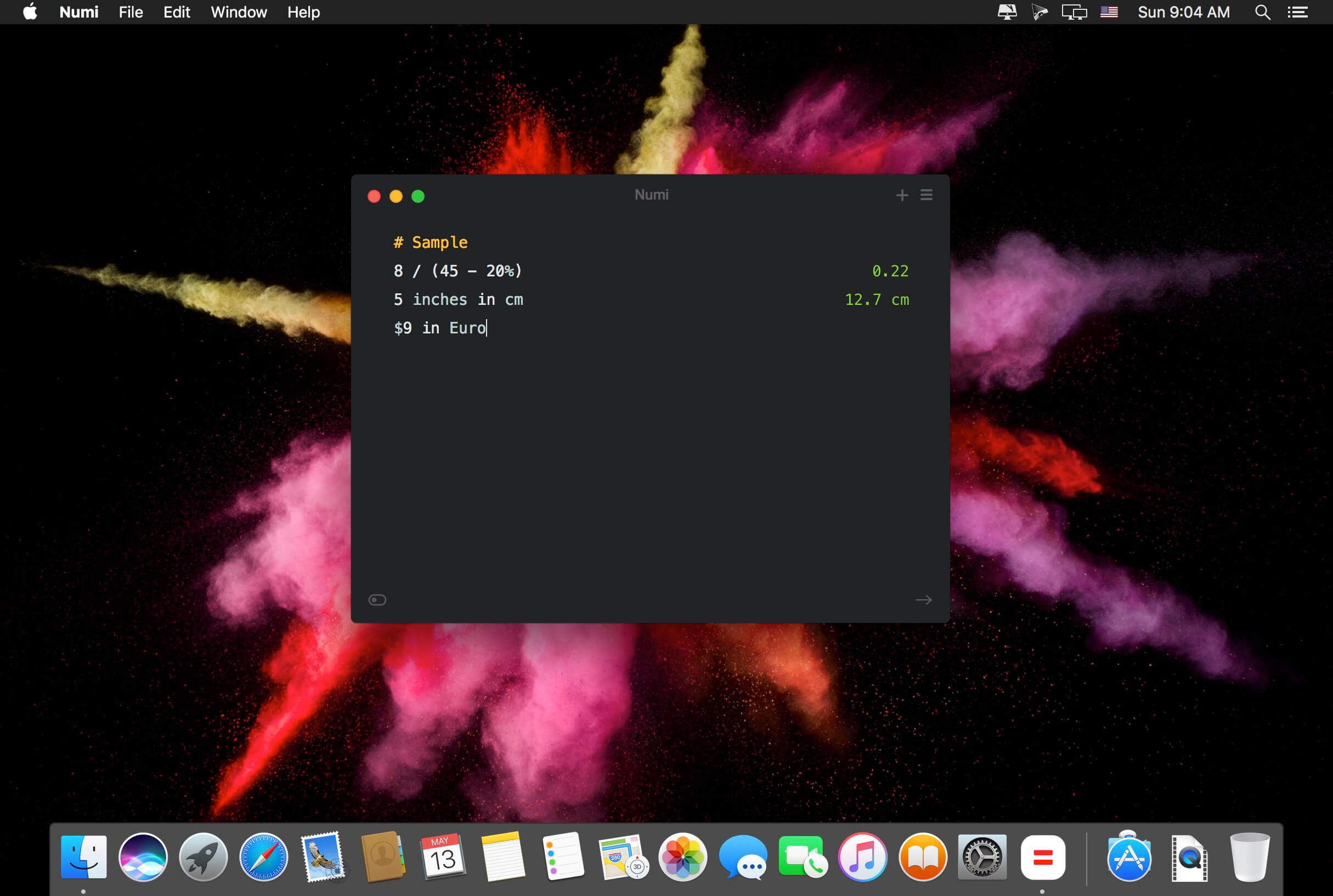
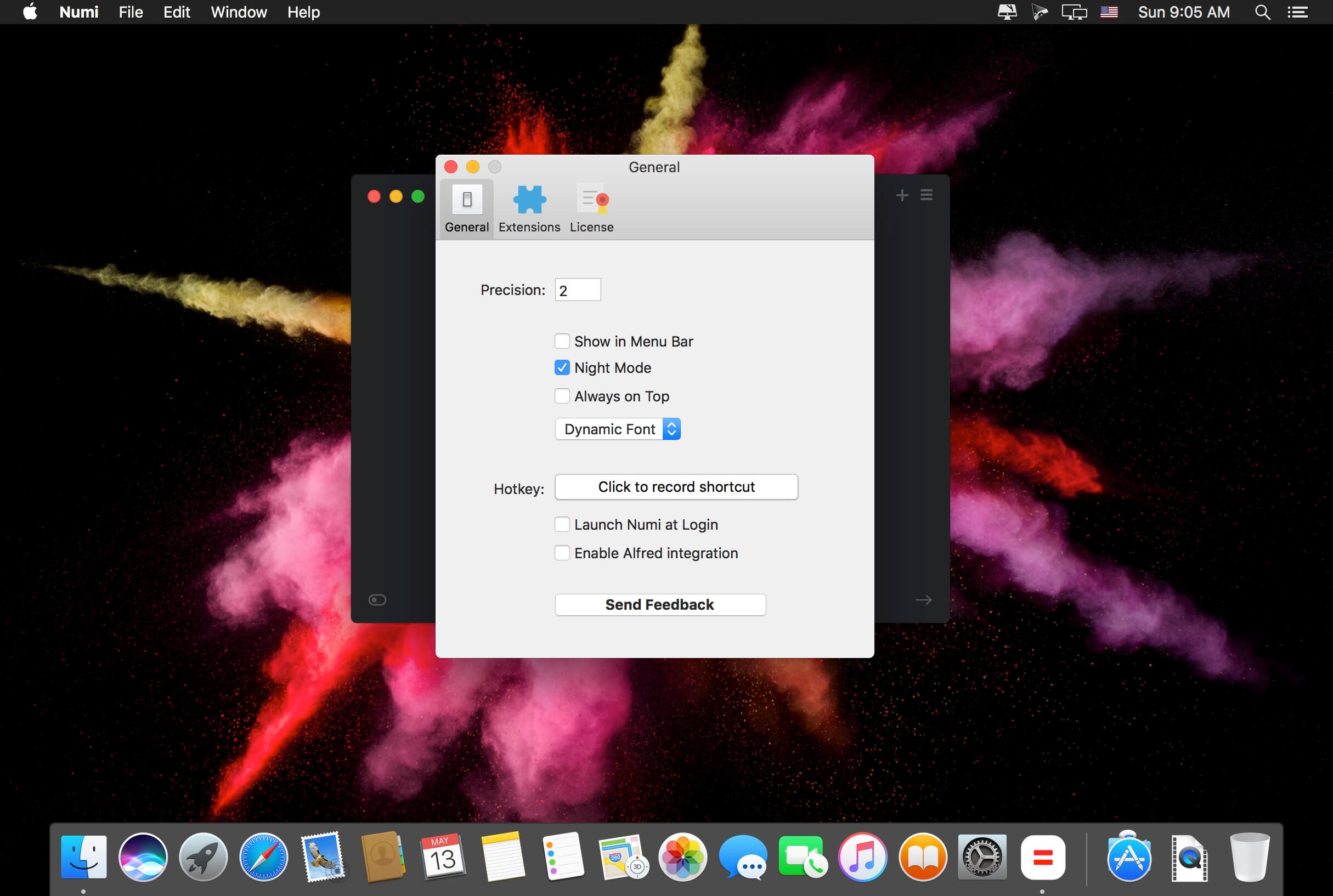
Numi is a calculator that magically combines calculations with text, and allows you to freely share your computations.
Numi combines text editor and calculator
Support plain English. For example, ‘5 cm plus 1 meter’
Unit converter: Numi supports currency, length, area, volume, time, temperature, and data size. It automatically convert units if it’s needed.
Configurable hotkey
Menubar and Dock modes
Language: English, Deutsch, Français, Italiano Dutch, Português, Русский, 繁體中文 Compatibility: OS X 10.11 or later 64-bit, 64-bit processor Homepagehttps://numi.app/
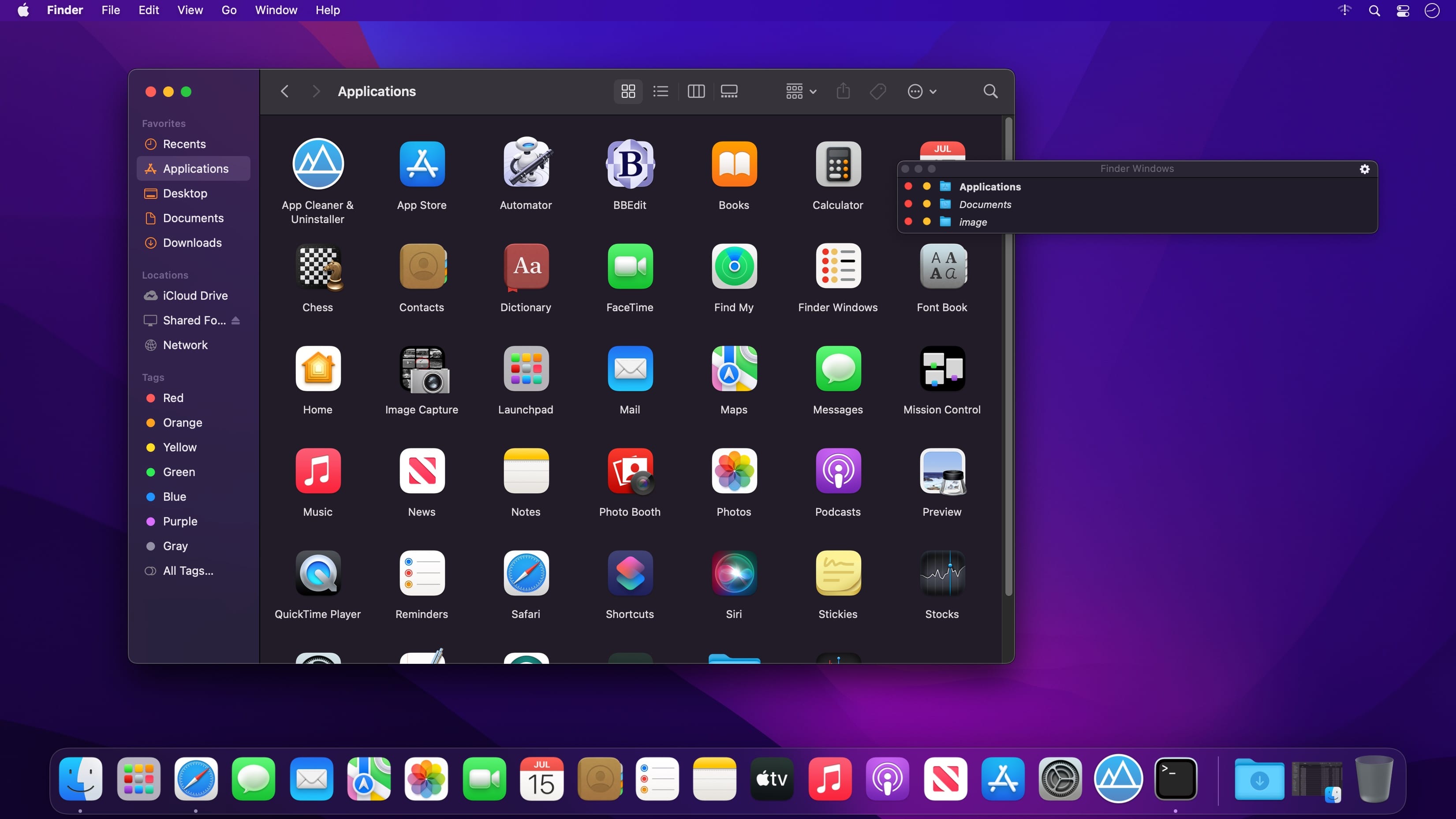
Put an end to the daily struggle in the Finder! Finder Windows is a floating panel which gives you instant access to the list of open Finder windows at any time. It solves the daily struggle of trying to reach the desired folders among the ever changing mess of open windows. Now you can just glimpse at the list and select the desired window.
Or instantly close the ones you don’t need anymore.
Finder Windows is an ideal tool if you
use Mac’s Finder on a regular basis
always have several – or tons of – Finder windows open
don’t use Finder tabs (which you find inconvenient or useless for file management)
keep reaching for the Finder’s Windows menu wondering why things can’t be easier than that
Now you can always see the list of open folders and reach the desired one instantly. Try it for yourself and see how Finder Windows makes the whole difference in simplifying your Finder operations.
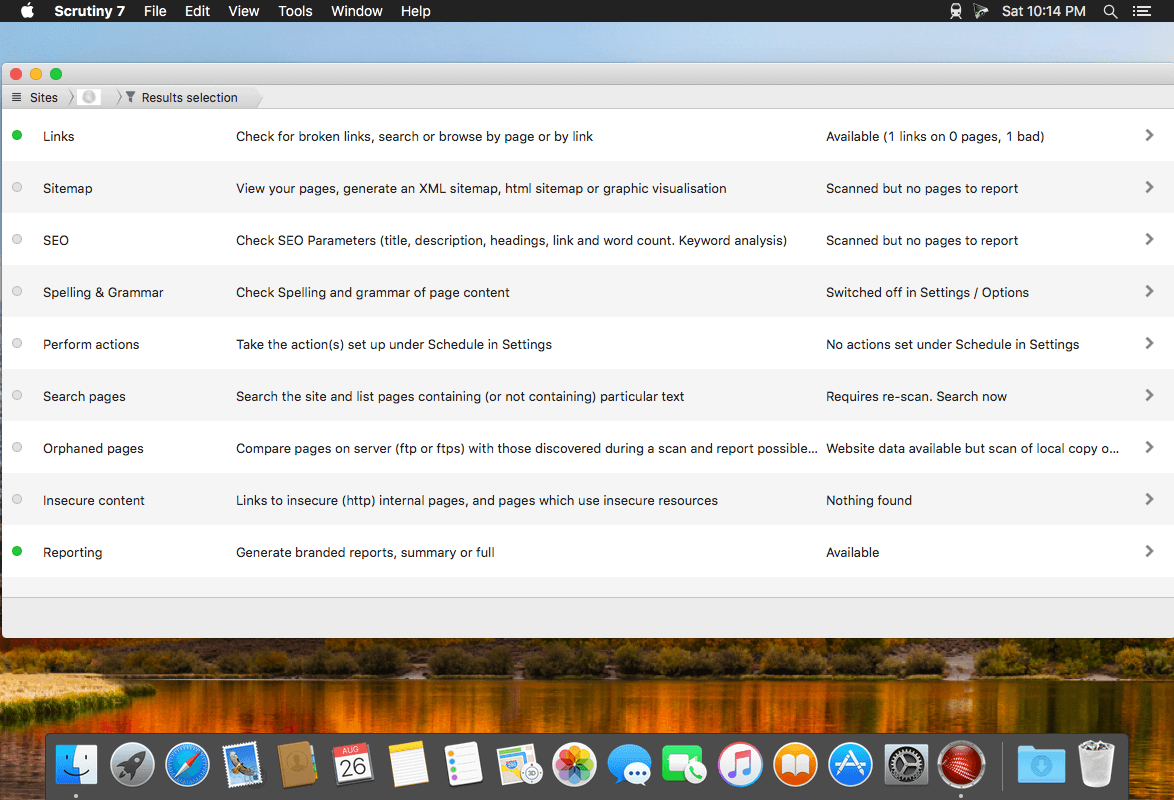
Scrutiny is a suite of web optimization tools including link checking, SEO checks, Sitemap generation, page load speed test, html validation. Version 9 is a major update and includes these new features.
Features
Link checker
SEO analysis
XML sitemap generation, optionally include images / PDF pages
Insecure / mixed content reporting
Page-load speed test
Spelling and grammar checking
Scans sites requiring authentication
Search your site (source or visible text) obtain a list of pages containing a search term or not containing a search term
Website monitoring of as many URL’s as you like with a choice of alerts and logging
Scheduling made easy with a few easy clicks
On finish, send an email, save a report, open a file or AppleScript, FTP the sitemap XML, and other actions
Opens and scans a list of links in HTML, CSV, plain text format, or XML sitemap
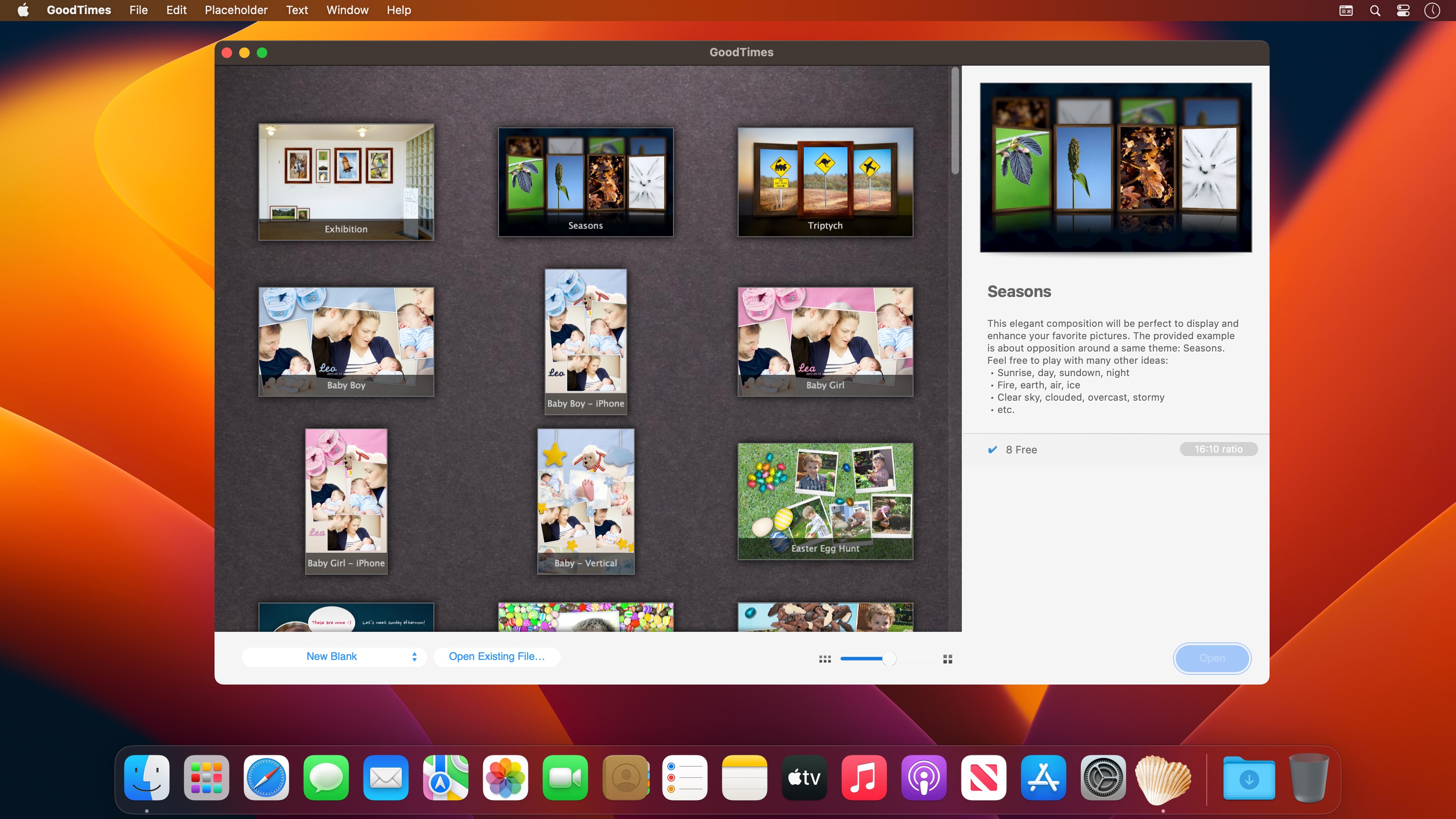
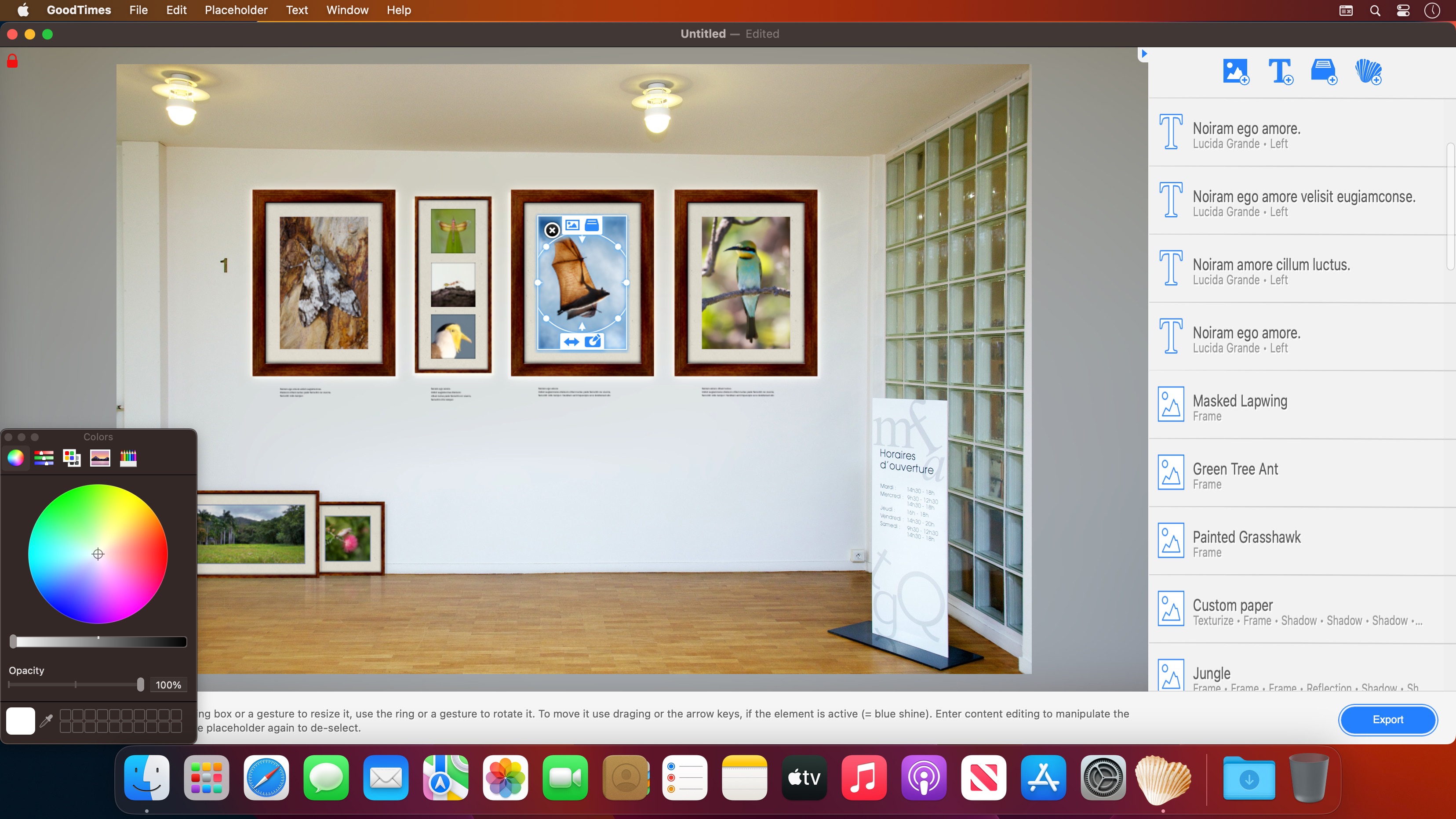
GoodTimes is a worldwide unique collage solution for all occasions. With other apps a collage is just a collection of pictures, with GoodTimes your photos get a full environment, so the situation can impress even before you look at the first photo. It’s also not just a theme based, app,it brings all the objects, backgrounds and effects to get crazy creative and create your own themes. In fact it is so powerful we have seen pros use it for the craziest things, where phtoshop just won’t do: We have Photographers that plan and test drive full galleries using GoodTimes, with it’s 3D environment, stackable effects and Drag&Drop attitude. We focus on all big topic including vacation, hobbies and of course love. Since 1.3 we added all things you need from the first love over the proposal and the wedding itself to your kids and even own home.
Create unique and breathtaking gifts
Decorate your place with photos from your good times
Share your vacation photos with family and friends
Put them on your desk, to keep feeling relaxed
Surprise the newly weds with a wedding collage of your photos
Think of your love whenever you see your Mac desktop
Share the latest party over Facebook or Twitter…
Celebrate your new car, hang it on your wall with all the details you got it for
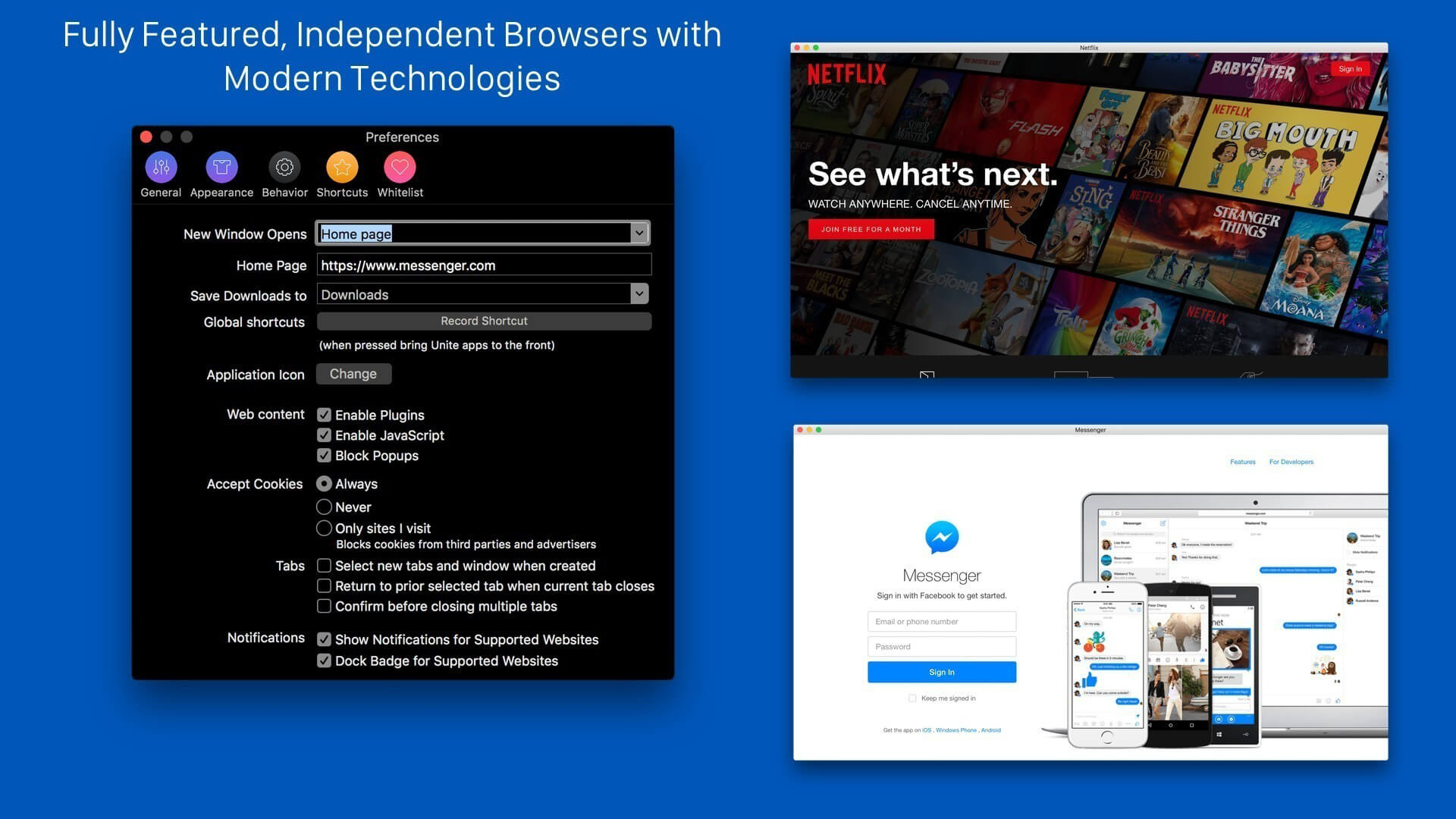
Unite allows you to quickly and easily turn websites into full-featured, native apps on macOS. Using the revolutionary Unite browser as a backend, each Unite app features its own browser, while remaining incredibly small and full-featured. And, because Unite apps are each a unique browser, they feature separate cookies and settings, as well as support for user scripts and user styles. In addition to modern web browsing features, Unite apps include macOS-specific features, including notifications, TouchBar support, the ability to pin apps to the status bar, and much more.
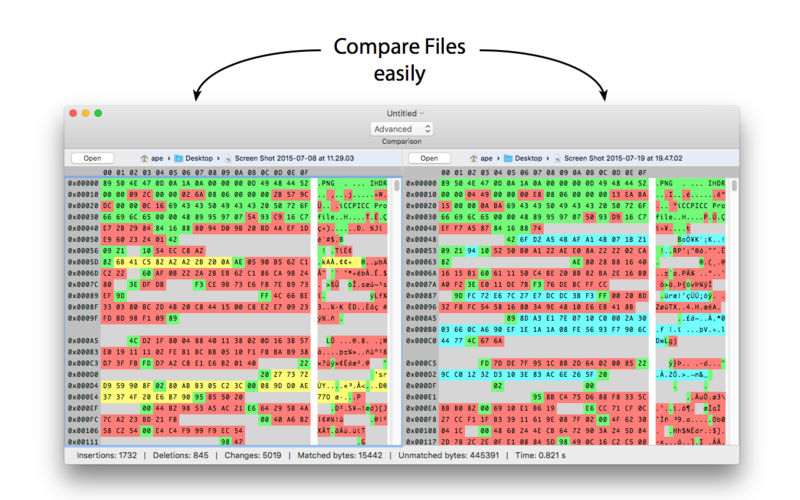
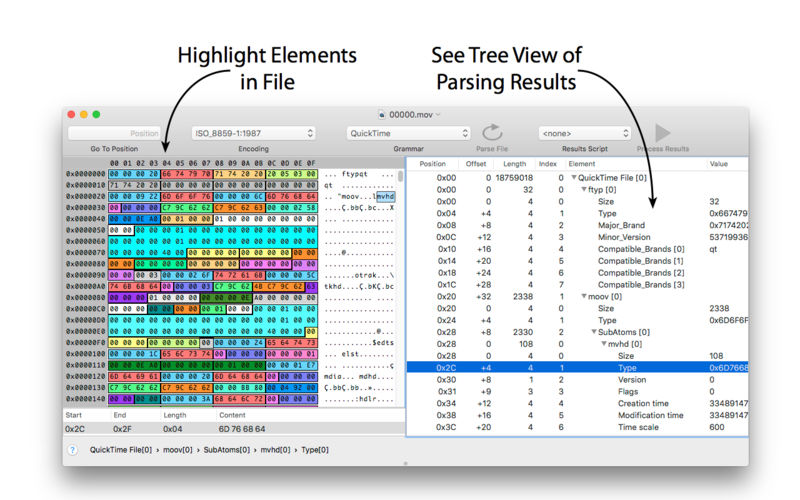
Synalyze It! Pro is a simple-to-use hex editor which will allow you to easily edit and analyze binary files of any size. It features enhanced support for many character encodings and enables you to interactively define “grammars” for various file formats to speed up analysis and reduce manual decoding of files. Incremental search for strings and numbers, printing and other features make it a quite powerful tool.
Pro-Only Features
– Scripting editor
– Custom element types (scripted)
– Scripting element
– Export results to XML or Text
– Multi selection of results
– Go to Position in Toolbar
– Reference external grammars
– GraphViz export for grammars
– View columns in Hex Editor
– Select font in Hex Editor
More…
Donemax Data Recovery for Mac provides an easy way to recover data on Mac. The interface is very simple for users and you can recovered data within only 3 steps with the software. The software can quickly and effective recover lost data on Mac, ranges from OS X 10.9 to macOS 11 Big Sur.
Mac users my lose files due to different reasons, like delete files, format/erase drive in Disk Utility, hard drive becomes inaccessible, volume gets lost, system crash, and so on. No matter how you lose data on Mac, you can feel free to have a try and recover data with Donemax Data Recovery for Mac. Donemax Data Recovery for Mac can recover all types of lost data. You can use it to recover lost pictures, videos, documents, audio files, and others. It’s able to recover the lost files from Mac internal drive, external HDD/SSD, memory card, jump drive, RAID, Mac server, and so on.
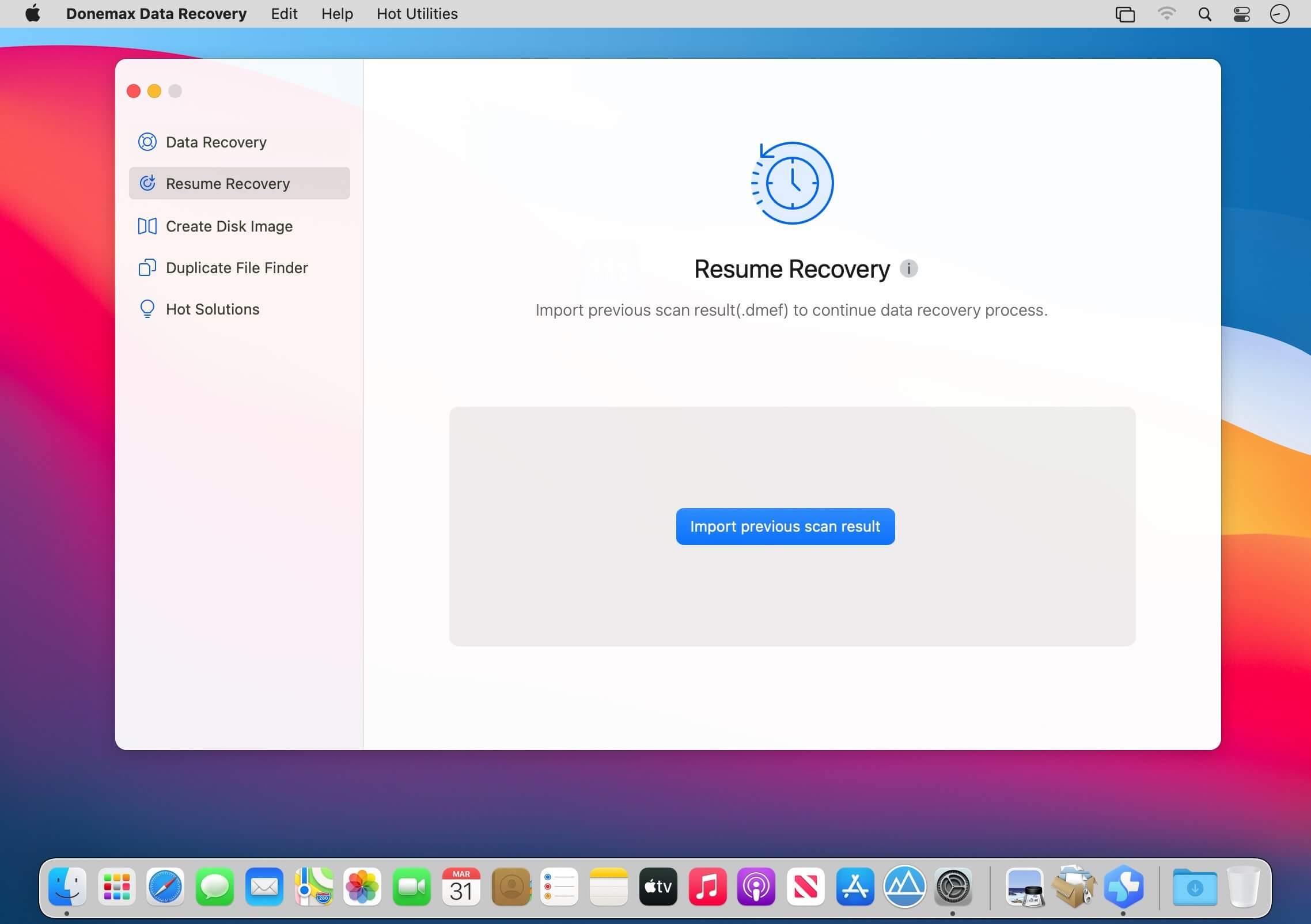
The software offers another 2 options for you to make the recovery easy in some cases. Resume Recovery can help you save the scan session and try to recover data later without rescanning.
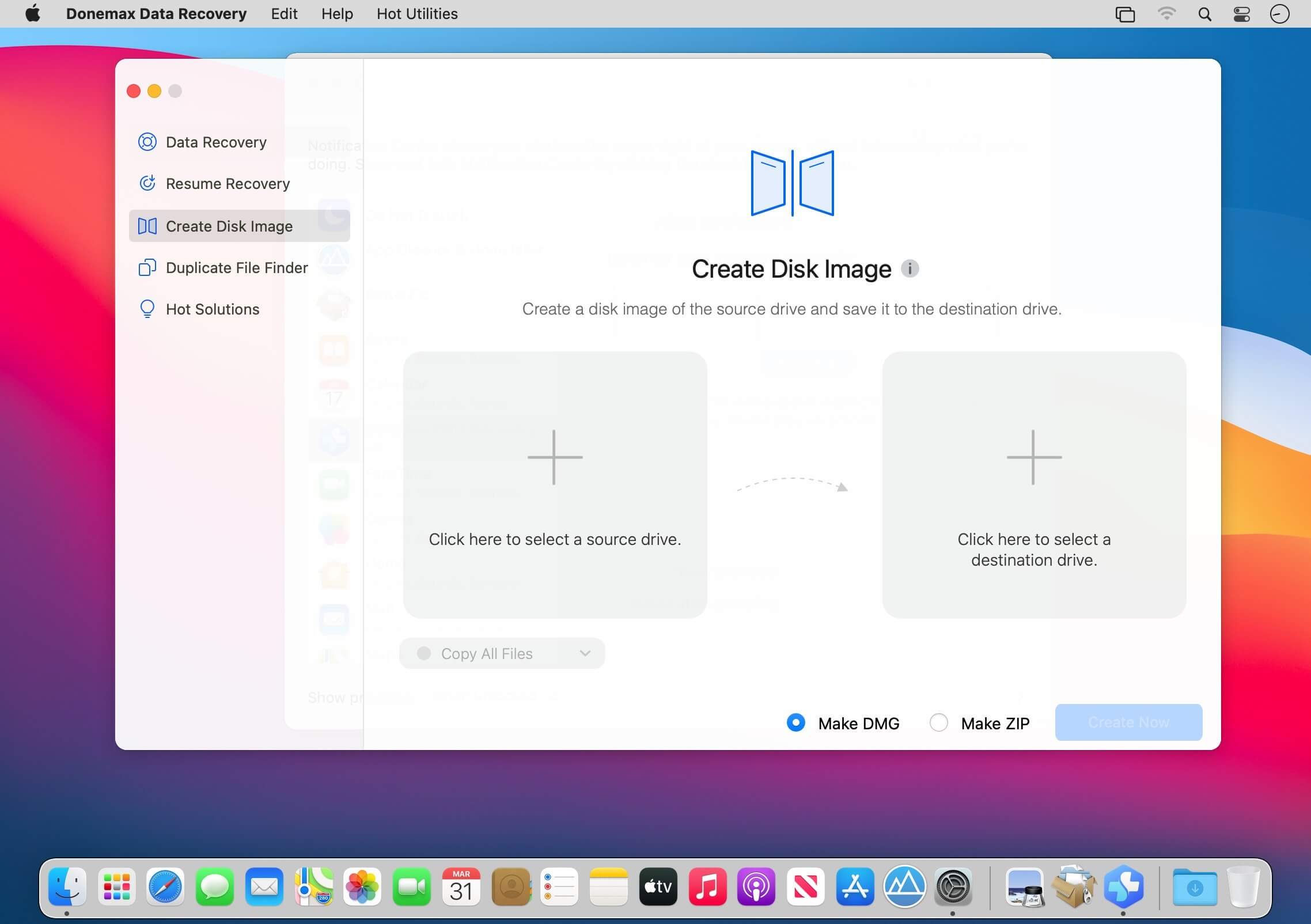
Create disk image feature can help you recover data from disk image instead of the original drive. It’s very useful if you need to use the original drive where you lost data.
Also, if the drive is damaging, you can create disk image for recover to avoid further damage to the drive.
There is another useful feature available in the software. You can use it to find and remove duplicate files on Mac. It can help you remove some duplicate copies of some files to free more space on your drive and computer. Donemax Data Recovery for Mac will deeply scan your drive directly to search for lost data effectively. It can help you find every recoverable files on your drive. It’s simple but very professional. You can download and use it to recover lost data in any data loss cases.
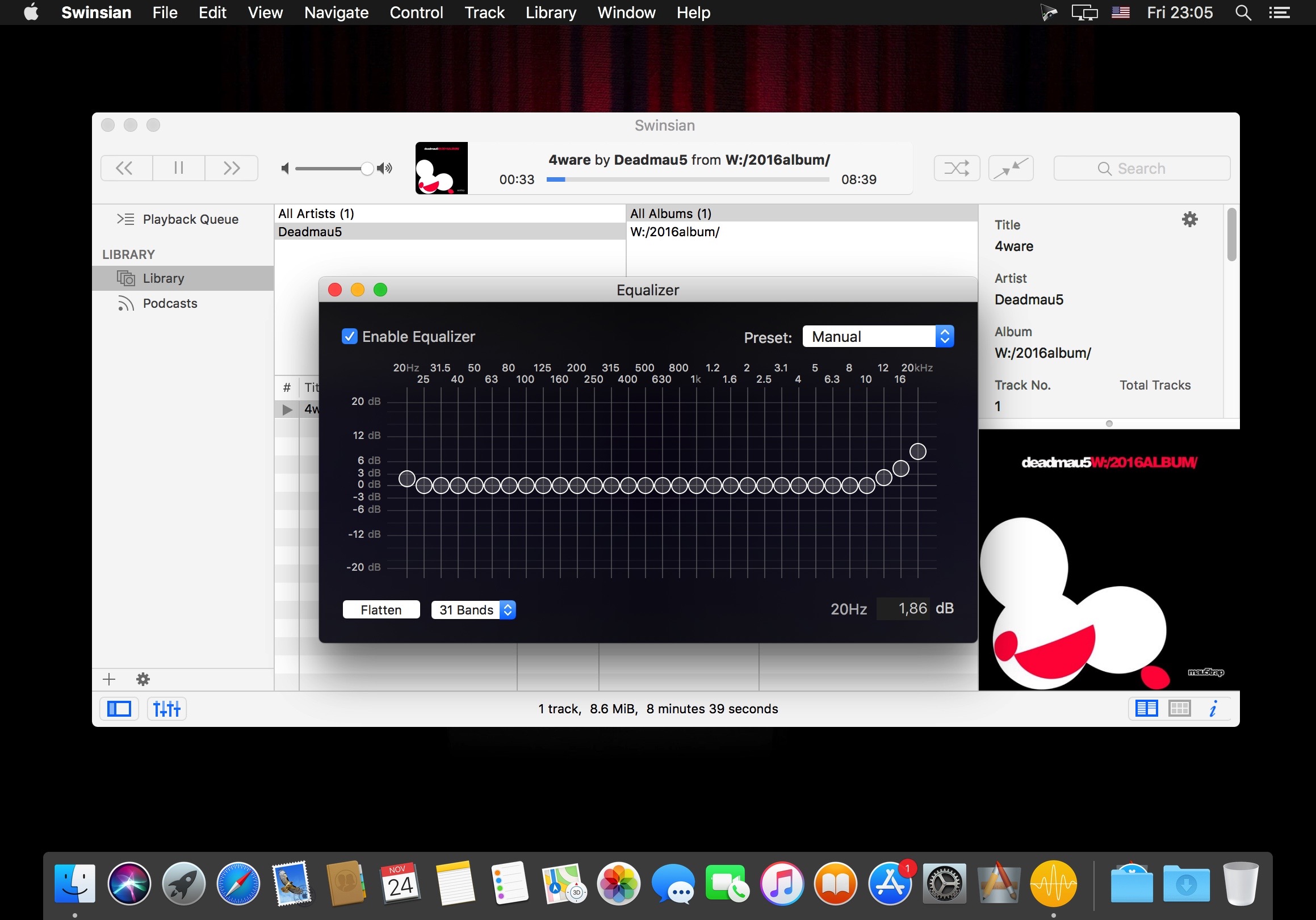
Swinsian is a sophisticated music player for macOS with wide format support, folder watching and advanced tag editing and designed to be responsive even with the largest libraries.
[Key Feature]
1. Base on FFmpeg, support all popular video formats.
2. Powerful and accurate video clips selection, you won’t miss any wonderful moment.
3. Support video image crop, users can eliminate useless part of the video frame to reduce gif file size greatly.
4. Support high quality conversion, output GIF has no quality loss.
5. Support custom GIF image size, FPS
6. Support iCloud sync.
7. Embed ffplay video player, right click video snapshot can play video from its timestamp.
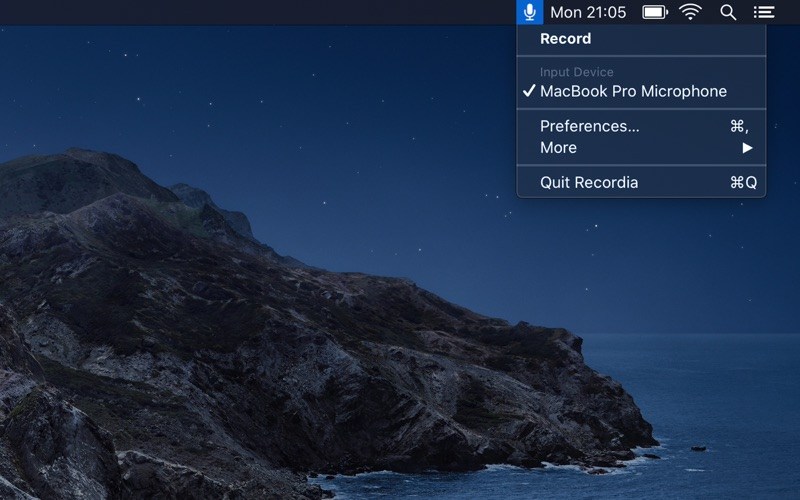
Recordia lets you record audio directly from the menu bar or with a global keyboard shortcut.
This can be useful for recording voice memos, song ideas, meetings, lectures, interviews, phone calls, voice-overs, and more.
Features
Record compressed or lossless audio.
Customizable keyboard shortcuts to start/stop and pause/resume recording.
Change input device.
Unlimited recording duration.
Set default output directory.
Optionally show the recording in Finder when done.
Easily copy and share the previous recording.
Launch at login preference.
Record system audio (See FAQ below).
Choose between multiple menu bar icons.
Technical details: It records at 48 kHz to either M4A (AAC, 256 kbps, compressed) or WAV (PCM, 16-bit, uncompressed). The recording is stereo if the input device supports it, otherwise mono.
FAQ
‣ How can I preview the recording when done?
First, ensure the “Show recording in Finder after saving” preference is enabled. When the recording is shown in Finder, press the Space key to preview it.
‣ How can I trim the recording when done?
Preview the recording as described above and then click the trim button.
‣ How can I record system audio?
Click “Record System Audio” in Recordia and follow the instructions.
‣ How can I sync recordings to iCloud?
Choose “iCloud Drive” as the output directory.
‣ Why 48 kHz and not 44.1 kHz?
48 kHz is the standard for audio in today’s video production. It’s also the internal production standard for many audio production companies. 44.1 kHz was popularized by music CDs.
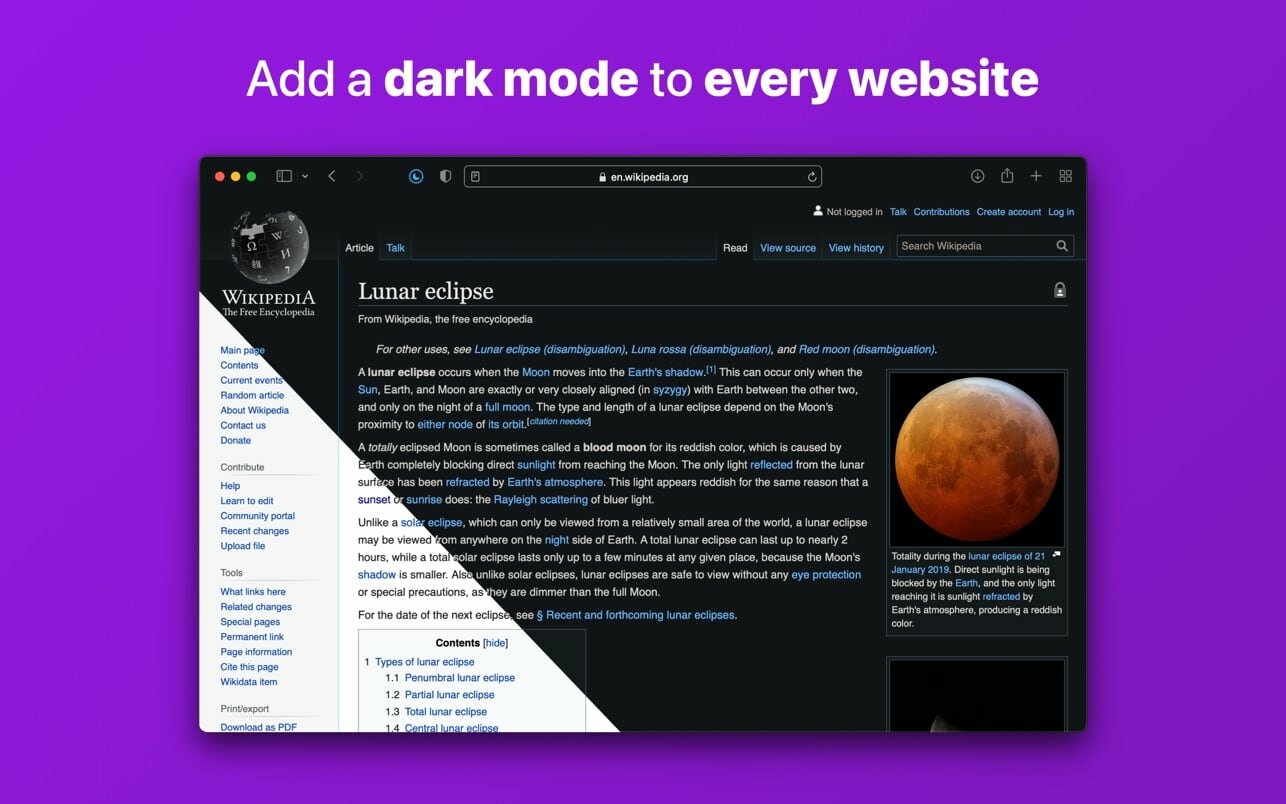
Noir is a Safari extension that automatically adds a dark mode to every website you visit.
It makes browsing the web at night so much better. With Noir, you won’t be blinded by bright websites ever again.
And the results look great too. Noir generates a custom dark style for each website you visit, based on the colors that are used on a page. You won’t even notice this happening in the background – that’s how fast it is – but you’ll certainly appreciate the end result: a beautiful dark mode tailored for each website, where contrast is preserved and highlights still pop.
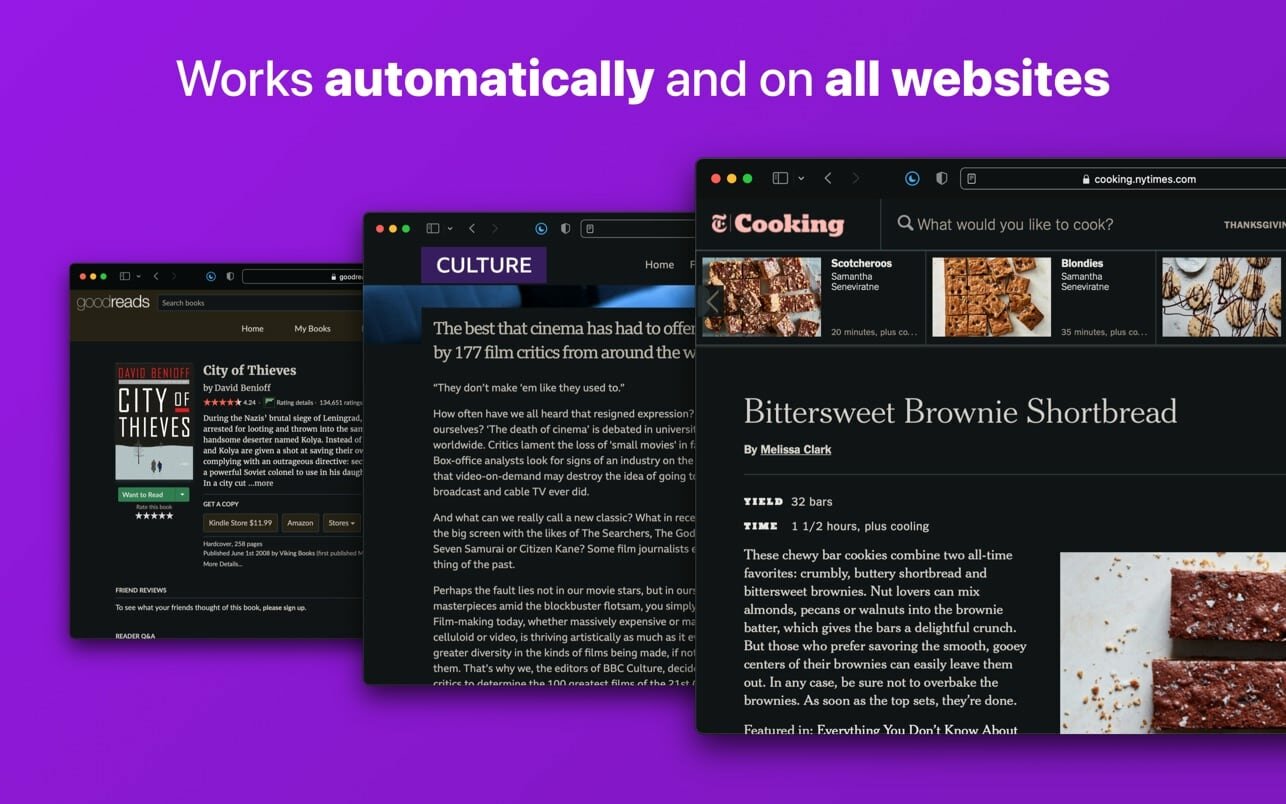
Noir works with any website you visit in Safari, automatically. By default, Noir is linked to your device’s Dark Mode, so websites will only go dark when you want them to. But you can easily customize this to your liking, even per website. Only want to use Noir on just a few specific websites? Sure thing! Disable Noir on some websites? No problem!
The app feels right at home on your device. It is a Safari extension, which means there’s no need to manually activate it every time you load a new page. The app also tightly integrates with system features such as Shortcuts to fully integrate Noir in all your workflows. And your settings are automatically synced to all your devices using iCloud.
And just as importantly, Noir takes your privacy seriously: it doesn’t collect any of your browsing data. Period.
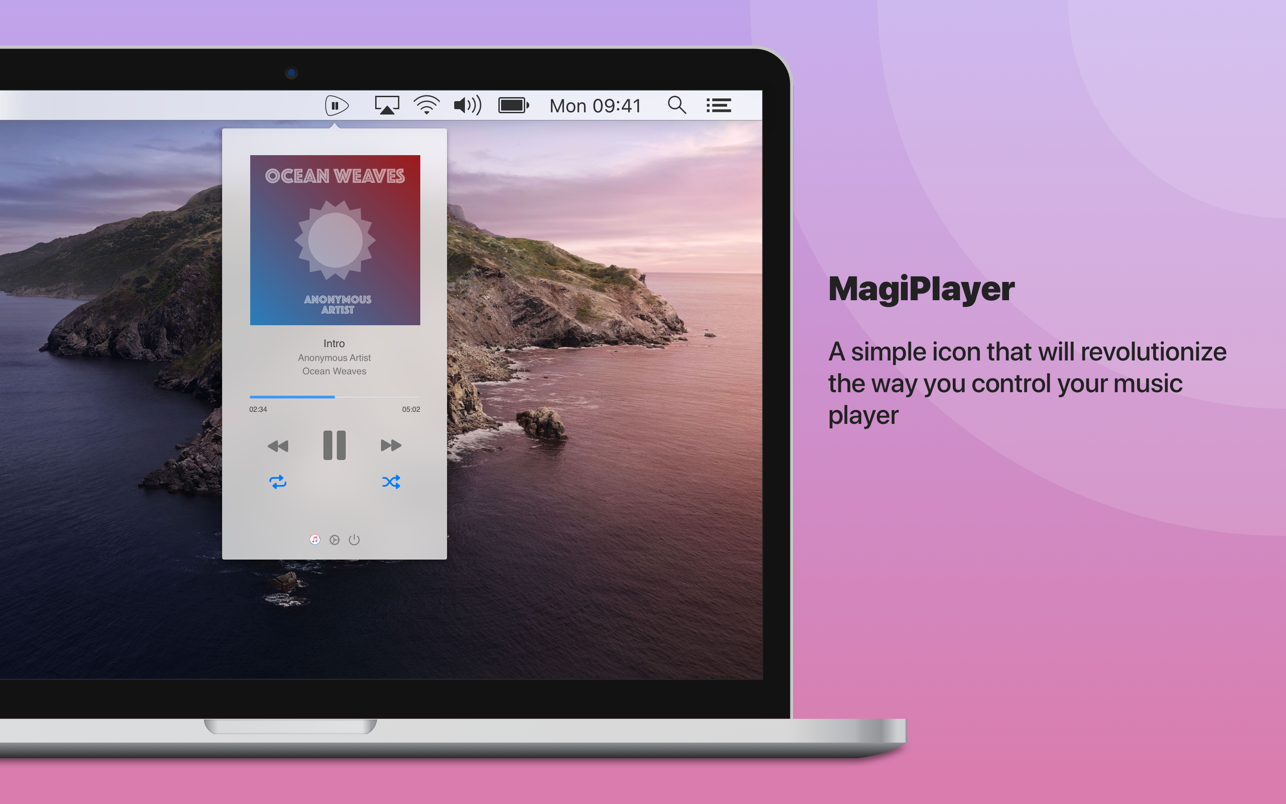
A status bar icon that will revolutionize the way you control the playback of your preferred music player*
– Single click to play/pause - Double click to skip to next track
– Right click to open mini player
From the application preferences you can also enable a different operation mode to simple open the mini player on icon click.
MagiPlayer supports Apple Music, iTunes and the official client of Spotify**. You can choose which player you want be controlled by MagiPlayer from the app’s preferences, you can also choose an automatic mode to allow MagiPlayer to automatically pick the currently running player.
A notification center today widget is also included, so you can control your preferred player also from the notification center. Widget available up to macOS 10.15 Catalina.
* You should enable this behaviour from the app preferences, change the “Mode” option to “magic”
** You should install the official Spotify client from its website
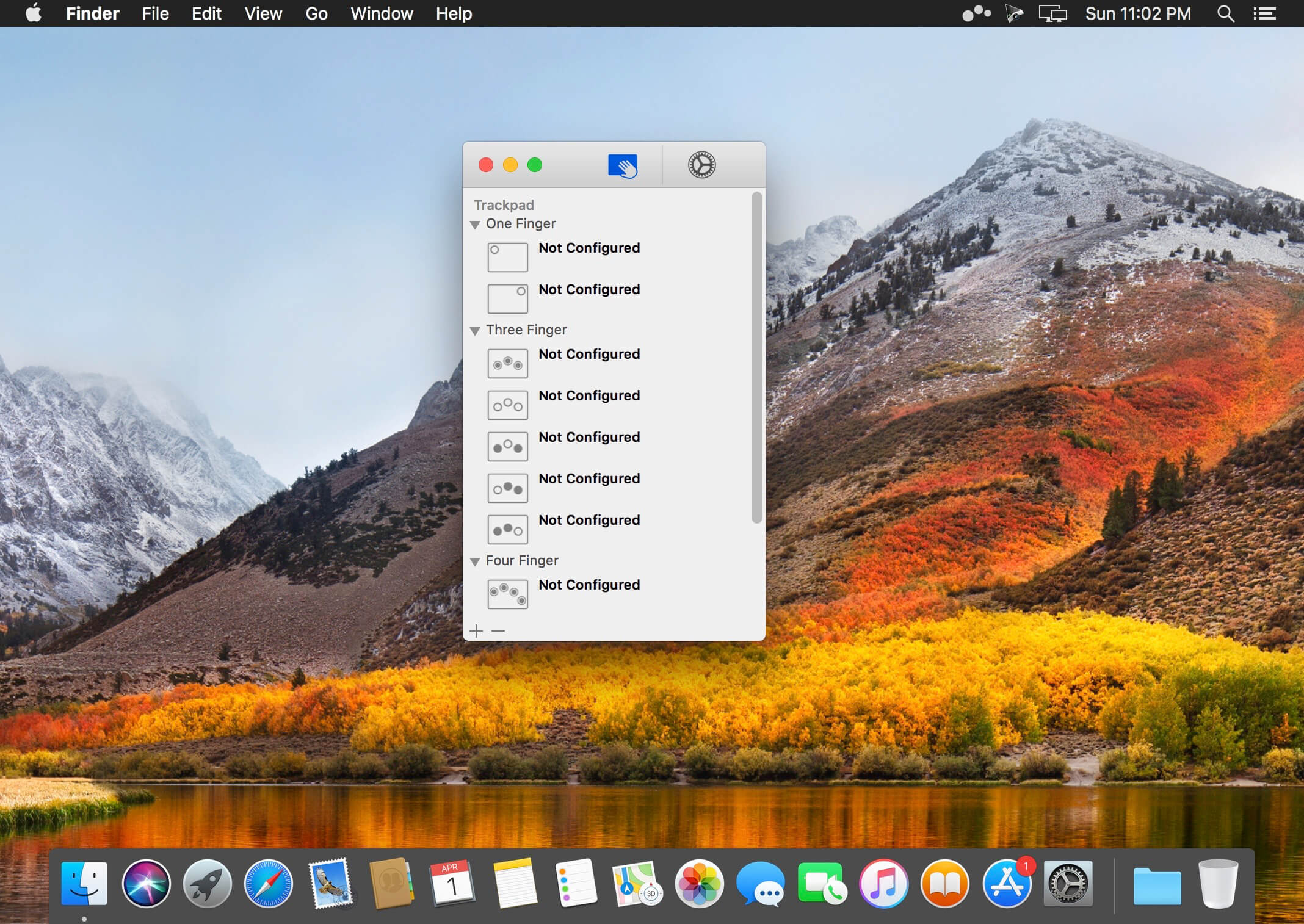
Easily add gestures to macOS
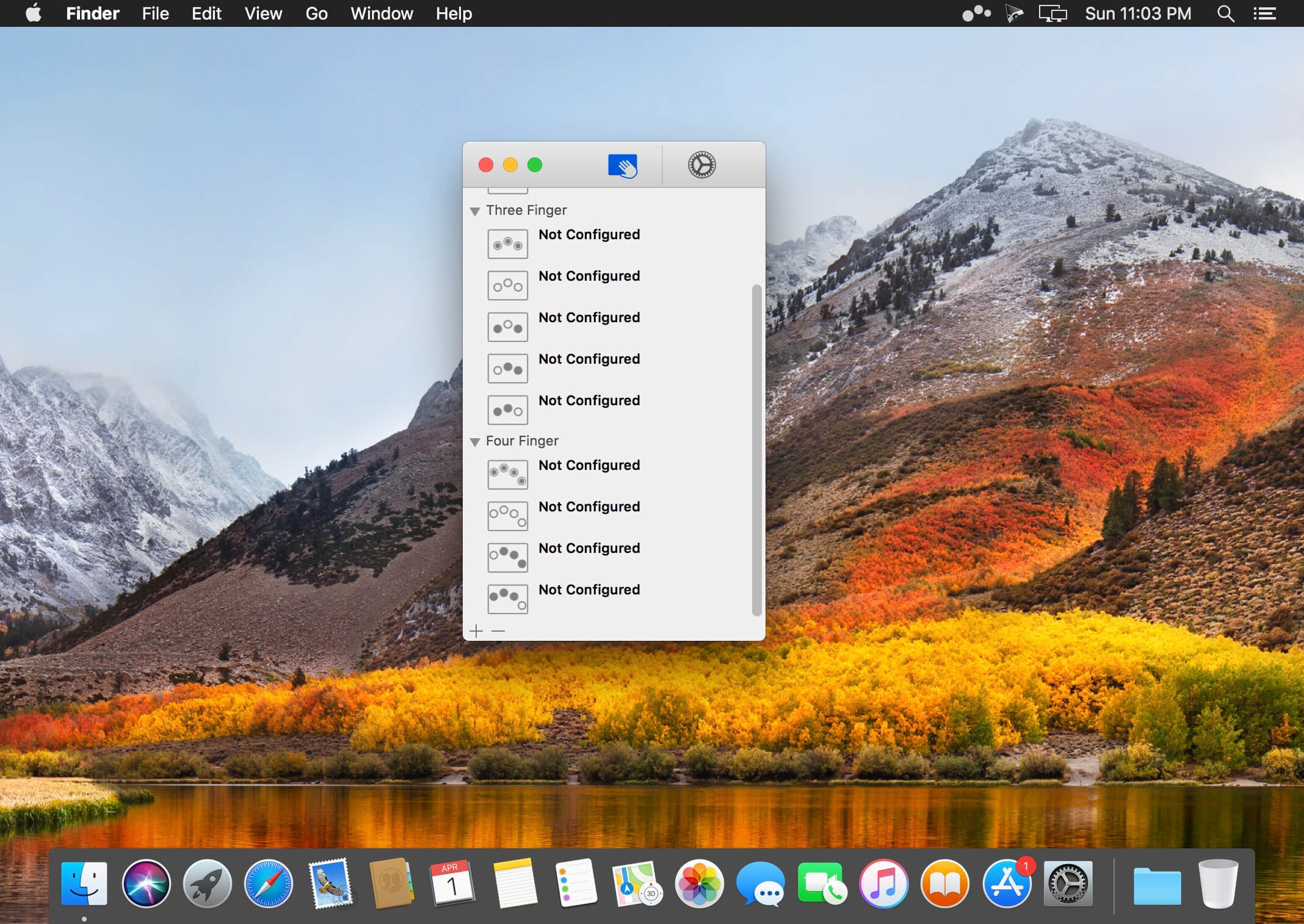
Multitouch lets you tie a custom action to a specific magic trackpad or magic mouse gesture. For example, a three finger click can execute a paste. Improve your workflow by executing keyboard shortcuts, controlling your browser’s tabs, performing a middle mouse click, and much more.
Features
One time purchase and free updates with a growing list of gestures and actions.
Privacy. No user data is gathered from the app.
Does not require Accessibility privileges to run.
What’s New:
Version 1.27.9:
Release notes were unavailable when this listing was updated.
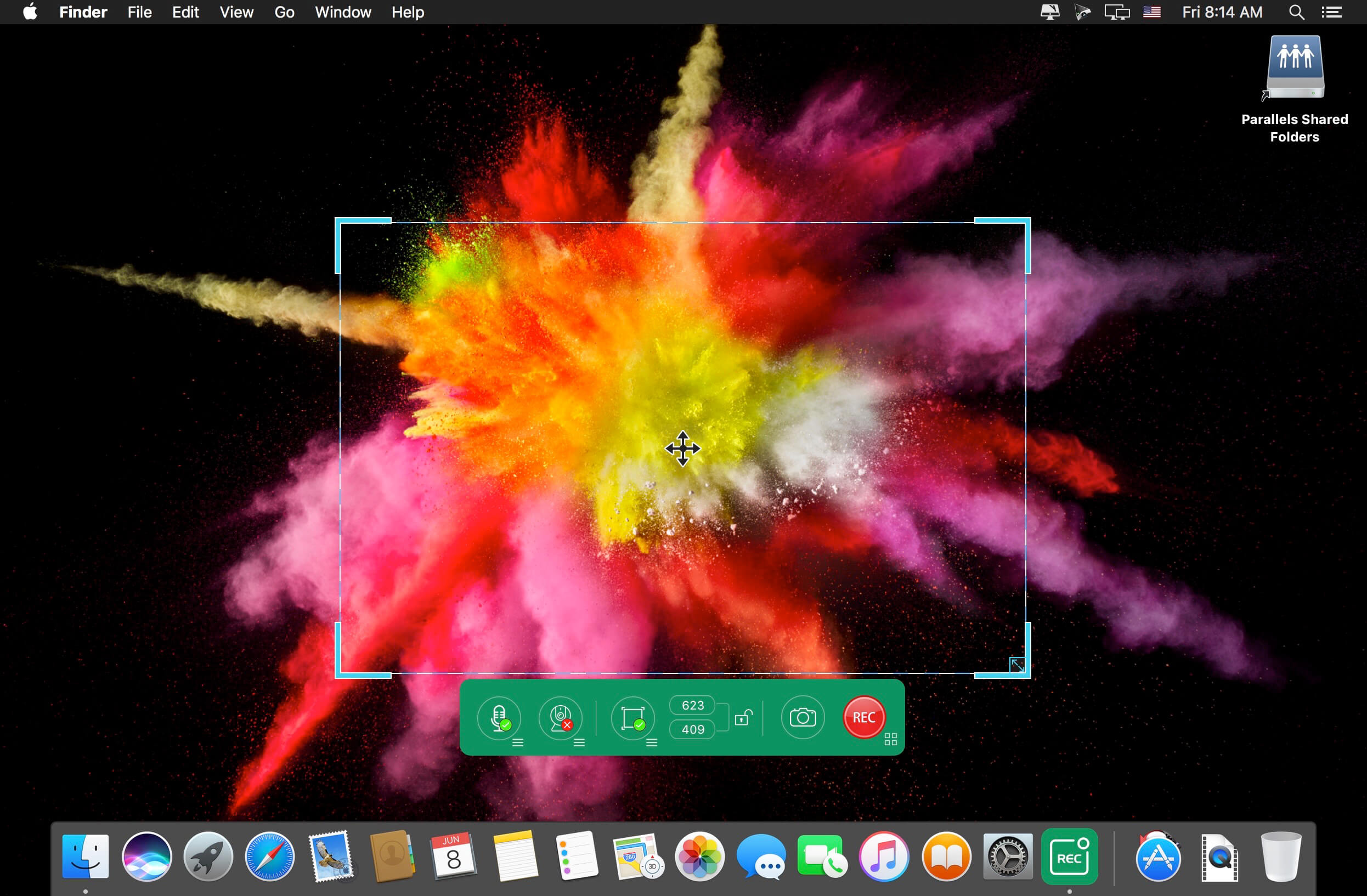
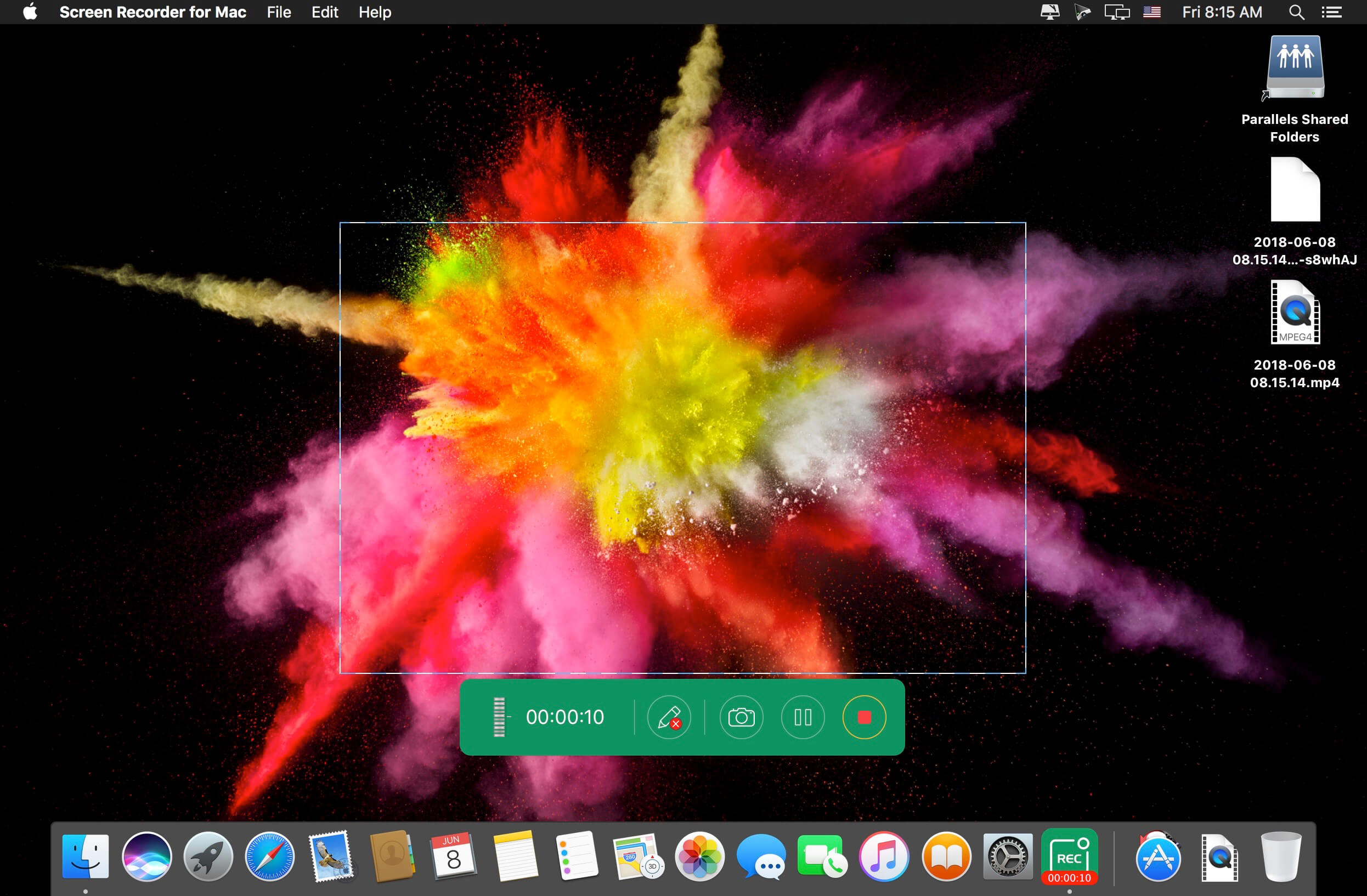
Apeaksoft Screen Recorder is a professional tool to record any video/audio and capture screen on your Mac computer. This excellent video screen recording software can help you easily get online movies and radio, record games, make video tutorials, capture webcam videos, take screenshot, etc. on your computer. Also, you are able to annotate your recording with a text box, arrow, highlight and more. What’s more, this powerful Screen Recorder enables you to make the settings you prefer in advance, and then you are able to record video using these settings next time. It is pretty convenient if you have lots of on-screen activities to record in the same demand. Screen Recorder enables you to record lock window as well.
What’s New:
Version 2.1.30:
Release notes were unavailable when this listing was updated.
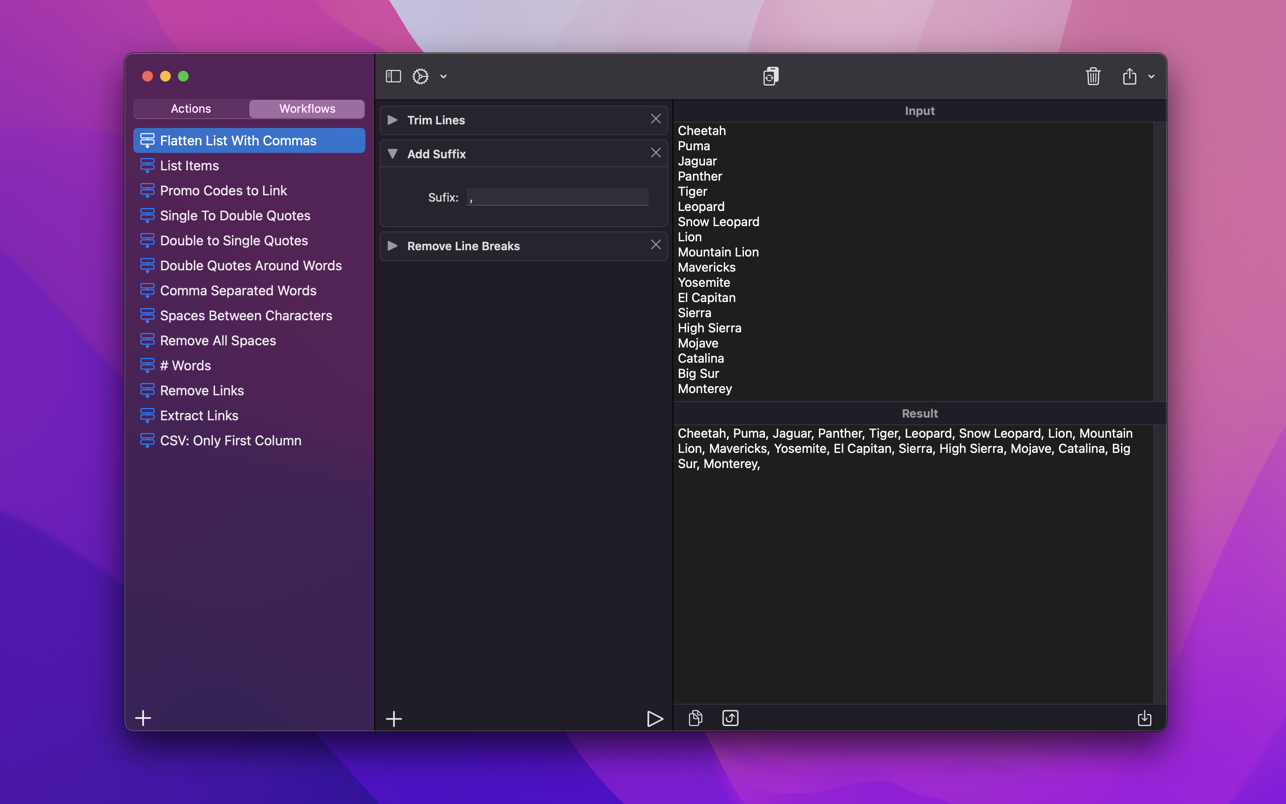
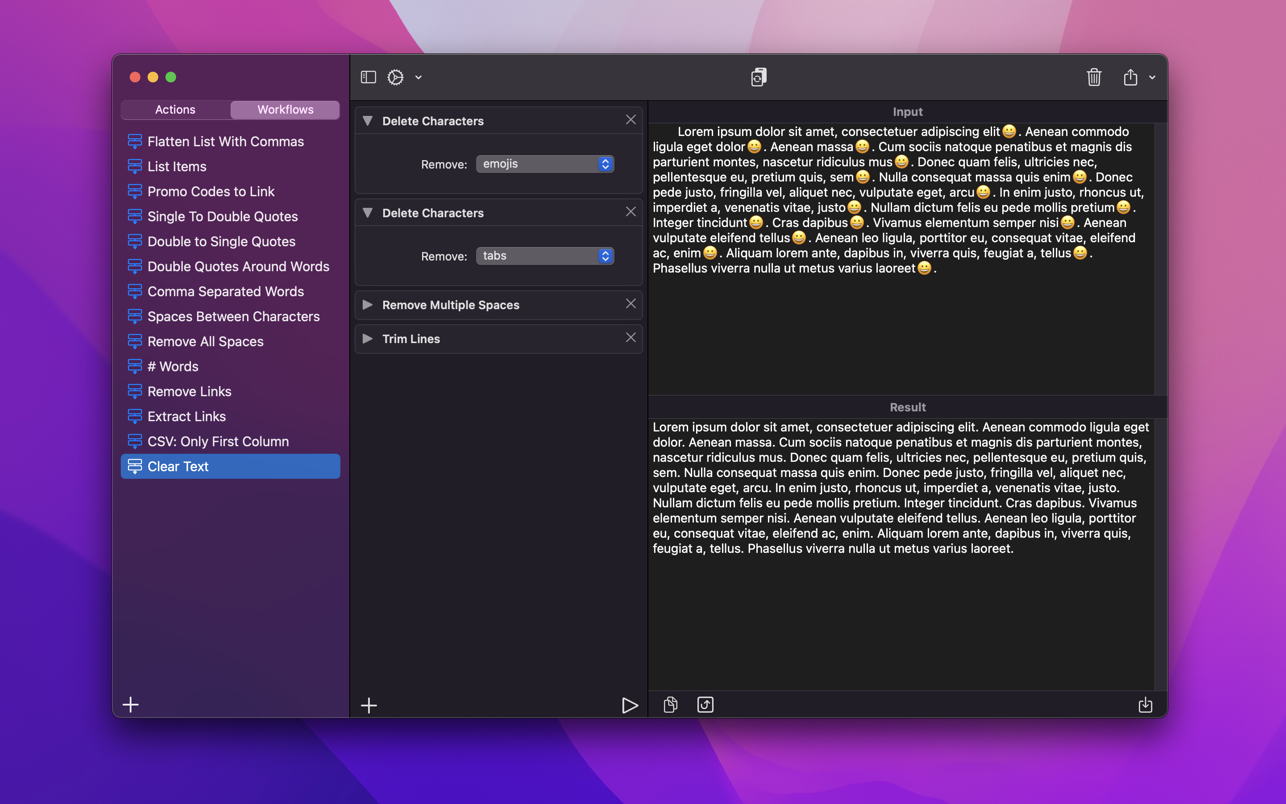
A powerful and easy to use tool that will help you transform your text. Text Workflow removes the need to perform repetitive tasks manually on your text.
Combine transformation actions to create powerful automations for your text. Save your transformation workflows to use them any time you want.
Available text transformation actions
• Add prefix
• Add suffix
• Replace text
• Sort lines
– alphabetically
– reverse
– shuffle
– by length
• Trim Lines
• Add line number
• Break lines
– after every word
– after every sentence
– after text
– before text
• Convert Case
– uppercase
– lowercase
– title case
– camel case
– pascal case
• Delete Characters
– selected characters
– non-alphanumeric
– numeric characters
– non numeric
– tabs
– spaces
– characters after position
– characters before position
– last characters
– emojis
– characters after text
– characters before text
• Insert Text
– at first line
– at last line
– every line (position)
– before every word
– after every word
– before text
– after text
– after every character
• Delete Lines
– containing text
– starting with text
– not containing text
– not starting with text
• Remove line breaks
• Remove multiple spaces
• Remove duplicates lines
• Remove duplicates words
• Remove empty lines
• Delete/Filter words
– containing text
– starting with text
– not containing text
– not starting with text
• Spell out lines
• Get Statistics
– count characters
– count words
– count lines
• Encode/Decode
– Base64
– URL
• Encrypt/Decrypt Text with password
• Beautify JSON
• Beautify XML
You can combine all these actions to create your custom transformation workflows!
Export your workflows to file and share them easily with other users!
iDealshare VideoGo for Mac is the best video converter for Mac which can convert all kinds of video and audio files for successful import to iMovie, Final Cut Pro, Final Cut Express, Avid, Sony Vegas, or for easy playback in iTunes, QuickTime, iPad, iPhone, iPod, Apple TV and etc.
It also supports to convert Mac or Apple natively supported MPEG-4, MOV, M4V, Apple Lossless M4A, AIFF, M4R, M4B and etc to other popular video or audio formats for successfully play or edit in non-Apple-Mac devices like Windows Media Player, Windows Movie Maker, Android, and etc.
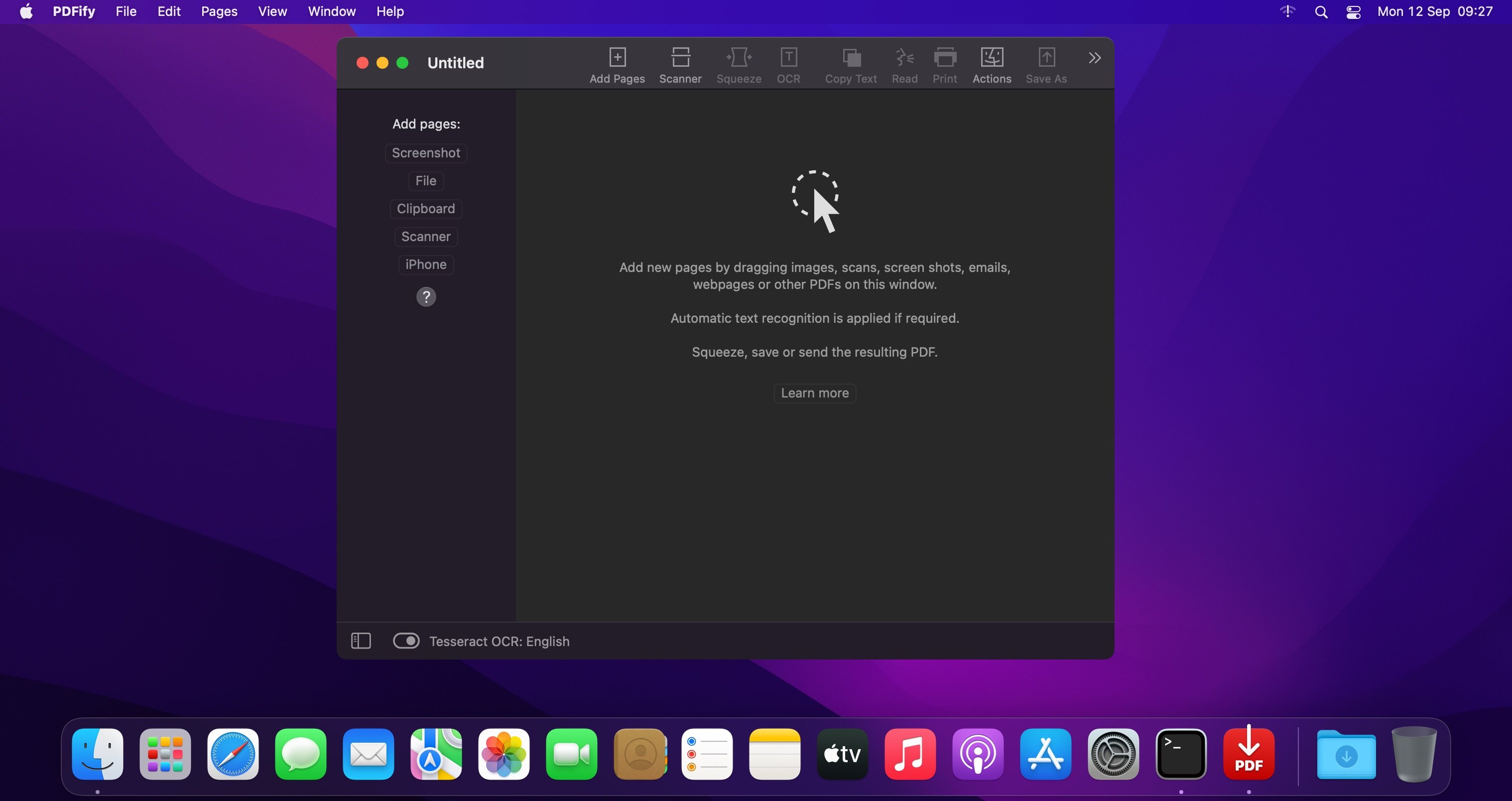
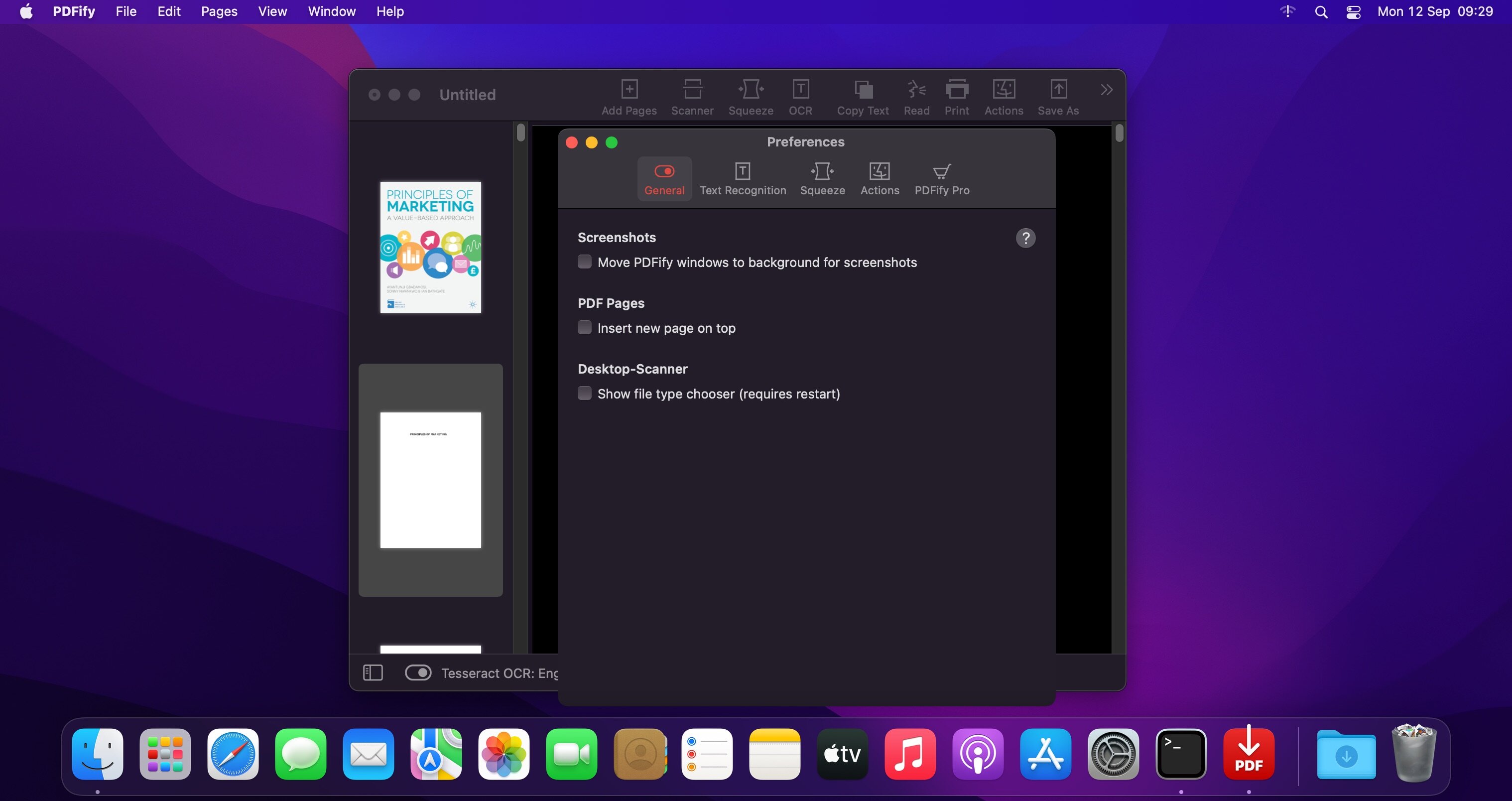
PDFify creates searchable PDF for more than 100 languages! Reduce file size at the same time! Not only existing PDF can be processed, but also images, scans, screenshots, emails, web pages and more. Just drag your files to PDFify and the rest happens automatically.
In addition to Apple’s integrated text recognition, the proven alternative “Tesseract” is also supported. Find your personal favorite. Finder Quick Actions allow you to quickly edit multiple files in one go.
Powerful functions make it easy to add new pages to the PDF
Take screenshots directly from the app.
Use your iPhone camera as a scanner.
The app offers its own great scanner dialog.
Choose PDFify as the destination for your ScanSnap scans.
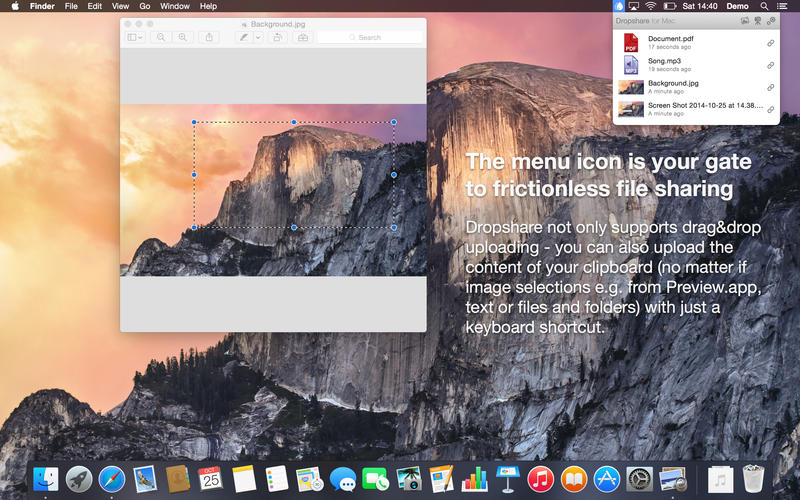
Your very own secure file sharing tool! Dropshare is a so-called menulet that enables you to easily drag&drop files, folders and anything else to your own server, Amazon S3, Rackspace Cloud Files or Google Drive. Once uploaded, the app copies the link to the file to your Mac’s clipboard and you’re ready to share with anyone you like!
Dropshare supports SCP over SSH, a secure industry standard protocol for file transfers. Uploads to Amazon Simple Storage Service (S3) or Rackspace Cloud Files are also supported, which both are low-priced file hosting services in the cloud. Compared to other cloud hosted file sharing services, Dropshare directly connects to your very own Amazon S3 bucket or Rackspace Cloud Files container, so there is no third-party involved at all.
Dropshare supports Multiple Connections: You can set up different upload destinations at the same time and switch between them using user-defined keyboard shortcuts!
Features: Uploads everything
No matter if files, folders, text or screenshots – Dropshare uploads every file and data to your selected destination – also from clipboard or other applications like Safari.
Automatic screenshot upload
Set up your own keyboard shortcuts for fullscreen or selection-based screenshots that’ll be uploaded automatically with Dropshare.
Screen Recordings
Take & upload Screen Recordings directly with Dropshare, both fullscreen and selection-based recordings are available.
Dropshare Safe
Easily create access-restricted URLs for your uploads with either a lifetime and/or password.
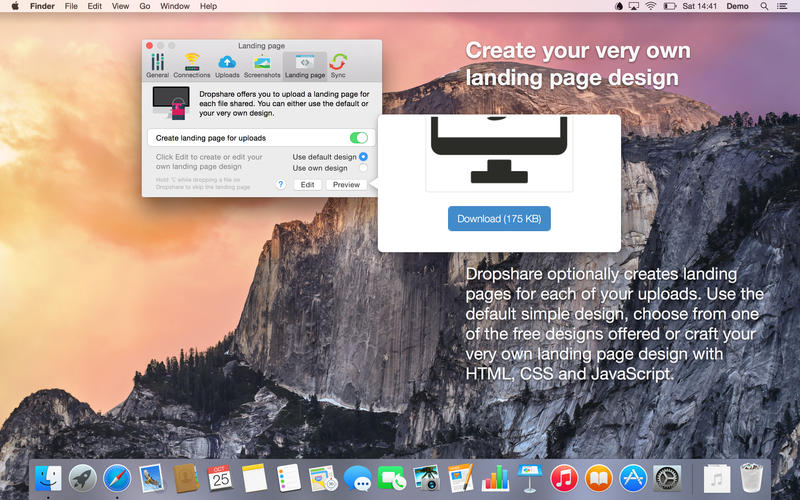
Beautiful individual landing pages
Choose from a number of free designs or craft an individual design on your own using HTML, CSS and jаvascript. A preview can be embedded for several file types, e.g. images, text or video files.
Choose your URL shortener
Dropshare supports URL shorteners as well – natively supported URLs (e.g. dsh.re), or configure your very own URL shortener service like bit.ly (for hosted services) or YOURLS (for self-hosted services).
Dropshare Sync
Synchronize your upload history across all your devices which have Dropshare installed.
1-Click Delete from your server
Whenever you decide that you no longer want to share a specific file, just use Dropshare to delete it from the upload destination again.
Markdown to HTML
If enabled, Dropshare automatically converts Markdown files to HTML.
Services enabled
Dropshare introduces itself to the Mac OS X Services Menu. By doing so, you can perfectly use the tools Mac OS X provides to create e.g. keyboard shortcuts for specific actions.
IPv6 ready
Worth to mention, Dropshare works perfectly well in IPv6 environments.
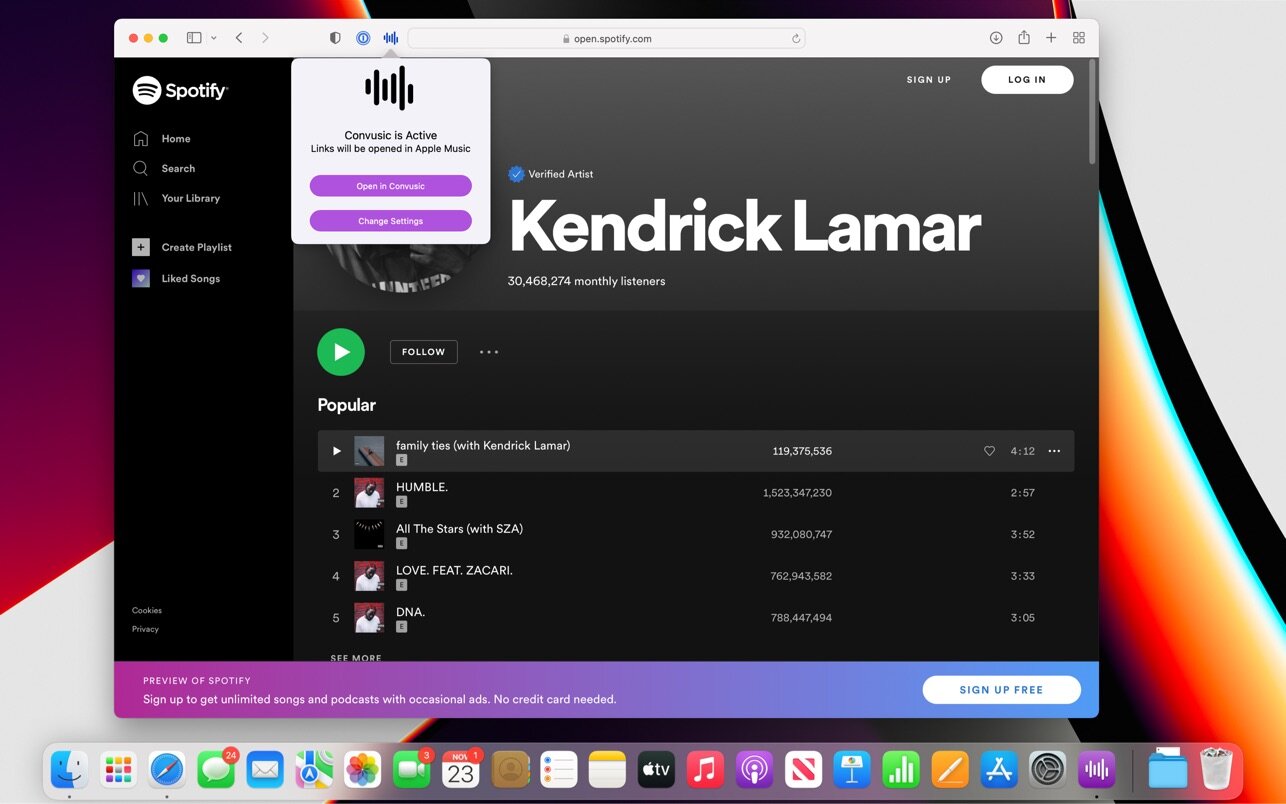
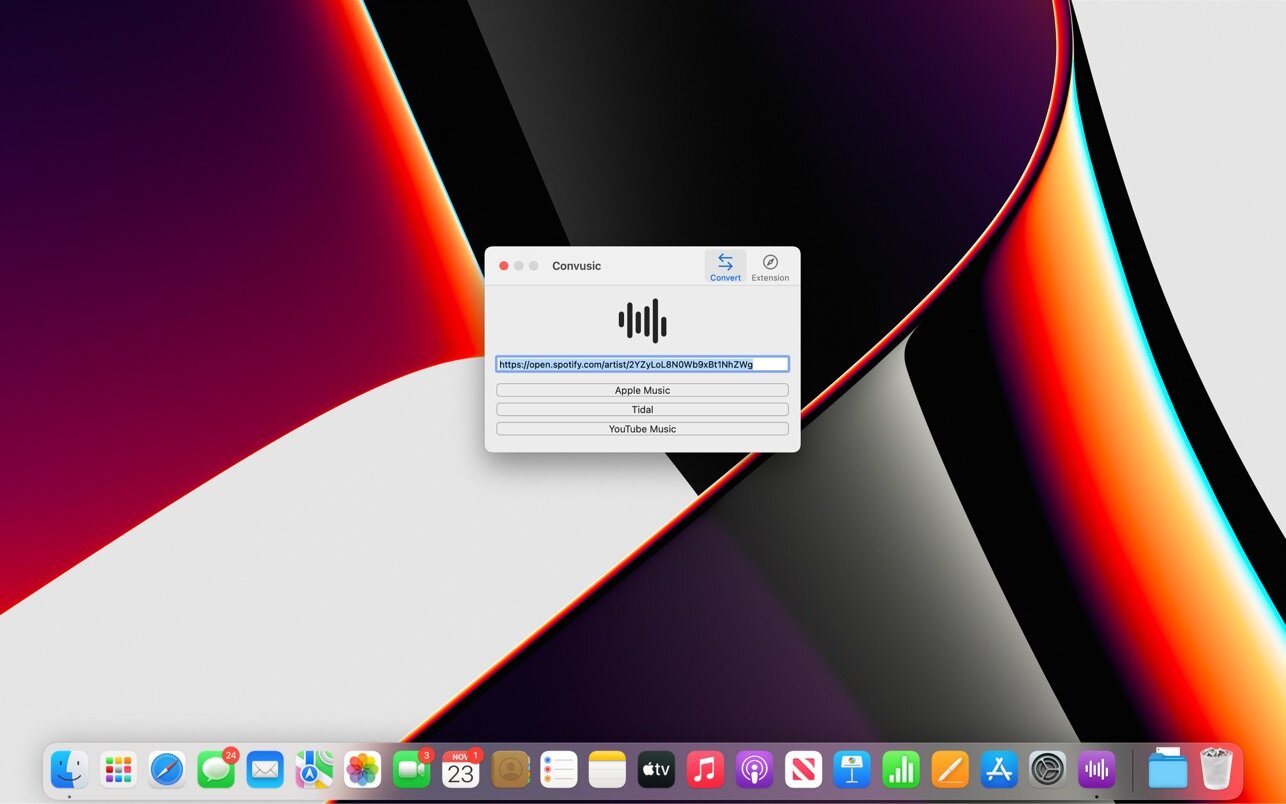
Convusic lets you automatically open links from Apple Music, Amazon Music, Deezer, Pandora, Spotify, Tidal, and YouTube Music in any other music app without lifting a finger.
After you download Convusic & configure it with your preferred music service, links from any other music service will open in your preferred app automatically. When you receive music links from friends & family who use other music services, those links will open in your app of choice. No extra work required — set it up once and forget about it!
You can access Convusic automatically using the included Safari Extension, or by copying and pasting music links into the app.
Convusic supports iCloud Syncing, iCloud Handoff, Dark Mode, and is integrated deeply with your device. You can use Convusic on your iPhone, iPad, or Mac.
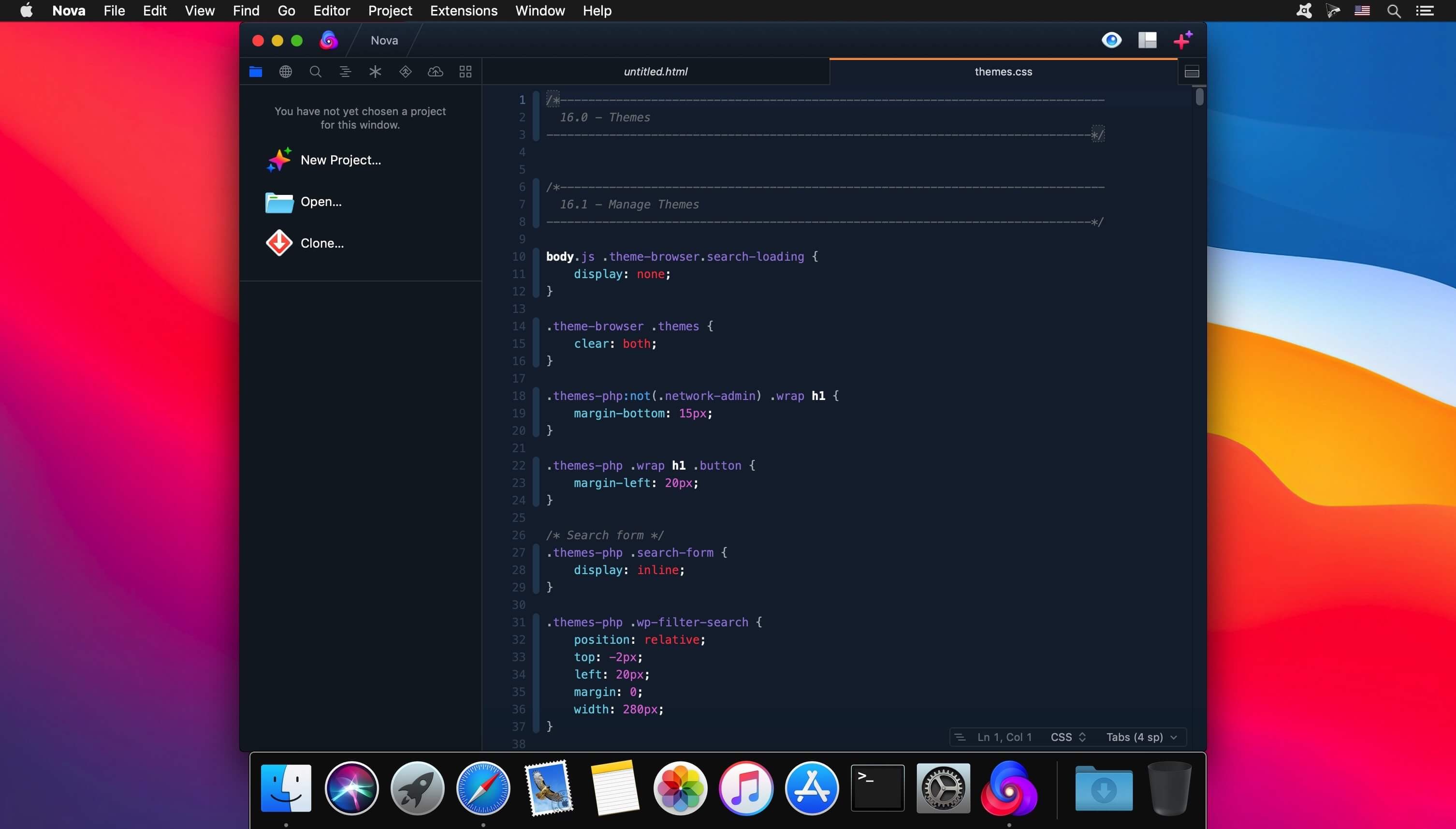
Can a native Mac code editor really be that much better? Find out.
The Editor.
It all starts with our first-class text-editor.
It’s new, hyper-fast, and flexible, with all the features you want: smart autocomplete, multiple cursors, a Minimap, editor overscroll, tag pairs and brackets, and way, way more.
The Interface.
It’s beautiful. And clean. And fun.
You can make Nova look exactly the way you want, while still feeling Mac-like. Bright, dark, cyberpunk, it’s all you. Plus, themes are CSS-like and easy to write. Nova can even automatically change your theme when your Mac switches from light to dark mode.
The Workflows.
Nova doesn’t just help you code. It helps your code run.
You can easily create build and run tasks for your projects. We didn’t have them in Coda, but boy do we have them now. They’re custom scripts that can be triggered at any time by toolbar buttons or keyboard shortcuts.
Imagine building content, and with the single click of a button watching as Nova fires up your local server, grabs the appropriate URL, and opens a browser for you, instantly. Just think of the time you’ll save.
Nova supports separate Build, Run, and Clean tasks. It can open a report when run. And the scripts can be written in a variety of languages.