Tag Archives: timeLAPSE

Screen Timelapse 1.8

Screen Timelapse

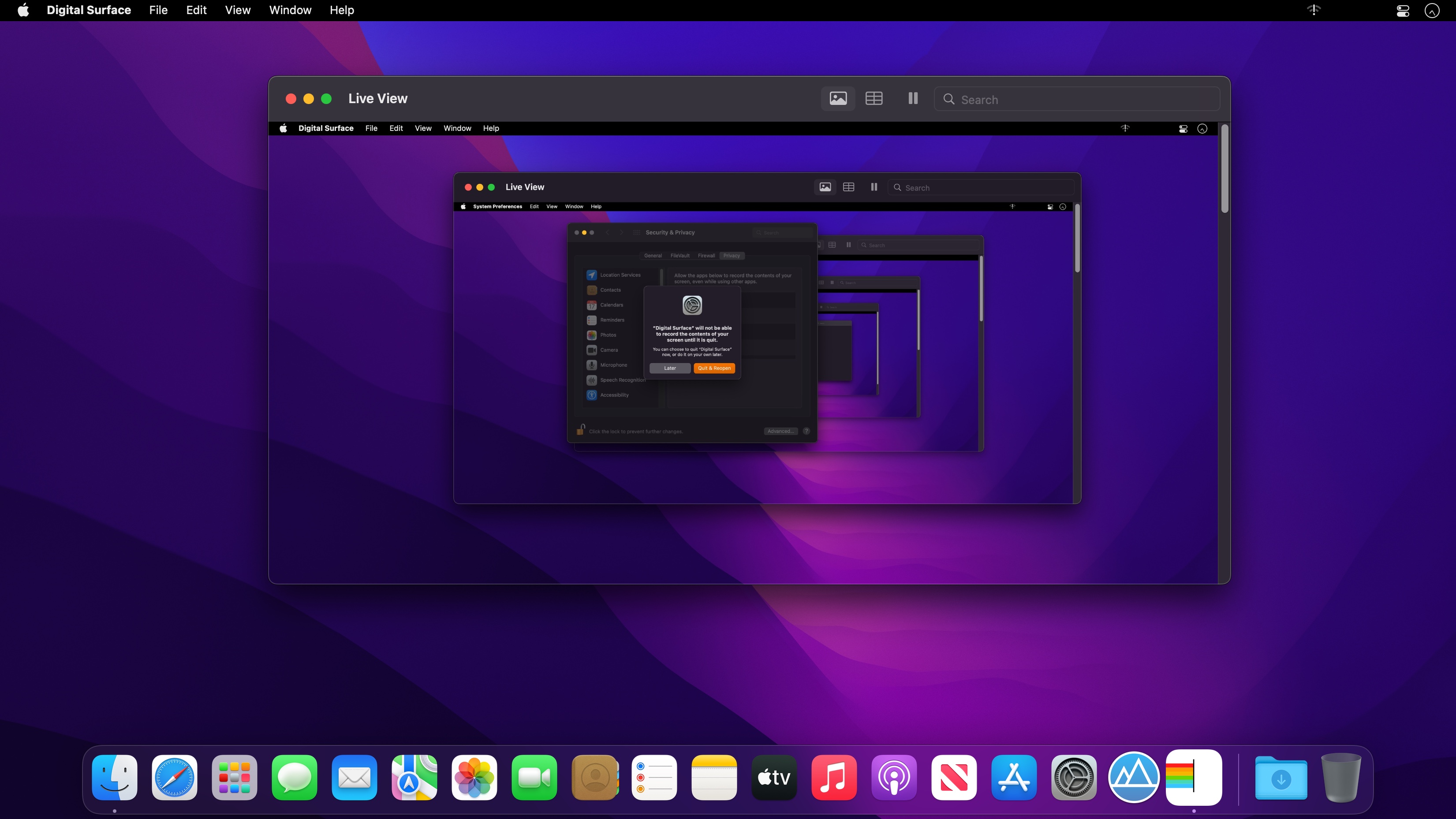
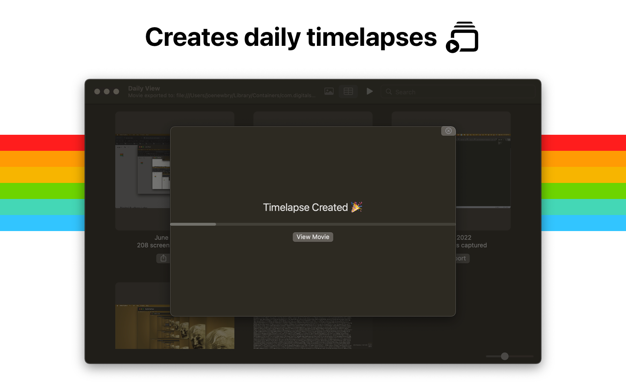
Digital surface saves screenshots of what you’re working on and makes them searchable.

Use it to

  • Share screenshots and timelapses with your co-workers.
  • Keep a permanent record of what you’re working on.

What’s New:

Version 1.8

  • Better search for your screenshots!

Compatibility: macOS 12.1 or later • Apple Silicon or Intel Core processor
Mac App Store https://apps.apple.com/app/digital-surfaces/id1629620421

Screenshots

Name: Screen Timelapse 1.8 MAS [HCiSO]_Mactorrents.is.dmg
Size: 11.98 MB
Files Screen Timelapse 1.8 MAS [HCiSO]_ Mactorrents.is.dmg[11.98 MB]

   Download

Screen Timelapse 1.3

Screen Timelapse saves screenshots of what you’re working on and makes them searchable.

Use it to
• Share screenshots and timelapses with your co-workers.
• Keep a permanent record of what you’re working on.

Compatibility: macOS 12.1 or later • Apple Silicon or Intel Core processor
Mac App Store https://apps.apple.com/app/digital-surfaces/id1629620421

Screenshots

Name: Screen Timelapse 1.3 MAS [HCiSO]_Mactorrents.is.dmg
Size: 10.57 MB
Files Screen Timelapse 1.3 MAS [HCiSO]_ Mactorrents.is.dmg[10.57 MB]

   Download

Screen Timelapse 1.2

Screen Timelapse saves screenshots of what you’re working on and makes them searchable.

Use it to
• Share screenshots and timelapses with your co-workers.
• Keep a permanent record of what you’re working on.

Compatibility: macOS 12.1 or later • Apple Silicon or Intel Core processor
Mac App Store https://apps.apple.com/app/digital-surfaces/id1629620421

Screenshots

Name: Screen Timelapse 1.2 MAS [HCiSO]_Mactorrents.is.dmg
Size: 9.64 MB
Files Screen Timelapse 1.2 MAS [HCiSO]_ Mactorrents.is.dmg[9.64 MB]

   Download

Screen Timelapse 1.1

Screen Timelapse saves screenshots of what you’re working on and makes them searchable.

Use it to
• Share screenshots and timelapses with your co-workers.
• Keep a permanent record of what you’re working on.

Compatibility: macOS 12.1 or later • Apple Silicon or Intel Core processor
Mac App Store https://apps.apple.com/app/digital-surfaces/id1629620421

Screenshots

Name: Screen_Timelapse_1.1_MAS__HCiSO_Mactorrents.is.dmg
Size: 10.11 MB
Files Screen_Timelapse_1.1_MAS__HCiSO_ Mactorrents.is.dmg[10.11 MB]

   Download

timeLAPSE 2.60

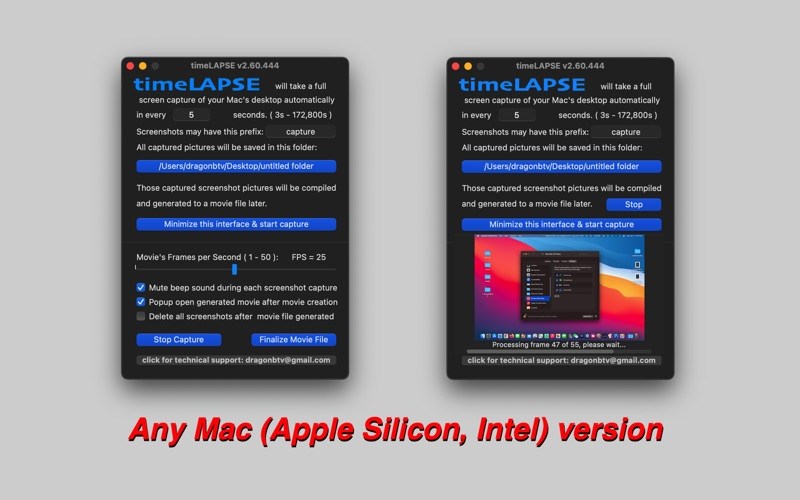
timeLAPSE will take a silent screenshot of your Mac’s desktop automatically and periodically at an interval according to your setup, from between 10 seconds to 24 hours. All captured screenshots will be saved in a folder of your choosing. Then, these captured screenshots can be linked and compiled into a continuously played time-lapse video at any time.

timeLAPSE is ideal for computer security and educational usage like as a child computer behavior monitor, it’s also very useful for medical care professionals, law enforcement personnel, journalist and researchers, to act as a computer event tracking and analyzing app.

You may even use it to create your attractive personal video diary or freelancer’s invoice attachment and share it with friends and clients.

What’s new

v2.53 -> v2.60

  • Any Mac (Apple Silicon, Intel) version for macOS Big Sur
  • fix bug: all alerts and pop panels forced in white color
  • fix bug: video rendering window expand to too large

  • easy startup tip added
  • auto-open at login tip added
  • support menu modified
  • app version display added
  • hide app dock icon function rewritten
  • all deprecated functions rewritten

Compatibility: OS X 10.15 or later, 64-bit processor
Mac App Store https://apps.apple.com/app/timelapse/id449502656

Screenshots

Name: timeLAPSE_2.60_MAS__HCiSO_Mactorrents.io.dmg
Size: 4 MB
Files timeLAPSE_2.60_MAS__HCiSO_Mactorrents.io.dmg[4 MB]

   Download