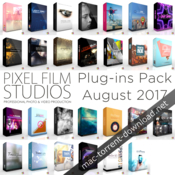
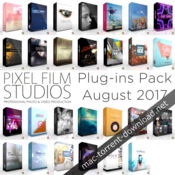
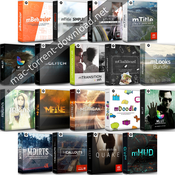
Descriptions for Pixel Film Studios August 2017 Plug-ins Pack
Name: Pixel Film Studios Plug-ins Pack
Version: August 2017
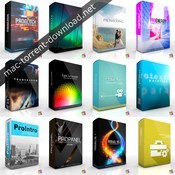
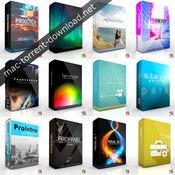
August 2017 Plug-ins Pack Includes:
- ProTeaser Volume 9
- TransRing
- PROGUN
- TransText Volume 2
- ProSmoke 5K
- TransLight
- ProHDR
- Profilm
- ProEmitter
- TransPic
- ProBlend
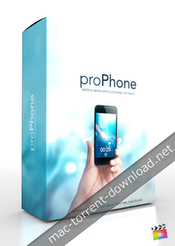
- ProPhone
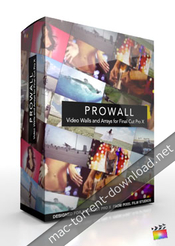
- ProWall Volume 1
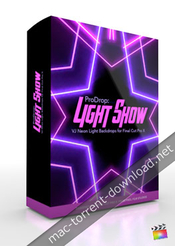
- ProDrop Light Show
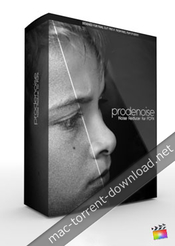
- ProDenoise
- ProWall Volume 2
- PROPEN
- FCPX Themes Light Grid
- ProDepth v1.2
- ProKaraoke for Final Cut Pro X
- ProIntro Quotes Volume 2
- Bokeh Bliss
- TransGlass Volume 1
- ProIntro Indie Volume 1
- ProGrain 4K
- PROTIMER VOLUME 1
- PRODRK
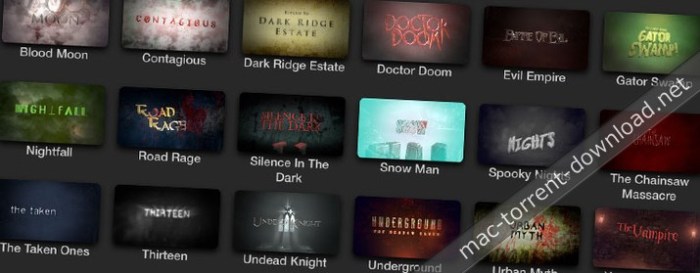
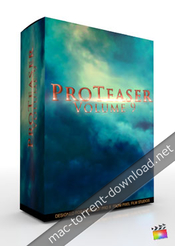
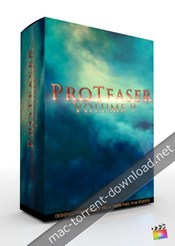
ProTeaser: Volume 9 – Trailers for FCPX
The epic conclusion to the third Trilogy has arrived! With 6 new teaser trailer titles for Final Cut Pro X, ProTeaser: Volume 9 from Pixel Film Studios™ can help you hype up your next film. Take your audience into a flaming inferno or epic fairytale adventure in your next trailer video. ProTeaser’s text are pre-animated and can be customized in the FCPX Inspector.
Web Site: http://store.pixelfilmstudios.com/product/proteaser-volume-9/
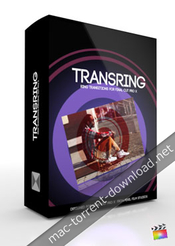
TransRing – Ring Transitions for FCPX
Pixel Film Studios brings you TransRing, a unique and stylized transition pack designed for FCPX that will bring excitement to any film! Easy to use, and customize, these ring transitions can be applied to any type of film. Customize colors, angles, and rotations all within FCPX. With so many different styles you can create, the options are endless!
Web Site: https://store.pixelfilmstudios.com/product/transring/
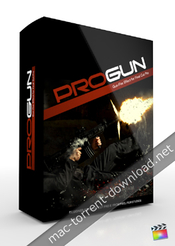
ProGun – Gun-Fire Effect
Star in your very own action film with PROGUN from Pixel Film Studios. With over 30 muzzle fire effect presets for Final Cut Pro X, be in total control over your muzzle fire effects in a few clicks of a mouse. Rotate your muzzle fire in 3D space, choose your color, and even control the muzzle flash on your subject all with in Final Cut Pro X.
PROGUN requires Final Cut Pro X version 10.1.2 or newer.
TransText: Volume 2 – Text Transitions
Text transitions are back with all new styles and custom animations. TransText: Volume 2 allows users to transition through any letter into the next shot. TransText: Volume 2 contains over 60 individual animated presets with adjustable speed controls, allowing FCPX users to create professional transitions quickly and easily.
Web Site: http://store.pixelfilmstudios.com/product/transtext-volume-2/
ProSmoke 5K – 5k Smoke Effects
Pixel Film Studios brings you PROSMOKE 5K, the premiere Ultra HD Smoke composite tool for any non-linear video editing platform! Transform film shots and enahance the suspense and danger with these smoke composites! Includes on-screen controls and multi-point masks for FCPX!
Web Site: http://store.pixelfilmstudios.com/product/prosmoke-5k/
TransLight is Light Particle Transitions
TransLight from Pixel Film Studios offers fully customizable physics based lens flares and light particle transitions all within Final Cut Pro X. With TransLight users have full control over gravity, wind, random motion, and more. Users have full control over start and end position leaving infinite possibilities with a click of a mouse.
Web Site: http://store.pixelfilmstudios.com/product/translight/
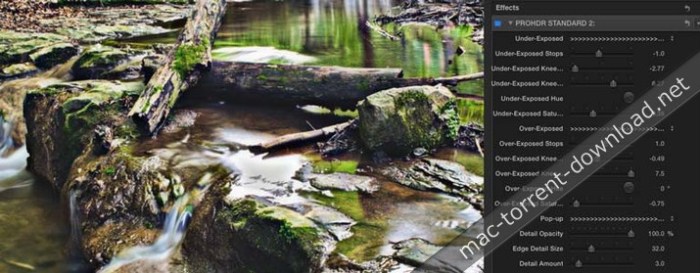
ProHDR – Professional High Dynamic Range Effect
Simulate the HDR processes with any footage using PROHDR from Pixel Film Studios. With this plugin for Final Cut Pro X, you create the high dynamic look that is normally created by combining shots filmed at different exposures. With 50 exposure and color presets to choose from, creating HDR video has never been so easy.
Web Site: https://store.pixelfilmstudios.com/product/prohdr/
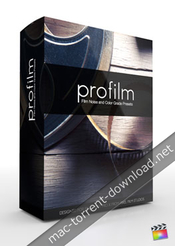
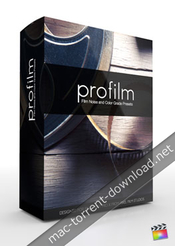
Profilm – Professional Filmic Looks
Turn your projects into a contemporary-styled film with ProFilm from Pixel Film Studios. This collection of 30 filmic looks from Final Cut Pro X can instantly give your video a more cinematic feel. Apply color, darken shadows and add 35mm grain to transform your footage into a Hollywood film.
Web Site: http://store.pixelfilmstudios.com/product/profilm/
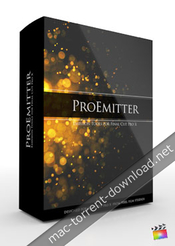
ProEmitter – Emission Tools
With PROEMITTER from Pixel Film Studios fully customizable particle emission is finally here all with in Final Cut Pro X. Rotate each emitter with in 3D space, and with over 170 fully customizable and separately designed presets the possibilities are endless. The user may choose from attraction, gravity, orbiting particles, vortex, particles with no influence, and more. Control the range, angle, spin, birth rate, life, speed, randomization generator, physics controls, lens controls, and much more with a click of mouse.
Web Site: http://store.pixelfilmstudios.com/product/proemitter/
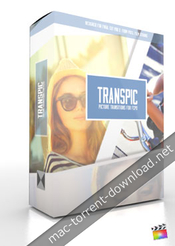
TransPic – Picture Transitions
TransPic comes packed with 100 customizable transitions. This transition pack comes with many different types of transitions to choose from. The user can choose to transition with only standard, instant, or mixed photos. Choose to transition with up to 20 photos. The user has parameter control over each transition such as rotation, shadow, and reflection controls. The user gets different reflection presets or can choose to add their own reflection image.
Web Site: http://store.pixelfilmstudios.com/product/transpic/
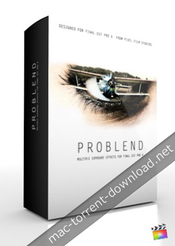
ProBlend – Multiple Exposure Effects
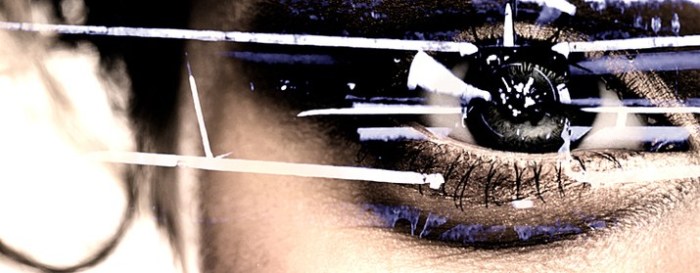
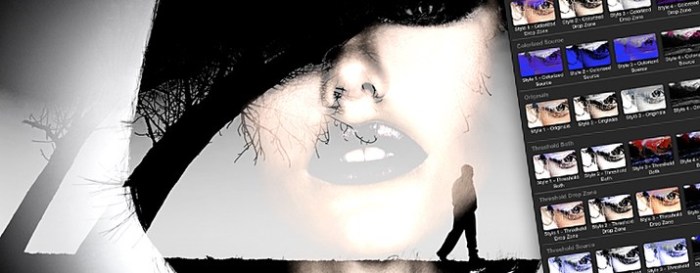
With ProBlend users now have the ability to create a multiple exposure all with in Final Cut Pro X. Users have full customization over levels, softness, erosion, hue, saturation, contrast, luminance, colorization, threshold, and much more with a click of a mouse. With over 50 presets the possibilities are truly endless.
Web Site: http://store.pixelfilmstudios.com/product/problend/
ProPhone – Vertical Phone Media to HD
Fix your vertical/portrait iPhone photos and videos into HD media with PROPHONE. Have you ever wanted to use that vertical footage shot from your iPhone? Now you can with PROPHONE from Pixel Film Studios. With PROPHONE you can customize blur amount and location, or choose from over 20 preset filter effects that will truely show off your footage like never before.
Web Site: https://store.pixelfilmstudios.com/product/prophone/
ProWall: Volume 1 – Video Wall Styles
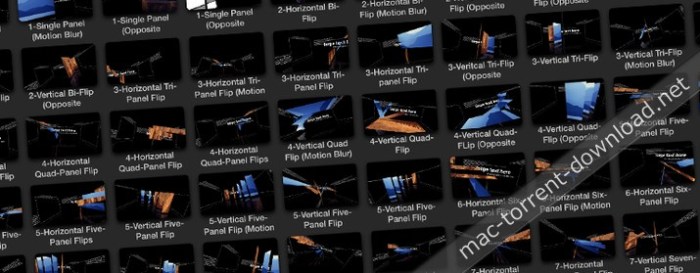
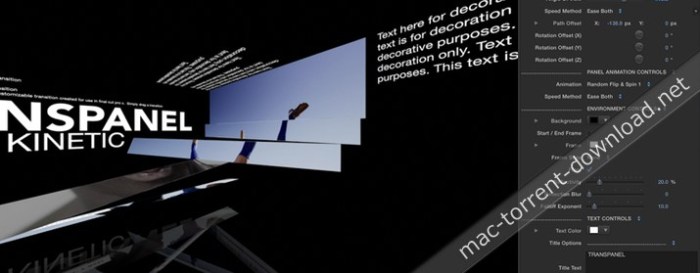
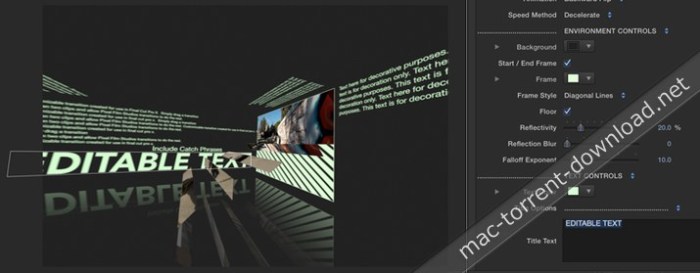
Want to create a wall of monitors that are each showing a different clip or image? With PROWALL from Pixel Film Studios users can create video walls, rooms and tunnels directly inside of Final Cut Pro X, and then navigate the viewer through them with a 3D camera. With 60 different layouts and customization options, the possibilities are endless.
Web Site: http://store.pixelfilmstudios.com/product/prowall-volume-1/
ProDrop: Light Show – VJ Neon Light Backdrops
Let the beat drop with with ProDrop: Light Show. With ProDrop: Light Show users now have ability to generate their very own vj neon light backdrops with a click of a mouse. Users have full control over angle of view, camera position, scale, birth rate, life, speed, angle, spin, emission range, glow amount and much more all within Final Cut Pro X.
Web Site: http://store.pixelfilmstudios.com/product/prodrop-light-show/
ProDenoise – Noise Reducer
Final Cut Pro X users can now soften and subdue film noise or grain in their footage with ProDenoise from Pixel Film Studios. ProDenoise can quickly and easily make your video look sharper and cleaner in a few clicks of a mouse. With edge protection and detail recovery, this denoiser plugin can remove noise and grain while leaving the important details intact for a great-looking video in FCPX.
ProDenoise requires FCPX version 10.1.3 or newer.
Web Site: http://store.pixelfilmstudios.com/product/prodenoise/
ProWall: Volume 2 – Video Walls
ProWall Volume 2 lets user create professional video walls easily and quickly inside of Final Cut Pro X. This ProWall comes packed with 30 different customizable environments. Choose to curve drop zones, twist them, decide the spacing, rotation, and much more. The camera with each environment lets the user create any movement they want with zero keyframes.
Web Site: https://store.pixelfilmstudios.com/product/prowall-volume-2/
ProPen: Pen Tool
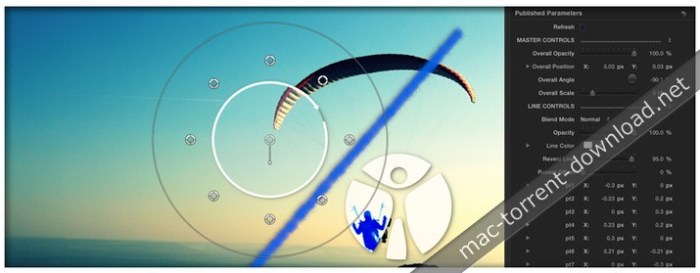
With PROPEN user can now show off their game plan, or simple enjoy this fun and easy-to-use tool. PROPEN lets the user draw around their subject matter as it goes across the screen, and even magnify the center of interest. Have control over line width, line spacing, line roundness, magnification, blend modes, color, and more all with in Final Cut Pro X.
Web Site: http://store.pixelfilmstudios.com/product/propen/
Light Grid – Futuristic Theme
Create a futuristic circuit board world with the Light Grid theme for Final Cut Pro X from Pixel Film Studios. With glowing laser lights and sliding image panels, Light Grid can give your film cutting edge look. This theme allows you to quickly and easily customize the color, text, font and images directly inside the FCPX Inspector.
Web Site: http://store.pixelfilmstudios.com/product/light-grid/
ProDepth 1.2 – Media Depth Alteration Tools
With ProDepth users can alter their media in a whole new way. With ProDepth depth alteration has never been so fun and easy to do. Users can set their camera’s perspective on a customizable path, oscillate position and rotation, wiggle position, apply a pulsation, and more all within Final Cut Pro X from Pixel Film Studios.
Web Site: http://store.pixelfilmstudios.com/plugin/plugin-prodepth
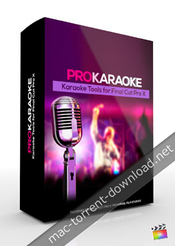
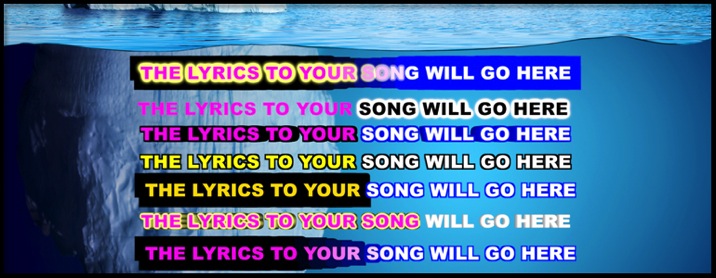
ProKaraoke – Karaoke Tools
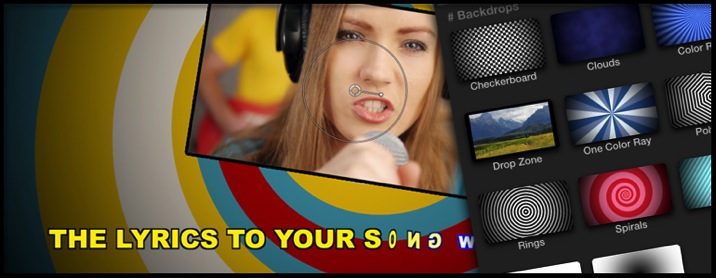
Users can now make their very own personalized karaoke video with PROKARAOKE from Pixel Film Studios. Users can choose from either a bouncing ball, glimmering stars, or a drop zone to insert their own media. Users are given over 90 effect presets, and even a master text tool with all the effects combined into one. PROKARAOKE gives the user full customization over look and style. With PROKARAOKE karaoke videos will never look the same again all with a click of a mouse all with in Final Cut Pro X.
PROKARAOKE requires Final Cut Pro X version 10.1.2 or newer.
Web Site: http://store.pixelfilmstudios.com/product/prokaraoke/
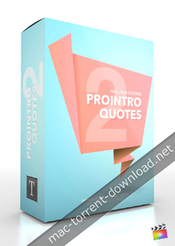
ProIntro: Quotes Volume 2 – Professional Introductions
ProIntro: Quotes Volume 2 is a set of 30 self-animating quotation mark inspired intros created exclusively for use in Final Cut Pro X. Pixel Film Studios stylized quote titles to allow users to add quotations to any video or media. Choose from unique styles with smooth animations and quotation marks. To add greater contrast all the user has to do is increase the blur or change the tint on the background. Pixel Film Studios’ ProIntro Quotes Volume 2 makes it easy to add quotes exclusively inside of Final Cut Pro X.
Web Site: https://store.pixelfilmstudios.com/product/prointro-quotes-volume-2/
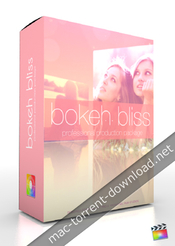
Bokeh Bliss – Fashion Theme
Bokeh Bliss comes packed with over 50 environment shots, 4 transitions, 2 lower-thirds, 2 text screens, and 2 title sequences. There are a bountiful number of tools at your disposal. Change the text and theme background colors, adjust the text, and utilize the easy to use drop zones to create the project you always wanted. Bokeh Bliss is made exclusive for Final Cut Pro X. Watch your project come to life without a single drop zone. Bokeh Bliss is a FCPX exclusive.
Web Site: http://store.pixelfilmstudios.com/product/bokeh-bliss/
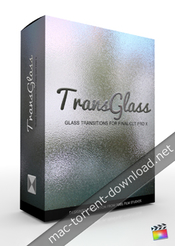
TransGlass: Volume 1 – Glass Transitions
TransGlass from Pixel Film Studios brings FCPX users a new set of transition tools, which a cutting edge and stylistic approach. Fully customizable, drag and drop glass styles come equipped with movement, color, and blur controls, allowing the user to change each transition to their liking. TransGlass is easy to use, allowing users to apply professional frosted glass looks in seconds.
Web Site: http://store.pixelfilmstudios.com/product/transglass-volume-1/
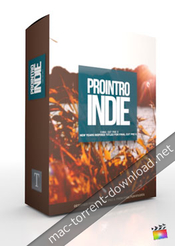
ProIntro: Indie Volume 1 – Introductions for FCPX
ProIntro: Indie is a set of 30 self-animating indie-styled introductions created exclusively for use in Final Cut Pro X. Pixel Film Studios’ beautifully styled titles allow FCPX editors to add a unique opener to any video production. Choose from styles with beautiful animations and basic title elements including shapes, lines, and patterns. Blur the background and adjust gradients for greater contrast. Pixel Film Studios’ ProIntro: Indie makes customization in Final Cut Pro X easy.
Web Site: http://store.pixelfilmstudios.com/product/prointro-indie-volume-1/
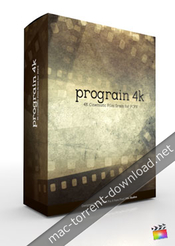
ProGrain 4K – 4K Cinematic Film Grain
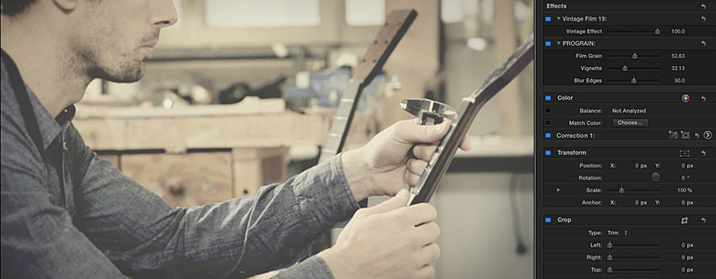
Final Cut Pro X users can now give their footage the look of real celluloid film with PROGRAIN 4K from Pixel Film Studios. This collection of 20 film stock looks for Final Cut Pro X can instantly give any video a more cinematic feel. With easy to use controls, editors can quickly manipulate the contrast, opacity, color and texture of their film.
PROGRAIN 4k works on footage up to 4k. This plugin requires Final Cut Pro X version 10.1.2 or newer.
Web Site: http://store.pixelfilmstudios.com/product/prograin-4k/
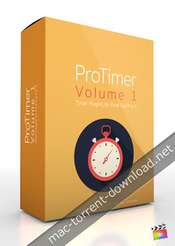
ProTimer: Volume 1 – Timer Plugin
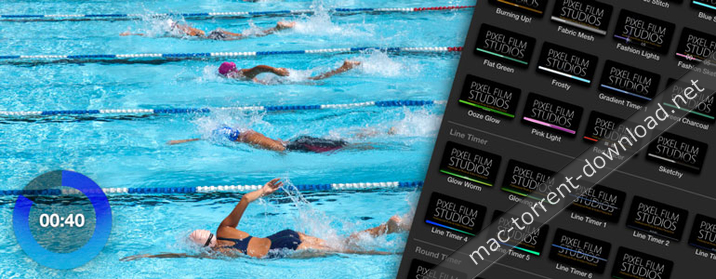
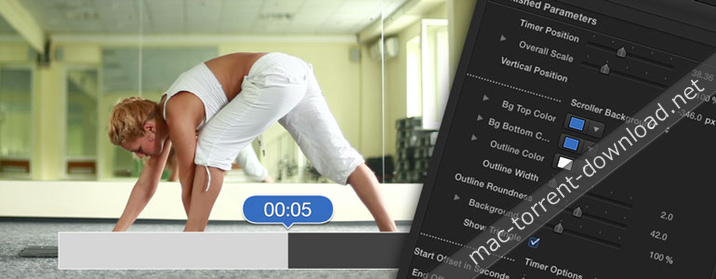
Create a custom timer in your next workout video, cooking tutorial or infomercial with PROTIMER from Pixel Film Studios. This collection of over 50 timers can help you count down or up in various units and styles in Final Cut Pro X. PROTIMER comes fully stocked with line, round, and progress clocks.
Web Site: http://store.pixelfilmstudios.com/product/protimer-volume-1/
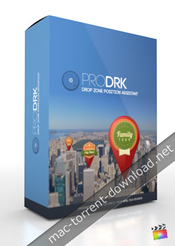
ProDRK – Drop Zone Position Assistant
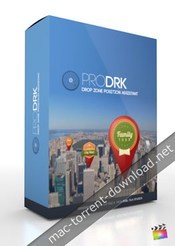
Create the image positioning effects you have always wanted in Final Cut Pro X with PRODRK from Pixel Film Studios. This plugin allows you to interact with your media like never before. With easy to use on-screen controls and customization options in FCPX, the PRODRK Plugin from Pixel Film Studios can help you position your logos and icons in 3D space!
Web Site: https://store.pixelfilmstudios.com/product/prodrk/