Category Archives: Apple

MediaInfo 24.04

Name: MediaInfo_24.04_Mactorrents.biz.dmg
Size: 16 MB
Files MediaInfo_24.04_Mactorrents.biz.dmg[16 MB]

   Download Torrent
   Link Download

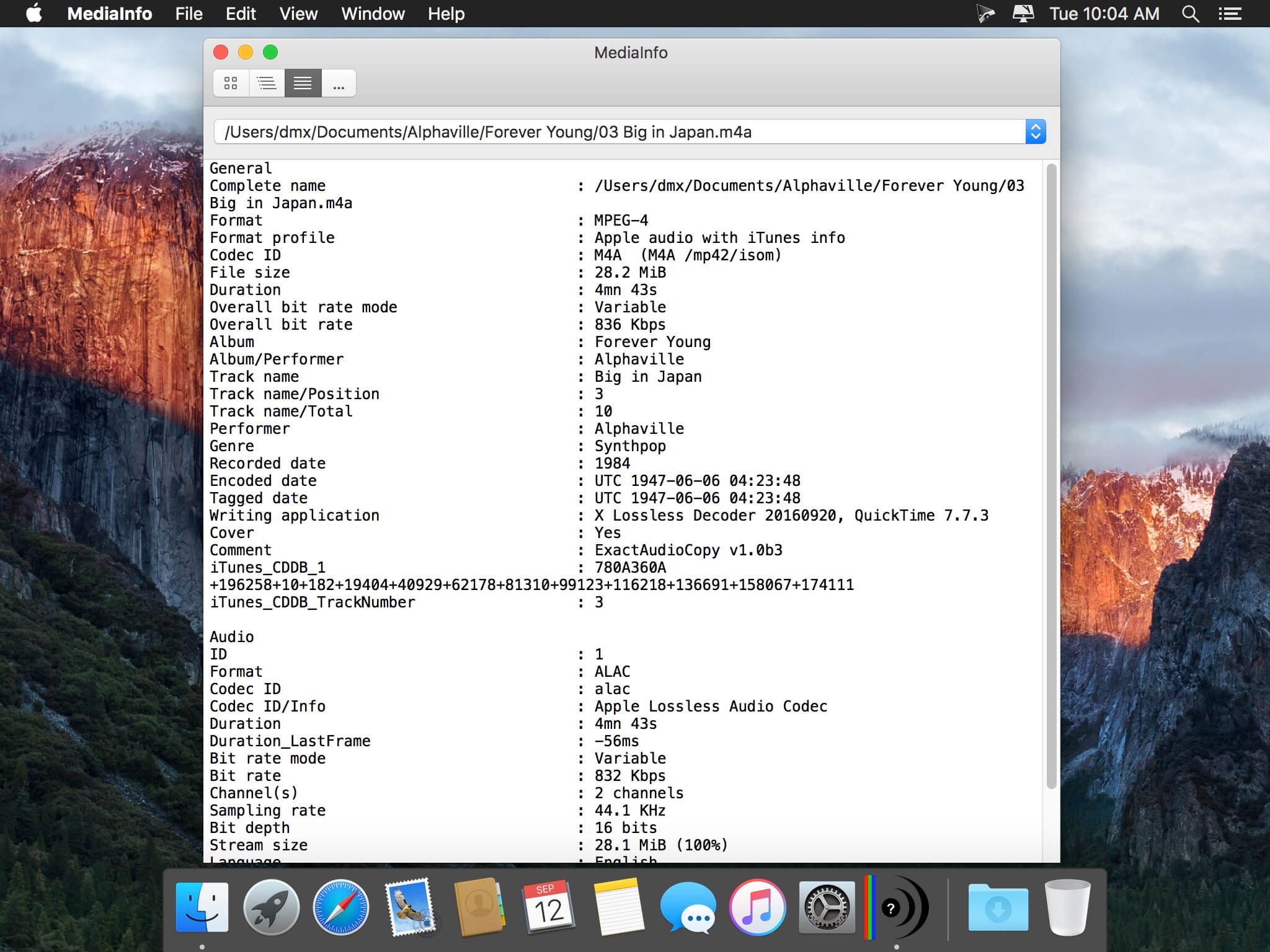
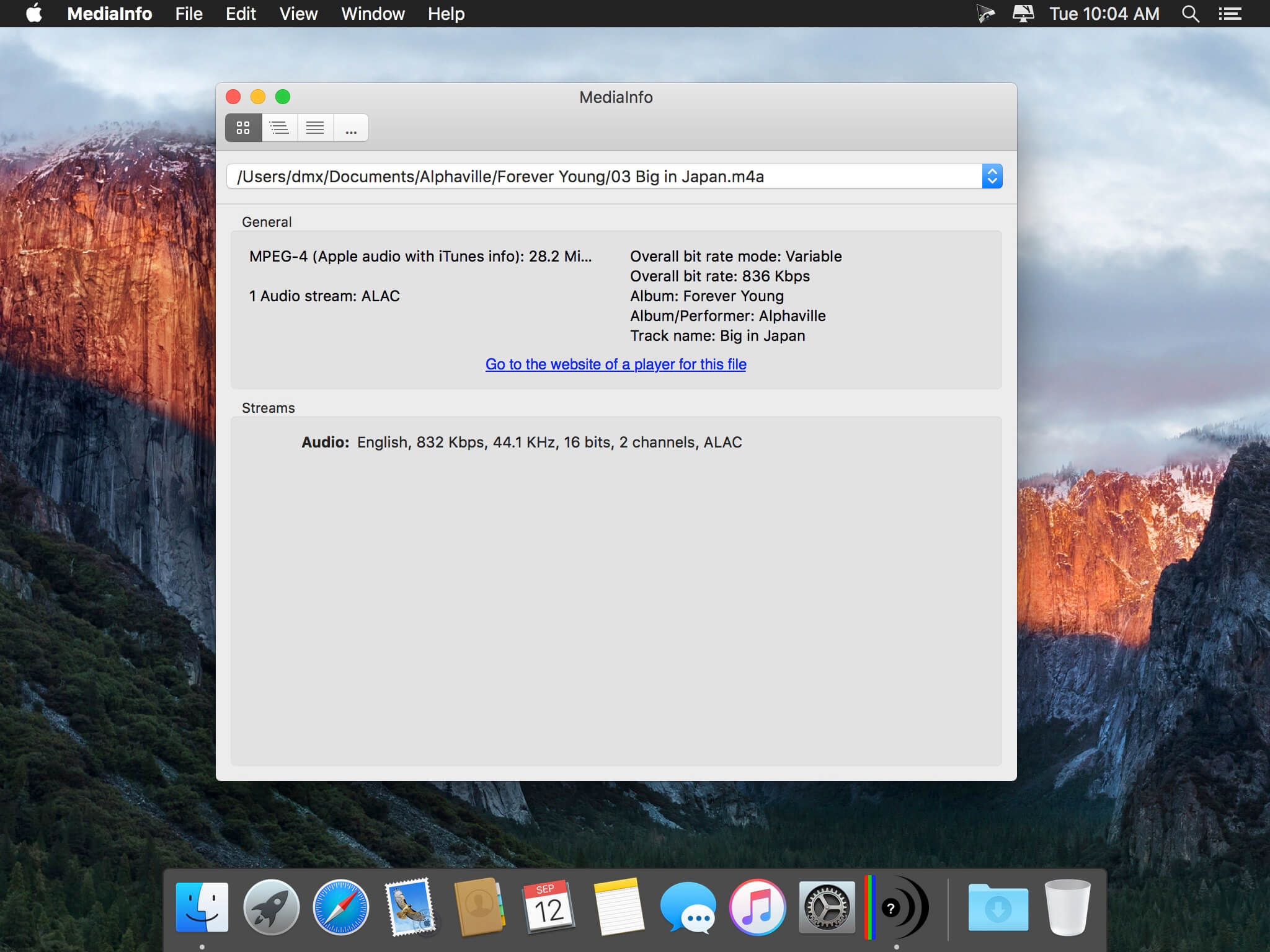
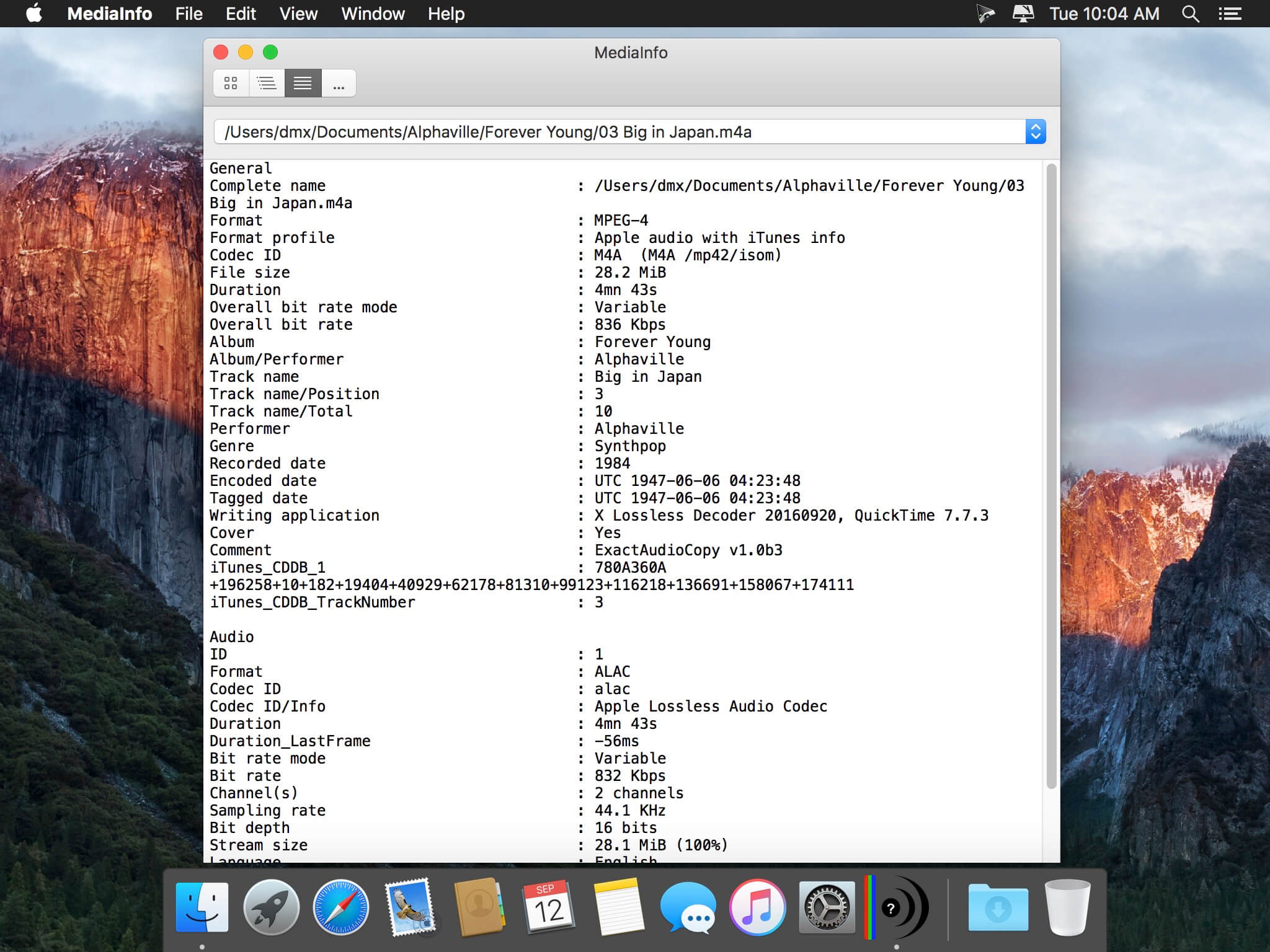
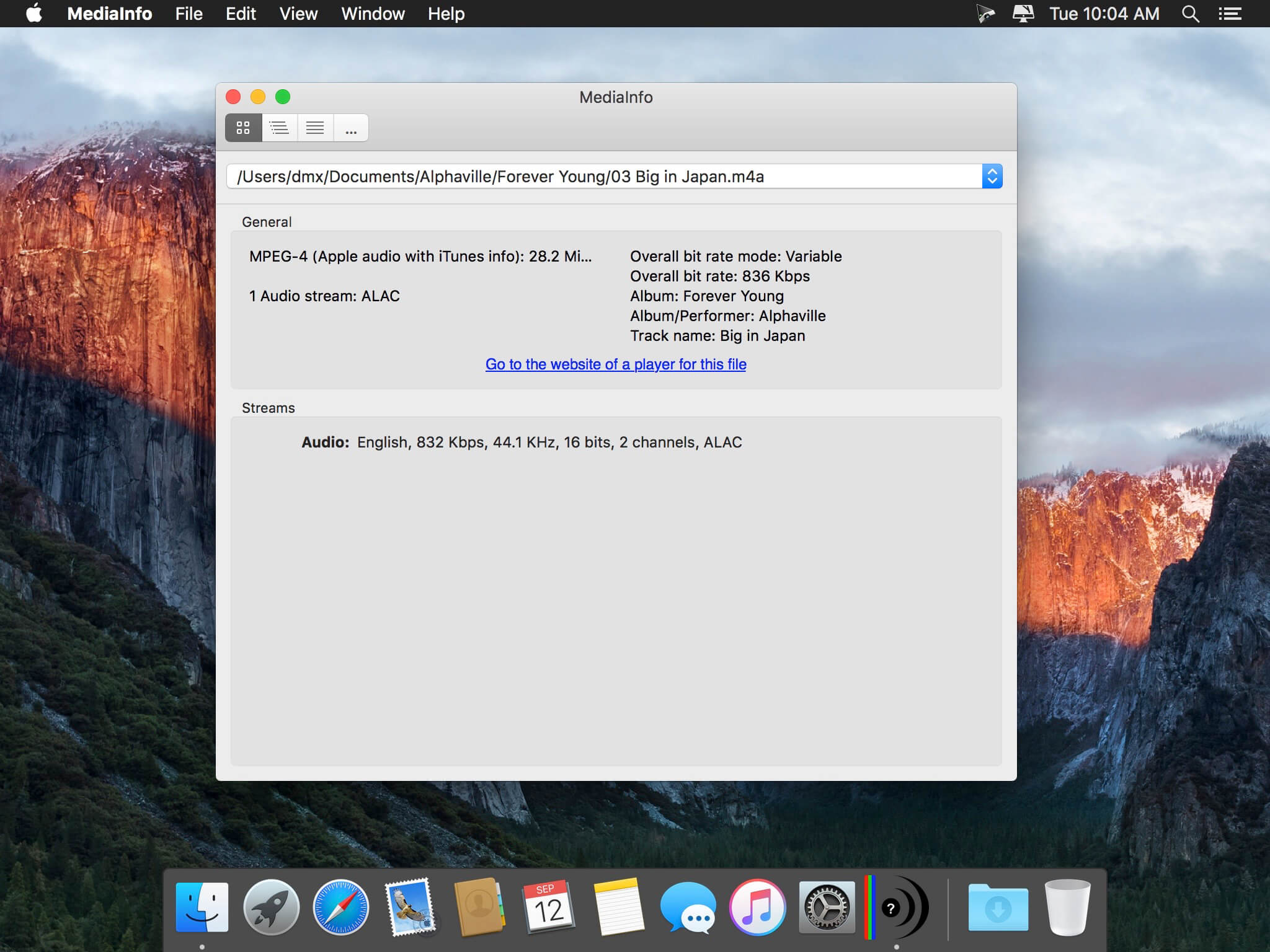
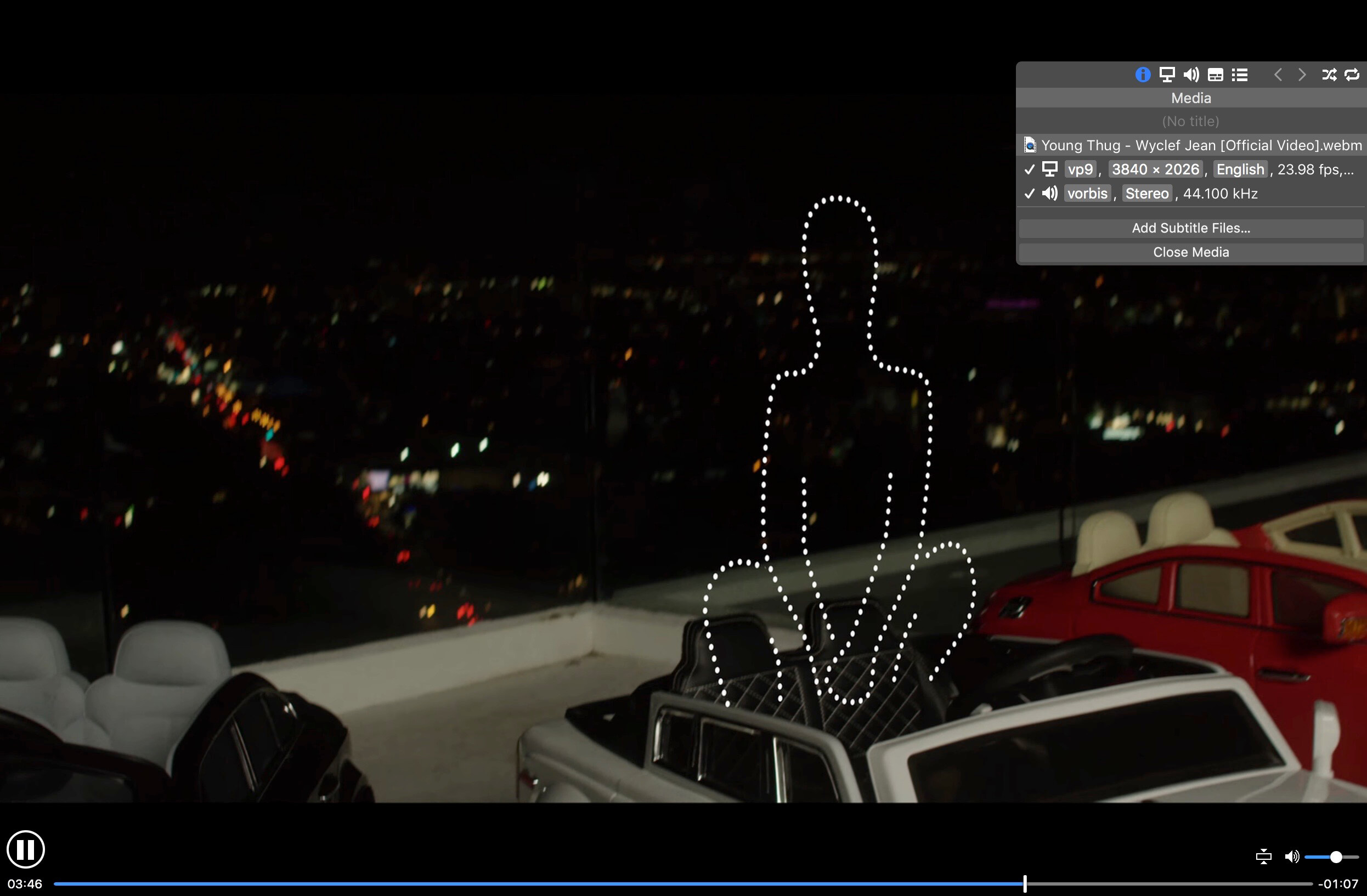
MediaInfo is a convenient unified display of the most relevant technical and tag data for video and audio files.

The MediaInfo data display includes:

  • Container: format, profile, commercial name of the format, duration, overall bit rate, writing application and library, title, author, director, album, track number, date…
  • Video: format, codec id, aspect, frame rate, bit rate, color space, chroma subsampling, bit depth, scan type, scan order…
  • Audio: format, codec id, sample rate, channels, bit depth, bit rate, language…
  • Subtitles: format, codec id, language of subtitle…
  • Chapters: count of chapters, list of chapters…

The MediaInfo analyticals includes:

  • Container: MPEG-4, QuickTime, Matroska, AVI, MPEG-PS (including unprotected DVD), MPEG-TS (including unprotected Blu-ray), MXF, GXF, LXF, WMV, FLV, Real…
  • Tags: Id3v1, Id3v2, Vorbis comments, APE tags…
  • Video: MPEG-1/2 Video, H.263, MPEG-4 Visual (including DivX, XviD), H.264/AVC, Dirac…
  • Audio: MPEG Audio (including MP3), AC3, DTS, AAC, Dolby E, AES3, FLAC, Vorbis, PCM…
  • Subtitles: CEA-608, CEA-708, DTVCC, SCTE-20, SCTE-128, ATSC/53, CDP, DVB Subtitle, Teletext, SRT, SSA, ASS, SAMI…

MediaInfo features include:

  • Read many video and audio file formats
  • View information in different formats (text, tree)
  • Export information as text
  • Graphical user interface, command line interface, or library (.dylib) versions available (command line interface and library versions are available separately, free of charge, on the editor website)
  • Integrate with the shell (drag ‘n’ drop, and Context menu)

Top In-App Purchases: Full Version – included

Compatibility: macOS 10.10 or later
Homepage https://apps.apple.com/app/mediainfo/id510620098

Screenshots


Ableton Live 12 Suite 12.0.2

Name: Ableton_Live_12_Suite_12.0.2_U2B__HCiSO_Mactorrents.biz.dmg
Size: 2.90 GB
Files Ableton_Live_12_Suite_12.0.2_U2B__HCiSO_Mactorrents.biz.dmg[2.90 GB]

   Download Torrent
   Link Download

Ableton Live is fast, fluid and flexible software music sequencer and digital audio workstation for music creation and performance. It comes with effects, instruments, sounds and all kinds of creative features – everything you need to make any kind of music. Find yourself again and again in Ableton Live!

Create in a traditional linear arrangement, or improvise without the constraints of a timeline in Live’s Session View. Move freely between musical elements and play with ideas, without stopping the music and without breaking your flow.

→ All new features and updates in Live 12:

MIDI Transformations
Create a variety of simple or complex variations to your MIDI clips: add ornaments and articulations, draw acceleration and deceleration curves, connect successive notes and chords, or simulate the strum of a guitar.

MIDI Generators
Conjure up melodies, chords and rhythms with new MIDI Generators. Give your chosen Generator custom constraints, watch it create playful and original patterns, and then turn the ideas it produces into your own.

Max for Live MIDI Tools
Max now facilitates even greater experimentation, letting you create new MIDI Transformations and Generators – either based on existing ones, or your own creations.

MIDI Editing Improvements
Arrange the order of a selection of notes by pitch, velocity or duration. Stretch, split, chop or join notes in new ways; shape the velocity of notes; transpose them into a scale; or add intervals chromatically or in key.

Keys and Scales
Set the selected clip’s scale in Live’s Control Bar to see its notes in any clip you create. Then edit the clip using scale highlighting as a guide, use the clip scale to transform and generate musical ideas, or sync the scale of MIDI devices and instruments to the clip being played. Any changes in Live will be reflected in Push, and vice versa.

Expanded probability
Assign a single probability rule to a group of notes so that the entire group of notes is played whenever the trigger is fired. Or select a chord and tell Live to randomly play one note from it whenever the probability trigger is fired.

Embrace and explore tunings
Follow your preferred tuning systems or try different ones more easily. Work outside the 12-tone equal temperament system, and access tunings with Live’s devices as well as any MPE-capable plugin.

Meld
A bi-timbral, MPE-capable instrument designed for deep sound shaping that lets you create a wide array of textural and experimental tones with its two easy-to-use macro oscillators.

Granulator III
The latest iteration of Robert Henke’s granular instrument now has MPE capability, giving you expressive control over parameters like note bend, vibrato and glissando. Plus, you can now capture audio in real time and start manipulating it immediately.

Roar
Create everything from subtle and precise mastering-grade warmth to wild and unpredictable sound degradation with Live’s new coloring and saturation effect. Roar’s three saturation stages can be used in series, parallel, or even in mid/side and multiband configurations – and it comes equipped with a feedback generator and an extensive modulation matrix.

New Modulation Behavior
Modulation destinations are no longer taken over by the modulation source. This means you can still adjust the parameter being modulated, even after assigning an LFO or other modulation source to it, opening up faster workflows, more possibilities for performance and continuous real-time control of parameters.

New Pack
Lost and Found – A collection of sounds fashioned from unusual materials, percussive trinkets, unique foley recordings and expressive objects to infuse your productions with character and authenticity. Dig deep and create layers of decorative, expressive instruments, playful Drum Racks and rich sound effects.

New Pack
Performance Pack – A set of innovative devices from Iftah that push the boundaries of performing with Live. Capture snapshots of your sets and deploy them later, control multiple parameters with layered macros and curves, extend performances with looping in Arrangement View and pre-arrange the structure of a performance before you have even recorded it.

Stacked Detail Views
View your devices and the Clip Editor, or automation and device parameters, at the same time – so you can work without the distraction of switching between views.

View styling
Live 12’s cleaner, more minimal look removes visual complexity and keeps the focus on your music.

Mixer in Arrangement
Live’s Mixer, previously available only in Session View, can now be used in Arrangement View. Toggle it on or off with Mixer View Control located in the bottom right corner or via the View menu, and configure it independently of the Arrangement Mixer.

Mixer improvements
Live’s Mixer also comes with visual improvements that make it more accurate for detailed mixing decisions, and easier to read and control.

Browser Tagging and Filtered Searches
Search for your sounds in the Browser without the constraints of Live’s built-in categorization. That means when you search for bass sounds, you’ll see all the bass sounds in your Ableton library, whether they’re samples or instrument presets.

Live 12’s sound content is also tagged using a new system that acts as a more flexible alternative or addition to Collections in the sidebar. Sounds now come with sensible labels to make them easier to find – but if you need more detail, or just want to use your own method of labeling, you can also add your own.

Aside from Live 12’s built-in tags, you can create your own custom categories in the sidebar for easy access to all your favorite sounds and devices in the way that makes the most sense to your workflow.

Sound Similarity Search
Start with a sample and tell Live’s browser to find comparable sounds and instrument presets, with the help of a neural network.
Or swap all the samples in your Drum Rack for similar ones to quickly try out new percussive textures – like a drum machine with seemingly-infinite kits.

Browser History
Retrace your steps, and see and hear the sounds or categories you’ve previously searched for: Live’s Browser now lets you backtrack through your search history as you would with a web browser.

Accessibility and navigation improvements
Control core workflows in Live 12 using assistive technologies like screen readers, and use new keyboard shortcuts to navigate to nearly every part of Live.

New Themes
Choose new themes and adjust them with cool, neutral or warm tones and even a high contrast mode.

Compatibility: macOS 11.0 or later • Apple Silicon or Intel Core processor
Homepage https://www.ableton.com/en/live/

Algoriddim djay Pro 5.1.5

Name: djay_Pro_5.1.5_Mactorrents.biz.dmg
Size: 339 MB
Files djay_Pro_5.1.5_Mactorrents.biz.dmg[339 MB]

   Download Torrent
   Link Download

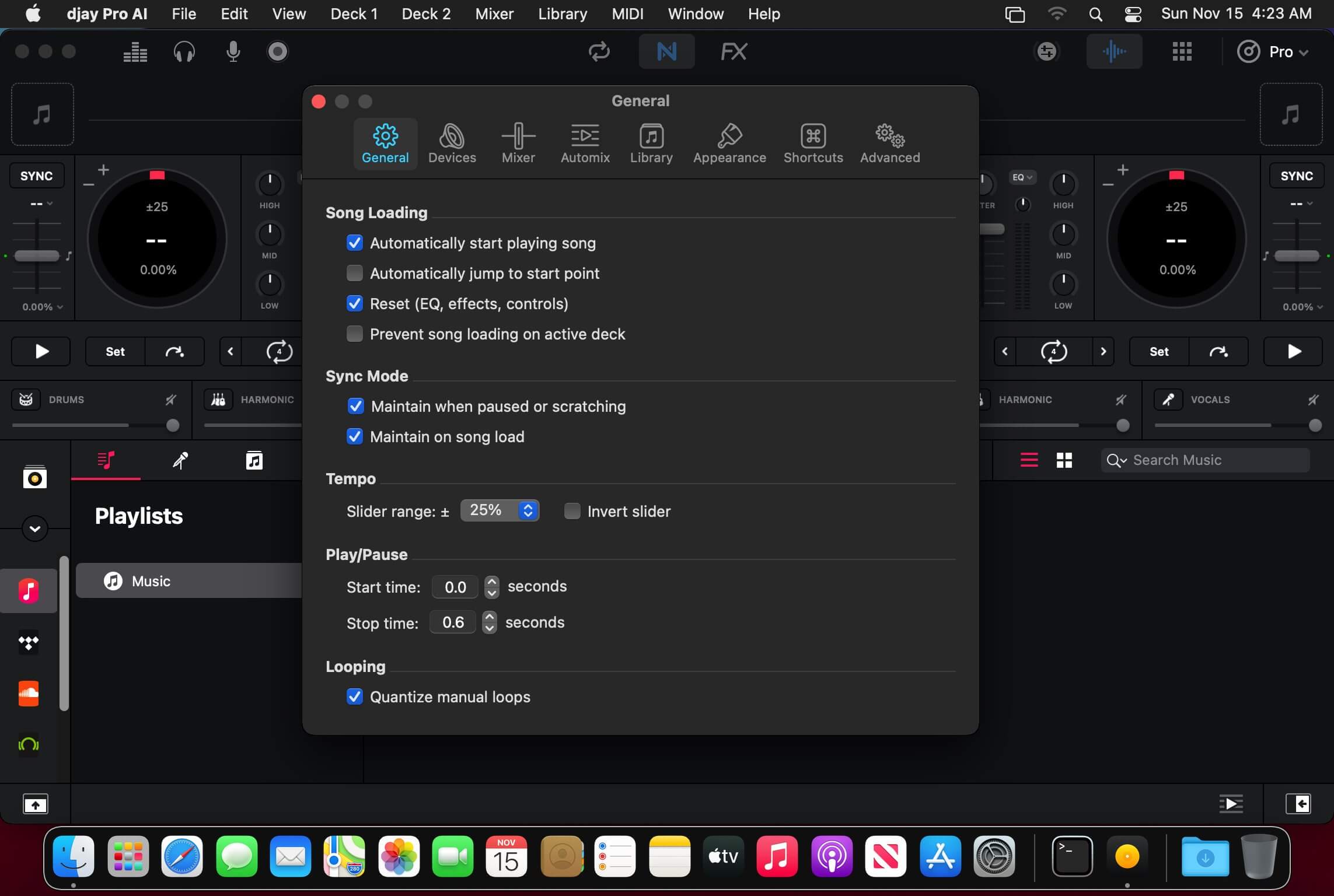
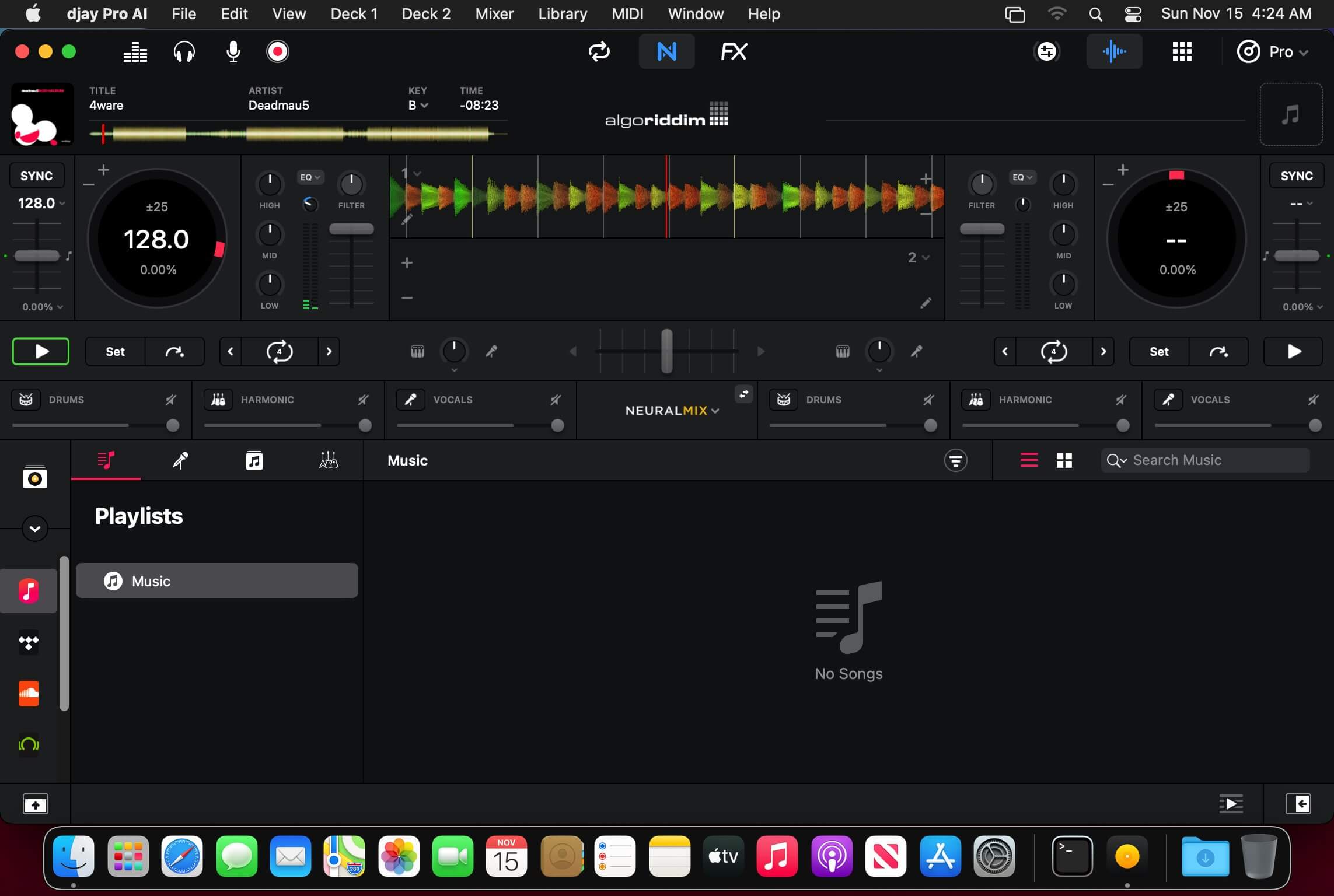
Welcome to djay Pro AI! Algoriddim’s acclaimed DJ software and winner of multiple Apple Design Awards has been rebuilt from the ground up using groundbreaking AI technology – NEURAL MIX™.

NEURAL MIX™ allows you to isolate instrumentals and acappellas of your favorite tracks in real-time and redefines the boundaries of creative mixing. You can crossfade drums, bass lines, and melodies of two songs independently, apply audio effects to individual components of music, and even loop the beat while the melody of the same track continues playing.

djay Pro’s all-new, modern interface is built around a sophisticated integration with your music library, giving you instant access to millions of tracks. Pristine sound quality and a powerful set of features including live production tools, four decks, high-definition waveforms, video mixing and hardware integration give you endless creative flexibility to reinvent your DJ sets.

NEURAL MIX™

  • Isolate vocals, drums, bass lines, and instrumentals in real-time
  • FX routing: apply audio effects to individual components of music (Vocal Echo, Harmonic Filter, Drum Reverb, and more)
  • Loop routing: Loop the beat while the melody of the same song continues playing, and vice versa
  • AI crossfades: seamlessly blend and swap drums, bass lines, or vocals of two tracks
  • AI waveforms: see vocals, drums, and harmonic waveforms per track side by side

MUSIC PRODUCTION TOOLS

  • Sequencer: create instant beats on top of music
  • Looper: remix music with up to 48 loops per track
  • Beat-matched sequencing of drums and samples
  • Extensive content library with 1000+ loops and samples

STREAMING INTEGRATIONS

  • TIDAL: Millions of tracks, music videos, high quality sound /TIDAL Premium or HiFi)
  • SoundCloud: Millions of underground and premium tracks SoundCloud Go+)
  • Beatport: Millions of electronic music tracks (Beatport LINK)
  • Beatsource: Millions of open-format music tracks (Beatport LINK)

AWARD-WINNING USER INTERFACE

  • 2- and 4-Deck views
  • Single Deck preparation view
  • Video and Automix views

ADVANCED LIBRARY MANAGEMENT

  • Create your own custom and smart playlists
  • Powerful track filtering
  • Finder Integration

AUTOMIX

  • Automatic, beat-matched mixes based on artificial intelligence
  • Queue and Playlist automation

VIDEOS, VISUALS, and PHOTOS

  • Mix videos, visuals, and photos
  • Music video streaming through TIDAL
  • Beat-matched photo slideshows

POWERFUL AUDIO ENGINE

  • Revolutionary AI audio engine
  • Real-time music source separation
  • High-quality mixer, filter, EQ, isolator, and limiter
  • Advanced time-stretching and pitch shifting
  • Over 40 built-in audio effects
  • Master output effects through Audio Unit plug-ins
  • Live recording
  • Ableton Link integration

ADVANCED AUDIO ANALYSIS   

  • BPM and beat detection
  • Key detection
  • Multi color waveformsBPM
  • Auto-Gain

HARDWARE INTEGRATION

  • Native support for over 100 MIDI controllers
  • Pioneer DJ CDJ Integration
  • RANE Twelve integration
  • Advanced MIDI Learn
  • External Mixer Mode
  • Support for multi-channel USB audio interfaces
  • Support for external audio input and microphones

In-App Purchases: Full Version – included
Language: English, Spanish, Italian, German and others.
Compatibility: macOS 10.15 or later
Homepage https://www.noteburner.com/

Screenshots


Things 3.20.5

Name: Things3_3.20.5_Mactorrents.biz.dmg
Size: 41 MB
Files Things3_3.20.5_Mactorrents.biz.dmg[41 MB]

   Download Torrent
   Link Download

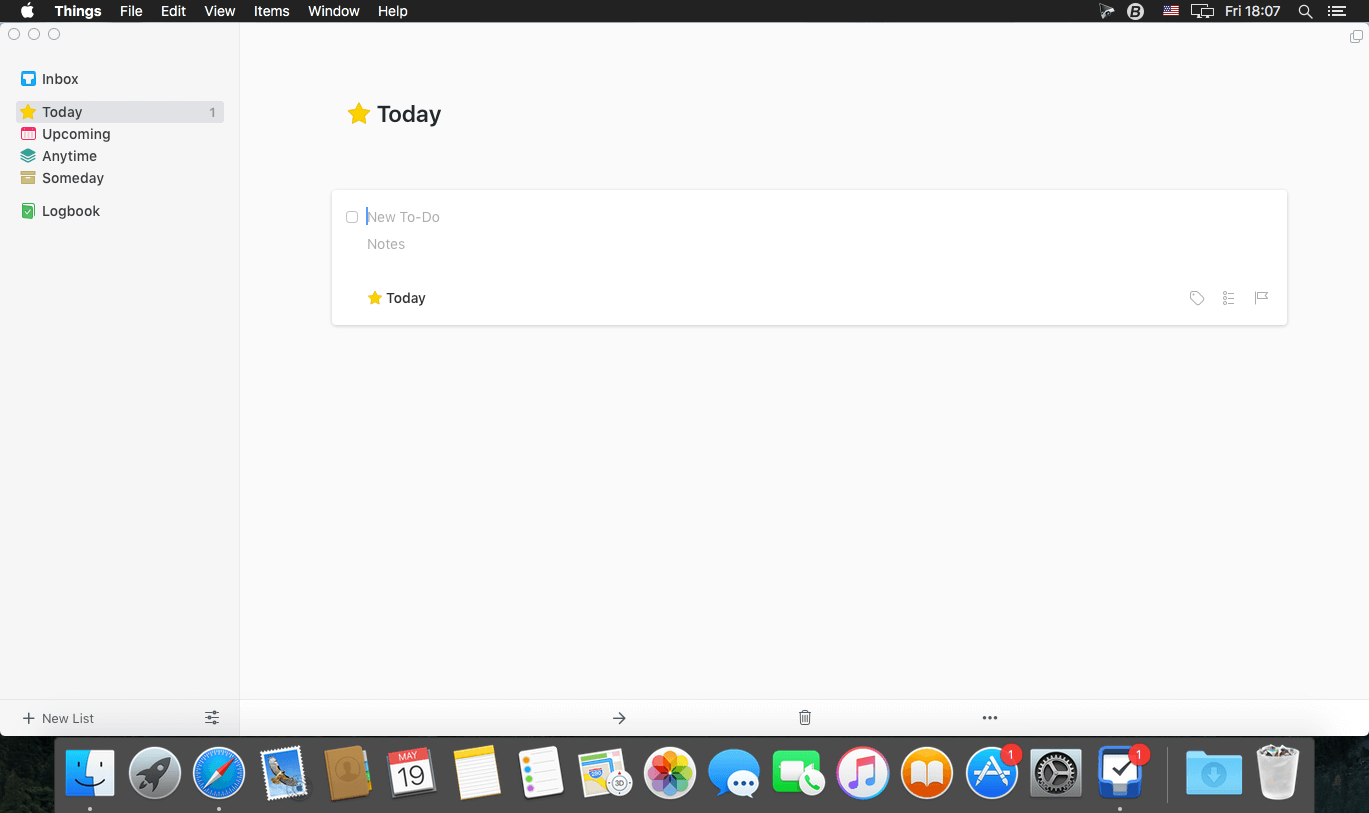
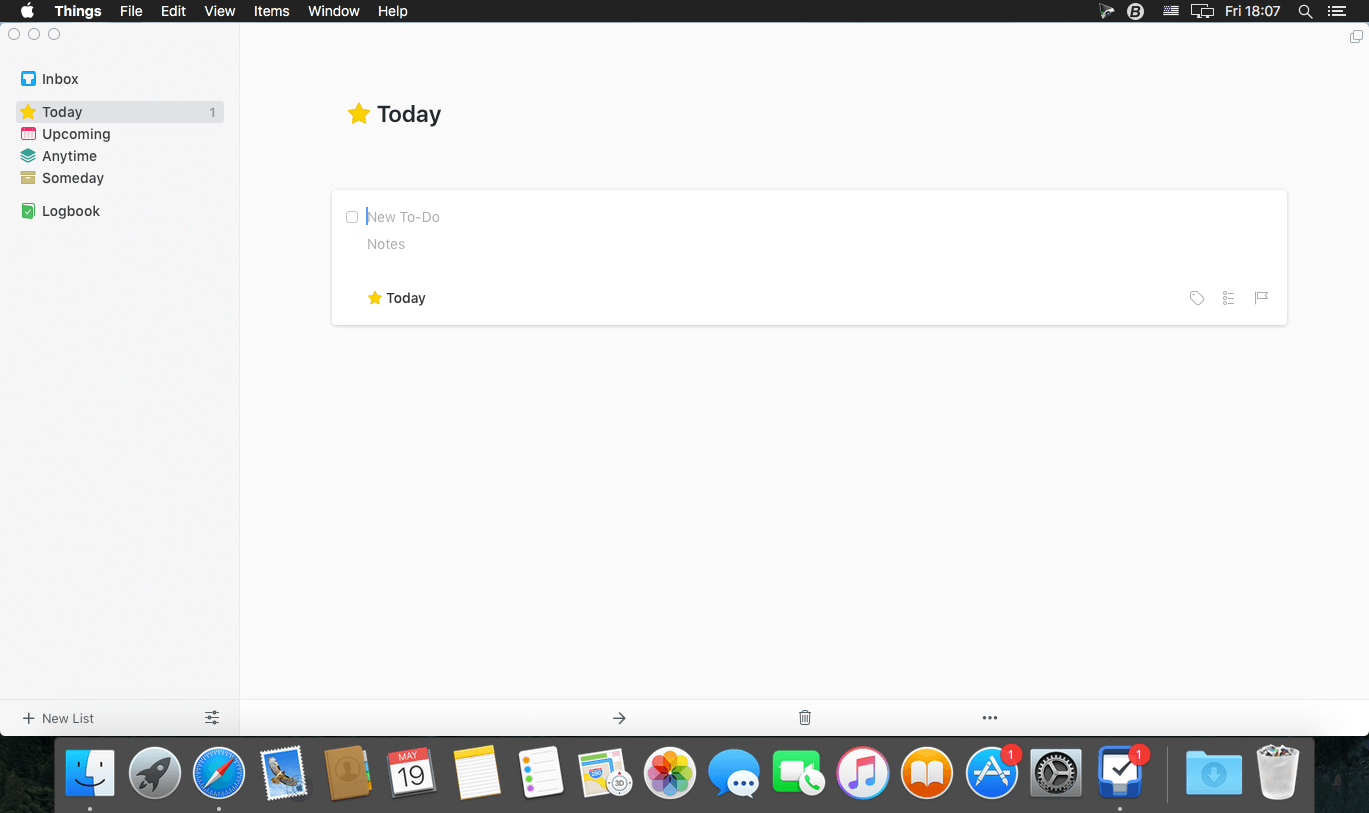
Things is a task management solution that helps to organize your tasks in an elegant and intuitive way. Things combines powerful features with simplicity through the use of tags and its intelligent filter bar. A Leopard style source list allows for quick and easy focusing. Together with a beautiful user interface, Things aims at the seemingly impossible: making task management both easy and fun.

Our screencast is a great introduction.

  • The big picture. A Leopard-style source list lets you easily focus without ever switching view modes or wrapping your head around filter criteria.
  • A magical tag bar automatically appears when needed and adapts to the currently displayed list. It lets you drill down even the longest list of To-Dos. Hierarchical tags? We got you covered!
  • Teamwork. Things offers convenient collaboration features. Easily delegate tasks to members of your team. (This is work in progress.)
  • No columns! Whether it’s multiple tags, dates or notes, To-Do items display their information on an as needed basis. No more space wasted by empty or irrelevant column cells!
  • Out of your head, out of your way. A quick entry HUD lets you enter any idea the moment it hits you. Never let the thought of an unfinished business distract you again.
  • Yours forever. We won’t lock you in. Things will use an open XML file format to store your data. (Not yet activated.)
  • Things even supports GTD, so if you’re familiar and comfortable with GTD concepts, you’ll feel right at home.

Compatibility: macOS 10.13 or later
Homepage https://geo.itunes.apple.com/app/id904280696

Screenshots

Music Tag Editor 7.6.1

Name: Music_Tag_Editor_7.6.1_Mactorrents.biz.dmg
Size: 35 MB
Files Music_Tag_Editor_7.6.1_Mactorrents.biz.dmg[35 MB]

   Download Torrent
   Link Download

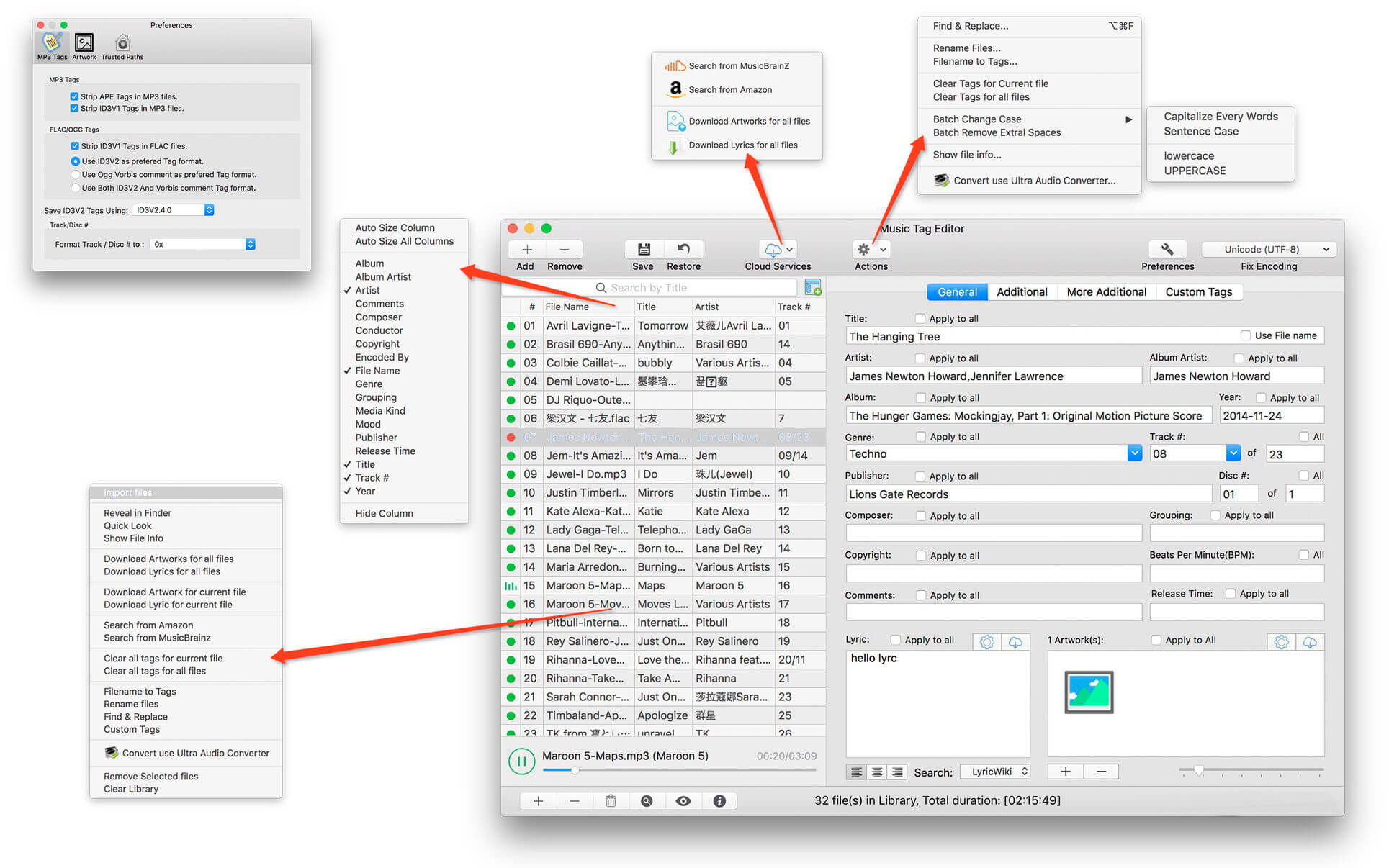
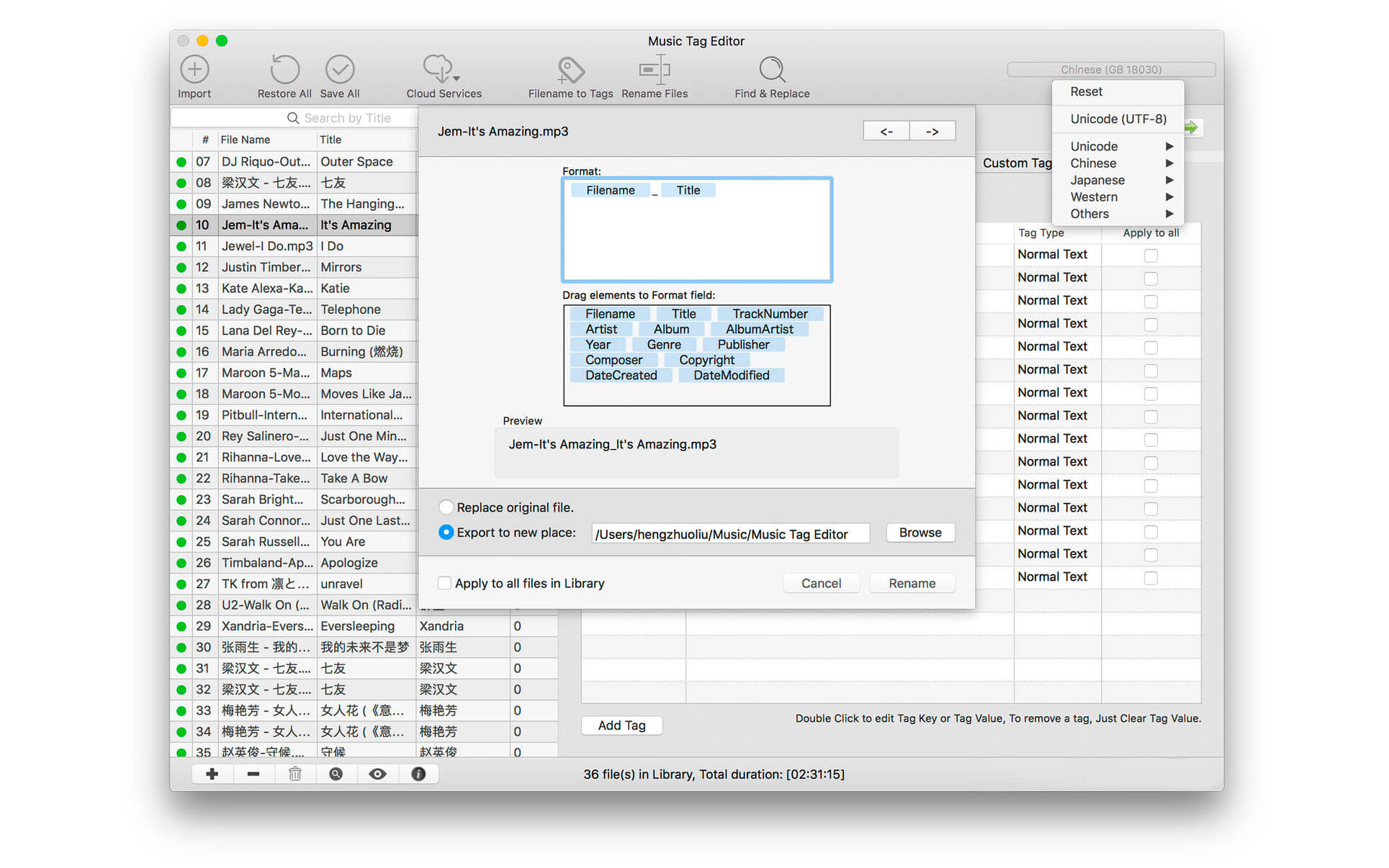
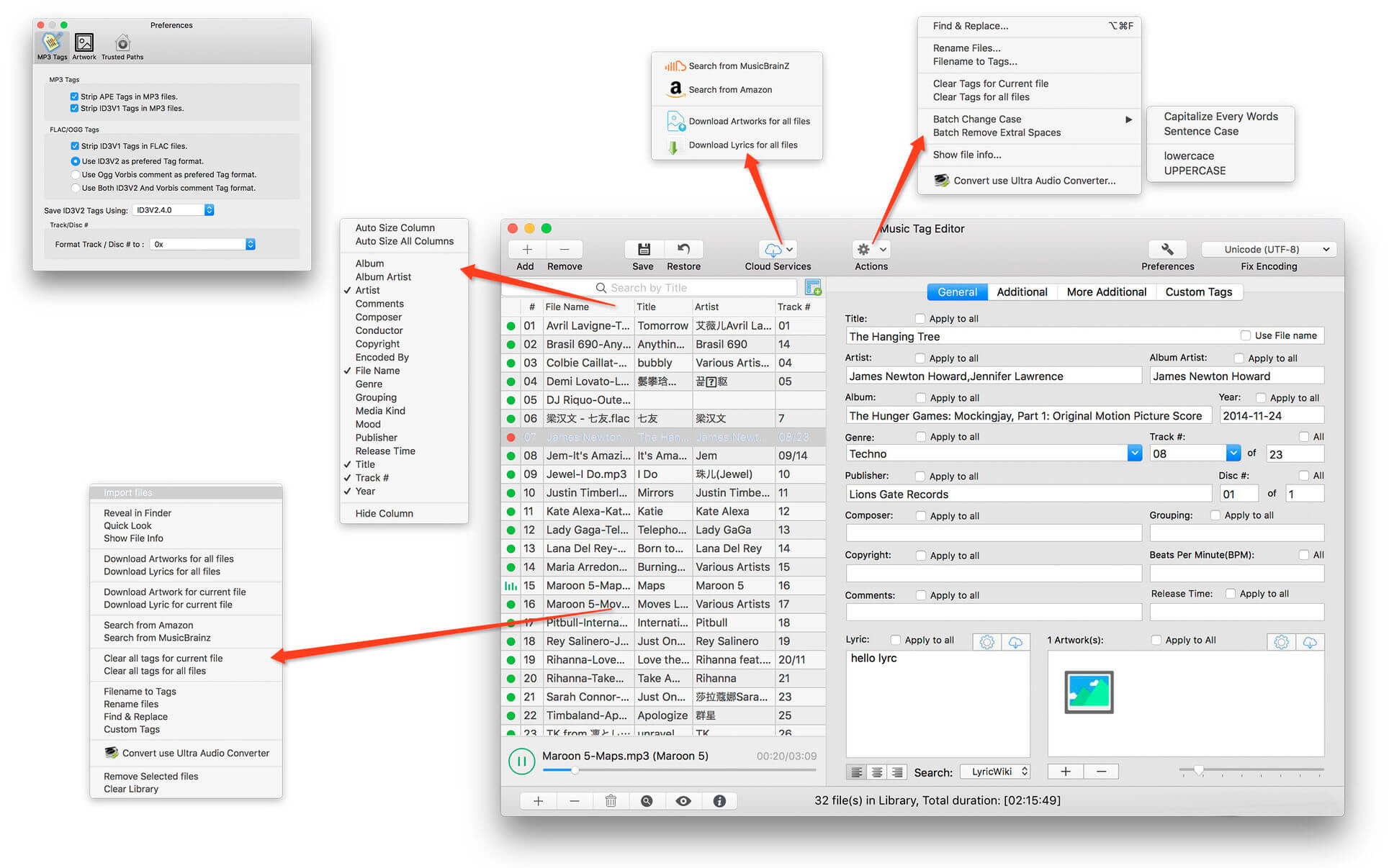
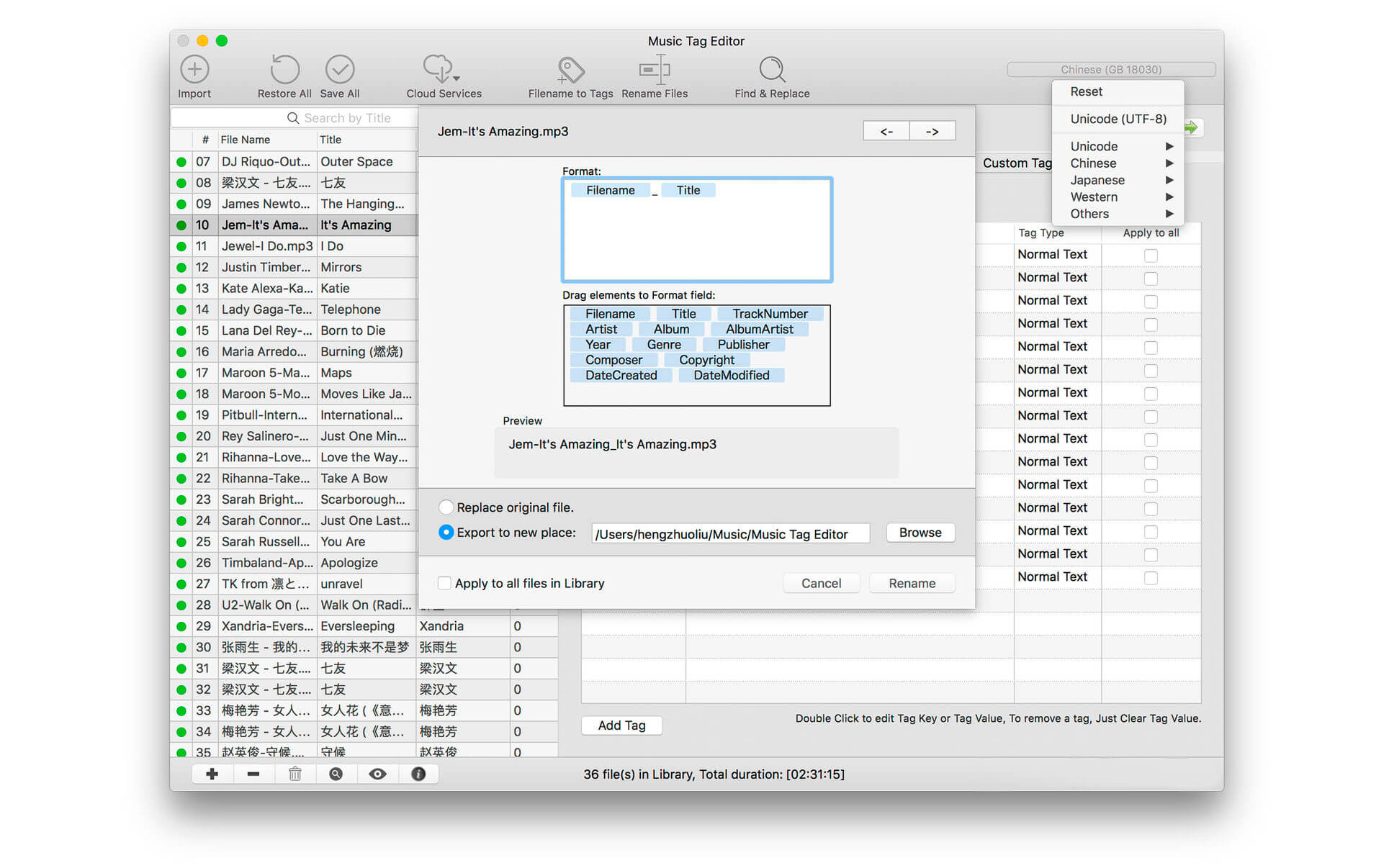
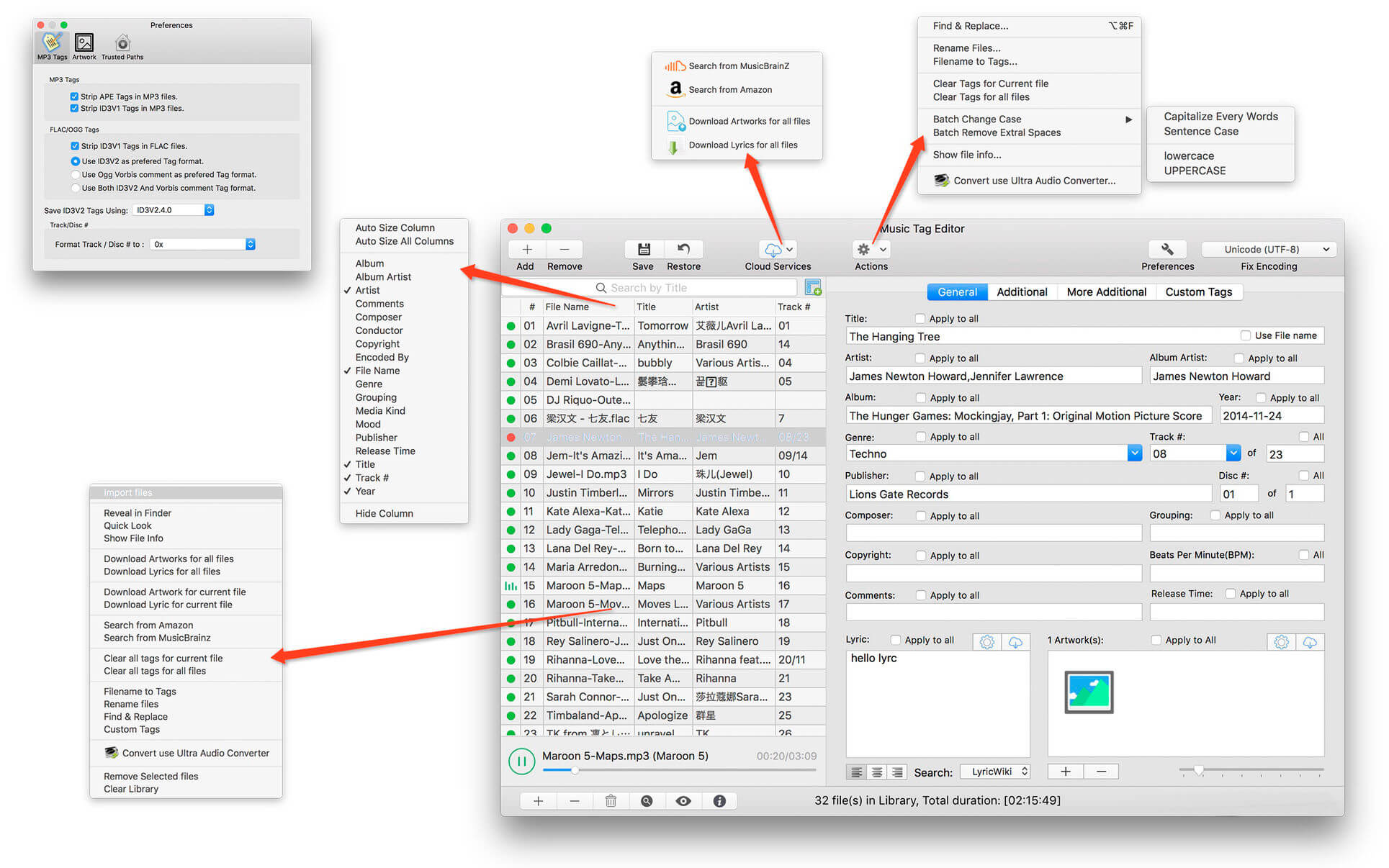
Music Tag Editor Pro can help you to edit your Music Tag info easily and effectively,Batch edit all tags and batch rename with metadata, you can also use it to convert the text encoding of Music Tag, In situations,it can repair the messy code in Music Tags. You also can download the album image for MP3 from internet. Also, you can search tags of music file from Amazon or MusicBrainz cloud services.
In Pro version More additional tags are supported, you can even custom any tags you want!

Support Music formats:
 MP3, M4A (Apple lossless), MP4, FLAC, APE, AIFF, WAV , Ogg files, asf, mkv, dsf, dsd…
Support ID3V1, ID3V2.3,ID3V2.4, xiphComments, APE Tag, Ogg Vorbis, Ogg Speex, Ogg Flac.

Main features:

  • support id3v1,id3v2,xiphComments, RIFF Info, APE Tag, Ogg Tags,iTunes tags. Tags:Title,Artist,Album,Genre,Copyright,Comments,Artworks,Lyrics and so on…
  • lyrics you saved to file can be show correctly in you iPhone or iPod music player.
  • support batch processing of lots of music files,support iTunes importing.
  • Online album image download,multi album image supported.
  • batch rename audio file with metadata
  • batch convert file name to tags
  • user can change,convert the tag text encoding easily, it also can repair messy code in situations.
  • Fully iTunes Tag supported.
  • Support strip APE or ID3V1 tags in mp3 files
  • support to save id3v2.3 or id3v2.4 tags!
  • Batch clean tags
  • Built-IN Music player for all audio formats

Advance features in pro version:

  • Edit Additional and Advanced Tags.
  • Custom and edit any tags you want.
  • Batch Find & Replace all tag fields in one click.
  • MusicBrainZ Cloud services supported.

Top In-App Purchases : Full Version – included.
Compatibility: macOS 10.13 or later
Homepage https://geo.itunes.apple.com/app/id1229106549

Screenshots


Guitar Pro 8.1.2-32

Name: Guitar_Pro_8.1.2-32__HCiSO_Mactorrents.biz.dmg
Size: 1.07 GB
Files Guitar_Pro_8.1.2-32__HCiSO_Mactorrents.biz.dmg[1.07 GB]

   Download Torrent
   Link Download

Guitar Pro 8 is the ultimate guitarist’s toolbox and the leading software for reading and editing tabs. For 25 years, Guitar Pro has been helping musicians worldwide learn to play the guitar, compose songs, and transcribe and edit songbooks.

This new version of Guitar Pro offers many improvements and new features to users. This time, we have made our best to offer you a better product without changing the user experience.

→ Guitar Pro’s features:

Play accompanied
Hit play and learn your favourite songs accompanied by the score.

Create
Edit your scores easily with numerous editing tools such as scale and chord diagrams.

Craft your sound
Play with more than 100 instruments to create your own tabs: guitars, basses, drums…

Customize your tabs
Create professionally designed sheet music for your songbooks or students.

Share
The Guitar Pro file is the most widespread and shared among musicians and guitarists worldwide.

Enlarge your repertoire
Subscribe to mySongBook to access thousands of scores for all levels directly in the software.

→ TABLATURE AND SHEET MUSIC PLAYER
Learn faster, develop your technique and create your repertoire of songs by downloading any tablature online.

Learn songs without knowing music theory
Guitar Pro lets you choose your notation, whatever the instrument: tablature, standard notation, or rhythmic notation. No need to master music theory to learn a song.

Use advanced playback features
Metronome, visual countdown, looping, solo/mute, speed trainer… Guitar Pro offers many tools to help you learn.

Take advantage of the chord and scale tools
Guitar Pro includes libraries containing thousands of chords and scales to develop your creativity.

And many other playing features
• Use the audio player to accompany you and learn faster: loop, speed trainer, metronome, visual countdown, etc…
• 3 musical notations are available: tablature, standard and rhythmic notation
• Find hundreds of thousands of free tablatures on the internet
• Use the virtual guitar neck to find notes more easily and to visualize left-hand positions
• Import an audio track to make your file a real backing track
• And many others…

→ TABLATURES EDITOR
Compose complete songs, transcribe songs, and create educational content for your students. Guitar Pro has been the reference in tablature editing for many years. We continue to innovate in order to offer you more practical editing features to save you time.

Create tablatures with many instruments
You can compose for dozens of different instruments. Guitar Pro allows you to edit instruments from 3 to 10 strings, keyboards, drums, percussion, and much more.

Enjoy specific guitar technique notations
Bends, vibratos, slides, palm mute, let ring… every effect or notation element can be edited in Guitar Pro. Express your creativity to the fullest!

Use the audio track to transcribe faster
Import an audio track into your project to create realistic backing tracks. You can also use your audio track to transcribe songs more easily.

And many other editing features
• Set the number of strings (from 3 to 10) and the tuning of your guitars
• Easily set tempo, rhythmic signature and automation
• Use the chords and scales tools to compose more easily
• Use the command palette to edit faster
• Transpose or detune your scores at any time
• And many others…

→ AUDIO ENGINE AND SOUND OPTIONS
Create backing tracks and emulate more than 100 instruments: guitars, basses, drums, pianos, ukuleles, winds, brass or traditional instruments.

Virtual effects chain
Reverb, chorus, delay, compressor, EQ, tremolo… Guitar Pro comes with dozens of legendary pedals to help you fine-tune your sound.

Mixing each track and mastering your project
Apply mixing and panning effects to each track to create a consistent mix for your song. Mastering options also allow you to improve the sound of your tabs.

Adding an audio track to your project
The audio track is an excellent way to make your scores more realistic. For example, you can ask your singer or drummer to record himself and then import his audio file into Guitar Pro to create a pre-prod of your future song.

And many other sound features
• Use the detune feature to try another tuning in one click
• Mix MIDI and RSE (Realistic Sound Engine) on any track
• Manage pan and volume automations to create realistic renderings
• Use the focus/unfocus mode to quickly isolate one track from the others
• Fine-tune the sound of each note to create more precise and realistic scores
• Mix each drum element separately
• And many others…

→ LAYOUT OPTIONS
Create professionally-looking sheet music to edit your own songbooks or share your files.

The exceptional quality of the scores
Guitar Pro respects the standards of music writing and allows you to enjoy a very high resolution for your scores.

Use the design mode for a clean layout
The design mode allows you to set up each element of your score: spacing between notes, bar alignments, etc…

Setup all the elements of the partition
The stylesheet gives you the possibility to configure the fonts and graphic aspects of your scores to make them unique and professional.

And many other layout features
• Add detailed information about your scores (copyright, author, etc…)
• Display chord or scale diagrams on your files
• Add lyrics or indications on the score
• Align your bars easily with the new design mode
• And many others…

→ COLLABORATE AND SHARE
Use the most popular file extension on the market, download and access thousands of free tablatures on the internet, and share your work easily with other musicians.

Music teacher
Create your teaching materials quickly and train your students with interactive scores. Share your knowledge with an effective teaching tool.

Bands, solo artists and composers
Collaborate with other musicians and compose your future hits together. Guitar Pro allows you to move forward outside of your weekly rehearsal!

Journalists and bloggers
Edit the scores that will be published in your future educational pages of your magazines and blog posts.

Multi-instrumentalists
Guitar Pro is not just for guitarists! Edit or play scores for bass, drums, piano, ukulele, violins and much more!

Students
Learn to play in rhythm and accompanied by virtual instruments. Slow down the tempo, listen and visualize the score to progress at your own pace.

Influencers and content creators
Create, edit and share your scores with your community.

And many other sharing features
• File import formats: .gtp, .gp3, .gp4, .gp5, .gpx, .gp, PowerTab, MIDI, ASCII, TablEdit, MusicXML and audio (.mp3, .wav)
• File export formats: .gp5, .gp, .gpx, PowerTab, MIDI, ASCII, TablEdit, .mp3, .wav, FLAC, OGG, AIFF and .pdf
• Use the password file lock feature to secure your work
• And many others…

→ mySongBook SCORES LIBRARY
Access thousands of quality scores made by professional transcribers.

Subscribe to get access to a lot of “Full Score” with tracks for bass, drums, vocals and other instruments. Play solo guitar arrangements, and duets for voice and guitar in many musical genres such as Rock, Pop, Metal, Funk, Reggae, Blues, Jazz, Classical, Country and many more.

New tabs added every week
The mySongBook team of transcribers offers you new content every week to feed your passion for the guitar!

Play accompanied by scores containing an audio file
Discover our new file format including tablature for all tracks and a backing track for the voice.

Access your tabs directly in Guitar Pro
The mySongBook library is directly integrated into Guitar Pro. You can access your files directly in the software. No need to search for badly transcribed tablatures on the Internet.

And many other features are available on mySongBook
• Access many arrangements: full scores, guitar and vocals, solo guitar, simplified songs, and scores with an integrated audio track to play along with a backing track
• Learn to play all the tracks of your favourite songs: rhythm and solo guitars, bass, drums, piano, vocal track
• Learn more easily with our simplified scores specially made for beginning musicians
• Access your mySongBook tablatures on the Guitar Pro applications for iOS and Android compatible with smartphone and tablet
• And many others…

→ What’s new in Guitar Pro 8:

Add an audio file to your scores!
Play along with your score with an audio file such as a song or a backing track.

Enjoy practicing
Play along your score with an audio file such as a song or a backing track.
Relative tempo and detune mode are also compatible with the audio track.

Edit easily
Synchronize your audio file with your score to transcribe songs easily.

Share your knowledge
Insert an audio file containing a recording of your teaching instructions for your music students or your band members.

Focus/Unfocus track
Quickly amplify or attenuate the selected track to create a volume contrast with the other tracks.

Work on your rhythm with the visual metronome
Play with the new visual metronome and countdown displayed over the LCD screen.

Fix the tempo
Ignore tempo changes and automations in the score to easily learn new songs and riffs.

Change the relative speed
Press +/- keys to speed up or slow down the relative speed or fixed tempo of your song during the playback.

Lock the sound of the line-in
You can now lock your preset using the line-in to keep the same sound while changing tracks or even when you close a file.

Create the perfect guitar sound
Easily create your own effects chain and mastering with the new pedalboard.

Adjust the sound precisely
Customize the duration, the offset and the relative velocity of each note of your score.

Mix the drum set
Adjust the sound of the drum set and percussion tracks by setting the volume and pan of each element.

Pre-listen to the soundbanks while playing your tabs
Mouse over the sound presets to get an audio preview while your score is playing.

New design options
Move and adjust the placement of each beat. Align the bars easily with the automatic guideline.

New Stylesheet options
Set the spacing of the chords diagram in the score header, the systems, the staff and the scale diagrams. Customize the font of the music symbols. Edit the font and text of numerous score indications like: palm muting, slap, pop, rasgueado, pick scrape and more.

Scale diagrams
Edit and insert scale diagrams in your scores for guitars from 3 to 10 strings and up to 24 frets. Customize the diagrams by changing the shape, color and text of the dots representing the notes, and change the orientation of the diagram on your scores.

Nested tuplets
You can now create tuplets inside tuplets to create complex rhythmic patterns.

Piano fingering
Edit piano fingering and indicate sustain piano pedal.

Increase your productivity
The command palette is like shortcuts on steroids! Get quick and direct access to Guitar Pro’s notation options to edit your scores and boost your productivity massively!

Dozens of commands available
Select and easily add chords and directions to your score with the “Expression Text” tool. Quickly go through Guitar Pro main features in the “Action List” and use them to edit your scores.

Filters
Apply 3 filters on the mySongBook song list to sort out the scores by genres, instruments/levels and types.

Audio tracks
Learn songs with our enhanced tab library. Enjoy audio tracks directly in your mySongBook tabs to learn easily and play along with your files.

And many more improvements…
• The contrast and colors of the interface have been adjusted to offer you a better reading comfort.
• Guitar Pro 8 benefits from an improved efficiency on Mac with Apple Silicon.
• Export your scores to PNG with transparent backgrounds.
• Export your scores to SVG (Scalable Vector Graphics).
• The accuracy and dynamics of the soundbanks have been corrected and improved.
• Chords are now transposed with their names and fingerings.
• To find the files you are working on more easily, pin them in the recent section of the homepage.
• Edit quarter tones on tremolo bar.
• Show slash notation for drums and standard music notation.
• The numbered musical notation called jiǎnpǔ is now available.
• Show cautionary accidentals.
• Use decimal tempo.
• Diatonic transposition.
• Improved performance.
• And many others…

Compatibility: macOS 10.13 or later • Apple Silicon or Intel Core processor
Homepage http://www.guitar-pro.com

Cisdem PDF Compressor 5.0.0

Name: Cisdem_PDF_Compressor_5.0.0_Mactorrents.biz.dmg
Size: 29 MB
Files Cisdem_PDF_Compressor_5.0.0_Mactorrents.biz.dmg[29 MB]

   Download Torrent
   Link Download

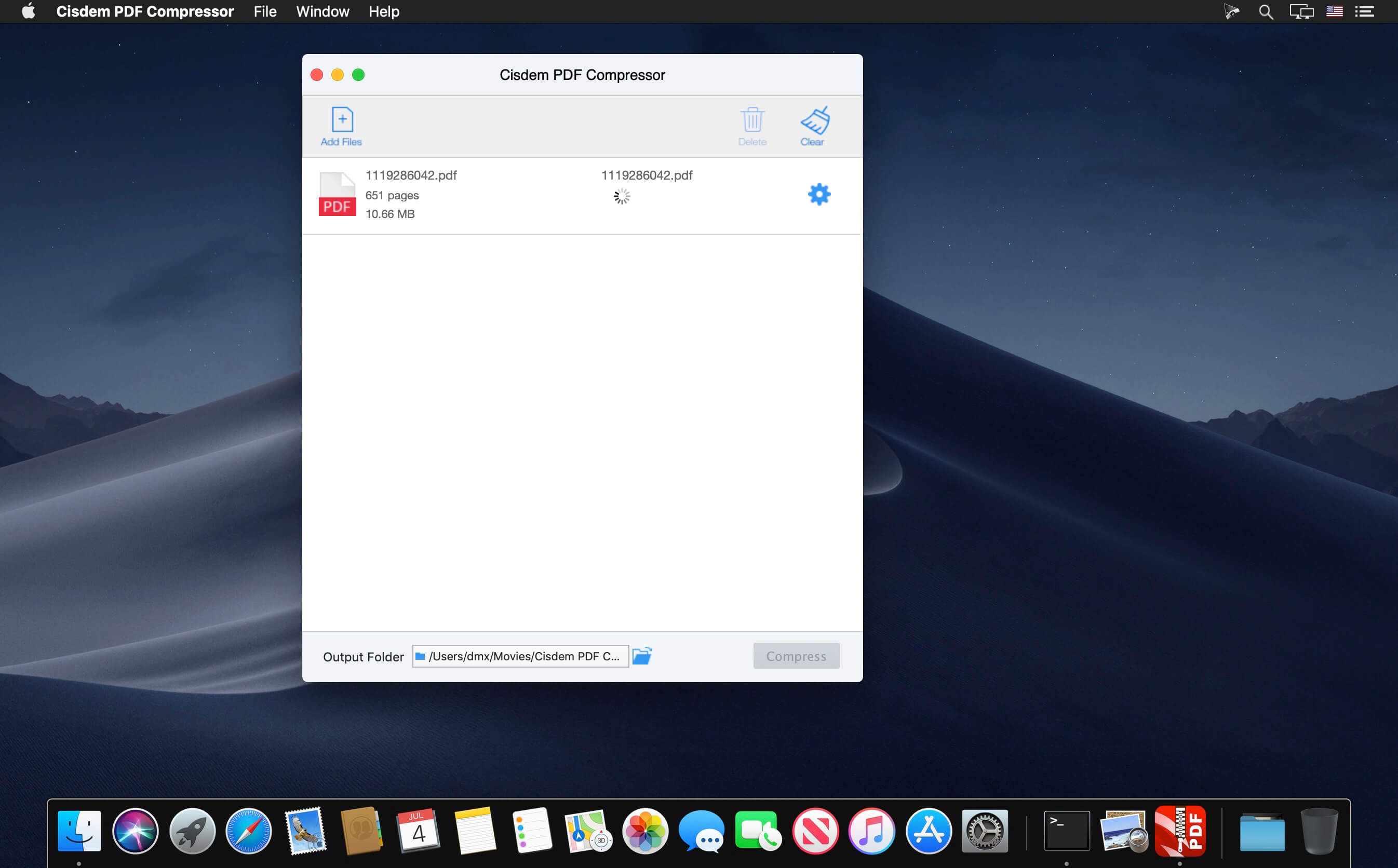
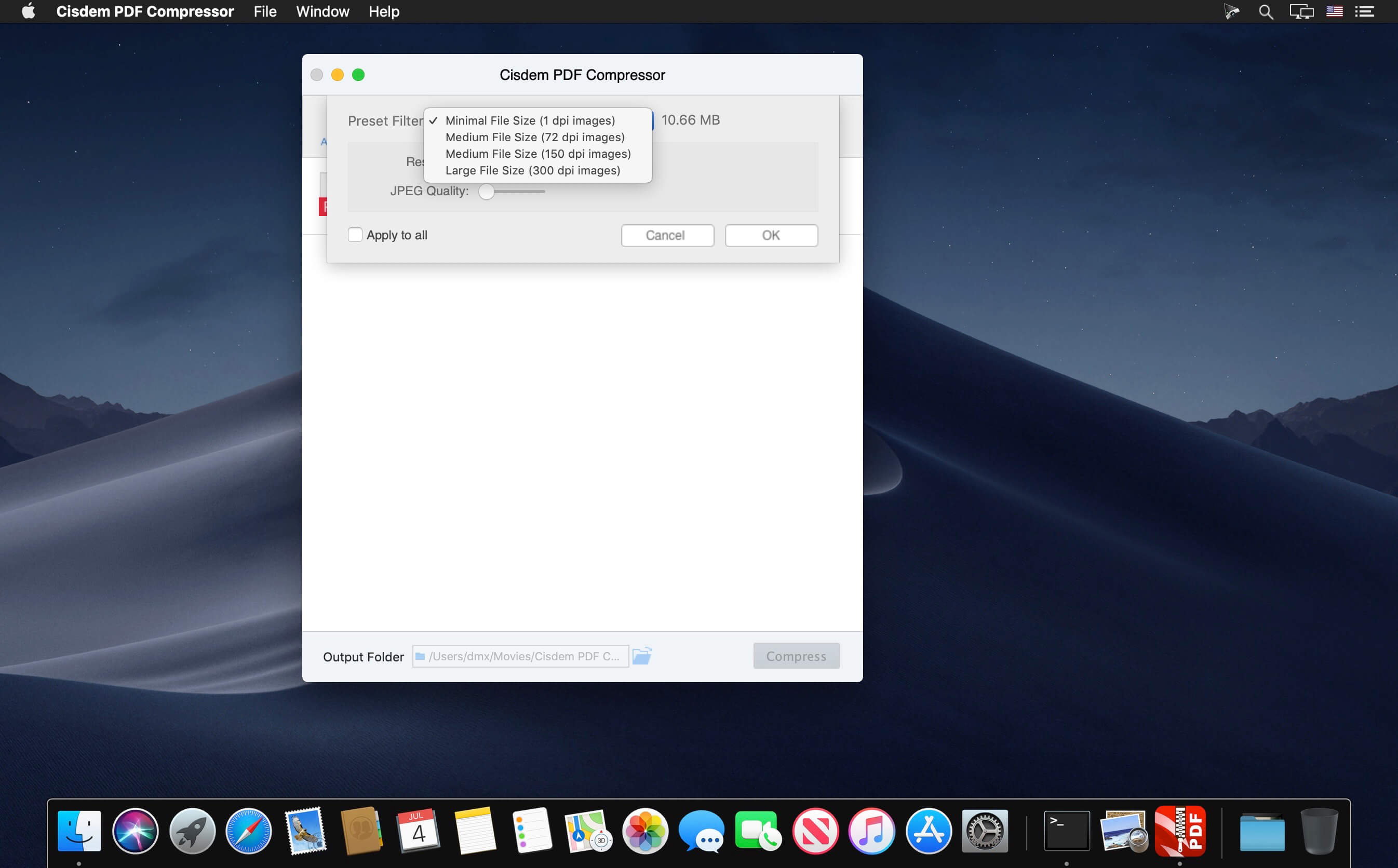
The Smartest PDF Compressor for Mac to Significantly Reduce PDF File Size. PDFs are too large to email or upload? Use this all-new Cisdem PDF Compressor Mac to reduce the size of single or multiple PDF files, maintaining original PDF formats. The preset filter modes and resolution/image quality settings allow you to decide sizes and quality of PDFs. Speed up file sharing and free your disk – Compress the PDFs Now!

Features

  • Four Preset Modes: Minimal File Size, Small File Size, Medium File Size, Large File Size to meet your different ordinary compression need.
  • Customized DPI (Dots Per Inch): You can also set the specific preferred compression result and content quality if necessary.
  • Real-time Size: Show the sizes of your PDF files and the predicted sizes in different compression modes after compression.
  • Support Batch Compression: No matter compress hundreds of PDF documents or a 500-page PDF file, it just need one click.
  • Support Page Selection and Preview: Drag-n-drop multiple PDFs in one go, preview them and select specified pages (e.g., 1,3-10,21 or all pages) to compress.
  • Keep the Highest Quality: Only remove the useless elements to reduce the large PDFs to their smallest size, without compromising quality.
  • Support all versions of PDF documents without Adobe Acrobat Reader installed.

What’s New:

Version 5.0.0:

  • Release notes were unavailable when this listing was updated.

Compatibility: macOS 10.13 or later
Homepage https://www.cisdem.com/

Screenshots


Persecond 1.7.1

Name: Persecond_1.7.1_Mactorrents.biz.dmg
Size: 29 MB
Files Persecond_1.7.1_Mactorrents.biz.dmg[29 MB]

   Download Torrent
   Link Download

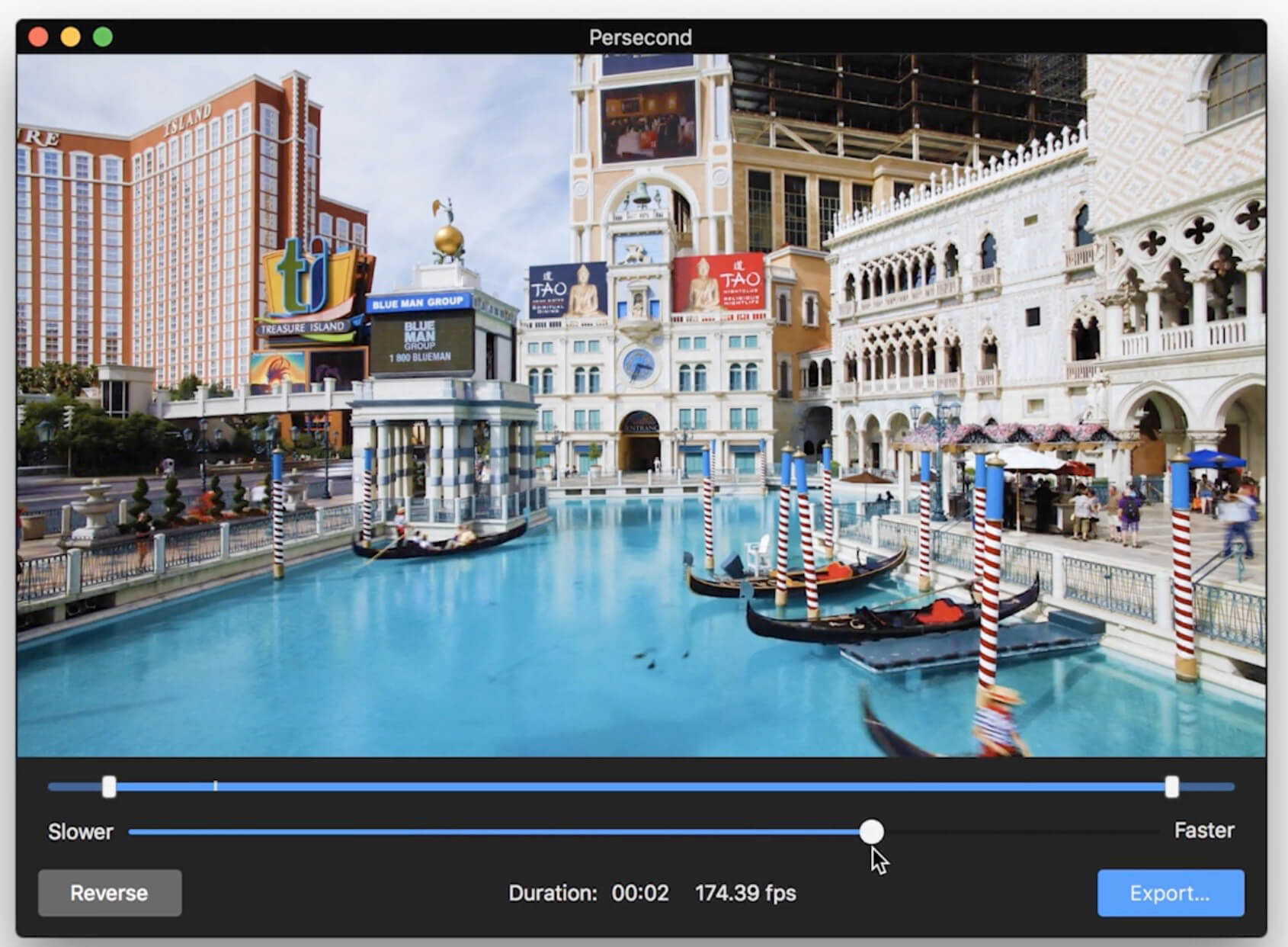
Persecond is the easy, fun way to create a beautiful timelapse video. Import an image sequence from any camera, trim the length of your video, adjust the speed and playback direction, and you’re done. Export in broadcast quality or import to Flixel Cinemagraph Pro and create an amazing timelapse+cinemagraph hybrid video. It’s magical visual storytelling at its best.

Features
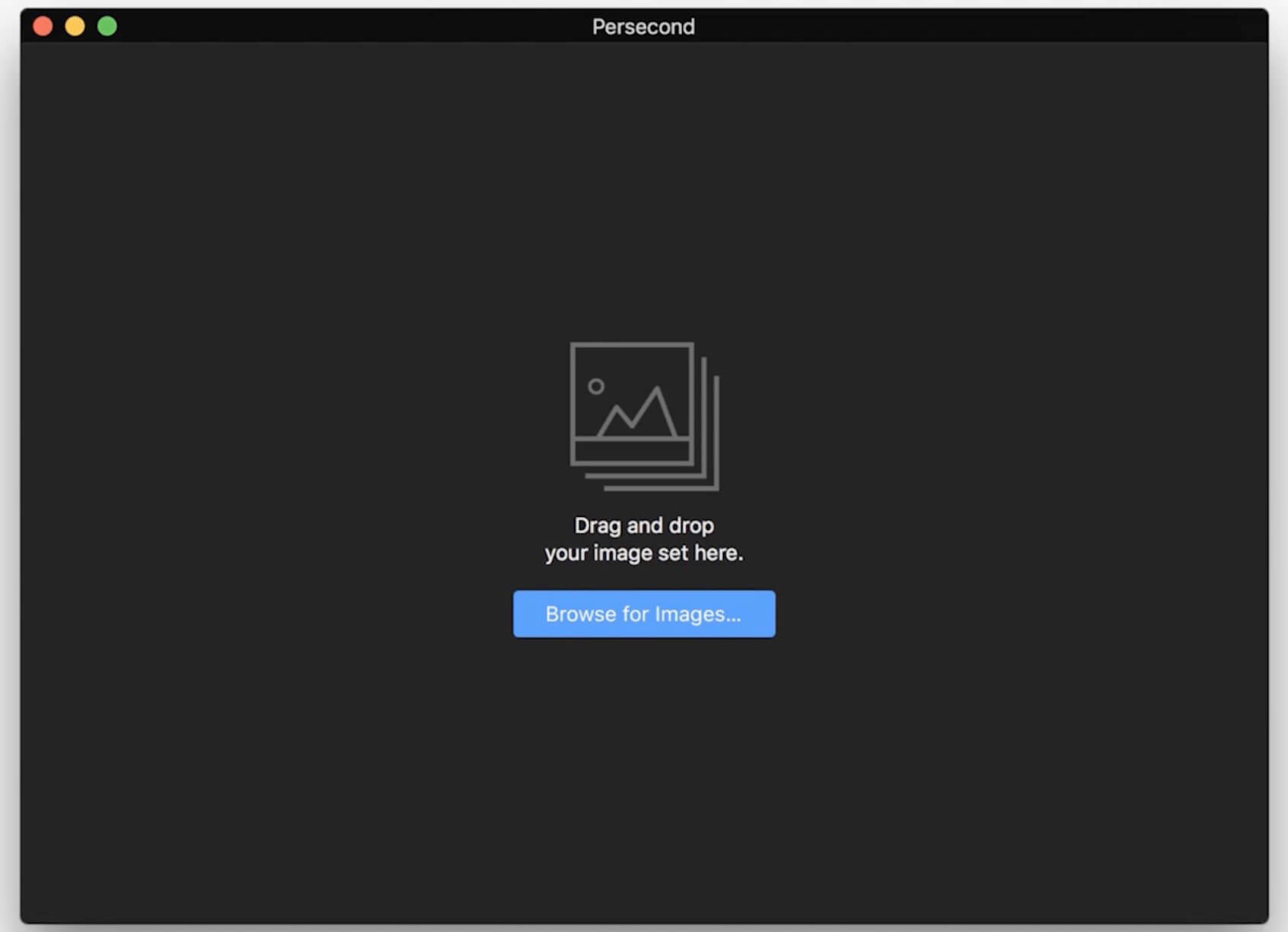
Drag-and-Drop. – Drag-and-drop or browse for an image set; Persecond sorts them automatically.
Quick Edit. – Trim your in and out points, set the play direction, and pick a speed.
Done. – That’s it–export in HD or broadcast quality or upload and share.

What’s New:

Version 1.7.1:

  • Release notes were unavailable when this listing was updated.

Compatibility: macOS 10.14 or later
Homepage https://flixel.com/products/mac/persecond/

Screenshots


Mp3tag 1.8.21

Name: Mp3tag_1.8.21_Mactorrents.biz.dmg
Size: 11 MB
Files Mp3tag_1.8.21_Mactorrents.biz.dmg[11 MB]

   Download Torrent
   Link Download

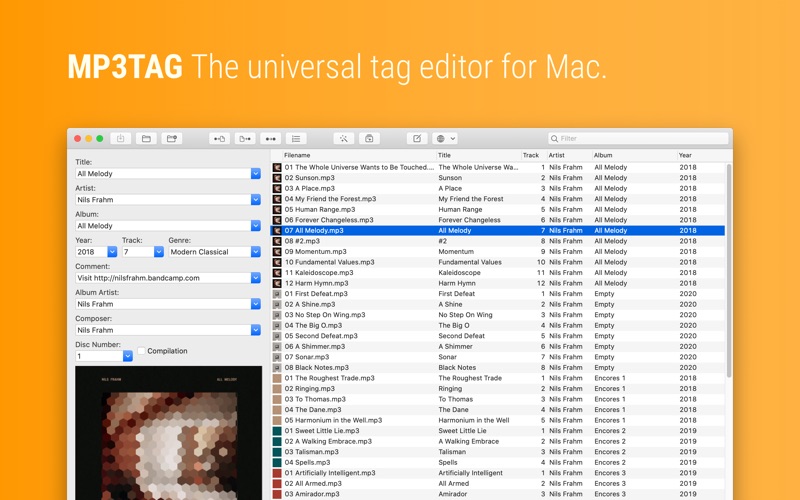
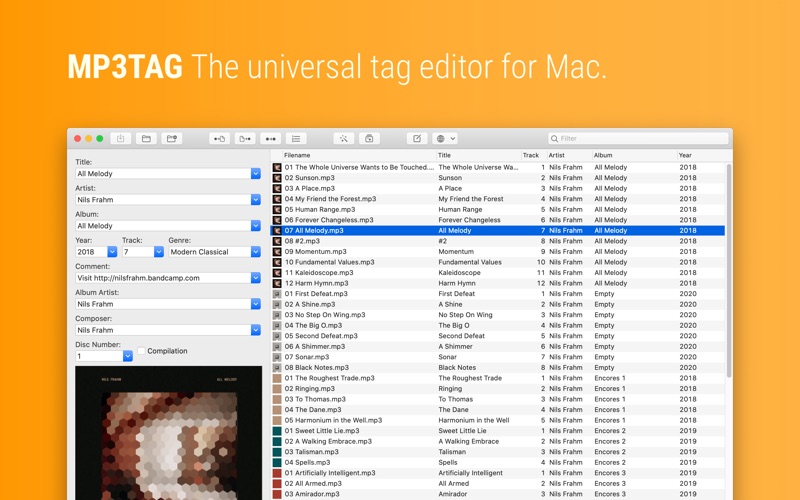
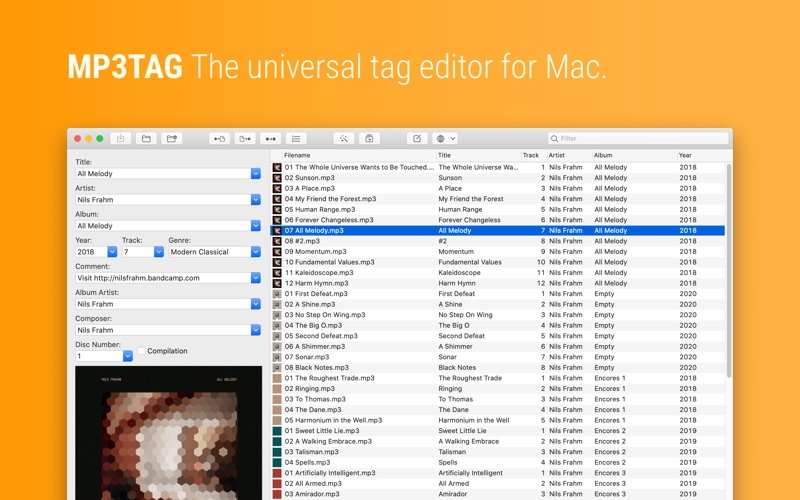
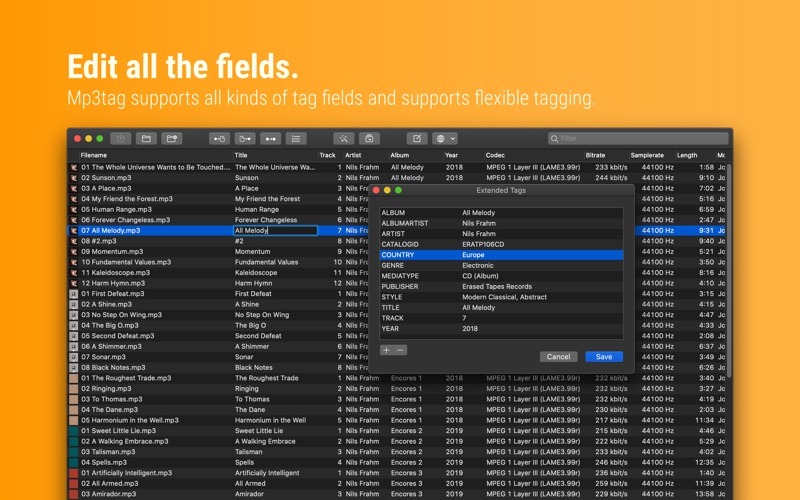
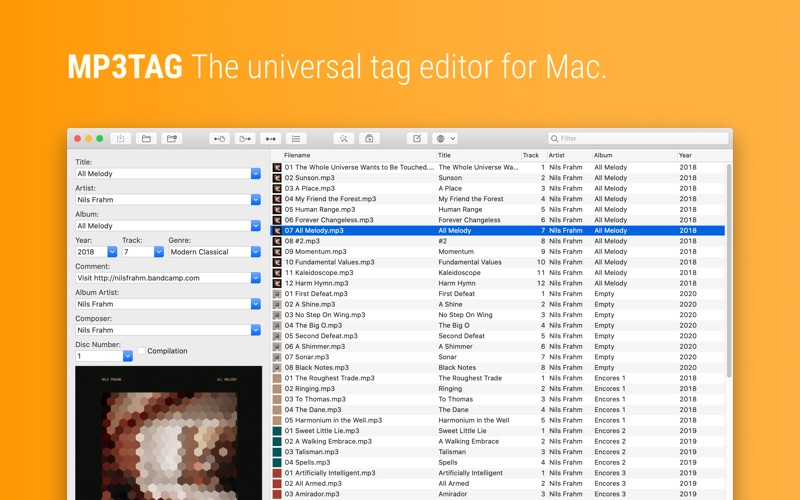
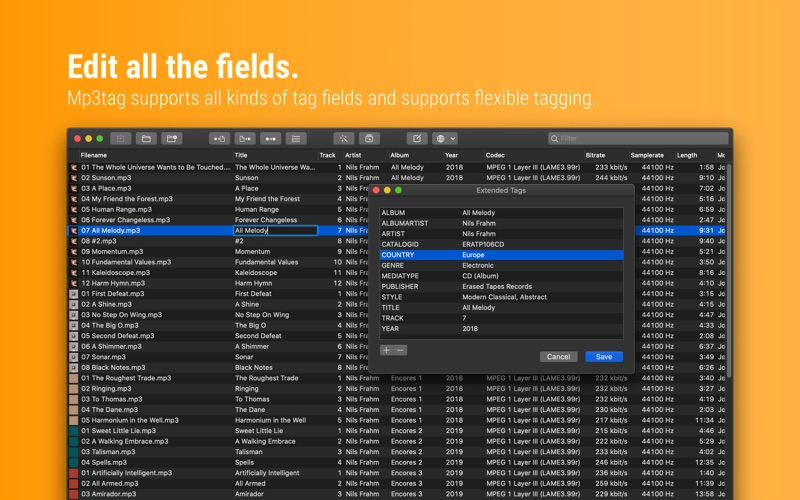
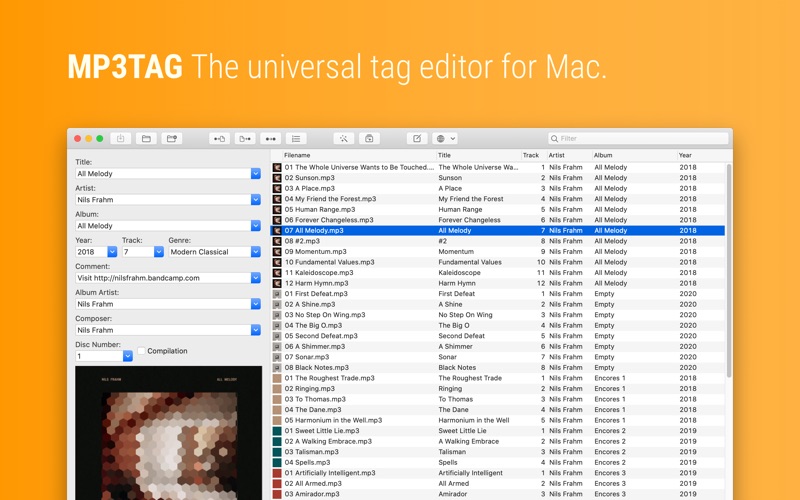
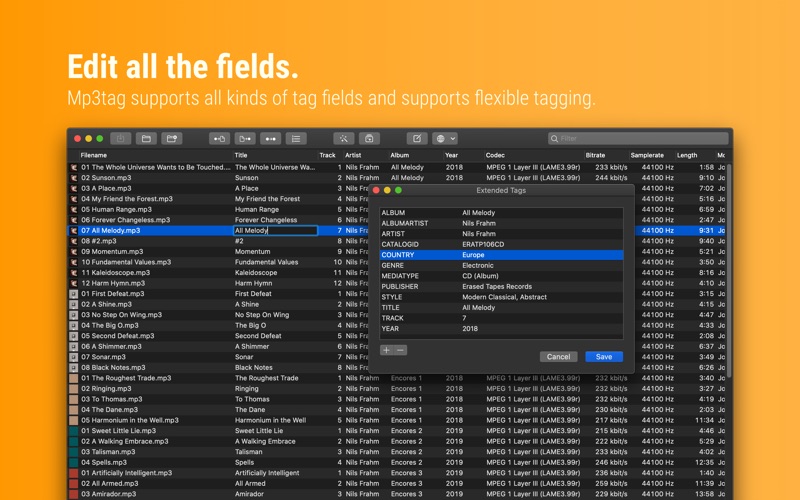
Mp3tag is a powerful and easy-to-use tool to edit metadata of audio files. Musicians, DJs, podcasters, and audio-enthusiasts use it for many different aspects of handling audio files. It supports batch tag-editing for multiple files at once, covering many audio formats from MP3, over MP4, and M4V (yes, that’s video!) to FLAC, OGG, OPUS, AIF, DSF, MPC, and WAV.

Furthermore, it supports online database lookups from Discogs and MusicBrainz, allowing to gather proper tags and download cover art for music libraries.

It offers renaming files based on the tag information, replacing characters or words in tags and filenames, importing tag information, and adjusting the size and image format of embedded cover art.
Since some of the tasks in managing a digital library are repetitive, Mp3tag allows for combining tasks into action groups, which serve as workflows for keeping consistency and order. Examples are formatting tag fields, performing case conversion, removing unwanted fields, or adjusting embedded cover art to match required sizes.

Key Features

  • Bulk-Editing of Tags for multiple files at once.
  • Editing of cover-art.
  • Renaming files based on tags.
  • Importing metadata from filenames.
  • Assign track and disc numbers via the auto-numbering wizard.
  • Importing metadata from online Tag Sources.
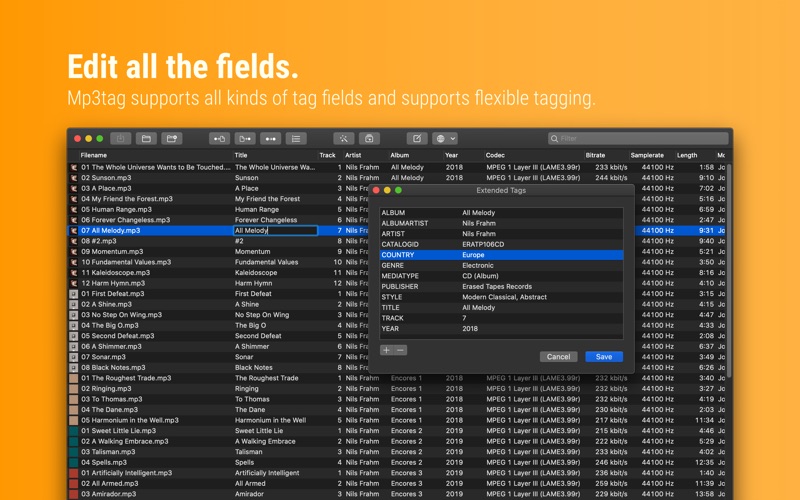
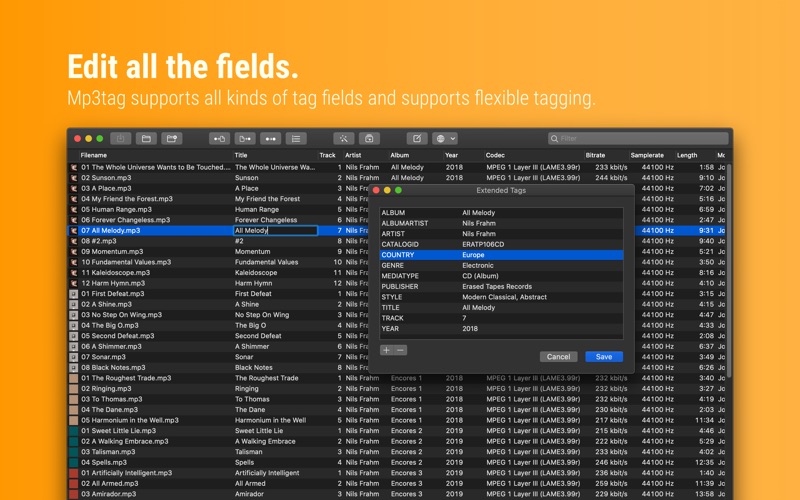
  • Support for Flexible Tagging, allowing for user-defined tag fields in a standardized way.
  • Applying action groups with many tasks combined into reusable workflows.
  • Support for many file types under a universal user interface.
  • and more…

Supported File Formats

  • MP3 (ID3v1, ID3v2.3, ID3v2.4 with UTF-8)
  • MP4/M4A/M4B/M4V (iTunes and Nero)
  • FLAC (Vorbis Comments)
  • OGG (Vorbis Comments)
  • OPUS (Vorbis Comments)
  • AIF (RIFF INFO and RIFF ID3)
  • DSF (ID3v2)
  • MPC (APEv2)
  • WAV (RIFF INFO and RIFF ID3)

Compatibility: macOS 10.14 or later
Homepage https://mp3tag.app/

Screenshots


Stringed 2.21

Name: Stringed_2_2.21_Mactorrents.biz.dmg
Size: 10 MB
Files Stringed_2_2.21_Mactorrents.biz.dmg[10 MB]

   Download Torrent
   Link Download

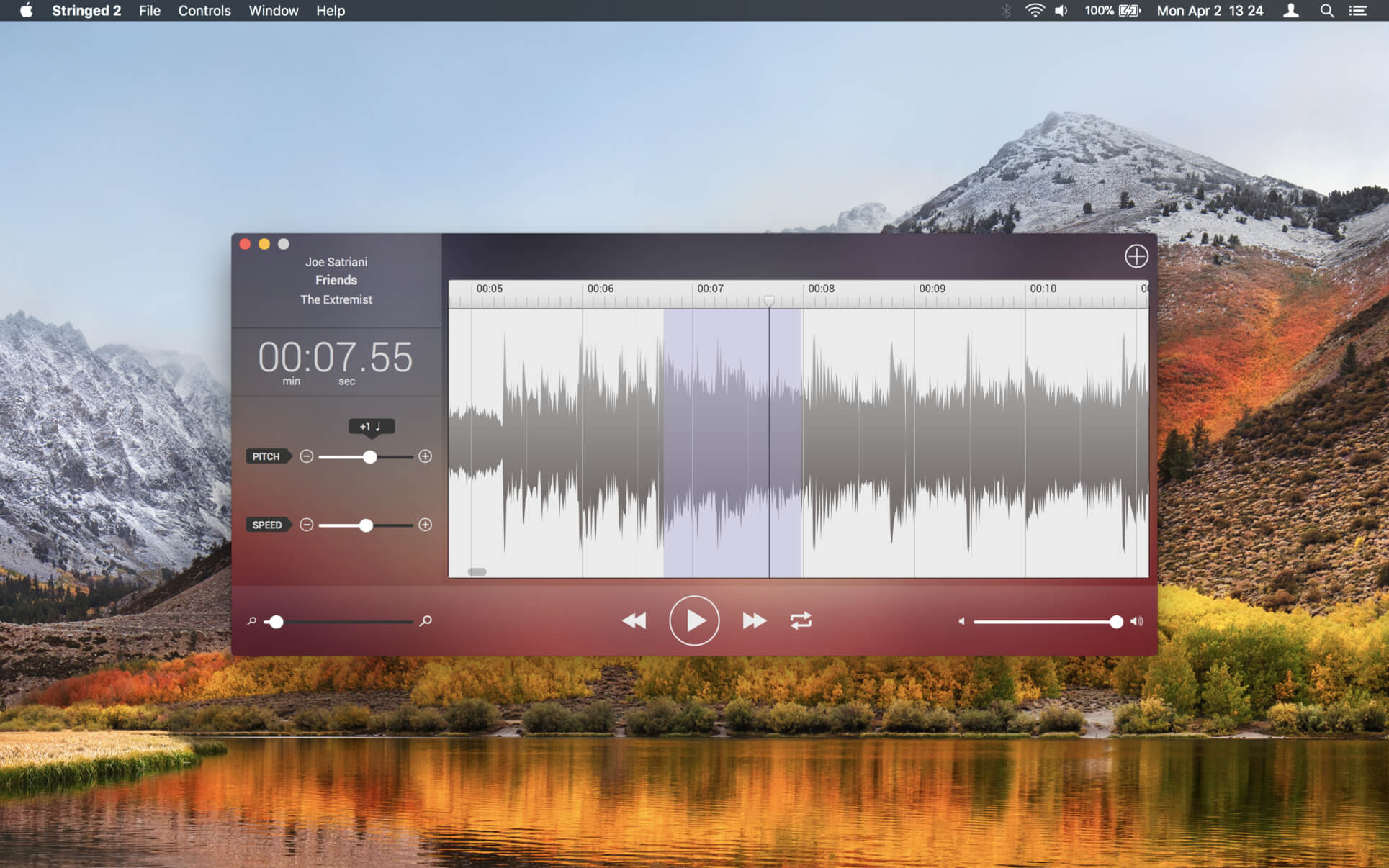
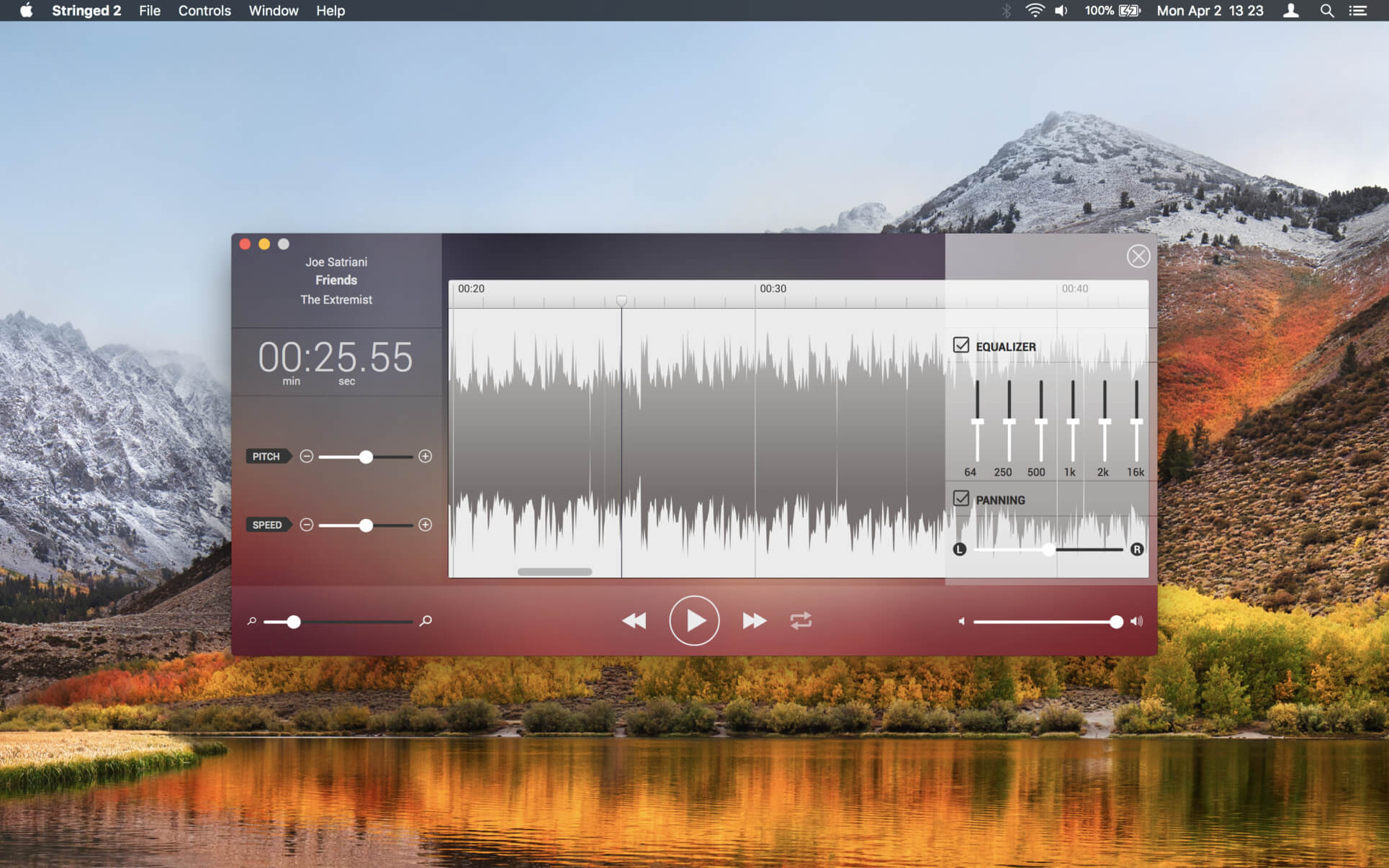
Stringed is the perfect tool for every musician. By allowing you to tweak any song’s speed and pitch, you will be able to learn any song in no time!

  • Pitch Shifting: You won’t need to retune your instrument anymore!. With Stringed, you will be able to change any song’s pitch up to 12 semitones (upordown!).
  • Tempo Tuning: Slow down any tricky solo!. Speed up slow sections. With Stringed’s tempo tunning feature, you will be able to tweak the tempo 50% faster or slower.
  • Loops: Select any region you wanna loop, toggle the Loop switch, and hit play. That’s all you’ll ever need to do. You can play over your favorite song’s solo, over and over again!
  • Supported Formats: Stringed will open audio files encoded in: AIFF, WAV, MP4, and MP3.

Compatibility: macOS 11.0 or later
Mac App Store https://geo.itunes.apple.com/app/id698710517

Screenshots


Topaz Video AI 5.0.1

Name: TopazVideoAI-5.0.1_Mactorrents.biz.rar
Size: 362 MB
Files TopazVideoAI-5.0.1_Mactorrents.biz.rar[362 MB]

   Download Torrent
   Link Download

Time-aware video quality enhancement. Video Enhance AI uses information from multiple frames to achieve high-end results for video upscaling, denoising, deinterlacing, and restoration. Improving the quality of videos is substantially more complex than photos because of motion-related issues like flickering, blockiness, and wavy artifacts. To solve this issue, Video Enhance AI looks at surrounding frames to improve resolution and reduce motion artifacts for natural results.

Upscaling
Upscale video resolution with detail gathered from multiple frames. Our video upscaler can convert SD to HD and HD to 4k or 8k while adding crisp and natural video details.

Denoising
Remove noise and grain while recovering real detail in your videos. Minimize flickering and other temporal artifacts caused by frame-by-frame denoising approaches.

Deinterlacing
Use deep learning to convert interlaced videos to progressive while preserving image definition. Significantly reduces visual artifacts compared to traditional deinterlacing.

Restoration
Naturally restore old videos without adding visual artifacts. Restore realistic details and remove compression artifacts from old or degraded sources.

Frame rate conversion for 2021
Introduced in v2.3, the Chronos AI model uses deep learning to increase video frame rate without artifacts. Existing methods like frame blending and optical flow are decades old and produce inconsistent and unnatural results. Video Enhance AI generates new frames that are often indistinguishable from frames captured in-camera, enhancing videos with more natural results.

Increase video frame rate (24 to 60 FPS, 30 to 60 FPS)
To increase your video’s frame rate, you’ll need to generate new frames between your video’s existing frames. The existing ways to do this (frame blending, optical flow) often look unnatural and jittery especially with moving backgrounds. Video Enhance AI uses a new approach based on machine learning to “predict” the best intermediate frame between existing ones, which gives you much better results with a wider variety of material.

Create a smooth slow-motion effect
When you create a slow motion effect, it’s even more important that you generate new frames without stuttering or motion artifacts. Video Enhance AI creates much more natural slow motion results compared to traditional time interpolation.

Fewer motion artifacts
Other video upscaling techniques often create a “shimmering” or “flickering” effect from different processing in adjacent frames. VEAI is trained to significantly reduce such artifacts.

Recover video details
VEAI has been trained to inject real details into your videos, derived from the additional information in multiple adjacent frames, allowing us to deliver superior video enhancement.

Get more natural results
Traditional upscaling often causes artifacts. While visual artifacts do exist in VEAI too, they’re mitigated by information derived from multiple frames.

Trained on videos
VEAI was trained exclusively on video clips instead of still images. (The improved results are worth the increased effort to gather the dataset!)

Optimized for your hardware
We work directly with different hardware manufacturers to ensure the software works as fast as possible on your machine.

Convenient workflow
Easily convert and combine multiple videos from SD to HD, HD to 4k, and much more. Includes export presets and batch processing.

Flexible import / export
Supports common video file types and image sequence as input, and export directly to mp4, mov, or image sequence.

Batch processing
Leave Video Enhance AI running overnight with your videos queued up, and come back in the morning to enhanced footage.

Compatibility: macOS 10.12 or later.
Homepage https://www.topazlabs.com/topaz-video-ai

Topaz Video AI

PullTube 1.8.5.31

Name: PullTube_1.8.5.31B_Mactorrents.biz.dmg
Size: 119 MB
Files PullTube_1.8.5.31B_Mactorrents.biz.dmg[119 MB]

   Download Torrent
   Link Download

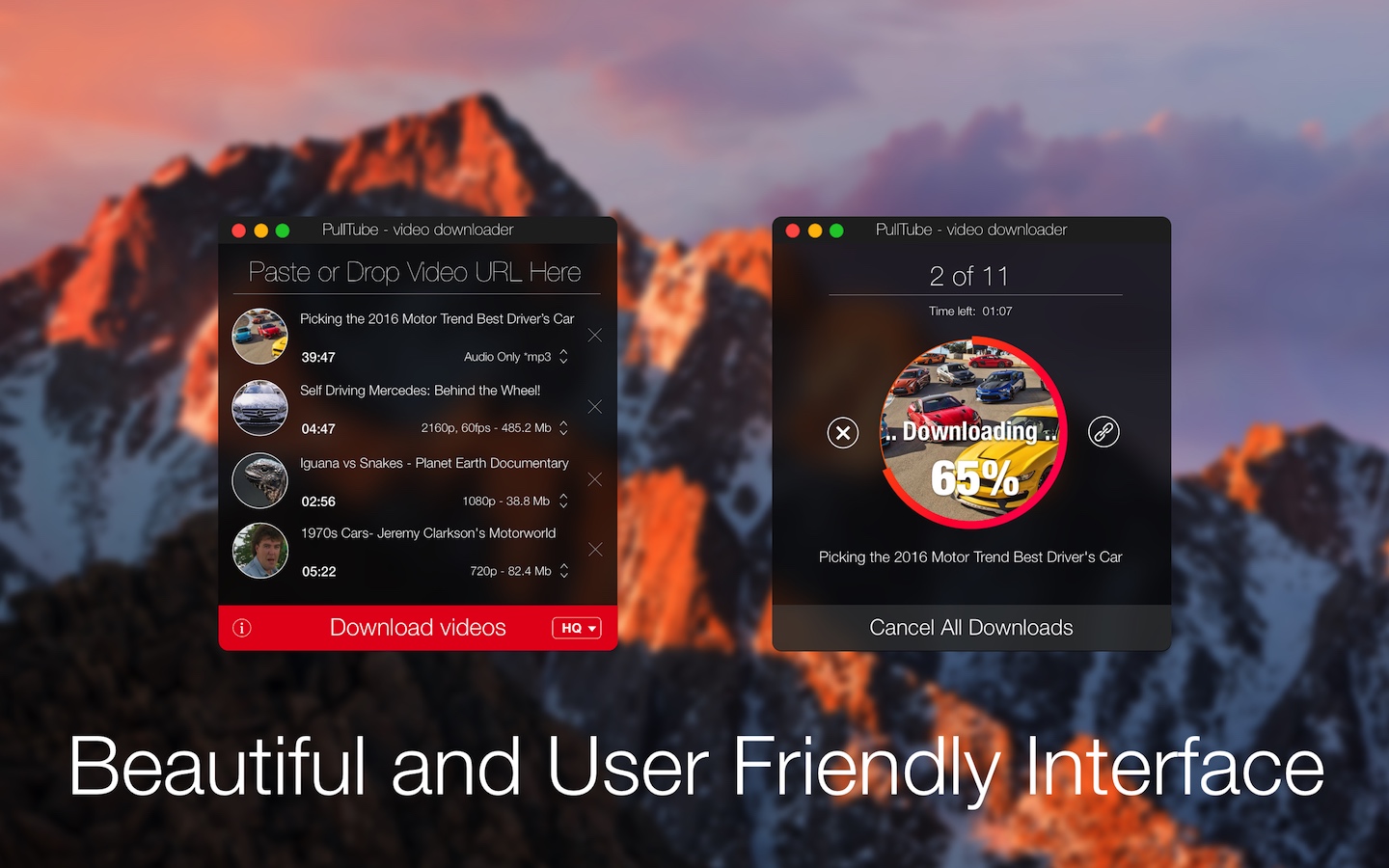
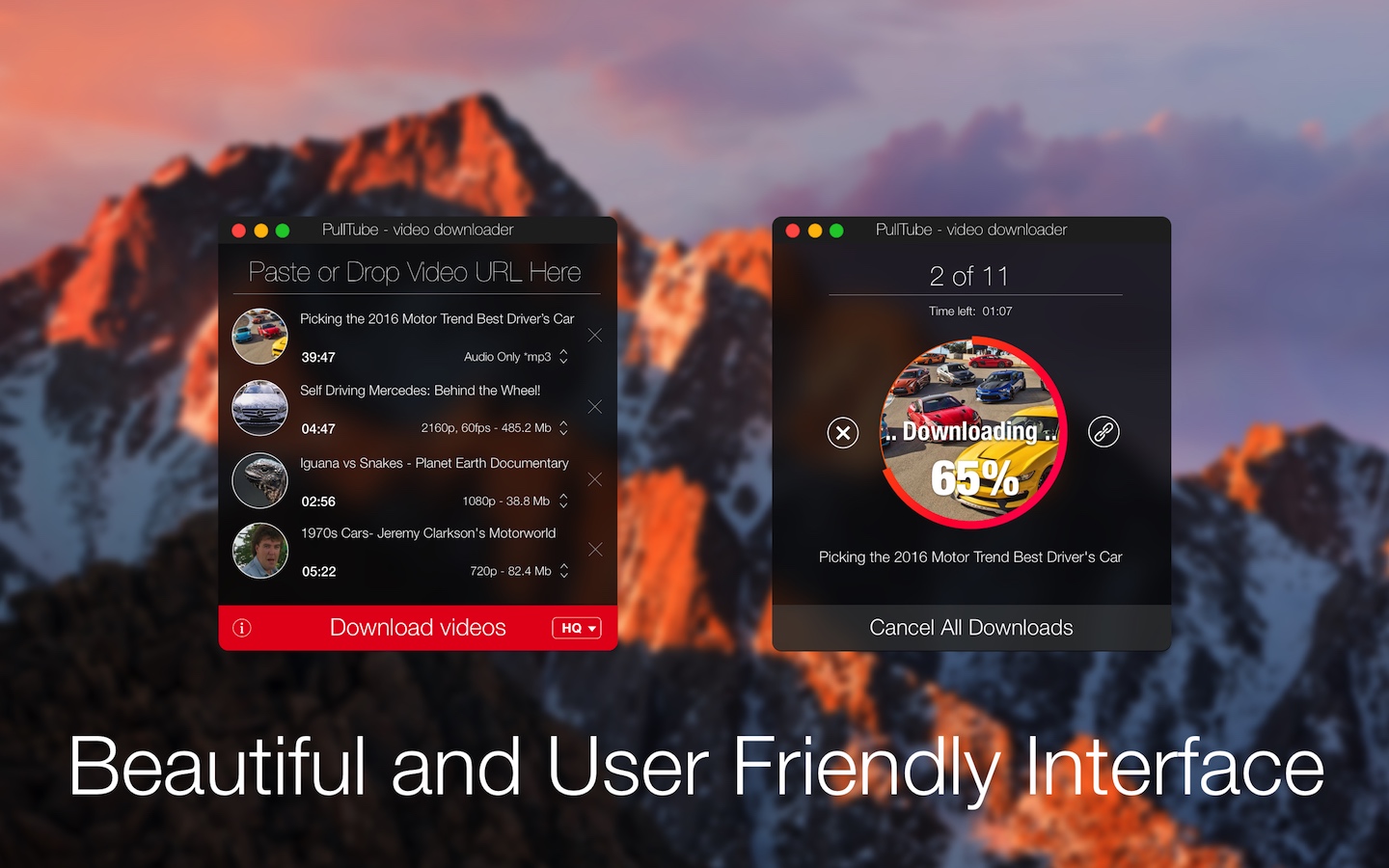
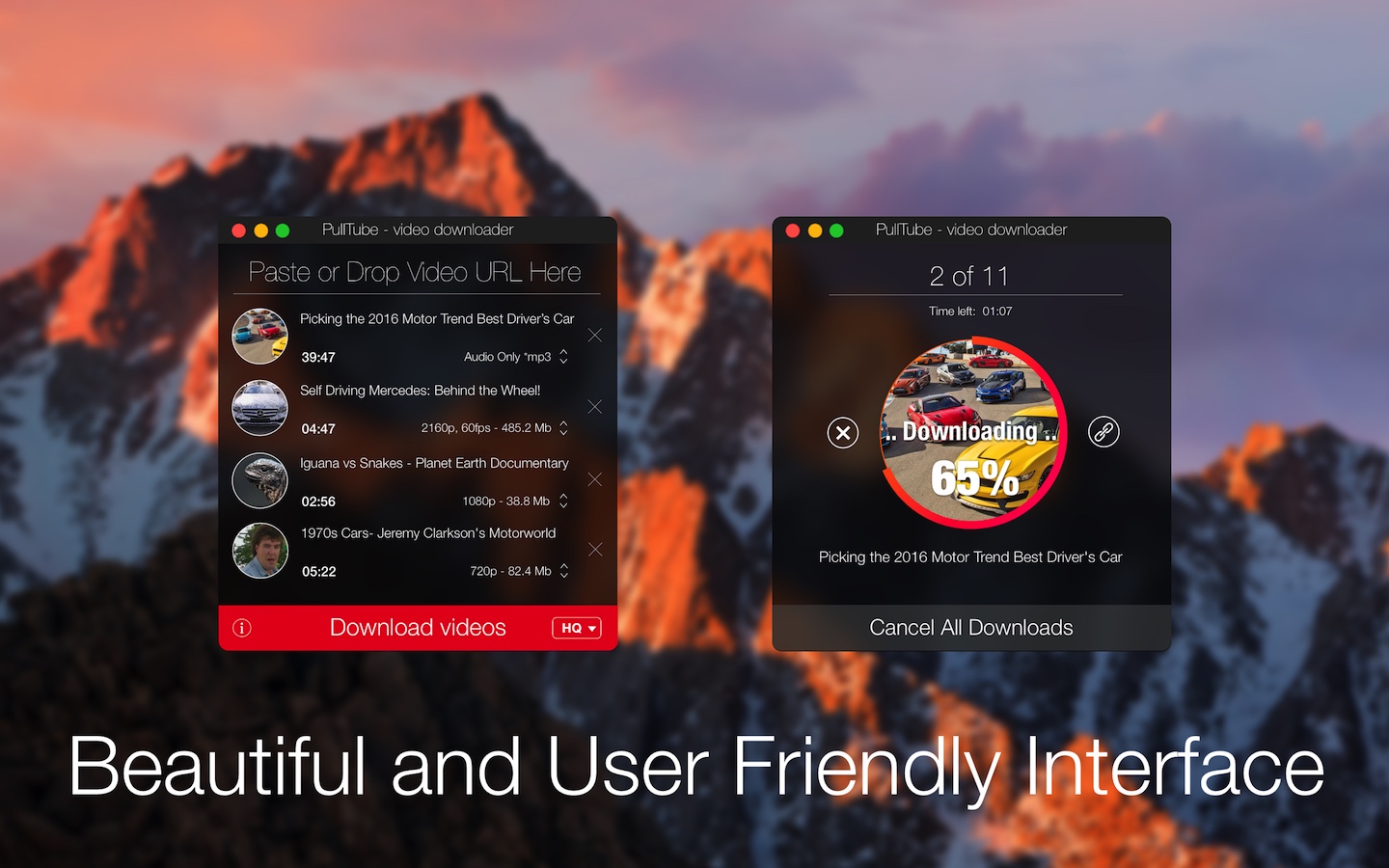
A beautiful online video downloader for your Mac PullTube proposes a streamlined workflow for quickly downloading videos from YouTube or Vimeo, provides control over the output quality, and enables you to extract the audio to MP3 or M4A files. The PullTube app can handle videos of any duration or size, and you get to monitor the download progress within its main window. The utility also integrates with the Notification Center to send completion alerts.

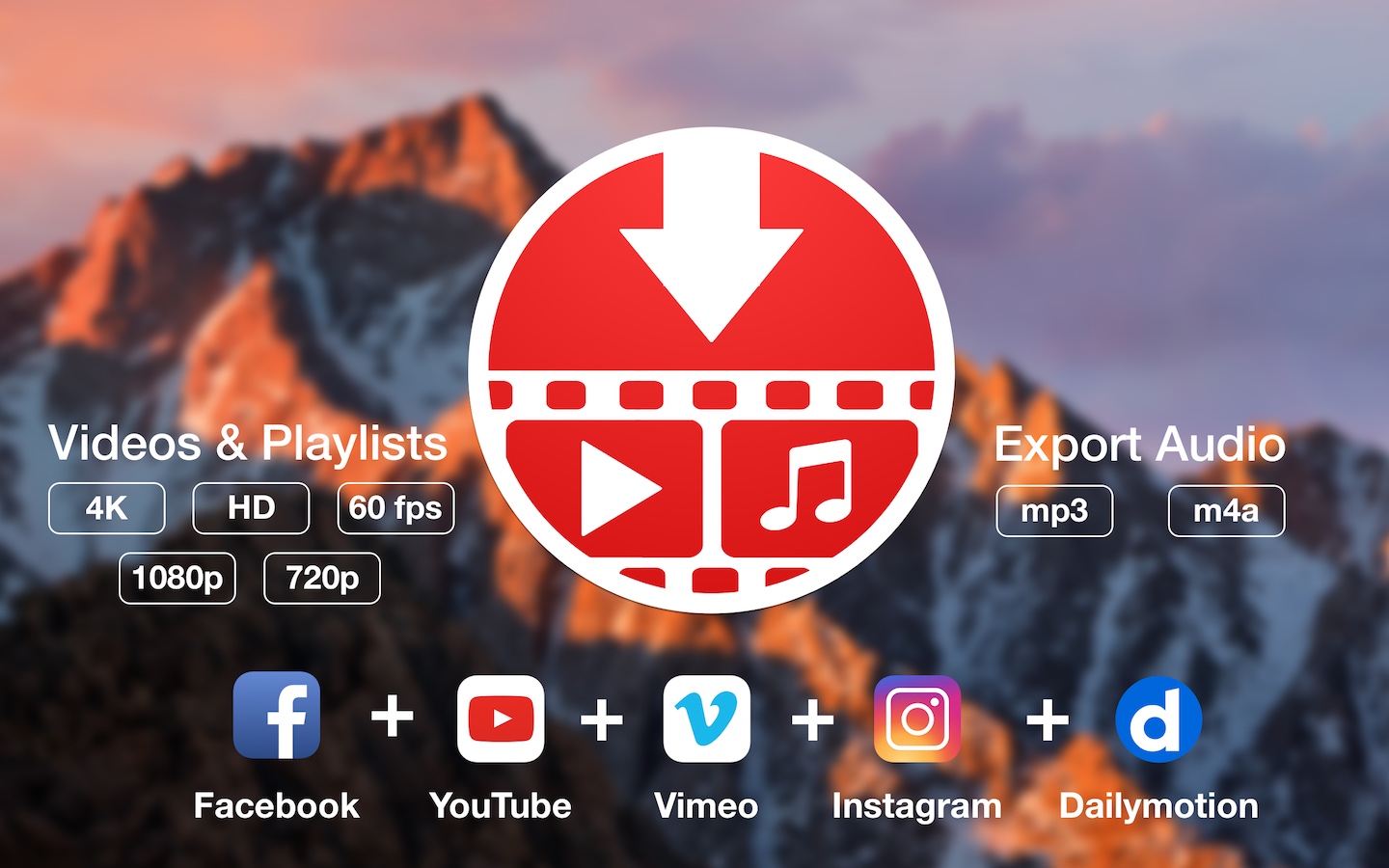
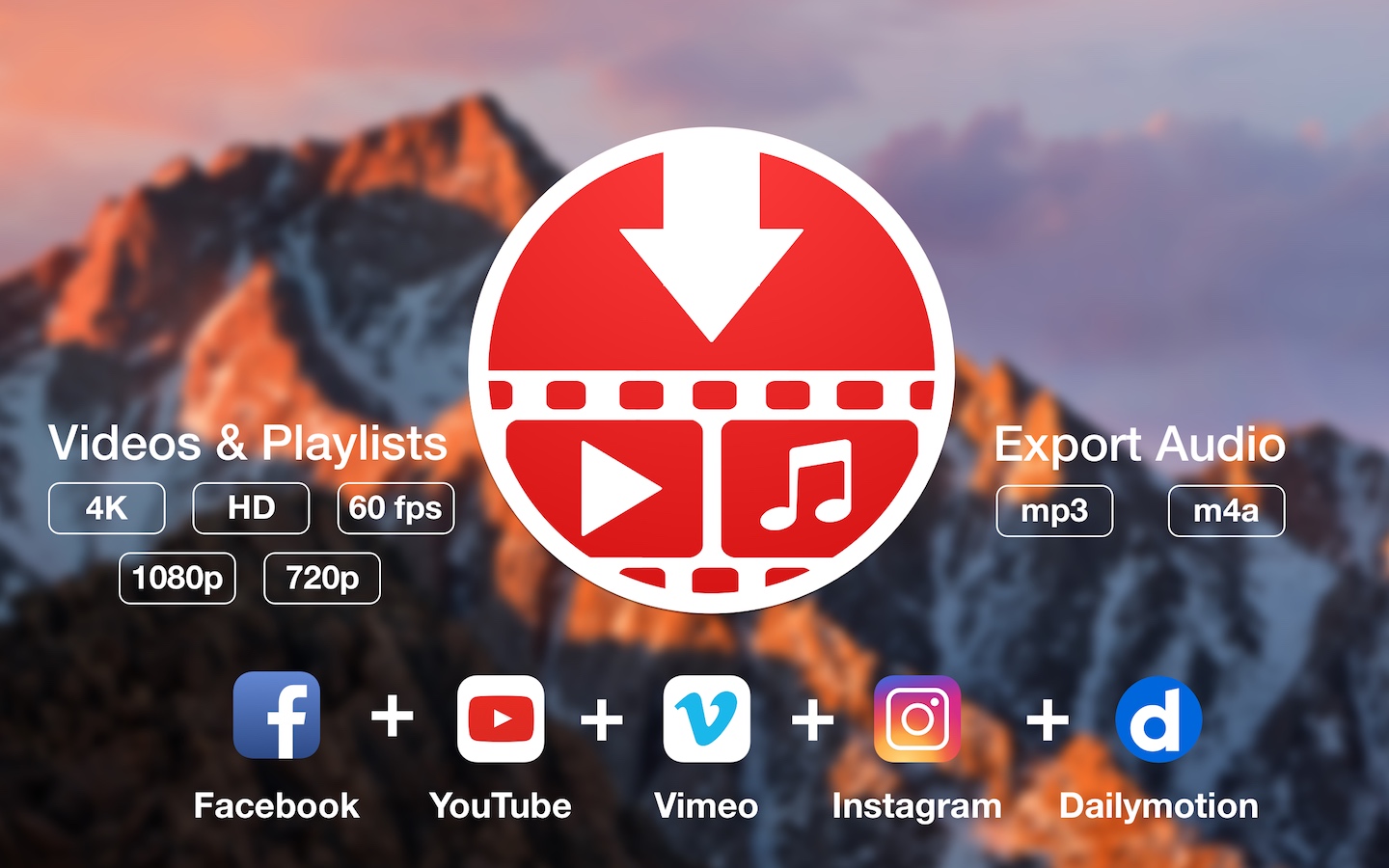
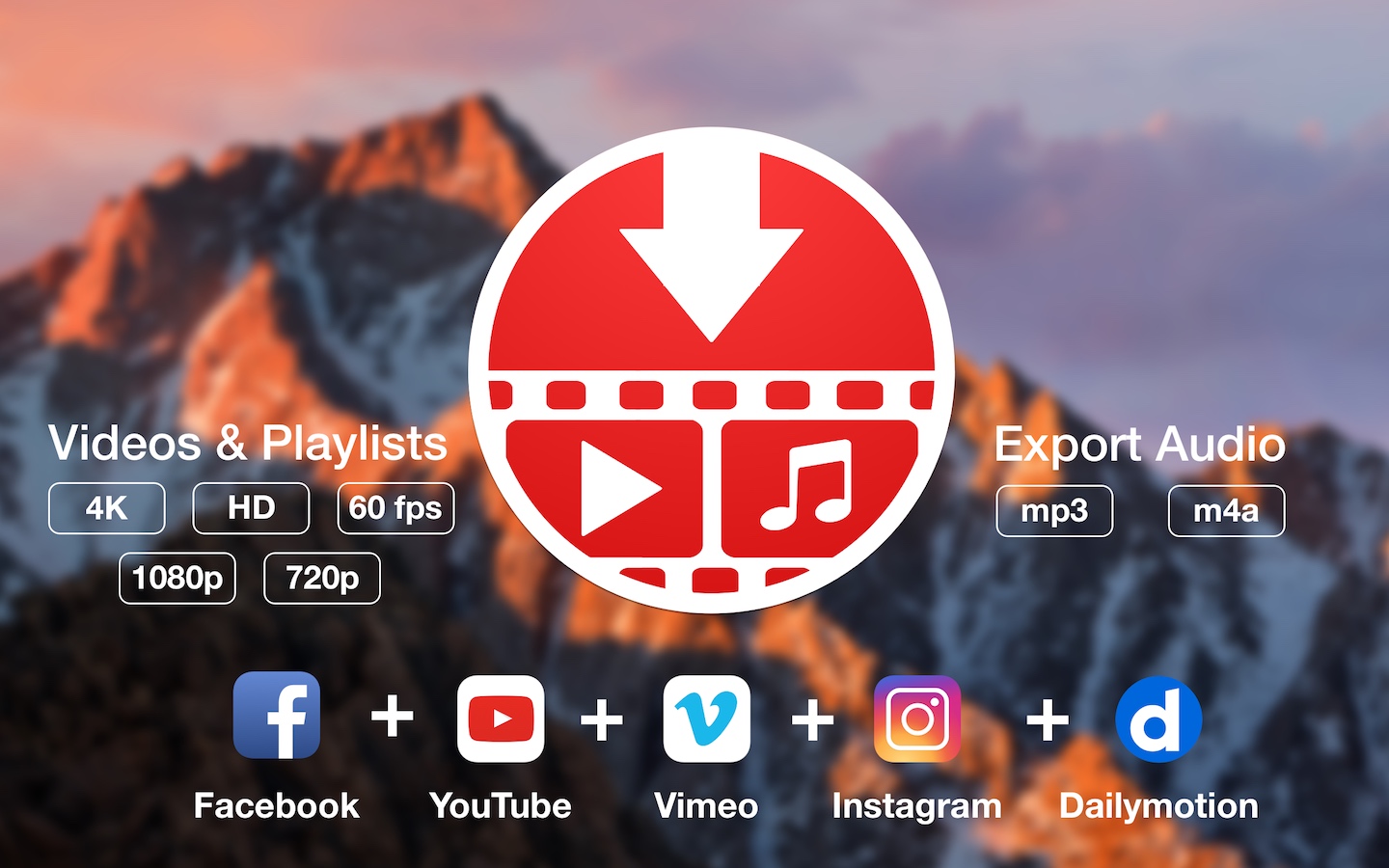
YouTube and Vimeo
Supports Youtube and Vimeo. More platforms to be added upon user requests.

4K, HD and 60fps support
PullTube allows you to download video in any format available

Video to Audio
Convert and save videos to mp3 and m4a

Beautiful and Flexible Interface
Nice looking, dark user interface

What’s New:

Version 1.8.5.31:

  • Release notes were unavailable when this listing was updated.

Compatibility: macOS 10.12
Language: Multilingual
Homepage https://mymixapps.com/pulltube

Screenshots


Music Tag Editor Pro 7.6.0

Name: Music_Tag_Editor_Pro_7.6.0B_Mactorrents.biz.dmg
Size: 35 MB
Files Music_Tag_Editor_Pro_7.6.0B_Mactorrents.biz.dmg[35 MB]

   Download Torrent
   Link Download

Music Tag Editor Pro can help you to edit your Music Tag info easily and effectively,Batch edit all tags and batch rename with metadata, you can also use it to convert the text encoding of Music Tag, In situations,it can repair the messy code in Music Tags. You also can download the album image for MP3 from internet. Also, you can search tags of music file from Amazon or MusicBrainz cloud services.
In Pro version More additional tags are supported, you can even custom any tags you want!

Support Music formats:
 MP3, M4A (Apple lossless), MP4, FLAC, APE, AIFF, WAV , Ogg files, asf, mkv, dsf, dsd…
Support ID3V1, ID3V2.3,ID3V2.4, xiphComments, APE Tag, Ogg Vorbis, Ogg Speex, Ogg Flac.

Main features:

  • support id3v1,id3v2,xiphComments, RIFF Info, APE Tag, Ogg Tags,iTunes tags. Tags:Title,Artist,Album,Genre,Copyright,Comments,Artworks,Lyrics and so on…
  • lyrics you saved to file can be show correctly in you iPhone or iPod music player.
  • support batch processing of lots of music files,support iTunes importing.
  • Online album image download,multi album image supported.
  • batch rename audio file with metadata
  • batch convert file name to tags
  • user can change,convert the tag text encoding easily, it also can repair messy code in situations.
  • Fully iTunes Tag supported.
  • Support strip APE or ID3V1 tags in mp3 files
  • support to save id3v2.3 or id3v2.4 tags!
  • Batch clean tags
  • Built-IN Music player for all audio formats

Advance features in pro version:

  • Edit Additional and Advanced Tags.
  • Custom and edit any tags you want.
  • Batch Find & Replace all tag fields in one click.
  • MusicBrainZ Cloud services supported.

Top In-App Purchases : Full Version – included.
Compatibility: macOS 10.13 or later
Homepage https://geo.itunes.apple.com/app/id1229106549

Screenshots


Music Tag Editor 7.6.0

Name: Music_Tag_Editor_7.6.0_Mactorrents.biz.dmg
Size: 35 MB
Files Music_Tag_Editor_7.6.0_Mactorrents.biz.dmg[35 MB]

   Download Torrent
   Link Download

Music Tag Editor Pro can help you to edit your Music Tag info easily and effectively,Batch edit all tags and batch rename with metadata, you can also use it to convert the text encoding of Music Tag, In situations,it can repair the messy code in Music Tags. You also can download the album image for MP3 from internet. Also, you can search tags of music file from Amazon or MusicBrainz cloud services.
In Pro version More additional tags are supported, you can even custom any tags you want!

Support Music formats:
 MP3, M4A (Apple lossless), MP4, FLAC, APE, AIFF, WAV , Ogg files, asf, mkv, dsf, dsd…
Support ID3V1, ID3V2.3,ID3V2.4, xiphComments, APE Tag, Ogg Vorbis, Ogg Speex, Ogg Flac.

Main features:

  • support id3v1,id3v2,xiphComments, RIFF Info, APE Tag, Ogg Tags,iTunes tags. Tags:Title,Artist,Album,Genre,Copyright,Comments,Artworks,Lyrics and so on…
  • lyrics you saved to file can be show correctly in you iPhone or iPod music player.
  • support batch processing of lots of music files,support iTunes importing.
  • Online album image download,multi album image supported.
  • batch rename audio file with metadata
  • batch convert file name to tags
  • user can change,convert the tag text encoding easily, it also can repair messy code in situations.
  • Fully iTunes Tag supported.
  • Support strip APE or ID3V1 tags in mp3 files
  • support to save id3v2.3 or id3v2.4 tags!
  • Batch clean tags
  • Built-IN Music player for all audio formats

Advance features in pro version:

  • Edit Additional and Advanced Tags.
  • Custom and edit any tags you want.
  • Batch Find & Replace all tag fields in one click.
  • MusicBrainZ Cloud services supported.

Top In-App Purchases : Full Version – included.

Compatibility: macOS 10.13 or later
Homepage https://geo.itunes.apple.com/app/id1229106549

Screenshots


Yate 6.19

Name: Yate_6.19_Mactorrents.biz.dmg
Size: 16 MB
Files Yate_6.19_Mactorrents.biz.dmg[16 MB]

   Download Torrent
   Link Download

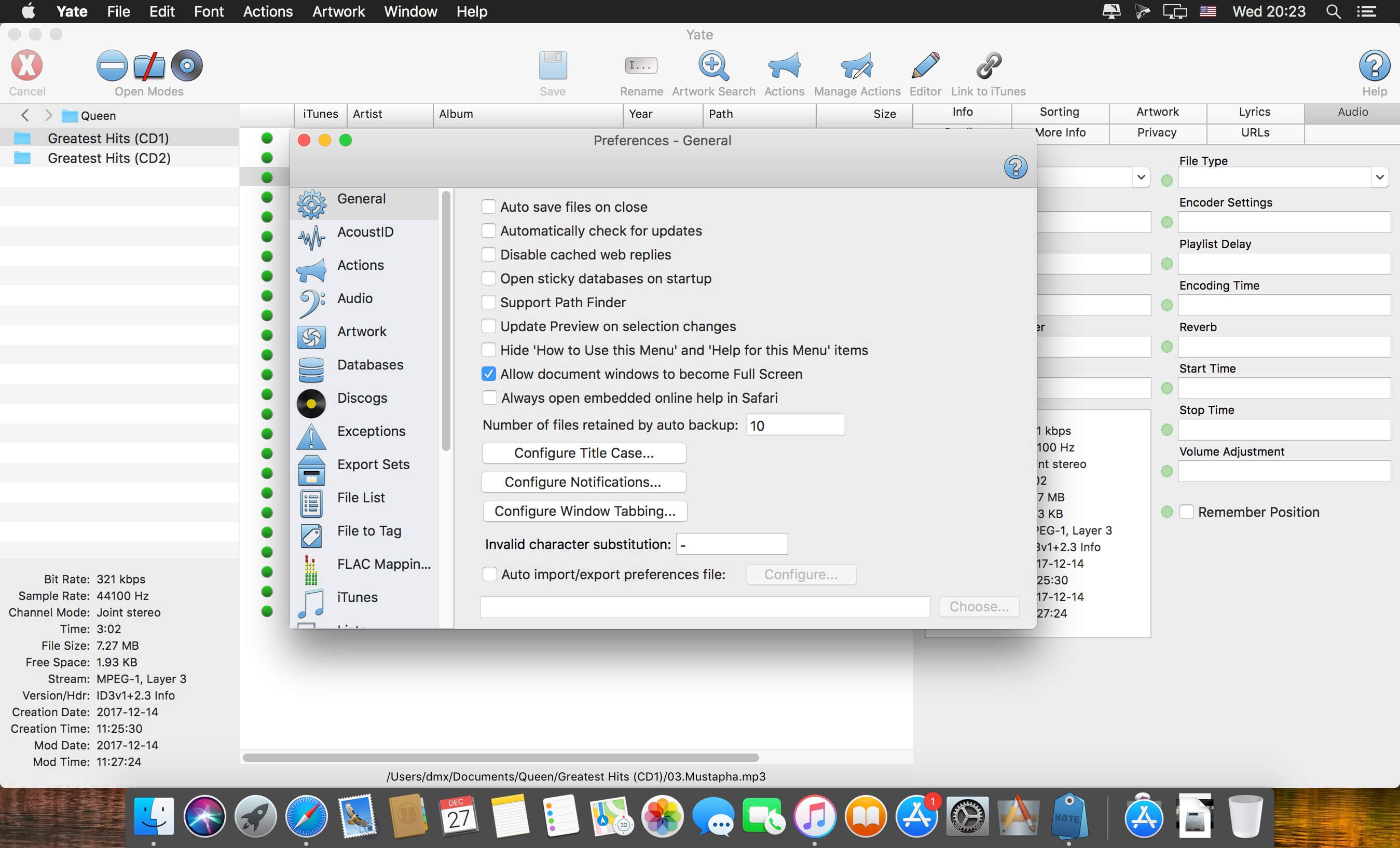
Yate was developed for people who want complete control over their tagging experience. Supports audio in AIFF, DFF, DSF, FLAC, M4A, M4B, MP3, MP4, STEM.MP4 and WAV files. Supports video in M4V and MP4.

Yate has a long list of features; most importantly, an innovative scripting system called actions. Actions can be used to update all of an album’s tags with a single operation. Yate also supports integration with AcouticBrainz, AcoustID, Beatport, Discogs, iTunes and MusicBrainz. All changes can be easily reverted and individual changes can be undone in any order. Whether you want to automatically or manually tag your files, Yate can do it all!

Compatibility: macOS 10.13 or later
Homepage https://2manyrobots.com/yate/

Screenshots


Audio Hijack 4.4.0

Name: Audio_Hijack_4.4.0_Mactorrents.biz.dmg
Size: 33 MB
Files Audio_Hijack_4.4.0_Mactorrents.biz.dmg[33 MB]

   Download Torrent
   Link Download

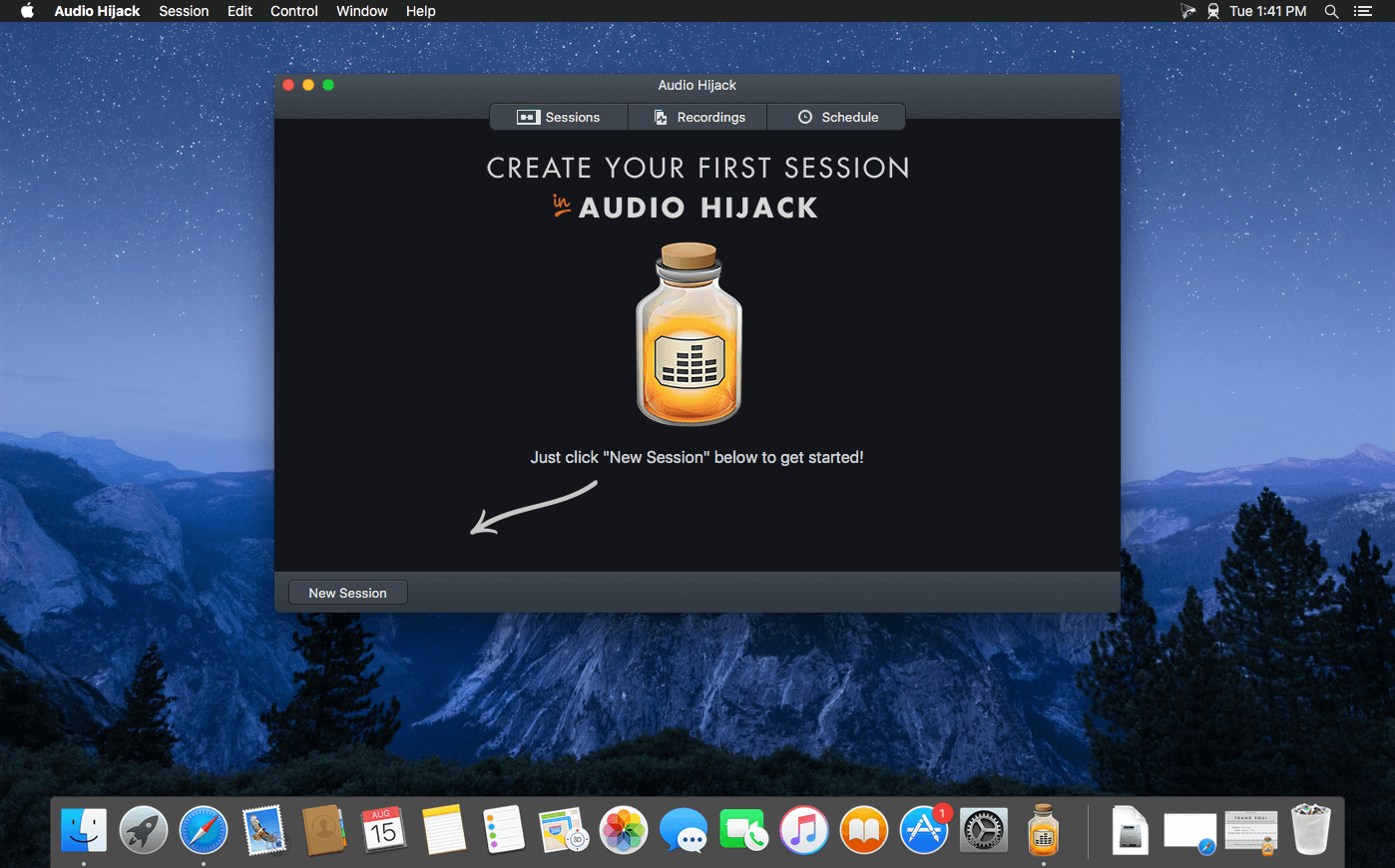
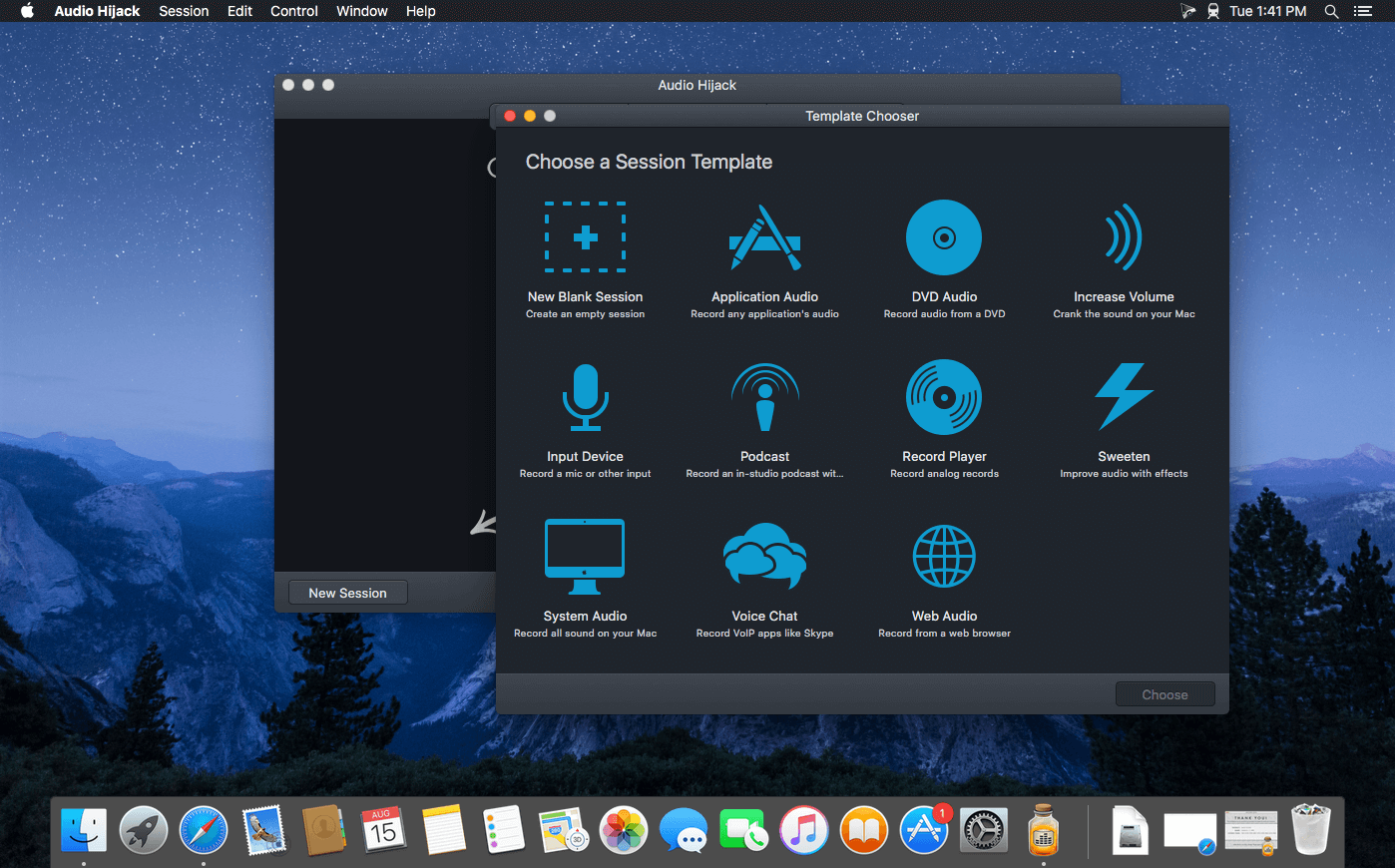
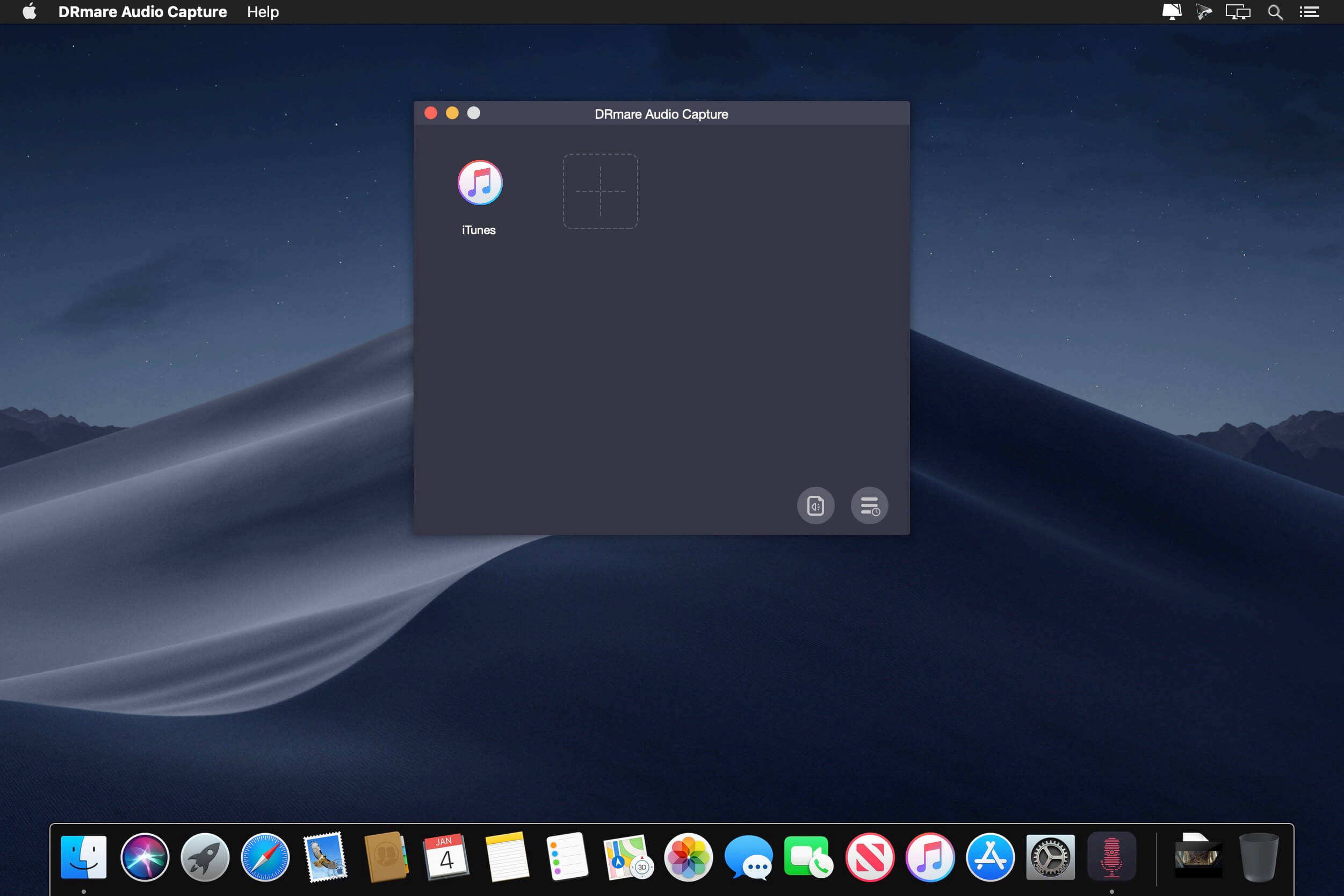
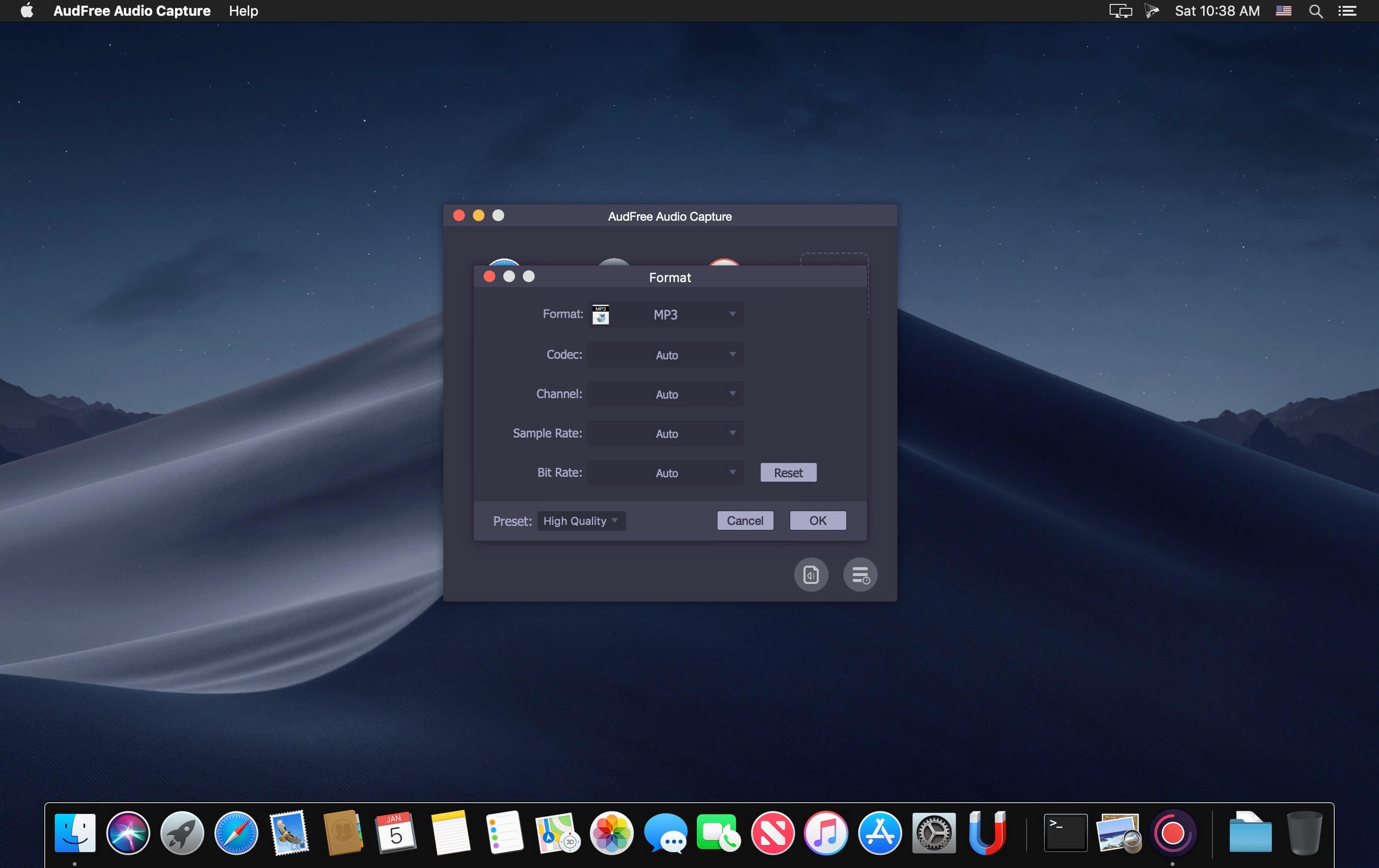
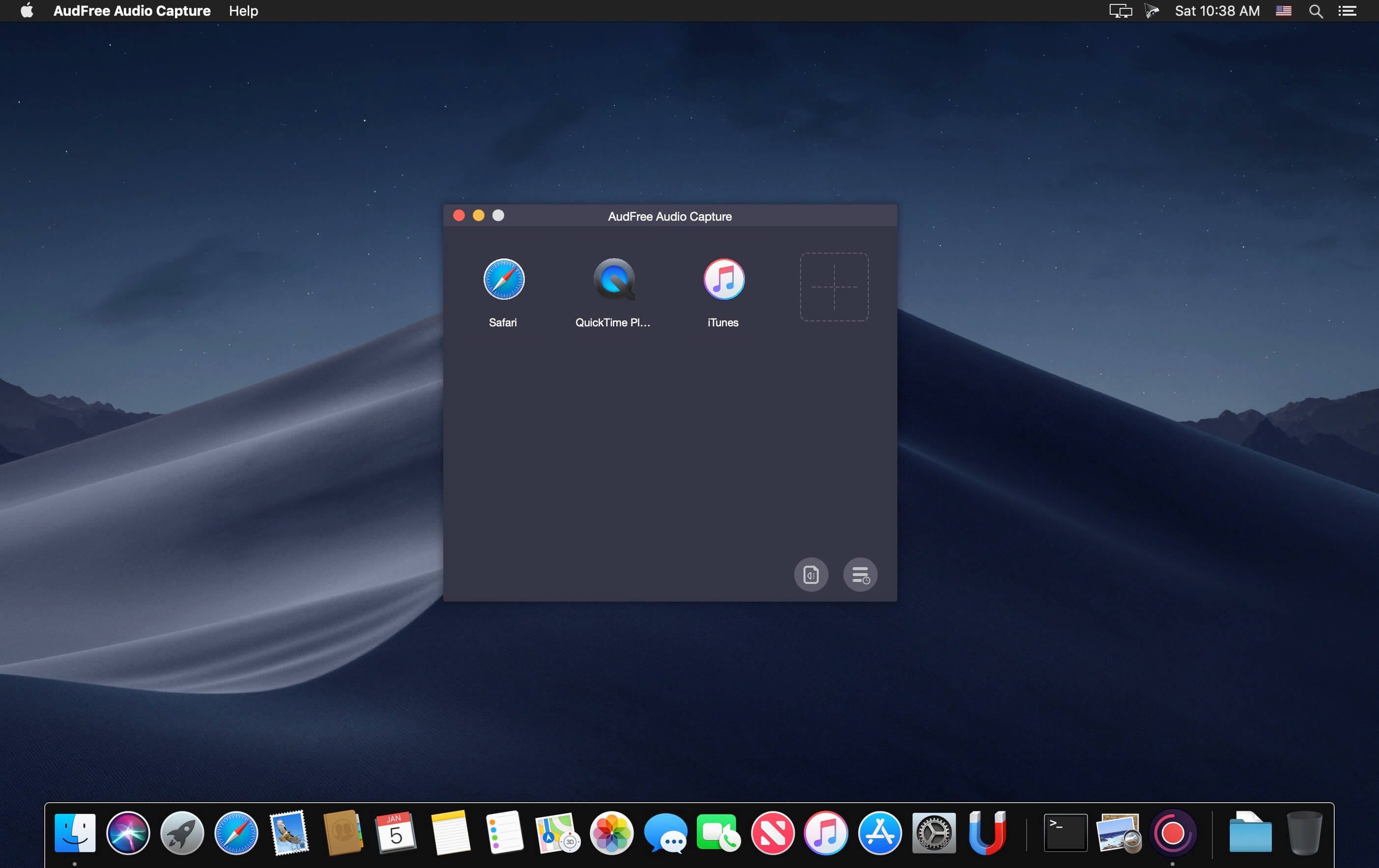
If you can hear it, you can record it – Record any application’s audio, including VoIP calls from Skype, web streams from Safari, and much more. Save audio from hardware devices like microphones and mixers as well. You can even record all the audio heard on your Mac at once! If you can hear it, Audio Hijack can record it.

Application Audio
Set any application as your source in Audio Hijack, then hit the record button to save its audio!

Device Audio
Audio Hijack can also capture and record audio from microphones, mixers, and other input devices.

All System Audio
Use the System Audio source to capture all the audio heard on your Mac at once.

More Great Features

Record to All Major Formats
Record to the world’s most popular audio formats, including MP3 and AAC, or save in perfect-fidelity AIFF, WAV, ALAC or FLAC.

Reusable Sessions
Once you’ve configured a Session to your liking, you can re-use it over and over. With one click, you’ll be recording exactly as desired.

Easy File Organization
Find all of your recordings sorted by Session in the Recordings tab, where you can quickly pass files to an audio editor, add them to iTunes, or share them.

Timed Recordings
Use the Schedule tab to set up timed recordings for when you’re not around. Your audio will be waiting for you when you return.

Silence Monitoring
When silence is detected, Audio Hijack can automatically stop recording, split to a new file, or remove audio.

Bulletproof Recording
Bulletproof recording means that even if the power goes out or your computer crashes, you’ll never lose a recording.

A Thoughtful Interface
Audio Hijack’s intuitive audio grid provides a terrific pipeline-style view of exactly how your audio flows, so you can easily understand it.

Gorgeous Audio Effects
The included audio effects are easy to use and easy on the eyes. Their functionality is now accessible to all.

Time Shift Your Audio
Now you can pause, delay, and rewind live audio on your Mac. It’s perfect for transcribing audio and more!

Compatibility: macOS 10.14.4 or later
Homepage https://www.rogueamoeba.com/audiohijack/

Screenshots


Adobe Premiere Pro 2024 v24.3

Name: Adobe_Premiere_Pro_2024_for_Mac_v.24.3.0_U2B_Mactorrents.biz.dmg
Size: 3.06 GB
Files Adobe_Premiere_Pro_2024_for_Mac_v.24.3.0_U2B_Mactorrents.biz.dmg[3.06 GB]

   Download Torrent
   Link Download

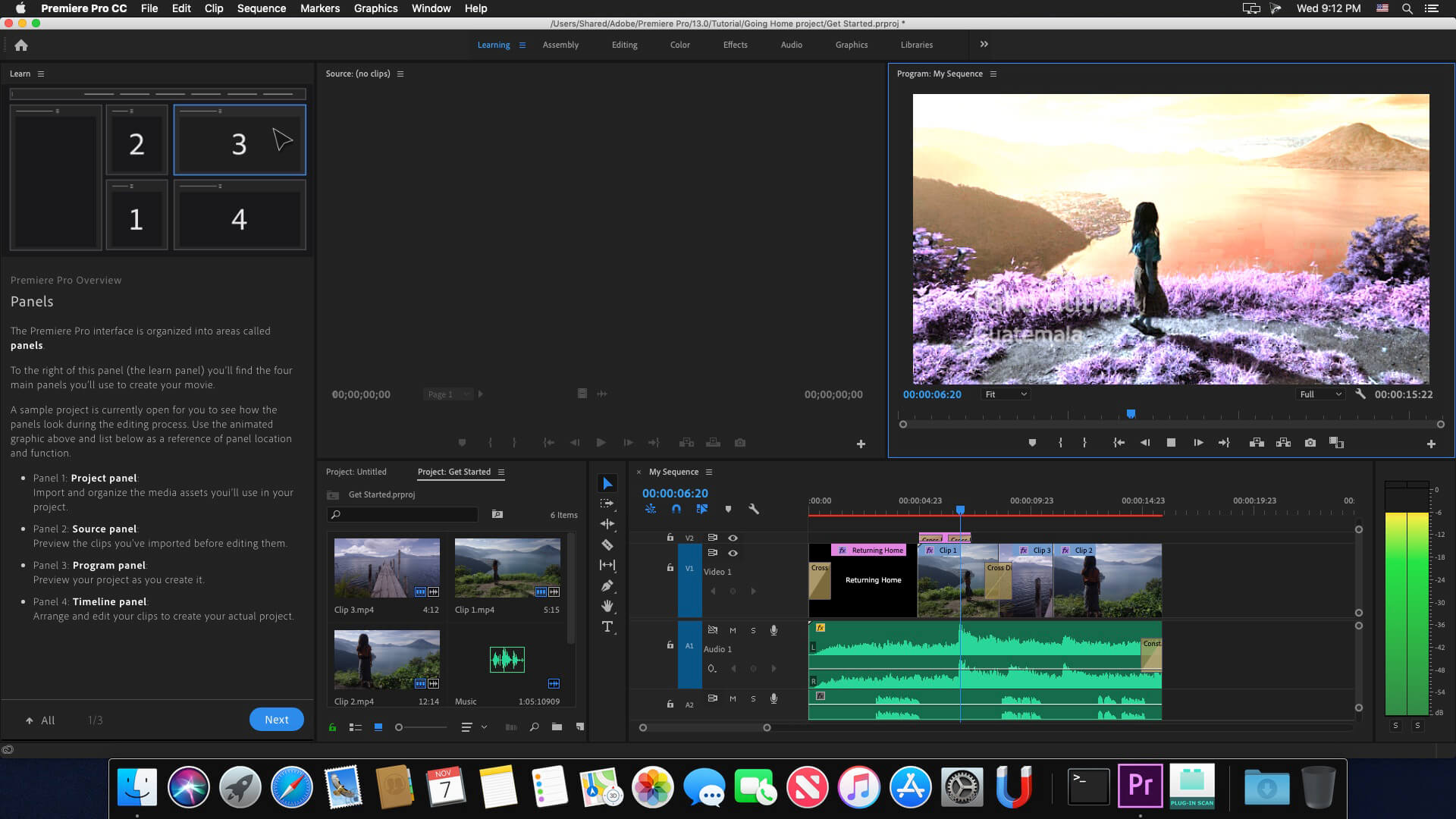
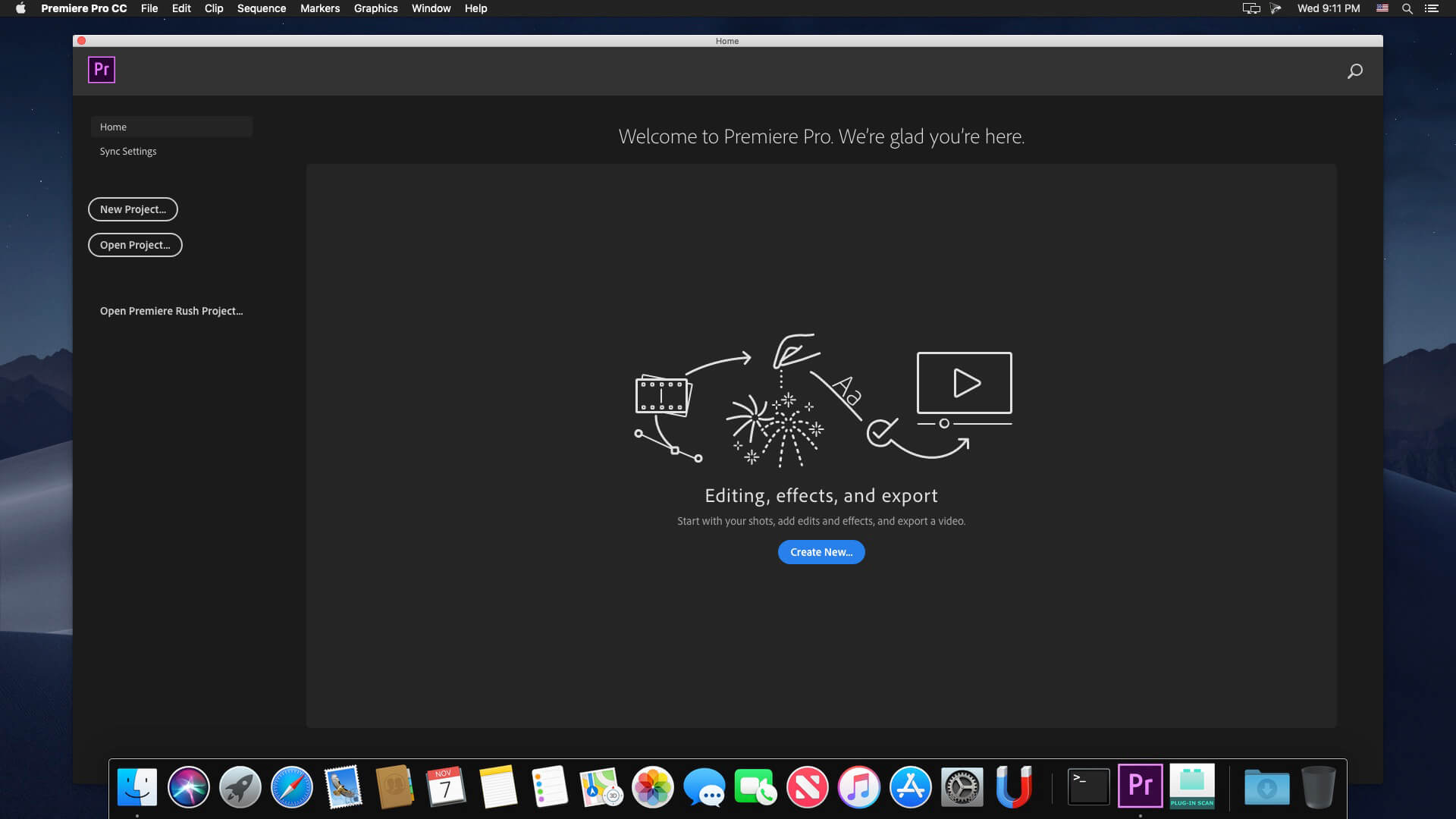
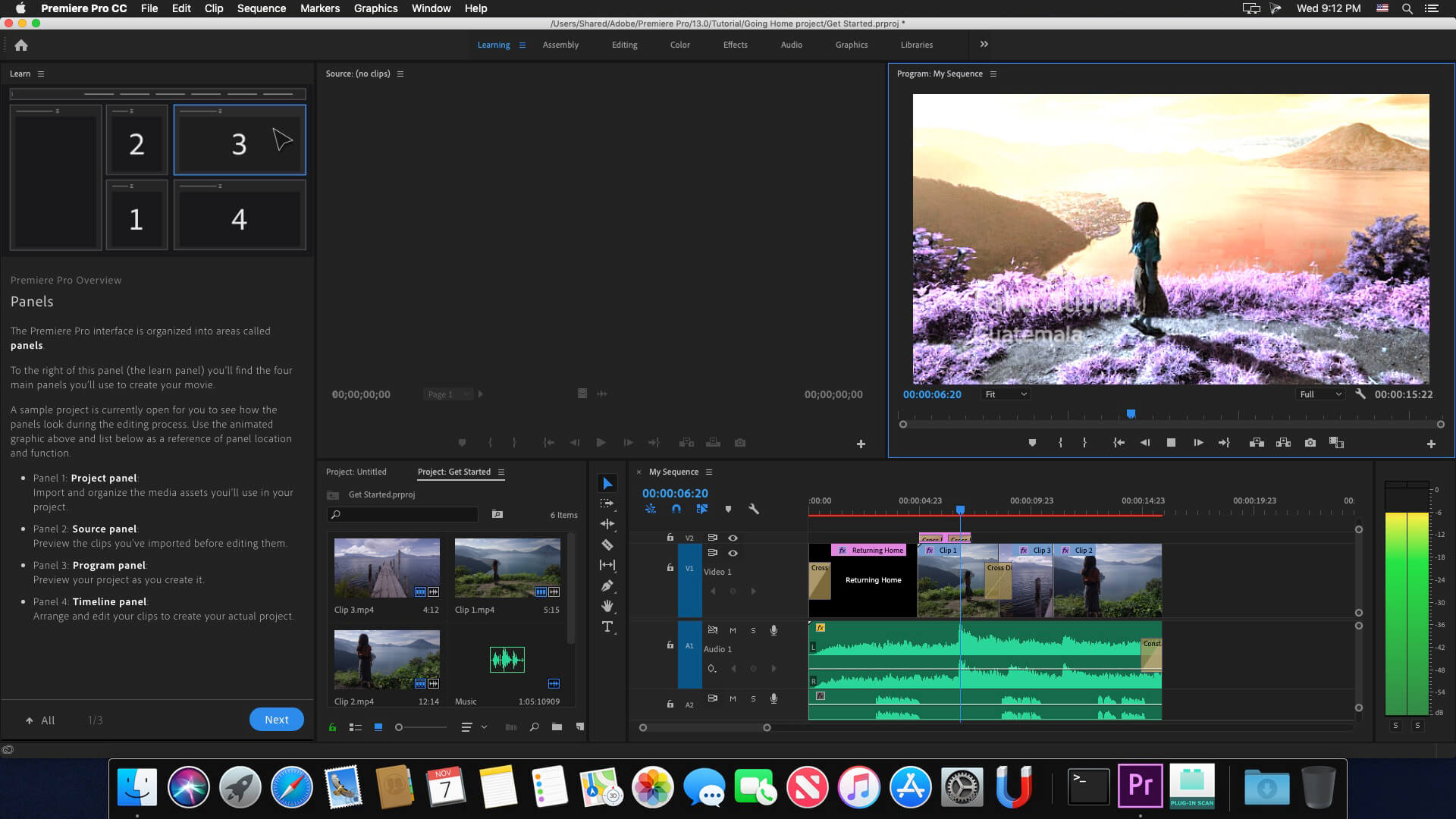
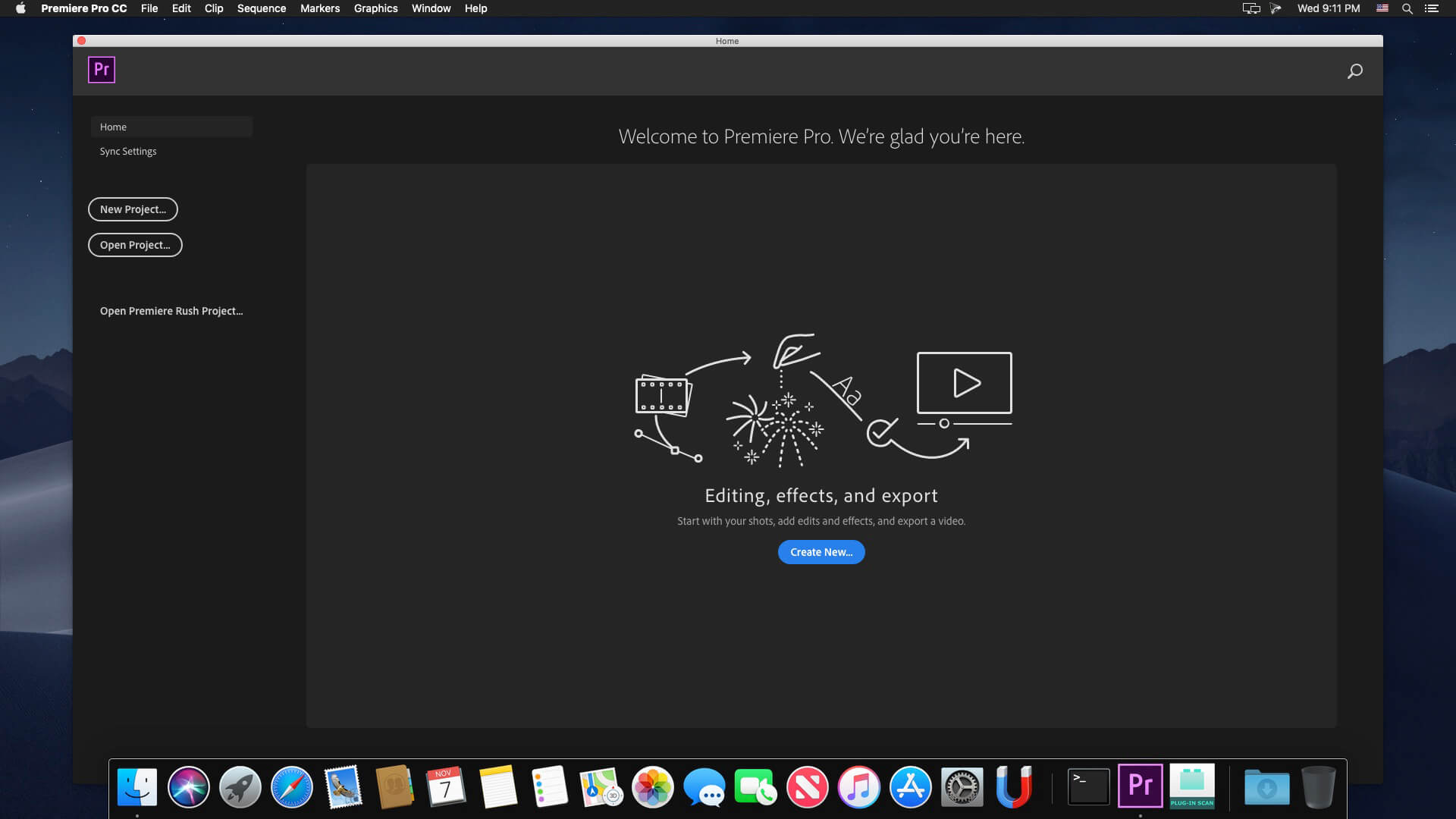
Video editing that’s always a cut above. Premiere Pro is the leading video editing software for film, TV, and the web. Creative tools, integration with other Adobe apps and services, and the power of Adobe Sensei help you craft footage into polished films and videos in one seamless workflow. And Premiere Rush, our new app, is included with your subscription so you can capture footage and start editing on all your devices, anywhere.

Smart tools. Better storytelling.
Premiere Pro is used by Hollywood filmmakers, TV editors, YouTubers, videographers — anyone with a story to tell, including you.

Stay in your creative flow.
Premiere Pro is the industry leader for editing everything from fast-turn TV series to feature films. Integrated, efficient workflows let you polish your work without leaving your timeline. And automated tools powered by Adobe Sensei speed up time-consuming tasks, so you can focus on your story.

Any camera. Any format. Any platform.
Edit footage in any modern format, from 8K to virtual reality. Broad native file support and simple proxy workflows make it easy to work with your media, even on mobile workstations. Delivering content that’s optimized for any screen or platform is faster than ever.

Everything you need. Right where you need it.
Along with tools for color, audio, and graphics, Premiere Pro works seamlessly with other apps and services, including After Effects, Adobe Audition, and Adobe Stock. Open a Motion Graphics template from After Effects or download one from Adobe Stock and customize it — all without leaving the app. And Premiere Pro integrates with hundreds of partner technologies.

Precise and simple color grading
Take the guesswork out of curve adjustments with innovative Lumetri Color tools. Each curve has two axes with paired values, making selective color grading easy and accurate.

Improve audio instantly
New sliders in the Essential Sound panel let you dial down or remove background noise and reverb for incredible results.

Infographics with Motion Graphics templates
Drag and drop spreadsheets into new infographics Motion Graphics templates to quickly generate visualizations of your data. Any updates to your spreadsheets are automatically updated in your infographic.

Language: Multilangual
Compatibility: macOS 10.15 or later
Homepage https://www.adobe.com/

Screenshots


Adobe Media Encoder 2024 v24.3

Name: Adobe_Media_Encoder_2024_v24.3_U2B_Mactorrents.biz.dmg
Size: 2.04 GB
Files Adobe_Media_Encoder_2024_v24.3_U2B_Mactorrents.biz.dmg[2.04 GB]

   Download Torrent
   Link Download

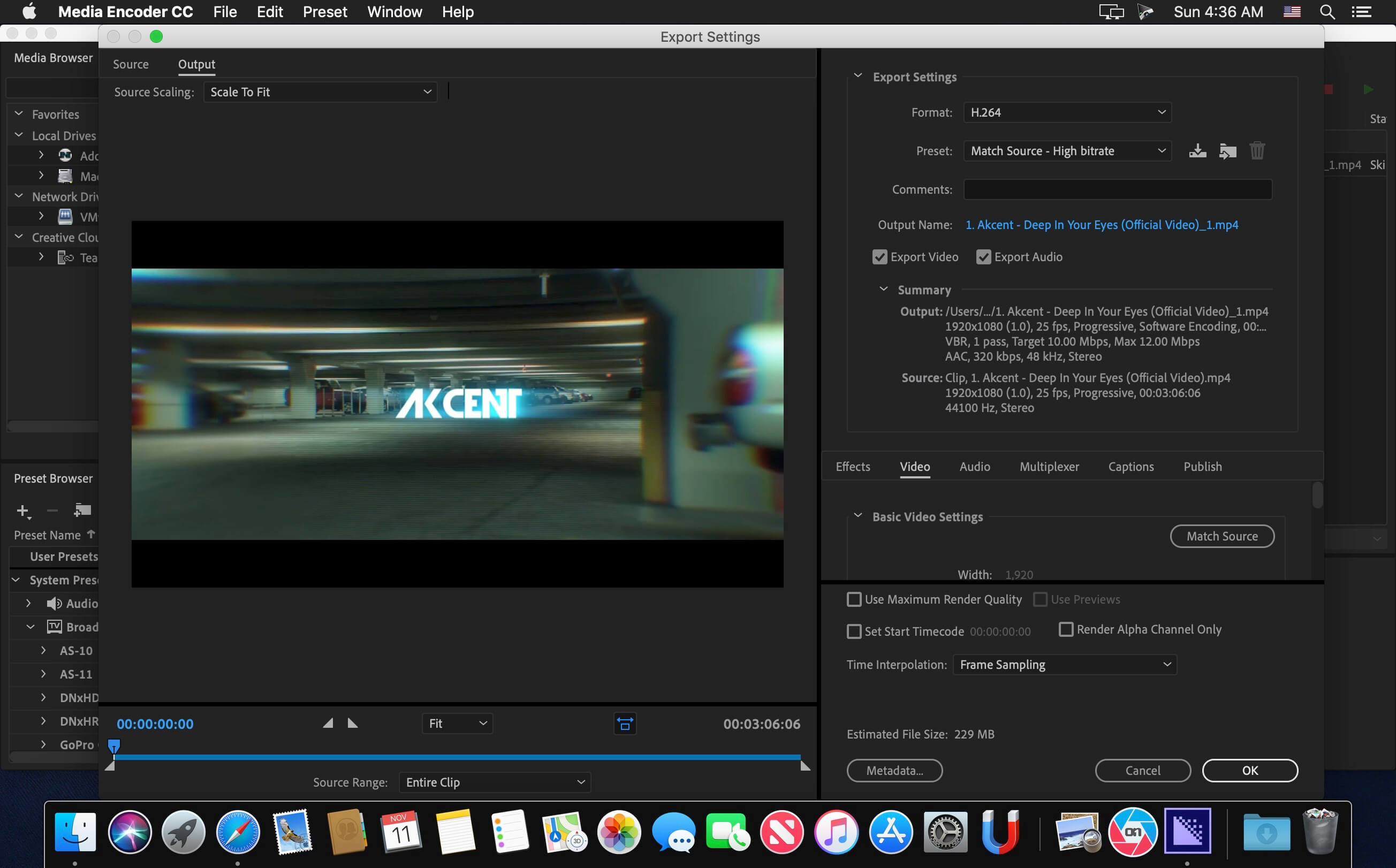
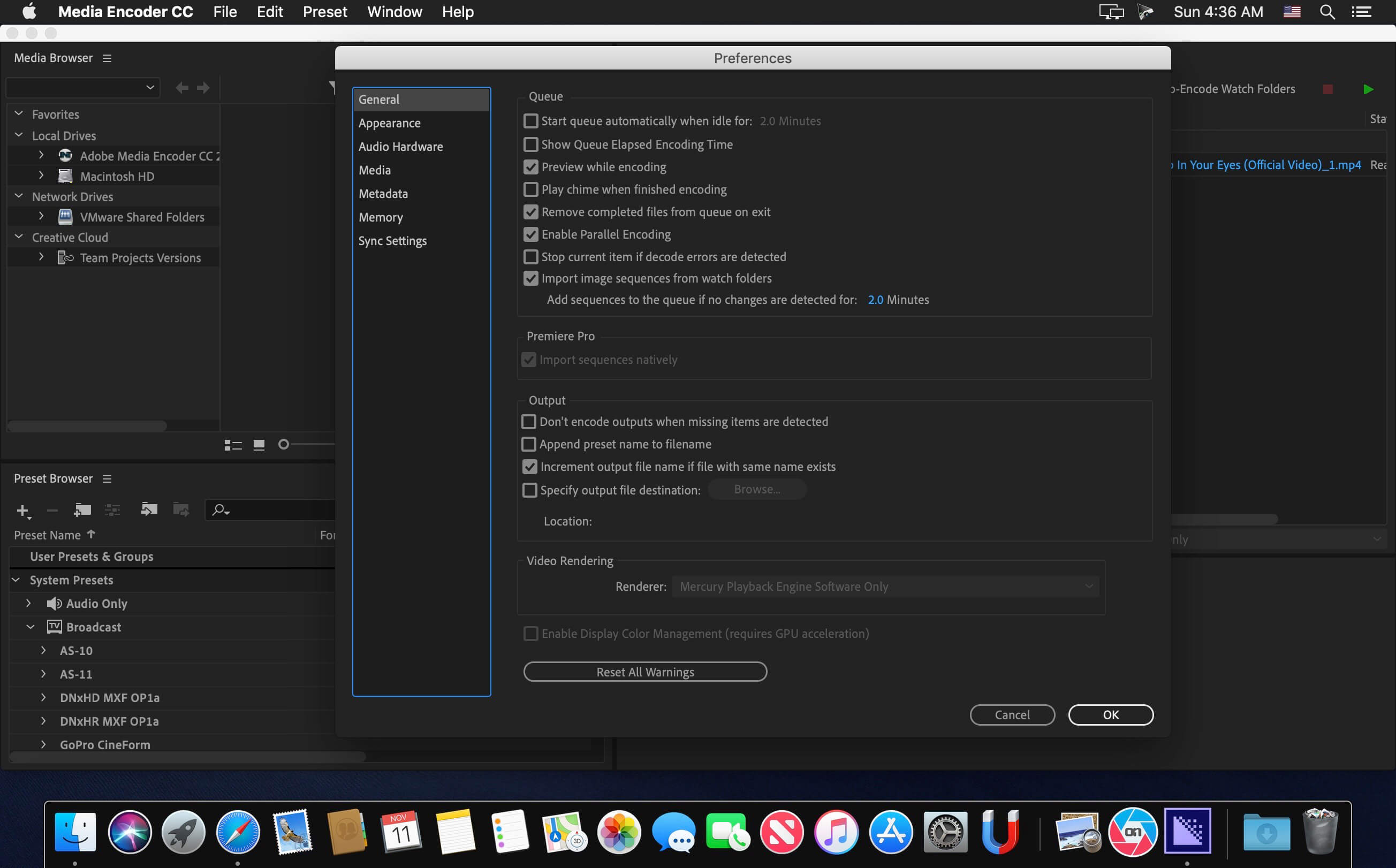
Ingest, transcode, create proxies, and output any format you can imagine. This powerful media management tool allows you to work with media in a unified way across applications. Tight integration with Adobe Premiere Pro CC, After Effects CC, and other applications provides a seamless workflow.

Key Features:
– Support for 8K H.264 export
– Export XAVC QFHD Long GOP 4:2:2 formats
– Hardware-accelerated HEVC encoding on Windows 10 with 7th Generation (or later) Intel® Core™ processors and Intel Graphics enabled
– Improved RED camera format decoding
– Improved Sony RAW/X-OCN camera format decoding
– Hardware-accelerated H.264 encoding on Windows 10 with 6th Generation (or later) Intel® Core™ processors and Intel Graphics enabled
– Hardware-accelerated H.264 and HEVC encoding on Mac OS 10.13 systems with supported hardware
– Support for importing Canon C200 camera formats
– Support for importing Sony Venice camera formats
– RED camera Image Processing Pipeline [IPP2] support
– Destination Publishing support for new Twitter 280-character limit
– Channel selection when publishing to YouTube and Vimeo
– Playlist selection when publishing to YouTube
– Page selection when publishing to Facebook
– Add custom titles when publishing to YouTube, Facebook, or Vimeo
– Add custom video thumbnails when publishing to YouTube
– Notification for missing items in queue before encoding
– H.264 adaptive bitrate presets automatically choose best output bitrate based on source frame size and frame rate
– Animated GIF export on macOS and Windows
– Time Tuner effect improvements
– Newly optimized list of H.264 presets
– Format support for RF64 WAV Decode/Encode, decode for Sony X-OCN, and QuickTime DNx Smart Rendering
– Warning when importing non-native QuickTime sources
– Timecode modification for 720p 59.94 media
– Destination Publishing to Adobe Stock Contributor
– Adobe Team Projects support
– Support for Color Profiles from After Effects sources
– Automatically relinked assets when importing a sequence
– Option to maintain playback in Premiere Pro while rendering in Media Encoder
– Streamlined bit depth and alpha channel settings (QuickTime only)
– Export support for ambisonic audio (H.264 only)
– Support for Hybrid LOG Gamma (HLG)
– Support for HDR in HEVC (H.265) export Export support for Panasonic AVC-Long GOP Op1b

Language: Multilangual
Compatibility: macOS v10.15 or later
Homepage https://www.adobe.com/products/media-encoder.html

Screenshots


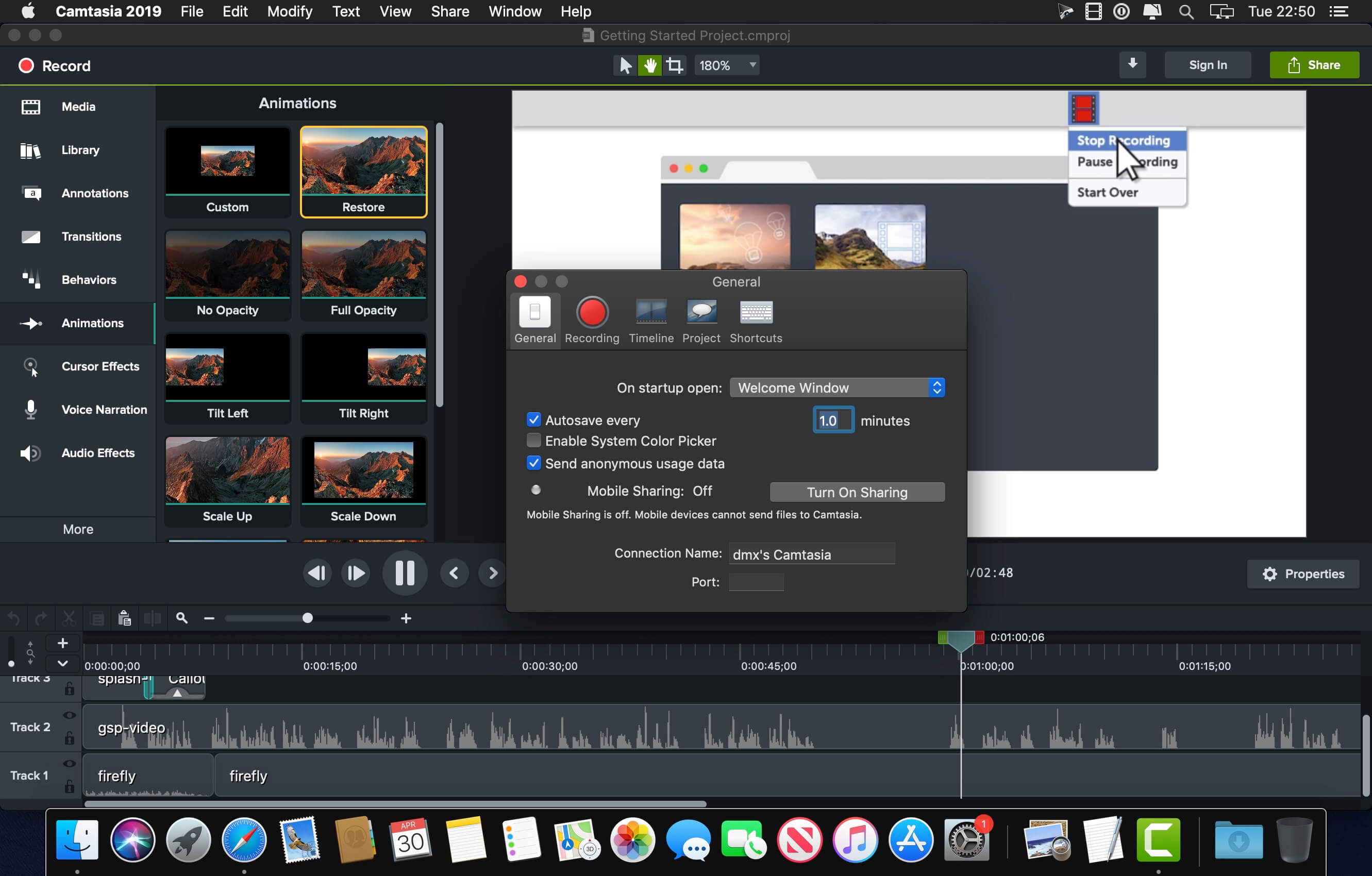
TechSmith Camtasia 2023.3.12

Name: Camtasia_2023_2023.3.12_Mactorrents.biz.dmg
Size: 392 MB
Files Camtasia_2023_2023.3.12_Mactorrents.biz.dmg[392 MB]

   Download Torrent
   Link Download

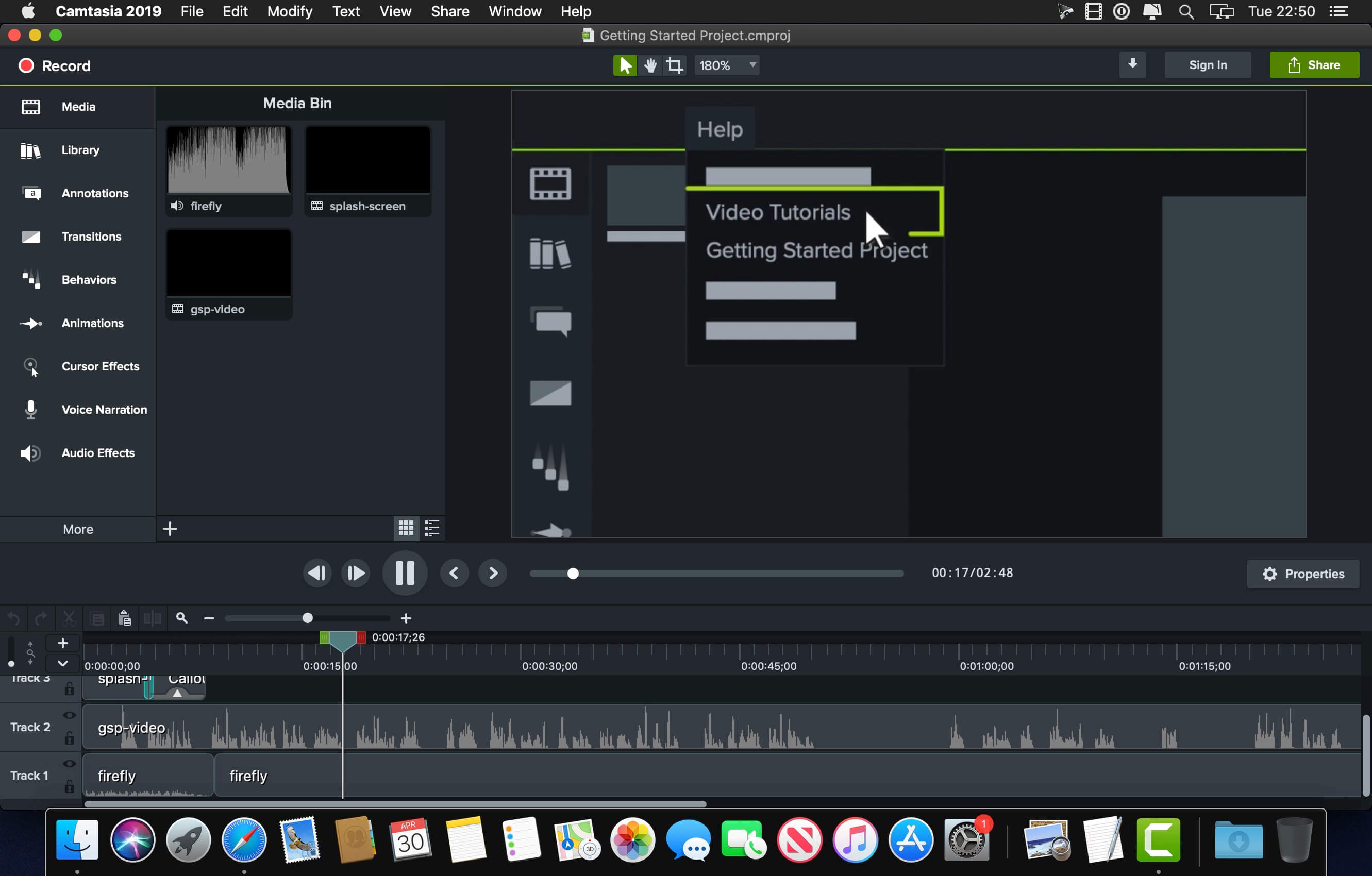
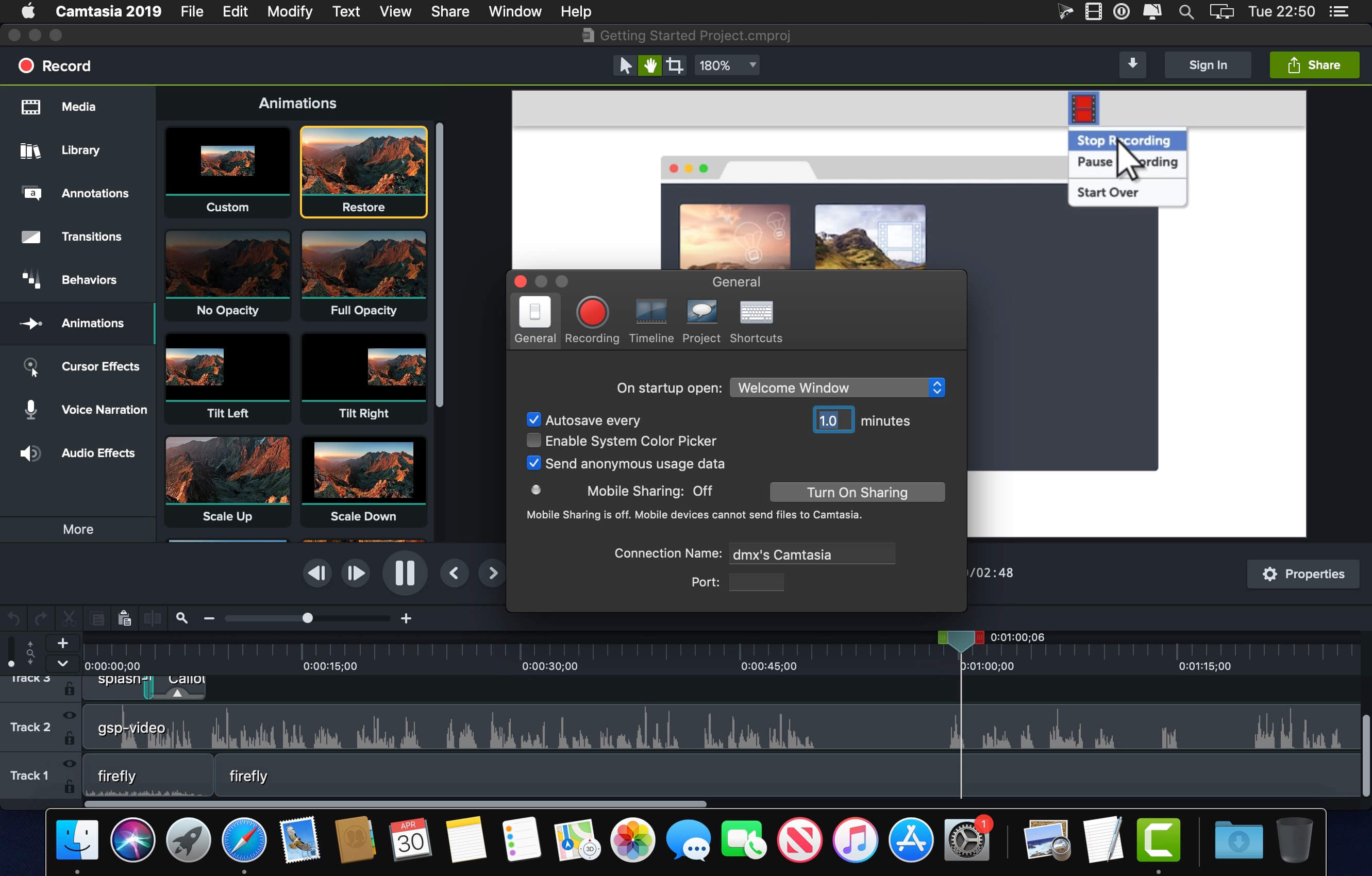
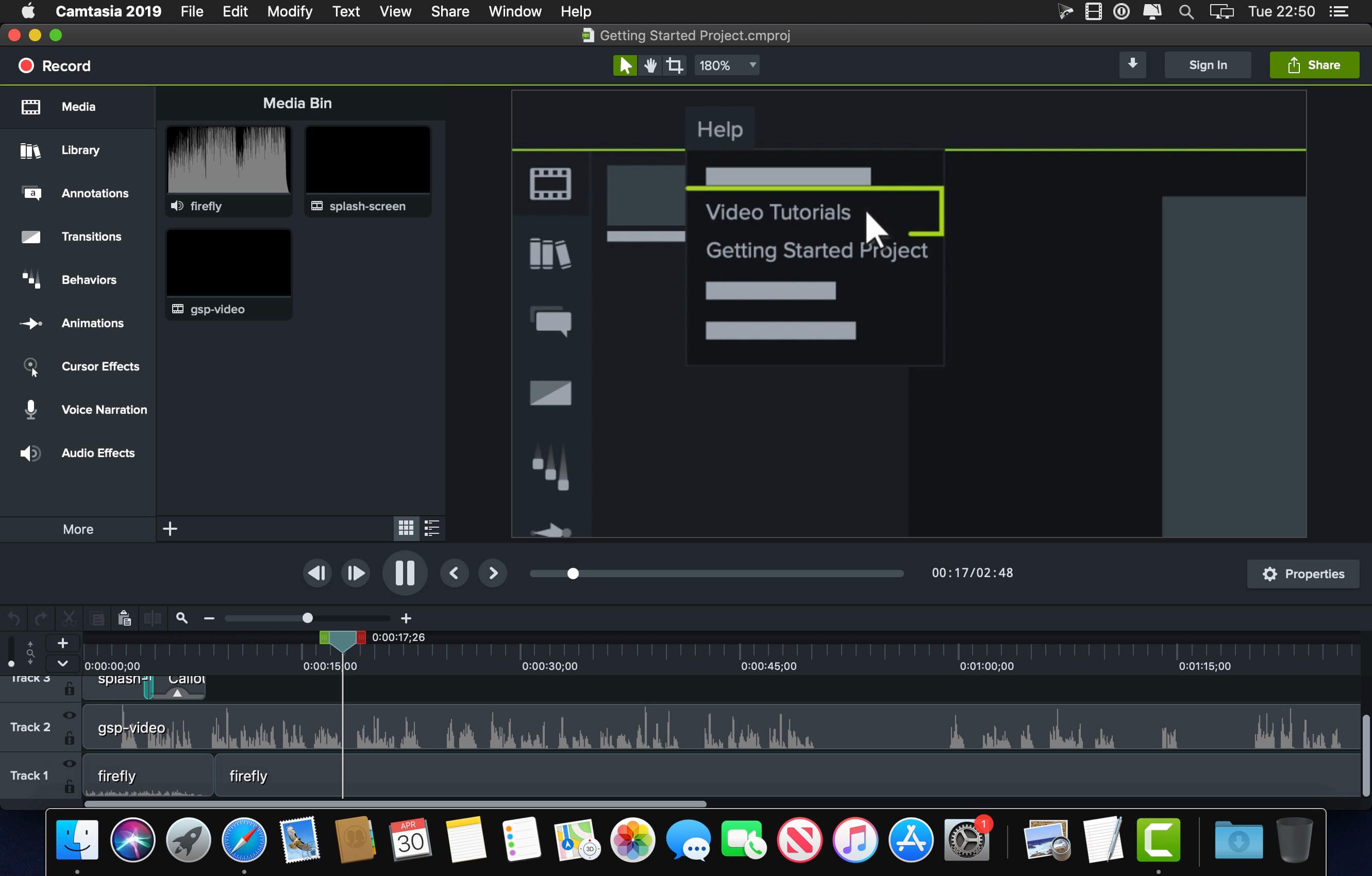
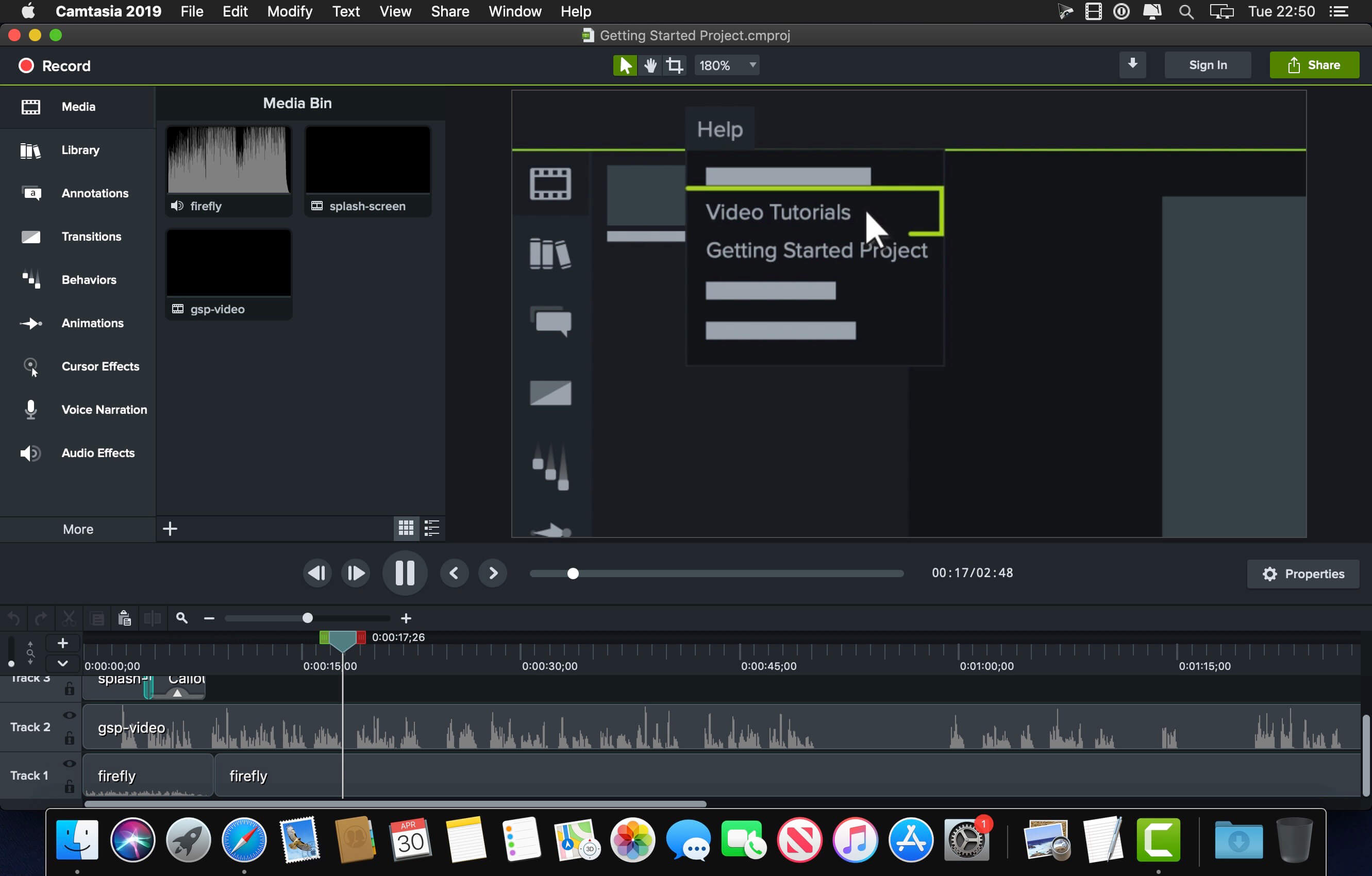
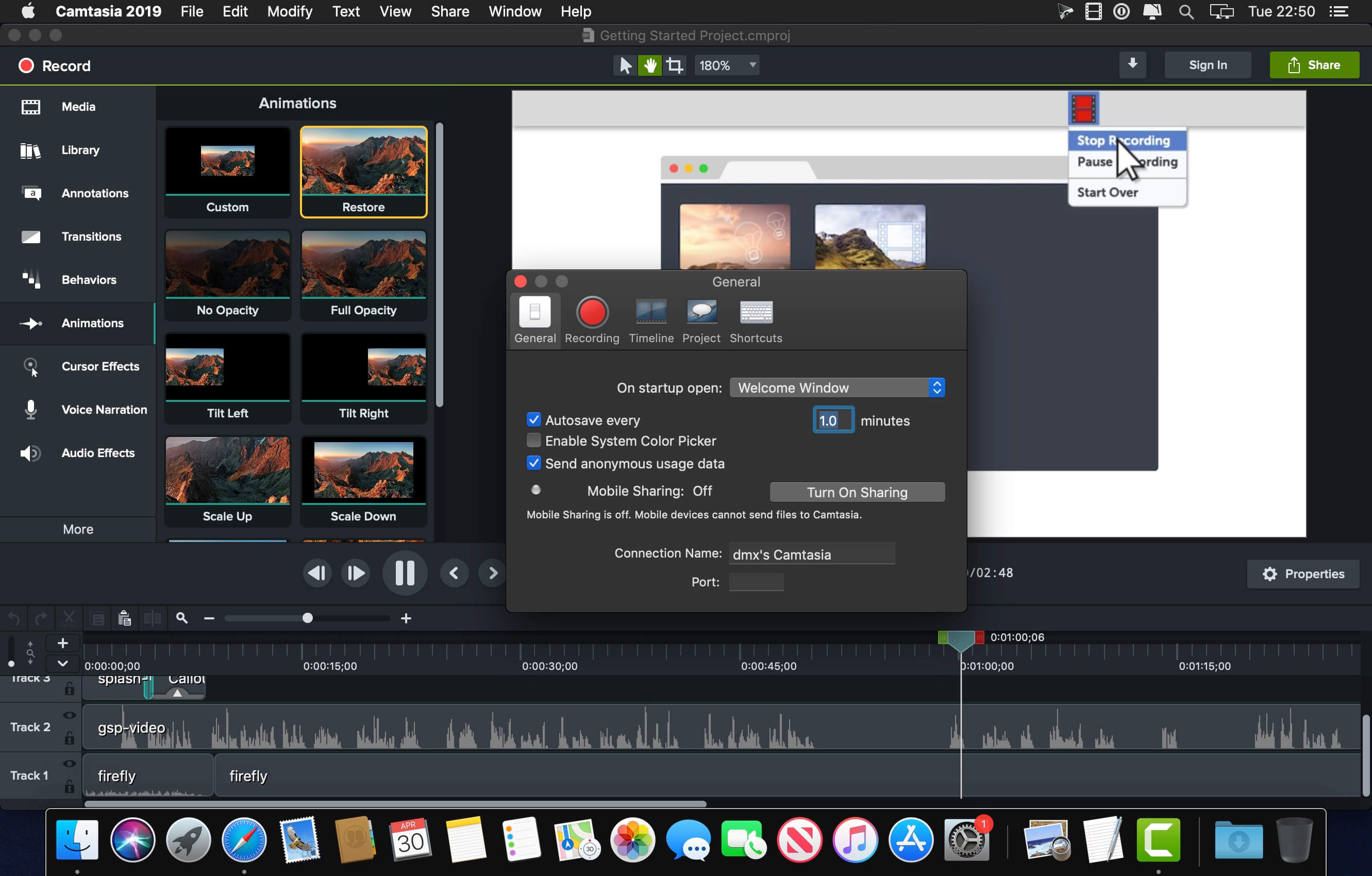
Camtasia is the go-to video solution for creating professional-looking software demonstrations, product tutorials, online lessons, and recorded presentations- no video experience needed. Pre-built video templates help you create the videos you need with ease. Record your screen, import PowerPoint presentations, or add video footage you already have. Then edit, add effects with drag-and-drop ease, and share out your videos with anyone. With so many easy to use features and effects, you’ll be creating polished videos in no time.

Start Fast
Camtasia is quick to learn. You don’t need a big budget or fancy video editing skills. Start with a template or just record your screen and add a few effects.

Feel Confident
Whether you have experience or this is your first time making a video, we’ll give you everything you need to make a high-quality video.

Engage Viewers
Create content your viewers actually watch. A video will give you more interaction and help your audience to learn more than with text alone.

The best screen recording software for…

  • Video tutorials
  • How-to videos
  • Demo videos
  • Meeting recordings
  • YouTube videos
  • Training videos
  • Video lessons
  • Webinar recordings
  • Instructional videos
  • Explainer videos
  • Presentation recordings
  • …and more!

Compatibility: macOS 11.0 or later
Homepage https://www.techsmith.com/

Screenshots


Wondershare Recoverit 12.5.9.2

Name: Wondershare_Recoverit_12.5.9.2_Mactorrents.biz.dmg
Size: 125 MB
Files Wondershare_Recoverit_12.5.9.2_Mactorrents.biz.dmg[125 MB]

   Download Torrent
   Link Download

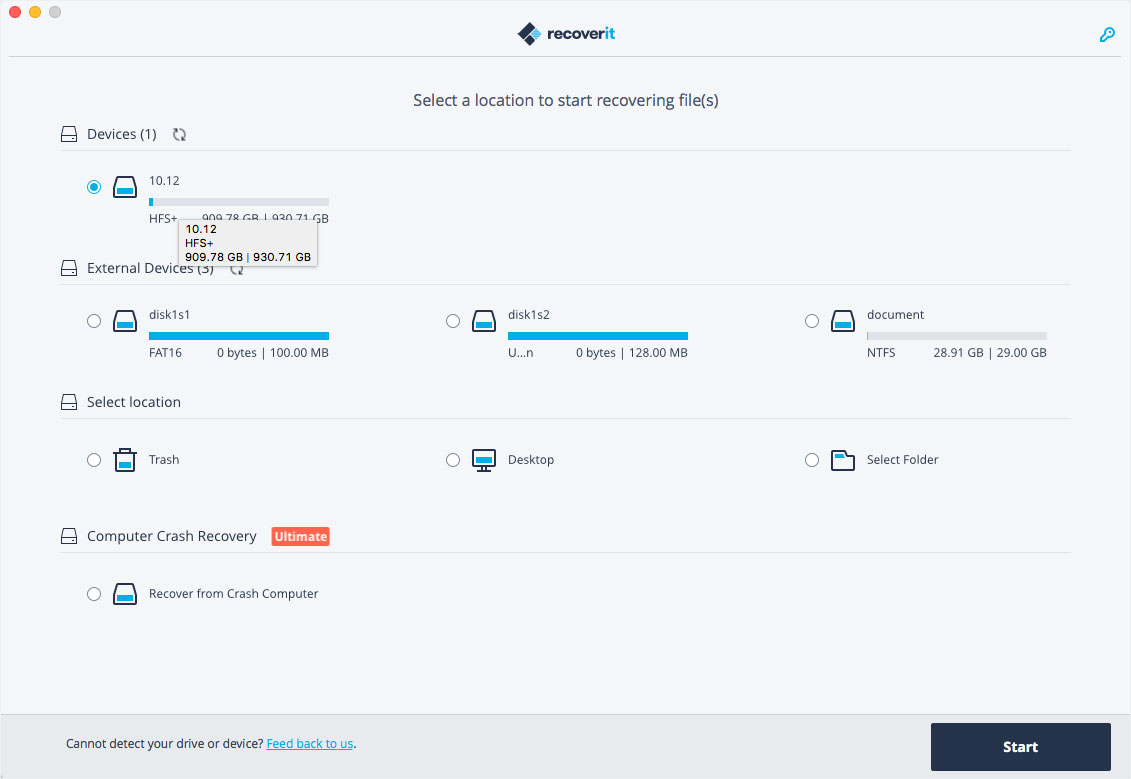
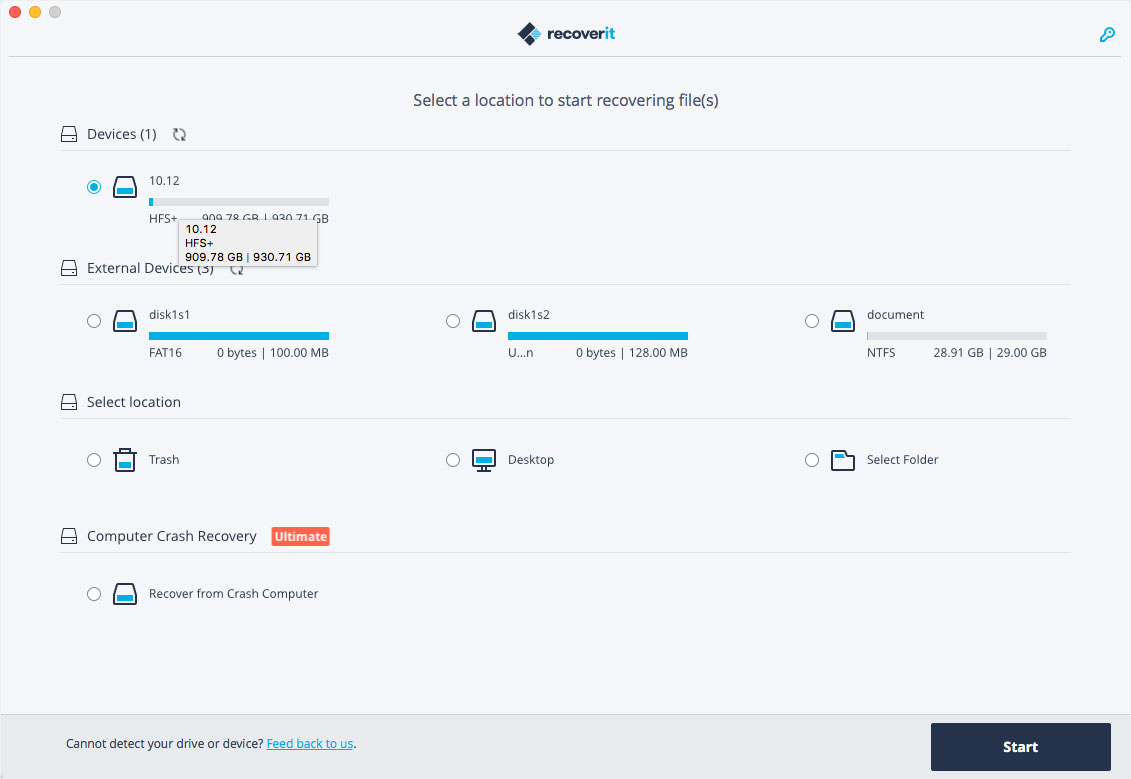
Wondershare Recoverit is a comprehensive data recovery suite to recover Mac data lost due to accidental deleting, formatting, virus infection, improper operation, unexpected power failure, and other unknown reasons.

It can recover Mac data from lost, deleted, logical corrupted and formatted Mac hard drive, iPod, USB drive, SD card, digital camera, mobile phone, MP3, and MP4 player. Compatible with HFS+, FAT16/32, and NTFS file system volumes, this non-destructive Mac file recovery software ensures safe Mac file recovery without modifying the original data saved on your Mac machine or any other storage media. Versatile preview lets you enjoy Mac data recovery in advance.

Features

  • Safety First:
    • Read-only and risk-free Mac data recovery program. No any writing operation to your original data.
  • Versatile Preview Ability:
    • For images, real-time and direct scan results is displayed during the scan process to let users stop scanning once the target images are found.
    • For other Mac files such as videos, audio files, archives and documents, they are displayed as a text in a Hex mode for preview to let users enjoy file recovery on Mac in advance.
  • Precise File Recovery for Mac:
    • Before data recovery on Mac, you can choose the target file types to scan, which saves you much time especially when there are tons of files on your Mac machine.
    • Restore deleted files for Mac with original file names, shooting date, and storage paths.
    • Support file names search for scanning results to provide you precise Mac file recovery.
  • Easy-to-use and Clean Interface:
    • Complete wizard and easy-to-use interface let you perform Mac data recovery in a breeze.

What’s New:

Version 12.5.9.2

  • Release notes were unavailable when this listing was updated.

Compatibility: macOS 10.14 or later,
Homepage https://recoverit.wondershare.com
Screenshots

Piezo 1.9.1

Name: Piezo_1.9.1_Mactorrents.biz.dmg
Size: 21 MB
Files Piezo_1.9.1_Mactorrents.biz.dmg[21 MB]

   Download Torrent
   Link Download

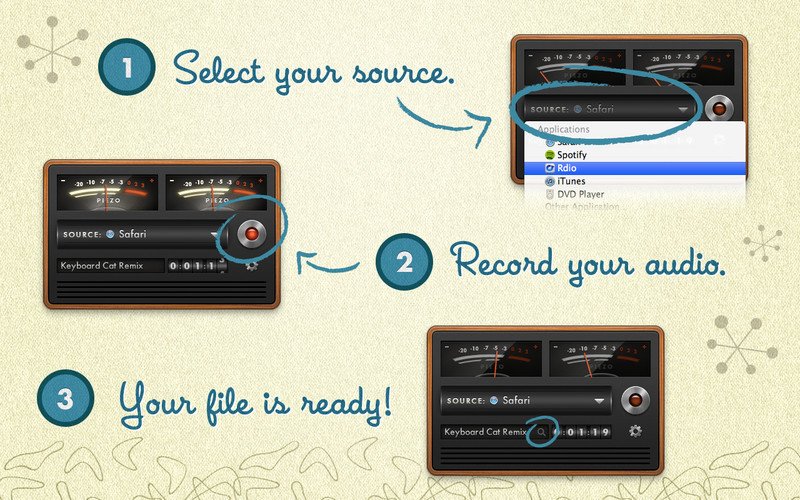
Piezo allows you to quickly and easily record audio on your computer. Within a few seconds you will have the audio recording from any application. In addition to the audio recording of Piezo applications can record sound from the built-in microphone that can be useful for quickly recording podcasts or create audio notes.

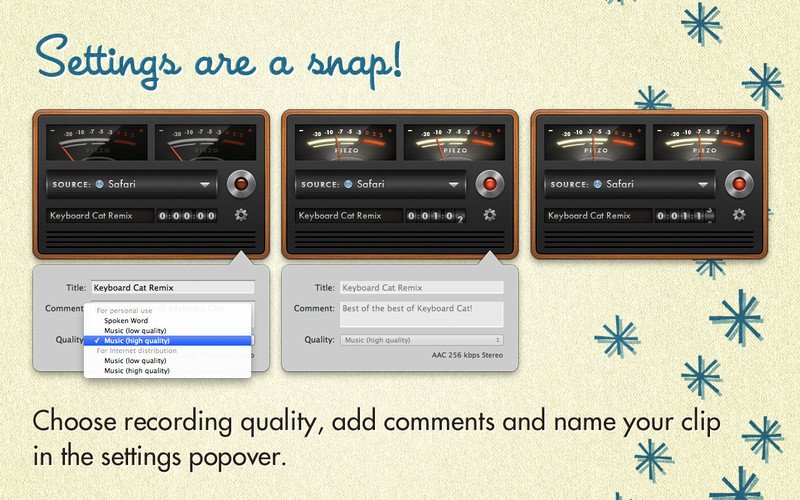
Record From Apps and Devices Select an application or audio device in Piezo, then just hit Record to save the audio! Easy Podcast Recording Piezo records from Skype and other VoIP apps with ease. It even saves the audio to distinct channels for easy editing. Settings Are a Snap Open the settings popover to choose your recording quality, name your clip, and add comments. Piezo’s Features and Uses Grab From Any App Piezo captures audio from just about any application playing on your Mac. Super Simple Recording With one click, recording audio on your Mac has never been simpler. Recording, Demystified Piezo’s simple recording presets mean less worrying about your settings. Here’s Looking at You Simple and striking, Piezo’s charming interface makes recording fun. Record Web Audio Save audio from the web, just by setting a browser such as Safari or Chrome as your source. Archive Skype Calls Piezo records from Skype in a single click. It couldn’t be simpler! Save Streaming Music Record from services like Spotify, Rdio, MOG, and more. Record Audio Devices Hook up any microphone (even your Apple headset) and record from it instantly. Get Sound Bites Record from movies playing in any video player, including QuickTime Player, VLC, and many more.

Compatibility: macOS 10.14 or later
Homepage http://rogueamoeba.com/piezo

Screenshots


Cycling ’74 Max 8.6.2 incl. RNBO

Name: Max_8.6.2__HCiSO_Mactorrents.biz.dmg
Size: 825.83 MB
Files Max_8.6.2__HCiSO_Mactorrents.biz.dmg[825.83 MB]

   Download Torrent
   Link Download

Max is a graphical environment for music, audio, and multimedia. In use for over twenty years by performers, composers, artists, scientists, teachers, and students, Max is the way to make your computer do things that reflect your individual ideas and dreams. 

Max is an infinitely flexible space to create your own interactive software. Connect Ideas Together to Create!

OBJECTS
Each object does something. Max has objects that generate sound waves, represent hardware, or provide a UI for interaction.

PATCHCORDS
Patchcords connect one object to another. This connection lets objects share their output with connected objects.

CONTROL
Connect UI objects like dials and sliders to provide control values or display results. Modulate, map and scale data to get just the right results.

Create Software Built Around You, In the Moment
• Drag in your own audio clips and start manipulating them and connecting effects
• Map your patcher with MIDI controllers as you go to start playing with your creation while you work

Expanded Ideas
Max patching starts on a blank canvas, free of any structure. This makes it natural to build and explore unique ideas that would be too complex to make elsewhere. The Max patcher automatically expands to fit your work as it grows, no matter how much space you take up.

Explore Sound without Limits
• Design a custom synthesizer with as many oscillators and effects as you wish.
• Manipulate samples in every way, including timestretch and pitch shifting.
• Build up more layered sounds using MC objects to patch multichannel audio.

Make Sound with a Gesture
In Max, you can build classic synths from scratch or get lost hacking together unusual sounds. Try the XY controls below to hear some sounds you could create with Max.
• You can do a lot with just a single oscillator and a filter.
• Add some extra modulation and try something a little more wild.

Make Visual Music
Max includes full-featured, expandable video and graphics tools with Jitter. Jitter is optimized for realtime audiovisual work, and is easy to combine with audio, sequencing, and modulation like everything else in Max.

Take Max into the World
Max provides the tools to connect your computer to the external world, or connect many computers together. With support for a constantly expanding list of hardware and communications, Max is ready to talk to everything.

Prototype and Evaluate
Flexible access to hardware makes Max a perfect environment for prototyping. Connect your development board to Max and get instant access to sensors, knobs, and switches. Watch the data stream in as you develop the interaction.
Countless commercial products, art installations, and stage shows have relied on Max to glue together all the parts of their process.

Generate Audio, Video, Code
Use Gen to patch together fine-tuned processes for audio, matrix data, or texture processing. Gen lets you combine procedural commands with visual patching to simplify the creation of custom processes.
Gen objects can also output source code to be used elsewhere if needed.

Extended Max
Max’s built-in Package Manager offers immediate access to over 50 add-ons covering everything from computer vision to support for hardware controllers including Novation, Monome and ROLI controllers.
If the feature you want doesn’t exist in Max, chances are someone in the community has created it. And if they haven’t, you can extend Max yourself using C++, NodeJS, Java, or javascript.

Compatibility: macOS 11.0 or later
Homepage https://cycling74.com/

MediaInfo 24.03

Name: MediaInfo_24.03_Mactorrents.biz.dmg
Size: 16 MB
Files MediaInfo_24.03_Mactorrents.biz.dmg[16 MB]

   Download Torrent
   Link Download

MediaInfo is a convenient unified display of the most relevant technical and tag data for video and audio files.

The MediaInfo data display includes:

  • Container: format, profile, commercial name of the format, duration, overall bit rate, writing application and library, title, author, director, album, track number, date…
  • Video: format, codec id, aspect, frame rate, bit rate, color space, chroma subsampling, bit depth, scan type, scan order…
  • Audio: format, codec id, sample rate, channels, bit depth, bit rate, language…
  • Subtitles: format, codec id, language of subtitle…
  • Chapters: count of chapters, list of chapters…

The MediaInfo analyticals includes:

  • Container: MPEG-4, QuickTime, Matroska, AVI, MPEG-PS (including unprotected DVD), MPEG-TS (including unprotected Blu-ray), MXF, GXF, LXF, WMV, FLV, Real…
  • Tags: Id3v1, Id3v2, Vorbis comments, APE tags…
  • Video: MPEG-1/2 Video, H.263, MPEG-4 Visual (including DivX, XviD), H.264/AVC, Dirac…
  • Audio: MPEG Audio (including MP3), AC3, DTS, AAC, Dolby E, AES3, FLAC, Vorbis, PCM…
  • Subtitles: CEA-608, CEA-708, DTVCC, SCTE-20, SCTE-128, ATSC/53, CDP, DVB Subtitle, Teletext, SRT, SSA, ASS, SAMI…

MediaInfo features include:

  • Read many video and audio file formats
  • View information in different formats (text, tree)
  • Export information as text
  • Graphical user interface, command line interface, or library (.dylib) versions available (command line interface and library versions are available separately, free of charge, on the editor website)
  • Integrate with the shell (drag ‘n’ drop, and Context menu)

Top In-App Purchases: Full Version – included

Compatibility: macOS 10.10 or later
Homepage https://apps.apple.com/app/mediainfo/id510620098

Screenshots


Mp3tag 1.8.20

Name: Mp3tag_1.8.20_Mactorrents.biz.dmg
Size: 11 MB
Files Mp3tag_1.8.20_Mactorrents.biz.dmg[11 MB]

   Download Torrent
   Link Download

Mp3tag is a powerful and easy-to-use tool to edit metadata of audio files. Musicians, DJs, podcasters, and audio-enthusiasts use it for many different aspects of handling audio files. It supports batch tag-editing for multiple files at once, covering many audio formats from MP3, over MP4, and M4V (yes, that’s video!) to FLAC, OGG, OPUS, AIF, DSF, MPC, and WAV.

Furthermore, it supports online database lookups from Discogs and MusicBrainz, allowing to gather proper tags and download cover art for music libraries.

It offers renaming files based on the tag information, replacing characters or words in tags and filenames, importing tag information, and adjusting the size and image format of embedded cover art.
Since some of the tasks in managing a digital library are repetitive, Mp3tag allows for combining tasks into action groups, which serve as workflows for keeping consistency and order. Examples are formatting tag fields, performing case conversion, removing unwanted fields, or adjusting embedded cover art to match required sizes.

Key Features

  • Bulk-Editing of Tags for multiple files at once.
  • Editing of cover-art.
  • Renaming files based on tags.
  • Importing metadata from filenames.
  • Assign track and disc numbers via the auto-numbering wizard.
  • Importing metadata from online Tag Sources.
  • Support for Flexible Tagging, allowing for user-defined tag fields in a standardized way.
  • Applying action groups with many tasks combined into reusable workflows.
  • Support for many file types under a universal user interface.
  • and more…

Supported File Formats

  • MP3 (ID3v1, ID3v2.3, ID3v2.4 with UTF-8)
  • MP4/M4A/M4B/M4V (iTunes and Nero)
  • FLAC (Vorbis Comments)
  • OGG (Vorbis Comments)
  • OPUS (Vorbis Comments)
  • AIF (RIFF INFO and RIFF ID3)
  • DSF (ID3v2)
  • MPC (APEv2)
  • WAV (RIFF INFO and RIFF ID3)

Compatibility: macOS 10.14 or later
Homepage https://mp3tag.app/

Screenshots


Topaz Video AI 4.2.2

Name: Topaz_Video_AI_4.2.2_Mactorrents.biz.rar
Size: 550 MB
Files Topaz_Video_AI_4.2.2_Mactorrents.biz.rar[550 MB]

   Download Torrent
   Link Download

Time-aware video quality enhancement. Video Enhance AI uses information from multiple frames to achieve high-end results for video upscaling, denoising, deinterlacing, and restoration. Improving the quality of videos is substantially more complex than photos because of motion-related issues like flickering, blockiness, and wavy artifacts. To solve this issue, Video Enhance AI looks at surrounding frames to improve resolution and reduce motion artifacts for natural results.

Upscaling
Upscale video resolution with detail gathered from multiple frames. Our video upscaler can convert SD to HD and HD to 4k or 8k while adding crisp and natural video details.

Denoising
Remove noise and grain while recovering real detail in your videos. Minimize flickering and other temporal artifacts caused by frame-by-frame denoising approaches.

Deinterlacing
Use deep learning to convert interlaced videos to progressive while preserving image definition. Significantly reduces visual artifacts compared to traditional deinterlacing.

Restoration
Naturally restore old videos without adding visual artifacts. Restore realistic details and remove compression artifacts from old or degraded sources.

Frame rate conversion for 2021
Introduced in v2.3, the Chronos AI model uses deep learning to increase video frame rate without artifacts. Existing methods like frame blending and optical flow are decades old and produce inconsistent and unnatural results. Video Enhance AI generates new frames that are often indistinguishable from frames captured in-camera, enhancing videos with more natural results.

Increase video frame rate (24 to 60 FPS, 30 to 60 FPS)
To increase your video’s frame rate, you’ll need to generate new frames between your video’s existing frames. The existing ways to do this (frame blending, optical flow) often look unnatural and jittery especially with moving backgrounds. Video Enhance AI uses a new approach based on machine learning to “predict” the best intermediate frame between existing ones, which gives you much better results with a wider variety of material.

Create a smooth slow-motion effect
When you create a slow motion effect, it’s even more important that you generate new frames without stuttering or motion artifacts. Video Enhance AI creates much more natural slow motion results compared to traditional time interpolation.

Fewer motion artifacts
Other video upscaling techniques often create a “shimmering” or “flickering” effect from different processing in adjacent frames. VEAI is trained to significantly reduce such artifacts.

Recover video details
VEAI has been trained to inject real details into your videos, derived from the additional information in multiple adjacent frames, allowing us to deliver superior video enhancement.

Get more natural results
Traditional upscaling often causes artifacts. While visual artifacts do exist in VEAI too, they’re mitigated by information derived from multiple frames.

Trained on videos
VEAI was trained exclusively on video clips instead of still images. (The improved results are worth the increased effort to gather the dataset!)

Optimized for your hardware
We work directly with different hardware manufacturers to ensure the software works as fast as possible on your machine.

Convenient workflow
Easily convert and combine multiple videos from SD to HD, HD to 4k, and much more. Includes export presets and batch processing.

Flexible import / export
Supports common video file types and image sequence as input, and export directly to mp4, mov, or image sequence.

Batch processing
Leave Video Enhance AI running overnight with your videos queued up, and come back in the morning to enhanced footage.

Compatibility: macOS 10.12 or later.
Homepage https://www.topazlabs.com/topaz-video-ai

Topaz Video AI

Native Instruments Kontakt 7 v7.9.0

Name: Native_Instruments_Kontakt_7_v7.9.0_U2B_macOS_Mactorrents.biz.rar
Size: 916 MB
Files Native_Instruments_Kontakt_7_v7.9.0_U2B_macOS_Mactorrents.biz.rar[916 MB]

   Download Torrent
   Link Download

For 20 years, KONTAKT has been the backbone of countless film scores and pop hits, as well as thousands of incredible instruments from NI and your favorite NKS developers alike. Now, with a new HiDPI browsing experience, an overhauled Factory Library, new creative effects, and under-the-hood audio improvements, the next evolution is nearly here.

HREE NEW INSTRUMENTS
KONTAKT 6 introduces the KONTAKT Play Series: Sonically rich sample libraries that combine powerful sound design with simple playability. Each offers eight intelligently mapped macro knobs giving you a wide-sweeping, intuitive range of control. They all showcase KONTAKT’s new wavetable module, each offering two blendable sound sources and a unique take on a speciality style.

ANALOG DREAMS
Iconic 20th century hardware synthesizers captured with an intricate level of detail, and creatively processed with seminal outboard effects. This hybrid analog/digital instrument utilizes blendable sound sources to deliver a modern take on classic electro and synthwave, which have seen a resurgence in recent cinema.

ETHEREAL EARTH
Hybrid organic/electronic instrument that takes myriad acoustic instruments from around the world, and combines it with digital synthesis, organic foley layers, and effects processing. The result fuses traditional and digital, with basses, strings (bowed and plucked), wind instruments, tuned percussion, bells/metals, pads/drones, leads, and textural ambiences.

HYBRID KEYS
A contemporary, creative, and ultimately new take on keys and piano sounds. HYBRID KEYS moves away from conventional sampling processes and instead focuses on inventive techniques such as re-amping, creative mic positioning in interesting spaces, and vari-speed experiments with tape.

NEW FEATURES FOR BUILDERS
KONTAKT has long since grown beyond its origins as a software sampler, and now provides a solid foundation for building advanced sample-based instruments. We’ve been supporting this platform, and the people who use it, with continuous updates to KONTAKT 5, and KONTAKT 6 builds on this strategy with some big additions for you builders out there.

NEW EFFECTS

  • Replika Delay: Based on the dedicated Native Instruments plug-in REPLIKA XT, it offers multiple delay modes, each with a vastly different sound character.
  • Room Reverb: A new high-quality algorithmic room reverb that offers options for real time modulation.
  • Hall Reverb: Another high-quality algorithmic reverb, tuned for hall sounds.
  • Plate Reverb: Emulates a plate reverberator for for classic vintage metallic sounds.
  • Cry Wah: Wah-wah effect module, based on the most popular wah pedal of all time.

WAVETABLE MODULE
The latest version of KONTAKT adds wavetable synthesis to the ever expanding KONTAKT toolset. All three of the new Play Series instruments incorporate this new module, and we’re looking forward to hearing what you create with this powerful new building block.

CREATOR TOOLS
Creator Tools is a standalone application designed to improve the workflows of library builders and instrument creators. It consists of two elements: A Debugger, for identifying and fixing problems in KONTAKT script, and an Instrument Editor, which can load and run Lua scripts to automap samples, duplicate and batch rename groups, and copy settings from one part of an instrument to another.

Compatibility: macOS 11.0 or later • Apple Silicon or Intel Core processor
Homepage https://www.native-instruments.com/en/products/komplete/samplers/kontakt-7/

TechSmith Camtasia 2023.3.11

Name: TechSmith.Camtasia.v2023.3.11.MacOS_Mactorrents.biz.zip
Size: 396 MB
Files TechSmith.Camtasia.v2023.3.11.MacOS_Mactorrents.biz.dmg[396 MB]

   Download Torrent
   Link Download

Camtasia is the go-to video solution for creating professional-looking software demonstrations, product tutorials, online lessons, and recorded presentations- no video experience needed. Pre-built video templates help you create the videos you need with ease. Record your screen, import PowerPoint presentations, or add video footage you already have. Then edit, add effects with drag-and-drop ease, and share out your videos with anyone. With so many easy to use features and effects, you’ll be creating polished videos in no time.

Start Fast
Camtasia is quick to learn. You don’t need a big budget or fancy video editing skills. Start with a template or just record your screen and add a few effects.

Feel Confident
Whether you have experience or this is your first time making a video, we’ll give you everything you need to make a high-quality video.

Engage Viewers
Create content your viewers actually watch. A video will give you more interaction and help your audience to learn more than with text alone.

The best screen recording software for…

  • Video tutorials
  • How-to videos
  • Demo videos
  • Meeting recordings
  • YouTube videos
  • Training videos
  • Video lessons
  • Webinar recordings
  • Instructional videos
  • Explainer videos
  • Presentation recordings
  • …and more!

Compatibility: macOS 11.0 or later
Homepage https://www.techsmith.com/

Screenshots


DaisyDisk 4.30

Name: DaisyDisk_4.30_Mactorrents.biz.dmg
Size: 9 MB
Files DaisyDisk_4.30_Mactorrents.biz.dmg[9 MB]

   Download Torrent
   Link Download

DaisyDisk allows you to visualize your disk usage and free up disk space by quickly finding and deleting big unused files.

The program scans your disk and displays its content as a sector diagram where the biggest files and folders at once become obvious. To drill down to a folder, just click on a segment. To bubble up, click in the center. Move the mouse over the diagram and see the name and path of each file, and enclosed files (if any). Hit Space to quickly preview file content, without launching another application. In this way, walk around your disk and drag-and-drop all unneeded files into the “collector”. Expand the collector to check its contents. When done, clean it up with a single click.

Compatibility: macOS 10.10 or later
Homepage http://daisydiskapp.com
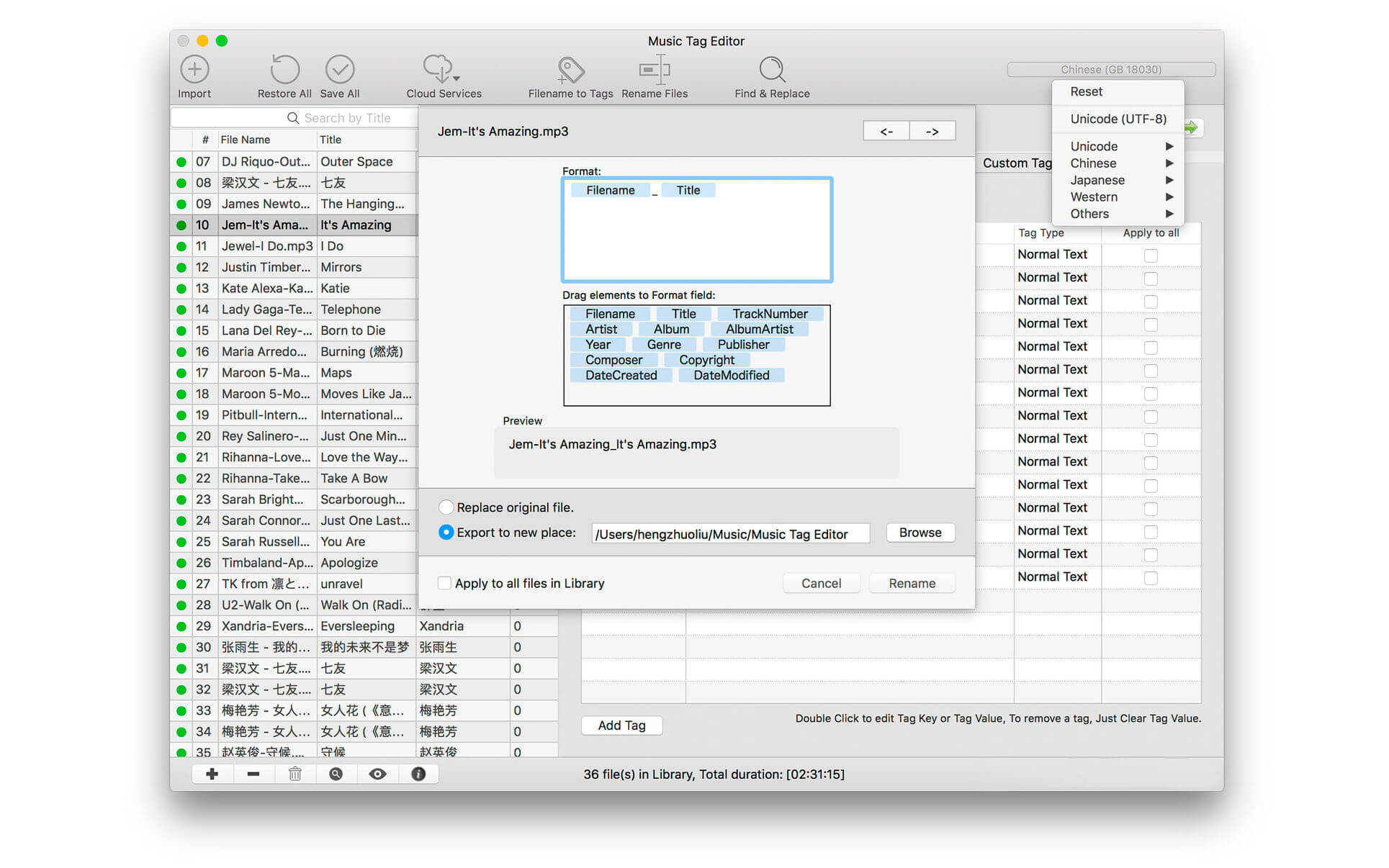
Screenshots


Movist Pro 2.11.4

Name: Movist_Pro_2.11.4_Mactorrents.biz.dmg
Size: 57 MB
Files Movist_Pro_2.11.4_Mactorrents.biz.dmg[57 MB]

   Download Torrent
   Link Download

Movist is an easy-to-use and powerful movie player. You can choose QuickTime or FFmpeg as decoder for each video codec and reopen with other decoder instantly. Movist supports many useful features to enjoy movies including H.264 video decode acceleration, digital audio out (S/PDIF), high quality subtitles, full screen navigation, convenient & beautiful user interface and so on.

Just Enjoy Movies with Movist.
• Single Window Mode or Multiple Document Mode.
• Various Window Resizing Center & Style.
• Traditional or Lion-style Full Screen.
• Desktop Background Display.
• App Sandbox supported.
• Retina Display supported.
• Full customizable Themes. *1

• Many File Format supported. *2
• Many Video & Audio Codecs supported. *3
• Codec-to-Decoder Binding.
• H.264 Video Decode Acceleration. *4
• Many Core Image Filters supported.
• Video Rotation & Flip.
• Deinterlace (FFmpeg Only).
• Under-Scan for TV out.

• Digital Audio Out (S/PDIF) (FFmpeg Only).
• System Volume Change.
• A/V Sync Adjustment.
• Audio Equalizer supported (FFmpeg Only).

• High Quality Subtitle.
• Many Subtitle Format supported. *5
• Embedded Subtitles in .mkv and .mp4 supported.
• Compressed Subtitles in .zip & .rar supported.
• 3D Subtitle supported.
• Subtitle Display on Letter Box.
• 3-Subtitles Concurrent Display.
• Fully Customizable Subtitle Display. *6
• Language-to-Subtitle Binding.
• Subtitle Text Encoding auto-detection.
• Subtitle Sync Adjustment.
• Subtitle Pre-rendering.

• Similar Named Movie Series auto-detection.
• Playlist Shuffle.
• Playlist Repeat Mode & End-Job(Sleep, Logout, Shutdown, …).
• Playlist Load & Save.
• Various Playlist settings.
• 3-Level Seeking Intervals.
• Playback Speed Adjustment.
• Apple Remote supported.
• Media Key supported.
• Full Screen Navigation.
• Screenshot Capture.

The main features of Pro version are as follows.

  • Safari, Chrome Browser Extension
  • Supports Web Meida such as YouTube, Ted and so on
  • Picture in Picture
  • Open URL
  • Default Application Settings
  • No Access Folder Permissions Required
  • Supports Networm Server such as FTP, SFTP, WebDAV and SMB (to be added)
  • Supports Media Keys (to be added)
  • Supports AirPlay (to be added)

What’s New:

Version 2.11.4

  • Release notes were unavailable when this listing was updated.

Compatibility: macOS 10.15 or later

Homepage https://movistprime.com/

Screenshots


DRmare Audio Capture 2.0.0

Name: DRmare_Audio_Capture_2.0.0_Mactorrents.biz.dmg
Size: 36 MB
Files DRmare_Audio_Capture_2.0.0_Mactorrents.biz.dmg[36 MB]

   Download Torrent
   Link Download

The most professional and versatile audio grabber which can capture all songs from any streaming apps, players, Chrome, Firefox on your Mac computers and edit them to meet different requirements for you.

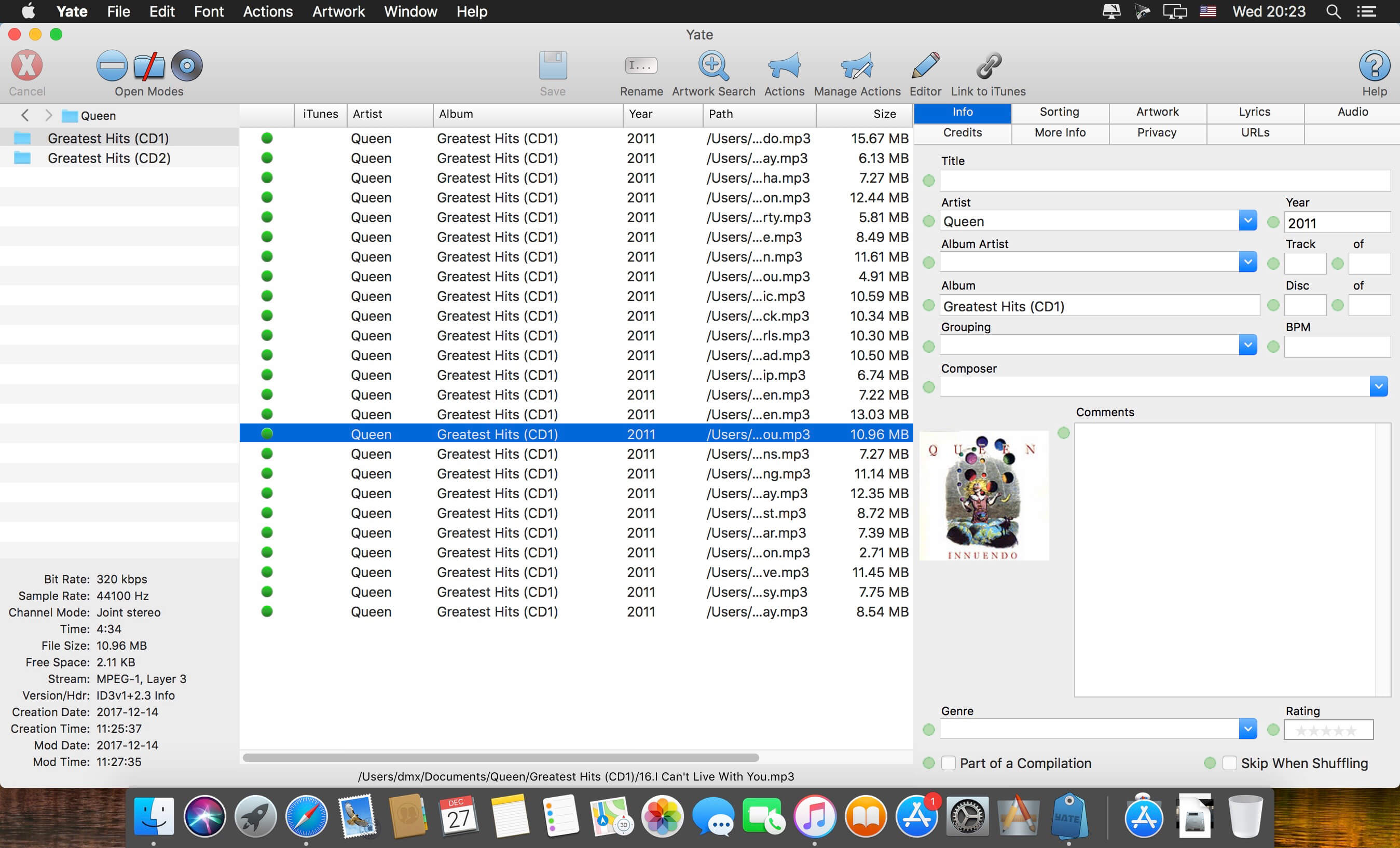
Have you ever came across beautiful songs but have no idea to save them? Now you can solve it easily with this powerful music recorder DRmare Audio Capture for Mac. It supports to download music offline from your Mac computers with any players iTunes, QuickTime, VLC, RealPlayer, KMPlayer and streaming media apps Apple Music, Spotify, Pandora, YouTube, Hulu, NetFlix, Amazon Prime within 1 click. And if you’d prefer listen to music on web players, you can also record audio from Internet with Chrome or Firefox.

What’s New:

Version 2.0.0:

  •  Solved the problem that the output audio files might occur abnormal data.

Compatibility: OS X 10.9 or later, 64-bit processor
Homepage https://www.drmare.com/

Screenshots

Mp3tag 1.8.18

Name: Mp3tag_1.8.18_Mactorrents.biz.dmg
Size: 11 MB
Files Mp3tag_1.8.18_Mactorrents.biz.dmg[11 MB]

   Download Torrent
   Link Download

Mp3tag is a powerful and easy-to-use tool to edit metadata of audio files. Musicians, DJs, podcasters, and audio-enthusiasts use it for many different aspects of handling audio files. It supports batch tag-editing for multiple files at once, covering many audio formats from MP3, over MP4, and M4V (yes, that’s video!) to FLAC, OGG, OPUS, AIF, DSF, MPC, and WAV.

Furthermore, it supports online database lookups from Discogs and MusicBrainz, allowing to gather proper tags and download cover art for music libraries.

It offers renaming files based on the tag information, replacing characters or words in tags and filenames, importing tag information, and adjusting the size and image format of embedded cover art.
Since some of the tasks in managing a digital library are repetitive, Mp3tag allows for combining tasks into action groups, which serve as workflows for keeping consistency and order. Examples are formatting tag fields, performing case conversion, removing unwanted fields, or adjusting embedded cover art to match required sizes.

Key Features

  • Bulk-Editing of Tags for multiple files at once.
  • Editing of cover-art.
  • Renaming files based on tags.
  • Importing metadata from filenames.
  • Assign track and disc numbers via the auto-numbering wizard.
  • Importing metadata from online Tag Sources.
  • Support for Flexible Tagging, allowing for user-defined tag fields in a standardized way.
  • Applying action groups with many tasks combined into reusable workflows.
  • Support for many file types under a universal user interface.
  • and more…

Supported File Formats

  • MP3 (ID3v1, ID3v2.3, ID3v2.4 with UTF-8)
  • MP4/M4A/M4B/M4V (iTunes and Nero)
  • FLAC (Vorbis Comments)
  • OGG (Vorbis Comments)
  • OPUS (Vorbis Comments)
  • AIF (RIFF INFO and RIFF ID3)
  • DSF (ID3v2)
  • MPC (APEv2)
  • WAV (RIFF INFO and RIFF ID3)

Compatibility: macOS 10.14 or later
Homepage https://mp3tag.app/

Screenshots


AudFree Audio Capture 3.0.0

Name: AudFree_Audio_Capture_3.0.0_Mactorrents.biz.dmg
Size: 36 MB
Files AudFree_Audio_Capture_3.0.0_Mactorrents.biz.dmg[36 MB]

   Download Torrent
   Link Download

AudFree Mac Audio Capture is an audio recorder with the ability to capture any sound playing through all Mac apps, including Safari, Chrome, iTunes, QT, VLC and other local or web media players.

It is a good solution to record streaming music like Spotify, Pandora, Apple Music, YouTube, and live broadcasts, game music, online radios, and more with lossless quality and ID3 tags retained.

What’s New:

Version 3.0.0:

  • Release notes were unavailable when this listing was updated.

Compatibility: macOS 10.10 or later
Homepage https://www.audfree.com
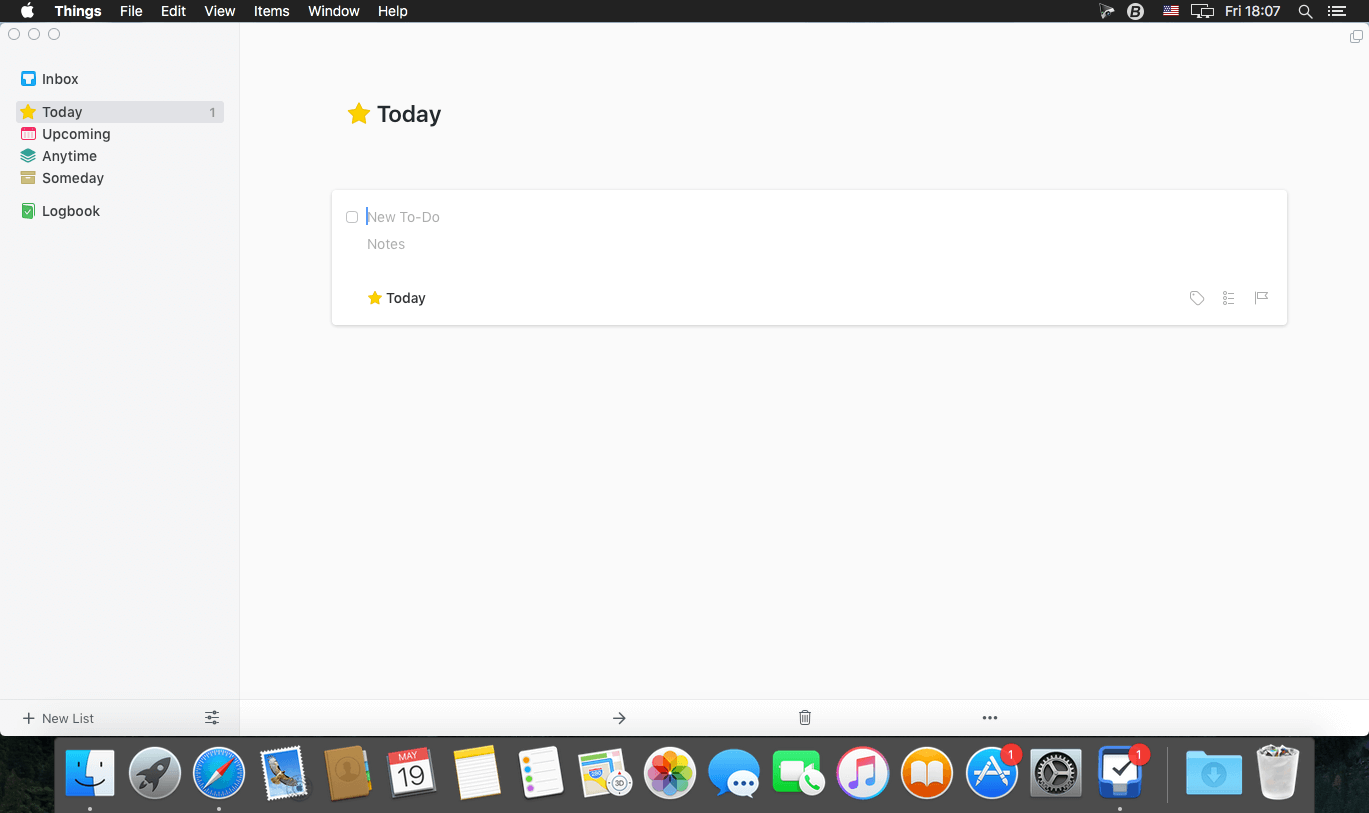
Screenshots


TechSmith Camtasia 2023.3.10

Name: Camtasia_2023_2023.3.10_Mactorrents.biz.dmg
Size: 451 MB
Files Camtasia_2023_2023.3.10_Mactorrents.biz.dmg[451 MB]

   Download Torrent
   Link Download

Camtasia is the go-to video solution for creating professional-looking software demonstrations, product tutorials, online lessons, and recorded presentations- no video experience needed. Pre-built video templates help you create the videos you need with ease. Record your screen, import PowerPoint presentations, or add video footage you already have. Then edit, add effects with drag-and-drop ease, and share out your videos with anyone. With so many easy to use features and effects, you’ll be creating polished videos in no time.

Start Fast
Camtasia is quick to learn. You don’t need a big budget or fancy video editing skills. Start with a template or just record your screen and add a few effects.

Feel Confident
Whether you have experience or this is your first time making a video, we’ll give you everything you need to make a high-quality video.

Engage Viewers
Create content your viewers actually watch. A video will give you more interaction and help your audience to learn more than with text alone.

The best screen recording software for…

  • Video tutorials
  • How-to videos
  • Demo videos
  • Meeting recordings
  • YouTube videos
  • Training videos
  • Video lessons
  • Webinar recordings
  • Instructional videos
  • Explainer videos
  • Presentation recordings
  • …and more!

Compatibility: macOS 11.0 or later
Homepage https://www.techsmith.com/

Screenshots


PullTube 1.8.5.29

Name: PullTube_1.8.5.29_Mactorrents.biz.dmg
Size: 119 MB
Files PullTube_1.8.5.29_Mactorrents.biz.dmg[119 MB]

   Download Torrent
   Link Download

A beautiful online video downloader for your Mac PullTube proposes a streamlined workflow for quickly downloading videos from YouTube or Vimeo, provides control over the output quality, and enables you to extract the audio to MP3 or M4A files. The PullTube app can handle videos of any duration or size, and you get to monitor the download progress within its main window. The utility also integrates with the Notification Center to send completion alerts.

YouTube and Vimeo
Supports Youtube and Vimeo. More platforms to be added upon user requests.

4K, HD and 60fps support
PullTube allows you to download video in any format available

Video to Audio
Convert and save videos to mp3 and m4a

Beautiful and Flexible Interface
Nice looking, dark user interface

What’s New:

Version 1.8.5.29:

  • Release notes were unavailable when this listing was updated.

Compatibility: macOS 10.12
Language: Multilingual
Homepage https://mymixapps.com/pulltube

Screenshots


Adobe Premiere Pro 2024 v24.2.1

Name: Adobe_Premiere_Pro_2024_v24.2.1_macOS_Mactorrents.biz.zip
Size: 11.6 GB
Files Adobe_Premiere_Pro_2024_v24.2.1_macOS_Mactorrents.biz.dmg[11.6 GB]

   Download Torrent

Video editing that’s always a cut above. Premiere Pro is the leading video editing software for film, TV, and the web. Creative tools, integration with other Adobe apps and services, and the power of Adobe Sensei help you craft footage into polished films and videos in one seamless workflow. And Premiere Rush, our new app, is included with your subscription so you can capture footage and start editing on all your devices, anywhere.

Smart tools. Better storytelling.
Premiere Pro is used by Hollywood filmmakers, TV editors, YouTubers, videographers — anyone with a story to tell, including you.

Stay in your creative flow.
Premiere Pro is the industry leader for editing everything from fast-turn TV series to feature films. Integrated, efficient workflows let you polish your work without leaving your timeline. And automated tools powered by Adobe Sensei speed up time-consuming tasks, so you can focus on your story.

Any camera. Any format. Any platform.
Edit footage in any modern format, from 8K to virtual reality. Broad native file support and simple proxy workflows make it easy to work with your media, even on mobile workstations. Delivering content that’s optimized for any screen or platform is faster than ever.

Everything you need. Right where you need it.
Along with tools for color, audio, and graphics, Premiere Pro works seamlessly with other apps and services, including After Effects, Adobe Audition, and Adobe Stock. Open a Motion Graphics template from After Effects or download one from Adobe Stock and customize it — all without leaving the app. And Premiere Pro integrates with hundreds of partner technologies.

Precise and simple color grading
Take the guesswork out of curve adjustments with innovative Lumetri Color tools. Each curve has two axes with paired values, making selective color grading easy and accurate.

Improve audio instantly
New sliders in the Essential Sound panel let you dial down or remove background noise and reverb for incredible results.

Infographics with Motion Graphics templates
Drag and drop spreadsheets into new infographics Motion Graphics templates to quickly generate visualizations of your data. Any updates to your spreadsheets are automatically updated in your infographic.

Language: Multilangual
Compatibility: macOS 10.15 or later, Apple Silicon or Intel Core processor
Homepage https://www.adobe.com/

Screenshots


Things 3.20.3

Name: Things3_3.20.3_Mactorrents.biz.dmg
Size: 41 MB
Files Things3_3.20.3_Mactorrents.biz.dmg[41 MB]

   Download Torrent
   Link Download

Things is a task management solution that helps to organize your tasks in an elegant and intuitive way. Things combines powerful features with simplicity through the use of tags and its intelligent filter bar. A Leopard style source list allows for quick and easy focusing. Together with a beautiful user interface, Things aims at the seemingly impossible: making task management both easy and fun.

Our screencast is a great introduction.

  • The big picture. A Leopard-style source list lets you easily focus without ever switching view modes or wrapping your head around filter criteria.
  • A magical tag bar automatically appears when needed and adapts to the currently displayed list. It lets you drill down even the longest list of To-Dos. Hierarchical tags? We got you covered!
  • Teamwork. Things offers convenient collaboration features. Easily delegate tasks to members of your team. (This is work in progress.)
  • No columns! Whether it’s multiple tags, dates or notes, To-Do items display their information on an as needed basis. No more space wasted by empty or irrelevant column cells!
  • Out of your head, out of your way. A quick entry HUD lets you enter any idea the moment it hits you. Never let the thought of an unfinished business distract you again.
  • Yours forever. We won’t lock you in. Things will use an open XML file format to store your data. (Not yet activated.)
  • Things even supports GTD, so if you’re familiar and comfortable with GTD concepts, you’ll feel right at home.

Compatibility: macOS 10.13 or later
Homepage https://geo.itunes.apple.com/app/id904280696

Screenshots

Wondershare Recoverit 12.5.7.1

Name: Wondershare_Recoverit_12.5.7.1.dmg
Size: 125 MB
Files Wondershare_Recoverit_12.5.7.1.dmg [125 MB]

   Download Torrent
   Link Download

Wondershare Recoverit is a comprehensive data recovery suite to recover Mac data lost due to accidental deleting, formatting, virus infection, improper operation, unexpected power failure, and other unknown reasons.

It can recover Mac data from lost, deleted, logical corrupted and formatted Mac hard drive, iPod, USB drive, SD card, digital camera, mobile phone, MP3, and MP4 player. Compatible with HFS+, FAT16/32, and NTFS file system volumes, this non-destructive Mac file recovery software ensures safe Mac file recovery without modifying the original data saved on your Mac machine or any other storage media. Versatile preview lets you enjoy Mac data recovery in advance.

Features

  • Safety First:
    • Read-only and risk-free Mac data recovery program. No any writing operation to your original data.
  • Versatile Preview Ability:
    • For images, real-time and direct scan results is displayed during the scan process to let users stop scanning once the target images are found.
    • For other Mac files such as videos, audio files, archives and documents, they are displayed as a text in a Hex mode for preview to let users enjoy file recovery on Mac in advance.
  • Precise File Recovery for Mac:
    • Before data recovery on Mac, you can choose the target file types to scan, which saves you much time especially when there are tons of files on your Mac machine.
    • Restore deleted files for Mac with original file names, shooting date, and storage paths.
    • Support file names search for scanning results to provide you precise Mac file recovery.
  • Easy-to-use and Clean Interface:
    • Complete wizard and easy-to-use interface let you perform Mac data recovery in a breeze.

What’s New:

Version 12.5.7.1

  • Release notes were unavailable when this listing was updated.

Compatibility: macOS 10.14 or later,
Homepage https://recoverit.wondershare.com
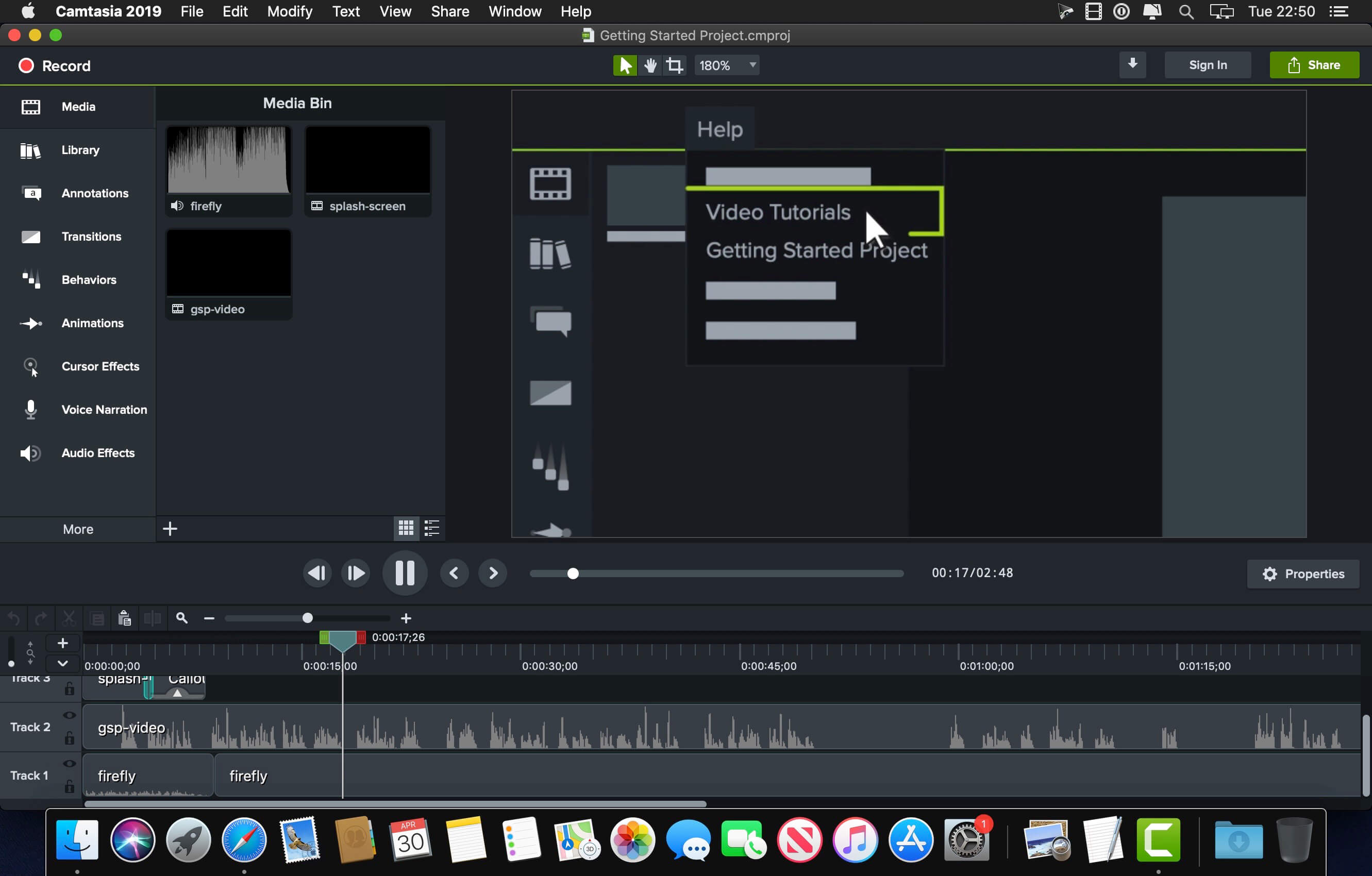
Screenshots

Multitrack Editor 1.0.6

Name: Multitrack_Editor_1.0.6_Mactorrents.biz.dmg
Size: 83 MB
Files Multitrack_Editor_1.0.6_Mactorrents.biz.dmg[83 MB]

   Download Torrent
   Link Download

Professional Mixing Studio. Simple, fast and reliable audio editing tool! Start a new project and add an audio file. You can start editing a single track or add more and edit them simultaneously! Various effects, filters, 6 band equalizer and other settings.

The best thing about multitrack editing is that it allows you to edit tracks separately. No need to make changes to the whole mix when you can do this individually before rendering the tracks into the final result.

Features

  • Multitrack editing
  • Various audio file formats
  • File sharing

Change the duration, crop and cut the selected areas with only a few taps. Save your files or entire projects on your device. Even if you don’t save, the app will back up any unsaved progress (can be activated/deactivated in the settings).

More tracks = more sound. And even more stuff with multitrack editing!

Top In-App Purchases: Full Features – included

Compatibility: macOS 10.15 or later
Homepage https://geo.itunes.apple.com/app/id1639999091

Screenshots


Ableton Live 12 Suite v12.0.1

Name: Ableton.Live.12.Suite.v12.0.1.macOS-RYZEN_Mactorrents.biz.rar
Size: 2.87 GB
Files Ableton.Live.12.Suite.v12.0.1.macOS-RYZEN_Mactorrents.biz.rar[2.87 GB]

   Download Torrent
   Link Download

Whatever music you make, and whoever you are as a music maker, there’s always more to explore in Live. See how you can go further with Live 12.

Reshape MIDI patterns
Apply a variety of simple or complex variations to your MIDI clips with new MIDI Transformations. Add ornaments and articulations, draw acceleration and deceleration curves, connect successive notes and chords, simulate the strum of a guitar, and more.

Generate inspiration
Conjure up melodies, chords and rhythms with the help of new MIDI Generators. Set constraints and let your chosen Generator create playful and original ideas for you to develop and turn into your own.

Do more with Max for Live
Try out additional Max for Live Transformations and Generators that give you deeper ways of working with MIDI, or go even further by building new ones.

Embrace and explore tunings
Follow your preferred tuning systems or try different ones more easily. Work outside of 12-tone equal temperament, and use your tuning with Live’s devices as well as any MPE-capable plugin or hardware.

Stay in key
Transform or generate ideas within the confines of the selected scale, or sync the scale of MIDI devices and instruments to the clip being played.

Edit MIDI more easily
Use keyboard and mouse operations to edit MIDI in new ways. Split a note in two, or chop it into several parts. Select a set of notes and join them together, or make them fill a selected time range. Plus, you can access to more tools from the Note Utilities panel on the left, such as Fit Scale, Humanize, Add Intervals, and more.
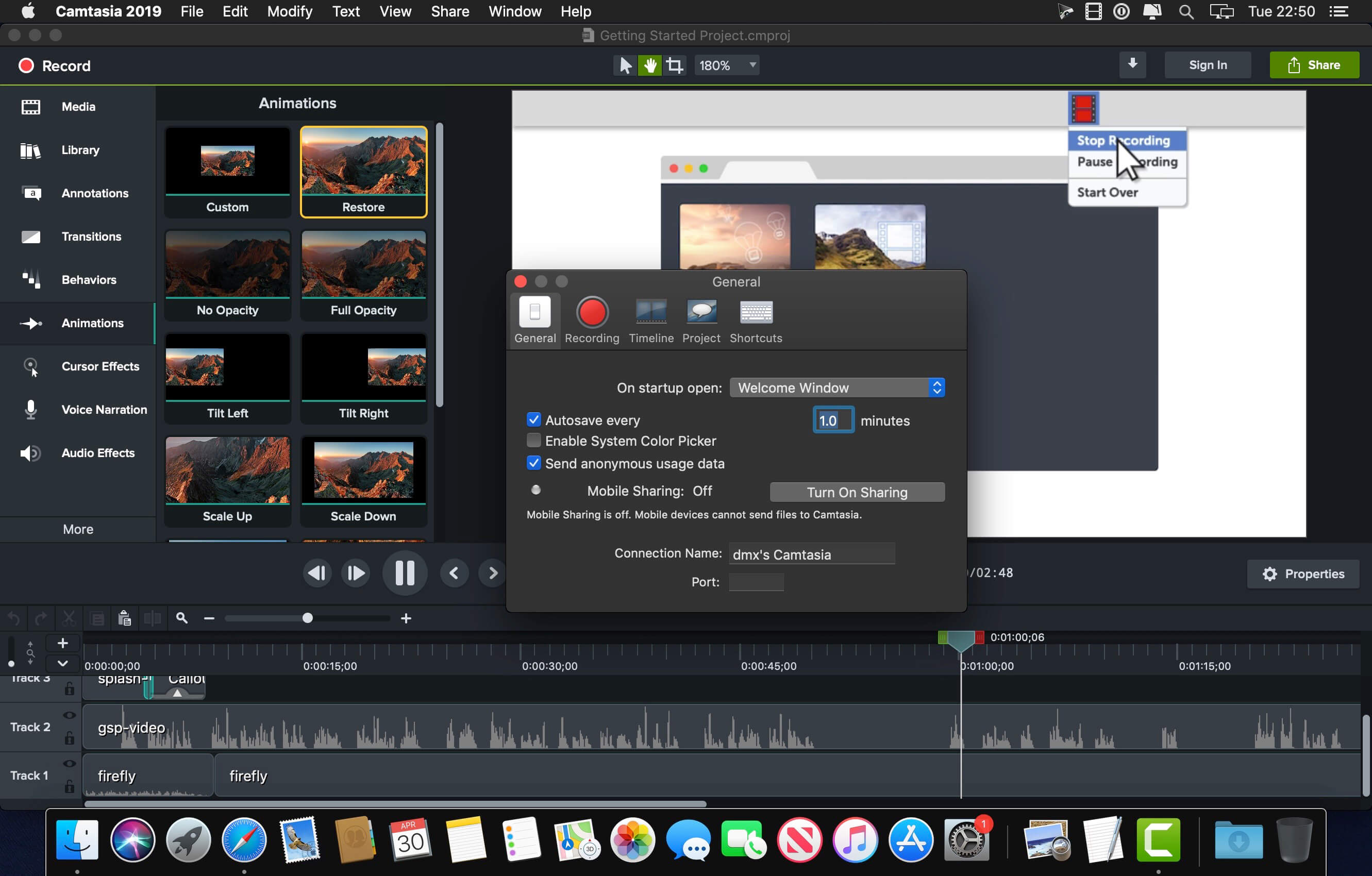
Modulate more flexibly
Stay in control of a parameter, even after it’s been mapped to a modulation source; Max for Live devices like LFO, Shaper and Envelope Follower now let you freely adjust a destination that’s being modulated.

Homepage https://www.ableton.com/en/live/

Topaz Video AI 4.2.1

Name: Topaz.Video.AI_v4.2.1.macOS_Mactorrents.biz.zip
Size: 547 MB
Files Topaz.Video.AI_v4.2.1.macOS_Mactorrents.biz.dmg[547 MB]

   Download Torrent
   Link Download

Time-aware video quality enhancement. Video Enhance AI uses information from multiple frames to achieve high-end results for video upscaling, denoising, deinterlacing, and restoration. Improving the quality of videos is substantially more complex than photos because of motion-related issues like flickering, blockiness, and wavy artifacts. To solve this issue, Video Enhance AI looks at surrounding frames to improve resolution and reduce motion artifacts for natural results.
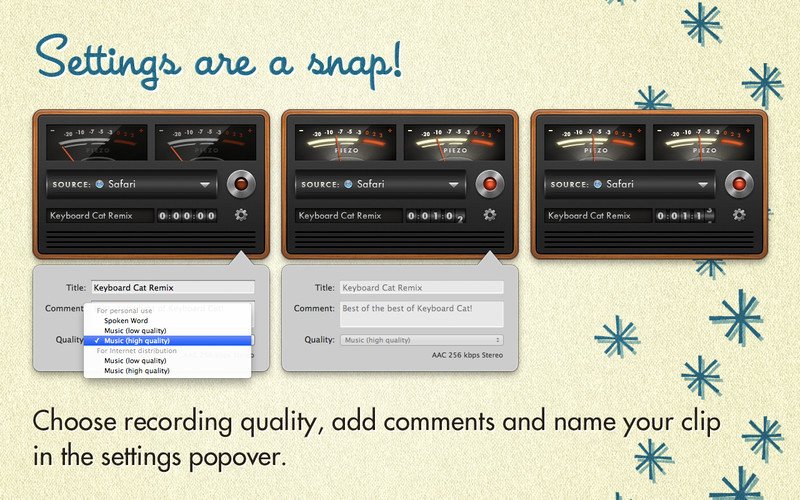
Upscaling
Upscale video resolution with detail gathered from multiple frames. Our video upscaler can convert SD to HD and HD to 4k or 8k while adding crisp and natural video details.

Denoising
Remove noise and grain while recovering real detail in your videos. Minimize flickering and other temporal artifacts caused by frame-by-frame denoising approaches.

Deinterlacing
Use deep learning to convert interlaced videos to progressive while preserving image definition. Significantly reduces visual artifacts compared to traditional deinterlacing.

Restoration
Naturally restore old videos without adding visual artifacts. Restore realistic details and remove compression artifacts from old or degraded sources.

Frame rate conversion for 2021
Introduced in v2.3, the Chronos AI model uses deep learning to increase video frame rate without artifacts. Existing methods like frame blending and optical flow are decades old and produce inconsistent and unnatural results. Video Enhance AI generates new frames that are often indistinguishable from frames captured in-camera, enhancing videos with more natural results.

Increase video frame rate (24 to 60 FPS, 30 to 60 FPS)
To increase your video’s frame rate, you’ll need to generate new frames between your video’s existing frames. The existing ways to do this (frame blending, optical flow) often look unnatural and jittery especially with moving backgrounds. Video Enhance AI uses a new approach based on machine learning to “predict” the best intermediate frame between existing ones, which gives you much better results with a wider variety of material.

Create a smooth slow-motion effect
When you create a slow motion effect, it’s even more important that you generate new frames without stuttering or motion artifacts. Video Enhance AI creates much more natural slow motion results compared to traditional time interpolation.

Fewer motion artifacts
Other video upscaling techniques often create a “shimmering” or “flickering” effect from different processing in adjacent frames. VEAI is trained to significantly reduce such artifacts.

Recover video details
VEAI has been trained to inject real details into your videos, derived from the additional information in multiple adjacent frames, allowing us to deliver superior video enhancement.

Get more natural results
Traditional upscaling often causes artifacts. While visual artifacts do exist in VEAI too, they’re mitigated by information derived from multiple frames.

Trained on videos
VEAI was trained exclusively on video clips instead of still images. (The improved results are worth the increased effort to gather the dataset!)

Optimized for your hardware
We work directly with different hardware manufacturers to ensure the software works as fast as possible on your machine.

Convenient workflow
Easily convert and combine multiple videos from SD to HD, HD to 4k, and much more. Includes export presets and batch processing.

Flexible import / export
Supports common video file types and image sequence as input, and export directly to mp4, mov, or image sequence.

Batch processing
Leave Video Enhance AI running overnight with your videos queued up, and come back in the morning to enhanced footage.

Compatibility: macOS 10.12 or later.
Homepage https://www.topazlabs.com/topaz-video-ai

Topaz Video AI

PullTube 1.8.5.28

Name: PullTube_1.8.5.28_Mactorrents.biz.dmg
Size: 119 MB
Files PullTube_1.8.5.28_Mactorrents.biz.dmg[119 MB]

   Download Torrent
   Link Download

A beautiful online video downloader for your Mac PullTube proposes a streamlined workflow for quickly downloading videos from YouTube or Vimeo, provides control over the output quality, and enables you to extract the audio to MP3 or M4A files. The PullTube app can handle videos of any duration or size, and you get to monitor the download progress within its main window. The utility also integrates with the Notification Center to send completion alerts.

YouTube and Vimeo
Supports Youtube and Vimeo. More platforms to be added upon user requests.

4K, HD and 60fps support
PullTube allows you to download video in any format available

Video to Audio
Convert and save videos to mp3 and m4a

Beautiful and Flexible Interface
Nice looking, dark user interface

What’s New:

Version 1.8.5.28:

  • Release notes were unavailable when this listing was updated.

Compatibility: macOS 10.12
Language: Multilingual
Homepage https://mymixapps.com/pulltube

Screenshots


Things 3.20.2

Name: Things3_3.20.2_Mactorrents.biz.dmg
Size: 41 MB
Files Things3_3.20.2_Mactorrents.biz.dmg[41 MB]

   Download Torrent
   Link Download

Things is a task management solution that helps to organize your tasks in an elegant and intuitive way. Things combines powerful features with simplicity through the use of tags and its intelligent filter bar. A Leopard style source list allows for quick and easy focusing. Together with a beautiful user interface, Things aims at the seemingly impossible: making task management both easy and fun.

Our screencast is a great introduction.

  • The big picture. A Leopard-style source list lets you easily focus without ever switching view modes or wrapping your head around filter criteria.
  • A magical tag bar automatically appears when needed and adapts to the currently displayed list. It lets you drill down even the longest list of To-Dos. Hierarchical tags? We got you covered!
  • Teamwork. Things offers convenient collaboration features. Easily delegate tasks to members of your team. (This is work in progress.)
  • No columns! Whether it’s multiple tags, dates or notes, To-Do items display their information on an as needed basis. No more space wasted by empty or irrelevant column cells!
  • Out of your head, out of your way. A quick entry HUD lets you enter any idea the moment it hits you. Never let the thought of an unfinished business distract you again.
  • Yours forever. We won’t lock you in. Things will use an open XML file format to store your data. (Not yet activated.)
  • Things even supports GTD, so if you’re familiar and comfortable with GTD concepts, you’ll feel right at home.

Compatibility: macOS 10.13 or later
Homepage https://geo.itunes.apple.com/app/id904280696

Screenshots

TechSmith Camtasia 2023.3.9

Name: TechSmith.Camtasia.v2023.3.9.MacOS_Mactorrents.biz.zip
Size: 413 MB
Files TechSmith.Camtasia.v2023.3.9.MacOS_Mactorrents.biz.dmg[413 MB]

   Download Torrent
   Link Download

Camtasia is the go-to video solution for creating professional-looking software demonstrations, product tutorials, online lessons, and recorded presentations- no video experience needed. Pre-built video templates help you create the videos you need with ease. Record your screen, import PowerPoint presentations, or add video footage you already have. Then edit, add effects with drag-and-drop ease, and share out your videos with anyone. With so many easy to use features and effects, you’ll be creating polished videos in no time.

Start Fast
Camtasia is quick to learn. You don’t need a big budget or fancy video editing skills. Start with a template or just record your screen and add a few effects.

Feel Confident
Whether you have experience or this is your first time making a video, we’ll give you everything you need to make a high-quality video.

Engage Viewers
Create content your viewers actually watch. A video will give you more interaction and help your audience to learn more than with text alone.

The best screen recording software for…

  • Video tutorials
  • How-to videos
  • Demo videos
  • Meeting recordings
  • YouTube videos
  • Training videos
  • Video lessons
  • Webinar recordings
  • Instructional videos
  • Explainer videos
  • Presentation recordings
  • …and more!

Compatibility: macOS 11.0 or later
Homepage https://www.techsmith.com/

Screenshots


Ableton Live 11 Suite 11.3.22

Name: Ableton_Live_11_Suite_11.3.22_U2B__HCiSO_Mactorrents.biz.dmg
Size: 3.01 GB
Files Ableton_Live_11_Suite_11.3.22_U2B__HCiSO_Mactorrents.biz.dmg[3.01 GB]

   Download Torrent
   Link Download

Live is fast, fluid and flexible software for music creation and performance. It comes with effects, instruments, sounds and all kinds of creative features—everything you need to make any kind of music. Create in a traditional linear arrangement, or improvise without the constraints of a timeline in Live’s Session View. Move freely between musical elements and play with ideas, without stopping the music and without breaking your flow.

Create your perfect take
Take recording and comping
Live organizes multiple passes of an audio or MIDI performance into individual takes. Pick the best moments of each performance and combine them to create your perfect take. Or approach sound design in a new way by splicing together random samples from your library.

Linked-track editing
Link two or more tracks to edit their content simultaneously. This makes editing multi-tracked instruments or performances with multiple musicians easy and fast whilst keeping everything in time across tracks. This feature also works for MIDI tracks.

Add more feeling to your music
Use your MPE-capable controller
Plug in your MPE-capable controller and immediately add bends, slides and pressure for each individual note in a chord. Add subtle expression variations, morph between chords and create evolving sonic textures.

What is MPE?
MPE stands for MIDI Polyphonic Expression. This way of using MIDI allows MPE-capable devices to control multiple parameters of every note in real time for more expressive instrumental performances.

Experiment with new devices
Hybrid Reverb

Hybrid Reverb combines convolution and algorithmic reverbs. Place your sounds in any space, from accurate real-life environments to those that defy physical reality. Use the algorithmic side to add control and modulate the reverb tail, run it in parallel or in series with the convolution side, or play Hybrid Reverb like an instrument for real-time sound design.

Spectral Resonator
Breaks the spectrum of an incoming audio signal into partials, then stretches, shifts and blurs the result by a frequency or a note in subtle or radical ways. The MIDI sidechain input also allows musicians to process material in key and even play the device as if it were a polyphonic instrument.

Spectral Time
Transforms sound into partials and feeds them into a frequency-based delay, resulting in metallic echoes, frequency-shifted and reverb-like effects. The Freeze function captures and holds a slice of audio – either free-running or in time with the beat – for stuttered, glitched and washed-out effects.

PitchLoop89
Create jittery glitch effects, delayed digital shimmers and outlandish vibrato with this Max for Live pitch shifting device created in collaboration with Robert Henke and inspired by the Publison DHM 89 – an early digital effects processor. It’s a flexible tool to add character to sounds in the studio, or for in-the-moment experimentation onstage.

Do more on stage
Tempo Following

Live listens to and adjusts its tempo based on incoming audio in real time, making it a dynamic part of the band instead of the tempo source that everyone has to follow. When you DJ, you can even turn Live into a tempo-synced FX box.

Macro Snapshots
Store the state of your Macros for later recall – perfect for creating instant variations to your sounds or builds and drops during performance.

Rack improvements
Configure your Racks to have between 1 and 16 Macros. Randomize the state of your Macros with the randomization button. Map this control to MIDI and perform drastic changes in real time to surprise your audience and yourself.

Be unpredictable

Note chance

Set the probability that a note or drum hit will occur and let Live generate surprising variations to your patterns that change over time.

Velocity chance
Define ranges for velocity probability for subtle, humanized variations in the dynamics of your patterns.

Do more with Follow Actions
Follow Actions can now be linked to the clip length, making it faster to create interesting sequences of clips. Scene Follow Actions let you create evolving arrangements. You can also set Follow Actions to jump to specific clips and enable and disable Follow Actions globally.

What’s New:

Release Notes:

Compatibility: macOS 10.14 or later • Apple Silicon
Language: English, Français, Deutsch, Italiano, 日本語, Español
Homepage https://www.ableton.com/

Piezo 1.8.2

Name: Piezo.1.8.2.macOS_Mactorrents.biz.zip
Size: 25.04 MB
Files Piezo.1.8.2.macOS_Mactorrents.biz.dmg[25.04 MB]

   Download Torrent
   Link Download

Piezo allows you to quickly and easily record audio on your computer. Within a few seconds you will have the audio recording from any application. In addition to the audio recording of Piezo applications can record sound from the built-in microphone that can be useful for quickly recording podcasts or create audio notes.

Record From Apps and Devices Select an application or audio device in Piezo, then just hit Record to save the audio! Easy Podcast Recording Piezo records from Skype and other VoIP apps with ease. It even saves the audio to distinct channels for easy editing. Settings Are a Snap Open the settings popover to choose your recording quality, name your clip, and add comments. Piezo’s Features and Uses Grab From Any App Piezo captures audio from just about any application playing on your Mac. Super Simple Recording With one click, recording audio on your Mac has never been simpler. Recording, Demystified Piezo’s simple recording presets mean less worrying about your settings. Here’s Looking at You Simple and striking, Piezo’s charming interface makes recording fun. Record Web Audio Save audio from the web, just by setting a browser such as Safari or Chrome as your source. Archive Skype Calls Piezo records from Skype in a single click. It couldn’t be simpler! Save Streaming Music Record from services like Spotify, Rdio, MOG, and more. Record Audio Devices Hook up any microphone (even your Apple headset) and record from it instantly. Get Sound Bites Record from movies playing in any video player, including QuickTime Player, VLC, and many more.

Compatibility: macOS 10.14 or later • Apple Silicon or Intel Core processor
Homepage http://rogueamoeba.com/piezo

Screenshots


Mp3tag 1.8.17

Name: Mp3tag_1.8.17_Mactorrents.biz.dmg
Size: 11 MB
Files Mp3tag_1.8.17_Mactorrents.biz.dmg[11 MB]

   Download Torrent
   Link Download

Mp3tag is a powerful and easy-to-use tool to edit metadata of audio files. Musicians, DJs, podcasters, and audio-enthusiasts use it for many different aspects of handling audio files. It supports batch tag-editing for multiple files at once, covering many audio formats from MP3, over MP4, and M4V (yes, that’s video!) to FLAC, OGG, OPUS, AIF, DSF, MPC, and WAV.

Furthermore, it supports online database lookups from Discogs and MusicBrainz, allowing to gather proper tags and download cover art for music libraries.

It offers renaming files based on the tag information, replacing characters or words in tags and filenames, importing tag information, and adjusting the size and image format of embedded cover art.
Since some of the tasks in managing a digital library are repetitive, Mp3tag allows for combining tasks into action groups, which serve as workflows for keeping consistency and order. Examples are formatting tag fields, performing case conversion, removing unwanted fields, or adjusting embedded cover art to match required sizes.

Key Features

  • Bulk-Editing of Tags for multiple files at once.
  • Editing of cover-art.
  • Renaming files based on tags.
  • Importing metadata from filenames.
  • Assign track and disc numbers via the auto-numbering wizard.
  • Importing metadata from online Tag Sources.
  • Support for Flexible Tagging, allowing for user-defined tag fields in a standardized way.
  • Applying action groups with many tasks combined into reusable workflows.
  • Support for many file types under a universal user interface.
  • and more…

Supported File Formats

  • MP3 (ID3v1, ID3v2.3, ID3v2.4 with UTF-8)
  • MP4/M4A/M4B/M4V (iTunes and Nero)
  • FLAC (Vorbis Comments)
  • OGG (Vorbis Comments)
  • OPUS (Vorbis Comments)
  • AIF (RIFF INFO and RIFF ID3)
  • DSF (ID3v2)
  • MPC (APEv2)
  • WAV (RIFF INFO and RIFF ID3)

Compatibility: macOS 10.14 or later
Homepage https://mp3tag.app/

Screenshots


Mp3tag 1.8.16

Name: Mp3tag_1.8.16_Mactorrents.biz.dmg
Size: 11 MB
Files Mp3tag_1.8.16_Mactorrents.biz.dmg[11 MB]

   Download Torrent
   Link Download

Mp3tag is a powerful and easy-to-use tool to edit metadata of audio files. Musicians, DJs, podcasters, and audio-enthusiasts use it for many different aspects of handling audio files. It supports batch tag-editing for multiple files at once, covering many audio formats from MP3, over MP4, and M4V (yes, that’s video!) to FLAC, OGG, OPUS, AIF, DSF, MPC, and WAV.

Furthermore, it supports online database lookups from Discogs and MusicBrainz, allowing to gather proper tags and download cover art for music libraries.

It offers renaming files based on the tag information, replacing characters or words in tags and filenames, importing tag information, and adjusting the size and image format of embedded cover art.
Since some of the tasks in managing a digital library are repetitive, Mp3tag allows for combining tasks into action groups, which serve as workflows for keeping consistency and order. Examples are formatting tag fields, performing case conversion, removing unwanted fields, or adjusting embedded cover art to match required sizes.

Key Features

  • Bulk-Editing of Tags for multiple files at once.
  • Editing of cover-art.
  • Renaming files based on tags.
  • Importing metadata from filenames.
  • Assign track and disc numbers via the auto-numbering wizard.
  • Importing metadata from online Tag Sources.
  • Support for Flexible Tagging, allowing for user-defined tag fields in a standardized way.
  • Applying action groups with many tasks combined into reusable workflows.
  • Support for many file types under a universal user interface.
  • and more…

Supported File Formats

  • MP3 (ID3v1, ID3v2.3, ID3v2.4 with UTF-8)
  • MP4/M4A/M4B/M4V (iTunes and Nero)
  • FLAC (Vorbis Comments)
  • OGG (Vorbis Comments)
  • OPUS (Vorbis Comments)
  • AIF (RIFF INFO and RIFF ID3)
  • DSF (ID3v2)
  • MPC (APEv2)
  • WAV (RIFF INFO and RIFF ID3)

Compatibility: macOS 10.14 or later
Homepage https://mp3tag.app/

Screenshots


Compressor 4.6.6

Name: Compressor_4.6.6_Mactorrents.biz.dmg
Size: 341.6 MB
Files Compressor_4.6.6_Mactorrents.biz.dmg[341.6 MB]

   Download Torrent


Compressor integrates tightly with Final Cut Pro to add power and flexibility to your video conversions. A simple interface lets you quickly customize output settings, enhance images, and package your film for sale on the iTunes Store. For even faster conversions, easily set up distributed encoding using other Mac computers.

Advanced Encoding for Final Cut Pro 

  • Use Compressor to customize encoding settings for Final Cut Pro
  • Save a custom setting in Compressor and the setting will automatically appear in Final Cut Pro
  • Set up batch processes to streamline the encoding of large numbers of files
  • Build custom Destinations to combine encoding with additional tasks such as moving or copying files
  • Create self-contained Droplets to encode on the desktop with drag-and-drop ease
  • Share settings like an HEVC output setting with other editors, even if Compressor isn’t installed on their systems
  • Send Final Cut Pro and Motion projects to Compressor to encode video in the HEVC format

iTunes Store Package Creation

  • Import and organize your movie, trailer, closed captions, and subtitles into an iTunes Store-compliant package for submission to an Apple-certified iTunes delivery partner
  • Audition video with any audio, caption, or subtitle to verify sync
  • Built-in error detection helps you identify issues with your iTunes Store Package and navigate directly to the source of the issue
  • Deliver HDR video as P3 D65 PQ, Rec. 2020 HLG, and Rec. 2020 PQ for HDR10
  • Support in the iTunes Store Package to link a Dolby Vision graded video file to a Dolby Vision XML

Support for Industry Standards

  • Encode to a broad range of industry standard formats including MPEG-4, H.264, MXF and ProRes
  • Work with a choice of themed menus to encode and burn a DVD or Blu-ray disc
  • Generate files for HTTP live streaming in a single step
  • Import Targa, DPX, TIFF, PSD, PNG or OpenEXR image sequences and encode them to any setting
  • Tap into advanced encoding features for adding closed captioning, metadata, and more

Pristine Format Conversions 

  • Convert any file between formats — such as NTSC to PAL, SD to HD or progressive to interlaced video
  • Import and manipulate wide color video, then deliver in standard Rec. 601 and Rec. 709 color spaces or in wide Rec. 2020 color space
  • Deliver High Dynamic Range (HDR) video with controls for color space conversions and HDR metadata
  • Deliver HDR video as P3 D65 PQ, Rec. 2020 PQ, and Rec. 2020 HLG
  • Use CABAC entropy multipass H.264 encoding for superior results with hardware-accelerated export on supported systems
  • Clean up and customize your content using image filters, a timecode overlay, and watermarks
  • Speed up video, slow it down, or adjust the frame rate to make the duration match a runtime

Distributed Encoding 

  • Save time by distributing encoding work among multiple workstations
  • Install Compressor on any Mac to activate it as a node for distributed encoding
  • Speed up encoding in Final Cut Pro by choosing a group of shared computers for exporting

System Requirements: macOS 12.6 or later, 4GB of RAM (8GB recommended for 4K editing, 3D titles, and 360° video editing), Metal-capable graphics card, 1GB of VRAM recommended for 4K editing, 3D titles, and 360° video editing, 1.2GB of available disk space. ProRes RAW requires a Mac computer that supports Metal.

Blu-ray recorder required for burning Blu-ray discs.

What’s New:

Version 4.6.6

Compressor 4.6.6 includes the following enhancements and bug fixes:

  • Take advantage of the flexibility and dynamic range of log-encoded video shot on iPhone 15 Pro.
  • Fixes an issue where the source/output comparison viewer would not reflect the camera log selection.
  • Addresses an issue where Reveal in Finder was not available for clips with modified audio settings.
  • Fixes an issue where luminance levels could be incorrect when Job inspector color space and Output color space were set to Rec. 709.

Language: English, French, German, Japanese, Simplified Chinese, Spanish
Compatibility: macOS 12.6 or later
Homepage https://itunes.apple.com/us/app/compressor/id424390742

Screenshots