Category Archives: Adobe Photoshop

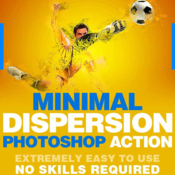
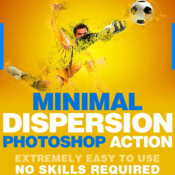
GraphicRiver – Minimal Dispersion Photoshop Action

Minimal dispersion photoshop action 19176826 icon
Name GraphicRiver-Minimal_Dispersion_19176826.zip
Size 2.11 MB
Created on 2017-01-03 03:36:19
Hash d41d19a27edce6c245f8dadca038229459e0ee34
Files GraphicRiver-Minimal_Dispersion_19176826.zip (2.11 MB)

Descriptions for Description

Name: GraphicRiver - Minimal Dispersion
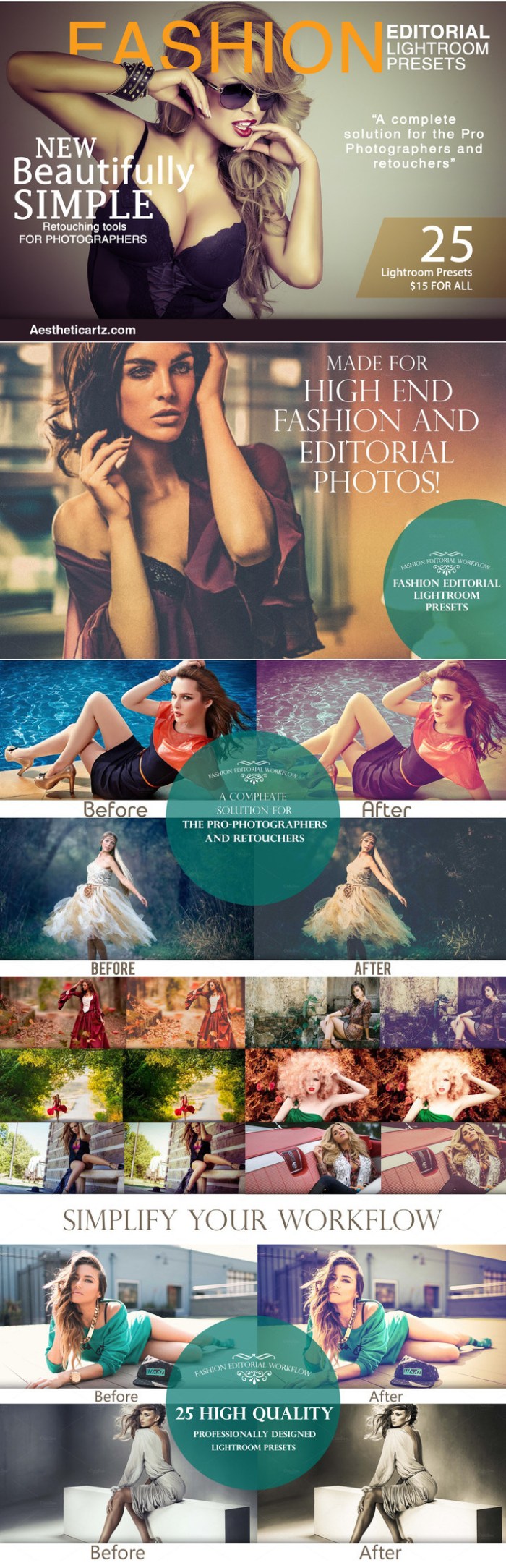
Add-on Files Included: Photoshop ABR, Photoshop ATN

Minimum Adobe CS Version: CS3


Web Site: https://graphicriver.net/item/minimal-dispersion-photoshop-action/19176826


Overview
Minimal Dispersion Photoshop Action

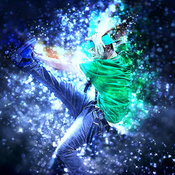
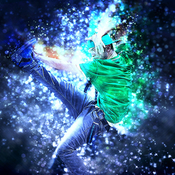
MD is a Photoshop action that produces Manipulation effect artwork from just about any image. Play the action and your model will become an artwork , Every layer is editable.
This action has been created and optimized for use on Photoshop CS3, CS4, CS5, CS6, CC and ONLY FOR THE ENGLISH VERSION OF PHOTOSHOP.


Easy to use
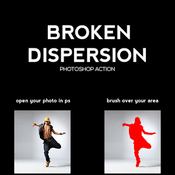
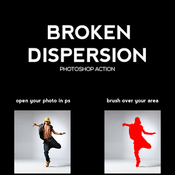
Turn any image into an artwork with 3 easy steps:
  1. Open image with Photosop
  2.Select area and fill in with any color
  3. Play the action

The action has been tested onCS3, CS4, CS5, CS6 and CC English versions of Adobe Photoshop.


Well Organised
All elements created with this action are separated into sensibly ordered and intuitively named layers. Settings layers are also created allowing further control of how your artwork is applied to the AREA and can be easily changed by adjusting the opacity of each layer.

Additional actions are also included which can edit the effect applied to AREA , and other actions that add final effects


The Best Results
We recommend that your image should be between 2000px – 4000px wide/high (along whichever is the longer axis) to get the best results. However, because the perfect image isn’t always the one taken professionally at a high resolution we developed this action to be extremely forgiving when rendering images. Both high and low quality imagery have proven to give stunning results, as long as they are re-sized to within the recommended range before playing the action.


1 Action. ANY IMAGE
The action is tested with many different photos to ensure there are no errors.
  ● Amateur photography
  ● Illustrations
  ● Professional/Stock photography
  ● Selfies
  ● Instagram moments
  ● Logos and motifs
  ● Clip art

Screenshots

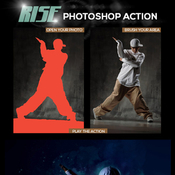
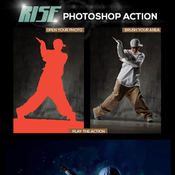
Graphicriver Rise Photoshop Action by ColorLeaks 19153615

Name GraphicRiver-Rise_Photoshop_Action_19153615.zip
Size 20.64 MB
Created on 2017-01-02 03:28:03
Hash 5b09c9237ff9cdf43a97bdd85c88cb8431f15ab4
Files GraphicRiver-Rise_Photoshop_Action_19153615.zip (20.64 MB)

Descriptions for Description

Name: GraphicRiver - Rise Photoshop Action
Add-on Files Included: Photoshop ABR, Photoshop ATN
Works With: PSD
Minimum Adobe CS Version: CS6


Web Site: https://graphicriver.net/item/rise-photoshop-action/19153615


Overview
IMPORTANT : Please set the below given values to your Brush tool before play the action. This must be done before play the action. This is strongly recommended for the better results Opacity : 100% Flow : 43%

This Package includes One Action file, one Brush file and one Help file. Please read the HELP FILE before Proceed with the Action file. Because it’s too important to get the exact effects to your images as like shown in the above preview images

Screenshots

Adobe Photoshop CC 2017 18.0.1

Name Adobe Photoshop CC 2017 18.0.1
Size 1.57 GB
Created on 2016-12-15 01:49:58
Tracker http://109.235.50.166:2710/announce
Hash 886f124e85d08f1ed5ad5de7d4ebb84f366afe1c
Files ※ See Description

Description

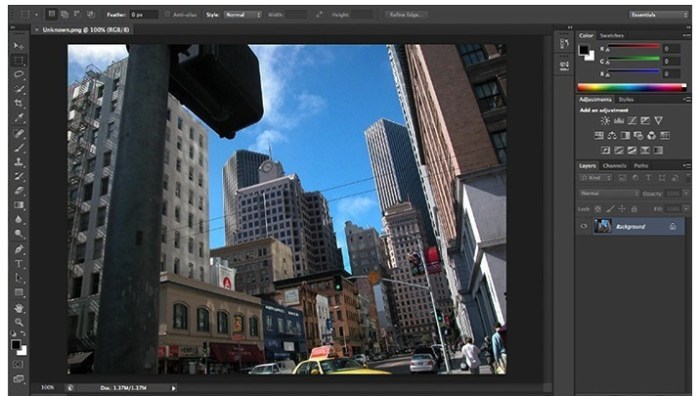
  Name: Adobe Photoshop CC 2017 for Mac  Version: 18.0.1  Release Date: 13 Dec 2016  Mac Platform: Intel  OS version:OS X 10.10 or later  Processor type(s) & speed: 64-bit    Requirements:   • 2 GB RAM (8 GB recommended)   • 2 GB of available hard-disk space for installation; additional free space required during installation (cannot install on a volume that uses a case-sensitive file system or on removable flash storage devices)   • 1024x768 display (1280x800 recommended) with 16-bit color and 512MB of VRAM (1GB VRAM required for 3D features)   • OpenGL 2.0-capable system    Includes: K  Activation: Use the included Adobe Zii Patcher (Courtesy Team TNT)      - Use the Touch Bar with Photoshop  See: https://helpx.adobe.com/photoshop/using/whats-new.html      Web Site: https://www.adobe.com/products/photoshop.html        Overview:  The world's best imaging and design app now features even more creative possibilities with new tools for design and photography, connecting your desktop and mobile apps with all your creative assets, so you can make amazing visual content on any device.    A whole new experience in digital design:  Create production-quality designs and other images on your mobile devices as well as your desktop. And get immediate access to all your assets — including Adobe Stock images — from right inside Photoshop. See how the latest release helps you quickly turn any inspiration into incredible work with great new features for print and graphic design, web and app design, and photography.    Photoshop everywhere:  Mobile apps like Photoshop Mix, Sketch and new Comp CC extend the power of Photoshop to your devices, so you can create powerful designs at your desk or on the go.    Introducing artboards:  Great for app and responsive web design, Photoshop artboards let you create multiple layouts in different sizes, lay them out in one document and see them all at once.    Your photos, totally transformed:  Create anything you can imagine by combining multiple images, removing objects and retouching photos using a complete set of professional photography tools.    Get creative with blur effects:  Add motion, create tilt-shift effects, simulate shallow depth of field and now you can also add photographic noise to your blurs for even more realistic results.        What's New in Version 18.0.1 (2017):  Note: Update is ~841 MB      ・Use the Touch Bar with Photoshop - Photoshop now supports Touch Bar, the multitouch display at the top of the new MacBook Pro keyboard; Touch Bar support in Photoshop is currently a technology preview feature   ・Fixed customer-reported issues:      ・Group blending modes act differently for 16/32-bit images   ・The hit area for closing folders is hard to click on   ・Error or crash with missing displacement map upon action playback   ・Selecting a group expands it unexpectedly   ・An issue while exporting a document with a hidden layer group   ・"Copy Layer Styles" is missing from the Layers panel   ・Crash while using the Lasso tool when the Messages app is enabled   ・The "Select & Mask" taskspace responds slowly or crashes on computers with AMD processors   ・"Content-Aware Fill" quits unexpectedly when the CPU has more than four cores   ・The "Include Vector Data" option is grayed out when you save an EPS file containing a type layer  

Screenshots

Files

  Adobe Photoshop CC 2017 v18.0.1  │── Adobe Photoshop.dmg (1.56 GB)  └─ Adobe Zii 2.2.1  for Adobe CC15 CC17.dmg (9.08 MB)