Master of Typing 3 – Practice 3.11.8

Master of Typing - Advanced Edition

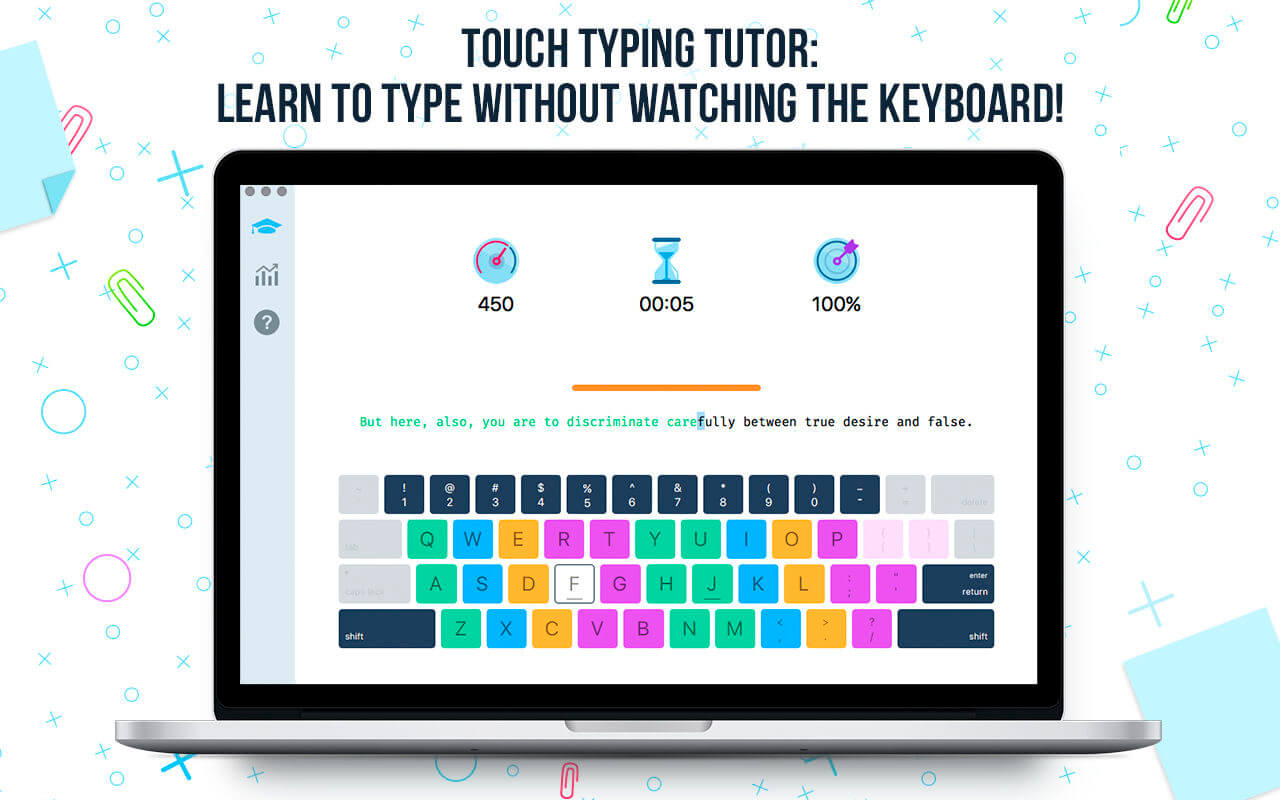
Master of Typing 3 is an effective TOUCH typing course for mastering fast typing technique using all your 10 FINGERS simultaneously.

INCREASE YOUR TYPING SPEED

  • Variety of exercises: letters & special characters, words & phrases.
  1. Click Settings (bottom left corner).
  2. Please, make sure that Auto Difficulty is OFF.
  3. Select a difficulty level, and then a lesson.
  4. Select a lesson section using left / right arrow keys.

Auto Difficulty settings:

  1. Click Settings (bottom left corner).
  2. Select auto-difficulty to move to the next lesson automatically if you do an exercise successfully.
  3. Deselect auto-difficulty and select a lesson if you want to exercise letters of this lesson only.

CHECK NEW SKILLS

  • Multiple levels of exams.
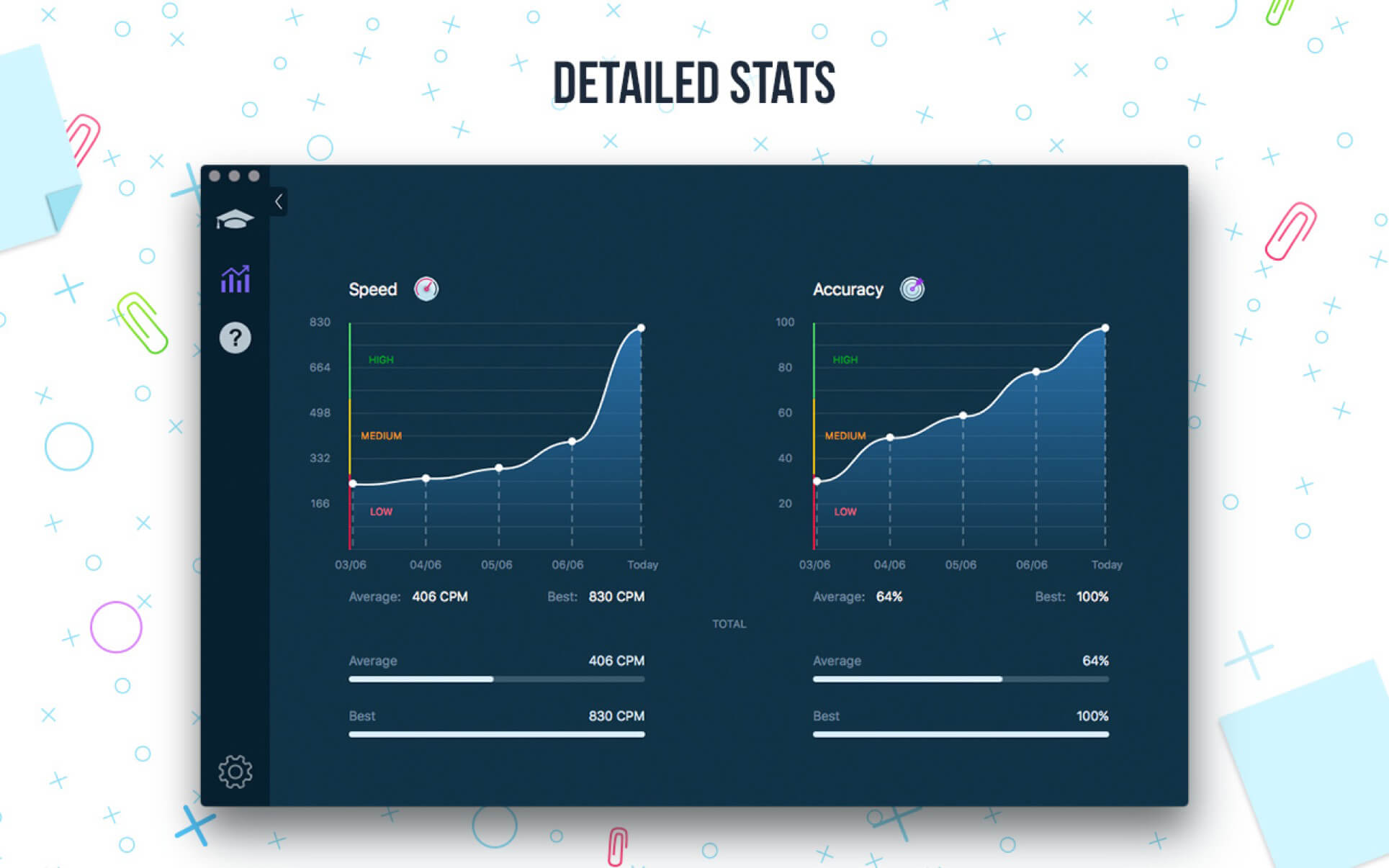
  • Accurate statistics results:
  • Best & average speed,
  • Best & average accuracy.
  • Tips system

ENJOY BENEFITS:

  • AI-powered dictation mode

Dictate the text and then type it OR select the suggested text and type it at dictation

  • Smart timer – stops when you click outside the app window.

So, you can come back to the exercise and continue doing it at any time.

  • 3 themes: Light, Dark and East – choose the most universally convenient theme that fits your needs.
  • Swipe and hotkeys for quickly switching between windows.
  • Colored keyboard’s scheme to memorize finger positions.
  • Ideal for self-study at any time.

TYPE IN DIFFERENT LANGUAGES:

  • English (QWERTY),
  • Russian (ЙЦУКЕН),
  • Spanish
  • French (AZERTY),
  • German (QWERTZ),
  • Italian.

What’s New:

Version 3.11.8
NEW VERSION, NEW KNOWLEDGE, NEW SKILLS!

  • AI-powered dictation mode
  • Multiple minor changes and improved app functionality

Compatibility: OS X 10.10 or later 64 bit
Homepage https://geo.itunes.apple.com/app/id1225121166

Screenshots


Name: Master_of_Typing_3_-_Practice_3.11.8__15.12.0__MAS_In-App__TNT_Mactorrents.io.dmg
Size: 126.04 MB
Files Master_of_Typing_3_-_Practice_3.11.8__15.12.0__MAS_In-App__TNT_Mactorrents.io.dmg[126.04 MB]

   Download

MAMP PRO 5.7

Download MAMP PRO 5.7

MAMP PRO 5 for macOS comes with a lot of new features and improvements. One of the main focuses of this major update is on developers working with WordPress. But everyone else can also enjoy a wealth of new features in MAMP PRO 5.

Publish WordPress Hosts to your Live Hosting Server *

MAMP PRO can publish your WordPress hosts. Simply enter your live server credentials in to the new remote tab and select the database to transfer along with the root directory. Your project can go live with just one click.

Import WordPress Sites from Live Servers *

Import an existing WordPress site from a live server into MAMP PRO. You can now make changes to your page or test new plugins and templates without modifying your live page. You can then go live with your changes.

Migrate WordPress sites from one server to another *

Want to switch your hosting provider? No problem, simply import your site into MAMP PRO and test it with the server settings of your new hoster. Test whether everything continues to work and then transfer your site to your new provider.

Easier WordPress installation when creating a host

Enjoy the benefits of the new super-easy WordPress installation when creating a host. It takes only one click and seconds later your WordPress host is ready.

Snapshots

You can save any state for each of your hosts – the root directory including the associated database is saved. Restore the state of a host at any time. In an emergency, using snapshots saves you hours or even days of work.

Tidy up your Hostlist

Create folders and group hosts. This makes it easy to keep track of all your projects. In addition, hosts are no longer deleted immediately, but first moved to the trash. This allows you to recover a host if needed.

And a lot more

These are just a few of the new features and improvements in MAMP PRO 5. Other new features include support for MySQL 5.7, integration of Redis caching server, remote editing of the editor, redesigned toolbar, optimized host creation dialog and more.

  • Apache Web server
  • MySQL database server
  • phpMyAdmin to access the MySQL database
  • PHP as a module for the Web server
  • Company of Web server and database on standard or individual port

*For WordPress publishing and importing functions. please check system requirements.

Information

CompatibilityOS X 10.10 or later
LanguagesEnglish, German, Japanese, Spanish, French

What’s New in MAMP PRO 5.7

  • Mod_ssl is now statically compiled into Apache and is always enabled and can not be disabled.
  • Fixed a library bug that prevented Joomla from installing.
  • Updated components:
  • PHP 7.4.2 w/ Xdebug 2.9.2
  • LibXML2 2.9.4

Screenshots


Name MAMP PRO v5 7 [TNT] mac-torrents.net.zip
Size 432.3 MB
Created on 2020-03-29 01:13:51
Hash c0f693e88e22c55172b6f0d9542f5e7362452d60
Files MAMP PRO v5 7 [TNT] mac-torrents.net.zip (432.3 MB)

CleanMyMac X 4.8.4


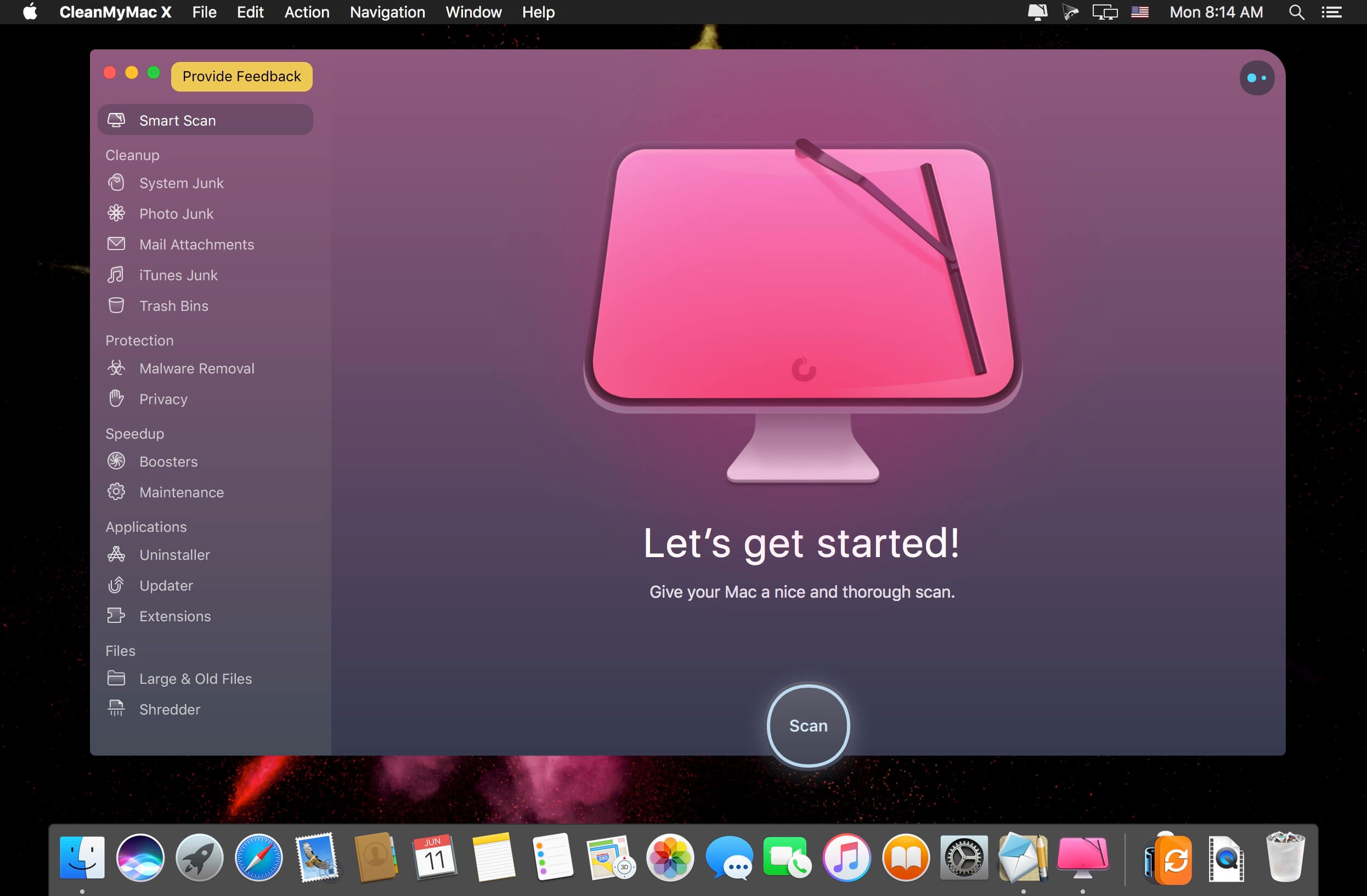
CleanMyMac X is all-in-one package to awesomize your Mac. It cleans megatons of junk and makes your computer run faster. Just like it did on day one. CleanMyMac X chases junk in all corners of your macOS. It cleans unneeded files, like outdated caches, broken downloads, logs, and useless localizations. You can remove tons of clutter that lurks in iTunes, Mail, Photos, and even locate gigabytes of large hidden files. Mac cleaning tools in CleanMyMac X will cut the extra weight in seconds.

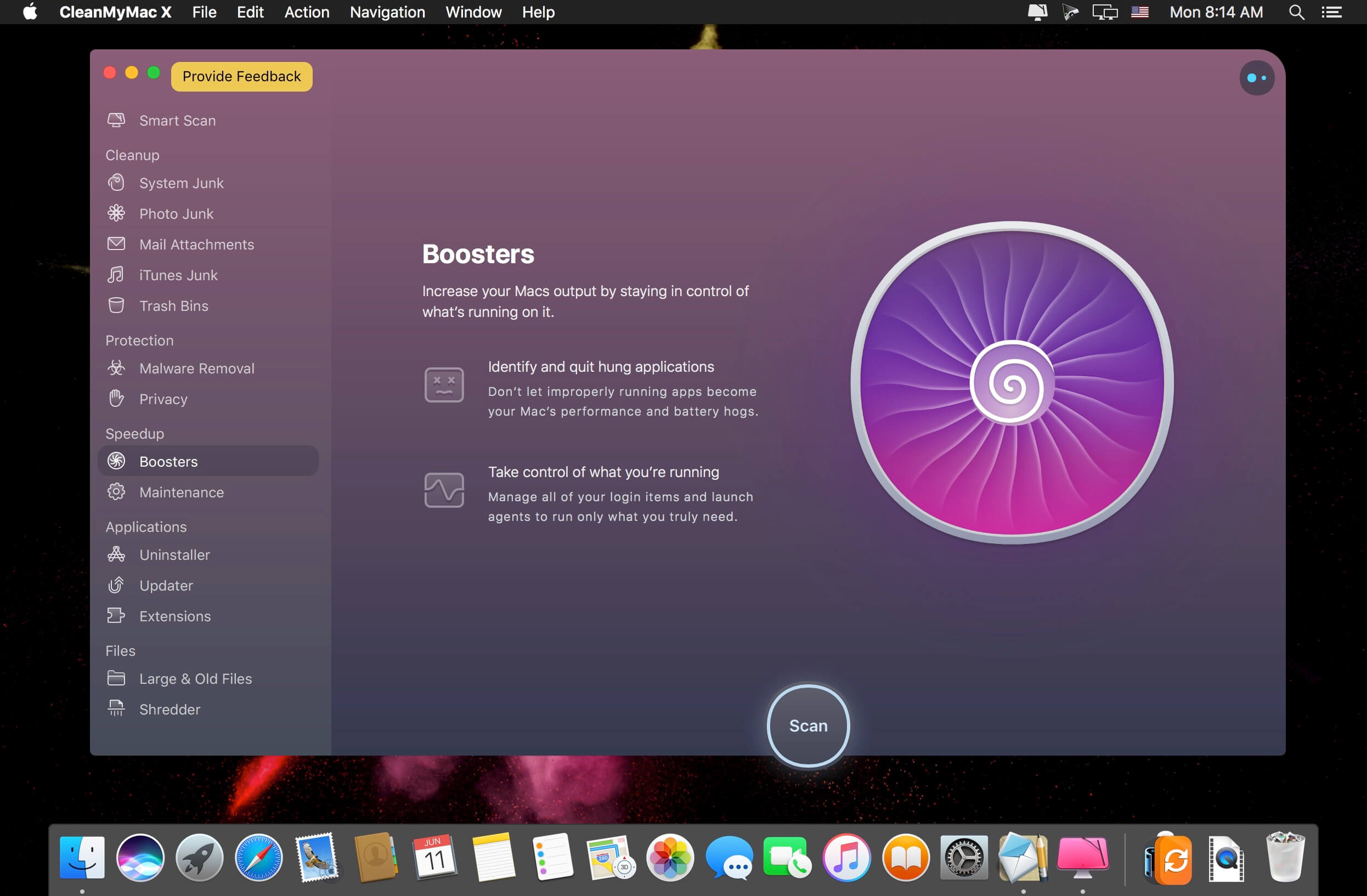
Each time your Mac stalls, you got a full deck of speedup tools: Free up RAM, Maintenance scripts, controls for Login Items, Launch Agents, and Hung Applications. This will lessen your system load and tune the Mac for maximum performance. When your machine is productive, you too are productive.

Are there viruses on Mac? Not on yours, if you try Mac cleaning with CleanMyMac X. It fights off malware, adware, ransomware, and all them -wares that are specific to the macOS. When the issue is found, the app deletes it right away. We update our malware database regularly and CleanMyMac X’s Protection module always has your back.

To make your Mac life more orderly, you got a cool duet of Uninstaller and Updater. The first fully removes apps you don’t want, and the second, instantly updates all your software. Bad apps are removed completely and new ones always arrive in time. This helps fix software conflicts and keeps your Mac forever young.

FEATURES

  • Easy to use, user-friendly interface
  • Drag and drop nature
  • Slims universal binaries
  • Removes useless language translations
  • Most accurate application uninstallation
  • Quick and Secure file eraser
  • Manages widgets, plugins and preference panes
  • Erases garbage left from previously removed applications and widgets
  • Monitors your Trash helping you to uninstall trashed applications correctly
  • Keeps an eye on your removable devices to clean them up from junk service files

What’s New:

Version 4.8.4:

  • Release notes were unavailable when this listing was updated.

Compatibility:
Compatibility: macOS 10.12 or later 64-bit
Language: Multilangual
Homepage https://macpaw.com/

Screenshots


Name: CleanMyMac_X_4.8.4__TNT_Mactorrents.io.dmg
Size: 63.94 MB
Files CleanMyMac_X_4.8.4__TNT_Mactorrents.io.dmg[63.94 MB]

   Download

xScope 4.5.1

Created specifically for designers & developers, xScope is a powerful set of tools that are ideal for measuring, inspecting & testing on-screen graphics and layouts. xScope’s tools float above your desktop windows and can be accessed via a toolbar, menubar and/or hot keys.

The ten tools that will help you do your job faster and more accurately include:
Mirror

  • Remote Viewing – Easily view Photoshop, files or windows on your iOS device, AirPlay, or your wrist.
  • Templates – Automatically shows icon or wallpaper mockup on iOS
  • Chromeless UI – No overlaid chrome to get in the way while you work
  • Security – Toggle user authentication requests on/off via Preferences
  • Download the xScope Mirror App for iOS at http://xscopeapp.com/ios

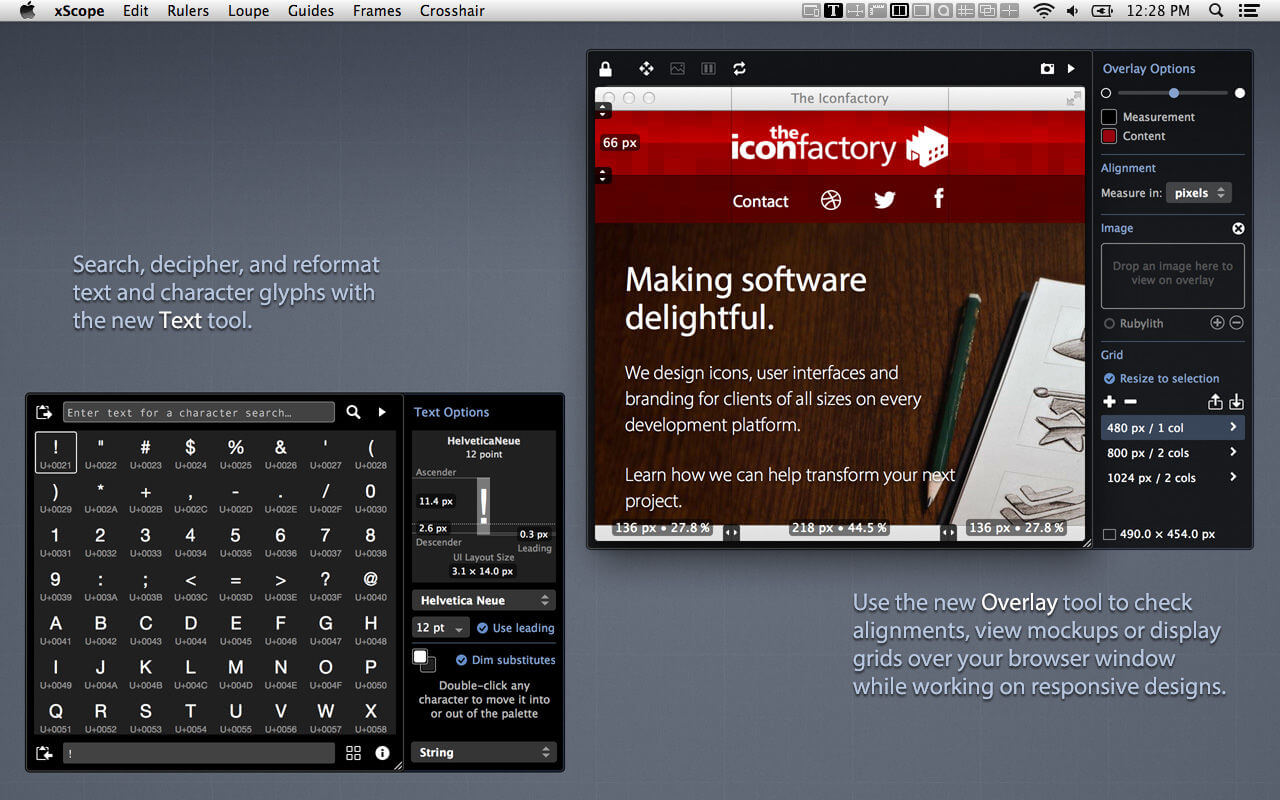
Text – New!

  • Powerful Search – For name or tag in any of the 100,000+ Unicode characters
  • Decipher Text – Deciphers text entities, encodings, constants, and more!
  • Convert Format – Output text as a string, entities, URL encoding, and more!
  • Measure Glyphs – Shows line, character or web layout: including font metrics & CSS
  • Character Palette – A handy place to collect commonly used Unicode characters

Dimensions

  • Find the dimensions of anything on screen instantly
  • Find distance between objects quickly & easily
  • Create screen shots of any measured element

Rulers

  • Powerful on-screen rulers for pixel measurements
  • Two rulers with synchronization for easy on-screen comparison
  • Hold down control to snap to edges of onscreen content
  • Fully adjustable horizontal & vertical lengths
  • Full 360 degree rotation range
  • Displays deltas for rotated rulers

Overlay – New!

  • Enhances Your Web Browser – Attaches to window to make development easier
  • Alignment Marks – Check positioning & distances in px/em/pt and percentages
  • Mockup Image – A transparent design comp over your HTML and CSS code
  • Grids with Breakpoints – Grid systems that stay in sync with your media queries
  • Cycle Breakpoints – Quickly check your design at all sizes used in your CSS
  • Full-page Screenshot – Get a picture of your whole web page
  • Works with iOS Simulator – Great for testing in Safari or developing native apps

Screens

  • Easily see the usable real estate for any screen size
  • Organized by platform including iOS, Android, Mac, Windows & TV
  • Pre-defined screen templates or create your own
  • Displays title and game safe areas for 4:3 and 16:9 aspect ratio TVs.
  • Simulate user vision problems including color blindness & presbyopia (old age)
  • De-retinizer to simulate normal display when using Retina display
  • Define custom area settings for any OS or browser

Loupe

  • Magnify any portion of the screen under your mouse
  • Displays color under your cursor in RGB, HSB, HEX, CSS3 rgb() & HTML
  • Quick measurement of magnified image using Dimensions
  • Reference color format: work with a hex color while viewing RGB format
  • Collect a running list of color swatches with Shift-Cmd-C
  • Save out or import .ACO color swatch files for easy reference
  • Simulate user vision problems including color blindness & presbyopia (old age)
  • Displays co-ordinates of mouse cursor for reference
  • The content of the window or the mouse position can be locked

Guides

  • Vertical & horizontal guides that float on top of all else on the screen
  • Displays guide position in pixels when placed
  • Displays distance between guides in pixels
  • Save & load guide positions for later reference
  • Supports multiple monitors

Frames

  • Adjustable marker boxes float on top of the screen
  • Hold down control to snap to edges of onscreen content
  • Cmd-Shift-5 to shrink a selection around on screen content & create a frame
  • Display preset grids to help compose frame layouts
  • Create, move, duplicate & edit frames at will
  • Save & load frame positions for later reference

Crosshair

  • Reports the coordinate position of the mouse cursor
  • Change origin from the upper-left (design work) to lower-left (development work)

Compatibility: OS X 10.8 or later, 64-bit processor
Homepage https://apps.apple.com/us/app/xscope-4/id889428659

Screenshots


Name: xScope_4.5.1__TNT_Mactorrents.io.dmg
Size: 31 MB
Files xScope_4.5.1__TNT_Mactorrents.io.dmg[31 MB]

   Download

Boxy SVG 3.53.0

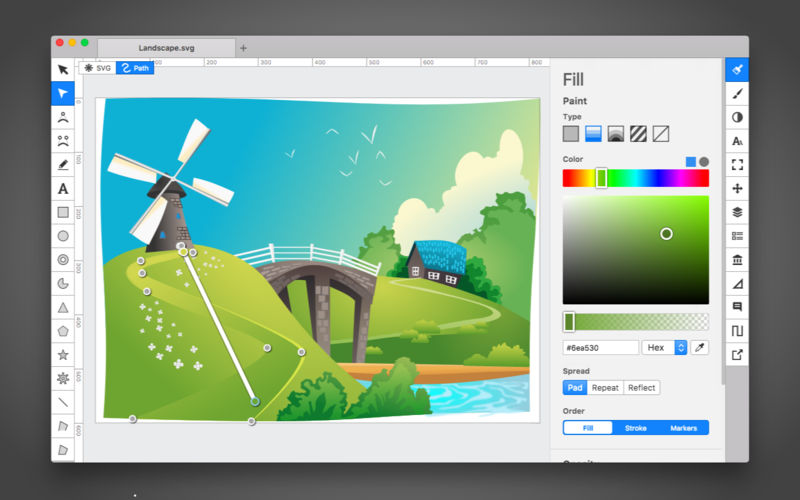
Boxy SVG project goal is to create the best SVG editor for non-technical users as well as for professional designers and developers.

SVG is the standard format for storing vector graphics such as icons, banners, charts and illustrations.

CORE FEATURES

  • Clean and intuitive UI heavily inspired by Inkscape, Sketch and Adobe Illustrator
  • Extensive support for on-canvas editing of object geometry, transform, paint and other properties
  • Save to SVG and SVGZ formats, export to PNG, JPG, WebP, PDF and HTML5
  • Open Clip Art Library integration with thousands of free stock vector arts
  • Google Fonts integration with hundreds of free fonts
  • Configurable keyboard shortcuts for over 100 commands
  • Manual guides, smart guides and grid
  • Path operations (unite, intersect, subtract, exclude, close, reverse, etc.)
  • Arrangement operations (align to, rotate, flip, order, group, etc.)

FOR WEB DEVELOPERS

  • Chromium-based rendering engine
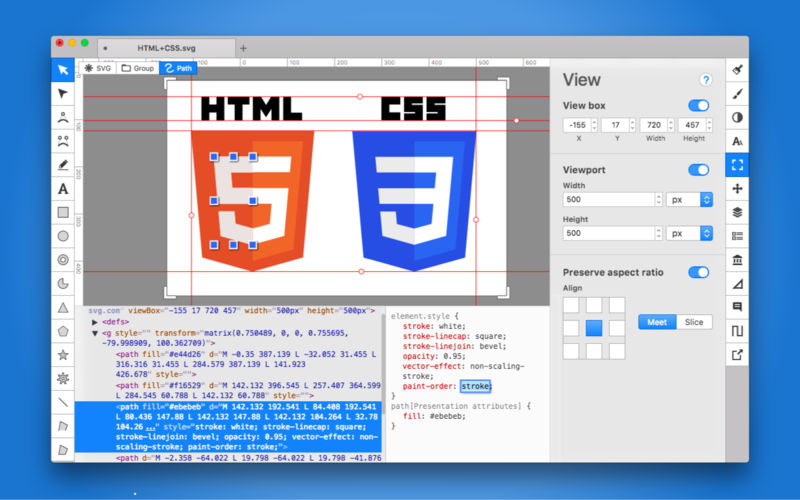
  • SVG and CSS code inspector similar to Chrome Dev Tools
  • Clean SVG output that preserves IDs, classes, titles and other metadata
  • SVG sprites editing support

Compatibility: macOS 10.10.0 or later
Homepage https://geo.itunes.apple.com/app/id611658502

Screenshots


/>

Name: Boxy_SVG_3.53.0_MAS__HCiSO_Mactorrents.io.dmg
Size: 160 MB
Files Boxy_SVG_3.53.0_MAS__HCiSO_Mactorrents.io.dmg[160 MB]

   Download

RAR Extractor Max – Unzip 7.1.0

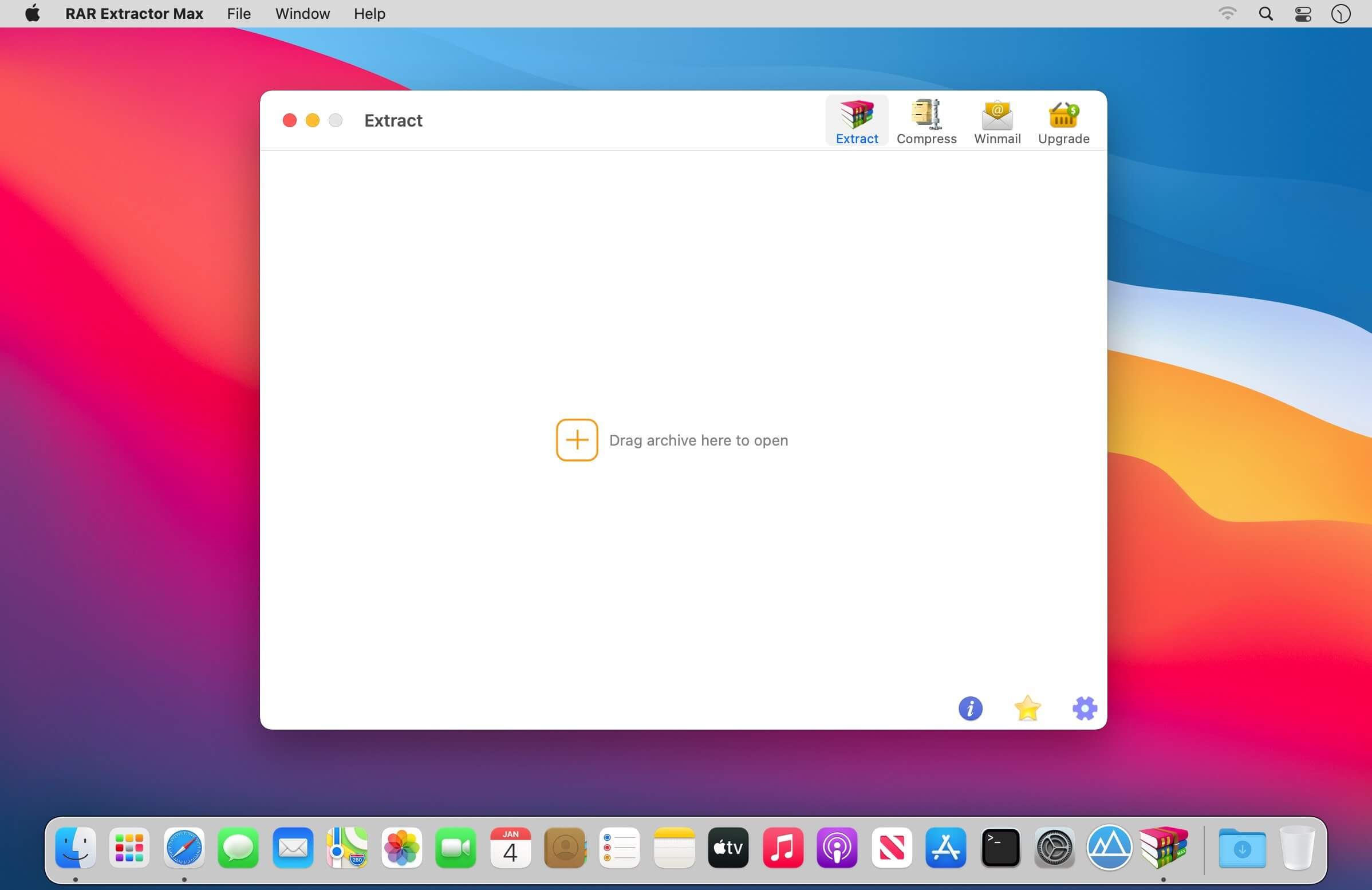
RAR Extractor Max” inherited the advantages of “RAR Extractor Pro”, we redesigned the UI and added more powerful functionalities.

  • Support unarchive RAR, winmail.dat, ZIP, 7z, tbz, sti, tar, xar, lha, lzh, hqx, bin, bz2, bzip2, bz, xz, iso, cid, nrg, mdf, taz, lzma, exe, msi, cpio, lzx, jar, swf, xip, ace, arj, pak, pkg, apk, lbr, lqr, cab, rpm, cpt, sea, pdf, nsa, dcs, now, spk…
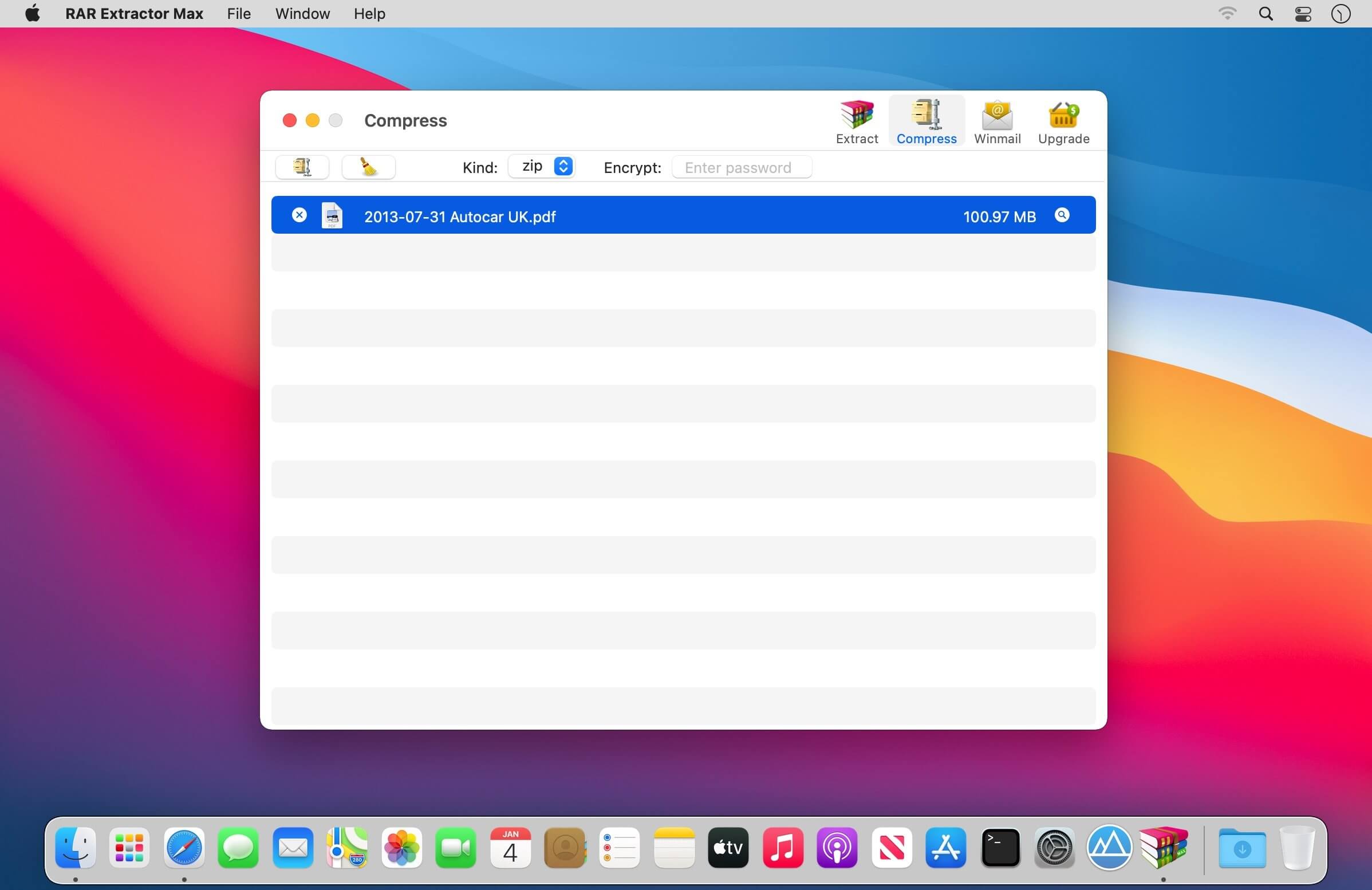
  • Support archive files and folder to encrypted zip&7z
  • Quicklook files in archive before extraction.

MAIN FEATURES

  • Extract extract compressed files in all most formats(over 50 formats).
  • Unzip, unrar encrypted archives.
  • Preview and open the file in winmail.dat sent from Microsoft Outlook
  • Easy view of an archive’s file list.
  • Quicklook files in archive before extraction.
  • Unarchive & unrar the selected individual file or folder in the archive.
  • Double click to display or extract directly after setting this APP as default archiver.
  • Drag archives to the dock icon to extract or display directly.
  • Batch decompress many archives
  • Create password-protected ZIP & 7Z archives.
  • AES256 encryption algorithm to create ZIP & 7Z archives.
  • Drag the file in archive to the desktop to extract directly

VERSION INTRODUCTION

  • RAR Extractor: a lite version the first-generation product, supporting decompress all most of formats of archives and compress files to rar and 7z packages.
  • RAR Extractor Pro: a pro version the first-generation product, supporting decompress all most of archives, meanwhile, it supports view the contents of archive before extraction.
  • RAR Extractor Max:based on the first-generation app, we redesigned the UI and improve the functionalities

In-App Purchases: Pro Version
Compatibility: OS X 10.10 or later, 64-bit processor
Mac App Store https://geo.itunes.apple.com/app/id1535136051

Screenshots


Name: RAR_Extractor_Max_7.1.0_MAS_In-App__TNT_Mactorrents.io.dmg
Size: 10 MB
Files RAR_Extractor_Max_7.1.0_MAS_In-App__TNT_Mactorrents.io.dmg[10 MB]

   Download

Find Any File (FAF) 2.3 b18

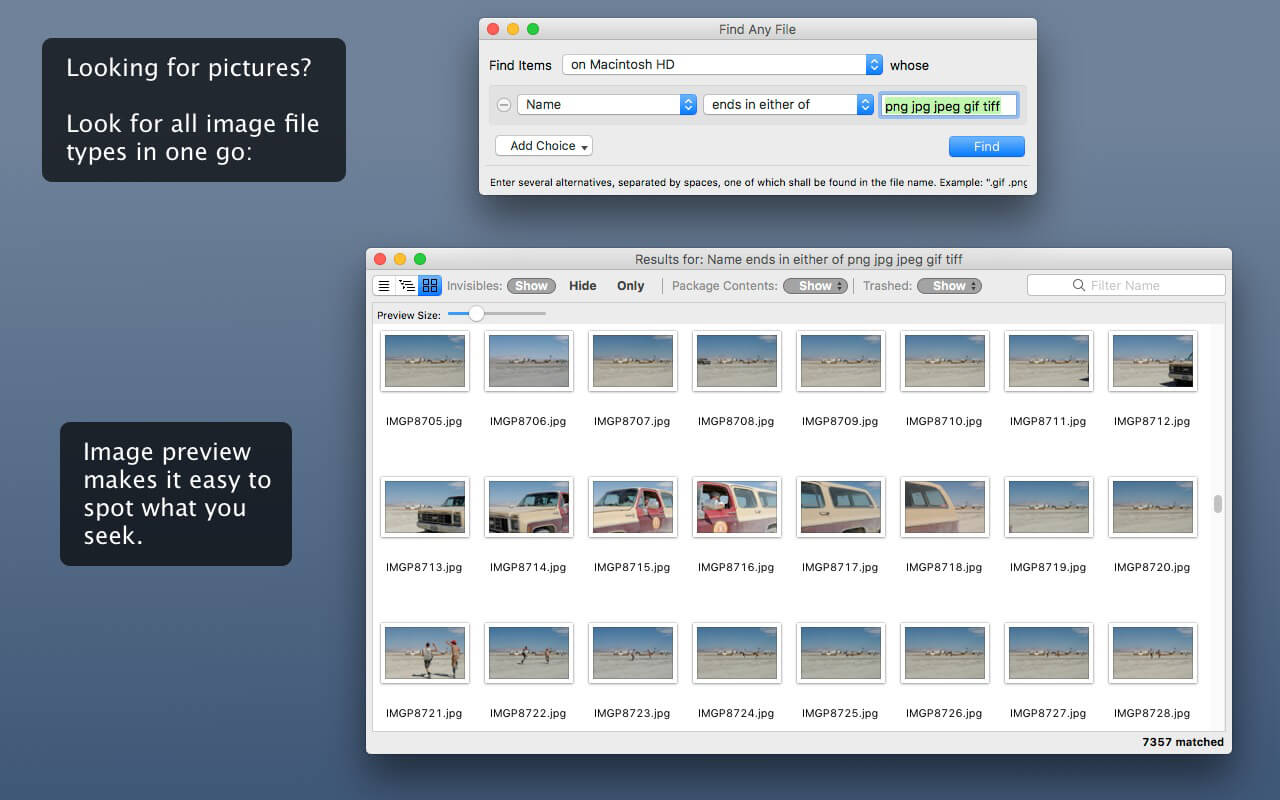
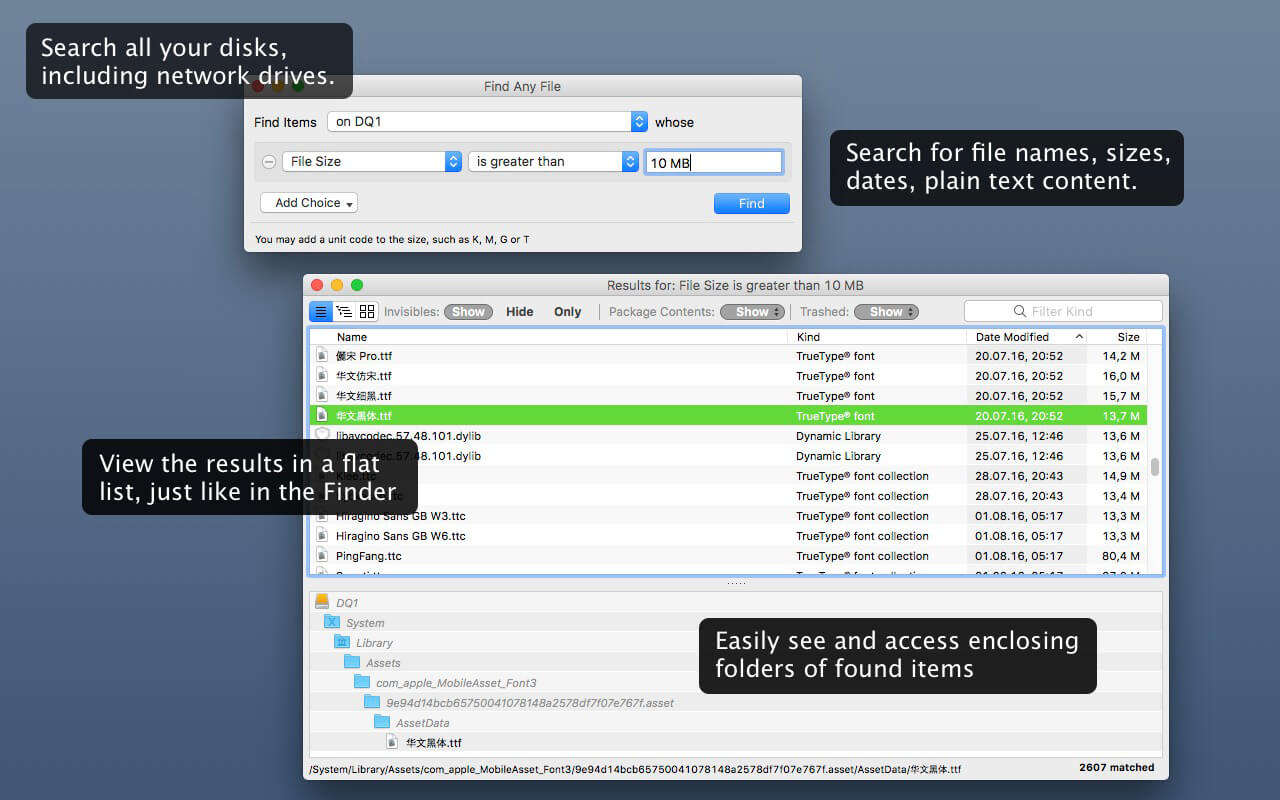
Find Any File searches your local disks for files by name, creation or modification date, size, or type and creator code (not by content, though).

As there are other tools with a similar search operation, here are the special features unique to Find Any File:

  • Has a new hierarchical view of the found items, making it much easier to browse 100s of items (see the screenshot).
  • Can run as root user, finding really any file on your disk, even those that are hidden from normal users.
  • Can save queries and run them again later.

Unlike Spotlight (i.e., the Finder’s Find command), it does not access a pre-built database but searches the chosen volume directly. This allows you to find any file, even those inside packages and others excluded from Spotlight search. Hence it is great for finding system files, for example.

On the other hand, it may take a little longer than Spotlight, and it is only fast on HFS(+) volumes. But even on mounted network volumes of a Mac OS X server it can still be surprisingly fast.

Hence, this is not an entire replacement for Spotlight but it can come handy in certain, if not many, situations.

Compatibility: OS X 10.9 or later, 64-bit processor
Homepage http://apps.tempel.org/index.php

Screenshots


Name: Find_Any_File_2.3b18__TNT_Mactorrents.io.dmg
Size: 8 MB
Files Find_Any_File_2.3b18__TNT_Mactorrents.io.dmg[8 MB]

   Download

Outline 3.2105.1

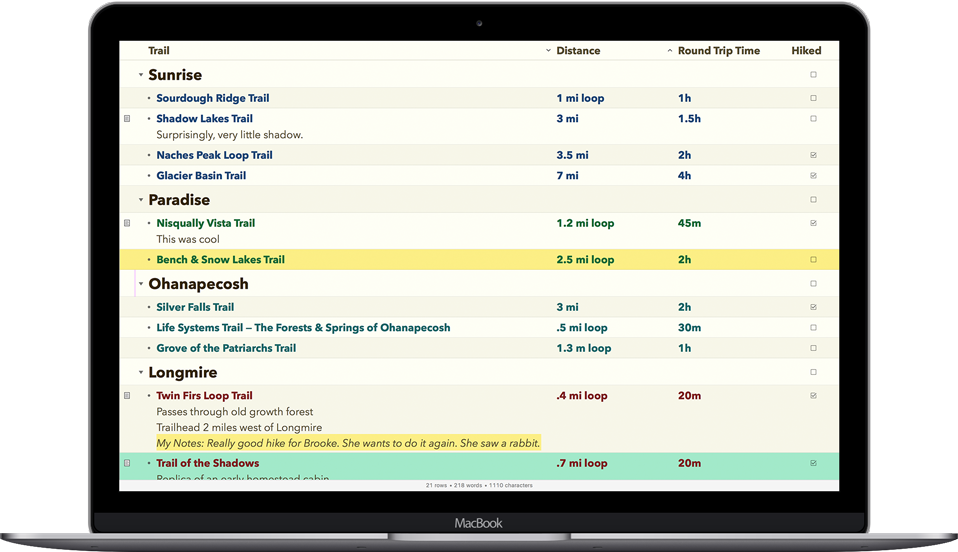
Notes with more creative freedom, better organization, and PDF export options. OneNote compatible & Office 365 powered. Take your OneNote to the cloud you like best or even local.

Capture notes at any spot on a page and draggable around. Organize notes in the world’s most natural hierarchy. Store notes in your local file system, and synced across devices with your favorite cloud.

Powered with import from Evernote and Circus Ponies.

ONENOTE’S BEST FRIEND

  • Give your OneNote notes a new start beyond OneDrive or SharePoint
  • Export to OneNote, just in case
  • Go beyond import/export and do a real time collaboration on notes with colleagues who use OneNote (your Mac and their PCs)

STORAGE

  • Choose where you want to store your notes: Dropbox, iCloud, WebDAV, Box, or OneDrive
  • Consider a no-cloud option too: some notes need offline and cloud-free privacy
  • Mind the coming-soon: SharePoint, OneDrive for Business / Office 365

UI

  • Find everything a note needs by the hand: text, lists, tables, images, checkboxes, hyperlinks, and more
  • Put that stuff anywhere in a note and then move around / re-size / edit it all, the way you like
  • Keep notes structured in a natural hierarchy of pages, sections, and notebooks
  • Access a note fast via recents, search, and note links
  • Manage font size and color, apply styles and highlighting
  • Attach files and insert printouts, to collect documents in one place

IMPORT

  • From OneNote
  • From Circus Ponies
  • From Evernote

What’s New:

Version 3.2105.1
New Features

  • Change default font family and font size.
  • Specify default page zoom level.

Editor Improvements and bug fixes

  • Major changes in handling of text styles. Paragraph Style now can be applied in two ways: 1) if there is cursor in the target paragraph, then paragraph style is applied, but existing text runs formatting is being kept. So, resulting text style will be combination of paragraph style and text run style applied above it. 2) When there is selection, paragraph style discards text run formatting.
  • Added text strikethough trait display.
  • New tag icons.
  • Lot of improvements in list markers display and styling.
  • Text could be partially cut for some font families, multiline text and larger font size.
  • Improved spellchecker results display.
  • Improvements in rendering when moving content. Now it is more smooth, without elements “shaking”.
  • Saving of user position on a page and page zoom did not work as expected sometimes.
  • Cursor height was not incorrect sometimes.
  • Links from Apple mail came incorrectly.
  • Fixes related with text alignment.
  • Text formatting toolbar buttons sometimes did not reflect current settings.
  • Text has been pasted to OneNote with black highlight if you clear highlight in Outline
  • Page was not scrolled when selecting by words out of visible area.
  • Application crashed after undo of deletion of last several rows in a table via context menu.
  • Autocorrection should not change hyperlinks.
  • Spellchecker line was hidden by text highlight.

Compatibility: macOS 10.11 or later.
Homepage https://www.omnigroup.com/omnioutliner

Screenshots


Name: Outline_3.2105.1_MAS__TNT_Mactorrents.io.dmg
Size: 83.12 MB
Files Outline_3.2105.1_MAS__TNT_Mactorrents.io.dmg[83.12 MB]

   Download

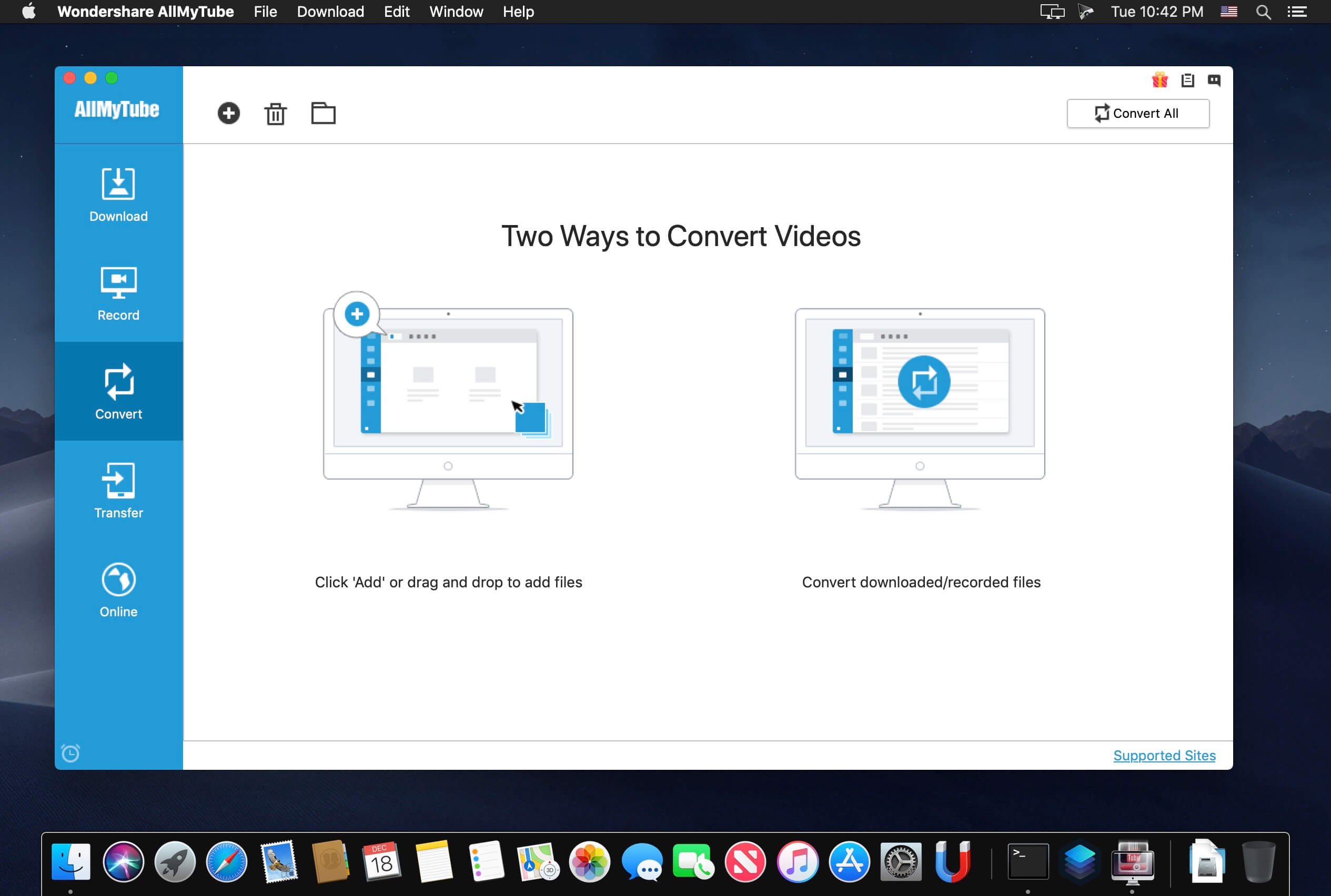
Wondershare AllMyTube 7.4.7.1

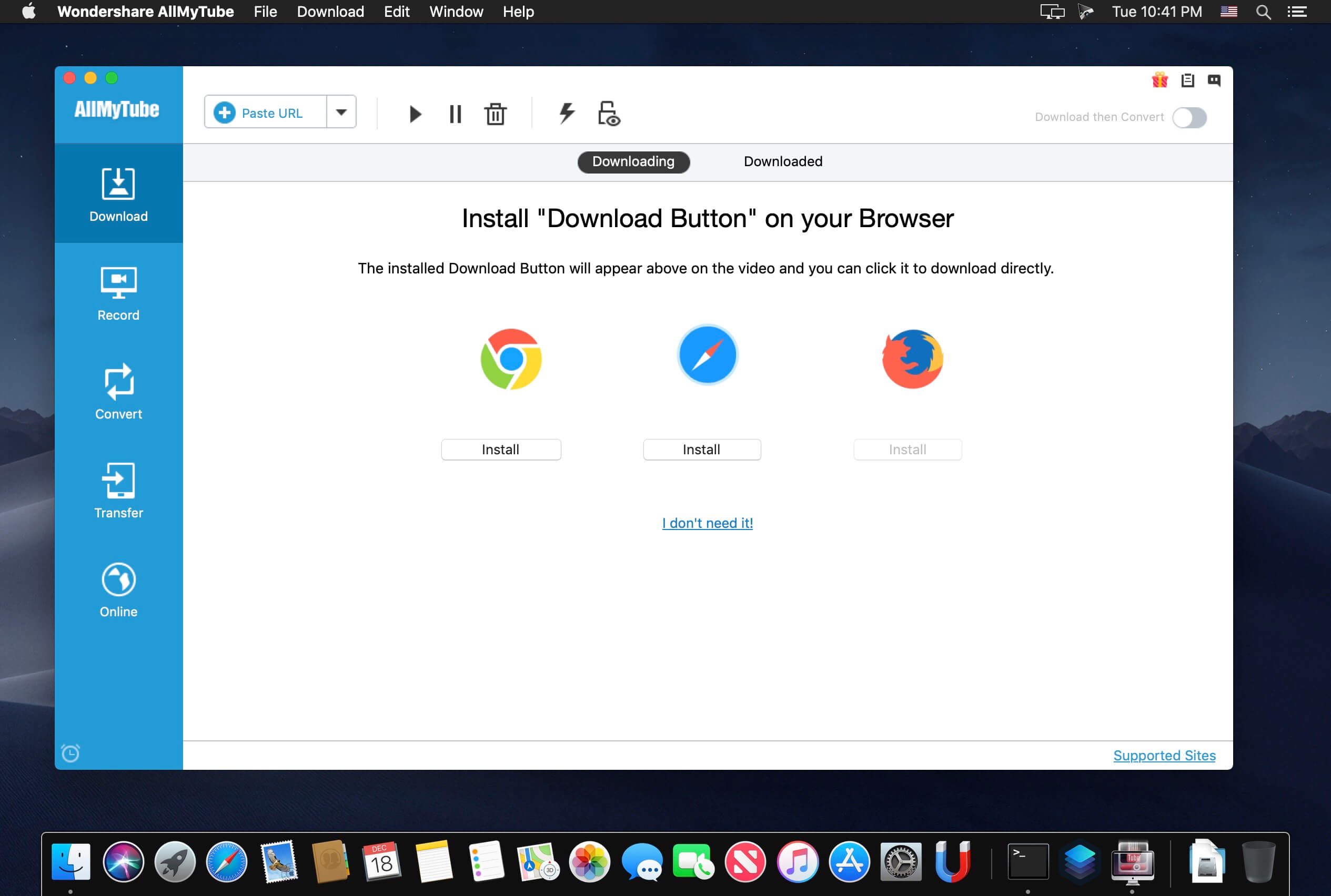
Wondershare AllMyTube for Mac is an all-in-one app, which features as a professional online video downloader and a powerful video converter. It enables you to download videos from hot video sharing websites, like YouTube, Facebook, Metacafe, Vimeo, etc. and convert the downloaded videos to almost all popular video formats. Besides, AllMyTube for Mac is also a video player and manager. The built-in video player allows you to enjoy FLV, MP4, WebM videos on Mac cozily. The Library helps you manage videos orderly.

YouTube Compatible:
Download HTML5, HD, HQ and 4K videos from YouTube.

Compatible with Other Video Sites:
Vimeo, Facebook, VEVO, Metacafe, Dailymotion, TED, MTV, CBS, Yahoo Video, BBC, VH1, ESPN, WatTV, NBC, The NY Times, AOL, MegaVideo, Break etc.

YouTube MP3 Downloader:
Download YouTube audio files directly. No need for downloading the entire video and then converting.

Download YouTube Playlist
Download any playlist from YouTube, including videos from a User Page, Channel, Category and Course.

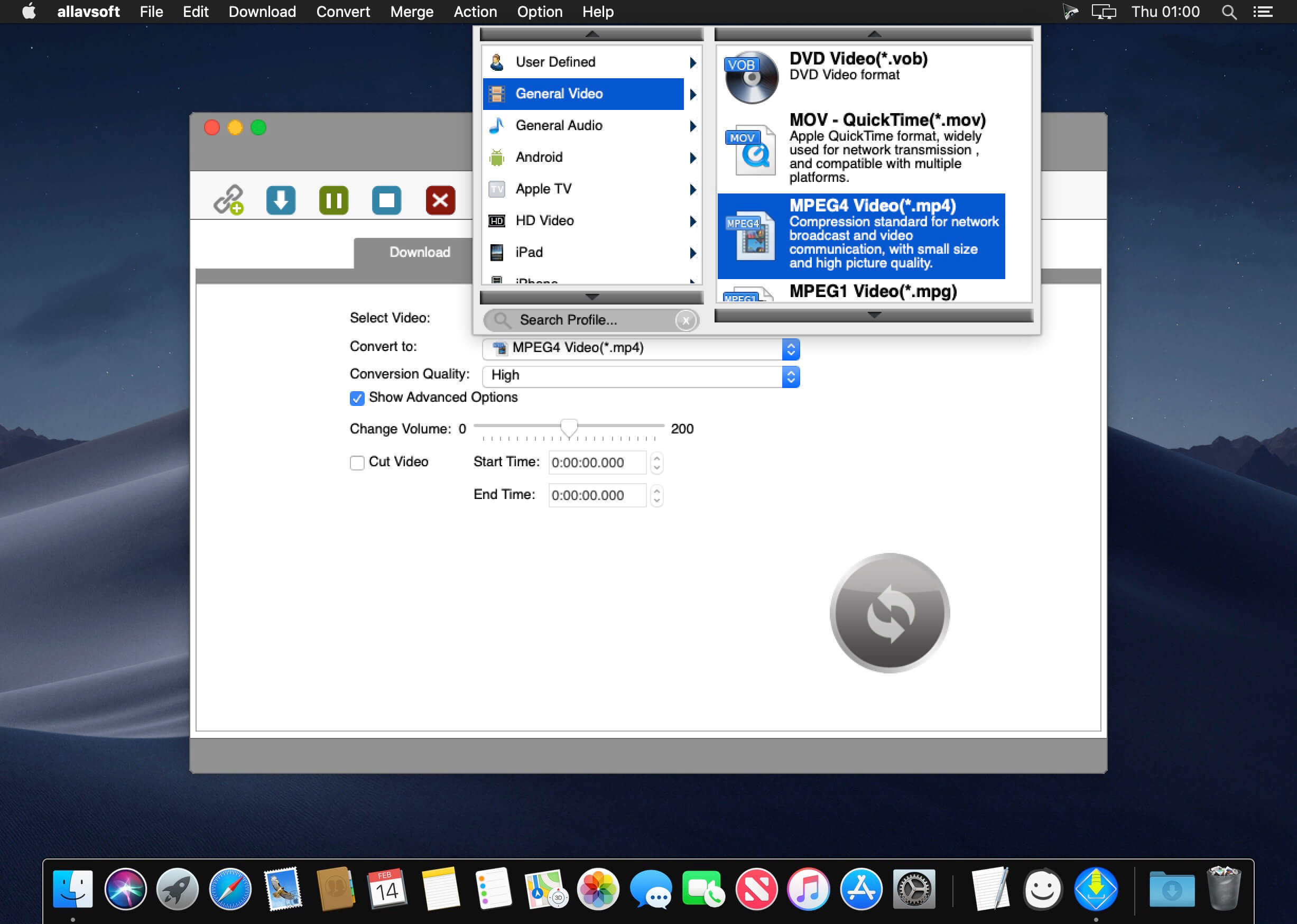
Convert videos to:
MOV, MP4, WMV, AVI, 3GP, FLV, MKV, MPEG-1, MPEG-2, WebM, SWF, etc.

Extract audio to:
MP3, M4A, WAV, MKA, etc.

Optimize videos for:
iMovie, iDVD(.mp4), iPod (iPod Touch 5 included), PSP, QuickTime(.mov), iTunes, iPhone (iPhone 5 supported), iPad (iPad mini available), Apple TV, Xbox 360, and more.

Play FLV videos
Wondershare AllMyTube has a built-in FLV Player.

Wireless Transfer
Transfer videos through WiFi to play on your devices.

Download Online Videos & Audios on Mac

  • The best YouTube downloader for Mac— download all YouTube videos and playlists, including 4K videos with a 3X faster speed
  • Download online videos from other popular video-sharing sites such as Facebook, Metacafe, Vimeo, Break, Video Bash, Vevo, Liveleak, MyVideo, FunnyOrDie, PhotoBucket etc.
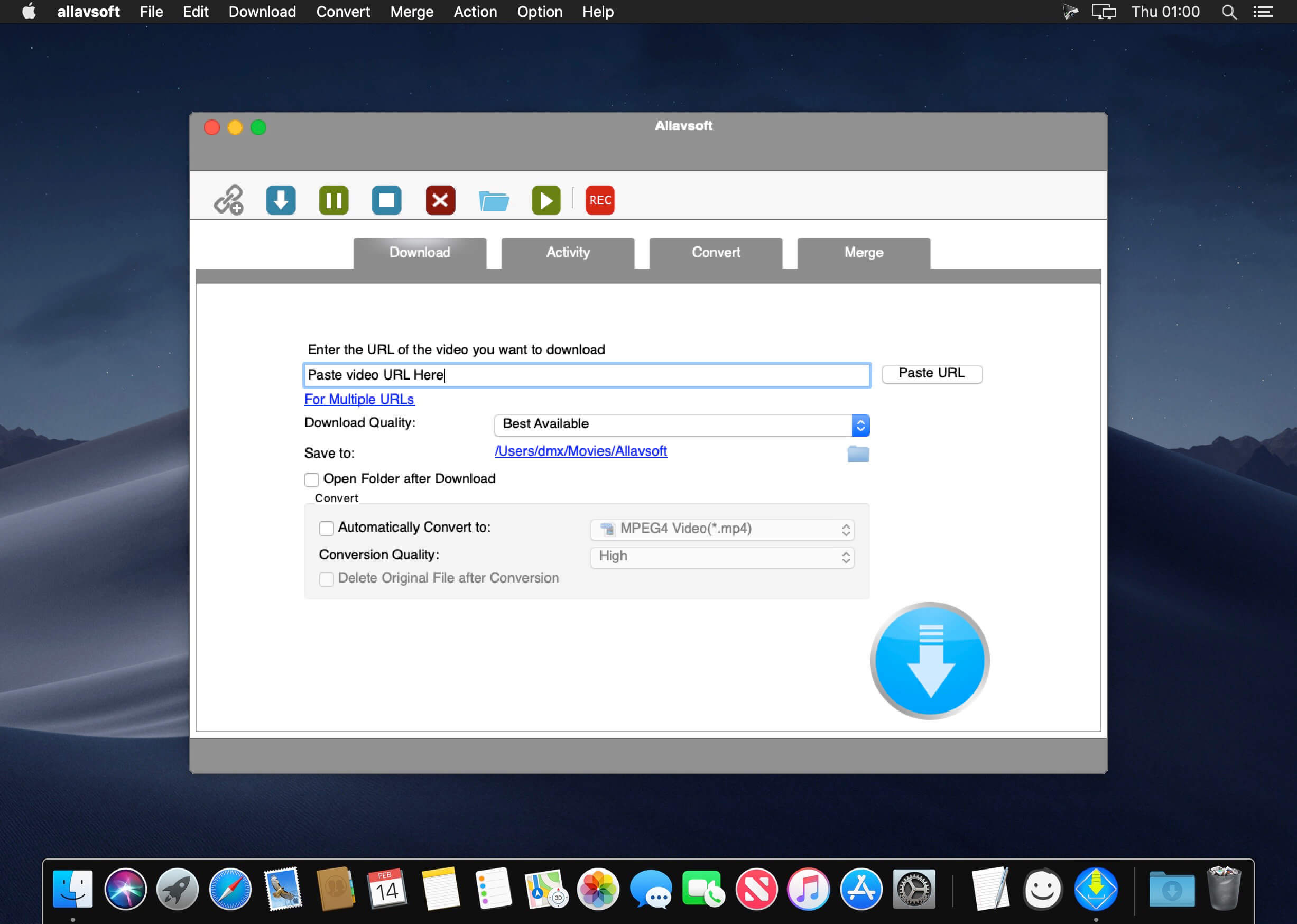
  • Three easy ways to download online videos directly: click the Download button that appears on the top of the video, copy the video URL and click the Paste URL button to download, or drag and drop URL into the icon of AllMyTube for Mac.
  • Extract YouTube MP3 files from the videos directly without converting.

Convert Videos & Audios

  • Now, automatically, or manually convert the downloaded videos to both standard and high-definition video formats, like MP4, AVI, MPG, WMV or HD MP4 (H.264, Xvid), HD AVI (Xvid) etc.
  • Extract audios from downloaded and existing videos and convert them to M4A, AAC, MP3, AC3, OGG etc.
  • Output files for Apple devices, iPhone, iPod and iPad can be directly added to iTunes.

Manage & Play Videos

  • Easily manage the downloaded videos and existing videos in the Library.
  • Built-in Video Player plays FLV, MP4, WebM videos on Mac freely.
  • The program can also be scheduled for an auto shutdown, to enter sleep mode or exit program once it has finished downloading. Set the time period for video downloading also.
  • Wireless transfer of your converted or downloaded videos to play on devices.

What’s New:

Version 7.4.7.1:

  • Release notes were unavailable when this listing was updated.

Compatibility: OS X 10.10 or later 64 bit
Homepage https://www.wondershare.com/pro/allmytube-video-downloader.html

Screenshots


Name: Wondershare_AllMyTube_7.4.7.1__TNT_Mactorrents.io.dmg
Size: 77.59 MB
Files Wondershare_AllMyTube_7.4.7.1__TNT_Mactorrents.io.dmg[77.59 MB]

   Download

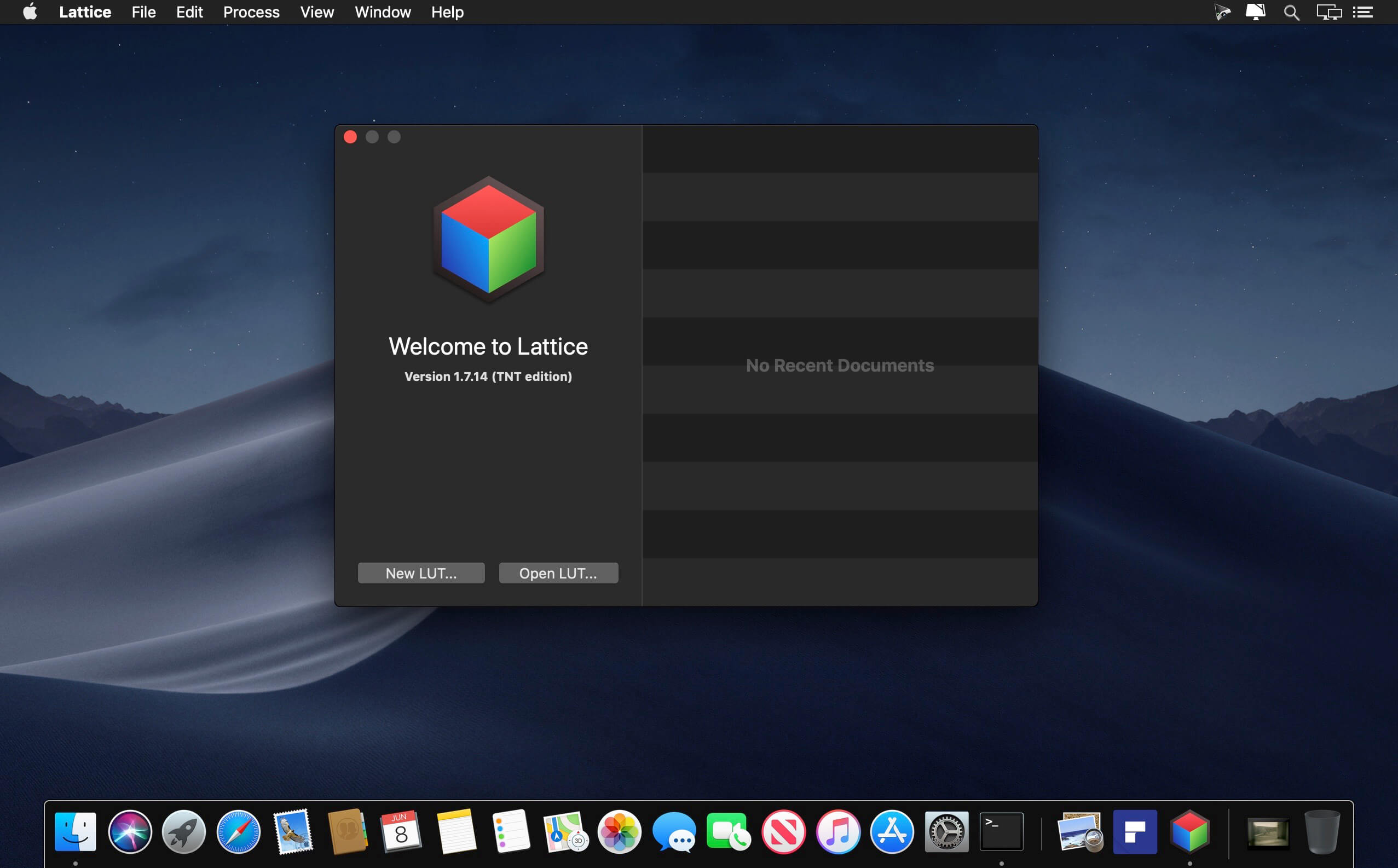
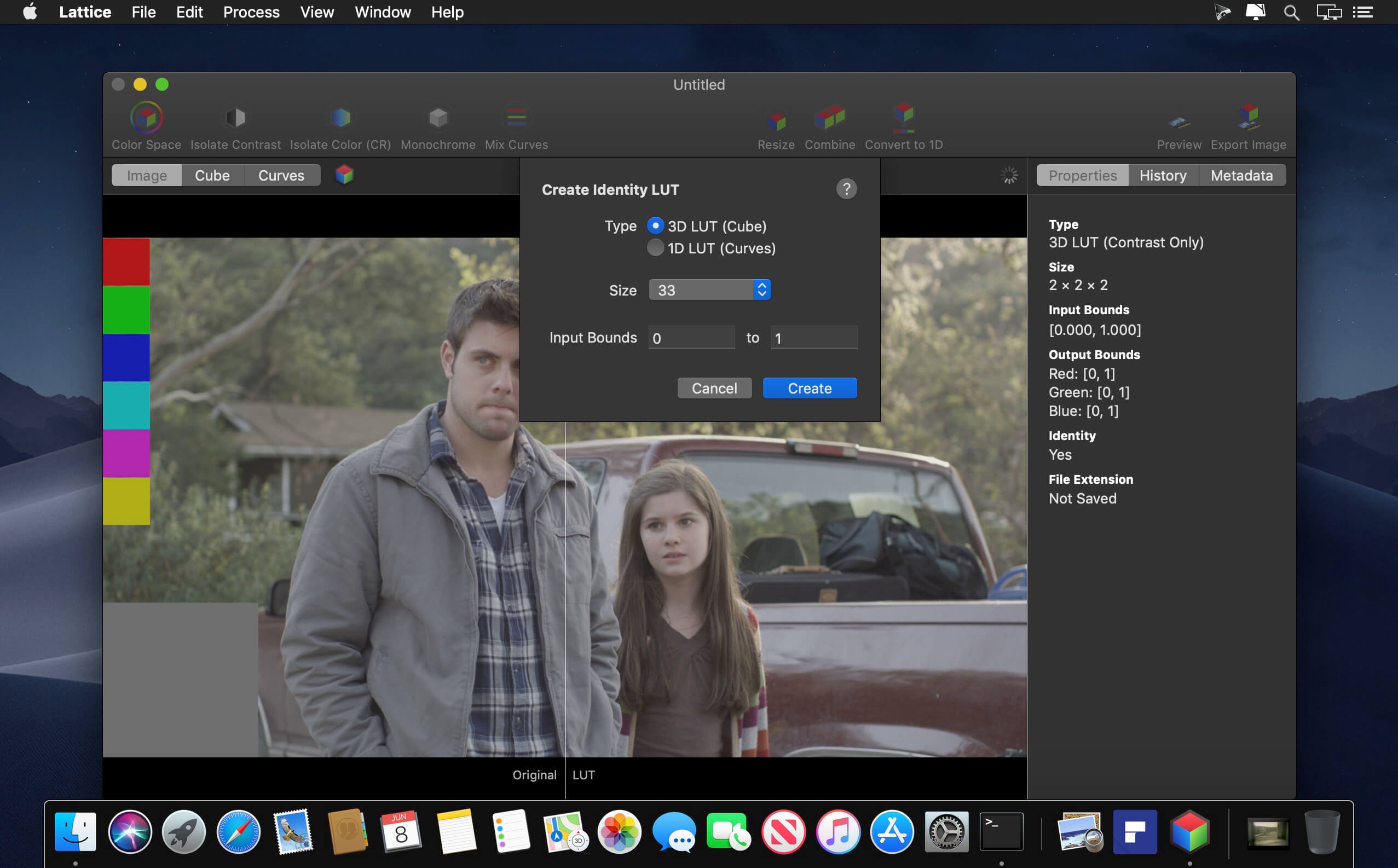
Lattice 1.8.14

Apply LUTs to your images easily and correctly, in 16-bit. Drag-and-drop images to see the LUT applied instantly, or even see your LUT applied to video in real-time. You can even preview on DPX files and other production image formats.View your 3D LUT using tetrahedral interpolation and your 1D LUT with linear interpolation.

Use advanced tools to manipulate your LUT’s colors with 64-bit floating point precision:

  • Convert Color Space: Change color spaces and gamma curves.
  • Isolate Color: Get just the color transform of a LUT, without affecting contrast
  • Convert: Easily convert between 1D and 3D transformations
  • Apply CDLs (ALE, FLEx, CMX EDL, CC, CCC, and CDL files)
  • Apply CTLs (with optional ACES 1.0 installation)
  • Mix Curves: Adjust and swap curves
  • Combine LUTs: Merge multiple LUTs into one
  • Isolate Contrast: Get just the contrast of a LUT, without affecting colors
  • Convert to Monochrome: Make a LUT that isolates a single channel, or an average of channels
  • Resize: Change the cube or curve size
  • Extended to Legal/Legal to Extended conversions
  • And more (apply color matrix, limit, clamp, change color temperature, change opacity, invert colors, scale output)

Read and write common LUT formats:

  • DaVinci Resolve 1D and 3D Cube LUT (.cube)
  • DaVinci Resolve DAT 3D LUT (.dat)
  • Autodesk 3D LUT (.3dl)
  • FSI 3D LUT (.dat)
  • CTL LUT (.ctl)
  • CSV LUT (.csv)
  • Nucoda CMS 1D and 3D LUT (.cms)
  • Quantel 3D LUT (.txt)
  • DVS Clipster 3D LUT (.xml, .txt)
  • DaVinci 3D LUT (.davlut)
  • Panasonic VLT 3D LUT (.vlt)
  • Сolorfront 3D LUT (.3dmesh)
  • Apple Color 3D LUT (.mga)
  • Pandora 3D LUT (.m3d)
  • Convergent Design 3D LUT (.cdlut)
  • ICC Profile (.icc)
  • Iridas ITX 1D and 3D LUT (.itx)
  • Unwrapped Texture LUT Image (.tiff)
  • CMS Test Pattern LUT Image (.tiff)
  • Hald CLUT Image (.tiff)
  • DaVinci Resolve 1D LUT (.ilut, .olut)
  • AJA 1D LUT (.txt)
  • Discreet 1D LUT (.lut)
  • Colorfront 1D LUT (.1dlut)
  • Arri Look (Version 2) (.aml)
  • Iridas Look (.look)
  • Arri Look 1D tone map only (.xml)

Export Approximate Looks:

  • Arri Look (Version 1) (.xml)
  • CDL Correction (.cc, .cdl)

Import other formats as 3D LUTs:

  • Amira Look (.aml)
  • Arri Look (.xml)
  • ICC/ColorSync Profiles (.icc, .icm, .pf, .prof)

What’s New:

Version 1.8.14

  • Added ability to export ACES workflow LUT as *just* a 3D LUT
  • Added DaVinci Wide Gamut + DaVinci Intermediate
  • Fixed issue with extraneous XML field in CDL export

Compatibility: OS X 10.11 or later, 64-bit processor
Homepage https://apps.apple.com/us/app/lattice/id892133569

Screenshots


Name: Lattice_1.8.14__TNT_Mactorrents.io.dmg
Size: 28.37 MB
Files Lattice_1.8.14__TNT_Mactorrents.io.dmg[28.37 MB]

   Download

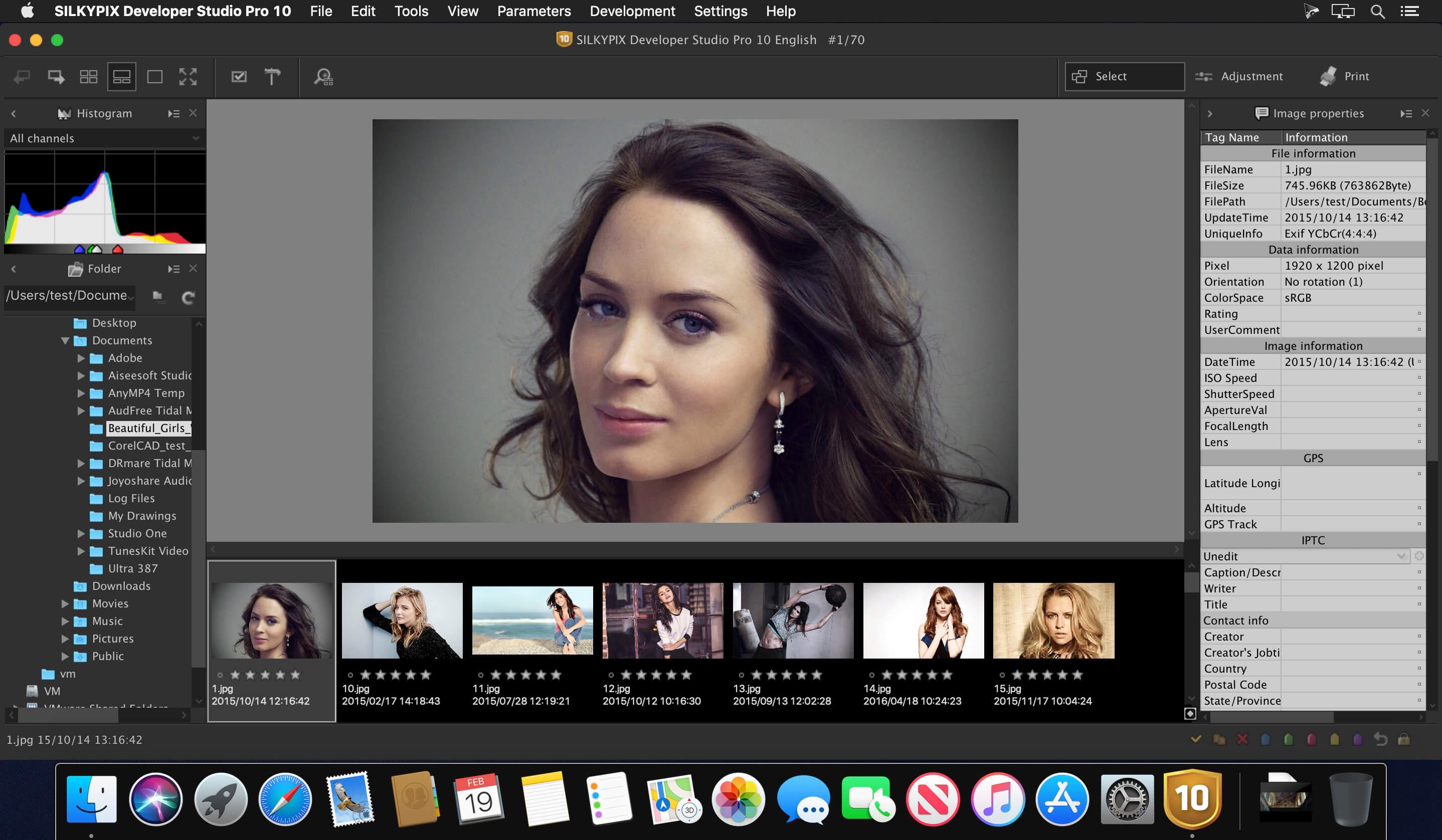
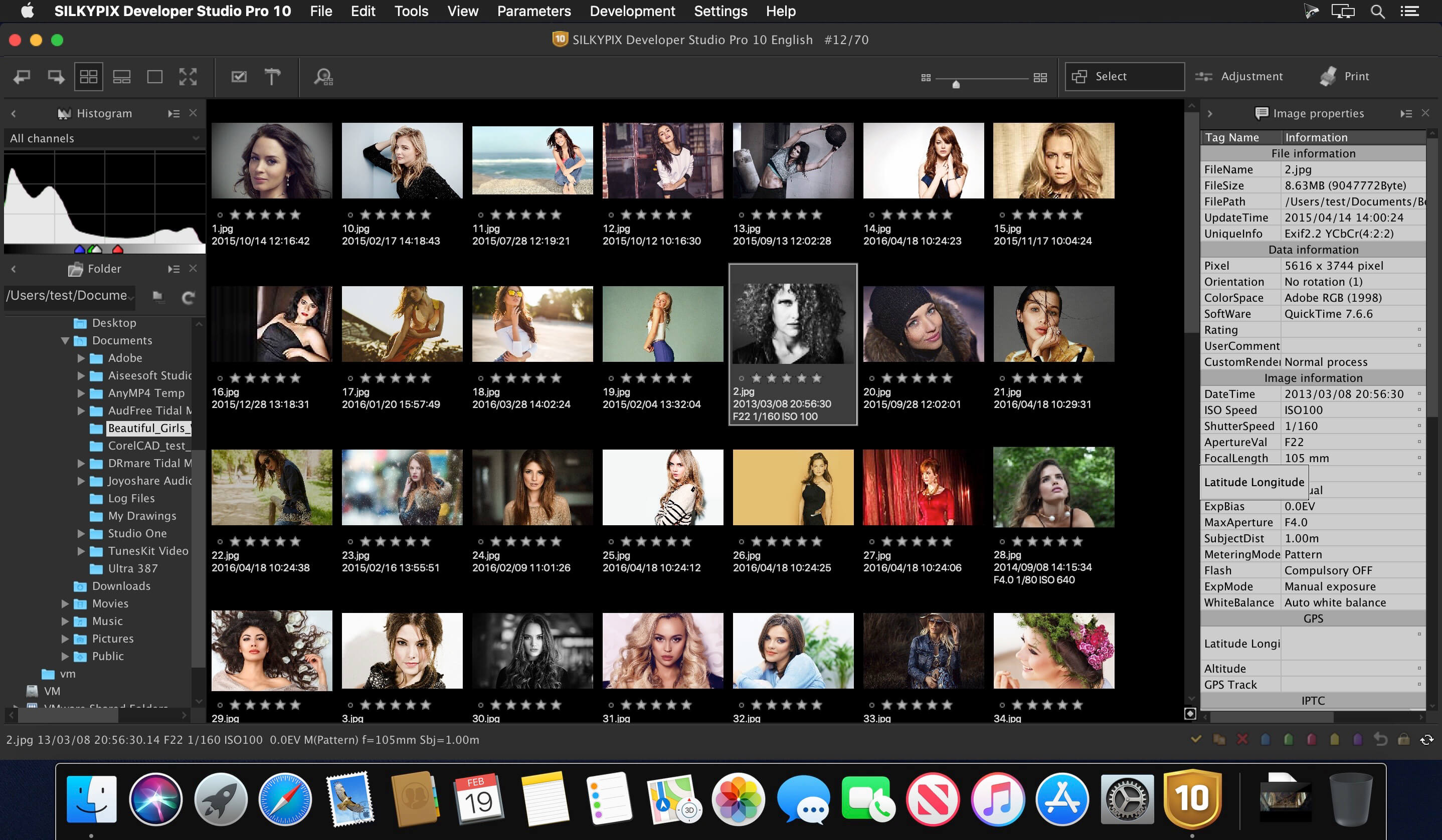
SILKYPIX Developer Studio Pro 10.0.13.0

SILKYPIX Developer Studio Pro10 is equipped with a new function for compositing multiple RAWs which enables the user a previously unprecedented level of creative photographic expression. The latest transformative enhancement to the software’s capabilites is the “Fine detail” mode which enables the optimal noise reduction. In addition, the “Select” section enables high-speed display of a large number of high-resolution images. Professional edition of RAW development software with improved flexibility and ease of use.

SILKYPIX Developer Studio Pro adds new functions that were highly desired in addition to the rich features of SILKYPIX so far.

  • Tone- Dehaze Slider
  • Exposure bias-Highlight / Shadow slider
  • Lens aberration correction – Distortion correction function by lens profile
  • Lens aberration correction – Distortion correction function using simultaneous recording JPEG
  • Effect – Blurred / Sharp periphery
  • Partial correction tool – Curve / Polygon area selection / Select color to be corrected
  • Automatic adjustment button
  • Noise Reduction – Level of shadow noise reduction
  • Search in the thumbnail
  • Independent arrangement of initialization button
  • Add user mark color
  • Open in another application
  • Control Palette
  • Customize toolbar
  • Show / hide information box

What’s New:

Version 10.0.13.0:

  • Release notes were unavailable when this listing was updated.

Compatibility: macOS 10.13 or later, 64 bit
Homepage https://silkypix.isl.co.jp/

Screenshots


Name: SILKYPIX_Developer_Studio_Pro_10_10.0.13.0__TNT_Mactorrents.io.dmg
Size: 405.31 MB
Files SILKYPIX_Developer_Studio_Pro_10_10.0.13.0__TNT_Mactorrents.io.dmg[405.31 MB]

   Download

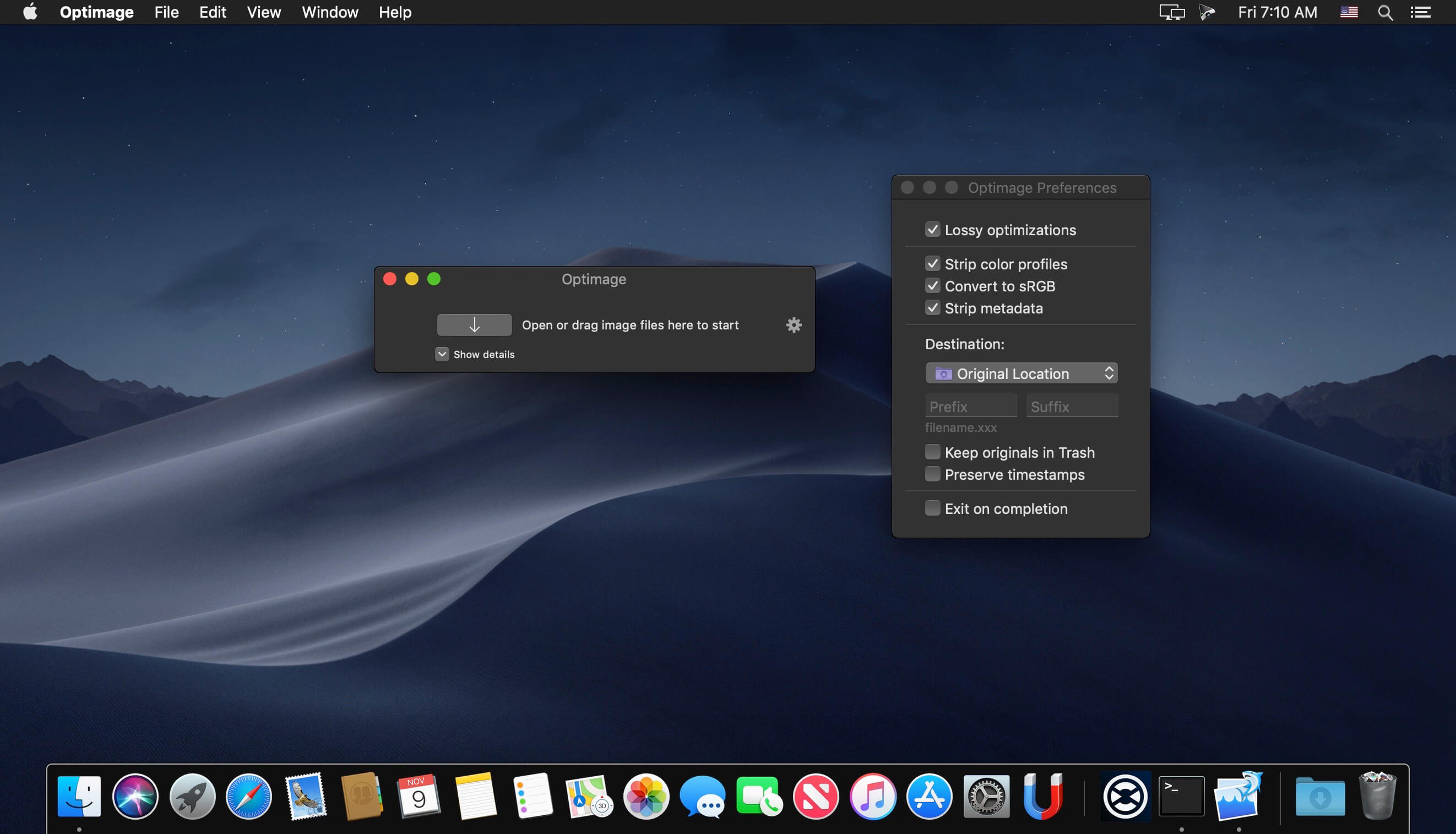
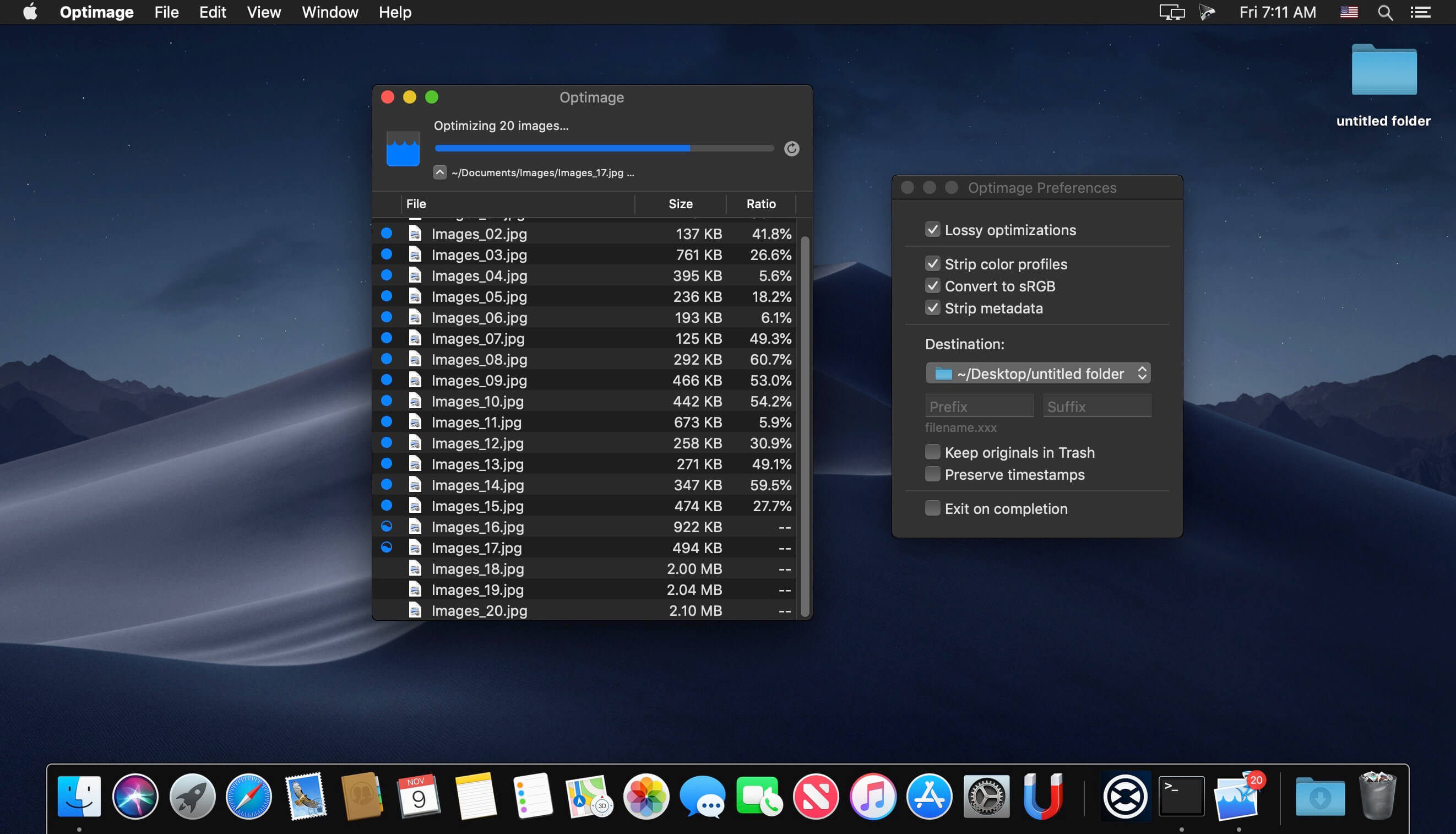
Optimage 3.4.2

Optimage is an advanced image-optimization tool to minimize images in a visually lossless way for websites, apps, storage, and sharing. It uses advanced metrics to automatically adjust image quality for up to 10x smaller image files that are visually perceived as originals. Maximum compression ratio is achieved by exhaustively trying various compression parameters and image-data structures, using novel and traditional heuristics.

Simple native GUI and universal CLI clients are built to work efficiently across many different platforms on desktops and servers.

Features:
Automatic image compression

  • Intelligent lossy and lossless image compression
  • Achieve consistent good quality with custom perceptual image quality metrics and improved encoders
  • Nearly optimal image compression, the highest lossless compression density among known compressors
  • Avoid double compression with smart no-reference image quality assessment
  • Intelligently convert 24-bit PNG images to much smaller 8-bit indexed color images with full alpha transparency using perceptual color quantization and adaptive dithering
  • Greatly reduce the size of full-color images using alternative near-lossless compression
  • Full color management with ICC profile support
  • Convert to sRGB for consistent color on the web and mobile
  • Automatic chroma subsampling and grayscale conversion
  • Securely remove personal information and hidden metadata (Exif, XMP, IPTC, GPS geotags, comments, thumbnails, etc) while preserving some useful metadata (Android 9-patches, aPNG, etc)
  • Automatically and losslessly rotate photographs based on Exif Orientation tag
  • Scale a video or animation and adjust the frame rate for optimal file size

Powerful image workflow

  • Set up batch processing to streamline the optimization of large numbers of images
  • Fast and autoscalable parallel processing on modern multicore systems
  • Full control over optimization process with pausing and automatic termination
  • Resize, convert and rename images in batch mode
  • High-quality image scaling in 128 bits-per-pixel linear light using Lanczos resampling
  • Configurable file renaming and destination folder, absolute or relative
  • Export optimized files to a chosen folder preserving subfolder structure
  • Copy or move files using drag-and-drop or clipboard
  • Overwrite or move originals to Trash to restore any time
  • Preserve file timestamps to keep your library in order
  • Fully native app available for Mac, Windows (coming later) and Linux (coming later)
  • Simple command line tool to integrate into your image workflow
  • Seamless integration with Finder and Sketch
  • Quickly share optimized images using extensions in the Share menu

Support for industry standards

  • Optimize all common image formats including JPEG, PNG, APNG, GIF, SVG, WebP, HEIC and PDF
  • Optimize most common video formats including MPEG-4, H.264, WebM, Ogg and AV1
  • Minify ICO Windows icons, or favicons, and ICNS Apple icons

High-quality format conversion

  • Convert all common image formats supported by your system including HEIC, JPEG2000, TIFF and RAW
  • Convert between animation and video formats including GIF, APNG, WebP, MP4, WebM, Ogg Theora, HEVC, AV1 and ProRes
  • Convert Apple’s new high efficiency image format HEIC to optimized JPEG, PNG or WebP for sharing
  • Convert a camera raw image to JPEG or WebP image optimized for sharing
  • Convert an animated GIF to efficient MP4, WebM or AV1 video using accurate dithering removal and color depth restoration
  • Create a high-quality animated GIF from MOV, MP4, WebM, Ogg or ProRes video using improved color quantization and error diffusion dithering
  • Avoid the color shift when converting an animated GIF, APNG or WebP to MP4 video
  • Easily create responsive images and thumbnails using high-quality scaling
  • Generate high-quality previews for PDF, PSD and AI documents

What’s New:

Version 3.4.2:

  • Fixed image scaling for macOS Catalina
  • Fixed TIFF to WebP conversion
  • Improved Preferences window positioning

Compatibility: OS X 10.9 or later, 64-bit processor
Homepage https://optimage.app/

Screenshots


Name: Optimage_3.4.2__TNT_Mactorrents.io.dmg
Size: 27.92 MB
Files Optimage_3.4.2__TNT_Mactorrents.io.dmg[27.92 MB]

   Download

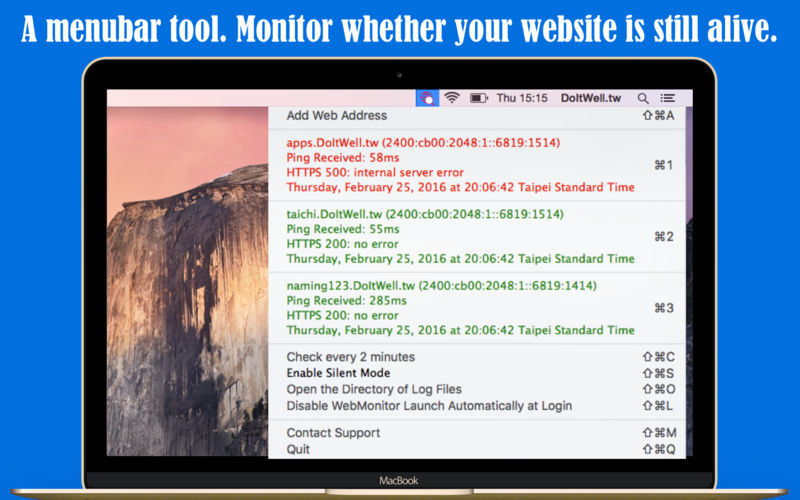
Simple WebMonitor 1.5.0

Simple WebMonitor – Monitor and watch whether your IPv4/IPv6 web sites are still alive
WebMonitor is a menubar tool to monitor whether your sites is still alive. WebMonitor will send PING6/PING/GET/POST requests to your target sites every two minutes. WebMonitor will push notification while something wrong is detected.

Major features

  • IPv6 Supported
  • Monitor your web sites every two minutes default. The checking frequency can be modified.
  • Push notification supported.
  • Silent Mode Supported: can disable notification for a period time.
  • Can launch automatically at login.
  • Logging supported. Easy review when was offline or online.
  • The menubar icon will be red if any website offline.
  • Two formats supported:
    1. Just domain name. (ex. www.myserver.com or apps.doitwell.tw, etc.)
    2. relative Url (ex. www.myserver.com/isalive.htm or apps.doitwell.tw/NextBus/)

What’s New:

Version 1.5.0

  • Adjust menu green color for the Dark mode.

Compatibility: OS X 10.10 or later, 64-bit processor
Homepage https://itunes.apple.com/app/simple-webmonitor/id1074602144

Screenshots


Name: Simple_WebMonitor_1.5.0_MAS__HCiSO_Mactorrents.io.dmg
Size: 6.55 MB
Files Simple_WebMonitor_1.5.0_MAS__HCiSO_Mactorrents.io.dmg[6.55 MB]

   Download

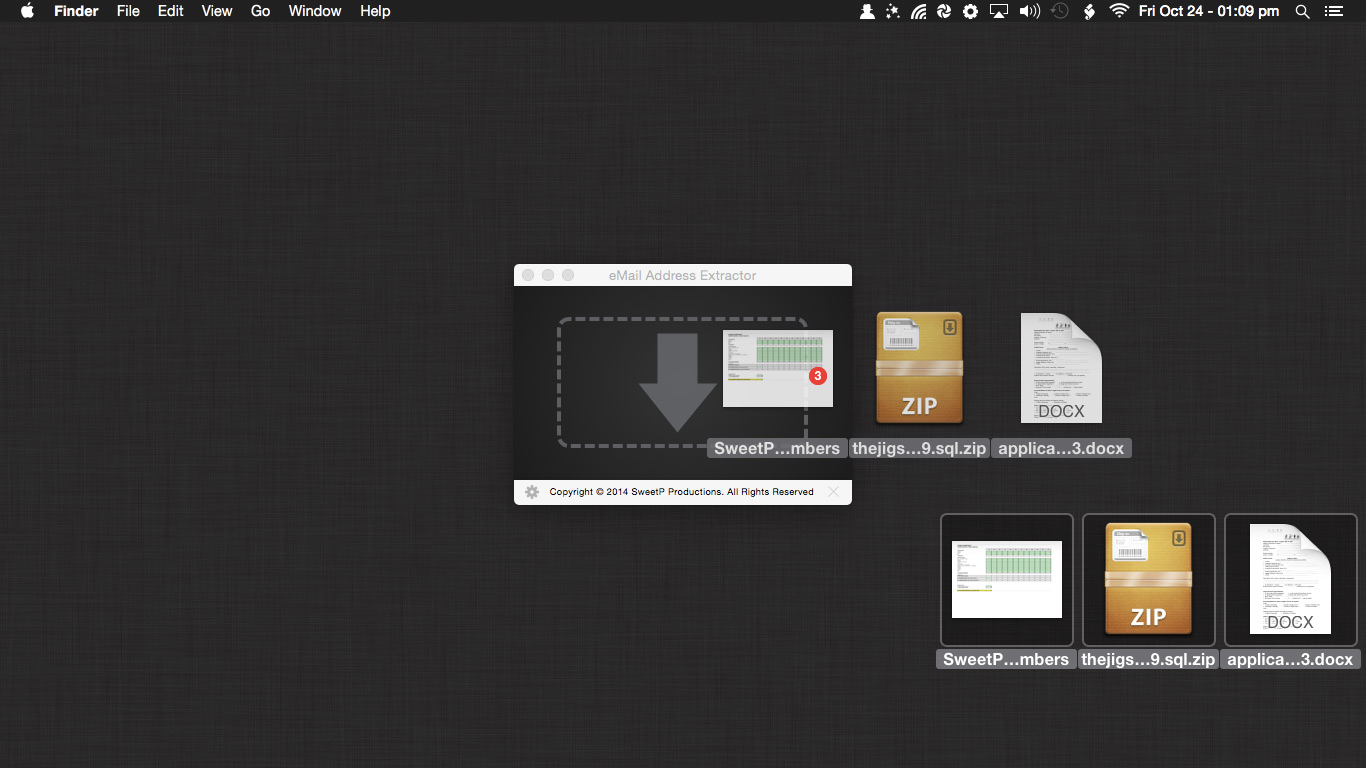
eMail Address Extractor 3.5.7

eMail Address Extractor is highly intuitive, just select your output file format, then Drop data files or entire directories onto the hand drop-zone to quickly produce a non-duplicate list of all valid email addresses.

Easily extract addresses from websites, your entire Apple Mail database, selected Mail.app folders, iWork projects (Pages, Keynote, Numbers), Microsoft Office (docx, xlsx). You can even scans within zip archives! so there’s no need to extract your archived databases and documents.

eMail Address Extractor is great for:

  • creating personal and business mailing lists
  • processing SQLite databases
  • scanning multiple documents at one time
  • removing duplicate adresses from mailing lists
  • merging lists
  • getting contact details from websites

Files can be processed:

  • via the menubar
  • drag and drop

Configuration to streamline your workflow:

  • less false positives
  • add flies types to an ignore list (speed up your workflow by not needing to manually sort through valid file types)
  • ignore email addresses containing strings (mailer-daemon, noreply addresses for example)
  • option to also scan the contents of emails (not just the headers)
  • output results to CSV or TXT file
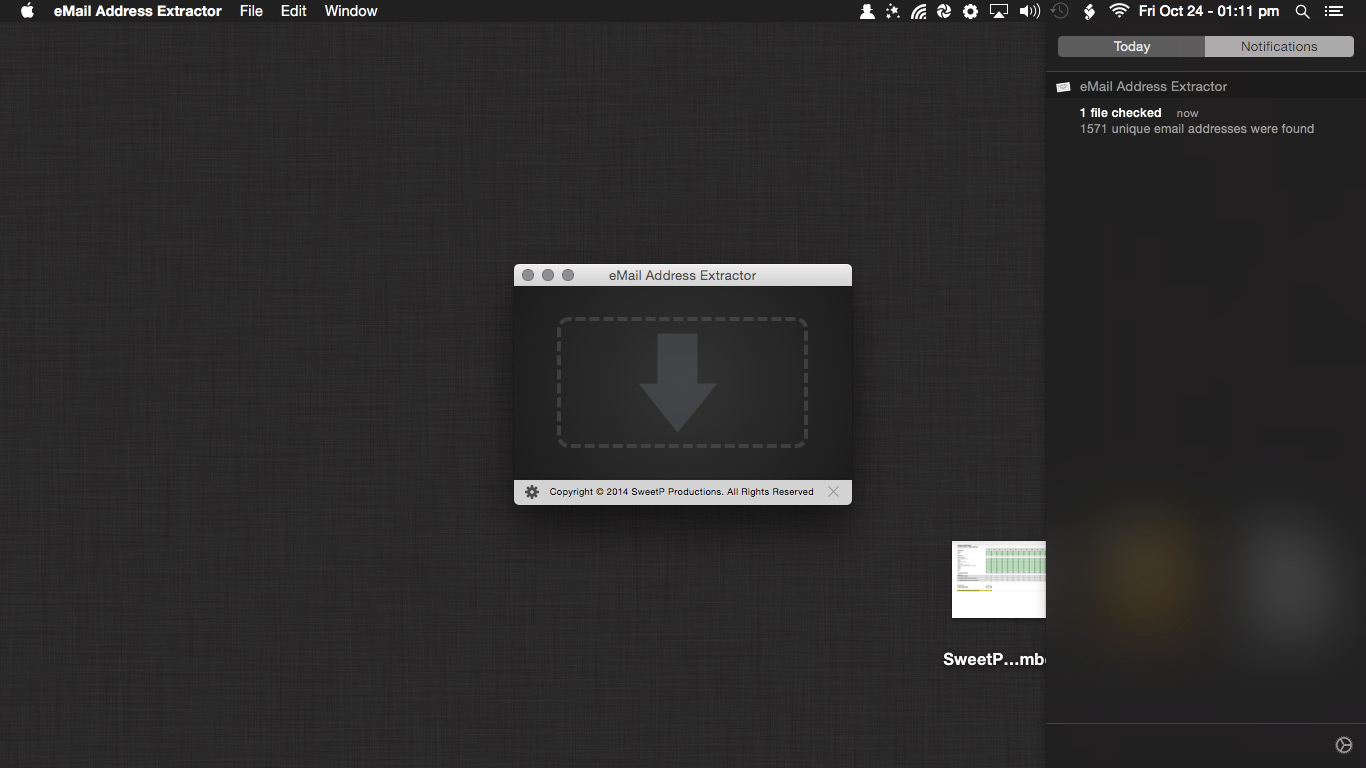
  • notifications when tasks have been completed

What’s New:

Version 3.5:

  • Apple Silicon native support
  • Big Sur style
  • small ui tweaks

Compatibility: macOS 10.12 or later 64-bit
Homepage https://sweetpproductions.com/

Screenshots


Name: eMail_Address_Extractor_3.5.7__TNT_Mactorrents.io.dmg
Size: 10.8 MB
Files eMail_Address_Extractor_3.5.7__TNT_Mactorrents.io.dmg[10.8 MB]

   Download

Typeface 3.0.1

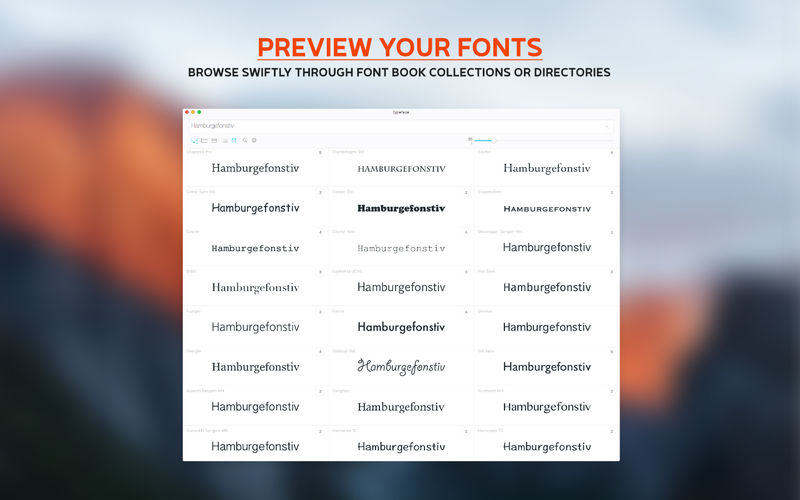
Typeface is a beautiful font manager that helps you pick the perfect font for your designs. Effortlessly organize your library with flexible tags and improve your design workflow by visually browsing through live font previews.

Good typography is one of the most important aspects of design, but finding the font that conveys just the right emotion can be a difficult task—especially if you’re not sure yet what you’re looking for. With a minimal interface and total focus on your fonts Typeface makes choosing fonts fun and easy.

FOCUS ON YOUR FONTS

  • Perfectly rendered previews
  • Live customization of preview text & size
  • Intuitive & minimal UI that doesn’t distract
  • Light & Dark theme for day and night

IN-DEPTH ORGANIZATION

  • Easy to use & flexible tagging system (combine, subtract, invert & nest)
  • Powerful search & filters (weight, width, x-height, figure styles, OpenType feature support, variable fonts, color fonts, file types, manufacturer and more)
  • Smart sidebar (auto collapse, tag highlight, drag & drop)
  • In-place font activation & deactivation [PRO]

IMPROVE YOUR WORKFLOW

  • Collect font candidates using the Quick Collection
  • Review & refine your selection
  • Export a PDF to share with colleagues and clients
  • Store the selection by attaching tags

REVEAL EVERY DETAIL

  • View unicode character support [PRO]
  • Preview full body text layouts [PRO]
  • Inspect OpenType font features [PRO]
  • Get detailed font info

AND MUCH MORE

  • 2000+ free fonts from the Google Fonts catalog
  • Support for ttf, otf, dfont, ttc, woff and PostScript Type 1 font suitcase
  • Auto synchronization of imported directories [PRO]
  • Temporary font activation [PRO]
  • Group fonts by family
  • Filter fonts by characters
  • Auto font style classification
  • Adjust letter s p a c i n g
  • Left/right/center alignment
  • Metrics overlay
  • Advanced OpenType support [PRO]
  • Variable fonts tuning [PRO]
  • Import Font Book collections
  • Dynamic previews
  • Export & Import tags
  • Convenient keyboard shortcuts
  • Import Adobe fonts
  • Auto activation [PRO]
  • Tagged and Untagged meta-tags
  • Background mode
  • Font context info [PRO]
  • Quick multi tagging [PRO]
  • Compare fonts using A/B font overlays

TYPEFACE PRO
The Typeface free download provides limited functionality to try out the app. Get PRO to unlock all these features:

  • Persistent & temporary font activation
  • Font characters overview
  • Body text layout previews
  • OpenType feature inspection
  • Temporary font activation
  • Variable fonts tuning
  • Quick tagging
  • Advanced filters
  • Font context info
  • Import font files and directories

What’s New:

Version 3.0.1
Fixed in 3.0.1:

  • Correctly sync imported locations when the case of its path has changed
  • Typo in preferences — Improted is not a word
  • Prevent crash when previewing variable font that has a variable without a range
  • Rename tags that start with a leading ! that’s not allowed anymore!
  • Correctly show Google sync state in Preferences
  • Improved recognition of current macOS theme when it’s set to auto switch
  • Make sure in-app purchase window and feedback window use app theme
  • Prevent clipping of ‘Purchase’ button on Mac App Store license view

TEXT LAYOUTS

  • Added new ‘Text’ detail page to preview body text
  • Multiple templates to preview how a font looks in different layouts: book, columns, magazine, quote
  • Create your own custom layout templates

OPENTYPE FEATURES

  • Added Typography main menu item which allows you to toggle OpenType features for all previews
  • Ligatures, Oldstyle/Tabular Figures, Alternates, Fractions and more
  • Inspect OpenType feature support on the new ‘Features’ detail page

VARIABLE FONTS

  • Added new ‘Variables’ detail page for variable fonts
  • Fixed: Correctly paint missing glyphs in variable font previews

QUICK TAGGING

  • Quickly add or remove multiple tags to/from fonts
  • Summon the panel on trackpads by tapping with three fingers, or using Force Touch
  • Choose Tags > Attach… from the context menu or Edit > Tags > Attach… from the main menu (Command-T)
  • Or drag fonts to the toolbar at the top of the window

ACTIVATION

  • Completely renewed Activation core: much faster activations
  • Temporarily activate fonts, which will be deactivated automatically when you close the app or restart your Mac
  • Activate or Deactivate tags
  • Added deactivation context menu option if both activation and deactivation is possible
  • Allow disabling of fonts located in the macOS font directories
  • Better messaging when conflicts are discovered or fonts cannot be activated

SEARCH

  • Added filters for x-height, number styles, layout features, variable/color/bitmap fonts, file types and more
  • Search for Manufacturer/Designer
  • Allow diacritic insensitive search for font names

INTERACTION

  • Added secondary action indicator in the bottom-right corner of a preview
  • Default click action can be changed by adjusting the Default Action setting in Preferences
  • Dragging and right click will now target collected fonts by default (change in Preferences)
  • Tweaked app colors, improved legibility of font names and activation bullet

IMPORTING

  • Completely renewed and more robust file management core: faster synchronization, better import logic
  • Remove fonts imported from macOS/Font Book
  • Import individual font files directly into the app
  • Drag and drop folders or files to tags in the sidebar from Finder
  • Move fonts directly to trash from inside the app
  • Fonts moved outside of imported directories are now removed from Typeface
  • Allow moving Google fonts to a custom location on your Mac
  • Don’t wait for background sync when removing imported location from sidebar
  • Prevent Typeface from repeatedly asking to connect to unavailable remote location
  • Added support for .mrf file extension
  • Support localized font names, useful for Japanese/Chinese fonts
  • Enable and disable external import locations

OTHER

  • Order fonts by import date
  • Show fonts in single column
  • Customize library tags in sidebar
  • Show inverted tag from context menu
  • New info context submenu contains info about a font
  • New Big Sur app icon
  • New empty/loading message icon
  • Locale-aware sorting of tags (special chars)
  • Drastically improved performance of selection, context menu and dragging many fonts
  • Tweaked tag fuzzy search algorithm
  • Reworked context menu

Compatibility: OS X 10.10 or later, 64-bit processor
Homepage https://typefaceapp.com/

Screenshots


Name: Typeface_3.0.1__TNT_Mactorrents.io.dmg
Size: 31.54 MB
Files Typeface_3.0.1__TNT_Mactorrents.io.dmg[31.54 MB]

   Download

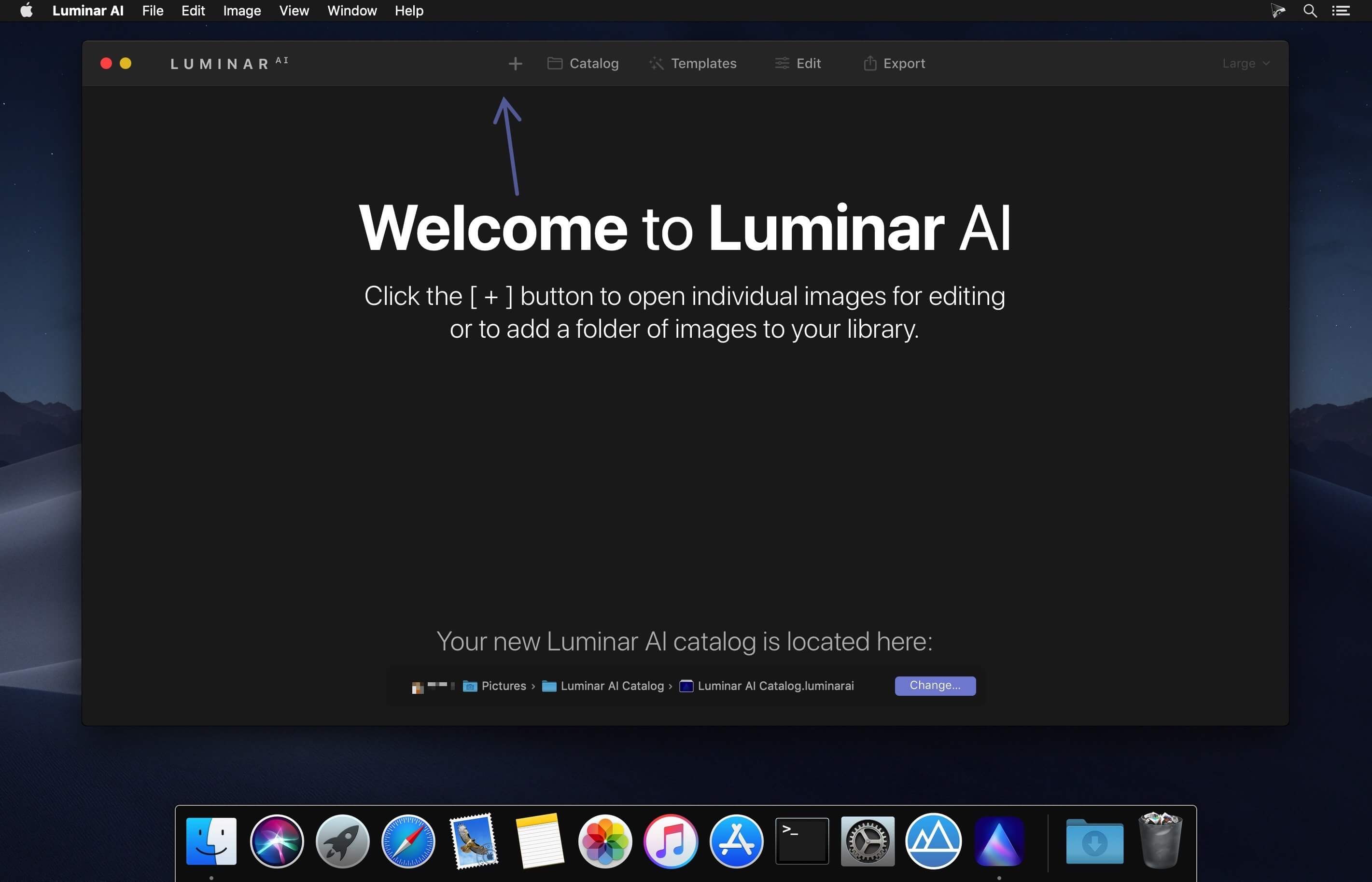
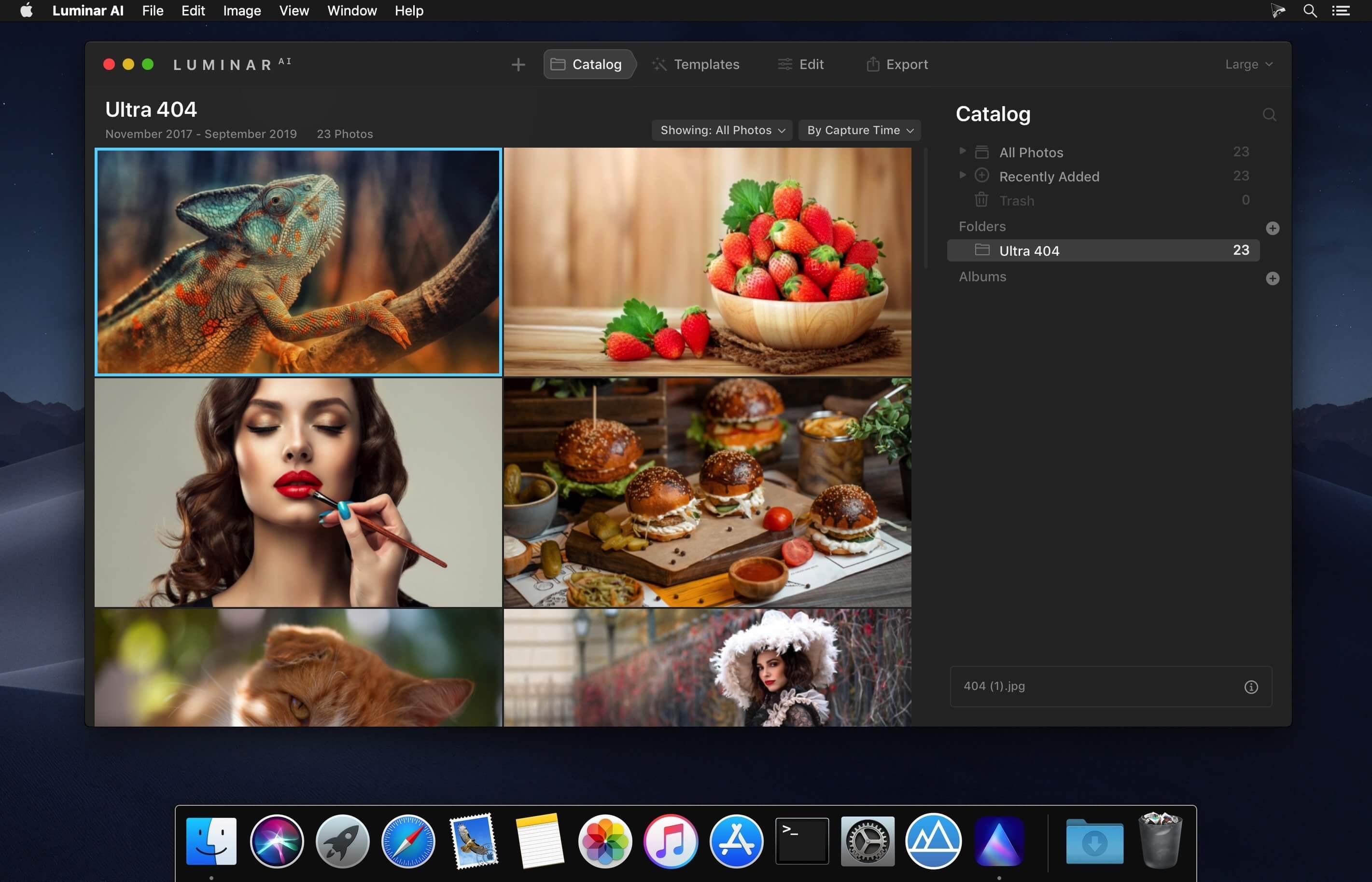
Luminar AI 1.3.0 (M1 version only)

AI photo editing. Awesome. Faster. The first image editor fully powered by artificial intelligence. With LuminarAI, creating striking photos is fun and surprisingly easy.

LuminarAI is a standalone photo editor and a plug-in for macOS

Luminar AI Templates

  • Luminar AI recognises the contents of a photo, suggesting the best ‘Templates’ to speed up the editing process. These edits can be applied and refined to perfection.

Portrait Photography

  • Body AI and Face AI – gently sculpt and refine a portrait
  • Iris AI – create eyes that are rich and expressive
  • Skin AI – remove blemishes and imperfections for more natural portrait photography

Landscape Photography

  • Atmosphere AI and Sky Enhancer – add depth and detail to skies in landscape photography
  • Golden Hour and Sunrays – bring warmth and enhance the sun in photos
  • Sky AI 2.0 – transform photos and add an all-new sky in seconds – also includes Water Reflections

Professional Finishing

  • Structure AI – enhance detail and texture
  • Composition AI – get the perfect crop and fix crooked images
  • Accent AI – get the perfect exposure and color

Compatibility: macOS 10.13.6 or later 64bit
Homepage https://skylum.com

Screenshots


Name: Luminar_AI_1.3.0.9133__ARM64_only_Mactorrents.io.dmg
Size: 1 GB
Files Luminar_AI_1.3.0.9133__ARM64_only_Mactorrents.io.dmg[1 GB]

   Download

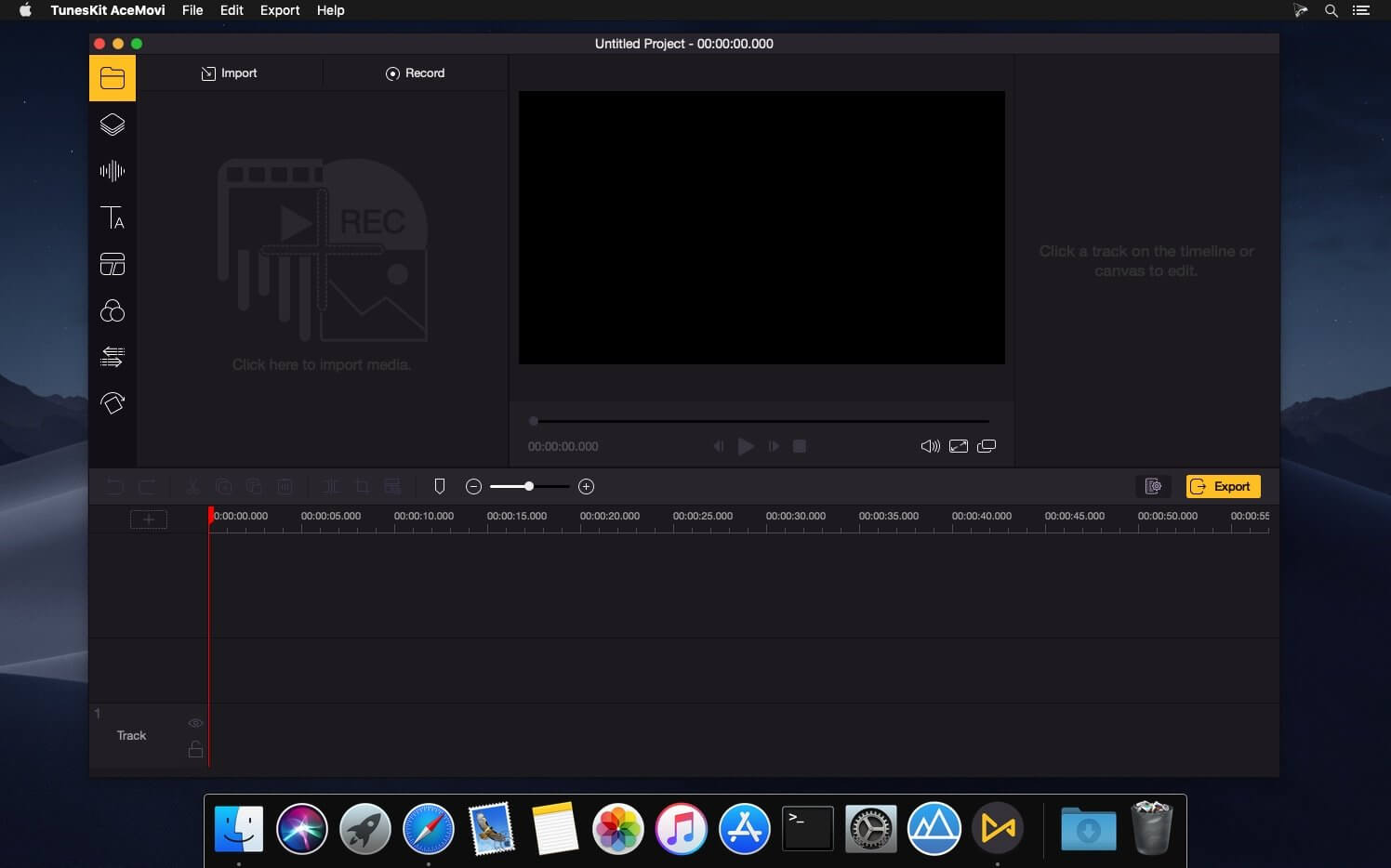
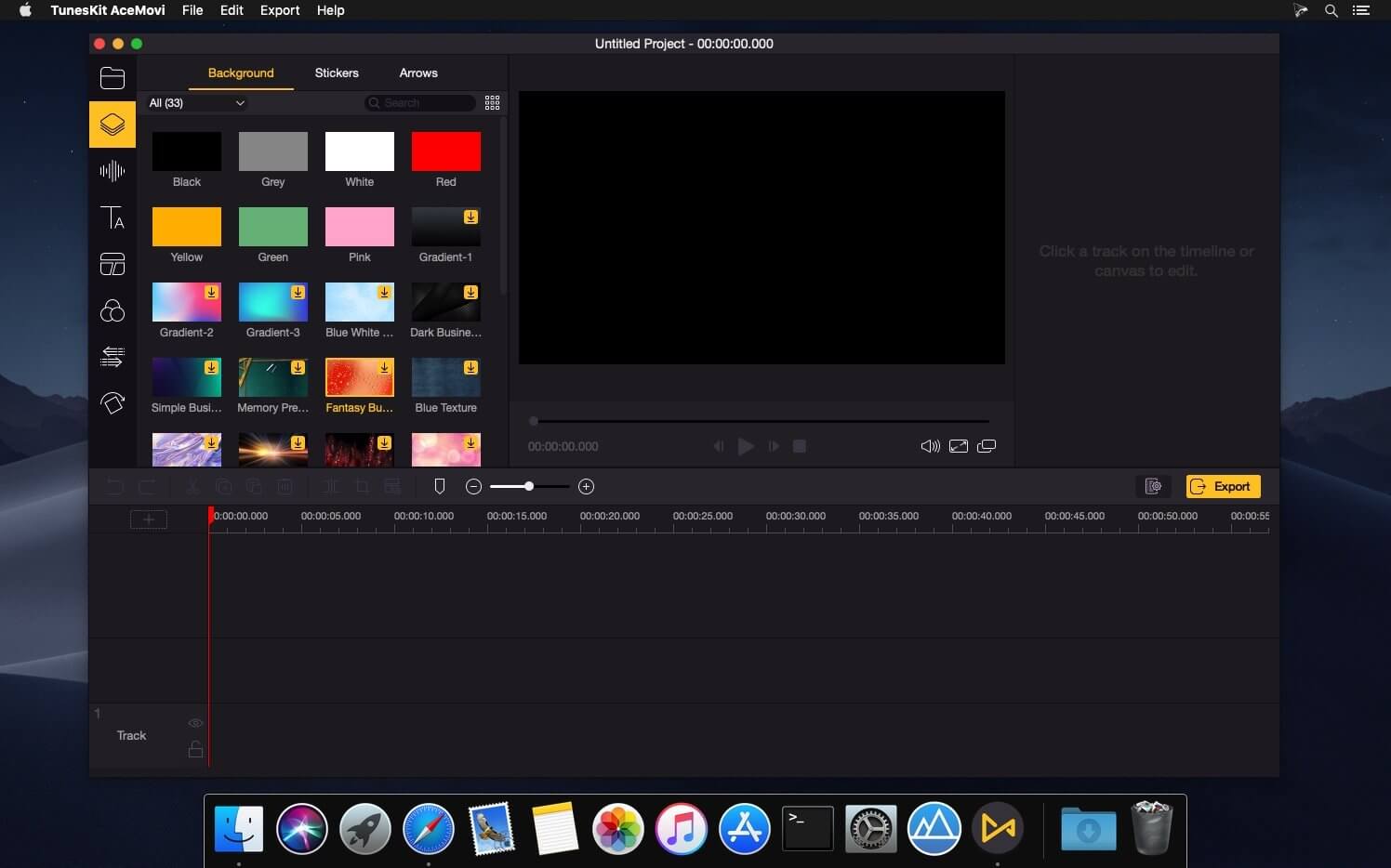
TunesKit AceMovi 3.5.0

TunesKit AceMovi Video Editor can stand out from numerous similar video editor apps in the market is mainly because of its simple and intuitive interface, as well as a variety of powerful features. With this software, you can easily create high-quality videos on Mac and Windows, no matter you’re a pro or just about to video editing field. You can simply record your screen or import your media, drop and drop text, music, transitions, and more effects, and then export and share your video. Done!

After everything is well-tailored, you can now save your video to the local computer or share your story online like YouTube, Vimeo, Facebook, etc. It supports various popular video formats and devices including MP4, M4V, MOV, MKV, MPG, 3GP, 3GP-2, OGV, iPhone, iPad, Apple TV, Galaxy series, Huawei, Xbox, PSP, LG TV, etc.

Compatibility: OS X 10.9 or later, 64bit
Homepage http://www.tuneskit.com

Screenshots


Name: TunesKit_AceMovi_3.5.0__TNT_Mactorrents.io.dmg
Size: 73.59 MB
Files TunesKit_AceMovi_3.5.0__TNT_Mactorrents.io.dmg[73.59 MB]

   Download

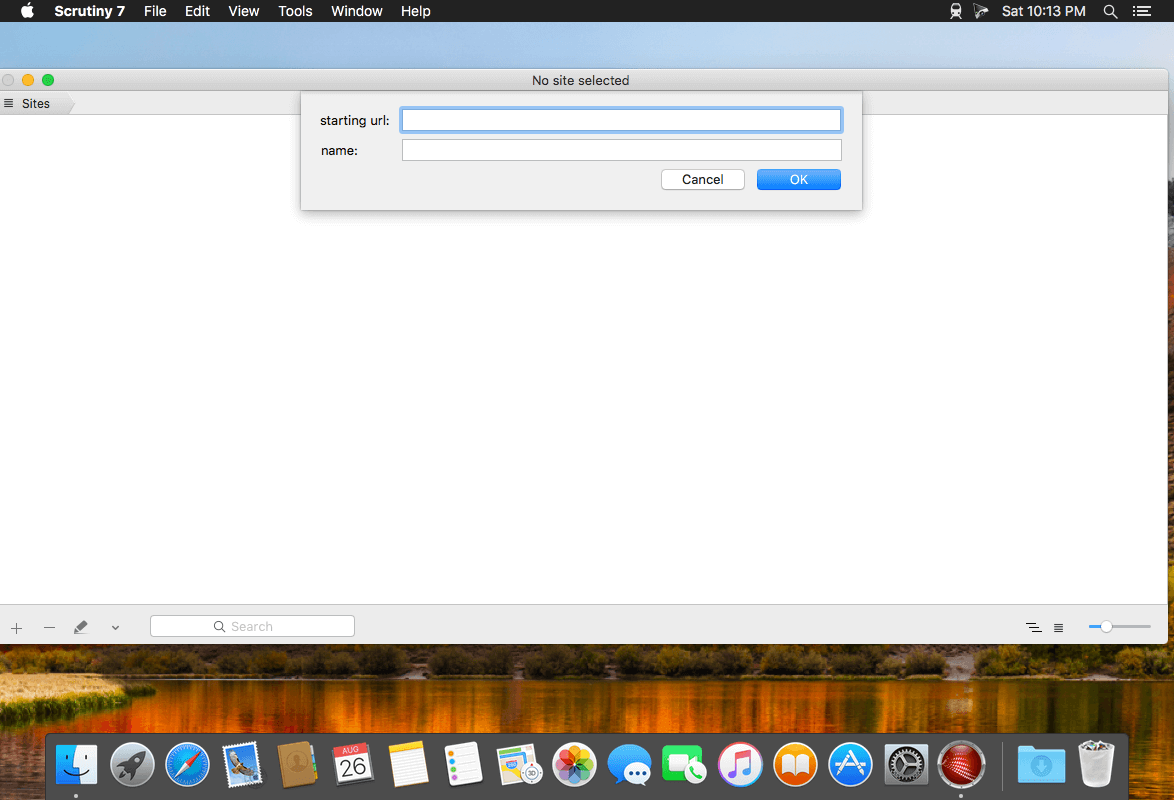
Scrutiny 10.3.11

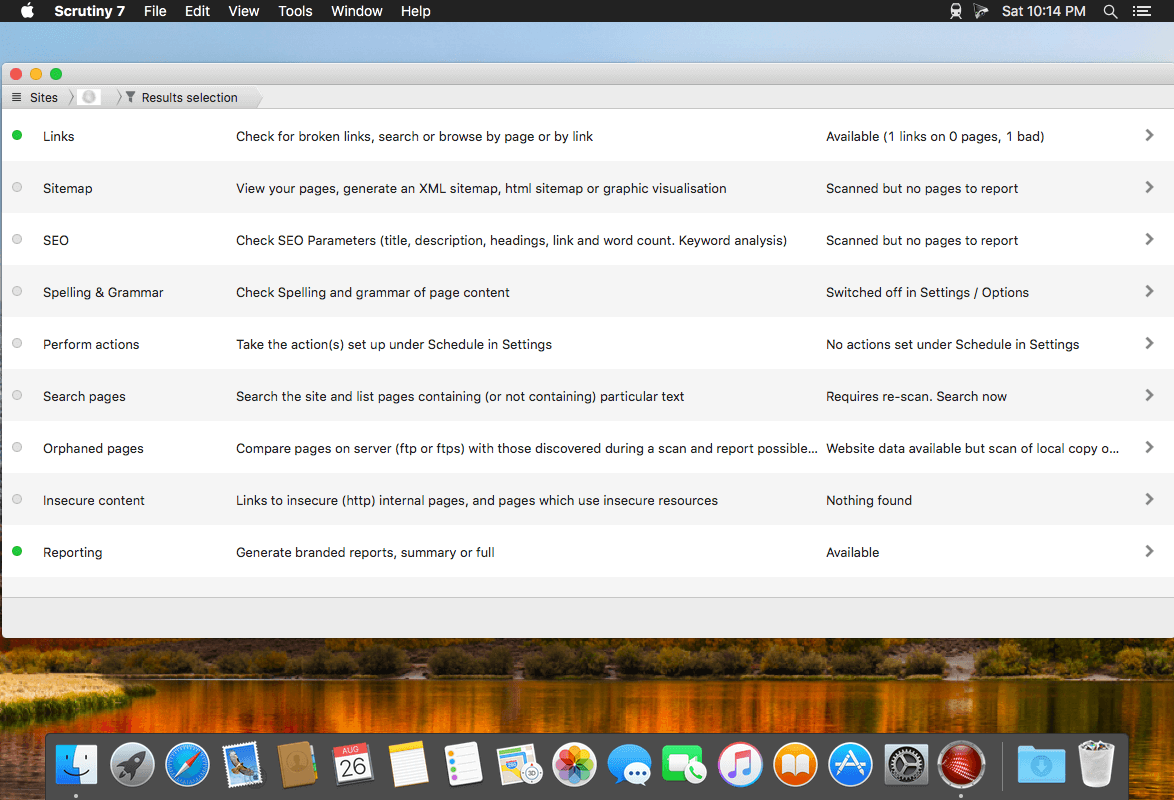
Scrutiny is a suite of web optimization tools including link checking, SEO checks, Sitemap generation, page load speed test, html validation. Version 9 is a major update and includes these new features.

Features

  • Link checker
  • SEO analysis
  • XML sitemap generation, optionally include images / PDF pages
  • Insecure / mixed content reporting
  • Page-load speed test
  • Spelling and grammar checking
  • Scans sites requiring authentication
  • Search your site (source or visible text) obtain a list of pages containing a search term or not containing a search term
  • Website monitoring of as many URL’s as you like with a choice of alerts and logging
  • Scheduling made easy with a few easy clicks
  • On finish, send an email, save a report, open a file or AppleScript, FTP the sitemap XML, and other actions
  • Opens and scans a list of links in HTML, CSV, plain text format, or XML sitemap

Compatibility: macOS 10.10 or later 64-bit
Homepage https://peacockmedia.software/mac/scrutiny/

Screenshots


Name: Scrutiny_10_10.3.11__TNT_Mactorrents.io.dmg
Size: 11 MB
Files Scrutiny_10_10.3.11__TNT_Mactorrents.io.dmg[11 MB]

   Download

macOS Catalina 10.15.4 (19E266)

Download macOS Catalina 10.15.4 (19E266)

gives you more of everything you love about Mac. Experience three all-new media apps: Apple Music, Apple TV, and Apple Podcasts. Locate a missing Mac with the new Find My app. And now coming to Mac, your favorite iPad apps. You can even extend your desktop using iPad as a second display. Now you can take everything you do above and beyond.

Features

Apple Music

  • Stream and download over 50 million songs with an Apple Music subscription.
  • Access the iTunes Store to purchase songs or albums.
  • Find all the music you’ve purchased, downloaded, or imported from CDs organized in the improved library.

Apple TV

  • Buy or rent the latest movie releases.
  • Subscribe to Apple TV channels to watch popular shows on demand and ad-free, online or off.
  • Start watching on one device and pick up where you left off on any of your other devices, including Apple TV, iPhone, iPad, and compatible smart TVs.

Apple Podcasts

  • Find podcasts by title, topic, guest, host, and content.
  • Subscribe to your favorite podcasts to receive the latest episodes automatically.
  • Begin listening to an episode on your Mac, then seamlessly resume on your iPhone, iPad, or Apple Watch when you’re on the go.

Syncing and backup

  • Sync content and back up, update, and restore software from the Finder when you connect your iPhone or iPad to your Mac.

App Store with Apple Arcade

  • Play 100 groundbreaking new games with one subscription — no ads or additional purchases.
  • Browse the latest games, personalized recommendations, and exclusive editorial content in the all-new Arcade tab on the App Store.
  • Enjoy games across iPhone, iPod touch, iPad, Mac, and Apple TV.

Mac Catalyst

  • Enjoy a new class of Mac apps built from your favorite iPad titles.

Sidecar

  • Expand your Mac workspace by using your iPad as a second display.
  • Place one app on each screen, or put your main canvas on your Mac and your tools and palettes on your iPad.
  • Use Apple Pencil for tablet input when using your favorite creative pro Mac apps.

Continuity Sketch and Markup

  • Create a sketch on your iPad or iPhone and insert it into any document on your Mac.
  • Use your iPad or iPhone to sign a PDF or mark up a screenshot on your Mac.

Accessibility

  • Control your Mac entirely with your voice using Voice Control.
  • Enable Hover Text to display large, high-resolution text in a dedicated window.
  • Zoom in closely on one screen when using two displays for improved legibility with Zoom Display.

Security

  • Feel secure knowing that the apps you use have been checked by Apple for known malware.
  • Authorize access to data when apps request it using new data protections.

Find My

  • Keep track of your devices and find friends and family with an easy-to-use new app.
  • Help locate devices even if they’re not connected to Wi-Fi or cellular.
  • Use Activation Lock to protect Mac models with the Apple T2 Security Chip.

Photos

  • Enjoy a new immersive, dynamic experience that showcases your best photos and memories.
  • View Memory Movies and edit their duration, mood, and title.

Safari

  • Browse using an updated start page that surfaces sites from your history, bookmarks, reading list, iCloud Tabs, and even links sent to you in Messages.
  • Help secure your accounts using strong passwords suggested by Safari.

Notes

  • View notes as visual thumbnails in gallery view.
  • Enjoy a more powerful search that recognizes text in items you’ve scanned and objects within images.
  • Share an entire folder of notes using shared folders.

Reminders

  • Use new edit buttons to add dates, locations, flags, attachments, and more to reminders.

Mail

  • Take control of your inbox by muting a thread, blocking a sender, or unsubscribing from a mailing list.

Screen Time

  • Gain insight into time spent using apps and websites and set usage limits.
  • Set up Family Sharing to use Screen Time with your family’s devices.

Installation Notes

Enabling the installation of third-party applications.

sudo spctl --master-disable

Creating a bootable flash drive

Where USB is your USB flash drive, in Mac OS Extended (Magazine) format of at least 8 Gb.

sudo /Applications/Install macOS 10.15 Beta.app/Contents/Resources/createinstallmedia --volume /Volumes/USB

Information

CompatibilityOS X 10.9 or later, 64-bit processor

Supports models

  • MacBook: Early 2015 or later
  • MacBook Air: Mid 2012 or later
  • MacBook Pro: Mid 2012 or later
  • Mac Mini: Late 2012 or later
  • iMac: Late 2012 or later
  • iMac Pro: 2017 and later (all models)
  • Mac Pro: Late 2013 or later
LanguagesMultilangual

What’s New in macOS Catalina 10.15.4 (19E266)

macOS Catalina 10.15.4 introduces iCloud Drive folder sharing, Screen Time communications limits, Apple Music time-synced lyrics view, and more. The update also improves the stability, reliability, and security of your Mac.

Finder

  • iCloud Drive folder sharing from Finder
  • Controls to limit access only to people you explicitly invite, or to grant access to anyone with the folder link
  • Permissions to choose who can make changes and upload files and who can only view and download files

Screen Time

  • Communication limits for controlling who your children can communicate with and be contacted by throughout the day and during downtime
  • Playback control of music videos for your children

Music

  • Time-synced lyrics view for Apple Music, including the ability to jump to your favorite part of a song by clicking a line in lyrics view

Safari

  • Option to import Chrome passwords into your iCloud Keychain for easy AutoFill of your passwords in Safari and across all your devices
  • Controls for duplicating a tab and for closing all tabs to the right of the current tab
  • HDR playback support on compatible computers for Netflix content

App Store with Apple Arcade

  • Universal Purchase support enables the use of a singular purchase of a participating app across iPhone, iPod touch, iPad, Mac, and Apple TV
  • Recently played Arcade games appear in the Arcade tab so you can continue playing on iPhone, iPod touch, iPad, Mac, and Apple TV

Pro Display XDR

  • Customized reference modes that you can tailor to specific workflow needs by selecting from several color gamut, white point, luminance, and transfer function options

Accessibility

  • Head pointer preference for moving a cursor on the screen based on the precise movements of your head

This update also includes bug fixes and other improvements.

  • High Dynamic Range output to HDR10-compatible third-party displays and TVs connected with DisplayPort or HDMI
  • OAuth authentication support with Outlook.com accounts for improved security
  • CalDav migration support when upgrading to iCloud reminders on a secondary device
  • Resolves an issue where text copied between apps may appear invisible when Dark Mode is active
  • Fixes an issue in Safari where a CAPTCHA tile may display incorrectly
  • Resolves an issue where Reminders may send notifications for completed reminders
  • Fixes an issue with screen brightness for the LG UltraFine 5K display after waking from sleep

Screenshots


Name macOS Catalina 10.15.4 19E266 UpdCombo mac-torrents.net.dmg
Size 4.74 GB
Created on 2020-03-25 22:53:10
Hash 443fd9ac5eda44e2e0d7edd30d13980b9cb9764e
Files macOS Catalina 10.15.4 19E266 UpdCombo mac-torrents.net.dmg (4.74 GB)

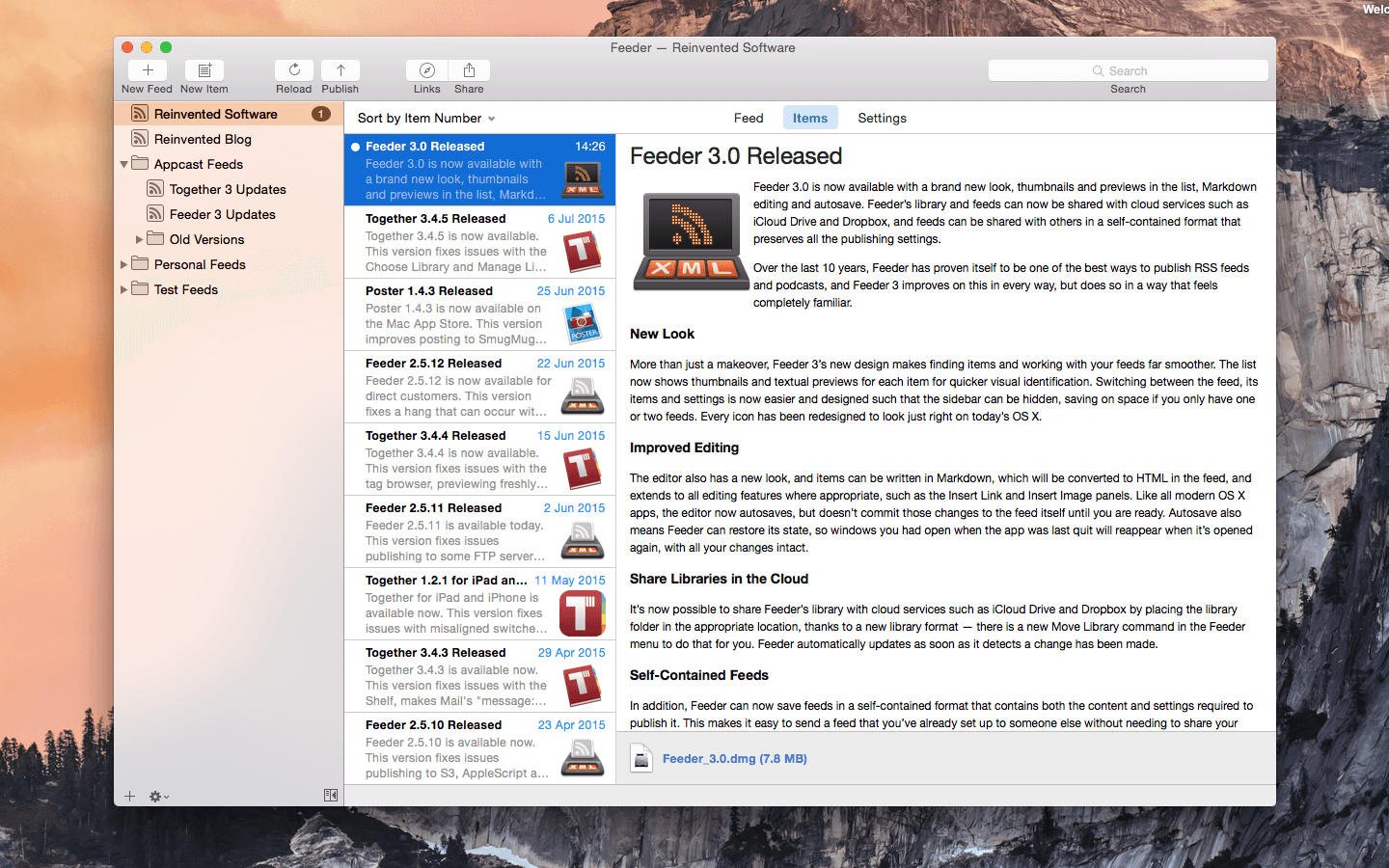
Keep It 1.10.7


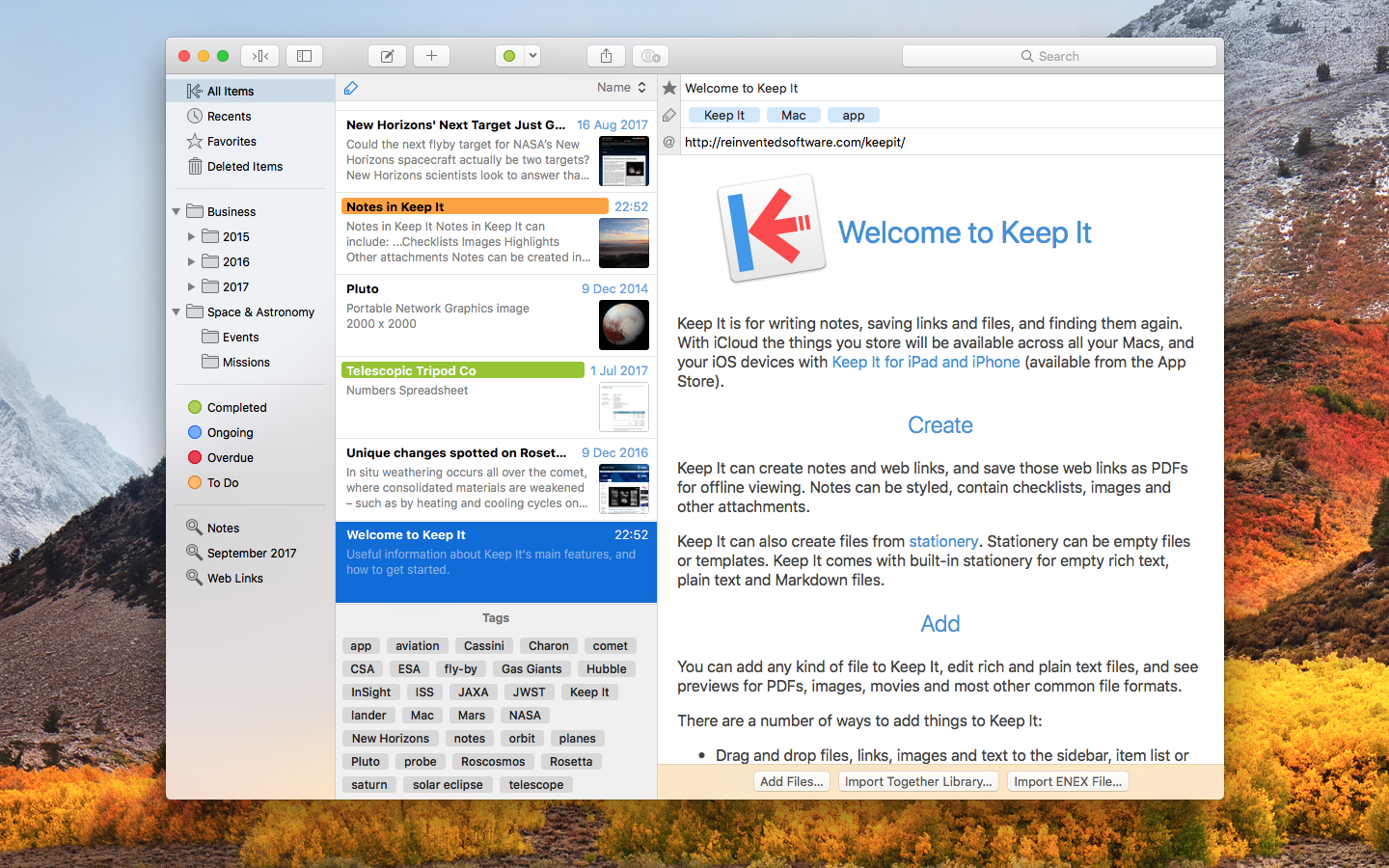
Keep It is for writing notes, keeping web links and documents, and finding them again. Available on Mac, and as a separate app for iPhone and iPad, Keep It is the destination for all those things you want to put somewhere, confident you will find them again later.

Notes and Links
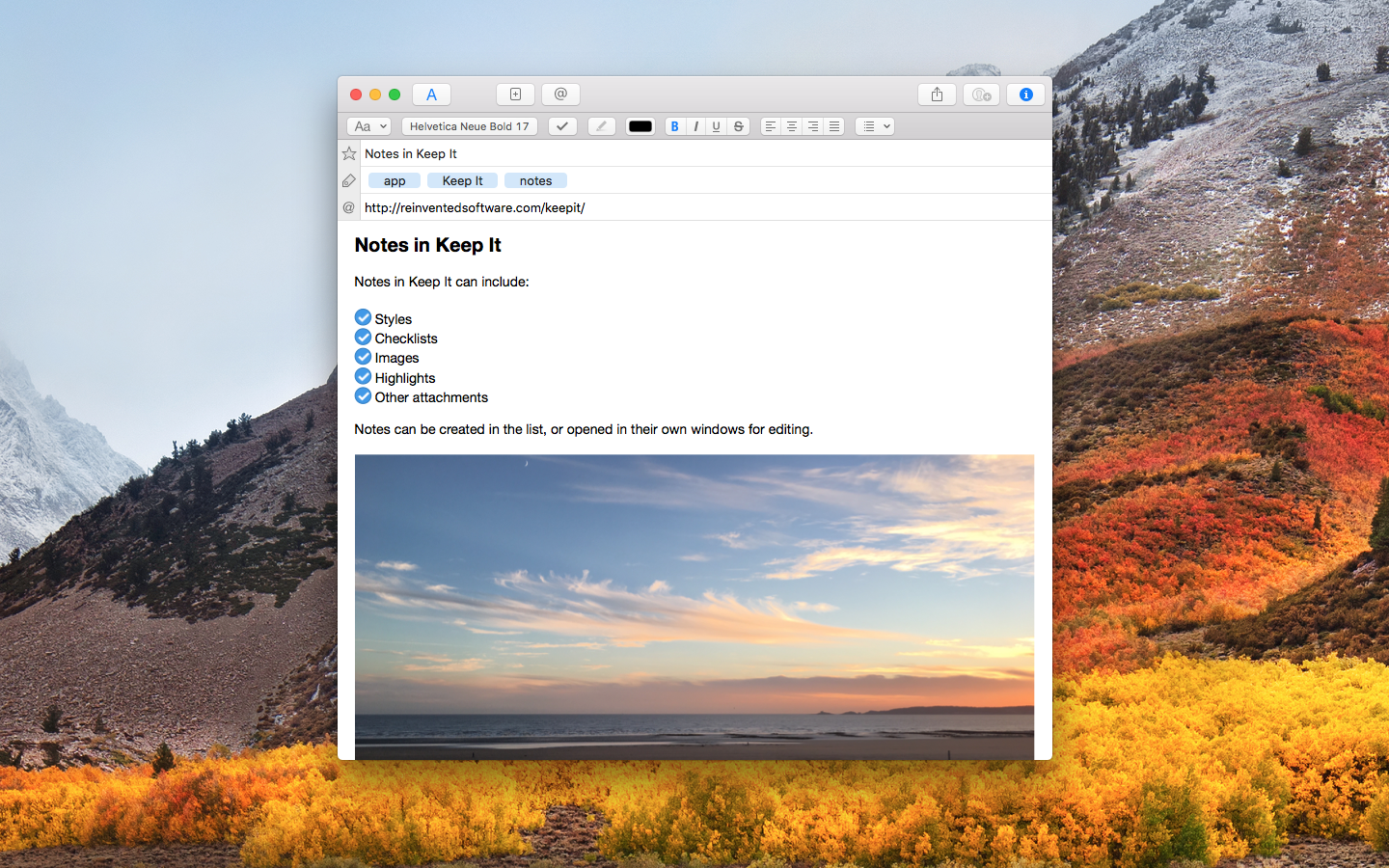
Make Notes
Create notes with built-in styles that look good and read well on all your devices. Notes can contain checklists, bulleted and numbered lists, images, links and other attachments.

Save Web Links
Save web links to Keep It, view them in the app, open them in your browser, or save them as PDFs for offline reading.

Files
Add Anything
Any kind of file can be added to Keep It or saved to its folders, and opened for editing in their original applications. With iCloud, changes are automatically made available across all your Macs and iOS devices.

Preview and Edit
Keep It generates thumbnails and summaries for most files, can edit its own notes, rich and plain text files, and show previews for PDFs, images, web pages and most other documents.

Search and Filter
Search
Keep It can search the content of most files. Suggestions appear as you type, allowing you to narrow down results to exactly what you need, or use keywords and natural language. Save searches for later reuse.

Tag Filter
Keep It’s Tag Filter makes finding things by their tags a pleasure. Choose a tag to see all the tagged items and any other relevant tags; choose another tag to drill down further.

Organize
Folders
Folders let you organize items and bundles hierarchically, when needed. Select a folder to see everything it contains.

Bundles
When you need to gather things into one place, make a bundle. Items can be in more than one bundle at a time, and when you remove the bundle, everything else stays where it was.

Labels
Use labels to color-code items for quick visual recognition. Labels are listed in the sidebar so you can quickly see everything with a particular label.

More Lists
Use the Recents list to see things you’ve added or viewed lately, with the latest shown at the top. Favorites provide quick access. Deleted Items are automatically removed after 30 days.

Where You Need It
Compact Mode
In compact mode, Keep It for Mac becomes a single column, ideal for using alongside other apps or in split screen.

Works with Other Apps
Pretty much anything can be dragged to Keep It, and you can also add things from a variety of apps with Keep It’s share extension.

Compatibility: macOS 10.13.0 or later
Homepage http://reinventedsoftware.com/keepit/

Screenshots


Name: Keep_It_1.10.7__TNT_Mactorrents.io.dmg
Size: 26 MB
Files Keep_It_1.10.7__TNT_Mactorrents.io.dmg[26 MB]

   Download

ReadKit 2.7.4

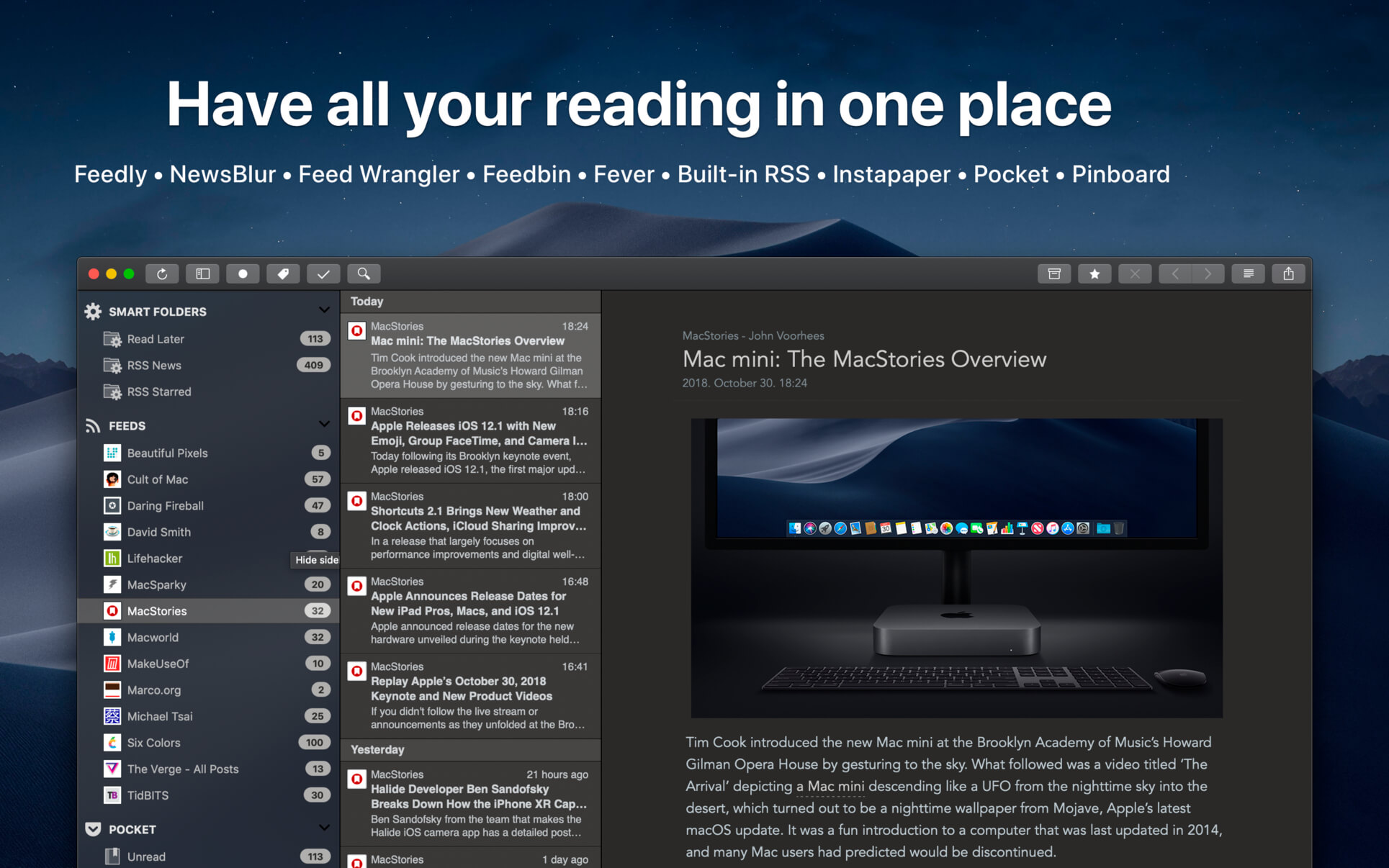
ReadKit is a full-featured read later and RSS client that supports services from Instapaper, Pocket, Pinboard, Feedly, Fever, NewsBlur, Feedbin and Feed Wrangler and has built-in RSS capabilities.

SUPPORTED SERVICES:

  • Feed services: Feedly, Fever, NewsBlur, Feedbin, Feed Wrangler and built-in RSS engine
  • Read later services: Instapaper and Pocket
  • Bookmark services: Pinboard

FEATURES:

  • Offline reading
  • Customizable interface: font style, face, alignment, height, line spacing and page width
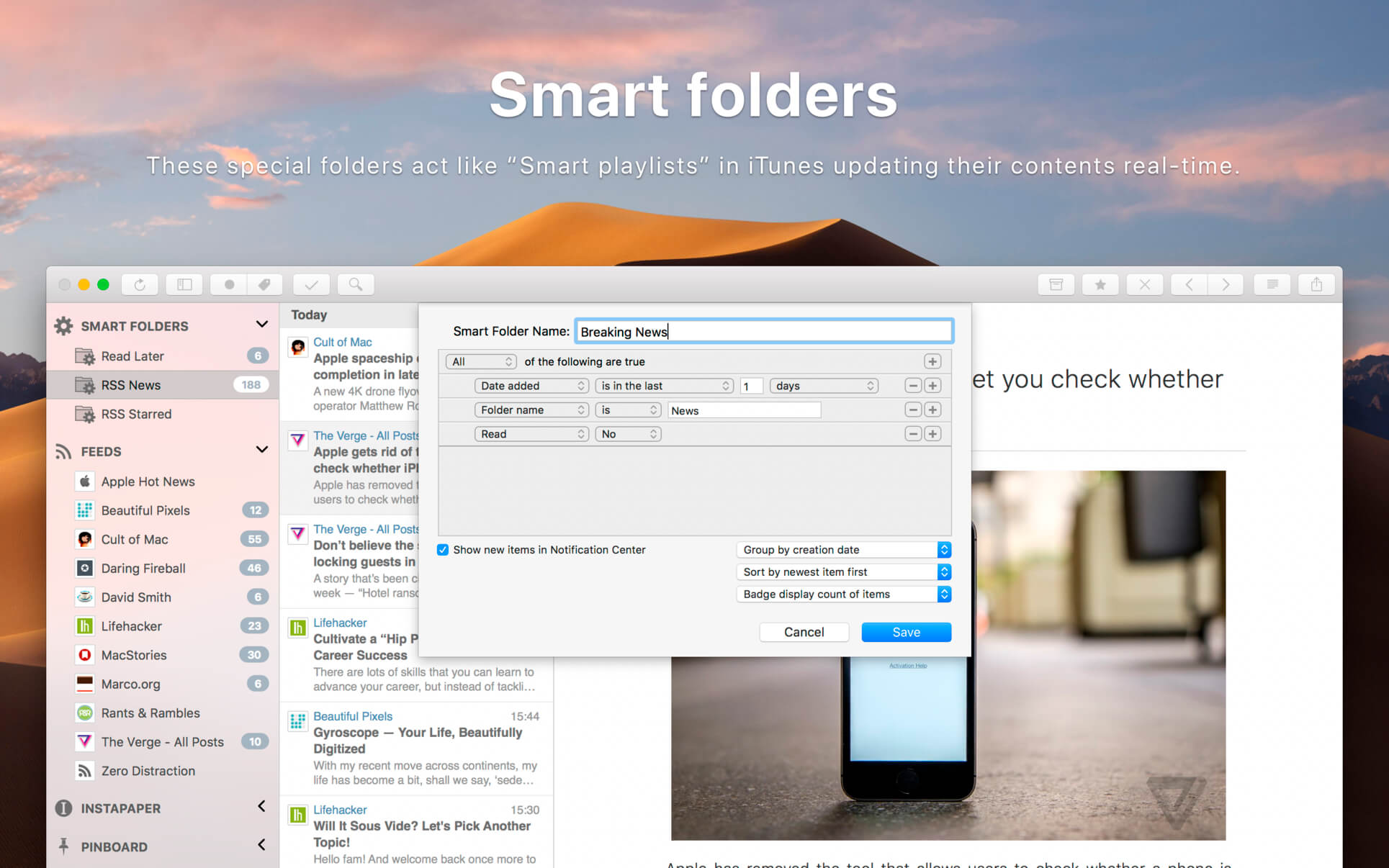
  • Smart folders: can be used as unified folders but are more useful for everyone. These special folders act like “Smart playlists” in iTunes updating their contents real-time.
  • Change between original and stripped down content with a click (provided by Mercury web parser)
  • In-app browser for viewing links and other references
  • The browser is capable to save links for offline viewing
  • Preference to open links either in ReadKit or in your default browser
  • Add, remove, move, archive and mark bookmarks as favorites
  • Full support for Pocket and Pinboard tags
  • Focus mode: reading without interface elements
  • macOS Notification Center support
  • Share bookmarks via Twitter, Facebook, Buffer, Email, iMessage or Evernote
  • Full support for high resolution Retina displays
  • Preference to display unread items in the dock
  • Customizable keyboard shortcuts
  • Syntax highlighting of code snippets
  • OPML import
  • Support for the Touch Bar on MacBook Pro

What’s New:

Version 2.7.4

  • Minor fixes and improvements

NEW IN 2.7:

  • Added support for macOS Big Sur.
  • Minor UI fixes and improvements.

Compatibility: OS X 10.11 or later, 64-bit processor
Mac App Store https://geo.itunes.apple.com/app/id588726889

Screenshots


Name: ReadKit_2.7.4__HCiSO_Mactorrents.io.dmg
Size: 6.28 MB
Files ReadKit_2.7.4__HCiSO_Mactorrents.io.dmg[6.28 MB]

   Download

Cardhop 2.0.1


Until now, managing and interacting with your contacts has been a real frustration. Cardhop’s magical parsing engine is incredibly intuitive, letting you search, add, edit, and interact with your contacts using a simple sentence!

FEATURES

  • A beautiful and simple menu bar app, designed exclusively for macOS
  • Instantly works with your existing macOS contacts, nothing to configure
  • Groups: quickly toggle contact groups with a click
  • Notes: a convenient and powerful way to add notes to your contacts, helping you to strengthen your relationships
  • Recents: quickly interact with your recent contacts
  • Birthdays: instantly see upcoming birthdays and easily send a wish on their special day
  • iPhone and Bluetooth dialing
  • macOS Action Extension
  • Dark and light themes
  • And much, much more!

POWERFUL ACTIONS

  • Quickly interact with your contacts with the following actions: Call, Copy, Directions, Email, FaceTime, FaceTime Audio, Large Type, Message, Skype, Telegram, Twitter, URL, and VoIP
  • Simply enter an action or abbreviation (which you’ll find in the Help Book by entering “?” or “help”) followed by your contact’s name and Cardhop will handle the rest
  • Even better, some actions are flexible. For example, you can add a subject to an email by entering “email Kent Lunch tomorrow?” and the email including the subject will instantly appear, ready to go!
  • Customizable quick actions are also available per contact, allowing for single-click actions

What’s New:

Version 2.0.1:

  • Added options for sibling, stepparent, and stepchild as relationships
  • Improved efficiency of widget updates
  • Fixed an issue where contacts with no year for their birthday would appear as 1 year old
  • Various fixes and improvements

Compatibility: OS X 10.11 or later, 64-bit processor
Homepage https://flexibits.com/cardhop

Screenshots


Name: Cardhop_2.0.1__TNT_Mactorrents.io.dmg
Size: 26.55 MB
Files Cardhop_2.0.1__TNT_Mactorrents.io.dmg[26.55 MB]

   Download

Ulysses 22.1

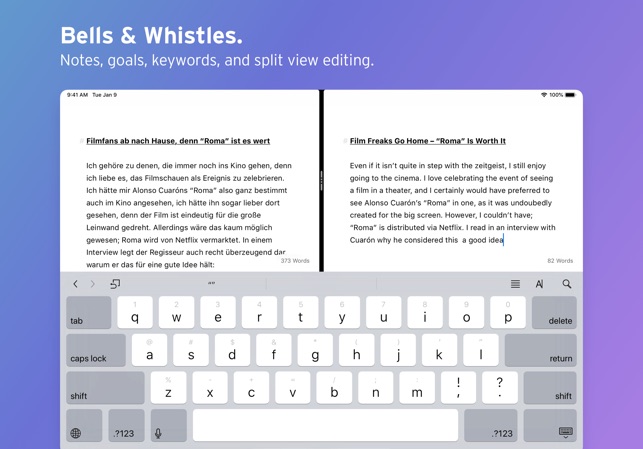
Ulysses is your one-stop writing environment for Mac, iPhone and iPad. Its pleasant, focused writing experience, combined with effective document management, seamless sync, and flexible export, make Ulysses the first choice for writers of all kinds.

A Text Production Powerhouse
Ulysses’ markup-based, distraction-free editor lets you focus on your most important task: Write, edit, and write some more. Formatting is kept for later, so you can completely immerse yourself in the text. Ulysses’ uniquely streamlined toolset covers the entire writing process, and its clean and simple interface will boost your productivity. From first to final draft, from prologue to closing chapter – Ulysses keeps you in the flow, so you can get stuff done.

All Your Texts, All the Time
Everything you’ll ever write is stored in Ulysses’ unified library. You can manage projects of all kinds and sizes, be it novels, diaries or study notes – they are always saved, and automatically in sync. And since Ulysses offers feature parity across macOS and iOS, it doesn’t matter where you are or when inspiration hits: All its tools, and all your texts, are always at your fingertips.

Create eBooks, DOCX, PDFs and HTML
Ulysses’ export is flexible enough to cover any writer’s needs: Transform your text into beautiful PDFs, Word documents or eBooks. Or export HTML code, ready to be used anywhere on the web. You can even choose between a variety of pre-made formatting styles for all kinds of purposes, or create your own and share it with other users.

Publish to WordPress, Ghost & Medium
Do you blog? Ulysses’ offers best-in-class publishing to WordPress, Ghost, and Medium. You can post to WordPress and Ghost from right within the app – complete with images, tags, categories etc. Publishing to Medium works just as easy, and all three offer a built-in preview to proof-read before submission.

What’s New:

Version 22
The “Blogger’s Delight” Release
New:

  • There is a new publishing integration: You can now upload posts to your Micro.blog account from within Ulysses.
  • WordPress publishing gained the option to update previously published posts.
  • You can now display headings in the editor in a larger size.
  • The new default theme D22 demonstrates this new setting and lets you easily distinguish your headings.
  • You can now color-customize your group icons.
  • We revamped the look & feel of several panels, e.g., you can now type to filter in the markup and the navigation panel.

Changes, Improvements & Fixes:

  • We changed the following shortcuts: ⌘9 now opens the markup panel, ⇧⌘D takes you to Favorites.
  • Added the system font “New York” to font selection.
  • The Quick Export panel now closes automatically after export has finished.
  • Typewriter Mode was reworked to fit better with large images and headings.
  • The WordPress preview was updated to the new Twenty Twenty-One theme.
  • Improved the compatibility with gallery plugins under WordPress 5.
  • When publishing HTML posts to WordPress, the syntax for code blocks is now set correctly.
  • Improved performance when switching between Ulysses and other apps.
  • Improved VoiceOver support in various parts of the app.
  • Fixed a couple of bugs that could cause display errors when editing block quotes or bookmarks.
  • Numerous small bug fixes and improvements.

Languages: English, French, German, Italian, Japanese, Simplified Chinese, Spanish

Compatibility: OS X 10.10.0 or later
Homepage https://itunes.apple.com/us/app/ulysses/id623795237

Screenshots


Name: Ulysses_22.1_MAS__HCiSO_Mactorrents.io.dmg
Size: 28.09 MB
Files Ulysses_22.1_MAS__HCiSO_Mactorrents.io.dmg[28.09 MB]

   Download

Sketch 72.3

Sketch: graphic design for a digital world. Powerful tools and an elegant interface, in a single award-winning package. Because making beautiful things should be a joy, not a burden.

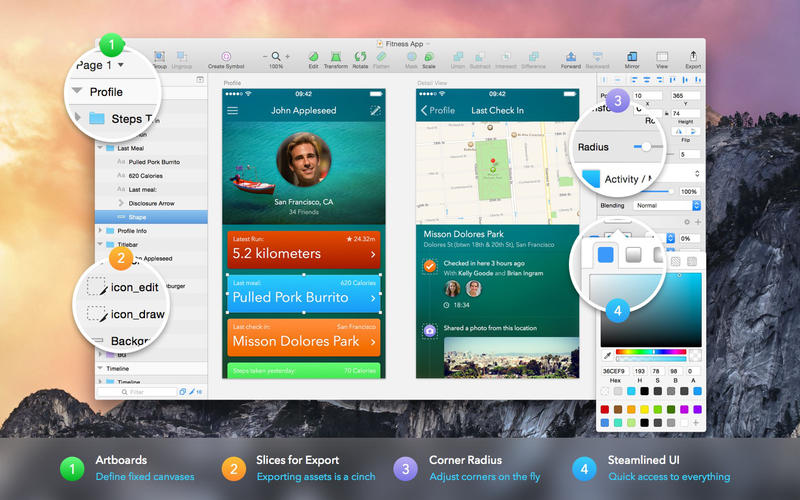
Sketch supports multiple fills, borders and shadows per layer; has powerful non-destructive boolean operations; smart pixel alignment; and makes exporting a breeze with automatic slicing and multiple resolution export.

Vector tools and basic shapes are the foundation; whether you are designing icons, websites, interfaces or anything else. Combine these into complex shapes with non-destructive boolean operations, leaving you free to edit them in the future, then apply advanced layer style options like multiple shadows, fills, gradients, noise, blending, background blurring, and more.

Sketch doesn’t just do shapes, of course. Imported images can be rotated, scaled, cropped and masked. The best-in-class text tool lets you add beautiful typography to your designs, using native font rendering, so you can be sure that text always looks 100% accurate!

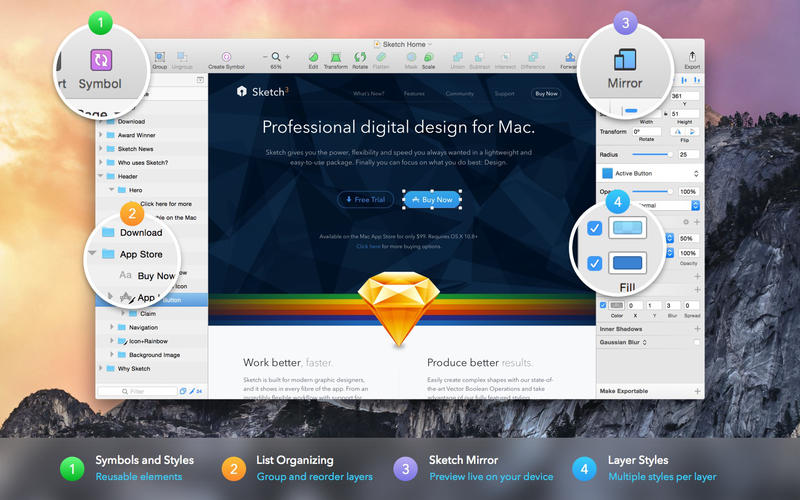
Brand new to Sketch 3, Symbols allow you to reuse entire groups of content in multiple places in your design. Think of interface elements such as buttons, headers and footers. Change them once, and they update everywhere in your document.

Built for the Mac, Sketch supports OS X’s Versions and Auto Save, letting you focus on your work instead of hitting CMD+S. Keep your work safely in sync across multiple Mac computers with iCloud. And take Sketch full screen to maximise the size of your canvas.

All this power is deliciously baked into Sketch’s single-window interface. Everything is there, tucked away until you need it. A simple interface with powerful tools.

Compatibility: macOS 10.14.4 or later 64 bit
Homepage https://www.sketch.com/updates/

Screenshots


Name: Sketch_72.3__TNT_Mactorrents.io.dmg
Size: 71.32 MB
Files Sketch_72.3__TNT_Mactorrents.io.dmg[71.32 MB]

   Download

GrandTotal 7.0.7.6

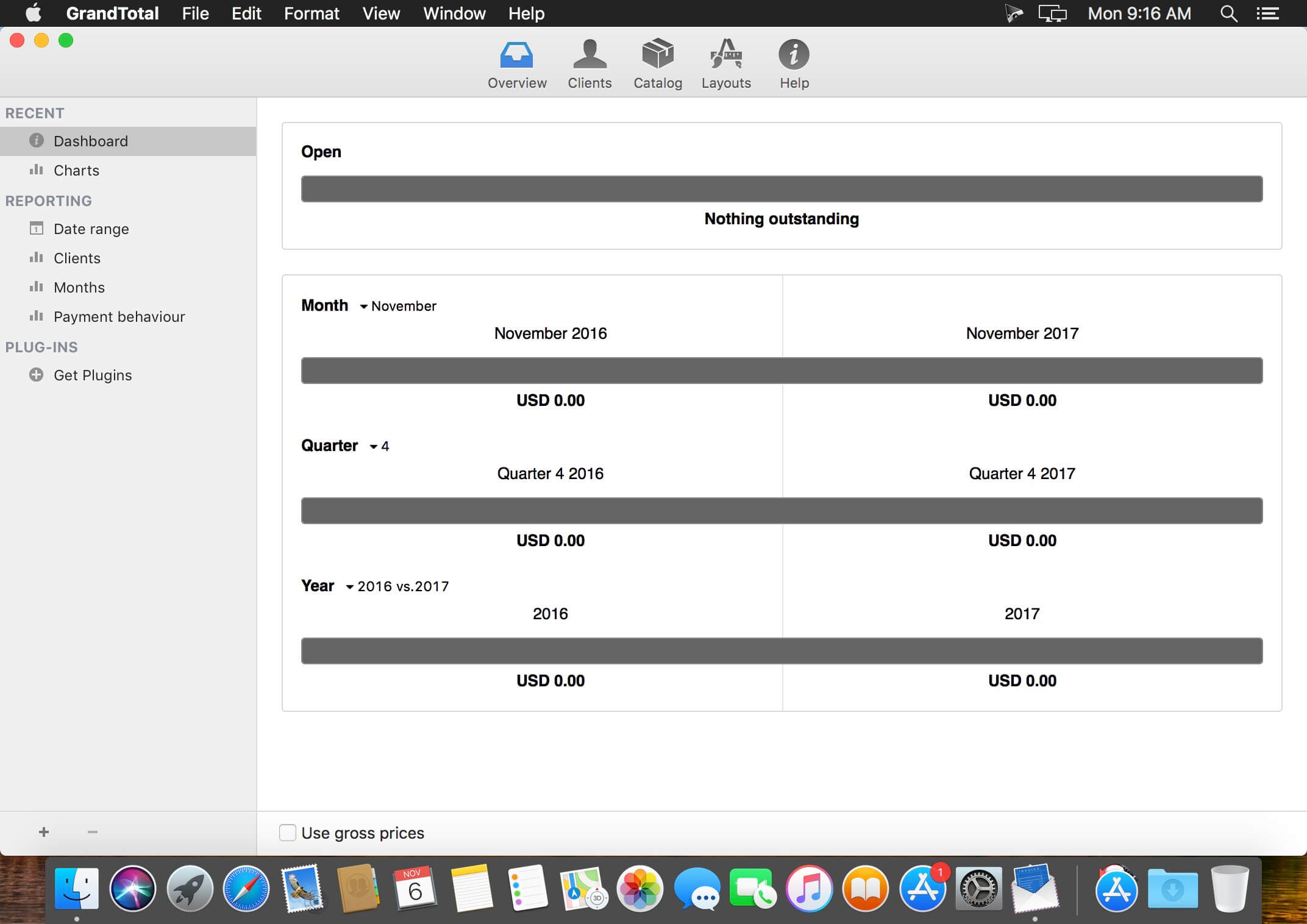
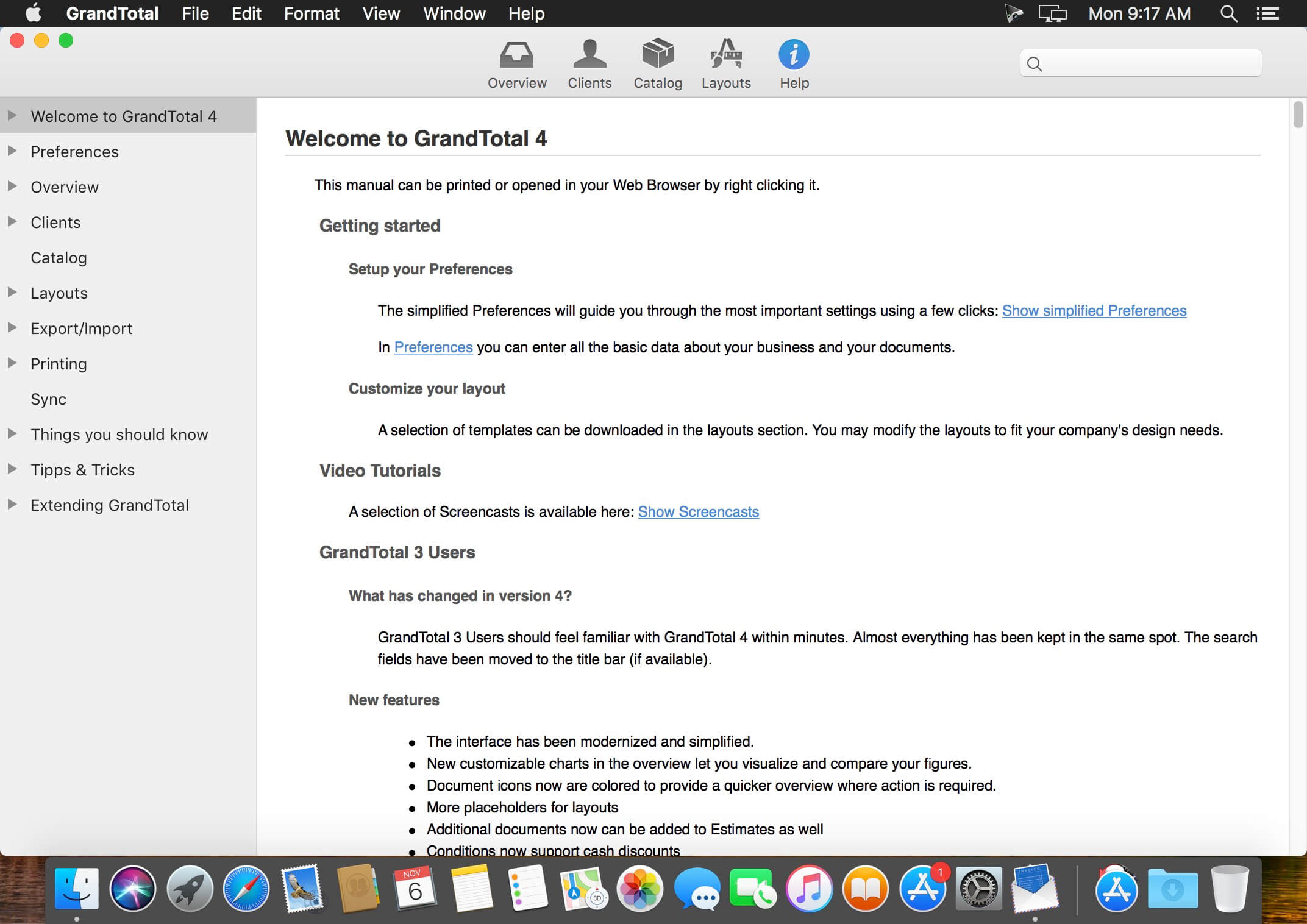
GrandTotal is an application to create invoices and estimates based on your own templates. The built-in template editor allows you to adjust your layout to fit your company’s corporate design. GrandTotal works great in conjunction with TimeLog.

Compatibility: macOS 10.12 or later
Homepage http://www.mediaatelier.com/GrandTotal4/

Screenshots


Name: GrandTotal_7.0.7.6__HCiSO_Mactorrents.io.dmg
Size: 47 MB
Files GrandTotal_7.0.7.6__HCiSO_Mactorrents.io.dmg[47 MB]

   Download

DxO PureRAW 1.1.0.221

DxO PureRAW Simply better RAW files, Enhance your RAW files to open up even more possibilities with Adobe Photoshop and Lightroom®.

Unlock the RAW-file editing capacity of Adobe Photoshop and Lightroom

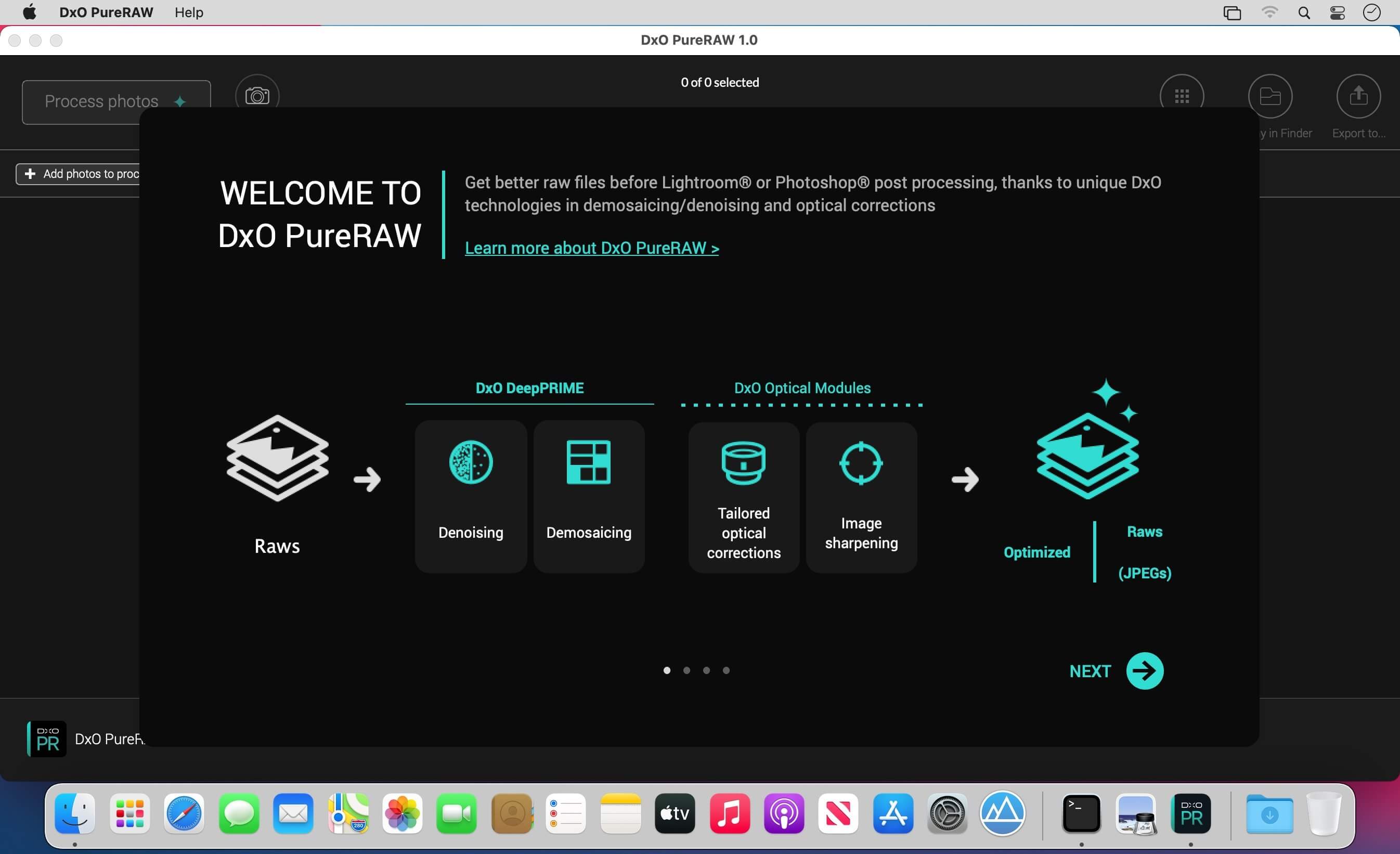
Create better RAW files before retouching them in Adobe Photoshop, Lightroom, or other programs thanks to DxO’s exclusive demosaicing, denoising, and lens defect correction technologies.

Pure, flawless, and noise-free RAW photos

DxO PureRAW’s artificial intelligence strikes the perfect balance between preserving detail and eliminating noise. DeepPRIME technology solves these problems before you and better than you.

Your lenses deserve the very best corrections
Automatically correct the defects in your equipment using DxO’s specially designed optical modules.

Recover your old RAW files
Get back to editing your old photos that you set aside because of poor image quality, noise, or a lack of sharpness. DxO PureRAW gives you another chance.

Perfection is in the details
Enjoy large format photos: DxO PureRAW reveals all the details and finesse of every texture you capture so you can enjoy incredibly pure photos.

Soft, non-grainy bokeh
Permanently delete the “parasitic” grain your camera creates in the blurry areas of your photos. DxO PureRAW adds incredible softness to your images.

Photo editing made simple
Use DxO PureRAW before your usual editing software and convert your RAW files into DNG files in just a few clicks—all without sliders or complex adjustments.

Compatibility: OS X 10.11 or later 64-bit
Homepage http://www.dxo.com

Screenshots


Name: DxO_PureRAW_1.1.0.221__TNT_Mactorrents.io.dmg
Size: 115.83 MB
Files DxO_PureRAW_1.1.0.221__TNT_Mactorrents.io.dmg[115.83 MB]

   Download

timeEdition 2.3


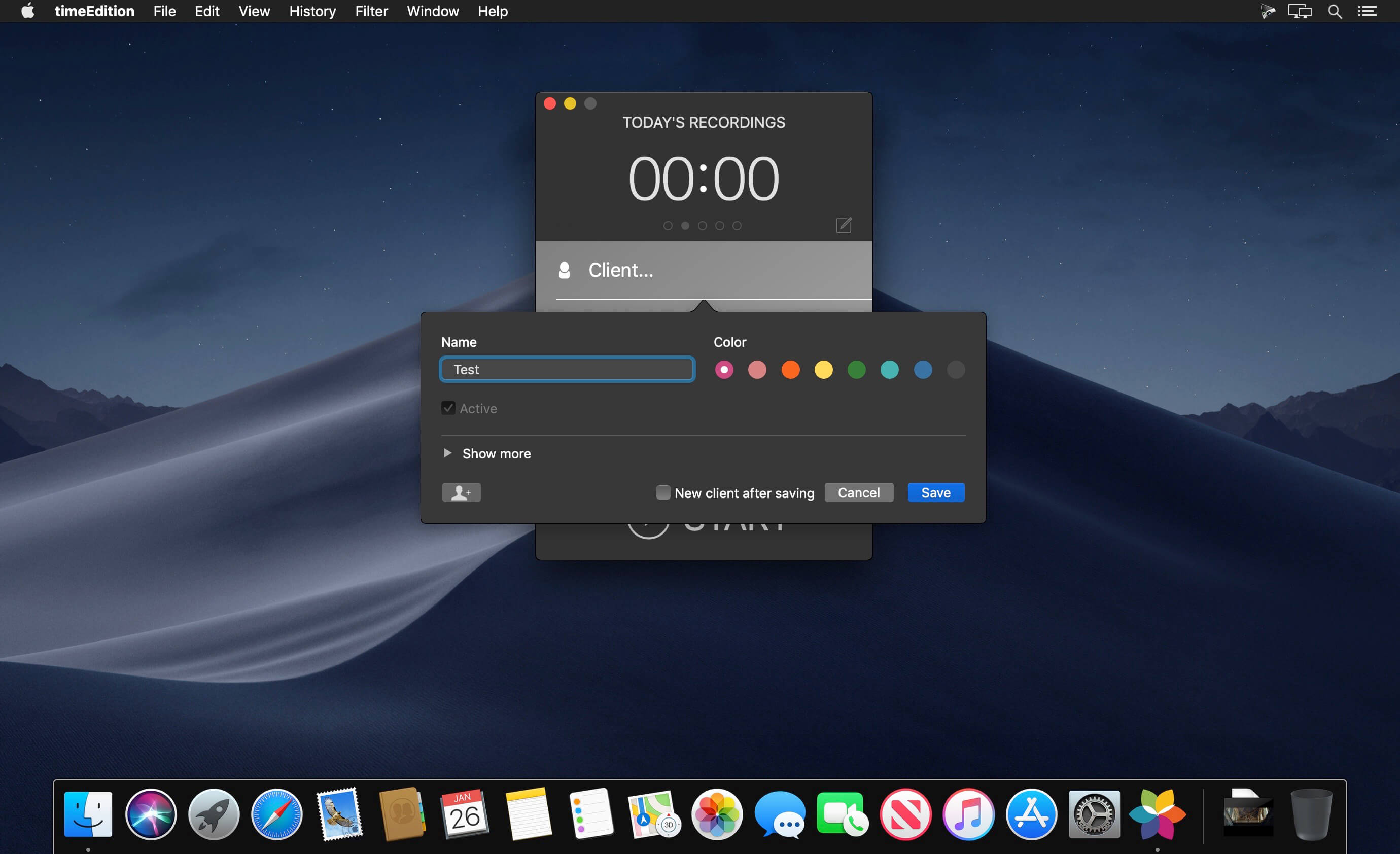
timeEdition – time recording… timeEdition is targeted at all users in a computer workplace who value detailed documentation of their working hours, whether they use it for customer billing or for monitoring the duration of individual projects.

What’s New:

Version 2.3:

  • Release notes were unavailable when this listing was updated.

Compatibility: OS X 10.11 or later, 64-bit processor
Homepage https://www.mamp.info/en/

Screenshots

Name: timeEdition_2.3__TNT_Mactorrents.io.dmg
Size: 27.85 MB
Files timeEdition_2.3__TNT_Mactorrents.io.dmg[27.85 MB]

   Download

Pixel Film Studios – ProVCR VCR Effects for Final Cut Pro

With ProVCR users can generate that classic VCR effect without ever touching a VCR. ProVCR lets users design and create their very own effect all within Final Cut Pro X. User can choose from magnetic displacement, chroma offset, color channel blur, saturation flicker, color grades, static interference, color bands, and much more all full customizable all with a click of a mouse.Homepage https://store.pixelfilmstudios.com/product/provcr/
Name: pro_vcr_Mactorrents.io.zip
Size: 17.8 MB
Files pro_vcr_Mactorrents.io.dmg[17.8 MB]

   Download

Luminar AI 1.3.0 (9155)


AI photo editing. Awesome. Faster. The first image editor fully powered by artificial intelligence. With LuminarAI, creating striking photos is fun and surprisingly easy.

LuminarAI is a standalone photo editor and a plug-in for macOS

Luminar AI Templates

  • Luminar AI recognises the contents of a photo, suggesting the best ‘Templates’ to speed up the editing process. These edits can be applied and refined to perfection.

Portrait Photography

  • Body AI and Face AI – gently sculpt and refine a portrait
  • Iris AI – create eyes that are rich and expressive
  • Skin AI – remove blemishes and imperfections for more natural portrait photography

Landscape Photography

  • Atmosphere AI and Sky Enhancer – add depth and detail to skies in landscape photography
  • Golden Hour and Sunrays – bring warmth and enhance the sun in photos
  • Sky AI 2.0 – transform photos and add an all-new sky in seconds – also includes Water Reflections

Professional Finishing

  • Structure AI – enhance detail and texture
  • Composition AI – get the perfect crop and fix crooked images
  • Accent AI – get the perfect exposure and color

Compatibility: macOS 10.13.6 or later 64bit
Homepage https://skylum.com

Screenshots


Name: Luminar_AI_1.3.0__HCiSO_Mactorrents.io.dmg
Size: 578 MB
Files Luminar_AI_1.3.0__HCiSO_Mactorrents.io.dmg[578 MB]

   Download

File Juicer 4.95

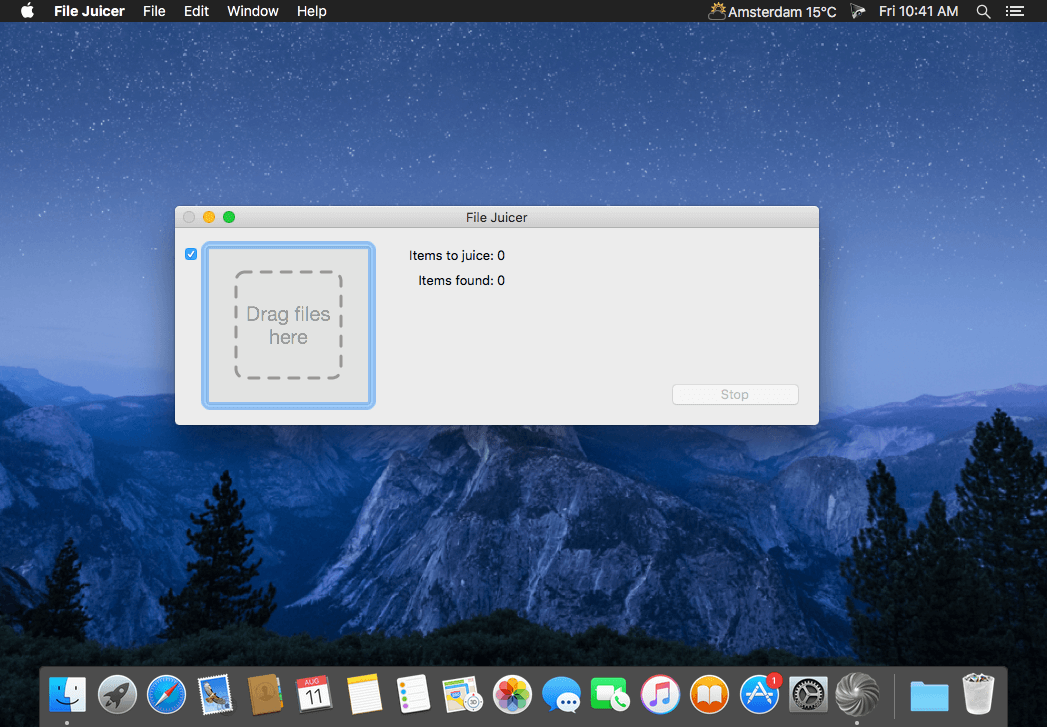
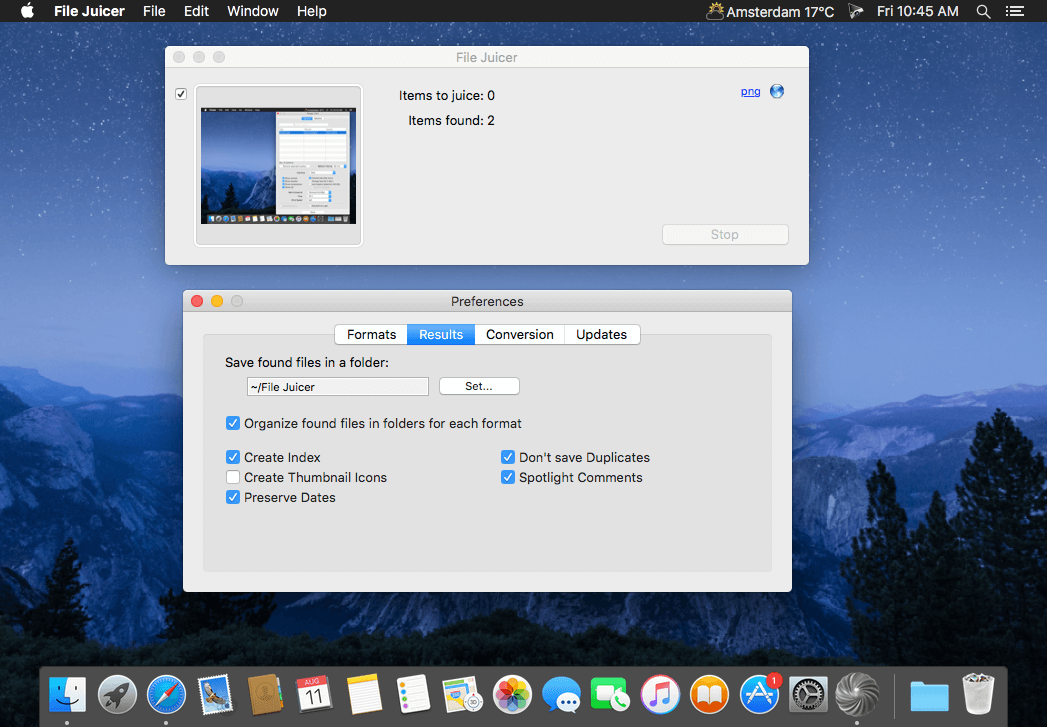
File Juicer is a drag-and-drop can opener and data archaeologist. Its specialty is to find and extract images, video, audio, or text from files which are hard to open in other ways. In computer forensics this is called carving.

It finds and extracts: JPEG, JP2, PNG, GIF, PDF, BMP, WMF, EMF, PICT, TIFF, Flash, ZIP, HTML, WAV, AVI, MOV, MP4, MPG, MP3, AIFF, AU, WMV, or text from files which contain data in those formats.

  • Lossless extraction… File Juicer does’t convert the images/sounds/videos it finds, but saves them unchanged in their original format if possible. (See the manual for details.) This is useful:
  • if you want to extract the images/sounds/videos from a PDF or Word document;
  • if you have old files you can no longer open with current applications;
  • if you receive emails with attachments you can not open;
  • if you have corrupt files or databases;
  • if you have damaged or accidentally erased flash cards for your digital camera;
  • if you receive “self extracting” EXE files designed for Windows;
  • or if this is just faster than copying and pasting from the file.

Compatibility: OS X 10.11 or later
Homepage https://echoone.com/filejuicer/forwindows

Screenshots


Name: FileJuicer_4.95__TNT__Mactorrents.io.dmg
Size: 6 MB
Files FileJuicer_4.95__TNT__Mactorrents.io.dmg[6 MB]

   Download

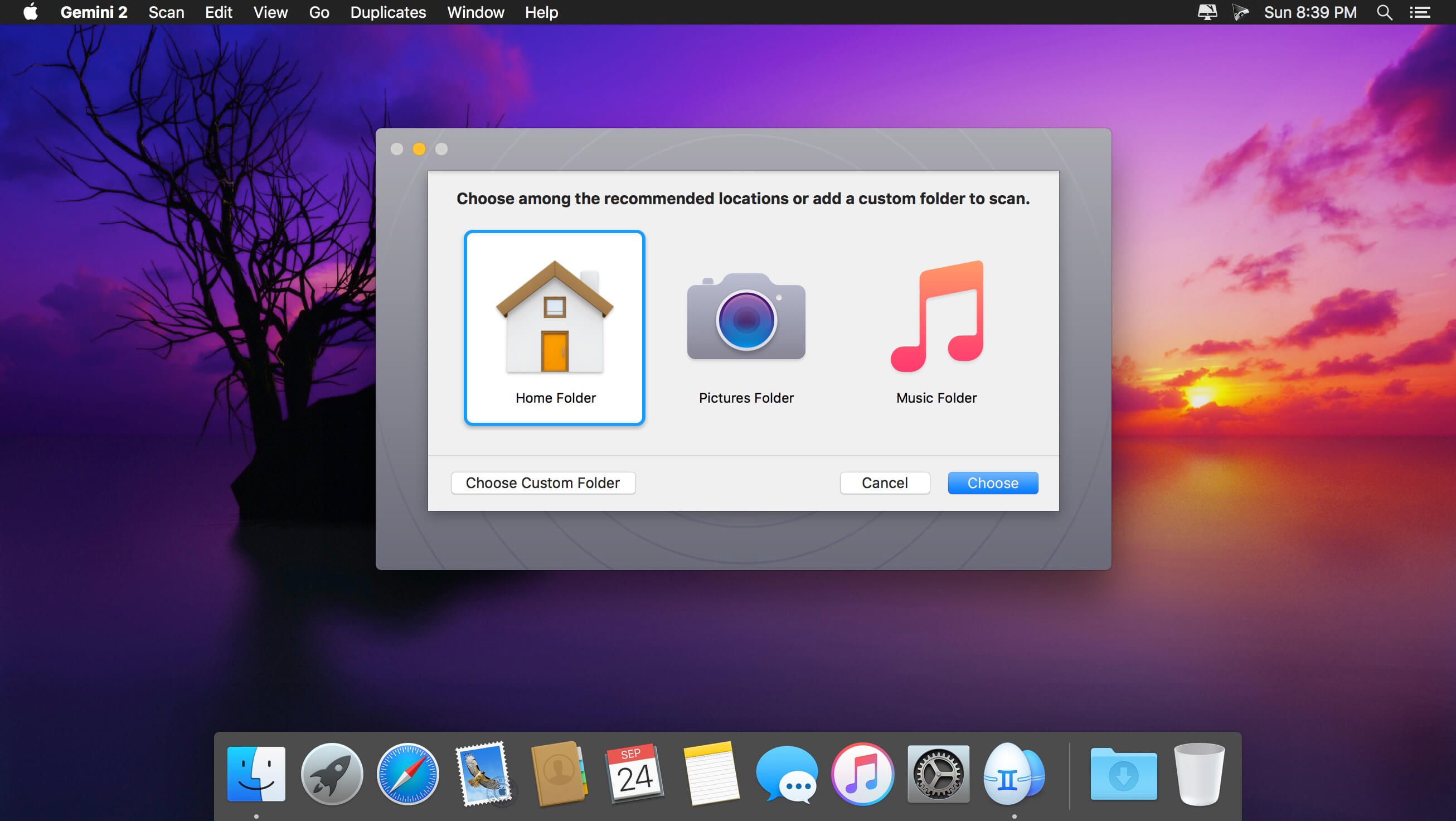
Gemini 2.8.7

Duplicate files can run — But they can’t hide.

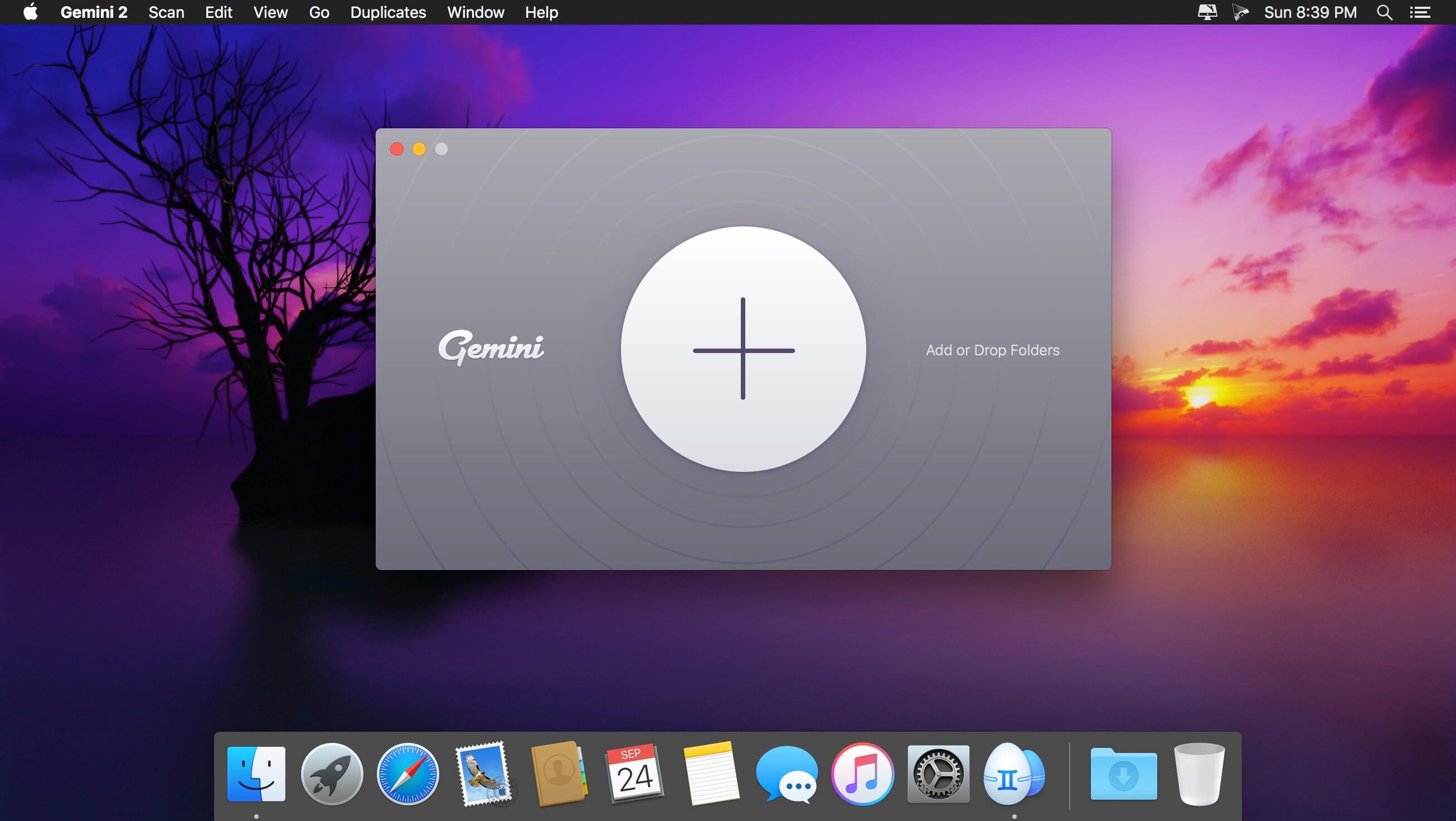
Gemini 2 helps you find duplicate files and wipe them away. It’s smart, laser-accurate, and recovers tons of space on your Mac.

Features

  • Detect and delete duplicates. Locate and remove duplicate files, even if they’re in remote corners of your system. Gemini 2 scans your whole disk speed-of-light fast, no matter how massive it is. Dig through scan results and hand-pick the files to erase, or better – let Smart Select do all the work.
  • Spot and shred similars. Just like duplicates, similars are space wasters. Now, Gemini 2 is after them. Spot files that look alike, see how they differ, and delete those you don’t need. Because you have better use for all the space they occupy.
  • Your photos matter. Their copies don’t. Do you really need 10 retakes of the Golden Gate? Probably not. Don’t let copies invade your Photos: find duplicate pictures, look at them closely, and zap the extras.
  • You only enjoy one tune at a time. Even if you play the same tune on repeat, one copy is enough. Delete duplicates in iTunes: Gemini scans it to find those five copies of “Space Oddity” you’ve stored up.
  • It’s smart, and getting smarter. Gemini is smart. It easily tells copies from originals. It knows which files to keep intact. But the best thing is that it learns to select duplicates the way you do. Gemini’s algorithm remembers what you delete and what you choose to keep. It’s like an apprentice you are training.
  • Simple is stellar. Gemini’s carefully crafted to be super simple. Whatever you need to do – view duplicates in detail or quickly destroy them – it takes a few clicks. Because that’s what a good duplicate finder does: makes things simpler.
  • Nothing’s deleted for good — until you say so. Never worry about losing the wrong file by mistake. Gemini moves duplicates to the Trash and lets you bring them back in a click. If you do want the copies off your Mac, delete them for good. If you just want them out of your way, stash them in a faraway folder. It’s always your call.

What’s New:

Version 2.8.7:
Bug Fixes:

  • Now a user can remove a folder from the list of monitored in Preferences if it’s deleted.
  • Fixed an issue when the app menu was unresponsive in some cases.

Compatibility: OS X 10.10 or later, 64-bit processor
Homepage http://macpaw.com/gemini

Screenshots


Name: Gemini_2_2.8.7__TNT_Mactorrents.io.dmg
Size: 57.9 MB
Files Gemini_2_2.8.7__TNT_Mactorrents.io.dmg[57.9 MB]

   Download

Movavi Video Converter 21 Premium 21.3.0

Movavi Video Converter is a video and audio file converter. Convert video and audio on your Mac. Save videos for watching on your portable device. Extract soundtracks from video. And much more…

Here’s just a taste of what you can do with Movavi Video Converter:

  • Convert video and audio files between popular formats: AVI (including DivX, XviD, and other codecs), MPEG 1,2, MP4 (including H.263, H.264, and other codecs), 3GP (3GPP, 3GPP2), Flash (FLV) as well as MP3, WAV, OGG, AAC, and FLAC.
  • Use the ready-made presets for popular media players: iPod, iPhone, PSP, Apple TV, Epson, BlackBerry, and more.
  • Fine-tune any output format settings to get exactly the results you want.
  • Join multiple videos and combine them into a single movie.
  • Save time with our ultra high-performance video converting technology.

What’s New:

Version 2020
New Design
Discover the familiar, simple interface redesigned to look cleaner, sleeker, and ready for 2020

Online Subtitle Search
Now you can quickly find the subtitles you need and use them in your videos

Advanced Subtitle Editing
Use a wider set of editing tools to change the font, size, style, and color of the subtitles for your favorite movies and shows

Compatibility: OS X 10.10 or later 64-bit
Homepage https://www.movavi.com

Screenshots


Name: Movavi_Video_Converter_21_Premium_21.3.0__TNT_.dmg
Size: 72.85 MB
Files Movavi_Video_Converter_21_Premium_21.3.0__TNT_.dmg [72.85 MB]

   Download

Money Pro – Personal Finance 2.7.14

Money Pro is the one place for bill planning, budgeting and keeping track of your accounts. Easy sync with iPhone/iPad versions. Money Pro works great for home budgeting and even for business use.

Calendar

  • Mark days on the big calendar when your bills are due.
  • Schedule recurring bills with custom periodicity.
  • Filter transactions by selecting dates on the calendar.

Today view

  • Take a quick glance at bills due.
  • When you actually have a transaction, approve it quickly.
  • Money Pro predicts transactions for the day that may not have been scheduled manually.

Bills due notifications

  • A whole system of reminders will alert you of upcoming bills.
  • Quick rescheduling option will help you deal with bills due (tomorrow, in 3 days, next week).

Budgets

  • Create budgeted entries, both for your income and expenses, and indicate budget limits for each entry.
  • You can set different budget limits for every period, which is useful if you plan to reduce your spending gradually month by month.
  • Start adding every transaction you have, and see progress of each category and the overall progress.
  • Monitor visual indicators for budget overspending.
  • Select the category you want to analyze and examine a budget trend chart generated on the fly.

Budget rollover

  • You can set budgets to transfer the leftover of the current period to the next budget period.
  • Budget rollover limits your spending automatically if you overspent in previous periods.

Checkbook register

  • Unlimited number of accounts in one place (checking, savings, credit card, etc).
  • Setting transactions as recurring or as one-time only.
  • Balance change history.
  • Additional fields for organizing your records including payee, description, check #, class (personal/business travel expenses).
  • Attachment of receipt photos.

Account reconciliation

  • You can record transactions and clear them later on (reconcile).
  • Automatically calculated available balance and cleared balance.

What’s New:

Version 2.7.14

  • We have added Goals to the app. Set your own goals, track them, and achieve them!

Language: English, Spanish, Italian, German and others.
Compatibility: macOS 10.12 or later.
Mac App Store https://geo.itunes.apple.com/app/id972572731

Screenshots


Name: Money_Pro_2.7.14_MAS__HCiSO_Mactorrents.io.dmg
Size: 36.55 MB
Files Money_Pro_2.7.14_MAS__HCiSO_Mactorrents.io.dmg[36.55 MB]

   Download

Feeder 4.2

Self-publish podcasts, appcasts, and standard RSS feeds with Feeder.

FOR PODCASTERS:

  • Feeder makes it easy to create and update your podcast, and ensures everything meets the Apple Podcasts requirements
  • Preview podcast episodes as they’ll appear in the Podcasts app
  • See serials listed by season and episode, along with trailers and bonuses, as in the Podcasts app
  • Publish feeds and media files to different servers with a single click
  • Redirect media file URLs through your preferred analytics service
  • Download your existing feed to move to Feeder
  • No lock-in: if you control your feed, you can use the service providers that suit you, and always move to another without losing subscribers

FOR EVERYONE:

  • Edit your feeds on all your Macs with iCloud
  • Collaborate on feeds with other Feeder users with iCloud
  • Schedule items to be published
  • HTML editing and preview
  • Write descriptions using Markdown
  • Templates and auto-completion to save time
  • Feeder can publish using FTP, SFTP, Amazon S3, WebDAV and file export
  • Search the items in the feed, including by date
  • Cross-post items to a blog when publishing
  • Feeder 4 is completely updated for macOS Big Sur and built for Apple silicon


FOR APP DEVELOPERS AND ADVANCED USERS:

  • Create Sparkle appcasts that automatically generate DSA and edDSA signatures
  • Preview release notes as they’ll appear in the Sparkle update panel
  • Feeder is fully scriptable for creating, editing and publishing feeds, and can run a script or Automator workflow after a feed is published

*** You need to disable the System Integrity Protection (SIP) to perform the selected Application.

What’s New:

Version 4.2:

  • Release notes were unavailable when this listing was updated.

Compatibility: macOS 10.14 or later
Homepage http://reinventedsoftware.com/feeder/

Screenshots


Name: Feeder_4.2__TNT_Mactorrents.io.dmg
Size: 12.92 MB
Files Feeder_4.2__TNT_Mactorrents.io.dmg[12.92 MB]

   Download

All Windows Appear 1.1.5

If “All Windows Appear” is enabled, focusing a window will bring all related windows of that app also to the front — like in the legacy versions of macOS.

Features

  • Classic Mac OS window behavior
  • Lightweight menu bar app
  • Dark and light mode
  • Autostart on launch

What’s New:

Version 1.1.5
I am constantly improving the app to provide the best experience possible.

  • This version brings minor bugfixes

Compatibility: macOS 10.13 or later, 64-bit processor
Homepage https://apps.apple.com/app/all-windows-appear/id1494564769

Screenshots


Name: All_Windows_Appear_1.1.5_MAS__HCiSO_Mactorrents.io.dmg
Size: 6.86 MB
Files All_Windows_Appear_1.1.5_MAS__HCiSO_Mactorrents.io.dmg[6.86 MB]

   Download

Linguist 2.3

Linguist is easy to use translation tool for quick translation from the menu bar (status bar) or window. Translation of words or phrases by selecting in any other app or website with just a click or command (HOTKEY). It can translate document in .txt, .rtf and .doc formats.

Key Features:

  • Set the preferred source and target language
  • Translate between over 103 languages
  • Translate document in .txt, .rtf and .doc formats.
  • Automatically copy the translated text to the clipboard.
  • Multiple modes – menu bar and window
  • History of text translation for reference
  • Export translated History in TextEdit(.txt) format
  • HOTKEY to translate text from any website or App
  • Synonyms for each translation
  • Listen to the pronunciation
  • Copy and paste the text.

What’s New:

Version 2.3

  • Fixes text translation and document translations.
  • Fixed text to speech
  • Fixed translated history delete issues
  • Fixed auto language detect
  • Improved stability.

Compatibility: macOS 10.12 or later 64-bit
Homepage https://apps.apple.com/us/app/linguiste-traducteur-linguistique/id1175751480

Screenshots


Name: Linguist_2.3_MAS__HCiSO_Mactorrents.io.dmg
Size: 4.01 MB
Files Linguist_2.3_MAS__HCiSO_Mactorrents.io.dmg[4.01 MB]

   Download

SQLPro for SQLite 2021.55

SQLPro for SQLite is an advanced sqlite editor. It has an easy to navigate interface, with the ability to perform the most basic to advanced tasks.

Features include:

  • Syntax highlighting and query intellisense/auto-complete.
  • Advanced multi-query execution.
  • Pick from multiple included themes, or design your own.
  • Automatic external change detection reloads a database when modified outside of SQLPro.
  • Version integration. Mucked your database? Rollback to a previous version.
  • Runtime loadable extension support.
  • Semiautomatic dependency resolution.
  • Export your data to csv, mysql, xml or json.
  • Backwards compatibility with SQLite 2.
  • Fullscreen support.
  • Column reordering.
  • Inline filters allowing you to customize the way your data is displayed.

If you would like to try before you buy, you can also give our free Read-Only version a look!

What’s New:

Version 2021.55

  • Fixed an issue where the query editors theme might not switch properly with light/dark mode.

Compatibility: macOS 10.12 or later
Mac App Store https://itunes.apple.com/app/sqlpro-for-sqlite-sql-database/id586001240

Screenshots


Name: SQLPro_for_SQLite_2021.55_MAS__TNT_Mactorrents.io.dmg
Size: 24.39 MB
Files SQLPro_for_SQLite_2021.55_MAS__TNT_Mactorrents.io.dmg[24.39 MB]

   Download

Audirvana 3.5.46

Following the acclaimed Audirvana Plus versions, specially the one including Direct Mode and Integer Mode, Audirvana Plus is now offering a full featured library manager that can scale up to more than 100,000 tracks.

Catalog all your music library and easily retrieve your albums and tracks with optimized user interface. Edit metadata with advanced tags for jazz and classical music

With the utmost sound quality with 64-bit internal processing, Direct Mode, Integer Mode, iZotope algorithms, native DSD streaming, SysOptimizer and Audio Unit plugins support

FEATURES:

  • Native playing of FLAC, libSndFile (WAV, AIFF, …), ALAC and other quicktime formats (AAC, MP3, …)
  • Direct sound path, directly to the !CoreAudio HAL for pure bit perfect sound
  • Audio Device exclusive access mode
  • HAL I/O using DAC native physical formats “Integer Mode” (instead of CoreAudio 32bit float)
  • Automatic sample rate switching
  • Up/Oversampling capability
  • Plays completely from memory
  • Tracks are loaded, decoded and sample rate converted in a memory buffer before being played
  • Minimizing CPU and hard drive activity to lessen sources of interference
  • Gapless playback by using a double buffering mechanism (playing track and next track)
  • Transparent split load for loading tracks of any size
  • Background tracks loading/decoding (including sample rate conversion)
  • Playlist (m3u & m3u8 formats) load/save
  • Handles Apple IR Remote

What’s New:

Version 3.5.46:

  • UPnP, DSD upsampled playback fixes
  • Minor fixes

Compatibility: OS X 10.11 or later, 64-bit processor
Homepage https://audirvana.com/windows/

Screenshots


Name: Audirvana_3.5.46__TNT_Mactorrents.io.dmg
Size: 13.83 MB
Files Audirvana_3.5.46__TNT_Mactorrents.io.dmg[13.83 MB]

   Download

Capture One 21 Pro v14.2.0.136

Capture One is a professional RAW converter offering you ultimate image quality with beautiful colors and incredible detail for more than 500 high-end cameras. It offers state- of-the-art tethered capture, powerful digital asset management, extensive adjustment tools and a flexible workflow through customizable workspaces.

With an updated processing engine, market-leading performance and powerful new features, Capture One is the professional choice in imaging software. You get the highly responsive precision tools you need to create stunning images from your camera’s RAW files in a time-saving workflow that can be customized to fit your needs.

New features and improvements

  • Speed Edit
  • Dehaze
  • Improved importer

General User Experience Improvements and tweaks

  • HEIF support
  • Easy brush adjusting
  • Improved performance
  • Colored gradients on White Balance Sliders
  • Enhanced tooltips
  • Easy access to Tutorials

CR2: Fix Pro lic for M1

What’s New:

Version 14.0.0.275:
New features:

  • Speed Edit
  • Dehaze
  • HEIF support
  • ProStandard camera profiles
  • Leica tethering

Improvements:

  • Improved Importer
  • Easy brush adjusting
  • Improved performance
  • Enhanced tooltips
  • Easy access to tutorials

Other:

  • Capture One 21 (14.0.0) also contains user experience changes, general bug fixes, and under-the-hood tweaks.
  • Engine deprecation:
  • Variants with Capture One Engine 6 or 7 need to be upgraded to at least Engine 8 to be further edited or processed with Capture One 21.
  • Improved Offline Activation:
  • For users who need to run Capture One in an offline environment, Offline Activation has been made easier with the use of a QR code.

Compatibility: macOS 10.13 or later, Apple Silicon (M1) native support
Homepage https://www.phaseone.com

Screenshots


Name: Capture_One_21_14.2.0.136__TNT_Mactorrents.io.dmg
Size: 614.06 MB
Files Capture_One_21_14.2.0.136__TNT_Mactorrents.io.dmg[614.06 MB]

   Download

DxO PureRAW 1.0.12.208

DxO PureRAW Simply better RAW files, Enhance your RAW files to open up even more possibilities with Adobe Photoshop and Lightroom®.

Unlock the RAW-file editing capacity of Adobe Photoshop and Lightroom
Create better RAW files before retouching them in Adobe Photoshop, Lightroom, or other programs thanks to DxO’s exclusive demosaicing, denoising, and lens defect correction technologies.

Pure, flawless, and noise-free RAW photos
DxO PureRAW’s artificial intelligence strikes the perfect balance between preserving detail and eliminating noise. DeepPRIME technology solves these problems before you and better than you.

Your lenses deserve the very best corrections
Automatically correct the defects in your equipment using DxO’s specially designed optical modules.

Recover your old RAW files
Get back to editing your old photos that you set aside because of poor image quality, noise, or a lack of sharpness. DxO PureRAW gives you another chance.

Perfection is in the details
Enjoy large format photos: DxO PureRAW reveals all the details and finesse of every texture you capture so you can enjoy incredibly pure photos.

Soft, non-grainy bokeh
Permanently delete the “parasitic” grain your camera creates in the blurry areas of your photos. DxO PureRAW adds incredible softness to your images.

Photo editing made simple
Use DxO PureRAW before your usual editing software and convert your RAW files into DNG files in just a few clicks—all without sliders or complex adjustments.

Compatibility: OS X 10.11 or later 64-bit
Homepage http://www.dxo.com

Name: DxO_PureRAW_1.0.12.208__TNT_Mactorrents.io.dmg
Size: 116 MB
Files DxO_PureRAW_1.0.12.208__TNT_Mactorrents.io.dmg[116 MB]

   Download

ImageRanger Pro Edition 1.8.2.1754

We live in the day in which pictures are a common thing, especially with all phones being equipped with pretty powerful cameras. As such, your computer can end up the storage place of your picture collections, but it can be a hassle to manually handle it. In this regard, ImageRanger comes as an advanced picture finding and organizing tool.

With ImageRanger, auto-enhancements can be applied to multiple images at once. Manual fine-tuning makes it possible to select dark or bright regions of the image and apply various correction settings.

All necessary editing controls (brightness, contrast, sharpness, saturation) are designed in a user friendly interface, with an UNDO function to correct any mishaps as you go.

You can even ask ImageRanger to find and categorize all images of poor quality automatically for your convenience. For advanced users, a powerful batch-processing allows work to be carried out on entire folders while processing only relevant photos.

ImageRanger will index photos on your Mac or storage drives so you can:

  • Quickly load thousands of images
  • Find portraits, faces
  • Sort and filter
  • Find duplicates and remove copies
  • Organize in folders by year, location
  • Crop, resize very quickly
  • Manually sort collections from multiple folders
  • Sort out your images from other illustrations, clip arts
  • Find low quality images and improve image contrast
  • Perform general photo managment tasks
  • Print hundreds of photos

What’s New:

Version 1.8.2.1754:

  • Release notes were unavailable when this listing was updated.

Compatibility: OS X 10.9 or later, 64-bit processor
Homepage https://imageranger.com/

Screenshots


Name: ImageRanger_Pro_Edition_1.8.2.1754__TNT_Mactorrents.io.dmg
Size: 98 MB
Files ImageRanger_Pro_Edition_1.8.2.1754__TNT_Mactorrents.io.dmg[98 MB]

   Download

Waltr Pro 1.0.89

WALTR is designed to make it easy to convert and transfer any music or video file to an iPad or iPhone format for native playback. It supports a huge variety of media file types, including MP3, MP4, AVI, CUE, WMA, M4R, AAC, M4V, M4A, FLAC, ALAC, MKV, and more. It even supports file types that are not normally compatible with iOS, including MKV, AVI, FLAC, and CUE, allowing them to be played in the native Music and Movie apps on iOS. Using WALTR is simple.

What’s New in WALTR PRO?

Edit Metadata & Cover Art
Back in 2016, we’ve introduced ACR – Automatic Content Recognition feature that automatically scans & fills missing metadata.
After receiving numerous requests from pro users, WALTR PRO provides the ability to manually edit cover art and metadata. Simply drag & drop the files while holding the Alt (⌥) key and gain full control of the way your media looks.
⬬ Powered by Automatic Content Recognition 2.0

Transfer Virtually Any File to iOS
With WALTR PRO, you are no longer locked to transferring to native Apple apps. It’s now possible to push virtually any content in any format into your iPhone or iPad. So if you enjoy using VLC or read books in Kindle, we have you covered.
Apart from the familiar file support in WALTR like music & videos, with PRO — you can now transfer content such as: documents, pictures, comics, MS word docs and more. Simply drag & drop the files while holding the Cmd (⌘) key and select the target app for the transfer.
⬬ Powered by Universal Connection Bridge 2.0

“Hey Siri, play music from my Vinyl”
Siri on HomePod is great—but there are times when Siri cannot access or play our high fidelity music collection. Using WALTR PRO, you can add files to Apple Music. With iCloud enabled, your music will be backed up & ready to play from HomePod.
And for the audiophiles with FLAC music collections, WALTR PRO can safely convert your files into Apple Music (without losing quality). You’ll be able to stream FLAC from any device, including the new HomePod mini.
⬬ Powered by Smart Adaptive Conversion 2.0
⬬ Requires Apple Music subscription and Apple HomePod or HomePod Mini devices.

Simplest Converter Ever
WALTR PRO is a brilliant converter that will quickly convert video and audio files into Apple-friendly formats. And yes, you’ll get the best output file quality. No buttons. No unnecessary settings to worry about. Simply drag & drop to convert media files locally & save them to your internal or external drive as readable formats that Apple “respects”.
⬬ Powered by Smart Adaptive Conversion 2.0
⬬ Final Cut X Pro friendly format converter
⬬ YouTube compatible formats conversion

More to it than meets the eye…
▪ Industry’s Fastest Versatile Converter
▪ Wi-Fi Transfer Support
▪ All devices. All generations.
▪ Apple M1 Silicon Support
▪ Trim-less Ringtones
▪ Hi-Res Audio
▪ 2160p Video
▪ Forced Subtitles
▪ Audiobooks
▪ Smart Encoding Detection
▪ Video Content Detection
▪ Light / Dark Theme

Any Format to Any Destination
At its core, WALTR PRO continues to deliver the easiest way of transferring files without any hassle. So if you need to get any file on iPhone, forget worrying about compatibility. Here’s how it works:

✓ Drag-n-drop any file into any destination tile
✓ WALTR PRO automatically detects the file, converts it into the proper format & pushes it to your target destination
✓ DONE

One Place to Drop and Convert Any File
There are 100+ solutions you can get with WALTR PRO. This is perhaps the most advanced automatic converter aimed for Apple devices — ever created.

▪ Convert MKV to iPhone
▪ Convert AVI video to iPad
▪ FLAC lossless to iPhone
▪ EPUB to iBooks
▪ M4R ringtone to iPhone
▪ MP3 to iPod

Compatibility: OS X 10.9 or later 64-bit
Homepage https://softorino.com

Screenshots


Name: WALTR_PRO_1.0.89__k__by_bloppo_Mactorrents.io.dmg
Size: 20 MB
Files WALTR_PRO_1.0.89__k__by_bloppo_Mactorrents.io.dmg[20 MB]

   Download

GlanceCal 1.6

Work more productively on your Mac with GlanceCal and never miss an appointment again. See easily and quickly which appointment is next and get an overview of your day.

Overview of your daily calendar entries

  • Highlighting of the current/next appointment
  • Distinguish past, future and current appointment with different markings
  • Displays the date easily visible in the menu bar
  • Display of calendar week and quarter

GlanceCal shows your calendar entries from the built-in Apple Calendar – so it works iCloud, Google, Exchange, Facebook, CalDAV and local calendars.

Compatibility: OS X 10.13 or later, 64-bit processor
Mac App Store https://apps.apple.com/app/glancecal/id1475680776

Screenshots


Name: GlanceCal_1.6_MAS__HCiSO_Mactorrents.io.dmg
Size: 9 MB
Files GlanceCal_1.6_MAS__HCiSO_Mactorrents.io.dmg[9 MB]

   Download

GrandTotal 7.0.7.4

GrandTotal is an application to create invoices and estimates based on your own templates. The built-in template editor allows you to adjust your layout to fit your company’s corporate design. GrandTotal works great in conjunction with TimeLog.

Compatibility: macOS 10.12 or later
Homepage http://www.mediaatelier.com/GrandTotal4/

Screenshots


Name: GrandTotal_7.0.7.4__HCiSO_Mactorrents.io.dmg
Size: 47 MB
Files GrandTotal_7.0.7.4__HCiSO_Mactorrents.io.dmg[47 MB]

   Download

Allavsoft Video Downloader Converter 3.23.6.7816

This powerful Video Downloader supports downloading movies, music videos, playlist, sport videos, lectures and more from free video sharing website like Facebook, Dailymotion, eHow, and more than 100 video sharing sites.

Besides downloading video in its original format, Allavsoft also features one-click to download as well as convert the downloaded video to popular video format like MP4, AVI, WMV, MOV, MPEG-1, MPEG-2, VOB, ASF, RMVB, DV, TS, Apple ProRes, WebM, FLV, OGV and etc.

This ideal Web Video Downloader app enables selecting among all video qualities available for downloading like download videos in ultra high definition (4K), 3D video, HD 2k, HD 1080p, HD 720p, and stand definition 480p, 360p, and 240p.

This professional Video Downloading and Converting tool also helps to extract and download audio from online music video or movies as well as convert to popular audio format like MP3, WMA, WAV, AAC, AAC, Apple Lossless M4A, AIFF, RA, FLAC, OGG, AU and etc.

Batch download and convert

  • Allavsoft supports adding multiple video URLs and batch downloading and converting multiple videos at a time.
  • When download web video files, this wonderful Video Downloader will automatically detects advertisements and does not download them.
  • Preview and playback downloaded video files
  • There is a built-in video player in Allavsoft for us to preview and playback the downloaded video files.
  • Breakpoint Resume
  • You can pause and resume downloading at any time. It is very convenient to use.
  • Action after download done
  • You can set automatically shut down computer after all the download tasks are finished, if you have lots of videos to download and want to leave your Windows on to download them.
  • Keep history for downloading.

What’s New:

Version 3.23.6.7816:

  • Release notes were unavailable when this listing was updated.

Compatibility: OS X 10.7 or later, 64-bit processor
Homepage https://www.allavsoft.com/

Screenshots


Name: Allavsoft_Video_Downloader_Converter_3.23.6.7816_TNT_Mactorrents.io.dmg
Size: 55 MB
Files Allavsoft_Video_Downloader_Converter_3.23.6.7816_TNT_Mactorrents.io.dmg[55 MB]

   Download

Wondershare UniConverter 12.6.2.7

Wondershare UniConverter is a complete video toolbox that lets you convert, edit, enhance, download, burn, organize, capture and watch video files. Convert videos to and from virtually any video format out there, with 30X faster conversion speed.

Wondershare Video Converter Ultimate will make your movies versatile by instantly converting them to AVI, WMV, MP4, MKV, FLV, 3GP, MPG – even convert video to 3D and 4K Ultra HD video format at ultrafast speeds. 159 formats supported and counting! Burn video files to Blu-Ray/ DVD disc, DVD folder, or ISO files, download or record videos from YouTube, Google, Yahoo and other video-sharing sites, convert home movies to any video/audio, for playback on any devices.

What’s New:

Version 12.0.5:

  • Added support of using product offline
  • Added user satisfaction pop-up window
  • Updated EULA
  • Optimized compatibility issues for certain new macOS.

Compatibility: OS X 10.10 or later 64bit
Homepage https://www.wondershare.com/

Screenshots


Name: Wondershare_UniConverter_12.6.2.7__TNT_Mactorrents.io.dmg
Size: 142.85 MB
Files Wondershare_UniConverter_12.6.2.7__TNT_Mactorrents.io.dmg[142.85 MB]

   Download

4K Video Downloader 4.16.0 CR2

4K Video Downloader allows to download video, audio and subtitles from YouTube in high-quality and as fast as your computer and connection will allow. If you want that video on your iPad, iPhone or other device we’ve got you covered. Downloading is simple and straightforward: just copy the video link from your browser and click ‘Paste Url’. Done!

  • Download entire playlists and channels from YouTube and save them in MP4, MKV, M4A, MP3, FLV, 3G, generate .m3u file for playlists.
  • Download video in HD 1080p, HD 720p or 4K quality and enjoy high dimension video on your HD TV, iPad or other devices.
  • Advanced subtitles download, select if you would like to have .srt file or embedd subtitles in video file to watch it on your Mac for example.
  • Activate “Smart Mode” in order to apply the selected settings to all your downloads, easy and fast.
  • Download video in 3D format, you will find a small special icon among available formats after video parsing. It’s really impressive to watch live shows and cartoons in 3D.
  • Download embedded YouTube videos from any web pages, just copy/paste link and the program will find the source of download.
  • Download video and audio from Vimeo, SoundCloud, Flickr, Facebook and DailyMotion.

What’s New:

  • YouTube сhannel subscription feature added
  • 360 degrees videos are supported
  • Original audio bitrate option added
  • YouTube and Facebook download issues fixed
  • Import and export of downloaded items supported
  • Thumbnail for audio in metadata added

Language: Multilangual
Compatibility: macOS 10.13 or later, 64-bit processor
Homepage https://www.4kdownload.com/ru/products/product-videodownloader

Screenshots


Name: 4K_Video_Downloader_v4.16.0__TNT_Mactorrents.io.dmg
Size: 119.47 MB
Files 4K_Video_Downloader_v4.16.0__TNT_Mactorrents.io.dmg[119.47 MB]

   Download

Torrents Download Apple,Mac Osx,Apps ,Software

Exit mobile version