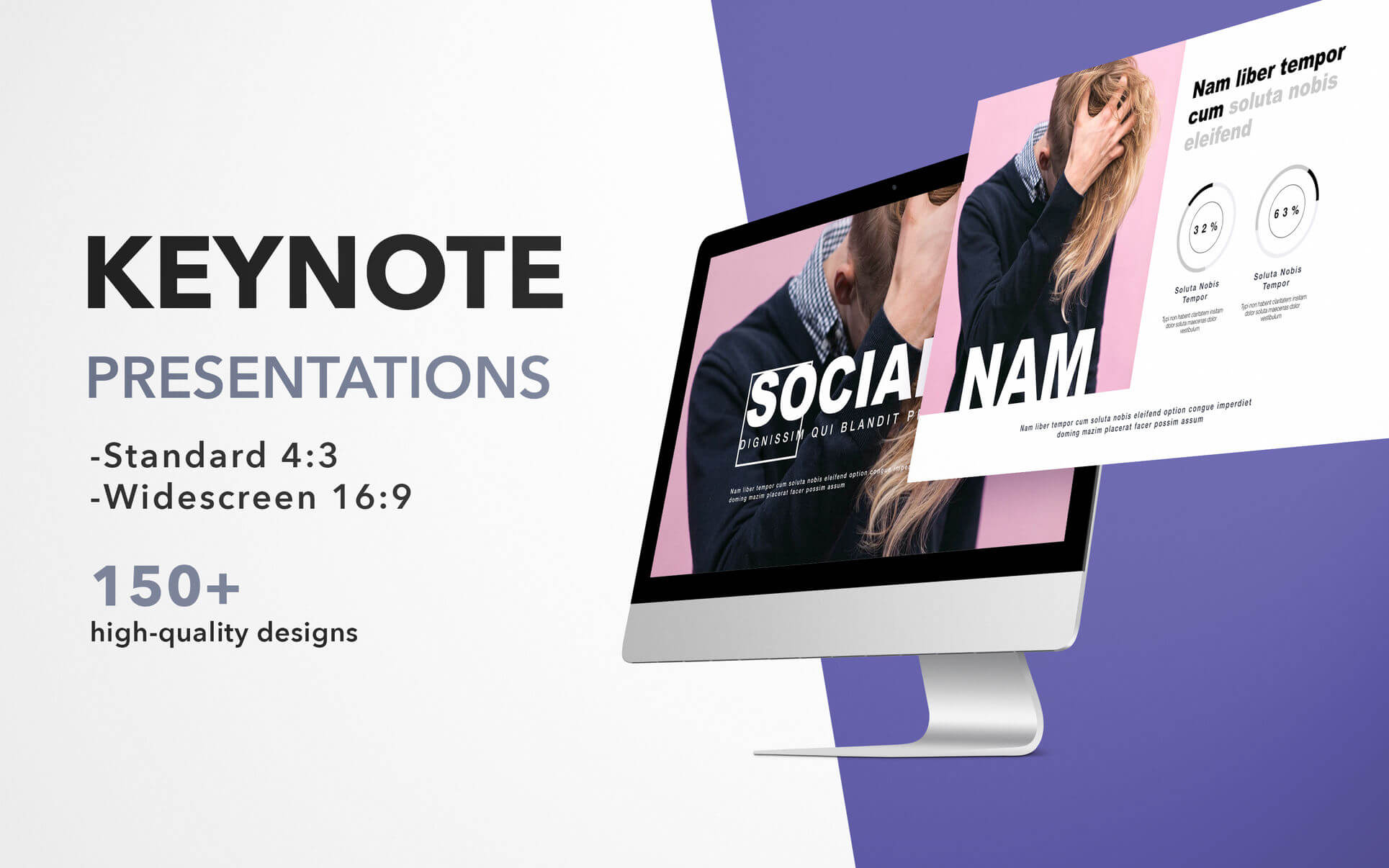
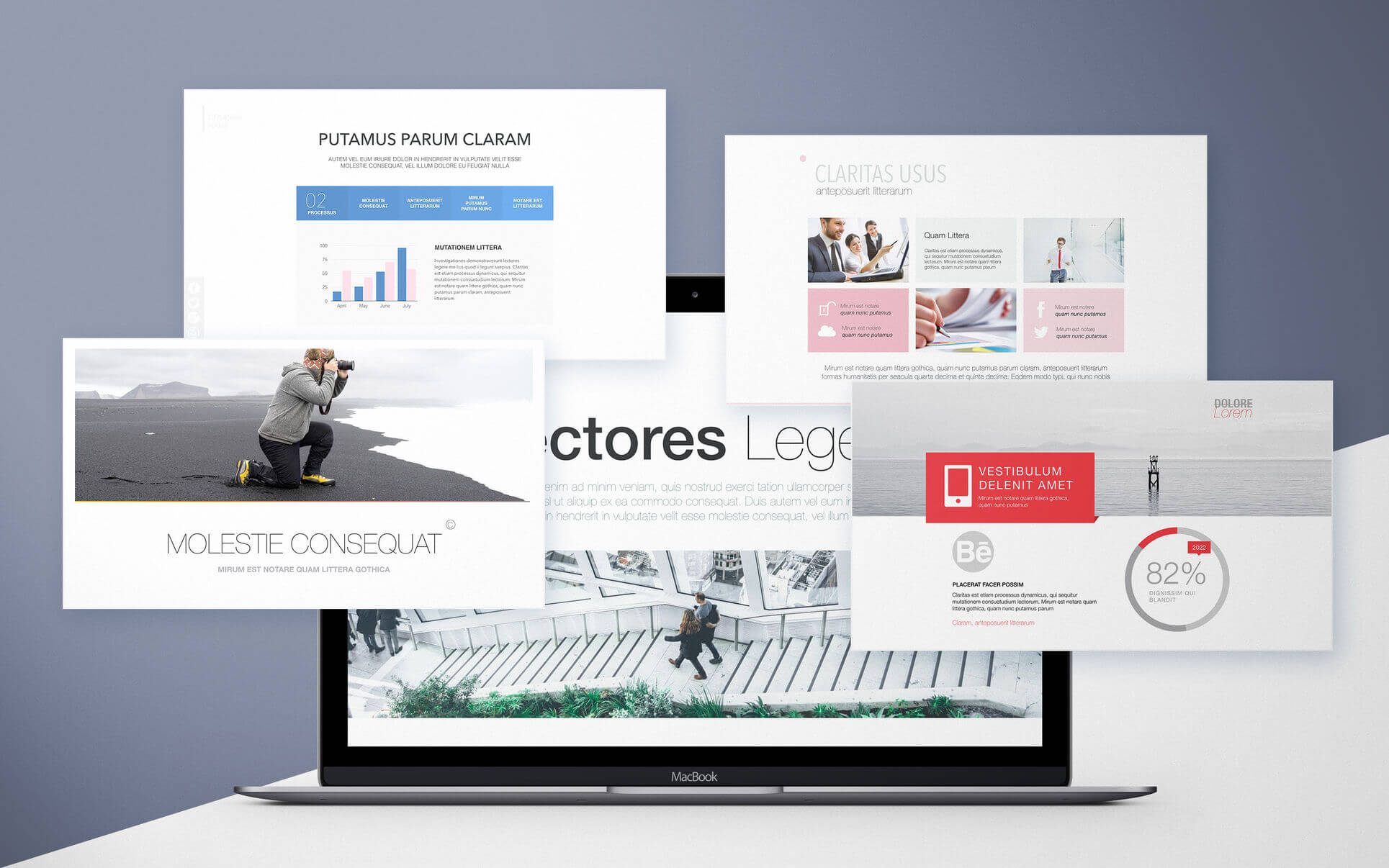
Templates for Keynote – DesiGN set consists over 500 high-quality designs for Keynote presentations, infographics and data visualization templates. These are more than just beautiful backgrounds – each one of them includes up to 25 different master slides, which lets you choose the best layout for your information.
Themes like:
Portfolio
Business
Travel
Infographics
Data Visualization
and many more.
The themes are available in two sizes: standard 4:3 and widescreen 16:9. Let us take care of the appearance of your presentation, while you focus on the content.
* Requires the latest version of Keynote.
What’s New:
Version 6.2
Update brings compatibility for new macOS 11 Big Sur.
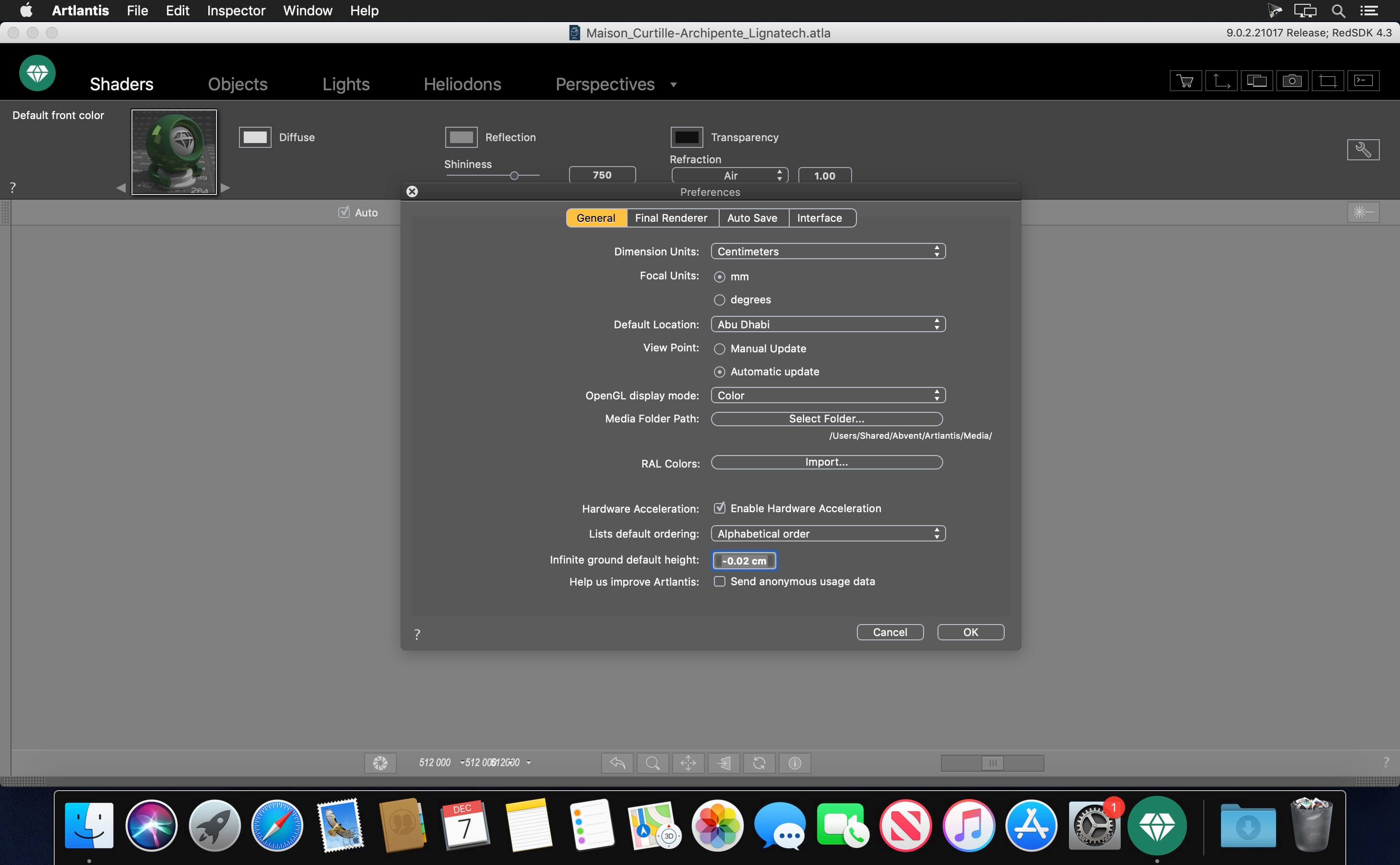
Artlantis 2020 – 3D Rendering Software. A pioneer in architectural visualization and compatible with all the 3D modeling software on the market, Artlantis is the easiest and fastest solution for creating photorealistic renderings and animations.
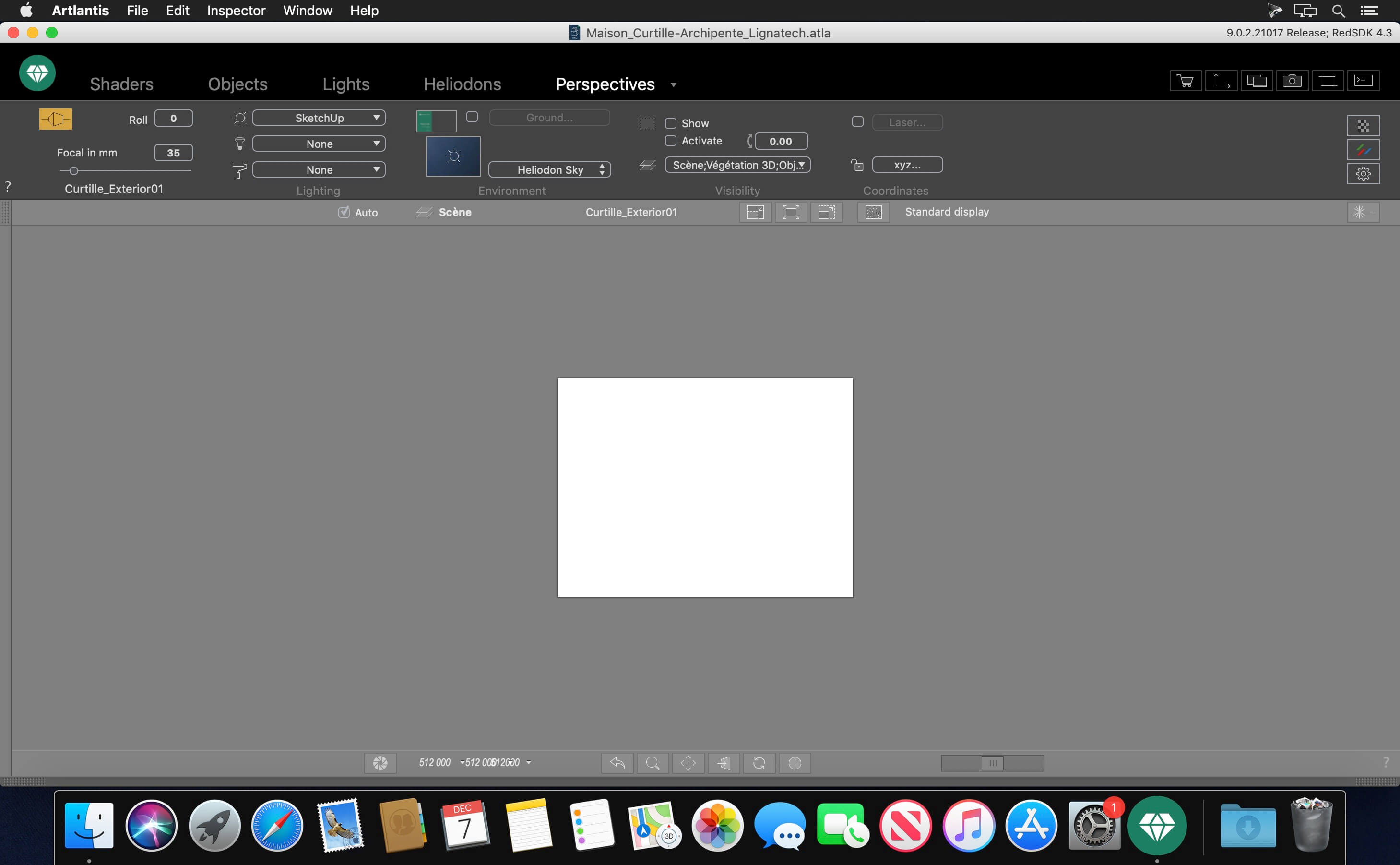
Artlantis 2020 – Main Features: Interface Designed with an extremely clear and ergonomic interface, Artlantis is both easy and comfortable to learn and use. At all times, the necessary tools are at hand near the real-time preview window, which allows you to see the results of each adjustment.
Simplicity You don’t have to be skilled in computer graphics — learning and using Artlantis is easy and very fast. Artlantis is used by experts, advanced users and beginners alike to simulate, present and communicate their projects, by producing both high quality still images and animations with striking photo-realism in record time!
Real time preview The reputation and success of Artlantis are based primarily on its founding concept: a preview of the scene allowing users continuous control of each change. Right from opening a 3D scene, navigating, changing shaders and objects, lights or 3D environment — all are immediately visible in the preview window.
Speed The speed of displaying the scene, navigating, space positioning or light dispersion – in the preview and in the final rendering – is exceptional. While the Global Illumination, which assures the realism of scenes, is known to take a lot of calculation time, Artlantis is the only rendering software on the market to provide an efficient quality / time ratio. A “draft” mode allows a fast display of the preview during the preparation phases.
2D window In addition to the 3D preview, Artlantis has a 2D window for positioning cameras or sequences, making it easy to set up a panorama path to explore the project.
Viewpoints Define and save as many views as you want: in perspective, in parallel view, in insertion or panorama, each with its own light settings.
Depth of field Just as a photographer chooses an apperture, in Artlantis, you can set the depth of field, the ISO and the shutter speed for as many views as you want. Whether you focus on an object, on a specifc point in space or infinity, you can easily set the blur with the help of a slider.
Parallel views Parallel views (projections and cuts) can be set in the dedicated inspector, based on the type of projection (elevation, axonometry, top view), camera positioning, view width, or the definition of the cutting planes … A control bar allows you to edit the main settings of the project in its environment.
Perspectives and verticals Each point of view has its own infinite ground, level, materials and background or foreground images easy to manipulate, resize or even adjust the edges in the preview. Artlantis has a vertical function that makes a perspective mode particularly interesting for high-rise projects.
Shaders & Textures With a simple drag and drop from the catalog onto a surface from a scene, you can instantly dress the surface with the designated material and set its attributes like color, tint, opacity, reflection and diffraction, orientation and pattern scale, etc. For more realism, you can fine tune the settings and change the outlook of the surface by modifying the reflectiveness, or shininess, or bump …
Objects and 3D Characters For scenerys of stricking reality reflecing the abundance of life, Artlantis offers a amazing object manager. You can manipulate objects in 3D or in 2D, and relate their behaviors to the scene specificity by controling their hierarchy, anchor, and season. Or, you can olso set their characteristics like being always vertical to the floor like a floor lamp for example, while a wall lamp has to hung perpendicularly to the wall.
MediaStore Thousands of additional media are available for purchase in Medias Store directly accessible from inside of Artlantis. It laso a Media Converter for media belonging to the previous versions.”
3D vegetation Plants, grass, lawn and 3D trees are simple objects, to be aplyed with drag and drop. In addition, they possess the astonishing peculiarity of adapting the density and the tint of their foliage to the season. Artlantis offers a placement tool spécific to objects featuring vegetation. It allows to place objects individually by drag-and-drop or by zone.
Postcards A Postcard is a snapshot of a scene saving all settings assigned to materials (colors, shaders and textures) for later usage or shareing. Similar to shaders, objects or images, the Postcards are also considered as media.
Integrated media catalog Artlantis owes its fame to its rich and easy-to-use catalog: more than 1000 media are organized in an intuitive maner to be explored in your 3D scenes directly.
Site insertion Essential tool permitting to simulate a building project in its future site for building permits, a feature unique to Artlantis. Its sequenced inspector leads you step by step through the space recognition settings immediately displayed in preview. The process is simple and fluid. You can even asign transparency to the foreground images directly. Once the insertion finished, the final project is revealed in the preview window in a record time.
White model This type of rendering allows you to automatically transform all surfaces of a scene — except for the transparent ones — into white material to better appreciate the project volumes. As for the lights, they maintain their colors to create very elaborate atmospheres.
White balance White balance allows you to adjust the color cast of an image, automatically, from the chosen reference color.
Ambient occlusion Ambient occlusion creates shadows in the indoor and outdoor scenes, which gives scenes more depth and relief and therefore, more realism.
Pre-defined settings Choose from several pre-recorded modes (indoor, outdoor, low light) and different definitions (speed, medium, quality), to quickly obtain an optimal result!
Adaptive antialiasing Artlantis intelligent antialiasing adapts to the areas to be treated to improve image quality by reducing the effect of noise and aliasing contours.
Post-Processing Apply different effects to the current view and set the brightness, contrast, and color of a rendering. Save time and add effects, like grain, paint or pastel; highlight contours directly in Artlantis.
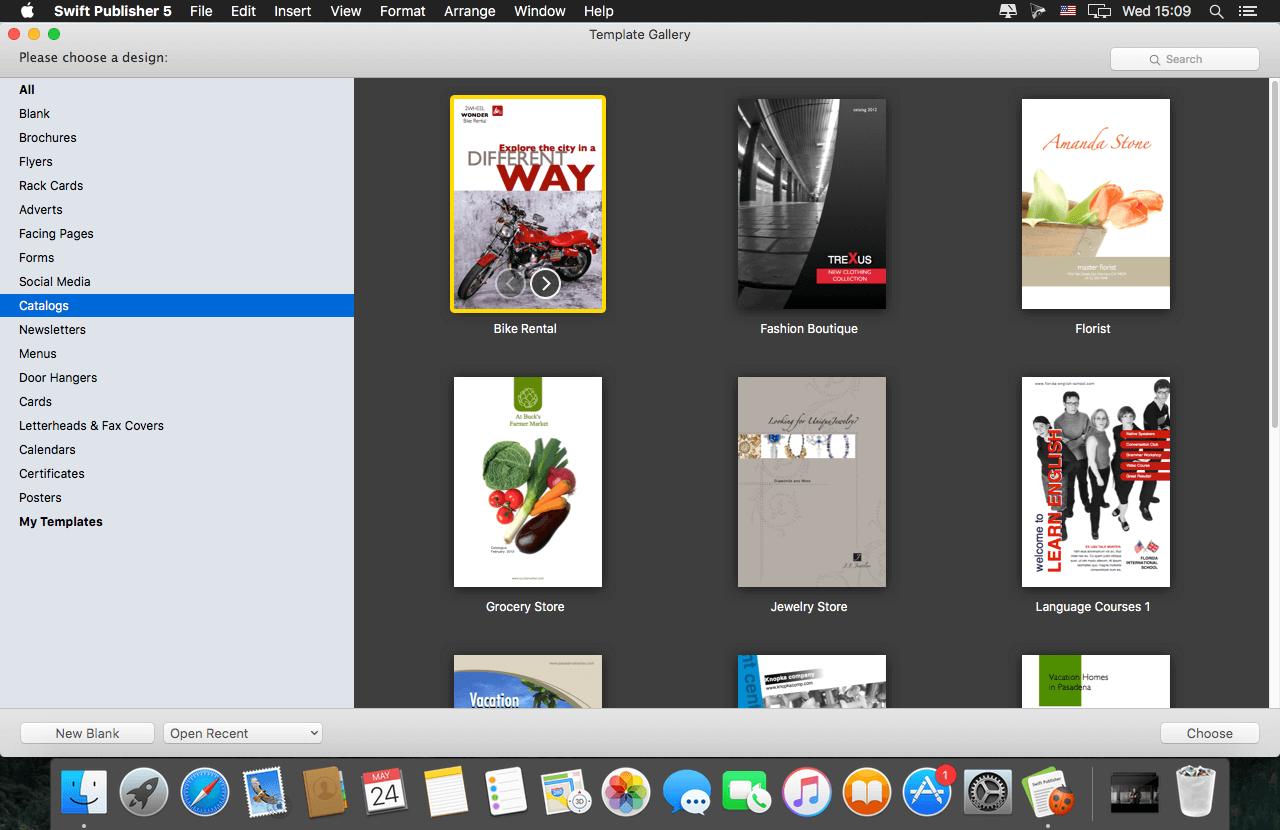
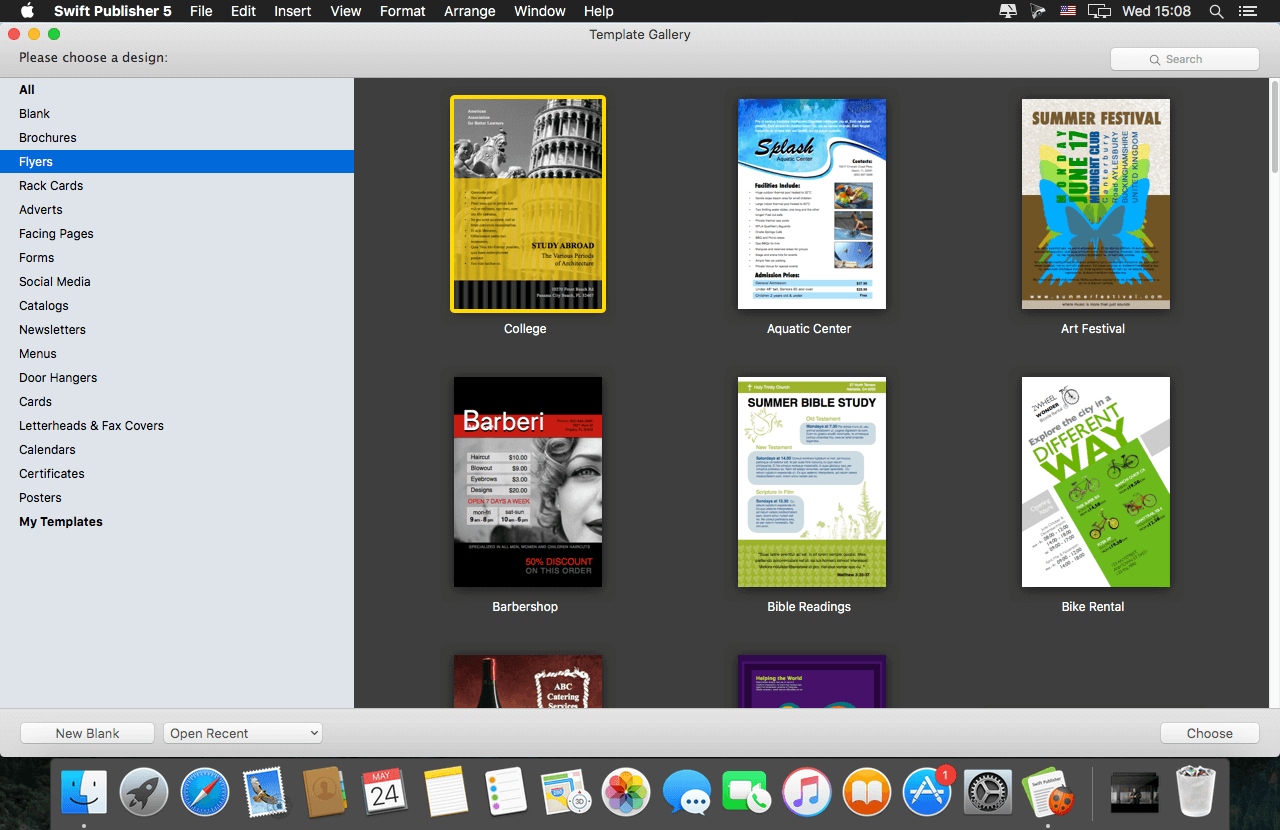
Swift Publisher takes the headache out of desktop publishing: print colorful flyers, newsletters, brochures, letterheads, and more.
Features
An easy-to-learn alternative. Ditch those massive, daunting design apps aimed at professional publishers — with its accommodating interface, Desktop Publisher is a digital drawing board for the rest of us.
Text toolkit. Customize text styles, link text boxes, and create visually pleasing wrap-around effects. With Swift Publisher, manipulating your content is never a chore.
Inspiring options. Spark your creativity. Swift Publisher includes images, designs, and unique masks, giving you the templates and resources you need to jump-start the design process.
Perfect personalization. When your publication has to be personalized, turn to Swift Publisher. Whether you need to tint, tile, group, rotate, or adjust the opacity of an object, you’ll find the tool you need.
What’s New:
Version 5.5.7:
Fixed a problem with shadows on macOS 11 Big Sur.
Quick Look previews for documents now display correctly on macOS 11 Big Sur.
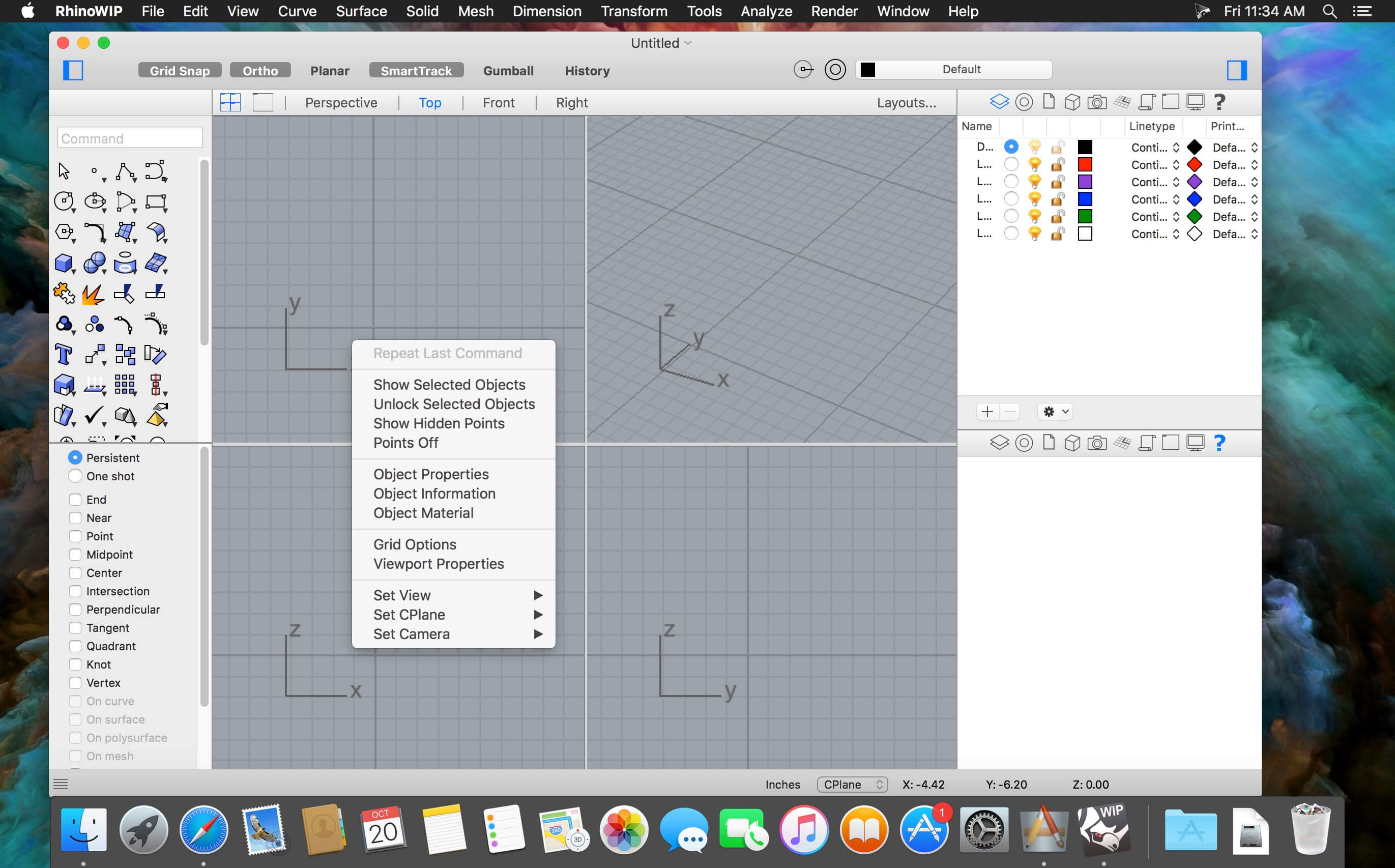
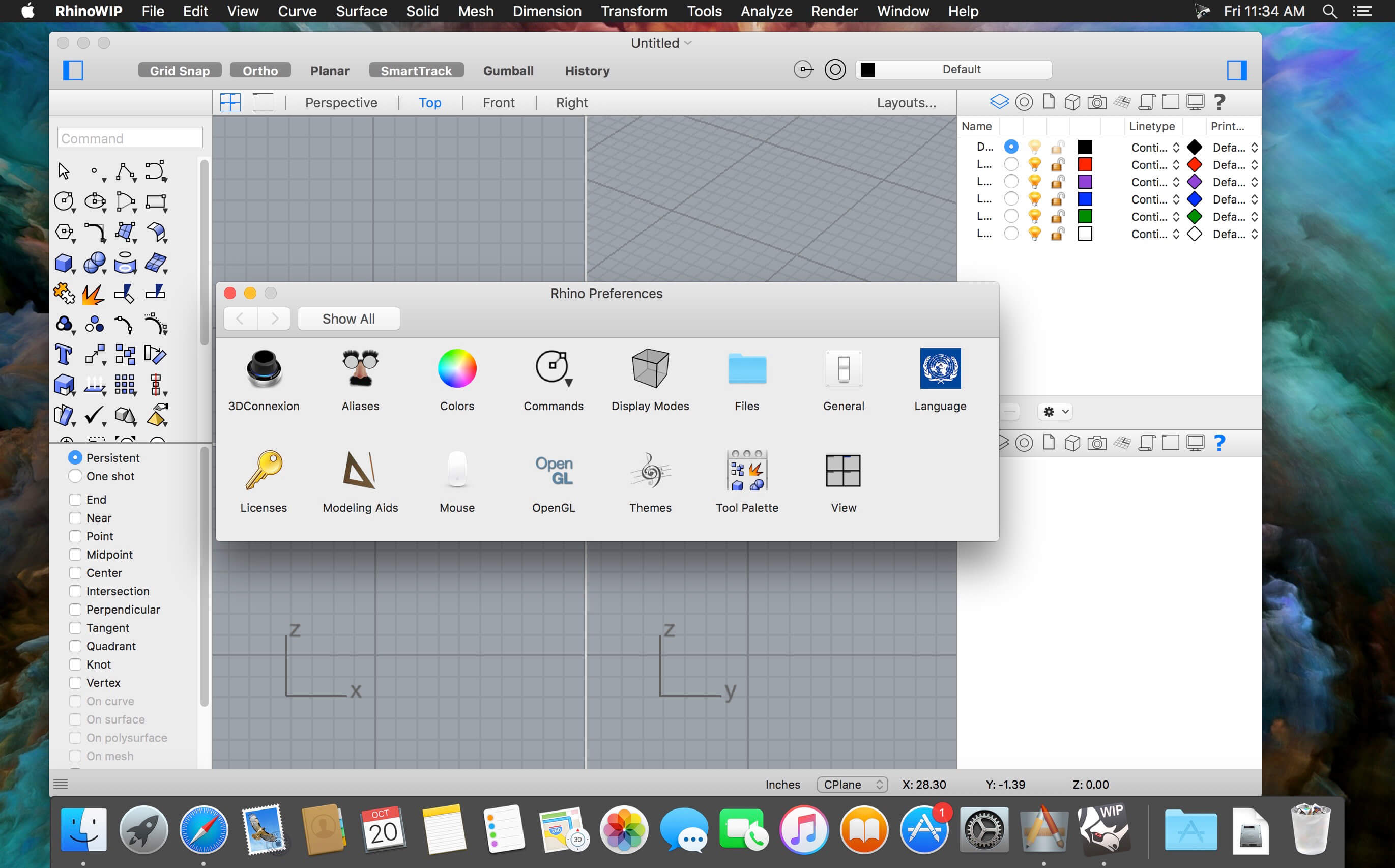
Rhino – Versatile 3D modeler. Rhinoceros can create, edit, analyze, document, render, animate, and translate NURBS* curves, surfaces, and solids, point clouds, and polygon meshes. There are no limits on complexity, degree, or size beyond those of your hardware.
Special features include:
Uninhibited free-form 3-D modeling tools like those found only in products costing 20 to 50 times more. Model any shape you can imagine.
Accuracy needed to design, prototype, engineer, analyze, and manufacture anything from an airplane to jewelry.
Compatibility with all your other design, drafting, CAM, engineering, analysis, rendering, animation, and illustration software.
Read and repair meshes and extremely challenging IGES files.
Accessible. So easy to learn and use that you can focus on design and visualization without being distracted by the software.
Fast, even on an ordinary laptop computer. No special hardware is needed.
Affordable. Ordinary hardware. Short learning curve. Affordable purchase price. No maintenance fees.
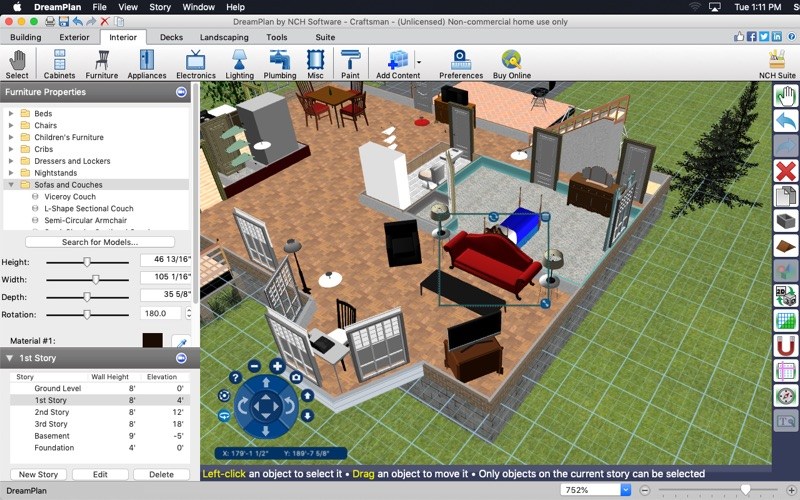
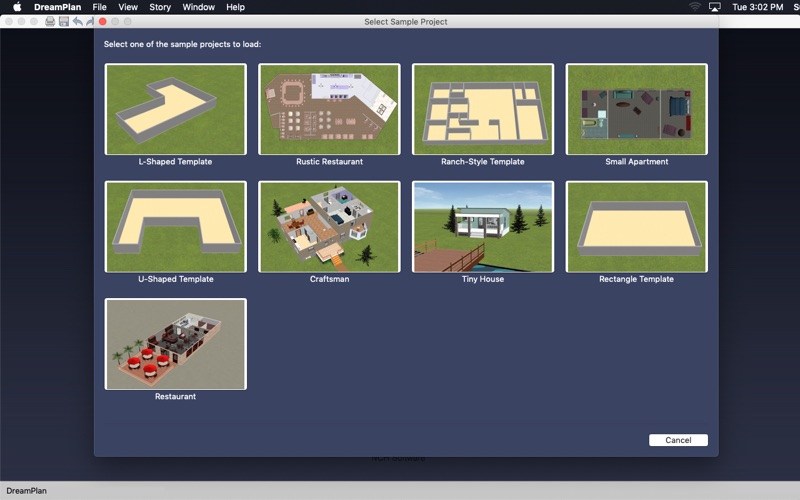
DreamPlan Plus is the advanced home and landscape design software that can design in 3D, 2D, or floor plan view. To start your project, you can choose from a pre-made sample, trace a blueprint, or start on a blank plot of land. Create multiple stories, design decks, and customize your roof. DreamPlan can view it all in seamless 360 degrees.
When the layout is ready, add objects fully visualize your new bedroom, kitchen, bathroom, and more. Make your perfect backyard by building up or lowering your yard’s terrain for outdoor landscaping. Upload 3D models and download additional content to explore even more designs. DreamPlan is the perfect product to begin working on a new house or a home improvement project.
Home & Floor Plan Design Switch between 3D, 2D Rendered, and 2D Blueprint view modes
Easily design floor plans of your new home
Easy-to-use interface for simple house planning creation and customization
Use trace mode to import existing floor plans
Landscape & Garden Design Plant trees and gardens
Reshape the terrain of outdoor landscaping areas
Visualize your new outdoor swimming pool design
Download additional content to spruce up your outdoor living space
Import 3D models for content unique to your design
Design front gardens & plan backyard sanctuaries
Interior & Room Design Include every detail in your kitchen design
Explore bathroom design ideas prior to building
Plan home decor with 3D furniture, fixtures, appliances and other decorations
Lay out and design your unfinished basement
Experiment with furniture placement before buying or rearranging
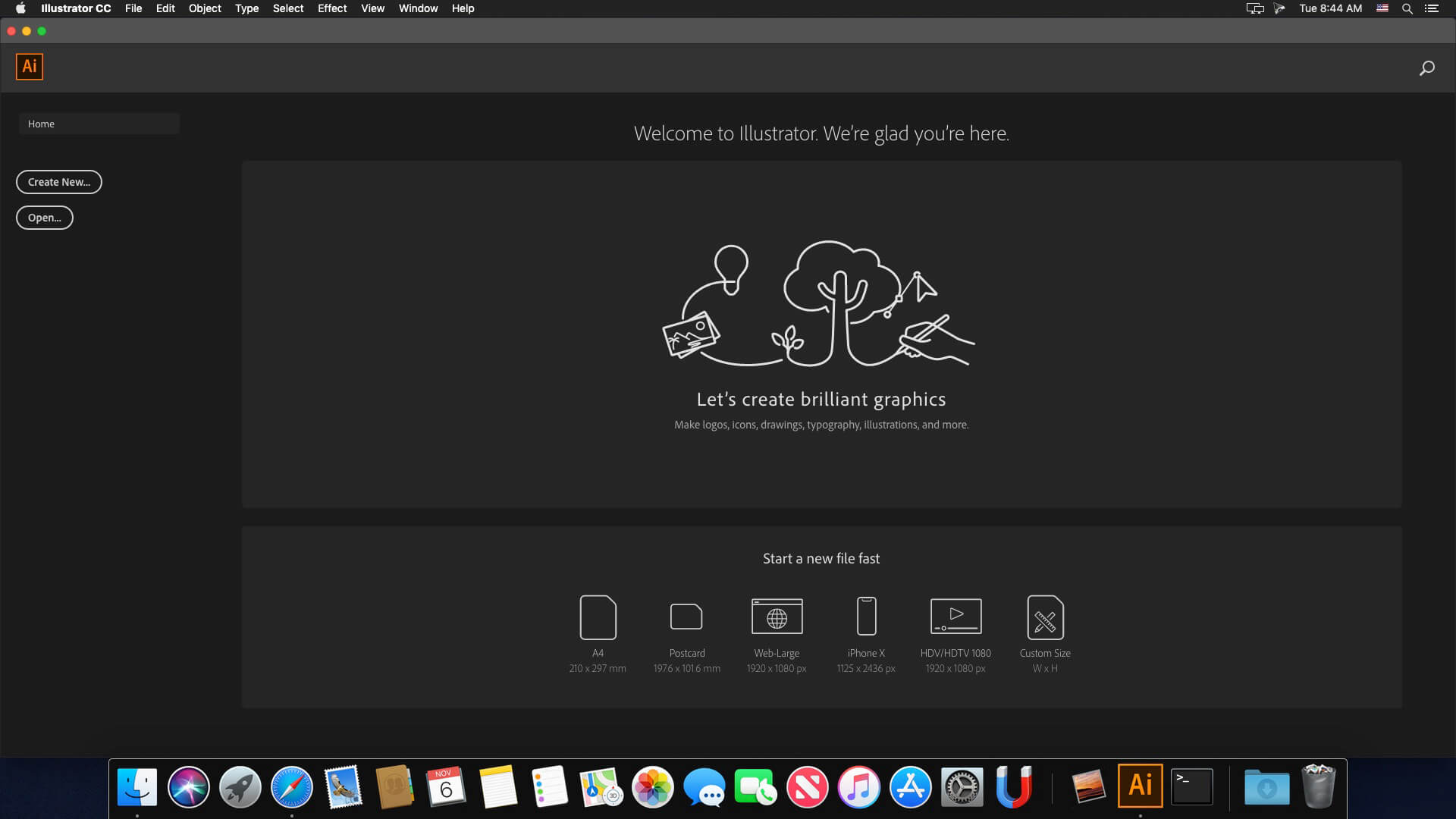
The industry-standard vector graphics software lets you create logos, icons, drawings, typography, and illustrations for print, web, video, and mobile. Millions of designers and artists use Illustrator to create everything from web icons and product packaging to book illustrations and billboards.
Iconic work at any size. Get all the drawing tools you need to turn simple shapes and colors into sophisticated logos, icons, and graphics. Illustrator artwork is vector-based, so it can scale down for mobile screens and up to billboard size — and always look crisp and beautiful.
Gorgeous typography that says it all. Incorporate a company name into a logo, create a flyer, or mock up a website design with the best type tools out there. Add effects, manage styles, and edit individual characters to create typographic designs that perfectly express your messages.
Draw attention everywhere. Create freehand drawings, or trace and re-color imported photos to turn them into works of art. Use your illustrations anywhere, including printed pieces, presentations, websites, blogs, and social media.
Fast asset export for screens Select assets from your artboards and export them to multiple sizes, resolutions, and formats with one click.
Puppet Warp Modify a graphic naturally, without having to adjust individual paths or anchor points.
SVG Color Fonts Design with SVG OpenType fonts that include multiple colors, gradients, and transparencies.
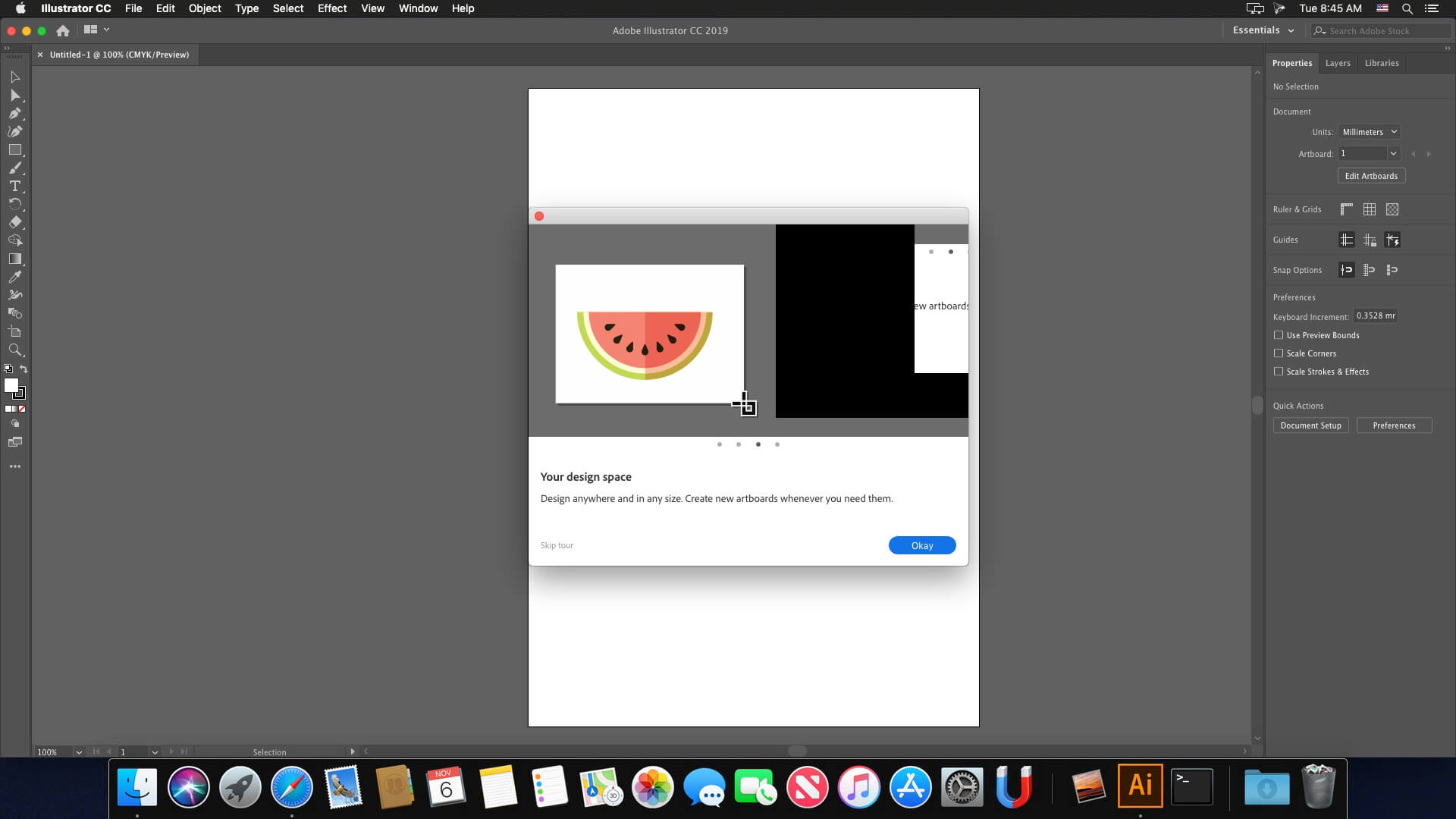
Artboard enhancements Create up to a thousand artboards on your canvas, and select multiple artboards at one time to move, resize, and more.
RELEASE NOTES -Release notes were unavailable when this listing was updated.
Language: Multilangual Compatibility: macOS 10.14 or later 64 bit Homepagehttps://www.adobe.com/
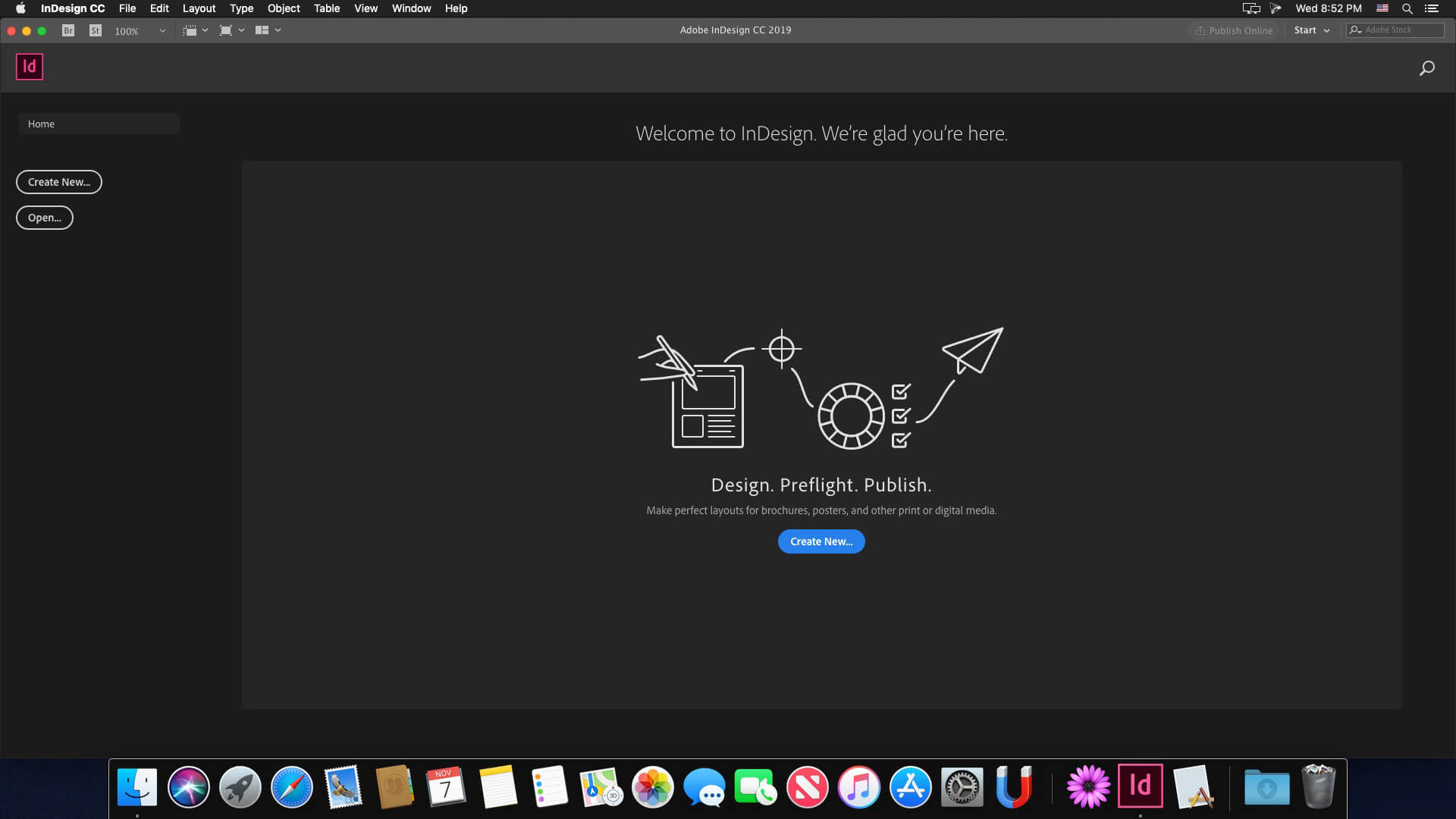
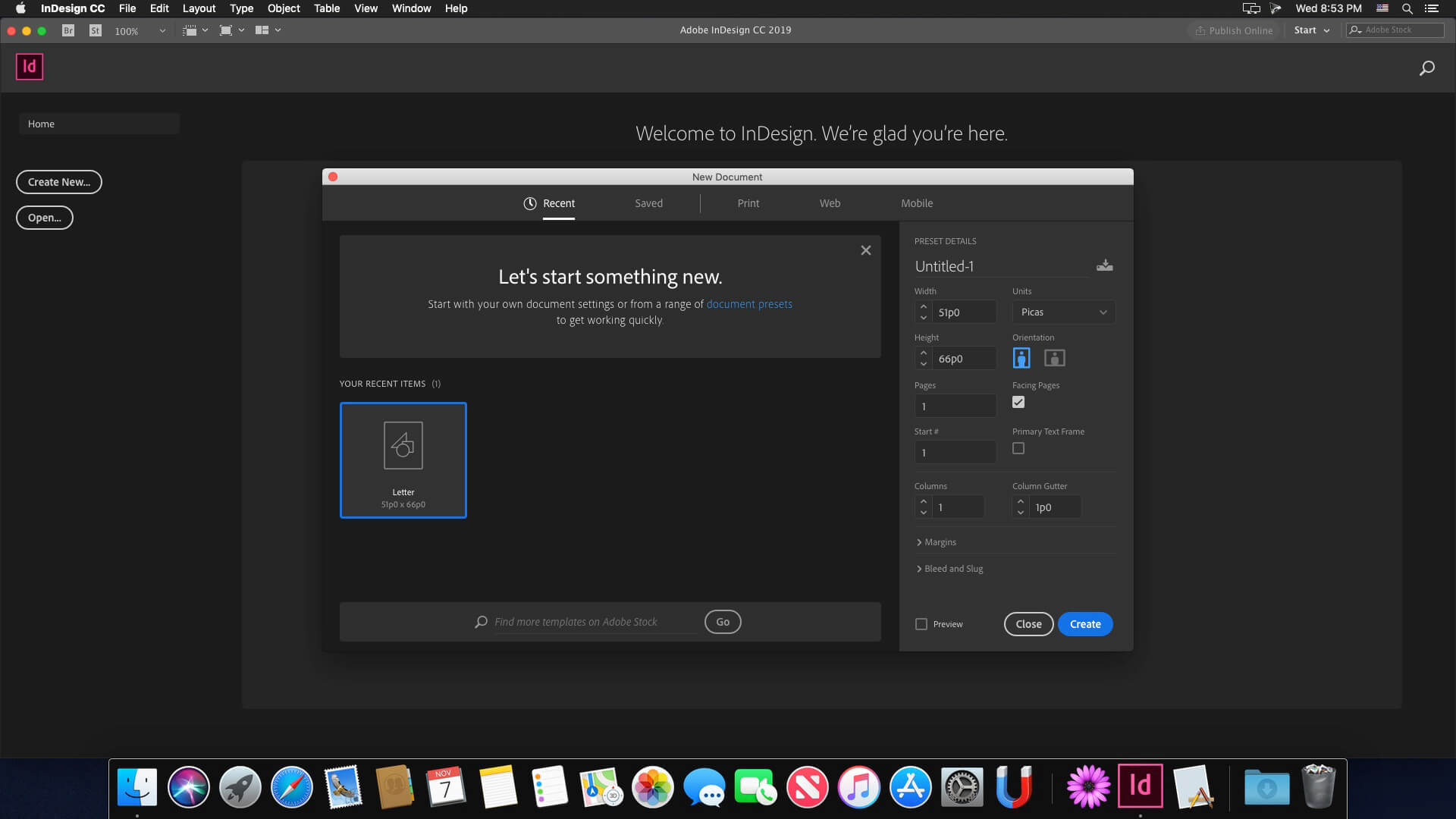
The next page in layout design. The industry-leading page design and layout app lets you create, preflight, and publish beautiful documents for print and digital media. InDesign has everything you need to make posters, books, digital magazines, eBooks, interactive PDFs, and more. Standout layouts. Only with InDesign. Whether you work in print or digital media, InDesign can help you create layouts that leap off the page.
Benefits of Adobe InDesign 2020:
New features add footnotes
Improvements to the OpenType
Control scale arrow pointers
Simplified search as Adobe Stock
New features the Creative Cloud the Libraries
Improving the Creative Cloud the Assets
Access to store Typekit the Marketplace
Integration with the Animate 2020
And more other
What’s New:
Version 16.0.1:
Release notes not available at the time of this post.
Language: Multilangual Compatibility: macOS 10.14 or later 64 bit Homepagehttps://www.adobe.com/
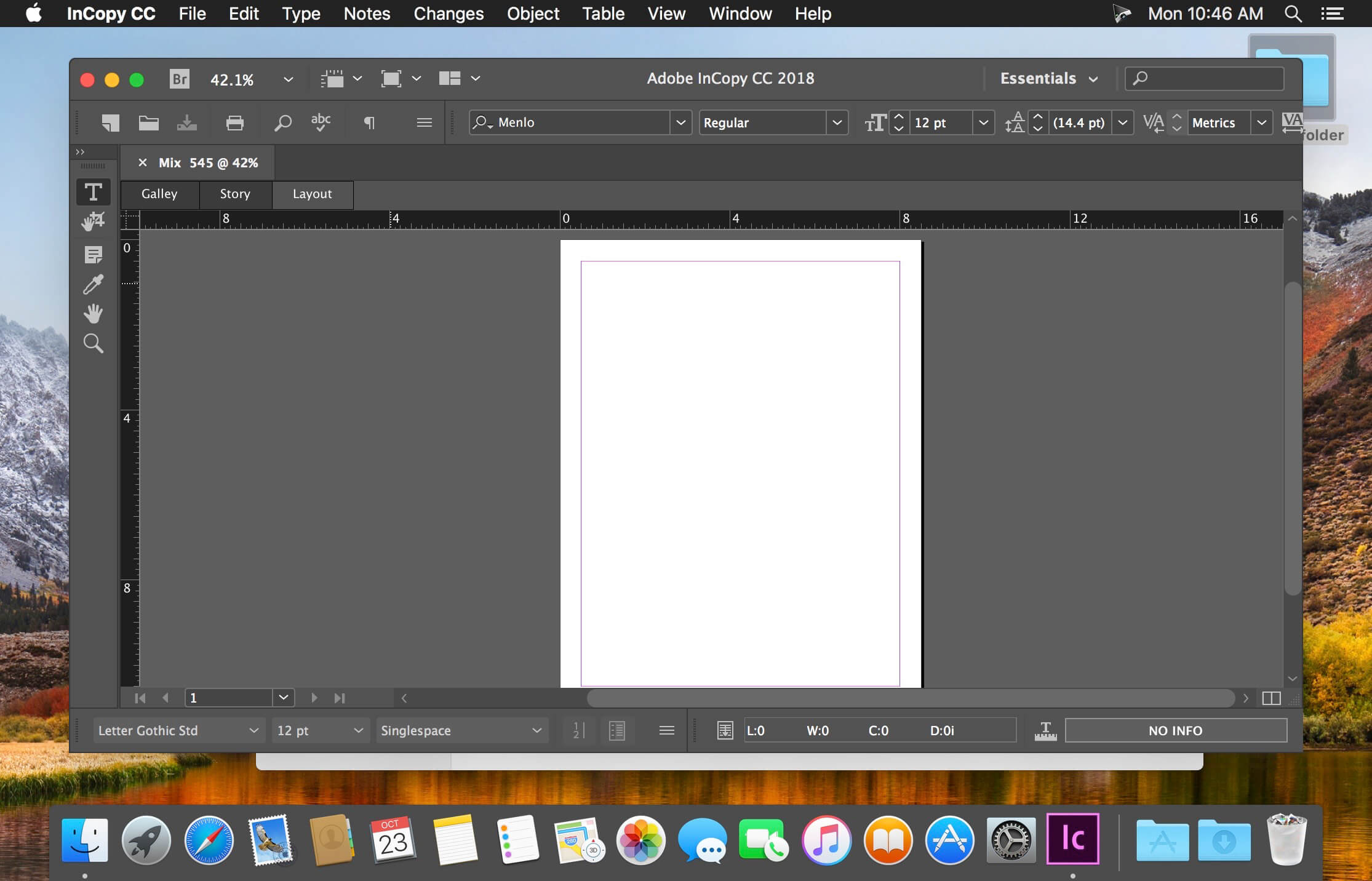
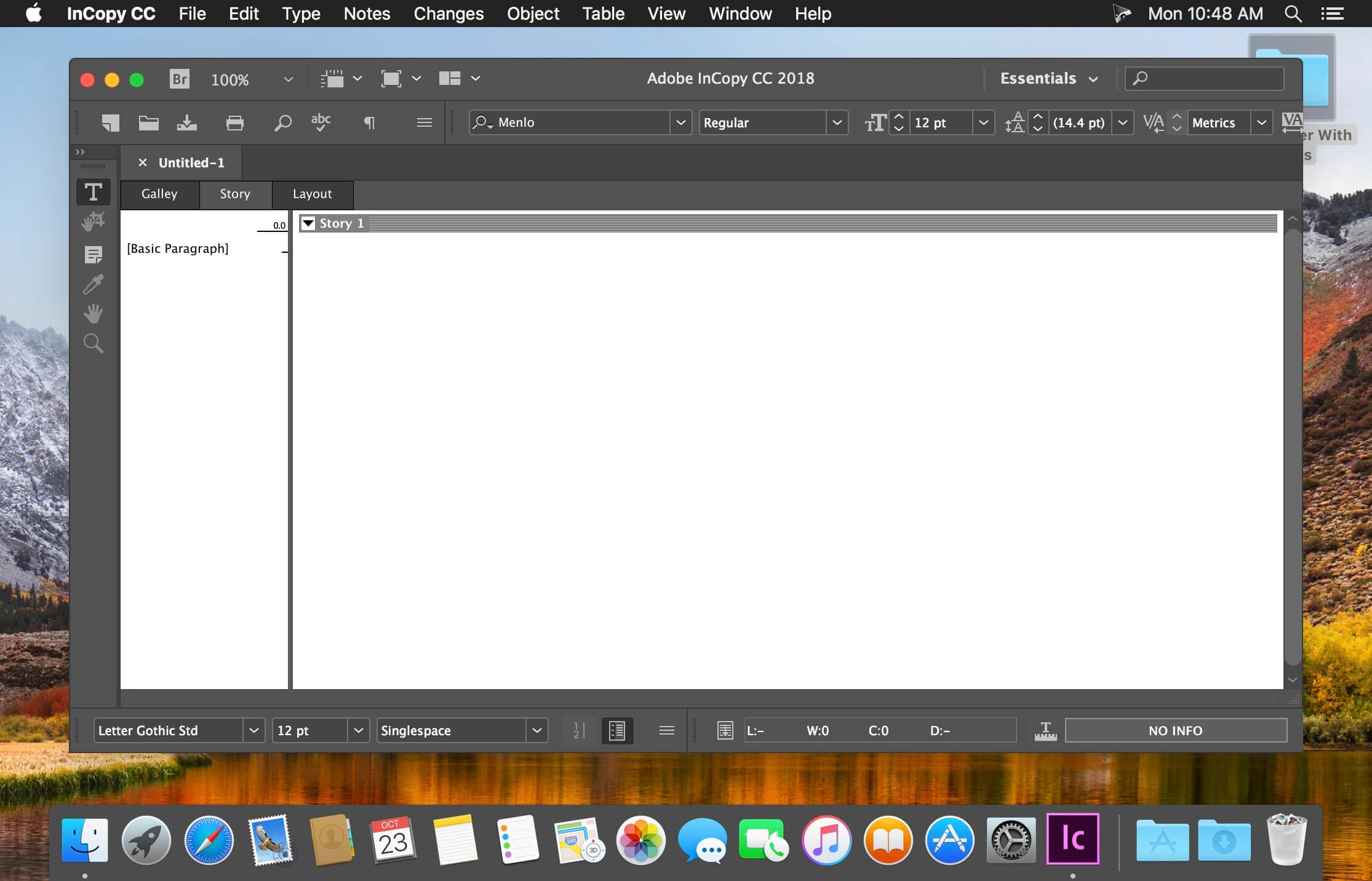
Adobe InCopy 2020 – a program for the professional creation and editing of materials, closely associated with the program Adobe InDesign 2020 to improve the interaction of design teams and editors. Adobe InCopy 2020 is ideal for large projects where many people work on text and graphic design.
Adobe InCopy 2020 is part of Creative Cloud . Therefore, all the latest updates are available to its users, and access to new versions is available from the moment of their release. Improve your skills and master new tools with a large and constantly updated collection of training videos. Thanks to the integration with Behance, you can share your projects with other users and instantly receive feedback on your work from designers from around the world.
Advantages of Adobe InCopy:
Footnotes for multiple columns
OpenType improvements
Updated interface
Simplified work with glyphs
Placement in image tables
Simple addition of shading to the text; includes offset management tools and much more
Place Gun tool for adding frames to tables
New search command in the opposite direction
Preserving key combinations and settings when upgrading to the latest version
Improvements to footnotes for text transfer
Color swatch folders for improved sample management
Editing tables by dragging and dropping
Support for displaying high resolution objects and Retina display in Windows
Adobe Typekit integration
Typekit font synchronization
Font search optimization
Simplified New Hyperlinking
Different Pageviews When Editing
Improved flashing
“Save to the cloud” command, which allows you to work with files on any device
List of recently used fonts
What’s New:
Version 16.0.1:
Release notes not available at the time of this post
Language: Multilangual Compatibility: macOS 10.14 or later 64 bit Homepagehttps://www.adobe.com/
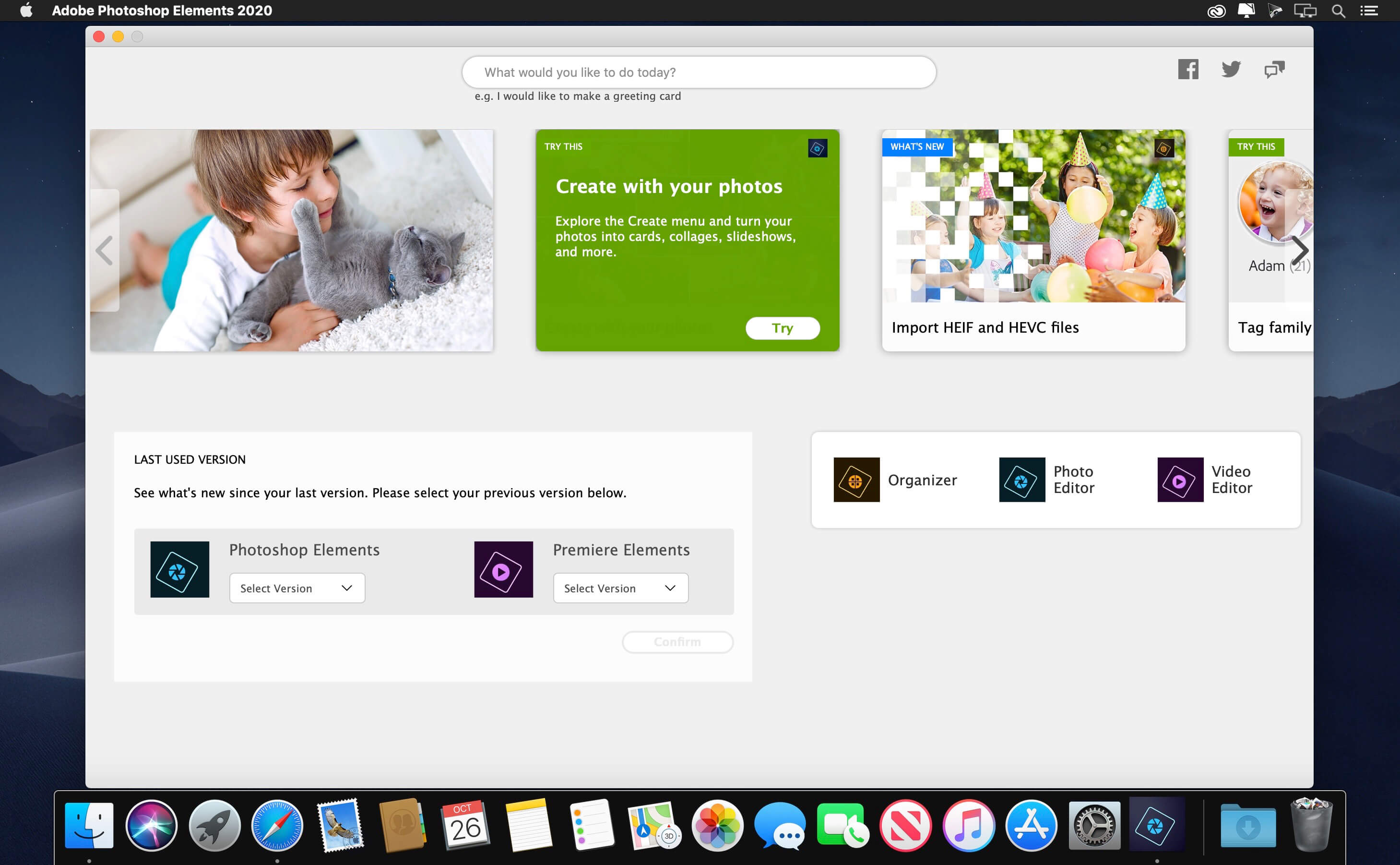
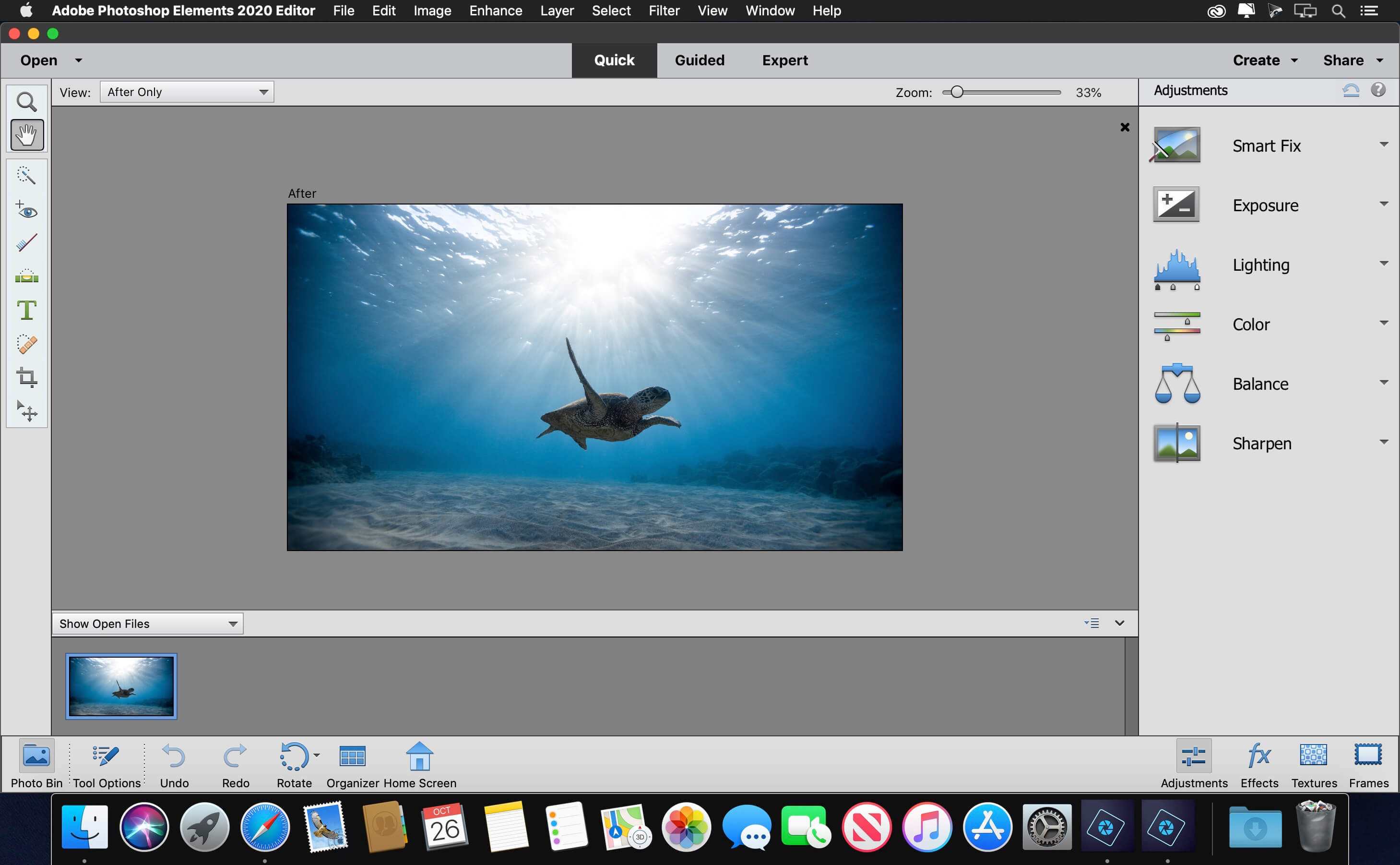
Adobe Photoshop Elements – the #1 selling consumer photo-editing software – helps you edit pictures with powerful, easy-to-use options and share them via print, the web, Facebook, and more.
Follow your creative inspiration wherever it leads. There’s no limit to what you can do, with smart editing and step-by-step guides making it all possible. You can easily edit, create, organize, and share your photos—and turn your favorite memories into forever keepsakes.
Add motion to your static images with Moving Photos Static images are great. Static images with the appearance of motion, even better. This year we’re introducing the ability to transform your favorite shots into moving photos with just one click. Powered by Adobe Sensei, you can easily create fun, animated GIFs with 2D and 3D camera motion and then impress your family and friends as they marvel at your skills.
Fine-tune portrait and group shots with Adjust Face Tilt Over the years we’ve introduced numerous features that help with those occasional moments where something just isn’t right. From closed eyes to a missed smile in a group shot, Elements has come to the rescue. Adjust Face Tilt is this year’s addition to this category of edits. This Sensei powered feature helps you ensure that everyone in your photo is looking in the right direction by automatically adjusting the position of a person’s face.
Enhance your photos with customizable Quote Graphics We all need a little inspiration – especially in 2021 – and this year we’re adding the ability to easily create Quote Graphics within Elements. Add motivational quotes or personalized messages to your pics with pre-set templates, tons of customization, and cool animation options.
RELEASE NOTES -Release notes were unavailable when this listing was updated.
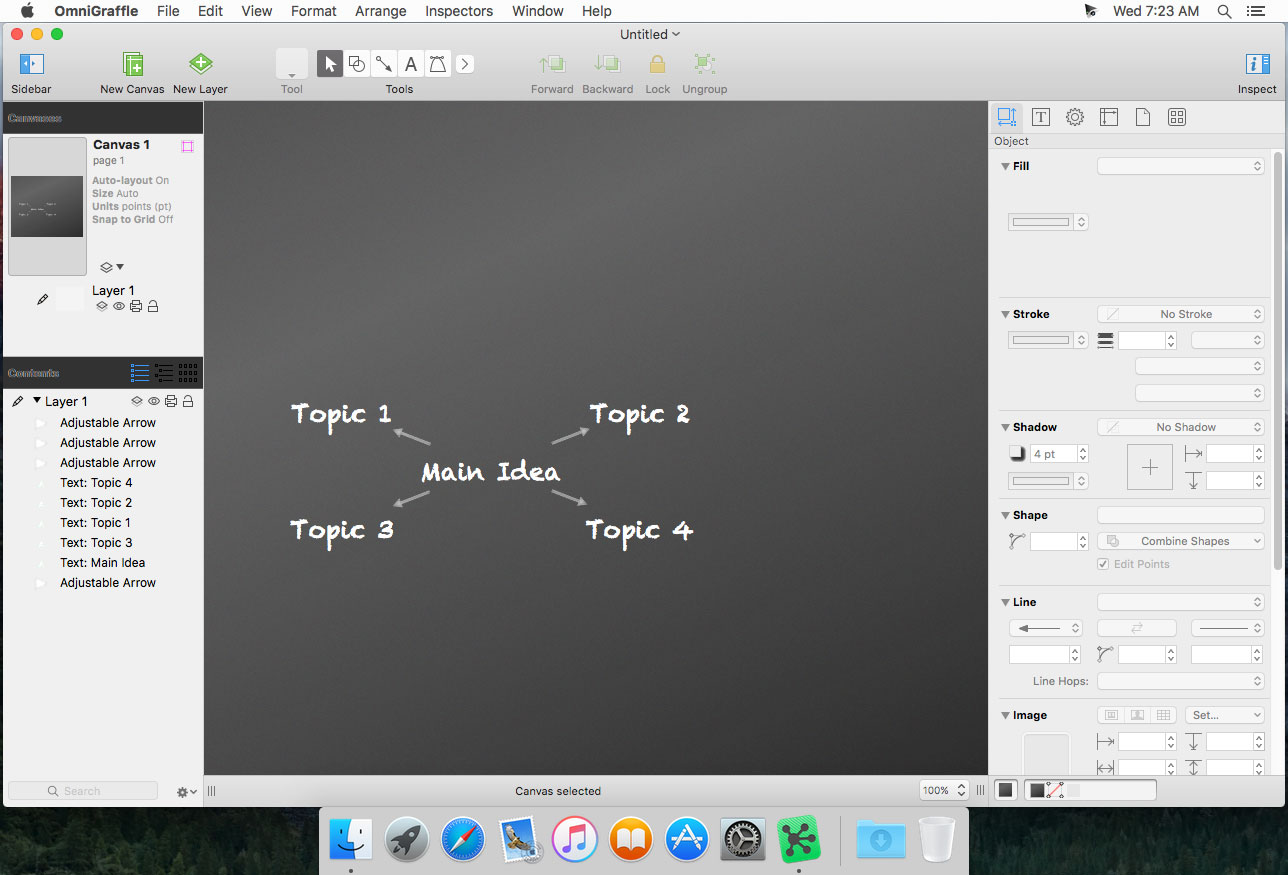
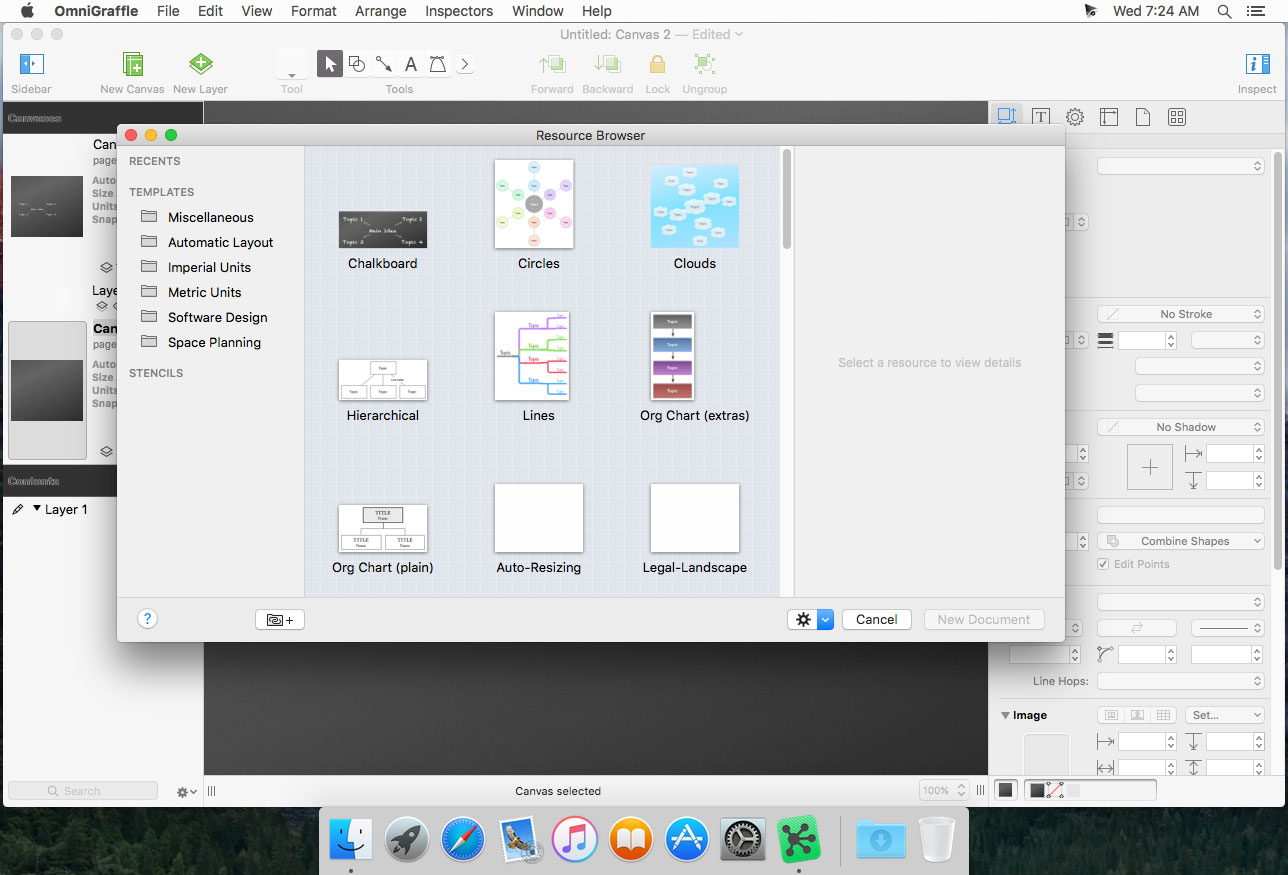
OmniGraffle Pro helps you draw beautiful diagrams, family trees, flow charts, org charts, layouts, and (mathematically speaking) any other directed or non-directed graphs. We’ve had people use Graffle to plan plotlines for a story, make an overview of an operating system, show the evolution of computers, and even show how diseases can spread in a closed population. If you want to organize your thoughts, your projects, or even your friends graphically, using boxes and lines, OmniGraffle is your tool.
OmiGraffle Professional has all of the great features in 6.0, plus a powerful toolset for advanced document creation and editing options. For the pro user who’s looking for an in-depth diagramming application that’s still priced below the competition, you’ve come to the right place.
What’s in Pro:
Visio import/export: Open Microsoft Visio® documents (VSD or VDX) directly in OmniGraffle, as well as Visio stencils (VSS) and templates (VST). Export to Visio XML documents (VDX).
Shared layers: Easily update common elements that you’d like to display on multiple canvases. Layers can now be toggled between a normal and a Shared layer.
New controls specify which edge or center of an object is reflected in the Geometry Inspector. You can set the X and Y coordinates of a selected vertex point.
Shape combinations: Easily create new shapes using combinations of existing shapes (with support for union, intersection, and subtraction). Combined shapes can now be uncombined into their component shapes.
Resolution-independent Display Scale: When zoom is at 100%, match an Apple point, PostScript point, or screen pixel.
Photoshop export has returned, and supports the export of OmniGraffle layers to Photoshop layers.
Tables: Group shapes using tables, making it easy to add new rows or columns of your template shape.
What’s New in 7
Point Editor Tool
Infinite Canvas
Artboards & Artboard Layers PRO
Convert Text to Shapes PRO
Convert Line to Shape PRO
Keyboard Shortcut Sets
Basic SVG Import
The New Export Panel
The Unified Sidebar
What’s New:
Version 7.18: OmniGraffle 7.18 for Mac introduces support for macOS 11 Big Sur. This release is a macOS Universal app, which can run natively on both Apple Silicon Mac and Intel-based Mac computers.
macOS Big Sur: OmniGraffle has been updated for compatibility with macOS Big Sur.
macOS Universal App: OmniGraffle now runs natively on both Apple Silicon Macs and Intel-based Mac computers.
Point Editor Tool: Command-Click a selected point to deselect it.
Omni Automation: OmniGraffle now recognizes simple plug-ins that use the .omnigrafflejs file extension.
Omni Automation: Omni Automation has been updated with improved security and per-script approval for external scripts.
AppleScript: Embedded AppleScript support has been updated with improved security to require per-script approval.
App Icon: The app icon has been updated to feel at home on macOS Big Sur.
Inspectors: Updated the appearance of the color well.
Text: Text stays sharp on non-retina displays while editing.
Export Panel: Keyboard focus starts in the export format options instead of on the PNG button. The selected format has a new appearance to differentiate it from the others.
Bézier Objects: Additional fixes for adding points to Bézier paths.
Inspectors: Fixed the width of the Flexible Canvas buttons to resize based on the text.
Images: PDF images set to tile and scaled up really large render on-screen and export with the correct resolution.
Lines: An alert will display when there are lines are missing enough points to define it. Points will be automatically created to allow the file to open. If you have any feedback or questions, we’d love to hear from you! The Omni Group offers free tech support; you can email [email protected], call 1-800-315-6664 or 1-206-523-4152, or tweet @omnigraffle. If OmniGraffle empowers you, we would appreciate an App Store review. Your review will help other people find OmniGraffle and make them more productive too.
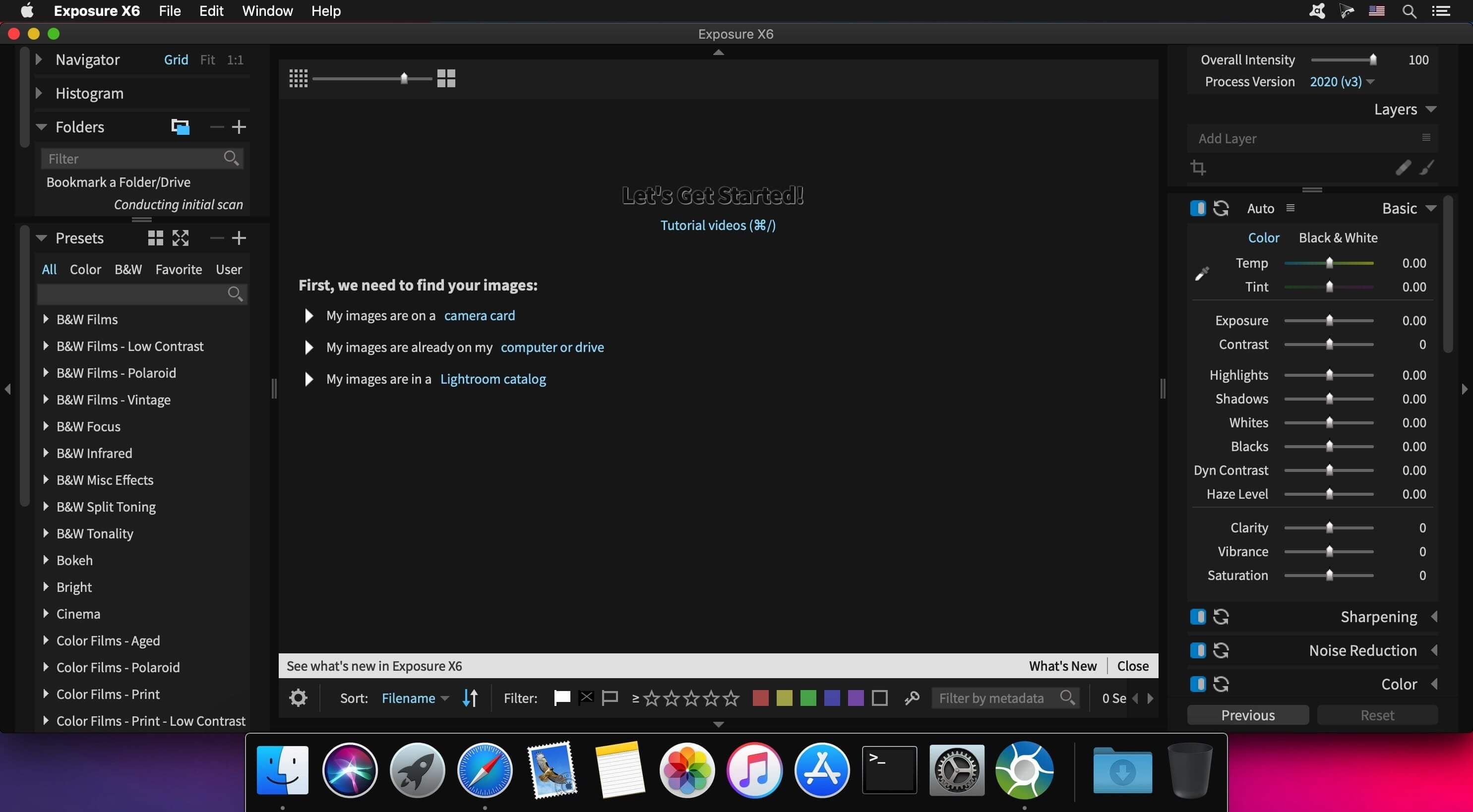
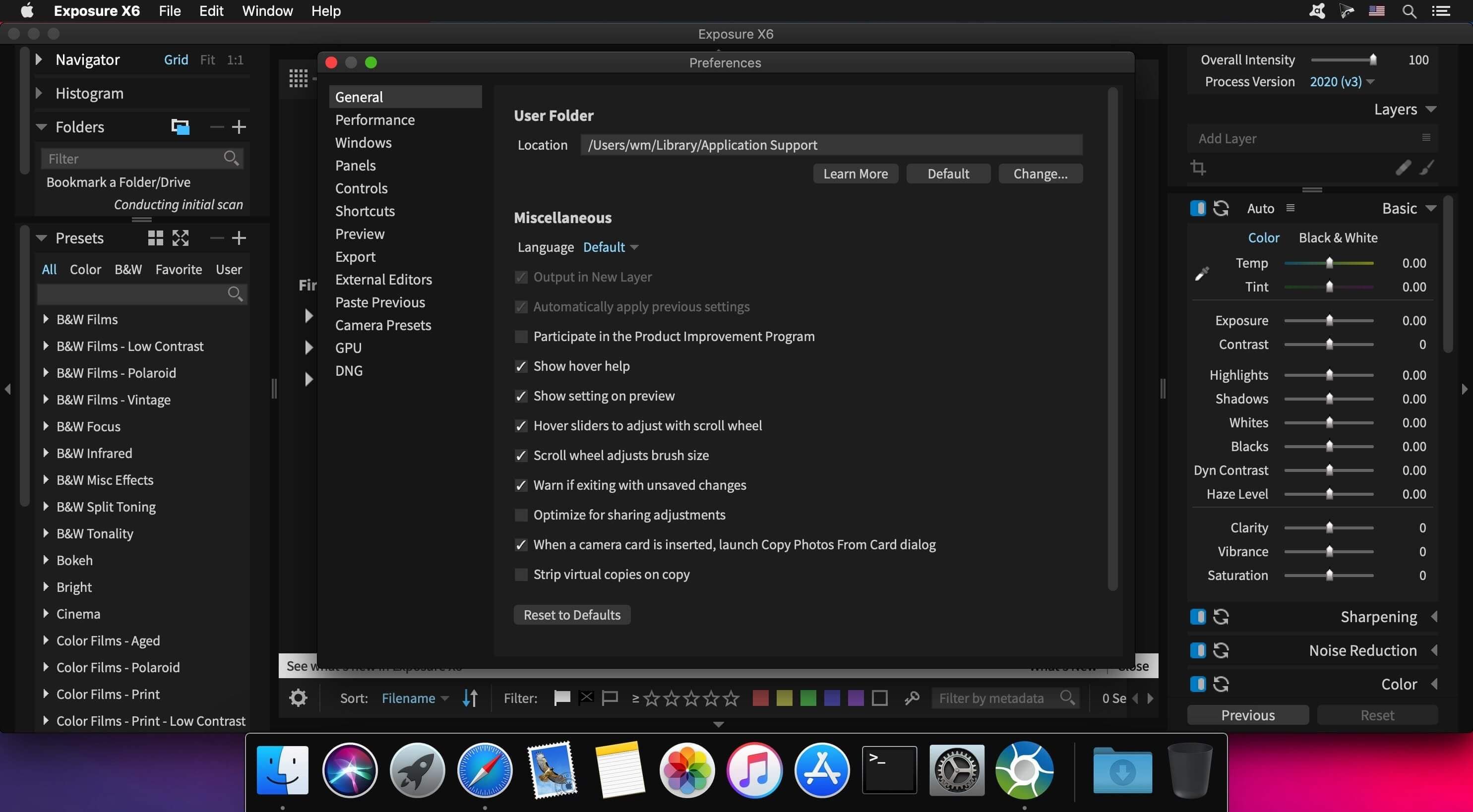
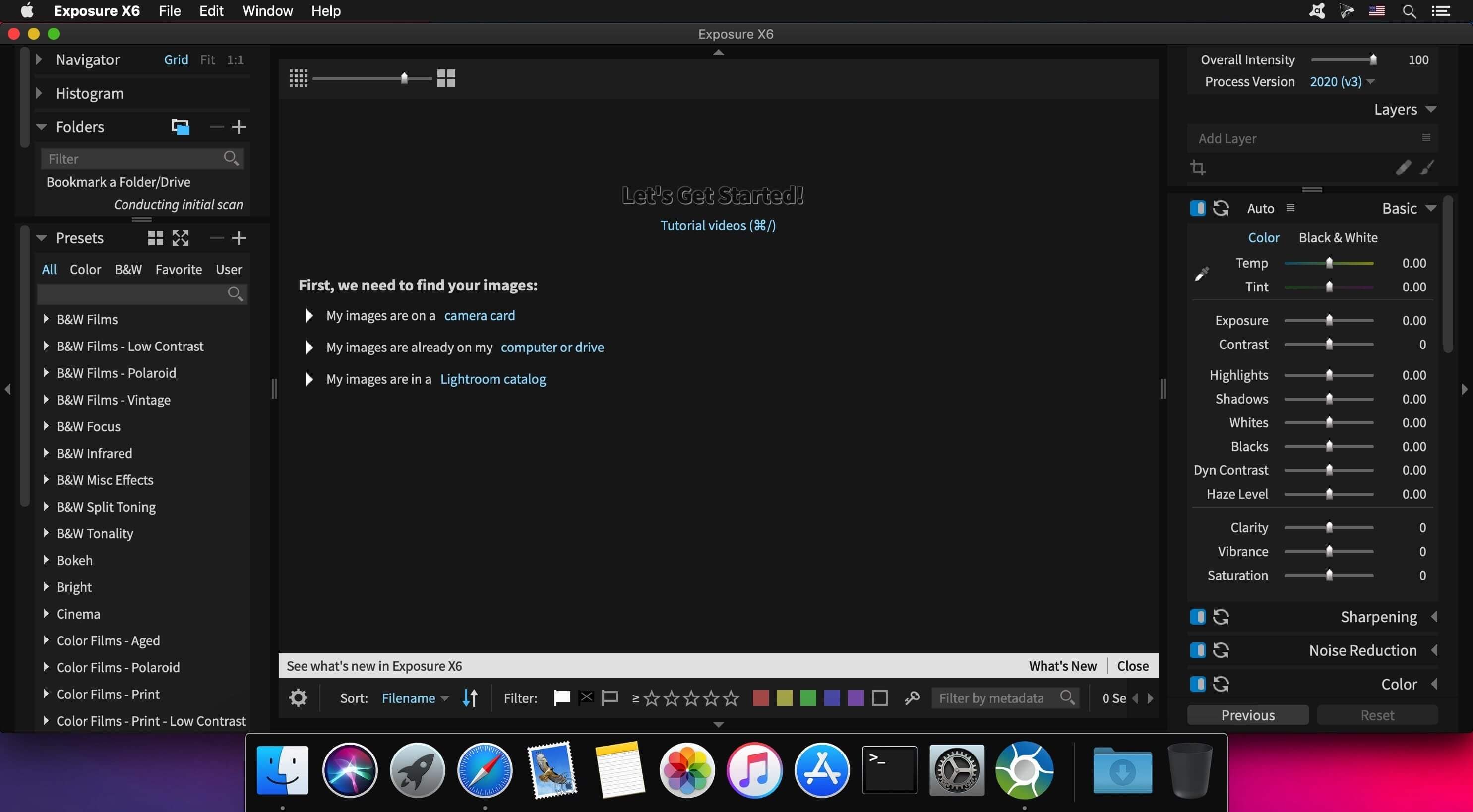
Exposure is the best image editor for creative photo editing. Exposure combines professional grade photo adjustments, a huge library of gorgeous photo looks, and an efficient design that makes it a joy to use. New automatic adjustments streamline your workflow and keep you in the creative zone.
Exposure X6 Bundle:
Exposure X6 non-destructive RAW photo editor
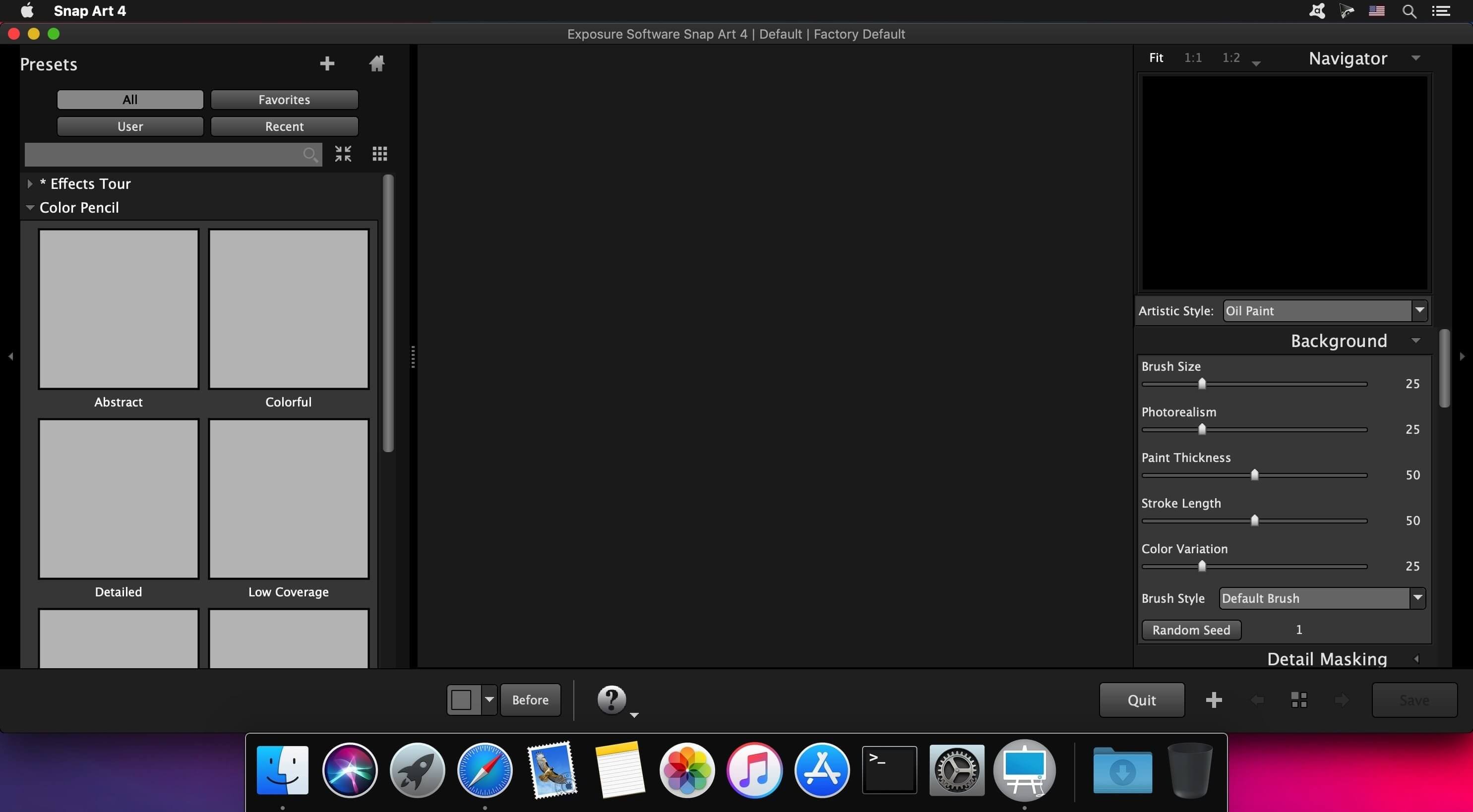
Integrated Snap Art natural media
Integrated Blow Up high-quality photo enlargement
Exposure X6, Snap Art, and Blow Up plug-ins for Lightroom and Photoshop
Gorgeous Looks An extensive selection of beautiful film presets puts the history of photography at your fingertips. Carefully researched with the help of experienced film photographers, Exposure has the largest and most accurate selection of film looks available. Exposure’s creative looks go beyond film simulation from clean and elegant modern styles to eye catching color shifts. You can customize each of Exposure’s built-in looks, then save it as a unique look that expresses your own style. Reuse your customized presets to achieve consistent looks across all your work with a single click. Exposure has creative tools you won’t find in any other photo editor.
These tools include a powerful color editor for sophisticated color adjustments, realistic film grain, creative lens focus and tilt-shift effects, and a huge number of overlays – light effects, textures, and borders. Exposure’s design encourages you to work creatively. Apply effects selectively to specific areas of your image with brushing and masking tools. Non-destructive layers enable you to blend presets and adjustments for an endless variety of looks.
Exposure’s intuitive design helps you focus on creativity. Its workflow is reliable, efficient, and respectful of your hard drive space. This helps you spend less time managing files and more on creating beautiful images. Its new GPU optimized processing engine means less waiting, so you can focus on creative editing without distraction. Exposure puts everything you need onscreen in a single user interface that can be customized to suit your workflow preferences. Transition seamlessly between organizing and editing without having to switch between modules.
Exposure is the best photo editor for creative photographers who want to create artistic images. Its large library of gorgeous looks provides inspiring starting points that you can customize. Unique creative tools not found in other photo editors help your photos stand out. And Exposure’s efficient workflow keeps you in the creative zone. Use Exposure as a complete photo editor to master your full workflow, or as a Lightroom or Photoshop plug-in for your creative edits.
Additional enhancements include the following:
New light and airy presets
New season inspired presets
New complementary color presets – Orange/Teal, Red/Green, and Purple/Yellow
More black & white films – Ilford FP4 Plus, Ilford Pan F Plus, Kodak Recording 2475, and Polaroid Chocolate
New image flip options
Support for grayscale TIFF and JPEG images
Multiple user interface language options – English, French, and German
Exposure X6 is a complete photo editing and organizing solution. It can also be used as a creative editing plug-in. The plug-in requirements are as follows: Adobe Photoshop CS6 or Adobe Photoshop CC 2015 or newer Adobe Lightroom 6 or Adobe Lightroom CC 2015 or newer
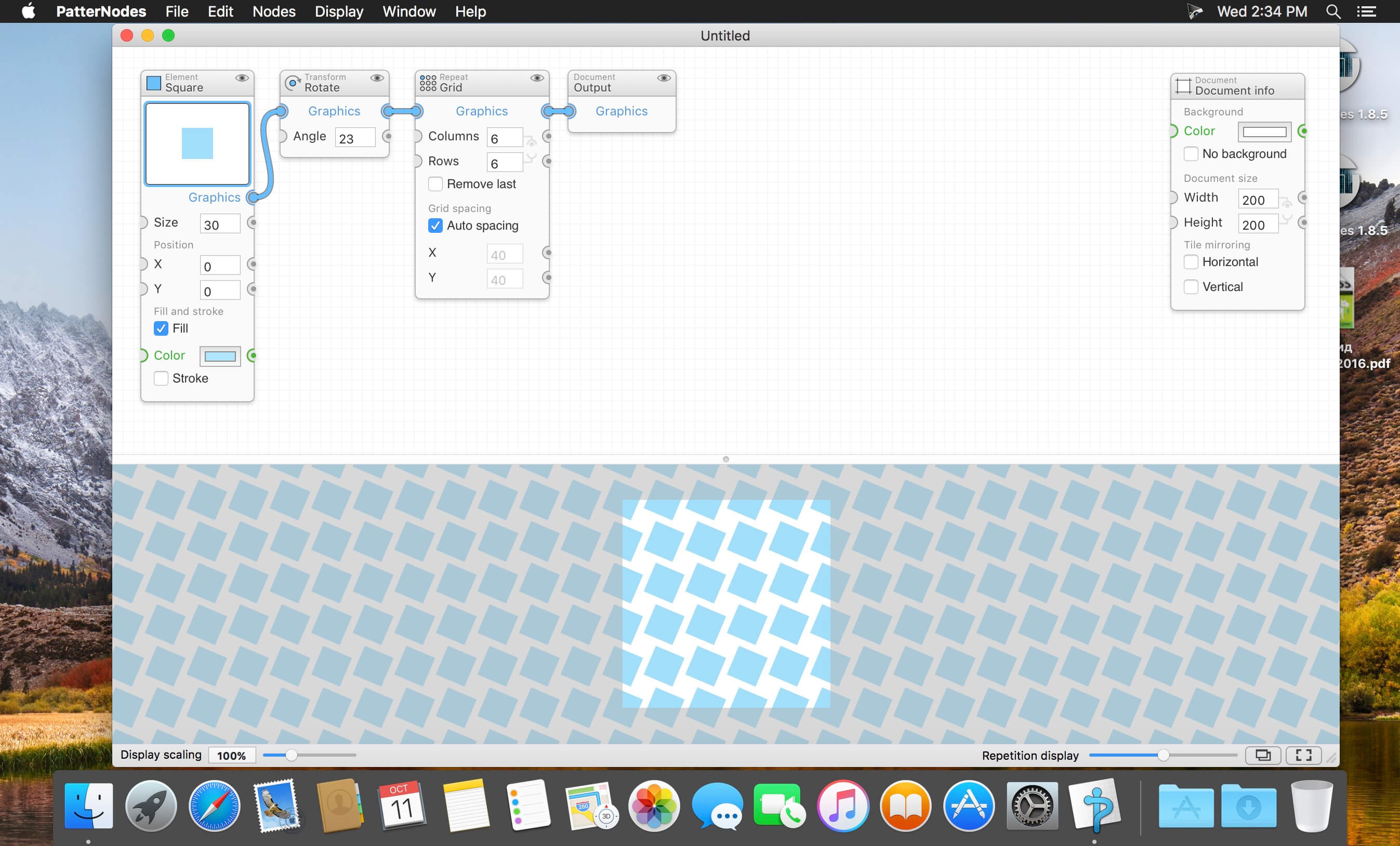
PatterNodes is a tool for creating graphical patterns, animations, gradients, or illustrations based on repetitions. This is done by defining a sequence of steps, a recipe of sorts, that describes the pattern. Each pattern element or operation is represented by a little panel called a node, and the nodes are then linked by connections drawn between them. As the nodes can be freely combined and connected, this gives you a very flexible and powerful interface.
While this interface requires a different way of thinking, it also offers a lot of benefits compared to traditional Illustrator-type editors. Most importantly it enables you to use sliders to instantly change any aspect, like color, spacing, scaling, rotation or repetition count of any part of the pattern without having to undo/redo any steps. You can also specify animation value ranges for any of these parameters.
The resulting pattern tile is always shown in the bottom preview view, repeated and updating in real time with any changes, giving you instant feedback of what the end result will be. To make pattern creation easier PatterNodes also includes a lot of nodes that automatically perform common tedious tasks like repeating elements at the tile edges to make the pattern seamless, or randomizing different aspects (like color, position, rotation, etc.) of the elements in a pattern to give it a little more life. Finally, when you’re done you can simply copy the pattern tile into whatever illustration or graphics application you use, or export it either as vector graphics or a bitmap image file. Animations can be exported as GIF, QuickTime MOV or numbered PNG or JPG files
Particle simulations and 3D effects, for motion graphics and VFX.
Particle Effects Trapcode Suite brings the power of 3D particle systems right into After Effects. Use particle emitters to create fire, water, smoke, snow and other organic visual effects, or create technological marvels and user interfaces with immortal particle grids, text and 3D forms. Combine multiple particle systems into one unified 3D space and design emitters that emit full emitters for creating visually stunning results. With GPU acceleration, Trapcode plugins help you get beautiful results fast.
Physics & Fluids Trapcode Suite includes a physics engine with powerful behaviors, forces and environmental controls. Particular brings particles to life with new flocking/swarming and predator/prey behaviors, and adds more realism with combined bounce and air physics. Particular and Form both include the ability to create organic fluid simulations where particle systems interact with beautiful results.
3D Objects & Surfaces Create flowing surfaces, mountainous terrains, endless tunnels, and abstract shapes. Use paths and motion to generate beautifully complex geometric shapes, ribbons and extrusions. Whether you are creating motion graphics or visual effects, the possibilities are endless.
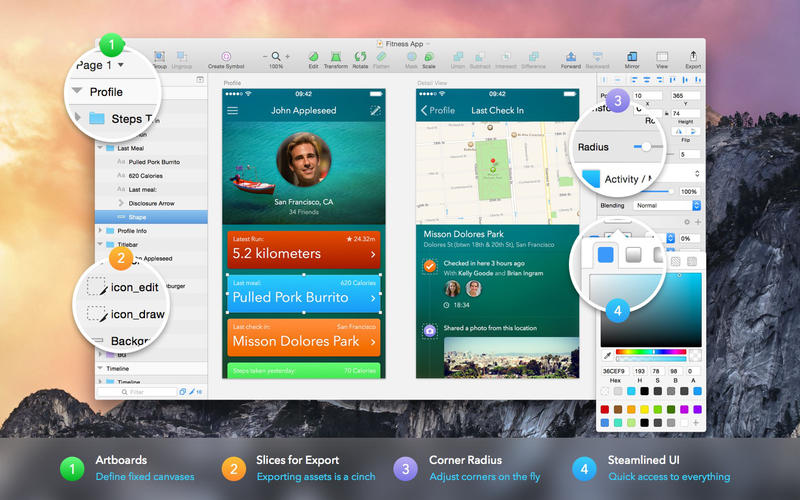
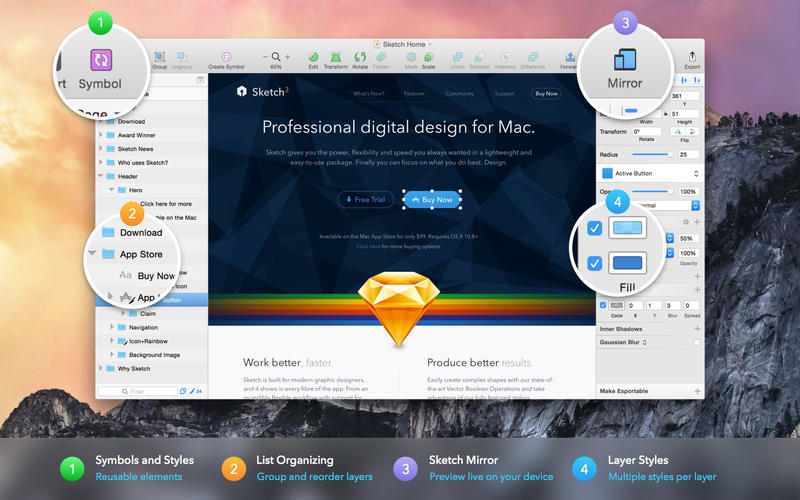
Sketch: graphic design for a digital world. Powerful tools and an elegant interface, in a single award-winning package. Because making beautiful things should be a joy, not a burden.
Sketch supports multiple fills, borders and shadows per layer; has powerful non-destructive boolean operations; smart pixel alignment; and makes exporting a breeze with automatic slicing and multiple resolution export.
Vector tools and basic shapes are the foundation; whether you are designing icons, websites, interfaces or anything else. Combine these into complex shapes with non-destructive boolean operations, leaving you free to edit them in the future, then apply advanced layer style options like multiple shadows, fills, gradients, noise, blending, background blurring, and more.
Sketch doesn’t just do shapes, of course. Imported images can be rotated, scaled, cropped and masked. The best-in-class text tool lets you add beautiful typography to your designs, using native font rendering, so you can be sure that text always looks 100% accurate!
Brand new to Sketch 3, Symbols allow you to reuse entire groups of content in multiple places in your design. Think of interface elements such as buttons, headers and footers. Change them once, and they update everywhere in your document.
Built for the Mac, Sketch supports OS X’s Versions and Auto Save, letting you focus on your work instead of hitting CMD+S. Keep your work safely in sync across multiple Mac computers with iCloud. And take Sketch full screen to maximise the size of your canvas.
All this power is deliciously baked into Sketch’s single-window interface. Everything is there, tucked away until you need it. A simple interface with powerful tools.
What’s New:
Version 70 Highlights A fresh look for macOS Big SurWith this release, we’re excited to introduce a UI redesign that fits right in with the new macOS Big Sur design language. It’s the same Sketch you know and love, but with every detail reconsidered — from a full-height sidebar, to a refreshed Inspector, and all-new iconography throughout the app. The biggest change you’ll notice is the toolbar. To make room for Big Sur’s new inline document titles, we’ve introduced a new default toolbar and combined some items to keep things clean and uncluttered. As ever, you can change your toolbar items at any time by heading to View > Customize Toolbar…. If you can’t upgrade to Big Sur just yet, don’t worry. We’ve spent time making sure that things still look and feel great in older versions of macOS.
What’s improved
Alongside our Big Sur redesign, we’ve improved the contrast between different parts of our UI if you have relevant macOS Accessibility settings enabled.
You can now alter between the grid view and list view once again for Color Variables in the popover
There’s now an option to insert Data sources as new layers from the Insert menu. And, when you select a layer that uses Data, you’ll see a new Data icon in the Inspector. Click on that to refresh that layer’s Data source or pick a new one.
We’ve made it quicker and easier to repeat and create grids from layers. Simply select two or more layers and drag on the new handle that appears in the bottom-right corner of your selection.
What’s changed
The controls for the Make Grid tool (Arrange > Make Grid) now appear in their own view in the Inspector instead of a sheet that appears over your Canvas.
On macOS Big Sur, we’ve combined the view and zoom toolbar items to keep things tidy. The same options are still there, just together in one place. On older versions of macOS, you’ll continue to see these as two separate items.
What’s fixed
Fixes a bug that caused the Appearance panel in the Inspector to disappear if you selected a Symbol instance and collapsed it, like a bad magic trick.
Fixes a performance bug that, when many Libraries were enabled, could cause lag when dragging layers over a Symbol Source in the Symbols page.
Fixes a bug that could cause a complex shape layer to disappear if you tried to offset its path a more negative amount than is possible.
Fixes a bug that caused local documents you uploaded to Cloud to lose their link if you didn’t save the document immediately after the upload. This also affected documents you saved to third-party storage services like Dropbox, Box or iCloud Drive.
Fixes a crash that could occur if your system-wide Language & Region preferences used a , as a decimal separator and you tried to perform a math operation with decimals in the Scale tool.
Fixes a bug that caused the shadow for a popover in the Inspector to move independently from the popover itself.
Fixes an issue that caused some bitmaps to appear blurry when you exported them.
Fixes a bug that stopped you from adding Assistants that had particularly long URLs (or located in lots of nested folders). This fix does mean you’ll need to reinstall any Assistants you had previously added — luckily you can do this in a couple of clicks from the Manage Assistants… sheet.
Fixes a bug that caused Sketch to freeze if you toggled between dark and light modes in System Preferences.
DaVinci Resolve Studio supports up to 120 fps at a massive 32K resolution, as well as support for multiple GPUs for real time playback of professional 10‑bit formats, and accelerated H.264 and H.265 hardware decoding and encoding. There’s a full suite of immersive audio tools including Dolby Vision and HDR10+ grading and rendering, the DaVinci Neural Engine and 30 extra Resolve FX. You get temporal and spatial noise reduction, motion effects, lens distortion correction, de-interlacing, workflow and media asset management integration, remote scripting API, remote and networked color grading, plus rendering and encoder plug‑in support. Plus there’s full screen playback on a second monitor!
More GPU Acceleration DaVinci Resolve Studio lets you turbo charge the performance of your system with support for multiple GPUs! Whether you’re using Metal on a Mac, or OpenCL and CUDA on Windows and Linux, you’ll get incredible performance gains with additional GPUs.
Advanced Noise Reduction DaVinci Resolve Studio includes some of the most sophisticated noise reduction tools in the world. Temporal and spatial noise reduction tools can be used independently or together to help clean up and remove unwanted noise in virtually any image.
Lens Distortion DaVinci Resolve Studio includes a lens correction feature that allows you to analyze a clip and correct for spherical lens distortion or other aberrations. It uses advanced image analysis and processing algorithms for incredibly high quality results!
Professional HDR Scopes The HDR scopes in DaVinci Resolve Studio are capable of measuring and providing detailed information about ST.2084 and HLG images. This allows you to replace the 10‑bit scale of the scopes with a scale based on nit values, or cd/m2, instead.
Stereoscopic 3D DaVinci Resolve Studio features a complete set of tools for editing and grading stereoscopic 3D projects. You have total control over stereo specific clip properties such as convergence, floating windows, eye alignment, mastering and output.
Remote Grading Remote grading lets colorists work interactively with clients across the globe. It allows two matching DaVinci Resolve systems to be synchronized via an internet connection so that changes made on one system are immediately visible on the other.
DaVinci Colorspace Transform Language Unlike LUTs, which rely on simple lookup tables, DaVinci color transformation scripts are GPU accelerated bits of code that directly transform images using combinations of math functions. That makes them extremely fast and non destructive. Scripting and Automation DaVinci Resolve Studio features support for both Python and LUA scripting, along with developer APIs that allow you to add workflow integrations and custom encoding options. This lets studios of all sizes create deeply integrated custom workflows.
Workflow Integration Plug‑ins DaVinci Resolve Studio supports workflow integration plug-ins for connecting to local and remote asset management, automation systems and more. Users can write their own plug-in and interact with DaVinci Resolve’s javascript APIs.
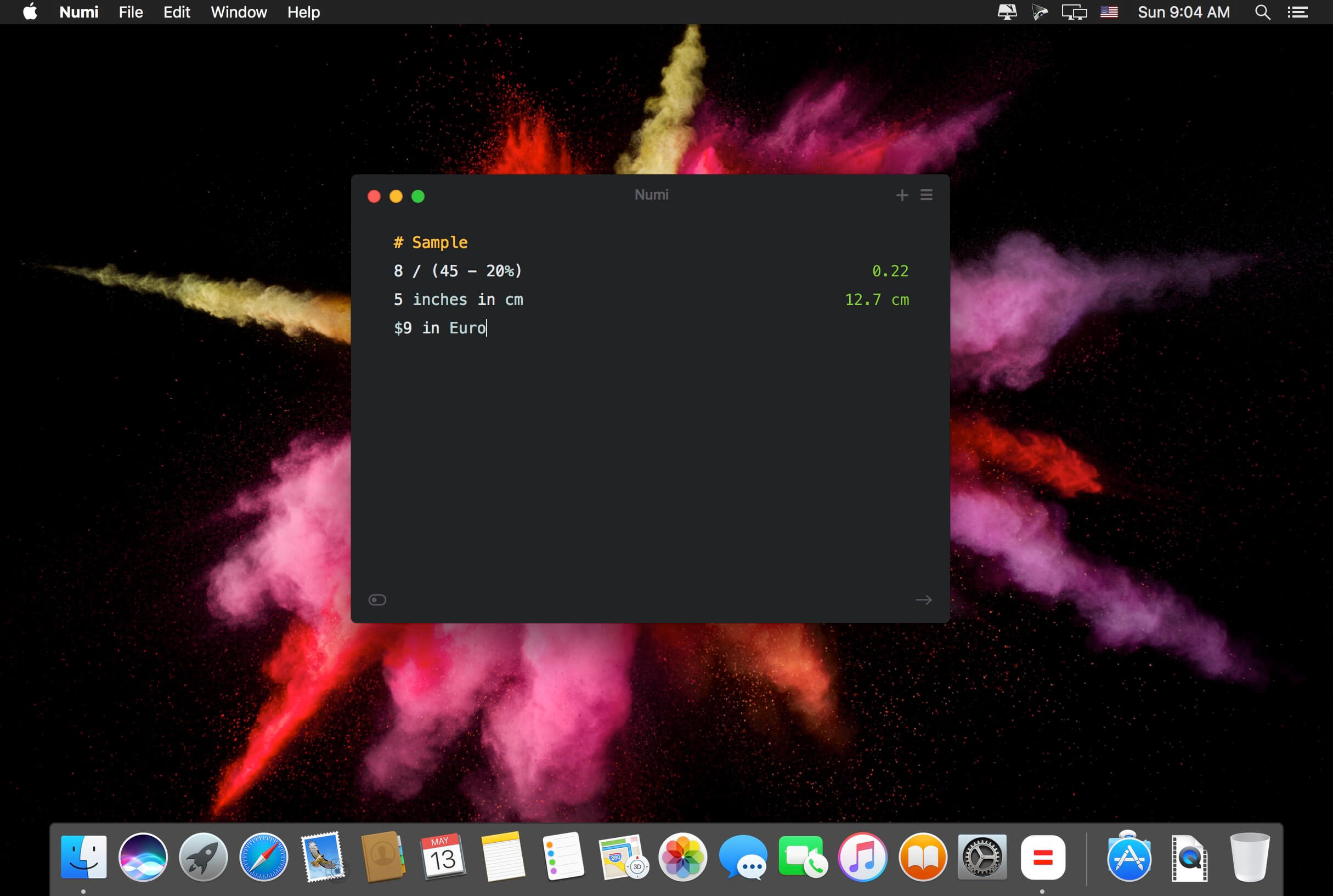
Numi is a calculator that magically combines calculations with text, and allows you to freely share your computations.
Numi combines text editor and calculator
Support plain English. For example, ‘5 cm plus 1 meter’
Unit converter: Numi supports currency, length, area, volume, time, temperature, and data size. It automatically convert units if it’s needed.
Configurable hotkey
Menubar and Dock modes
Language: English, Deutsch, Français, Italiano Dutch, Português, Русский, 繁體中文 Compatibility: OS X 10.11 or later 64-bit, 64-bit processor Homepagehttps://numi.app/
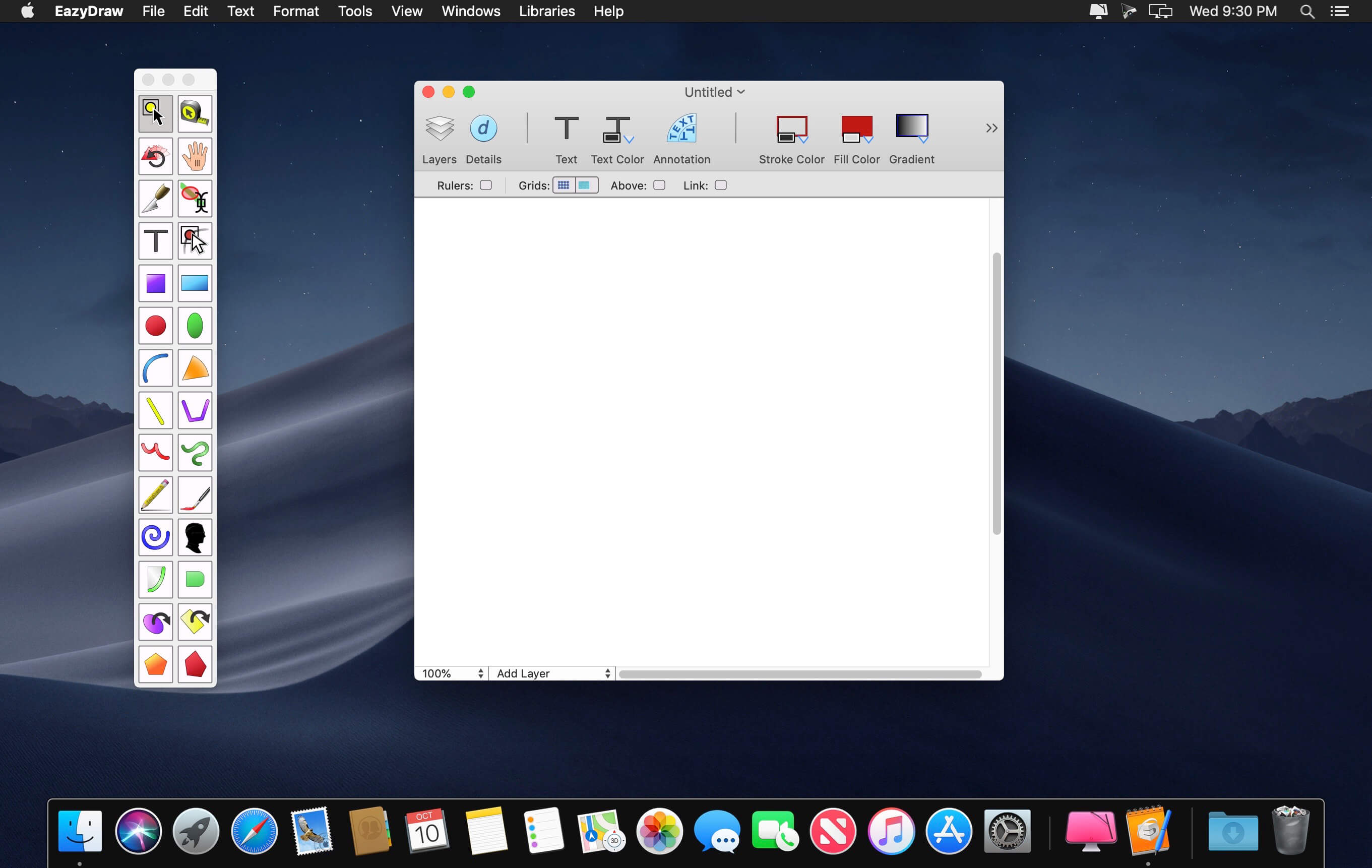
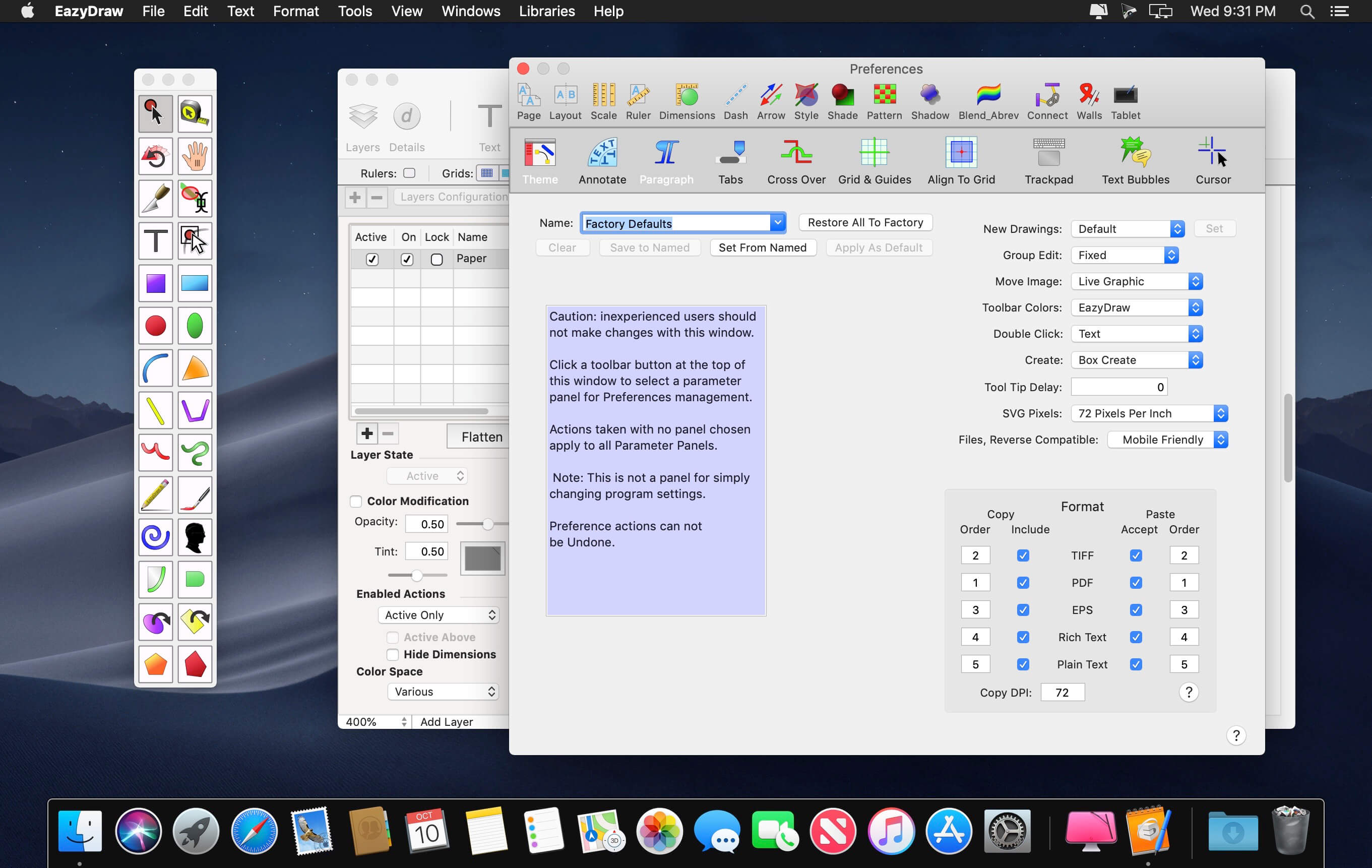
EazyDraw is a vector drawing application. For the full journey from Jaguar to El Capitan, EazyDraw has been the trail-blazing app for the new vector-drawing paradigm on the Mac.
EazyDraw provides a balanced feature set that includes tools needed for technical drawing, Web and app graphic design, print publishing, logos, page – text layout and more. Easy enough for everyone, but with the depth your project will need.
Includes comprehensive support for bitmap and vector graphic formats. Import and ungroup for editing PDF and EPS. Import and export SVG and now DXF. Preview and publish to EPS and TIFF with RGB or CMYK process colors. Exchange scaled CAD drawings with DXF. Publish Web graphics. Create Mac, iPhone, and iPad app-development graphics and icons
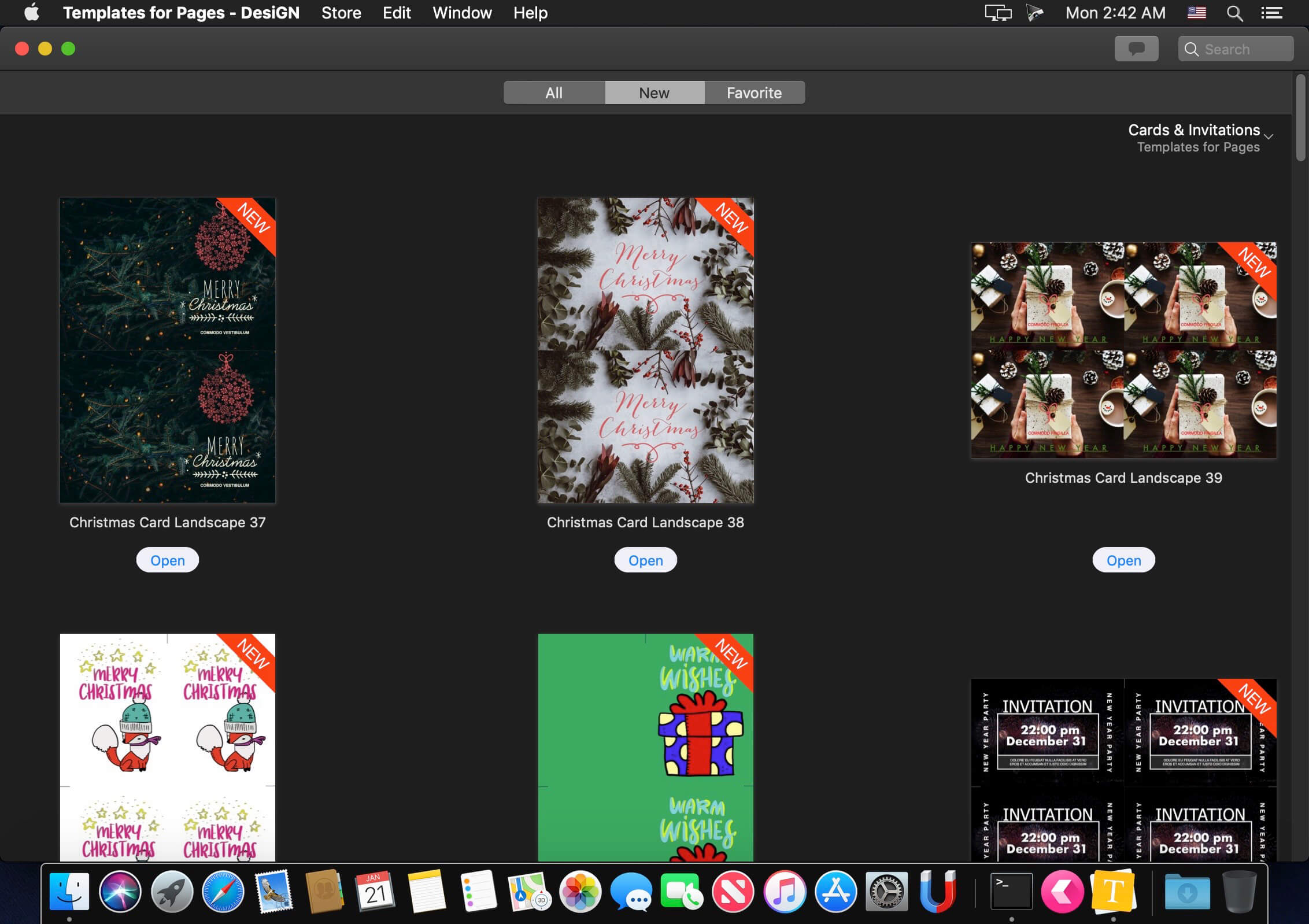
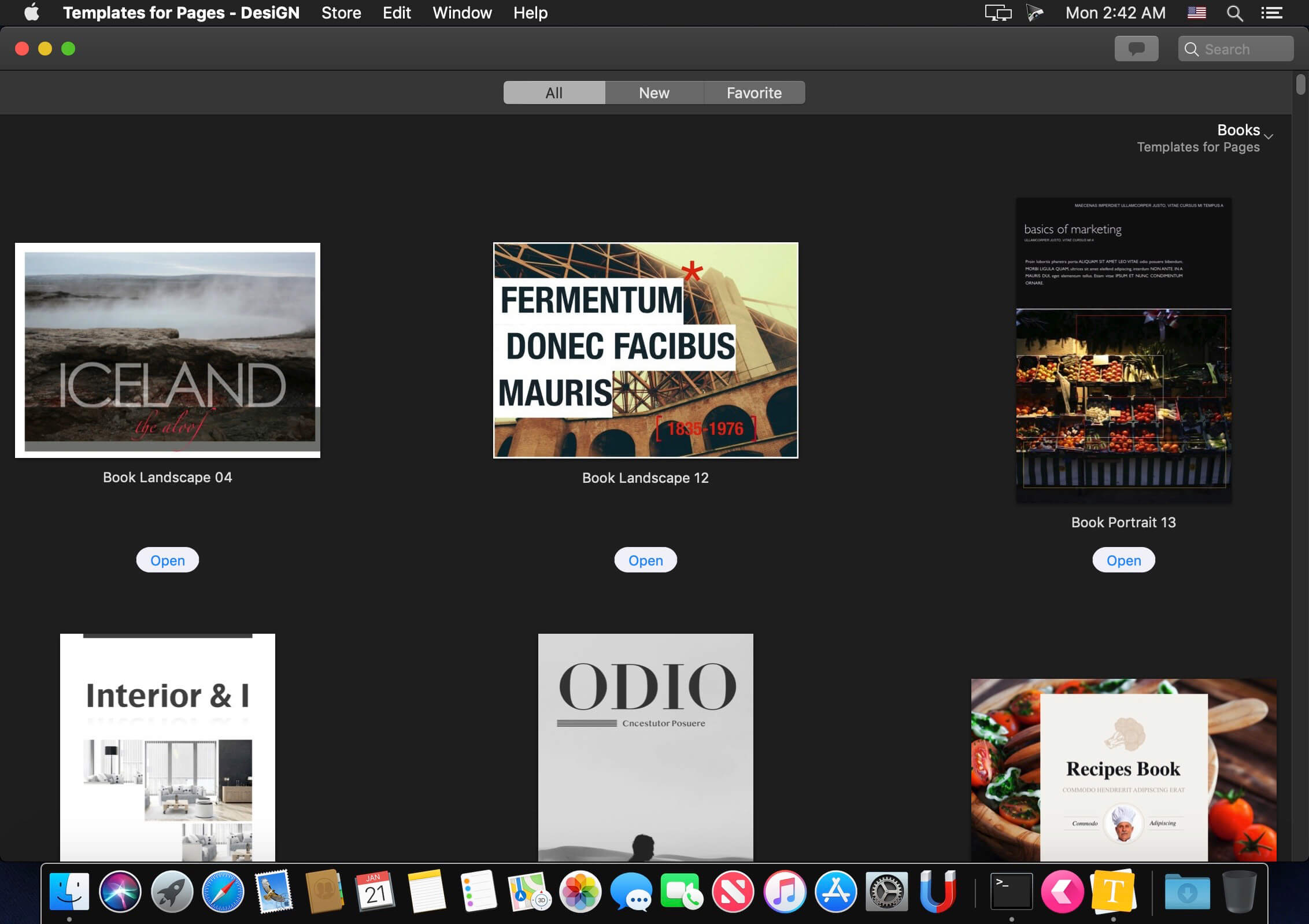
The modern and polished Templates for Pages – DesiGN supplies a collection of over 4,000 easy-to-use templates for creating business and personal content with Apple’s Pages. It’s the biggest templates pack for Pages on the App Store. We provide regular monthly updates with new templates.
Templates for Pages – DesiGN set gives a large selection of templates from books and invitations to posters and brochures. Some templates consist of up to 10 different pages, so the package provides a variety of around 10,000 layouts to meet your most diverse needs. Each and every layout – from the quintessential elegance of text-only pages to the bright mix of pictures and slogans in the poster and brochure templates – features prime design quality, set apart by attention to fine points, high usability, and abundant creativity.
All templates are available in the popular A4 (210 x 297 mm) and US Letter (8½ x 11 in.) sizes, except for non-standard size documents such as landscape brochures (DL Envelope format – 110 x 220 mm / 4¼ x 8¾ in.).
Nearly all objects in Templates for Pages – DesiGN can be effortlessly recolored, moved or removed. Type or paste your own text, add or remove text boxes and change the font if you wish. Replace stock images with your own photos or pictures. Unleash your imagination!
* Templates for Pages – DesiGN requires the latest version of Pages.
What’s New:
New in 6.0:
New interface experience.
The new version improves compatibility with a new version of macOS.
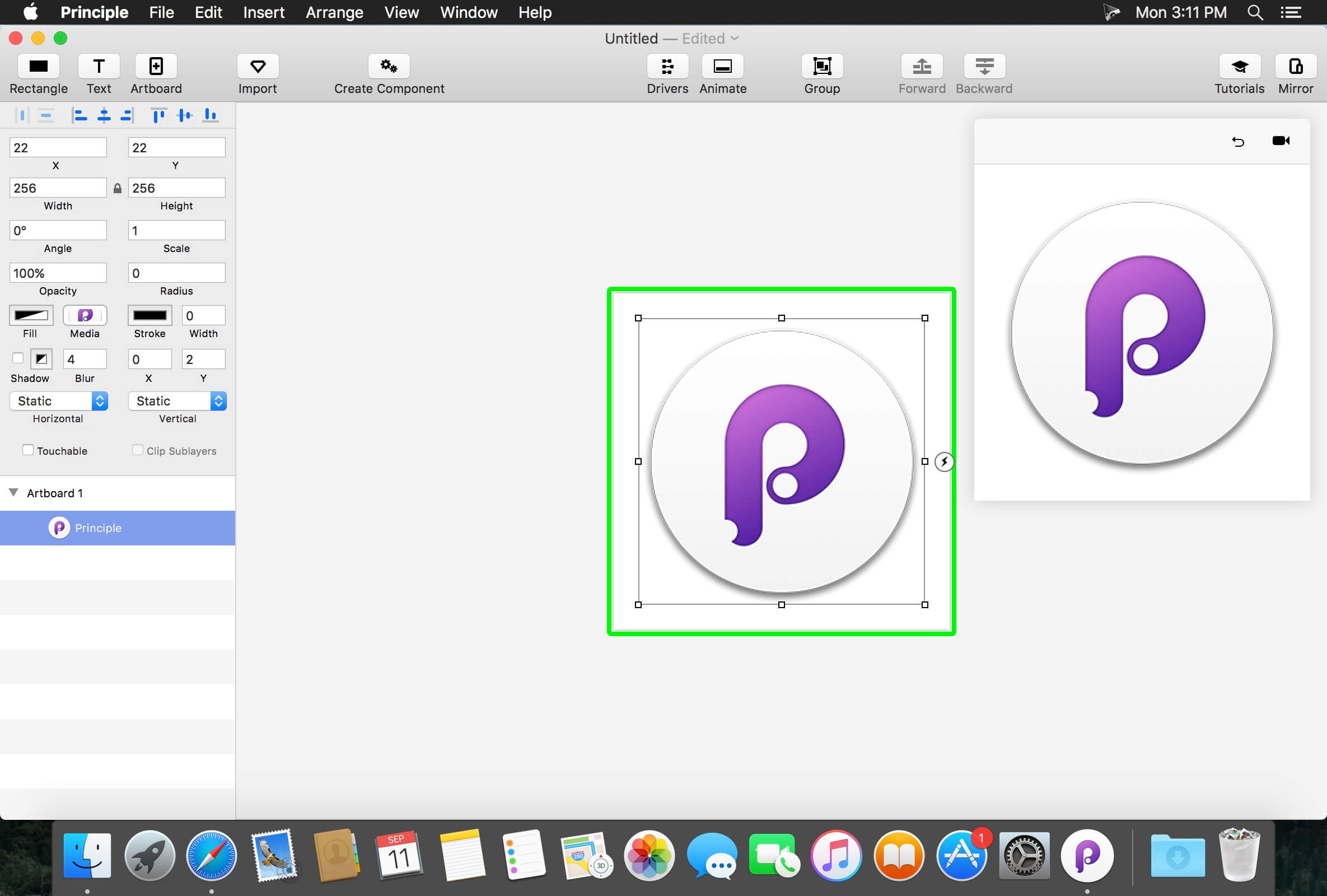
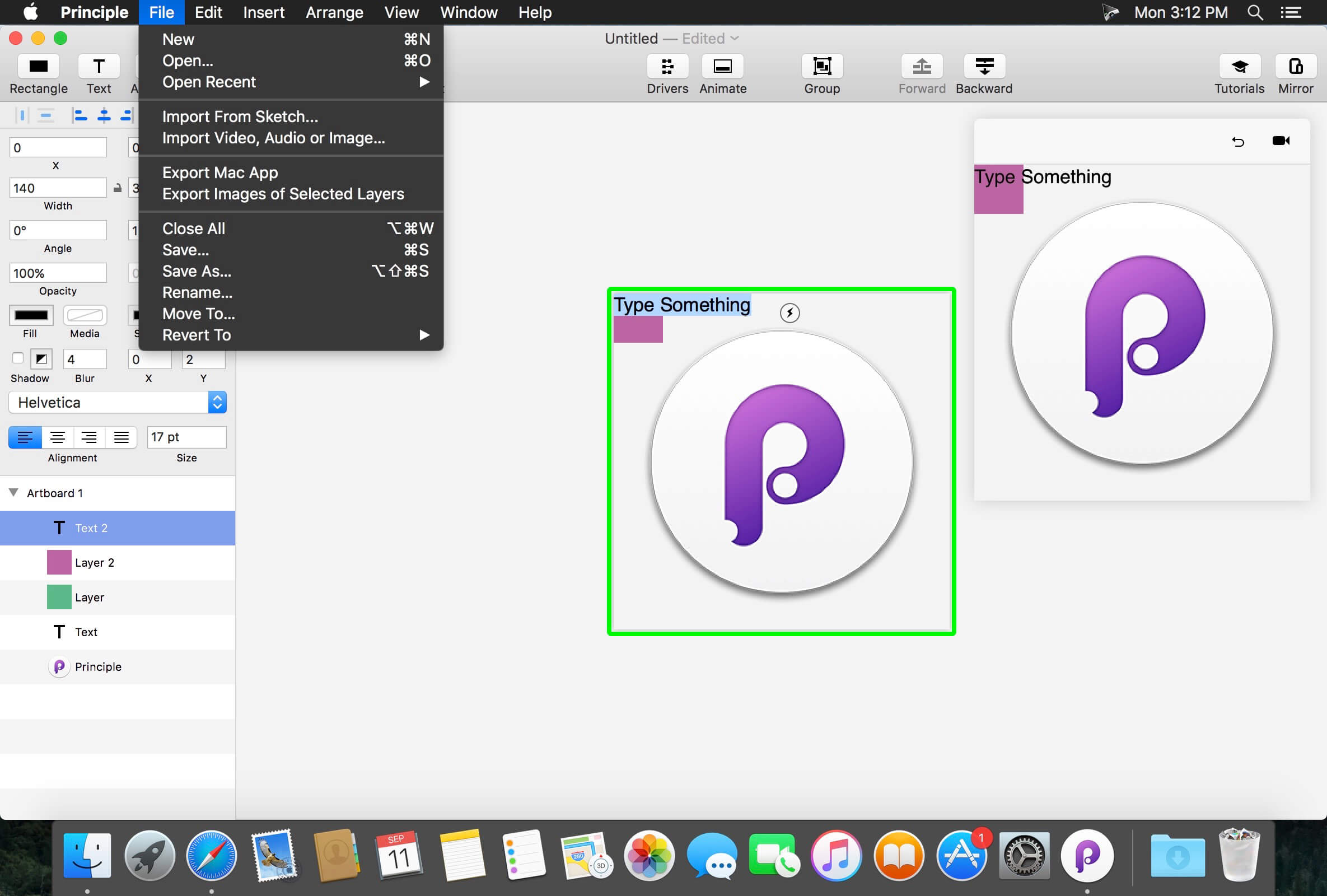
Principle makes it easy to create animated and interactive user interface designs. Whether you’re designing the flow of a multi-screen app, or new interactions and animations, Principle lets you create designs that look and feel amazing.
Built for the Biggest Imaginations There are a lot of things you might want to design: a short animation, a slick interaction, or an extensive multiple screen app. No matter what you’re doing, you can do it with Principle.
Animation Principle’s timeline makes it quick work to illustrate the perfect bounce, ease, and pop.
Interaction Want to design a totally new interaction? Principle gives you the freedom to experiment without limiting you to pre-defined transitions.
Multiple Screens It’s a breeze to design the flow of a multi-screen app; and when you’re done you’ll have a bird’s-eye view of all your screens.
Totally New, Yet Immediately Familiar With artboards, magic animations and a timeline, using Principle will give you Déjà vu.
Touch Your Designs Principle Mirror lets you interact with your design instantly on device or view designs that others have sent you.
Lights. Camera. Interaction. Showing your designs has never been simpler with the record feature: Export a video or an animated gif that can be shared on Dribbble, Twitter, and wherever else you’d like!
Built for OS X Principle is powered by Core Animation, the hardware-accelerated animation engine that iOS and OS X are built on. It also includes the Mac features you love: Full-screen mode, a Retina interface, and Auto Save — so you’ll feel right at home.
Design For Any Size Choose a device preset or enter a custom Artboard size. Whether it’s web, desktop, mobile, or watch — you’re set!
What’s New:
Version 5.0:
Dark mode in macOS Mojave
Import designs from Figma
New import UI
Import Sketch documents that are fullscreen
Added dropdown to select the Sketch document
Redesigned media button to make it clear you can click it
Exporting a video from a retina mac will default to 200
Add “principleflatten
to a layer name to import it as a rasterized image
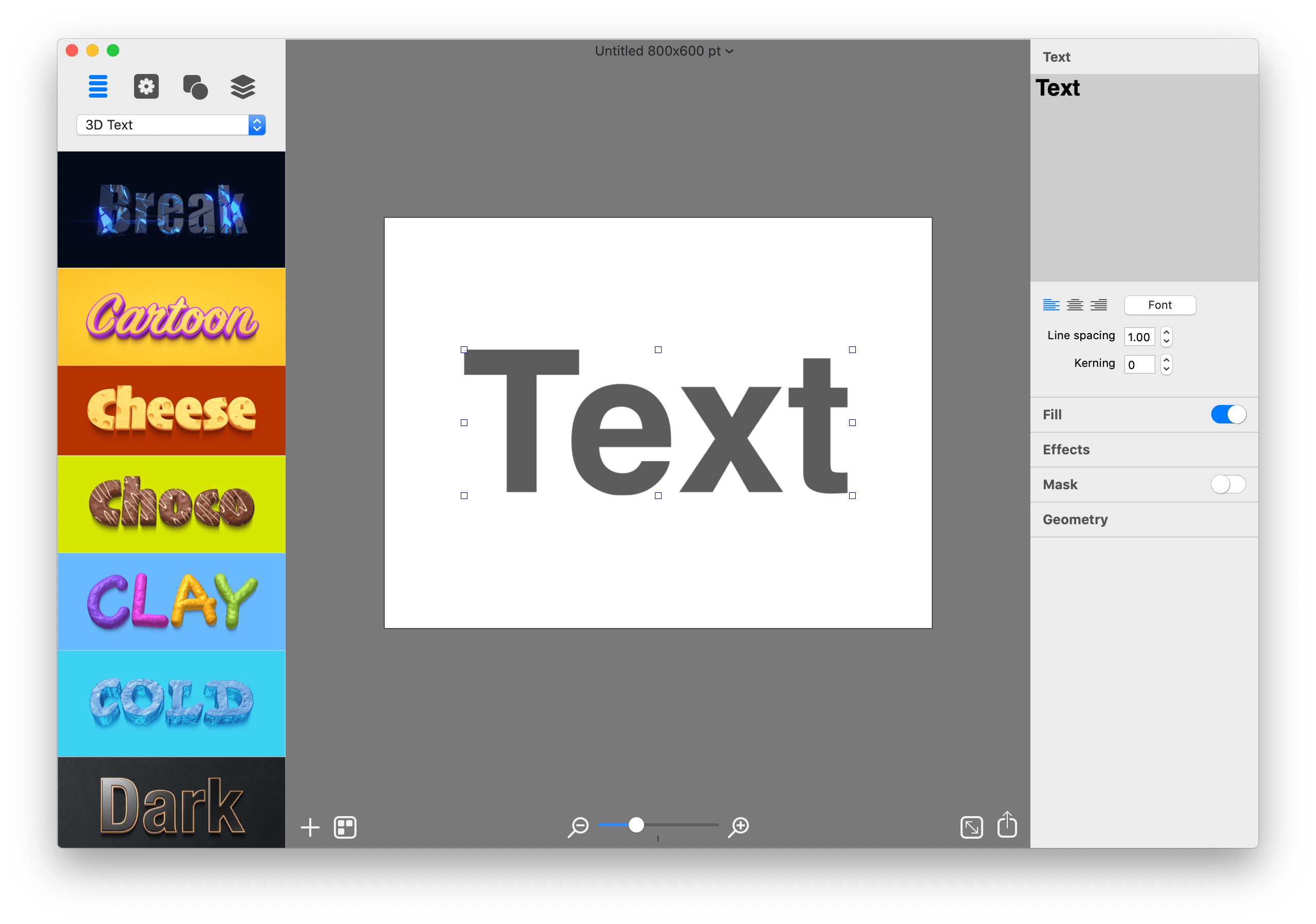
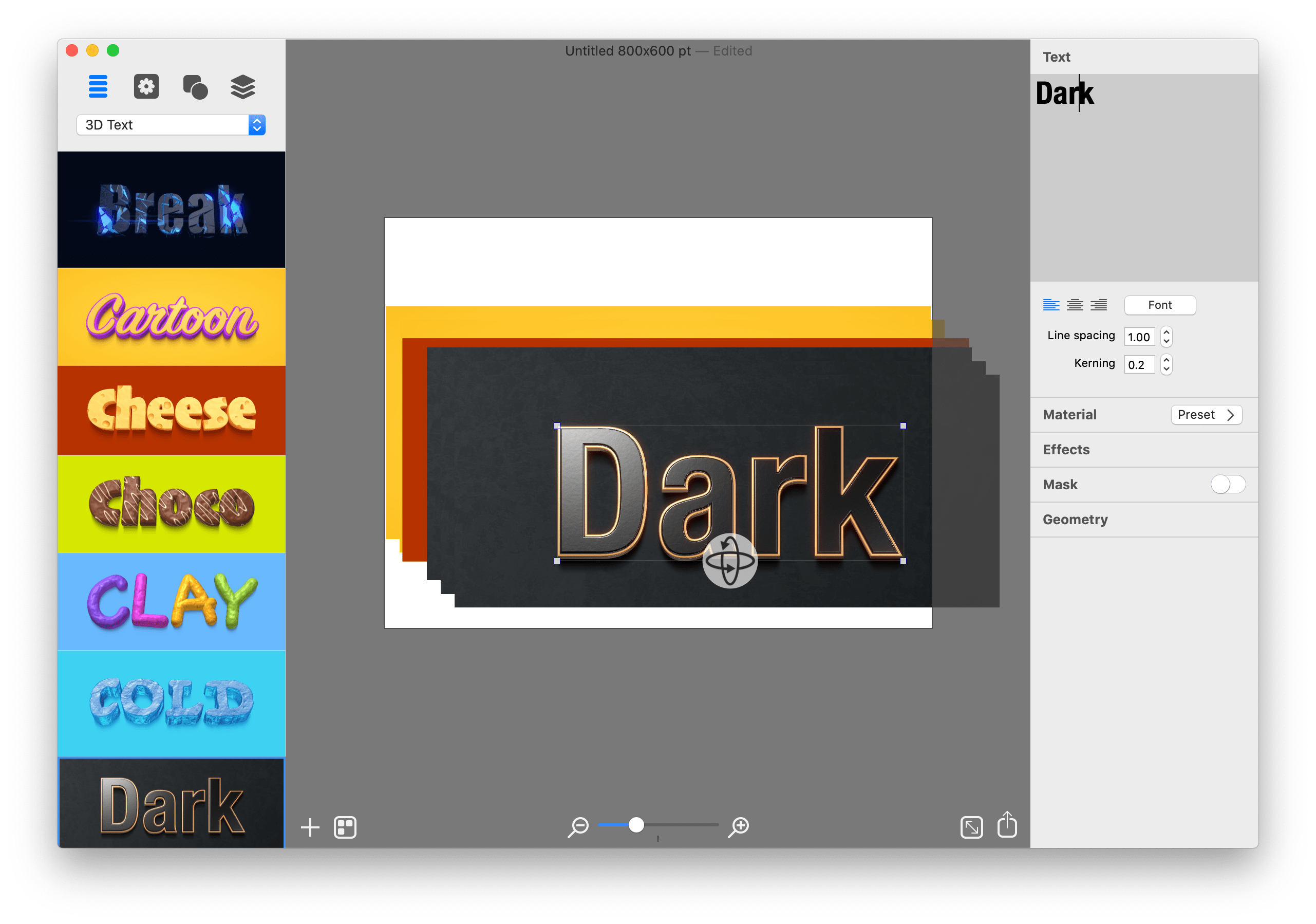
Graphic Design Software for Everyone. Art Text is graphic design software specifically tuned for lettering, typography, text mockups and various artistic text effects. Supplied with a great variety of ready to use styles and materials, selection of textures, icons, fonts and backgrounds, special designed effects and shape transformations, Art Text guarantees striking appearance of your badges, logos, cards, flyers and presentations.
Graphics that you create in Art Text will be a perfect fit for various document types, such as presentations, flyers, brochures, business cards, and can even spice up photos or create picture captions before uploading to Facebook.
Styles and Materials Art Text comes equipped with a wide selection of text styles, surface materials and effects. Unrestricted by any presets, your creativity will take flight with easily adjustable textures, surface bump maps, environment textures, light spots and shadows, and other settings to come up with new materials.
Spray Fill Beautifully lay out words with coffee beans, color balls, leaves, Lego pieces and even clouds using the supplied collection or import your own fill images. Experiment with lettering design from highly random to a very structured layout and fill sizes.
Mask Effects Tweak text finishing with a variety of masks to render an aged text or a scratched look. You may also want to add a stamped effect with just one click. Easily experiment with settings, and combine masks with other effects, to get a somewhat unexpected but impressive result.
Distortion Effects Heavily alter the font shape beyond standard typeface options. Effortlessly wear out text sides with Side Distortion, create random holes in the body with Erosion, partially dim text with Blur distortion, and more.
Shading Materials Special 2D materials open the door to an array of visual effects, such as bumping or embossing. You may also apply a glass, plastic or gold finish, make the surface glossy, matte, bright or faded, or give your graphic a fascinating watercolor, oil paint or pencil drawing look. The most demanding users will find the material editor handy for creating custom Shading Materials.
Real 3D Text Art Text implements a 3D modeling engine that helps to convert any text, symbol or pictogram to 3D. Our graphic design software embeds 3D renderer together with tons of customizable 3D materials to ensure super realistic results every time.
Paint Lettering Art Text comes with a great variety of fills, distortion effects and object content to design highly realistic, hand painted, ink written and watercolor lettering art.
What’s New:
What’s New in Version 4 Spray Fill New fill effect that populates the text shape with coffee beans, nuts, stones, glitter and other preset image fills.
Text Designs Store Regularly updated gallery of free and paid text design templates.
Realistic 3D Materials Materials have dramatically improved with Reflection Masks.
Facebook 3D Photo Create catchy phrase graphics and share on Facebook as a 3D photo.
Multi-Purpose Distortion Achieve diverse 2D visual effects with Erosion, Roundness, Side Distortion, Blur and other shape distortion effects.
Shading Materials 2D shading materials become more sophisticated with 150 fully adjustable Bump Map masks.
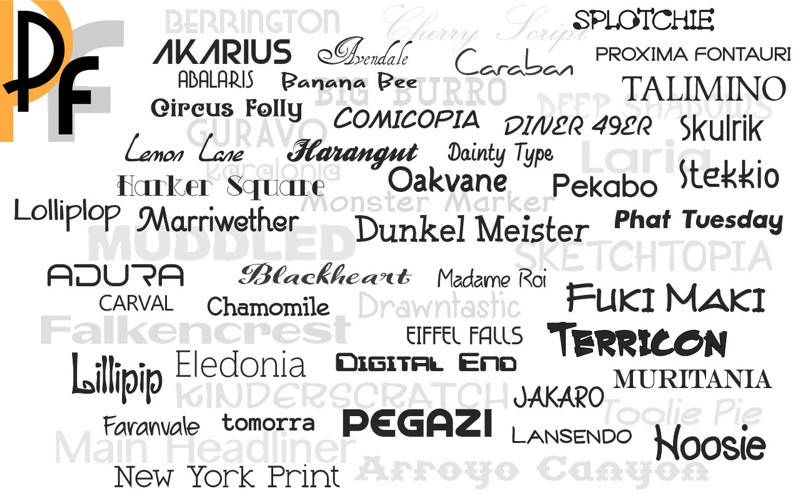
Tired of the same old looking fonts? Need to change up the text style in a presentation, print project or a graphic design project? Download brand new premium font designs that just came off our development floor. This collection now includes 161 original font families, with a total of 2,018 fonts in all. Each font is in OpenType font format and can be used for any personal and business project. International character support is standard for every premium font, and NEW FONTS ARE DELIVERED AT NO EXTRA CHARGE when available.
EACH FONT FAMILY INCLUDES: Regular, Bold, Italic, Bold Italic, Condensed, Condensed Bold, Condensed Italic, Expanded, Expanded Bold, Expanded Italic, Wide, Wide Bold, Wide Italic.
Each premium font in this collection just came off our design floor so you will not find them anywhere else. This collection is completely different from our 1000 OpenType Fonts collection.
2,018 total fonts
161 unique font families
Font Subscription to receive new fonts as they become available
NEW! Added Webfonts versions
NEW! Includes PDF font sample book
Kerning added to 54 regular font styles
All premium fonts in OpenType font format
Commercial use license
Cross-platform compatible
Install and use in all applications that support fonts
Cursive, creative, classic and other beautifully crafted styles
Perfect for presentations, logos, business cards, websites, advertisements, brochures, holidays, weddings, and more
PLEASE NOTE: The fonts are not automatically installed when you install the application. You need to open Premium Fonts from your Applications folder and then click the Copy Files button in the main window to save the folder of fonts to a location on your computer. The PDF book is in the folder that is copied to your computer. Download the Webfonts versions from the Webfonts menu option. Refer to the Support page on our website if you need help using Webfonts: http://macappware.com/support/
What’s new
Now with Webfonts versions and a PDF sample book showing how each font family looks!
PatterNodes is a tool for creating graphical patterns, animations, gradients, or illustrations based on repetitions. This is done by defining a sequence of steps, a recipe of sorts, that describes the pattern. Each pattern element or operation is represented by a little panel called a node, and the nodes are then linked by connections drawn between them. As the nodes can be freely combined and connected, this gives you a very flexible and powerful interface.
While this interface requires a different way of thinking, it also offers a lot of benefits compared to traditional Illustrator-type editors. Most importantly it enables you to use sliders to instantly change any aspect, like color, spacing, scaling, rotation or repetition count of any part of the pattern without having to undo/redo any steps. You can also specify animation value ranges for any of these parameters.
The resulting pattern tile is always shown in the bottom preview view, repeated and updating in real time with any changes, giving you instant feedback of what the end result will be. To make pattern creation easier PatterNodes also includes a lot of nodes that automatically perform common tedious tasks like repeating elements at the tile edges to make the pattern seamless, or randomizing different aspects (like color, position, rotation, etc.) of the elements in a pattern to give it a little more life. Finally, when you’re done you can simply copy the pattern tile into whatever illustration or graphics application you use, or export it either as vector graphics or a bitmap image file. Animations can be exported as GIF, QuickTime MOV or numbered PNG or JPG files
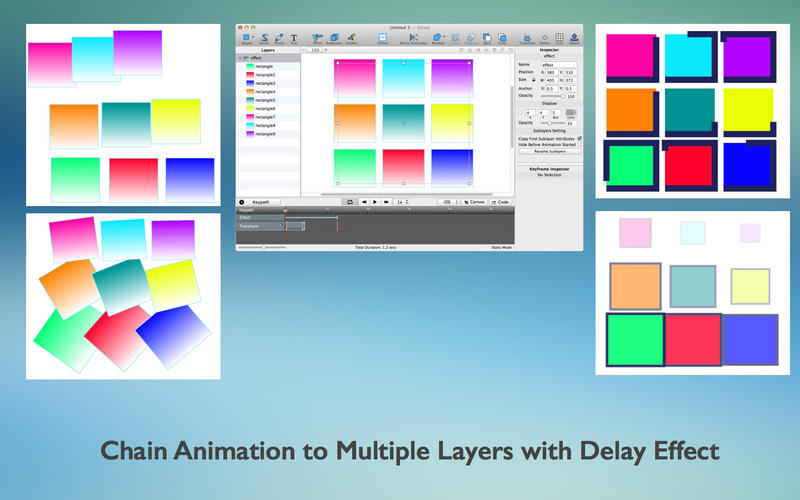
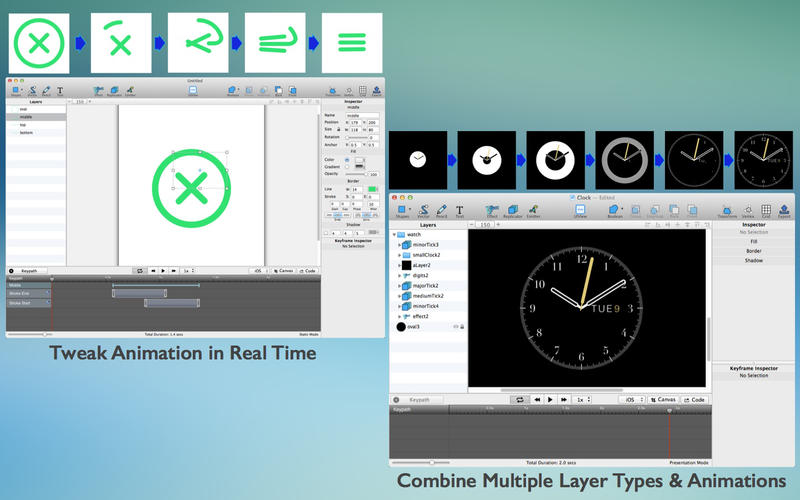
QuartzCode is a fast, lightweight, powerful animation tool which generates Objective-C and Swift code for iOS and OS X on-the-fly. It’s the quickest way to learn and master Core Animation, and lets you experiment with complex animation without coding skills. With 6 layer types and more than 25 animatable properties, the animation possibilities are limitless.
Main Features
Tremendously save time. Create drawing and animation and get Objective C or Swift code in real time.
Create vector drawing using tools provided or use existing assets from SVG or images.
Supports more than 25 animatable properties, combine to create stunning animations!
Ability to reverse and change animation progress using code generated.
Utilizes familiar Core Animation properties to reduce learning curve.
Edit and tweak animation in real-time.
Readable and easy to modify generated code.
The best and quickest way to learn and master core animation.
What’s New:
Version 1.66.5:
Release notes were unavailable when this listing was updated.
Marvelous Designer allows you to create beautiful 3D virtual clothing with our cutting-edge design software. Finally breathe life into your designs with tools that enhance quality while saving you time. From basic shirts to intricately pleated dresses and rugged uniforms, Marvelous Designer can virtually replicate fabric textures and physical properties to the last button, fold, and accessory.
With our versatile compatibility with other 3D software and interactive design interface, you can instantaneously edit and drape garments onto 3D forms with high-fidelity simulation. Marvelous Designer’s innovative pattern-based approach has already been adopted by top game studios such as EA Konami and can be seen on the big-screen in animation films including The Hobbit and The Adventures of Tin Tin, created by Weta Digital. What are you waiting for? Stunning design is at your fingertips.
Expand your character’s closet with clothes for every occasion. Marvelous Designer allows you to build a rich wardrobe for your characters where each garment can be modified and reused. Every shirt or dress you create can now be transformed in endless ways. Mix and match between outfits and characters. Adding variety has never been easier.
You don’t have to be a fashion designer. It’s simple and easy. Our technology is based on the art of sewing and patternmaking (making the blueprint for a garment), which we believe is the only way to realistically express garments. You don’t need a fashion design background to create clothing using Marvelous Designer. It is surprisingly easy and simple with our intuitive tools. Build your skills by mastering our online curriculum.
Easy-to-use software that just makes sense. Designing ‘true to life’ virtual garments is easy and straightforward with our intuitive user interface and tools such as arrangement points and pins. Marvelous Designer saves you from guessing how clothes should fit in real life. Textural coordinates are packaged along with your patterns for simple data translation and use. Edit textures, fabrics and its physical properties via preset our library to accurately simulate onto your characters without costing countless hours.
Authentic simulation for amazing animation. Bringing your characters to life shouldn’t take a lifetime. Traditional modeling and sculpting techniques require hours of work for each wrinkle, bend, and fold and don’t guarantee convincing results. Marvelous Designer’s animation cache functionality with high-polygon modeling makes it possible to capture the realistic movement of clothing when draped onto moving characters, whether they are running, jumping, or twirling midair.
Revolutionizing 3D virtual clothing. Marvelous Designer’s novel pattern-based approach allows not only for beautiful graphics, but also compiles your garments’ data to be reused, revamped, and refreshed again and again.
Pattern Creation and Editing Our expansive pattern design feature lets you easily create and edit rectangular, circular, or any other polygon shaped patterns. In addition, we provide intuitive interfaces such as moving point/segment in parallel/perpendicular fashion, moving point/segment via input value, or dividing the segment in proportion.
Segment and Free Sewing Check out the simple and smart sewing tool that you can define sewing direction and range accurately and edit them at any time, which is not fully supported in other 3D CAD software. Our simple and smart sewing tool makes life easier for users. You can easily create and edit seam lines with more freedom in sewing directions and range, accurate sewing has been extremely difficult to articulate in other 3D CAD software due to the limitations in its narrow directions and range.
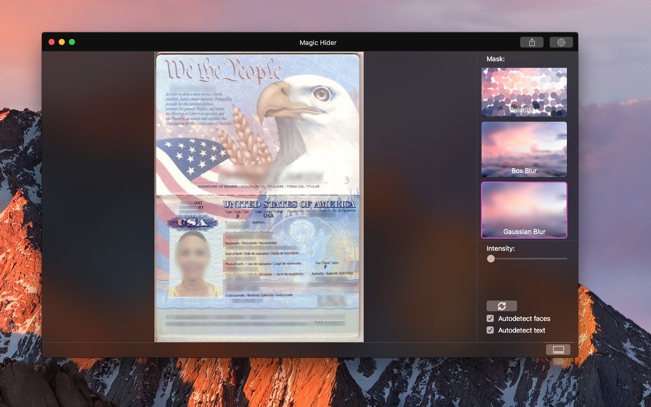
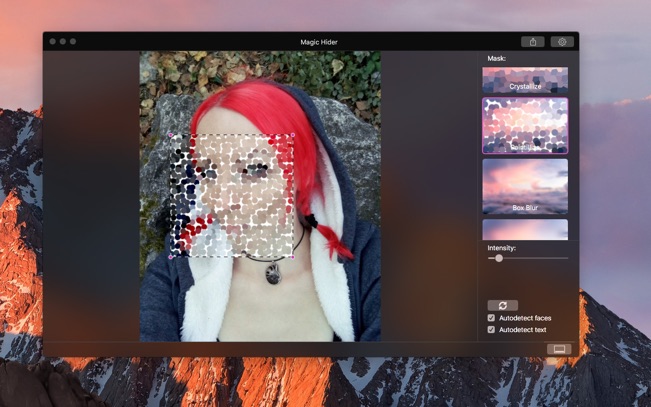
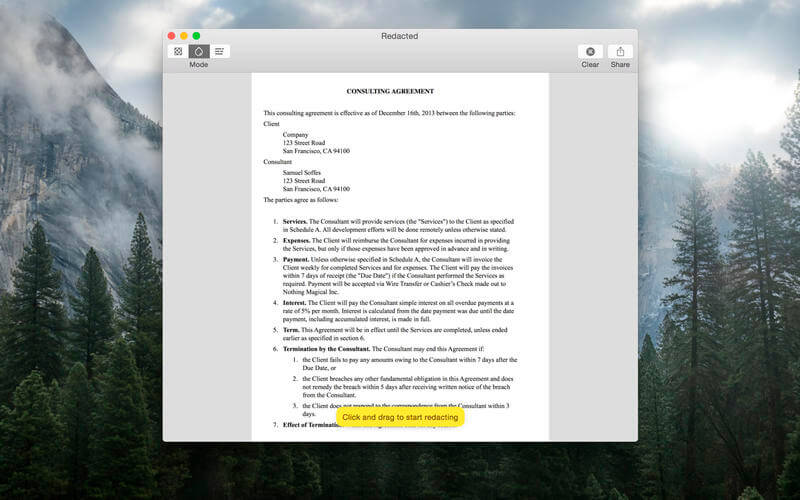
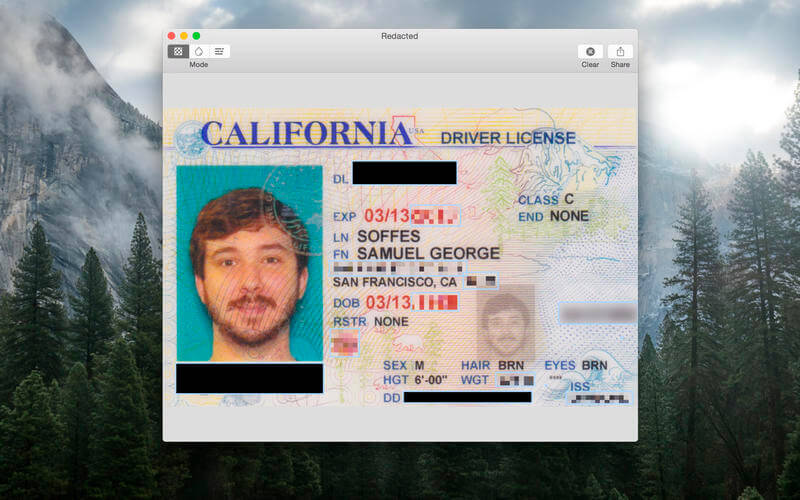
New level of hiding of any part of an image, this “smart” application will automatically find parts to hide.
Just choose what you need to filter – faces or text*, than drag and drop image and it will be done at once. Also, you can add, remove and edit areas manually. Features: – Autodetection of faces and text*, useful for multiple photos automatic handling – Customizable filters – Settings of quality of output image and detection accuracy – Work with groups of photos – Magic
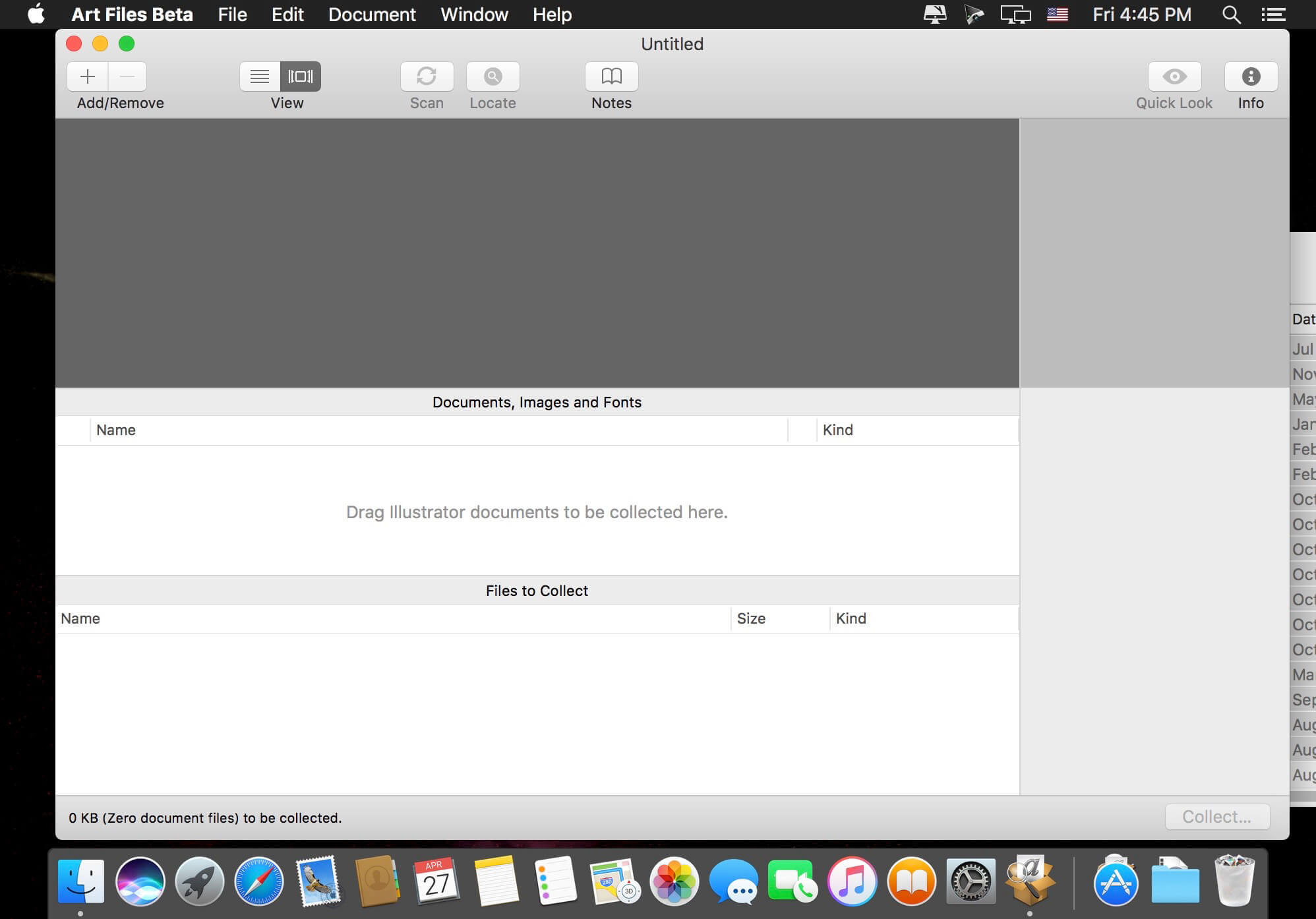
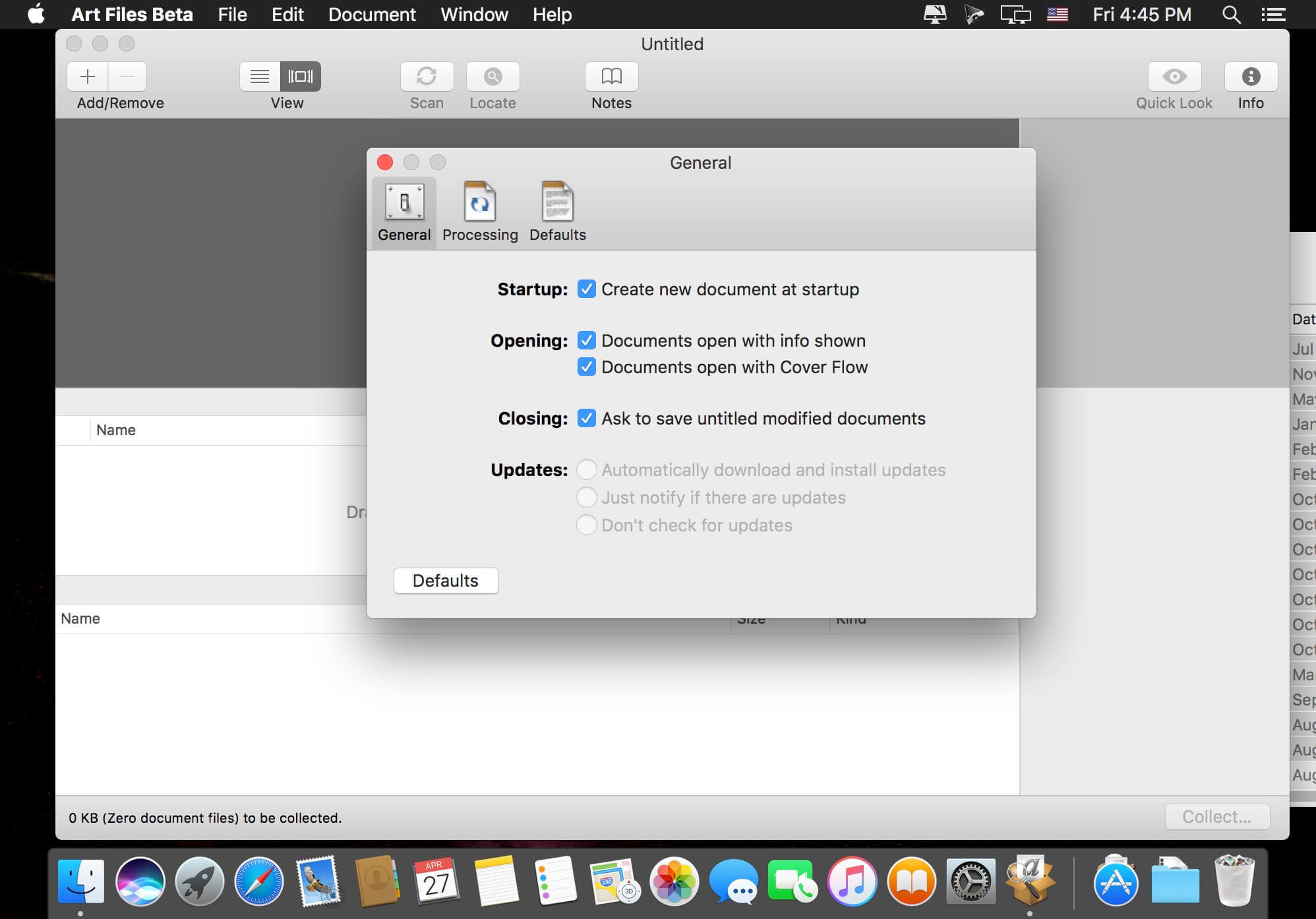
Art Files is a stand-alone application that takes the tedious task of collecting Illustrator documents, linked images, and fonts for graphics files, and turns it into a simple point-and-click operation. Rather than focus on the in-depth “preflight” nitty-gritty that other applications have done in the past, Art Files focuses on gathering just the information you need to get your files packaged up for your service provider. Art Files also has the unique ability to collect several documents at once, saving precious time when only minutes stand between overnighting your artwork to the printer and having to hire a high-price door-to-door courier to meet your deadline. In addition to saving time, this feature also cuts down on disk space by collecting shared images and fonts between documents only once.
Art Files is perfect for archiving your important graphics documents. It’s also perfectly tailored for anyone who works with graphics files and needs the portability of sending documents to others for editing or printing. Its simple, straight-forward user-interface is sure to make file collection nightmares a thing of the past.
What’s New:
Version 3.0:
Updated Adobe Creative Cloud SDK
64-bit Native
Improved stability while scanning, especially PDFs
Mac OS X 10.14 Compatibility
Adobe Creative Cloud Compatibility 2019
Improved User Interace
Metadata displayed for each document, image and font
Compatible with Mac OS X 10.10 or later
Ability to collect several documents in separate folders coming soon!
Improved parsing of OpenType Type 1 fonts.
Improved stability for handling exceptions during collection.
EazyDraw is a vector drawing application. For the full journey from Jaguar to El Capitan, EazyDraw has been the trail-blazing app for the new vector-drawing paradigm on the Mac.
EazyDraw provides a balanced feature set that includes tools needed for technical drawing, Web and app graphic design, print publishing, logos, page – text layout and more. Easy enough for everyone, but with the depth your project will need.
Includes comprehensive support for bitmap and vector graphic formats. Import and ungroup for editing PDF and EPS. Import and export SVG and now DXF. Preview and publish to EPS and TIFF with RGB or CMYK process colors. Exchange scaled CAD drawings with DXF. Publish Web graphics. Create Mac, iPhone, and iPad app-development graphics and icons
What’s New:
Version 10.1.1:
!!Colorful Icons Back!! They are back, but not default: open EazyDraw preferences -> UITheme, choose Color on Icons popup menu. Highlight mode is controlled by your choice of System Accent color (on General tab -> System Preferences). EazyDraw now has three user interface themes with support for the 2010-ish colorful icons. All 3 themes support and adapt to both light and dark mode system appearance. The third choice is the Mojave subdued monochrome look. Go to EazyDraw Preferences, select UI Theme. Near bottom of the panel the Icons popup menu provides 3 selections. Color is the older theme with colorful tool icons. A new theme, the default for Big Sur, is named Highlight. This theme tints the icons using System Preferences setting for Accent Color to highlight a selection and a compliment color as an icon tint.
Match New feature to search for graphics that match parameter attributes, such as fill color, or text font family. This is found on the Edit menu, near the bottom. Select a single graphic that has the desired trait, this graphic is the master for the match search. Match then enables. Choose desired traits to match, then execute. The search for matches encompasses all selectable graphics. Check Help pages for full documentation.
Universal Binary. The App runs native on Intel or Apple Silicon. This means native optimal performance on Apple M1 CPU. Nothing needs to be performed by the user, macOS will choose the correct binary for your system. No compromises: if your CPU is intel, if your macOS is older than Big Sur, no problem: the Universal Binary has a complete Intel version. Drawings exchange seamlessly, if you have a new M1 CPU and an older Intel system EazyDraw will run optimally on both and drawings will interchange seamlessly.
Help Pages. The EazyDraw Help pages which work with macOS Help Book Viewer have undergone a major update. While these pages are updated with each release to remain consistent with the evolution of EazyDraw, the last major update was over 10 years ago: before Retina resolution graphics and P3 colors were a thing. With EazyDraw 10 the illustrations and images have been re-mastered on Big Sur with high dynamic range (brighter P3 colors) and Retina grade (@2x) resolution. The improved appearance benefits tremendously with the amazing new clean crisp Big Sur design.
Full support for Big Sur. This version supports macOC 10.13, 10.14, 10.15 and 11.0. Support for universal binary means that EazyDraw is able to optimally support systems back to macOS 10.13. Three user interface themes means that the App will not look out-of-place across all platforms going back 5-6 years.
Many other code improvements and re-authored user interface graphics from over 6 months of top to bottom testing and coding optimization for Apple Silicon native support.
Sketch: graphic design for a digital world. Powerful tools and an elegant interface, in a single award-winning package. Because making beautiful things should be a joy, not a burden.
Sketch supports multiple fills, borders and shadows per layer; has powerful non-destructive boolean operations; smart pixel alignment; and makes exporting a breeze with automatic slicing and multiple resolution export.
Vector tools and basic shapes are the foundation; whether you are designing icons, websites, interfaces or anything else. Combine these into complex shapes with non-destructive boolean operations, leaving you free to edit them in the future, then apply advanced layer style options like multiple shadows, fills, gradients, noise, blending, background blurring, and more.
Sketch doesn’t just do shapes, of course. Imported images can be rotated, scaled, cropped and masked. The best-in-class text tool lets you add beautiful typography to your designs, using native font rendering, so you can be sure that text always looks 100% accurate!
Brand new to Sketch 3, Symbols allow you to reuse entire groups of content in multiple places in your design. Think of interface elements such as buttons, headers and footers. Change them once, and they update everywhere in your document.
Built for the Mac, Sketch supports OS X’s Versions and Auto Save, letting you focus on your work instead of hitting CMD+S. Keep your work safely in sync across multiple Mac computers with iCloud. And take Sketch full screen to maximise the size of your canvas.
All this power is deliciously baked into Sketch’s single-window interface. Everything is there, tucked away until you need it. A simple interface with powerful tools.
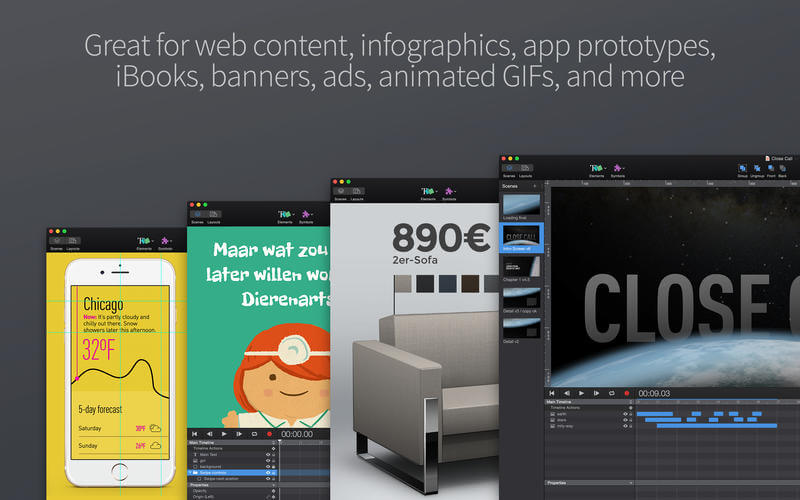
Hype lets you create stunning animated and interactive web content.Hype’s HTML5 output works on all modern browsers and mobile devices like iPhones and iPads. No coding required.
Hype is used by leading designers to create animations which add a “wow” factor to web pages, infographics, presentations, digital magazines, ads, iBooks, educational content, app prototypes, portfolios, animated GIFs, videos, entire websites, and much more. Hype won the 2011 Macworld Editors’ Choice Award.
From prototype to production, anyone can create rich interactive media with Hype.
Quickly Animate:
Easy to use keyframe-based animation system
Record mode watches your every move, automatically creating keyframes as needed
Create natural motion curves with bezier paths
Make scenes for organization and flow
Use the power of multiple simultaneous timelines to run animations
Add Interactivity:
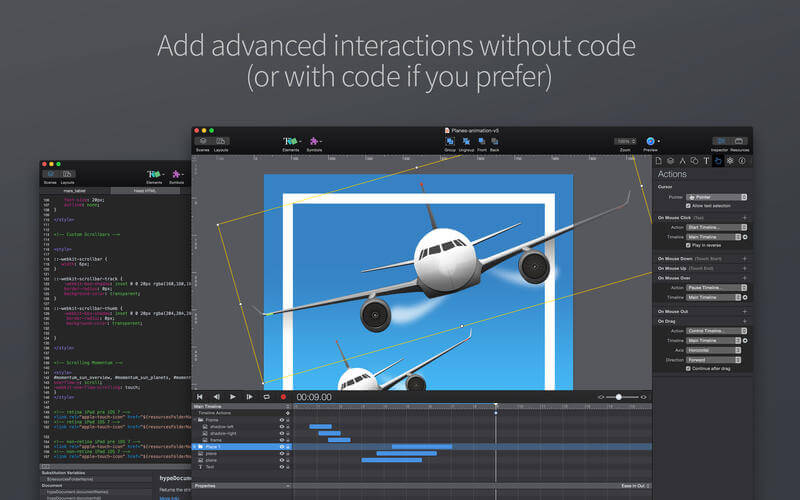
Action handlers kick off and control timelines, transition between scenes, or run custom jаvascript
Visually build action handlers to respond to taps, clicks, and animation events
Create Stunning Content:
WebKit-based WYSYWIG “what you see is what you get” scene editing
Intelligent guidelines, arrangement, and sizing tools
Easily integrate video and audio for stunning multimedia documents
Cutting-edge effects: blur, hue shift, brightness, saturation, shadows, reflection, and 3D transforms
Add Google Fonts to your projects or use your own CSS web fonts
A flexible layout system resizes your content to fit any screen
Retina image support
Perfect for Mobile:
Hype’s HTML5 output works great on mobile devices
Easily add swipe and touch actions
Bind drag events to timeline positions for rich interactivity
Preview your projects on iPhones and iPads with the free Hype Reflect companion iOS app
Hype Reflect’s Mirror Mode shows edits live as you make them
Extend with Code:
Edit the Inner HTML of any element
Integrated jаvascript editor for writing custom functions triggered by user actions
Use Hype’s jаvascript API to control scenes, timelines, and more
Export to HTML:
Outputs state-of-the-art HTML5, CSS3 styles, and jаvascript
Content works across all browsers from IE 6 up to the latest Chrome
Self-contained directory holds all resources and jаvascript for your document
Integrate into existing pages by copying and pasting 3 lines of HTML
Great for ads and fast on mobile: A minimal document is only 24 KB (compressed) and 3 network connections
Share your work by publishing directly to Dropbox
What’s New:
Version 4.0.0: Note: Now requires OS X 10.10 or later New Features:
Vector Shapes: Polygon, Path, and Pencil tools with Shape Morphing
Sprite Sheet/Image Sequence import [pro]
Page Turn transition for smooth scene swiping
Skew transform
Drop and Inset shadows
External editor support for resources/jаvascript/head html [pro]
There is a whole world that we get from images. A single picture can fill us with inspiration which, in turn, brings us joy. Such impressions grow to create wonder and amazement for the world. That growth and creation is made possible by you. And Pixave is here to store and organize those inspired moments – to enable you to bring them to mind whenever, wherever you are.
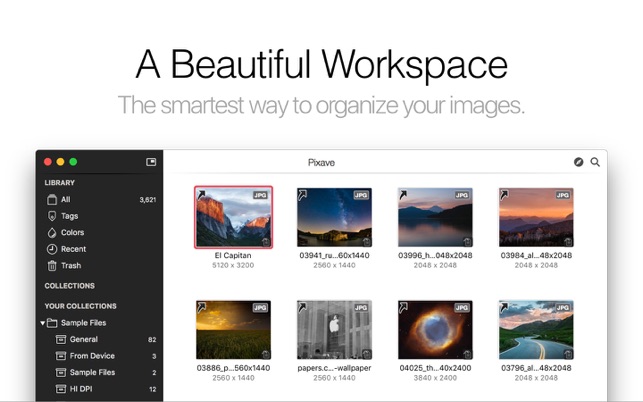
A Convenient workspace The basic purpose of Pixave is to provide the optimum environment to manage your images. But to judge its usefulness and convenience solely on its environment would be far from doing it justice. With the user-definable ‘Collection’ feature you manage your images, using folders to categorize to suit your needs. In addition, you can organize numerous images using the highly intelligent ‘Smart Collection’ feature and search for them instantly.
Colors and Tags There are many ways to search for images. However, Pixave presents an innovative, never-before-seen search function: welcome to the age of finding images according to color. The impressions left by the hues of an image play an important part in how one remembers it. Forget about groping to remember an image, just follow the color you are feeling and find yourself with the image that you wanted! The world of accessing images through colors is thus opened up by Pixave. Furthermore, the Tag feature still functions exactly as you would expect.
The Tiny Giant – Pixave Mini Gathering images should be no labor. One should be able to collect any image, whether it is a file or from the web, easily and quickly. As the name suggests, Pixave Mini is a mini version of Pixave. It stays visible on the screen at all times and only requires you to drag a desired image to it, where it will collect the image without disturbing your workspace in the slightest.
Capture anything! Capturing an area of the screen, a window, or the full screen could not be made easier. With the fully customizable hot-keys you can assign any key to capture whatever image, whenever you want – even from a stylish web page.
Exciting Export! When working with images, one often finds that they need to be converted in order to send to somebody else. If it’s not only the image format that needs converting but other various options as well, then , processing many images will requires a great deal of time and effort, making the work tedious.
All-around viewer Pixave’s image displaying feature is not limited to only viewing images. Not only can you edit the metadata but you can also use the powerful, integrated OS X Yosemite’s Action Extension to edit images, animate GIFs and create multiple framed TIFFs, as well as view in detail specialized image files such as the ICNS. Plus, the built in PDF reader lets you easily view PDFs and save any page as a separate image. All these features are intuitively integrated into the interface, and are likely to make you say to yourself: “Wow, that’s amazing!”
What’s New:
Version 2.3.13 What’s New in Version 2.3.13
macOS Big Sur Ready!
macOS Universal App: Pixave now runs natively on both Apple Silicon Macs and Intel-based Macs.
Added ability to import WebP Image (Requires macOS Big Sur)
Fixed a problem where EXIF data didn’t be shown correctly on macOS Big Sur
DaVinci Resolve is the world’s only solution that combines professional 8K editing, color correction, visual effects and audio post production all in one software tool! You can instantly move between editing, color, effects, and audio with a single click. DaVinci Resolve Studio is also the only solution designed for multi user collaboration so editors, assistants, colorists, VFX artists and sound designers can all work live on the same project at the same time! Whether you’re an individual artist, or part of a large collaborative team, it’s easy to see why DaVinci Resolve is the standard for high end post production and finishing on more Hollywood feature films, television shows and commercials than any other software.
Features:
Introducing the Cut Page!
Designed specifically for editors working on high end fast turn around work such as television commercials and even news cutting, the cut page is all about speed. It’s an alternate edit page with a streamlined interface and revolutionary new tools that will help you work faster than ever. The cut page lets you import, edit, trim, add transitions, titles, automatically match color, mix audio and more. Whether you’re delivering for broadcast or for YouTube, the cut page has everything you need to get the job done, all in one place. Plus, the regular edit page is still available so you can switch between edit and cut pages to change editing style right in the middle of a job.
New Editing Features in DaVinci Resolve 16:
DaVinci Resolve includes everything professional editors need to cut blockbuster films, television shows, and commercials. It’s perfect for both offline and online editing. The high performance playback engine makes editing and trimming incredibly fast, even for processor intensive formats such as H.264 and RAW.
New Fusion VFX Features in DaVinci Resolve 16:
With over 250 built in tools, Fusion VFX’s advanced 3D compositing engine and node based workflow let you quickly connect effects and tools together in a flow chart style, making it easy to create cinematic feature film quality visual effects and broadcast motion graphics right inside of DaVinci Resolve!
New Color Features in DaVinci Resolve 16:
DaVinci Resolve’s legendary color tools let you manipulate color in breathtaking ways to get results that are simply impossible on other systems. That’s why DaVinci Resolve has been used on more feature films and television shows than any other grading system! You get powerful primary and secondary tools, curves, tracking, stabilization and more!
New Fairlight Features in DaVinci Resolve 16:
With Fairlight in DaVinci Resolve, audio is no longer an afterthought in post production! You get a completely integrated and powerful digital audio workstation with full mixer, EQ and dynamics processing, sample level audio editing, ADR tools, sound library support, FairlightFX audio plugins and more!
New Collaboration Features in DaVinci Resolve 16:
Featuring a universal timeline, powerful database driven design, bin and clip locking, built in chat, timeline comparison tools and more, DaVinci Resolve Studio is the world’s only post production solution that lets different artists all work together on the same project at the same time!
DaVinci Resolve Studio
Upgrade to DaVinci Resolve Studio for even more creative tools and options! You get a huge set of indispensable ResolveFX and FairlightFX plugins, along with support for 4K, 8K and higher resolution projects at frame rates up to 120 frames per second. You also get the new DaVinci Neural Engine which enables features such as facial recognition, speed warp retiming, automatic color balancing and automatic color matching. DaVinci Resolve Studio also adds film grain tools, advanced noise reduction, blur and mist effects, HDR grading, 10bit H.264 support, 3D immersive audio, stereoscopic 3D support, multi user collaboration tools and more!
DaVinci Neural Engine
The new DaVinci Neural Engine uses state of the art deep neural networks and learning, along with artificial intelligence to power new features such as speed warp motion estimation for retiming, super scale for up-scaling footage, auto color and color matching, facial recognition and more! The DaVinci Neural Engine is entirely cross-platform and uses the latest GPU innovations for AI and deep learning to provide unparalleled performance and quality. The DaVinci Neural Engine provides simple tools to solve complex, repetitive and time consuming problems. For example, it enables facial recognition to automatically sort and organize clips into bins based on people in the shot!
New and Improved ResolveFX
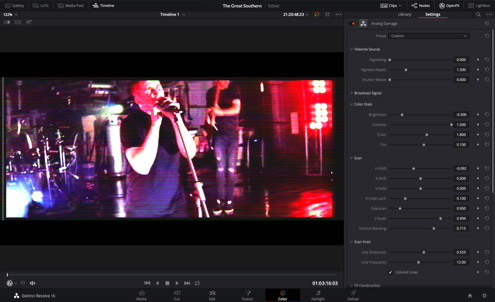
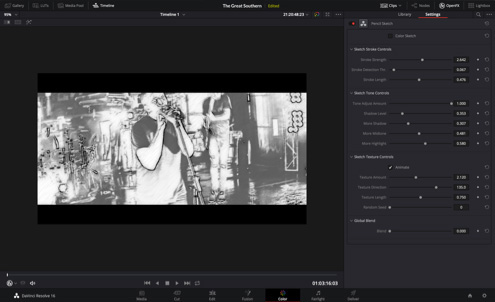
DaVinci Resolve Studio 16 features major improvements to existing ResolveFX, along with several new plugins that editors and colorists will love! You get new ResolveFX plugins for adding vignettes, drop shadows, removing objects, adding analog noise and damage, chromatic aberration, stylizing video and more! There are also improvements to the scanline, beauty, face refinement, blanking fill, warper, dead pixel fixer and colorspace transformation plugins. Plus, you can now view and edit ResolveFX keyframes from the timeline curve editor on the Edit page or from the keyframe panel on the Color page!
Legendary DaVinci Quality
DaVinci Resolve’s Emmy™ award-winning image processing technology features deep 32-bit float processing combined with unique, patented YRGB color science that processes luminance independent of color. This allows you to adjust the luminance of video without rebalancing the color of your highlights, midtones, or shadows! The massive internal color space is perfect for the latest HDR and wide color gamut workflows.
Blackmagic RAW
Blackmagic RAW is a new and modern codec that gives you stunning image quality and blazing fast performance in an intelligent new file format. Featuring advanced de-mosaic technology and a revolutionary intelligent design, Blackmagic RAW gives you both the quality and benefits of RAW with the speed, ease of use and file sizes of traditional video formats.
Hardware Control Panels
When you have a client looking over your shoulder you need to work fast. DaVinci Resolve control panels are designed to give you fluid, hands-on control over multiple parameters at the same time, allowing you to create looks that are simply impossible with a standard mouse! All controls are logically placed near your natural hand positions and are made out of the highest quality materials. You get smooth, high resolution weighted trackballs, along with precision engineered knobs and dials that feature the perfect amount of resistance so you can accurately adjust any setting. DaVinci Resolve control panels let you instinctively touch every part of the image!
Fairlight Professional Consoles
Fairlight mixing consoles provide high quality controls for nearly every parameter and feature in the software. Unique user interfaces and dynamic configuration changes provide fast to use buttons and controls that are optimized for the task at hand allowing you to work faster with Fairlight audio than any other tool in the world. With the modular design you can start with a larger console frame than you need and add more modules to meet the growing needs of your facility.
What’s New
Release notes not available at the time of this post.
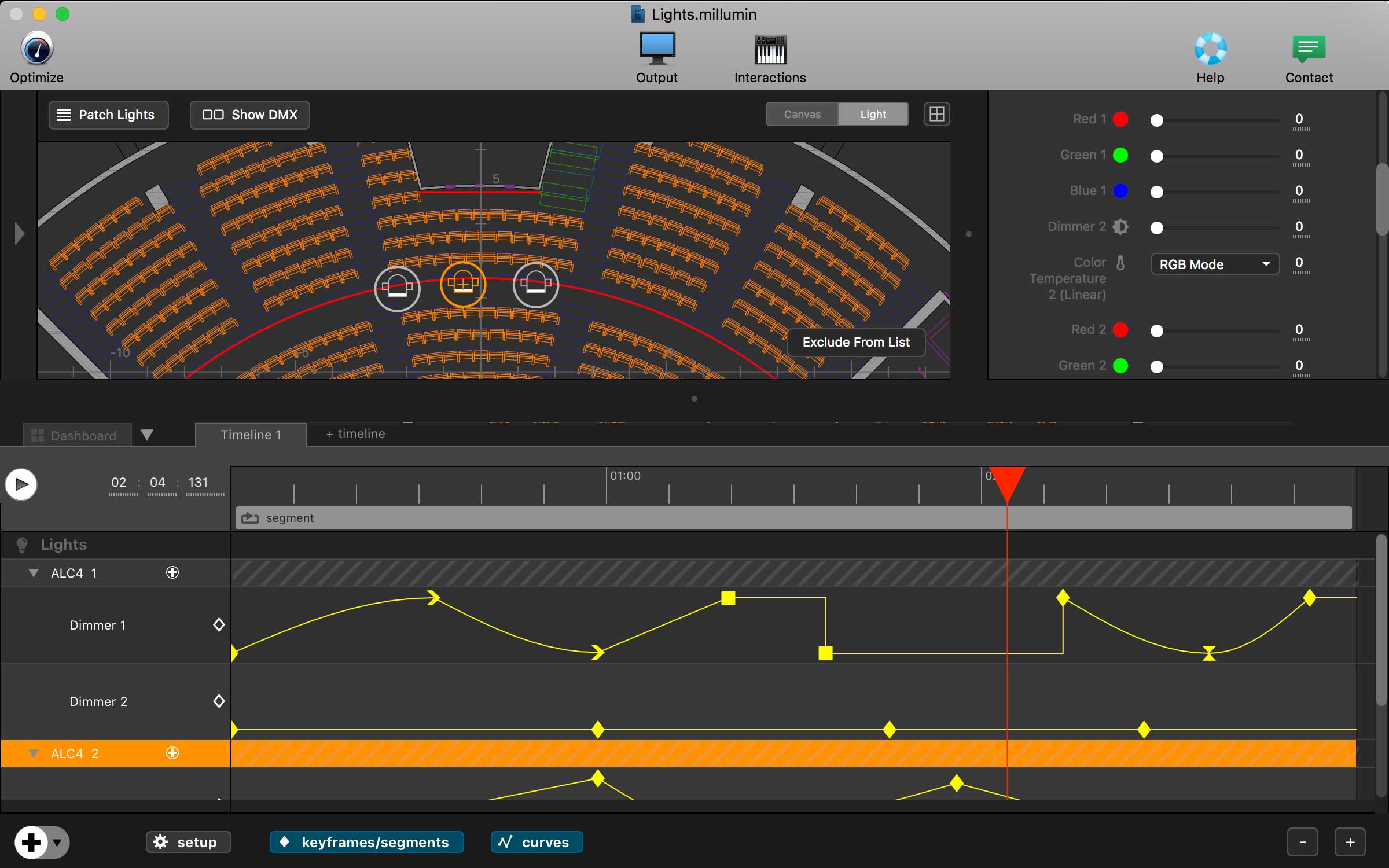
Millumin – create audiovisual and interactive shows, Theater, Dance, Videomapping, Interactive installation. Millumin is a creative solution to bring your ideas to life. It is tailored to play your live show and tell your story.
What’s New:
Version 3 v3.18e:
Release notes were unavailable when this listing was updated.
Rhino – Versatile 3D modeler. Rhinoceros can create, edit, analyze, document, render, animate, and translate NURBS* curves, surfaces, and solids, point clouds, and polygon meshes. There are no limits on complexity, degree, or size beyond those of your hardware.
Special features include:
Uninhibited free-form 3-D modeling tools like those found only in products costing 20 to 50 times more. Model any shape you can imagine.
Accuracy needed to design, prototype, engineer, analyze, and manufacture anything from an airplane to jewelry.
Compatibility with all your other design, drafting, CAM, engineering, analysis, rendering, animation, and illustration software.
Read and repair meshes and extremely challenging IGES files.
Accessible. So easy to learn and use that you can focus on design and visualization without being distracted by the software.
Fast, even on an ordinary laptop computer. No special hardware is needed.
Affordable. Ordinary hardware. Short learning curve. Affordable purchase price. No maintenance fees.
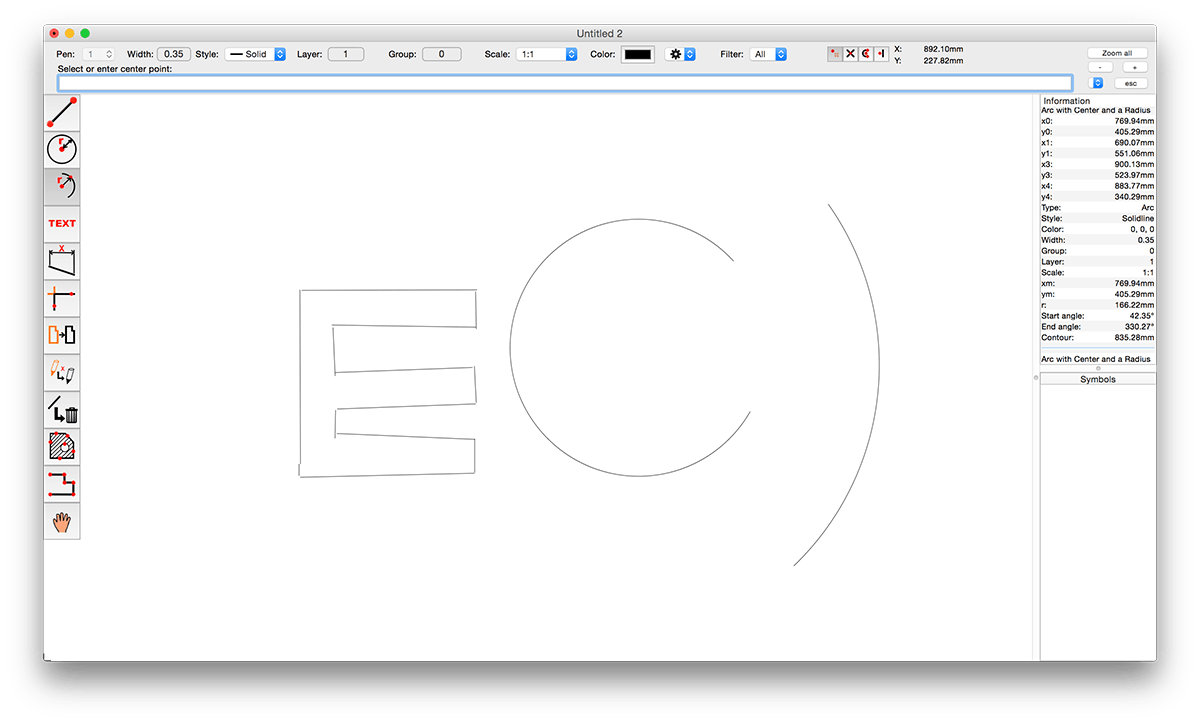
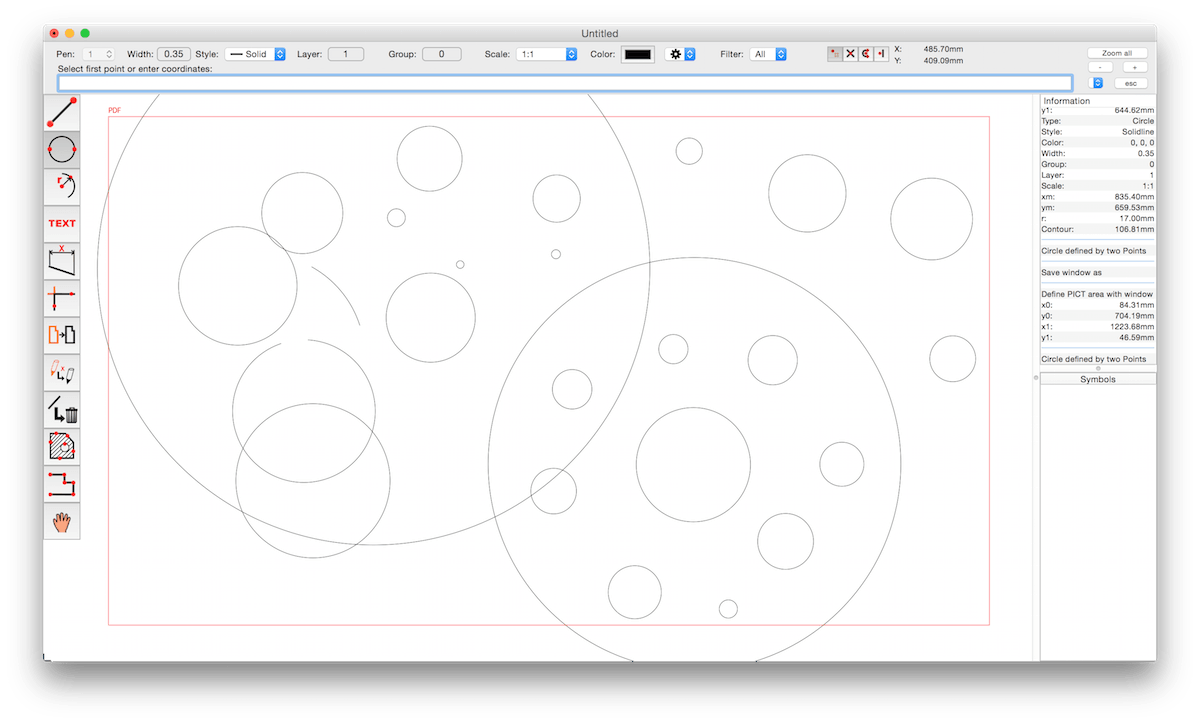
CADintosh is a 2D-CAD program for technical and architectural drawings. You will benefit from professional and well thought-out features for all your design requirements.
Features include:
Interactive window redrawing (you can work in the same time of the window redrawing)
Number of elements limited by memory
Pen oriented mode: 8 line widths/line colors/pens
Individual mode: line width from 0.0 to 99.99 mm, pattern and colors
It has a lot of tools like lines, arcs, dimensions, splines, hatching etc.
Import and export HPGL, DXF, and PICT
6 line types (solid, dash, dot-dash, phantom, zigzag, dotted)
32000 groups
1024 layer
Alternative units in inches or freely definable
Shareware version has a simple layer filter (easy to use)
Registered version has a additional extended layer filter (named filter sets, palette with name of filter)
Shareware version has internal symbols (number of symbols only limited by memory)
Registered version has additional external symbol libraries and more simple work with symbols
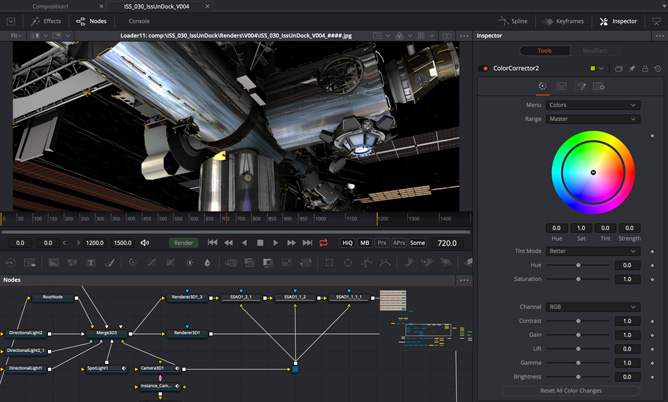
Fusion is the world’s most advanced compositing software for visual effects artists, broadcast and motion graphic designers, and 3D animators. Over the last 30 years, Fusion has been used on thousands of Hollywood blockbuster movies and television shows. Fusion features a powerful node based interface that lets you quickly and easily create sophisticated effects by connecting different types of image processing tools together! You get a massive range of tools, incredible VR and 3D support, GPU accelerated performance, unlimited network rendering and more! Fusion gives you everything you need to create exciting broadcast graphics, dramatic titles, and even major feature film visual effects!
What’s New in Fusion 16: Fusion Studio 16 is a major upgrade that brings all of the improvements made to Fusion inside of DaVinci Resolve to the stand alone version of Fusion. You get an updated and more modern user interface, along with dramatically faster performance. All 3D operations are GPU accelerated, making Fusion much more responsive and interactive. In addition, there are dozens of GPU accelerated tools such as time effects, dissolves, stereo tools, vector motion, corner pinning, color tools and more! B-spline and bitmap mask operations are accelerated, as are the planar and camera trackers. Improved memory management makes large compositions with high tool counts more reliable, making Fusion 16 dramatically faster and more stable than ever before!
Hollywood’s Biggest Blockbusters Thousands of Hollywood’s biggest blockbusters and hit television shows use Fusion to create their groundbreaking visual effects. Fusion has been used on feature films like The Hunger Games, Dr Strange and Guardians of the Galaxy, as well as hit television shows like Empire, NCIS and American Horror Story. Fusion also plays a major role in the development of cinematics for major video games such as Dawn of War III, Halo 5 and more!
Nodes are a Much Faster Way to Work! Nodes are incredibly easy to use, especially as scenes become more complex. Fusion’s nodes are small icons that represent effects, filters and other image processing operations. Nodes can be easily connected together to build larger and more complex visual effects. Tools, images, and objects can be combined in any order to create unlimited visual effects. Simply click on a node to quickly adjust any single part of your project. That’s much faster than a timeline based tool because you don’t need to hunt through nested stacks of confusing layers and filters!
Get the most Powerful VFX Software Available! Whether you need to pull a key, track objects, retouch images, animate titles, or create amazing particle effects, Fusion has a massive toolset that lets you tackle the most demanding jobs. You get a true 3D workspace along with tools for compositing, keying, painting, animation, virtual reality, stereoscopic 3D and more. Fusion combines effects and motion graphics, along with 3D modeling and rendering into a single toolset. That means you can import and render 3D models and scenes with the rest of your composite in Fusion. You don’t have to pre‑render assets or transfer between multiple applications!
GPU Accelerated Workflow Fusion is extremely fast and responsive enough to be used in high pressure, client driven sessions. With its Metal, CUDA and OpenCL GPU acceleration, you get instant feedback while you work so you can see exactly what you’re doing. Fusion 16 features more GPU optimisation than ever so whether you’re working alone or with a client, you get the real time control you need. That means you’ll be able to spend more time being creative and less time waiting! Fusion is so fast that you can even work in VR while wearing a headset and still get over 90 frames per second of interactivity!
Unlimited Render Power Fusion has the world’s fastest production quality render engine! You can even distribute your render jobs across an unlimited number of networked computers for incredible performance, at no additional cost! There’s no “per node” render license fees. Simply install it on as many render nodes as you need! That means you can render complex scenes incredibly fast to meet the intense deadlines of production, without having to sacrifice creativity or quality.
Collaborate with Large Teams When you’re working with a large creative team, Fusion Studio also includes the new Studio Player application. Studio Player features a single layer timeline with basic shot trimming, storyboard tools, versioning and annotation notes. Fusion Studio also features a bin server to let everyone share and see common assets that are needed for the job. That means you don’t have to copy and track multiple elements on different computers.
Feed your channels a steady stream of awesome with Premiere Rush, the all-new app for creating and sharing online videos. It’s easy to use, works across all your devices, and it’ll transform the way you create content.
All you need. All in one app. Go from shoot to showtime in record time. Built-in camera functionality helps you take pro-quality video on your mobile devices. Editing is easy, with simple tools for color, audio, motion graphics, and more. Share right from the app to favorite social channels like YouTube, Facebook, and lnstagram. Make a bigger splash on social.
Make a bigger splash on social. Wow your followers with professionally designed Motion Graphics templates right in the app, or find hundreds more on Adobe Stock. Change the color, size, font, and more to match your personal brand. And take your videos from amateur to amazing. Create your show on the road.
Create your show on the road. Premiere Rush works across all your devices. Capture footage on your phone, then edit and share to social channels on your phone, tablet, or desktop. Everything is synced to the cloud, so your latest edit is always at your fingertips, anywhere you are.
Hype lets you create stunning animated and interactive web content.Hype’s HTML5 output works on all modern browsers and mobile devices like iPhones and iPads. No coding required.
Hype is used by leading designers to create animations which add a “wow” factor to web pages, infographics, presentations, digital magazines, ads, iBooks, educational content, app prototypes, portfolios, animated GIFs, videos, entire websites, and much more. Hype won the 2011 Macworld Editors’ Choice Award.
From prototype to production, anyone can create rich interactive media with Hype.
Quickly Animate:
Easy to use keyframe-based animation system
Record mode watches your every move, automatically creating keyframes as needed
Create natural motion curves with bezier paths
Make scenes for organization and flow
Use the power of multiple simultaneous timelines to run animations
Add Interactivity:
Action handlers kick off and control timelines, transition between scenes, or run custom jаvascript
Visually build action handlers to respond to taps, clicks, and animation events
Create Stunning Content:
WebKit-based WYSYWIG “what you see is what you get” scene editing
Intelligent guidelines, arrangement, and sizing tools
Easily integrate video and audio for stunning multimedia documents
Cutting-edge effects: blur, hue shift, brightness, saturation, shadows, reflection, and 3D transforms
Add Google Fonts to your projects or use your own CSS web fonts
A flexible layout system resizes your content to fit any screen
Retina image support
Perfect for Mobile:
Hype’s HTML5 output works great on mobile devices
Easily add swipe and touch actions
Bind drag events to timeline positions for rich interactivity
Preview your projects on iPhones and iPads with the free Hype Reflect companion iOS app
Hype Reflect’s Mirror Mode shows edits live as you make them
Extend with Code:
Edit the Inner HTML of any element
Integrated jаvascript editor for writing custom functions triggered by user actions
Use Hype’s jаvascript API to control scenes, timelines, and more
Export to HTML:
Outputs state-of-the-art HTML5, CSS3 styles, and jаvascript
Content works across all browsers from IE 6 up to the latest Chrome
Self-contained directory holds all resources and jаvascript for your document
Integrate into existing pages by copying and pasting 3 lines of HTML
Great for ads and fast on mobile: A minimal document is only 24 KB (compressed) and 3 network connections
Share your work by publishing directly to Dropbox
What’s New:
Version 4.0.0: Note: Now requires OS X 10.10 or later New Features:
Vector Shapes: Polygon, Path, and Pencil tools with Shape Morphing
Sprite Sheet/Image Sequence import [pro]
Page Turn transition for smooth scene swiping
Skew transform
Drop and Inset shadows
External editor support for resources/jаvascript/head html [pro]
Trapcode Suite, Particle simulations and 3D effects for motion graphics and VFX
Particle Effects
Trapcode Suite brings the power of 3D particle systems right into After Effects. Use particle emitters to create fire, water, smoke, snow and other organic visual effects, or create technological marvels and user interfaces with immortal particle grids and 3D forms. Combine multiple particle systems into one unified 3D space for visually stunning results. With GPU acceleration, Trapcode plugins help you get beautiful results fast.
Physics & Fluids
For the first time ever, run realistic fluid simulations using the new Dynamic Fluids™ physics engine, or emulate particles moving through the air and bouncing off surfaces.
3D Objects & Surfaces
Create flowing surfaces, mountainous terrains, endless tunnels, and abstract shapes. Use paths and motion to generate beautifully complex geometric shapes, ribbons and extrusions. Whether you are creating motion graphics or visual effects, the possibilities are endless.
Lights and Glimmers
Bring light and life into your motion design. Simulate organic, 3D-camera aware volumetric lighting. Use masks and paths to add light streaks that can bring your logos and text to life and add starry glimmers to accent the highlights in your work.
Sound and Motion
Use audio to generate keyframes that drive animation and effects. Scale, rotate and move to the beat, or use drum hits to create particle effects. Duplicate and offset layers and their motion with ease. Trapcode Suite gives you the power to automate complex animation easily.
Magic Bullet Suite – Color correction, finishing and film looks for filmmakers. Magic Bullet Suite is a set of seven tools that bring intuitive, real time color correction, and beyond, right to your editorial timeline.
Color Correct
Magic Bullet Suite gives you everything you need to make your footage look great, right on your editing timeline. Balance out your shots with powerful color adjustments that work the way your eye expects them to. Then, go beyond color correction, with accurate simulations of lens filters and film stocks. With Magic Bullet Suite, you’ll have the most powerful and intuitive real time color correction tools available, without ever needing to switch to a different app.
Stylize
Give your footage the look of a Hollywood film. With the tools in Magic Bullet Suite, your footage can instantly have cinematic contrast and the sophisticated color palettes of big budget movies. With tons of fully customizable presets based on popular movies and TV shows, you will have beautiful results in seconds.
Refine
Quickly balance skin tones, reduce wrinkles and remove skin blemishes, so your talent can look their best. Magic Bullet Suite makes cosmetic cleanup fast and easy, and gives you natural results that look untouched.
Cleanup
Save your footage from video noise caused by shooting in the dark or at high ISOs. Magic Bullet Suite can clean up the noise while still preserving the details in your shot. At the end of your color grading process, Magic Bullet Suite can also reintroduce some subtle texture and a natural film grain that gives your final product a look that feels genuine and unprocessed.
TOOLS
Magic Bullet Suite is a set of seven tools that bring intuitive, real time color correction, and beyond, right to your editorial timeline.
MAGIC BULLET LOOKS (NEW)
Magic Bullet Looks is designed to give filmmakers powerful, looks and color correction. With over 200 fully-customizable Look presets and over 40 Powerful Tools to customize or build new Looks. Get the best, most-intuitive color correction experience in the industry.
MAGIC BULLET DENOISER III (NEW)
Denoiser III gives you easy video noise reduction. Remove noise and grain from your footage, while preserving detail. Get immediate one-step results. Denoiser has been rewritten entirely from scratch to give you the best, fastest, most reliable denoising available.
MAGIC BULLET COLORISTA IV (NEW)
Magic Bullet Colorista IV provides professional color correction for filmmakers. Get color correction directly on your timeline—no need to switch to a different app to grade your footage. Our Guided Color Correction helps you jumpstart your color grade. Colorista turns Adobe Premiere Pro and After Effects into a high-speed professional color grading environment.
MAGIC BULLET COSMO II (NEW)
Get fast, simple cosmetic cleanup with Magic Bullet Cosmo II. The fastest, easiest way to make your talent look their best. Quickly balance skin tones, reduce wrinkles and remove blemishes. Cosmo has been rewritten from scratch to give you fast, beautiful results.
MAGIC BULLET MOJO II (NEW)
Get a cinematic color grade in seconds. Instantly give your footage an action movie color grade. Accentuate and protect skin tones. Cool off your backgrounds. Mojo is highly customizable – cool things off, warm them up, bleach them, and more.
MAGIC BULLET FILM (NEW)
Magic Bullet Film creates the look of real motion picture film. It emulates the entire photochemical process for an authentic look. Mix and match 22 negative stocks and 4 print stocks. Film includes accurate, measured film grain and a foolproof vignette tool.
MAGIC BULLET RENOISER (NEW)
Get cinematic texture and film grain with Magic Bullet Renoiser. Restore texture and noise to overly processed digital video. Protect your footage from color banding and blocky compression artifacts. Give any footage a true-to-life 35mm, 16mm, or Super 8 film grain.
COMPATIBILITY
Magic Bullet Suite is made up of several different tools that each have their own compatibility info. Every tool runs on Mac and Windows and is compatible with Adobe Premiere Pro, Adobe After Effects and Apple Final Cut Pro X, while some of the tools also work in additional host-applications.
Redacted makes it quick and easy to redact parts of an image. Hide sensitive details of an image by simply clicking and dragging. You can redact an image in three different ways:
Pixelate
Blur
Black bar
Quickly drag and drop an image into Redacted or simply paste and image to get going. When you’re done, share it to Facebook, Twitter, and more with Yosemite’s new share menu or simply copy the image out of Redacted.
Sketch: graphic design for a digital world. Powerful tools and an elegant interface, in a single award-winning package. Because making beautiful things should be a joy, not a burden.
Sketch supports multiple fills, borders and shadows per layer; has powerful non-destructive boolean operations; smart pixel alignment; and makes exporting a breeze with automatic slicing and multiple resolution export.
Vector tools and basic shapes are the foundation; whether you are designing icons, websites, interfaces or anything else. Combine these into complex shapes with non-destructive boolean operations, leaving you free to edit them in the future, then apply advanced layer style options like multiple shadows, fills, gradients, noise, blending, background blurring, and more.
Sketch doesn’t just do shapes, of course. Imported images can be rotated, scaled, cropped and masked. The best-in-class text tool lets you add beautiful typography to your designs, using native font rendering, so you can be sure that text always looks 100% accurate!
Brand new to Sketch 3, Symbols allow you to reuse entire groups of content in multiple places in your design. Think of interface elements such as buttons, headers and footers. Change them once, and they update everywhere in your document.
Built for the Mac, Sketch supports OS X’s Versions and Auto Save, letting you focus on your work instead of hitting CMD+S. Keep your work safely in sync across multiple Mac computers with iCloud. And take Sketch full screen to maximise the size of your canvas.
All this power is deliciously baked into Sketch’s single-window interface. Everything is there, tucked away until you need it. A simple interface with powerful tools.
What’s New:
Version 69: Color Variables We’re
excited to introduce this long-requested feature and one of the final building blocks for a comprehensive design system in Sketch. When you apply a Color Variable to a fill, border or anywhere you can apply solid colors, they’ll stay linked. If you edit a Color Variable, you’ll see that change reflected across every part of your document that uses it. Color Variables replace solid color presets and when you open a document we’ll automatically convert any existing color presets that belong to it. You’ll see the option to create a new Color Variable in the Color Popover.
Components View (Beta)
The Components View is a new home for your document’s local Symbols, Text and Layer Styles, and Color Variables. By bringing them together and giving them the space they deserve, we’ve made it easier for you to keep them organized and adjust their properties. In other words, there’s finally a proper place to preview and edit your text and layer styles — and that’s just the start.
Insert Window
Alongside the Components View, we’re introducing a new, separate Insert Window that makes finding and inserting components faster than ever. It brings together all of the Symbols, Text and Layer Styles, and Color Variables from your enabled Libraries, and displays them with beautiful, big previews that make browsing easy. Simply press c on your keyboard to open it, start typing to search for the component you need, then drag and drop it onto your Canvas.
What’s improved
We’ve added support for Color Variables to the Sketch jаvascript API, so if you’re building plugins or integrations, you can support it, too!
Re-ordering layers in grid arrangements, by dragging on their circular center handle, now works in a more natural way. Layers will shift around automatically to avoid adding an extra row or column.
When you use the Offset Path tool, we’ll temporarily show you an outline of the original path to give you a better sense of scale.
You can now use the Make Grid tool to reduce the size of existing grids.
What’s changed
We’ve adjusted our Android Artboard presets, fixing some viewport sizes and adding the latest Pixel and Galaxy devices.
When you drag layers, we now use a smarter approach to align them to pixels. This should keep layers aligned more in the way you’d expect, especially for lines.
As part of an industry-wide change with Figma and Adobe, we’ve renamed Symbol masters throughout the app. We now refer to a Symbol master as a Symbol Source.
There’s now an optional toolbar icon available for the Offset Path tool. We’ve also added it to the Tools item.
We’ve been tidying things up ready for a certain operating system update and have moved the controls for Offset Path (Layer > Path > Offset…). You’ll now see the controls in the Inspector instead of a sheet at the top of the Canvas whenever you use it.
What’s fixed
Fixes a crash that could occur if you were editing a bitmap layer and using the eyedropper tool.
Fixes a bug that caused some of the borders of an instance that had been previously rotated to not always show when fitting an Artboard to it.
Fixes a crash that could occur when pasting a layer with invalid text attributes from an old document or from a document that was created with a third-party app.
Fixes a bug that wouldn’t show the correct Library source in the Components Popover for Text or Layer Styles that were part of a Library that was duplicated.
Fixes a bug that caused high CPU usage when you were viewing layers with blurred shadows.
Fixes a bug that stopped color properties from showing in the Find and Replace Color sheet.
Fixes a bug that meant bitmaps would not always look sharp at lower zoom levels.
Fixes a bug that caused unexpected antialiasing differences on Symbol instances with clipping masks compared with detached versions of that Symbol.
Fixes a bug that could change the coordinates of a line when you adjusted the size of the Artboard it belonged to.
Fixes a bug that caused overrides to reset or be unavailable when you reopened some documents.
Fixes a bug that meant you could set a guide to -0, which felt a little odd, if we’re honest.
Fixes a bug that meant values in the Layout Settings sheet would not always display correctly when confirming, canceling or tabbing through the sheet fields.
Fixes a crash that could occur if you pressed the tab key in an empty value field while you were creating Custom Artboard Preset.
Fixes a bug where changing opacity of a Tint on a Symbol instance would not always work reliably.
Fixes various bugs affecting the Text on Path feature to make it more reliable.
Maya 3D animation software offers a comprehensive creative feature set for 3D computer animation, modeling, simulation, rendering, and compositing on a highly extensible production platform. Maya has next-generation display technology, accelerated modeling workflows, and tools for handling complex data.
Facilities and software features of Autodesk Maya:
Advanced design three-dimensional models
simulate a variety of natural and environmental elements such as climate change, water and liquids, fire, plants and …
having a variety of tools for modeling and data management
the possibility of transferring the properties of one object to another object
Design Clothes, hair and sex and different scenarios
Coordination with other software modeling and animating
Supports mathematical model NURBS (short for Non-uniform rational B-spline)
ability to combine elements of two-dimensional and three-dimensional models
Ability to use scripting programming language and MEL (stands for Maya embedded language) and C and Python in the development of software
What’s New
Release notes not available at the time of this post.
Flawless retouching is just a click away with ON1 Portrait AI. It uses machine learning to find every face in your photo and make them look great, automatically. It analyzes each face and adds just the right amount of retouching to the skin, eyes and mouth, giving you professional results in no time at all.
Plug-in to Your Workflow ON1 Portrait AI is the perfect fit for almost any workflow. Get amazing retouching results in seconds when using ON1 Portrait AI as a plug-in for:
Adobe Photoshop
Adobe Lightroom Classic
Adobe Photoshop Elements
Affinity Photo
Capture One (coming soon)
Apple Photos
Corel Paintshop Pro
What’s New:
Version 2021 v15.0.0.9618:
Release notes were unavailable when this listing was updated.
Simlab Composer is a complete, easy, affordable and feature rich solution enabling you to communicate your 3D ideas with ease. Start with any 3D model, and bring it to life with SimLab Composer to utilize it in marketing, manuals, training, user feedback, education and much more.
Features in SimLab Composer: A brief summary with regards to the new updates that have been made in SimLab Composer 9 :
Scene Building: • Search by name
Animation • Animation Auto Ease options (Auto Ease Out, Auto Ease In, and Auto Ease). • New Animation Time-line tools: Capture keyframe for object, Go to previous/next keyframe, and Select all keyframes on Animation Time-line. • (Enhancement) Better layout for Animation Time-line tools.
HTML/WebGL • Added support for SimLab 360s Grid Technology. • Added support for Light Baking (Light Baking is similar to Texture Baking but it gives the user the ability to change material of objects). • Added support for sun light • Added support for shadow from sun, which can be enabled or disabled by the user. • Added support for Visualized Scene Options (lists) • (Enhancement) Better appearance for materials • (Enhancement) Better navigation: Smoother camera navigation with mouse movement in spin mode. • (Enhancement) Better looking message boxes. • (Enhancement) Camera transition among Scene States
3D PDF • Added support for Visualized Scene Options (lists).
VR • SimLab 360s Grid Technology for SimLab FREE VR Viewer, SimLab FREE AR/VR Mobile Viewer, and HTML/WebGL: load and move among 360 degree images. • Make Video: View video clips in SimLab FREE VR Viewer and SimLab FREE AR/VR Mobile Viewer. • Event-Response System: SimLabs Event-Response System used for endless possibilities in your VR experiences, which also includes location-based triggers. • VR Training: A state-machine-based system used for endless possibilities in your VR experiences, which also includes location-based triggers.
Render • Render Animation using SimLab FREE VR Viewer: New rendering mode using the VR Viewer.
Simlab Free VR Viewer • Added support for SimLab 360s Grid Technology. • Scene Building Mode: Dedicated mode where you can move, rotate, scale, copy, delete, and hide/show objects. • (Enhancement) Improved two hands interaction with VR scene elements in VR mode. • (Enhancement) Improved grabbing (grabbing with two hands) in VR mode. • (Enhancement) Improved VR navigation (fixed old issues and added rotation) in VR mode. • (Enhancement) Improved Scene Modes activation for Large Navigation, Lists, and Scene Building. • Circular menu for switching among modes. • Activation of List mode shows all list pins existing in scene. • Users can now have two FREE private catalogs (up to 60 package) • Users have the ability to edit or delete their own packages.
What’s New:
Version 10.16 :
Release notes were unavailable when this listing was updated.
PatterNodes is a tool for creating graphical patterns, animations, gradients, or illustrations based on repetitions. This is done by defining a sequence of steps, a recipe of sorts, that describes the pattern. Each pattern element or operation is represented by a little panel called a node, and the nodes are then linked by connections drawn between them. As the nodes can be freely combined and connected, this gives you a very flexible and powerful interface.
While this interface requires a different way of thinking, it also offers a lot of benefits compared to traditional Illustrator-type editors. Most importantly it enables you to use sliders to instantly change any aspect, like color, spacing, scaling, rotation or repetition count of any part of the pattern without having to undo/redo any steps. You can also specify animation value ranges for any of these parameters.
The resulting pattern tile is always shown in the bottom preview view, repeated and updating in real time with any changes, giving you instant feedback of what the end result will be. To make pattern creation easier PatterNodes also includes a lot of nodes that automatically perform common tedious tasks like repeating elements at the tile edges to make the pattern seamless, or randomizing different aspects (like color, position, rotation, etc.) of the elements in a pattern to give it a little more life. Finally, when you’re done you can simply copy the pattern tile into whatever illustration or graphics application you use, or export it either as vector graphics or a bitmap image file. Animations can be exported as GIF, QuickTime MOV or numbered PNG or JPG files
Acorn is a new image editor built with one goal in mind – simplicity. Fast, easy, and fluid, Acorn provides the options you’ll need without any overhead. Acorn feels right, and won’t drain your bank account.
Take screenshots using Acorn and edit them right away.
Chain together image filters to create stunning effects.
Layer based image editing, an industry standard.
Make new images and layers using your built-in iSight.
Easy image and canvas resizing, just by changing the size of your window.
Take advantage of every pixel of your monitor with full screen image editing.
Tablet sensitive for pressure strokes and using the tablet’s eraser.
Vector shape and text layers.
Freeform, elliptical, rectangular, and magic wand selections.
Gradients.
Create and apply custom text styles.
Control opacity and blending modes for each layer.
Write plugins using the Python scripting language, as well as in Objective-C.
GPU powered. The same graphics card that makes your gaming experience smooth, helps Acorn fly through the toughest of graphics operations.