Cockos REAPER 6.46

REAPER is a digital audio workstation. It is a complete multitrack audio and MIDI recording, editing, processing, mixing, and mastering environment. Using your current computer and no other software, you can import any audio and MIDI, synthesize, sample, compose, arrange, edit, mix, and master songs or any other audio projects.

If you add a hardware audio interface of your choice (AD/DA: analog-to-digital/ digital-to-analog) and a microphone, you have a complete recording studio. It is suitable for recording anything from a soloist to a band to an orchestra.
REAPER converts your computer into the full power of any top-of-the-line recording studio. It will support almost any existing audio interface. Even interfaces manufactured by companies whose software does not allow you to use any other hardware interface.

REAPER doesn’t have track types, busses, tools, or offline processing. If you want to create a drum bus, simply add a track above the drum tracks and press the folder button. The drums will automatically send to the folder. Once you get the drum levels and FX tweaked right where you want them, you can record the folder’s output to non-destructively freeze the drums and move on.

Basic features:
– Portable – supports running from USB keys or other removable media
– 64 bit audio engine
– Excellent low-latency performance
– Multiprocessor capable
– Direct multi-track recording to many formats including WAV/BWF/W64, AIFF, WavPack, FLAC, OGG, and MIDI.
– Extremely flexible routing
– Fast, tool-less editing
– Supports a wide range of hardware (nearly any audio interface, outboard hardware, many control surfaces)
– Support for VST, VSTi, DX, DXi effects
– ReaPlugs: high quality 64 bit effect suite
– Tightly coded – installer is just over 2MB

Editing features:
– Tool-less mouse interface — spend less time clicking
– Drag and drop files to instantly import them into a project
– Support for mixing any combination of file type/samplerate/bit depth on each track
– Easily split, move, and resize items
– Each item has easily manipulated fades and volume
– Tab to transient support
– Configurable and editable automatic crossfading of overlapping items
– Per-item pitch shift and time stretch
– Arbitrary item grouping
– Markers and envelopes can be moved in logical sync with editing operations
– Ripple editing – moving/deletion of items can optionally affect later items
– Multiple tempos and time signatures per project
– Ability to define and edit project via regions
– Automation envelopes

Compatibility: OS X 10.5 or Higher
Homepage https://www.reaper.fm

Name: Reaper_6.46_Mactorrents.io.dmg
Size: 123 MB
Files Reaper_6.46_Mactorrents.io.dmg[123 MB]

   Download

AVAide MKV Converter for Mac 1.0.8

AVAide MKV Converter allows users to convert unlimited Matroska video files of any size to video formats like MKV to MP4, MKV to AVI, MKV to MOV, MKV to DivX, and all other formats with exceedingly high quality. You can also specify the output format ranging from the device type such as iPhone, iPad, Android phone, Apple TV, Xbox, PS4, etc. It supports a large range of both input as well as output format.

– Convert MKV files to various video formats like MP4, AVI, WMV, MOV, etc.
– Extract audio tracks, sound, or background music from MKV flawlessly.
– Capable of bulking processing more than one file at once.
– Support to edit the videos like cropping, trimming, rotating, and more.

Homepage macOS 10.12 or later

Name: AVAide_MKV_Converter_for_Mac_1.0.8.10130__TNT_Mactorrents.io.dmg
Size: 110 MB
Files AVAide_MKV_Converter_for_Mac_1.0.8.10130__TNT_Mactorrents.io.dmg[110 MB]

   Download

UctoX 2.8.15

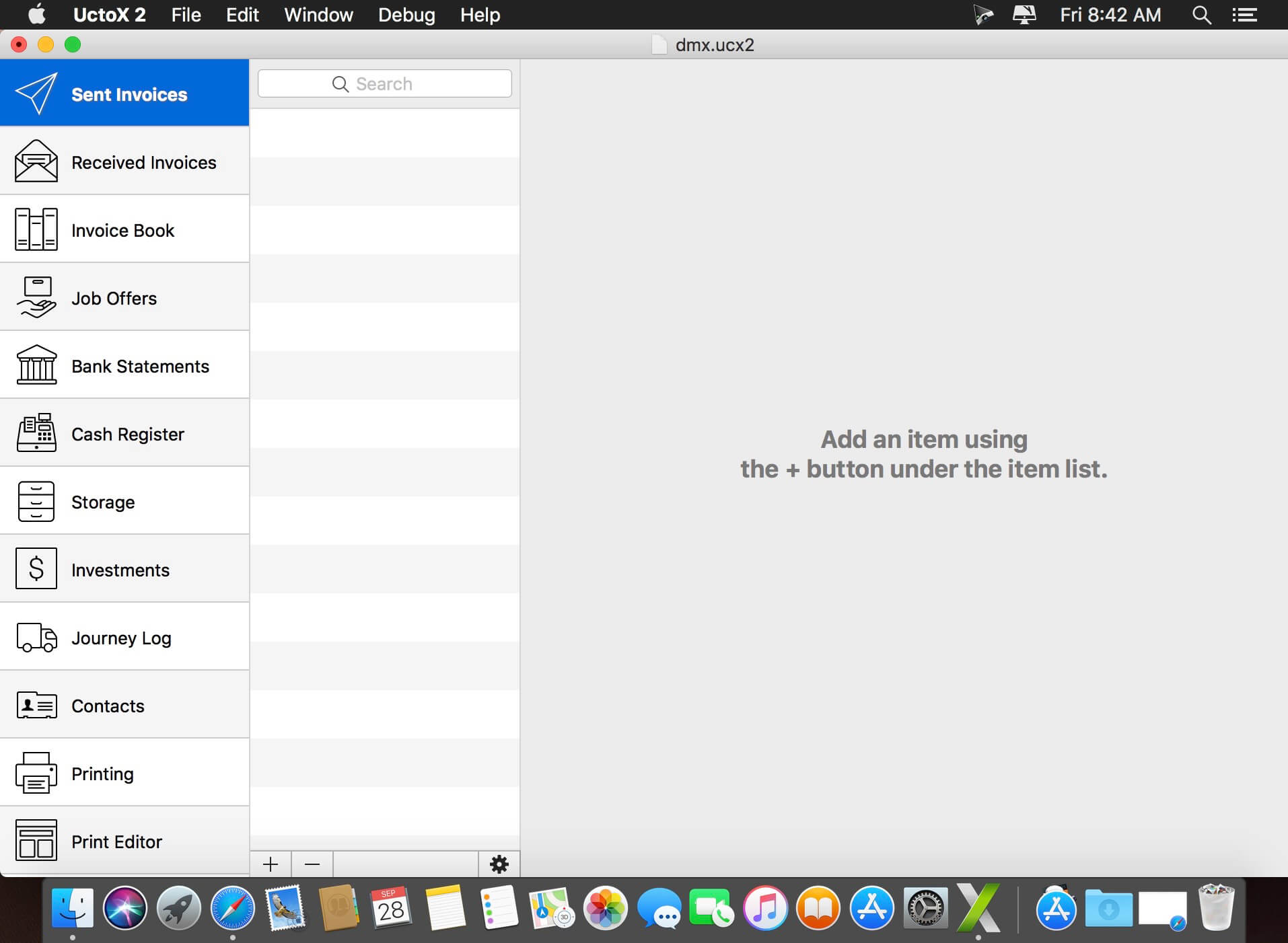
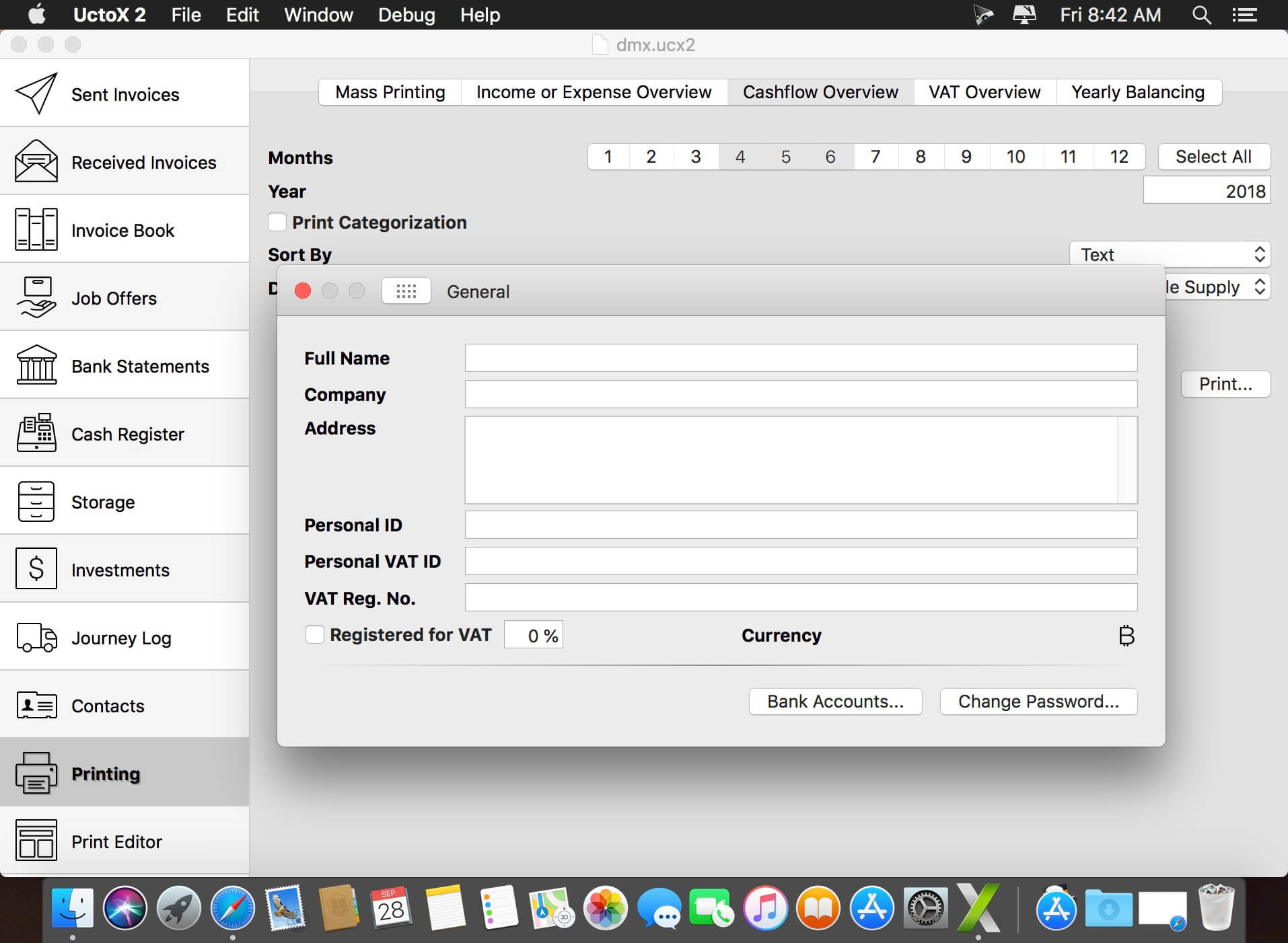
UctoX 2 is a powerful, yet simple-to-use invoicing app – and much more! Unlike other invoicing apps, it also includes features of an accounting app: you can manage your bank statements, cash register, storage, journey log and much more! It comes with 3 built-in print templates, but using the print editor, you can create your own just in a jiffy!

Key Features

  • Simplicity – UctoX 2 is designed to be used by the user without too much learning. But if you need any help, there’s always a user guide available from the Help menu (macOS) or using the question mark button on main screen (iOS).
  • iCloud – sync your accounts via iCloud – between all your devices (iOS and macOS).
  • Customizable – customize the template for printing invoices, bills and other documents just like you’d like.
  • Give it a whirl! – download a trial version above and try for yourself!

Compatibility: macOS 10.10 or later 64-bit
Homepage http://software.charliemonroe.net/uctox.php

Screenshots


Name: UctoX_2.8.15__HCiSO_Mactorrents.io.dmg
Size: 24.2 MB
Files UctoX_2.8.15__HCiSO_Mactorrents.io.dmg[24.2 MB]

   Download

TechSmith Snagit 2021.4.6

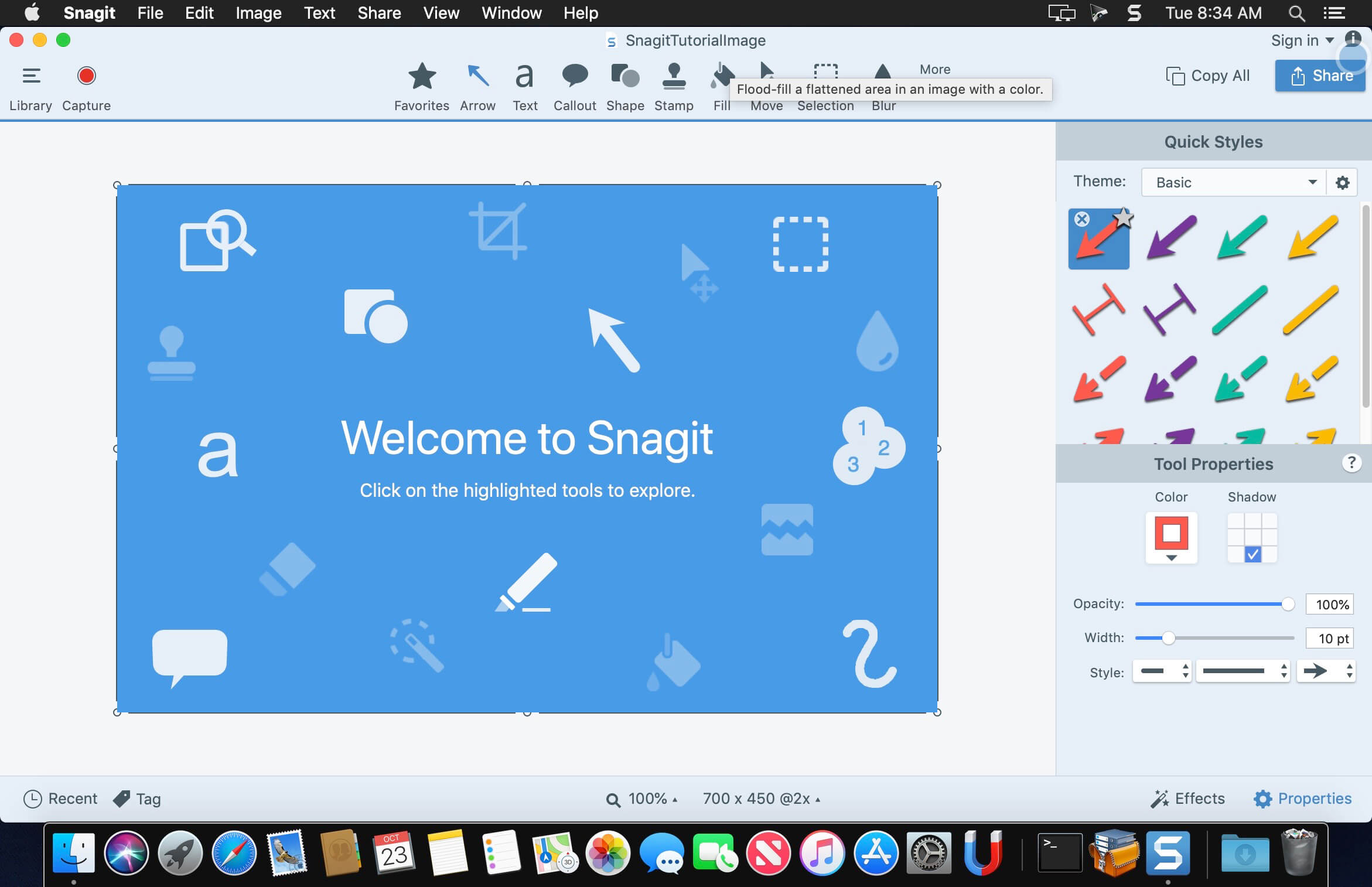
macOS comes with basic screen capturing capabilities, but the customization options are fairly limited. Snagit is an unobtrusive yet very easily accessible Mac app that proposes more diversified screenshot taking functions, and is also able to record videos.

In addition, Snagit provides an editing area where you can to personalize your projects without having to employ third party applications.

Capture screenshots or record videos in no time
By default, Snagit is a status bar menu application that also provides an autohiding capture window placed in the top right corner of your screen. Via the app’s Preferences window you can quickly decide to keep only one of them enabled. At the same time, you can also make use of the already defined hotkeys.

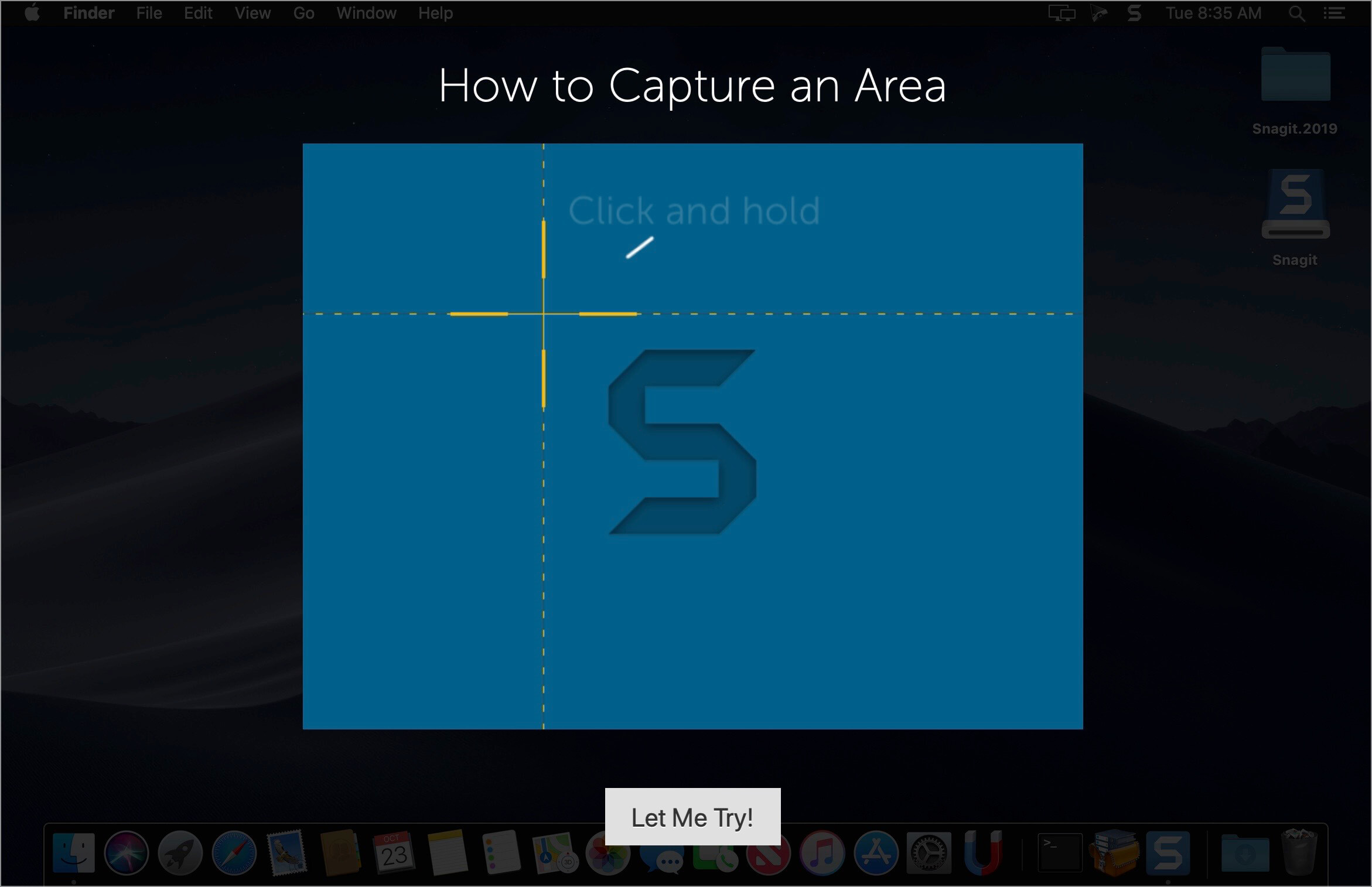
All you have to do is select the capture type via any of those controllers, and highlight the area you want to record. Snagit automatically sends the captures to the processing window but that does not obstruct you workflow in any way: if you are already satisfied with the result, simply select one of the many image or video sharing solutions.

Versatile editing and sharing solutions
The Snagit image editor includes a collection of simple tools that can be used to highlight certain areas, to write down text, to erase certain elements, and much more. Moreover, you also get to apply color filters, edge effects, and more.

When dealing with video content, all you can do is preview the recording and cut a specific portion. Noteworthy is that Snagit allows you to connect to various online account in order to quickly upload the final projects from within the application: this makes the entire procedure extremely straightforward.

Powerful screen capturing tool that includes editing and sharing capabilities
Snagit succeeds at being a complete screen capturing solution: you get to capture both screenshots (including menus or entire webpages, on the spot or with a small delay) and videos (with your screen activity or with the images captured by your webcam).

To conclude, Snagit is the tool you want if you have to highlight certain aspects of an image, or if you need to record video presentations: use its built-in tools to edit the content, and then share the results with your friends in no time.

What’s New:

Version 2021.4.6:

  • Release notes were unavailable when this listing was updated.

Language: English, Deutsch, Français
Compatibility: macOS 10.14 or later 64-bit
Homepage https://www.techsmith.com/

Screenshots


Name: Snagit_2021.4.6__TNT_Mactorrents.io.dmg
Size: 230 MB
Files Snagit_2021.4.6__TNT_Mactorrents.io.dmg[230 MB]

   Download

Cisdem AppCrypt 6.6.0

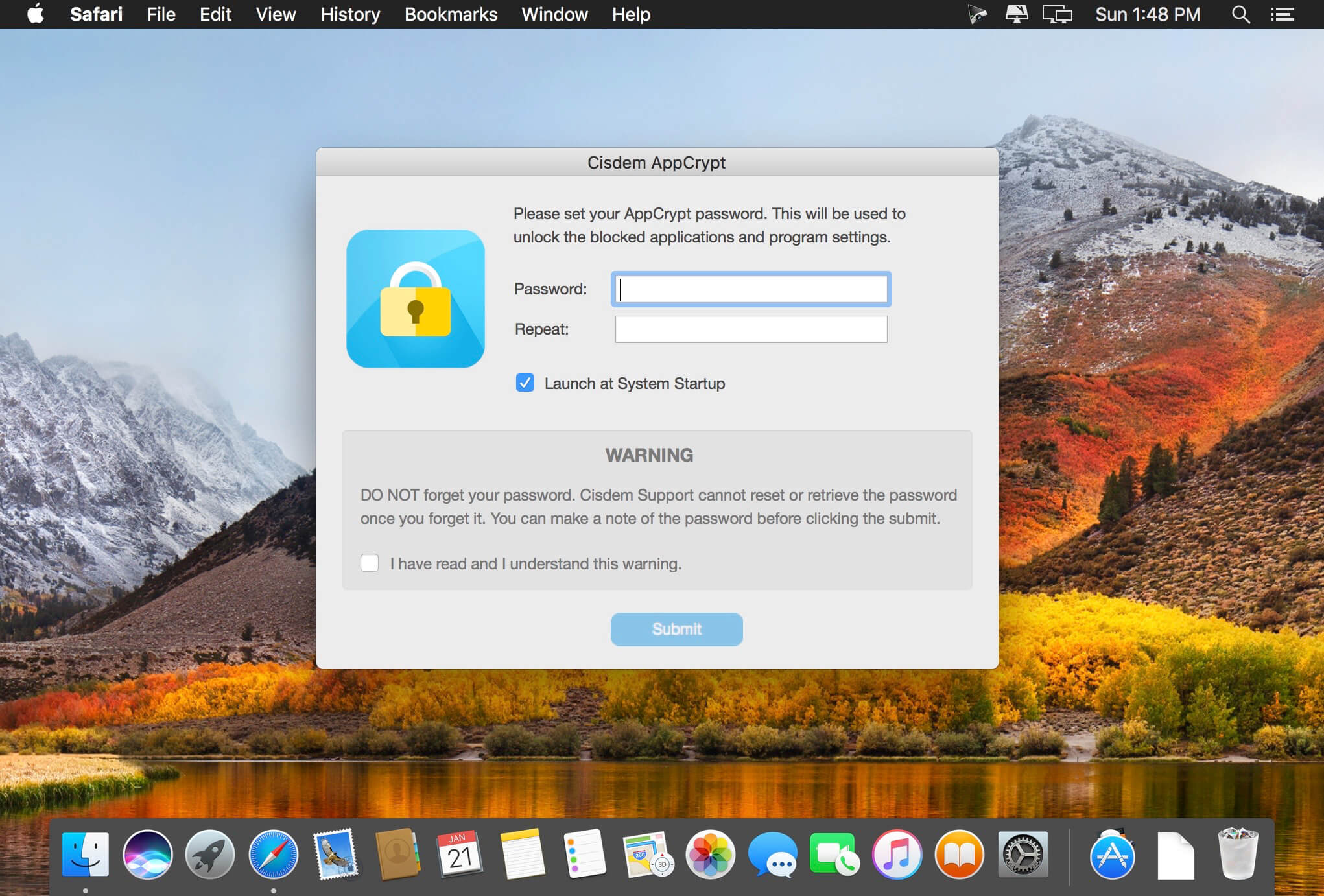
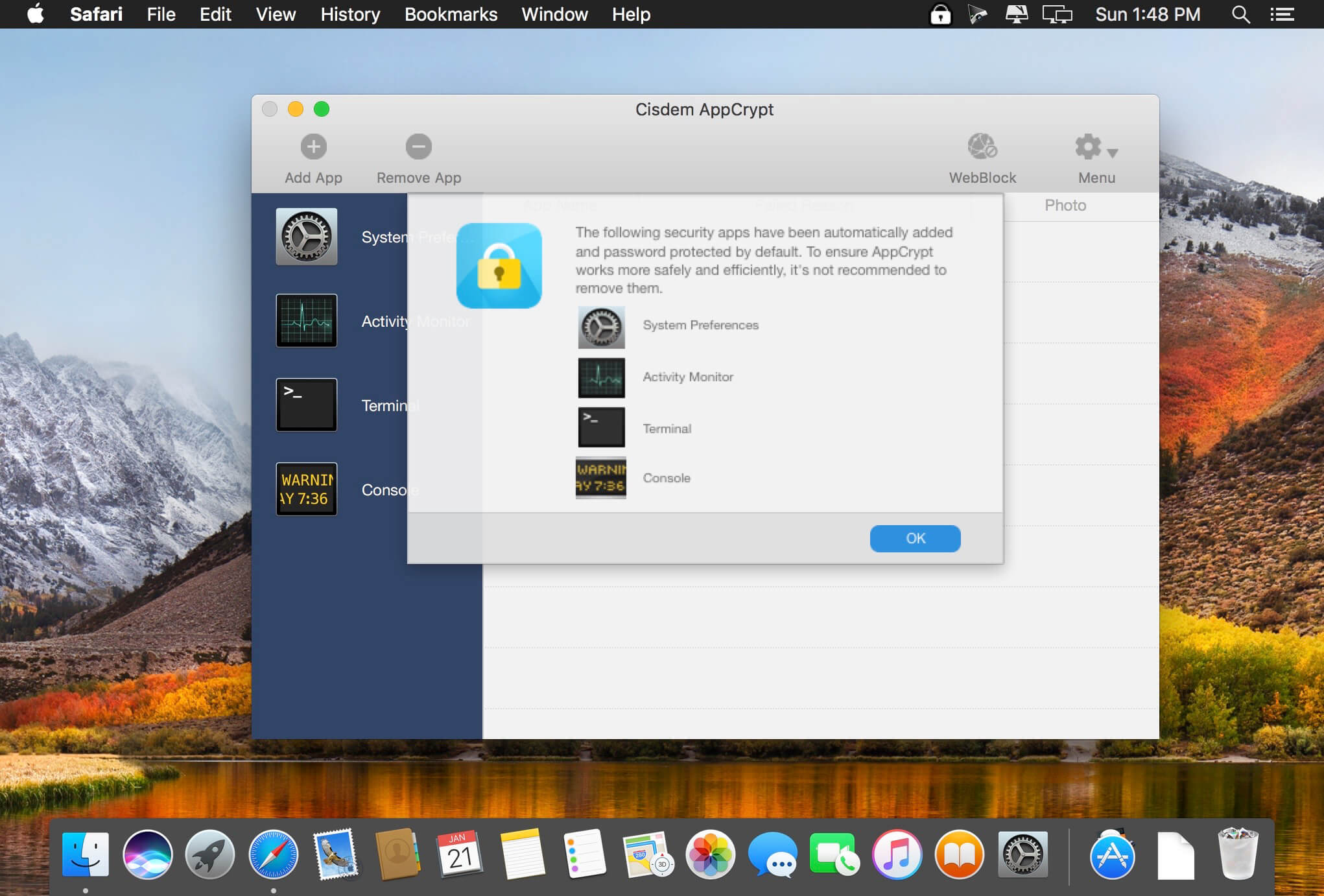
Cisdem AppCrypt is designed for protecting your apps and block websites to make sure you are the only master. It is quite easy to use. Just simply setting a password and adding the apps and websites to the lock list and no one is able to access your protected apps and websites without the correct password. You will never worry about prying eyes when you share your Mac with others. You can also prevent your children from apps at improper time by setting specific time periods of encryption. What’s more, it keeps track of failed attempts and provides reporting on app name, date, time, operation and snapshot took by front camera.

Compatibility: OS X 10.10 or later, 64-bit processor
Homepage https://www.cisdem.com/appcrypt-mac.html

Screenshots


Name: Cisdem_AppCrypt_6.6.0__TNT_Mactorrents.io.dmg
Size: 8 MB
Files Cisdem_AppCrypt_6.6.0__TNT_Mactorrents.io.dmg[8 MB]

   Download

PDF Reader Pro 2.8.8

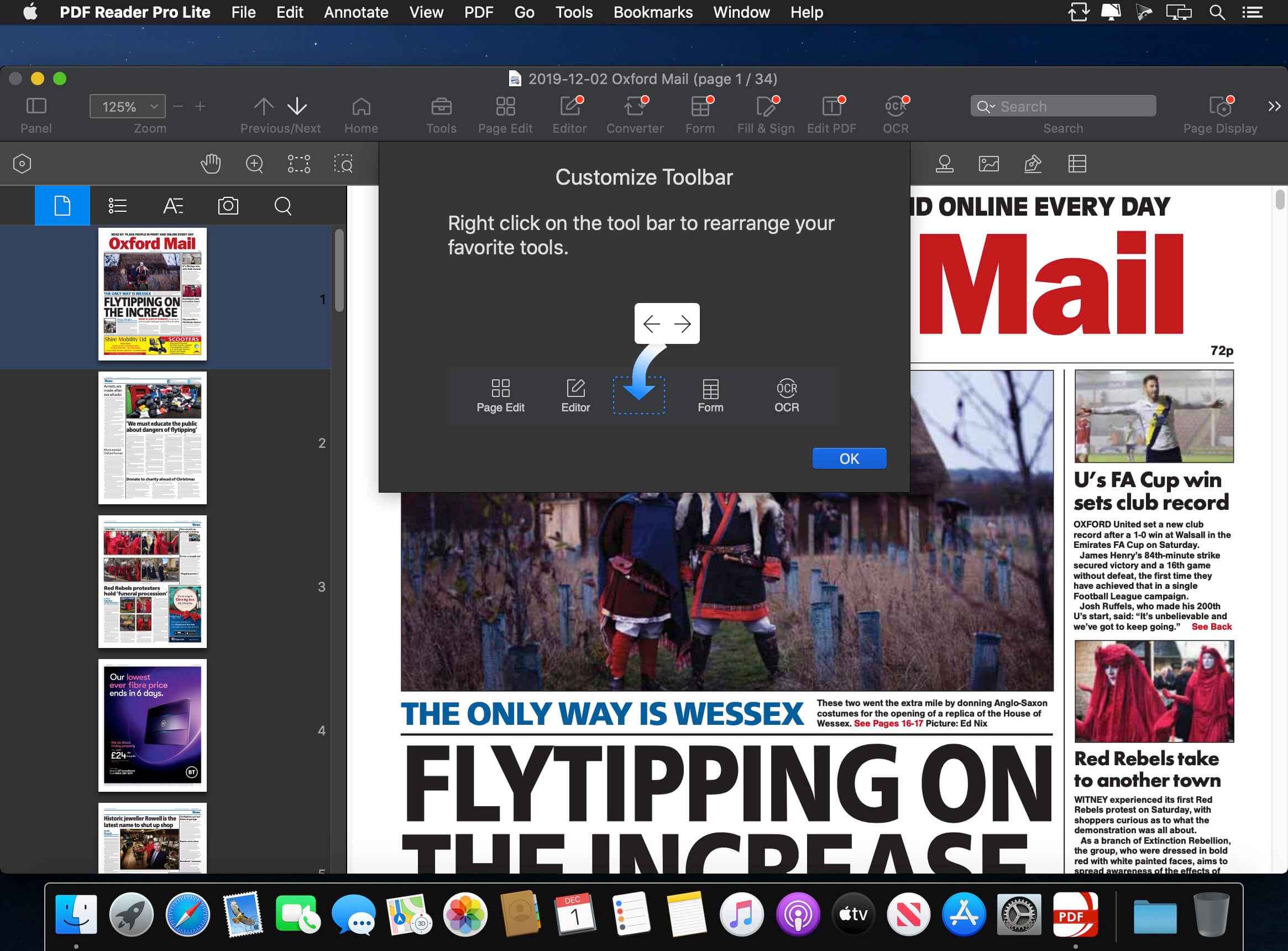
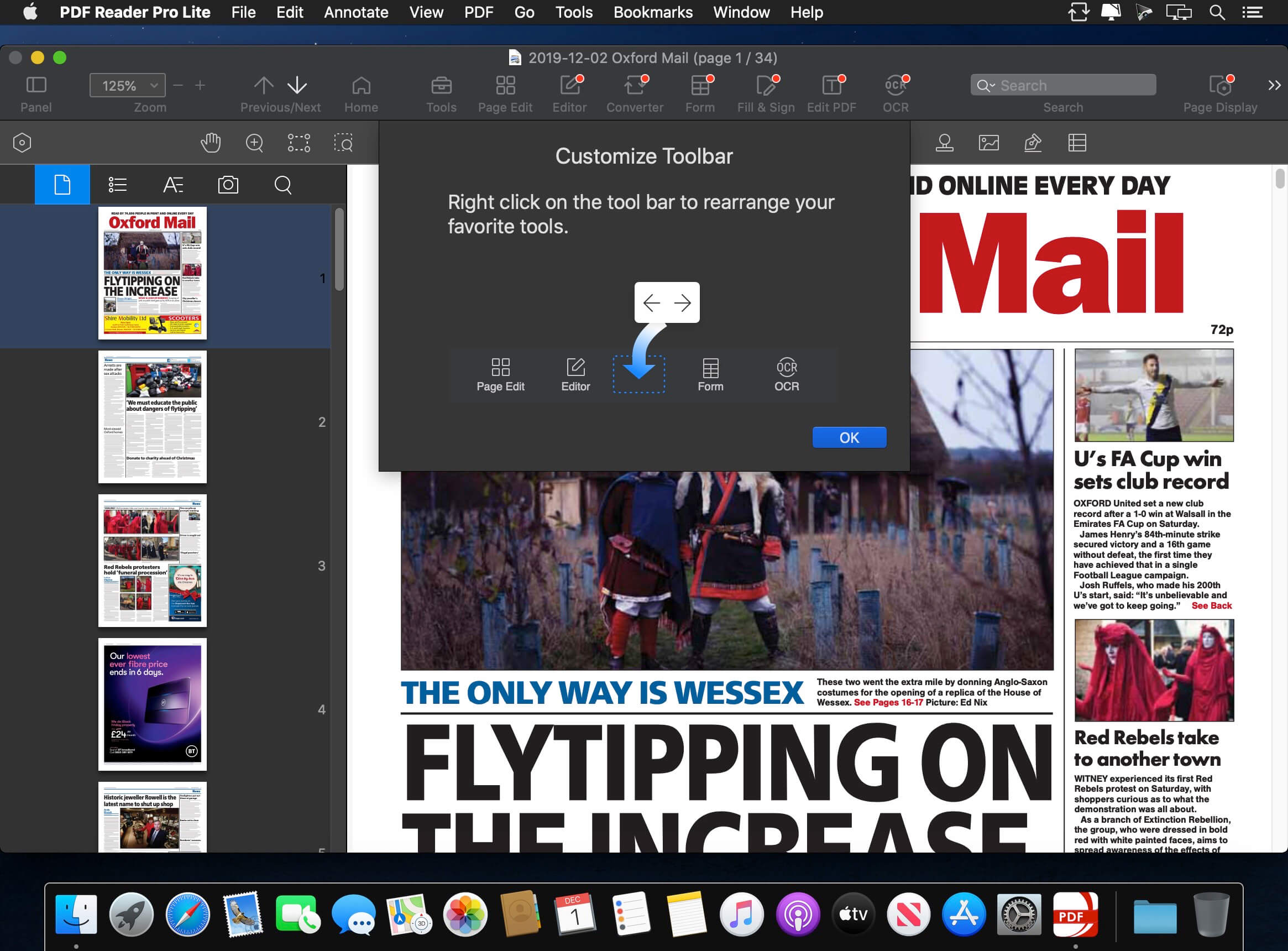
PDF Reader Pro is a PDF editing application that has a wide variety of tools. Building on solid features such as annotation, form filling and bookmarking, OCR, PDF Reader Pro allows you to maneuver through your PDF files. PDF Reader Pro Edition offers even more – combining multiple documents, splitting your PDF into several files, inserting pages from another PDF and PDF files. The app has Text-to-Speech functionality that can read the doc to you in six different languages. You can simply sync your files with Dropbox to make the best use of PDF Reader Pro Edition. The app has a presentation mode that will allow you to showcase your PDF document to others. Now you can enjoy the best PDF to Office Converter! Export from PDF to Microsoft Word (.docx), PowerPoint (.pptx), Excel (.xlsx), RTF, HTML, Text, Image, CSV, and more Offline.

Main features:

  • Annotate PDFs with highlights, underlines, lines, circles, freehand writing, and so much more.
  • Create & Edit & Fill PDF Forms. Create fillable PDF Forms from interactive field objects, such as buttons, check boxes, radio buttons, list boxes, and drop-down lists.
  • Create tables. A table consists of rows and columns of cells. A cell is like a text frame in which you can add text, or other tables. You can use headers or footers to repeat the information at the top or bottom of each divided portion of the table.
  • Sign – Create multiple signatures for any situations with trackpad, keyboard or images
  • Insert stamps, comments and notes.
  • Link – Add hyperlinks to redirect other destinations, and edit your links as you like
  • Export from PDF to Microsoft Word (.docx), PowerPoint (.pptx), Excel (.xlsx), RTF, HTML, Text, Image, CSV, and more Offline
  • PDF to Image. Convert PDFs to JPG, PNG, bmp, gif, tiff, tga and jp2
  • OCR (Optical Character Recognition). Convert scanned PDF & images into editable and searchable PDFs or TXT files. 50+ languages supported!
  • Annotation history – Access important sections of documents instantly.
  • Edit pages with headers, footers, or page numbers
  • Add PDF watermarks to the background of pages
  • Bates number
  • Combine multiple files into one document
  • Insert another file (entire files or specific page ranges) into the existing file
  • Replace PDF pages from another PDF file
  • Merge, Split, Extract, Append, Rotate, delete, replace, and crop pdf pages
  • Directly present your PDFs with annotations
  • Supports radio boxes, check boxes, combo boxes, and list boxes
  • Reading modes: full-screen, page-fit, horizontal or vertical orientation, continuous and page break
  • Bookmark specific pages or sections of PDFs
  • Create, Edit and Search outlines to easily navigate through the whole file
  • Night mode supported
  • Reduce PDF size to make your documents much lighter
  • Create a new PDF by importing your clipboard content
  • Select a passage or document to be read aloud by the TTS engine
  • Set a password and authorization to edit, modify or print PDFs

Compatibility: OS X 10.10 or later, 64-bit processor
Homepage https://apps.apple.com/pk/app/pdf-reader-pro-lite-edition/id919472673

Screenshots


Name: PDF_Reader_Pro_2.8.8__TNT_Mactorrents.io.dmg
Size: 44 MB
Files PDF_Reader_Pro_2.8.8__TNT_Mactorrents.io.dmg[44 MB]

   Download

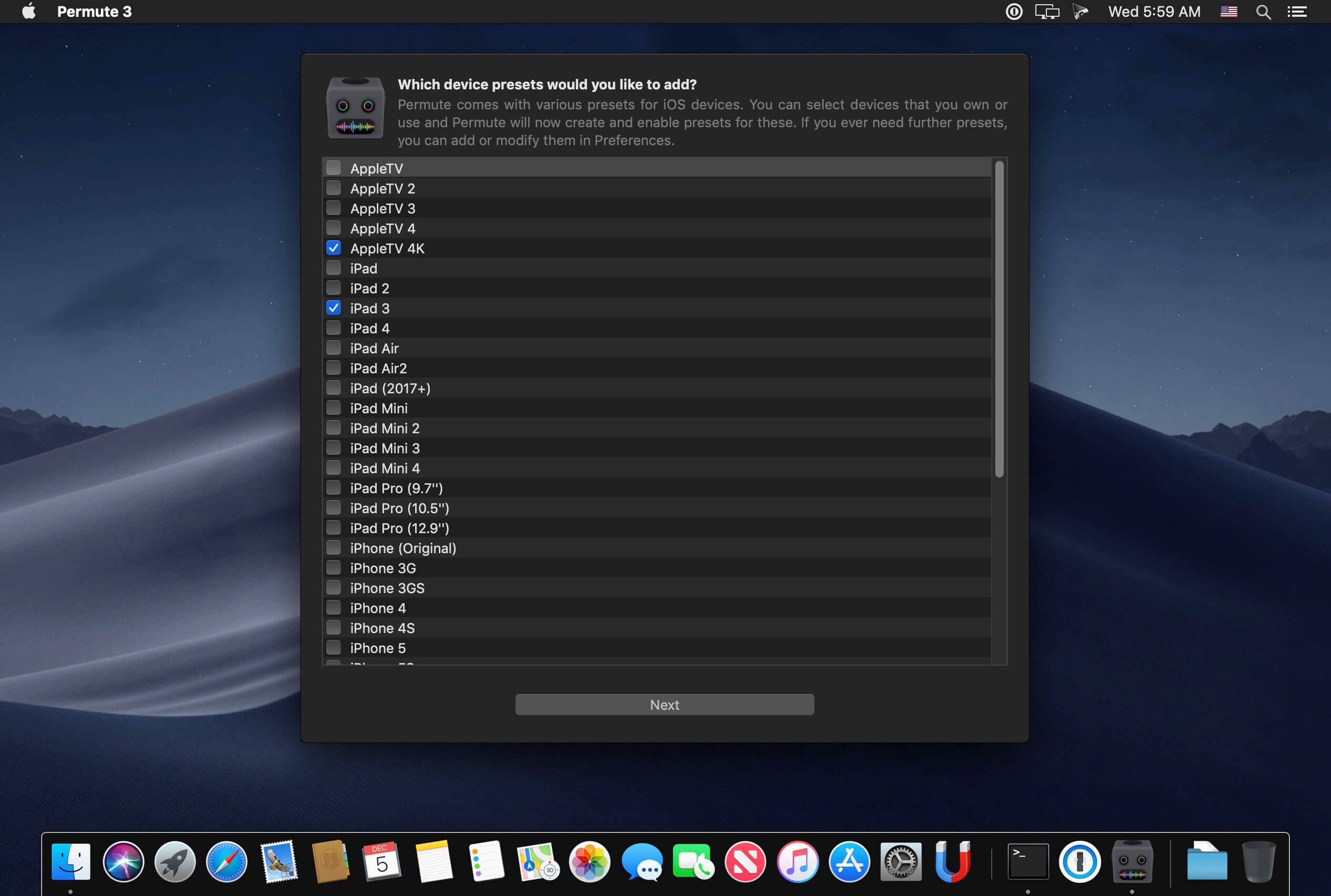
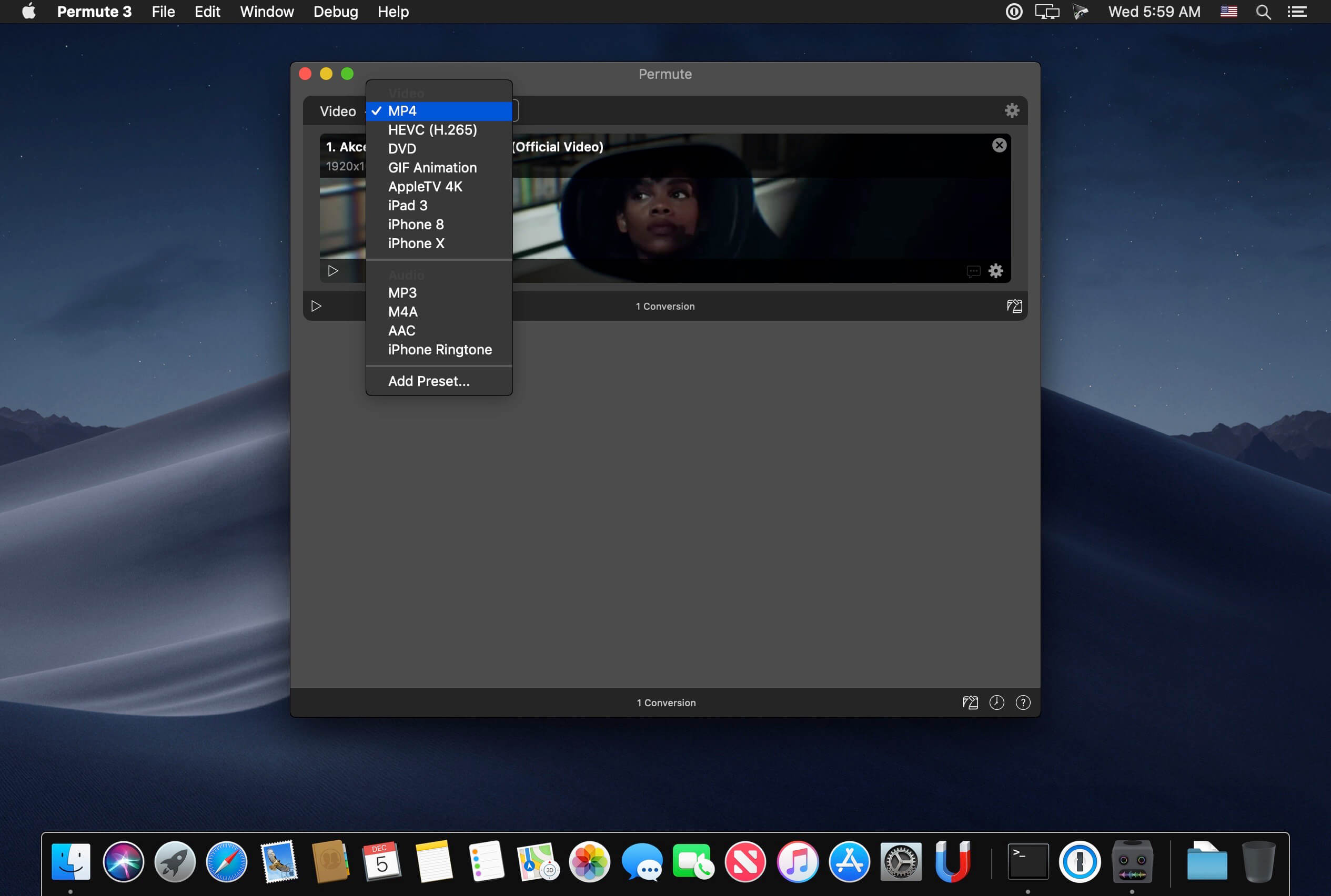
Permute 3.8.3 U2B

Video, audio and image files come in many different kinds and shapes, but sometimes you need a specific format since your iPad or DVD player won’t play that video. That is what Permute is for – easily convert your media files to various different formats.

Key Features

  • Easy to Use – built from the ground up, Permute is a perfect example of what a Mac app should be. With a gorgeous interface and drag & drop simplicity no need for complicated options.
  • Insanely Fast – Permute was engineered to be incredibly fast. Let us take care of the hard stuff. Just select the video format you want and it’ll be done faster than you can say “hardware acceleration” – MP4 and HEVC presets now take advantage of your machine’s hardware acceleration capabitlities, speeding up HEVC conversions more than 3 times over previous versions of Permute!
  • PDF Support – Permute 3 now includes support for stitching multiple images into a single PDF.
  • Everything Included – It doesn’t matter if you’re converting home movies or processing images. Permute can do it all. We support nearly every format and have plenty of device presets to choose from.
  • Looks Amazing – Whether you use dark mode or not, Permute will look amazing. Taking advantage of the modern technologies, Permute will even change its icon in dark mode.
  • Keep the Schedule – Video re-encoding is quite demanding on computer resources. This is why you can now schedule Permute to convert videos e.g. at night when you’re not using your computer.
  • And so much more! – There are so many other great features in Permute – adjust volume of an audio file or an audio track in a video. Batch-resize, rotate and flip images and videos. And more!
  • Completely Rewritten – Permute 3 was started from scratch – completely new project, everything written from the ground up again.
  • UI Redesign – the UI has been redesigned from the ground up. It’s faster, more fluent and visually pleasing.
  • Dark Mode – Permute now works 100% with the dark mode, even adjusting its Dock icon based on your macOS theme.
  • Image Stitching – Stitch images together into a PDF.
  • HEVC (H.265) Hardware Acceleration – HEVC (H.265) video encoding now supports hardware acceleration, resulting in conversions more than twice as fast.
  • Scheduled Conversions – Schedule delayed conversion start.
  • Groups – Put files into groups and set different settings for different groups.
  • Customizations – Customize settings on a per-group basis without modifying the preset.
  • Multiple Subtitles – Add or copy multiple subtitle tracks from the source file.
  • … and many, many other minor fixes and improvements.

Compatibility: OS X 10.11 or later 64-bit
Homepage https://software.charliemonroe.net/permute/

Screenshots


Name: Permute_3.8.3_U2B__HCiSO_Mactorrents.io.dmg
Size: 75 MB
Files Permute_3.8.3_U2B__HCiSO_Mactorrents.io.dmg[75 MB]

   Download

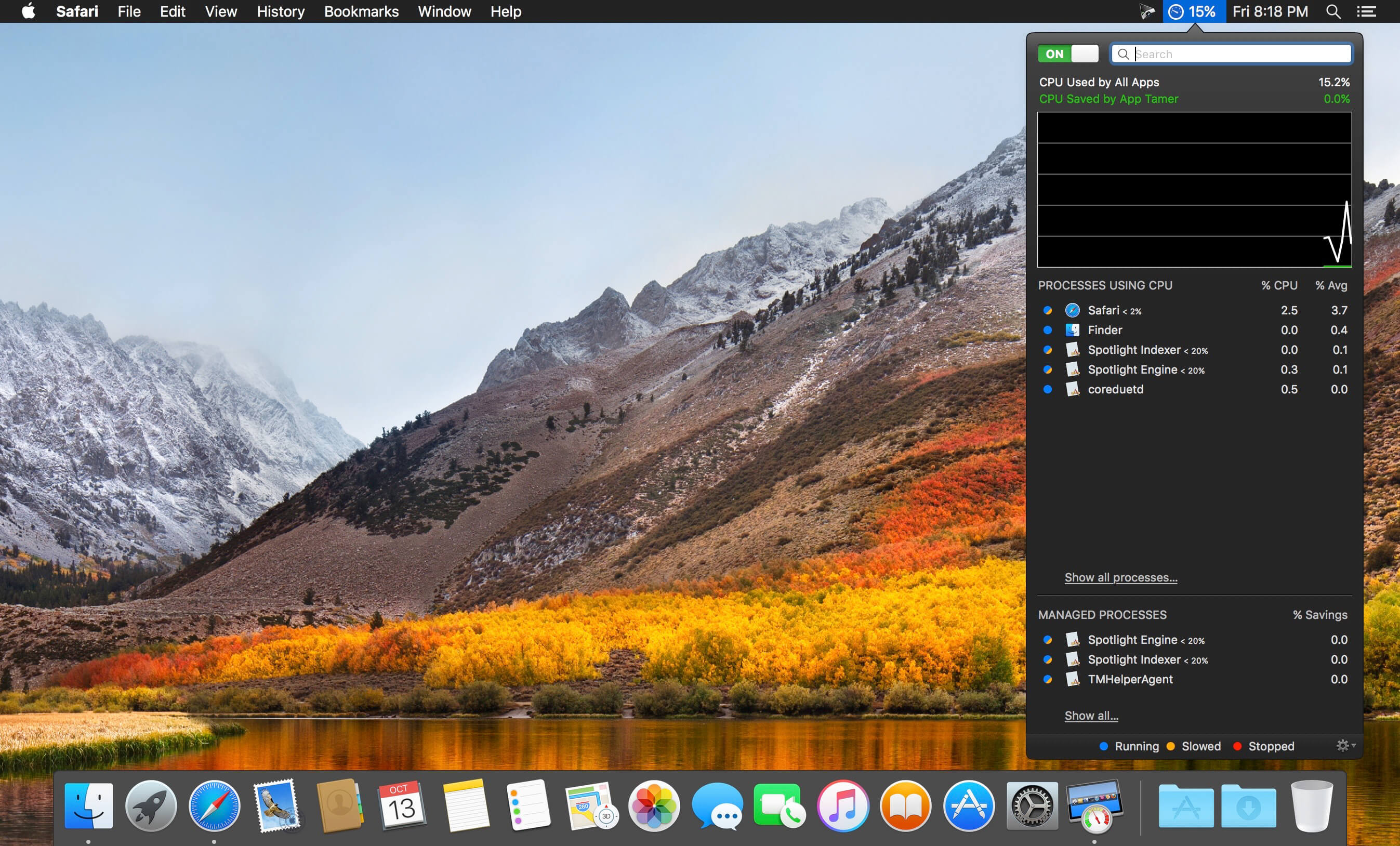
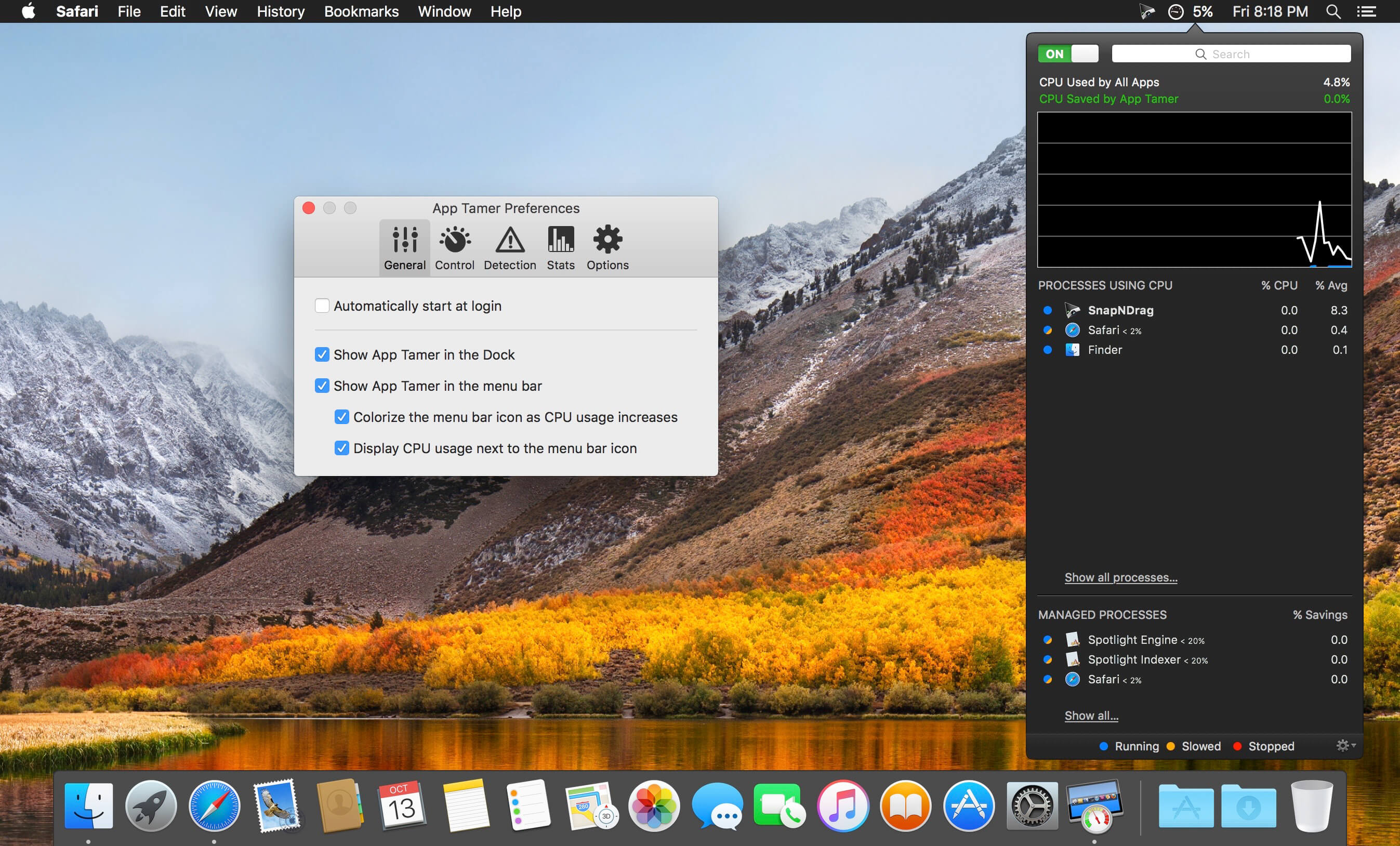
App Tamer 2.6.5

App Tamer tames your processor-monopolizing apps and keeps them from chewing up excessive CPU time and battery life. Powered by a unique AutoStop feature, App Tamer stops each application when you switch away from it — when you return to that app, it restarts automatically!

App Tamer is built around an attractive and clear user interface, designed for managing all your running applications with minimum distraction or frustration. With helpful displays, you can monitor the average percentage of your processor(s) being used by each app, or access a graphical history or your CPU usage. Easily enable AutoStop for any application, or limit it to a certain amount of CPU time.

Don’t waste time trying to manage CPU usage on an app-by-app basis — liberate your Mac with App Tamer!

Compatibility: OS X 10.9 or later 64 bit
Homepage https://www.stclairsoft.com/AppTamer/index.html

Screenshots


Name: App_Tamer_2.6.5__TNT_Mactorrents.io.dmg
Size: 12 MB
Files App_Tamer_2.6.5__TNT_Mactorrents.io.dmg[12 MB]

   Download

PaintCode 3.5.3

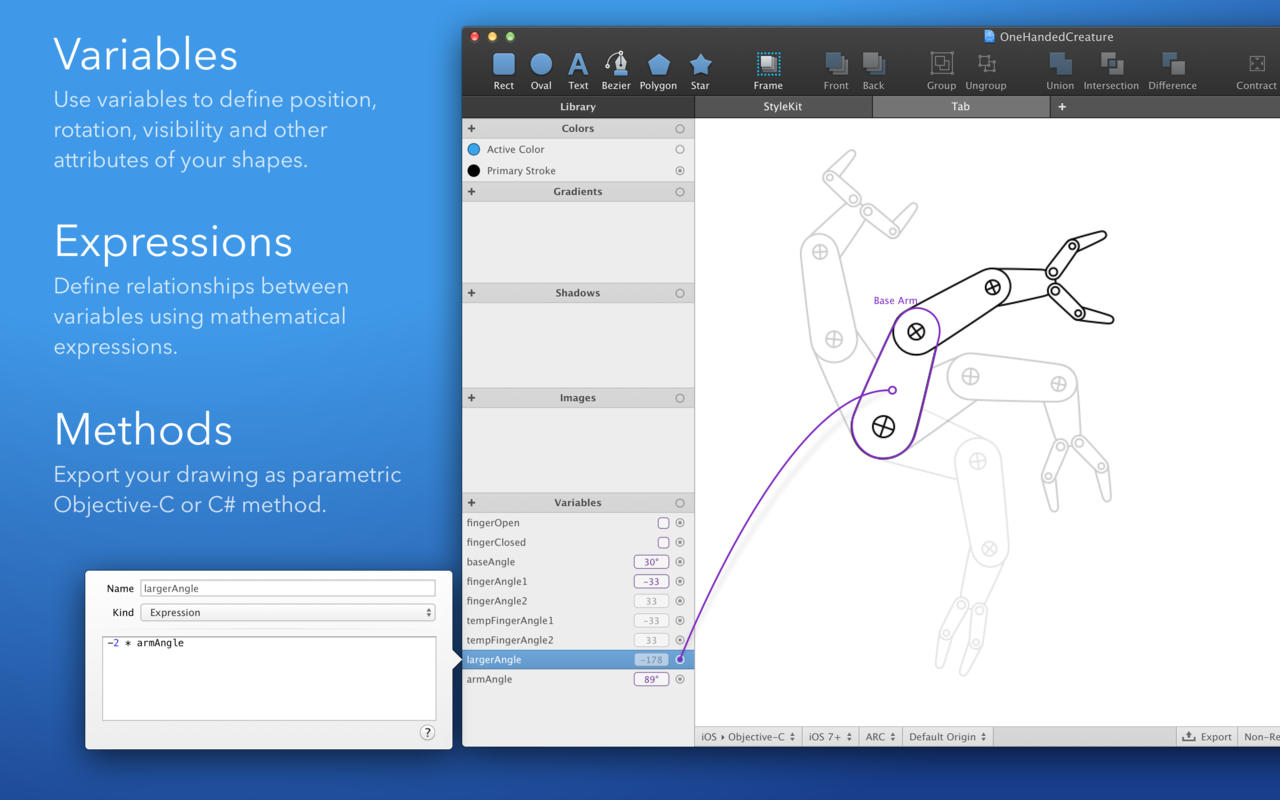
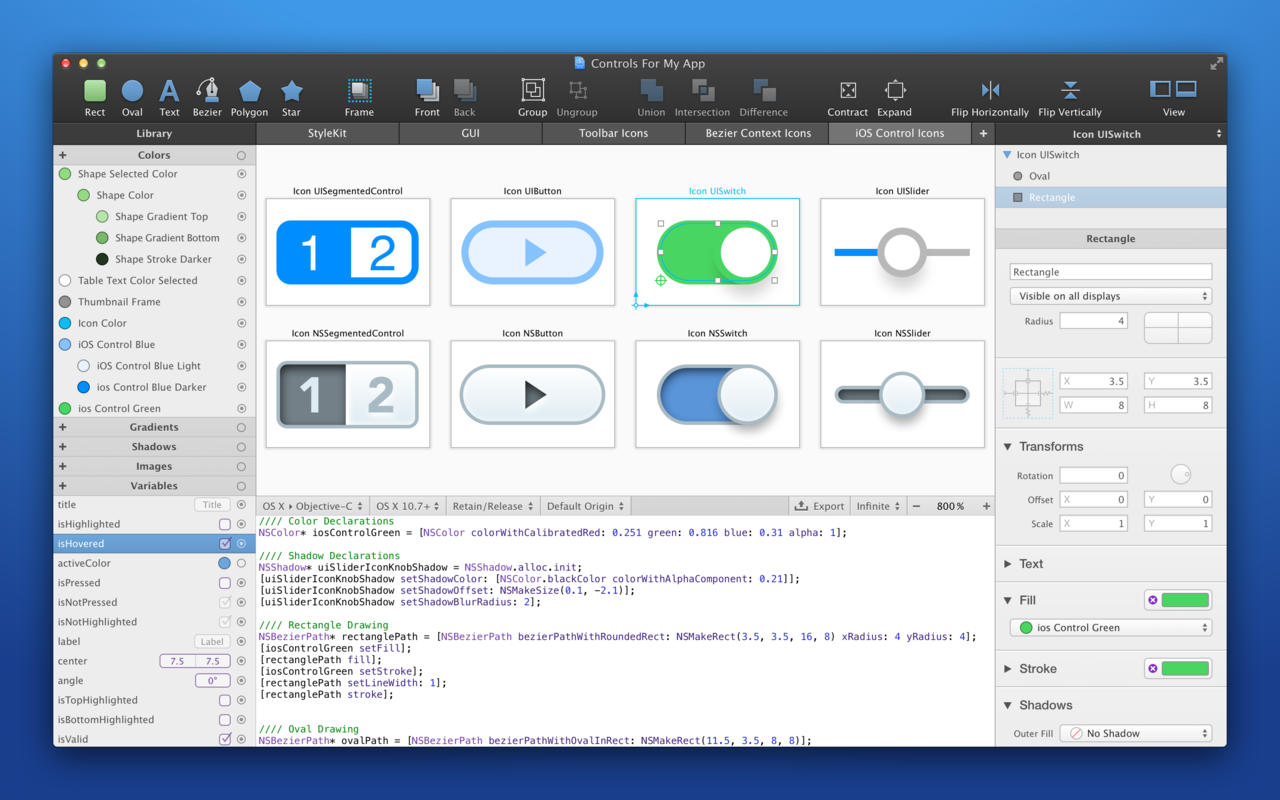
PaintCode is a vector drawing app that instantly generates Objective-C or C# drawing code. With PaintCode you can create an app that is truly resolution-independent, using code (instead of large number of image assets) to draw a user interface.

  • Stylekit: Change the design of your app in seconds. With StyleKits, integration of the generated code into your app is extremely easy. StyleKit is a special Objective-C or C# class that contains all your drawings, colors, gradients, shadows and other assets. StyleKit can be exported from PaintCode with just a single click, making the design-tweaking process crazy fast.
  • Variables and Expressions: Want to draw a button with multiple states? Circular progress bar? Animated robotic arm? Never-before-seen user interface control? Creating these complex dynamic drawings is usually extremely time-consuming. Not now. PaintCode’s Variables and Expressions let you create dynamic, parametric drawings with immediate visual feedback.
  • Multi-Canvas, Tabbed Workspace (new): Use multiple drawing canvases in multiple tabs. Each canvas turns into a drawing method in the generated StyleKit code.
  • Better Tools (new): Enjoy rotation and scaling with user-defined origin, powerful bezier editing tools, smart and custom guides, precise boolean operations, mass export and import, hierarchical color library, vertical text alignment, better text editing, improved zoom tool, outline mode and many more features.
  • Dynamic Colors: Reuse the same color multiple times across your document. Derive a new color from an existing color, forming a permanent relationship. Changing the base color will also change all the derived colors. This unique feature means you can base the entire color scheme of your app on a single color, which you can easily readjust when you like.
  • Dynamic Shapes: Define how your complex drawings behave when resized. Draw a resizable button and retrieve drawing code to draw the button to any size.
  • PSD and SVG Import: Import SVG documents into PaintCode, transforming them into Objective-C or C# drawing code. Layer graphics, paths, texts and groups from Adobe Photoshop documents can also be imported.

What’s New:

Version 3.5.3:

  • Release notes were unavailable when this listing was updated.

Compatibility: OS X 10.10 or later, 64-bit processor
Homepage https://www.paintcodeapp.com/

Screenshots


Name: PaintCode_3.5.3__TNT_Mactorrents.io.dmg
Size: 10 MB
Files PaintCode_3.5.3__TNT_Mactorrents.io.dmg[10 MB]

   Download

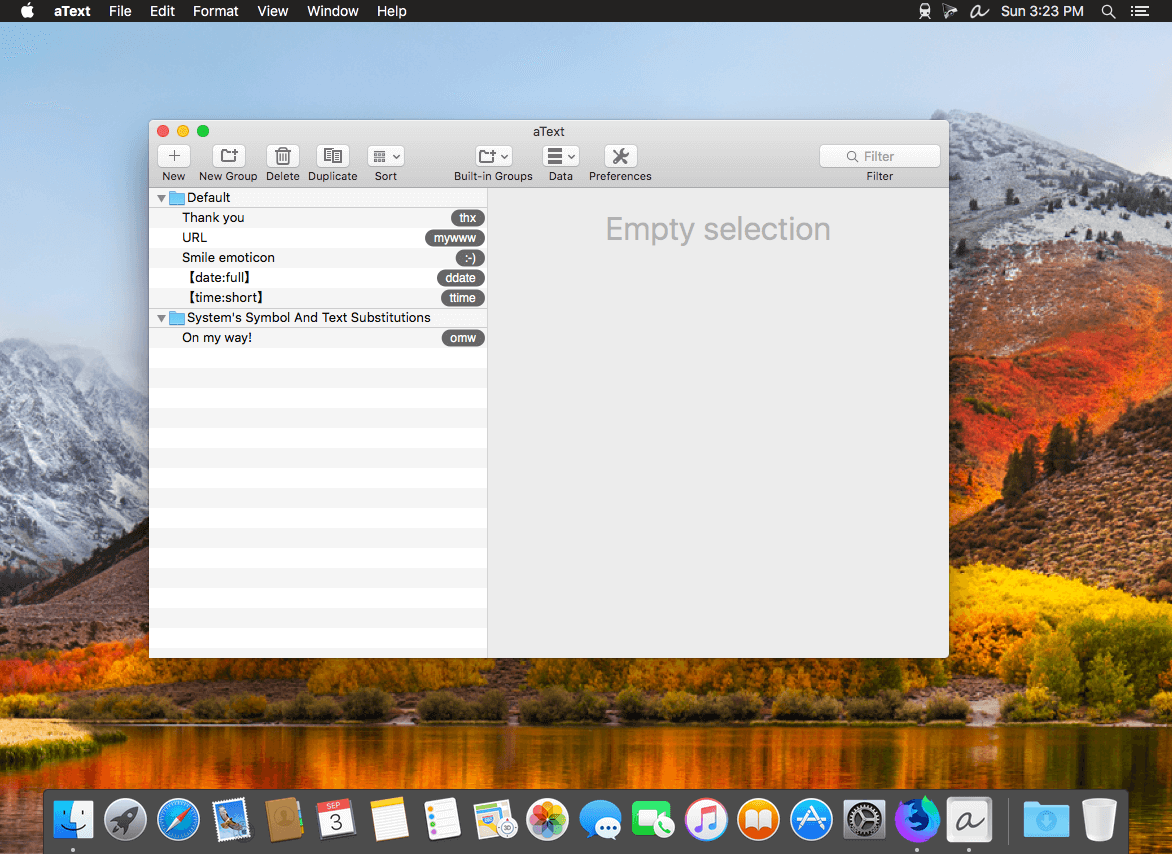
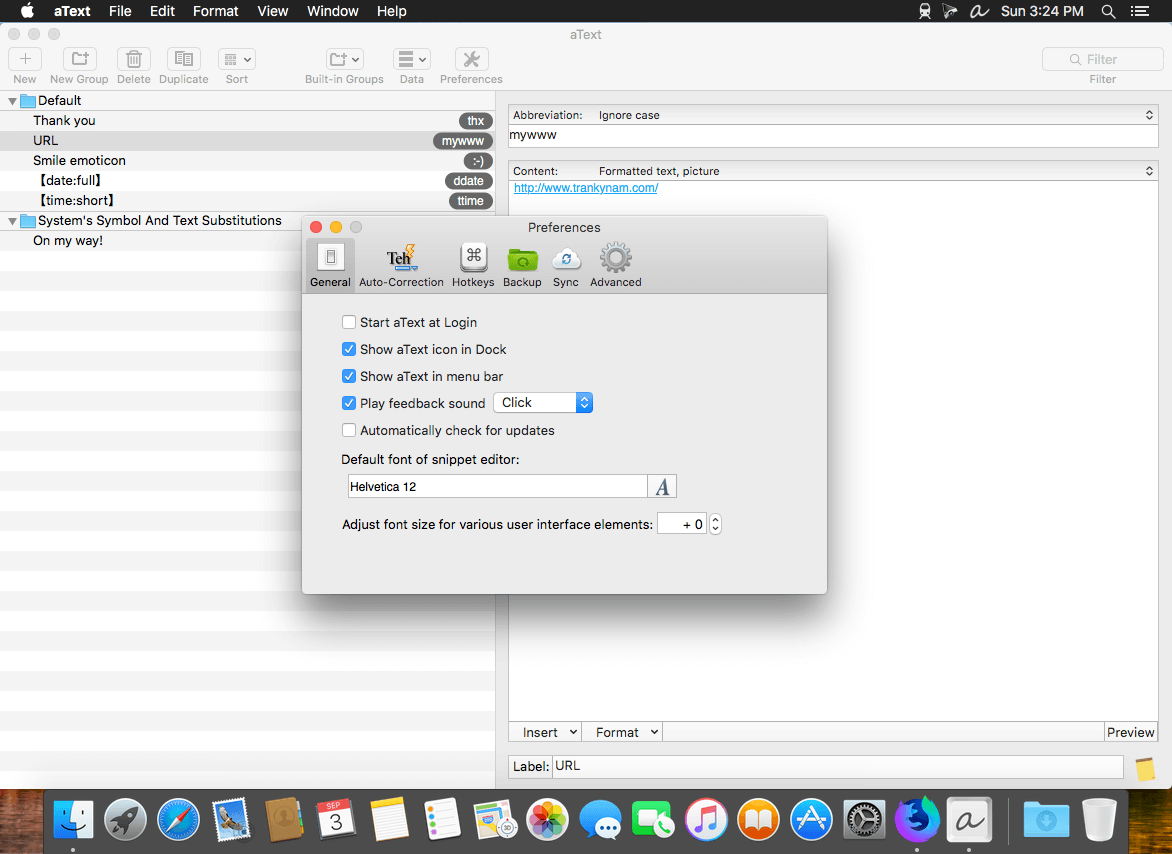
aText 2.40.4

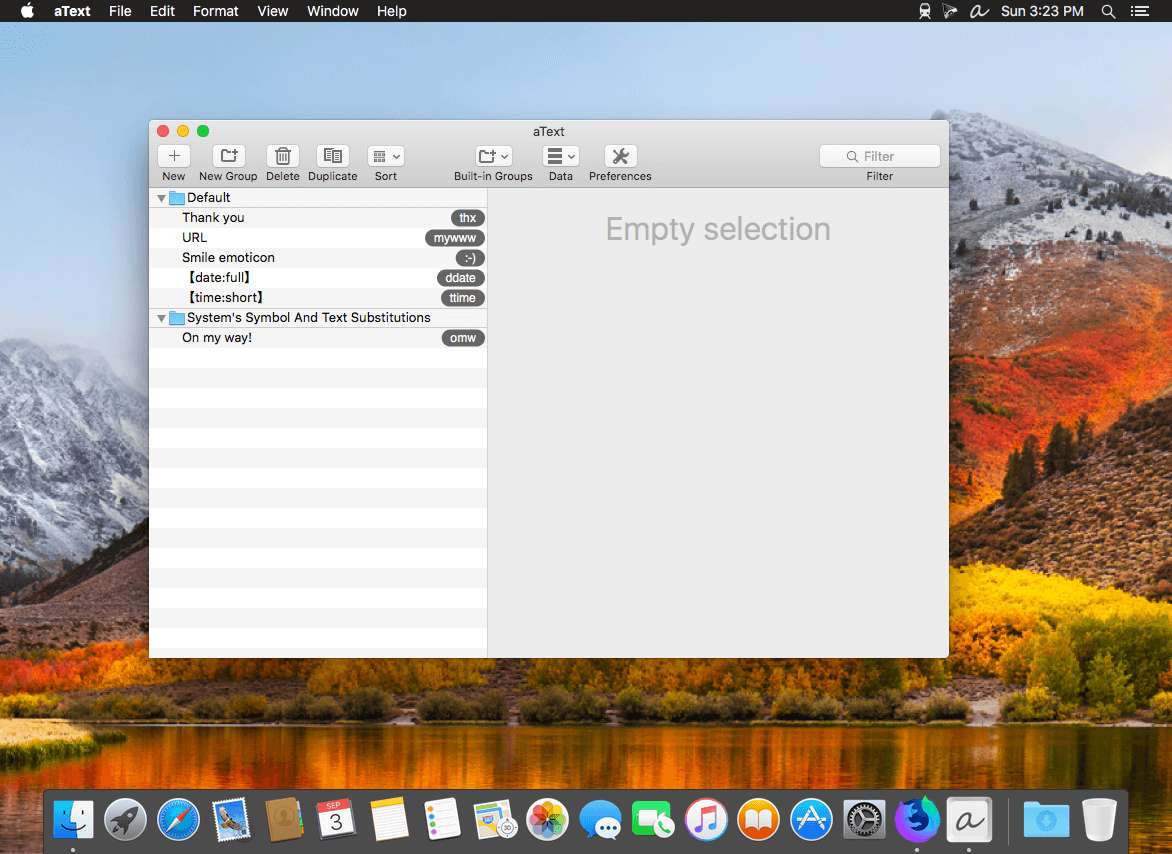
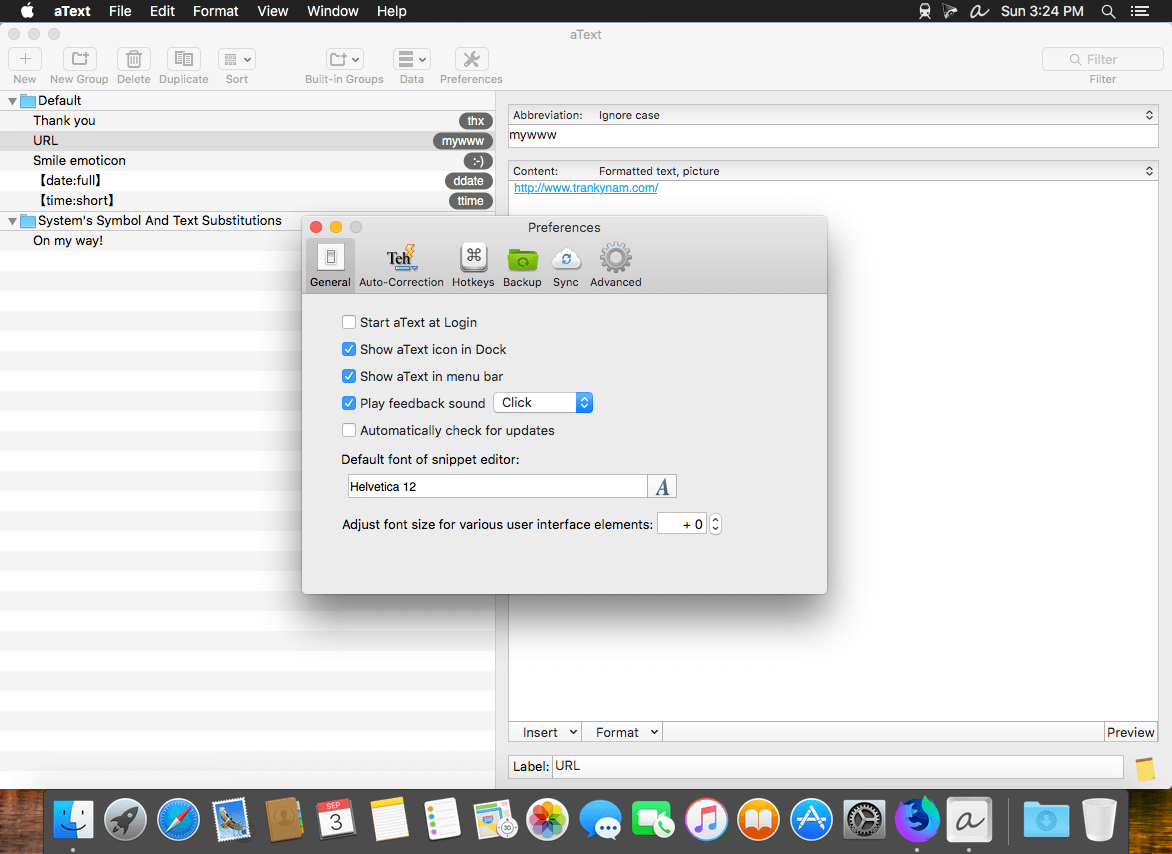
aText accelerates your typing by replacing abbreviations with frequently used phrases you define: for example, make an abbreviation “myname” to insert your name “First Middle Last” in any application.

With aText you can easily avoid typing the same thing over and over.

More Features

  • Insert images and formatted text.
  • Capitalize new sentences. Correct double capitals.
  • Insert the current date and time in any format. Insert day in the future or the past, for example: next Sunday, previous Monday.
  • Embed clipboard content in snippet, embed another snippet, use editable fields in snippet, send any key (such as Esc, Tab, Enter, arrow keys, etc).
  • Reposition the cursor in the expanded snippet.
  • Invoke AppleScripts and shell scripts.
  • Built-in snippet groups for correcting misspelled words, HTML, and jаvascript code.
  • Import data from TextExpander, TypeIt4Me, SpellCatcherX, Automaton, CSV file.
  • Works in Windows virtual machine by Parallels, VMWare Fusion (in Unity mode), VirtualBox. Works in Windows via TeamViewer and Remote Desktop Connection clients.
  • Sync via iCloud/Dropbox/Google Drive/SkyDrive.

What’s New:

Version 2.40.4

  • Release notes were unavailable when this listing was updated.

Compatibility: OS X 10.9 or later 64-bit
Homepage https://www.trankynam.com/atext/

Screenshots


Name: aText_2.40.4__HCiSO_Mactorrents.io.dmg
Size: 8 MB
Files aText_2.40.4__HCiSO_Mactorrents.io.dmg[8 MB]

   Download

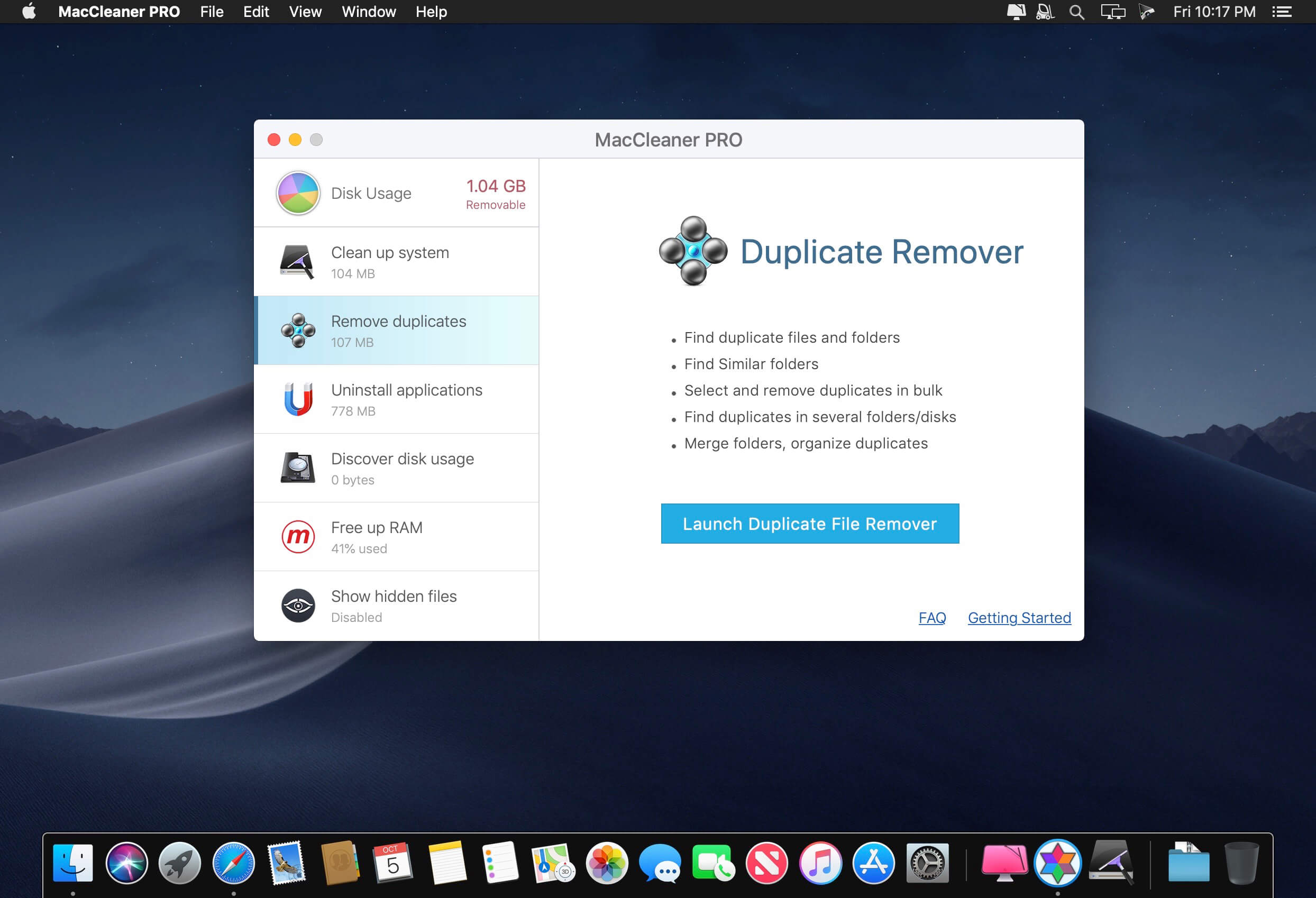
MacCleaner 2 PRO 2.7

Clean up your Mac and optimize its performance. Speed up a slow Mac, free up disk space, remove junk files, prevent the “Startup Disk Full” error.

Why do I need MacCleaner Pro 2?
Your Mac needs to be cleared of junk files periodically if you wish to keep it working as fast as a new one. MacCleaner Pro provides a set of cleanup apps for that, which we call “must haves” for every self-respecting Mac owner.

How to use MacCleaner Pro 2?
Using MacCleaner Pro is as easy as ABC. Just launch the application and you will see a list of all the tools with a details description of what each app can do for you. Open each app and follow simple steps to start the cleaning process. Whenever you have any questions, just visit the Support page or directly contact the Support team. We are always happy to help you.

What are benefits of MacCleaner Pro 2?
The best thing about MacCleaner Pro is that the bundle contains all the necessary tools for a safe and deep hard drive cleanup. You should use them to always keep your Mac running properly, and thus prolong its’ life.

My Mac is slow. Can MacCleaner Pro help me?
Despite freeing the disk space, MacCleaner Pro thinks about your RAM memory as well. It can work in the background and monitor the memory usage by apps. When your Mac’s memory is filled up, it will clear inactive RAM and make your Mac run faste

Compatibility: OS X 10.10 or later 64-bit
Homepage https://nektony.com/

Screenshots


Name: MacCleaner_2_Pro_2.7__TNT_Mactorrents.io.dmg
Size: 107 MB
Files MacCleaner_2_Pro_2.7__TNT_Mactorrents.io.dmg[107 MB]

   Download

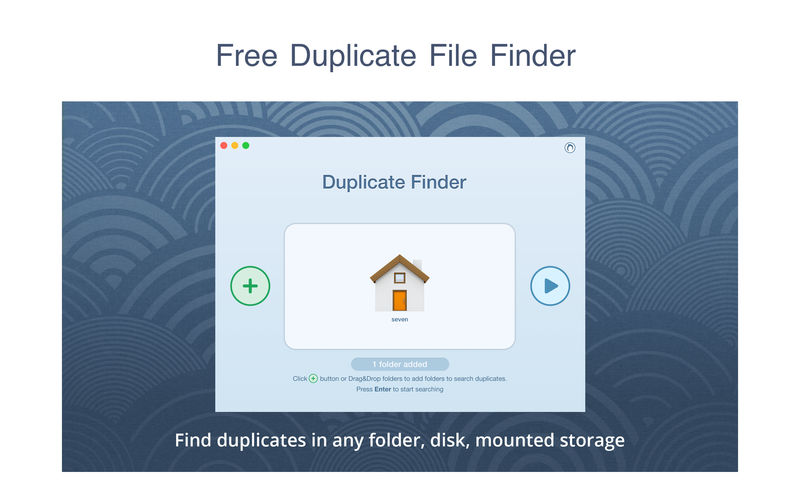
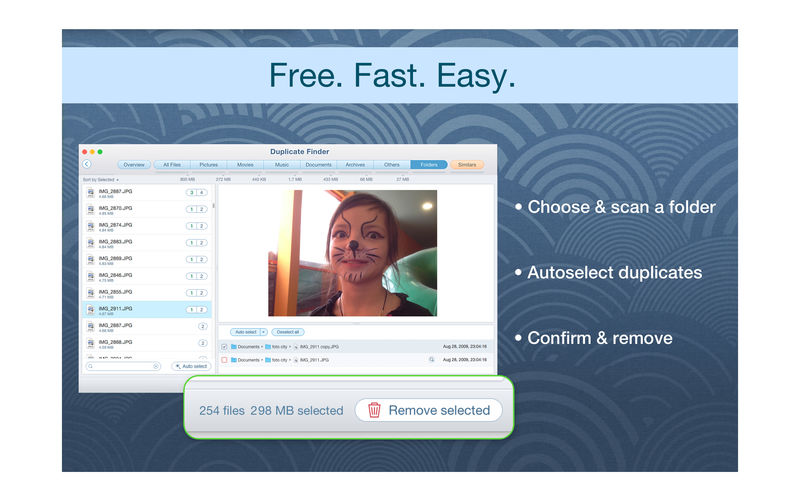
Duplicate File Finder Pro 6.15

PrimeFile is a free utility that finds duplicate files on your Mac in just 3 clicks. Drag & drop as many folders as you wish and click SCAN.

Within a minute the app will give a report with all duplicate files by categories: images, videos, music, archives, documents, and all other specific extensions. It’s really easy to see how much space each file takes.

Features:
SCANNING

  • fast scanning algorithm
  • scanning for duplicates in multiple folders or drives
  • external drives & mounted network folders support
  • “Recent Folders List” for scanned folders
  • animated scanning process
  • skip list for various files & folders

RESULTS OVERVIEW

  • visual chart report when scanning
  • duplicate files list
  • duplicate files by types

DUPLICATES

  • built-in duplicates search
  • preview & quick look for every file
  • sort duplicates (by name, size, total size, type, and duplicates count)

REMOVING

  • visual progress bar of selected files for removal
  • one-click selection of multiple duplicate files
  • smart duplicates autoselection
  • “always select” & “never select” autoselect options
  • confirmation list of deleted files
  • moving to Trash or permanent removal option

UPGRADE TO PRO, In-app purchase

  • preview & use visual report on duplicates scan
  • find duplicates in hidden folders
  • find duplicate folders
  • find SIMILAR folders (folders that have both unique & duplicate files)
  • use intelligent cleanup hints

Compatibility: macOS 10.12 or later, 64-bit processor
Homepage https://geo.itunes.apple.com/app/id1032755628

Screenshots


Name: Duplicate_File_Finder_6_6.15__TNT_Mactorrents.io.dmg
Size: 30 MB
Files Duplicate_File_Finder_6_6.15__TNT_Mactorrents.io.dmg[30 MB]

   Download

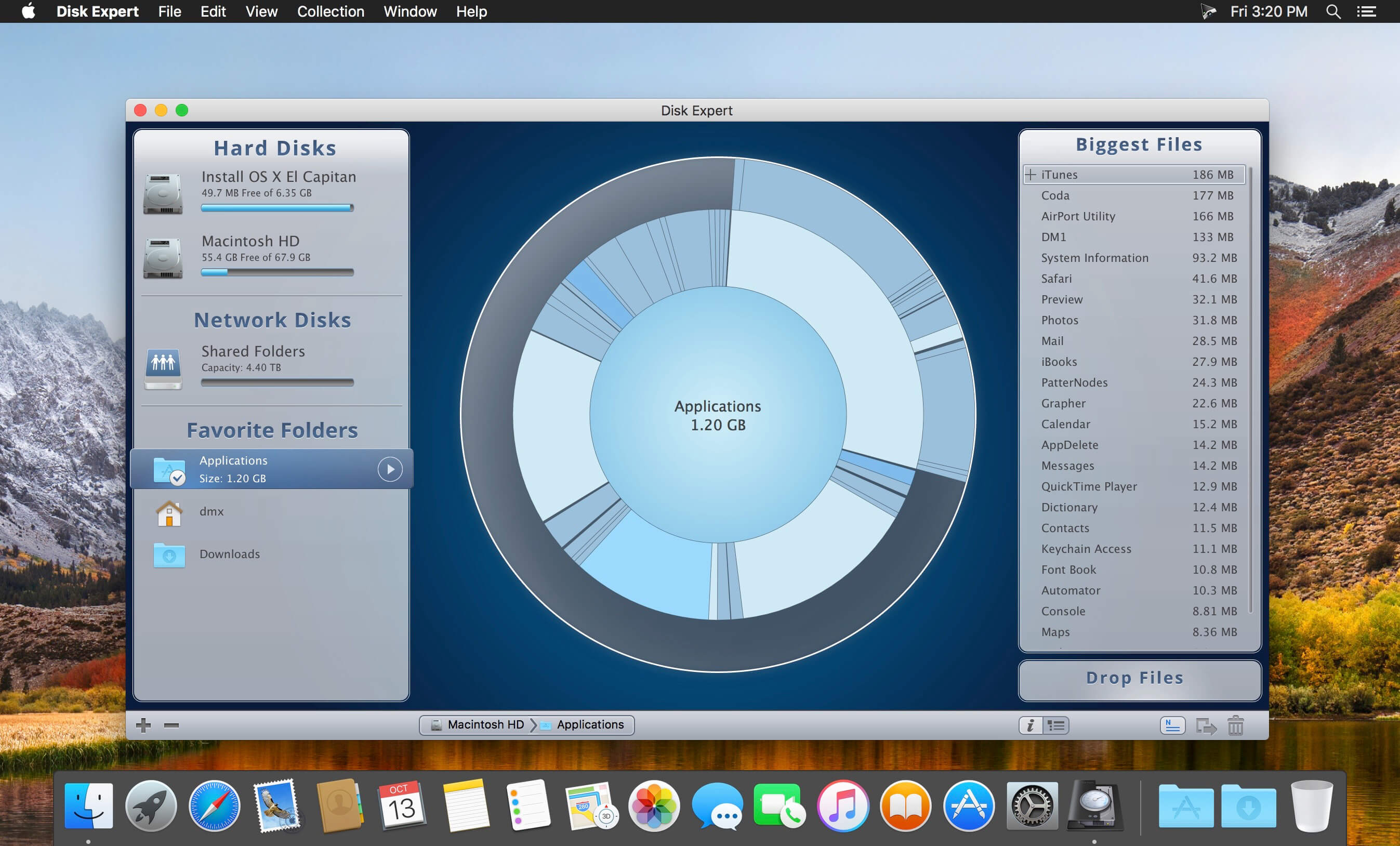
Disk Expert Pro 3.7

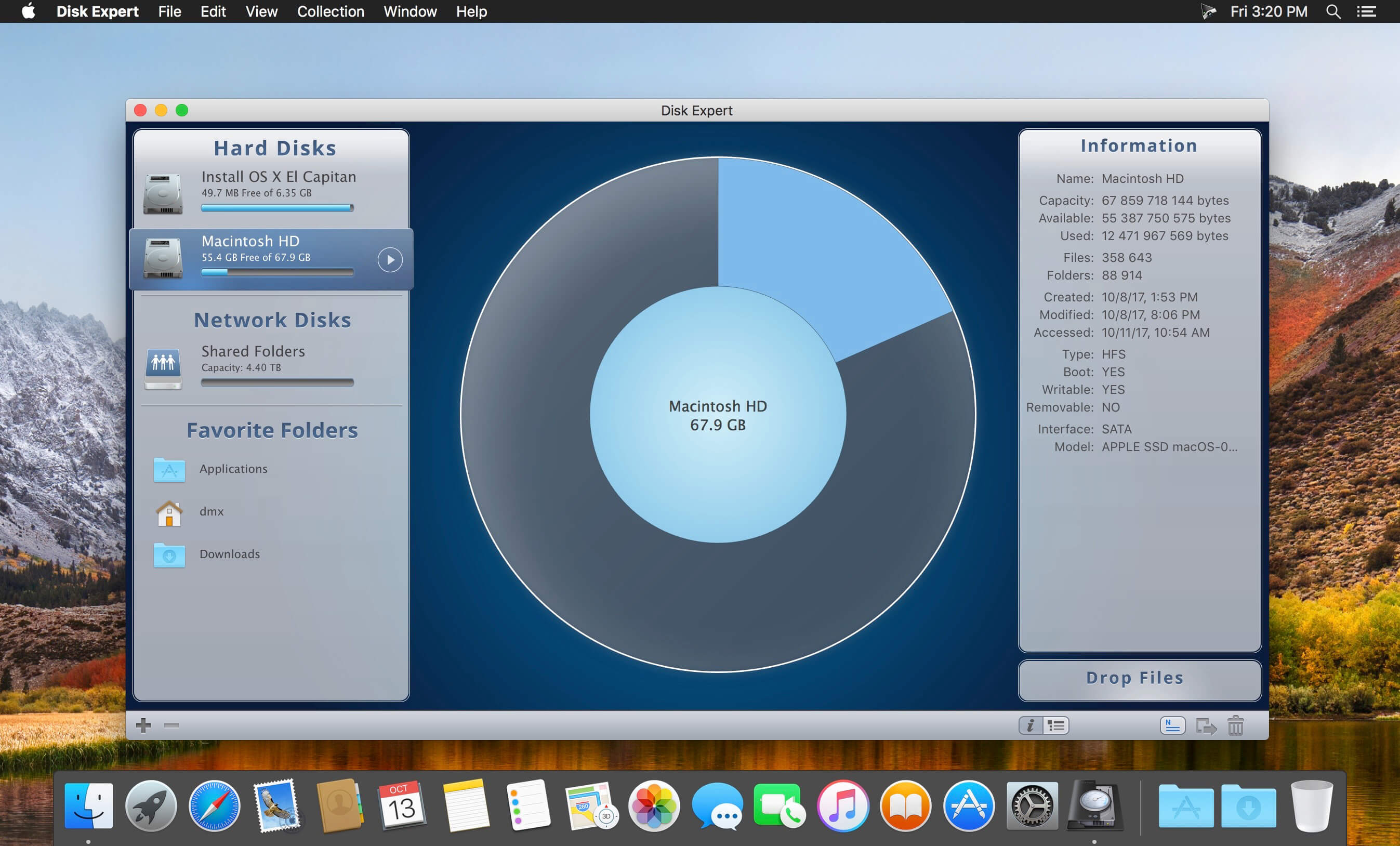
A powerful disk usage scanning and reporting utility for Mac. Disk Expert allows you to find the bulkiest content and free up Mac hard drive space.

Disk Expert – The Best Disk Cleanup Tool for your Mac
Fast Scanning
Get ready to be impressed by the fast scan speed of the app. Scan your drive and get the results in less than a minute!

Largest Items
View the list of 25 of the biggest files and folders on your disk. Make it simple to clear storage space with Disk Expert.

Hidden Files
Find even hidden debris on your disk, such as logs and caches of apps, browser data and so on.

Drop Lists
Add files to the special Drop Lists for further removal or transmission to external storages.

How to Free Up Disk Space on Mac find large files on Mac

  1. Launch the app and click to scan your disk or separate folders.
  2. View the space usage distribution and identify the biggest items.
  3. Get rid of old unused items which occupy useless drive space.

What’s New:

Version 3.7:

  • Release notes were unavailable when this listing was updated.

Compatibility: OS X 10.10 or later 64bit
Homepage https://nektony.com

Screenshots


Name: Disk_Expert__Disk_Space_Analyzer_Pro__3_3.7__TNT_Mactorrents.io.dmg
Size: 14 MB
Files Disk_Expert__Disk_Space_Analyzer_Pro__3_3.7__TNT_Mactorrents.io.dmg[14 MB]

   Download

App Cleaner & Uninstaller Pro 7.5

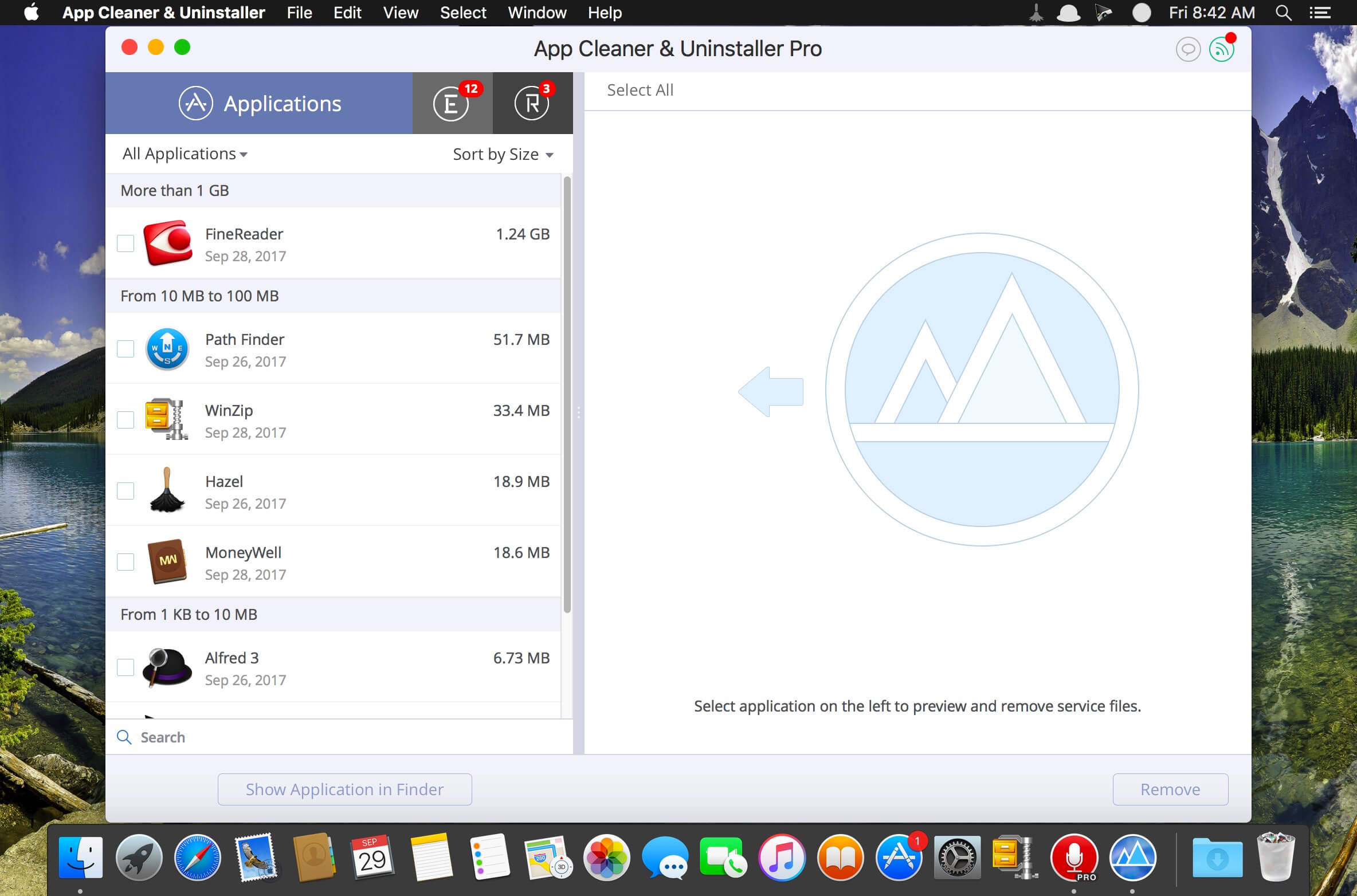
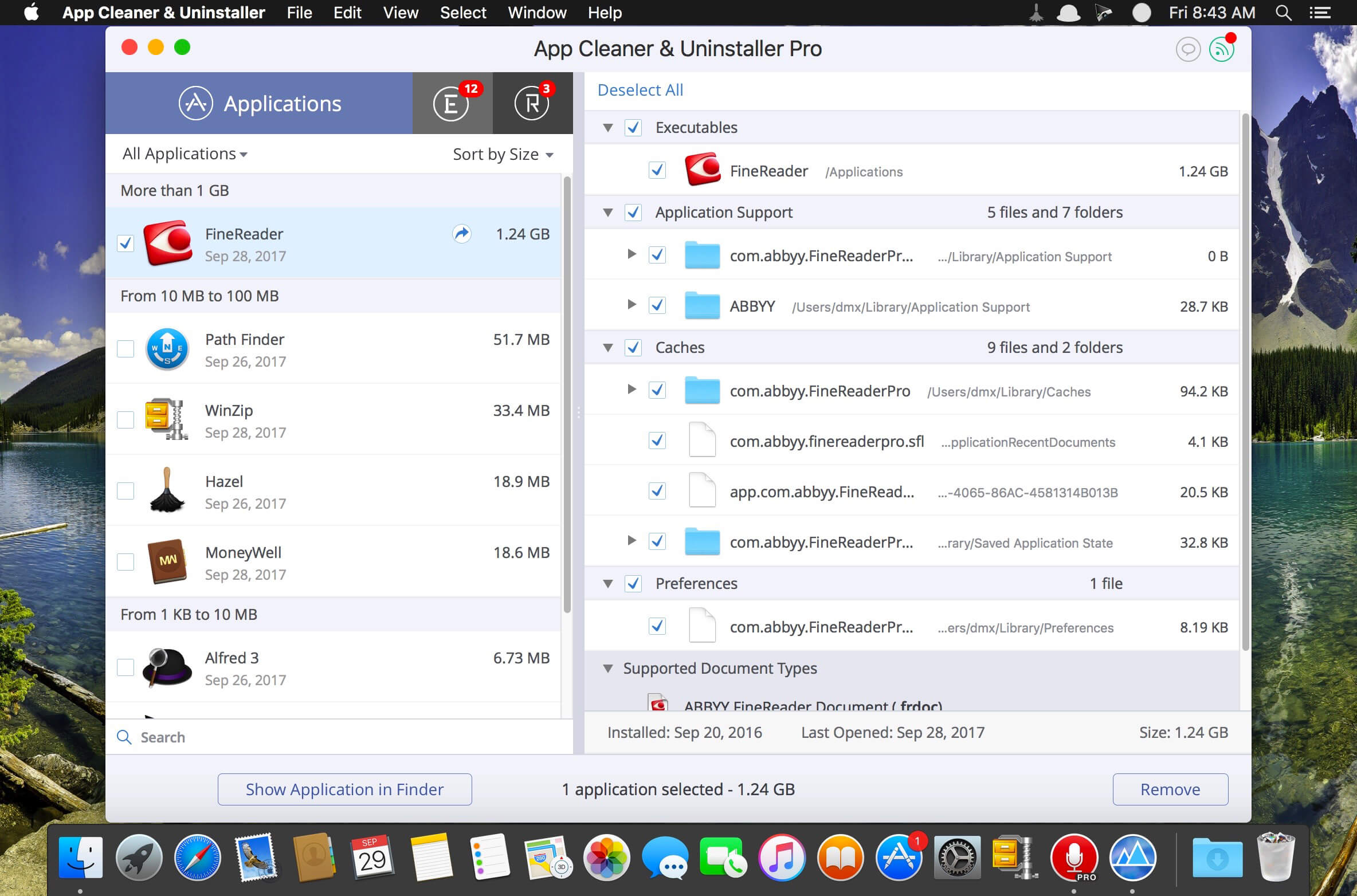
Preview Installed Applications and Remove Service Files to Complete Uninstall.
App Cleaner 7 – The best app to remove applications service files on macOS and uninstalling applications*.

Delete application’s service files. Make sure they aren’t eating up precious space on your Mac with this helpful app that does the legwork for you.
Disable unneeded login items to launch Mac faster.
Get PRO features and remove even System Extensions.

Main Gained Value – Speed up Your Mac by: 

  • deleting apps’ files taking performance resources
  • deleting debris of apps that were simply put into Trash
  • managing all types of service files (caches, logs, preferences, etc.)
  • removing unneeded System Extensions
  • removing login items and disabling startup programs

Main Advantage: App Cleaner deletes Remains (or leftovers) – files of previously removed apps.
Thus, you uninstall applications completely.

Main Features: 

  • Scan the system and preview installed applications
  • Remove all types of service files
  • Remove remains of previously uninstalled apps
  • Reset application to a first-launch state
  • Preview launch agents and system daemons
  • Preview login items
  • Disable launch agents and login items
  • •ind and preview installed System Extensions
  • Remove System Extensions
  • Easy-to-use shortcuts
  • Any file or app quick preview
  • Specific app-associated file formats preview
  • In-app help assistance
  • Show unused applications
  • Skip list option

How to Uninstall an application using App Cleaner:

  1. Launch App Cleaner.
  2. Scan all applications for service files.
  3. Choose unneeded application (left view). In-app purchase required.
  4. Select all its’ service files on right view.
  5. Click Remove.
  6. If some apps were not removed, due to access rights, switch to Finder and move them manually to Trash*.

*Some applications can not be removed because they require administrator privileges. In this case, switch to the Finder and delete the application file in usual way.

PRO mode required to:

  • Remove executable part of applications
  • Remove system extensions
  • Disable ads

FREE mode allows to:

  • Preview all installed apps
  • Preview service files for apps
  • Remove service files for apps
  • Reset apps to first-run state
  • Preview installed extensions and widgets
  • Disable launch agents and startup items
  • Remove Remains – broken service files

Top In-App Purchases : PRO Version – included
Compatibility: OS X 10.10 or later, 64-bit processor
Homepage https://nektony.com/

Screenshots


Name: App_Cleaner_Uninstaller_Pri_7.5__TNT_Mactorrents.io.dmg
Size: 28 MB
Files App_Cleaner_Uninstaller_Pri_7.5__TNT_Mactorrents.io.dmg[28 MB]

   Download

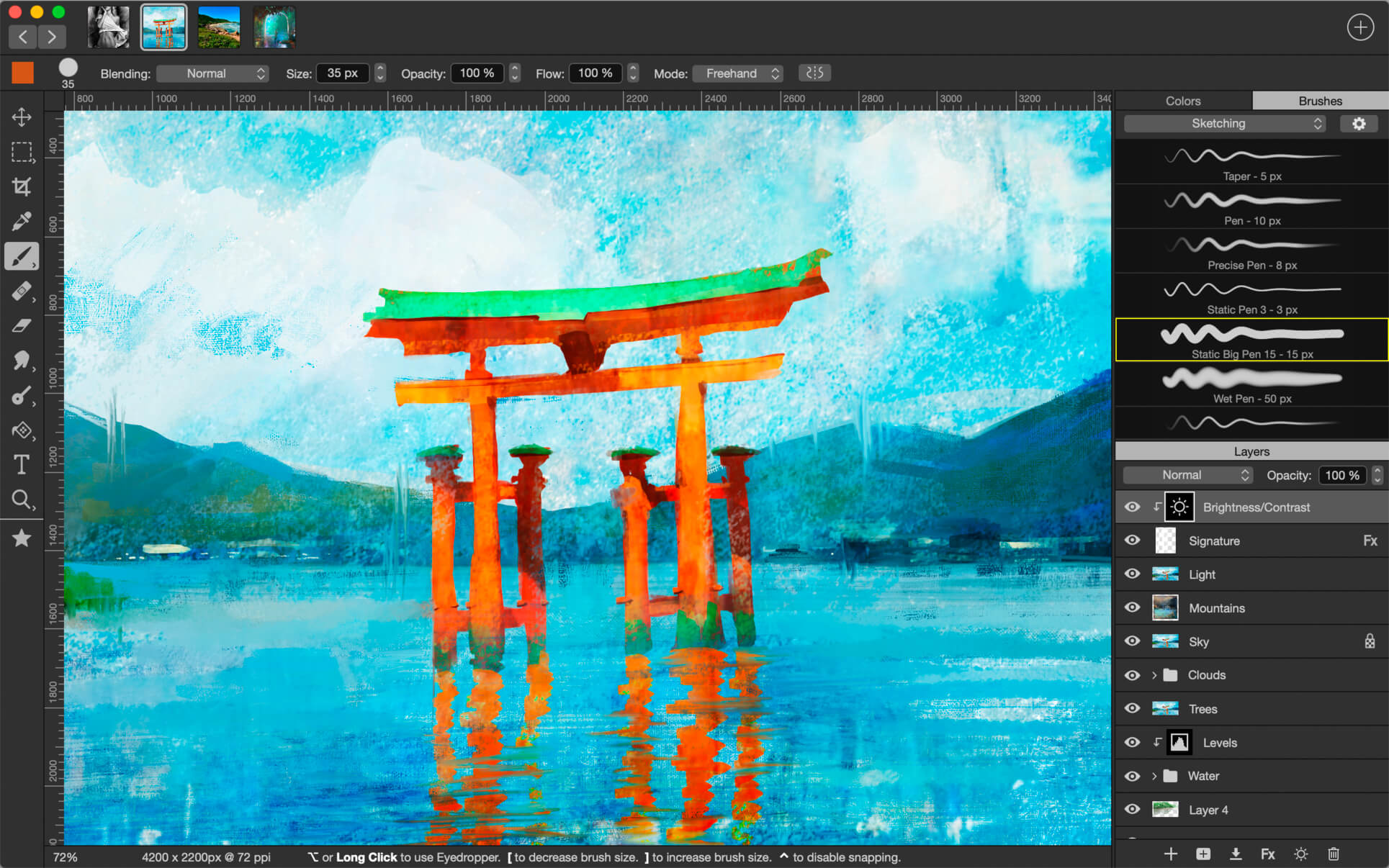
Pixelmator Pro 2.3.5

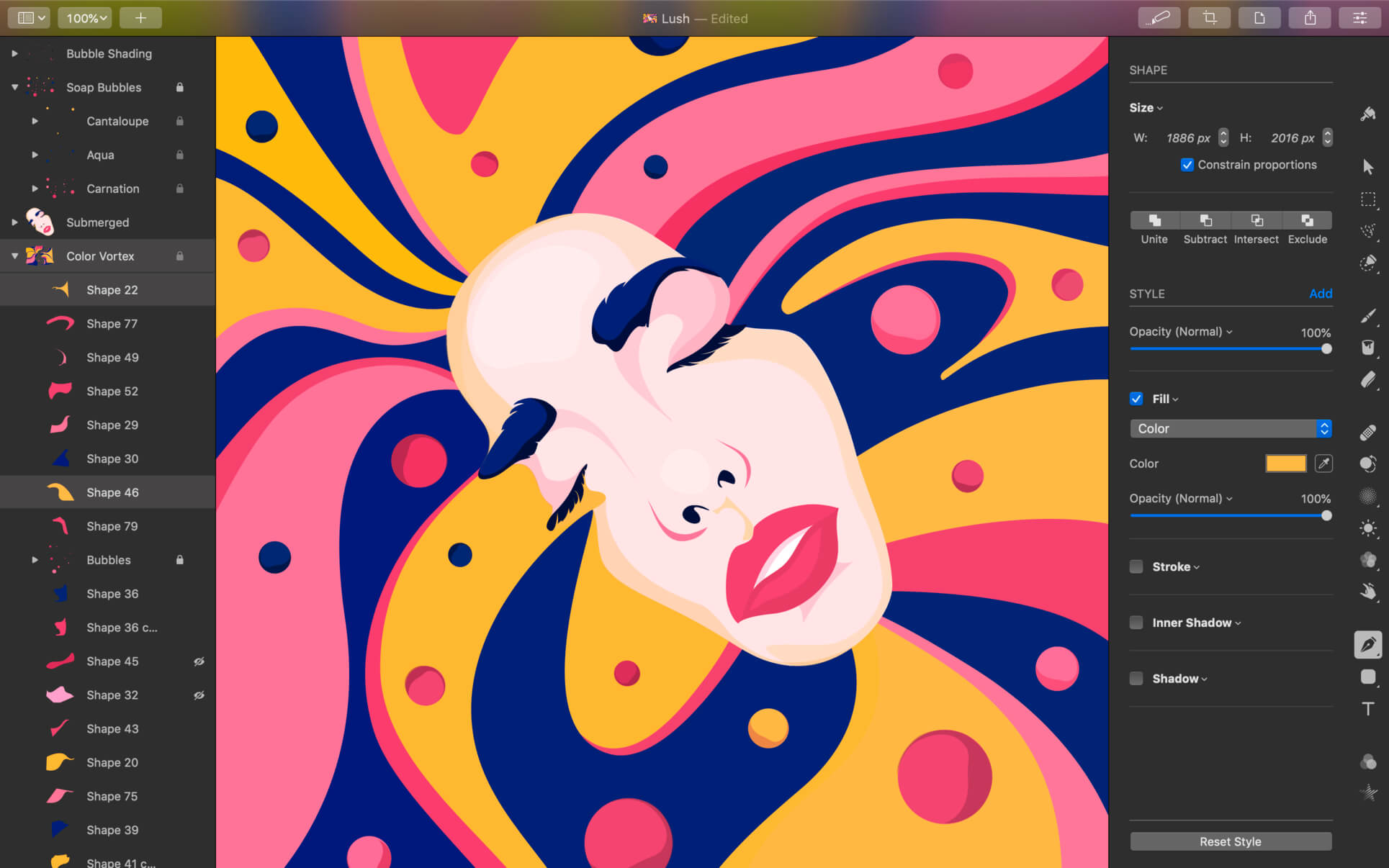
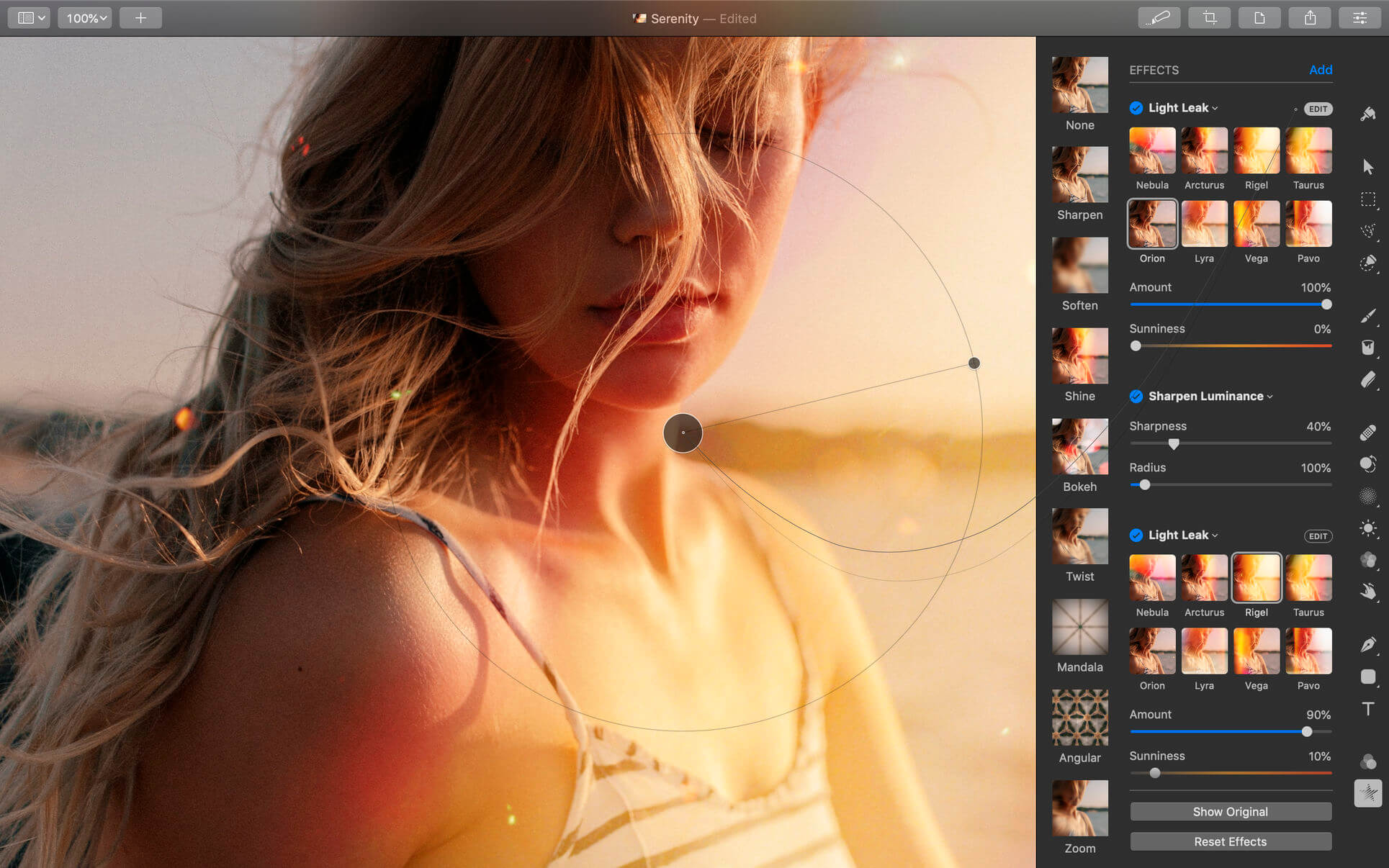
Pixelmator Pro is an incredibly powerful, beautiful, and easy to use image editor designed exclusively for Mac.
With a wide range of professional-grade, nondestructive image editing tools, Pixelmator Pro lets you bring out the best in your photos, create gorgeous compositions and designs, draw, paint, apply stunning effects, design beautiful text, and edit images in just about any way you can imagine. And thanks to its intuitive and accessible design, Pixelmator Pro is delightfully easy to use — whether you’re just starting out with image editing or you’re a seasoned pro.

Exceptional Design and Functionality

  • The modern, single-window interface of Pixelmator Pro is designed exclusively for working with images on a Mac
  • An intuitive and refined design makes image editing easy and accessible, even if you’re a complete beginner
  • Native dark and light appearances adapt to the light and dark modes of macOS
  • A customizable interface lets you organize your creative environment just the way you want
  • Choose from workspace presets created for photography, design, illustration, and painting
  • A full-featured Photos extension lets you edit images using Pixelmator Pro without ever leaving Photos, saving layered, nondestructive edits directly to your library

Professional Tools

  • Enhance your existing images and create new ones using every image editing tool you could ever need
  • Edit nondestructively, adjusting individual changes whenever you like
  • Easily move, resize, and arrange objects to create stunning compositions
  • Adjust colors with a collection of nondestructive, machine learning-powered color adjustments
  • Enjoy superior support for RAW files, editing RAW images using all their extended range data
  • Create digital or traditional paintings using handcrafted, fully-customizable, dual-texture brushes with full support for digital graphics tablets
  • Combine the built-in effects to create any artistic or special effects you can imagine
  • Save adjustment, effect, and layer style combinations as presets, use them in any of your images, and share them with others
  • Speed up image editing with hundreds of presets for color adjustments, effects, layer styles, and shapes
  • Magically remove small imperfections or entire objects, seamlessly clone parts of your photos, and lighten or darken precise areas using a full set of retouching tools
  • Use the reshaping tools to easily change the shape of any object or area in your images
  • Add customizable vector graphics designed by the Pixelmator Team
  • Create your own vector graphics using the Pen tool
  • Easily design great-looking text with a full set of typography tools
  • Quickly create curved, circular, and path text
  • Optimize and save your images for the web, using advanced compression to shrink file sizes
  • Batch process images using built-in Automator actions
  • Effortlessly automate workflows using full-featured AppleScript support

Image Editing Enhanced by Machine Learning

  • Magically remove objects, recreating image areas with stunning realism using the Repair tool
  • Use ML Enhance to intelligently enhance photos with a machine learning algorithm trained on millions of professional photos
  • Zoom and enhance image resolution with the incredible ML Super Resolution
  • Automatically copy the look of one photo to another with ML Match Colors
  • Remove image noise and compression artifacts while preserving details using ML Denoise
  • Quickly make accurate selections with ease using the Quick Selection tool

Compatibility

  • Open and edit images in all the most popular image formats, including JPEG, TIFF, PNG, PSD, HEIF, SVG, PDF, GIF, BMP, TGA, WebP and JPEG-2000
  • Open and edit Photoshop images with layers
  • Open and edit SVG vector images
  • Share your images to Photos, Mail, AirDrop, and other locations

Built Exclusively for Mac

  • Designed exclusively for macOS, Pixelmator Pro supports almost every major macOS feature and integrates seamlessly with macOS Big Sur.

Compatibility: macOS 10.14.4 or later, 64-bit processor
Homepage https://apps.apple.com/pk/app/pixelmator-pro/id1289583905

Screenshots


Name: Pixelmator_Pro_2.3.5_MAS__TNT_Mactorrents.io.dmg
Size: 433 MB
Files Pixelmator_Pro_2.3.5_MAS__TNT_Mactorrents.io.dmg[433 MB]

   Download

Bootstrap Studio 5.9.1

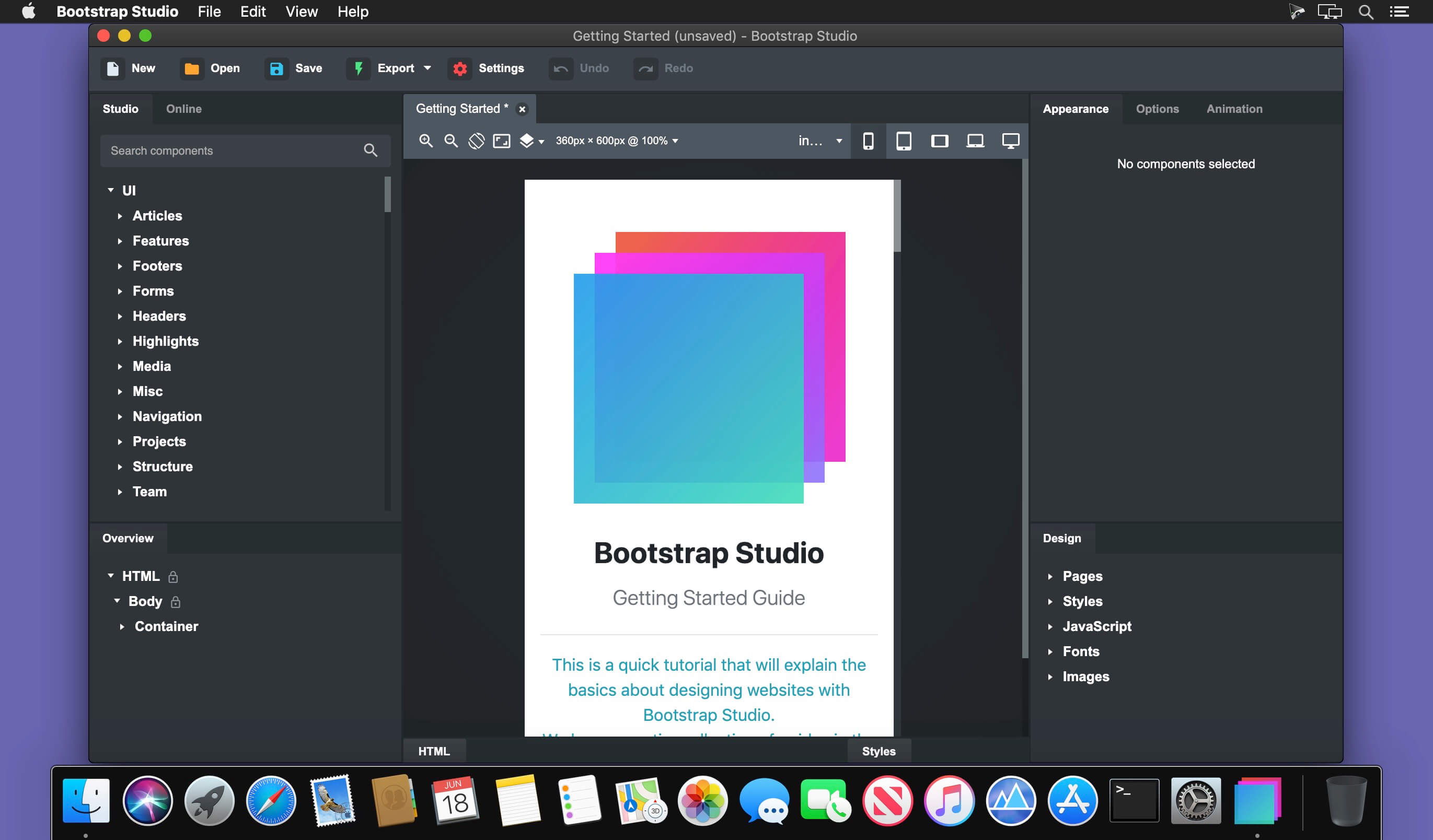
A powerful desktop app for creating responsive websites using the Bootstrap framework. Bootstrap Studio is a desktop application that helps you create beautiful websites. It comes with a large number of built-in components, which you can drag and drop to assemble responsive web pages. It is built on top of the hugely popular Bootstrap framework, and exports clean and semantic HTML. Thousands of developers and designers use it every day. We are sure you’ll love it too!

The Interface
Bootstrap Studio has a beautiful and powerful interface, which is built around the simplicity of drag and drop. This makes it the perfect tool for prototyping and designing web pages and apps.

Beautiful Built-in Components
Bootstrap Studio comes with a large number of pretty components for building responsive pages. We’ve got headers, footers, galleries, slideshows and even basic elements like spans and divs.

Smart Drag & Drop
Bootstrap Studio knows which Bootstrap components can be nested in one another and gives you suggestions. It automatically generates beautiful HTML for you, which looks as if it was written by hand by an expert.

Create Your Own Components
You can extract pieces of your designs as Custom Components, and have them ready to be dropped into any design you create. You can also export these components as files and share them.

Online Library
If you need a component which doesn’t exist in our library, just click the Online tab in the Component Panel. There you will find thousands of components built and shared by the community. You can also upload your own.

Linked Components
This is a powerful feature which allows you to synchronize components, so changing one will automatically change the other. This is especially useful for things like headers and footers which you need to update across pages.

Realtime Preview
Bootstrap Studio has a powerful feature called Preview. With it, you can open your design in multiple web browsers and devices, and every change you make within the app will be shown instantaneously everywhere.

Editing Code
For some things drag and drop isn’t enough. This is why Bootstrap Studio gives you full control over your markup when you need it. You can import and edit CSS, jаvascript and HTML in our Sublime Text-like editor.

Advanced CSS Editor
Our advanced CSS editing interface supports auto suggest and rule validation, and shows the active and inherited rules at an any given time. You will soon dread having to go back to your text editor.

jаvascript Editing
Write jаvascript in our Sublime Text-like editor. All your changes are synced with the preview, so you can write code and try it out without having to reload your browser.

HTML Editing
With our powerful Custom Code component, you can write HTML directly, without going through our drag and drop interface. You can also convert any piece of your page into Custom Code when you need it.

Import Existing Websites
If you have a website that you’ve developed previously, you can import it. Just drag and drop the HTML, CSS, JS files and images into Bootstrap Studio and they will be added to your project.

Even More Features
There is a lot more to say about our wonderful app. From productivity features to specialized Bootstrap tools, Bootstrap Studio makes designing websites and building fully working prototypes a real joy.

Built for Bootstrap
Bootstrap Studio knows how to construct a valid Bootstrap page and automatically writes the correct HTML. It supports Bootstrap 3 and will be updated to Bootstrap 4 once it’s out.

Grid Tools
The app has specialized tools for working with the Bootstrap grid. Easily create, resize and offset columns, and apply responsive visibility classes.

Google Webfonts
Bootstrap Studio is integrated with Google Webfonts and gives you an easy way to import and manage your fonts. Font family names are even auto-suggested in our css editor.

Productivity Features
Bootstrap Studio has comprehensive support for keyboard shortcuts which allow you to speed up your workflow dramatically.

Themes and Icons
The app has a number of built-in Bootstrap themes, icon fonts, templates and components, which you can combine into beautiful and unique designs.

Always Up to Date
Bootstrap Studio updates automatically, so you always have the latest version. We release updates every month, filled with new features, components and improvements.

Compatibility: Runs on OS X 10.10 or later
Homepage https://bootstrapstudio.io/

Screenshots


Name: Bootstrap_Studio_5.9.1__HCiSO_Mactorrents.io.dmg
Size: 177.5 MB
Files Bootstrap_Studio_5.9.1__HCiSO_Mactorrents.io.dmg[177.5 MB]

   Download

Airtool 2.3.4

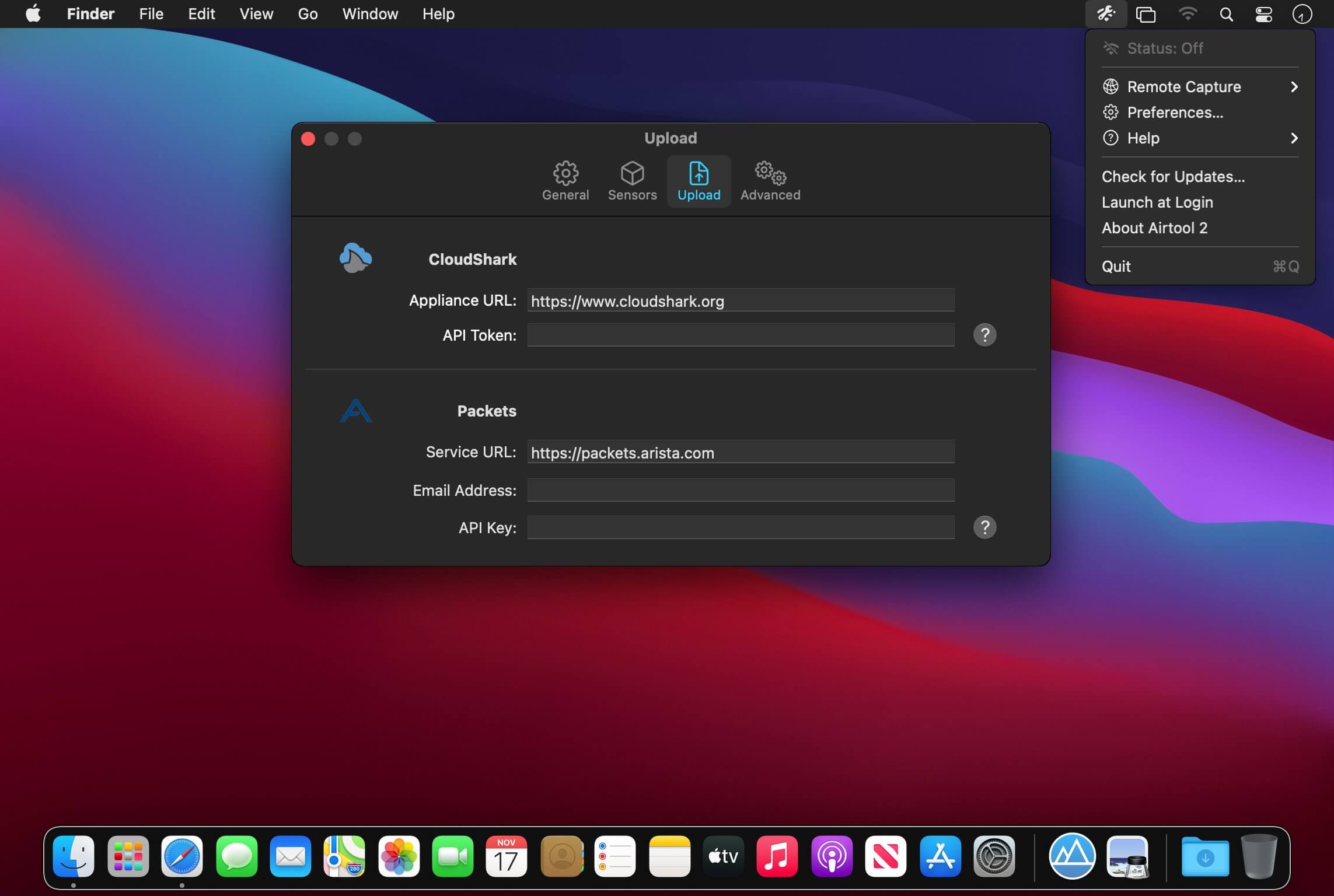
Capture Wi-Fi frames using your Mac’s built-in Wi-Fi adapter with only a few clicks.

A tool for every WLAN professional
Capturing Wi-Fi traffic is an essential task of protocol analysis. Whether you’re trying to resolve Wi-Fi connectivity, roaming or configuration problems, analyzing the performance of your network, or simply learning about Wi-Fi, you will certainly need to perform frame captures. Airtool gives the ability to just do that in the easiest way possible.

And with advanced features such as remote capture, automatic data frame slicing, and a seamlessly integration with Wireshark, Airtool is a tool every wireless LAN professional must have.

Compatibility: macOS 10.13 or later 64-bit
Homepage https://www.intuitibits.com/products/airtool/

Screenshots


Name: Airtool_2_2.3.4__TNT_Mactorrents.io.dmg
Size: 9 MB
Files Airtool_2_2.3.4__TNT_Mactorrents.io.dmg[9 MB]

   Download

File List Export 2.7.1

An easy to use application that will help you create list of files for any need. List all your photos, all your videos or all your files. If you need to create list of files this app is for you.

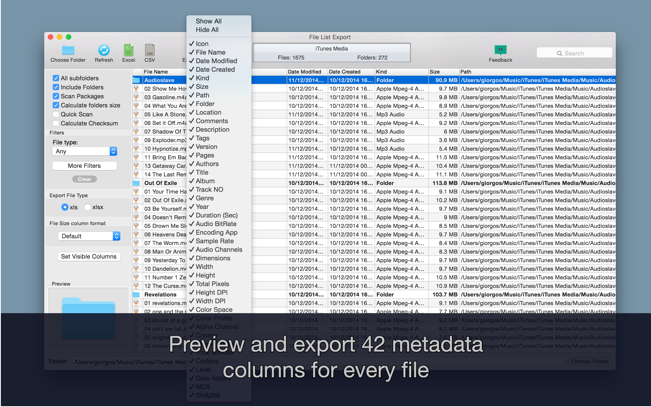
New version with 26 more metadata columns and export to CVS file!

Just select a folder or drag and drop files to get a list with all files and folders to Excel or to a CVS file. You can choose if you want to include the files from all subfolders. Preview and edit the list before export to file. Easily search and filter the file list records.

You can select a specific kind of file to list. For example, you can choose to export to Excel a list with all the audio files of your iTunes Music folder or all the pdf files from your Documents folder.

For every file you can get this info:

  1. File name
  2. Date modified
  3. Date created
  4. Kind
  5. Size
  6. Path (the location of the file)
  7. Comments
  8. Tags
  9. Version
  10. Pages
  11. Authors/Artist
  12. Title
  13. Album
  14. Track NO
  15. Genre
  16. Year
  17. Duration
  18. Audio BitRate
  19. Audio Encoding Application
  20. Audio Sample Rate
  21. Audio Channels
  22. Dimensions
  23. Pixel Width
  24. Pixel Height
  25. Total Pixels
  26. Height DPI
  27. Width DPI
  28. Color Space
  29. Color Profile
  30. Alpha Channel:
  31. Creator
  32. Video Bit Rate
  33. Total Bit Rate
  34. Codecs
  35. md5
  36. sha256

Compatibility: OS X 10.8 or later, 64-bit processor
Homepage https://itunes.apple.com/ca/app/file-list-export/id852692251?mt=12

Screenshots

Name: File_List_Export_2.7.1_MAS__TNT_Mactorrents.io.dmg
Size: 25 MB
Files File_List_Export_2.7.1_MAS__TNT_Mactorrents.io.dmg[25 MB]

   Download

AnyMP4 DVD Creator for Mac 6.2.26

Create personalized DVD with popular videos on Mac. When you use this Mac DVD Creator to burn videos to a DVD disc, you can create your own custom menu. Here you can select and set the ideal menu frame, key and desired menu template from the menu window. In addition, this Mac DVD Burner also allows you to add background music or image from the local hard drive and make opening movie for your own DVD. In this respect, AnyMP4 DVD Creator for Mac is user-friendly and professional burning software.

Convert general video and HD video to DVD disc on Mac
Make DVD folder and DVD ISO image file with MP4, AVI, MKV, M4V, WMV, M2TS, MOV video, and more
Customize the DVD video like defining DVD menu template
Add background music/picture, put opening film, and edit audio track/subtitle

Compatibility: OS X 10.7 or later

Name: AnyMP4_DVD_Creator_for_Mac_6.2.26.115117__TNT_Mactorrents.io.dmg
Size: 45 MB
Files AnyMP4_DVD_Creator_for_Mac_6.2.26.115117__TNT_Mactorrents.io.dmg[45 MB]

   Download

Find Any File (FAF) 2.3.3 b1

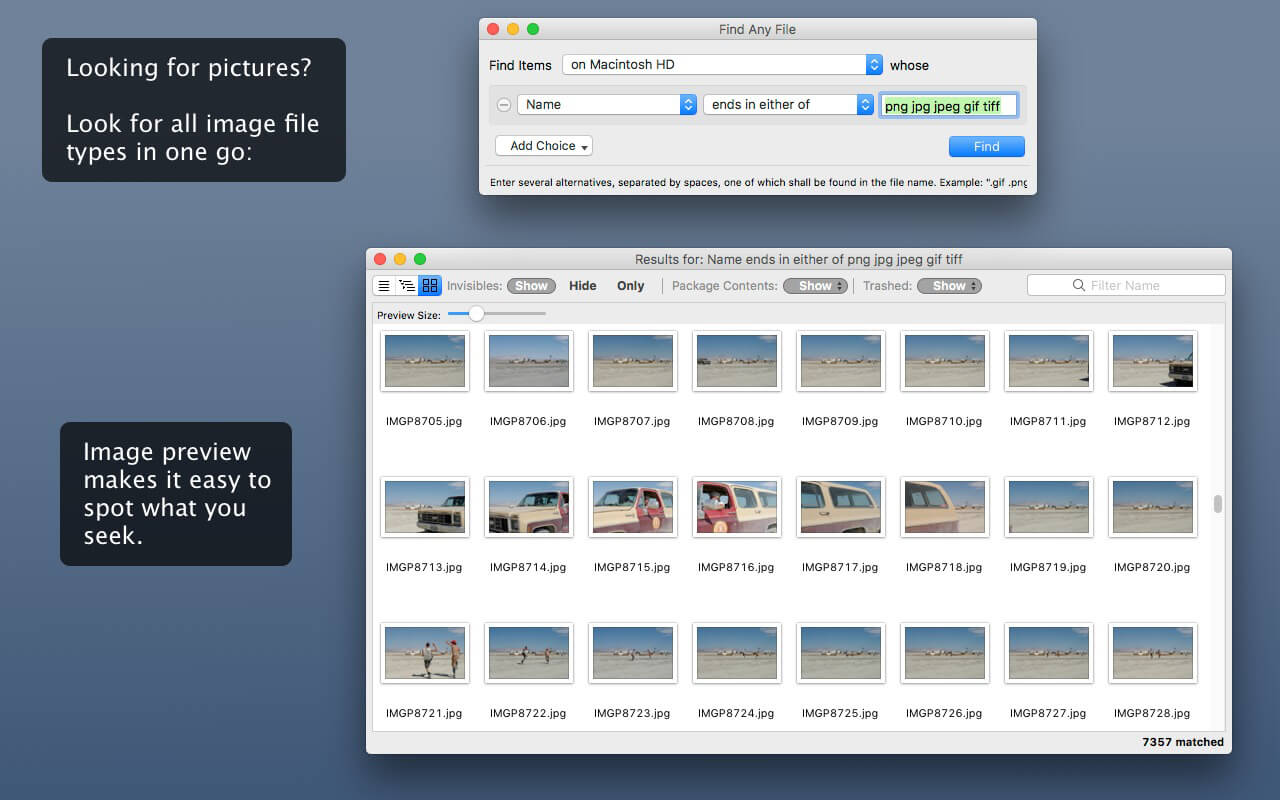
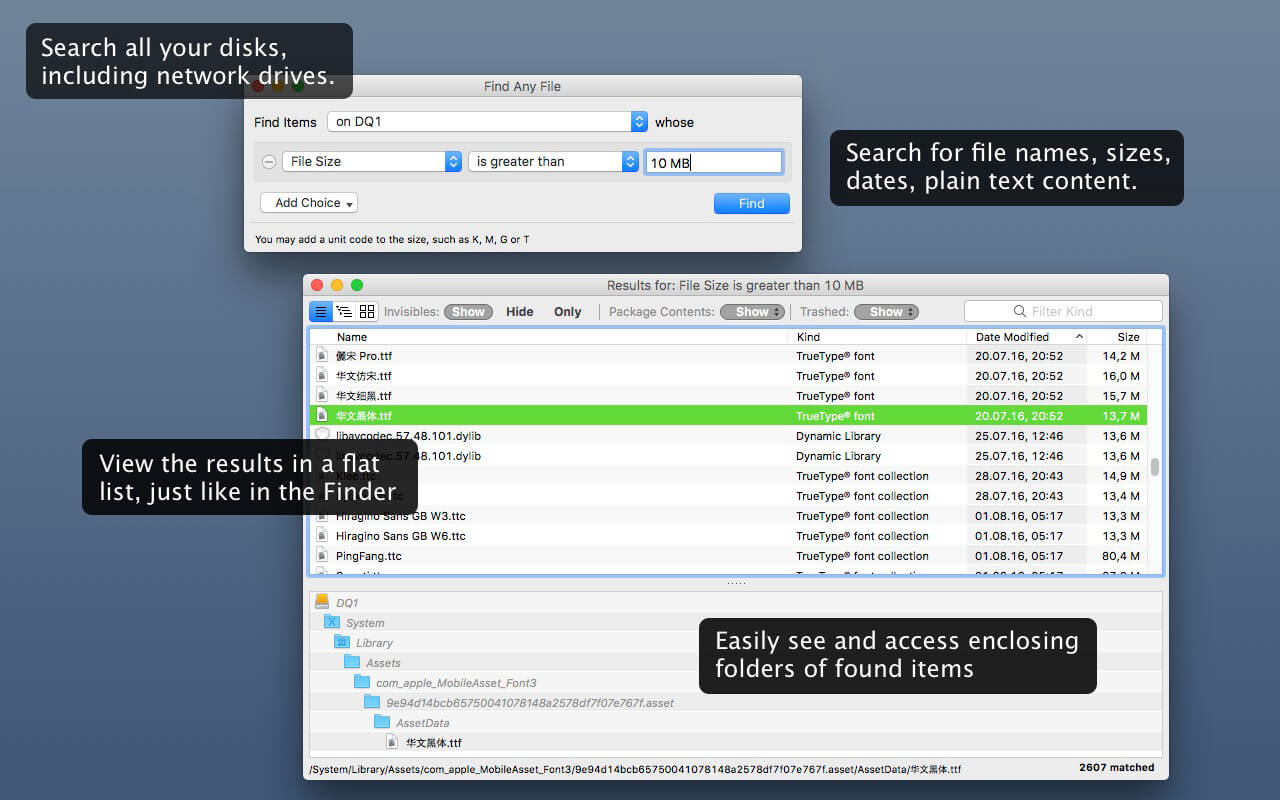
Find Any File searches your local disks for files by name, creation or modification date, size, or type and creator code (not by content, though).

As there are other tools with a similar search operation, here are the special features unique to Find Any File:

  • Has a new hierarchical view of the found items, making it much easier to browse 100s of items (see the screenshot).
  • Can run as root user, finding really any file on your disk, even those that are hidden from normal users.
  • Can save queries and run them again later.

Unlike Spotlight (i.e., the Finder’s Find command), it does not access a pre-built database but searches the chosen volume directly. This allows you to find any file, even those inside packages and others excluded from Spotlight search. Hence it is great for finding system files, for example.

On the other hand, it may take a little longer than Spotlight, and it is only fast on HFS(+) volumes. But even on mounted network volumes of a Mac OS X server it can still be surprisingly fast.

Hence, this is not an entire replacement for Spotlight but it can come handy in certain, if not many, situations.

Compatibility: OS X 10.9 or later, 64-bit processor
Homepage http://apps.tempel.org/index.php

Screenshots


Name: Find_Any_File_2.3.3b1__HCiSO_Mactorrents.io.dmg
Size: 12 MB
Files Find_Any_File_2.3.3b1__HCiSO_Mactorrents.io.dmg[12 MB]

   Download

Mirror for Beko TV 3.5.3

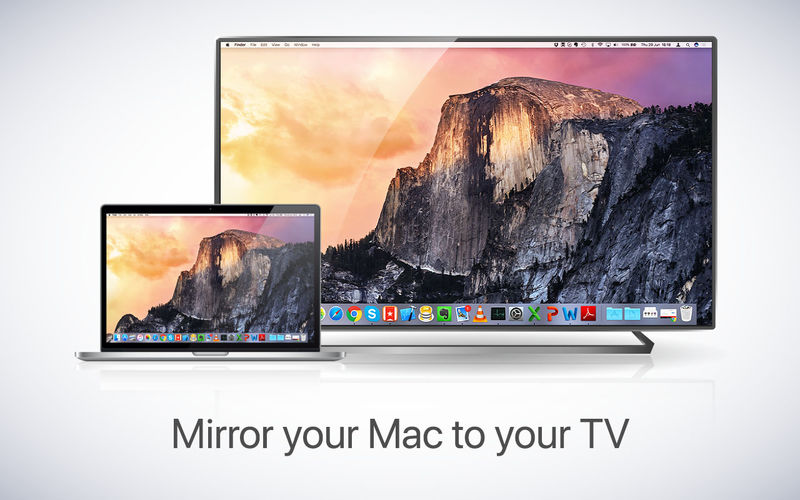
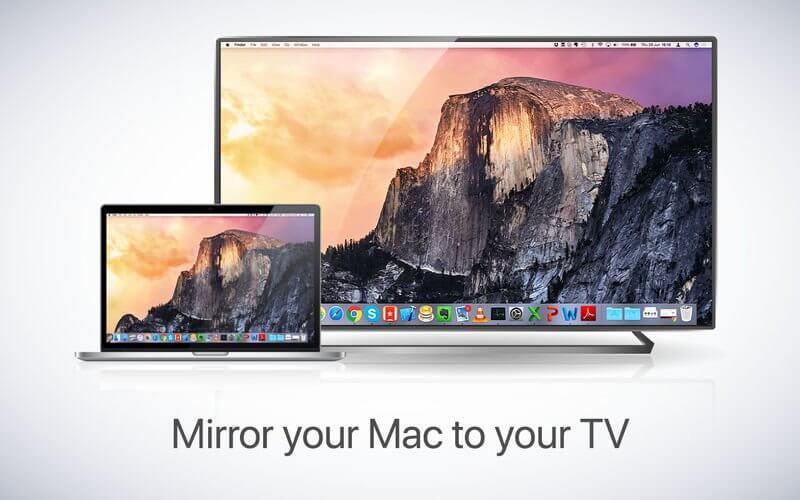
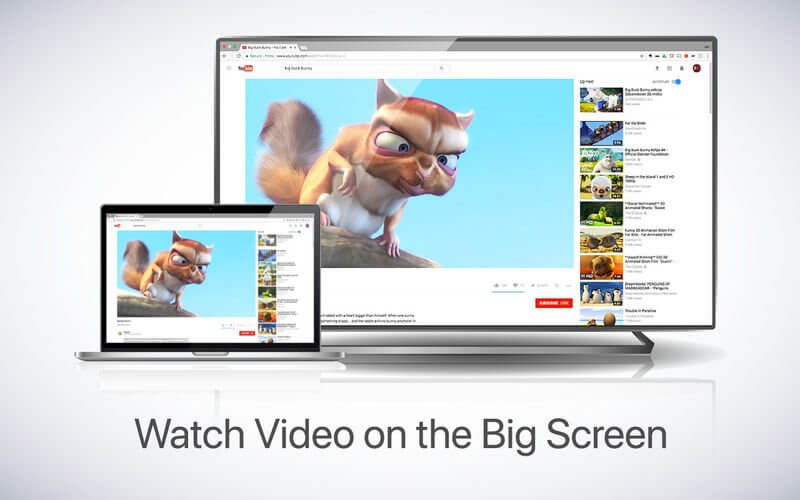
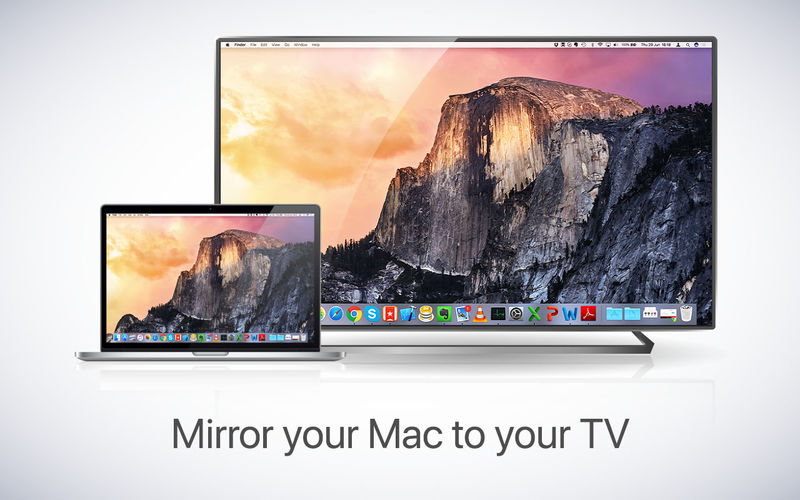
If you own a Beko TV and want to show your computer’s display on the big screen, AirBeamTV has the solution! Mirror your Mac to any Beko Smart TV. No wires and no additional hardware needed. The app works without the need for an Apple TV or Airplay.

Compatibility: macOS 10.12 or later
Homepage https://www.airbeam.tv

Name: Mirror_for_Beko_TV_3.5.3__TNT_Mactorrents.io.dmg
Size: 17 MB
Files Mirror_for_Beko_TV_3.5.3__TNT_Mactorrents.io.dmg[17 MB]

   Download

Mirror for Roku TV 2.9.3

Application to mirror the screen and audio of your Mac to a Roku Streaming Player, Roku Streaming Stick or Roku TV. You can also stream individual video files from your Mac to your Roku. Also, we included the option to watch one window on your Mac, and another window on your Roku!

In using the app, there will be a about 2 to 3 seconds of latency (lag). So this mirroring is not suitable for gaming.

However, it is very suitable for watching movies, giving presentations, watching photos, and much more!

The quality of your experience will be dependent on the quality of your local network. Some tips to enhance the experience:
1. Restart your router. Just take out the power plug, wait 10 seconds and put it back in. This resets your router and will make your home network faster and more stable. Why this works? Routers are in essence little computers, with software. Software will have small memory leaks and some processes will stop working correctly over time. That’s why it is a good idea to reset your router once in a while. Our recommendation: once a week.

2. Don’t do network intense work while screen mirroring. As explained, screen mirroring is network intense. For the best performance, don’t do other network intense work at the same time. This includes making timemachine backups over the network and uploading/downloading large files from the internet while screen mirroring.

3. Put your Mac and your Roku on the same router channel. Some routers (dual band) have create both a 2.4Ghz and a 5Ghz wireless network. For the best performance, put your Mac and your TV on the same network. Preferably the 5Ghz network. But definitely not the Mac on 5Ghz and the TV on 2.4Ghz, because that will negatively impact the performance of screen mirroring.

4. Use an AC or N router. Newer routers support Wifi AC and N. Older routers might only have Wifi B and/or G. B and G are not really up to scratch anymore for modern networking tasks, so go for an AC or N router. If your router supports AC and N, also make sure that your router is set to use either the Wifi N or Wifi AC networking.

How the app works:
First, make sure that your Roku is on the same local network and same subnet as your Mac. After launching the app, you will see the app icon appearing in the top bar of your Mac and the app will look for your Roku on the network. It will show your Roku when it has found it. Now, you have two options:

Mirror your Mac Screen:
Use this option to put the screen of your Mac on TV. In source, you can select which screen (or attached monitor) you want to display on TV. If you are running multiple applications on your Mac, you can also select which application window you want to see on TV.

Enable Sound: check this to hear the sound of your Mac coming from the TV. You will need the additional (free) audio driver, which you can download here: http://bit.ly/MirrorAudio

Play Video File:
Use this option if you have a video file on your Mac and you want to play just the file on TV. Drop it in the box and it will play on TV.

What’s New:

Version 2.9.3:

  • Release notes were unavailable when this listing was updated.

Compatibility: OS X 10.10 or later, 64-bit processor
Homepage https://www.airbeam.tv/

Screenshots


Name: Mirror_for_Roku_2.9.3__TNT_Mactorrents.io.dmg
Size: 16.85 MB
Files Mirror_for_Roku_2.9.3__TNT_Mactorrents.io.dmg[16.85 MB]

   Download

Mirror for TCL TV 3.7.3

Application to mirror the screen of your Mac to any TCL Smart TV. No wires and no additional hardware needed! You can also stream individual video files from your Mac to your TV. Also, this app works without the need for an Apple TV or Airplay. Our app also works on TCL Android TVs and TCL Roku TVs.

Compatibility: macOS 10.10 or later
Homepage https://www.airbeam.tv/

Screenshots


Name: Mirror_for_TCL_TV_3.7.3__TNT_Mactorrents.io.dmg
Size: 16.84 MB
Files Mirror_for_TCL_TV_3.7.3__TNT_Mactorrents.io.dmg[16.84 MB]

   Download

Mirror for Android TV 2.7.3

Application to mirror the screen and sound of your Mac to Android TV. Works on any TV, settop box or Media Player with the Android TV operating system.

You can also stream individual video files from your Mac to your Android TV. Also, we included the option to watch one window on your Mac, and another window on your TV!

App has been tested to work with:

  • Philips Android TV
  • Sony Android TV
  • Bouygues Bbox Miami

In using the app, there will be a about 2 to 3 seconds of latency (lag). So this mirroring is not suitable for gaming.

However, it is very suitable for watching movies, giving presentations, watching photos, and much more!

The quality of your experience will be dependent on the quality of your local network. Some tips to enhance the experience:
1. Restart your router. Just take out the power plug, wait 10 seconds and put it back in. This resets your router and will make your home network faster and more stable. Why this works? Routers are in essence little computers, with software. Software will have small memory leaks and some processes will stop working correctly over time. That’s why it is a good idea to reset your router once in a while. Our recommendation: once a week.

2. Don’t do network intense work while screen mirroring. As explained, screen mirroring is network intense. For the best performance, don’t do other network intense work at the same time. This includes making timemachine backups over the network and uploading/downloading large files from the internet while screen mirroring.

3. Put your Mac and your Android TV on the same router channel. Some routers (dual band) have create both a 2.4Ghz and a 5Ghz wireless network. For the best performance, put your Mac and your TV on the same network. Preferably the 5Ghz network. But definitely not the Mac on 5Ghz and the TV on 2.4Ghz, because that will negatively impact the performance of screen mirroring.

4. Use an AC or N router. Newer routers support Wifi AC and N. Older routers might only have Wifi B and/or G. B and G are not really up to scratch anymore for modern networking tasks, so go for an AC or N router. If your router supports AC and N, also make sure that your router is set to use either the Wifi N or Wifi AC networking.

How the app works:
First, make sure that your Samsung TV is on the same local network and same subnet as your Mac. The TV should not be in screen mirroring mode, but just on “TV” Mode or any HDMI IN port.

After launching the app, you will see the app icon appearing in the top bar of your Mac and the app will look for your TV on the network. It will show your TV when it has found it. Now, you have two options:

Mirror your Mac Screen:
Use this option to put the screen of your Mac on TV. In source, you can select which screen (or attached monitor) you want to display on TV. If you are running multiple applications on your Mac, you can also select which application window you want to see on TV.

Enable Sound: check this to hear the sound of your Mac coming from the TV. You will need the additional (free) audio driver, which you can download here: http://bit.ly/MirrorAudio

Play Video File:
Use this option if you have a video file on your Mac and you want to play just the file on TV. Drop it in the box and it will play on TV.

What’s New:

Version 2.7.3 :

  • Release notes were unavailable when this listing was updated.

Compatibility: OS X 10.10 or later 64-bit
Homepage https://www.airbeam.tv

Screenshots

Name: Mirror_Android_TV_2.7.3__TNT_Mactorrents.io.dmg
Size: 16.86 MB
Files Mirror_Android_TV_2.7.3__TNT_Mactorrents.io.dmg[16.86 MB]

   Download

SnippetsLab 2.0.2

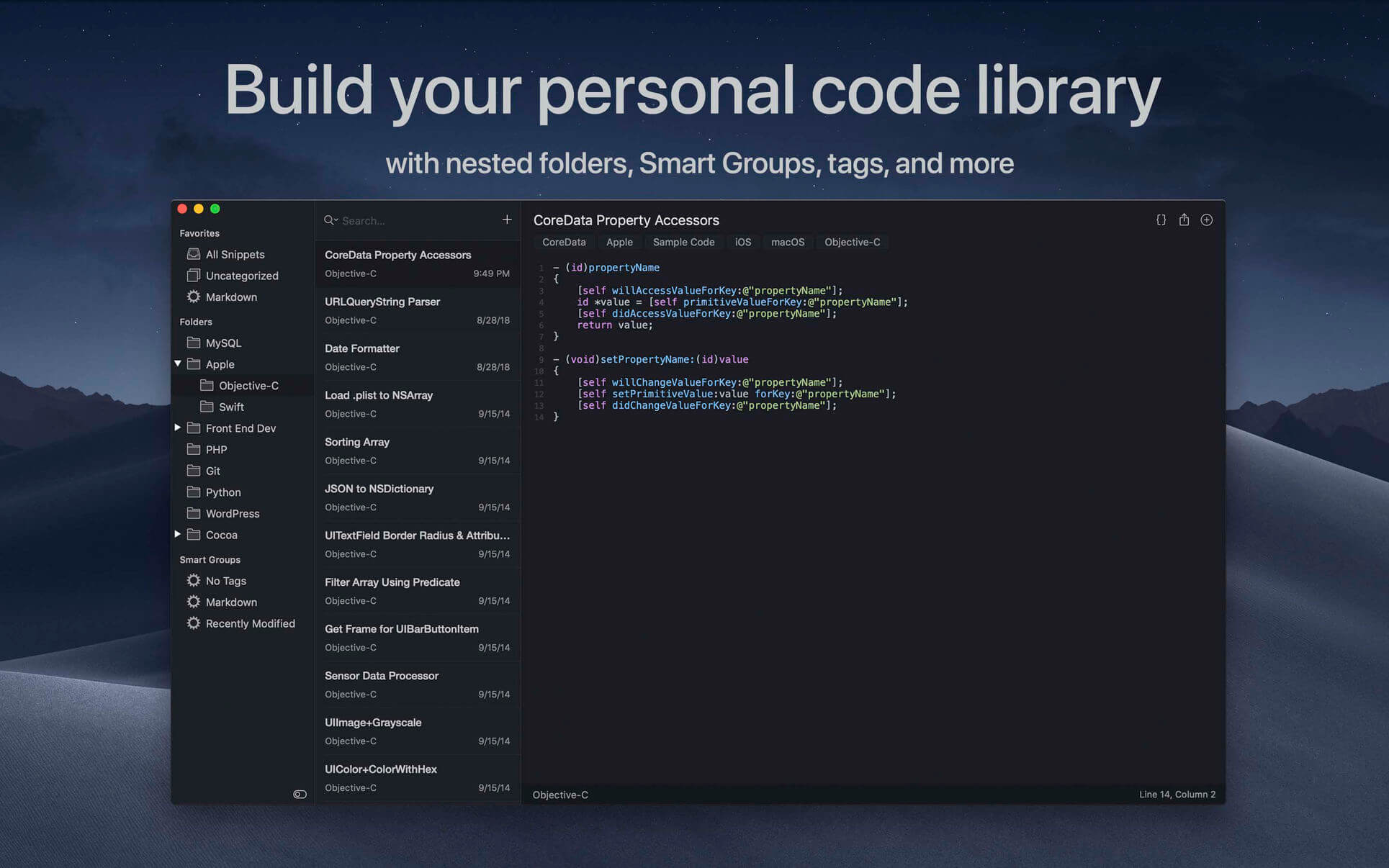
SnippetsLab is an easy-to-use snippets management tool. It helps you to collect and organize valuable code snippets, and makes sure that you have easy access to them whenever you want.

Features

  • Beautiful user interface with both light and dark themes
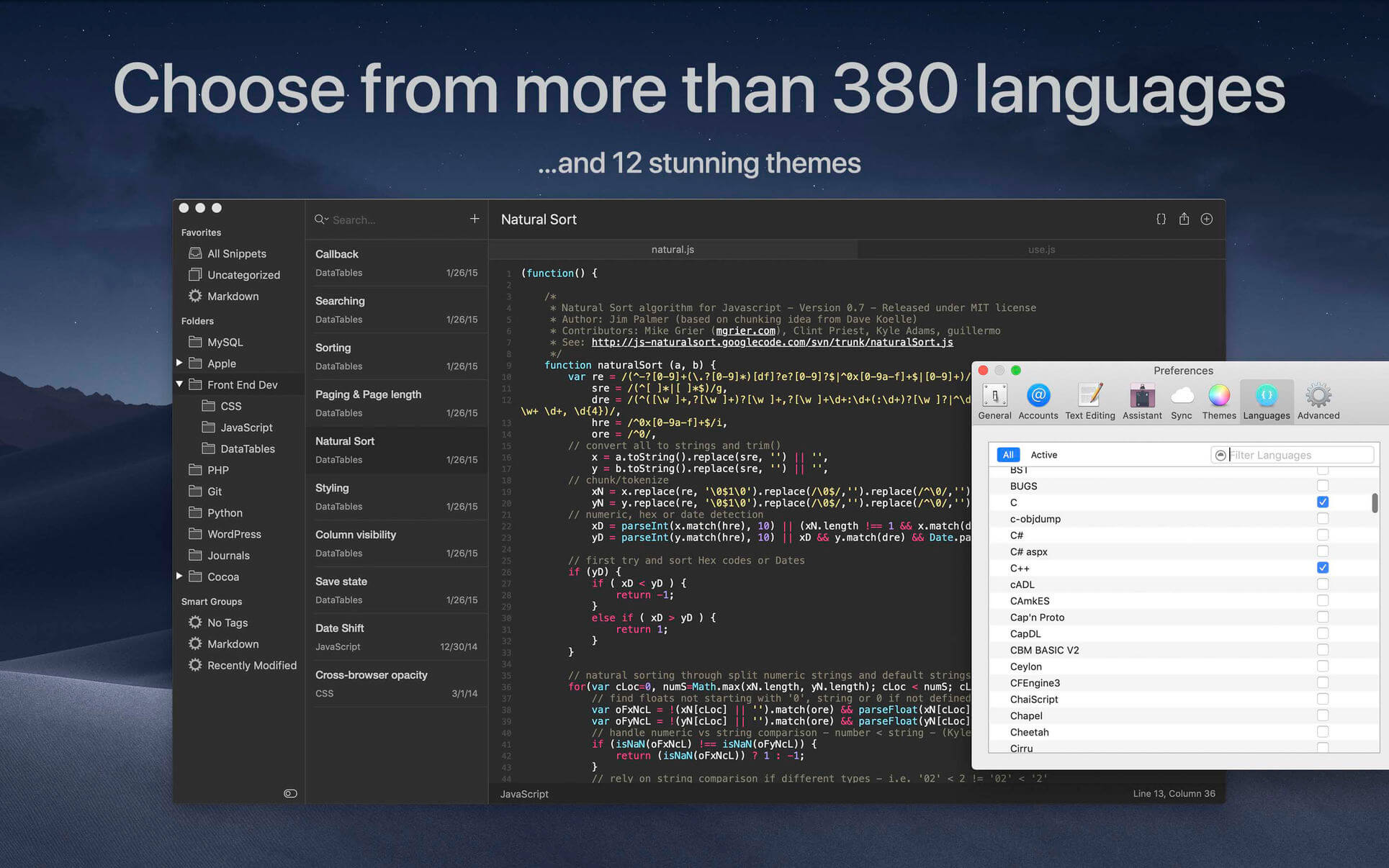
  • Syntax highlighting for over 350 languages
  • Markdown snippets (edit & preview)
  • Create nested folders, Smart Groups, and shortcuts
  • Add notes & tags to a snippet
  • Include multiple fragments in a single snippet (useful when one snippet logically consists of multiple separate “parts,” such as a header and an implementation, or different solutions to one problem; every fragment under one snippet can have its own language and note)
  • Multiple windows & pin individual window at the top of the screen
  • Use advanced search (search by folder/tags/languages) to find your snippets instantly
  • Use iCloud to synchronize your database across multiple devices
  • Export the library to JSON, XML or plain text files
  • Use the SnippetsLab Assistant to search, browse and create snippets right from the menu bar
  • Automatic backups to ensure data safety
  • Support for printing, sharing, macOS Services, Force Touch, etc.

Integrations

  • Data Sync: Customize the library location to use 3rd-party file-based sync services (such as Dropbox or Google Drive).
  • CodeBox: Import from CodeBox Library (.cbxml) files
  • Gist: Import from GitHub Gist & publish your snippets as gists. SnippetsLab supports both GitHub.com and GitHub Enterprise accounts (Note: Two-way sync is not supported.)
  • Alfred Custom Search: Start searching from Alfred using the “snippetslab://search/{query}” URL scheme
  • Alfred Workflow: Search and view the results directly in Alfred, open them in SnippetsLab, copy to clipboard or paste to the frontmost app (Note: Alfred Powerpack required)

What’s New:

Version 2.0
SnippetsLab 2.0 brings more than 20 new features and numerous other improvements and bug fixes.

  • Added arm64 support for Apple Silicon Macs.
  • Added the ability to customize themes, as well as an option to automatically switch between a light and a dark theme of your choice.
  • Refined and polished all preinstalled app and markdown themes.
  • The sidebar is now unified with folders and tags showing in the same workspace.
  • Added the ability to add tags to the favorites section.
  • You can now search the sidebar using a new filter bar on the bottom.
  • Snippets imported from GitHub now display a special gist icon in the snippets list.
  • The history menu has been moved to the main menu area, allowing for quick navigation to previously viewed snippets.
  • Added an option to highlight the current line in the code editor.
  • Added the ability to resize the menubar assistant. You can also choose from three scales for the quick look window.
  • You can now detach the quick look pop-over by dragging it to its own window.
  • Added more navigational shortcuts for SnippetsLab Assistant. You can use Command-1~9 keys to quickly switch between the fragments (up to first 9 fragments), use Command-Up/Down arrow keys to jump to the top or bottom, and Option-Up/Down arrow keys to scroll the page up and down.
  • The above arrow-related shortcuts work for the search filter menu as well (you open it by typing “in:” in the search bar).
  • Compact mode now also applies to the menubar assistant.
  • More markdown format options have been added. You can now insert a footnote or thematic break, and toggle subscript/superscript/tasklist from the Format menu.

Bug fixes and miscellaneous improvements

  • Improved syntax highlighting for Swift, Objective-C, CSS, and Python code. More keywords for the latest Cocoa technologies has been added, including SwiftUI.
  • The swipe gesture on the snippets list will now copy the snippet, instead of deleting it.
  • The ability to record a single-key shortcut has been added.
  • When searching for a language in the Preference window, the most relevant results will now appear first (searching for languages like C and R are now much easier, as they should be).
  • Fixed an issue where the assistant search filter menu may show on the wrong screen.
  • Texts pasted into the search bar will no longer appear black when using a dark theme.
  • Content size of the markdown preview panel now scales with the main editor font size.
  • Fixed an issue where the show invisibles option may cause the text editor to misbehave when an unsupported font is used.
  • Fixed an issue that may prevent iCloud sync updates from being reflected while the app is running.
  • Fixed a bug where the search filter menu may show an incorrect number of snippets for the menu items.
  • The Alfred workflow search function now has improved response time.
  • Other performance and reliability improvements.

Compatibility: macOS 10.12 or later, 64bit
Mac App Store https://geo.itunes.apple.com/app/id1006087419

Screenshots


Name: SnippetsLab_2.0.2_MAS__TNT__Mactorrents.io.dmg
Size: 41.33 MB
Files SnippetsLab_2.0.2_MAS__TNT__Mactorrents.io.dmg[41.33 MB]

   Download

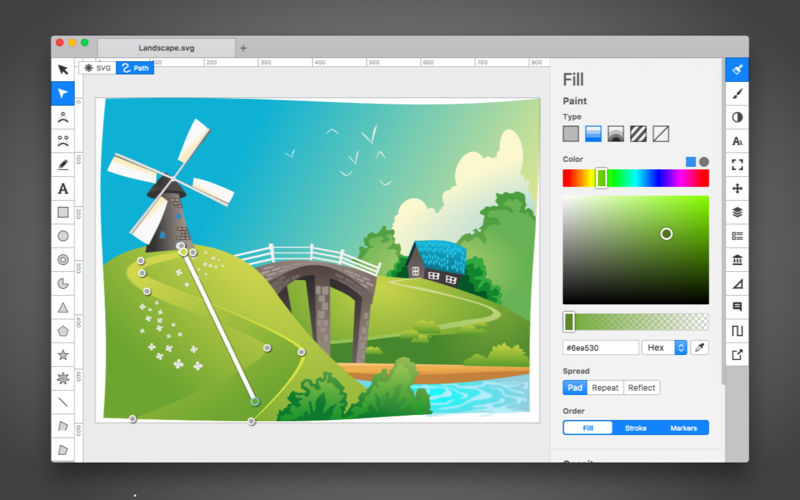
Boxy SVG 3.75.1

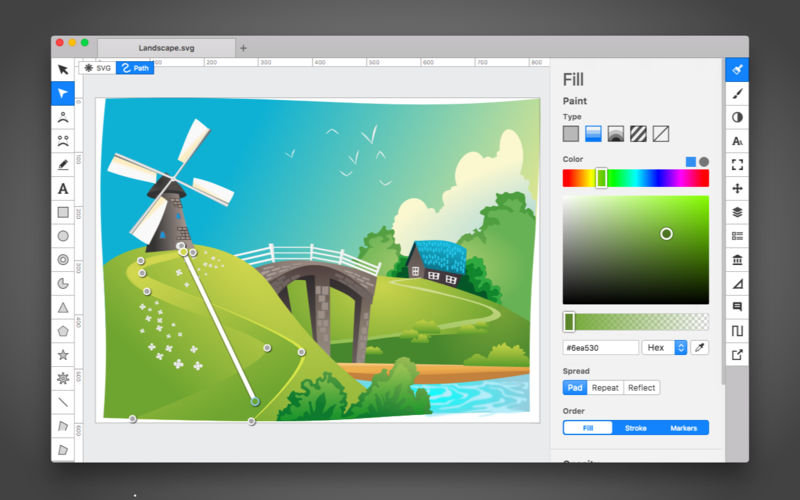
Boxy SVG project goal is to create the best SVG editor for non-technical users as well as for professional designers and developers.

SVG is the standard format for storing vector graphics such as icons, banners, charts and illustrations.

CORE FEATURES

  • Clean and intuitive UI heavily inspired by Inkscape, Sketch and Adobe Illustrator
  • Extensive support for on-canvas editing of object geometry, transform, paint and other properties
  • Save to SVG and SVGZ formats, export to PNG, JPG, WebP, PDF and HTML5
  • Open Clip Art Library integration with thousands of free stock vector arts
  • Google Fonts integration with hundreds of free fonts
  • Configurable keyboard shortcuts for over 100 commands
  • Manual guides, smart guides and grid
  • Path operations (unite, intersect, subtract, exclude, close, reverse, etc.)
  • Arrangement operations (align to, rotate, flip, order, group, etc.)

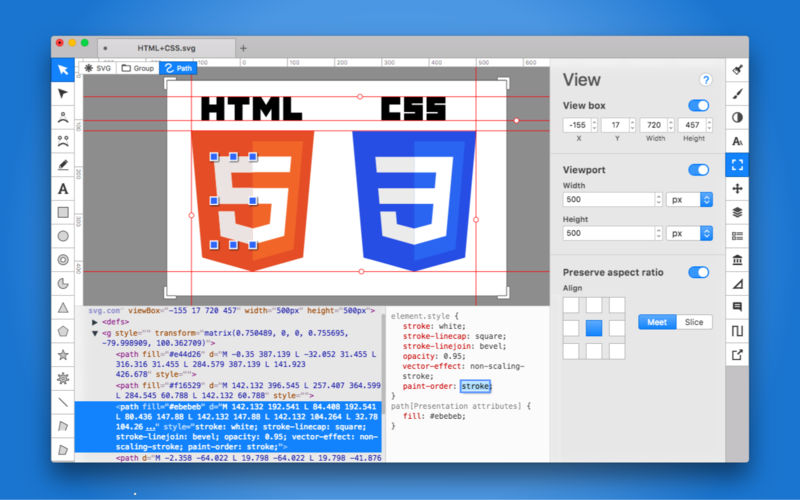
FOR WEB DEVELOPERS

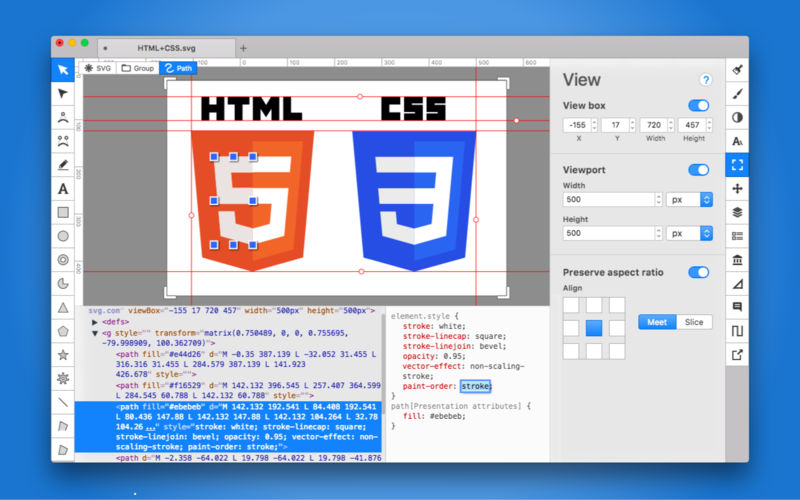
  • Chromium-based rendering engine
  • SVG and CSS code inspector similar to Chrome Dev Tools
  • Clean SVG output that preserves IDs, classes, titles and other metadata
  • SVG sprites editing support

Compatibility: macOS 10.10.0 or later
Homepage https://geo.itunes.apple.com/app/id611658502

Screenshots


Name: Boxy_SVG_3.75.1_MAS__HCiSO_Mactorrents.io.dmg
Size: 145.5 MB
Files Boxy_SVG_3.75.1_MAS__HCiSO_Mactorrents.io.dmg[145.5 MB]

   Download

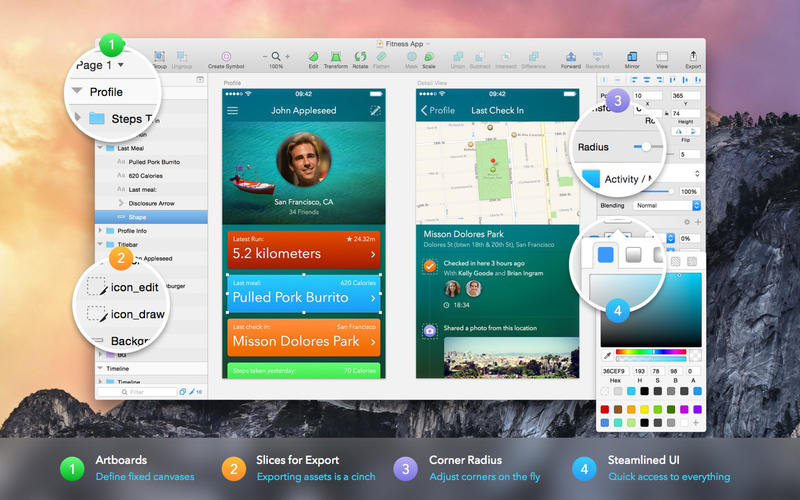
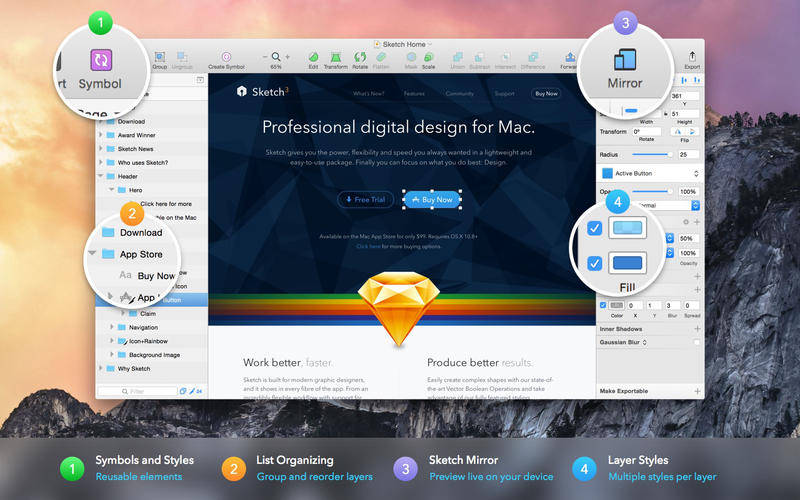
Sketch 82

Sketch: graphic design for a digital world. Powerful tools and an elegant interface, in a single award-winning package. Because making beautiful things should be a joy, not a burden.

Sketch supports multiple fills, borders and shadows per layer; has powerful non-destructive boolean operations; smart pixel alignment; and makes exporting a breeze with automatic slicing and multiple resolution export.

Vector tools and basic shapes are the foundation; whether you are designing icons, websites, interfaces or anything else. Combine these into complex shapes with non-destructive boolean operations, leaving you free to edit them in the future, then apply advanced layer style options like multiple shadows, fills, gradients, noise, blending, background blurring, and more.

Sketch doesn’t just do shapes, of course. Imported images can be rotated, scaled, cropped and masked. The best-in-class text tool lets you add beautiful typography to your designs, using native font rendering, so you can be sure that text always looks 100% accurate!

Brand new to Sketch 3, Symbols allow you to reuse entire groups of content in multiple places in your design. Think of interface elements such as buttons, headers and footers. Change them once, and they update everywhere in your document.

Built for the Mac, Sketch supports OS X’s Versions and Auto Save, letting you focus on your work instead of hitting CMD+S. Keep your work safely in sync across multiple Mac computers with iCloud. And take Sketch full screen to maximise the size of your canvas.

All this power is deliciously baked into Sketch’s single-window interface. Everything is there, tucked away until you need it. A simple interface with powerful tools.

What’s New:

New in Sketch 82

  • Introducing Components web view With Components web view, you can open up your libraries and make them easier for everyone to understand.
  • You can now browse Symbols, Color Variables, Layer Styles and Text Styles, jump or search for specific components and use the menu on the left-hand side to navigate components in more detail.

What’s improved

  • You can now send Workspace documents and projects you no longer need to Trash right from the  Workspace window.
  • We‘ve improved the rendering of text layers and complex shapes when using inside or outside borders.
  • You can now change prototyping targets directly in the Canvas by dragging the link arrow to the Artboard you want.
  • We’ve optimized the way fonts are embedded when exporting Artboards to PDF so the size of your exported PDF is smaller.
  • Embedding fonts in Workspace documents is now much easier. When you save a document to a Workspace for the first time, or after adding new custom fonts, you can quickly select which fonts you want to embed — or all at once — with a single click. Even better, the app remembers your choice for each Workspace, so you don’t have to do this for every new document. As always, make sure that you have all the necessary licenses, rights and permissions to embed and redistribute any fonts you want to use.

What’s changed

  • If you‘re using Abstract, please make sure to update to their latest version to ensure everything works smoothly.

What’s fixed

  • Fixes a bug where a rounded corner used along a curved point could cause the Mac app to hang and use too much memory.
  • Fixes a bug in vector editing mode that would align an entire layer instead of the selected points.
  • Fixes a bug that could cause the Canvas to become unresponsive when rendering shadows for complex paths.
  • Fixes a bug that could cause the Mac app to become unresponsive while rendering complex combined shapes with non-intersecting paths.
  • Fixes a bug that could cause items in the sidebar bar to not display correctly if the sidebar was hidden when changing appearance mode.
  • Fixes a bug that could cause input fields to defocus when editing overrides.
  • Fixes a bug where the export options could appear clipped or could cover the folder navigation view entirely.

Compatibility: macOS 10.14.4 or later 64 bit
Homepage https://www.sketch.com/updates/

Screenshots


Name: Sketch_82__TNT_Mactorrents.io.dmg
Size: 69.37 MB
Files Sketch_82__TNT_Mactorrents.io.dmg[69.37 MB]

   Download

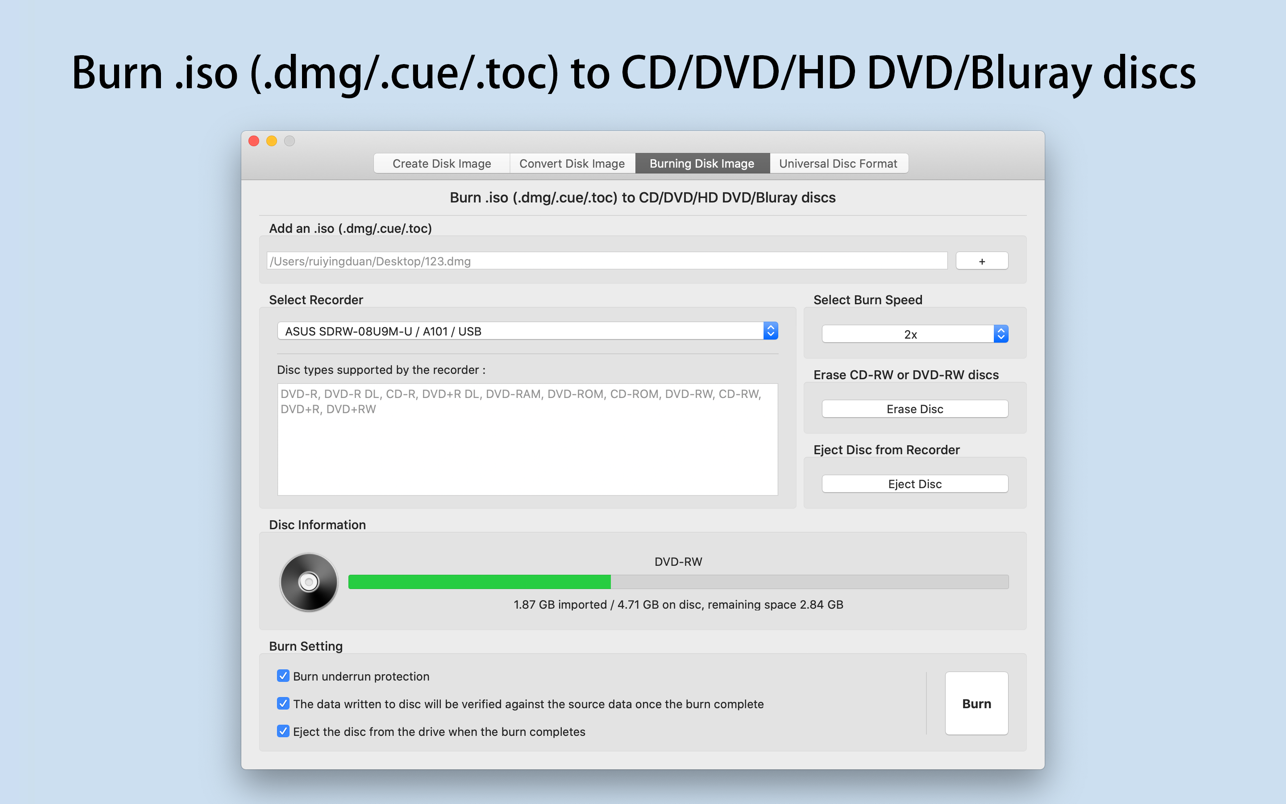
Smart Disk Image Utilities 3.0.5

Smart Disk Image Utilities is a powerful disk image tool,contains creating disk image, converting disk image, burning disk image, erasing disc, Builds Universal Disc Format.

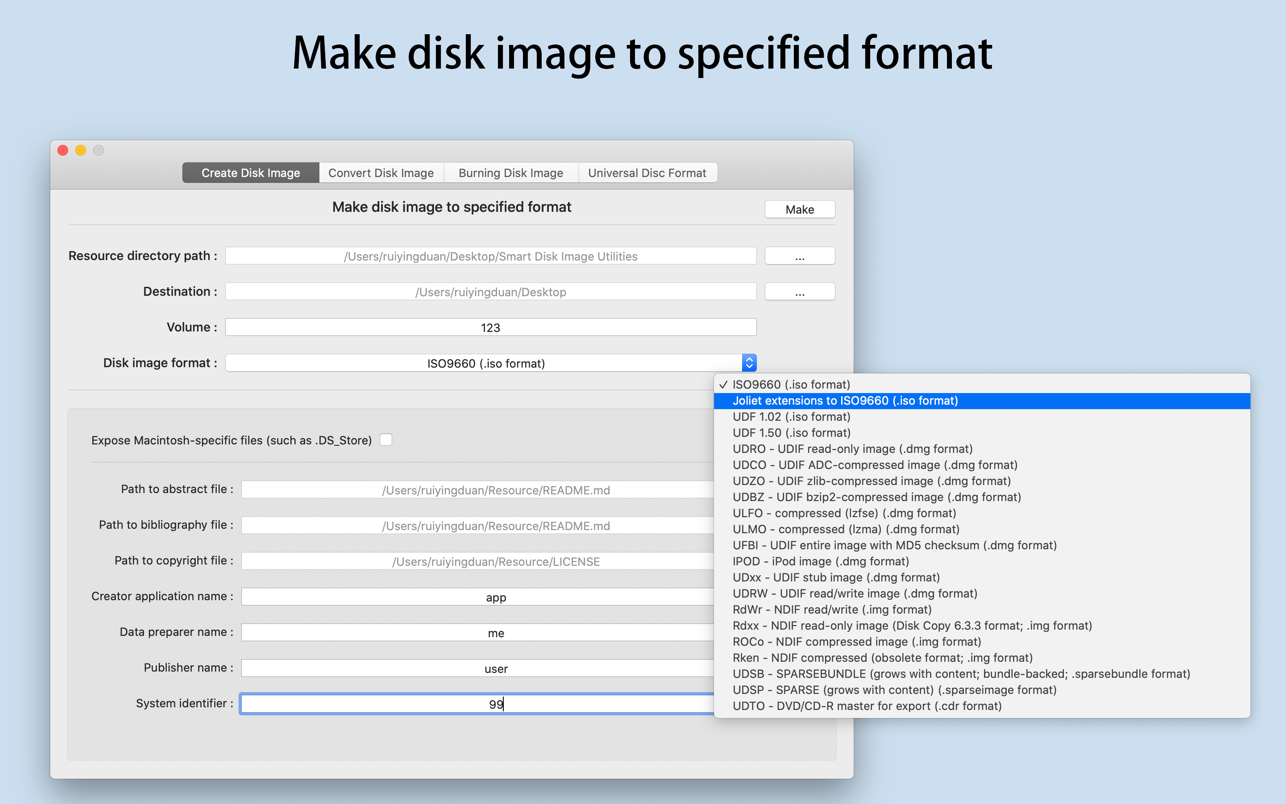
Create Disk Image

  • [1] Supported disk image format(Resource files containing .vob are not supported):
  • iso,dmg,img,sparsebundle,sparseimage,cdr
  • [2] The types of iso support include:
  • ISO9660,Joliet extensions to ISO9660,UDF 1.02,UDF 1.50
  • [3] The types of dmg support include:
  • UDRO – UDIF read-only image
  • UDCO – UDIF ADC-compressed image
  • UDZO – UDIF zlib-compressed image
  • UDBZ – UDIF bzip2-compressed image
  • ULFO – compressed (lzfse)
  • ULMO – compressed (lzma)
  • UFBI – UDIF entire image with MD5 checksum
  • IPOD – iPod image
  • UDxx – UDIF stub image
  • UDRW – UDIF read/write image
  • [4] The types of img support include:
  • RdWr – NDIF read/write
  • Rdxx – NDIF read-only image
  • ROCo – NDIF compressed image
  • Rken – NDIF compressed
  • [5] The types of sparsebundle support include:
  • UDSB – SPARSEBUNDLE (grows with content; bundle-backed; .sparsebundle format)
  • [6] The types of sparseimage support include:
  • UDSP – SPARSE (grows with content) (.sparseimage format)
  • [7] The types of cdr support include:
  • UDTO – DVD/CD-R master for export

Convert Disk Image

  • [1] Convert Disk Image(iso,dmg,img,sparsebundle,sparseimage,cdr) to specified format(iso,dmg,img,sparsebundle,sparseimage,cdr);
  • [2] Such as convert ISO to DMG, or convert DMG to ISO and so on.

Burn Disk Image

  • [1] Burn .iso(.dmg/.cue/.doc) to CD/DVD/HD-DVD/Blu-ray discs;
  • [2] Erase CD-RW and DVD-RW discs;
  • [3] The following disc types are supported:
  • CD-ROM
  • CD-R
  • CD-RW
  • DVD-ROM
  • DVD-R
  • DVD-R DL
  • DVD-R Double Layer
  • DVD-RW
  • DVD-RW DL
  • DVD-RAM
  • DVD R
  • DVD R DL
  • DVD R Double Layer
  • DVD RW
  • DVD RW DL
  • HD DVD-ROM
  • HD DVD-R
  • HD DVD-R DL
  • HD DVD-RAM
  • HD DVD-RW
  • HD DVD-RW DL
  • BD-ROM
  • BD-R
  • BD-RE
  • BD-R DL

Builds Universal Disc Format

  • [1] Support UDF1.02、UDF1.50、UDF2.00、UDF2.01、UDF2.50、UDF2.60;
  • [2] Support the type of the media include:
  • blk (block device)
  • var-packet (varible size packet writing)
  • fix-packet (fixed size packet writing)
  • pow (pseudo overwrite)
  • [3] Support the access type of the partition:
  • OW (overwrite)
  • WO (writeonce)
  • POW (pseudo overwrite)

What’s New:

Version 3.0.5

  • Based on user feedback, compatible with more models of recorders.

Compatibility: macOS 10.12 or later
Homepage https://apps.apple.com/app/smart-disk-image-utilities/id897562120

Screenshots


Name: Smart_Disk_Image_Utilities_3.0.5_MAS__HCiSO_Mactorrents.io.dmg
Size: 11.58 MB
Files Smart_Disk_Image_Utilities_3.0.5_MAS__HCiSO_Mactorrents.io.dmg[11.58 MB]

   Download

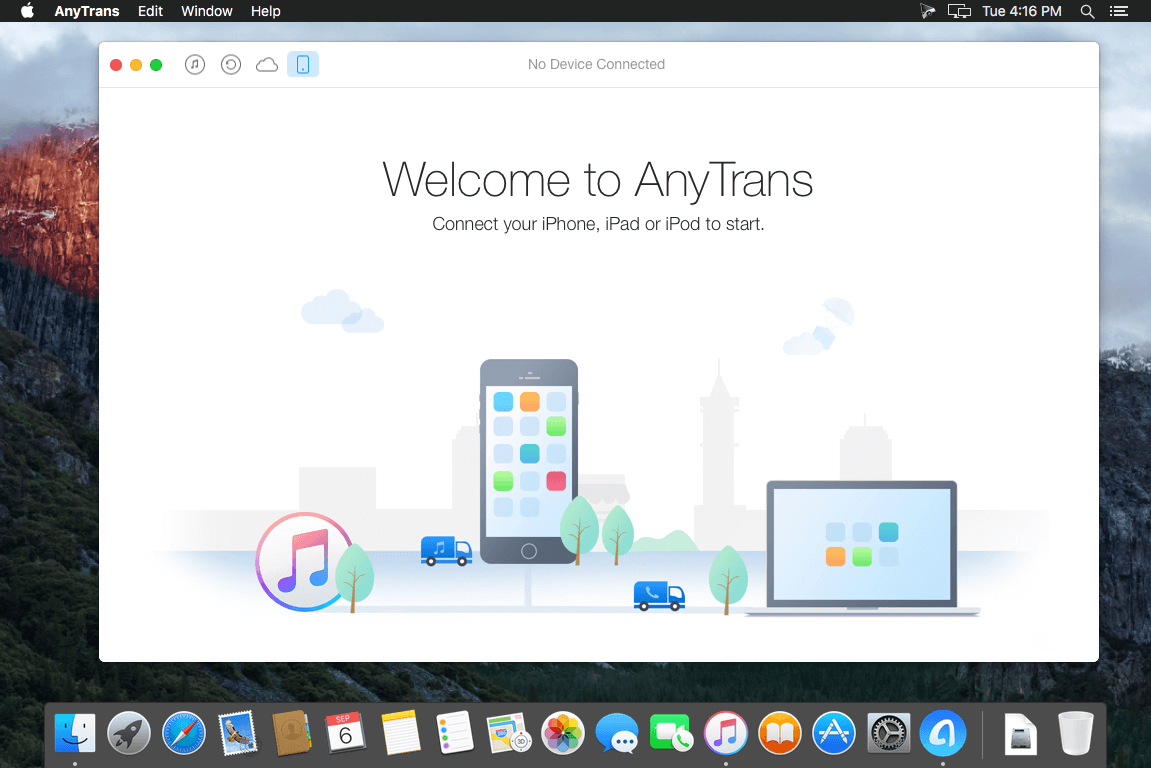
AnyTrans for iOS 8.9.2 (20220117)

AnyTrans is the iPhone manager that breaks the sync boundary and consolidates every access to all your content in one place, including music, videos, photos, messages, books, Safari history, voice memo, etc.

Features:

  • Flash-Sync Makes the fastest data transfer in market – By largely improving the data loading and transferring speed, AnyTrans gives you lightning-fast experience.
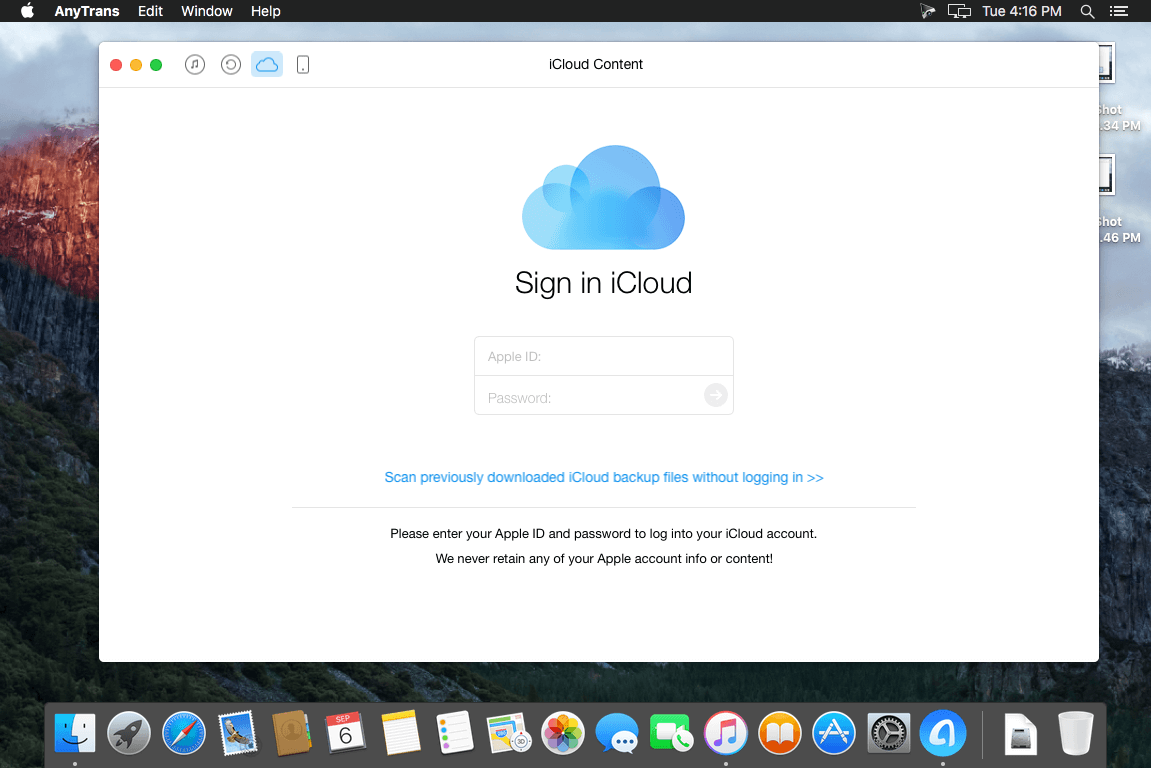
  • Two-way Transfer between iOS devices, iTunes, iCloud and computer – Whether you want to transfer contacts from iPhone to Mac, messages from old iPhone to new iPhone, music and playlists from iPhone back to iTunes library, or videos from PC to iPad, AnyTrans gets anything transferred freely between your iPhone, iPad, iPod touch, iTunes, iCloud and computer.
  • Easily manage all your contents on iPhone, iPad, and iPod touch – Browse, edit and export important contacts, messages, notes, and more personal data from iPhone; well organize your photos and music in iPhone and iPad by building up your own collections and playlists – you get full control over all your iOS data and files with ultra ease.
  • Migrate everything to your new iPhone within one click clone – Upon just one simple click, everything from your old iPhone, even from iPad – will be cloned to your new iPhone. The game-level you just conquered, the photos you took yesterday, the note you plan for shopping and the music you favors will all be there waiting for you.
  • Navigate your iTunes and iCloud backup contents with even more ease – Instead of making a guess on whether your iTunes/iCloud backup contains the notes, messages, contacts, voice memos, or
  • Safari bookmarks you need, AnyTrans lets you peek right into your backups, and grab any piece of data you need freely without a full restore.

Supported iOS Device Type

  • iPhone Series: iPhone 3G, iPhone 3GS, iPhone 4, iPhone 4s, iPhone 5, iPhone 5c, iPhone 5s, iPhone 6, iPhone 6 Plus, iPhone 6s, iPhone 6s Plus, iPhone SE, iPhone 7, iPhone 7 Plus, iPhone 8, iPhone 8 Plus, iPhone X, iPhone Xs, iPhone Xs Max, iPhone XR, etc.
  • iPad Series: iPad, iPad 2, iPad 3, iPad mini, iPad 4, iPad mini 2, iPad Air, iPad Air 2, iPad mini 3, iPad mini 4, iPad Pro, iPad 5, iPad Pro (2nd Generation), iPad 6, iPad Pro (3rd Generation), etc.
  • iPod shuffle Series: iPod shuffle 1, iPod shuffle 2, iPod shuffle 3, iPod shuffle 4, etc.
  • iPod mini Series: iPod mini 1, iPod mini 2, etc.
  • iPod nano Series: iPod nano 1, iPod nano 2, iPod nano 3, iPod nano 4, iPod nano 5, iPod nano 6, iPod nano 7, etc.
  • iPod classic Series: iPod classic 4, iPod classic 5, iPod classic 6, etc.
  • iPod touch Series: iPod touch 3, iPod touch 4, iPod touch 5, iPod touch 6, etc.

Supported Media Types

  • Movie: MP4, M4A, MOV, WMV, AVI, FLV, etc.
  • Music: MP3, M4A, MP4B, WMA, WAV, etc.
  • Music Video: MP4, M4V, MOV, WMV, AVI, etc.
  • PodCast: MP3, M4A, M4V, etc.
  • Ringtone: MP3, M4A, M4R, WMA, WAV, etc.
  • TV Show: MP4, M4V, MOV, WMV, AVI, etc.
  • Audiobook: MP3, M4B, MP4A, WMA, WAV, etc.
  • Voice Memo: MP3, M4A, etc.
  • iTunes U: MP3, MP4, M4V, WMA, WAV, etc.
  • iBook: PDF, EPUB.
  • Photo: JPG, PNG, GIF, BMP, etc.

Language: English, Japanese, German, French, Spanish, Simplified Chinese, Arabic
Compatibility: OS X 10.9 or later, 64-bit processor
Homepage https://www.imobie.com/anytrans/

Screenshots


Name: AnyTrans_8.9.2__20220117___TNT_Mactorrents.io.dmg
Size: 182 MB
Files AnyTrans_8.9.2__20220117___TNT_Mactorrents.io.dmg[182 MB]

   Download

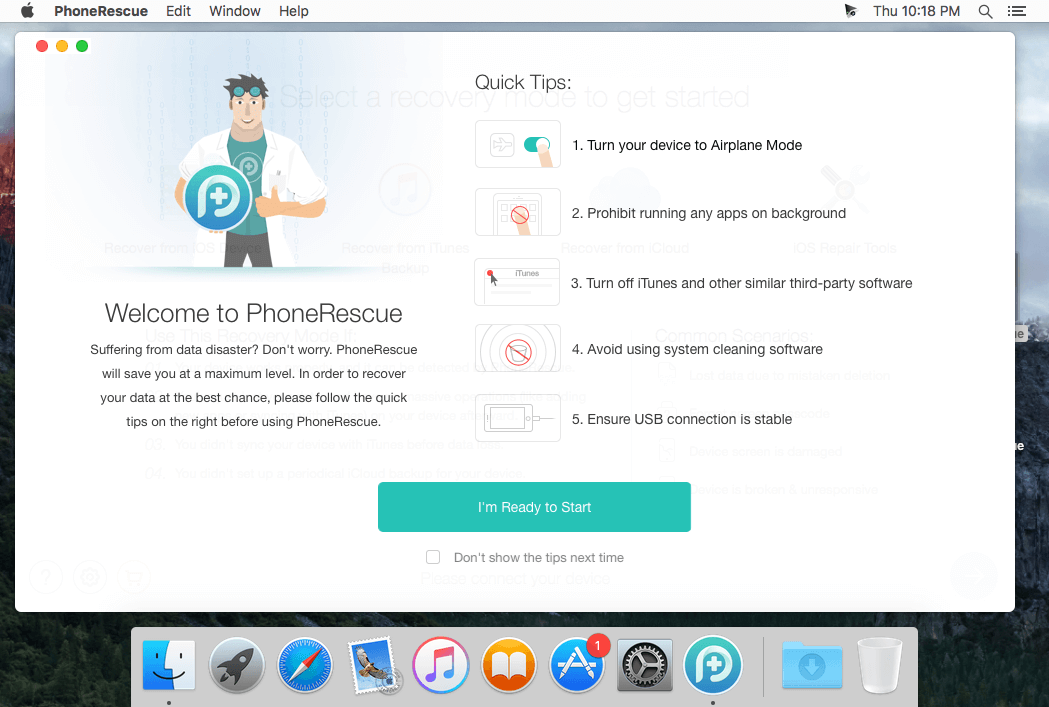
PhoneRescue for iOS 4.2.0 (20211223)

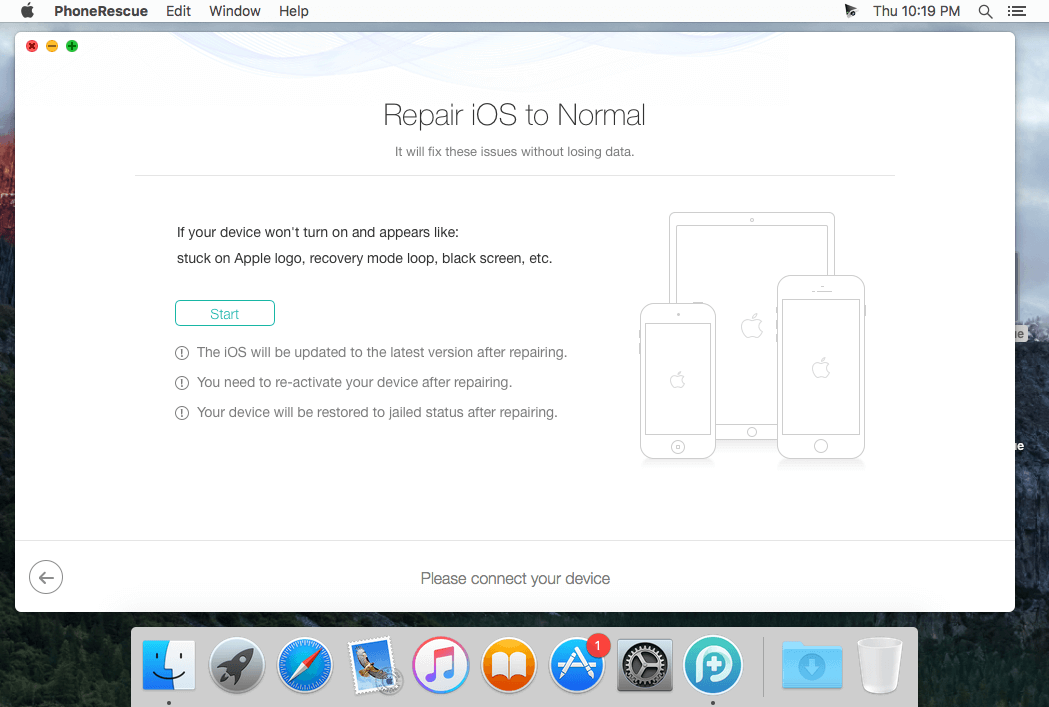
PhoneRescue is an ultimate iOS data recovery program designed for retrieving your lost photos, messages, contacts, notes and more on your iPhone, iPad and iPod touch. Also it can repair an iDevice from any iOS crash error.

Features

  • Focuses on analyzing and recovering the most important 25 types of iOS content
  • Recovers data & files directly back to iPhone for instant use, or to computer for future use
  • Pinpoints your lost contents in the first moment and conjure them back in an eye-blink
  • Retrieves your valued information via 3 safe and reliable ways: from device, iTunes backup, and iCloud
  • Extracts your needed information from iTunes backup – even it has been encrypted
  • Offers options of file types that you intend to scan and recover, making the process more accurate and faster
  • Fixes any iOS error within a single click to revive your broken iPhone

Mistaken deletion of your photos, text messages, contacts or other vital info on your iPhone could be a disaster in your life. That’s why we introduced PhoneRescue, with the promise to get all your lost-but-valued media or text data back in your hands. Apart from supporting 3-way recovery (from device, iTunes backups, and iCloud) to ensure the maximum recovery rate, PhoneRescue can recover data directly back into iPhone for instant use.

Compatibility: OS X 10.9 or later
Language: English
Homepage https://www.imobie.com

Screenshots


Name: PhoneRescue_4.2.0__20211223___TNT_Mactorrents.io.dmg
Size: 57 MB
Files PhoneRescue_4.2.0__20211223___TNT_Mactorrents.io.dmg[57 MB]

   Download

Alfred 4 Powerpack 4.6.2 (1279)

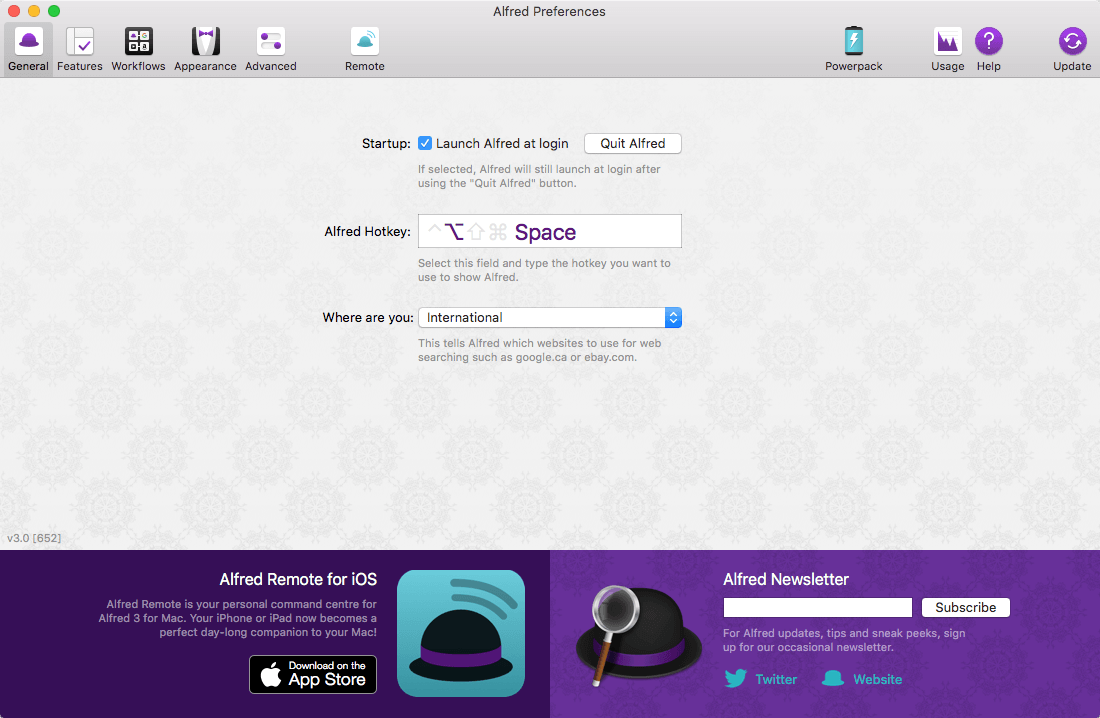
Alfred is an award-winning app for macOS which boosts your efficiency with hotkeys, keywords, text expansion and more. Search your Mac and the web, and be more productive with custom actions to control your Mac.

Search and Browse

  • Launch applications and find files on your Mac or on the web. Alfred learns how you use your Mac and prioritises results.
  • Save countless hours by using hotkeys, keywords and customising how you want to search your Mac and activity history.
  • Jump in and browse, preview files and take action on them without lifting your fingers off the keyboard.

Type Less, Say More

  • With Alfred’s Clipboard History and Snippets features, there’s no need to type the same URLs or responses over and over.
  • Use the Clipboard History to locate any text, image or file you copied earlier and paste it again.
  • Create your own snippets and type a short abbreviation to auto-expand them into a full text snippet, saving yourself hours of typing in the long run!

Extend and Automate

  • With Alfred’s Powerpack, use immensely powerful workflows to perform tasks more efficiently and cut down on repetitive manual tasks.
  • Link hotkeys, keywords and actions together to create your own workflows; There’s no need to write a single line of code to create a workflow.
  • Import workflows from the thousands our community of creators have shared.

Control Your Music

  • You’re the boss. Boost your productivity by controlling your Mac using Alfred’s deep integration with OS X. Swiftly take action on files and contacts, control your music player and dispatch System commands.
  • Add some fun to your day; Turn your iPhone or iPad into a command centre for your Mac with Alfred Remote for iOS.
  • Alternatively, take a look at the many workflows for other music services like Spotify.

Compatibility: OS X 10.9 or later
Homepage http://www.runningwithcrayons.com/

Screenshots


Name: Alfred_PowerPack_4.6.2.1279__HCiSO_Mactorrents.io.dmg
Size: 6.3 MB
Files Alfred_PowerPack_4.6.2.1279__HCiSO_Mactorrents.io.dmg[6.3 MB]

   Download

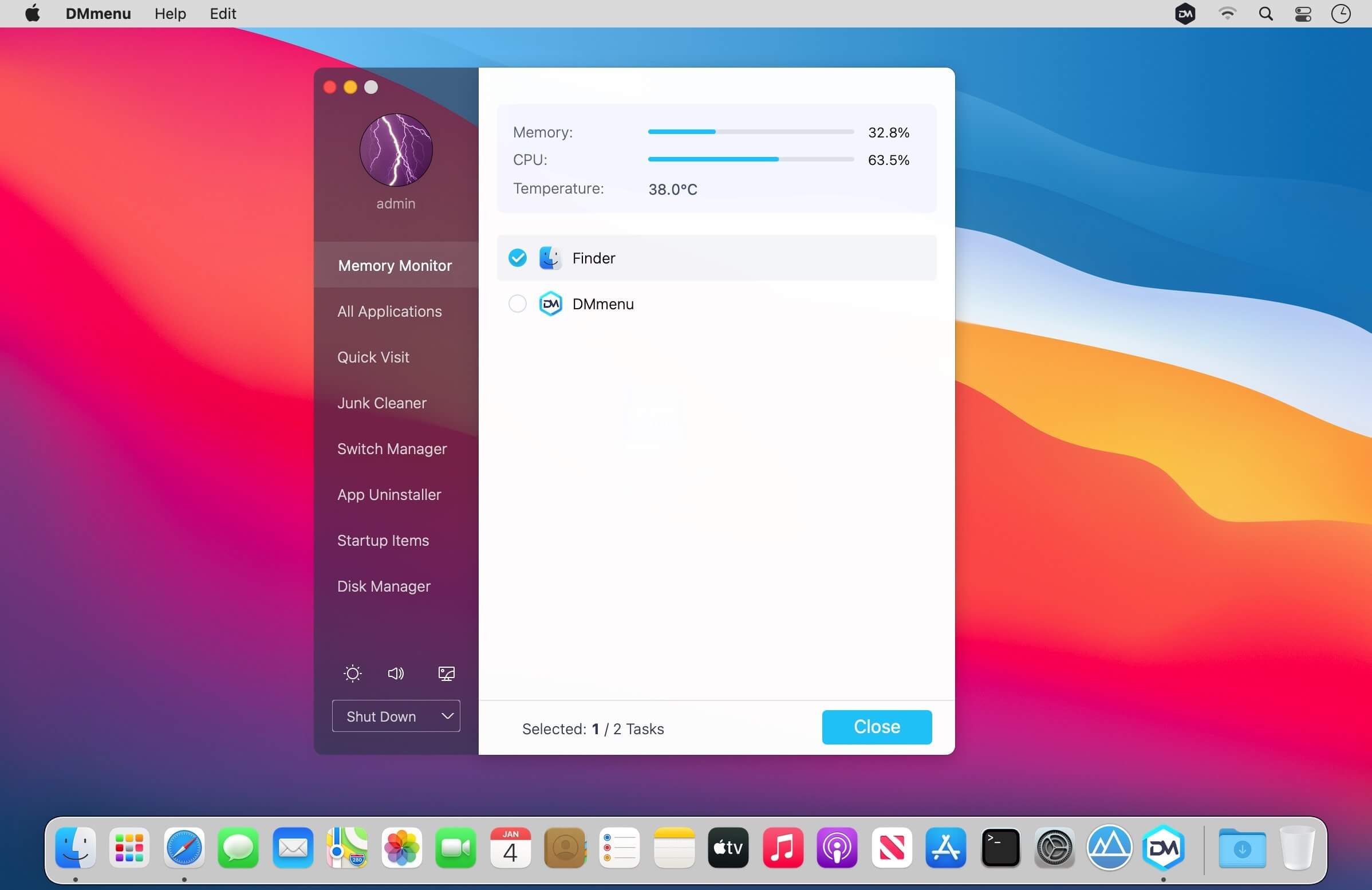
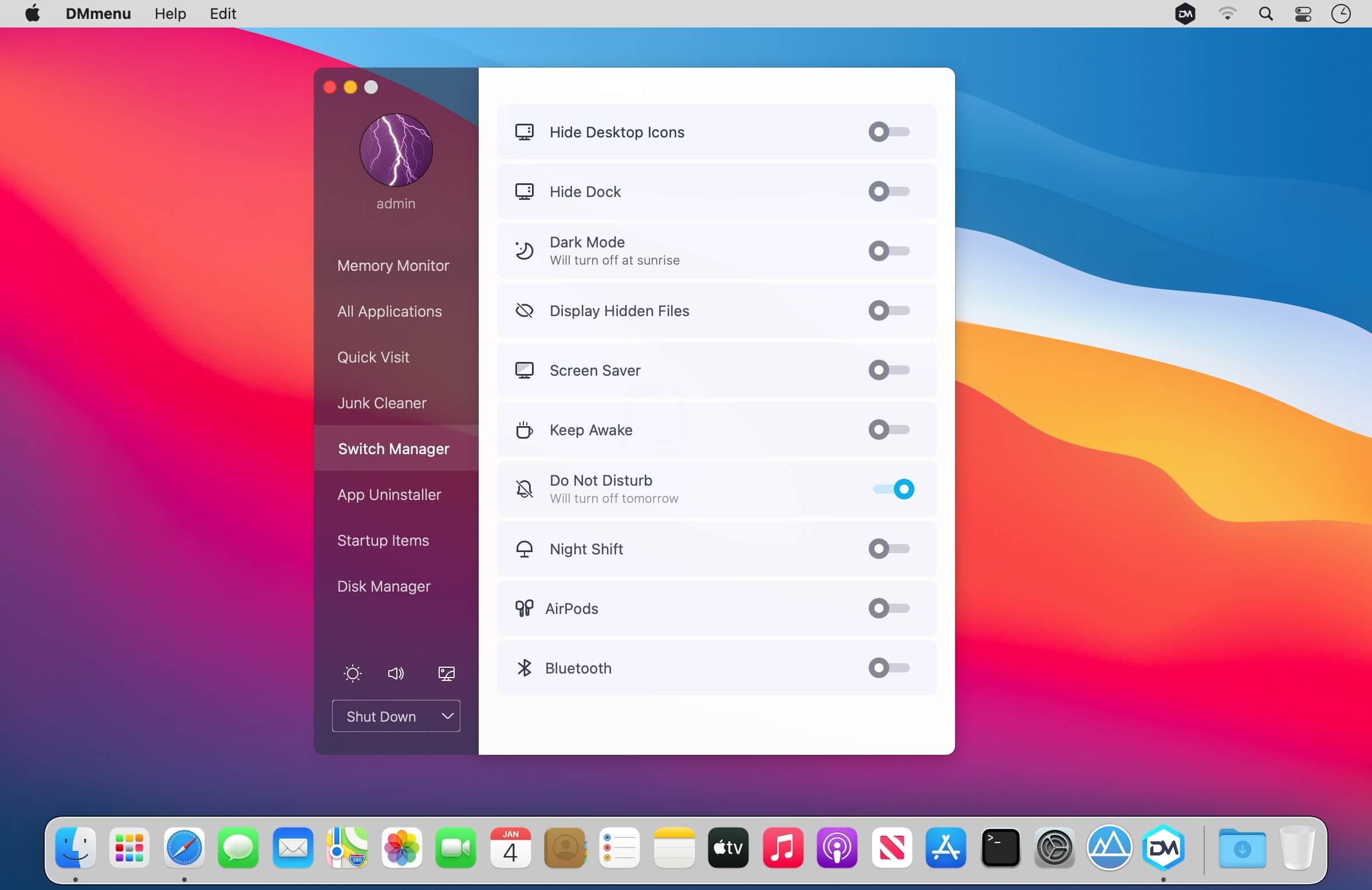
Donemax DMmenu 1.5

Donemax DMmenu for Mac is designed to manage, optimize and boost Mac systems effectively. The app is full featured and can accomplish many tasks on Mac easily. As a comprehensive Mac management tool, it provides more than 8 main functions and other options for effective management. First, there are many functions in the app to optimize the Mac. You can close unnecessary tasks to free memory in the app. Also, it’s able to clean up junk files, uninstall unwanted apps, remove startup items to make sure the Mac computer run faster and smoothly.

What’s more, you can easily access any application, system preference, specified location by a single click from the software. Besides, it’s simple to manage all the powerful switches at one place. If you want to change brightness, volume, desktop background picture, the app can also help you with these options available. At last, the software can also easily format/rename hard drive, SSD, USB flash drive or safely eject external drives on Macs. Donemax DMmenu for Mac is an all-in-one tool to help you manage your iMac, iMac Pro, Mac pro, MacBook, MacBook Air, MacBook Pro, Mac mini, and other Mac devices

Compatibility: OS X 10.9 or later 64 bit
Homepage https://www.donemax.com/

Screenshots


Name: DMmenu_1.5__TNT_Mactorrents.io.dmg
Size: 5 MB
Files DMmenu_1.5__TNT_Mactorrents.io.dmg[5 MB]

   Download

DoYourData Start Menu Professional 4.6

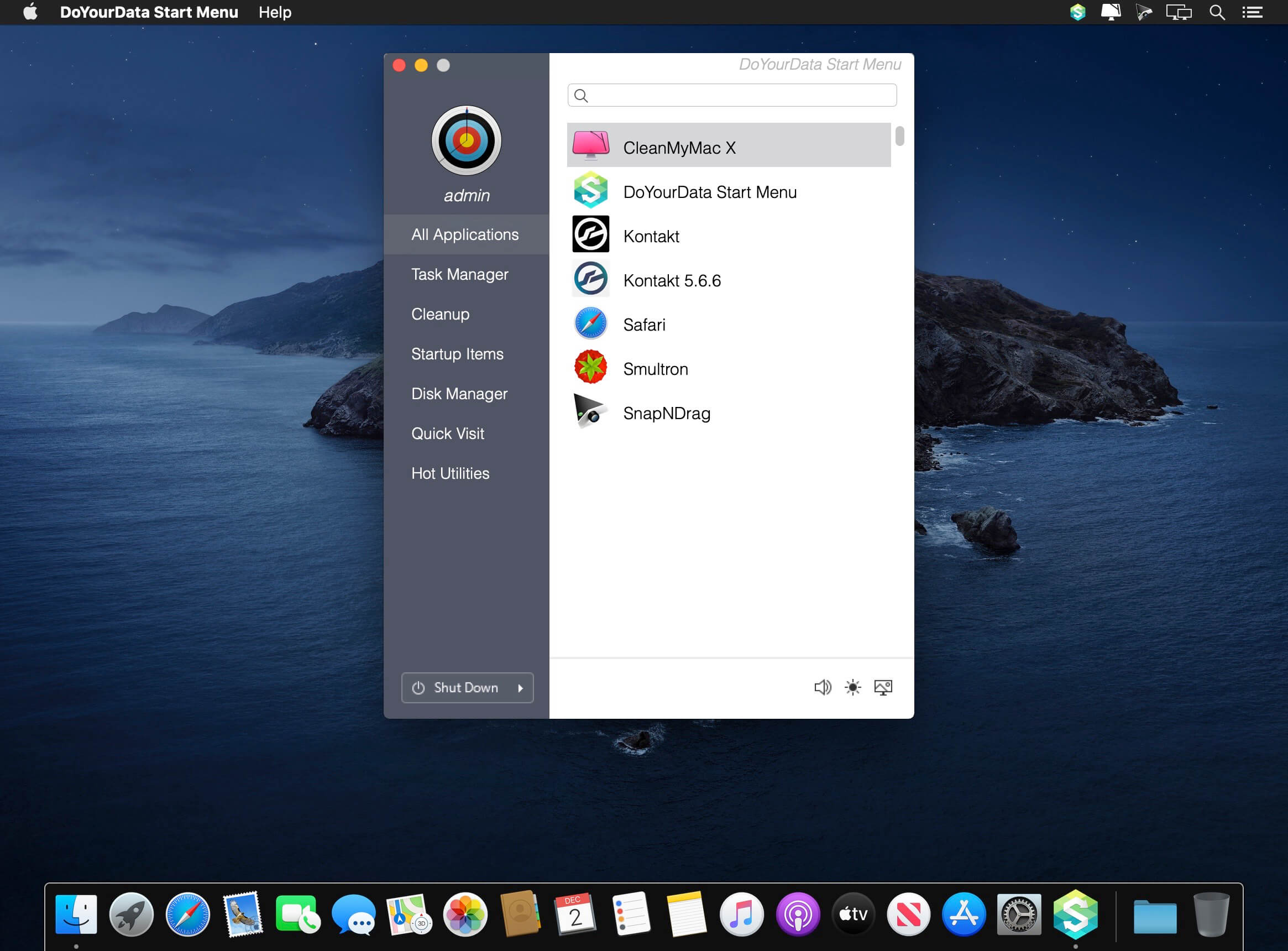
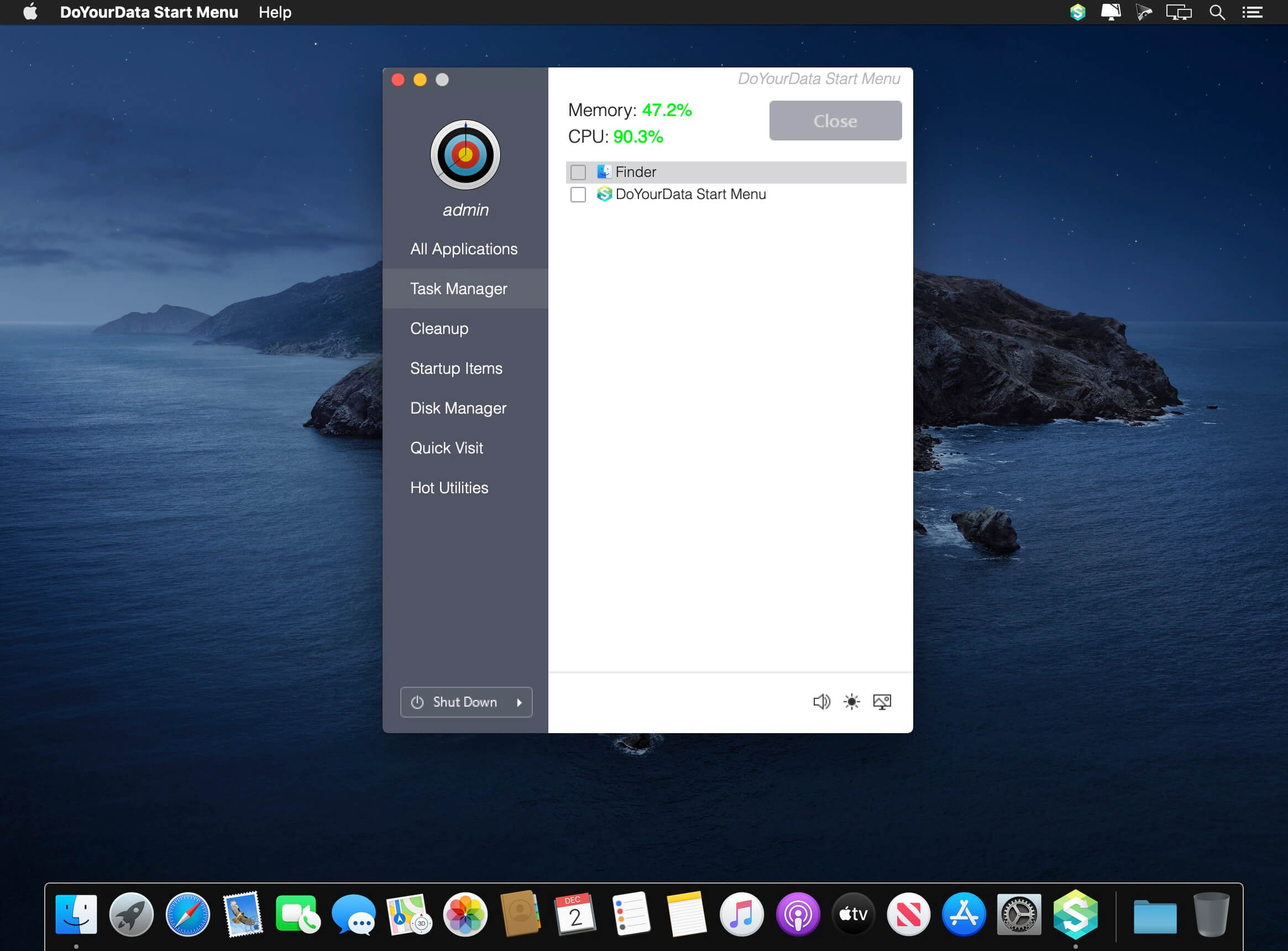
Best Mac Start Menu – Make everything be easy and quick on your Mac. OS X or macOS is a bit more complex than Windows OS for common users. Now, with DoYourData Start Menu for Mac, you can smoothly manage your Mac, just like you are using a Windows start menu.

Applications Quick Visit
Quickly find and visit wanted applications on your Mac.

Task Manager
Check the tasks on your Mac, close unnecessary tasks to free up memory.

Mac Cleanup
Cleanup useless downloads, empty trash bin to free up disk space.

Startup Optimization
Manage your startup items to increase Mac OS boot speed

Disk Manager
Check your disk information, format Mac hard drive or storage media.

Quick Visit
Quickly visit the folders, applications, information, windows you use frequently.

Compatibility: OS X 10.10 or later 64-bit
Homepage http://www.doyourdata.com/mac-manager/start-menu-for-mac.html

Screenshots


Name: DoYourData_Start_Menu_Pro_4.6__TNT_Mactorrents.io.dmg
Size: 7 MB
Files DoYourData_Start_Menu_Pro_4.6__TNT_Mactorrents.io.dmg[7 MB]

   Download

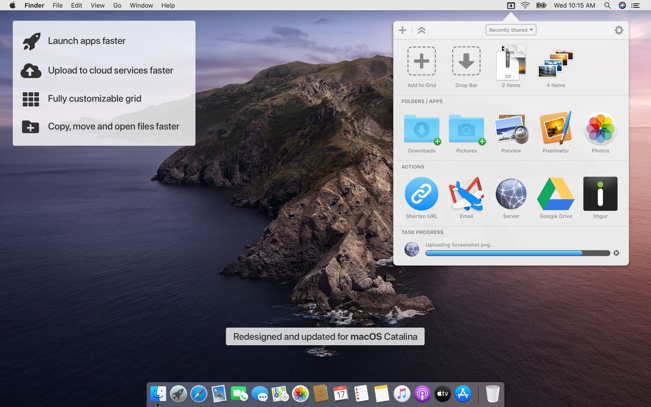
Action 1.1.0

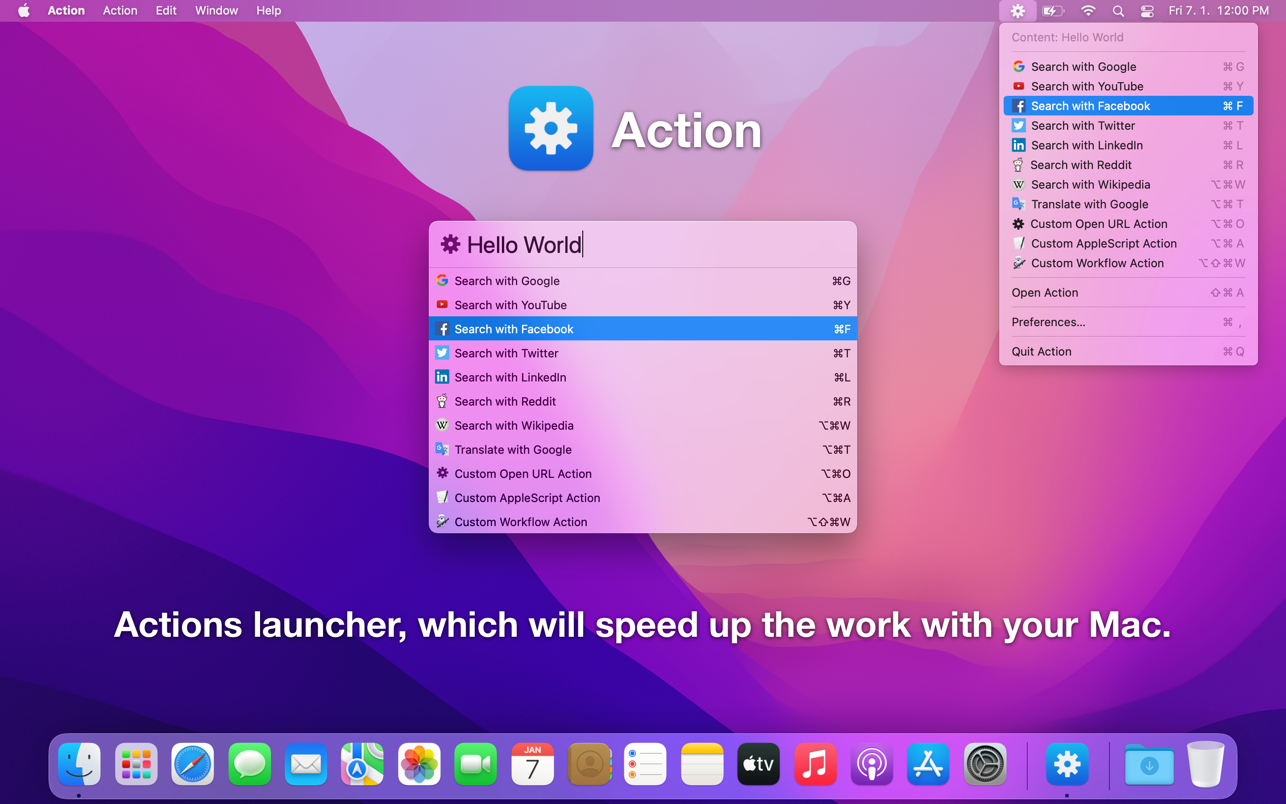
Actions launcher, which will speed up the work with your Mac.

Searching the web has never been easier
• Show the application using the global shortcut, type your query, choose the required action and run it.
• Use the selected text from any other application as your query using the global system service ‘Open in Action’, choose the required action and run it.
• Use the clipboard content as your query, choose the required action from status menu and run it.

Script launcher
• Define the custom AppleScript or Automator Workflow actions and simply run them.
• Use the clipboard as input in your script actions, because the application Action inserts the content to the clipboard before the action run.

Key Features
• Open URL Actions – Define the actions for search from your favorite websites and simply run them.
• AppleScript Actions – Define the custom AppleScript actions and simply run them.
• Automator Workflow Actions – Define the custom Automator Workflow actions and simply run them.
• Customize Actions – Set the order of actions, set the names, set the key shortcuts.
• Run Actions from Status Menu – Run the actions from status menu with the content from the clipboard.
• Use Selected Text – Use the selected text from any other application using the global system service ‘Open in Action’.
• Mode without Dock Icon – Show application window on active screen and active space.
• Global Shortcut – Show the application from anywhere using the global shortcut.
• Launch the Application at Login.

Compatibility:
Homepage https://apps.apple.com/app/action/id1322446807

Screenshots


Name: Action_1.1.0_MAS__HCiSO_Mactorrents.io.dmg
Size: 11 MB
Files Action_1.1.0_MAS__HCiSO_Mactorrents.io.dmg[11 MB]

   Download

Aiseesoft Mac Video Enhancer 9.2.26

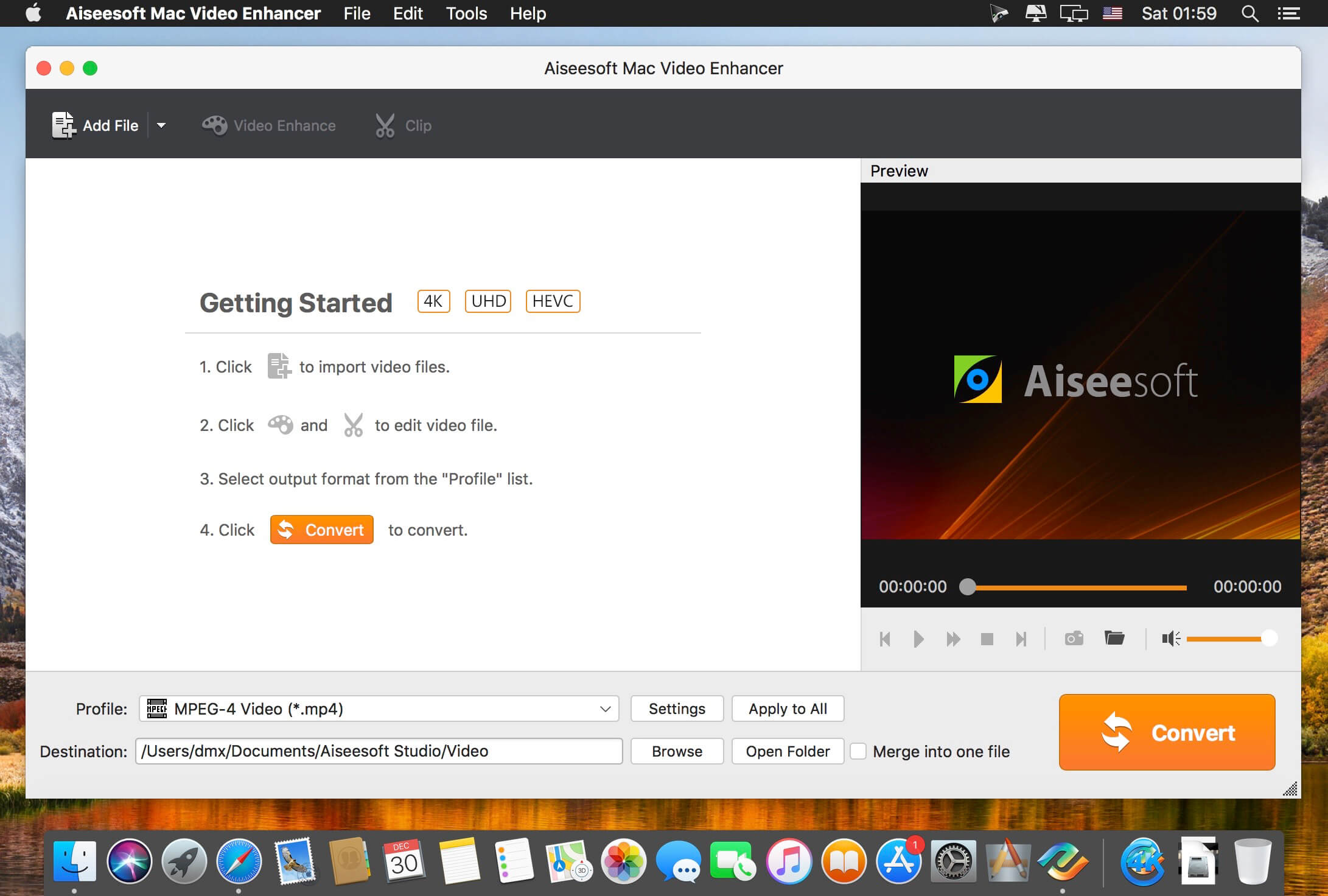
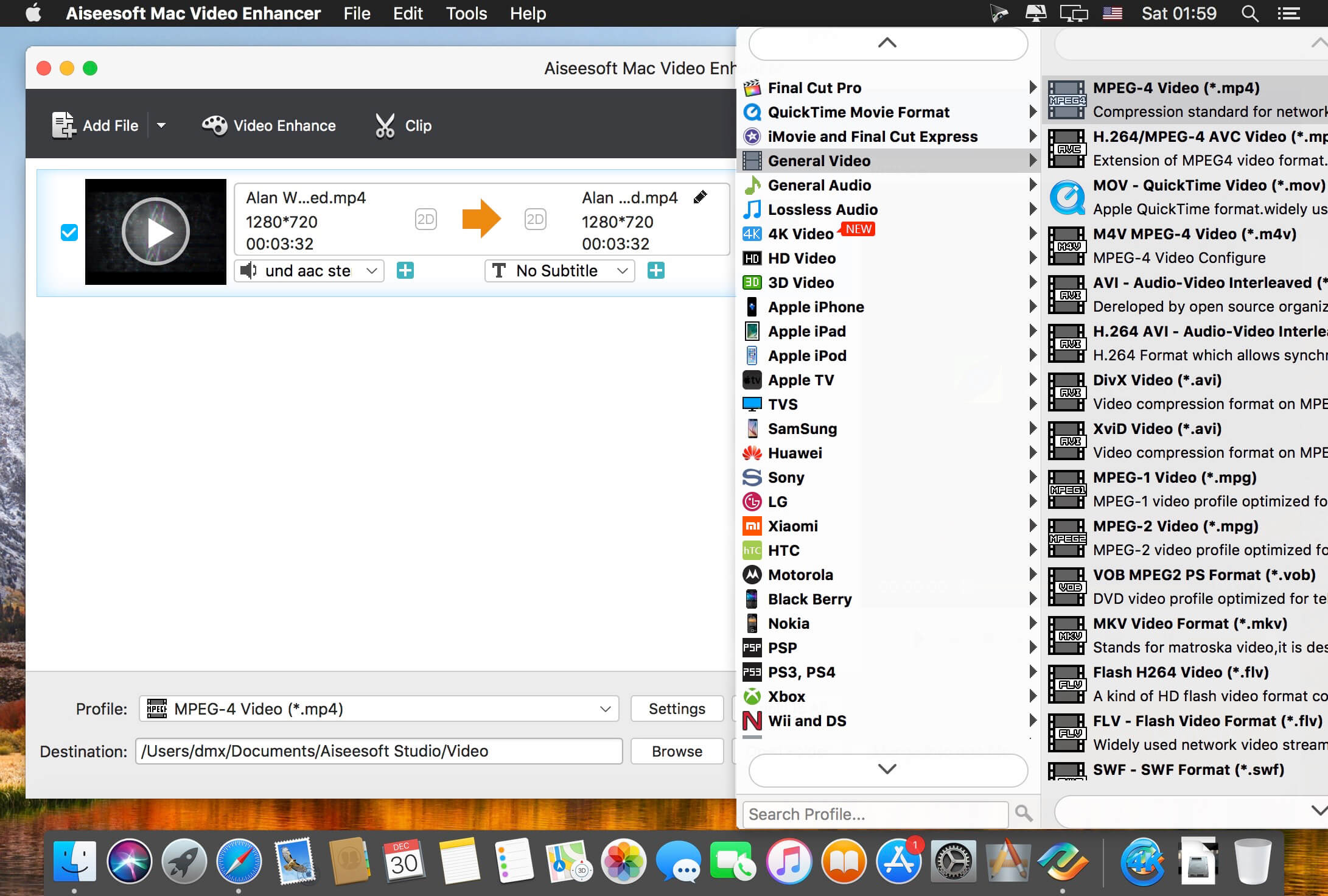
Aiseesoft Video Enhancer is the first and best video enhancement software. It enables you to enhance video quality, upscale video resolution, remove background noise from video. It is also an excellent video editor that can rotate or flip video, adjust video effect, make video clips, crop video area and add watermark for your video.

Improve video quality
Optimize brightness and contrast, enhance dark videos.

Upscale video resolution
Upscale video resolution from normal video to HD video and 1080p to 4K movie.

Edit Video
Remove noise from video
Remove mosaic and background noise from videos as the best video denioser.

Stablize Shaky Videos
Stabilize the shaky video in after effects to make the image stable and comfortable to watch.

Compatibility: OS X 10.7 or later, 64-bit processor
Homepage http://www.aiseesoft.com/video-enhancer/

Screenshots


Name: Aiseesoft_Mac_Video_Enhancer_9.2.26.114706__TNT_Mactorrents.io.dmg
Size: 54 MB
Files Aiseesoft_Mac_Video_Enhancer_9.2.26.114706__TNT_Mactorrents.io.dmg[54 MB]

   Download

Byword 2.9.5 fix

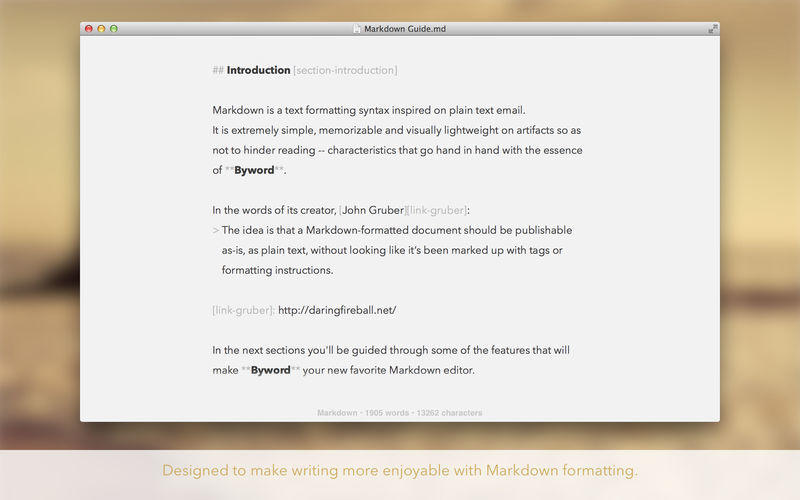
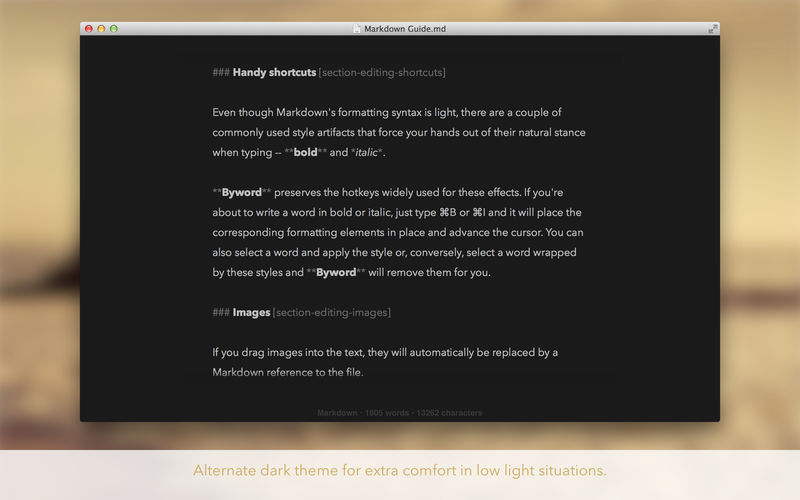
Byword is designed to make writing more enjoyable with Markdown on your Mac.

Key features of Byword

  • Designed to make writing more enjoyable using Markdown
  • Sync text documents across all your Mac, iPhone, iPad devices
  • Comprehensive keyboard shortcuts for extra efficiency
  • Alternate dark theme for extra comfort in low-light situations
  • The most complete Markdown support including footnotes, tables and cross-references
  • Export documents to PDF and HTML documents
  • Premium feature: Publish to WordPress, Tumblr, Blogger, Scriptogram and Evernote

Blog publishing — Premium only
Publish to Medium, WordPress, Tumblr, Blogger and Evernote from Byword. Posting to your blog with Byword is as simples as:

  1. Write something in Byword
  2. Open File menu and select Publish
  3. Confirm metadata
  4. Publish

More features

  • List continuations
  • Typewriter scrolling mode
  • Great text manipulation helpers
  • Word and character counters with live update
  • Spell and Grammar checking and Dictionary lookup
  • Extensive VoiceOver API support for visual impaired users

Here are some ways to use Byword in your life:

  • For posting to your blog without using clunky web interfaces
  • For research, meeting and class notes
  • To write that important email without being distracted
  • To capture ideas and notes and have them available in all devices

Enhanced for OS X El Capitan

  • iCloud Drive: Sync your documents seamlessly across your devices and apps
  • Handoff: Start writing on your iPhone and pick up where you left off when you sit down at your Mac
  • Split screen: In case you need an extra window side by side for research
  • Full screen: Get even more immersed in your words
  • Autosave: Time to stop worrying about saving your work
  • Versions: Review past iterations of your compositions
  • Resume: Always open your documents where you left off
  • Tags: A powerful new way to organize your files

Compatibility: OS X 10.8 or later, 64-bit processor
Mac App Store https://apps.apple.com/us/app/byword/id420212497?mt=12

Screenshots

Name: Byword_2.9.5_MAS_f__TNT_Mactorrents.io.dmg
Size: 6 MB
Files Byword_2.9.5_MAS_f__TNT_Mactorrents.io.dmg[6 MB]

   Download

Scherlokk 4.5 (45007)


Scherlokk is a lightning fast file search utility build for precise and reliable search of every file which meets the search criteria. Music, pictures, bookmarks, documents, etc can be found quickly and easily. Search can be made on any kind of build in volume, portable volume (pendrives, memory cards, USB drives), network drive (AFP, SMB, FTP), etc.

It does not matter if the searched file is hidden or system. The file does not even need to be indexed by OS X to be found by Scherlokk.
Specify the kind of searched file(s) (music, movie, picture, etc.) or some of the file attributes (size, date, etc.). For documents or data files – a content can be specified.
When searching with size range, Scherlokk calculates and displays all folders which fit in the range.

Why use Scherlokk rather then Spotlight:
Scherlokk searches through ‘real’ files instead of the Spotlight’s index. The index is not always up to date and does not contain all files.
Scherlokk shows search results in a flat or hierarchical view which helps to find out which file is the one you need and how files are located in the folders structure.
Clean and easy to use interface.

Which files can Scherlokk find?
Since Scherlokk is not based upon the Spotlight’s index, and has its own, powerful search engine, it will find every single file on any accessible volume in your computer.

Compatibility: OS X 10.11 or later 64-bit
Homepage https://naarakstudio.com/scherlokk/

Screenshots


Name: Scherlokk_4.5.45007__HCiSO_Mactorrents.io.dmg
Size: 4.3 MB
Files Scherlokk_4.5.45007__HCiSO_Mactorrents.io.dmg[4.3 MB]

   Download

Mela – Recipe Manager 1.2.3


Mela is a simple, elegant and modern recipe manager that syncs with iCloud.IN-APP BROWSER
Quickly save a recipe while browsing: If Mela detects a recipe on the currently viewed page, it will be displayed in Mela’s native recipe viewer*, on the same screen. Want to add or view a recipe from outside of Mela? No problem, just use Mela’s sharing extension.

FEEDS
Subscribe to your favorite recipe blogs to view all the recipes in Mela’s native recipe viewer*.

SCANNER
Scan a recipe from a book: With the help of text recognition, you can just add it to your personal collection and view it in Mela’s native recipe viewer, as any other recipe.

ORGANIZING
Recipes can be organized in categories, marked as “Favorite” or as “Want to Cook”.

COOK MODE
The cook mode makes it easy to follow all steps while cooking, displayed using a larger font to make sure everything stays readable even when you’re not right in front of your device.

GROCERIES
Mela uses the Reminders.app to manage your grocery list. This has the advantage that you’re always able to access your grocery list on all your devices even if Mela is not installed on a specific device.

PRINTING
Of course, Mela supports printing in case there’s a recipe you want to have on paper or save as PDF.

Compatibility: macOS 11.0 or later
Mac App Store https://geo.itunes.apple.com/app/id1568924476

Screenshots


Name: Mela_1.2.3_MAS__TNT_Mactorrents.io.dmg
Size: 12 MB
Files Mela_1.2.3_MAS__TNT_Mactorrents.io.dmg[12 MB]

   Download

Filmage Screen 1.4.3

Filmage Screen = Screen Recorder + Audio Recorder + Video Editor + Video Format Converter + Video Player + GIF Maker + Media Management + Meeting Record

Filmage Screen Recorder is an all-in-one screen recording and video editing software, allowing you to make videos amazing. It is easy-to-use, intuitive, light and stable. With this screen flow on mac, you can create a new screen recording. Record and capture your mac screen, or create a new movie with your built-in camera, or mirror your iPad/iPhone screen. This user-friendly screen recording app helps you easily record online courses, game play tricks, product demos, presentations, online meetings and more. No matter what, it makes you work flawlessly. After recording, you can directly enter editing mode.

Filmage Screen is any video converter. It enables you to convert any videos to MP4, Apple ProRes, MOV, 3GP, VOB, MKV, M4V, WMV, AVI, MPG, FLV, F4V, SWF, TS, and more other formats. Filmage Screen is also an animated GIF maker, allowing you to export and save as GIFs. Filmage Screen can also be a media player. Just drag video or movie to it, it will be your quicktime media player.

Filmage Screen is totally ad-free, letting you work without interruption. Filmage Screen can be your best and last screen recorder and video editor, and video converter app for mac.

Intuitive Video/Audio Recording Tools

  • Record a full screen, a target window or any custom areas
  • Picture in picture mode helps to create a video overlay that you place one video on top of another video and then play them simultaneously. External camera equipment supported when using picture in picture mode.
  • Scheduled recorder supports to schedule a screen recording. It will start / stop recording automatically
  • Use your built-in camera or use Logitech webcam to create YouTube movies
  • Record iPhone/iPad screen and mirror iPhone/iPad
  • Record Mac and iPad/iPhone screen simultaneously
  • Capture audio system sound, microphone sound, or any other sound with system built-in microphone, computer sound card or any audio input devices
  • Auto Mode supports to record online meetings, online courses with ease
  • Set different Frame Rates(15fps-60fps) for a smoother video
  • Support to set cursor effect for a better presentation
  • No recording time limits

Powerful Videos Converter Tools

  • Convert any videos to MP4, MOV, 3GP, VOB, MKV, M4V, WMV, AVI, MPG, FLV, F4V, SWF, TS, and more other video formats
  • Export your videos as animated GIFs(GIF maker)
  • Batch converter allows to convert videos to the same format or different formats simultaneously

Professional Video Editing Suite

  • Enhance videos with full editing suite for faster, easier editing
  • Drag videos, audios, images into video timeline and move them as you like
  • Professional video edit suite with voiceover and dynamic subtitle effect, highly customizable
  • Edit video with basic editing tools: texts box, shapes, freehand drawing, music, and edit with split, cut, delete and more
  • Customize the content / color / size / position of text to create personalized subtitles as text watermarks for copyright protection

Comprehensible Media Player

  • Support play almost any video format: MP4, MOV, AVI, MKV, F4V, F4B, more

Media Files Management

  • Upload and share media files to Youtube and other platforms
  • Easily rename, edit, convert, play, export or delete video files

Compatibility: macOS 10.15.6 or later 64-bi
Mac App Store https://apps.apple.com/us/app/filmage-screen-screen-recorder/id1475049179

Screenshots


Name: Filmage_Screen_1.4.3__TNT_Mactorrents.io.dmg
Size: 40 MB
Files Filmage_Screen_1.4.3__TNT_Mactorrents.io.dmg[40 MB]

   Download

TunesKit Video Cutter 2.3.2

An all-powerful video cutting tool that can not only trim and merge videos and audios with 100% lossless quality preserved, but also edit and save splitted video clips with multiple effects in any popular format for playing on any device.

It won’t be a time-consuming job any more to edit a home video if you got TunesKit Video Cutter for Mac. With this smart tool, anyone can easily trim, merge and convert all popular video and audio files into other formats without causing any quality damage to the source media. Thanks to its simple-to-use interface, even beginners can handle the whole cutting process without referring to the user guide.

As a comprehensive video cutting software, TunesKit Video Cutter for Mac can not only split your videos and audios to small clips, but also provide the ability to convert the splitted media segments to multiple formats, including MP4, AVI, MPG, MPEG, 3GP, MKV, WMV, FLV, ASF, H.264, MP3, M4A, AAC, AC3, OGG, AIFF, APE, etc. With a full range of preset output profiles, you can directly convert the media cuts to popular devices such as Apple gadgets, Samsung Galaxy, games consoles, smart TVs for playback.

Compatibility: OS X 10.8 or later, 64bit
Homepage http://www.tuneskit.com

Screenshots


Name: TunesKit_Video_Cutter_2.3.2__TNT_Mactorrents.io.dmg
Size: 58 MB
Files TunesKit_Video_Cutter_2.3.2__TNT_Mactorrents.io.dmg[58 MB]

   Download

Dropzone 4 Pro 4.2.3

Dropzone makes it faster and easier to copy and move files, open applications and share files with many different services. Dropzone is a unique and amazing app that’s like nothing you’ve ever used before. We’ve paid fanatical attention to every detail and built an app that looks and feels like an integral part of macOS.

Dropzone ships with a powerful scripting API and with a little programming knowledge you can modify any of your actions or even create entirely new ones. This gives Dropzone unlimited extendability and utility. We’re always thinking up new actions so Dropzone will become even more useful over time.

Dropzone also includes Drop Bar – Drop Bar makes it easy to stash files you know you’ll need later. Just drop files on the Drop Bar icon in the grid and they will stick there until you’re ready to use them.

Features

  • Open applications, move and copy files faster than ever before.
  • Shorten URLs quickly using Tinyurl shortener. Just select a URL to shorten and press Ctrl+Option+Cmd+S and the shortened URL is automatically copied to the clipboard.
  • AirDrop integration lets you drop files or folders from any app and share them with your other Macs over the network.
  • Imgur integration lets you share images fast and get a link for pasting.
  • Upload files to Amazon S3 (Dropzone Pro feature).
  • Upload files to your FTP server (Dropzone Pro feature).
  • Upload files to your Google Drive (Dropzone Pro feature).
  • Download and install add-on actions that let you upload to services like Google Drive, YouTube and many others (Dropzone Pro feature).
  • Powerful multi-tasking engine allows you to run multiple tasks at once and track the progress of each one through the in-grid task status area.
  • See how tasks are progressing at a glance in the animated menu item.
  • Launch Dropzone actions with the newly added keyboard shortcuts feature (Dropzone Pro feature).
  • Add applications, folders or actions to your grid easily by dragging and dropping them on the Add to Grid area.
  • Develop your own actions using the updated and massively improved Ruby or Python API (Dropzone Pro feature).

Compatibility: macOS 10.13 or later 64-bit
Mac App Store: https://geo.itunes.apple.com/app/id1485052491

Screenshots


Name: Dropzone_4_4.2.3__TNT_Mactorrents.io.dmg
Size: 49 MB
Files Dropzone_4_4.2.3__TNT_Mactorrents.io.dmg[49 MB]

   Download

aText 2.40.3

aText accelerates your typing by replacing abbreviations with frequently used phrases you define: for example, make an abbreviation “myname” to insert your name “First Middle Last” in any application.

With aText you can easily avoid typing the same thing over and over.

More Features

  • Insert images and formatted text.
  • Capitalize new sentences. Correct double capitals.
  • Insert the current date and time in any format. Insert day in the future or the past, for example: next Sunday, previous Monday.
  • Embed clipboard content in snippet, embed another snippet, use editable fields in snippet, send any key (such as Esc, Tab, Enter, arrow keys, etc).
  • Reposition the cursor in the expanded snippet.
  • Invoke AppleScripts and shell scripts.
  • Built-in snippet groups for correcting misspelled words, HTML, and jаvascript code.
  • Import data from TextExpander, TypeIt4Me, SpellCatcherX, Automaton, CSV file.
  • Works in Windows virtual machine by Parallels, VMWare Fusion (in Unity mode), VirtualBox. Works in Windows via TeamViewer and Remote Desktop Connection clients.
  • Sync via iCloud/Dropbox/Google Drive/SkyDrive.

What’s New:

Version 2.40.3:

  • Release notes were unavailable when this listing was updated.

Compatibility: OS X 10.9 or later 64-bit
Homepage https://www.trankynam.com/atext/

Screenshots


Name: aText_2.40.3__HCiSO_Mactorrents.io.dmg
Size: 8 MB
Files aText_2.40.3__HCiSO_Mactorrents.io.dmg[8 MB]

   Download

One Switch 1.24

One Switch is a tiny app designed to improve your efficiency by providing quick access to a few important switches. It can be opened from your menu bar, and it allows you to toggle certain system features with just a couple of clicks.

Hide Desktop Icons
Hide your messy desktop with one click.

Dark Mode
Toggle Dark Mode at any time.

Keep Awake
Prevent your Mac from sleeping or displaying the screen saver.

Screen Saver
Sometimes you will like to turn it on manually.

AirPods
Connect AirPods with your Mac in just a second.

What’s New:

Version 1.24:

  • Release notes were unavailable when this listing was updated.

Compatibility: macOS 10.14 or later 64-bit
Homepage https://fireball.studio/oneswitch/

Screenshots


Name: One_Switch_1.24__HCiSO_Mactorrents.io.dmg
Size: 13 MB
Files One_Switch_1.24__HCiSO_Mactorrents.io.dmg[13 MB]

   Download

Boxy SVG 3.75.0

Boxy SVG project goal is to create the best SVG editor for non-technical users as well as for professional designers and developers.

SVG is the standard format for storing vector graphics such as icons, banners, charts and illustrations.

CORE FEATURES

  • Clean and intuitive UI heavily inspired by Inkscape, Sketch and Adobe Illustrator
  • Extensive support for on-canvas editing of object geometry, transform, paint and other properties
  • Save to SVG and SVGZ formats, export to PNG, JPG, WebP, PDF and HTML5
  • Open Clip Art Library integration with thousands of free stock vector arts
  • Google Fonts integration with hundreds of free fonts
  • Configurable keyboard shortcuts for over 100 commands
  • Manual guides, smart guides and grid
  • Path operations (unite, intersect, subtract, exclude, close, reverse, etc.)
  • Arrangement operations (align to, rotate, flip, order, group, etc.)

FOR WEB DEVELOPERS

  • Chromium-based rendering engine
  • SVG and CSS code inspector similar to Chrome Dev Tools
  • Clean SVG output that preserves IDs, classes, titles and other metadata
  • SVG sprites editing support

Compatibility: macOS 10.10.0 or later
Homepage https://geo.itunes.apple.com/app/id611658502

Screenshots


Name: Boxy_SVG_3.75.0_MAS__HCiSO_Mactorrents.io.dmg
Size: 145.5 MB
Files Boxy_SVG_3.75.0_MAS__HCiSO_Mactorrents.io.dmg[145.5 MB]

   Download

Artstudio Pro 4.0.1

Introducing Artstudio Pro, the most powerful painting and photo editing app available for both macOS and iOS . The successor to our famous ArtStudio app has been redesigned bringing many new features and improvements taking full advantage of the latest technologies Metal, iCloud Drive, and optimized for 64-bit multi-core processors to achieve the smoothest possible workflow.

Hundreds of assets are included and users have the ability to import resources in the most popular formats (ABR, TPL, PAT, GRD, ASE, ACO) giving instant access to millions of brushes, patterns, gradients, color swatches and fonts. It will boost your creativity and help you bring your ideas to life quickly and easily.

New engine
The powerful GPU accelerated ArtEngine developed by Lucky Clan is 5-10 times faster than the previous engine. It allows working with multiple documents, supports large canvas sizes and an unlimited number of layers. Incredible optimization ensures smooth work even with large canvases.

  • Multiple open documents
  • Canvas size: 256Mpix
  • Unlimited layers
  • 27 tools: Move, Select, Crop, Eyedropper, Paint, Wet Paint, Eraser, Bucket/Pattern/Gradient Fill, Smudge, Dodge, Burn, Sponge, Text, Heal, Clone, and more

Flexible layer system
Artstudio Pro introduces a new layer system with grouping, non-destructive layer effects, and adjustment layers.

  • Groups
  • Masks, clipping masks
  • Adjustment layers
  • 9 layer effects: Bevel/Emboss, Stroke, Inner Shadow, Inner Glow, Outer Glow, Color/Gradient/Pattern Overlay, Drop Shadow
  • 27 blending modes
  • Text layers
  • Transform multiple layers simultaneously

Advanced Brush engine
Perfectly optimized, lag free mechanism generating smooth, real looking strokes, making the most of the stylus.

  • Brush size up to 4000×4000
  • 64-bit painting with pattern, double stamp, wet brush, dynamics
  • Brush editor with 80 customizable settings
  • Over 100 built-in brushes divided into a few groups: Painting, Sketching, Markers, Inking, Dots & Specks, and more
  • Symmetric painting with custom symmetry line

Professional photo editor
Photo editing options developed in cooperation with professional photographers. Each feature was tested in several scenarios and light conditions.

  • 15 adjustments available as non-destructive layer or simple adjustment: Brightness/Contrast, Levels, Curves, Exposure/Gamma, Shadows/Highlights, Vibrance, Hue/Saturation, Color Balance, Temperature/Tint, Black and White, Gradient Map and more
  • 4 auto adjustments: Auto Contrast, Levels, Lightness, Saturation
  • Dozens of filters with realtime preview and the ability to generate seamless patterns
  • Inpaint, Elastify (Liquify) ,Lighting, Depth Of Field, Denoise
  • Retouching tools: Heal, Dodge, Burn, Sponge and more
  • Image resize, Canvas resize
  • Crop using special tool, crop from selection, trim transparent areas

Import/Export
We have implemented many parsers from the most popular assets/images formats and we are especially proud of our ABR/TPL parser which not only reads brush stamps and patterns, but also most settings which are converted to Artstudio Pro brush engine values.

Import

  • Images – PNG, JPEG, PSD, HEIC, TIFF, GIF, most raw formats
  • Brushes – ABR, TPL
  • Color swatches – ASE, ACO
  • Patterns – PAT
  • Gradients – GRD
  • Fonts – TTF, OTF

Export

  • Images – PNG, JPEG, PSD, TIFF, PDF

Other features

  • Full iCloud integration
  • Screen recording
  • All features available on macOS, iPad and iPhone
  • Selection displayed as marching ants, quick mask or invisible
  • Snapping to guidelines, dynamic guidelines, grid
  • Perspective grid assist
  • Mirror (flipped) view
  • Canvas rotation

Compatibility: macOS 10.11 or later 64-bit
Homepage https://geo.itunes.apple.com/app/id1313773050

Screenshots


Name: Artstudio_Pro_4.0.1_MAS__HCiSO_Mactorrents.io.dmg
Size: 214 MB
Files Artstudio_Pro_4.0.1_MAS__HCiSO_Mactorrents.io.dmg[214 MB]

   Download

Keep It 1.11.9

Keep It is for writing notes, keeping web links and documents, and finding them again. Available on Mac, and as a separate app for iPhone and iPad, Keep It is the destination for all those things you want to put somewhere, confident you will find them again later.

Notes and Links
Make Notes
Create notes with built-in styles that look good and read well on all your devices. Notes can contain checklists, bulleted and numbered lists, images, links and other attachments.

Save Web Links
Save web links to Keep It, view them in the app, open them in your browser, or save them as PDFs for offline reading.

Files
Add Anything
Any kind of file can be added to Keep It or saved to its folders, and opened for editing in their original applications. With iCloud, changes are automatically made available across all your Macs and iOS devices.

Preview and Edit
Keep It generates thumbnails and summaries for most files, can edit its own notes, rich and plain text files, and show previews for PDFs, images, web pages and most other documents.

Search and Filter
Search
Keep It can search the content of most files. Suggestions appear as you type, allowing you to narrow down results to exactly what you need, or use keywords and natural language. Save searches for later reuse.

Tag Filter
Keep It’s Tag Filter makes finding things by their tags a pleasure. Choose a tag to see all the tagged items and any other relevant tags; choose another tag to drill down further.

Organize
Folders
Folders let you organize items and bundles hierarchically, when needed. Select a folder to see everything it contains.

Bundles
When you need to gather things into one place, make a bundle. Items can be in more than one bundle at a time, and when you remove the bundle, everything else stays where it was.

Labels
Use labels to color-code items for quick visual recognition. Labels are listed in the sidebar so you can quickly see everything with a particular label.

More Lists
Use the Recents list to see things you’ve added or viewed lately, with the latest shown at the top. Favorites provide quick access. Deleted Items are automatically removed after 30 days.

Where You Need It
Compact Mode
In compact mode, Keep It for Mac becomes a single column, ideal for using alongside other apps or in split screen.

Works with Other Apps
Pretty much anything can be dragged to Keep It, and you can also add things from a variety of apps with Keep It’s share extension.

*** You need to disable the System Integrity Protection (SIP) to perform the selected Application.

Compatibility: macOS 10.13.0 or later
Homepage http://reinventedsoftware.com/keepit/

Screenshots


Name: Keep_It_1.11.9__TNT_Mactorrents.io.dmg
Size: 26 MB
Files Keep_It_1.11.9__TNT_Mactorrents.io.dmg[26 MB]

   Download

Dato 3.3.1

Dato gives you a local clock, date, and multiple world clocks in the menu bar. When you click Dato in the menu bar, you get a menu with a calendar, calendar events, and world clocks. All of this is highly customizable. Dato also comes with some macOS 11 widgets.
One-time purchase with free upgrades forever. Dato will never be subscription-based.

Dato supports all the locales and languages that macOS supports for the menu bar text, dates, times, and the calendar, but the menus and preferences are English-only.

Note to Chinese users: 该应用程序仅以英语提供,它将永远不支持农历。

On macOS 11, it’s no longer possible to completely hide the system menu bar clock. So Dato can only replace the date or you can make the system clock just be an analog clock icon.

Note: Some of the features in the screenshots are macOS 11-only features.

Features
Your upcoming events at a glance

  • Customize how many events to show and for how many days
  • Supports HTML formatted notes
  • Quickly reveal the event in your default calendar app

Calendar

  • Week numbers
  • Event indicators
  • Highlighting specific days of the week

World clocks

  • Shown in either the Dato menu or the menu bar
  • Custom names
  • Search 15k cities offline

And a lot more!

  • Supports all calendar services that macOS supports (iCloud, Google, Outlook, etc)
  • Custom format for the date & time in the menu bar
  • Zoom, Google Meet, and Microsoft Teams integration (shows an icon on events and button to quickly join)
  • Many menu bar icons to choose from (for example, date in calendar like Itsycal)
  • Show seconds in the menu bar clock or in the menu
  • Global keyboard shortcut to open/close the app
  • Lots of in-app keyboard shortcuts for power users
  • Open calendar events from Google Calendar directly in Google Calendar on the web
  • Large text mode
  • Fully customizable

macOS 11-only features

  • Show the upcoming event in the menu bar (like Fantastical, Meeter, and MeetingBar)
  • Create events (even with a global keyboard shortcut)
  • Widgets: Date & time and calendar
  • Join the next meeting (Zoom/Meet/Teams) with a customizable global keyboard shortcut

macOS 10.15-only features

  • Today widget in the Notification Center for time zones
  • Custom color for the date & time menu bar item (macOS 11 broke this)

What’s New:

Version 3.3.0
macOS 12 only:

  • Added a preference to show a notification when a video call event (Zoom/Meet/Teams) starts. The notification includes a button to directly join the video call.

All:

  • Added a preference to use 30 minute steps for the time travel feature.
  • Added a time zone setting to hide the time zone when it’s the same as the system time zone. Say you often travel between New York and San Francisco. You could add both those time zones and enable this setting in both, and it would only show the New York time zone when you are not in New York and the San Francisco time zone when you are not in San Francisco.

Compatibility: macOS 10.15.5 or later
Mac App Store https://apps.apple.com/app/dato/id1470584107

Screenshots


Name: Dato_3.3.1_MAS__HCiSO_Mactorrents.io.dmg
Size: 12.53 MB
Files Dato_3.3.1_MAS__HCiSO_Mactorrents.io.dmg[12.53 MB]

   Download

AYVY 1.18.0

With AYVY you can finally stop your search for nice, simple, fast and convenient media viewer. We’ve covered all you need!

Key features:

  • Nice and cute design
  • Lightning fast even for folders with thousands of files
  • Export images to JPEG/PGN with custom resolution adjustment

Supported image formats:

  • PNG, JPG, SVG, TIFF, GIF, BMP, WEBP, ICNS, PSD

Supported video formats:

  • MP4, WEBM

Supported document formats:

  • PDF

Supported RAW formats:

  • Apple (HEIC, HEIF, ProRAW)
  • Fuji (RAF)
  • Canon (CR2, CR3, CRW)
  • Nikon (NEF, NRW)
  • Leica (DNG, RWL)
  • Hasselblad (3FR, PPM, FFF)
  • Panasonic (RW2)
  • Pentax (PEF)
  • Samsung (SRW)
  • Sony (ARW, SRF, SR2)
  • Minolta (MRW)
  • Olympus (ORF)
  • Epson (ERF)
  • Kodak (RAW, KDC, DCR)
  • Leaf (MOS)
  • Mamiya (MEF)

What’s New:

Version 1.18

  • Added support for DNG images

Compatibility: OS X 10.10.0 or later, 64-bit processor
Homepage https://apps.apple.com/app/ayvy/id1538088377

Screenshots


Name: AYVY_1.18.0_MAS__TNT_Mactorrents.io.dmg
Size: 212.55 MB
Files AYVY_1.18.0_MAS__TNT_Mactorrents.io.dmg[212.55 MB]

   Download

Torrents Download Apple,Mac Osx,Apps ,Software

Exit mobile version