2Do 2.7.1

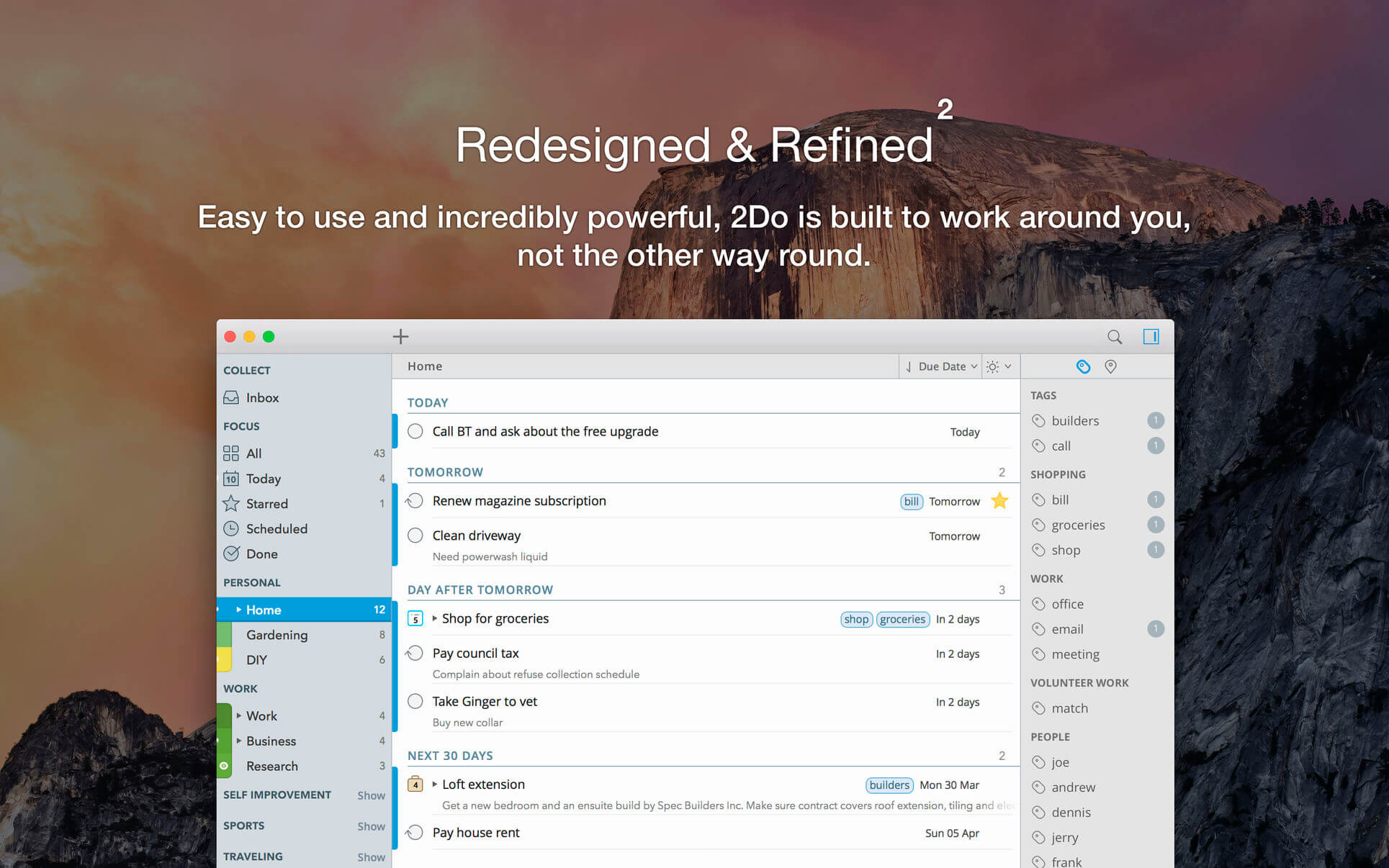
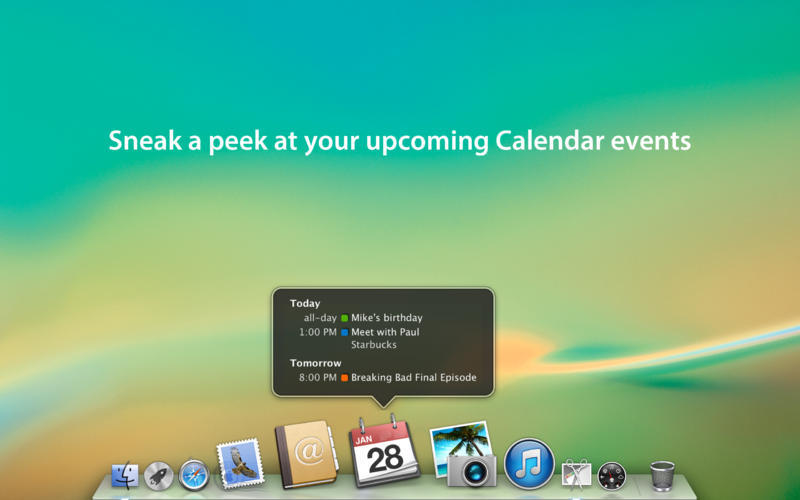
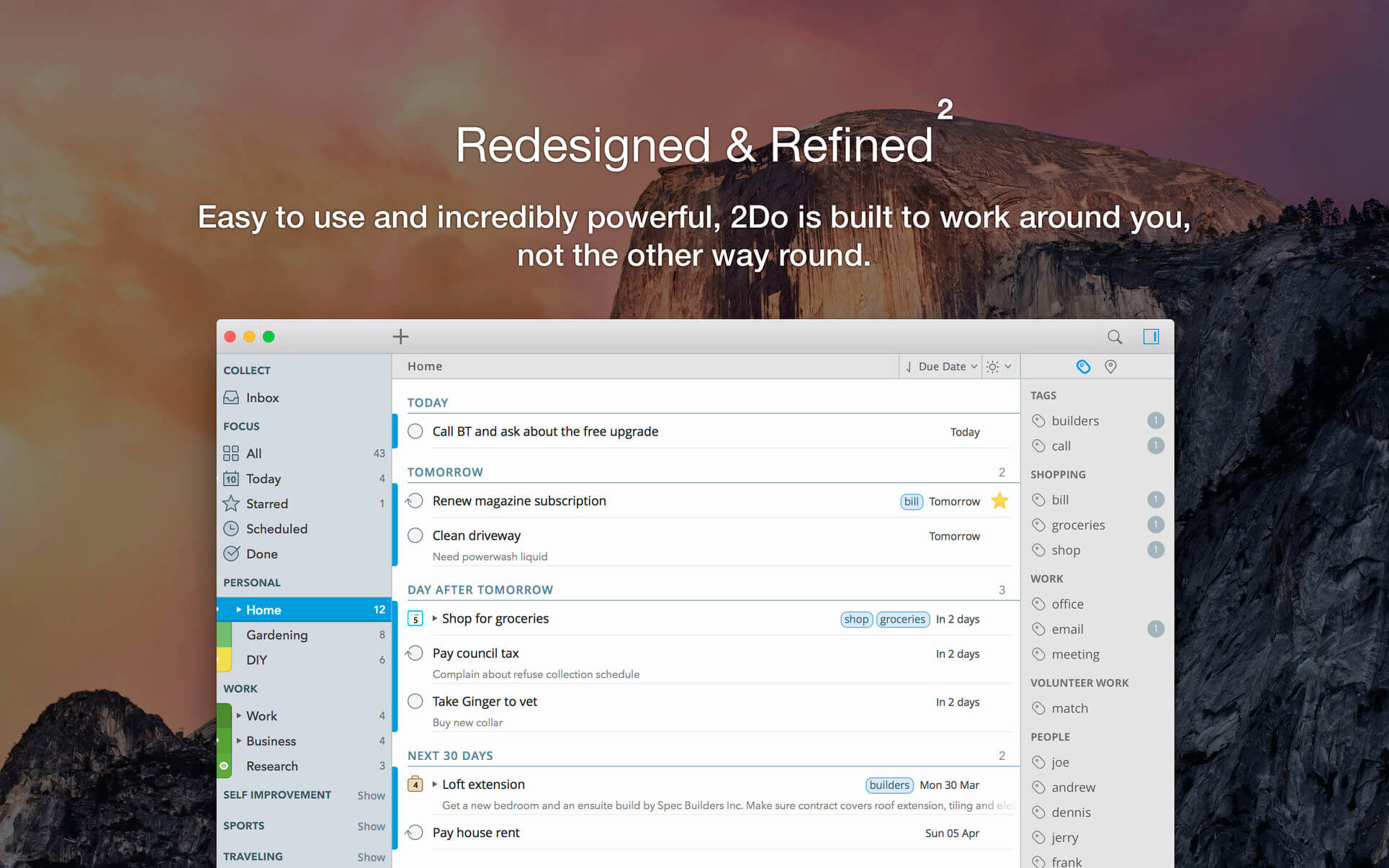
2Do lets you take a completely different approach to managing your tasks. With its extremely simple-to-use interface and a comprehensive and flexible set of powerful features, it lets you focus on what’s most important to you: your life. There is no wrong way of using 2Do, and unlike other to-do apps, it won’t force you in adhering to a particular task management methodology.

AWARDS

  • Apple – Best of 2013 Mac App Store
  • Macstories – App of the Year 2015 iOS
  • Cult of Mac – Best Task Manager for iOS

SIMPLE TASKS, CHECKLISTS & PROJECTS 

  • Create simple tasks, or checklists and projects with sub-tasks. Tasks can have notes, attachments and multiple alarms.
  • Set any task to repeat using a flexible set of options.

LIST GROUPS, LISTS & SMART LISTS 

  • In addition to built-in Focus lists that allow you to conveniently view upcoming, starred or scheduled tasks, you can create multiple lists to manage and organize your tasks.
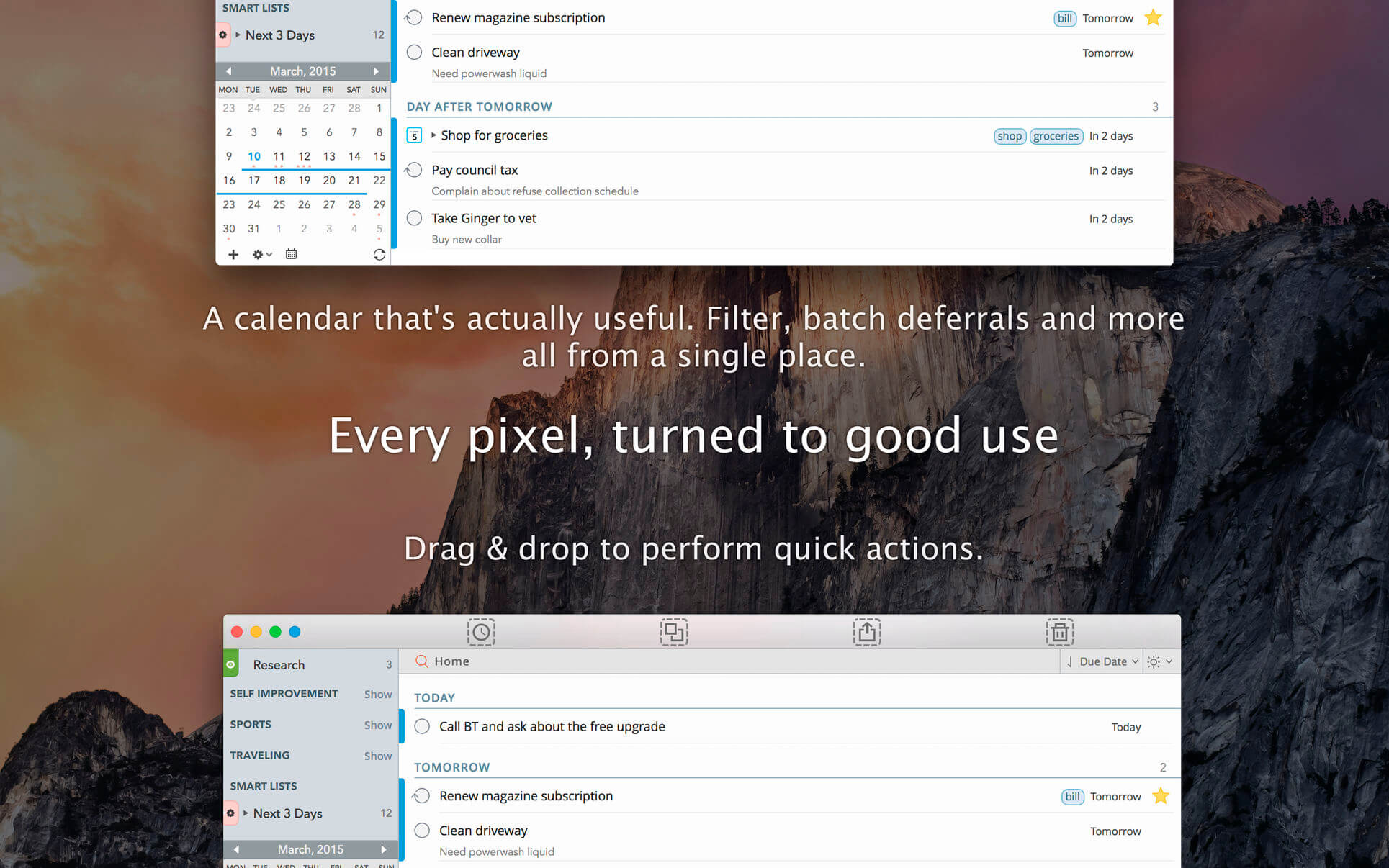
  • Smart lists let you harness the true potential of 2Do using a number of search options, filters and search pre-sets. Using Smart Lists, you can create custom views of your tasks and use them to focus-in or find frequently managed tasks.
  • Furthermore, related Smart lists and Lists can be grouped together using a List Group in the order you desire.

PROJECT VIEW

  • Quickly focus on your projects and their sub-tasks and nothing else
  • Access project view directly from the list view or using keyboard shortcuts
  • Focus filters and sort options can be applied separately to individual projects using Project View

TAGS 

  • Manage tags within Tag Groups.
  • Easily assign tags to tasks and vice versa.
  • Leverage the easy to use yet powerful integration of Tags & Smart Lists to filter on frequently managed tasks.
  • Find Used vs. Unused tags with a click.

LOCATIONS 

  • Easily create, edit and assign locations to tasks
  • Create powerful Smart Lists based on Locations

SYNC 

  • Stay in sync with multiple Macs and mobile devices running 2Do using your favorite sync method over fast and reliable Push Sync: Dropbox, Reminders (CalDAV), 3rd Party CalDAV Servers (iCal, Fruux, ownCloud etc) or Toodledo.
  • Using Dropbox, you can keep multiple devices in sync seamlessly. Devices can be added / removed at any time.
  • Using Reminders CalDAV sync you can keep 2Do and Reminders in sync as well as create tasks using Siri.
  • Unobtrusive automatic background sync supported for Dropbox, Reminders (CalDAV) and CalDAV.

QUICK ENTRY 

  • Save your thoughts as they come to you. Using a global hotkey, Quick Entry allows you to add tasks from any app or any Space.
  • 2Do does it right. Quick Entry works even if 2Do was not launched or is not running in the background.

QUICK LOOK 

  • Works just the way Quick Look does in Finder or other built-in OS X apps. Use the spacebar to zoom in and out of a task to preview notes, multi-line titles or other details attached to your tasks.

ALARMS & NOTIFICATIONS 

  • Stay on top of your tasks with alarms and notifications. Supports Notification Center as well as a built-in notification system which works even when 2Do is *not running*.
  • Set up automatic alarms for your tasks.

PASSWORD PROTECTION 

  • Your life is a private affair. Manage it by locking out individual lists or the whole app with a single click.

AUTOMATIC BACKUPS 

  • 2Do values your tasks. Periodic automatic backups are created for you which can be transferred from one machine to another or from the iOS version of 2Do to the Mac and vice versa.
  • Save & restore of external backups

FLUID 

  • Adding and editing tasks is blazing fast using in-place editors and popovers
  • 2Do supports both mouse users, by offering them numerous shortcuts, as well as keyboard power-users by supporting dozens of keyboard shortcuts
  • 2Do won’t slow down over time

Compatibility: macOS 10.10 or later
Homepage https://geo.itunes.apple.com/app/id477670270

Screenshots

Name: 2Do_2.7.1__TNT_Mactorrents.io.dmg
Size: 61 MB
Files 2Do_2.7.1__TNT_Mactorrents.io.dmg[61 MB]

   Download

Apeaksoft Screen Recorder 2.1.6

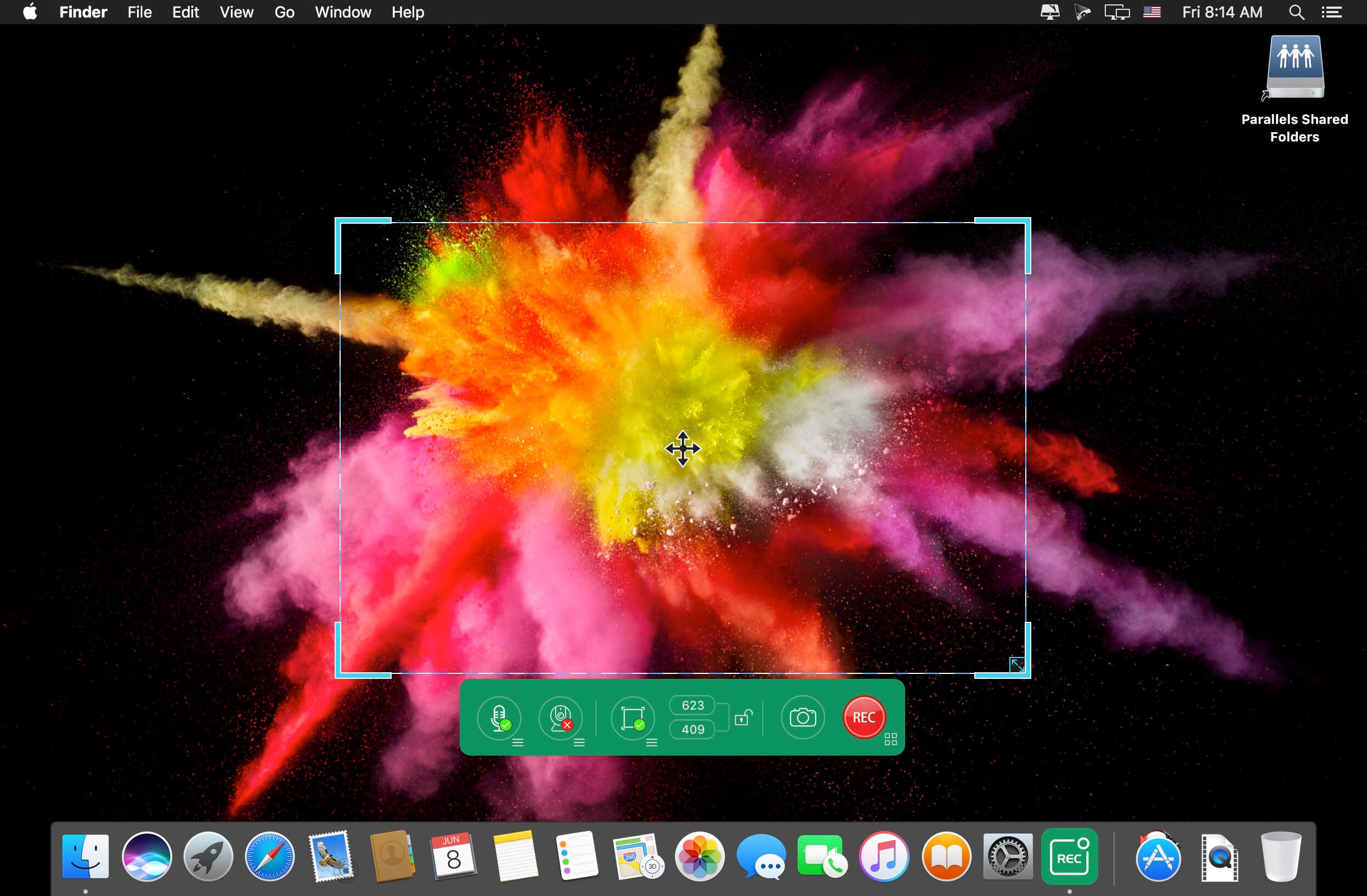
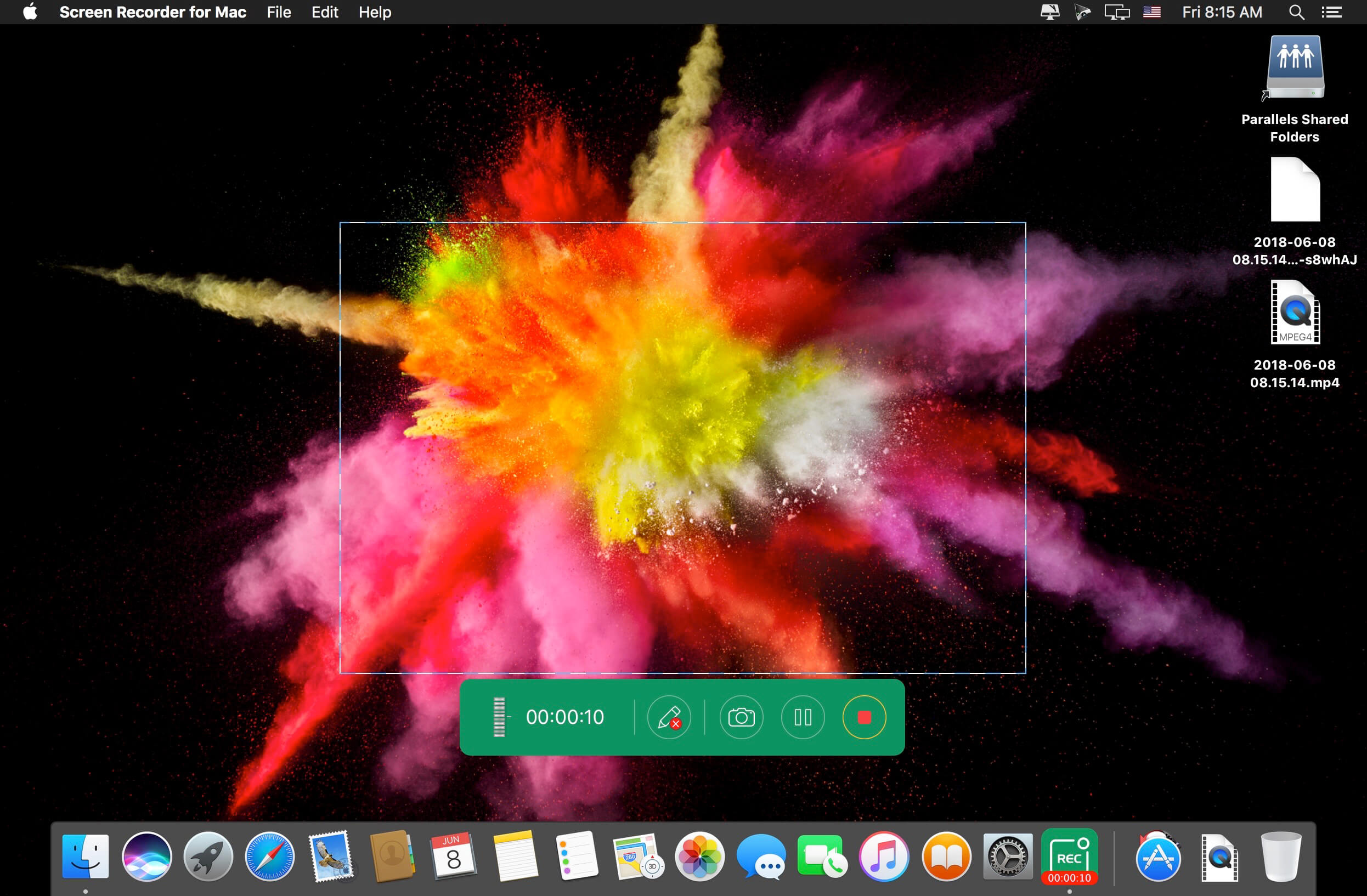
Apeaksoft Screen Recorder is a professional tool to record any video/audio and capture screen on your Mac computer. This excellent video screen recording software can help you easily get online movies and radio, record games, make video tutorials, capture webcam videos, take screenshot, etc. on your computer. Also, you are able to annotate your recording with a text box, arrow, highlight and more. What’s more, this powerful Screen Recorder enables you to make the settings you prefer in advance, and then you are able to record video using these settings next time. It is pretty convenient if you have lots of on-screen activities to record in the same demand. Screen Recorder enables you to record lock window as well.

What’s New:

Version 2.1.6:

  • Release notes were unavailable when this listing was updated.

Compatibility: macOS 10.10 or later (Apple M1 compatible)
Homepage https://www.apeaksoft.com/

Screenshots


Name: Apeaksoft_Screen_Recorder_for_Mac_2.1.6.3371__TNT_Mactorrents.io.dmg
Size: 33 MB
Files Apeaksoft_Screen_Recorder_for_Mac_2.1.6.3371__TNT_Mactorrents.io.dmg[33 MB]

   Download

Focusplan Pro 1.6.13

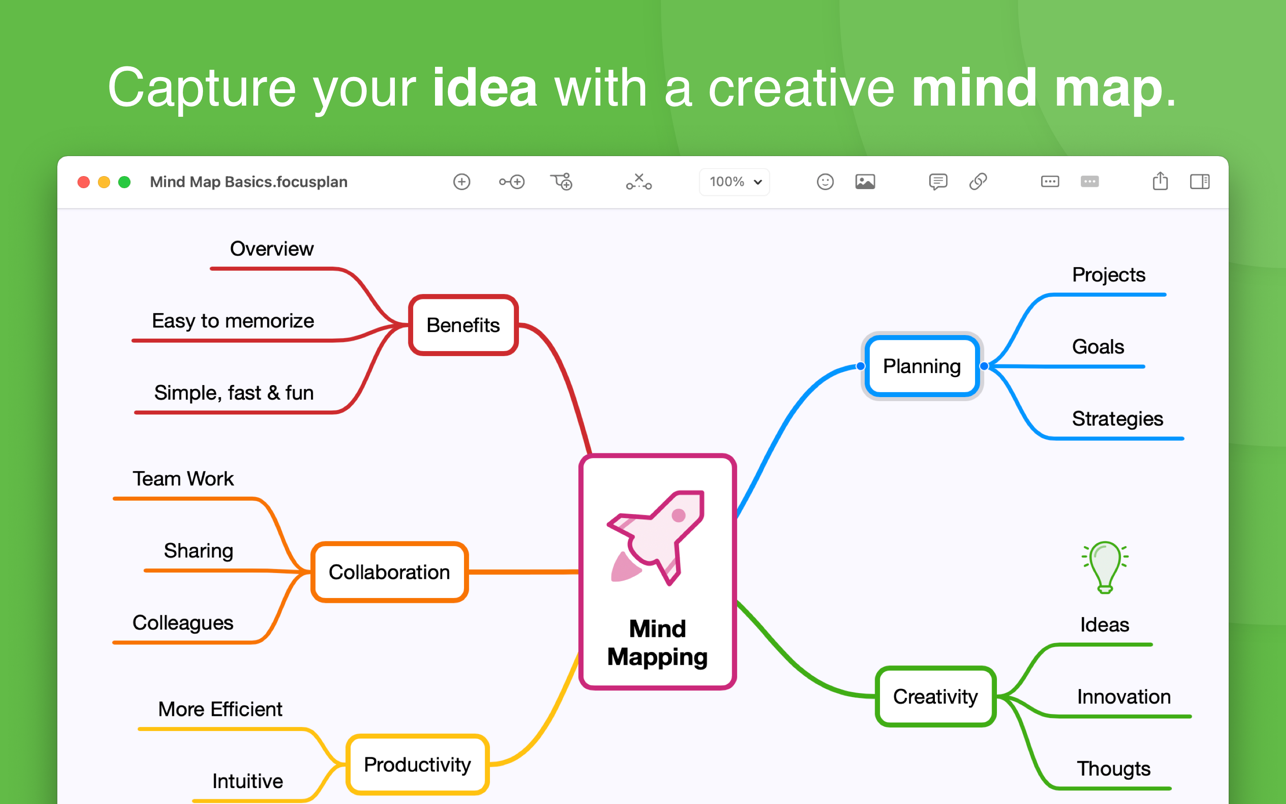
Focusplan is a powerful, full-featured, and flexible mind mapping and brainstorming app for everyone. It helps you capture, develop, and share your concept ideas, turning them into a stunning mind map.

TOP MIND MAPPING USES

  • Thought structuring
  • Brainstorming
  • Project planning
  • Preparing a speech
  • Manage meetings
  • Write a quick summary
  • Note taking
  • Meeting notes
  • Organize ideas
  • Studying
  • Knowledge base
  • …and many more!

HIGHLIGHT FEATURES

  • Unique and powerful free-layout canvas
  • Supports multiple mind maps on a single page
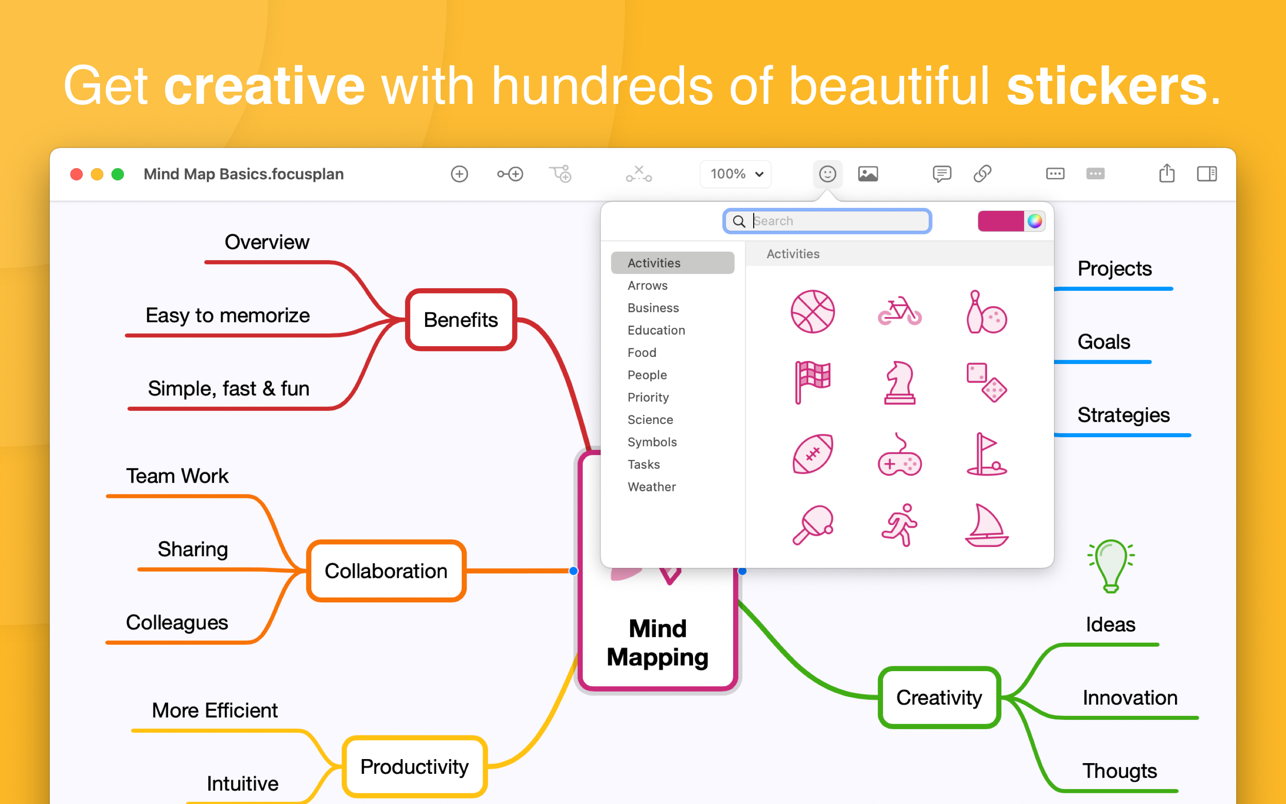
  • Add images and stickers to your mind maps
  • Add and edit notes, links, and attachments to your topics
  • Includes 200+ colorful and creative stickers with adjustable color tints
  • Includes 14 ready-to-use, beautiful and configurable themes
  • Import, export, and share your custom themes with your family, friends, and colleagues
  • Configure branches using a variety of styles like Rounded, Linear, Curved, and Angular
  • Full text-search topics on the whole mind map
  • Organize and restructure using drag & drop, re-arrange, and reconnect topics
  • Select, delete, or move multiple topics at the same time
  • Fold and unfold branches to make your mind map clear
  • Share mind maps via Email, Messages, and more directly from your Mac
  • Export mind maps as text, OPML, and image formats
  • Seamless synchronization through iCloud Drive
  • Dark mode: automatically adapt app appearance to your system preferences or change between Dark and Light mode
  • Continuity camera: take a photo on your iOS device and automatically add it to your mind map

Homepage https://apps.apple.com/app/focusplan-pro-mind-map/id1490562852

Screenshots


Name: Focusplan_Pro_1.6.13_MAS__HCiSO_Mactorrents.io.dmg
Size: 6.6 MB
Files Focusplan_Pro_1.6.13_MAS__HCiSO_Mactorrents.io.dmg[6.6 MB]

   Download

Marked 2.6.15

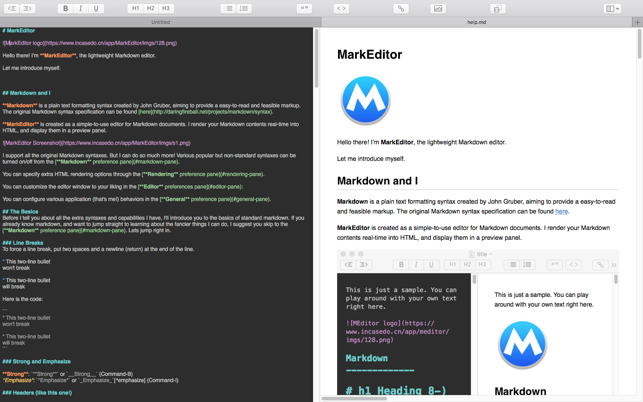
Marked allows you to preview your Markdown (in any flavor) as you write in your favorite text editor. It tracks your file changes and updates the preview as you go, even automatically scrolling to the point in the file where you’re currently working.

Marked 2 includes a rewrite of the file-watching system for speed and accuracy. It speeds up just about every part of the app, making it even easier to get your work done without worrying about how it’s going to look or waiting for your preview to update.

Languages : English
Compatibility: OS X 10.10 or later
Homepage https://apps.apple.com/app/markeditor/id1398414250

Screenshots

Name: Marked_2_2.6.15__TNT_Mactorrents.io.dmg
Size: 26 MB
Files Marked_2_2.6.15__TNT_Mactorrents.io.dmg[26 MB]

   Download

Audio Hijack 4.0.2

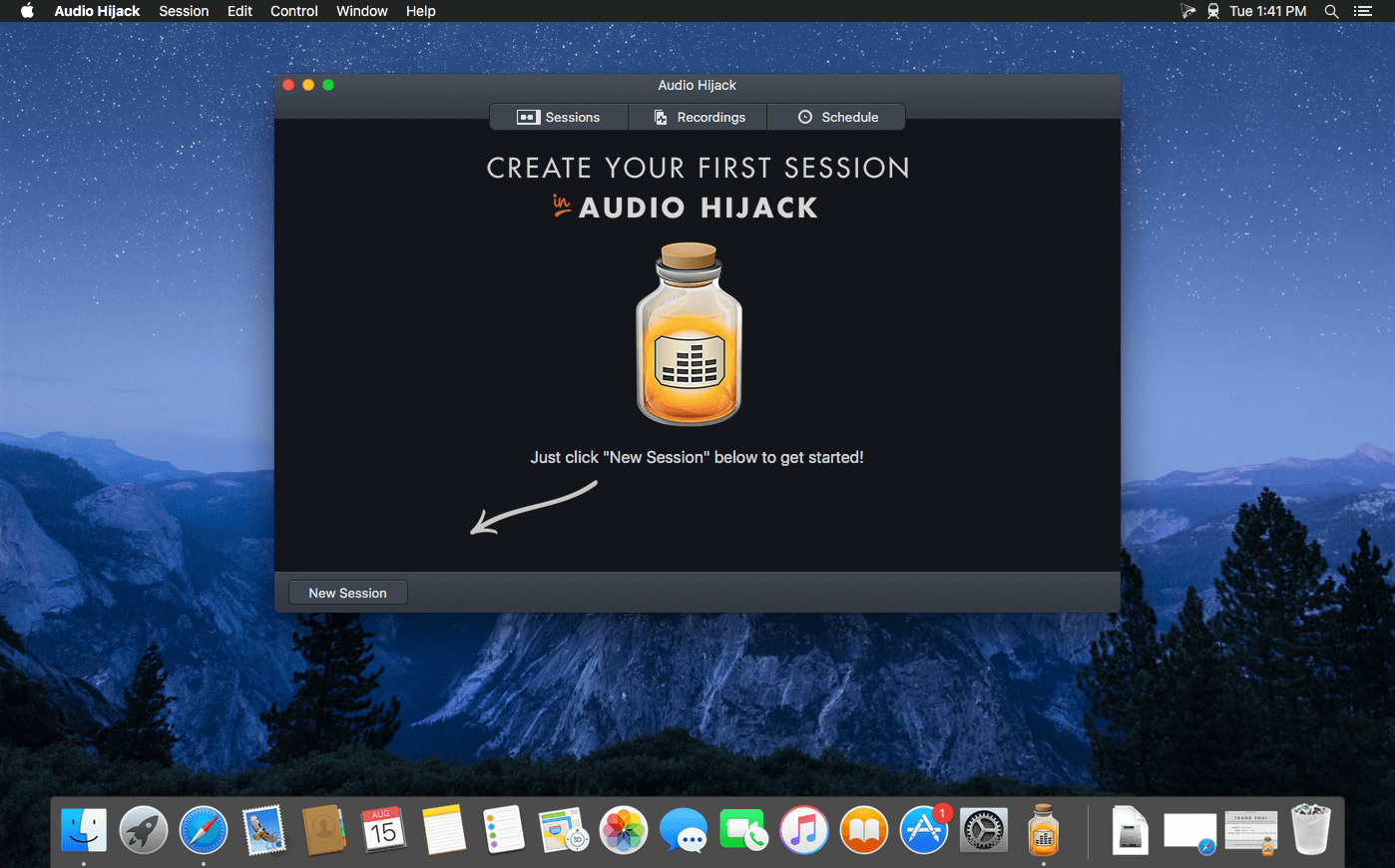
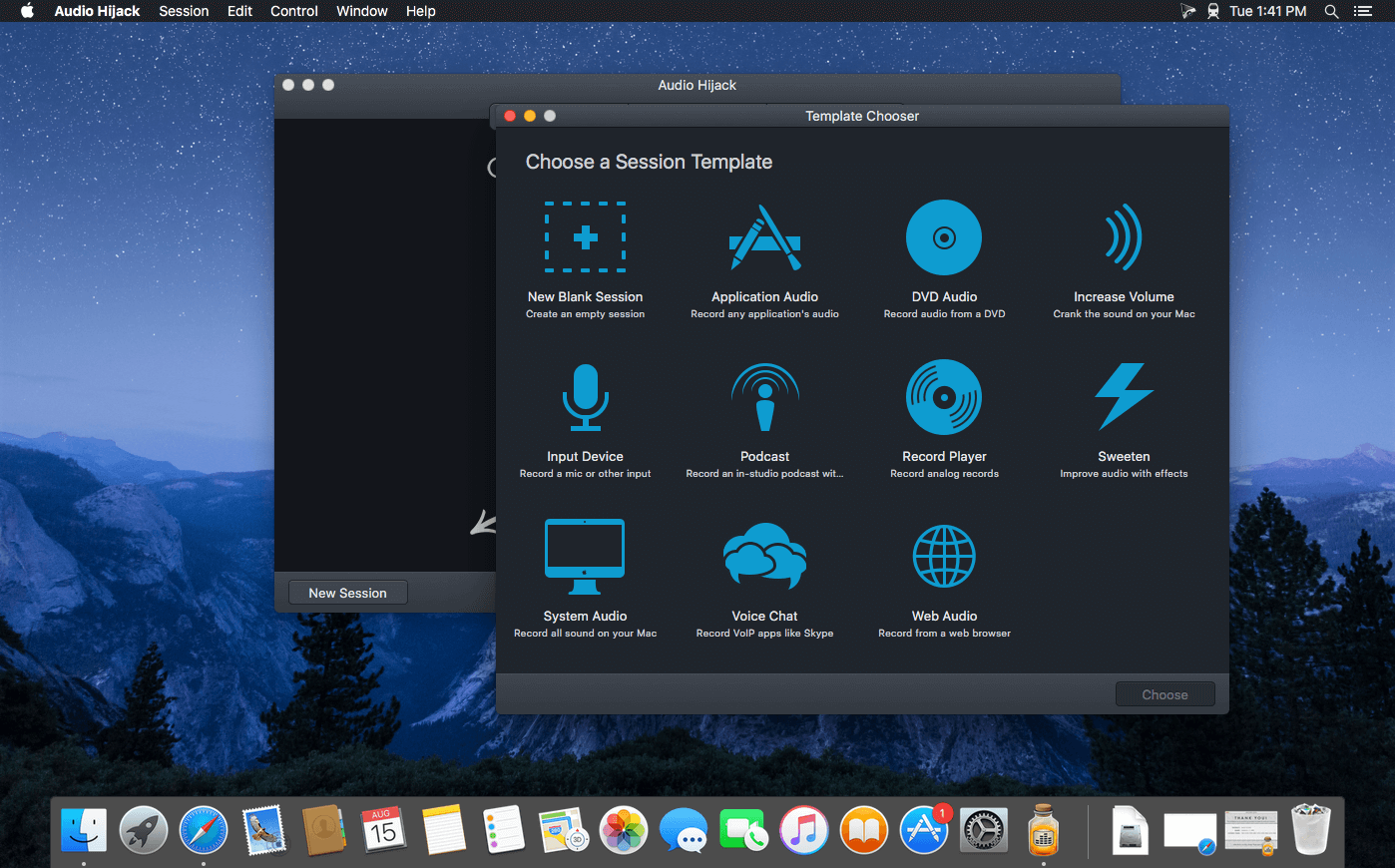
If you can hear it, you can record it – Record any application’s audio, including VoIP calls from Skype, web streams from Safari, and much more. Save audio from hardware devices like microphones and mixers as well. You can even record all the audio heard on your Mac at once! If you can hear it, Audio Hijack can record it.

Application Audio
Set any application as your source in Audio Hijack, then hit the record button to save its audio!

Device Audio
Audio Hijack can also capture and record audio from microphones, mixers, and other input devices.

All System Audio
Use the System Audio source to capture all the audio heard on your Mac at once.

More Great Features

Record to All Major Formats
Record to the world’s most popular audio formats, including MP3 and AAC, or save in perfect-fidelity AIFF, WAV, ALAC or FLAC.

Reusable Sessions
Once you’ve configured a Session to your liking, you can re-use it over and over. With one click, you’ll be recording exactly as desired.

Easy File Organization
Find all of your recordings sorted by Session in the Recordings tab, where you can quickly pass files to an audio editor, add them to iTunes, or share them.

Timed Recordings
Use the Schedule tab to set up timed recordings for when you’re not around. Your audio will be waiting for you when you return.

Silence Monitoring
When silence is detected, Audio Hijack can automatically stop recording, split to a new file, or remove audio.

Bulletproof Recording
Bulletproof recording means that even if the power goes out or your computer crashes, you’ll never lose a recording.

A Thoughtful Interface
Audio Hijack’s intuitive audio grid provides a terrific pipeline-style view of exactly how your audio flows, so you can easily understand it.

Gorgeous Audio Effects
The included audio effects are easy to use and easy on the eyes. Their functionality is now accessible to all.

Time Shift Your Audio
Now you can pause, delay, and rewind live audio on your Mac. It’s perfect for transcribing audio and more!

Compatibility: macOS 10.14.4 or later (Apple Silicon compatible)
Homepage https://www.rogueamoeba.com/audiohijack/

Screenshots


Name: Audio_Hijack_4.0.2__TNT_Mactorrents.io.dmg
Size: 33 MB
Files Audio_Hijack_4.0.2__TNT_Mactorrents.io.dmg[33 MB]

   Download

SideNotes 1.4.6

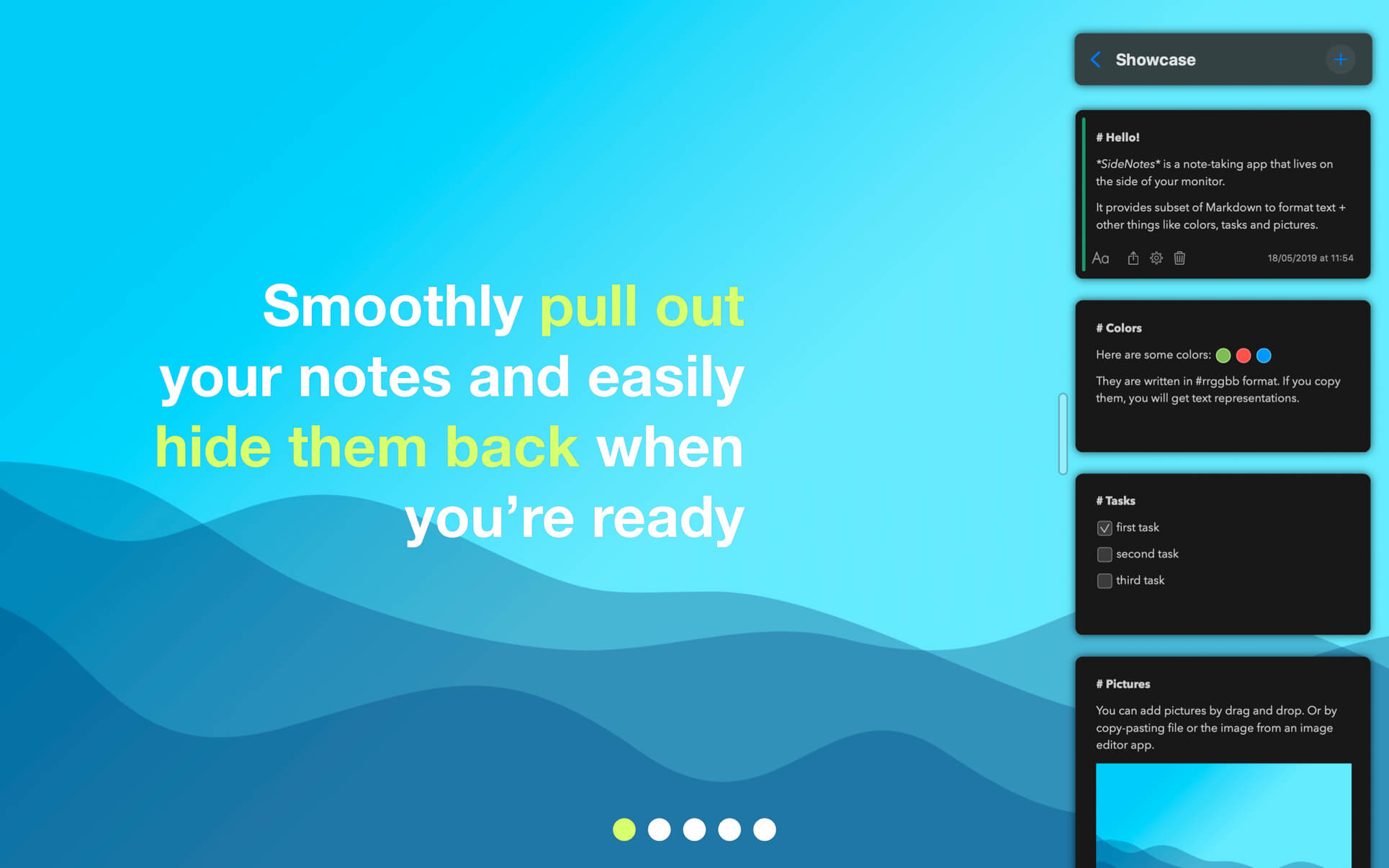
SideNotes keeps you from juggling with windows when searching for notes. The app always appears on top of other windows – you can easily hide it or pull it out from the side of your monitor with one click or with a keyboard shortcut. You can even use just your keyboard to work with your notes. Everything is in its place and you still have place for everything.

With SideNotes you can:

  • smoothly pull out your notes from outside your monitor and easily hide them back
  • mark notes with colors and group them into folders
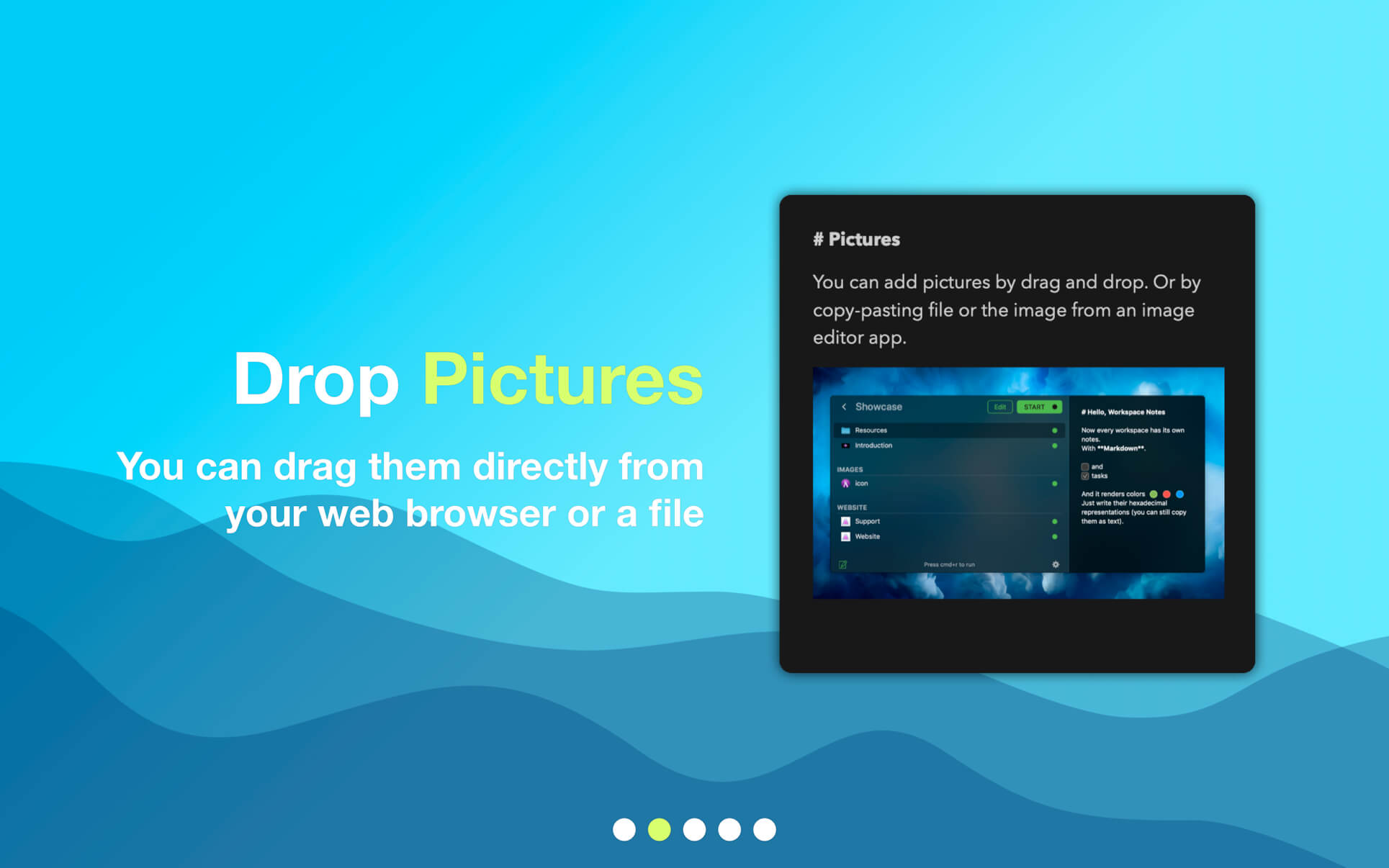
  • drag and drop pictures directly from your web browser
  • save links, code snippets or even colors
  • create task lists and mark items done
  • create notes directly from the pasteboard
  • drop text files or folders
  • use 3 text formatting modes: Markdown, Plain Text and Code.

Compatibility: macOS10.14 or later
Homepage https://www.apptorium.com/

Screenshots


Name: SideNotes_1.4.6__TNT_Mactorrents.io.dmg
Size: 17 MB
Files SideNotes_1.4.6__TNT_Mactorrents.io.dmg[17 MB]

   Download

Checksum Thing 2.1.0

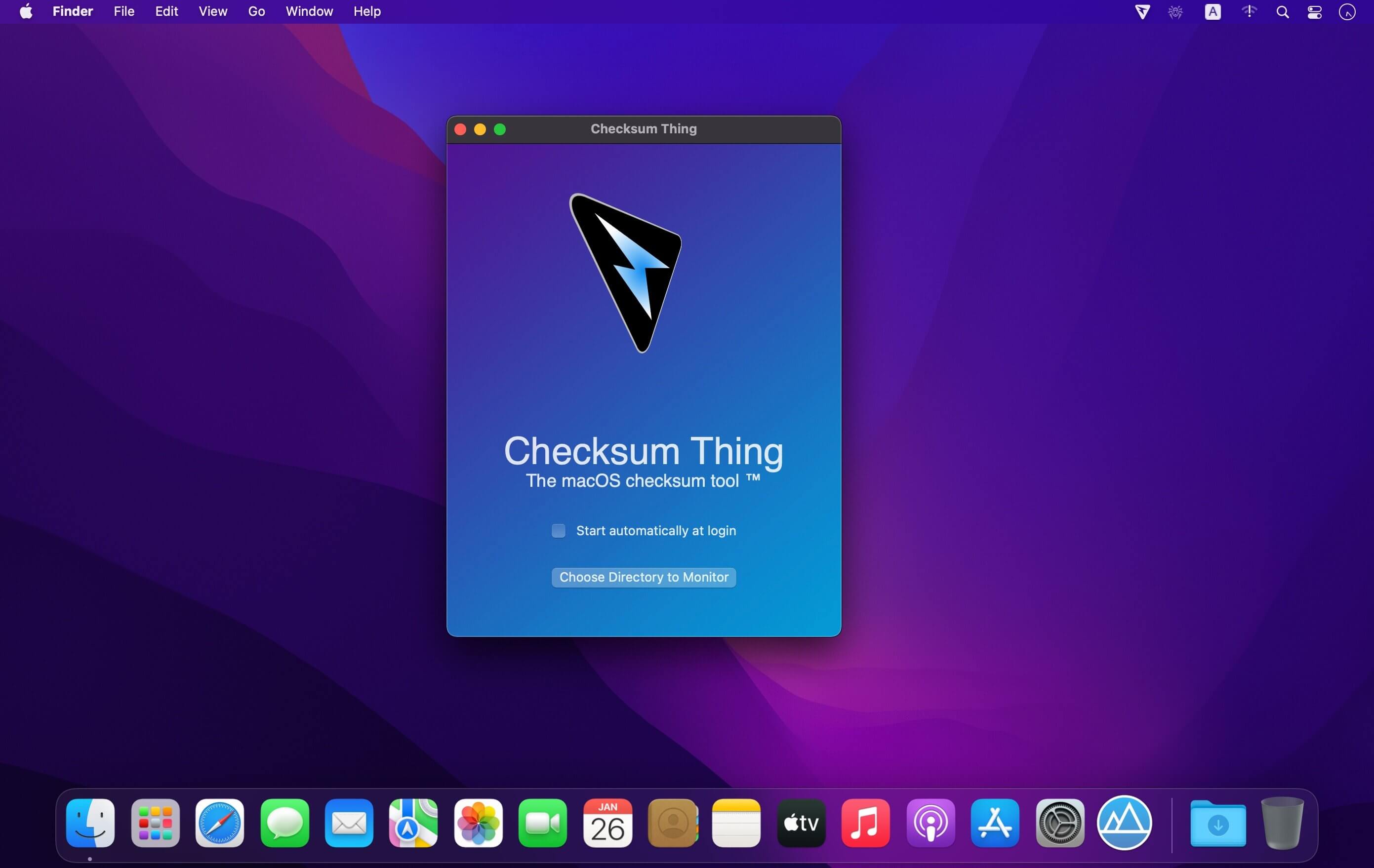
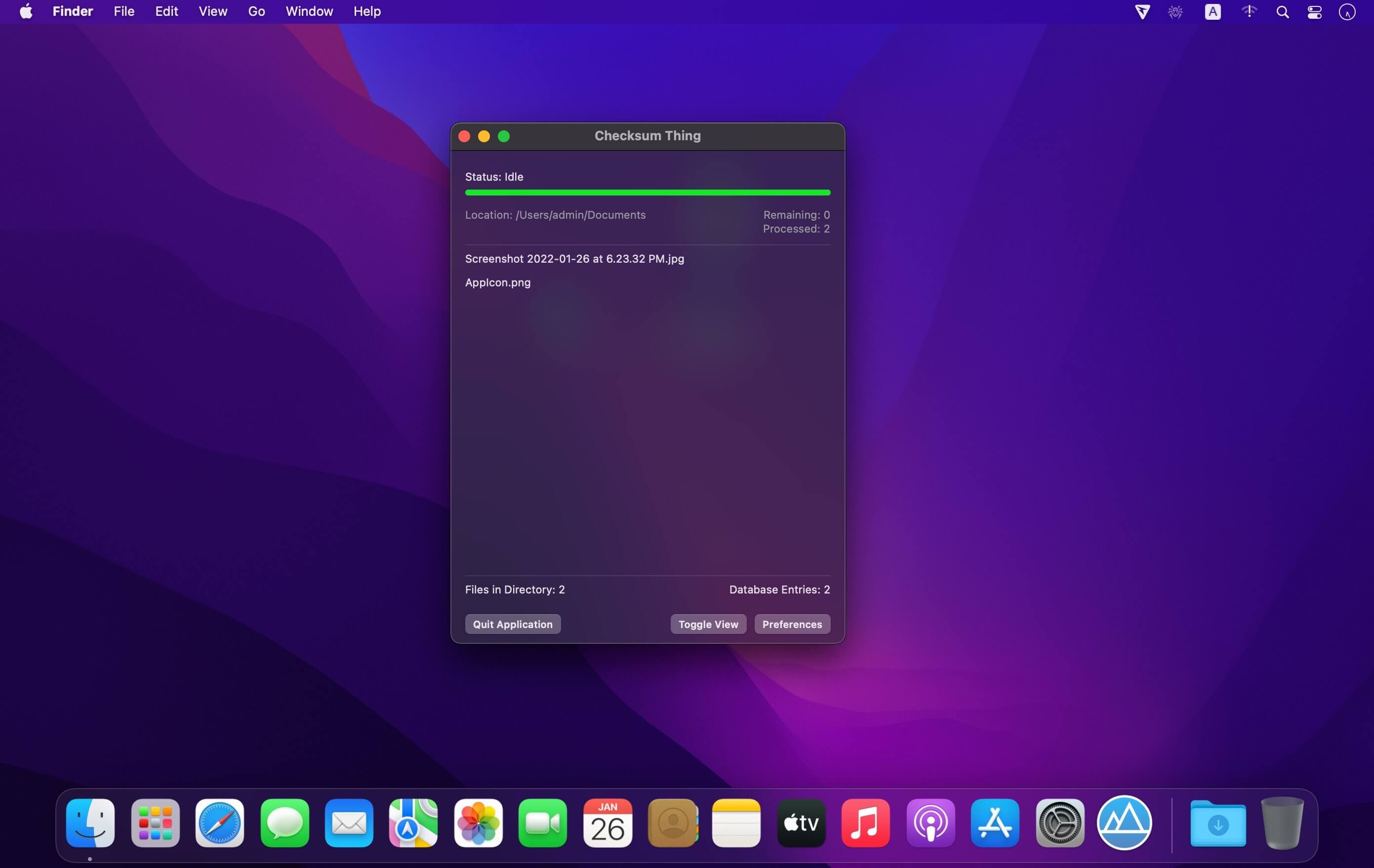
A menu bar application that watches a designated directory, such as your downloads folder, automatically recording and storing the checksum/digest values of arriving files. A simple context click displays the checksum value, another click conveniently copies that value to the clipboard. The checksum/digest algorithm used is selectable, supporting MD5, SHA1, and various others. Uses hardware accelerated cryptographic functions on supported macOS platforms. Optionally generates audible notifications to keep you informed.

  • Runs in the background from the macOS menu bar, hiding the dock icon
  • Actively watches a selected target folder for new file content
  • Calculates checksum/digest values using a number of selectable algorithms
  • Right click to view the checksum value, click again to copy to clipboard
  • Option to export database content and checksum values to CSV file
  • Uses hardware acceleration for cryptographic functions on supported Macs
  • Fully sandboxed macOS application with minimal permissions
  • Optional audible notifications when files arrive and have been processed
  • Maintains a database of checksum values for multiple target folders
  • Accurate progress bar shows the current status of file scanning activities
  • Animated menu bar icon shows when background operations are in progress
  • Written purely in Swift and SwiftUI for macOS 11
  • Universal binary for both Intel and Apple Silicon macOS platforms
  • Uses only one third-party framework, SwiftyBeaver (open source logging tool)
  • Absolutely no adverts, tracking, calling home, or other privacy concerns

Compatibility: macOS 11.0 or later • Apple Silicon or Intel Core processor
Mac App Store https://apps.apple.com/app/checksum-thing/id1564557872

Screenshots


Name: Checksum_Thing_2.1.0_MAS__HCiSO_Mactorrents.io.dmg
Size: 3.6 MB
Files Checksum_Thing_2.1.0_MAS__HCiSO_Mactorrents.io.dmg[3.6 MB]

   Download

Export for iTunes 3.1.4

Export for iTunes lets you export your playlists and albums from iTunes to any local folder, external storage, SD card or USB drive! With Export for iTunes you can transfer easily your playlists to your car stereo or any other media player. Convert aac/m4a files to mp3 for best compatibility with most sound systems.

The app converts, copies and organizes your playlists’ and albums’ music files into folders, and creates the .m3u file that lets you play your playlist on any media player. For every album, you can include an image file with album artwork. You can browse and select which of your playlists or albums you want to export. See all playlist/album tracks with their metadata without opening the iTunes app. You can also export the track list from any album or playlist to Excel, so you can create a file with info about all your iTunes music. This iTunes export app let you preview and export metadata like: Title, Artist, Time, Album, Genre, File path, Kind, and Bitrate. The app does not modify your iTunes library.

Compatibility: OS X 10.11 or later • Apple Silicon or Intel Core processor
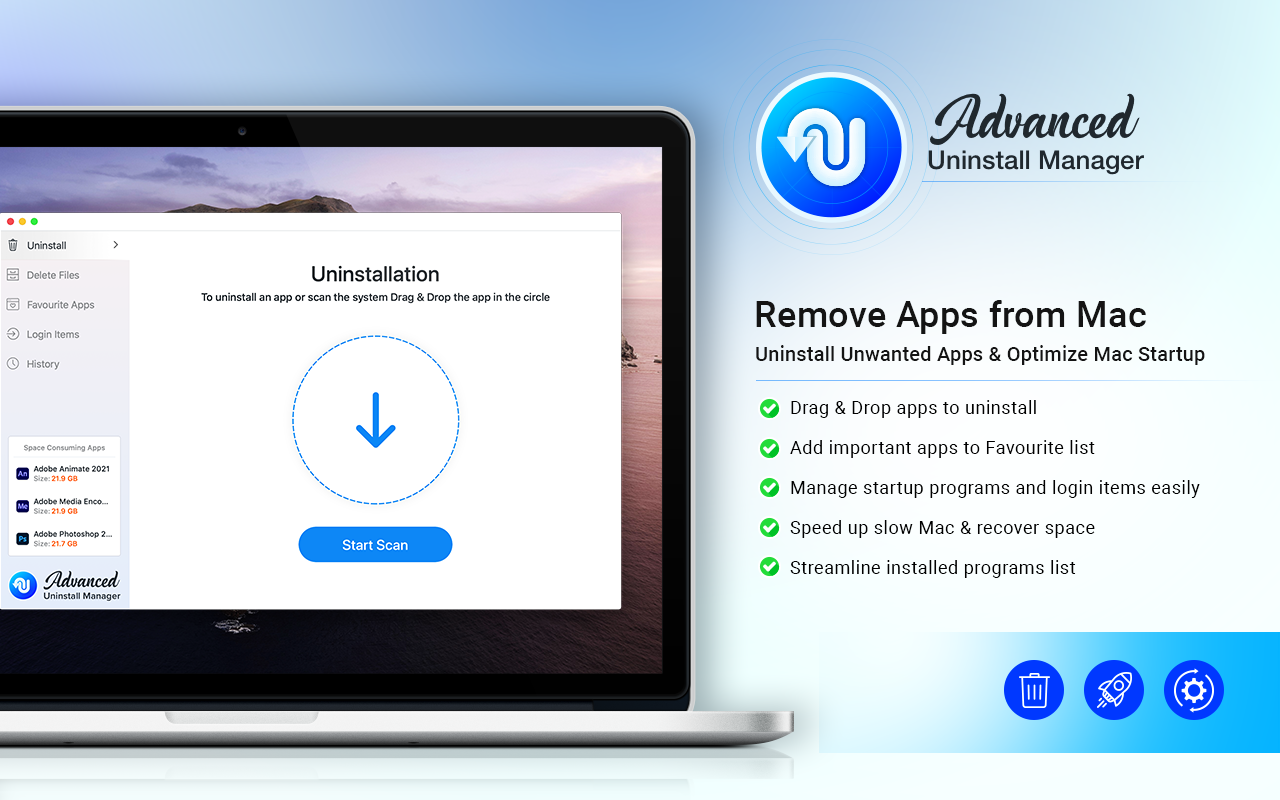
HMac App Store https://apps.apple.com/app/advanced-uninstall-manager/id1554279967

Screenshots

Name: Export_for_iTunes_3.1.4_MAS__HCiSO_Mactorrents.io.dmg
Size: 24 MB
Files Export_for_iTunes_3.1.4_MAS__HCiSO_Mactorrents.io.dmg[24 MB]

   Download

BeLight Art Text 4.1.3 (938)

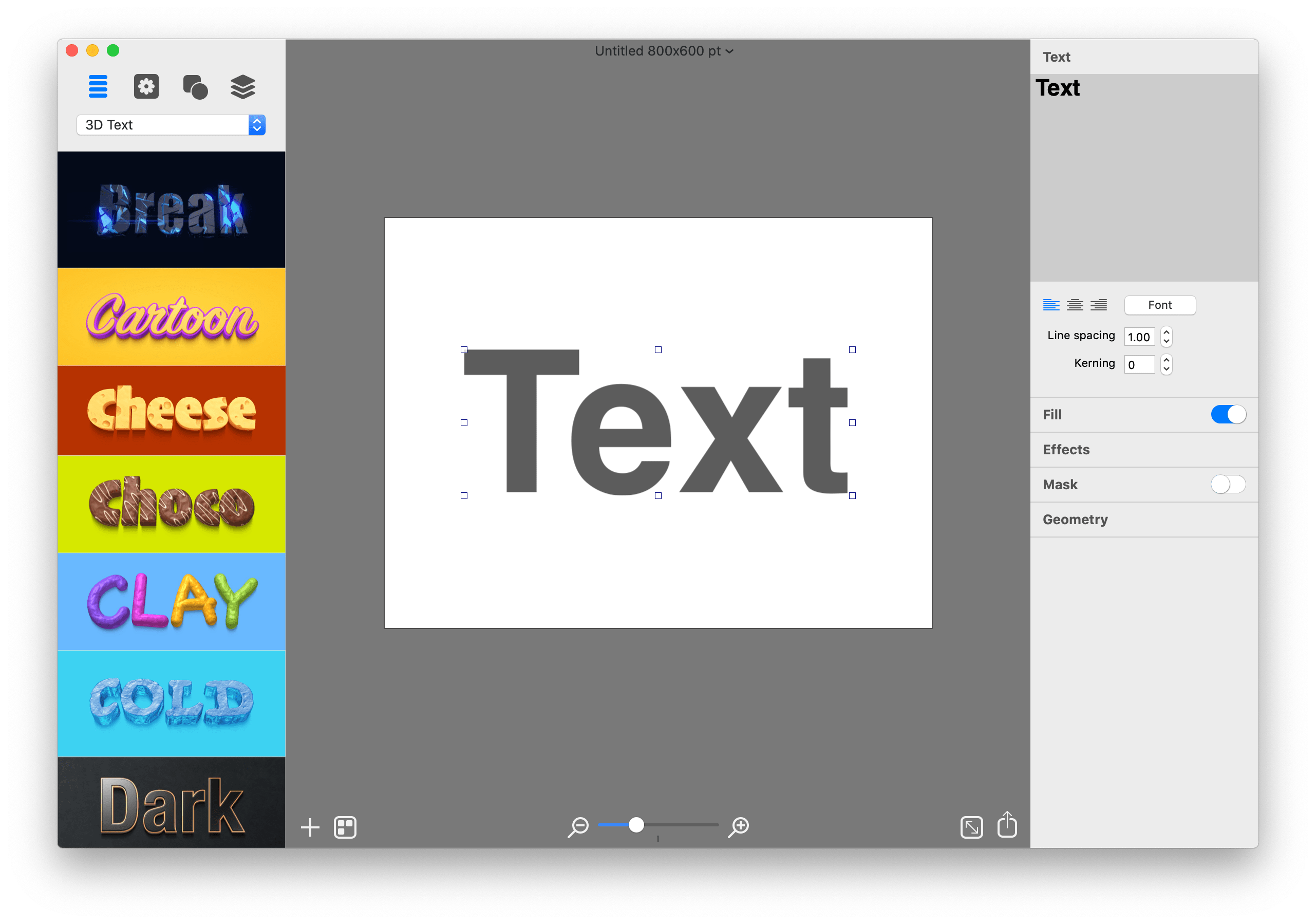
Graphic Design Software for Everyone. Art Text is graphic design software specifically tuned for lettering, typography, text mockups and various artistic text effects. Supplied with a great variety of ready to use styles and materials, selection of textures, icons, fonts and backgrounds, special designed effects and shape transformations, Art Text guarantees striking appearance of your badges, logos, cards, flyers and presentations.

Graphics that you create in Art Text will be a perfect fit for various document types, such as presentations, flyers, brochures, business cards, and can even spice up photos or create picture captions before uploading to Facebook.

Styles and Materials
Art Text comes equipped with a wide selection of text styles, surface materials and effects. Unrestricted by any presets, your creativity will take flight with easily adjustable textures, surface bump maps, environment textures, light spots and shadows, and other settings to come up with new materials.

Spray Fill
Beautifully lay out words with coffee beans, color balls, leaves, Lego pieces and even clouds using the supplied collection or import your own fill images. Experiment with lettering design from highly random to a very structured layout and fill sizes.

Mask Effects
Tweak text finishing with a variety of masks to render an aged text or a scratched look. You may also want to add a stamped effect with just one click. Easily experiment with settings, and combine masks with other effects, to get a somewhat unexpected but impressive result.

Distortion Effects
Heavily alter the font shape beyond standard typeface options. Effortlessly wear out text sides with Side Distortion, create random holes in the body with Erosion, partially dim text with Blur distortion, and more.

Shading Materials
Special 2D materials open the door to an array of visual effects, such as bumping or embossing. You may also apply a glass, plastic or gold finish, make the surface glossy, matte, bright or faded, or give your graphic a fascinating watercolor, oil paint or pencil drawing look. The most demanding users will find the material editor handy for creating custom Shading Materials.

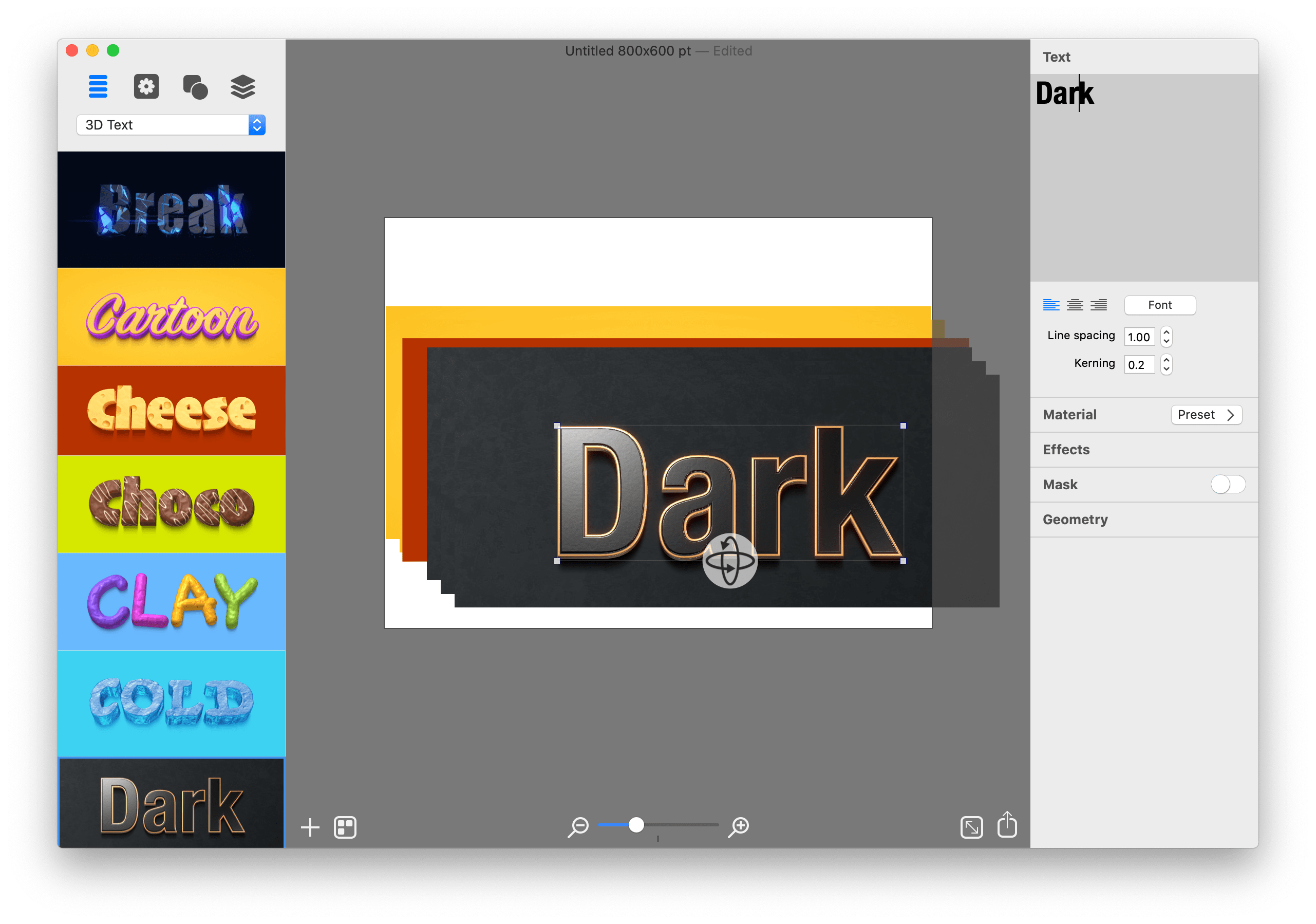
Real 3D Text
Art Text implements a 3D modeling engine that helps to convert any text, symbol or pictogram to 3D. Our graphic design software embeds 3D renderer together with tons of customizable 3D materials to ensure super realistic results every time.

Paint Lettering
Art Text comes with a great variety of fills, distortion effects and object content to design highly realistic, hand painted, ink written and watercolor lettering art.

What’s New:

What’s New in Version 4
Spray Fill
New fill effect that populates the text shape with coffee beans, nuts, stones, glitter and other preset image fills.

Text Designs Store
Regularly updated gallery of free and paid text design templates.

Realistic 3D Materials
Materials have dramatically improved with Reflection Masks.

Facebook 3D Photo
Create catchy phrase graphics and share on Facebook as a 3D photo.

Multi-Purpose Distortion
Achieve diverse 2D visual effects with Erosion, Roundness, Side Distortion, Blur and other shape distortion effects.

Shading Materials
2D shading materials become more sophisticated with 150 fully adjustable Bump Map masks.

Compatibility: OS X 10.14 or later
Homepage https://text.design/art-text/

Screenshots


Name: Art_Text_4_4.1.3__938___TNT_Mactorrents.io.dmg
Size: 764 MB
Files Art_Text_4_4.1.3__938___TNT_Mactorrents.io.dmg[764 MB]

   Download

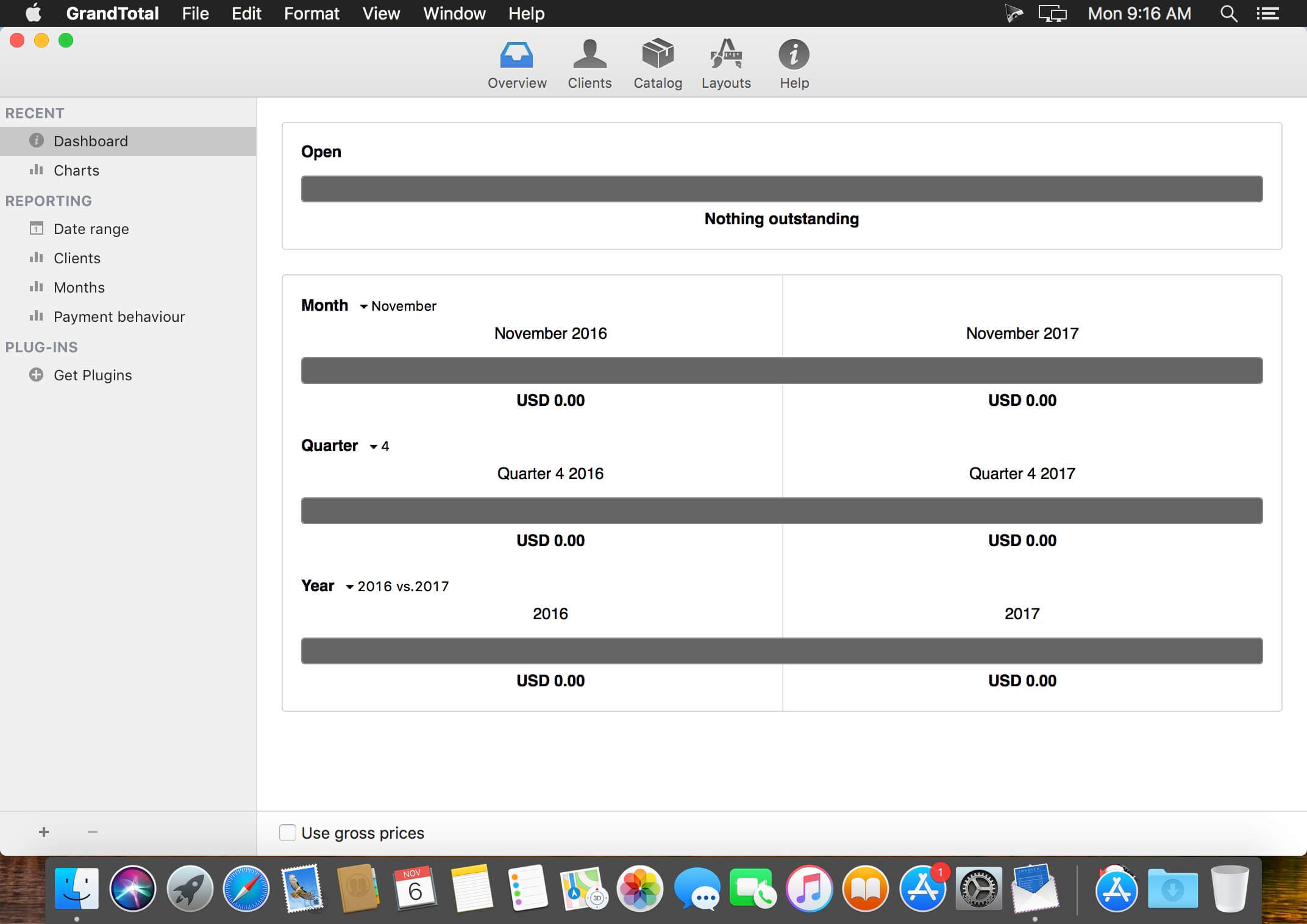
GrandTotal 7.3.1.7

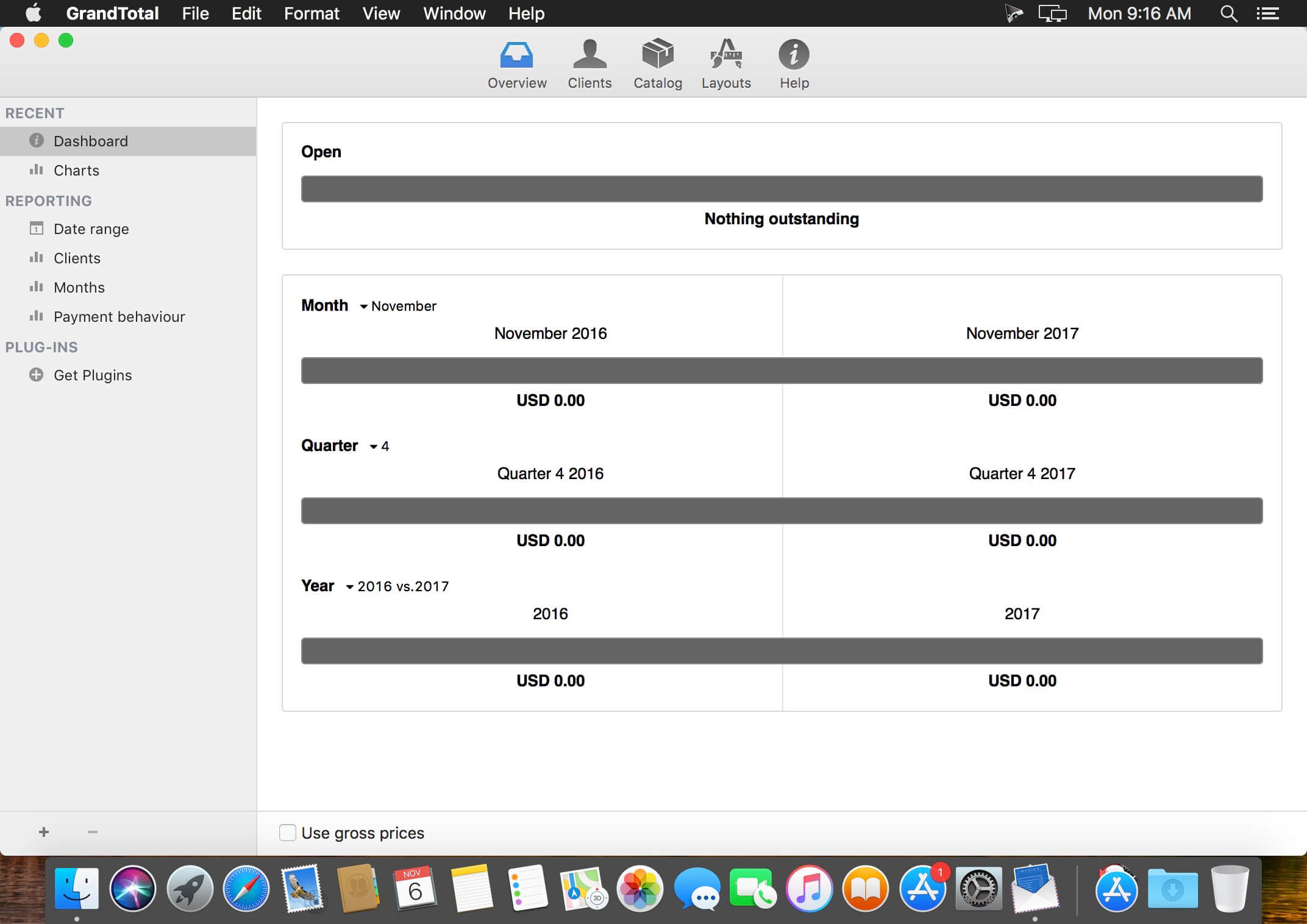
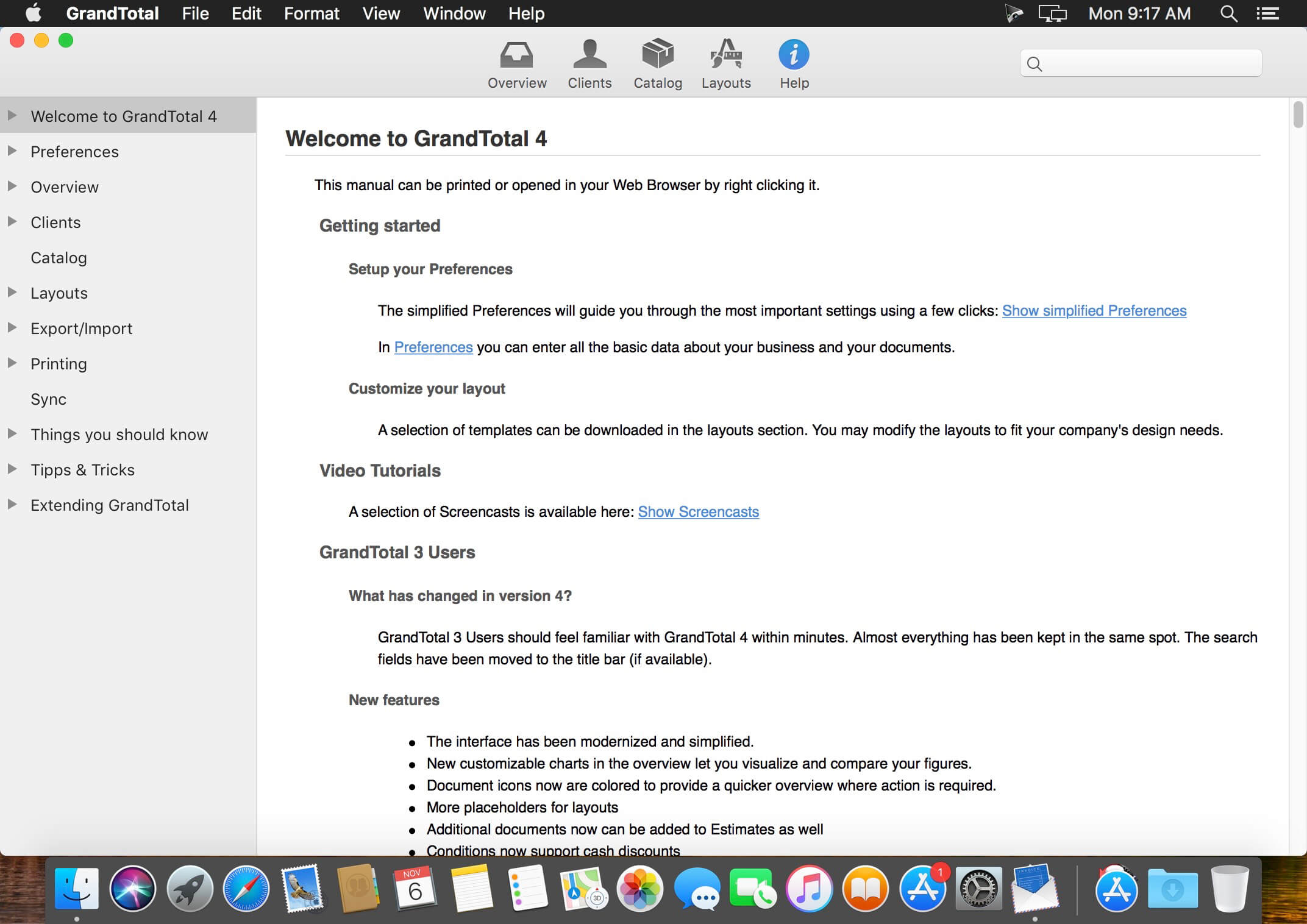
GrandTotal is an application to create invoices and estimates based on your own templates. The built-in template editor allows you to adjust your layout to fit your company’s corporate design. GrandTotal works great in conjunction with TimeLog.

Compatibility: macOS 10.13 or later (Apple M1 compatible)
Homepage http://www.mediaatelier.com/GrandTotal4/

Screenshots


Name: GrandTotal_7.3.1.7__HCiSO_Mactorrents.io.dmg
Size: 47 MB
Files GrandTotal_7.3.1.7__HCiSO_Mactorrents.io.dmg[47 MB]

   Download

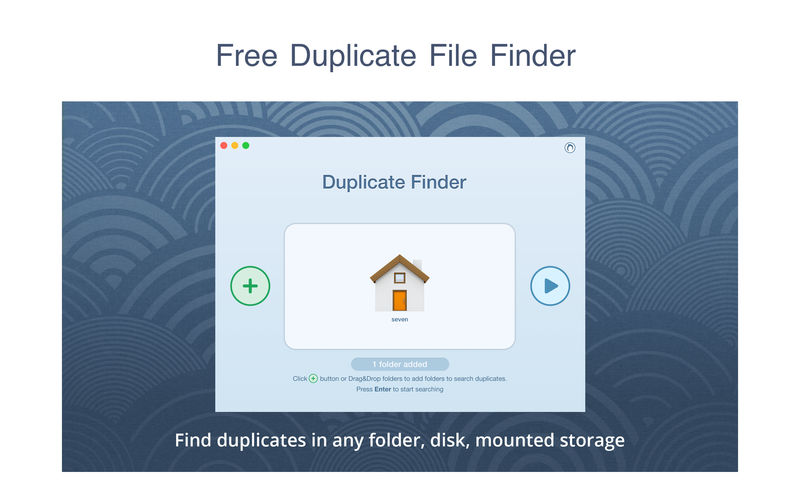
Duplicate File Finder Pro 6.16.1

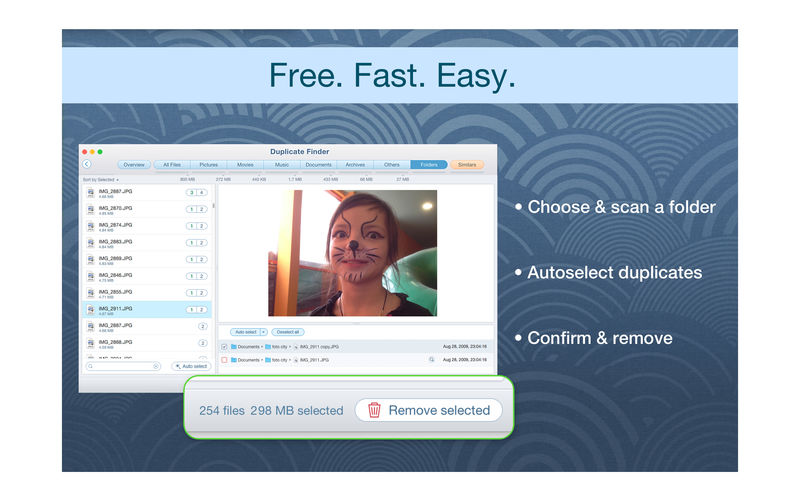
PrimeFile is a free utility that finds duplicate files on your Mac in just 3 clicks. Drag & drop as many folders as you wish and click SCAN.

Within a minute the app will give a report with all duplicate files by categories: images, videos, music, archives, documents, and all other specific extensions. It’s really easy to see how much space each file takes.

Features:
SCANNING

  • fast scanning algorithm
  • scanning for duplicates in multiple folders or drives
  • external drives & mounted network folders support
  • “Recent Folders List” for scanned folders
  • animated scanning process
  • skip list for various files & folders

RESULTS OVERVIEW

  • visual chart report when scanning
  • duplicate files list
  • duplicate files by types

DUPLICATES

  • built-in duplicates search
  • preview & quick look for every file
  • sort duplicates (by name, size, total size, type, and duplicates count)

REMOVING

  • visual progress bar of selected files for removal
  • one-click selection of multiple duplicate files
  • smart duplicates autoselection
  • “always select” & “never select” autoselect options
  • confirmation list of deleted files
  • moving to Trash or permanent removal option

UPGRADE TO PRO, In-app purchase

  • preview & use visual report on duplicates scan
  • find duplicates in hidden folders
  • find duplicate folders
  • find SIMILAR folders (folders that have both unique & duplicate files)
  • use intelligent cleanup hints

Compatibility: macOS 10.12 or later
Homepage https://geo.itunes.apple.com/app/id1032755628

Screenshots


Name: Duplicate_File_Finder_6_6.16.1__TNT_Mactorrents.io.dmg
Size: 30 MB
Files Duplicate_File_Finder_6_6.16.1__TNT_Mactorrents.io.dmg[30 MB]

   Download

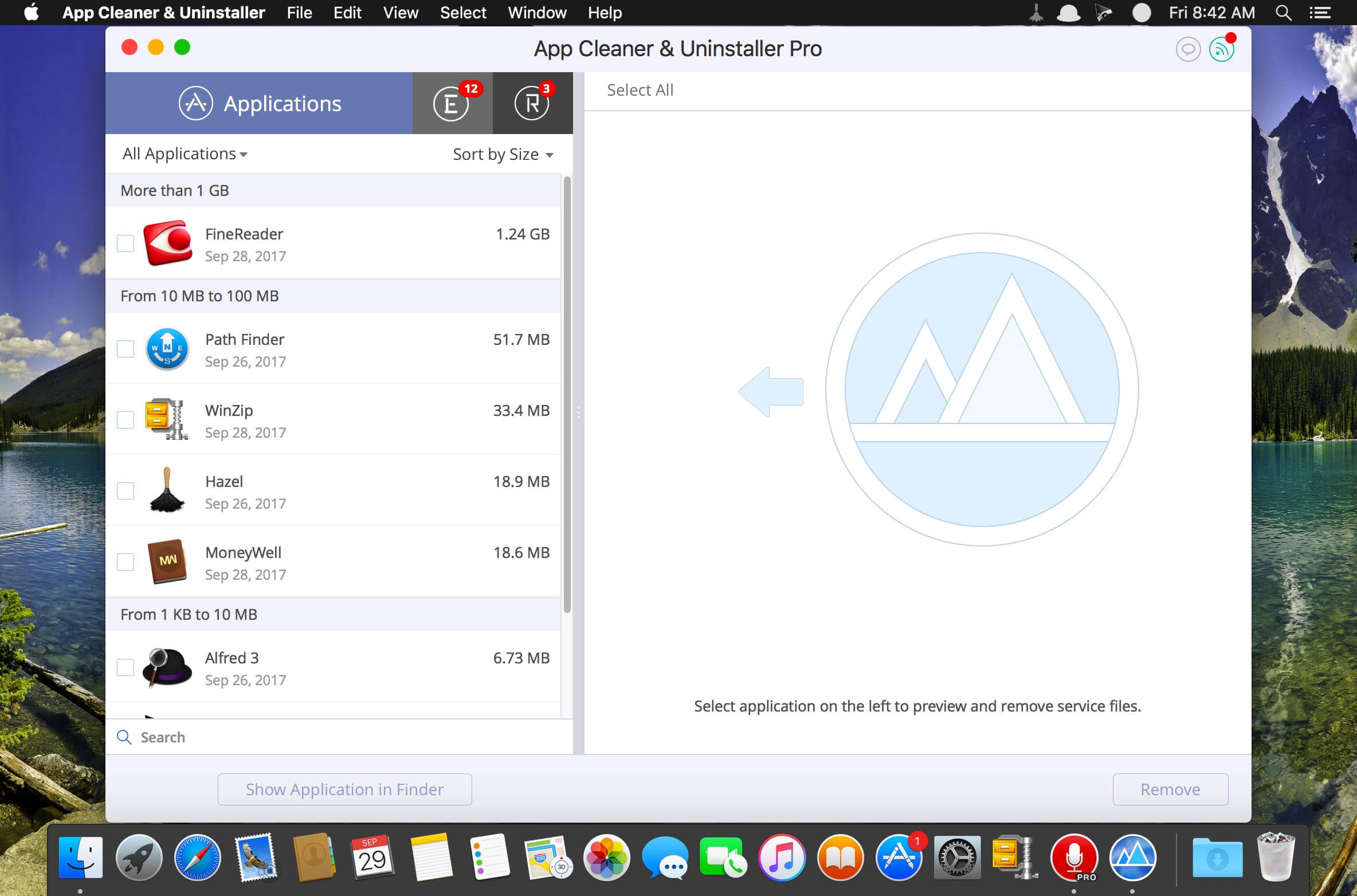
App Cleaner & Uninstaller Pro 7.7

Preview Installed Applications and Remove Service Files to Complete Uninstall.
App Cleaner 7 – The best app to remove applications service files on macOS and uninstalling applications*.

Delete application’s service files. Make sure they aren’t eating up precious space on your Mac with this helpful app that does the legwork for you.
Disable unneeded login items to launch Mac faster.
Get PRO features and remove even System Extensions.

Main Gained Value – Speed up Your Mac by: 

  • deleting apps’ files taking performance resources
  • deleting debris of apps that were simply put into Trash
  • managing all types of service files (caches, logs, preferences, etc.)
  • removing unneeded System Extensions
  • removing login items and disabling startup programs

Main Advantage: App Cleaner deletes Remains (or leftovers) – files of previously removed apps.
Thus, you uninstall applications completely.

Main Features: 

  • Scan the system and preview installed applications
  • Remove all types of service files
  • Remove remains of previously uninstalled apps
  • Reset application to a first-launch state
  • Preview launch agents and system daemons
  • Preview login items
  • Disable launch agents and login items
  • •ind and preview installed System Extensions
  • Remove System Extensions
  • Easy-to-use shortcuts
  • Any file or app quick preview
  • Specific app-associated file formats preview
  • In-app help assistance
  • Show unused applications
  • Skip list option

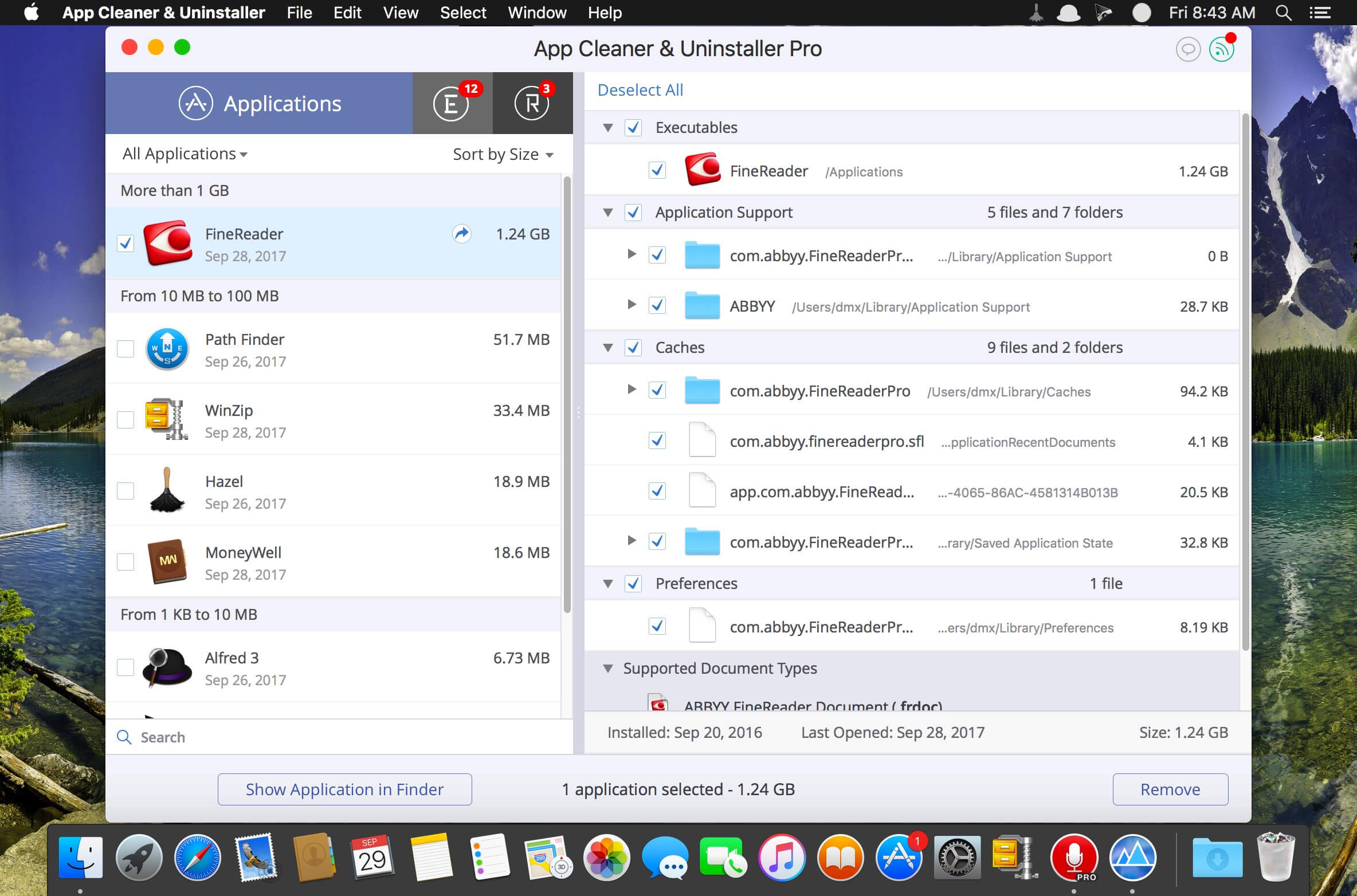
How to Uninstall an application using App Cleaner:

  1. Launch App Cleaner.
  2. Scan all applications for service files.
  3. Choose unneeded application (left view). In-app purchase required.
  4. Select all its’ service files on right view.
  5. Click Remove.
  6. If some apps were not removed, due to access rights, switch to Finder and move them manually to Trash*.

*Some applications can not be removed because they require administrator privileges. In this case, switch to the Finder and delete the application file in usual way.

PRO mode required to:

  • Remove executable part of applications
  • Remove system extensions
  • Disable ads

FREE mode allows to:

  • Preview all installed apps
  • Preview service files for apps
  • Remove service files for apps
  • Reset apps to first-run state
  • Preview installed extensions and widgets
  • Disable launch agents and startup items
  • Remove Remains – broken service files

Top In-App Purchases : PRO Version – included
Compatibility: OS X 10.10 or later
Homepage https://nektony.com/

Screenshots


Name: App_Cleaner_7.7__TNT_Mactorrents.io.dmg
Size: 30 MB
Files App_Cleaner_7.7__TNT_Mactorrents.io.dmg[30 MB]

   Download

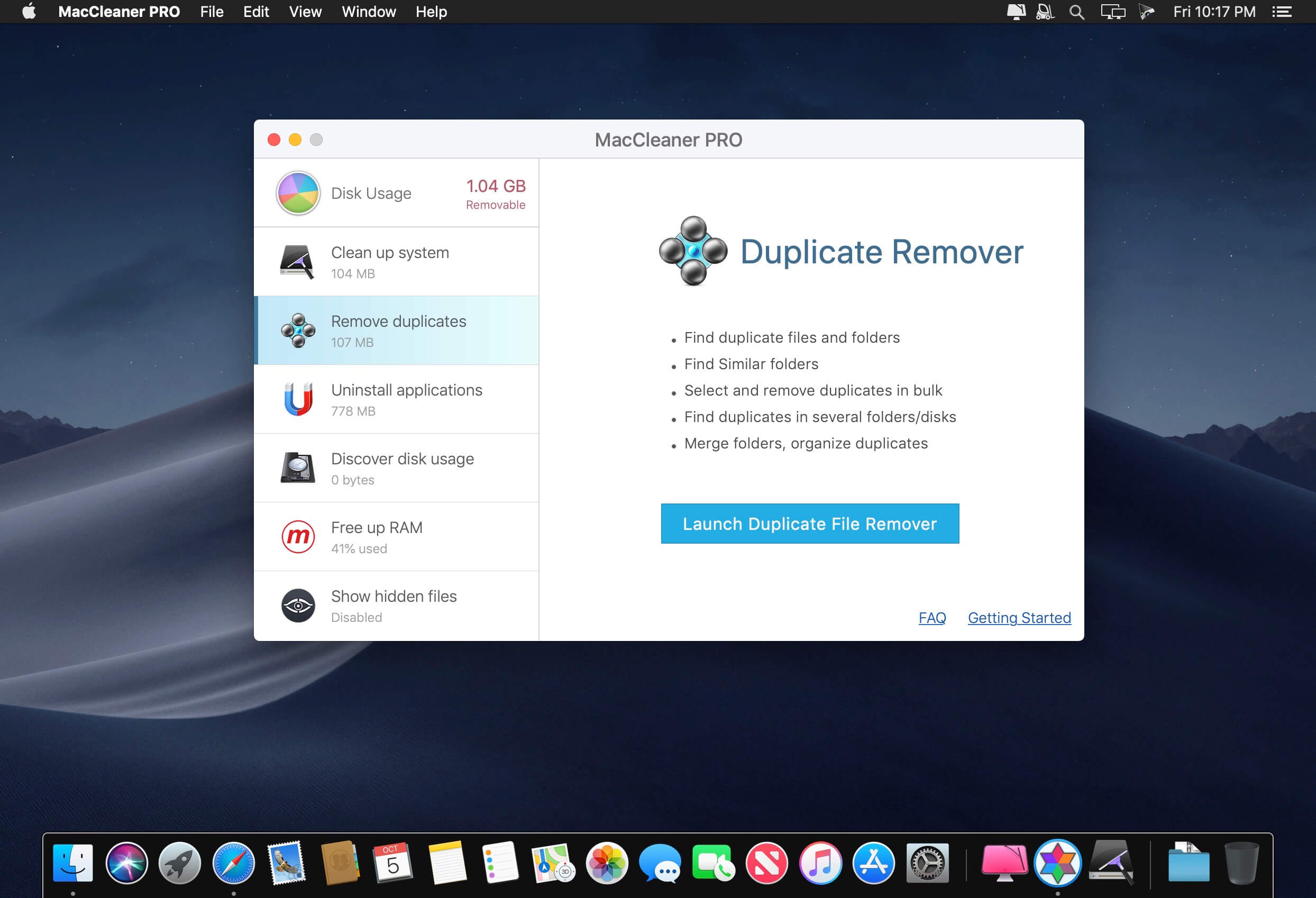
MacCleaner 2 PRO 2.8.1

Clean up your Mac and optimize its performance. Speed up a slow Mac, free up disk space, remove junk files, prevent the “Startup Disk Full” error.

Why do I need MacCleaner Pro 2?
Your Mac needs to be cleared of junk files periodically if you wish to keep it working as fast as a new one. MacCleaner Pro provides a set of cleanup apps for that, which we call “must haves” for every self-respecting Mac owner.

How to use MacCleaner Pro 2?
Using MacCleaner Pro is as easy as ABC. Just launch the application and you will see a list of all the tools with a details description of what each app can do for you. Open each app and follow simple steps to start the cleaning process. Whenever you have any questions, just visit the Support page or directly contact the Support team. We are always happy to help you.

What are benefits of MacCleaner Pro 2?
The best thing about MacCleaner Pro is that the bundle contains all the necessary tools for a safe and deep hard drive cleanup. You should use them to always keep your Mac running properly, and thus prolong its’ life.

My Mac is slow. Can MacCleaner Pro help me?
Despite freeing the disk space, MacCleaner Pro thinks about your RAM memory as well. It can work in the background and monitor the memory usage by apps. When your Mac’s memory is filled up, it will clear inactive RAM and make your Mac run faste

Compatibility: macOS 10.10 or later (Apple Silicon compatible)
Homepage https://nektony.com/

Screenshots


Name: MacCleaner_2_PRO_2.8.1__HCiSO_Mactorrents.io.dmg
Size: 98 MB
Files MacCleaner_2_PRO_2.8.1__HCiSO_Mactorrents.io.dmg[98 MB]

   Download

Disk Space Analyzer PRO 3.7.1

Disk Expert finds the biggest files and folders on your Mac. It scans your hard drive volumes and visually displays the disk space usage and makes a list of the most bulky content. It allows you to locate unneeded files and folders quickly using Mac OS X system tools. You can look for a file using Finder tab and preview the file using QuickLook.

Disk Expert also lets you gather files and folders into collection, enabling you to rapidly move them to another place, or even delete them.

Supported Volumes:

  • HDD volumes
  • CD and DVD discs
  • Removable USB drives
  • Mounted DMG
  • SMB disk image

What’s new

  • Release notes not available at the time of this post.

Compatibility: macOS 10.8 or later 64bit
Homepage https://nektony.com/disk-space-analyzer

Name: Disk_Space_Analyzer_PRO_3.7.1__HCiSO_Mactorrents.io.dmg
Size: 9.5 MB
Files Disk_Space_Analyzer_PRO_3.7.1__HCiSO_Mactorrents.io.dmg[9.5 MB]

   Download

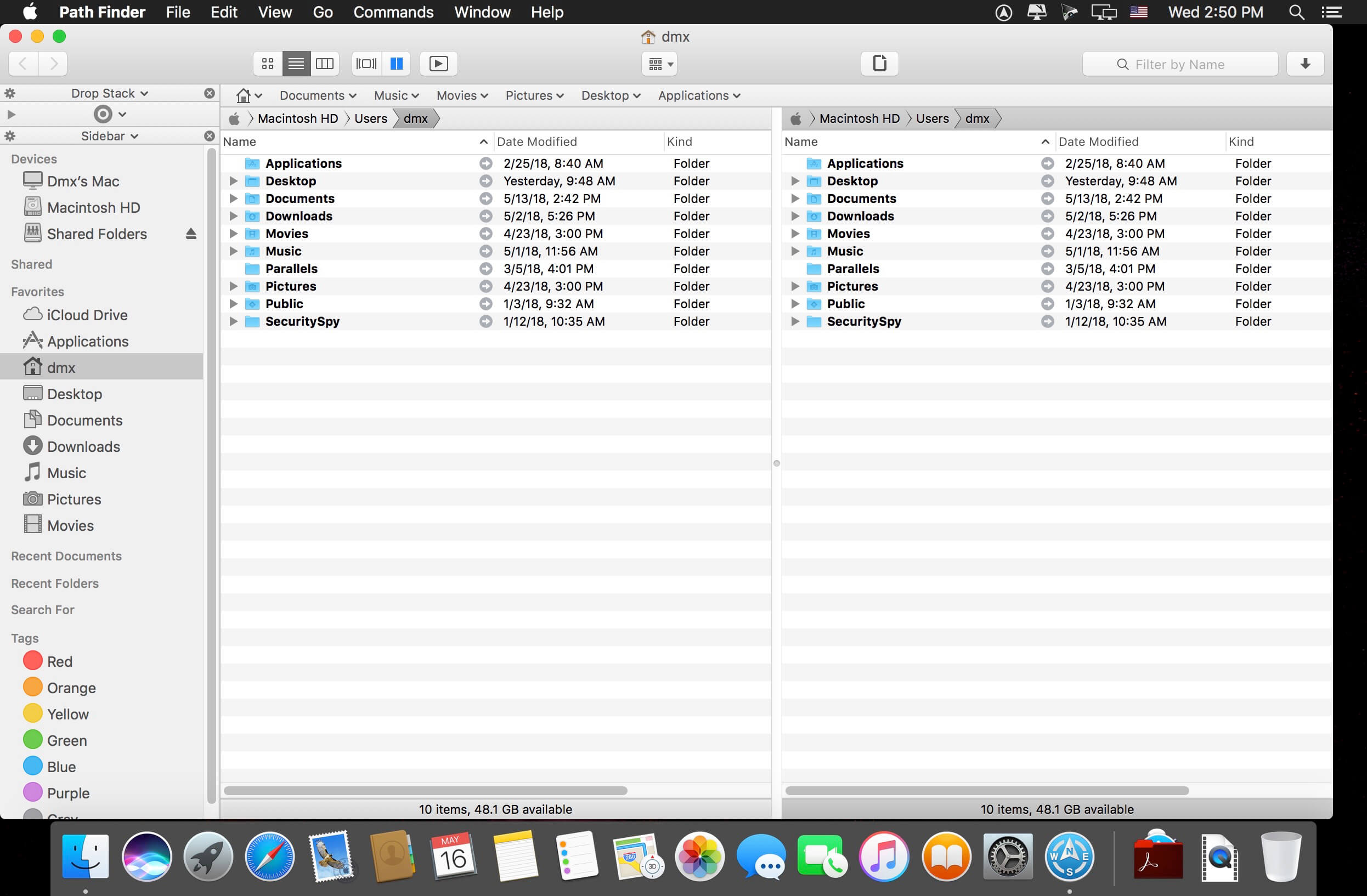
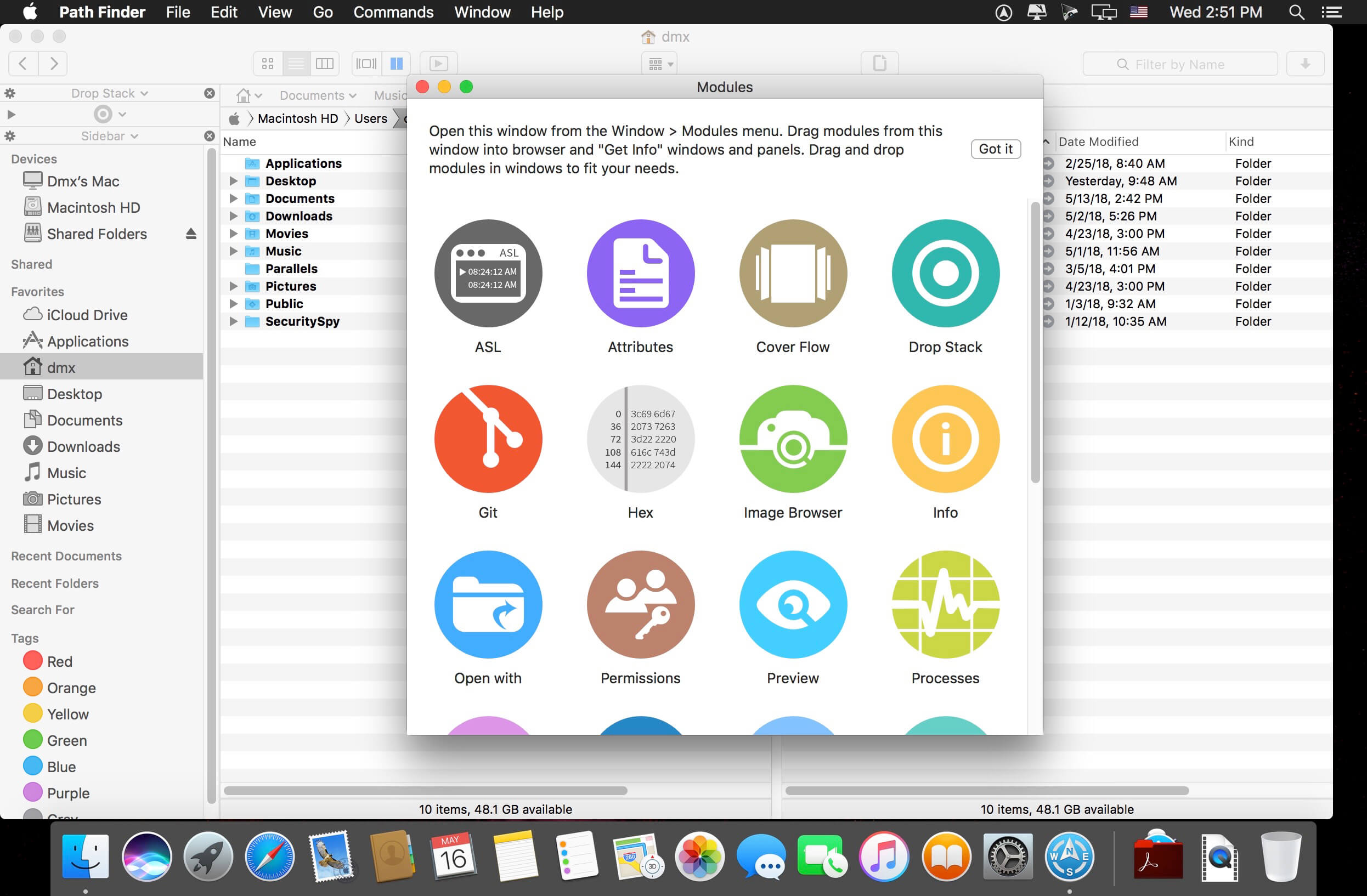
Path Finder 2126

Path Finder 10 makes you a master of file management. Take full control over your file system. Save your time: compare and synchronize folders, view hidden files, use Dual Pane and full keyboard navigation to browse your file system.

Work how you want: extreme customization allows you to access most tools in many different ways to suit your workflow. Work seamlessly with other platforms: don’t leave any hidden .DS_Store files on non-Mac volumes, delete files securely and completely with the powerful delete feature from any volume type, search any network volume.

Features

  • View and manipulate hidden files
  • Dual Pane View
  • Full keyboard navigation
  • Folder comparison and synchronization
  • Folder merging
  • Batch renaming
  • Powerful file filtering
  • One-click dual-pane copy
  • Bookmarks and Tab Presets
  • ACL editor
  • File tagging
  • Editable Path Navigator
  • Powerful low-level search
  • Smart sorting
  • Advanced selection
  • Integrated terminal
  • Integrated text and image editors

Language: Multilingual
Compatibility: macOS 10.12 or later (Apple M1 compatible)
Homepage https://cocoatech.com/

Screenshots


Name: Path_Finder_2126__TNT_Mactorrents.io.dmg
Size: 27 MB
Files Path_Finder_2126__TNT_Mactorrents.io.dmg[27 MB]

   Download

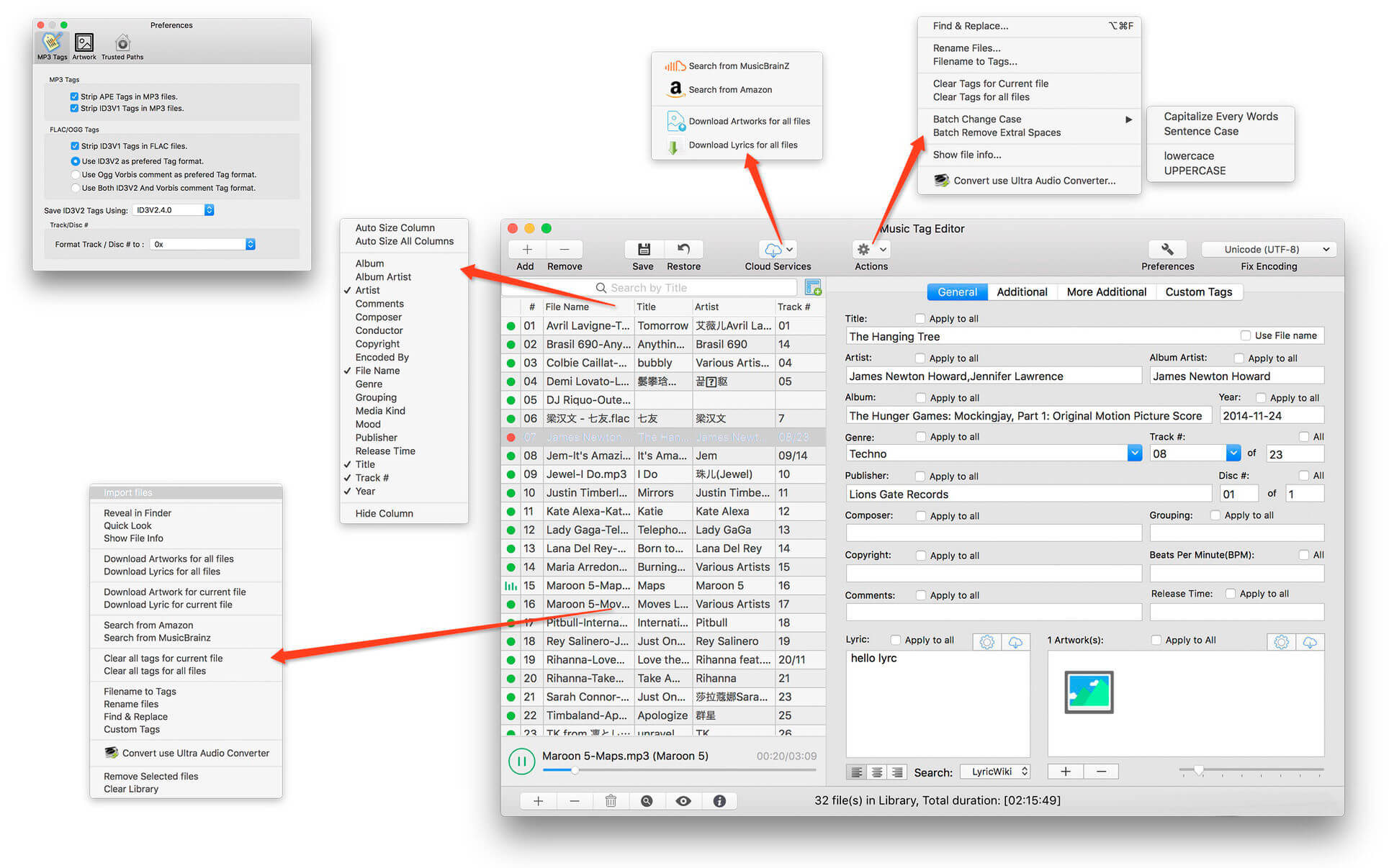
Music Tag Editor 6.1.2

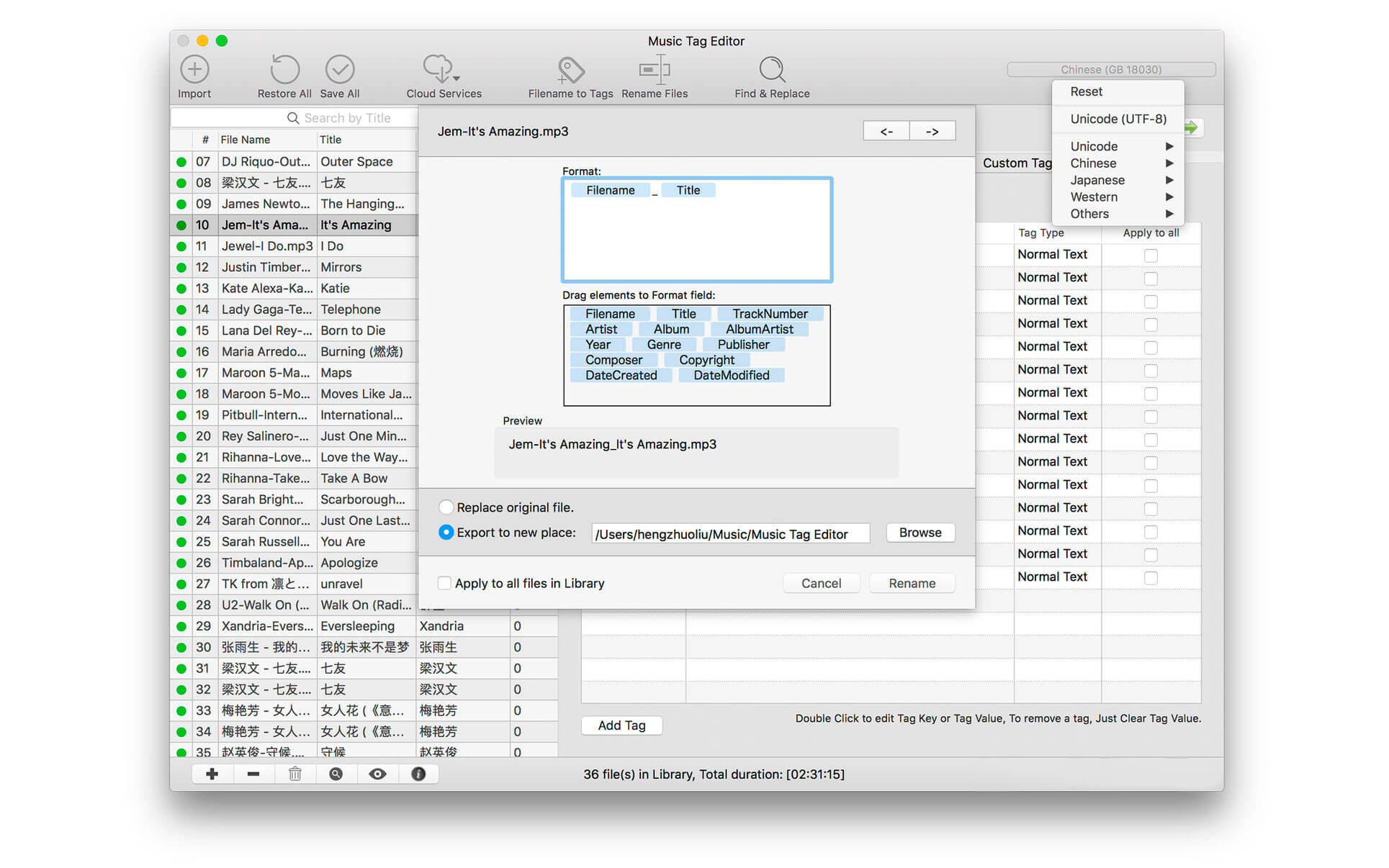
Music Tag Editor Pro can help you to edit your Music Tag info easily and effectively,Batch edit all tags and batch rename with metadata, you can also use it to convert the text encoding of Music Tag, In situations,it can repair the messy code in Music Tags. You also can download the album image for MP3 from internet. Also, you can search tags of music file from Amazon or MusicBrainz cloud services.
In Pro version More additional tags are supported, you can even custom any tags you want!

Support Music formats:
 MP3, M4A (Apple lossless), MP4, FLAC, APE, AIFF, WAV , Ogg files, asf, mkv, dsf, dsd…
Support ID3V1, ID3V2.3,ID3V2.4, xiphComments, APE Tag, Ogg Vorbis, Ogg Speex, Ogg Flac.

Main features:

  • support id3v1,id3v2,xiphComments, RIFF Info, APE Tag, Ogg Tags,iTunes tags. Tags:Title,Artist,Album,Genre,Copyright,Comments,Artworks,Lyrics and so on…
  • lyrics you saved to file can be show correctly in you iPhone or iPod music player.
  • support batch processing of lots of music files,support iTunes importing.
  • Online album image download,multi album image supported.
  • batch rename audio file with metadata
  • batch convert file name to tags
  • user can change,convert the tag text encoding easily, it also can repair messy code in situations.
  • Fully iTunes Tag supported.
  • Support strip APE or ID3V1 tags in mp3 files
  • support to save id3v2.3 or id3v2.4 tags!
  • Batch clean tags
  • Built-IN Music player for all audio formats

Advance features in pro version:

  • Edit Additional and Advanced Tags.
  • Custom and edit any tags you want.
  • Batch Find & Replace all tag fields in one click.
  • MusicBrainZ Cloud services supported.

Compatibility: macOS 10.11 or later (Apple M1 compatible)
Homepage https://geo.itunes.apple.com/app/id1229106549

Screenshots


Name: Music_Tag_Editor_6.1.2_MAS__TNT_Mactorrents.io.dmg
Size: 29 MB
Files Music_Tag_Editor_6.1.2_MAS__TNT_Mactorrents.io.dmg[29 MB]

   Download

2Do 2.7.0 (270003)

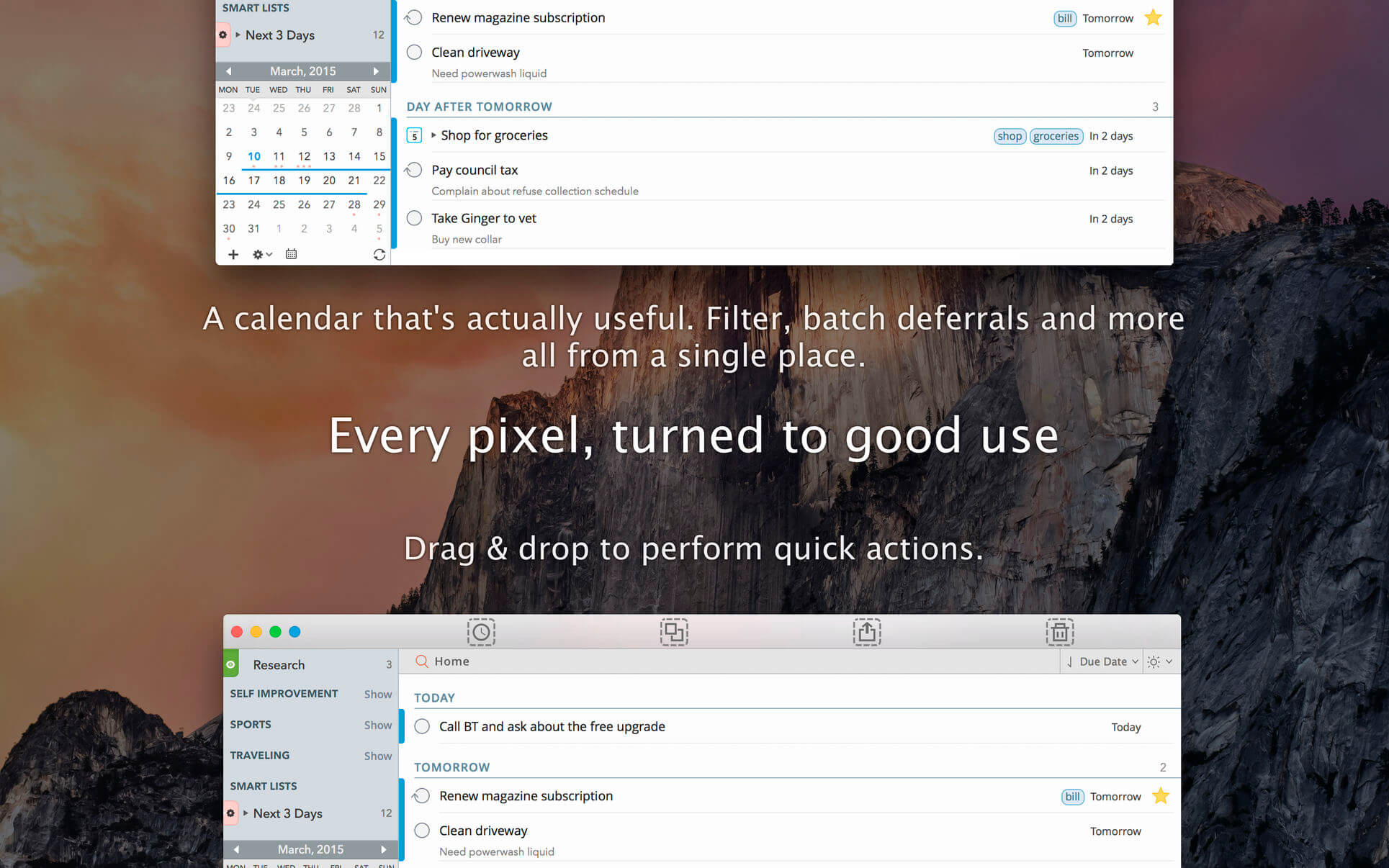
2Do lets you take a completely different approach to managing your tasks. With its extremely simple-to-use interface and a comprehensive and flexible set of powerful features, it lets you focus on what’s most important to you: your life. There is no wrong way of using 2Do, and unlike other to-do apps, it won’t force you in adhering to a particular task management methodology.

AWARDS

  • Apple – Best of 2013 Mac App Store
  • Macstories – App of the Year 2015 iOS
  • Cult of Mac – Best Task Manager for iOS

SIMPLE TASKS, CHECKLISTS & PROJECTS 

  • Create simple tasks, or checklists and projects with sub-tasks. Tasks can have notes, attachments and multiple alarms.
  • Set any task to repeat using a flexible set of options.

LIST GROUPS, LISTS & SMART LISTS 

  • In addition to built-in Focus lists that allow you to conveniently view upcoming, starred or scheduled tasks, you can create multiple lists to manage and organize your tasks.
  • Smart lists let you harness the true potential of 2Do using a number of search options, filters and search pre-sets. Using Smart Lists, you can create custom views of your tasks and use them to focus-in or find frequently managed tasks.
  • Furthermore, related Smart lists and Lists can be grouped together using a List Group in the order you desire.

PROJECT VIEW

  • Quickly focus on your projects and their sub-tasks and nothing else
  • Access project view directly from the list view or using keyboard shortcuts
  • Focus filters and sort options can be applied separately to individual projects using Project View

TAGS 

  • Manage tags within Tag Groups.
  • Easily assign tags to tasks and vice versa.
  • Leverage the easy to use yet powerful integration of Tags & Smart Lists to filter on frequently managed tasks.
  • Find Used vs. Unused tags with a click.

LOCATIONS 

  • Easily create, edit and assign locations to tasks
  • Create powerful Smart Lists based on Locations

SYNC 

  • Stay in sync with multiple Macs and mobile devices running 2Do using your favorite sync method over fast and reliable Push Sync: Dropbox, Reminders (CalDAV), 3rd Party CalDAV Servers (iCal, Fruux, ownCloud etc) or Toodledo.
  • Using Dropbox, you can keep multiple devices in sync seamlessly. Devices can be added / removed at any time.
  • Using Reminders CalDAV sync you can keep 2Do and Reminders in sync as well as create tasks using Siri.
  • Unobtrusive automatic background sync supported for Dropbox, Reminders (CalDAV) and CalDAV.

QUICK ENTRY 

  • Save your thoughts as they come to you. Using a global hotkey, Quick Entry allows you to add tasks from any app or any Space.
  • 2Do does it right. Quick Entry works even if 2Do was not launched or is not running in the background.

QUICK LOOK 

  • Works just the way Quick Look does in Finder or other built-in OS X apps. Use the spacebar to zoom in and out of a task to preview notes, multi-line titles or other details attached to your tasks.

ALARMS & NOTIFICATIONS 

  • Stay on top of your tasks with alarms and notifications. Supports Notification Center as well as a built-in notification system which works even when 2Do is *not running*.
  • Set up automatic alarms for your tasks.

PASSWORD PROTECTION 

  • Your life is a private affair. Manage it by locking out individual lists or the whole app with a single click.

AUTOMATIC BACKUPS 

  • 2Do values your tasks. Periodic automatic backups are created for you which can be transferred from one machine to another or from the iOS version of 2Do to the Mac and vice versa.
  • Save & restore of external backups

FLUID 

  • Adding and editing tasks is blazing fast using in-place editors and popovers
  • 2Do supports both mouse users, by offering them numerous shortcuts, as well as keyboard power-users by supporting dozens of keyboard shortcuts
  • 2Do won’t slow down over time

Compatibility: macOS 10.10 or later
Homepage https://geo.itunes.apple.com/app/id477670270

Screenshots

Name: 2Do_2.7.0__270003___TNT_Mactorrents.io.dmg
Size: 61 MB
Files 2Do_2.7.0__270003___TNT_Mactorrents.io.dmg[61 MB]

   Download

WonderPen 2.1.1

WonderPen is a writing app for both professional and amateur writers.

Features:

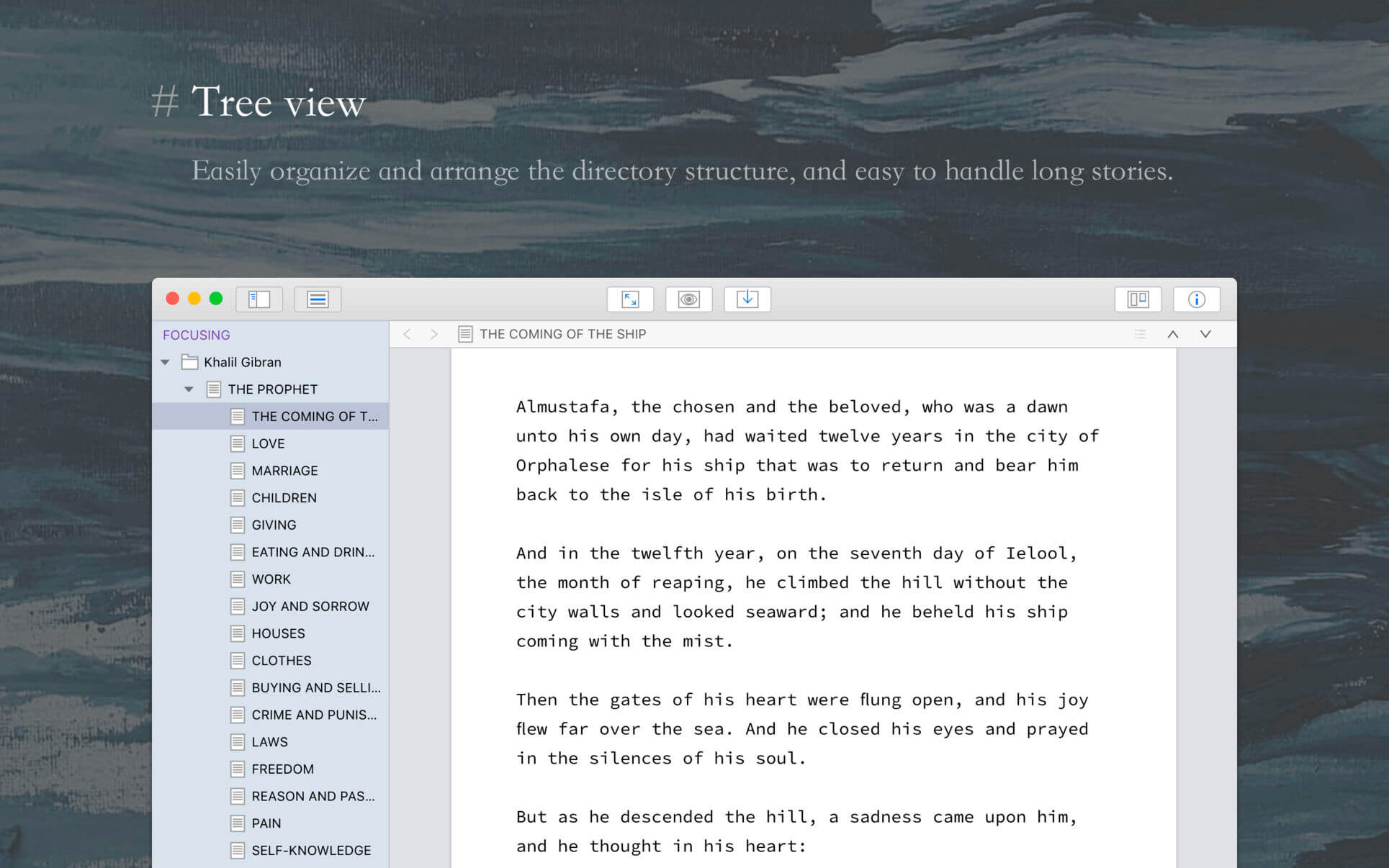
  • Tree view, drag-and-drop to reorder.
  • An easy-to-use text editor that supports Markdown.
  • Supports full-screen mode, lets you focus on writing.
  • Docs can be exported as Image, PDF, HTML, etc.
  • Auto save while editing. You can backup all docs as a single file and restore from it later.
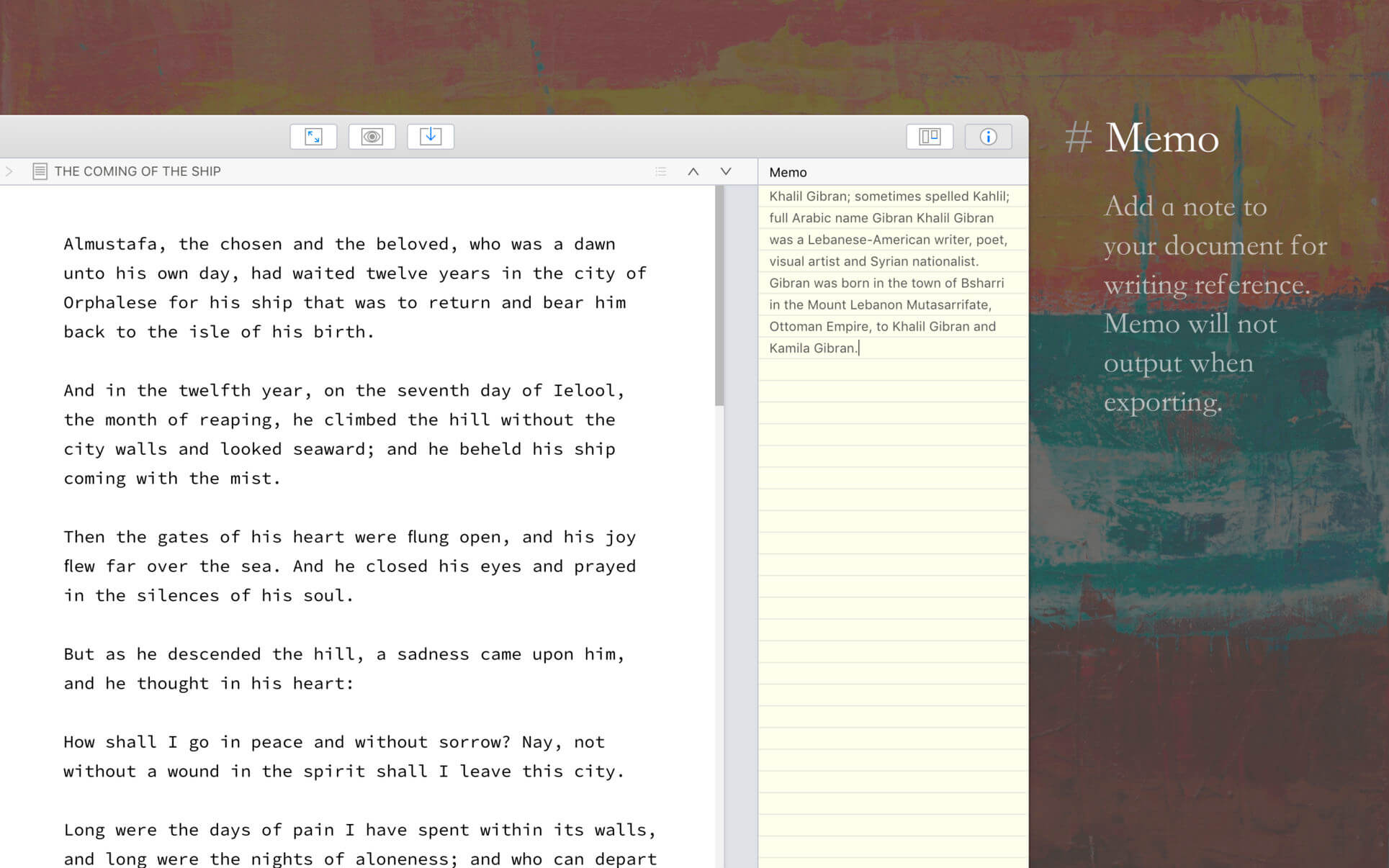
  • Add memo for each doc.
  • Focus on one node of the doc tree.
  • Search in all docs.
  • Automatic backup.

Support
Hope you enjoy this app. If you have any questions or suggestions about using it, you can contact us via the “Feedback” option in the “Help” menu

Compatibility: macOS 10.11 or later (Apple Silicon compatible)
Homepage https://itunes.apple.com/us/app/wonderpen/id1173437104

Screenshots


Name: WonderPen_2.1.1_MAS__TNT_Mactorrents.io.dmg
Size: 171 MB
Files WonderPen_2.1.1_MAS__TNT_Mactorrents.io.dmg[171 MB]

   Download

FSNotes 5.3.8

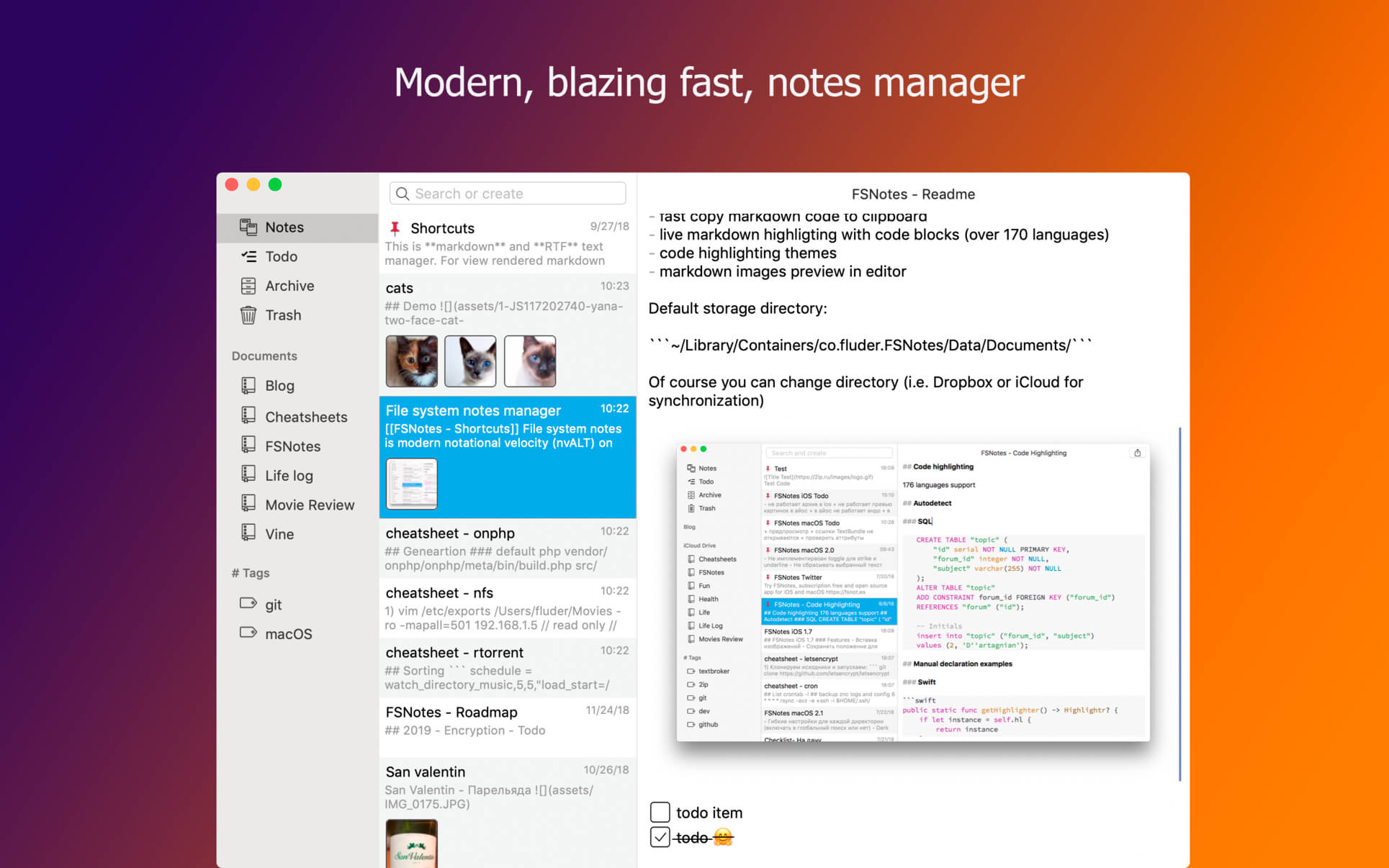
FSNotes is a plain-text note manager for macOS, and is modern reinvention of notational velocity (nvALT) on steroids. Our application respects the following open formats: plain/text, Markdown, and RTF, and stores data in the file system. You can view, edit, and copy data in your favourite external editor, and see live results in FSNotes.

Features

  • ICloud synchronization
  • Keyboard centric
  • Global shortcuts (clipboard save / search field)
  • Markdown and RTF markup (files stored on disk as plain/text and rich text)
  • Markdown preview mode
  • Elastic two pane view (vertical and horizontal layout)
  • Blazing fast and lightweight
  • Open files in finder / works with external editors (changes seamless live sync with UI)
  • Pin/unpin important notes in top
  • Multi folder storage
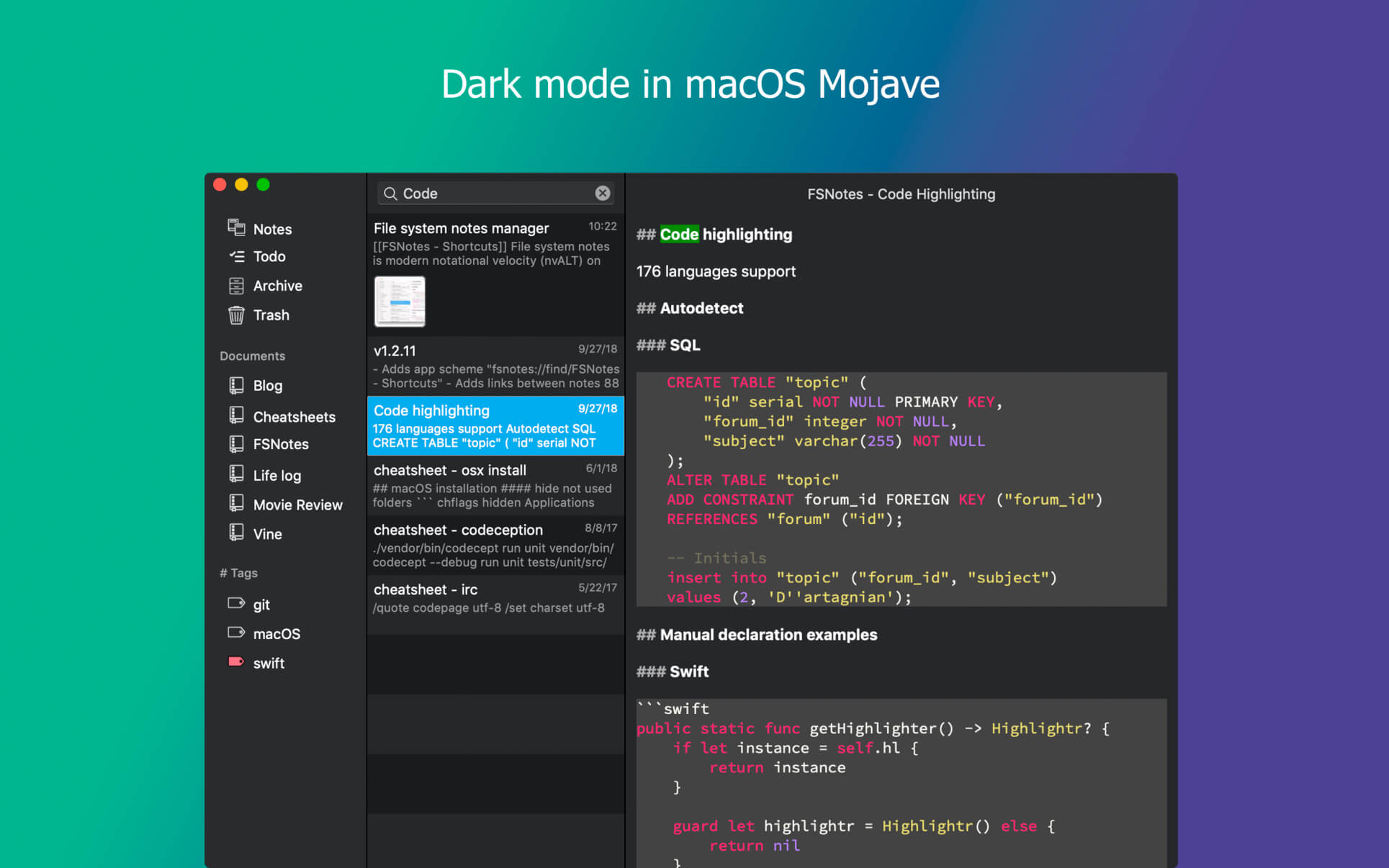
  • Markdown live highlighting with over 170 languages in code blocks

Compatibility: macOS 10.13 or later
Homepage https://apps.apple.com/pk/app/fsnotes/id1277179284

Screenshots


Name: FSNotes_5.3.8_MAS__TNT_Mactorrents.io.dmg
Size: 18 MB
Files FSNotes_5.3.8_MAS__TNT_Mactorrents.io.dmg[18 MB]

   Download

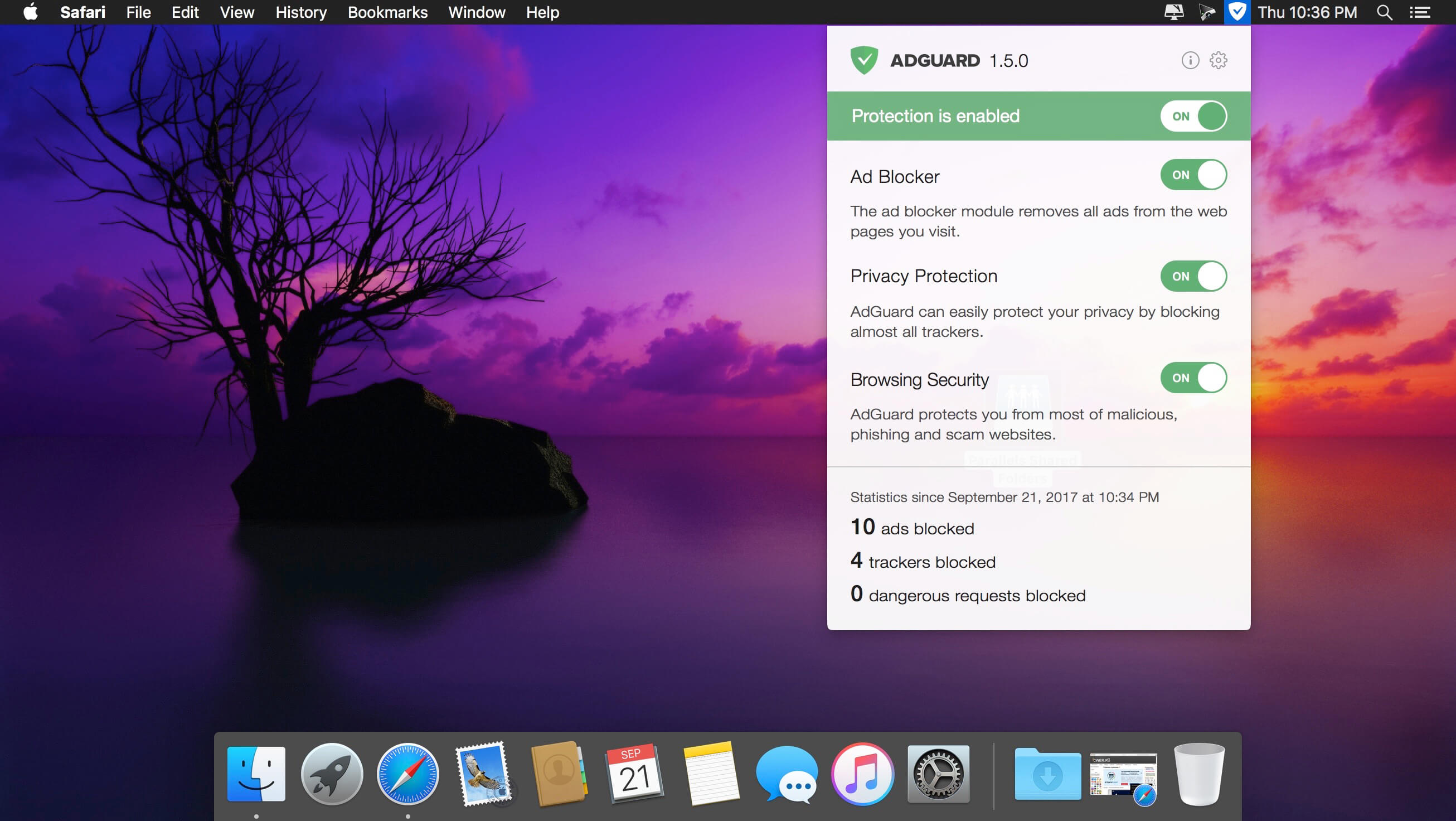
Adguard 2.8.0 (1128) Beta

Adguard can make your online experience safer because, though Macs and Apple laptops are quite safe to use, when it comes to ad blockers, Macs experience real problems. Already-existing solutions do not consider the specifics of OS X. That greatly influences the stability of work in Safari, and these ad-blocking extensions fail to do their work properly, especially when video ads are an issue.

INFO Release

AdGuard isn’t compatible with Little Snitch 5
https://kb.adguard.com/en/macos/solving-problems/big-sur-issues#little-snitch

Solution:
https://kb.adguard.com/en/macos/solving-problems/big-sur-issues#automatic-proxy
Using “Automatic proxy” filtering mode
If you face problems in Big Sur or Monterey which can’t be resolved by any of the methods above, you can try switching AdGuard to Automatic proxy mode.
1) Open AdGuard’s menu.
2) Select Preferences….
3) Switch to the Network tab.
4) Click the Select Mode… button.
5) Select Automatic Proxy.

Compatibility: OS X 10.10 or later, 64-bit processor
Homepage https://adguard.com/en/welcome.html

Screenshots


Name: AdGuard_2.8.0.1128_beta__TNT_Mactorrents.io.dmg
Size: 90 MB
Files AdGuard_2.8.0.1128_beta__TNT_Mactorrents.io.dmg[90 MB]

   Download

Voxengo Total Bundle v02.4.2022

Voxengo offers you high-quality professional DAW audio plugins: VST3 plugins, and AU plugins, and sample rate converters. Our goal is to provide user-friendly, robust, and efficient solutions for audio and music production, including mastering and surround sound. Voxengo professional audio plugins will empower your creativity and help improve the quality of your stereo and surround sound audio and music production.

Included:
Voxengo OVC128 v.19
Voxengo CurveEQ v.312
Voxengo SPANPlus v.118
Voxengo TEOTE v.19
Voxengo Elephant v.416
Voxengo HarmoniEQ v.29
Voxengo PrimeEQ v.17
Voxengo Peakbuster v.14
Voxengo CRTIVTapeBus v.16
Voxengo OldSkoolVerbPlus v.14
Voxengo PHA979 v.210
Voxengo DeftCompressor v.111
Voxengo VariSaturator v.23
Voxengo Shinechilla v.13
Voxengo Powershaper v.14
Voxengo TransGainer v.112
Voxengo LFMaxPunch v.112
Voxengo Polysquasher v.33
Voxengo MarquisCompressor v.26
Voxengo Drumformer v.110
Voxengo Soniformer v.313
Voxengo CRTIVChorus v.15
Voxengo BMS v.25
Voxengo Voxformer v.220
Voxengo GlissEQ v.316
Voxengo CRTIVShumovick v.13
Voxengo CRTIVReverb v.24
Voxengo Spatifier v.16
Voxengo Crunchessor v.216
Voxengo Warmifier v.26
Voxengo EBusLim v.16

Homepage https://www.voxengo.com

Name: Voxengo.Total.Bundle.v02.4.2022.macOS_Mactorrents.io.rar
Size: 467.8 MB
Files Voxengo.Total.Bundle.v02.4.2022.macOS_Mactorrents.io.rar[467.8 MB]

   Download

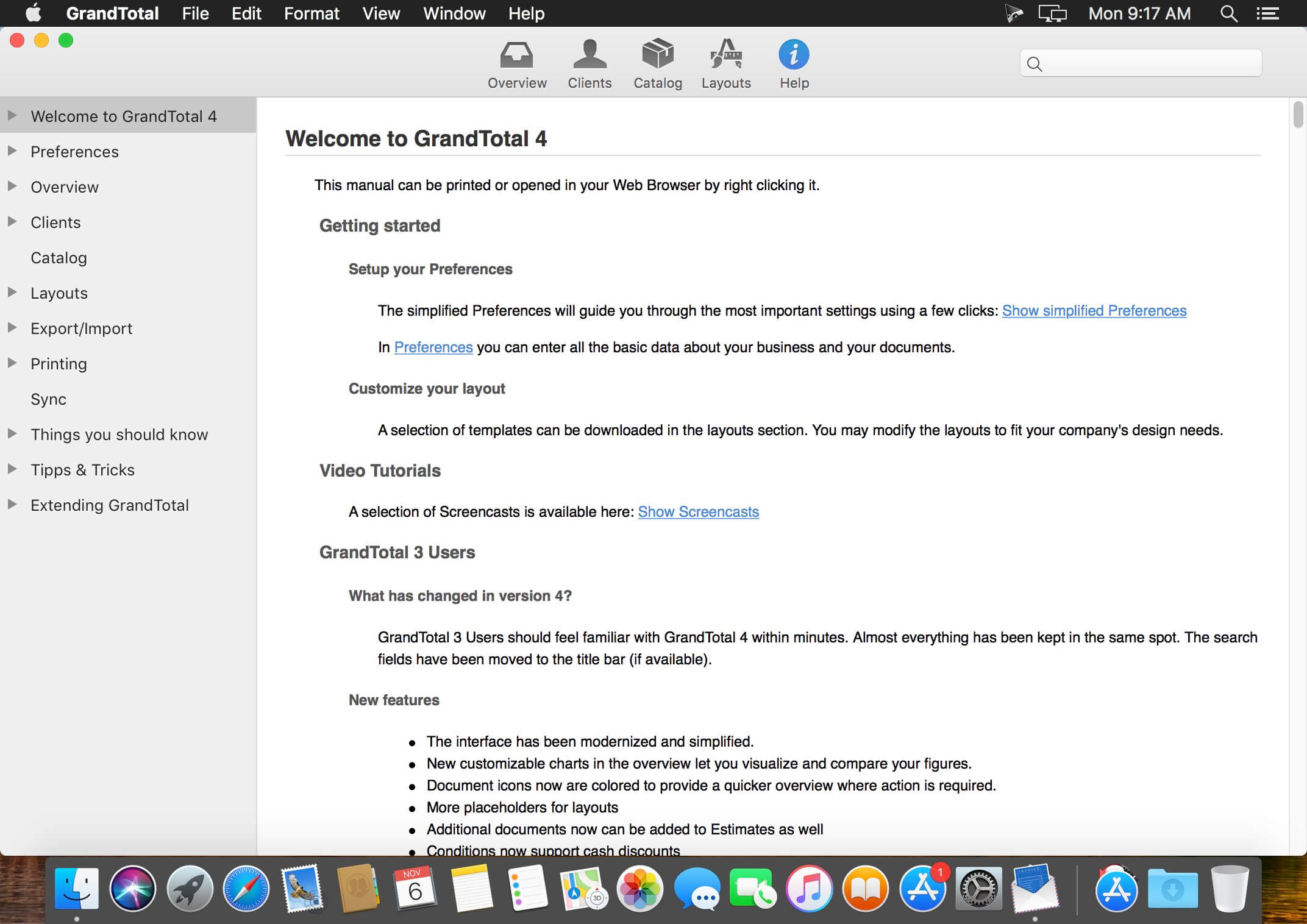
GrandTotal 7.3.1.5

GrandTotal is an application to create invoices and estimates based on your own templates. The built-in template editor allows you to adjust your layout to fit your company’s corporate design. GrandTotal works great in conjunction with TimeLog.

Compatibility: macOS 10.13 or later (Apple M1 compatible)
Homepage http://www.mediaatelier.com/GrandTotal4/

Screenshots


Name: GrandTotal_7.3.1.5__TNT_Mactorrents.io.dmg
Size: 47 MB
Files GrandTotal_7.3.1.5__TNT_Mactorrents.io.dmg[47 MB]

   Download

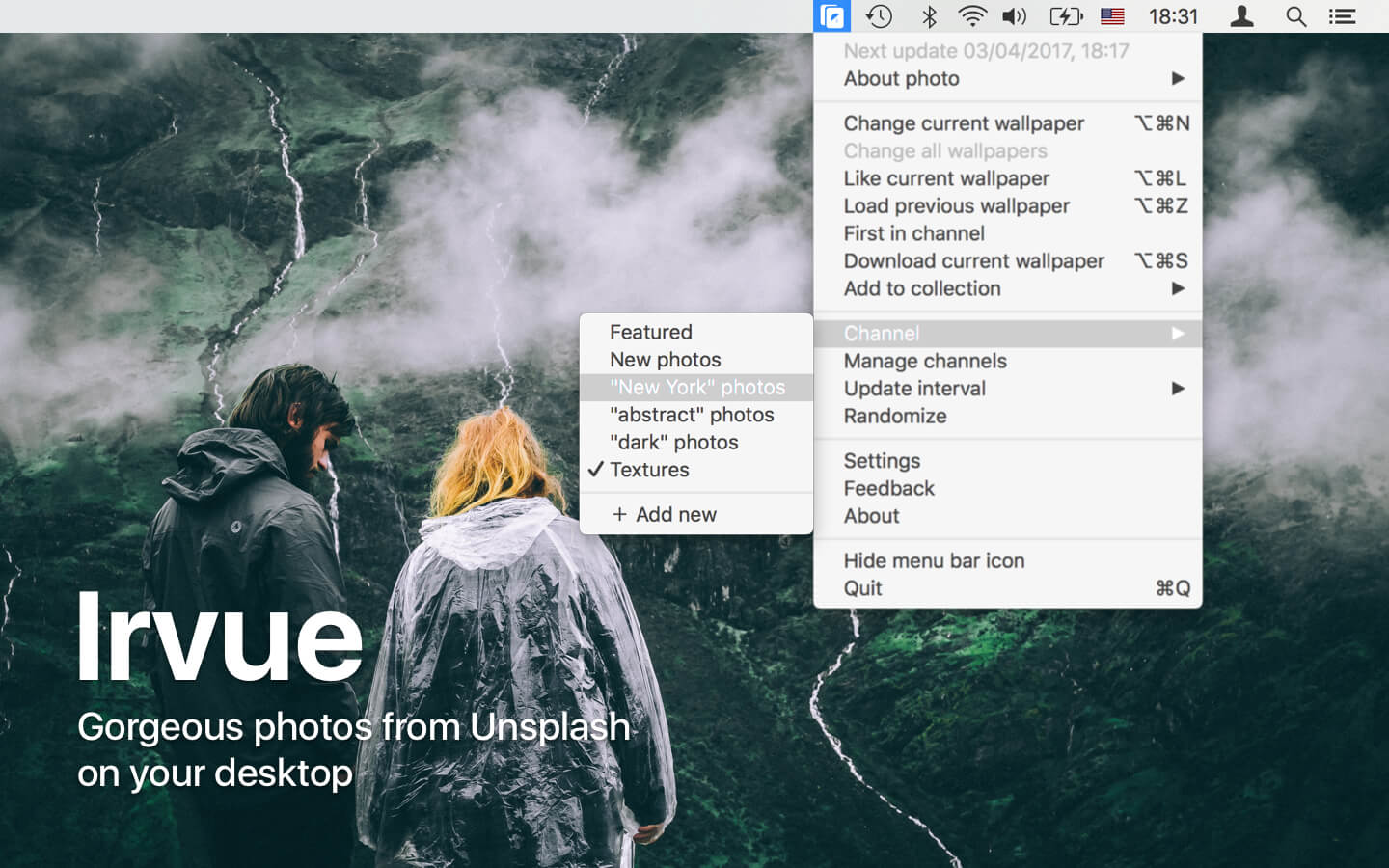
Irvue 2.7.14

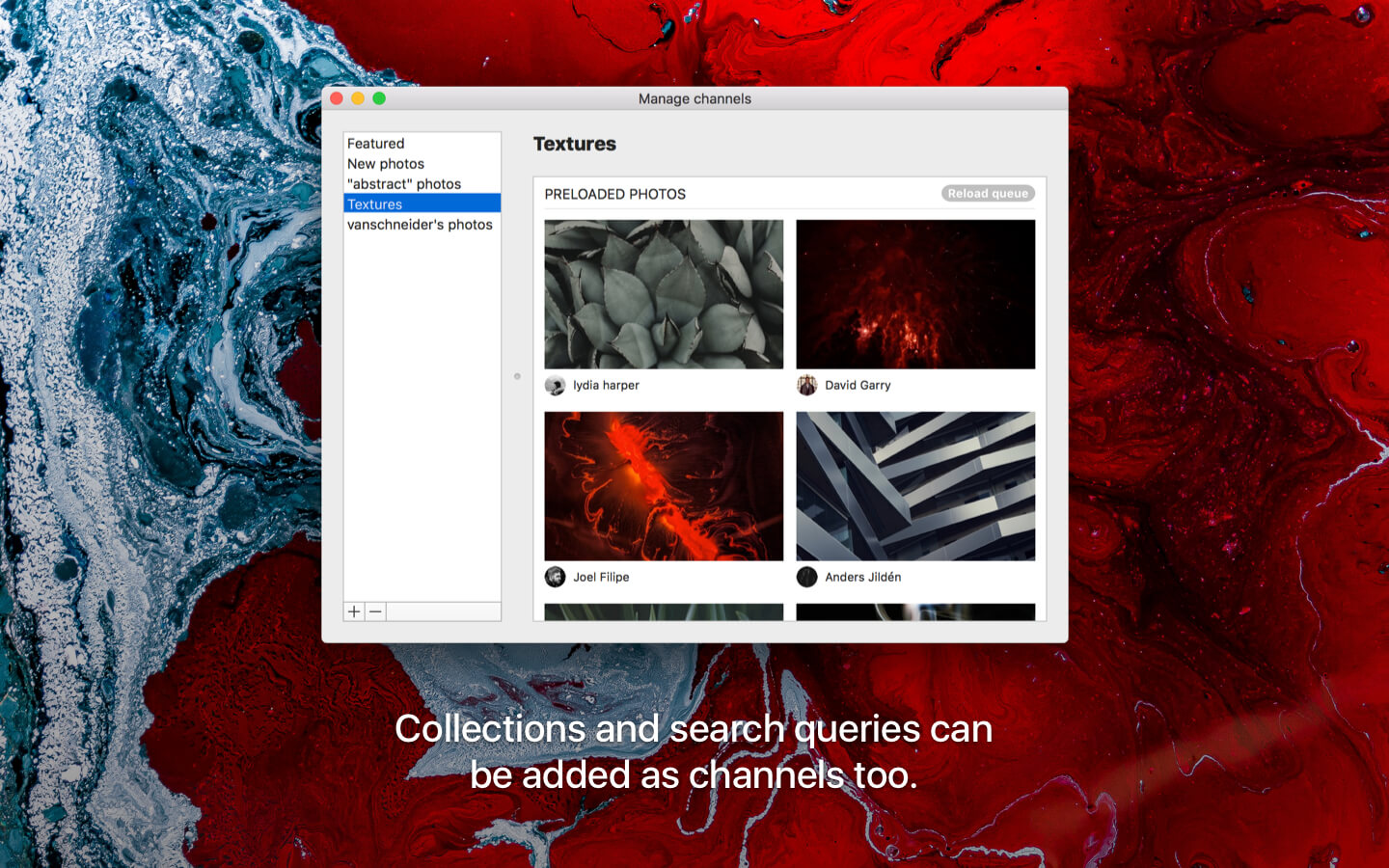
Irvue brings thousands of stunning high-resolution photos from Unsplash to your desktop. Enjoy new artistic wallpapers everyday with this small application, which lives in your menu bar.

Features:

  • Change wallpaper automatically every: 30 minutes, hour, 3 hours, 12 hours, 24 hours, week, two weeks or month
  • Customizable shortcuts
  • Multi-display setup support
  • Channels: new, featured and many others, which you can choose by yourself
  • Every photo is available for download to your Mac
  • Auto-adjustment of your macOS theme depending on the current wallpaper
  • If you have Unsplash account, you can like photos, create collections and add photos to them
  • Blacklist for photos and authors
  • Feature for advanced users: AppleScript support

Keep your Mac’s screen looking fresh with Unsplash photos and Irvue!

Compatibility: macOS 10.13 or later • Apple Silicon or Intel Core processo
Mac App Store: https://geo.itunes.apple.com/app/id1039633667

Screenshots


Name: Irvue_2.7.14_MAS__HCiSO_Mactorrents.io.dmg
Size: 10 MB
Files Irvue_2.7.14_MAS__HCiSO_Mactorrents.io.dmg[10 MB]

   Download

HyperDock 1.8.0.10

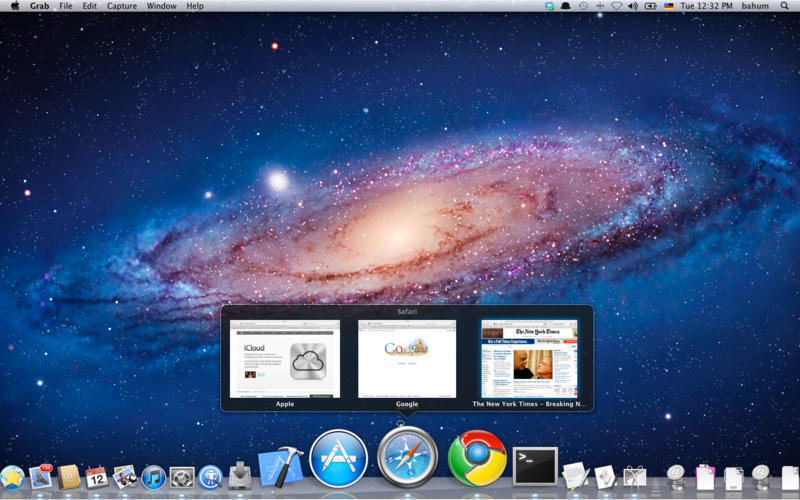
HyperDock adds long awaited features to your Dock: Select individual application windows just by moving the mouse on a dock item, use mouse clicks to quickly open new windows and many more.

Window Management

HyperDock brings advanced window management features to Mac OS:

• Move & resize windows just by holding down keys and moving your mouse.

• Automatically resize windows when dragging to screen edges (Window Snapping).

• Scroll on a window’s titlebar to quickly zoom or change its space.

Compatibility: OS X 10.9.5 or later 64-bit
Homepage https://bahoom.com/hyperdock

Screenshots


Name: HyperDock_1.8.0.10__TNT_Mactorrents.io.dmg
Size: 9 MB
Files HyperDock_1.8.0.10__TNT_Mactorrents.io.dmg[9 MB]

   Download

Downcast 2.11.9

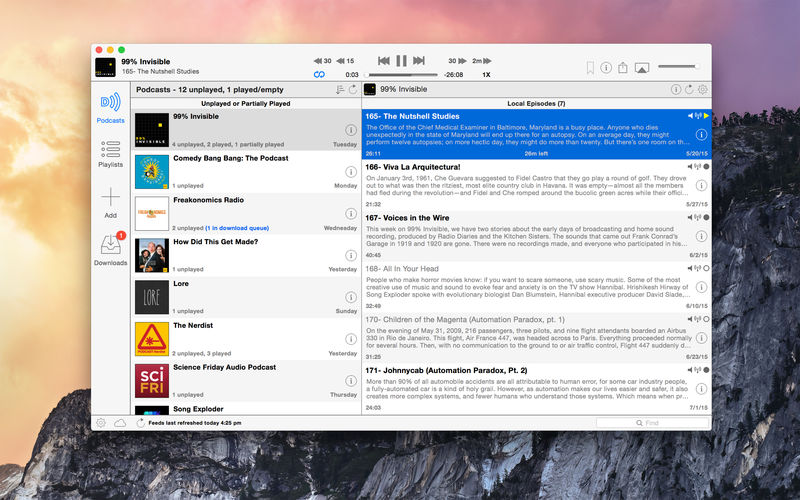
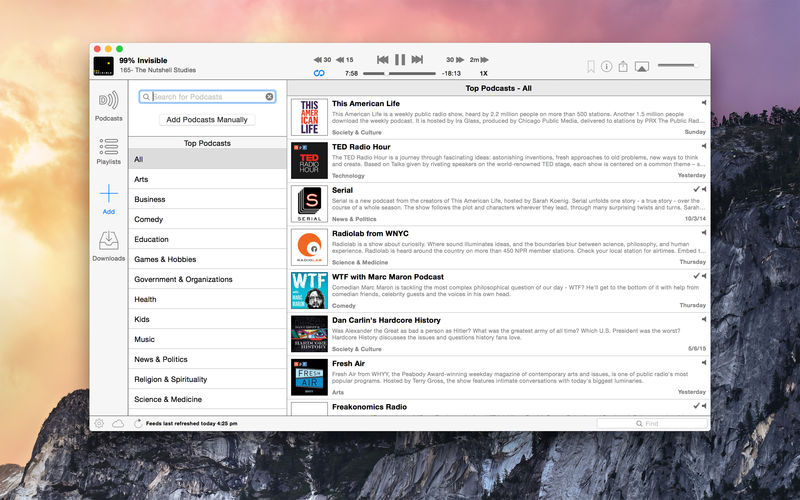
Downcast, the popular iOS podcast app is now available for macOS! Download, play and sync** your favorite podcasts with an intuitive interface built specifically for podcasts.

Subscription Features 

  • Search, subscribe to and download audio and video podcasts
  • Manually subscribe to podcasts via URL
  • Download podcasts automatically (including resuming downloads)
  • Browse and download older podcast episodes
  • Auto-update podcast feeds based on schedule
  • Settings for auto-download and episode retention (globally and per-podcast)
  • Import and export podcast feeds via OPML
  • Import supported audio/video media files
  • Support for password-protected feeds
  • Create and edit “smart” playlists
  • View podcast details and episode show notes
  • Rename podcast subscription names

iCloud Syncing 

  • Sync podcast subscriptions, playlists, settings and episode information with other Macs and iOS devices** via iCloud

Playback Features 

  • .5x, 1x, 1.25x, 1.5x, 2x, 2.25x, 2.5x, 2.75x and 3x speed playback*
  • Chapters support for enhanced podcasts
  • Stream episodes without downloading

Compatibility: macOS 10.13.2 or later
Homepage https://itunes.apple.com/app/downcast/id668429425

Screenshots


Name: Downcast_2.11.9_MAS__TNT_Mactorrents.io.dmg
Size: 24 MB
Files Downcast_2.11.9_MAS__TNT_Mactorrents.io.dmg[24 MB]

   Download

Screen Wonders 2.1.0

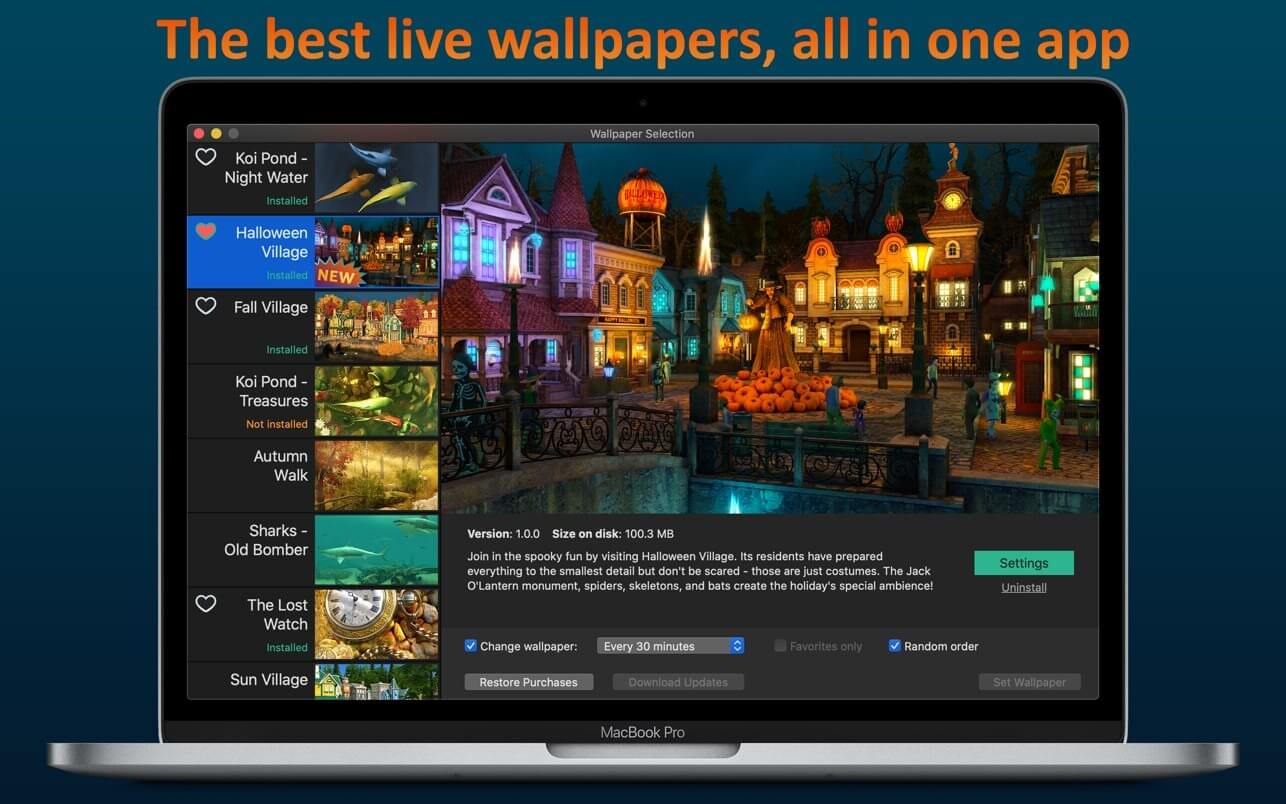
If you’re tired of the motionless pictures on your desktop, if you’re ready to welcome the magic of various places around the world and even parallel universes, we have gathered the best live wallpapers in this app! The variety of themes, seasons, and festive scenes are sure to appeal to you.
They say beauty demands sacrifice but you don’t need to worry because the smart energy-saving settings will slow down the wallpaper if you need your computer to work at full capacity or if your notebook is running low on power. So sit back comfortably and relax – the wonders are already on your screen! And we continue creating new ones.

Features:

  • high-quality 3D graphics and effects
  • Retina 5K display ready
  • multi-monitor support
  • option to automatically change wallpaper after a certain interval
  • screen saver mode with password protection
  • original soundtrack
  • option to hide the dock icon

Language: English, French, German, Italian, Russian, Spanish
Compatibility: OS X 10.10 or later 64-bit
Homepage https://geo.itunes.apple.com/app/id1513102332

Screenshots


Name: Screen_Wonders_2.1.0_MAS_In-App__TNT_Mactorrents.io.dmg
Size: 249 MB
Files Screen_Wonders_2.1.0_MAS_In-App__TNT_Mactorrents.io.dmg[249 MB]

   Download

Omni Recover 3.2.8

Omni Recover for macOS lets you retrieve your deleted messages, photos, WhatsApp chats, and much more, no matter what stage you’ve reached.

No Matter The Cause, We’ve Got You Re-Covered – iPhone data are vulnerable to sudden and casual iOS disasters. For instance, deleting photos on iPhone is permanent, and when you slide to delete a message thread, there’s no Trash bin for retrieving it. Now with Omni Recover, you can have peace of mind knowing all your iPhone, iPad, and iPod touch files are easily recoverable. From iPhone water damage, to man-made accident, Omni Recover will give you a hand in recovering your lost iOS data, regardless of the cause.

iPhone Data Recovery for All Types of Your iOS Content – You have no idea what counts most on your iPhone until you lose it for good. Maybe it’s your treasured family photos, or a note that saves your bank account data, or perhaps you need a message thread most. Whatever iOS data is vital and precious, Omni Recover provides a salvage solution. With industry-leading iPhone data recovery capability, Omni Recover is able to retrieve up to 20+ types of iOS data.

Compatibility: macOS 10.10 or later (Apple Silicon compatible)
Homepage https://www.minicreo.com

Screenshots


Name: Omni_Recover_3.2.8__TNT_Mactorrents.io.dmg
Size: 23 MB
Files Omni_Recover_3.2.8__TNT_Mactorrents.io.dmg[23 MB]

   Download

Omni Toolbox 1.1.4

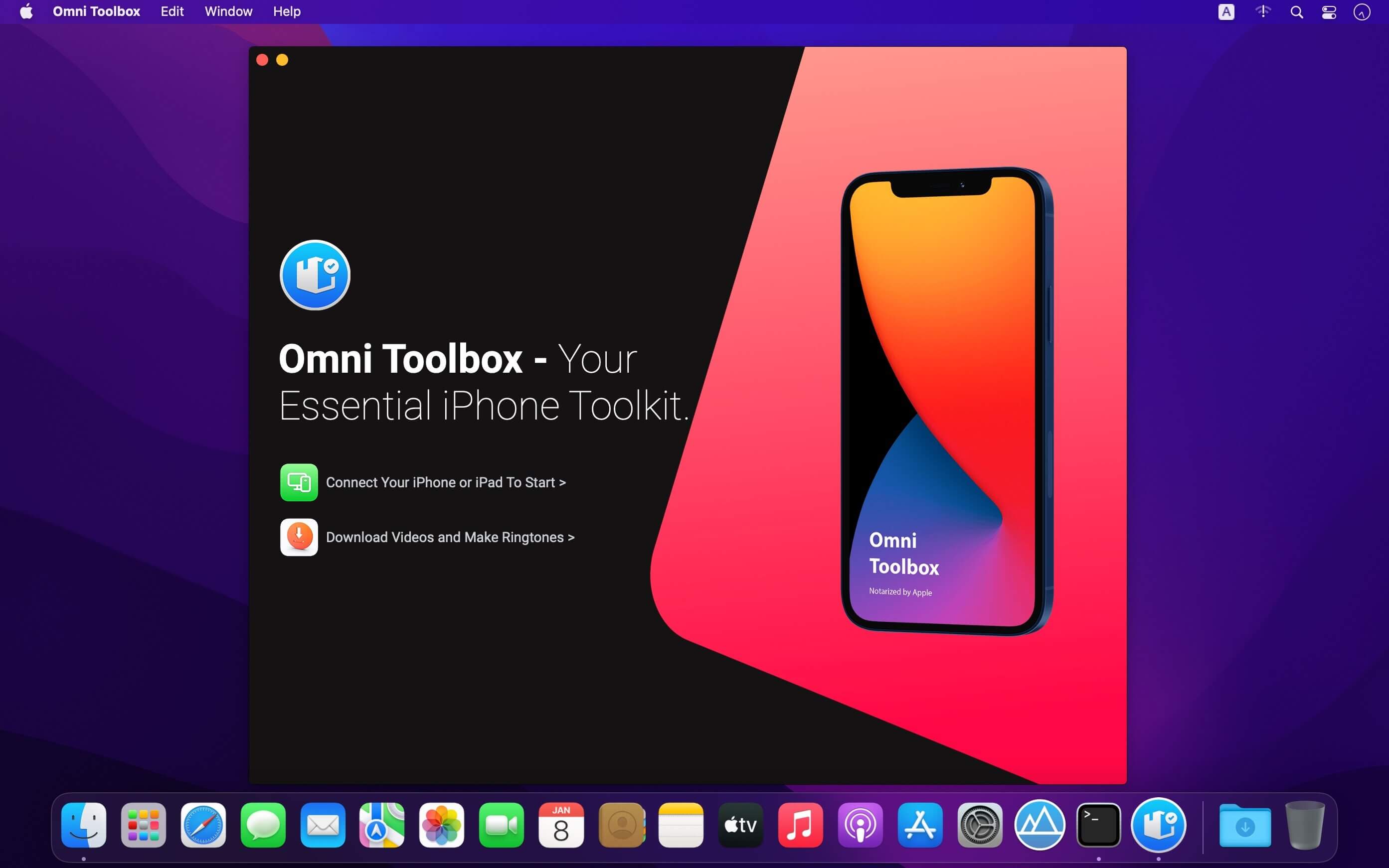
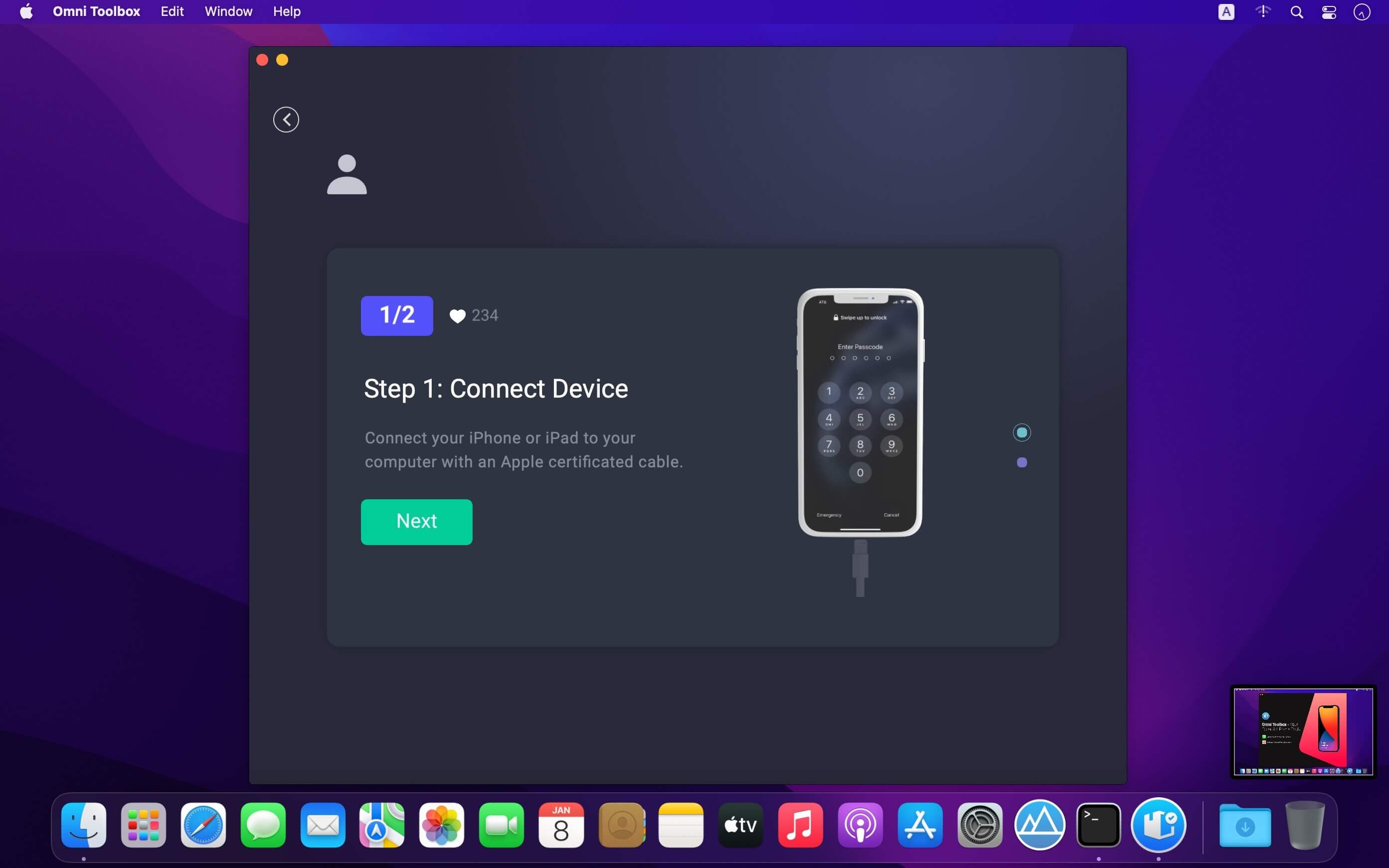
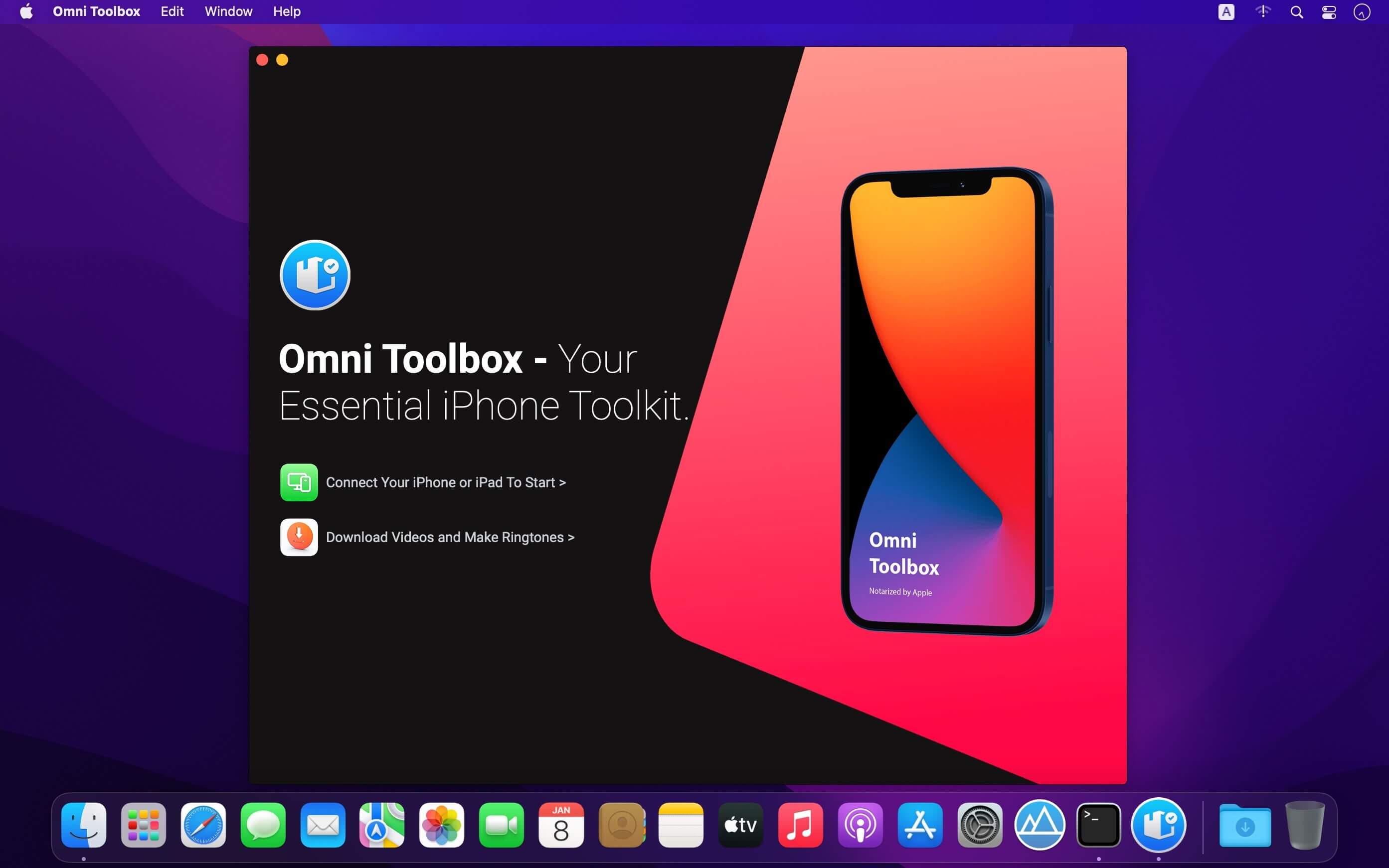
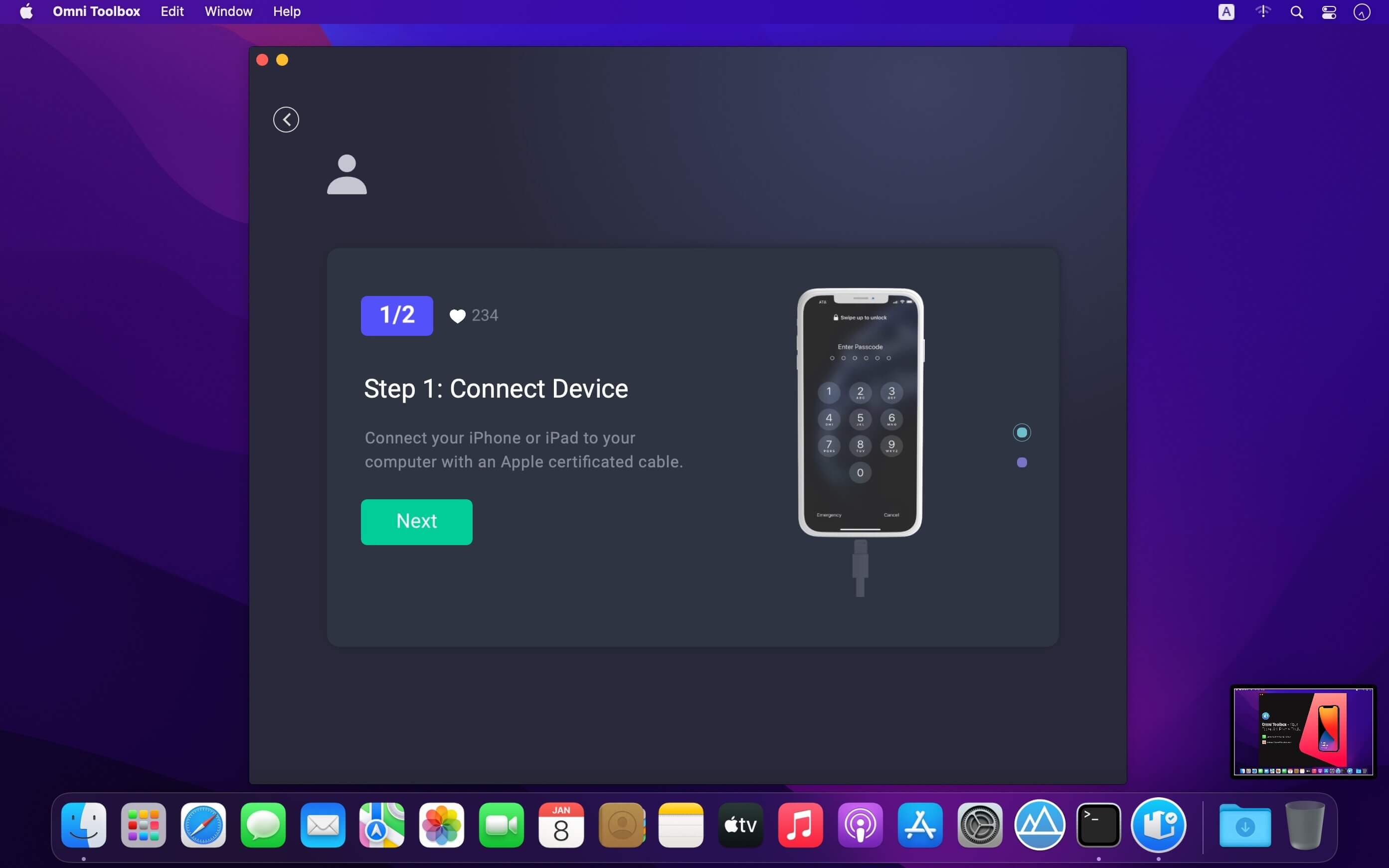
Omni Toolbox is an extensive collection of tools for creating graphic reports on iPhone hardware, checking iPhone battery, downloading TikTok videos, making ringtones, and fixing general iOS software glitches.

Check iPhone iPad Battery Health At a Glance
All Apple iPhones use rechargeable batteries that are consumable components and will become less effective as they chemically age. Over time, the batteries in all iPhone models will diminish in their capacity and peak performance. Omni Toolbox can show battery health and recommend if your iPhone battery needs to be replaced.

Fix Common iOS System & iPhone Software Glitches
It doesn’t matter if you’re on the latest iPhone running the latest version of iOS or on an older iPhone with aged software: “Nothing works perfectly”. Due to the complex and sophisticated design, iPhone can cause you any number of problems. Omni Toolbox offers you comprehensive and instant solution to fix both common iOS system issues and iPhone software glitches.

Powerful Tools for Fixing iPhone Won’t Update
All new features coming with the latest iOS 15 can help you connect with others, stay focused, and do more with your iPhone and iPad. Your device can update automatically overnight while it’s charging, or you can manual update your iPhone or iPad. However, at times, the iPhone update may turn failure and leave you an irresponsive gadget. Omni Toolbox can smooth your way to update your iPhone while keep your data and settings remain unchanged.

Clean Up and Free Up iPhone or iPad Storage
Keep getting an error saying iPhone Storage Almost Full message and unable to take pictures or download apps? It’s really common to run out of storage space, and halts your ability to enjoy the phone the way you want. Omni Toolbox gives you an array of methods which help clear caches, offload media files, or completely erase content on your iPhone or iPad.

Create Your Own Ringtone And Add To iPhone Easily
Not a fun of Apple boring ringtones on your iPhone? Now with Omni Toolbox, any video or music track on TikTok, SoundCloud or Twiter can become your personal ringtone now. You can simply download audio clips with a link, or browse existing sound on your Mac, then push them directly on your iPhone or iPad. It’s the best iPhone Ringtone Maker that you don’t want to miss.

Download TikTok Videos and Save As Ringtone Or Music
Omni Toolbox offers a free service that helps you to download TikTok videos, save them as MP4 video clips, MP3 music or directly put them on your iPhone as your personal ringtone. You can simply go to TikTok app or website, copy a video URL, and paste it to the URL input box, download a video with a high-definition MP4 or MP3 of the best quality, just with a few mouse clicks.

Download & Convert Videos To MP3 On iPhone
Have a collection of favorite videos and want to put them on your iPhone for local and offline playback? Omni Toolbox offers a quick and straightforward method to download high-definition videos from Vimeo, BBC and 200+ popular sites. You can also take steps further by converting Videos to MP3 music, making ringtones and add them directly on your iPhone, iPad or Mac.

Compatibility: macOS 10.10 or later (Apple Silicon compatible)
Homepage https://www.minicreo.com

Screenshots


Name: Omni_Toolbox_1.1.4__TNT_Mactorrents.io.dmg
Size: 76 MB
Files Omni_Toolbox_1.1.4__TNT_Mactorrents.io.dmg[76 MB]

   Download

Fix My iPhone 2.1.2

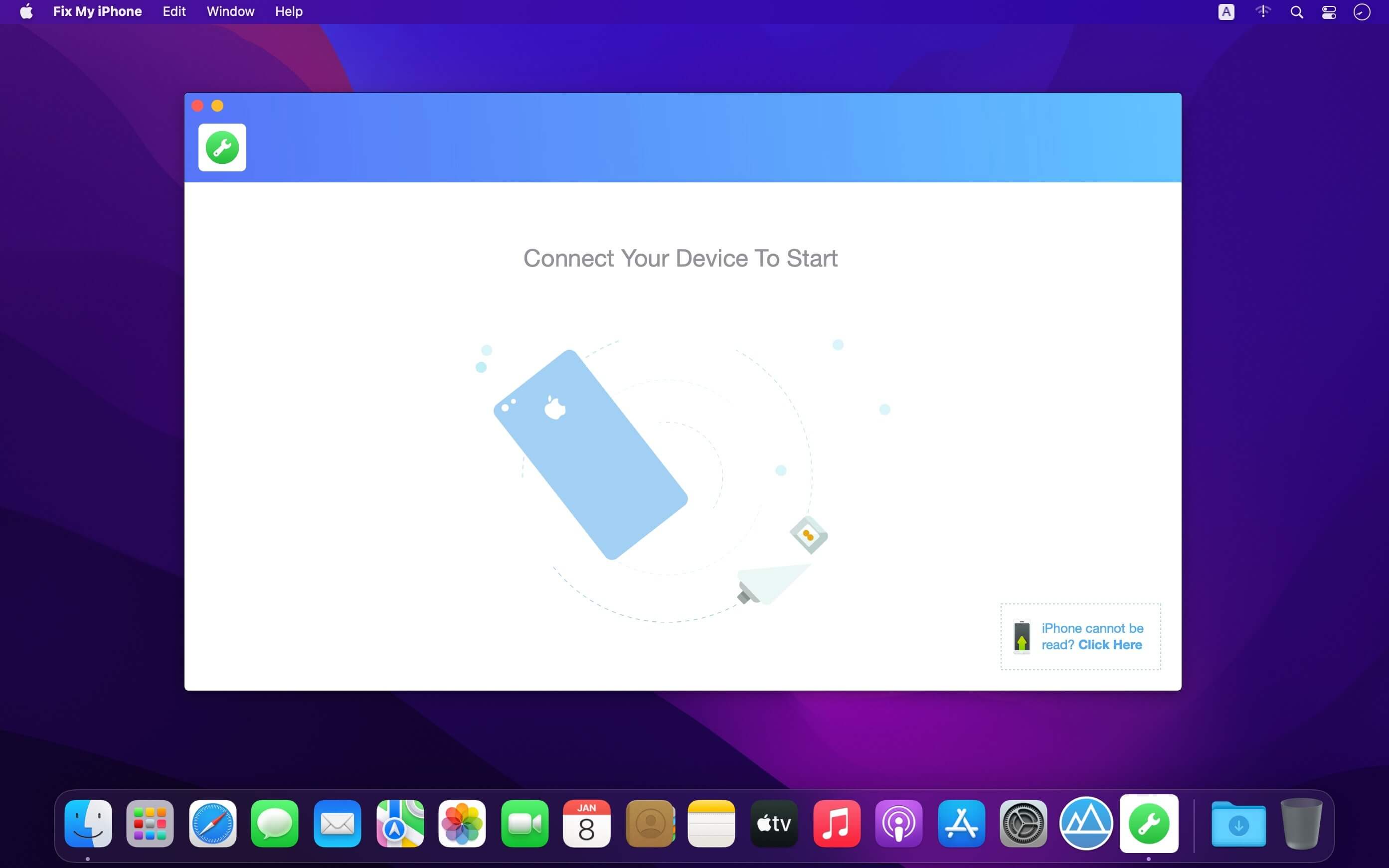
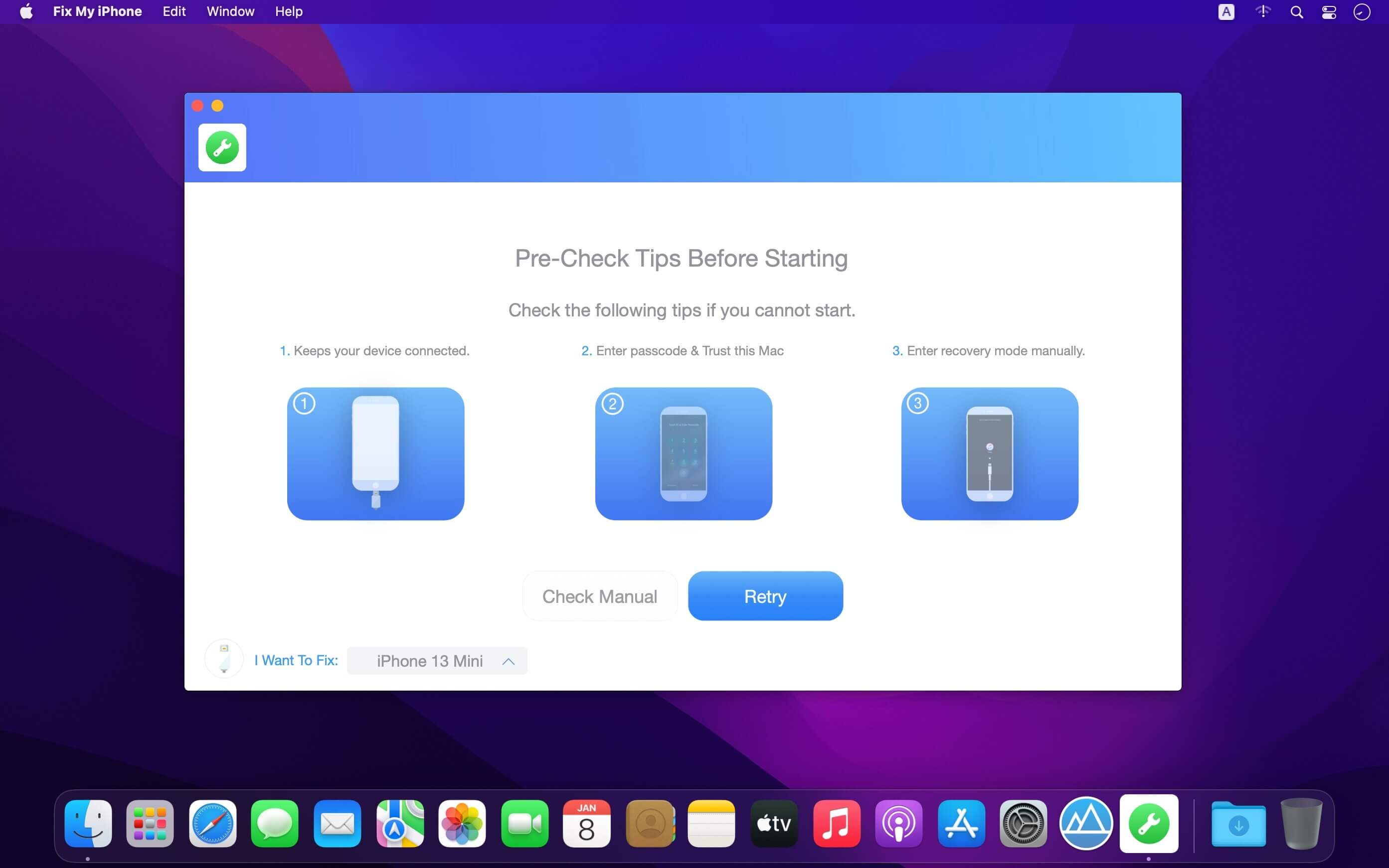
Fix My iPhone is iOS System Recovery tool. Fixes your iPhone Stuck on Apple logo, Black Screen, Frozen Screen, iTunes Update/Restore Errors and more than 50+ iOS 15 upgrade failures. This macOS desktop app offers a quick and instant solution to fix your iOS system issues without losing your iOS data, no matter your device is in recovery mode, white Apple logo, black screen, looping on start.

Compatibility: macOS 10.10 or later (Apple Silicon compatible)
Homepage https://www.minicreo.com/

Screenshots


Name: Fix_My_iPhone_2.1.2__TNT_Mactorrents.io.dmg
Size: 15 MB
Files Fix_My_iPhone_2.1.2__TNT_Mactorrents.io.dmg[15 MB]

   Download

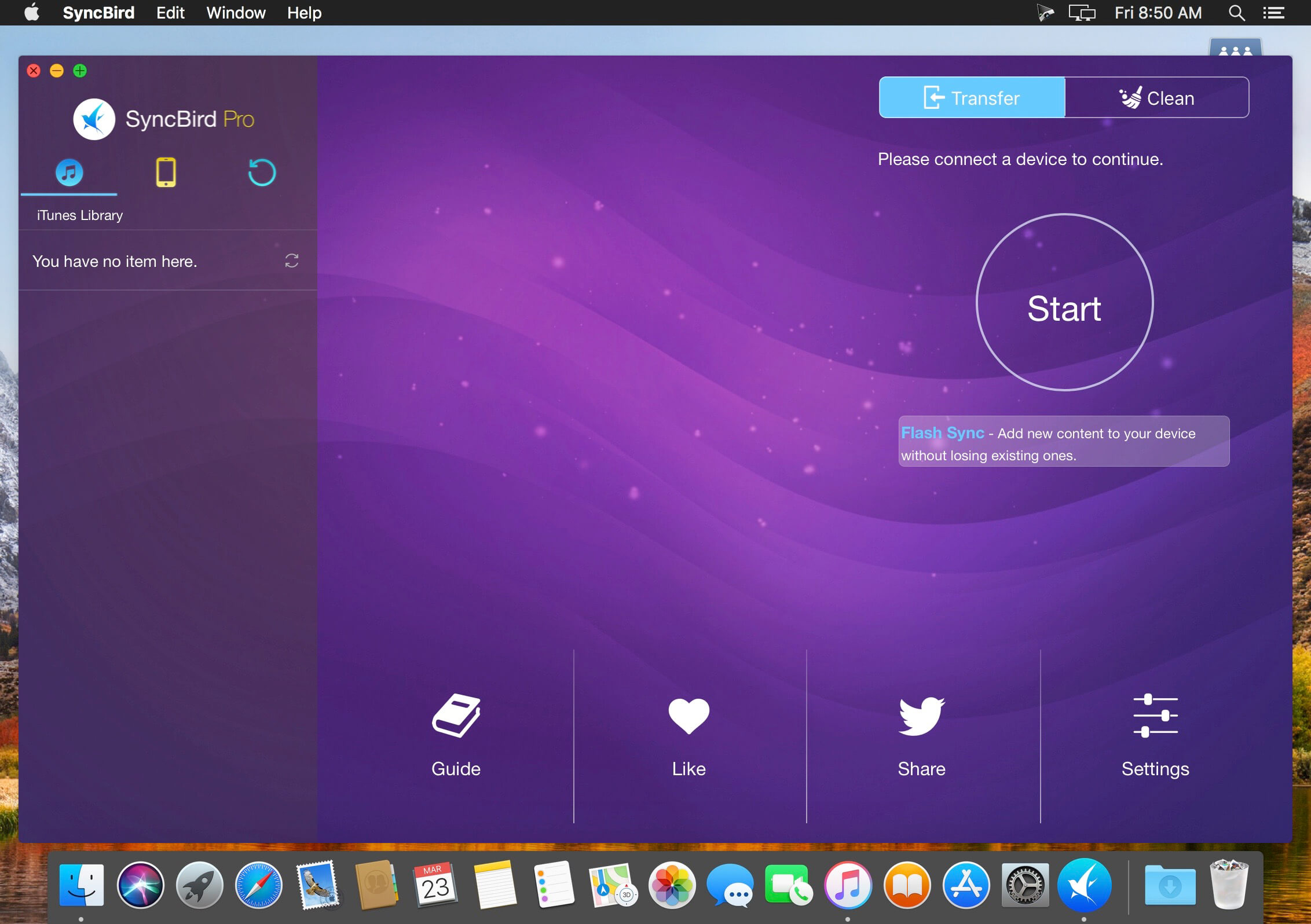
SyncBird Pro 3.7.1

SyncBird Pro is an iPhone file manager that makes iOS sync and iTunes cleaning at a glance. Transfer music, playlists, photos, videos, books–everything–between your iPhone, iPad, iPod, and Mac without using iTunes. SyncBird’s exclusive features named PhoneCare and TunesClean are made to reclaim more free space on your iPhone and iTunes. Without extra effort, SyncBird will give you a daily, thorough cleanup so that you’ll be always free from the storage boundary.

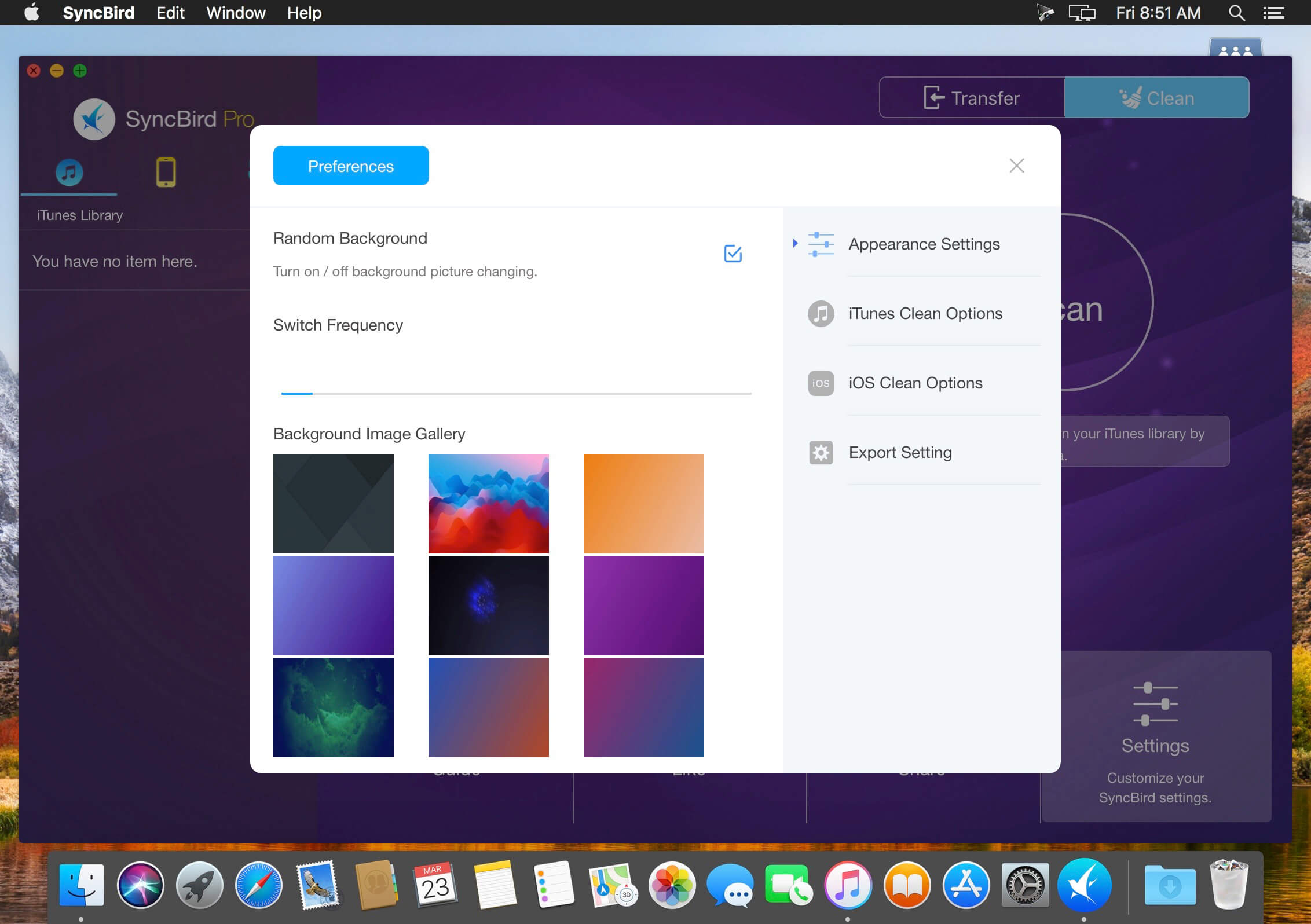
Better design yields better products, so we challenged ourselves to bring Google Material Design to the new macOS platform. The surface, motion, color, and every element in SyncBird, were chosen to give you an exciting and delightful experience.

Features

  • Flash Sync – Optimized for Flash/SSD storage and with instant Add-to-iPhone feature, SyncBird offers better iOS content management experience.
  • 4K Support – A10 chip and M10 coprocessor give monster performance on 4K video playback. SyncBird puts 4K movies on your iPhone, iPad in one go.
  • Auto-Conversion – Whatever movies you like, SyncBird helps trans-code your videos to .m4v, .mp4, and .mov formats, which suit best on Apple devices.
  • Two-Way Sync – Transfer music, videos, photos and probably all your iOS content, to / from your iPhone and iPod. Free your devices from iTunes limits.
  • Unlimited Import – Add new songs and movies to your iPhone, iPad and iPod from multiple iTunes library on different computers. No iTunes involed.
  • Drag-and-Drop – The most straightforward way to populate your iPhone media library is by dragging-and-dropping. Time to use your iPhone like Finder.

Compatibility: macOS 10.10 or later (Apple Silicon compatible)
Homepage https://www.minicreo.com

Screenshots


Name: SyncBird_Pro_3.7.1__TNT_Mactorrents.io.dmg
Size: 61 MB
Files SyncBird_Pro_3.7.1__TNT_Mactorrents.io.dmg[61 MB]

   Download

Perfectly Clear WorkBench 4.1.0.2262

Perfectly Clear Workbench is an application that uses Athentech’s Perfectly Clear image correction libraries and is made available to demonstrate the capabilities of the Perfectly Clear processing libraries, face detection library and to allow a quick export of the processing settings for use.

Supported Image Formats:
Perfectly Clear requires RGB-formatted images in either 8 or 16-bit color depth. Any image file that Photoshop or Lightroom can open and convert to this format may be used in Perfectly Clear. Monochrome and CMYK images must be converted to RGB before using Perfectly Clear. RAW files must be opened through Adobe Camera RAW and loaded into Photoshop to be accessible to Perfectly Clear.

What’s New:

Version 4.1.0.2262:

  • Release notes were unavailable when this listing was updated.

Compatibility: macOS 10.10 or later (Apple M1 compatible)
Homepage https://eyeq.photos/

Name: Perfectly_Clear_WorkBench_4.1.0.2262__TNT_Mactorrents.io.dmg
Size: 83 MB
Files Perfectly_Clear_WorkBench_4.1.0.2262__TNT_Mactorrents.io.dmg[83 MB]

   Download

Capture One 22 Enterprise 15.2.0.77

Capture One Enterprise is designed for high-volume studios where efficiency is paramount. It comes with the same imaging benefits that Capture One Pro offers but with extra functionality specifi- cally designed for a streamlined workflow. Enterprise users benefit from an expanded tool-box and automation solutions that can be tailored to the way their business works.

Capture One creates powerful photo editing software for all kinds of photographers. Its authentic true-to-life color processing, seamless editing experience, and fastest tethering in the industry gives you total creative control, making it a household name in studios across the world. Based in Copenhagen, Denmark, Capture One empowers photographers with cutting-edge features to keep your photography one step ahead.

Capture One is a professional RAW converter offering you ultimate image quality with beautiful colors and incredible detail for more than 500 high-end cameras. It offers state- of-the-art tethered capture, powerful digital asset management, extensive adjustment tools and a flexible workflow through customizable workspaces.

With an updated processing engine, market-leading performance and powerful new features, Capture One is the professional choice in imaging software. You get the highly responsive precision tools you need to create stunning images from your camera’s RAW files in a time-saving workflow that can be customized to fit your needs.

Tools exclusive to Capture One Enterprise are as follows:
1. Barcode scanner tool 

2. Advanced Guides 

3. Next Capture Backup 

4. Next Capture Keywords 

5. Next Capture Metadata 

6. Tool Locks 

7. Capture Pilot with Enterprise enhancements 

8. Dedicated Studio workspaces

Compatibility: macOS 10.14 or later, Apple Silicon (M1) native support
Homepage http://www.captureone.com/en/explore-features/enterprise

Screenshots


Name: Capture_One_Enterprise_22_15.2.0.77__TNT_Mactorrents.io.dmg
Size: 674 MB
Files Capture_One_Enterprise_22_15.2.0.77__TNT_Mactorrents.io.dmg[674 MB]

   Download

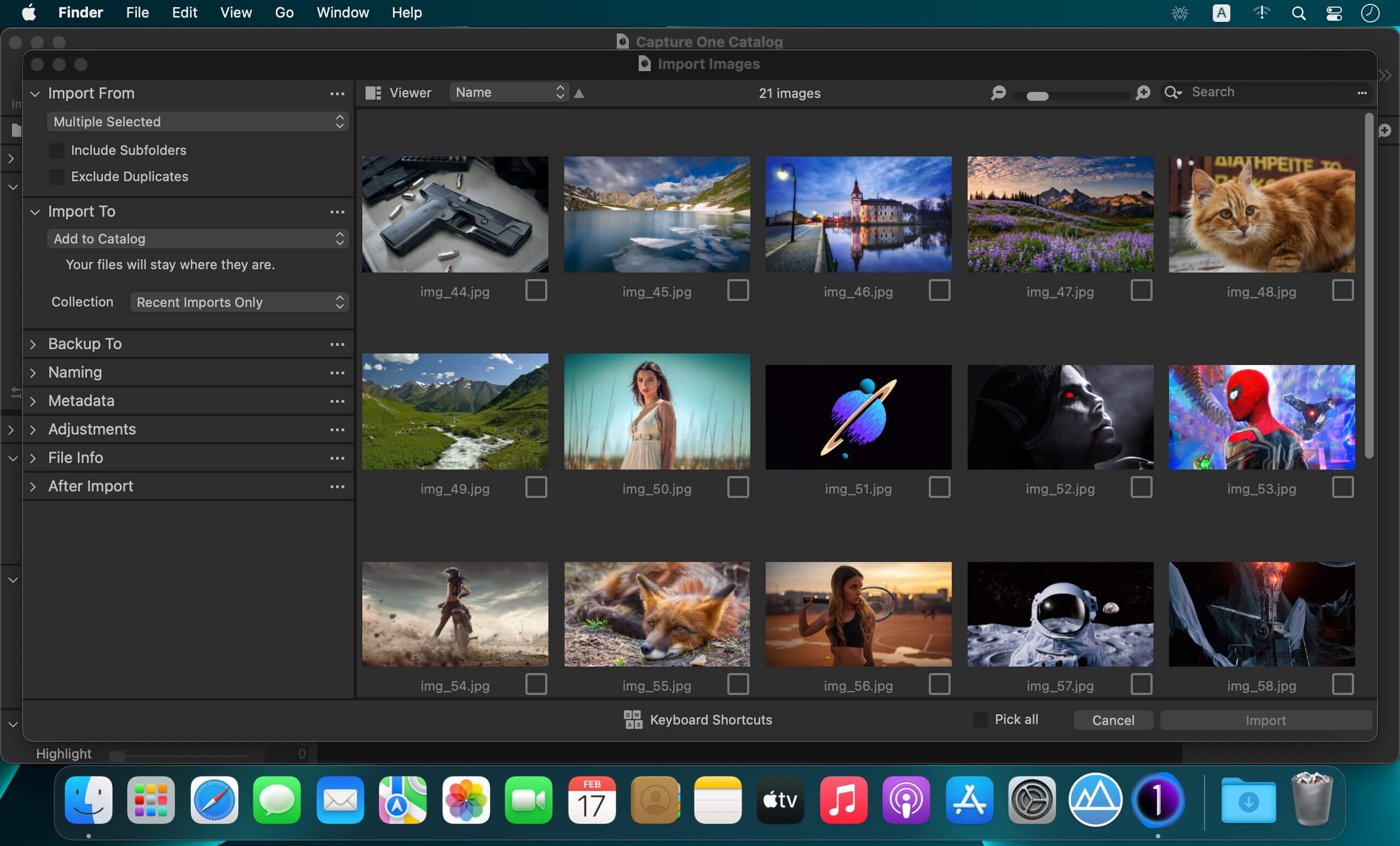
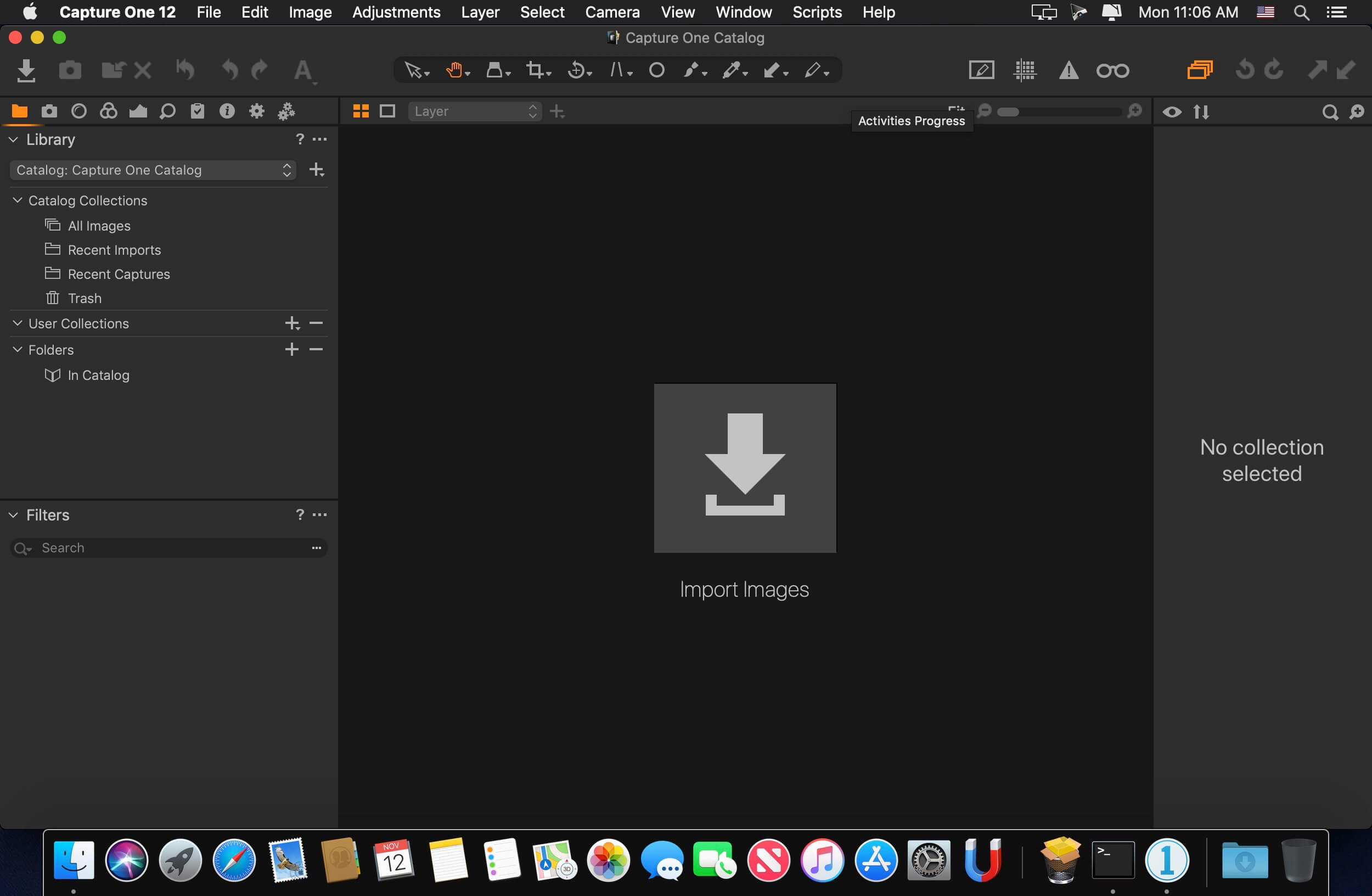
Capture One 22 Pro 15.2.0.77

Capture One is a professional RAW converter offering you ultimate image quality with beautiful colors and incredible detail for more than 500 high-end cameras. It offers state- of-the-art tethered capture, powerful digital asset management, extensive adjustment tools and a flexible workflow through customizable workspaces.

With an updated processing engine, market-leading performance and powerful new features, Capture One is the professional choice in imaging software. You get the highly responsive precision tools you need to create stunning images from your camera’s RAW files in a time-saving workflow that can be customized to fit your needs.

New features and improvements

  • Speed Edit
  • Dehaze
  • Improved importer

General User Experience Improvements and tweaks

  • HEIF support
  • Easy brush adjusting
  • Improved performance
  • Colored gradients on White Balance Sliders
  • Enhanced tooltips
  • Easy access to Tutorials

Compatibility: macOS 10.14 or later, Apple Silicon (M1) native support
Homepage https://www.phaseone.com

Screenshots


Name: Capture_One_Pro_22_15.2.0.77__TNT_Mactorrents.io.dmg
Size: 674 MB
Files Capture_One_Pro_22_15.2.0.77__TNT_Mactorrents.io.dmg[674 MB]

   Download

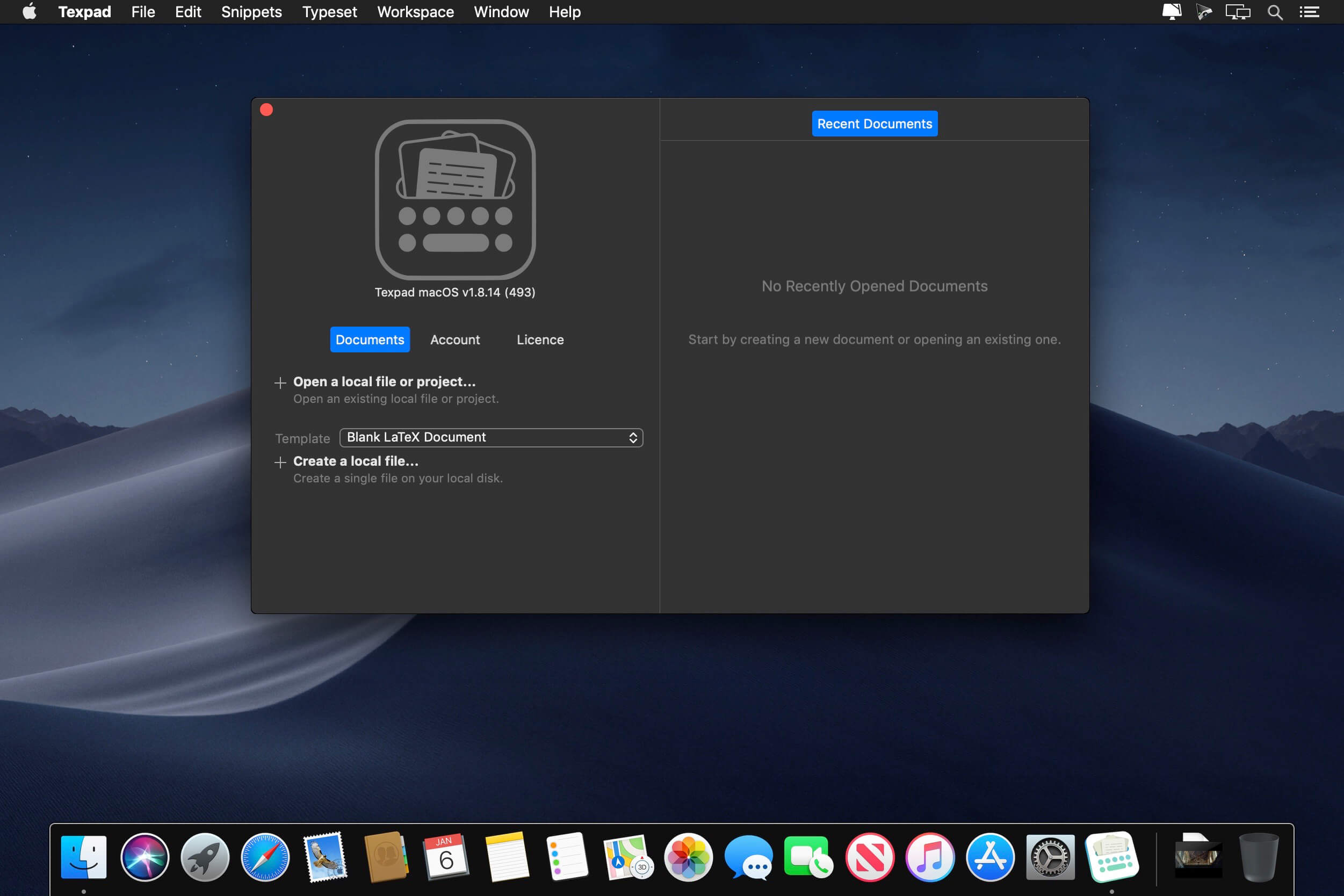
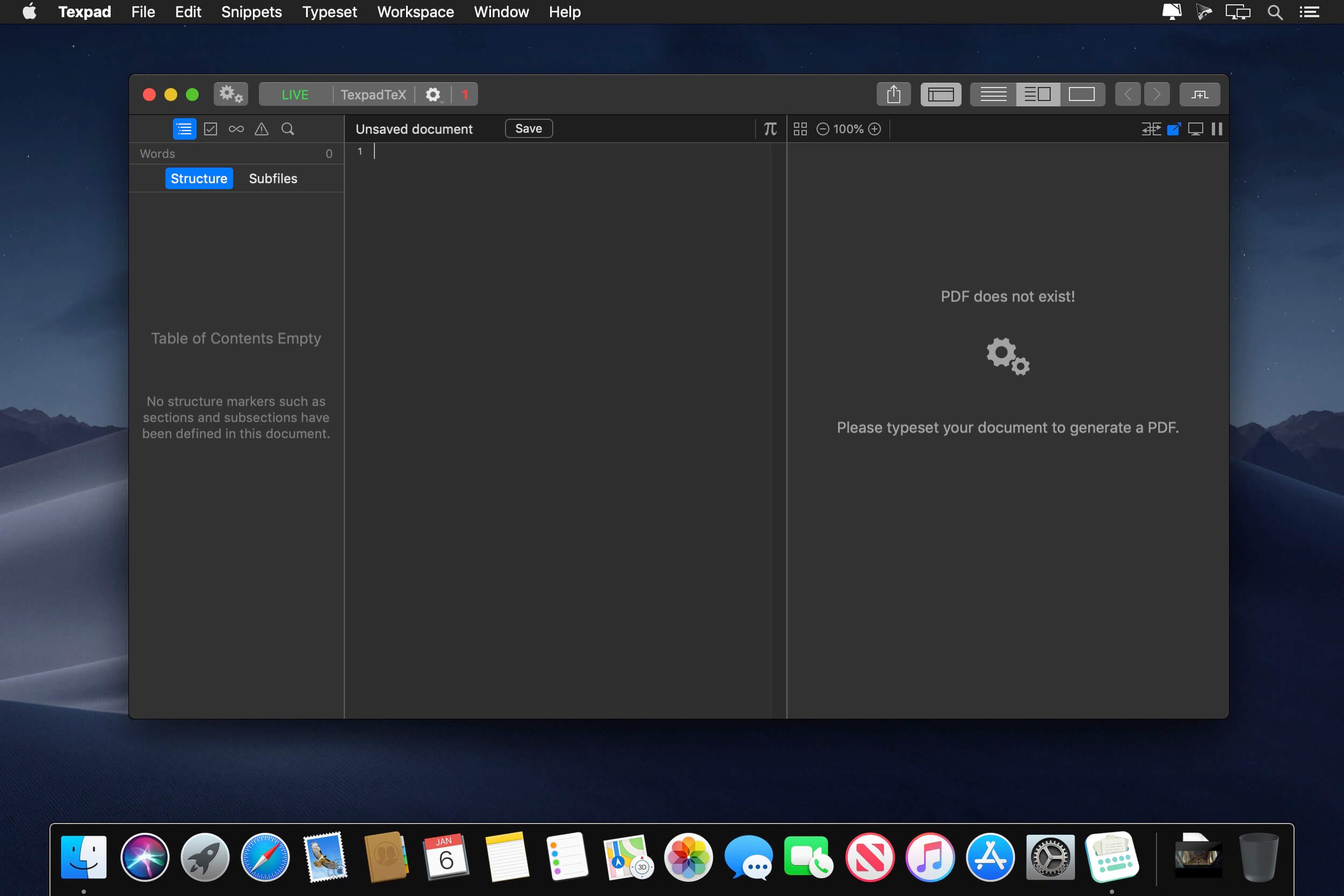
Texpad 1.9.9.680

Texpad is a LaTeX editor designed for straightforward navigation, editing and typesetting of projects of any size. Open a LaTeX root file, and Texpad will scan it, open any referenced files, extract the document structure for display in the outline view, and configure the typesetter according to the packages and tools used by your document.

Texpad’s editor has syntax highlighting, a choice of themes, autocomplete of commands including those defined in your document, autofill for cite and ref commands, and many other features. The powerful sidebar’s document structure view allows you to navigate through large multifile projects with ease. Additionally, Texpad’s outline lists all labels, figures, tables, todos and the search pane can search and replace across your entire project using either normal text searches, or regular expression searches.

TexpadTeX – Texpad’s internal, no internet connection required, typesetter comes with PGF drivers, Native Fonts extensions, Unicode and more. These allow it to support almost any LaTeX package available. TexpadTeX also integrates a BibteX tool and a Makeindex compatible indexer for documents that require those tools. The integrated bundle manager takes care of downloading, installing and updating LaTeX packages for you, giving you access to almost the entire LaTeX ecosystem without using any more space on your device than needed.

TexpadTeX can run in Live mode, updating the output as you type, so you never need wait for a typeset to finish again.

For the rare cases of documents that are not compatible with TexpadTeX, you can use our free cloud typesetters. These are fully integrated into Texpad so press typeset, and Texpad will run the typeset in the Cloud, presenting the results just as if it had been typeset on your device.

After typeset, any errors in your document are organised in a table of issues. Tap on an issue to jump directly to the offending line of LaTeX source, or the line in the raw log if you wish to read the original output.

Texpad supports Markdown on an equal footing with LaTeX. Edit your document in Texpad’s syntax highlighting editor, browse the document by outline, then when you press Typeset, the document will be transparently converted and typeset by LaTeX, combining the informal ease of Markdown with LaTeX’s ability to create beautiful and high quality PDFs. Likewise Plain TeX users can edit and typeset their documents in Texpad.

Features:
– Support for LaTeX, Plain Tex and Markdown
– Navigate easily through even the largest projects using the Outline view
– Search all files by string or regex with the global search view
– Search by section title, label, filename, citation and more with the tag search
– Browse the typeset errors and warnings either as a raw log, or with the errors and warnings table view.
– Texpad’s editor autocompletes commands, and autofills commands such as ref{…} or cite{…}
– Instant Live typeset using Texpad’s built in TexpadTeX typesetter
– Free typesetting through our secure cloud servers gives you access to all packages in the latest TeXLive distribution without the need to install or maintain it yourself.
Compatibility: macOS 10.12 or later
Homepage https://www.texpad.com/mac

Screenshots


Name: Texpad_1.9.9.680__HCiSO_Mactorrents.io.dmg
Size: 32 MB
Files Texpad_1.9.9.680__HCiSO_Mactorrents.io.dmg[32 MB]

   Download

GaragePay 1.8.2

GaragePay is a Mac application designed to make dealing with PayPal a lot easier.

It lets you download, view, search, and archive all your PayPal transactions without having to log into the PayPal website. Since all information resides in GaragePay’s own database the application can be used fully featured even without an internet connection. It downloads all transactions in all accounts while updating previously downloaded transactions.

GaragePay includes a couple of handy features. Through the filter mechanism eBay sellers can search for a transaction, a payer’s name and address or even single words in transaction messages. With the application’s Smart Folders you can keep track of payments from particular people or of transactions in a certain currency. If needed you can export CSV files that include all information shown in GaragePay’s main window. Last but not least, you can use as many PayPal accounts as you like at the same time.

Feature Overview:
Download PayPal transactions
GaragePay downloads all transactions in all your accounts while also updating previously downloaded transactions. Retrieve newly arrived transactions as needed with a simple menu command or keyboard shortcut.

Refund Money
One of your customers is not happy? Well it can happen. Giving a refund has never been quicker so that you can stop being angry and continue concentrating on your business in no time. Partial refunds and adding a message fully supported.

Send Money
With an email like interface GaragePay’s way of sending money can be a real time-saver when sending money to a lot of persons. The fees you have to pay are estimated for the most popular currencies.

CSV File Export
Looking for an easy way to add PayPal transaction data to your spreadsheet or database? Export CSV files that include all information shown in GaragePay’s main window. Configure the CSV File Export to exactly those fields you need. Use comma, tab or semincolon as separators.

Smart Folders
Want to keep an eye on payments from the same person? Or transactions in a certain currency? Use Smart Folders to organize your PayPal transactions.

Filter and Find Transactions
Use GaragePay’s filter mechanism to find a transaction, a payer’s name, his email address, his postal addressor even single words in the transaction message.

Use Multiple Accounts
Use as many accounts as you like at the same time.

Browse and Search Offline
Since all information resides in GaragePay’s own database you can use GaragePay full featured even when don’t have an internet connection!

Notes
Add a note to a transaction to remember what the transaction was about.

Address Book Export
Export the details of a payer to the Address Book.

Start with GaragePay and your Paypal account or with a sample database. All that’s required is a PayPal Business or Premier account.

Compatibility: macOS 10.12 or later • Apple Silicon or Intel Core processor
Homepage https://www.iwascoding.com/GaragePay/

Name: GaragePay_1.8.2__HCiSO_Mactorrents.io.dmg
Size: 11 MB
Files GaragePay_1.8.2__HCiSO_Mactorrents.io.dmg[11 MB]

   Download

Blackmagic Design DaVinci Resolve Studio 17.4.6

DaVinci Resolve is the world’s only solution that combines editing, color correction, visual effects, motion graphics and audio post production all in one software tool! Its elegant, modern interface is fast to learn and easy enough for new users, yet powerful for professionals. DaVinci Resolve lets you work faster and at a higher quality because you don’t have to learn multiple apps or switch software for different tasks.

Hollywood’s #1 Post Solution
High end professionals working on feature films and television shows use DaVinci Resolve more than any other solution! That’s because it’s known for incredible quality and creative tools that are light years beyond the competition. You get DaVinci’s Emmy™ award winning image technology with 32‑bit float processing, patented YRGB color science and a massive wide gamut color space for the latest HDR workflows. You also get the legendary quality of Fairlight audio processing for the best sound in the industry! With DaVinci Resolve, you get the same exact tools professional colorists, editors, VFX artists and sound engineers use every day to finish your favorite films and streaming television shows!

What’s New in DaVinci Resolve 17:
DaVinci Resolve 17 features new image processing for the latest wide gamut HDR, a powerful audio engine, immersive 3D audio workflows and more! Colorists get new HDR grading tools, AI based magic mask and more. Fairlight upgrades mouse and keyboard based edit selection tools along with Fairlight audio core, a high performance audio engine that supports 2,000 tracks on a single system! Editors get a new metadata based “slate” view with bin dividers to organize and find footage faster, zoomed waveforms for audio editing, smart reframing, proxies, live effect previews and more. In addition, effects, titles or transitions created on the Fusion page can be used on the edit and cut pages!

All In One Solution for Post Production
DaVinci Resolve is divided into “pages,” each of which gives you a dedicated workspace and tools for a specific task. Editing is done on the cut and edit pages, visual effects and motion graphics on the Fusion page, color correction on the color page, audio on the Fairlight page, and media organization and output on the media and deliver pages. All it takes is a single click to switch between tasks!

Color – Hollywood’s favorite color corrector!
The DaVinci Resolve color page is Hollywood’s most advanced color corrector and has been used to color and finish more high end feature films and television shows than any other system! It’s also approachable with exciting new features designed to make it easier for new users to get great results while they continue to learn the advanced tools. For example, new primary control sliders will be familiar to anyone that’s used image editing software, making it easy to adjust contrast, temperature, midtone detail, saturation and more. The color page has an incredible range of primary and secondary color grading features including PowerWindows™, qualifiers, tracking, advanced HDR grading tools and more!

Media and Delivery – Incredibly wide format support, finishing and mastering!
The media and delivery pages have everything you need to import, manage and deliver final projects. While you can import and organize footage into bins on both the cut and edit pages, the media page gives you a dedicated full screen workspace so you can focus on preparing footage, syncing clips, organizing footage into bins and adding metadata before you start editing. The media page also lets you clone camera media cards for backup purposes. The quick export tool lets you output and upload files to YouTube, Vimeo and Twitter from anywhere in the software, but the deliver page gives you total control over all encoding options and formats, along with a render queue for exporting multiple jobs!

Resolve FX
DaVinci Resolve Studio 17 features over 100 GPU and CPU accelerated Resolve FX in categories such as blurs, light effects, noise, image restoration, beauty enhancement, stylize and more! Version 17 adds 11 new plugins for texture pop, detail recovery, creating video collages, 3D keyer, HSL keyer, luma keyer, smear, motion trails, noise reduction, image transforms and false color. The video collage plug-in is perfect for picture in picture zoom style videos, virtual choirs and more! There are also improvements to the object removal, dead pixel fixer, dust buster, blur and film grain plug‑ins. All Resolve FX can be animated using the new unified inspector on the cut, edit and Fusion pages!

DaVinci Resolve Color Panels
DaVinci Resolve color panels let you adjust multiple parameters at once so you can create unique looks that are impossible with a mouse and keyboard. The incredibly small DaVinci Resolve Micro Panel is great for new colorists just getting started or anyone that needs a portable panel. It features three high quality trackballs, knobs for primary adjustment controls and buttons for playback and navigation. The DaVinci Resolve Mini Panel features additional controls and screens for accessing virtually all palettes and tools. For the ultimate in control, the DaVinci Resolve Advanced Panel gives high end professional colorists access to every single feature and command mapped to a specific button!

System Requirements:
OS:macOS 10.15 Catalina
Memory:16 GB of system memory. 32 GB when using Fusion
-Blackmagic Design Desktop Video version 10.4.1 or later
-RED Rocket-X Driver 2.1.34.0 and Firmware 1.4.22.18 or later
-RED Rocket Driver 2.1.23.0 and Firmware 1.1.18.0 or later

Homepage https://www.blackmagicdesign.com

Screenshots


Name: Blackmagic_Design_DaVinci_Resolve_Studio_17.4.6_macOs_Mactorrents.io.zip
Size: 2.8 GB
Files Blackmagic_Design_DaVinci_Resolve_Studio_17.4.6_macOs_Mactorrents.io.dmg[2.8 GB]

   Download

Advanced Duplicate Cleane‪r‬ 1.5

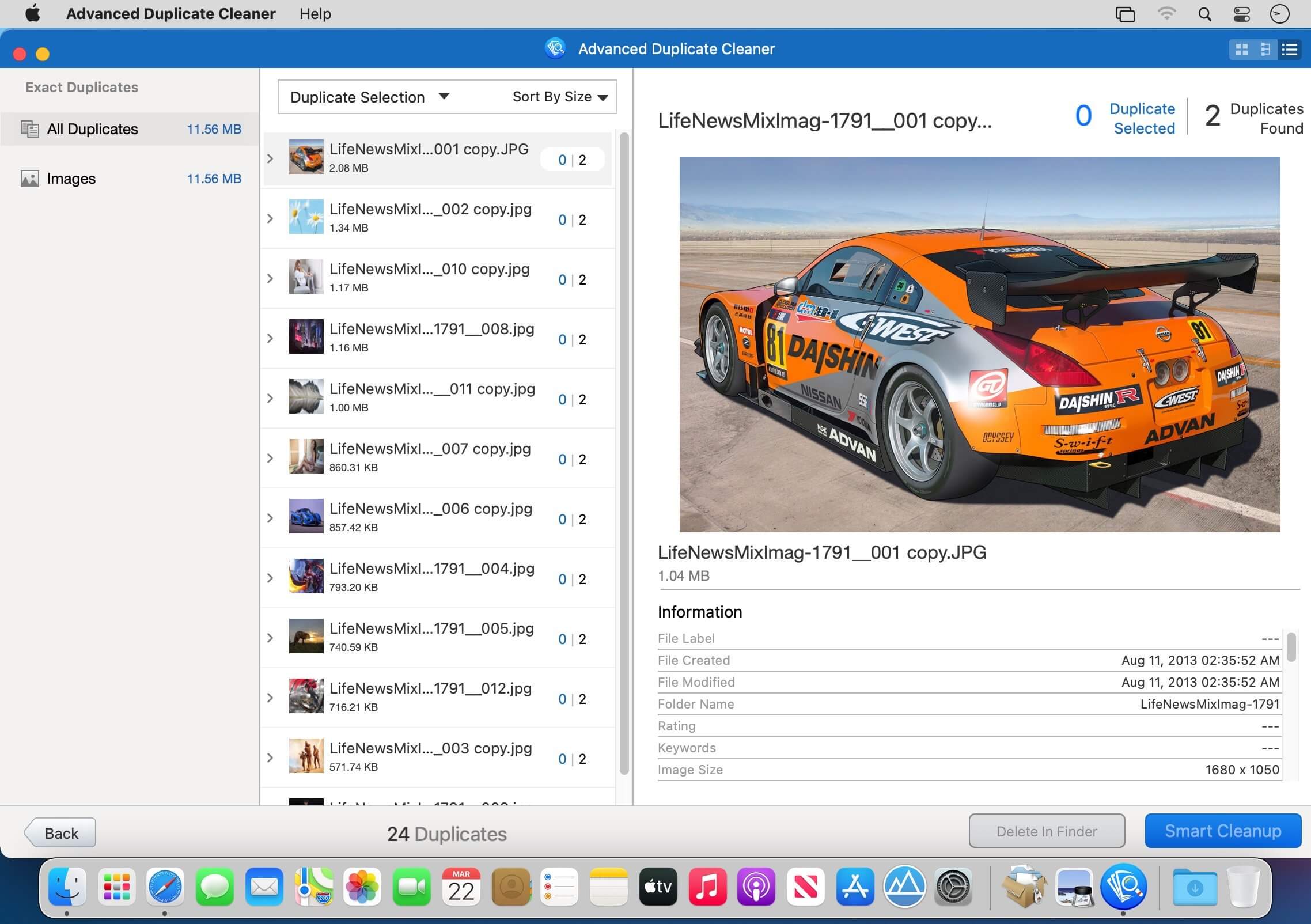
Advanced Duplicate Cleaner is a smart & intelligent tool to identify and remove duplicate & similar files. It scans your entire Mac for files, photos, videos, music, apps, etc. that are duplicate & similar. To perform a scan, you can either pick from the recommended locations or can add a folder of your choice. Whatsoever is the file format, Advanced Duplicate Cleaner accurately finds and categorizes them as duplicate and similar. For people who fear getting around with duplicates, Advanced Duplicate Cleaner is the right tool for you.

Benefits

  • Nothing is deleted permanently – Advanced Duplicate Cleaner moves duplicates to Trash/Bin. This means you can recover them if required.
  • Easy to use- this is what users love about this duplicate removal app. Using Advanced Duplicate Cleaner is just like ABC.
  • Smart detection – finding duplicate and similar images manually aren’t easy. But with Advanced Duplicate Cleaner, it becomes a breeze. The app smartly locates space-hogging duplicates & similar files
  • Spots and Scraps duplicates, similar apps, photos – this is what makes it stands apart from other duplicate cleaner and remover apps on the marketAccurate scan results – uses an advanced scan engine to detect duplicate and similar files
  • Simple user interface – no training required to use it.

What Makes Advanced Duplicate Cleaner the Best and Awesome duplicate remover?
This intelligently designed app is amazing. It scans every nook and corner for your Mac for both duplicates and similar looking photos, apps.

For ease of use scan results are divided into two sections:

  • Duplicates
  • Similar

This helps users decide which files to remove and keep thereby recovering valuable storage space.
How to use Advanced Duplicate Cleaner on Mac and detect duplicates?

Using this no-nonsense program is very easy. As soon as you download and install the app, you can start looking for duplicate and similar images.

  • Drag & Drop a folder or choose from the recommended list.
  • Click “Scan for Duplicate” and wait for the scan to complete.
  • You will now see scan results divided into categories – Duplicates and Similar. Expand sections and select the files, photos, and videos, audio from the right pane to delete.
  • Click “Smart Cleanup” & remove all detected duplicates & similar images.

Compatibility: macOS 10.12 or later
Homepage https://www.tweaking.in/

Screenshots


Name: Advanced_Duplicate_Cleaner_1.5_MAS_In-App__TNT_Mactorrents.io.dmg
Size: 12 MB
Files Advanced_Duplicate_Cleaner_1.5_MAS_In-App__TNT_Mactorrents.io.dmg[12 MB]

   Download

GoodTask 6.9.5

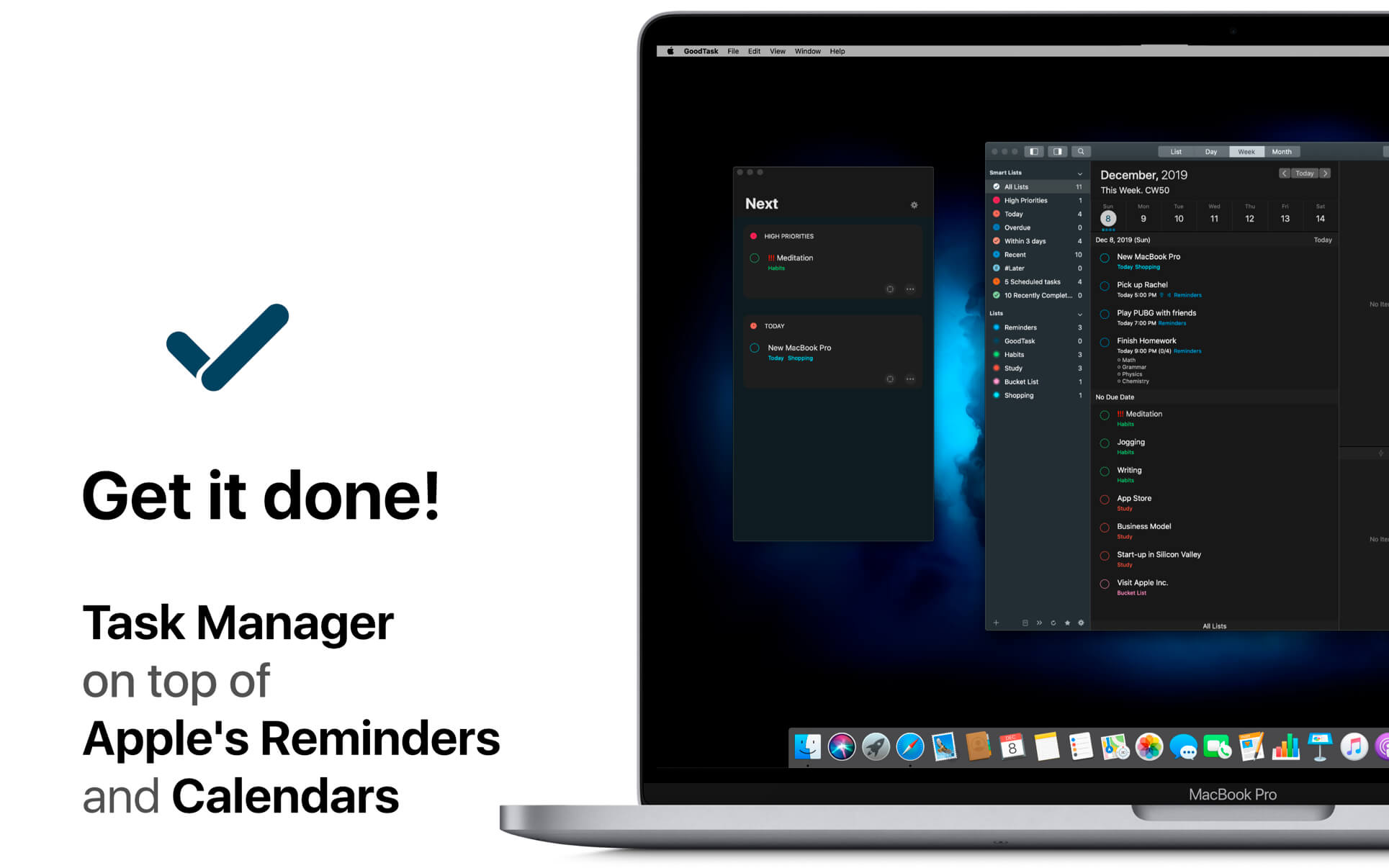
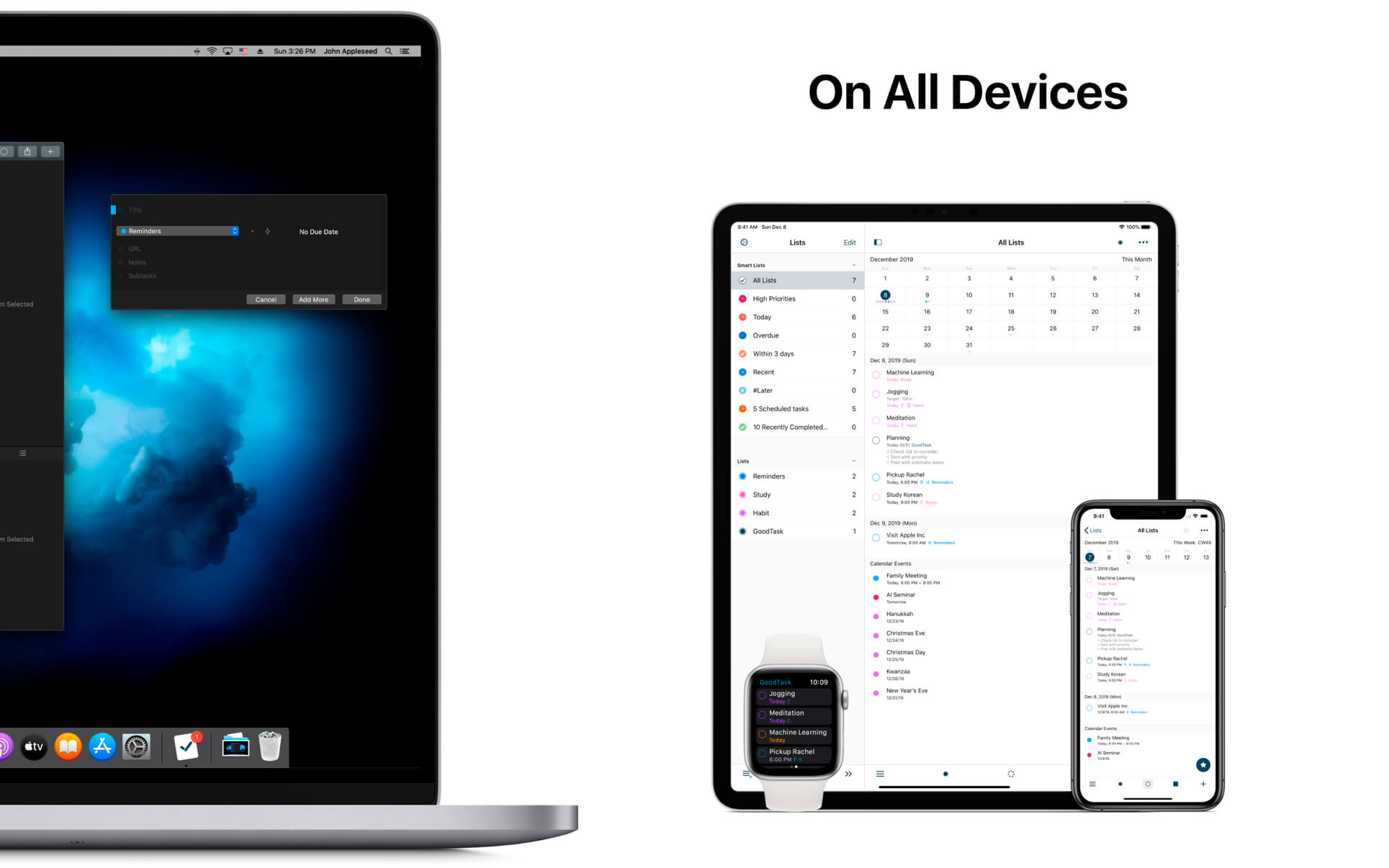
GoodTask is a Powerful Task/Project Manager based on Apple’s Reminders & Calendars. You can use it as simple checklist to focus or as complex project management tool to get big things done.

GoodTask provides various viewpoints to the things that you care and need to be done. Manage your tasks, projects and even your life better with GoodTask.

General

  • Syncs with default stock Reminders & Calendars (iCloud/Exchange/etc)
  • Supports fully customizable recurring tasks
  • Manage Reminders Lists and Calendars easily
  • List, Day, Week, Month view on each lists
  • Add Quickly and Smartly with Quick Actions and Text Snippets

Smart Lists

  • List with selective Reminders Lists and Calendars
  • Filter by including or excluding text/tags
  • Filter by Priorities
  • Overdue tasks, Location-based tasks, Recent tasks, etc.

Quick Actions

  • Quickly edit tasks on the fly
  • Bulk actions to edit/check/delete multiple tasks at once
  • Duplicate, Change due dates, add/switch tags/lists, etc.

Other Key Features

  • App Icon Badge & Notifications
  • Dark Theme
  • Today Widget support
  • Time Zone support
  • Subtasks, Automatic Repeat after Completion & Manual sort (GoodTask 3 only)

Compatibility: macOS 10.13 or later
Homepage https://apps.apple.com/us/app/goodtask-3/id1143437985

Screenshots


Name: GoodTask_6.9.5_MAS__TNT_Mactorrents.io.dmg
Size: 42 MB
Files GoodTask_6.9.5_MAS__TNT_Mactorrents.io.dmg[42 MB]

   Download

Quick Print 1.0.10

Quick Print is a handy utility that allows you to print in an incredibly easy way.

Quick Print prints the Finder’s items without opening the native application and prints the Clipboard.

Currently it supports
• Images
• Text files
• Fonts
• Web browser files
• PDFs
• Content of folders
• And many more.

When a non supported file kind is selected, it shows the Quick Look preview image that can also be printed.

Compatibility: OS X 10.7 or later • Apple Silicon or Intel Core processor
Homepage http://www.hyperbolicsoftware.com/QuickPrint.html

Name: Quick_Print_1.0.10__HCiSO_Mactorrents.io.dmg
Size: 7 MB
Files Quick_Print_1.0.10__HCiSO_Mactorrents.io.dmg[7 MB]

   Download

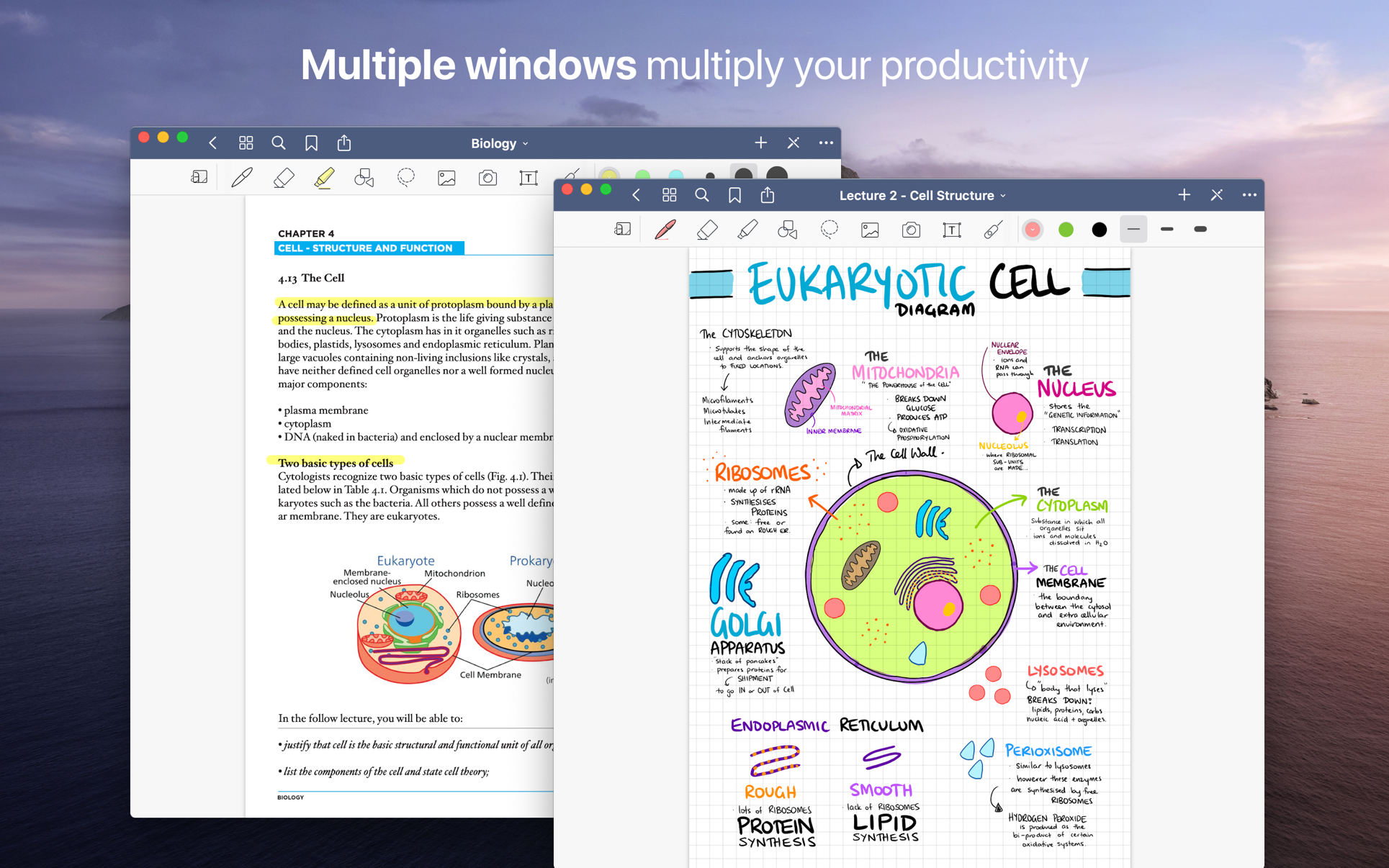
GoodNotes 5.8.13

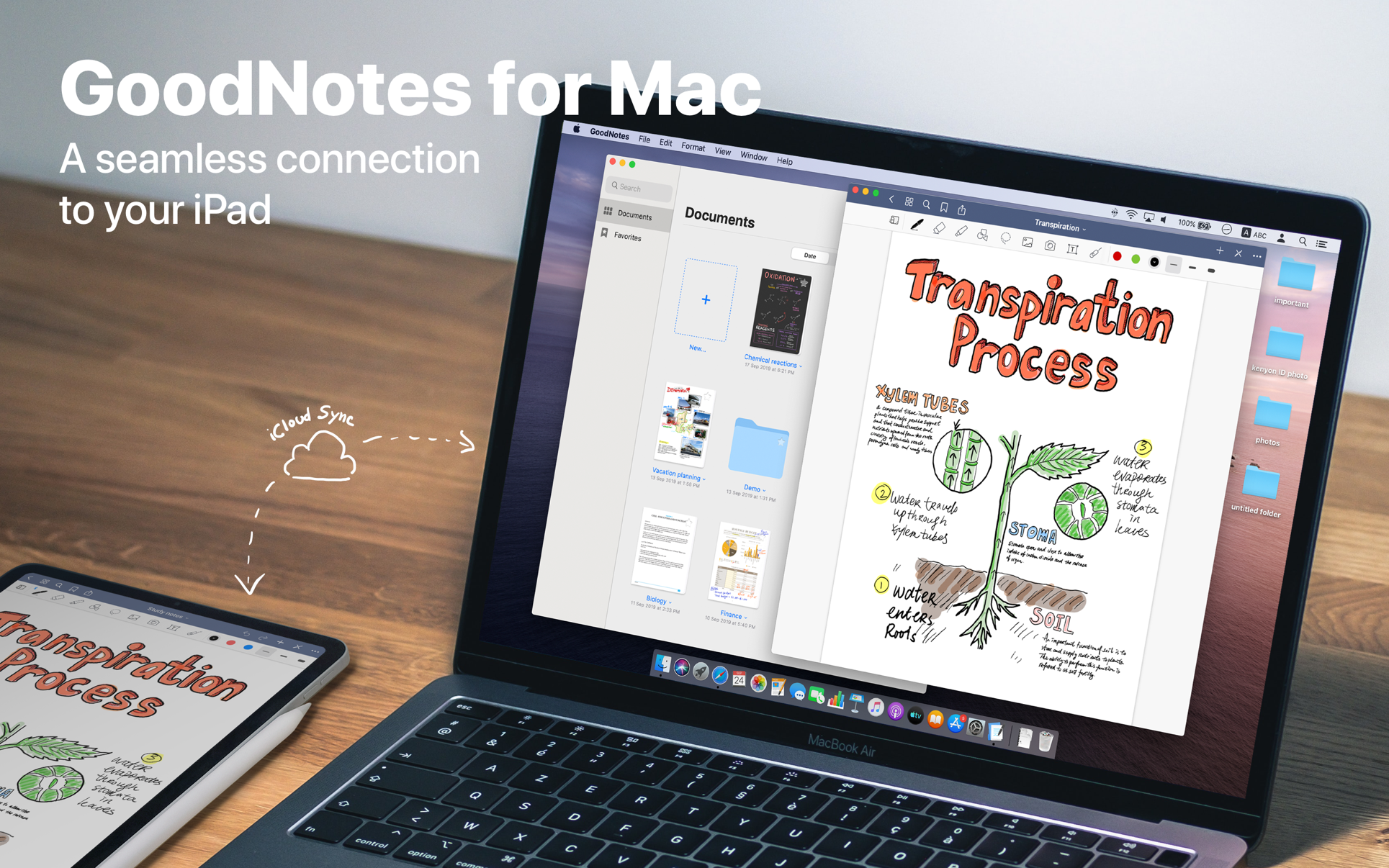
Transform your Mac into smart digital paper and a powerful document management system.
Use the same features from GoodNotes’ iPad version on your Mac and work with your documents where you want and when you want.

CREATE, IMPORT, AND EDIT DOCUMENTS ON YOUR MAC

  • Create digital notebooks and type text with your keyboard or write and draw with the mouse/trackpad or the Apple Pencil using Sidecar on your iPad
  • Import PDF and images to annotate them in GoodNotes
  • Add documents from your Mac to existing GoodNotes notebooks via drag and drop

PAPERLESS DOCUMENT MANAGEMENT

  • Organize your documents in folders and create unlimited subfolders
  • Mark your most important documents, pages, and folders as Favorites to access them quickly
  • Create custom outlines for easier navigation through your documents
  • Instant export of documents or pages as PDF via drag and drop

ALL YOUR NOTES ALWAYS WITH YOU

  • Sync your latest changes to your iPad, iPhone, and other Macs using iCloud
  • Prepare documents on your Mac and pick them up on another device to continuously work on them

ESCAPE THE LIMITS OF ANALOG PAPER

  • Move, resize, and rotate your handwriting or change colors
  • Draw perfect shapes and lines with the Shapes Tool
  • powerful & smart eraser tool: Choose to erase the entire stroke or only parts of it. Set it to “Erase Highlighter Only” to leave the ink intact
  • Navigate through imported PDFs with existing hyperlinks

Compatibility: macOS 10.15 or later (Apple Silicon compatible)
Homepage https://apps.apple.com/app/goodnotes-5/id1480793815

Screenshots


Name: GoodNotes_5.8.13_MAS__TNT_Mactorrents.io.dmg
Size: 436 MB
Files GoodNotes_5.8.13_MAS__TNT_Mactorrents.io.dmg[436 MB]

   Download

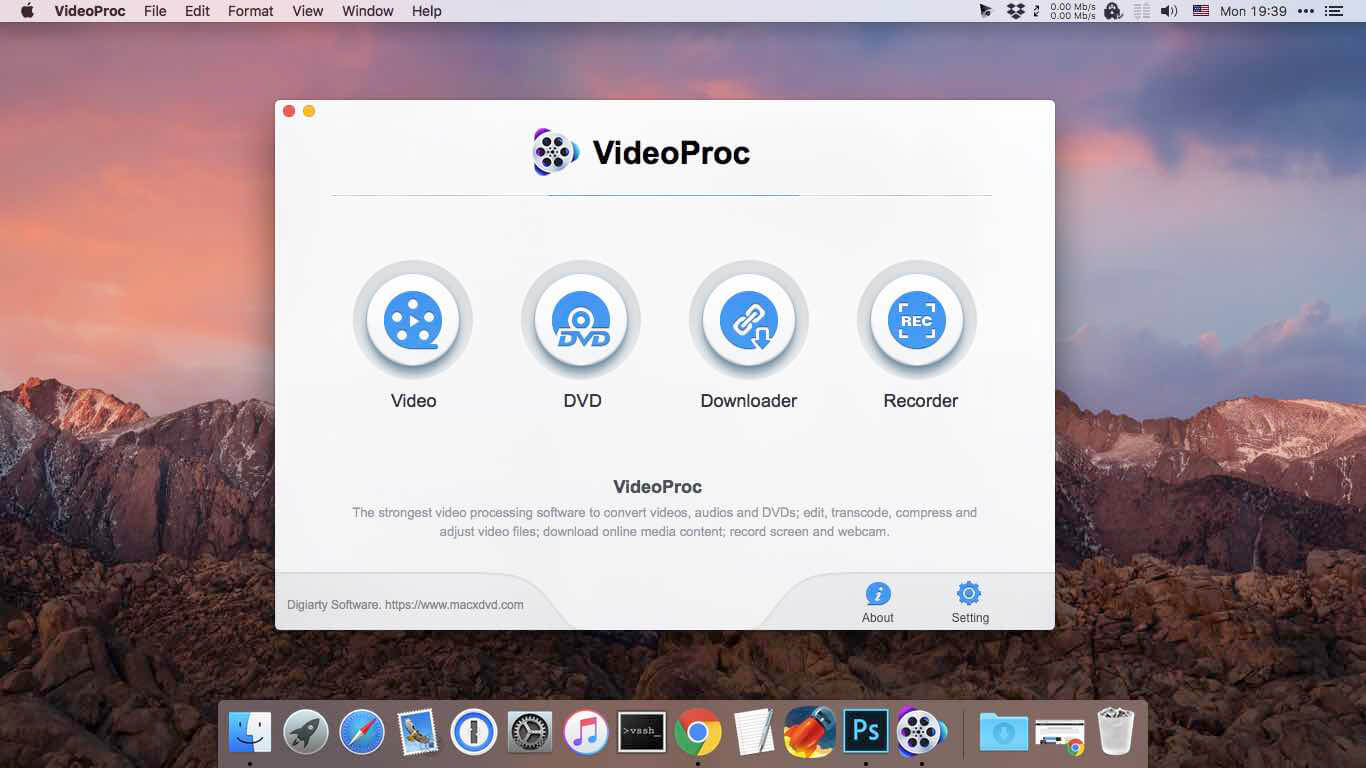
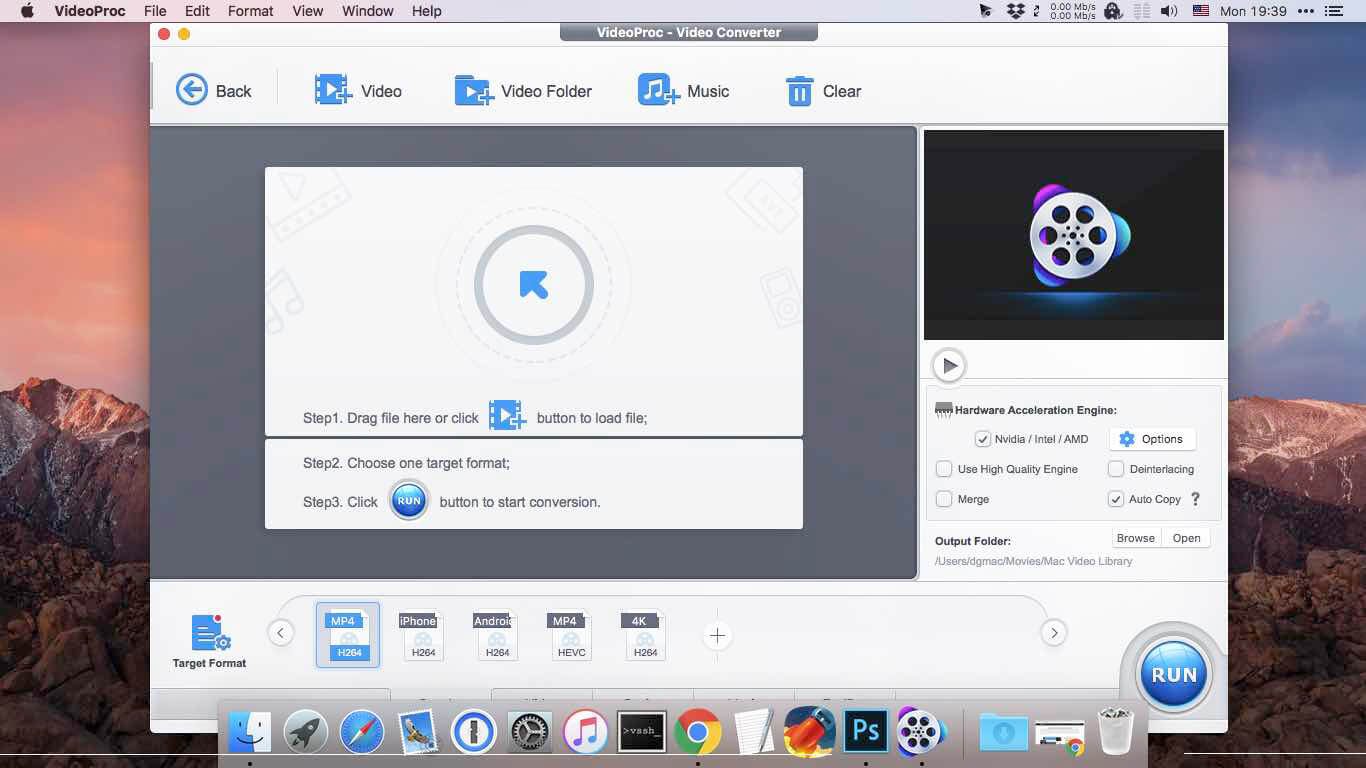
VideoProc Converter 4.7

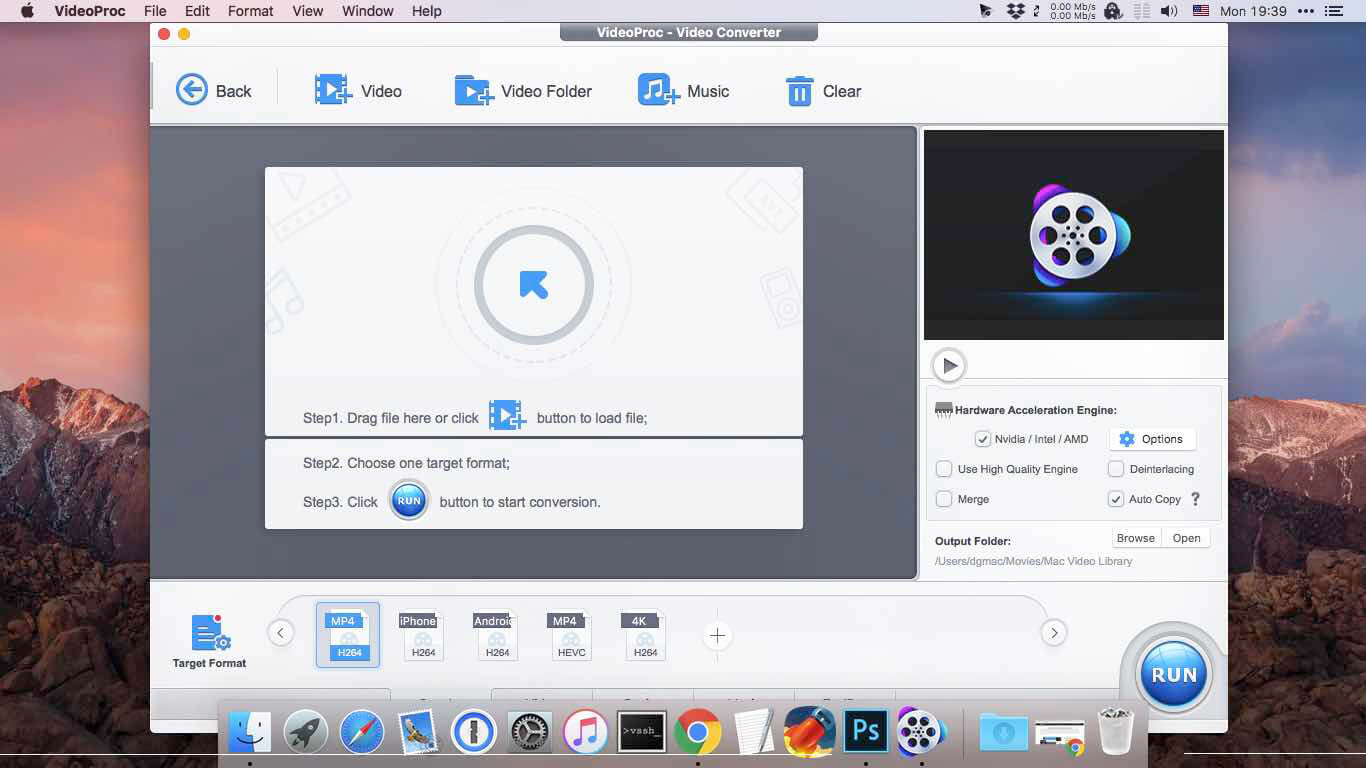
New video processing software designed to cut, trim, merge, adjust, transcode, edit 4k video with full hardware acceleration.

VideoProc (former MacX Video Converter Pro) achieves the record-setting “FIRST” in video processing industry – crafting the easiest video editor, together with DVD video converter, downloader, and recorder at the core. All engineered for the 4K UHD era, it is your must-have video toolbox to handle even the most demanding tasks from HD to 3D, UHD 4K, 5K and 8K, no matter it is from iPhone, GoPro, Dji, Samsung, YouTube, DVD disc or other sources. Process your media files to fit YouTube, Facebook, Instagram, iPhone, iPad, TV, PS4, etc, edit raw footages flexibly into more engaging stories, backup and rip a full DVD in 5 minutes, all finished at world’s fastest speed, without compromising quality.

Accept Every Media with the Largest Codec Library
VideoProc works on video and audio files from iPhone, iPad, GoPro, DLSR, Dji drones to discs, internet websites and others. The leading 370+ codec library provides industry’s broadest support for nearly every major formats used in consumer and professional worlds today. It goes beyond the current mainstream SD/HD videos, all the way up to UHD 4K, 5K and 8K clips. Import media with no extra codecs required.

Supported video formats: MP4, MOV, HEVC, H.264, MPEG4, AVI, WMV, FLV, MKV, MTS, M2TS, TS, AVCHD, MOD, etc.
Supported audio formats: MP3, AAC, AC3, FLAC, iPhone ringtone, etc.

Industry-leading Editor for Every Skill Level
Unique in industry, VideoProc houses everything newbies or seasoned editors need to produce studio-quality films like a pro. Tell a story, make travel videos for YouTube, or create home movies. Import the footages and trim, cut, crop, and add effects or subtitles right away. You will find the most complete one-click options to stabilize, denoise, split, merge, make animated GIFs, remove fisheye, convert 3D to 2D, copy MKV and etc.

Convert Videos to Any Format You Name
VideoProc delivers the widest range of output formats, covering from MP3, AAC, AC3, to MP4, MOV, MKV, H.264, MPEG4, etc.

It offers the largest device-specific profiles (up to 420), running the gamut from phones, tablets, TVs, to game consoles. This regularly updated library lets you convert any video to a file perfectly sized for even the latest iPhone X, Apple TV 4, iPad Pro or so, without tinkering with the complex settings manually. The mammoth profiles also ready your video clips for uploading to YouTube, Facebook, Instagram, etc without a hitch.

Rip a Full DVD in 5 Mins [Support 99-Title Discs]
Experience the most powerful processing solution for DVDs/ISO/folders of any kind. Freely backup movie collections in 5 modes, make 1:1 copies, digitize disc to mainstream formats and move DVD movies to mobiles with one click. Flawlessly convert new movies, 99-title DVDs, damaged & unplayable discs, other DVDs. No more DVD ripping failure or crashes thanks to the market-leading DVD analysis algorithm and title check mechanism. Rip a full DVD in 5 minutes only.

Download Video/Music from YouTube & 1000+ Sites
VideoProc is equipped with a fuss-free YouTube downloader that can download videos from 1000+ sites like YouTube, Facebook, Vimeo, Dailymotion, etc. Save videos, songs, playlists, TV shows, movies, gameplays, cartoons in 4K, Full HD 1080p/720p or so and convert YouTube to MP3, AAC, MP4, etc, so you can tailor it for use on whatever device.

Make a backup of online videos for safekeeping and watch videos offline without distracting ads or battling with slow network.

Capture Everything on Screen to Share with World
The screen recorder for Mac is ideal for recording anything on your screen (specific region or full screen), from gameplay, webinars, online streams, tutorials, Skype calls, live chats, to visual presentations.

You can record video from iPhone, webcam, or screen and computer camera simultaneously, pair your creation with sound and save it as standard MP4, AVI, MOV, MKV, etc.

Reduce 4K/HD File Size by 90% Smaller
VideoProc delivers a fast 4k video processing and allows you the full control on the output file size. Compress HD/4K videos to be up to 90% smaller for YouTube, Email or so. Ease the intense strains on storage with an industry-leading compression engine.

Upscale HD to 4K for sharper image – Beyond SD to HD, VideoProc offers a full set of resolutions, bit rates, conversion quality, codecs etc. to improve quality from HD to 4K for 4k TV or UHD screens, thanks to the 4K upscaling algorithm.

Compress 4K to HD/SD for smaller size – Scale down 4K to HD 1080p or lower video resolution, allowing UHD videos to reach almost any screen with immersive ulra-HD quality yet smallest sizes.

Decode & Encode HEVC/H.265 with No Burden
VideoProc is in the lead in processing High Efficiency Video Coding/H.265. Hardware-accelerated HEVC transcoding helps 4K videos go to your screen in unparalleled speed. No more hang-up, lengthy wait or high CPU usage under HEVC workloads anymore.

Decode HEVC: Convert HEVC/H.265 to H.264, MP4, MOV, etc for better compatibility.
Encode HEVC: Encode MKV, MTS, M2TS, AVCHD, H264, especially the large 4K UHD videos into HEVC for half the size with untouched quality.

What’s New:

Version 4.7:

  • Release notes were unavailable when this listing was updated.

Compatibility: OS X 10.9 or later
Homepage https://www.macxdvd.com/mac-video-converter-pro/

Screenshots


Name: VideoProc_Converter_4.7__TNT_Mactorrents.io.dmg
Size: 52 MB
Files VideoProc_Converter_4.7__TNT_Mactorrents.io.dmg[52 MB]

   Download

VideoProc Converter 4K 4.7

One-Stop Video Processing Software. The simple solution to batch download UHD/HD videos, audios, playlists; convert, edit and record with 47X faster GPU hardware-accelerated speed.

Supporting up to 370 codecs, VideoProc 4K accepts any video format and can effortlessly carry out the video conversion tasks. All the videos from iPhone, Android, cameras, drones or GoPro will be processed smoothly while keeping the best possible quality.

What’s New:

Version 4.7:

  • Release notes were unavailable when this listing was updated.

Compatibility: OS X 10.10 or later 64-bit
Homepage https://www.macxdvd.com/mac-video-converter-pro

Screenshots


Name: VideoProc_Converter_4K_4.7__TNT_Mactorrents.io.dmg
Size: 52 MB
Files VideoProc_Converter_4K_4.7__TNT_Mactorrents.io.dmg[52 MB]

   Download

ProFind 1.11.0

With powerful features and great performance, ProFind delivers advanced file search for macOS. And with support for natural language queries, application launching, hidden location searches, scripting and more.
Search inside invisible folders and packages. Searches any disk type.

Uses kernel based searching (searchfs) when available. Uses metadata indexes (as used by Spotlight) when available to improve performance. Autocompletion for application names. Large icon view for one or two search results.

Under it’s elegant user interface, ProFind combines the power of macOS’s different search capabilities to make sure it finds all the files your looking for. And it’s been carefully tuned for performance and responsiveness.

Compatibility: macOS 10.13 or later (Apple Silicon compatible)
Homepage https://www.zeroonetwenty.com/

Screenshots


Name: ProFind_1.11.0__TNT_Mactorrents.io.dmg
Size: 15 MB
Files ProFind_1.11.0__TNT_Mactorrents.io.dmg[15 MB]

   Download

Luminar Neo 1.0.4 (11206) U2B

Luminar Neo, a new creative image editor which empowers visual storytellers to bring their boldest ideas to life. Luminar Neo builds upon the unique, purpose-driven, AI editing technologies for which Skylum has become known for.

“As the latest member of the Luminar family, we designed Luminar Neo to allow artists to take on more challenging image creation work and achieve results which often seem unattainable,” said Dima Sytnik, co-founder and CPO of Skylum.

Luminar Neo is meant to be an application that offers more customizability, and that builds upon the company’s LuminarAI software. The two programs will be sold side-by-side.

Luminar Neo will ship with several new features, including image layers, background replacement, relighting options, dust removal and more. The software analyzes each image to recognize the depth of the scene and its contents, which allows for precise control.

What’s New:

Version 1.0.0:

  • Layers, Presets, and More
  • Work with multiple photos on one canvas thanks to Layers functionality. Add image layers, move them on top of each other, use blending modes and masking modes, make collages, add double exposure effects, and do more with each layer.
  • Get fast results with one-click Presets that instantly apply adjustments to your photos.
  • Create stunning portraits with Face AI and Body AI without time-consuming masking.
  • Enjoy support for new cameras.
  • Also, we’ve caught and fixed more than 12 bugs that could lead to crashes or unexpected results. It’s time to create amazing photos!

Compatibility: macOS 10.14.6 or later • Apple Silicon or Intel Core processor
Homepage https://skylum.com

Screenshots


Name: Luminar_Neo_1.0.4.11206__HCiSO_Mactorrents.io.dmg
Size: 1.78 GB
Files Luminar_Neo_1.0.4.11206__HCiSO_Mactorrents.io.dmg[1.78 GB]

   Download

Oka Unarchiver PRO 2.1.4

The Oka Unarchiver is a small and easy-to-use program that can archive or unarchive many different kinds of archive files.With Oka Unarchiver you can compress as many files as you want. Also, you can protect them with a password.

Oka Unarchiver is upgraded to version 2.0. New interface, optimized operation experience.

Compression formats supported:
– ZIP

Extraction formats supported:
– 7Z, ZIP, RAR, TAR, GZIP, BZIP2, XZ, LZIP, ACE, ISO, CAB, PAX, JAR, AR, CPIO, and more

Also, Oka Unarchiver can extract lots of compressed files, from ZIP to 7Z archives, even parted ones. Just drop files in the icon, or into the main window, and they will be extracted using Oka Unarchiver

You can add any file into the list to archive or extract. If you click the archive button, Oka Unarchiver can archive all the files in the list at one time. If you click the extract button, Oka Unarchiver will automatically detect which files can be extracted.

The latest support for Finder extension, right-click on the file directly in the Finder, you can compress/uncompress or preview the file through the menu, greatly simplifying the operation steps.

So easy to use:
– Support Finder extension, right-click the file in Finder to compress or extract files directly, even preview files inside the archive
– Support Quick look preview zip files
– Batch decompression of archives
– Supports password-protected archives
– Click one button to extract & archive;
– Drag archives and drop to extract;
– Open in finder to extract;
– Support archive into multi-part zip files.
– Supports new Mac computers with Apple M1 chip.

Compatibility: macOS 10.13 or later • Apple Silicon or Intel Core processor
Mac App Store https://apps.apple.com/app/oka-unarchiver-pro-unzip-rar/id1441394270

Screenshots


Name: Oka_Unarchiver_PRO_2.1.4_MAS__HCiSO_Mactorrents.io.dmg
Size: 28 MB
Files Oka_Unarchiver_PRO_2.1.4_MAS__HCiSO_Mactorrents.io.dmg[28 MB]

   Download

CleanMyMac X 4.10.4

CleanMyMac X is all-in-one package to awesomize your Mac. It cleans megatons of junk and makes your computer run faster. Just like it did on day one. CleanMyMac X chases junk in all corners of your macOS. It cleans unneeded files, like outdated caches, broken downloads, logs, and useless localizations. You can remove tons of clutter that lurks in iTunes, Mail, Photos, and even locate gigabytes of large hidden files. Mac cleaning tools in CleanMyMac X will cut the extra weight in seconds.

Each time your Mac stalls, you got a full deck of speedup tools: Free up RAM, Maintenance scripts, controls for Login Items, Launch Agents, and Hung Applications. This will lessen your system load and tune the Mac for maximum performance. When your machine is productive, you too are productive.

Are there viruses on Mac? Not on yours, if you try Mac cleaning with CleanMyMac X. It fights off malware, adware, ransomware, and all them -wares that are specific to the macOS. When the issue is found, the app deletes it right away. We update our malware database regularly and CleanMyMac X’s Protection module always has your back.

To make your Mac life more orderly, you got a cool duet of Uninstaller and Updater. The first fully removes apps you don’t want, and the second, instantly updates all your software. Bad apps are removed completely and new ones always arrive in time. This helps fix software conflicts and keeps your Mac forever young.

FEATURES

  • Easy to use, user-friendly interface
  • Drag and drop nature
  • Slims universal binaries
  • Removes useless language translations
  • Most accurate application uninstallation
  • Quick and Secure file eraser
  • Manages widgets, plugins and preference panes
  • Erases garbage left from previously removed applications and widgets
  • Monitors your Trash helping you to uninstall trashed applications correctly
  • Keeps an eye on your removable devices to clean them up from junk service files

What’s New:

Version 4.10.4:

  • Release notes were unavailable when this listing was updated.

Compatibility: macOS 10.12 or later 64-bit
Language: Multilangual
Homepage https://macpaw.com/

Screenshots


Name: CleanMyMac_X_4.10.4__TNT_Mactorrents.io.dmg
Size: 78.84 MB
Files CleanMyMac_X_4.10.4__TNT_Mactorrents.io.dmg[78.84 MB]

   Download

Valentina Studio Pro 12.1.1

Valentina Studio is the ultimate data management tool for database administrators. Valentina Studio includes a wealth of database administration tools. Valentina Studio PRO to unlock advanced data modeling tools, report design and editing and more.

Valentina Studio brings you powerful, visual editors for your data including:

  • Schema Editor (tree view and column view) – create and modify all schema objects of supported databases: Tables, Views, Fields, Enums, Links, Constraints, Triggers, Indexes, Stored Procedures, …
  • Diagram Editor – design new diagrams or do reverse engineering, e.i explore existing databases visually.
  • Data Editor – easily browse table records in the grid, modify records, an inline edit of values, sort, filter records and save favorite filters, preview images, hex editors for binary values, …
  • Related Data Editor – easily learn and manage linked records of two tables, link/unlink records by a mouse click, do set operations over linked records, …
  • SQL Editor – with color syntax, auto-completion, recent and saved favorite queries, templates, console with error/warning reporting, …
  • Query Editor – build SQL queries visually using just a few mouse clicks
  • Server Admin – where you can manage users, learn logs and other parameters of servers.

Open as many editors as you like at the same time for different databases/servers opened in tab-panels. You also get different DB related utilities, including: Import/Export, Dumps, Diagnose, Clone, Reindex, …

MAS version of Valentina Studio uses iCloud to share bookmarks between your devices!

Valentina Studio Pro as an in-app purchase to get additional advanced pro-features such as:

  • Report Editor – visual editor of Valentina Reports that can be saved into Valentina Project file (.vsp). Reports can use as datasource MS SQL, MySQL, PostgreSQL, SQLite, Valentina DB, ODBC.
  • Form Editor – visual editor of Valentina Forms that can be saved into Valentina Project file (.vsp). Forms can use all supported databases as the datasource.
  • Data Editor – enables go to parent record function.
  • Data Editor Layouts – save columns and their order as a named layout
  • Data Editor Multiple Update – update few records at once.
  • Data Transfer – copy data between different databases
  • Diagram Editor – enables forward engineering – i.e. generation of SQL scripts for new/changed database objects.
  • Dump Wizard – enables filter for tables to select them for a dump.
  • Error Lookup – search for error description by its code.
  • Keyboard Shortcuts – enables the ability to redefine the shortcuts and create own shortcut sets.
  • Object Colors – enables marking objects with specific colors.
  • Query Editor – enables the ability to copy the generated query.
  • Schema Cache – save and reuse the schema cache.
  • Schema Editor – copy one or few schema objects using drag&drop mechanism.
  • Schema Editor – expanding and collapsing the tree items with subitems using OPTION + click
  • Schema Snapshot – save and load schema in structured format.
  • Source Control – develop database using any VCS.
  • SQLDiff – find differences between two states of a databases and generate SQL script to move between these states.
  • SQL Search – search of schema objects.
  • SQL Editor – enables autocompletion for table aliases.
  • SQL Editor – format SQL queries.
  • SQL Editor – edit the result of SQL queries.

Compatibility: macOS 10.13 or later (Apple Silicon compatible)
Homepage https://apps.apple.com/pk/app/valentina-studio/id604825918

Screenshots


Name: Valentina_Studio_Pro_12.1.1__TNT_Mactorrents.io.dmg
Size: 78 MB
Files Valentina_Studio_Pro_12.1.1__TNT_Mactorrents.io.dmg[78 MB]

   Download

Torrents Download Apple,Mac Osx,Apps ,Software

Exit mobile version