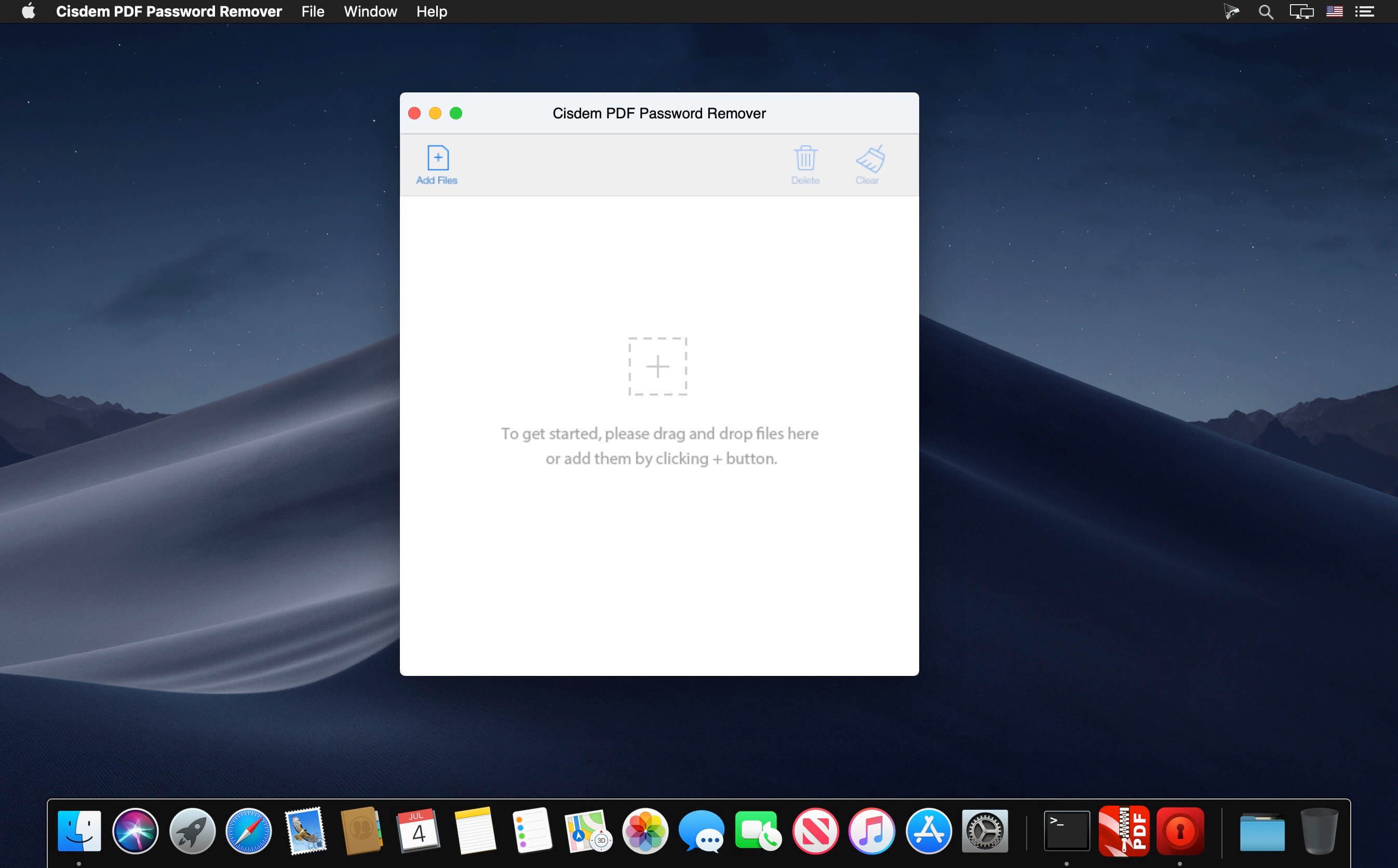
Cisdem PDFPasswordRemover lets you access password-protected PDF files. It removes unknown owner passwords and known user passwords from encrypted PDF files. PDFs can be processed in bulk and the compression feature in this app can make big PDF files smaller, so you no longer have to worry about the storage problem.
Features
Decrypt Both Owner Password and Open Password Respectively – Cisdem PDFPasswordRemover can not only be used to easily remove PDF owner password (used to limit printing, copying and editing PDF files) with 2 clicks, but also recover PDF user password (used to limit opening PDF files) using brute force decryption.
Greatly-improved Decryption Speed to Batch Remove Owner Passwords – The software allows users to remove limitations of PDF files that are protected by owner password in batch. Up to 200 PDF files can be added and unlocked at a time. Besides, the decryption process is as quick as a flash.
When unlocking open passwords, users can check or fill in options, such as, password length, Latin letters, digits, special symbols, and additional characters, to save the decryption time.
The decryption process for files protected by complicated password can be kept to continue next time.
Fully support PDF version 1.0-1.7, OS X 10.7 – OS X 10.11 and multi-language, including English, German, French, Japanese, Greek, Latin, Korean, etc.
Work independently and doesn’t require Adobe Acrobat Reader installed.
It won’t alter PDF documents in any way and ensures that no harm to PDF file content is done.
What’s New:
Version 4.0:
Fix issue of exporting blank with correct password entering.
Password apply to all the functions.
Fix files without password can be dragged in.
Provide reminds to users with the files cannot be cracked.
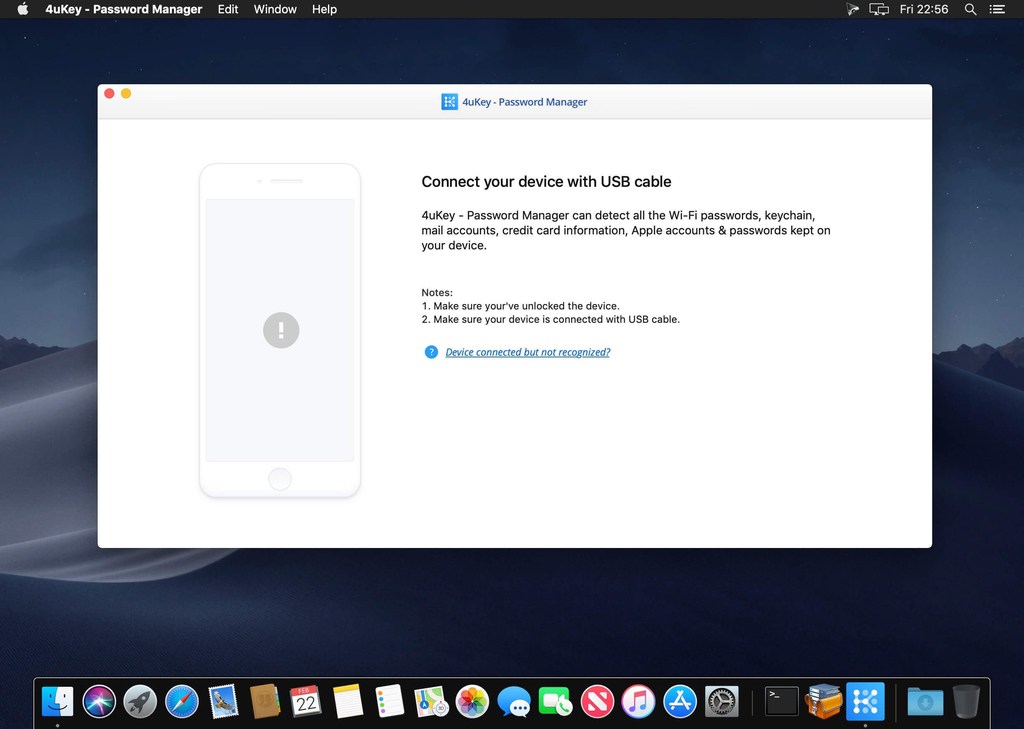
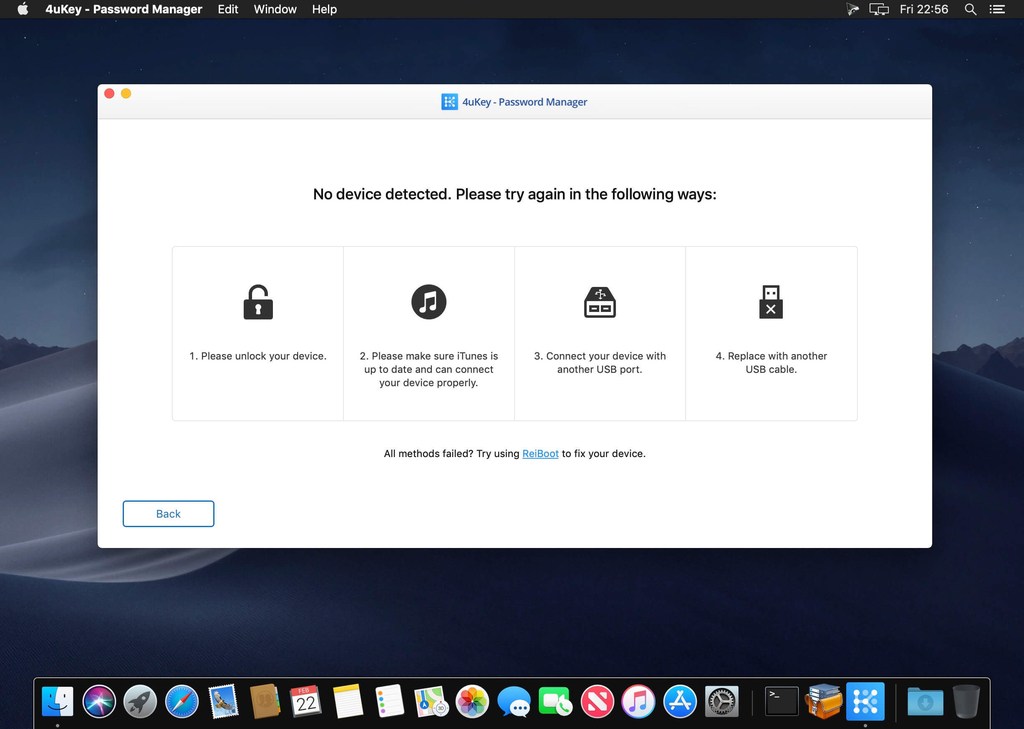
No.1 iOS Password Finder. Focus on All iOS Password Solutions. 4MeKey makes it easy for you to find, recover, view, export and manage all your passwords on iPhone and iPad.
Find saved WiFi password on iPhone/iPad from PC/Mac
Recover stored websites & app login passwords
Scan and view mail accounts, credit card information
Show Apple ID & passwords kept on your device
Transfer passwords to iOS password manager app like 1Password
What’s New
Release notes not available at the time of this post.
Cisdem PDFPasswordRemover lets you access password-protected PDF files. It removes unknown owner passwords and known user passwords from encrypted PDF files. PDFs can be processed in bulk and the compression feature in this app can make big PDF files smaller, so you no longer have to worry about the storage problem.
Features
Decrypt Both Owner Password and Open Password Respectively – Cisdem PDFPasswordRemover can not only be used to easily remove PDF owner password (used to limit printing, copying and editing PDF files) with 2 clicks, but also recover PDF user password (used to limit opening PDF files) using brute force decryption.
Greatly-improved Decryption Speed to Batch Remove Owner Passwords – The software allows users to remove limitations of PDF files that are protected by owner password in batch. Up to 200 PDF files can be added and unlocked at a time. Besides, the decryption process is as quick as a flash.
When unlocking open passwords, users can check or fill in options, such as, password length, Latin letters, digits, special symbols, and additional characters, to save the decryption time.
The decryption process for files protected by complicated password can be kept to continue next time.
Fully support PDF version 1.0-1.7, OS X 10.7 – OS X 10.11 and multi-language, including English, German, French, Japanese, Greek, Latin, Korean, etc.
Work independently and doesn’t require Adobe Acrobat Reader installed.
It won’t alter PDF documents in any way and ensures that no harm to PDF file content is done.
What’s New:
Version 4.0:
Fix issue of exporting blank with correct password entering.
Password apply to all the functions.
Fix files without password can be dragged in.
Provide reminds to users with the files cannot be cracked.
With help of PassFab iOS Password Manager you can find and transfer all saved password information on iPhone, iPad: Wi-Fi, Screen Time, Website & App, Email, Apple ID, Credit Card.
This best iOS password manager helps you to find Wi-Fi password back, recover lost website and App password, view mail account password, show Apple ID and password, display credit card information, figure out Screen Time passcode and export password to CSV file.
Unlock PDF, Unlock Content. Remove PDF password on Mac to make open, edit, and print PDF easily. Remove PDF password on Mac, giving you the freedom to use your PDFs as you want.
Open/User password Open/user password of PDF is always used for controlling the permission of opening a PDF file to keep the secure. If you forget the password, brute force will be the only way.
Restrictions/Owner password For PDFs with restrictions/owner password, you will have no limited on printing, copying, and modifying them, but you can open and view the content.
Cisdem PDFPasswordRemover is an excellent PDF decrypter, which unlocks all restrictions of both owner password and open password. So there are no restrictions to open, edit, copy and print PDF files any more! With automatically remembering decryption preference setting and resume decryption progress, it could be your individual and business tool of choice.
Features
Decrypt Both Owner Password and Open Password Respectively Cisdem PDFPasswordRemover can not only be used to easily remove PDF owner password (used to limit printing, copying, and editing PDF files) with 2 clicks, but also recover PDF user password (used to limit opening PDF files) using brute force decryption.
Batch Processing at High Speed The software allows you to remove limitations of PDF files that are protected by owner password in batch. Up to 200 PDF files can be added and unlocked at a time. Besides, the decryption process is as quick as a flash.
Decryption Preference Settings To save search time, you can check or fill in some details about your password like user name, password length, additional characters, etc. Besides, it will automatically remember your search preference for the settings.
Resume the Decryption Beside showing the decryption speed and remaining time, it could remember the decryption progress. When your decryption process for files protected by complicated password can be kept to continue next time.
Fully supports PDF version 1.01.7, OS X 10.7 10.11, and multiple languages, including English, German, French, Japanese, Greek, Latin, Korean, etc.
Cisdem PDFPasswordRemover is an excellent PDF decrypter, which unlocks all restrictions of both owner password and open password. So there are no restrictions to open, edit, copy and print PDF files any more! With automatically remembering decryption preference setting and resume decryption progress, it could be your individual and business tool of choice.
Features
Decrypt Both Owner Password and Open Password Respectively Cisdem PDFPasswordRemover can not only be used to easily remove PDF owner password (used to limit printing, copying, and editing PDF files) with 2 clicks, but also recover PDF user password (used to limit opening PDF files) using brute force decryption.
Batch Processing at High Speed The software allows you to remove limitations of PDF files that are protected by owner password in batch. Up to 200 PDF files can be added and unlocked at a time. Besides, the decryption process is as quick as a flash.
Decryption Preference Settings To save search time, you can check or fill in some details about your password like user name, password length, additional characters, etc. Besides, it will automatically remember your search preference for the settings.
Resume the Decryption Beside showing the decryption speed and remaining time, it could remember the decryption progress. When your decryption process for files protected by complicated password can be kept to continue next time.
Fully supports PDF version 1.01.7, OS X 10.7 10.11, and multiple languages, including English, German, French, Japanese, Greek, Latin, Korean, etc.