Category Archives: Movavi

Movavi Photo Editor 6.0.0

Photo Editor Movavi icon

Download Movavi Photo Editor 6.0.0

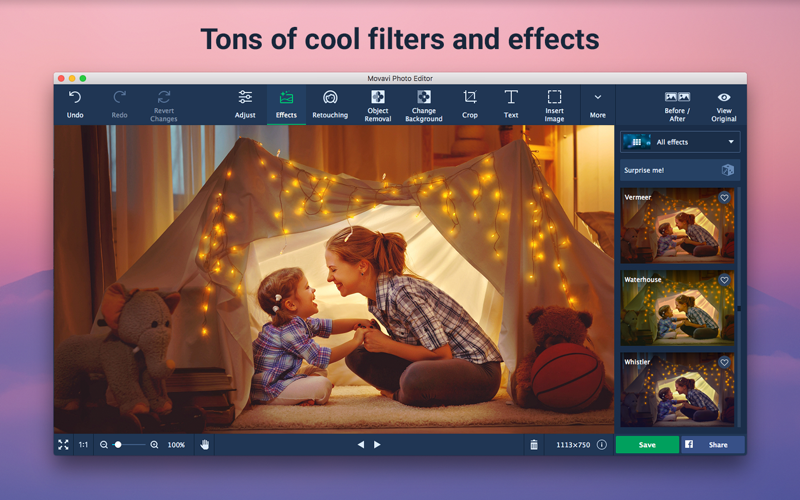
Movavi Photo Editor provides standard editing features in a user-friendly environment. Perform simple operations like cropping, rotating and resizing images as well as advanced tools like removing backgrounds and fine-tuning skin adjustments.

Features
  • Tweak Image Parameters and Add Filters
  • Transform Frames to Fit Your Needs
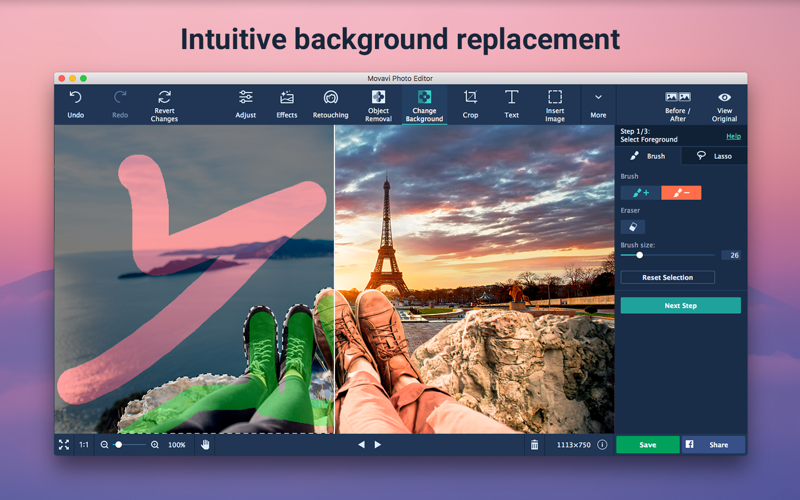
  • Magically Swap Photo Backdrops
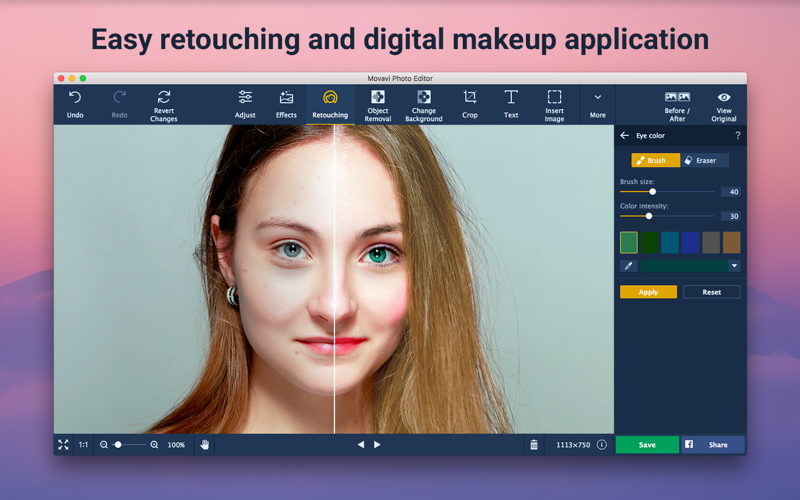
  • Remove Blemishes and Imperfections
  • Insert Text Watermarks and Inscriptions

Information

CompatibilityOS X 10.7 or later, 64-bit processor
LanguagesEnglish, Dutch, French, German, Italian, Japanese, Kanuri, Portuguese, Russian, Spanish, Turkish, Twi

What’s New in Movavi Photo Editor 6.0.0

AI-Powered Photo Enhancement:

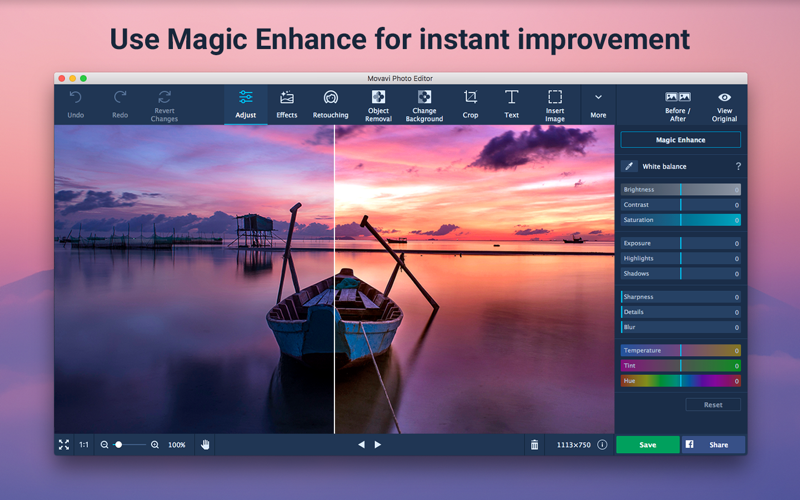
  • Try the new smart auto-adjustment. Amp up brightness and contrast at the touch of a button.

Section Selection:

  • Enhance any part of your photo with the selection tool. Add a blur effect, adjust brightness, contrast, and more.

Frames:

  • Decorate your photos with stylish frames. Customize the design to meet your needs.

Improved Text Editing:

  • Use the handy new text entry window to enter a caption. Twist the text into different shapes. Add decorations and adjust color, outline, and position.

Auto-Selection Tool for Quick Background Changes:

  • Automatically select people in a photo and change the background in 3 clicks.

Other:

  • Mac OS 9 and older versions are no longer supported
  • Bug fixes

Screenshots

Photo Editor Movavi icon
Name Movavi Photo Editor 6.0.0 [TNT] mac-torrents.net.zip
Size 98.83 MB
Created on 2019-10-07 18:10:29
Hash 784dad78a5bdabe9386b5b5295f1a1ab690be6ec
Files Movavi Photo Editor 6.0.0 [TNT] mac-torrents.net.zip (98.83 MB)

Download

Movavi Screen Recorder 10.4.0

Download

Movavi Screen Recorder 10.4.0

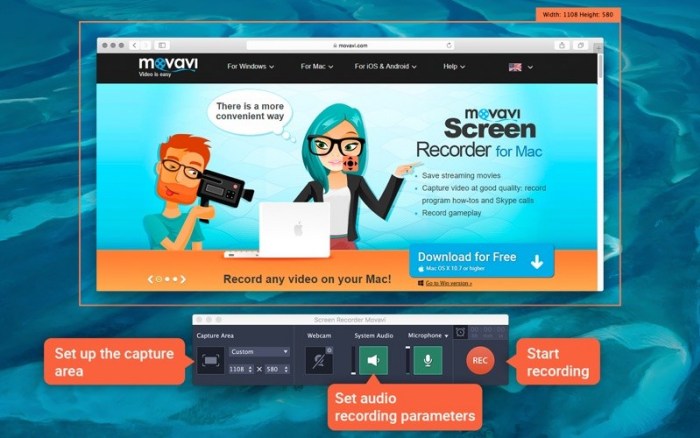
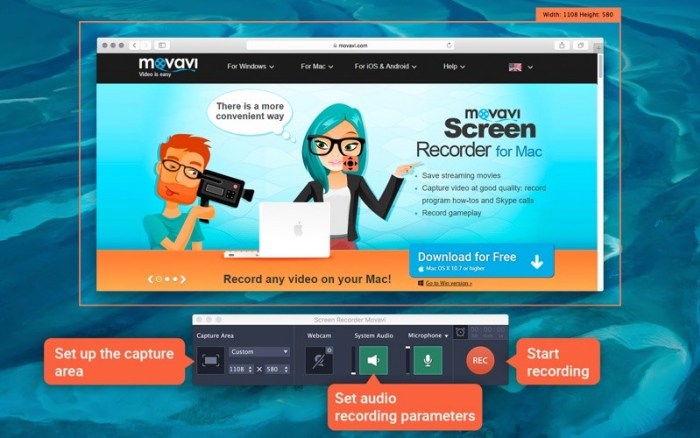
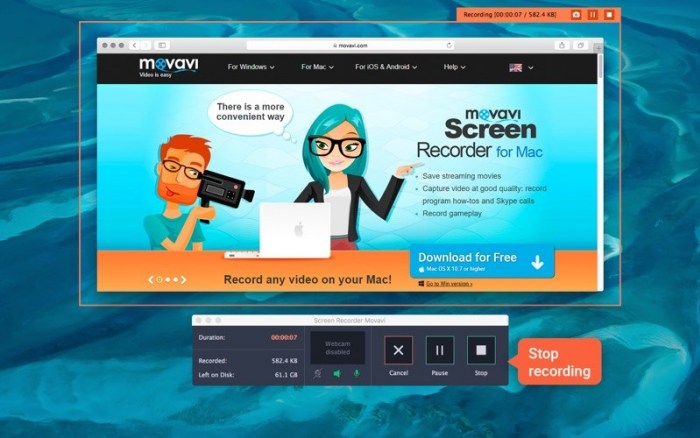
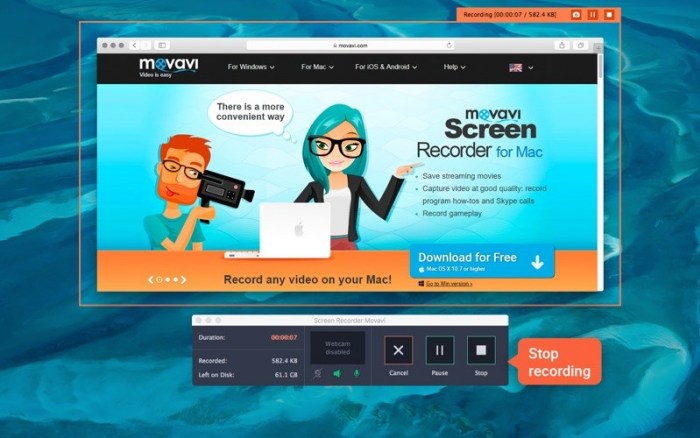
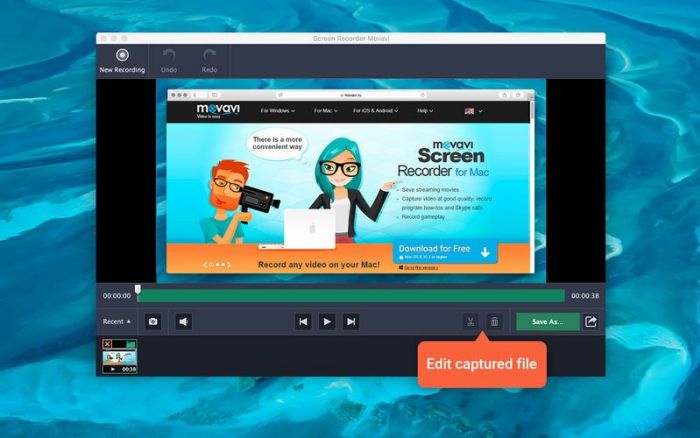
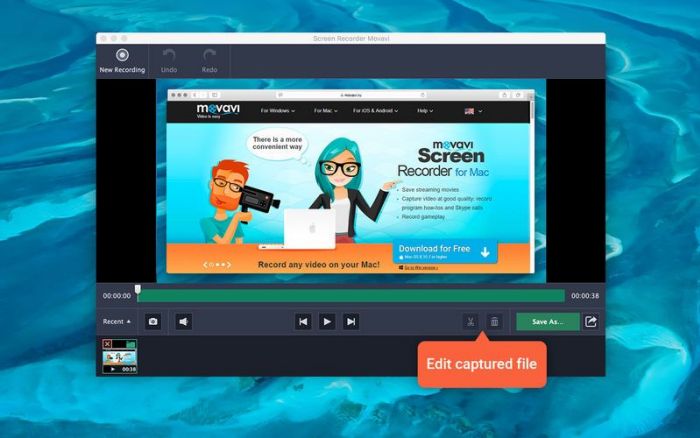
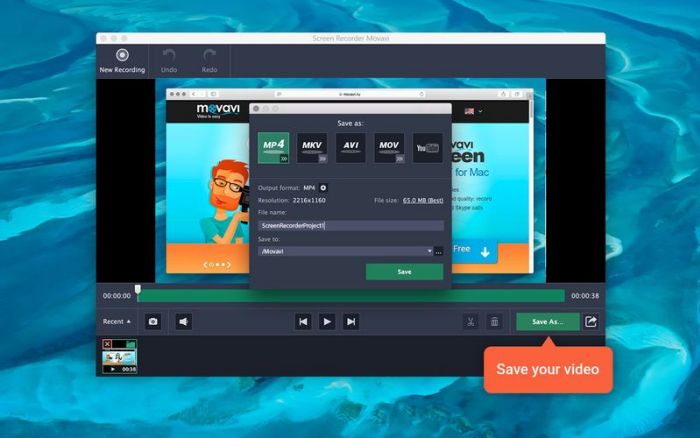
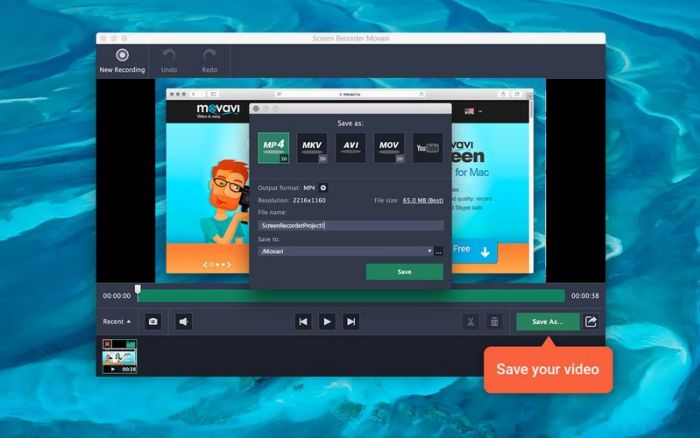
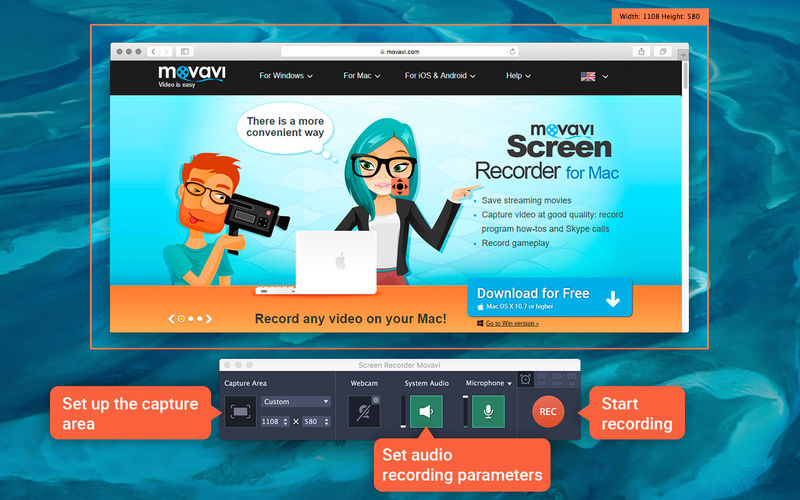
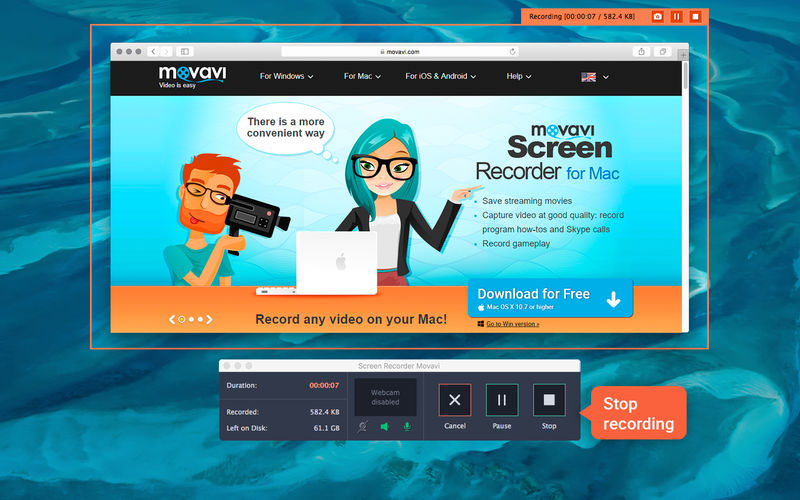
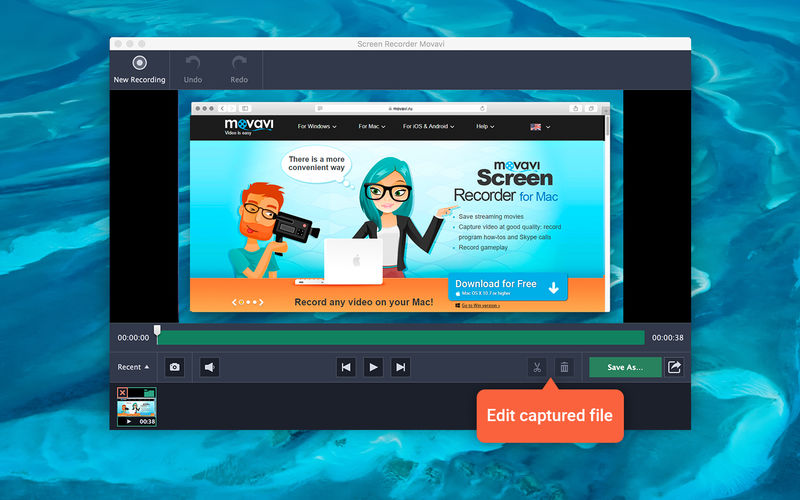
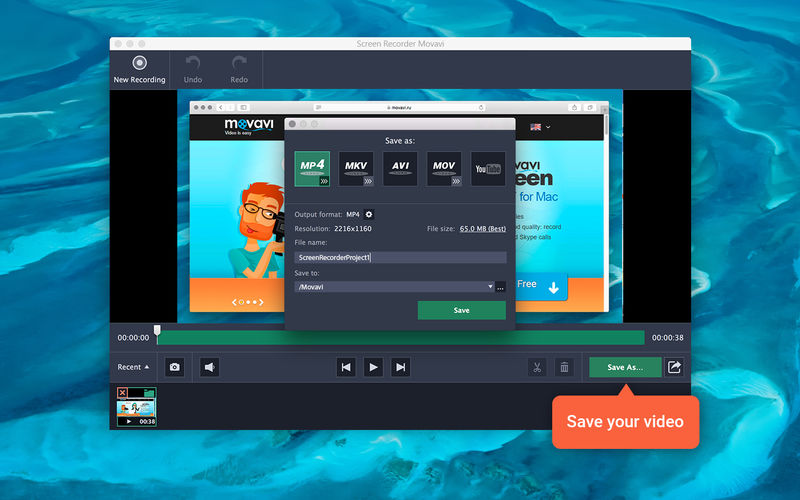
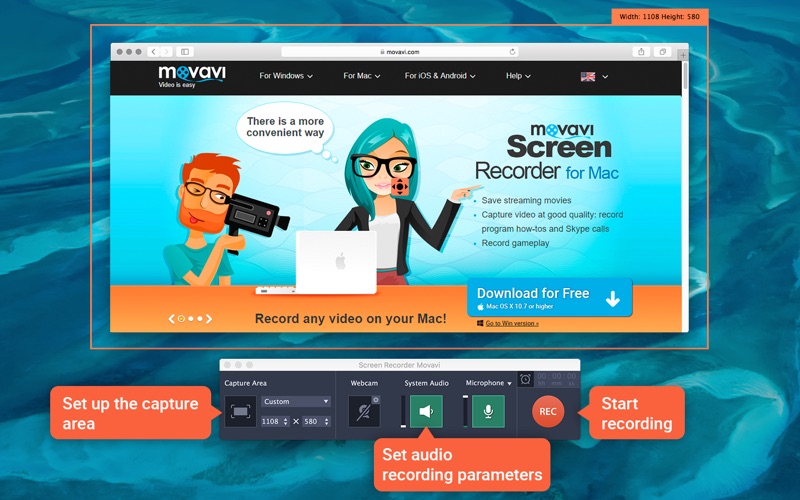
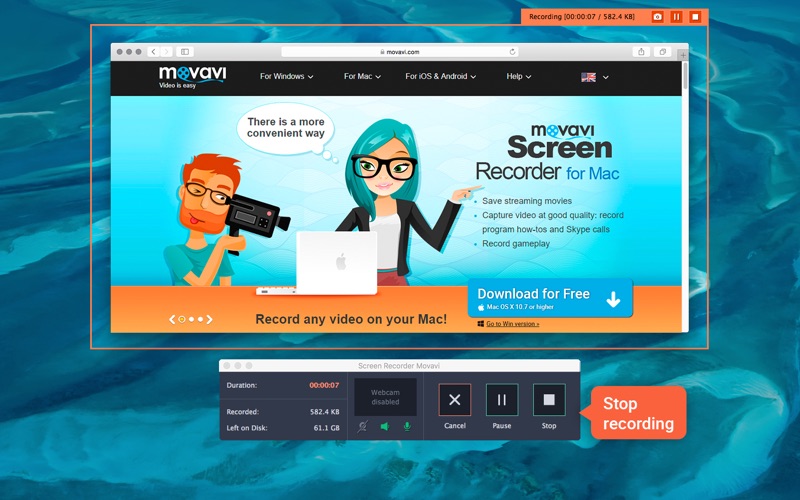
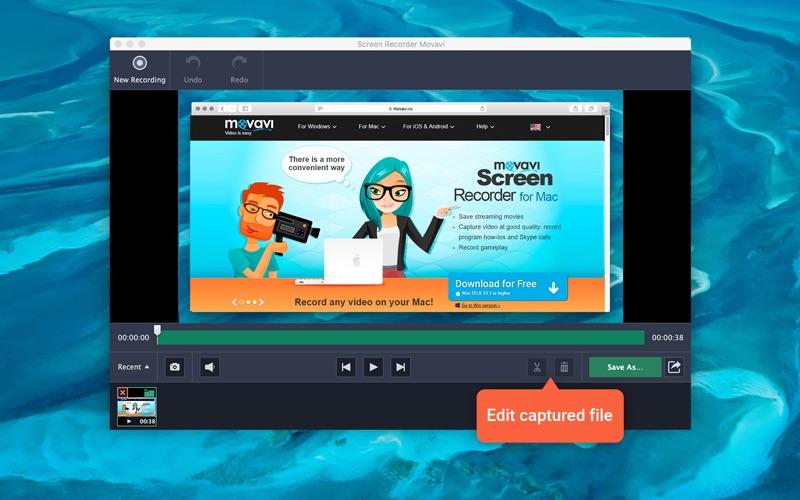
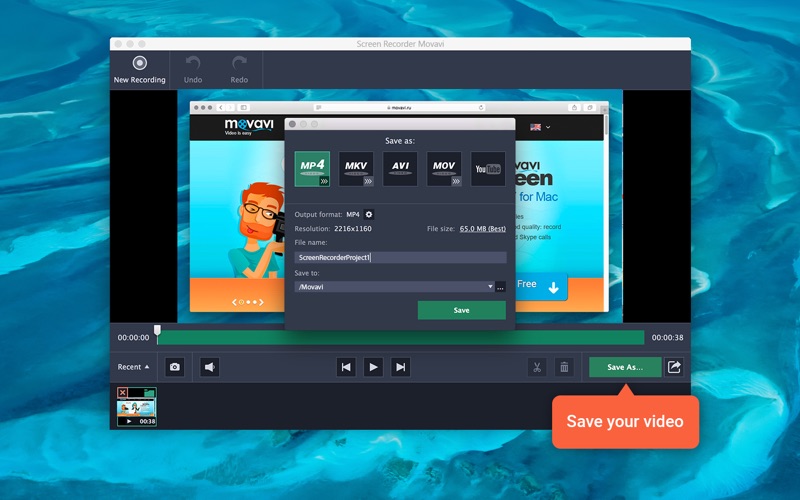
Movavi Screen Recorder lets you capture video of what’s on your Mac display. Save live streams and video and audio clips from web pages, record your interactions in apps, capture gameplay, anything on your screen.

Features
  • Set recording area
  • Set frame rate up to 60 fps
  • Capture multiple audio sources
  • Record keyboard and mouse actions
  • Schedule recordings

Compatibility: OS X 10.8 or later 64-bit

Web Site: https://www.movavi.com/mac-screen-capture/

Mac App Store: https://itunes.apple.com/us/app/screen-recorder-movavi/id593854334?mt=12

What’s New in Movavi Screen Recorder 10.4.0

  • Release notes not available at the time of this post.

Screenshots

Name Movavi Screen Recorder 10 4 0 TNT.zip
Size 97.95 MB
Created on 2019-08-01 19:28:54
Hash 93c113cf1aff368c4a6125686cd7a4ebd6f321b7
Files Movavi Screen Recorder 10 4 0 TNT.zip (97.95 MB)

Download

Movavi Screen Recorder 10.3.0

Movavi Screen Recorder 10.3.0

Movavi Screen Recorder lets you capture video of what’s on your Mac display. Save live streams and video and audio clips from web pages, record your interactions in apps, capture gameplay, anything on your screen.

Features
  • Set recording area
  • Set frame rate up to 60 fps
  • Capture multiple audio sources
  • Record keyboard and mouse actions
  • Schedule recordings

Compatibility: OS X 10.8 or later 64-bit

Web Site: https://www.movavi.com/mac-screen-capture/

Mac App Store: https://itunes.apple.com/us/app/screen-recorder-movavi/id593854334?mt=12

What’s New in Movavi Screen Recorder 10.3.0

  • Release notes not available at the time of this post.

Screenshots

Name Movavi Screen Recorder 10 3 0 TNT.zip
Size 96.52 MB
Created on 2019-06-11 19:24:12
Hash 0a2818679c35b8031c24a0d5d5bcc80930c46482
Files Movavi Screen Recorder 10 3 0 TNT.zip (96.52 MB)

Download

 you can download from other site :
Movavi Screen Recorder 10.3.0

Movavi Photo Editor 5.8.0

 Movavi Photo Editor 5.8.0 free download for mac torrent and mac Os

Photography

Name Movavi Photo Editor 5 8 0 TNT.zip
Size 93.14 MB
Created on 2019-05-17 15:35:52
Hash 5deacdd1c17a69ec8c5c7d603099556e951fb539
Files Movavi Photo Editor 5 8 0 TNT.zip (93.14 MB)

Download

Movavi Photo Editor 5.8.0

Movavi Photo Editor provides standard editing features in a user-friendly environment. Perform simple operations like cropping, rotating and resizing images as well as advanced tools like removing backgrounds and fine-tuning skin adjustments.

Features
  • Tweak Image Parameters and Add Filters
  • Transform Frames to Fit Your Needs
  • Magically Swap Photo Backdrops
  • Remove Blemishes and Imperfections
  • Insert Text Watermarks and Inscriptions

Compatibility: OS X 10.7 or later

Web Site: https://www.movavi.com/mac-photo-editor

What’s New in Movavi Photo Editor 5.8.0

  • Release notes not available at the time of this post.

you can download from other site :
Movavi Photo Editor 5.8.0

Movavi Screen Recorder 10.2.0

 Movavi Screen Recorder 10.2.0 free download for mac torrent

Video

Name Movavi Screen Recorder 10.2.0 TNT.zip
Size 73.79 MB
Created on 2019-02-25 21:07:01
Hash b2fcb37438b581f317453e62d0ddf748e66055e0
Files Movavi Screen Recorder 10.2.0 TNT.zip (73.79 MB)

Download

Movavi Screen Recorder 10.2.0

Movavi Screen Recorder lets you capture video of what’s on your Mac display. Save live streams and video and audio clips from web pages, record your interactions in apps, capture gameplay, anything on your screen.

Features
  • Set recording area
  • Set frame rate up to 60 fps
  • Capture multiple audio sources
  • Record keyboard and mouse actions
  • Schedule recordings

Compatibility: OS X 10.8 or later 64-bit

Web Site: https://www.movavi.com/mac-screen-capture/
Mac App Store: https://itunes.apple.com/us/app/screen-recorder-movavi/id593854334?mt=12

What’s New in Movavi Screen Recorder 10.2.0

  • Release notes not available at the time of this post.

you can download from other site :
Movavi Screen Recorder 10.2.0

Movavi Photo Editor 5.7

Photography

Name Movavi Photo Editor 5 7 TNT.zip
Size 76.73 MB
Created on 2019-01-23 02:46:49
Hash 4fb7ad576a2923bf18dce9424736081ee0173bcb
Files Movavi Photo Editor 5 7 TNT.zip (76.73 MB)

Download

Movavi Photo Editor 5.7

Movavi Photo Editor provides standard editing features in a user-friendly environment. Perform simple operations like cropping, rotating and resizing images as well as advanced tools like removing backgrounds and fine-tuning skin adjustments.

Features
  • Tweak Image Parameters and Add Filters
  • Transform Frames to Fit Your Needs
  • Magically Swap Photo Backdrops
  • Remove Blemishes and Imperfections
  • Insert Text Watermarks and Inscriptions

OS version:OS X 10.7 or later
Processor type(s) & speed: 64-bit processor

Web Site: https://www.movavi.com/mac-photo-editor

What’s New in Movavi Photo Editor 5.7

  • Release notes not available at the time of this post.

Photography
,

By

Movavi Screen Recorder 10.1.0

 Movavi Screen Recorder 10.1.0 download for free)

Video

Name Movavi Screen Recorder 10 1 0 TNT.zip
Size 72.03 MB
Created on 2018-12-20 23:44:21
Hash e138866263dcd8da5d115140822ebae1403e0246
Files Movavi Screen Recorder 10 1 0 TNT.zip (72.03 MB)

Download

Movavi Screen Recorder 10.1.0

Movavi Screen Recorder lets you capture video of what’s on your Mac display. Save live streams and video and audio clips from web pages, record your interactions in apps, capture gameplay, anything on your screen.

Features
  • Set recording area
  • Set frame rate up to 60 fps
  • Capture multiple audio sources
  • Record keyboard and mouse actions
  • Schedule recordings

Compatibility: OS X 10.8 or later 64-bit

Web Site: https://www.movavi.com/mac-screen-capture/
Mac App Store: https://itunes.apple.com/us/app/screen-recorder-movavi/id593854334?mt=12

What’s New in Movavi Screen Recorder 10.1.0

  • Release notes not available at the time of this post.

Movavi Screen Recorder 5.3

Descriptions for Movavi Screen Recorder 5.3

Name: Movavi Screen Recorder
Version: 5.3
Release Date: 21 Mar 2018
Mac Platform: Intel
OS version:OS X 10.6 or later
Processor type(s) & speed: 64-bit processor

Includes: Pre-K’ed (TNT)

Web Site: https://www.movavi.com/mac-screen-capture/

Overview

Movavi Screen Recorder lets you capture video of what’s on your Mac display. Save live streams and video and audio clips from web pages, record your interactions in apps, capture gameplay, anything on your screen.

Features
  • Set recording area
  • Set frame rate up to 60 fps
  • Capture multiple audio sources
  • Record keyboard and mouse actions
  • Schedule recordings

What’s New in Movavi Screen Recorder 5.3

  • Improved capture performance with maximum frames per second and fewer artifacts on the recorded videos
  • Minor bug fixes and improvements

Screenshots

Name Movavi Screen Recorder 5 5 3 TNT.dmg
Size 59.19 MB
Created on 2018-03-22 12:03:42
Hash 0506ba200141b034267d73537d10f3663ef81544
Files Movavi Screen Recorder 5 5 3 TNT.dmg (59.19 MB)

Movavi Photo Editor 5.1

Descriptions for Movavi Photo Editor 5.1

Name: Photo Editor Movavi
Version: 5.1
Developer: Movavi
Mac Platform: Intel
OS Version: OS X 10.7 or later

Includes: Pre-K’ed (TNT)

Web Site: http://www.movavi.com/mac-photo-editor/
Mac App Store: https://itunes.apple.com/app/photo-editor-movavi/id910837444?mt=12

Overview

Photo Editor Movavi is the fastest way to turn good photos into spectacular shots. mac-torrents.net Remove any unnecessary element from your images, improve quality, and edit your photos in just a few easy steps.

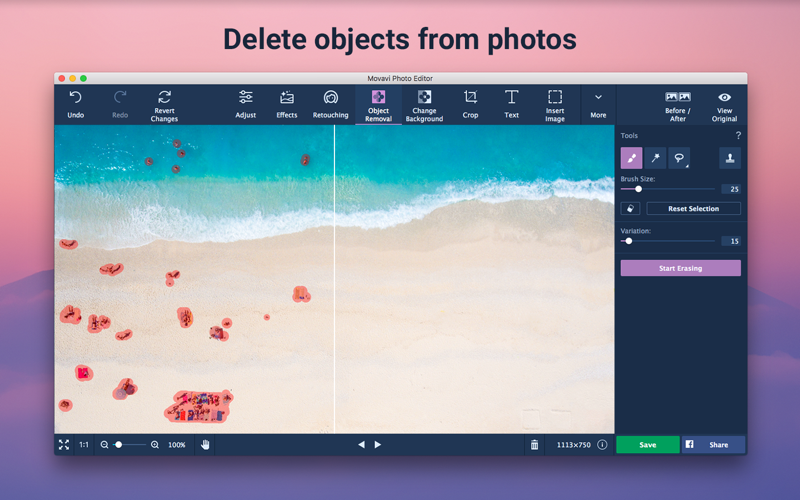
Easily remove random bystanders, inconvenient fences and ugly power lines from your travel panoramas with a single action: just select the unwanted object and hit Start Erasing – everything else is done automatically, thanks to Movavi’s unique optimized removal algorithm.

Create beautiful collages and comic photo manipulations with the Background Removal tool. Replace the current background with a solid color or apply a different image. Copy and paste objects between different pictures as well, even change their size or rotate them. You can drag pictures directly from the browser, or paste them from files.

Many photo defects, like overexposed or overly dark images or a skewed horizon are often discovered only after you’ve finished shooting. But that doesn’t mean you have to delete the ‘spoiled’ photos – Movavi makes it easy to fix these problems. Eliminate composition issues in no time: crop, rotate, and flip image with one click. Manually adjust the main image parameters – brightness, contrast, saturation, and more – or let the smart automatic filter improve the quality of your pictures.

New retouching tools will help you hide skin blemishes, get rid of wrinkles, reduce shine, whiten teeth, and remove red-eye.

Give yourself a complete makeover with our new make-up kit: experiment with different shades of blusher, eyeshadow, and lipstick, redefine eyebrows, add mascara and foundation. Give your eyes or hair a new color. Want more? You can even reshape the face and enlarge your eyes!

Finally, give your shots that special touch with stylish filters like Lomo, Sepia, Posterization, Pop-Art, Disco, and many others, apply textures and overlays – why not mix and match several effects at once?

When you’re finished, upload your photo to Facebook straight from the program – just sign in to your account, add a description and tags, and adjust the privacy settings.

Get Photo Editor Movavi now if you want to:

* Improve image quality with one click
* Crop, flip, rotate, and resize your pictures
* Manually adjust image settings: hue, saturation, color temperature, white balance, details, and more
* Remove digital noise and grain from photos
* Straighten the horizon in your photos automatically or manually
* Instantly remove unwanted objects from photos
* Clip objects from the background and replace that background with a solid color fill or even another picture
* Apply filters, text captions and watermarks on images
* Retouch skin and teeth color, erase red-eye, change eye size, reshape face, and more
* Add makeup to your portraits
* Save images in all popular formats – JPEG, PNG, BMP, TIFF, RAW, and more
* Share photos on Facebook in a click

What’s New in Movavi Photo Editor 5.1

– Edit and save photos in RAW format
– Adjust white balance and details manually, fix pictures automatically with an improved algorithm
– Select object more precisely with the Magnetic Lasso and other tools
– Reshape faces and figures
– Smooth out grainy pictures with one click


Screenshots

Name Movavi_Photo_Editor_5_5.1__TNT.zip
Size 62.66 MB
Created on 2018-02-21 06:31:38
Hash d350a35430a40e3589c2ba6b71a677991fbd448b
Files Movavi_Photo_Editor_5_5.1__TNT.zip (62.66 MB)