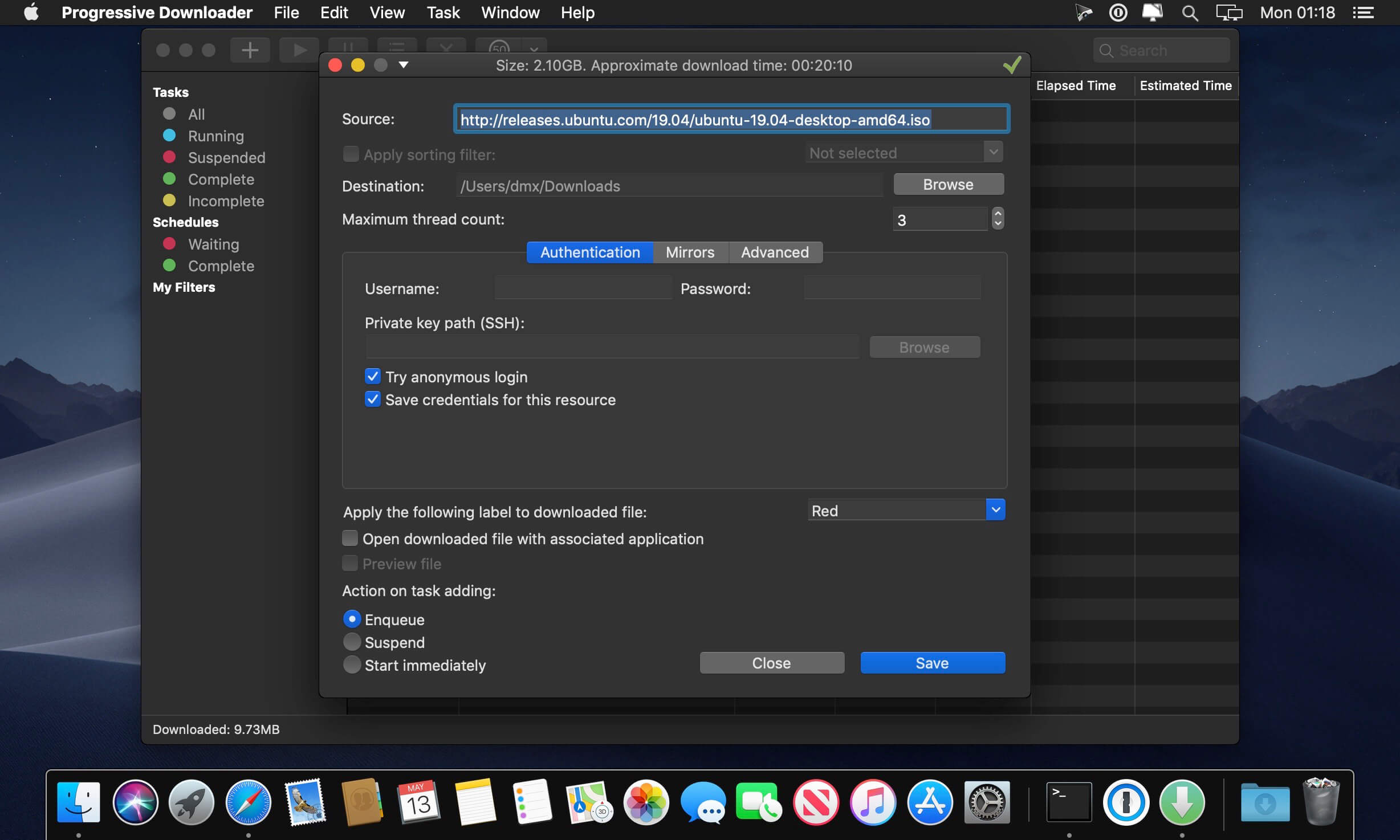
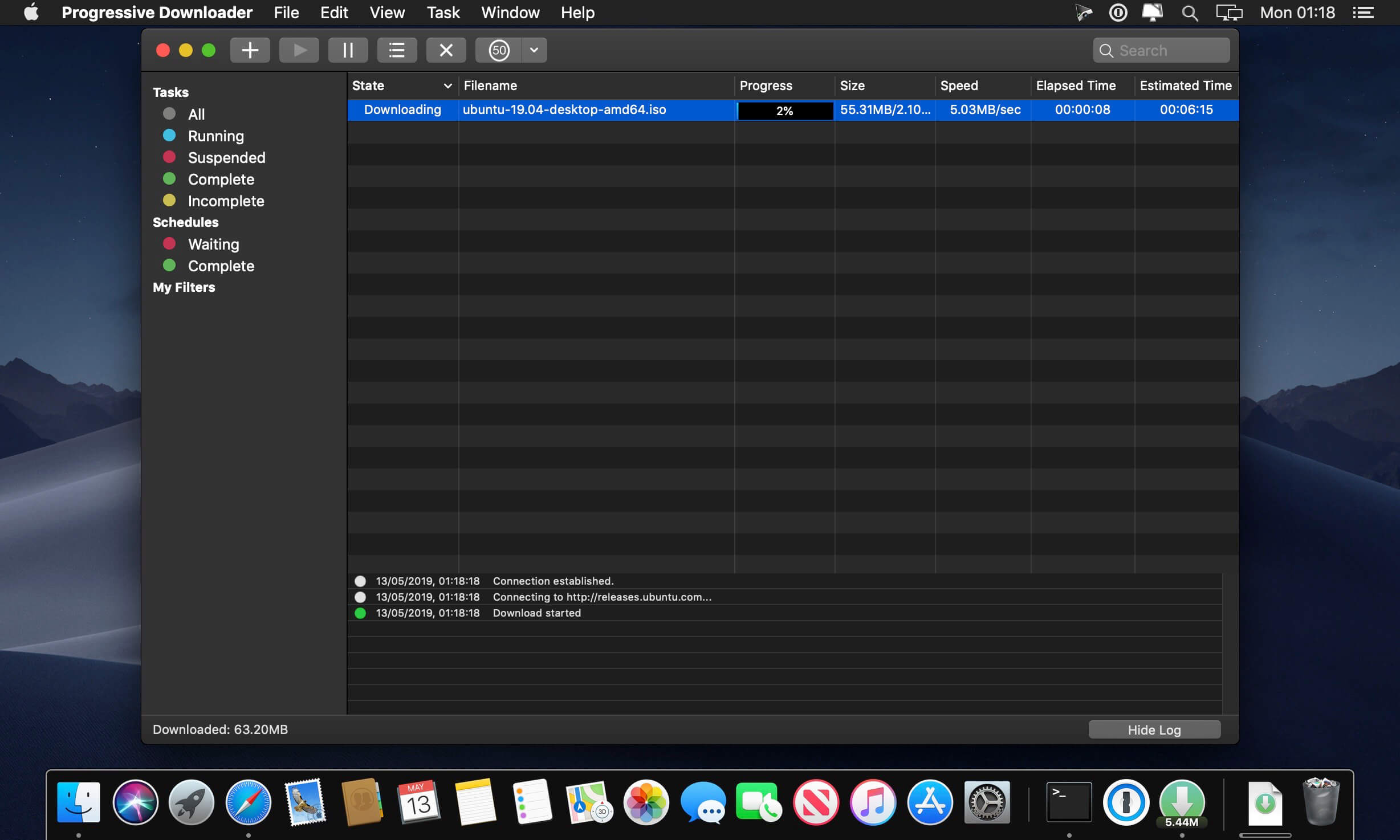
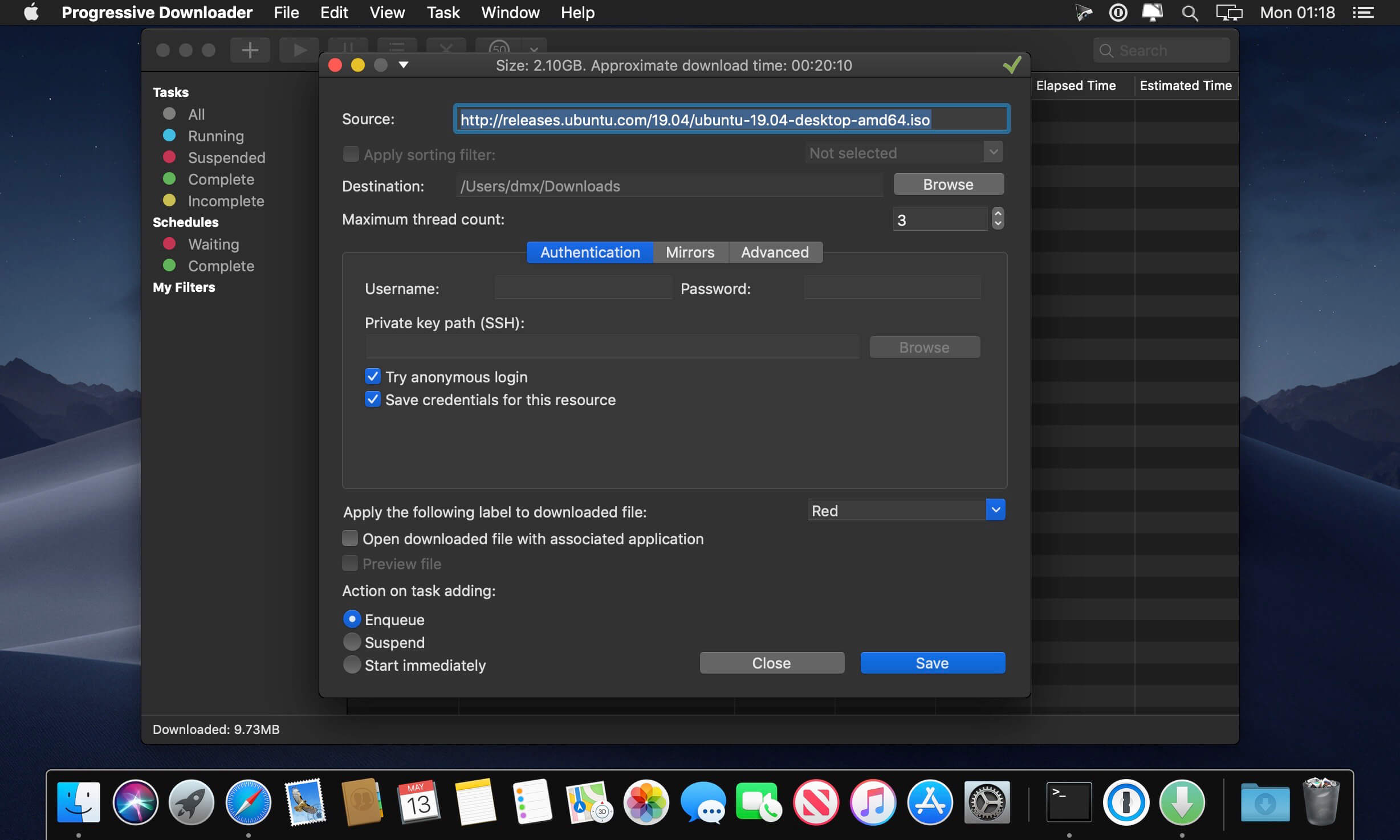
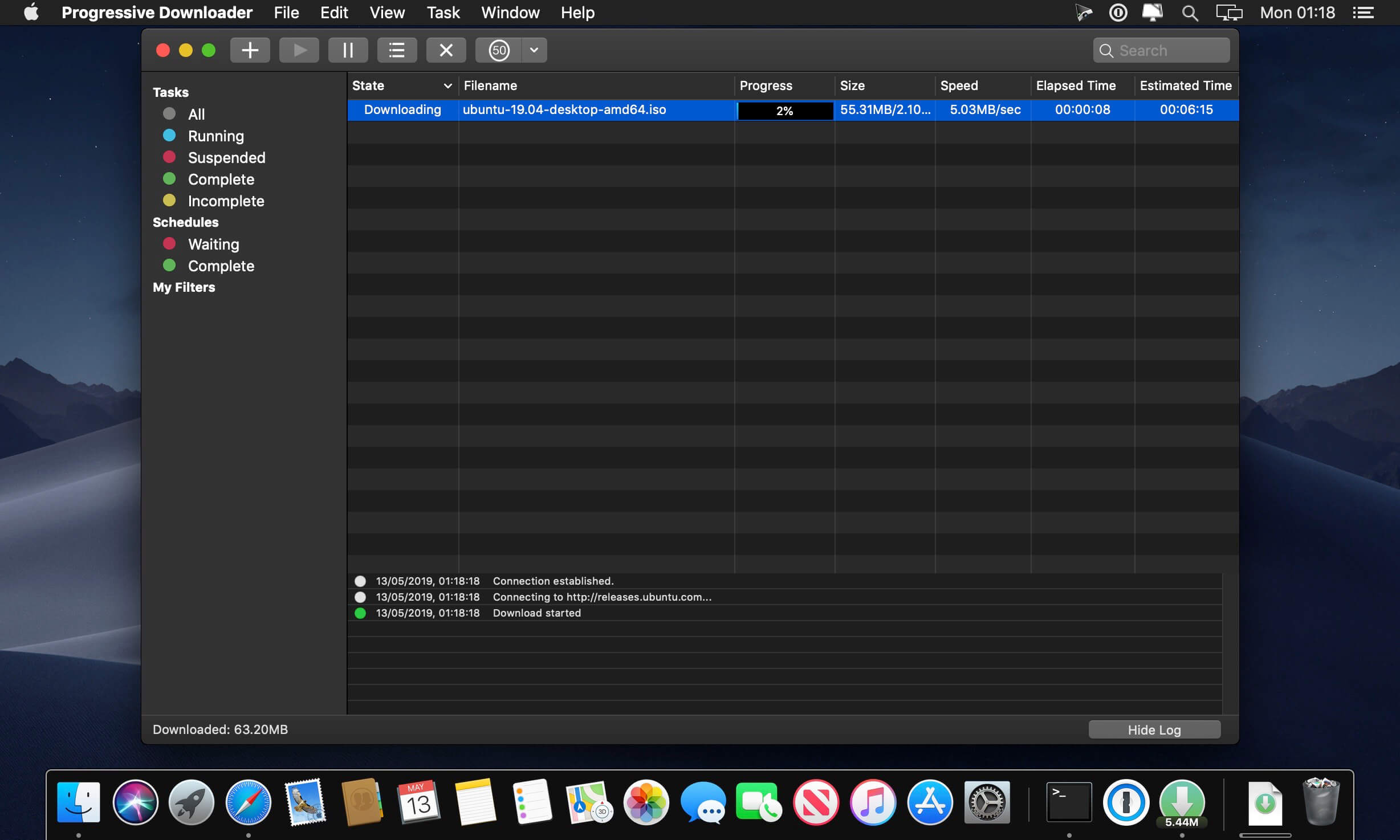
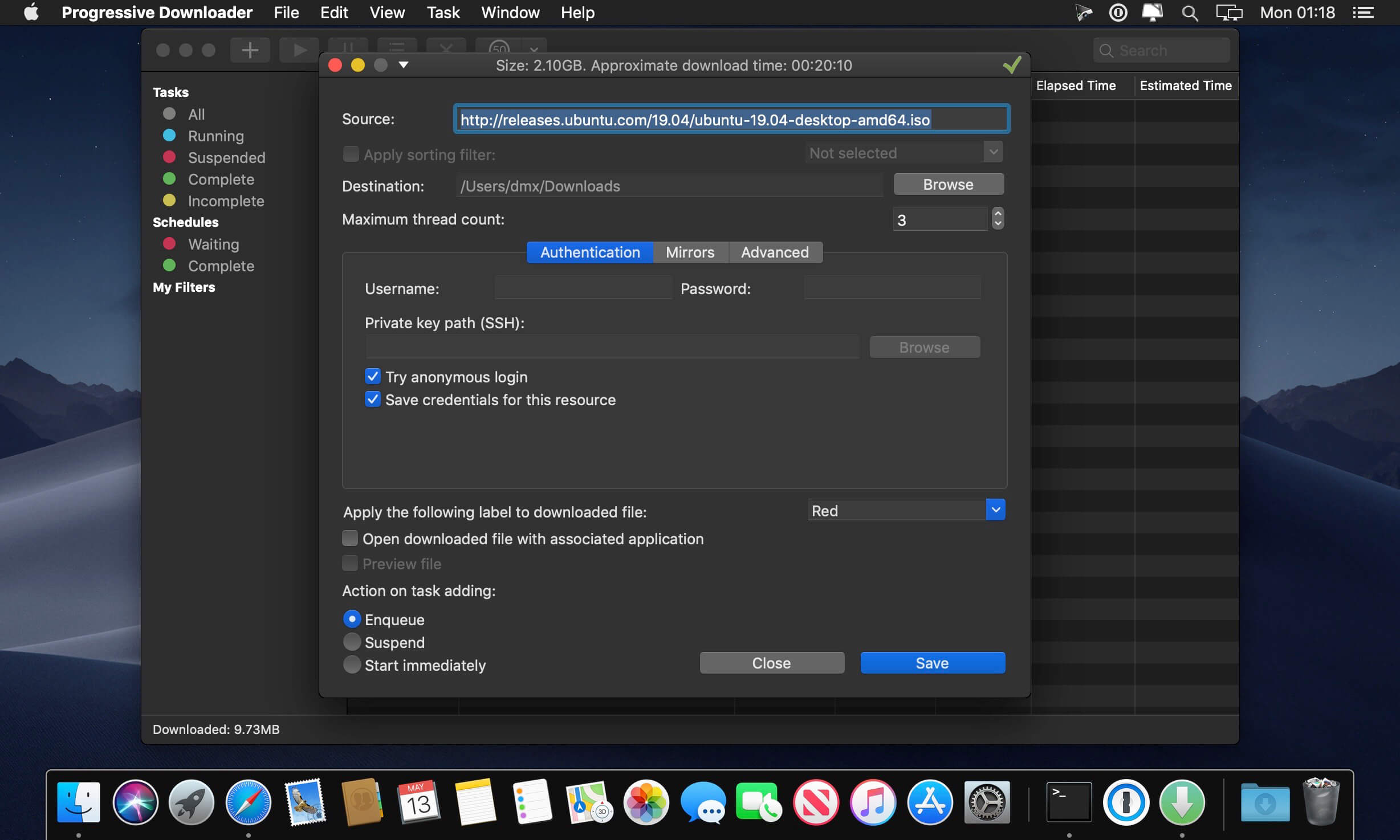
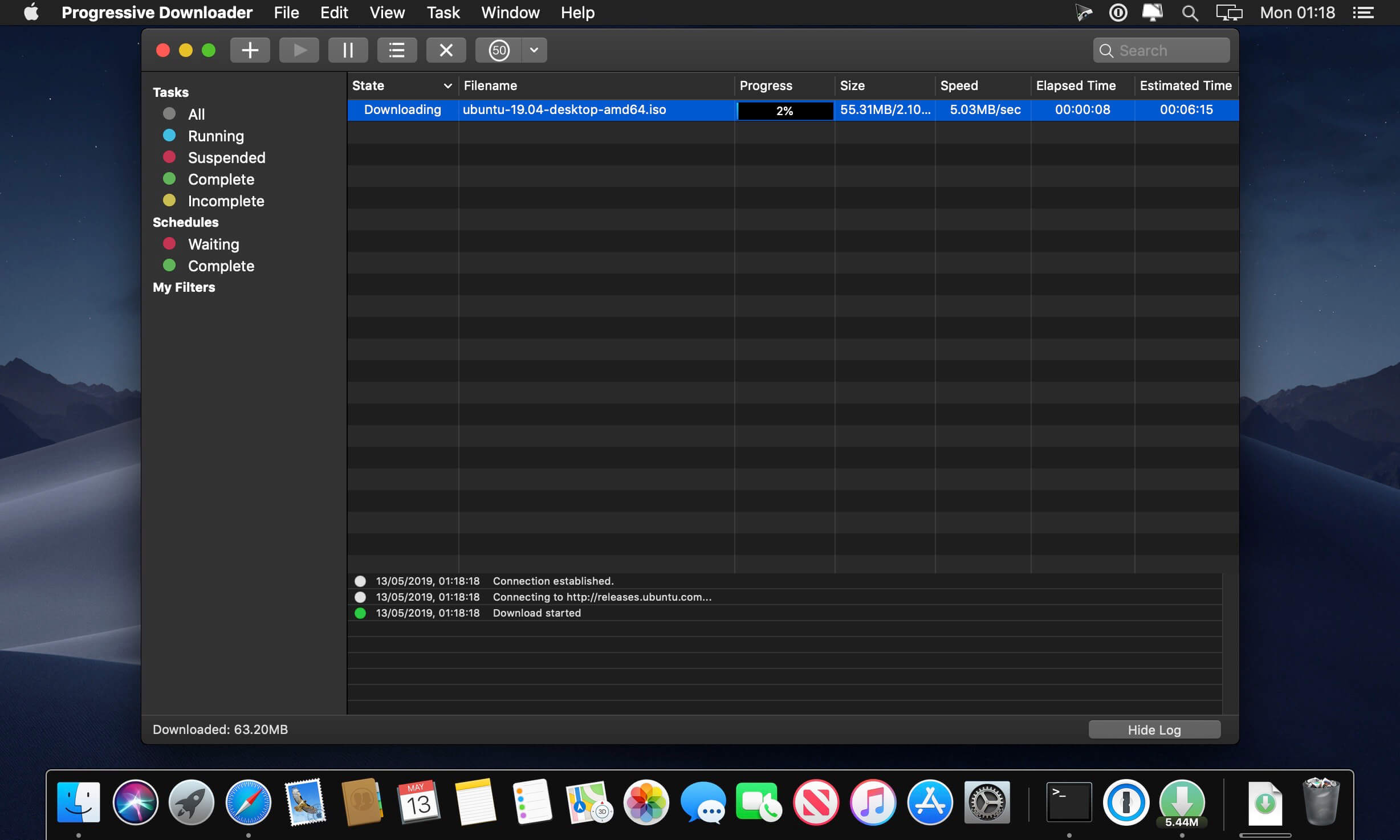
Progressive Downloader is a powerful and flexible download manager.
Key features:
HTTP(S), FTP, FTPS and SFTP(SSH) protocols support.
Auto-resume downloads. Any interrupted download will be automatically resumed when your system wakes up or the application relaunches.
Multi-thread downloads. Application downloads different parts of the file at the same time to make the downloading process faster.
Queue manager. Control the order of your downloads by changing download priority.
Mirror search. Automatic search for different locations of the same file to take the fastest one.
Smart drag and drop. Drag and drop a part of text with hyperlinks on the application badge to download them. You can also do a similar operation with any text or html file.
FTP, FTPS and SFTP browser. Browse and download files with double click or using drag and drop
What’s New:
Version 8.5.1
Synchronize the user agent string with the currently bound browser.
A fix for an issue when it’s impossible to download from one popular video sharing platform.
A fix for an issue that it’s impossible to open the preferences window for a second time on macOS 12.
A fix for an issue when the app doesn’t return control to a shell after starting a download.
PD (Progressive Downloader) is a powerful and flexible download manager
Key features:
* HTTP(S), FTP, FTPS and SFTP(SSH) protocols support.
* Auto-resume downloads. Any interrupted download will be automatically resumed when your system wakes up or the application relaunches.
* Multi-thread downloads. Application downloads different parts of the file at the same time to make the downloading process faster.
* Queue manager. Control the order of your downloads by changing download priority.
* Mirror search. Automatic search for different locations of the same file to take the fastest one.
* Smart drag and drop. Drag and drop a part of text with hyperlinks on the application badge to download them. You can also do a similar operation with any text or html file.
* FTP, FTPS and SFTP browser. Browse and download files with double click or using drag and drop.
PD (Progressive Downloader) is a powerful and flexible download manager
Key features:
* HTTP(S), FTP, FTPS and SFTP(SSH) protocols support.
* Auto-resume downloads. Any interrupted download will be automatically resumed when your system wakes up or the application relaunches.
* Multi-thread downloads. Application downloads different parts of the file at the same time to make the downloading process faster.
* Queue manager. Control the order of your downloads by changing download priority.
* Mirror search. Automatic search for different locations of the same file to take the fastest one.
* Smart drag and drop. Drag and drop a part of text with hyperlinks on the application badge to download them. You can also do a similar operation with any text or html file.
* FTP, FTPS and SFTP browser. Browse and download files with double click or using drag and drop.
PD (Progressive Downloader) is a powerful and flexible download manager
Key features:
* HTTP(S), FTP, FTPS and SFTP(SSH) protocols support.
* Auto-resume downloads. Any interrupted download will be automatically resumed when your system wakes up or the application relaunches.
* Multi-thread downloads. Application downloads different parts of the file at the same time to make the downloading process faster.
* Queue manager. Control the order of your downloads by changing download priority.
* Mirror search. Automatic search for different locations of the same file to take the fastest one.
* Smart drag and drop. Drag and drop a part of text with hyperlinks on the application badge to download them. You can also do a similar operation with any text or html file.
* FTP, FTPS and SFTP browser. Browse and download files with double click or using drag and drop.
PD (Progressive Downloader) is a powerful and flexible download manager
Key features:
* HTTP(S), FTP, FTPS and SFTP(SSH) protocols support.
* Auto-resume downloads. Any interrupted download will be automatically resumed when your system wakes up or the application relaunches.
* Multi-thread downloads. Application downloads different parts of the file at the same time to make the downloading process faster.
* Queue manager. Control the order of your downloads by changing download priority.
* Mirror search. Automatic search for different locations of the same file to take the fastest one.
* Smart drag and drop. Drag and drop a part of text with hyperlinks on the application badge to download them. You can also do a similar operation with any text or html file.
* FTP, FTPS and SFTP browser. Browse and download files with double click or using drag and drop.