ConceptDraw MINDMAP 12.0.1.194

ConceptDraw MINDMAP

ConceptDraw MINDMAP 8 has all of the time-saving features of the ConceptDraw MINDMAP 7, with some highly anticipated enhancements. There are many updates to ConceptDraw MINDMAP 8; here are a few of the product enhancements….

  • ConceptDraw MINDMAP 8 has integration with MS Outlook.
  • New E-mail type topics can be sent to MS Outlook from ConceptDraw MINDMAP.
  • E-mails from Outlook and Apple Mail can also be sent directly to a mind map.
  • Presentation enhancements include higher resolution images, smoother animation, and improved performance.
  • New high-value map templates were added, so you can make your mind maps beautiful, stylish, and original.
  • New professional map themes added.
  • Closer integration with the ConceptDraw Solution Park (via the ConceptDraw Solution Browser) makes it easy to update your products and browse available business-specific solutions.

What’s New:

Version 12.0.0.164:

  • With the release of the new MINDMAP v12, it empowers users in their creative thinking and allows them to more effectively capture, organize and visualize ideas and information, both in professional work and in life.
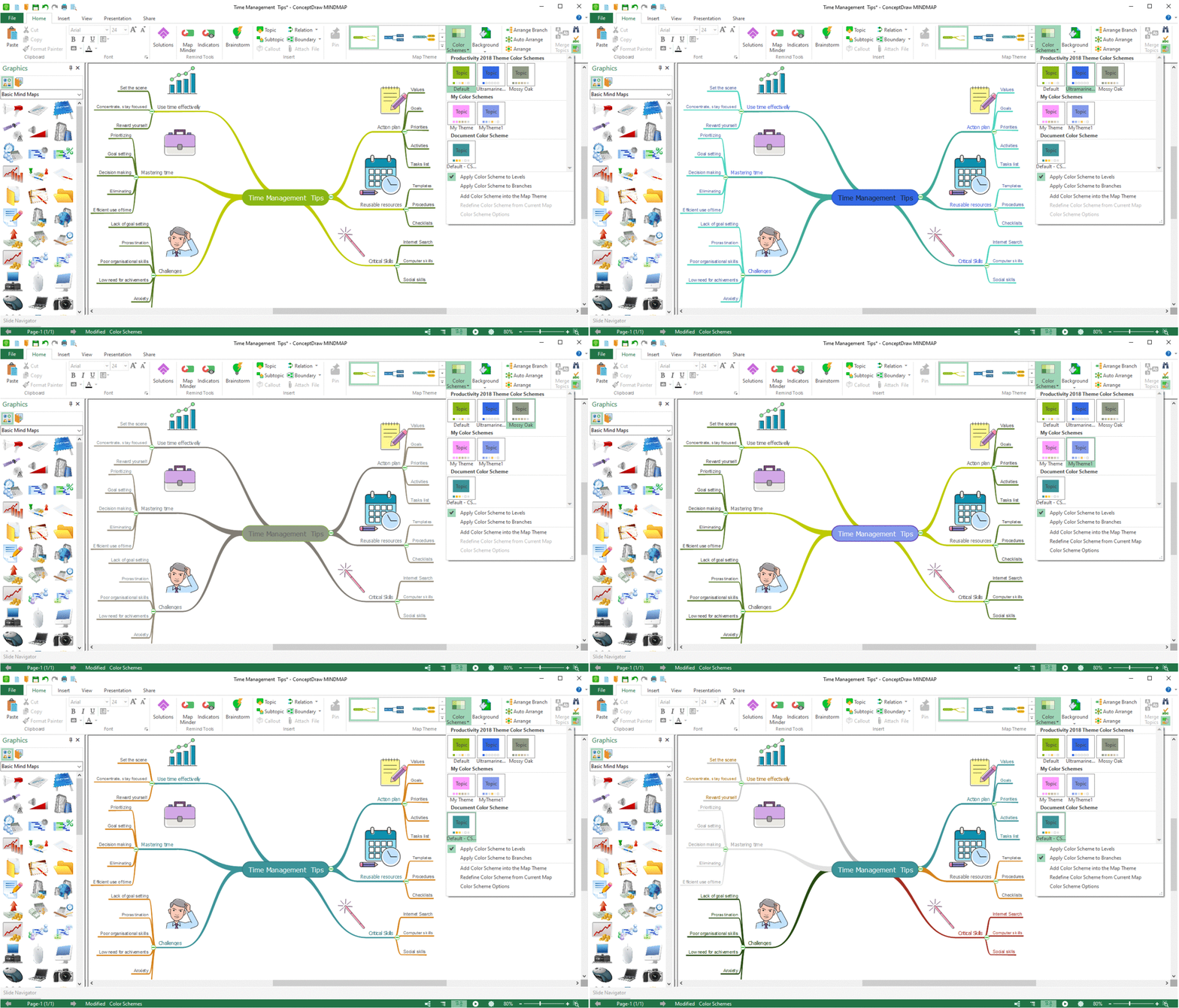
  • Color Schemes:
  • The new Color Schemes feature makes it easy to match the colors of the Map Themes and quickly update them. You can instantly change all the colors used in the current mind map theme by choosing the built-in color palette. New background uses allow you to personalize mind maps by quickly and easily adding beautiful gradient colors, patterns, and even images in the background.
  • Improved Color Tools:
  • Color is an important element of a mind map. The use of colors enhances the visual impact of the mind map, as the human brain prefers colored objects over black and white. Simple and intuitive color tools are a useful addition to the creative ConceptDraw MINDMAP toolbox.
  • Improved Work with Topic Types:
  • The Topic Type functionality helps you structure your mind map content based on the type of information it contains. Each topic type supports a specific set of topic data related to topic content, including attached documents and hyperlinks. The new Topic Types and Data panel makes it faster and easier to assign topic types and manage related data

Compatibility: macOS 10.13 or later 64-bit
Homepage https://www.conceptdraw.com/

Screenshots


Name: ConceptDraw_MINDMAP_12_._0_._1_._194__TNT_Mactorrents.io.dmg
Size: 88.43 MB
Files ConceptDraw_MINDMAP_12_._0_._1_._194__TNT_Mactorrents.io.dmg[88.43 MB]

   Download

ConceptDraw DIAGRAM 14.1.0.370

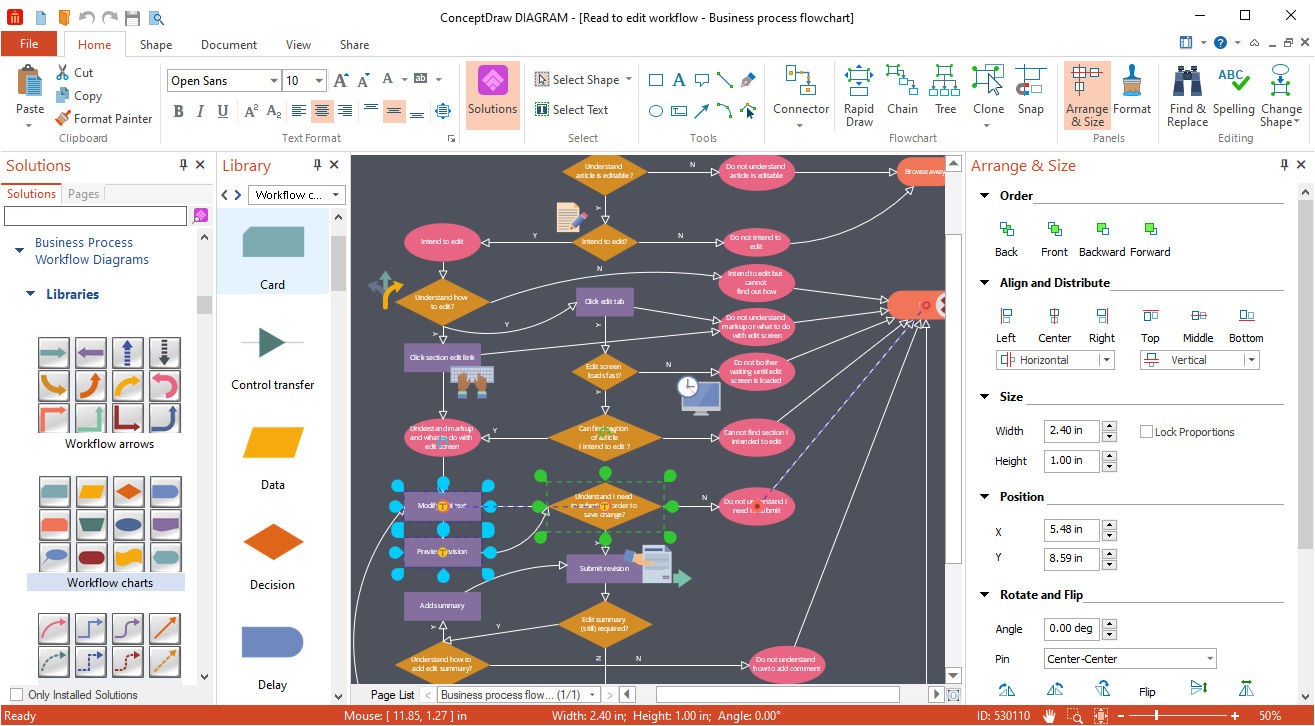
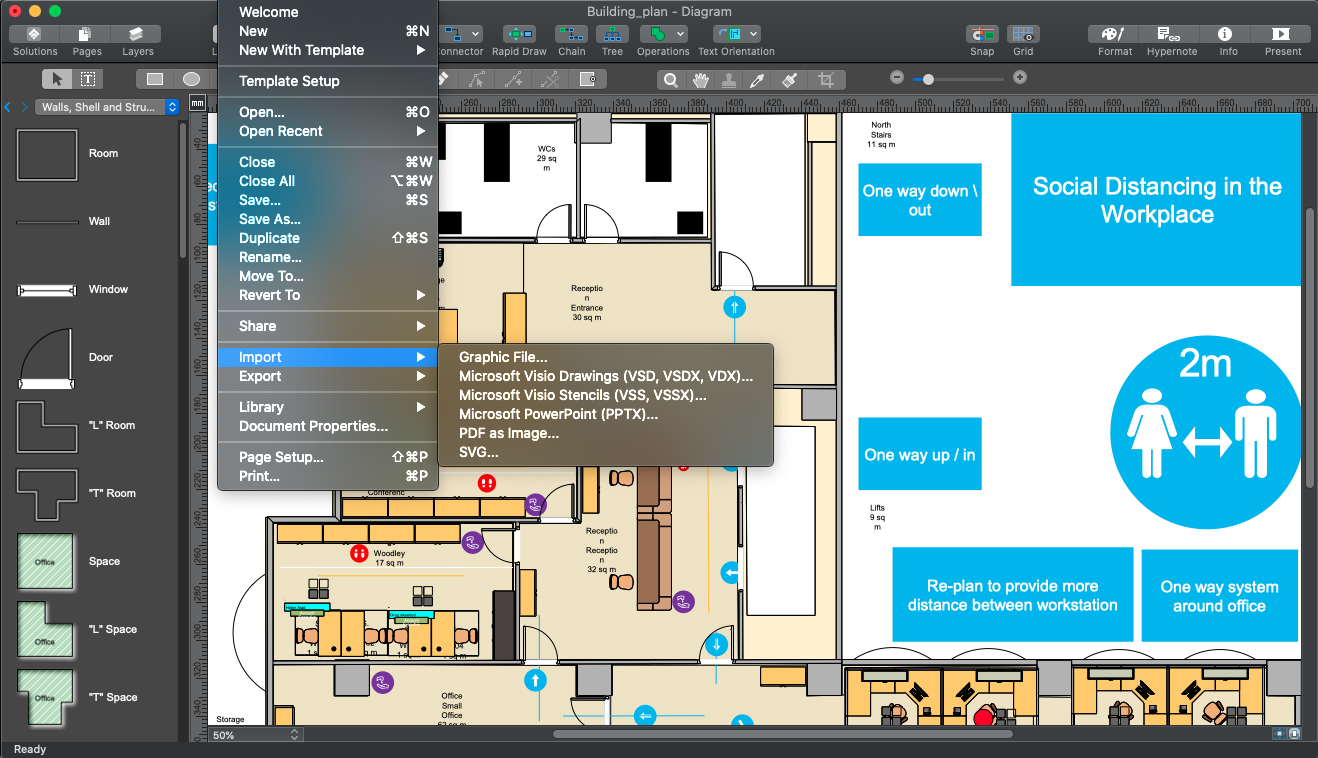
The newest edition of ConceptDraw DIAGRAM (previously known as ConceptDraw PRO) ensures that it still to be the world-leading professional and easy-to-use business diagramming software. ConceptDraw DIAGRAM v14 provides a complete range of business graphic documentation solutions with thousands of stencils and hundreds of templates for rapid diagramming. ConceptDraw Solutions offer business-specific add-ons to support an expansive variety of workflow requirements.

ConceptDraw DIAGRAM v14 is a versatile diagramming tool, which provides for the sharing of drawings and assists in team collaboration through presentations and many export options. The latest release of DIAGRAM v14 includes a number of your most requested enhancements. Among them, the application performance increase due to an improved rendering of large files with many objects on the page, and the possibility to embed the GIF animation to your drawings.

What’s New:

Version 14.1.0.370:

  • Release notes were unavailable when this listing was updated.

Compatibility: macOS 10.13 or later 64-bit
Homepage https://www.conceptdraw.com/

Screenshots


Name: ConceptDraw_DIAGRAM_14.1.0.370__TNT_Mactorrents.io.dmg
Size: 96.9 MB
Files ConceptDraw_DIAGRAM_14.1.0.370__TNT_Mactorrents.io.dmg[96.9 MB]

   Download

ConceptDraw PROJECT 11.0.2.95

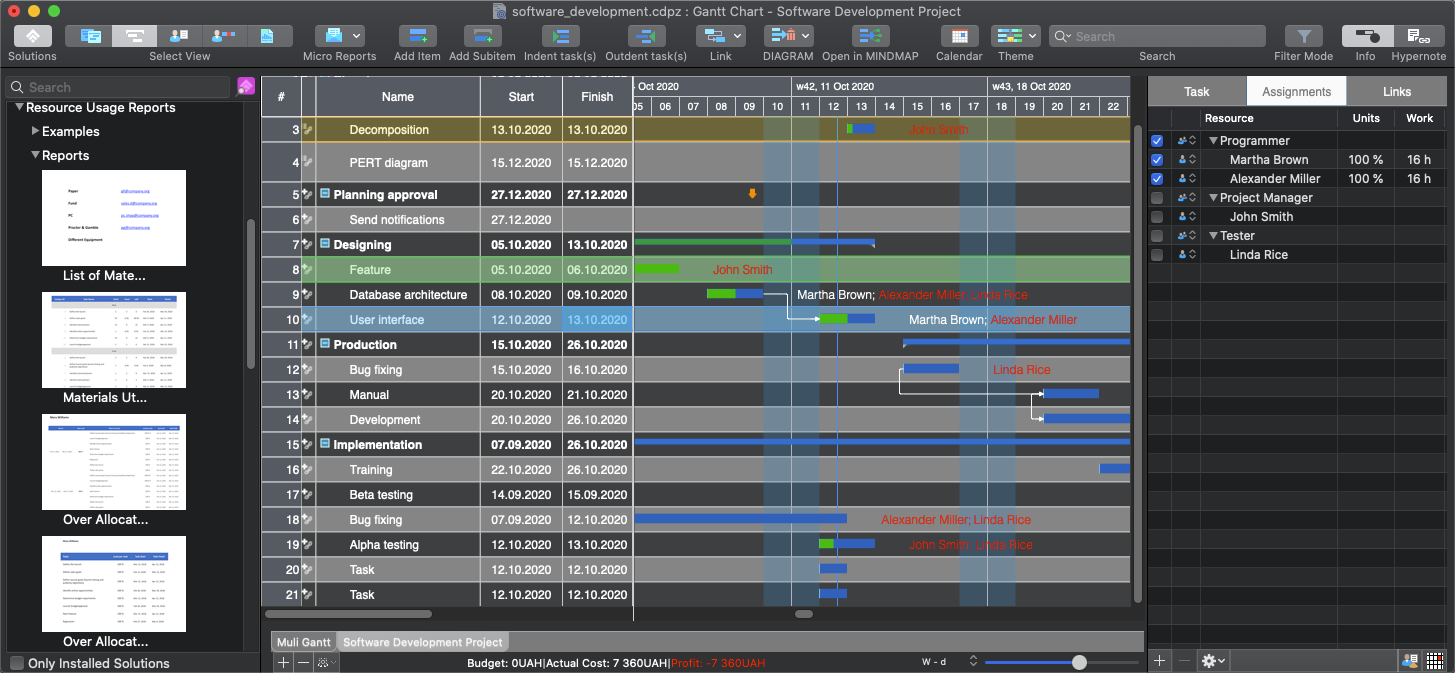
ConceptDraw PROJECT v11 is a full-featured project management tool that delivers a full complement of features needed to successfully plan and execute projects. Features supported include task and resource management, reporting, and change control. The integration with other ConceptDraw OFFICE products helps improve project management by leveraging the power of mind mapping and data visualization. The latest release of ConceptDraw PROJECT v11 is focused on visibility improvements and provides some new features that help professionals visualize, maintain, and communicate multiple projects even more effectiv

What’s New:

Version 11.0.0.58:

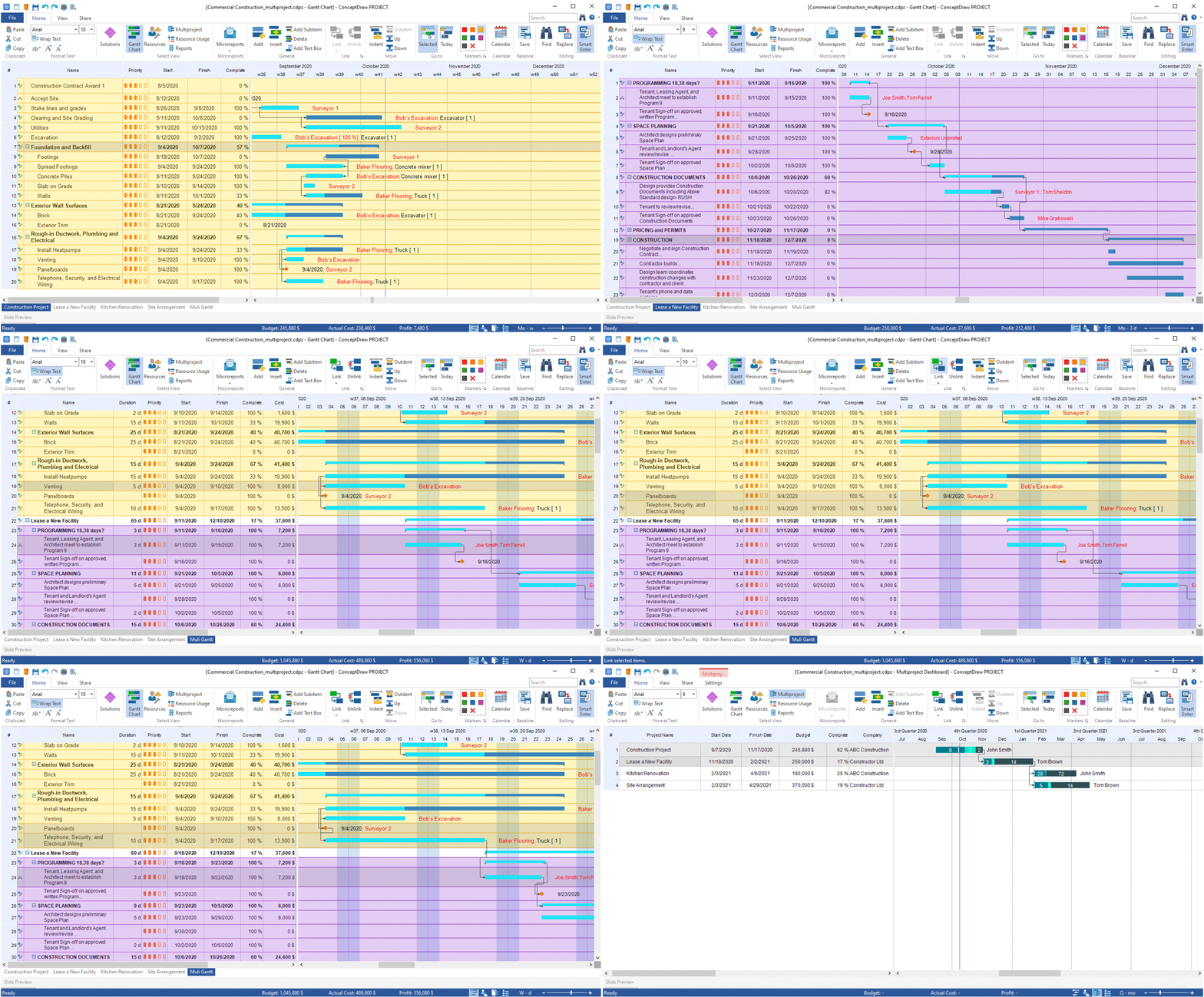
  • ConceptDraw PROJECT v11 includes some features that can help you manage your projects more efficiently, especially when it comes to multiple projects that involve common material and human resources.
  • Custom Columns:
  • Custom columns allow you to add additional data to tasks in your projects. Custom columns in a Gantt chart grid can include data that you need to use in your project and that is specific to your organization. You can add your own columns of different types. There are three types of custom columns: text, numbers, and date. After adding custom columns to the project task grid, you can sort the tasks for reporting according to stakeholders’ needs.
  • A Single Gantt Chart for multiple projects:
  • When managing multiple projects at the same time, the challenge arises to properly visualize and prioritize all tasks. Using a single Gantt chart, you can easily establish relationships between related tasks – even between projects, so you have enough time to complete your project schedule in the right order. Having multiple projects in a single Gantt chart makes it easy for the project manager to detect if some resources in projects are overloaded.
  • Overloaded Resource Visualization:
  • Optimizing resources during project execution is an ongoing process. No matter how well you allocate resources for a project, sometimes you run into overload. Immediate visualization of resource overload in a Gantt chart indicates a bottleneck. This way, you can take the right action to complete the project efficiently, on time and with maximum profitability.

Compatibility: macOS 10.13 or later 64-bit
Homepage https://www.conceptdraw.com/

Screenshots


Name: ConceptDraw_PROJECT_11_._0_._2_._95__TNT_Mactorrents.io.dmg
Size: 92.38 MB
Files ConceptDraw_PROJECT_11_._0_._2_._95__TNT_Mactorrents.io.dmg[92.38 MB]

   Download

One Switch 1.20

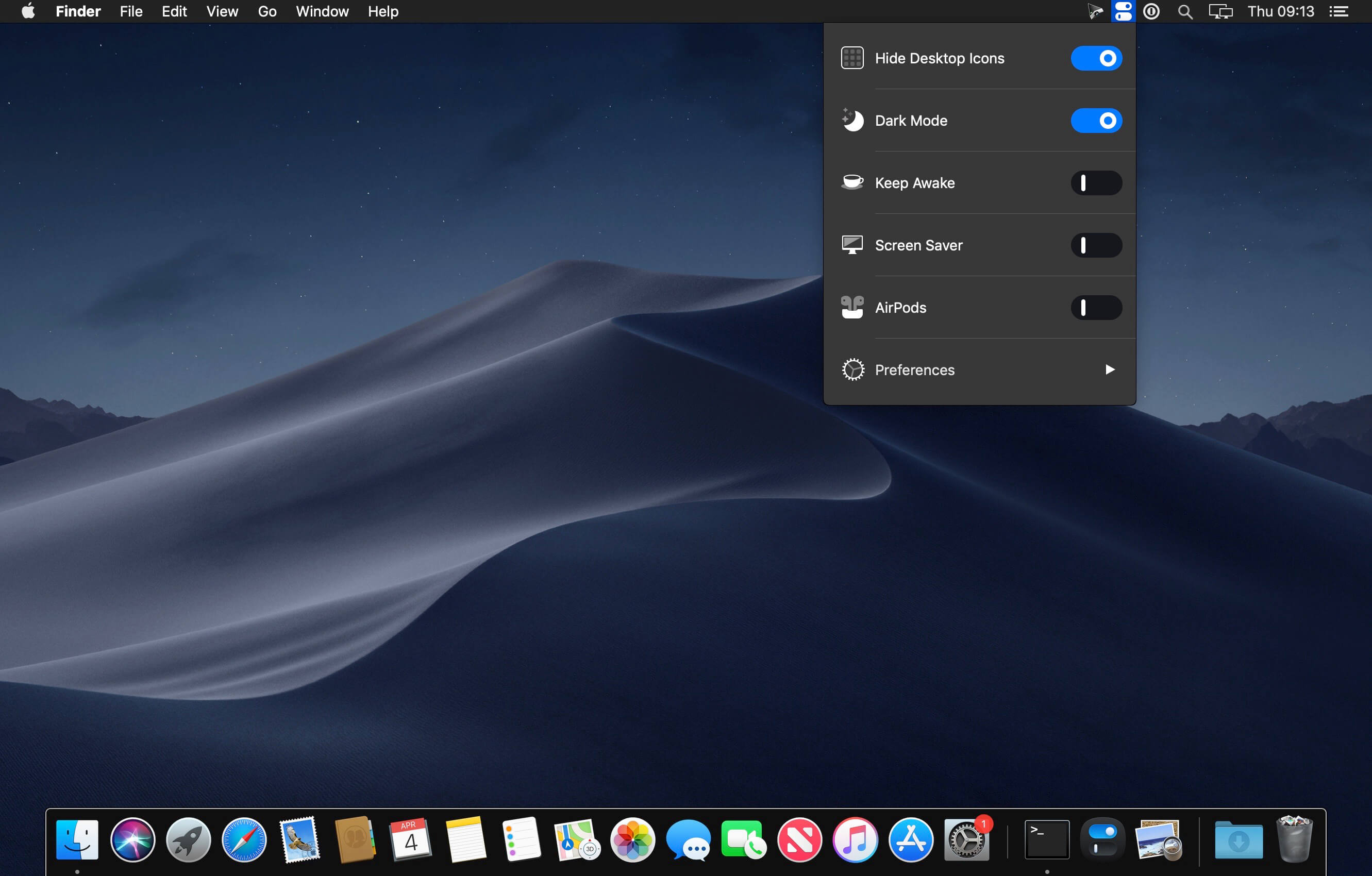
One Switch is a tiny app designed to improve your efficiency by providing quick access to a few important switches. It can be opened from your menu bar, and it allows you to toggle certain system features with just a couple of clicks.

Hide Desktop Icons
Hide your messy desktop with one click.

Dark Mode
Toggle Dark Mode at any time.

Keep Awake
Prevent your Mac from sleeping or displaying the screen saver.

Screen Saver
Sometimes you will like to turn it on manually.

AirPods
Connect AirPods with your Mac in just a second.

What’s New:

Version 1.20:

  • Release notes were unavailable when this listing was updated.

Compatibility: macOS 10.14 or later 64-bit
Homepage https://fireball.studio/oneswitch/

Screenshots


Name: One_Switch_1.20__HCiSO_Mactorrents.io.dmg
Size: 10.91 MB
Files One_Switch_1.20__HCiSO_Mactorrents.io.dmg[10.91 MB]

   Download

RAR Extractor – unzip 6.9.0

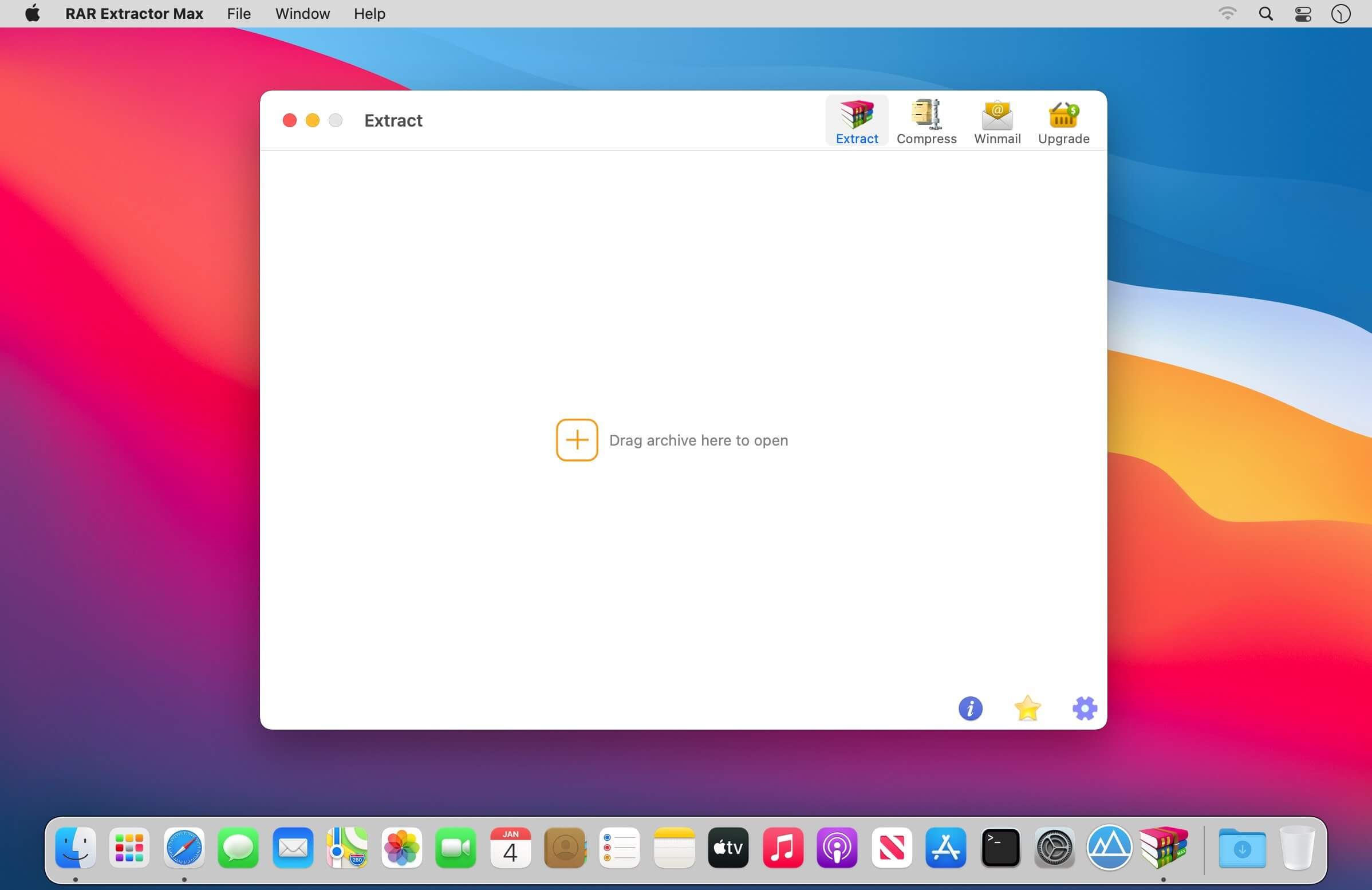
RAR Extractor can extract compressed files in all most formats(over 50 formats).

Support RAR, ZIP, 7z, pak, pkg, apk, tbz, sti, tar, xar, lha, lzh, hqx, bin, bz2, bzip2, bz, xz, iso, cid, nrg, mdf, taz,l zma, xip, ace, arj, lbr, lqr, cab, rpm, cpt, sea, exe, msi, cpio, lzx, jar, swf, pdf, nsa, dcs, spk…

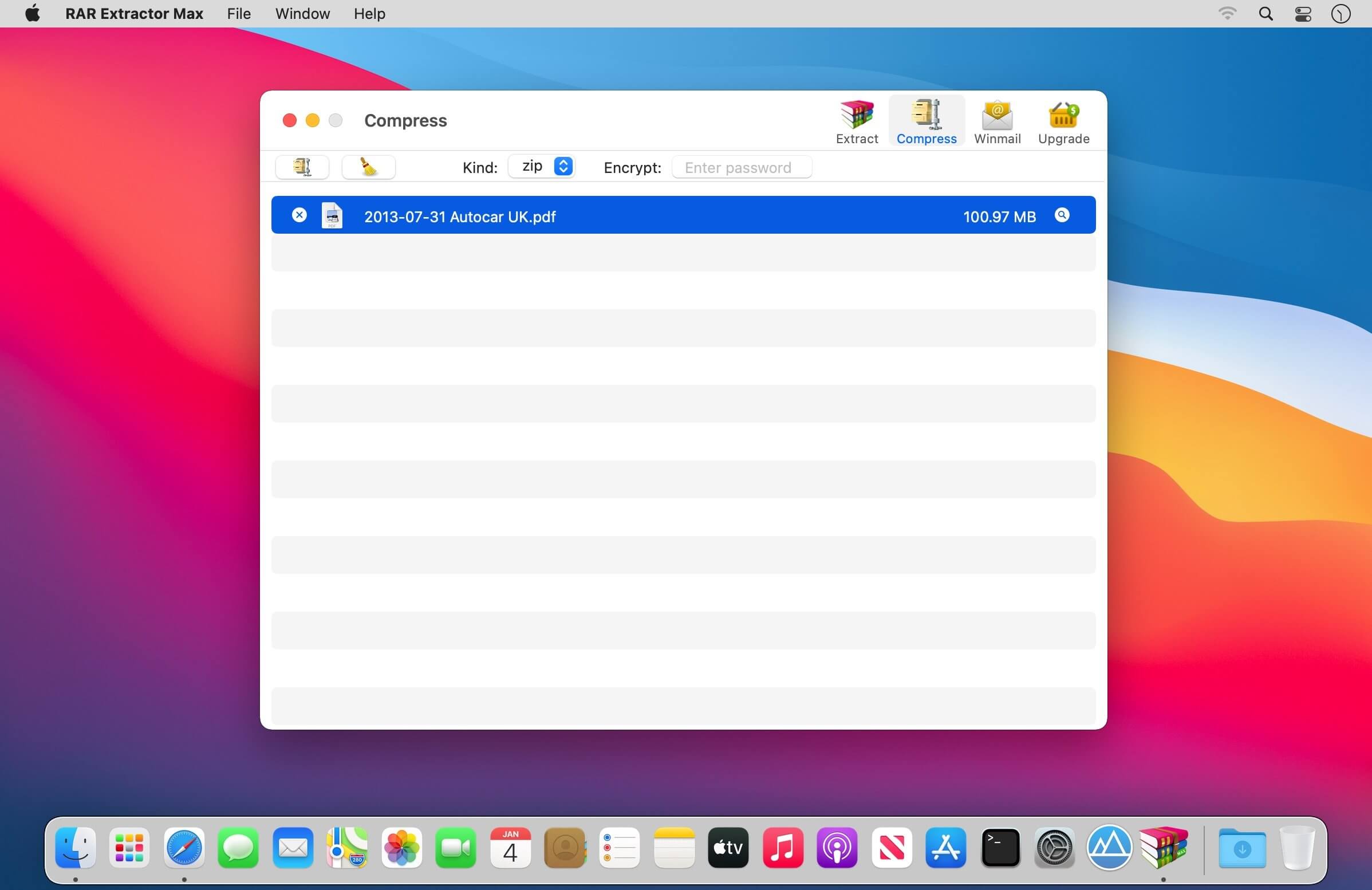
Compress files to password-protected ZIP & 7Z archives

Quicklook files in archive before extraction

Features

  • Extract extract compressed files in all most formats(over 50 formats).
  • Unzip, unrar encrypted archives.
  • Easy view an archive’s file list.
  • Quicklook files in archive without extracting.
  • Unarchive & unrar the selected individual file or folder in the archive.
  • Double click to display or extract directly after setting this APP as default archiver.
  • Drag archives to the dock icon to extract or display directly.
  • Batch decompress many archives
  • Create password-protected ZIP & 7Z archives.
  • AES256 encryption algorithm to create ZIP & 7Z archives.
  • Drag the file in archive to the desktop to extract directly

What’s New:

Version 6.9.0

  • Bug fixes and performance improvements

In-App Purchases: Pro Version
Compatibility: OS X 10.10 or later, 64-bit processor
Mac App Store https://geo.itunes.apple.com/app/id1535136051

Screenshots


Name: RAR_Extractor_6.9.0_MAS_In-App__TNT_Mactorrents.io.dmg
Size: 10.11 MB
Files RAR_Extractor_6.9.0_MAS_In-App__TNT_Mactorrents.io.dmg[10.11 MB]

   Download

PasteBox 2.2.4

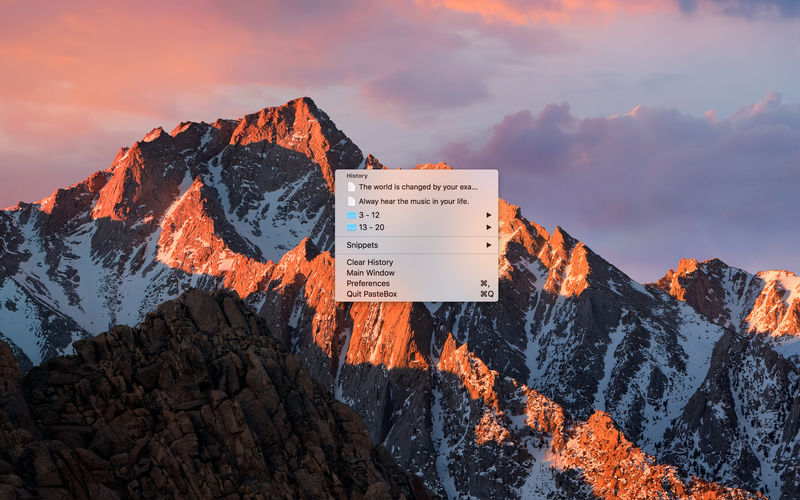
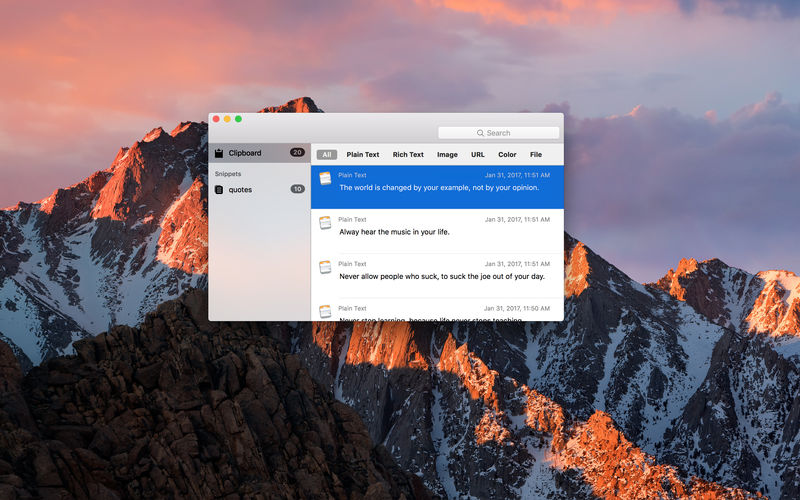
PasteBox is lightweight clipboard and snippet management application, that dramatically increase your daily copy/paste workflow. It preserves copied data from clipboard and allows easy access to those data through shortcut. You can save various clipboard types, from plain text to images.

Through the shortcut key you can invoke a popup menu with saved items, from where you can select item that will be moved to the clipboard or automatically paste.

What’s New:

Version 2.2.4

  • Added clear shortcut
  • New type icons
  • Bug fixes and improvements.

Compatibility: </strong > OS X 10.11 or later, 64-bit processor
Homepage https://geo.itunes.apple.com/app/id928940999

Screenshots


Name: PasteBox_2.2.4_MAS__HCiSO_Mactorrents.io.dmg
Size: 6.45 MB
Files PasteBox_2.2.4_MAS__HCiSO_Mactorrents.io.dmg[6.45 MB]

   Download

Pixel Film Studios – PROGLASS: Plugin for Final Cut Pro X


PROGLASS from Pixel Film Studios allows you to not only reveal your text in a whole new light, but also add a realistic glass overlay to your media in Final Cut Pro X. With on-screen controls and tons of customizable options, you can manipulate and stylize PROGLASS to get the perfect look for your next project.Homepage http://store.pixelfilmstudios.com/product/proglass/


Name: Pixel_Film_Studios-PROGLASS_FCPX_Mactorrents.io.zip
Size: 24 MB
Files Pixel_Film_Studios-PROGLASS_FCPX_Mactorrents.io.dmg[24 MB]

   Download

Coherence X 4.0


The perfect middle-ground between websites and apps on your Mac. Coherence X is a powerful tool that allows you to turn any websites into a chromium-based, native application on your Mac.Coherence X builds upon the fundamentals of the world’s previous most powerful SSB tool – Coherence Pro 2 – and rebuilds them from the ground up. Here are just some of the major new changes.

What’s New:

Version 4.0:

  • Release notes were unavailable when this listing was updated.

Compatibility: OS X 10.10 or later 64-bit
Homepage https://www.bzgwebs.com

Screenshots


Name: Coherence_X_4.0__TNT_Mactorrents.io.dmg
Size: 19.42 MB
Files Coherence_X_4.0__TNT_Mactorrents.io.dmg[19.42 MB]

   Download

start 5.0

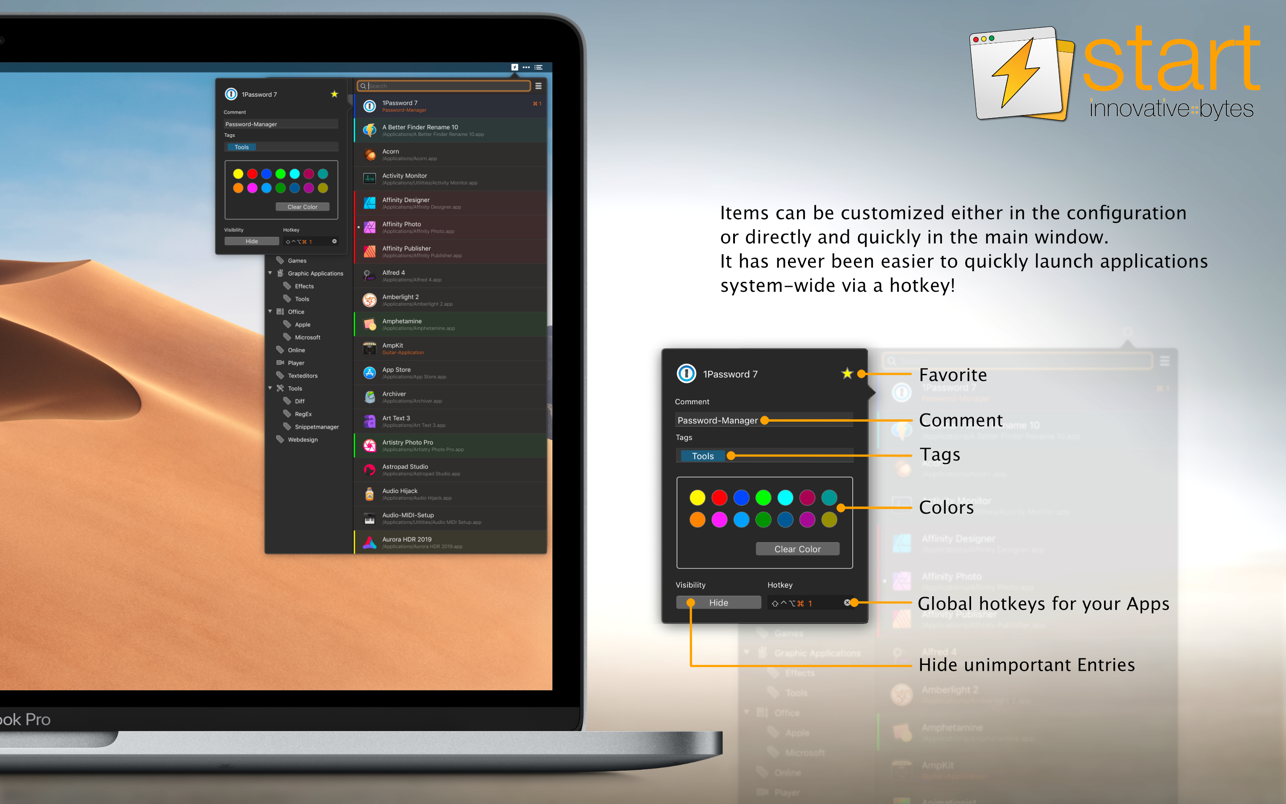
innovative::bytes start is an unique launcher for macOS that allows you to open applications, documents, URLs or folders quickly and easily. Create tidiness in your Dock and start items with the smart launcher app start instead.

start supports you and your workflow with a well planned organizational system for your items and a quick access to what you need.

It’s incredibly easy to use: start automatically collects all applications available with Spotlight. Further You also can add files and folders manually according to your wishes.

Start your Applications with a simple mouse click or even faster and more convenient: with a hotkey! Also use tags, colors and notes to keep track of your Applications. Enjoy the simple operation and the comfortable features of start!

Features
TAGS
Tag it and love it! Use tags to create collections for your applications, frequently used folders, scripts or any other file. It has never been so easy to organize and sort items on macOS. Save a lot of time – searching was yesterday!

COMMENTS
Comments and notes! Add comments and small notes to your items to describe them in more detail. The comments will remind you what the items can do for you. Small notes with big effect – so you always keep track!

COLORS
Highlight your items as you like! With just a few clicks you can highlight your items with colors and find them even faster. Choose colors for more clarity and organization – effective and visually appealing!

HOTKEYS
Start with a simple keystroke! Assign a key combination to your individual items and open them immediately from anywhere with a customizable keyboard shortcut. Your workflow is no longer disturbed – you’ll love the hotkeys!

Requirements 
start was developed for macOS 10.13 (and newer) and uses Spotlight internally to search for applications. For start to work, Spotlight must be enabled and also capture applications (this is the normal setting of macOS)

Compatibility: macOS 10.13 or later
Homepage https://apps.apple.com/app/start/id1329701389

Screenshots


Name: start_5.0_MAS__HCiSO_Mactorrents.io.dmg
Size: 16 MB
Files start_5.0_MAS__HCiSO_Mactorrents.io.dmg[16 MB]

   Download

SimpleMind Pro 1.29.1

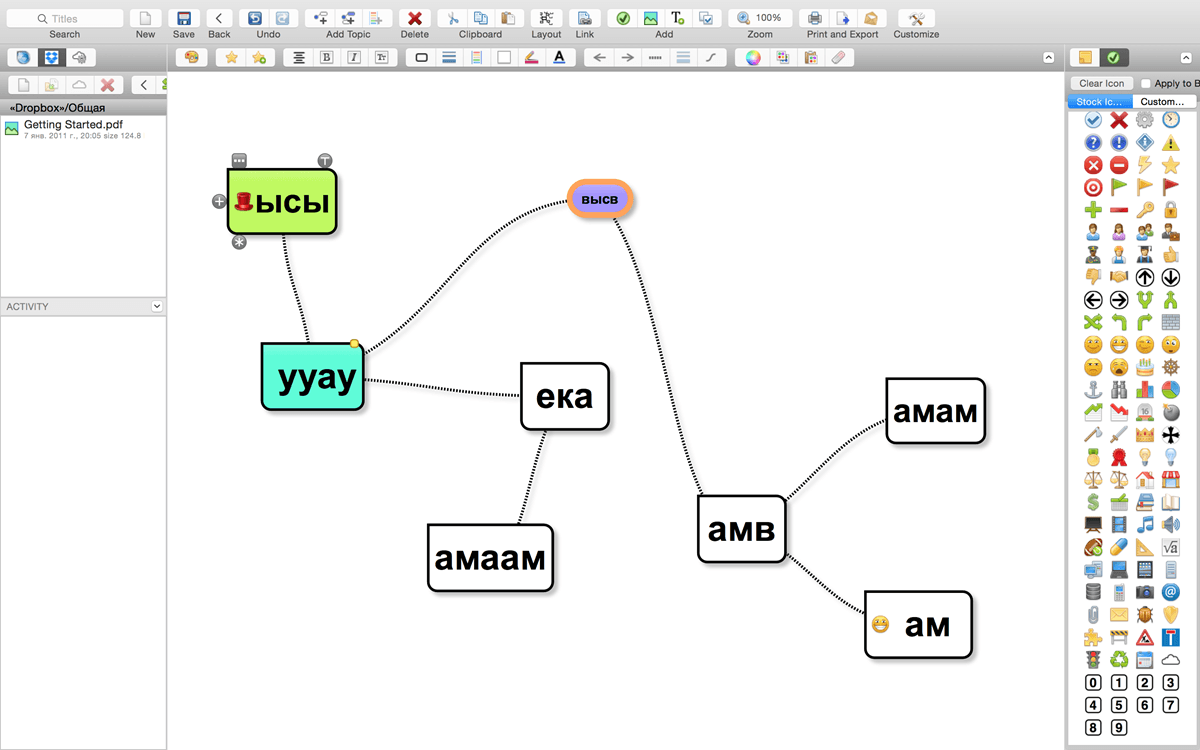
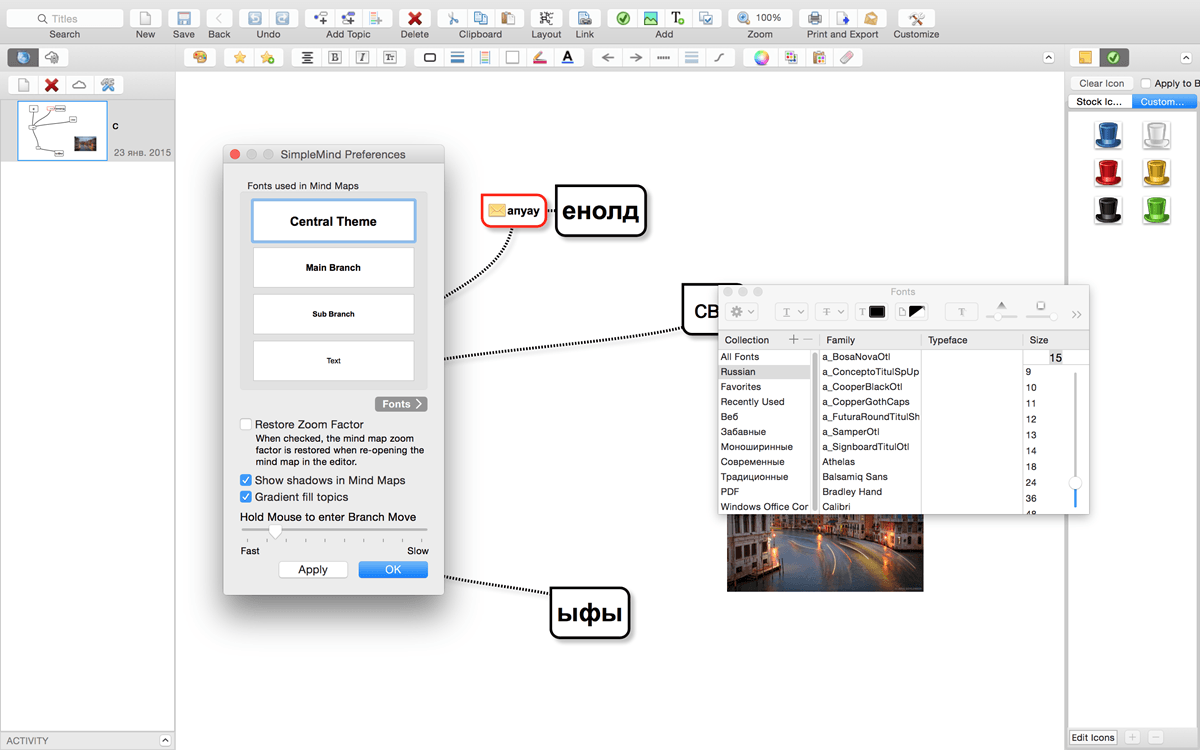
SimpleMind Desktop is a mind-mapping tool that turns your Mac into a brainstorming, idea-collecting, and thought-structuring device. It connects to the similar SimpleMind for iPhone/iPad app.

Features

  • Easy to use drag, arrange, and edit directly on the Mind Map page.
  • Tap or drag Node Well to add new Topics.
  • Full Undo/Redo in the editor.
  • Visual styles change colors, borders and lines for maximum presentation impact.
  • Pick colors from style palette or custom colors.
  • Cut/Copy/Paste – move or duplicate topics between Mind Maps.
  • Create new MindMap from selection or clipboard
  • Reconnect topics using drag-and-drop, aided by topic auto-layout.

Compatibility: OS X 10.10 or later, 64-bit processor
Homepage https://simplemind.eu/download/full-edition/

Screenshots


Name: SimpleMind_Pro_1.29.1__HCiSO_Mactorrents.io.dmg
Size: 5.3 MB
Files SimpleMind_Pro_1.29.1__HCiSO_Mactorrents.io.dmg[5.3 MB]

   Download

Texpad 1.9.0 (605)

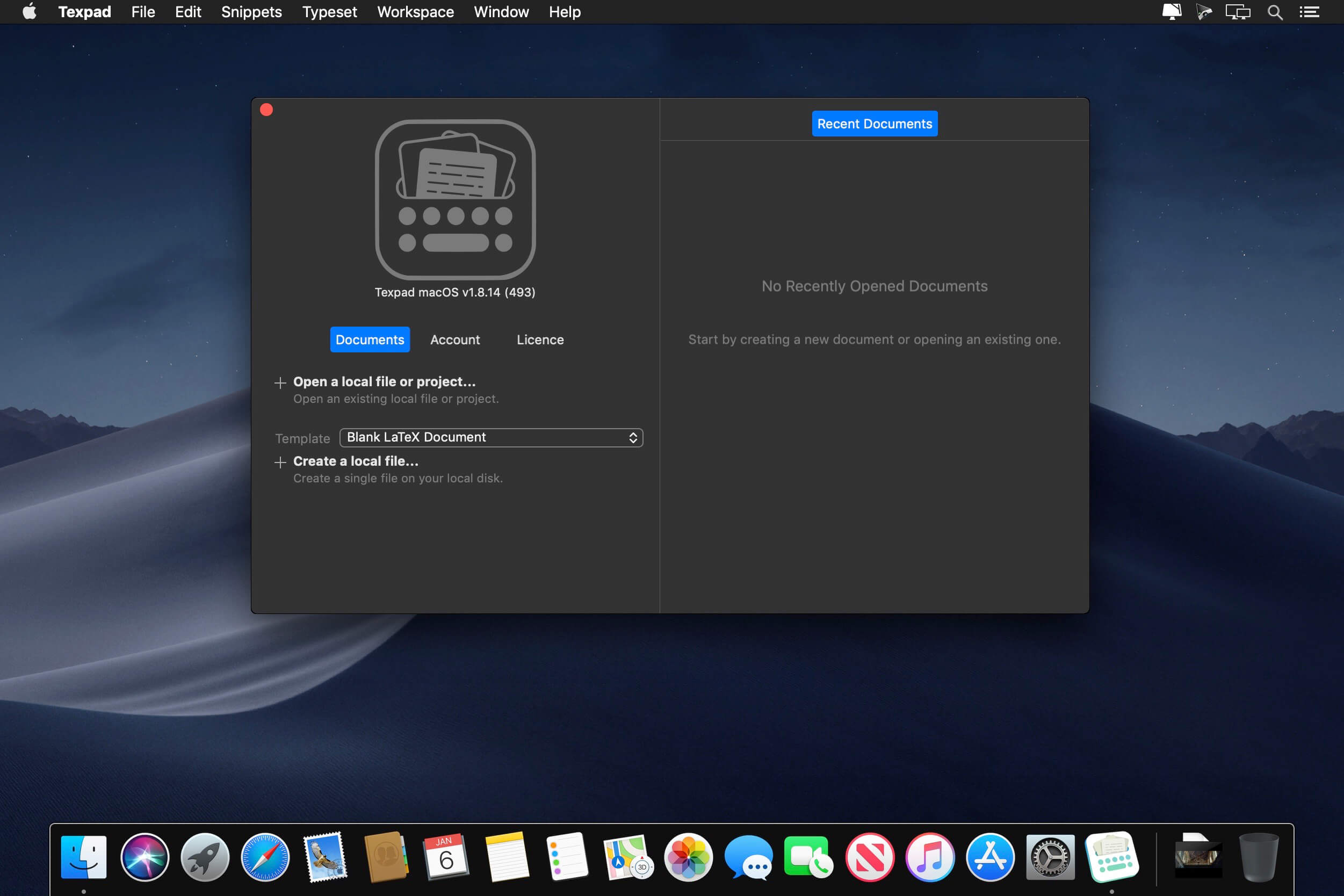
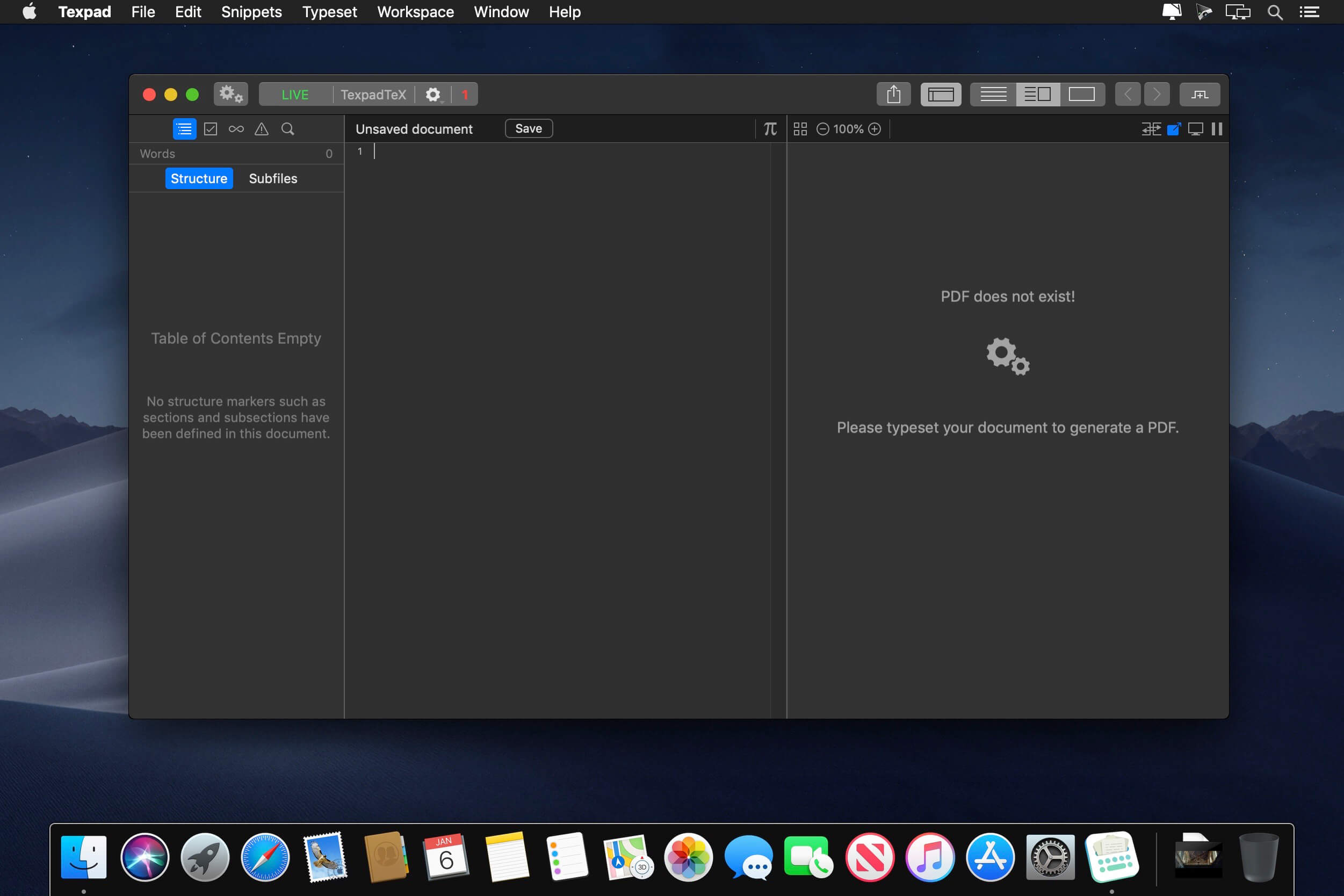
Texpad is a LaTeX editor designed for straightforward navigation, editing and typesetting of projects of any size. Open a LaTeX root file, and Texpad will scan it, open any referenced files, extract the document structure for display in the outline view, and configure the typesetter according to the packages and tools used by your document.

Texpad’s editor has syntax highlighting, a choice of themes, autocomplete of commands including those defined in your document, autofill for cite and ref commands, and many other features. The powerful sidebar’s document structure view allows you to navigate through large multifile projects with ease. Additionally, Texpad’s outline lists all labels, figures, tables, todos and the search pane can search and replace across your entire project using either normal text searches, or regular expression searches.

TexpadTeX – Texpad’s internal, no internet connection required, typesetter comes with PGF drivers, Native Fonts extensions, Unicode and more. These allow it to support almost any LaTeX package available. TexpadTeX also integrates a BibteX tool and a Makeindex compatible indexer for documents that require those tools. The integrated bundle manager takes care of downloading, installing and updating LaTeX packages for you, giving you access to almost the entire LaTeX ecosystem without using any more space on your device than needed.

TexpadTeX can run in Live mode, updating the output as you type, so you never need wait for a typeset to finish again.

For the rare cases of documents that are not compatible with TexpadTeX, you can use our free cloud typesetters. These are fully integrated into Texpad so press typeset, and Texpad will run the typeset in the Cloud, presenting the results just as if it had been typeset on your device.

After typeset, any errors in your document are organised in a table of issues. Tap on an issue to jump directly to the offending line of LaTeX source, or the line in the raw log if you wish to read the original output.

Texpad supports Markdown on an equal footing with LaTeX. Edit your document in Texpad’s syntax highlighting editor, browse the document by outline, then when you press Typeset, the document will be transparently converted and typeset by LaTeX, combining the informal ease of Markdown with LaTeX’s ability to create beautiful and high quality PDFs. Likewise Plain TeX users can edit and typeset their documents in Texpad.

Features:
– Support for LaTeX, Plain Tex and Markdown
– Navigate easily through even the largest projects using the Outline view
– Search all files by string or regex with the global search view
– Search by section title, label, filename, citation and more with the tag search
– Browse the typeset errors and warnings either as a raw log, or with the errors and warnings table view.
– Texpad’s editor autocompletes commands, and autofills commands such as ref{…} or cite{…}
– Instant Live typeset using Texpad’s built in TexpadTeX typesetter
– Free typesetting through our secure cloud servers gives you access to all packages in the latest TeXLive distribution without the need to install or maintain it yourself.

Compatibility: OS – MacOSX 10.8 or Later
Homepage https://www.texpad.com/mac

Screenshots


Name: Texpad_1.9.0.605__HCiSO_Mactorrents.io.dmg
Size: 31.1 MB
Files Texpad_1.9.0.605__HCiSO_Mactorrents.io.dmg[31.1 MB]

   Download

DirEqual 3.6.1 (136120)

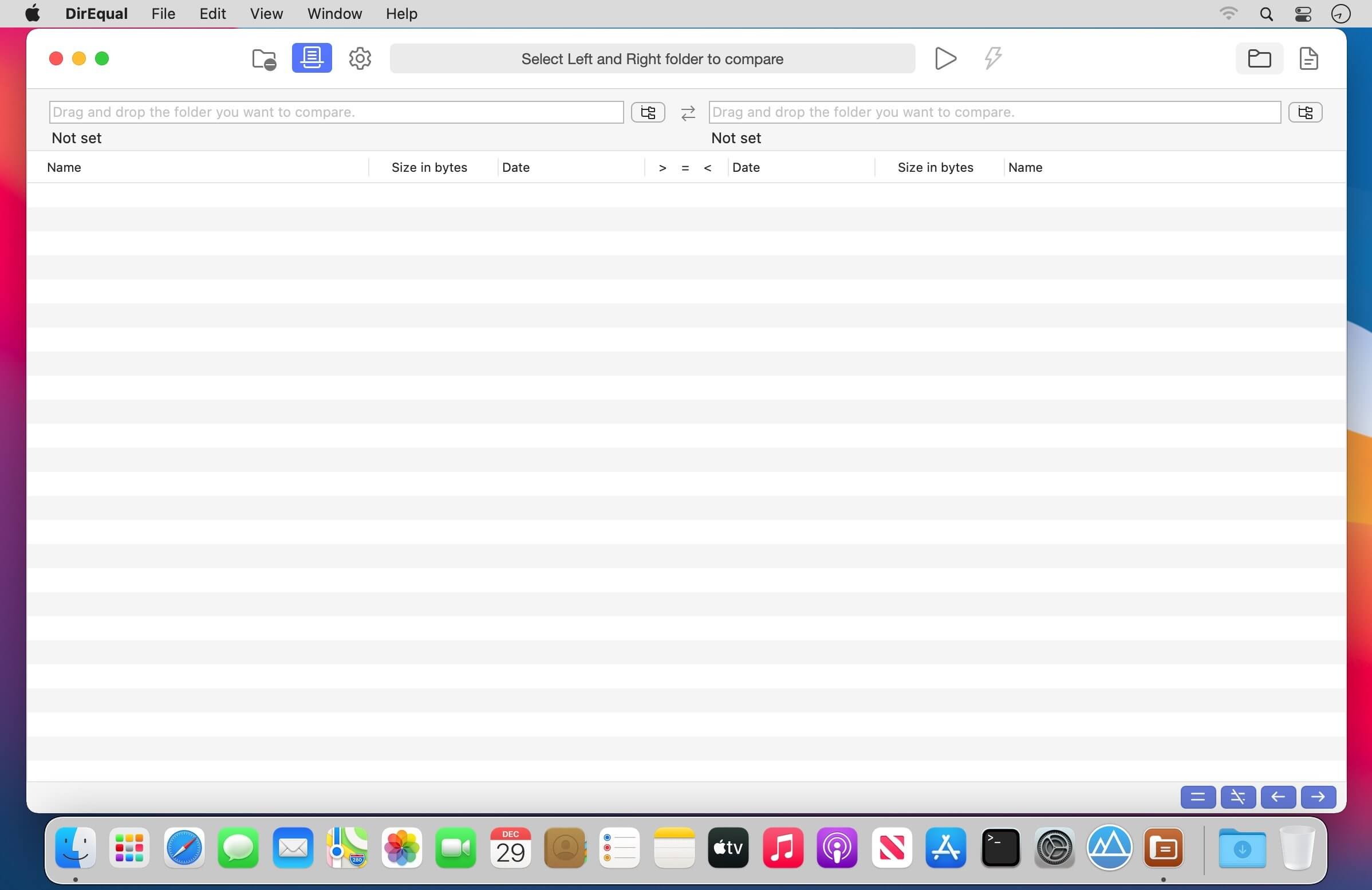
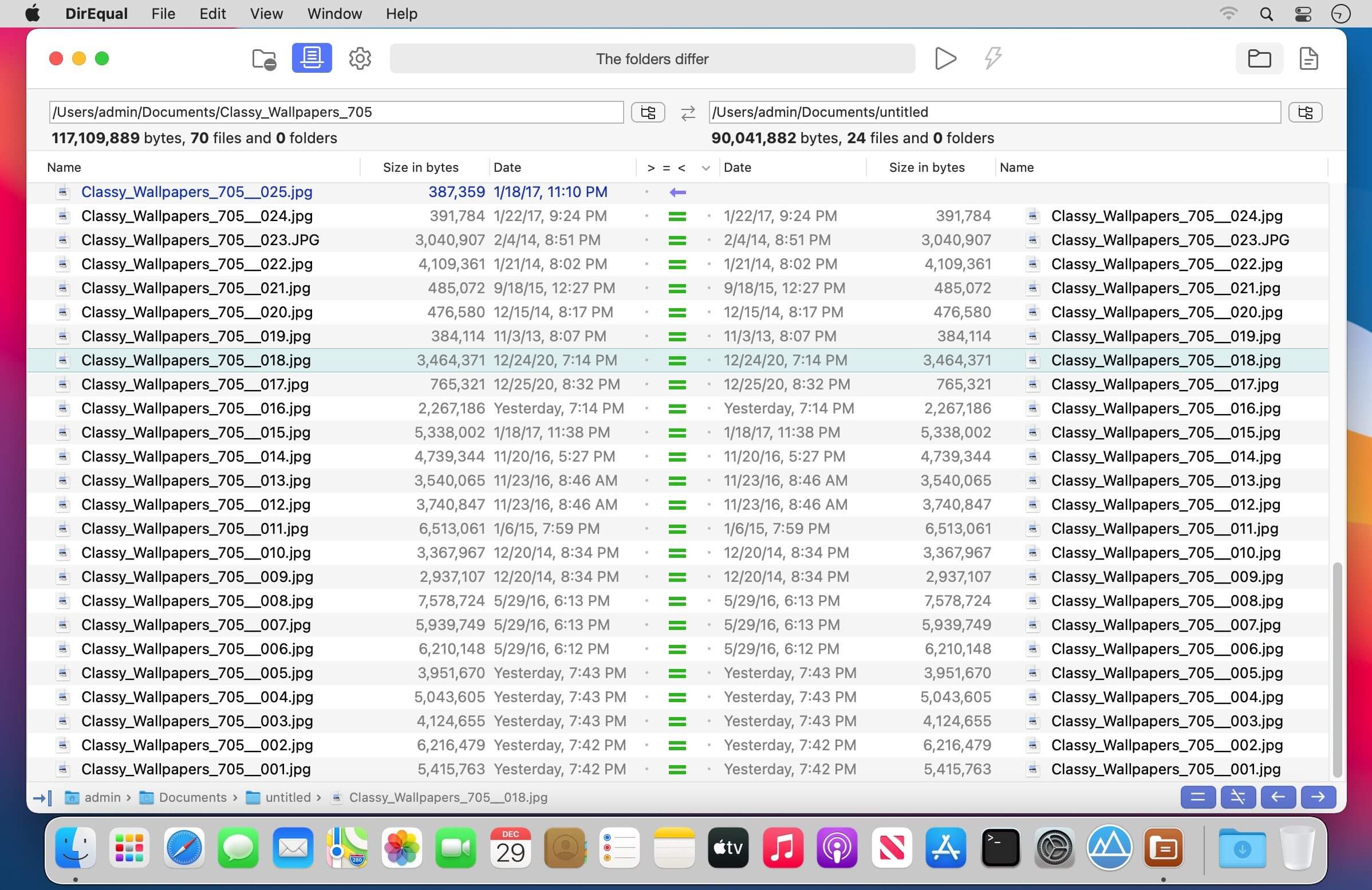
DirEqual is a Folder Compare Tool that makes it extremely easy to compare local files and folders on your Mac.
DirEqual displays compared directories side by side as expandable trees, and the size and date are indicated for each item. Differences between the directories are indicated with colour and easy to identify icons.

To copy or delete files or folders, click an individual item to choose the appropriate action.
The action is represented with red or blue arrow. Then click “Execute” to synchronise the two folders.

Main features:

  • Side-by-side folder comparison
  • Compare files by content
  • Manually synchronise compared folders
  • Compare items based on a filename template
  • Remembers compared folders for quick reload
  • Intuitive graphical comparison result view
  • Tabbed window
  • Drag and drop support

What’s New:

Version 3.6

  • Preferences added
  • Keep folders on top
  • Big fix

Compatibility: OS X 10.10 or later
Homepage https://apps.apple.com/app/direqual/id1435575700

Screenshots


Name: DirEqual_3.6.136120__TNT_Mactorrents.io.dmg
Size: 4.35 MB
Files DirEqual_3.6.136120__TNT_Mactorrents.io.dmg[4.35 MB]

   Download

Script Debugger 8.0.1

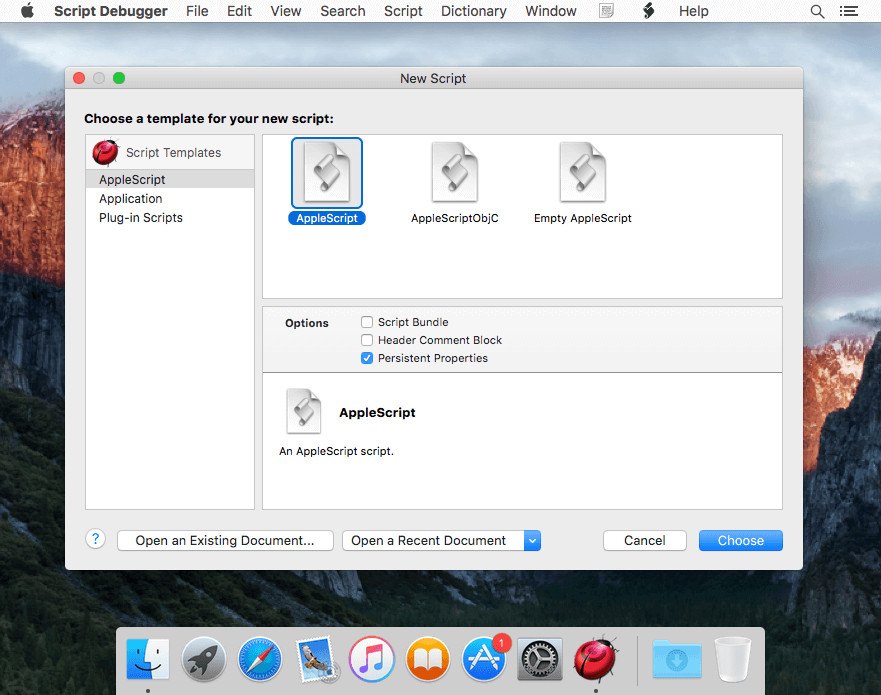
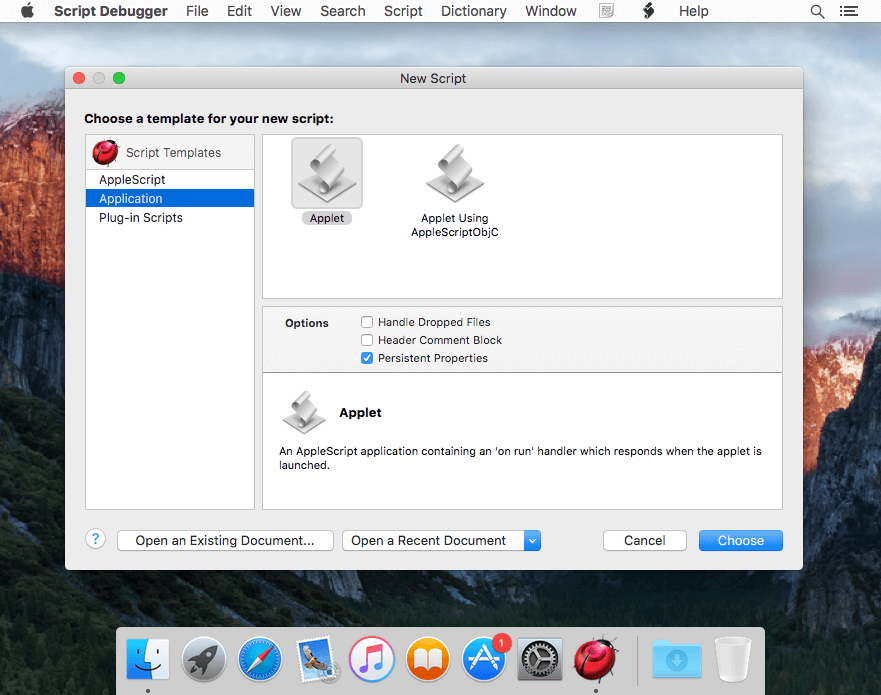
Script Debugger provides everything you need to quickly and easily author AppleScripts that work. No other scripting tool can match Script Debugger’s capabilities for creating, editing and debugging AppleScripts. Its sophisticated Dictionary browser provides far more information than any other tool can and eliminates guesswork and needless experimentation. Simply put, Script Debugger makes AppleScript easy.

What’s New:

New In Script Debugger 8
Script Debugger 8.0 introduces the following major new features:
Big Sur & Apple M1 Support
Script Debugger 8 fully embraces macOS Big Sur and Apple M1 Macs. Script Debugger’s appearance has been updated to fit nicely into macOS Big Sur. Script Debugger 8 runs natively on Apple’s new M1 Macs, and generates universal Intel/ARM applications when running under macOS Big Sur, regardless of platform.

Dark Mode
At long last, Script Debugger 8 supports Dark Mode. This has been the most requested Script Debugger change since Apple introduced Dark Mode and it’s finally here!

Themes
To go along with Dark Mode support, Script Debugger 8 provides user configurable and switchable themes. Themes can automatically handle transitions between Light Mode and Dark Mode, and you can change them manually. You can create your own custom themes to easily switch script formatting depending on the task at hand.

Library Improvements
Viewing script library documentation has been made much easier with the introduction of a Libraries section within Script Debugger’s dictionary window. Script Debugger is able to automatically discover libraries in more locations. You can now add frequently used libraries to your Favorites list.

Revised Applet Building, Code-signing & Notarizing
Apple’s improvements to security in macOS Mojave, Catalina and now Big Sur required a reimagining of Script Debugger’s ability to create stand-alone script applications. Script Debugger 8 offers vastly expanded options for generating standalone applications, along with the ability to code-sign and notarize applications.

Line Editing
Script Debugger 8 introduces a suite of new editing commands that operate on lines: Move Up, Move Down, Insert Before, Insert After, Cut, Copy, Delete and Duplicate. Like all menu commands in Script Debugger, you can assign your own keyboard shortcuts to these commands. This change makes script editing even faster, especially when coming from other editors which offer these commands.

No More Debug Documents
Previous versions of Script Debugger saved scripts with debugging enabled in a special format to facilitate something we called external debugging, which allowed scripts to be debugged while running within other applications. While external debugging was useful in some situations, users were often caught out when distributing scripts with debugging enabled because the file format required Script Debugger be present.

Security changes introduced in macOS Mojave and later rendered Script Debugger’s external debugging feature inoperable. For Script Debugger 8 we’ve removed external debugging and now all scripts are saved in the standard script format, guaranteeing scripts can be easily shared.

Direct Export
Script Debugger 8 introduces a new workflow for exporting run-only applications. By storing all related settings in documents of any script format, exporting becomes a one-click process, while new destination options offer greater convenience in organizing and tracking changes as scripts are updated.

Miscellaneous Improvements
Script Debugger 8 includes heaps of improvements to existing features.

Compatibility: macOS 10.14 or later
Homepage https://latenightsw.com/

Screenshots


Name: Script_Debugger_8.0.1__TNT_Mactorrents.io.dmg
Size: 70.98 MB
Files Script_Debugger_8.0.1__TNT_Mactorrents.io.dmg[70.98 MB]

   Download

SiteSucker Pro 4.1.1

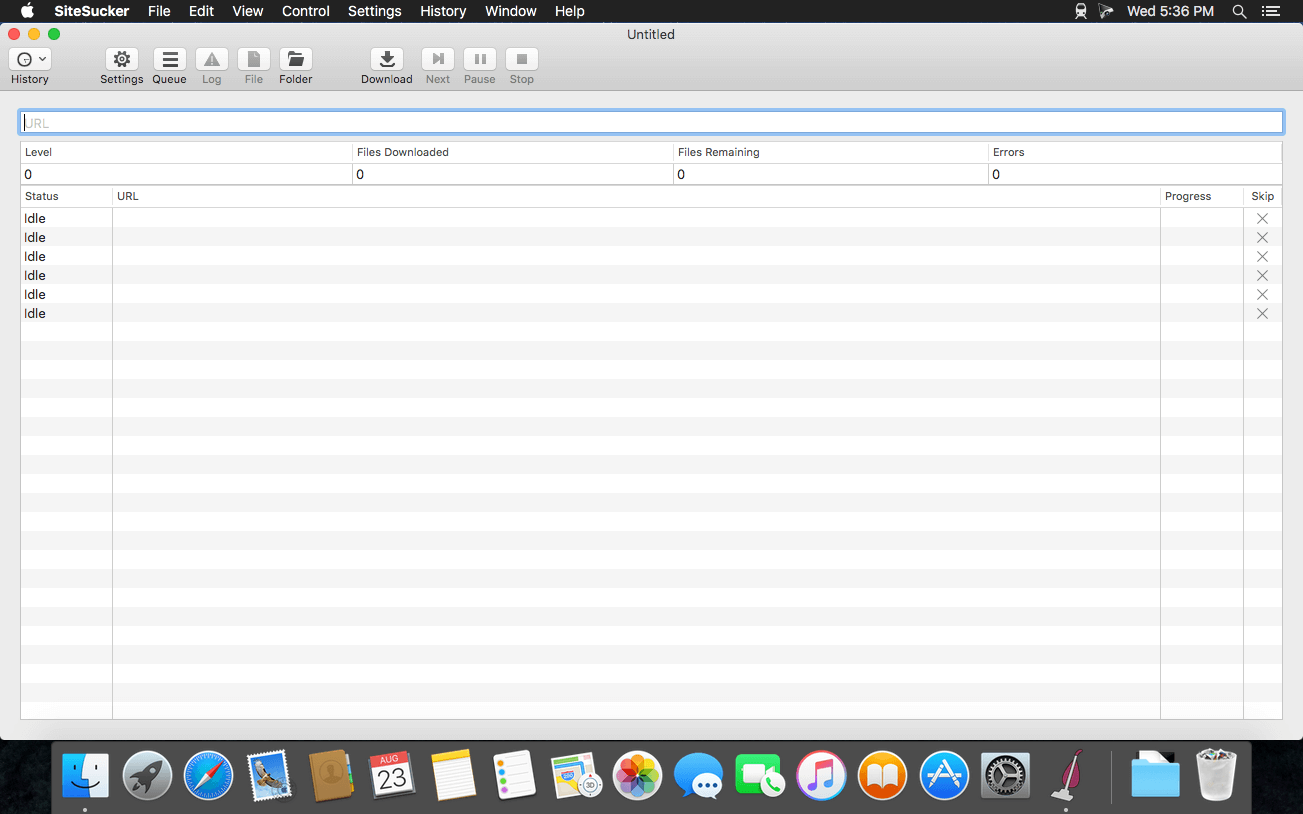
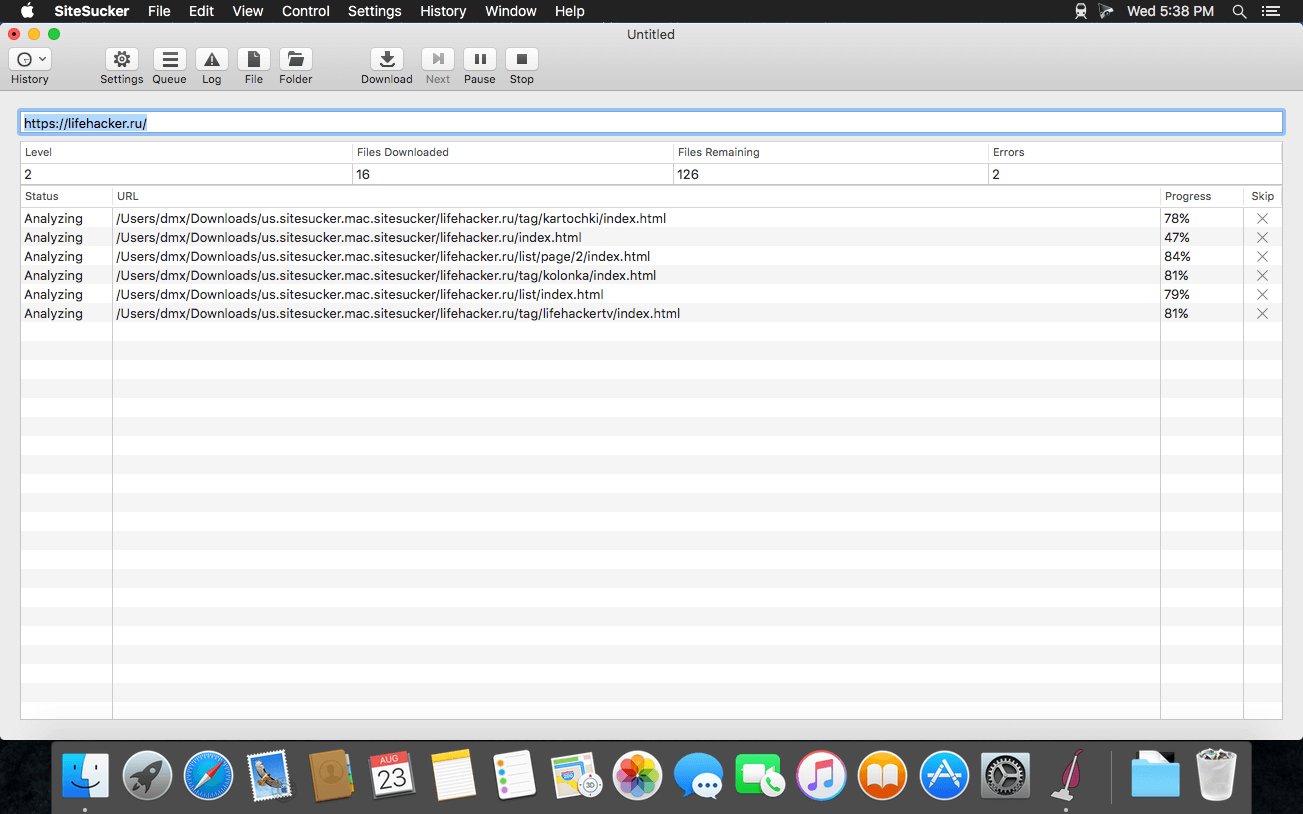
SiteSucker is an Macintosh application that automatically downloads Web sites from the Internet. It does this by asynchronously copying the site’s webpages, images, PDFs, style sheets, and other files to your local hard drive, duplicating the site’s directory structure. SiteSucker Pro is an enhanced version of SiteSucker that can download embedded videos, including embedded YouTube and Vimeo videos.

SiteSucker can be used to make local copies of Web sites. By default, SiteSucker “localizes” the files it downloads, allowing you to browse a site offline, but it can also download sites without modification.

What’s New:

Version 4.1

  • Modified the app to better accommodate downloading large sites.
  • Added the Download Error Pages setting.
  • Added the Host + 1 option to the Path Constraint setting.
  • Added the Replace file type setting that lets the user associate a media type with a URL pattern.
  • Added support for log, save, and saveLast message handlers in the jаvascript setting.

Compatibility: macOS 11.0 or later 64 bit
Homepage https://apps.apple.com/us/app/sitesucker/id442168834

Screenshots


Name: SiteSucker_Pro_4.1.1__TNT_Mactorrents.io.dmg
Size: 6.2 MB
Files SiteSucker_Pro_4.1.1__TNT_Mactorrents.io.dmg[6.2 MB]

   Download

Feeder 4.2.1

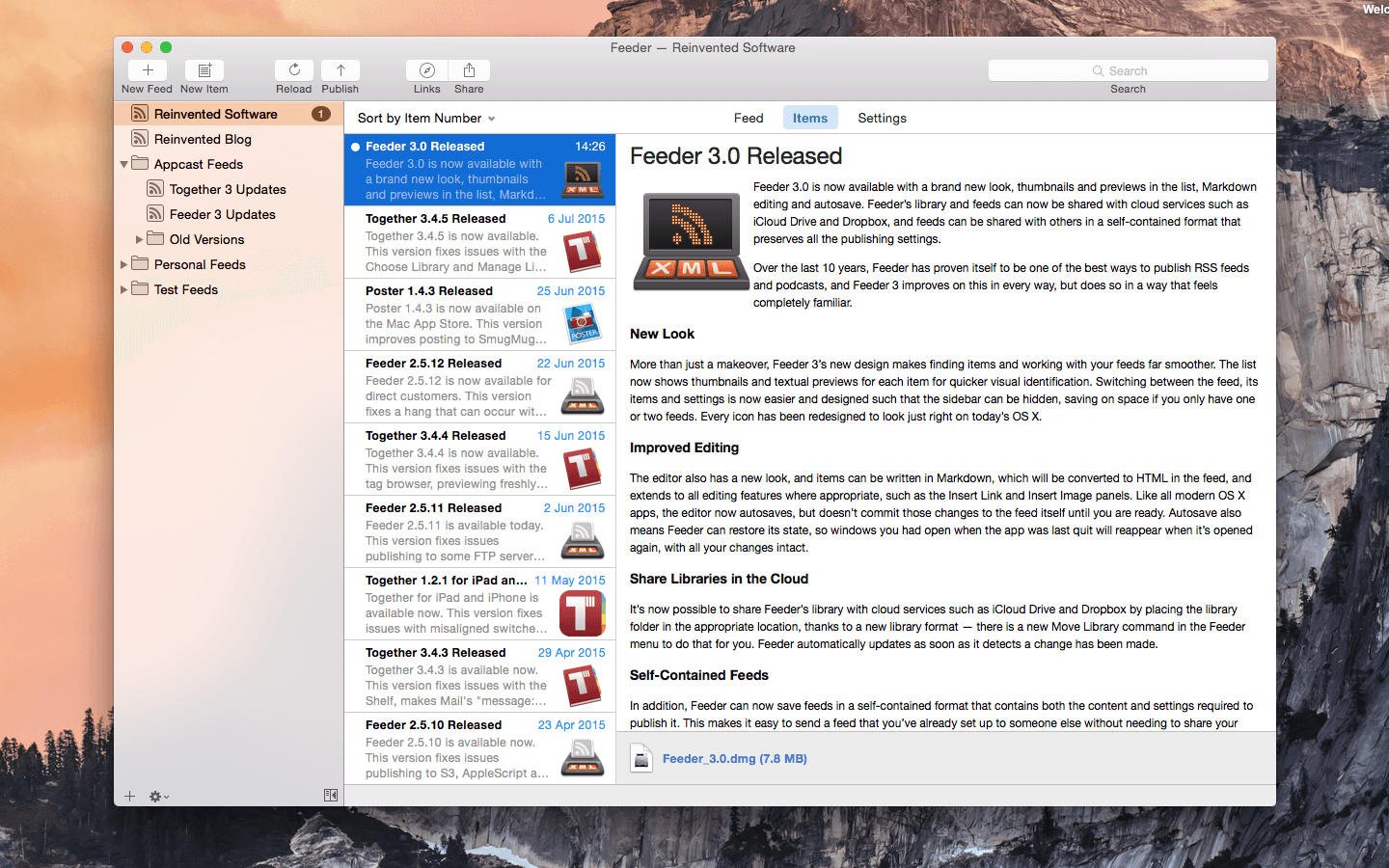
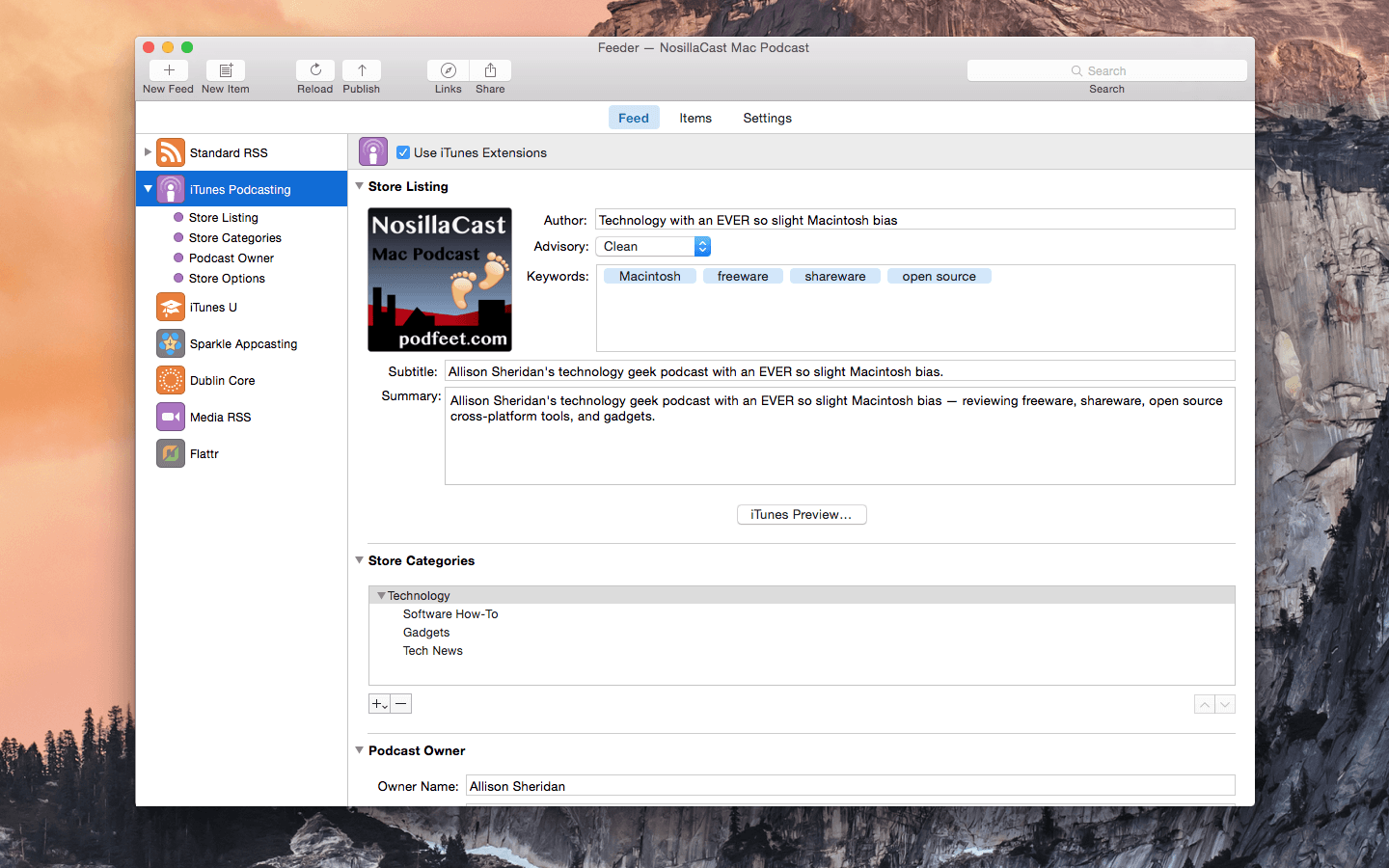
Self-publish podcasts, appcasts, and standard RSS feeds with Feeder.

FOR PODCASTERS:

  • Feeder makes it easy to create and update your podcast, and ensures everything meets the Apple Podcasts requirements
  • Preview podcast episodes as they’ll appear in the Podcasts app
  • See serials listed by season and episode, along with trailers and bonuses, as in the Podcasts app
  • Publish feeds and media files to different servers with a single click
  • Redirect media file URLs through your preferred analytics service
  • Download your existing feed to move to Feeder
  • No lock-in: if you control your feed, you can use the service providers that suit you, and always move to another without losing subscribers

FOR EVERYONE:

  • Edit your feeds on all your Macs with iCloud
  • Collaborate on feeds with other Feeder users with iCloud
  • Schedule items to be published
  • HTML editing and preview
  • Write descriptions using Markdown
  • Templates and auto-completion to save time
  • Feeder can publish using FTP, SFTP, Amazon S3, WebDAV and file export
  • Search the items in the feed, including by date
  • Cross-post items to a blog when publishing
  • Feeder 4 is completely updated for macOS Big Sur and built for Apple silicon


FOR APP DEVELOPERS AND ADVANCED USERS:

  • Create Sparkle appcasts that automatically generate DSA and edDSA signatures
  • Preview release notes as they’ll appear in the Sparkle update panel
  • Feeder is fully scriptable for creating, editing and publishing feeds, and can run a script or Automator workflow after a feed is published

*** You need to disable the System Integrity Protection (SIP) to perform the selected Application.

What’s New:

Version 4.2.1:

  • Release notes were unavailable when this listing was updated.

Compatibility: macOS 10.14 or later
Homepage http://reinventedsoftware.com/feeder/

Screenshots


Name: Feeder_4.2.1__TNT_Mactorrents.io.dmg
Size: 12.92 MB
Files Feeder_4.2.1__TNT_Mactorrents.io.dmg[12.92 MB]

   Download

musicMath 5.4

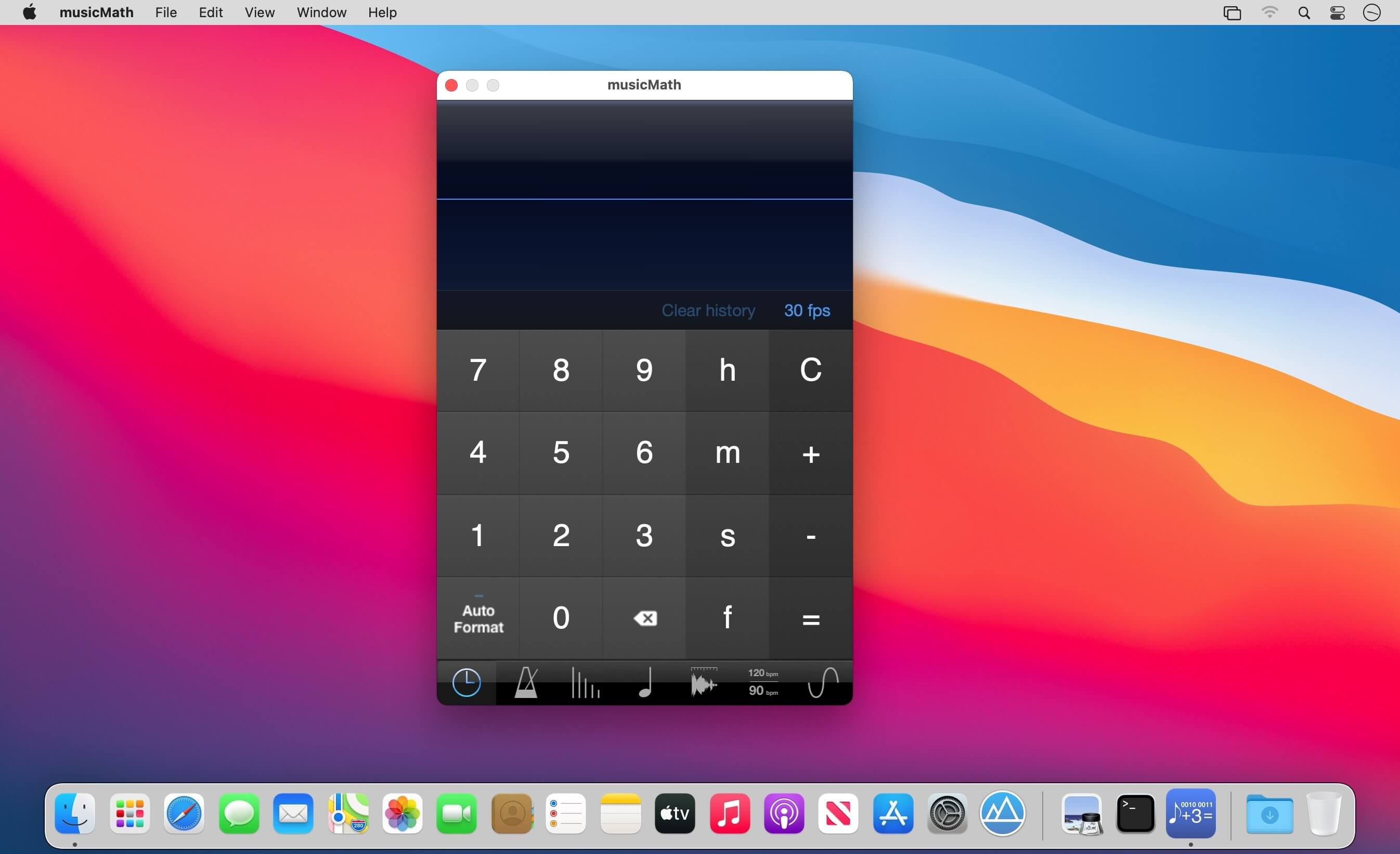
musicMath is a musical tool that includes a timecode calculator, a tap tempo, a tempo to delay in millisecond and hertz converter, a note to frequency table converter, a sample length converter, a tempo change converter, and a frequency to note converter.

Timecode calculator:

  • Add and subtract timecodes or frames
  • Convert a number of frames to timecodes
  • Simultaneously convert the number of frames and the timecode
  • Conversion of timecode when changing the frames format
  • Managing frames formats 23.976 fps, 24 fps, 25 fps, 29.94 fps, 29.97 fps, 29.97 fps drop frame, 30 fps, 50 fps, 59.94 fps, 60 fps
  • Real time display for formats 23.976 fps, 29.94 fps, 29.97 fps 59.94 fps
  • Unlimited history calculations
  • History can be saved and exported to other applications

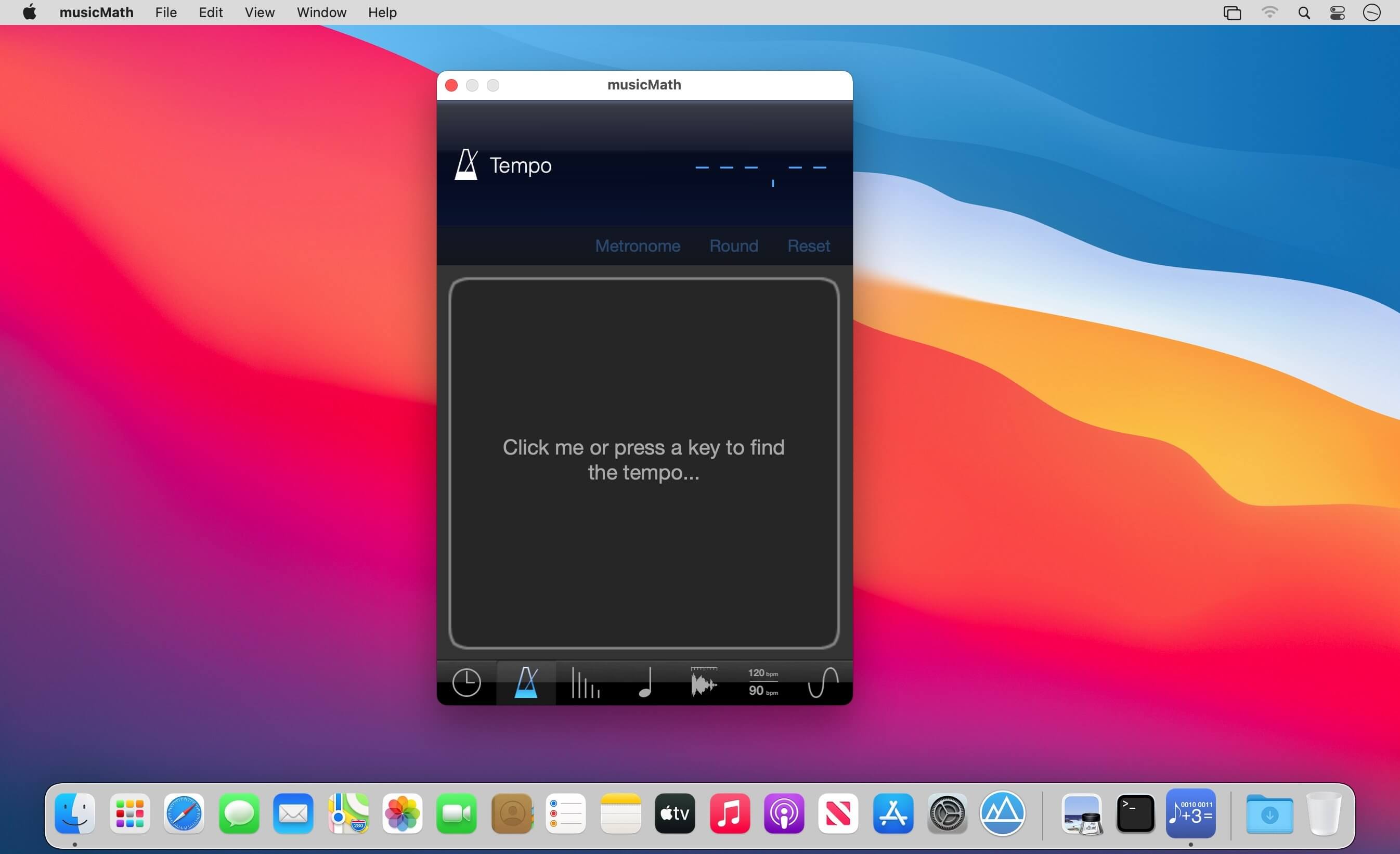
Tap Tempo:

  • Improved algorithm for imprecise tap
  • Metronome
  • Transfer calculated tempo to other musicMath tools

Tempo to delay table:

  • Convert tempo to milliseconds and hertz
  •  Convert for whole-note, half-note, quarter-note, eighth-note, sixteenth-note, thirty-note and sixty-fourth-note for dotted notes and triplets

Note to frequency table:

  • Convert Midi notes to frequencies
  • Adjustable diapason and root note
  • One hundred selectable temperaments
  • Visualization of intervals in cents for each temperament
  • Taking into account the temperament for the calculation of frequencies
  • Plays piano sound when notes are touched

Sample length converter:

  • Convert length between samples, milliseconds, and tempo

Tempo change converter:

  • Calculates tempo change by ratio (%) and transposition

Frequency to note converter:

  • Convert a frequency to the closest note and the cents needed
  • Plays the frequency

What’s New:

Version 5.4

  • Optimized for Apple Silicon ARM, new Universal version provides improved performance and efficiency on Mac computers with Apple silicon
  • Added support for macOS Big Sur

Compatibility: macOS 10.9 or later
Mac App Store http://apps.apple.com/app/musicmath/id882481940

Screenshots


Name: musicMath_5.4_MAS__EP_Mactorrents.io.dmg
Size: 20.84 MB
Files musicMath_5.4_MAS__EP_Mactorrents.io.dmg[20.84 MB]

   Download

Texpad 1.9.0 (599)

Texpad is a LaTeX editor designed for straightforward navigation of projects of any size. When Texpad opens a document it scans through it, looking for LaTeX structure commands and any included files, then it presents you with an outline view with which you can swiftly navigate the entire project.

Texpad replaces LaTeX’s obscure console output with a table of typesetting errors. Clicking on these errors will direct you to the offending line in the LaTeX source.

Texpad’s elegant single window design saves you from the clutter of windows. In even the largest projects all files are accessible from the outline view to the left of the editor. This one-window design works especially well with OS X 10.7 Lion’s fullscreen mode.

Compatibility: OS – MacOSX 10.8 or Later
Homepage https://www.texpad.com/mac

Screenshots


Name: Texpad_1.9.0.599__HCiSO_Mactorrents.io.dmg
Size: 31.1 MB
Files Texpad_1.9.0.599__HCiSO_Mactorrents.io.dmg[31.1 MB]

   Download

Zee Timer 8.0

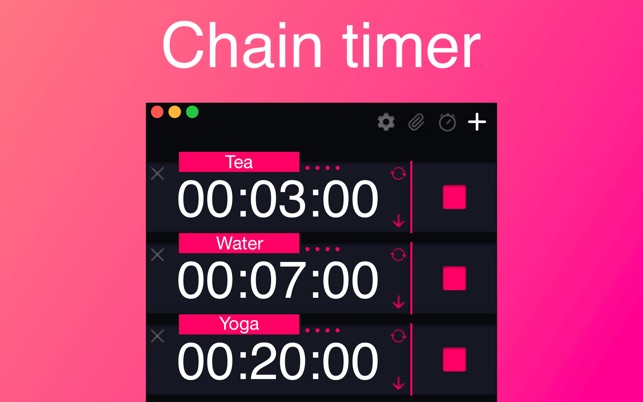
Convenient multi timer for every day.

What’s New
Version 8.0
The app has been completely rewritten, what’s new:

– The app is now fully scalable.
– The logic of some control elements has been changed in a more convenient way.
– Now you can change the color of the app in the settings.

This is just the beginning, new designs will be added with the coming updates.

Languages: English, Danish, Dutch, French, German, Japanese, Norwegian Bokmål, Portuguese, Russian, Simplified Chinese, Spanish, Swedish, Traditional Chinese, Turkish

Compatibility: macOS 10.14 or later, 64-bit processor
Homepage https://apps.apple.com/app/zee-timer/id1453356099

Screenshots


Name: Zee_Timer_8.0_MAS__HCiSO_Mactorrents.io.dmg
Size: 6.6 MB
Files Zee_Timer_8.0_MAS__HCiSO_Mactorrents.io.dmg[6.6 MB]

   Download

TuneBoto Amazon Video Downloader 1.2.1

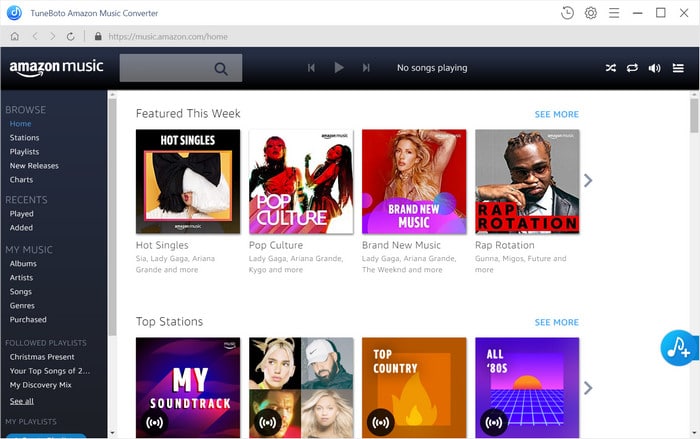
Excellent Amazon Video Downloader. Want to binge-watch your Prime Videos anywhere without spending internet traffic? TuneBoto Amazon Video Downloader should be exactly your key to download countless Prime Video to MP4 in HD quality with audio & subtitle retained.

Top-Rated Amazon Video Downloader
Take a download of your title collections from Amazon Video with the easiest way by using TuneBoto Amazon Video Downloader, a top-rated video downloader to get any Prime videos offline on Mac with HD video quality preserved.
With this smart video downloader, you can save all your preferred Prime titles to local computer as plain MP4 files. After downloading, transferring Amazon Videos to any device for streaming anywhere anytime will be pretty simple.

Get Amazon Prime Video in 1080P Resolution
With no need to install any extra apps, including Amazon Prime Video app, TuneBoto makes it possible to directly analyze the Amazon video link to download the target movies & TV shows with up to 1080P video resolution kept. Using such a powerful video downloading tool, start to enjoy Prime Video in high definition on any of your devices forever!
Note: To get 1080P output video quality, please ensure your computer is HDCP supported.

Support Audio Tracks and Subtitles Preserved
TuneBoto Amazon Video Downloader is definitely the most excellent video downloader for Prime Video subscribers, as it’s capable to download any movies and TV shows from Prime Video to Mac, while retaining subtitle & audio tracks in multiple languages.

Compatibility: 64-bit processor • OS X 10.10 or later
Homepage http://www.tuneboto.com/amazon-video-downloader-mac.html

Name: Tuneboto_Amazon_Video_Downloader_1.2.1__HCiSO_Mactorrents.io.dmg
Size: 146 MB
Files Tuneboto_Amazon_Video_Downloader_1.2.1__HCiSO_Mactorrents.io.dmg[146 MB]

   Download

Meta 2.0.5

Meta helps you manage your ever-growing digital music collection. Use it to easily edit information such as a song’s artist, title, album, album cover, etc. It supports editing of most audio formats such as MP3, MP4, M4A, FLAC, Ogg, OGA, SPX, WAV, AIFF, and a variety of metadata formats including ID3v1, ID3v2.3, ID3v2.4, iTunes MP4, Vorbis comments, and APE tags.

Features

  • A polished, intuitive user interface that adopts OS X’s standards
  • Write metadata to multiple files at once (Batch Tag Editing)
  • Remove all metadata from files (Strip Tags)
  • Change typecase (capitalise, upper/lowercase, titlecase), strip underscores
  • Rename files based on their metadata or instead, convert filenames to metadata
  • Find and Replace characters, words, or strings in metadata, with support for regular expressions (patterns)
  • Add selected tracks to iTunes, or refresh their metadata using a simple keyboard shortcut
  • Automatically generate track numbers
  • Benefit from built in file management operations (Move, Delete, Reveal in Finder)
  • Interface is compatible with Retina displays

Album covers can easily be set or exported via drag-and-drop, and it is possible to configure Meta so that it scales, crops, and compresses images each time a new image is set, so as to keep your audio files’ size to a minimum.

What’s New:

Version 2.0.0:
New:

  • Native support for Apple Silicon, aka. M1 Macs, aka. ARM64.
  • New and shiny Find & Replace sidebar with: search scopes, pattern matching, and recents.
  • New utility to Import tags from CSV files.

Enhancements:

  • New file command to “Refresh tags” (ie. re-read metadata from disk when changed externally to Meta)
  • Artwork thumbnails in the list view, for easier and sexier lookup
  • Added “.ape” file format support
  • Added “Description” tag
  • Added “Previous” option to the startup directory selector
  • Autocomplete now also suggests currently listed metadata

Fixes:

  • Fixed Meta setting itself up as the default handler for some audio formats
  • Fixed view selector tab issues for machines ante macOS 11
  • Fixed a bug that prevented from editing the “total” part of track/disc numbers in the sidebar

Language: English, French, German, Italian, Japanese, Simplified Chinese, Spanish
Compatibility: OS X 10.8 or later 64-bit
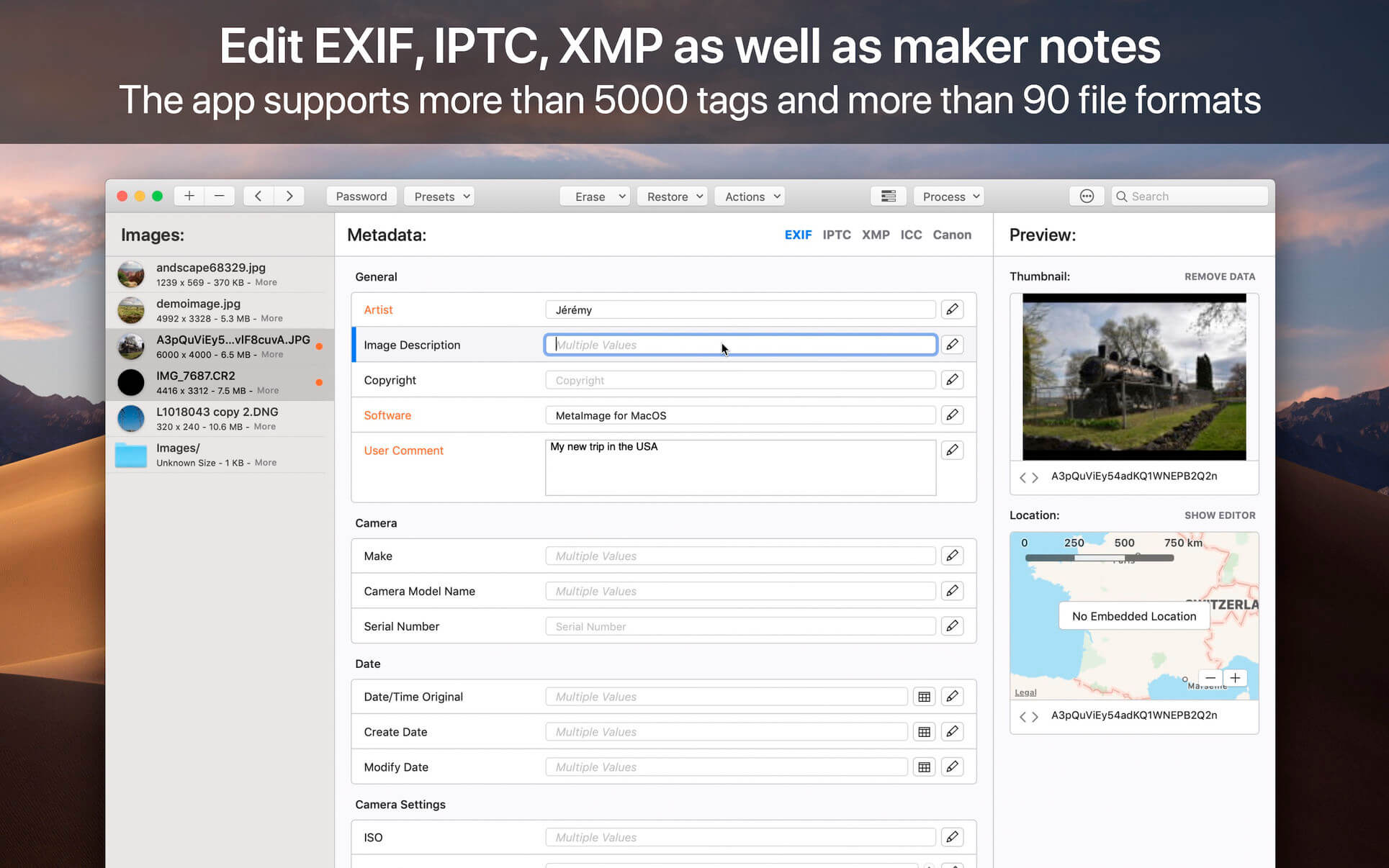
Homepage https://apps.apple.com/pk/app/metaimage/id1397099749

Screenshots


Name: Meta_2.0.5__TNT_Mactorrents.io.dmg
Size: 16.21 MB
Files Meta_2.0.5__TNT_Mactorrents.io.dmg[16.21 MB]

   Download

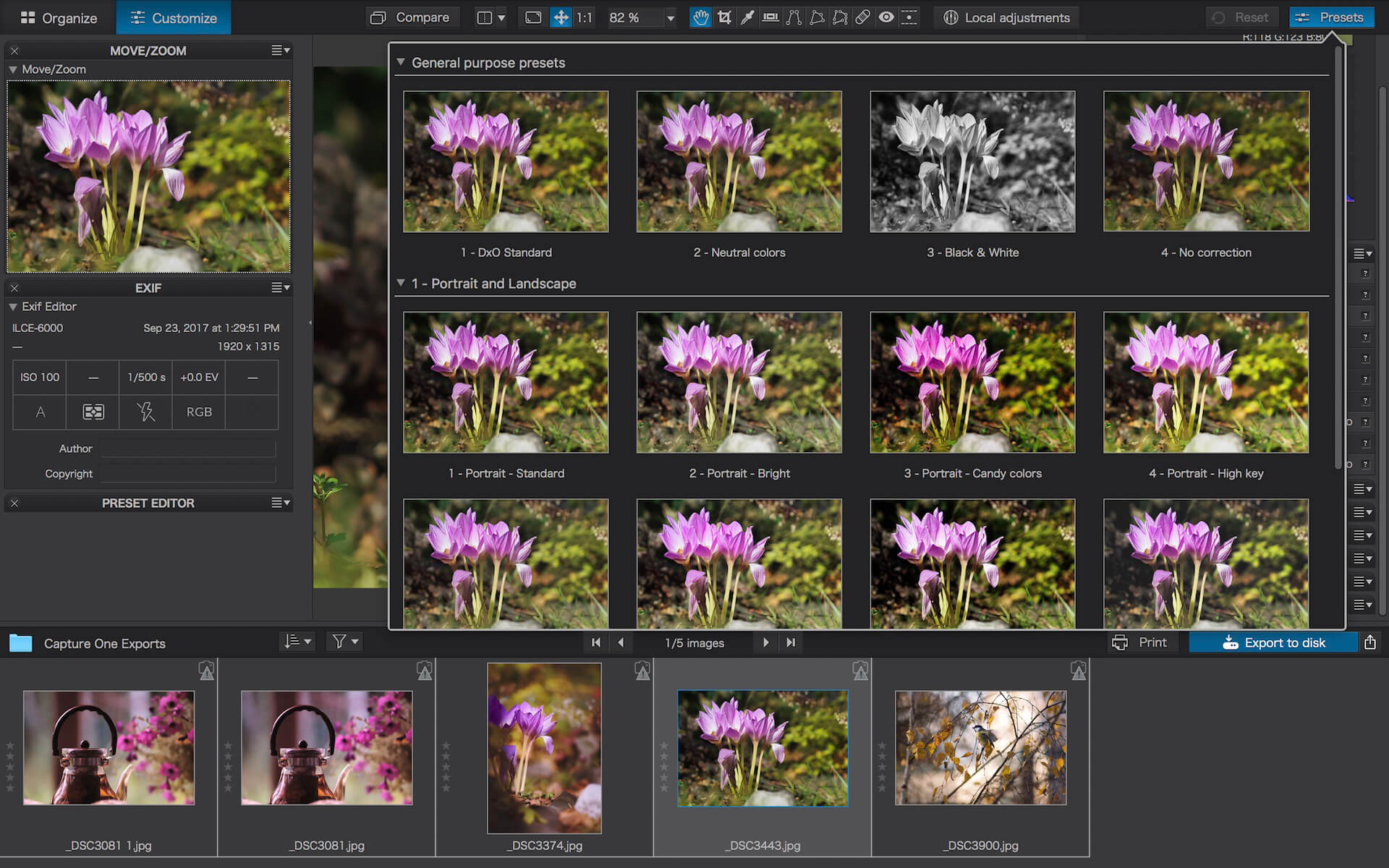
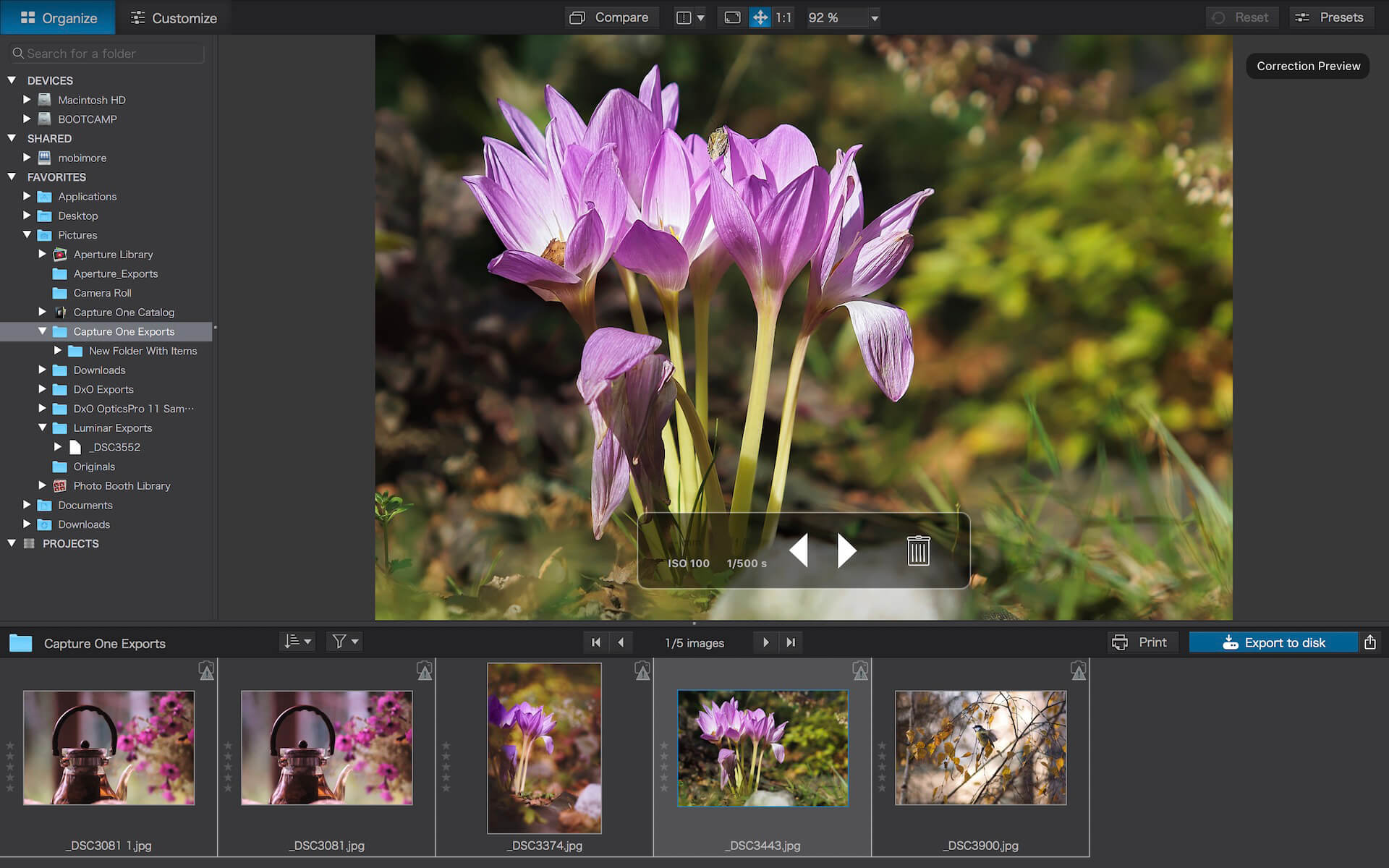
DxO PhotoLab 4 ELITE Edition 4.3.0.57

DxO PhotoLab (was DxO Optics Pro) provides a complete set of smart assisted corrections that you can manually fine-tune at any time. Take control on every aspect of your photos: effectively remove noise, get rid of light constraints, recover color details, apply sophisticated optical corrections, and enhance details.

Reducing digital noise in RAW images is an ongoing challenge for most photo-editing software. But with DxO DeepPRIME we are breaking new ground. The first artificial intelligence-based (AI) technology of its kind, DeepPRIME enables you to demosaic and denoise images simultaneously. Try it out – the results speak for themselves.

Demosaicing and denoising are usually two separate processes. But with DxO DeepPRIME we’ve combined them to achieve even better results.
The outcome is spectacular. DxO DeepPRIME removes noise and renders photographic information without reducing color detail. Transitions are smoother and more natural, and you gain nearly two ISO sensitivity values compared to our earlier version, DxO PRIME, the benchmark software for all comparable programs currently available.

If you are an expert photographer, DxO DeepPRIME will open up a world of new possibilities by enabling you to shoot at very high sensitivities. As an amateur photographer, DeepPRIME will allow you to compensate for the drawbacks of small sensors in compact and bridge cameras that produce digital noise even at low ISO sensitivities. And if you’re struggling with low quality, or older-generation cameras that are no longer suitable because of the scale of digital noise, DxO DeepPRIME will give your images a new lease of life.

Features

  • DxO Smart Lighting
  • DxO ClearView
  • DxO PRIME
  • Optical Corrections
  • Introducing U Point

What’s New:

Version 4.3.0.57:

  • Release notes were unavailable when this listing was updated.

Compatibility: macOS 10.13 or later
Homepage http://www.dxo.com

Screenshots


Name: DxO_PhotoLab_4_4.3.0.57__TNT_Mactorrents.io.dmg
Size: 474.81 MB
Files DxO_PhotoLab_4_4.3.0.57__TNT_Mactorrents.io.dmg[474.81 MB]

   Download

GoodTask 6.6.0

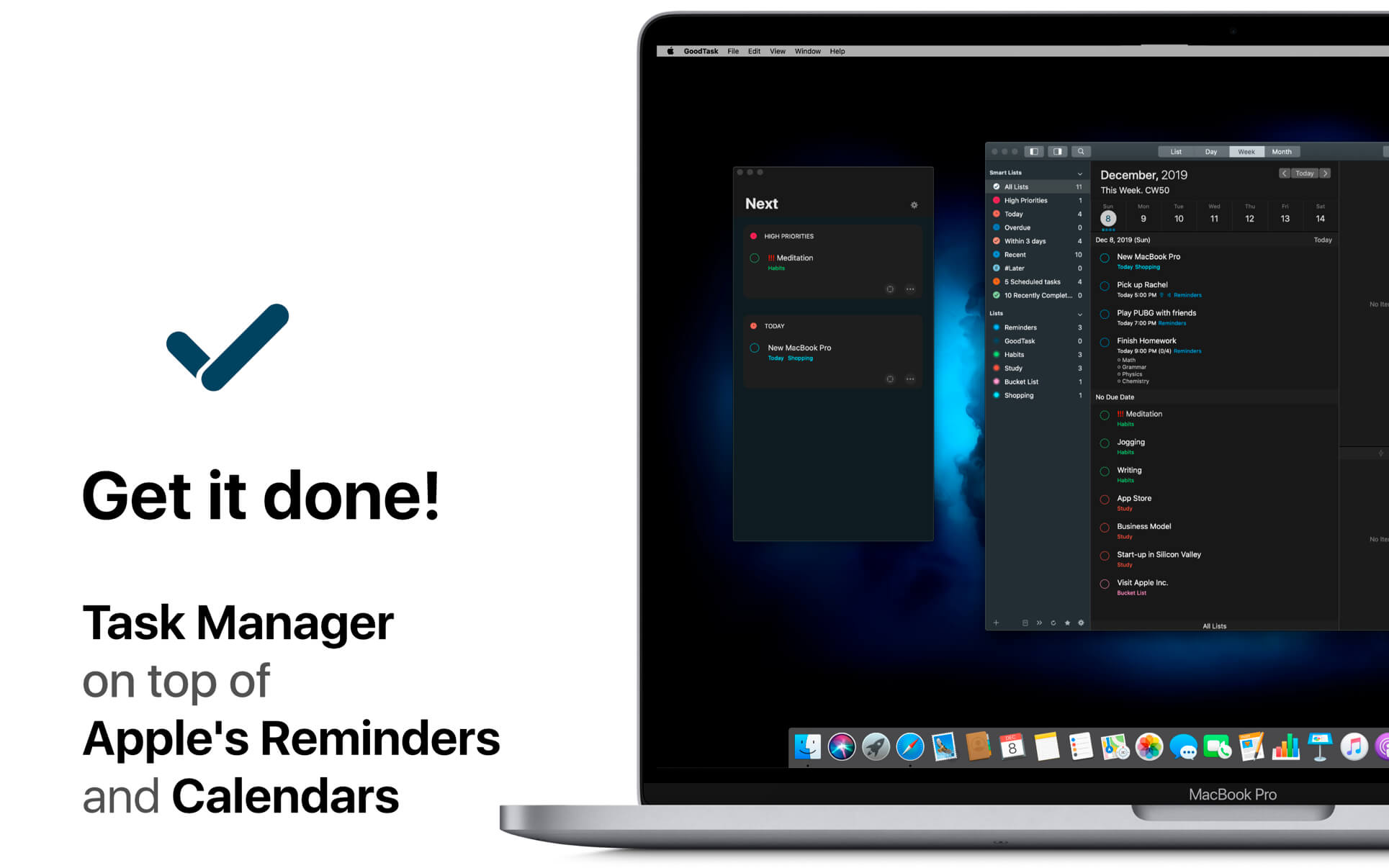
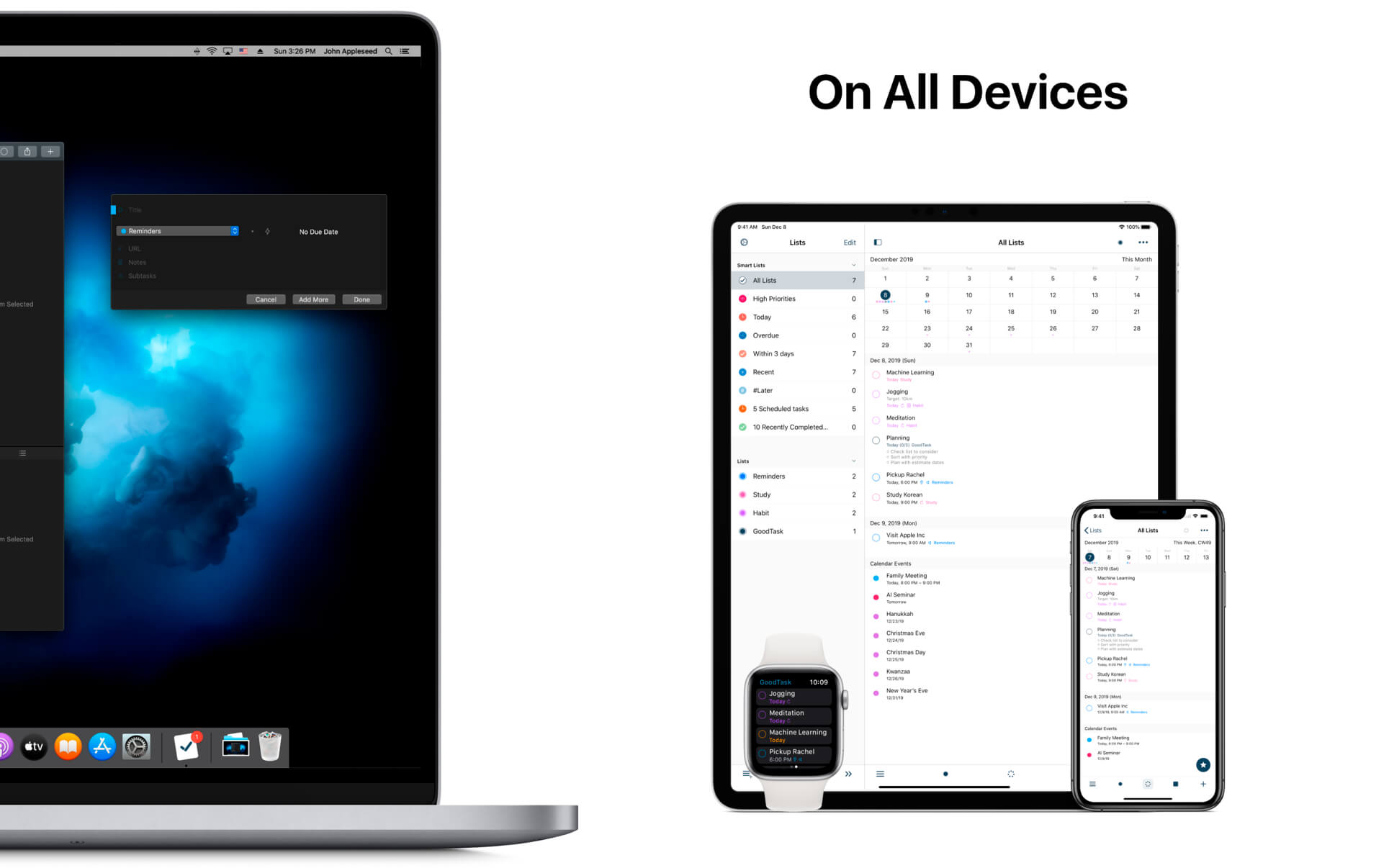
GoodTask is a Powerful Task/Project Manager based on Apple’s Reminders & Calendars. You can use it as simple checklist to focus or as complex project management tool to get big things done.

GoodTask provides various viewpoints to the things that you care and need to be done. Manage your tasks, projects and even your life better with GoodTask.

General

  • Syncs with default stock Reminders & Calendars (iCloud/Exchange/etc)
  • Supports fully customizable recurring tasks
  • Manage Reminders Lists and Calendars easily
  • List, Day, Week, Month view on each lists
  • Add Quickly and Smartly with Quick Actions and Text Snippets

Smart Lists

  • List with selective Reminders Lists and Calendars
  • Filter by including or excluding text/tags
  • Filter by Priorities
  • Overdue tasks, Location-based tasks, Recent tasks, etc.

Quick Actions

  • Quickly edit tasks on the fly
  • Bulk actions to edit/check/delete multiple tasks at once
  • Duplicate, Change due dates, add/switch tags/lists, etc.

Other Key Features

  • App Icon Badge & Notifications
  • Dark Theme
  • Today Widget support
  • Time Zone support
  • Subtasks, Automatic Repeat after Completion & Manual sort (GoodTask 3 only)

What’s New:

Version 6.6.0

  • This update includes better overall performance and stability improvements. Sync and widget refresh will work better between devices.
  • You can undo recent actions made on tasks with CMD-Z. Copy and paste tasks with CMD-C and CMD-V will also work. Selected subtasks can also be copied to be pasted as text outside the app.
  • Buttons at the bottom of Lists can be set to be hidden inside ‘Preferences – Appearance – Lists: Bottom Bar’

Compatibility: OS X 10.11 or later, 64-bit processor
Homepage https://apps.apple.com/us/app/goodtask-3/id1143437985

Screenshots


Name: GoodTask_6.6.0__TNT_Mactorrents.io.dmg
Size: 38.26 MB
Files GoodTask_6.6.0__TNT_Mactorrents.io.dmg[38.26 MB]

   Download

iToolab UnlockGo 4.1.2

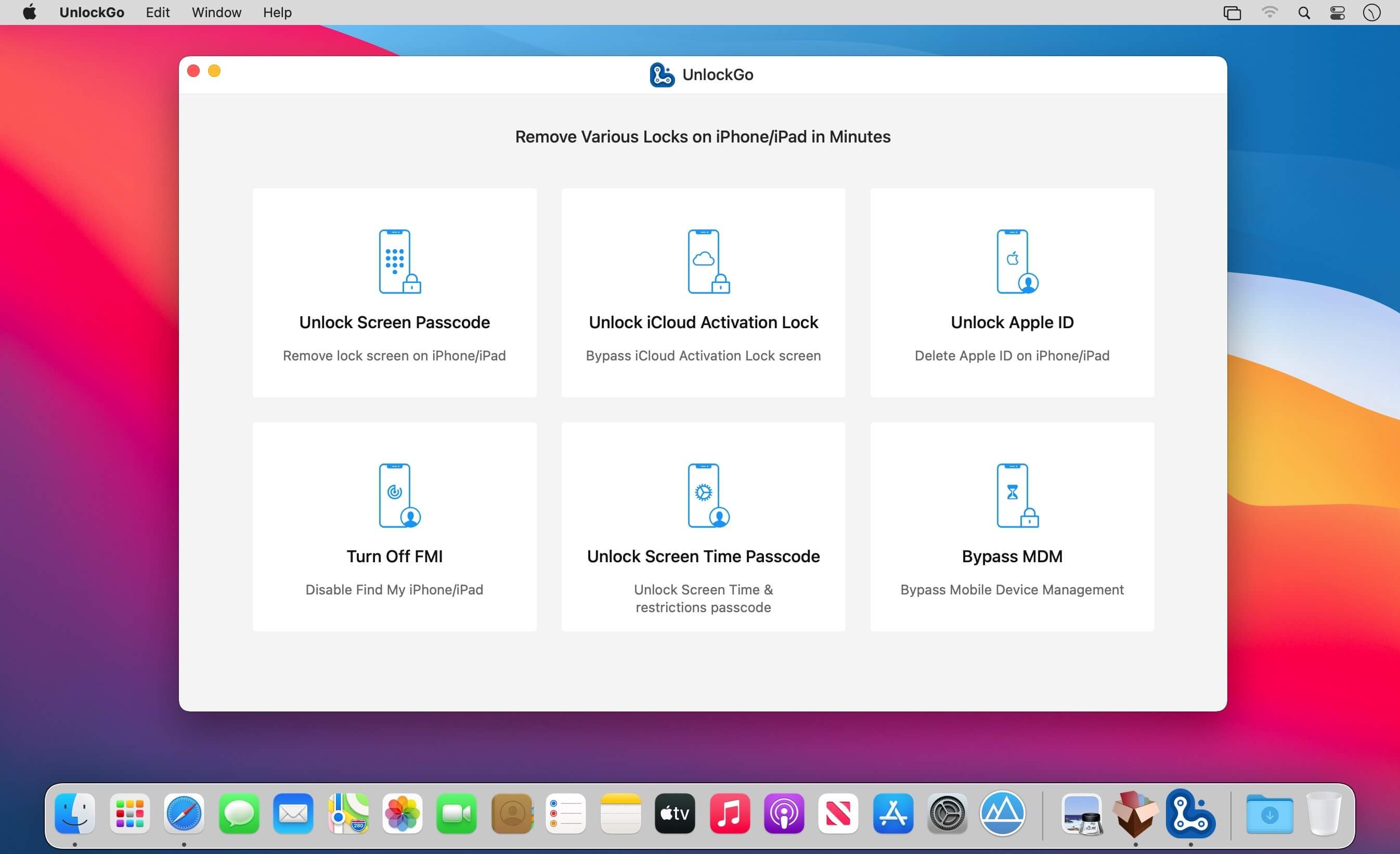
All-in-One iPhone Lock Removal Tool. Remove Various Locks on iPhone/iPad in Minutes. Instantly unlock your iPhone/iPad’s passcode
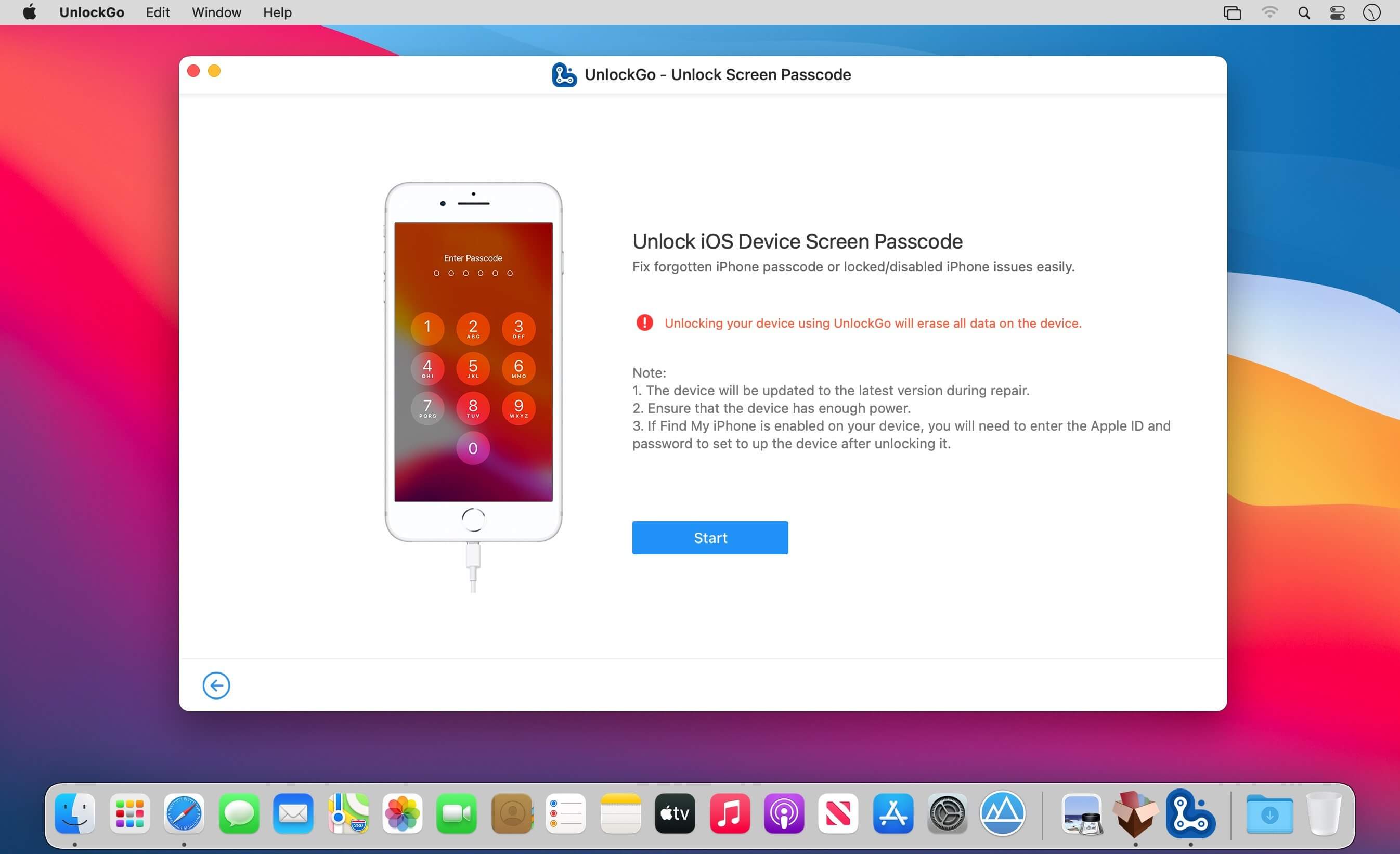
iToolab UnlockGo allows you to easily bypass iPhone passcode and gain full access to the device. It works on the following scenarios, and all kinds of passcodes are fully supported.

All types of passcodes are fully supported
UnlockGo supports to remove all types of passcodes easily including the 4-digit code, the 6-digit code, custom numeric code, alphanumeric code, Touch ID or Face ID.

Note: The removal of passwords for business purposes is illegal and prohibited.

  • Forgot iPhone password
  • iPhone is disabled
  • Face/Touch ID is not available
  • Passcode expired
  • Second-hand iPhone
  • Broken screen

Bypass iCloud activation lock without password
UnlockGo enables you to turn off the iCloud Activation Lock without password easily, if your device is stuck in the “Activation Lock” screen.

  • Remove activation lock after restore
  • Remove activation lock of lost iPhone
  • Could not activate iPhone
  • Unable to activate

Get access to the device after iCloud Activation Lock removal
Once Activation Lock is disabled, you can enjoy the following:

  • Gain access to your device.
  • Use a new Apple ID for iTunes Store & App Store.
  • The device won’t be tracked by the previous Apple ID.
  • The device won’t be remotely erased by the previous Apple ID.
  • The Activation Lock won’t appear again even if you restart the device.

Remove Apple ID without password
Forgot Apple ID password or it has been disabled? iToolab UnlockGo helps you delete Apple ID account with no restrictions. By creating a new account, you can then obtain access to all iCloud services and Apple ID features once more.

Get complete control over your iPhone after Apple ID removal
No specialist knowledge is required to remove Apple ID from locked iOS devices, so you’ll be able to take advantage of all of the following features on iPhone/iPad in no time.

  • Switch to another Apple ID or set up a new one.
  • Take advantage of all iCloud and Apple ID functionality.
  • Easily switch off Find My iPhone/iPad.
  • Remove the previous Apple ID’s tracking.

No password required to disable Find My iPhone. UnlockGo is the best choice on how to turn off Find My iPhone.
You can access to your iPhone/iPad/iPod touch, but you don’t know your Apple ID account password? Simply switch off FMI with UnlockGo.

  • Find My iPhone can be disabled with no Apple ID or password necessary.
  • Delete the previous Apple ID completely and avoid being tracked by the device’s previous owner.
  • Your iOS device can be used as a brand new one!
  • Take advantage of all the iOS features and iCloud services with no limitations.
  • Even if you restart or factory reset your iOS device, the activation lock will no longer be displayed after you disable Find My iPhone.

Supported devices & iOS versions
Remove Screen Passcode

  • All iPhone, iPad, iPod touch
  • iOS 7.0 and later

Bypass iCloud Activation Lock

  • iPhone 5s – iPhone X
  • iOS 12.0 and later

Remove Apple ID

  • All iPhone, iPad, iPod touch
  • iOS 11.4 and later

Turn Off FMI

  • iPhone 6s – iPhone 12 Pro Max
  • iOS 13.0 – 14

What’s New:

Version 4.1.2:

  • Release notes were unavailable when this listing was updated.

Compatibility: macOS 10.10 or later
Homepage https://itoolab.com/

Screenshots


Name: UnlockGo_4.1.2__HCiSO_Mactorrents.io.dmg
Size: 56 MB
Files UnlockGo_4.1.2__HCiSO_Mactorrents.io.dmg[56 MB]

   Download

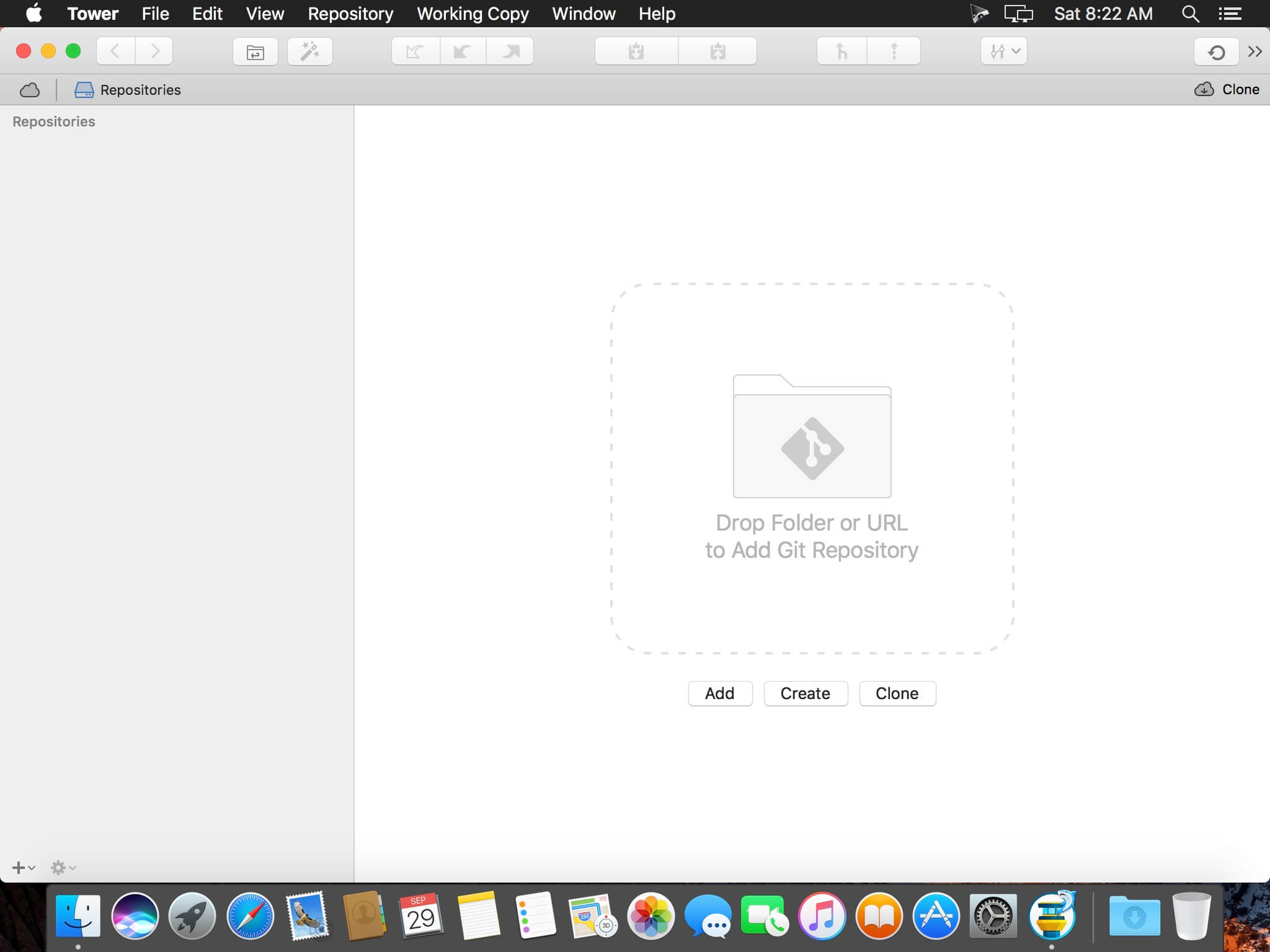
Tower 6.5

Tower is a Git client for macOS that makes using Git easy and more efficient. Users benefit from its elegant and comprehensive interface and a feature set that lets them enjoy the full power of Git.

Tower abstracts Git’s complexity in an easy-to-use interface. For example, lots of actions can be performed simply via drag-and-drop, and mistakes can be undone easily. Advanced users can increase their productivity with features like single line staging, submodule support, or the file history.

Features

  • git-svn support
  • File history
  • git-flow support
  • Submodule support
  • git-lfs support
  • Blame view
  • Single-line staging (per-line committing)
  • Cherry-picking
  • Discard chunks/lines
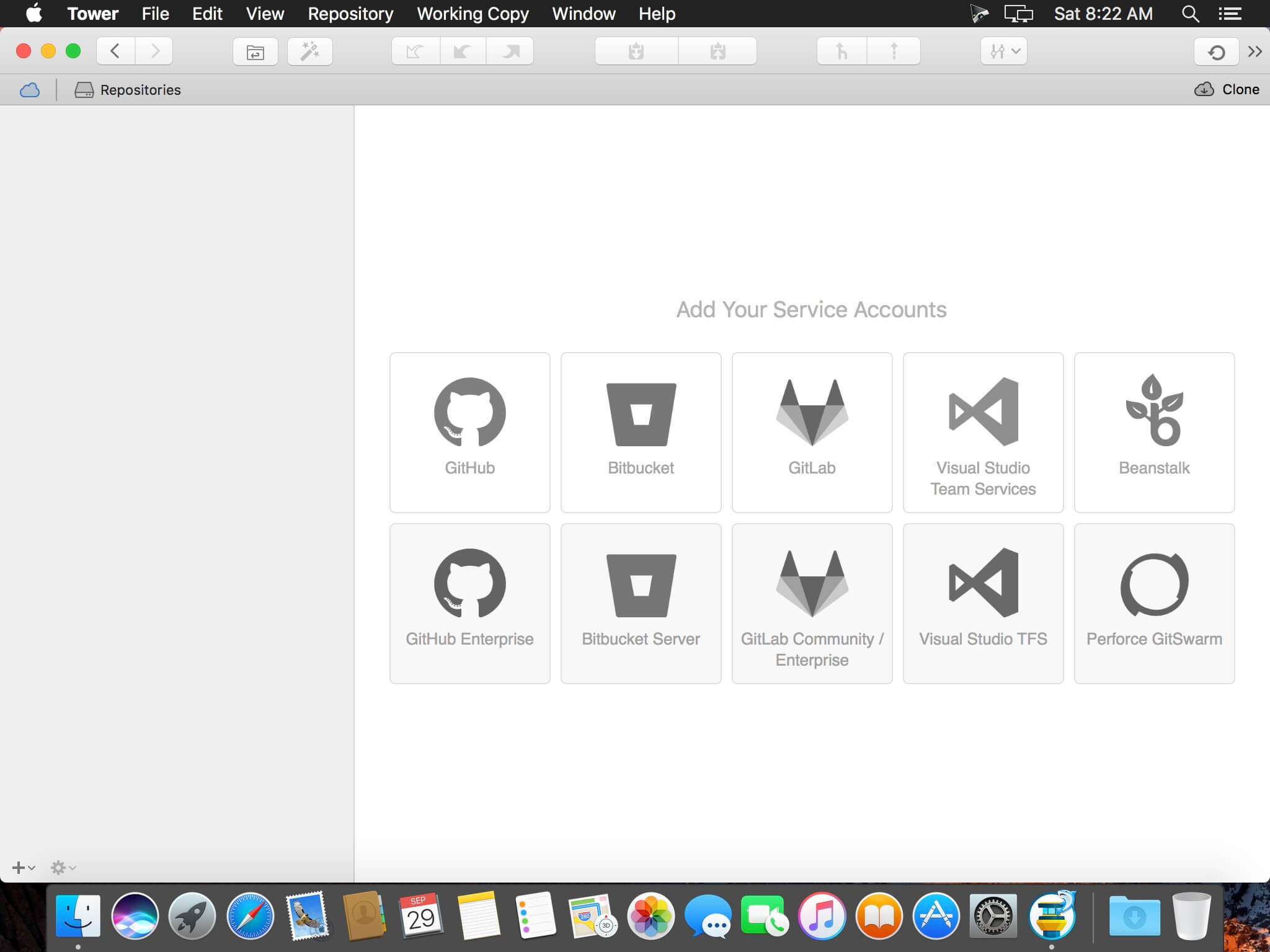
  • Direct Github, Bitbucket, Gitlab, GitSwarm, Beanstalk, Visual Studio Team Services, Team Foundation Server and Rhodecode integration
  • Support for Bitbucket team accounts
  • Support for full-screen and Retina displays
  • Many powerful drag-and-drop features include merge, rebase, push /pull to/from remote, apply stash, create new branch, etc.

Compatibility: macOS 10.11 or later 64-bit
Homepage https://www.git-tower.com/mac/

Screenshots


Name: Tower_6.5__HCiSO_Mactorrents.io.dmg
Size: 46.4 MB
Files Tower_6.5__HCiSO_Mactorrents.io.dmg[46.4 MB]

   Download

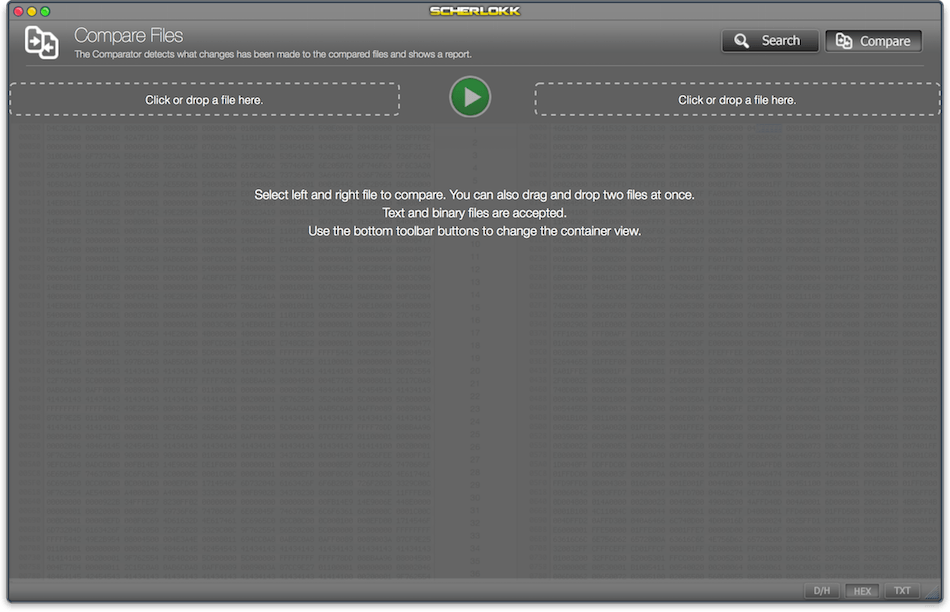
Scherlokk 4.2.2 (42201)

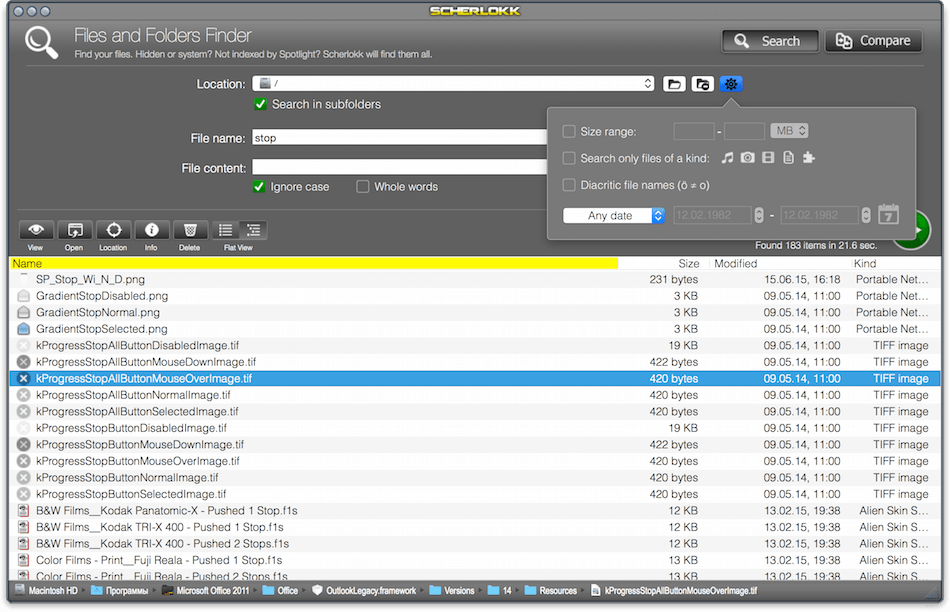
Scherlokk is a lightning fast file search utility build for precise and reliable search of every file which meets the search criteria. Music, pictures, bookmarks, documents, etc can be found quickly and easily. Search can be made on any kind of build in volume, portable volume (pendrives, memory cards, USB drives), network drive (AFP, SMB, FTP), etc.

It does not matter if the searched file is hidden or system. The file does not even need to be indexed by OS X to be found by Scherlokk.
Specify the kind of searched file(s) (music, movie, picture, etc.) or some of the file attributes (size, date, etc.). For documents or data files – a content can be specified.
When searching with size range, Scherlokk calculates and displays all folders which fit in the range.

Why use Scherlokk rather then Spotlight:
Scherlokk searches through ‘real’ files instead of the Spotlight’s index. The index is not always up to date and does not contain all files.
Scherlokk shows search results in a flat or hierarchical view which helps to find out which file is the one you need and how files are located in the folders structure.
Clean and easy to use interface.

Which files can Scherlokk find?
Since Scherlokk is not based upon the Spotlight’s index, and has its own, powerful search engine, it will find every single file on any accessible volume in your computer.

Compatibility: OS X 10.11 or later 64-bit
Homepage https://naarakstudio.com/scherlokk/

Screenshots


Name: Scherlokk_4.2.2.42201__HCiSO_Mactorrents.io.dmg
Size: 6 MB
Files Scherlokk_4.2.2.42201__HCiSO_Mactorrents.io.dmg[6 MB]

   Download

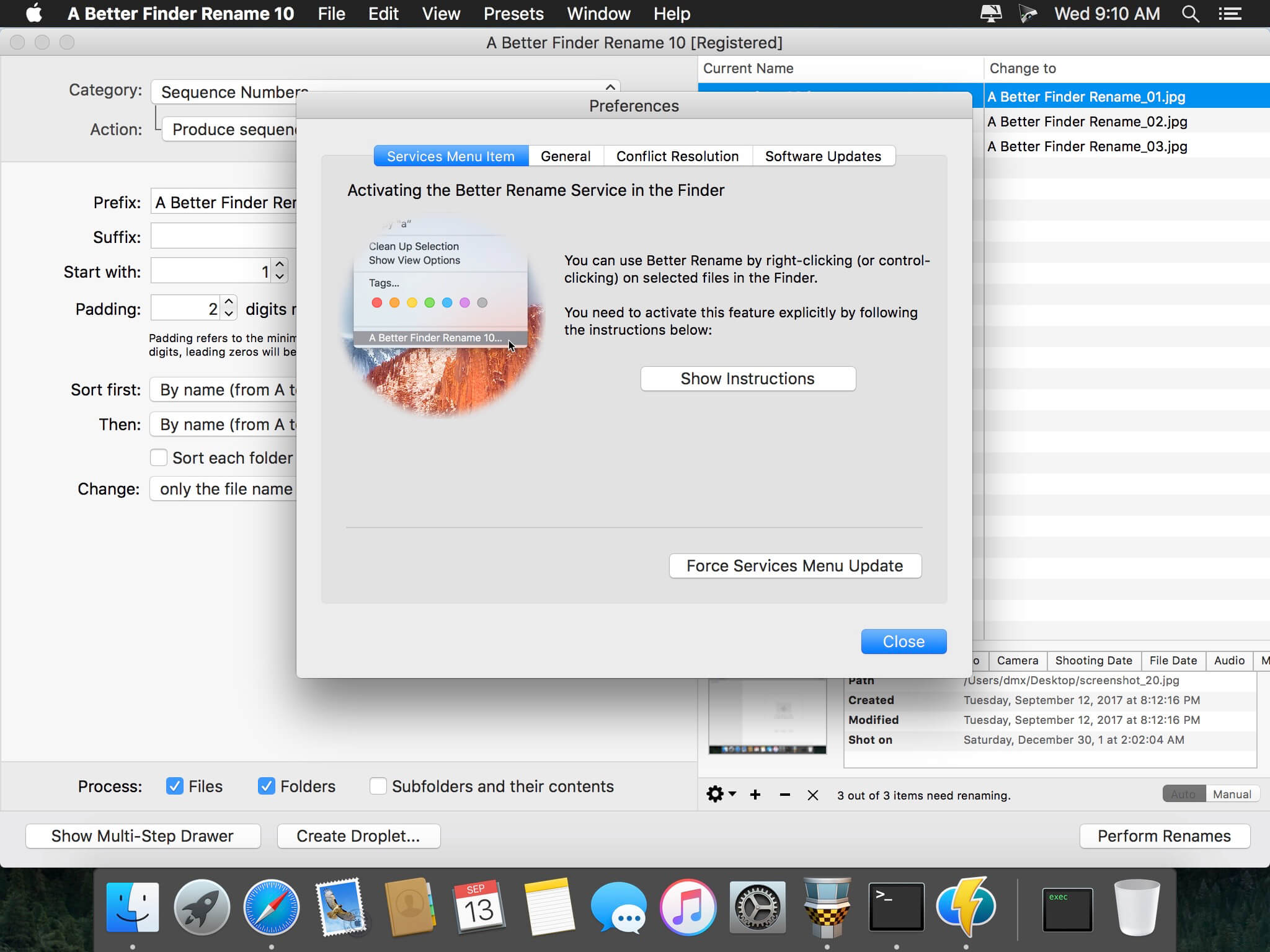
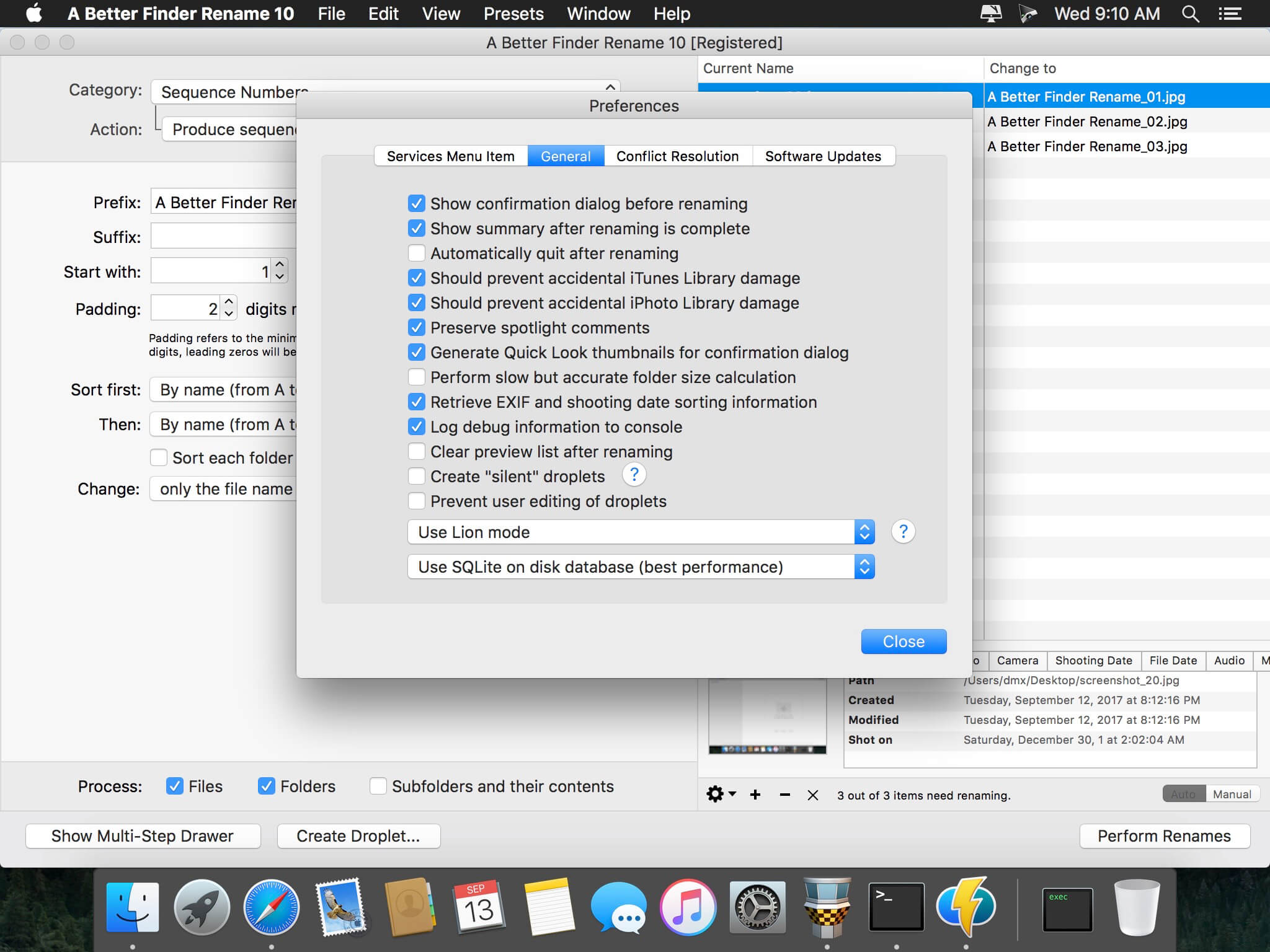
A Better Finder Rename 11.34

A Better Finder Rename is the most complete renaming solution available on the market today. That’s why, since 1996, tens of thousands of hobbyists, professionals and businesses depend on A Better Finder Rename to organize and maintain files. The Instant Preview feature eliminates guesswork and costly errors and helps you find the right settings quickly and accurately by providing as-you-type feedback.

A Better Finder Rename offers a complete set of renaming options that are organized into 15 categories covering all the text, character, position, conversion and truncation features that you would expect from a file renamer, but it does not stop there. The multi-step renaming feature allows multiple renaming steps to be combined to deal with complex renaming jobs in a single operation. Unlike other tools, A Better Finder Rename allows any number of renaming actions to be combined, re-ordered, copied and deleted.

What’s New:

Version 11.34

  • The new version fixes a bug in the filter action interface.

Compatibility: OS X 10.10 or later, 64-bit processor
Homepage https://www.publicspace.net/ABetterFinderRename/index.html

Screenshots


Name: A_Better_Finder_Rename_11_11.34__TNT_Mactorrents.io.dmg
Size: 14 MB
Files A_Better_Finder_Rename_11_11.34__TNT_Mactorrents.io.dmg[14 MB]

   Download

Auditory 1.0.2

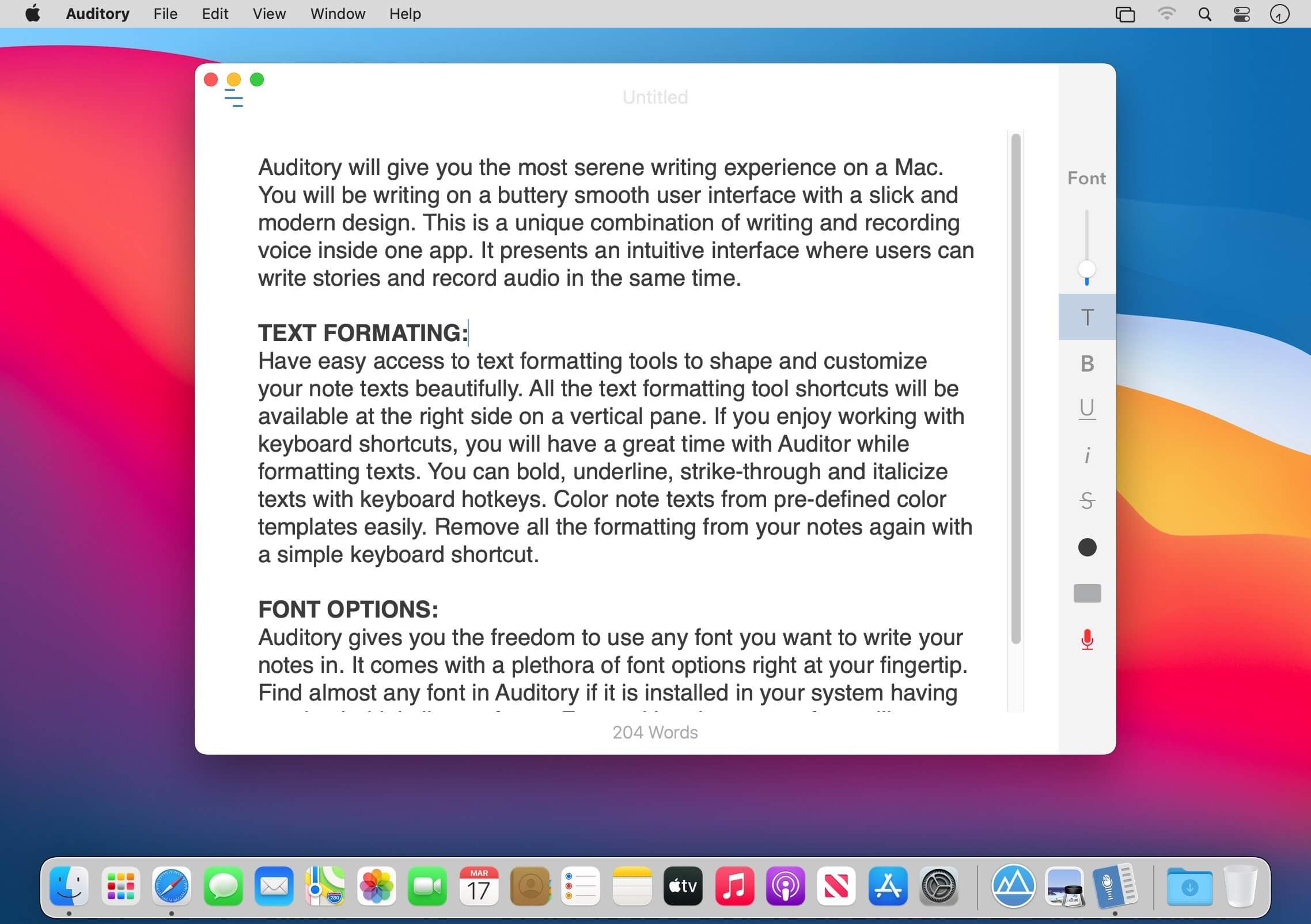
Auditory will give you the most serene writing experience on a Mac. You will be writing on a buttery smooth user interface with a slick and modern design. This is a unique combination of writing and recording voice inside one app. It presents an intuitive interface where users can write stories and record audio in the same time.

TEXT FORMATING:
Have easy access to text formatting tools to shape and customize your note texts beautifully. All the text formatting tool shortcuts will be available at the right side on a vertical pane. If you enjoy working with keyboard shortcuts, you will have a great time with Auditor while formatting texts. You can bold, underline, strike-through and italicize texts with keyboard hotkeys. Color note texts from pre-defined color templates easily. Remove all the formatting from your notes again with a simple keyboard shortcut.

FONT OPTIONS:
Auditory gives you the freedom to use any font you want to write your notes in. It comes with a plethora of font options right at your fingertip. Find almost any font in Auditory if it is installed in your system having regular, bold, italic typefaces. Fonts with only one typeface will not appear in the font list in Auditory.

AUDIO RECORDING:
Auditory provides you easy access to a handy audio recorder built inside the app. Take auditory to group discussions, business meetings, college or school lectures, interview sessions etc. In these situations audio recording plays a significant role while documenting the story. Auditory allows you to take notes and record audio at the same time. Your STORY and the recorded AUDIO will always be attached together in Auditory.

NOTE SHARING:

You will find a number of note sharing options in Auditory. You can export your notes in PDF or print them directly from the app. Share notes vial email along with the all the other sharing options available in your system.

GROUP NOTES:
Manage your notes in a better way by grouping them inside different folders. You can create groups and save notes inside them. Creating a new group is very easy with Auditory. Just type your group name at the extreme bottom left corner of the app and press return.

NOTE TAGS:
Add tags to each of your notes to make it easier to find specific notes in the search bar.

TOP FEATURES:

  • Quickly create an empty interface for a new notes with keyboard hotkey.
  • Automatic backup and restore of notes and audio data.
  • Fully featured text formatting.
  • Record audio and save it with notes.
  • Go fullscreen and write distraction free.
  • Hide left panes easily with just a click.
  • Move notes to different groups.
  • Secure your notes with password protection. Password will be saved in Keychain app.
  • Edit Notes title, date of creation, and add name of the author.

What’s New:

Version 1.0.2

  • Update on layout.
  • Improved version.

Compatibility: macOS 10.11 or later
Mac App Store https://apps.apple.com/app/auditory-rec-lecture-notes/id1260461818

Screenshots


Name: Auditory_1.0.2_MAS__HCiSO_Mactorrents.io.dmg
Size: 13.21 MB
Files Auditory_1.0.2_MAS__HCiSO_Mactorrents.io.dmg[13.21 MB]

   Download

Color Folder Master 1.1.1

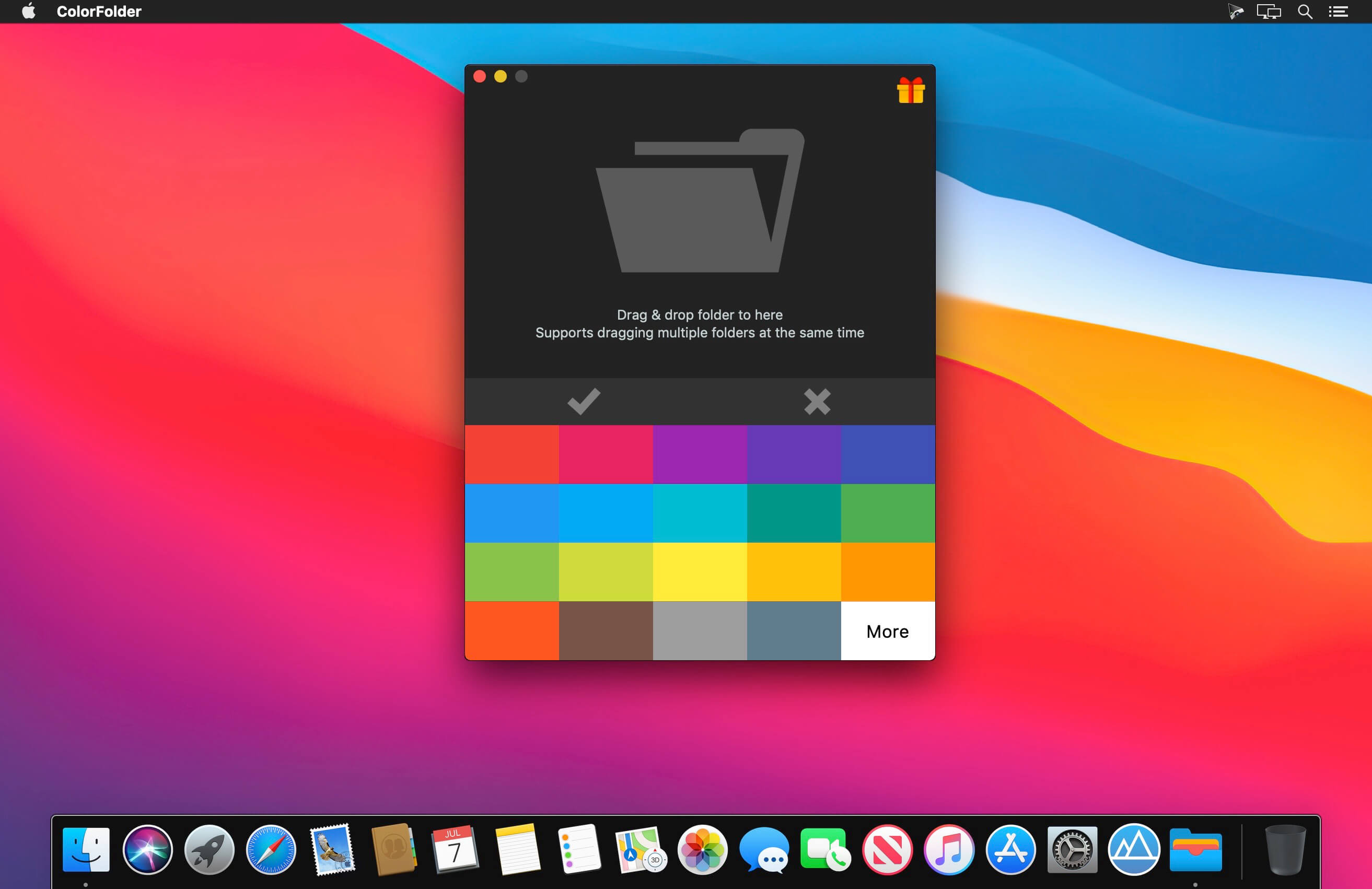
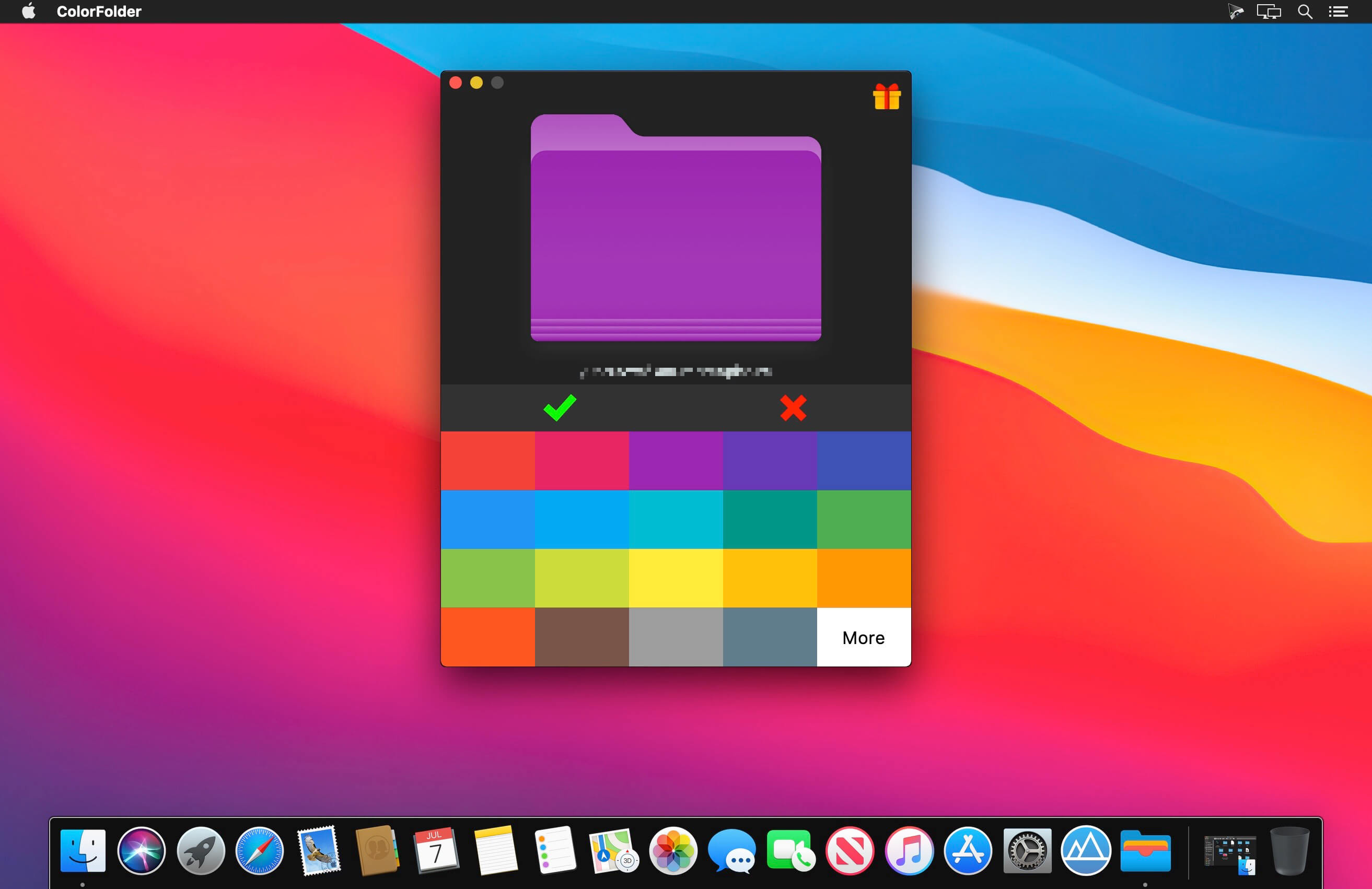
Keeping your files well ordered and categorized is ideal for efficiency and helps to keep things more organized. Another option to help visually locate certain folders is making them have different colored to the standard folder. A standard folder in Finder is blue, ColorFolder can help quickly make a folder looks different with others. Grag a folder from Finder into the app’s drop area then set the color.Try it!

What’s New:

Version 1.1.1

  • Fix some compatibility issues

Compatibility: macOS 10.12 or later, 64-bit processor
Homepage https://apps.apple.com/app/color-folder-master/id1450345160

Screenshots


Name: ColorFolder_1.1.1_MAS__HCiSO_Mactorrents.io.dmg
Size: 8.05 MB
Files ColorFolder_1.1.1_MAS__HCiSO_Mactorrents.io.dmg[8.05 MB]

   Download

Downie 4.2.6

A simple download manager that offers you the possibility to quickly save videos from different websites to your own disk drive.

f you are using a poor internet connection, trying to visualize videos streamlined online might not work properly since the content is loaded too slowly. Downie is a simple Mac app that can help you download those videos to your computer, and then watch them by using your default media player.

User friendly video downloader featuring support for drag and drop actions
Working with Downie is extremely straightforward: simply drop the video URL on top of the app’s main window or on the Dock icon. Downie adds the video to your downloads list, so all you have to do next is start the process by pressing the appropriate button. Of course, you can also remove items from the list.

By default, Downie downloads MP4 files and places them in your default Downloads folder, but you can easily change this via the Preferences window. The same area allows you to setup notifications, or post processing actions (convert to MP4 if necessary, or extract audio only).

Effortlessly download videos from a wide collection of hosting websites
Downie provides support for more than 400 different websites that host video content, among which there are the most popular choices, such as YouTube, Apple, LiveLeak, Vimeo, BBC, and so on. If a certain website is not included, within the app you can send a request email to the Downie developers.

Moreover, Downie also provides matching extensions for various popular web browsers, such as Firefox, Safari, Google Chrome or Chromium. The add-ons are not installed by default: open the Preferences window and install only the ones you plan to use.

Straightforward solution for downloading video content hosted online
Downie is a great tool for saving videos posted on various websites to your Mac for offline playback. The application is extremely useful especially if you have a slow internet connection.

What’s New:

Downie 4.2.6

  • New: fembed.com..
  • Improved: acfun.cn, crunchyroll.com, kaltura.com, knowledge.ca, oe1.orf.at, pluto.tv, rtplay.pt, soundcloud.com, twitch.tv, ustream.tv, youtube.com.

Compatibility: macOS 10.12.6 or later 64-bit
Homepage https://software.charliemonroe.net/downie/

Screenshots


Name: Downie_4_4.2.6__TNT_Mactorrents.io.dmg
Size: 52.53 MB
Files Downie_4_4.2.6__TNT_Mactorrents.io.dmg[52.53 MB]

   Download

Permute 3.6.4

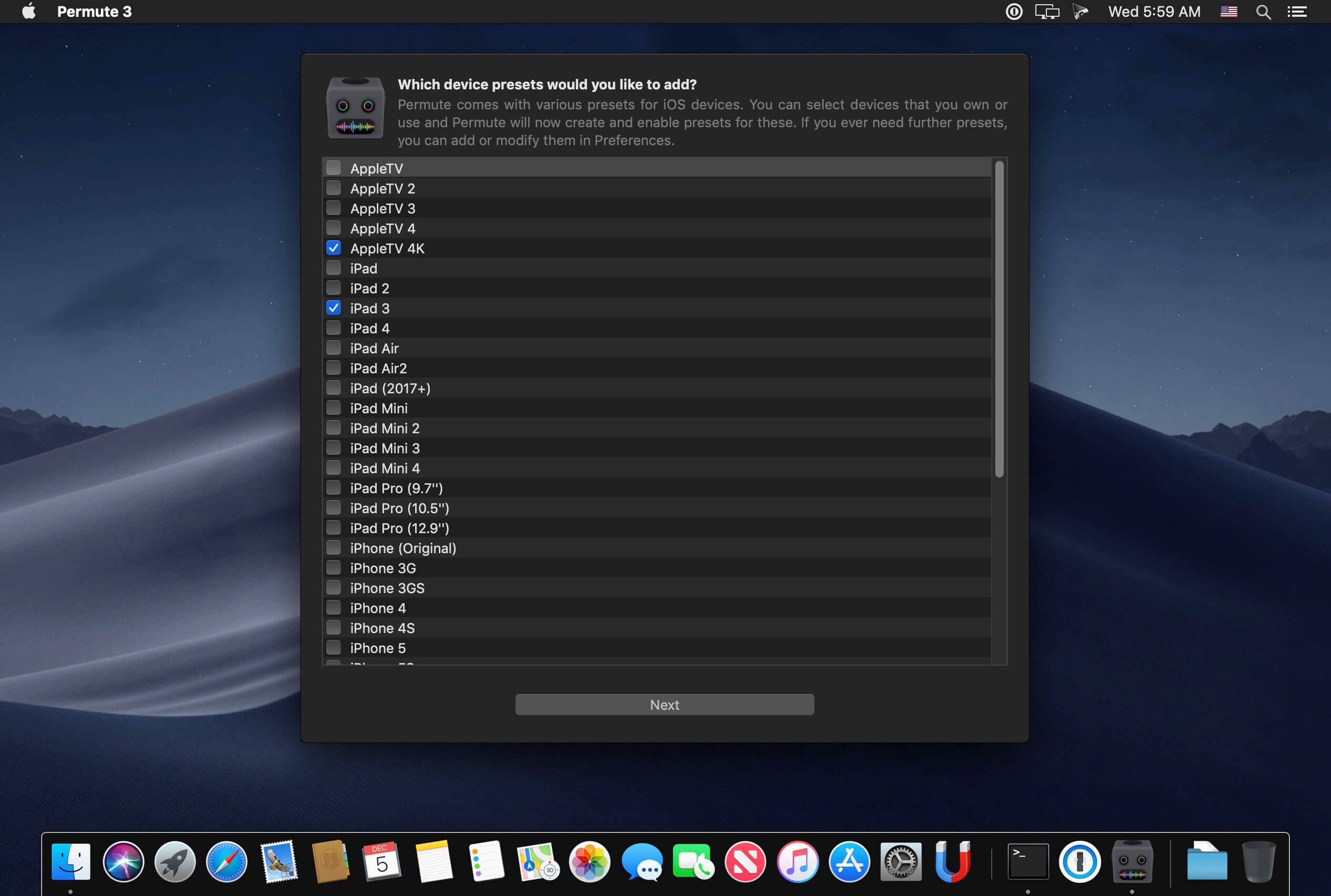
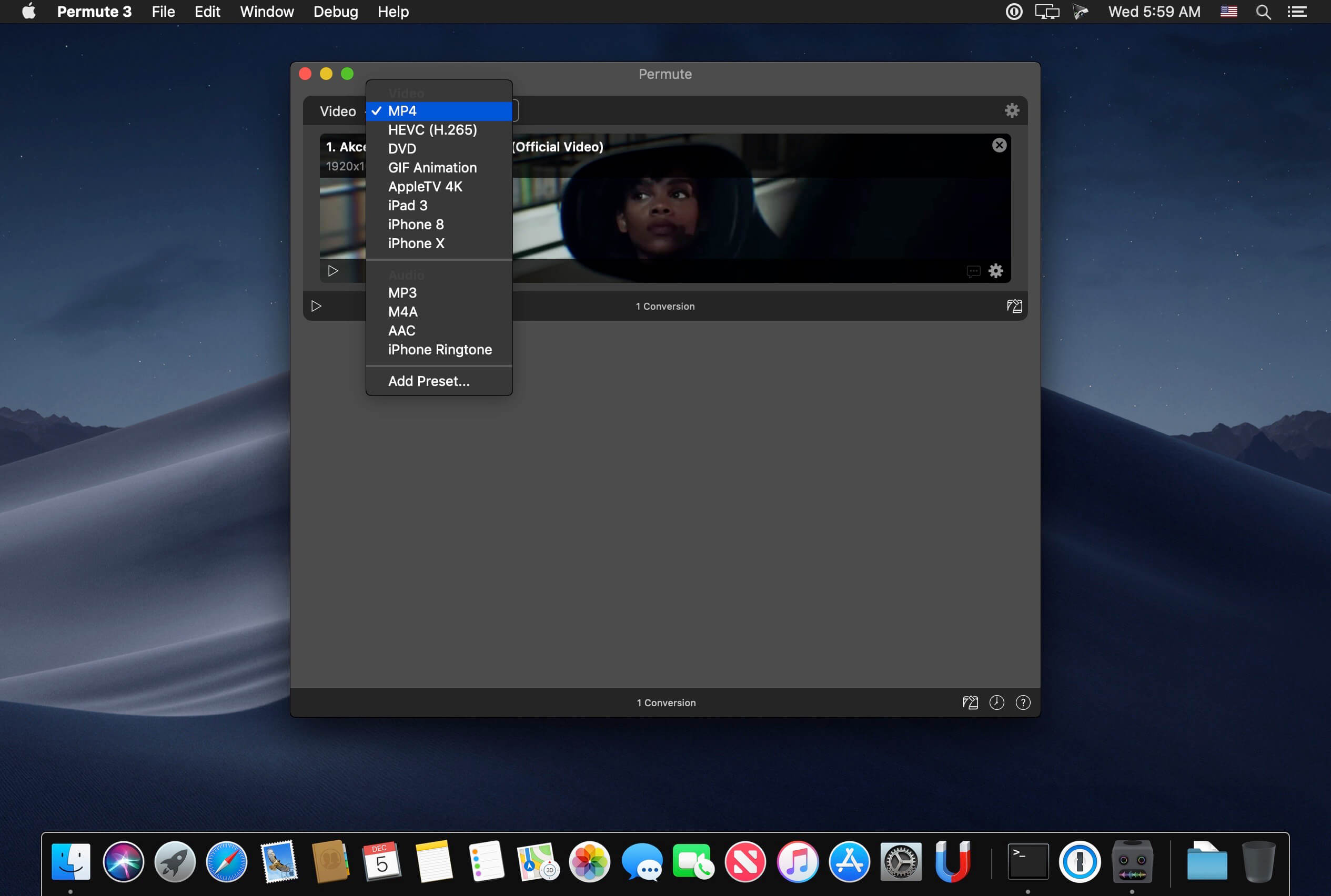
Video, audio and image files come in many different kinds and shapes, but sometimes you need a specific format since your iPad or DVD player won’t play that video. That is what Permute is for – easily convert your media files to various different formats.

Key Features

  • Easy to Use – built from the ground up, Permute is a perfect example of what a Mac app should be. With a gorgeous interface and drag & drop simplicity no need for complicated options.
  • Insanely Fast – Permute was engineered to be incredibly fast. Let us take care of the hard stuff. Just select the video format you want and it’ll be done faster than you can say “hardware acceleration” – MP4 and HEVC presets now take advantage of your machine’s hardware acceleration capabitlities, speeding up HEVC conversions more than 3 times over previous versions of Permute!
  • PDF Support – Permute 3 now includes support for stitching multiple images into a single PDF.
  • Everything Included – It doesn’t matter if you’re converting home movies or processing images. Permute can do it all. We support nearly every format and have plenty of device presets to choose from.
  • Looks Amazing – Whether you use dark mode or not, Permute will look amazing. Taking advantage of the modern technologies, Permute will even change its icon in dark mode.
  • Keep the Schedule – Video re-encoding is quite demanding on computer resources. This is why you can now schedule Permute to convert videos e.g. at night when you’re not using your computer.
  • And so much more! – There are so many other great features in Permute – adjust volume of an audio file or an audio track in a video. Batch-resize, rotate and flip images and videos. And more!
  • Completely Rewritten – Permute 3 was started from scratch – completely new project, everything written from the ground up again.
  • UI Redesign – the UI has been redesigned from the ground up. It’s faster, more fluent and visually pleasing.
  • Dark Mode – Permute now works 100% with the dark mode, even adjusting its Dock icon based on your macOS theme.
  • Image Stitching – Stitch images together into a PDF.
  • HEVC (H.265) Hardware Acceleration – HEVC (H.265) video encoding now supports hardware acceleration, resulting in conversions more than twice as fast.
  • Scheduled Conversions – Schedule delayed conversion start.
  • Groups – Put files into groups and set different settings for different groups.
  • Customizations – Customize settings on a per-group basis without modifying the preset.
  • Multiple Subtitles – Add or copy multiple subtitle tracks from the source file.
  • … and many, many other minor fixes and improvements.

What’s New:

Version 3.6.4:

  • New: Support for MXF container.
  • New: Option for compression level for FLAC.
  • New: Option for keyframe interval for H.264-based presets.
  • New: Integrations now support custom destination.

Compatibility: OS X 10.11 or later 64-bit
Homepage https://software.charliemonroe.net/permute/

Screenshots


Name: Permute_3_3.6.4__TNT_Mactorrents.io.dmg
Size: 62.84 MB
Files Permute_3_3.6.4__TNT_Mactorrents.io.dmg[62.84 MB]

   Download

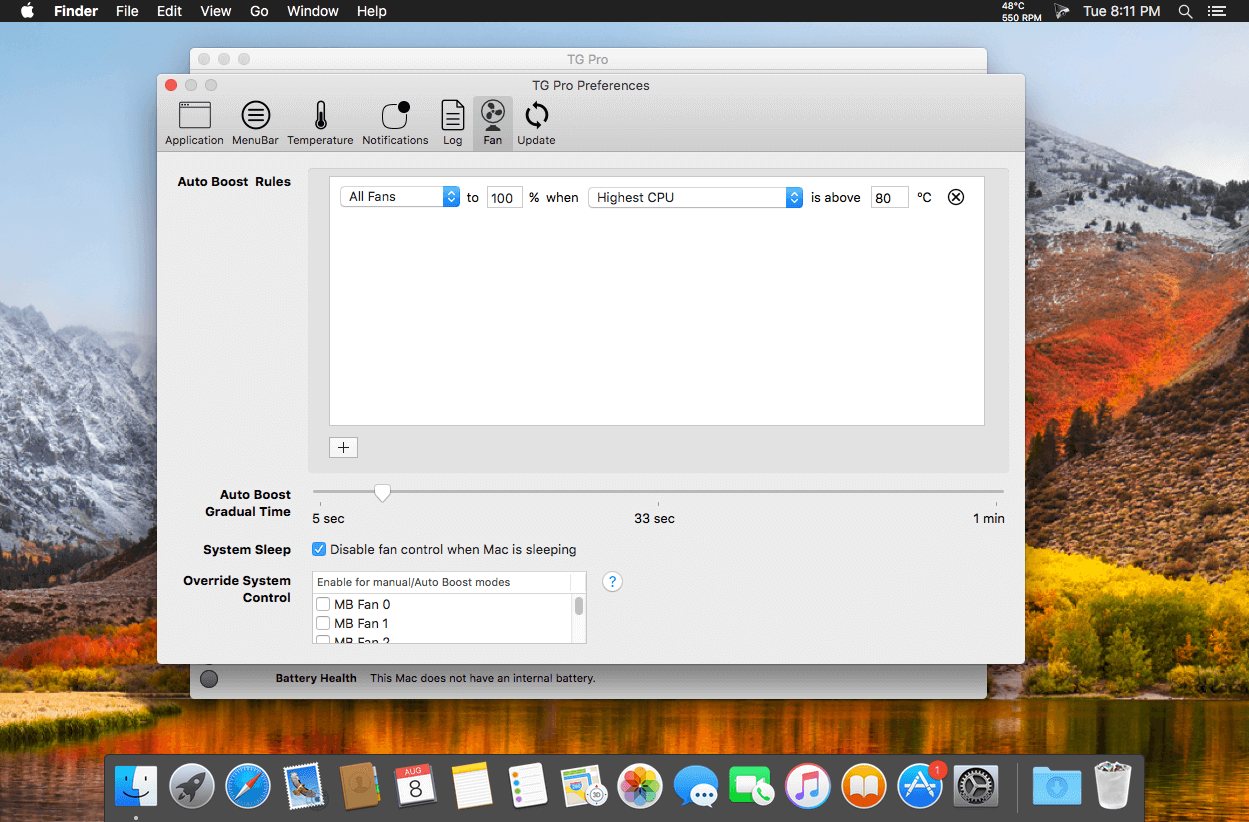
TG Pro (Temperature Gauge Pro) v2.56

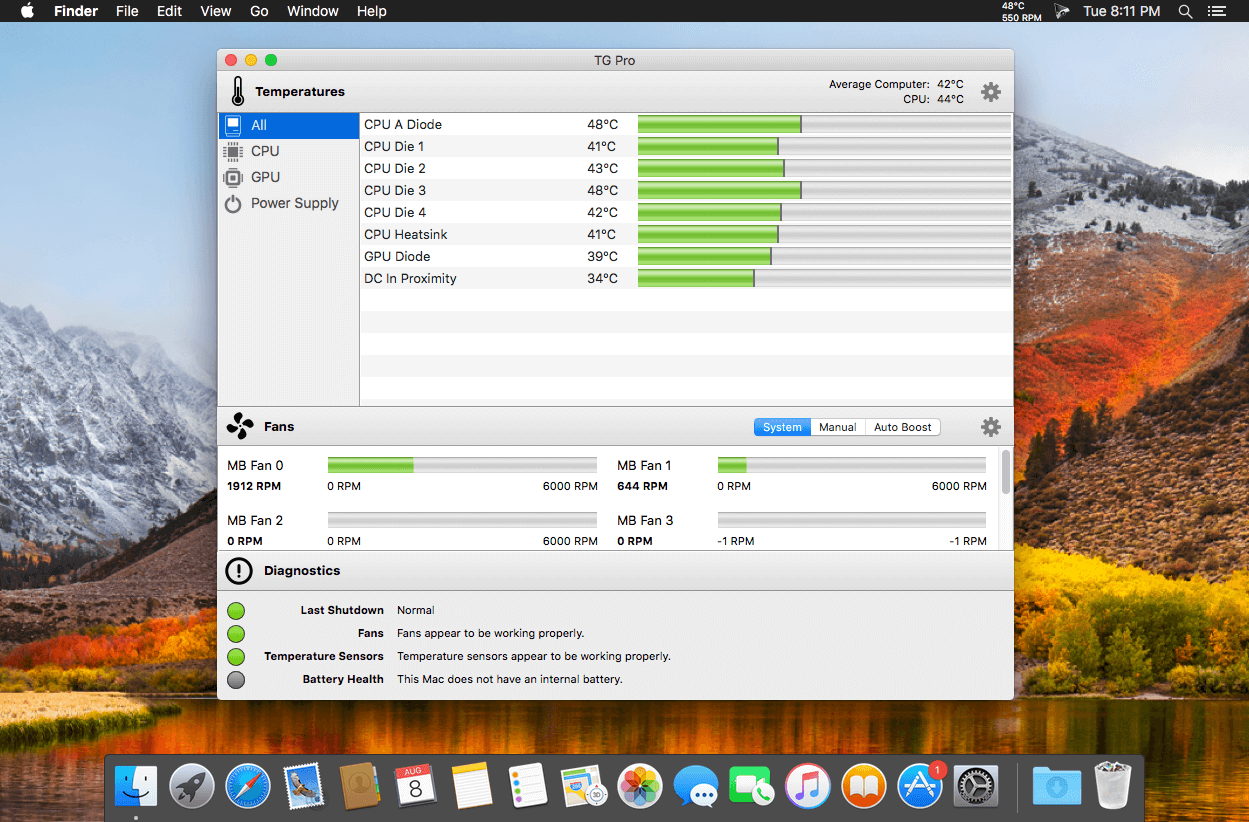
Temperature Gauge Pro will also show a notification through the Notification Center or Growl when a temperature is hit or Auto Boost is enabled. Also, log all information to a CSV for graphing in an external app. Works on all Macs, whether it’s a laptop or desktop.

Temperature Gauge Pro is a must-have utility for every Mac user with three top features:

  • Check up on your Mac by viewing the current and maximum recorded temperatures for every sensor. Choose between Celsius or Fahrenheit.
  • Tune the fan speeds so that your Mac can run cooler with the manual fan control. Or have the fans spin at maximum speed with Auto Boost when a specific temperature is hit.
  • Discover faulty fans and temperature sensors with the built-in diagnostics.

What’s New:

Version 2.56:

  • [New] Added support for the M1 iMac (24-inch, 2021).
  • [New] Added preliminary support for eGPU and Mac Pro video cards. It will now show the temperatures for supported cards as well as the active GPU. See Apple’s support page for a list of supported eGPU hardware.
  • [New] Added named fans for the Mac Pro (2019).
  • [New] Added better support for the MacBook Pro (15-inch, Mid 2012).
  • [New] Added three new temperature sensors for the M1 Macs.
  • [New] Widened the column for the sensor names so there’s a bit more space.
  • [New] Fan preferences tab is now hidden on Macs without a fan.
  • [New] Slightly tweaked the shape of the app icon to better match the macOS Big Sur style.
  • [New] Using a darker style for the on toggle style of the link fans button.
  • [Fixed] Issue where the reinstall fan helper button would always appear in the fan preferences. Now it only appears if it’s not installed or there’s a problem connecting to it.
  • [Fixed] Issue where it wouldn’t always prompt to update the fan helper app if it was out-of-date.
  • [Fixed] Issue where some of the memory temperature sensors were missing for the Mac Pro (Early 2008).

Compatibility: OS X 10.10.3 or later, 64-bit processor
Homepage https://www.tunabellysoftware.com

Screenshots


Name: TG_Pro_2.56__TNT_Mactorrents.io.dmg
Size: 12.21 MB
Files TG_Pro_2.56__TNT_Mactorrents.io.dmg[12.21 MB]

   Download

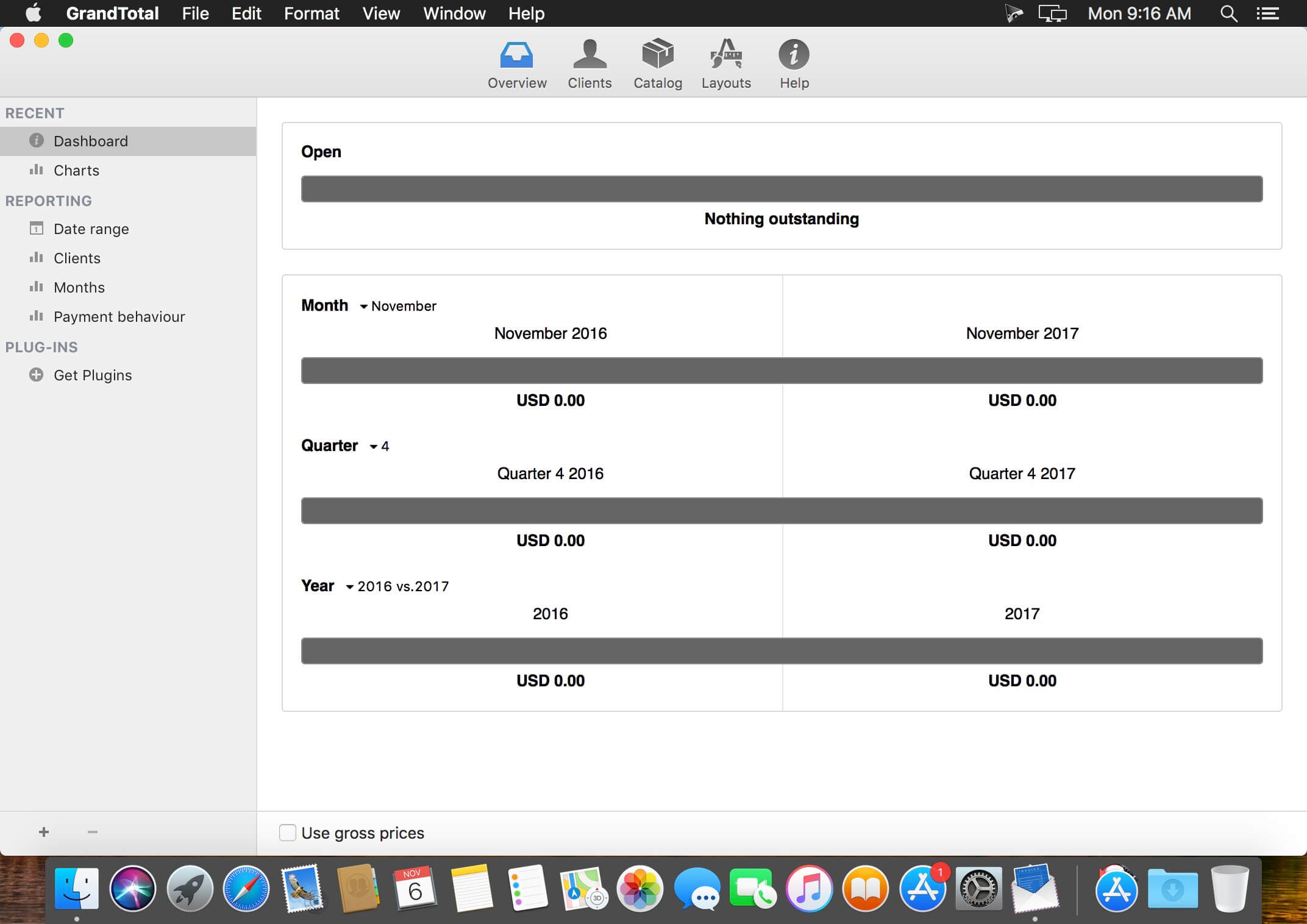
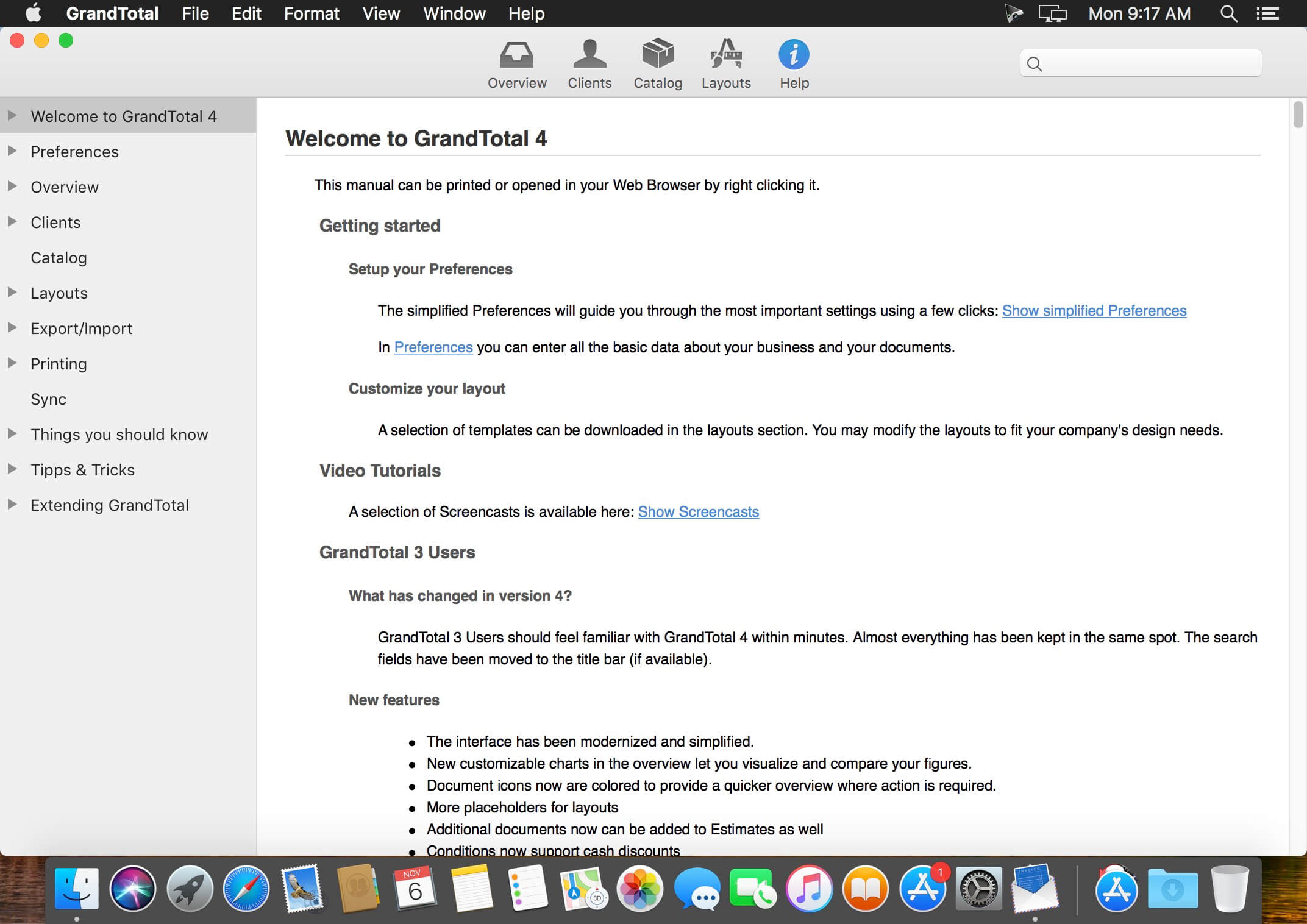
GrandTotal 7.0.7.7

GrandTotal is an application to create invoices and estimates based on your own templates. The built-in template editor allows you to adjust your layout to fit your company’s corporate design. GrandTotal works great in conjunction with TimeLog.

What’s New:

GrandTotal 7.0 (1.12.2020)
General

  • Update to the new appearance of macOS 11
  • Support for new Apple Processors

Clients

  • Individual hourly rates
  • Export as vCards
  • Labels for categorization

Documents

  • Import of external documents

Search

  • Search (⌘F) has been improved

Items

  • Import for calendar events
  • Summary items
  • Dynamic cost

PDF

  • Forms in PDF backdrops are copied to the documents now

Catalog

  • Option to hide the catalog when in item list
  • Labels for categorization

Taxes

  • Archiving for old tax rates

E-Invoices

  • ZUGFeRD 2.1.1 (XRechnung/EN16931)

Data protection

  • Removing of documents older than 10 years

Overview

  • Quick view of amounts

Compatibility: macOS 10.12 or later
Homepage http://www.mediaatelier.com/GrandTotal4/

Screenshots


Name: GrandTotal_7.0.7.7__HCiSO_Mactorrents.io.dmg
Size: 40.68 MB
Files GrandTotal_7.0.7.7__HCiSO_Mactorrents.io.dmg[40.68 MB]

   Download

Micromat Drive Scope 1.2.13

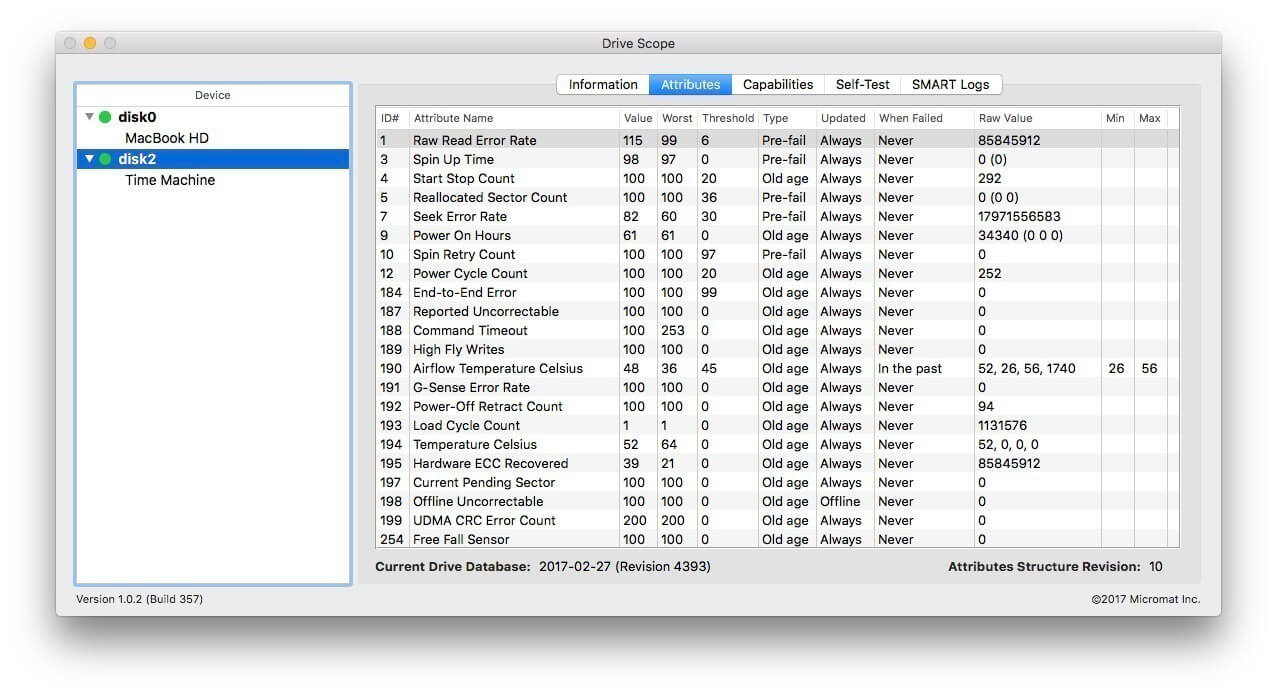
Hard drives (and solid state drives) are the most failure prone components in your Mac. For that very reason, in fact, drive manufacturers have built in self monitoring, analysis and reporting technology right into the drive. (a.k.a. SMART) Most utilities barely scratch the surface of this information, simply reporting the bare essentials: pass or fail. Too often, once the overall failure has occurred, there isn’t enough time to get important data from the drive. With Drive Scope you can see into the health of most any drive connected to your Mac.

The solid state drives (SSDs) that Apple uses in it’s newest Macs* use a new connection type, called NVMe. Until now, no utility was available that could read the SMART attributes from these drives – including Apple’s Disk Utility. Beginning with the latest update, version 1.1.1, Drive Scope can read the data on these drives, providing access to your drive’s health data

Building on the improvements to the SMART check in Techtool Pro, Drive Scope not only provides early warning when a drive is on the path to failure, but provides a deep dive into the health of the drive. See what errors have occurred, and when, along with whether the errors are temporary or an indicator of overall failure. You can even trigger the drive’s internal testing to run manually, providing instant access to up-to-date drive health information. With Drive Scope, you are in control of your drive’s health.

  • Advance drive health warnings. Complete drive information.
  • The most complete SMART utility for the Mac.
  • High Sierra Compatible
  • And now supporting the solid state drives in the latest Macs!

Drive Health
With Drive Scope you can see the complete picture of your Drive’s health. Granular information about each aspect your drive is monitoring is available for review. See each of the attributes that contribute to the drive’s health – in detail. See which attributes contribute to overall failure versus those that are merely informational.

Modern Solid State Drives
The latest Macs’ solid state drives replace the aging SATA connection with a new connection type, known as NVMe. This connection, until now, didn’t allow sharing of the drive’s SMART data. These modern SSDs display their health data a little differently, so you’ll see a different selection of tabs for these drives.

Control over Testing
Typically, a drive will check it’s SMART attributes whenever it is convenient. With Drive Scope, you can manually trigger the drive’s internal tests to make sure the SMART data is as up-to-date as possible. Check how long since the last time the drive ran a test with the drive’s testing log.

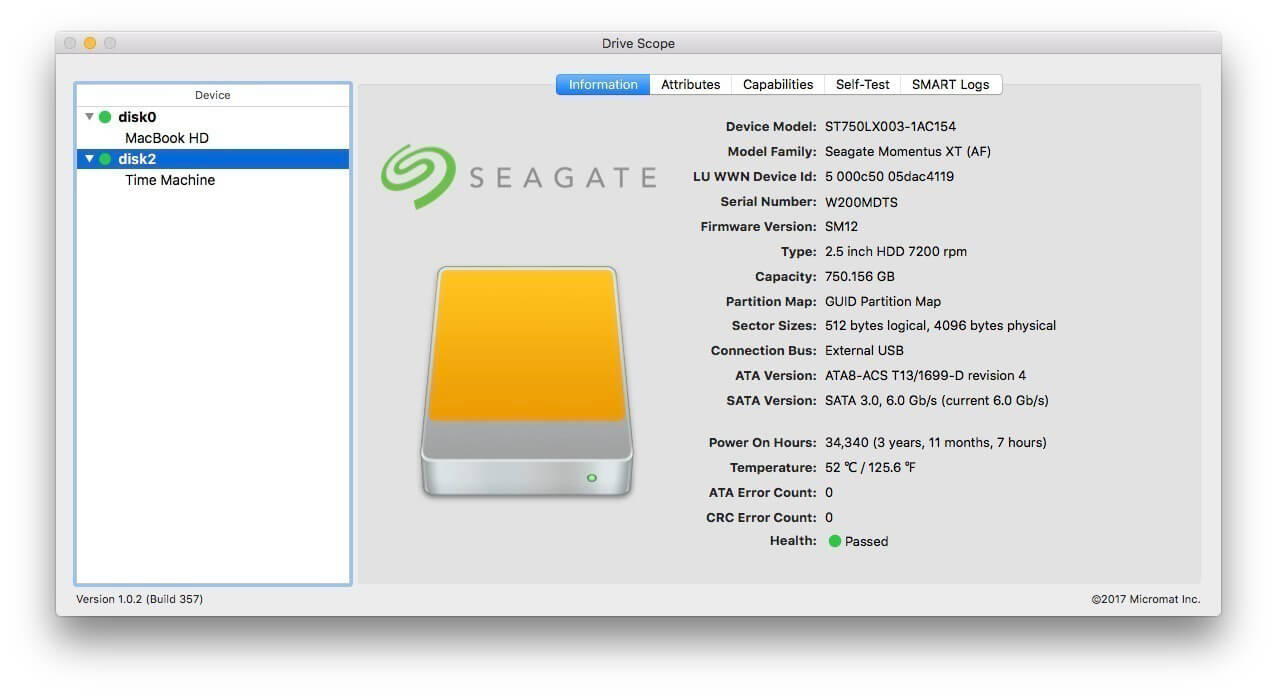
Information
When you first open Drive Scope, an information page is displayed, summarizing all the critical information about your drive. See Drive Scope’s advanced health assesment at a glance, along with the number of errors encountered, as well as model and capacity information specific to your drive.

Compatibility: Intel-based Macs OS X 10.8.5 or greater, including macOS 10.13 ‘High Sierra’
Homepage https://www.micromat.com/

Screenshots


Name: Micromat_Drive_Scope_1.2.13_macOS_Mactorrents.io.zip
Size: 24.5 MB
Files Micromat_Drive_Scope_1.2.13_macOS_Mactorrents.io.dmg[24.5 MB]

   Download

SyncBird Pro 3.4.8

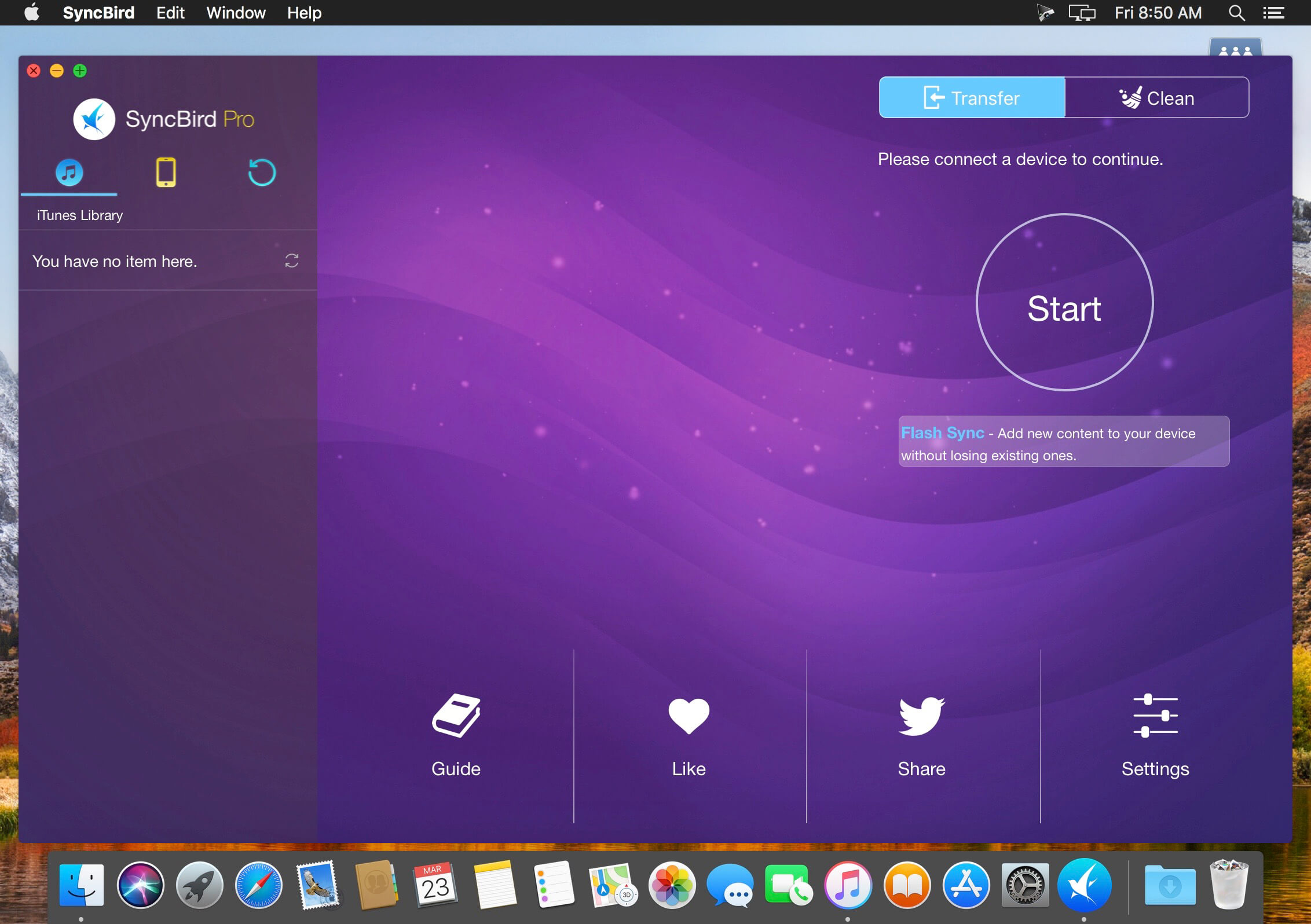
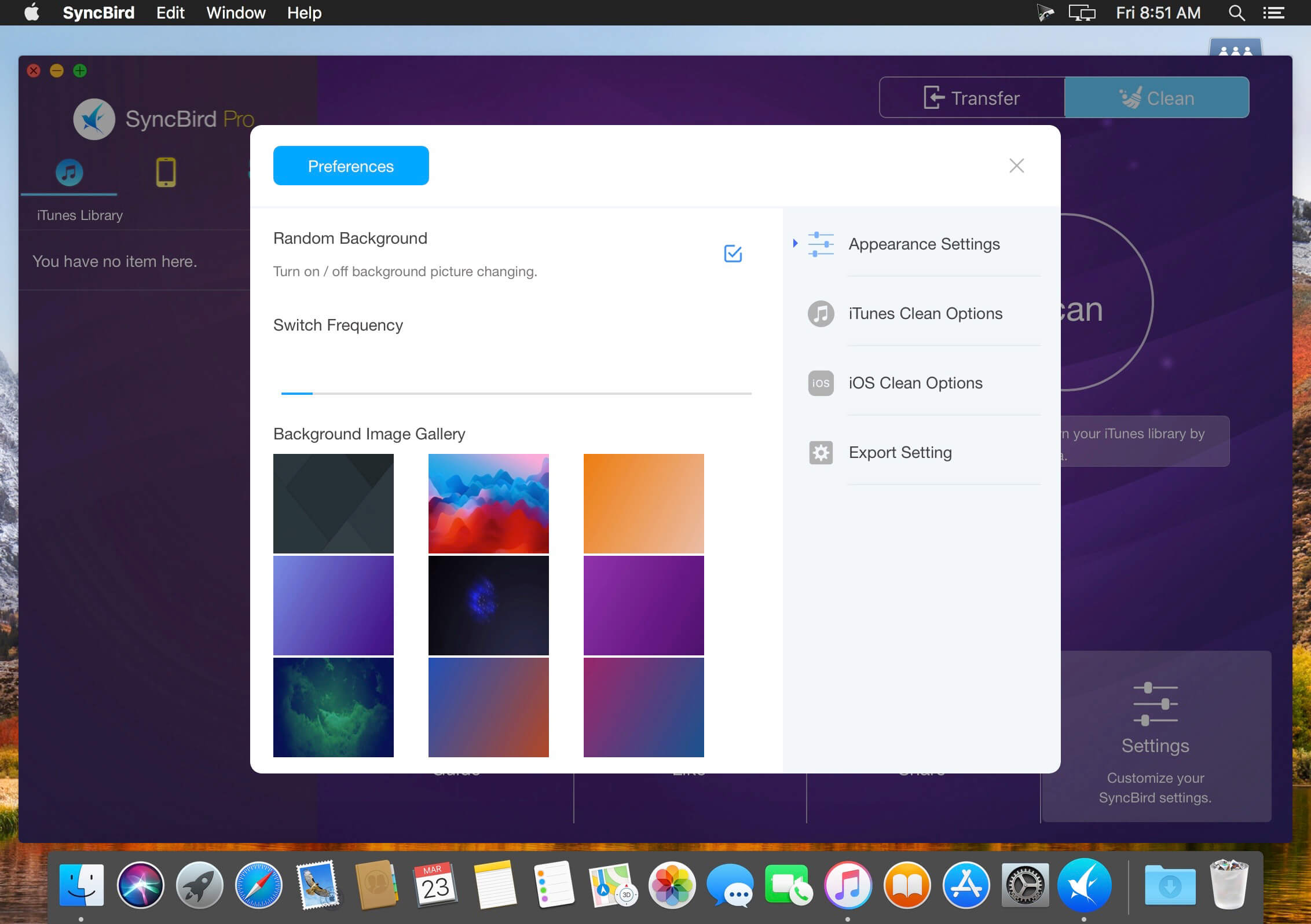
SyncBird Pro is an iPhone file manager that makes iOS sync and iTunes cleaning at a glance. Transfer music, playlists, photos, videos, books–everything–between your iPhone, iPad, iPod, and Mac without using iTunes. SyncBird’s exclusive features named PhoneCare and TunesClean are made to reclaim more free space on your iPhone and iTunes. Without extra effort, SyncBird will give you a daily, thorough cleanup so that you’ll be always free from the storage boundary.

Better design yields better products, so we challenged ourselves to bring Google Material Design to the new macOS platform. The surface, motion, color, and every element in SyncBird, were chosen to give you an exciting and delightful experience.

Features

  • Flash Sync – Optimized for Flash/SSD storage and with instant Add-to-iPhone feature, SyncBird offers better iOS content management experience.
  • 4K Support – A10 chip and M10 coprocessor give monster performance on 4K video playback. SyncBird puts 4K movies on your iPhone, iPad in one go.
  • Auto-Conversion – Whatever movies you like, SyncBird helps trans-code your videos to .m4v, .mp4, and .mov formats, which suit best on Apple devices.
  • Two-Way Sync – Transfer music, videos, photos and probably all your iOS content, to / from your iPhone and iPod. Free your devices from iTunes limits.
  • Unlimited Import – Add new songs and movies to your iPhone, iPad and iPod from multiple iTunes library on different computers. No iTunes involed.
  • Drag-and-Drop – The most straightforward way to populate your iPhone media library is by dragging-and-dropping. Time to use your iPhone like Finder.

What’s New:

Version 3.4.8:

  • Updated to support the latest iOS 14.6 and iPhone 12, iPhone 12 Mini, iPhone 12 Pro/Pro Max.
  • Added support on the new iPad

Compatibility: OS X 10.9 or later, 64-bit processor
Homepage https://www.minicreo.com

Screenshots


Name: SyncBird_3.4.8__TNT_Mactorrents.io.dmg
Size: 28.65 MB
Files SyncBird_3.4.8__TNT_Mactorrents.io.dmg[28.65 MB]

   Download

Serial Box 06.2021


Serial Box is a monthly updated Mac software serial database. Serial Box 06.2021 Issue.
Just open the dmg file, drag and drop the app where you like. However, there is no way to view what serials, cracks and patches are new in this issue as compared to the previous. Thanks to all contributors and supporters!
  • SerialSeeker 2.3.233 Intel 64-bit or M1/ARM-OS 10.13 – 11
  • SerialSeeker 1.3.19.C1 UB Intel/PPC – 32-bit-OS 10.5 – 10.14
  • Serial Box 06-2021 2.sb2

What’s New:

Issue # 220

  • This month, 19 databases were updated.
  • Total of 9629 entries.

Compatibility: Compatibility: macOS 10.5 or later


Name: SB06_2021_Mactorrents.io.zip
Size: 6.12 MB
Files SB06_2021_Mactorrents.io.dmg[6.12 MB]

   Download

Tidabie Tidal Music Converter 1.1.3

Tidabie Tidal Music Converter is your best choice to record any songs or playlists from both Tidal Premium and HiFi Music to local computer in plain MP3/AAC/FLAC/WAV format. After recording, any Tidal music can be offline playback forever!

Download Tidal Premium & HiFi Music

Tidabie Tidal Music Converter gives you a platform to download any tracks from both Tidal Premium and HiFi Music to Mac. Supports to convert Tidal songs to MP3/AAC/FLAC/WAV format so that you can play Tidal Music on various devices.

Keep Hi-Fi Tidal Music Quality

Tidal Hi-Fi supports lossless CD quality, which will cost massive cellular data while streaming. However, using Tidabie Tidal Music Converter, all these Hi-Fi songs can be downloaded to your Mac with original audio quality kept.

What’s new

  • Release notes not available at the time of this post.

Compatibility: OS X 10.11 or later
Homepage https://www.tidabie.com/tidal-music-converter-mac.html

Name: Tidabie_Tidal_Music_Converter_1.1.3__HCiSO_Mactorrents.io.dmg
Size: 102.7 MB
Files Tidabie_Tidal_Music_Converter_1.1.3__HCiSO_Mactorrents.io.dmg[102.7 MB]

   Download

PullTube 1.6.17

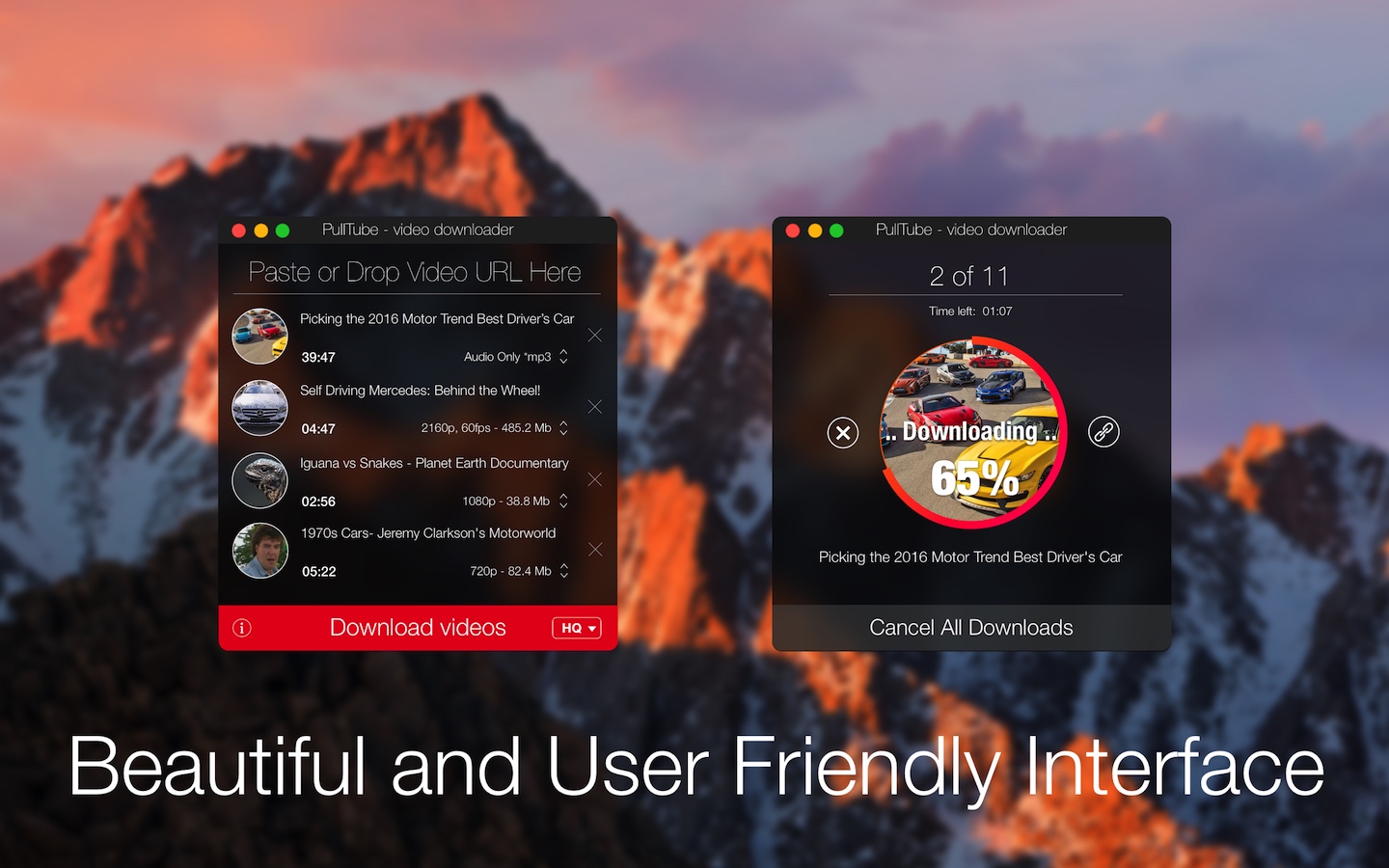
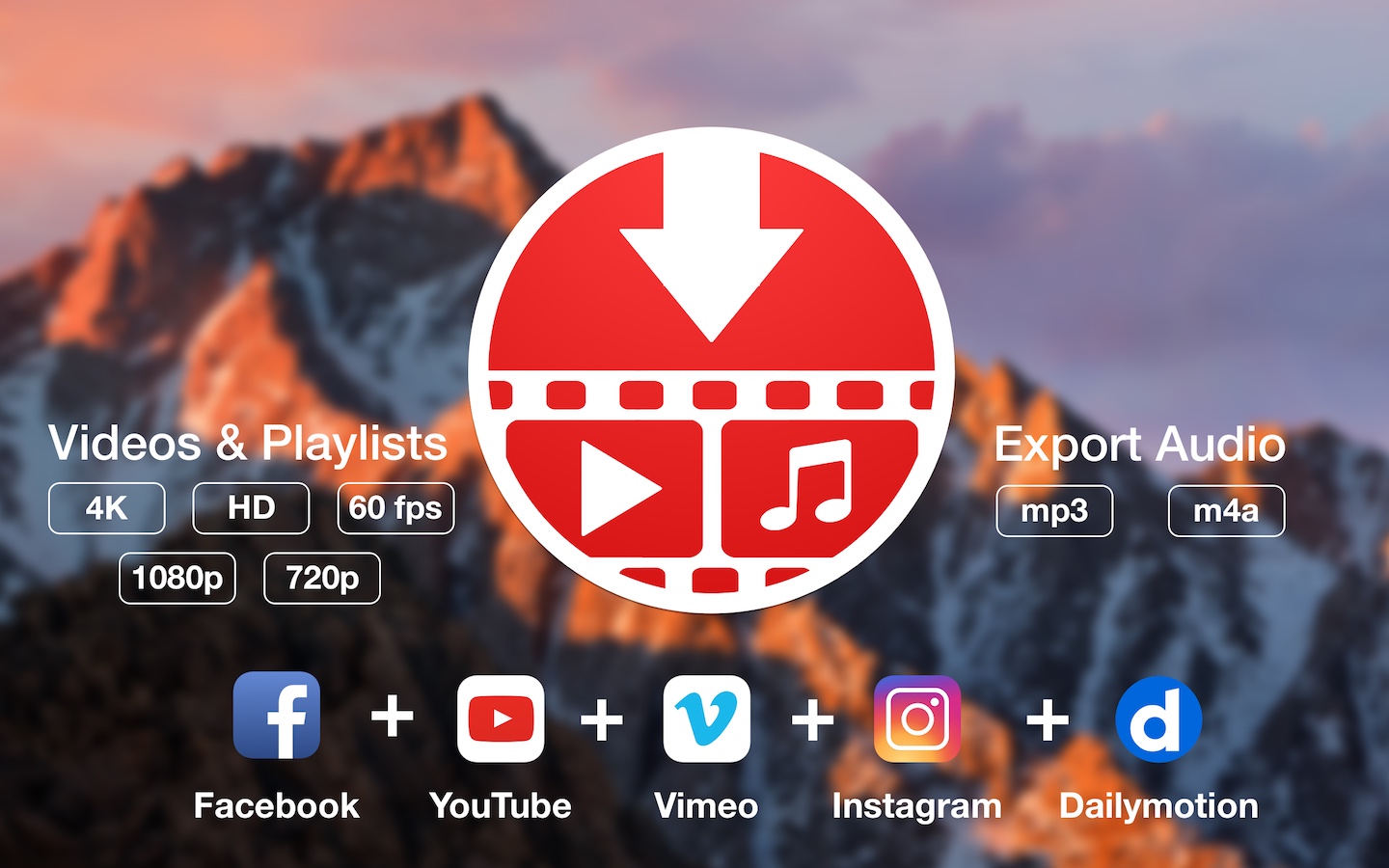
A beautiful online video downloader for your Mac PullTube proposes a streamlined workflow for quickly downloading videos from YouTube or Vimeo, provides control over the output quality, and enables you to extract the audio to MP3 or M4A files. The PullTube app can handle videos of any duration or size, and you get to monitor the download progress within its main window. The utility also integrates with the Notification Center to send completion alerts.

YouTube and Vimeo
Supports Youtube and Vimeo. More platforms to be added upon user requests.

4K, HD and 60fps support
PullTube allows you to download video in any format available

Video to Audio
Convert and save videos to mp3 and m4a

Beautiful and Flexible Interface
Nice looking, dark user interface

What’s New:

Version 1.6.17:

  • Release notes were unavailable when this listing was updated.

Compatibility: macOS 10.11 or later, 64-bit processor
Language: Multilingual
Homepage https://mymixapps.com/pulltube

Screenshots


Name: PullTube_1.6.17__TNT_Mactorrents.io.dmg
Size: 64.69 MB
Files PullTube_1.6.17__TNT_Mactorrents.io.dmg[64.69 MB]

   Download

Omni Recover 3.0.8

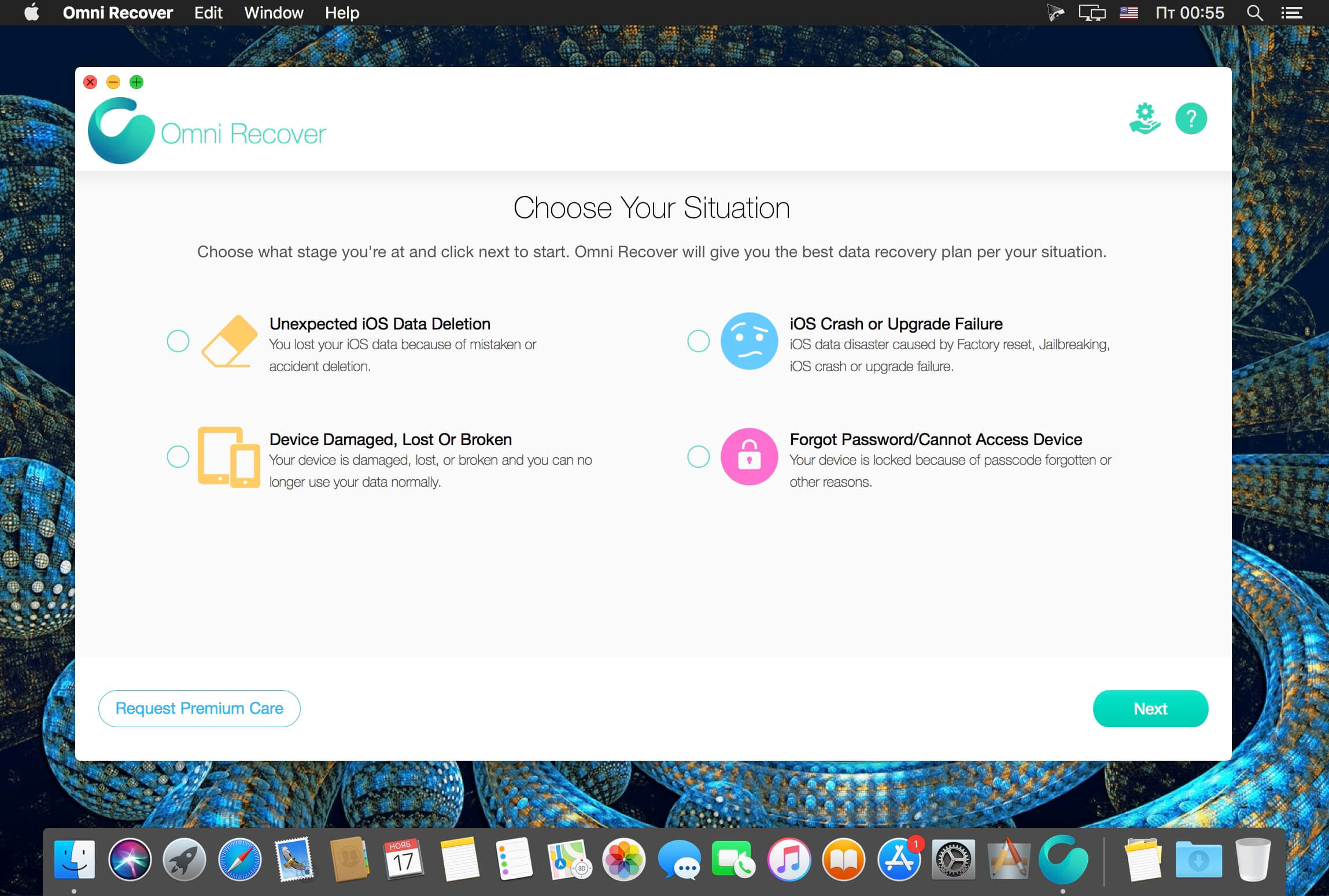
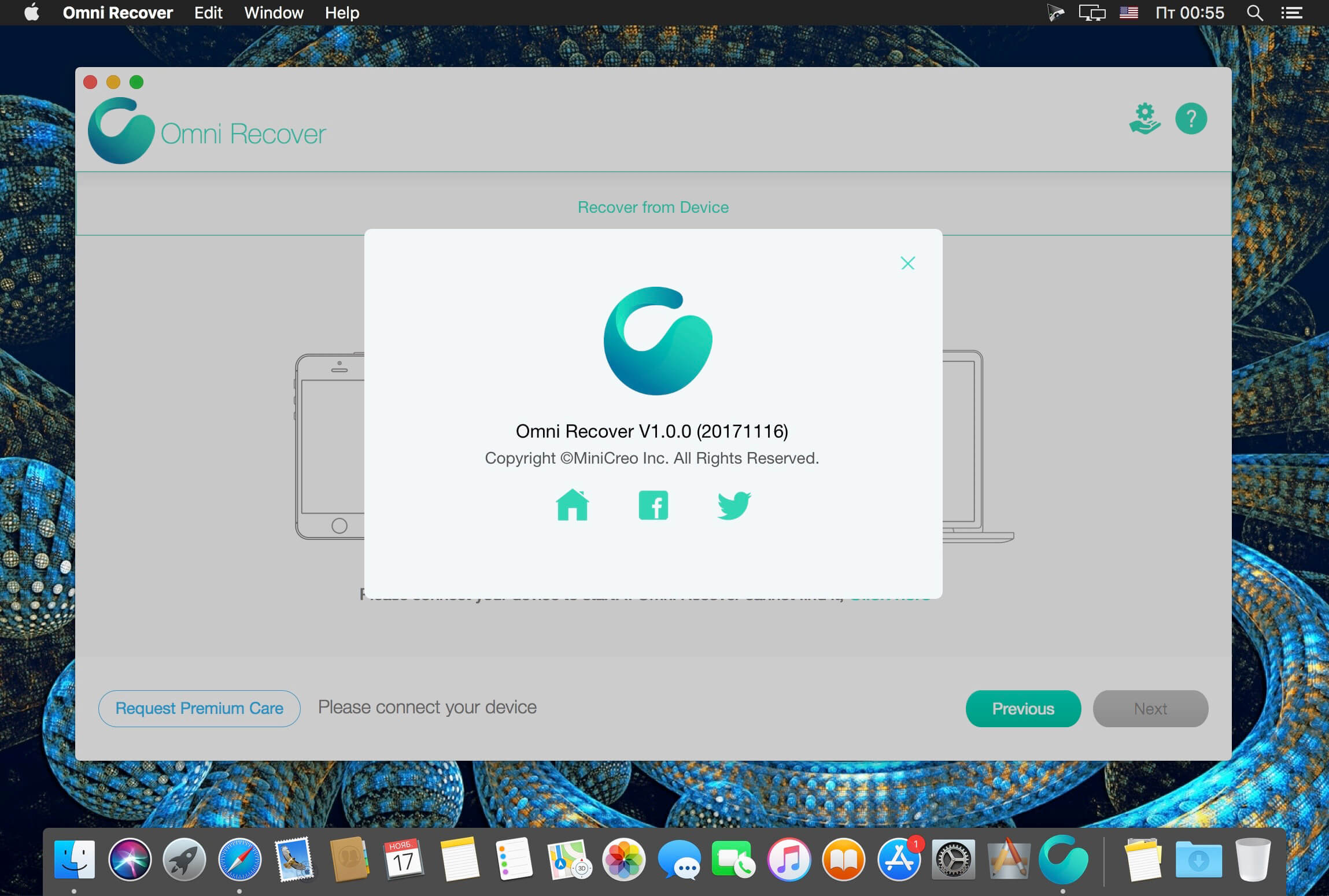
Omni Recover for macOS lets you retrieve your deleted messages, photos, WhatsApp chats, and much more, no matter what stage you’ve reached.

No Matter The Cause, We’ve Got You Re-Covered – iPhone data are vulnerable to sudden and casual iOS disasters. For instance, deleting photos on iPhone is permanent, and when you slide to delete a message thread, there’s no Trash bin for retrieving it. Now with Omni Recover, you can have peace of mind knowing all your iPhone, iPad, and iPod touch files are easily recoverable. From iPhone water damage, to man-made accident, Omni Recover will give you a hand in recovering your lost iOS data, regardless of the cause.

iPhone Data Recovery for All Types of Your iOS Content – You have no idea what counts most on your iPhone until you lose it for good. Maybe it’s your treasured family photos, or a note that saves your bank account data, or perhaps you need a message thread most. Whatever iOS data is vital and precious, Omni Recover provides a salvage solution. With industry-leading iPhone data recovery capability, Omni Recover is able to retrieve up to 20+ types of iOS data.

What’s New:

Version 3.0.8:

  • Update to support iOS 14.6, iPhone 12, iPhone 12 Pro/Pro Max/Mini
  • Improved performance on macOS Big Sur
  • Added support on the new iPad

Compatibility: OS X 10.8 or later, 64-bit processor
Homepage https://www.minicreo.com/omni-recover/

Screenshots


Name: Omni_Recover_3.0.8__TNT_Mactorrents.io.dmg
Size: 22.73 MB
Files Omni_Recover_3.0.8__TNT_Mactorrents.io.dmg[22.73 MB]

   Download

AnyMP4 iOS Toolkit 9.0.58

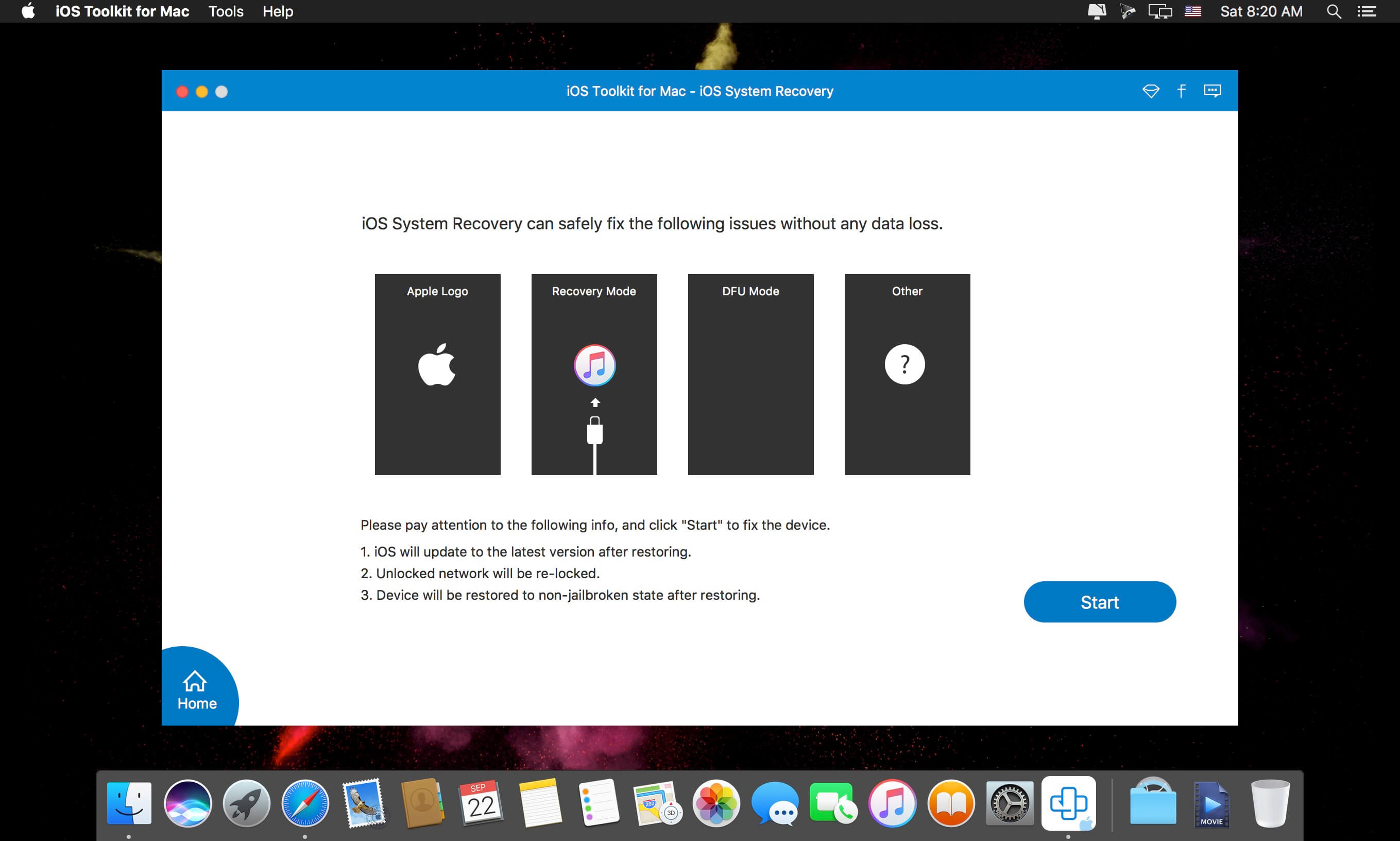
Recover data from iPhone/iPad/iPod on Mac. With this powerful iPhone Data Recovery for Mac, you can recover 9 types of data including contacts, SMS, call history, calendar, notes, reminder, Safari bookmarks, Safari history and WhatsApp to Mac. It highly supports any frequently-used iOS device like iPhone XS/XS Max/XR/X/8/8 Plus/7/7 Plus/6s/6s Plus/6/6 Plus/SE/5s/5c, iPad, iPad Pro/mini 4/mini 3/mini 2/mini/Air 2/Air/4/3/2, iPod touch/nano and more.

For iPhone, iPad, and iPod, this Mac iPhone Data Recovery can restore 19 types of data, including Contacts, SMS/MMS, Call history, Calendar, Notes, Reminders, Safari bookmarks, Safari history, WhatsApp Chats, Camera Roll, Photo Library, Photo Stream, Message attachments, Voice memos, WhatsApp Attachments, Voicemail, App Photos, App Videos, App Audio and so on.

iPhone: iPhone XS/XS Max/XR/X/8/8 Plus/7/7 Plus/6s/6s Plus/6/6 Plus/SE/5s/5c
iPad: iPad, iPad Pro/mini 4/mini 3/mini 2/mini/Air 2/Air/4/3/2
iPod: iPod touch/nano
iOS: iOS 6 and later version (including iOS 12)

What’s New:

Version 9.0.58:

  • Release notes were unavailable when this listing was updated.

Compatibility: OS X 10.9 or later
Homepage https://www.anymp4.com

Screenshots


Name: iOS_Toolkit_for_Mac_9.0.58.106425__TNT_Mactorrents.io.dmg
Size: 51.18 MB
Files iOS_Toolkit_for_Mac_9.0.58.106425__TNT_Mactorrents.io.dmg[51.18 MB]

   Download

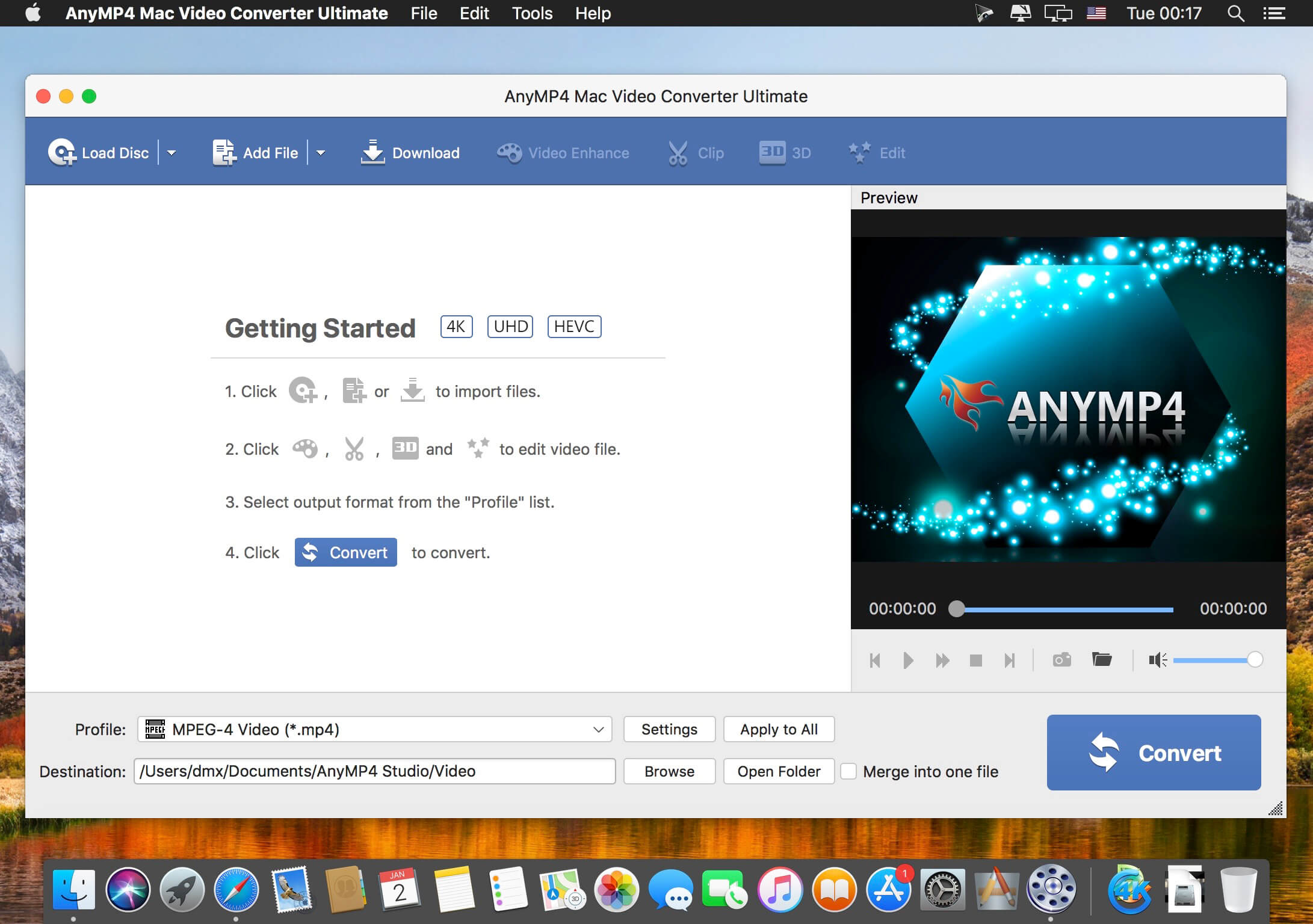
AnyMP4 Mac Video Converter Ultimate 9.0.12

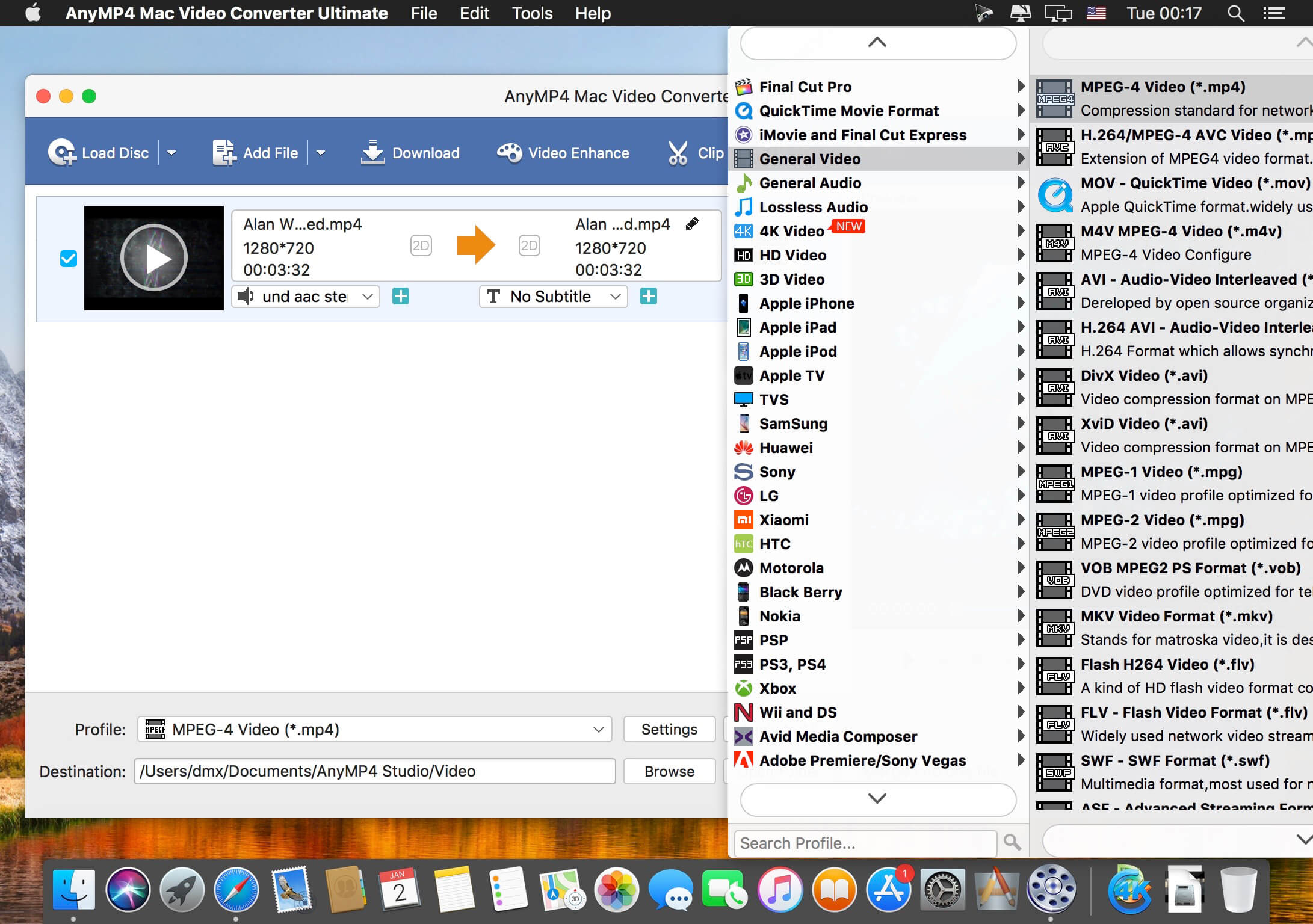
AnyMP4 Video Converter Ultimate for Mac offers you a fast and convenient solution for converting the videos between different formats under macOS. The Mac app lets you convert both 1080p HD videos and 4K UHD videos. With the advanced 4K technology, the powerful Mac Media Converter can quickly convert video with the latest 4K codecs, including H.265, VP9, H.264, VP9.

Want to watch your videos on your smartphone or tablet? AnyMP4 Mac Video Converter Ultimate offers you many predefined video formats for digital devices and TVs. For example, you can convert videos for iPhone X/8/7/6s/6/SE/5s/5, iPad Air 2/mini 4, Samsung Galaxy S7, Samsung Galaxy Note 5, Huawei Mate 9, LG G5, Sony Z5, Apple TV, Samsung TV and more.
With this professional Mac Video Converter, it is also easy to convert nearly all popular video formats for iMovie, Final Cut Pro, Avid Media Composer, Premiere Pro, etc. Then you can import and edit your videos into the video editing software.

Compatibility: OS X 10.9 or later, 64-bit processor
Homepage https://www.anymp4.com/

Screenshots


Name: AnyMP4_Mac_Video_Converter_Ultimate_9.0.12.8800__TNT_Mactorrents.io.dmg
Size: 110.95 MB
Files AnyMP4_Mac_Video_Converter_Ultimate_9.0.12.8800__TNT_Mactorrents.io.dmg[110.95 MB]

   Download

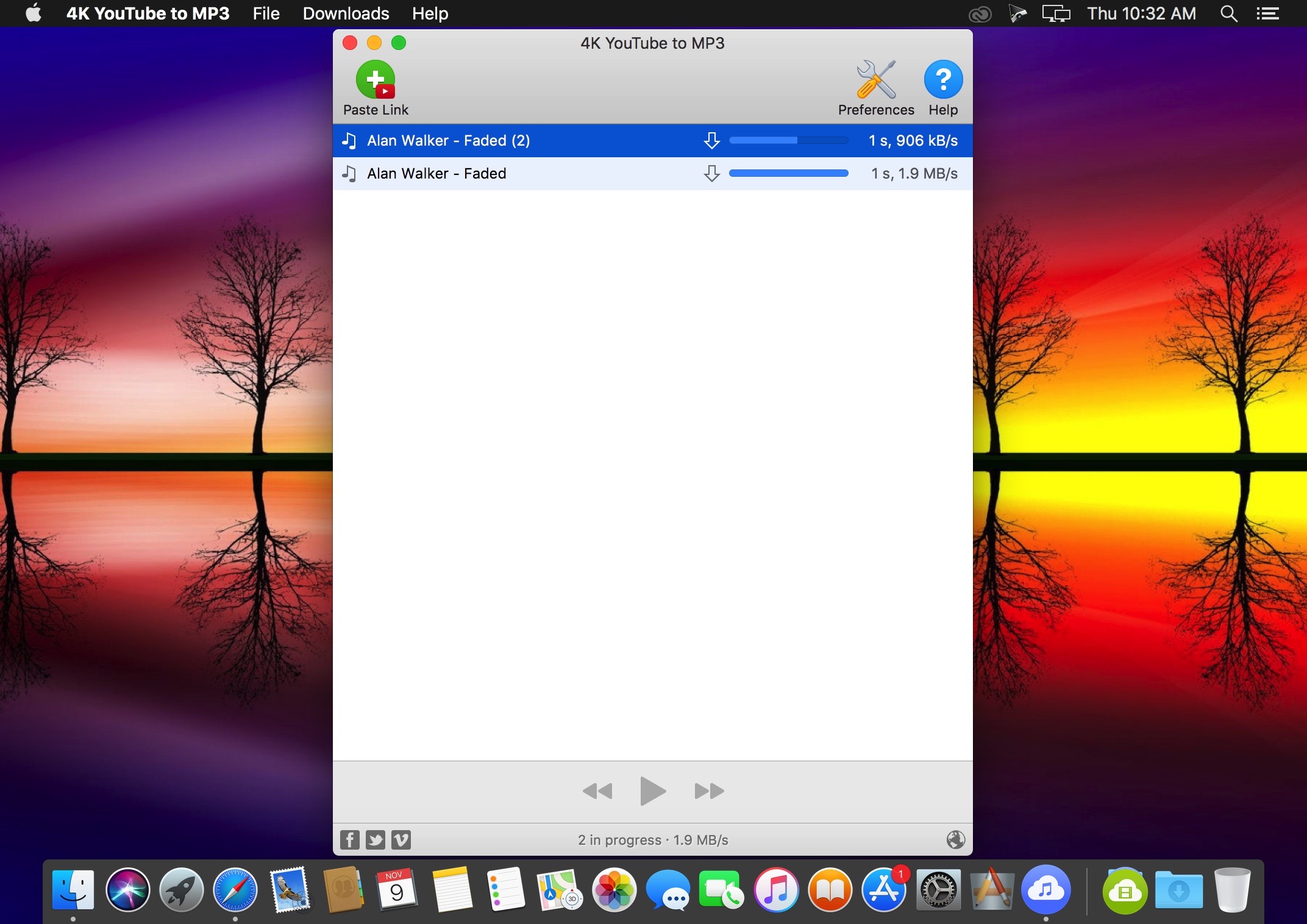
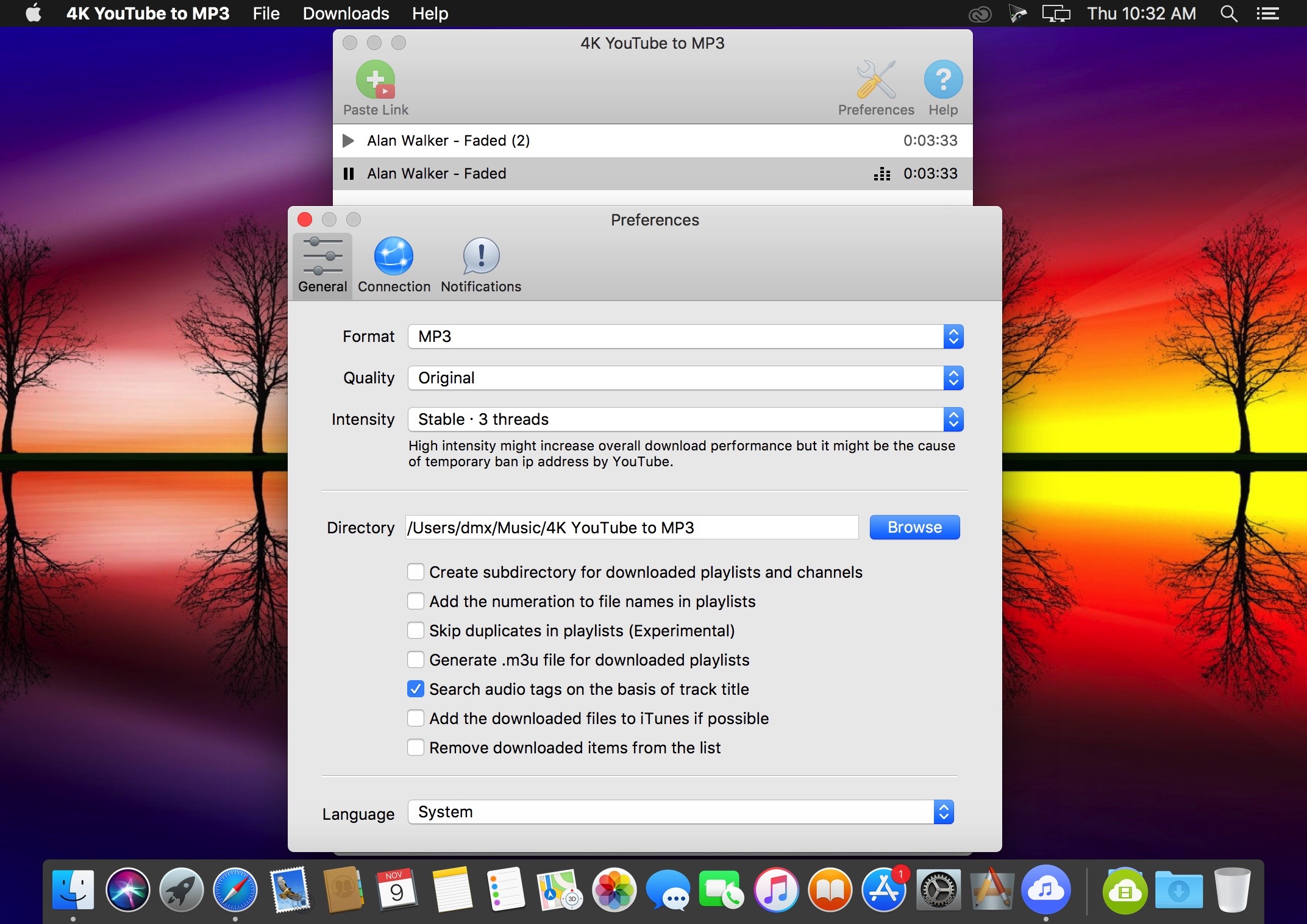
4K YouTube to MP3 4.1.2

4K YouTube to MP3 was specifically created to extract audio from YouTube, Vimeo or Facebook and save it in MP3, M4A, OGG. No annoying and complicated settings to deal with, just a clean, friendly and functional interface. Downloading is simple and straightforward: just copy the link from your browser and click ‘Paste Url’. Done!

Features

  • Extract audio from YouTube videos and save it in MP3, M4A or OGG in high quality.
  • Download full YouTube playlists or channels and generate m3u files.
  • Transfer downloaded tracks automatically into iTunes and upload them on your iPhone or iPod.
  • Listen music via native built-in music player.
  • Download and extract audio tracks from SoundCloud, Vimeo, Flickr and DailyMotion videos.
  • Download audio books from YouTube.
  • Extract audio tracks even from embedded in HTML page videos.
  • Use 4K YouTube to MP3 on your PC, Mac or Linux, doesn’t matter what OS you prefer.

What’s New:

Version 4.1.2:

  • Release notes were unavailable when this listing was updated.

Language: English, German, French, Spanish and others
Compatibility: macOS 10.13 or later 64 bit
Homepage https://www.4kdownload.com/products/product-videotomp3

Screenshots


Name: 4K_YouTube_to_MP3_4.1.2__HCiSO_Mactorrents.io.dmg
Size: 122 MB
Files 4K_YouTube_to_MP3_4.1.2__HCiSO_Mactorrents.io.dmg[122 MB]

   Download

4K Video Downloader 4.16.2

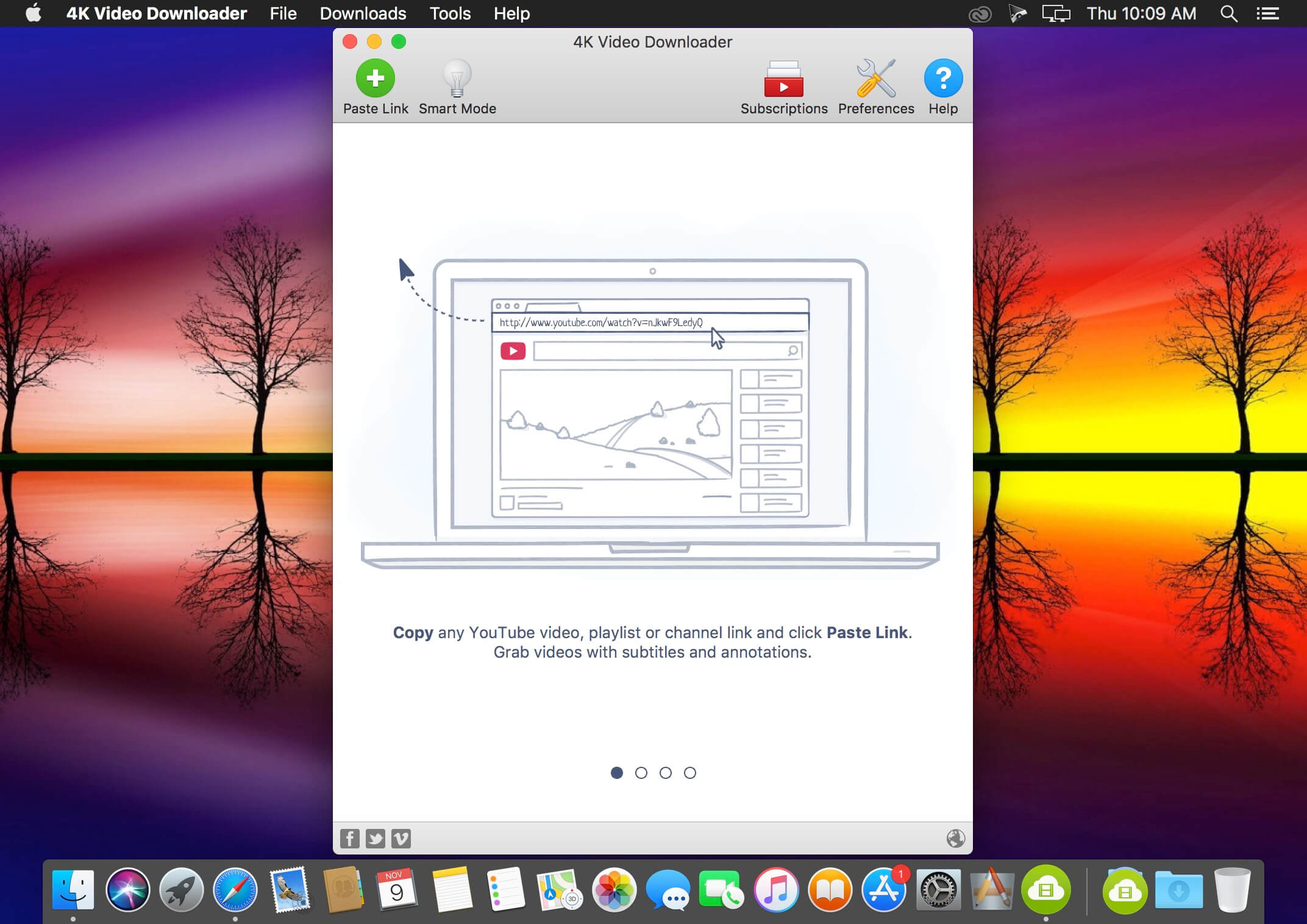
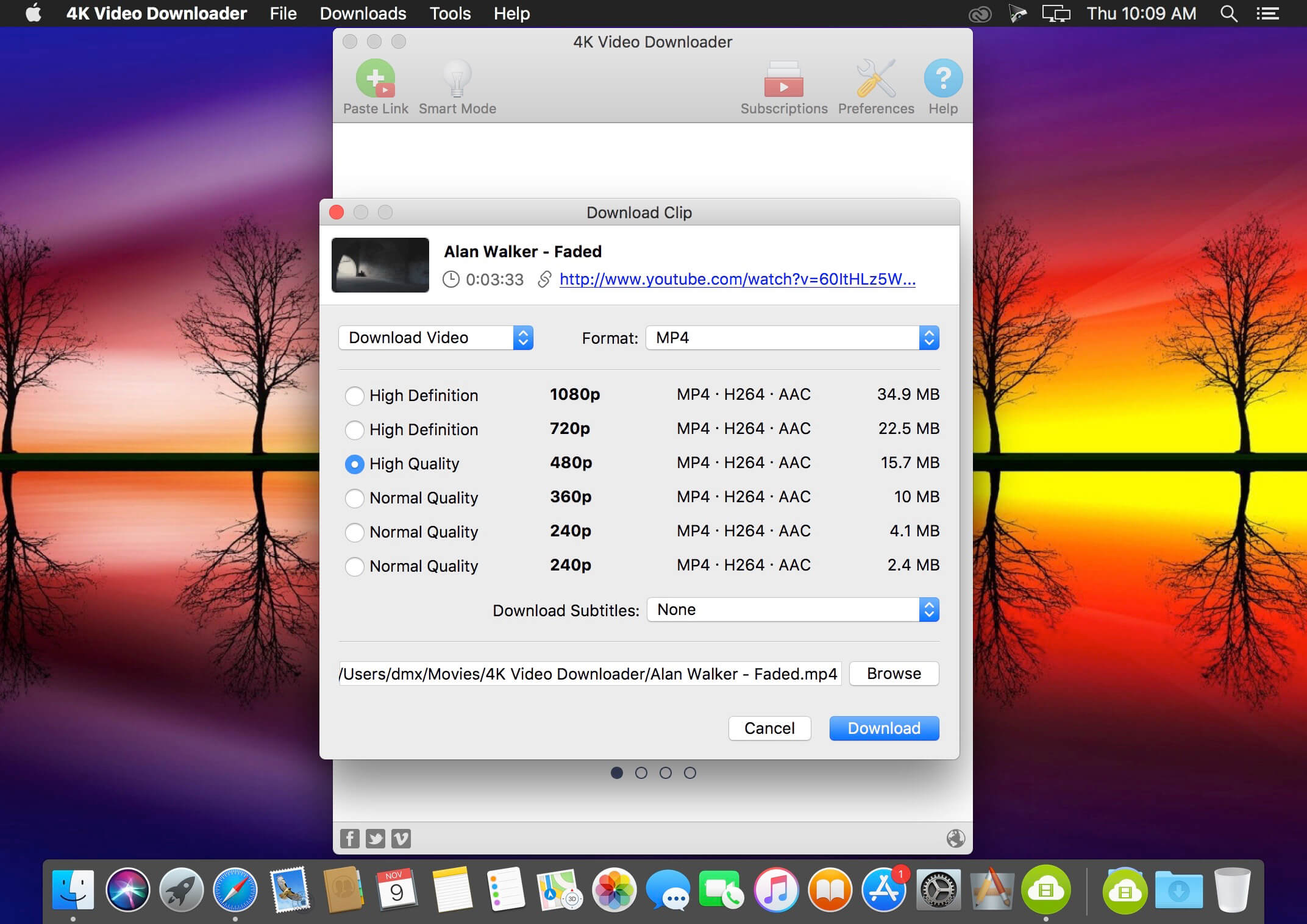
4K Video Downloader allows to download video, audio and subtitles from YouTube in high-quality and as fast as your computer and connection will allow. If you want that video on your iPad, iPhone or other device we’ve got you covered. Downloading is simple and straightforward: just copy the video link from your browser and click ‘Paste Url’. Done!

  • Download entire playlists and channels from YouTube and save them in MP4, MKV, M4A, MP3, FLV, 3G, generate .m3u file for playlists.
  • Download video in HD 1080p, HD 720p or 4K quality and enjoy high dimension video on your HD TV, iPad or other devices.
  • Advanced subtitles download, select if you would like to have .srt file or embedd subtitles in video file to watch it on your Mac for example.
  • Activate “Smart Mode” in order to apply the selected settings to all your downloads, easy and fast.
  • Download video in 3D format, you will find a small special icon among available formats after video parsing. It’s really impressive to watch live shows and cartoons in 3D.
  • Download embedded YouTube videos from any web pages, just copy/paste link and the program will find the source of download.
  • Download video and audio from Vimeo, SoundCloud, Flickr, Facebook and DailyMotion.

What’s New:

  • YouTube сhannel subscription feature added
  • 360 degrees videos are supported
  • Original audio bitrate option added
  • YouTube and Facebook download issues fixed
  • Import and export of downloaded items supported
  • Thumbnail for audio in metadata added

Language: Multilangual
Compatibility: macOS 10.13 or later, 64-bit processor
Homepage https://www.4kdownload.com/ru/products/product-videodownloader

Screenshots


Name: 4K_Video_Downloader_4.16.2__HCiSO_Mactorrents.io.dmg
Size: 119 MB
Files 4K_Video_Downloader_4.16.2__HCiSO_Mactorrents.io.dmg[119 MB]

   Download

FxFactory Pro 7.2.4

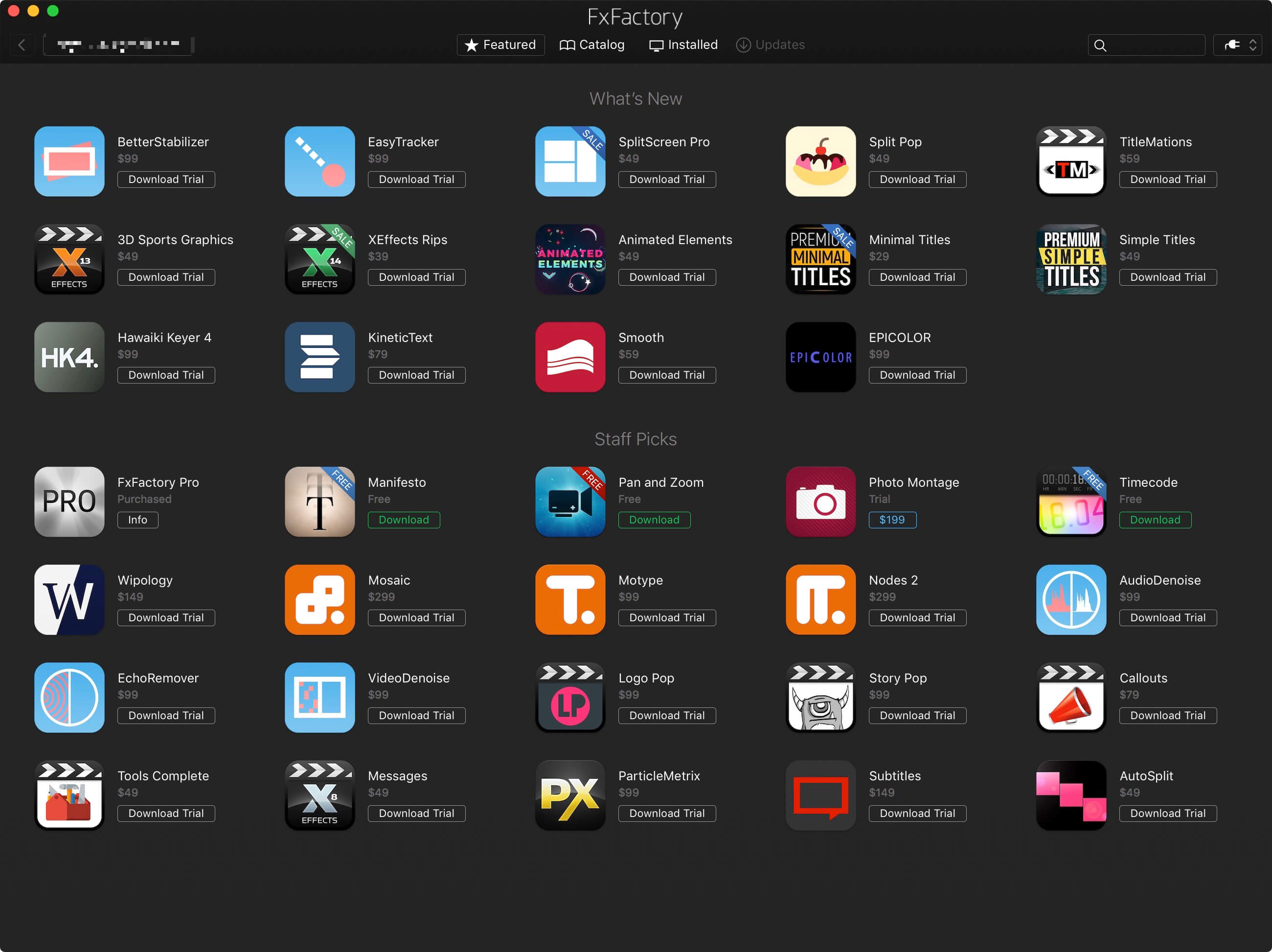
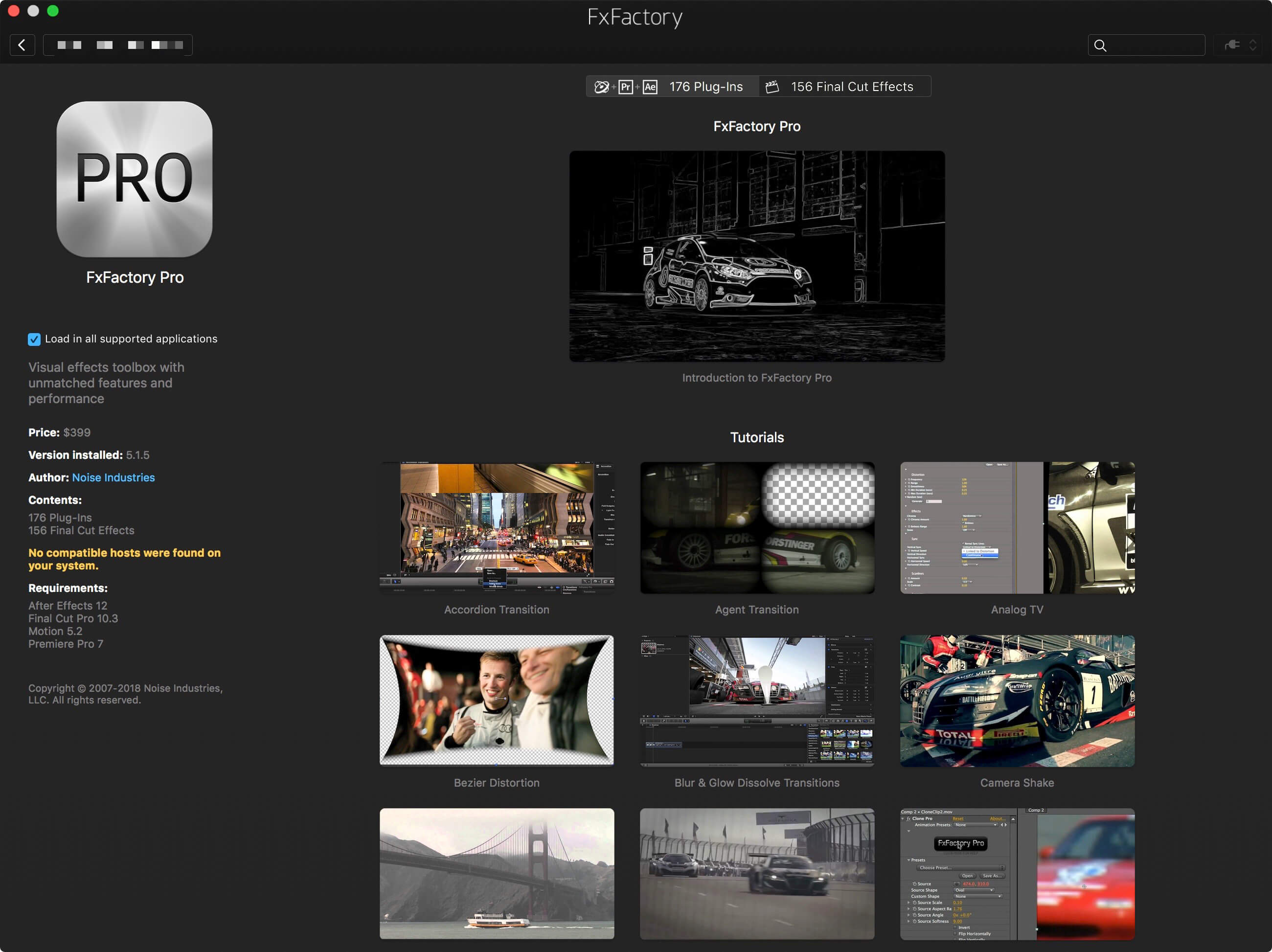
Visual effects toolbox with unmatched features. FxFactory is a revolutionary visual effects package which powers the largest collection of plug-ins for Final Cut Pro, Motion, After Effects, and Premiere Pro.

FxFactory Pro Key Features:
– FxFactory provides quick access to a collection of visual effects designed to work with Adobe After Effects, Final Cut Pro or Motion.
– Moreover, FxFactory is featuring a intuitive interface that allows you to browse and manage all effects that are installed on your system.
– The FxFactory OS X application also allows you to use the free products without purchasing but also provides support for purchasing and registering commercial products.
– The FxFactory Pro version allows you to make your own visual effects without writing a single line of code.
– The user can check all the plug-ins and configure them suitably for your project, or create new ones based on existing ones.
– Create your own effects for Final Cut Studio without writing code. Seamless integration with FxPlug: once to install the plugin, you can immediately start using them in Final Cut Pro, Motion and After Effects and more!
– An additional advantage is that the Pro Pack plug-ins support the construction of a moving image of 16-bit and 32-bit. FxFactory – it’s not just the built-in plugin manager, but also a complete environment for their management. Through it you can connect to the project the necessary modules, apply them to your content, preview and rendering.

One of the following:
• Apple Final Cut Pro X 10.2+
• Motion 5.2+
• Adobe After Effects CC+
• Adobe Premiere Pro CC+

Homepage https://fxfactory.com/

Screenshots


Name: FxFactory_7.2.4__MM_Mactorrents.io.dmg
Size: 30 MB
Files FxFactory_7.2.4__MM_Mactorrents.io.dmg[30 MB]

   Download

Glyphs 3.0.2

Glyphs is a simple to use Mac OS X app designed to allow anyone to create new fonts and modify letterforms with ease.

Glyphs’ main focus lays on streamlining the workflow.

Glyphs also comes with support for scripting. Scripts can help with a lot of repetitive tasks and will allow you to access all internal data and methods.

Create Stunning Fonts
From dingbat webfonts to full-fledged text typefaces

Sketch your font
Take a pencil and sketch a few letters. With a few tricks, you can easily digitize your sketches, and, step by step, create a full-fledged OpenType font.

Tools for type
The smart vector tools are optimised for the design of typefaces. Interpolated nudging, curvature control, dragging multiple handles at once, adding extrema and inflections, batch editing: all supported straight out of the box.

All languages covered
Human-readable glyph names, combined with smart component placement, automatic alignment of diacritics, mark positioning, and Unicode 7 support, make Glyphs the number one choice for multilingual font development.

Isolation no more
Watch your words take shape in high resolution: The edit view doubles as a text editor, allowing you to draw, edit, space and kern your glyphs in a word context rather than isolated in windows.

Colors everywhere
Why stay monochromatic? Add color to your typographical life with the built-in multi-layer preview and specialized editing tools. Glyphs can export layer fonts, Microsoft-style color webfonts or Apple-style emoji fonts.

Effortless OpenType
Enjoy automatic OpenType features: Glyphs analyzes your glyph names and shapes, and can auto-build feature code for ligatures, figure sets, positional forms, localizations, fractions, stylistic sets, small caps, and many more.

What’s New:

Version 3.0.2:

  • Release notes were unavailable when this listing was updated.

Language: English, French, Italian, German, Spanish
Compatibility: OS X 10.9.5 or later, 64-bit processor
Homepage https://glyphsapp.com/

Screenshots


Name: Glyphs_3.0.2__MM_Mactorrents.io.dmg
Size: 25 MB
Files Glyphs_3.0.2__MM_Mactorrents.io.dmg[25 MB]

   Download

TuneBoto Amazon Music Converter 2.2.1

TuneBoto Amazon Music Converter is designed to help users effectively convert any songs, albums & playlists from Amazon Music Unlimited & Prime Music to MP3/AAC/WAV/FLAC with ID3 metadata and original audio quality kept.

The Best Amazon Music Converter
TuneBoto Amazon Music Converter is your ticket to get a massive collection of Amazon songs downloaded offline as plain files, including MP3, AAC, WAV, and FLAC files. Armed with the most advanced music recording core, TuneBoto will surprise users with its zero-loss audio output.
With this smart audio downloader, it would be straightforward to save your whole Amazon Music library in local computer and transfer to any devices for playback.

Convert Amazon Music to MP3/AAC/WAV/FLAC
Differs from other audio recorders, TuneBoto Amazon Music Converter supports to get all songs from both Amazon Prime Music and Amazon Unlimited Music convert into MP3, AAC, WAV, or FLAC format with no quality loss.

Download Amazon Music with ID3 Tags Kept
TuneBoto Amazon Music Converter is definitely the most professional audio recorder for Amazon listeners, as it empowers users to download any Amazon songs to computers, with all ID3 metadata retained, including title, artwork, artist, album, etc.

Compatibility: 64-bit processor • OS X 10.10 or later
Homepage http://www.tuneboto.com/amazon-music-converter-mac.html

Screenshots


Name: TuneBoto_Amazon_Music_Converter_2.2.1__HCiSO_Mactorrents.io.dmg
Size: 148 MB
Files TuneBoto_Amazon_Music_Converter_2.2.1__HCiSO_Mactorrents.io.dmg[148 MB]

   Download

NoteBurner iTunes DRM Audio Converter 3.2.0

Apple Music Converter + Audiobook Converter + M4P to MP3 Converter. NoteBurner iTunes DRM Audio Converter is an efficient app that offers a quick method of saving iTunes songs on your Mac. It is very novice-friendly and can convert files to MP3 or AAC.

Convert any Apple Music files to MP3/AAC/WAV

  • Convert any iTunes M4P audio to MP3/AAC/WAV
  • Remove DRM protection from iTunes & Audible audiobooks
  • Convert at 20X faster speed with lossless quality

All-in-one Apple Music, Audiobook and M4P Converter

  • iTunes DRM Audio Converter for Mac is specially designed for Mac users to convert any audio which can be played in iTunes, such as Apple Music files, audiobooks, iTunes music or other downloaded music, to MP3, AAC or WAV format.
  • Convert DRM-ed Apple Music files to MP3/AAC/WAV formats;
  • Convert iTunes M4A, M4B & Audible AA, AAX audiobooks to MP3/AAC/WAV;
  • Convert iTunes music to MP3, AAC and WAV.

Legally Remove DRM from Apple Music, Audiobooks & M4P Music

  • Remove DRM from Apple Music files to help you listen them on your iPhone SE, iPhone 6S/6S Plus, iPad Pro, iPod, Zune, PSP, MP3 player offline.
  • Legally remove DRM from iTunes M4P, M4A, M4B & Audible AA audiobooks and convert the audiobooks to DRM-free MP3, AAC or WAV.
  • Easily remove DRM protections from iTunes M4P music and convert them to the plain formats you like.

Silently Convert Any Audio at 20X Faster Speed with Lossless Quality

  • Convert all audio files at unbeatable fast speed and support batch conversion.
  • Support high quality output audio. The quality of the output audio can be as excellent as CD Quality.
  • iTunes DRM Audio Converter will mute iTunes while converting to play the DRM-ed music tracks silently in the background and record audio files at 20X faster speed.

Keep ID Tags Information & Ease-to-use

  • The ID Tags will be preserved in output MP3 or AAC files while converting. Information including Artwork, Metadata (artist,album, year, track number, genre) can be kept after conversion.
  • It is very easy to use, just with the intuitive interface, you can convert iTunes audio quickly with a few clicks.
  • No extra hardware or virtual drive needed. The program will encode the iTunes audio to MP3, AAC or WAV while recording.

What’s New:

Version  3.2.0:

  • Release notes were unavailable when this listing was updated.

Compatibility: OS X 10.9 or later 64-bit, 64-bit processor
Homepage http://www.noteburner.com/mac-itunes-drm-audio-converter.html

Screenshots


Name: NoteBurner_iTunes_DRM_Audio_Converter_3.2.0__HCiSO_Mactorrents.io.dmg
Size: 104 MB
Files NoteBurner_iTunes_DRM_Audio_Converter_3.2.0__HCiSO_Mactorrents.io.dmg[104 MB]

   Download

Sketch 72.4

Sketch: graphic design for a digital world. Powerful tools and an elegant interface, in a single award-winning package. Because making beautiful things should be a joy, not a burden.

Sketch supports multiple fills, borders and shadows per layer; has powerful non-destructive boolean operations; smart pixel alignment; and makes exporting a breeze with automatic slicing and multiple resolution export.

Vector tools and basic shapes are the foundation; whether you are designing icons, websites, interfaces or anything else. Combine these into complex shapes with non-destructive boolean operations, leaving you free to edit them in the future, then apply advanced layer style options like multiple shadows, fills, gradients, noise, blending, background blurring, and more.

Sketch doesn’t just do shapes, of course. Imported images can be rotated, scaled, cropped and masked. The best-in-class text tool lets you add beautiful typography to your designs, using native font rendering, so you can be sure that text always looks 100% accurate!

Brand new to Sketch 3, Symbols allow you to reuse entire groups of content in multiple places in your design. Think of interface elements such as buttons, headers and footers. Change them once, and they update everywhere in your document.

Built for the Mac, Sketch supports OS X’s Versions and Auto Save, letting you focus on your work instead of hitting CMD+S. Keep your work safely in sync across multiple Mac computers with iCloud. And take Sketch full screen to maximise the size of your canvas.

All this power is deliciously baked into Sketch’s single-window interface. Everything is there, tucked away until you need it. A simple interface with powerful tools.

Compatibility: macOS 10.14.4 or later 64 bit
Homepage https://www.sketch.com/updates/

Screenshots


Name: Sketch_72.4__TNT_Mactorrents.io.dmg
Size: 71 MB
Files Sketch_72.4__TNT_Mactorrents.io.dmg[71 MB]

   Download

Torrents Download Apple,Mac Osx,Apps ,Software

Exit mobile version