PixelStick 2.16.2

PixelStick

PixelStick is a tool for measuring distances (in pixels), angles (in degrees) and colors (RGB) on the screen. Photoshop has distance, angle and color tools but they only work in Photoshop. PixelStick works in any app and anywhere on screen anytime and costs a hundred times less. Excellent for designers, navigators, mapmakers, biologists, astronomers, cartographers, graphic designers or anyone who uses a microscope or telescope or wants to measure a distance on their screen in any window or application.

It’s easy, simple and fast. PixelStick is a measuring tool you can pinch and stretch to measure anything on your screen. Use the eyedropper to copy colors in 4 formats (CSS, RGB, RGB hex, HTML) to the clipboard for use in any app.

PixelStick is a professional measuring tool used by:
• Cartographers – for maps or all kinds.
• Biologists – for microscopy and morphology.
• CSI Technicians – for crime scene investigations.
• Manufacturing – for design and fabrication.
• Physicists and Astronomers – for all kinds of measurements.
• Engineering – for mechanical, electrical and civil engineering.
• Builders – for measuring existing buildings or blueprints.
• Education – for students, teachers and researchers.
• Photographers
• Designers – for graphic, architecture, interior, space, marine, and aeronautical.
• Software Developers – for graphics, web, layout and user interface.
• Medical Technicians – for X-rays, ECG, EKG, and microscopy.
• For anyone who needs to measure objects on the Mac.

Anyone can use PixelStick because it’s easy to use, simple and fast. Measure on:
• Retina, regular displays and multiple monitors.
• Mac OS 10.6 – 10.8 +
• Any app and between apps.

Supports the scaling in Google Maps, Yahoo Maps, and Photoshop. Also has Customized (user settable) scaling options. PixelStick is a measuring tool you can pinch and stretch to measure anything on your screen. It’s like an onscreen virtual ruler that you can use vertically, horizontally and at any angle to measure distances (pixels), angles (degrees) and much more just by dragging. When you know the scale of the document you are measuring then you can create a custom scale to measure inches, miles, centimeters, microns, parsecs or lightyears.

Most of what PixelStick does is obvious. Drag the endpoints to change the measurement. Click the locks to constrain the movement. Launch it, play around, no more limitations to just one app in measuring distance, angle and color.

Its easy, simple and fast. PixelStick is a measuring tool you can pinch and stretch to measure anything on your screen when you know the scale, Check out this screencast on GigaOm that shows PixelStick in use.

Use
PixelStick is totally intuitive and works exactly like what you would hope for. PixelStick sits in the frontmost position on the screen. Drag the endpoints to change the measurement. Click the locks to constrain the movement. Drag to change the angle. See the changes and info in the small on screen info panel.

Coordinate System
PixelStick uses a Cartesian coordinate system like the OS X coordinate system. This means that the origin (pixel 0,0) is at the lower left corner of the screen. However, OS X deals mainly in points, whereas PixelStick is all about pixels. A point has no width and resides between pixels.

Distances
PixelStick reports both pixel distance and pixel difference.
In the illustration below, the height of the picture is 13 pixels, so the distance is reported as 13.00. Note that if the diamond endpoint is at a position of y = 1, then the circle endpoint is at a position of y = 13. Thus pixel difference is 13 – 1 = 12.The pixel distance includes the width of the PixelStick endpoints. This is so that the actual size of the item being measured is reported. The pixel difference merely subtracts the coordinates.

PixelStick Tips:
When measuring, position the endpoints inside the area to be measured.The easiest way to get both dimensions of an area is to position the endpoint exactly on top of the corner.After measuring the height (see example), the circle endpoint can be dragged over to the other corner to get the width.

“I’ve used a number of different screen rulers over the years, including Free Ruler and the rulers in Art Directors Toolkit. But nothing comes close to PixelStick.

PixelStick is different. There are no rulers to block your view of the screen. Instead, PixelStick displays a measuring line. Drag the endpoints to measure the distance. To measure height and width, position the endpoints on the corners, then drag one endpoint to the opposite corner to measure the other dimension. You can lock the endpoints to constrain the length or angle, or to snap the line to the nearest 45° angle. PixelStick also displays guidelines to help you quickly measure or align objects at a glance.

PixelStick is a tool for measuring distances, angles and colors on the screen. PhotoShop has distance, angle and color tools but they only work in PhotoShop. PixelStick works in any app and anywhere on screen anytime and costs a hundred times less.

PixelStick is a professional measuring tool used by:
* Designers – for graphic, architecture, interior, space, marine, and aeronautical.
* Software Developers – for graphics, layout and user interface.PixelStick – Mac App To Measure Pixel, Angle, Color Onscreen 7 pixelstick

* Cartographers – for maps or all kinds.
* Medical Technicians – for X-rays, ECG, EKG, and microscopy.
* Biologists – for microscopy and morphology.
* CSI Technicians – for crime scene investigations.
* Manufacturing – for design and fabrication.
* Physicists and Astronomers – for all kinds of measurements.
* Engineering – for mechanical, electrical and civil engineering.
* Builders – for measuring existing buildings or blueprints.
* Education – for students, teachers and researchers.
* Photographers
…anyone who needs to measure objects on the Mac.

Anyone can use PixelStick because it’s easy to use, simple and fast.
PixelStick is a measuring tool you can pinch and stretch to measure anything on your screen.

Use the loupe to magnify anything on screen.
Use the eyedropper to copy colors that are anywhere on your monitor in 4 formats (CSS, RGB, RGB hex, HTML) to the clipboard for use in any app.

It’s like an onscreen virtual ruler that you can use vertically, horizontally and at any angle to measure distances, angles and much more just by dragging. Using the palette one can lock distances and angles (also by using the shift key).

Supports scaling for Google Maps, Yahoo Maps, Photoshop and Customized scaling options.

Compatibility: OS X 10.6 or later• Intel Core processor
Homepage https://plumamazing.com/product/pixelstick/

Name: PixelStick_2.16.2__HCiSO_Mactorrents.io.dmg
Size: 5.8 MB
Files PixelStick_2.16.2__HCiSO_Mactorrents.io.dmg[5.8 MB]

   Download

Wondershare Filmora X v10.2.5.2

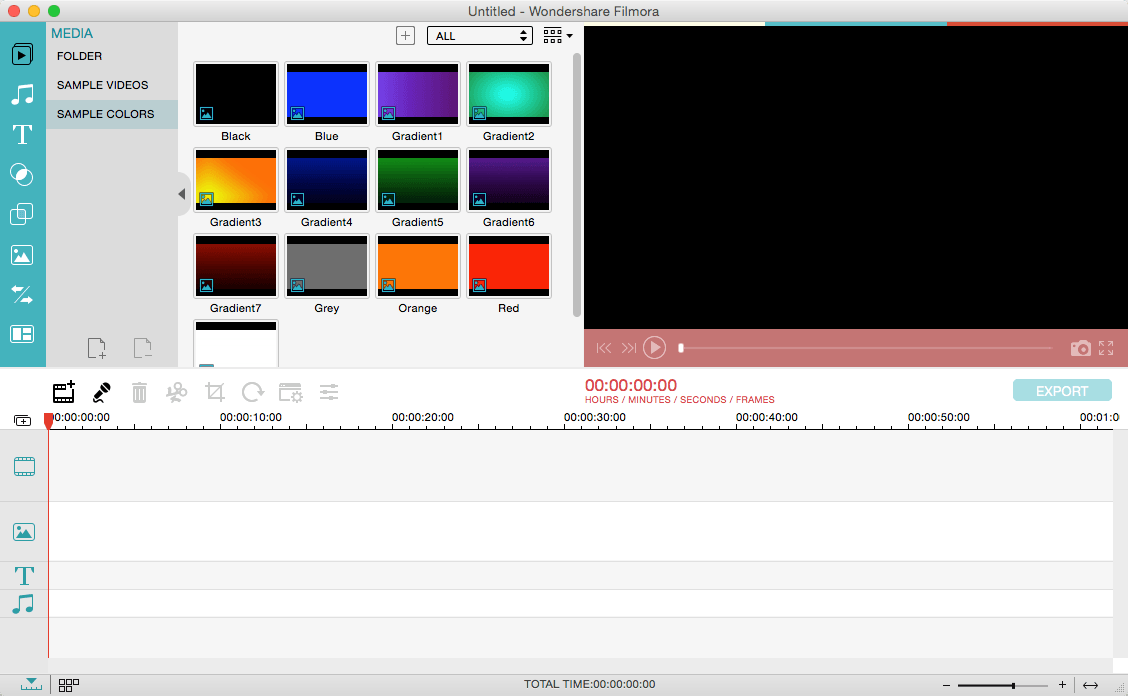
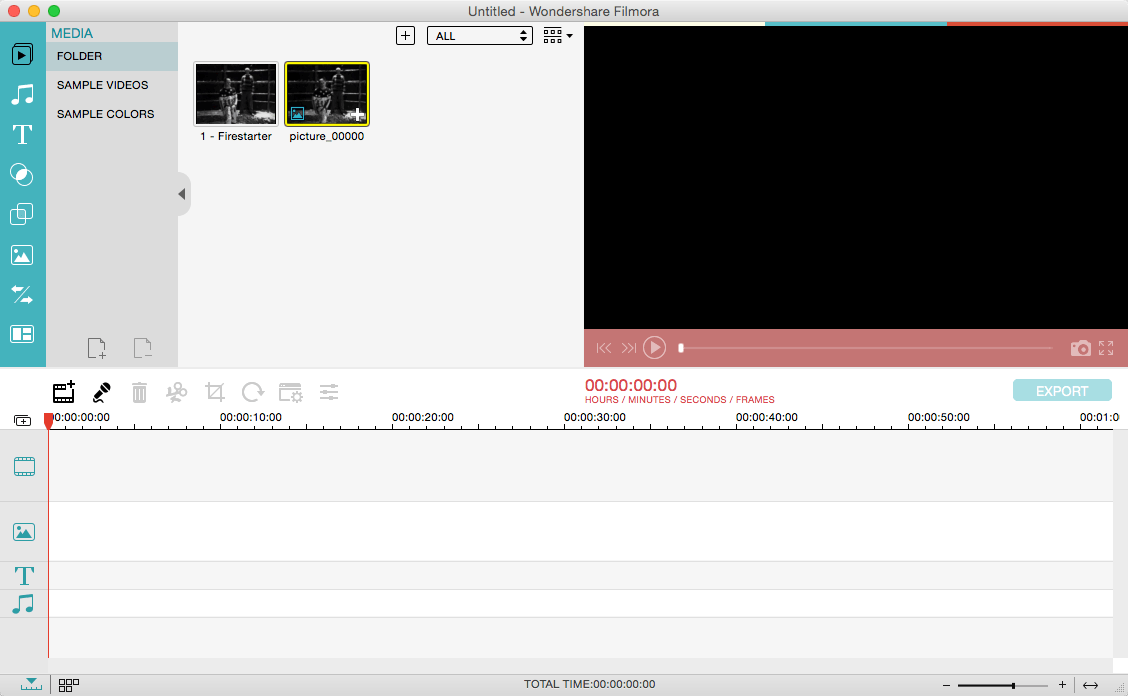
Wondershare Filmora, an easy-to-use video editor with all the video editing tools you need, enables you to create Hollywood-like home movies with titles, effects and transitions from all regular videos, audio and photos. Share instantly with family and friends with easy upload to YouTube, Facebook, etc.

Ignite your story 
Use Filmora video editor to express your creativity and amaze with beautiful results.

Modern and Simple UI 
A modern and intuitive design that you’ll be delighted to use again and again.

Text & Titles 
Now you can create beautiful animated messages from our text & titles library

Music Library 
Add your favorite music dircectly into your movie to create the perfect atmosphere.

Overlays & Filters 
Transform a movie into something spectacular with our handcrafted, overlays and filters.

Elements 
Take your video to the next level by adding impressive Still and Motion Graphics.

Simple Effects 
Expand Your Imagination with Over a Hundred Unique Visual Effects. Wondershare Filmora allows you to turn your home video into something extraordinary with minimal effort.

Advanced Effects 
Expand Your Imagination with Over a Hundred Unique Visual Effects. Turn your home video into something extraordinary with minimal effort.

Share Your Creative Work 
Showcase your creativity with your family, friends and the rest of the world! You can easily publish your masterpiece in so many ways.

Key Features:
Support Formats 
Support video formats editing: MP4, FLV, MOV, AVI, MKV, FLV, WMV, TS, MTS, etc. Make it possible for homemade and downloaded SD/HD videos for editing.
Audio: MP3, WMA, WAV, M4A, AAC, AC3, OGG, etc., as background music of the videos.
Photo:BMP, JPG, PNG, GIF, etc. and create home movies combining photos.

Basic Editing 

  • Trim, crop and rotate videos
  • Remove unwanted black edges or other unwanted parts
  • Change audio pitch, adjust volume, and get rid of video noise

Professional Effects 

  • 80+ professional filters and artistic effects including particle effects, fire effects, face-off effect, tilt-s**t effect, mosaic and more.
  • 50+ transition and motion effects.
  • Touch up your photo with perfect brightness, contrast, or saturation, and turn your photos into an animated slideshow.

Effects Pack

  • 8bit Gamers Effect Pack.
  • 80s Vintage Collection.
  • Fashion Collection.
  • Summer Effect Pack.
  • Travel Effect Pack
  • Special Thanks to iTEHb

What’s New:

Version 10.2.4.11:

  • Release notes were unavailable when this listing was updated.

Compatibility: OS X 10.11 or later, 64-bit processor
Homepage https://filmora.wondershare.com/

Screenshots


Name: Wondershare_Filmora_10.2.5.2__TNT_Mactorrents.io.dmg
Size: 288.12 MB
Files Wondershare_Filmora_10.2.5.2__TNT_Mactorrents.io.dmg[288.12 MB]

   Download

Export for iTunes 2.5.0

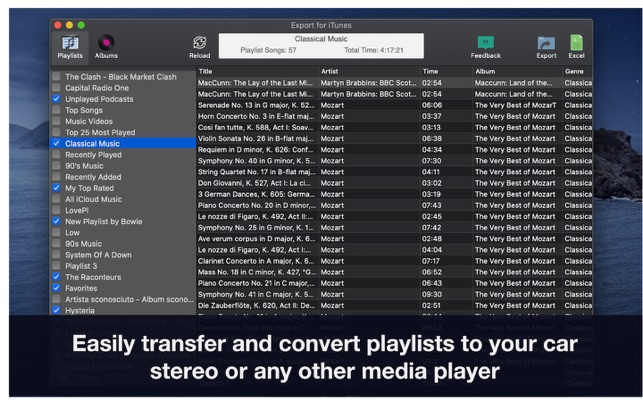
Export for iTunes lets you export your playlists and albums from iTunes to any local folder, external storage, SD card or USB drive! With Export for iTunes you can transfer easily your playlists to your car stereo or any other media player. Convert aac/m4a files to mp3 for best compatibility with most sound systems.

The app converts, copies and organizes your playlists’ and albums’ music files into folders, and creates the .m3u file that lets you play your playlist on any media player. For every album, you can include an image file with album artwork. You can browse and select which of your playlists or albums you want to export. See all playlist/album tracks with their metadata without opening the iTunes app. You can also export the track list from any album or playlist to Excel, so you can create a file with info about all your iTunes music. This iTunes export app let you preview and export metadata like: Title, Artist, Time, Album, Genre, File path, Kind, and Bitrate. The app does not modify your iTunes library.

What’s New:

Version 2.5.0

  • Update app UI with artworks and new icons.

Compatibility: OS X 10.10 or later 64-bit
Homepage https://apps.apple.com/us/app/export-for-itunes/id880764359?mt=12

Screenshots


Name: Export_for_iTunes_2.5.0_MAS__HCiSO_Mactorrents.io.dmg
Size: 11.01 MB
Files Export_for_iTunes_2.5.0_MAS__HCiSO_Mactorrents.io.dmg[11.01 MB]

   Download

Claydo – Easy 3D Modelling 1.3

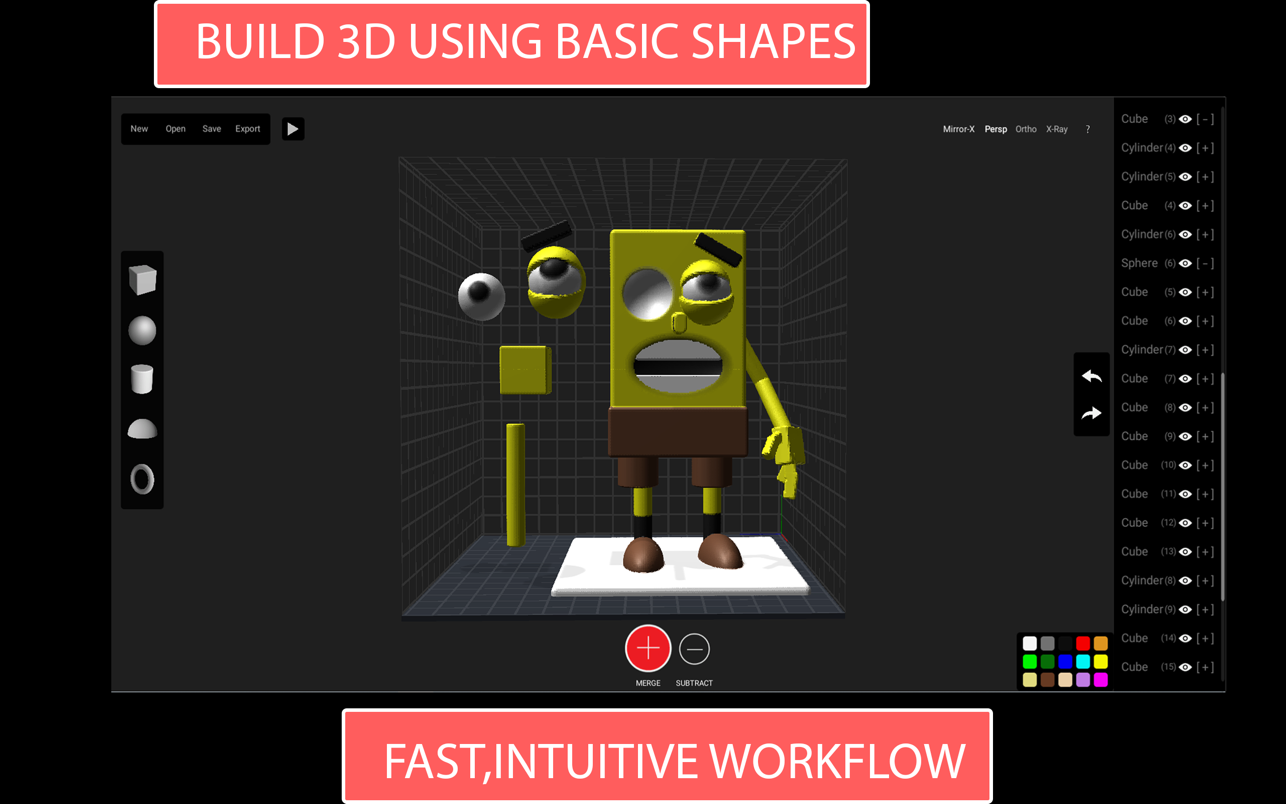
Claydo is a simple 3D design app for Intel and M1 based desktops.It is used by designers, hobbyists, teachers and kids to make toys, prototypes, home decor, Minecraft models.. the list is endless!Model your design using simple shapes such as spheres, cubes and cylinders.. merge or subtract in order to get the right shape with a few clicks.

M1 Compatibility Test (Big Sur, M1, Mac Mini)

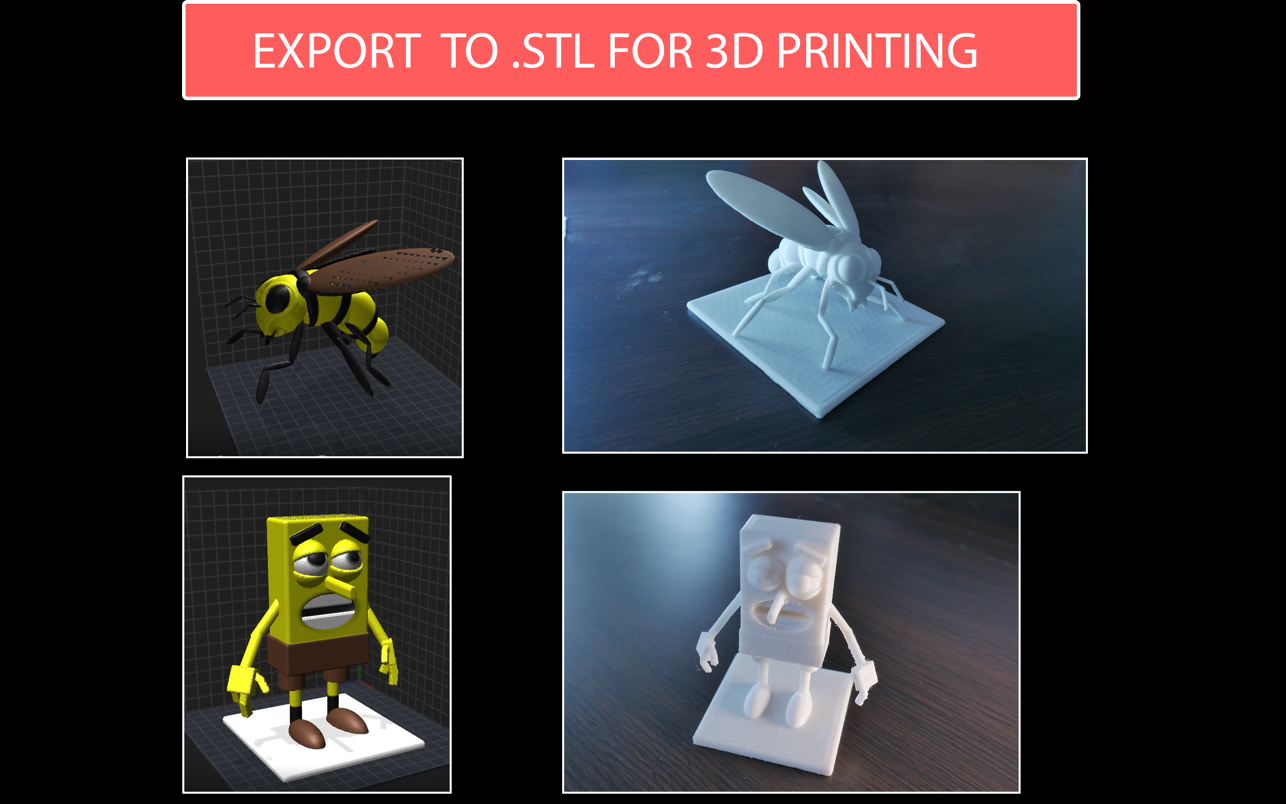
Export your Claydo creations to a 3d printer or external apps like Maya and Blender.
Claydo’s Apple Metal technology allows you to work with complex polygonal meshes in realtime.
Handy measurement tools to export STL files with millimeter precision.

• Easy UI and workflow, get up and running in minutes
• Export out precision models as STL files for 3d printing
• Export out as .OBJ for use in DCC software like Maya/Blender/C4D
• In-built Videos tutorials to get started fast, perfect for schools and teachers to introduce kids to 3d modelling
• Turntable mode for showcasing and sharing your creations as movies

Claydo is built by Appy Monkeys, an app developer with years of experience in creating fun and intuitive creativity apps with over 5 million downloads on the App store and recipient of various awards such as Children’s Tech Review and Purdue University’s guide for STEM apps.

Compatibility: macOS 10.13 or later • Apple Silicon or Intel Core processor
Mac App Store https://apps.apple.com/app/claydo-easy-3d-modelling/id1528499777

Screenshots


Name: Claydo_1.3_MAS__HCiSO_Mactorrents.io.dmg
Size: 255 MB
Files Claydo_1.3_MAS__HCiSO_Mactorrents.io.dmg[255 MB]

   Download

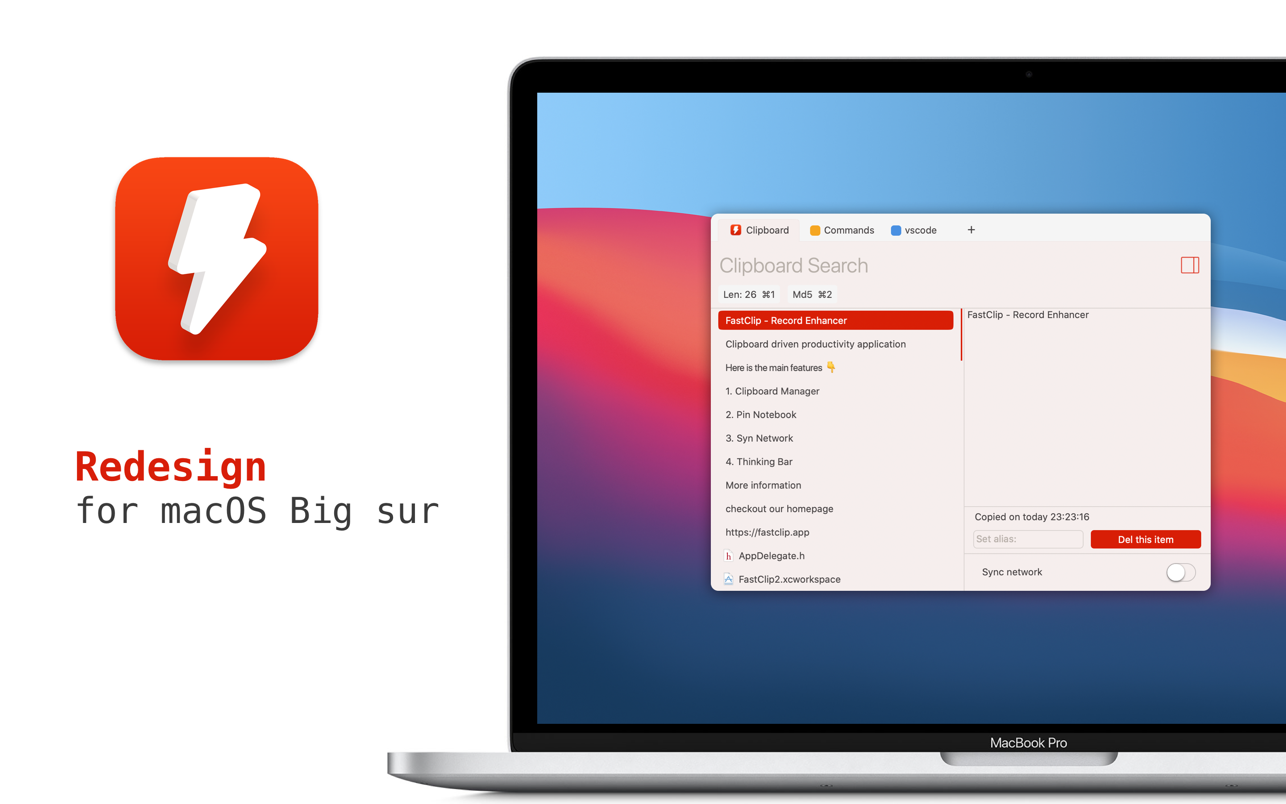
FastClip – Record Enhancer 2.9.1

More than a clipboard manager. FastClip is a light keyboard-driven efficiency gadget focusing on the clipboard. It could greatly reduce the frequency of copy and paste as well as mouse-clicking. According to the feedback, FastClip could increase your work efficiency by over 30%.

**Clipboard Manager**
FastClip will establish an index for the contents saved by the clipboard via its proprietary algorithm and file structure, and compress each record as much as possible, thereby saving everything you copy.

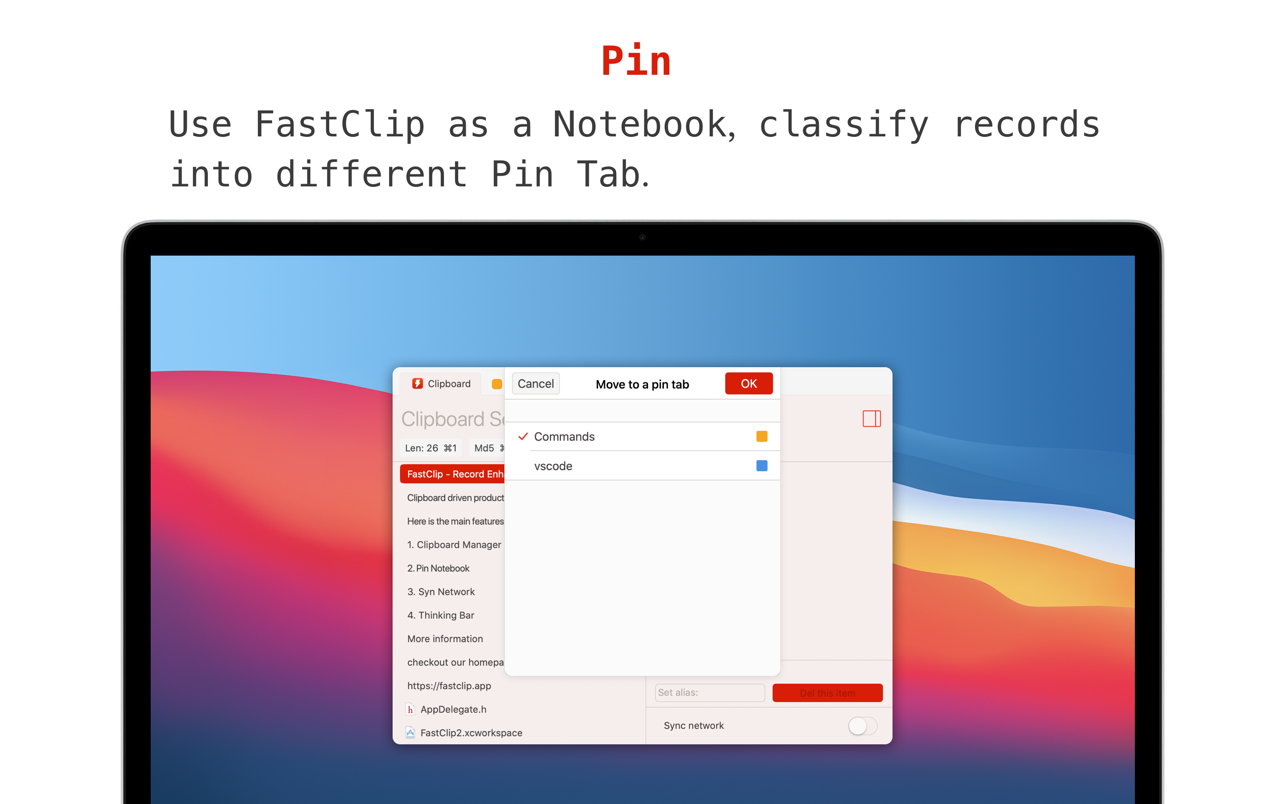
**Pin**
Use FastClip as a light notebook, you can classify records into different Pin Tab. With the function of auto pick, your sorting will be extremely simple.

**Sync network**
Whether you use macOS or iOS, turn on the sync network, your clipboard is synced in real-time. Also you can create different sync network for working, sharing or privacy.

**Think Bar**
When you enter the keywords, FastClip would not only search from the history of the clipboard, but also support prediction according to the content you input and thereby enhance the historical records.

• Enter 1cm, the unit will be converted into 0.39inch.
• Enter random32, 32 will be generated as a random number.
• Input 7,3,2,9,5, sorted sequence 2,3,5,7,9 will be the output.

Compatibility: macOS 10.14 or later • Apple Silicon or Intel Core processor
Mac App Store https://apps.apple.com/app/fastclip-record-enhancer/id1476085650

Screenshots


Name: FastClip_2.9.1_MAS__HCiSO_Mactorrents.io.dmg
Size: 15.8 MB
Files FastClip_2.9.1_MAS__HCiSO_Mactorrents.io.dmg[15.8 MB]

   Download

Artstudio Pro 3.0.7

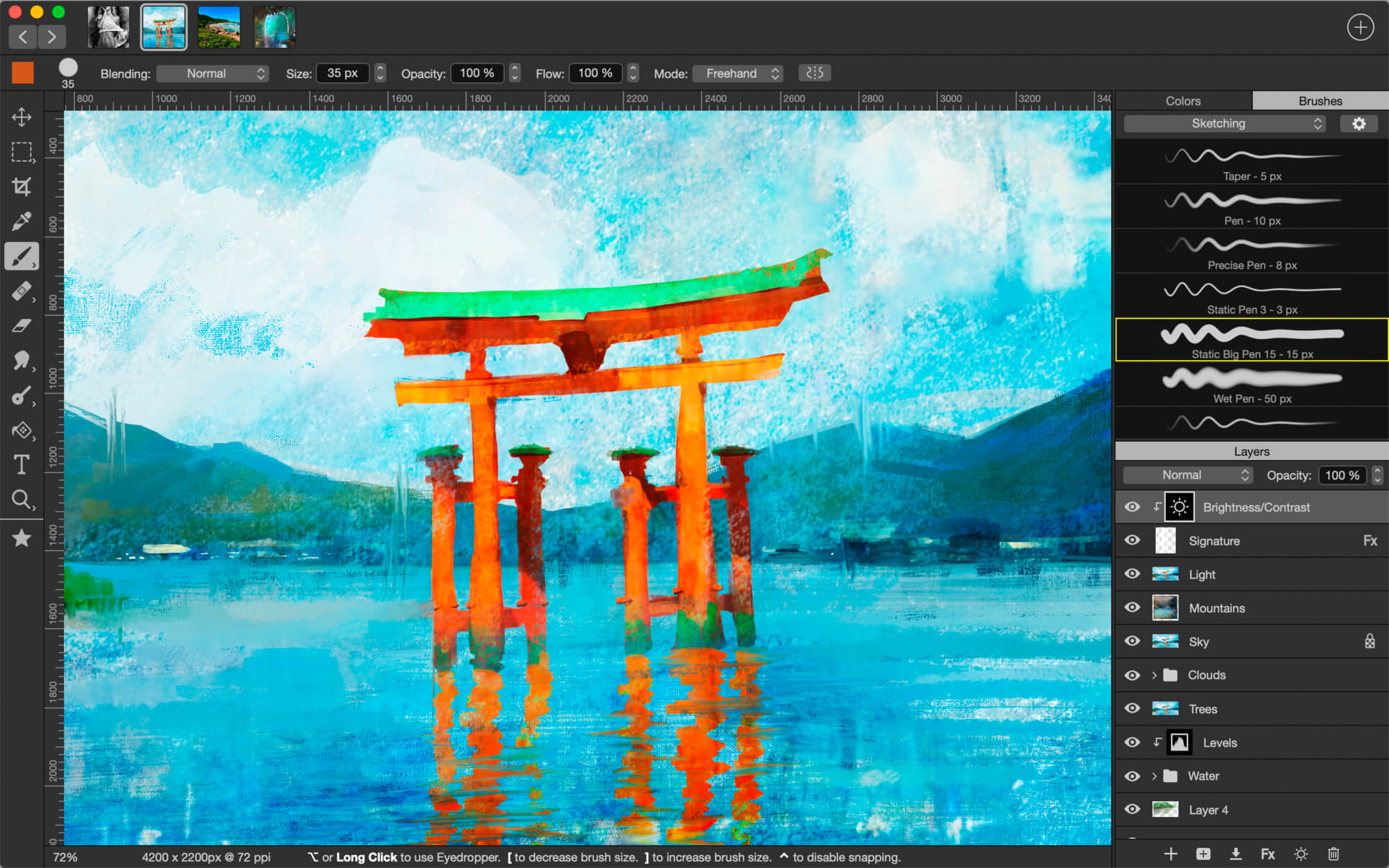
Introducing Artstudio Pro, the most powerful painting and photo editing app available for both macOS and iOS . The successor to our famous ArtStudio app has been redesigned bringing many new features and improvements taking full advantage of the latest technologies Metal, iCloud Drive, and optimized for 64-bit multi-core processors to achieve the smoothest possible workflow.

Hundreds of assets are included and users have the ability to import resources in the most popular formats (ABR, TPL, PAT, GRD, ASE, ACO) giving instant access to millions of brushes, patterns, gradients, color swatches and fonts. It will boost your creativity and help you bring your ideas to life quickly and easily.

New engine
The powerful GPU accelerated ArtEngine developed by Lucky Clan is 5-10 times faster than the previous engine. It allows working with multiple documents, supports large canvas sizes and an unlimited number of layers. Incredible optimization ensures smooth work even with large canvases.

  • Multiple open documents
  • Canvas size: 256Mpix
  • Unlimited layers
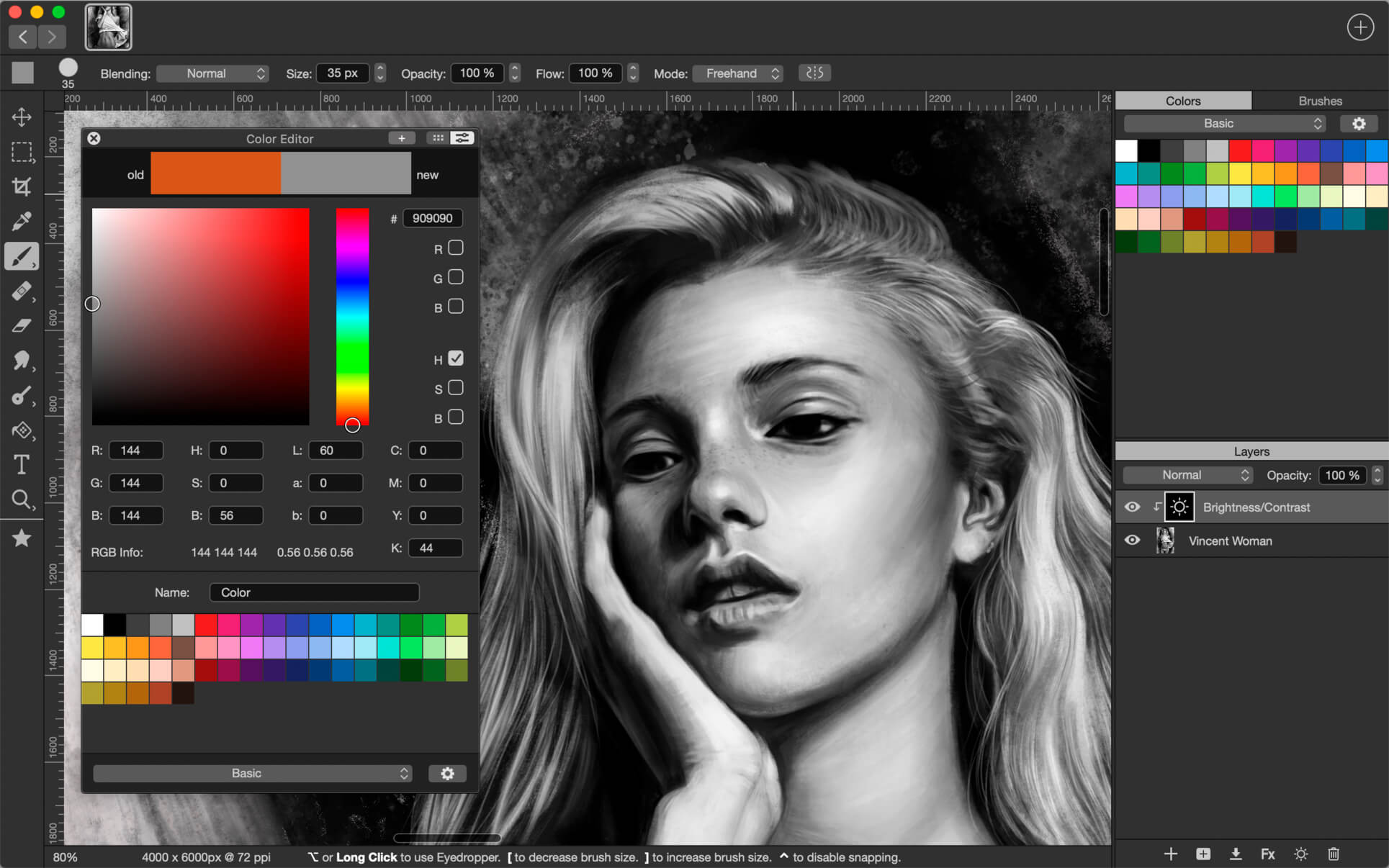
  • 27 tools: Move, Select, Crop, Eyedropper, Paint, Wet Paint, Eraser, Bucket/Pattern/Gradient Fill, Smudge, Dodge, Burn, Sponge, Text, Heal, Clone, and more

Flexible layer system
Artstudio Pro introduces a new layer system with grouping, non-destructive layer effects, and adjustment layers.

  • Groups
  • Masks, clipping masks
  • Adjustment layers
  • 9 layer effects: Bevel/Emboss, Stroke, Inner Shadow, Inner Glow, Outer Glow, Color/Gradient/Pattern Overlay, Drop Shadow
  • 27 blending modes
  • Text layers
  • Transform multiple layers simultaneously

Advanced Brush engine
Perfectly optimized, lag free mechanism generating smooth, real looking strokes, making the most of the stylus.

  • Brush size up to 4000×4000
  • 64-bit painting with pattern, double stamp, wet brush, dynamics
  • Brush editor with 80 customizable settings
  • Over 100 built-in brushes divided into a few groups: Painting, Sketching, Markers, Inking, Dots & Specks, and more
  • Symmetric painting with custom symmetry line

Professional photo editor
Photo editing options developed in cooperation with professional photographers. Each feature was tested in several scenarios and light conditions.

  • 15 adjustments available as non-destructive layer or simple adjustment: Brightness/Contrast, Levels, Curves, Exposure/Gamma, Shadows/Highlights, Vibrance, Hue/Saturation, Color Balance, Temperature/Tint, Black and White, Gradient Map and more
  • 4 auto adjustments: Auto Contrast, Levels, Lightness, Saturation
  • Dozens of filters with realtime preview and the ability to generate seamless patterns
  • Inpaint, Elastify (Liquify) ,Lighting, Depth Of Field, Denoise
  • Retouching tools: Heal, Dodge, Burn, Sponge and more
  • Image resize, Canvas resize
  • Crop using special tool, crop from selection, trim transparent areas

Import/Export
We have implemented many parsers from the most popular assets/images formats and we are especially proud of our ABR/TPL parser which not only reads brush stamps and patterns, but also most settings which are converted to Artstudio Pro brush engine values.

Import

  • Images – PNG, JPEG, PSD, HEIC, TIFF, GIF, most raw formats
  • Brushes – ABR, TPL
  • Color swatches – ASE, ACO
  • Patterns – PAT
  • Gradients – GRD
  • Fonts – TTF, OTF

Export

  • Images – PNG, JPEG, PSD, TIFF, PDF

Other features

  • Full iCloud integration
  • Screen recording
  • All features available on macOS, iPad and iPhone
  • Selection displayed as marching ants, quick mask or invisible
  • Snapping to guidelines, dynamic guidelines, grid
  • Perspective grid assist
  • Mirror (flipped) view
  • Canvas rotation

What’s New:

Version 3.0.7:

  • Release notes were unavailable when this listing was updated.

Compatibility: macOS 10.11 or later 64-bit
Homepage https://geo.itunes.apple.com/app/id1313773050

Screenshots


Name: Artstudio_Pro_3.0.7_MAS__TNT_Mactorrents.io.dmg
Size: 228.37 MB
Files Artstudio_Pro_3.0.7_MAS__TNT_Mactorrents.io.dmg[228.37 MB]

   Download

Downie 4.2.7

A simple download manager that offers you the possibility to quickly save videos from different websites to your own disk drive.

f you are using a poor internet connection, trying to visualize videos streamlined online might not work properly since the content is loaded too slowly. Downie is a simple Mac app that can help you download those videos to your computer, and then watch them by using your default media player.

User friendly video downloader featuring support for drag and drop actions
Working with Downie is extremely straightforward: simply drop the video URL on top of the app’s main window or on the Dock icon. Downie adds the video to your downloads list, so all you have to do next is start the process by pressing the appropriate button. Of course, you can also remove items from the list.

By default, Downie downloads MP4 files and places them in your default Downloads folder, but you can easily change this via the Preferences window. The same area allows you to setup notifications, or post processing actions (convert to MP4 if necessary, or extract audio only).

Effortlessly download videos from a wide collection of hosting websites
Downie provides support for more than 400 different websites that host video content, among which there are the most popular choices, such as YouTube, Apple, LiveLeak, Vimeo, BBC, and so on. If a certain website is not included, within the app you can send a request email to the Downie developers.

Moreover, Downie also provides matching extensions for various popular web browsers, such as Firefox, Safari, Google Chrome or Chromium. The add-ons are not installed by default: open the Preferences window and install only the ones you plan to use.

Straightforward solution for downloading video content hosted online
Downie is a great tool for saving videos posted on various websites to your Mac for offline playback. The application is extremely useful especially if you have a slow internet connection.

What’s New:

Downie 4.2.7

  • Improved: acfun.cn, arte.tv, bilibili.com, canalplus.com, crunchyroll.com, iqiyi.com, ixigua.com, linkedin.com, mixcloud.com.

Compatibility: macOS 10.12.6 or later 64-bit
Homepage https://software.charliemonroe.net/downie/

Screenshots


Name: Downie_4.2.7__HCiSO_Mactorrents.io.dmg
Size: 52.58 MB
Files Downie_4.2.7__HCiSO_Mactorrents.io.dmg[52.58 MB]

   Download

Pro Mouse 1.10

Whether you want to run a presentation/demo like a pro or just want to know where your mouse cursor is at all times, Pro Mouse is the tool for you!

Present like a Pro!

→ Have your audience follow your every click.
→ Highlight what matters by DRAWING anywhere with Pro Mouse. Clear your drawings at a click of a button.
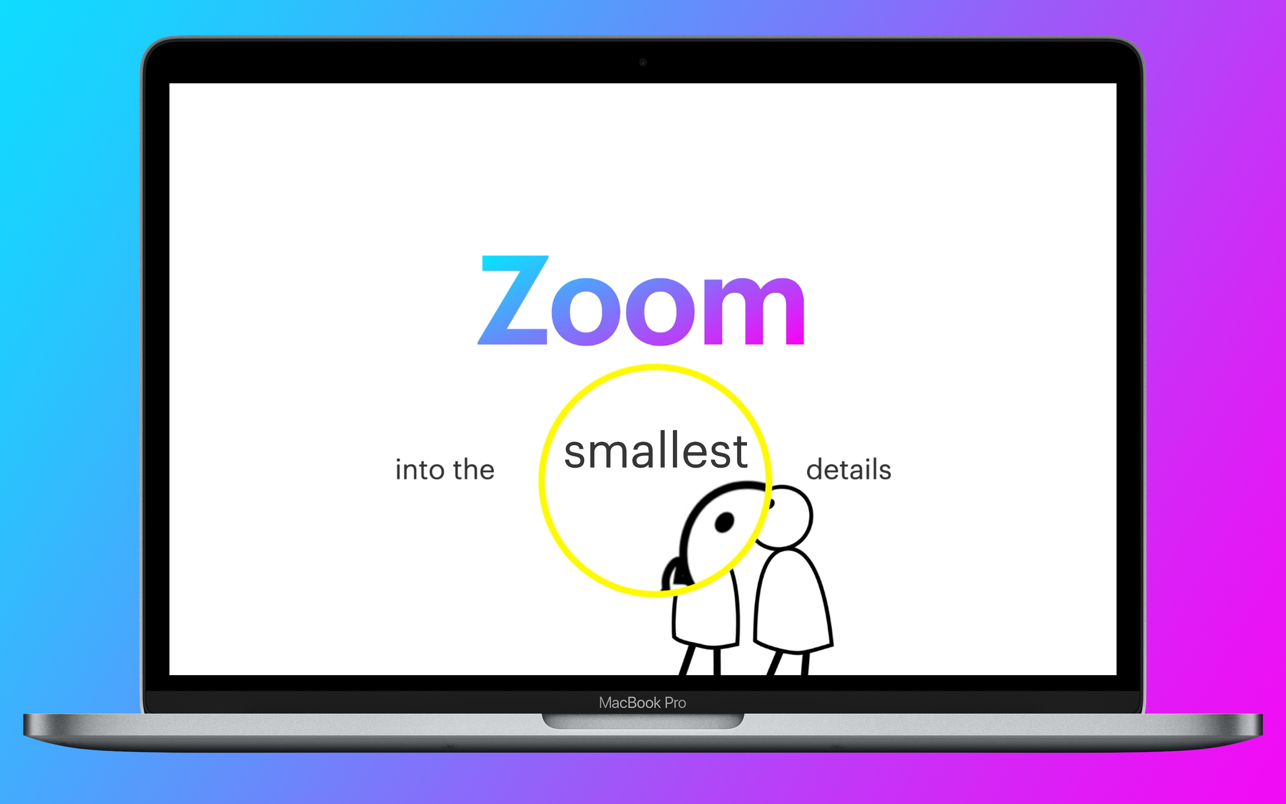
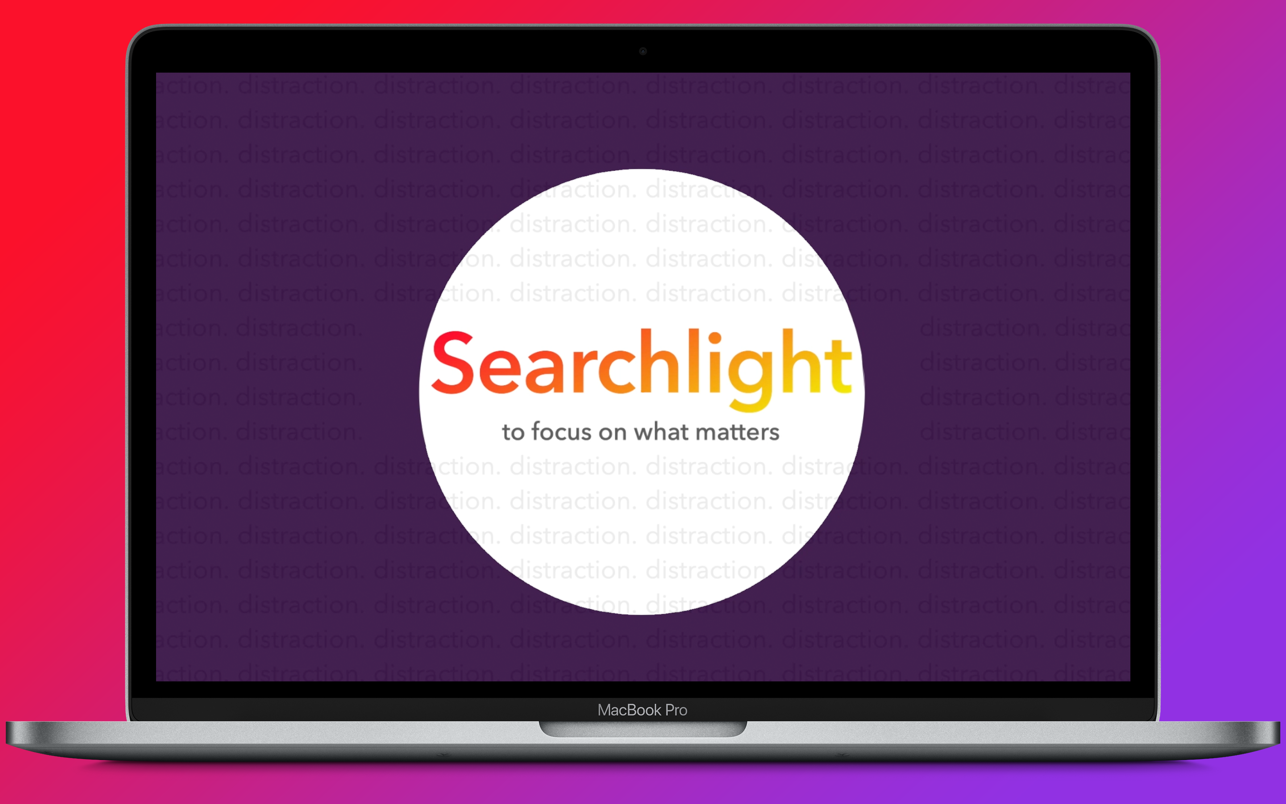
→ With the live-tracking ZOOM and SEARCHLIGHT feature, you can emphasize specific areas on your screen, even over video!

Features:
• CUSTOMIZE your Mouse Halo’s Color, Size & Thickness
• DRAW anywhere on your screen – Pencil/Lines/Circles/Boxes/Arrows
• ZOOM into the smallest details
• HIGHLIGHT part of your screen to bring focus on what matters with SEARCHLIGHT
• Customize your pen’s color and thickness
• “We don’t collect and/or store your data, period.” – Our one sentence Privacy Policy!
• Set any Key combo to enable certain Pro Mouse features
• Create key combo sets to quickly change your shortcut keys to work better with the app you are using at that time
• Automatically hide Halo after inactivity option
• Automatically clear drawing(s) option
• Quickly enable/disable Pro Mouse straight from your status bar
• Works across full screen apps, multiple displays
• Works with conference call software such as Zoom and Google Hangouts
• Works with screen capture apps

Compatibility: macOS 10.13 or later
Mac App Store https://apps.apple.com/app/pro-mouse/id1505869474

Screenshots


Name: Pro_Mouse_1.10_MAS__HCiSO_Mactorrents.io.dmg
Size: 32 MB
Files Pro_Mouse_1.10_MAS__HCiSO_Mactorrents.io.dmg[32 MB]

   Download

TranslateMe for Safari 3.5.3

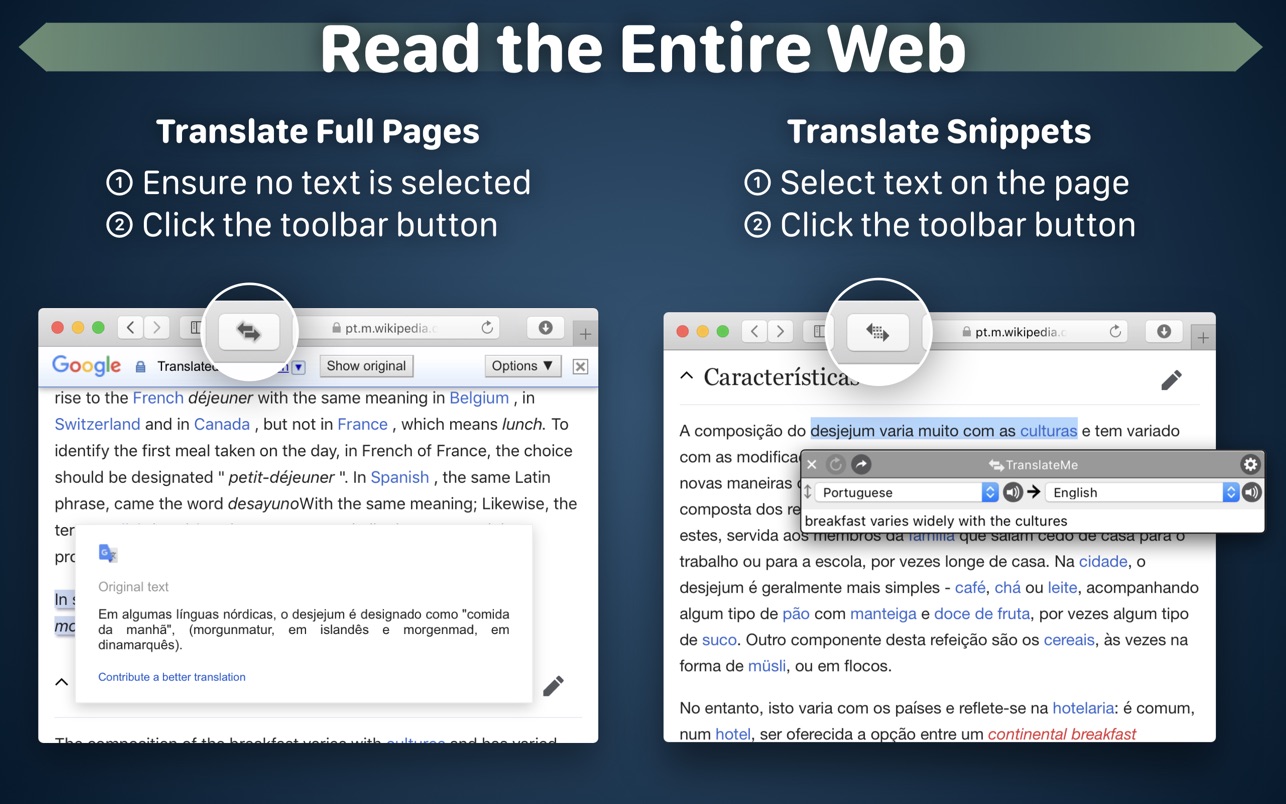
Read the entire web! Translate entire webpages or just the snippets you need in the Safari web browser. Great for learning languages, reading foreign news, doing research, and much more! Uses multiple translation services. Supports Dark Mode.

••• Setup & Install •••
To enabled the TranslateMe extension in Safari: After downloading, open the TranslateMe app to load the extension, then go to Safari > Preferences > Extensions and tick the box next to TranslateMe to enable it. Open tabs may need to be reloaded.

To modify settings: Open the TranslateMe app, then click the “Open Settings” button. Or hold Option key while clicking the TranslateMe toolbar button in Safari.

••• How To Use •••
Engage TranslateMe via toolbar button, contextual menu, or keyboard shortcut.

To translate text snippets: Hold Option key while selecting text. Or select the text and then right-click, use the toolbar button, or double-click the Option key.

The toolbar button indicates the current mode and allows quick access to full page or snippet translation. Hold Option/Alt key while clicking the toolbar button to open Quick Settings.

Keyboard shortcut Command-Option-T will toggle TranslateMe just like the toolbar button does.

After download, open the TranslateMe app for more instructions.

••• Languages supported for translation •••
Abkhazian, Afar, Afrikaans, Akan, Albanian, Amharic, Arabic, Aragonese, Armenian, Assamese, Avaric, Avestan, Aymara, Azerbaijani, Bambara, Bashkir, Basque, Belarusian, Bengali, Bangla, Bihari languages, Bislama, Bosnian, Breton, Bulgarian, Burmese, Cantonese (Traditional), Catalan, Cebuano, Central Khmer, Chamorro, Chechen, Chichewa, Chinese (Simplified), Chinese (Traditional), Church Slavic, Chuvash, Cornish, Corsican, Cree, Croatian, Czech, Danish, Divehi, Dutch, Dzongkha, English, Esperanto, Estonian, Ewe, Faroese, Fijian, Filipino, Finnish, French, Fulah, Gaelic, Galician, Ganda, Georgian, German, Greek (Modern), Guaraní, Gujarati, Haitian, Hausa, Hawaiian, Hebrew, Herero, Hindi, Hiri Motu, Hmong Daw, Hmong, Hungarian, Icelandic, Ido, Igbo, Indonesian, Interlingua, Interlingue, Inuktitut, Inupiaq, Irish, Italian, Japanese, Javanese, Kalaallisut, Kannada, Kanuri, Kashmiri, Kazakh, Kikuyu, Kinyarwanda, Kirghiz, Komi, Kongo, Korean, Kuanyama, Kurdish, Lao, Latin, Latvian, Limburgan, Lingala, Lithuanian, Luba-Katanga, Luxembourgish, Macedonian, Malagasy, Malay, Malayalam, Maltese, Manx, Maori, Marathi, Marshallese, Mongolian, Nauru, Navajo, Ndonga, Nepali, North Ndebele, Northern Sami, Norwegian Bokmål, Norwegian Nynorsk, Norwegian, Occitan, Ojibwa, Oriya, Oromo, Ossetian, Pali, Panjabi, Pashto, Persian, Polish, Portuguese, Portuguese (Portugal), Portuguese (Brazil), Quechua, Querétaro Otomi, Romanian, Romansh, Rundi, Russian, Samoan, Sango, Sanskrit, Sardinian, Serbian (Cyrillic), Serbian (Latin), Serbian, Shona, Sichuan Yi, Sindarin (Elvish), Sindhi, Sinhala, Slovak, Slovenian, Somali, South Ndebele, Southern Sotho, Spanish, Sundanese, Swahili, Swati, Swedish, Tagalog, Tahitian, Tajik, Tamil, Tatar, Telugu, Thai, Tibetan, Tigrinya, Tonga (Tonga Islands), Tsonga, Tswana, Turkish, Turkmen, Twi, Uighur, Ukrainian, Urdu, Uzbek, Venda, Vietnamese, Volapük, Walloon, Welsh, Western Frisian, Wolof, Xhosa, Yiddish, Yoruba, Yucatec Maya, Zhuang, Zulu

* Language availability subject to change.

Compatibility: macOS 10.13 or later
Mac App Store https://apps.apple.com/app/translateme-for-safari/id1448316680

Screenshots


Name: TranslateMe_3.5.3_MAS__HCiSO_Mactorrents.io.dmg
Size: 7 MB
Files TranslateMe_3.5.3_MAS__HCiSO_Mactorrents.io.dmg[7 MB]

   Download

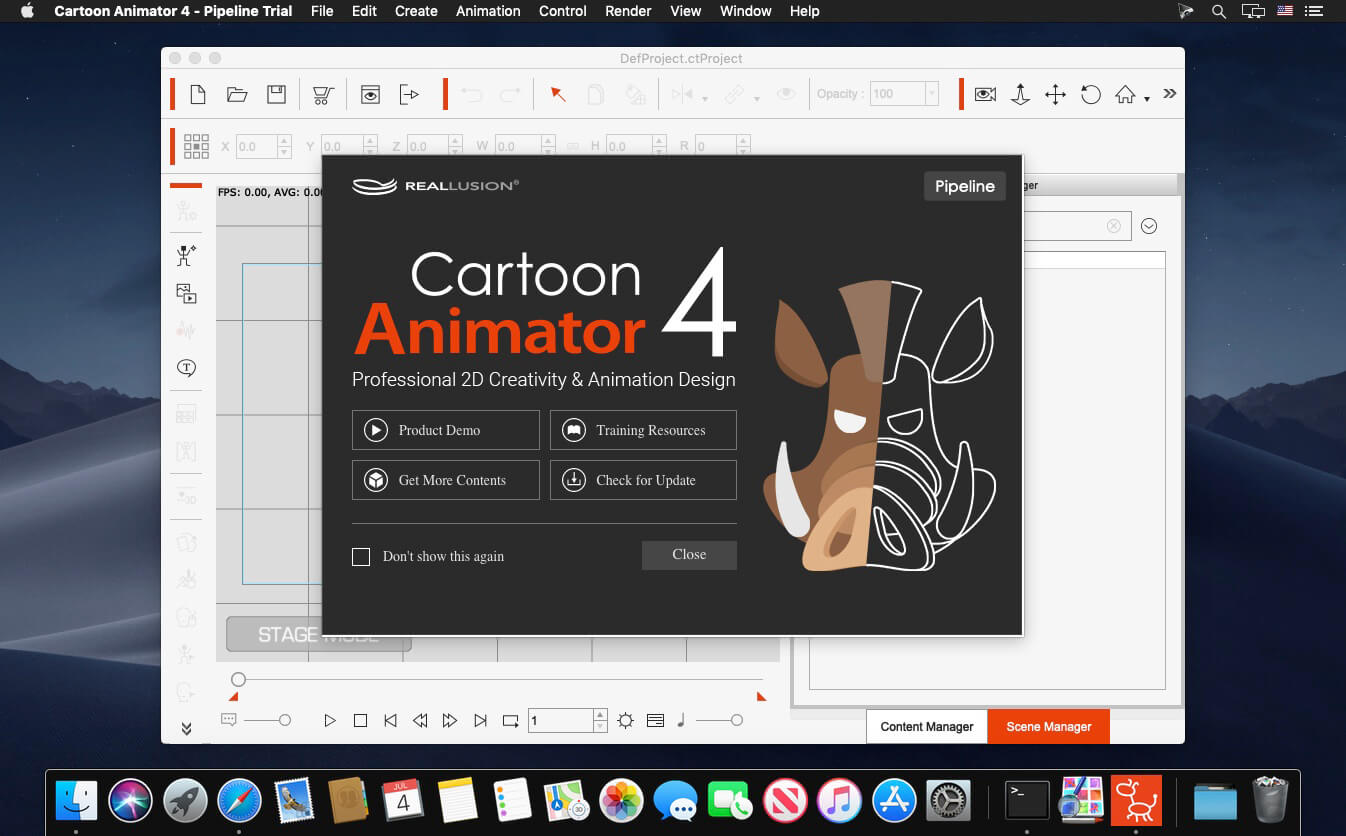
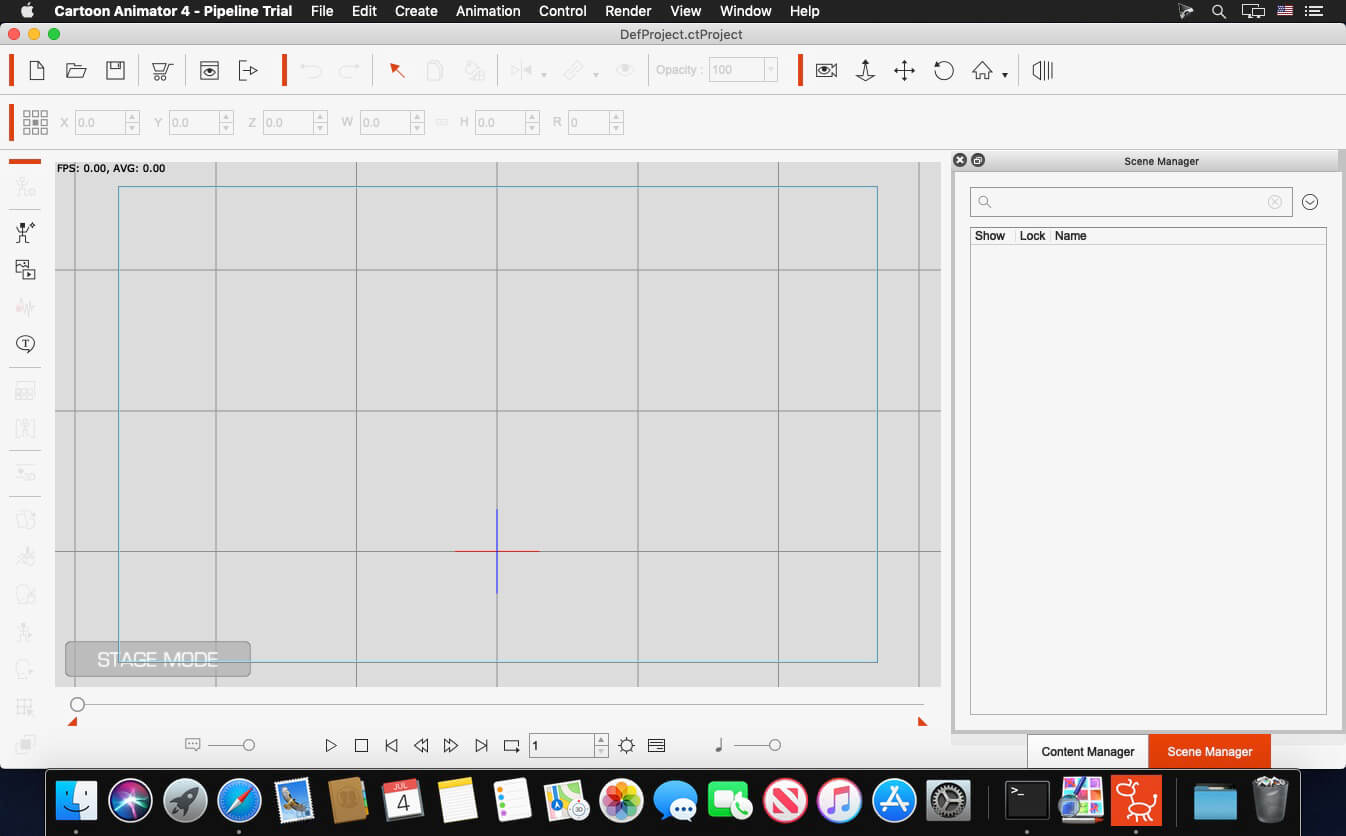
Reallusion Cartoon Animator 4.5.2918.1 Pipeline

Cartoon Animator 4 (formerly known as CrazyTalk Animator) is a 2D animation software designed for both ability of entry and productivity. You can turn images to animated characters, control characters with your expressions, generate lipsync animation from audio, accomplish 3d parallax scenes, produce 2D visual effects, access content resources, and wield a comprehensive photoshop pipeline to rapidly customize characters and create content.

All New in Cartoon Animator 4:
ENHANCED CHARACTER ANIMATION
This WIP 1 demonstrates how Reallusion made 2D Character Animation more precise, powerful, yet more intuitive. Say goodbye to foot sliding, sinking or floating problems, the new Smart IK/FK system not only switches automatically, it makes creating amazing cartoon animation so much easier. Posing with locking end effectors gives you power to precisely animate characters with scene interaction. In addition, you can perfectly adapt motion files with different body shapes from our motion library, even fine-tune the character’s stride or alter its motion genre.

Smart IK (Inverse Kinematic)
Simple and functional design sets Cartoon Animator apart from other 2D Animation tools. The intuitive 2D in IK / FK system auto-switches invisibly so character posing for animation is a fluid, and logical process. Just lock the character feet to have perfect non-sliding foot contact, and lock the character’s hand to get a precise interaction with props or scene.

Easy IK Editing

  • Stretches, squatting, and hip rotation made simple by moving the hip bone.
  • Easy-locking feet and hands for unlimited motion possibilities.
  • Position character end effectors for precise IK interaction.
  • Keep or Flip Joint Bend Direction during animation editing.

Intuitive Auto IK/FK Switch

  • Drag-and-move end effectors for IK editing, directly rotate joins for FK editing.
  • Intuitive pose-to-pose editing without switching IK and FK modes.
  • One transform timeline track can keep End Effector Constraints and it’s Effective Range.
  • Set keys only to Selected Body Parts, or to Full Body motion layers.

Stretch Animation

  • Freely extend any character’s end segments – head, hands and feet.
  • Rubber-band stretch midpoint segments like elbow, waist, knee.
  • After releasing stretching, the segment can resume to its original length.
  • Stretch neck and torso parts by locking hands and feet.
  • Smoothly interpolate stretch animation, and add Motion Curve for timing control.

Precise Scene and Prop Interaction

  • Lock hands and feet to precisely interact with scene objects.
  • IK Constraints – use “Keep End Effort Rotation” to tip toe or bend wrist, or use “Keep End Effector Angle” to sustain feet angle on the skateboard or bicycle pedal.
  • Use “Keep Bend Direction” to ensure character’s elbow or knee always bend at the right direction.
  • Lock hand and feet to make stable spider-like crawling movement.

Works with All Kinds of Cartoon Characters

  • Correct backward knee bend animation for quadruped animals.
  • Use Shift+drag to alter the bone length between two bone segments producing a uniform transform effect such as the gorilla arm movement.
  • The same effect can apply to breathing or neck-stretching animation.
  • Use End Effector Rotation to easily let the dog naturally sit down.

Smart Motion Retargeting
Unique animation feature translates motions automatically to various character styles with different body scale. Smart Motion Retargeting correctly applies the collected motion files to different body shapes, automatically aligns characters to the motion’s pose regardless it’s initial pose settings, innovatively creates different motion performance styles.

Adapt Motions to any Character Scale

  • No more Foot Sliding, Sinking, or Floating problems caused by characters’ bone scale difference.
  • Library Animation applied perfectly to all types of template characters.
  • Works with all Template-based Motion – human biped, quadruped, wings, spine bone.

Creative IK Motion Varieties

  • Auto-align character bones to the Motion Data pose, regardless of the character’s initial pose setting.
  • Recalculate character’s Initial Pose Offset for accurate animation editing.
  • Change characters’ foot stride, or arm reach distance by altering the overall Motion Data Scale.
  • Adjust individual End Effector bone ratio for precise character to object interaction.

Create IK Rig
Generate IK-ready 2D animated characters, CTA4 provides standardized IK Controls for template-based characters. We’ve also added the Auto IK Rig for Photoshop Imported characters. For custom created free-bone characters, now users may create a custom GUI from the Custom Rig GUI.

Auto IK Rig

  • Auto IK Rig for Imported Photoshop Template Characters (PSD).
  • Works for All Character Templates – Human, Quadruped, Wings, Spine.
  • Default Human End Effector Presets – Toe, Ankle, Finger and Wrist
  • Free to add IK lock to selected bone segments
  • Auto assign End Effectors to Free Bone Characters, allowing custom IK definition

Custom GUI

  • Snapshot a Character with a Custom Pose to create a Character Rig GUI.
  • Import an image file as a custom rig image.
  • Move and place End Effector Locks for ideal layout.
  • Specify Bone Size, Segment On/Off in the UI display.

360 Head Creation
This WIP 2 shows how Reallusion breaks through the limitations of 2D Art, and delivers a practical way for 2D animators to create characters with advanced animation along with vivid expressions. The 360 evolution streamlines the workflow for Head Creation, Expression Setup, and directly to the animation core with face key editing, puppeteering and the timeline system. Apart from introducing a set of 360 assets and new professional animation library, users also have the path to convert existing content into 360 heads with a full range of motion.

Quickly Transform a 2D Face into a 3D Head
3D Head Creator transforms 2D art into 3D styled characters with up to 360 degree of motion for deeply rich performances. Photoshop round trip integration for editing multi-angle character in and out of 3D Head Creator.

Anchor Nine Head Turn Directions

  • Inherit basic angle settings from Quick Setup
  • Transform and deform head sprites for perfect 3D turn
  • Optional FFD resolution from 2×2 (perspective correction) to 5×5 (precise shape definition)
  • Mask-out features outside the face to create the 3D illusion

Smart Designs to Speedup Multi-angle Settings

  • Copy and paste the angle definition
  • Mirror setup from one side to another, flip or replace sprites to match angle requirements
  • Onion Skin – proper sprite placement with neighboring setup reference
  • Average – average the angle setting value from two selected points

Add Additional Decorative Items

  • Apart from main facial features, users can freely add other decorative elements
  • The cat has whiskers and the nose stripe seamlessly blended with the parent turning head base
  • The same techniques can be used to emphasize a 3D effect with highlight and shadow layers

Free Angle Definition – Up to 360°

  • More than creating a turning head, you can give a full spin to a simple shaped creature, even a moody bird
  • Freely add angle points to setup the character look as the head turns
  • Each angle point contains data for sprites transformation, deformation, and sprite change
  • A total of 25 optional angle points are provided and a perfect 360° character can be achieved by properly adding angle definition for horizontal and vertical turn

Designing 360 Heads with Photoshop Layers

  • Complete PSD to CTA round-trip workflow for 360 Head Creation
  • The PSD character template is extended with angle layers for sprite change
  • Use several image layers to accentuate depth such like a hog’s nose
  • Build the layer hierarchy using a simple naming rule, eg. Parent > Child
  • The 360 Head Creator can generate and send angle definitions back to Photoshop, new PSD layers are generated for the 360 angle adjustments

3D Expression Setup

  • The Cartoon Animator Expression Setup is enhanced for new 360 Performance
  • Transform and deform facial sprites to setup 3D-like Expressions
  • Turn on Smooth Mode to achieve extremely smooth facial blendshape animation
  • Easily Guide the Head Movement using Head Turn Gizmo
  • Combine with the Face Key Editor for amazing results!

New Generation of 360 Creative Assets

  • Mix and match facial features to create new 360 characters
  • Dynamic hairstyles and accessories can also include multiple view angles
  • Combine 360 Head with selected Body style for perfect Smart IK Animation

360 Animation Controls and Timeline Editing

  • Head Turn Gizmo – Easily guide the head direction using mouse cursor, a quick way to layout the animation tempo
  • Face Key Editor layers up precise facial expressions, detailed adjustment can be achieved by selecting facial features, choosing from an expression list, and customizing with muscle morph sliders
  • Face Puppet is enhanced for generating expressions with dynamic head turns
  • Use Transform and deform to exaggerate the cartoon performance

Homepage https://www.reallusion.com/

Screenshots


Name: Reallusion_Cartoon_Animator_4.5.2918.1_Pipeline_Mactorrents.io.zip
Size: 659.45 MB
Files Reallusion_Cartoon_Animator_4.5.2918.1_Pipeline_Mactorrents.io.dmg[659.45 MB]

   Download

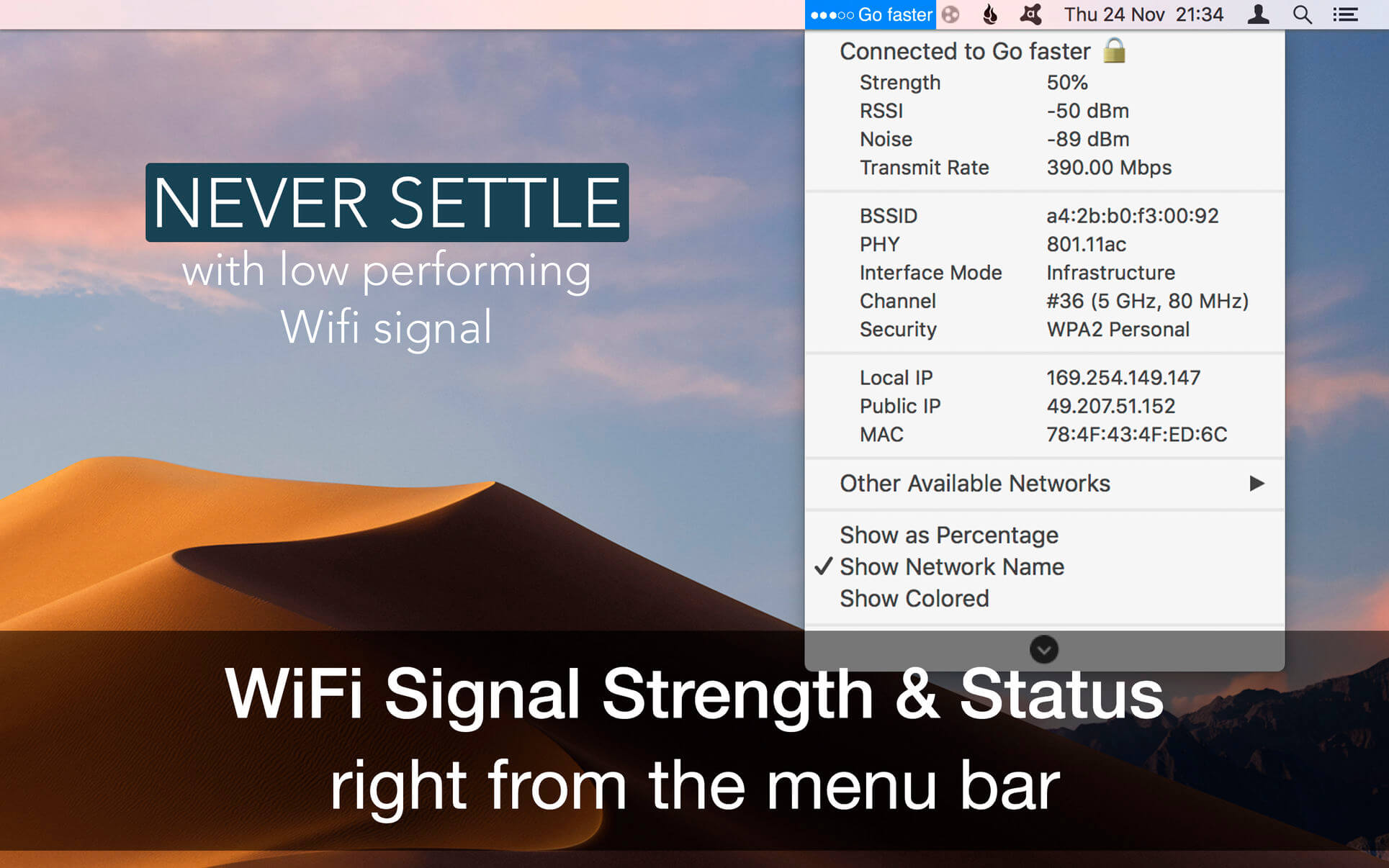
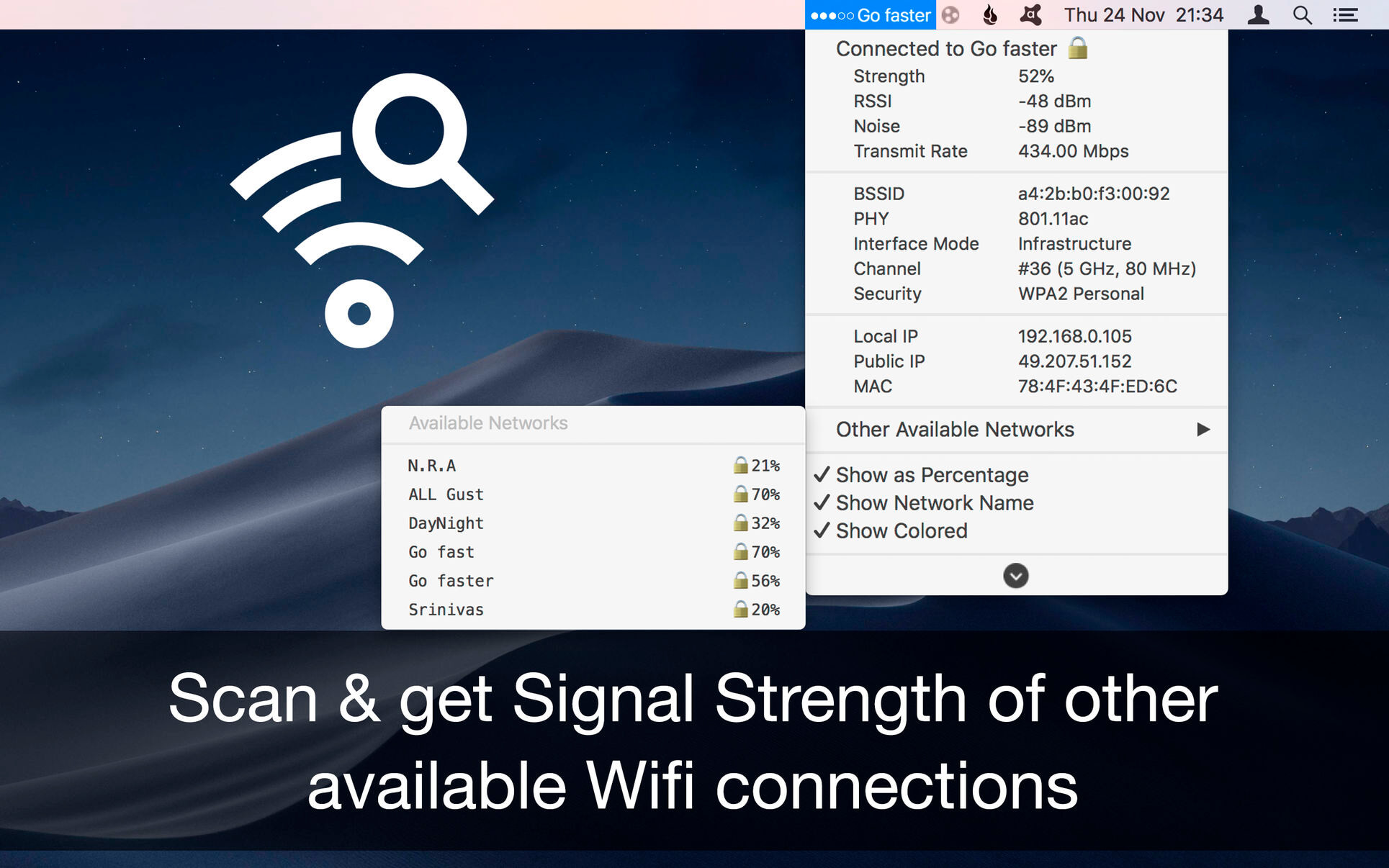
WiFi Signal 4.4.3

WiFi Signal is a system menu bar application that provides easy access to your Wi-Fi connection details (name, channel, transmit rate, signal strength, noise, etc.), monitors the signal quality of your wireless network, and can find and recommend alternative channels for your network thus avoiding signal overlapping and channel conflicts that can result in connectivity issues and performance degradation.

Features

  • Simple, straightforward user interface
  • Accurate dBm to percentage conversion
  • Real-time signal strength and noise level graph
  • Signal quality ratings based on Signal-to-Noise Ratio (SNR) measurements
  • Automatic channel recommendations
  • Comprehensive app’s help describes how to use the tool the most effective way

Compatibility: OS X 10.13 or later 64 bit
Homepage https://appyogi.com

Screenshots


Name: WiFi_Signal_4.4.3_MAS__TNT_Mactorrents.io.dmg
Size: 5 MB
Files WiFi_Signal_4.4.3_MAS__TNT_Mactorrents.io.dmg[5 MB]

   Download

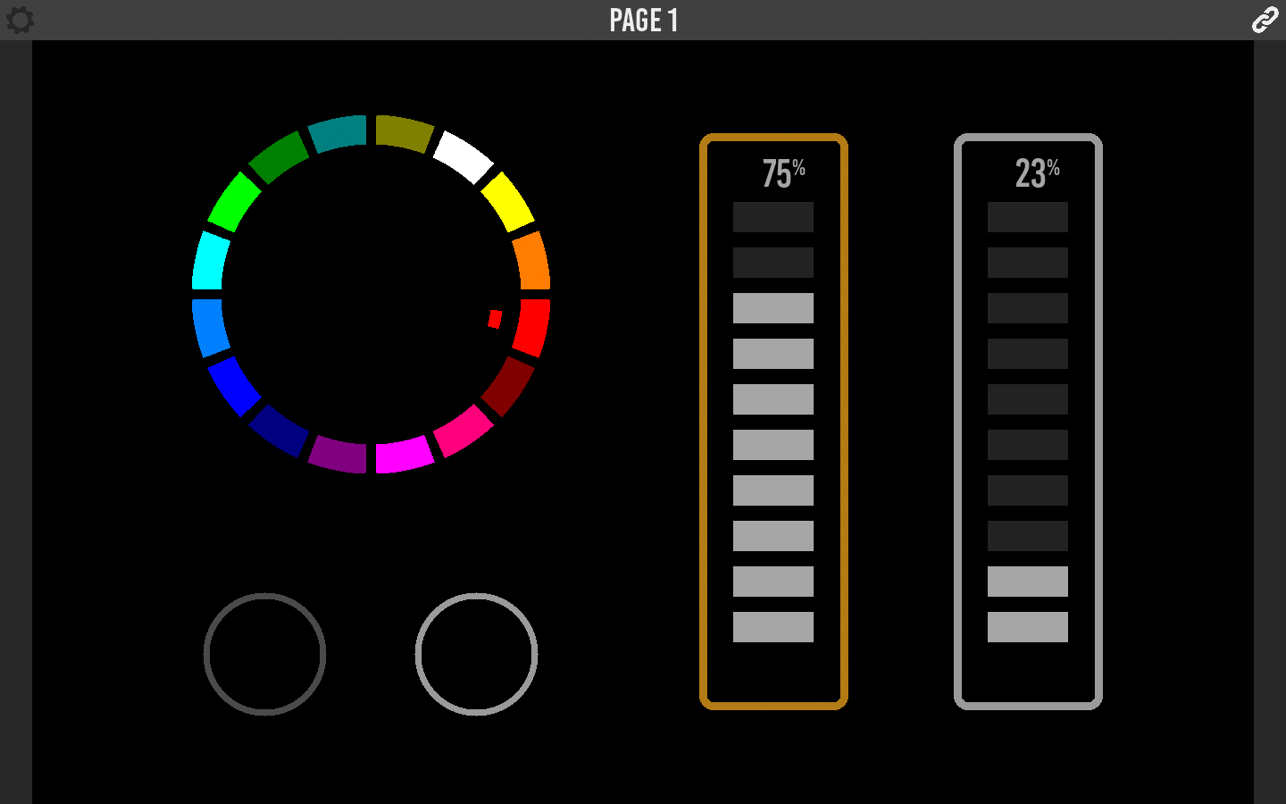
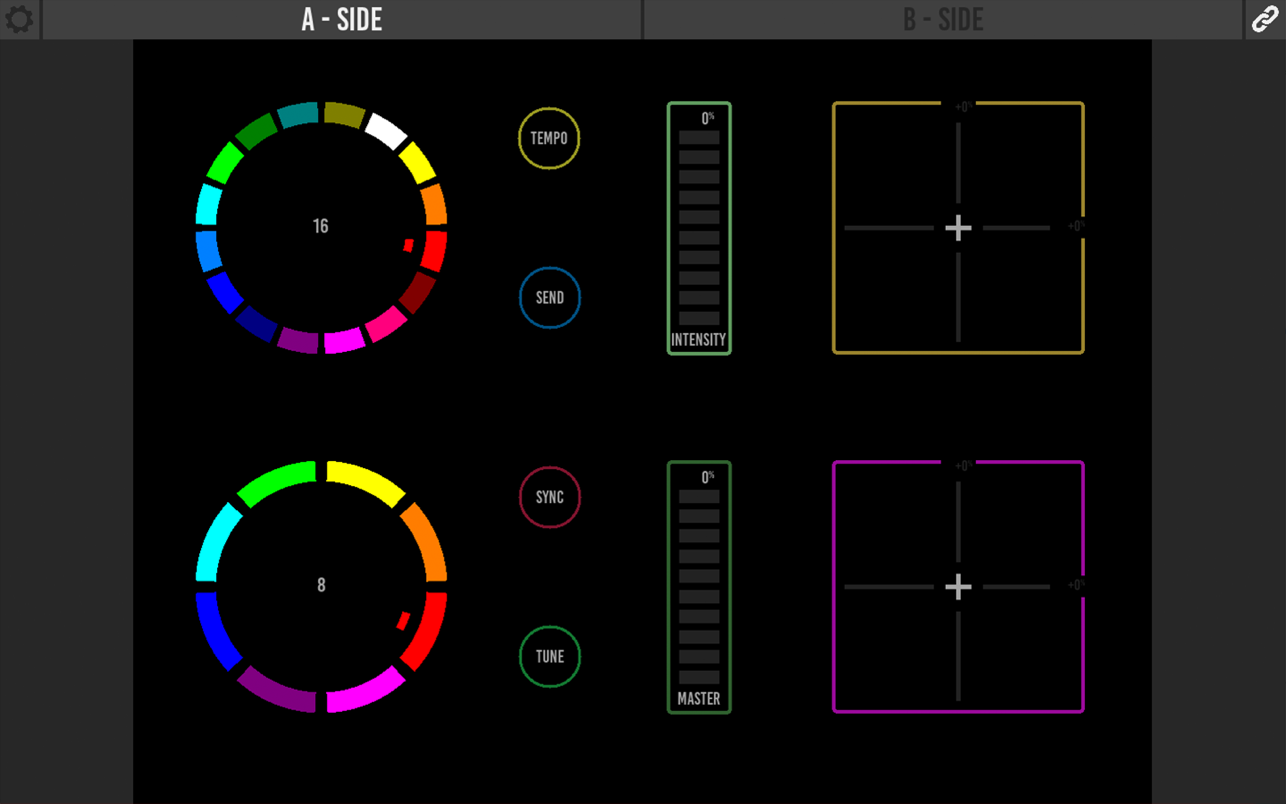
Kiosc 1.11.7

Kiosc is a simple tool for creating personalised dashboards that communicate OSC and UDP. It allows you to design your own user interface that remote controls systems and equipment via Ethernet.

There is a lot of cool equipment available that can be controlled via UDP or OSC messages. You can choose Kiosc to be the stylish front-end for triggering all these video, audio and lighting devices. When designing the layout of your dashboard you can combine buttons, sliders, encoders, check-boxes and colour-pickers. You can drop in your logo or any other graphic.

Kiosc is the ideal way to control the architectural lighting controllers from Visual Productions like the CueCore2. It enables you, for example, to start lighting shows, change intensity levels or jump to a specific scene.

The Kiosc app is accompanied by the Kiosc Editor, a free design tool available on Windows, macOS and Ubuntu Linux.

Compatibility: macOS 10.13 or later
Homepage https://apps.apple.com/app/kiosc/id1131605497

Screenshots


Name: Kiosc_1.11.7_MAS__HCiSO_Mactorrents.io.dmg
Size: 22 MB
Files Kiosc_1.11.7_MAS__HCiSO_Mactorrents.io.dmg[22 MB]

   Download

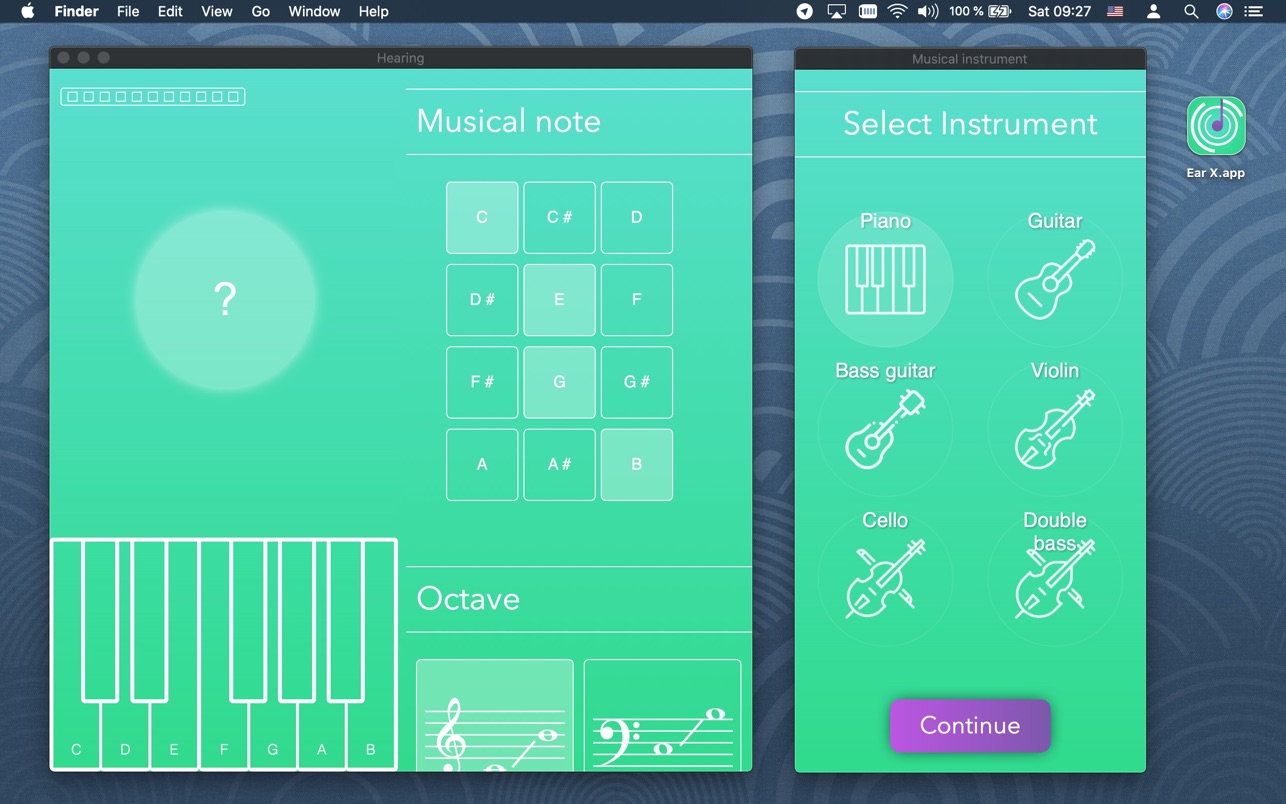
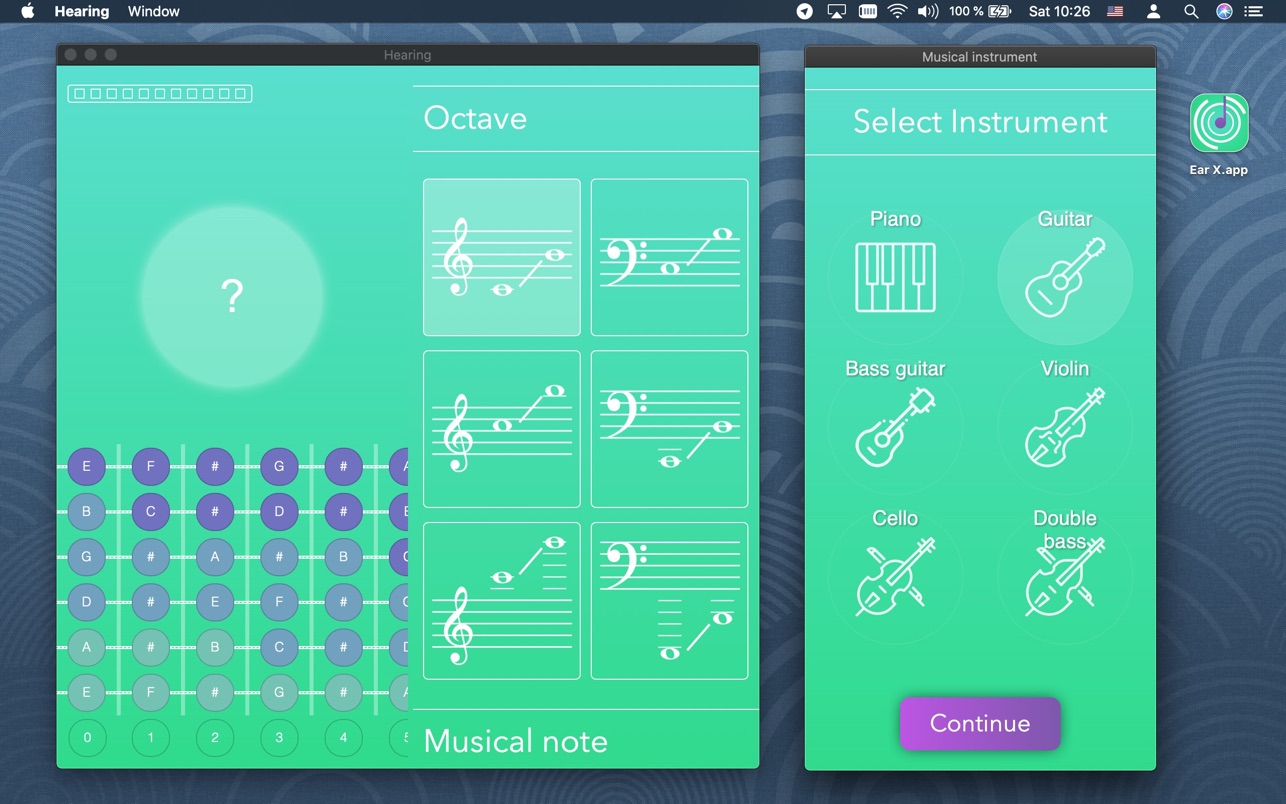
Hearing 1.0

How to identify musical notes by ear? Want to transcribe or play music by ear? Want to improve your hearing skills?

Do ear training exercises. A well-developed relative or absolute pitch is necessary for every musician.

Practice melodic dictations. Train sight reading to read sheet music and music notes. Learn to sing according to notes. Develop musical hearing with us.

You can practice musical ear using following instruments:
– vocals
– piano
– guitar
– bass-guitar
– violin
– cello
– double bass

Types of musical notations:
– C D E F G A B
– C D E F G A H
– Do Re Mi Fa Sol La Si
– До Ре Ми Фа Соль Ля Си
– Ντο Ρε Μι Φα Σολ Λα Σι
– ハ ニ ホ ヘ ト イ ロ
– 다 라 마 바 사 가 나
– स रे ग म प ध नि
– ด ร ม ฟ ซ ล ท

Compatibility: OS X 10.11 or later
Mac App Store https://apps.apple.com/app/hearing-ear-training-piano/id1489887480

Screenshots


Name: Hearing_1.0_MAS__HCiSO_Mactorrents.io.dmg
Size: 20 MB
Files Hearing_1.0_MAS__HCiSO_Mactorrents.io.dmg[20 MB]

   Download

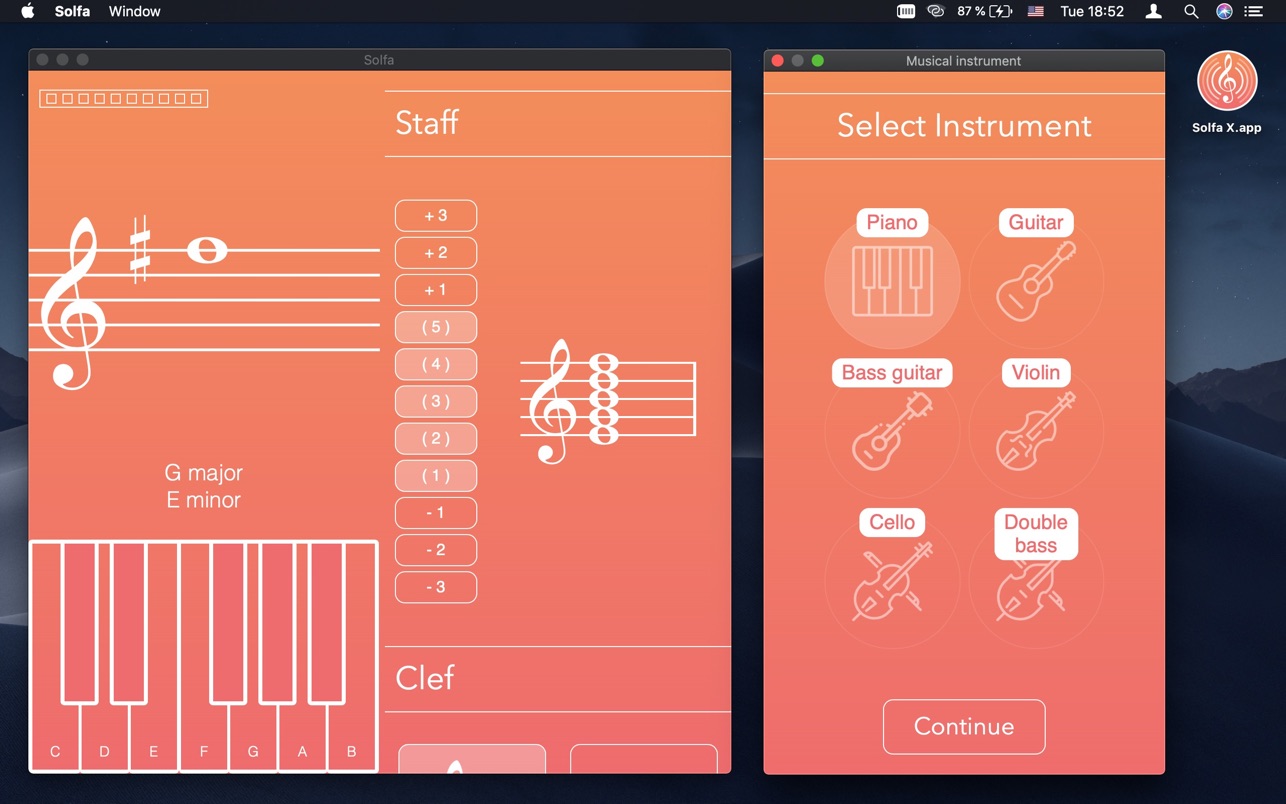
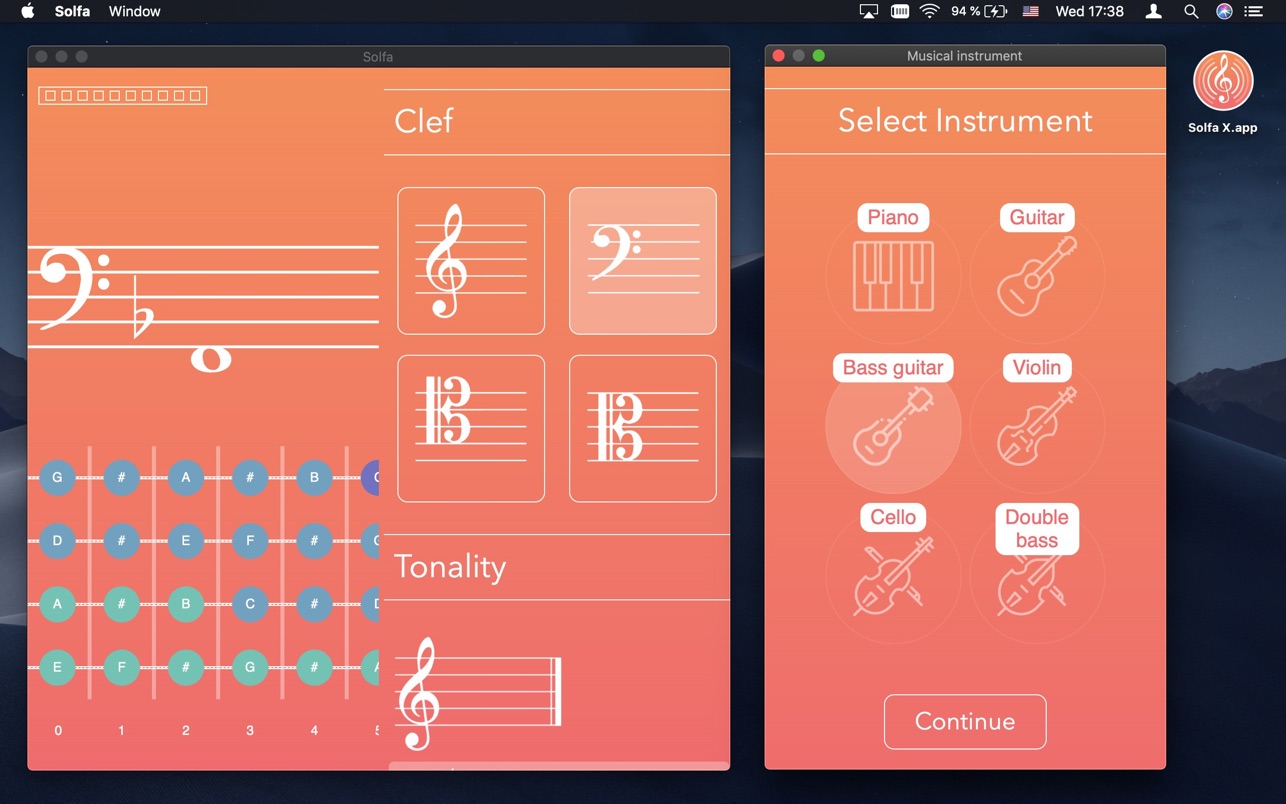
Solfa X 1.6

How to learn notes? How to read sheet music? How to remember note names?

“Notes” helps you learn notes for piano, guitar or singing.
“Musical Notes” is a quiz game for kids and beginners that helps you learn simple music theory.

– train sight-reading
– read notes of alto, bass, tenor, treble clef staff
– learn tonality and chord names
– switch between English, German note names

You can use “Notes” for ear training and basics of solfa.

List of musical instruments:
– singing
– piano
– guitar
– bass guitar
– violin
– cello
– double bass

Types of musical notations:
– C D E F G A B
– C D E F G A H
– Do Re Mi Fa Sol La Si
– До Ре Ми Фа Соль Ля Си
– Ντο Ρε Μι Φα Σολ Λα Σι
– ハ ニ ホ ヘ ト イ ロ
– 다 라 마 바 사 가 나
– स रे ग म प ध नि
– ด ร ม ฟ ซ ล ท

Compatibility: OS X 10.11 or later
Mac App Store https://apps.apple.com/app/solfa-learn-musical-notes/id1451247572

Screenshots


Name: Solfa_X_1.6_MAS__HCiSO_Mactorrents.io.dmg
Size: 20 MB
Files Solfa_X_1.6_MAS__HCiSO_Mactorrents.io.dmg[20 MB]

   Download

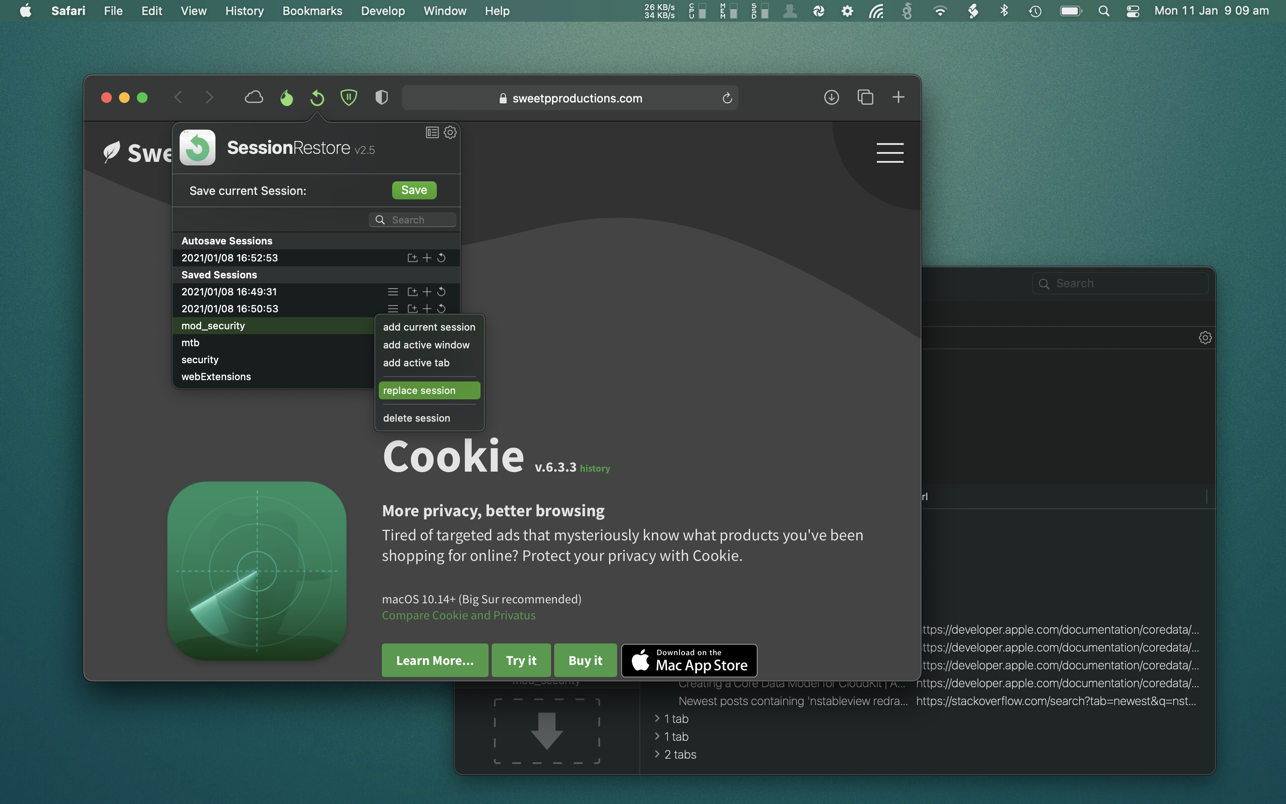
SessionRestore for Safari 2.6.4

Are you the kind of person who keeps numerous Safari tabs open, with the intent of reading them later?

SessionRestore is here to help.
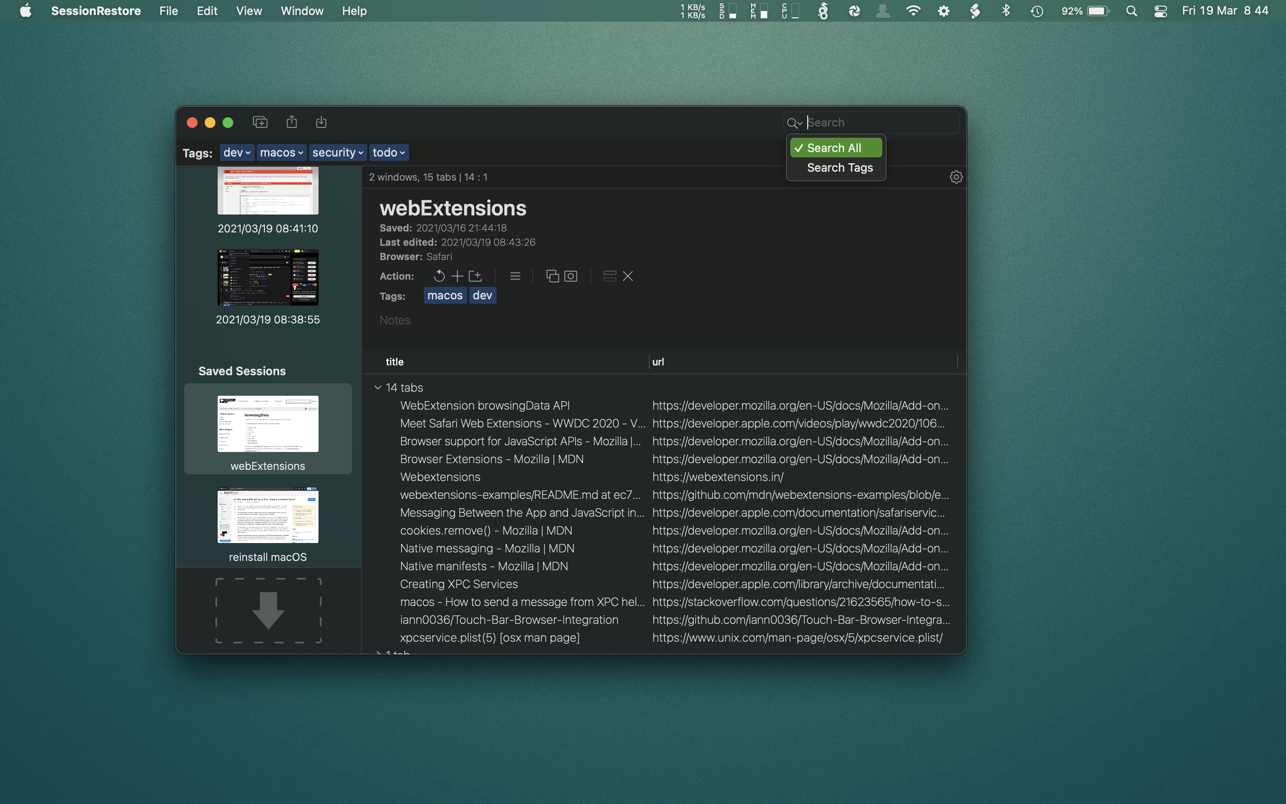
Save your browsing session, close all windows then start with a fresh session. It’s super easy to restore a session when ever you need it. Enable the handy autosave feature to always keep a backup!

Easily store any number of sessions with a quick button press. You can name sessions, add tags and provide custom notes – so you don’t forget why you saved it in the first place!

It’s possible to remove unneeded tabs or windows from saved sessions. You can even add tabs and windows to saved sessions. You may also want to combine sessions. This is easy in SessionRestore’s powerful dedicated session editor.

You backup your computer often, (well.. you should be) and now you can easily do the same with your browser tabs using SessionRestore. Who needs clumsy bookmarks – Go one step further, and save groups of tabs for instant retrieval anytime.

Built with the latest technologies, and integrated right in to Safari as an Extension, SessionRestore can help streamline how you manage and recall important websites.

Compatibility: macOS 10.14 or later
Mac App Store https://apps.apple.com/app/sessionrestore-for-safari/id1463334954

Screenshots


Name: SessionRestore_for_Safari_2.6.4_MAS__EP_Mactorrents.io.dmg
Size: 5 MB
Files SessionRestore_for_Safari_2.6.4_MAS__EP_Mactorrents.io.dmg[5 MB]

   Download

Adobe Zii 2021 6.1.2

Adobe Zii is a small and great utility which helps you forget about all issues with the registration of all Adobe existing products

What’s New:

Added:
Adobe Acrobat DC v21.005.20048
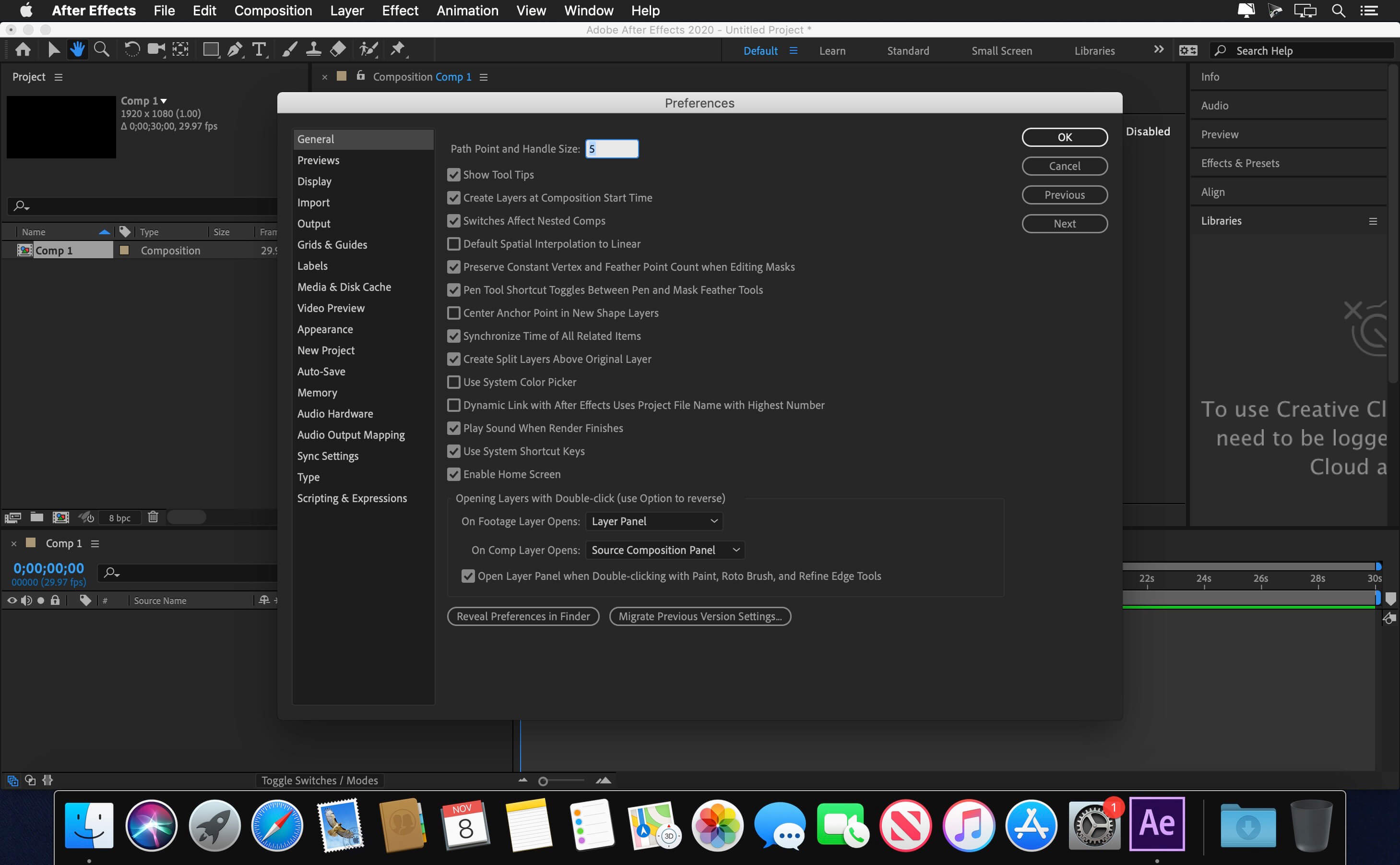
Adobe After Effects 2021 v18.2.1
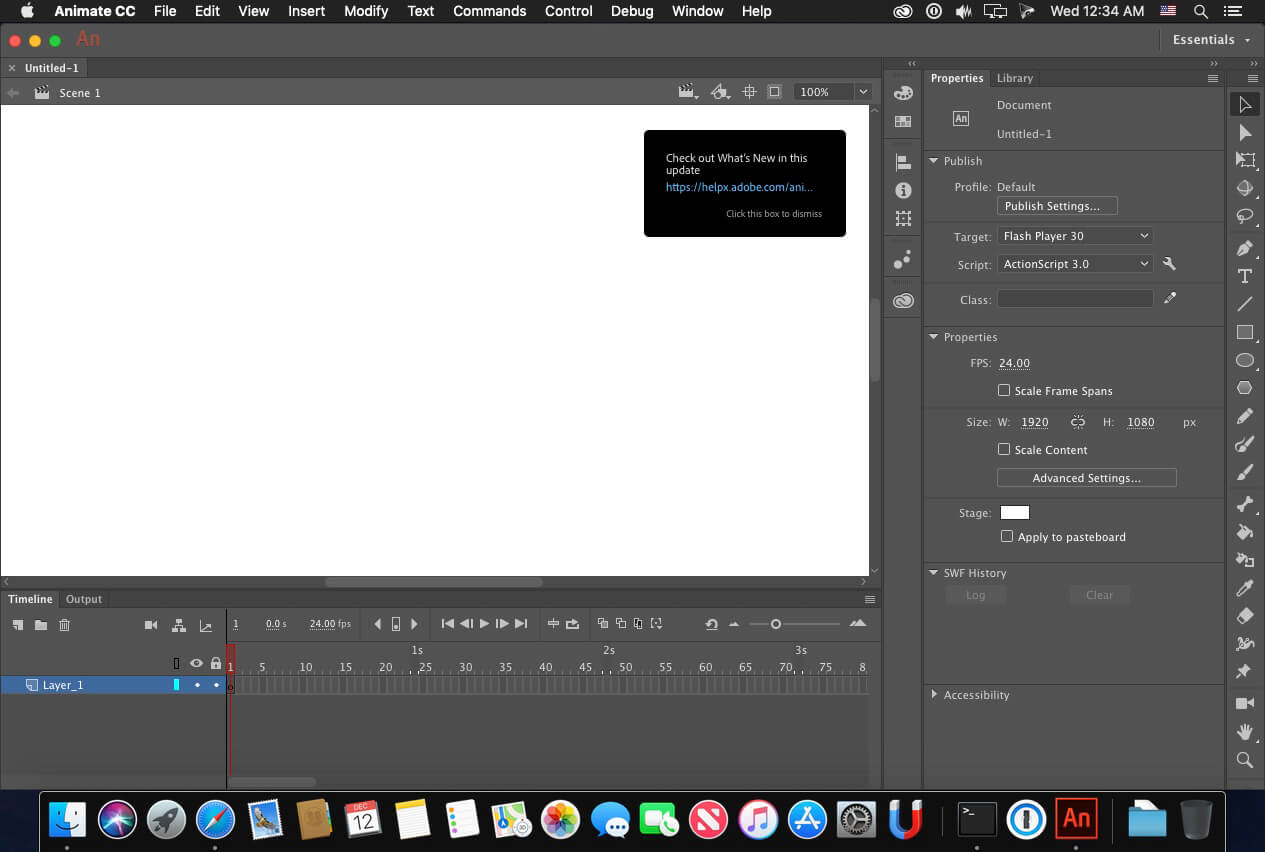
Adobe Animate 2021 v21.0.7
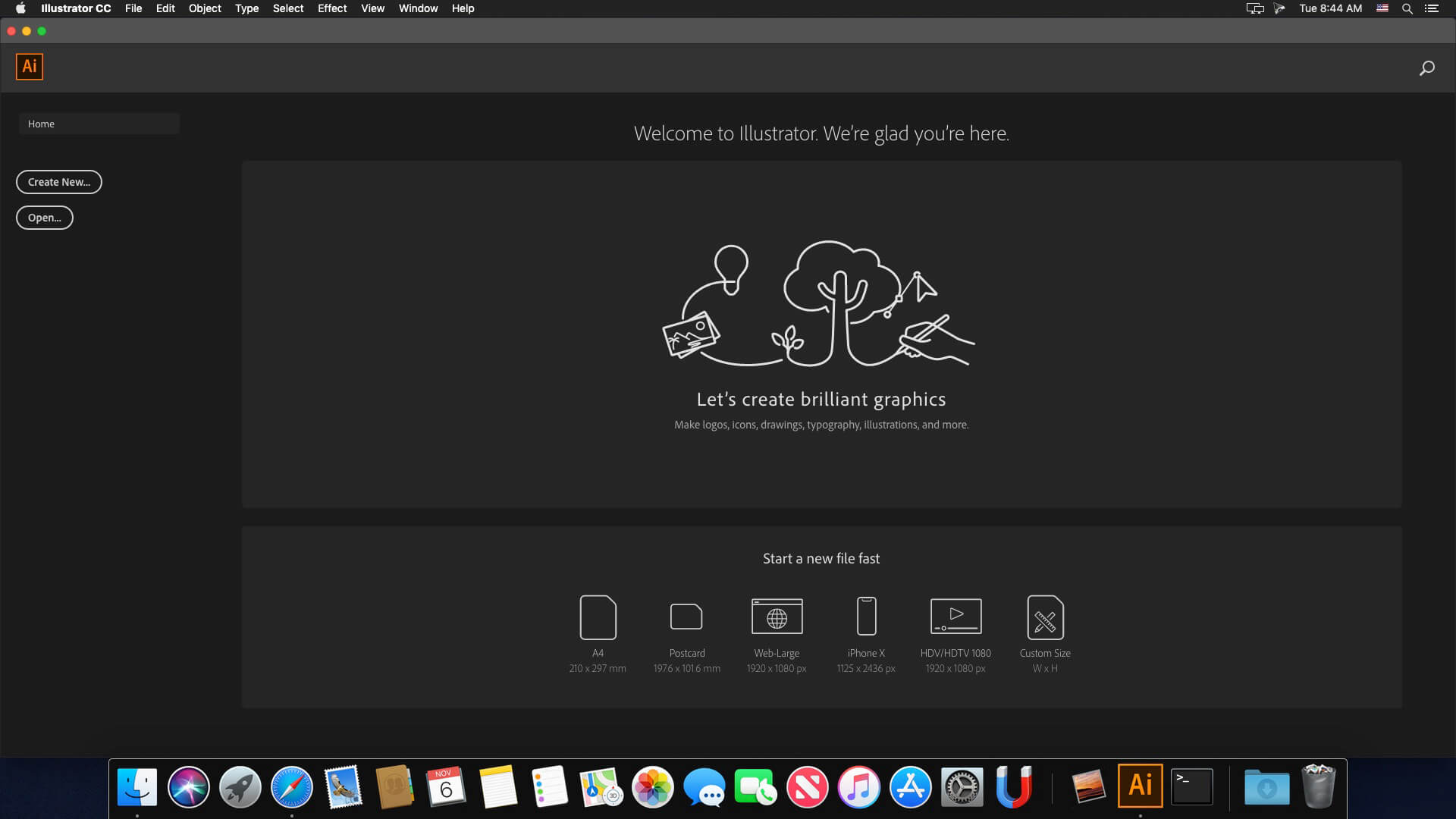
Adobe Illustrator 2021 v25.3
Adobe InDesign Server 2021 v16.2.1
Adobe Lightroom Classic v10.3
Adobe Photoshop 2021 v22.4.2
Adobe Premiere Rush v1.5.62
Adobe XD v41.0.12

Supported Products:

Adobe Acrobat DC v20.012.20048 – 21.005.20048
Adobe After Effects 2021 v18.0 – 18.2.1
Adobe Animate 2021 v21.0.0 – 21.0.7
Adobe Audition 2021 v14.0 – 14.2
Adobe Bridge 2021 v11.0.0 – 11.0.2
Adobe Character Animator 2021 v4.0 – 4.2
Adobe Dimension v3.4.0 – 3.4.2
Adobe Dreamweaver 2021 v21.0.0 – 21.1.0
Adobe Illustrator 2021 v25.0.0 – 25.3
Adobe InCopy 2021 v16.0.0 – 16.2.1
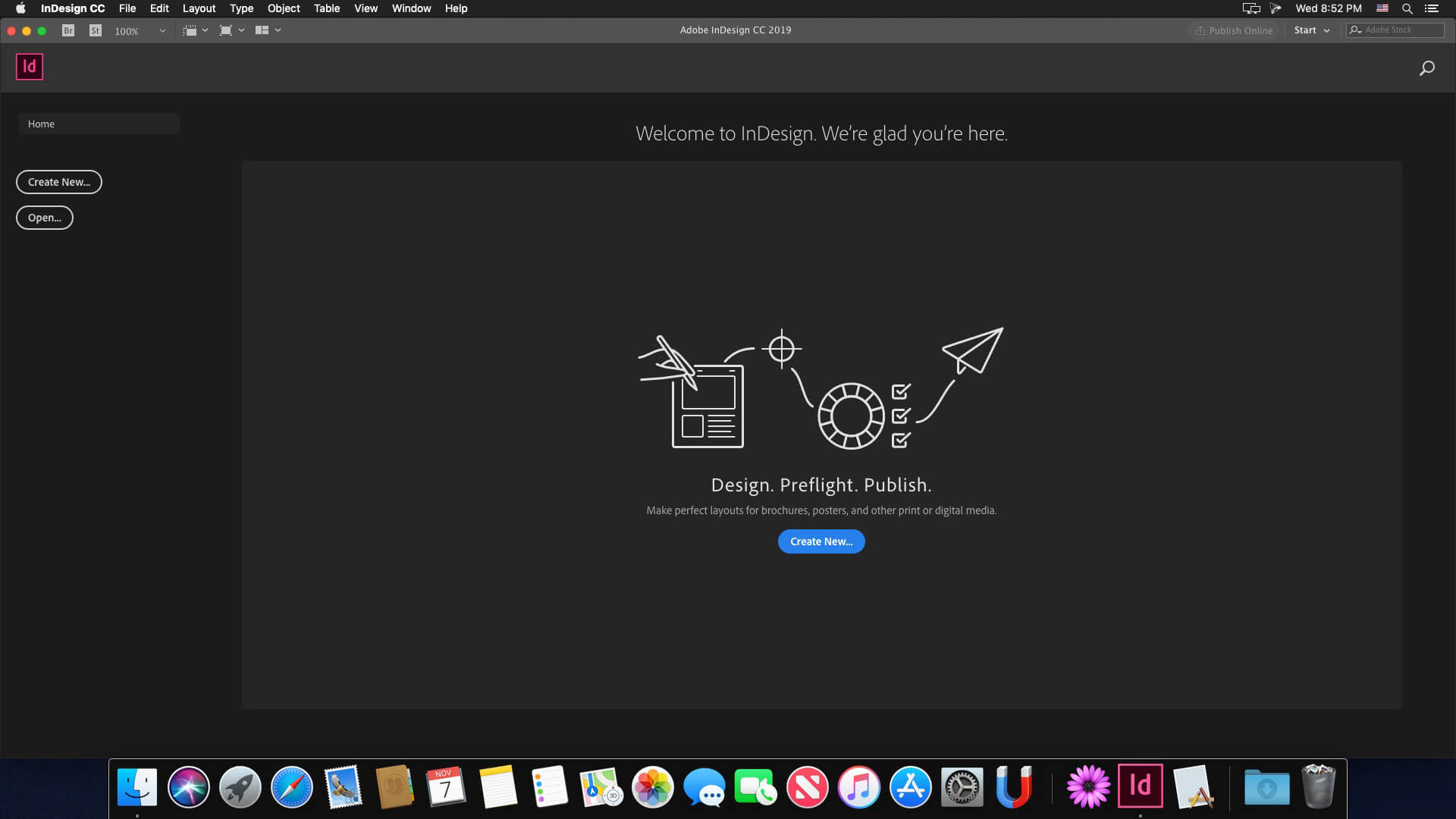
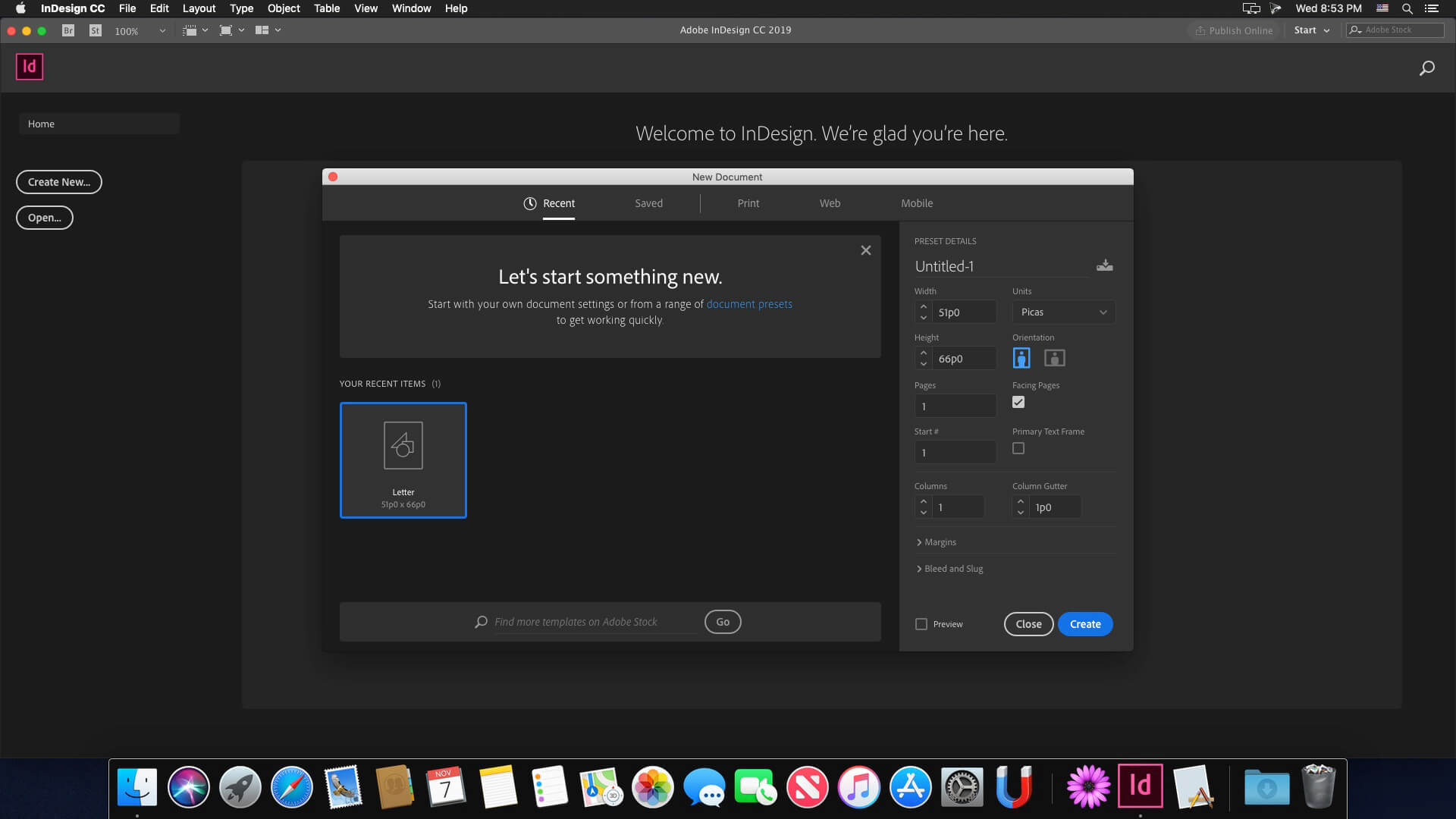
Adobe InDesign 2021 v16.0.0 – 16.2.1
Adobe InDesign Server 2021 v16.2.1
Adobe Lightroom Classic v10.0 – 10.3
Adobe Media Encoder 2021 v15.0 – 15.2
Adobe Photoshop 2021 v22.0.0 – 22.4.2
Adobe Prelude 2021 v10.0
Adobe Premiere Pro 2021 v15.0 – 15.2
Adobe Premiere Rush v1.5.34 – 1.5.62
Adobe XD v34.0.12 – 41.0.12

Adobe Photoshop Elements 2021 – 2021.2
Adobe Premiere Elements 2021 – 2021.1

Compatibility: OS X 10.14 or later 64-bit
Homepage https://adobe.com

Name: Adobe_Zii_2021_6.1.2__TNT_Mactorrents.io.dmg
Size: 8.21 MB
Files Adobe_Zii_2021_6.1.2__TNT_Mactorrents.io.dmg[8.21 MB]

   Download

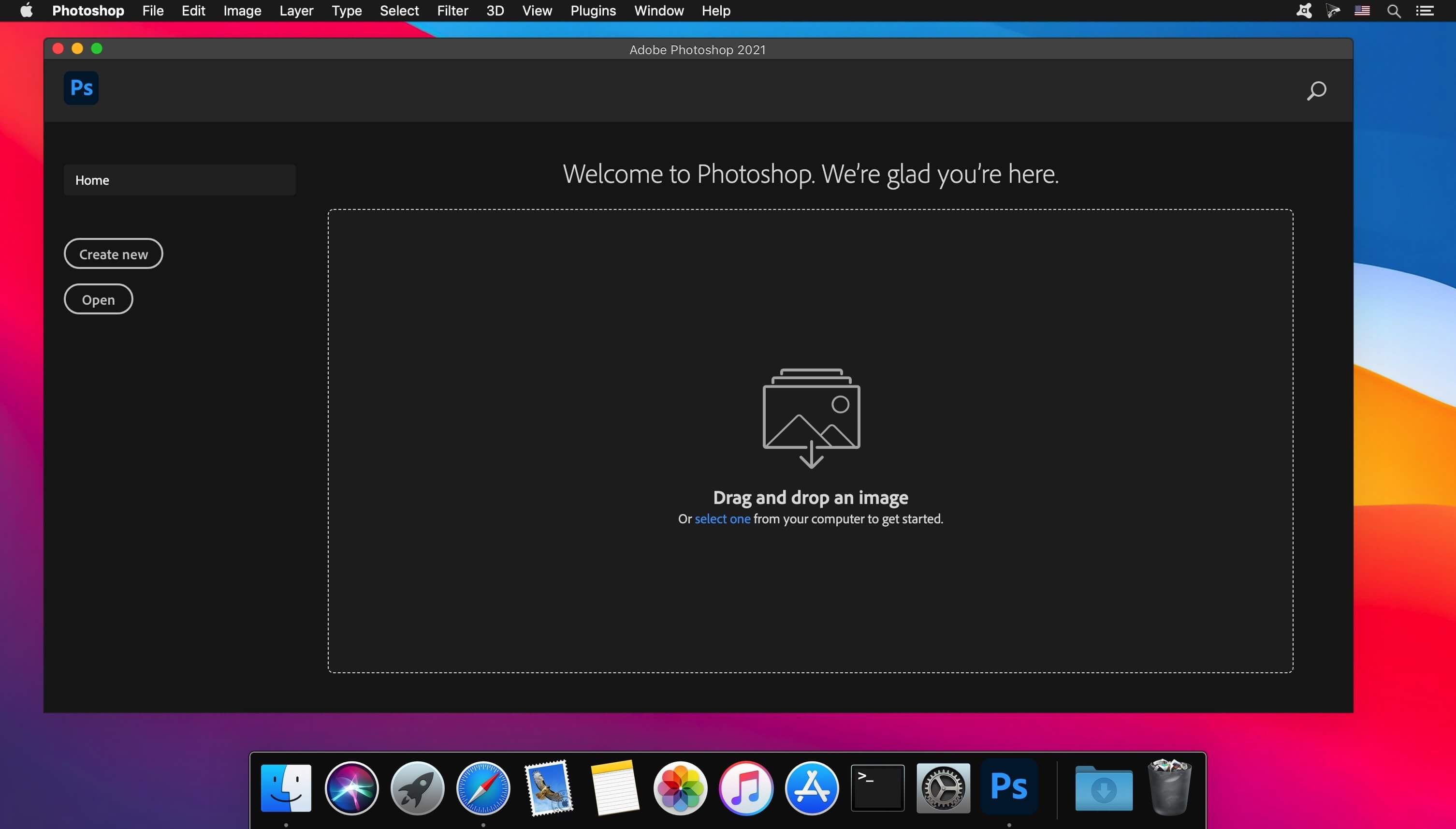
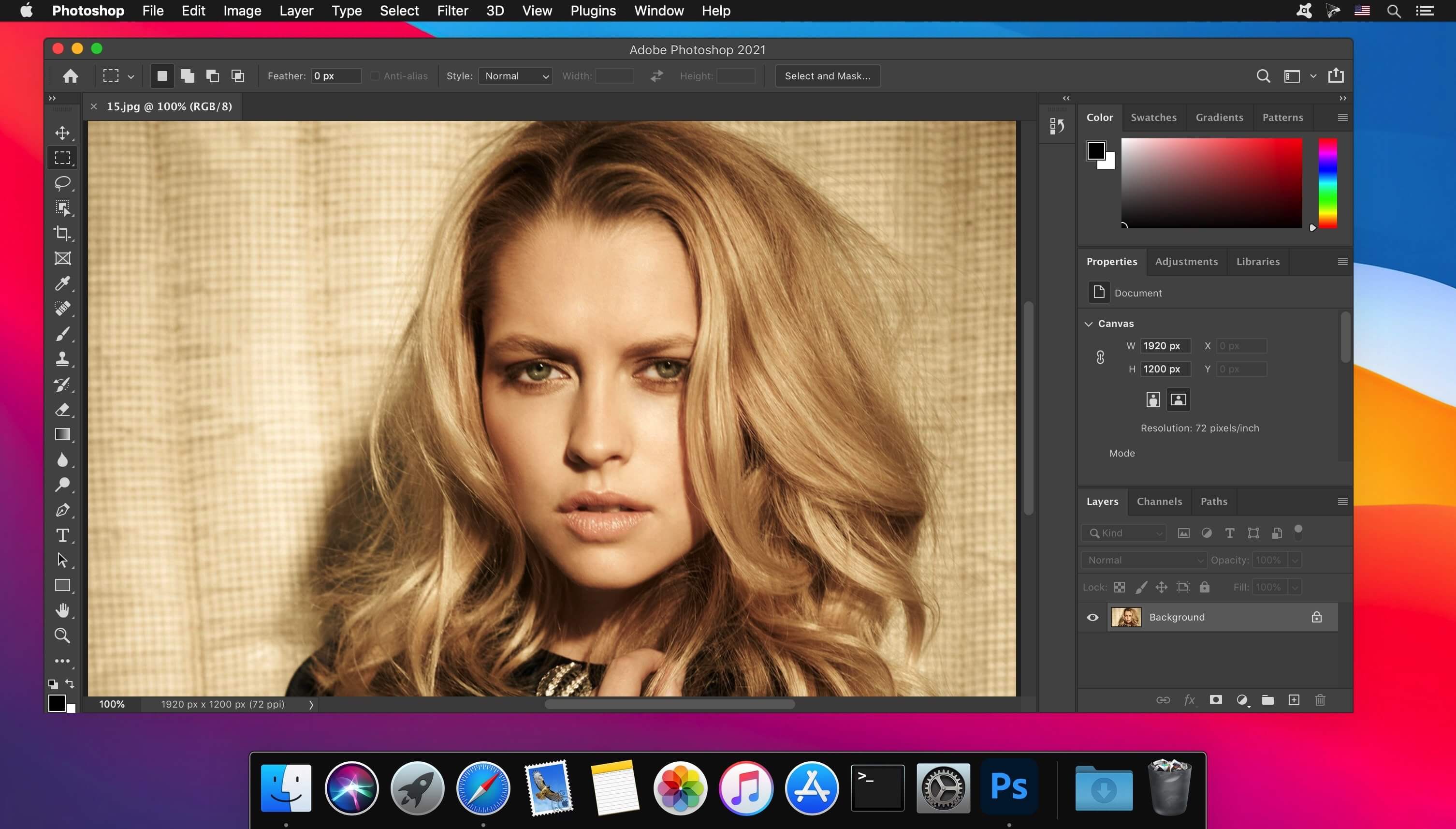
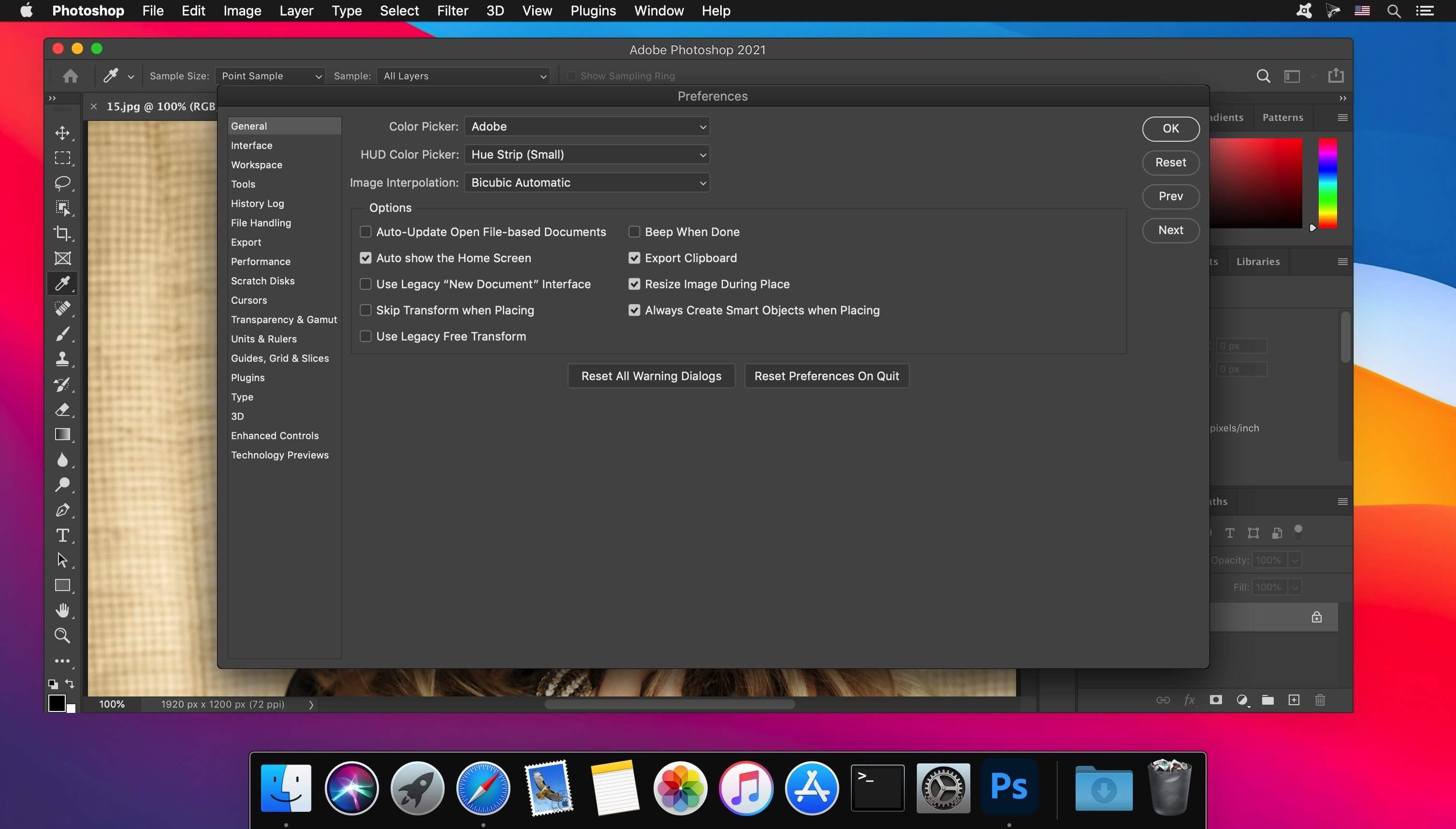
Adobe Photoshop 2021 v22.4.2 + Neural Filters


Adobe Photoshop 2021, the industry standard for digital image processing and editing, delivers a comprehensive package of professional retouching tools, and is packed with powerful editing features designed to inspire.

If you can think it, you can make it with Photoshop, the world’s best imaging and graphic design software. Create and enhance photographs, illustrations, and 3D artwork. Design websites and mobile apps. Edit videos, simulate real-life paintings, and more. It’s everything you need to make any idea real.

Designed for anyone to design anything.
From posters to packaging, basic banners to beautiful websites, unforgettable logos to eye-catching icons, Photoshop keeps the creative world moving. With intuitive tools and easy-to-use templates, even beginners can make something amazing.

Not just photo taking. Breathtaking.
Whether you’re looking for everyday edits or total transformations, our graphic design software offers a complete set of professional photography tools to turn your snapshots into works of art. Adjust, crop, remove objects, retouch, and repair old photos. Play with color, effects, and more to turn the ordinary into something extraordinary.

Power to the paintbrush.
Draw and paint whatever you dream up with tools designed especially for illustrators. Paint in perfectly symmetrical patterns. Get polished looks with stroke smoothing. And create with pencils, pens, markers, and brushes that feel real — including more than 1,000 from celebrated illustrator Kyle T. Webster.

RELEASE NOTES

-Release notes were unavailable when this listing was updated.
Language: Multilangual
Compatibility: macOS 10.14 or later, 64-bit processor
Homepage https://www.adobe.com

Screenshots


Name: Adobe_Photoshop_2021_v22.4.2__TNT_Mactorrents.io.dmg
Size: 2 GB
Files Adobe_Photoshop_2021_v22.4.2__TNT_Mactorrents.io.dmg[2 GB]

   Download

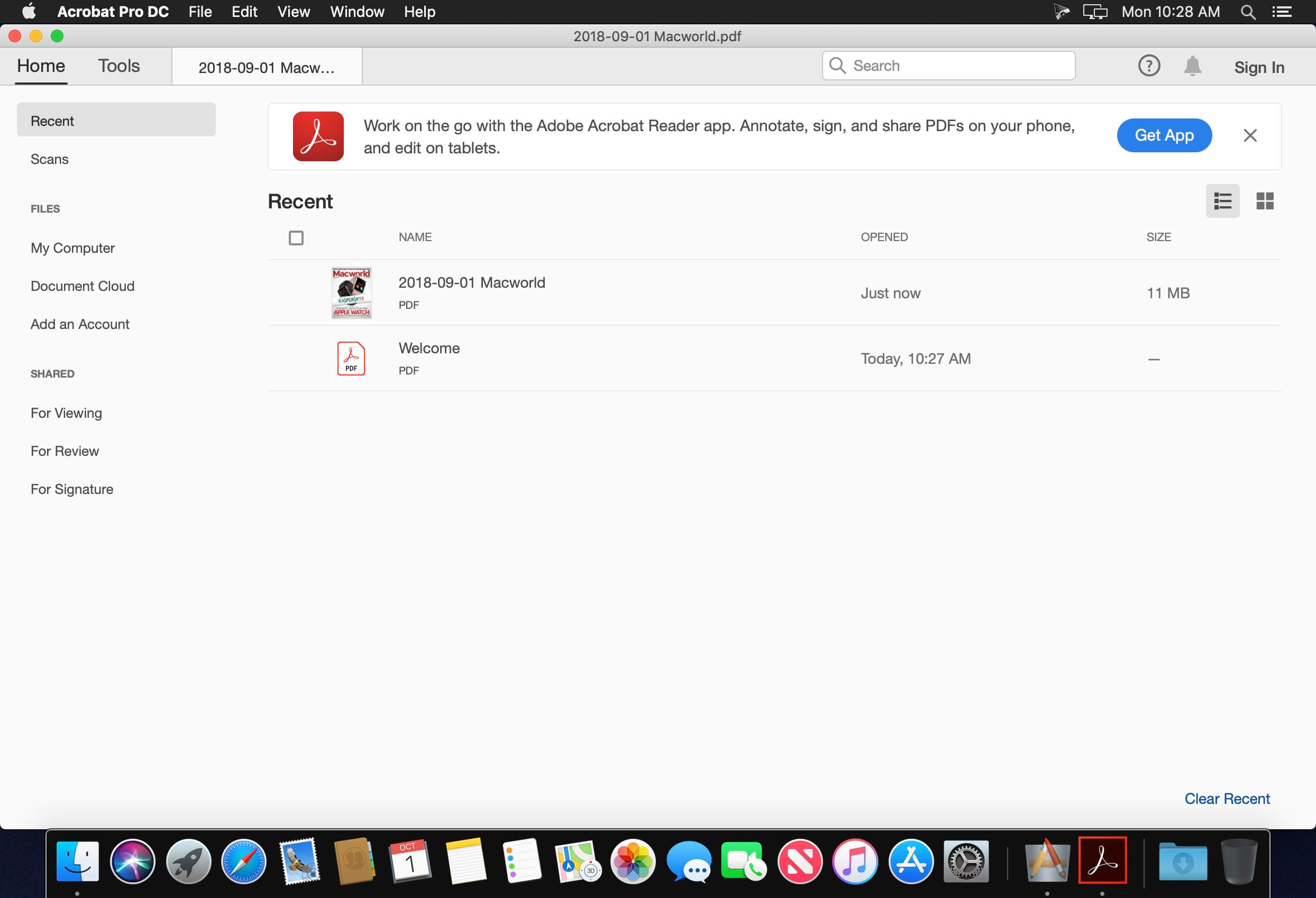
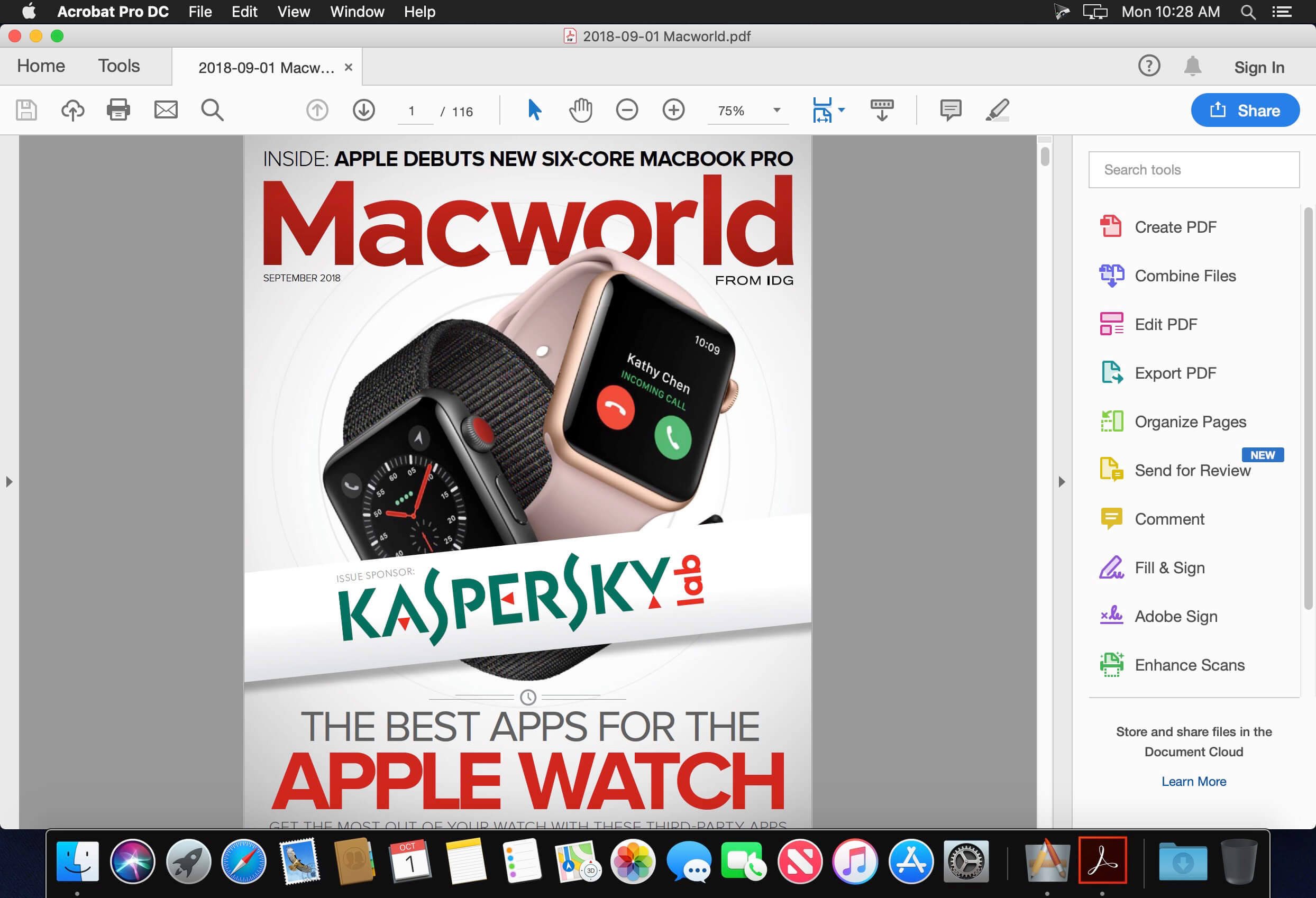
Adobe Acrobat DC v21.005.20048

Adobe Acrobat DC with Adobe Document Cloud services is here. Completely reimagined PDF tools that let you create, edit, sign, and track PDFs from anywhere. It will change the way you work with design layouts, press-ready files, and all your important documents forever.

Features:

  • Access powerful print production and digital publishing tools. Preview, preflight, correct, and prepare PDF files.
  • Work anywhere. Create, export, and sign PDFs from your computer or the Acrobat DC mobile app.
  • Take your files with you. Use Mobile Link to access recent files across desktop, web, and mobile.
  • Edit anything. Instantly edit PDFs and scanned documents – as naturally as any other file.
  • Make last-minute changes. Edit text and organize PDF pages on your iPad.
  • Replace ink signatures. Send, track, manage, and store signed documents with a built-in e-signature service.
  • Protect important documents. Prevent others from copying or editing sensitive information in PDFs.
  • Eliminate overnight envelopes. Send, track, and confirm delivery of documents electronically.

Language: Multilangual
Compatibility: macOS 10.14 or later 64-bit
Homepage https://www.adobe.com/

Screenshots


Name: Adobe_Acrobat_DC_v21.005.20048__TNT_Mactorrents.io.dmg
Size: 1.0 GB
Files Adobe_Acrobat_DC_v21.005.20048__TNT_Mactorrents.io.dmg[1.0 GB]

   Download

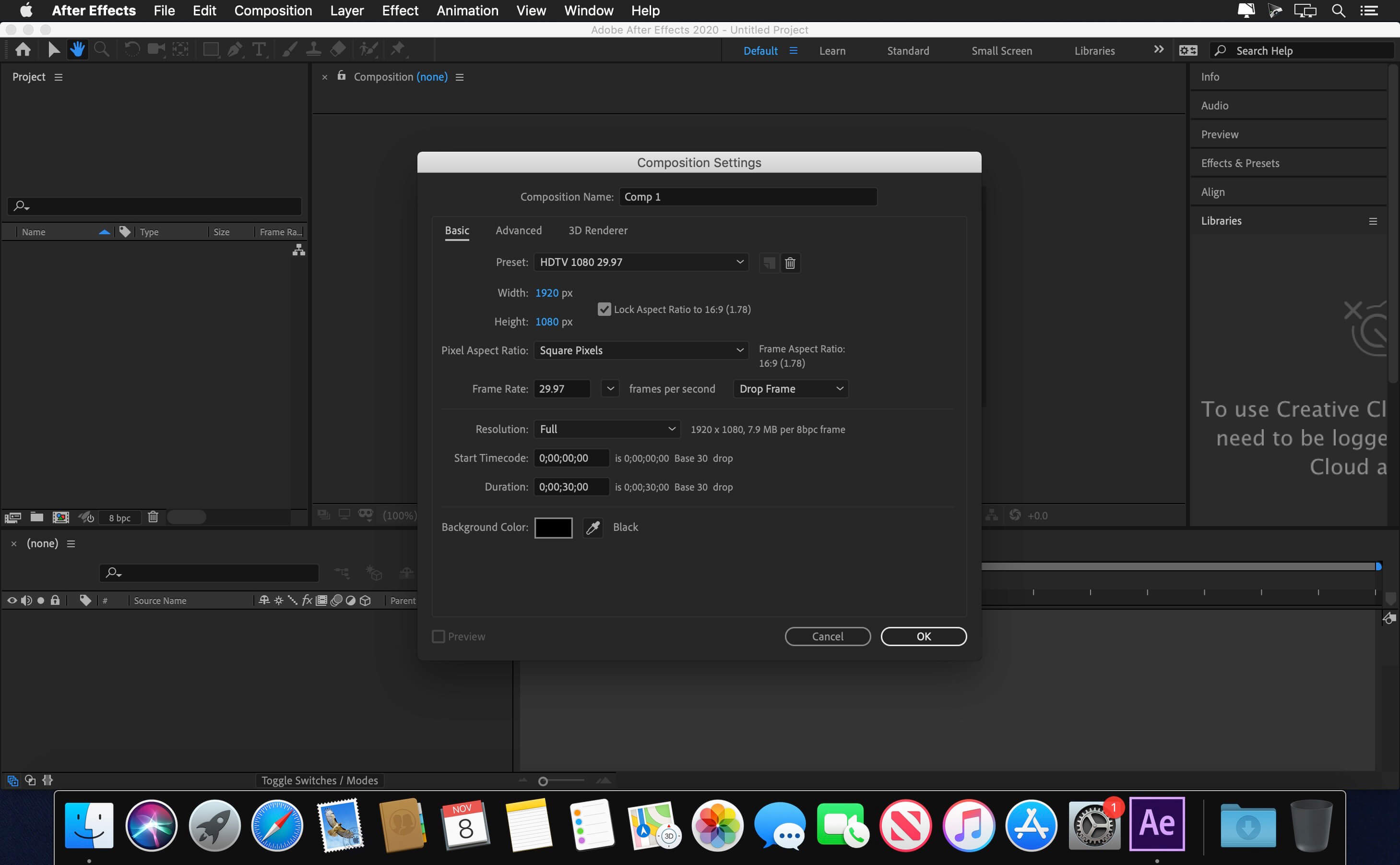
Adobe After Effects 2021 v18.2.1

The new, more connected After Effects CC 2021 can make the impossible possible. Get powerful new features like a Live 3D Pipeline that brings CINEMA 4D scenes in as layers – without intermediate rendering. Share work directly from within the application and get access to new features the moment they’re released. Your entire creative world, together in one place.

After Effects 2021 is part of Creative Cloud. That means you have access to all the latest updates and future releases the moment they’re available. Sharpen your skills and master new tools with a rich library of training videos. And Creative Cloud is integrated with Behance, so you can share your projects and get immediate feedback from creatives around the world.

Language: Multilangual
Compatibility: macOS 10.14 or later, 64-bit processor
Homepage https://www.adobe.com/

Screenshots


Name: Adobe_After_Effects_2021_v18.2.1__TNT_Mactorrents.io.dmg
Size: 2.3 GB
Files Adobe_After_Effects_2021_v18.2.1__TNT_Mactorrents.io.dmg[2.3 GB]

   Download

Adobe Animate 2021 v21.0.7

Adobe Animate 2020 Adobe Flash Professional software is the new name of web standards support. Using cutting design tool can create interactive animations and videos on various platforms, including Flash / Adobe AIR, HTML5, WebGL publish. You can also font, color, graphics and a variety of creative tools that other animation libraries and Creative Cloud is available to browse and access to them.

Language: Multilangual
Compatibility: macOS 10.14 or later 64-bit
Homepage https://www.adobe.com/

Screenshots


Name: Adobe_Animate_2021_v21.0.7__TNT_Mactorrents.io.dmg
Size: 2.1 GB
Files Adobe_Animate_2021_v21.0.7__TNT_Mactorrents.io.dmg[2.1 GB]

   Download

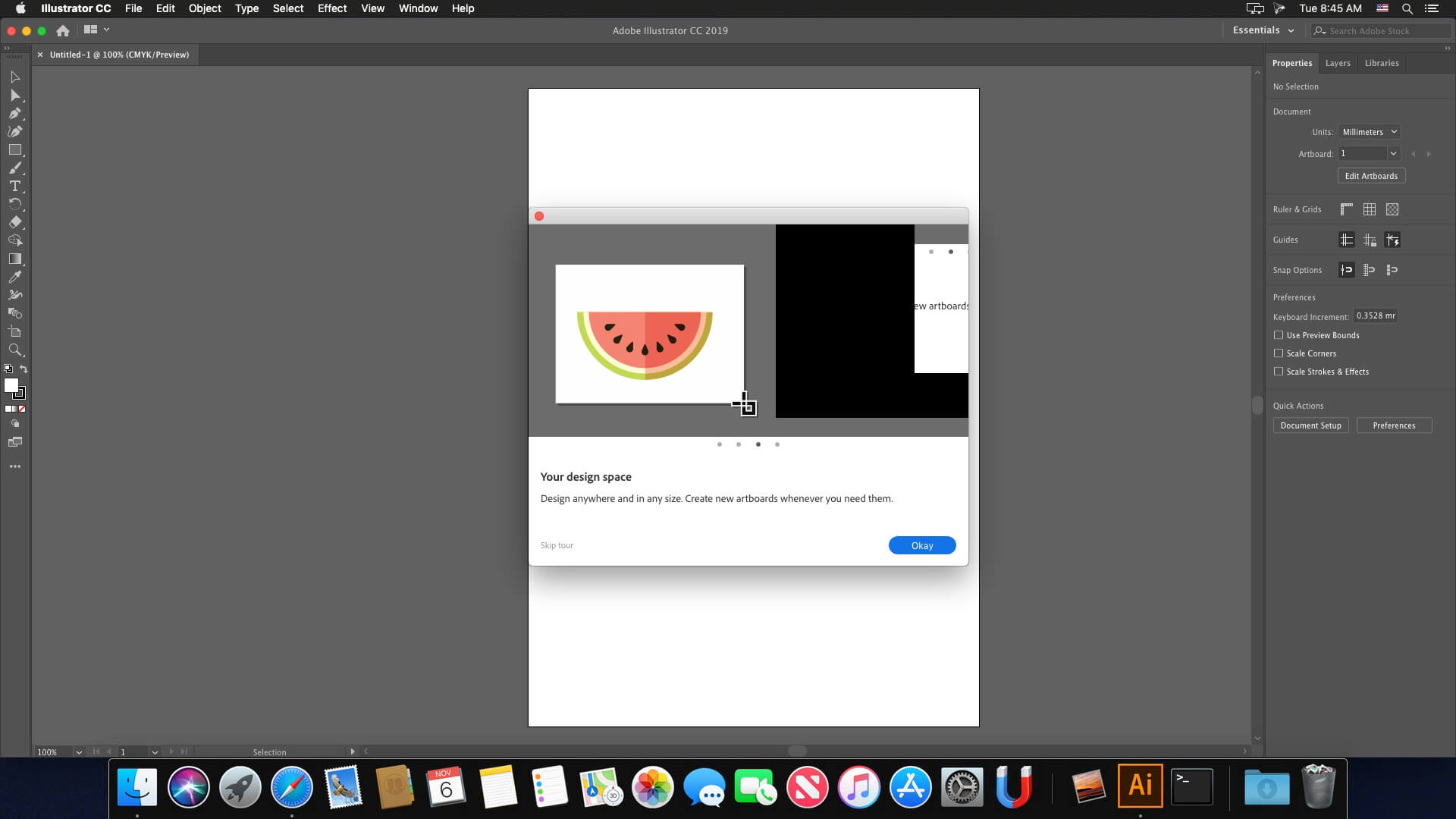
Adobe Illustrator 2021 v25.3

The industry-standard vector graphics software lets you create logos, icons, drawings, typography, and illustrations for print, web, video, and mobile. Millions of designers and artists use Illustrator to create everything from web icons and product packaging to book illustrations and billboards.

Iconic work at any size.
Get all the drawing tools you need to turn simple shapes and colors into sophisticated logos, icons, and graphics. Illustrator artwork is vector-based, so it can scale down for mobile screens and up to billboard size — and always look crisp and beautiful.

Gorgeous typography that says it all.
Incorporate a company name into a logo, create a flyer, or mock up a website design with the best type tools out there. Add effects, manage styles, and edit individual characters to create typographic designs that perfectly express your messages.

Draw attention everywhere.
Create freehand drawings, or trace and re-color imported photos to turn them into works of art. Use your illustrations anywhere, including printed pieces, presentations, websites, blogs, and social media.

Fast asset export for screens
Select assets from your artboards and export them to multiple sizes, resolutions, and formats with one click.

Puppet Warp
Modify a graphic naturally, without having to adjust individual paths or anchor points.

SVG Color Fonts
Design with SVG OpenType fonts that include multiple colors, gradients, and transparencies.

Artboard enhancements
Create up to a thousand artboards on your canvas, and select multiple artboards at one time to move, resize, and more.

Language: Multilangual
Compatibility: macOS 10.14 or later, 64-bit processor
Homepage https://www.adobe.com/

Screenshots


Name: Adobe_Illustrator_2021_v25.3__TNT_Mactorrents.io.dmg
Size: 1.72 GB
Files Adobe_Illustrator_2021_v25.3__TNT_Mactorrents.io.dmg[1.72 GB]

   Download

Adobe InDesign Server 2021 v16.2.1

Adobe Adobe® InDesign® Server software delivers a robust and scalable engine that leverages the design, layout, and typographical capabilities of InDesign to let you programmatically create engaging automated documents. It shares the same core engine as the desktop product.

Language: Multilangual
Compatibility: macOS 10.14 or later 64 bit
Homepage https://www.adobe.com/

Screenshots


Name: Adobe_InDesign_Server_2021_v16.2.1__TNT_Mactorrents.io.dmg
Size: 1.1 GB
Files Adobe_InDesign_Server_2021_v16.2.1__TNT_Mactorrents.io.dmg[1.1 GB]

   Download

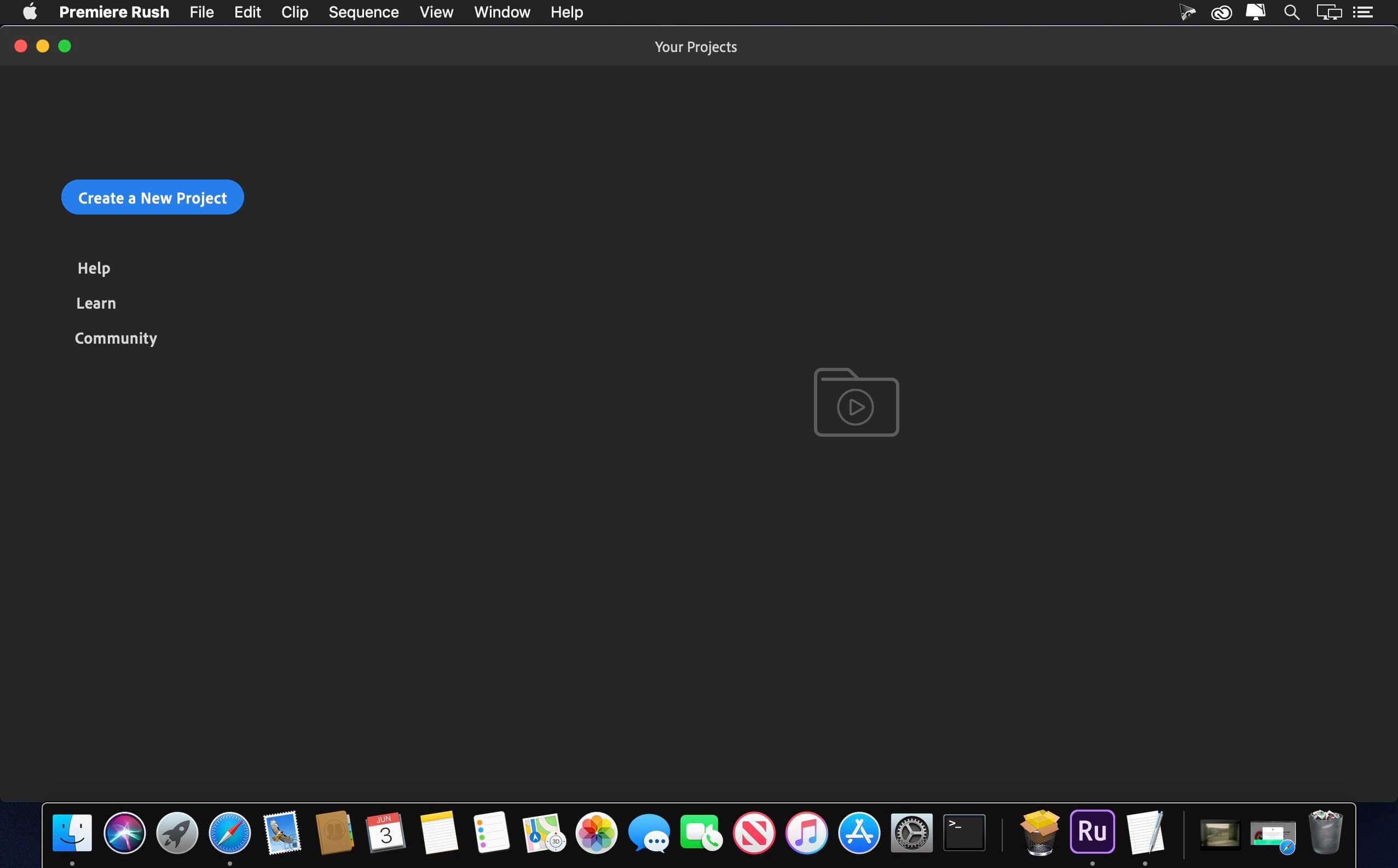
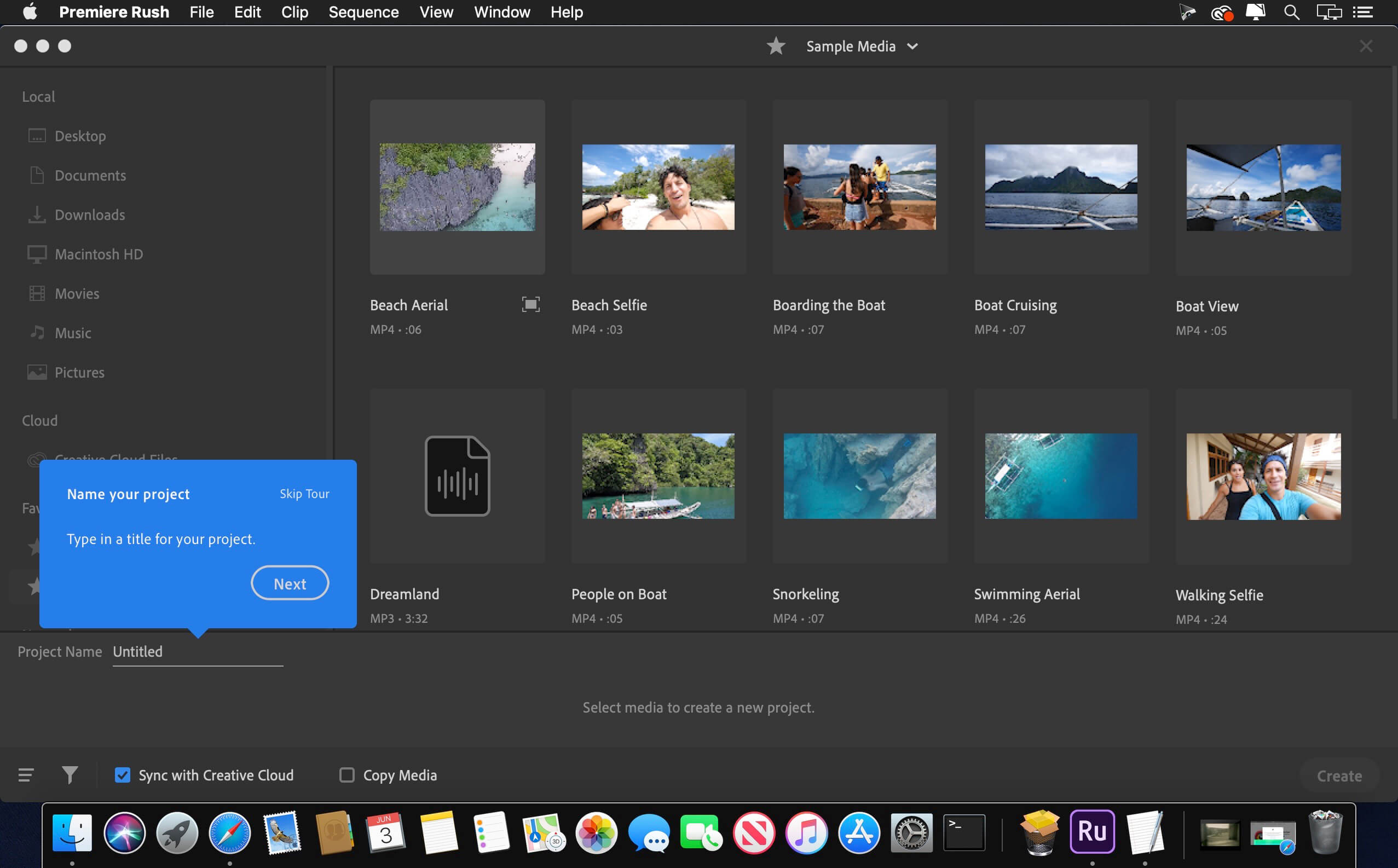
Adobe Premiere Rush v1.5.62

Feed your channels a steady stream of awesome with Premiere Rush, the all-new app for creating and sharing online videos. It’s easy to use, works across all your devices, and it’ll transform the way you create content.

All you need. All in one app.
Go from shoot to showtime in record time. Built-in camera functionality helps you take pro-quality video on your mobile devices. Editing is easy, with simple tools for color, audio, motion graphics, and more. Share right from the app to favorite social channels like YouTube, Facebook, and lnstagram.
Make a bigger splash on social.

Make a bigger splash on social.
Wow your followers with professionally designed Motion Graphics templates right in the app, or find hundreds more on Adobe Stock. Change the color, size, font, and more to match your personal brand. And take your videos from amateur to amazing.
Create your show on the road.

Create your show on the road.
Premiere Rush works across all your devices. Capture footage on your phone, then edit and share to social channels on your phone, tablet, or desktop. Everything is synced to the cloud, so your latest edit is always at your fingertips, anywhere you are.

Compatibility: macOS 10.12 or later, 64-bit processor
Homepage https://www.adobe.com/products/premiere-rush.html

Screenshots


Name: Adobe_Premiere_Rush_v1.5.62__TNT_Mactorrents.io.dmg
Size: 2.1 GB
Files Adobe_Premiere_Rush_v1.5.62__TNT_Mactorrents.io.dmg[2.1 GB]

   Download

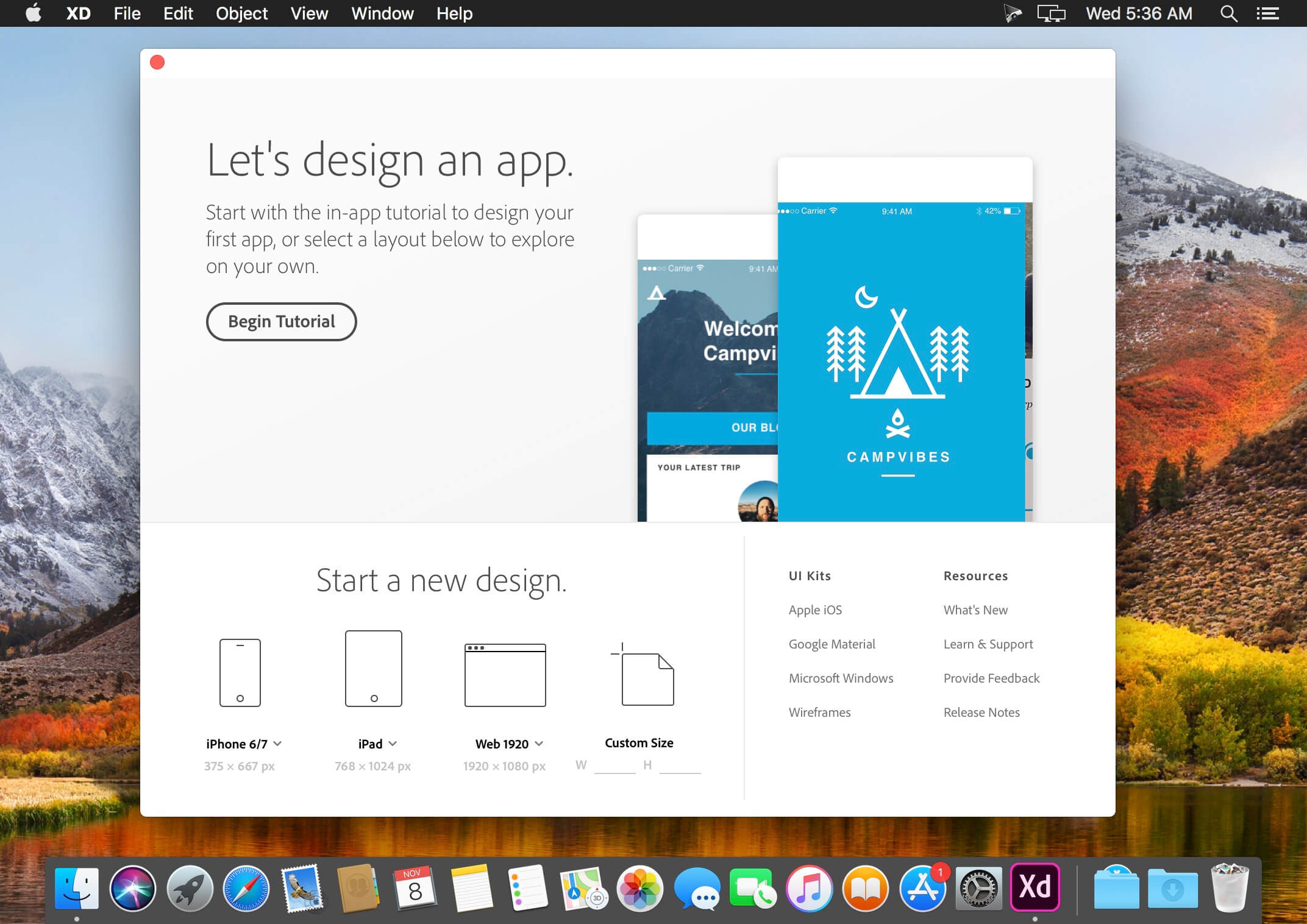
Adobe XD v41.0.12

Adobe XD CC is the complete solution for design, prototype and share user experiences for all products and services.

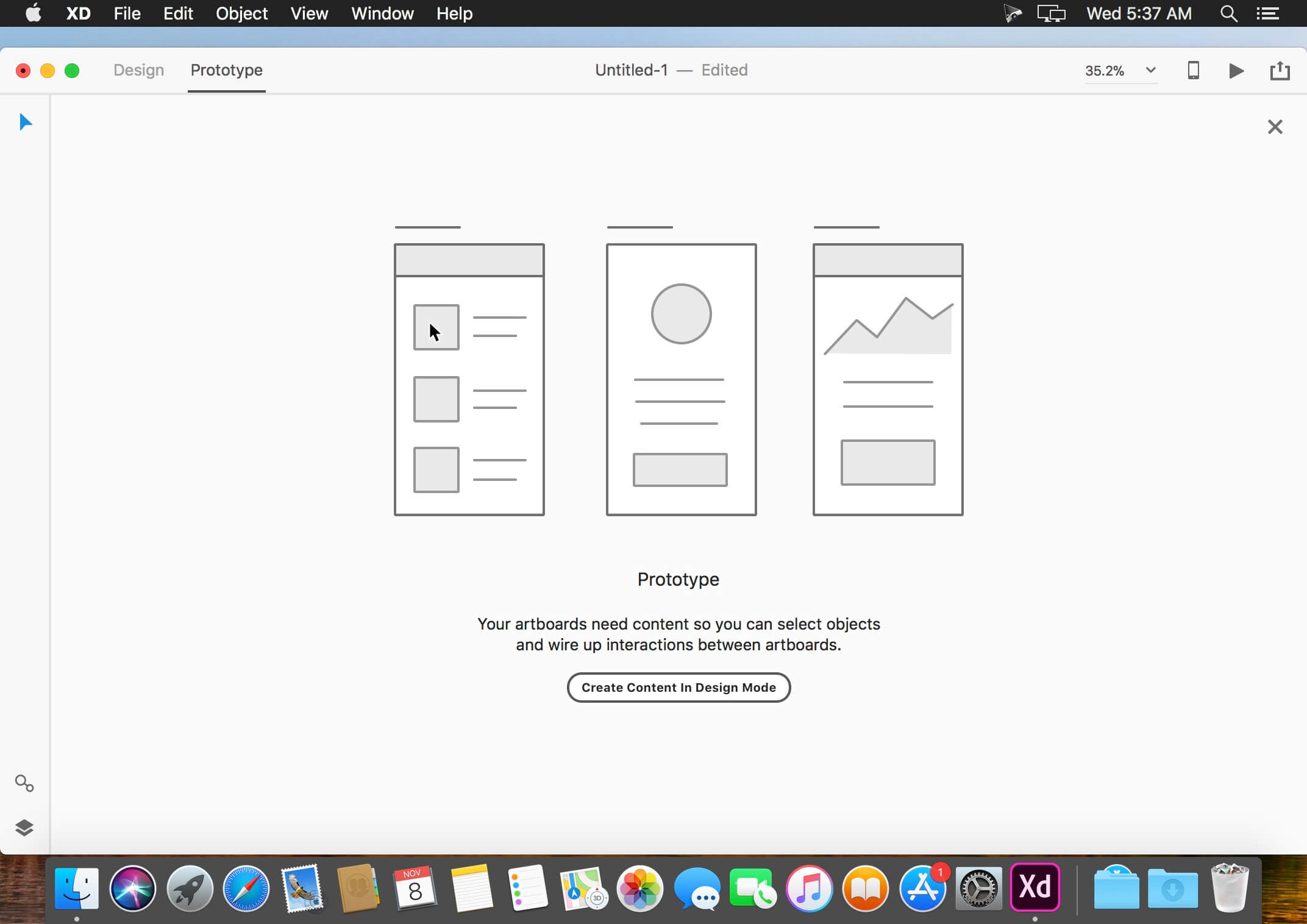
Interactive prototypes
Go to prototypes by clicking Design. Combines drawing surfaces together to display navigation within large applications. Linking design elements in the drawing area, B. Cells replay screens. Add interactions using visual controls to test and validate the experience.

Post prototypes and obtain feedback
Generate web links to your designs that you can share with others for comment. Or embed it on a website, for example Behance. Comments can be directly related to the prototype or specific components of your design. You will be notified as soon as you have added a comment. To view your changes, inspectors simply need to reload the link in the browser.

Liquid working with drawing surfaces
Whether working with one or hundreds of workspaces, no matter: you can rely on the performance of XD. Create any number of designs for different screens and devices within a project. Pan and zoom without jerking or stuttering. Choose a template or define your own drawing area. Copy design elements between faces drawing while the design is retained.

Repetitive grid
Select an item in its design, such as a contact list or a photo gallery, and duplicate it with the same frequency in the horizontal or vertical direction. All styles and distances are preserved. When you edit the article, the changes apply to all design.
Platform support throughout the

Control Panel “Elements”
Colors and formats characters are practical and reusable when added to the “Elements” (formerly “Symbols”) panel. This panel also contains the icons. When you edit a color or form on the panel, the change is automatically made throughout the document.

Symbols next generation
Work with symbols that save time. Components ready to use design make it unnecessary search and edit each instance of an item in a document. When you edit an instance, all other instances are updated automatically. Overwrite certain entities is also possible. Symbols can be vector graphics, raster images or text objects, which can also be used as objects within repetitive screens.

Creative Cloud Libraries
Integration with libraries Creative Cloud, Adobe CC XD allows you to access the colors and character formats created in Photoshop CC, Illustrator CC or any other application of Creative Cloud and use them in your design.

What’s New:

Version 41.0.12:

  • Release notes were unavailable when this listing was updated.

Compatibility: macOS 10.13 or later, 64-bit processor
Homepage https://www.adobe.com/

Screenshots


Name: Adobe_XD_v41.0.12__TNT_Mactorrents.io.dmg
Size: 608 MB
Files Adobe_XD_v41.0.12__TNT_Mactorrents.io.dmg[608 MB]

   Download

Adobe After Effects 2021 v18.2


The new, more connected After Effects CC 2021 can make the impossible possible. Get powerful new features like a Live 3D Pipeline that brings CINEMA 4D scenes in as layers – without intermediate rendering. Share work directly from within the application and get access to new features the moment they’re released. Your entire creative world, together in one place.

After Effects 2021 is part of Creative Cloud. That means you have access to all the latest updates and future releases the moment they’re available. Sharpen your skills and master new tools with a rich library of training videos. And Creative Cloud is integrated with Behance, so you can share your projects and get immediate feedback from creatives around the world.

What’s New:

Version 18.2:
Bugs fixed:

  • Fixed an issue that caused After Effects 2021 to create and utilize “After Effects 2020” folder for User Presets, User Libraries, and User Videos.
  • Fixed an issue with Real-Time 3D Draft Preview that caused the state to not be preserved when opening a saved project.
  • Fixed an issue with Real-Time 3D Draft Preview that caused compositions to render incorrectly when multiple compositions were opened in individual viewers with Draft 3D enabled.
  • Fixed an issue that caused panning using space bar shortcut to not work in the render queue.
  • Fixed an issue that caused using the custom keyboard shortcuts from After Effects 18.0 in After Effects 18.1 to break the “V” hotkey for Selection tool.

Language: Multilangual
Compatibility: macOS 10.14 or later, 64-bit processor
Homepage https://www.adobe.com/

Screenshots


Name: Adobe_After_Effects_2021_v18.2__TNT_Mactorrents.io.dmg
Size: 4.76 GB
Files Adobe_After_Effects_2021_v18.2__TNT_Mactorrents.io.dmg[4.76 GB]

   Download

Tokyo Dawn Labs TDR Limiter 6 GE v1.2.3

TDR Limiter 6 GE is a modern dynamics compression and limiting toolkit featuring six specialized modules that can be arranged in variable order. Together, they cover a remarkable range of applications from delicate loudness control, to brutal “brick-walling” and creative mix bus crunching.

Modules
Dynamics Compressor.
Clipper.
High Frequency Limiter.
Peak Limiter.
Output Protection Limiter.
True Peak and EBU Loudness Meter.

Each module offers dedicated control over different types of events, from macro to micro, and allows you to determine the signal path. Combined wisely they can greatly increase the perceived loudness of a mix while preserving superior musical fidelity, punch, and excitement.

With its appealing visual aesthetic, the advanced true peak and EBU R128 compliant loudness metering section gives a detailed insight into the signal’s dynamics. The equal loudness bypass will also make sure the operators’ aural perception doesn’t get tricked by any loudness differences.

A collection of sensible starting points allows for quick, yet precise loudness maximization. If needed, a wide range of options offer endless creative possibilities for getting that optimal setting. Going further, Limiter 6 also enables the operator to build her personal take loudness maximization, bus processing and much more.

Changelog:
1.2.3 Maintenance update
Added support for native Mac Silicon.

1.2.2 Maintenance update
Fixed HF Limiter DRY WET/DRY MIX double-click not functioning.
Inline help layout updated.
Fixed dropdown menus occasionally not opening on click.
Fixed small graphical details.
VST3 format compatibility fixes.
Logic 10.5 compatibility fixes.
Fixed bug in multiband modes.

1.2.1 Maintenance Update
VST3 format compatibility fixes.
MacOSX installer fixes.
Settings: Added frame-rate control for primary UI elements (meters, analysers).
User-manual moved online (pdf removed).

1.2.0 Maintenance update
Added MacOS Catalina compatibility.
Added VST3 support.
Added relative gain preservation on reordering (hold cmd/alt on drag for the old behaviour).
Improved GR-meter overload/autoscale behaviour.
Fixed bug in meter-module mouse behaviour.
Various little improvements.

Homepage https://www.tokyodawn.net/tdr-limiter6-ge

Name: Tokyo_Dawn_Labs_TDR_Limiter_6_GE_v1.2.3_Regged_Mactorrents.io.zip
Size: 26 MB
Files Tokyo_Dawn_Labs_TDR_Limiter_6_GE_v1.2.3_Regged_Mactorrents.io.dmg[26 MB]

   Download

Cookie 6.5.2

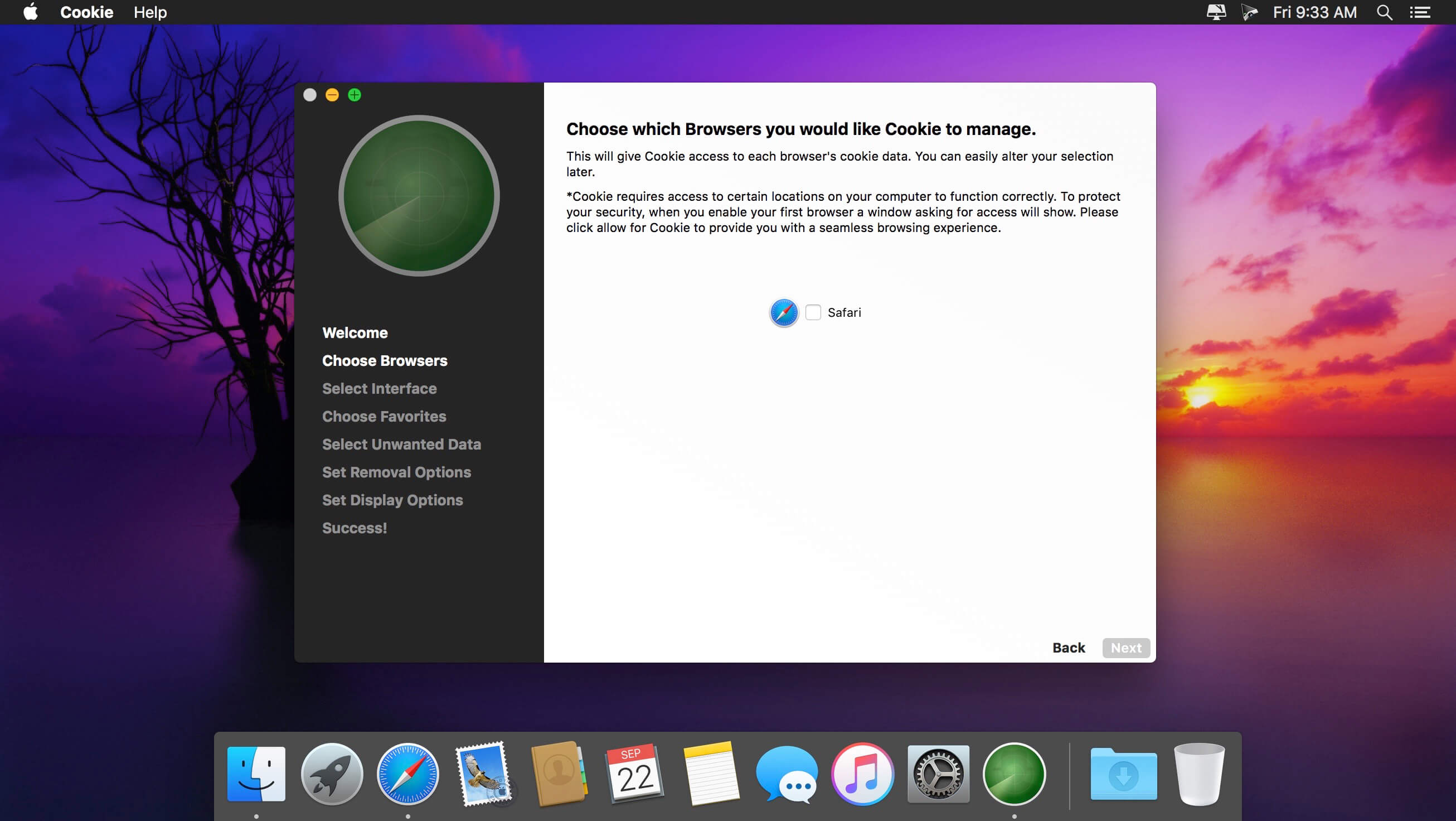
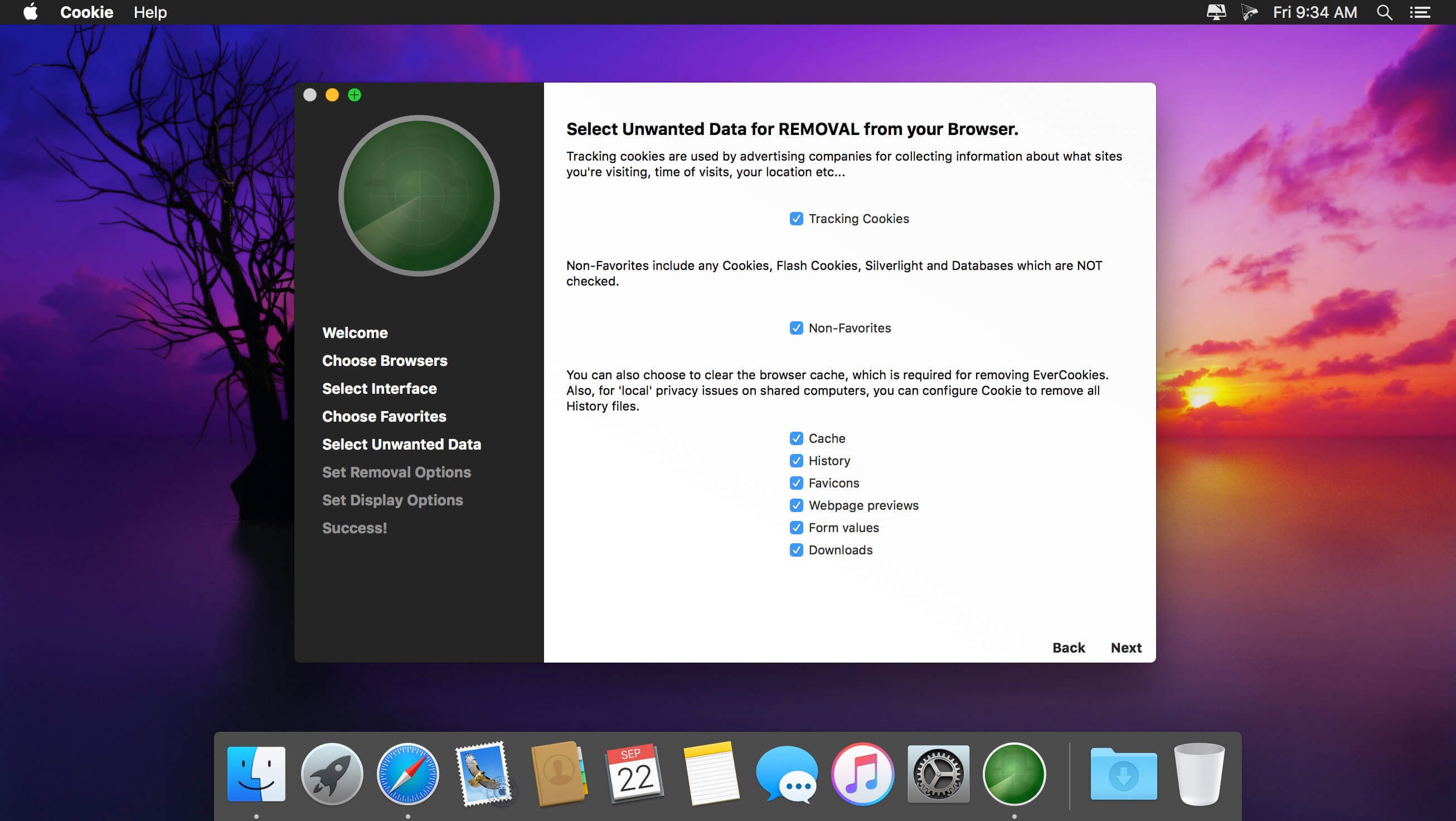
Cookie prevents third parties from hijacking your browsing experience. The sites you visit store “cookies” in your browser without your knowledge or consent. Some are helpful, but others are frustrating and invasive. Cookie can help.

Features:

  • Consolidate all your browser privacy settings
  • Simplified View that takes care of all the technical details for you
  • Advanced View which puts you in total control of all your privacy settings
  • Combined cookie view displaying all cookie/flash/localStorage data in one easy to manage view
  • Cookie’s can be favorited on a per domain, or per cookie basis. You decide
  • Individual Browser settings. It is possible to configure different automatic removal options for each browser. In the case of Chrome/Chromium/Canary/Brave you can even configure settings per user!
  • A number of removal schedules are possible: When quitting Cookie, when a Browser is Quit, on computer login, On computer waking from sleep, on a customizable time schedule, or entirely manually
  • Hotkey support, so you can remove all unwanted data quickly and easily
  • Customizable tracking cookie definitions
  • Whitelist individual tracking cookies
  • Clean, modern and Intuitive User Interface
  • Helpful setup window
  • Browser extension protection
  • Full Screen support
  • iCloud support
  • Dark/Regular theme

What’s New:

Version 6.5.2

  • fixed a potential crash
  • fixed an issue with Chrome History removal

Version 6.5.0

  • Firefox cache removal now removes serviceworker.txt and AlternateServices.txt file
  • Improved firefox history removal
  • Firefox Other (Custom) search engines now correctly removed
  • Added a slightly longer delay after browser quit before checking if a removal is scheduled (3s instead of 2s)
  • Added a slightly longer delay after awake from sleep before checking if a removal is scheduled (5s instead of 2s)
  • Added a slightly longer delay after login before checking if a removal is scheduled (5s instead of 2s)
  • Code optimizations
  • Notifications should now show correctly when performing removal on Cookie quit
  • Cookie now correctly quits when disabled but Remove Data on Quit is checked
  • Fixed some potential issues with file access nagging
  • Fixed a potential issue when uninstalling browsers

Compatibility: macOS 10.14 or later, 64-bit processor
Homepage https://sweetpproductions.com/

Screenshots


Name: Cookie_6.5.2__TNT_Mactorrents.io.dmg
Size: 9.44 MB
Files Cookie_6.5.2__TNT_Mactorrents.io.dmg[9.44 MB]

   Download

iToolab FixGo 2.1.2

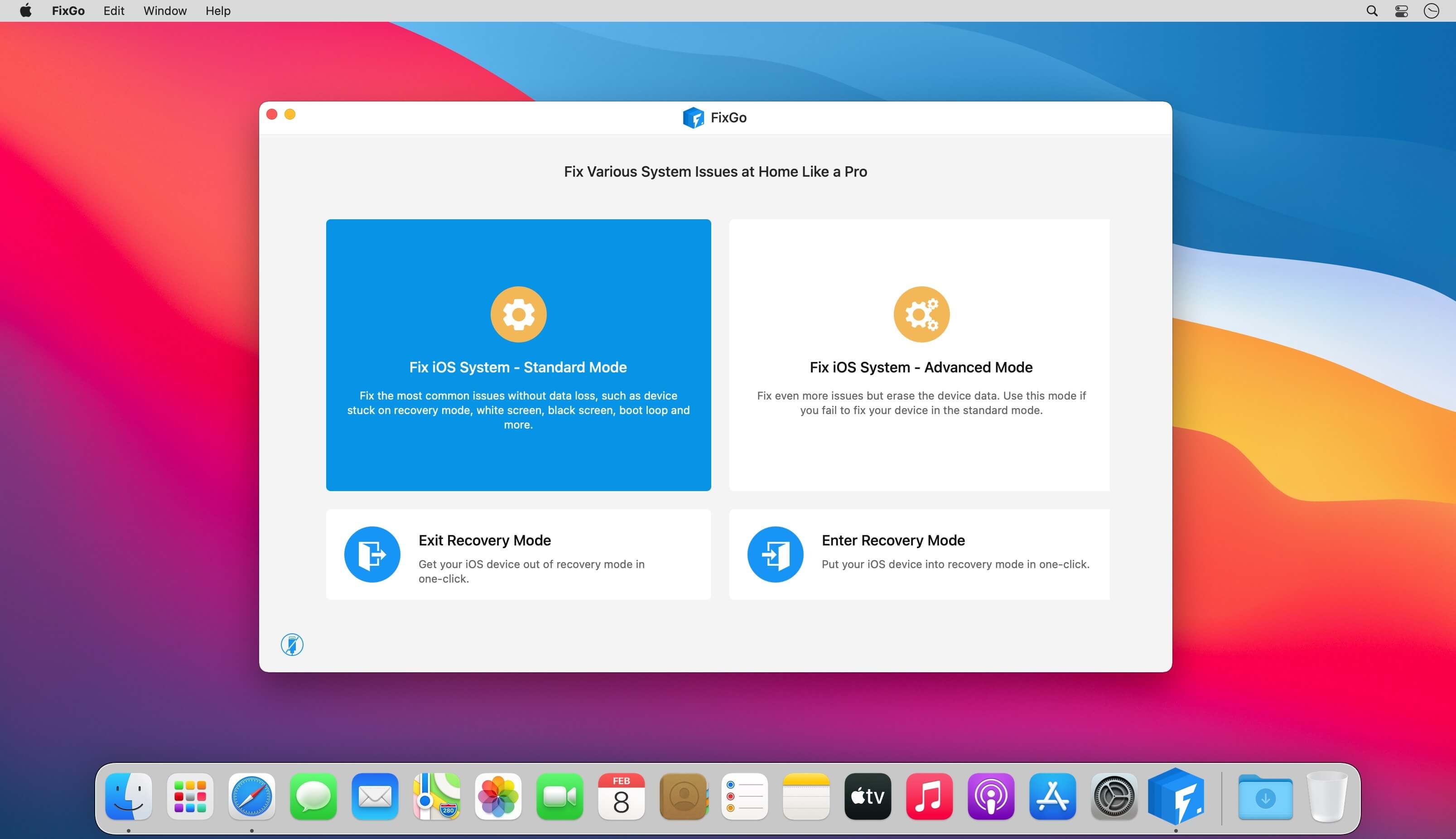
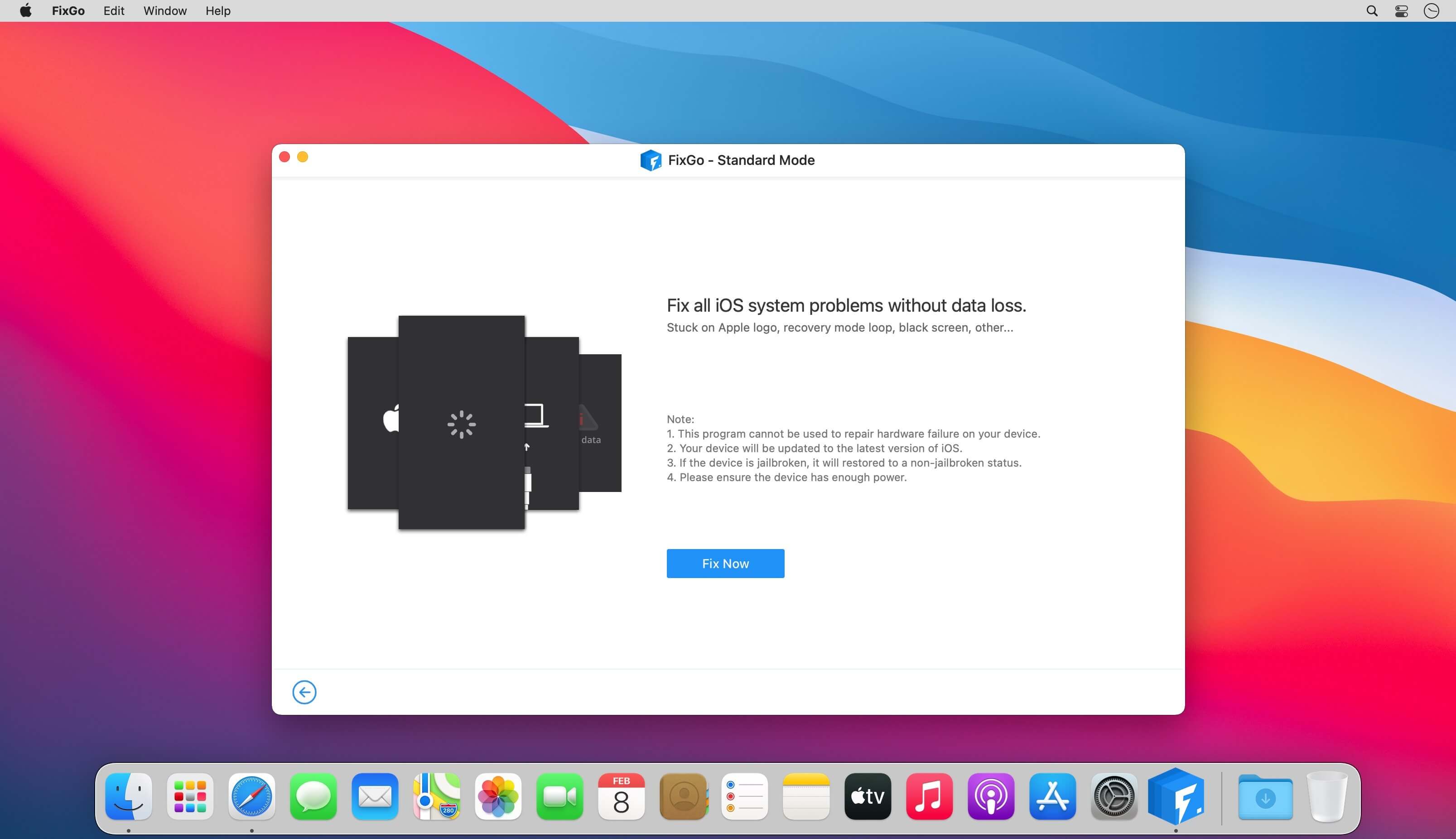
Fix over 200 iOS stuck issues without data loss. Fix more than 200 iOS stuck issues including an iPhone stuck on the blank screen, Apple logo, white screen etc. without data loss.

  • Recovery Mode
  • Spinning Circle
  • Apple Logo
  • White Screen
  • Black Screen
  • Won’t Turn On
  • Boot Loop
  • Frozen
  • Restore Failure
  • Update Failure
  • Apple TV Issues
  • iPadOS Issues

A life-saver for iOS 14 update issues

Is your iPhone stuck after an update or did the device suddenly stop working properly after an update? You can use FixGo to fix all iOS 14 issues without losing any of the data on your device or needing any technical skills.

  • iPhone stuck at apple logo after update
  • iPhone wont turn on after update
  • iPhone unable to install update
  • iPhone unable to verify update
  •  iPhone unable to check for update
  • iPhone bricked after update
  • iPhone update stuck on estimating time remaining
  •  iPhone stuck preparing update
  • iPhone stuck on update screen
  • iPhone froze during update
  • iPhone stuck on verifying update
  • iPhone stuck on update requested
  • iPhone update stuck on installing
  • iPhone update failed
  • iPhone taking forever to update
  • iPhone stuck on update completed screen
  • ……

2 repair modes to fix your issues efficiently

Standard Mode

  • Various judgments are made to improve the success rate of repair by considering the different repair failure scenarios.
  • Compared to iTunes Restore or other methods, the standart mode works securely so your device will not lose any data.
  • It helps fix the most common system issues.

Advanced Mode

  • The ultimate repair solution, FixGo attempts to wake up your phone by applying the advanced techniques.
  • Clearer and more detailed directions, compared to iTunes Restore or other methods.
  • It helps fix more serious iOS issues and will erase all your data.


More features than any other tool:

Enter and exit recovery mode in a single click
FixGo allows you to put any iOS device in recovery mode without pressing a button. Your iPhone/iPad stuck in recovery mode? FixGo can get it out of recovery mode in a single click.

Downgrade iOS without iTunes and data loss
Downgrading your iOS using iTunes is a time-consuming and often frustrating experience. With FixGo, you can avoid all the complications and very easily downgrade iOS without data loss.

Fix over 200 iTunes errors with FixGo
Does iTunes display error 3196, error 9 or error 4013 when you try to backup, restore or update your device? FixGo can fix these and over 200 additional iTunes errors without affecting your data.

Easily troubleshoot and fix Apple TV tvOS problems

Is your Apple TV stuck on the Apple logo, Recovery mode and Airplane mode? FixGo can just as easily repair the tvOS system and fix most of the issues affecting your Apple TV without data loss.

Supported devices & iOS versions

  • iPhone 12 Pro (Max), iPhone 12 mini, iPhone 12, iPhone 11 Pro Max, iPhone 11 Pro, iPhone 11, iPhone XR, iPhone XS (Max), iPhone XS, iPhone X, iPhone 8 Plus, iPhone 8, iPhone 7 Red, iPhone 7 Plus, iPhone 7, iPhone SE, iPhone 6s Plus, iPhone 6s, iPhone 6 Plus, iPhone 6, iPhone 5s, iPhone 5c, iPhone 5, iPhone 4s, iPhone 4, iPhone 3GS, iPhone 3G
  • All models of iPad Air, iPad mini, iPad Pro and iPad
  • iPod touch 7, iPod touch 6, iPod touch 5, iPod touch 4, iPod touch 3, iPod touch 2, iPod touch 1
  •  Apple TV HD, Apple TV 3rd Generation, Apple TV 2nd Generation
  • Supported iOS versions: iOS 7.0 and later

Compatibility: OS X 10.10 or later 64-bit
Homepage https://itoolab.com/

Screenshots


Name: FixGo_2.1.2__TNT_Mactorrents.io.dmg
Size: 8.73 MB
Files FixGo_2.1.2__TNT_Mactorrents.io.dmg[8.73 MB]

   Download

iToolab UnlockGo 4.1.3

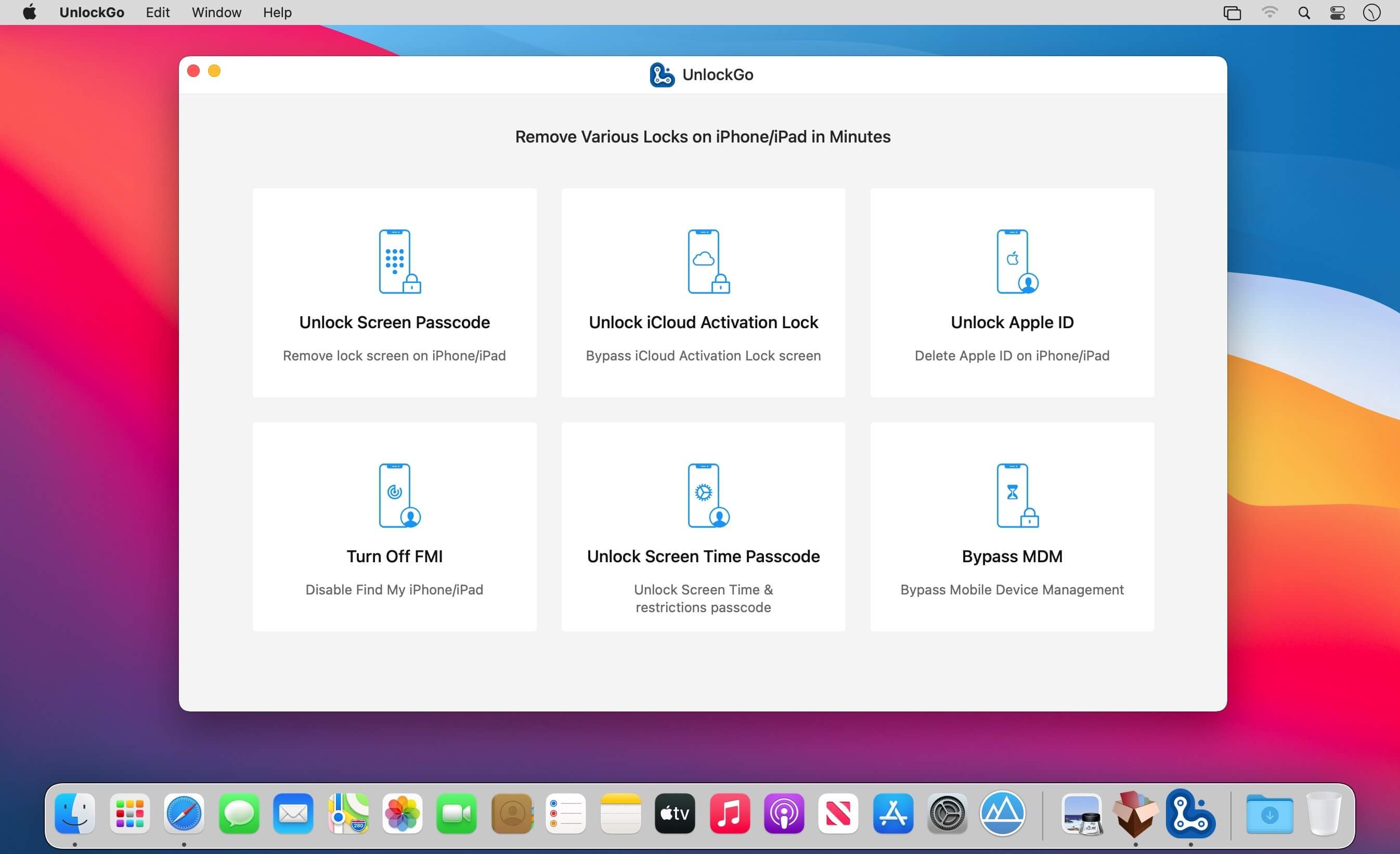
All-in-One iPhone Lock Removal Tool. Remove Various Locks on iPhone/iPad in Minutes. Instantly unlock your iPhone/iPad’s passcode
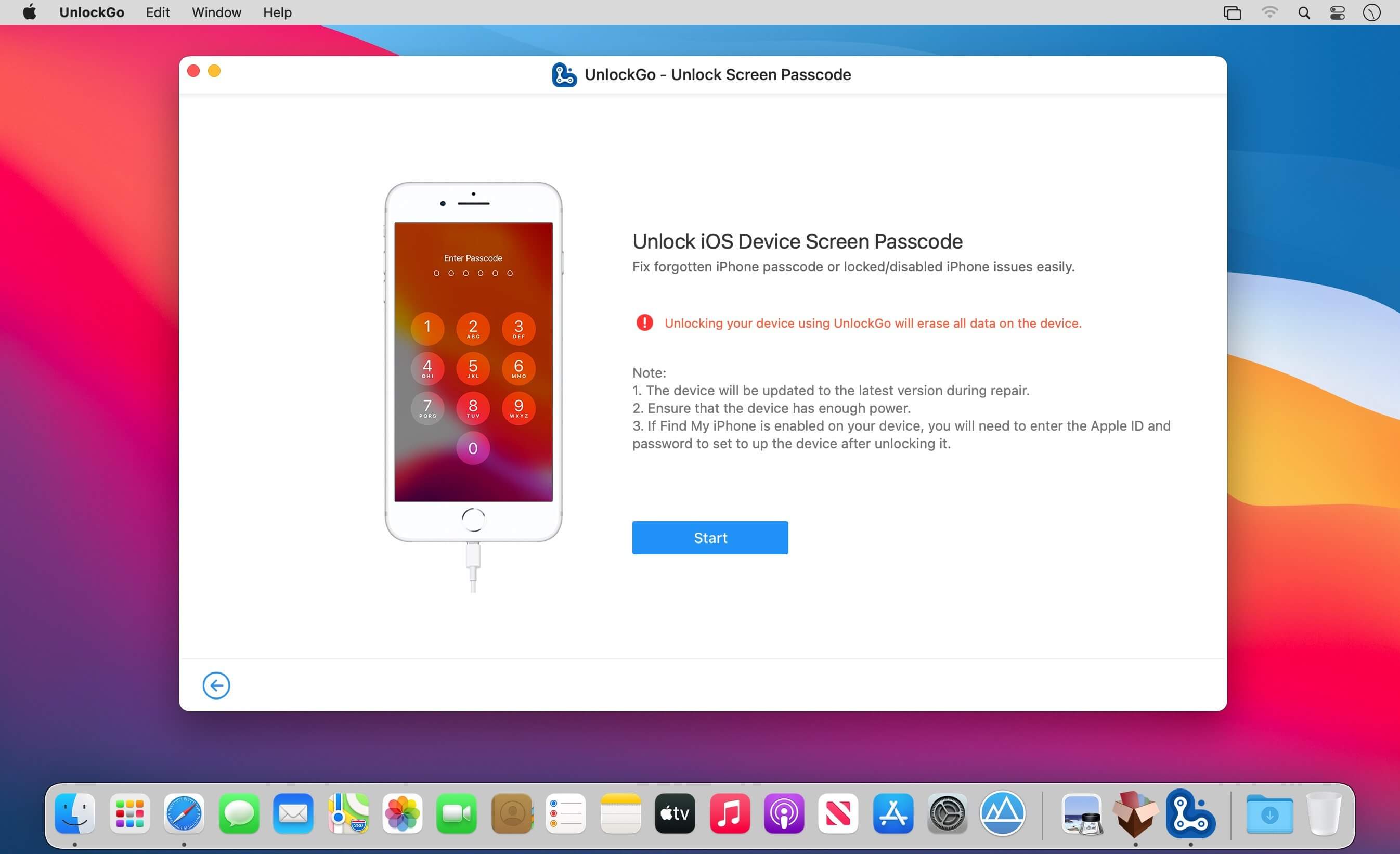
iToolab UnlockGo allows you to easily bypass iPhone passcode and gain full access to the device. It works on the following scenarios, and all kinds of passcodes are fully supported.

All types of passcodes are fully supported
UnlockGo supports to remove all types of passcodes easily including the 4-digit code, the 6-digit code, custom numeric code, alphanumeric code, Touch ID or Face ID.

Note: The removal of passwords for business purposes is illegal and prohibited.

  • Forgot iPhone password
  • iPhone is disabled
  • Face/Touch ID is not available
  • Passcode expired
  • Second-hand iPhone
  • Broken screen

Bypass iCloud activation lock without password
UnlockGo enables you to turn off the iCloud Activation Lock without password easily, if your device is stuck in the “Activation Lock” screen.

  • Remove activation lock after restore
  • Remove activation lock of lost iPhone
  • Could not activate iPhone
  • Unable to activate

Get access to the device after iCloud Activation Lock removal
Once Activation Lock is disabled, you can enjoy the following:

  • Gain access to your device.
  • Use a new Apple ID for iTunes Store & App Store.
  • The device won’t be tracked by the previous Apple ID.
  • The device won’t be remotely erased by the previous Apple ID.
  • The Activation Lock won’t appear again even if you restart the device.

Remove Apple ID without password
Forgot Apple ID password or it has been disabled? iToolab UnlockGo helps you delete Apple ID account with no restrictions. By creating a new account, you can then obtain access to all iCloud services and Apple ID features once more.

Get complete control over your iPhone after Apple ID removal
No specialist knowledge is required to remove Apple ID from locked iOS devices, so you’ll be able to take advantage of all of the following features on iPhone/iPad in no time.

  • Switch to another Apple ID or set up a new one.
  • Take advantage of all iCloud and Apple ID functionality.
  • Easily switch off Find My iPhone/iPad.
  • Remove the previous Apple ID’s tracking.

No password required to disable Find My iPhone. UnlockGo is the best choice on how to turn off Find My iPhone.
You can access to your iPhone/iPad/iPod touch, but you don’t know your Apple ID account password? Simply switch off FMI with UnlockGo.

  • Find My iPhone can be disabled with no Apple ID or password necessary.
  • Delete the previous Apple ID completely and avoid being tracked by the device’s previous owner.
  • Your iOS device can be used as a brand new one!
  • Take advantage of all the iOS features and iCloud services with no limitations.
  • Even if you restart or factory reset your iOS device, the activation lock will no longer be displayed after you disable Find My iPhone.

Supported devices & iOS versions
Remove Screen Passcode

  • All iPhone, iPad, iPod touch
  • iOS 7.0 and later

Bypass iCloud Activation Lock

  • iPhone 5s – iPhone X
  • iOS 12.0 and later

Remove Apple ID

  • All iPhone, iPad, iPod touch
  • iOS 11.4 and later

Turn Off FMI

  • iPhone 6s – iPhone 12 Pro Max
  • iOS 13.0 – 14

What’s New:

Version 4.1.1:

  • Release notes were unavailable when this listing was updated.

Compatibility: macOS 10.10 or later
Homepage https://itoolab.com/

Screenshots


Name: UnlockGo_4.1.3__TNT_Mactorrents.io.dmg
Size: 48.29 MB
Files UnlockGo_4.1.3__TNT_Mactorrents.io.dmg[48.29 MB]

   Download

ImageRanger Pro Edition 1.8.3.1777

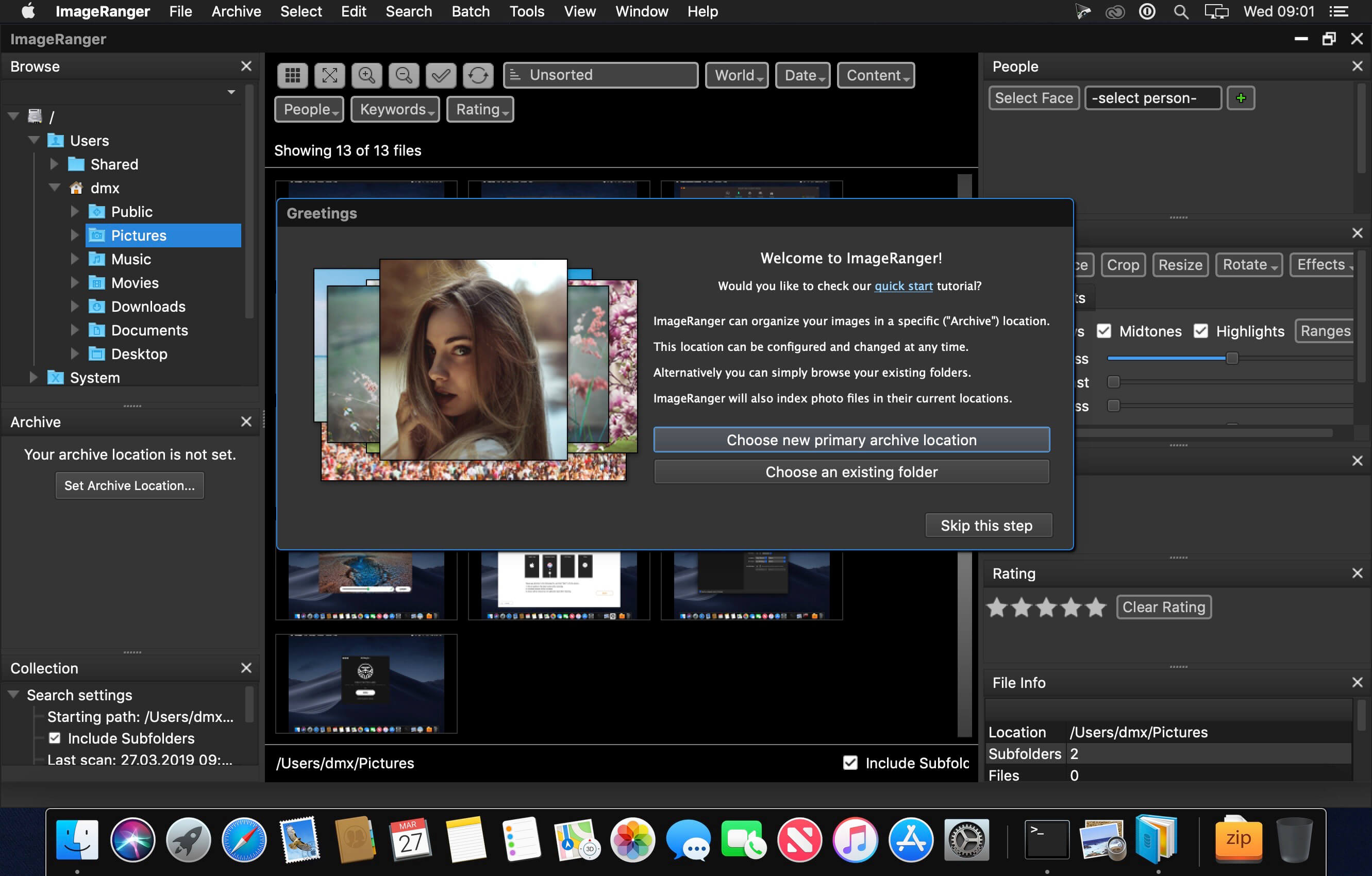
We live in the day in which pictures are a common thing, especially with all phones being equipped with pretty powerful cameras. As such, your computer can end up the storage place of your picture collections, but it can be a hassle to manually handle it. In this regard, ImageRanger comes as an advanced picture finding and organizing tool.

With ImageRanger, auto-enhancements can be applied to multiple images at once. Manual fine-tuning makes it possible to select dark or bright regions of the image and apply various correction settings.

All necessary editing controls (brightness, contrast, sharpness, saturation) are designed in a user friendly interface, with an UNDO function to correct any mishaps as you go.

You can even ask ImageRanger to find and categorize all images of poor quality automatically for your convenience. For advanced users, a powerful batch-processing allows work to be carried out on entire folders while processing only relevant photos.

ImageRanger will index photos on your Mac or storage drives so you can:

  • Quickly load thousands of images
  • Find portraits, faces
  • Sort and filter
  • Find duplicates and remove copies
  • Organize in folders by year, location
  • Crop, resize very quickly
  • Manually sort collections from multiple folders
  • Sort out your images from other illustrations, clip arts
  • Find low quality images and improve image contrast
  • Perform general photo managment tasks
  • Print hundreds of photos

What’s New:

Version 1.8.3.1777:

  • Release notes were unavailable when this listing was updated.

Compatibility: OS X 10.9 or later, 64-bit processor
Homepage https://imageranger.com/

Screenshots


Name: ImageRanger_Pro_Edition__1.8.3.1777__TNT_Mactorrents.io.dmg
Size: 99.22 MB
Files ImageRanger_Pro_Edition__1.8.3.1777__TNT_Mactorrents.io.dmg[99.22 MB]

   Download

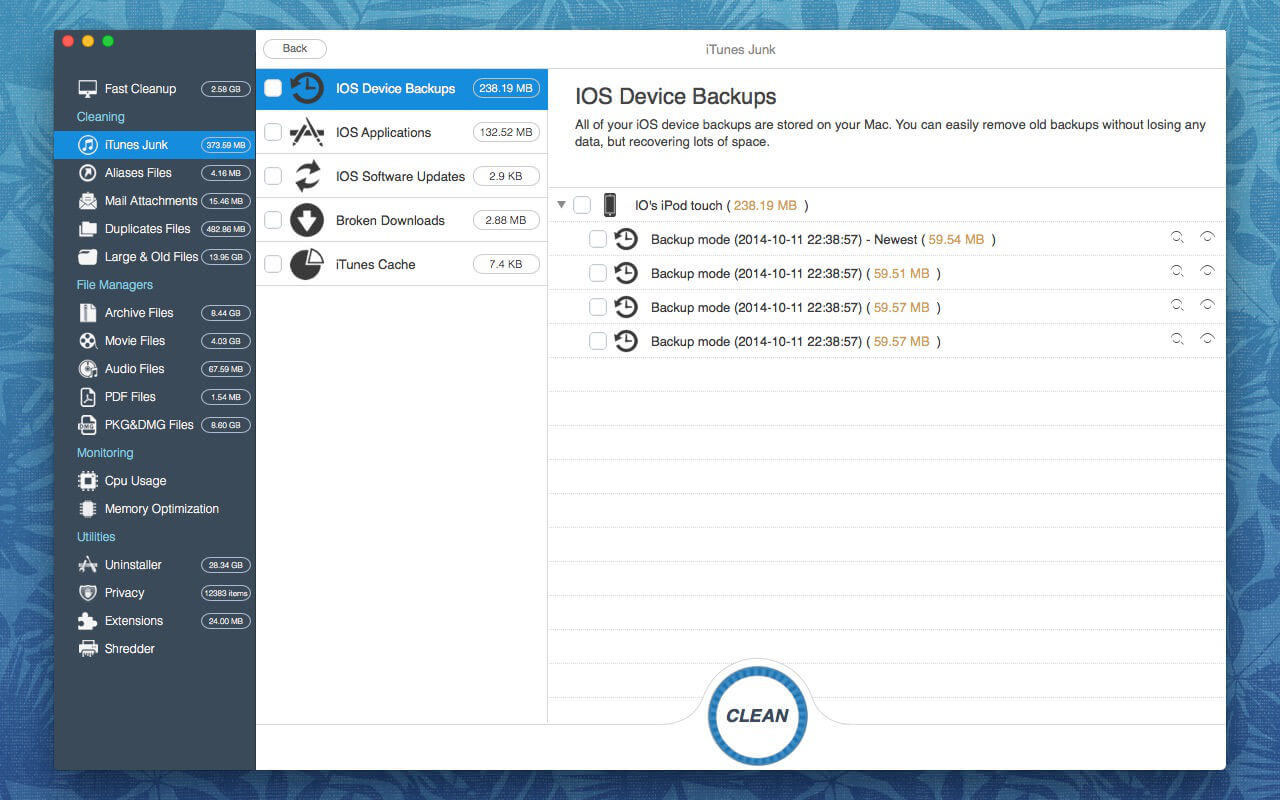
OS Cleaner Pro 10.2.7

For the Health of your Mac! (Perfect support for macOS Big Sur)
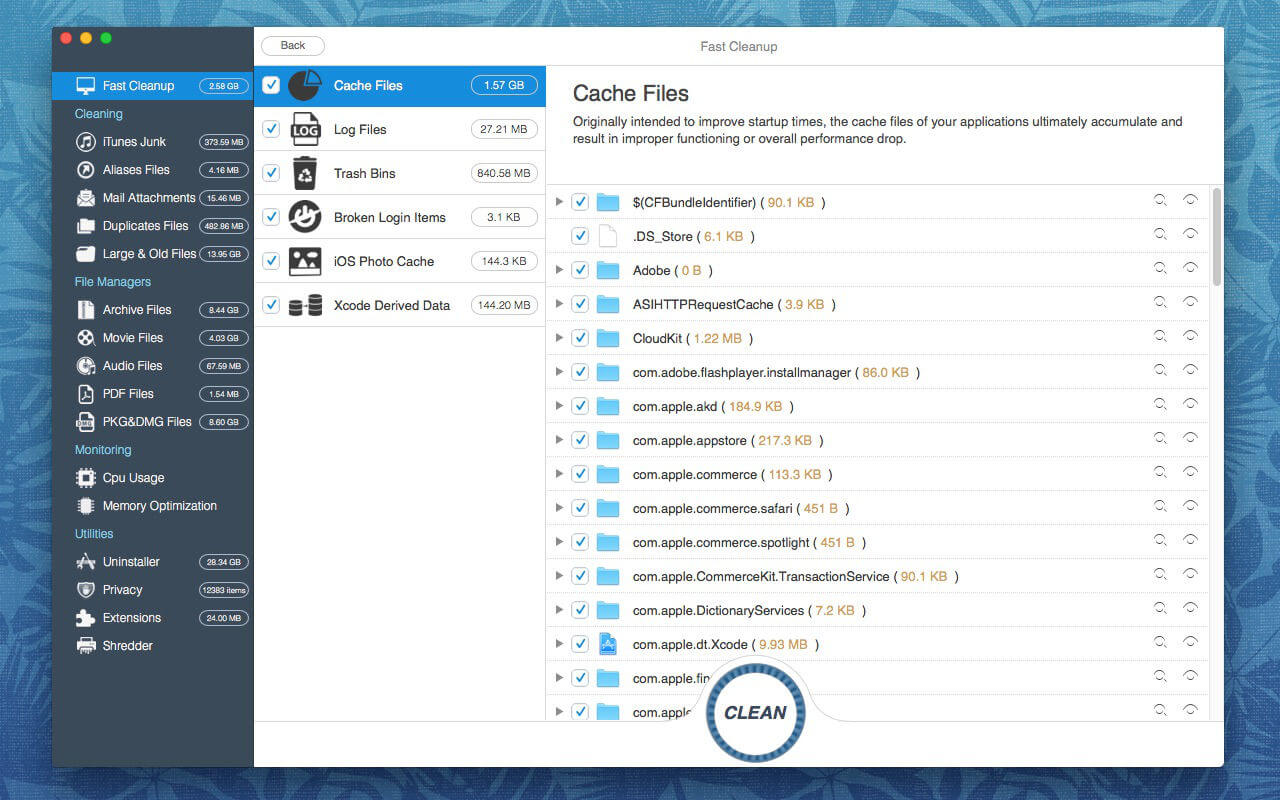
OS Cleaner scans every inch of your system, removes gigabytes of junk with just two clicks, and helps you maintain your Mac’s healthy.

Scan & Monitor –Free
1. Scan and list all the useless files.
2. Monitoring CPU and Memory.
3. Fast Cleanup
Clean your system to achieve maximum performance and free up a lot of disk space.
Additional Tools –Free
1. Startup items
View the items loaded at Startup and installed Services.
2. App Viewer
Display applications information such as copyright, application version, application size, required operating system, etc.
3. Arp Cache
Clear or Flush Arp Cache in OS X
4. Crashed Applications
View your list of crashed applications and remove diagnostic reports to free more space.
5. Running apps
List all running applications.
6. Empty Folders
Remove unnecessary empty folders to keep your os system clean!
7. iTunes Junk
Clean outdated IOS device backups, software updates, and other iTunes supporting data.

Clean & Uninstaller & Privacy & Extensions –(In-app purchase required)
1. Clean up the useless files.
– Unwanted archive, movie, pdf, pkg, etc
– Unwanted aliases and broken alias files.
– Email downloads and attachments
– Duplicate Files, Large & Old Files
2. Uninstaller (Remove entire applications, including all of their associated files. Or resets applications to initial state.)
3. Privacy (Easily clean up your chat history from Messages. and Instantly remove your browsing history, along with traces of your online and offline activity.)
4. Extensions (Remove any of your undesired browser extensions, internet plugins, spotlight plugins, preference panes and screen savers safely.)

What’s New:

Version 10.2.7

  • Fixed UI errors.
  • Improve stability.

Compatibility: macOS 10.10 or later.
Mac App Store https://geo.itunes.apple.com/app/id1005062168

Screenshots


Name: OS_Cleaner_10.2.7_MAS_In-App__TNT_Mactorrents.io.dmg
Size: 10.51 MB
Files OS_Cleaner_10.2.7_MAS_In-App__TNT_Mactorrents.io.dmg[10.51 MB]

   Download

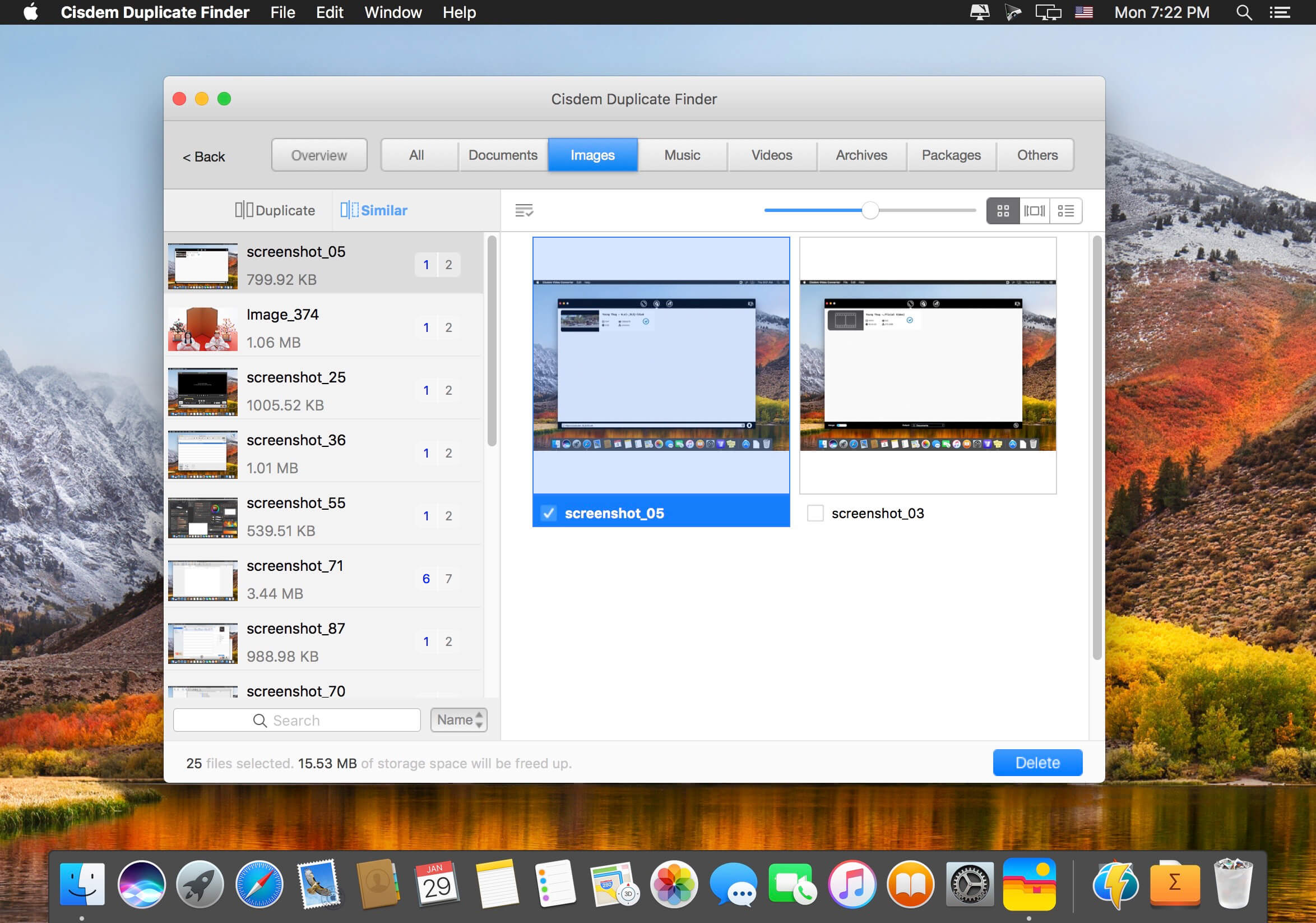
Cisdem Duplicate Finder 5.9.2

Cisdem DuplicateFinder offers a accurate way to find and delete all duplicate files. With this tool you can scan both computer drives and folders located on external devices, as well as Apple applications like iPhoto, iTunes, and Mail. Providing smart scanning algorithms, the program can find and remove duplicate files in batches, save hard drive space, and speed up your Mac to the most!

Powerful Scanning Engine

  • Regardless of file names, it can quickly find the true duplicate files with Precise detection of duplicates via MD5 value check-sum algorithm
  • Easily remove duplicates from Apps including iTunes, Photos and Mail
  • Fully support to scan and find duplicate files from Internal Mac hard drives and External storage
  • When scanning you can stop at any time and DuplciateFinder will show the instant result
  • Blacklist certain folders to ensure they are never scanned

Multiple Filter and Removal

  • Clearly show duplicate files in both pie chart and tab view
  • specify the filter depending on the duplicate size
  • Support One-click auto selection/deselection of all duplicates at ease
  • Support setting sorts for duplicate files by size, file, name or file count
  • Support full screen so you can locate and preview duplicate files in ease

What’s New:

Version 5.0.0

  • Add support for remove duplicates from prioritized location.
  • Refined the issue when scanning for duplicate photos.
  • Refined the capability to find duplicates in Music on macOS Catalina.
  • Greatly improved duplicate photo scanning capability.
  • Improved similar image finding capability.
  • Fixed some minor bugs.

Compatibility: macOS 10.10 or later
Homepage https://www.cisdem.com/duplicate-finder-mac.html

Screenshots


Name: Cisdem_Duplicate_Finder_5.9.2__TNT_Mactorrents.io.dmg
Size: 5 MB
Files Cisdem_Duplicate_Finder_5.9.2__TNT_Mactorrents.io.dmg[5 MB]

   Download

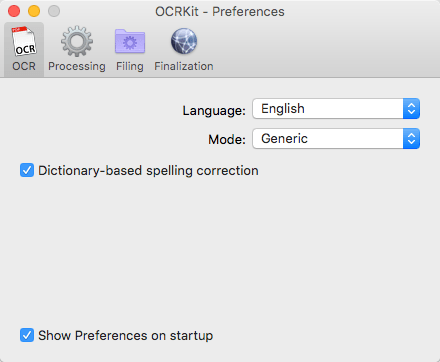
OCRKit Pro 21.5

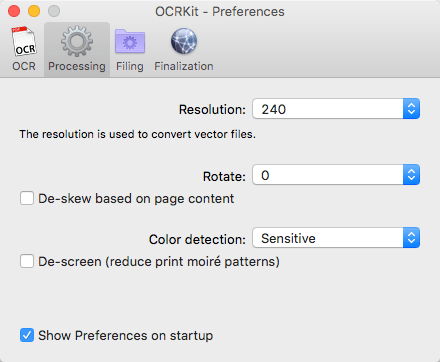
Convert any PDF or graphic file into searchable PDF, RTF, HTML and TXT with the fastest OCR for Mac! OCRKit is a simple and streamlined Mac application, that features advanced Optical Character Recognition technology, allowing you to convert scanned or printed documents into searchable and editable text.
You need to extract information from a scanned document in an email or created by DTP applications? It can be a great help for everyone: home users, corporate users at work, translators and educational institutions.

Simply run OCRKit on the document, and copy and paste the result where you need it. Stop retyping everything manually and save time and money by increasing the efficiency and effectiveness of your workflow.

OCRKit is fast and accurate, ensuring the document’s content remains intact while saving time as well.

The OCR engine recognizes the following languages:
Bulgarian, Croatian, Czech, Danish, Dutch, English, Estonian, Finnish, French, German, Hungarian, Italian, Latvian, Lithuanian, Polish, Portuguese, Rumanian, Russian, Serbian, Slovenian, Spanish, Swedish, Turkish, Ukrainian, and Norwegian.

Key Features:

  • Fastest OCR made for Mac
  • High text recognition accuracy
  • Instant content searchable thru Spotlight
  • Highly compressed PDF
  • Automatic rotation and de-skew
  • Color detection
  • Multi page processing without page limits
  • Drag and drop functionality
  • AppleScript support
  • Many supported recognition languages

File formats that can be imported:
PDF, TIFF, JPEG, JPEG2000, PNG, PNM, BMP, PCX, GIF as well as OpenEXR.

File formats that can be saved:
PDF (Portable Document Format), HTML (HyperText Markup Language), RTF (Rich Text Format) and TXT (UTF-8 encoded plain text).

What’s New:

Version 20:

  • Up to 8-times higher speed conversion on latest Mac
  • Improved auto-rotation for high-resolution documents
  • Highly Compressed PDF – file size reduction
  • Improved recognition accuracy and stability
  • Improved text positioning accuracy in PDF
  • Many other improvements

Compatibility: OS X 10.6.6 or later
Homepage http://www.ocrkit.com/

Screenshots


Name: OCRKit_Pro_21.5__HCiSO_Mactorrents.io.dmg
Size: 17.01 MB
Files OCRKit_Pro_21.5__HCiSO_Mactorrents.io.dmg[17.01 MB]

   Download

ExactScan Pro 21.5

ExactScan Pro is a popular, easy-to-use OS X scanning software that utilizes built-in drivers for over 200 document scanners, including devices from Avision, Kodak, Oki, Visioneer, and Xerox.

ExactScan’s built-in scanner drivers cover the whole range, from Visioneer’s portable RoadWarrior to dependable workgroup scanners from Xerox, Visioneer, Kodak, and Avision. ExactScan allows for easy scanning of business cards, bills, and receipts, and ExactScan Pro’s built-in OCR can directly save them as searchable PDFs.

Scan all your documents for fast retrieval, and get rid of dusty paper archives. Find searchable PDF everywhere with Spotlight in a snap.

  • Over 400 native built-in drivers for professional document scanners from Avision, Canon, Fujitsu, HP, Kodak, Oki, Visioneer and Xerox
  • Support for a variety of third party scanners via ImageCapture and TWAIN drivers
  • Save to PDF, TIFF, JPEG, JPEG 2000, PNG, BMP, PNM
  • Advanced and intelligent image processing algorithms
  • Auto-crop & de-skew
  • Blank page removal
  • Direct scan to print
  • Profiles to configure scan workflow

AppleScript support for professionals

  • ExactScan Pro additionally includes:
  • OCR to directly create searchable PDF files
  • Content based page de-skew
  • Automatic rotation, color- and source detection
  • Imprinter to print flexible text into the scanned image
  • Barcode recognition to file stacks by barcodes
  • Batch processing of existing image files

What’s New:

Version 21.2.19:

  • Release notes were unavailable when this listing was updated.

Language: English, German, French, Russian and others.
Compatibility: OS X 10.10 or later 64 bit
Homepage http://exactscan.com/

Screenshots


Name: ExactScan_Pro_21.5__HCiSO_Mactorrents.io.dmg
Size: 19.12 MB
Files ExactScan_Pro_21.5__HCiSO_Mactorrents.io.dmg[19.12 MB]

   Download

Keep It 1.10.8

Keep It is for writing notes, keeping web links and documents, and finding them again. Available on Mac, and as a separate app for iPhone and iPad, Keep It is the destination for all those things you want to put somewhere, confident you will find them again later.

Notes and Links
Make Notes
Create notes with built-in styles that look good and read well on all your devices. Notes can contain checklists, bulleted and numbered lists, images, links and other attachments.

Save Web Links
Save web links to Keep It, view them in the app, open them in your browser, or save them as PDFs for offline reading.

Files
Add Anything
Any kind of file can be added to Keep It or saved to its folders, and opened for editing in their original applications. With iCloud, changes are automatically made available across all your Macs and iOS devices.

Preview and Edit
Keep It generates thumbnails and summaries for most files, can edit its own notes, rich and plain text files, and show previews for PDFs, images, web pages and most other documents.

Search and Filter
Search
Keep It can search the content of most files. Suggestions appear as you type, allowing you to narrow down results to exactly what you need, or use keywords and natural language. Save searches for later reuse.

Tag Filter
Keep It’s Tag Filter makes finding things by their tags a pleasure. Choose a tag to see all the tagged items and any other relevant tags; choose another tag to drill down further.

Organize
Folders
Folders let you organize items and bundles hierarchically, when needed. Select a folder to see everything it contains.

Bundles
When you need to gather things into one place, make a bundle. Items can be in more than one bundle at a time, and when you remove the bundle, everything else stays where it was.

Labels
Use labels to color-code items for quick visual recognition. Labels are listed in the sidebar so you can quickly see everything with a particular label.

More Lists
Use the Recents list to see things you’ve added or viewed lately, with the latest shown at the top. Favorites provide quick access. Deleted Items are automatically removed after 30 days.

Where You Need It
Compact Mode
In compact mode, Keep It for Mac becomes a single column, ideal for using alongside other apps or in split screen.

Works with Other Apps
Pretty much anything can be dragged to Keep It, and you can also add things from a variety of apps with Keep It’s share extension.

What’s New:

Version 1.10:
Summary

  • Search for items by their attachments
  • Saved searches can now find shared items, and items by their file size
  • Search for items that are not of a particular kind
  • Hierarchical folder and bundle list in the Share extension and Import view
  • Option to automatically use the last import destination by default
  • Choose a format when saving existing web links
  • Option to underline links in notes
  • Improved reliability when sharing items and folders

Search

  • Search for items that have attachments, by presence, name or kind. When searching, suggestions will be shown for attachments that exist in your library.
  • It’s now possible to search for items that are not of a particular kind.
  • Saved searches can now find items by their file size.
  • Saved searches can now find shared items.
  • On macOS Big Sur, the item count will now always be shown when searching.
  • The saved search editor now includes separators in the field menu.

iCloud

  • iCloud progress for saves is now shown as a percentage.
  • Improved reliability when sharing items and folders.
  • Fixed an issue where saving to iCloud could continue when everything has been deleted from iCloud on another device.

Sidebar

  • “Empty Deleted Items” is now only shown in the sidebar contextual menu if Deleted Items or one of its subfolders is selected.
  • Items List
  • Use Command-Up and Down arrows to scroll to the beginning and end of the list without changing the selected item (use Option and the arrow keys to select the first or last item, as in earlier versions).
  • Imports
  • The “Where” pop-up shown in the Share extension and Import View is now hierarchical.
  • In Import preferences, it’s now possible to set the Default Import Destination to “Last Used”, and that will apply when using the Share extension or import view.
  • Recent items and lists are now shared between the app and the share extension. Recents from earlier versions of Keep It will not be used.
  • Improved fetching summaries from HTML files in some cases.
  • Fixed a crash that could occur at startup when there is an invalid import created by the Share extension.

Notes

  • It’s now possible to show links in notes as underlined — change the setting by clicking Edit Styles in Fonts preferences and selecting the Body style.
  • Rich Text Files
  • Rich Text files will now show PDFs inline by default to match TextEdit and the thumbnails produced by Quick Look on the Mac. Choose Format > View PDFs in Place from the menu to toggle that behavior on or off for all rich text files.
  • Web Links
  • When viewing a web link, use the Web Link > Save As menu to choose a format.

General

  • The Save As Stationery menu item has moved from the File menu to the Item menu.
  • It’s no longer possible to create an alias to Keep It’s Files folder insider that Files folder.

Compatibility: macOS 10.13.0 or later
Homepage http://reinventedsoftware.com/keepit/

Screenshots


Name: Keep_It_1.10.8__TNT_Mactorrents.io.dmg
Size: 26.73 MB
Files Keep_It_1.10.8__TNT_Mactorrents.io.dmg[26.73 MB]

   Download

Bootstrap Studio 5.7.0

A powerful desktop app for creating responsive websites using the Bootstrap framework. Bootstrap Studio is a desktop application that helps you create beautiful websites. It comes with a large number of built-in components, which you can drag and drop to assemble responsive web pages. It is built on top of the hugely popular Bootstrap framework, and exports clean and semantic HTML. Thousands of developers and designers use it every day. We are sure you’ll love it too!

The Interface
Bootstrap Studio has a beautiful and powerful interface, which is built around the simplicity of drag and drop. This makes it the perfect tool for prototyping and designing web pages and apps.

Beautiful Built-in Components
Bootstrap Studio comes with a large number of pretty components for building responsive pages. We’ve got headers, footers, galleries, slideshows and even basic elements like spans and divs.

Smart Drag & Drop
Bootstrap Studio knows which Bootstrap components can be nested in one another and gives you suggestions. It automatically generates beautiful HTML for you, which looks as if it was written by hand by an expert.

Create Your Own Components
You can extract pieces of your designs as Custom Components, and have them ready to be dropped into any design you create. You can also export these components as files and share them.

Online Library
If you need a component which doesn’t exist in our library, just click the Online tab in the Component Panel. There you will find thousands of components built and shared by the community. You can also upload your own.

Linked Components
This is a powerful feature which allows you to synchronize components, so changing one will automatically change the other. This is especially useful for things like headers and footers which you need to update across pages.

Realtime Preview
Bootstrap Studio has a powerful feature called Preview. With it, you can open your design in multiple web browsers and devices, and every change you make within the app will be shown instantaneously everywhere.

Editing Code
For some things drag and drop isn’t enough. This is why Bootstrap Studio gives you full control over your markup when you need it. You can import and edit CSS, jаvascript and HTML in our Sublime Text-like editor.

Advanced CSS Editor
Our advanced CSS editing interface supports auto suggest and rule validation, and shows the active and inherited rules at an any given time. You will soon dread having to go back to your text editor.

jаvascript Editing
Write jаvascript in our Sublime Text-like editor. All your changes are synced with the preview, so you can write code and try it out without having to reload your browser.

HTML Editing
With our powerful Custom Code component, you can write HTML directly, without going through our drag and drop interface. You can also convert any piece of your page into Custom Code when you need it.

Import Existing Websites
If you have a website that you’ve developed previously, you can import it. Just drag and drop the HTML, CSS, JS files and images into Bootstrap Studio and they will be added to your project.

Even More Features
There is a lot more to say about our wonderful app. From productivity features to specialized Bootstrap tools, Bootstrap Studio makes designing websites and building fully working prototypes a real joy.

Built for Bootstrap
Bootstrap Studio knows how to construct a valid Bootstrap page and automatically writes the correct HTML. It supports Bootstrap 3 and will be updated to Bootstrap 4 once it’s out.

Grid Tools
The app has specialized tools for working with the Bootstrap grid. Easily create, resize and offset columns, and apply responsive visibility classes.

Google Webfonts
Bootstrap Studio is integrated with Google Webfonts and gives you an easy way to import and manage your fonts. Font family names are even auto-suggested in our css editor.

Productivity Features
Bootstrap Studio has comprehensive support for keyboard shortcuts which allow you to speed up your workflow dramatically.

Themes and Icons
The app has a number of built-in Bootstrap themes, icon fonts, templates and components, which you can combine into beautiful and unique designs.

Always Up to Date
Bootstrap Studio updates automatically, so you always have the latest version. We release updates every month, filled with new features, components and improvements.

What’s New:

Version 5.7.0
NEW

  • Custom Options are here! You can define custom toggle and dropdown options on components that set class names or attributes. This way you can make your own powerful and reusable components.
  • The Online tab now lets you filter by Bootstrap framework.

IMPROVED

  • Smart Forms now support redirects on successful submission and can have their text changed / translated.
  • The design panel shows icon badges next to hidden/excluded pages and resources to give a better indication of their status.
  • Head Content can now be placed Before or After the system content.
  • Charts now have options for changing the text style and color of the Title and Legend.
  • You can drop an image from the Design panel ontop of an existing image on the page to change its source.
  • Custom Code editors opened from other pages now show the page name in the tab.
  • A new Font Style control with Bold, Italic, Underline and Strike buttons was added to the Appearance tab.

FIXED

  • Minor bug fixes.

Compatibility: Runs on OS X 10.10 or later
Homepage https://bootstrapstudio.io/

Screenshots


Name: Bootstrap_Studio_5.7.0__HCiSO_Mactorrents.io.dmg
Size: 107.61 MB
Files Bootstrap_Studio_5.7.0__HCiSO_Mactorrents.io.dmg[107.61 MB]

   Download

Mp3tag 1.2.1

Mp3tag is a powerful and easy-to-use tool to edit metadata of audio files. Musicians, DJs, podcasters, and audio-enthusiasts use it for many different aspects of handling audio files. It supports batch tag-editing for multiple files at once, covering many audio formats from MP3, over MP4, and M4V (yes, that’s video!) to FLAC, OGG, OPUS, AIF, DSF, MPC, and WAV.

Furthermore, it supports online database lookups from Discogs and MusicBrainz, allowing to gather proper tags and download cover art for music libraries.

It offers renaming files based on the tag information, replacing characters or words in tags and filenames, importing tag information, and adjusting the size and image format of embedded cover art.
Since some of the tasks in managing a digital library are repetitive, Mp3tag allows for combining tasks into action groups, which serve as workflows for keeping consistency and order. Examples are formatting tag fields, performing case conversion, removing unwanted fields, or adjusting embedded cover art to match required sizes.

Key Features

  • Bulk-Editing of Tags for multiple files at once.
  • Editing of cover-art.
  • Renaming files based on tags.
  • Importing metadata from filenames.
  • Assign track and disc numbers via the auto-numbering wizard.
  • Importing metadata from online Tag Sources.
  • Support for Flexible Tagging, allowing for user-defined tag fields in a standardized way.
  • Applying action groups with many tasks combined into reusable workflows.
  • Support for many file types under a universal user interface.
  • and more…

Supported File Formats

  • MP3 (ID3v1, ID3v2.3, ID3v2.4 with UTF-8)
  • MP4/M4A/M4B/M4V (iTunes and Nero)
  • FLAC (Vorbis Comments)
  • OGG (Vorbis Comments)
  • OPUS (Vorbis Comments)
  • AIF (RIFF INFO and RIFF ID3)
  • DSF (ID3v2)
  • MPC (APEv2)
  • WAV (RIFF INFO and RIFF ID3)

What’s New:

Version 1.2.1
New:

  • Added preferences setting to preserve modification date.
  • Added support for Polish localization.

Changed, Improved & Fixed:

  • Preserve file order when loading M3U playlists.
  • Double click on cover to display Quick Look preview.
  • Automatically select file if only one file is loaded.
  • Possibility to cancel at batch processing errors.
  • Improved filtering performance.
  • Keyboard shortcut to remove tags is now ⌥⌘⌫ because ⌘⌫ is usually used to delete text from start to cursor.
  • Fixed crash at $rg2sc() scripting function.
  • Fixed ID3v2 cover art with descriptions containing umlauts or other special characters were not read correctly.

Compatibility: macOS 10.14 or later
Homepage https://mp3tag.app/

Screenshots


Name: Mp3tag_1.2.1__HCiSO_Mactorrents.io.dmg
Size: 11.8 MB
Files Mp3tag_1.2.1__HCiSO_Mactorrents.io.dmg[11.8 MB]

   Download

BeLight Get Backup Pro 3.6.4

Important aspects of your life are stored within the data on your computer, the loss of which can turn into a nightmare. Some of these important files include photos, music and videos, e-mail archives, business related documents, financial records, and more. To protect yourself from hard drive crash or human error related data loss, back up your files.

Get Backup gracefully combines various backup capabilities, such as disk cloning, scheduling, compression tools, the ability to restore an archive on any computer without necessarily using Get Backup, and much more. In addition to creating backup archives, Get Backup offers tools that allow you to automatically synchronize files and folders in two different locations. This helps keep files up-to-date on both your desktop and laptop computers.

Why use Get Backup?
Produce compressed, encrypted backup archives of your data.
Create bootable backups for instantaneous restore.
Keep files in sync on two computers in one network.
Automate backup, cloning, and sync processes.

Diverse Backup Methods:
Full — all selected files are saved, and the resulting archive replaces the previously created one.
Versioned — all selected files are saved in a new backup archive, and the previous archives remain intact.
Incremental — each time a backup is built, only the files that were changed are saved in the new backup archive. (Pro only)

Get Backup vs. Apple Time Machine
You may wonder why you need an additional backup software if you already have Apple Time Machine on your Mac. Get Backup has multiple advantages when you need to control what to backup. It offers advanced compression and encryption methods and much more. Compare Get Backup with Time Machine.

Key Features

  • Bootable Backups via Cloner When a hard disk crashes, one of the most frustrating things is that in order to copy over backed up files you must wait for a replacement hard drive and then go through the tedious restore process. The Cloner in Get Backup takes an external hard disk and turns it into a bootable copy of the disk in your Mac. So no need to wait for the replacement. You can place the clone right into your Mac and even work using the external disk until your replacement arrives.
  • Automate Backup and Sync Processes The customizable schedule tool allows to fully automate the backup and synchronization processes, so that backups are built and sync takes place on a regular basis (daily, weekly, biweekly or monthly). Specify the backup and sync start time down to a minute. You can even create separate schedules for several backup and file sync projects.
  • Back Up to CD/DVD and Any Mounted Device/Drive The program allows you to save backups to any locally mounted device/drive, including FireWire, USB, ATA, SCSI, CD and DVD devices, or network volumes.
  • Integration Integration with Apple iPhoto, Mail, iTunes and Address Book makes it very easy to access and backup your music, photos, e-mail and address records. Also, you can easily backup any other file or folder stored on your computer.
  • Data Sync Synchronize files and folders on your laptop and desktop computers, or any mounted drive. Two-way synchronization (Pro only) ensures that you have the most recent version of files you worked with, no matter which computer you are using. Schedule sync processes for more convenience and flexibility.
  • EncryptionSecure your backups using one of four encryption standards (AES-128, AES-256, Blowfish or Triple DES) to prevent unauthorized archive restore. The ability to encrypt backups provides a high level of comfort and peace of mind when storing backup archives on external hard drives, third-party servers, and other locations where others might have access to your archives.
  • Get Backup vs. Apple Time Machine You may wonder why you need an additional backup software if you already have Apple Time Machine on your Mac. Get Backup has multiple advantages when you need to control what to backup. It offers advanced compression and encryption methods and much more. Compare Get Backup with Time Machine.

Diverse Backup Methods:
Full – all selected files are saved, and the resulting archive replaces the previously created one.
Versioned – all selected files are saved in a new backup archive, and the previous archives remain intact.
Incremental – each time a backup is built, only the files that were changed are saved in the new backup archive. (Pro only)

Compatibility: OS X 10.9 or later, 64-bit processor
Homepage http://www.belightsoft.com/

Screenshots


Name: GBackuppro3.6.4.1584_Mactorrents.io.zip
Size: 13 MB
Files GBackuppro3.6.4.1584_Mactorrents.io.dmg[13 MB]

   Download

Microsoft Office 2019 for Mac 16.50

Microsoft has announced the release of the preliminary version of the office suite Office 2019 for the Mac. The new Office for Mac is the first major upgrade package Microsoft Office applications on the platform OS X since the release version of Office 2011. The new version of the program includes Word, Excel, PowerPoint, OneNote and Outlook, and also brings a lot of new features, including support for high-resolution displays Retina and full-screen applications. The main focus of her made on standardization and better integration with cloud-based service OneDrive.

Office suite Office 2019 for Mac has inherited many elements from the version of Office for Windows, and mobile client applications Office, which debuted last year. Updates to the tape, which is a new arranges tools and formatting functions, completely redesigned user interface based on the latest functionality of computers Mac, new themes and styles. There is even a new design theme in the spirit of Yosemite, which to the best advantage of features such as support for full-screen applications, macOS.

What’s New:

Version 16.50:

  • Release notes were unavailable when this listing was updated.

Compatibility: macOS 10.12 or later, 64-bit processor
Homepage https://products.office.com/en-ww/mac?rtc=1

Screenshots


Name: Office.2019.Mac.16.50_Mactorrents.io.zip
Size: 1.7 GB
Files Office.2019.Mac.16.50_Mactorrents.io.dmg[1.7 GB]

   Download

AirMail 5.0.6

Airmail 4 is a new mail client designed with performance and intuitive interaction in mind optimized for macOS High Sierra! Support for iCloud™, MS Exchange, Gmail™, Google™ Apps, IMAP, POP3, Yahoo!™, AOL™, Outlook.com™, Live.com™

Airmail was designed from the ground UP to retain the same experience with a single or multiple accounts and provide a quick, modern and easy-to-use user experience. Airmail is clean and allows you to get to your emails without interruption – it’s the mail client for the 21st century.

We have taken usability and function to the next level with Airmail and bring a striking-design with support for all major email services. Switch between accounts like a breeze and quick reply to incoming messages within seconds – email has never been so easy and productive.

  • iCloud Account sync
  • iCloud attachment upload and share the link.
  • Handoff support, Composing Draft and folder selection are mirrored on different devices
  • Today Extension, quick access to your inbox.
  • Action Extension, Airmail Compose, Inline create and send messages directly form other apps
  • Action Extension, Airmail Share to quick send messages and attachments.

Accounting:

  • Unified Inbox
  • Alias with custom SMTP
  • Exchange, iCloud™, Gmail™, IMAP, POP3, Google™ Apps, Yahoo!™, AOL™, Outlook.com™, Live.com™
  • Local Accounts
  • Import from Apple Mail, MBOX archive, EML, EMLX, Airmail 1.x

Interactions:

  • Quick Reply
  • Undo History
  • Offline operations
  • Move messages on Different mailboxes
  • Interaction sounds
  • Multi Touch gestures
  • Exchange Meeting Invite

Shortcuts:

  • Gmail Shortcuts
  • Custom global shortcuts
  • Quick Label, Move, Label and Archive
  • Quick folder selection

Attachment:

  • Drag and drop
  • Quick Look preview
  • Google Drive, Dropbox, CloudApp, Box, Onedrive, Droplr, FTP
  • Inline image attachments
  • Winmail.dat preview
  • VCalendar

Conversations:

  • Group by id
  • Group by subject
  • Chronological Reverse
  • Muted CC’d conversation

Visual:

  • Multiple visual themes
  • Minimal and extended Mode
  • Plain Text Rendering

Notifications:

  • Per account notifications
  • Notification center support
  • Notification alerts with custom actions

Address:

  • Gmail, Exchange and OS X contacts
  • Contacts Group
  • Filter by address
  • Open Directory search

Composer:

  • Google App Directory
  • Exchange Global Address List
  • LDAP directory
  • Markdown, Html(Html Source for templates), and text only.
  • Custom settings per single account
  • Bullet and numbered list.

Sending:

  • Auto CC, BCC.
  • Pending operations
  • Send Delay
  • Redirect
  • Send again
  • Bounce

Advanced:

  • Split Screen Support
  • Time Machine friendly
  • Deckles mode
  • EML Import/Export
  • Disable GPU to save battery life
  • Applescript
  • Activity monitor
  • Data Detectors

Signatures:

  • Multiple Account Signatures
  • Markdown, Rich text, Html Source, and text only.
  • Signature above or below the quote

Search & Filtering:

  • Global search for multiple accounts
  • Realtime powerful filters
  • Sort messages, Date, Attachments, Conversations ….
  • Show messages of the same user
  • Flags and filters

Folders, Labels:

  • Nested folders
  • Create, Delete and edit folders
  • Custom colors synced by iCloud
  • Custom folder mappings
  • ToDo, Done, Memo

Send to:

  • Omnifocus
  • Fantastical
  • Evernote
  • Apple Reminder
  • Calendar
  • BusyCal
  • Things
  • 2To
  • Wunderlist
  • Todoist

Privacy:

  • Per user Autoload Remote Images,
  • Disable icon detection

Compatibility: macOS 10.12 or later 64-bit
Homepage https://apps.apple.com/pk/app/airmail-3/id918858936

Screenshots


Related Posts:

Name: Airmail_5.0.6_MAS__TNT_Mactorrents.io.dmg
Size: 58 MB
Files Airmail_5.0.6_MAS__TNT_Mactorrents.io.dmg[58 MB]

   Download

Eon Timer 2.8.12

Eon helps you easily track time on your Mac. Eon allows you to easily post time to several services to make invoicing as painless as possible.

  • ActiveCollab
  • Apollo
  • Assembla
  • AtTask
  • Blinksale
  • Cashboard
  • Celoxis
  • Codebase
  • Ding
  • fixx
  • FogBugz
  • Freckle
  • FreeAgent
  • FreshBooks
  • Harvest
  • Intervals
  • Invoice Machine
  • Invoicera
  • JIRA
  • KashFlow
  • LessAccounting
  • Mavenlink
  • MinuteDock
  • mite
  • Paymo
  • Project Bubble
  • Redmine
  • Ronin
  • ScrumDo
  • SUBERNOVA
  • TargetProcess
  • Teambox
  • TeamLab
  • TeamworkPM
  • Tick
  • Toggl
  • TriggerApp
  • TSheets
  • Unfuddle
  • WorkflowMax
  • YouTrack
  • Zoho Invoice

Language: English, Czech, German, Portuguese, Russian, Simplified Chinese
Compatibility: OS X 10.11 or later 64-bit
Homepage http://software.charliemonroe.net

Screenshots


Name: Eon_2.8.12__HCiSO_Mactorrents.io.dmg
Size: 15 MB
Files Eon_2.8.12__HCiSO_Mactorrents.io.dmg[15 MB]

   Download

Planner 5D Premium 4.4.5

Movie Thumbnails Maker lets you catch the content of the latest movies at first glance. How about creating an amazing overview for all the latest movies? Movie Thumbnails Maker is the all-in-one solution, you don’t need guess the content of the movie any more.

Key Features: – Support various formats such as AVI, WMV, RM, MPG, TS, MKV, MOV, FLV, MP4, RMVB, etc; – Fast and easy to use, you can get the amazing overview with one click; – Custom settings for background color,border color, position of metadata​,etc; – Batch process several movie files at onece, with one setting for each movie; – Various output image formats such as BMP, PNG, TIFF,JPEG.

Compatibility: OS X 10.9 or later 64-bit
Homepage http://www.yumysoft.com

Screenshots


Name: Movie_Thumbnails_Maker_3.3.10_MAS_In-App__TNT_Mactorrents.io.dmg
Size: 211 MB
Files Movie_Thumbnails_Maker_3.3.10_MAS_In-App__TNT_Mactorrents.io.dmg[211 MB]

   Download

Movie Thumbnails Maker 3.3.10

Movie Thumbnails Maker lets you catch the content of the latest movies at first glance. How about creating an amazing overview for all the latest movies? Movie Thumbnails Maker is the all-in-one solution, you don’t need guess the content of the movie any more.

Key Features: – Support various formats such as AVI, WMV, RM, MPG, TS, MKV, MOV, FLV, MP4, RMVB, etc; – Fast and easy to use, you can get the amazing overview with one click; – Custom settings for background color,border color, position of metadata​,etc; – Batch process several movie files at onece, with one setting for each movie; – Various output image formats such as BMP, PNG, TIFF,JPEG.

Compatibility: OS X 10.9 or later 64-bit
Homepage http://www.yumysoft.com

Screenshots


Name: Movie_Thumbnails_Maker_3.3.10_MAS_In-App__TNT_Mactorrents.io.dmg
Size: 22 MB
Files Movie_Thumbnails_Maker_3.3.10_MAS_In-App__TNT_Mactorrents.io.dmg[22 MB]

   Download

Mitti 1.5.15

Mitti is a modern, feature-packed but easy-to-use pro video cue playback solution for theatre, audiovisual shows, performances, and exhibitions.

Nice, easy and powerful
Mitti has a clear, intuitive, uncluttered user interface with an easy to learn and use workflow, on top of the modern, 64bit, low-latency audio and a really powerful GPU-accelerated video playback engine driven by it’s robust, SMPTE-time-speaking internal clock.

Various Cue Types & Cue-level Preferences
You can create Cues in Mitti from video and still image files of course, as well as a rich-set of inputs, including Cameras, Syphon and NDI sources. Cues have their individual color, video effect, audio output and transition settings.

Works the way you want
In Mitti’s Playlist Preferences you can define default times for Fade-In/Outs and Transitions, as well as the default SMPTE format and SMPTE offset.

Besides of that, Mitti also allows you to define default states for Cues that match your workflow. Always want to apply Transitions or Fade-Ins? Need to always stop playback once a Cue has been finished? Not a problem, you can set that for your Cues globally and – of course – also individually.

Timecode Input
Mitti’s playback engine can be easily slaved to an external MTC (MIDI Timecode) or LTC (Linear Timecode) SMPTE timecode source to make tight sync with any software or hardware timecode generators, show control solutions or even DAWs.

Multi-screen Video Output
Mitti supports fullscreen output on multiple displays, with individual 4-corner warping on each output and edge blending settings. Managing double- or triple-wide outputs never been so easy before!

Remote controllable by MIDI / OSC / DMX
Mitti is remote controllable by MMC (MIDI Machine Control) and MSC (MIDI Show Control) commands as well as hardware and software MIDI controllers, has an extensive OSC API and also remote controllable by Art-Net (DMX over Ethernet).

Compatibility: OS X 10.10 +
Homepage http://imimot.com/mitti/

Screenshots


Name: Mitti_1.5.15__TNT_Mactorrents.io.dmg
Size: 10 MB
Files Mitti_1.5.15__TNT_Mactorrents.io.dmg[10 MB]

   Download

myTracks 4.0.7

myTracks is the swiss-army knife for organizing your GPS tracks. They can be loaded from a broad range of devices and organized in a library comfortably.

Once imported you can drag & drop photo files to myTracks and they will be assigned to the GPS tracks automatically. The GPS information can be written to the EXIF and IPTC tags of the photo files (Geotagging). You can use any photo organizing software such as Photos, iPhoto, Aperture, Lightroom, GraphicConverter or even the Finder. myTracks can handle both JPEG and RAW file formats.

GPS tracks can be exported as GPX, KML or KMZ files. You can use the exported files, e.g. with Google Earth.

Besides the dedicated GPS loggers a free iPhone App called “myTracks – The GPS logger” is available on the App Store. You can use this App to record GPS tracks.

Using iCloud you can easily synchronise all your tracks between all your devices (iOS and macOS).

See the supporting website for more screenshots, screencasts and the complete list of supported loggers.

Feature Highlights:

  • Logger Assistant with more than 50 presets for downloading GPS tracks
  • Search, bookmark, and organize using the Track Library
  • 1-click, drag & drop geotagging of JPEG and RAW photo files
  • Display tracks on a wide variety of maps online and offline
  • Import, export, and edit tracks in GPX and KML formats and export of KMZ formats
  • Upload photos from within the application to flickr
  • Compatible with Adobe Lightroom, Apple Photos, Apple Aperture, Apple iPhoto, GraphicConverter or macOS Finder
  • Free versions for iOS include track recording and sync with macOS application
  • iCloud support

Compatibility: macOS 10.13 or later
Homepage https://geo.itunes.apple.com/app/id403100976

Screenshots


Name: myTracks_4.0.7_MAS__TNT_Mactorrents.io.dmg
Size: 40 MB
Files myTracks_4.0.7_MAS__TNT_Mactorrents.io.dmg[40 MB]

   Download

DEVONthink Pro / Server 3.7.2

DEVONthink is DEVONtechnologies’ document and information management solution. It supports a large variety of file formats and stores them in a database enhanced by artificial intelligence (AI). Many document formats can be directly viewed, edited, and annotated. A powerful search language finds documents in an instant, smart groups keep them always at hand.

Sophisticated organization tools, AI-based techniques that handle even the largest collections, and numerous integration options make DEVONthink the work environment of choice for researchers, lawyers, and educators. Smart rules, flexible reminders, and deep AppleScript support allow automating even complex repeating tasks. And with its fast, reliable, and secure synchronization users keep their data available on all their Macs. DEVONthink To Go for iPad and iPhone completes the DEVONthink ecosystem.

  • Keeps your data together
  • Scans your paper
  • Archives your email
  • Assists you with A.I.
  • Syncs your data securely
  • Automates repeating tasks
  • Lets you share your data

Compatibility: Intel, 64-bit processor, OS X 10.8.5 or later
Homepage http://devontechnologies.com/
Language: Multilingual

Screenshots


Name: DEVONthink_Pro-Server_3.7.2_Mactorrents.io.dmg
Size: 132.6 MB
Files DEVONthink_Pro-Server_3.7.2_Mactorrents.io.dmg[132.6 MB]

   Download

Find Any File (FAF) 2.3 (274)

Find Any File searches your local disks for files by name, creation or modification date, size, or type and creator code (not by content, though).

As there are other tools with a similar search operation, here are the special features unique to Find Any File:

  • Has a new hierarchical view of the found items, making it much easier to browse 100s of items (see the screenshot).
  • Can run as root user, finding really any file on your disk, even those that are hidden from normal users.
  • Can save queries and run them again later.

Unlike Spotlight (i.e., the Finder’s Find command), it does not access a pre-built database but searches the chosen volume directly. This allows you to find any file, even those inside packages and others excluded from Spotlight search. Hence it is great for finding system files, for example.

On the other hand, it may take a little longer than Spotlight, and it is only fast on HFS(+) volumes. But even on mounted network volumes of a Mac OS X server it can still be surprisingly fast.

Hence, this is not an entire replacement for Spotlight but it can come handy in certain, if not many, situations.

What’s New:

Version 2.3 (274):

  • Release notes were unavailable when this listing was updated.

Compatibility: OS X 10.9 or later, 64-bit processor
Homepage http://apps.tempel.org/index.php

Screenshots


Name: Find_Any_File_2.3.274__HCiSO_Mactorrents.io.dmg
Size: 7 MB
Files Find_Any_File_2.3.274__HCiSO_Mactorrents.io.dmg[7 MB]

   Download

Roadblock – Content Blocker 1.8.9

Control your web browsing experience with Roadblock, a powerful and lightweight content blocker for Safari. Roadblock blocks unwanted web content, protects your privacy and security, improves webpage load time, and reduces browsing data usage.
Roadblock is available for Mac, iPhone, and iPad. Profiles and settings sync seamlessly across all devices.

Content Blocking

  • Comprehensive and optimized built-in rules to block different types of ads, pop-ups, trackers, social widgets, and privacy banners
  • Settings to block images, videos, scripts, and more

Custom Rules

  • Block or allow web resources and websites
  • Hide webpage elements
  • Strip cookies from web requests
  • Force the loading of websites and web resources over a secure connection (https)
  • Specify URL filters using a simple and an intuitive format or using regular expressions
  • View and manage all custom rules generated by Roadblock’s visual tool
  • Search, copy and paste, import, export, and share custom rules

Blocker Profiles

  • Create and manage multiple profiles with different settings
  • Activate profiles on demand
  • Use different profiles on different devices
  • Import, export, and duplicate profiles
  • Share profiles with family and friends

Safari Toolbar Extension

  • Block and hide content visually
  • Change the active profile
  • Turn blocking on or off
  • View the count of blocked web resources

Safari Blocker Extension

  • Blocks content with minimal overhead and high performance
  • Doesn’t have access to your browsing activities and can’t send any information about what was blocked back to the app

iCloud Sync

  • Keeps profiles and settings up-to-date across all your devices (Mac, iPhone, and iPad)
  • Lets you access your profiles and settings from any device

What’s New:

Version 1.8.9

  • Built-in rules updates and improvements

Compatibility: macOS 10.13 or later. 64-bit processor
Homepage https://apps.apple.com/app/roadblock-content-blocker/id1051436753

Screenshots


Name: Roadblock_1.8.9_MAS__HCiSO_Mactorrents.io.dmg
Size: 7.2 MB
Files Roadblock_1.8.9_MAS__HCiSO_Mactorrents.io.dmg[7.2 MB]

   Download

Torrents Download Apple,Mac Osx,Apps ,Software

Exit mobile version