Dropzone 4 Pro 4.2.6

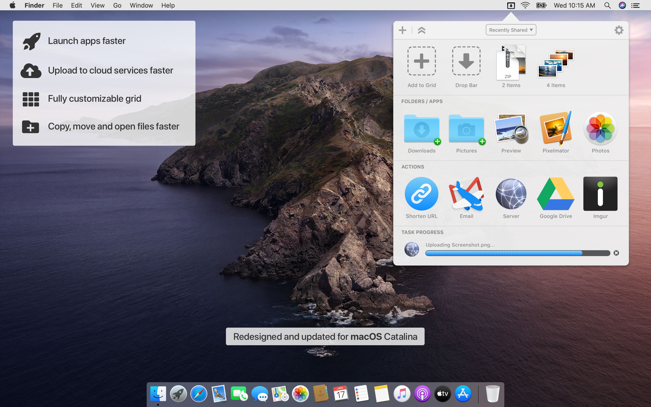
Dropzone makes it faster and easier to copy and move files, open applications and share files with many different services. Dropzone is a unique and amazing app that’s like nothing you’ve ever used before. We’ve paid fanatical attention to every detail and built an app that looks and feels like an integral part of macOS.

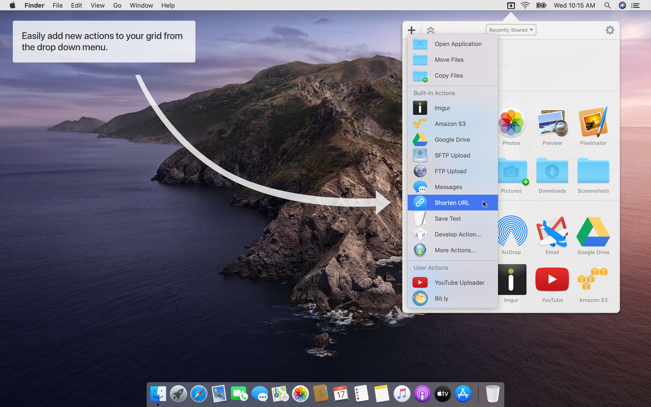
Dropzone ships with a powerful scripting API and with a little programming knowledge you can modify any of your actions or even create entirely new ones. This gives Dropzone unlimited extendability and utility. We’re always thinking up new actions so Dropzone will become even more useful over time.

Dropzone also includes Drop Bar – Drop Bar makes it easy to stash files you know you’ll need later. Just drop files on the Drop Bar icon in the grid and they will stick there until you’re ready to use them.

Features

  • Open applications, move and copy files faster than ever before.
  • Shorten URLs quickly using Tinyurl shortener. Just select a URL to shorten and press Ctrl+Option+Cmd+S and the shortened URL is automatically copied to the clipboard.
  • AirDrop integration lets you drop files or folders from any app and share them with your other Macs over the network.
  • Imgur integration lets you share images fast and get a link for pasting.
  • Upload files to Amazon S3 (Dropzone Pro feature).
  • Upload files to your FTP server (Dropzone Pro feature).
  • Upload files to your Google Drive (Dropzone Pro feature).
  • Download and install add-on actions that let you upload to services like Google Drive, YouTube and many others (Dropzone Pro feature).
  • Powerful multi-tasking engine allows you to run multiple tasks at once and track the progress of each one through the in-grid task status area.
  • See how tasks are progressing at a glance in the animated menu item.
  • Launch Dropzone actions with the newly added keyboard shortcuts feature (Dropzone Pro feature).
  • Add applications, folders or actions to your grid easily by dragging and dropping them on the Add to Grid area.
  • Develop your own actions using the updated and massively improved Ruby or Python API (Dropzone Pro feature).

Compatibility: macOS 10.13 or later 64-bit
Mac App Store: https://geo.itunes.apple.com/app/id1485052491

Screenshots

Name: Dropzone_4_4.2.6__TNT__Mactorrents.io.dmg
Size: 70 MB
Files Dropzone_4_4.2.6__TNT__Mactorrents.io.dmg[70 MB]

   Download

SQLPro Studio 2022.6

A simple, powerful database manager for macOS – SQLPro Studio is the premium database management tool for Postgres, MySQL, Microsoft Management Studio and Oracle databases.

Multiple database support
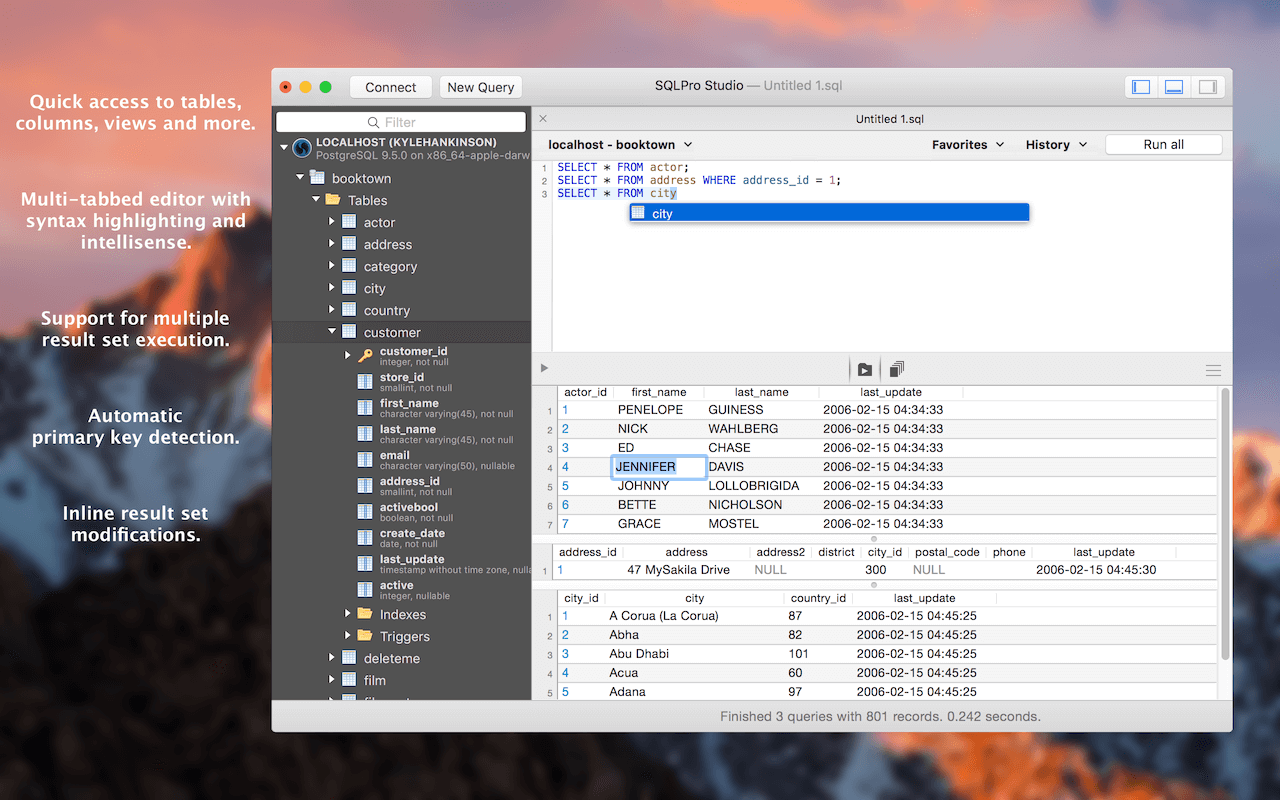
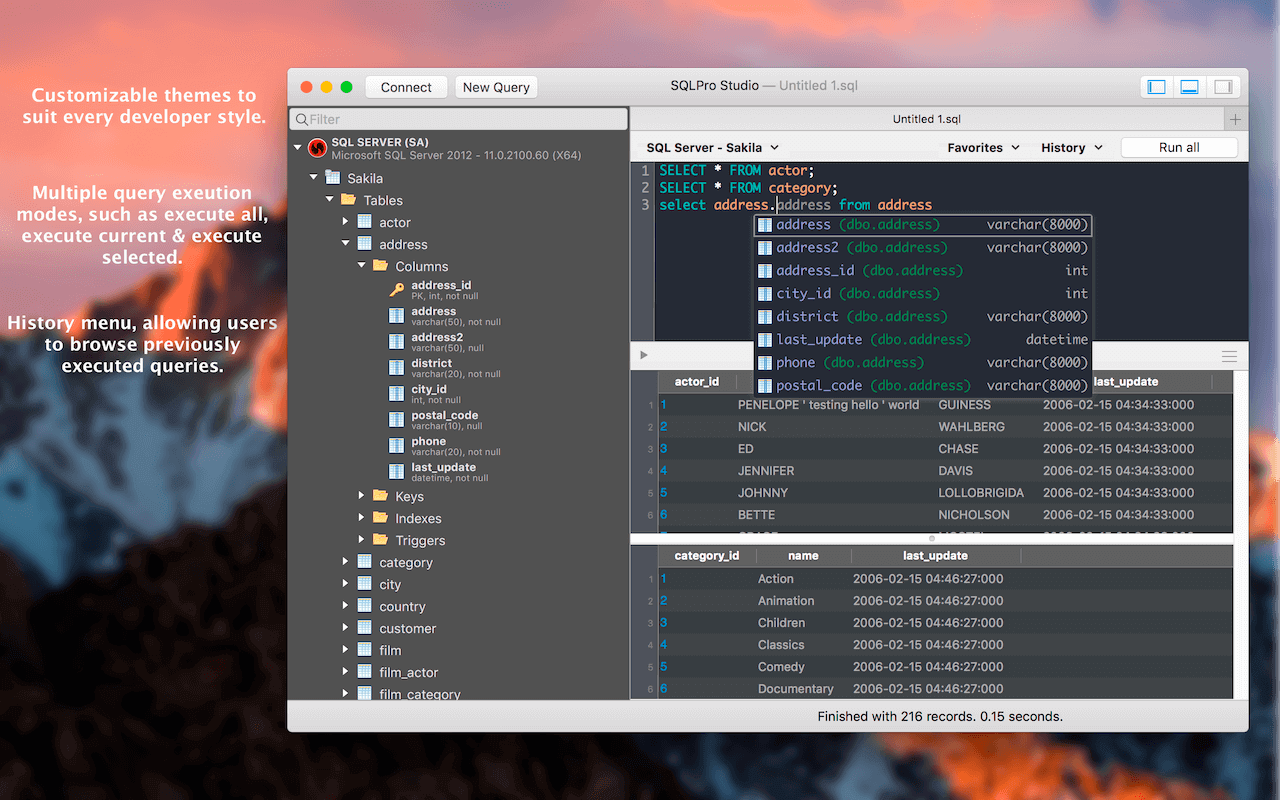
SQLPro supports many database types including MySQL, MariaDB, Postgres, Microsoft SQL Server (2005 and above) and Oracle (8i and above).

BEST AT THE BASICS
Table creation, custom queries, auto-complete and syntax highlighting are just some of the features you can expect. Updating or designing a table? We can help you out.

INTUITIVE INTERFACE
SQLPro boasts an intuitive interface, where the most basic to advanced database needs are easily accessible.

CLOUD SUPPORT
Working with cloud providers such as Amazon relational database service, Microsoft Azure or Heroku? No problem, SQLPro Studio supports most cloud based instances.

MULTIPLE RESULT SETS
Need to see the results for multiple tables at once? You can execute multiple queries and have the results for each displayed at the same time, including any errors and messages.

NO JAVA REQUIRED
SQLPro is a 100% native Mac app. This means it can and will outperform any of the other Java based database management interfaces.

SINGLE CELL SELECTION
Work with results using single (or multi) cell selection, similar as a spreadsheet. Rather than requiring full-row selection as many other tools use, SQLPro allows you to select one or more cells at a time.

Compatibility: macOS 10.12 or later, 64-bit processor
Homepage http://www.sqlprostudio.com

Screenshots


Name: SQLPro_Studio_2022.6__TNT_Mactorrents.io.dmg
Size: 66 MB
Files SQLPro_Studio_2022.6__TNT_Mactorrents.io.dmg[66 MB]

   Download

Cycling ’74 Max 8.2.2

Max is a graphical environment for music, audio, and multimedia. In use for over twenty years by performers, composers, artists, scientists, teachers, and students, Max is the way to make your computer do things that reflect your individual ideas and dreams. 

Max is an infinitely flexible space to create your own interactive software. Connect Ideas Together to Create!

OBJECTS
Each object does something. Max has objects that generate sound waves, represent hardware, or provide a UI for interaction.

PATCHCORDS
Patchcords connect one object to another. This connection lets objects share their output with connected objects.

CONTROL
Connect UI objects like dials and sliders to provide control values or display results. Modulate, map and scale data to get just the right results.

Create Software Built Around You, In the Moment
• Drag in your own audio clips and start manipulating them and connecting effects
• Map your patcher with MIDI controllers as you go to start playing with your creation while you work

Expanded Ideas
Max patching starts on a blank canvas, free of any structure. This makes it natural to build and explore unique ideas that would be too complex to make elsewhere. The Max patcher automatically expands to fit your work as it grows, no matter how much space you take up.

Explore Sound without Limits
• Design a custom synthesizer with as many oscillators and effects as you wish.
• Manipulate samples in every way, including timestretch and pitch shifting.
• Build up more layered sounds using MC objects to patch multichannel audio.

Make Sound with a Gesture
In Max, you can build classic synths from scratch or get lost hacking together unusual sounds. Try the XY controls below to hear some sounds you could create with Max.
• You can do a lot with just a single oscillator and a filter.
• Add some extra modulation and try something a little more wild.

Make Visual Music
Max includes full-featured, expandable video and graphics tools with Jitter. Jitter is optimized for realtime audiovisual work, and is easy to combine with audio, sequencing, and modulation like everything else in Max.

Take Max into the World
Max provides the tools to connect your computer to the external world, or connect many computers together. With support for a constantly expanding list of hardware and communications, Max is ready to talk to everything.

Prototype and Evaluate
Flexible access to hardware makes Max a perfect environment for prototyping. Connect your development board to Max and get instant access to sensors, knobs, and switches. Watch the data stream in as you develop the interaction.
Countless commercial products, art installations, and stage shows have relied on Max to glue together all the parts of their process.

Generate Audio, Video, Code
Use Gen to patch together fine-tuned processes for audio, matrix data, or texture processing. Gen lets you combine procedural commands with visual patching to simplify the creation of custom processes.
Gen objects can also output source code to be used elsewhere if needed.

Extended Max
Max’s built-in Package Manager offers immediate access to over 50 add-ons covering everything from computer vision to support for hardware controllers including Novation, Monome and ROLI controllers.
If the feature you want doesn’t exist in Max, chances are someone in the community has created it. And if they haven’t, you can extend Max yourself using C++, NodeJS, Java, or javascript.

Name: Max_8.2.2__HCiSO_Mactorrents.io.dmg
Size: 716 MB
Files Max_8.2.2__HCiSO_Mactorrents.io.dmg[716 MB]

   Download

Acorn 7.1.3

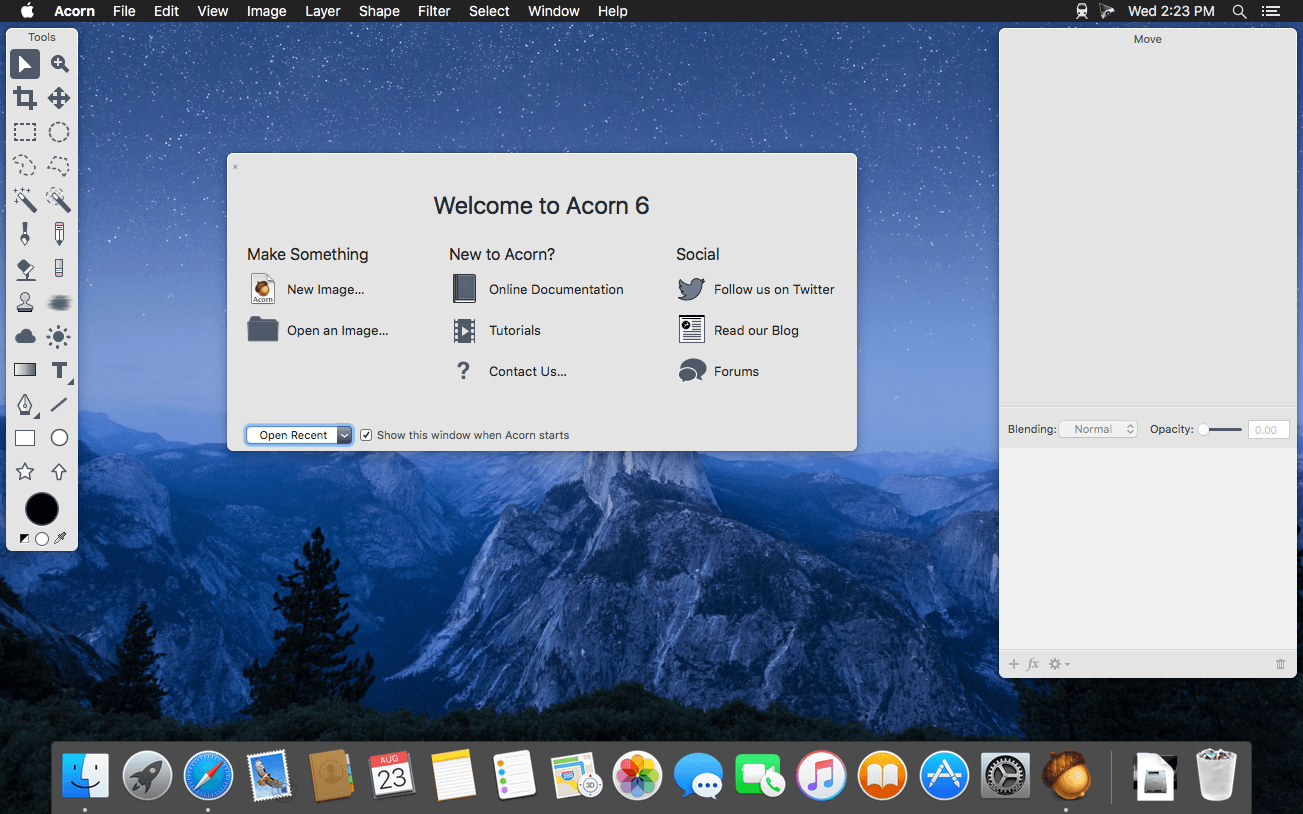
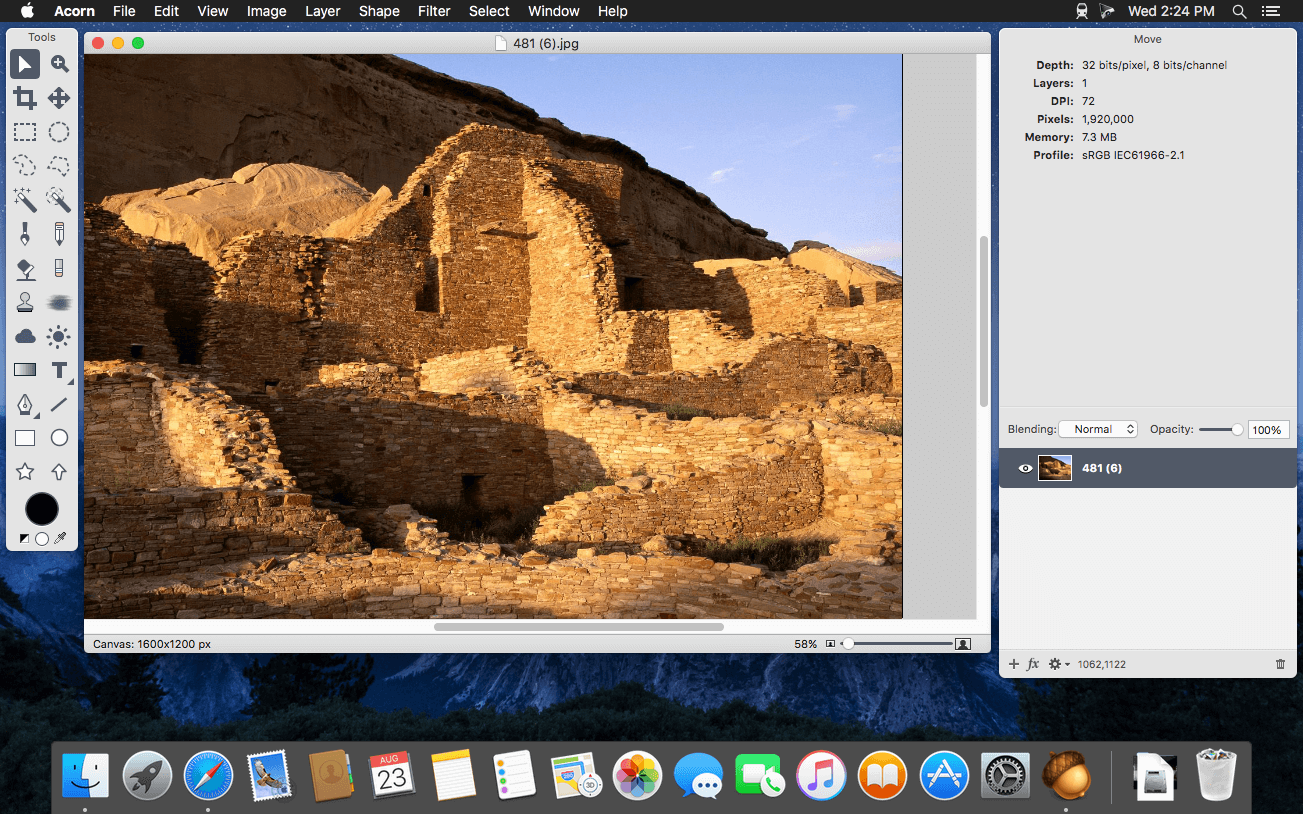
Acorn is a new image editor built with one goal in mind – simplicity. Fast, easy, and fluid, Acorn provides the options you’ll need without any overhead. Acorn feels right, and won’t drain your bank account.

  • Take screenshots using Acorn and edit them right away.
  • Chain together image filters to create stunning effects.
  • Layer based image editing, an industry standard.
  • Make new images and layers using your built-in iSight.
  • Easy image and canvas resizing, just by changing the size of your window.
  • Take advantage of every pixel of your monitor with full screen image editing.
  • Tablet sensitive for pressure strokes and using the tablet’s eraser.
  • Vector shape and text layers.
  • Freeform, elliptical, rectangular, and magic wand selections.
  • Gradients.
  • Create and apply custom text styles.
  • Control opacity and blending modes for each layer.
  • Write plugins using the Python scripting language, as well as in Objective-C.
  • GPU powered. The same graphics card that makes your gaming experience smooth, helps Acorn fly through the toughest of graphics operations.

Compatibility: macOS 10.14 or later
Homepage https://flyingmeat.com/acorn/

Screenshots


Name: Acorn_7.1.3__TNT_Mactorrents.io.dmg
Size: 18 MB
Files Acorn_7.1.3__TNT_Mactorrents.io.dmg[18 MB]

   Download

SQLPro for SQLite 2022.11

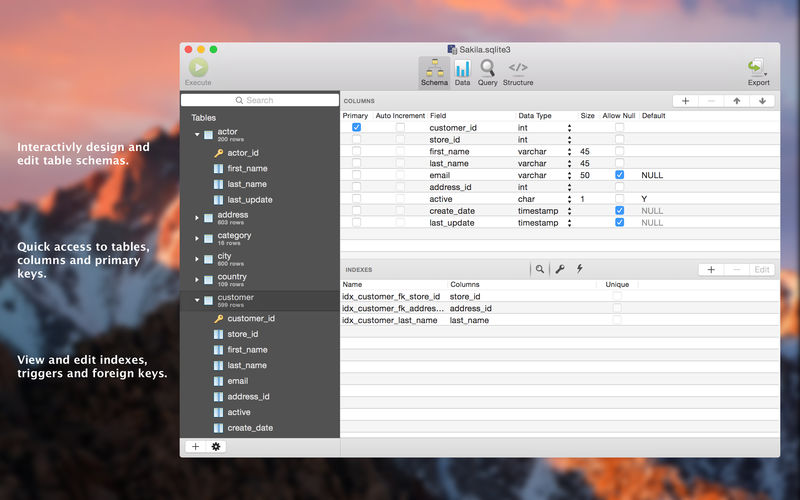
SQLPro for SQLite is an advanced sqlite editor. It has an easy to navigate interface, with the ability to perform the most basic to advanced tasks.

Features include:

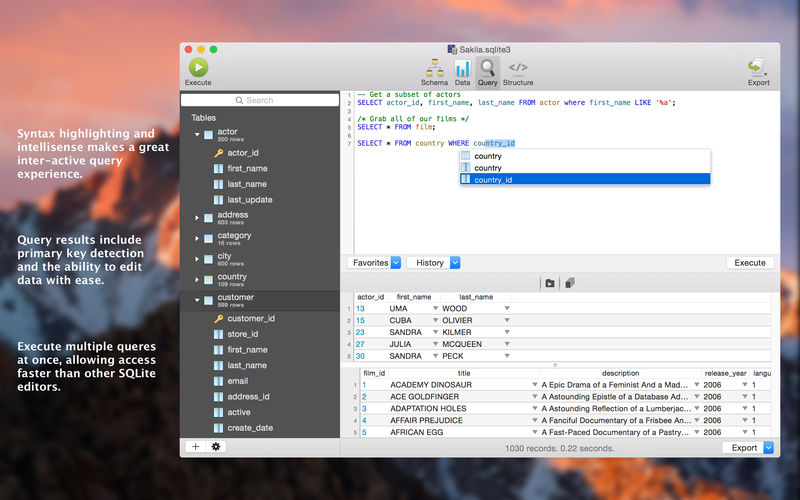
  • Syntax highlighting and query intellisense/auto-complete.
  • Advanced multi-query execution.
  • Pick from multiple included themes, or design your own.
  • Automatic external change detection reloads a database when modified outside of SQLPro.
  • Version integration. Mucked your database? Rollback to a previous version.
  • Runtime loadable extension support.
  • Semiautomatic dependency resolution.
  • Export your data to csv, mysql, xml or json.
  • Backwards compatibility with SQLite 2.
  • Fullscreen support.
  • Column reordering.
  • Inline filters allowing you to customize the way your data is displayed.

If you would like to try before you buy, you can also give our free Read-Only version a look!

Compatibility: macOS 10.12 or later
Mac App Store https://itunes.apple.com/app/sqlpro-for-sqlite-sql-database/id586001240

Screenshots


Name: SQLPro_for_SQLite_2022.11__TNT_Mactorrents.io.dmg
Size: 25 MB
Files SQLPro_for_SQLite_2022.11__TNT_Mactorrents.io.dmg[25 MB]

   Download

Keep It 1.11.11

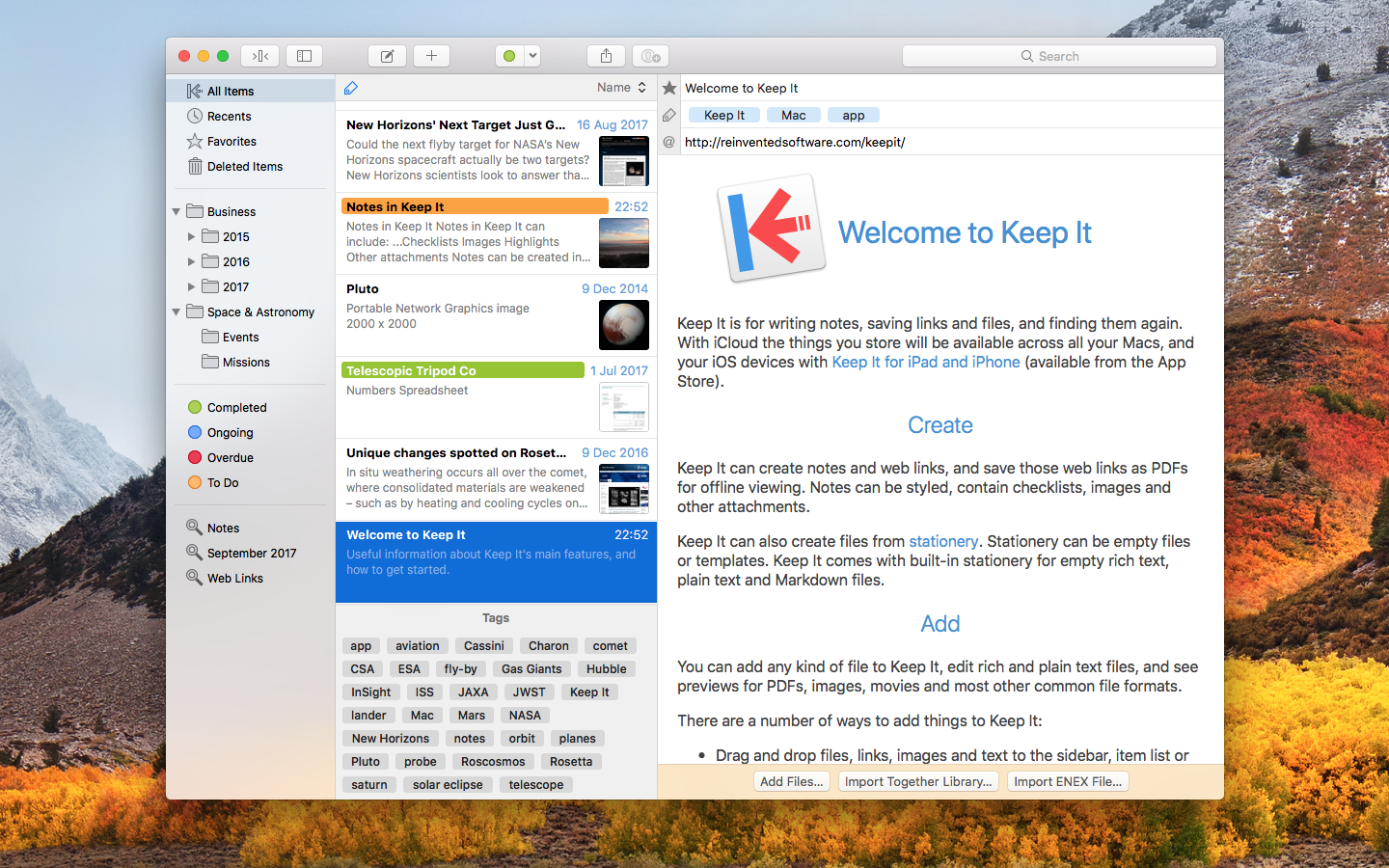
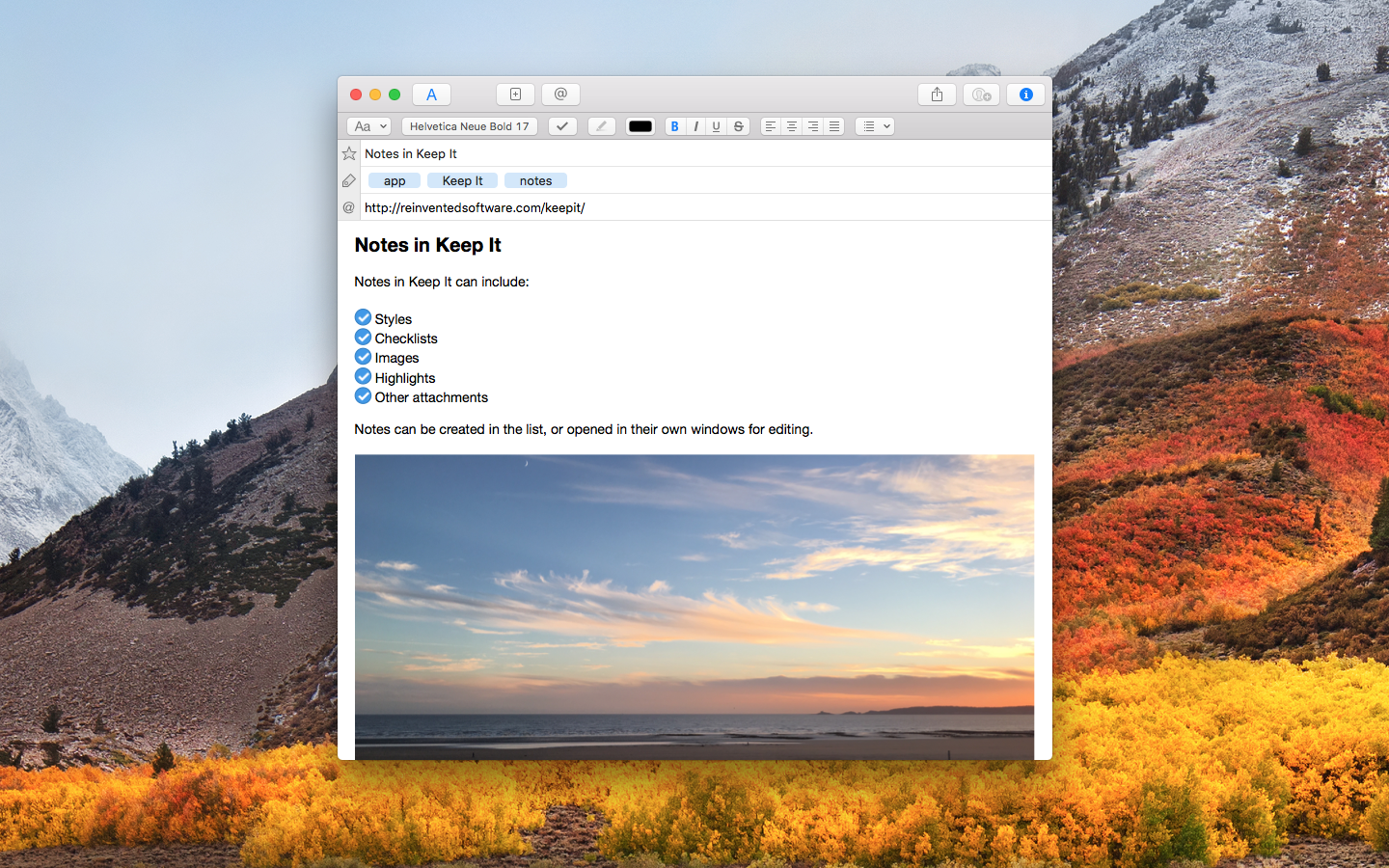
Keep It is for writing notes, keeping web links and documents, and finding them again. Available on Mac, and as a separate app for iPhone and iPad, Keep It is the destination for all those things you want to put somewhere, confident you will find them again later.

Notes and Links
Make Notes
Create notes with built-in styles that look good and read well on all your devices. Notes can contain checklists, bulleted and numbered lists, images, links and other attachments.

Save Web Links
Save web links to Keep It, view them in the app, open them in your browser, or save them as PDFs for offline reading.

Files
Add Anything
Any kind of file can be added to Keep It or saved to its folders, and opened for editing in their original applications. With iCloud, changes are automatically made available across all your Macs and iOS devices.

Preview and Edit
Keep It generates thumbnails and summaries for most files, can edit its own notes, rich and plain text files, and show previews for PDFs, images, web pages and most other documents.

Search and Filter
Search
Keep It can search the content of most files. Suggestions appear as you type, allowing you to narrow down results to exactly what you need, or use keywords and natural language. Save searches for later reuse.

Tag Filter
Keep It’s Tag Filter makes finding things by their tags a pleasure. Choose a tag to see all the tagged items and any other relevant tags; choose another tag to drill down further.

Organize
Folders
Folders let you organize items and bundles hierarchically, when needed. Select a folder to see everything it contains.

Bundles
When you need to gather things into one place, make a bundle. Items can be in more than one bundle at a time, and when you remove the bundle, everything else stays where it was.

Labels
Use labels to color-code items for quick visual recognition. Labels are listed in the sidebar so you can quickly see everything with a particular label.

More Lists
Use the Recents list to see things you’ve added or viewed lately, with the latest shown at the top. Favorites provide quick access. Deleted Items are automatically removed after 30 days.

Where You Need It
Compact Mode
In compact mode, Keep It for Mac becomes a single column, ideal for using alongside other apps or in split screen.

Works with Other Apps
Pretty much anything can be dragged to Keep It, and you can also add things from a variety of apps with Keep It’s share extension.

*** You need to disable the System Integrity Protection (SIP) to perform the selected Application.

Compatibility: macOS 10.13.0 or later
Homepage http://reinventedsoftware.com/keepit/

Screenshots


Name: Keep_It_1.11.11__TNT_Mactorrents.io.dmg
Size: 26 MB
Files Keep_It_1.11.11__TNT_Mactorrents.io.dmg[26 MB]

   Download

CRAX Commander 1.13.0

CRAX Commander is dual-pane file manager with approachable user interface. It is integrated with Subversion and it has built-in FTP/FTPS, SFTP/SSH,WebDAV,SMB,AFP client functionality. CRAX Commander provides many of functionalities you need to quickly and effectively access and manage your local and remote files. WITH CRAX Commander FILE MANAGEMENT IS MUCH FASTER and EASIER than it has been before.

Features
– DUAL-PANE & multi-tabbed UI
– full UI customization (Fonts, Colors, Behaviour, Actions, Toolbar)
– full keyboard SHORTCUTS customization
– definition of CUSTOM TOOLS as menu items and toolbar items
– configurable SIDEBAR panel
– support for COLOR definition based on the file’s extension or attributes
– copying and moving files/folders in BACKGROUND (non blocking GUI file operations)
– MERGING content of folders when copying or moving
– built-in clients for connection to remote volumes using SSH/SFTP, FTP/FTPS, SMB, AFP, WebDAV protocols
– built-in text file editor with SYNTAX coloring
– SPLITTING and combining files
– DROPBOX integration with exporting and importing app’s settings
– calculation and verification CHECKSUMS
– archive support: ZIP, RAR, 7-ZIP, GZIP, BZIP2, AR/IPK, ISO9660, RPM (browsing, selectively unpack, delete, browsing archives in archives etc.)
– advanced searching for files with support for searching for DUPLICATES
– advanced MULTI-RENAME tool
– support for SUBVERSION
– experimental support for GIT
– KEYCHAIN passwords saving and restoring
– QUICK-LOOK support

Compatibility: macOS 10.10 or later

Name: CRAX_Commander_1.13.0_MAS__TNT_Mactorrents.io.dmg
Size: 96 MB
Files CRAX_Commander_1.13.0_MAS__TNT_Mactorrents.io.dmg[96 MB]

   Download

Artstudio Pro 4.0.3

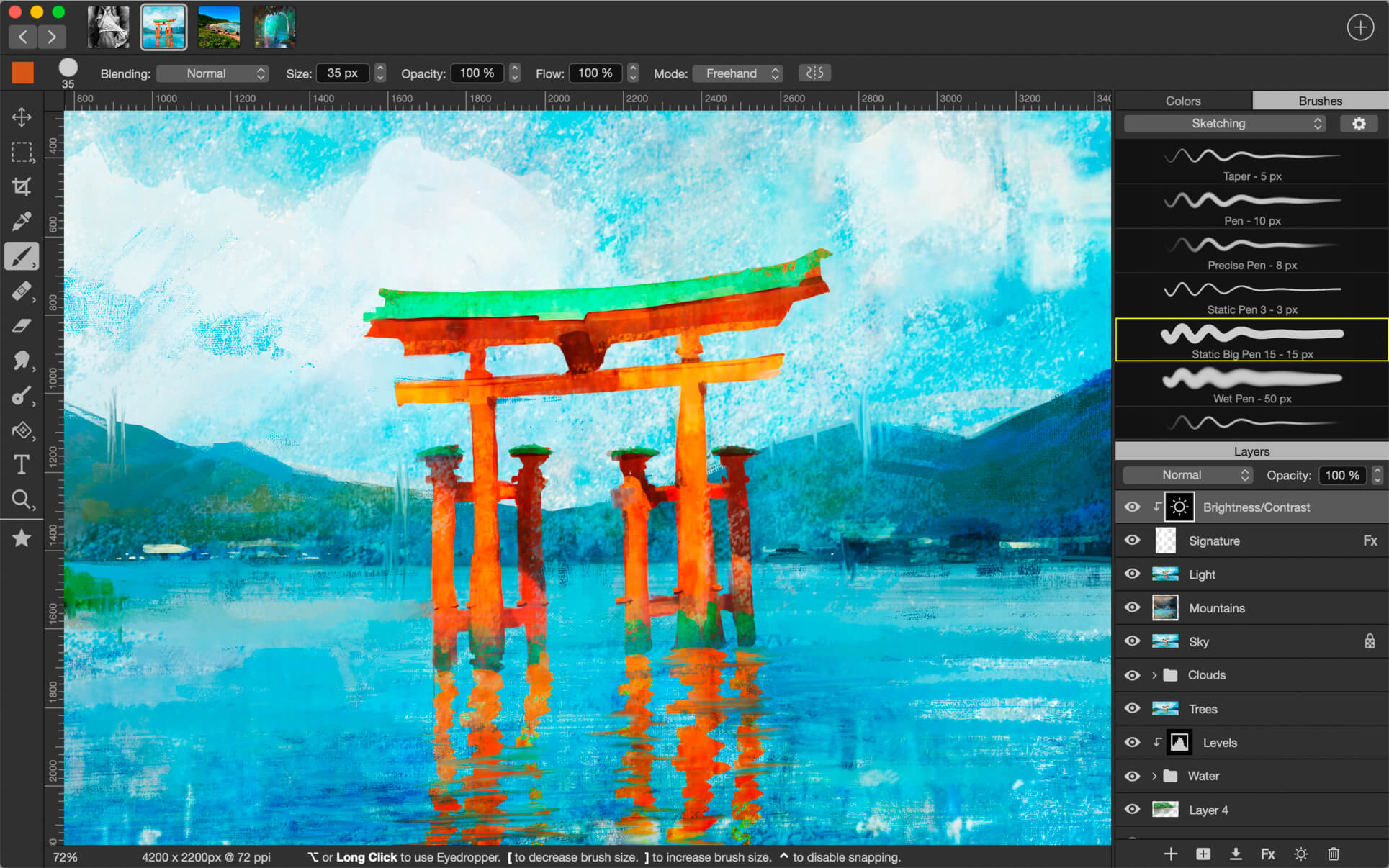
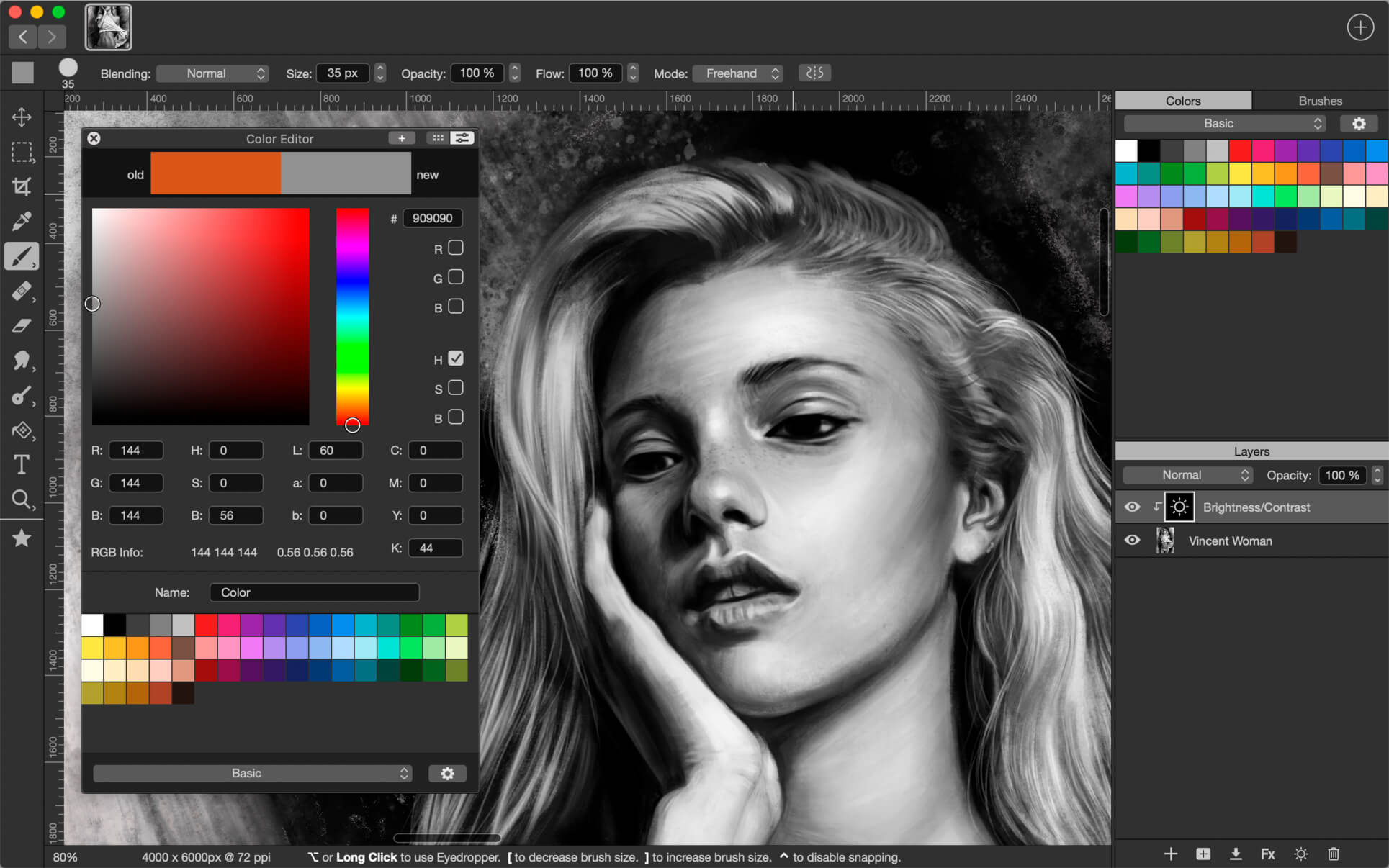
Introducing Artstudio Pro, the most powerful painting and photo editing app available for both macOS and iOS . The successor to our famous ArtStudio app has been redesigned bringing many new features and improvements taking full advantage of the latest technologies Metal, iCloud Drive, and optimized for 64-bit multi-core processors to achieve the smoothest possible workflow.

Hundreds of assets are included and users have the ability to import resources in the most popular formats (ABR, TPL, PAT, GRD, ASE, ACO) giving instant access to millions of brushes, patterns, gradients, color swatches and fonts. It will boost your creativity and help you bring your ideas to life quickly and easily.

New engine
The powerful GPU accelerated ArtEngine developed by Lucky Clan is 5-10 times faster than the previous engine. It allows working with multiple documents, supports large canvas sizes and an unlimited number of layers. Incredible optimization ensures smooth work even with large canvases.

  • Multiple open documents
  • Canvas size: 256Mpix
  • Unlimited layers
  • 27 tools: Move, Select, Crop, Eyedropper, Paint, Wet Paint, Eraser, Bucket/Pattern/Gradient Fill, Smudge, Dodge, Burn, Sponge, Text, Heal, Clone, and more

Flexible layer system
Artstudio Pro introduces a new layer system with grouping, non-destructive layer effects, and adjustment layers.

  • Groups
  • Masks, clipping masks
  • Adjustment layers
  • 9 layer effects: Bevel/Emboss, Stroke, Inner Shadow, Inner Glow, Outer Glow, Color/Gradient/Pattern Overlay, Drop Shadow
  • 27 blending modes
  • Text layers
  • Transform multiple layers simultaneously

Advanced Brush engine
Perfectly optimized, lag free mechanism generating smooth, real looking strokes, making the most of the stylus.

  • Brush size up to 4000×4000
  • 64-bit painting with pattern, double stamp, wet brush, dynamics
  • Brush editor with 80 customizable settings
  • Over 100 built-in brushes divided into a few groups: Painting, Sketching, Markers, Inking, Dots & Specks, and more
  • Symmetric painting with custom symmetry line

Professional photo editor
Photo editing options developed in cooperation with professional photographers. Each feature was tested in several scenarios and light conditions.

  • 15 adjustments available as non-destructive layer or simple adjustment: Brightness/Contrast, Levels, Curves, Exposure/Gamma, Shadows/Highlights, Vibrance, Hue/Saturation, Color Balance, Temperature/Tint, Black and White, Gradient Map and more
  • 4 auto adjustments: Auto Contrast, Levels, Lightness, Saturation
  • Dozens of filters with realtime preview and the ability to generate seamless patterns
  • Inpaint, Elastify (Liquify) ,Lighting, Depth Of Field, Denoise
  • Retouching tools: Heal, Dodge, Burn, Sponge and more
  • Image resize, Canvas resize
  • Crop using special tool, crop from selection, trim transparent areas

Import/Export
We have implemented many parsers from the most popular assets/images formats and we are especially proud of our ABR/TPL parser which not only reads brush stamps and patterns, but also most settings which are converted to Artstudio Pro brush engine values.

Import

  • Images – PNG, JPEG, PSD, HEIC, TIFF, GIF, most raw formats
  • Brushes – ABR, TPL
  • Color swatches – ASE, ACO
  • Patterns – PAT
  • Gradients – GRD
  • Fonts – TTF, OTF

Export

  • Images – PNG, JPEG, PSD, TIFF, PDF

Other features

  • Full iCloud integration
  • Screen recording
  • All features available on macOS, iPad and iPhone
  • Selection displayed as marching ants, quick mask or invisible
  • Snapping to guidelines, dynamic guidelines, grid
  • Perspective grid assist
  • Mirror (flipped) view
  • Canvas rotation

Compatibility: macOS 10.11 or later 64-bit
Homepage https://geo.itunes.apple.com/app/id1313773050

Screenshots


Name: Artstudio_Pro_4.0.3_MAS__HCiSO_Mactorrents.io.dmg
Size: 214 MB
Files Artstudio_Pro_4.0.3_MAS__HCiSO_Mactorrents.io.dmg[214 MB]

   Download

Alfred 4 Powerpack 4.6.3 (1284)

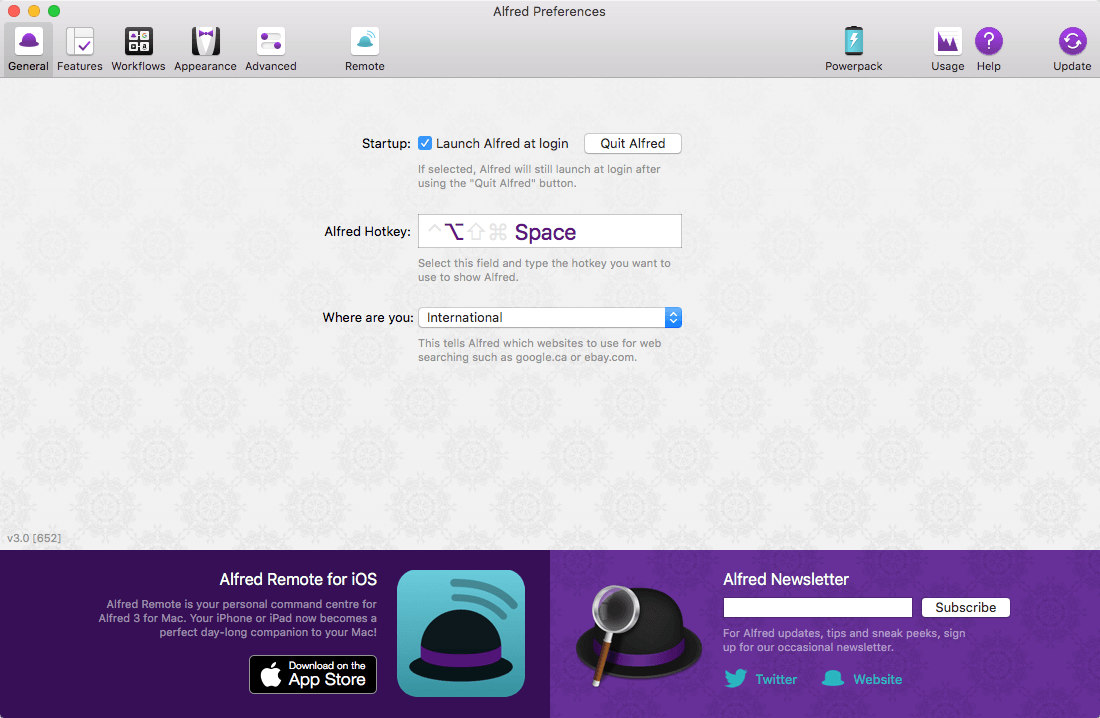
Alfred is an award-winning app for macOS which boosts your efficiency with hotkeys, keywords, text expansion and more. Search your Mac and the web, and be more productive with custom actions to control your Mac.

Search and Browse

  • Launch applications and find files on your Mac or on the web. Alfred learns how you use your Mac and prioritises results.
  • Save countless hours by using hotkeys, keywords and customising how you want to search your Mac and activity history.
  • Jump in and browse, preview files and take action on them without lifting your fingers off the keyboard.

Type Less, Say More

  • With Alfred’s Clipboard History and Snippets features, there’s no need to type the same URLs or responses over and over.
  • Use the Clipboard History to locate any text, image or file you copied earlier and paste it again.
  • Create your own snippets and type a short abbreviation to auto-expand them into a full text snippet, saving yourself hours of typing in the long run!

Extend and Automate

  • With Alfred’s Powerpack, use immensely powerful workflows to perform tasks more efficiently and cut down on repetitive manual tasks.
  • Link hotkeys, keywords and actions together to create your own workflows; There’s no need to write a single line of code to create a workflow.
  • Import workflows from the thousands our community of creators have shared.

Control Your Music

  • You’re the boss. Boost your productivity by controlling your Mac using Alfred’s deep integration with OS X. Swiftly take action on files and contacts, control your music player and dispatch System commands.
  • Add some fun to your day; Turn your iPhone or iPad into a command centre for your Mac with Alfred Remote for iOS.
  • Alternatively, take a look at the many workflows for other music services like Spotify.

Compatibility: OS X 10.9 or later
Homepage http://www.runningwithcrayons.com/

Screenshots


Name: Alfred_PowerPack_4.6.3.1284__HCiSO_Mactorrents.io.dmg
Size: 8 MB
Files Alfred_PowerPack_4.6.3.1284__HCiSO_Mactorrents.io.dmg[8 MB]

   Download

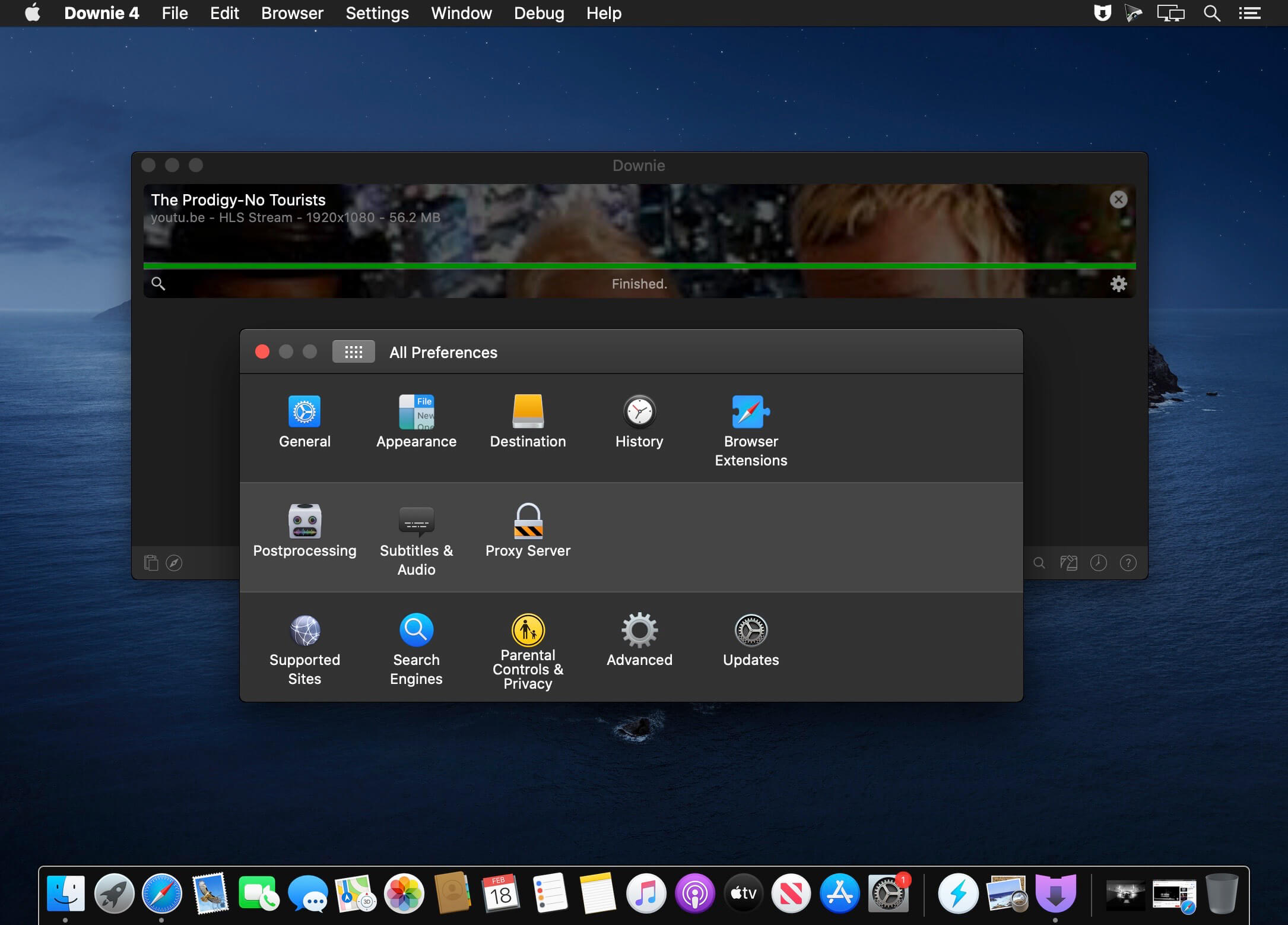
Downie 4.4.7

A simple download manager that offers you the possibility to quickly save videos from different websites to your own disk drive.

f you are using a poor internet connection, trying to visualize videos streamlined online might not work properly since the content is loaded too slowly. Downie is a simple Mac app that can help you download those videos to your computer, and then watch them by using your default media player.

User friendly video downloader featuring support for drag and drop actions
Working with Downie is extremely straightforward: simply drop the video URL on top of the app’s main window or on the Dock icon. Downie adds the video to your downloads list, so all you have to do next is start the process by pressing the appropriate button. Of course, you can also remove items from the list.

By default, Downie downloads MP4 files and places them in your default Downloads folder, but you can easily change this via the Preferences window. The same area allows you to setup notifications, or post processing actions (convert to MP4 if necessary, or extract audio only).

Effortlessly download videos from a wide collection of hosting websites
Downie provides support for more than 400 different websites that host video content, among which there are the most popular choices, such as YouTube, Apple, LiveLeak, Vimeo, BBC, and so on. If a certain website is not included, within the app you can send a request email to the Downie developers.

Moreover, Downie also provides matching extensions for various popular web browsers, such as Firefox, Safari, Google Chrome or Chromium. The add-ons are not installed by default: open the Preferences window and install only the ones you plan to use.

Straightforward solution for downloading video content hosted online
Downie is a great tool for saving videos posted on various websites to your Mac for offline playback. The application is extremely useful especially if you have a slow internet connection.

Compatibility: macOS 10.12.6 or later
Homepage https://software.charliemonroe.net/downie/

Screenshots


Name: Downie_4.4.7__HCiSO_Mactorrents.io.dmg
Size: 49 MB
Files Downie_4.4.7__HCiSO_Mactorrents.io.dmg[49 MB]

   Download

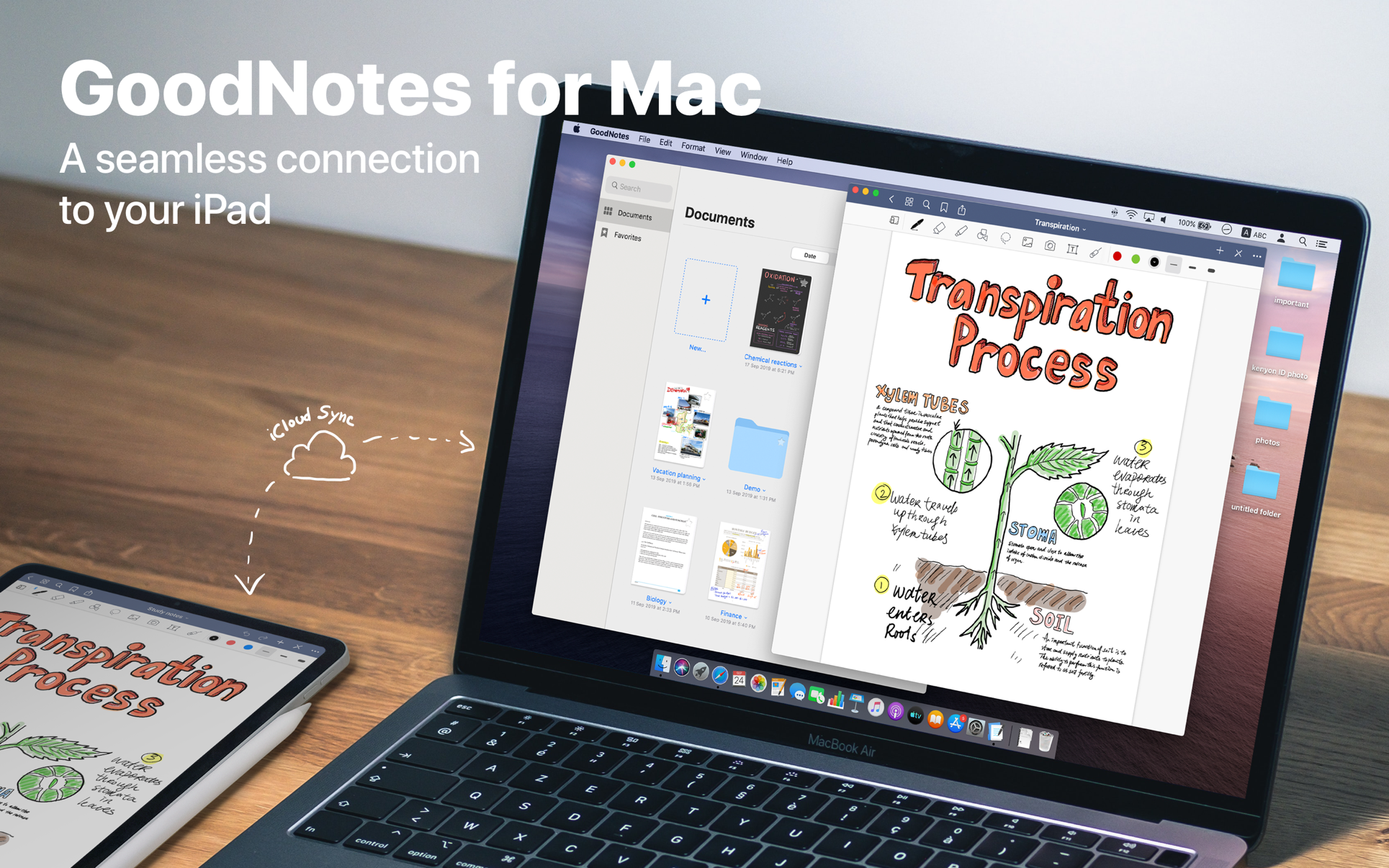
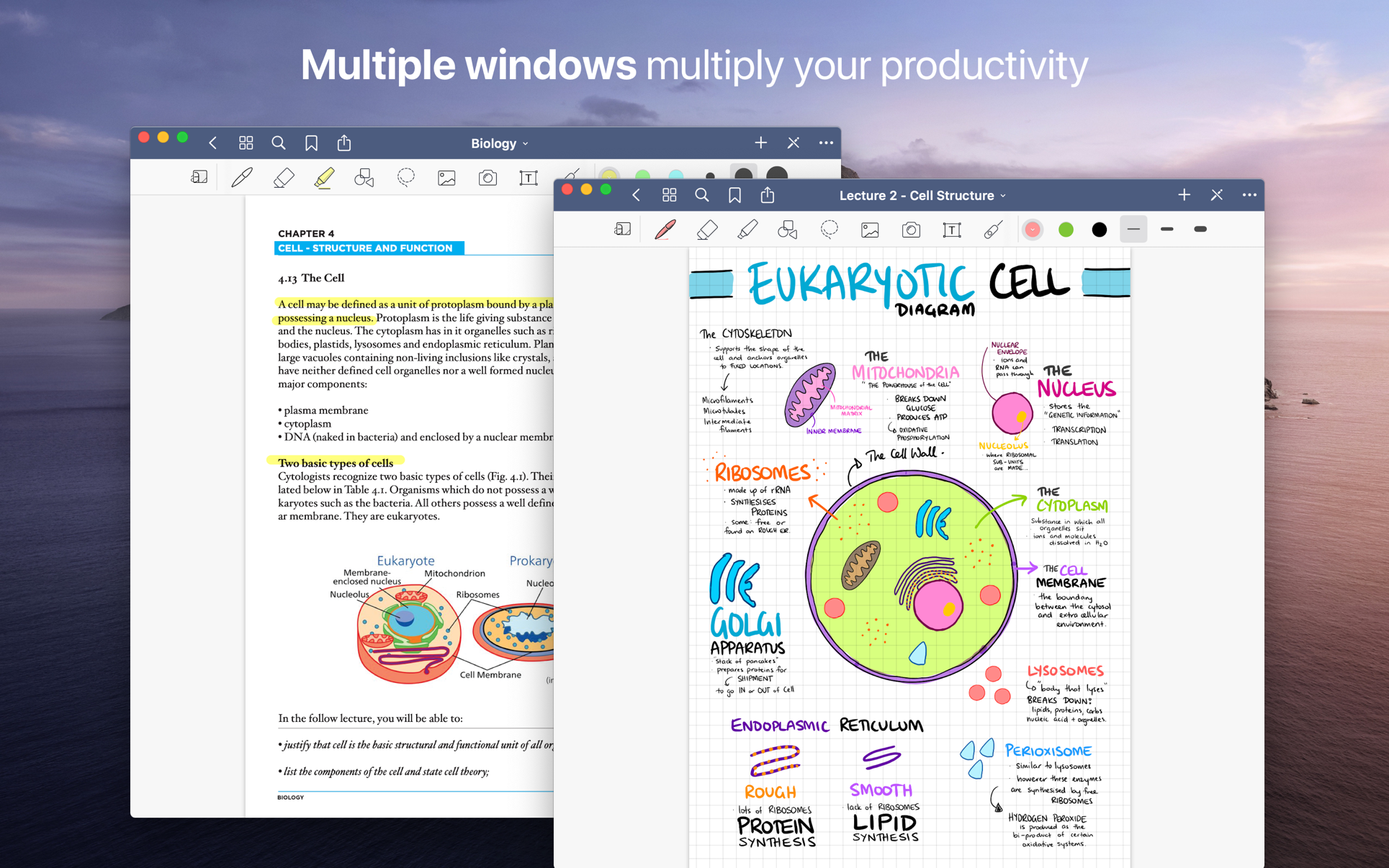
GoodNotes 5.8.0

Transform your Mac into smart digital paper and a powerful document management system.
Use the same features from GoodNotes’ iPad version on your Mac and work with your documents where you want and when you want.

CREATE, IMPORT, AND EDIT DOCUMENTS ON YOUR MAC

  • Create digital notebooks and type text with your keyboard or write and draw with the mouse/trackpad or the Apple Pencil using Sidecar on your iPad
  • Import PDF and images to annotate them in GoodNotes
  • Add documents from your Mac to existing GoodNotes notebooks via drag and drop

PAPERLESS DOCUMENT MANAGEMENT

  • Organize your documents in folders and create unlimited subfolders
  • Mark your most important documents, pages, and folders as Favorites to access them quickly
  • Create custom outlines for easier navigation through your documents
  • Instant export of documents or pages as PDF via drag and drop

ALL YOUR NOTES ALWAYS WITH YOU

  • Sync your latest changes to your iPad, iPhone, and other Macs using iCloud
  • Prepare documents on your Mac and pick them up on another device to continuously work on them

ESCAPE THE LIMITS OF ANALOG PAPER

  • Move, resize, and rotate your handwriting or change colors
  • Draw perfect shapes and lines with the Shapes Tool
  • powerful & smart eraser tool: Choose to erase the entire stroke or only parts of it. Set it to “Erase Highlighter Only” to leave the ink intact
  • Navigate through imported PDFs with existing hyperlinks

What’s New:

Version 5.8.0

  • Fixes search results aren’t highlighted on PDFs

Compatibility: macOS 10.15 or later, 64-bit processor
Homepage https://apps.apple.com/app/goodnotes-5/id1480793815

Screenshots


Name: GoodNotes_5.8.0_MAS__HCiSO_Mactorrents.io.dmg
Size: 431 MB
Files GoodNotes_5.8.0_MAS__HCiSO_Mactorrents.io.dmg[431 MB]

   Download

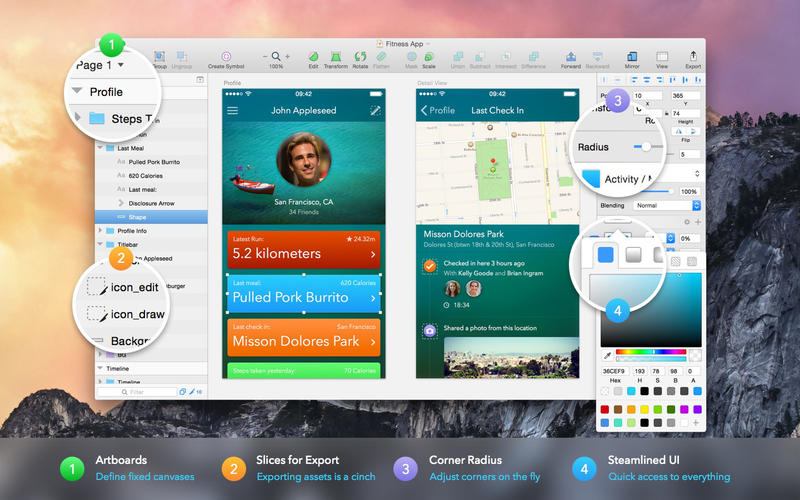
Sketch 83

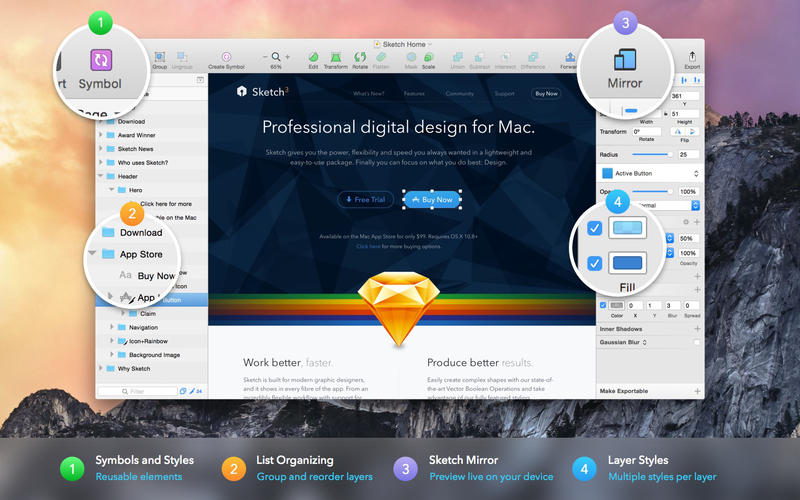
Sketch: graphic design for a digital world. Powerful tools and an elegant interface, in a single award-winning package. Because making beautiful things should be a joy, not a burden.

Sketch supports multiple fills, borders and shadows per layer; has powerful non-destructive boolean operations; smart pixel alignment; and makes exporting a breeze with automatic slicing and multiple resolution export.

Vector tools and basic shapes are the foundation; whether you are designing icons, websites, interfaces or anything else. Combine these into complex shapes with non-destructive boolean operations, leaving you free to edit them in the future, then apply advanced layer style options like multiple shadows, fills, gradients, noise, blending, background blurring, and more.

Sketch doesn’t just do shapes, of course. Imported images can be rotated, scaled, cropped and masked. The best-in-class text tool lets you add beautiful typography to your designs, using native font rendering, so you can be sure that text always looks 100% accurate!

Brand new to Sketch 3, Symbols allow you to reuse entire groups of content in multiple places in your design. Think of interface elements such as buttons, headers and footers. Change them once, and they update everywhere in your document.

Built for the Mac, Sketch supports OS X’s Versions and Auto Save, letting you focus on your work instead of hitting CMD+S. Keep your work safely in sync across multiple Mac computers with iCloud. And take Sketch full screen to maximise the size of your canvas.

All this power is deliciously baked into Sketch’s single-window interface. Everything is there, tucked away until you need it. A simple interface with powerful tools.

Compatibility: macOS 10.14.4 or later 64 bit
Homepage https://www.sketch.com/updates/

Screenshots


Name: Sketch_83__TNT_Mactorrents.io.dmg
Size: 70 MB
Files Sketch_83__TNT_Mactorrents.io.dmg[70 MB]

   Download

SyncMate Expert 8.4.501

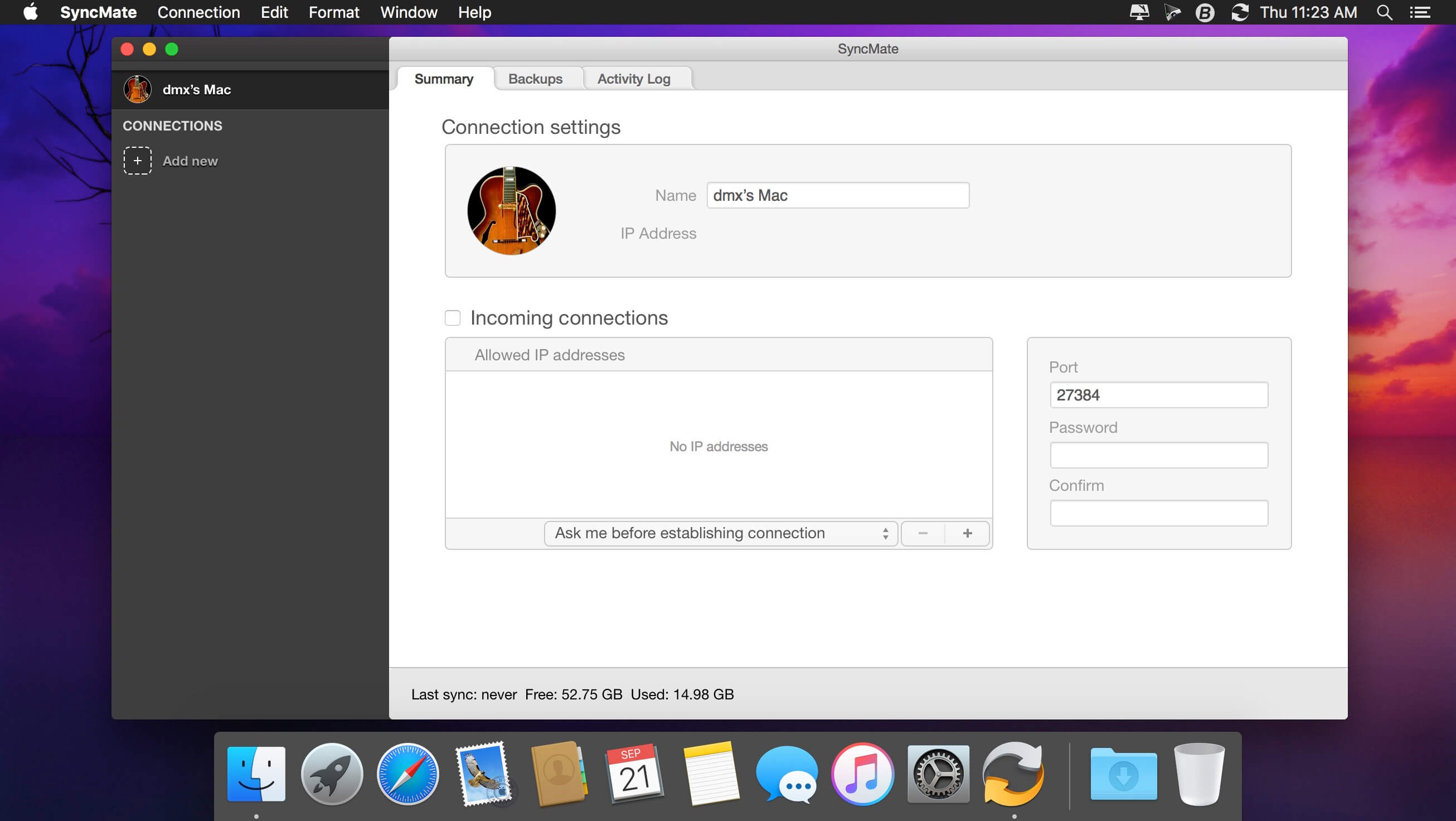
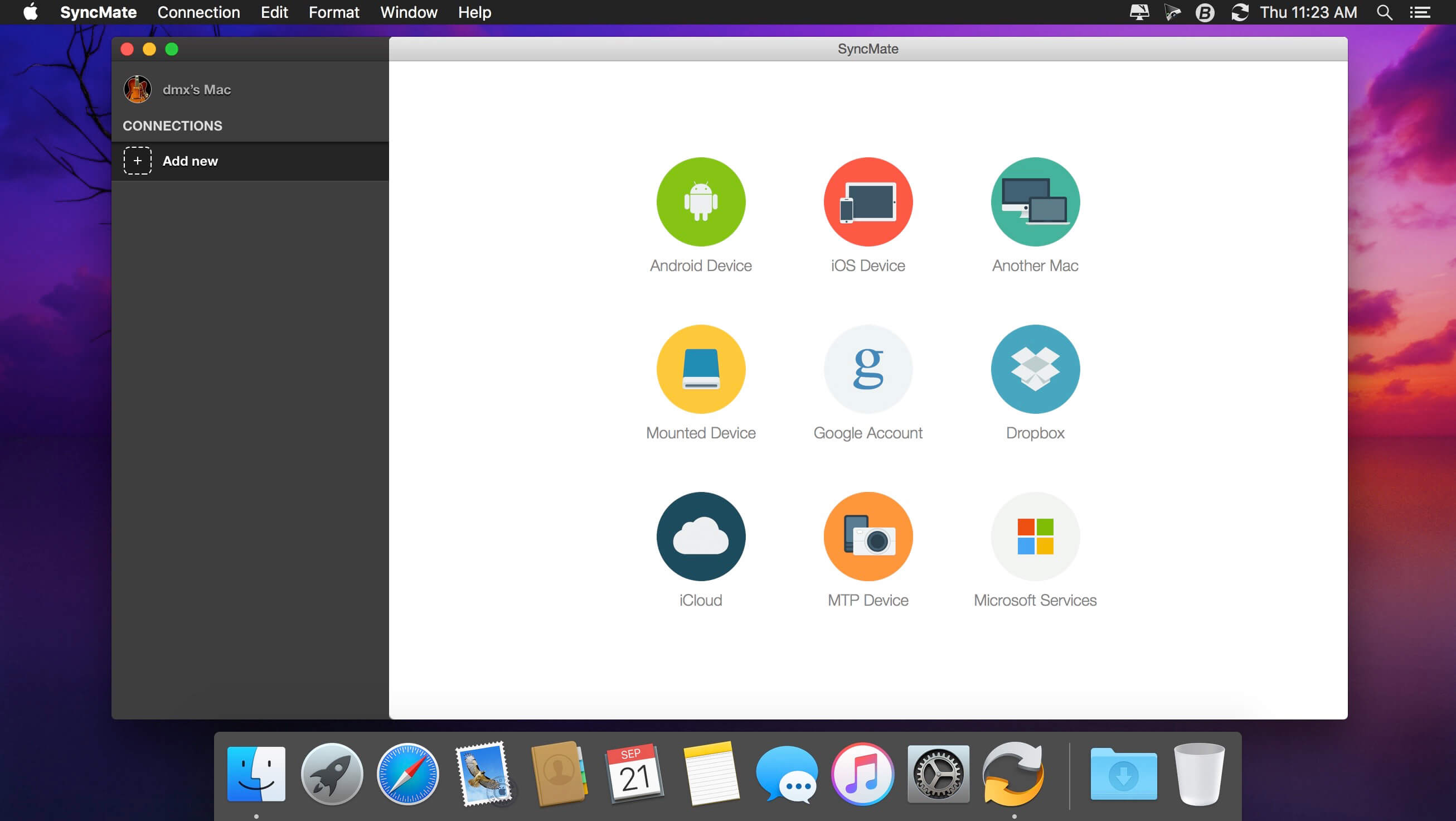
SyncMate allows syncing your Mac data with Android, iOS, and other Mac, MTP, or mounted devices, as well as with Google, Dropbox, and iCloud accounts.

SyncMate is offered in Free and Expert editions.

  • Free SyncMate lets you sync Contact and Calendar entries between Mac and supported devices. Sync with Google and Dropbox accounts is also available. SyncMate allows reading messages from Android and iOS right on Mac.
  • Expert Edition will sync iTunes, iPhoto and Photos.app, Safari Bookmarks, Reminders and separate folders (sync options depend on the device you are syncing). It offers AutoSync option which lets you set various parameters of automatic sync for any of supported device. You can sync Folders between Mac and mounted storage devices and other Macs in real time, i.e., once you have changed any data on your Mac or connected device, it will be synced immediately.
  • With Expert Edition you can create, send, delete, search and export text messages from Android and iOS on your Mac. It also allows the conversion of videos to AVI, MPG, MP4, WMV, ASF, 3GP and audio files to MP3 and WAV prior to syncing them to device (Pictures, Videos and Music plugin).

Sync can be performed via USB, Wi-Fi, Bluetooth and Ethernet (depends on synced device). SyncMate is compatible with OS X 10.8.5 and higher. Device compatibility: iOS 5.x-8.x devices; Android 3.x, 4.x, 5.x, 6.x, 7.x.

Compatibility: OS X 10.10 or later 64-bit
Homepage https://www.sync-mac.com

Screenshots


Name: SyncMate_8.4.501__TNT_Mactorrents.io.dmg
Size: 65 MB
Files SyncMate_8.4.501__TNT_Mactorrents.io.dmg[65 MB]

   Download

WidsMob WebP 1.3.1

WidsMob WebP is an all-in-one WebP manager to view, resize, rotate WebP files, add watermark to photos, and convert HEIC images to GIF, JPEG, PNG, BMP and TIFF format.

– Support Graphics and Animations WebP
– Convert Files to WebP and Vice Versa
– Resize WebP Files in Batch Process
– Protect WebP Files Online with Watermarks
– Batch Rotate and Rename WebP Files

Compatibility: macOS 10.13 or later
Homepage https://www.widsmob.com

Name: WidsMob_WebP_1.3.1__TNT_Mactorrents.io.dmg
Size: 24 MB
Files WidsMob_WebP_1.3.1__TNT_Mactorrents.io.dmg[24 MB]

   Download

PatterNodes 3.0.0

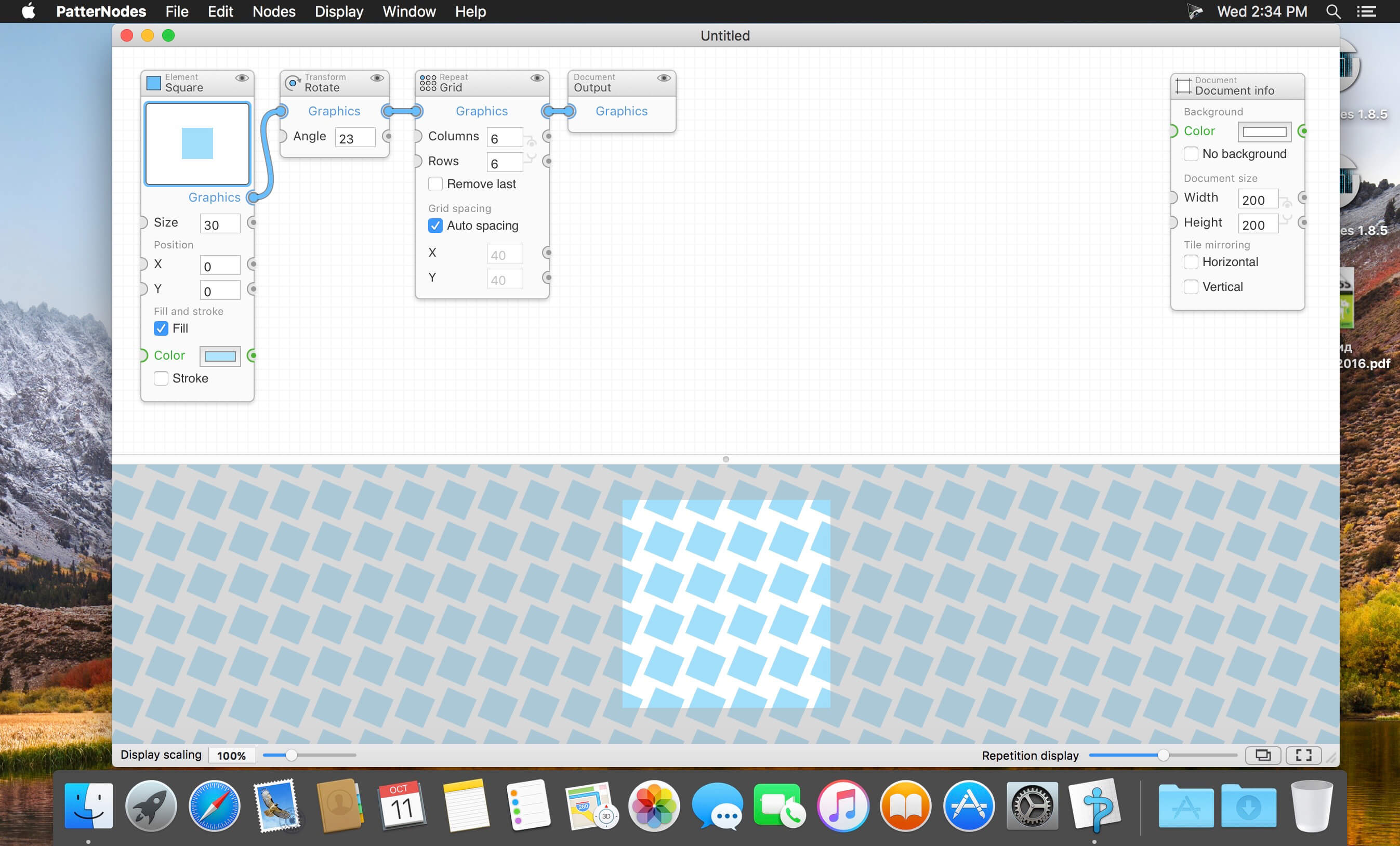
PatterNodes is a tool for creating graphical patterns, animations, gradients, or illustrations based on repetitions. This is done by defining a sequence of steps, a recipe of sorts, that describes the pattern. Each pattern element or operation is represented by a little panel called a node, and the nodes are then linked by connections drawn between them. As the nodes can be freely combined and connected, this gives you a very flexible and powerful interface.

While this interface requires a different way of thinking, it also offers a lot of benefits compared to traditional Illustrator-type editors. Most importantly it enables you to use sliders to instantly change any aspect, like color, spacing, scaling, rotation or repetition count of any part of the pattern without having to undo/redo any steps. You can also specify animation value ranges for any of these parameters.

The resulting pattern tile is always shown in the bottom preview view, repeated and updating in real time with any changes, giving you instant feedback of what the end result will be. To make pattern creation easier PatterNodes also includes a lot of nodes that automatically perform common tedious tasks like repeating elements at the tile edges to make the pattern seamless, or randomizing different aspects (like color, position, rotation, etc.) of the elements in a pattern to give it a little more life. Finally, when you’re done you can simply copy the pattern tile into whatever illustration or graphics application you use, or export it either as vector graphics or a bitmap image file. Animations can be exported as GIF, QuickTime MOV or numbered PNG or JPG files

Compatibility: OS X 10.10 or later, 64-bit processor
Homepage http://www.lostminds.com/content/product.php?patternodes

Screenshots

Name: Patternodes_3.0.0__TNT_Mactorrents.io.dmg
Size: 14 MB
Files Patternodes_3.0.0__TNT_Mactorrents.io.dmg[14 MB]

   Download

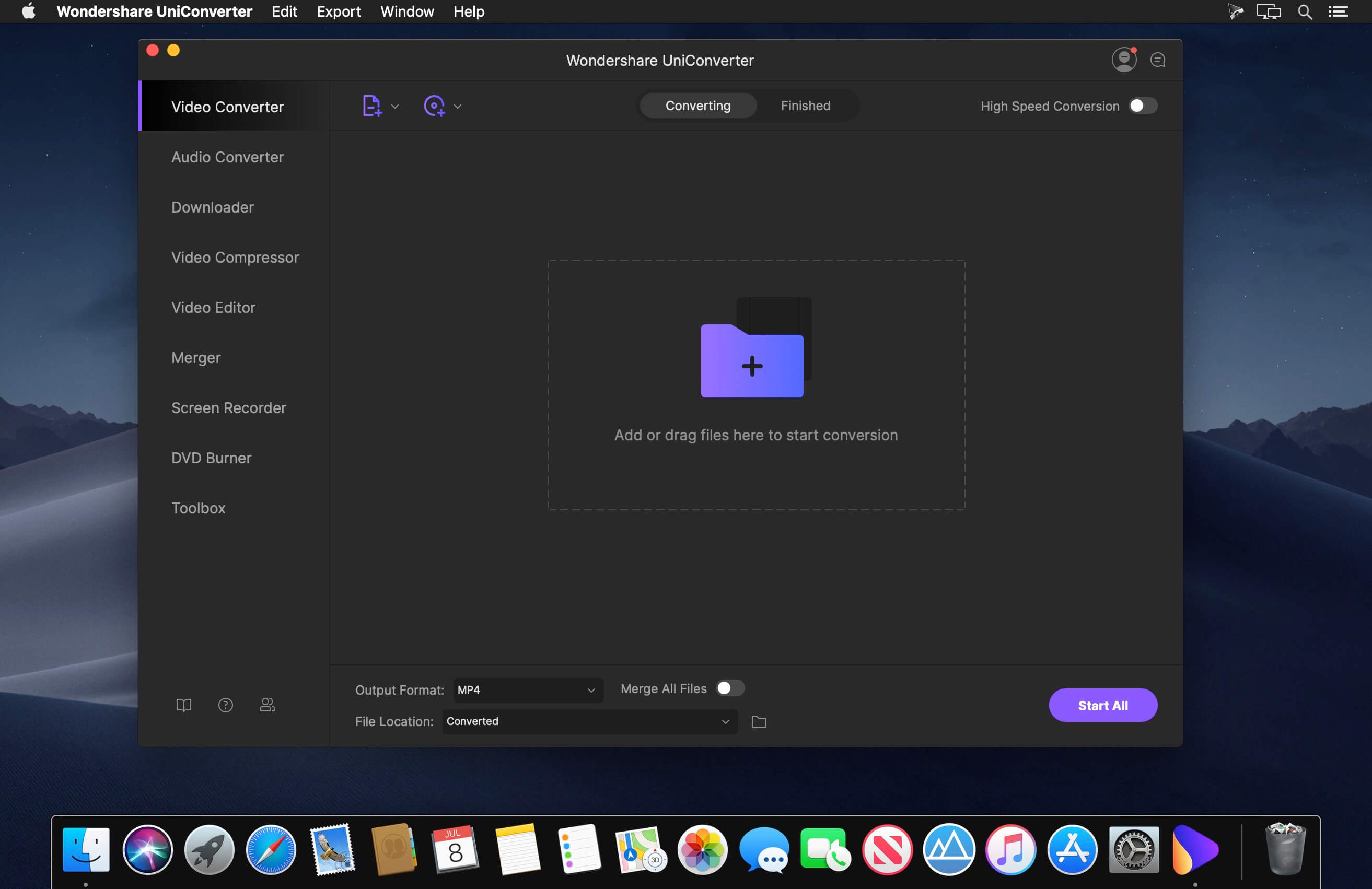
Wondershare UniConverter 13.5.3.3

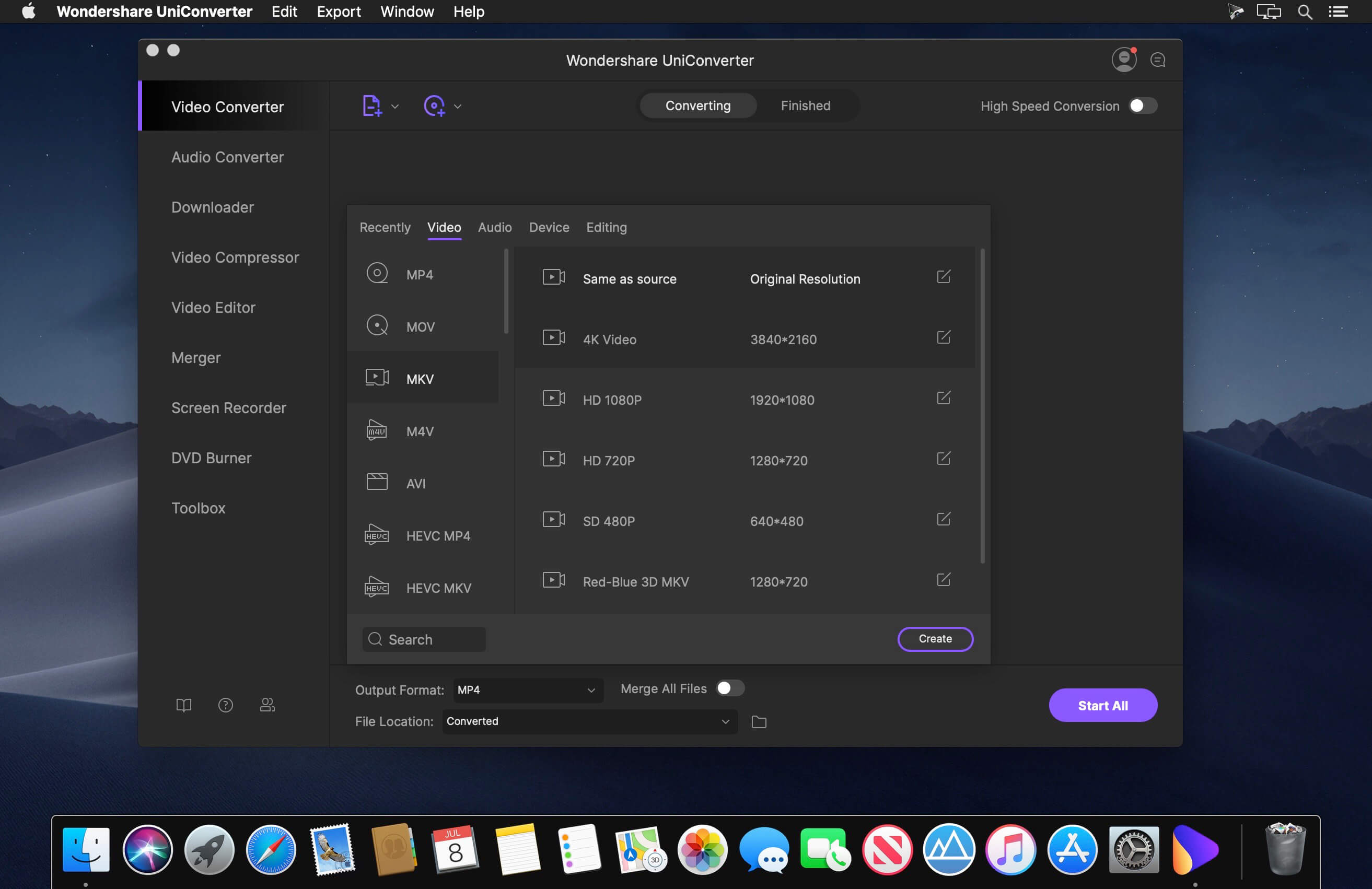
Wondershare UniConverter is a complete video toolbox that lets you convert, edit, enhance, download, burn, organize, capture and watch video files. Convert videos to and from virtually any video format out there, with 30X faster conversion speed.

Wondershare Video Converter Ultimate will make your movies versatile by instantly converting them to AVI, WMV, MP4, MKV, FLV, 3GP, MPG – even convert video to 3D and 4K Ultra HD video format at ultrafast speeds. 159 formats supported and counting! Burn video files to Blu-Ray/ DVD disc, DVD folder, or ISO files, download or record videos from YouTube, Google, Yahoo and other video-sharing sites, convert home movies to any video/audio, for playback on any devices.

What’s New:

Version 13.5.3.3:

  • Release notes were unavailable when this listing was updated.

Compatibility: OS X 10.10 or later 64bit
Homepage https://www.wondershare.com/

Screenshots


Name: Wondershare_UniConverter_13.5.3.3__HCiSO_Mactorrents.io.dmg
Size: 236 MB
Files Wondershare_UniConverter_13.5.3.3__HCiSO_Mactorrents.io.dmg[236 MB]

   Download

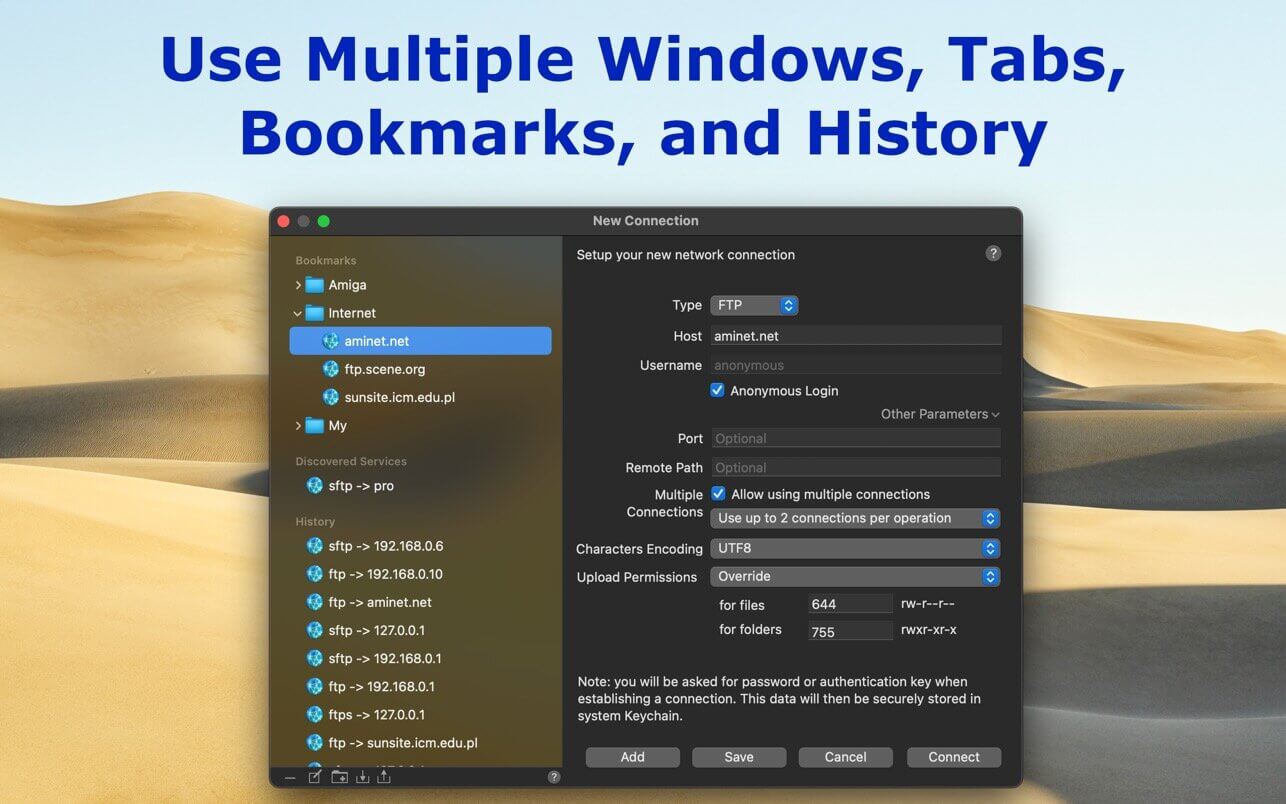
SFTPCommander 2.2.1

SFTP Commander is a file transfer application with a lightweight but very functional user interface inspired by web browsers. Therefore it has an address bar, ‘back’ and ‘forward’ buttons, and managing bookmarks and browsing history. All you need for using FTP/SFTP on macOS.

Compatibility: macOS 10.13.6 or later
Mac App Store http://apps.apple.com/app/sftp-commander/id1484196148

Screenshots

Name: SFTPCommander_2.2.1_MAS__HCiSO_Mactorrents.io.dmg
Size: 10 MB
Files SFTPCommander_2.2.1_MAS__HCiSO_Mactorrents.io.dmg[10 MB]

   Download

MaxCommander 2.3.2

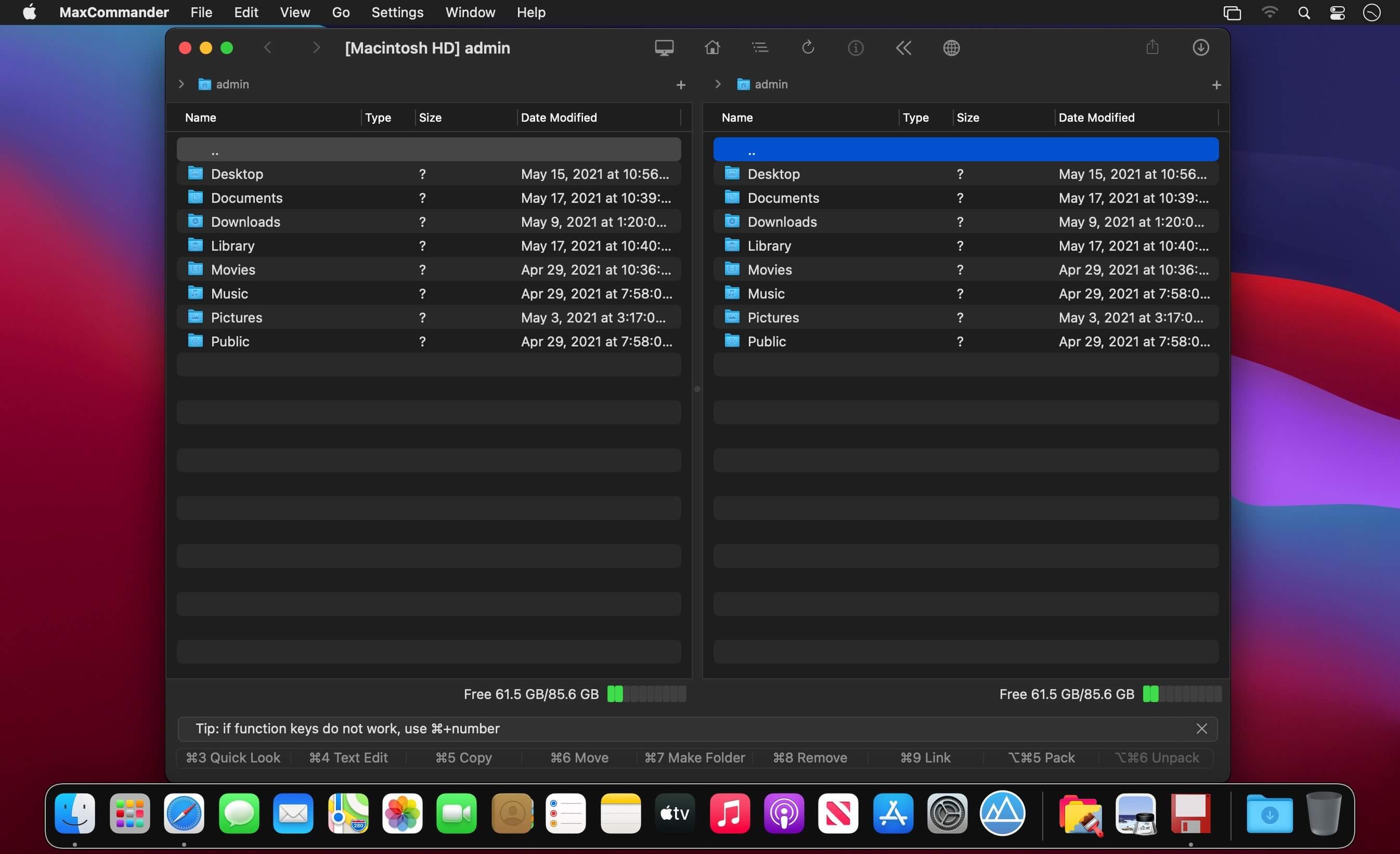
Manage files as always – using two panels and the keyboard (and sometimes the mouse). Introducing the MaxCommander application.

MaxCommander is all you need to manage files on your local drives and remote file servers. The app supports the following operations:

  • Browsing folders
  • Previewing files with QuickLook
  • Editing files
  • Copying, moving, deleting, renaming files and folders
  • Creating folders
  • Creating links
  • Packing and unpacking archives
  • Searching for files

You can browse and manage content of an archive as it was a folder on a local drive. You can browse, create, modifie, and unpacke archives of these types:

  • zip
  • 7z
  • jar
  • tar
  • wim

You can browse, create, and unpacke these archive types:

  • tgz, taz, tbz2
  • gz, bz2, xz

These archives are supported for browsing and unpacking:

  • rar, arj, lha, iso, xar, cpio, rpm, cab, z, lzma, adz
  • vdi, vmdk, vhd, msi, hfs, fat, sfs, wim, chm

Encrypted 7z, zip and rar archives are also supported.
If you have an archive file created on an operating system that does not use Unicode you can open it in MaxCommander and select the right characters encoding for file names (available for arj, lha/lzh, zip, rar and tar archives).

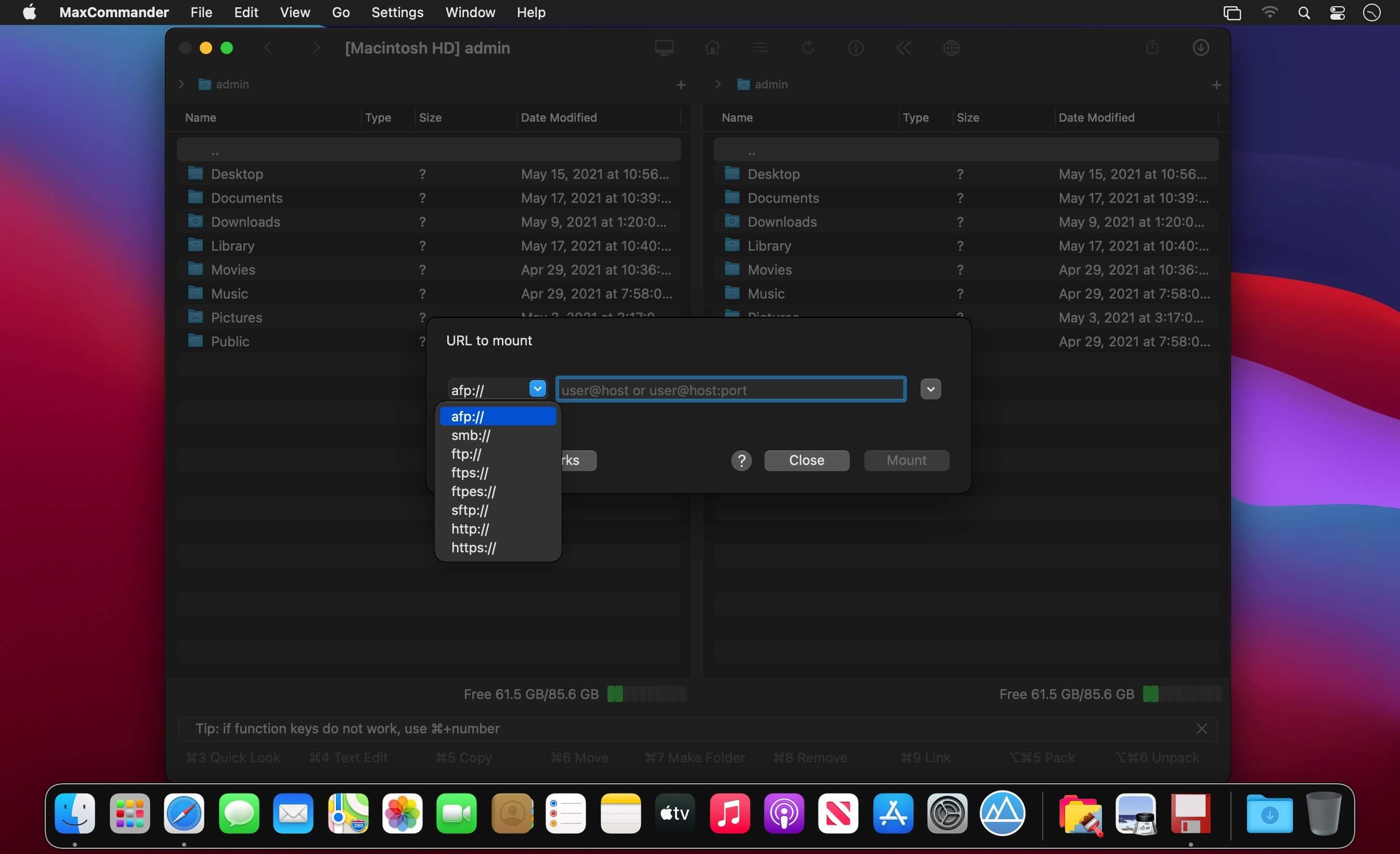
MaxCommander can connect to file servers and you can manage remote files and folders on such servers. The following servers are supported:

  • FTP
  • FTPS – implicit FTP over SSL/TLS
  • FTPES – explicit FTP over SSL/TLS
  • SFTP
  • SMB
  • AFP
  • WebDAV

Files servers for a local network can be discovered using Bonjour.

Compatibility: macOS 10.13.6 or later
Mac App Store https://apps.apple.com/app/maxcommander/id1464906293

Screenshots


Name: MaxCommander_2.3.2_MAS__HCiSO_Mactorrents.io.dmg
Size: 9 MB
Files MaxCommander_2.3.2_MAS__HCiSO_Mactorrents.io.dmg[9 MB]

   Download

WidsMob Retoucher 1.3.0 (86)

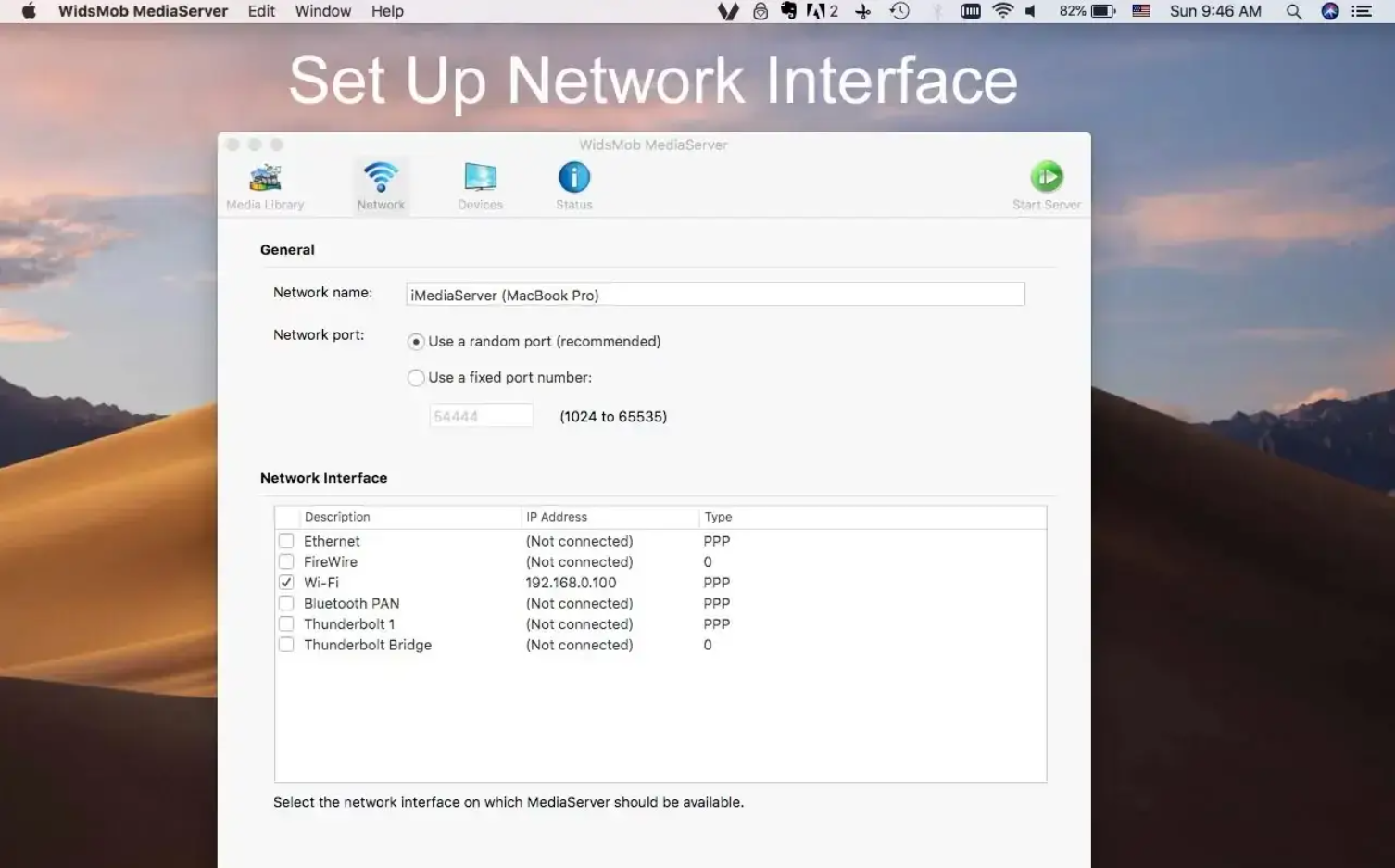
WidsMob MediaServer is a standard UPnP (Universal Plug and Play) AV (Audio/Video) media server which automatically recognizes UPnP devices within a network. Using WidsMob MediaServer you can share media files (audio, picture, and video files). This means that all users in the local network have access to the files. Players that are compatible with the UPnP standard can use, play and display shared media files.

Stream media files to UPnP device

  • Stream and transfer files from Local Folders, iTunes and Photos.
  • Support photos, videos and audio formats from Mac.
  • Import files to the Mac media server within one click.
  • Preview the files to stream or transfer.
  • Browse the media files on other UPnP devices without downloading.
  • Stream media files to multiple UPnP devices simultaneously.

Manage stream data and UPnP devices

  • Permit the Access Control/Deny Access for the desired devices.
  • Add or remove the folder of media files to stream or transfer.
  • Check the browse requests, transfer request and transferred bytes.
  • Set up network interface to protect the private information to transfer.
  • Automatically allow new devices to access Media Server.
  • One-click to start or stop the stream or transfer process.

Compatibility: macOS 10.10 or later
Homepage https://www.widsmob.com/retoucher

Screenshots

Name: Widsmob_Retoucher_1.3.0__86___TNT__Mactorrents.io.dmg
Size: 33 MB
Files Widsmob_Retoucher_1.3.0__86___TNT__Mactorrents.io.dmg[33 MB]

   Download

Export for iTunes 3.0

Export for iTunes lets you export your playlists and albums from iTunes to any local folder, external storage, SD card or USB drive! With Export for iTunes you can transfer easily your playlists to your car stereo or any other media player. Convert aac/m4a files to mp3 for best compatibility with most sound systems.

The app converts, copies and organizes your playlists’ and albums’ music files into folders, and creates the .m3u file that lets you play your playlist on any media player. For every album, you can include an image file with album artwork. You can browse and select which of your playlists or albums you want to export. See all playlist/album tracks with their metadata without opening the iTunes app. You can also export the track list from any album or playlist to Excel, so you can create a file with info about all your iTunes music. This iTunes export app let you preview and export metadata like: Title, Artist, Time, Album, Genre, File path, Kind, and Bitrate. The app does not modify your iTunes library.

Compatibility: OS X 10.11 or later • Apple Silicon or Intel Core processor
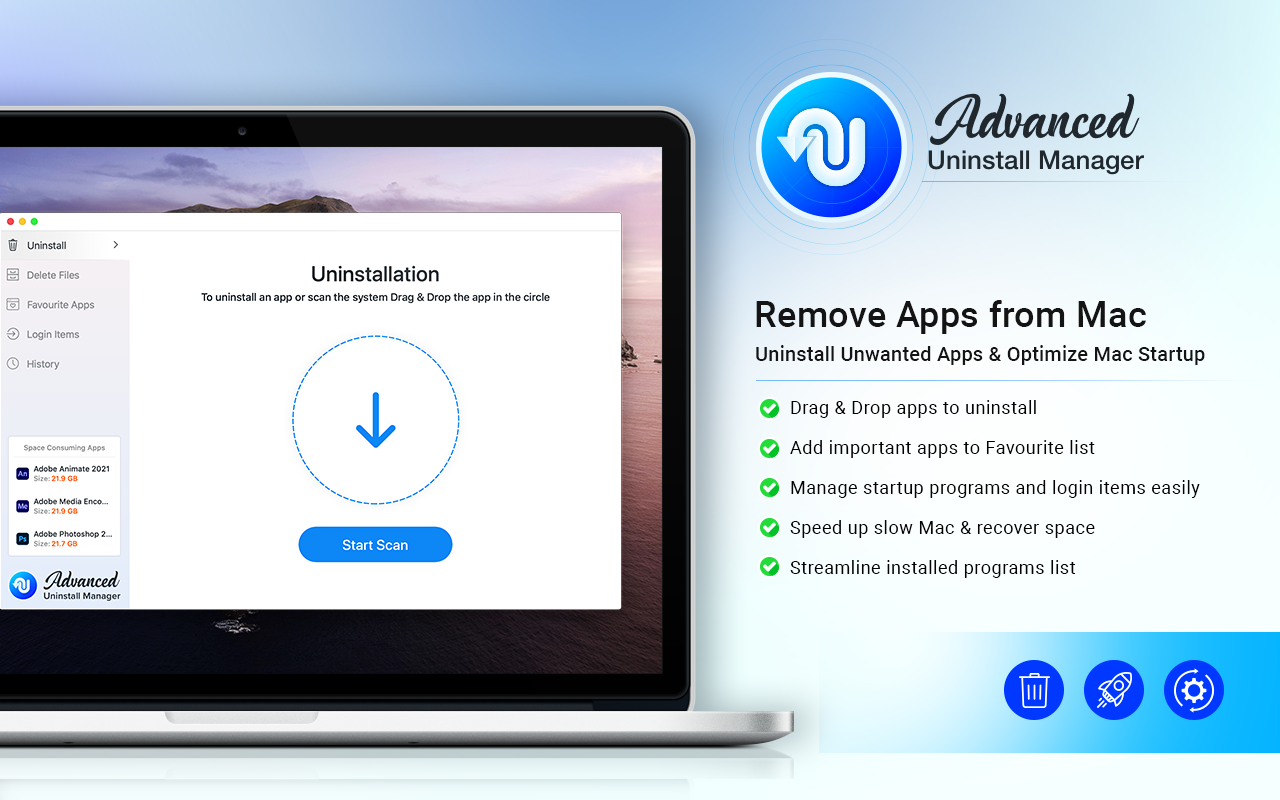
HMac App Store https://apps.apple.com/app/advanced-uninstall-manager/id1554279967

Screenshots

Name: Export_for_iTunes_3.0_MAS__HCiSO_Mactorrents.io.dmg
Size: 10 MB
Files Export_for_iTunes_3.0_MAS__HCiSO_Mactorrents.io.dmg[10 MB]

   Download

Posterino 3.11.5

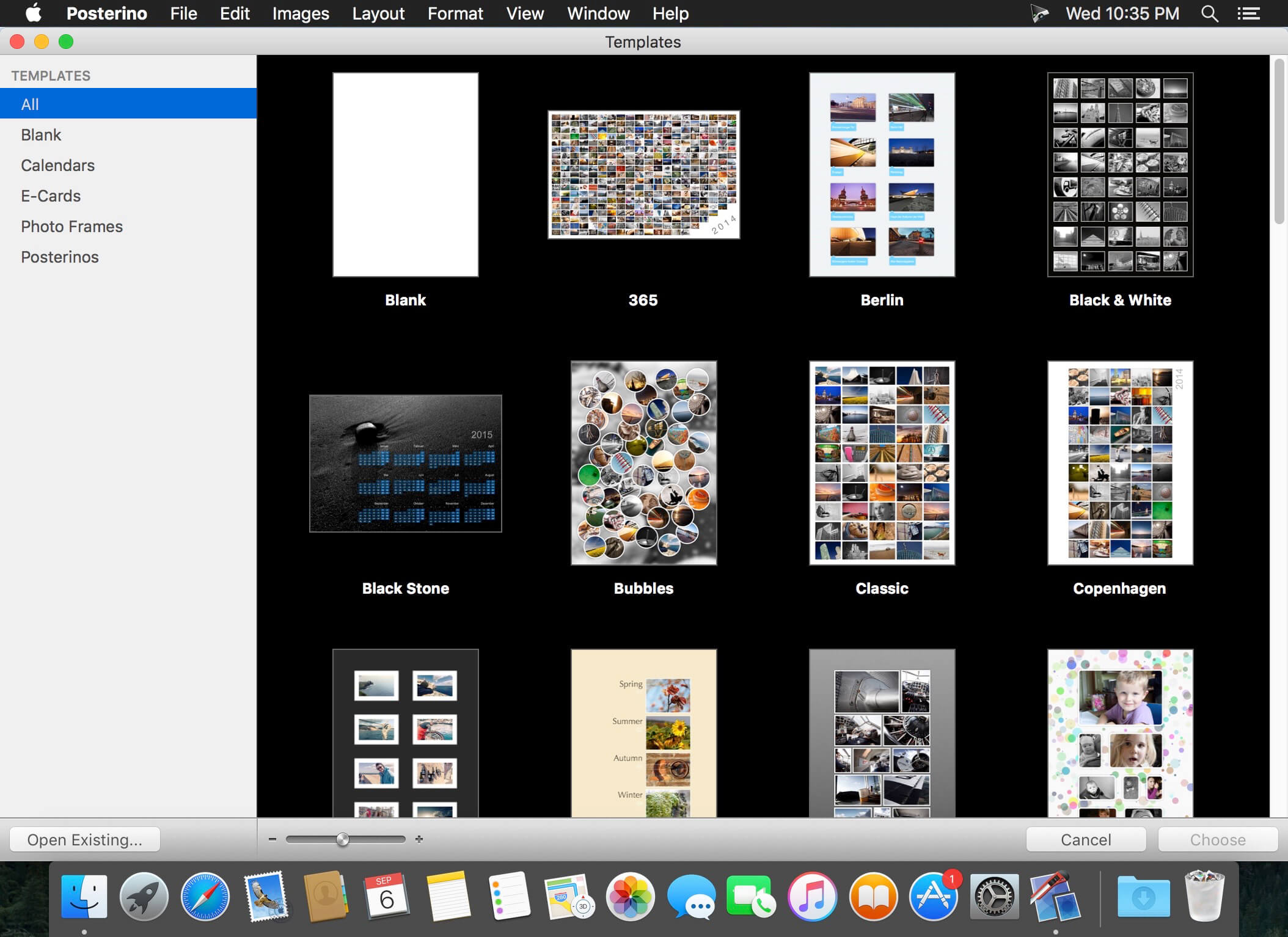
Rather than let those photos on your hard drive collect digital dust, use Posterino to create a beautiful collage. Just choose a template and add your favorite photos. Posterino will randomly shuffle your images into a poster-worthy keepsake. Changes to the layout, frames and filters are accomplished with a single click. Your memories will be ready for display in minutes, and you can let the viewing begin.

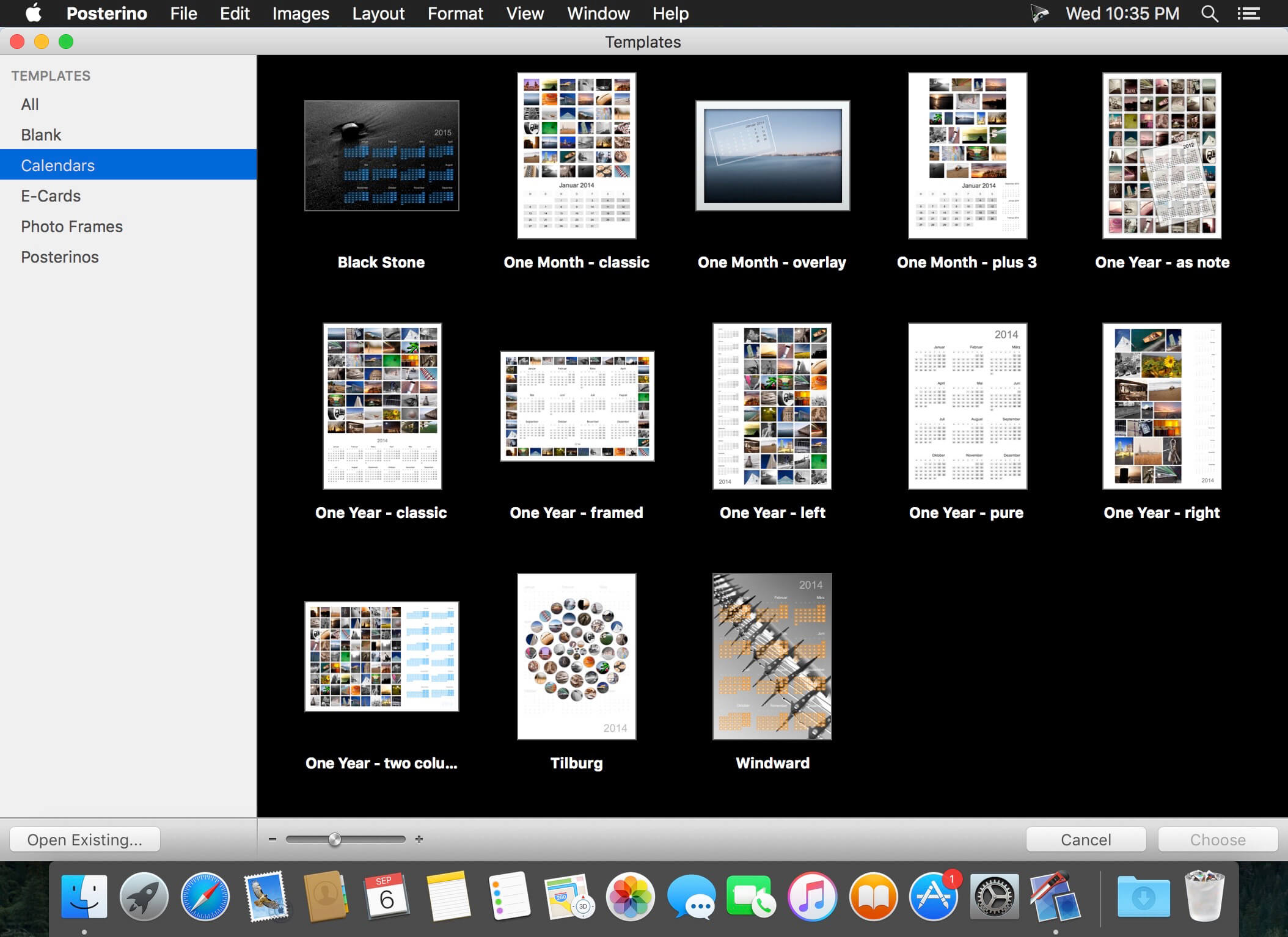
You can choose from several lovely calendar templates offering both portrait and landscape views to design your own calendars featuring your favorite photos.
You can also create small calendar overlays for incorporating onto regular posters. The design possibilities are numerous, making these calendars great gifts for family and friends.

Tell them “Wish you were here” with custom postcards.
Share your latest adventure. Or announce your beautiful baby. Whatever your news, Posterino offers a variety of templates for creating custom e-cards and sending them off around the digital world. You can even create your very own stamp and postmark. You don’t need a postman when you have Posterino.

Posterino lets you:

  • Enjoy various gorgeous templates
  • Create posters, calendars, postcards, photo frames or contact sheets
  • Easily customize the layout of your images: grid, irregular, random
  • Easily change the number of images in any document
  • Easily change the size of any document or predefined template
  • Easily customizable calendar objects
  • Create your own paper sizes
  • Crop any image to your liking
  • Alter the frame or shadow of any image; choose from various predefined versions
  • Tailor each individual image using an image filter (black & white, sepia, sharpening etc.) to your needs
  • Add text boxes to your document
  • Rotate or position any image or text box anyway you like
  • Add metadata like name, date, comment to any image
  • Change any of the given templates to fit your needs
  • Customize the postmark used for stamping your e-cards
  • Create your own templates
  • Edit your document in full-screen mode
  • Gain fine-grained control of your document using an inspector

Import / Export / Share
Import your images from:

  • iPhoto
  • Aperture
  • Adobe Lightroom
  • or from your hard drive
  • Posterino lets you export your poster in various formats like TIFF or JPG.
  • Send your postcard through e-mail
  • Share you images on Flickr from within Posterino. Have a look at the images already uploaded.
  • Easily set your document as your desktop background directly from Posterino

Language: English, German, French, Portuguese and others.
Compatibility: OS X 10.9 or later
Homepage http://www.zykloid.com/

Screenshots


Name: Posterino_3.11.5__TNT_Mactorrents.io.dmg
Size: 96 MB
Files Posterino_3.11.5__TNT_Mactorrents.io.dmg[96 MB]

   Download

PhotosRevive 2.0.4

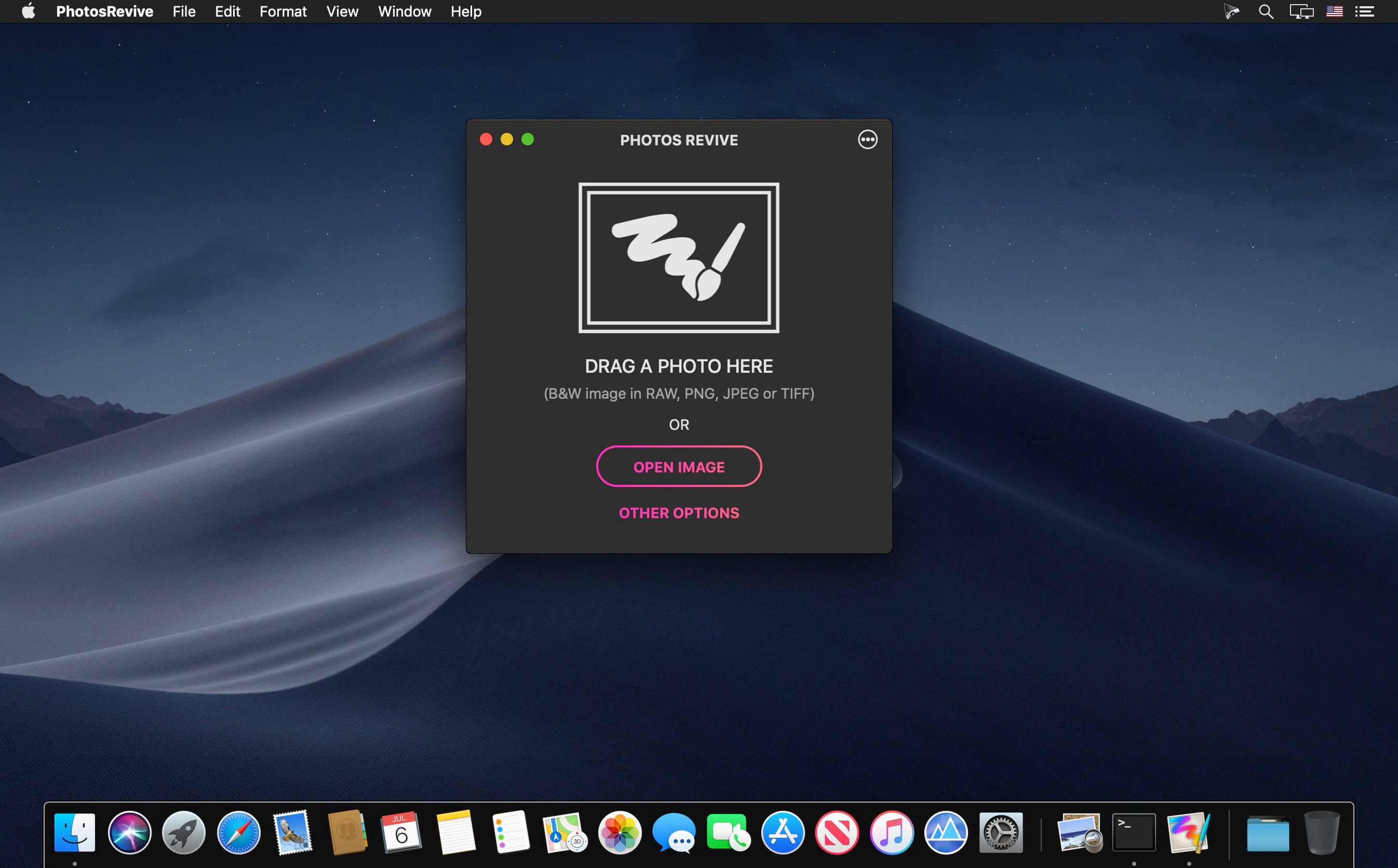
PhotosRevive automatically colorizes your old black and white photos. The application uses a revolutionary artificial intelligence that will add colors in an ultra-realistic way. The application is super simple to use. Scan or import your photo and that’s it. The application will color it without any effort on your part.

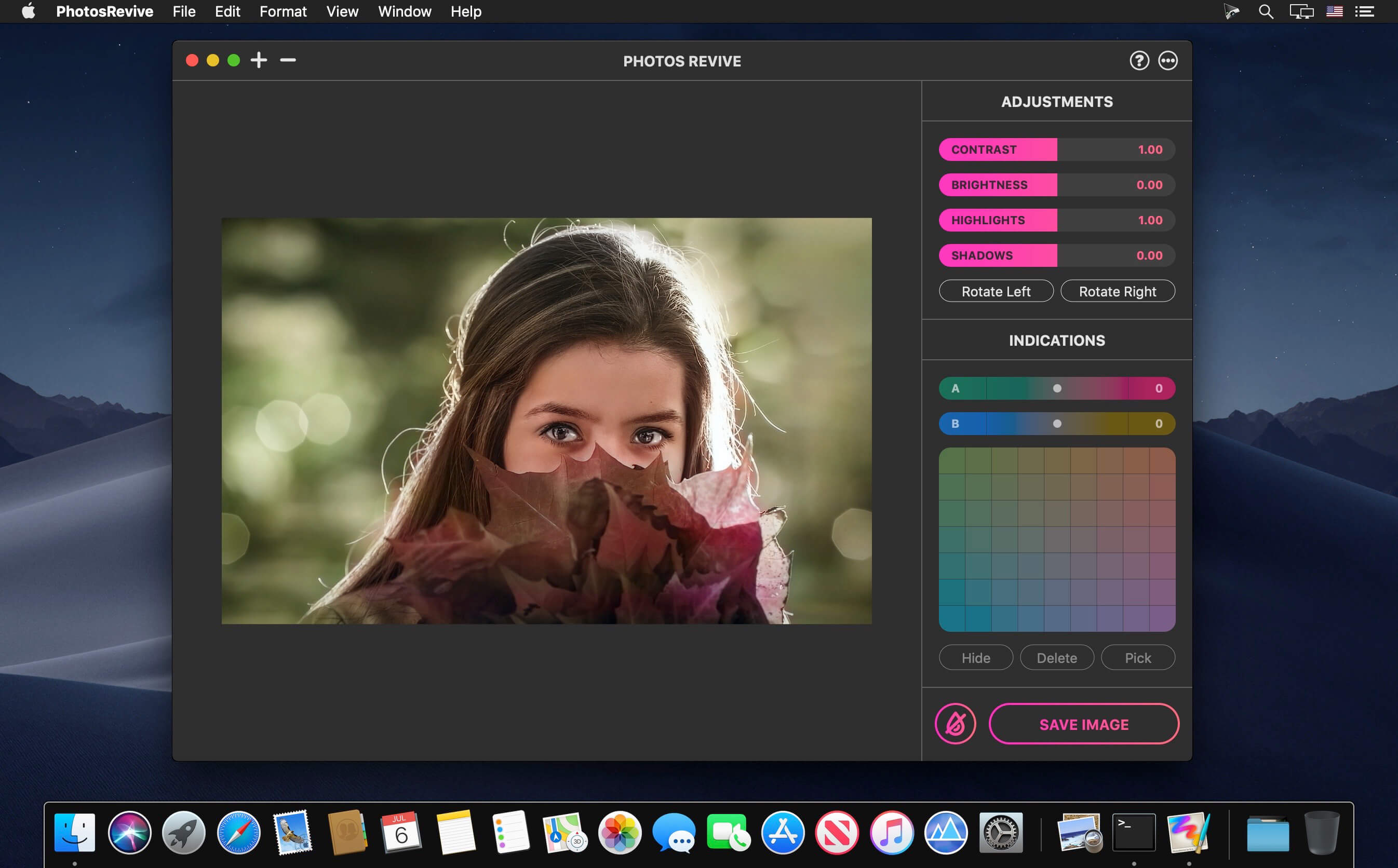
We know that the colors chosen by the engine may differ from those of your memories. That’s why the app lets you add indications of colors. So you can help the artificial intelligence and change the rendering as you please. PhotosRevive is the first app that will perfectly adjust the rendering to your memories.

FEATURES:

  • Automatically recolor photos.
  • Scan photos from your camera.
  • Adjust black and white tint.
  • Add indications to improve rendering.
  • Save and share the result.

Compatibility: macOS 10.13 or later 64bit
Homepage https://neededapps.com/

Screenshots


Name: PhotosRevive_2.0.4__TNT_Mactorrents.io.dmg
Size: 475 MB
Files PhotosRevive_2.0.4__TNT_Mactorrents.io.dmg[475 MB]

   Download

SnapMotion 5.0.5

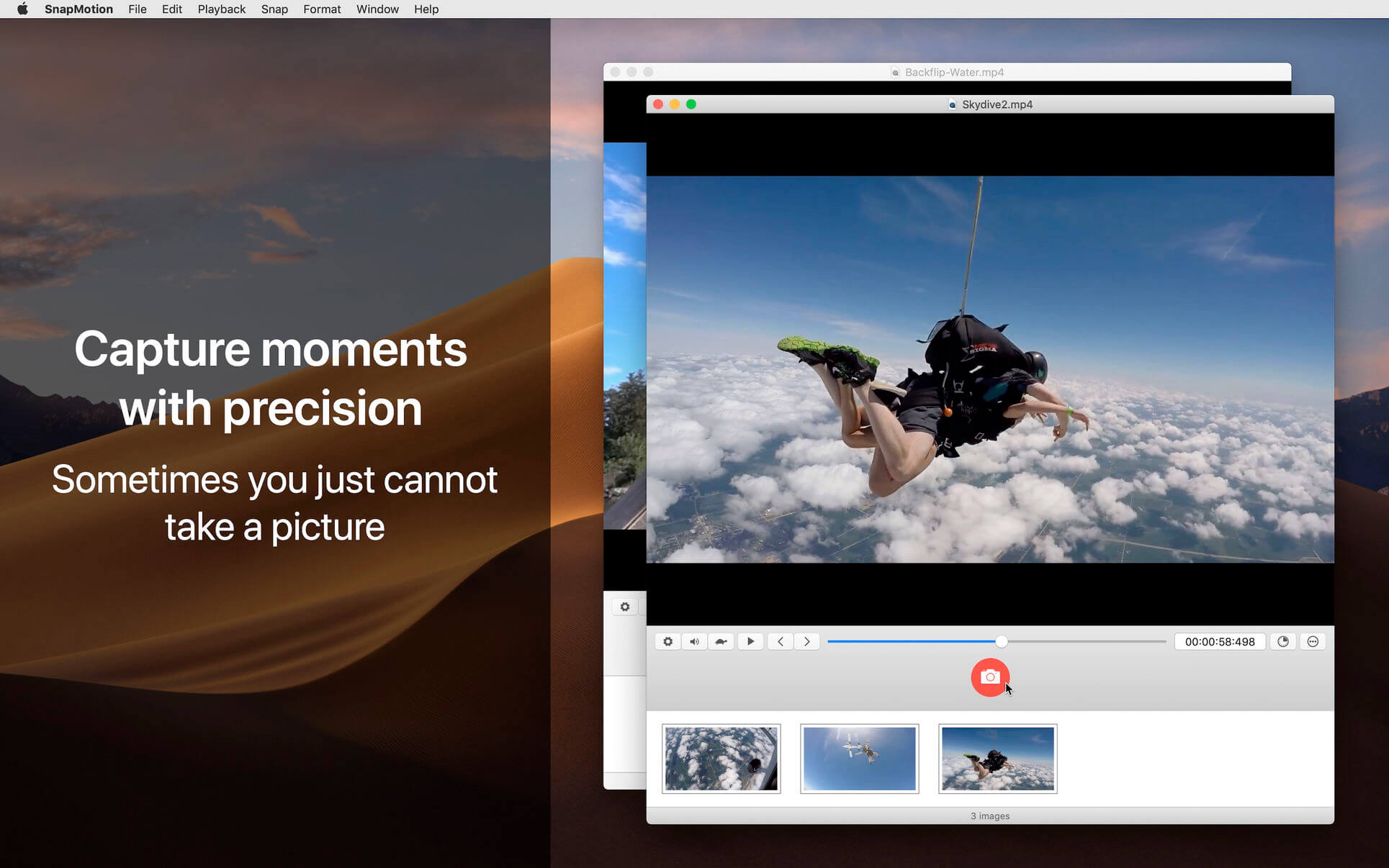
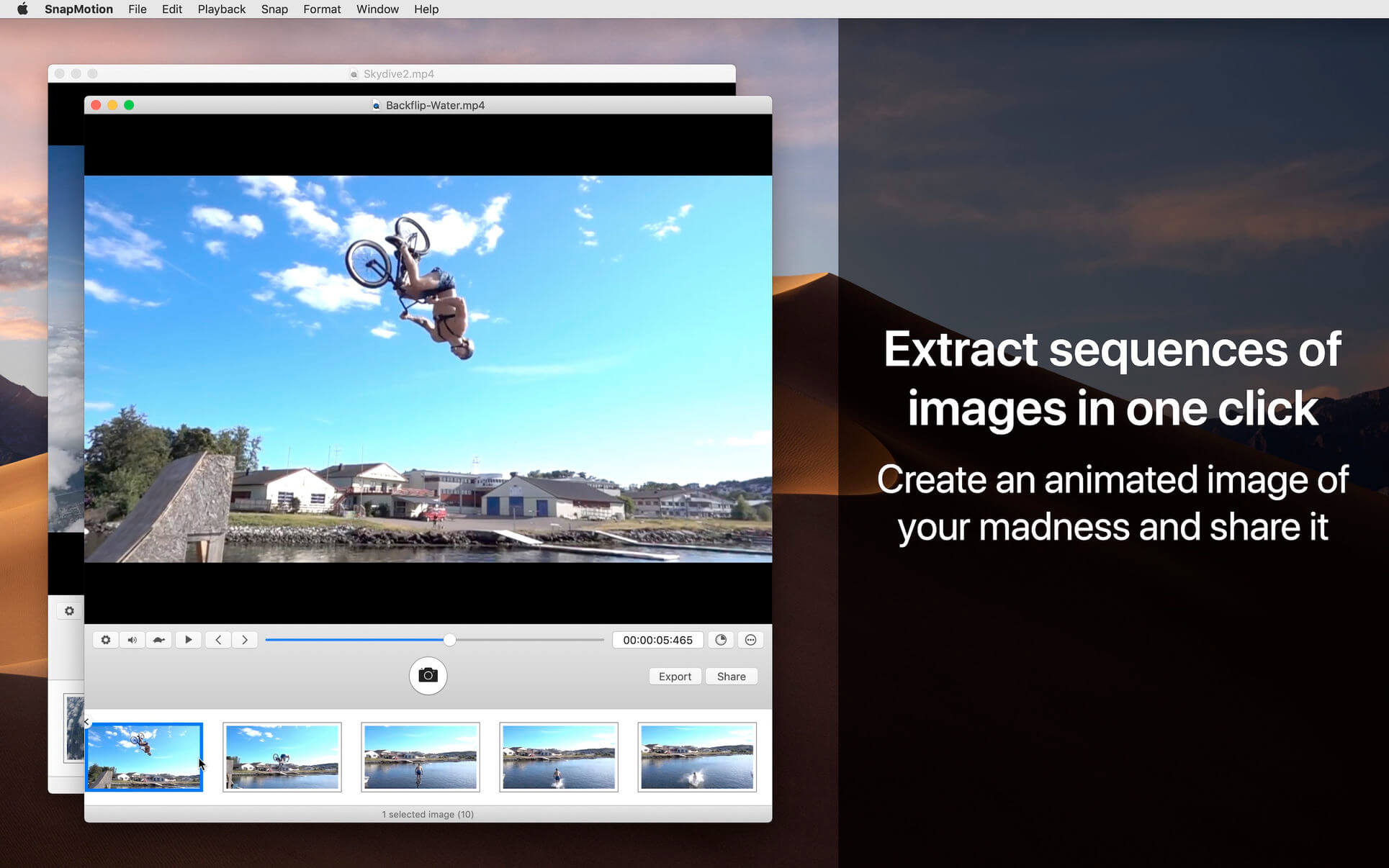
SnapMotion is the most innovative and most used tool to extract images from videos. The application allows you to extract frames with precision and without loss of quality.

Two modes are provided:
A manual mode allowing you to extract images precisely at the selected time.
A batch processing mode allowing you to extract thousands images concurrently.

SnapMotion has been designed to support big video files such as 4K movies and to extract every frame of your media if needed. The application can play every video supported natively by macOS. Moreover it can export images into all industry-standard formats including PNG, JPEG, TIFF and HEIC.

SnapMotion additional features :

  • share images on social network (Facebook, Twitter, …)
  • drag and drop images to export
  • create animated GIF from your snaps
  • rotate videos directly in the player
  • copy extracted images in the pasteboard
  • customize output filenames
  • support notifications and touch bar

This version has been optimized for macOS High Sierra and later. Moreover the application is available in 7 languages (English, French, German, Spanish, Italian, Japanese and Chinese).

Feedbacks can be sent directly from the application. In this way, you can contact us for any kind of suggestions and improvements in few clics.

SnapMotion is now accompanied by other applications.

  • GlueMotion: edit, deflicker and assemble images into time lapse.
  • MetaImage: edit image metadata and geographical tags.

What’s New:

Version 5.0.5

  • Release notes were unavailable when this listing was updated.

Compatibility: macOS 10.13 or later, 64-bit processor
Homepage https://geo.itunes.apple.com/app/id1024350410

Screenshots


Name: SnapMotion_5.0.5__TNT_Mactorrents.io.dmg
Size: 17 MB
Files SnapMotion_5.0.5__TNT_Mactorrents.io.dmg[17 MB]

   Download

PopDo 2021.2.7

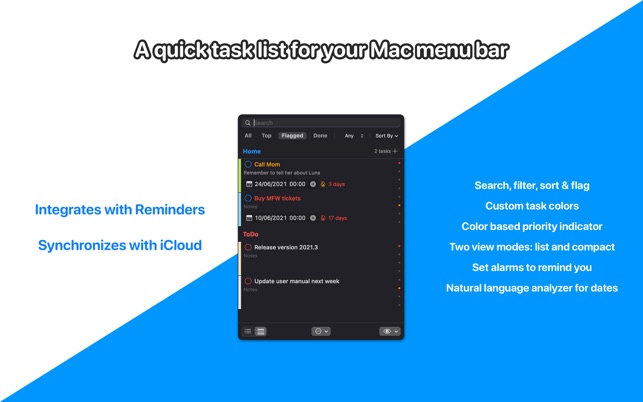
PopDo is a convenient task list for the Mac menu bar, showing all your to-do items in a single view. It sports searching, filtering and sorting for quickly getting to the task you are looking for.

FEATURES

  • Integration with Reminders.
  • Synchronization with iCloud.
  • Full mode and compact mode.
  • List and task custom colors.
  • Color based priority indicator.
  • Easy access to task by searching, filtering and sorting.
  • Reminder alarms with natural language extraction of dates from task titles.
  • Quick Task window like “Spotlight Search” to easily create new tasks without leaving the keyboard.

What’s New:

Version 2021.2.7

  • Reversed change to paint list header background.

Compatibility: macOS 10.15 or later • Apple Silicon or Intel Core processor
Mac App Store https://apps.apple.com/app/popdo/id1493198199

Screenshots

Name: PopDo_2021.2.7_MAS__HCiSO_Mactorrents.io.dmg
Size: 9.39 MB
Files PopDo_2021.2.7_MAS__HCiSO_Mactorrents.io.dmg[9.39 MB]

   Download

Click Search + 1.0.3

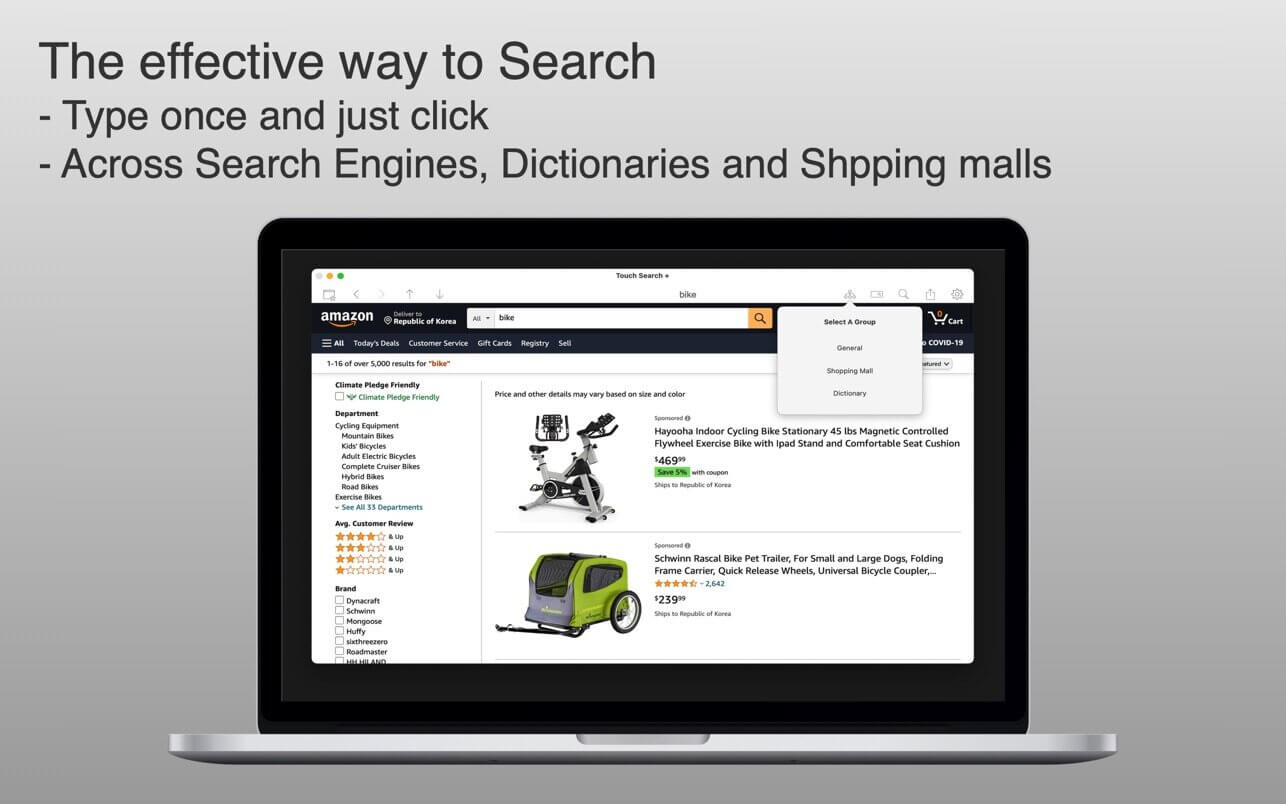
Click Search + is More than a browser! This is the Mac version of Touch Search +

* For this information era Touch Search + is the most convenient tool for most of users
* Before “Touch Search +” – Tedious & inefficient

  • Open Web Browser.
  • Type keywords
  • Open another tab for another search engine
  • Type keywords
  • Again, again and again

* With “Touch Search +” – Type once & Just click across search engines

  • No retyping same keywords on every search engine

* Special functionality

  • Customizable Search engines (Search engines, Dictionaries, Shopping sites and more)
  • Reorder Search engines and former search engines displayed first.

* When you read books or news paper, you can use dictionary.

What’s New:

Version 1.0.3

  • bug fixes

Compatibility: macOS 11.0 or later
HMac App Store https://apps.apple.com/app/click-search/id1568978816

Screenshots


Name: Click_Search___1.0.3_MAS__HCiSO_Mactorrents.io.dmg
Size: 2.25 MB
Files Click_Search___1.0.3_MAS__HCiSO_Mactorrents.io.dmg[2.25 MB]

   Download

Total Video Player 3.1.1

Total Video Player Pro is an excellent Blu-ray video player with support for subtitles. It supports AVI and MKV playback, and can play 4K ultra HD AVI and MKV movies without lagging.

Key Features

  • Smoothly play all media discs including Blu-ray, DVD, VCD/SVCD, CD, DVB, as well as Blu-ray Menu, ISO files, and BDMV folder
  • Play almost all video and audio formats such as MP4, AVI, MKV, TS, MTS, M2TS, FLV, MOD, RMVB, WMV, FLAC, WAV, WMA, MP3, AAC, AIFF, and many more
  • Amazing 4K ultra HD media player, which uses advanced decoding technology to avoid any video lagging, letting you smoothly play any vivid 1080p HD and 4K ultra HD media files
  • Supports embedded subtitles in MKV and MP4 files, and adding external subtitle files; automatically loads subtitles which have the same name as the video, with support for many subtitle formats and for editing subtitles font, text color and text size
  • Provides you with professional playlist to easily manage media files

Compatibility: OS X 10.7+
Homepage http://www.macvideostudio.com/

Screenshots


Name: Total_Video_Player_3.1.1_MAS__HCiSO_Mactorrents.io.dmg
Size: 25.6 MB
Files Total_Video_Player_3.1.1_MAS__HCiSO_Mactorrents.io.dmg[25.6 MB]

   Download

18 Strings 2022.1

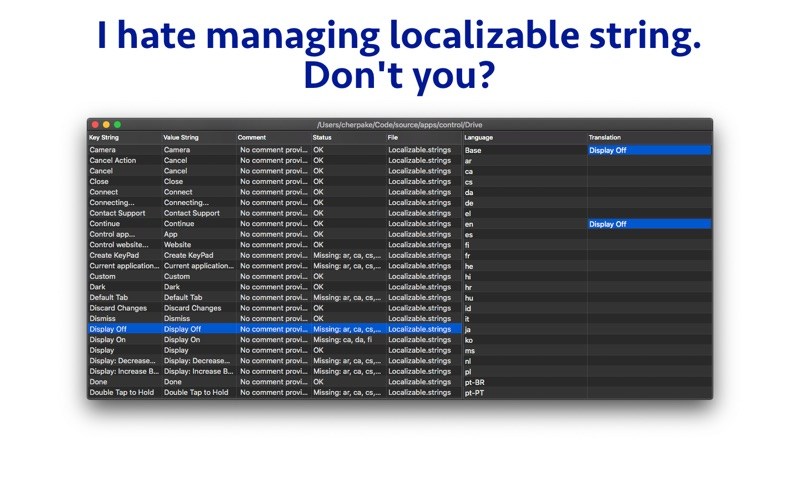
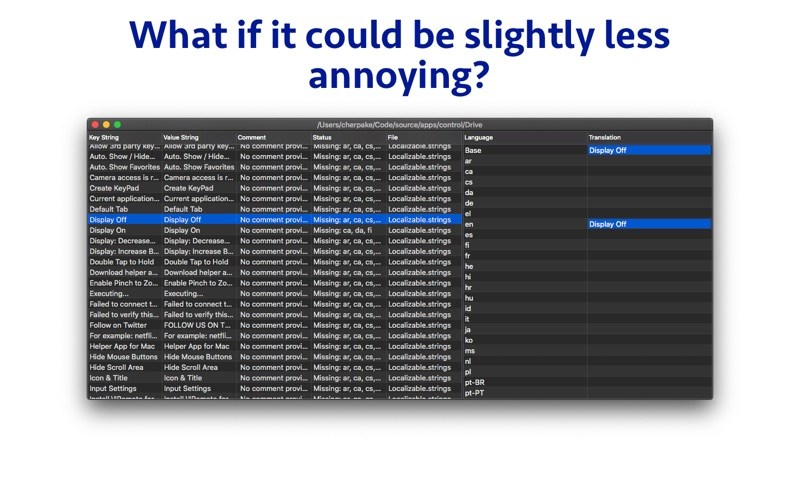
Hate doing localization for your project? Now you can hate it a little less:
Save tons of money by doing automatic translation using strings from your other projects you have already paid for. See all the strings from all your files in your project in one simple and intuitive view. Hide fully translated strings to focus on what matters.

AT A GLANCE
– All the strings from your project in one convenient view;
– Focus on the strings that missing translations;
– Export only strings with missing translations for translation service or person;
– Automatically translate strings by re-using translations from your other projects;
– Quickly integrate strings received from translators in your project;
– Easily manipulate translation strings;
– Edit localization string key;
– Tabbed UI – show all strings files in your project in one window;
– Highlight possible mistakes – when base language string is used in different language;
– Delete multiple strings at once;

Compatibility: macOS 10.13 or later
Homepage https://apps.apple.com/app/18-strings/id882419288

Screenshots


Name: 18_Strings_2022.1_MAS__HCiSO_Mactorrents.io.dmg
Size: 7.5 MB
Files 18_Strings_2022.1_MAS__HCiSO_Mactorrents.io.dmg[7.5 MB]

   Download

Clipsy – Clipboard Manager 1.7

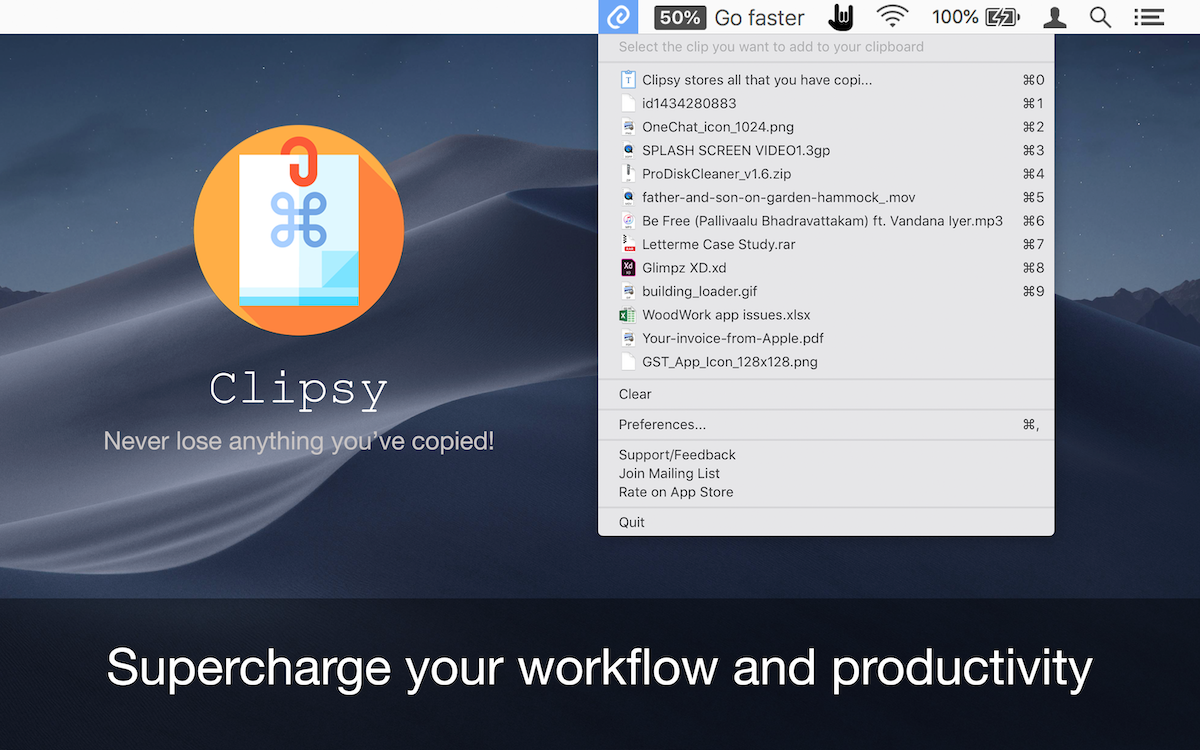
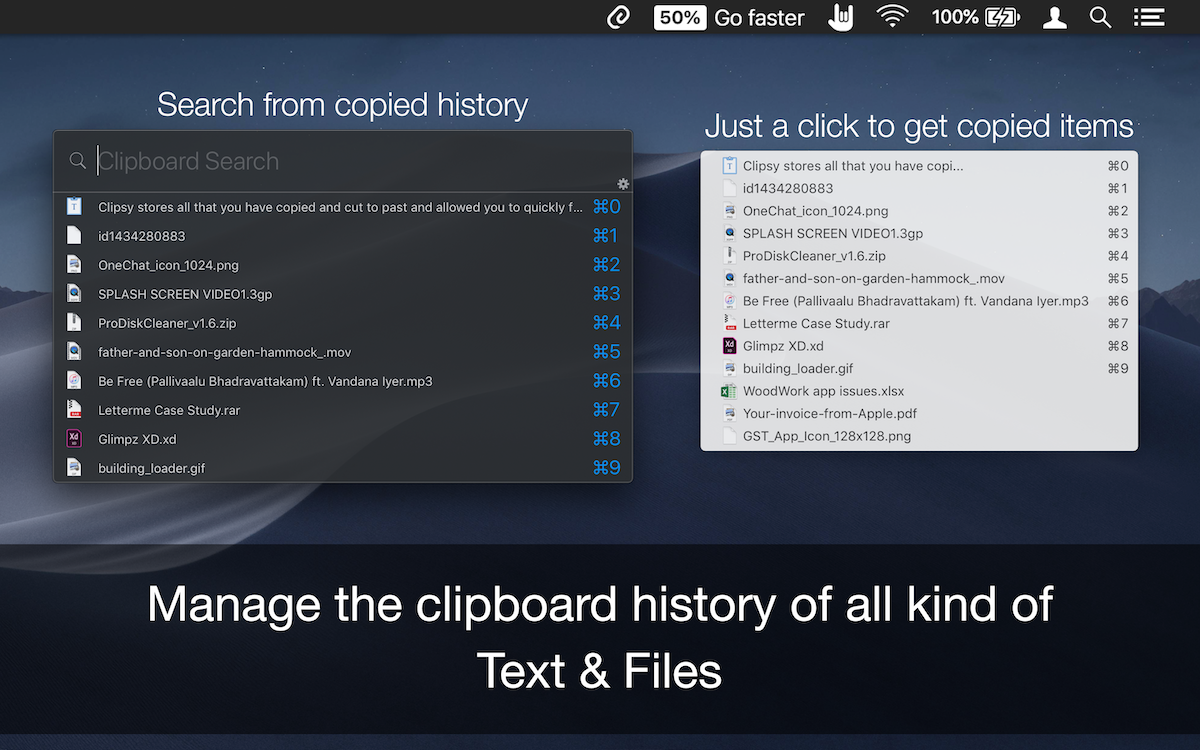
Clipsy records your clipboard history of the copied text, images, links, and screenshots, etc., and lets you recall/paste them anytime, right at your fingertips. Running discreetly from your menu bar, allowing you to quickly find that snippet of text you’ve been looking for.

Compatibility: macOS 10.11 or later 64-bit
Homepage https://appyogi.com

Screenshots


Name: Clipsy_1.7_MAS__HCiSO_Mactorrents.io.dmg
Size: 9 MB
Files Clipsy_1.7_MAS__HCiSO_Mactorrents.io.dmg[9 MB]

   Download

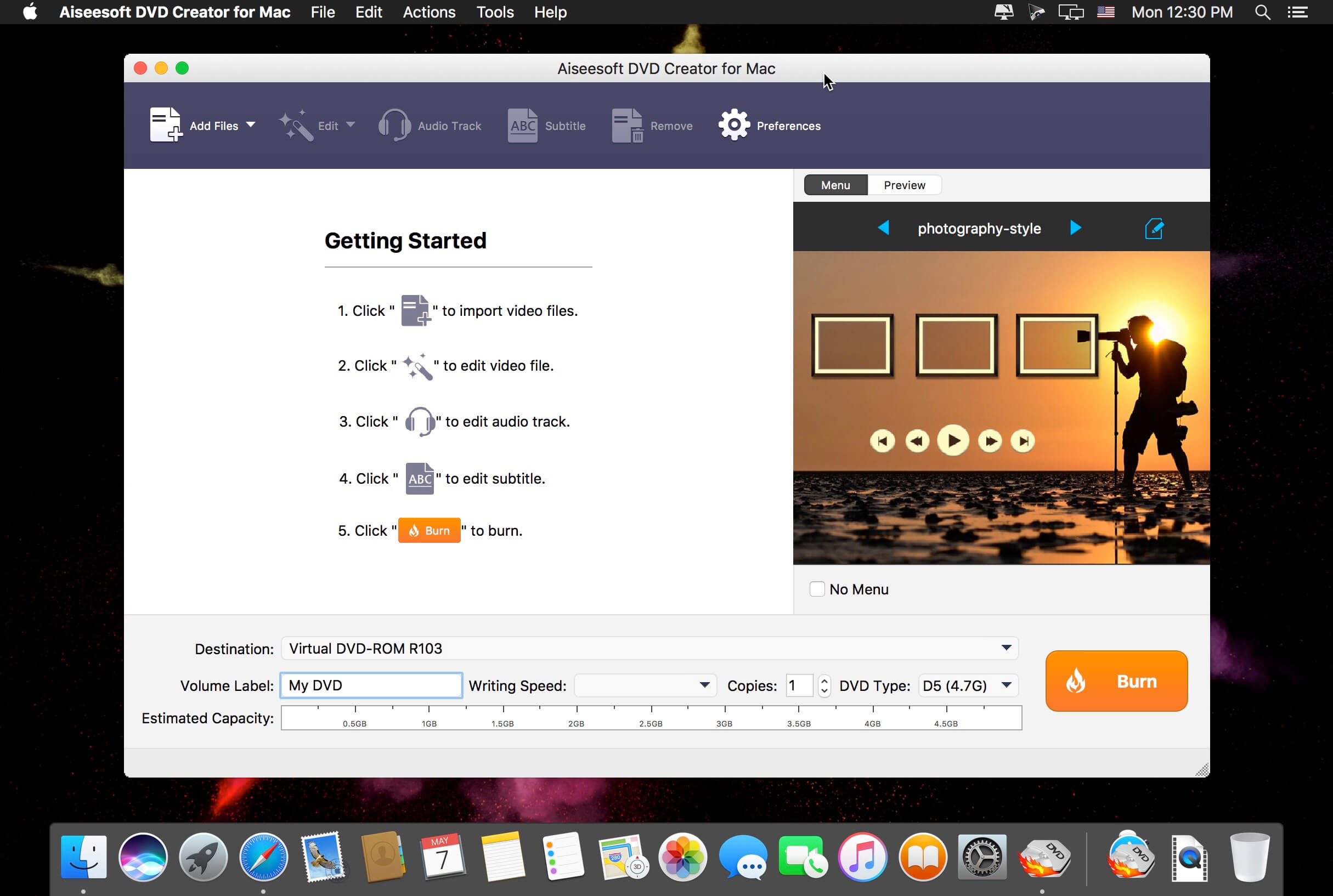
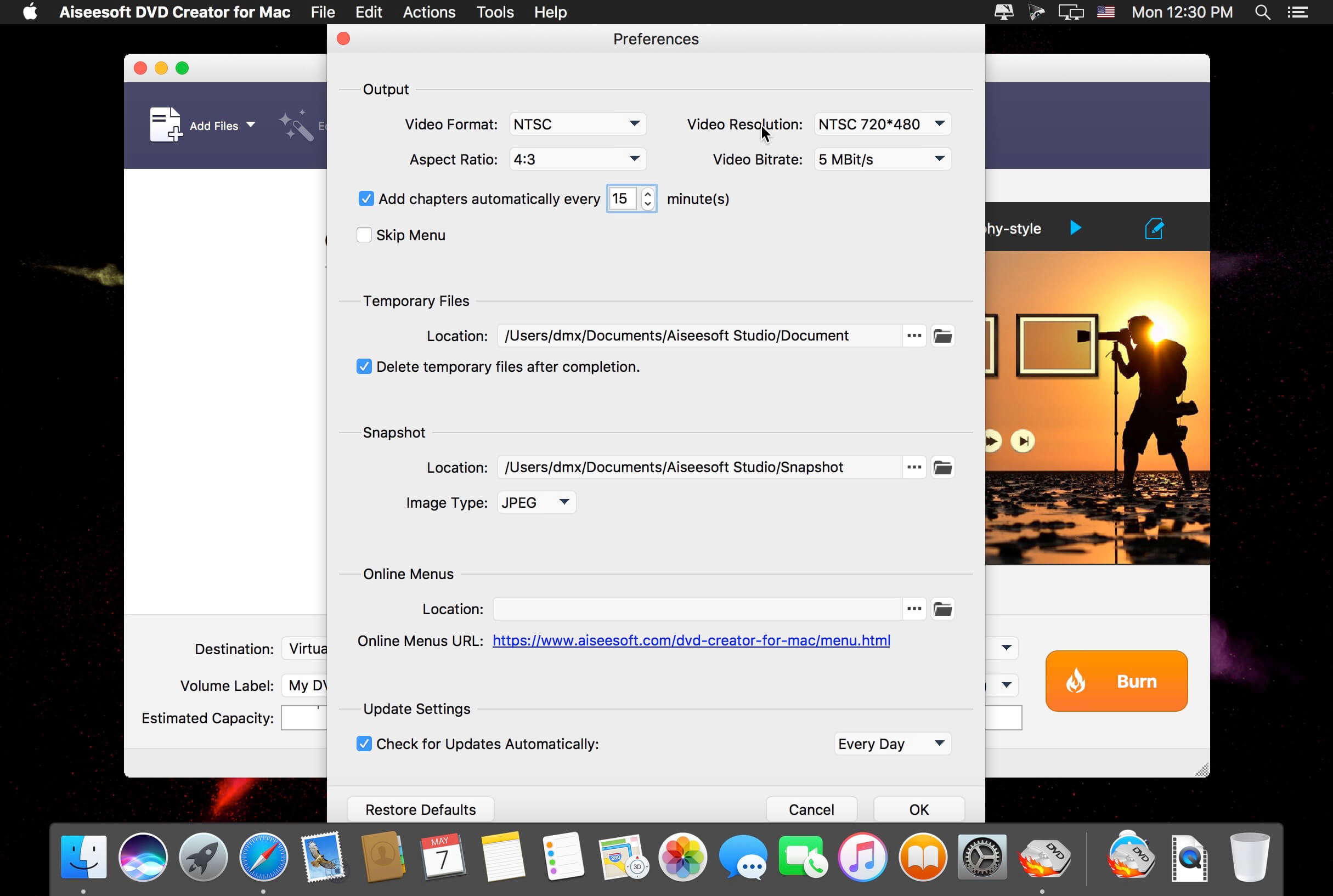
Aiseesoft DVD Creator 5.2.22

Aiseesoft DVD Creator for Mac is regarded as the best and fastest software from massive users. It assists you to burn DVD discs, DVD folders and DVD ISO images from your video files as forever preservation on macOS 10.14.

With DVD Creator for Mac, you can easily merge multiple video files created using different formats, such as MP4, AVI, MKV, WMV, FLV, MXF, MOV, etc. and burn them all into a single DVD or a DVD folder or into ISO image files.

With DVD Creator for Mac, you can easily merge multiple video files created using different formats, such as MP4, AVI, MKV, WMV, FLV, MXF, MOV, etc. and burn them all into a single DVD or a DVD folder or into ISO image files.

This DVD burner program for Mac also can be used to convert video files downloaded from online sites like YouTube, Facebook, Vimeo, etc. to DVD, so that you do not waste your Mac space.

What’s New

    Release notes not available at the time of this post.

Compatibility: OS X 10.8 or later 64-bit
Homepage https://www.aiseesoft.com

Screenshots


Name: Aiseesoft_DVD_Creator_5.2.22.115117__TNT_Mactorrents.io.dmg
Size: 47 MB
Files Aiseesoft_DVD_Creator_5.2.22.115117__TNT_Mactorrents.io.dmg[47 MB]

   Download

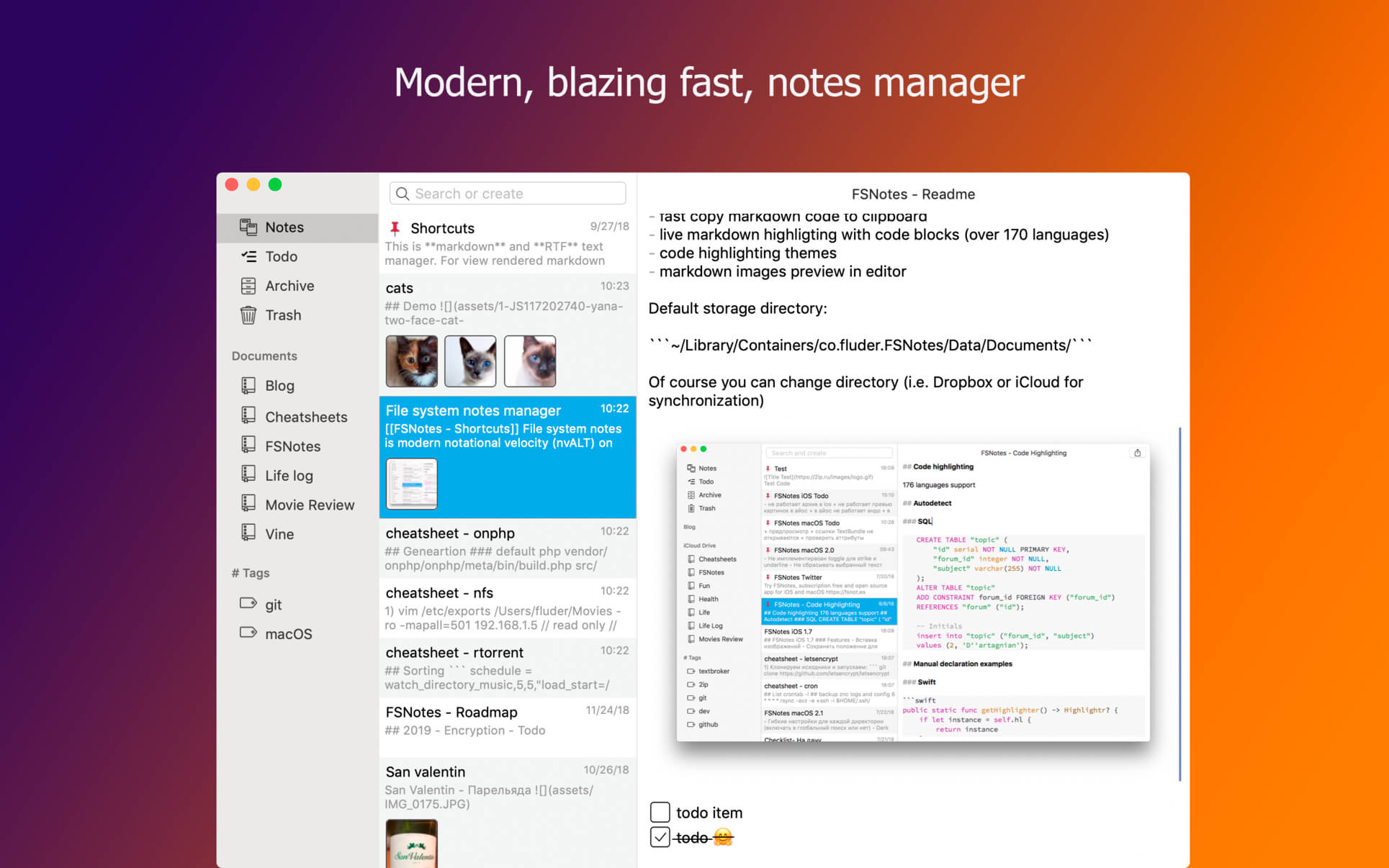
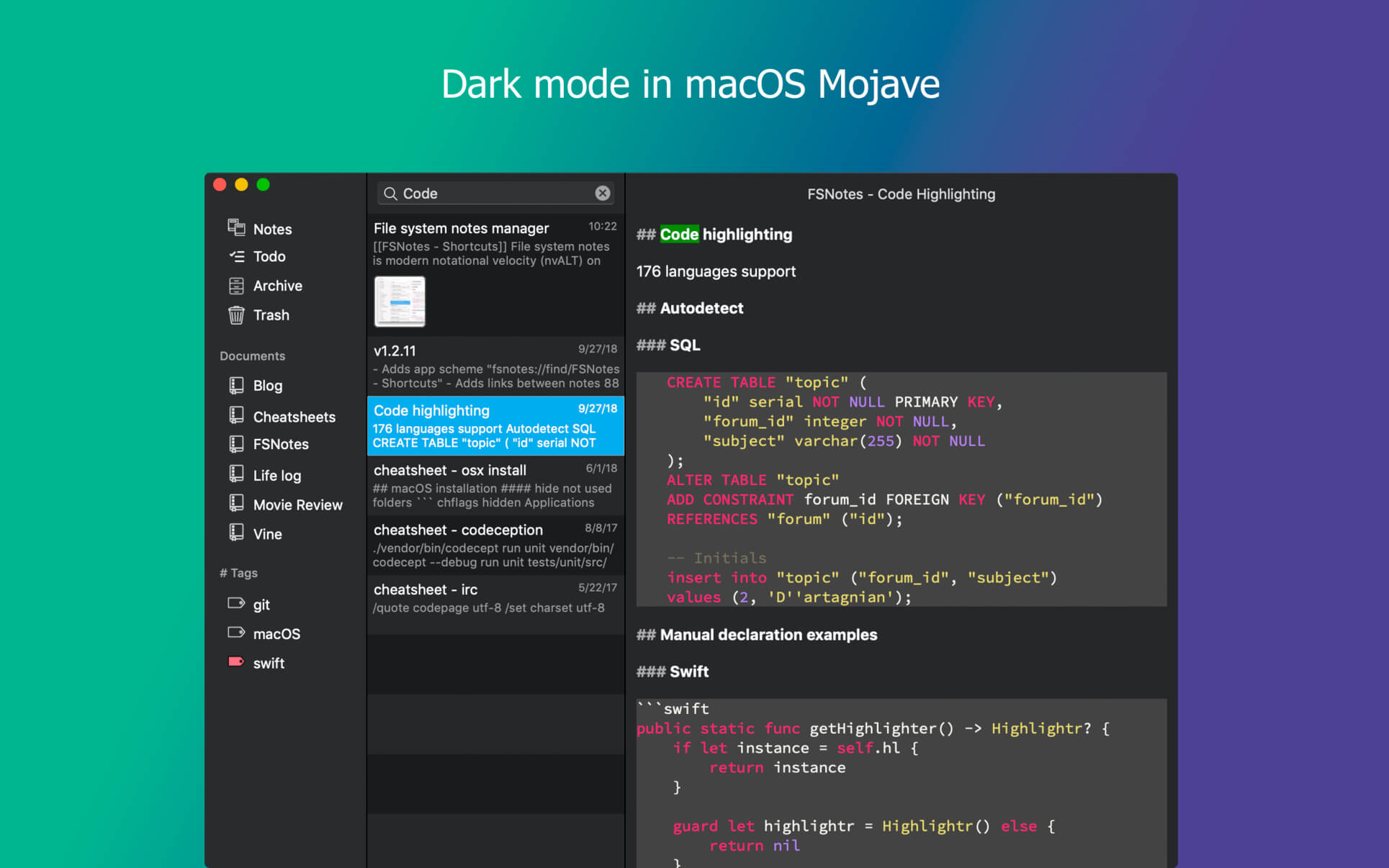
FSNotes 5.3.6

FSNotes is a plain-text note manager for macOS, and is modern reinvention of notational velocity (nvALT) on steroids. Our application respects the following open formats: plain/text, Markdown, and RTF, and stores data in the file system. You can view, edit, and copy data in your favourite external editor, and see live results in FSNotes.

Features

  • ICloud synchronization
  • Keyboard centric
  • Global shortcuts (clipboard save / search field)
  • Markdown and RTF markup (files stored on disk as plain/text and rich text)
  • Markdown preview mode
  • Elastic two pane view (vertical and horizontal layout)
  • Blazing fast and lightweight
  • Open files in finder / works with external editors (changes seamless live sync with UI)
  • Pin/unpin important notes in top
  • Multi folder storage
  • Markdown live highlighting with over 170 languages in code blocks

Compatibility: macOS 10.12 or later, 64-bit processor
Homepage https://apps.apple.com/pk/app/fsnotes/id1277179284

Screenshots


Name: FSNotes_5.3.6_MAS__TNT_Mactorrents.io.dmg
Size: 17 MB
Files FSNotes_5.3.6_MAS__TNT_Mactorrents.io.dmg[17 MB]

   Download

Wondershare DVD Creator 6.1.6.1 fix

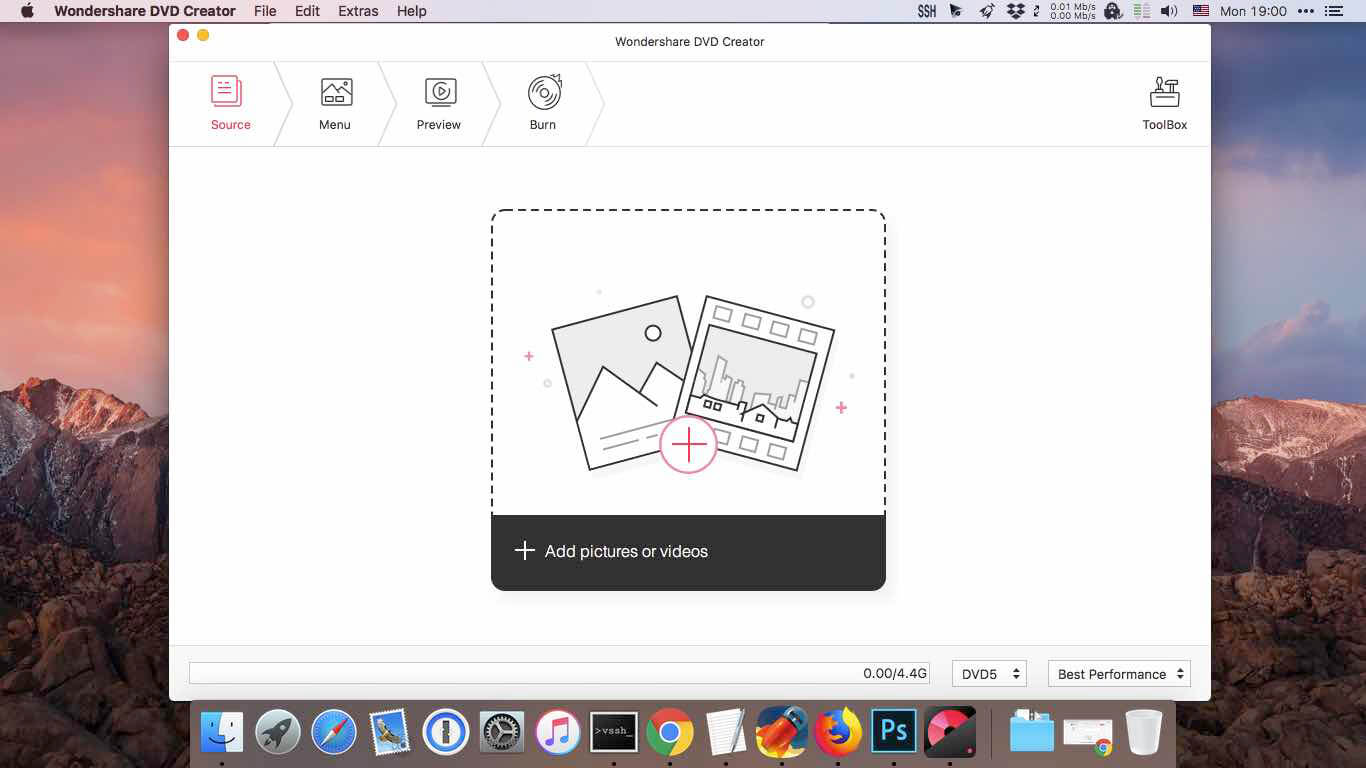
Easy and powerful DVD Toolbox. Meet all your DVD needs. Burn videos in 150 formats to DVD/DVD folder/Blu-ray DVD folder/ISO/Blu-ray disc, like MP4 to DVD, MKV to DVD, AVI to DVD, and more.

Create DVDs With Any Video

  • Burn videos in 150 formats to DVD/DVD folder/Blu-ray DVD folder/ISO/Blu-ray disc, like MP4 to DVD, MKV to DVD, AVI to DVD, and more.
  • Support all popular disc types: DVD-9 and DVD-5; DVD-R/RW, DVD+R/RW, DVD+R DL, DVD-R DL, DVD-RAM; BD-R, BD-RE, BD-25, BD-50, BD-100.

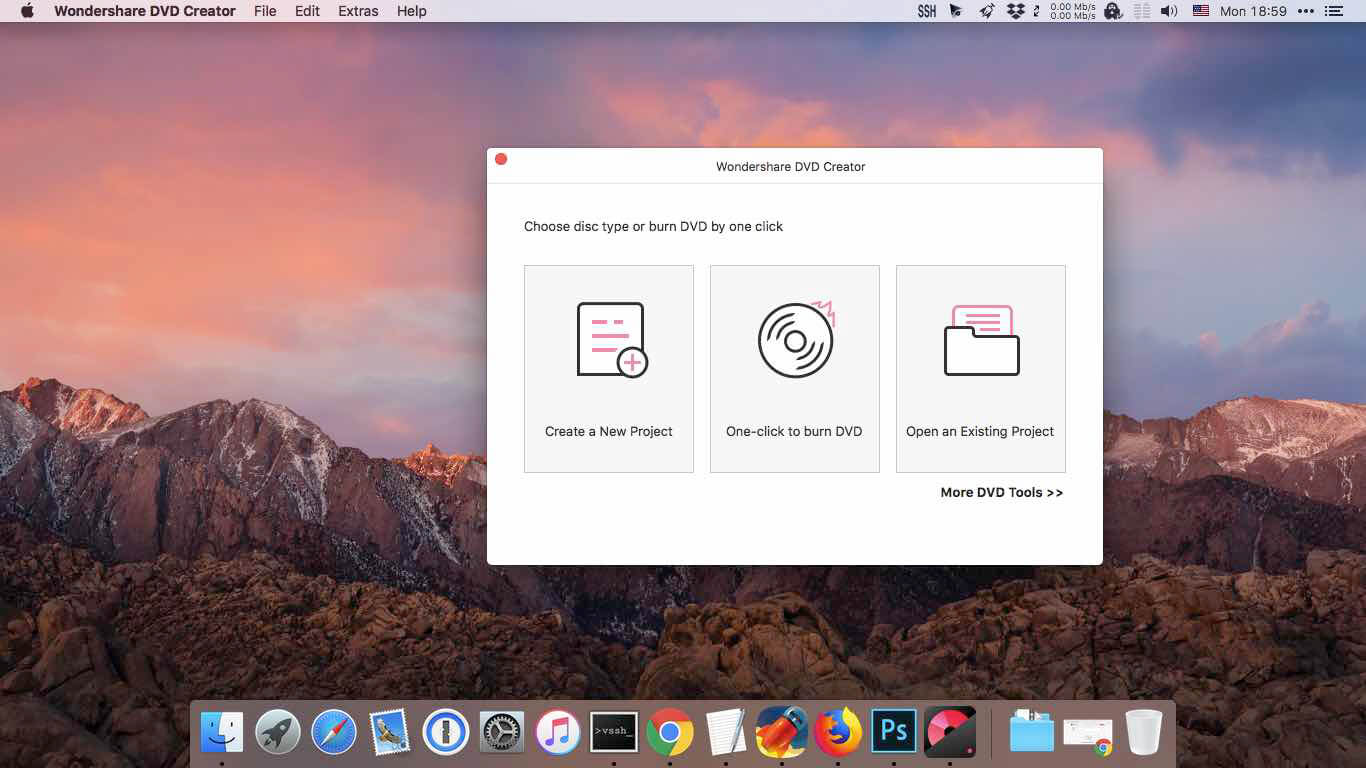
One Click to Burn DVD Easily

  • Burn DVDs with one click, completely easy for everyone.
  • Directly burn multiple videos of different formats to a DVD at one time.
  • Create a DVD project file allowing you to quickly resume editing anytime.

Edit DVD Video With Built-in Video Editor

  • Trim: Trim unwanted part of your home movies.
  • Crop: Crop video to the proper size to fit your screen or remove the blank edge.
  • Enhance: Adjust video brightness/contrast/saturation, and apply special effects for a better visual experience.
  • Watermark: Add image/text watermark to video for copyright protection.
  • Subtitle: Add subtitles to your DVD movies, including .srt, .ass and .ssa extensions.

Customize Your DVD Menu Flexibly
The DVD burner offers over 100 free static and dynamic DVD templates in different themes and customizes background image/music,title thumbnail, etc. Besides, this DVD burning software supports creating chapters both manually and automatically.

Smart Slideshow Maker to Create Photo Slideshow with Music
– Adjust transition settings, add background music or text, set photo duration to personalize your photo slideshow.
– Add, delete, rotate, and arrange as many photos as you need, and adjust photo order.
– Burn your favorite photos and videos into one DVD.

Powerful Utility Toolbox
Beyond DVD burning software, Wondershare DVD Creator also provides 5 useful tools making it the best value of money DVD burner.
dvd ripper

DVD to Video Converter
Convert DVD to MP4, AVI, MKV and any other format.

DVD to DVD Converter
Copy DVD to ISO file or DVD folder directly.

Photo Slideshow Maker
Create stunning photo slideshows with music.

Chapter Creator
Insert chapters to long video automatically or manually.

Video Editor
Trim, crop videos, add subttiles, apply effects and more.

New Year. New Features. Better Exprerience All Around
We’ve added new features to Wondershare DVD Creator 5.0, which not only provides smoother user experience for DVD Creator, but also offers many userful DVD tools to meet your different DVD needs.

Offer More Stylish DVD Menu Templates
We have offered more free static and dynamic DVD templates in different popular themes for premium customers. You can easily design a beautiful personalized DVD soon with Wondershare DVD Creator.

Easy to Use
With optimized workflow, all the functions are much smarter than before.

One Click to Burn DVD
You can burn videos or photos to DVD by one click with default DVD settings.

Powerful Photo Slideshow
You can edit all photos, adjust slideshow order, set transition and preview effects easily.

Featured Video Editor
With upgraded video editor, you can trim, crop video, add subtitles/watermark, apply effects easily and conveniently.

Powerful Utility Toolbox
Beyond DVD burning software, Wondershare DVD Creator also provides 5 useful tools making it the best value of money DVD burner.

DVD to Video Converter
Convert DVD to MP4, AVI, MKV and any other format.

DVD to DVD Converter
Copy DVD to ISO file or DVD folder directly.

Photo Slideshow Maker
Create stunning photo slideshows with music.

Chapter Creator
Insert chapters to long video automatically or manually.

Video Editor
Trim, crop videos, add subttiles, apply effects and more.

UI Redesign
with simple and stylish user interface, more importantly, you can find the useful tools and settings very easily.

Compatibility: OS X 10.10 or later, 64-bit processor
Homepage https://dvdcreator.wondershare.com/

Screenshots


Name: Wondershare_DVD_Creator_6.1.6.1_f__TNT_Mactorrents.io.dmg
Size: 80 MB
Files Wondershare_DVD_Creator_6.1.6.1_f__TNT_Mactorrents.io.dmg[80 MB]

   Download

Corel Painter 2022 v22.1.121

Painting software custom-built for serious artists. Why not try the original, time-tested, digital painting software built by artists, for artists? Our virtual art studio has exceeded the creative expectations of illustrators, concept, fine, photo and manga artists for over 25 years! We know that Painter® 2020 will make you a passionate artist too.

Digital art & painting software

NEW Brush Accelerator™

NEW Interface advancements

NEW Improved Brush Selector

NEW Color Harmonies

NEW GPU enhanced brushing

Make a natural transition from traditional to digital
Painter 2020 offers realistic Natural-Media® and unique digital art brushes that dynamically respond to stylus movements and canvas textures, resulting in magnificently authentic brushstrokes. Best of all, there’s no waiting for paint to dry, no limit to media mixing, no running out of supplies, no toxins and no mess!

An unparalleled photo art experience
Let the intuitive tools within Painter guide you through the transformation from a photo to a painted masterpiece. Rapidly paint a photo using the technology of SmartStroke™ Auto-Painting. Or grab a brush and hand paint the canvas using your photo as a clone source, while Painter magically pulls the photo colors through the bristles. Whatever your approach, the result will be momentous.

Vast amounts of brushes and customization capabilities
Unleash your creativity with 900+ brushes! Create with Painter’s revered traditional media and experience proprietary Dab Stencils, Dynamic Speckles, Particles and Pattern Pens brushes, plus so much more. Bring that extra special something to your artwork. Don’t stop there! You can also import brushes from other artists and create your own brush variations that produce a singular result.

Time-saving performance
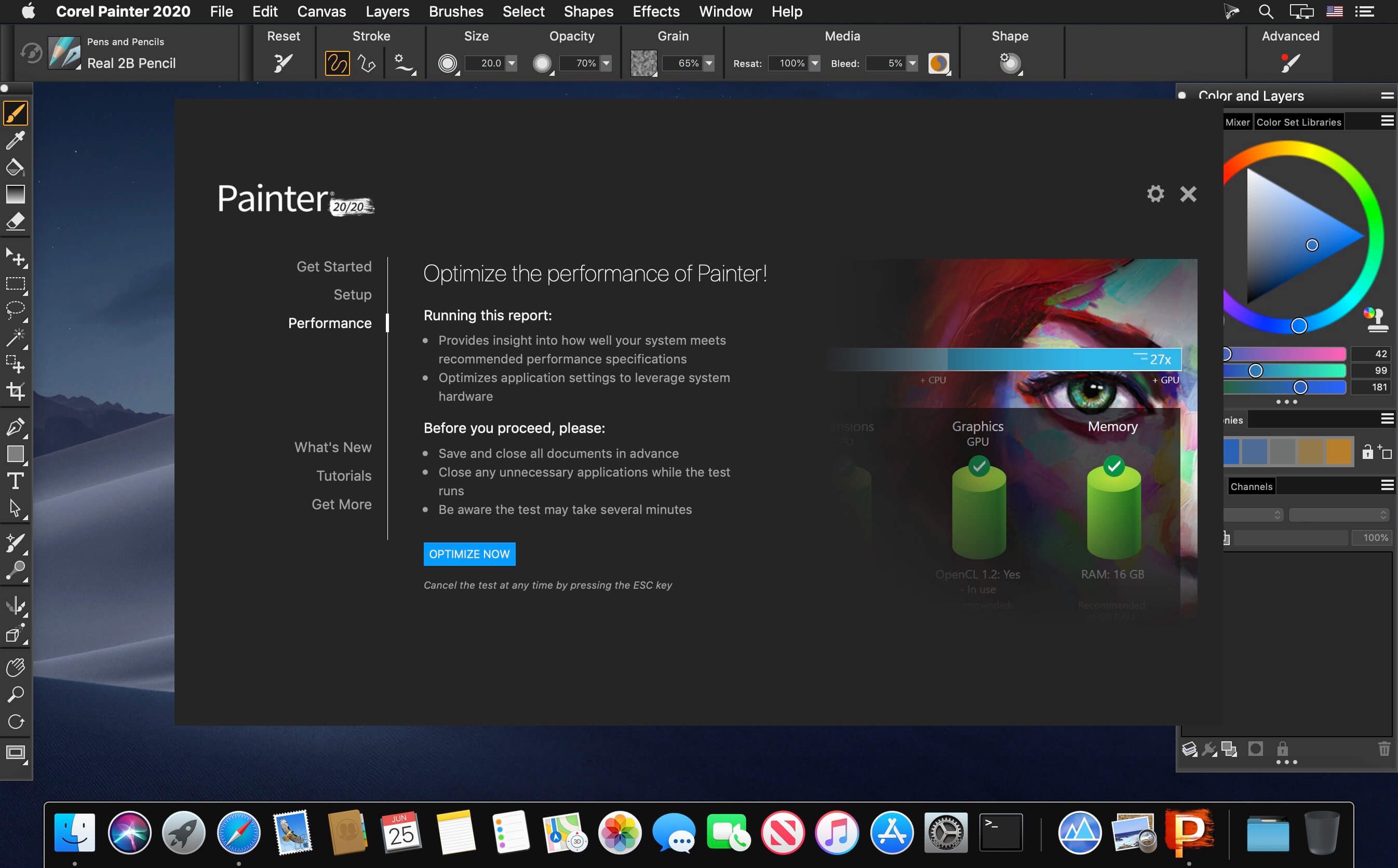
Painter will keep up with every brushstroke, saving you valuable time! The Brush Accelerator™ utility scores your system and automatically applies the optimal Painter performance settings allowing GPU and CPU to ensure Painter can move at lightning speed. Benefit from the bonus functionality that tells you how to strategically upgrade your system to further improve Painter’s performance.

Screenshots


Name: Corel_Painter_22.1.121__22.0.2___TNT_Mactorrents.io.dmg
Size: 789 MB
Files Corel_Painter_22.1.121__22.0.2___TNT_Mactorrents.io.dmg[789 MB]

   Download

Live Wallpaper HD 5.2.0

Live Wallpaper HD offers a selection of beautiful, themed scenes that will add life to your desktop. From cityscapes and sunsets to far away galaxies – each with a cleverly integrated clock and weather widget – your screen will always have that special touch.
Customise your weather widget and clock style and also create your own personalised wallpaper by using your favourite pictures.

Features:

  • 14 live desktop wallpapers plus option to design your own
  • Use your favourite photos and select your favourite clock and weather widget style for a customised wallpaper
  • Detailed weather forecast window by clicking the dock icon
  • Current time in various analog or digital styles
  • Current conditions and weather forecast supporting multiple locations
  • Show desktop functionality that doubles as a screen saver with a timer to reveal wallpapers when your computer is idle
  • Hot corners can also be used to instantly activate the app as a screensaver
  • Informative Dock icon shows at-a-glance weather conditions and temperature (current, today’s or tomorrow’s forecast) even when wallpaper is not activated.
  • Wallpapers can be selected individually or randomly with a timer
  • App can show either Fahrenheit or Celsius temperature units
  • Most wallpapers are in Retina resolution (2880×1800). Moving scenes are all Full HD (1080p)

Compatibility: macOS 10.12 or later
Mac App Store https://geo.itunes.apple.com/app/id874715580

Name: Live_Wallpaper_HD_5.2.0_MAS_In-App__TNT_Mactorrents.io.dmg
Size: 601 MB
Files Live_Wallpaper_HD_5.2.0_MAS_In-App__TNT_Mactorrents.io.dmg[601 MB]

   Download

PullTube 1.7.10

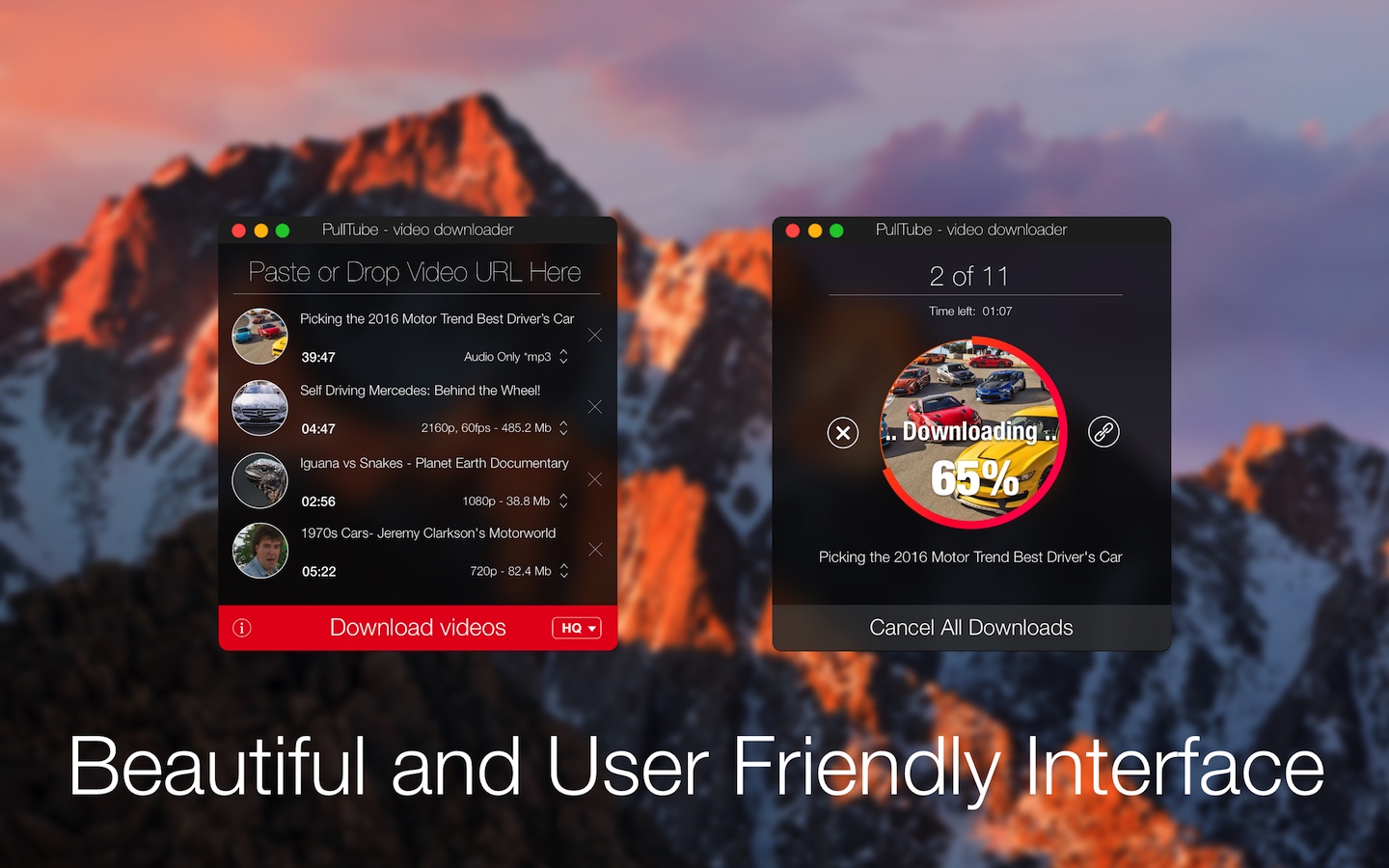
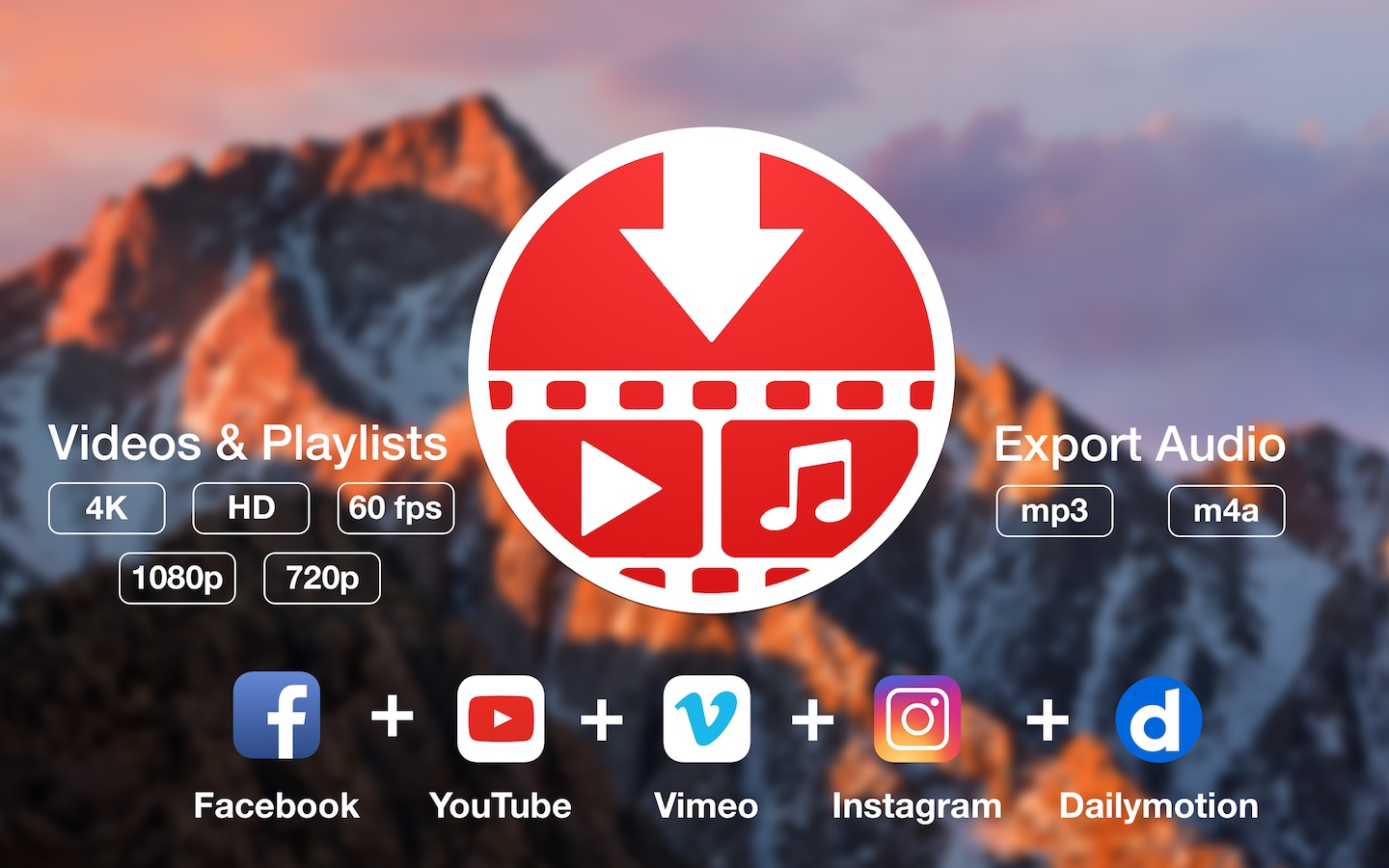
A beautiful online video downloader for your Mac PullTube proposes a streamlined workflow for quickly downloading videos from YouTube or Vimeo, provides control over the output quality, and enables you to extract the audio to MP3 or M4A files. The PullTube app can handle videos of any duration or size, and you get to monitor the download progress within its main window. The utility also integrates with the Notification Center to send completion alerts.

YouTube and Vimeo
Supports Youtube and Vimeo. More platforms to be added upon user requests.

4K, HD and 60fps support
PullTube allows you to download video in any format available

Video to Audio
Convert and save videos to mp3 and m4a

Beautiful and Flexible Interface
Nice looking, dark user interface

What’s New:

Version 1.7.10:

  • Release notes were unavailable when this listing was updated.

Compatibility: macOS 10.11 or later, 64-bit processor
Language: Multilingual
Homepage https://mymixapps.com/pulltube

Screenshots


Name: PullTube_1.7.10__TNT_Mactorrents.io.dmg
Size: 112 MB
Files PullTube_1.7.10__TNT_Mactorrents.io.dmg[112 MB]

   Download

Tagr 5.5.0

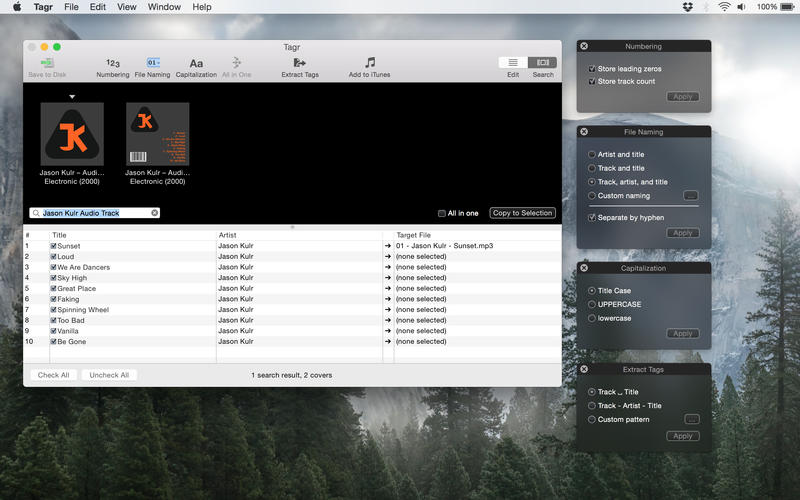
Tagr is an application that helps you organize your music collection.

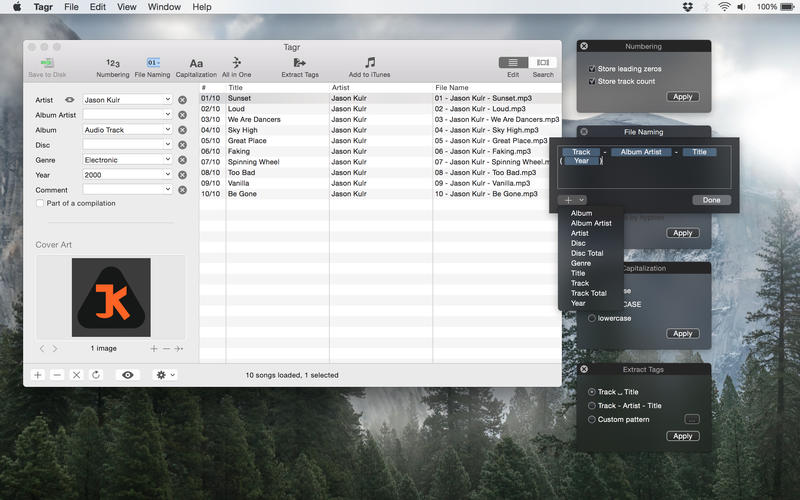
With Tagr you can easily edit information such as a song’s artist, title, or album cover. Tagr also allows you to control the way your files are named, numbered, and capitalized. There is no more need for having other tools dictate that for you!

Features

  • Edit meta data of individual MP3 and M4A files or
  • Edit a list of files in bulk
  • Embed cover art into your songs
  • Apply uppercase, lowercase, and title case capitalization schemes
  • Automatically generate track numbers
  • Choose from predefined file naming schemes or define your own
  • Extract tags from the file name using predefined or custom patterns
  • Search discogs.com for album information and copy it to your songs
  • Listen to songs through QuickLook
  • Customize Tagr to your needs

Compatibility: macOS 10.10 or later
Mac App Store https://geo.itunes.apple.com/app/id1450308734

Screenshots


Name: Tagr_5.5.0_MAS__TNT_Mactorrents.io.dmg
Size: 9 MB
Files Tagr_5.5.0_MAS__TNT_Mactorrents.io.dmg[9 MB]

   Download

Resume Templates – DesiGN 3.2

Resume Templates is a high-quality collection of 145 original Pages templates designed to give your career prospects a major boost. Present your educational background, experience, and skills in a way that will catch any recruitment manager’s attention.

Every object in Resume Templates can be easily recolored, reshaped, moved, or removed. Type or paste your own text, add or remove text boxes, and change the font if you want to. Add your photos to replace the stock images. Every layout – from the understated elegance of the traditional career descriptions to the buoyant colors of the resumes for creative professionals – features quality design and great usability.

The templates are available in the US and international page sizes.

* Requires the latest version of Pages.

Compatibility: macOS 10.12 or later, 64-bit processor
Homepage https://apps.apple.com/us/app/resume-templates/id1103224543

Screenshots


Name: Resume_Templates_-_Design_3.2_MAS__TNT_Mactorrents.io.dmg
Size: 18 MB
Files Resume_Templates_-_Design_3.2_MAS__TNT_Mactorrents.io.dmg[18 MB]

   Download

Viper FTP 6.1.3

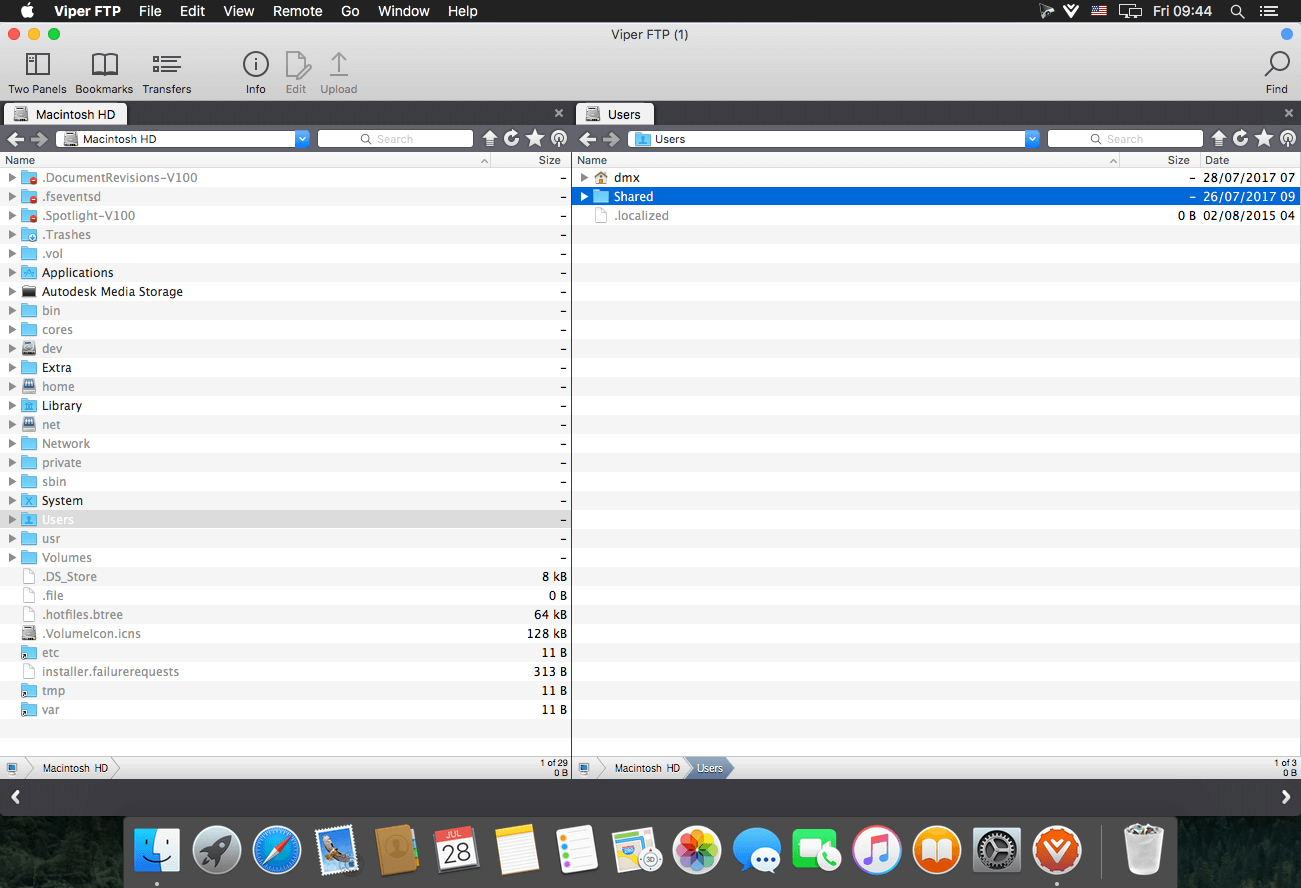
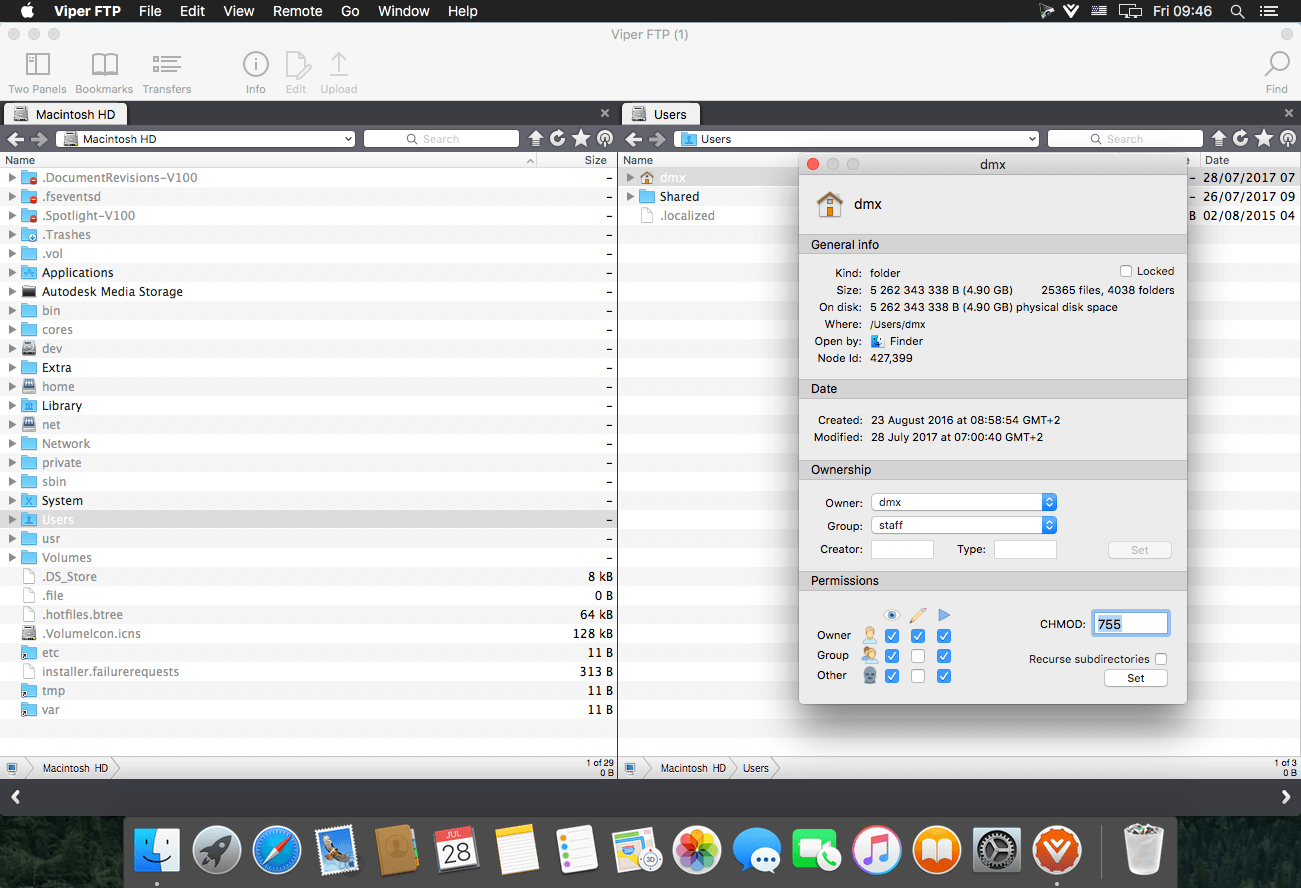
Viper FTP is a handy and powerful file manager for macOS, with a tremendous user interface that makes it effortless to use. Quickly access your remote servers to manage and transfer your files. The new user interface was redesigned to be cool, clean and functional. Viper FTP handles WebDav servers, Amazon S3 servers, LAN Bonjour servers, and even the uploading of videos directly to YouTube. It will create the HTTP URL of files you select, allowing you to easily share them via URL or email. It stores and shows your history and trace log, stores the credentials of multiple FTP accounts, and allows you to have multiple simultaneous transfers happening across different servers. The Toolbar gives you instant access to your bookmarked servers. Viper FTP has in-built ZIP, RAR, GZ, and TAR support. It has fast file searching on both your local and remote machines. You can customise many elements of the interface via preferences. You can edit remote files to make quick changes.

Top 10 Features

  • Local and remote file management (FTP, SFTP, WebDav, Amazon S3, YouTube-upload)
  • Last connections, Bookmarks, Bonjour, Favorites
  • can be managed in one place.
  • History of file operations (what, when, where with a server reply)
  • Converting remote file/folder into HTTP/HTTPS address with an instant email option.
  • Searching, viewing and editing files directly on a remote server.
  • Using the toolbar for keeping your favorite servers gives an instant access to the remote locations.
  • All files (hidden, system) are visible. To locate a file just start typing its name.
  • Files/folders compare.
  • Zip,rar,gz and tar management.
  • Application windows can be linked (will move, show and hide together)

Language: English, German, French, Spanish and others.
Compatibility: OS X 10.10 or later 64-bit
Homepage https://viperftp.com

Screenshots


Name: Viper_FTP_6.1.3__61301___TNT_Mactorrents.io.dmg
Size: 19 MB
Files Viper_FTP_6.1.3__61301___TNT_Mactorrents.io.dmg[19 MB]

   Download

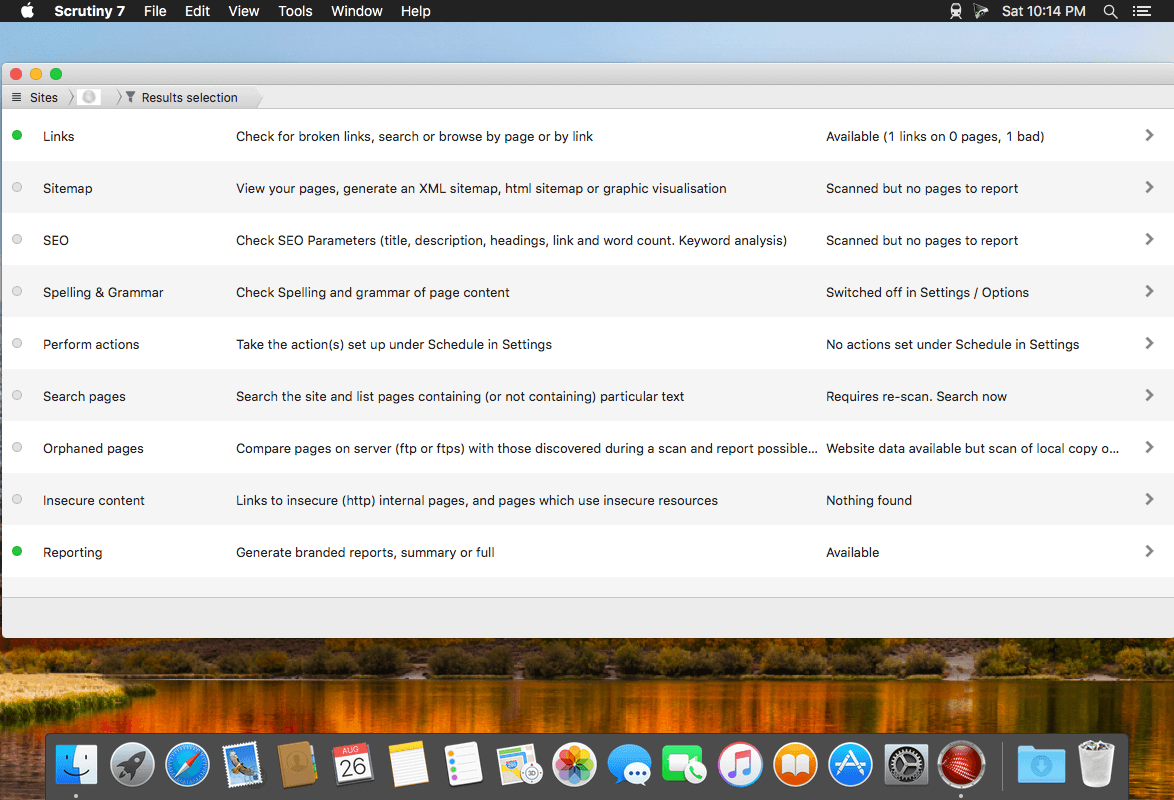
Scrutiny 10.4.13

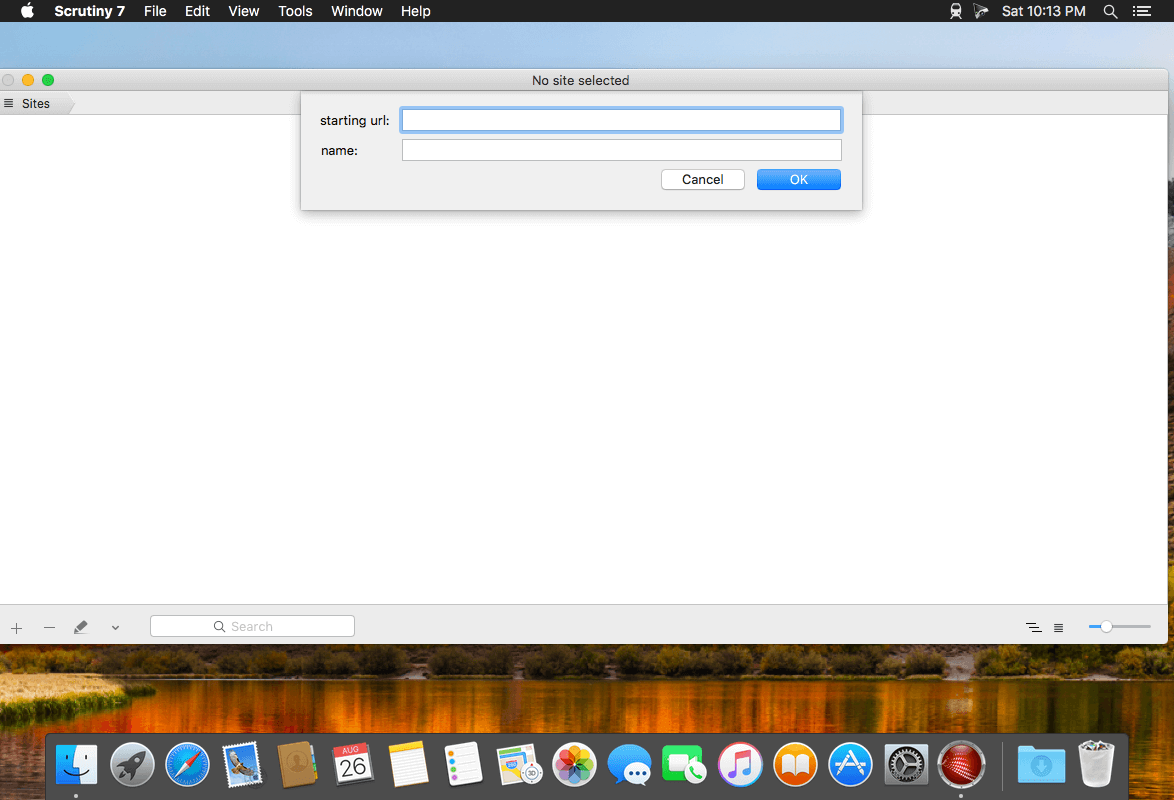
Scrutiny is a suite of web optimization tools including link checking, SEO checks, Sitemap generation, page load speed test, html validation. Version 9 is a major update and includes these new features.

Features

  • Link checker
  • SEO analysis
  • XML sitemap generation, optionally include images / PDF pages
  • Insecure / mixed content reporting
  • Page-load speed test
  • Spelling and grammar checking
  • Scans sites requiring authentication
  • Search your site (source or visible text) obtain a list of pages containing a search term or not containing a search term
  • Website monitoring of as many URL’s as you like with a choice of alerts and logging
  • Scheduling made easy with a few easy clicks
  • On finish, send an email, save a report, open a file or AppleScript, FTP the sitemap XML, and other actions
  • Opens and scans a list of links in HTML, CSV, plain text format, or XML sitemap

Compatibility: macOS 10.10 or later 64-bit
Homepage https://peacockmedia.software/mac/scrutiny/

Screenshots


Name: Scrutiny_10_10.4.13__TNT_Mactorrents.io.dmg
Size: 12 MB
Files Scrutiny_10_10.4.13__TNT_Mactorrents.io.dmg[12 MB]

   Download

Kaleidoscope 3.2.1

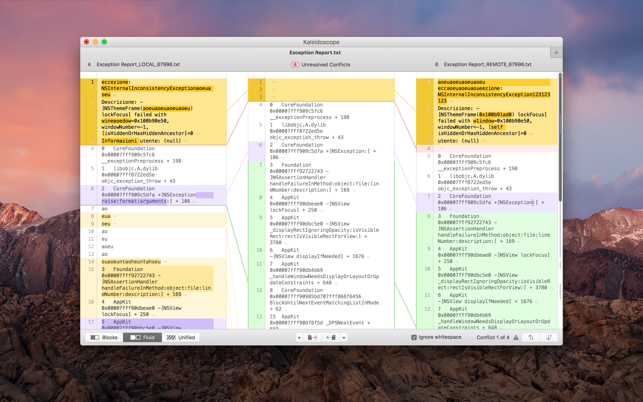
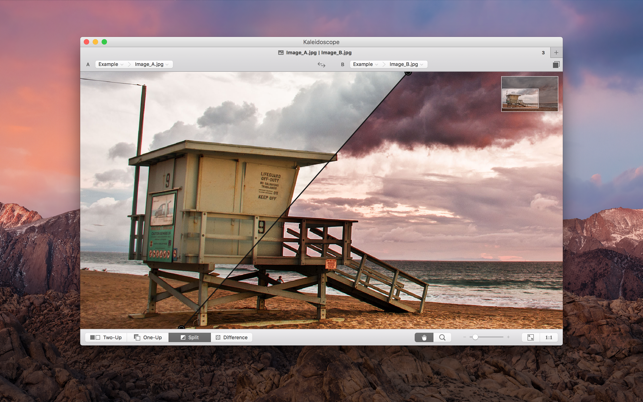
Spot the differences. Merge in seconds. With text merge, three-way merge, folder comparison, and the ability to ignore whitespace-only differences, Kaleidoscope integrates perfectly with the version-control systems you already use.

FEATURES
Easy Workflow Integration

– Subversion, Git, Mercurial, Bazaar, and Perforce support
– Works as a fully functional diff or merge tool
– Supported by a growing list of GUI source control management apps

Two-Way Text Comparison & Merging
– Three powerful display modes
– Super-fast diffing of lines and character-level changes
– Color coding to spot added, deleted, and changed text

Three-Way Merge
– Review code changes and resolve conflicts
– Intelligently auto-merge the right content

File & Folder Comparison
– Ultra-fast algorithm for finding differences in large folders
– Sort and filter down to what matters most
– Drill deeper into folders for more detailed comparisons
– Copy your preferred files across sources
Languages: English
Compatibility: macOS 10.12.0 or later, 64-bit processor
Homepage https://geo.itunes.apple.com/app/id587512244

Screenshots


Name: Kaleidoscope_3.2.1__TNT_Mactorrents.io.dmg
Size: 31 MB
Files Kaleidoscope_3.2.1__TNT_Mactorrents.io.dmg[31 MB]

   Download

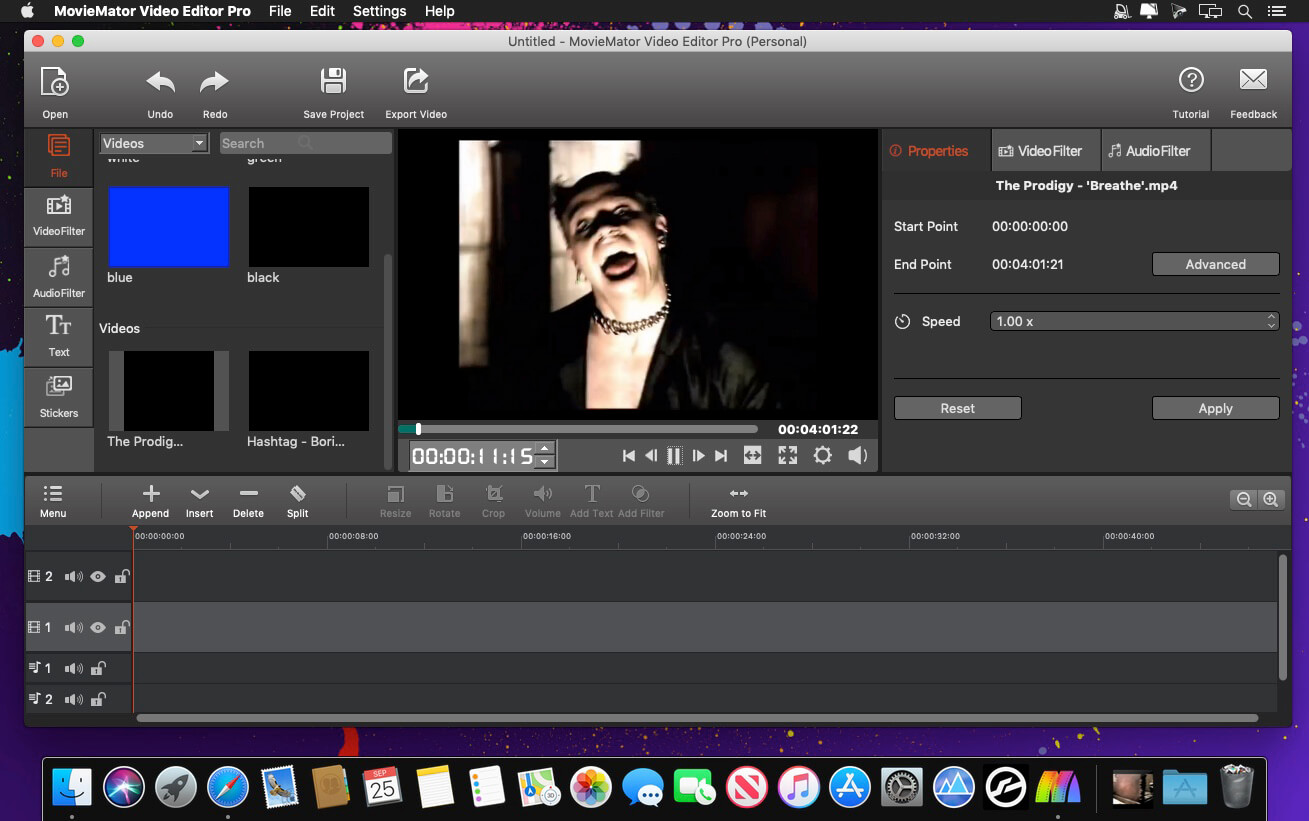
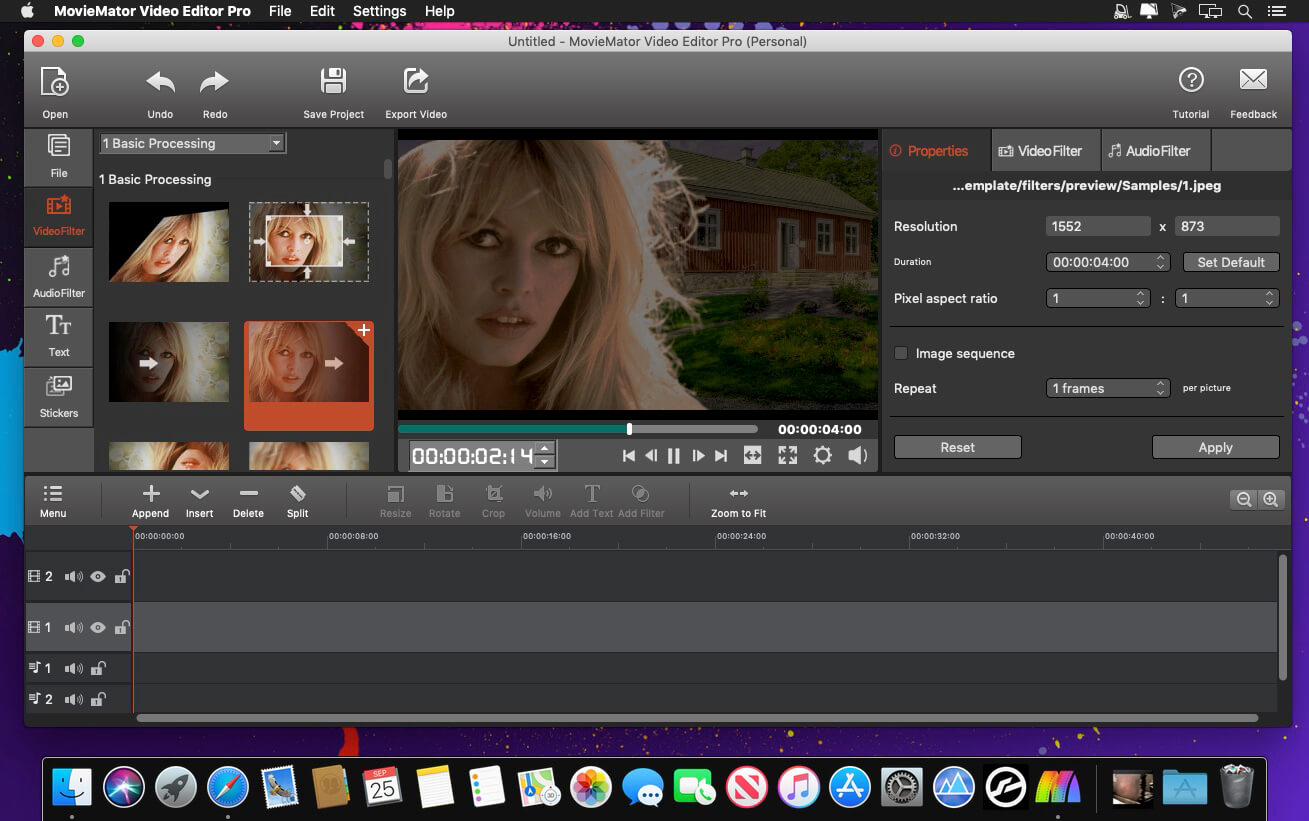
MovieMator Video Editor Pro 3.2.0

MovieMator Video Editor Pro is a full-featured video editor for creating videos in minutes. It allows users to edit video in many ways, like trimming, cropping, splitting, rotating, and more. With 40+ filter effects supported by keyframes techniques, it is possible to create videos with a variety of eye-catching animation effects. MovieMator Video Editor Mac Pro comes with unlimited video and audio tracks and fully supports all media formats like 4K UltraHD, H.265, MP3, OGG, JPG, SVG, etc. It also supports many export formats, which helps you to save your video for YouTube, Facebook, and Instagram.

Create smooth animations by key frames, which will greatly enhance your video quality in many ways:

  • Text animation: text varies from one frame to another; this feature can be used to add subtitles to your video
  • Blur animation: add smooth transition by blurring some frames; it makes your video more eye-catching
  • Rotate animation: zoom in and zoom out video to make a popular vlog; you can also use this feature to spin you video
  • White balance animation: color your video in different frame of your clip; 6his feature can be used to color some scenes, for example, making the color of sunset and sunrise deeper
  • Unlimited video tracks and audio tracks help users handle all projects
  • Import and mix music tracks to make music video like a pro
  • Seamlessly assemble clips and edit them frame by frame in the timeline
  • Separate the audio track from a video file with ease
  • Create your vivid slideshows with photos, music, and fades
  • Make a video tutorial/advertisement and create your personalized greetings for special occasions
  • Full of visual effects: blur, old film, sharpen, stabilize, vignette, white balance
  • Create the fantastic animation videos with keyframe animation
  • Play multiple videos at the same time with the picture-in-picture effect
  • Stabilize your shaky action camera footage in one click
  • Create Fast/Slow-motion video by adjusting the playback speed as you like
  • Support volume adjustment and various audio filters to create a perfect sound effect
  • Set fade in/out time for videos and audios freely
  • Enhance your movie by adding personalized subtitles and stunning transitions
  • 20+ stunning transitions: dissolve, iris circle, clock top, cut, bar vertical
  • Standalone video file to share online or put on portable devices
  • The interface is intuitive and real-time preview feature ensures what you see is what you get
  • Easy-to-use cut, copy, and paste operations
  • Hide, mute, and lock the video /audio track by one-click
  • Supports all popular video/audio/image formats
  • Import all videos/photos from iPhone 6s, GoPro, camcorder or other devices
  • Support videos/images downloaded from Facebook, Instagram, Flickr, and more sites
  • Support voice-over videos that recorded by any screen recording software
  • Support all popular video/audio/image formats: MP4, AVI, MPEG, WMV, MKV, MPG, RMVB, M4V, 3GP, FLV, TS, M4V, VOB, F4V, MP3, WAV, MKA, OGG, FLAC, AAC, JPG, PNG, TIF, BMP, and SVG
  • Work natively with a broad range of formats including ProRes, RED, XAVC, AVCHD, H.264 from DSLR, and more

What’s New:

Version 3.2.0:

  • Release notes were unavailable when this listing was updated.

Compatibility: OS X 10.10 or later 64-bit
Homepage http://www.macvideostudio.com/

Screenshots


Name: MovieMator_Video_Editor_Pro_3.2.0_MAS__HCiSO_Mactorrents.io.dmg
Size: 108 MB
Files MovieMator_Video_Editor_Pro_3.2.0_MAS__HCiSO_Mactorrents.io.dmg[108 MB]

   Download

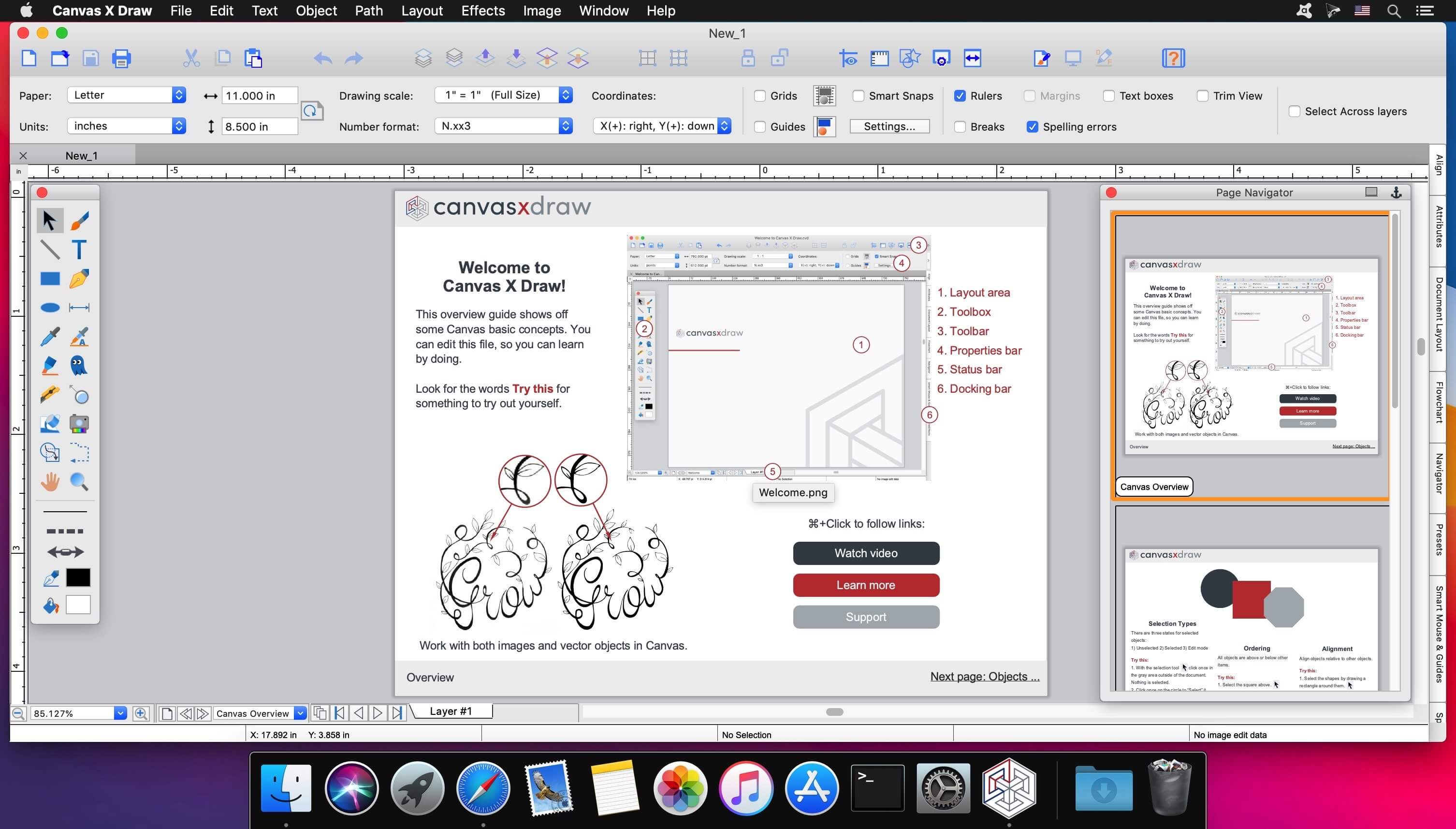
Canvas X Draw 7.0.2 (7075) fix

Canvas X Draw is a powerful software specifically designed to make it possible for small business owners, designers, illustrators, and professionals to advertise and communicate with confidence.

When your audience depends on pinpoint accuracy, minute detail, and high-impact data visualization, you need a special kind of illustration software.

With Canvas you can drive high impact visual communication right across your organization, putting powerful data in the hands of the people who need it.

  • Work with both raster and vector files
  • Import and visualize huge volumes of geospatial data
  • Manipulate and display intricate 3D models

What’s New:

Version 7.0.2 (7075):

  • Release notes were unavailable when this listing was updated.

[Fix] launch for macOS Monterey

Compatibility: macOS 10.13 or later 64-bit
Homepage https://www.canvasgfx.com/

Screenshots

Name: Canvas_X_Draw_7.0.2__7075__f__TNT_Mactorrents.io.dmg
Size: 189 MB
Files Canvas_X_Draw_7.0.2__7075__f__TNT_Mactorrents.io.dmg[189 MB]

   Download

Network Kit 9.0.3

Keep under control your network with Network Kit X, an user friendly set of network tools that will help you to analyze your LAN, and not only that.

In addition, with a single click you can PING a domain, query a Whois server or use NSLookup/Dig service to discover every info about it.

You can copy any information of the network that you are connected with a simple right-click on it!

An amazing real time graph help you to visualize PING response times, and Network Utility v4 has also real time stats.

The Geo IP tool allows you to to quickly geolocate a domain or IP in a matter of seconds.

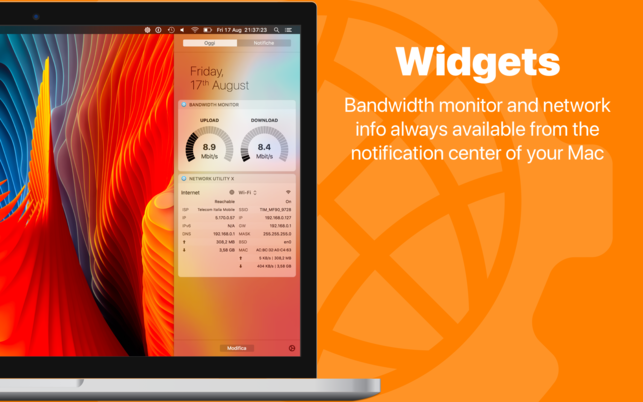
WIDGET
An useful widget brings network info into your Notification Center. Keep under control your machine’s IP, downlink and uplink speeds and many other informations.

HANDOFF
Start an action on Mac and replicate it on your iPad/iPhone with a single tap (Require Network Utility v4.2 or greater).

Internet

  • ISP
  • IP
  • REACHABILITY STATUS
  • DNS
  • TOTAL SENT DATA
  • TOTAL RECEIVED DATA

Wi-Fi

  • STATUS
  • SSID
  • BSSID
  • IP
  • GATEWAY
  • SUBNET MASK
  • SECURITY
  • CHANNEL
  • RSSI
  • NOISE
  • Tx RATE
  • PHY MODE
  • INTERFACE BSD NAME
  • MAC ADDRESS
  • SENT BYTES
  • RECEIVED BYTES
  • UPLINK SPEED
  • DOWNLINK SPEED
  • PACKETS
  • ERRORS
  • COLLISIONS

Other interfaces (Thunderbolt, Ethernet, Bluetooth, etc…)

  • STATUS
  • IP
  • GATEWAY
  • SUBNET MASK
  • INTERFACE BSD NAME
  • MAC ADDRESS
  • SENT BYTES
  • RECEIVED BYTES
  • UPLINK SPEED
  • DOWNLINK SPEED
  • PACKETS
  • ERRORS
  • COLLISIONS

Compatibility: macOS 10.14 or later, 64-bit processor
Homepage https://apps.apple.com/us/app/network-utility-x/id979299240

Screenshots

Name: NetworkKit_9.0.3_MAS__TNT_Mactorrents.io.dmg
Size: 12 MB
Files NetworkKit_9.0.3_MAS__TNT_Mactorrents.io.dmg[12 MB]

   Download

GrandTotal 7.2.5

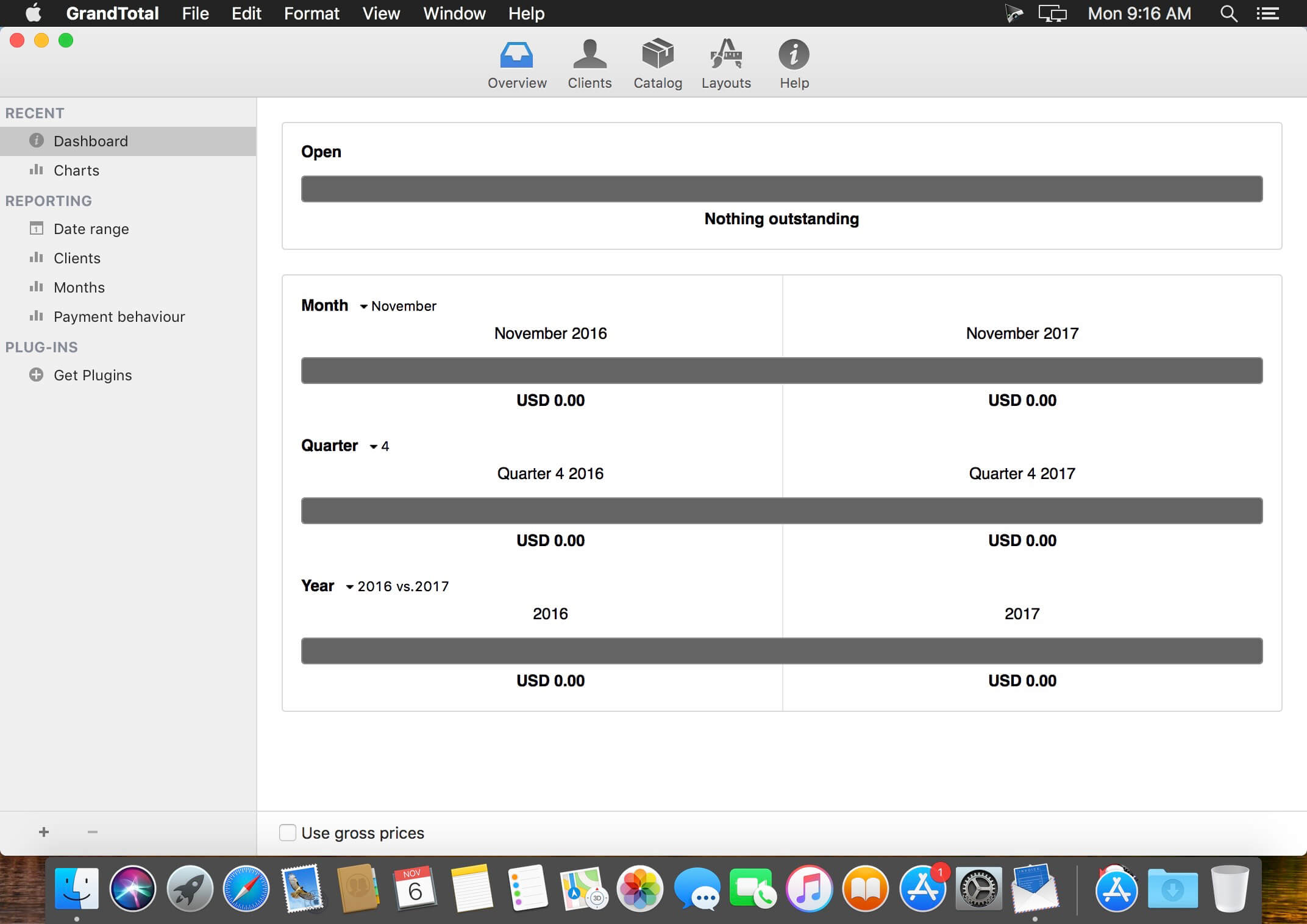
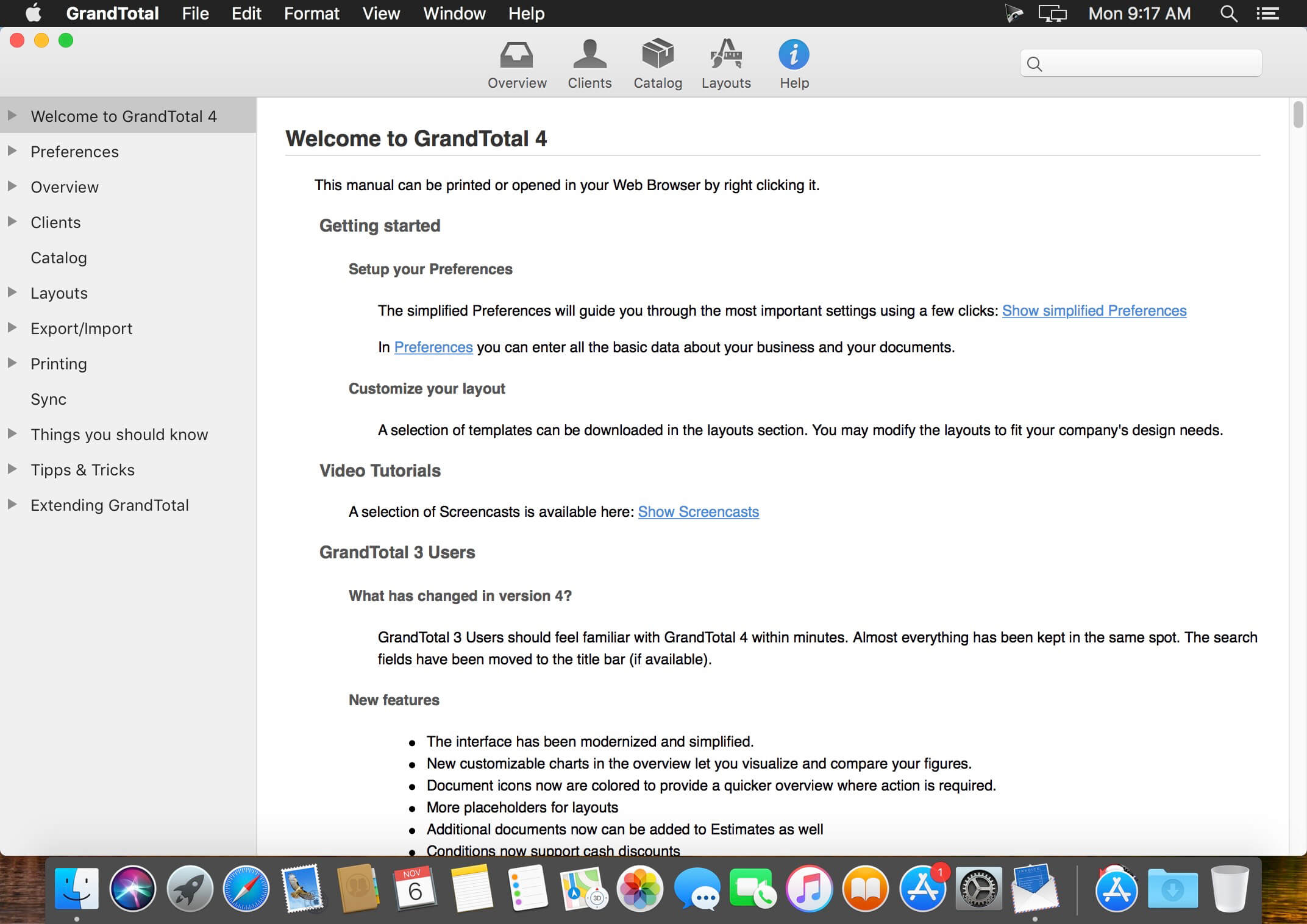
GrandTotal is an application to create invoices and estimates based on your own templates. The built-in template editor allows you to adjust your layout to fit your company’s corporate design. GrandTotal works great in conjunction with TimeLog.

Compatibility: macOS 10.12 or later
Homepage http://www.mediaatelier.com/GrandTotal4/

Screenshots


Name: GrandTotal_7.2.5__TNT_Mactorrents.io.dmg
Size: 47 MB
Files GrandTotal_7.2.5__TNT_Mactorrents.io.dmg[47 MB]

   Download

Isotropix Clarisse 5.0 SP7

Clarisse iFX is a new breed of high-end 2D/3D animation software which is the fusion of an animation package, a compositing software and a 3d rendering engine. It has been designed to streamline the workflow of CG artists to let them work and constantly interact on their final image with full effects on.

A workflow from a better perspective.
Clarisse provides tons of high-end features all designed to be consistent and intuitive. Its workflow scales nicely with massive complexity while keeping things easy to manage. By simplifying the way CG artists work, Clarisse revolutionizes the daily work of Digimatte and Environment artists, Look development and lighting artists working in VFX and Animation studios.

Minimum system requirements
CPU: Intel or AMD based x86-64 CPU supporting SSE2
RAM: 2 GB
Hard-Drive: 500 MB disk space available
Graphics Card: OpenGL 4.0 compliant graphics card
Network Card: Wifi and/or Ethernet
Display: 1280 x 1024 pixel resolution in 24 bit color
Mouse: Three-button mouse

Homepage http://www.isotropix.com/

Name: Isotropix.Clarisse.v5.0.SP7.MACOSX-AMPED_Mactorrents.io.zip
Size: 1 GB
Files Isotropix.Clarisse.v5.0.SP7.MACOSX-AMPED_Mactorrents.io.dmg[1 GB]

   Download

Project Office Pro 9.7

Designed to help you manage, create and monitor your projects. Use tasks, milestones, groups, connections and a lot of other features, for better work organization.

Project Office has peculiarities like Gantt charts, schedules, summaries, and milestones to let you manage all of your activities.

Project Office helps you in managing both simple and complex projects without any complexity.

Features:

  • Gantt chart allows monitoring your entire plan at a glance. Each task is shown graphically on a visual timeline by day, week, month or year. The visualized view helps you keep an eye on tasks durations, start and due dates, completion percentage, dependencies and resources assigned. Furthermore, you can easily edit tasks directly in the Gantt chart view.
  • Friendly and intuitive interface helps you get things done fast and stays out of your way while doing so.
  • Efficient resource management. Add resources to your project: people or materials, necessary to make this project done. Identify bottlenecks in your project and distribute workloads fairly.
  • Tool for tracking changes. Set a baseline to track development by comparing the set baseline with actual plan and progress.
  • Customized calendar. Modifying work hours for the entire project you can create a more realistic plan taking into account off-time and weekends into account.
  • Smart filter. You can easily hide those tasks you don’t need to think about at the moment. Simply use filter to focus on tasks you need to be done.
  • Share your projects. Send an entire project to your colleagues or Email the Gantt chart to others as PDF. For more convenience, you can make task and resources report and send them as HTML.
  • iCloud Backup. Backup your projects to keep all information you have added.
  • Critical Path – Project Office displays your project’s critical path, which is the series of tasks that are necessary in order to finish your project on schedule.

We developed Project Office to help you manage your business and keep it growing.

What’s New:

Version 9.7:

  • Release notes were unavailable when this listing was updated.

Compatibility: macOS 10.12 or later
Homepage https://www.dk-consulting.app

Screenshots

Name: Project_Office_9.7__TNT_Mactorrents.io.dmg
Size: 22 MB
Files Project_Office_9.7__TNT_Mactorrents.io.dmg[22 MB]

   Download

Smooze Pro 2.0.13

Unobtrusive tool created to help you smooth out your scrolling, as well as to add custom mouse buttons actions and mouse gestures to any app.

Even though macOS comes with a mouse preference pane, it is quite limited as it offers insufficient options for customizing the scroll feature, the mouse’s buttons, and absolutely no mouse gesture support. Smooze is an application designed to fill in the gap left by Apple in macOS’ mouse customization department. Once launched, Smooze will add a status bar item with a menu which enables you to set the app to start automatically on login, as well to disable its custom scroll engine and button actions, and access its options.

And a lot more

Animated Scroll
Every app you own will have buttery smooth scrolling.

Productive
Save time by attaching mouse buttons to actions.

Gestures
Assign gestures and Rocker gestures to any button / shortcut / app.

Auto Scroll
Auto scroll anywhere on the screen, hands free, with buttery smooth animations!

Grab & Drag & Throw
Grab and scroll anywhere on the screen. Throwing will animate the scrolling just like it would on a trackpad.

CPU Friendly
Highly optimized & uses a very small percentage of your CPU power, even during excessive use.

High FPS
Smooze synchronizes its drawings to the refresh rate of your display which ensures the best scrolling experience.

Disable acceleration
Disable scroll acceleration and select the number of lines you want to scroll on each tick. These features are, and will always be, free!

Multiple displays
All settings can now be configured per app per display.

Intuitive Design
Easy to configure with a brand new design.

Moustache
This app also includes a pro moustache.

What’s New:

Version 2.0.13:

  • Release notes were unavailable when this listing was updated.

Compatibility: macOS 10.15 or later
Homepage https://smooze.co/

Screenshots


Name: Smooze_Pro_2.0.13__TNT_Mactorrents.io.dmg
Size: 9 MB
Files Smooze_Pro_2.0.13__TNT_Mactorrents.io.dmg[9 MB]

   Download

News Headlines 3.8

But to be up-to-date with news around the world, News Headlines brings latest Google News in short under 30 words to get a quick glance of news right in the MenuBar of your Mac.

Just click beautiful icon in MenuBar to access world news happening at that time.

— Featured in top charts of AppStore —

Other features:
▸ News without delay!
▸ Short news under 30 words with headlines
▸ Get notified on the latest news right at the moment
▸ Chose from different categories of news as per your interest
▸ Set auto-refresh interval to get notified on latest Google news
▸ Login with your current google account to get preferred news
▸ Access to past articles in Notification Centre
▸ Ready for macOS Sierra
▸ Very low CPU and memory usage
▸ Set your preferred language as per interest
▸ Search for news you want to read
▸ News from 51 different countries
▸ Supports 24 different languages

Languages: English, Danish, Dutch, Finnish, French, German, Greek, Indonesian, Italian, Japanese, Korean, Malay, Norwegian Bokmål, Portuguese, Russian, Simplified Chinese, Spanish, Swedish, Thai, Traditional Chinese, Turkish, Vietnamese

Compatibility: macOS 10.10 or later.
Homepage https://itunes.apple.com/app/news-headlines-app-for-google/id998256682

Screenshots


Name: News_Headlines_3.8_MAS__HCiSO_Mactorrents.io.dmg
Size: 5 MB
Files News_Headlines_3.8_MAS__HCiSO_Mactorrents.io.dmg[5 MB]

   Download

File List Export 2.7.2

An easy to use application that will help you create list of files for any need. List all your photos, all your videos or all your files. If you need to create list of files this app is for you.

New version with 26 more metadata columns and export to CVS file!

Just select a folder or drag and drop files to get a list with all files and folders to Excel or to a CVS file. You can choose if you want to include the files from all subfolders. Preview and edit the list before export to file. Easily search and filter the file list records.

You can select a specific kind of file to list. For example, you can choose to export to Excel a list with all the audio files of your iTunes Music folder or all the pdf files from your Documents folder.

For every file you can get this info:

  1. File name
  2. Date modified
  3. Date created
  4. Kind
  5. Size
  6. Path (the location of the file)
  7. Comments
  8. Tags
  9. Version
  10. Pages
  11. Authors/Artist
  12. Title
  13. Album
  14. Track NO
  15. Genre
  16. Year
  17. Duration
  18. Audio BitRate
  19. Audio Encoding Application
  20. Audio Sample Rate
  21. Audio Channels
  22. Dimensions
  23. Pixel Width
  24. Pixel Height
  25. Total Pixels
  26. Height DPI
  27. Width DPI
  28. Color Space
  29. Color Profile
  30. Alpha Channel:
  31. Creator
  32. Video Bit Rate
  33. Total Bit Rate
  34. Codecs
  35. md5
  36. sha256

Compatibility: OS X 10.8 or later, 64-bit processor
Homepage https://itunes.apple.com/ca/app/file-list-export/id852692251?mt=12

Screenshots

Name: Multitouch_1.26__TNT_Mactorrents.io.dmg
Size: 25 MB
Files Multitouch_1.26__TNT_Mactorrents.io.dmg[25 MB]

   Download

Torrents Download Apple,Mac Osx,Apps ,Software

Exit mobile version