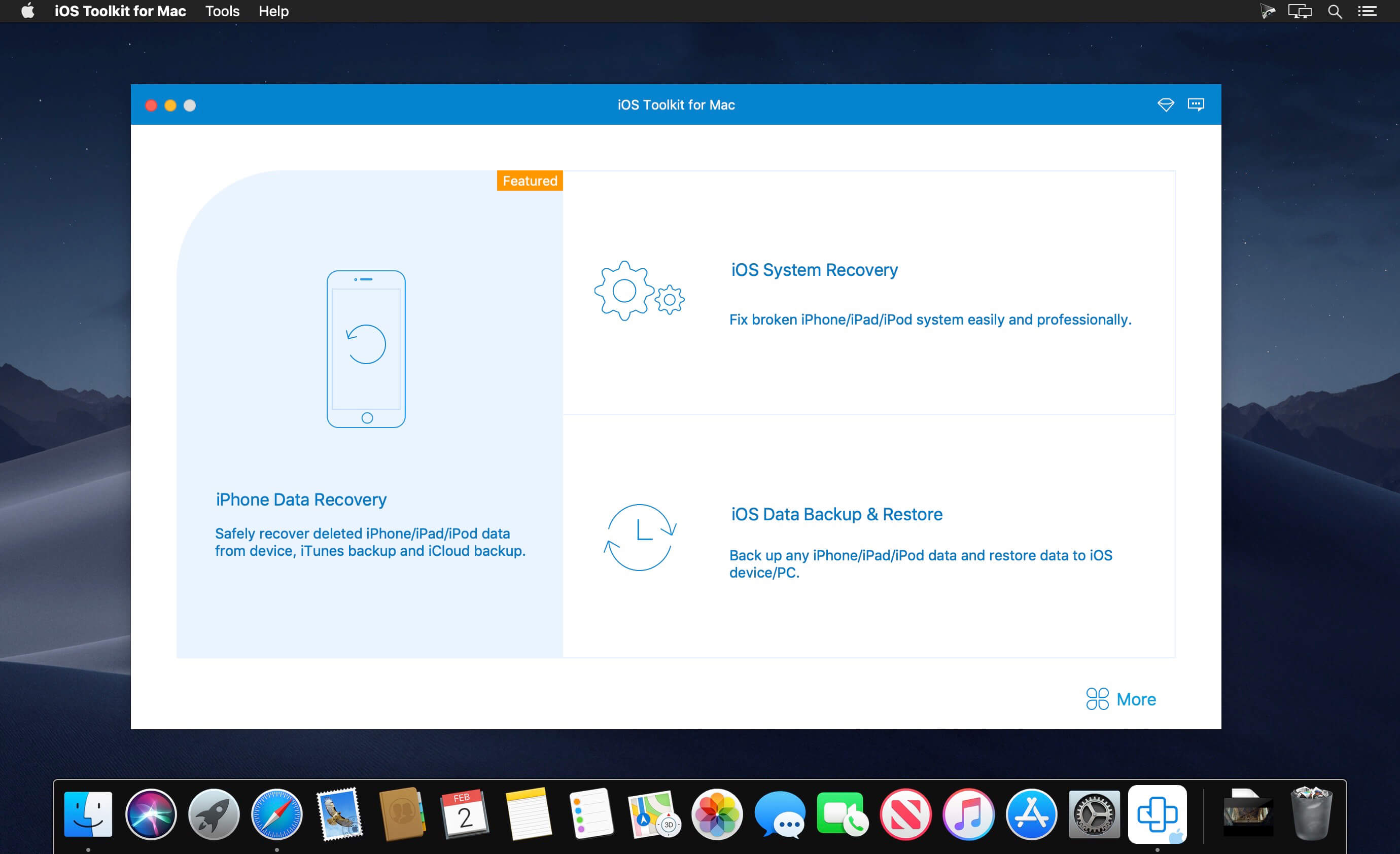
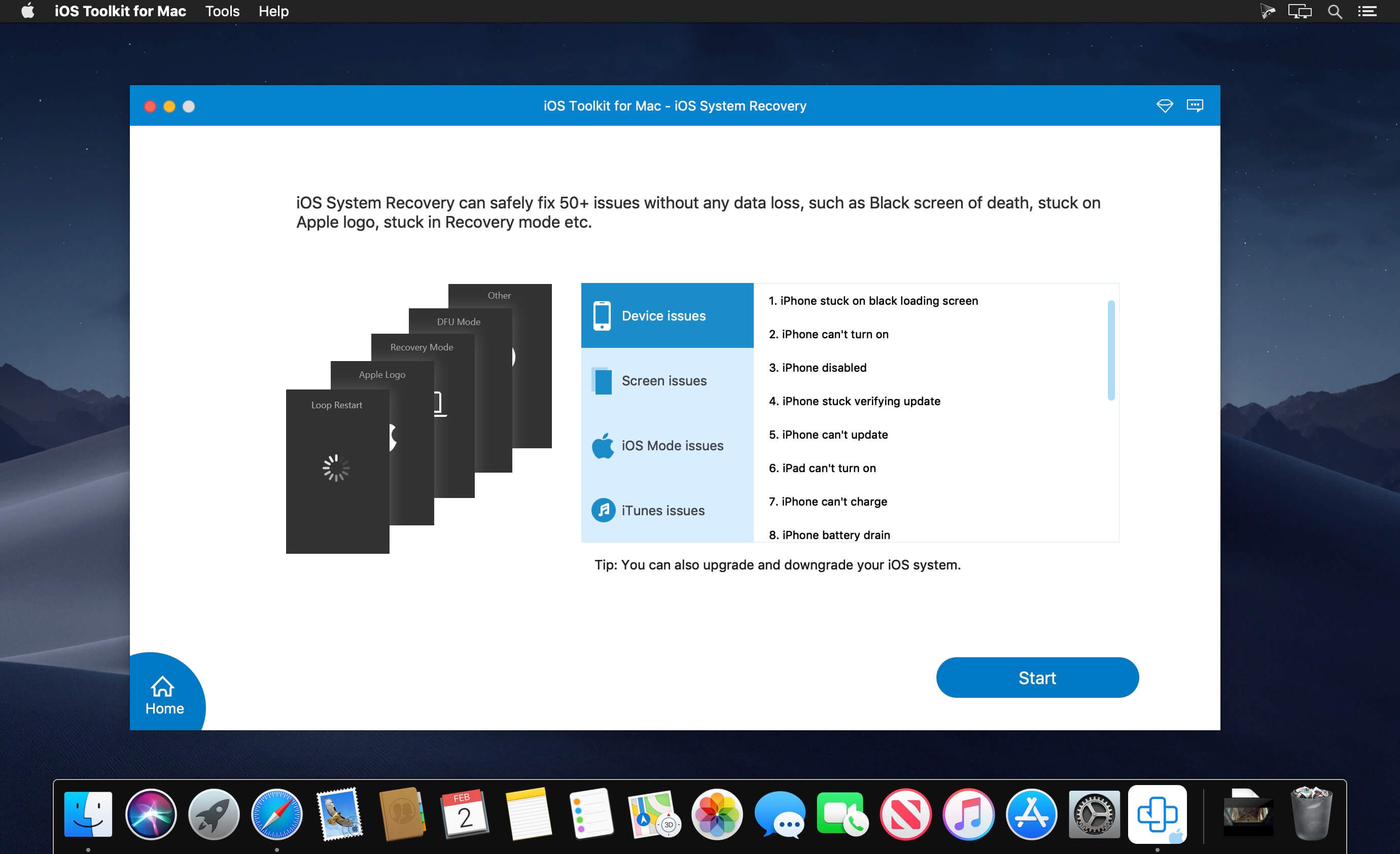
With this powerful iPhone Data Recovery for Mac, you can recover 9 types of data including contacts, SMS, call history, calendar, notes, reminder, Safari bookmarks, Safari history and WhatsApp to Mac. It highly supports any frequently-used iOS device like iPhone 11/11 Pro/11 Pro Max/XS/XS Max/XR/X/8/8 Plus/7/7 Plus/6s/6s Plus/6/6 Plus/SE/5s/5c, iPad, iPad Pro/mini 4/mini 3/mini 2/mini/Air 2/Air/4/3/2/New iPad Pro, iPod touch/nano and more.
For iPhone 4/3GS, iPad 1, and iPod touch 4, this Mac iPhone Data Recovery can restore 19 types of data, including Contacts, SMS/MMS, Call history, Calendar, Notes, Reminders, Safari bookmarks, Safari history, WhatsApp Chats, Camera Roll, Photo Library, Photo Stream, Message attachments, Voice memos, WhatsApp Attachments, Voicemail, App Photos, App Videos, App Audio and so on.
What’s New:
Version 9.0.68:
Release notes were unavailable when this listing was updated.
Compatibility: macOS 10.10 or later (Apple Silicon compatible) Homepagehttps://www.anymp4.com
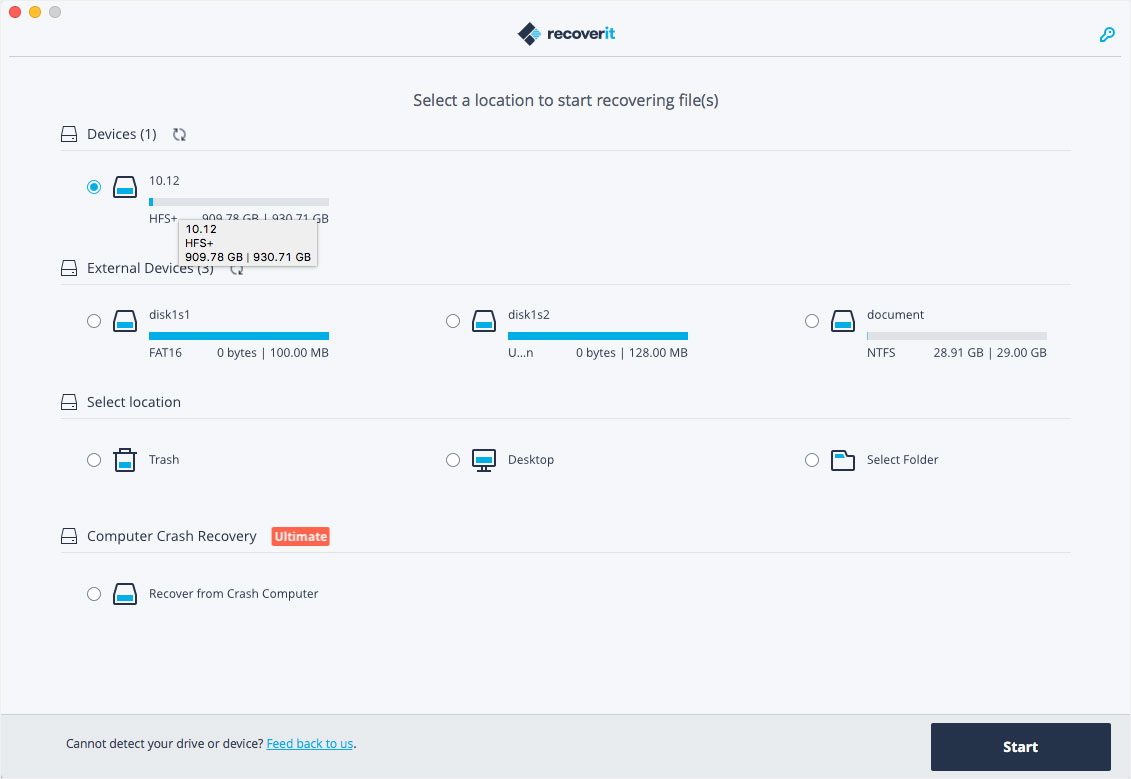
Wondershare Recoverit is a comprehensive data recovery suite to recover Mac data lost due to accidental deleting, formatting, virus infection, improper operation, unexpected power failure, and other unknown reasons.
It can recover Mac data from lost, deleted, logical corrupted and formatted Mac hard drive, iPod, USB drive, SD card, digital camera, mobile phone, MP3, and MP4 player. Compatible with HFS+, FAT16/32, and NTFS file system volumes, this non-destructive Mac file recovery software ensures safe Mac file recovery without modifying the original data saved on your Mac machine or any other storage media. Versatile preview lets you enjoy Mac data recovery in advance.
Features
Safety First:
Read-only and risk-free Mac data recovery program. No any writing operation to your original data.
Versatile Preview Ability:
For images, real-time and direct scan results is displayed during the scan process to let users stop scanning once the target images are found.
For other Mac files such as videos, audio files, archives and documents, they are displayed as a text in a Hex mode for preview to let users enjoy file recovery on Mac in advance.
Precise File Recovery for Mac:
Before data recovery on Mac, you can choose the target file types to scan, which saves you much time especially when there are tons of files on your Mac machine.
Restore deleted files for Mac with original file names, shooting date, and storage paths.
Support file names search for scanning results to provide you precise Mac file recovery.
Easy-to-use and Clean Interface:
Complete wizard and easy-to-use interface let you perform Mac data recovery in a breeze.
What’s New:
Version 10.0.11.1:
Release notes were unavailable when this listing was updated.
Valentina Studio is the ultimate data management tool for database administrators. Valentina Studio includes a wealth of database administration tools. Valentina Studio PRO to unlock advanced data modeling tools, report design and editing and more.
Valentina Studio brings you powerful, visual editors for your data including:
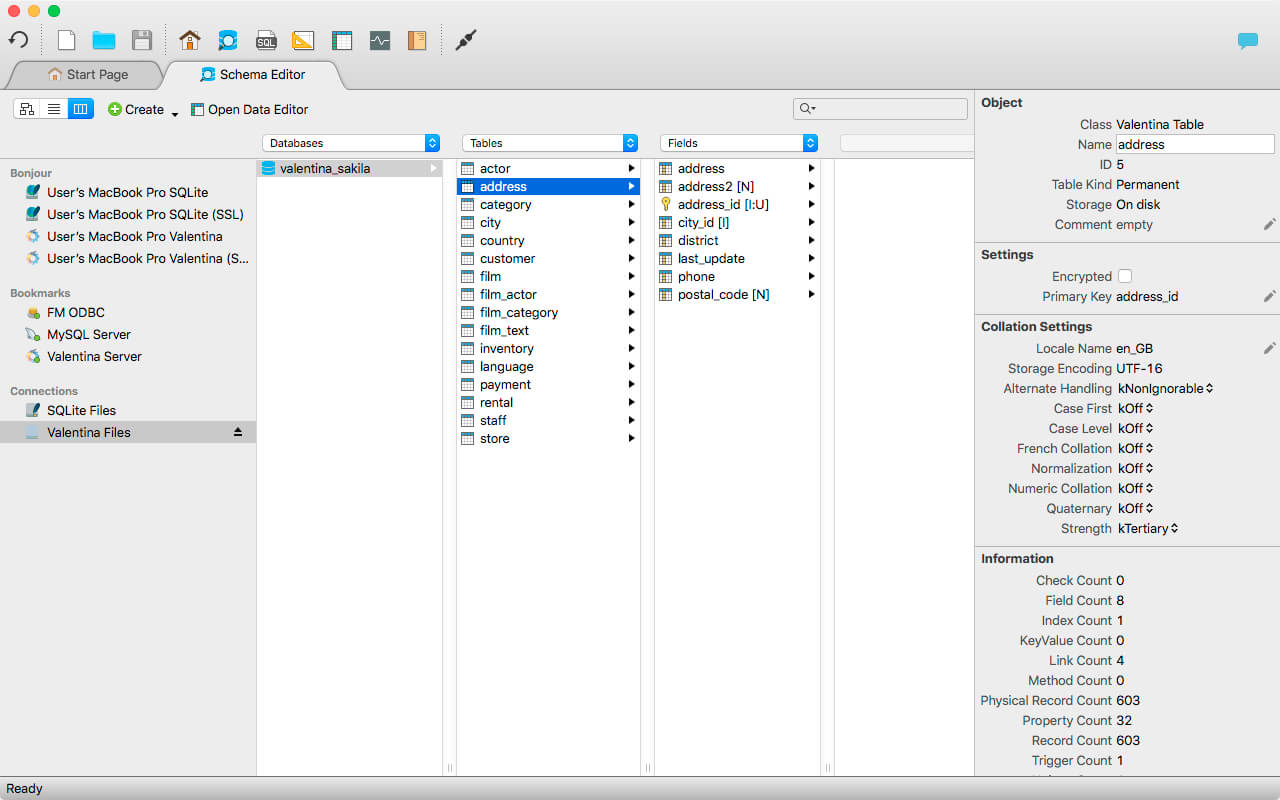
Schema Editor (tree view and column view) – create and modify all schema objects of supported databases: Tables, Views, Fields, Enums, Links, Constraints, Triggers, Indexes, Stored Procedures, …
Diagram Editor – design new diagrams or do reverse engineering, e.i explore existing databases visually.
Data Editor – easily browse table records in the grid, modify records, an inline edit of values, sort, filter records and save favorite filters, preview images, hex editors for binary values, …
Related Data Editor – easily learn and manage linked records of two tables, link/unlink records by a mouse click, do set operations over linked records, …
SQL Editor – with color syntax, auto-completion, recent and saved favorite queries, templates, console with error/warning reporting, …
Query Editor – build SQL queries visually using just a few mouse clicks
Server Admin – where you can manage users, learn logs and other parameters of servers.
Open as many editors as you like at the same time for different databases/servers opened in tab-panels. You also get different DB related utilities, including: Import/Export, Dumps, Diagnose, Clone, Reindex, …
MAS version of Valentina Studio uses iCloud to share bookmarks between your devices!
Valentina Studio Pro as an in-app purchase to get additional advanced pro-features such as:
Report Editor – visual editor of Valentina Reports that can be saved into Valentina Project file (.vsp). Reports can use as datasource MS SQL, MySQL, PostgreSQL, SQLite, Valentina DB, ODBC.
Form Editor – visual editor of Valentina Forms that can be saved into Valentina Project file (.vsp). Forms can use all supported databases as the datasource.
Data Editor – enables go to parent record function.
Data Editor Layouts – save columns and their order as a named layout
Data Editor Multiple Update – update few records at once.
Data Transfer – copy data between different databases
Diagram Editor – enables forward engineering – i.e. generation of SQL scripts for new/changed database objects.
Dump Wizard – enables filter for tables to select them for a dump.
Error Lookup – search for error description by its code.
Keyboard Shortcuts – enables the ability to redefine the shortcuts and create own shortcut sets.
Object Colors – enables marking objects with specific colors.
Query Editor – enables the ability to copy the generated query.
Schema Cache – save and reuse the schema cache.
Schema Editor – copy one or few schema objects using drag&drop mechanism.
Schema Editor – expanding and collapsing the tree items with subitems using OPTION + click
Schema Snapshot – save and load schema in structured format.
Source Control – develop database using any VCS.
SQLDiff – find differences between two states of a databases and generate SQL script to move between these states.
SQL Search – search of schema objects.
SQL Editor – enables autocompletion for table aliases.
Your all-in-one video solution to convert, compress, download videos, burn DVDs and more. Aimersoft Video Suite allows you to convert between all digital video formats with lossless quality. With this software, you can convert 1,000+ video formats, including WebM, HEVC, FLV, MP4, MOV, MTS, and more. As expected, it supports input/output of HD 720P/480P, Full HD 1080P, and UHD 4K videos. Let’s learn the step-by-step guides below.
– High-speed conversion with GPU acceleration.
– Compress any media files without quality loss.
– Full-featured video editor for your creativity.
– Download online Videos
– Rip DVD and Burn DVD effortlessly.
Bartender lets you organize your menu-bar apps by hiding them, rearranging them, or moving them to Bartender’s Bar. You can display the full menu bar, set options to have menu-bar items show in the menu bar when they have updated, or have them always visible in Bartender’s Bar.
Features
Lets you tidy your menu bar apps how you want.
See your menu bar apps when you want.
Hide the apps you need to run, but do not need to see.
Download Video, Audio, Playlists from 10,000+ websites, Convert Video to MP4, MOV, AAC, WAV and more.
Download Videos with Built-in Browser YT Saver comes with a built-in web browser, which allows you to browse video/audio sharing sites easily and download videos direclty within the websites.
Unlimited Download with YT Saver Downloader With YT Saver PRO you can download unlimited videos and playlists from streaming sites and access your videos when offline, and you can download multiple videos in bulk at the same time.
Download Videos at Ultra Fast Speed YT Saver Video Downloader gives you 10X faster video download speed, which allows you to downlaod videos at ultra fast speed and get the fastest conversion speed.
Protect Your Downloaded Videos Privacy To protect your video and audio from prying eyes and miswatching by children, YT Saver provides a Private Mode to keep your downloaded contents in a password-protected folder.
Practice makes perfect. iReal Pro offers an easy-to-use tool to help musicians of all levels master their art. It simulates a real-sounding band that can accompany you as you practice. The app also lets you create and collect chord charts of your favorite songs for reference.
Used by thousands of music students, teachers and some of the world’s top music schools such as Berklee College of Music and Musicians Institute.
“It’s the perfect technology for a practicing musician: high-quality digital audio, mixable, transposable into any key and completely mobile. Now every aspiring musician has a backup band in their pocket.” – Tim Westergren, Pandora Founder
• It’s a Book:
Create, edit, print, share and collect chord charts of your favorite songs for reference while practicing or performing.
• It’s a Band:
Practice with a realistic sounding piano (or guitar), bass and drum accompaniments for any downloaded or user-created chord chart.
FEATURES:
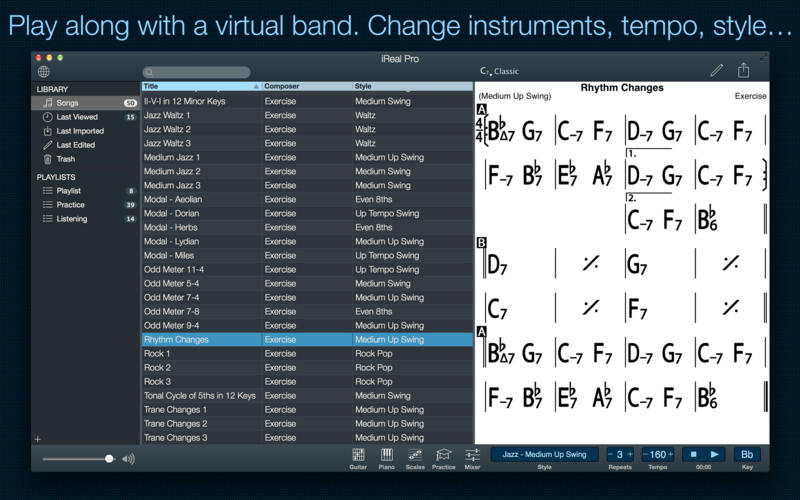
Have a virtual band accompany you as you practice
• Choose from the included 50 different accompaniment styles (Swing, Ballad, Gypsy Jazz, Bluegrass, Country, Rock, Funk, Reggae, Bossa Nova, Latin,…) and 12 blues styles available as a one-time In-App purchase
• Personalize each style with a variety of sounds including piano, Fender Rhodes, acoustic and electric guitars, acoustic and electric basses, drums, vibraphone, organ, and more
• Record yourself playing or singing along with the accompaniment
Play, edit, and download any songs you want
• 1000s of songs can be downloaded from the forums in a few simple steps
• Edit existing songs or create your own with the Editor
• The Player will play any song that you edit or create
• Create multiple editable playlists
Improve your skills with the included chord diagrams
• Display guitar, ukulele tabs and piano fingerings for any of your chord charts
• Look up piano, guitar and ukulele fingerings for any chord
• Display scale recommendations for each chord of a song to help with improvisations
Practice in the way, and at the level, that you choose
• Includes 50 exercises for practicing common chord progressions
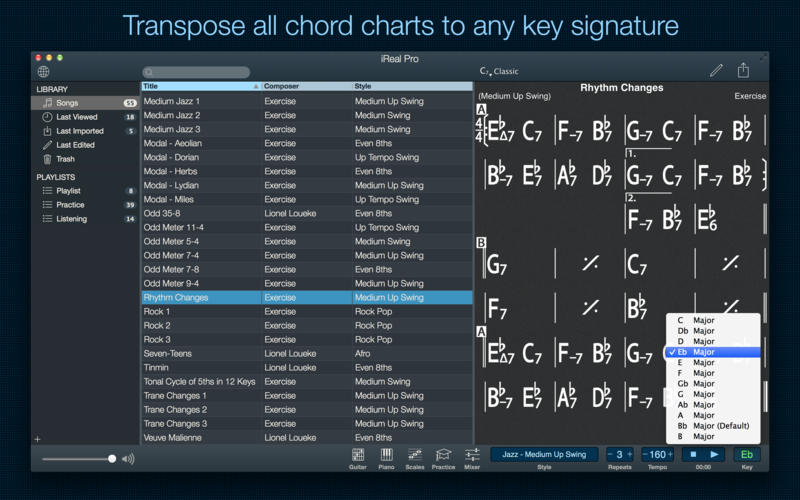
• Transpose any chart to any key or to number notation
• Loop a selection of measures of a chart for focused practicing
• Advanced practice settings (automatic tempo increase, automatic key transposition)
• Global Eb, Bb, F and G transposition for horn players
Share, print, and export – so your music follows you wherever you need it!
• Share individual charts or whole playlists with other iReal Pro users via email and the forums
• Export charts as PDF and MusicXML
• Export audio as WAV, AAC and MIDI
• Upload your songs and playlists to iCloud for safekeeping and for synchronization across any of your iCloud enabled devices such as iPhone, iPad or Mac
Always backup your songs!
Top In-App Purchases: Full Version – included
Compatibility: macOS 10.13 or later (Apple Silicon compatible) Homepagehttps://irealpro.com/
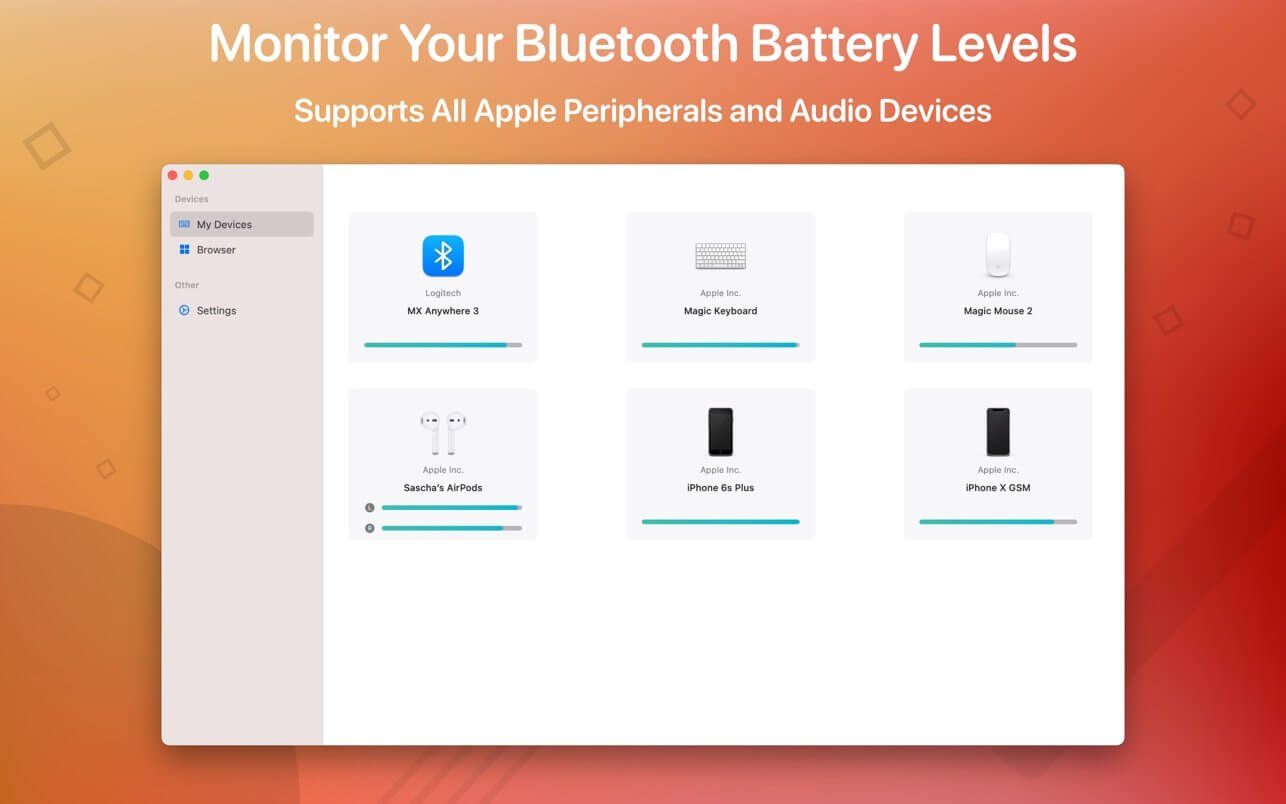
Magic Battery supports all Apple input and audio devices. Battery information will be shown in the menu bar and the main window.
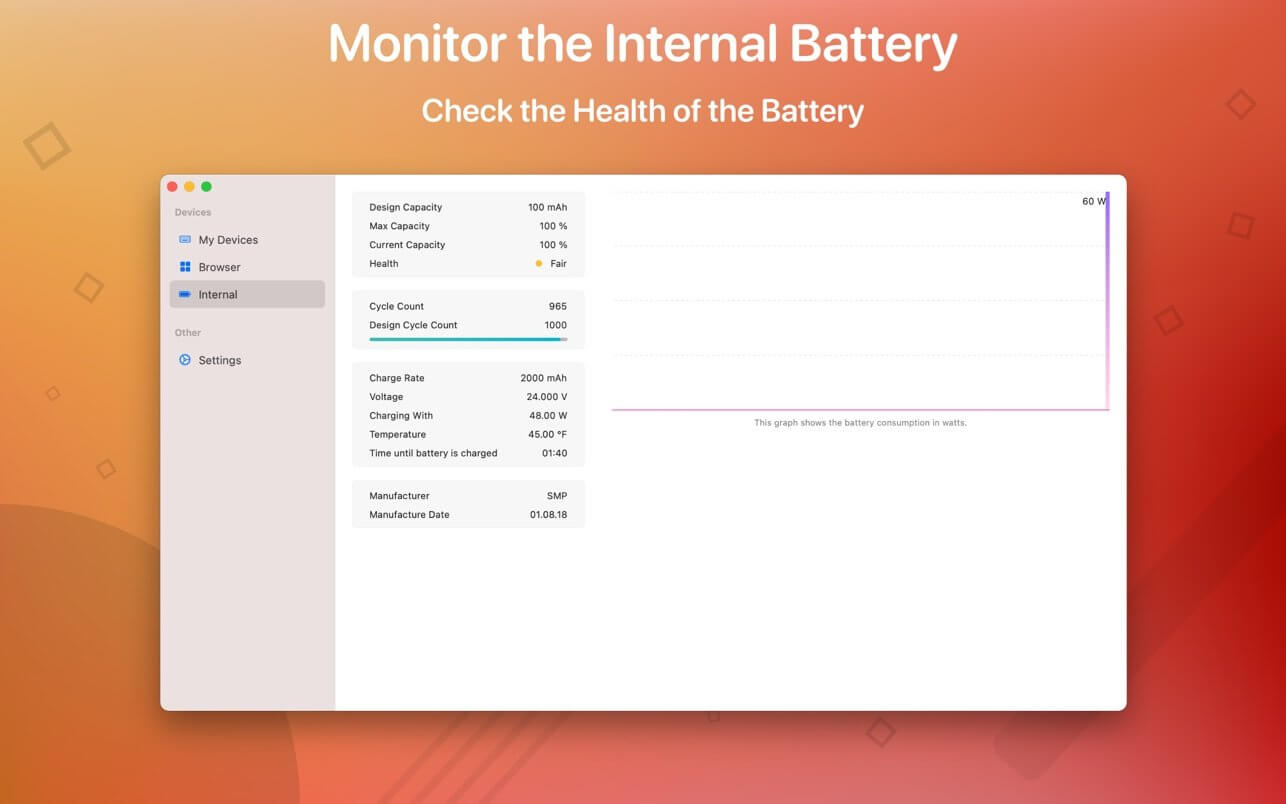
The App Magic Battery shows the battery level of supported input devices and headphones that are connected via Bluetooth in the menu bar. Internal batteries are also supported.
The following devices are supported:
Input devices:
Apple Magic Mouse
Apple Magic Mouse 2
Apple Magic Trackpad 2
Apple Wireless Keyboard
Apple Wireless Trackpad
Logitech MX Anywhere 3
Headphones:
AirPods
AirPods Pro
AirPods Max
Beats Solo 3
Beats X
Beats Studio 3 Wireless
Other devices:
Apple iPad (all models)
Apple iPhone (all models)
The app features:
Modern GUI for displaying connected devices and their battery levels.
Shows the percentage of the internal battery including how long the battery will last.
You can choose between a detailed, a compact or an icon-only view. In the detailed view, the battery level is shown next to the device icon. In the icon-only view, the battery levels are shown once the menu of the app is opened. The compact view shows all the information in a way that very little space is used.
Apple Silicon support.
Connected or disconnected devices are detected automatically. The view is then adjusted accordingly.
Receive notifications when the battery level of a device is reaches 20%.
Support for auto-start: The app is started as soon as the user is logged in (optional).
All products that are supported and were listed above are a registered trademark of Apple Inc.
Yoink helps by making drag-and-drop between Spaces or full-screen apps easier.
Every time you start dragging a file, Yoink fades in a tiny window on the left edge of your screen so you can drag files to it. This frees up your mouse so you can comfortably navigate to the destination of the drop and resume the drag from Yoink’s window.
Language: English, French, German, Italian, Japanese, Korean, Portuguese, Simplified Chinese Compatibility: OS X 10.10 or later • Apple Silicon or Intel Core processor
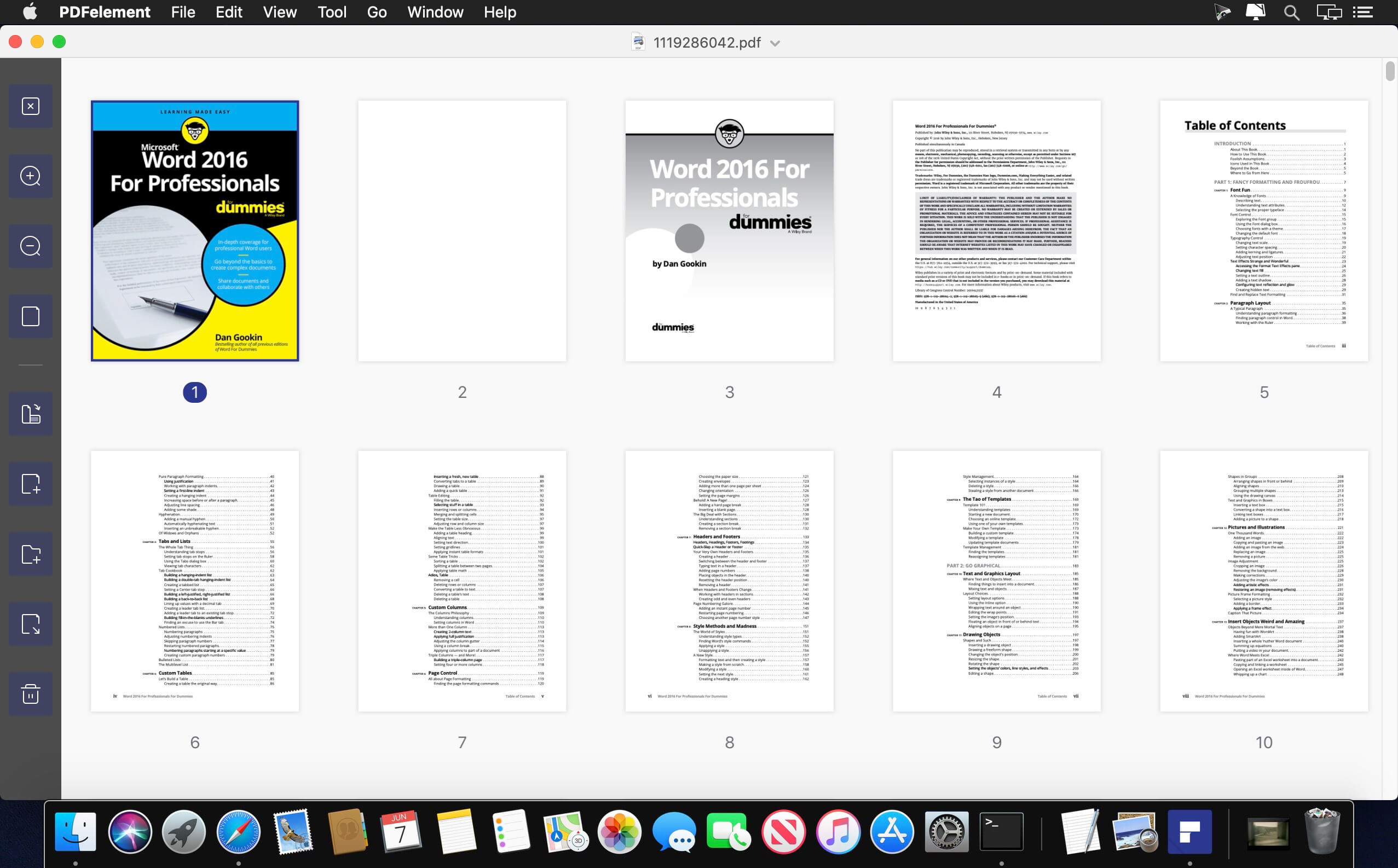
PDFelement – The easiest way to create, edit, convert, and sign PDF documents. We’re now introducing the all-new PDFelement 7, which includes a redesigned UI, more advanced writing tools, improved team collaboration features, more powerful conversion tools, a user management console, and more.
PDFelement Pro OCR (Exclusive in Pro version)
OCR (Optical Character Recognition)enables you to edit and convert characters in scanned PDF files or pictures
Supports recognition of 29 languages
Create & Sign Forms (Exclusive in Pro version)
Create fillable PDF Forms from interactive field objects, such as buttons, check boxes, radio buttons, list boxes, and drop-down lists
Support adding digital signatures to forms
Merge PDF (Exclusive in Pro version)
Combine different format files into a new PDF
Convert PDF (Exclusive in Pro version)
Supports converting PDF file to a greater number of output formats like EPUB, HTML, Text, RTF
PDF/A (Exclusive in Pro version)
Support PDF/A as an available output format with ISO Standard for long term archiving
Batch Processing of PDF Files (Exclusive in Pro version)
Process PDFs in batches
Add backgrounds, watermarks, headers and footers in batches
Bates Numbering (Exclusive in Pro version)
Apply Bates Numbering with advanced formatting
Redact PDF (Exclusive in Pro version)
Redact sensitive text and images in PDFs
What’s New:
Version 8.6.2.3968 (OCR)
Release notes were unavailable when this listing was updated.
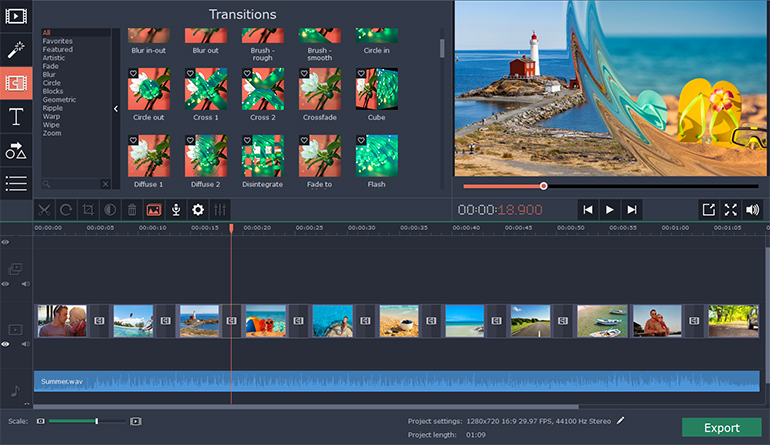
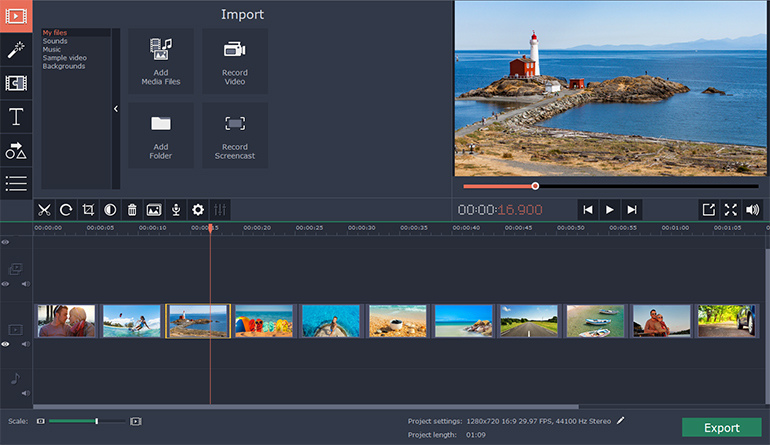
Check out Slideshow Maker Movavi – a handy app that will help you turn your photos into a spectacular movie in no time.
With our easy-to-use Slideshow Maker, you can:
Make high-quality slideshows in a few clicks
Crop, rotate, and make other edits to your images
Improve picture quality automatically or by hand
Join media files together using stylish transitions
Add your own audio or select from the default soundtracks
Use automatic beat detection and sync slides with background music
Export the slideshow in any popular format
Prepare your movie for viewing on iPod, iPad, iPhone, or other mobile devices
Share your creative work with the whole world using the special export presets for Facebook, YouTube, and other social networks
Slideshow Maker lets you combine photos into stunning movies with almost no effort. Import your photos in BMP, JPEG, PNG, GIF, or other image format and join them together to create amazing slideshows. Insert stylish animated transitions between the photos to give your movie a smooth flow.
Edit your video to make it perfect:
Change the composition: crop, rotate and flip images
Emphasize important elements: zoom and pan, highlight, or conceal
Adjust colors by hand or use Magic Enhance for automatic fixes
The best way to make your slideshow your own is to add a soundtrack. Import sound effects or music in MP3, FLAC, WAV, or other popular format to generate a specific atmosphere in your video. Automatic beat detection will help you sync your slides with the background music and give your slideshow added appeal.
Try Slideshow Wizard and create a photo-based presentation in 3 simple steps:
Add photos one by one or in groups, or upload entire folders
Choose a transition style: crossfade, simple, geometric, artistic, or random
Add music: upload your own soundtrack or choose from the built-in library
Save your slideshow in any convenient format – AVI, MP4, M2TS, and more. You can also choose one of the many export presets and prepare your file for viewing on a specific mobile device or for uploading to the web.
What’s New:
Version 8.0.1:
Release notes were unavailable when this listing was updated.
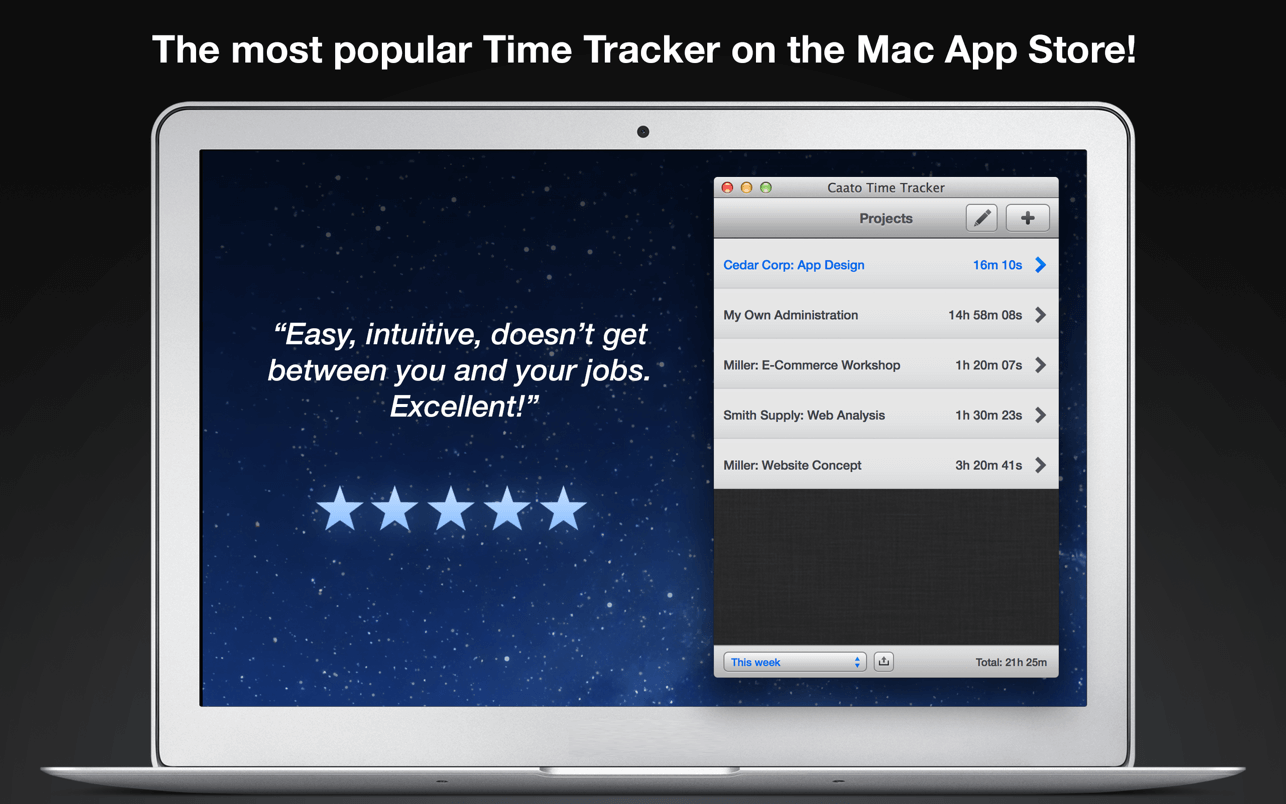
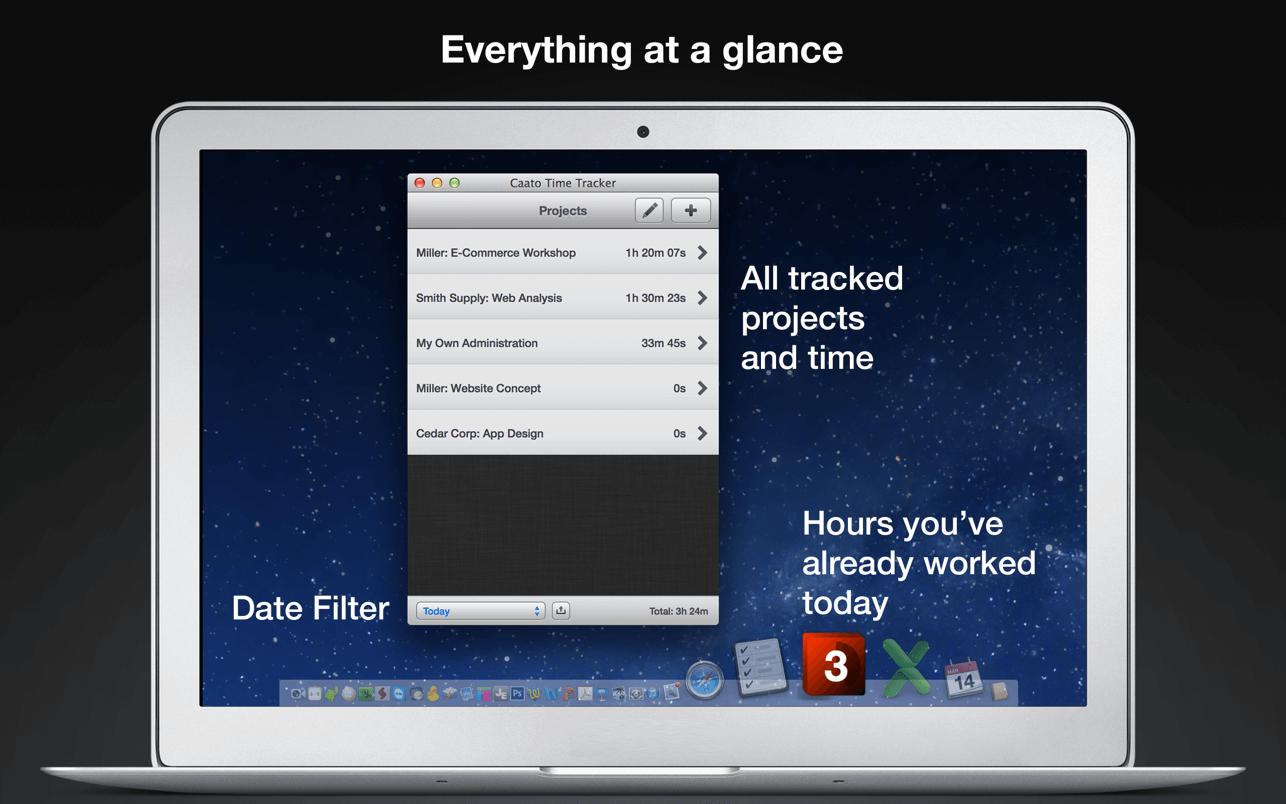
Caato Time Tracker uses a 3-tier hierarchy of projects, tasks, and detailed time entries. You can add, delete or edit entries on every level for maximum flexibility. The CSV-Export enables you to easily build reports with your favorite spreadsheet application.
Features
Start and pause button
Tracks projects, subtasks and detailed time entries including seconds
Tracks multiple projects at once
Allows editing of entries in the past
Shows number of running entries in Dock icon
Clean user interface with complete date labels
Easy CSV-export: exports data in a simple, comma-separated File
Retina-resolution support how you can use Caato Time Tracker
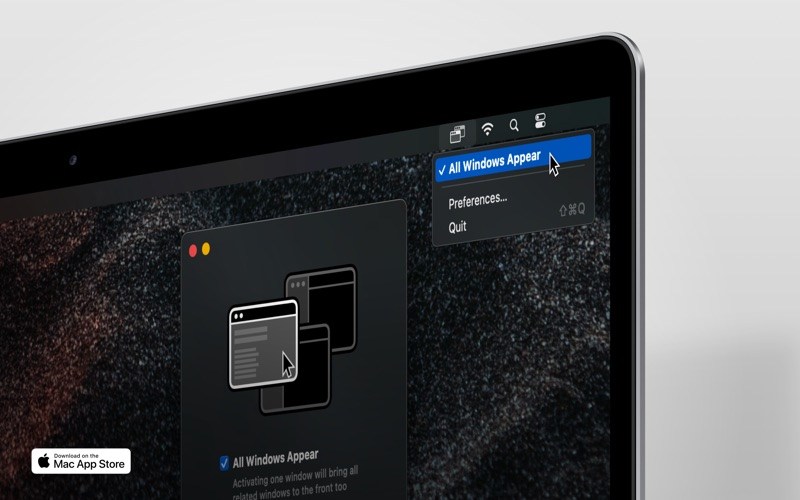
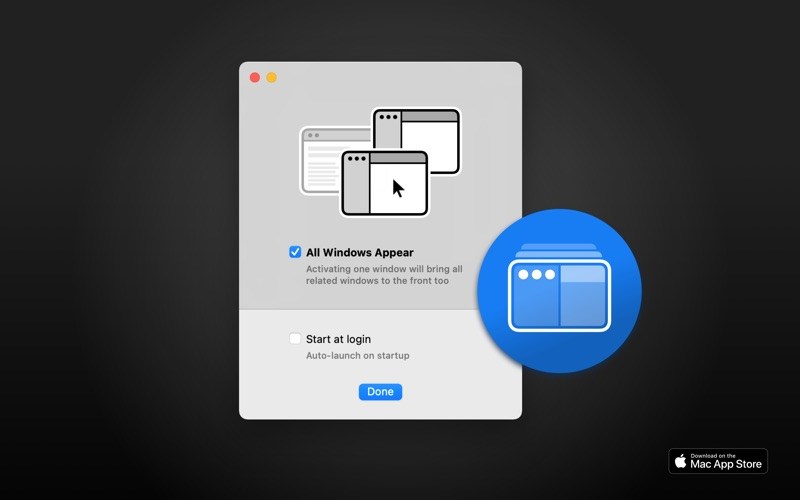
If “All Windows Appear” is enabled, focusing a window will bring all related windows of that app also to the front — like in the legacy versions of macOS.
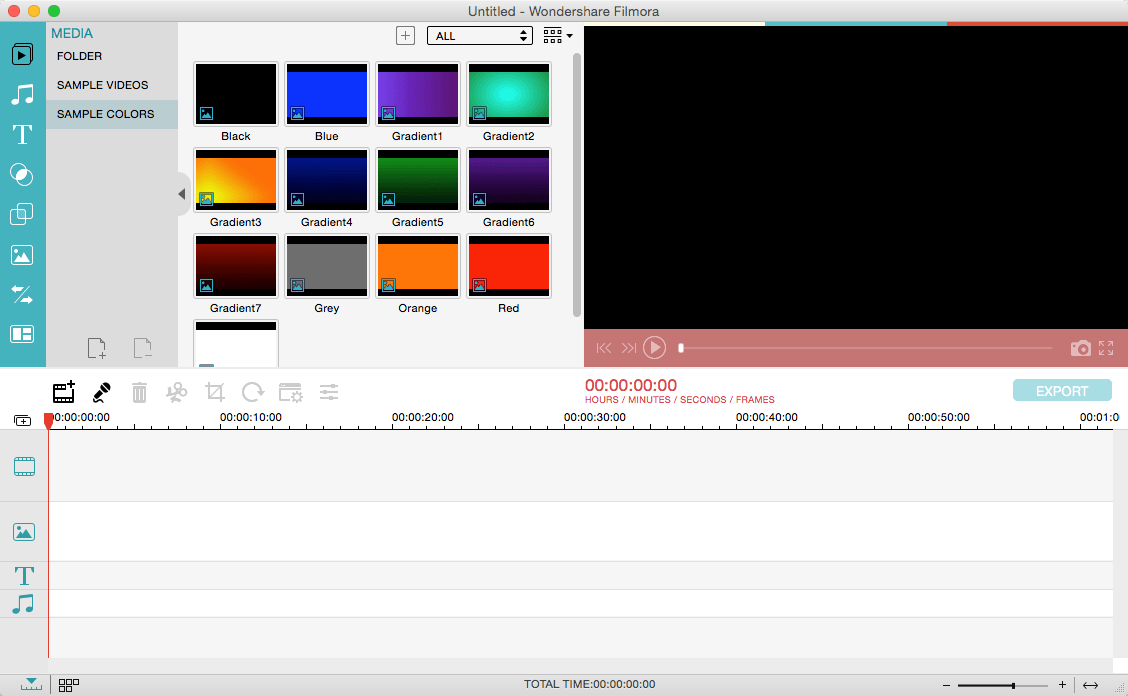
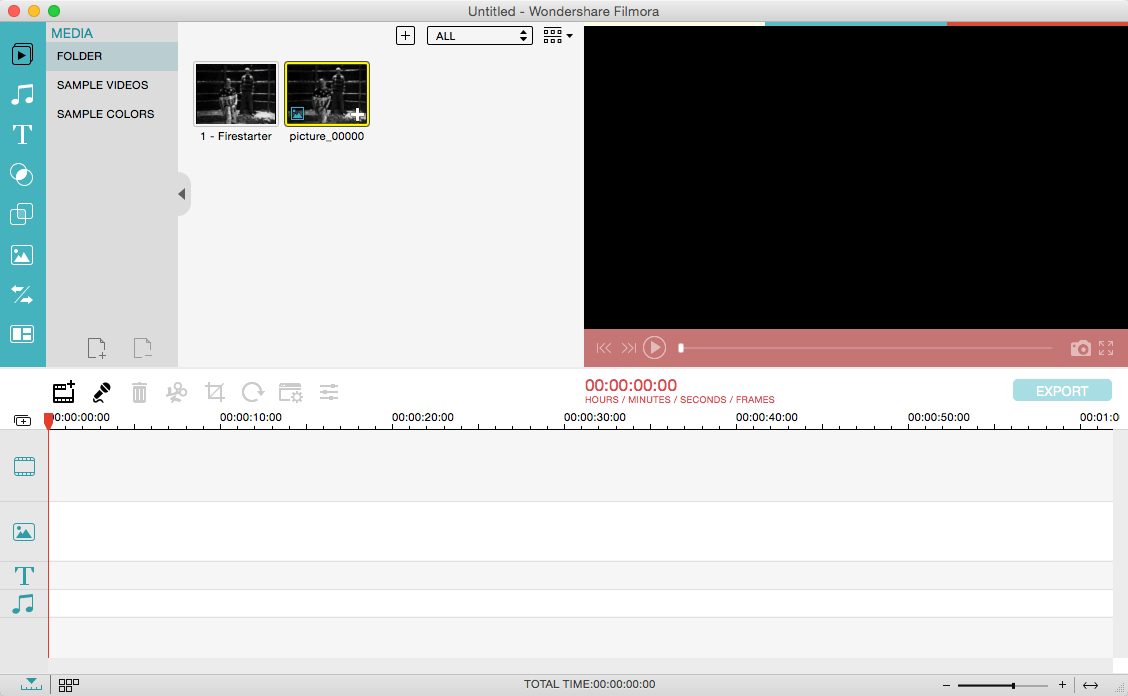
Wondershare Filmora, an easy-to-use video editor with all the video editing tools you need, enables you to create Hollywood-like home movies with titles, effects and transitions from all regular videos, audio and photos. Share instantly with family and friends with easy upload to YouTube, Facebook, etc.
Ignite your story
Use Filmora video editor to express your creativity and amaze with beautiful results.
Modern and Simple UI
A modern and intuitive design that you’ll be delighted to use again and again.
Text & Titles
Now you can create beautiful animated messages from our text & titles library
Music Library
Add your favorite music dircectly into your movie to create the perfect atmosphere.
Overlays & Filters
Transform a movie into something spectacular with our handcrafted, overlays and filters.
Elements
Take your video to the next level by adding impressive Still and Motion Graphics.
Simple Effects
Expand Your Imagination with Over a Hundred Unique Visual Effects. Wondershare Filmora allows you to turn your home video into something extraordinary with minimal effort.
Advanced Effects
Expand Your Imagination with Over a Hundred Unique Visual Effects. Turn your home video into something extraordinary with minimal effort.
Share Your Creative Work
Showcase your creativity with your family, friends and the rest of the world! You can easily publish your masterpiece in so many ways.
Key Features: Support Formats Support video formats editing: MP4, FLV, MOV, AVI, MKV, FLV, WMV, TS, MTS, etc. Make it possible for homemade and downloaded SD/HD videos for editing. Audio: MP3, WMA, WAV, M4A, AAC, AC3, OGG, etc., as background music of the videos. Photo:BMP, JPG, PNG, GIF, etc. and create home movies combining photos.
Basic Editing
Trim, crop and rotate videos
Remove unwanted black edges or other unwanted parts
Change audio pitch, adjust volume, and get rid of video noise
Professional Effects
80+ professional filters and artistic effects including particle effects, fire effects, face-off effect, tilt-s**t effect, mosaic and more.
50+ transition and motion effects.
Touch up your photo with perfect brightness, contrast, or saturation, and turn your photos into an animated slideshow.
Effects Pack
8bit Gamers Effect Pack.
80s Vintage Collection.
Fashion Collection.
Summer Effect Pack.
Travel Effect Pack
Special Thanks to iTEHb
What’s New:
Version 11.0.8.101:
Release notes were unavailable when this listing was updated.
Export for iTunes lets you export your playlists and albums from iTunes to any local folder, external storage, SD card or USB drive! With Export for iTunes you can transfer easily your playlists to your car stereo or any other media player. Convert aac/m4a files to mp3 for best compatibility with most sound systems.
The app converts, copies and organizes your playlists’ and albums’ music files into folders, and creates the .m3u file that lets you play your playlist on any media player. For every album, you can include an image file with album artwork. You can browse and select which of your playlists or albums you want to export. See all playlist/album tracks with their metadata without opening the iTunes app. You can also export the track list from any album or playlist to Excel, so you can create a file with info about all your iTunes music. This iTunes export app let you preview and export metadata like: Title, Artist, Time, Album, Genre, File path, Kind, and Bitrate. The app does not modify your iTunes library.
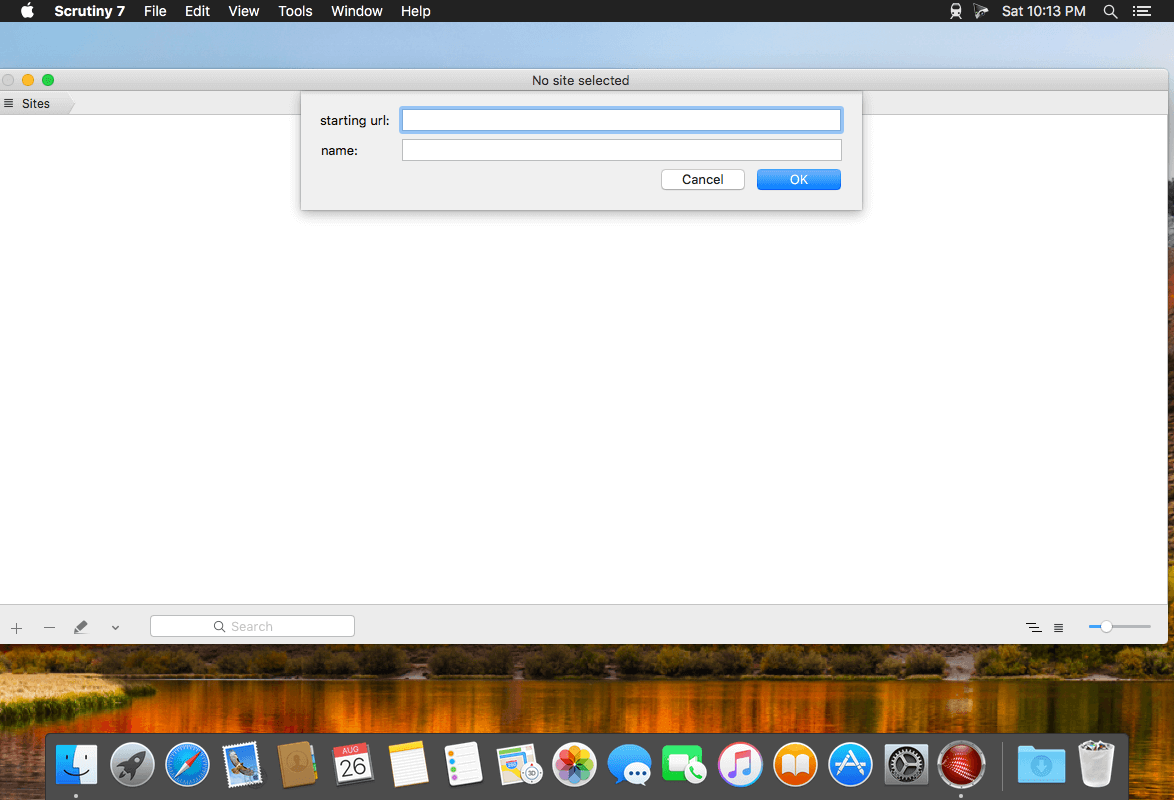
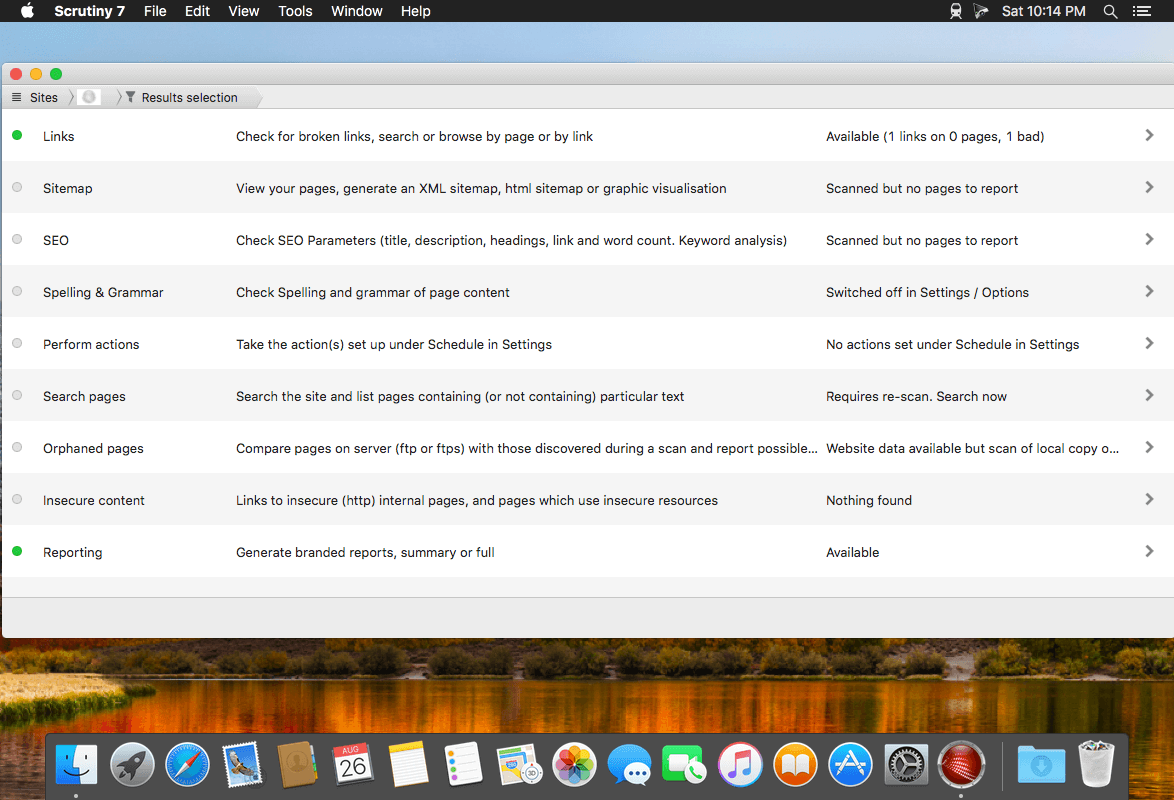
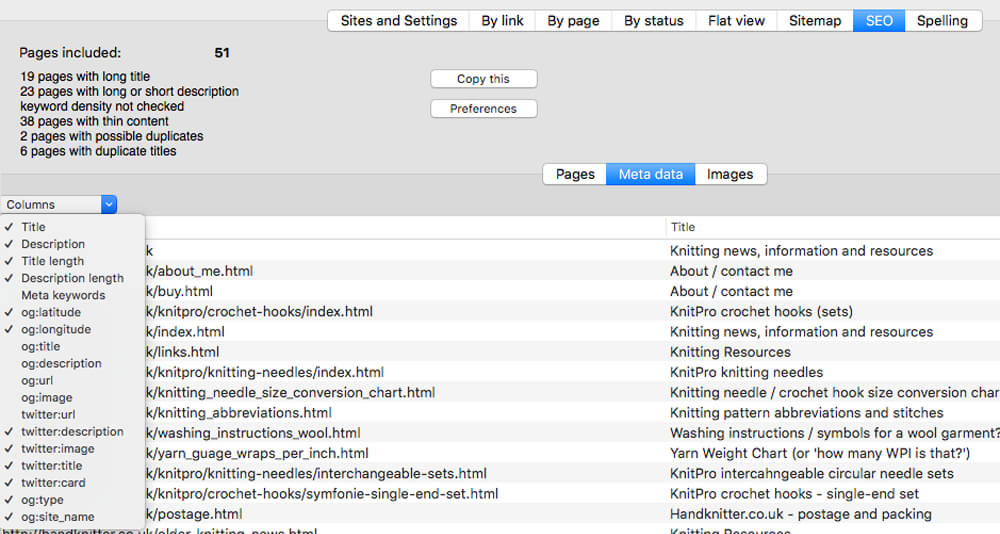
Scrutiny is a suite of web optimization tools including link checking, SEO checks, Sitemap generation, page load speed test, html validation. Version 9 is a major update and includes these new features.
Features
Link checker
SEO analysis
XML sitemap generation, optionally include images / PDF pages
Insecure / mixed content reporting
Page-load speed test
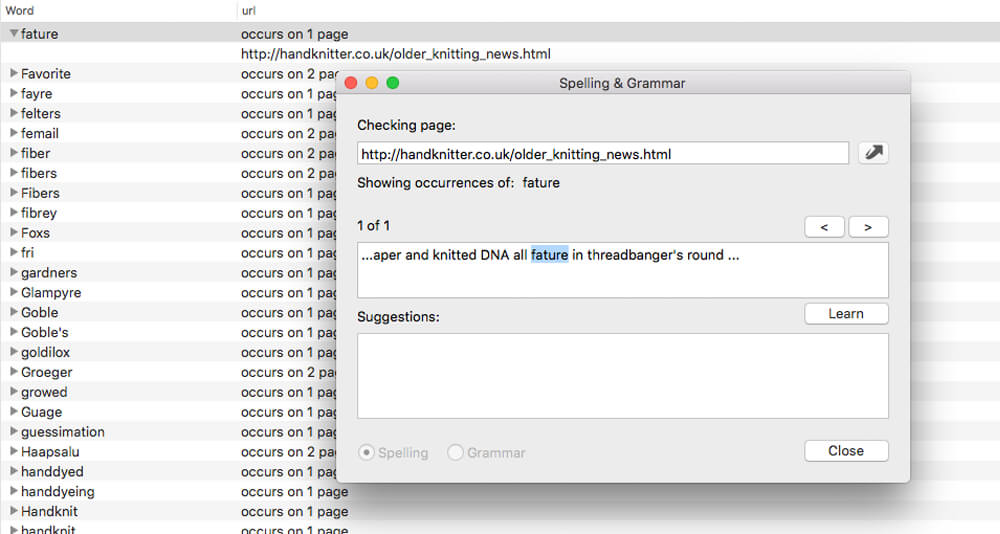
Spelling and grammar checking
Scans sites requiring authentication
Search your site (source or visible text) obtain a list of pages containing a search term or not containing a search term
Website monitoring of as many URL’s as you like with a choice of alerts and logging
Scheduling made easy with a few easy clicks
On finish, send an email, save a report, open a file or AppleScript, FTP the sitemap XML, and other actions
Opens and scans a list of links in HTML, CSV, plain text format, or XML sitemap
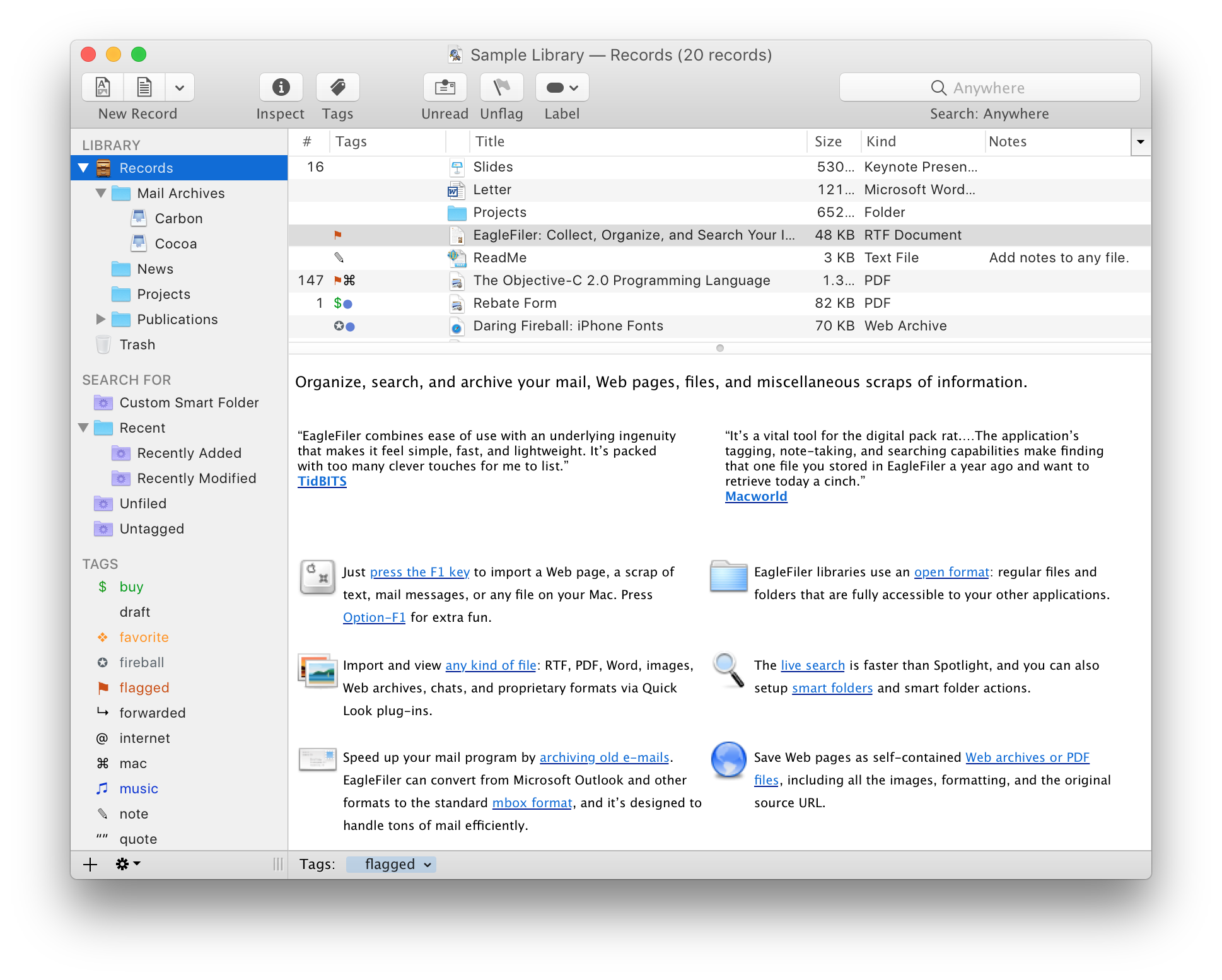
EagleFiler makes managing your information easy. It lets you archive and search mail, Web pages, PDF files, word processing documents, images, and more. Use it to collect information from a variety of sources. Browse different types of files using a standard three-pane interface. Organize them into folders and annotate them with tags and notes, or leave everything in one folder and pin-point the information you need using the live search. Since EagleFiler stores its library in Finder format, you can use it in concert with the other tools in your Mac ecosystem.
EagleFiler in a nutshell:
With a single keypress, import Web pages, mail messages, or any file on your Mac.
EagleFiler stores them in an open format: regular files and folders that are fully accessible to your other applications.
Optionally: encrypt the files, add tags, notes, color-coded labels, and other metadata.
Browse by folder or by tag, or use the live search to find the information you need (faster than Spotlight).
View, edit, or create documents directly in EagleFiler’s streamlined interface, or double-click to edit using another application.
EagleFiler is a digital filing cabinet, a research assistant, and a snippet collector. You can use it to write a journal, track all the files for a project or job, save your favorite Web articles, store financial statements, run a paperless office, plan a trip, collect your course notes, archive your e-mail correspondence, search mailing list archives, research a purchase, remember recipes to cook or books to read, store scientific papers, gather legal case notes, or assemble a scrapbook. It’s the most flexible tool on your Mac.
Comic Life is the highly acclaimed, fun, easy, and powerful application that expands what you can do with your digital photos. With page and panel layouts, streamlined image selection, cropping and placement of authentic speech balloons, customizable captions, and special effects lettering, Comic Life 3 gives you numerous ways to explore your creativity. Liven up holiday snaps, tell a story, even create how-to guides!
Compatibility: macOS 10.10.3 or later 64-bit Homepagehttp://plasq.com/
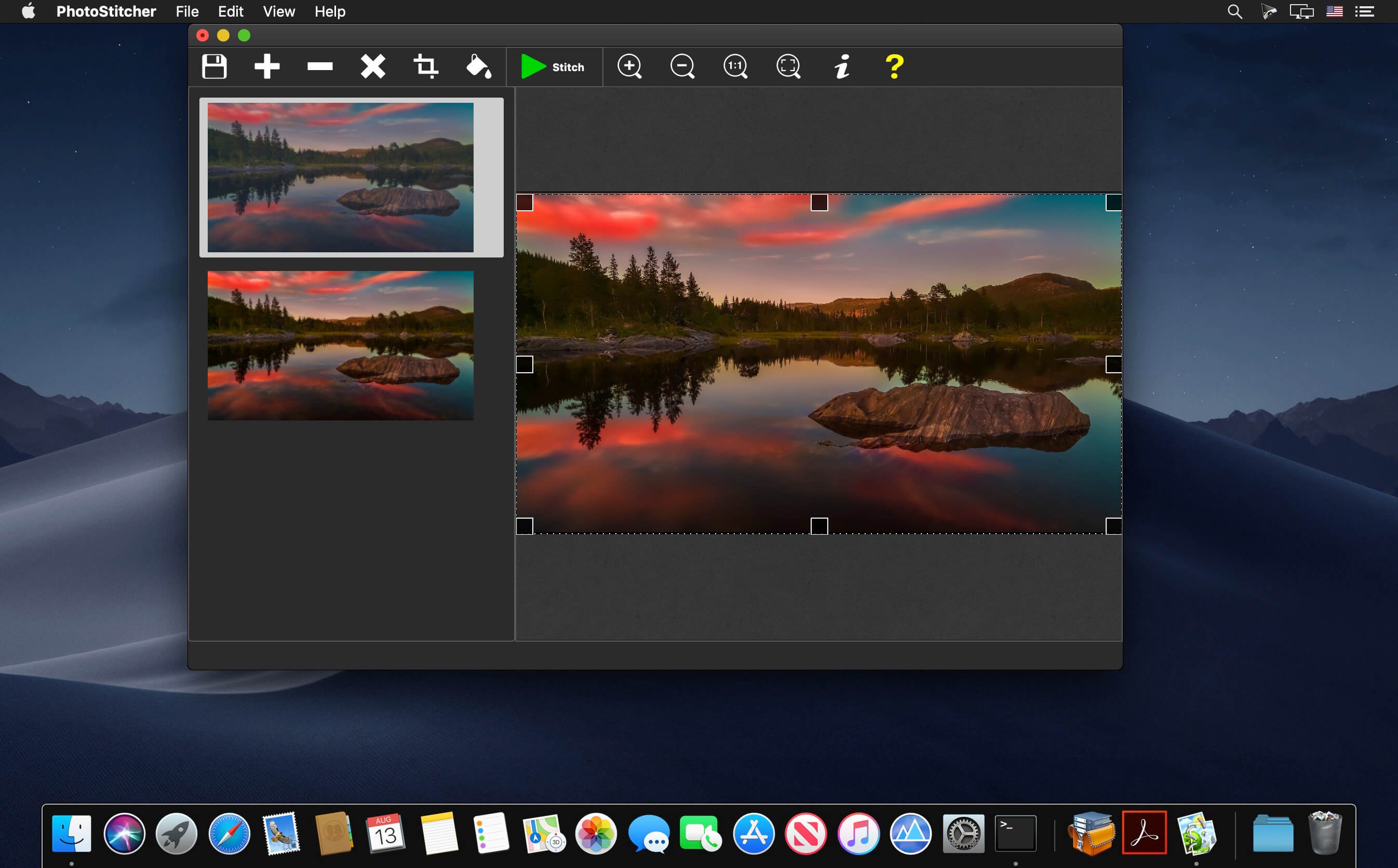
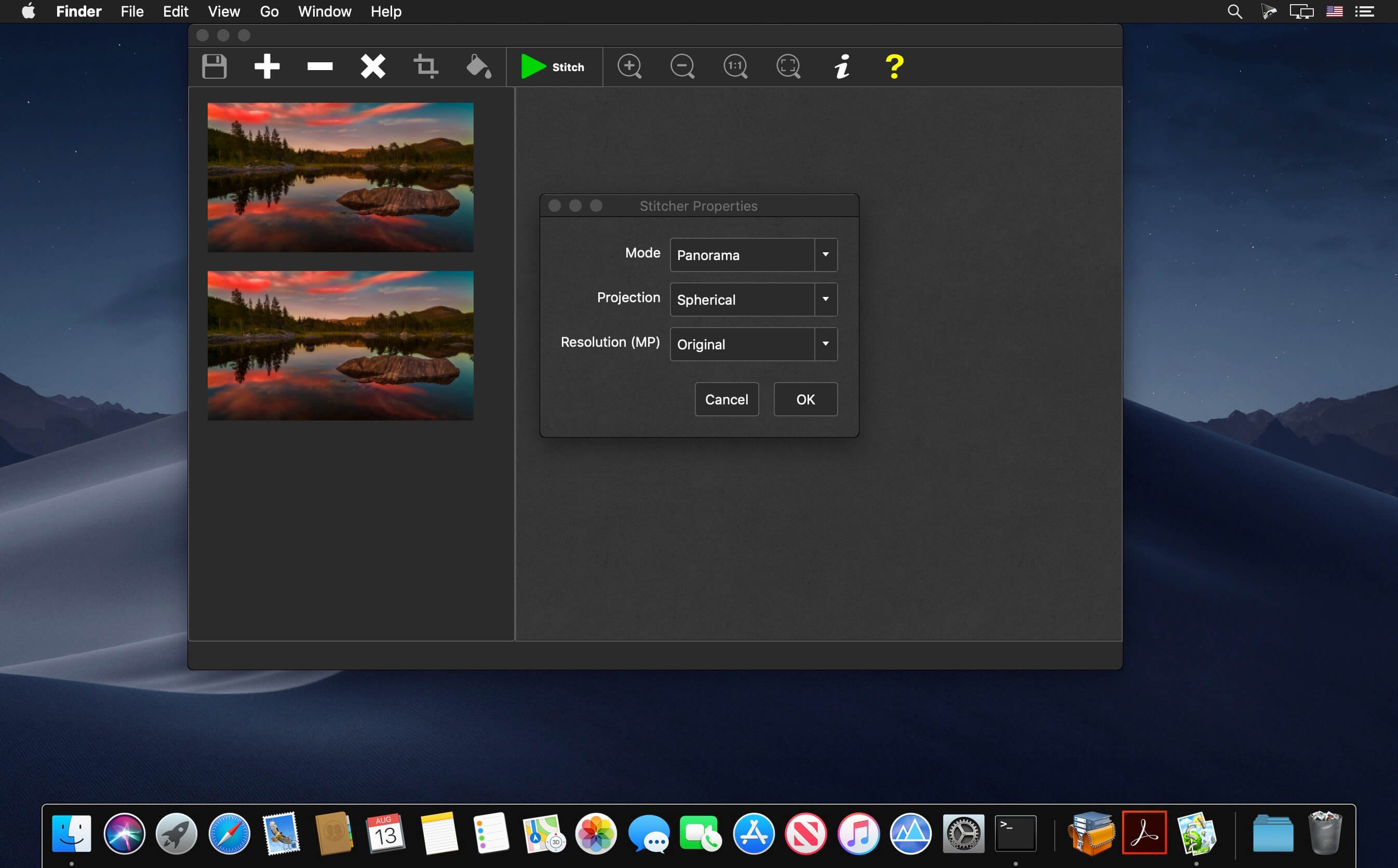
PhotoStitcher creates perfect panoramic photographs without the frustration of manual image alignment and adjustment. Simply snap a series of overlapping images and click the ‘Stitch’ button to create dazzlingly expansive, large-scale scenes.
Automatically stitch your photos to panorama
Does creating a perfect panorama require professional skills and a high-end camera? Not, necessarily. With PhotoStitcher you can stitch multiple photos into a picturesque panoramic image. The program smoothly combines photos of different resolutions, different shooting angles and even different perspectives into one perfectly aligned panorama depicting breath-taking landscapes, monumental churches or skyscraping mountains that are so hard to fit into one frame.
Scan Oversized Images in Pieces and Stitch them Together Using PhotoStitcher
Automatically stitch scans
Need to scan something that’s larger than your scanner’s window? You don’t need to spend thousands of dollars on a large format scanner.
Top Reasons to use PhotoStitcher
Works with any arrangement of overlapping photos taken from a single location
Accelerated stitching on multiple CPU cores.
Automatic cropping to maximum image area.
Automatic exposure blending.
Automatically stitch scanned images into a large picture.
Choice of planar, cylindrical, stereographic, orthographic, Mercator, or spherical projection.
Simple and intuitive interface. Just select images and click “Stitch”
Merge multiple microscope images into a single picture
Automatically Stitch Satellite Google Earth Images
Knocktonal is a note-based resonance enhancer, allowing users to boost (or cut) resonances as well as their corresponding harmonic overtones. Simply put, Knocktonal allows drum tuning via eq, without the need for re-pitching samples. This can be quite useful, as destructive re-pitching or pitch shifting will often affect the tonality of sounds in negative ways. This may include unwanted augmentation of the transients, texture, attack, and decay of your sounds. Knocktonal allows these resonance boosts/cuts to be controlled statically, or dynamically with either automation or MIDI input, the latter of which can create some incredibly unique sounding melodic pitch augmentation. Knocktonal can also be used to turn simple drum sounds like short kicks, into 808’s with a long tail by narrowing the resonance Q control (#10 on plugin overview).
SUBTRACTIVE EQ
The subtractive EQ section of Knocktonal is designed to remove any unwanted resonating frequencies that pre- exist in the audio you’re working with. This is useful in order to achieve a “blank slate”, before enhancing any new resonances. As with the additive resonance section of the plugin, the Subtractive EQ can be controlled in several ways. First, statically, by simply setting the note and leaving it. This is useful for one-shot drum sounds that are identical throughout the performance. The subtractive EQ can also be controlled dynamically for sounds that have shifting resonances, such as a melodic performance. This can be done in two ways. First, by using automation, and second, by sending a MIDI signal to MIDI Channel 2 of the plugin.
RESONANCE EQ
The resonance EQ section is where the power of Knocktonal really shines. This is the primary place where usage will occur. The resonance EQ is designed to push a root note, and all accompanying harmonic overtones, both even and odd. You can also set the resonance EQ to Octave mode by turning off the Overtones button, which allows control over all octaves of the root note. As with the subtractive EQ, the additive resonance EQ can be controlled both statically, and dynamically via automation or MIDI input.
1. Resonance Note – This bubble handle is both a note selector, determining the note where resonance is added, as well as a gain slider, allowing increased volume of the resonating note chosen. This note can also be selected using the keyboard portion of the plugin interface, and can also be controlled vis MIDI input using MIDI Channel 1.
2. Keyboard – The Keyboard is used as both a display, showing you which notes have been selected for both the resonance EQ (perpetually displayed)
and subtractive EQ (dynamically displayed when engaging with the subtractive controls).
3. Focus – Focus frequency of resonance EQ.
When the link button (#9) is turned on, this focus frequency will always follow the note/octave selected on the main note bubble or the keyboard. When link is turned off, this parameter allows you to adjust where the center resonance frequency lands, including in between octaves.
4. Range – Focus width of resonance EQ defines how much of the resonance is added to either higher and lower octaves, or to the harmonics in case overtones mode is on.
5. Link – The link button locks the focus frequency to the primary note selected.
6. Q – Bandwidth of the resonance EQ. When resonance bands are narrowed sufficiently, this creates a long tail allowing drum sounds to stretch out. This is quite useful on kick drums to convert them to 808s.
7. Bands – Number of bands of resonance EQ. This parameter is only available while Overtones mode is turned on, and allows you to select between 1 and 30 bands for resonances.
8. Blend – Mix of odd and even overtones. When
the knob is all the way to the left, only odd order harmonics are present. To the right, only even order harmonics.
9. Overtones – This button switches between Overtones mode, and Octave mode. When the button is turned off, only octaves of the root note are boosted (eg. Every instance of F#).
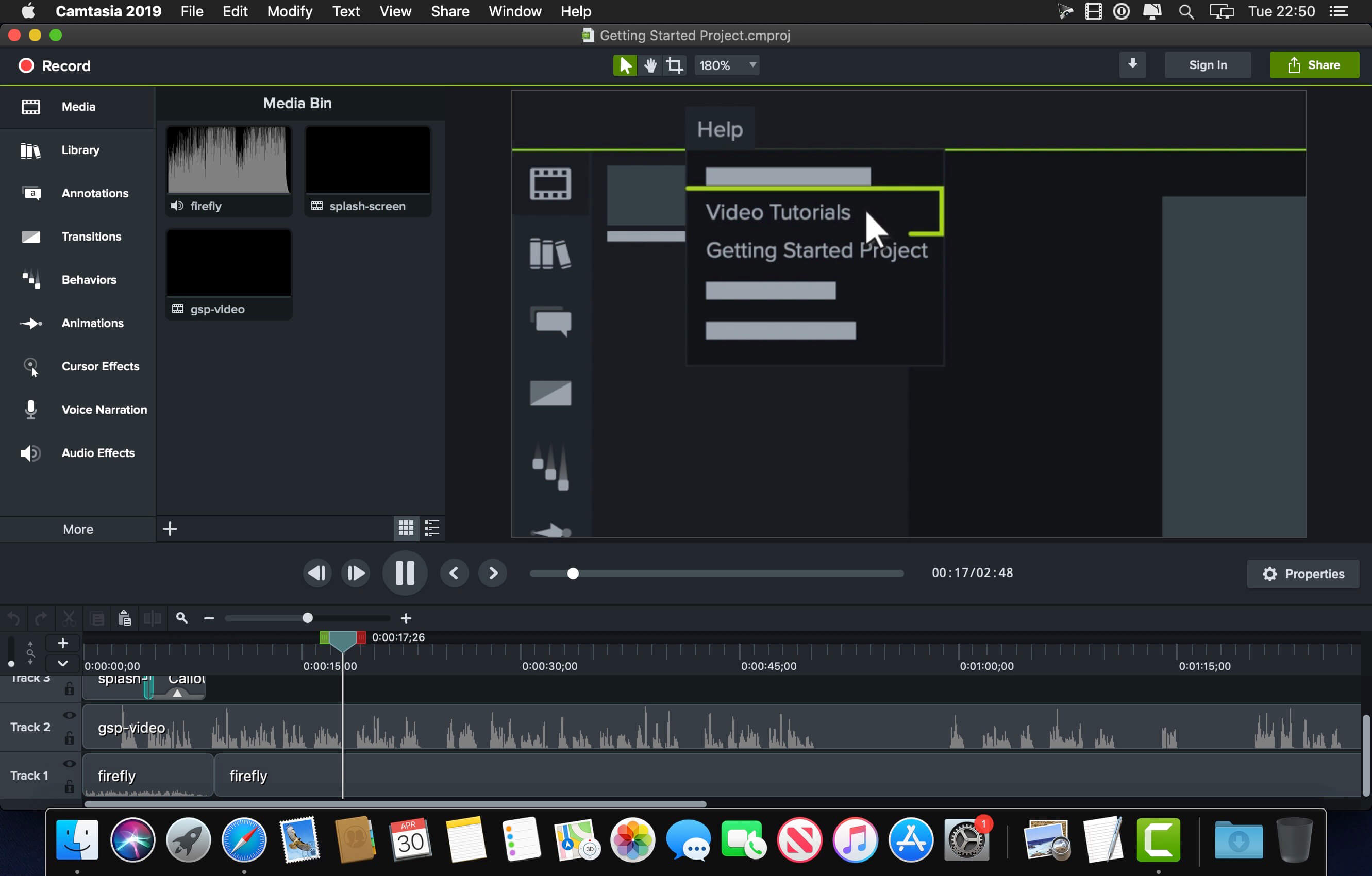
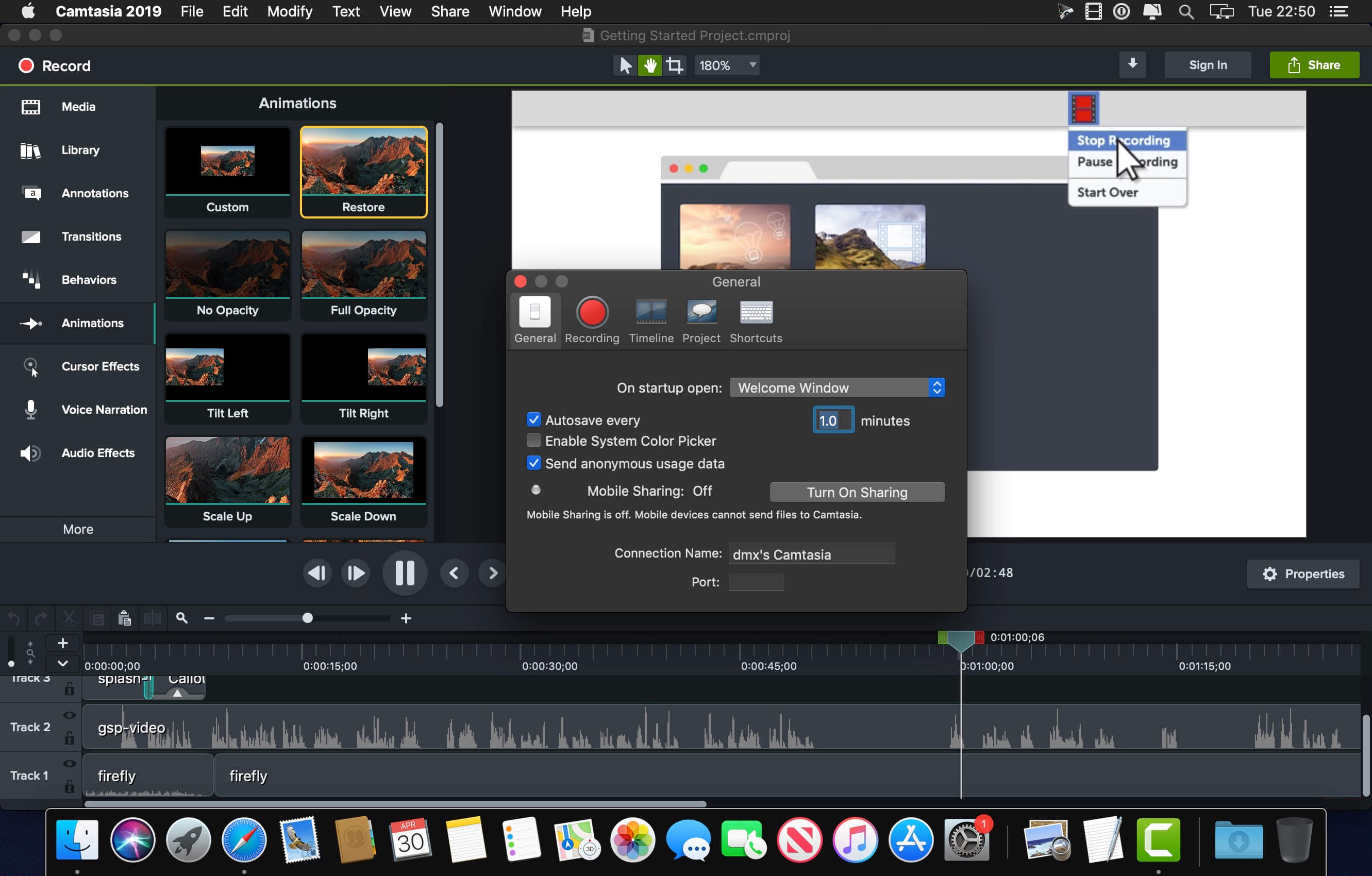
Camtasia makes it easy to record your screen and create polished, professional-looking videos. Record anything — your whole screen or just a window. Or, add video, images, audio, and PowerPoint presentations that you already have. A simple timeline makes editing video easy. Combine or split clips, trim, and speed up or slow down footage. Then, instantly preview inside the video editor. Give videos polish with professional video editor effects. Add highlights, animation, titles, transitions and more. Simply drag and drop the effects onto the timeline.
Training and tutorials
Spice up your training and tutorial videos to keep your viewer’s attention throughout the video.
Record mouse movements
Make the cursor larger, animate clicks, and add a highlight to make mouse movements easier to track.
Show keystrokes
Record keystrokes on screen to make it easy for users to follow along.
Add notes and annotations
Drag in notes, captions, shapes, highlights, and more. Camtasia makes it easy to help users understand.
Marketing and demos
Create videos that wow your customers. Camtasia is the perfect video editor for YouTube, Vimeo, Google Drive, and more.
Drag-and-drop video editor
What you see is what you get. Every effect and element in your video can be dropped and edited directly in the preview window. Then export videos at broadcast ready 4k resolution.
Motion graphics
Layer intro and outro sequences and title animations to create engagement throughout all your videos.
Music tracks
Use music to set the mood of your video. The editor includes a library of royalty-free tracks, or you can import your own.
Presentations
Transform PowerPoint slides and webinar recordings into a compelling video.
Drop in PowerPoint
Just drag a PowerPoint presentation into Camtasia, and select the slides you want to import.
Add multimedia
Add videos and narration to slides to more effectively communicate your message.
Webcam recording
Record webcam footage to add the energy of a live presentation to your footage.
Education
Create engaging video lessons without high learning curves.
Improve learning with video
Make videos for flipped, hybrid, or online learning.
Interactive quizzes
Add quizzes as part of the video and record results to see how students are performing.
Track results
See who is interacting with your videos to improve learning outcomes.
Kit Generator is here with ARCADE version 1.6! A brand-new feature, Kit Generator lets you automatically transform any audio file into a full, ready-to-play ARCADE Kit. Now you can easily create personalized Kits from any of the samples within ARCADE or your own hard drive.
We’re always collecting feedback and discovering new ways to make ARCADE even better, so let’s take a look at how to optimize your workflow with the new features available in Kit Generator.
Kit Generator lets you make a customized Kit of sounds. Choose any of the samples already in ARCADE, or use your own. Let’s check it out. Welcome to Kit Generator.
How to generate a Kit
* Once you’ve chosen a Line within ARCADE, select the “Samples” tab. Then, click “Generate Kit” on any sample to get started! You can also generate a Kit using your own samples. Simply drag them into ARCADE, hover over the one you want to use, and click “Generate Kit. ARCADE will then analyze the chosen sample.
* Once analyzed, play around to see all the wonderful ways in which ARCADE has already treated your sample.
* Choose from one of six FX presets at the center of your screen to swap out the adjustable macros and nestle your Kit into the ideal sonic space. Or, turn the FX off altogether.
* Kit Generator automatically shifts pitch and time to match your new Kit with the session’s current key and tempo. If you need to make an adjustment, click the ellipses. Then, set your preferred key and tempo, and let ARCADE do the rest.
How to tweak your custom Kit
* You can change the way ARCADE chops and slices your sample by selecting one of the four “slicing modes,” located beneath the FX hub.
* Standard mode: Select “Standard” mode to create rhythmic Loops in time with the session tempo.
* Stretched mode: Use “Stretched” mode to speed Loops up or down, reverse them, or swing them back and forth like a pendulum without altering the sample’s pitch.
* Shifted mode: “Shifted” mode does everything that “Stretched”mode can do while also pitching the sample up or down within the session’s key.
* Chopped mode: Finally, “Chopped” mode evenly distributes Loops across the entire length of a sample.
* If you want, you can always play the full, original Loop on the high C of ARCADE’s keyboard.
Finally, like any proud parent, give your Kit a strong name. And don’t forget to save! Now, you can access your new Kit any time via the “Custom Kits Library.”
It’s never been so easy to customize ARCADE’s state-of-the-art sample-processing engine, so get out there, play nice, and most importantly…have fun.
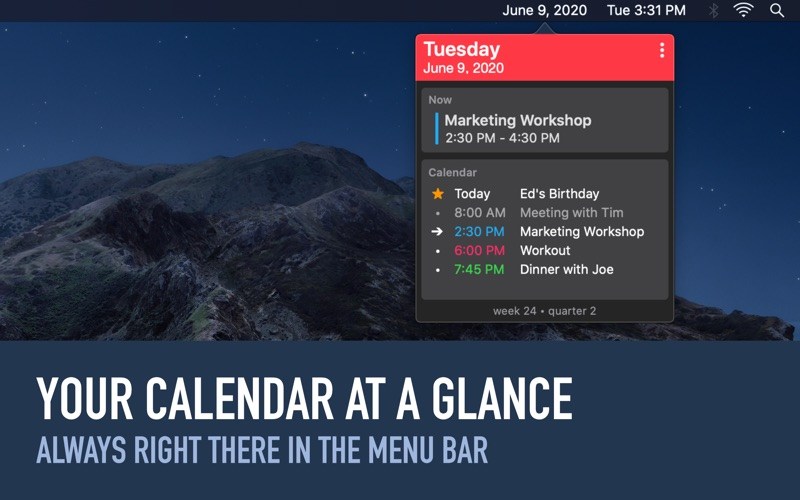
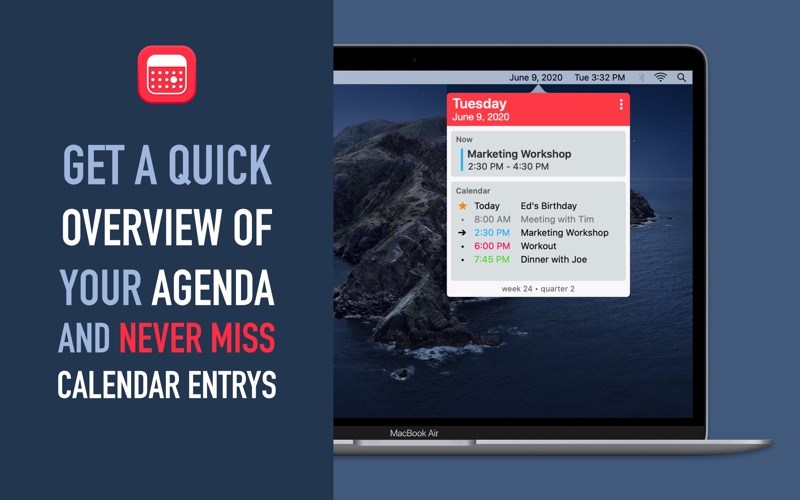
Work more productively on your Mac with GlanceCal and never miss an appointment again. See easily and quickly which appointment is next and get an overview of your day.
Overview of your daily calendar entries
Highlighting of the current/next appointment
Distinguish past, future and current appointment with different markings
Displays the date easily visible in the menu bar
Display of calendar week and quarter
GlanceCal shows your calendar entries from the built-in Apple Calendar – so it works iCloud, Google, Exchange, Facebook, CalDAV and local calendars.
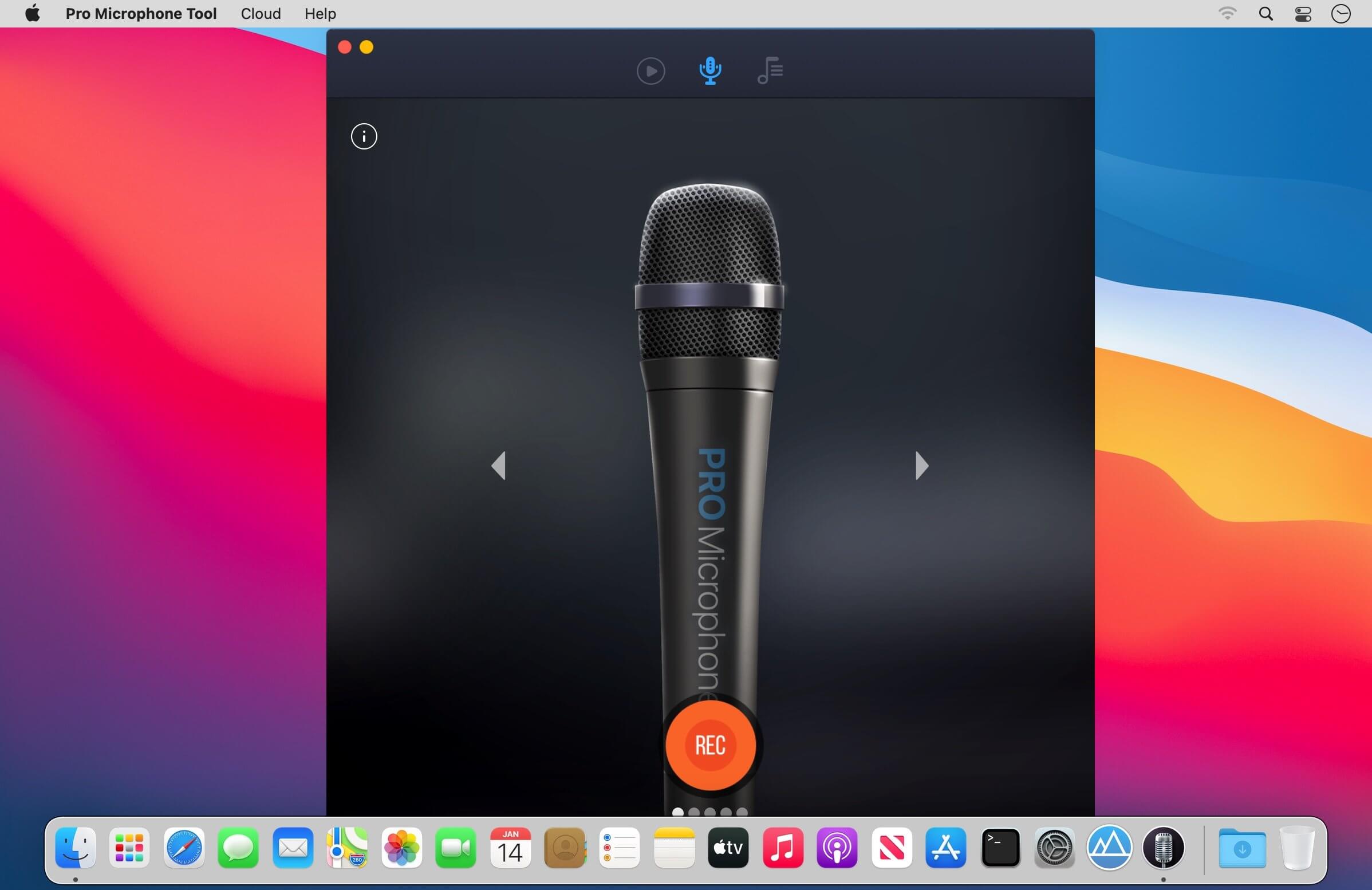
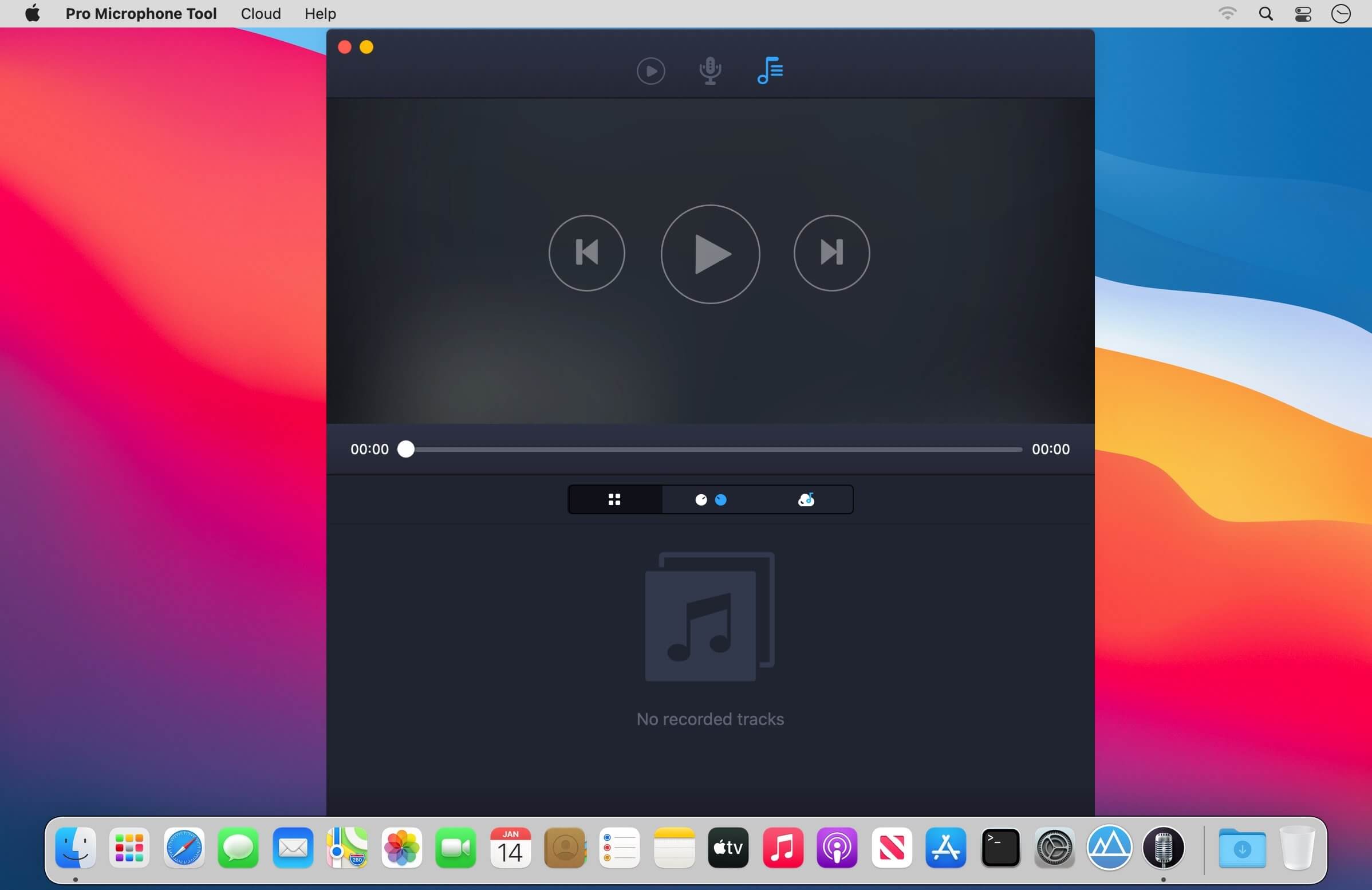
Voice & music recording studio For beginner singers or those who want to be heard – Pro Microphone. Make your voice sound louder! Sing and save all of your songs, choose different mics to match your mood! Professional studio microphone is always in your Mac.
VARIOUS MIC TYPES
Dynamic, stage, valve, condenser and others;
Each of them has its own sound effects!
Detailed information about each mic with its frequency response.
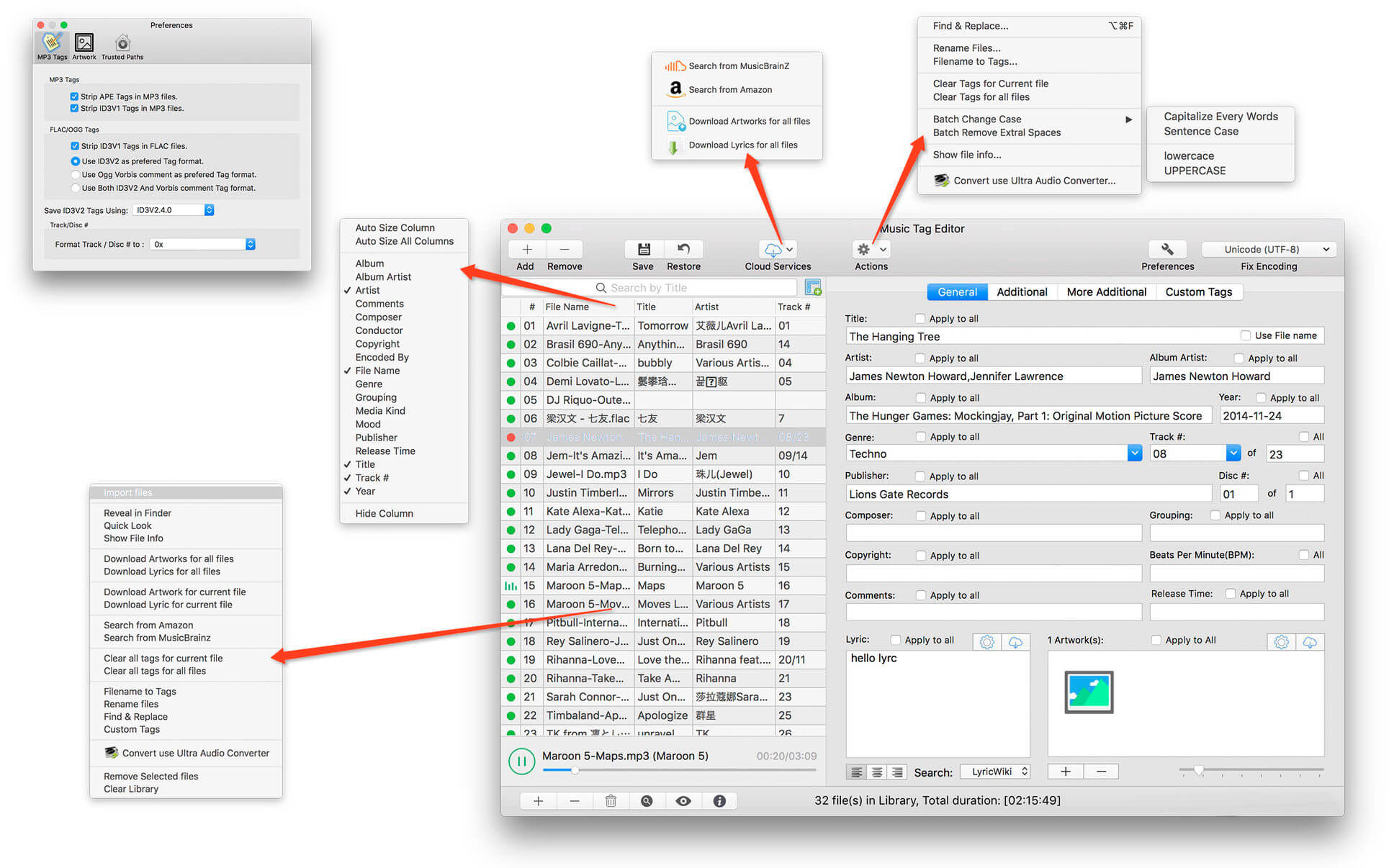
Music Tag Editor Pro can help you to edit your Music Tag info easily and effectively,Batch edit all tags and batch rename with metadata, you can also use it to convert the text encoding of Music Tag, In situations,it can repair the messy code in Music Tags. You also can download the album image for MP3 from internet. Also, you can search tags of music file from Amazon or MusicBrainz cloud services.
In Pro version More additional tags are supported, you can even custom any tags you want!
Support Music formats: MP3, M4A (Apple lossless), MP4, FLAC, APE, AIFF, WAV , Ogg files, asf, mkv, dsf, dsd…
Support ID3V1, ID3V2.3,ID3V2.4, xiphComments, APE Tag, Ogg Vorbis, Ogg Speex, Ogg Flac.
Main features:
support id3v1,id3v2,xiphComments, RIFF Info, APE Tag, Ogg Tags,iTunes tags. Tags:Title,Artist,Album,Genre,Copyright,Comments,Artworks,Lyrics and so on…
lyrics you saved to file can be show correctly in you iPhone or iPod music player.
support batch processing of lots of music files,support iTunes importing.
Online album image download,multi album image supported.
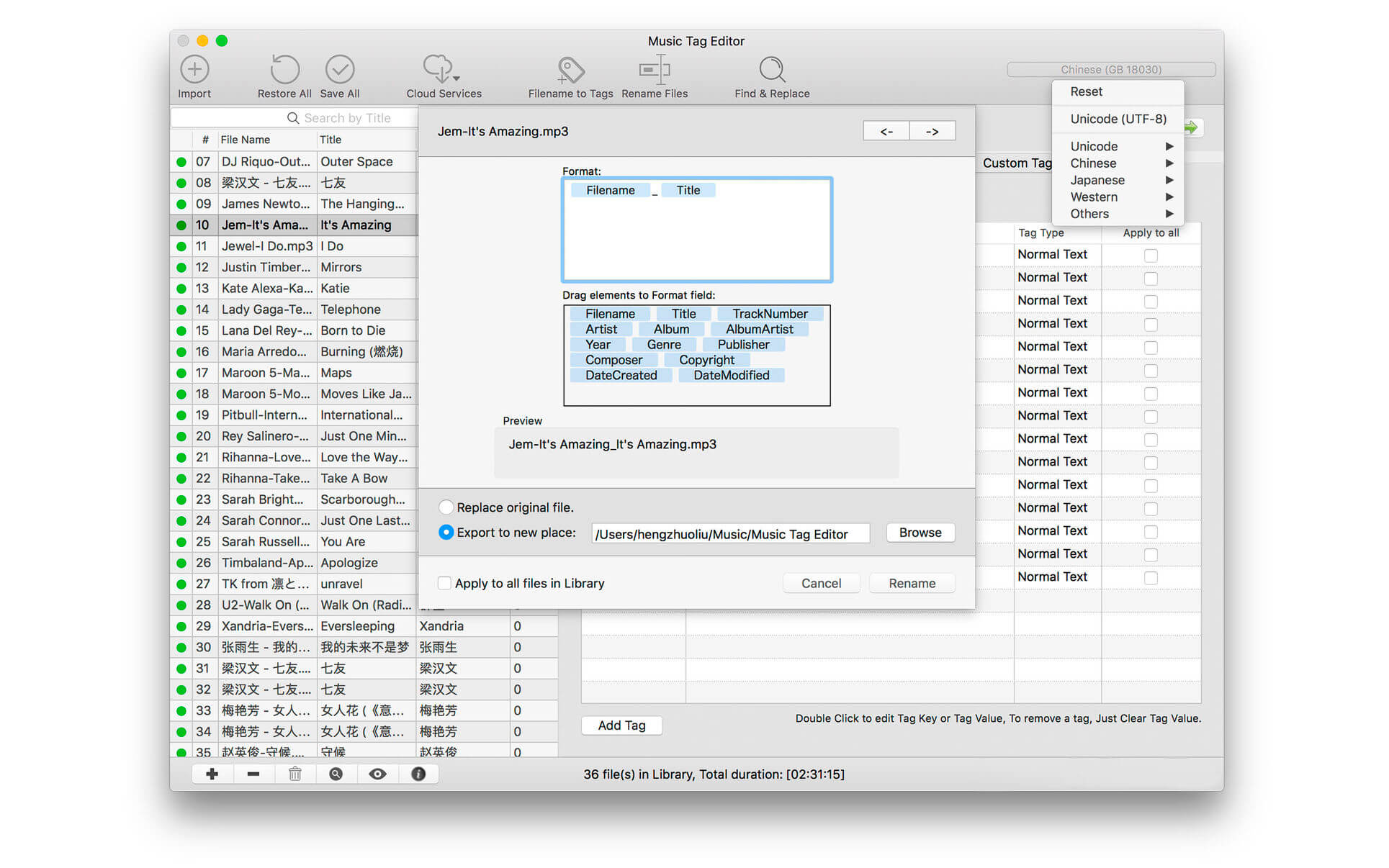
batch rename audio file with metadata
batch convert file name to tags
user can change,convert the tag text encoding easily, it also can repair messy code in situations.
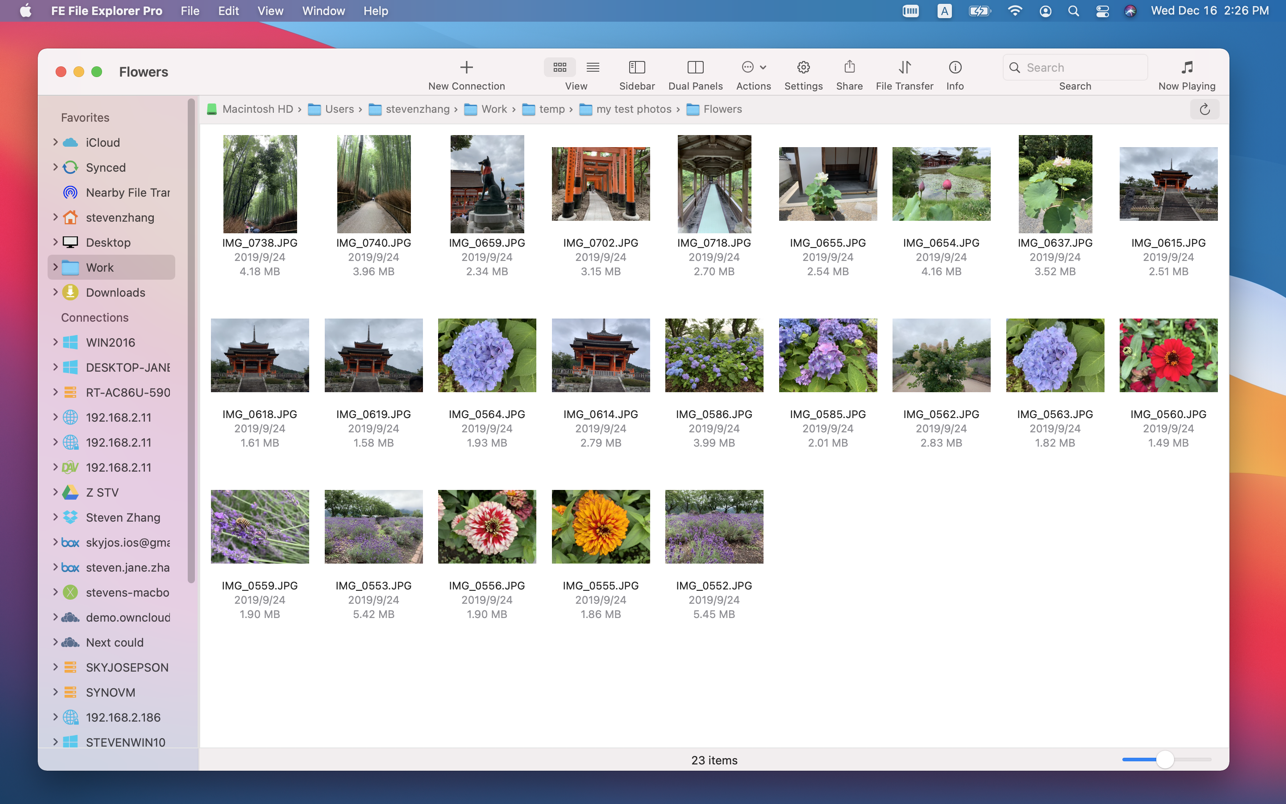
FE File Explorer Pro is a powerful file manager app on iOS. Now, we bring it on macOS. It can access files on FTP, SFTP, WebDAV servers and network shares. Transfer files among those locations. Stream movies and songs to your Mac. Directly view and edit documents, photos, files on remote locations without downloading.
FEATURES:
Access network shares on macOS, Windows, Linux, NAS via SMB/CIFS protocol.
Access WebDAV, FTP and SFTP Servers
Access cloud storages: OwnCloud, Dropbox, Google Drive, OneDrive, OneDrive for Business, Box.
In-app FTP server: A simple FTP server for file transfer between FE File Explorer iOS version and macOS version.
Automatically discover computers, servers and NAS when you setup new connections.
View, copy, move, rename and delete files
Stream movies and musics from network shares, servers or cloud drives to Mac.
Transfer files between network shares, servers, cloud drives and Mac.
Transfer files between nearby iPhone, iPad and Mac.
Sync files between macOS and remote locations.
Search files by file name.
Dark Mode
Support both of single panel and dual panels
Photo Gallery: JPG, PNG, GIF, CR2, NEF, ARW, DNG etc.
Music Player: MP3, AAC, AIFF, WAV, FLAC, APE etc.
Music Playlist: CUE, M3U
Video Player: MOV, MP4, AVI, XVID, MKV, RMVB, WMV, FLV etc.
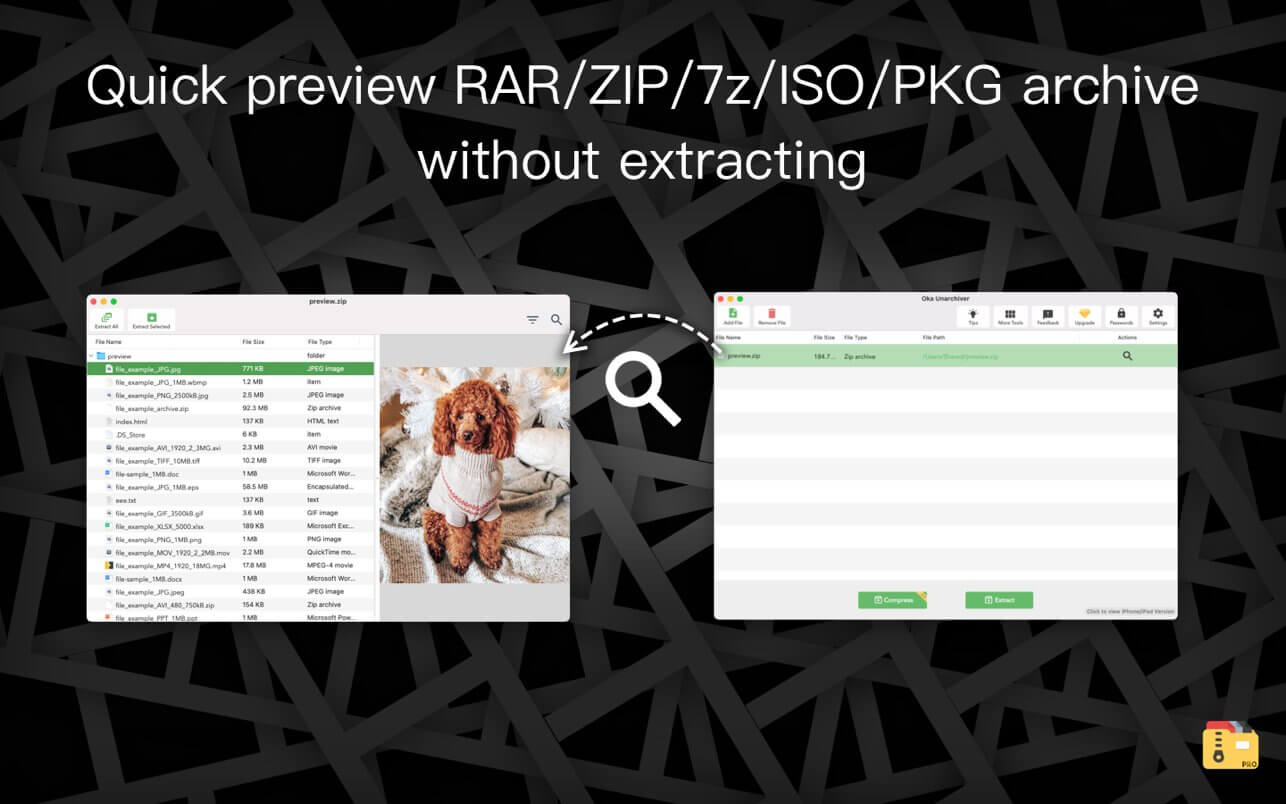
The Oka Unarchiver is a small and easy-to-use program that can archive or unarchive many different kinds of archive files.With Oka Unarchiver you can compress as many files as you want. Also, you can protect them with a password.
Oka Unarchiver is upgraded to version 2.0. New interface, optimized operation experience.
Also, Oka Unarchiver can extract lots of compressed files, from ZIP to 7Z archives, even parted ones. Just drop files in the icon, or into the main window, and they will be extracted using Oka Unarchiver
You can add any file into the list to archive or extract. If you click the archive button, Oka Unarchiver can archive all the files in the list at one time. If you click the extract button, Oka Unarchiver will automatically detect which files can be extracted.
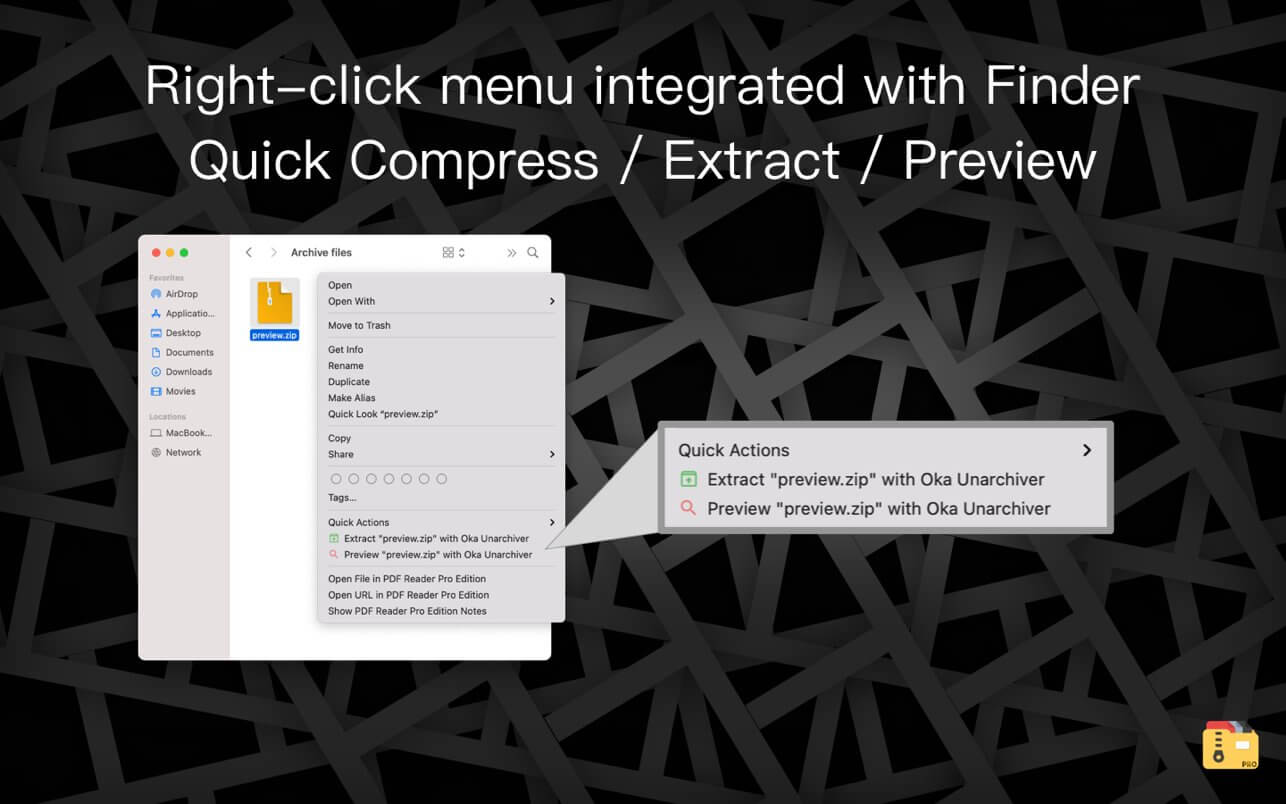
The latest support for Finder extension, right-click on the file directly in the Finder, you can compress/uncompress or preview the file through the menu, greatly simplifying the operation steps.
So easy to use:
– Support Finder extension, right-click the file in Finder to compress or extract files directly, even preview files inside the archive
– Support Quick look preview zip files
– Batch decompression of archives
– Supports password-protected archives
– Click one button to extract & archive;
– Drag archives and drop to extract;
– Open in finder to extract;
– Support archive into multi-part zip files.
– Supports new Mac computers with Apple M1 chip.
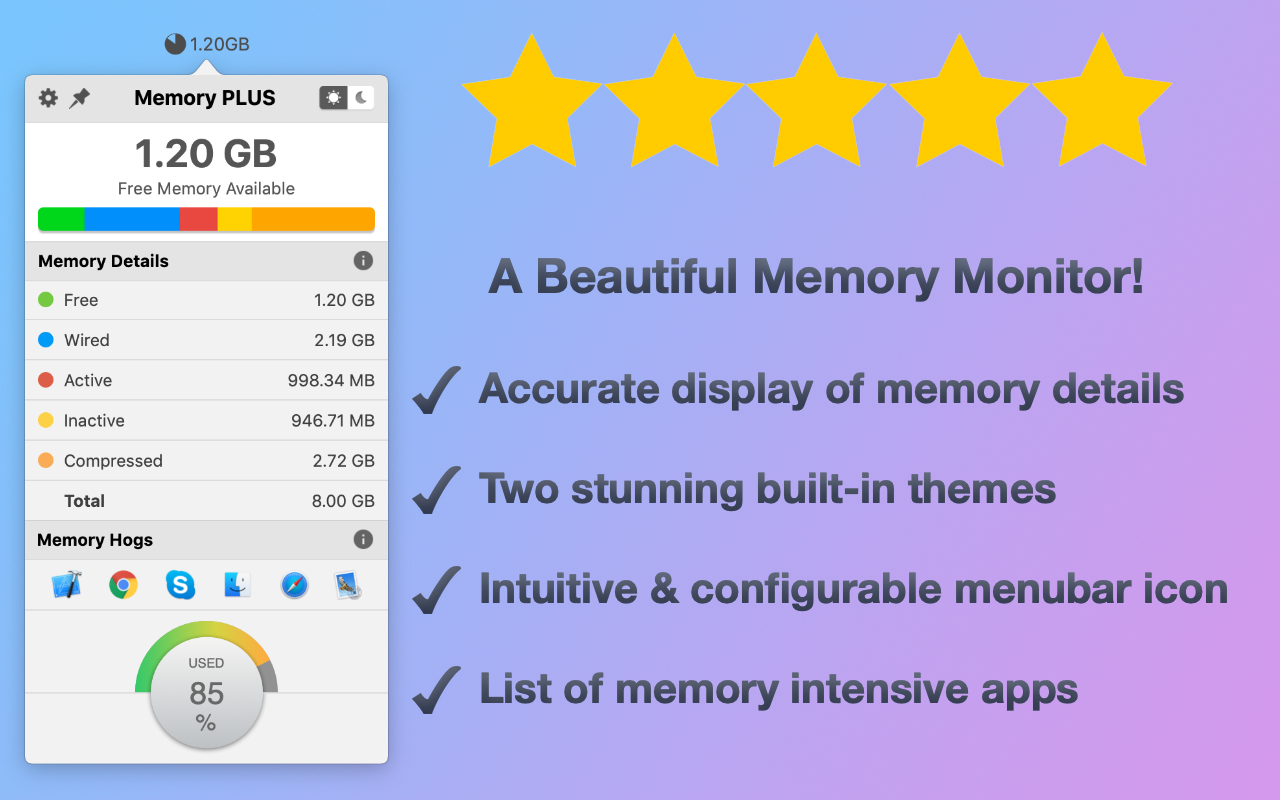
Memory PLUS is a beautiful multipurpose memory (RAM) utility that accurately displays current memory usage on your system
It is primarily a menubar application with the following main features: MEMORY MONITOR
– Accurate display of free and detailed memory analytics
– Intuitive pie chart view of memory usage in menubar icon
– Low memory warning (menubar icon turns red)
– List of memory intensive apps
THEMES
– Beautifully crafted light and dark themes
– Optimised for the latest macOS with new vibrancy effects
CONFIGURATIONS
– Launch at login
– Update interval for memory analytics
– Pin popover to continuously monitor memory analytics
– Pie chart and/or text options for menubar icon
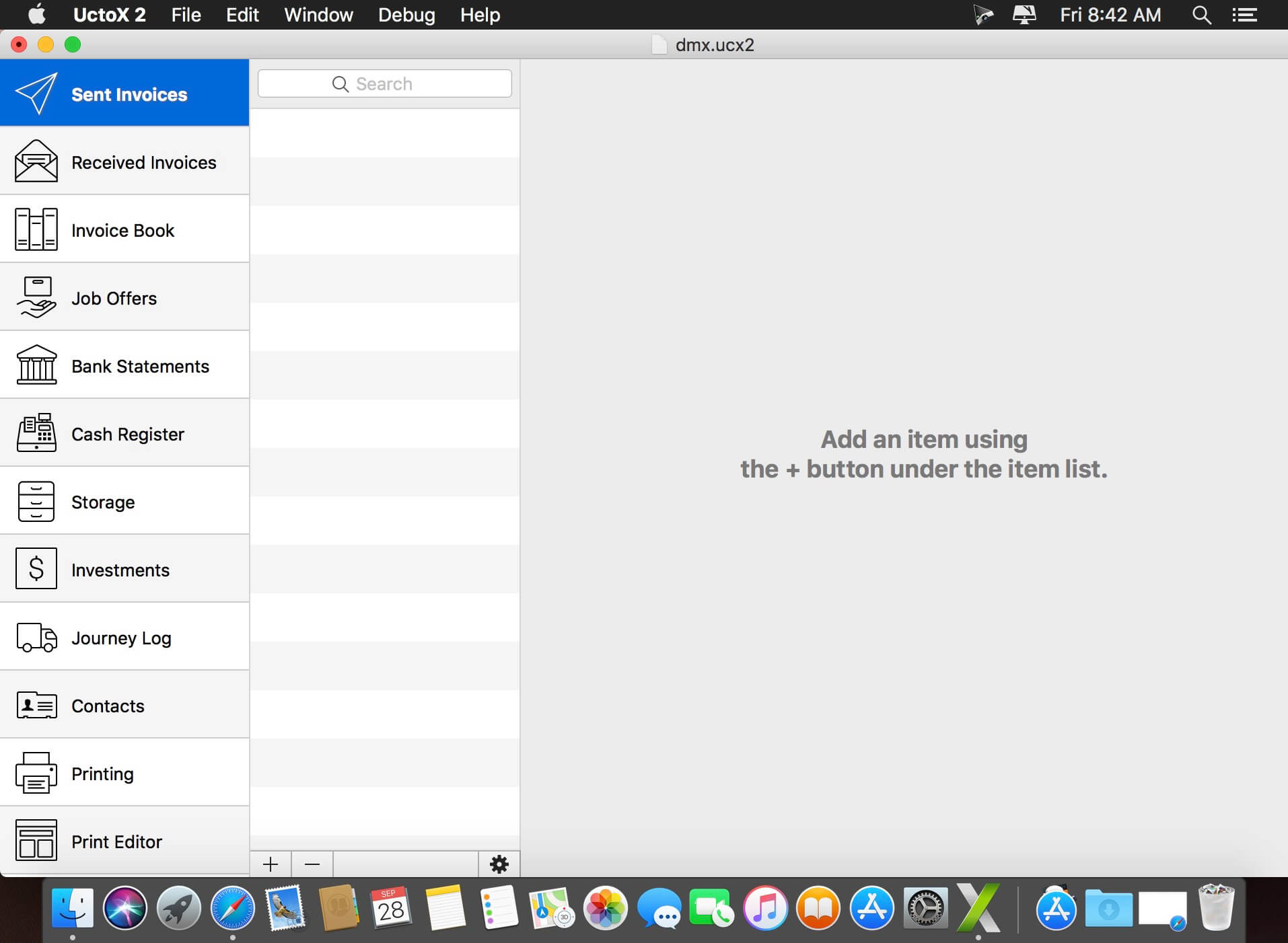
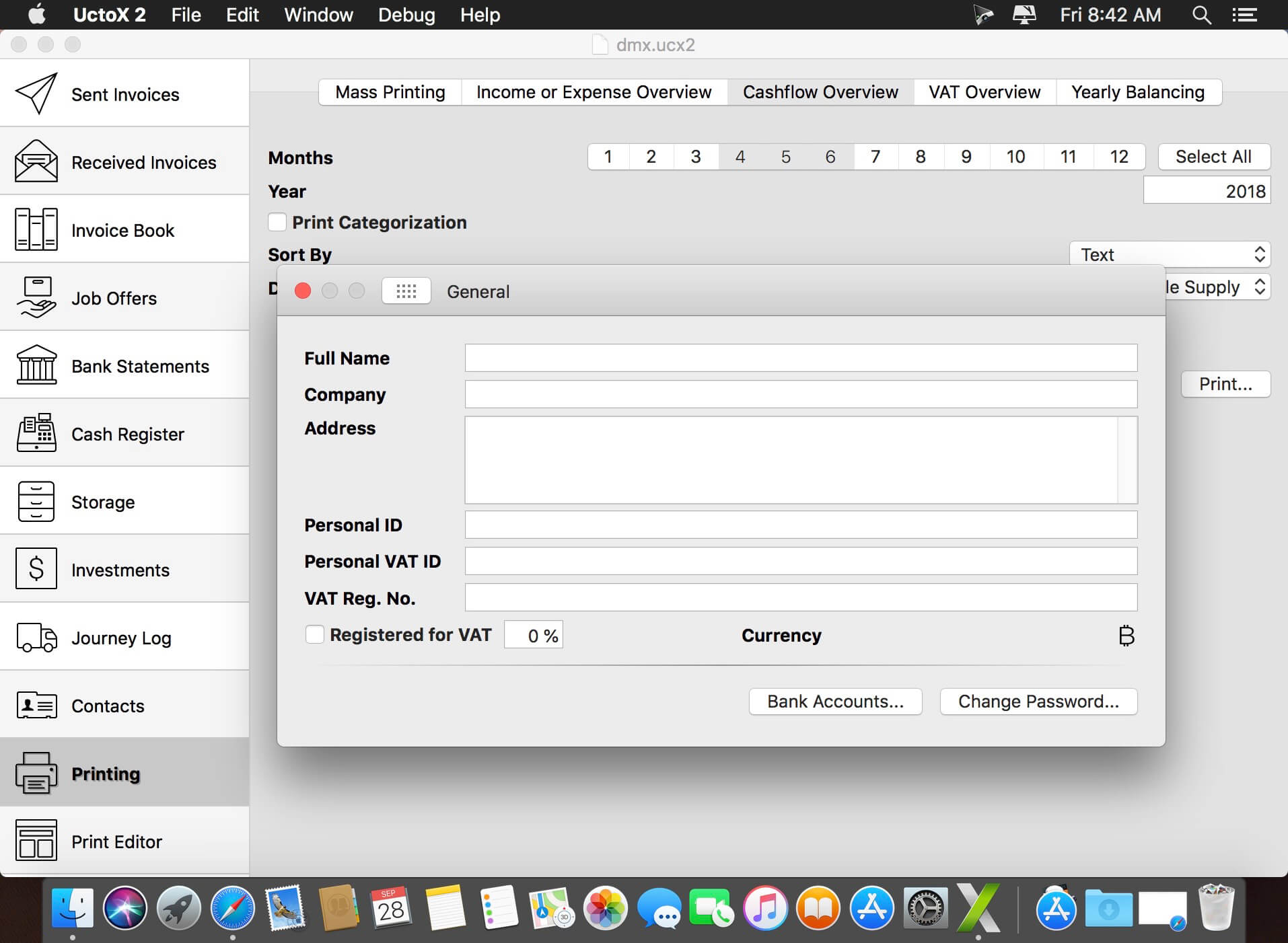
UctoX 2 is a powerful, yet simple-to-use invoicing app – and much more! Unlike other invoicing apps, it also includes features of an accounting app: you can manage your bank statements, cash register, storage, journey log and much more! It comes with 3 built-in print templates, but using the print editor, you can create your own just in a jiffy!
Key Features
Simplicity – UctoX 2 is designed to be used by the user without too much learning. But if you need any help, there’s always a user guide available from the Help menu (macOS) or using the question mark button on main screen (iOS).
iCloud – sync your accounts via iCloud – between all your devices (iOS and macOS).
Customizable – customize the template for printing invoices, bills and other documents just like you’d like.
Give it a whirl! – download a trial version above and try for yourself!
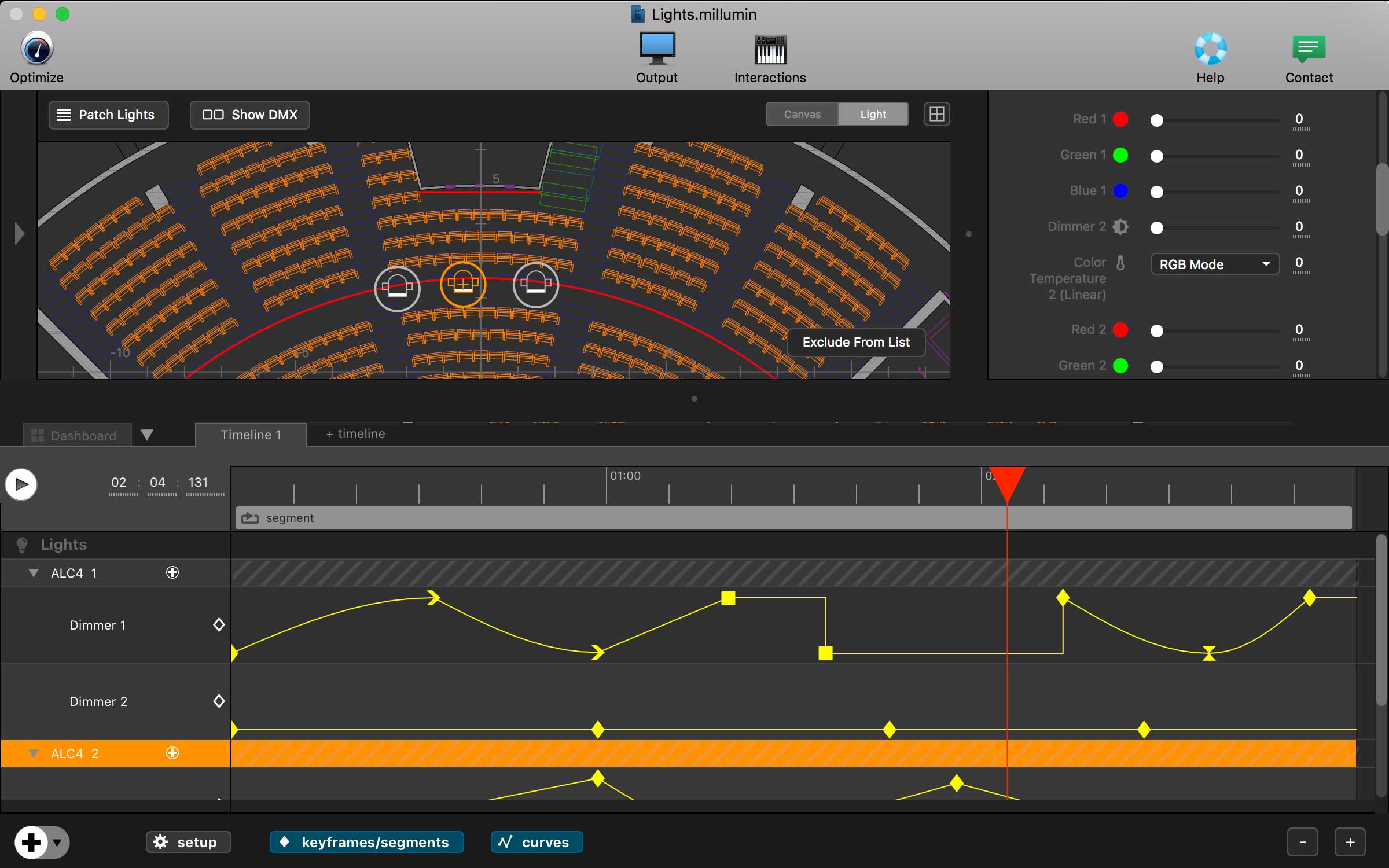
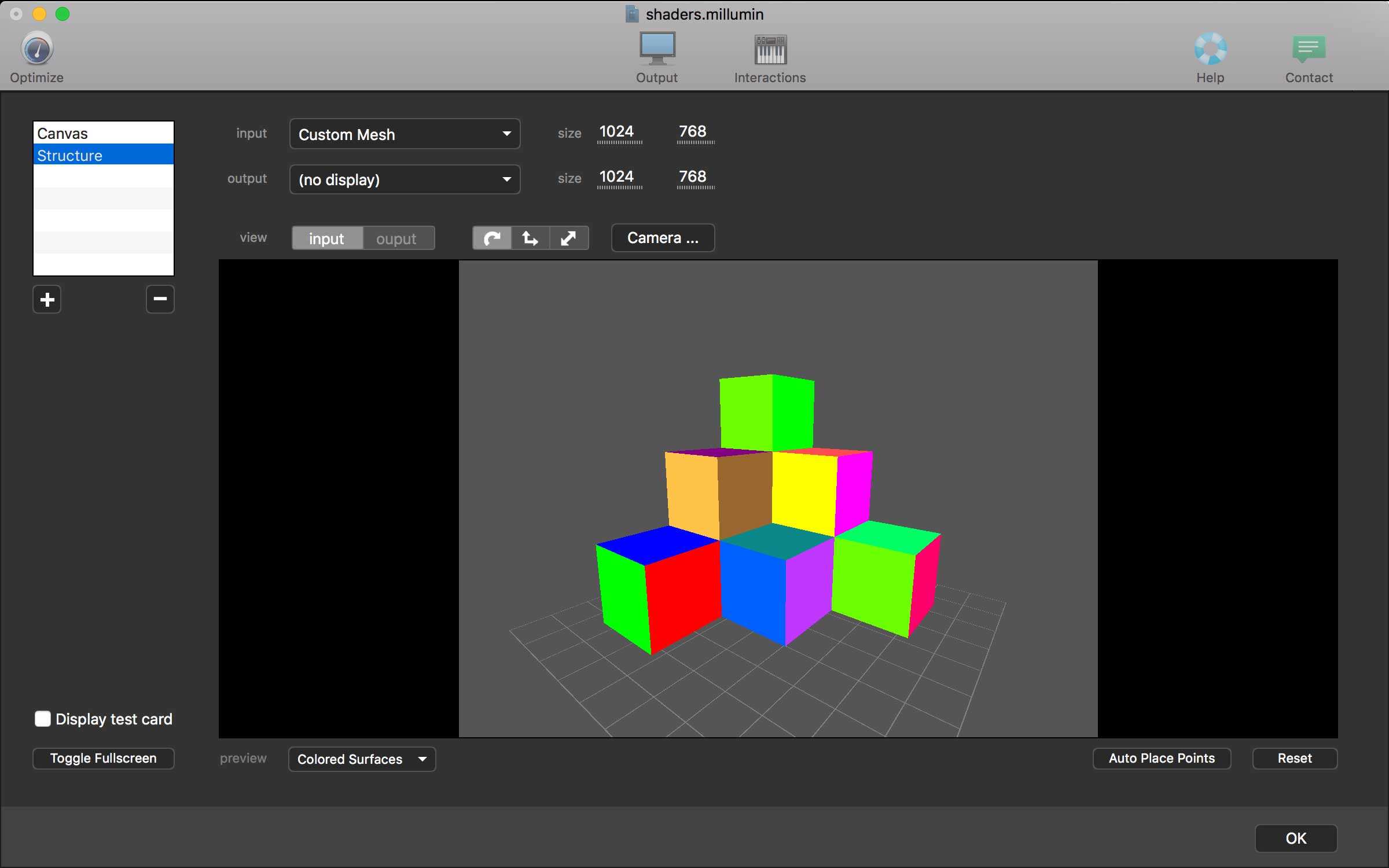
Millumin – create audiovisual and interactive shows, Theater, Dance, Videomapping, Interactive installation. Millumin is a creative solution to bring your ideas to life. It is tailored to play your live show and tell your story.
What’s New:
Version 4 v4.12.h:
Release notes were unavailable when this listing was updated.
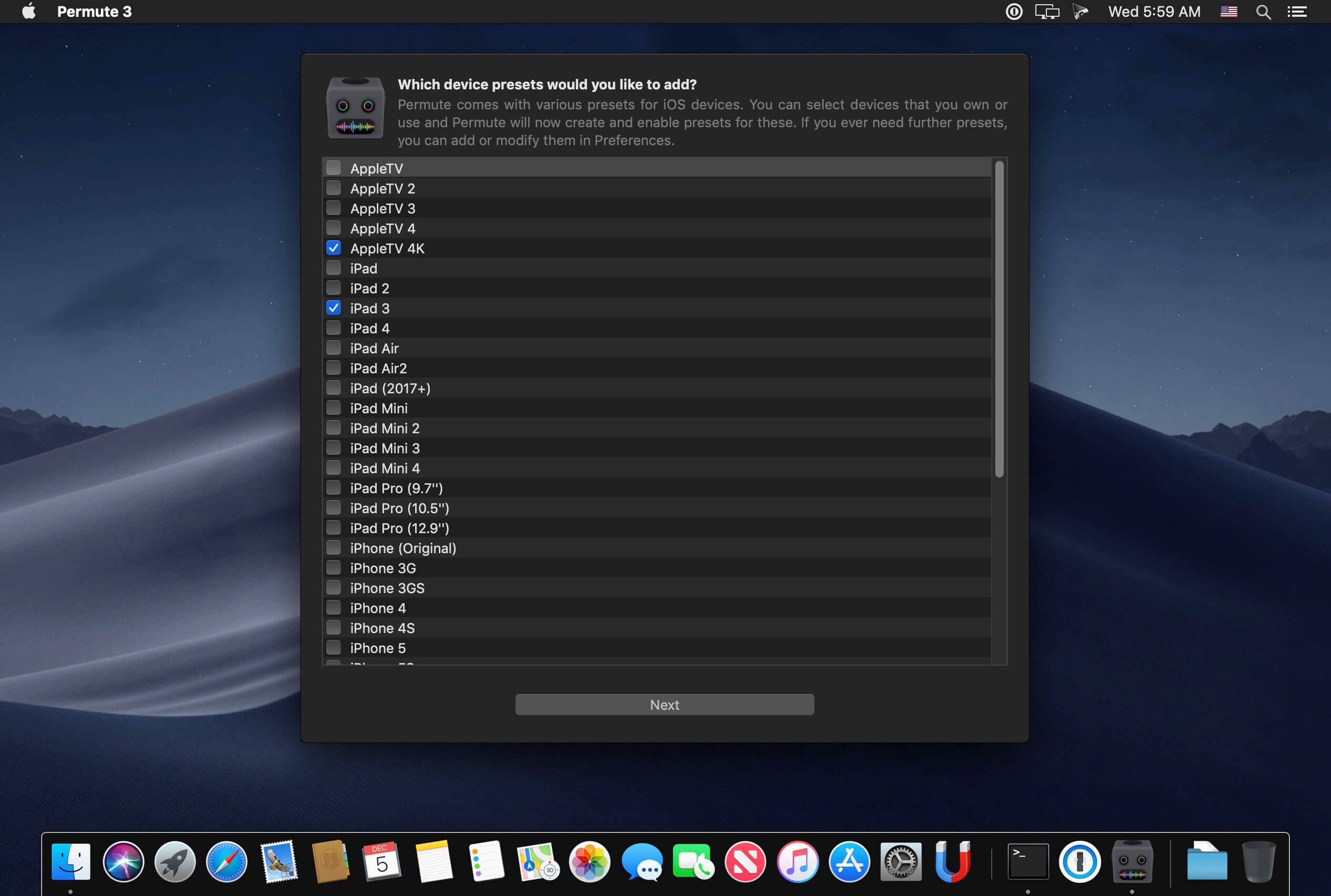
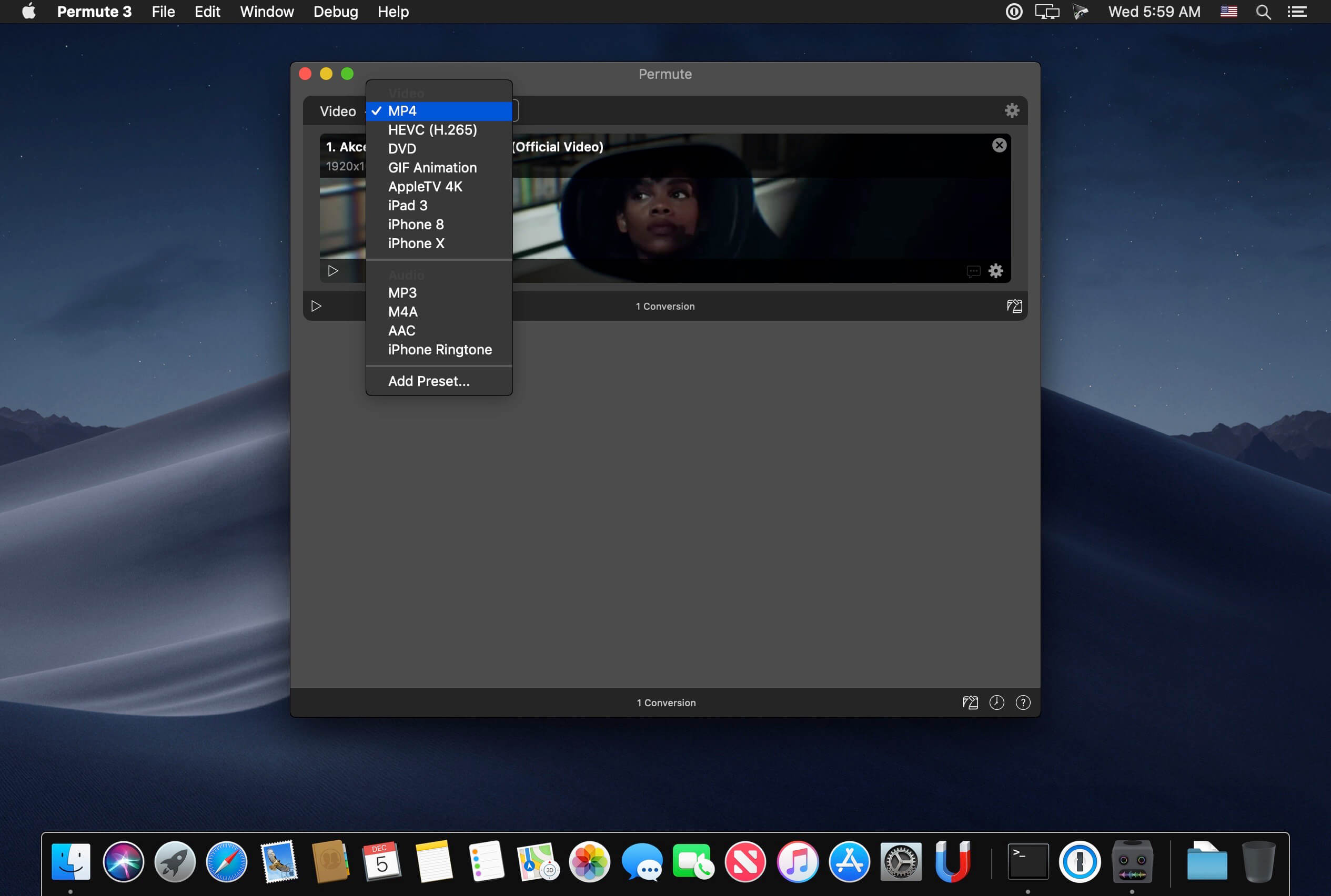
Video, audio and image files come in many different kinds and shapes, but sometimes you need a specific format since your iPad or DVD player won’t play that video. That is what Permute is for – easily convert your media files to various different formats.
Key Features
Easy to Use – built from the ground up, Permute is a perfect example of what a Mac app should be. With a gorgeous interface and drag & drop simplicity no need for complicated options.
Insanely Fast – Permute was engineered to be incredibly fast. Let us take care of the hard stuff. Just select the video format you want and it’ll be done faster than you can say “hardware acceleration” – MP4 and HEVC presets now take advantage of your machine’s hardware acceleration capabitlities, speeding up HEVC conversions more than 3 times over previous versions of Permute!
PDF Support – Permute 3 now includes support for stitching multiple images into a single PDF.
Everything Included – It doesn’t matter if you’re converting home movies or processing images. Permute can do it all. We support nearly every format and have plenty of device presets to choose from.
Looks Amazing – Whether you use dark mode or not, Permute will look amazing. Taking advantage of the modern technologies, Permute will even change its icon in dark mode.
Keep the Schedule – Video re-encoding is quite demanding on computer resources. This is why you can now schedule Permute to convert videos e.g. at night when you’re not using your computer.
And so much more! – There are so many other great features in Permute – adjust volume of an audio file or an audio track in a video. Batch-resize, rotate and flip images and videos. And more!
Completely Rewritten – Permute 3 was started from scratch – completely new project, everything written from the ground up again.
UI Redesign – the UI has been redesigned from the ground up. It’s faster, more fluent and visually pleasing.
Dark Mode – Permute now works 100% with the dark mode, even adjusting its Dock icon based on your macOS theme.
Image Stitching – Stitch images together into a PDF.
HEVC (H.265) Hardware Acceleration – HEVC (H.265) video encoding now supports hardware acceleration, resulting in conversions more than twice as fast.
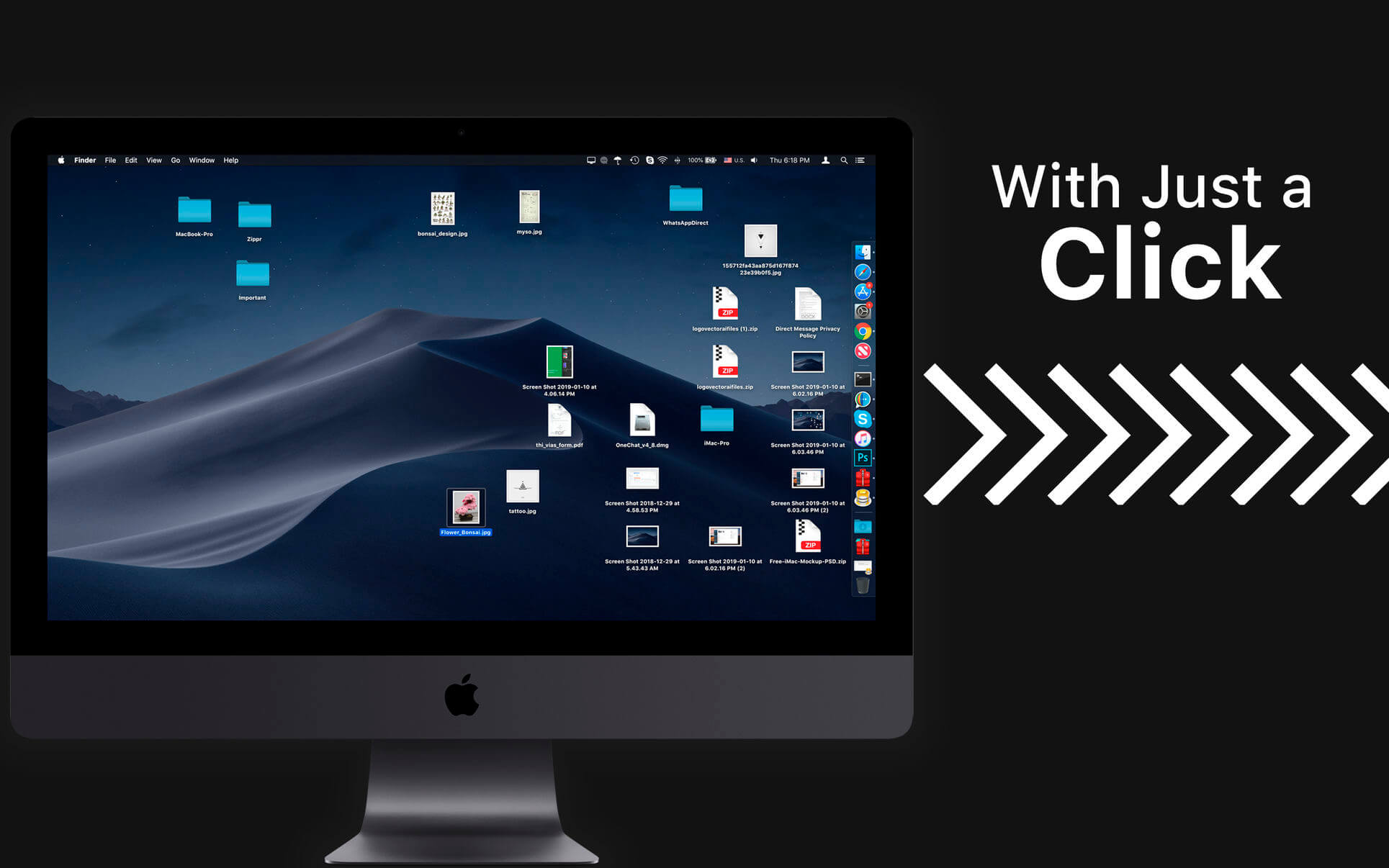
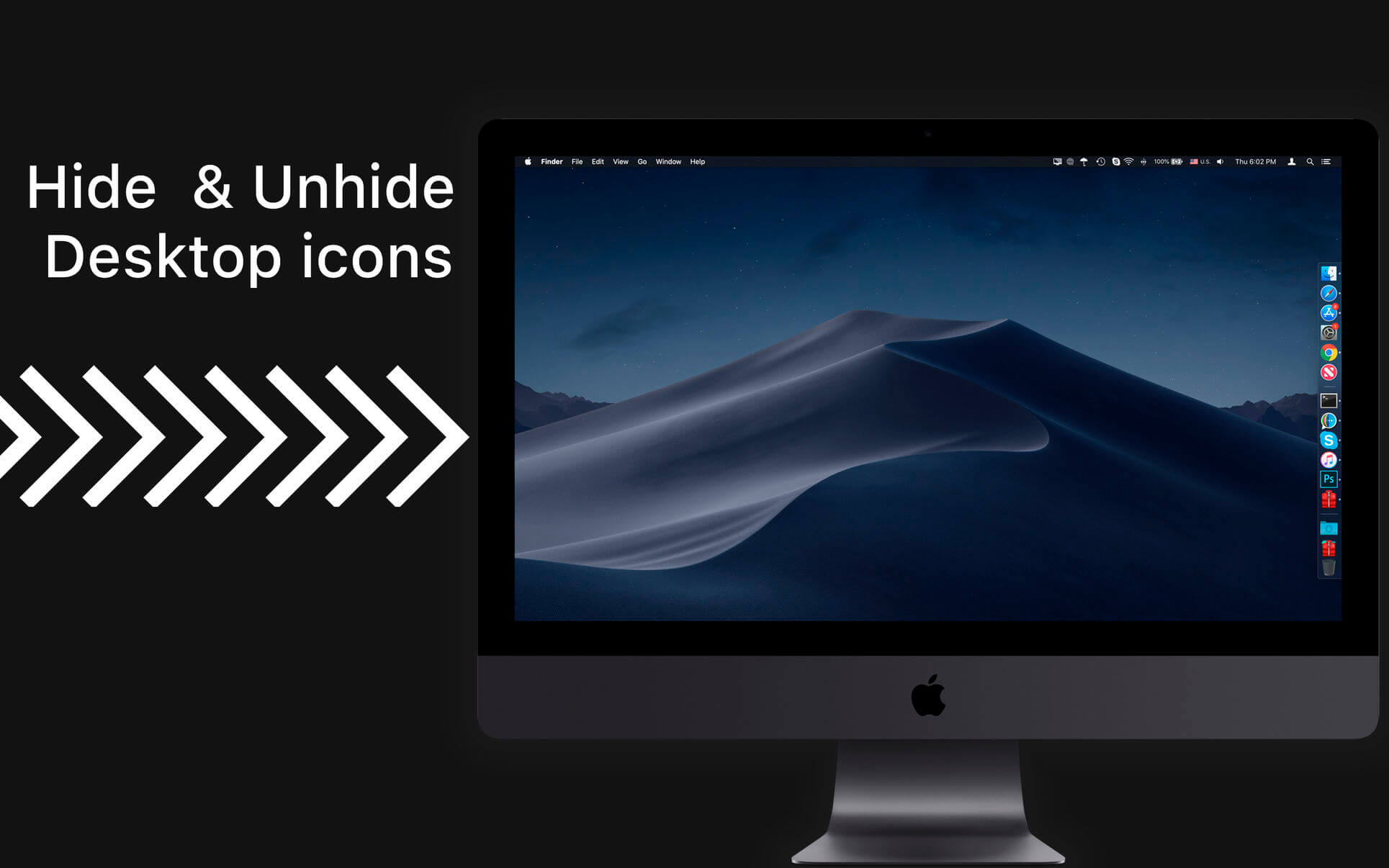
All-in-One Desktop Utility. Hide Desktop: Hide all the desktop icons with just a click.
→ Window Focus: Just display the window that is focused for better visibility and other windows will be under tint.
→ Window Tint: Healthy display color temperature of the display based on day/Night light.
→ Display Mode: Retina capability on any of your internal or externally connected monitors (displays) & projectors.
■ All-in-One Desktop Utility
■ Hide Desktop icons for a clean display
■ Window Focus (Pro) for presentation
■ Custom Day/Night mode (Pro)
■ Custom Display resolution(Pro)
≈ Want your Desktop on steroids?
≈ Make your Mac ready for presentation?
≈ Want to be more focus on the working window?
≈ Want to tidy up your Desktop files without losing its positions?
≈ Then CoverDesk does it for you.
■ Hide Desktop: Hide/Unhide all the desktop icons with just a click.
■ Window Focus: Just display the window that is focused rest will be undertint.
■ Window Tint: Healthy display colour temperature of the display based on day/Nigh lite.
■ Display Mode: Set resolution for connected monitors or displays.
Hide Desktop
◎ Multiple Screen mode
◎ Hide multiple displays individually.
◎ Apply custom solid color or choose custom wallpaper to hide icons
Window Hue Tin
◎ Choose Hue colour temperature.
◎ Custom time to apply a tint as per the night and day.
◎ Can apply to multiple screens individually.
Window Focus
◎ Just a click to display focused window.
◎ Choose a percentage of hue to apply
◎ Enable for multiple displays connected.
Display Mode
◎ Quickly check for available monitor resolutions.
◎ Retina capability on any of your internal or externally connected monitors (displays) & projectors.
◎ Shows refresh rate and switch between aspect ratio
◎ Turn on display mirroring with just a click, its that easy.
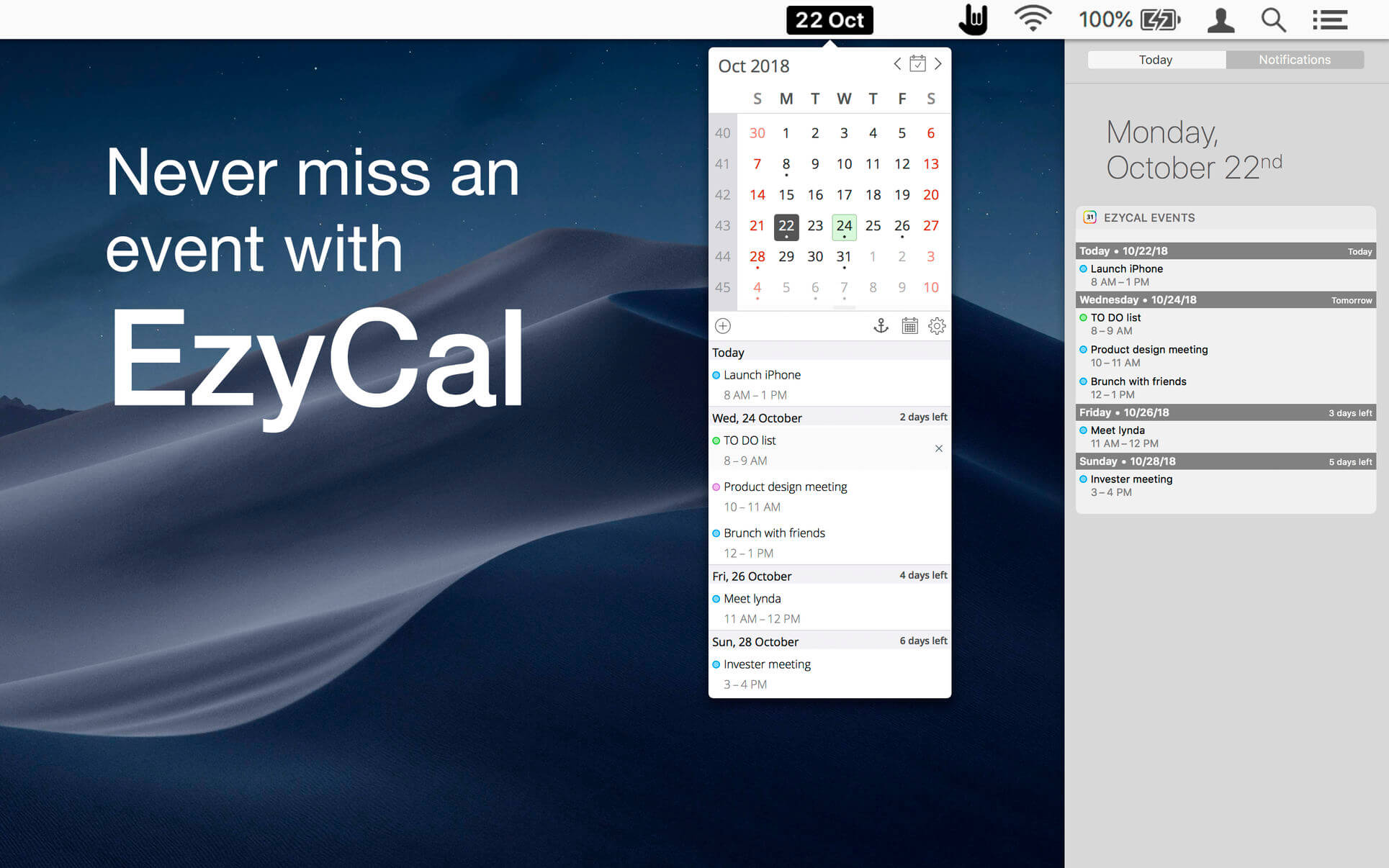
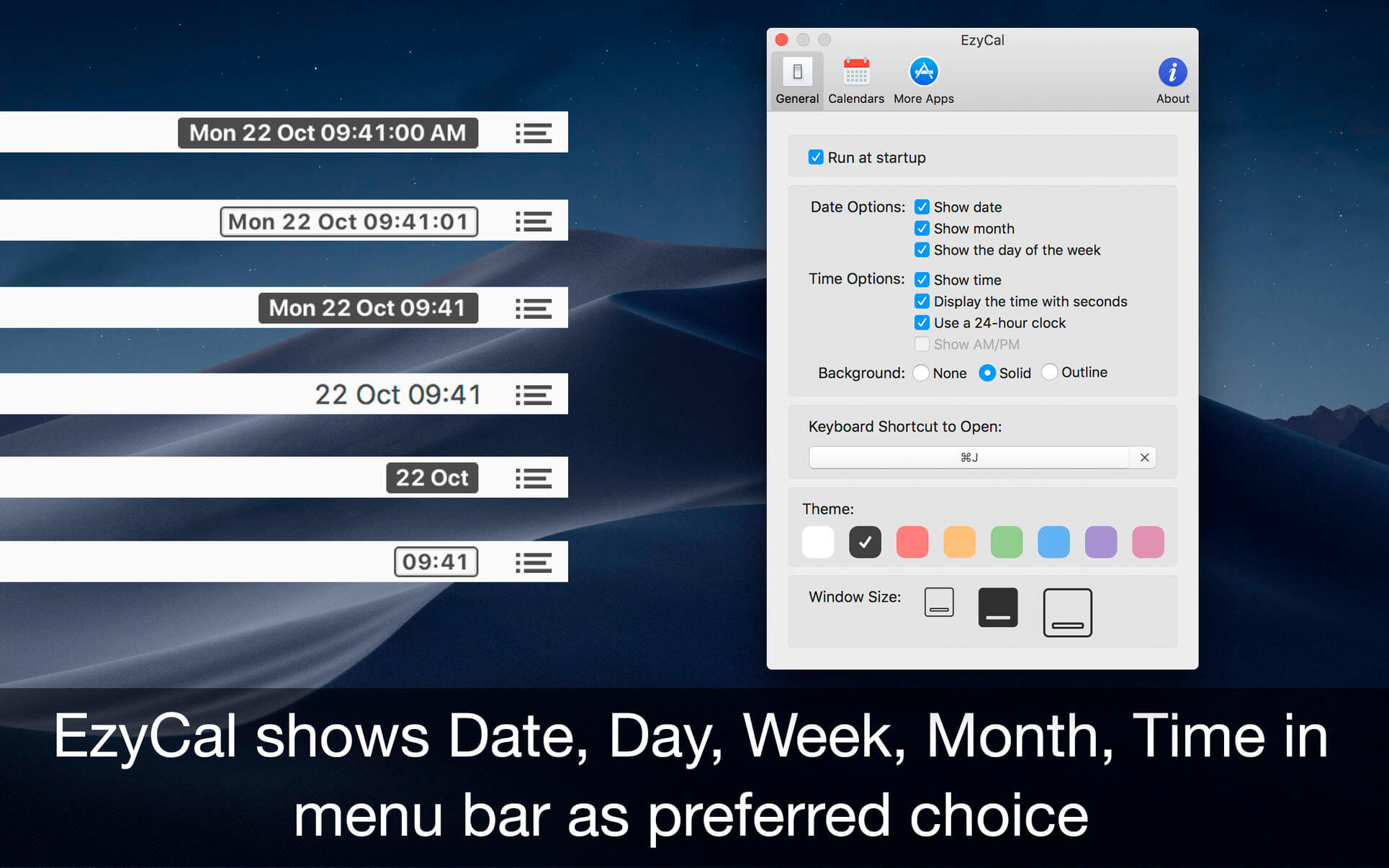
EzyCal is the status bar calendar for the new year, you should have it to be productive then previous to achieve bigger goals. It is a system of organising days for social, religious, commercial or administrative purposes. It is gregorian calendar with natural language event and reminder creation, beautiful calendar views, and reminders app you’ll ever use.
Features
Add events, reminders, todo list
Count down to keep you on track
Sync with system calendar events
Different colours themes
Different sizes for various screen sizes
Customise keyboard shortcuts as needed
Sync with all available calendars on your pc
Get list of events in single display for next 7 days
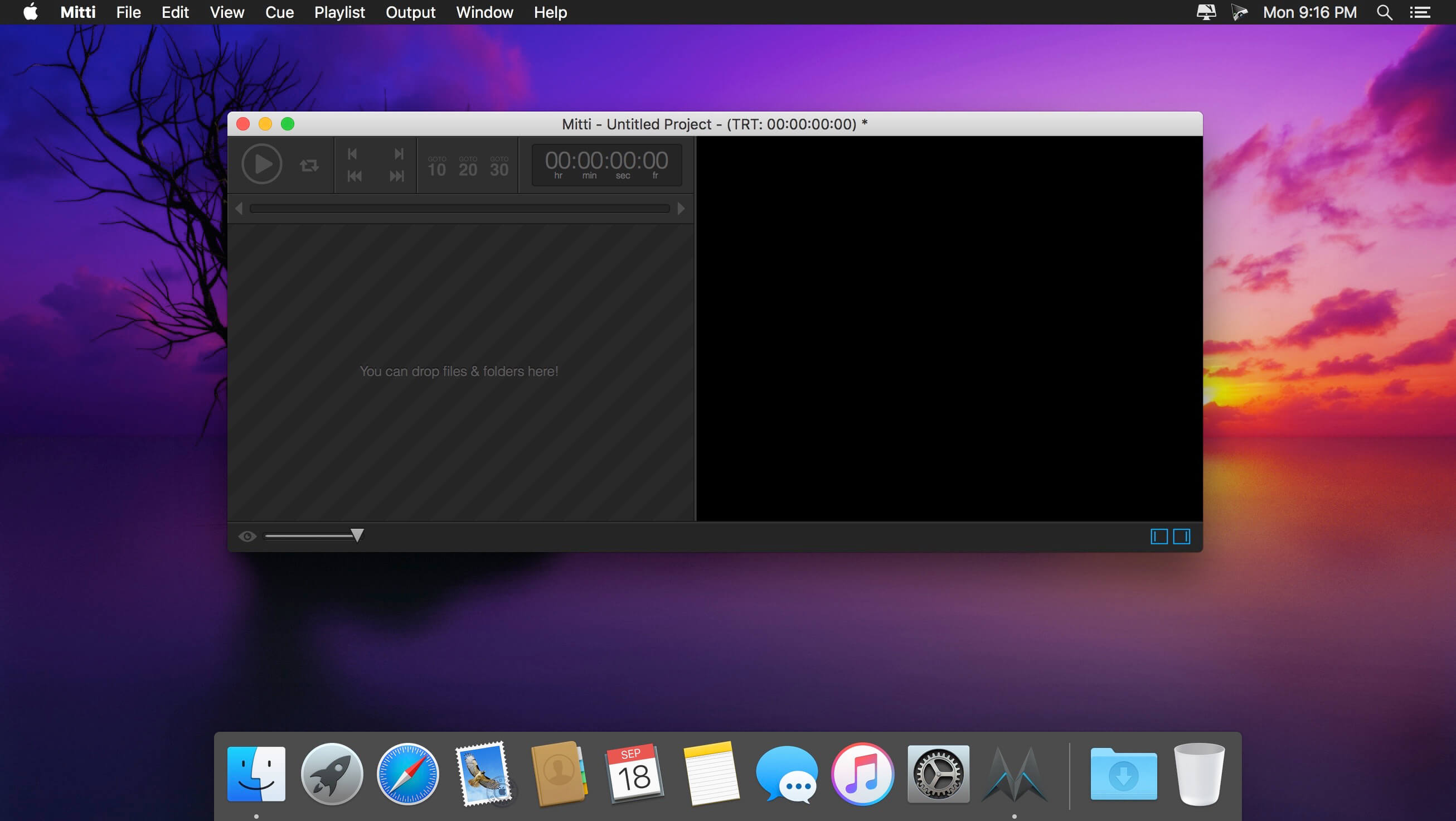
Mitti is a modern, feature-packed but easy-to-use pro video cue playback solution for theatre, audiovisual shows, performances, and exhibitions.
Nice, easy and powerful
Mitti has a clear, intuitive, uncluttered user interface with an easy to learn and use workflow, on top of the modern, 64bit, low-latency audio and a really powerful GPU-accelerated video playback engine driven by it’s robust, SMPTE-time-speaking internal clock.
Various Cue Types & Cue-level Preferences
You can create Cues in Mitti from video and still image files of course, as well as a rich-set of inputs, including Cameras, Syphon and NDI sources. Cues have their individual color, video effect, audio output and transition settings.
Works the way you want
In Mitti’s Playlist Preferences you can define default times for Fade-In/Outs and Transitions, as well as the default SMPTE format and SMPTE offset.
Besides of that, Mitti also allows you to define default states for Cues that match your workflow. Always want to apply Transitions or Fade-Ins? Need to always stop playback once a Cue has been finished? Not a problem, you can set that for your Cues globally and – of course – also individually.
Timecode Input
Mitti’s playback engine can be easily slaved to an external MTC (MIDI Timecode) or LTC (Linear Timecode) SMPTE timecode source to make tight sync with any software or hardware timecode generators, show control solutions or even DAWs.
Multi-screen Video Output
Mitti supports fullscreen output on multiple displays, with individual 4-corner warping on each output and edge blending settings. Managing double- or triple-wide outputs never been so easy before!
Remote controllable by MIDI / OSC / DMX
Mitti is remote controllable by MMC (MIDI Machine Control) and MSC (MIDI Show Control) commands as well as hardware and software MIDI controllers, has an extensive OSC API and also remote controllable by Art-Net (DMX over Ethernet).
Compatibility: macOS 10.14 or later macOS 10.14 or later (Apple Silicon compatible) Homepagehttp://imimot.com/mitti/
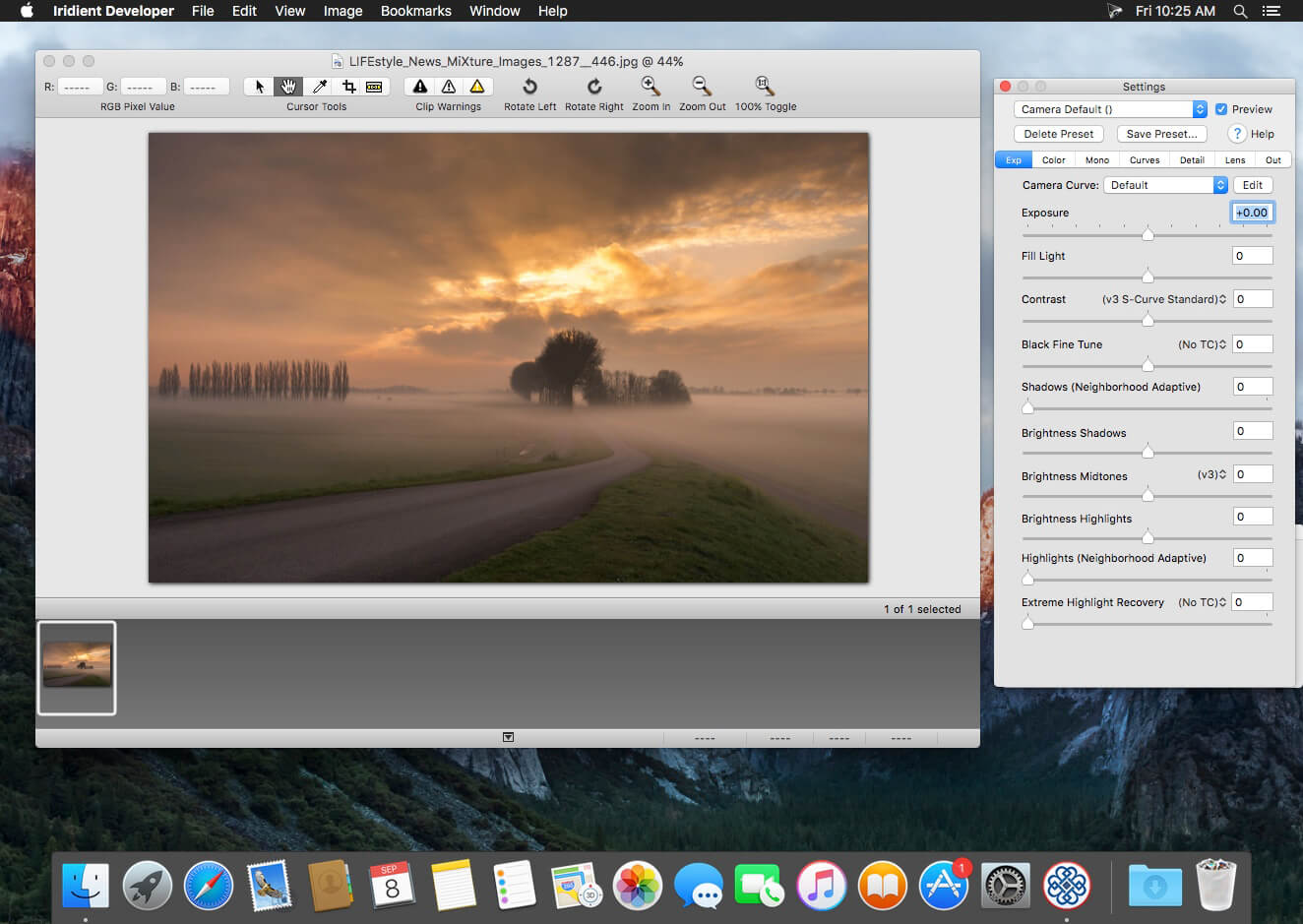
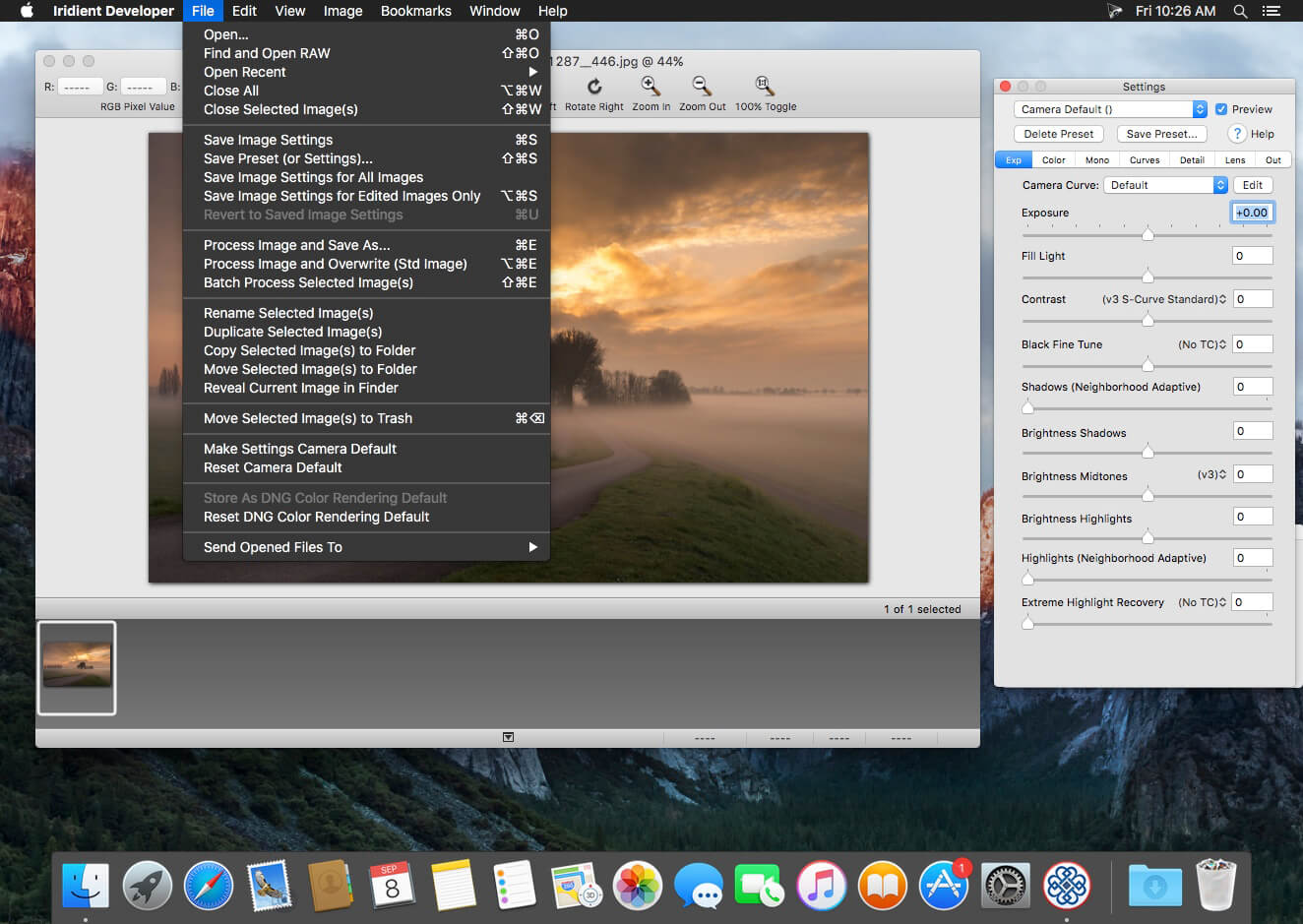
Iridient Developer is a powerful RAW image conversion application designed and optimized specifically for Mac OS X. Iridient Developer gives advanced photographers total control over their digital photographs, yet still provides easy drag and drop batch conversion and access to basic adjustments for the casual user.
Advanced Sharpening and Noise Reduction Algorithms Iridient Developer offers SIX advanced sharpening methods, including “Iridient Reveal”, a “super” sharpener utilizing aspects of both state of the art edge enhancement techniques and deconvolution, traditional unsharp masking, high pass, difference of gaussians, a unique “hybrid” sharpening algorithm and an advanced Richardson-Lucy Deconvolution based method. All are processed in a special 32 bits/channel floating point color space to avoid color artifacts and provide amazing detail. Powerful hot/dead pixel filters and new, state of the art noise reduction methods help eliminate noise, especially from images taken with long exposures or high ISO settings. All sharpening methods also now support advanced edge masking for limiting the sharpening effect to just edge regions while leaving “flat” or low contrast areas of the image unchanged.
High Quality Image Resizing Whether down sizing for the web or producing massive prints for gallery display, Iridient Developer offers a wide range of resizing methods that allow you fine tune the level of output to best suit your own preferences from incedibly high levels of sharpness and detail to smooth, artifact free output.
Fabulously Flexible Camera Color Specification Iridient Developer includes support for just about any camera color specification imaginable from industry standard ICC color profiles to DNG color matrix values to the latest DNG v1.4 camera profile (DCP) specification to camera manufacturer specific color metadata. Iridient Developer provides incedible control over establishing the ideal color starting point for your photos whether you want to use custom camera profiling solutions or simply to match a color look provided by the camera manufacturer or just about any other RAW processing software.
Extensive Image Adjustment Options You’re in total control of every step of the conversion process, fully editable tone curves in RAW, RGB and LAB color spaces, advanced highlight recovery, white balancing, noise reduction, sharpening, exposure compensation, brightness, contrast, saturation and more.
Super Monochrome (Black And White) Conversion Options High quality black and white conversion options including direct access to RAW image color planes, standard RGB channel mixers, perceptual LAB lightness based conversion, luma, desaturation, intensity, custom duotones and other toning options including curves.
Fast, High Quality Image Previews RAW developer allows you to view and make all image adjustments while viewing a full resolution, fully color managed, 16 bit per channel preview.
Advanced Histogram View Supports 256, 512 or an extra wide 1024 levels of detail. Viewing modes include RGB, individual R, G, B channels, all three colors at once, CIE Lightness, CIE Luminance, CIE Chroma (ab), luminosity, hue and saturation.
Fully Configurable Color Management Support for two high quality color management engine options including Apple’s ColorSync and LittleCMS 2.6 which includes full support for the latest ICC v4.3 standard. Ability to specify camera or image specific input profiles, RGB working space profiles for image adjustments and final image output profiles. Automatic support for LAB and chroma color space curves without any manual color space changes.
Unlimited batch processing You can continue making image adjustments while other images are converted in the background. Supports, easy drag and drop image conversion with flexible file naming options and support for multiple file formats including JPEG, TIFF, PNG, JPEG2000 and more.
Multithreaded and vector processor (SSE3+) optimized Iridient Developer takes full advantage of multi-core and multi processor systems and the advanced vector processing capabilities of Intel processors. Highly optimized for all the latest and greatest Mac OS X technologies including Grand Central Dispatch (GCD), 64-bit processing, Core Image, Quartz Extreme and more. All image processing is handled by secondary threads so your real time editing work is never blocked waiting for export processing to complete.
Support for IPTC, XMP and EXIF v2.3 metadata EXIF, IPTC and XMP metadata is supported when exporting to TIFF, PNG or JPEG image formats.
“Processing Disabled” Output Mode Ability to bypass all image adjustments and all color matching operations for fast, high quality export of linear files intended for further processing with other image processing programs or RAW workflows. Also useful for creating non-color matched output for use in generating custom camera or scene profiles with ICC camera profiling software.
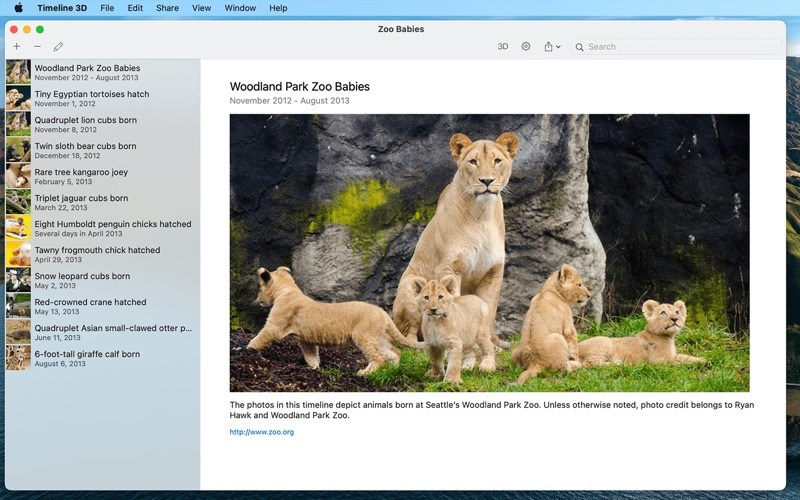
Timeline 3D is the simplest way to create beautiful multimedia timelines.
Present historical events with Timeline 3D to reveal connections and clarify relationships. Make timeline charts of world history, family trees, fictional stories or business deadlines. Timelines help you understand and present history with new perspective!
INCLUDED FEATURES
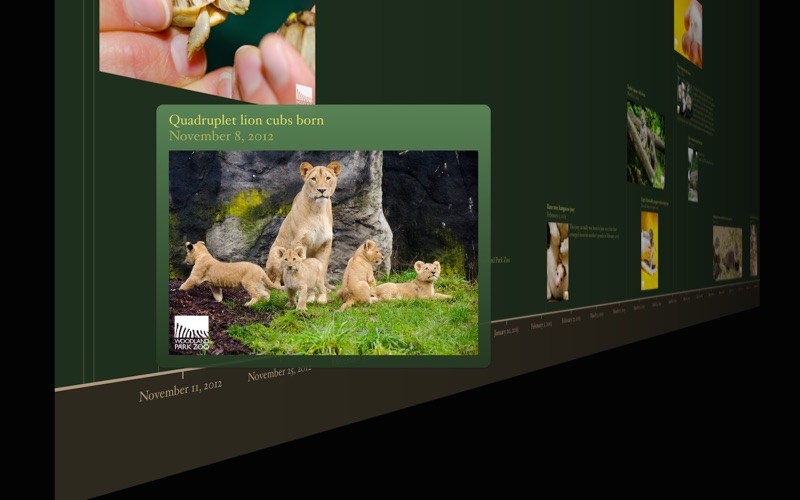
* Present your timelines full screen and with 3D perspective
* Add images, movies, or PDFs to events
* Quickly enter events with dates and times in any global format
* Include optional information such as notes, web links, and tags
* Choose from different background themes
* Import your timelines from previous versions of Timeline 3D and Easy Timeline.
* Designed for Mac OS X Yosemite
FEATURES WITH IN-APP PURCHASE
* Print your timelines on a single page, formatted for your paper size
* Export PDFs to share your timeline with anyone
* Export movies of your animated timeline at sizes up to 4K
* Export slideshows to PowerPoint and Keynote
* Export a WebGL website to add interactive 3D timelines to your website
* These features can be purchased individually or as a complete package.
TIPS & TRICKS
* Enable AirPlay Mirroring to view your events on your device while presenting your timeline
* On capable devices, use voice dictation to enter text and dates
* Use arrow keys to fly over events in a 3D presentation
* Use spacebar to zoom in on media files in your presentation
* Entering the date also sets the date format (for example, January 20, 2015 or 1/20/2015)
* Use iCloud or Dropbox to share timelines and media files between devices and your Mac
Integrity Pro builds on Integrity Plus. It has the new v9 crawling engine, it checks links and generates a sitemap with all the searching, filtering and exporting functionality of the Plus version. It adds SEO details and a sitewide spellcheck. It isn’t intended to replace Scrutiny, but to be pitched between Integrity Plus and Scrutiny, a more affordable step for Integrity Plus users. There will, of course, be an upgrade from Integrity Plus, but this early public beta is simply free until the stable version is released.
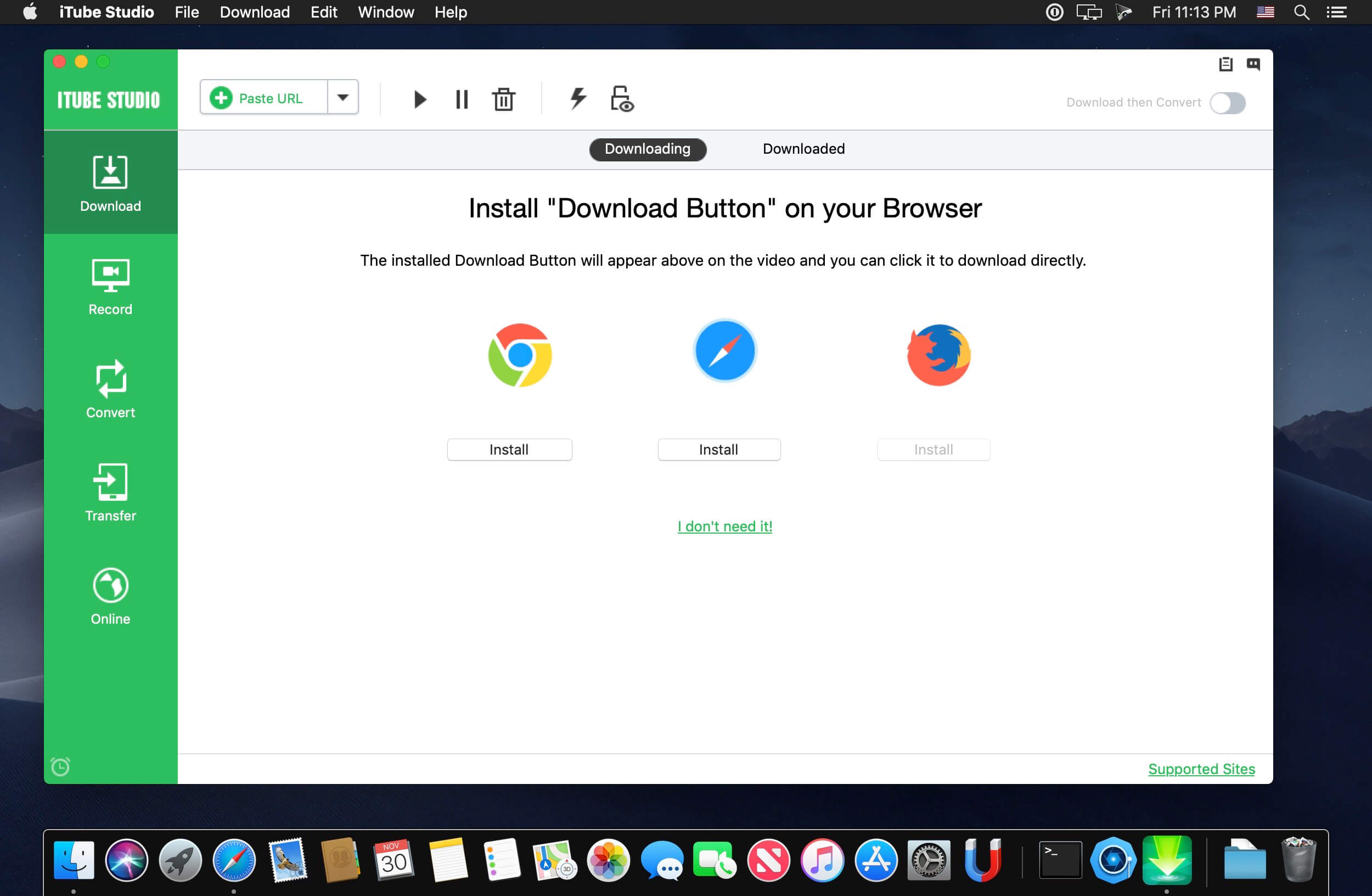
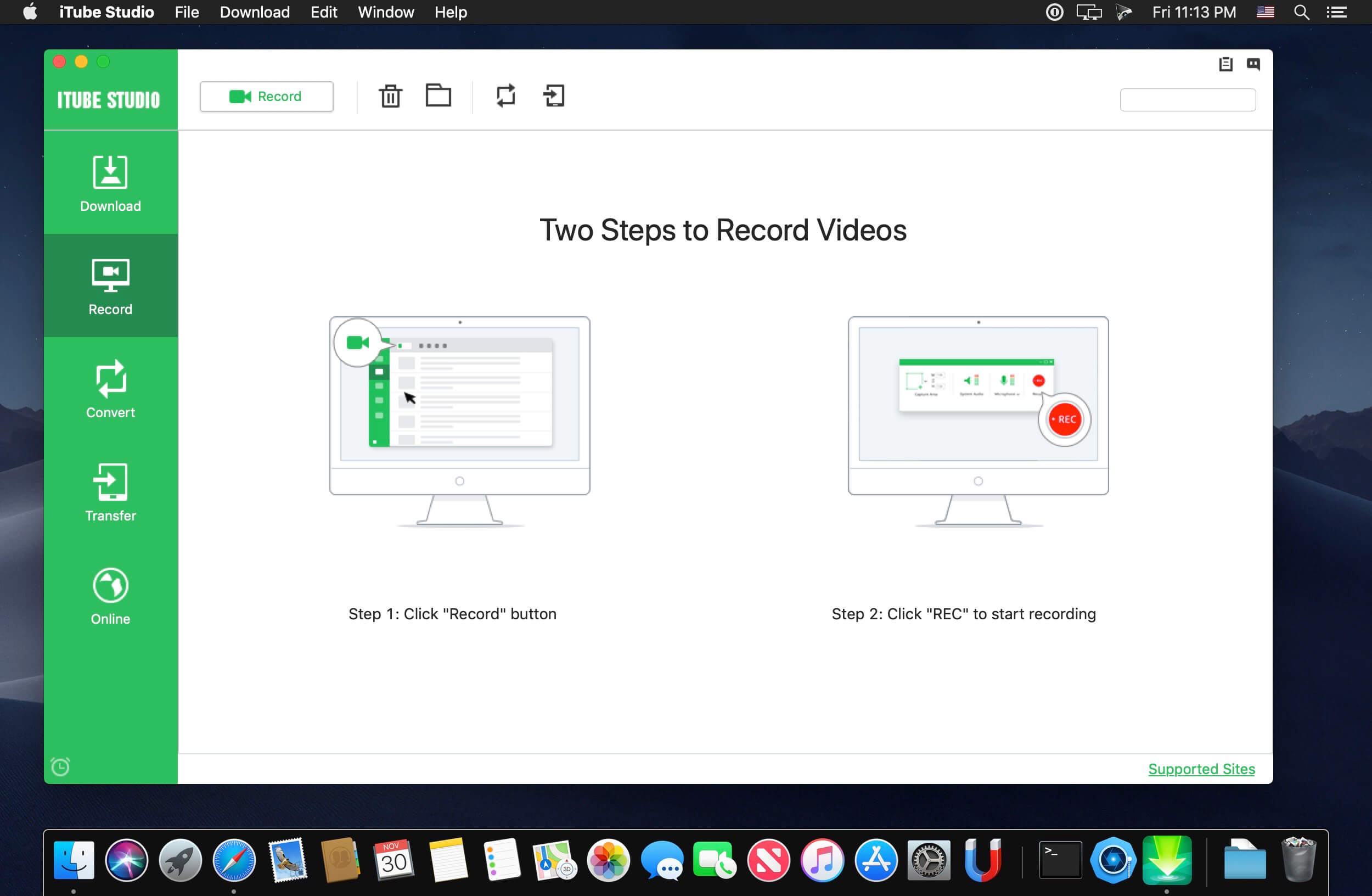
Download Video in Full HD, 4K, 1440p, 1080p, etc. 3X faster speed to download videos from YouTube, Facebook, Vimeo, Amazon and other video-sharing sites on your Mac. iTube Studio Video Downloader even provides you with a Private Mode to protect your downloaded video info with a designated folder, which could only be opened by yourself once the password is set.
Download Video from 10,000 Video Sites
Private Mode to Download Video in Secret
Record Any Online Video from Any Site
Ultimate Playlist Download in Batch
Smart Download Then Convert Mode
Turbo Mode at 3X Faster Download Speed
What’s New:
Version 7.4.7.2:
Release notes were unavailable when this listing was updated.
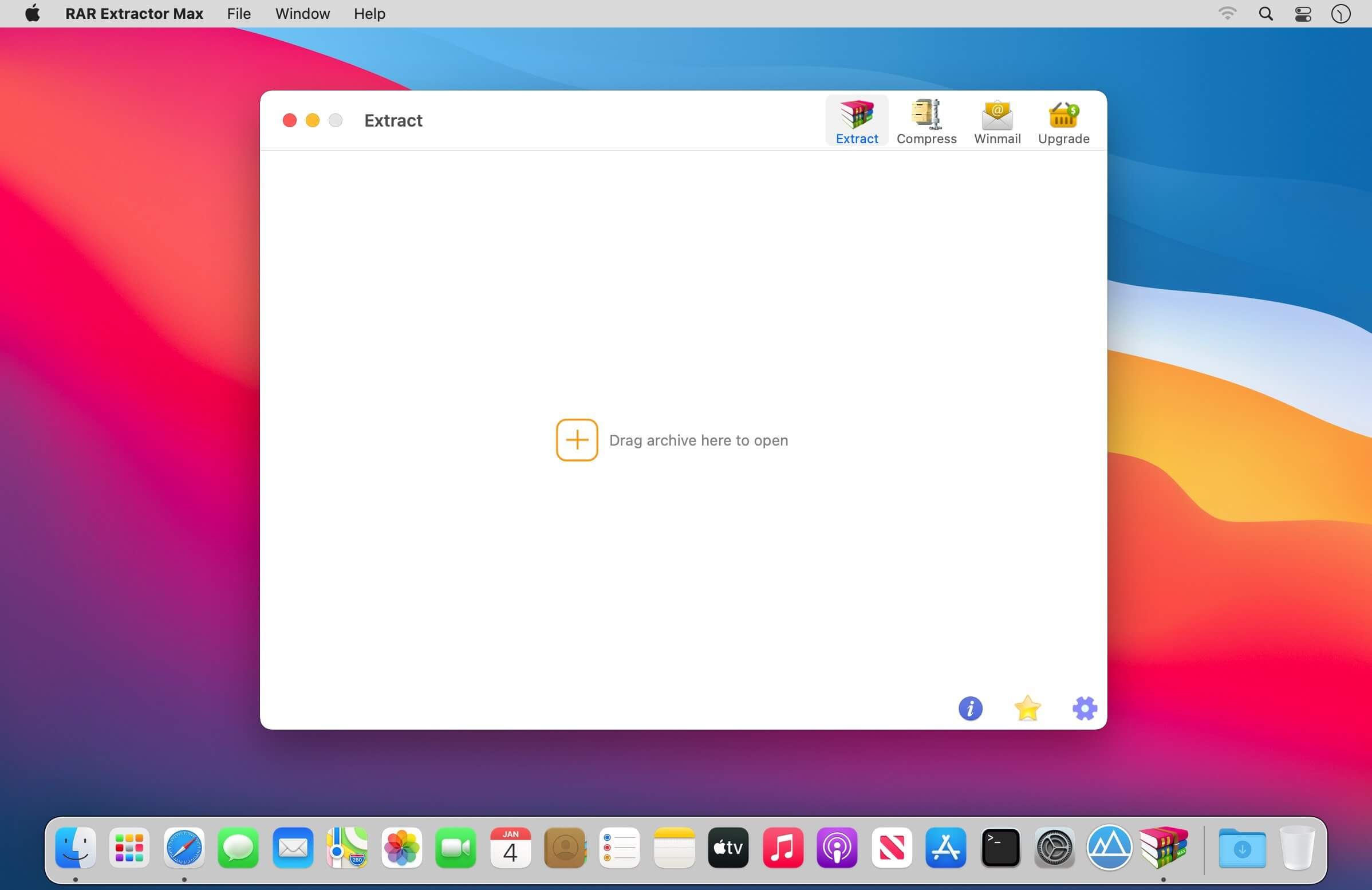
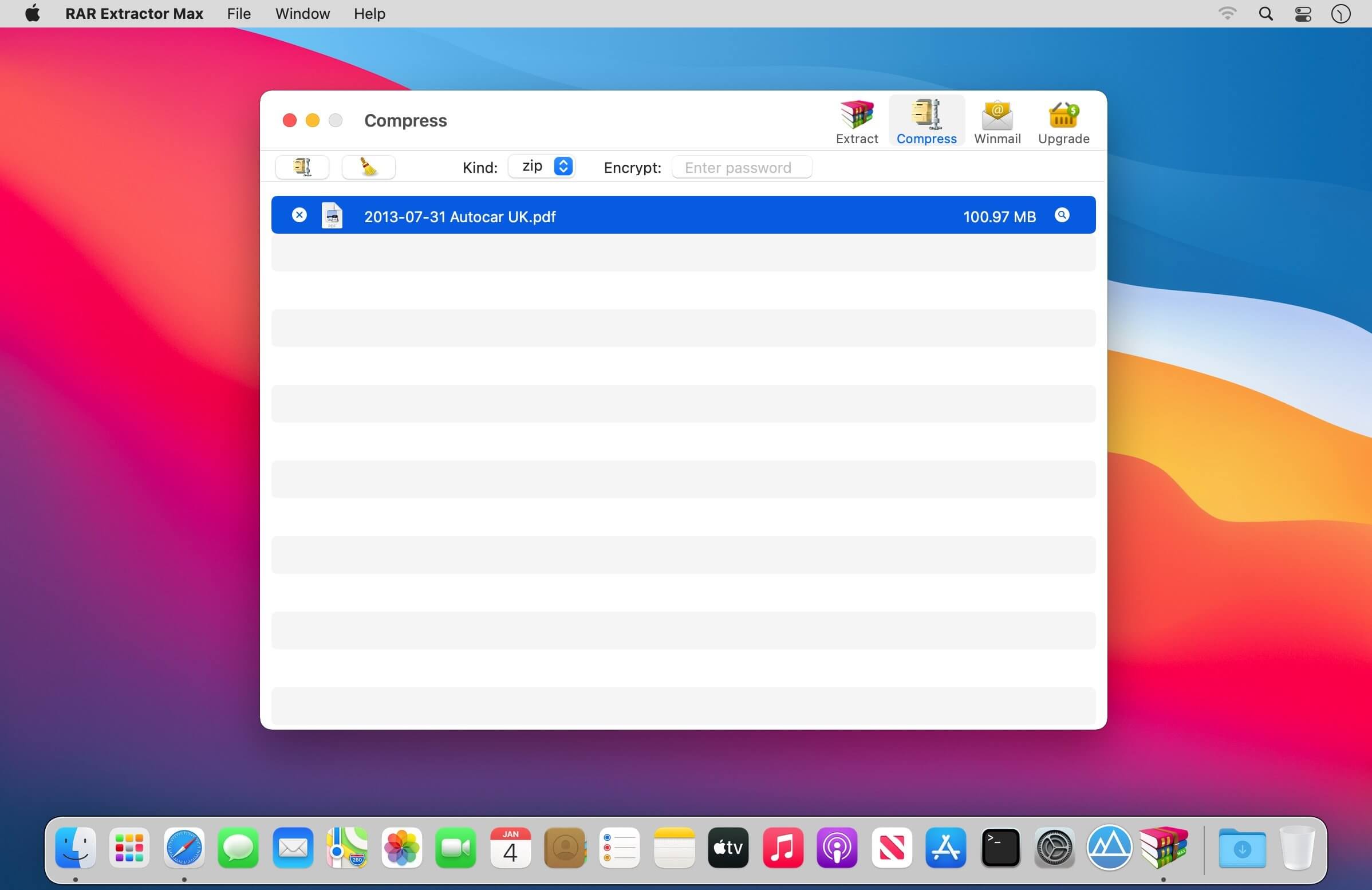
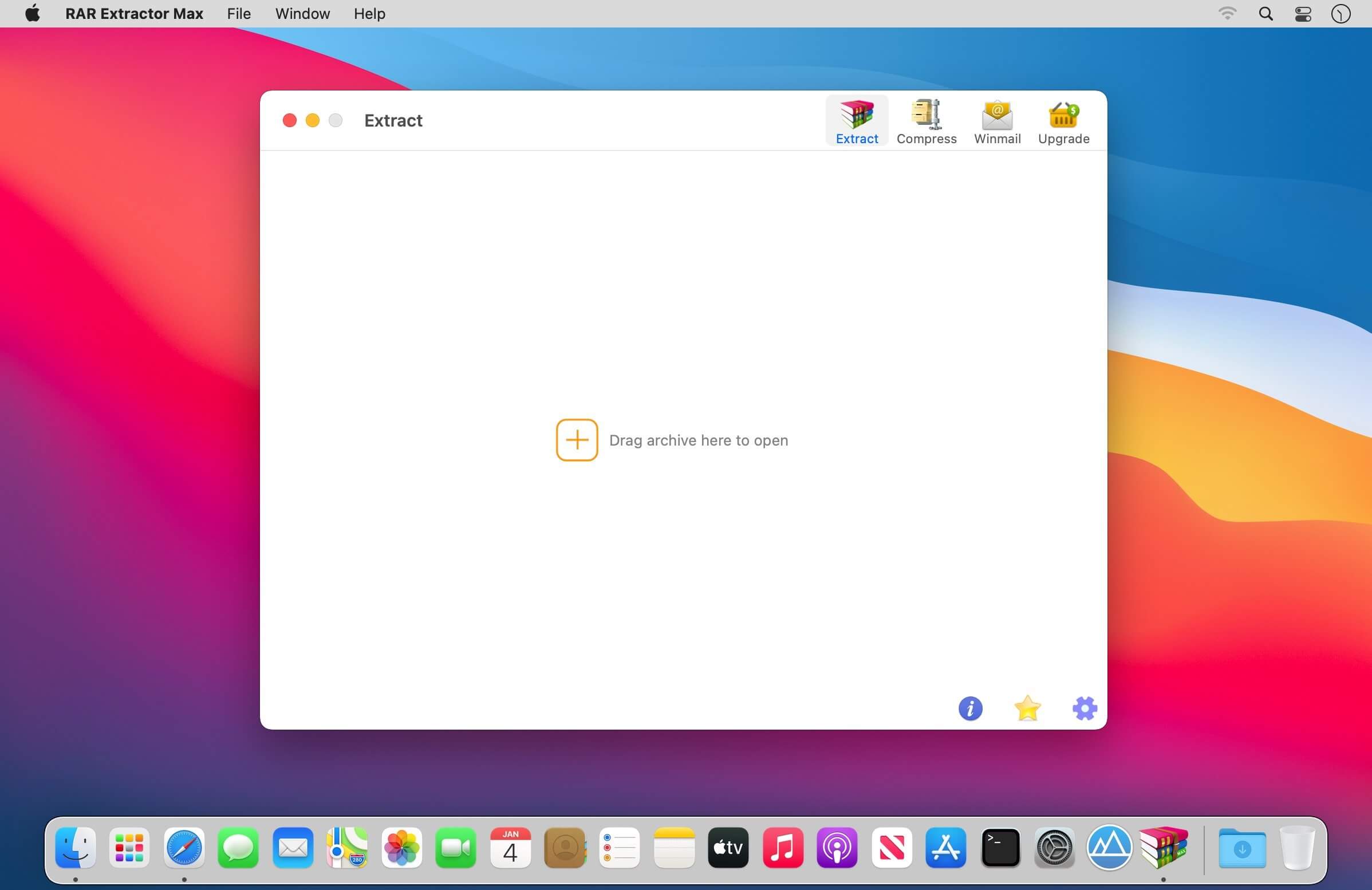
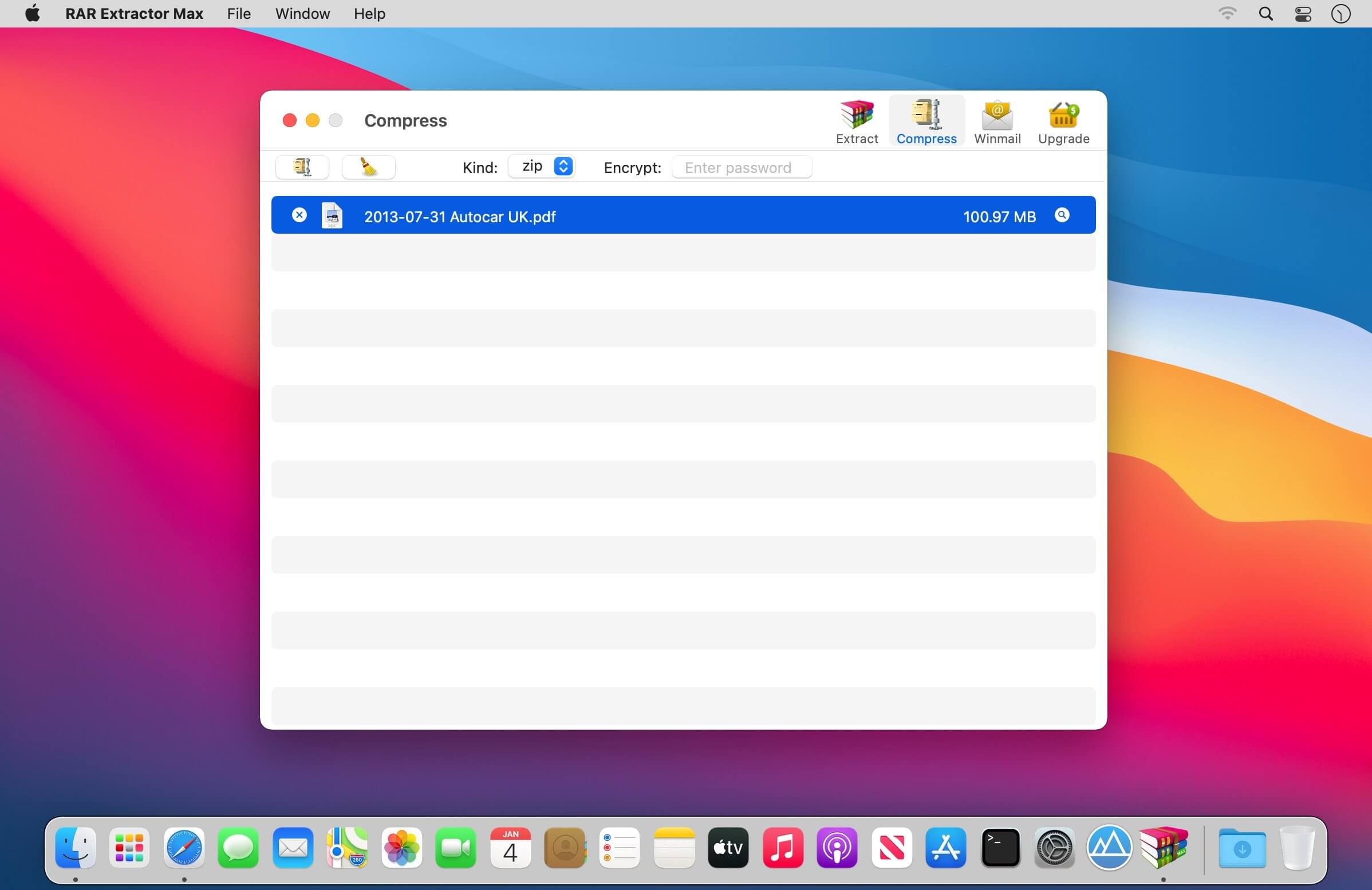
Support archive files and folder to encrypted zip&7z
Quicklook files in archive before extraction.
MAIN FEATURES
Extract extract compressed files in all most formats(over 50 formats).
Unzip, unrar encrypted archives.
Preview and open the file in winmail.dat sent from Microsoft Outlook
Easy view of an archive’s file list.
Quicklook files in archive before extraction.
Unarchive & unrar the selected individual file or folder in the archive.
Double click to display or extract directly after setting this APP as default archiver.
Drag archives to the dock icon to extract or display directly.
Batch decompress many archives
Create password-protected ZIP & 7Z archives.
AES256 encryption algorithm to create ZIP & 7Z archives.
Drag the file in archive to the desktop to extract directly
VERSION INTRODUCTION
RAR Extractor: a lite version the first-generation product, supporting decompress all most of formats of archives and compress files to rar and 7z packages.
RAR Extractor Pro: a pro version the first-generation product, supporting decompress all most of archives, meanwhile, it supports view the contents of archive before extraction.
RAR Extractor Max:based on the first-generation app, we redesigned the UI and improve the functionalities
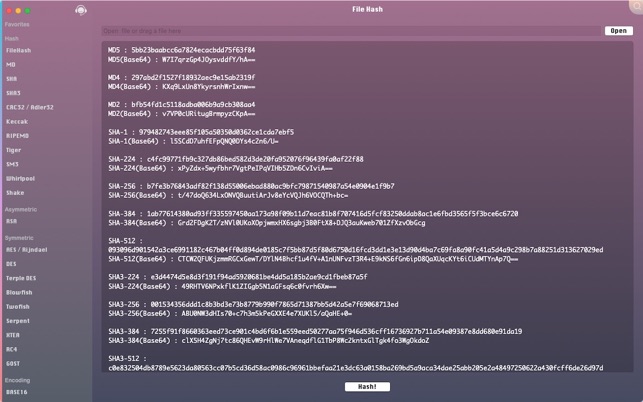
iCrypto PRO contains a lot of cryptosystems and cryptoanalysis methods all in one, including hash algorithms, encoding algorithms, modern symmetric and asymmetric encryptions etc.
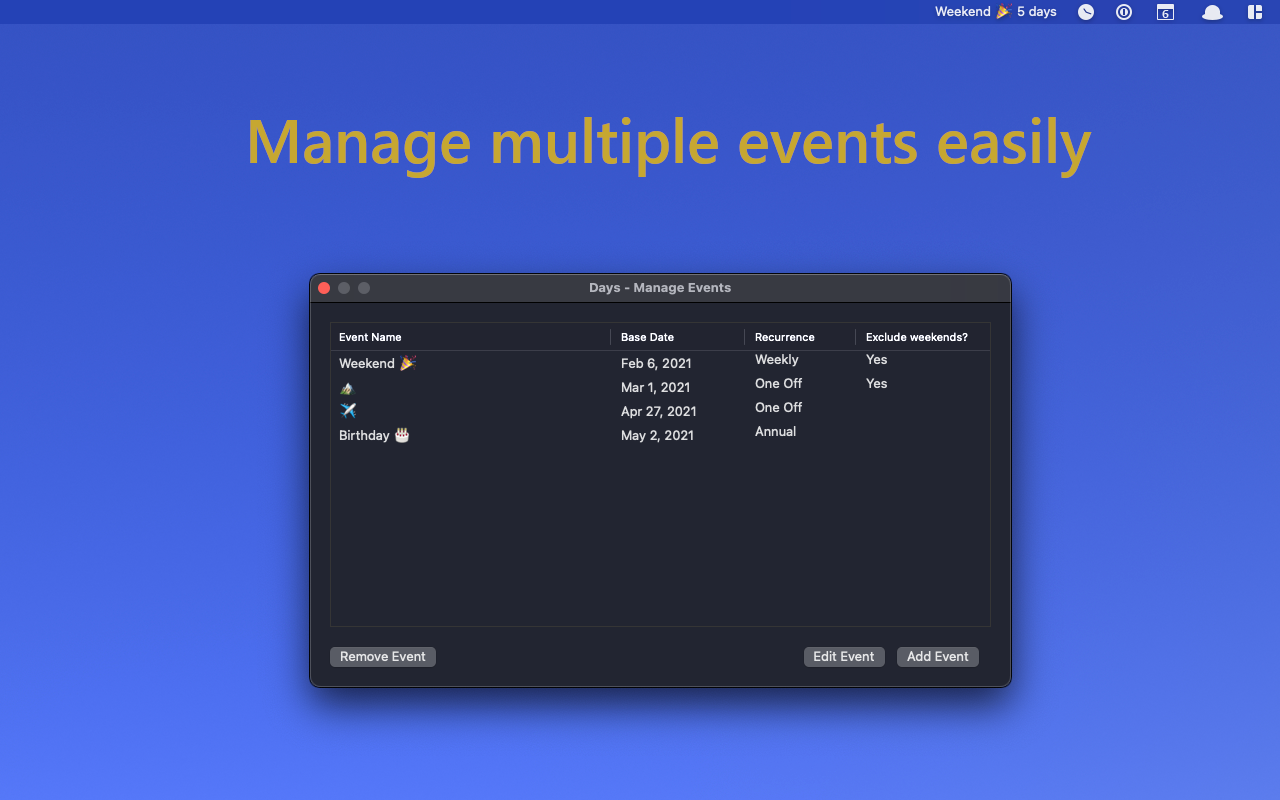
Keep track of the number of days until your next important event by conveniently displaying it prominently in your menu bar.
Features:
– Counts both days from / until an important date
– Ability to include recurring events on a weekly, monthly and annual basis.
– Seamlessly sync your events across all your devices
– Start the application automatically at login so that your favorite event countdown is always on display
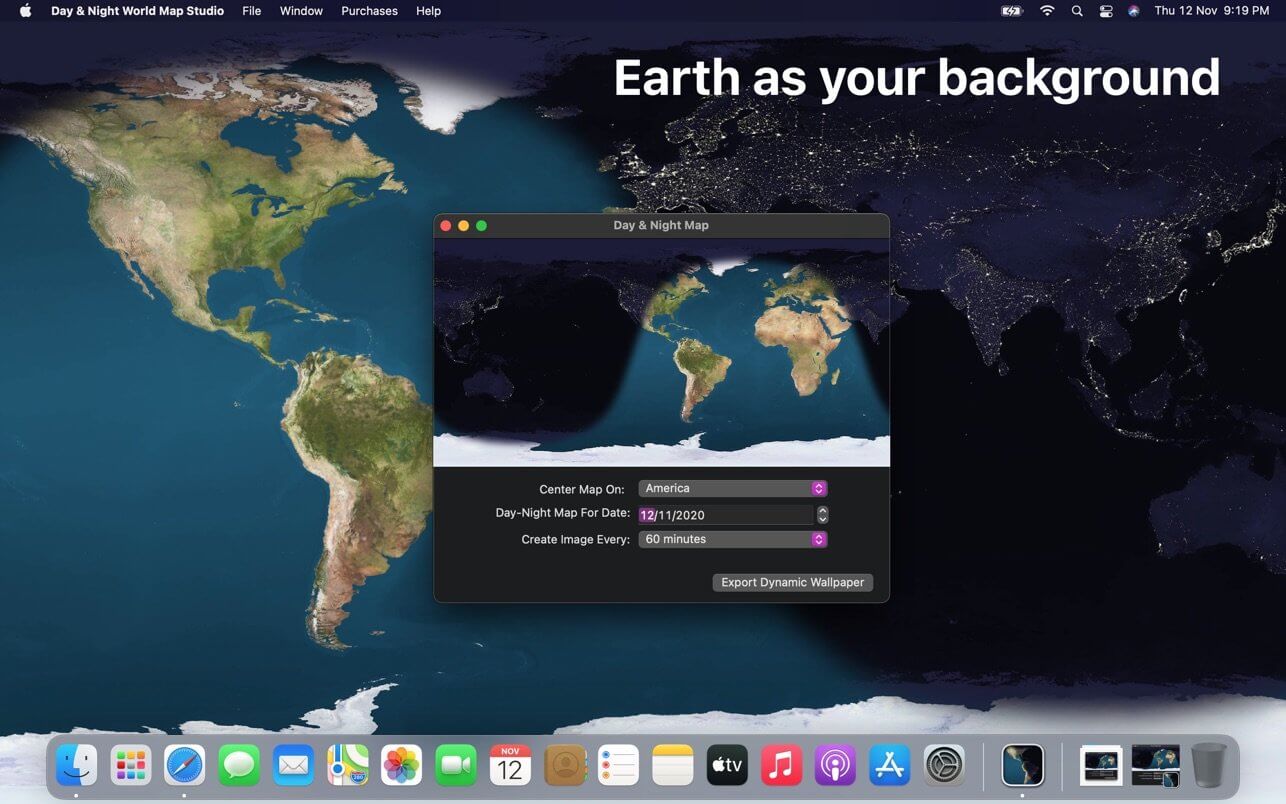
Create gorgeous day & night map that matches time of the day at your timezone. Works natively in Mojave & Catalina. Map also updates on your lock screen and will impress all by-passers.
Day & Night World Map Studio will create a dynamic wallpaper based on your timezone and it will also update its clock to match time of the day at your location. Quick & easy solution to get stunning map.
Features:
Export day & night dynamic wallpaper
Export single day & night wallpaper that matches app launch time
Export map as series of images (Accessible from File menu)
Take a map snapshot of at current time (Accessible from File menu)
Adjust date to match solar situation*
Adjust the frequency of images (time interval)
Focus map on America/Asia/Prime Meridian or on your timezone
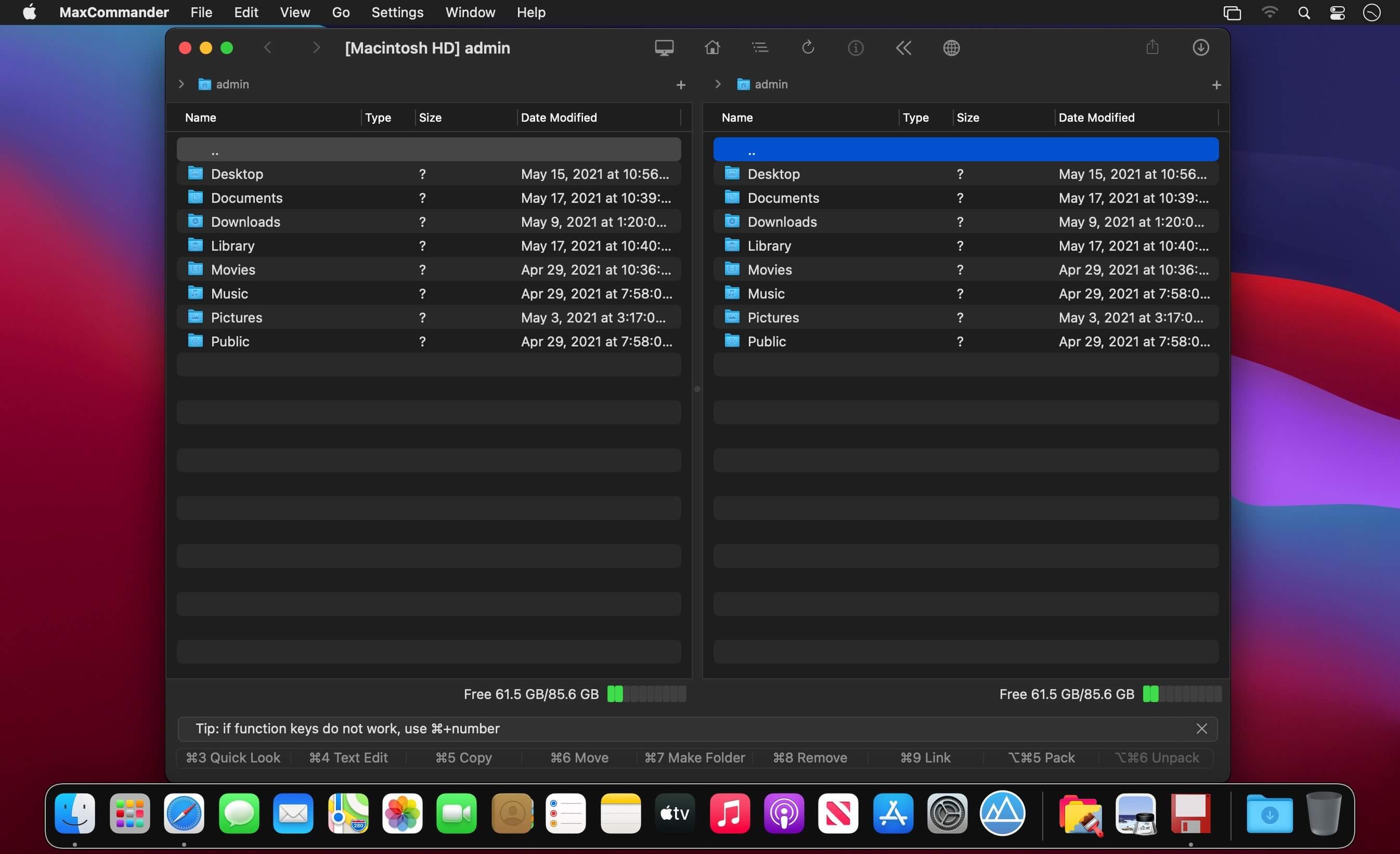
Manage files as always – using two panels and the keyboard (and sometimes the mouse). Introducing the MaxCommander application.
MaxCommander is all you need to manage files on your local drives and remote file servers. The app supports the following operations:
Browsing folders
Previewing files with QuickLook
Editing files
Copying, moving, deleting, renaming files and folders
Creating folders
Creating links
Packing and unpacking archives
Searching for files
You can browse and manage content of an archive as it was a folder on a local drive. You can browse, create, modifie, and unpacke archives of these types:
zip
7z
jar
tar
wim
You can browse, create, and unpacke these archive types:
tgz, taz, tbz2
gz, bz2, xz
These archives are supported for browsing and unpacking:
Encrypted 7z, zip and rar archives are also supported.
If you have an archive file created on an operating system that does not use Unicode you can open it in MaxCommander and select the right characters encoding for file names (available for arj, lha/lzh, zip, rar and tar archives).
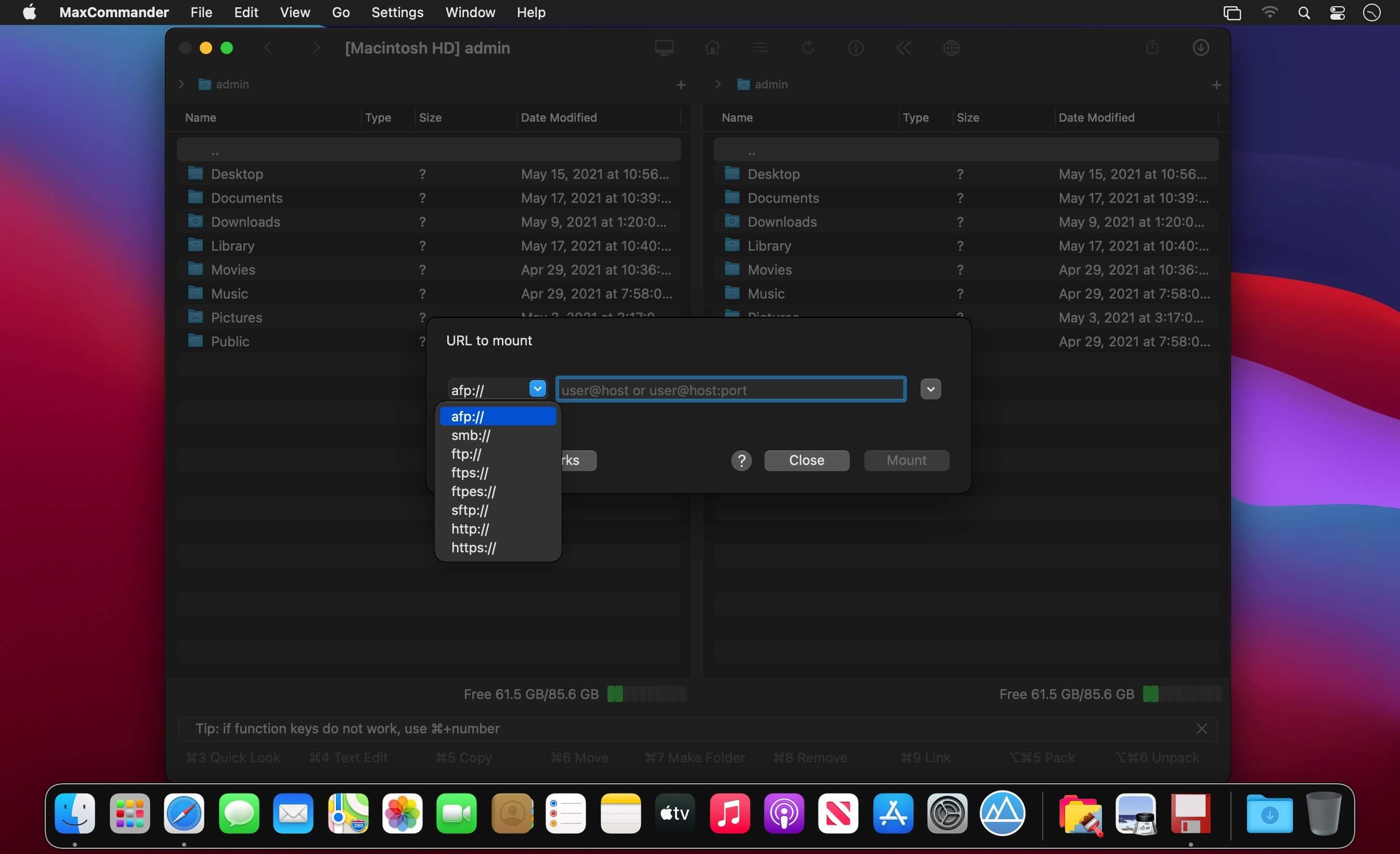
MaxCommander can connect to file servers and you can manage remote files and folders on such servers. The following servers are supported:
FTP
FTPS – implicit FTP over SSL/TLS
FTPES – explicit FTP over SSL/TLS
SFTP
SMB
AFP
WebDAV
Files servers for a local network can be discovered using Bonjour.
RapidCart Pro makes it easy to build and manage a powerful and fully customizable online store with RapidWeaver™. RapidCart Pro has the enterprise-class features and the flexibility you need to create an Ecommerce solution tailored to your unique needs.
Sell Like a Pro – RapidCart Pro makes it easy to build and manage a powerful and fully customizable online store with RapidWeaver. RapidCart Pro has the enterprise-class features and the flexibility you need to create an e-commerce solution tailored to your unique needs.
Multiple Payment Gateways – RapidCart Pro supports multiple payment gateways, each with its own commissions settings. Accept payments using Stripe, PayPal, and Mollie, or choose to handle offline payments such as cash-on-delivery or wire transfer.
Digital Delivery – RapidCart Pro lets you digitally distribute your media content with ease and reliability. Start selling audio and video files, ebooks, digital pictures, and software.
Unlimited Products – There’s no limit to the number or type of products you can sell in your online store.
Product Versions – Offer different versions of your products, such as multiple sizes, colors, materials, and more. Each variation can have its own price, SKU, and weight.
Mobile-Commerce Ready – Your RapidCart Pro store includes a built-in mobile-commerce shopping cart. Your customers can browse and buy from your store using any mobile phone or tablet.
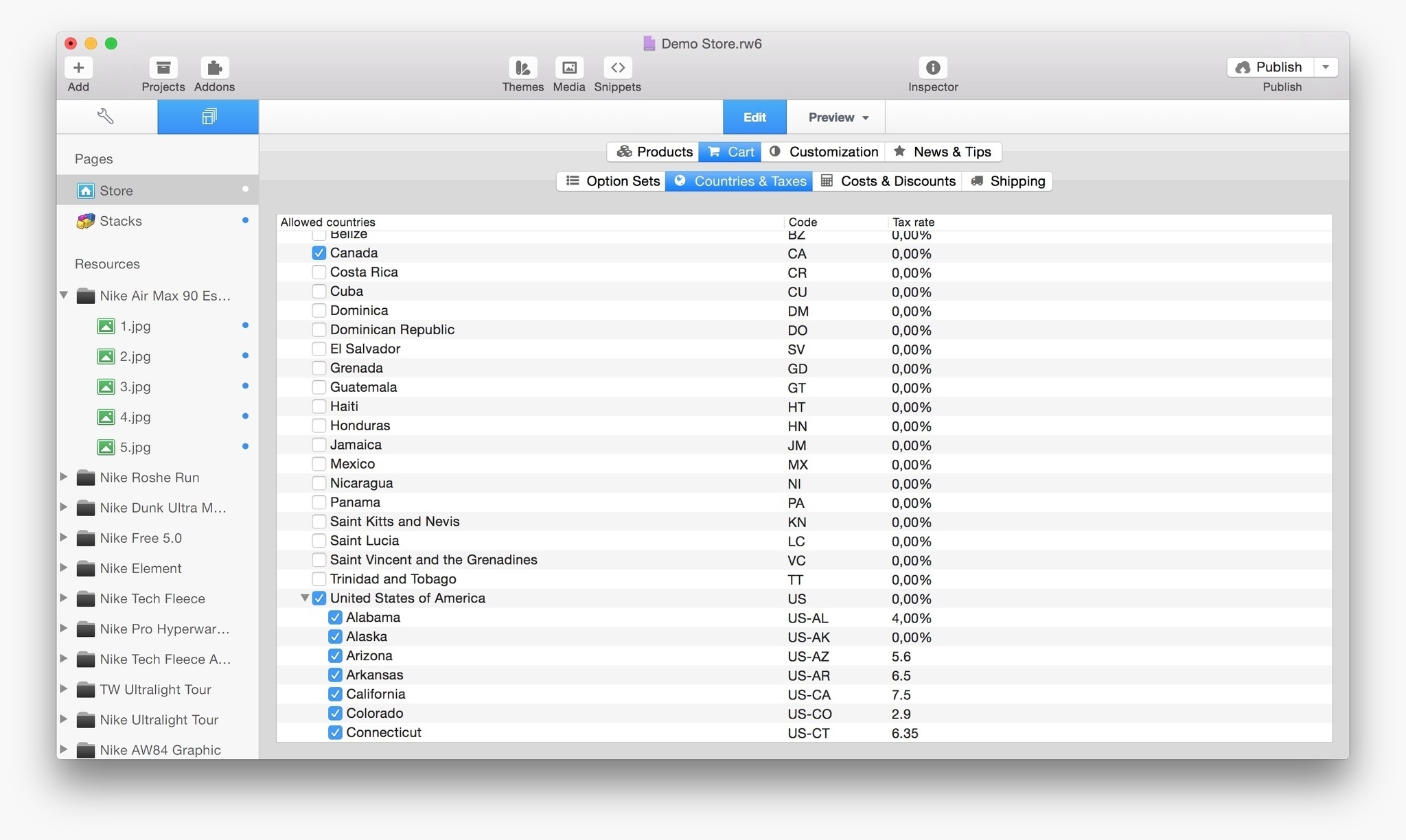
Adapts to Different Countries’ Taxation Systems – RapidCart Pro can be configured to comply to your country taxation system and, based on your location, can handle EU VAT reverse charge and German-law compliance.
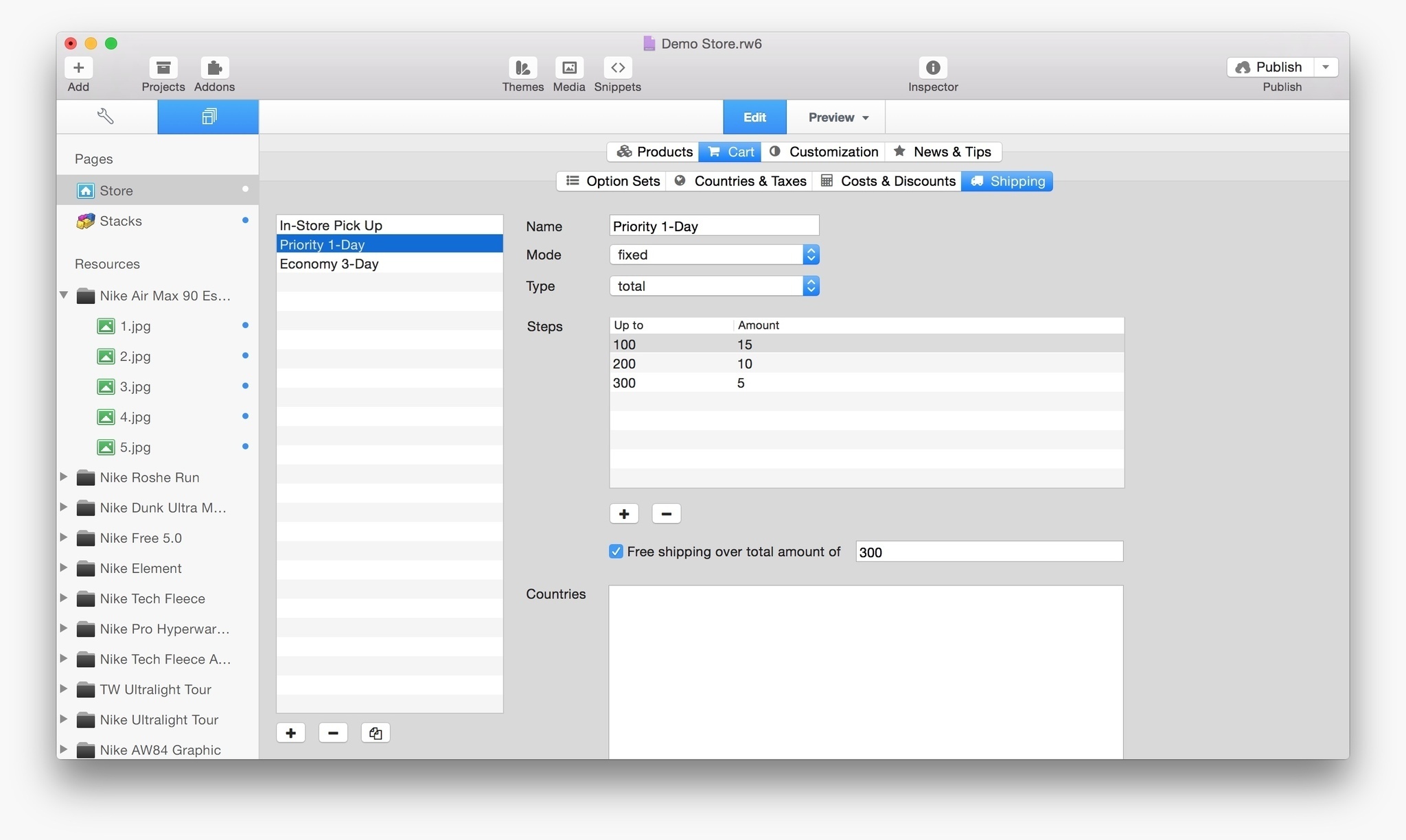
Flexible Region-Aware Shipping Rates – Set up shipping rates by fixed price, tiered pricing, weight-based, and location-based rates.
Endless Configuration Options – Easily customize your store layout, choose your preferred payment gateways, set the price point at which free shipping applies: configuration options are really endless, and each minor update will bring new ones!
Stacks of Features – RapidCart Pro is designed to work with Yourhead Stacks to further customize your store layout.
Themes for RapidCart Pro – RapidCart Pro works with most official and 3rd-party themes for RapidWeaver. We partnered with some great developers to create beautiful themes with extra functionalities designed for RapidCart Pro.