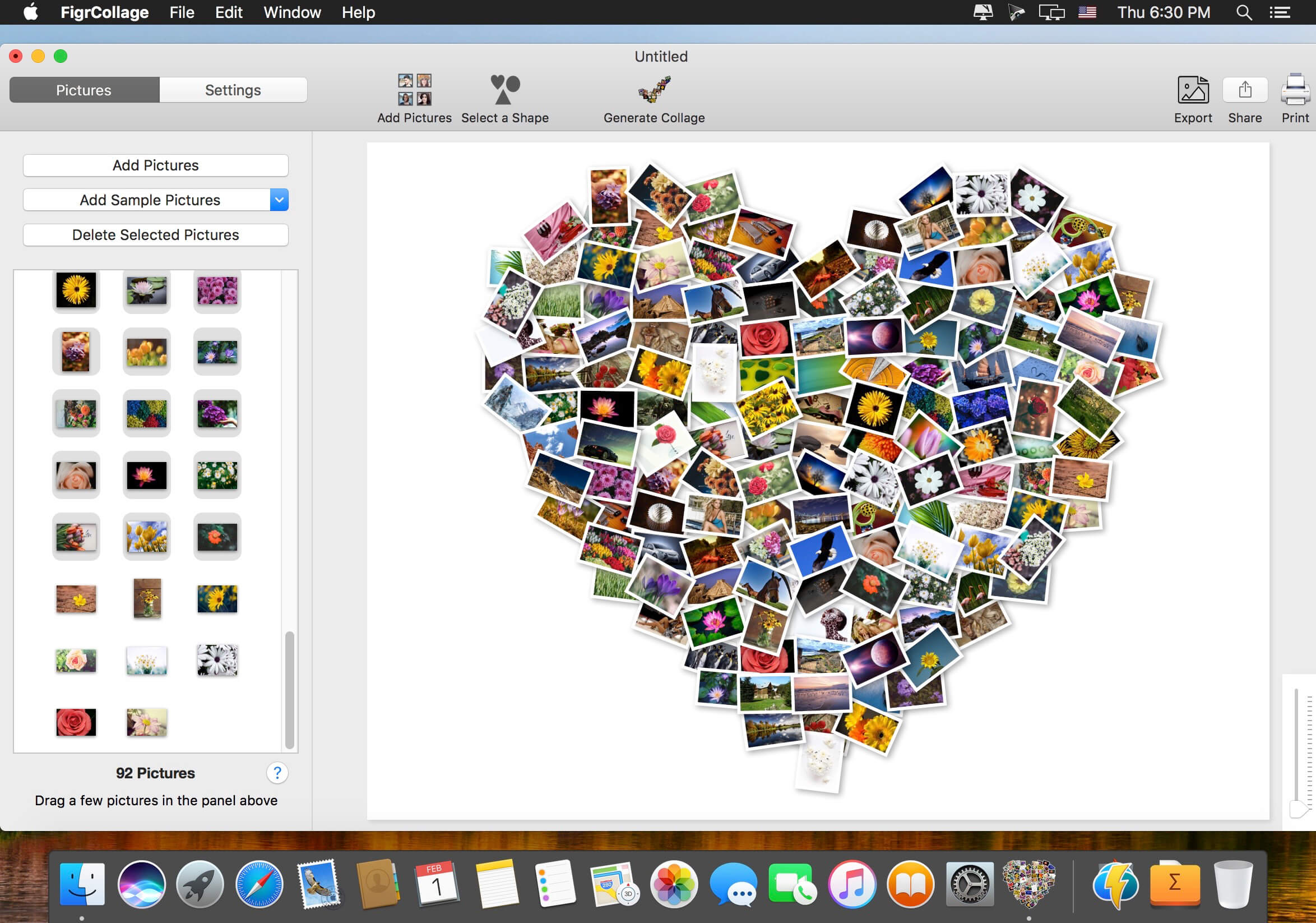
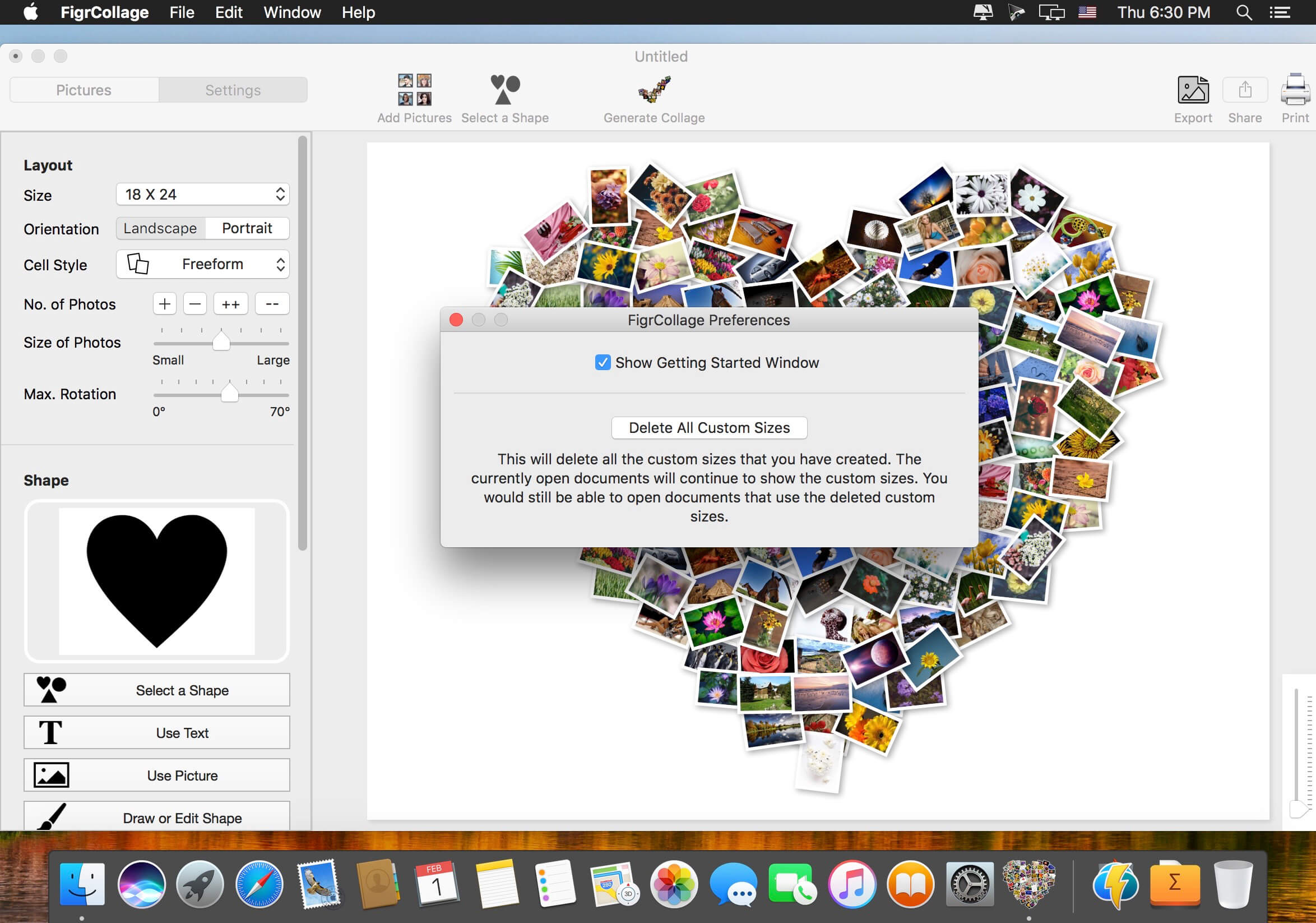
Make a photo collage in the form of any shape, number, word, or text. Make a heart collage, number collage, letter collage, word collage, or a collage from any alphabet. Absolutely anyone can make a collage from a shape or text in a few minutes — no design expertise or experience needed. We bet you’d be pleasantly surprised with the ease of use and the quality of results! Make a collage in one of the standard shapes or use your own custom shape. Here’re some sample pictures made using FigrCollage.
What’s New:
Version 3.3.2:
Release notes were unavailable when this listing was updated.
UK Salary Calculator for macOS provides a simple numerical and graphical breakdown of your income. It is intended for use by residents (or prospective residents) of the United Kingdom. Companion iOS app also available.
FEATURES
Yearly, monthly, 4-weekly, weekly, daily and hourly breakdown of income tax (20%, 40% & 45%), national insurance contributions, pension contributions, student loan, employer’s national insurance contributions, company car tax, fuel benefit charges, gross salary and net salary. It is also fully compatible with the new Scottish 5-tier tax system (19%, 20%, 21%, 41%, 46%) and ‘S’ tax codes.
It calculates your default tax allowance based on your age & income, and has facilities for using gross or net salary as an input, adding additional income, bonuses, additional allowances, customising student loan thresholds, adding salary sacrifices, childcare vouchers, marriage allowances, custom tax codes & deductions. It automatically reduces your personal allowance if you earn above the £100k income threshold.
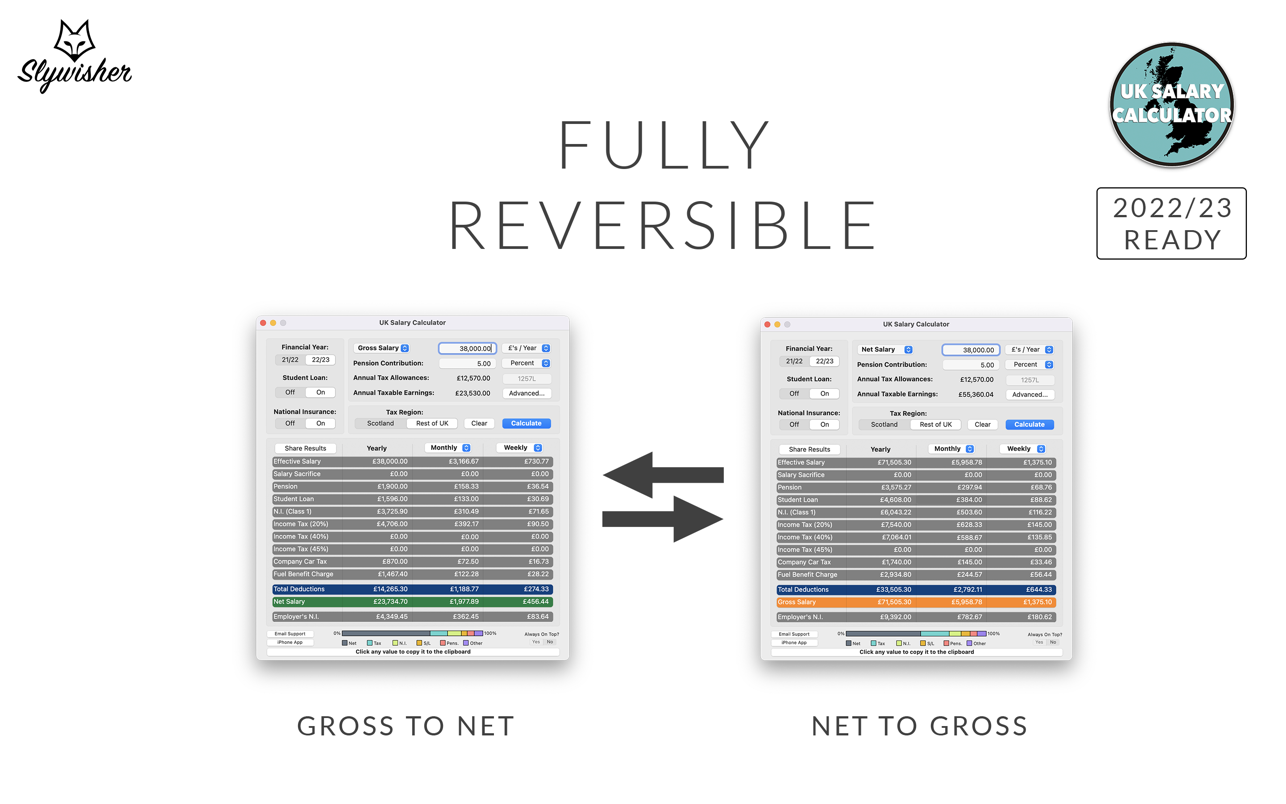
UK Salary Calculator is fully reversible, meaning you can either enter your gross salary to see what your pay will be after deductions, or you can enter a net salary that you’d like to be your take home pay and UK Salary Calculator will tell you what you need to earn as a gross wage to make that happen. This app is therefore perfect for nannies, or individuals who employ a nanny, given their typical net-pay arrangements.
It is useful for employee’s and employer’s alike; whether you are looking to check your pay packet to ensure it’s right, or to see what your earnings should/could be. It is also useful to see what your take home earnings will be in the next financial year or in another job. All calculations are based on data made available by HMRC and the Student Loan Company.
The company car tax feature allows you to input your car’s P11D value & CO2 emissions and the app will automatically calculate the appropriate tax deductions and fuel benefit charge, if required.
Salary, salary sacrifices, allowances, and deductions can be input on a £’s/Year, £’s/Month, £’s/4-Week or £’s/Week basis. Pension can be added as a percentage or an amount.
One-click copy to clipboard function for individual calculated values, or you can quickly and easily share results via the email export option.
Keeping an eye on your Mac’s hardware and resource usage is helpful, but there is no accessible way to do so without third-party utilities.
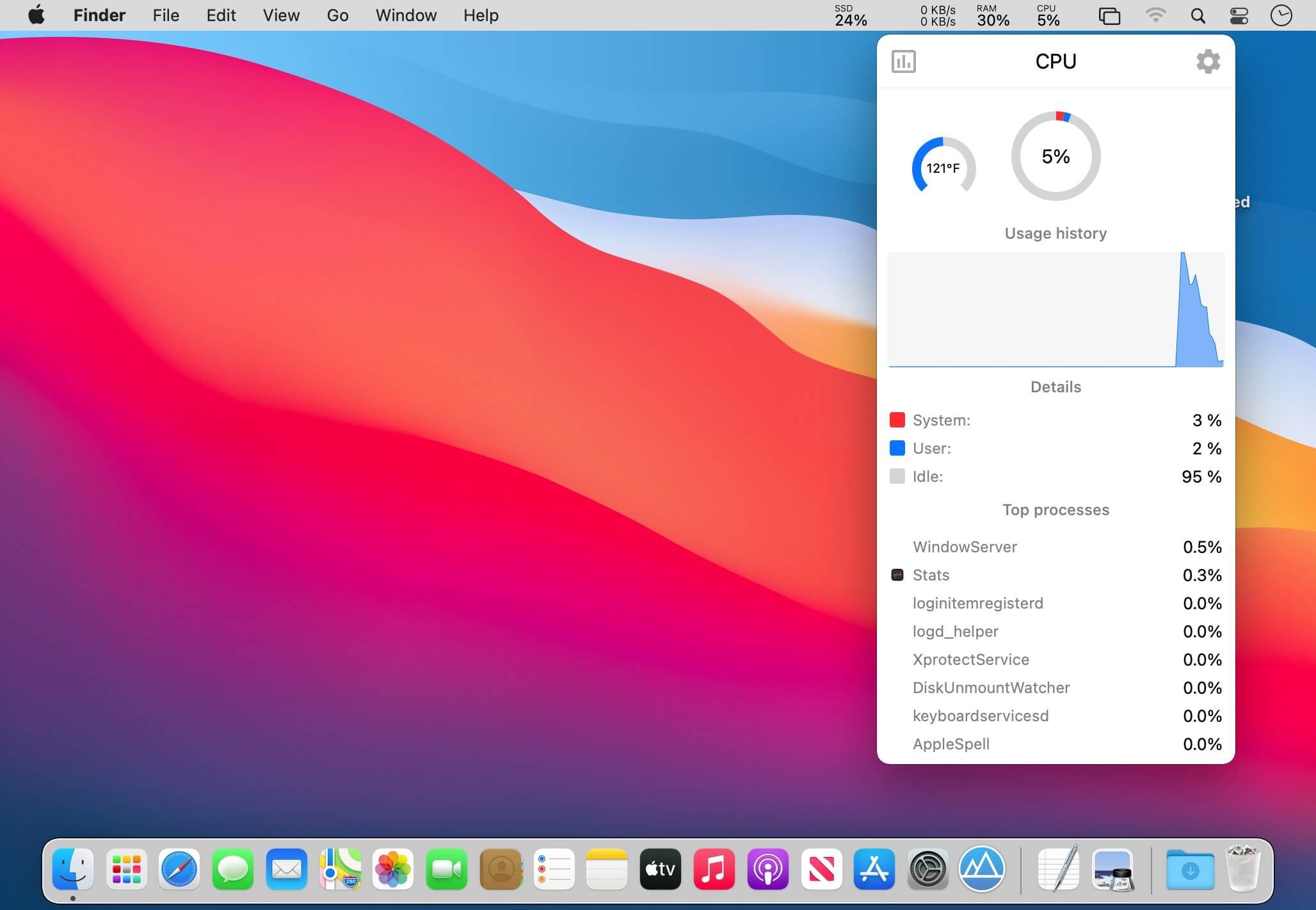
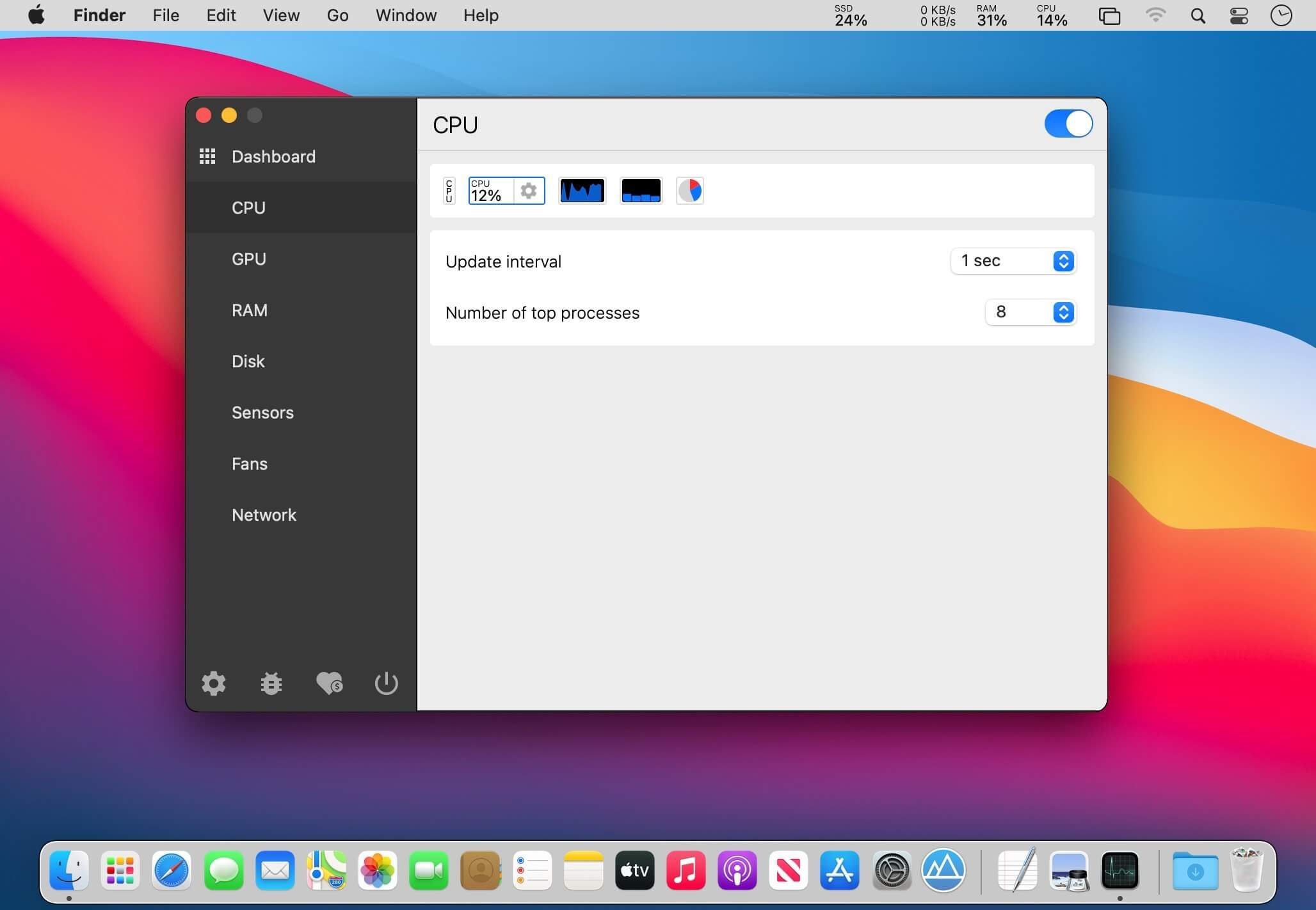
Stats is an open-source app designed to help you monitor temperature, voltage, power draw, battery level, as well as general resource usage, from the menu bar. It is fully configurable, unobtrusive, and quite easy to use.
Menu bar system monitor
Once you’ve installed the app, only a few readings will be available by default. You can add more from the settings, and they will all be displayed as separate icons in the menu bar.
Naturally, you can also move them around freely, and you can gain access to additional information by clicking any of the readings.
Track a wide range of parameters
While CPU, RAM, disk, and network usage can be observed fairly easily even without a third-party app, Stats makes the process a lot simpler.
The app really comes into its own if you’re interested in the temperature, voltage, and power draw of various components. You can select which sensors you want to watch, so you won’t be overwhelmed by unnecessary data.
Lots of customization options
Aside from selecting what you want to monitor, you can choose from a few indicator styles, show or hide labels (which can help with the reading’s visibility), and set your preferred update interval.
The sensor monitors can’t be customized as much. All you can change is the update interval, and multiple readings are grouped into a single icon, which may not be preferable for everyone.
Stats doesn’t offer quite as many features as some of its competitors, but it is worth remembering that this is a fully open-source and free app. It is also being actively developed, so we can expect to see more features and improvements in the future.
What’s New:
Version 2.7.18:
Closed issues:
feat: omit current sensors with more than 100A (#943)
feat: fixed value rounding in the PieChartView (#933)
feat: added custom suffix to the line chart toolTip (#946)
fix: removed GHz from the frequency value (#945)
feat: added additional wifi information (standard, security, channel) in the Network module (#941)
feat: show a current temperature unit in the GPU chart toolTip (#947)
Bug fixes and new features:
feat: use shadow point array when clicking on the line chart. It prevents missing the data when previewing the chart by clicking
feat: increased swiftlint file_length rule from 600 to 800
fix: return a current temperature unit for the temperature sensor
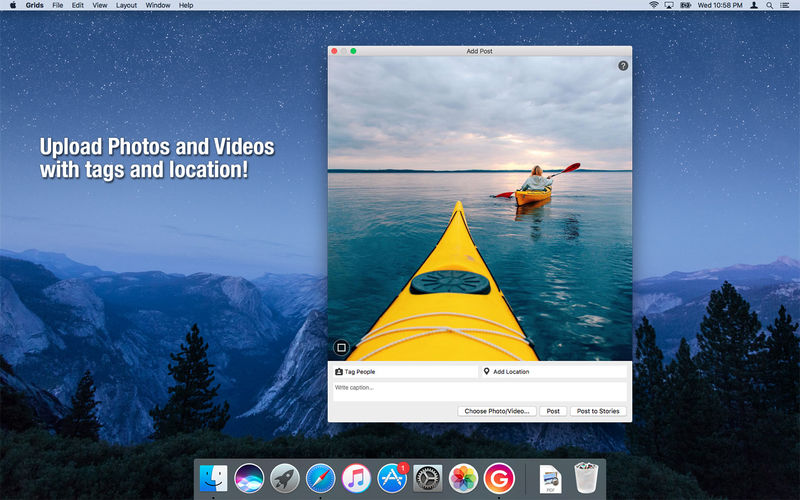
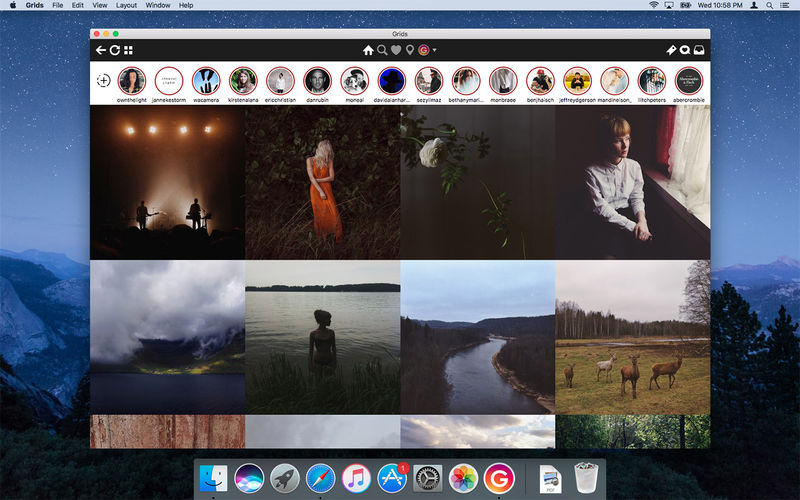
Grids brings the best Instagram experience to your Mac, with Stories (first and only app that supports stories!), Direct Message and Large/Fullscreen photo and video viewing.
As featured on TheNextWeb, AppAdvice, iDownloadBlog, DigitalTrends and many others.
View Stories (pro)
Direct message (pro)
Share photos/user profiles/tags/locations via message
Enlarged view mode allows photo viewing and video playing in large or full screen
Clean, adaptive UI. Works at full screen as well as widget-sized window.
Pixel-perfect layout and rendering. Retina display support. Your Instagram photos never looked this gorgeous.
4 beautiful layout styles for the pleasure of your eyes
Picture size as well as spacing and background color can be adjusted to your liking.
Fastest Instagram browsing experience you will have!
Switch between multiple accounts seamlessly.
Like, comment, follow, search people and tags.
Show users tagged in photo
Bookmark allows you to bookmark people (without having to follow them), locations, tags and individual photos or videos (without having to like them).
Get notification when new feed is available and/or when there is new followers/likes/comments/mentions.
View latest following/news just like on your phone
What’s New:
Version 8.0.5:
Release notes were unavailable when this listing was updated.
Language: English, German, French, Portuguese and others. Compatibility: macOS 10.13 or later, (Apple Silicon compatible) Homepagehttp://gridsapp.net
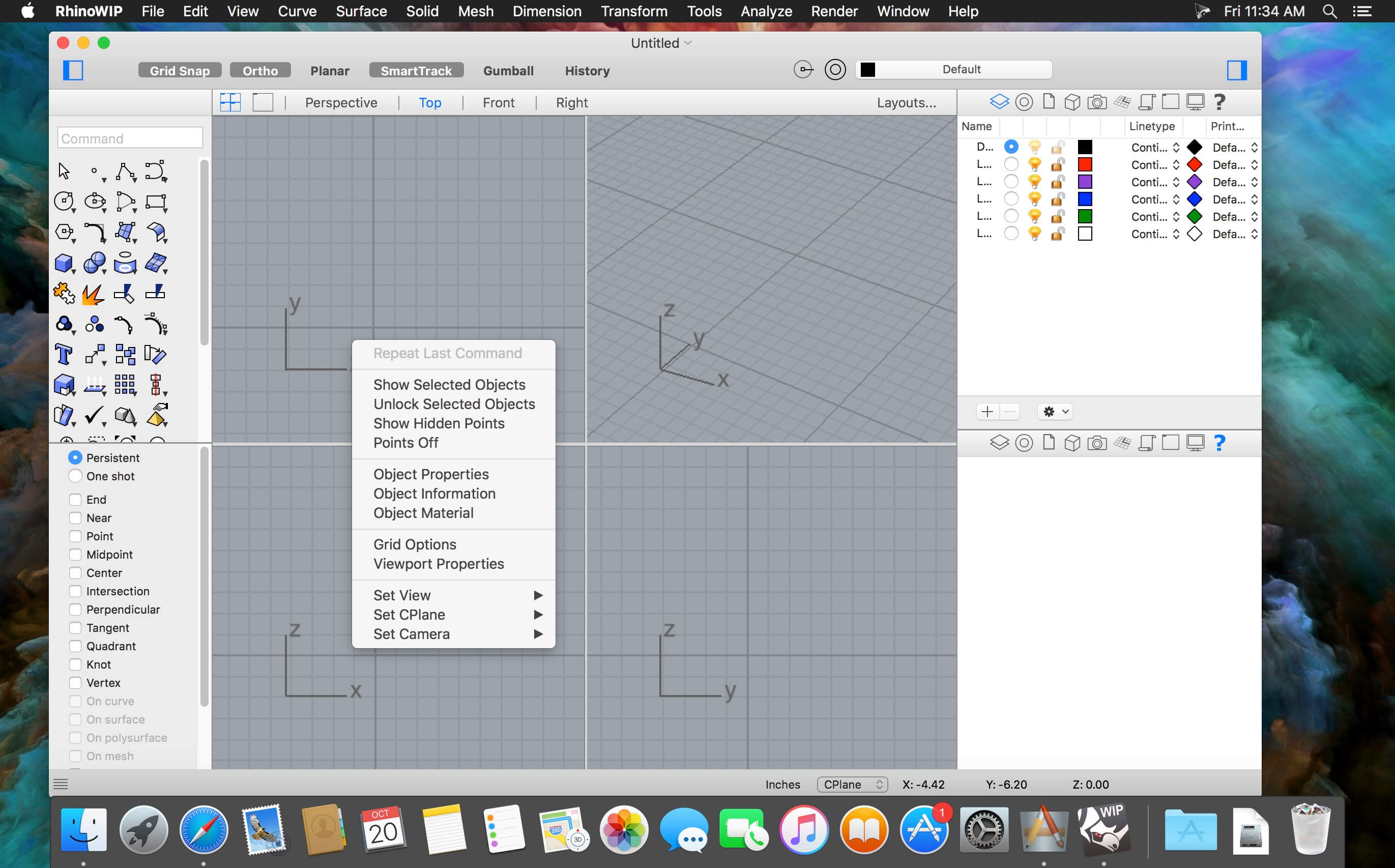
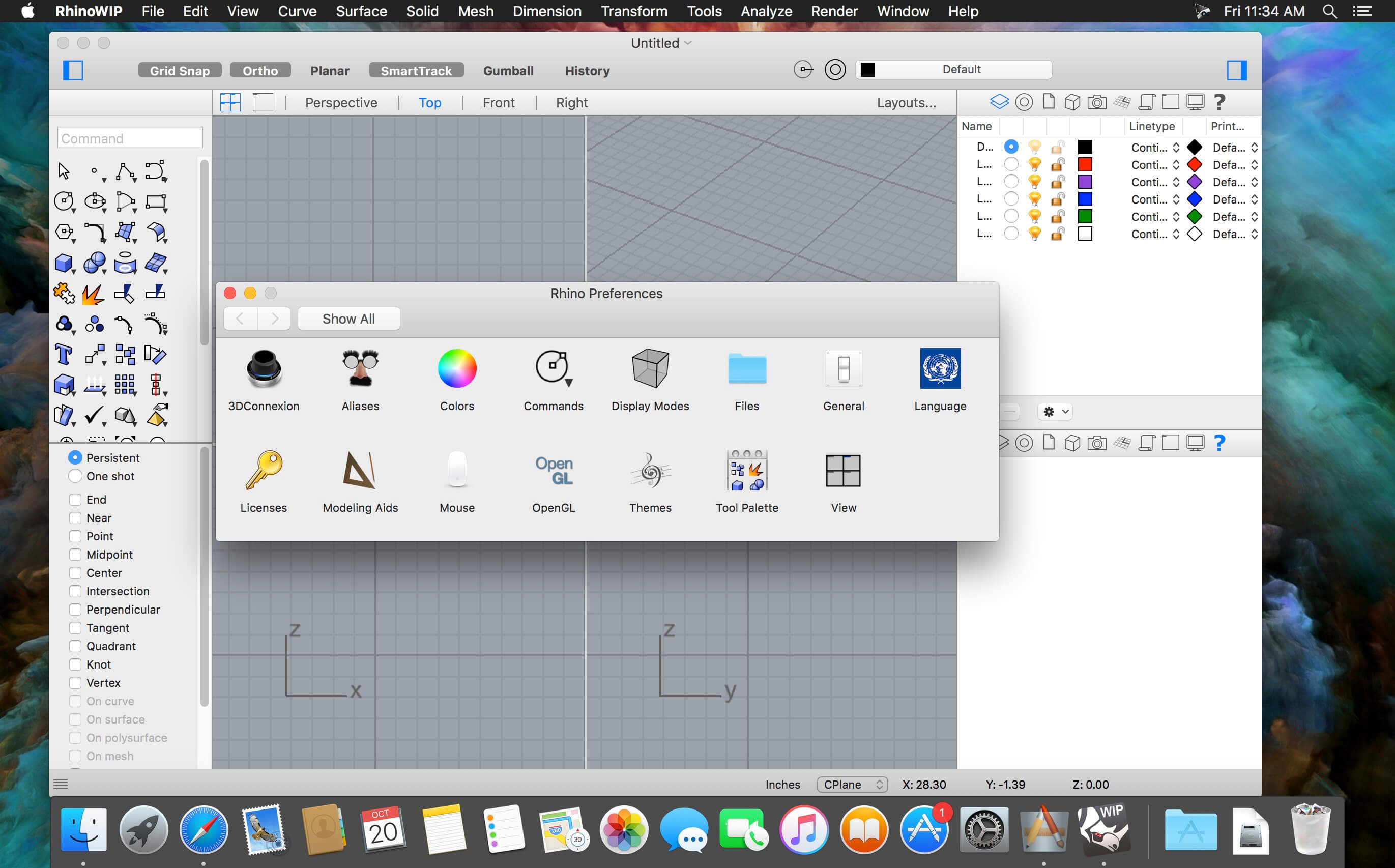
Rhino – Versatile 3D modeler. Rhinoceros can create, edit, analyze, document, render, animate, and translate NURBS* curves, surfaces, and solids, point clouds, and polygon meshes. There are no limits on complexity, degree, or size beyond those of your hardware.
Special features include:
Uninhibited free-form 3-D modeling tools like those found only in products costing 20 to 50 times more. Model any shape you can imagine.
Accuracy needed to design, prototype, engineer, analyze, and manufacture anything from an airplane to jewelry.
Compatibility with all your other design, drafting, CAM, engineering, analysis, rendering, animation, and illustration software.
Read and repair meshes and extremely challenging IGES files.
Accessible. So easy to learn and use that you can focus on design and visualization without being distracted by the software.
Fast, even on an ordinary laptop computer. No special hardware is needed.
Affordable. Ordinary hardware. Short learning curve. Affordable purchase price. No maintenance fees.
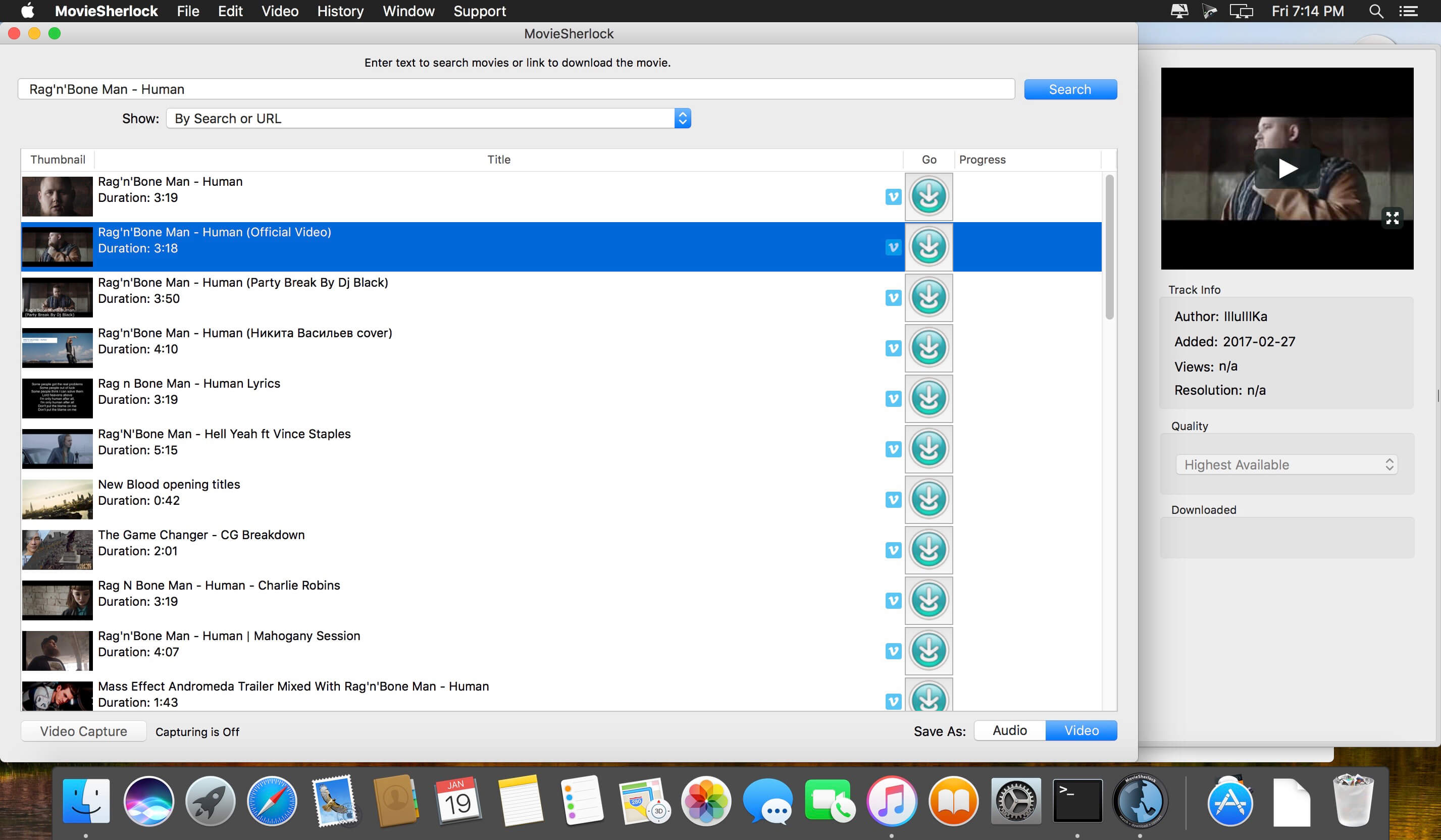
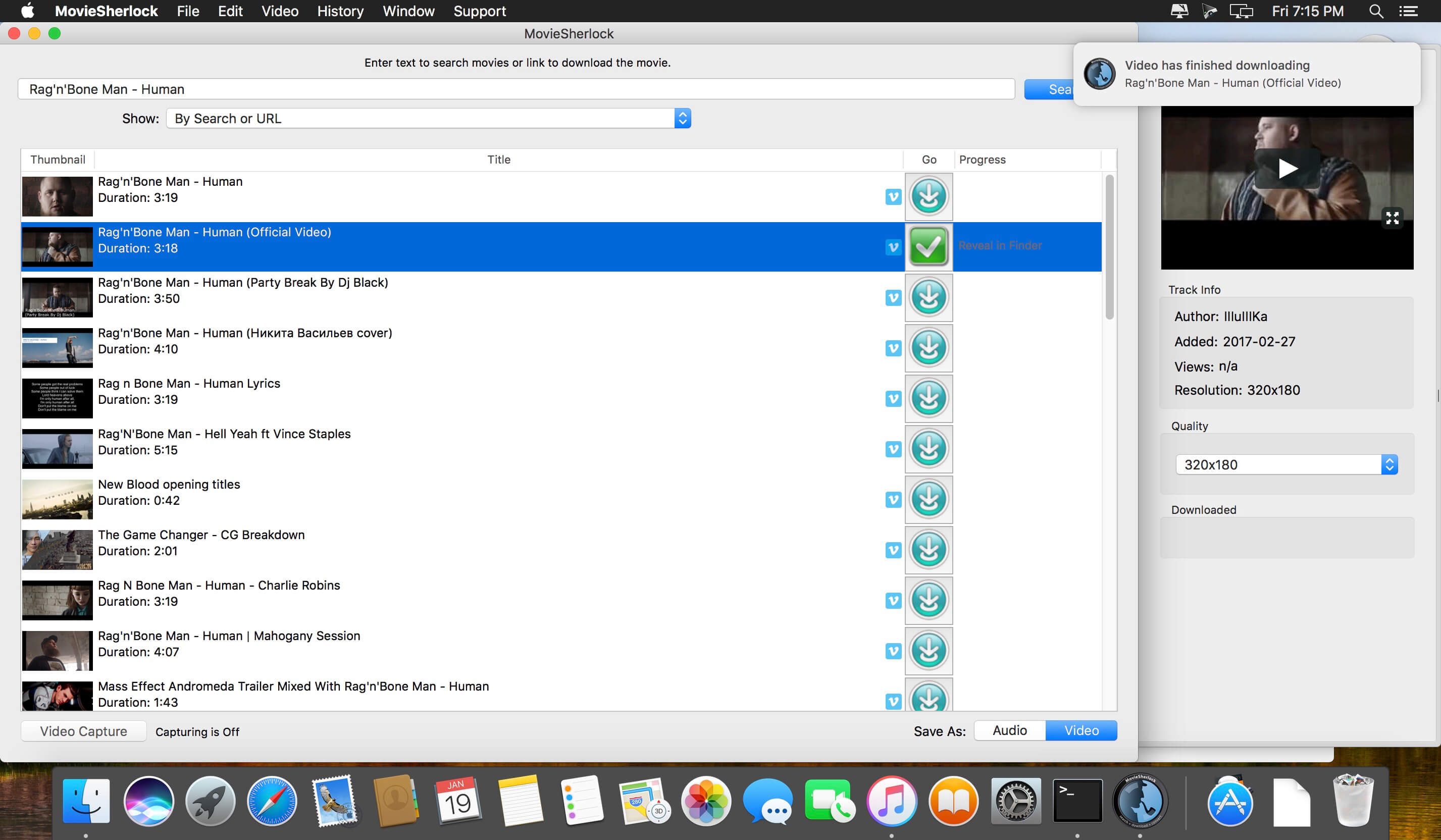
MovieSherlock is an all-in-one YouTube downloader and converter. It allows you to search, download, and convert YouTube movies. MovieSherlock lets you to download videos fast, smoothly and no quality loss whats so ever! MovieSherlock is just the best way to get videos to your Mac.
MovieSherlock allows you to download any video from YouTube and convert it on your Mac to a high-quality MP4 video that is playable in iTunes or your favorite video player. MovieSherlock supports both HD (High Definition) and SD (Standard Definition) video from YouTube. However.
Save as MP4 and MP3: downloaded videos will be automatically converted.
YouTube, Vimeo, DailyMotion and thousands of websites support
Fast download: 15x faster than real time!
iTunes integration: Add to iTunes feature allows to copy downloaded video and music to any of your devices such as iPhone, iPad, iPod, etc.
Download video with subtitles from YouTube and DailyMotion.
Correct file naming: The downloaded videos will retain the original names from the source web-pages.
Native video format: If you get the video with MovieSherlock, be sure you can play it.
Simultaneous download: Get so many files you need at one time.
What’s New:
Version 6.3.6:
Release notes were unavailable when this listing was updated.
innovative::bytes start is an unique launcher for macOS that allows you to open applications, documents, URLs or folders quickly and easily. Create tidiness in your Dock and start items with the smart launcher app start instead.
start supports you and your workflow with a well planned organizational system for your items and a quick access to what you need.
It’s incredibly easy to use: start automatically collects all applications available with Spotlight. Further You also can add files and folders manually according to your wishes.
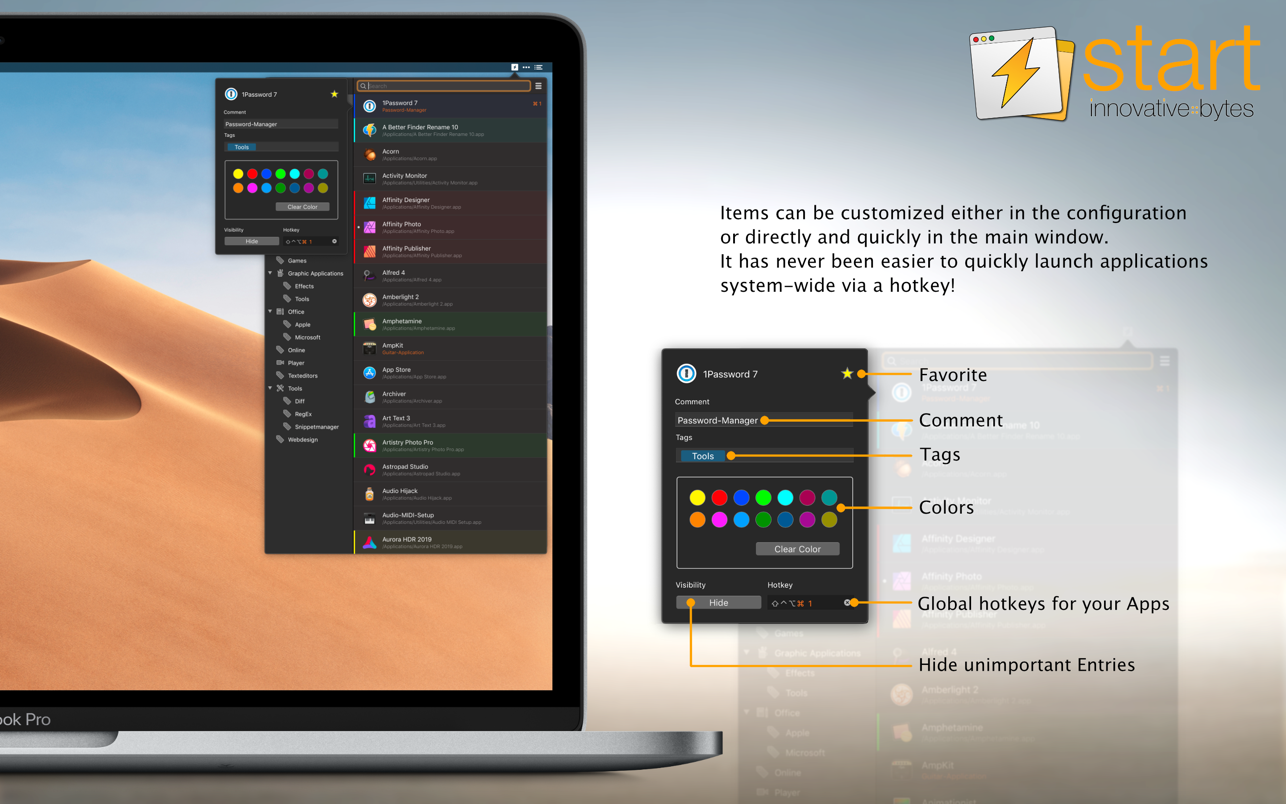
Start your Applications with a simple mouse click or even faster and more convenient: with a hotkey! Also use tags, colors and notes to keep track of your Applications. Enjoy the simple operation and the comfortable features of start!
Features TAGS
Tag it and love it! Use tags to create collections for your applications, frequently used folders, scripts or any other file. It has never been so easy to organize and sort items on macOS. Save a lot of time – searching was yesterday!
COMMENTS
Comments and notes! Add comments and small notes to your items to describe them in more detail. The comments will remind you what the items can do for you. Small notes with big effect – so you always keep track!
COLORS
Highlight your items as you like! With just a few clicks you can highlight your items with colors and find them even faster. Choose colors for more clarity and organization – effective and visually appealing!
HOTKEYS
Start with a simple keystroke! Assign a key combination to your individual items and open them immediately from anywhere with a customizable keyboard shortcut. Your workflow is no longer disturbed – you’ll love the hotkeys!
Requirements
start was developed for macOS 10.13 (and newer) and uses Spotlight internally to search for applications. For start to work, Spotlight must be enabled and also capture applications (this is the normal setting of macOS)
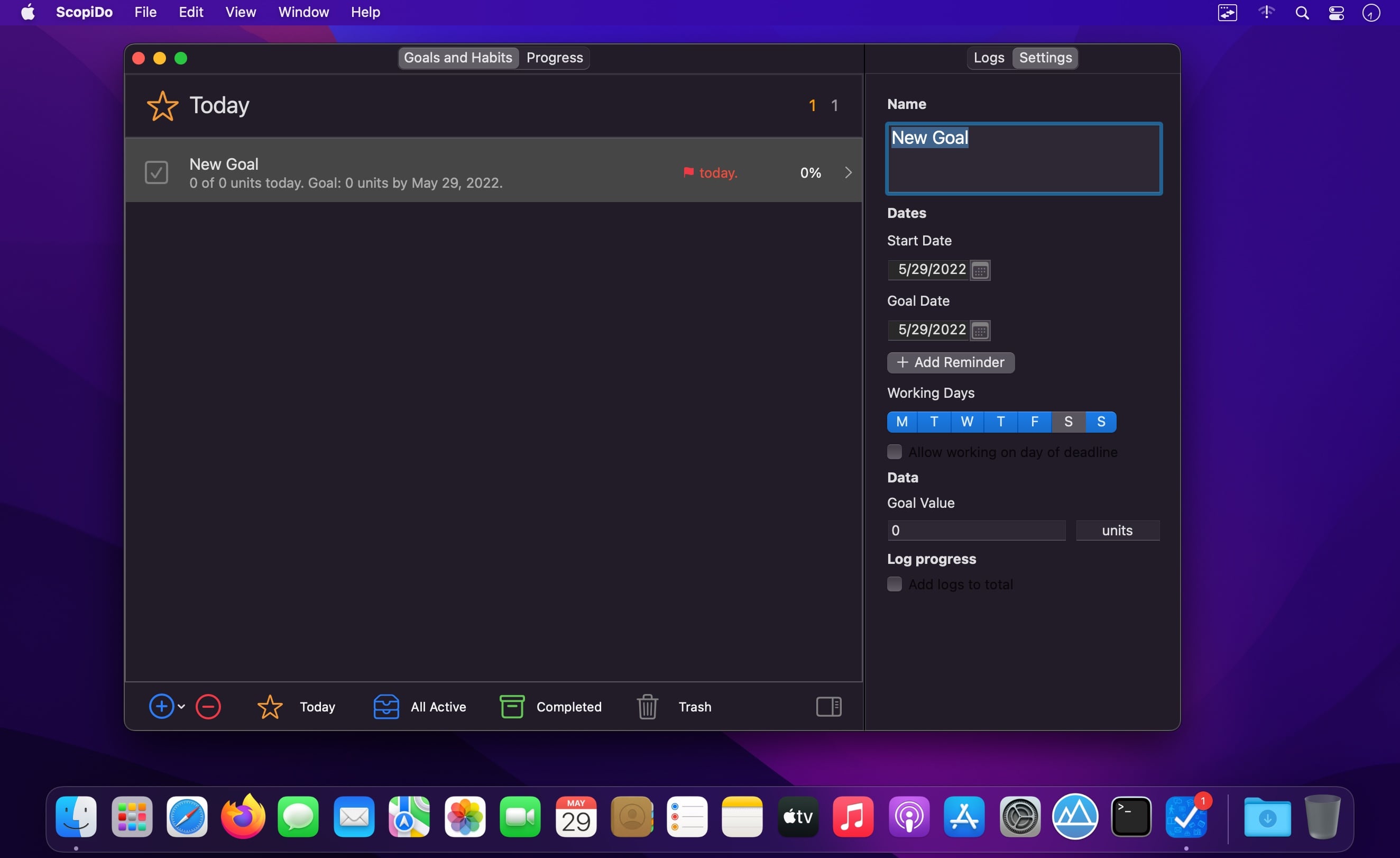
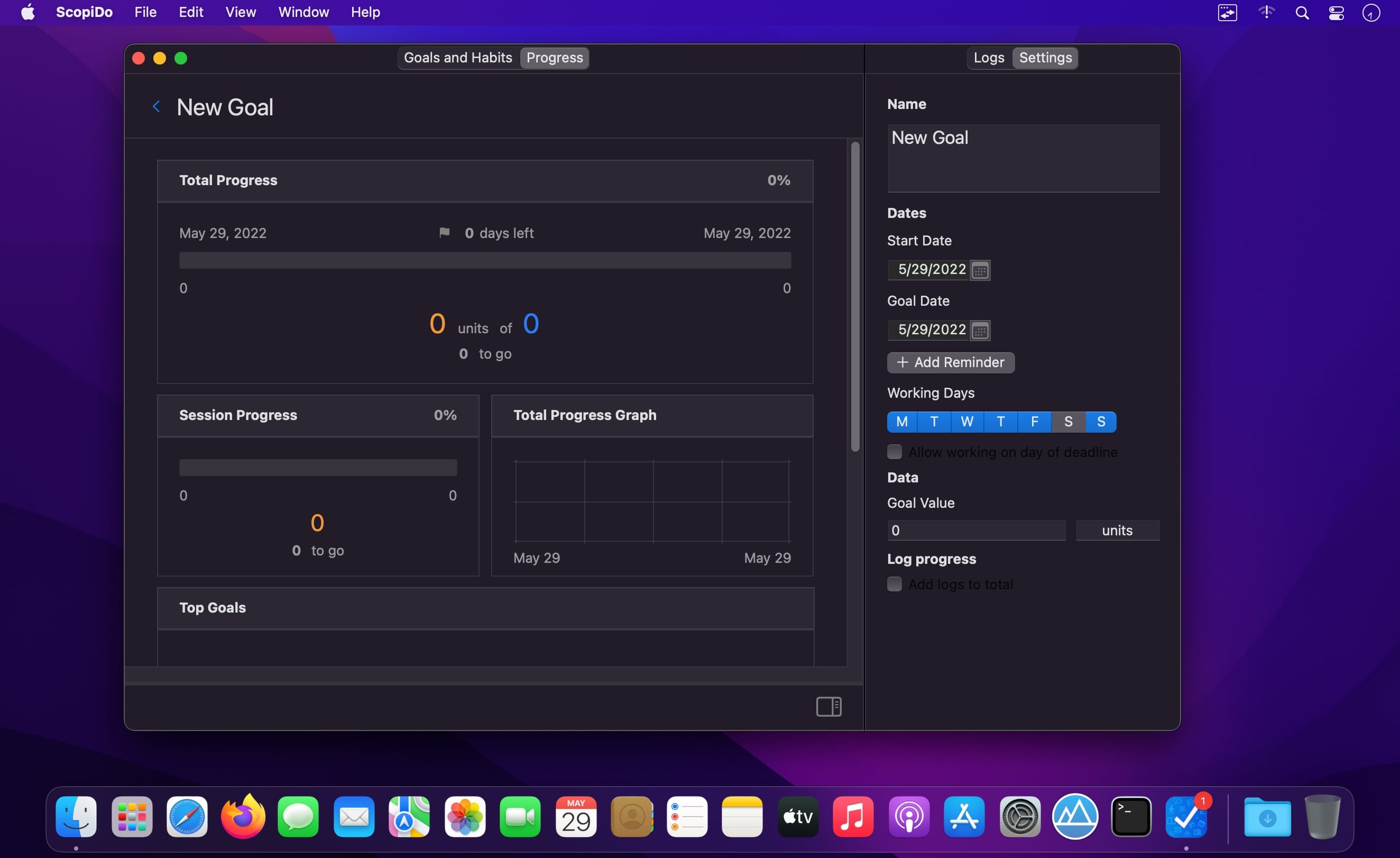
ScopiDo is a simple yet powerful tracker for goals & habits for Mac. You can use it as a simple habit tracker or as a complex SMART goal tracker, which does the math for you. Insert the goal value, choose the deadline and the days of works and, voilà, you know how much work you should do to finish on time. With ScopiDo you can achieve all your goals and habits, and consequently, you can achieve excellence!
General
All your habits and goals are in the same window.
There are three states for each habit or goal: done, failed, and undecided. You can switch between them easily.
You can customize your dates and working days in a Settings panel.
You can track and view your progress through data and graphs.
It does the math for you and changes colours in Progress view according to the status of an item—done, failed, and undecided.
Habits
Display a calendar view in different colors, blue for the done days, red for the failed days, and grey for the undecided days.
Display percent and value of the success rate for the entire period of time.
Show the current and the best streak.
Show the current habit in top-three habits.
Goals
Track total progress, days left, deadline, and the number of units to go.
View session progress and units for a session (a day).
Display a total progress line graph between the start date and the deadline.
Display the current goal in top-three goals.
Other Key Features
Display app Icon Badge & Notifications.
Display dark mode.
Switch between multiple views: Today, All Active, Completed, and Trash.
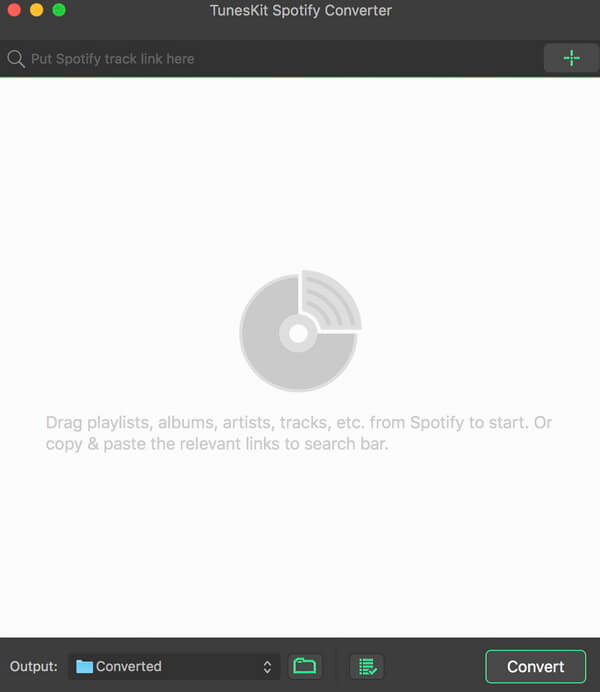
A mighty and smart Spotify music converter to download Spotify songs, playlists, albums, artists as well as convert any track from Spotify to plain MP3, M4A, AAC, WAV, M4B, FLAC for any music player, like iPod, Zune, Creative Zen, etc.
Break DRM protection from all Spotify songs and playlists
DRM restriction on Spotify prevents us from playing the music offline. Thus TunesKit Spotify Music Converter for Mac comes out to free Spotify users from DRM for good! With this smart Spotify converter, subscribers can now take full control of your Spotify music songs by easily downloading all tracks, artists, albums as well as playlists from Spotify while completely stripping off the DRM protection with high quality.
Download & convert Spotify music tracks, playlists, albums, artists to MP3, AAC, WAV, FLAC, M4A, M4B
In addition to a powerful Spotify DRM removal tool, it also works as a professional Spotify to MP3 converter so that you can decrypt and convert any Spotify music file, including single track, albums, playlists and artists to plain MP3, AAC, WAV, FLAC, and other common audio formats as you wish.
Keep 100% lossless quality and ID tags
TunesKit Spotify Music Converter for Mac is well designed to provide you with fantastic listening effects so that it can losslessly retain the original quality of the Spotify music in the converted DRM-free songs. Besides, the ID tags and other metadata information of the Spotify songs, such as artwork, artist, composer, album, year, track number, genre, etc. will be preserved in the output files as well.
Play Spotify music songs on all popular players offline
Thanks to this smart Spotify music conversion tool, you are enabled to freely download and play any DRM-protected Spotify music track, album, or playlist on any popular device and player, including Apple iPod, iPhone, Zune, Creative Zen, Sony, Samsung, car radio system, and other common MP3 players, etc.
A well-designed Spotify music converter to download over 70 million songs, playlists, albums, podcasts from Spotify to MP3, FLAC, WAV, AAC for offline listening on all devices and players with ease.
As the undisputed leader in on-demand streaming music service, both Spotify free and paid users can access over 70 million songs. But tracks have been applied Ogg Vorbis format in all songs and playlists, which prevents members listening to Spotify music on most popular devices, like the common MP3 players.
To make full use of songs, AudFree SpoDable for Windows and Mac is designed to help you easily convert Spotify Ogg to MP3, FLAC, AAC, WAV, M4A, M4B and other common audio formats with zero quality loss so that you can play Spotify tracks on all music players offline at any time.
A smart Spotify music downloader to save any Spotify songs and playlists offline and convert Spotify Ogg Vorbis to universal MP3, AAC, WAV, FLAC, etc. losslessly for playing on any popular device and MP3 player.
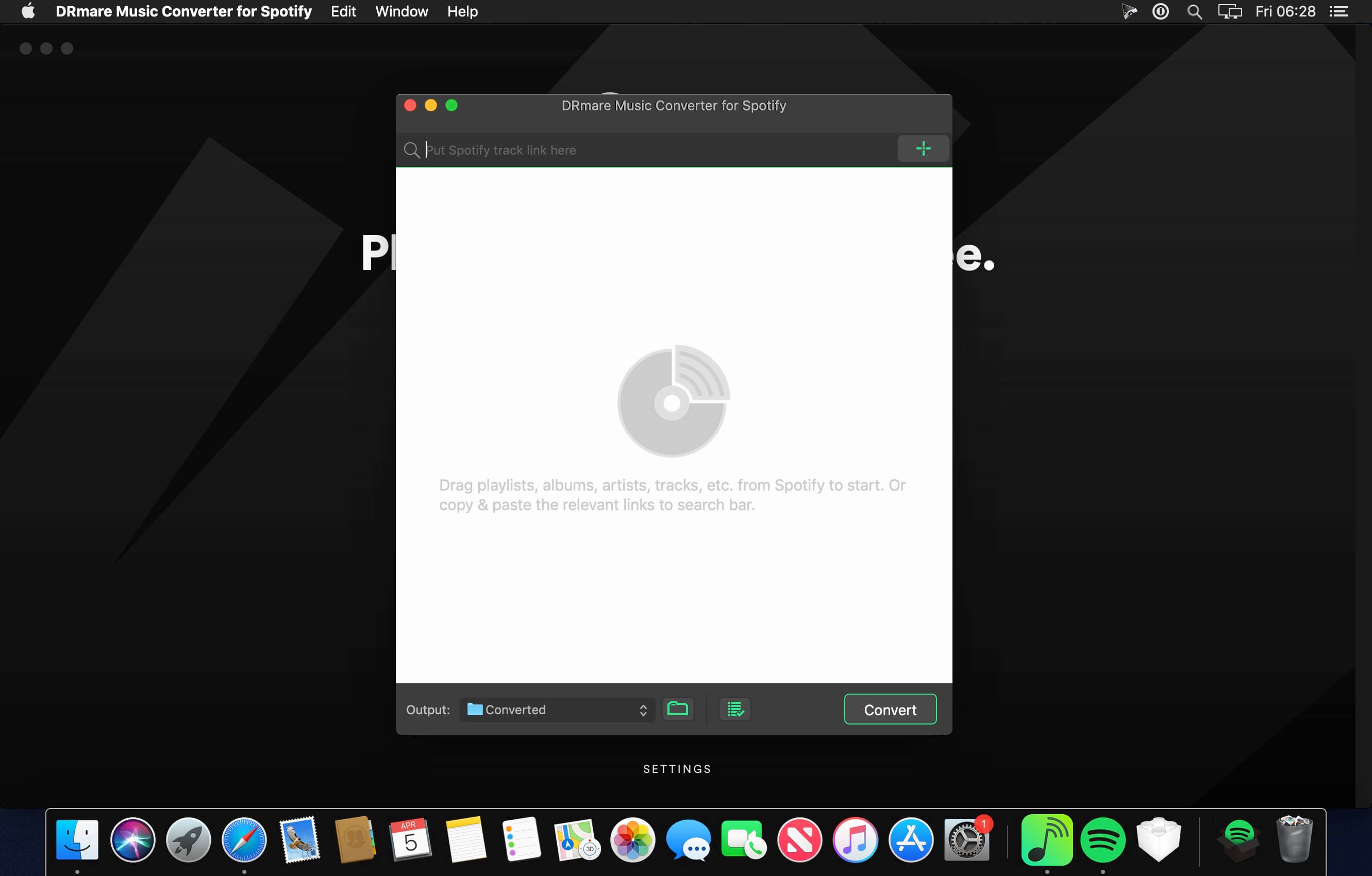
With Spotify Premium subscription, you can download any Spotify songs to play on computers, tablets and mobile phones offline. But what if you don’t have a premium account? No worries! DRmare Spotify Music Converter for Mac is here to offer you the ability to download and extract all music tracks, albums, artists and playlists from Spotify with one click only. It works perfectly for users who have only the free subscription of Spotify music.
What’s New:
Version 2.5.2:
Release notes were unavailable when this listing was updated.
Losslessly convert and download Spotify tracks and playlists for offline listening on any device. AudKit Spotify to MP3 Converter supports to convert Spotify playlist to MP3, AAC, M4A, M4B, WAV, FLAC, and other common-used audio formats.
Convert Spotify to MP3
AudKit Spotify to MP3 Converter supports to convert Spotify playlist to MP3, AAC, M4A, M4B, WAV, FLAC, and other common-used audio formats.
5X Conversion Speed
The conversion speed of AudKit Spotify Music Downloader is able to reach 5X or even faster. That means a 5-min Spotify song only takes a 1-min conversion period.
Batch Download Spotify Songs to MP3
AudKit Spotify Playlist Downloader supports different types of Spotify audios, which contain Spotify Songs, Playlists, Albums, Podcasts, Audiobooks, and Radio.
You can add up to 100 audio tracks from Spotify to AudKit Spotify Audio Downloader at once load. Besides, there is no upper limit of converting songs. So that you can batch import massive Spotify songs into AudKit Spotify Album Downloader and download them in just one click.
Keep 100% Lossless Sound Quality and ID3 Tags
Built-in the most-advanced converting technology, AudKit Spotify Song Downloader is able to keep 100% lossless audio quality from original Spotify songs.
The raw metadata also completely preserves in the output files, including artists, titles, albums, album arts, track numbers, and such basic info. Therefore, you can manage and organize the local music library with ease by viewing the intuitive ID3 tags.
Supported Input Formats
Spotify Audio Artists, Songs, Albums, Playlists, Podcasts, Radio
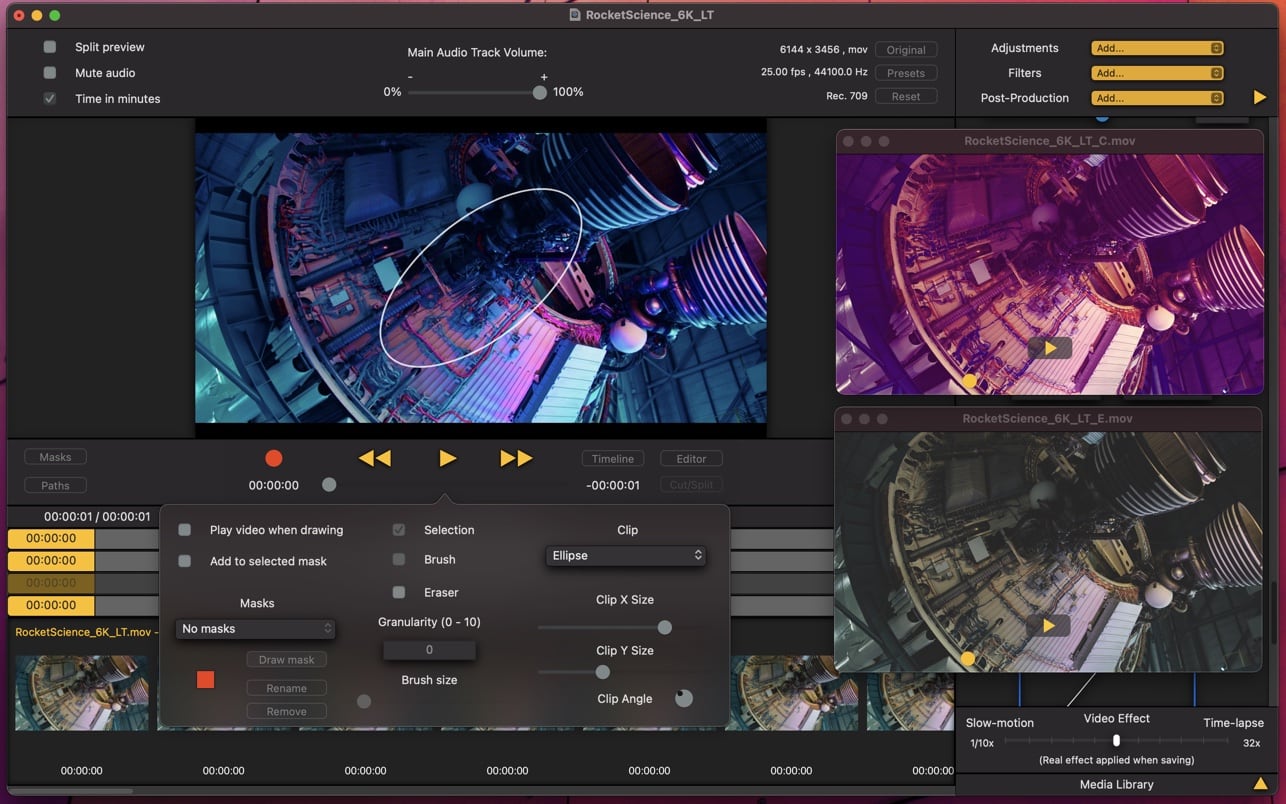
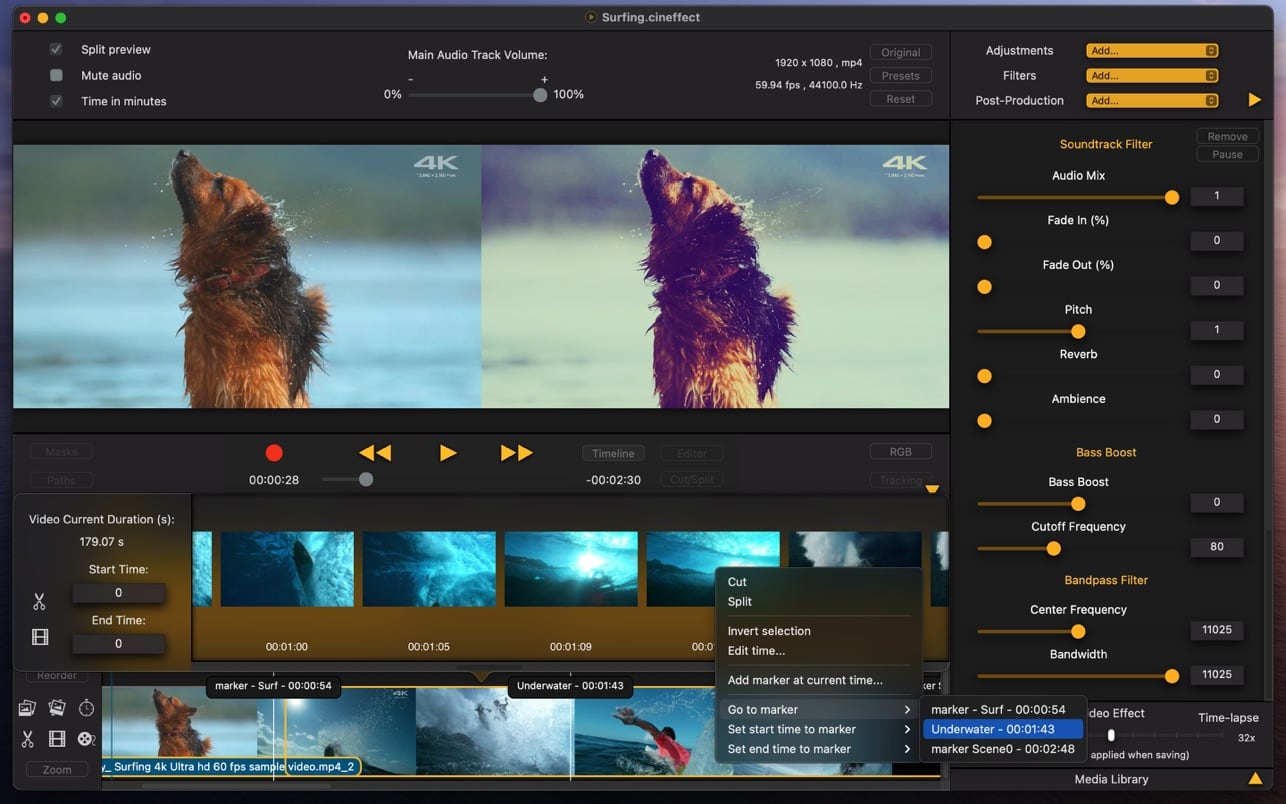
With Cinema Effects you can transform your videos into masterpieces.
All is easy and fast: you can compose videos, music, photos with simple operations, and apply a huge variety of effects in real time.
Features include video composition, video filters and effects, audio filters, audio mix, audio recording, animations, slow-motion, time-lapse and much more.
VIDEO COMPOSITION:
Add videos by simply dragging them on the editor. Arrange, cut, split by just selecting the video.
Use the Precision Editor to select exactly the desired frames.
Duplicate a video and place it where you want in the timeline.
Trim with maximum precision: you can set a start time and an end time for every video.
Change the speed of every video individually. Slow down up to 1/20x or speed up to 32x.
Apply a Fade in transition or a fade out transition.
More than 40 transitions you can apply with precise timing.
Create a reversed version of the video and audio.
Select a time range and save only the desired part of the video
VIDEO FILTERS:
You can control every aspect of the filter: parameters, start and end time, fade in, fade out. You can compose filters and add how many you want.
More than 80 filters, from basic to advanced.
All kind of adjustments: Color Controls, Exposure, Gamma, Vibrance, Shadows and Highlights, Temperature and Tint, Tone Curve, White Point Adjust, Noise Reduction…
All kind of transformations: Zoom, Crop, Rotate, Move, Straighten, Perspective Transform, Specular…
More than 200 color filters ready to use: Color Filters, Color Variations, Color Effects, Light Filters, Black & White Filters. You can customize the intensity and preview them in real time.
Video filters: Old Film, Grain, Night-Vision, Vignette, Tilt-Shift, advanced Depth of Field, Masked Variable Blur…
Advanced Filters: HSV Adjust, HSL Adjust, Level Saturation and Exposure…
LUT support: you can import 3D Cube LUTs or images and apply custom video filters.
More than 10 Distortion types: Bump Distortion, Hole Distortion, Twirl Distortion…
Dynamic zoom, move and zoom, Shaker.
Face Detector: recognize faces and apply color filters, distortion, frame or blur.
Chroma Key and Green Screen: compose videos or images with color defined background and create digital effects easily.
Compose images: more than 25 blend modes, adjust opacity, position, size, rotation, border and shadow. You can add how many watermarks, photos, pictures you want.
Text: add text, change opacity, angle, size, obliqueness, spacing, vertical characters, line width, color, and animate.
Add Video with animation: you can import a video, and move it while playing with different kinds of animation, apply shadow, border, and clip (rounded rectangle, circle, star…).
Use markers to precisely set filter times.
You can save all applied filters as a Preset and reuse them when you want.
AUDIO FILTERS:
Duplicate soundtrack and mix changing volume, pitch, adding reverb, using the bandpass filter, or the bass boost filter.
10 Band Audio Equalizer with preamplifier and audio mix.
Add music files and mix, trim, change speed, repeat, change pitch, fade in, fade out.
You can add how many audio files you want and mix them with different volumes.
Record audio using a microphone, add the new track to composition and apply effects.
Additional features: Masks, Paths, Key Frames with interpolation, Object Tracking.
Supports all macOS / iOS video files, MOV, MP4, M4V, Motion-Jpeg AVI, HEVC, HDR and Apple ProRes codecs.
Export with different sizes and quality: 1280 x 720 (720p), 1920 x 1080 (1080p), 4K…
Slow-motion and time-lapse effects.
Import videos, audio files and images to the Library and have them ready to use with filters and compositions.
Save a session and open it later with all settings ready.
What’s New:
Version 3.6
This additional update fixes a bug that could cause the video not to be exported correctly.
Compatibility: macOS 10.10 or later
Screenshots
Name:
Cinema Effects 3.6 MAS [HCiSO]_Mactorrents.io.dmg
Size:
56.76 MB
Files
Cinema Effects 3.6 MAS [HCiSO]_Mactorrents.io.dmg[56.76 MB]
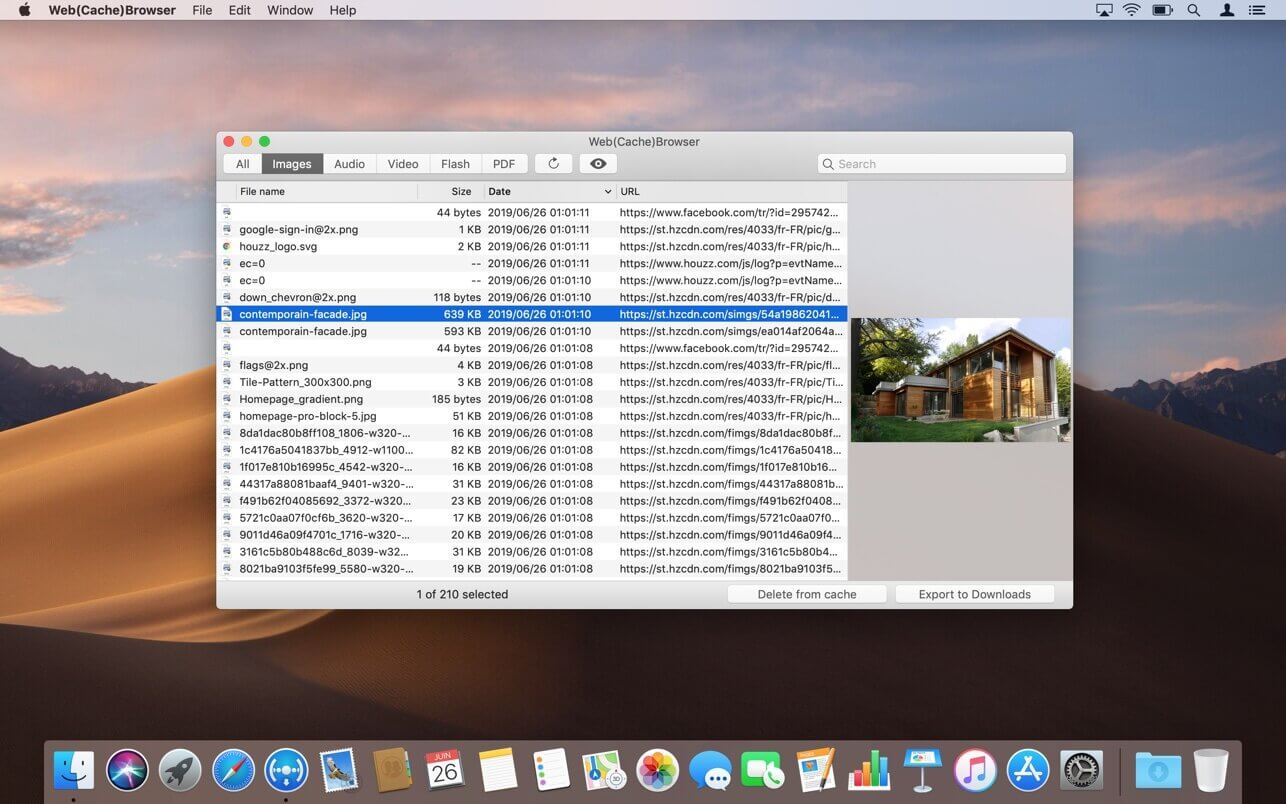
Web(Cache)Browser is an application that allows to browse Safari’s cache content. So it is possible to retrieve resources that have been downloaded by the web browser, for example to use them offline.
You can find specific elements thanks to the search field or by selecting a type of resources to display.
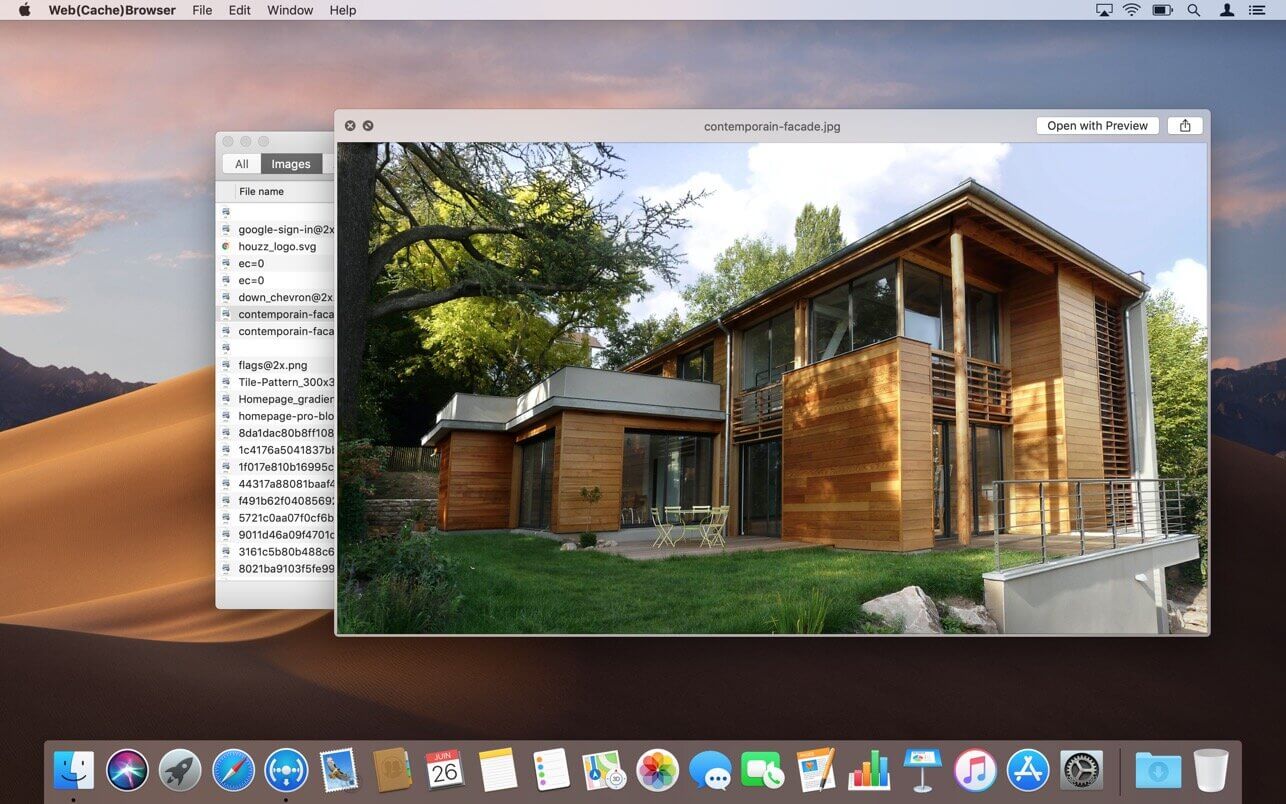
Just press the space bar to open a Quick Look popup offering a live preview of the selected item.
Web(Cache)Browser also allows to individually delete some elements from Safari’s cache in order to save disk space. In this case, it will be efficient to use the sort-by-size feature to display the biggest resources on the top of the list.
What’s New:
Versie 1.8
The app icon and user interface have been refreshed to better fit in with the latest versions of macOS.
The app is now optimized for Mac computers equipped with an Apple Silicon chip.
The compatibility with the latest versions of Safari has been improved.
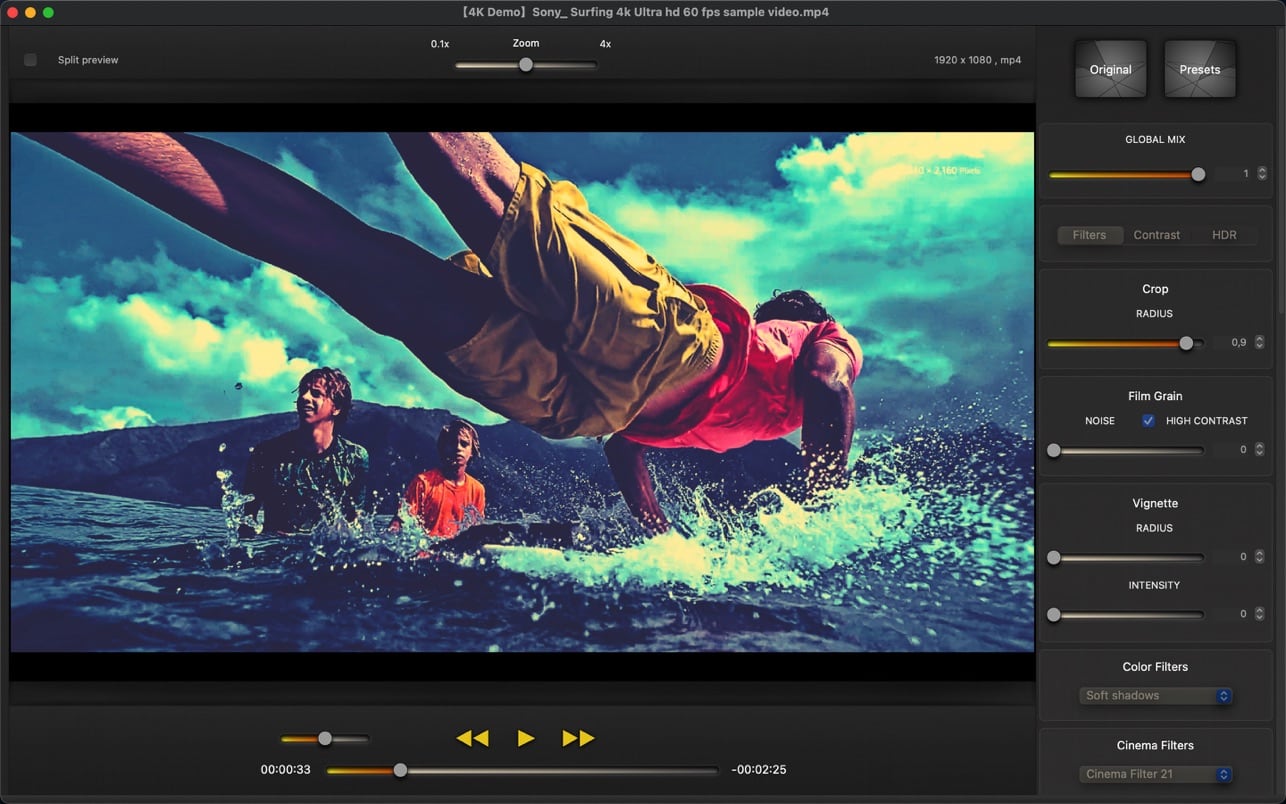
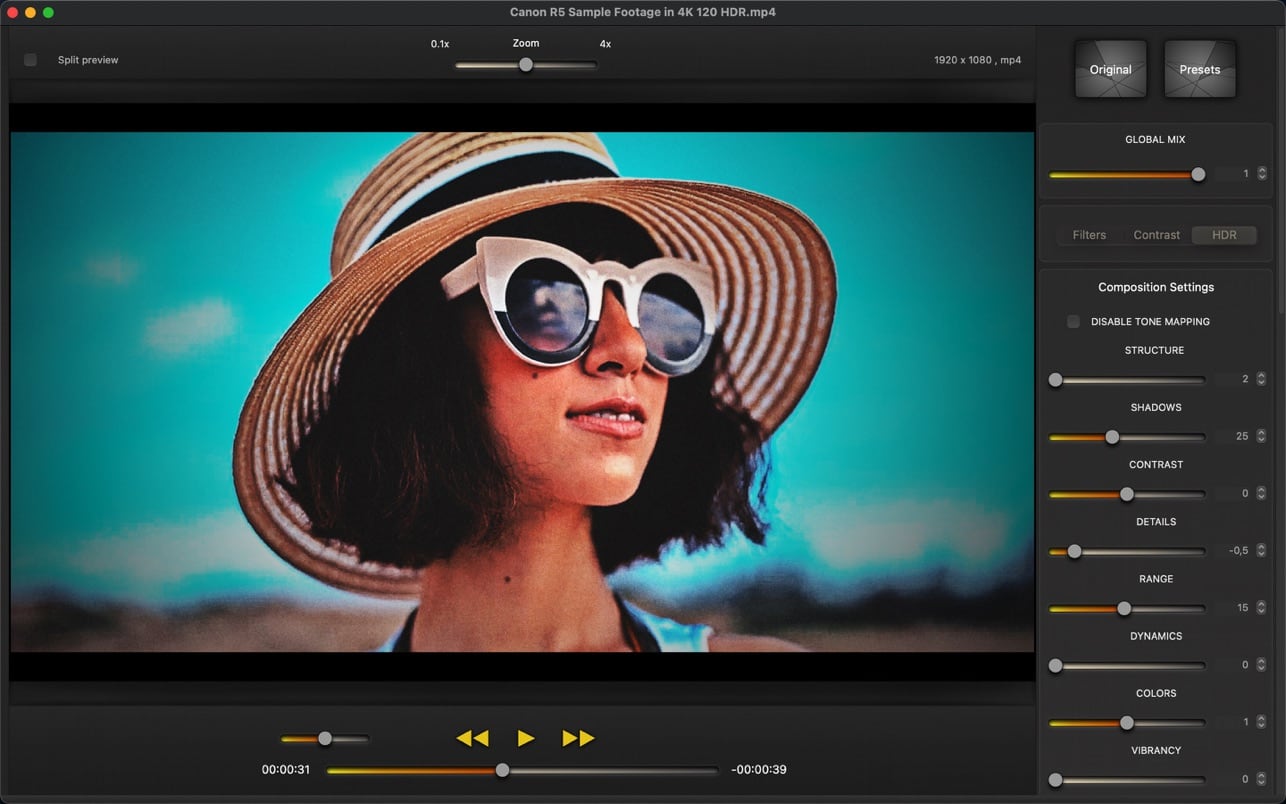
Cinematic Video Effects lets you give a cinematic, colorful and original look to all your videos. You don’t need to use complex tasks, you can achieve a professional style in a simple way. Combine multiple filters, change color styles and variations with a powerful set of controls and a flexible algorithm.
Features
Supports all macOS/iOS video formats: MOV, MP4, M4V, HEVC, Apple ProRes and AVI with supported codecs.
High level of customization and flexible algorithms: emphasize details, local contrast, vibrancy, dynamics, saturation.
Control local contrast and give a cinematic look to your videos.
Transform your videos with soft shadows or high lights.
Different modes of contrast and vibrancy.
Mix multiple techniques like HDR and CLAHE.
Lots of color variations and color styles that you can combine and mix.
You can create dramatic black and white effects or vibrant tones.
More than 200 filters ready to use: Color Filters, Cinema Filters, Light Filters, Color Variations, Black & White…
Post-processing with all the needed controls: Brightness, Exposure, Saturation, Gamma, Vibrancy…
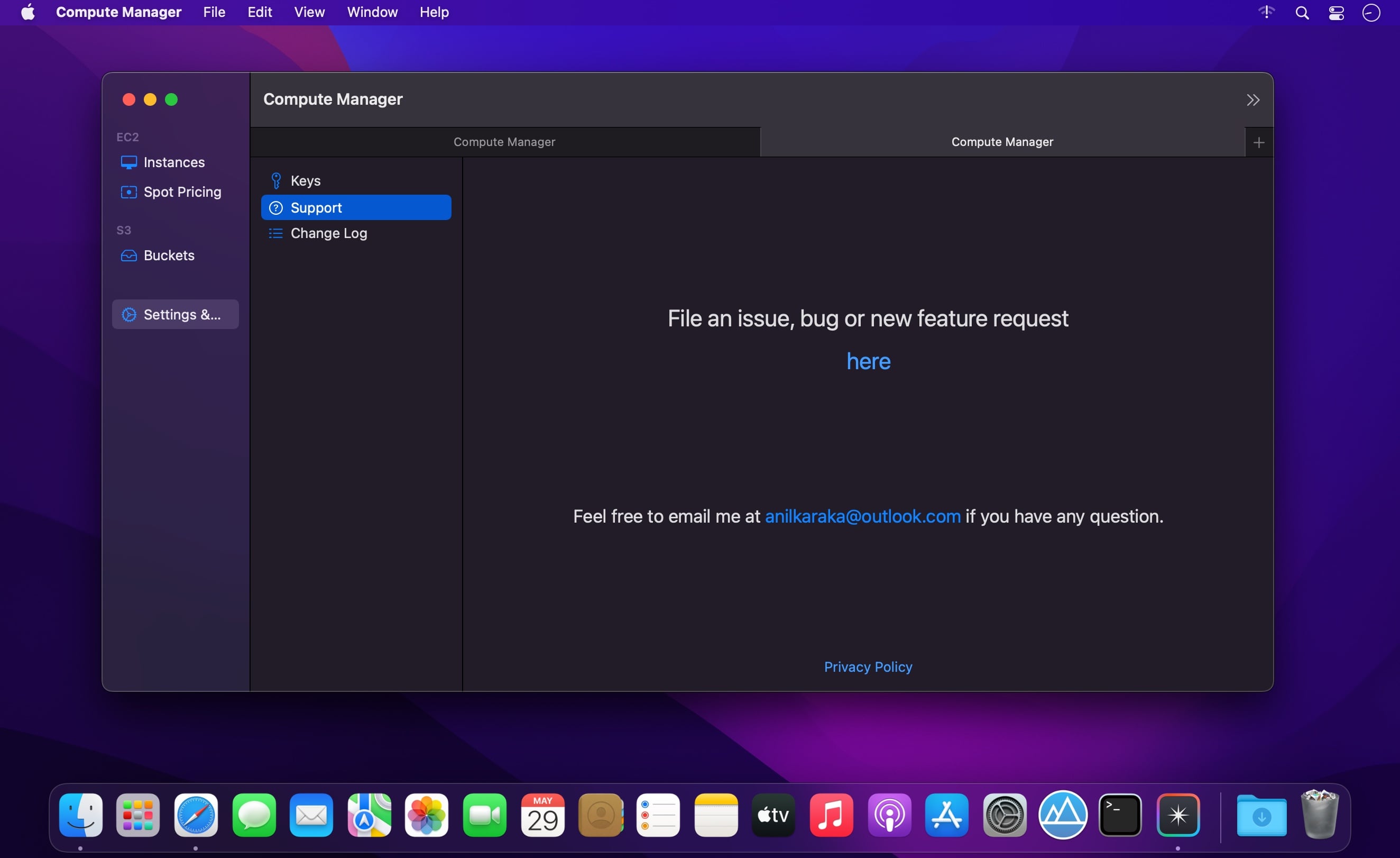
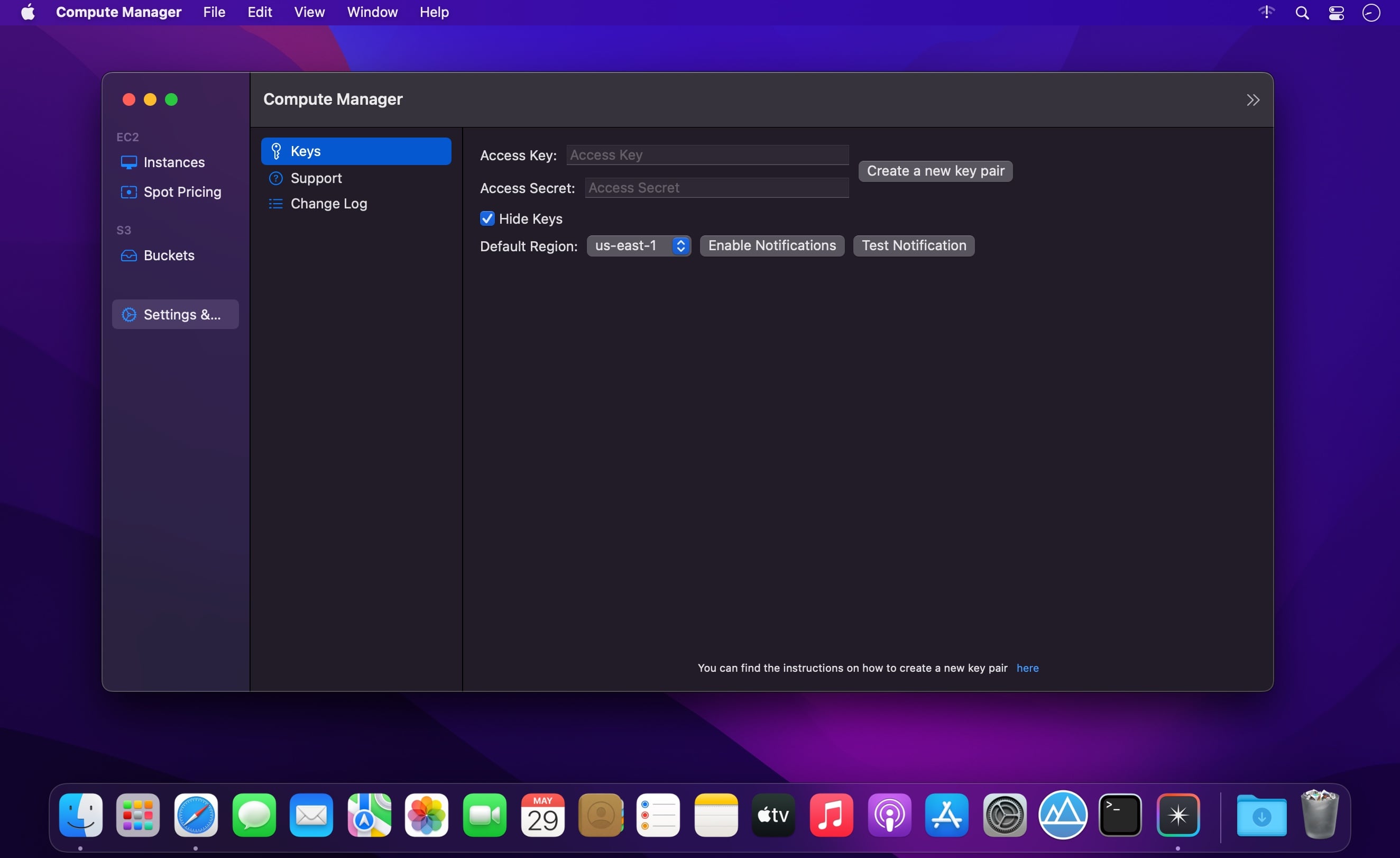
Optimise your AWS costs by knowing exact costs no matter the status, type and attachments of an instance. S3 object browser and a drag drop UI to upload files to S3.
Features
EC2 Browser.
Know exactly how much your instance costs you no matter its state, type, instance lifecycle including the EBS costs of the volumes attached including storage, iops, threshold costs.
Start, stop, terminate any instance from the app. Makes it easy to copy
Browse instance types and their current spot prices.
S3 object browser.
Easily download/delete any object by right clicking on the object.
Drag/drop UI to upload local files to S3.
Supports most of the regions
Perform most common EC2/S3 console tasks just from your app.
What’s New:
Version 1.0.2
Minor Bug Fixes:
fix App crashing when instances have no iops information.
Properly build S3 url when there are spaces in object name
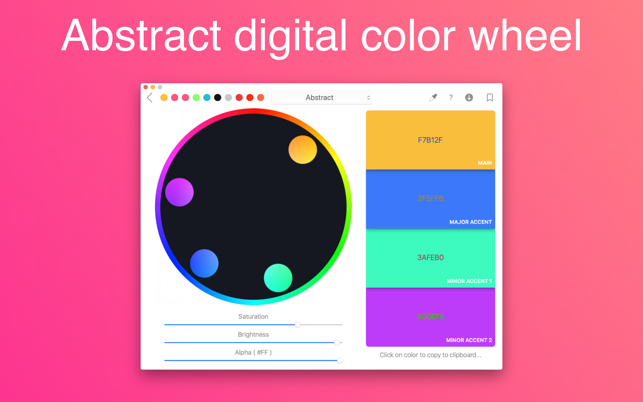
Digital, abstract, classic – all types of color wheels in one app!
A set of tools for painters and designers includes:
Digital Color Wheel – our unique graphic design tool.
Classic Color Wheel – a classic, versatile version of the color wheel.
Abstract Color Wheel – a specialized color choice for abstract painting (a simplified version of the abstract color scheme from our “Digital Color Wheel” tool).
Color Combinations – many professional color palettes for digital design and abstract art.
Color Swatches – tool for choosing colors by seasons and mood.
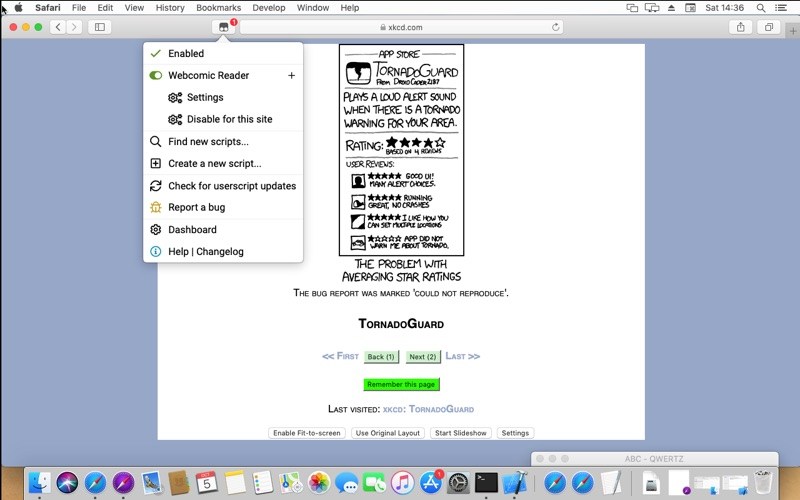
Tampermonkey is the most popular userscript manager, with over 10 million users. It’s available for Safari, Chrome, Microsoft Edge, Opera Next and Firefox.
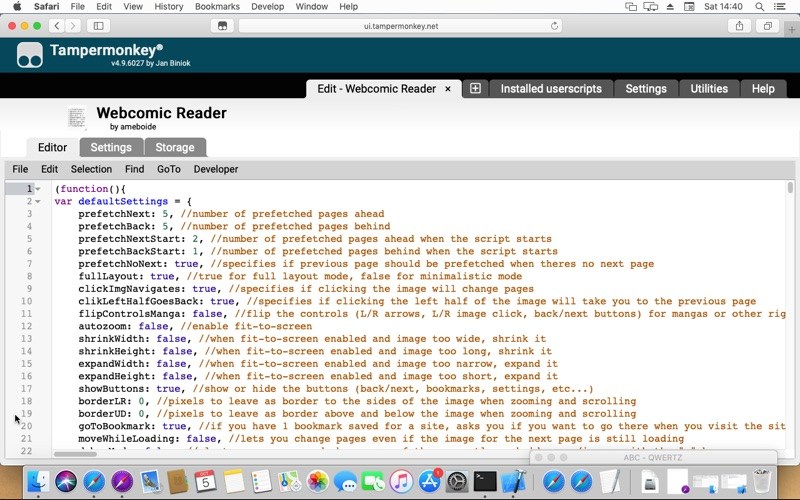
Tampermonkey makes it very easy to manage your userscripts and provides features like a clear overview over the running scripts, a built-in editor, ZIP-based import and export, automatic update checks and browser and cloud storage based synchronization.
This extension is installed in just a minute, so give it a try!
What’s New:
Version 4.17.6162
General:
Improved compatibility for userstyles installed as userscript
Make trash configurable (on/off/session only)
Improve jаvascript scriptlet support via @unwrap tag
Use up to ES2022 for linting if supported by the browser
Update ESLint
Make cloud service re-authentication without user intervention less disturbing
Shift key + mouse click based multi select
Dark mode improvements
Show localized userscript name and description if available where possible
Keep CRLF line endings on edit
Use eslint-plugin-userscripts to highlight userscript header issues
Fix storage ‘Reload’ button and add ‘Reset’
UI:
Show script and external resources size in dashboard
Fix favicons with transparent background
Improve editor menu if advanced editor is disabled
Fix script positioning via drag and drop
Decrease extension size by removing jQuery dependency
Sync:
Add a button to force a sync
Locales:
Update Russian translation | thanks to wvxwxvw
Update Chinese (traditional) translation | thanks to ndbiaw and SiderealArt
Update Chinese (simplified) translation | thanks to dnknn
Update French translation | thanks to omerien
Update Portuguese-Brazil translation | thanks to igorruckert
Update Hindi translation | thanks to Yash-Singh1
Update Japanese translation | thanks to shirayuki
Update Chinese (simplified) translation | thanks to xiaopangju
Export for iTunes lets you export your playlists and albums from iTunes to any local folder, external storage, SD card or USB drive! With Export for iTunes you can transfer easily your playlists to your car stereo or any other media player. Convert aac/m4a files to mp3 for best compatibility with most sound systems.
The app converts, copies and organizes your playlists’ and albums’ music files into folders, and creates the .m3u file that lets you play your playlist on any media player. For every album, you can include an image file with album artwork. You can browse and select which of your playlists or albums you want to export. See all playlist/album tracks with their metadata without opening the iTunes app. You can also export the track list from any album or playlist to Excel, so you can create a file with info about all your iTunes music. This iTunes export app let you preview and export metadata like: Title, Artist, Time, Album, Genre, File path, Kind, and Bitrate. The app does not modify your iTunes library.
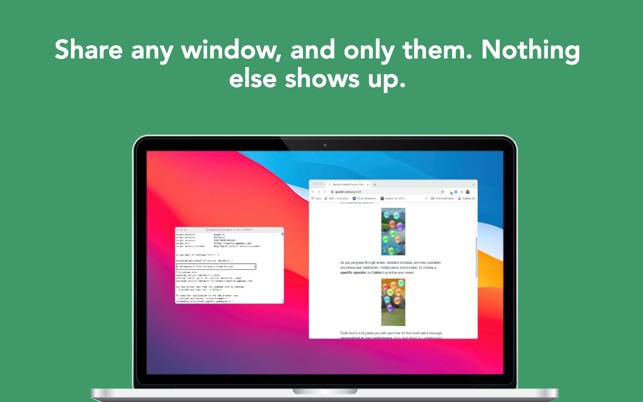
Screegle lets you share any window you want over a clean desktop background image. Screegle = Screen Sharing for Professionals.
Your co-workers, team, customers, or students see a clean, uncluttered version of your desktop that only contains the windows you explicitly selected, nothing more.
No more notifications popping up, personal web sites, files and folders that might reveal personal information.
Using Screegle is very simple:
1 – press ⌘ F1 over any window you want to select or deselect (a blue ribbon will appear around it)
2 – in your video meeting app, share the “Screegle Share” window and you’re all set!
You can also record a video of your Screegle windows, with voice.
This is useful to share clean desktops with co-workers for asynchronous communication.
And you can even add your webcam as an overlay, useful during screen recordings or when you present windows and want people to focus on you (turn off your webcam in your video app!)
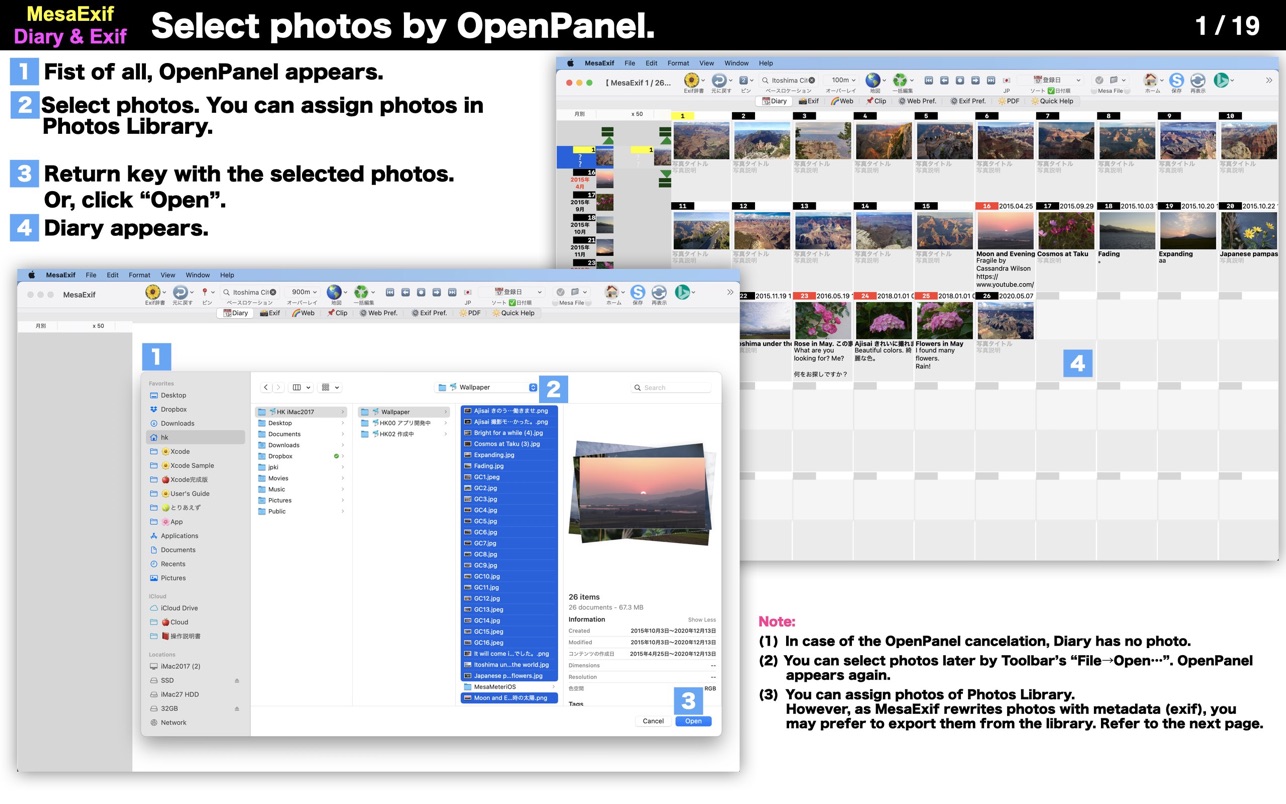
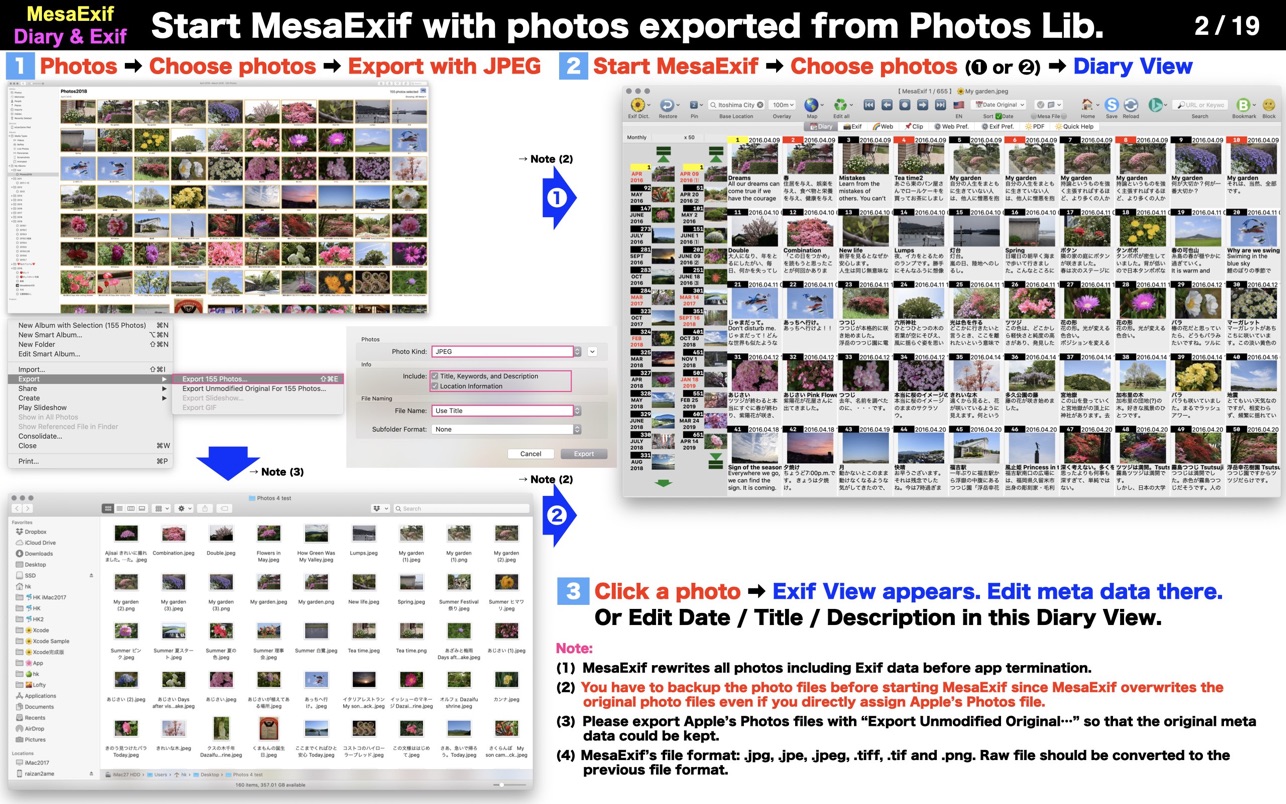
MesaExif is an easy-to-use and powerful Meta Data processor. Some users want to edit all photos based on an edited photo. The request makes sense in regard to the location, the title, date and time and so on.
• Choose your photos with jpg / tiff / png. MesaExif shows thumbnails and Meta Data.
• View and edit Exif, ExifAUX, GPS, IPTC, JFIF, TIFF, Canon’s and Nikon’s.
• Manage your Base Location by searching map, and tap to set the coordinates to GPS dictionary.
• You can restore a photo and/or photos during staying in a same folder if you do not want to change the values.
• You can change all EMoji that MesaExif uses as default icons.
※ The updated values are automatically saved to the original photo file.
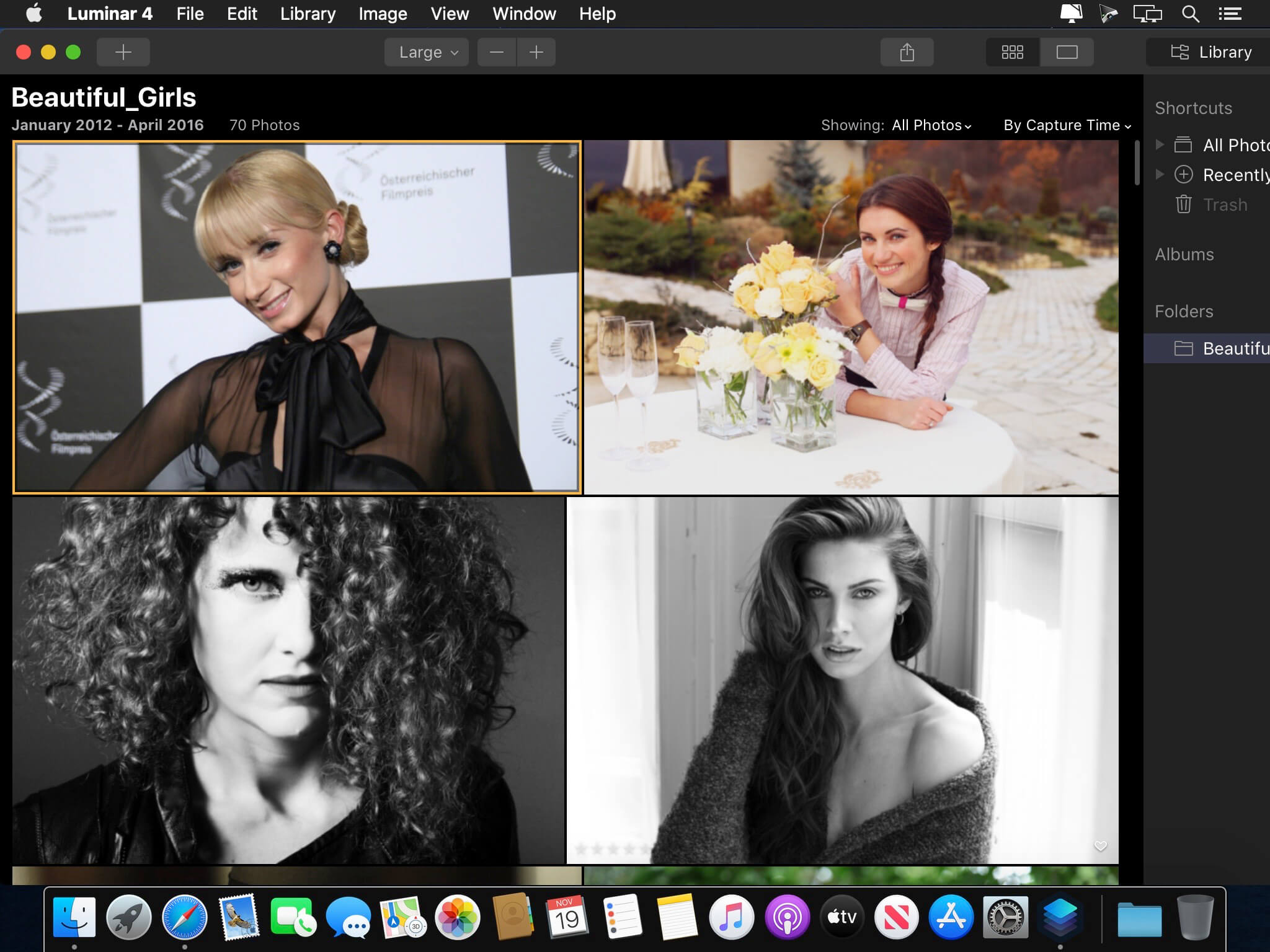
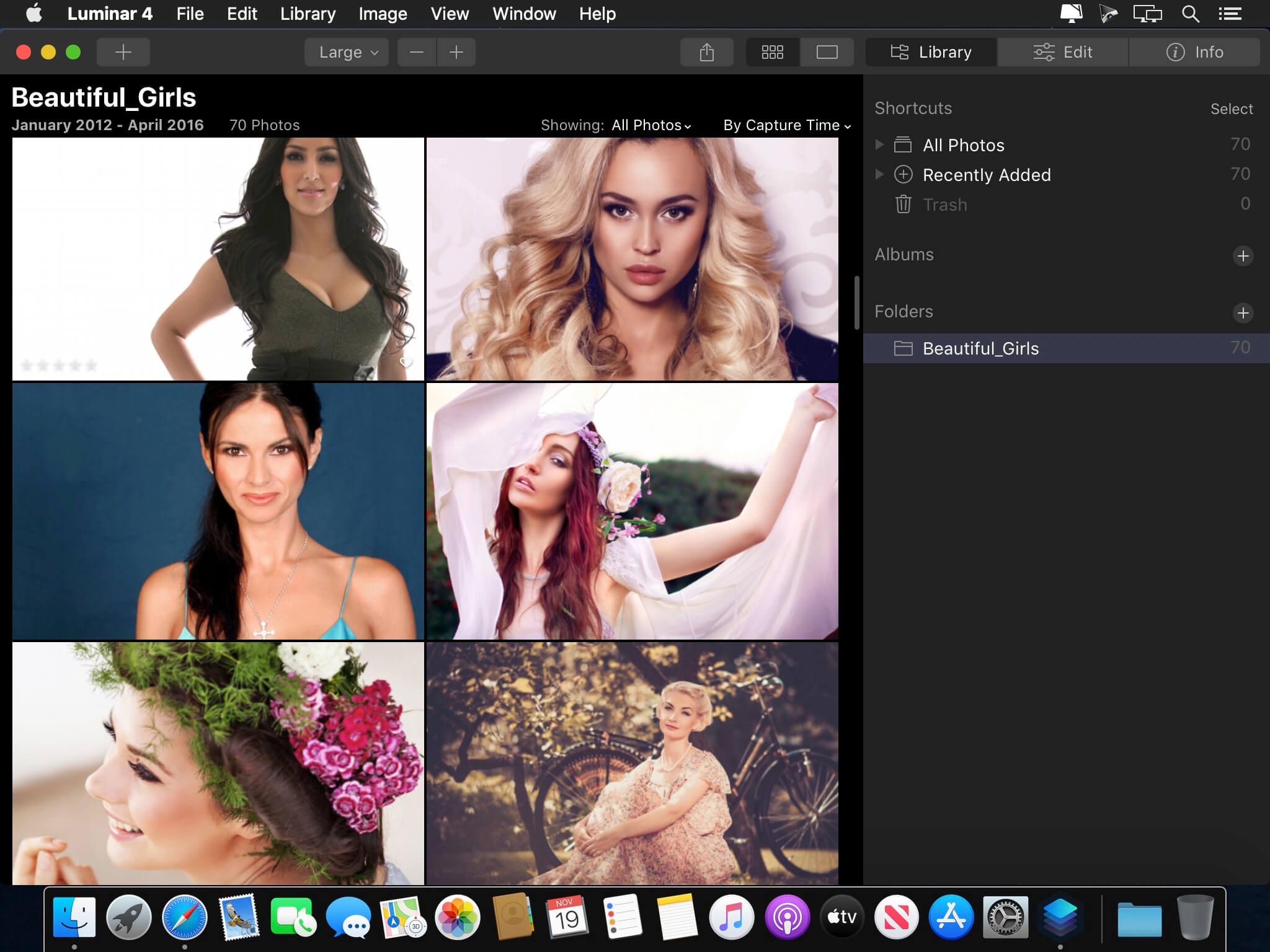
Revolutionary tools and AI technologies in Luminar 4. Luminar 4 is carving its own niche in the already saturated world of photo-editing software. The latest creation from Skylum, Luminar 4 is full of easy-to-use editing tools that are perfect for photographers who want to streamline the process of editing their photos. If you want to spend less time in front of a computer, then this is a serious contender.
AI Sky Replacement
Replace the sky to change the mood of your photo — instantly. Thanks to intelligent algorithms, this challenging task is now automated
AI Skin Enhancer & Portrait Enhancer
Enhance your portraits faster than ever with revolutionary human-aware technology. Get amazingly realistic results on portraits shot outdoors or in a studio.
AI Structure
Quickly reveal important parts of each image without spoiling the rest of the photo. This content-aware tool detects areas that could look richer and enhances them.
Sunrays
Create realistic light rays. Add a source of sunlight and move it around your image. Watch volumetric sunbeams magically seep between objects such as trees and buildings.
AI Enhance
AI Accent makes dozens of complex adjustments when you move just one slider. New human-aware technology recognizes people and applies adjustments selectively for ultra-realistic results.
Remove noise
Flawlessly remove digital noise from any type of photo. Get perfect images no matter the camera or shooting conditions.
Enhance details
Create more dramatic shots. Bring crystal-clear sharpness to your images. Enhance the clarity of small, medium or large details selectively.
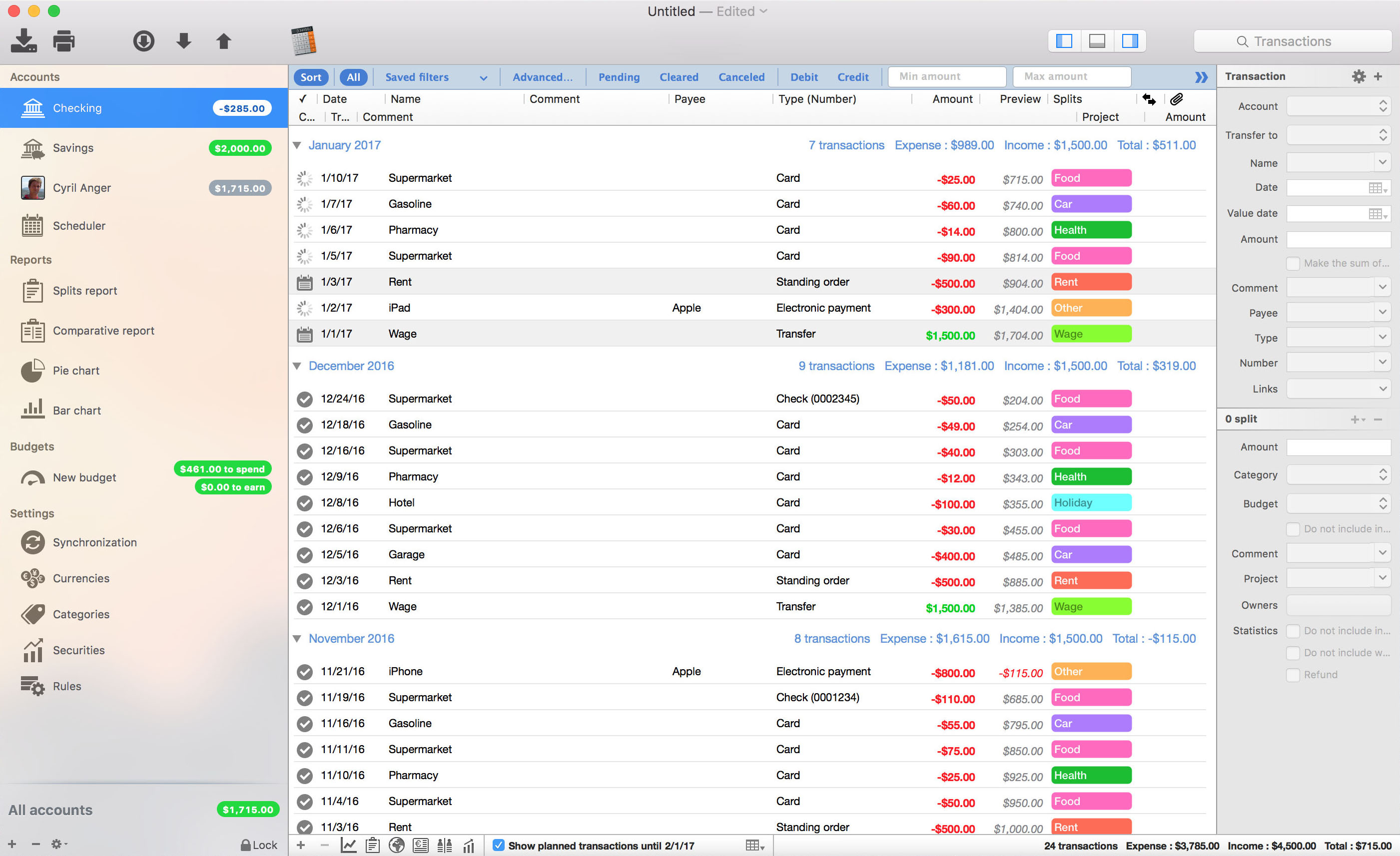
iCompta is an application that lets you manage your accounts with ease. Keep track of your income and expense, schedule your bills, stay in line with your budget and finally know where all your money goes thanks to beautiful charts.
MAIN FEATURES :
– Manage multiple accounts with multiple currencies
– Sort and filter your transactions to make statistics on your income and expense
– Keep track of your income and expense thanks to budgets
– Monitor your portfolio
– Manage shared expenses : you can finally know who owes what to who
– Beautiful reports and charts
– Transfers
– Download your transactions from your bank in just one click if your bank supports OFX direct download or with just a few more clicks using the embedded browser
– Easy import / export of transactions in QIF, OFX, CSV, XML and JSON formats
– Full synchronization between iCompta 6 on Mac and iCompta 6 on iPhone / iPad using iCloud, Dropbox or local network
– Modify many transactions at once using batch editing or the powerful rules engine
– Professional features : handle taxes, manage clients and make invoices
– Check transactions on your bank statements to avoid mistakes
– Password protection
Compatibility: macOS 10.10 or later (Apple Silicon compatible) HOMEPAGE:https://icompta-app.com/
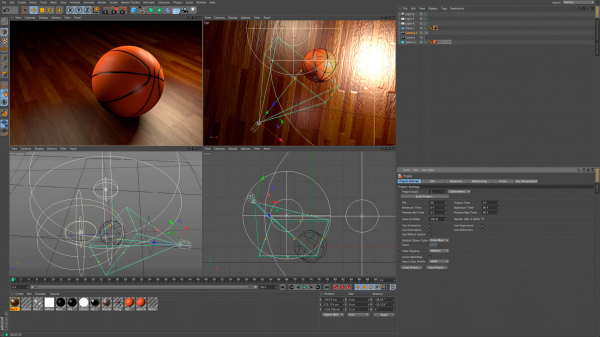
Easy to learn and extremely powerful: Cinema 4D is the perfect package for all 3D artists who want to achieve breathtaking results fast and hassle-free. Beginners and seasoned professionals alike can take advantage of Cinema 4D’s wide range of tools and features to quickly achieve stunning results. Cinema 4D’s legendary reliability also makes it the perfect application for demanding, fast-paced 3D production, and a range of attractively priced software packages is available to fit any artist’s needs.
EASE OF USE
Getting started in the world of 3D is a blast when you can quickly create great-looking results! Cinema 4D’s intuitive and easy to understand operation and logically arranged interface makes it easy for beginners to jump right in and take control. And it never ceases to amaze professional users just how easy Cinema 4D is to use. Countless tutorials and a global, highly-skilled community play an important role in bringing beginners to a professional level of use.
INTUITIVE INTERFACE
Cinema 4D is a pillar in our users’ everyday workflow. This is why we make sure from the start that new functions work intuitively and are exactly where users will expect to find them. The Cinema 4D layout can also be easily customized to precisely fit a user’s needs and saved for later use.
STABILITY
Cinema 4D’s stability is renowned throughout the 3D community and beyond. All new features and functions are thoroughly put through their paces by our QA and beta testers before being released. Our free service packs, which are released on a regular basis, further optimize Cinema 4D and let us rapidly respond to changes in operating systems and drivers!
POWERFUL HELP SYSTEM
Any questions about a specific function can be quickly answered by right-clicking on it and jumping straight to the integrated software documentation.
PROCEDURAL WORKFLOWS
Stay flexible from beginning to end! Staying flexible for last-minute changes is important no matter which project you’re working on. Cinema 4D offers numerous options for working non-destructively: parametric modeling, procedural shaders, textures and more. And the Cinema 4D Take System lets you save and manage multiple versions of a scene in a single file!
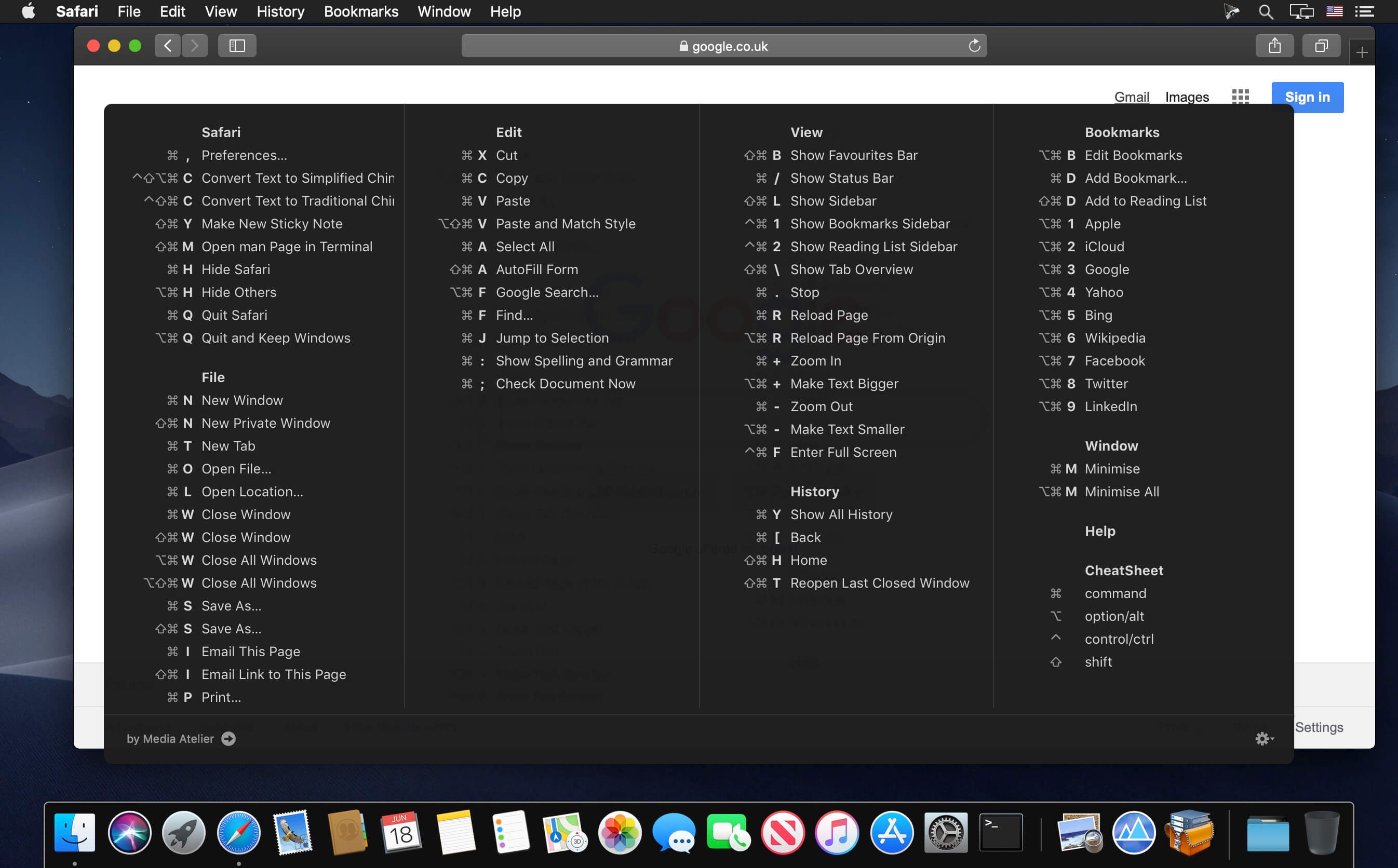
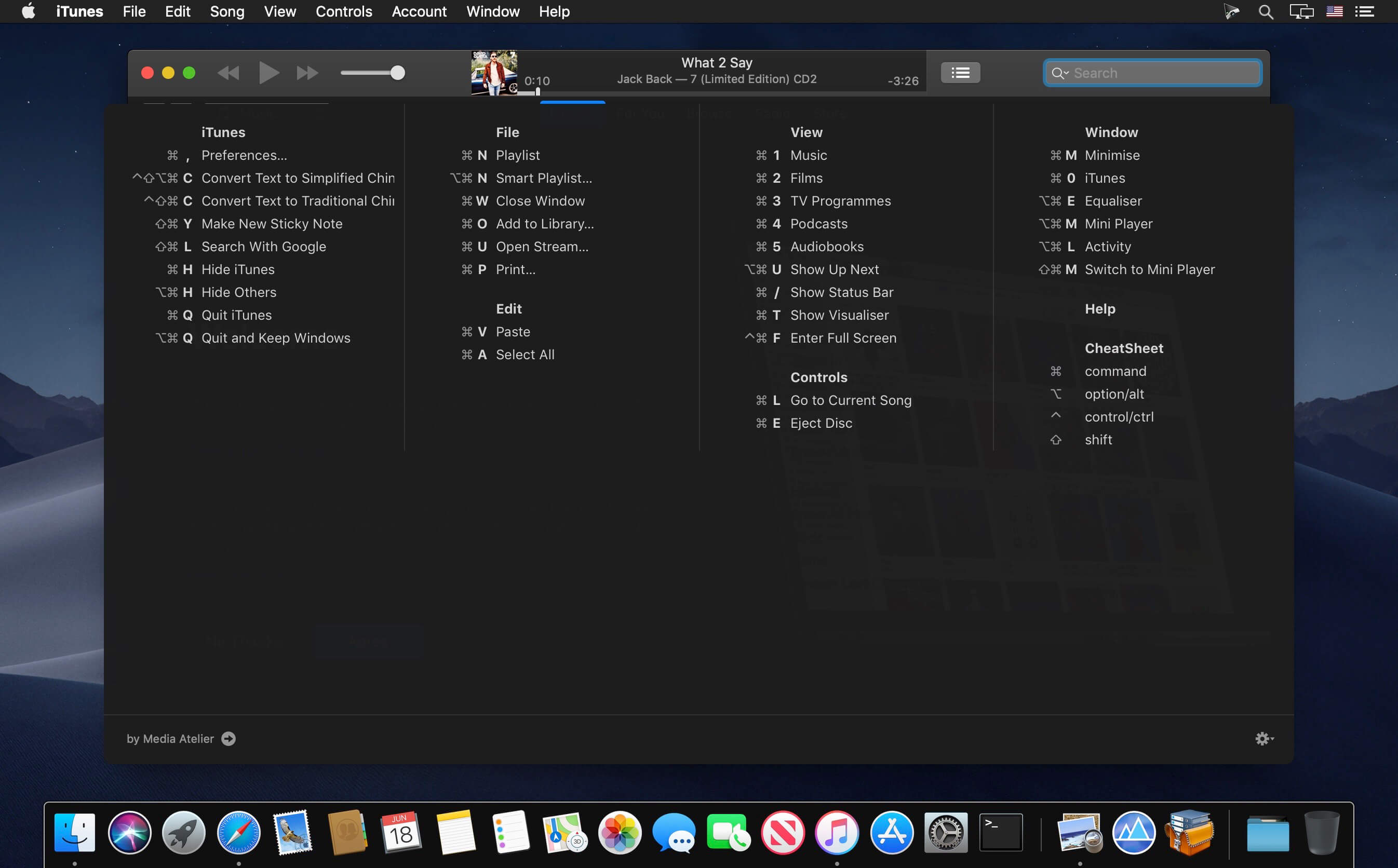
CheatSheet gives you access to shortcuts on your Mac with just a keystroke. Just hold the ⌘-key a bit longer to get a list of all active short cuts of the current application. It’s as simple as that.
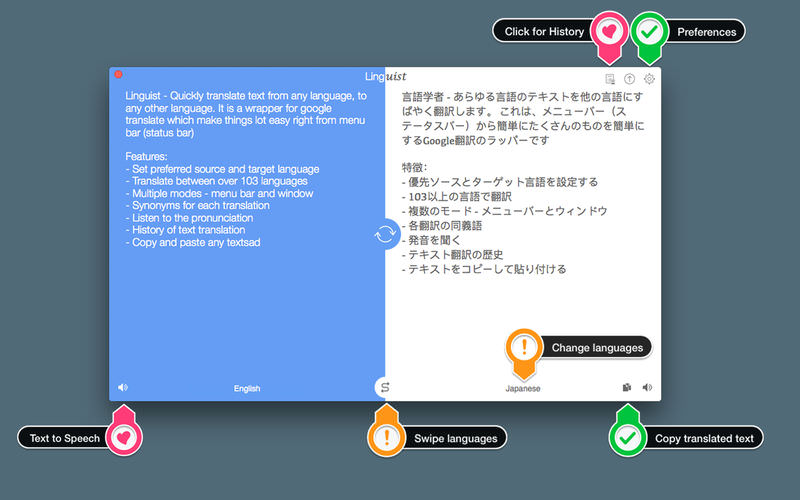
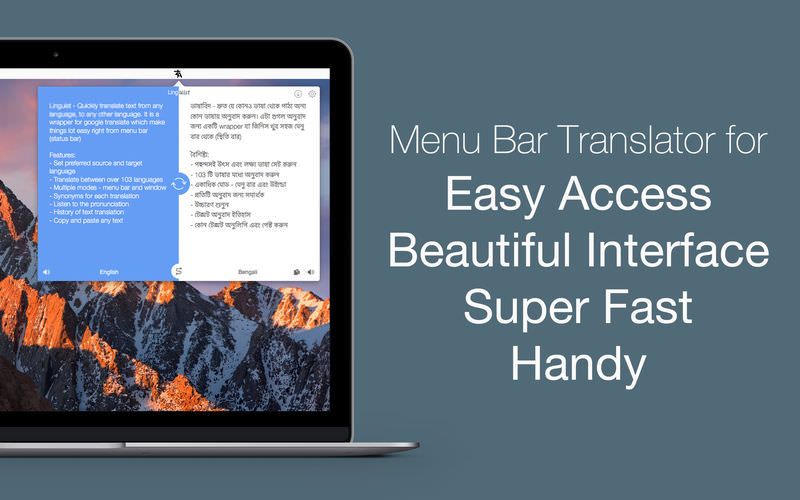
Linguist is easy to use translation tool for quick translation from the menu bar (status bar) or window. Translation of words or phrases by selecting in any other app or website with just a click or command (HOTKEY). It can translate document in .txt, .rtf and .doc formats.
Key Features:
Set the preferred source and target language
Translate between over 103 languages
Translate document in .txt, .rtf and .doc formats.
Automatically copy the translated text to the clipboard.
Multiple modes – menu bar and window
History of text translation for reference
Export translated History in TextEdit(.txt) format
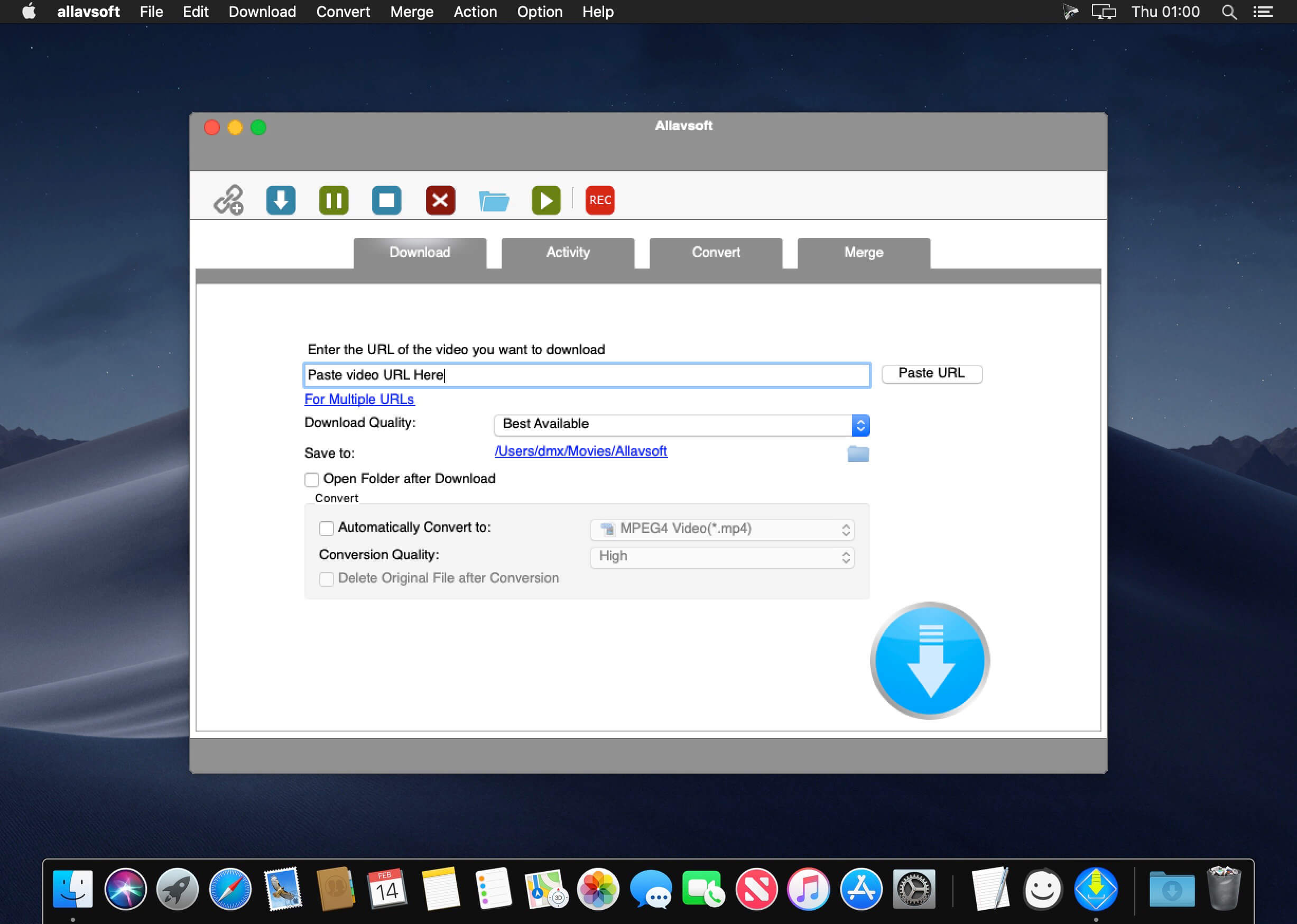
This powerful Video Downloader supports downloading movies, music videos, playlist, sport videos, lectures and more from free video sharing website like Facebook, Dailymotion, eHow, and more than 100 video sharing sites.
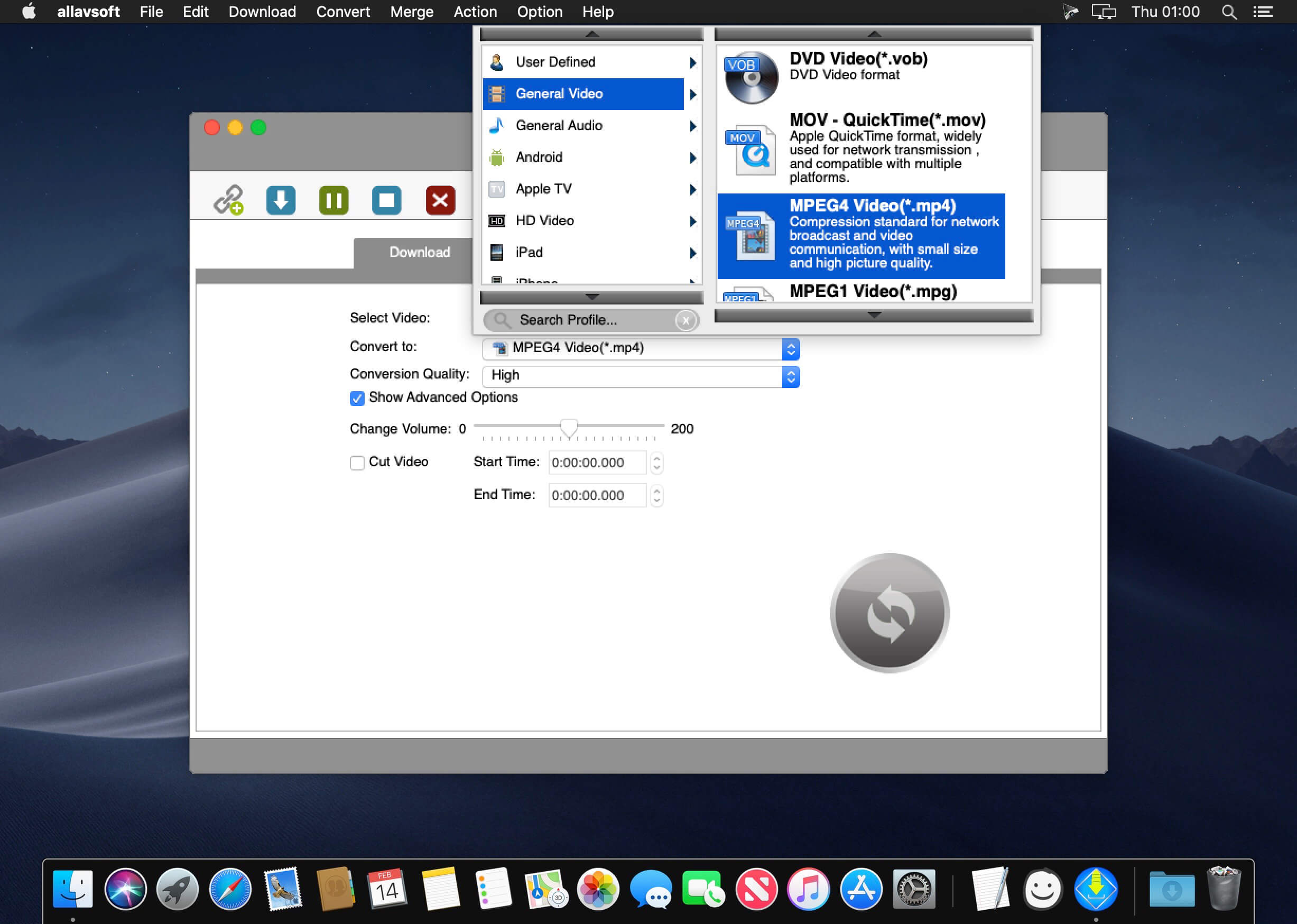
Besides downloading video in its original format, Allavsoft also features one-click to download as well as convert the downloaded video to popular video format like MP4, AVI, WMV, MOV, MPEG-1, MPEG-2, VOB, ASF, RMVB, DV, TS, Apple ProRes, WebM, FLV, OGV and etc.
This ideal Web Video Downloader app enables selecting among all video qualities available for downloading like download videos in ultra high definition (4K), 3D video, HD 2k, HD 1080p, HD 720p, and stand definition 480p, 360p, and 240p.
This professional Video Downloading and Converting tool also helps to extract and download audio from online music video or movies as well as convert to popular audio format like MP3, WMA, WAV, AAC, AAC, Apple Lossless M4A, AIFF, RA, FLAC, OGG, AU and etc.
Batch download and convert
Allavsoft supports adding multiple video URLs and batch downloading and converting multiple videos at a time.
When download web video files, this wonderful Video Downloader will automatically detects advertisements and does not download them.
Preview and playback downloaded video files
There is a built-in video player in Allavsoft for us to preview and playback the downloaded video files.
Breakpoint Resume
You can pause and resume downloading at any time. It is very convenient to use.
Action after download done
You can set automatically shut down computer after all the download tasks are finished, if you have lots of videos to download and want to leave your Windows on to download them.
Keep history for downloading.
What’s New:
Version 3.24.7.8182:
Release notes were unavailable when this listing was updated.
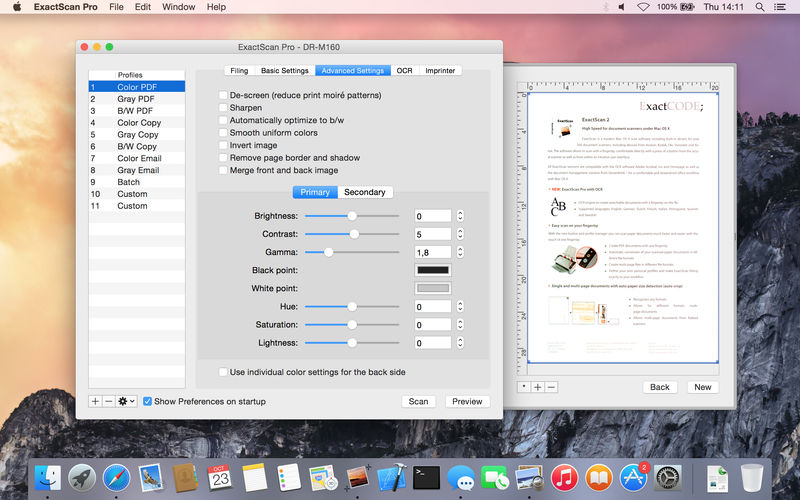
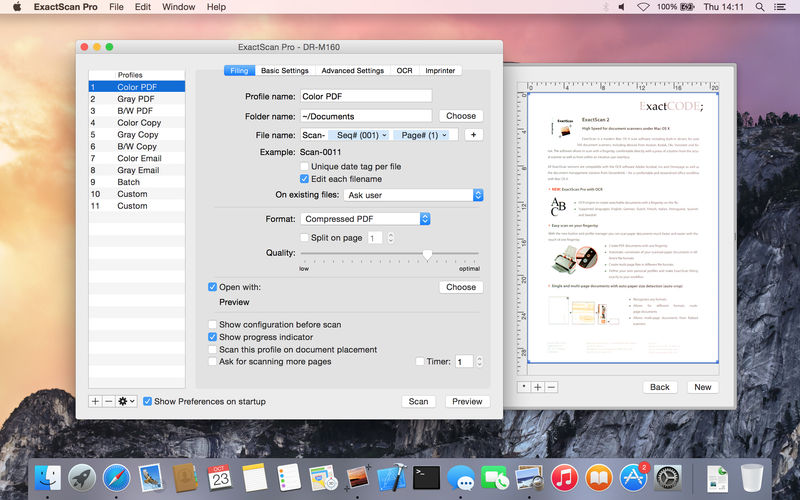
ExactScan Enterprise is the professional scan solution for a paperless office on the Mac. ExactScan comes with over 400 drivers for professional document scanners from Avision, Canon DR-series, Fujitsu fi-series, Kodak, Oki, Panasonic, Visioneer and Xerox, which otherwise do not come with a Mac driver. Additionally it allows to use any other scanner with TWAIN or ImageCapture driver.
Scan all your documents for fast retrieval, and get rid of dusty paper archives. Find searchable PDF everywhere with Spotlight in a snap.
• Over 400 native built-in drivers for professional document scanners from Avision, Canon, Fujitsu, HP, Kodak, Oki, Panasonic, Visioneer and Xerox
• Support for a variety of third party scanners via ImageCapture and TWAIN drivers
• Save to PDF, TIFF, JPEG, JPEG 2000, PNG, BMP, PNM
• Advanced and intelligent image processing algorithms
• Auto-crop & de-skew
• Blank page removal
• Direct scan to print
• Profiles to configure scan workflow
• AppleScript support for professionals
ExactScan Pro additionally includes:
• OCR to directly create searchable PDF files
• Content based page de-skew
• Automatic rotation, color- and source detection
• Imprinter to print flexible text into the scanned image
• Barcode recognition to file stacks by barcodes
• Batch processing of existing image files
The following languages are supported by the OCR:
Bulgarian, Croatian, Czech, Danish, Dutch, English, Estonian, French, German, Hungarian, Italian, Latvian, Lithuanian, Polish, Portuguese, Rumanian, Russian, Serbian, Slovenian, Spanish, Swedish, Turkish, Ukrainian, and Norwegian.
ExactScan Enterprise: High-speed ahead
High-speed volume scanners
To support you with high speed (100 pages per minute and higher) scanners, ExactScan comes in an Enterprise-ready flavour.
PDF/A
Additionally to the highly compressed PDF variants of ExactScan Pro, the Enterprise version comes with support for PDF/A-1b for certainl long term archival requirements.
2D Barcode Recognition
Additionally to the 1D-barcode recognition of the Pro version, the Enterprise version also supports recognition of 2D, Datamatrix and PDF-417 codes.
ExactScan Pro is a popular, easy-to-use macOS scanning software that utilizes built-in drivers for over 200 document scanners, including devices from Avision, Kodak, Oki, Visioneer, and Xerox.
ExactScan’s built-in scanner drivers cover the whole range, from Visioneer’s portable RoadWarrior to dependable workgroup scanners from Xerox, Visioneer, Kodak, and Avision. ExactScan allows for easy scanning of business cards, bills, and receipts, and ExactScan Pro’s built-in OCR can directly save them as searchable PDFs.
Scan all your documents for fast retrieval, and get rid of dusty paper archives. Find searchable PDF everywhere with Spotlight in a snap.
Over 400 native built-in drivers for professional document scanners from Avision, Canon, Fujitsu, HP, Kodak, Oki, Visioneer and Xerox
Support for a variety of third party scanners via ImageCapture and TWAIN drivers
Save to PDF, TIFF, JPEG, JPEG 2000, PNG, BMP, PNM
Advanced and intelligent image processing algorithms
Auto-crop & de-skew
Blank page removal
Direct scan to print
Profiles to configure scan workflow
AppleScript support for professionals
ExactScan Pro additionally includes:
OCR to directly create searchable PDF files
Content based page de-skew
Automatic rotation, color- and source detection
Imprinter to print flexible text into the scanned image
Barcode recognition to file stacks by barcodes
Batch processing of existing image files
Language: English, German, French, Russian and others. Compatibility: OS X 10.10 or later 64 bit Homepagehttp://exactscan.com/
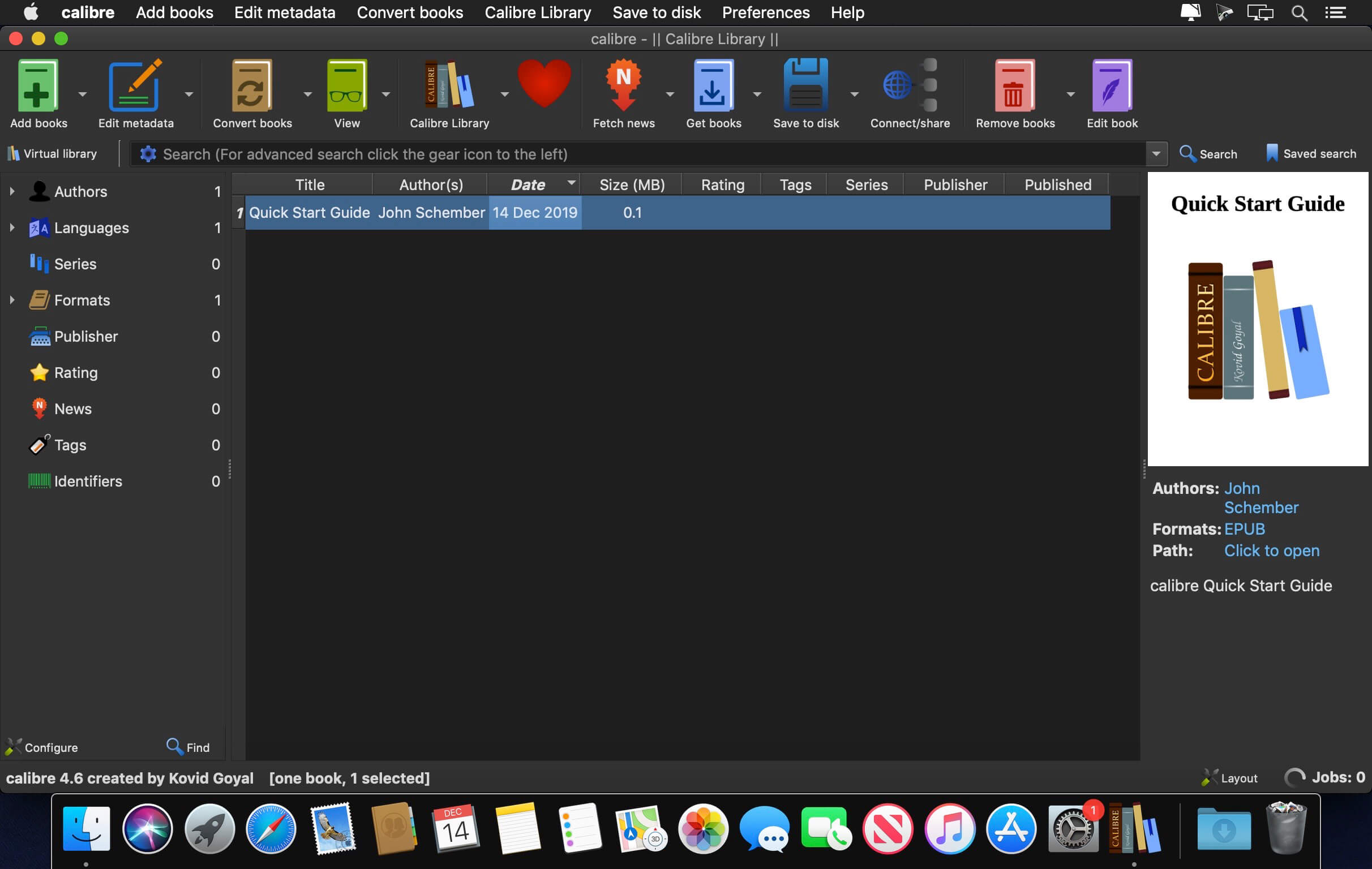
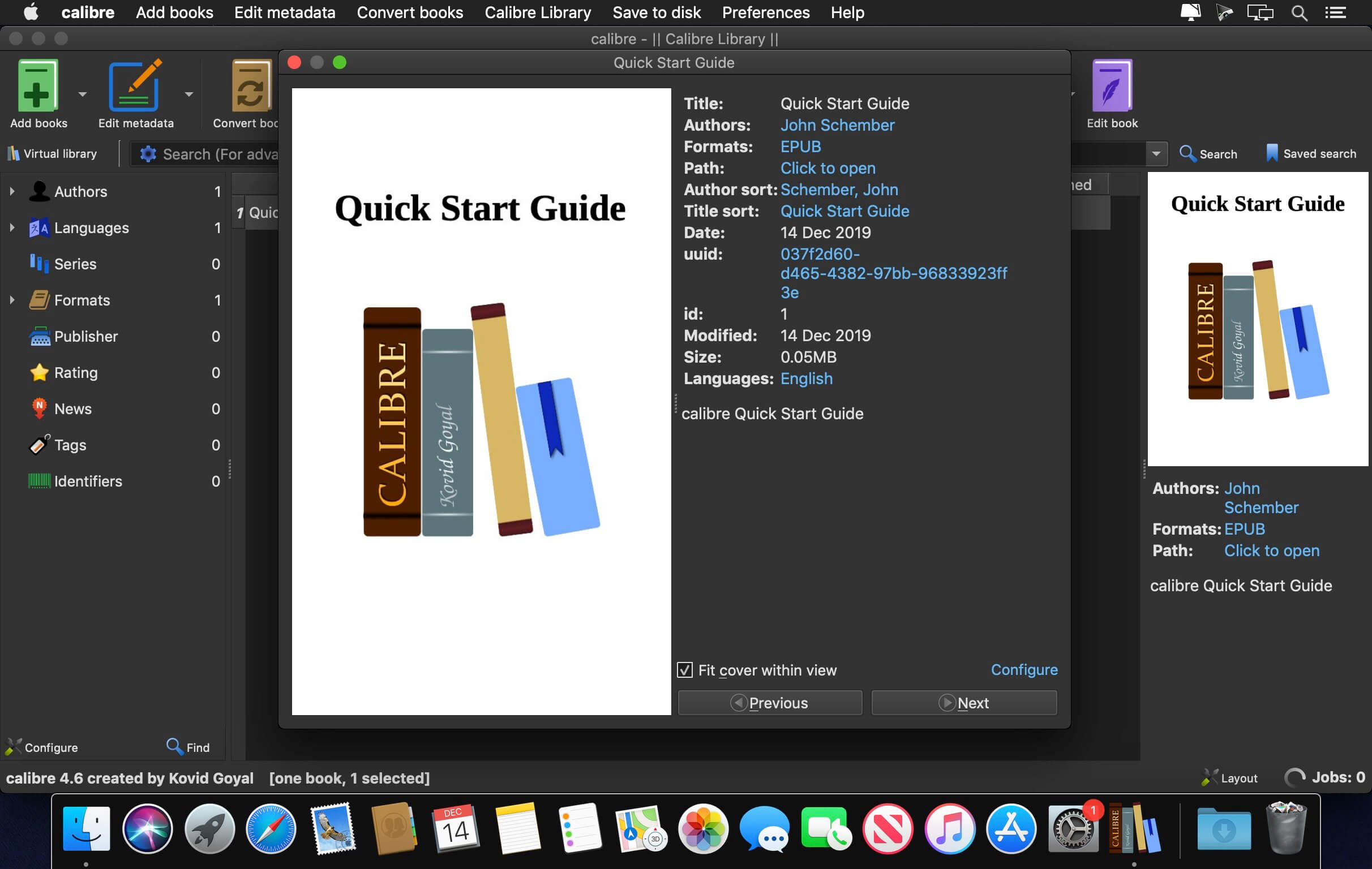
Calibre is a complete e-book library manager. Organize your collection, convert your books to multiple formats, and sync with all of your devices. Let Calibre be your multi-tasking digital librarian.
Manage, convert, sync, and more
Library management. Calibre keeps things orderly by creating single entries for books that contains multiple formats. Add tags and comments for better searchability.
Format conversion. Calibre’s robust conversion options support a wide variety of file formats.
File syncing. Calibre’s device drivers seamlessly support all the top e-readers and devices.
What’s New:
Version 5.43.0
Kobo driver: Allow using templates to generate collections
Book details popup: Double clicking on the cover now uses calibre’s internal image viewer. Right click on the cover to open it with another program.
Fix Book details blank when switching from device view to library view
TXT Input: Fix a regression in 5.39 that caused the option to remove indents also removing blank lines
E-book viewer: Fix incorrect sorting of highlights from the first internal file of a book
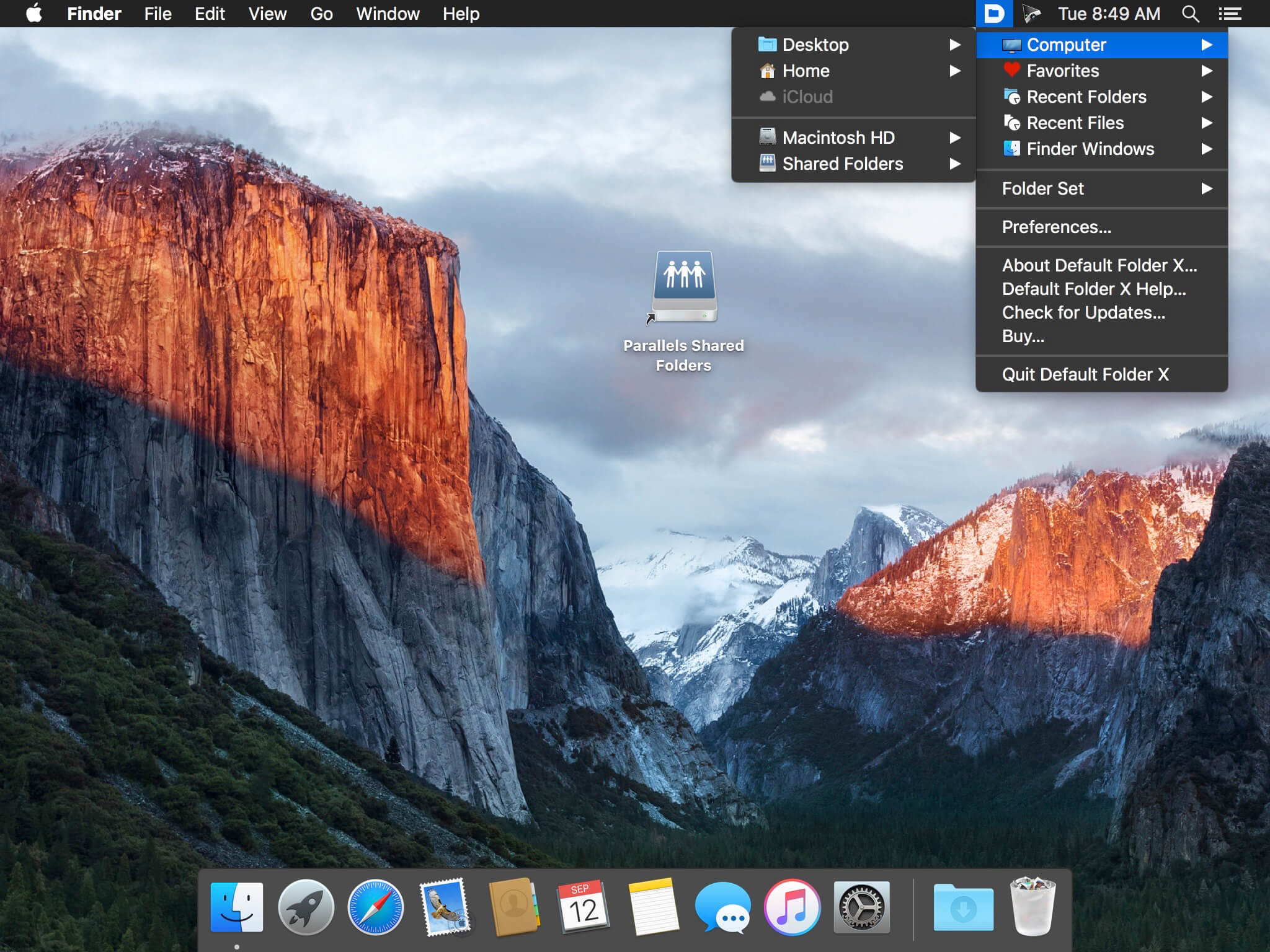
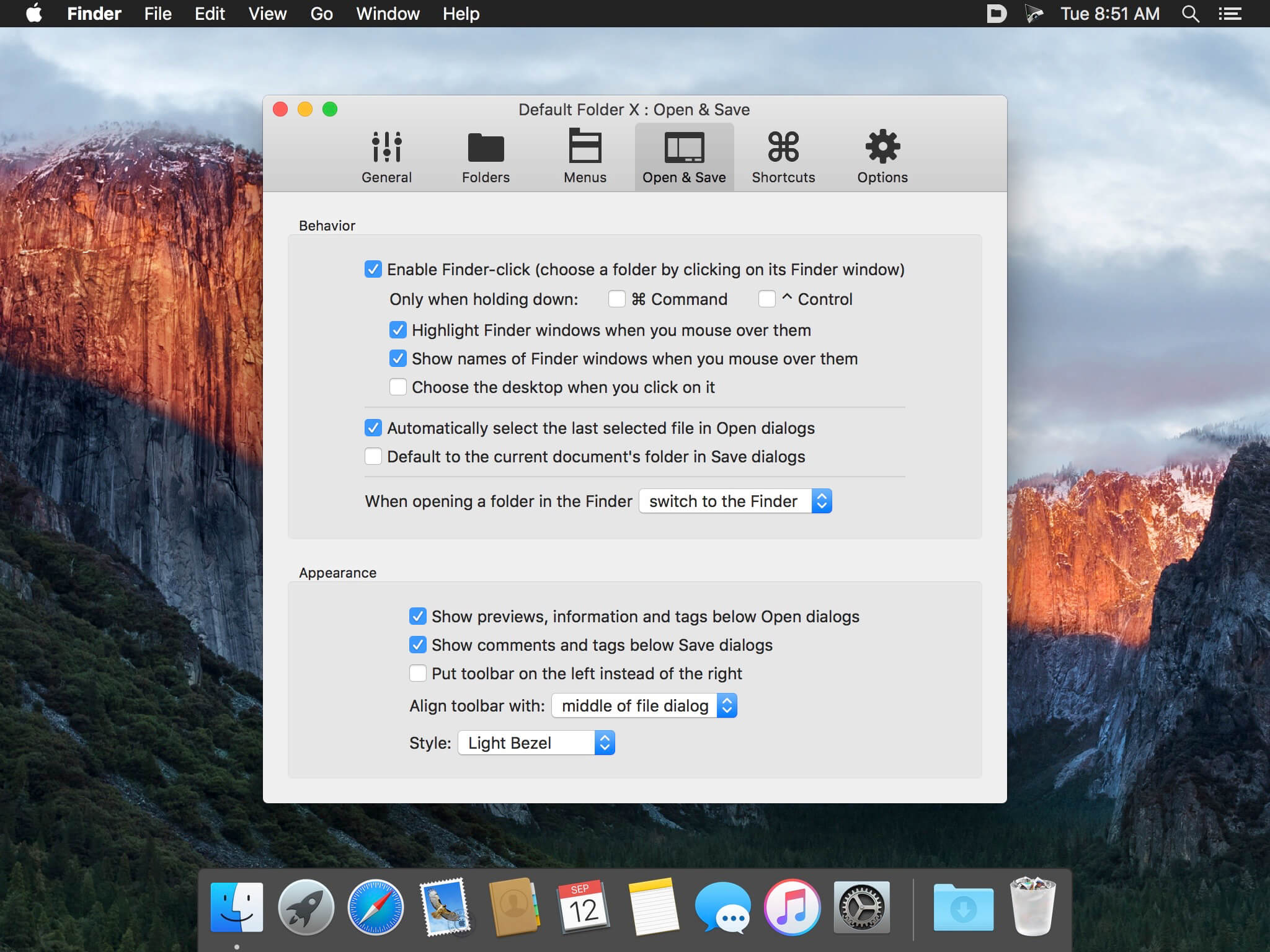
Default Folder X attaches a toolbar to the right side of the Open and Save dialogs in any macOS-native application. The toolbar gives you fast access to various folders and commands. You just click on the buttons to go to your favorite and recently used folders, manage the folders and files shown in the list, and make changes to your settings. It also fixes a number of problems in Open and Save dialogs, “rebounding” to the last selected file, putting the path listing back in the top menu, and correcting bugs in scrolling column views.
Features
Directory assistant: You can access the contents of your recent, favorite, and open folders right from Default Folder X’s toolbar.
Real time saving: If you’re constantly saving things inside the same folder, Default Folder X can remember that folder for you.
Finder management: Default Folder X lets you open up or save to any Finder window with a single click.
Instant Recall: To help you quickly return to folders you’ve recently used, Default Folder X remembers them for you.
Spotlight on the spot: Default Folder X lets you add Spotlight keywords, OpenMeta tags, and Finder labels on the spot, while you’re still in the Save dialog.
Information central: With Default Folder X you get previews below every Open dialog, expanded to fill the available space. Need to see more detail? Click on the image and it zooms up to full size.
Workflow without work: Rather than make you learn and set up a new application, Default Folder X blends into OS X.
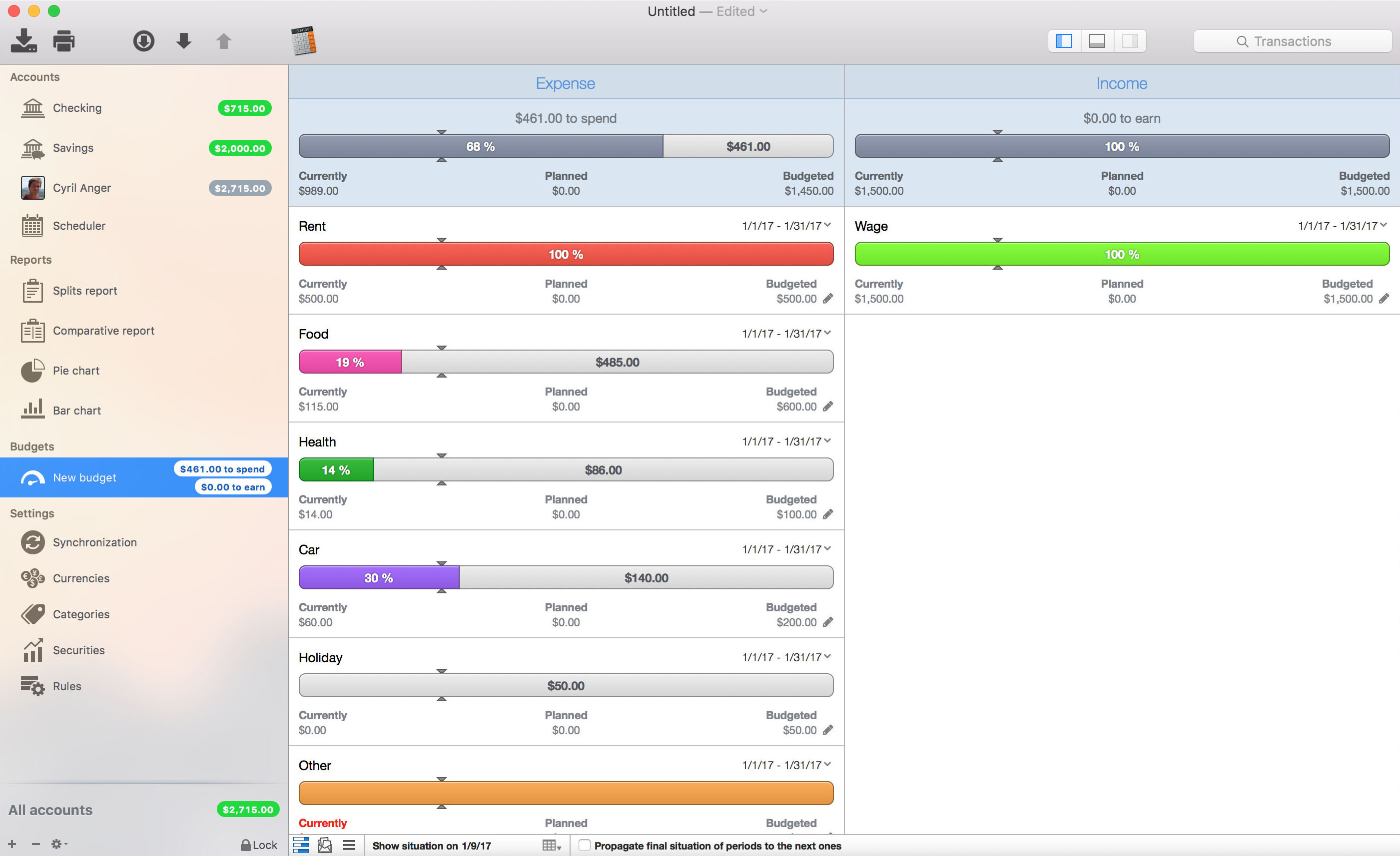
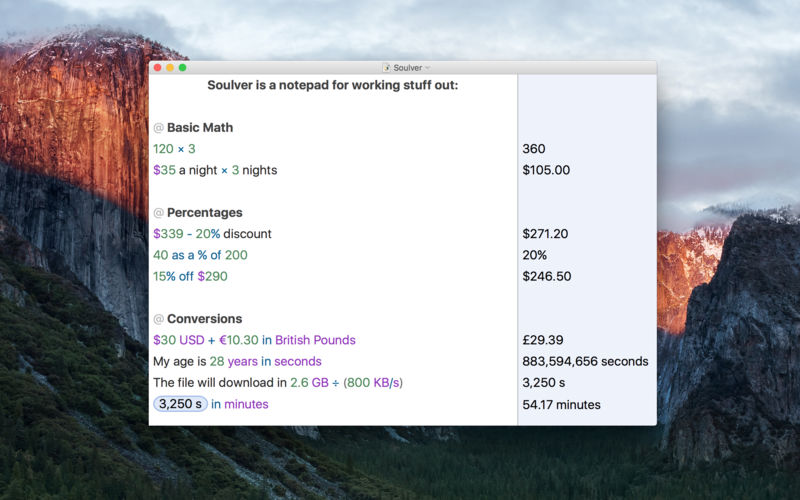
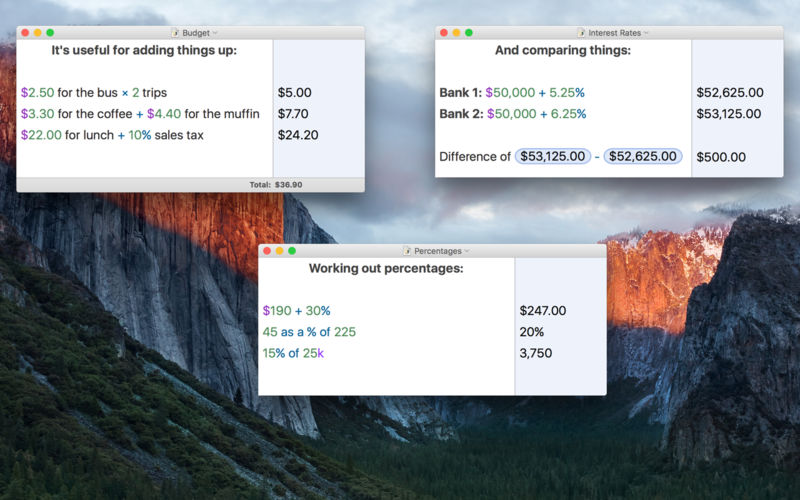
Soulver 3 is a smart notepad with a built-in calculator. It gives instant answers to any calculations it finds in your text. It’s a better way to work stuff out than with a traditional calculator, and a more lightweight tool for quick calculations than a spreadsheet.
Math Features
Instant calculations, no equals required
Use words alongside numbers, so calculations make sense
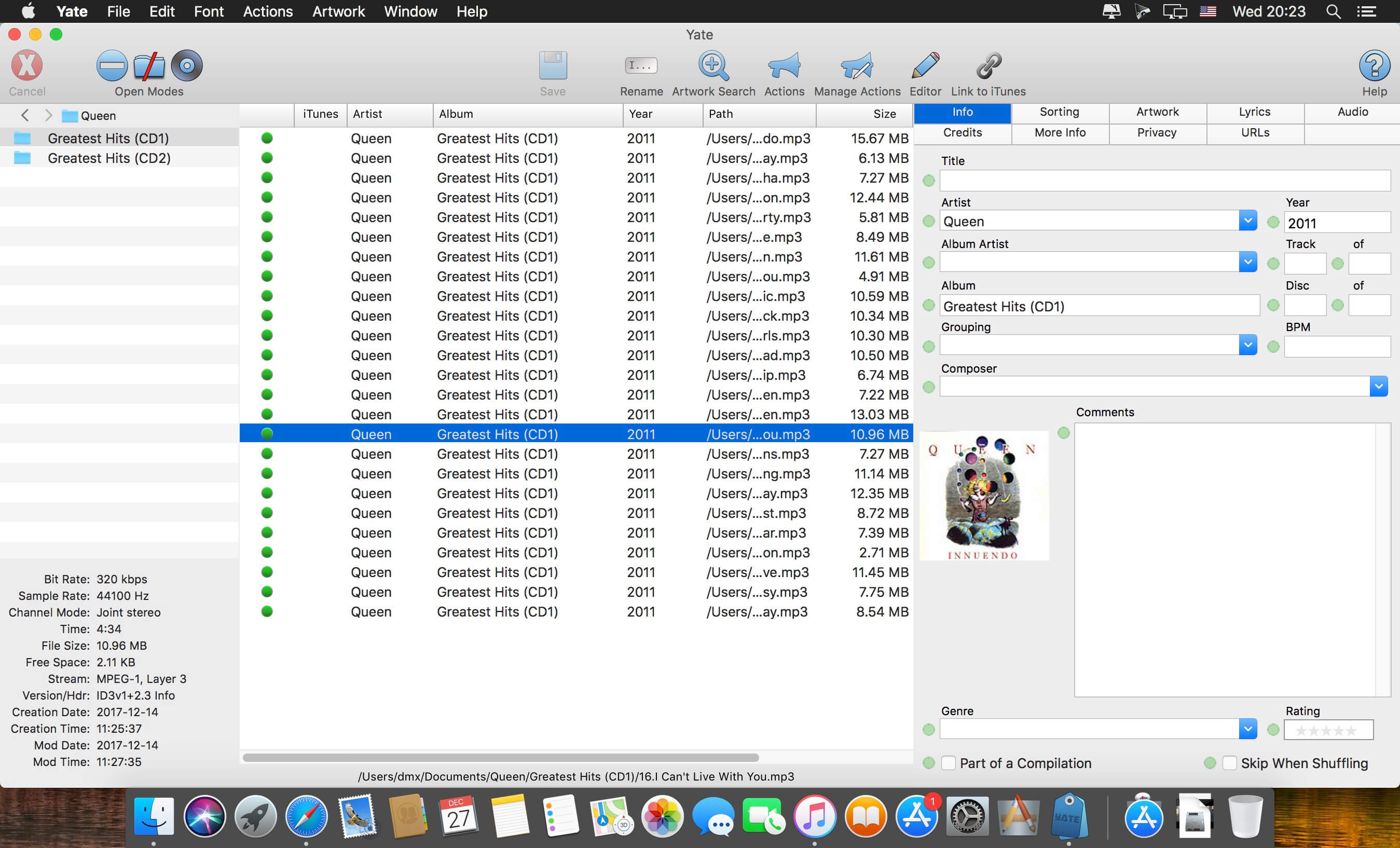
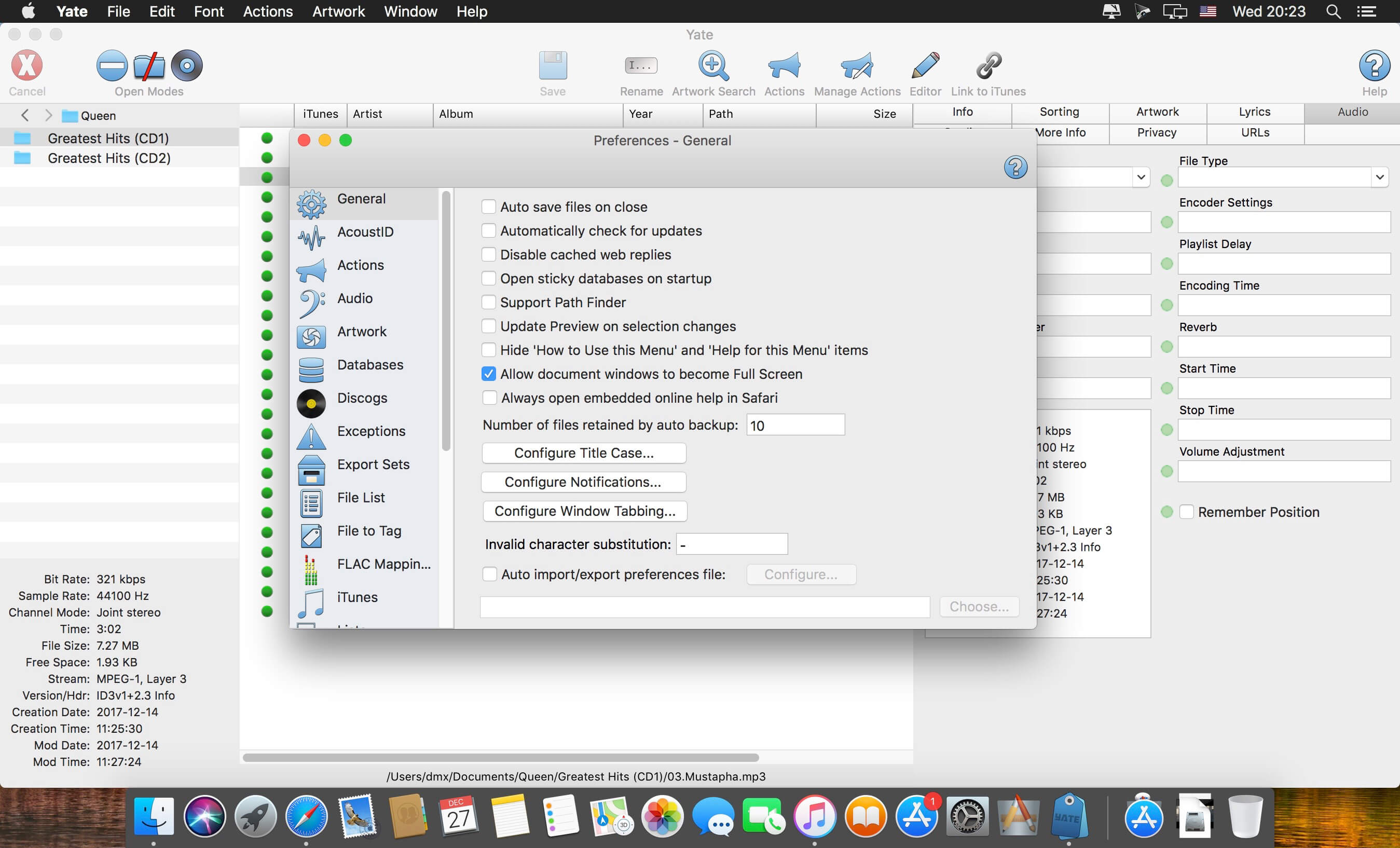
Yate was developed for people who want complete control over their tagging experience. Supports audio in AIFF, DFF, DSF, FLAC, M4A, M4B, MP3, MP4, STEM.MP4 and WAV files. Supports video in M4V and MP4.
Yate has a long list of features; most importantly, an innovative scripting system called actions. Actions can be used to update all of an album’s tags with a single operation. Yate also supports integration with AcouticBrainz, AcoustID, Beatport, Discogs, iTunes and MusicBrainz. All changes can be easily reverted and individual changes can be undone in any order. Whether you want to automatically or manually tag your files, Yate can do it all!
What’s New:
Version 6.0: The Action Manager
Many actions are written which do not require selected audio files. These include actions which dynamically load files, those that manipulate databases, etc. The issue is that actions cannot run without at least one selected file.
There is a new column in the Action Manager named Always. When the column is enabled, it is treated as a hint to the action runner. The hint is used as follows:
if files are loaded and at least one is selected, there is no behaviour change.
if files are loaded and none are selected, one file will automatically be selected. The named variable File Auto Selected will be set to 1.
if no files are loaded, a temporary file will be supplied and selected. The named variable Temporary File Supplied will be set to 1.When the action terminates, the file is removed. Note that if the file is renamed or moved it will not automatically be removed.
Note that the All Files column settings are applied before the Always interpretation.
It is still your responsibility to ensure that selected files are not modified, if that is your intent.
Actions with the Always setting will be enabled in menus, main window toolbar icons and edit panel action buttons when there are no files selected.
Two new action statement categories were added: Import/Export and Preferences.
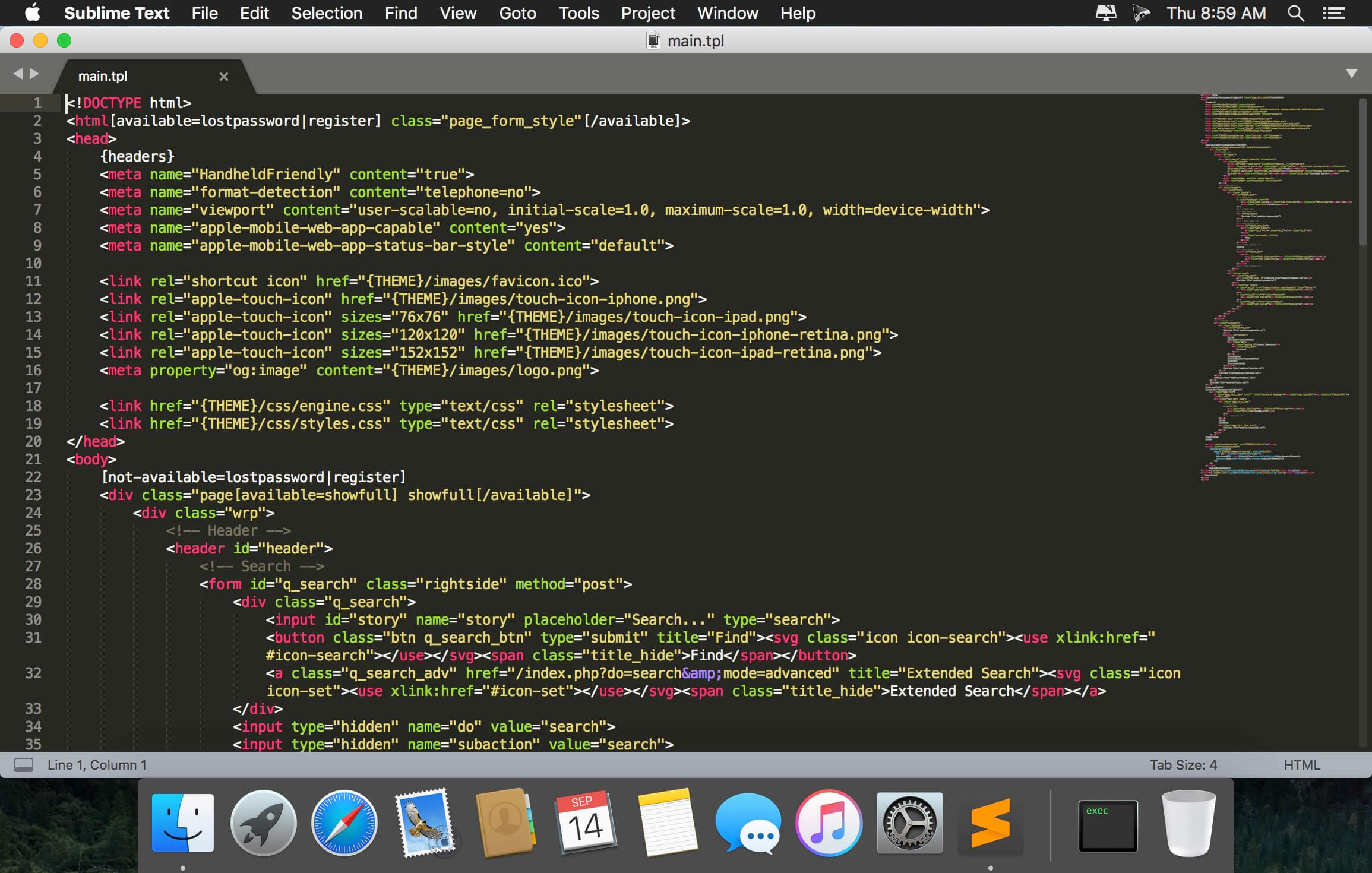
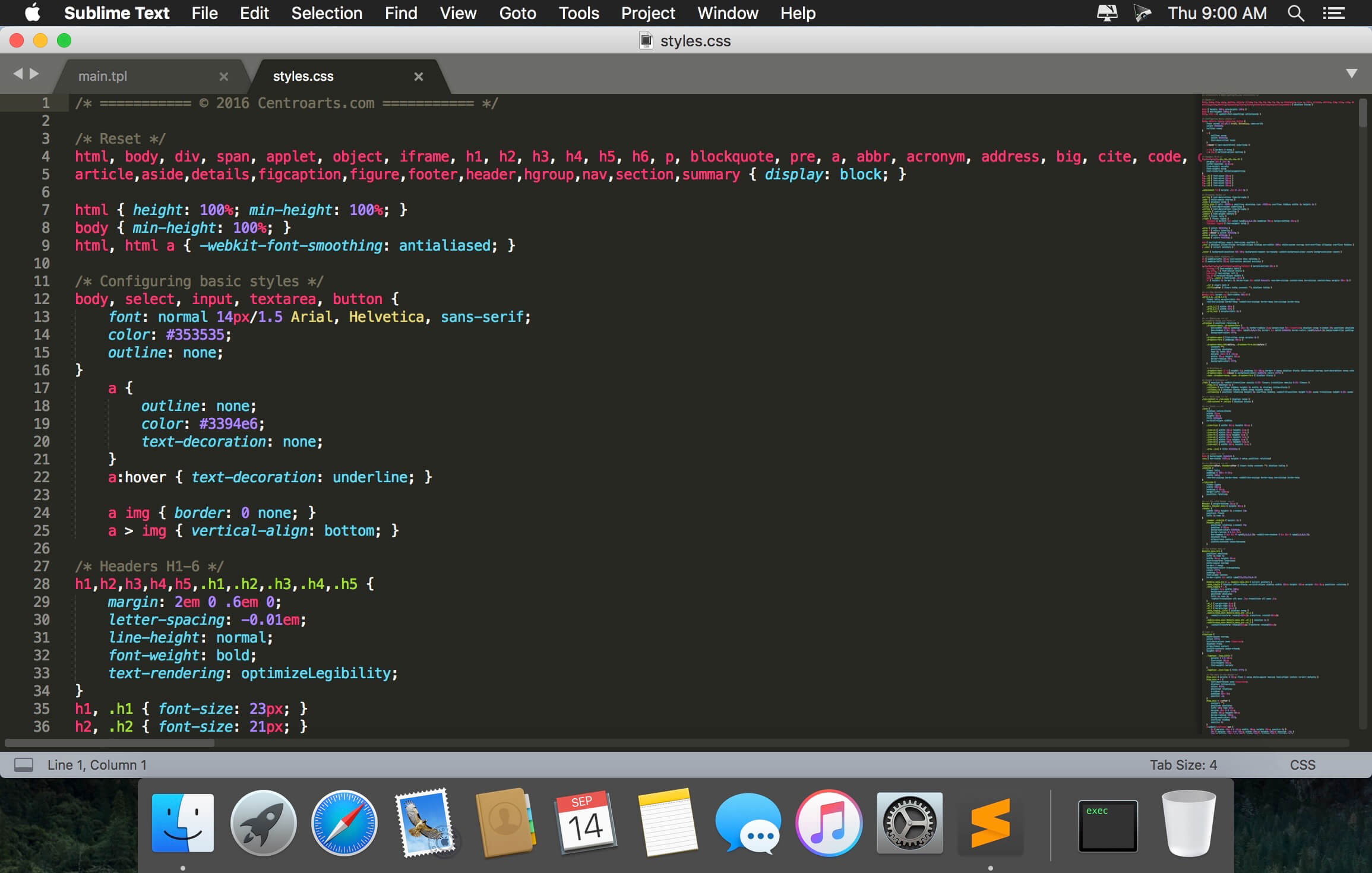
Sublime Text is a sophisticated text editor for code, markup and prose. You’ll love the slick user interface, extraordinary features and amazing performance.Sublime Text is a super fast and feature packed text and development editor. If you are going to be coding regularly you want to try this amazing editor (IDE).
Following some of the great features that make Sublime Text stand out from other code editors:
Multiple cursors: Once you have discovered multiple cursors you won’t want to work without them anymore. As the name suggests they let you write or edit in multiple places in a document at the same time.
Vintage mode: Vim keyboard shortcuts will work just like in the original Vim editor. To use them, all you need to do is to enable vintage mode.
Lightning fast: This is the fastest code editor you will find right now.
Command pallet: A great feature that allows you to reach about all functions of the editor via the keyboard. You will hardly use your mouse and thus code more efficiently.
Plugin collection: A hugely active community creates plugins for almost any task in Sublime Text. This includes syntax highlighting and code snippets for a large number of languages, for example jаvascript, PHP, CSS, HTML, Python, LESS, XML and C++ to name just a few.
Package control: This add-on let’s you install plugins within seconds directly from the editor.
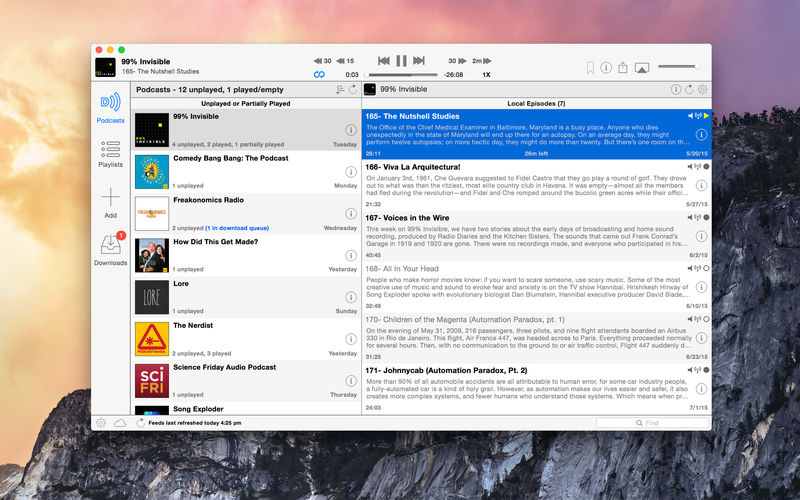
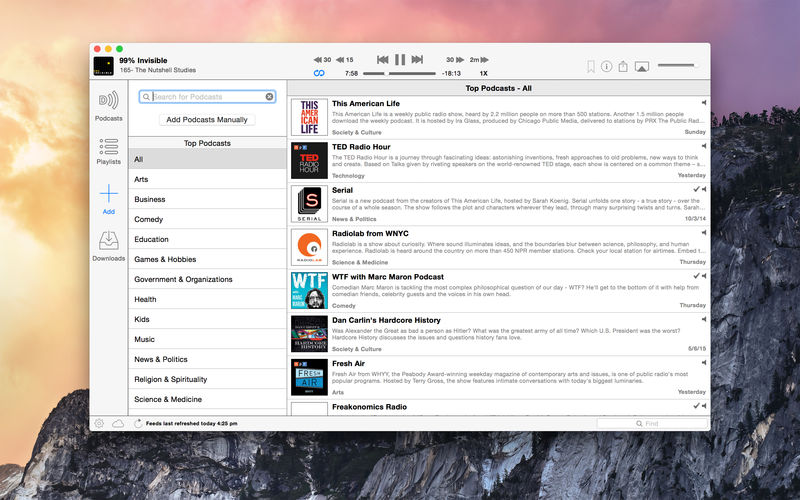
Downcast, the popular iOS podcast app is now available for macOS! Download, play and sync** your favorite podcasts with an intuitive interface built specifically for podcasts.
Subscription Features
Search, subscribe to and download audio and video podcasts
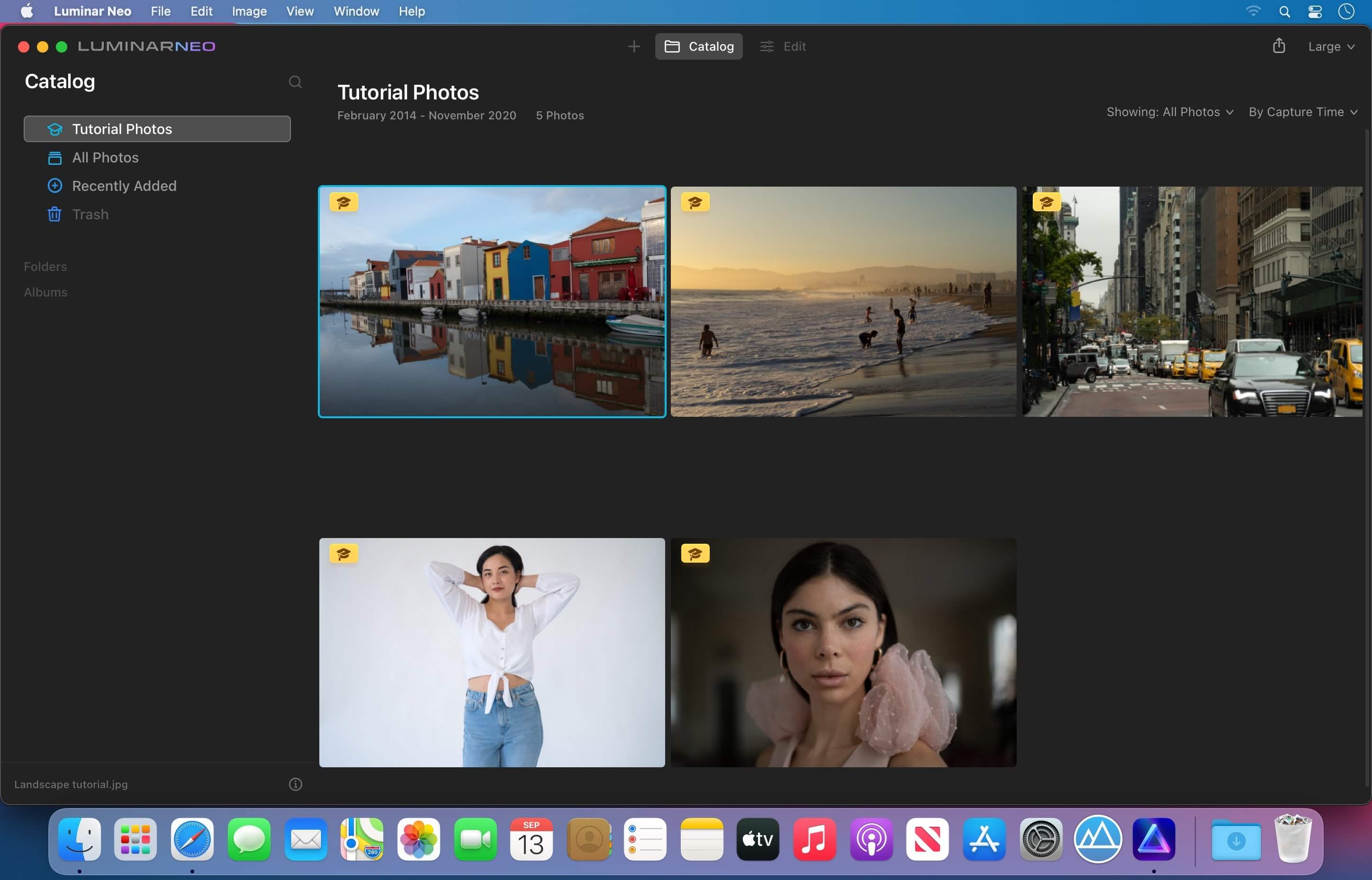
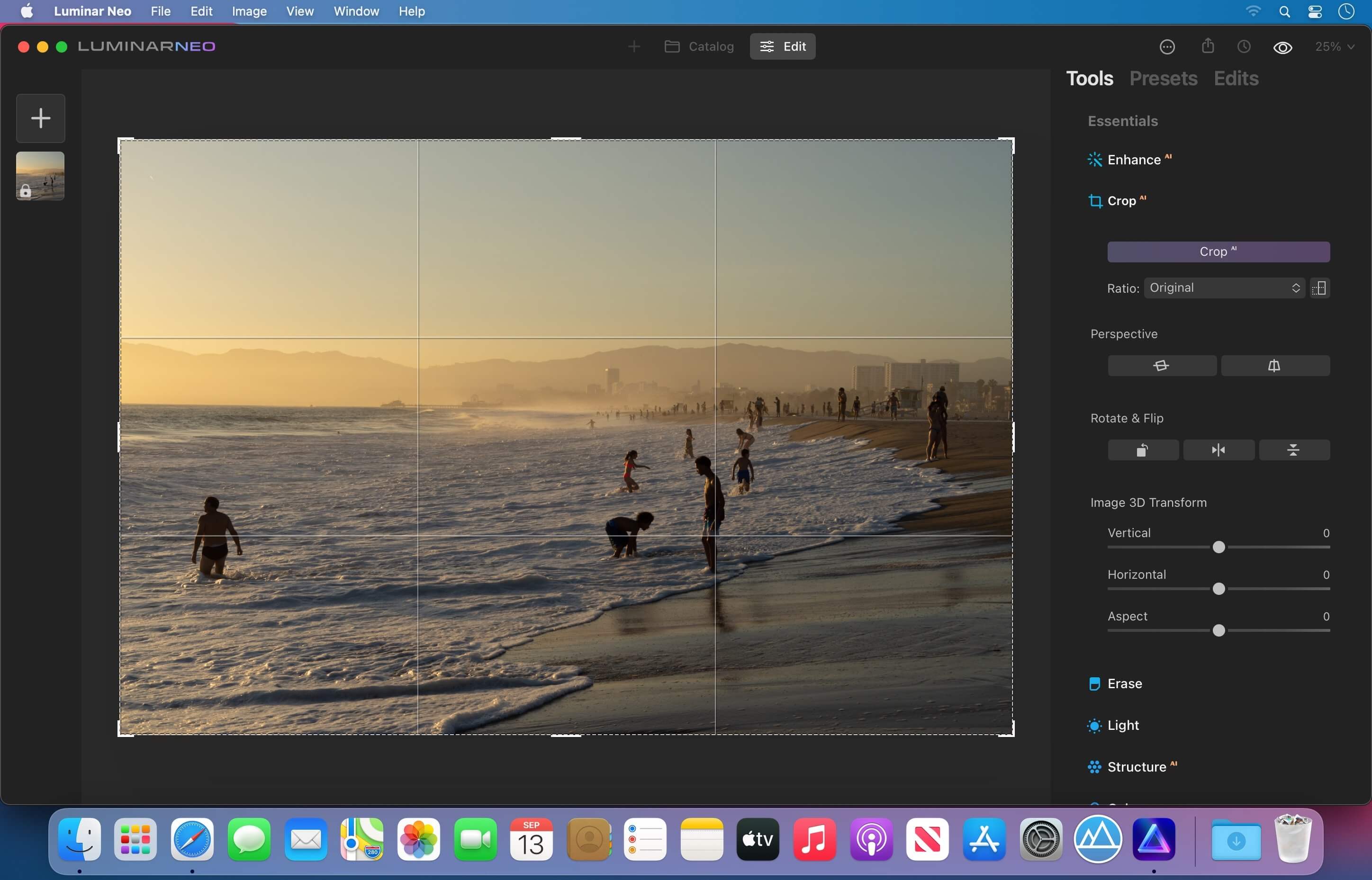
Luminar Neo, a new creative image editor which empowers visual storytellers to bring their boldest ideas to life. Luminar Neo builds upon the unique, purpose-driven, AI editing technologies for which Skylum has become known for.
“As the latest member of the Luminar family, we designed Luminar Neo to allow artists to take on more challenging image creation work and achieve results which often seem unattainable,” said Dima Sytnik, co-founder and CPO of Skylum.
Luminar Neo is meant to be an application that offers more customizability, and that builds upon the company’s LuminarAI software. The two programs will be sold side-by-side.
Luminar Neo will ship with several new features, including image layers, background replacement, relighting options, dust removal and more. The software analyzes each image to recognize the depth of the scene and its contents, which allows for precise control.
What’s New:
Version 1.0.0:
Layers, Presets, and More
Work with multiple photos on one canvas thanks to Layers functionality. Add image layers, move them on top of each other, use blending modes and masking modes, make collages, add double exposure effects, and do more with each layer.
Get fast results with one-click Presets that instantly apply adjustments to your photos.
Create stunning portraits with Face AI and Body AI without time-consuming masking.
Enjoy support for new cameras.
Also, we’ve caught and fixed more than 12 bugs that could lead to crashes or unexpected results. It’s time to create amazing photos!
Compatibility: macOS 10.14.6 or later • Apple Silicon or Intel Core processor Homepagehttps://skylum.com
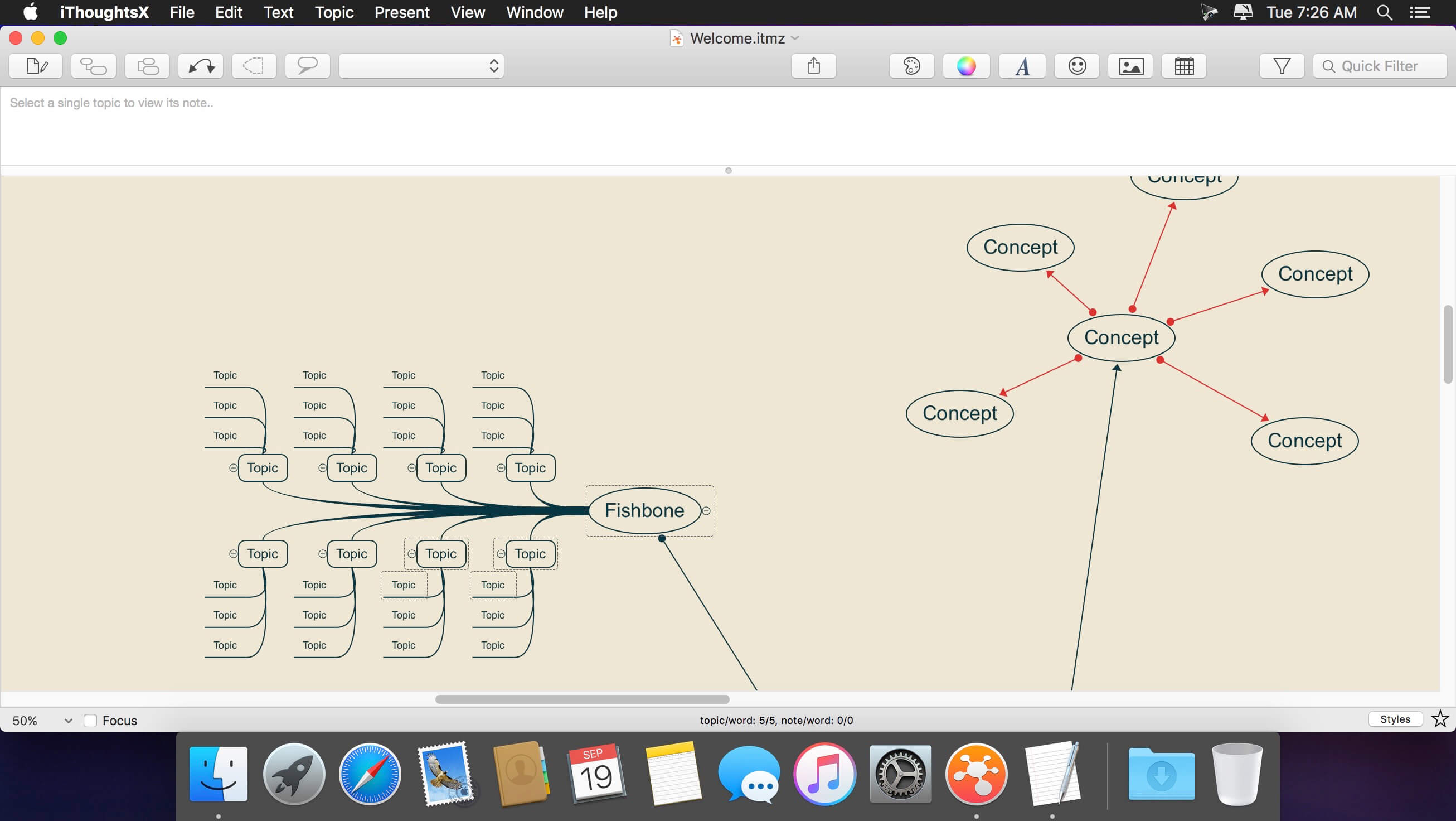
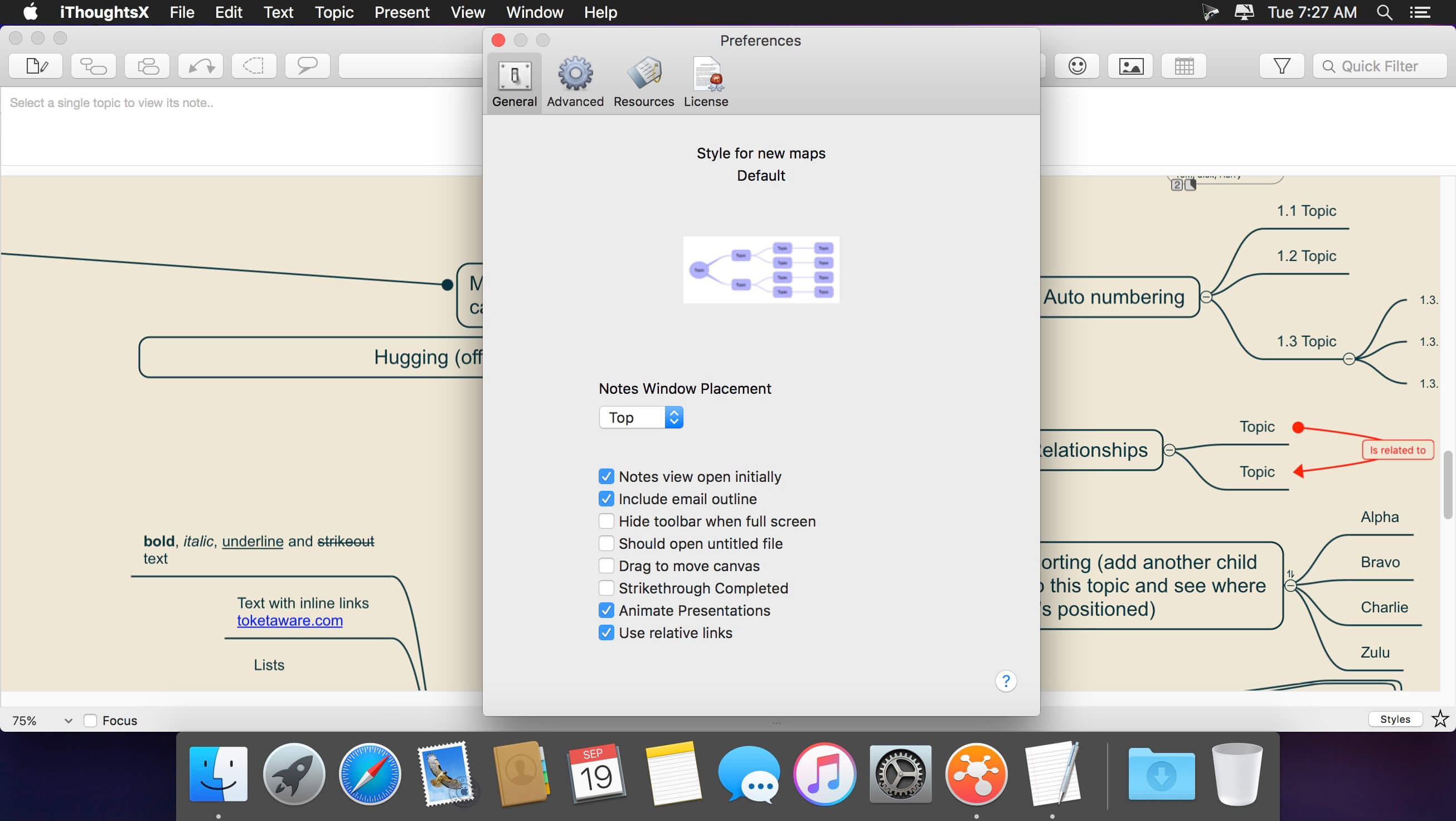
Capture and organize your ideas the right way with iThoughtsX, a robust mind mapping app, which was specifically created to assist with brainstorming and creating long-term plans. The app doesn’t just boast an elegant interface, but backs it up with all the features you need to excel at ideation.
With just a glance, remember things that matter and all the connections between them to generate new ideas with ease. Give iThoughtsX mindmapping tool a try and find out how it feels to be a mastermind.
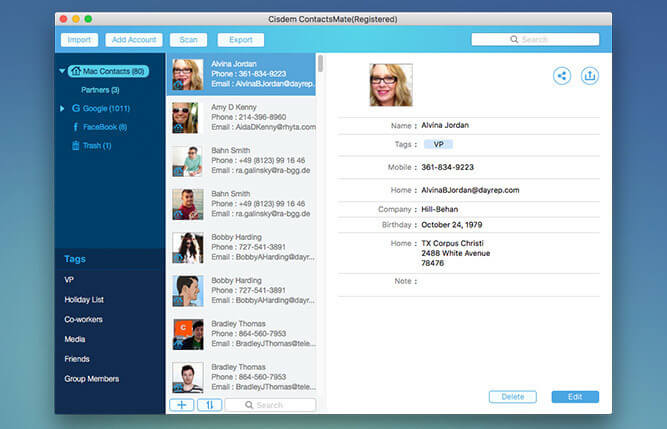
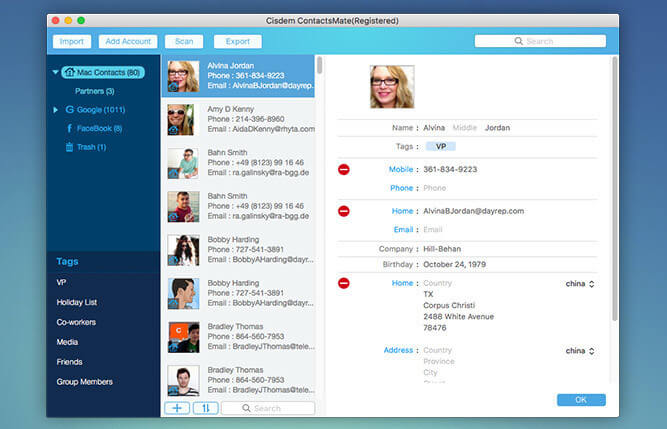
Cisdem ContactsMate (was Contact Manager) is a great contacts manager. It allows you to backup everything in Contacts; edit the Contacts fields; find, analyze, report, and fix dozens of problems with OS X Contacts; and export your address book to CSV, vCard, TXT, DocX, HTML, Excel, Numbers, and Pages formats for easy Contacts backup or sync. The release of version 3 adds new functionalities: make a group for contacts, batch-fix similar problematic contacts, and manually set suffix or prefix.
New Features
Import Contacts – Import and combine contacts Contact manager enables you to easily import contact or contact lists directly from a .CSV or vCard file. It also syncs with the built-in Contacts app on Mac and supports all leading cloud services, including iCloud, Google, Exchange, Facebook, Twitter, and LinkedIn, etc.
Easily view, add, edit, group, tag, and manage contacts – It is very easy to add, enrich, and update contacts and you can manage your contacts by applying a tag to sub-categorize contacts and organize contacts by groups based on sources, interests, affinities, etc. Meanwhile, you also can quickly find what you want with the intelligent multi-conditional search feature and send group messages, emails or start a call to your assigned lists of contacts and print mailing address.
Delete duplicate contacts, fix formatting errors – Cisdem ContactsMate automatically scans your contacts for exact duplicates, incomplete contacts and flicts, it will find all the problems with your contacts and flag them for fix or removal. Once flagged, you have the opportunity to review one or all of the duplicate contact groups and formatting errors before processing, then you can fix them quickly.
Share, export and back up contacts to quickly exchange information -Share Contacts via Mail, Messages, Facebook, Twitter, etc. or export the whole or assigned contacts list to local files in different formats, including CSV, vCard, Excel, TXT, DocX, HTML, Numbers and Pages. Then you can easily backup or import it to Outlook, Yahoo, Gmail, etc.
What’s New:
Version 6.0:
Optimized code structure.
Optimized the contact editing interface.
Optimized the loading speed.
Optimized the scan logic.
Added data refresh function.
Optimized the data display of internet accounts.
Added field mapping function to allow uses to manually match the fields when importing CSV file.
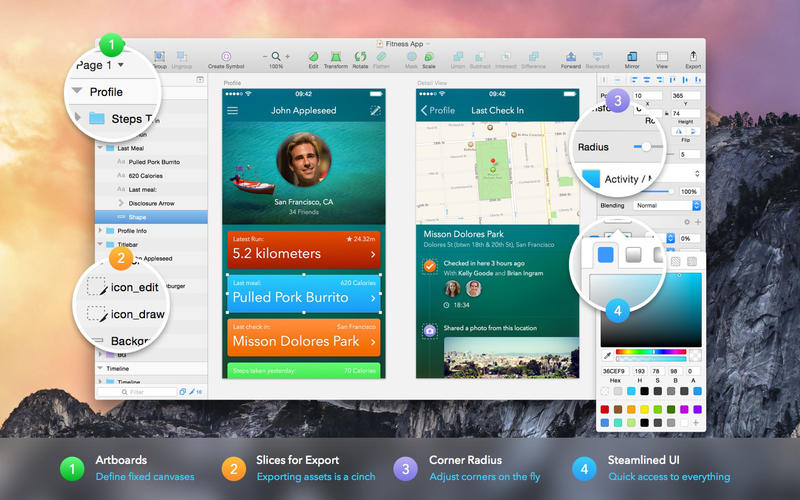
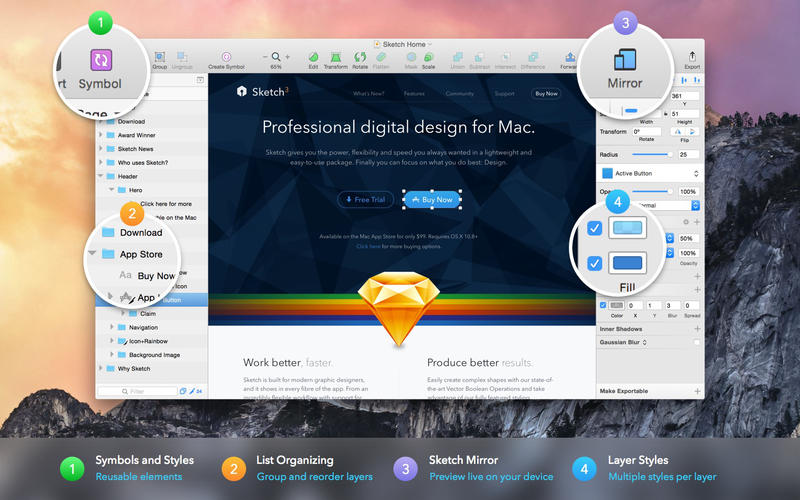
Sketch: graphic design for a digital world. Powerful tools and an elegant interface, in a single award-winning package. Because making beautiful things should be a joy, not a burden.
Sketch supports multiple fills, borders and shadows per layer; has powerful non-destructive boolean operations; smart pixel alignment; and makes exporting a breeze with automatic slicing and multiple resolution export.
Vector tools and basic shapes are the foundation; whether you are designing icons, websites, interfaces or anything else. Combine these into complex shapes with non-destructive boolean operations, leaving you free to edit them in the future, then apply advanced layer style options like multiple shadows, fills, gradients, noise, blending, background blurring, and more.
Sketch doesn’t just do shapes, of course. Imported images can be rotated, scaled, cropped and masked. The best-in-class text tool lets you add beautiful typography to your designs, using native font rendering, so you can be sure that text always looks 100% accurate!
Brand new to Sketch 3, Symbols allow you to reuse entire groups of content in multiple places in your design. Think of interface elements such as buttons, headers and footers. Change them once, and they update everywhere in your document.
Built for the Mac, Sketch supports OS X’s Versions and Auto Save, letting you focus on your work instead of hitting CMD+S. Keep your work safely in sync across multiple Mac computers with iCloud. And take Sketch full screen to maximise the size of your canvas.
All this power is deliciously baked into Sketch’s single-window interface. Everything is there, tucked away until you need it. A simple interface with powerful tools.
Massive X is Native Instruments’ new flagship synth, built by the same team as its predecessor. Based on a state of the art architecture, it delivers pristine sound, and huge creative flexibility for artists and sound designers alike – allowing them to create, modulate, and experiment with sound from a huge range of sources, in any way they like.
THE OSCILLATORS
At the heart of MASSIVE X you’ll find the completely new oscillator section – capable of producing more variation than some entire synths, right at the source. Choose from over 170 wavetables and 10 different modes of reading them – from the aggressive Gorilla family, to a wavetable-bending mode, Hardsync, Formant, and many more – each with their own unique sub-modes and additional controls. Dial in two phase-modulation oscillators to inject extra movement into the main oscillators.
ROUTING REIMAGINED
Connect any output to any input, and see what happens. The intuitive routing setup lets you essentially rewire parts of MASSIVE X, meaning you can bypass, feedback, and send audio any way you like. It’s also possible to route modulators as audio sources to excite elements such as the comb filter.
PERFORMERS: MADE TO MODULATE
Draw precise patterns of modulation in the Performer section, and assign them to parameters for complex, evolving patches, or for controlled changes to your sound. You can then use the Remote Octave control to trigger them on your keyboard, meaning you get truly playable modulation and huge expressive variety within a single patch.
Included expansions:
Bounce
Bump
Drive
Haze
Mechanix
Moebius
Our House
Pulse
Quest
Rush
Scene
Formats:
macOS; AU, VST3, VSTi
What’s New:
Version 1.4.1
MASSIVE X is available as AAX, AU, VST and VST3 Plug-ins in this version.
MASSIVE X requires an Intel processor with AVX or an Apple Silicon processor.
On Apple Silicon machines, Rosetta 2 must be installed in order to install and use MASSIVE X.
The MASSIVE X Factory Library is a separate installation, be sure to install via NATIVE ACCESS.
FIXED Reduced the aliasing of the SVF filter in LP4 mode when using feedback
FIXED Browser icons displayed incorrectly
FIXED Intermittent crashes in Logic
KNOWN ISSUE VST3 crashes in Reaper on macOS during scan (but still passes validation)
KNOWN ISSUE Host automation parameter names are fixed to “Macro” in Logic and GarageBand on Apple Silicon computers
KNOWN ISSUE Intermittent crashes when used with Mainstage
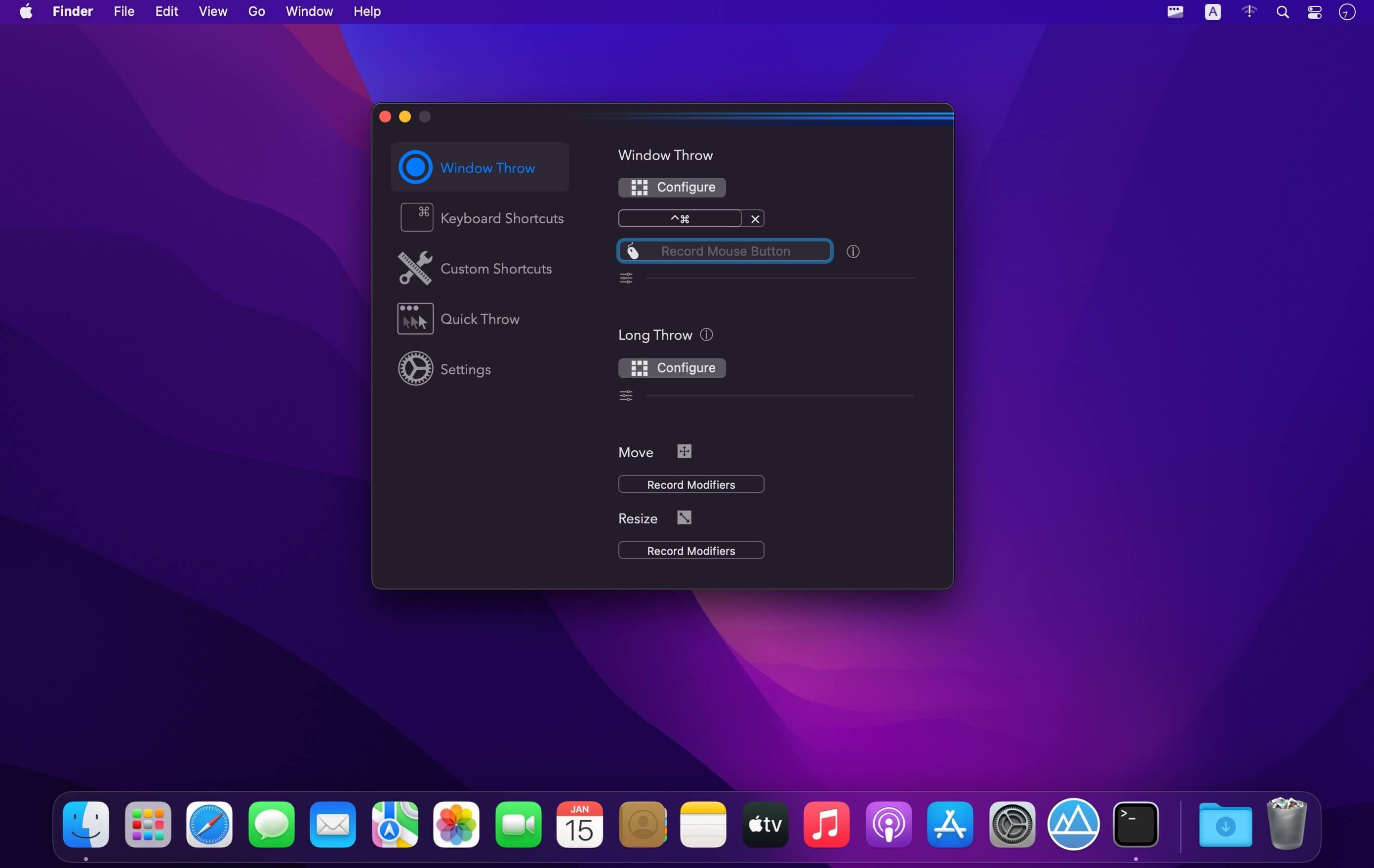
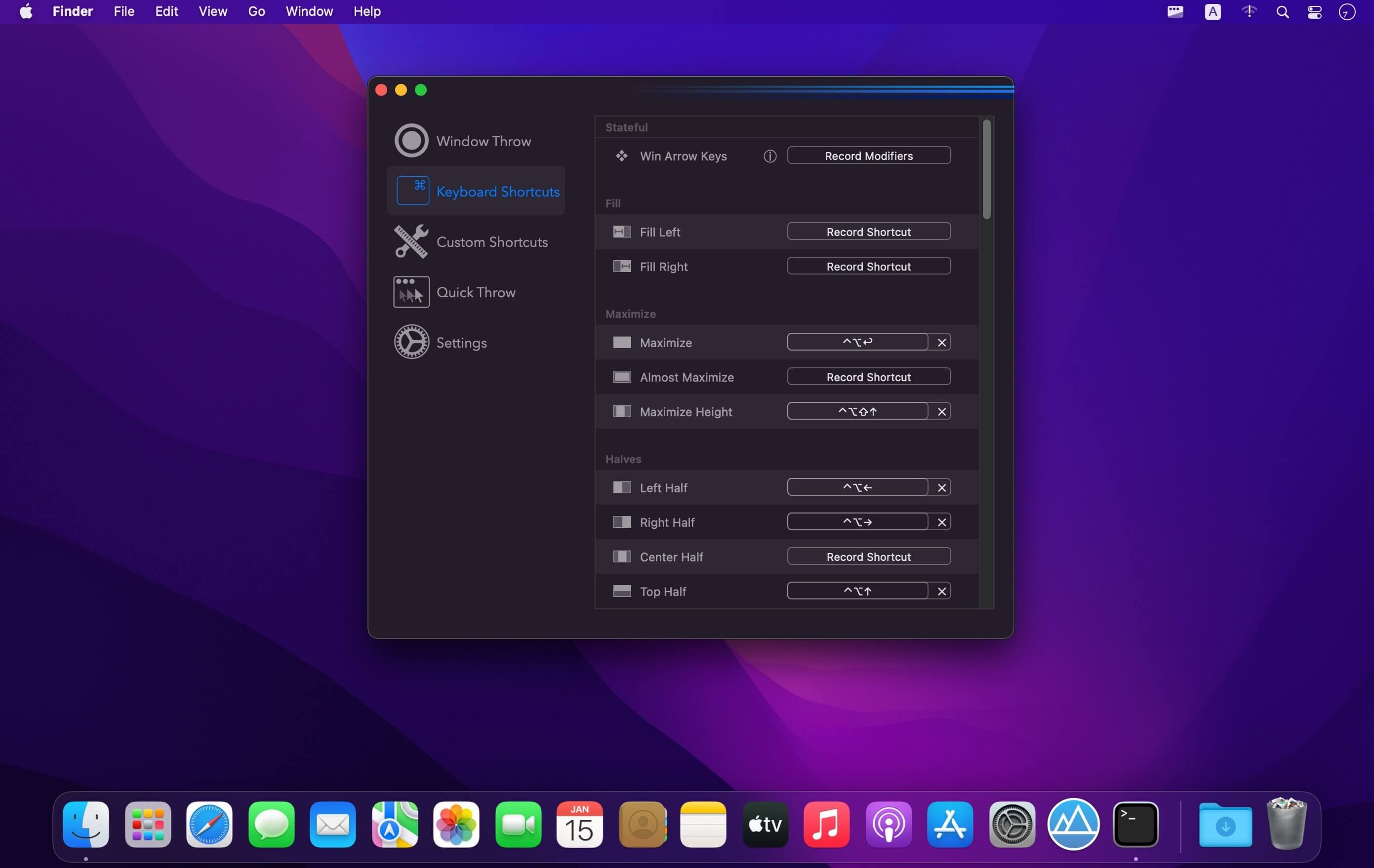
(Formerly Hookshot) Snap windows faster in this featureful Rectangle superset. Toss windows in the right places with cursor movement, move multiple windows with one command, create custom shortcuts, and more.
Features
16 window sizes & positions
Keyboard shortcuts
Drag windows to screen edges to snap
Move and resize by holding a key and moving your cursor
Snap windows under your cursor, even if not in focus
Custom shortcuts for any size & position
What’s New:
Version 2.4.2:
Release notes were unavailable when this listing was updated.
Compatibility: macOS 10.12 or later (Apple M1 compatible) Homepagehttps://hookshot.app
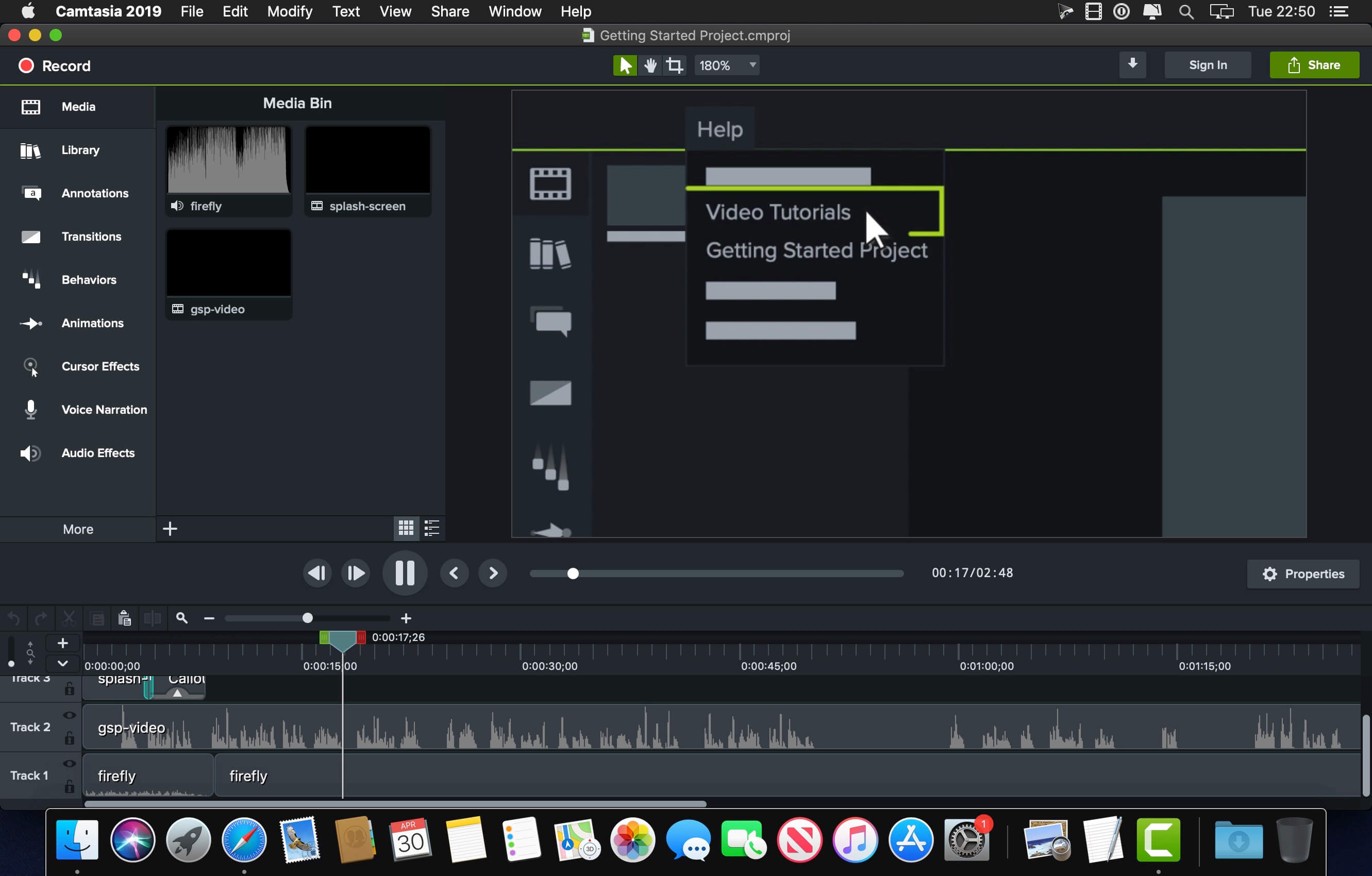
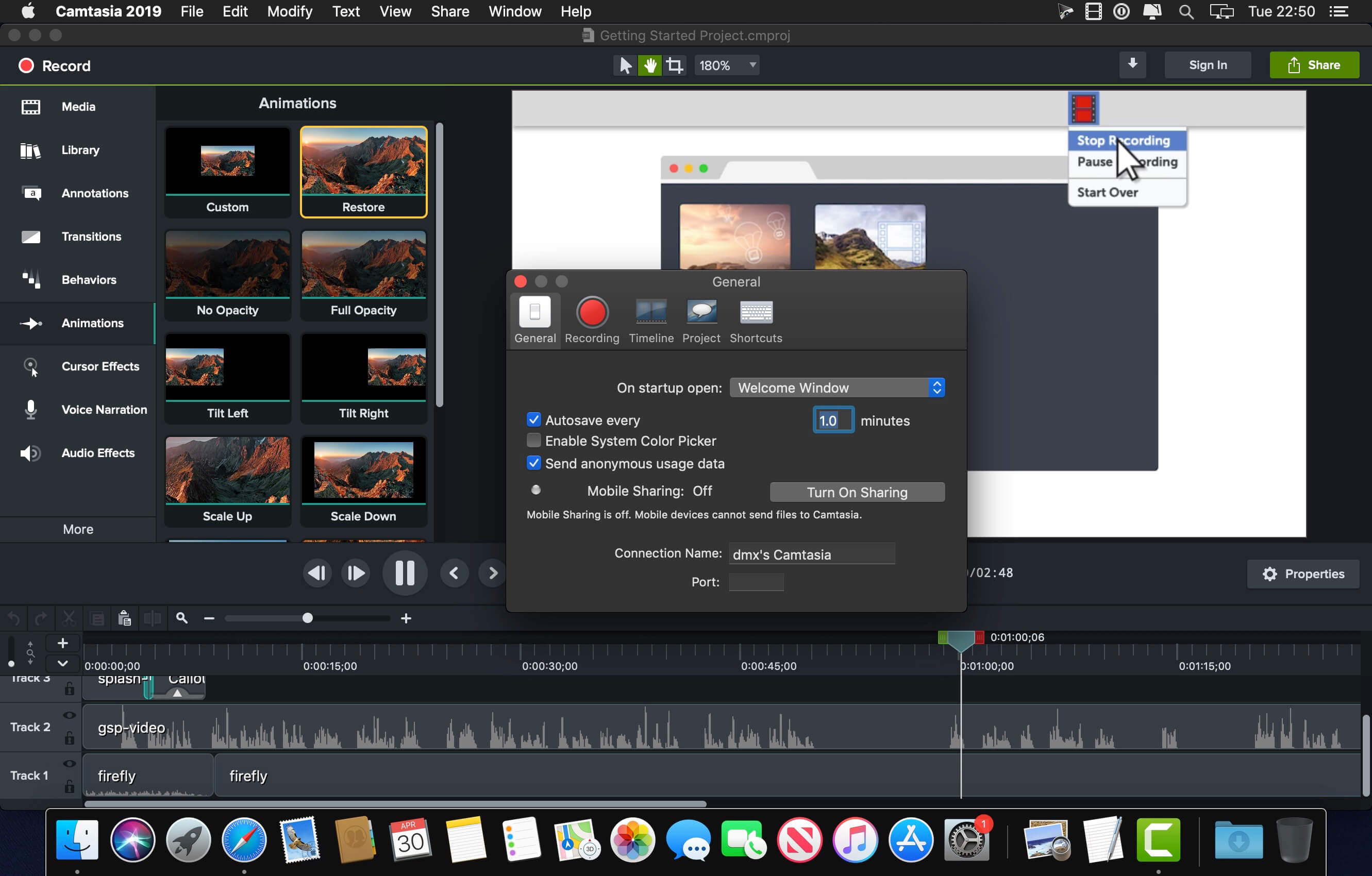
Camtasia makes it easy to record your screen and create polished, professional-looking videos. Record anything — your whole screen or just a window. Or, add video, images, audio, and PowerPoint presentations that you already have. A simple timeline makes editing video easy. Combine or split clips, trim, and speed up or slow down footage. Then, instantly preview inside the video editor. Give videos polish with professional video editor effects. Add highlights, animation, titles, transitions and more. Simply drag and drop the effects onto the timeline.
Training and tutorials
Spice up your training and tutorial videos to keep your viewer’s attention throughout the video.
Record mouse movements
Make the cursor larger, animate clicks, and add a highlight to make mouse movements easier to track.
Show keystrokes
Record keystrokes on screen to make it easy for users to follow along.
Add notes and annotations
Drag in notes, captions, shapes, highlights, and more. Camtasia makes it easy to help users understand.
Marketing and demos
Create videos that wow your customers. Camtasia is the perfect video editor for YouTube, Vimeo, Google Drive, and more.
Drag-and-drop video editor
What you see is what you get. Every effect and element in your video can be dropped and edited directly in the preview window. Then export videos at broadcast ready 4k resolution.
Motion graphics
Layer intro and outro sequences and title animations to create engagement throughout all your videos.
Music tracks
Use music to set the mood of your video. The editor includes a library of royalty-free tracks, or you can import your own.
Presentations
Transform PowerPoint slides and webinar recordings into a compelling video.
Drop in PowerPoint
Just drag a PowerPoint presentation into Camtasia, and select the slides you want to import.
Add multimedia
Add videos and narration to slides to more effectively communicate your message.
Webcam recording
Record webcam footage to add the energy of a live presentation to your footage.
Education
Create engaging video lessons without high learning curves.
Improve learning with video
Make videos for flipped, hybrid, or online learning.
Interactive quizzes
Add quizzes as part of the video and record results to see how students are performing.
Track results
See who is interacting with your videos to improve learning outcomes.
What’s New:
Version 2021.0.:
Added new 75+ Transitions and Transition categories
Added Audio Emphasize Audio Effect
Added 3d LUT Visual Effect
Added Motion Blur Visual Effect
Added Round Corners Visual Effect
Added Media Matte Visual Effect
Added Additional properties to Quick Property Assets
Added Quick Property Editor for creating custom Quick Property Assets
Added New Animation Shortcuts / Behaviors
Added Automatic Animation Tool
Added Zoom and Pan Animation Tool
Added support for Lottie animations
Added ability to generate proxy videos for improved editing performance
Added Duplicate media shortcut
Added ability to collapse Property Panel elements
Added Visual Effects bypass toggle switch to the Property Panel
Added Jump to Time by using timecode display
Added TechSmith Audiate integration
Improved Canvas zooming / panning
New Welcome Window with project launcher and Learning Center
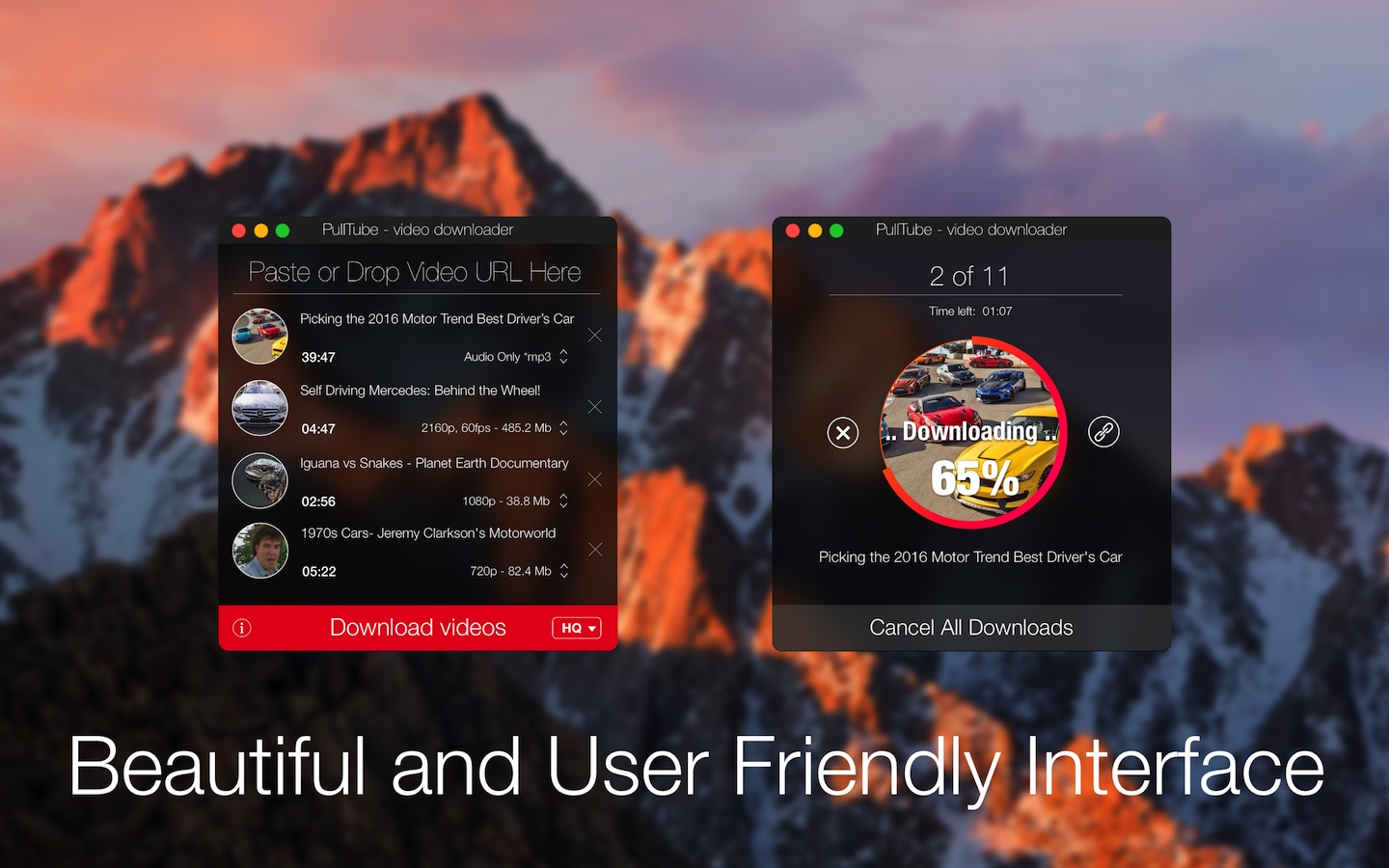
A beautiful online video downloader for your Mac PullTube proposes a streamlined workflow for quickly downloading videos from YouTube or Vimeo, provides control over the output quality, and enables you to extract the audio to MP3 or M4A files. The PullTube app can handle videos of any duration or size, and you get to monitor the download progress within its main window. The utility also integrates with the Notification Center to send completion alerts.
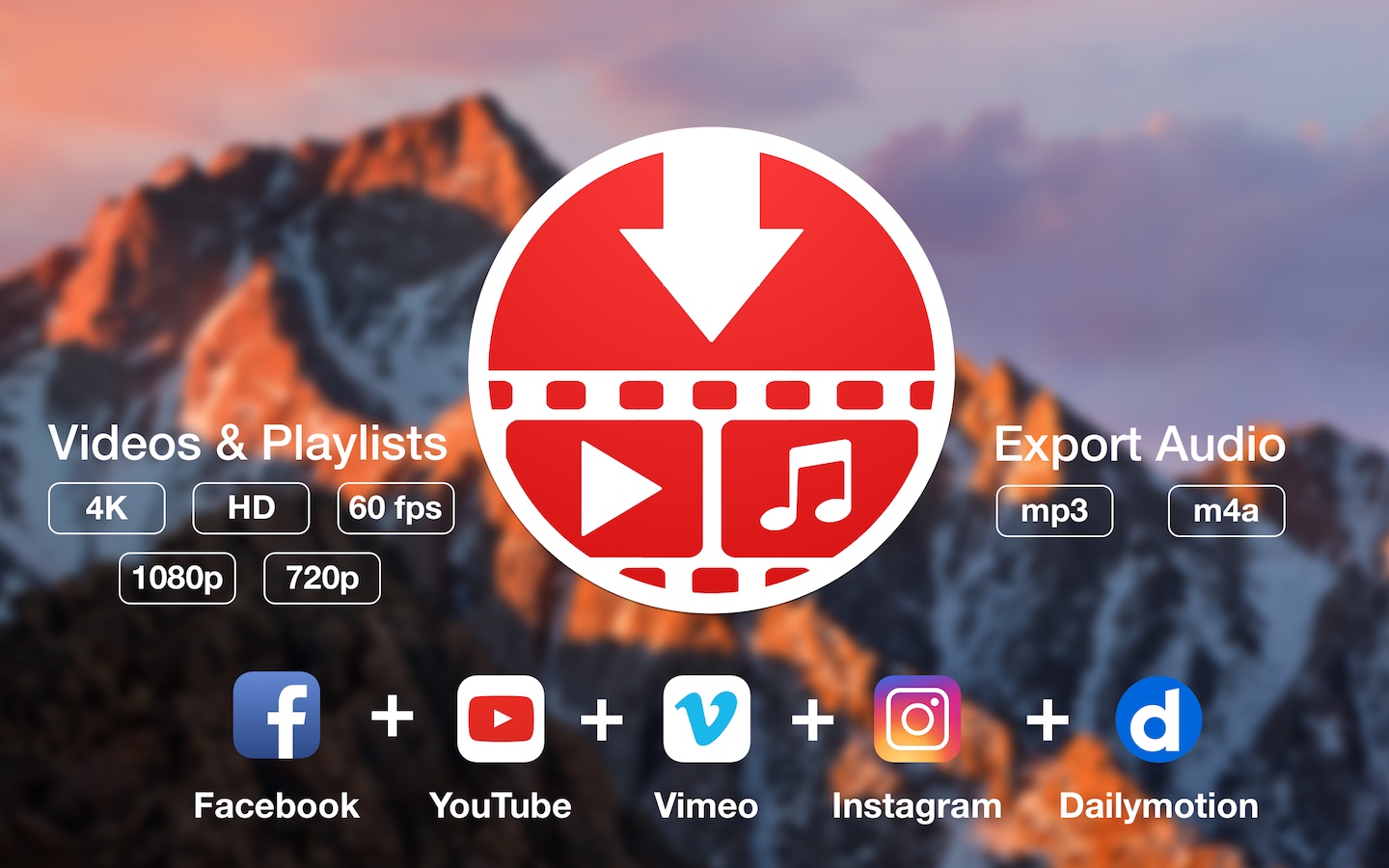
YouTube and Vimeo
Supports Youtube and Vimeo. More platforms to be added upon user requests.
4K, HD and 60fps support
PullTube allows you to download video in any format available
Video to Audio
Convert and save videos to mp3 and m4a
Beautiful and Flexible Interface
Nice looking, dark user interface
What’s New:
Version 1.8.3.1:
Release notes were unavailable when this listing was updated.
Compatibility: macOS 10.12 or later (Apple Silicon compatible) Language: Multilingual Homepagehttps://mymixapps.com/pulltube
Kaleidoscope is the most powerful file comparison app. Spot the differences in text and image files, or even folders full of files. Review changes in seconds, with the world’s most advanced and beautiful file comparison app.
Kaleidoscope 3 features the first major redesign in over eight years, with support for Apple Silicon-based Macs, a redesigned interface that looks great in the latest versions of macOS, and new dark mode support, Kaleidoscope 3 marks the comeback of a longtime developer favorite for spotting changes in text, images, and folders. There is a new Reader view, and changesets have received major improvements.
WHAT’S NEW IN KALEIDOSCOPE 3?
Redesigned interface, including new dark mode and new app icon; Kaleidoscope’s design now fits macOS Big Sur and macOS Monterey
Runs natively on all Macs, including those based on Apple silicon (Apple M1 chip).
Reader view makes it easier to focus on the content
Greater control over how text layout, with better font options and display choices
Ability to ignore particular folders and files during folder compare, using powerful patterns.
Persistent top toolbar with convenient Add and Paste buttons
Redesigned Unified text comparison and File Shelf views to make it easier to review differences and keep track of files being compared
Powerful filters for comparing items in changeset windows
KALEIDOSCOPE FEATURES:
Two-Way Text Comparison & Merging
Supports any text file, Word documents, PDF, RTF
Super-fast diffing of lines and character-level changes
Directly paste from clipboard
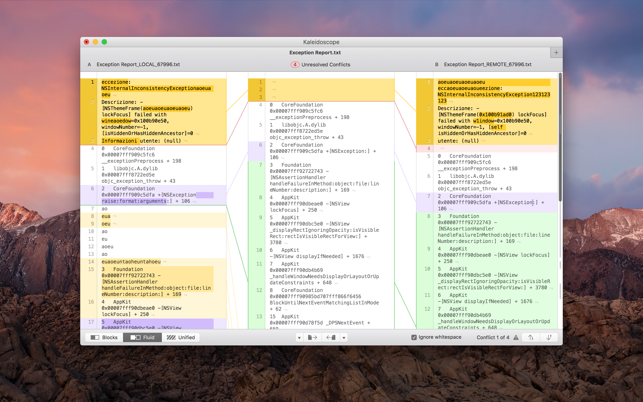
Three powerful display modes: Blocks, Fluid and Unified
Color coding to spot added, deleted, and changed text
Powerful text layout customization
Reader view that helps focus on content
Built-in search
Three-Way Merge
Review code changes and resolve conflicts
Edit text inline
Intelligently auto-merge the right content
Powerful Image Comparison
Supports any file that can be imported as bitmap
Directly paste from clipboard
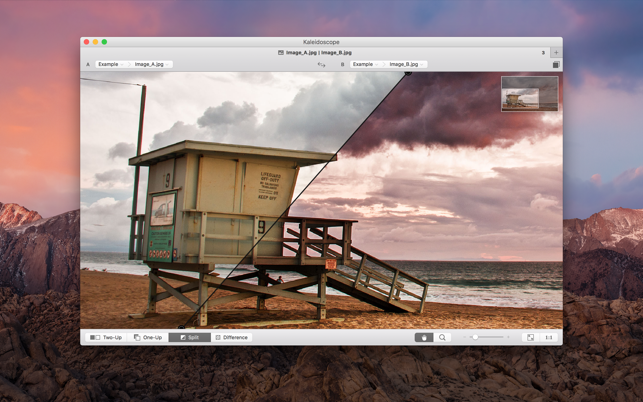
Compare images in four different modes: Two-Up, One-Up, Split and Difference
Spot subtle pixel differences with a high contrast “difference mask”
Navigate large images using pan & zoom tools
Folder Comparison
Ultra-fast algorithm for finding differences in large folders
Sort and filter down to what is most important
Powerful ignore patterns to exclude extraneous files and folders
Drill deeper into folders for more detailed comparisons
Copy your preferred files across sources
Code Review
Well-designed overview of all files changed in a changeset
Find a file by filtering by name or by kind of change
Inspect changes in text and image files using all of Kaleidoscope’s compare tools
Easy Workflow Integration
Git, Mercurial, Subversion, Bazaar, and Perforce support
Works as a fully functional diff or merge tool
ksdiff tool unleashes the power of the unix command-line
Supported by a growing list of GUI source control management apps
Integrate with the Xcode debugger (lldb) for text and graphics
Integrates with tools like Alfred for even faster workflows
Alfred is an award-winning app for macOS which boosts your efficiency with hotkeys, keywords, text expansion and more. Search your Mac and the web, and be more productive with custom actions to control your Mac.
Search and Browse
Launch applications and find files on your Mac or on the web. Alfred learns how you use your Mac and prioritises results.
Save countless hours by using hotkeys, keywords and customising how you want to search your Mac and activity history.
Jump in and browse, preview files and take action on them without lifting your fingers off the keyboard.
Type Less, Say More
With Alfred’s Clipboard History and Snippets features, there’s no need to type the same URLs or responses over and over.
Use the Clipboard History to locate any text, image or file you copied earlier and paste it again.
Create your own snippets and type a short abbreviation to auto-expand them into a full text snippet, saving yourself hours of typing in the long run!
Extend and Automate
With Alfred’s Powerpack, use immensely powerful workflows to perform tasks more efficiently and cut down on repetitive manual tasks.
Link hotkeys, keywords and actions together to create your own workflows; There’s no need to write a single line of code to create a workflow.
Import workflows from the thousands our community of creators have shared.
Control Your Music
You’re the boss. Boost your productivity by controlling your Mac using Alfred’s deep integration with OS X. Swiftly take action on files and contacts, control your music player and dispatch System commands.
Add some fun to your day; Turn your iPhone or iPad into a command centre for your Mac with Alfred Remote for iOS.
Alternatively, take a look at the many workflows for other music services like Spotify.
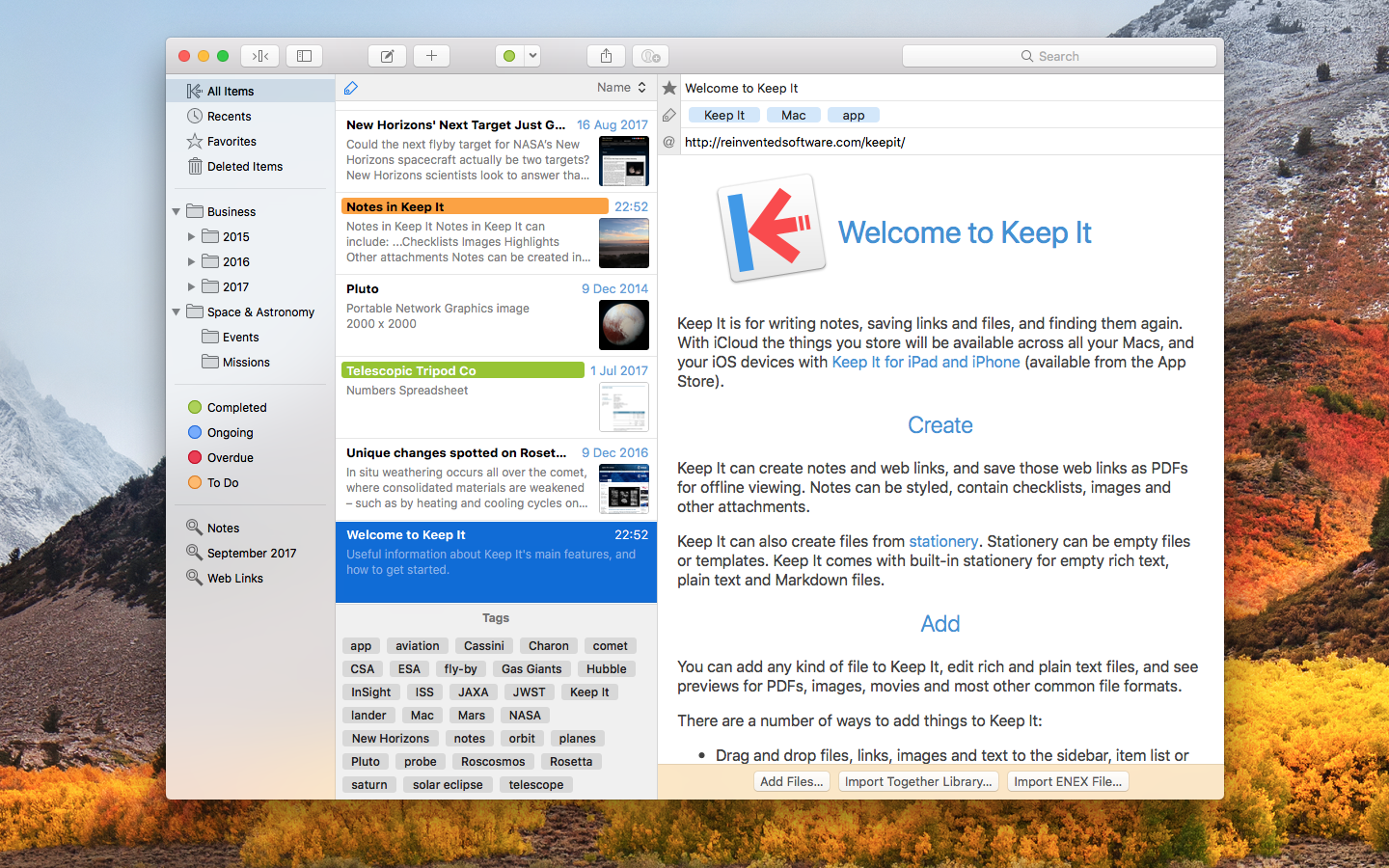
Keep It is for writing notes, keeping web links and documents, and finding them again. Available on Mac, and as a separate app for iPhone and iPad, Keep It is the destination for all those things you want to put somewhere, confident you will find them again later.
Notes and Links Make Notes
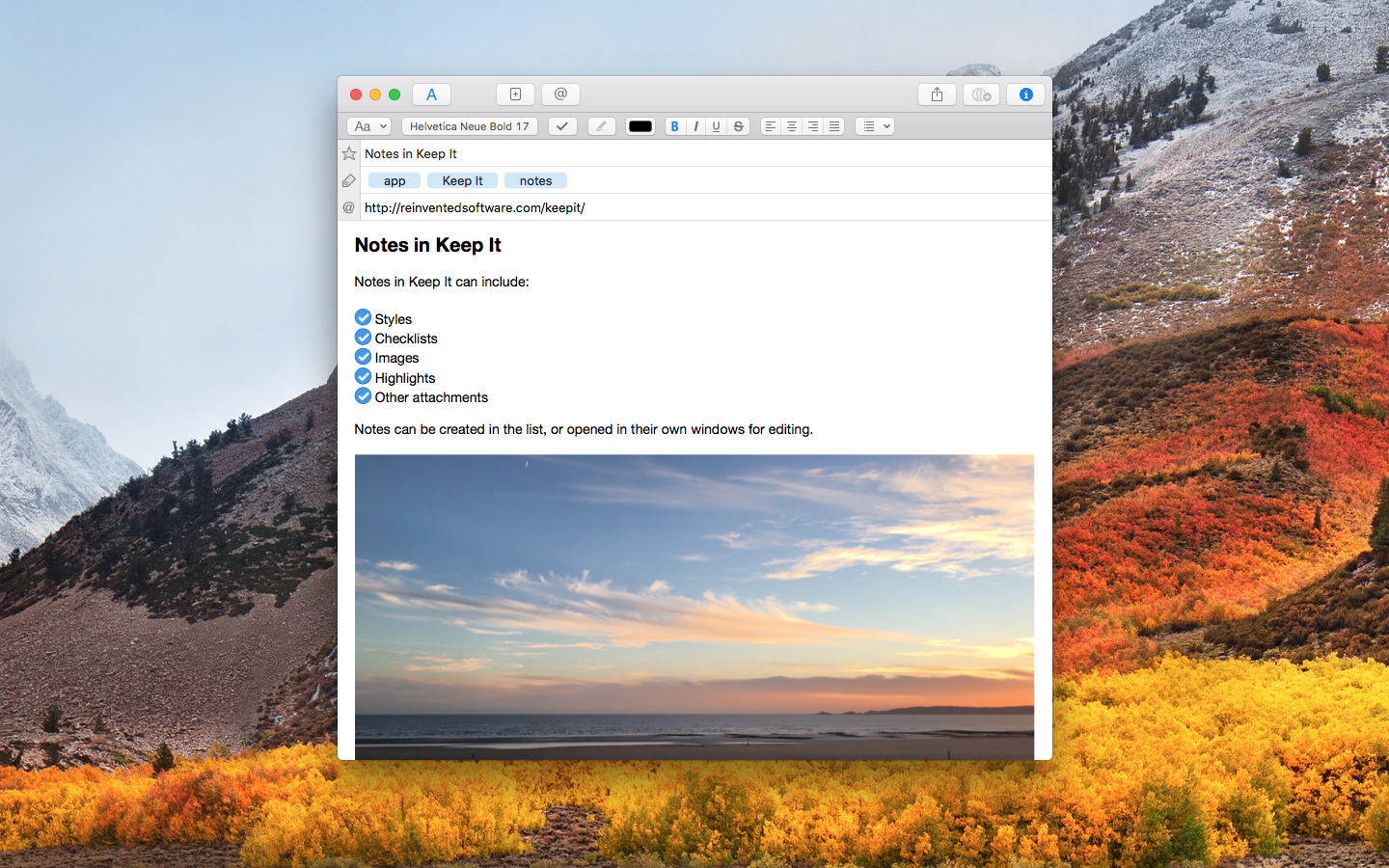
Create notes with built-in styles that look good and read well on all your devices. Notes can contain checklists, bulleted and numbered lists, images, links and other attachments.
Save Web Links
Save web links to Keep It, view them in the app, open them in your browser, or save them as PDFs for offline reading.
Files Add Anything
Any kind of file can be added to Keep It or saved to its folders, and opened for editing in their original applications. With iCloud, changes are automatically made available across all your Macs and iOS devices.
Preview and Edit
Keep It generates thumbnails and summaries for most files, can edit its own notes, rich and plain text files, and show previews for PDFs, images, web pages and most other documents.
Search and Filter Search
Keep It can search the content of most files. Suggestions appear as you type, allowing you to narrow down results to exactly what you need, or use keywords and natural language. Save searches for later reuse.
Tag Filter
Keep It’s Tag Filter makes finding things by their tags a pleasure. Choose a tag to see all the tagged items and any other relevant tags; choose another tag to drill down further.
Organize Folders
Folders let you organize items and bundles hierarchically, when needed. Select a folder to see everything it contains.
Bundles
When you need to gather things into one place, make a bundle. Items can be in more than one bundle at a time, and when you remove the bundle, everything else stays where it was.
Labels
Use labels to color-code items for quick visual recognition. Labels are listed in the sidebar so you can quickly see everything with a particular label.
More Lists
Use the Recents list to see things you’ve added or viewed lately, with the latest shown at the top. Favorites provide quick access. Deleted Items are automatically removed after 30 days.
Where You Need It Compact Mode
In compact mode, Keep It for Mac becomes a single column, ideal for using alongside other apps or in split screen.
Works with Other Apps
Pretty much anything can be dragged to Keep It, and you can also add things from a variety of apps with Keep It’s share extension.
*** You need to disable the System Integrity Protection (SIP) to perform the selected Application.