Create rope, spanning tree and triangulation in a single click!
Triangulates the selected layers and draws each edge with a shape layer (2D and 3D support). If you want filled triangles (not just the edges), activate the Fill Triangles switch in the Options dialog. By default they will be filled with the same color, but you can also choose a source layer to colorize them. Note that for functions that create shape keyframes (Triangulation with Filled Triangles turned on, and Rope), keyframing is done within the comp work area.
Creates a single shape layer with a path connecting the selected layers (2D only). Use AutoBezier or Tension options to get rounded joint style.
Explode Shape Layers 3.4.8 for After Effects MacOS
Take control of your shape layers! Explode & merge for greater precision.
Do you deal with a lot of shape layers, or shape layers from Adobe Illustrator? Explode will take a shape layer and split each shape out into its own individual layer, for finer control & easier access. Alternatively, you can Merge multiple shape layers together into a new layer!
Name: Page Layers - Website screenshots with layers
Version: 1.9.1
Mac Platform: Intel
OS Version: OS X 10.6 or later


Mac App Store: https://itunes.apple.com/app/page-layers-website-screenshots/id437835477?mt=12


What's New in Version 1.9.1:
- Improved layer order for table elements - table rows and cells are now ordered from top to bottom / from left to right
- Fixed a bug where content from :after and :before pseudo elements could be visible for other elements
- Fixed a bug where text would not be placed properly when rendering a retina screenshot with "Generate text layers" activated
- Fixed a bug where elements would not be resized correctly in full-height captures for pages that change element sizes with an deferred JavaScript onResize event handler
- Fixed a bug where table borders would be rendered for all table cells for tables formatted with Bootstrap CSS / tables that use the CSS attribute border-collapse


DESCRIPTION:
Page Layers is a Mac website screenshot app that converts web pages to Photoshop files featuring separate layers for all page elements.

Page Layers allows you to import existing pages into Photoshop and will save you lots of time when re-designing or improving existing web pages.

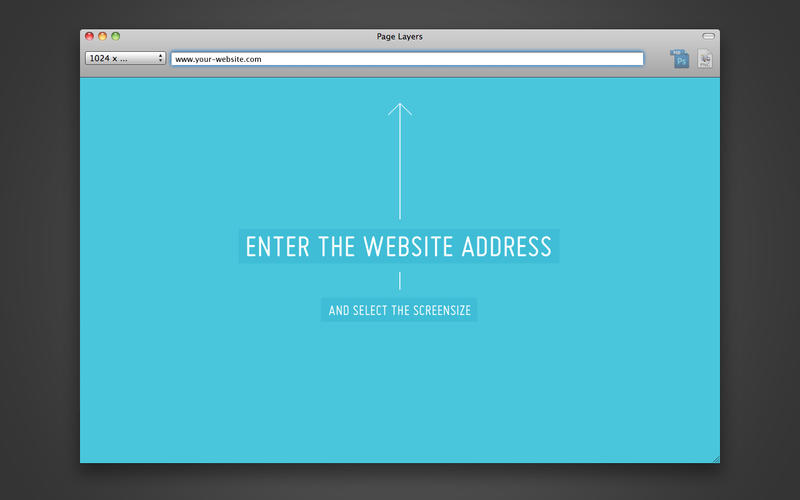
Just open any page in the embedded browser and save the page as PSD with layers or plain PNG. Every web page element (every image, link, block, …) will be rendered as separate, named layer. Layer groups will be created according to the site structure.

It is the only OS X website screenshot app you will ever need, unique in its capability to capture web pages with layers.
More information:
http://aescripts.com/explode-shape-layers/

Take control of your shape layers! Explode & merge for greater precision.


Do you deal with a lot of shape layers, or shape layers from Adobe Illustrator? Explode will take a shape layer and split each shape out into its own individual layer, for finer control & easier access. Alternatively, you can Merge multiple shape layers together into a new layer!

Tired of having to right-click your .ai layer to make it into a shape layer? Use Convert!

If any of your Illustrator layers have non-100% opacity or go outside of the frame, you've probably noticed that converting brings in an empty artboard artifact that gets in the way. No more! Remove it with Remove Artboard.

Now, your new shape layers probably have a tonne of strokes and fills that need adjusting-- that's what Select Fills and Select Strokes are for. One-click buttons to select all fills or all strokes in your comp, or hold shift to find any fills or strokes with the same colour as the selected.