iReal Pro 2025.10

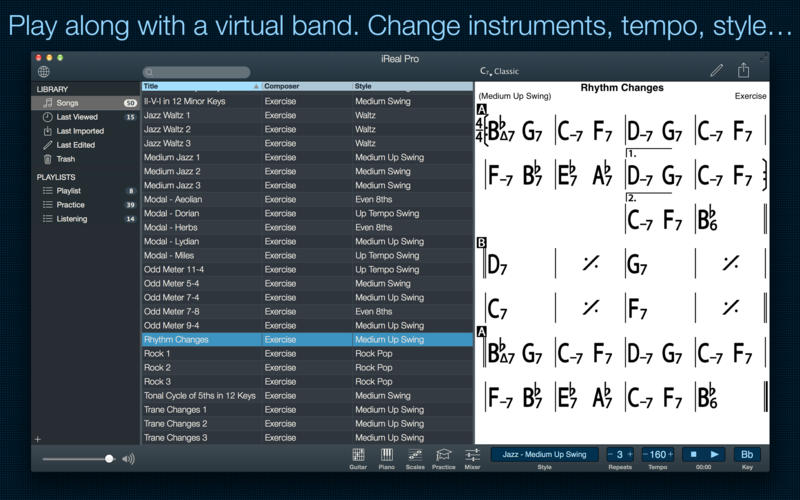
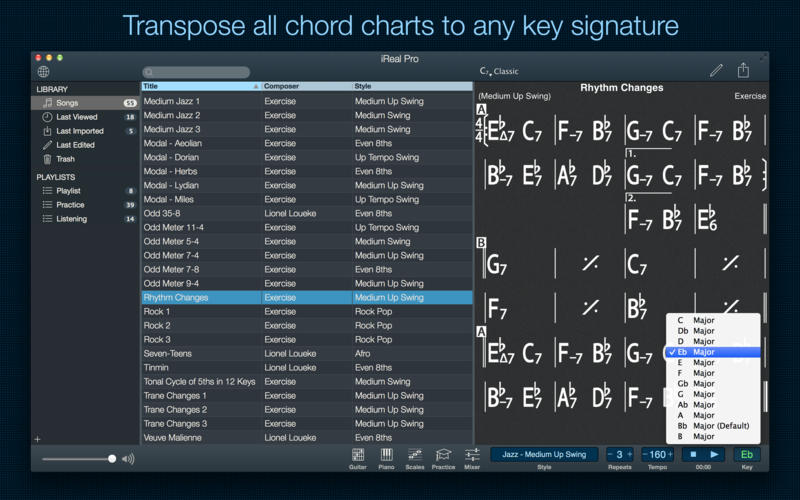
Practice makes perfect. iReal Pro offers an easy-to-use tool to help musicians of all levels master their art. It simulates a real-sounding band that can accompany you as you practice. The app also lets you create and collect chord charts of your favorite songs for reference.

Used by thousands of music students, teachers and some of the world’s top music schools such as Berklee College of Music and Musicians Institute.

“It’s the perfect technology for a practicing musician: high-quality digital audio, mixable, transposable into any key and completely mobile. Now every aspiring musician has a backup band in their pocket.” – Tim Westergren, Pandora Founder

• It’s a Book:

Create, edit, print, share and collect chord charts of your favorite songs for reference while practicing or performing.

• It’s a Band:

Practice with a realistic sounding piano (or guitar), bass and drum accompaniments for any downloaded or user-created chord chart.

FEATURES:

Have a virtual band accompany you as you practice

• Choose from the included 50 different accompaniment styles (Swing, Ballad, Gypsy Jazz, Bluegrass, Country, Rock, Funk, Reggae, Bossa Nova, Latin,…) and 12 blues styles available as a one-time In-App purchase
• Personalize each style with a variety of sounds including piano, Fender Rhodes, acoustic and electric guitars, acoustic and electric basses, drums, vibraphone, organ, and more
• Record yourself playing or singing along with the accompaniment

Play, edit, and download any songs you want

• 1000s of songs can be downloaded from the forums in a few simple steps
• Edit existing songs or create your own with the Editor
• The Player will play any song that you edit or create
• Create multiple editable playlists

Improve your skills with the included chord diagrams

• Display guitar, ukulele tabs and piano fingerings for any of your chord charts
• Look up piano, guitar and ukulele fingerings for any chord
• Display scale recommendations for each chord of a song to help with improvisations

Practice in the way, and at the level, that you choose

• Includes 50 exercises for practicing common chord progressions
• Transpose any chart to any key or to number notation
• Loop a selection of measures of a chart for focused practicing
• Advanced practice settings (automatic tempo increase, automatic key transposition)
• Global Eb, Bb, F and G transposition for horn players

Share, print, and export – so your music follows you wherever you need it!

• Share individual charts or whole playlists with other iReal Pro users via email and the forums
• Export charts as PDF and MusicXML
• Export audio as WAV, AAC and MIDI
• Upload your songs and playlists to iCloud for safekeeping and for synchronization across any of your iCloud enabled devices such as iPhone, iPad or Mac

Always backup your songs!

NOTE*** You need to disable the System Integrity Protection (SIP) to perform the selected Application.

Compatibility: macOS 10.13 or later
Homepage https://irealpro.com/

Screenshots

Name: iReal_Pro_2025.10_Mac-torrents.Net.dmg
Size: 145 MB
Files iReal_Pro_2025.10_Mac-torrents.Net.dmg[145 MB]


   Download Torrent

Air Printer – Printer Server 6.6.8

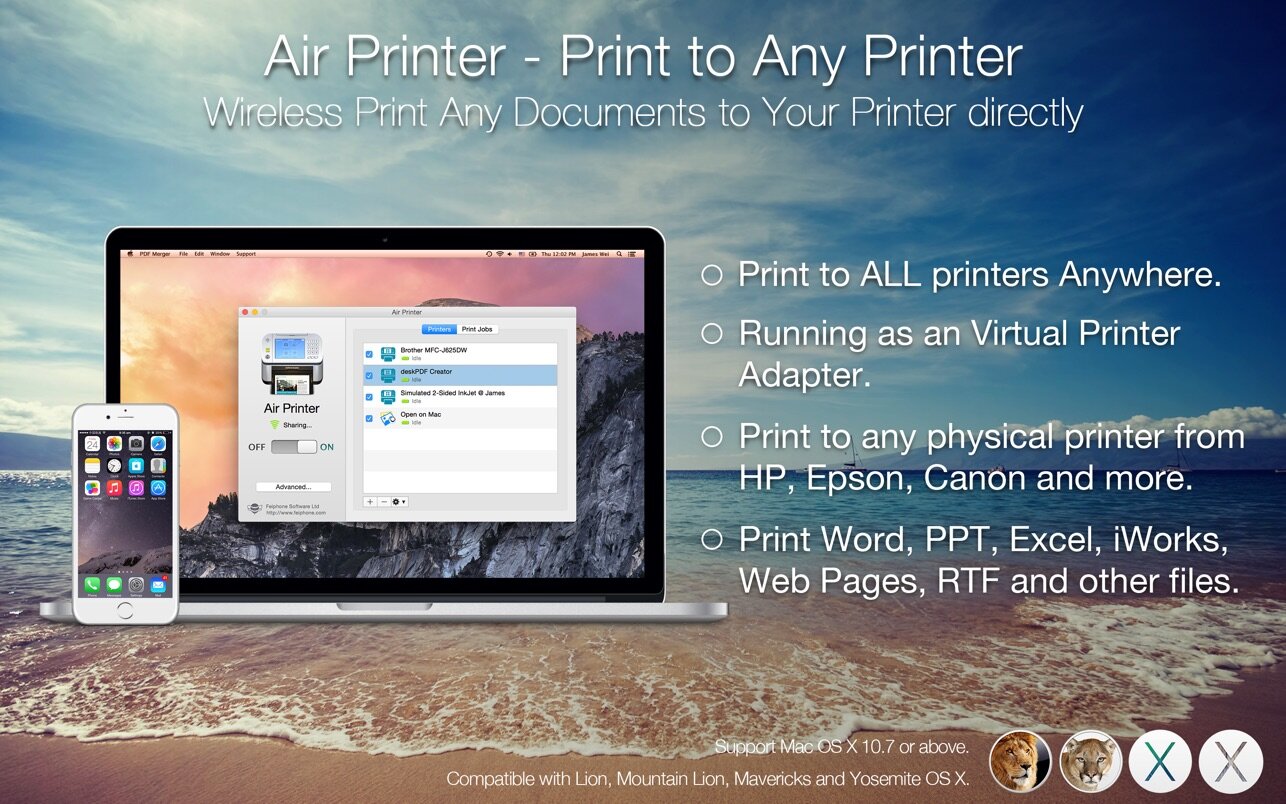
Air Printer can turn your Mac to an virtual printer, Run Air Printer on your Macbook, iMac to share its printer to your nearby Mac or other devices, Then whether you’re on the other side of the room or the other side of the house, you can print what you need, when you need it.

Air Printer enables wireless printing documents, photos, web pages, emails and more right from your computer to ALL your printers Anywhere.

Air Printer can print any documents to pdf too, save you money and papers, you don’t need to buy papers and physical printer from HP, Epson, and Canon anymore!

Air Printer displays many printer options that apply to the document or image being printed. Details such as paper type, page range, print quality, and orientation are automatically determined at search time.

You can wirelessly print photos, email, web pages, and documents to this virtual printer directly. It creates a PDF document that saves to the Mac disk, the PDF files could be opened in saved in iBook, PDF Reader for best reading experience. Also, you can send PDFs by e-mail, open in other apps and even transfer to iPhone or iPad over USB using iTunes File Sharing.

New Features in V1.9.0

You can custom printer properties, such as color, two-sided, quality and paper sizes. and the grayscale printing would reduce your printing-costs significantly.

With Air Printer you can print:

  • Email content & attachments
  • iWork and MS Office documents
  • Web pages from Safari
  • Files from other applications
  • Photos
  • Documents on Dropbox and Google driver.

Upgrade to Pro?

You could instantly print 2-page, B&W documents, and other great features for free, If you feel good, you can upgrade it to our paid version to create documents with more pages directly without ads. That may satisfy you without bringing you expense risks.

Compatibility: macOS 10.13 or later
Homepage https://geo.itunes.apple.com/app/id929399895

Screenshots

Name: Air_Printer_Register_6.6.8_Mac-torrents.Net.dmg
Size: 50 MB
Files Air_Printer_Register_6.6.8_Mac-torrents.Net.dmg[50 MB]


   Download Torrent

Capella Audio2score Pro 5 v5.0

capella audio2score analyzes your recording, e.g. an MP3 file. The recognized notes are examined, sorted and then sensibly poured into a new arrangement. This can be done for piano or for a quartet, for example – it’s your choice.

capella audio2score pro does not show you an exact transcript of the original. Please imagine the result more like a piano reduction or a particell (depending on your settings). Export to Midi, capella or MusicXML format as well as PDF.

Feature list
•Note by note recognition
•AI-assisted note recognition
•Distinction of three timbres: 1. winds, 2. strings, 3. piano
•Optimized mode for solo piano
•Recognition can be combined with the recognition of a singing voice
•Suitable for pieces without vocals (stereo suppression of vocals and sole recognition of accompaniment possible, depending on recording)
•Recognition of polyphonic sounds of any instrumental recordings (except percussion)
•Automatic arrangement of the recognized notes for various ensembles (selectable: piano, string quartet, wind quintet, guitar, monophonic, etc.); independent of the original
•Intelligent distribution of notes to voices (no fixed split points, but formation of lines)
•Specification of different levels of difficulty for piano arrangements; Level of detail slider

Harmony detection
Harmony symbols
Holistic recognition
•Suitable for pieces without or with vocals
•Recognition of the melody (instrumental and/or vocal; with differentiation)
•Bass line detection
•Realization of accompanying voices based on the harmonies
•Predefined ensembles selectable (piano, orchestra, band, …)
•Robust, well playable result even with complex pieces

Further recognition
•Recognition of barlines (can be corrected if desired)
•Key detection (can be corrected if desired)
•Tuning detection (concert pitch a’)
•Automatic local derivation of enharmonic changes (“F sharp” or “G flat”?) according to the harmonic context
•Free configurability: set up any desired ensembles with individual voices, recognition settings, quantization and accompaniment patterns
•Combination of note-by-note and holistic recognition; creation of templates for new projects
•Notes can be transposed if desired
•Support of transposing instruments

Editing
•Support from the sound tissue, which provides visual insight into the sound
•Display of tones as tone boxes (piano roll view) and as note images
•Intuitive editing in both views, real-time synchronization
•Post-processing of harmonies (accompanying voices adapt)
•Barlines and beat strokes: changeable by manually setting marks
•Barlines: changeable by tapping along with playback
•Adjustable formatting of the notes (page size, bar numbers, …) partly
Voice editor for the score layout of all voices (clefs, line spacing, solid barlines, etc.)

Operation
•All settings with visual and acoustic preview in real time
•Qualitative playback of recognized notes via soundfont (capella-tune)
•Control listening of the result by simultaneous playback of the original (mixer function), at any tempo (time stretching)
•Mouse mode: playback of original and/or recognition by mouse swipe at any tempo
•Voice filtering for tones boxes and playback
•Modern MDI interface in which multiple documents / views can be placed side by side
•Easy-to-use, limited wizard interface for getting started
•Switch to the main program (complete features) and back possible at any time
•Direct transfer of the notes to capella
•Help notes in the program and detailed documentation

Unzip the file and move it to the /Applications/ folder. If a prompt appears after opening that says “setup quit unexpectedly”, choose “ignore”, and all features will be fully accessible.

Homepage https://www.capella-software.com/us/index.cfm/products/capella-audio2score-pro/info-capella-audio2score-pro/

Name: Capella Audio2score Pro 5 v5.0 macOS_Mac-torrents.Net.rar
Size: 615.1 MB
Files Capella Audio2score Pro 5 v5.0 macOS_Mac-torrents.Net.rar[615.1 MB]


   Download Torrent

Serato Sample v2.1.0

The Future of Sampling
Transform the way you sample, with one legendary plugin to sync, chop and flip, isolate track stems, pitch shift, and time stretch your samples in a snap.

Stretch the Limits of Sampling
Create faster, sound better, and ignite your imagination through cutting-edge stem separation, a revolutionary workflow, and unrivaled audio quality.

Create in Seconds
Supercharge your productivity with a workflow that maximizes creativity.
★ Detect and sync your sample’s BPM and key to your project
★ Chop up, adjust, and isolate Stems to get the best samples in a click
★ Trigger playback with MIDI hardware, keyboard, mouse, or piano roll

Sound Incredible
Showcase your sound through unmatched audio quality.
★ Legendary Serato pitch shifting and time stretching technology
★ Unrivaled stem separation audio quality
★ Beatgrids to sync unquantized samples to your project

Stand Out
Evolve your signature style with unique sound-design tools.
★ Unlock extraordinary new sounds with isolated Stems combinations
★ Key shift, time stretch, and adjust individual playback parameters
★ Pitch and play your samples like an instrument with Keyboard Mode

Unlock Your Sound
Discover infinite creative possibilities with Serato Stems.
★ Separate your sample’s audio stems with incredible sound quality
★ Access acapella, drums, melodies and basslines in real-time
★ Chop and flip stems to create a sound that’s uniquely yours

Homepage https://serato.com/sample

Name: Serato Sample v2.1.0 macOS-V.R_Mac-torrents.Net.rar
Size: 750 MB
Files Serato Sample v2.1.0 macOS-V.R_Mac-torrents.Net.rar[750 MB]


   Download Torrent

Debit & Credit Premium 7.5.3

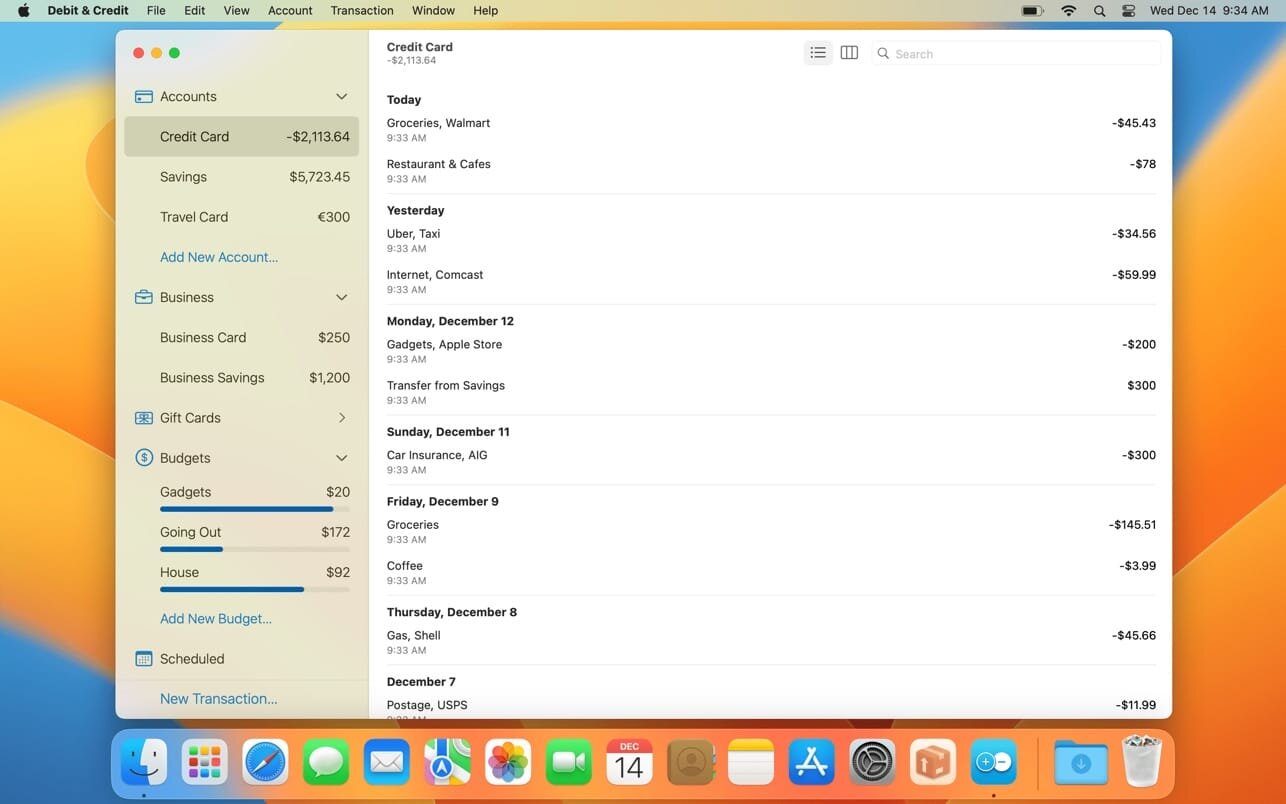
If you are looking for a personal finance app that is convenient, easy to use and at the same time has enough features, then Debit & Credit is the right app for you.

All accounts in one app
Keeping financial records was always a bit of a hassle. But now you can actually enjoy it. See all your accounts in one place and manage your everyday finances.

Super fast
Creating a new transaction now takes a matter of seconds. The app was designed with simplicity and convenience in mind. It will never require you to make dozens of unnecessary steps to accomplish simple tasks.

Companion iOS & Apple Watch app
Debit & Credit has its own app for iPhone and iPad, which you can use to add transactions on the go. It is super convenient and keeps data in sync via iCloud.

Importing data
We know how important it is to be able to import transactions from your financial institutions. That’s why we support CSV, QIF, QMTF, OFX and QFX files. And you can also choose which particular transactions to import from a file, something that not all financial apps know how to do.

Budgets & Scheduled Transactions
Do you want to budget expenses on a particular category? No problems. Do you plan to make a transaction in the future and want to be reminded about it? Consider it done.

Financial Plans
Plan ahead by creating a financial plan for the next year. Compare your performance against it and see your future net wealth.

Reports
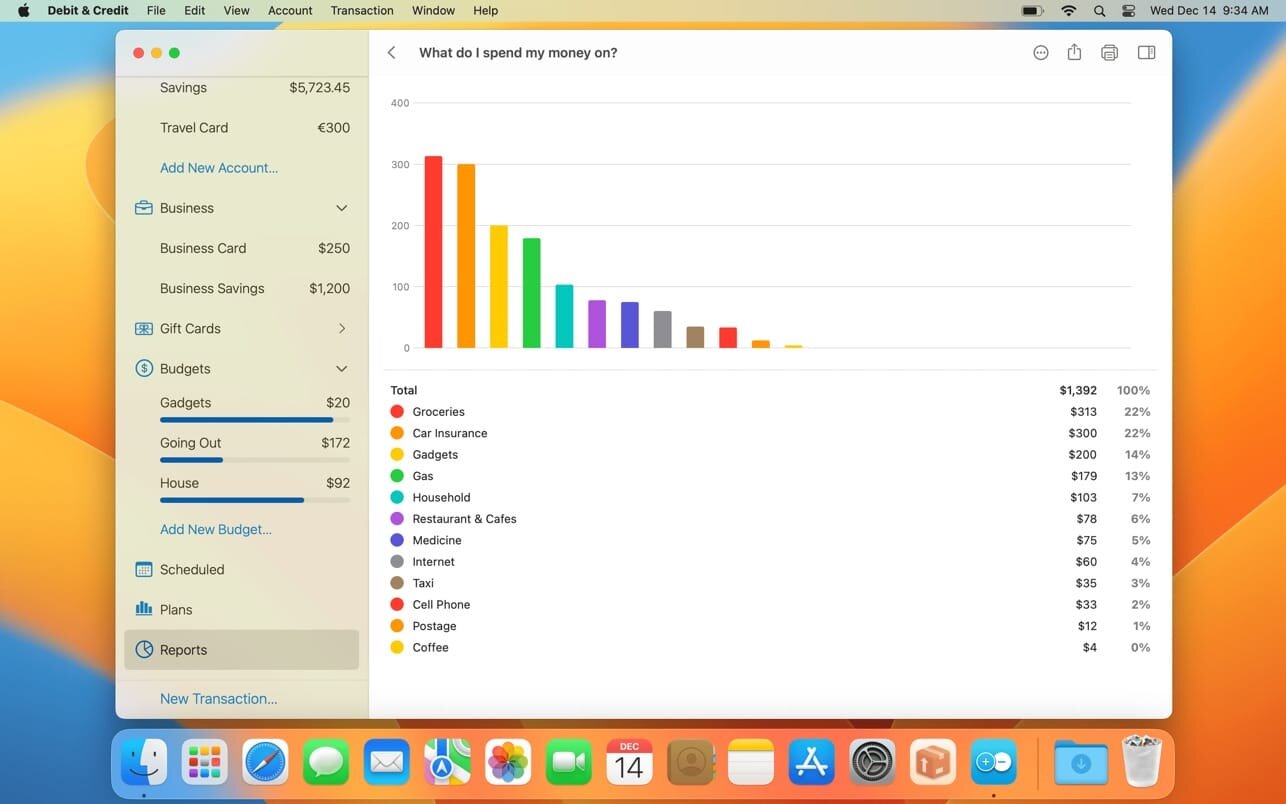
We believe in clean, crisp reports that are easy to read and understand. See where and what do you spend your money on. Other types of reports are available too.

Shared Accounts
Do you want to share some of your accounts with someone else? No problems, you can share selected accounts via iCloud while keeping other accounts private. Great for managing family finances!

Bank reconciliation mode
Sometimes we all need extra help to keep our accounts in shape. You can easily reconcile your accounts with bank statements in the app to eliminate any disparities.

Transaction Attachments
There might be a number of a reasons why you might want to attach files to transactions. You can attach as many files as needed and they will be synced with iCloud. You can even use Continuity Camera to scan documents or take photos with your iPhone and receive them in the Mac app.

Powerful features
Split categories, Touch ID support, pending transactions, transaction export, transaction tags, printing reports and saving them as PDF files – all those and many other features are at your disposal when you need them.

iCloud sync
We will never ask you to create an account or provide any personal details. All data is stored in iCloud, it is not available to anyone except you.

Top In-App Purchases : Premium Version – included.

Compatibility: macOS 10.14.5 or later.
Mac App Store https://apps.apple.com/us/app/debit-credit-personal-finance/id882637653

Screenshots


Name: Debit_Credit_7.5.3_Torrentmac.net
Size:
Files Debit___Credit_7.5.3_Mac-torrents.Net.dmg


   Download Torrent

Fig Player – play mp4 mkv mp3 1.3.24

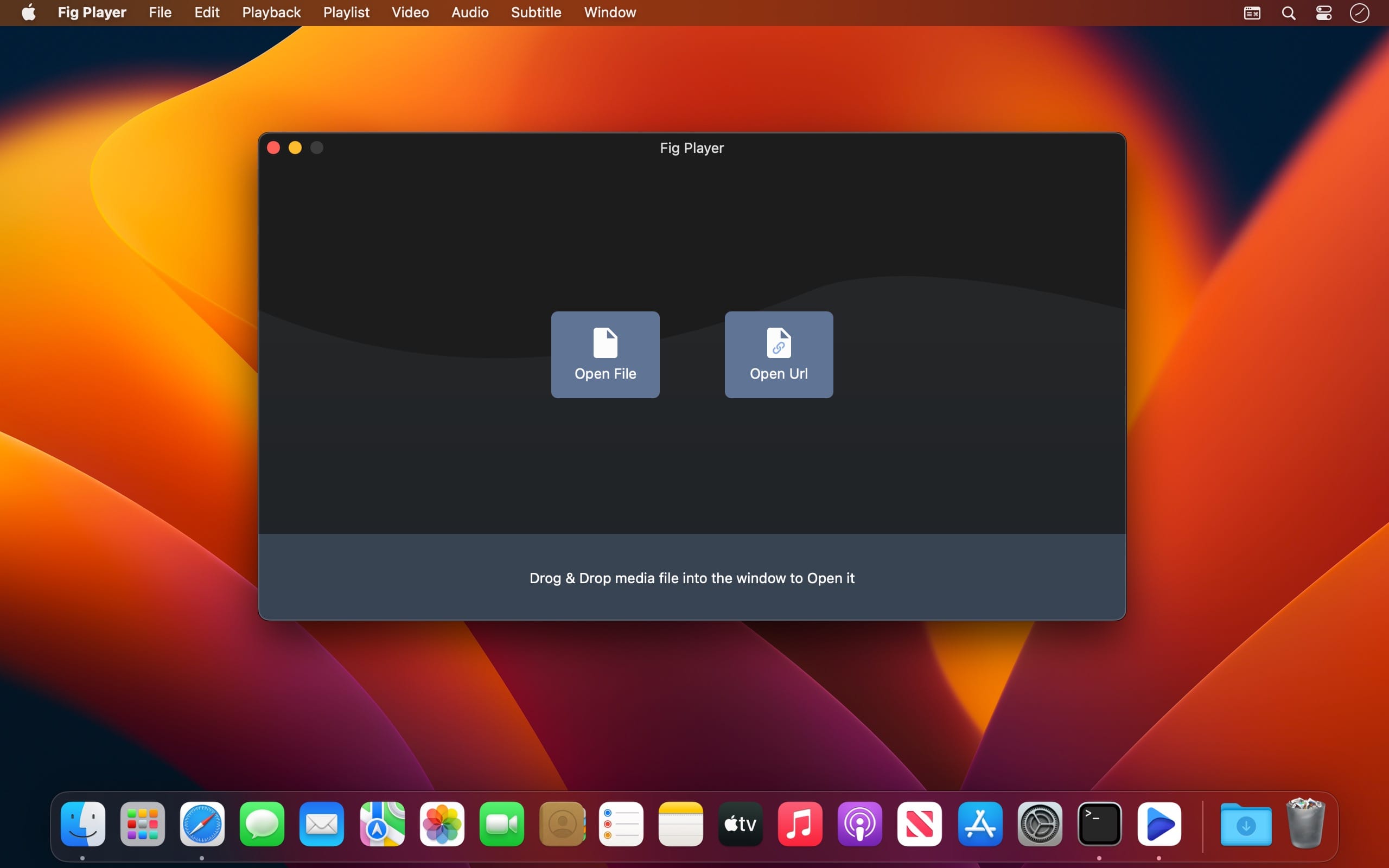
Fig Player, is a media player for Mac that supports a wide variety of media files and allows you to listen to music, watch videos and movies.

If you have an extensive media library but don’t have a good media player for Mac, here’s a good solution. Fig Player. It’s free to use and comes with a friendly interface. On the screen, you’ll be able to see all of the buttons that give you control over your experience, such as the play and stop button, playback options, volume slider, preview section, screenshot, and recording.

More Advanced Features

  • Smooth, seamless video play, support 4K.
  • Auto deinterlacing.
  • H/W-acceleration.
  • A-B loop.
  • Frame by Frame playback.
  • PIP mode.
  • Support various Subtitle formats(Text subtitles(SRT), Vobsub
    and ASS/SSA, etc.).
  • Choose which one when you have multiple sound output devices.
  • Create the scene poster with snapshots.
  • Playlist with upper-level folder name.
  • Support multiple windows and play multiple videos at the same time.
  • Support Wireless display to DLNA, Chromecast, Roku devices.
  • OCR Text Recognition(macOS 12+)

Supported Formats

  • Videos: mkv, rmvb, rm, avi, mov, wmv, flv, f4v, f4p, f4a, f4b, swf, mpg, mpeg, mpeg1, mpeg2, m1v, m2v, mpv, mp4, mpeg4, m4v, 3gp, 3gpp, 3g2, 3gp2, m2p, ps, ts, m2ts, mts, mt2s, ogm, ogv, divx, dv, asf, wtv, webm, etc.
  • Audios: flac, ape, m2a, mp1, mp2, mpa, mp3, mpg3, m4a, m4b, wma, wav, wv, xm, aiff, aif, ac3, a52, aac, opus, ogg, oga, mid, midi, mka, etc.
  • Subtitles: ASS, SSA, SRT, IDX&SUB

Top In-App Purchases:Full Version – included.
Compatibility: macOS 11.0 or later
Homepage https://apps.apple.com/app/id1612400976

Screenshots


Name: PotPlayerX_1.3.24_Mac-torrents.Net.dmg
Size: 72 MB
Files PotPlayerX_1.3.24_Mac-torrents.Net.dmg[72 MB]


   Download Torrent

Serato Hex FX v1.2.0

Hex Your Sound
Add color, energy, and movement to every track with a full suite of chainable FX—all in one plugin. From subtle tweaks to full-on chaos, the power’s yours.

Every Effect You Can Dream Of
Conjure gritty textures, vibrant tones, and spellbinding modulation. Bend time, shape reflections—every effect you could dream of, all in one powerful plugin.

The Best Sound, Period
The best FX processing in the game. Pro-level sound for every track, every time. Unlock new textures, fuel your creativity, and keep your flow going strong—all with effortless control.

Customize Every Element
Dial in every FX parameter with precision, rearrange chains, and sculpt custom presets to craft your signature sound.

Presets From the Pros
Fast track your way to pro-sounding tracks with exclusive access to signature presets from industry legends like Guy Lawrence (Disclosure), Lord Finesse, DECAP, Amber Navran (Moonchild), Jake One, Dibia$e, DuckGirl, Kaelin Ellis, Oh Gosh Leotus, and Leonard Charles.

Make Your Beats Move
Turn up the energy with Performance FX. Jam, trigger, and tweak effects like Halftime and Rollout in real time to give your beats that dynamic and live movement.

Homepage https://serato.com/hex-fx

Name: Serato Hex FX v1.2.0 macOS-V.R_Mac-torrents.Net.rar
Size: 100 MB
Files Serato Hex FX v1.2.0 macOS-V.R_Mac-torrents.Net.rar[100 MB]


   Download Torrent

Screen Recorder by Omi 1.3.20

Screen Recorder for Mac is a powerful tool that allows you to quickly and easily capture your computer screen in high-quality video format. With just one click, you can record the full screen, a designated area, or footage from your camera. Your recordings will be saved in MP4 format, making it easy to share with others.

Key Features:
* Full Screen Recording
* Area Recording
* Camera Recording
* Window Recording
* Voice Recording
* Camera Picture-in-Picture
* Camera Virtual Background (for macOS 12.0 and above)
* System Sound Recording (with separate sound driver plugin download and installation required)
* Mouse Click Event Recording
* Customizable Recording Screen Size
* Selectable Frame Rate
* Adjustable Recording Resolution
* Specified Recording Duration
* Built-In Video Editor
* Customizable Shortcut Keys

Top In-App Purchases: Full (PRO) Version – included

Compatibility: macOS 10.13 or later
Mac App Store https://geo.itunes.apple.com/app/id1592987853

Name: OmniRecorder_1.3.20_Mac-torrents.Net.dmg
Size: 22 MB
Files OmniRecorder_1.3.20_Mac-torrents.Net.dmg[22 MB]


   Download Torrent

System Dashboard Pro 3.0.4

The System Dashboard Pro is a modern reinterpretation of the System Dashboard and offers more information than ever. The app has been completely redeveloped and optimized for the latest systems.

• Processor Usage
The processor panel shows important details about processor usage. The current load is displayed as well as that of the last few seconds. A list of processes that have the highest processor utilization is also displayed.

• Memory Usage
The Memory panel shows data related to memory. The current load is displayed as well as that of the last few seconds. A list of processes using the most memory is also displayed.

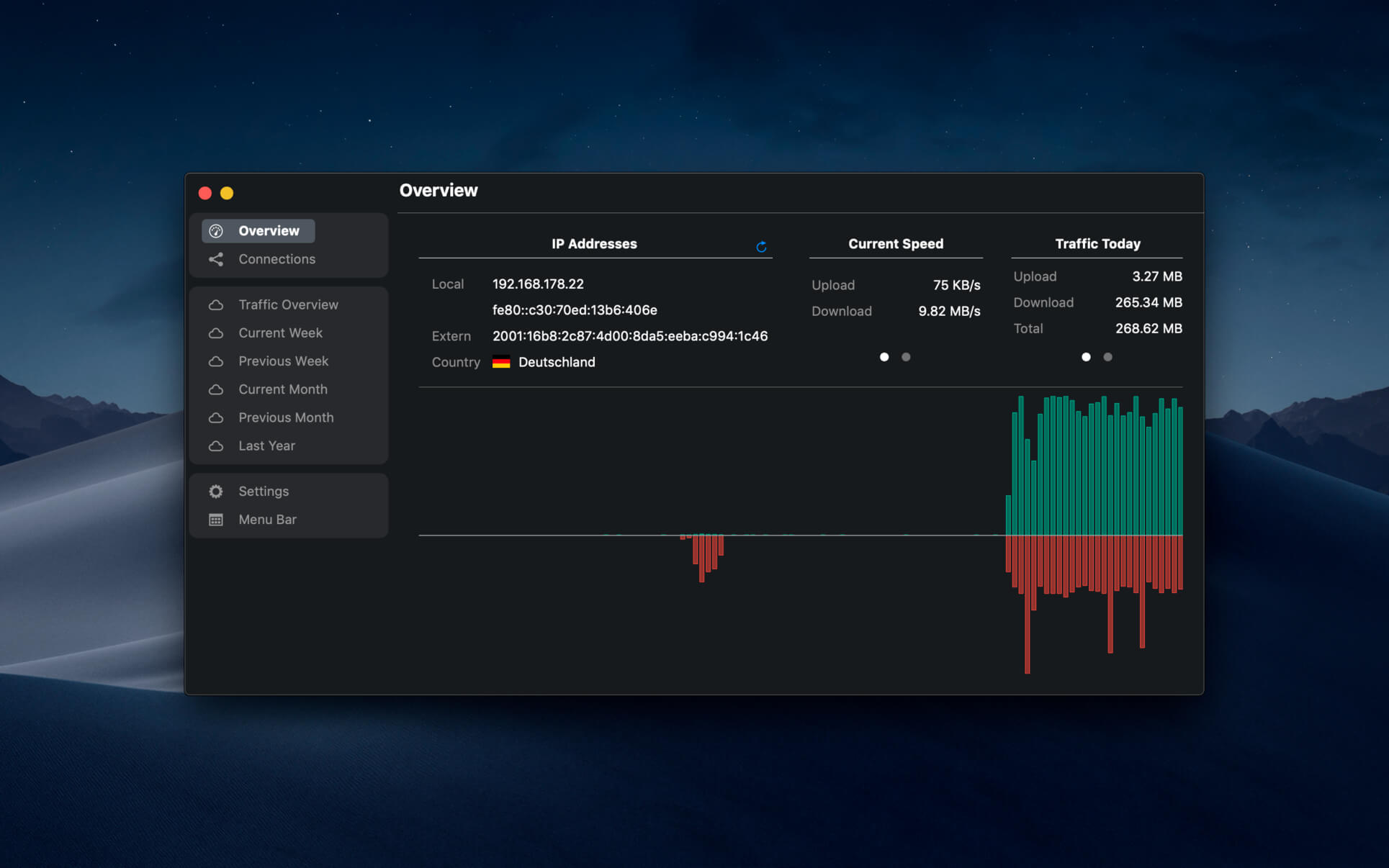
• Network Information
Basic network information such as the local and external IP address or the transfer rate of the WLAN connection is displayed on this panel.

• Network Usage
The network category shows the current download and upload speed and the number of open connections.

• Internal Battery
This panel is available if the app is running on a MacBook and displays basic battery parameters. Among others information, it displays the number of charging cycles and the health of the battery.

• Hard Disk
The computer’s hard drive can be kept under control with this panel. It shows how much space is used and how much is free. The current speed is also displayed.

• External Drives
SD cards and USB sticks are displayed here. The devices can also be ejected – either individually or all at once.

Compatibility: macOS 15.0 or later
Mac App Store https://apps.apple.com/pk/app/system-dashboard-pro/id1672838414?mt=12&uo=4

Name: System_Dashboard_Pro_3.0.4_Mac-torrents.Net.dmg
Size: 8 MB
Files System_Dashboard_Pro_3.0.4_Mac-torrents.Net.dmg[8 MB]


   Download Torrent

Watts 3.1.2

Digital, abstract, classic – all types of color wheels in one app!

A set of tools for painters and designers includes:
– Digital Color Wheel – our unique graphic design tool.
– Classic Color Wheel – a classic, versatile version of the color wheel.
– Abstract Color Wheel – a specialized color choice for abstract painting (a simplified version of the abstract color scheme from our “Digital Color Wheel” tool).
– Color Combinations – many professional color palettes for digital design and abstract art.
– Color Swatches – a tool for choosing colors by seasons and mood.
– Color Group – a tool for creating large color groups.

What’s New
Version 3.0.0
– New version totally redesigned
– Battery health parameters super clearly explained
– Dozens of icons to choose for the menu bar icon

Compatibility: mavOS 14.0 or later
Mac App Store https://geo.itunes.apple.com/app/id422559334

Screenshots

Name: Watts_3.1.2_Mac-torrents.Net.dmg
Size: 5 MB
Files Watts_3.1.2_Mac-torrents.Net.dmg[5 MB]


   Download Torrent

NetWorker Pro 11.0.3

NetWorker shows network information conveniently in the menu bar. It also features a window that shows additional information about the currently active network adapter.

NetWorker features:

  • Fully customizable view – you can choose which information is shown and select many different, pre-defined widgets.
  • The currently active network adapter is detected automatically.
  • Optional overlay window that always stays on top – useful for fullscreen apps or games.
  • Adjustable refresh interval.
  • Check your external IP address.
  • Choose between a byte- or bit-mode.
  • Support for auto start.
  • Traffic Overview: Use this feature if you are on a volume limited plan.
  • Dark Mode

Compatibility: macOS 15.0 or later
Homepage https://apps.apple.com/pk/app/networker-pro

Screenshots


Name: NetWorker_Pro_11.0.3_Mac-torrents.Net.dmg
Size: 8 MB
Files NetWorker_Pro_11.0.3_Mac-torrents.Net.dmg[8 MB]


   Download Torrent

OmniPlan Pro 4.10.1

With OmniPlan, you can create logical, manageable project plans with Gantt charts, schedules, summaries, milestones, and critical paths. Break down the tasks needed to make your project a success, optimize resources, and streamline budgets. It’s project management made painless.

How to get your project done on time and under budget:

  • Translate strategy into tactics everyone can understand
  • Create summaries of work broken into lists of activities
  • Distribute workloads fairly and efficiently
  • Manage costs as you go
  • Plan, monitor, and control it all with software designed to make your job easier, not harder.

Compatibility: macOS 12.0 or later
Homepage https://www.omnigroup.com/omniplan

Screenshots


Name: OmniPlan_4.10.1_Mac-torrents.Net.dmg
Size: 99 MB
Files OmniPlan_4.10.1_Mac-torrents.Net.dmg[99 MB]


   Download Torrent

Things 3.22.7

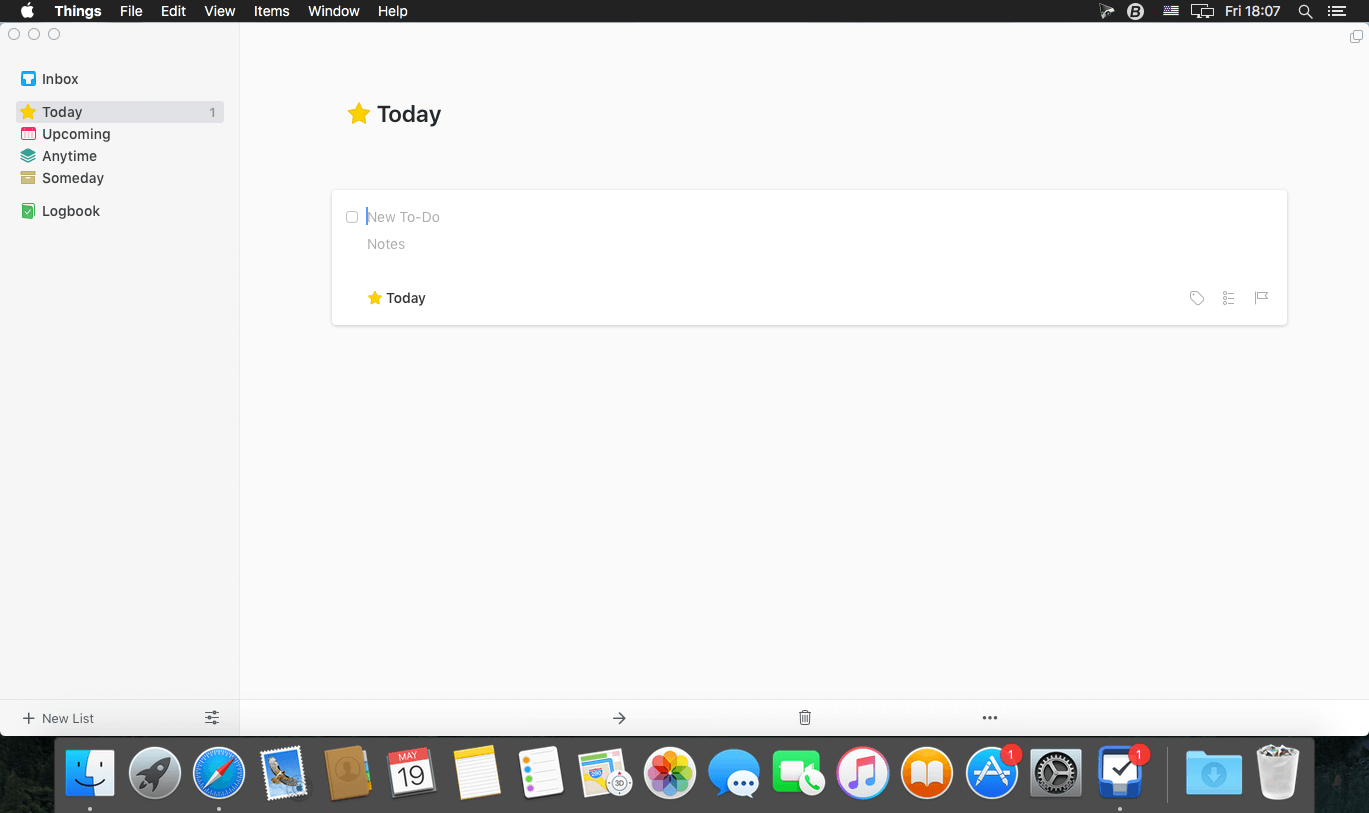
Things is a task management solution that helps to organize your tasks in an elegant and intuitive way. Things combines powerful features with simplicity through the use of tags and its intelligent filter bar. A Leopard style source list allows for quick and easy focusing. Together with a beautiful user interface, Things aims at the seemingly impossible: making task management both easy and fun.

Our screencast is a great introduction.

  • The big picture. A Leopard-style source list lets you easily focus without ever switching view modes or wrapping your head around filter criteria.
  • A magical tag bar automatically appears when needed and adapts to the currently displayed list. It lets you drill down even the longest list of To-Dos. Hierarchical tags? We got you covered!
  • Teamwork. Things offers convenient collaboration features. Easily delegate tasks to members of your team. (This is work in progress.)
  • No columns! Whether it’s multiple tags, dates or notes, To-Do items display their information on an as needed basis. No more space wasted by empty or irrelevant column cells!
  • Out of your head, out of your way. A quick entry HUD lets you enter any idea the moment it hits you. Never let the thought of an unfinished business distract you again.
  • Yours forever. We won’t lock you in. Things will use an open XML file format to store your data. (Not yet activated.)
  • Things even supports GTD, so if you’re familiar and comfortable with GTD concepts, you’ll feel right at home.

Language: Multilingual
Compatibility: macOS 10.15 or later
Homepage https://geo.itunes.apple.com/app/id904280696

Screenshots

Name: Things3_3.22.7_Mac-torrents.Net.dmg
Size: 37 MB
Files Things3_3.22.7_Mac-torrents.Net.dmg[37 MB]


   Download Torrent

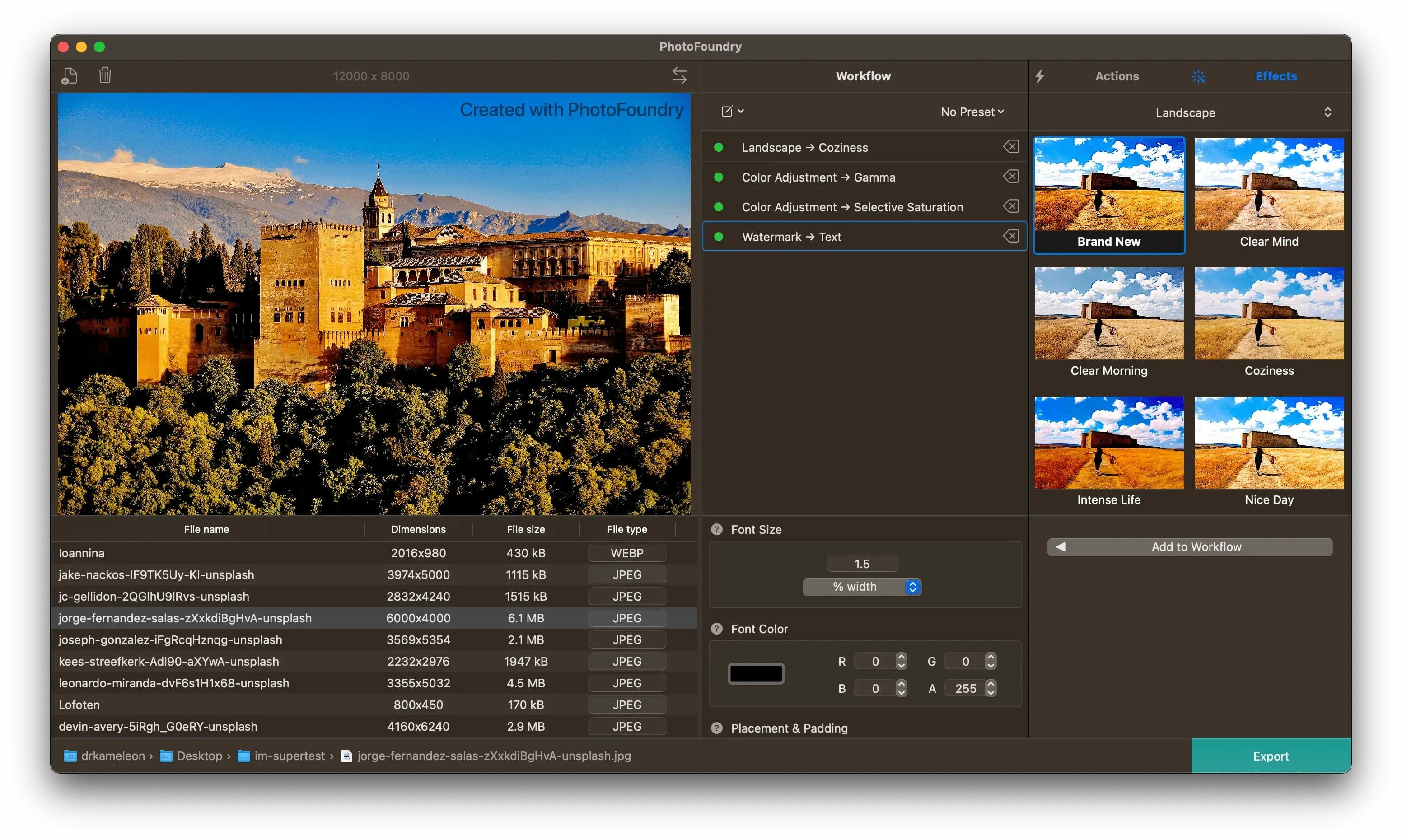
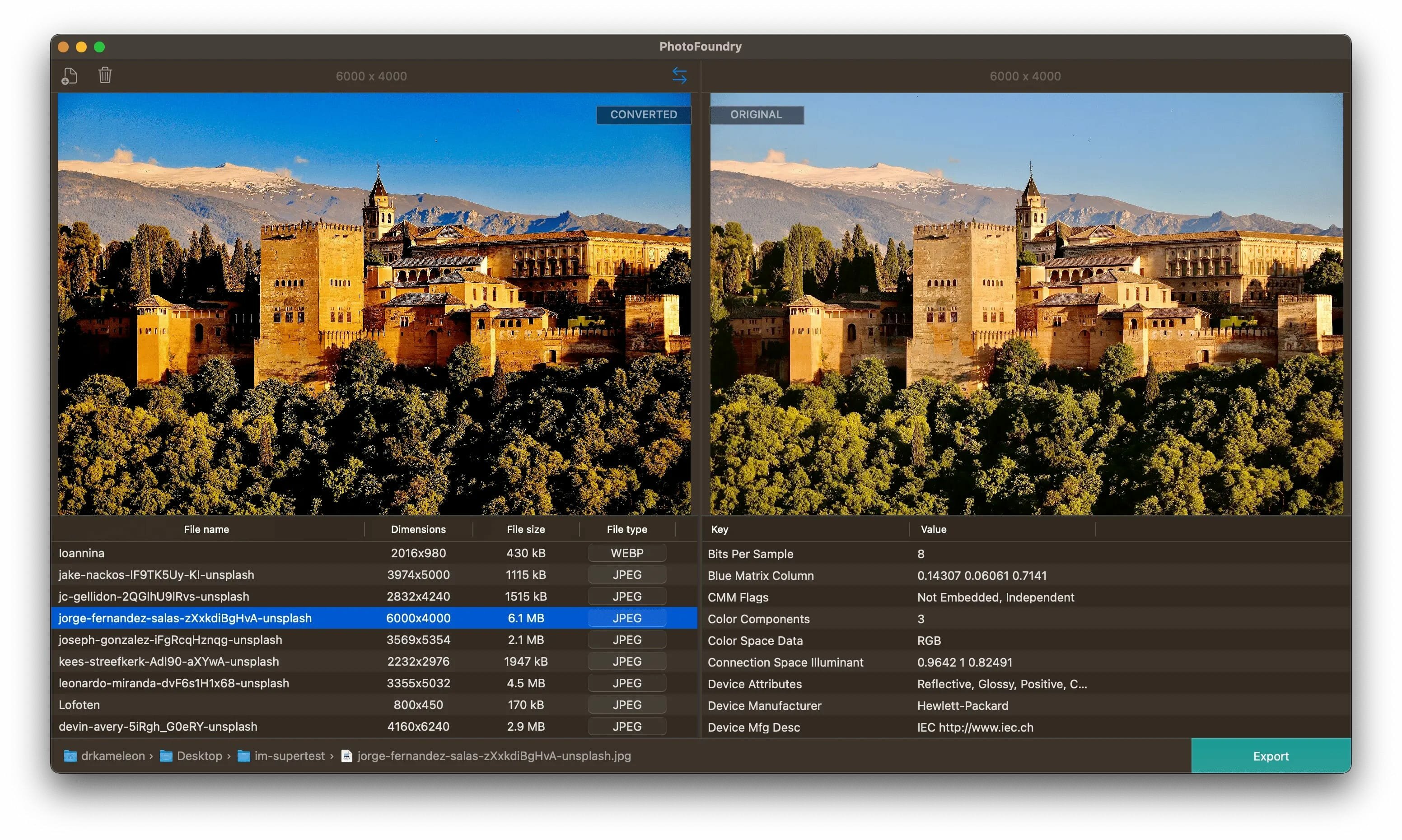
PhotoMill X 3.1.0

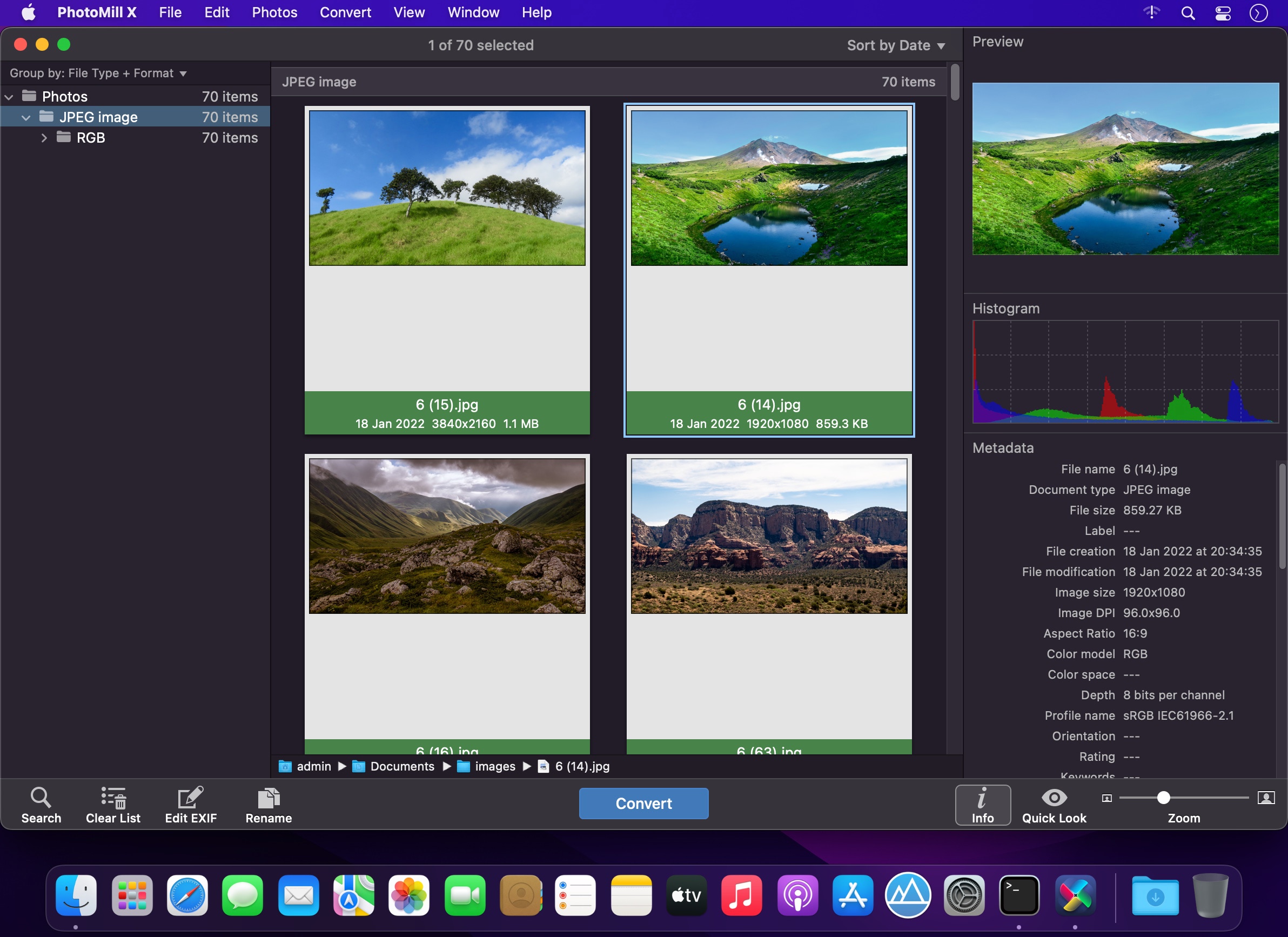
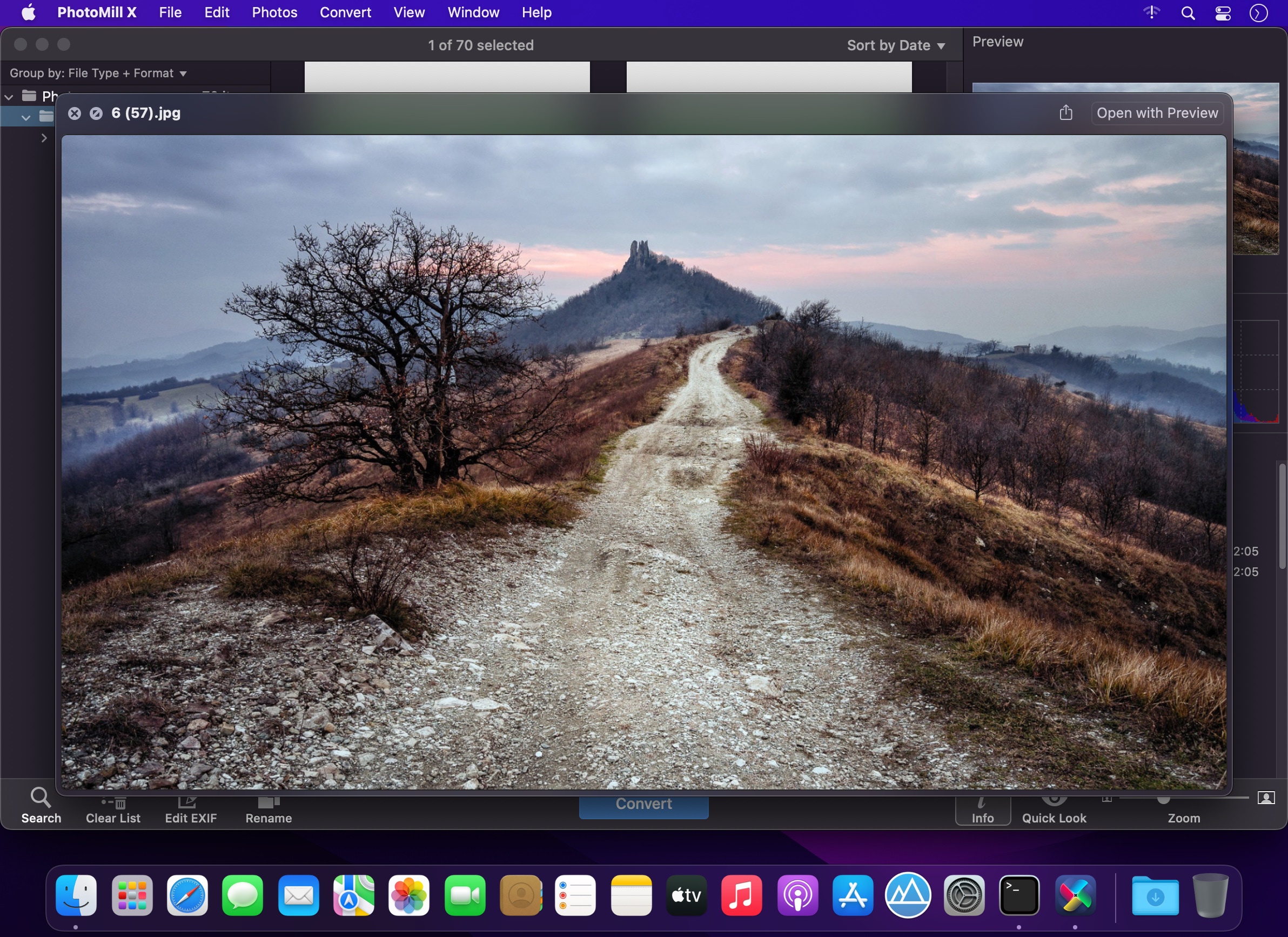
PhotoMill helps you convert a bulk of images into the most popular image formats, give your files meaningful names, watermark with text and image, adjust photos (brightness/saturation/exposure/grayscale/etc.), fit geometry (scale/crop/trim/etc.), remove private metadata, add your own copyrights etc. Also, PhotoMill is a great batch metadata editor, renamer and photo browser.

Features
Convert

  • Conversion to: BMP, GIF, JPEG, JPEG 2000, PDF, PNG, TIFF
  • Color models: RGB, Gray, CMYK Color depth: 8/16/32 bits; with or without alpha channel

Metadata editor

  • Correct EXIF/IPTC metadata tags in your photos: place GPS coordinates, remove private information from your photos, correct or set capture dates, add your own copyright, keywords or rating.

Photo browser

  • The app has a bunch of features for comfortable browsing and multi-criteria search of photos in the Browser. The Browser has 3 panels: Image Info – displays detailed information about a selected photo; Groups – splits photos into groups/subgroups based on a chosen criteria, for instance, by capture dates; Search – gives you an opportunity to search photos by different criteria.

Rename

  • You can give meaningful names to converted photos constructing file names in the “pro” way – using text and tags: index, capture date, original name, image width, “find & replace” etc. Also, you can rename photos without any conversion.

Resize

  • Fit image size with a bunch of geometry actions: scale, crop, add border, trim, trim color, rotate & flip, auto rotate (by EXIF orientation), change resolution.

Watermark

  • Text – you can use photo metadata information – tags: capture date, keywords, camera maker etc., as well as entered text. Font size can be either fixed or relative to an image width, height, long or short edge. Multiline text, stroke, shadow, rotation, tiling and other features.
  • Image – image size can be either fixed or relative to main image size. Image tiling is also available.
  • Rectangle – background for text; square or rounded. Fill and stroke color can be half-transparent.

Adjust colors

  • Available filters: auto contrast, auto white balance, gamma, contrast, exposure, sharpness, grayscale, sepia, colorize, temperature, HSL channels (Hue/Saturation/Lightness), HSV channels (Hue/Saturation/Value,Brightness), RGB channels, curves.
  • Working with transparency: alpha mask, color to alpha, alpha to color. Color matching: assign profile, convert to profile, proof with profile.

What’s New:

Version 3.1.0:

  • Release notes were unavailable when this listing was updated.

Compatibility: macOS 10.15 or later
Homepage https://overmacs.com/?p=photomill

Screenshots


Name: PhotoMill_X_3.1.0_Mac-torrents.Net.dmg
Size: 83 MB
Files PhotoMill_X_3.1.0_Mac-torrents.Net.dmg[83 MB]


   Download Torrent

PDF Expert 3.10.23

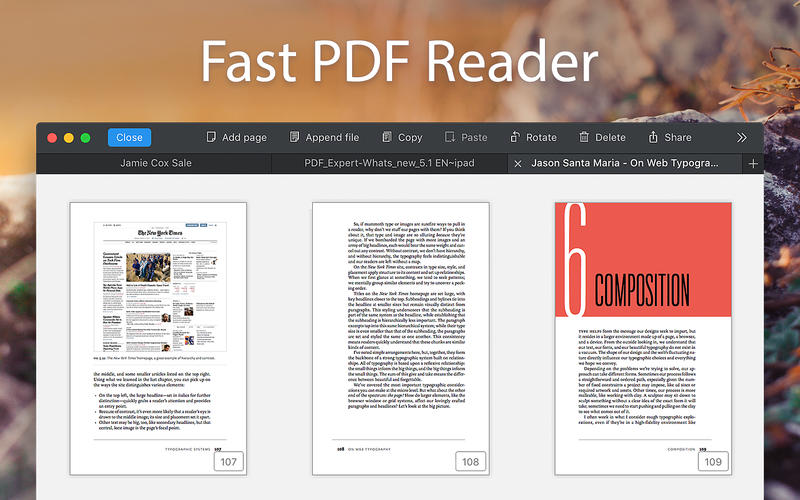
PDF Expert – springs into action with smooth scrolling and fast search from the first document you select. PDFs open instantly, whether they are just small email attachments or 2000-page reports.

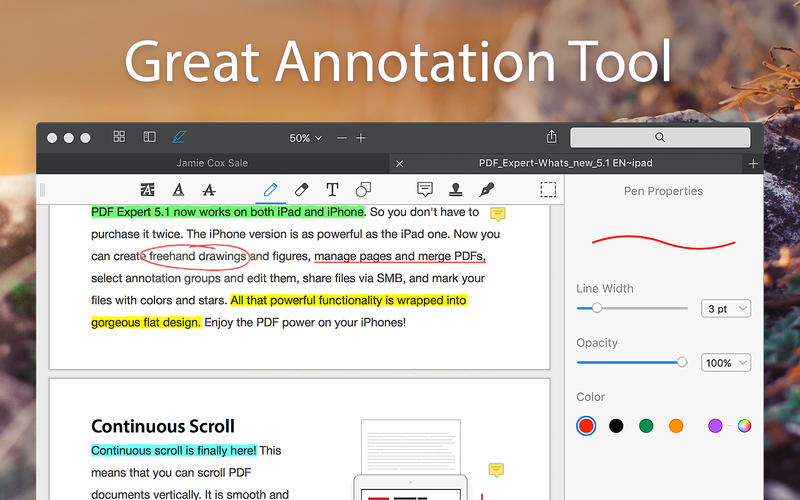
  • Professional Annotation Tool – From simple changes to marathon editing sessions, PDF Expert lives up to its name. Powerful yet easy-to-use tools are just a click away so you can leave your mark in record time.
  • Read – An award-winning, lightning-fast, tabbed document viewer will get you through multiple PDFs faster than ever.
  • Excellent for Form Filling – PDF Expert provides the best experience for filling out PDF forms. Text fields, checkboxes, radio buttons, and other form elements work as you expect, and all the information you enter is saved within the form. Even complex interactive forms with jаvascript work impressively well.
  • An Easy Way to Sign Documents – Signing document on your Mac is as simple as it could be. Just type your name on a keyboard and PDF Expert will transform it into beautiful handwriting. Or use your Macbook’s trackpad and write with your finger. You can even use signatures already created in PDF Expert for iOS.
  • Wide Sharing Options – You don’t work alone, and neither does PDF Expert. When it’s time to send documents to clients, coworkers, and everyone in between, PDF Expert has top-notch support for your Mac’s system-wide share sheet and other apps. If an app accepts PDFs, PDF Expert can get them there.
  • Works across all your devices – Use PDF Expert on any Apple device – Mac, iPad, and iPhone. Use Apple’s Continuity and Handoff features to seamlessly transfer document from one device to another and continue editing where you left.

What’s New:

Version 3.10.23

  • We’ve made a round of technical refinements in this update to keep your experience smooth and stable.

Language: English, French, German, Italian, Japanese, Portuguese, Russian, Simplified Chinese, Spanish, Ukrainian
Compatibility: macOS 10.15 or later
Homepage https://geo.itunes.apple.com/app/id1055273043

Screenshots


Name: PDF Expert 3.10.23 [atb]_Mac-torrents.Net.dmg
Size: 109.27 MB
Files PDF Expert 3.10.23 [atb]_Mac-torrents.Net.dmg[109.27 MB]


   Download Torrent

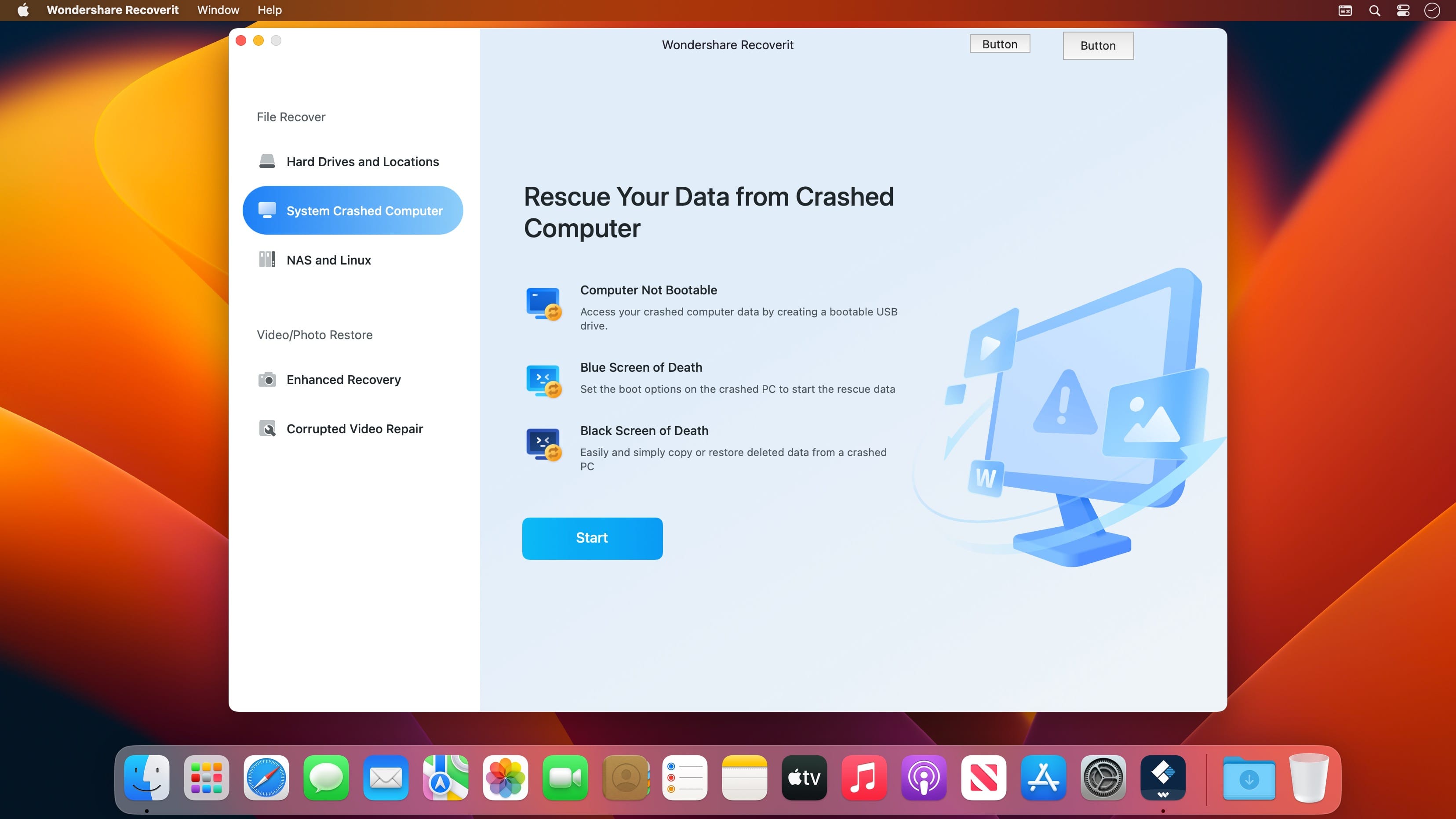
Wondershare Recoverit 14.0.3.13

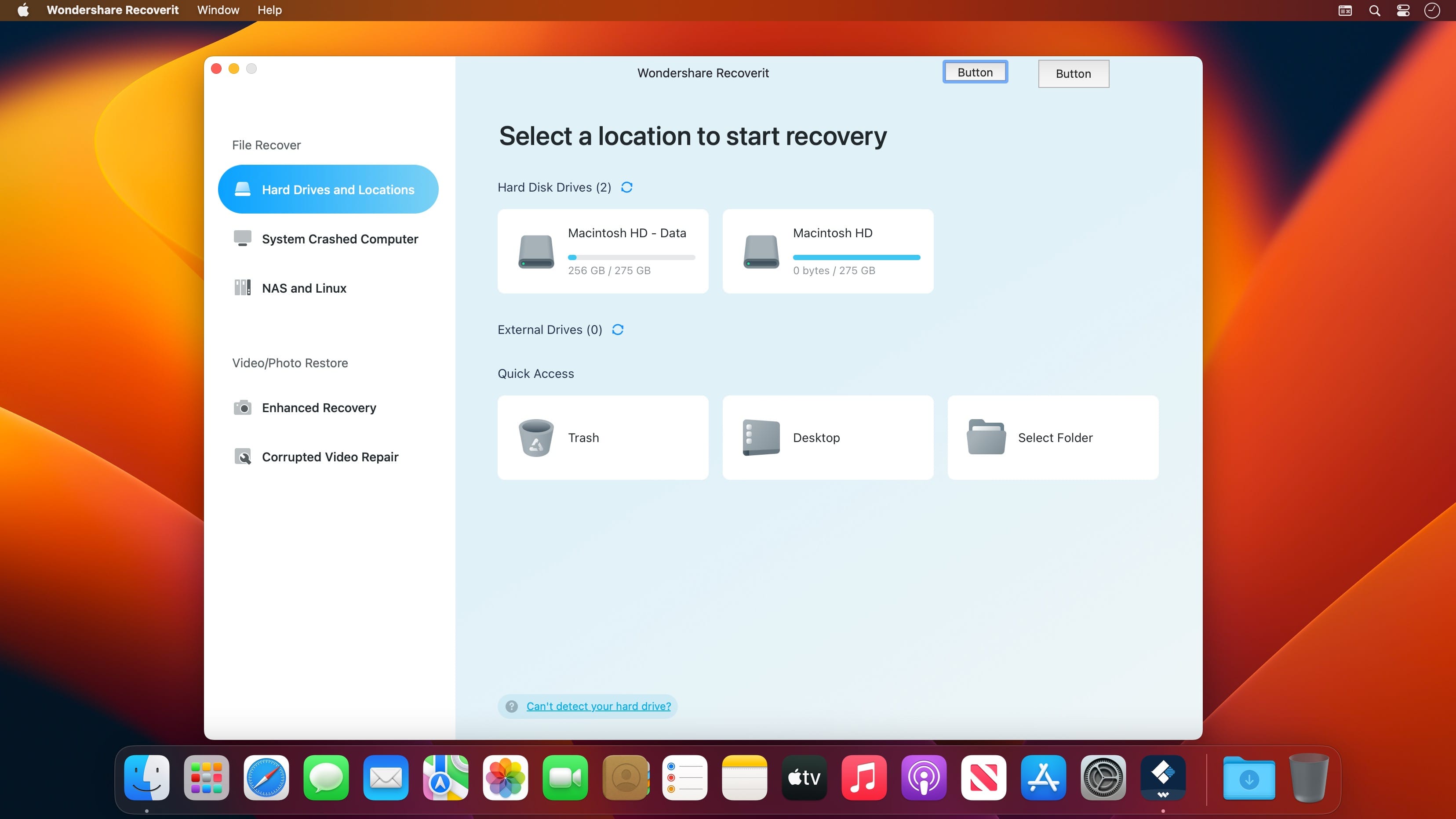
Wondershare Recoverit is a comprehensive data recovery suite to recover Mac data lost due to accidental deleting, formatting, virus infection, improper operation, unexpected power failure, and other unknown reasons.

It can recover Mac data from lost, deleted, logical corrupted and formatted Mac hard drive, iPod, USB drive, SD card, digital camera, mobile phone, MP3, and MP4 player. Compatible with HFS+, FAT16/32, and NTFS file system volumes, this non-destructive Mac file recovery software ensures safe Mac file recovery without modifying the original data saved on your Mac machine or any other storage media. Versatile preview lets you enjoy Mac data recovery in advance.

Features

  • Safety First:
    • Read-only and risk-free Mac data recovery program. No any writing operation to your original data.
  • Versatile Preview Ability:
    • For images, real-time and direct scan results is displayed during the scan process to let users stop scanning once the target images are found.
    • For other Mac files such as videos, audio files, archives and documents, they are displayed as a text in a Hex mode for preview to let users enjoy file recovery on Mac in advance.
  • Precise File Recovery for Mac:
    • Before data recovery on Mac, you can choose the target file types to scan, which saves you much time especially when there are tons of files on your Mac machine.
    • Restore deleted files for Mac with original file names, shooting date, and storage paths.
    • Support file names search for scanning results to provide you precise Mac file recovery.
  • Easy-to-use and Clean Interface:
    • Complete wizard and easy-to-use interface let you perform Mac data recovery in a breeze.

Compatibility: macOS 10.14 or later,
Homepage https://recoverit.wondershare.com

Screenshots


Name: Wondershare_Recoverit_14.0.3.13_Mac-torrents.Net.dmg
Size: 196 MB
Files Wondershare_Recoverit_14.0.3.13_Mac-torrents.Net.dmg[196 MB]


   Download Torrent

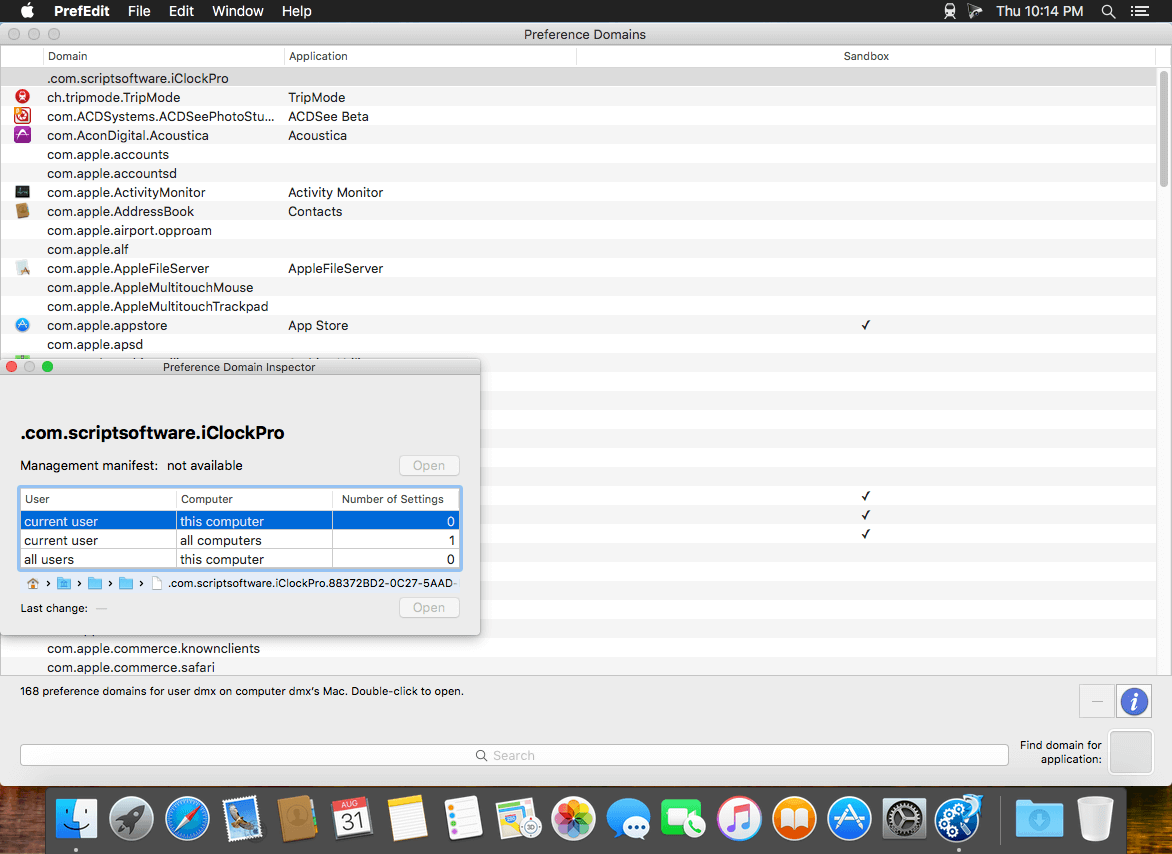
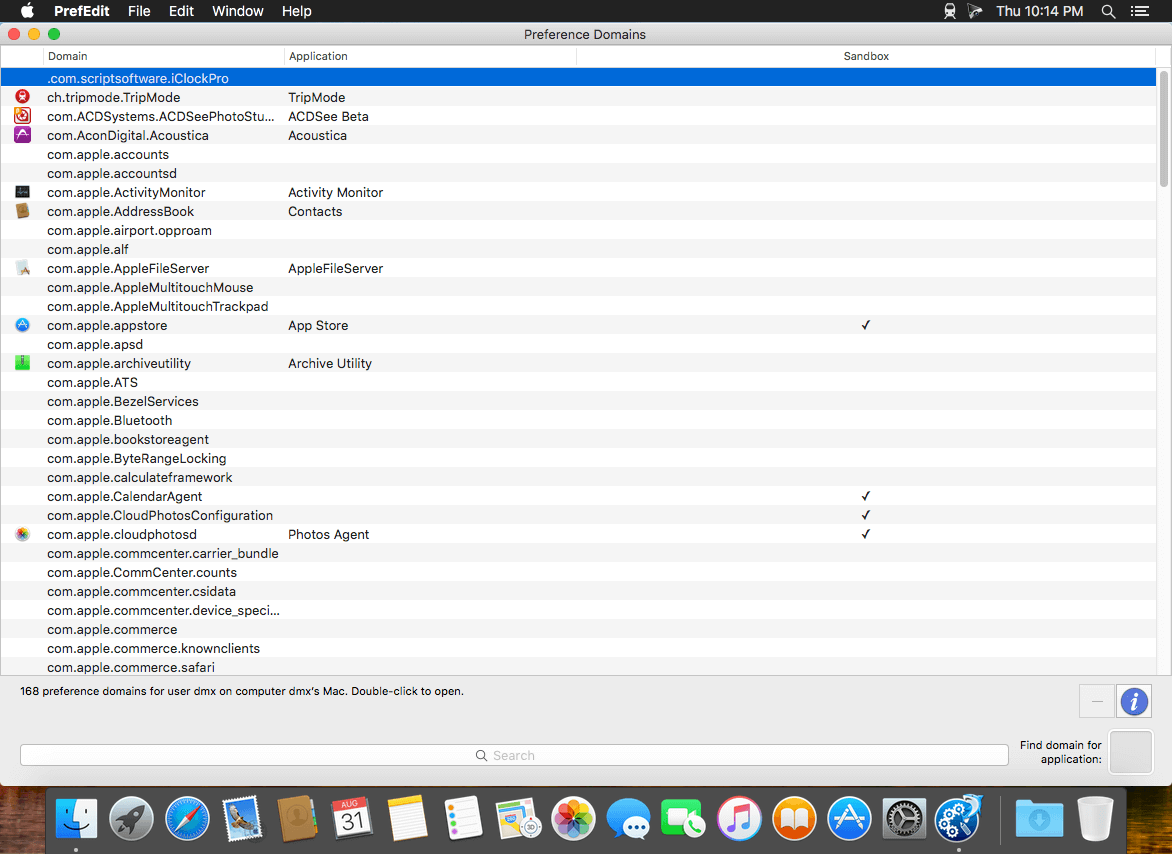
PrefEdit 5.8

PrefEdit is a utility that allows you to inspect and edit all preference settings for OS X applications. The settings are displayed in a browser and can be edited by simple point-and-click operations. You can also do a full-text search on all settings, or clean up unused entries of applications that have been uninstalled.

PrefEdit can access all preference settings of “well-behaved” Carbon and Cocoa applications. Older Mac applications running in the Classic environment used a totally different system for storing preference settings. The settings of such programs do not appear in PrefEdit.

Warning: If you edit, add, or delete preference values of application programs or the OS X operating system, you should know what you are doing. Inappropriate values can cause serious malfunctions in the system, which could destroy important data or create other unexpected effects.

Compatibility: macOS 11.5 or later
Homepage https://www.bresink.com/osx/PrefEdit.html

Screenshots


Name: PrefEdit_5.8_Mac-torrents.Net.dmg
Size: 13 MB
Files PrefEdit_5.8_Mac-torrents.Net.dmg[13 MB]


   Download Torrent

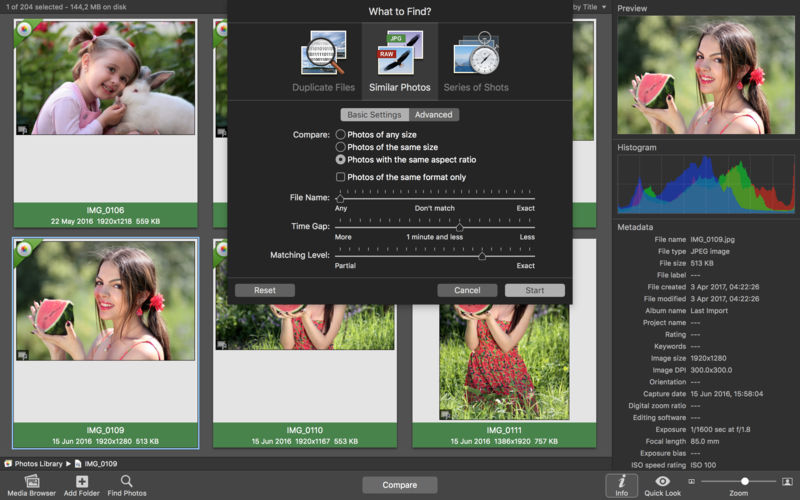
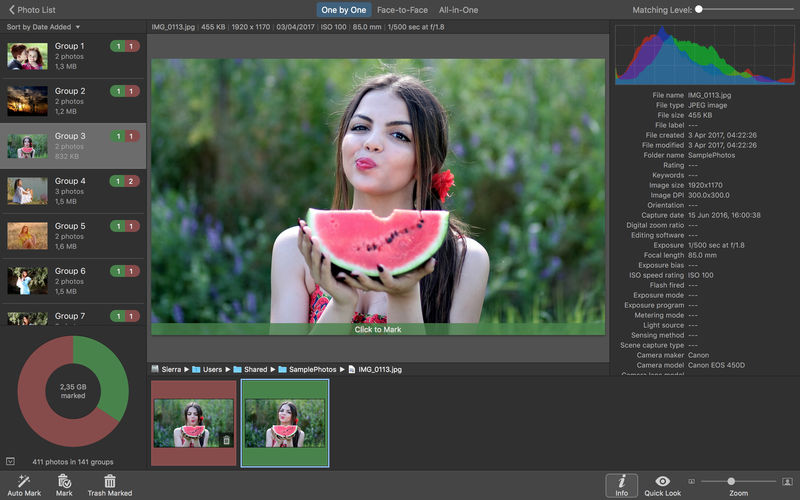
PhotoSweeper X 5.1.2

PhotoSweeper helps quickly and efficiently eliminate similar or duplicate photos. It works with photos from iPhoto, Aperture and Adobe Lightroom libraries as well as photos from your Mac.

PhotoSweeper will help you if:

  • You take a series of shots of the same scene trying to get the perfect one.
  • You edit photos with applications, such PhotoShop, Pixelmator, etc., and make backups just in case.
  • You have photos scattered on external hard drives and local disks, in iPhoto, Aperture or Lightroom libraries.
  • You have a mess in your photo collection or just want to free disk space by removing junk photos.

Features
Easy to find photos
Just drag and drop folders to allow PhotoSweeper to find all photos inside. Add more photos from your iPhoto, Aperture or Lightroom library via the Media window.

Flexible comparison settings
Use 6 different methods to find similar or duplicate photos, even those edited in external programs such Photoshop, regardless of image size or format.

Fast
PhotoSweeper was developed to be extremely fast at comparing large number of photos. Using efficient caches allows you to make the next comparison much faster. You have an opportunity to regroup the results on-the-fly by changing a matching level of similarity.

Easy to manage photos
Review results in “Face-to-Face” or “Groups” mode. Put photos into a virtual container, “Box”. Delete, move, or copy photos from the Box. Bulk rename photos while copying or moving.

Great photo browsing
PhotoSweeper provides an up-to-date photo browser with such features as: fast loading of thumbnails, Quick Look preview, drag and drop support, showing paths, ratings, labels, etc. The “Image Info” panel shows more detailed information, including histogram and image metadata (EXIF, IPTC, etc.).

A comprehensive user manual is available in the Help menu.

Compatibility: macOS 10.15 or later
Homepage https://geo.itunes.apple.com/app/id463362050

Screenshots


Name: PhotoSweeper_X_5.1.2_Mac-torrents.Net.dmg
Size: 42 MB
Files PhotoSweeper_X_5.1.2_Mac-torrents.Net.dmg[42 MB]


   Download Torrent

Scapple 1.5.3

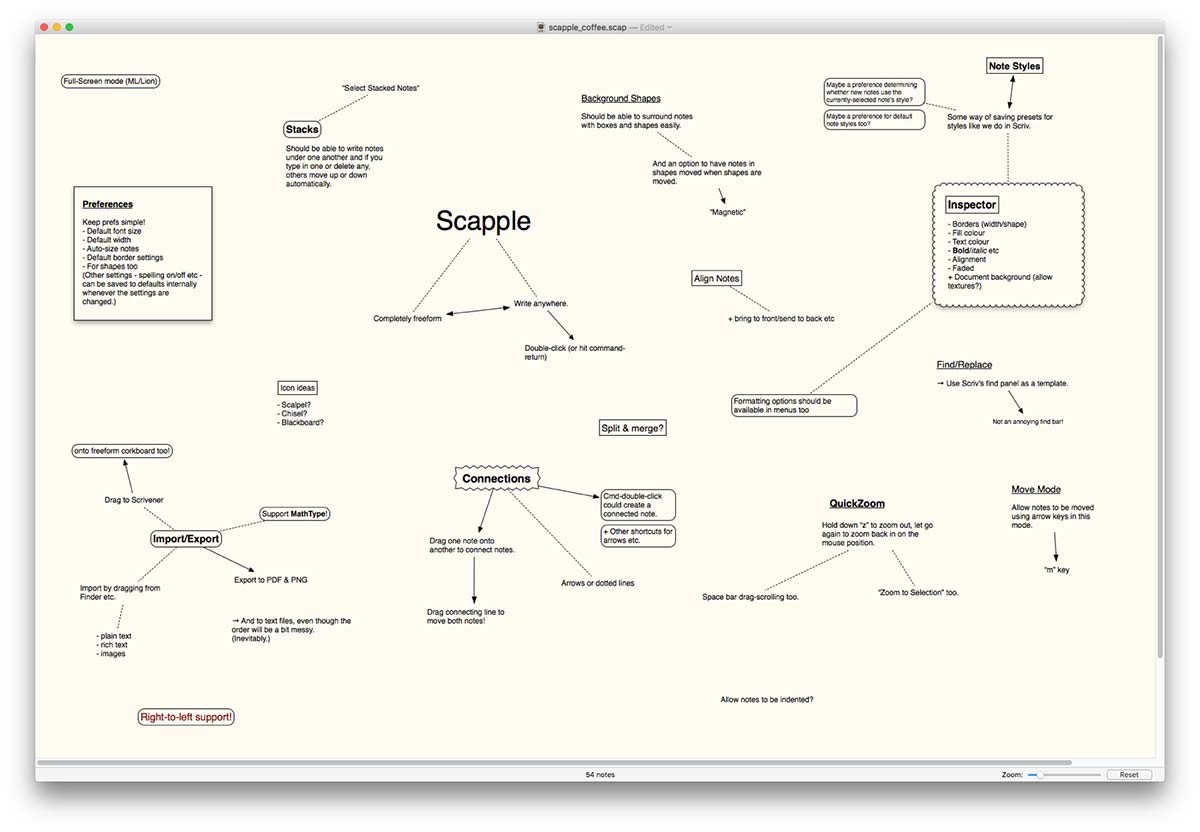
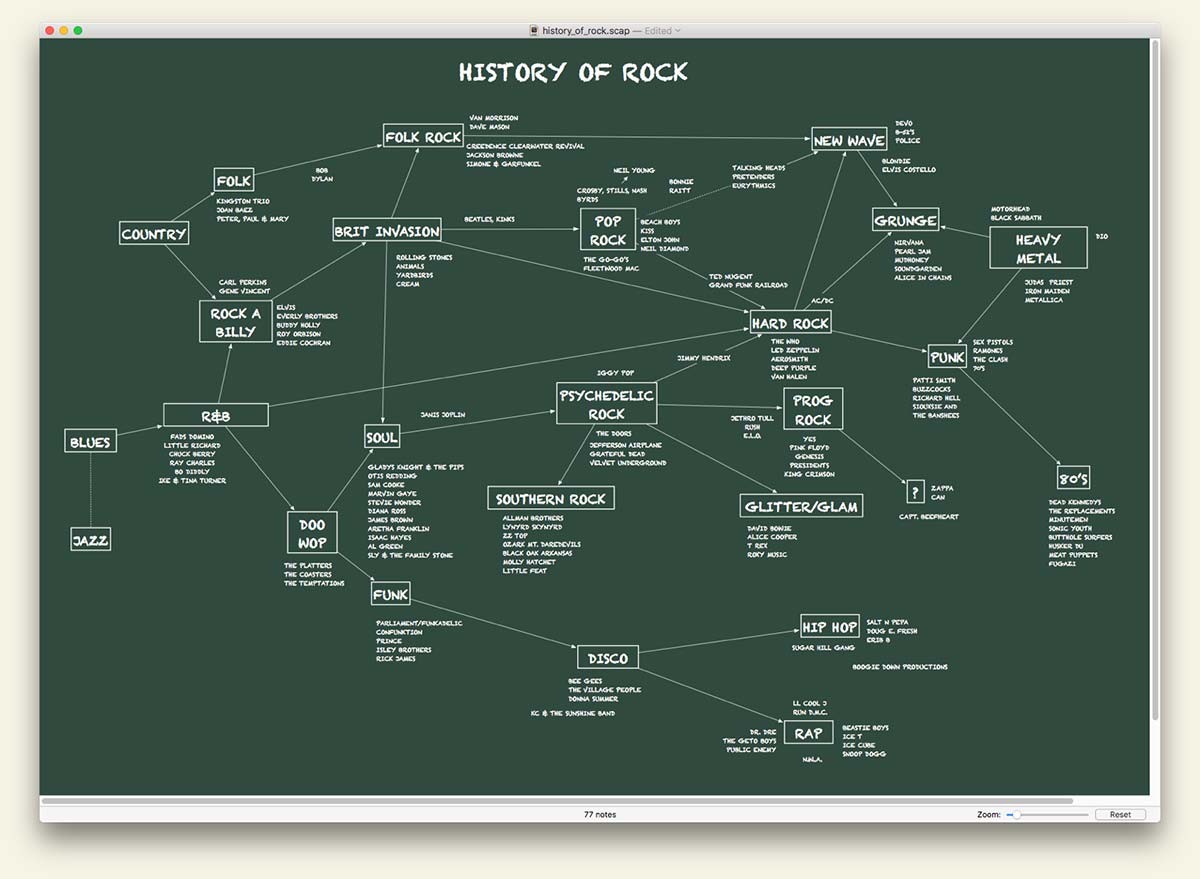
Scapple is the software equivalent of how I work out my rough ideas on paper. (If I didn’t hate the word “brainstorming” so much, I’d probably call it brainstorming software.) When I’m in the early stages of any project, whether that’s a writing project or a software project, I tend to throw a bunch of ideas down on a big piece of paper, spacing out as-yet unrelated ideas, clustering related notes, and drawing connections between them, trying to work out how everything fits together.

In short, then, Scapple is a tool for getting early ideas down as quickly as possible and making connections between them. The main advantage of doing this in Scapple instead of on paper is that you don’t run out of paper (the Scapple canvas expands to fit as many notes as you want to create), you can move notes around to make room for new ideas and connections, it’s easy to delete and edit notes, and it’s easy to export your notes into other applications when you know what you want to do with them.

I’m well aware that there’s already a plethora of mind-mapping software out there. Where Scapple is slightly different from most is that it doesn’t force you to make any connections, and it doesn’t expect you to start out with one central idea and branch everything else off that. Instead, you are free to write anywhere on the virtual paper and individual notes can be a short or as long as you like. Creating and removing connections is as easy as dragging one note onto another. Most importantly, because its purpose is to allow you to get ideas down and make connections between them quickly, Scapple is dead simple to use. Although I’m currently writing a full manual for it, the QuickStart Guide a little further down should contain everything you need to dig in and get using Scapple.

Compatibility: macOS 10.10 or later
Homepage http://www.literatureandlatte.com/scapple/overview

Screenshots


Name: Scapple_1.5.3_Mac-torrents.Net.dmg
Size: 23 MB
Files Scapple_1.5.3_Mac-torrents.Net.dmg[23 MB]


   Download Torrent

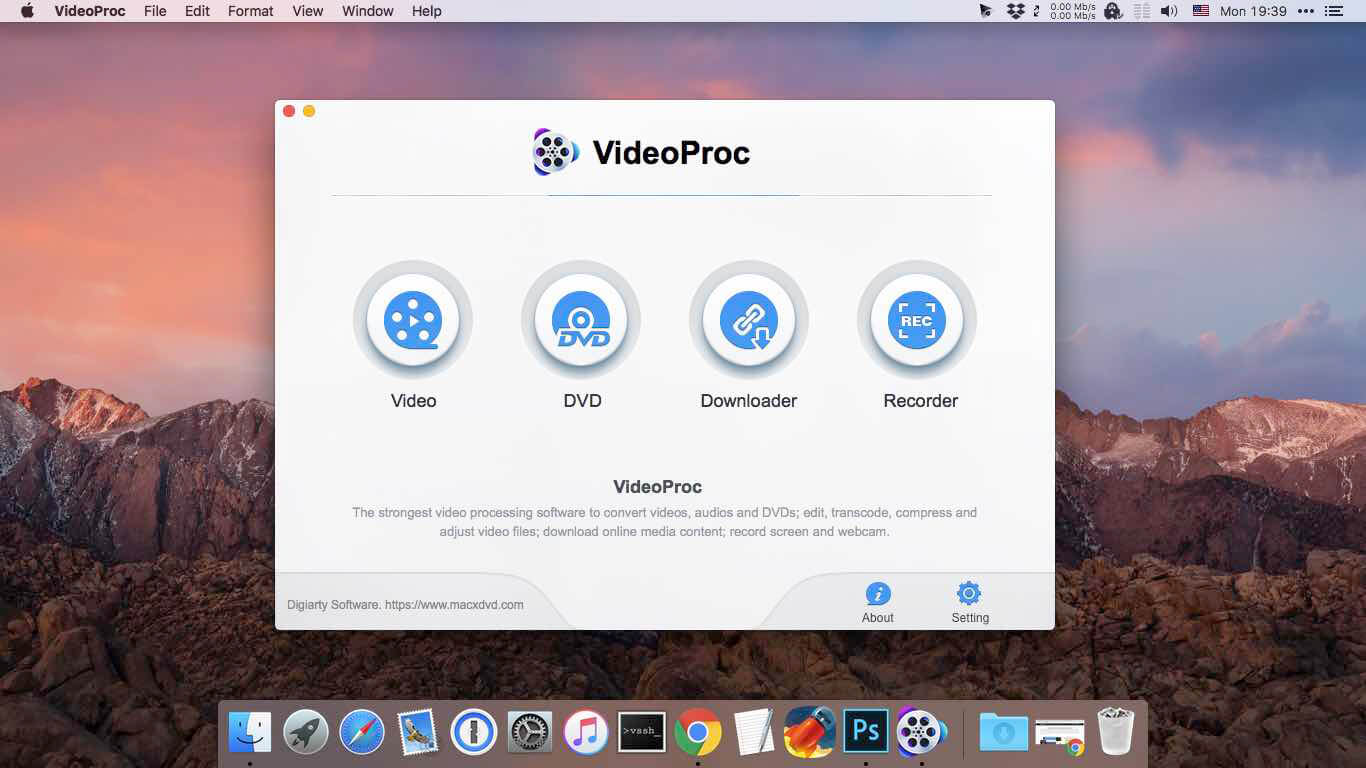
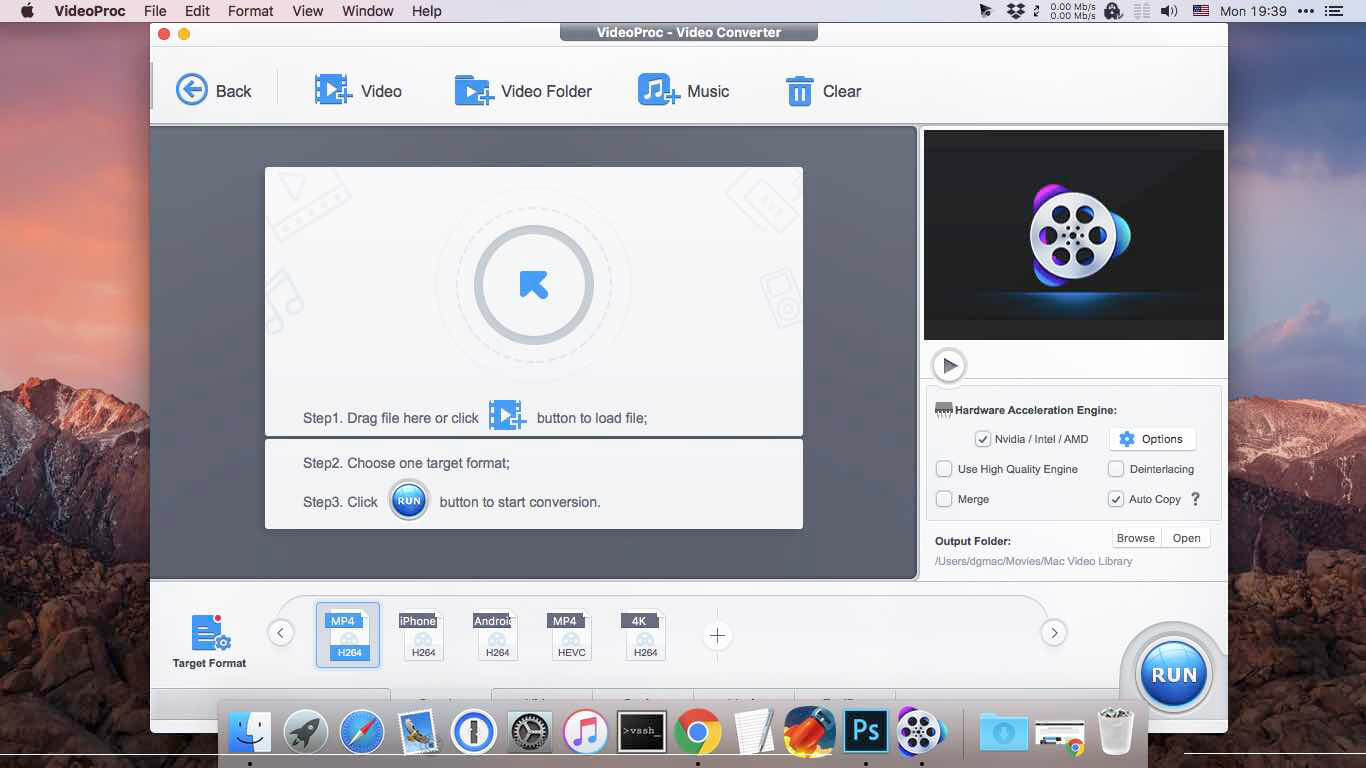
VideoProc Converter AI 8.5 (2025103001)

Built with AI tools for video/image/audio enhancement. Remaster, upscale, restore, colorize, convert, edit, compress, download, and record with GPU acceleration. The best video converter works with videos shot with GoPro, DJI, iPhone, Android, DSLR, mirrorless, camcorders, or other 4K cameras.

VideoProc peaks Level-3 Hardware Acceleration fully powered by Intel®, AMD®, NVIDIA® GPUs, and Apple M1/M2/M3/M4 (Pro/Max/Ultra), delivering buttery smooth (4K/8K) video processing and transcoding without compromising quality.

What’s New:

Version 8.5 (2025103001):

  • Release notes were unavailable when this listing was updated.

Compatibility: macOS 10.15 or later
Homepage https://www.macxdvd.com/mac-video-converter-pro

Screenshots


Name: VideoProc_Converter_AI_8.5_40_2025103001__41_Mac-torrents.Net.dmg
Size: 254 MB
Files VideoProc_Converter_AI_8.5_40_2025103001__41_Mac-torrents.Net.dmg[254 MB]


   Download Torrent

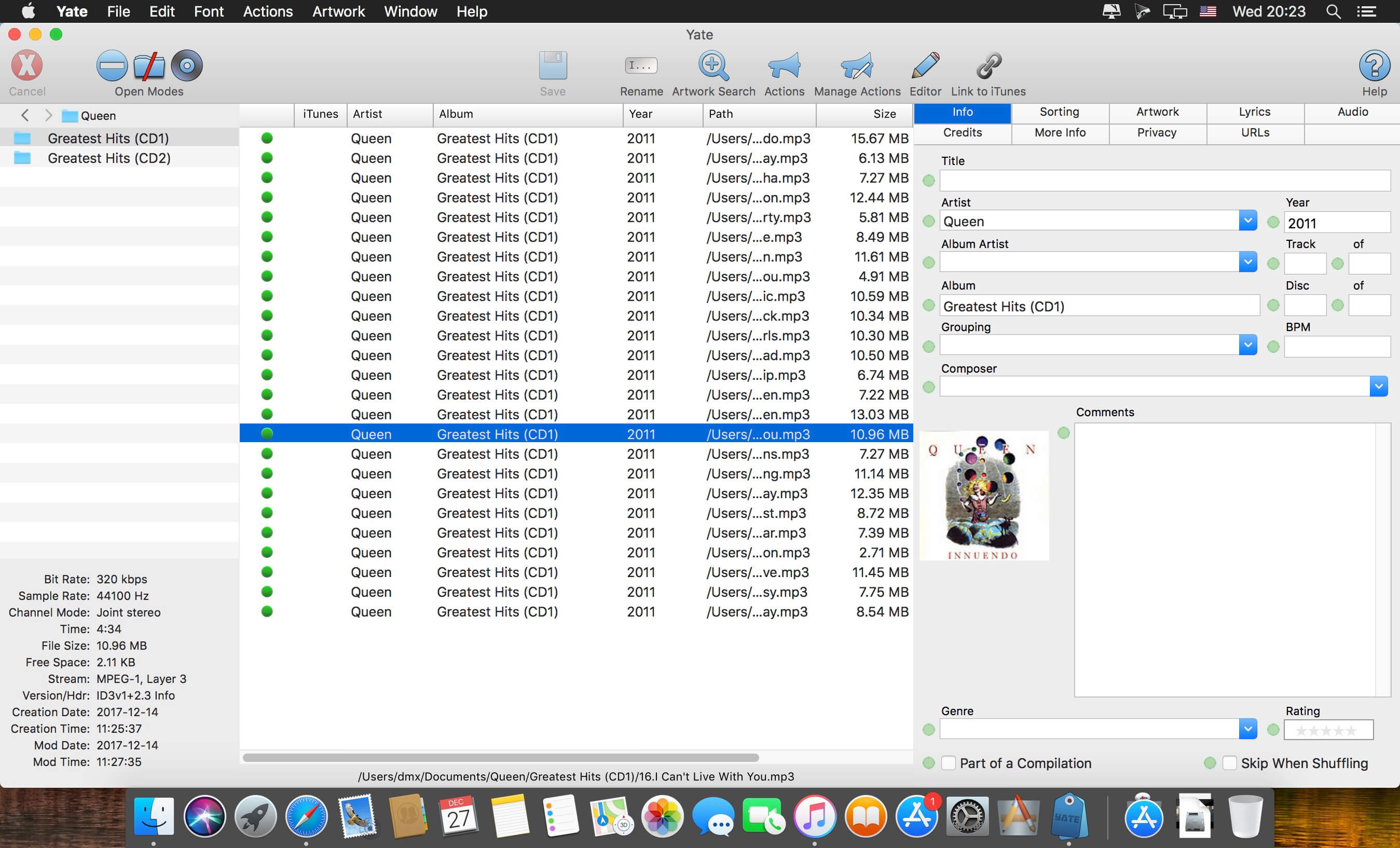
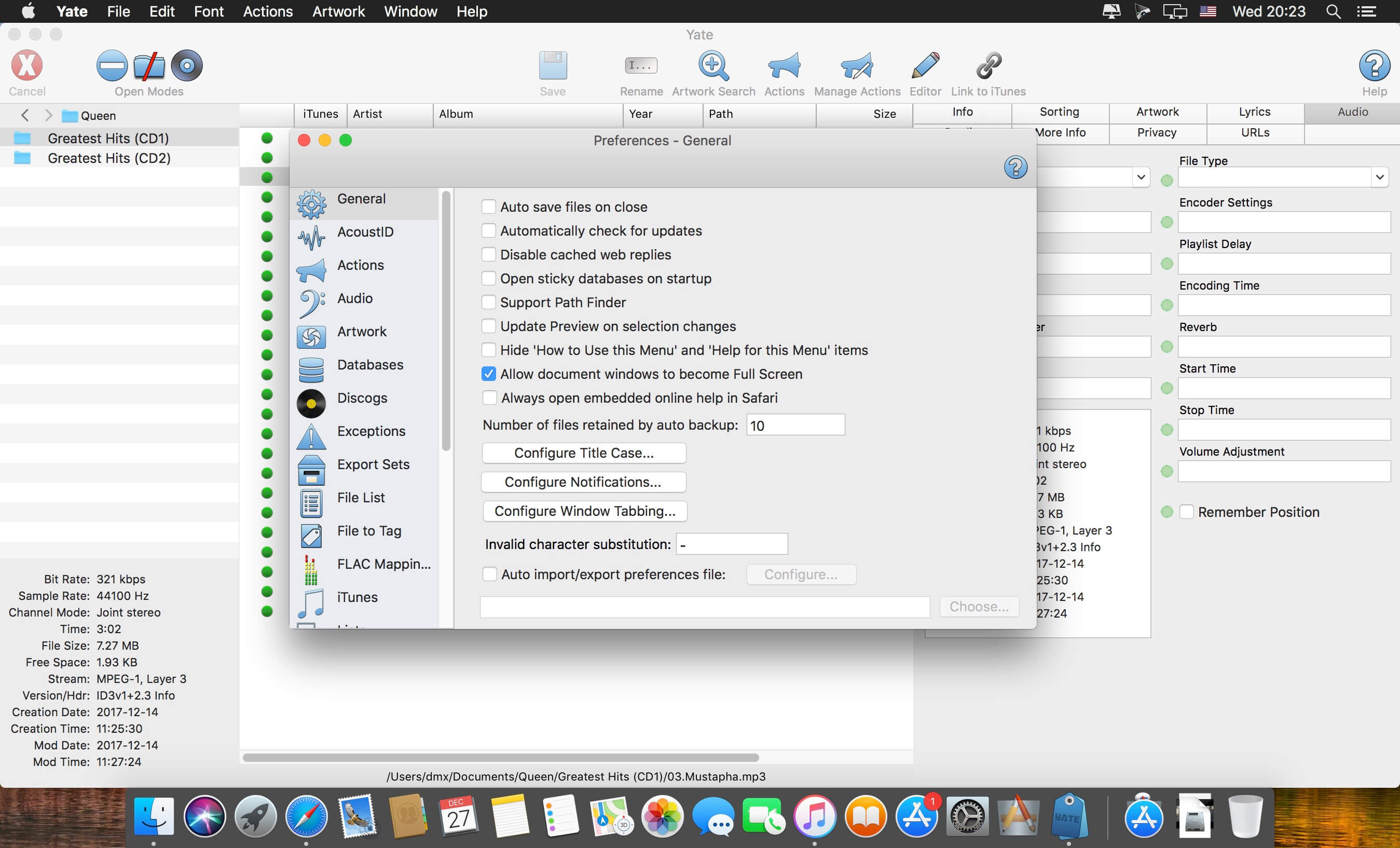
Yate 8.3.3

Yate was developed for people who want complete control over their tagging experience. Supports audio in AIFF, DFF, DSF, FLAC, M4A, M4B, MP3, MP4, STEM.MP4 and WAV files. Supports video in M4V and MP4.

Yate has a long list of features; most importantly, an innovative scripting system called actions. Actions can be used to update all of an album’s tags with a single operation. Yate also supports integration with AcouticBrainz, AcoustID, Beatport, Discogs, iTunes and MusicBrainz. All changes can be easily reverted and individual changes can be undone in any order. Whether you want to automatically or manually tag your files, Yate can do it all!

Compatibility: macOS 10.13 or later
Homepage https://2manyrobots.com/yate/

Screenshots


Name: Yate_8.3.3_Mac-torrents.Net.dmg
Size: 17 MB
Files Yate_8.3.3_Mac-torrents.Net.dmg[17 MB]


   Download Torrent

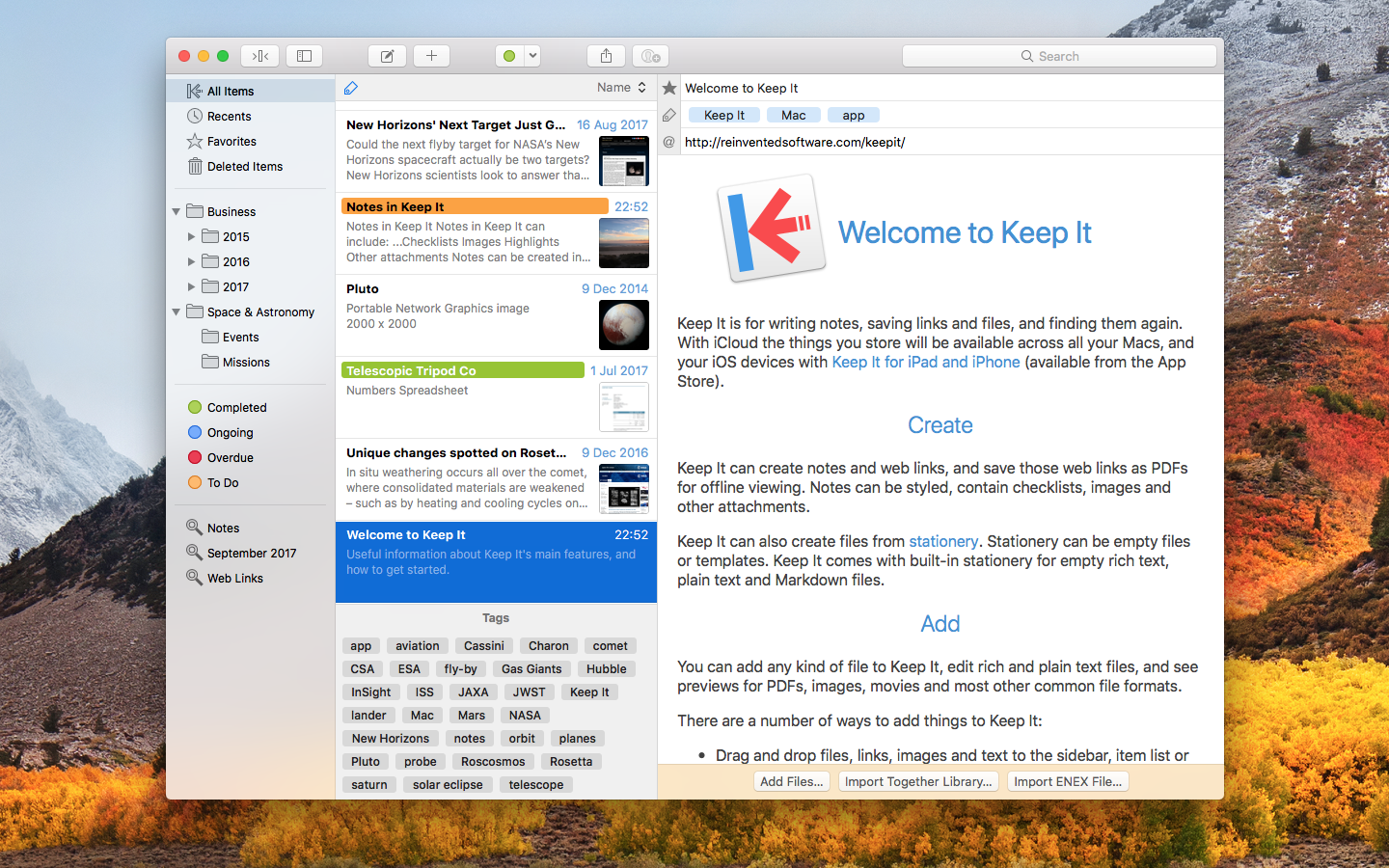
Keep It 2.7.5

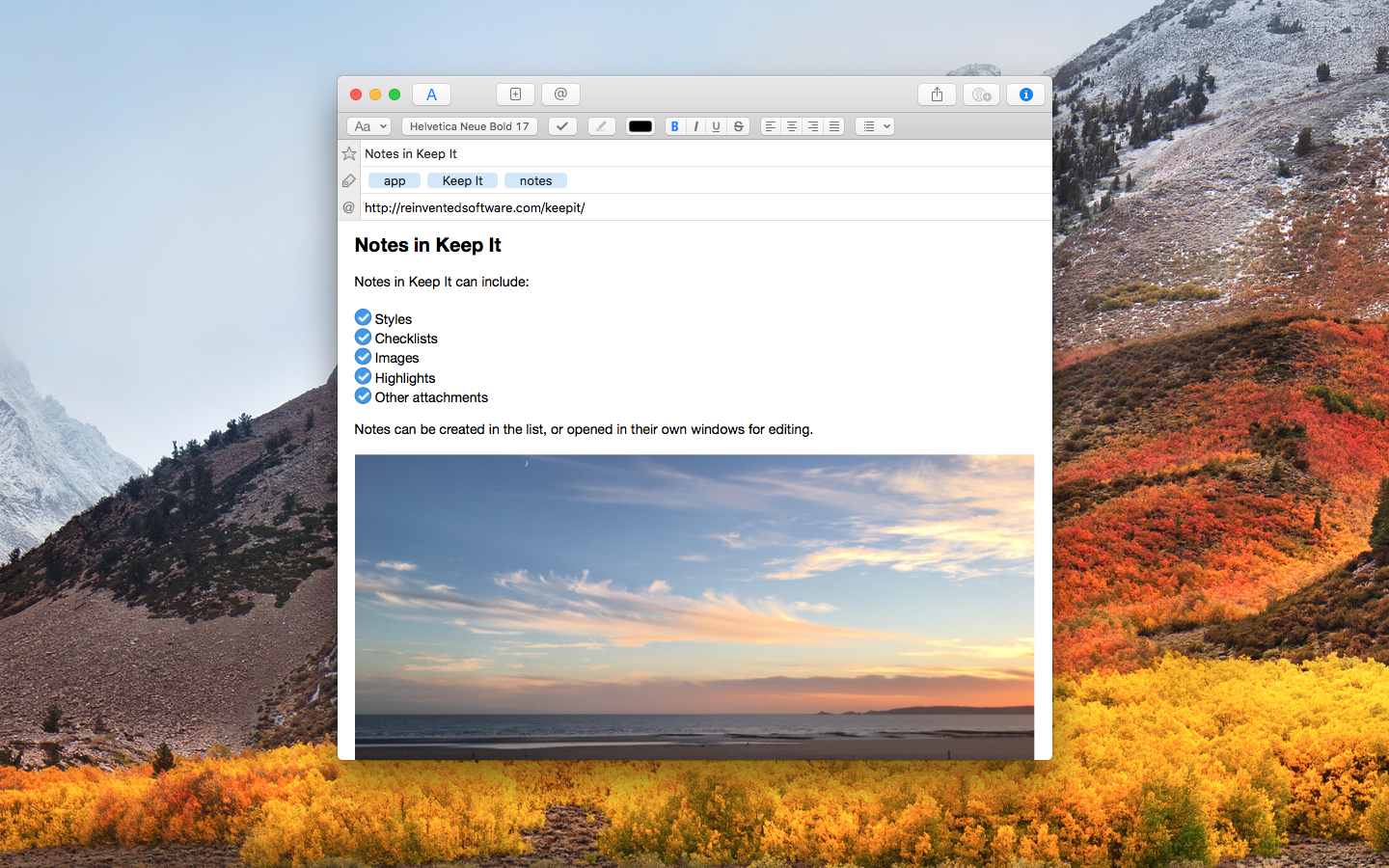
Keep It is for writing notes, keeping web links and documents, and finding them again. Available on Mac, and as a separate app for iPhone and iPad, Keep It is the destination for all those things you want to put somewhere, confident you will find them again later.

Notes and Links
Make Notes
Create notes with built-in styles that look good and read well on all your devices. Notes can contain checklists, bulleted and numbered lists, images, links and other attachments.

Save Web Links
Save web links to Keep It, view them in the app, open them in your browser, or save them as PDFs for offline reading.

Files
Add Anything
Any kind of file can be added to Keep It or saved to its folders, and opened for editing in their original applications. With iCloud, changes are automatically made available across all your Macs and iOS devices.

Preview and Edit
Keep It generates thumbnails and summaries for most files, can edit its own notes, rich and plain text files, and show previews for PDFs, images, web pages and most other documents.

Search and Filter
Search
Keep It can search the content of most files. Suggestions appear as you type, allowing you to narrow down results to exactly what you need, or use keywords and natural language. Save searches for later reuse.

Tag Filter
Keep It’s Tag Filter makes finding things by their tags a pleasure. Choose a tag to see all the tagged items and any other relevant tags; choose another tag to drill down further.

Organize
Folders
Folders let you organize items and bundles hierarchically, when needed. Select a folder to see everything it contains.

Bundles
When you need to gather things into one place, make a bundle. Items can be in more than one bundle at a time, and when you remove the bundle, everything else stays where it was.

Labels
Use labels to color-code items for quick visual recognition. Labels are listed in the sidebar so you can quickly see everything with a particular label.

More Lists
Use the Recents list to see things you’ve added or viewed lately, with the latest shown at the top. Favorites provide quick access. Deleted Items are automatically removed after 30 days.

Where You Need It
Compact Mode
In compact mode, Keep It for Mac becomes a single column, ideal for using alongside other apps or in split screen.

Works with Other Apps
Pretty much anything can be dragged to Keep It, and you can also add things from a variety of apps with Keep It’s share extension.

Compatibility: macOS 14.6 or later
Homepage http://reinventedsoftware.com/keepit/

Screenshots


Name: Keep_It_2.7.5_Mac-torrents.Net.dmg
Size: 38 MB
Files Keep_It_2.7.5_Mac-torrents.Net.dmg[38 MB]


   Download Torrent

4K YouTube to MP3 Pro 25.4.0

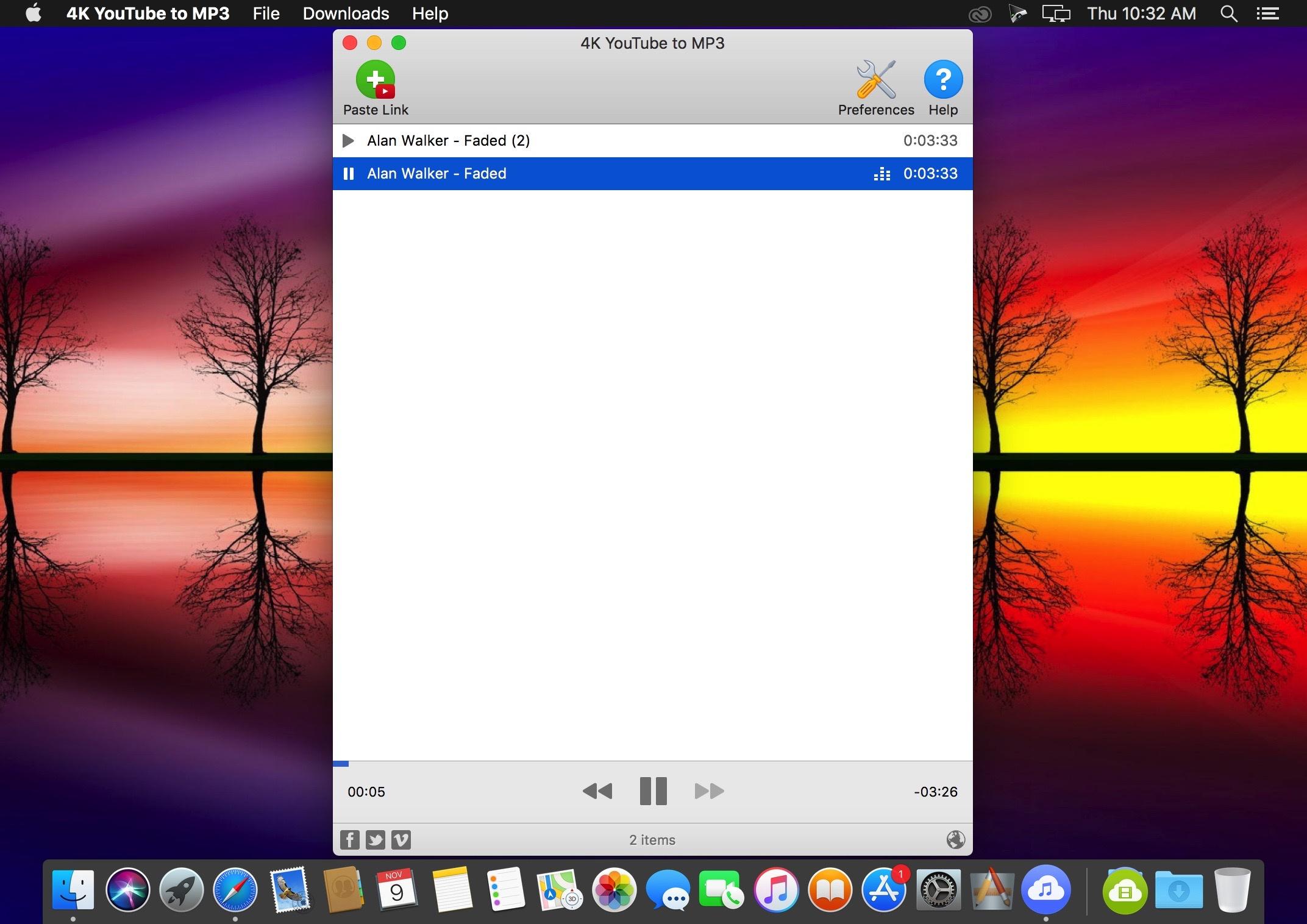
4K YouTube to MP3 was specifically created to extract audio from YouTube, Vimeo or Facebook and save it in MP3, M4A, OGG. No annoying and complicated settings to deal with, just a clean, friendly and functional interface. Downloading is simple and straightforward: just copy the link from your browser and click ‘Paste Url’. Done!

Features

  • Extract audio from YouTube videos and save it in MP3, M4A or OGG in high quality.
  • Download full YouTube playlists or channels and generate m3u files.
  • Transfer downloaded tracks automatically into iTunes and upload them on your iPhone or iPod.
  • Listen music via native built-in music player.
  • Download and extract audio tracks from SoundCloud, Vimeo, Flickr and DailyMotion videos.
  • Download audio books from YouTube.
  • Extract audio tracks even from embedded in HTML page videos.
  • Use 4K YouTube to MP3 on your PC, Mac or Linux, doesn’t matter what OS you prefer.

What’s New:

Version 25.4.0

  • Release notes were unavailable when this listing was updated.

Language: English, German, French, Spanish and others.
Compatibility: macOS 10.13 or later
Homepage https://www.4kdownload.com/products/product-youtubetomp3

Screenshots

Name: 4K_YouTube_to_MP3_25.4_Mac-torrents.Net.dmg
Size: 219 MB
Files 4K_YouTube_to_MP3_25.4_Mac-torrents.Net.dmg[219 MB]


   Download Torrent

4K Video Downloader Plus Pro 25.4.0

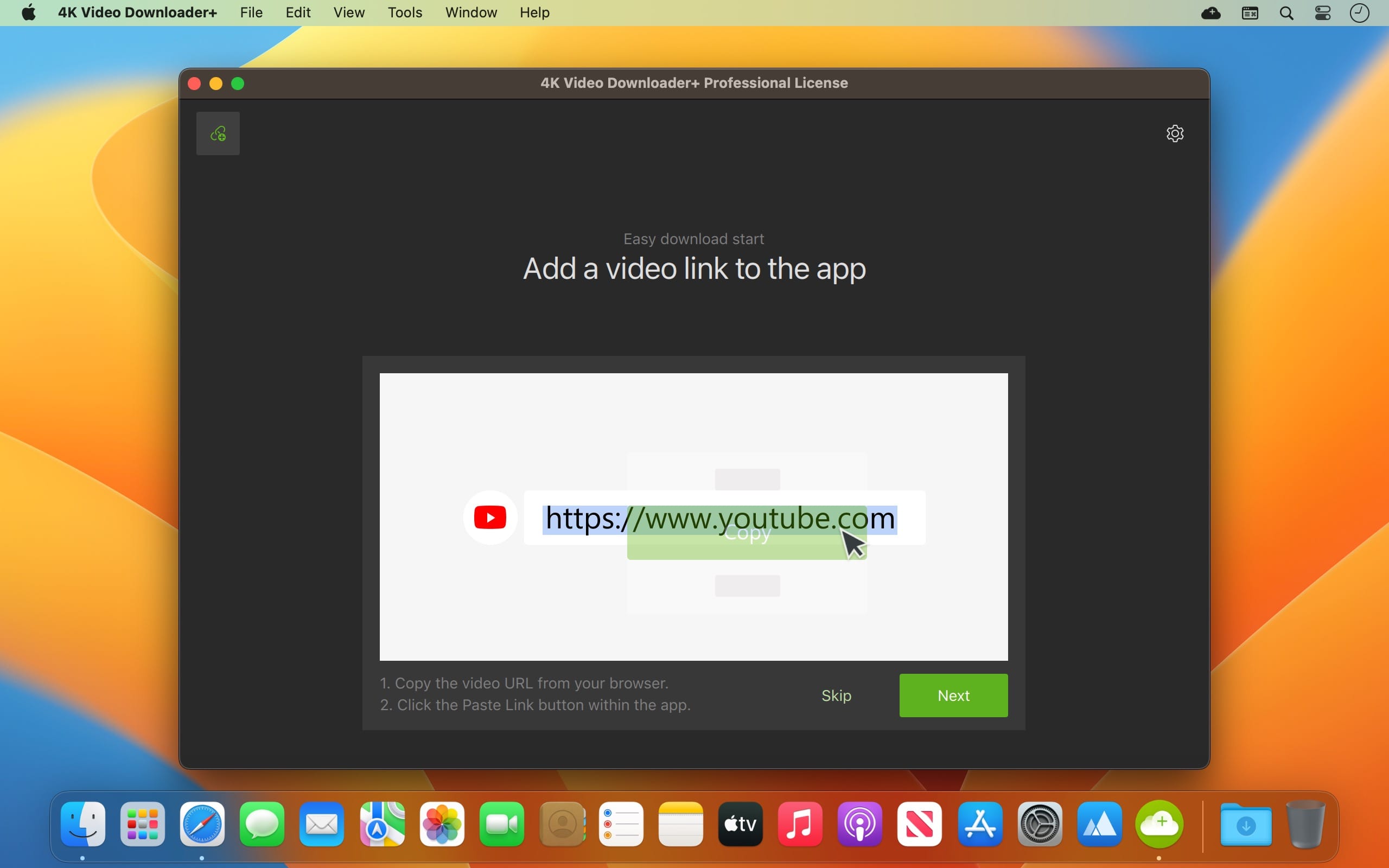
4K Video Downloader allows to download video, audio and subtitles from YouTube in high-quality and as fast as your computer and connection will allow. If you want that video on your iPad, iPhone or other device we’ve got you covered. Downloading is simple and straightforward: just copy the video link from your browser and click ‘Paste Url’. Done!

Proxy Connection for Unrestricted Access

  • Bypass restrictions set by your Internet service provider and get around your school or workplace firewall. Connect through an in-app proxy to access and download from YouTube and other sites.

All Popular Sites Support

  • Save video and audio from YouTube, Vimeo, TikTok, SoundCloud, Bilibili, Niconico, Flickr, Facebook, Instagram, DailyMotion, Naver TV, Likee and Tumblr. Download recorded streams from Twitch and YouTube Gaming.

New YouTube Video Auto-Download

  • Subscribe to the download of your favorite YouTube playlists and creators. Save whole channels and playlists in one go. Get new videos downloaded automatically as soon as they are uploaded to YouTube.

3D Video Download

  • Get a one of a kind experience by watching stereoscopic 3D videos on your computer or TV. Download 3D Youtube videos in MP4, MKV, FLV, 3GP and other formats

360° Video Download

  • Feel the action all around you with virtual reality videos. Download 360° videos to relive the mind-blowing VR experience as many times as you want.

Easy Downloads Management

  • Sort and filter downloads by type, name and date. Import and export all files as a single JSON file. Easily track and control the progress of both individual downloads and entire groups of downloading files.

Compatibility: macOS 10.13 or later
Homepage https://www.4kdownload.com/products/videodownloader-39

Screenshots

Name: 4K_Video_Downloader__25.4_Mac-torrents.Net.dmg
Size: 248 MB
Files 4K_Video_Downloader__25.4_Mac-torrents.Net.dmg[248 MB]


   Download Torrent

Noir – Dark Mode for Safari 2025.2.5

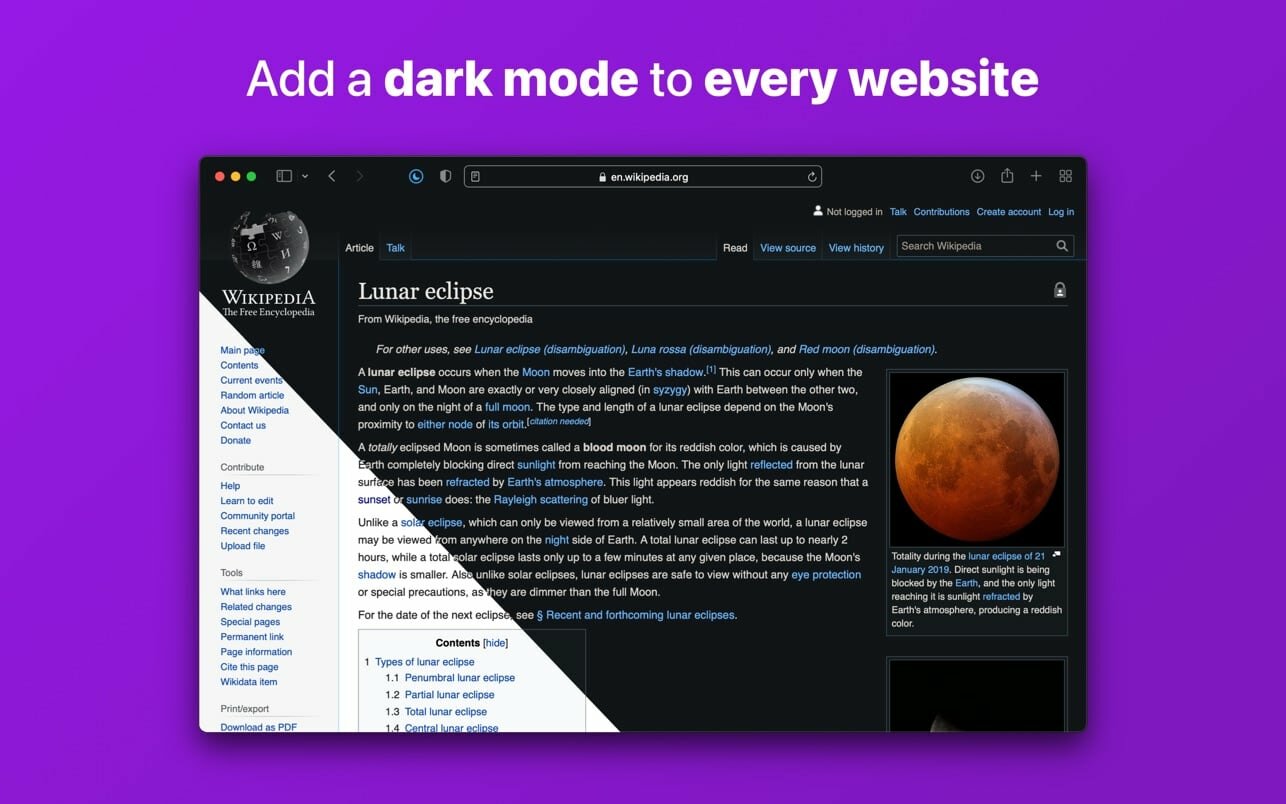
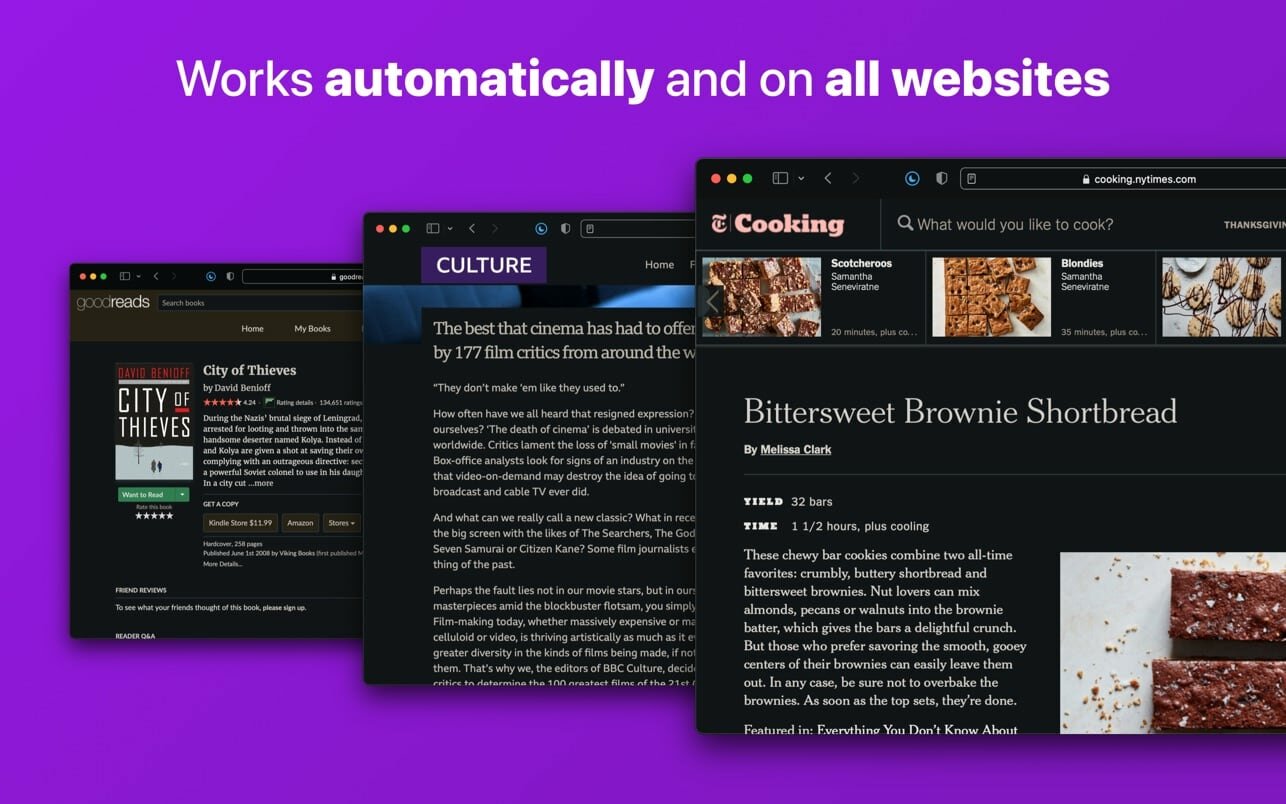
Noir is a Safari extension that automatically adds a dark mode to every website you visit.

It makes browsing the web at night so much better. With Noir, you won’t be blinded by bright websites ever again.

And the results look great too. Noir generates a custom dark style for each website you visit, based on the colors that are used on a page. You won’t even notice this happening in the background – that’s how fast it is – but you’ll certainly appreciate the end result: a beautiful dark mode tailored for each website, where contrast is preserved and highlights still pop.

Noir works with any website you visit in Safari, automatically. By default, Noir is linked to your device’s Dark Mode, so websites will only go dark when you want them to. But you can easily customize this to your liking, even per website. Only want to use Noir on just a few specific websites? Sure thing! Disable Noir on some websites? No problem!

The app feels right at home on your device. It is a Safari extension, which means there’s no need to manually activate it every time you load a new page. The app also tightly integrates with system features such as Shortcuts to fully integrate Noir in all your workflows. And your settings are automatically synced to all your devices using iCloud.

And just as importantly, Noir takes your privacy seriously: it doesn’t collect any of your browsing data. Period.

Compatibility: macOS 12.0 or later
Mac App Store https://apps.apple.com/pk/app/noir-dark-mode-for-safari/id1592917505?mt=12&uo=4

Screenshots


Name: Noir_2025.2.5_Mac-torrents.Net.dmg
Size: 12 MB
Files Noir_2025.2.5_Mac-torrents.Net.dmg[12 MB]


   Download Torrent

Swinsian 3.0.3

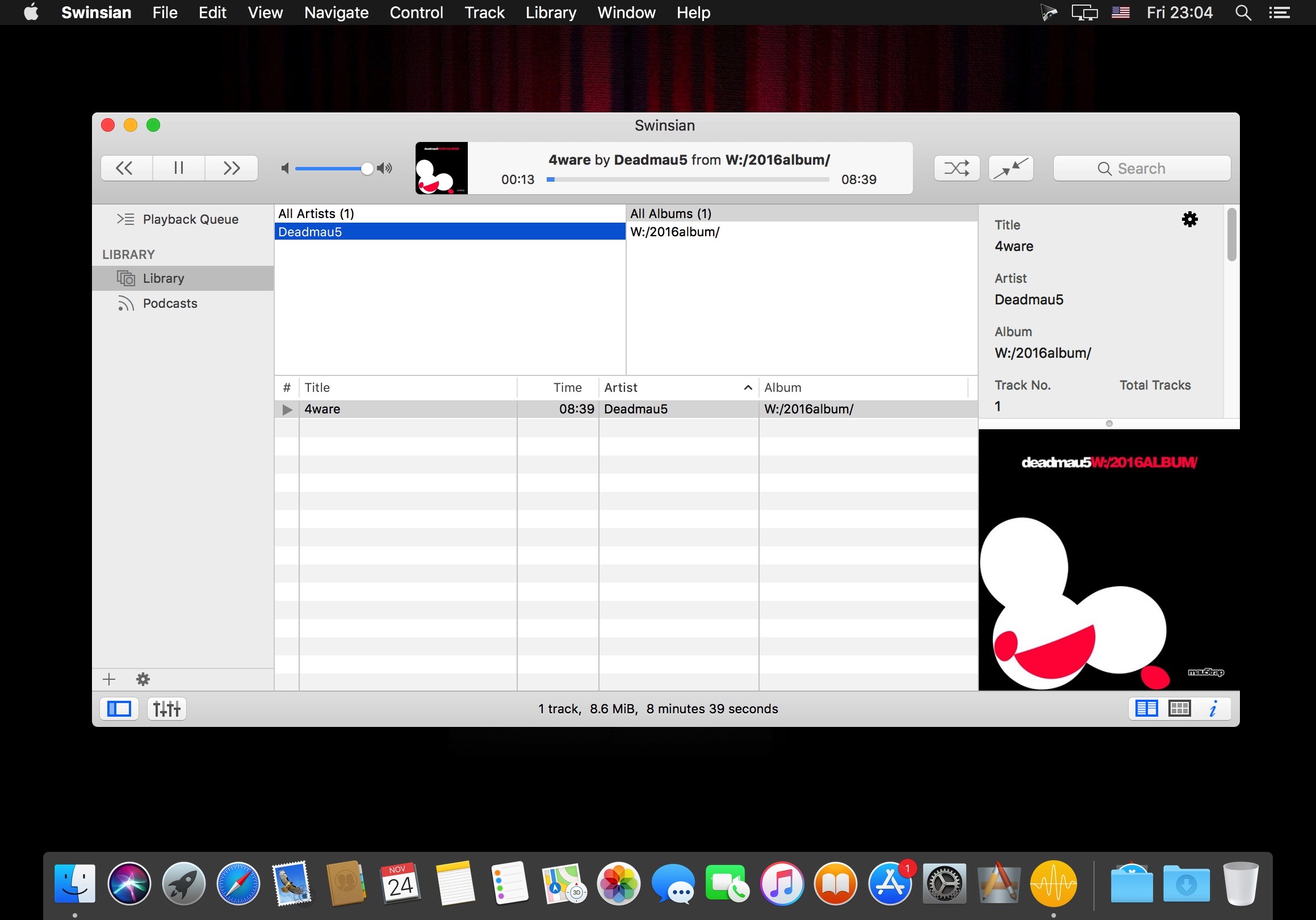
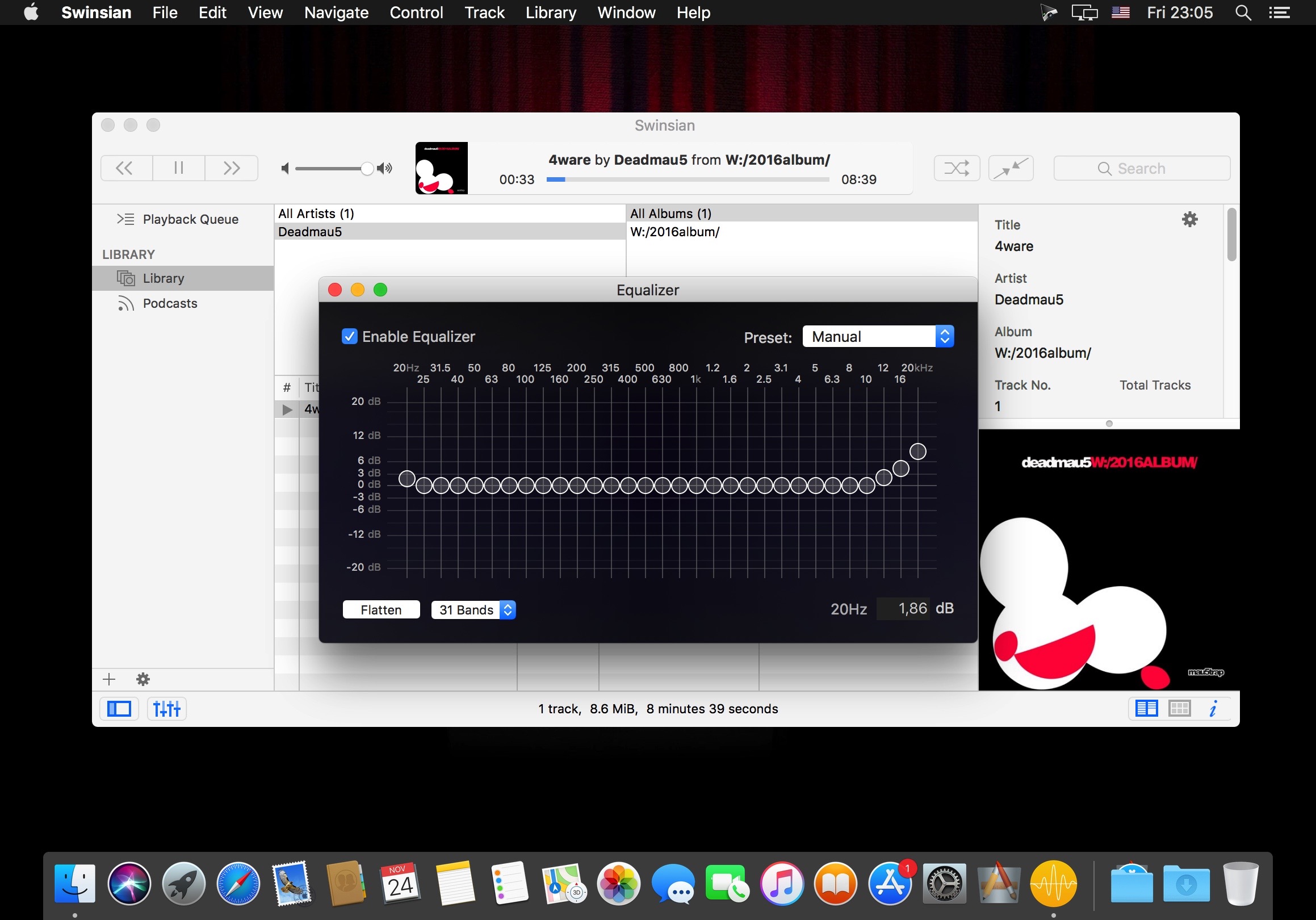
Swinsian is a sophisticated music player for macOS with wide format support, folder watching and advanced tag editing and designed to be responsive even with the largest libraries.

Features:

  • Folder watching
  • iTunes library importing
  • Album art fetching
  • Global keyboard shortcuts
  • OS X and Growl Notifications
  • Duplicate track finder
  • Last.fm scrobbling
  • Separate playlist windows
  • Regex search
  • Find and replace tag editing, with regex support
  • Smart playlists
  • Library stats
  • Playback over AirPlay
  • Automatic Podcast downloading
  • Applescript control

Audio Playback

  • Supports Flac, MP3, AAC, ALAC, Ogg Vorbis, WMA, WAV, Opus, AC3, AIFF, MusePack, and APE.
  • Gapless playback
  • Automatic changing of device sample rate
  • Support for cue files and embedded cue information

Compatibility: macOS 10.13 or later
Homepage http://swinsian.com/

Screenshots


Name: Swinsian_3.0.3_Mac-torrents.Net.dmg
Size: 24 MB
Files Swinsian_3.0.3_Mac-torrents.Net.dmg[24 MB]


   Download Torrent

Fission 2.9.2

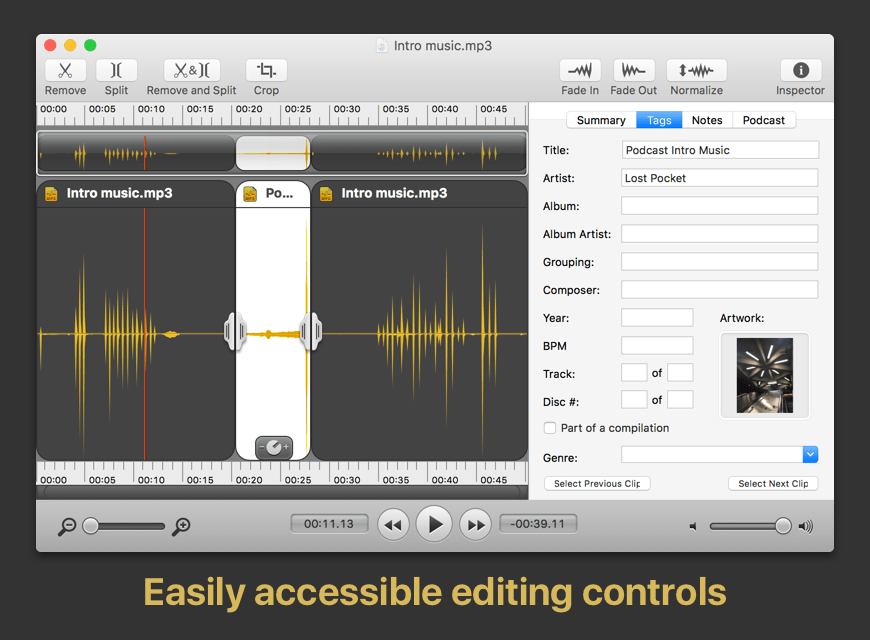
Fission can crop and trim audio, paste in or join files, or just rapidly split one long file into many. It’s streamlined for fast editing. Plus, it works without the quality loss caused by other editors, so you can get perfect quality audio even when editing MP3 and AAC files.
If you need to convert formats, Fission can do that too! You can rapidly export or batch convert files to the MP3, AAC, Apple Lossless, FLAC, AIFF, and WAV formats.

Key Features:

  • Edit MP3, AAC, Apple Lossless, and AIFF files with no quality loss
  • Quickly split a long audio file into smaller files
  • Remove unwanted content, such as commercials, from your audio file
  • Re-arrange audio in a single file, copy audio from one file to another, or merge with a quick drag and drop
  • Create great-sounding MP3 or AAC ringtones for your cell phone.

Compatibility: macOS 11.0 or later
Homepage http://rogueamoeba.com/fission/

Screenshots

Name: Fission_2.9.2_Mac-torrents.Net.dmg
Size: 17 MB
Files Fission_2.9.2_Mac-torrents.Net.dmg[17 MB]


   Download Torrent

Audio Hijack 4.5.4

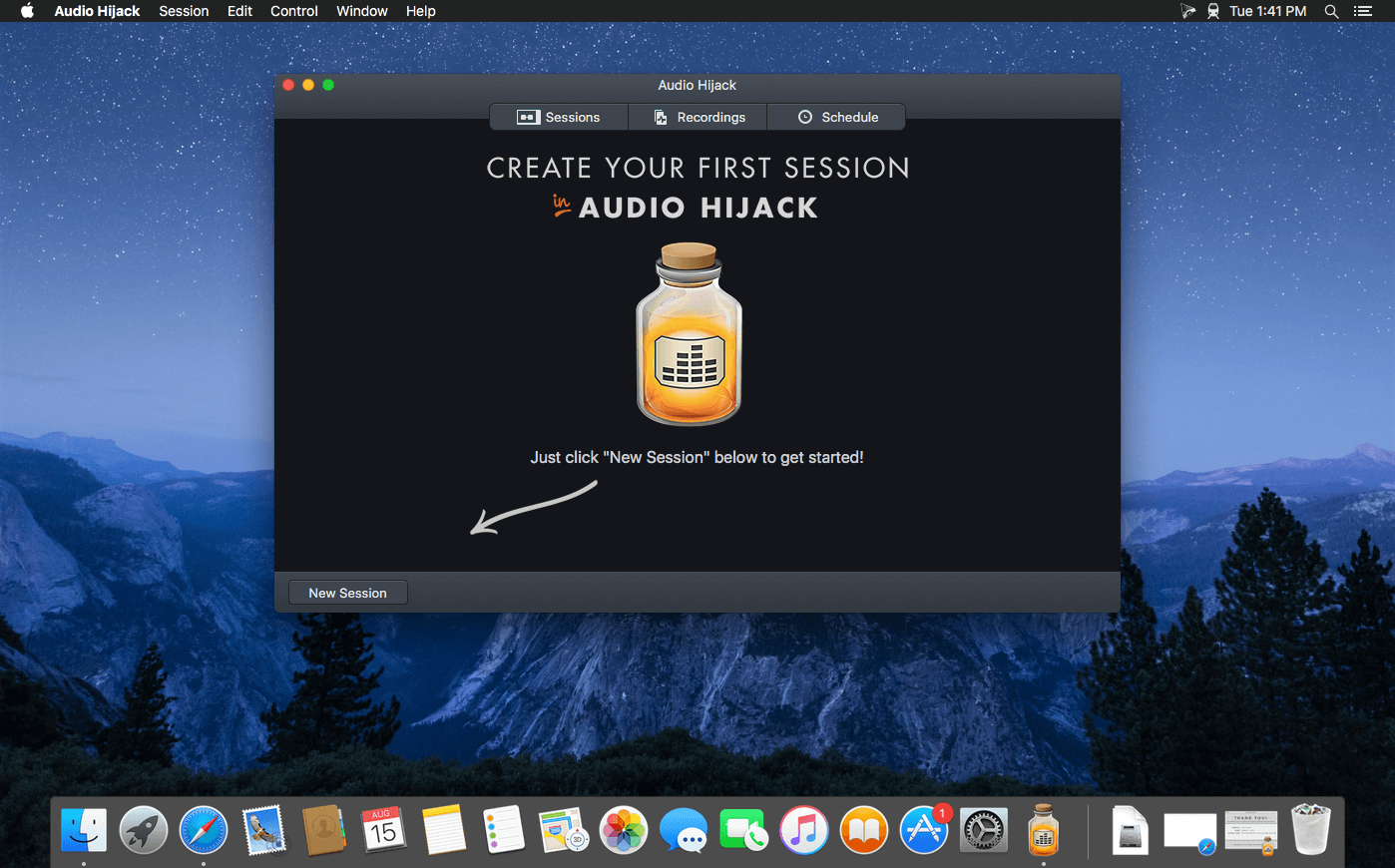
If you can hear it, you can record it – Record any application’s audio, including VoIP calls from Skype, web streams from Safari, and much more. Save audio from hardware devices like microphones and mixers as well. You can even record all the audio heard on your Mac at once! If you can hear it, Audio Hijack can record it.

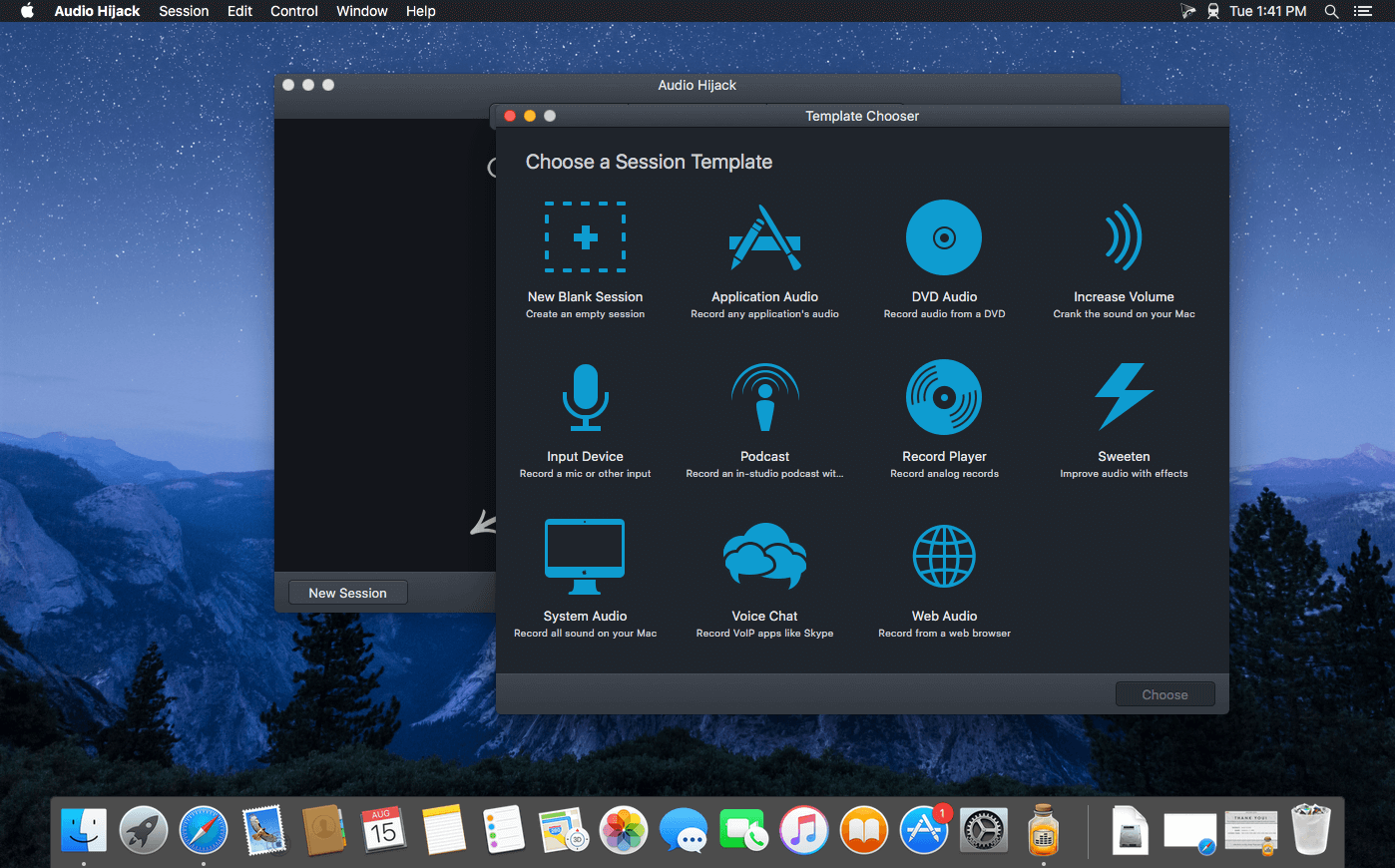
Application Audio
Set any application as your source in Audio Hijack, then hit the record button to save its audio!

Device Audio
Audio Hijack can also capture and record audio from microphones, mixers, and other input devices.

All System Audio
Use the System Audio source to capture all the audio heard on your Mac at once.

More Great Features

Record to All Major Formats
Record to the world’s most popular audio formats, including MP3 and AAC, or save in perfect-fidelity AIFF, WAV, ALAC or FLAC.

Reusable Sessions
Once you’ve configured a Session to your liking, you can re-use it over and over. With one click, you’ll be recording exactly as desired.

Easy File Organization
Find all of your recordings sorted by Session in the Recordings tab, where you can quickly pass files to an audio editor, add them to iTunes, or share them.

Timed Recordings
Use the Schedule tab to set up timed recordings for when you’re not around. Your audio will be waiting for you when you return.

Silence Monitoring
When silence is detected, Audio Hijack can automatically stop recording, split to a new file, or remove audio.

Bulletproof Recording
Bulletproof recording means that even if the power goes out or your computer crashes, you’ll never lose a recording.

A Thoughtful Interface
Audio Hijack’s intuitive audio grid provides a terrific pipeline-style view of exactly how your audio flows, so you can easily understand it.

Gorgeous Audio Effects
The included audio effects are easy to use and easy on the eyes. Their functionality is now accessible to all.

Time Shift Your Audio
Now you can pause, delay, and rewind live audio on your Mac. It’s perfect for transcribing audio and more!

Compatibility: macOS 14.4 to 15
Homepage https://www.rogueamoeba.com/audiohijack/

Screenshots


Name: Audio_Hijack_4.5.4_Mac-torrents.Net.dmg
Size: 28 MB
Files Audio_Hijack_4.5.4_Mac-torrents.Net.dmg[28 MB]


   Download Torrent

SponsorBlock for YouTube 6.1.0

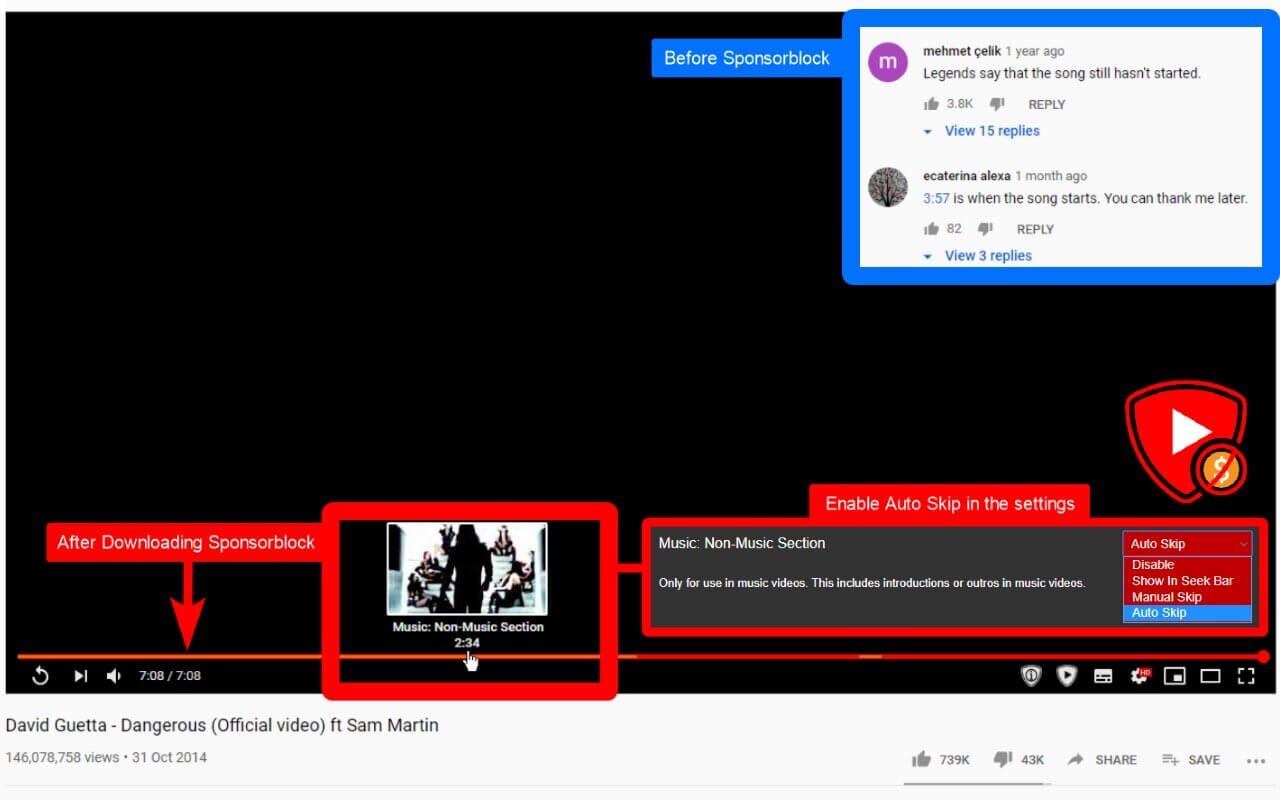
SponsorBlock lets you skip over sponsors, intros, outros, subscription reminders, and other annoying parts of YouTube videos. SponsorBlock is a crowdsourced browser extension that let’s anyone submit the start and end time’s of sponsored segments and other segments of YouTube videos.

Once one person submits this information, everyone else with this extension will skip right over the sponsored segment.

You can also skip over non music sections of music videos.

Compatibility: macOS 10.14.6 or later
Mac App Store https://geo.itunes.apple.com/app/id1573461917

Screenshots


Name: SponsorBlock_6.1_Mac-torrents.Net.dmg
Size: 5 MB
Files SponsorBlock_6.1_Mac-torrents.Net.dmg[5 MB]


   Download Torrent

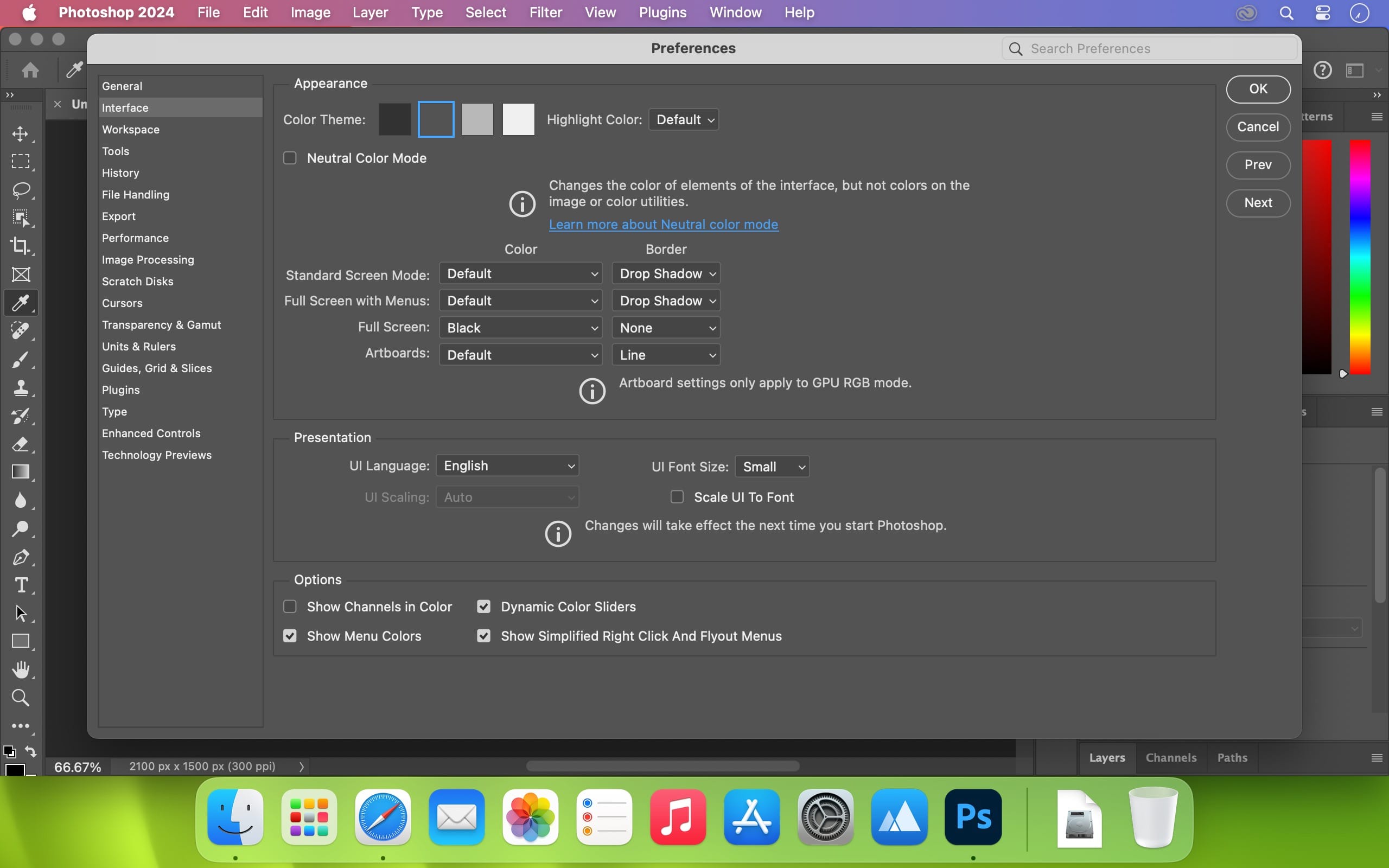
Adobe Photoshop 2026 v27.0.0

Welcome to the AI ​​generation. The full power of generative AI. All your favorite Adobe tools. A new era of creativity and productivity has arrived.

From photo editing and compositing to digital painting, animation and graphic design, everything you can imagine, you can create in Photoshop. Bring ideas to life on desktops and iPads. Use artificial intelligence technology for fast editing. Learn new skills and share your work with the community. With our latest release, doing amazing things has never been easier.

Adobe Photoshop is a recognized classic of photo-enhancing software. It offers a broad spectrum of tools that can turn your inspiration into incredible images, photos, composites, 3D artwork, paintings, and graphics on any device.

Photoshop has become the choice of thousands of creative professionals around the world. First introduced in 1988, it still is the world’s leading image-editing software.

Intuitive and clean user interface

  • Although Photoshop for Mac is the most comprehensive graphics and image-editing software available in the market today, it has a very intuitive and easy-to-navigate interface.
  • With recently improved usability, this photo-editor has become even more enjoyable to use. The interface loads as soon as you decide to use Photoshop.
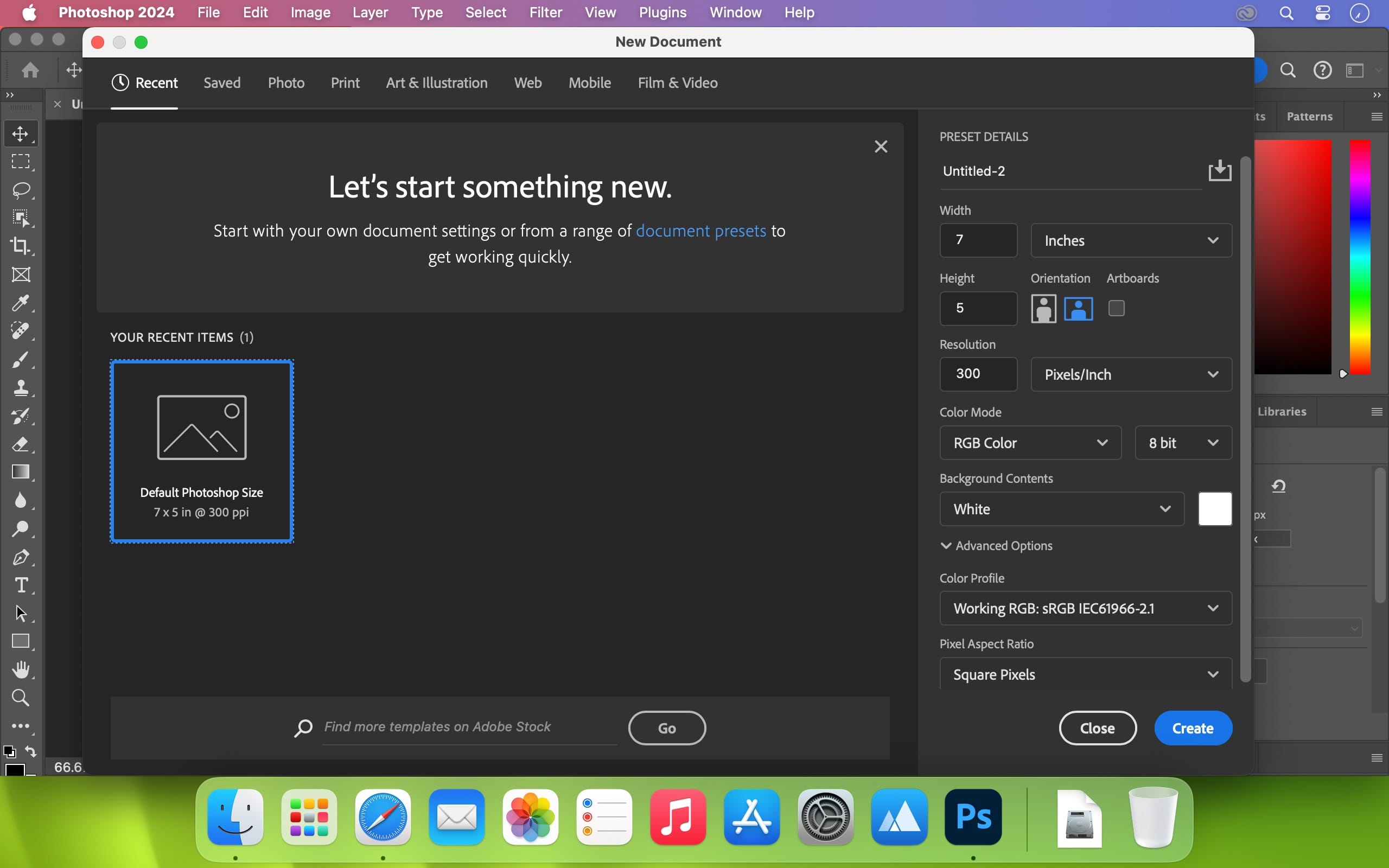
  • A user-friendly interface updates you about new features, suggests learning content, and allows you to quickly access recent files. You can easily pick up where you left or create a new project, access cloud and desktop pictures, and open an existing document.

Convenient content-aware fill workspace

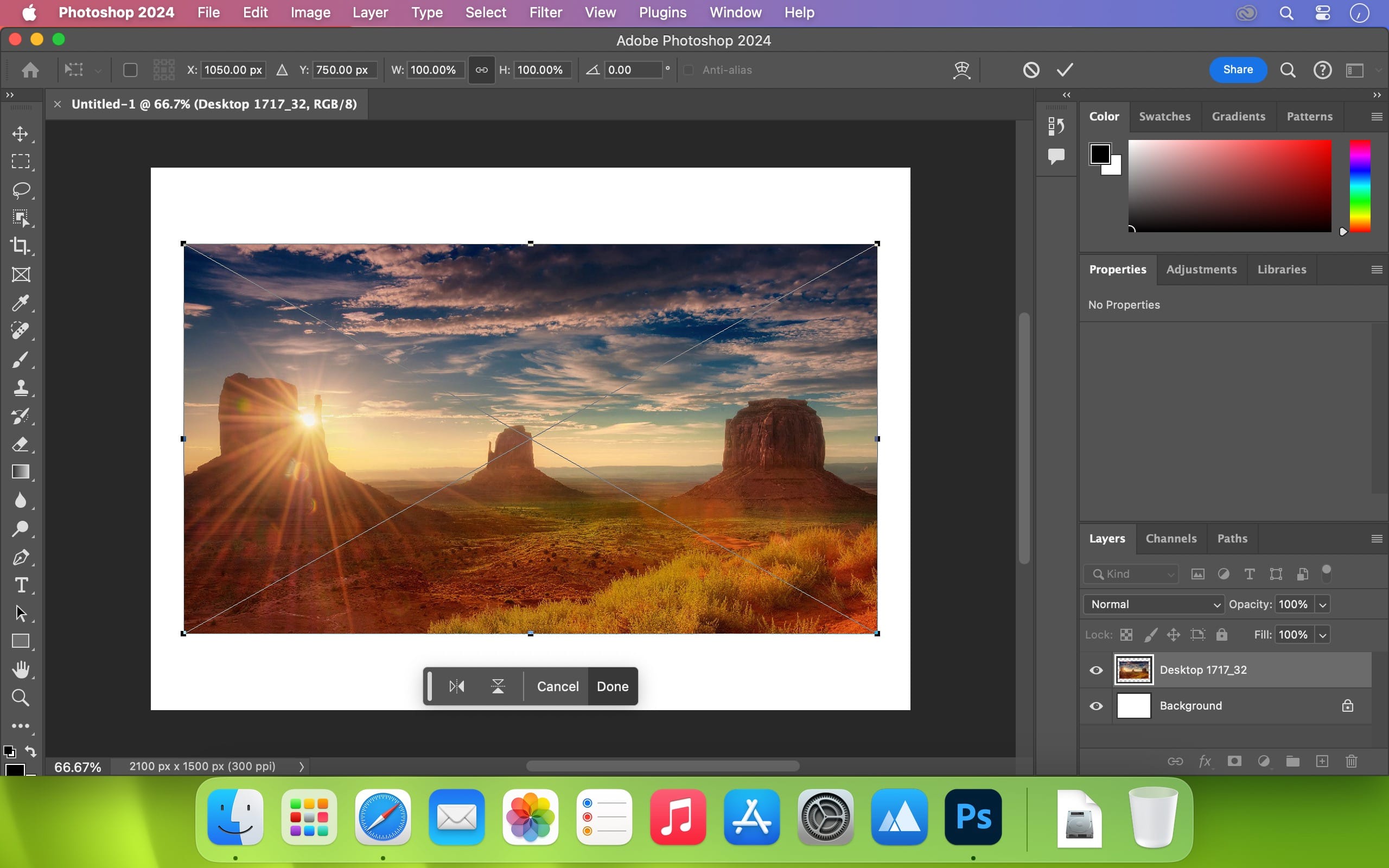
  • Adobe has recently announced the launch of its new Content-Aware Fill workspace. It allows you to remove objects or distracting elements from your images easier than ever before.
  • This new option offers an interactive editing experience. Now, you can take full Control over which “good” parts of the picture to use to replace the undesired areas. It allows resizing the initial selection, rotating, scaling, and mirroring content.

Enjoy a range of new tools

  • The latest version of the software provides a new Frame Tool that allows you to enjoy much simpler masking. Now, you can place shapes and text into placeholder frames and fill them with pictures. To create elliptical or rectangular forms, you only need to select the Frame Tool and press “K.”
  • There is also a new default feature of multiple undo. If you want to view an object before changes are applied, just click Control + Z (for Windows OS) and Command + Z (for macOS). Don’t worry about losing any project changes in Adobe Photoshop on your MacBook Air or MacBook Pro. With a new auto-commit feature, they are saved automatically.

What’s New:

 Version v27.0.0:

  • Release notes were unavailable when this listing was updated.

Compatibility:
– Processor: Multicore Intel® or AMD processor (2 GHz or faster processor with SSE 4.2 or later) with 64-bit support

Language: Multilingual
Homepage https://www.adobe.com/products/photoshop.html

Screenshots


Name: Adobe.Photoshop.2026.v27.0.0_Mac-torrents.Net.rar
Size: 7.45 GB
Files Adobe.Photoshop.2026.v27.0.0_Mac-torrents.Net.rar[7.45 GB]


   Download Torrent

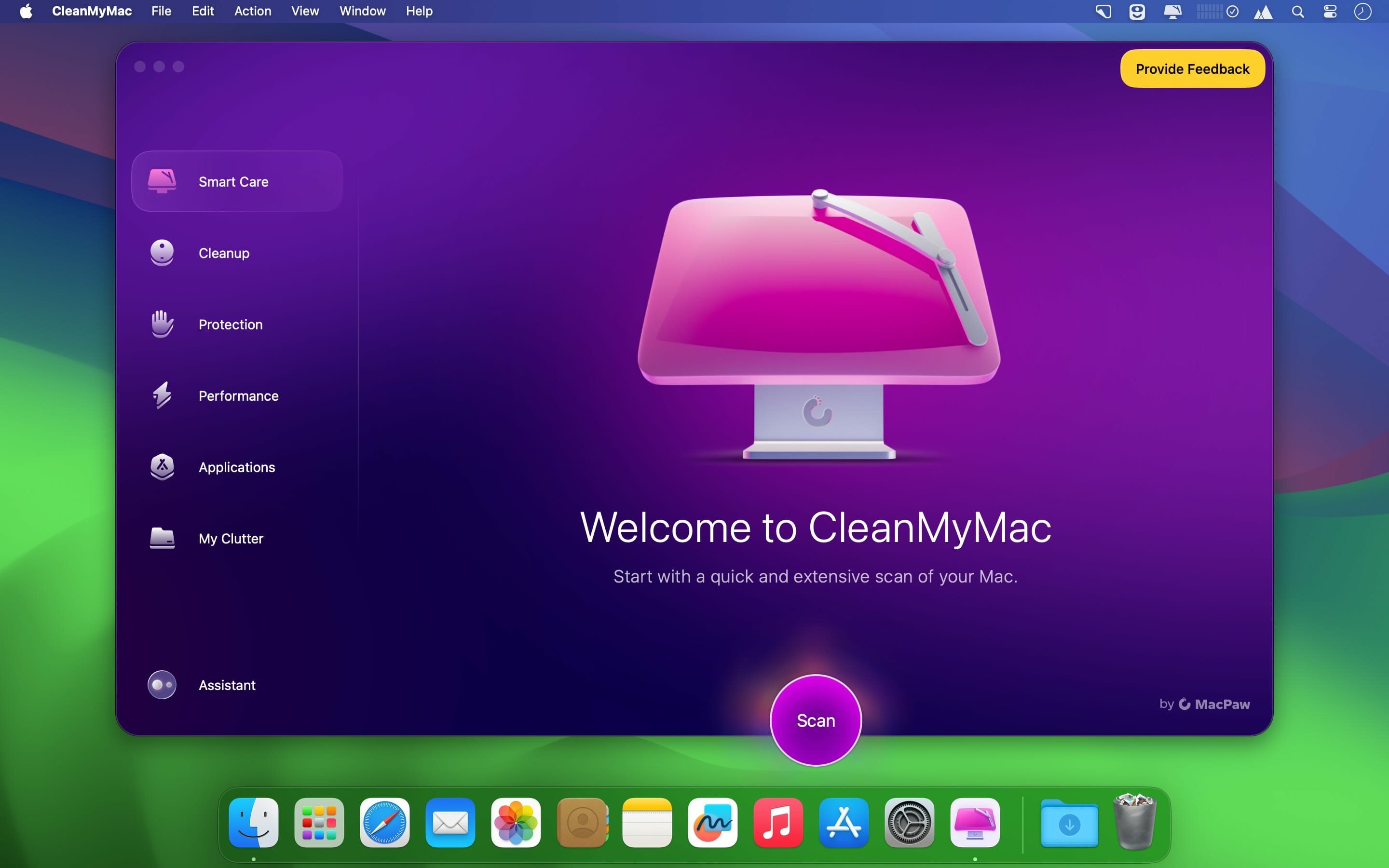
CleanMyMac 5.2.8

Although, usually, installing and uninstalling apps on a Mac is reduced to simple drag and drop actions (to the Applications folder or to the Trash, respectively), there still are things that happen in the background.

Moreover, most apps will place additional files and folders which are required for them to work properly in the Library directory, but also in other locations on your Mac.

Unfortunately, these items are left behind when you remove the app: since there are no longer used, they unnecessarily take up space, and even slow down you Mac’s performance.

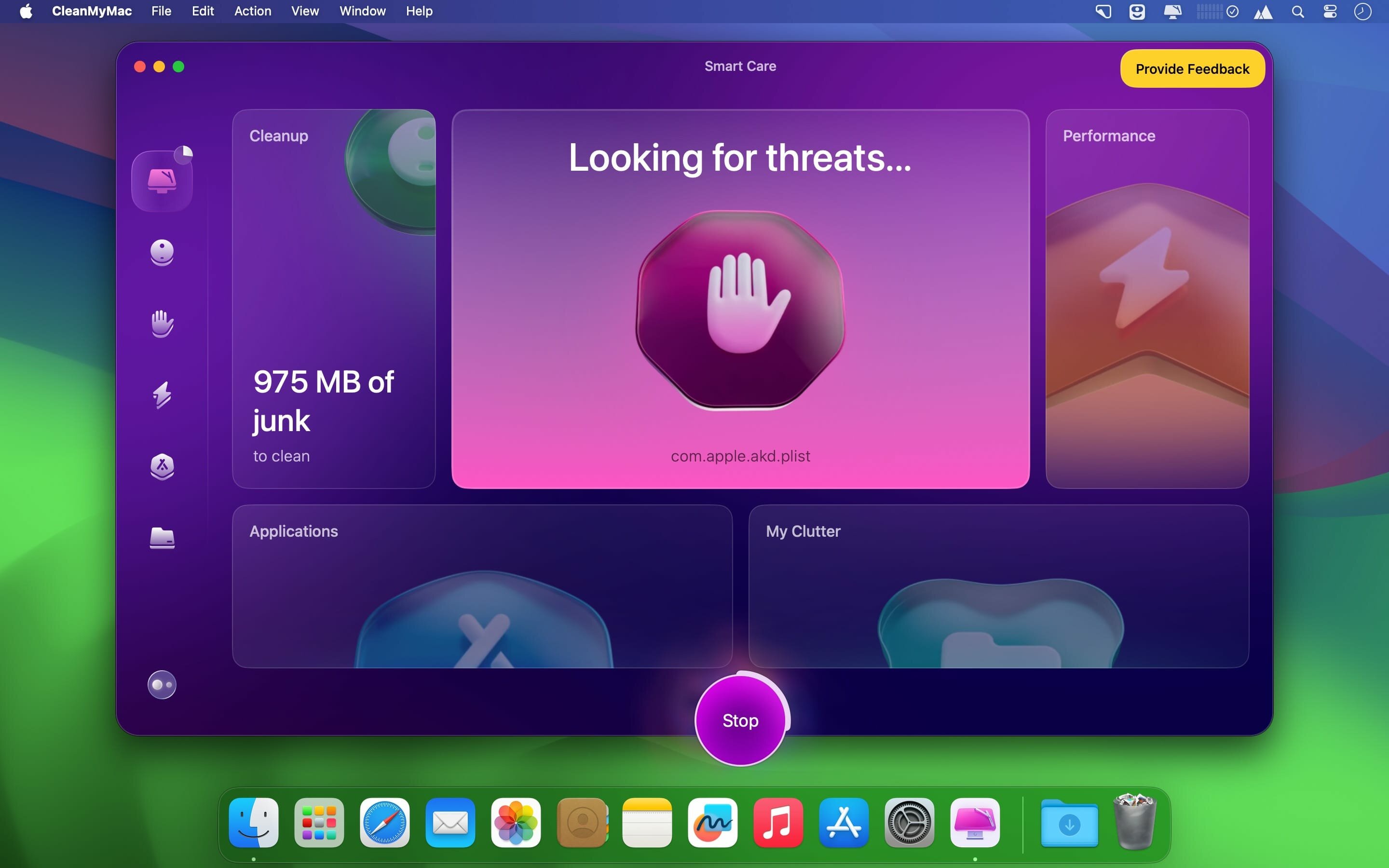
CleanMyMac X is an user friendly Mac app that comes with a stylish design and helps you detect the junk files, but also user and system cache / log files, broken preferences or login items, apps that have universal binaries (you can remove the executable that is not suitable for your architecture), language files (you can keep only the one you actually employ).

CleanMyMac X can find large and old files that you have not used in a long time, various extensions installed on your Mac, and can help you clean up your iPhoto Library.

The CleanMyMac X Uninstaller function detects all the applications installed on your Mac, but also the files associated with a certain installation. As a result, if you delete and app using CleanMyMac X, you can make sure that no junk files are left behind.

Last but not least, CleanMyMac X is able to identify all the plug-ins, widgets, and Preferences panes installed on your Mac. The items are organized by type (Contacts, Dictionaries, iTunes, Login items, QuickLook plug-ins, and more) and you can easily choose to remove the ones that you do not need.

In addition to removing unnecessary files from your system, the app can also find and eliminate potentially dangerous ones. It can scan for malware and remove it, as well as keep your Mac safe in the future.

Moreover, the application enables you to ensure your private information does not fall into the wrong hands. It can remove browsing traces from all popular browsers, as well as clear chat data from apps like Skype and Messages.

Finding your way around the CleanMyMac X user interface is not too hard due to its streamlined interface that provides access to all functions via the main window.

However, note that all the files that will be removed must be selected by the user: make sure that you actually want to delete them because, if you send essential items to the Trash, you might render your Mac unusable.

What’s New:

Version 5.2.8:

  • Release notes were unavailable when this listing was updated.

If prompted: “The application “CleanMyMac” can’t be opened.”

xattr -cr /Applications/CleanMyMac_5.app

Compatibility: macOS 14.0 or later
Homepage https://macpaw.com/

Screenshots


Name: CleanMyMac 5.2.8 [atb]_Mac-torrents.Net.dmg
Size: 143.9 MB
Files CleanMyMac 5.2.8 [atb]_Mac-torrents.Net.dmg[143.9 MB]


   Download Torrent

XLN Audio RC-20 Retro Color 1.5.0

XLN Audio’s RC-20 Retro Color is a creative effect plugin that adds life and texture to any recording. It easily recreates the warm, cozy feeling of vintage recording equipment, but also works perfectly in any modern production setting.

From subtle to dramatic, add distortion, ambiance, or warmth to any production with the FX of vintage recording equipment.

6 FX modules
RC-20’s six unique FX modules can replicate everything from vinyl records to VHS machines, adding noise, wobble, and dropouts to your tracks. Its raw distortion and crunchy bit reduction will add grit to your bass and drums. The space and chorus effects will make your guitar sing like never before and the filtering effects fit right into the most modern club track.

→ RC-20 Retro Color’s 6 Effect Modules:

✓ Noise Generator
Add life and texture with one of RC-20’s many noise types, from subtle vinyl crackle and tape hiss to ambient studio noise, electric circuit hum and stompbox static noise.

✓ Wobble & Flutter
Wobble adds pitch inconsistencies associated with unstable playback on analog gear, like vinyl record players and tape machines.

✓ Saturation & Distortion
Add everything from mild saturation to raging fuzz with one of RC-20’s many distortion types.

✓ Degrader & Bitcrusher
Recreate the sound of vintage digital gear like old-school samplers, and the unmistakable way limited sample rates and bit rate reduction color sound.

✓ Reverb
Add depth and width to your tracks with RC-20’s tailored reverb module.

✓ Volume Drops
Reproduce the wear, tear and volume loss associated with recording and playback on tape and tape recorders.

Flux engine
The exclusive Flux Engine adds subtle (or not so subtle) idiosyncrasies and fluctuations to all the FX modules, providing the character, warmth, and analog goodness of yesteryear’s best technology.

Magnitude slider
The Magnitude slider controls the intensity of all processing. Easily accessible all the time – even when browsing presets – it makes it easy to find the perfect sound and processing amount. Automate this control for awesome intros, breakdowns, and transitions in your song.

Presets
RC-20 includes presets for drums, keys, guitars, bass, full mixes, and post-production that let you get to work right away. The interface invites experimentation with the ability to control the processing of each FX module while browsing presets.

Compatibility: macOS 13.0 or later • Apple Silicon or Intel Core processor
Homepage https://www.xlnaudio.com/products/addictive_fx/effect/rc-20_retro_color

Name: XLN_Audio_RC-20_Retro_Color_1.5.0__HCiSO_Mac-torrents.Net.dmg
Size: 191.50 MB
Files XLN_Audio_RC-20_Retro_Color_1.5.0__HCiSO_Mac-torrents.Net.dmg[191.50 MB]


   Download Torrent

Native Instruments Maschine 3.4.0

MASCHINE 3 is all about getting your musical ideas flowing. It’s there every step of the way from beat making and sampling to arranging and performing your tracks. Use it with virtual instruments or your own samples, both on its own and in a DAW. And if you’re ready to take things up a gear, bring in Maschine hardware to get hands on.

The new version is completely redesigned, Drum Synths, mixer, etc. NEW audio engine sound engine MASCHINE 3 now allows you to add unlimited groups and inserts effects MASCHINE powerful set of features. Multicore support ensures that your computer will handle all this in parallel with the processing of ultra high – even when using the software as a VST or AU plug-in module. New audio engine now also supports side bindings for sidechaining, for classic ducking effects and more…

MASCHINE a revolutionary system for creating grooves tactile creative bit-making organization of recognized sound library Kontakt 8 any other VST, VSTi library.
Together with the software package for creating beats MASCHINE create quickly and easily combine the power and flexibility of software with tactile immediacy of hardware. His sequencer based on patterns, high-performance sampler, has an incredible set of professional tools and studio effects, exemplary drum synthesizers and library Kontakt 8 are you a complete system for quickly and professionally create grooves.

NEW JUICE FOR OLD MASCHINES
If you’re still using MASCHINE 2.x, the MASCHINE 3 software update can give you more functionality, sound, and raw power for modern music production. Completely reworked, the software offers countless new ways to support and fast-track your ideas. The software is compatible with all generations of MASCHINE and MASCHINE MIKRO* – it works with the hardware you already have. Read on for details on what you get…

REWORKED AUDIO ENGINE
MASCHINE 3’s audio engine adds unlimited groups and insert effects to MASCHINE’s powerful feature set. Multicore support ensures your computer handles it all in parallel with ultra-efficient processing – even when using the software as a VST or AU plug-in. The new audio engine now also supports sidechaining, for classic ducking effects and more.

DRUM SYNTHS
MASCHINE 3 sets a new benchmark in software drum synthesis. Create your own perfectly-tuned electronic and acoustic drum sounds in truly peerless sound quality.
Six exclusive monophonic drum plug-ins, with their own unique algorithms, give you any percussive sound you need. All fully tweakable, automatable, and perfectly integrated into MASCHINE – with the quality that comes from NI’s acclaimed DSP expertise.

MIXER WINDOW
Polish your tracks to perfection with the mixer window in MASCHINE 3. Tweak volume and panning with ultimate ease. See group and individual track levels clearly on meters complete with peak level indicators. Adjust levels on any group of sounds. And two aux sends per channel let you freely route sounds anywhere in your project.
MASCHINE’s new user interface brings you all this and much more – cutting-edge groove production has never been this easy.

NEW PLUG-IN STRIP
MASCHINE 3’s new plug-in strip gives you a whole new way of seeing your instruments and effects. Each internal instrument and effect now has its own layout for lightning fast visual recognition. This intuitive, visual integration extends to KOMPLETE Instruments and Effects. And beyond that, MASCHINE can handle pretty much any VST, AU or effect plug-in you own.

MORE SOUND INSIDE
Browse presets and load any KOMPLETE 15 Instrument or Effect at-a-glance directly from MASCHINE 3’s full-color product icon display. And now, there’s even more to discover. MASCHINE 3 includes KOMPLETE 12 SELECT – a premium selection of 15 KOMPLETE Instruments and Effects. Get a full suite of professional sound right out of the box and control it all from your MASCHINE hardware.

You also get over 2000 more samples, 200 brand-new MASSIVE presets, and over 100 new kits – all in a streamlined browser that makes finding your sound fast and simple. No matter what sound you’re after, MASCHINE is waiting for you.

Compatibility: macOS 13.0 or later • Apple Silicon or Intel Core processor
Homepage https://www.native-instruments.com/en/products/maschine/maschine-accessories/maschine-3/

Name: Native_Instruments_Maschine_3.4.0__HCiSO_Mac-torrents.Net.dmg
Size: 1.32 GB
Files Native_Instruments_Maschine_3.4.0__HCiSO_Mac-torrents.Net.dmg[1.32 GB]


   Download Torrent

KORG Collection 6 v6.0.0

Magical sounds, authentically re-created by KORG. – The ultimate synthesizer suite for the ages.
The KORG Collection is a suite of software synthesizers that methodically and accurately recreates the authentic sound and behavior of legendary KORG synthesizers for the present day and beyond. The KORG Collection project began with analogue synths such as the MS-20, Polysix and Mono/Poly, and has steadily evolved to include digital synths such as the world’s most popular synth, the legendary microKORG, the workstation classics M1 and TRITON, and physical modeling synthesis from the renowned Prophecy. The KORG Collection even includes the ARP ODYSSEY and ARP 2600, both revived for the 21st century by KORG.

In 2025, KORG added three legendary instruments to the KORG Collection – each an icon of its era, celebrated for their distinctive presence and heard over decades in countless classic tracks.

TRINITY – Released in 1995, this breakthrough synthesizer defined KORG in the 1990s. Its sleek silver body, futuristic TouchView GUI (the first synth with touchscreen operation), and exceptionally high-quality, large-scale PCM sound set new standards for synthesizers of its time. Now, on the 30th anniversary of its debut, it has been faithfully recreated in software form.
PS-3300 – Produced for only about five years, from 1977 to 1981, with less than 50 units ever made, this fully polyphonic analog synthesizer remains one of the rarest and most revered instruments in music history. Its massive sound engine equivalent to 144 MS-20s has been meticulously modeled with cutting-edge technology, and further enhanced with expanded contemporary functionality.
SGX-2 – The ultimate premium piano sound engine from KRONOS and NAUTILUS. It captures the tones of the world’s finest concert grand pianos, recorded in full-stereo, loopless samples for every single key. From the natural decay of each note to the organic resonance of chords, every detail reproduces the realism of a true acoustic piano.

Faithfully capturing and preserving the legendary sounds that shaped the music, culture, and technology of each era, KORG Collection 6 stands as a true synthesizer museum across generations.

We did major installer update since the last Collection 5. You should uninstall all previous installation before the Collection 6.

Homepage https://www.korg.com/us/products/software/korg_collection/

Name: KORG.Collection.6.v6.0.0.macOS-R2R_Mac-torrents.Net.rar
Size: 3.56GB
Files KORG.Collection.6.v6.0.0.macOS-R2R_Mac-torrents.Net.rar[3.56 GB]


   Download Torrent

Native Instruments Kontakt 8.7.2

For 20 years, KONTAKT has been the backbone of countless film scores and pop hits, as well as thousands of incredible instruments from NI and your favorite NKS developers alike. Now, with a new HiDPI browsing experience, an overhauled Factory Library, new creative effects, and under-the-hood audio improvements, the next evolution is nearly here.

HREE NEW INSTRUMENTS
KONTAKT 6 introduces the KONTAKT Play Series: Sonically rich sample libraries that combine powerful sound design with simple playability. Each offers eight intelligently mapped macro knobs giving you a wide-sweeping, intuitive range of control. They all showcase KONTAKT’s new wavetable module, each offering two blendable sound sources and a unique take on a speciality style.

ANALOG DREAMS
Iconic 20th century hardware synthesizers captured with an intricate level of detail, and creatively processed with seminal outboard effects. This hybrid analog/digital instrument utilizes blendable sound sources to deliver a modern take on classic electro and synthwave, which have seen a resurgence in recent cinema.

ETHEREAL EARTH
Hybrid organic/electronic instrument that takes myriad acoustic instruments from around the world, and combines it with digital synthesis, organic foley layers, and effects processing. The result fuses traditional and digital, with basses, strings (bowed and plucked), wind instruments, tuned percussion, bells/metals, pads/drones, leads, and textural ambiences.

HYBRID KEYS
A contemporary, creative, and ultimately new take on keys and piano sounds. HYBRID KEYS moves away from conventional sampling processes and instead focuses on inventive techniques such as re-amping, creative mic positioning in interesting spaces, and vari-speed experiments with tape.

NEW FEATURES FOR BUILDERS
KONTAKT has long since grown beyond its origins as a software sampler, and now provides a solid foundation for building advanced sample-based instruments. We’ve been supporting this platform, and the people who use it, with continuous updates to KONTAKT 5, and KONTAKT 6 builds on this strategy with some big additions for you builders out there.

NEW EFFECTS

  • Replika Delay: Based on the dedicated Native Instruments plug-in REPLIKA XT, it offers multiple delay modes, each with a vastly different sound character.
  • Room Reverb: A new high-quality algorithmic room reverb that offers options for real time modulation.
  • Hall Reverb: Another high-quality algorithmic reverb, tuned for hall sounds.
  • Plate Reverb: Emulates a plate reverberator for for classic vintage metallic sounds.
  • Cry Wah: Wah-wah effect module, based on the most popular wah pedal of all time.

WAVETABLE MODULE
The latest version of KONTAKT adds wavetable synthesis to the ever expanding KONTAKT toolset. All three of the new Play Series instruments incorporate this new module, and we’re looking forward to hearing what you create with this powerful new building block.

CREATOR TOOLS
Creator Tools is a standalone application designed to improve the workflows of library builders and instrument creators. It consists of two elements: A Debugger, for identifying and fixing problems in KONTAKT script, and an Instrument Editor, which can load and run Lua scripts to automap samples, duplicate and batch rename groups, and copy settings from one part of an instrument to another.

Compatibility: macOS 13.0 or later • Apple Silicon or Intel Core processor
Homepage https://www.native-instruments.com/en/products/komplete/samplers/kontakt-8/

Name: Native_Instruments_Kontakt_8.7.2__HCiSO_Mac-torrents.Net.dmg
Size: 1.85 GB
Files Native_Instruments_Kontakt_8.7.2__HCiSO_Mac-torrents.Net.dmg[1.85 GB]


   Download Torrent

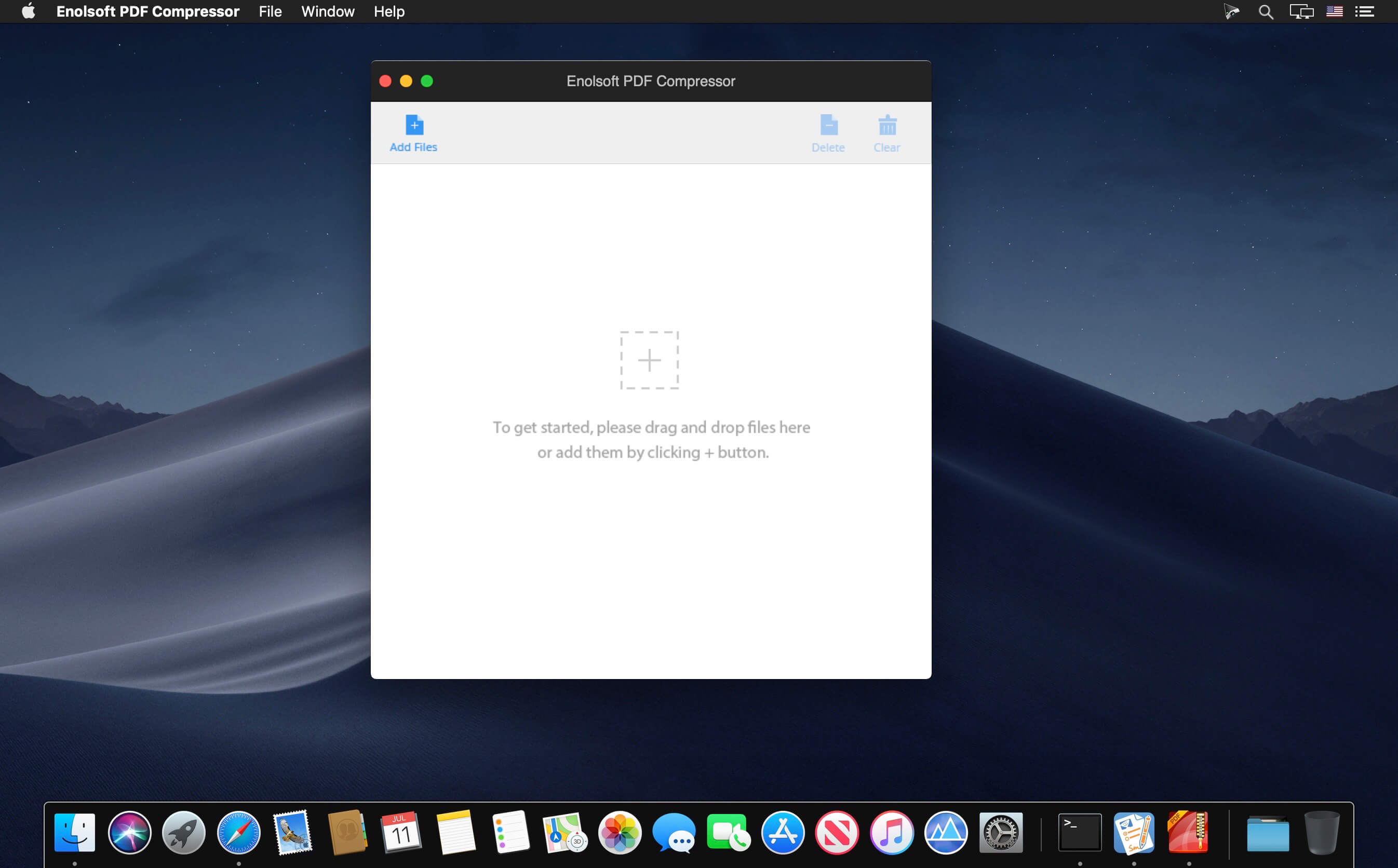
Enolsoft PDF Compressor 4.1.0

Reduce PDF Size on Mac by One Click. No need to enlarge your device’s storage. Upload and share PDF files easily. Avoid splitting large PDFs to store. No impact content, not effect images resolutions and no change file layout. They are the conditions for us to reduce PDF file size.

After reduced PDF files size, the storage requirements will automatically go down. Then you can store more files easier! In general, when we get the hint that our drive’s storage is not enough, we usually choose to delete useless files or enlarge our drive storages.

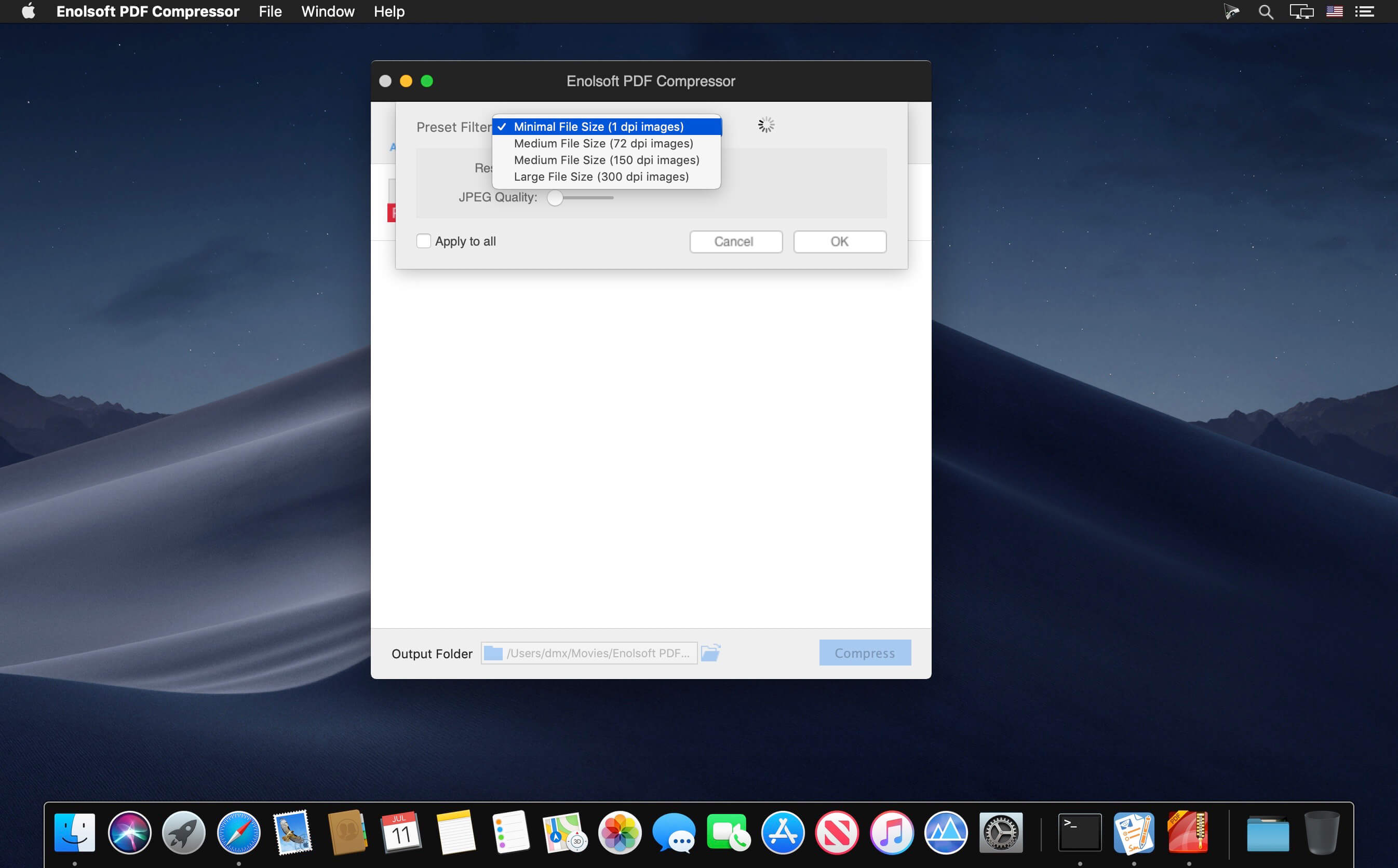
With PDF compressor, you cloud set the size you want to compress depends on your requirement. (Including custom size, large size, medium size, small size and minimal size.)

Most PDFs are larger than you expect, it may because files with a very large amount of content, such as vector, raster image content, and embedded full fonts.

In fact, images used in PDF files are often larger than necessary, and no need to embed full fonts etc. PDF compressor for Mac reduces the file size at the condition of keeping same quality as original files through delete unnecessary element, compress images without effecting resolution etc.

What’s New:

Version 4.0:

  • Release notes were unavailable when this listing was updated.

Compatibility: OS X 10.10 or later 64bit
Homepage https://www.enolsoft.com

Screenshots


Name: Enolsoft_PDF_Compressor_4.1.0_%5BTNT%5D_Mac-torrents.Net.dmg
Size: 30.52 MB
Files Enolsoft_PDF_Compressor_4.1.0_%5BTNT%5D_Mac-torrents.Net.dmg[30.52 MB]


   Download Torrent

PCalc 4.11.1

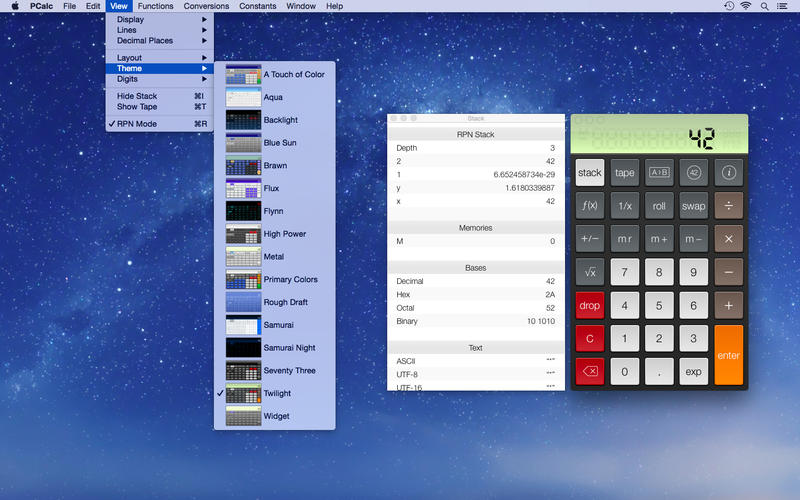
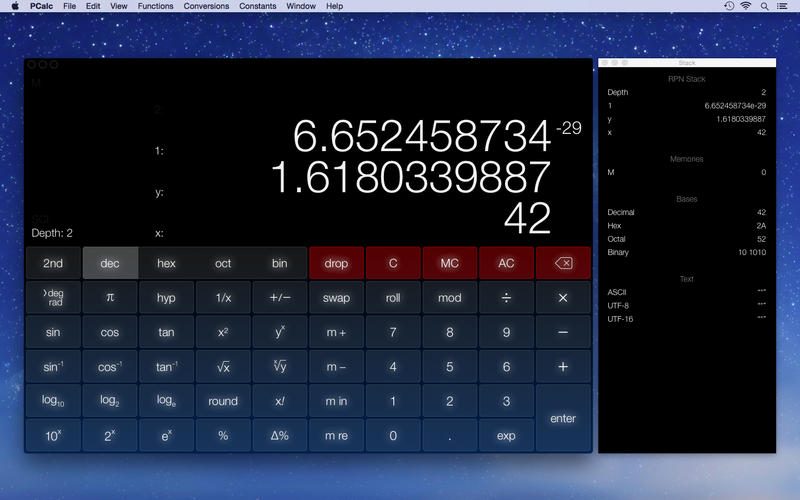
PCalc is the powerful choice for scientists, engineers, students, programmers, or indeed anybody looking for a feature rich calculator. It includes an optional RPN mode and multi-line display, a choice of button layouts, an extensive set of unit conversions and constants, a paper tape, multiple undo and redo, engineering and scientific notation, as well as support for hexadecimal, octal, and binary calculations.

What’s New:

Version 4.11

  • Added support for macOS 26.
  • Added a new default dark mode theme, “Dathomir”.
  • Updated the scientific constants to include the latest CODATA 2022 values.
  • You can now choose custom theme tint, digit, and display colors.
  • Fixed a crash at startup on Macs with broken Ethernet cards.
  • Fixed various bugs.

Compatibility: macOS 11.0 or later
Homepage http://www.pcalc.com/english/about.html

Screenshots


Name: PCalc_4.11.1_Mac-torrents.Net.dmg
Size: 12.85 MB
Files PCalc_4.11.1_Mac-torrents.Net.dmg[12.85 MB]


   Download Torrent

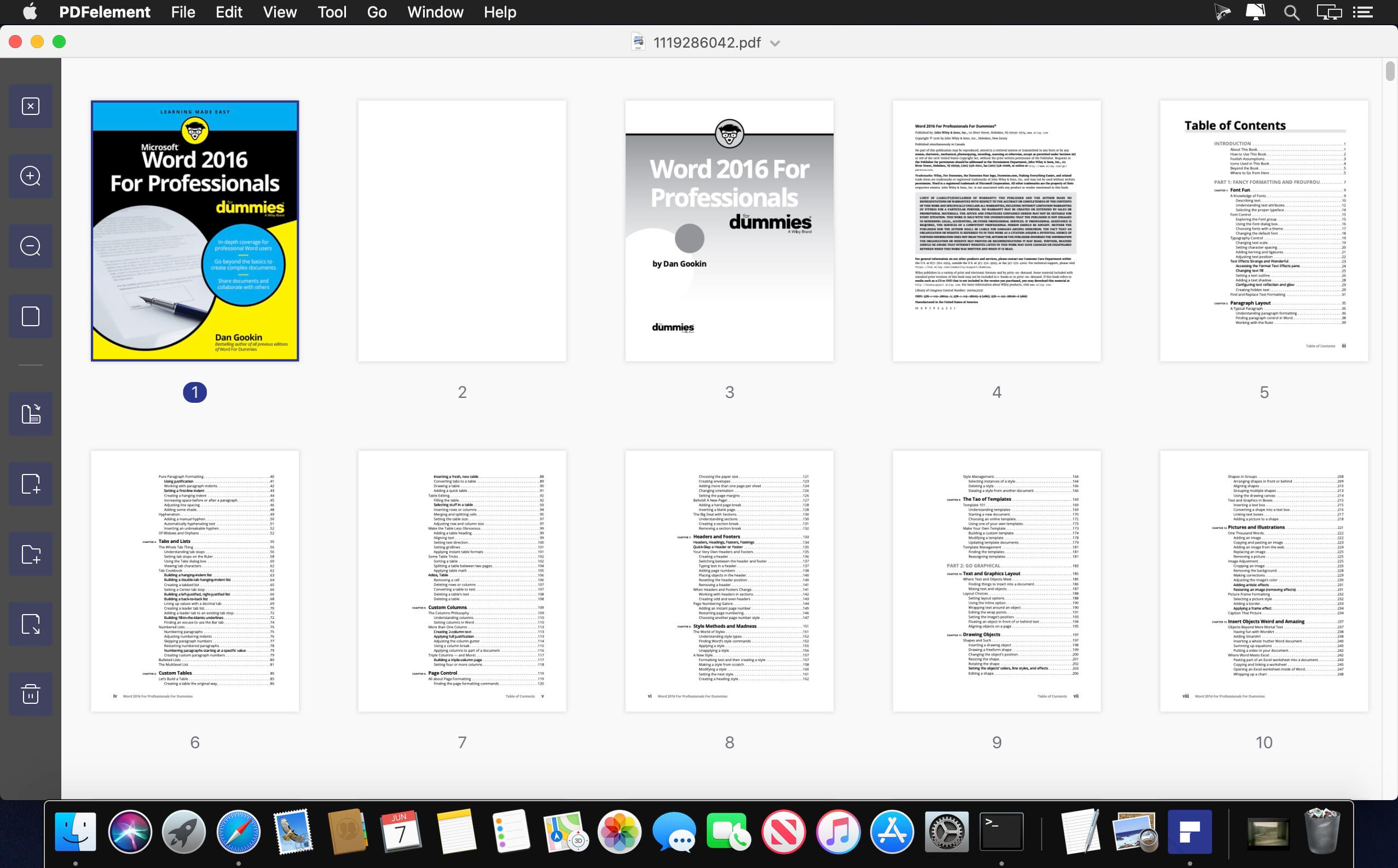
Wondershare PDFelement Pro 12.0.7 (OCR)

PDFelement – The easiest way to create, edit, convert, and sign PDF documents. We’re now introducing the all-new PDFelement 8, which includes a redesigned UI, more advanced writing tools, improved team collaboration features, more powerful conversion tools, a user management console, and more.

PDFelement Pro
OCR (Exclusive in Pro version)

  • OCR (Optical Character Recognition)enables you to edit and convert characters in scanned PDF files or pictures
  • Supports recognition of 29 languages

Create & Sign Forms (Exclusive in Pro version)

  • Create fillable PDF Forms from interactive field objects, such as buttons, check boxes, radio buttons, list boxes, and drop-down lists
  • Support adding digital signatures to forms

Merge PDF (Exclusive in Pro version)

  • Combine different format files into a new PDF

Convert PDF (Exclusive in Pro version)

  • Supports converting PDF file to a greater number of output formats like EPUB, HTML, Text, RTF

PDF/A (Exclusive in Pro version)

  • Support PDF/A as an available output format with ISO Standard for long term archiving

Batch Processing of PDF Files (Exclusive in Pro version)

  • Process PDFs in batches
  • Add backgrounds, watermarks, headers and footers in batches

Bates Numbering (Exclusive in Pro version)

  • Apply Bates Numbering with advanced formatting

Redact PDF (Exclusive in Pro version)

  • Redact sensitive text and images in PDFs

What’s New:

Version 12.0.7 (OCR):

  • Release notes were unavailable when this listing was updated.

Compatibility: macOS 11.0 or later
Homepage https://www.wondershare.com/

Screenshots


Name: Wondershare_PDFelement_12.0.7_[TNT]_Mac-torrents.Net.dmg
Size: 900.46 MB
Files Wondershare_PDFelement_12.0.7_[TNT]_Mac-torrents.Net.dmg[900.46 MB]


   Download Torrent

PhotoFoundry 1.2.6

Professional batch photo-editing. Filters, photo effects, resizing, watermarks, …anything you’ve been looking for in a photo-editing app.

Features

Easy-to-use
Just open or drag’n’drop your photos and PhotoFoundry will take care of the rest.

Fast
All the speed of the Mac at your fingertips. With highly-optimized algorithms for image processing, our topmost goal has been performance.

Versatile
Reads pretty much all the image formats you’ll need. Want to export? Great! PhotoFoundry currently supports PNG, JPEG, BMP, TIFF and GIF.

Extremely configurable
With close to 200 available – and parametrizable – actions, we’ve got you covered: Blends? Color adjustments? Ready-to-use photo effects? Everything at your fingertips!

Live preview
Preview your changes live, as-you-make-them, or side-by-side – so that you’re always sure what the resulting images are going to look like!

Smart Export
Ready to export? Awesome! Just click the Export button and PhotoFoundry will take care of the rest for you.

Compatibility: macOS 11.0 or later
Homepage https://ensili.co/

Screenshots


Name: PhotoFoundry_1.2.6_Mac-torrents.Net.dmg
Size: 45 MB
Files PhotoFoundry_1.2.6_Mac-torrents.Net.dmg[45 MB]


   Download Torrent

PhotoFoundry 1.2.6

Professional batch photo-editing. Filters, photo effects, resizing, watermarks, …anything you’ve been looking for in a photo-editing app.

Features

Easy-to-use
Just open or drag’n’drop your photos and PhotoFoundry will take care of the rest.

Fast
All the speed of the Mac at your fingertips. With highly-optimized algorithms for image processing, our topmost goal has been performance.

Versatile
Reads pretty much all the image formats you’ll need. Want to export? Great! PhotoFoundry currently supports PNG, JPEG, BMP, TIFF and GIF.

Extremely configurable
With close to 200 available – and parametrizable – actions, we’ve got you covered: Blends? Color adjustments? Ready-to-use photo effects? Everything at your fingertips!

Live preview
Preview your changes live, as-you-make-them, or side-by-side – so that you’re always sure what the resulting images are going to look like!

Smart Export
Ready to export? Awesome! Just click the Export button and PhotoFoundry will take care of the rest for you.

Compatibility: macOS 11.0 or later
Homepage https://ensili.co/

Screenshots


Name: PhotoFoundry_1.2.6_Mac-torrents.Net.dmg
Size: 45 MB
Files PhotoFoundry_1.2.6_Mac-torrents.Net.dmg[45 MB]


   Download Torrent

A Better Finder Rename 12.18

A Better Finder Rename is the most complete renaming solution available on the market today. That’s why, since 1996, tens of thousands of hobbyists, professionals and businesses depend on A Better Finder Rename to organize and maintain files. The Instant Preview feature eliminates guesswork and costly errors and helps you find the right settings quickly and accurately by providing as-you-type feedback.

A Better Finder Rename offers a complete set of renaming options that are organized into 15 categories covering all the text, character, position, conversion and truncation features that you would expect from a file renamer, but it does not stop there. The multi-step renaming feature allows multiple renaming steps to be combined to deal with complex renaming jobs in a single operation. Unlike other tools, A Better Finder Rename allows any number of renaming actions to be combined, re-ordered, copied and deleted.

What’s New:

Version 12.18:

  • The new version adds a warning when creating a droplet on Ventura.

Compatibility: macOS 13.5 or later
Homepage https://www.publicspace.net/ABetterFinderRename/index.html

Screenshots


Name: A_Better_Finder_Rename_12_12.18_[TNT]_Mac-torrents.Net.dmg
Size: 15.62 MB
Files A_Better_Finder_Rename_12_12.18_[TNT]_Mac-torrents.Net.dmg[15.62 MB]


   Download Torrent

Markdown + 4.3.1

Edit, style, preview and export your Markdown in macOS. Markdown+ was designed for simplicity of use, allowing you to create beautiful Web documents without having to write a lot of code.

Features
– Ultra-intuitive, easy-to-use interface
– Live Preview (Preview as-you-type)
– 12 different styles from which to choose
– Export option, to save your document directly as HTML
– Full-blown Markdown editing, with advanced capabilities

Easy-to-use
Getting started is really easy. Just open the editor and start writing. Your text will be automagically converted – as-you-type – without having to click a single button!

Lots of styles
Don’t like the default theme? Markdown+ comes with 13 different, vibrant, stylish, awesome styles to choose from. Unleash your imagination!

Going everywhere
Markdown+ not only helps write the most elegant markup but also lets you export it with your preferred style. So, click Export and you are ready!

Compatibility: macOS 12.0 or later
Mac App Store https://apps.apple.com/app/previewmarkdown/id1492280469

Screenshots

Name: Markdown__4.3.1_Mac-torrents.Net.dmg
Size: 7 MB
Files Markdown__4.3.1_Mac-torrents.Net.dmg[7 MB]


   Download Torrent

Capture One Enterprise 16.7.0.50

Capture One 23 Enterprise – the photo editing solution for image production studios and e-commerce platforms. Its authentic true-to-life color processing, seamless editing experience, and fastest tethering in the industry gives you total creative control, making it a household name in studios across the world. Based in Copenhagen, Denmark, Capture One empowers photographers with cutting-edge features to keep your photography one step ahead.

How any photography studio can create value with Capture One Enterprise
For the past 10 years, leading studio photography has been created with photo editing software Capture One. With world-class tethering, state-of-the-art photo editing tools and the highest quality RAW processing, it’s been a staple in any photography studio.

Now, Capture One has introduced an “Enterprise” version which is specifically built for business and aligned to the way a photography studio works.
Capture One Enterprise offers the same standard features as Capture One’s flagship product Capture One 20 – tailored to the needs of studio photography.

Built for Business
Photographers are key to the success of any photography studio.

But what if the photography studio involves several photographers, studio managers, retouchers, quality assurance managers, project leaders, etc who need to collaborate, standardize and carry out the same workflows over and over again? What if those workflows also need to be integrated to other systems, eg. barcode scanners, PIM systems, digital asset management systems, ecommerce platforms etc?

Capture One Enterprise has been developed to address the challenges faced by studio photography and help any enterprise or e-commerce photography studio optimize their image production process and boost results across relevant KPI’s.

Value creation with Capture One Enterprise
Studio photography has huge value creation potential with Capture One Enterprise. By incorporating its enterprise-specific features into the workflow, it can improve KPI’s such as

  • “Time to Market” – Optimizing the hours your photography studio spends on the image production process, from planning your image, to shoots, to publishing the final photo on your ecommerce platform.
  • “Cost per image” – Optimizing each step in your studio photography process can dramatically increase your efficiency and reduce your costs
  • “Reduce Risk” – Secure your studio photography and image production to reduce errors and costs, thanks to enterprise exclusive features such as Image back-Up, License Management, MDM support etc.

This is achieved via enterprise features such as the Barcode scanner tool, Advanced Guides, Next Capture Backup, Next Capture Keywords, Next Capture Metadata, Tool Locks, Capture Pilot with Enterprise enhancements and Dedicated Studio workspaces.

Automated workflows in Capture One Enterprise
Once your studio has implemented Capture One Enterprise and begun implementing its standard features in your workflows, there are further opportunities to intensify value creation by automating workflows and integrating Capture One Enterprise into your IT infrastructure. You can do this by implementing

  • Workflow enhancement (an automation feature within Capture One)
  • Integrations (extension or automation interfacing with another app)

Customized solutions can maximize value, too
Your photography studio might also have very specialized needs – here, customized solutions can generate value for your studio photography. For example, ultra-accurate color profiling can assist in achieving one critical KPI in particular

“Reduce product returns” – Color profiling optimization on true color reproduction can reduce the rate of goods returned due to discrepancies in color between the actual product and the image.

Capture One offers individual color profiles for businesses, so you can reduce editing time and save on retoucher costs with fine-tuned color profiling for the most popular e-commerce cameras used by photography studios. Minimize color discrepancies and meet the demands of specialist product and studio photography with more accurate colors out-of-the-box.

These are just some of the exclusive features designed for studio photography – get in touch with the Enterprise team to learn more and discover where Capture One Enterprise can specifically meet the demands of your business. For more insight into specific tools, check out the Tools and Functionality white paper and Barcode Reader white paper.

What’s New:

Release Notes:

Tools exclusive to Capture One Enterprise are as follows:
1. Barcode scanner tool 

2. Advanced Guides 

3. Next Capture Backup 

4. Next Capture Keywords 

5. Next Capture Metadata 

6. Tool Locks 

7. Capture Pilot with Enterprise enhancements 

8. Dedicated Studio workspaces

Compatibility: macOS 13.3 or later,
Homepage https://www.captureone.com/en/explore-features/enterprise

Screenshots


Name: Capture_One_Ent_16.7.0.50_Mac-torrents.Net.dmg
Size: 1.2 GB
Files Capture_One_Ent_16.7.0.50_Mac-torrents.Net.dmg[1.2 GB]


   Download Torrent

Capture One Pro 16.7.0.50

Capture One 23 is a professional RAW converter offering you ultimate image quality with beautiful colors and incredible detail for more than 500 high-end cameras. It offers state- of-the-art tethered capture, powerful digital asset management, extensive adjustment tools and a flexible workflow through customizable workspaces.

With an updated processing engine, market-leading performance and powerful new features, Capture One is the professional choice in imaging software. You get the highly responsive precision tools you need to create stunning images from your camera’s RAW files in a time-saving workflow that can be customized to fit your needs.

New features and improvements

  • Speed Edit
  • Dehaze
  • Improved importer

General User Experience Improvements and tweaks

  • HEIF support
  • Easy brush adjusting
  • Improved performance
  • Colored gradients on White Balance Sliders
  • Enhanced tooltips
  • Easy access to Tutorials

Compatibility: macOS 13.3 or later,
Homepage https://www.phaseone.com/

Screenshots


Name: Capture_One_Pro_16.7.0.50_Mac-torrents.Net.dmg
Size: 1.2 GB
Files Capture_One_Pro_16.7.0.50_Mac-torrents.Net.dmg[1.2 GB]


   Download Torrent

Squeezer 2.9.4

Squeezer is the Web developer’s pal. It can compile your scripts, optimize your images, and shave unnecessary file bulk to speed site load times. Just drag-and-drop your files, and Squeezer will take care of the rest!

  • Easy-to-use, intuitive UI
  • Batteries-included: You don’t need to install anything. It just works.
  • Add or drag-and-drop your files/folders
  • Works with a single click
  • Two view options: mini or extended
  • Tons of custom preferences, to make Squeezer suit your particular needs
  • Minify sources: HTML, CSS, jаvascript
  • Optimize/Compress images: PNG, JPG, SVG
  • Compile (and minify): LESS, Stylus, SCSS, Sass, CoffeeScript, Literate CoffeeScript, TypeScript, Babel/ES6
  • Option to .gzip final output
  • Get useful info on each converted document
  • Open or view (in Finder) all of your converted documents
  • Smart background notifications so as not to disturb your workflow

Files supported:

  • HTML
  • CSS
  • LESS
  • Stylus
  • Sass
  • SCSS
  • jаvascript
  • CoffeeScript
  • Literate CoffeeScript
  • TypeScript
  • Babel/ES6
  • PNG
  • JPG
  • SVG

What’s New:

Version 2.9.4:

  • Release notes were unavailable when this listing was updated.

Compatibility: macOS 10.10 or later
Homepage https://squeezerapp.com/

Screenshots


Name: Squeezer_2.9.4_[TNT]_Mac-torrents.Net.dmg
Size: 29.37 MB
Files Squeezer_2.9.4_[TNT]_Mac-torrents.Net.dmg[29.37 MB]


   Download Torrent

Rectangle Pro 3.63

Snap windows faster in this featureful Rectangle superset. Toss windows in the right places with cursor movement, move multiple windows with one command, create custom shortcuts, and more.

One simple key combo

  • 16 window sizes & positions
  • No need to remember a ton of keyboard shortcuts, but those are all here, too

A Supercharged Rectangle Superset

  • Keyboard shortcuts
  • Drag windows to screen edges to snap

PRO

  • Move and resize by holding a key and moving your cursor
  • Snap windows under your cursor, even if not in focus
  • Custom shortcuts for any size & position
  • Sync your settings over iCloud

The Lightweight Gesture Champ

  • Unlike touch gesture based window managers, Rectangle Pro only consumes CPU when configured modifier keys are pressed. Even then it’s minimal
  • Rectangle Pro is a breeze to learn, and doesn’t conflict with any built-in macOS behavior
  • Use it with any device that moves the cursor

Unmatched Customization and Actions

  • Create keyboard shortcuts with any window size and location, and specify what happens on each repeated execution
  • Fill left and right actions make it simple to maximize screen usage without overlap
  • Match the keyboard shortcut window management of that other OS

Multiple Windows at Once

  • Cascade windows
  • Move all windows for an app to another display or screen half
  • Tile top windows in a 2×2 or 2×3 grid

Additional Efficiency and Speed

  • Each window action can be configured with a quick, simple cursor movement and modifier key combination
  • Just press and release modifier keys while you move your cursor over the window you want to snap

What’s New:

Version 3.0:

  • Updated the app icon and accent color of the preferences window.
  • Added the ability to resize adjacent windows when windows are resized by dragging the edge or using the modifier key resize functionality in the app.
  • Moving or resizing windows using configured modifier keys will now pause when another window edge is reached and the move is going slow enough, similar to how it works with dragging window title bars.
  • The fill left and fill right window actions now account for more than just the adjacent z-index window.
  • Added fill corner window actions.
  • The window throw now has an additional scroll capability. When the footprint window is visible, scroll to adjust the size of the footprint (enabled via checkbox in the Window Throw tab of the prefs window).
  • Fixed the next/prev display actions when configured in the Snap Panel.
  • Various small bug fixes

*** You need to disable the System Integrity Protection (SIP) to perform the selected Application.

Compatibility: macOS 10.15 or later
Homepage https://hookshot.app

Screenshots


Name: Rectangle_Pro_3.63_[TNT]_Mac-torrents.Net.dmg
Size: 10.45 MB
Files Rectangle_Pro_3.63_[TNT]_Mac-torrents.Net.dmg[10.45 MB]


   Download Torrent

AppKiller 4.2.2

Do you simply want to close all your open apps, with the fuss of going through them one by one? Do you want to be able to do with a single click? Or – even better – with a single… keyboard shortcut? Look no further!

Easy-to-use
App Killer sleeps unobtrusively in your status bar and waiting for… orders

Ultra-fast
Killing ALL your open applications will take no more than… milliseconds

Cmd+Shift+K
And that’s all it takes to instantaneously kill all your open apps. Really!

Compatibility: macOS 10.12.2 or later
Compatible with M1/M2 and the latest macOS Sonoma.
Homepage http://insili.co.uk/apps/appkiller/

Screenshots


Name: AppKiller_4.2.2_Mac-torrents.Net.dmg
Size: 6 MB
Files AppKiller_4.2.2_Mac-torrents.Net.dmg[6 MB]


   Download Torrent

Softorino YouTube Converter Pro 5.1.20

Softorino YouTube Converter – YouTube to MP3. Offline YT Converter. No Ads. Background Playback.

YouTube on the iPhone and iPad, without advertising, to support offline viewing but still nothing. You think it’s impossible? But not guessed!
All this and a little bit more you can get by using Softorino YouTube Converter. The whole process is simple in the extreme: copy the link to the video, go to the app and choose where you want to save the video.

  • After you copy the link to the clipboard, Softorino YouTube Converter automatically recognizes it, and you will only choose the quality (60fps, 2160p 4K, 1080p HD, 720p, 360p, or audio only) and a place to save (Mac or iOS-device ). A few seconds after pressing the button Download the file is in the “Boot” on the Mac, or “Video” application / “Music” on iOS. That’s all.
  • No advertising;
  • You can download any video from YouTube and Vimeo;
  • You can download the audio track of the video and listen to the standard player on iOS;
  • Do not need internet to view;
  • less discharged battery;
  • for it not to be paid;
  • it works anywhere in the world, in contrast to the YouTube Red.

What’s New:

Version 5.1.20:

  • Release notes were unavailable when this listing was updated.

Compatibility: macOS 10.15 or later
Homepage https://softorino.com/youtube-downloader-mac/

Screenshots

Name: Softorino_YouTube_Converter_PRO_5.1.20_Mac-torrents.Net.dmg
Size: 20 MB
Files Softorino_YouTube_Converter_PRO_5.1.20_Mac-torrents.Net.dmg[20 MB]


   Download Torrent

Torrents Download Apple,Mac Osx,Apps ,Software

Exit mobile version