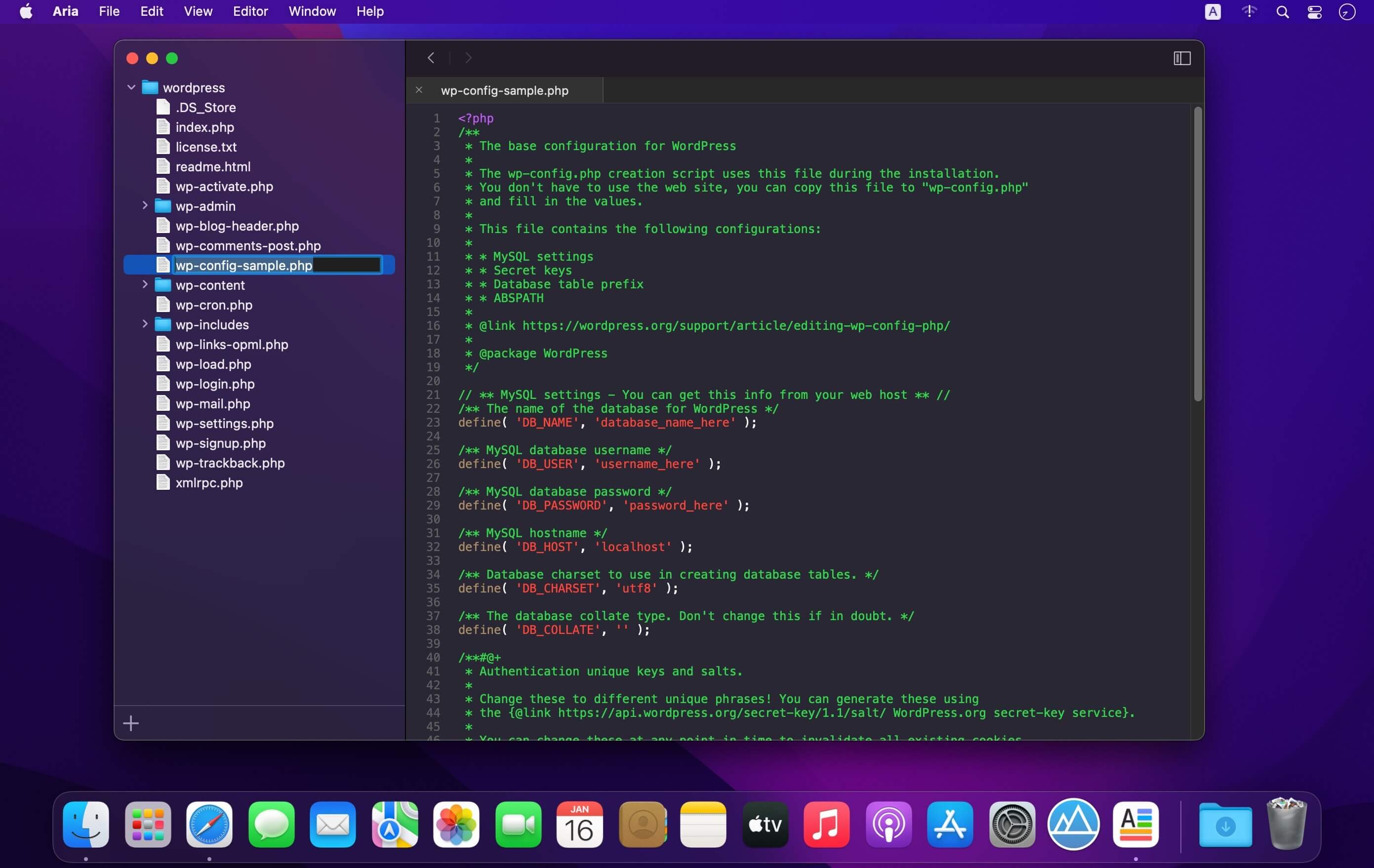
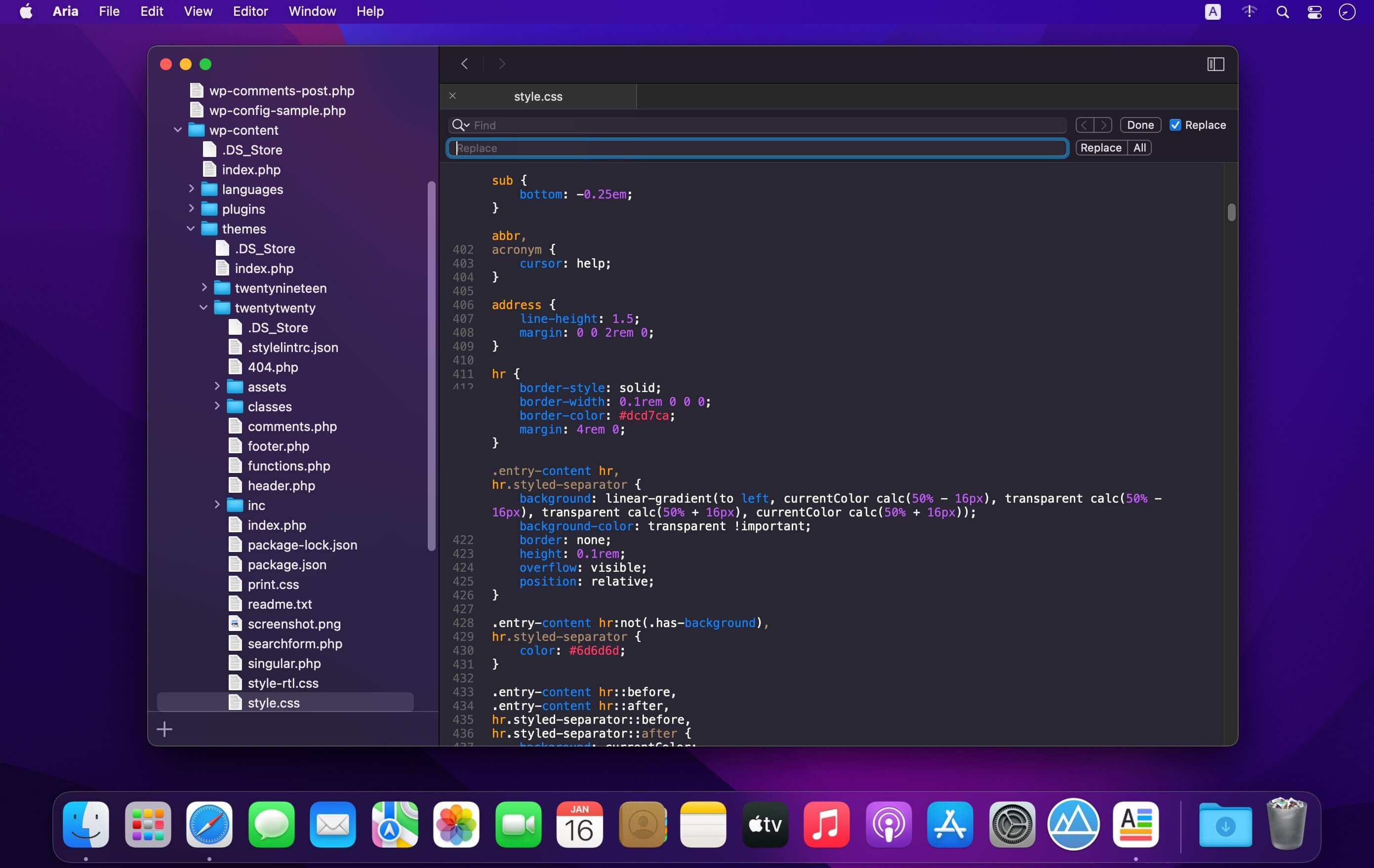
Aria is a powerful native text editor for code and markup. Designed for Mac, it comes with all the macOS user interface that you know and all the classic features like tabs, shortcuts and more.
Aria comes with a bunch of powerful smart features designed for pros. Use the file explorer to open your projects in one window. Manage your files like never before by splitting your editor to open multiple files at once. Reorder your editor with drag and drop. Create your custom header templates in a few clicks.
All those powerful features are combined with a great user interface that takes advantage of the new Dark Mode of macOS Mojave.
Aria supports syntax coloring for the following languages :
Auto Highlight will automatically highlight defined words on defined pages. Helps you see the important parts!
Why?
Sometimes the page is just not designed well and the information you are looking for is not visible enough.
Common use-cases
– Highlight metadata like: 1080p, HDR, 4K, x265, HEVC, 5.1
– Highlight “Free shipping” 🙂
– Are you searching for something specific on the web? Use “Temporal Highlight” to help you find it on all pages. Temporal highlights are auto-deleted when you close your browser.
– You can even hide words by setting font-size to zero or by making them transparent.
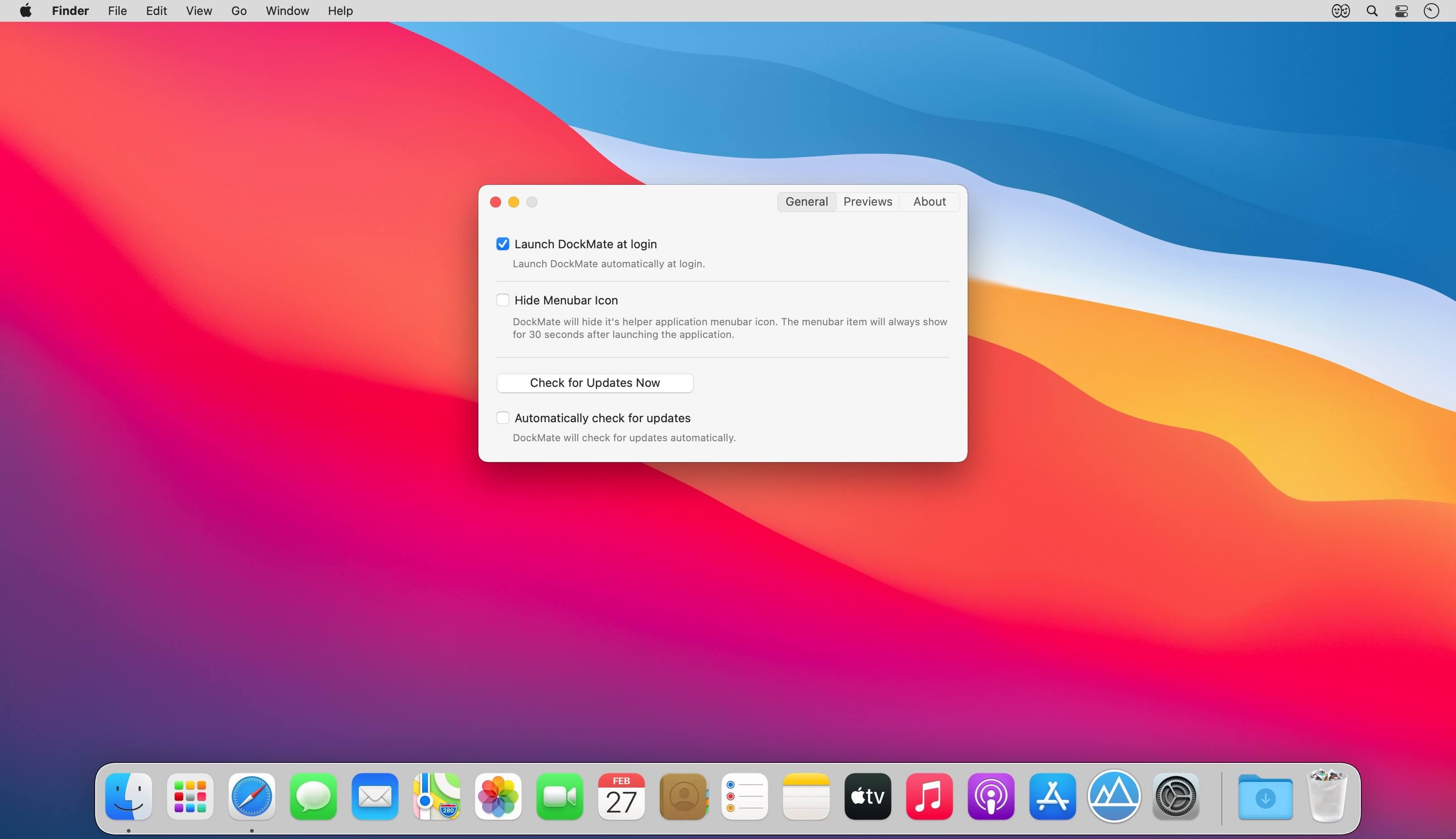
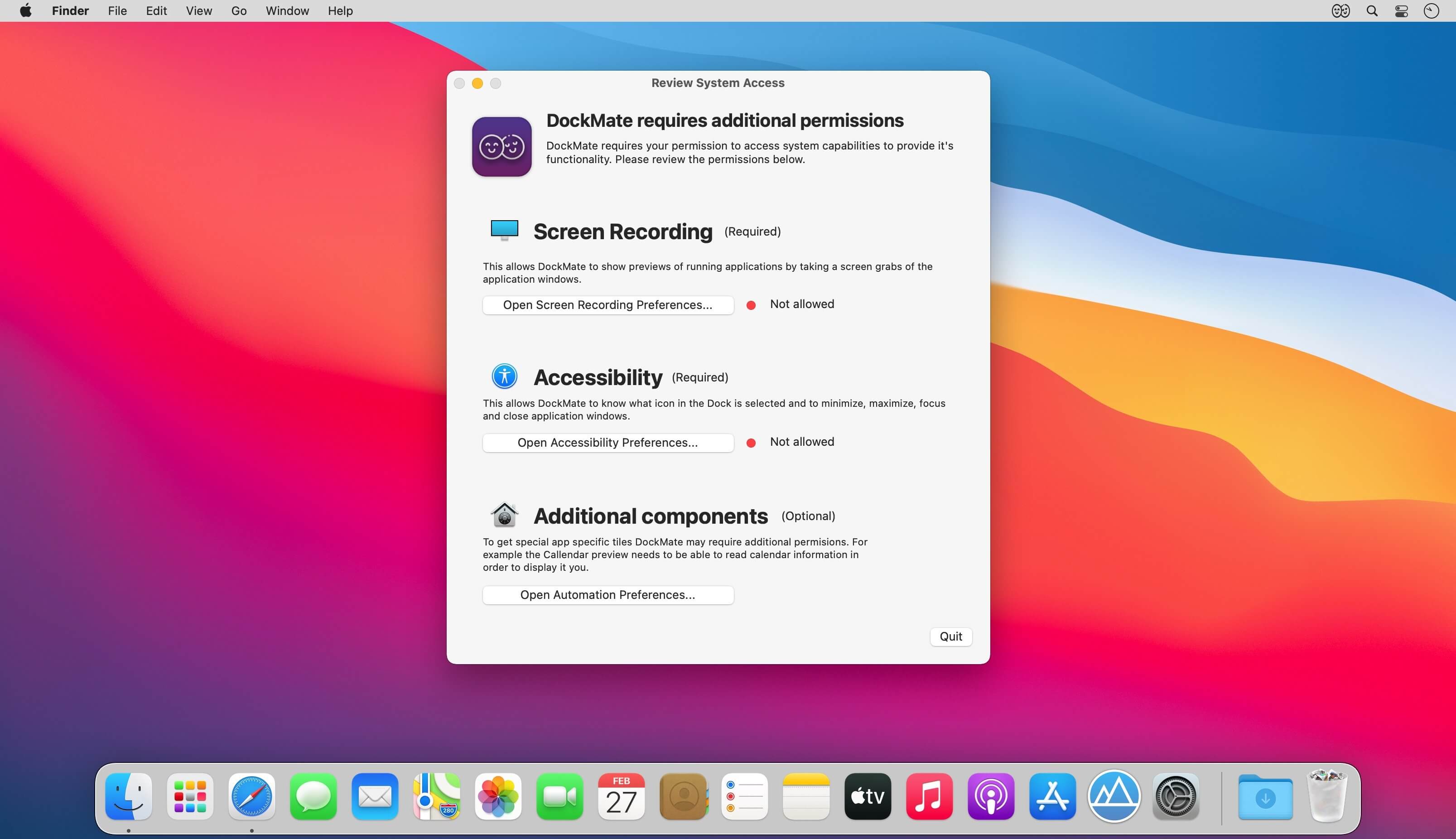
Window previews and controls for your Dock. DockMate adds mouse over window previews to the Dock, with useful built in window management tools and special views for Music and Calendar apps. Simply hover over an icon to see all the apps running windows and control them.
What’s New:
Version 0.8.2:
Native M1 support
New mouse over view for Calendar (and Fantastical)
New join Zoom and Google Meets calendar events with one click
New informative UI for accessibility permissions
New support for showing previews for closed apps
Now show previews for music / calendar even when closed
Now Dock autohide setting is copied from the Dock settings on launch
Faster dock mouse-over previews
Fix preview overlapping the Dock in left orientation
Fix for preview not properly aligning in screen bounds
Fix full size preview not showing correctly
Fix newly created windows being sent to a nonexistent display
Fix Finder preview showing blank window with TotalFinder installed
Fix music preview when playing Apple Music
Fix music preview scrolling title/album
Fix issue with music item causing excessive memory usage
Fix issue with music item causing excessive cpu usage
Music preview now shows control center info for now playing app
Music preview no longer requires automation permissions to use
Xcode preview no longer requires automation permissions to use
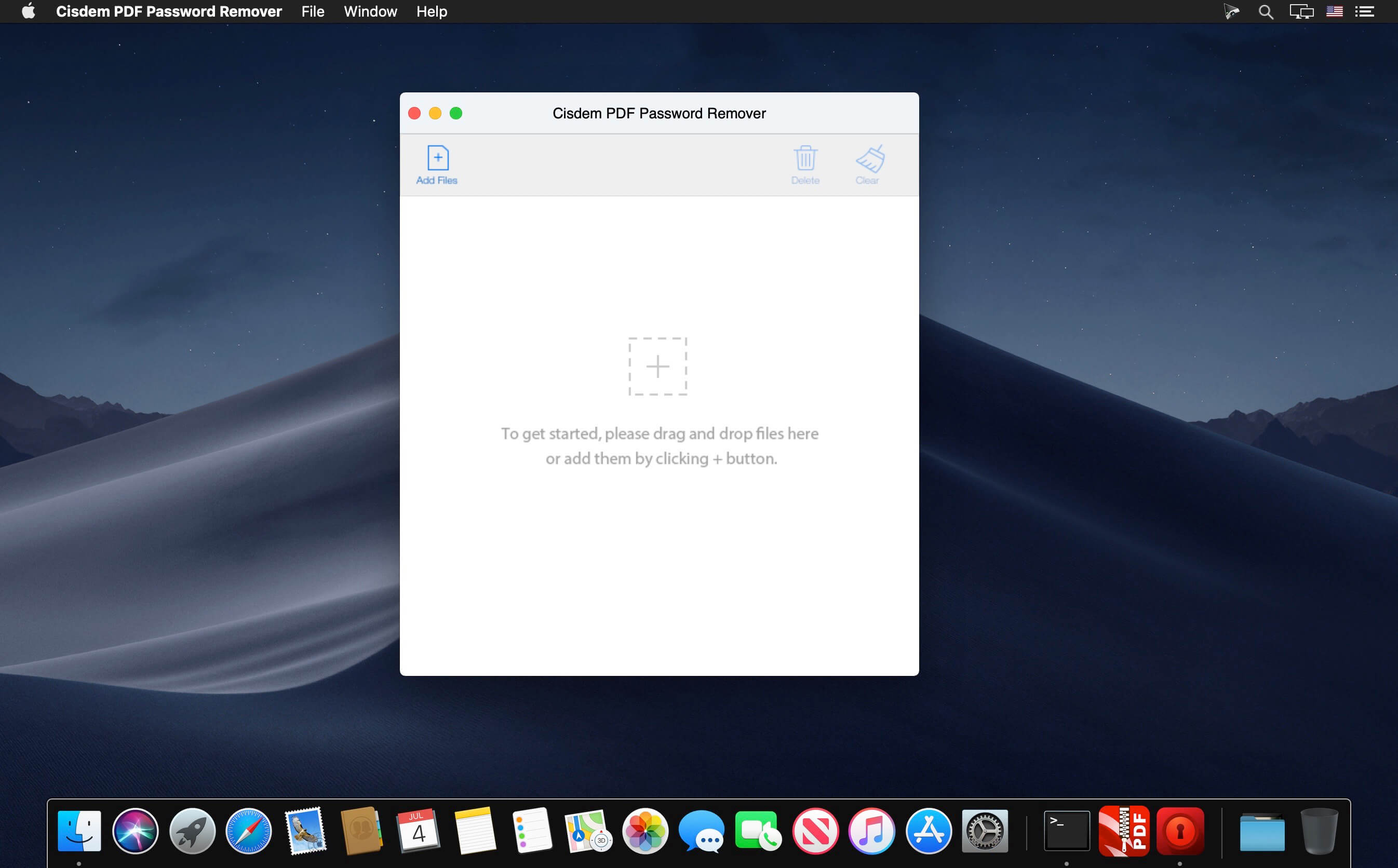
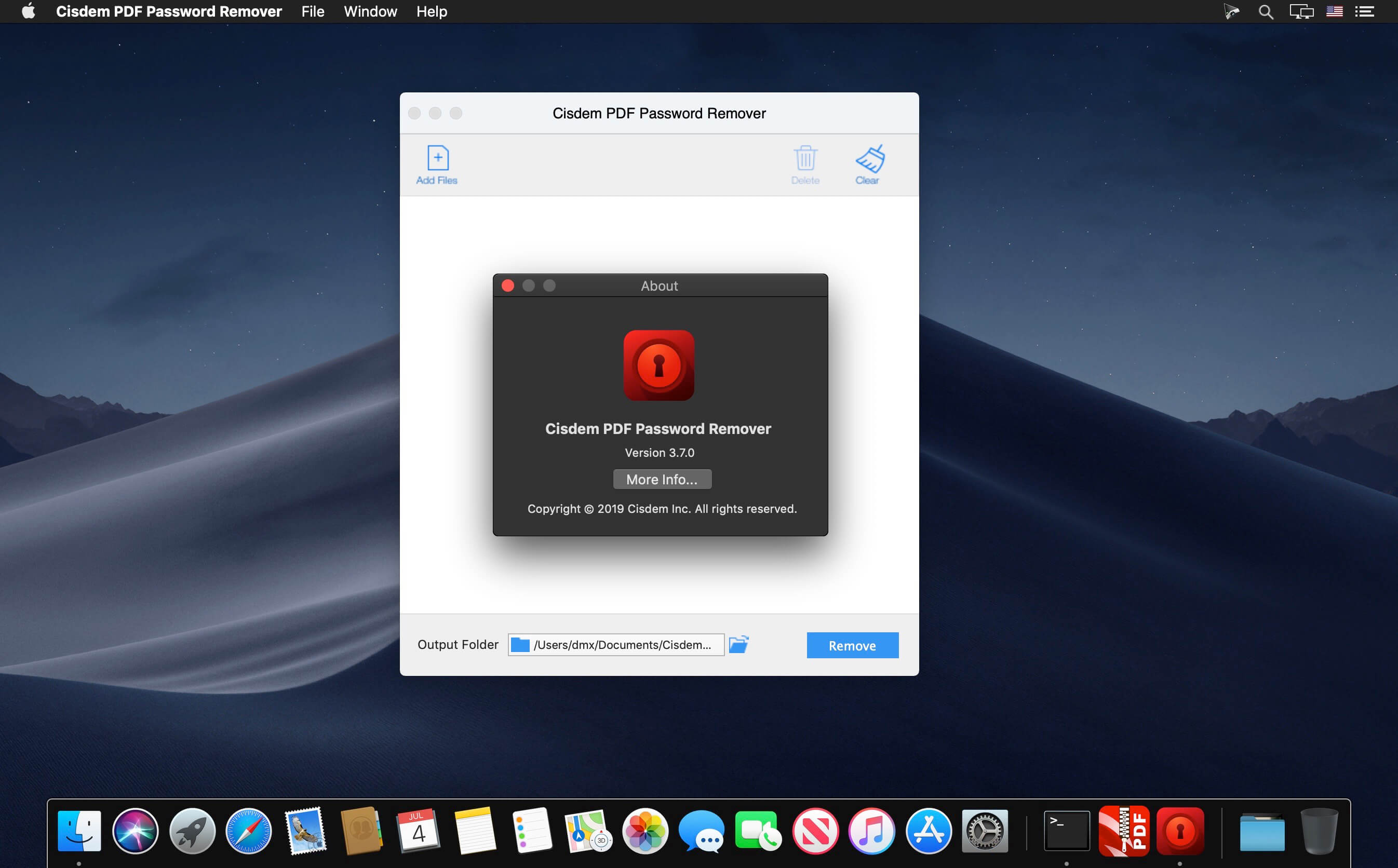
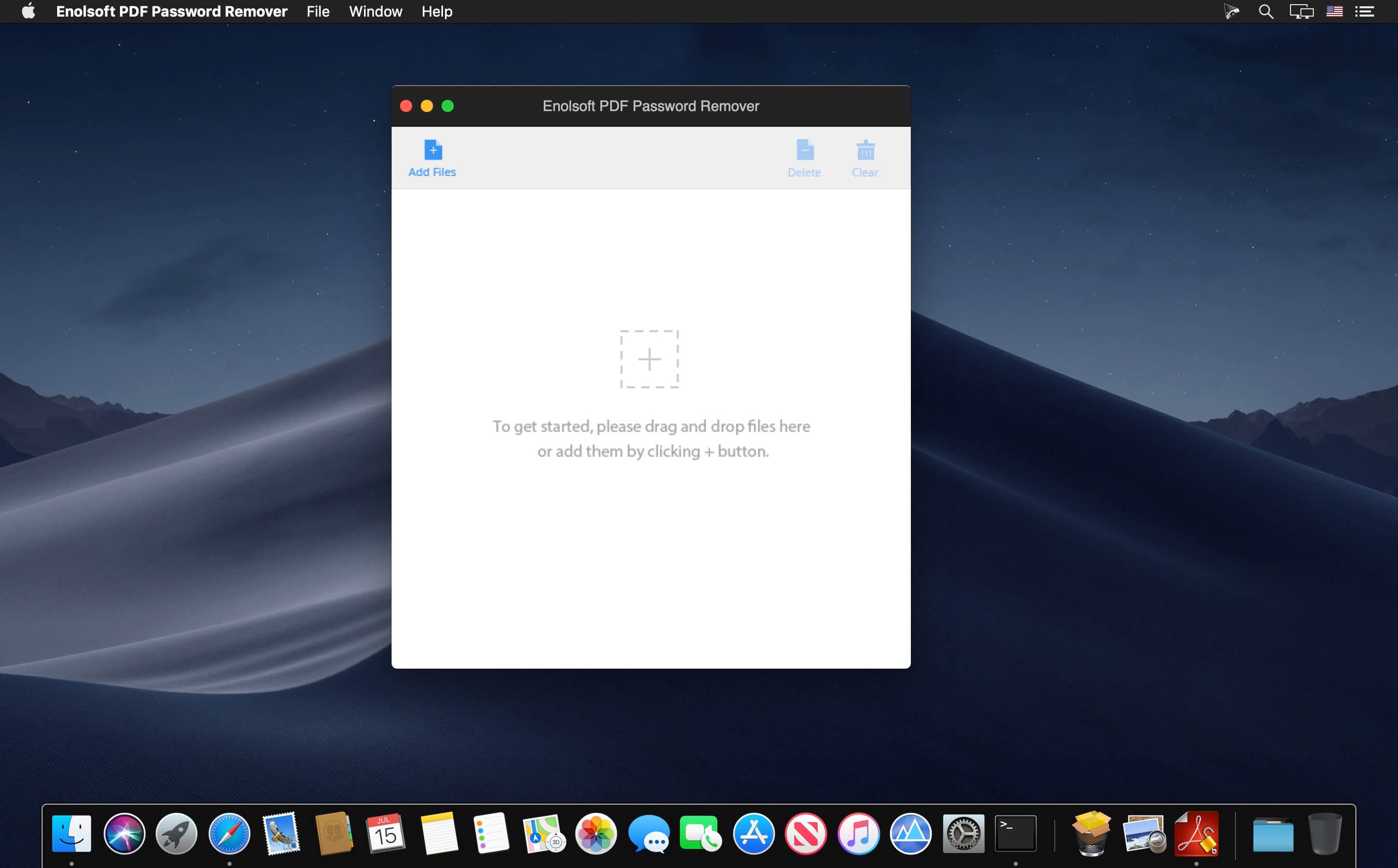
Cisdem PDFPasswordRemover lets you access password-protected PDF files. It removes unknown owner passwords and known user passwords from encrypted PDF files. PDFs can be processed in bulk and the compression feature in this app can make big PDF files smaller, so you no longer have to worry about the storage problem.
Features
Decrypt Both Owner Password and Open Password Respectively – Cisdem PDFPasswordRemover can not only be used to easily remove PDF owner password (used to limit printing, copying and editing PDF files) with 2 clicks, but also recover PDF user password (used to limit opening PDF files) using brute force decryption.
Greatly-improved Decryption Speed to Batch Remove Owner Passwords – The software allows users to remove limitations of PDF files that are protected by owner password in batch. Up to 200 PDF files can be added and unlocked at a time. Besides, the decryption process is as quick as a flash.
When unlocking open passwords, users can check or fill in options, such as, password length, Latin letters, digits, special symbols, and additional characters, to save the decryption time.
The decryption process for files protected by complicated password can be kept to continue next time.
Fully support PDF version 1.0-1.7, OS X 10.7 – OS X 10.11 and multi-language, including English, German, French, Japanese, Greek, Latin, Korean, etc.
Work independently and doesn’t require Adobe Acrobat Reader installed.
It won’t alter PDF documents in any way and ensures that no harm to PDF file content is done.
What’s New:
Version 4.0:
Fix issue of exporting blank with correct password entering.
Password apply to all the functions.
Fix files without password can be dragged in.
Provide reminds to users with the files cannot be cracked.
Unlock PDF, Unlock Content. Remove PDF password on Mac to make open, edit, and print PDF easily. Remove PDF password on Mac, giving you the freedom to use your PDFs as you want.
Open/User password
Open/user password of PDF is always used for controlling the permission of opening a PDF file to keep the secure. If you forget the password, brute force will be the only way.
Restrictions/Owner password
For PDFs with restrictions/owner password, you will have no limited on printing, copying, and modifying them, but you can open and view the content.
What’s New:
Version 3.8.0:
Release notes were unavailable when this listing was updated.
Extraordinary Amazon music downloader and converter specialized in Unlimited Music download and format conversion to losslessly convert Prime Music to MP3, FLAC, WAV, etc. for offline listening everywhere.
There are four tiers for users to explore Amazon Music trip. It includes Free plan with top playlists and stations, Prime plan with 2 million songs and personalized stations, Unlimited plan with 70 million songs, popular playlists and stations, and HD plan with over 70 million HD, Ultra HD, 3D songs and other content.
As the great music downloader, AudFree Amable empowers users to download and convert a wide variety of Unlimited and Prime Music playlists from any subscription on Mac and Windows computers.
OPEN YOUR SOUND WITH PEEL.
Visualize your recordings, identify and select part of the signal.
Solo, mute or route the parts for external processing.
Get creative with your audio recordings and samples.
PEEL isolates individual instruments or vocals in stereo recordings so you can solo, mute or route the audio for external processing.
Got a song where the vocals are too loud?
PEEL can route the vocals to a separate track in your DAW* so you can set level and pan as if it was before mixdown.
Do you have a drum loop where you wish the snare had a little reverb on it? No problem!
PEEL can help you extract the snare only and add any effect you want to it.
KEY FEATURES
• Spectral processing audio plugin.
• Visually identify single instruments in a mix.
• Mute problematic instruments.
• Solo performances you wish to emphasize.
• Route selected audio to external processing*.
• See your entire mix visually as a way to help identify mix problems.
DAWs
* with Multiple Output Support
• Ableton Live
• FL Studio
• Pro Tools
• Reason
• Reaper
Cubase
Logic Pro
Studio One
Cakewalk
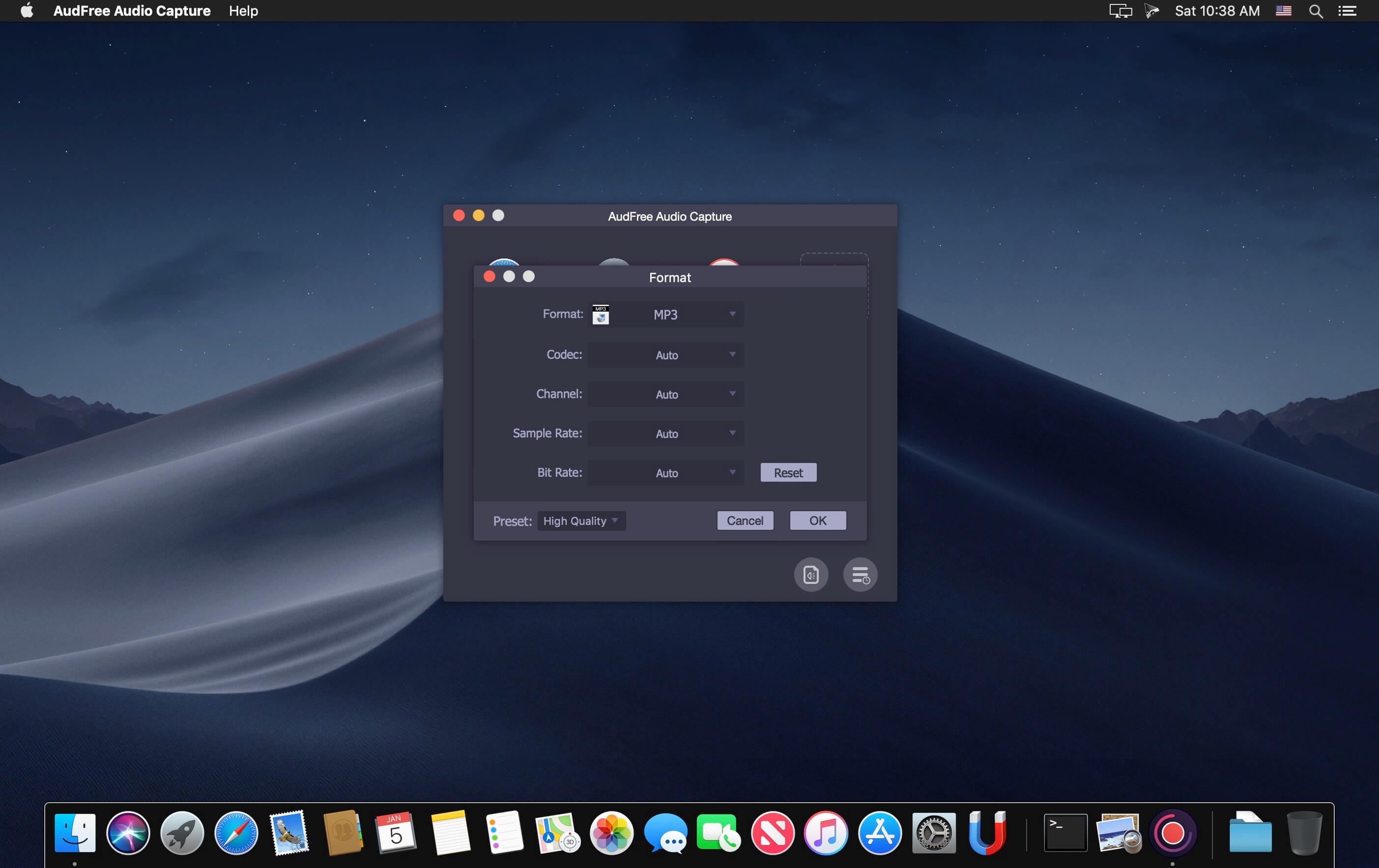
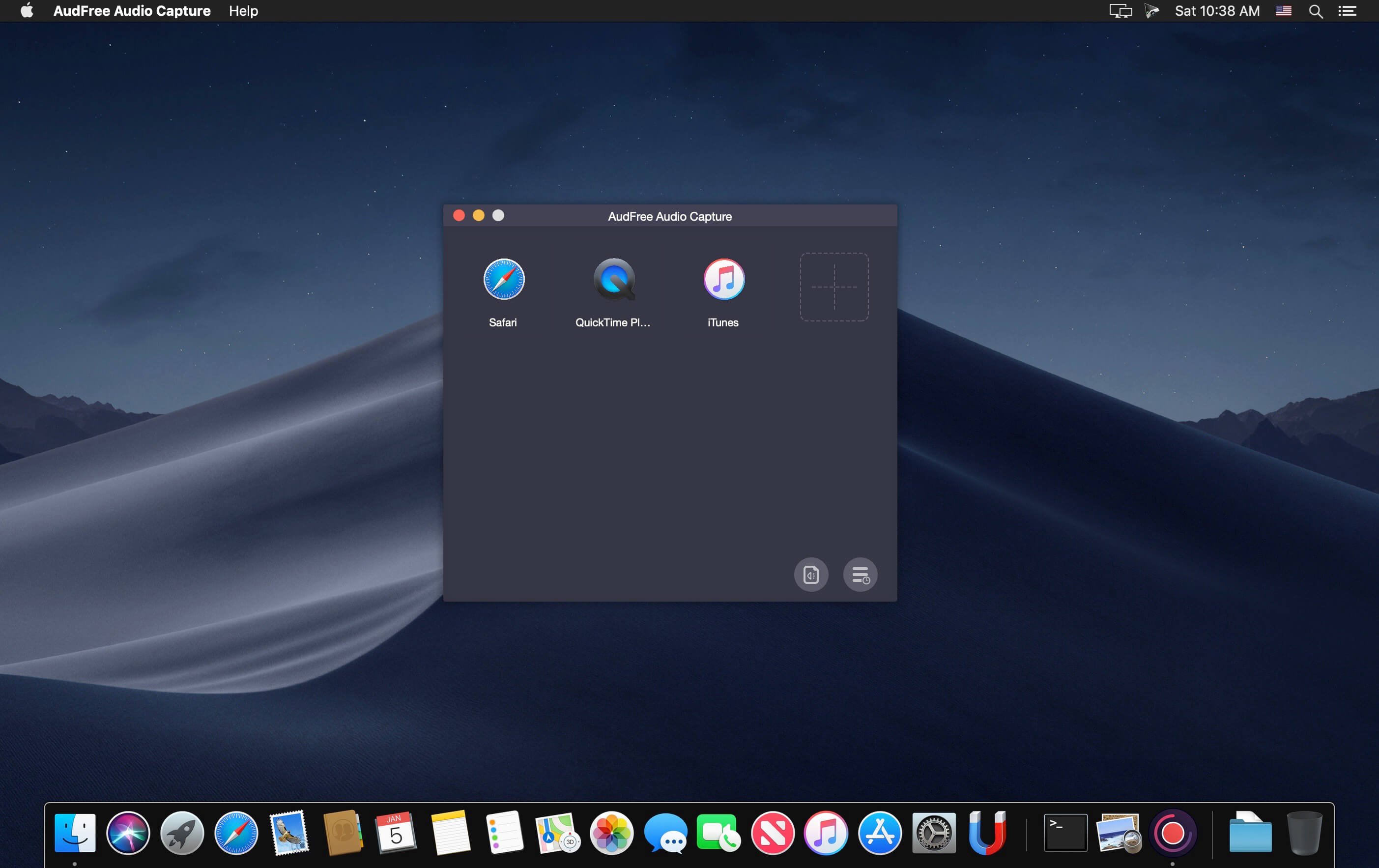
AudFree Mac Audio Capture is an audio recorder with the ability to capture any sound playing through all Mac apps, including Safari, Chrome, iTunes, QT, VLC and other local or web media players.
It is a good solution to record streaming music like Spotify, Pandora, Apple Music, YouTube, and live broadcasts, game music, online radios, and more with lossless quality and ID3 tags retained.
What’s New:
Version 2.5.0:
Release notes were unavailable when this listing was updated.
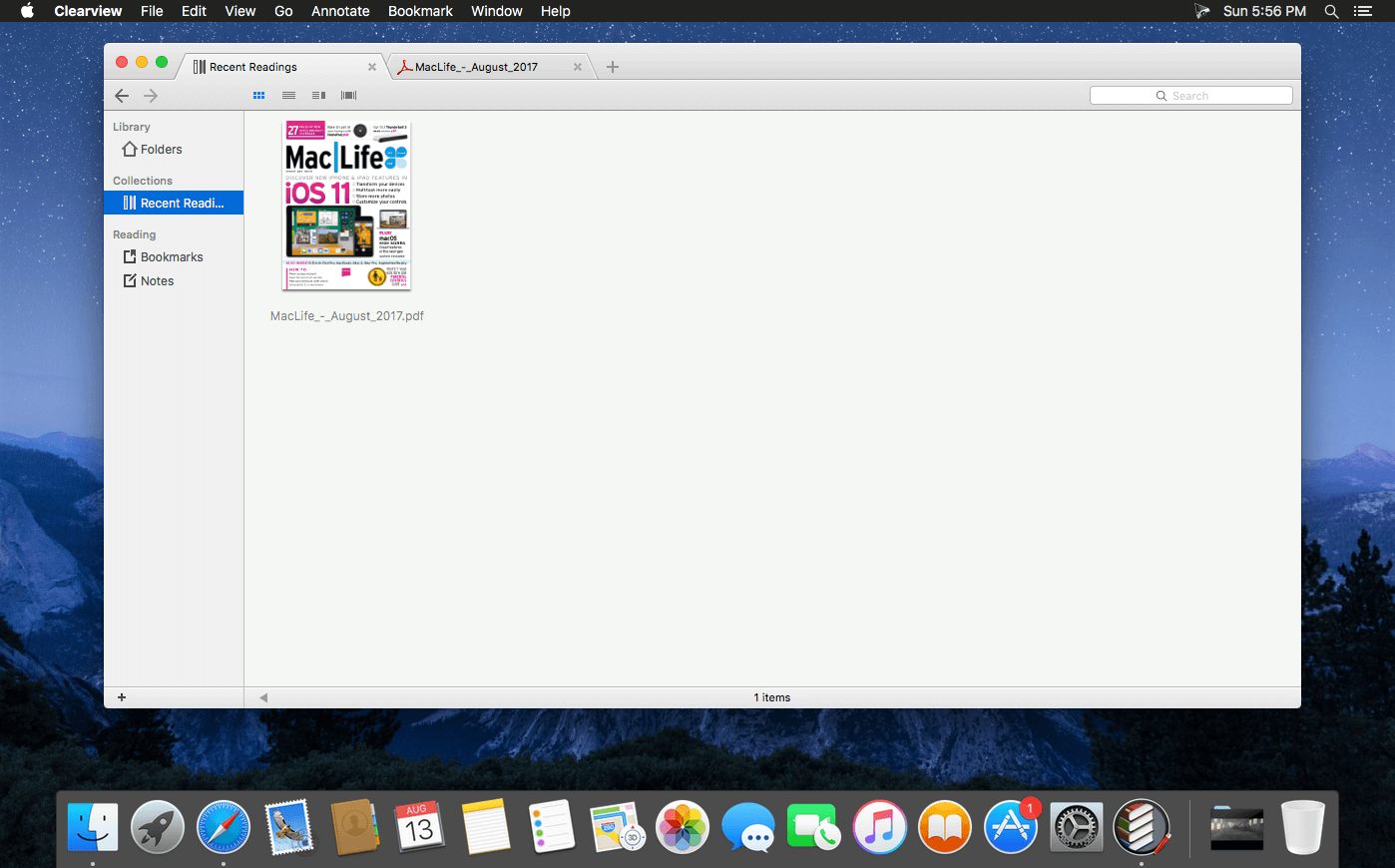
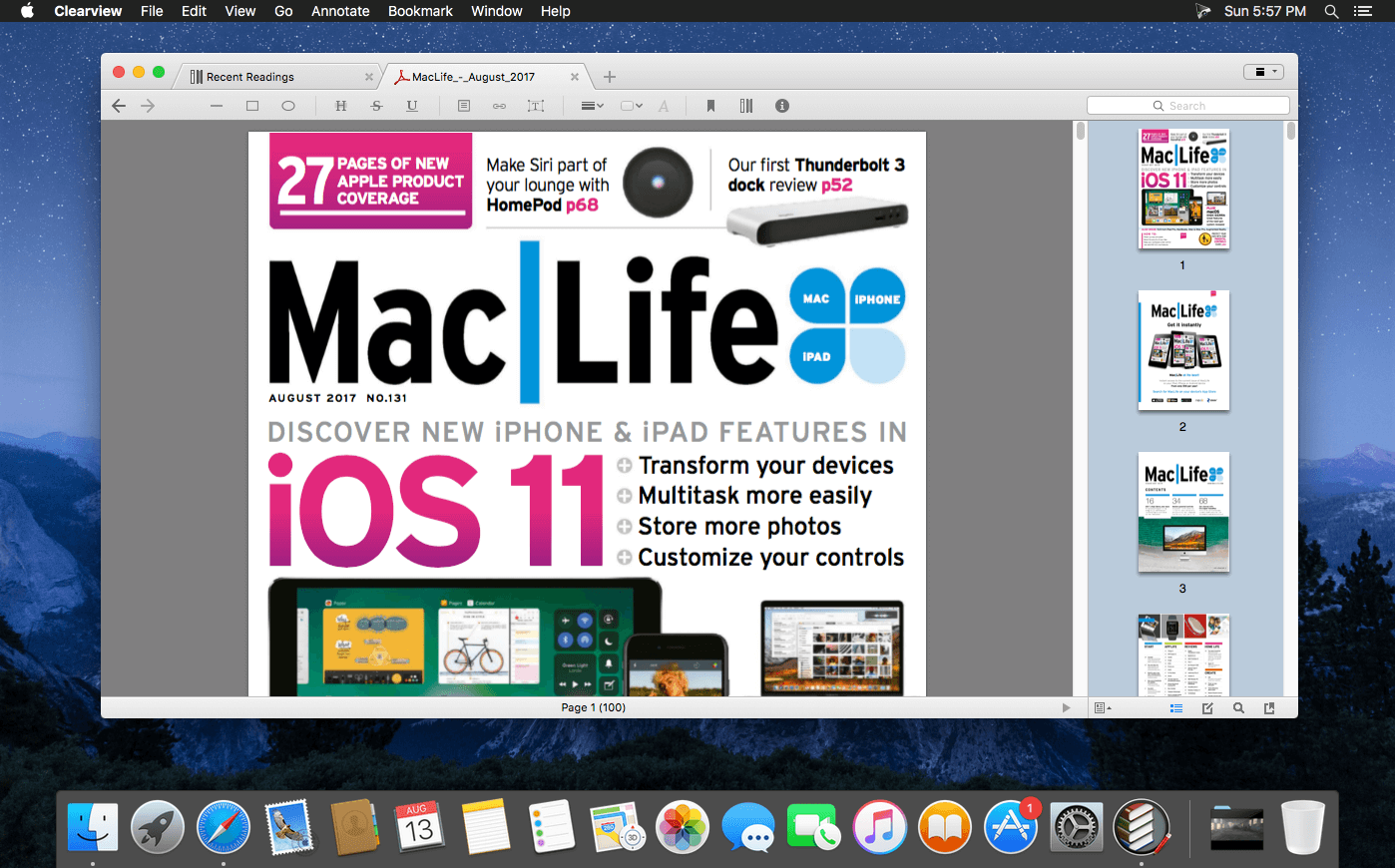
Easy-to-use ebook reader, equipped with library shelf, supports popular ebook formats as PDF, EPUB (DRM free), CHM, MOBI, FB2 and comic books(CBR, CBZ). You can make annotations, insert bookmarks, and do searching freely, and access your notes, bookmarks and book collections across multiple devices.
What’s special with Clearview reader?
Easy and intuitive books management.
Just drag the folders containing e-book files from finder and drop on the Clearview shelf, all the files information will be imported to the library quickly, then you can browse, search and read the books from shelf easily. With book folders and book collections cooperating together, you will find that books organization is such an easy thing.
Quick preview of books.
Drag and drop from library or finder to construct book collections.
Collections, collection groups and collection color tags make book browsing easy
Capability to edit book meta info and change book cover.
Tabbed style window make reading smooth and efficient.
With several related books organized in the same window, you do not have to look for and switch between the book windows everywhere. further more, with a shelf tab and book file tabs living in the same window, browsing and reading is so easy.
Restore multiple closed tabs;
Powerful searching capabilities.
You can find a book quickly by the file name, content, author, title or publisher.
You can also search in a book for specified texts.
Sorting search results by page or rank.
Popular book formats support, PDF, EPUB, CHM, MOBI(azw, azw3), FB2 and CBR(CBZ), with almost the same excellent reading experiences.
Thumbnails display of book pages.
Book page color themes (Normal, Sepia, Night time);
Text fonts adjustment (Size, line height and font family).
Printing support for all book formats;
Each of 4 book formats can be presented in four reading layouts. Page flip or continuous scrolling, single page or two columns.
adjust page margin and line spacing;
choose from popular fonts or add your own fonts
Page flip animation make reading smooth
Yes, you can read a EPUB, MOBI or CHM book like a PDF book in a continuous mode, by scrolling pages quickly, you do not have to flip page and a page, and no need to pause to click the next chapter.
Annotations and bookmarks support on all 4 book formats.
Revisions will be saved in library database automatically, not on the original book files, so “save changes” prompt dialog won’t appear in your smooth reading.
Line, arrow, rectangle, ellipse, free draw, highlight, strike, underline, free text, comments – for PDF annotations;
Note/Comment, highlight, strike, underline – for EPUB, MOBI, CHM annotations;
Customizable annotation colors and line width;
Export PDF with annotations;
Export notes as RTF file, pdf or print;
Export/convert epub/mobi/chm book as a pdf book;
Syncing annotations, bookmarks, book collections and meta informations with iCloud
You can read a book make annotations to it on multiple Macs and sync them with iCloud.
IMPORTANT: No support for DRM protected ebooks! (Such as many of the books sold on iTunes or ot
Compatibility: OS X 10.7 or later, 64-bit processor Homepage: https://apps.apple.com/app/clearview/id557090104
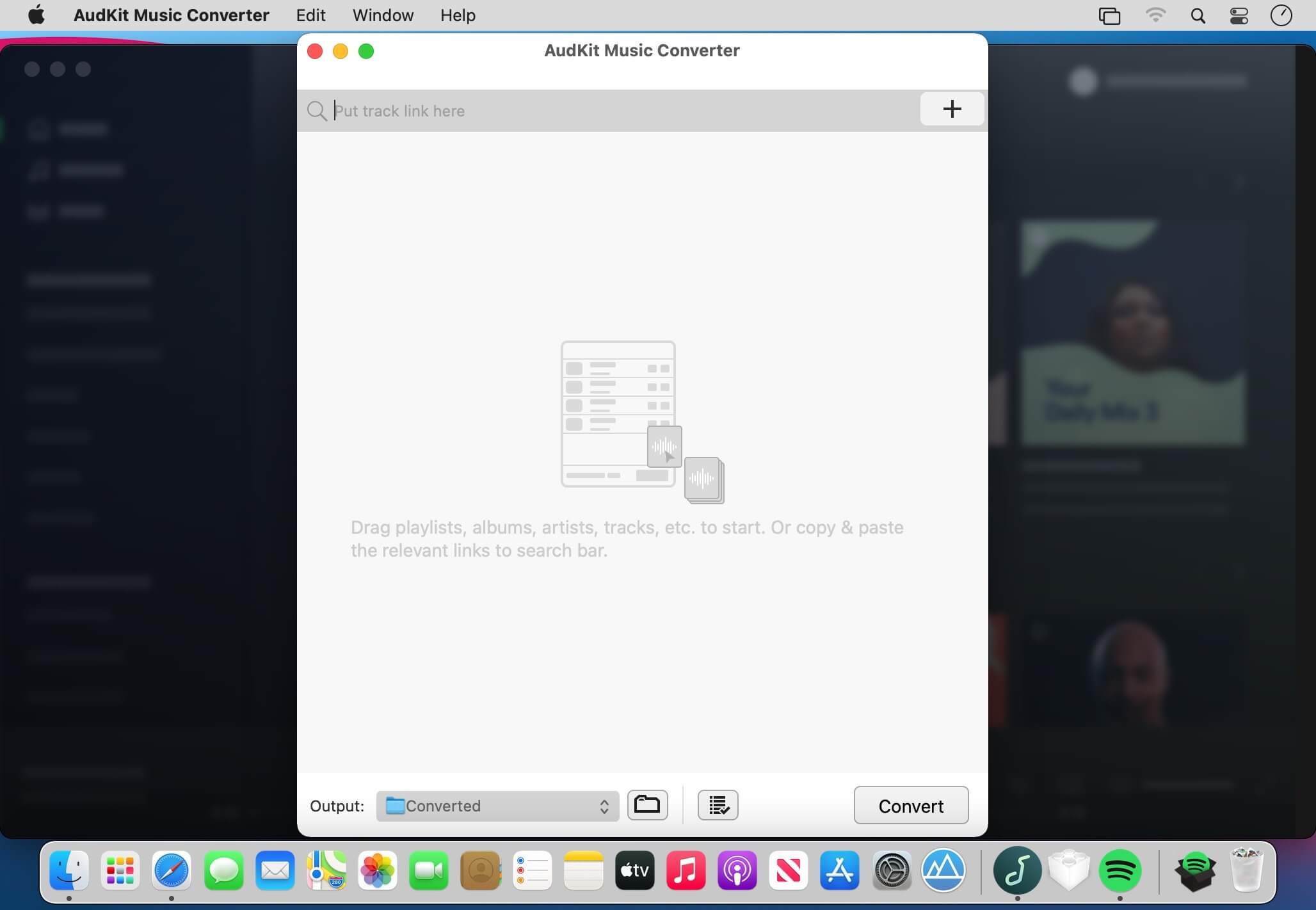
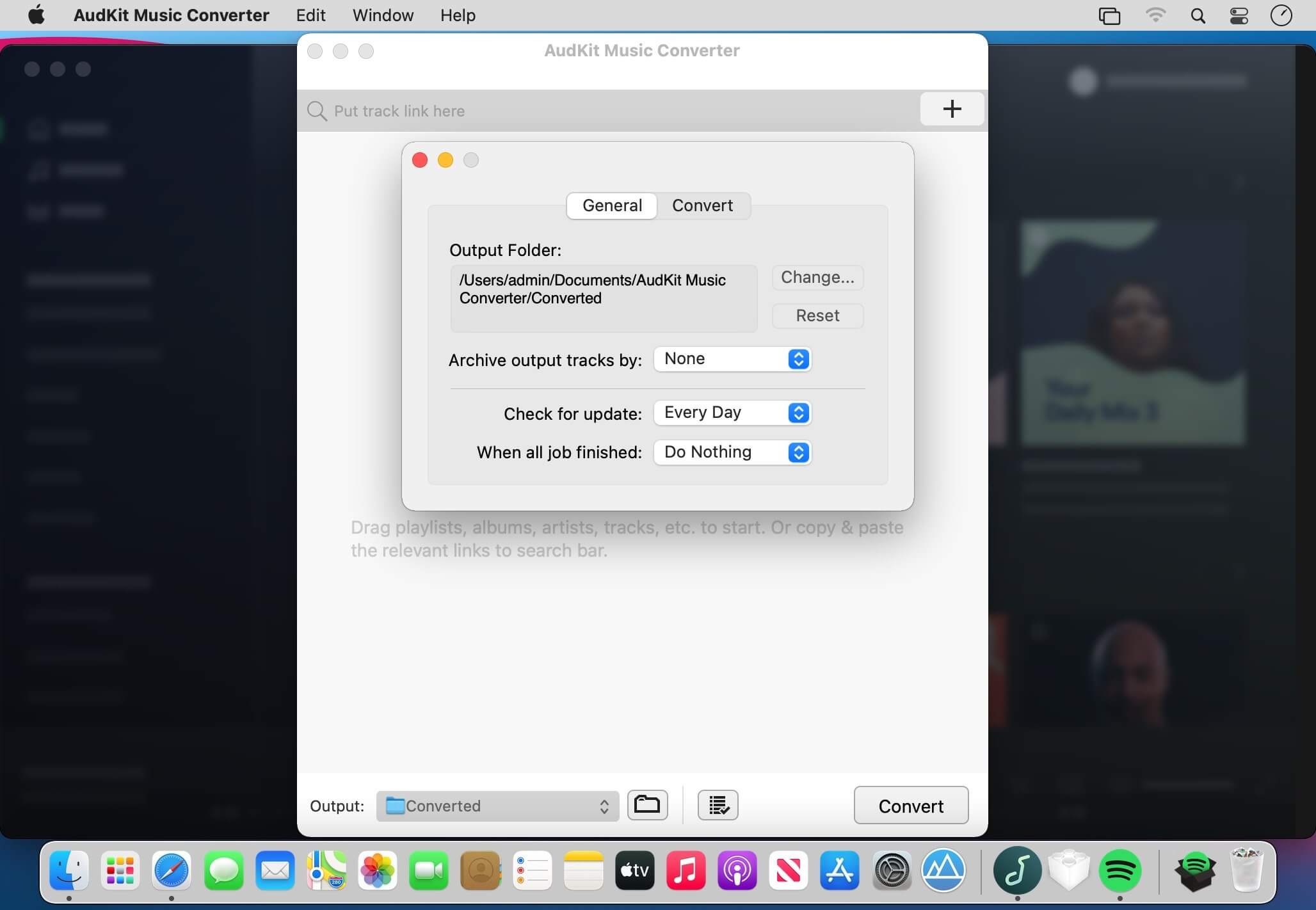
A well-designed Spotify music converter to download over 70 million songs, playlists, albums, podcasts from Spotify to MP3, FLAC, WAV, AAC for offline listening on all devices and players with ease.
As the undisputed leader in on-demand streaming music service, both Spotify free and paid users can access over 70 million songs. But tracks have been applied Ogg Vorbis format in all songs and playlists, which prevents members listening to Spotify music on most popular devices, like the common MP3 players.
To make full use of songs, AudFree SpoDable for Windows and Mac is designed to help you easily convert Spotify Ogg to MP3, FLAC, AAC, WAV, M4A, M4B and other common audio formats with zero quality loss so that you can play Spotify tracks on all music players offline at any time.
Losslessly convert and download HIFI music playlists on the computer for offline listening.
Download HIFI Music onto Computer
As one of the best HIFI music downloaders for Mac and Windows, AudKit Tidizer Music Converter is able to download HIFI songs onto the computer for local storage.
With the built-in HIFI music library on AudKit, you don’t need to install the original desktop app anymore. During the downloading process, you can continue to add songs to the waiting list.
After the downloading, you can listen to HIFI music offline on the desktop without any limits, even if your HIFI free trial account expires.
Convert HIFI to FLAC with Lossless Quality
Apart from being a HIFI music downloader, AudFree Tidizer is also designed as an all-around HIFI music converter. It can also convert HIFI songs and playlists to MP3, AAC, M4A, WAV, FLAC, M4B for higher compatibility and easier playback.
With the latest converting technology, AudKit Tidizer keeps the lossless sound quality of HIFI and Master tracks, giving the best audio experience to you.
Smart ID3 Tags Editor
With the help of the latest technology, AudKit Tidizer Music Converter can identify, capture, and keep 100% ID3 tags from original HIFI songs and playlists.
Losslessly convert and download Spotify tracks and playlists for offline listening on any device. AudKit Spotify to MP3 Converter supports to convert Spotify playlist to MP3, AAC, M4A, M4B, WAV, FLAC, and other common-used audio formats.
Convert Spotify to MP3
AudKit Spotify to MP3 Converter supports to convert Spotify playlist to MP3, AAC, M4A, M4B, WAV, FLAC, and other common-used audio formats.
5X Conversion Speed
The conversion speed of AudKit Spotify Music Downloader is able to reach 5X or even faster. That means a 5-min Spotify song only takes a 1-min conversion period.
Batch Download Spotify Songs to MP3
AudKit Spotify Playlist Downloader supports different types of Spotify audios, which contain Spotify Songs, Playlists, Albums, Podcasts, Audiobooks, and Radio.
You can add up to 100 audio tracks from Spotify to AudKit Spotify Audio Downloader at once load. Besides, there is no upper limit of converting songs. So that you can batch import massive Spotify songs into AudKit Spotify Album Downloader and download them in just one click.
Keep 100% Lossless Sound Quality and ID3 Tags
Built-in the most-advanced converting technology, AudKit Spotify Song Downloader is able to keep 100% lossless audio quality from original Spotify songs.
The raw metadata also completely preserves in the output files, including artists, titles, albums, album arts, track numbers, and such basic info. Therefore, you can manage and organize the local music library with ease by viewing the intuitive ID3 tags.
Supported Input Formats
Spotify Audio Artists, Songs, Albums, Playlists, Podcasts, Radio
Arturia Analog Lab V v5.4.5 AU | VST | VST3 | macOS
Analog Lab gives you streamlined access to 6500+ of the hottest presets from our award-winning V Collection. Featuring sounds from all 21 faithfully modeled vintage keyboards, combining awe-inspiring sound with exceptional ease of use and awesome features. In addition to studying the feedback from the music community, our developers worked hand-in-hand with professional ergonomists to optimize each aspect of this music production & performance dream instrument.
It resulted in an intuitive interface, a beautifully organized category based browsing experience, and natural mapping of the sonic parameters, creating a self-contained sonic encyclopedia of legendary sounds.
Keeping it real
You’re all about the sound. So is Analog Lab.
Why settle for samples of classic instruments when you can have faithful reproductions of them? In Analog Lab, you’re surfing the best sounds from Arturia’s award-winning V Collection of 21 classic synths, organs and pianos—all of which are authentic physical models of the originals. There’s simply nothing more true to the organic sound quality of yesteryear available anywhere.
All of your favorite go-to sounds at your fingertips
Analog Lab gives you the best of 21 instruments that made music history, all in one convenient place.
Analog synthesizers. Digital synthesizers. Acoustic pianos. Electric pianos. Organs. Strings machines. With the best of 21 vintage instrument reproductions on tap, Analog Lab lets you transcend time and style by arming you with everything from the most iconic sounds of the past to modern sound designs that are cutting edge today. Whether you’re composing, recording or performing, over 6500 sounds cover every song, genre, mood and ambience you can think of—no programming required. Use it standalone or with your favorite DAW.
New features:
– Integration of Pigments 3.5
Bug fixes:
– Macros are now properly working in FL Studio
– Settings are now accessible when instrument view is open
– Fixed pricing display issue in the store
– Keyboard settings for Pigments in Analog Lab V are now working correctly
Kit Generator is here with ARCADE version 1.6! A brand-new feature, Kit Generator lets you automatically transform any audio file into a full, ready-to-play ARCADE Kit. Now you can easily create personalized Kits from any of the samples within ARCADE or your own hard drive.
We’re always collecting feedback and discovering new ways to make ARCADE even better, so let’s take a look at how to optimize your workflow with the new features available in Kit Generator.
Kit Generator lets you make a customized Kit of sounds. Choose any of the samples already in ARCADE, or use your own. Let’s check it out. Welcome to Kit Generator.
How to generate a Kit
* Once you’ve chosen a Line within ARCADE, select the “Samples” tab. Then, click “Generate Kit” on any sample to get started! You can also generate a Kit using your own samples. Simply drag them into ARCADE, hover over the one you want to use, and click “Generate Kit. ARCADE will then analyze the chosen sample.
* Once analyzed, play around to see all the wonderful ways in which ARCADE has already treated your sample.
* Choose from one of six FX presets at the center of your screen to swap out the adjustable macros and nestle your Kit into the ideal sonic space. Or, turn the FX off altogether.
* Kit Generator automatically shifts pitch and time to match your new Kit with the session’s current key and tempo. If you need to make an adjustment, click the ellipses. Then, set your preferred key and tempo, and let ARCADE do the rest.
How to tweak your custom Kit
* You can change the way ARCADE chops and slices your sample by selecting one of the four “slicing modes,” located beneath the FX hub.
* Standard mode: Select “Standard” mode to create rhythmic Loops in time with the session tempo.
* Stretched mode: Use “Stretched” mode to speed Loops up or down, reverse them, or swing them back and forth like a pendulum without altering the sample’s pitch.
* Shifted mode: “Shifted” mode does everything that “Stretched”mode can do while also pitching the sample up or down within the session’s key.
* Chopped mode: Finally, “Chopped” mode evenly distributes Loops across the entire length of a sample.
* If you want, you can always play the full, original Loop on the high C of ARCADE’s keyboard.
Finally, like any proud parent, give your Kit a strong name. And don’t forget to save! Now, you can access your new Kit any time via the “Custom Kits Library.”
It’s never been so easy to customize ARCADE’s state-of-the-art sample-processing engine, so get out there, play nice, and most importantly…have fun.
REQ: Operating System
Mac OS 10.12 Sierra or higher
Scrutiny is a suite of web optimization tools including link checking, SEO checks, Sitemap generation, page load speed test, html validation. Version 9 is a major update and includes these new features.
Features
Link checker
SEO analysis
XML sitemap generation, optionally include images / PDF pages
Insecure / mixed content reporting
Page-load speed test
Spelling and grammar checking
Scans sites requiring authentication
Search your site (source or visible text) obtain a list of pages containing a search term or not containing a search term
Website monitoring of as many URL’s as you like with a choice of alerts and logging
Scheduling made easy with a few easy clicks
On finish, send an email, save a report, open a file or AppleScript, FTP the sitemap XML, and other actions
Opens and scans a list of links in HTML, CSV, plain text format, or XML sitemap
Omnisphere 2.8 – Endless Possibilities Omnisphere® is the flagship synthesizer of Spectrasonics – an instrument of extraordinary power and versatility. Top Artists all over the world rely on Omnisphere as an essential source of sonic inspiration. This award-winning software brings many different types of synthesis together into one amazing-sounding instrument that will spark a lifetime of exploration.
Hardware Synth Integration
Omnisphere is the only software synth in the world to offer a Hardware Synth Integration feature. This remarkable innovation transforms over 65 well-known hardware synthesizers into extensive hands-on controllers that unlock Omnisphere’s newly expanded synthesis capabilities. Simply put, this ground-breaking feature makes using Omnisphere feel just like using a hardware synth! By bridging the physical experience gap between software and hardware, users gain intuitive control of Omnisphere by using the familiar layout of their supported hardware synth. Virtual instrument users can now experience the joy of the hardware synth workflow and hardware synth users can fully expand their capabilities into the vast sonic world of Omnisphere!
Greatly Enhanced Arpeggiator
• New Humanity and Life controls!
• New Presets Library
• New Strumming Modifiers
• Chord Voicings
• Pitch Slides
• Step Dividers
• Capture MIDI Files!
New Hardware Sound Library
Omnisphere includes a stunning new “Hardware Library” with over 1,600 new patches created by Eric Persing and the renowned Spectrasonics Sound Development team. Each hardware profile has a corresponding set of sounds in the Hardware Library which were specially designed using that hardware synth as an Omnisphere controller. These inspiring new sounds feature a wide range of categories and many have a distinctly ‘classic’ flavor! Notably, this update takes Eric’s classic sound design work from the original 1987 Roland D-50 into completely new sonic territory with Omnisphere’s vast synthesis capabilities. Best of all, the new sounds are available for ALL users, regardless of using the hardware or not!
Vastly Expanded Synthesis Engine
• Four Layers per patch!
• New State Variable Filters
• Over 500 DSP Wavetables
• Powerful Granular Synthesis
• 8 LFOs, 12 ENVs, 34 Filter Types per part
• Doubled Mod Matrix
• Full FX Modulation
Audio Import
You can use your own audio file as a soundsource in Omnisphere, simply by dragging it onto the interface! Go wild with using the new Granular Synthesis, Harmonia, Innerspace and many other creative tools inside Omnisphere!
High Resolution Interface
Omnisphere supports a newly redesigned, high resolution interface with support for HiDPI displays. The modernized GUI is now easier to use and resizable to fit comfortably into your workspace.
Includes over 14,000 sounds!
Since the beginning, Omnisphere has been the sonic weapon of choice for creative players and producers in search of next level sounds on hit records, bestselling games and Oscar-winning films. Omnisphere’s amazing sound library is constantly growing and being pushed in fresh directions by the award-winning Spectrasonics Sound Development Team.
58 FX Units
Additional Highlights
• Standalone Application now included
• Enhanced Orb interface with Attractor mode
• Satellite Instrument support for Trilian and Keyscape
-and more!
Sonic Extensions
A new brand of innovative products built by Spectrasonics, that introduce a completely new experience for Omnisphere by extending its capabilities with special features, effects and sounds. Find out more about the incredible Sonic Extensions at the special website!
Exhibeo puts your images front and center, doing it with flair and style. Make your site stand out – and do it beautifully. With seven themes included, there’s a gallery for almost anything: displaying artwork, showcasing products, or keeping your group updated.
What’s New:
Version 2.0.9:
Release notes were unavailable when this listing was updated.
Scrollow lets you control various system parameters (system volume, screen brightness, keyboard illumination) and issue control events (switch tracks, play and pause) without touching function keys or using Touch Bar. Just use scroll gestures at the top of the screen or at app’s menu bar icon.
Workspaces is an app that remembers your project resources, so you can quickly open them. Just drop files, folders, websites, applications and important e-mails into the application, then select the ones you wish to automatically launch. You can then run all the selected items at once by clicking the START button, instantly recreating your working environment. You can also access individual resources using the Workspaces icon in the menu bar.
Alfred is an award-winning app for macOS which boosts your efficiency with hotkeys, keywords, text expansion and more. Search your Mac and the web, and be more productive with custom actions to control your Mac.
Search and Browse
Launch applications and find files on your Mac or on the web. Alfred learns how you use your Mac and prioritises results.
Save countless hours by using hotkeys, keywords and customising how you want to search your Mac and activity history.
Jump in and browse, preview files and take action on them without lifting your fingers off the keyboard.
Type Less, Say More
With Alfred’s Clipboard History and Snippets features, there’s no need to type the same URLs or responses over and over.
Use the Clipboard History to locate any text, image or file you copied earlier and paste it again.
Create your own snippets and type a short abbreviation to auto-expand them into a full text snippet, saving yourself hours of typing in the long run!
Extend and Automate
With Alfred’s Powerpack, use immensely powerful workflows to perform tasks more efficiently and cut down on repetitive manual tasks.
Link hotkeys, keywords and actions together to create your own workflows; There’s no need to write a single line of code to create a workflow.
Import workflows from the thousands our community of creators have shared.
Control Your Music
You’re the boss. Boost your productivity by controlling your Mac using Alfred’s deep integration with OS X. Swiftly take action on files and contacts, control your music player and dispatch System commands.
Add some fun to your day; Turn your iPhone or iPad into a command centre for your Mac with Alfred Remote for iOS.
Alternatively, take a look at the many workflows for other music services like Spotify.
What’s New:
Version 4.6:
macOS Monterey Support
Added compatibility enhancements for macOS Monterey
Improved handling of missing bin path when running a Workflow script
Updated built-in Google and Amazon workflows by Vítor Galvão
Various tweaks and improvements to underlying Alfred framework
General
Ignore dragging for 3 pixels to prevent accidental drags in Alfred’s default or subview result views
Universal Actions
Added option on Keyword and Script Filter workflow inputs to control which are automatically treated as Universal Actions
Perform variable replacement in Keyword and Script Filter titles for universal actions
Accessibility
Improvement to the ? (question mark) preferences search keyword to better describe which preference the selected result will open
Capture One 22 Pro v15.0.0.193 Beta Multilingual macOS
Capture One is a professional RAW converter offering you ultimate image quality with beautiful colors and incredible detail for more than 500 high-end cameras. It offers state- of-the-art tethered capture, powerful digital asset management, extensive adjustment tools and a flexible workflow through customizable workspaces.
With an updated processing engine, market-leading performance and powerful new features, Capture One is the professional choice in imaging software. You get the highly responsive precision tools you need to create stunning images from your camera’s RAW files in a time-saving workflow that can be customized to fit your needs.
Sketch: graphic design for a digital world. Powerful tools and an elegant interface, in a single award-winning package. Because making beautiful things should be a joy, not a burden.
Sketch supports multiple fills, borders and shadows per layer; has powerful non-destructive boolean operations; smart pixel alignment; and makes exporting a breeze with automatic slicing and multiple resolution export.
Vector tools and basic shapes are the foundation; whether you are designing icons, websites, interfaces or anything else. Combine these into complex shapes with non-destructive boolean operations, leaving you free to edit them in the future, then apply advanced layer style options like multiple shadows, fills, gradients, noise, blending, background blurring, and more.
Sketch doesn’t just do shapes, of course. Imported images can be rotated, scaled, cropped and masked. The best-in-class text tool lets you add beautiful typography to your designs, using native font rendering, so you can be sure that text always looks 100% accurate!
Brand new to Sketch 3, Symbols allow you to reuse entire groups of content in multiple places in your design. Think of interface elements such as buttons, headers and footers. Change them once, and they update everywhere in your document.
Built for the Mac, Sketch supports OS X’s Versions and Auto Save, letting you focus on your work instead of hitting CMD+S. Keep your work safely in sync across multiple Mac computers with iCloud. And take Sketch full screen to maximise the size of your canvas.
All this power is deliciously baked into Sketch’s single-window interface. Everything is there, tucked away until you need it. A simple interface with powerful tools.
Manico is your only App Launcher & Switcher for macOS.
Using Option + Number key to launch or switch to the target app in an extremely fast speed!
If you are a person who would like to use keyboard to make effective use of operating system, Manico will help you to maximize your efficiency.
Feature List:
· Highly customizable macOS style interface;
· Support full shortcuts to launch and switch apps;
· Use “Dock” mode to replace Dock to launch/switch apps;
· Use “Switcher” mode to use to replace Switcher to switch apps;
· Use “Custom” mode to customize apps and shortcuts;
· Support hiding the status icon to make menu bar clean;
· Silent Mode: add the apps to “Silent Mode List”, then Manico won’t show itself when the shortcut is activated.
Automate your time-tracking based on your activities on the Mac. Timemator lets you fully automate your time-tracking based on your activities on the Mac. Just tell Timemator what files, applications or websites you use for your work and it will start the timer for you. Automatically!
An easy to use application that will help you create list of files for any need. List all your photos, all your videos or all your files. If you need to create list of files this app is for you.
New version with 26 more metadata columns and export to CVS file!
Just select a folder or drag and drop files to get a list with all files and folders to Excel or to a CVS file. You can choose if you want to include the files from all subfolders. Preview and edit the list before export to file. Easily search and filter the file list records.
You can select a specific kind of file to list. For example, you can choose to export to Excel a list with all the audio files of your iTunes Music folder or all the pdf files from your Documents folder.
Waves V13, the new version of Waves plugins, features compatibility with Apple M1 and Windows 11 plus ultra-sharp HiDPI graphics for select plugins. Receive a bonus coupon, 2nd licenses for plugins, VIP support and access to exclusive premium content when you update.
What’s New In Waves V13
New: APPLE M1 COMPATIBILITY
Native M1 Compatibility with ARM Silicon computers. See full list of supported DAWs
New: WINDOWS 11 COMPATIBILITY
Compatibility for all DAWs providing Windows 11 support
New: HiDPI GRAPHICS FOR SELECT PLUGINS
Scheps Omni Channel, Abbey Road RS124 and Kaleidoscopes now with ultra-sharp HiDPI GUIs
New: ADDITIONAL IMPROVEMENTS
Ongoing improvements, bug fixes, and additional updates.
Thanks R2R for updating keygen!
Waves License Engine is updated to V2. Latest Waves apps / plugins are not compatible with V1. Current Waves V13 has lots of tricks to disable cheap cracks (something like bypassing license check).
Pacifist opens up .pkg installer packages, .dmg disk images, .zip, .tar. tar.gz, .tar.bz2, .pax, and .xar archives and more, and lets you extract or install individual files out of them. This is useful if you need to install just one file out of a package instead of the entire package (for example, if you deleted your Preview application and need to reinstall it, but not the whole operating system), or if you want to inspect a downloaded package to see what it will do before installing it. Pacifist can also load some archive types over HTTP, in case you want to extract just a single file from a large .zip archive without waiting for the entire archive to download. Finally, Pacifist can examine the kernel extensions installed in your system to let you see what installer installed them, and whether the installer was made by Apple or a third-party.
What’s New:
Version 4.0:
Completely rewritten in Swift 5
Optimized for Apple Silicon
Redesigned, modernized UI
Full support for modern versions of macOS
Added command-line interface
Added browser plug-ins for Chrome and Firefox
Expanded support for analyzing existing installations, beyond simply kernel extensions
Support for Asset Catalog files
Support for Mac OS 9 Installation Tome files
Fixed some bugs that could cause certain packages not to open properly
Verify phase now correctly checks checksums for all file types, including symbolic links and Mach-O binary files
Added Preferences option to change the default setting of the “Use Administrator Privileges” check box
Added Preferences option to disable automatic opening in the Finder after extraction
“CollageIt – Absolutely the best at what it does. Pretty wide variety of layouts for a few images or dozens – exactly what I have been looking for – keep up the good work.”
CollageIt 3 for Mac is an easy-to-use and automatic app that helps create eye-catching photo collages on Mac OS X. It was designed to give everyone an opportunity to brighten up one’s photo collection, and in a few seconds, a set of photos will be turned into an impressive array of collages.
With CollageIt 3, collage creation is effortless. Newly added collage style of Free Mode and 60+ brand new templates in total gives you more collage-making possibilities. You can import photos directly from iPhoto now, and it will fit your photos to collage with face recognition feature when generating layout. Better than ever, stickers, frames & masks are available to make your collage gets its best look. After your masterpiece is finished, you have options to export it, print it or share it on Facebook or via E-mail, iMessage, AirDrop, Twitter, and Flickr with family and friends. Other more improvements and bug fixes are also made to give you a better user experience.
HIGHLIGHTED FEATURES
Automatic, Easy to Use and Powerful
With only three steps, you’ll create photo collage automatically; easy enough for users of all experienced levels.
Supports 5 collage styles: Mosaic, Grid, Center, Pile and Free Mode.
Various collage layouts can be generated continuously.
Intelligently fit photos to collage with face recognition when generating layout.
Real-time preview with a super high speed.
Large photo capacity supports adding up to 200 photos.
Abundant Resources and Effects
60 brand new templates.
Apply photo effects/filters, frames & masks to beautify your collage.
Add and customize text flexibly to make your collage stand out.
Add stickers and resize, rotate, flip, etc. at will.
Choose from 50 background patterns, or load your own image as background to suit your collage.
Apply photo border and shadow for decoration.
Personalize Photo Collage Freely
Add photos directly from iPhoto.
Arrange photos in order under Grid mode.
Switch to Free Mode to move, resize, and rotate each photo manually.
Crop/uncrop photos to meet all your needs.
Support selecting multiple objects and editing them at a time.
Set the margin of Top, Bottom, Left, and Right respectively.
Share the Collage Anywhere
Save the collage as JPEG, TIFF, BMP, PNG, or GIF, etc. image format and print it out.
Set the collage as desktop image.
Save the collage as a PDF file.
Share the collage directly on Facebook or via E-mail, iMessage, AirDrop, Twitter, and Flickr with family and friends.
Save the collage as project and open it for further editing.
GrandTotal is an application to create invoices and estimates based on your own templates. The built-in template editor allows you to adjust your layout to fit your company’s corporate design. GrandTotal works great in conjunction with TimeLog.
What’s New:
GrandTotal 7.0 (1.12.2020) General
Update to the new appearance of macOS 11
Support for new Apple Processors
Clients
Individual hourly rates
Export as vCards
Labels for categorization
Documents
Import of external documents
Search
Search (⌘F) has been improved
Items
Import for calendar events
Summary items
Dynamic cost
PDF
Forms in PDF backdrops are copied to the documents now
Textual is the world’s most popular application for interacting with Internet Relay Chat (IRC) chatrooms on macOS.
First appearing in 2010, Textual has since evolved and matured into the top IRC client for macOS; relied on and trusted by thousands of people.
Beautiful Interface
Textual includes two elegantly designed dark and light variants of the user interface which have been refined all the way down to the very last pixel.
Powerful, yet lightweight
Textual supports very powerful modern technologies such as native IPv6, the latest IRCv3 specifications, client-side certificate authentication, and much, much more in an easy to navigate, clutter free environment.
Privacy is valued
Textual protects your privacy by leveraging widely accepted, proven technologies such as Off-the-Record Messaging (OTR) to ensure that the only people reading your conversations are those that you intend to.
Customizable
Textual takes customization to the next level with styles created using well documented, open web standards in addition to addons built using a multitude of programming languages such as AppleScript, Objective-C, PHP, Python, Perl, Ruby, Shell, and Swift.
Textual also includes…
Multi-channel selection
Quick navigation using fuzzy searching
Inline nickname colorization
Rich array of keyboard shortcuts
iCloud support for syncing connections and preferences
Address Book for tracking when friends are online & offline
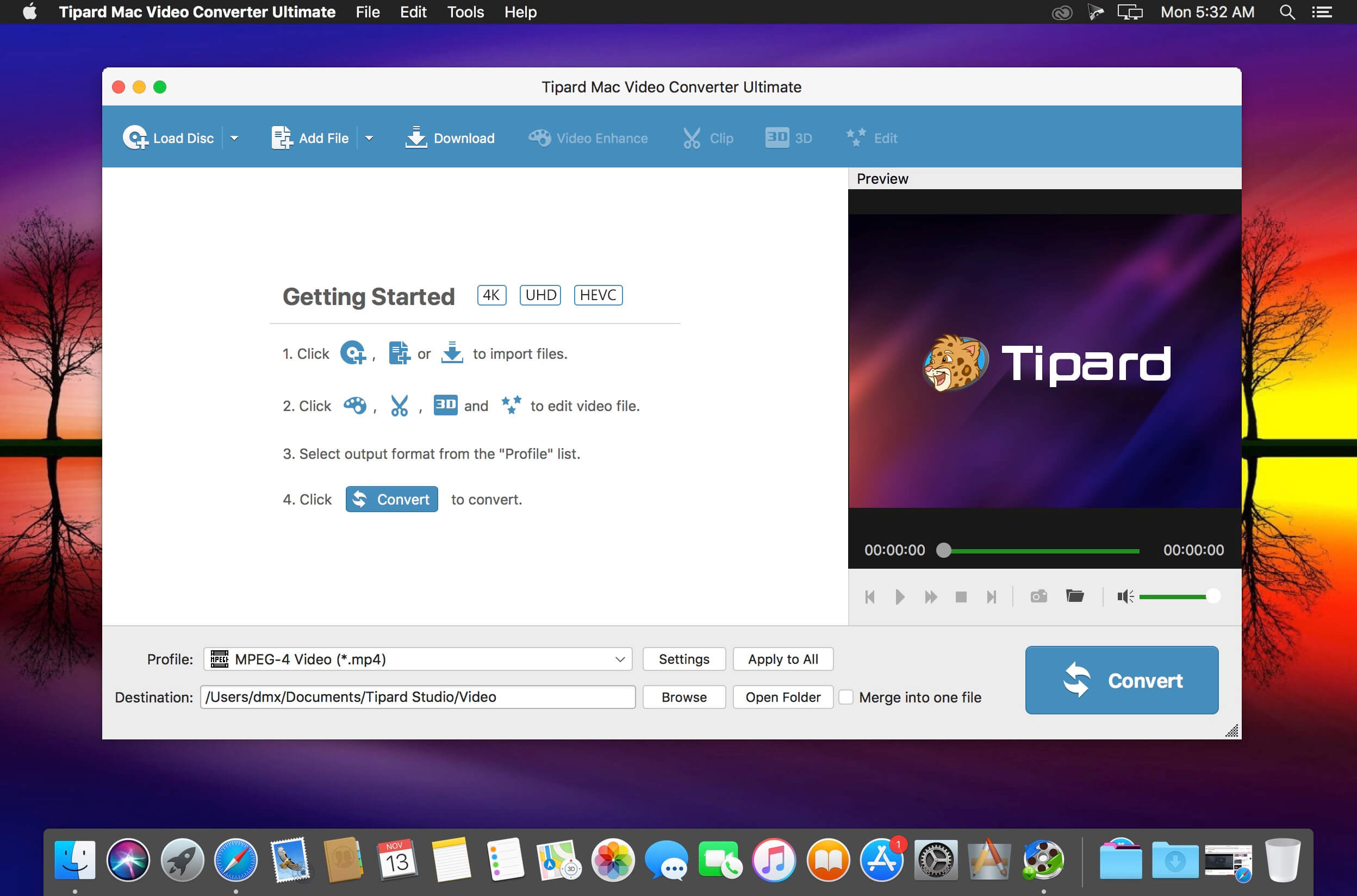
One stop solution to download video and convert DVD/video to 2D/3D format on Mac. It’s very convenient since you don’t have to use several different tools when you need to download, edit and convert videos on Mac. Plus, you can also rip and convert DVD to any video format and convert any video to 3D format on Mac.
Convert between different audio formats or extract audio tracks from video files
Offer a wide range of output video/audio formats including MP4, WMV, AVI, MP3, etc.
Provide ready-to-use profiles for iPhone X, iPhone 8, iPhone 7, iPhone 6s, iPhone 6, iPhone SE, iPad Pro/mini 4, iPod, Samsung Galaxy S/Note series and other devices
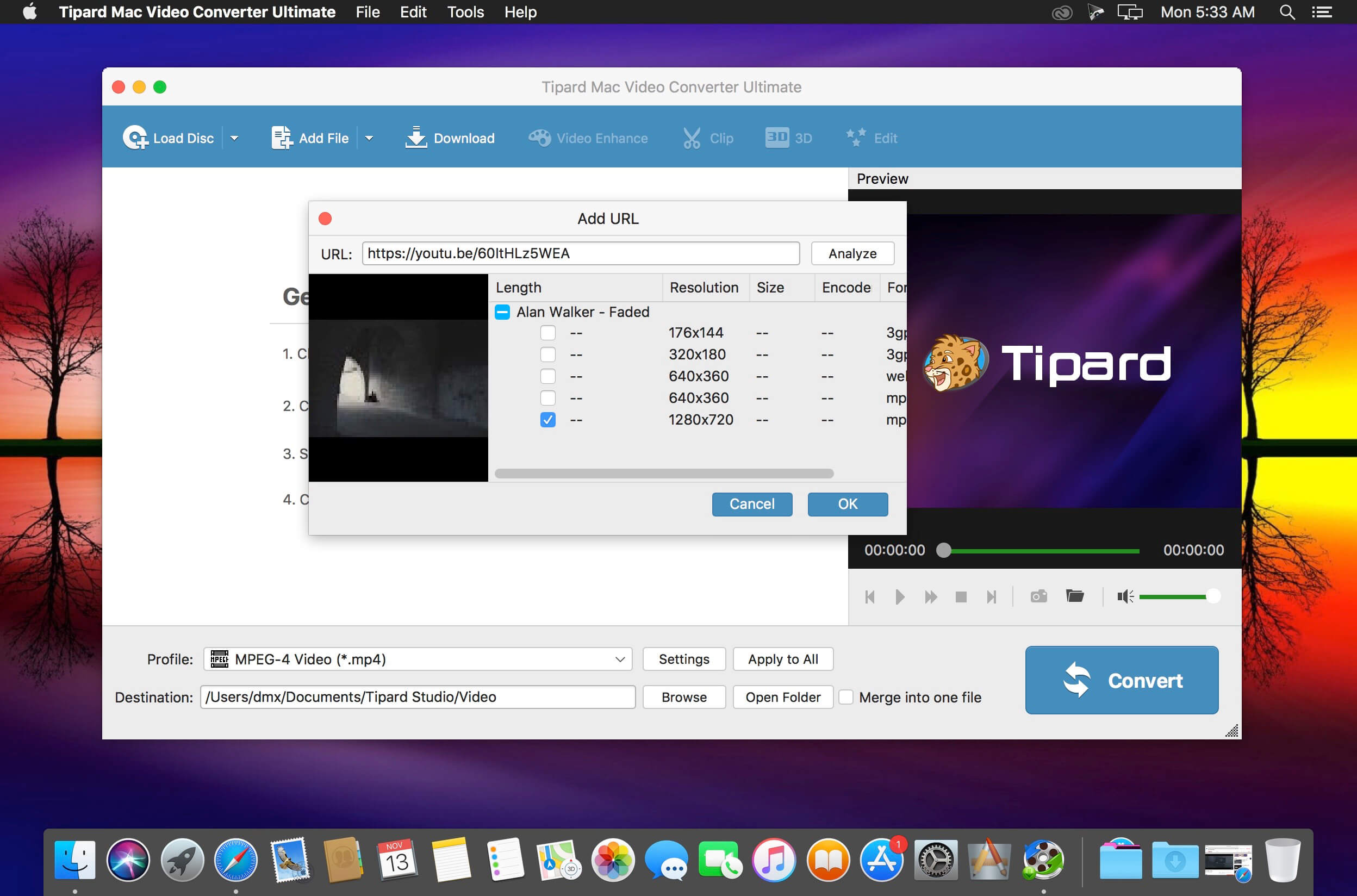
Why Choose Mac Video Converter Ultimate? It’s very convenient since you don’t have to use several different tools when you need to download, edit and convert videos on Mac. Plus, you can also rip and convert DVD to any video format and convert any video to 3D format on Mac. How to add external audio tracks and subtitles (New) You are able to add audio track or multi-audio track to video according to your need with Tipard Video Converter Ultimate. If you want to replace the unsynchronized audio file from video and animate it with another audio file, this program will be your best choice. The software highly supports MP3, M4A, AAC, WMA and other audio formats. In addition, you can also use Video Converter Ultimate to add external subtitle file to video or remove the soft subtitles from a video. The supported subtitle formats are *.srt, *.ssa and *.ass. Download online videos from YouTube, Vimeo and more on Mac Save your favorite YouTube videos to your mobile device so you can watch them when there’s no Internet. Furthermore, streaming lots of online videos can quickly chew through your monthly data allotment. The fix for both issues: Download online videos for offline viewing. Tipard Mac Video Converter Ultimate is a good choice for you to easily download videos from video sharing websites including Youtube, Facebook, Metacafe, Dailymotion, Vimeo, Vevo, Yahoo, etc. Convert DVD/video/audio to 4K video and 3D format Tipard Mac Video Converter Ultimate lets you easily convert any DVD and 4k video to popular video formats like 4KH.265/HEVC Video(*.mp4) /4K H.264 FLV Video (*.flv), AVI, MKV, WMV, and MOV. Also it’s an excellent audio extractor that can extract audio track from video files and convert between different audio formats such as MP3, OGG, WMA and WAV. It also supports five 3D modes – Anaglyph 3D, Side by Side (Half-Width) 3D, Side by Side (Full) 3D, Top and Bottom (Half-Height) 3D and Top and Bottom (Full) 3D. You can use it to convert DVDs/videos to videos in 3D format for striking visuals. Personalize your video files Apart from downloading videos and converting DVDs/videos, Tipard Mac Video Converter Ultimate also allows you to edit video files with built-in video editor. You can modify the brightness, saturation, contrast, hue and volume. The Clip function lets you split a video into several parts. And the Crop function allows you to remove letterboxing, pillarboxing and windowboxing. You could also personalize the video by adding your own text or image watermark. Rotate and enhance your video effect If your video is recorded by iPhone or other mobile devices which is displayed by a small screen, you can use this program to rotate video direction to make it play completely. The enhance function can help you get superb video quality, optimize brightness and contrast and remove your video noise. This function can also reduce shaking motion in your videos which can makes video more clearly.
What’s New:
Version 10.0.10:
Release notes were unavailable when this listing was updated.
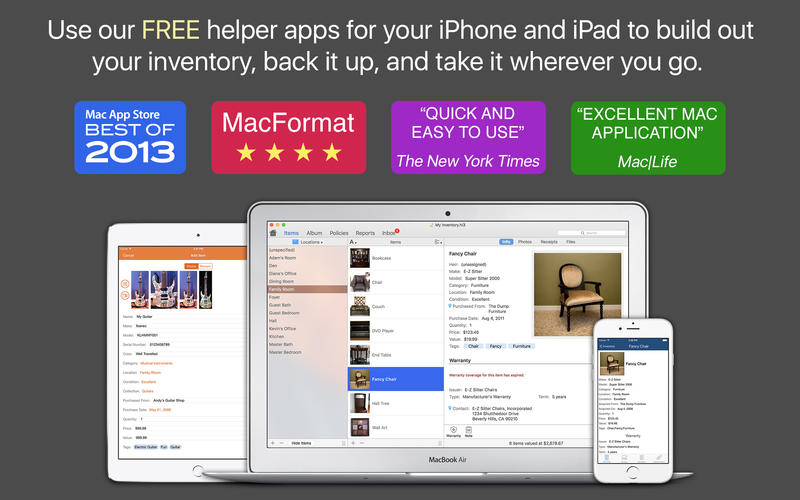
Home Inventory makes keeping an up-to-date catalog of your possessions simple and fast so you can stay organized and always prepared. Called “Quick and easy to use” by the New York Times and “Spectacularly user-friendly” by Mac Format.
Document and organize everything that’s important to you with ease, speed, and accuracy using Home Inventory. Build a complete catalog of your valuables and store important details about your items such as make, model, serial number, purchase price, value, and much more.
Get rid of the clutter. Stay organized and store unlimited photos, receipts, product manuals, warranties, and dated notes all in one place.
If you have an iPhone or camera enabled iPad or iPod Touch, you can use the free helper app, Home Inventory Photo Remote, to wander your home and build out your inventory. The app includes a built-in barcode scanner to quickly add books, CDs, DVDs and other items with barcodes to your inventory.
Stay on top of your home’s upkeep with a maintenance schedule of routine tasks such as cleaning the gutters and aerating the lawn. If you are running OS X 10.8 Mountain Lion or later, you can add tasks to Calendar and Reminders.
Find out if you are adequately insured. With our built-in coverage analysis report you will know if you are over-insured, under-insured, or if your coverage is just right.
Take your inventory with you on your iPhone, iPad, or iPod Touch with out free helper app, Home Inventory Mobile Backup.
Other Noteworthy Features
Use your scanner to add photos and receipts
Customizable fields and field layouts
Built-in currency conversion
Multiple currency support
Robust and flexible reporting options
Password protection
Import and export CSV data
Track property assessments
Warranty expiration tracking
Property insurance coverage alerts
Track and value collections
Keep multiple inventories
Support for Retina displays
Full-screen support
Sandboxed app for increased security
What’s New:
Version 3.8.6:
Fixed an issue with importing photos and receipts referenced from a CSV file.
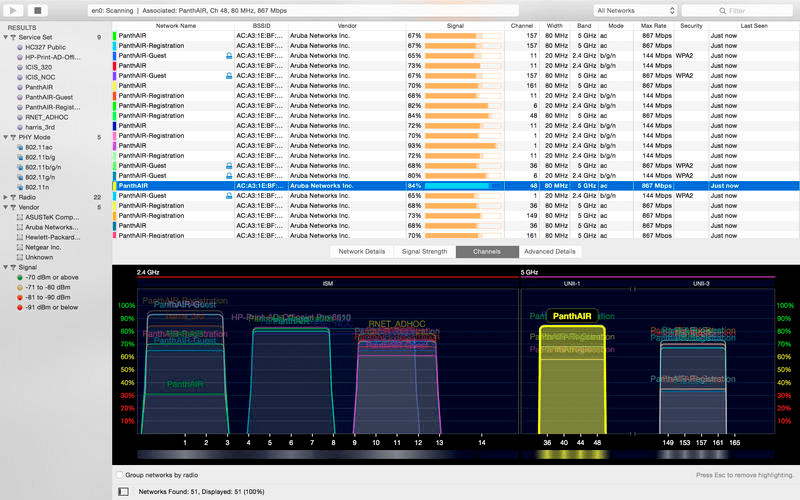
Scan, monitor, and troubleshoot wireless networks with WiFi Explorer. Quickly identify channel conflicts, signal overlapping or configuration problems that may be affecting the connectivity and performance of your home, office or enterprise wireless network.
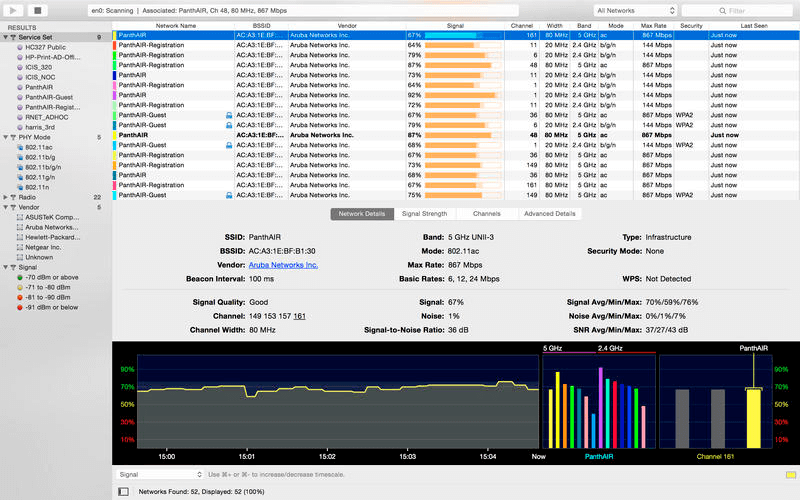
Get an insight into the network details: name (SSID), MAC address (BSSID), device manufacturer, signal strength (RSSI), noise, channel, band, security configuration, supported data rates, 802.11 information elements (IE), and much more.
Suitable for home, small office, or enterprise networks
Easy-to-use, intuitive user interface
Graphical visualization of the Wi-Fi environment
Supports 2.4 GHz and 5 GHz frequency bands as well as 20, 40, 80 and 160 MHz channels
Works with 802.11a/b/g/n/ac networks
Also:
Comprehensive app’s help
Signal quality ratings based on signal-to-noise ratio (SNR)
Accurate conversion from dBm to percentage (%) for easier analysis and optimization
Detailed description of information elements (IE) advertised by the access point for advanced troubleshooting
Export metrics and network details to CSV file format
Save results for later review and analysis
Access point name discovery (if supported)
Editable column for labels or annotations
Selectable and sortable columns
Adjustable graph timescales
Quick filtering
Customizable colors for easily tracking particular networks
Full screen mode
What’s New:
Version 3.2
Adds support for the Time Zone, Multiple BSSID, and Multiple BSSID-Index information elements.
Improves support for the Roaming Consortium, HS2.0 Indication, HE Capabilities, and HE Operation information elements.
Fixes missing keyboard shortcut for entering/exiting full screen mode.
Fixes number of spatial streams for Wi-Fi 6 networks using a 160 MHz channel width.
Other fixes and improvements.
Version 3.0
Refined user interface
New, comprehensive help.
Also:
Adds ability to show/hide automatic filters.
Adds ability to negate automatic filters by pressing the space bar on the selected filter.
Adds support to manage annotations in Preferences.
Adds annotations as automatic filters.
Adds ability to select networks by clicking in the Spectrum or Signal Strength graphs.
Fixes incorrect max data rate calculations for VHT 20 MHz channels.
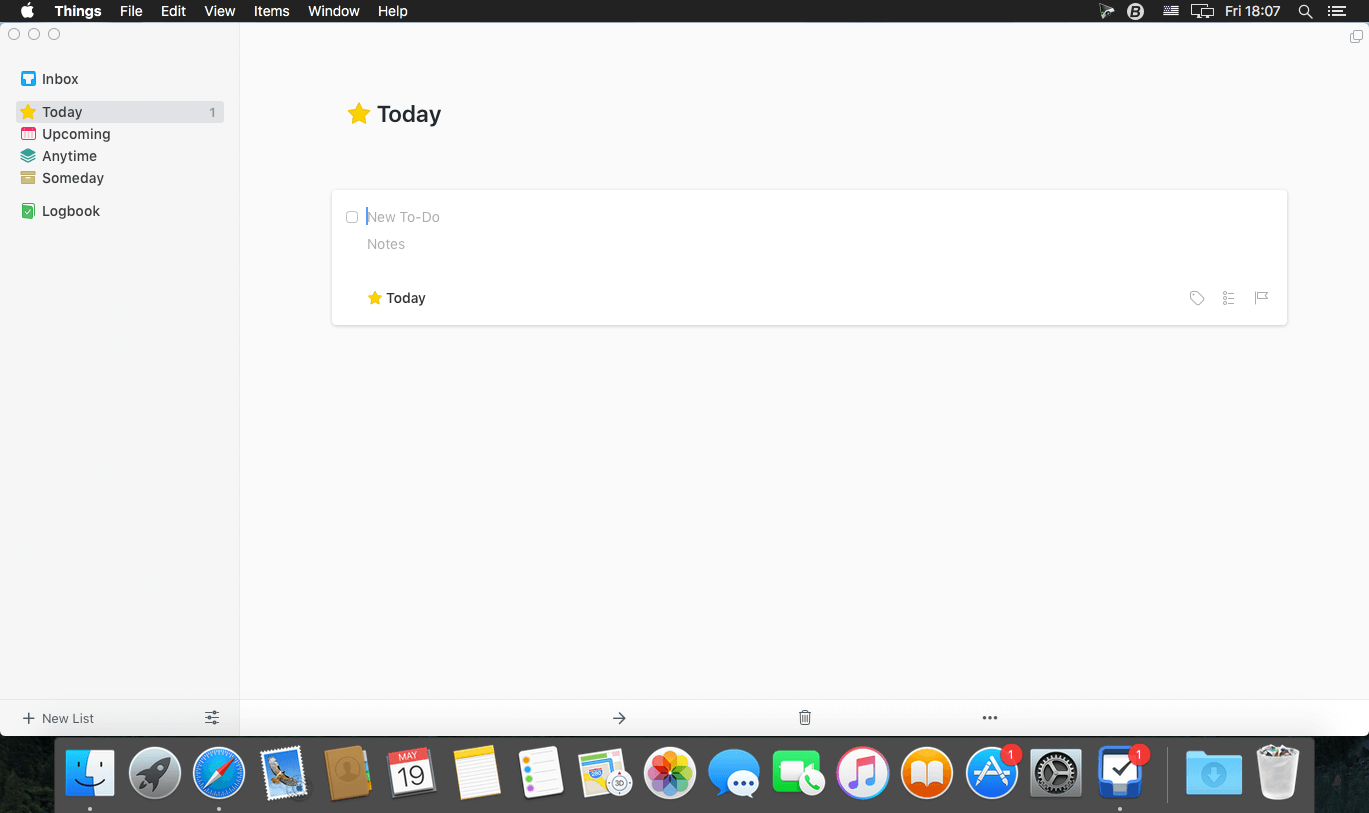
Things is a task management solution that helps to organize your tasks in an elegant and intuitive way. Things combines powerful features with simplicity through the use of tags and its intelligent filter bar. A Leopard style source list allows for quick and easy focusing. Together with a beautiful user interface, Things aims at the seemingly impossible: making task management both easy and fun.
Our screencast is a great introduction.
The big picture. A Leopard-style source list lets you easily focus without ever switching view modes or wrapping your head around filter criteria.
A magical tag bar automatically appears when needed and adapts to the currently displayed list. It lets you drill down even the longest list of To-Dos. Hierarchical tags? We got you covered!
Teamwork. Things offers convenient collaboration features. Easily delegate tasks to members of your team. (This is work in progress.)
No columns! Whether it’s multiple tags, dates or notes, To-Do items display their information on an as needed basis. No more space wasted by empty or irrelevant column cells!
Out of your head, out of your way. A quick entry HUD lets you enter any idea the moment it hits you. Never let the thought of an unfinished business distract you again.
Yours forever. We won’t lock you in. Things will use an open XML file format to store your data. (Not yet activated.)
Things even supports GTD, so if you’re familiar and comfortable with GTD concepts, you’ll feel right at home.
What’s New:
Version 3.13.13
Fixed some AppleScript API bugs for querying projects, areas, and tags.
THINGS FOR BIG SUR We’ve provided full compatibility for macOS 11 Big Sur and two great improvements for the new unified Notification Center: configurable Widgets and Rich Notifications.
ALL-NEW WIDGETS Things’ powerful new Widgets are now available on the Mac! Configure them in your Notification Center to show any to-do list you want. Quickly glance at what you’re doing Today, see what’s Upcoming on your schedule, stay on top of your most urgent project, view tag-filtered lists – the possibilities are endless!
RICH NOTIFICATIONS Notifications have been greatly improved, with variable snooze durations – 10 min, 30 min, 1 hour – and a new option to complete a to-do directly from the alert. Perhaps best of all, the app no longer jumps to the foreground when you hit snooze!
BIG SUR COMPATIBILITY
Remodeled the app icon.
Adapted the window layout.
Designed new icons for Preferences panes.
Designed a new Things Cloud switch.
Many other small interface tweaks.
NEW MACS Things fully supports the newly announced Macs with Apple M1 chips: the MacBook Air, MacBook Pro, and Mac mini.
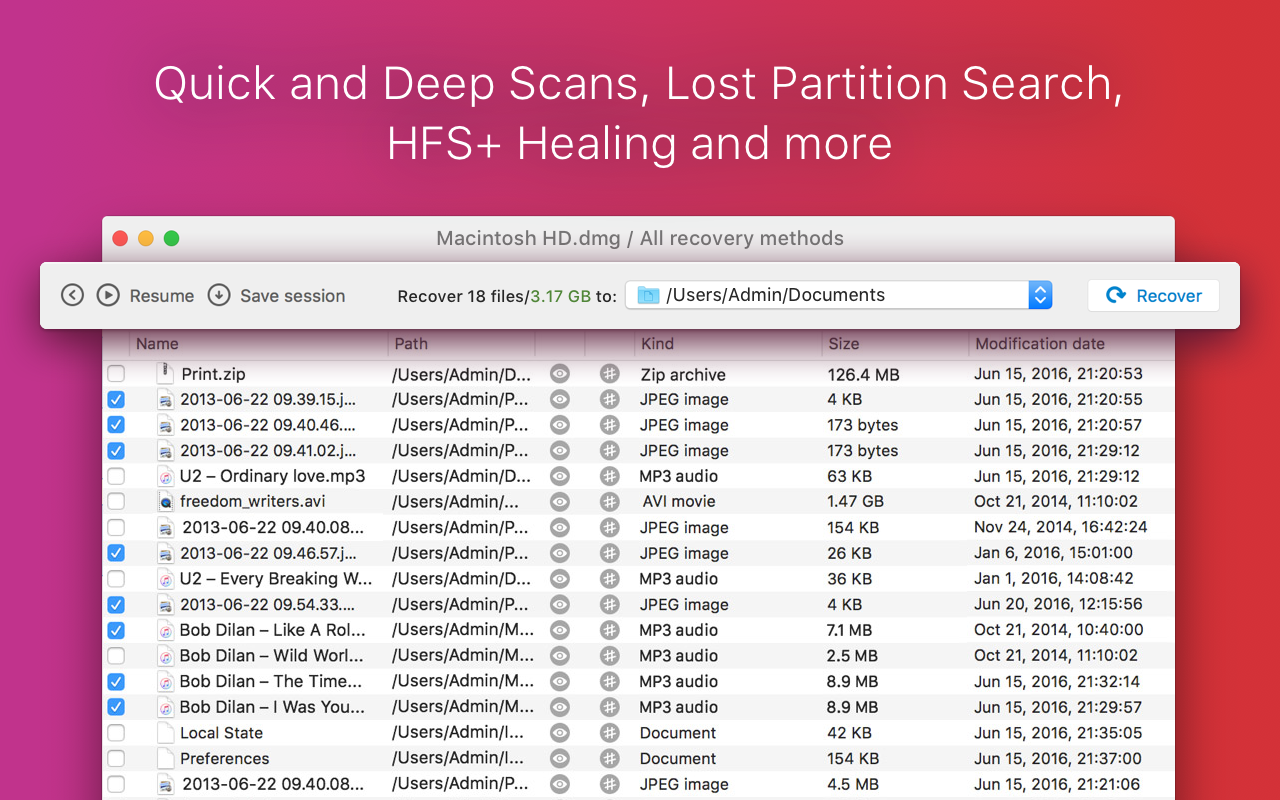
Disk Drill Media Recovery is the most user-friendly data recovery app for Mac.
Disk Drill can recover your lost pictures and photos, music, documents, applications, videos and other data. “Quick Scan” and “Search for lost partitions” can recover files of any format. “Deep Scan” file recovery method works on a lower level and analyzes disks as a binary. It runs your hard drive recovery based on file signatures, thus original file names, locations and properties might be unrecoverable.
Disk Drill Media Recovery supports files recovery on all known systems: HFS, HFS+, FAT32, NTFS, EXT3, EXT4, ExFAT and will even work with formatted disk images. If your data is still there, Disk Drill will undelete it for you.
Your lost data can be retrieved from any internal and external media: your Mac hard drive, any disk you can mount to your Mac, USB flash thumb drives, cameras, card-readers, external hard drives, iPods (Shuffle, Nano, Classic, Mini), mobile phones, other Macs connected in target mode, etc.
Disk Drill Media Recovery is developed by CleverFiles, a well-known brand in data recovery apps for many years now. You can be sure you are getting a quality product with endless possibilities. Remember to always drop us a line if you have any questions about Disk Drill at [email protected]
Extra features
Flexible filters for searching & sorting of found files
Live preview before scanning is complete
Starting with version 2.x/3.x it can get your data back from any byte-by-byte disk image. The following disk images are supported: DMG, ISO, IMG. Data recovery is easy as always, just 3 simple steps: #1 create the disk image (using Disk Utility, for example); #2 load it in Disk Drill; #3 hit Recover. Again, if you have any questions about the procedure to recover your files, feel free to email us at any time, we will gladly walk you through, and it will take you just a minute to start the recovery process.
!! Please Note: Disk Drill Media Recovery cannot recover data from iOS devices like iPod Touch, iPhone or iPad.
How to create a disk image Disk Drill Media Recovery, the App Store version of the award-winning Disk Drill data recovery technology, uses uncompressed (byte-by-byte) disk images as the source for data recovery. Here’s how you can create them really simple:
Run Disk Utility, it’s a standard Mac OS X app.
Go to File > New > Disk Image from “YOUR_DISK_NAME”.
Choose “read-write” as your Image format. Do not choose “Compressed”, or lost data will not be copied.
Set encryption to “none”.
Save your disk image, and load it in Disk Drill Media Recovery when done.
What’s New:
Version 4.3
Disk Drill now runs natively on M1 Macs
New simplified UI
New Deep Scan algorithms to recover raw image formats
New enhanced NTFS, FAT32 and ExFAT recovery
Deep Scan supports new file formats: AU (Audacity audio files), PCX (bitmap images), Microsoft Publisher files (PUB), WordPerfect (WPD), “Ichitaro” the Japanese text processor (JTD, JTDC, JTT, JTTC), and others
Deep Scan finds and reconstructs more RAR, CAB, ZIP, and other archives
Extended file names recovery for PDF and AI files
Improved detection of TIFF, JPG, and X3F image formats
Byte-to-byte backups can now be paused and resumed
New option to “Select only files that were not recovered yet” in the recovery tree
Auto-resuming scans of frequently disconnecting (unstable) devices
Greater visibility in scanning and recovery results
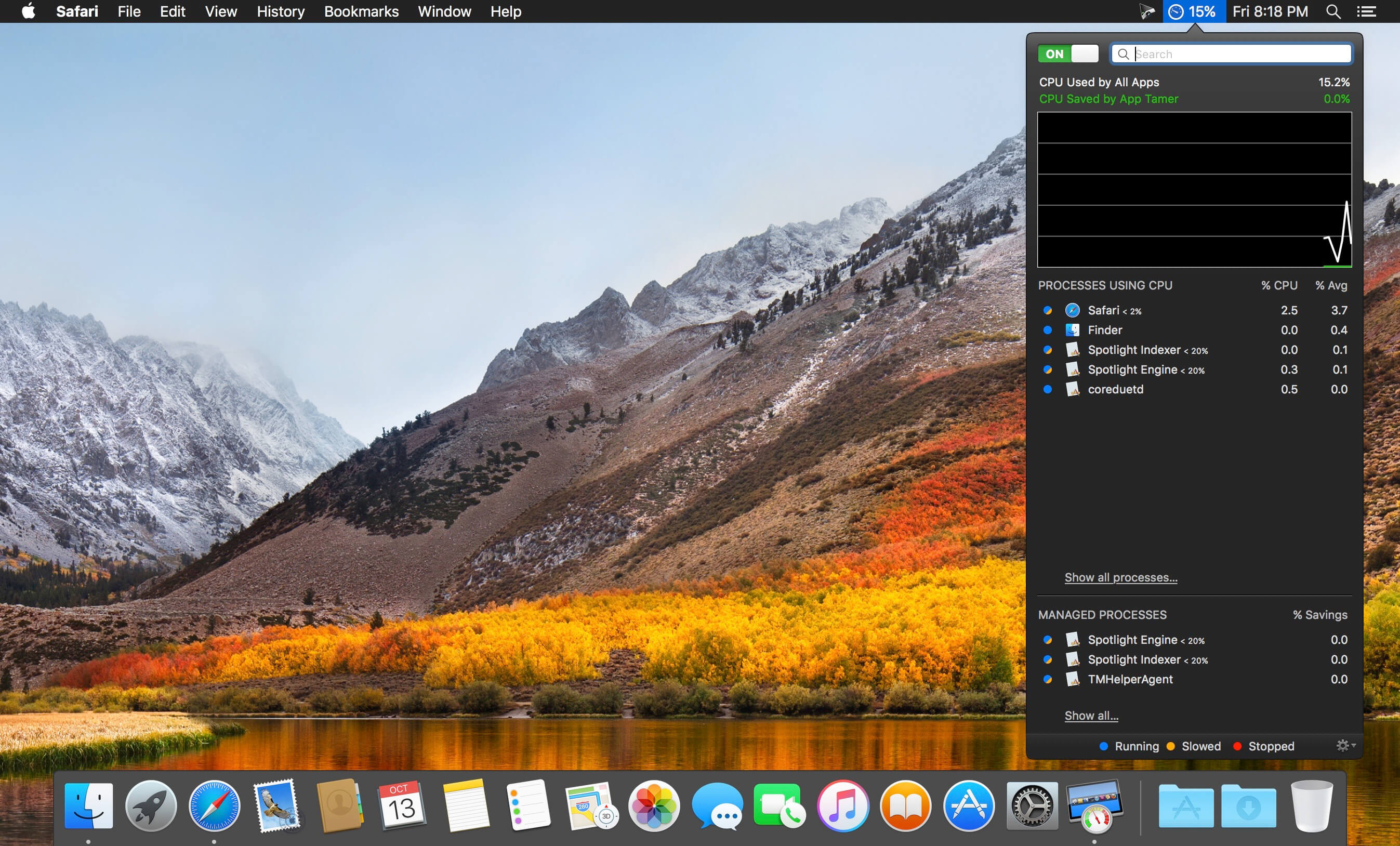
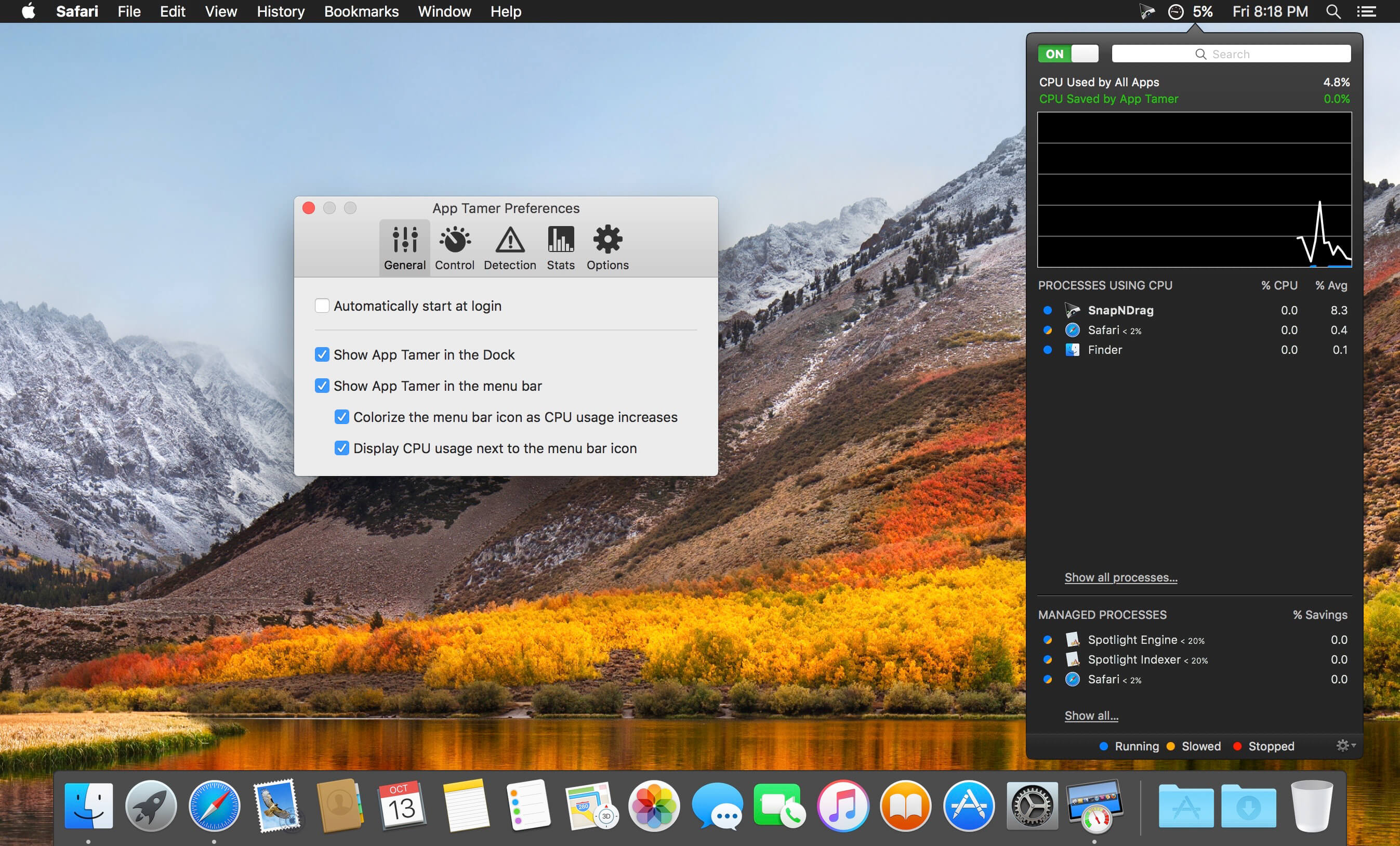
App Tamer tames your processor-monopolizing apps and keeps them from chewing up excessive CPU time and battery life. Powered by a unique AutoStop feature, App Tamer stops each application when you switch away from it — when you return to that app, it restarts automatically!
App Tamer is built around an attractive and clear user interface, designed for managing all your running applications with minimum distraction or frustration. With helpful displays, you can monitor the average percentage of your processor(s) being used by each app, or access a graphical history or your CPU usage. Easily enable AutoStop for any application, or limit it to a certain amount of CPU time.
Don’t waste time trying to manage CPU usage on an app-by-app basis — liberate your Mac with App Tamer!
What’s New:
Version 2.6:
Compatible with macOS 11.0 Big Sur.
Built as a Universal App to run natively on Apple Silicon.
macOS 10.9 or later is now required for App Tamer to run.
Putting a CPU limit on Spotlight Indexer could sometimes slow Spotlight searches. This has been fixed.
App Tamer’s application icon and preference tabs have been updated to match the aesthetics of Big Sur.
When App Tamer is set to hide or quit an application after a period of idle time, notifications are only posted when that is done successfully. This eliminates repeated notifications from App Tamer in cases where an app refuses to hide or quit when it’s told to.
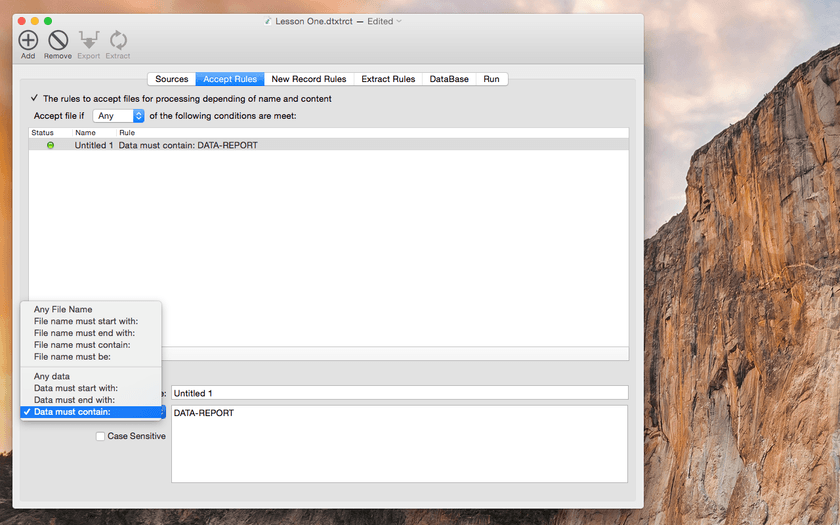
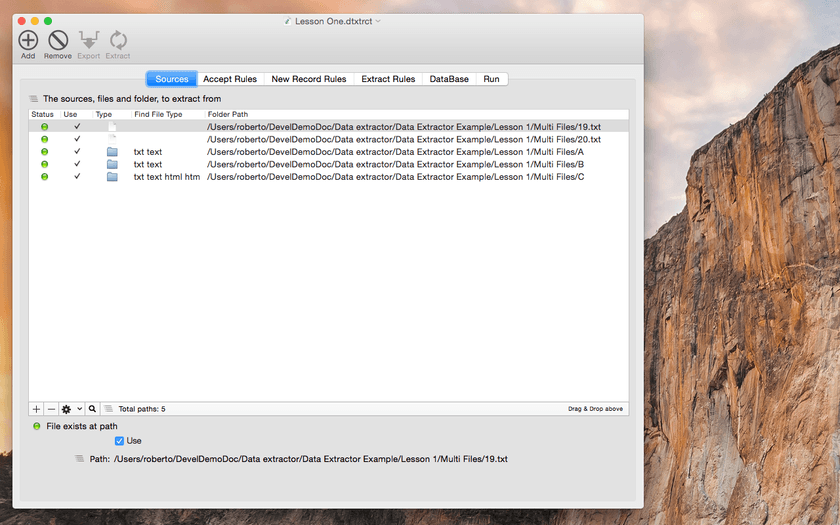
Data Extractor allows to extract data in a sparse format contained inside various files and collect the data you need in an internal structured table. Collected data can be exported at any time in various format (CSV, TSV, HTML, Custom). Data extractor can parse thousands and thousands of file in few seconds and collect the data inside. It uses simple smart instructions about how to recognize the data you need, how to extract them and where to put these data inside a structured table, ready to be exported.
Data Extractor can extract from an unlimited quantity of files different data specified by various tag you can define. Data is collected in an ordered internal database you create on-the-fly.
The application separates the step necessary to specify the extraction in a way that allow anyone to execute precise and successful data extractions of different kind. Any different data extraction can be saved as a document on disk and the user can create in that way a complete personalized set of custom extraction with specific rules.
Document can be used for batch processing of large amount of data with specific sources, rules of extractions and custom destination fields.
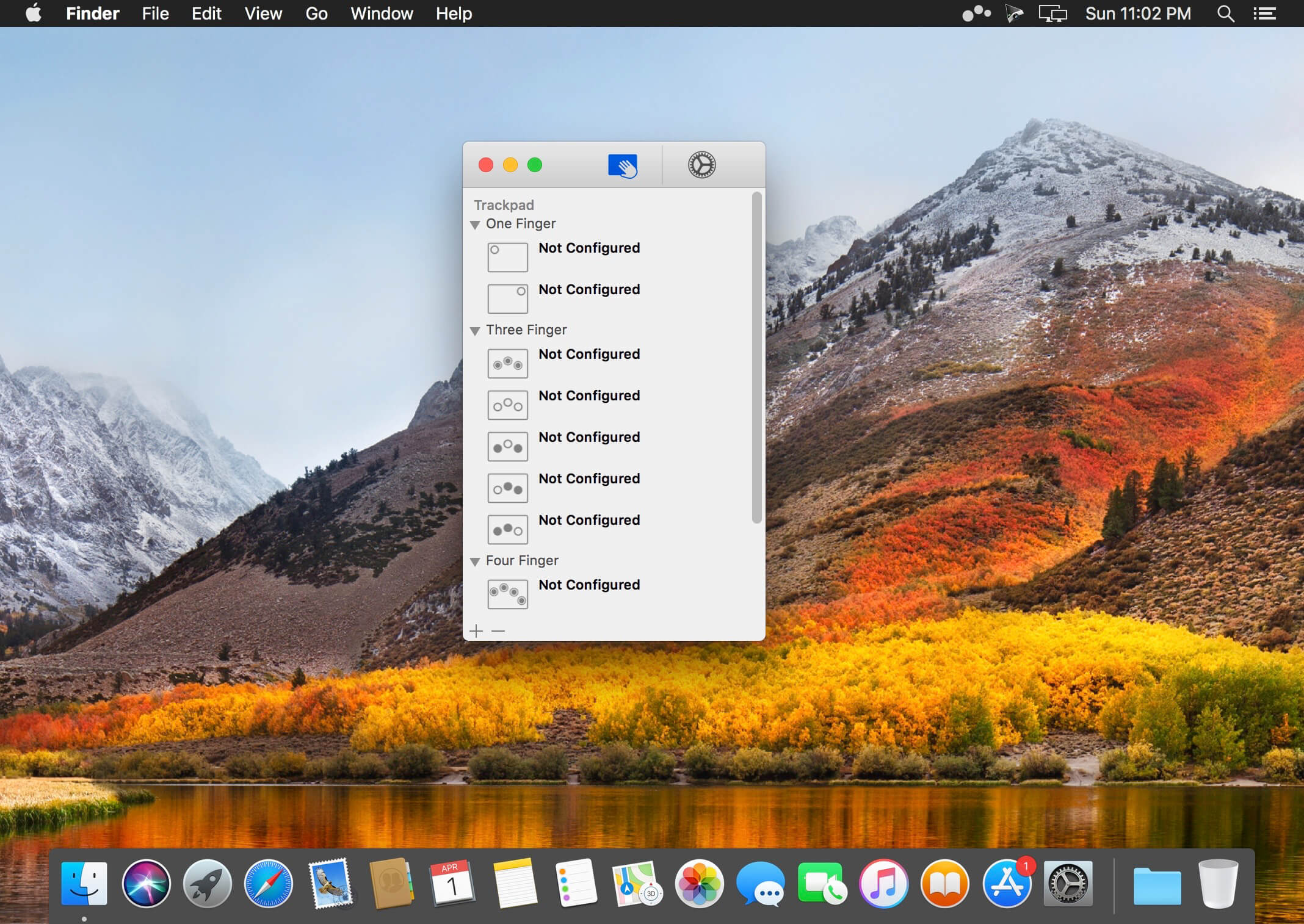
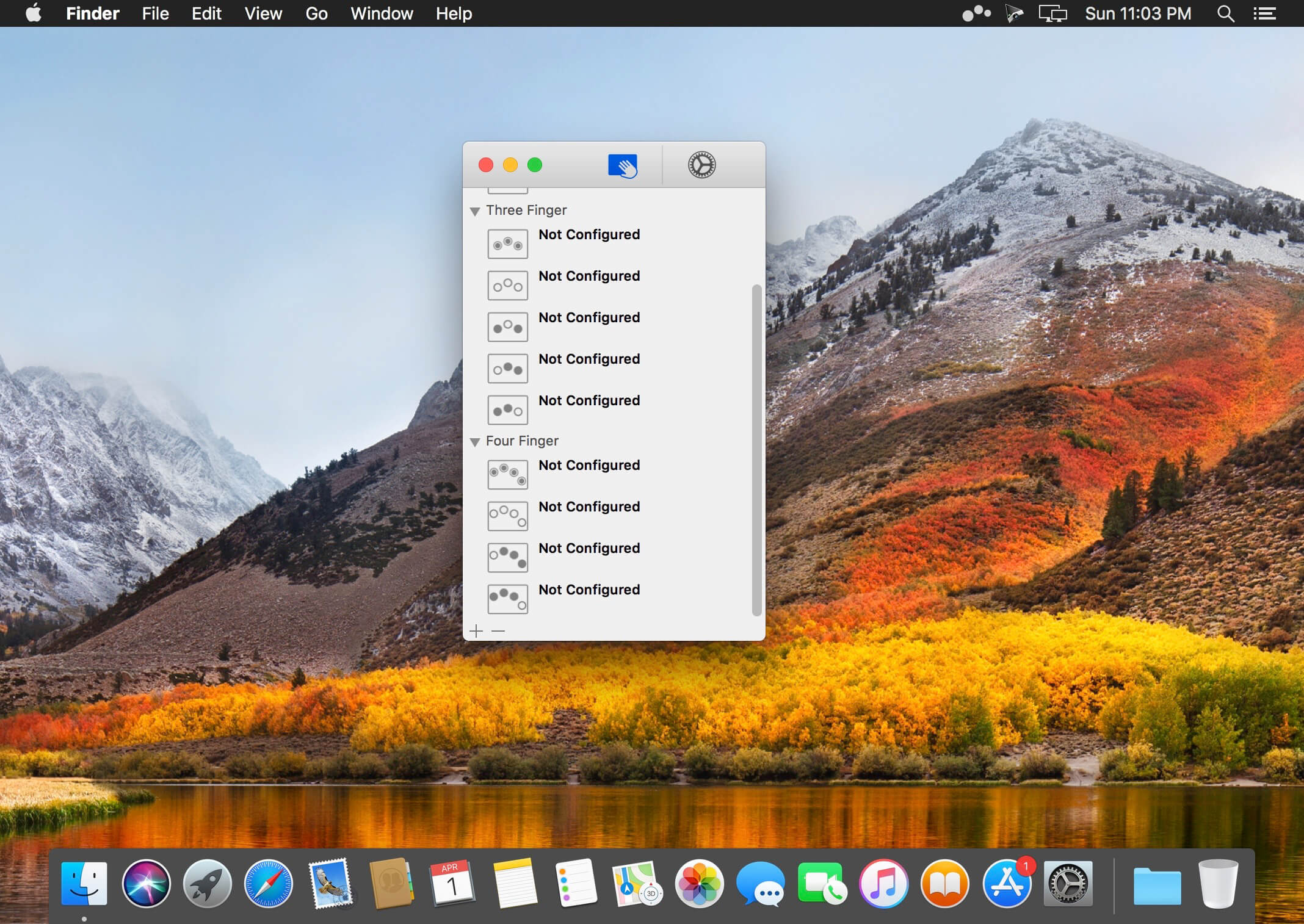
Easily add gestures to macOS Multitouch lets you tie a custom action to a specific magic trackpad or magic mouse gesture. For example, a three finger click can execute a paste. Improve your workflow by executing keyboard shortcuts, controlling your browser’s tabs, performing a middle mouse click, and much more.
Features
One time purchase and free updates with a growing list of gestures and actions.
Privacy. No user data is gathered from the app.
Does not require Accessibility privileges to run.
What’s New:
Version 1.24.13:
Release notes were unavailable when this listing was updated.
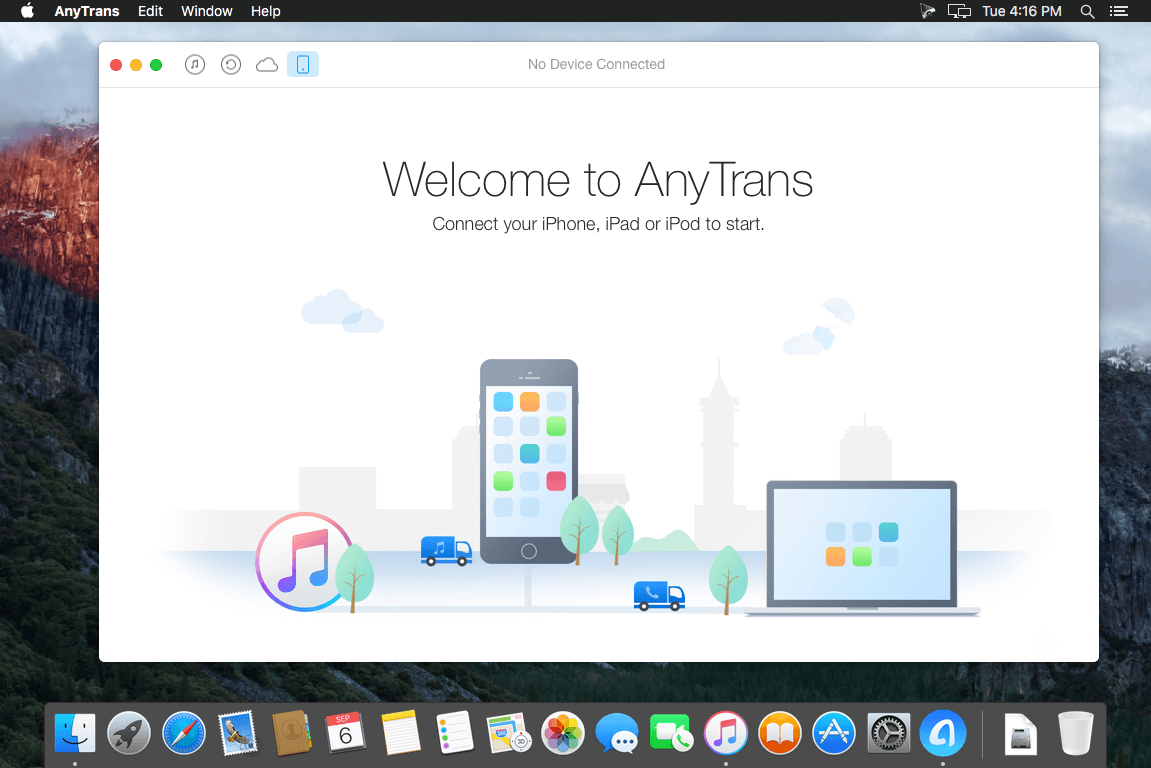
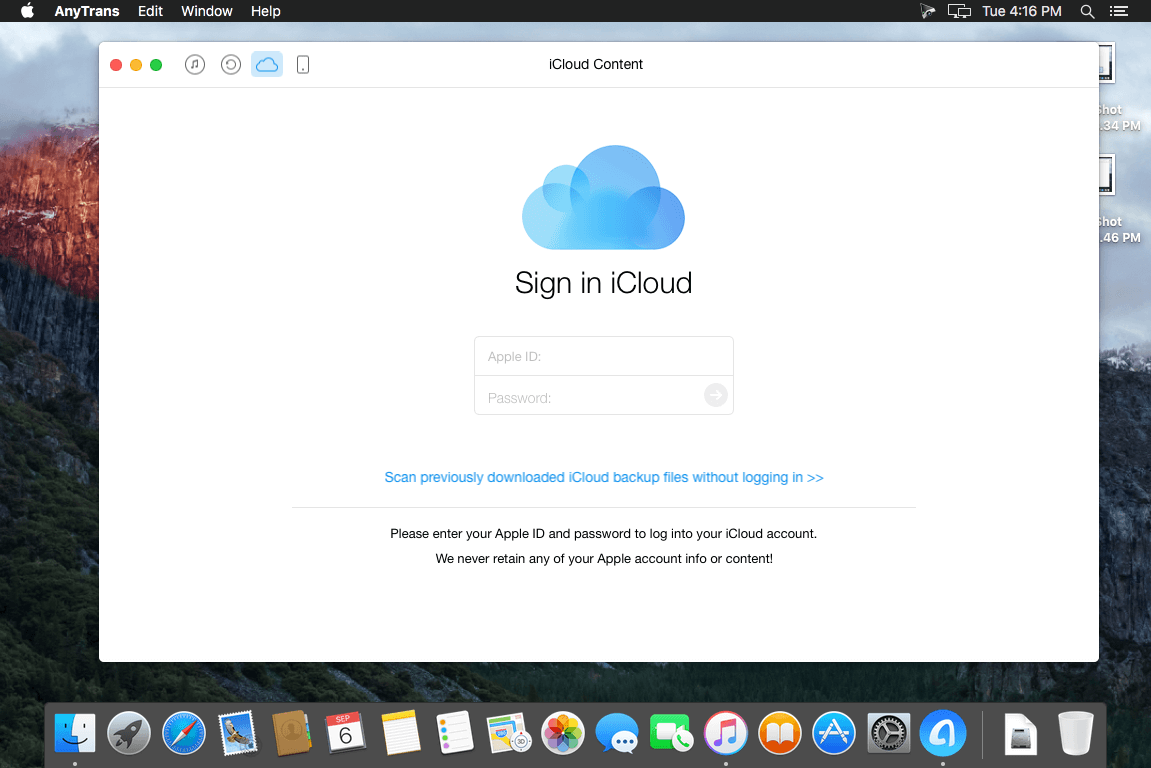
AnyTrans is the iPhone manager that breaks the sync boundary and consolidates every access to all your content in one place, including music, videos, photos, messages, books, Safari history, voice memo, etc.
Features:
Flash-Sync Makes the fastest data transfer in market – By largely improving the data loading and transferring speed, AnyTrans gives you lightning-fast experience.
Two-way Transfer between iOS devices, iTunes, iCloud and computer – Whether you want to transfer contacts from iPhone to Mac, messages from old iPhone to new iPhone, music and playlists from iPhone back to iTunes library, or videos from PC to iPad, AnyTrans gets anything transferred freely between your iPhone, iPad, iPod touch, iTunes, iCloud and computer.
Easily manage all your contents on iPhone, iPad, and iPod touch – Browse, edit and export important contacts, messages, notes, and more personal data from iPhone; well organize your photos and music in iPhone and iPad by building up your own collections and playlists – you get full control over all your iOS data and files with ultra ease.
Migrate everything to your new iPhone within one click clone – Upon just one simple click, everything from your old iPhone, even from iPad – will be cloned to your new iPhone. The game-level you just conquered, the photos you took yesterday, the note you plan for shopping and the music you favors will all be there waiting for you.
Navigate your iTunes and iCloud backup contents with even more ease – Instead of making a guess on whether your iTunes/iCloud backup contains the notes, messages, contacts, voice memos, or
Safari bookmarks you need, AnyTrans lets you peek right into your backups, and grab any piece of data you need freely without a full restore.
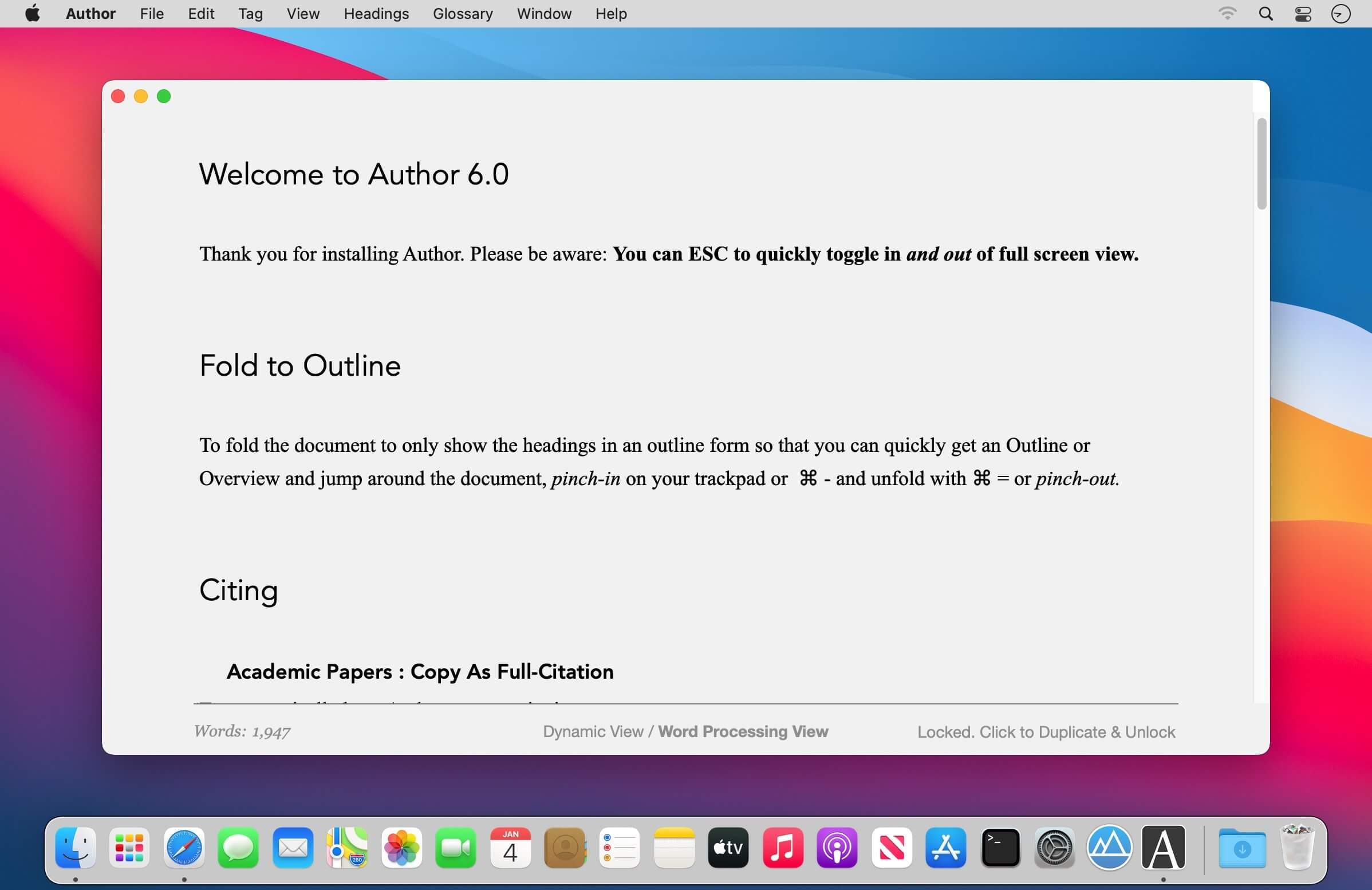
Greater control of the authorship process with Augmented Citation Copy, Augmented Glossary, Augmented Views, Cuttings & more. When you are ready to share your work as a PDF you get an automatically created Reference section. You can also post to WordPress.
Quick-Cite
Copy from PDF in the companion application Reader and paste as a full citation in Author
Paste the BibTex or DOI from an academic PDF to have it automatically turn into a full citation
Cite quickly and easily from Books, Web pages and YouTube videos (from specified time if desired)
Citations can easily be moved around from one document to another by clicking on the citation and choosing ‘Copy Citation’.
Advanced Automatic Export Options
Append References Section
Create Cover Page
Number Headings
Specify how citations should appear: Author Date or Author Number
Makes typed-out links live
Option to have Visual-Meta attached
Publish to WordPress: Supports multiple accounts and image attachments
Advanced Views
Dynamic View: Think freely without being constrained by the traditional columns of text. Mind map, concept map and jot down thoughts, right inside Author.
Instant Outline: Pinch on your trackpad to fold the text to see just the headings. Pinch further in or out to see more or less headings
Advanced Find: If you only want to see sentences with a specific keyword, select the keyword cmd-f to hide all the sentences which do not have the keyword will be hidden. Click on a sentence to jump to it, cmd-f again or ESC to return to the regular view.
Magic Margins: Double click in the margins (in full screen mode) to jot down any notes. If the notes are also in the document they will be bold and you can double-click to see all their occurrences. Note: These margins do not follow your document when you scroll, they are separate, to allow you to have an always-available space to jot notes–hence they are not like traditional margins
Cuttings
Everything you Cut (but not Copied) is remembered by Author. CMD-shift-v to see what you have Cut and choose what to paste
Modern & Minimalist
Makes Author fast and gives you auto saving and everything else you would expect from a modern, native macOS application including iCloud Drive (sync with Author iOS in the future)
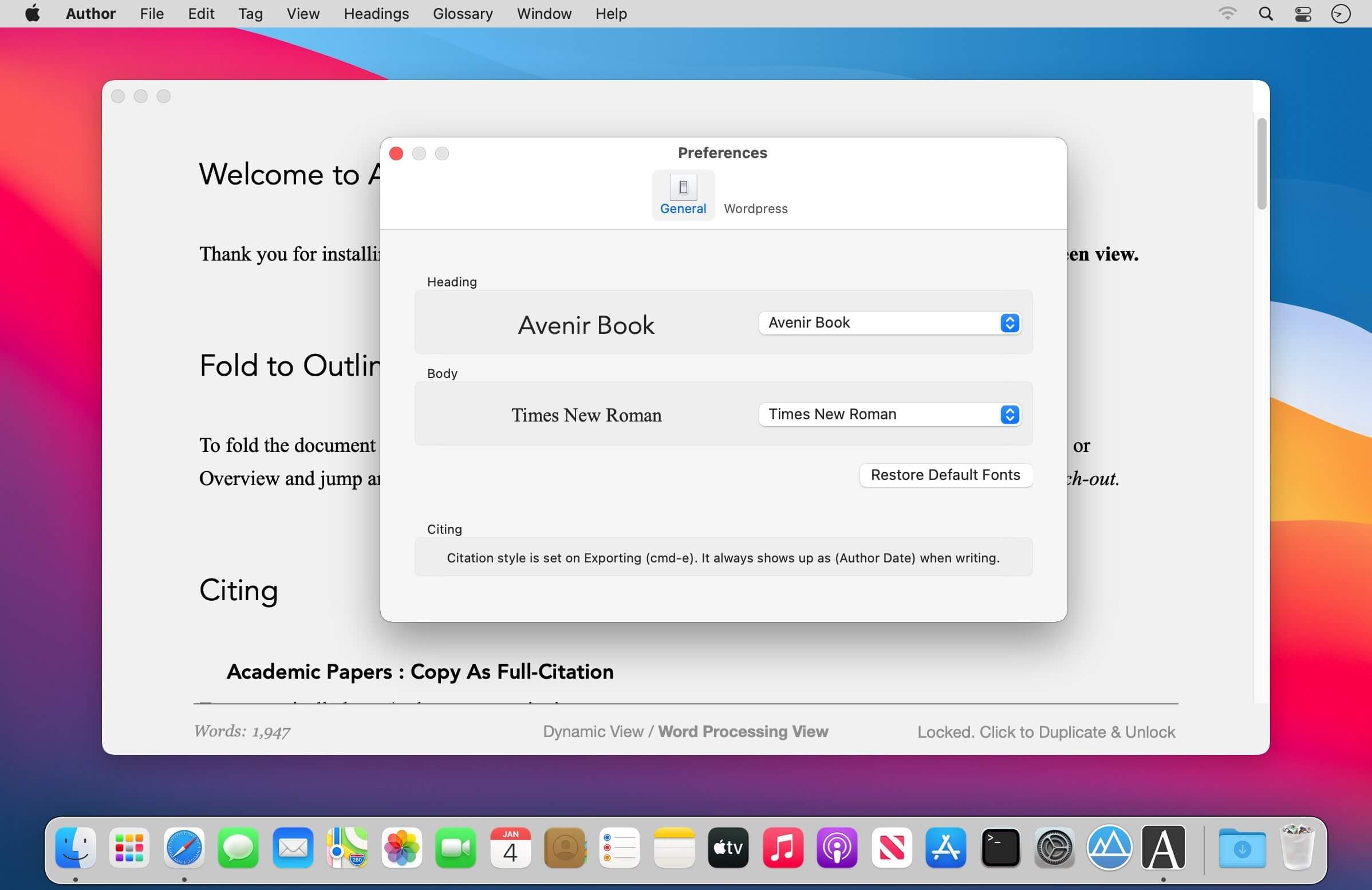
cmd- / cmd+ to scale all the text, you cannot change the size, colour or font of specific text in Author, only make it bold and italic, since Author is a writing application, not a layout application so therefore gives you less things to unproductively fiddle with Reduces eye strain and supports native macOS Dark Mode
Including complete citation information and internal links to them. Author is minimalist but not markdown.
ESC to go into and out of full screen. It seems like a detail but is very helpful when going between focused writing and interacting with many documents.
A Liquid Product
Integrated with Reader (PDF reader): Provides instant citations through simply copying and pasting text using the Visual-Meta method as described at http://www.liquid.info/scholarly-copy.html
Integrated with Liquid actions: Provides hundreds of commands in less than one second on any selected text.
What’s New:
Version 7.0
Improvements to Author’s unique Concept Mapping tool which only shows connecting lines when you select nodes, saving you from having a line-overload on screen.
zFuse Pro macOS version, with iOS version of the same light, simple and powerful.
The following is a characteristic: * Simultaneously open multiple instances. * Video rotation, you can watch movies lying down. * Hardware acceleration. * Supports HDR Tone Mapping on non-HDR display. * Media preview in seeking. * Built-in audio enhancement. * Multi Soundtrack selection. * Embedded/External subtitle-track selection. * Subtitle synchronization. * Support for external subtitle font selection . * 0.5x-3.0x playback speed control. * 0.5x-5.0x zoom screen. * Can directly load Blu-ray ISO to play. * Support audio output format switching. * Support audio output sample rate switching. * Support audio output channels switching.
Function/Shortcut key – Double click: full screen/quit full screen. – Space: pause/play. – Shortcuts: See the items under the “Control” menu.
* Supported video formats : MP4, MOV, MKV, AVI, WMV, FLV, RMVB, ASF,OGV and so on. * Supported audio formats : MP3, WAV, WMA, FLAC, APE and so on. * Support subtitle format : SRT, SSA, ASS. * Supported image formats : JPG, PNG, BMP,TIFF etc. * Supported playlist formats : M3U/M3U8/PLS/TXT/DPL.
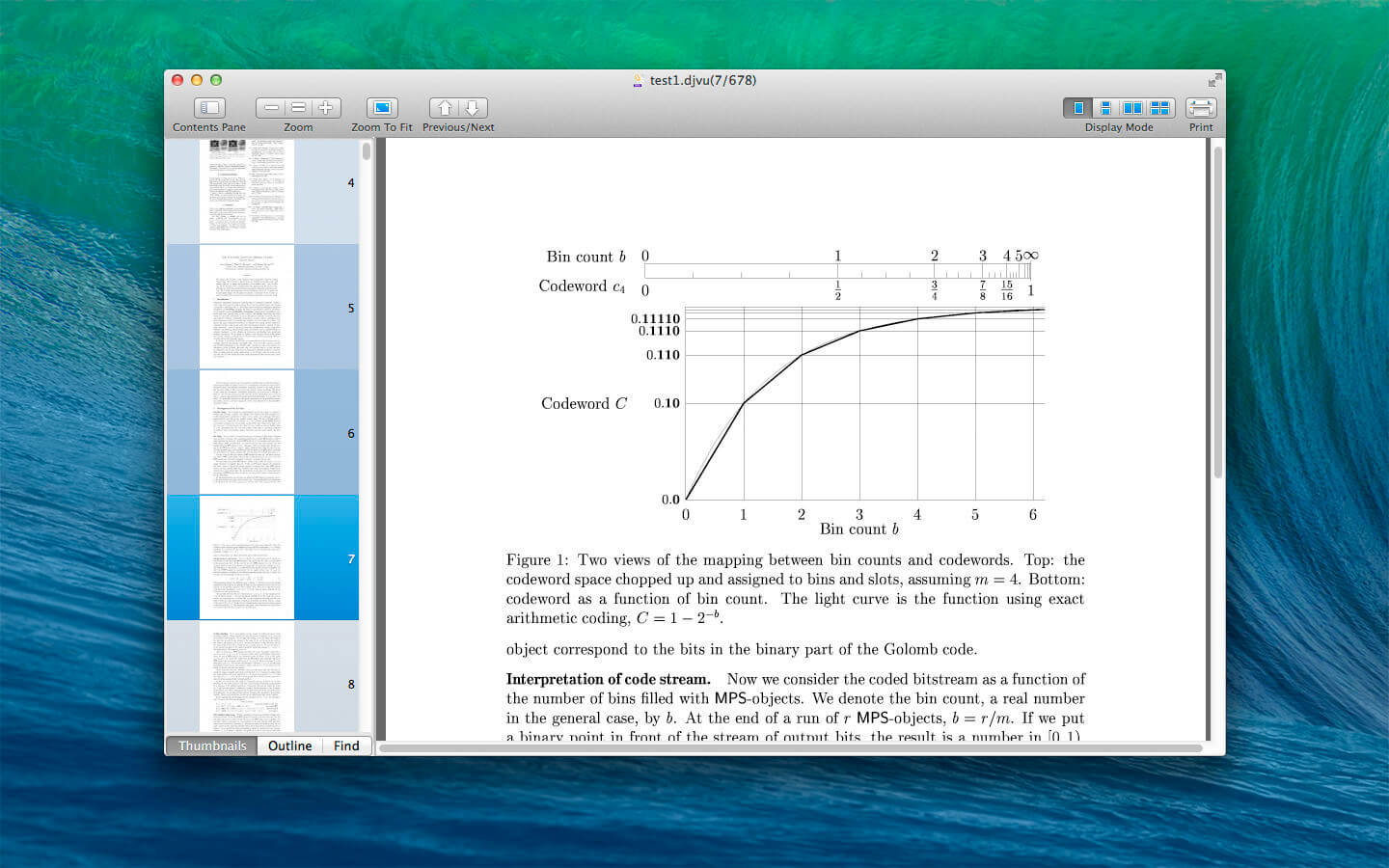
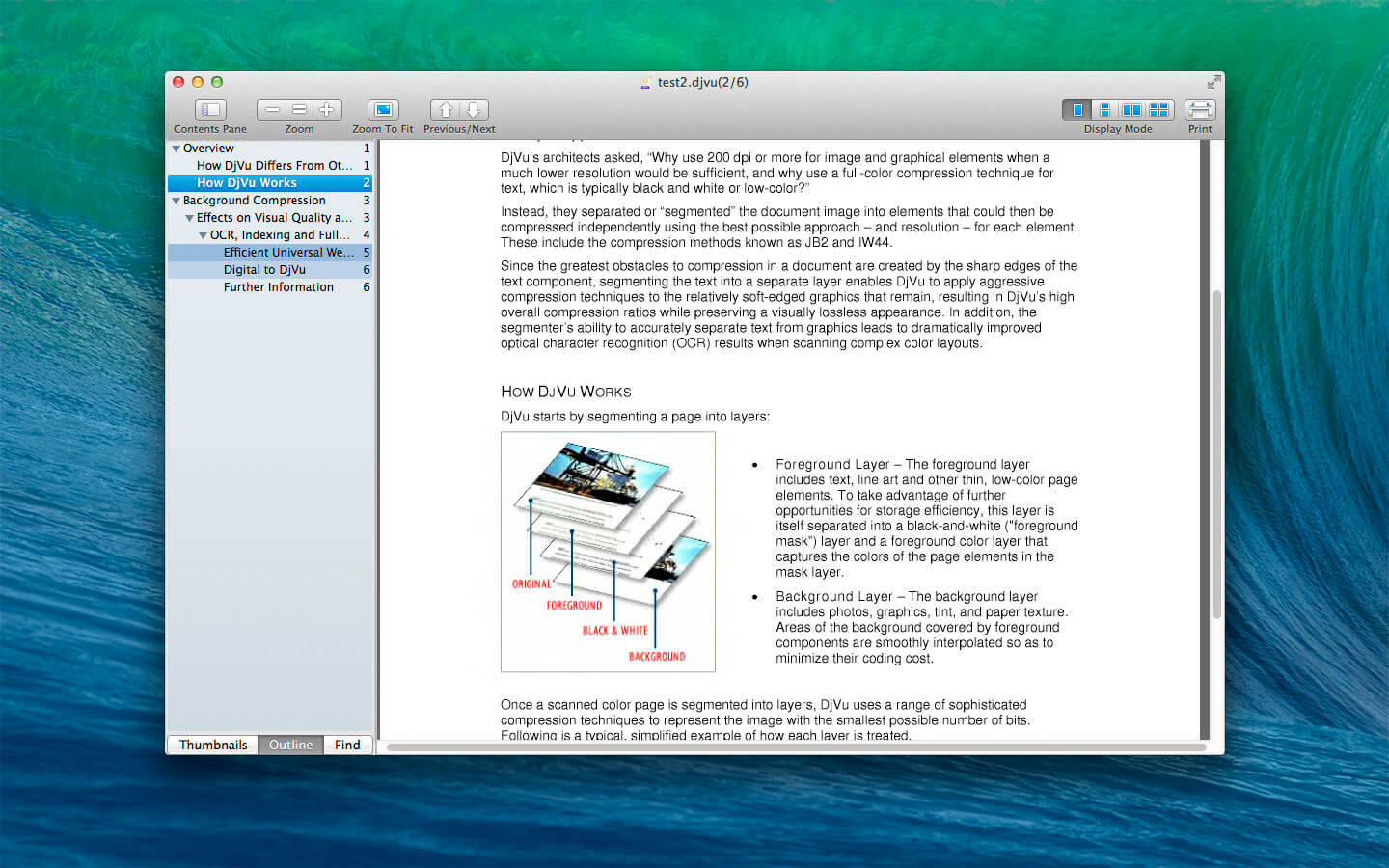
DjVu Reader Pro: The best application to read DjVu documents on the Mac OS. DjVuReaderPro is also available on iOS.
DjVu Reader Pro offers you the fantastic reading experience using Display Mode, Full Screen View, Page Thumbnail, Searching Pane,Viewing Scale and Print .
KEY FEATURES:
Open DjVu file quickly even very big file and read smoothly
Text Selecting
Search given content within document
Export to PDF, TXT
Quick Look Supported
Bookmarks Management
Toggle Contents Pane: Display with Thumbnails, Outline or Content only.
Full Screen Supported
Display Mode: Single Page, Single Page Continuous, Two Page, Two Page Continuous
Zoom: Zoom In, Zoom Actual Size , Zoom Out or Zoom to Fit
Previous/Next: Go to First Page, Previous Page, Next Page or Last Page
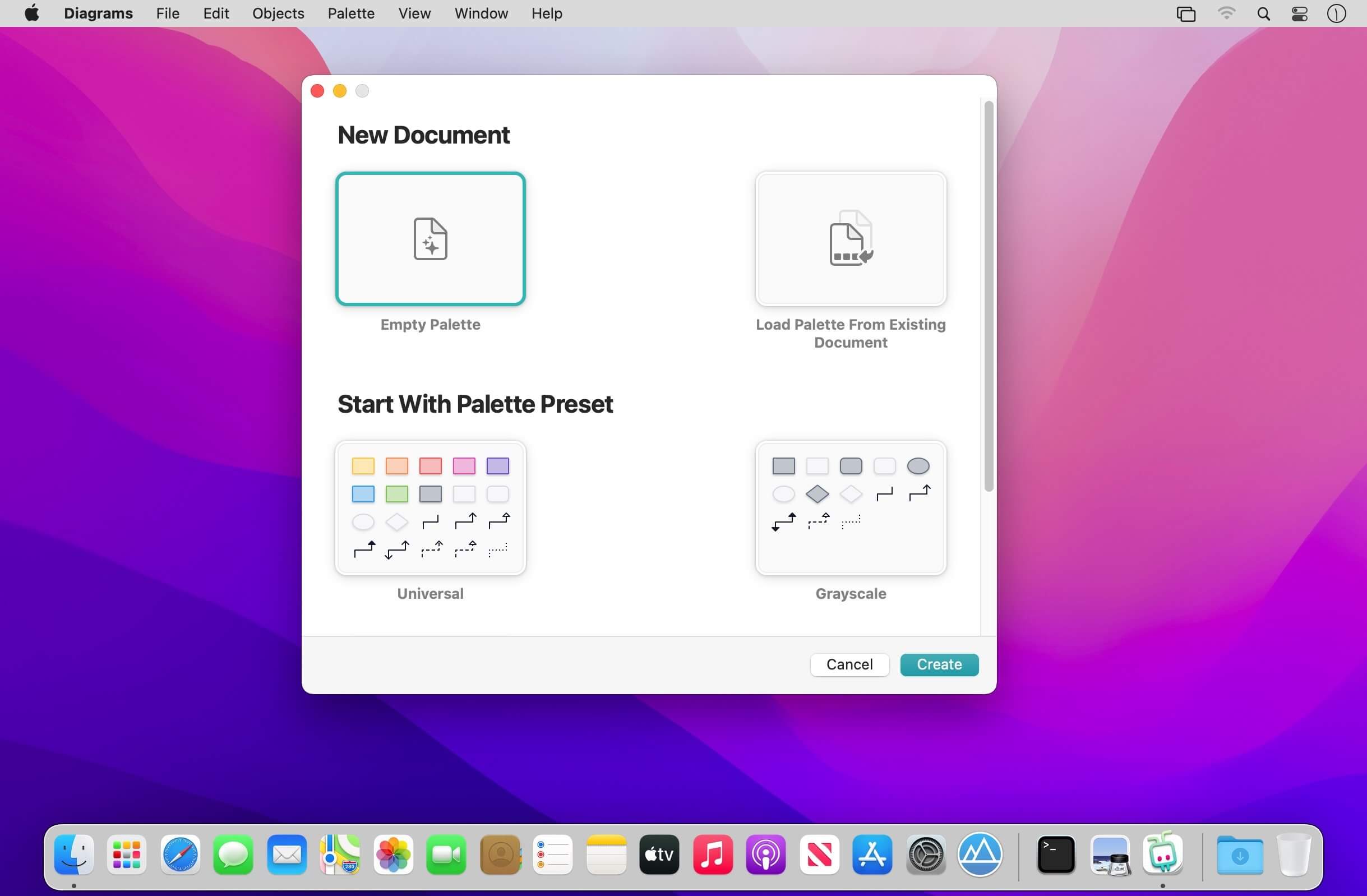
Diagrams is a diagram editor for Mac that helps you increase the understanding of your structures and processes through visualization. Its approachable design, clean interface, crisp visual style, and streamlined canvas interactions allow you to produce beautiful diagrams and integrate them into your workflows in no time.
HOW IT WORKS
Interactive Canvas — Create diagrams on the canvas, the key area of the app, through direct manipulation of diagram objects. The canvas is fully interactive and employs powerful layout features that help streamline your workflows.
Elements & Relationships — Unlike generic vector graphics tools, Diagrams is specifically optimized for structured diagrams consisting of elements and relationships. By leveraging these core building blocks, you’ll create diagrams more quickly with no fiddling around.
Types — Each element and relationship is associated with a type that defines its meaning and its visual style. Utilize reusable types to make your diagrams more consistent and comprehensive.
Palettes — A palette is a collection of types attached to each new diagram. You can pick from built-in presets, customize existing palettes, or craft personalized palettes that contain only the types you need for your particular use cases.
The app encourages you to assign meaning to types, but you can decide to which extent you want to embrace it. Opt for the universal palette without any particular semantics, or make use of your very specific palette — or something in between.
HIGHLIGHTS
Truly native Mac experience
Clean, distraction-free user interface
Infinite canvas with streamlined interactions
Smart grid layout and relationship routing
Built-in palette presets for universal use cases and flowcharts
Palette customization
Variety of styling options: shapes, colors, text formatting
Exporting to image or PDF formats
USE CASES
Flowcharts for visualizing processes
Software architecture design
Simplified UML diagrams
User interface flows
Organizational charts
Business, consulting, information architecture
Planning, brainstorming, mind mapping
•..and more!
What’s New:
Version 2.1.1 In this update, we mainly focused on various quality of life improvements. As a result, the in-canvas palette is now positioned directly inside the canvas when changing the object type. You can also fully customize the toolbar and shrink the window. And, of course, we optimized and fixed bugs all over the place. Happy diagramming!
IMPROVEMENTS
When setting types from the canvas, the palette is no longer attached to the toolbar, which broke the flow. Instead, it’s presented directly in the canvas, just like when adding new elements or relationships.
When the palette is attached to a canvas location that currently isn’t visible, the canvas is automatically scrolled to that location first.
You can now customize the toolbar to match your needs, or completely hide it should you require more space to work with.
Document windows now can be resized to even smaller sizes to give you more flexibility.
Improved drag-and-drop selection in the palette management interface and introduced a context menu for clicks into an empty area.
Replaced some standard system icons in context menus with custom-crafted ones.
Improved keyboard navigation in all grid-based interfaces (palette, palette chooser).
Enhanced the order of controls when tabbing through in the palette editing interface.
Added tooltips to the controls for customizing element and relationship types.
Improved handling of pressing Return when editing a type in the in-canvas palette.
Optimized scrolling performance within the in-canvas palette.
Improved contrast of the default selection color in the canvas.
FIXES
Clicking palette items with the Control key held down now correctly displays a context menu.
Pressing Escape when editing a type in the palette now behaves correctly.
Bottom buttons now update correctly when editing the title of a type in the palette.
Text editing in the canvas now gets correctly committed when presenting the export panel.
Fixed a crash that occurred when resizing a window on macOS Catalina.
Fixed a rare crash that occurred when attempting to close a document.
Fixed a bug that prevented the in-canvas palette from appearing under certain circumstances.
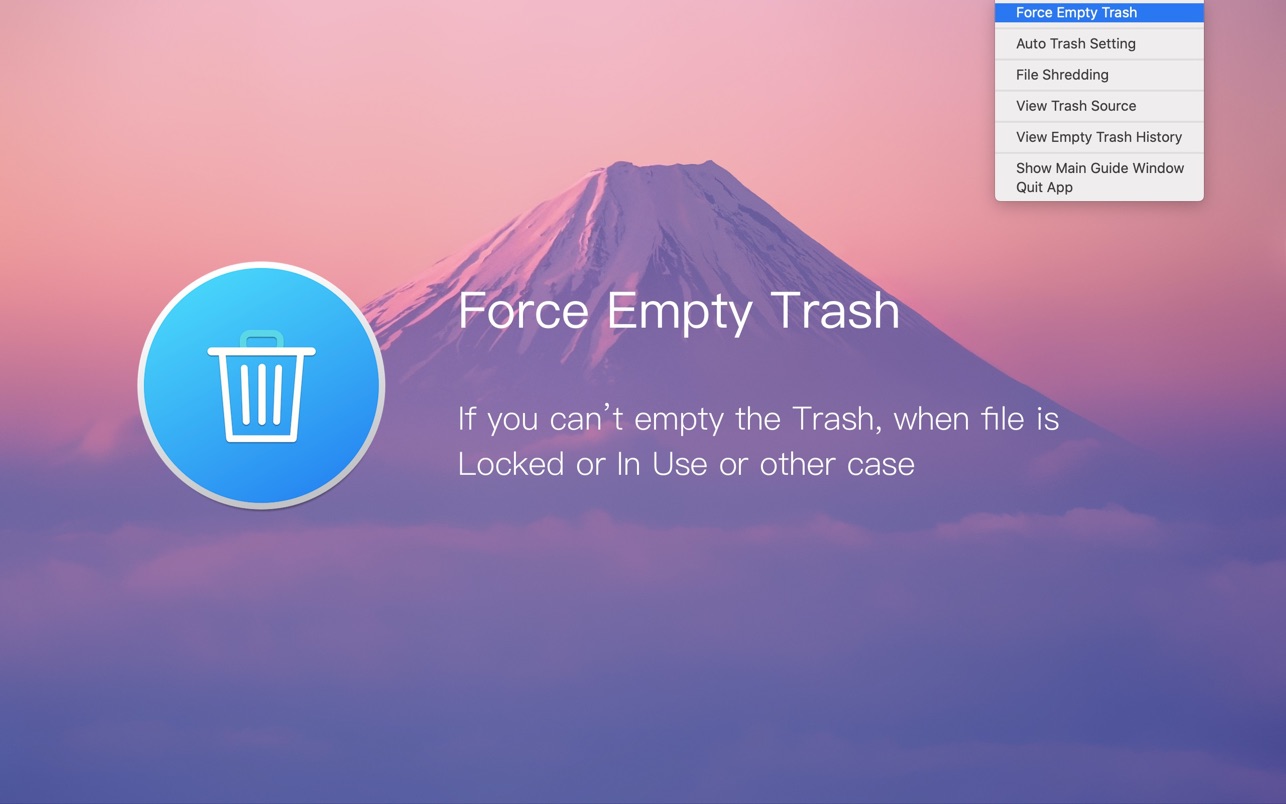
Better Trash is a trash manage app on macOS, it’s designed to help you solve problems that Trash can’t be emptied, clean up the trash automatically, view the original location of the trash item, and view the history record of emptying trash with Better Trash.
1. Have you ever encountered the Trash can’t empty? • Force Empty Trash —can help you to delete the locked file or in use or other case from Trash.
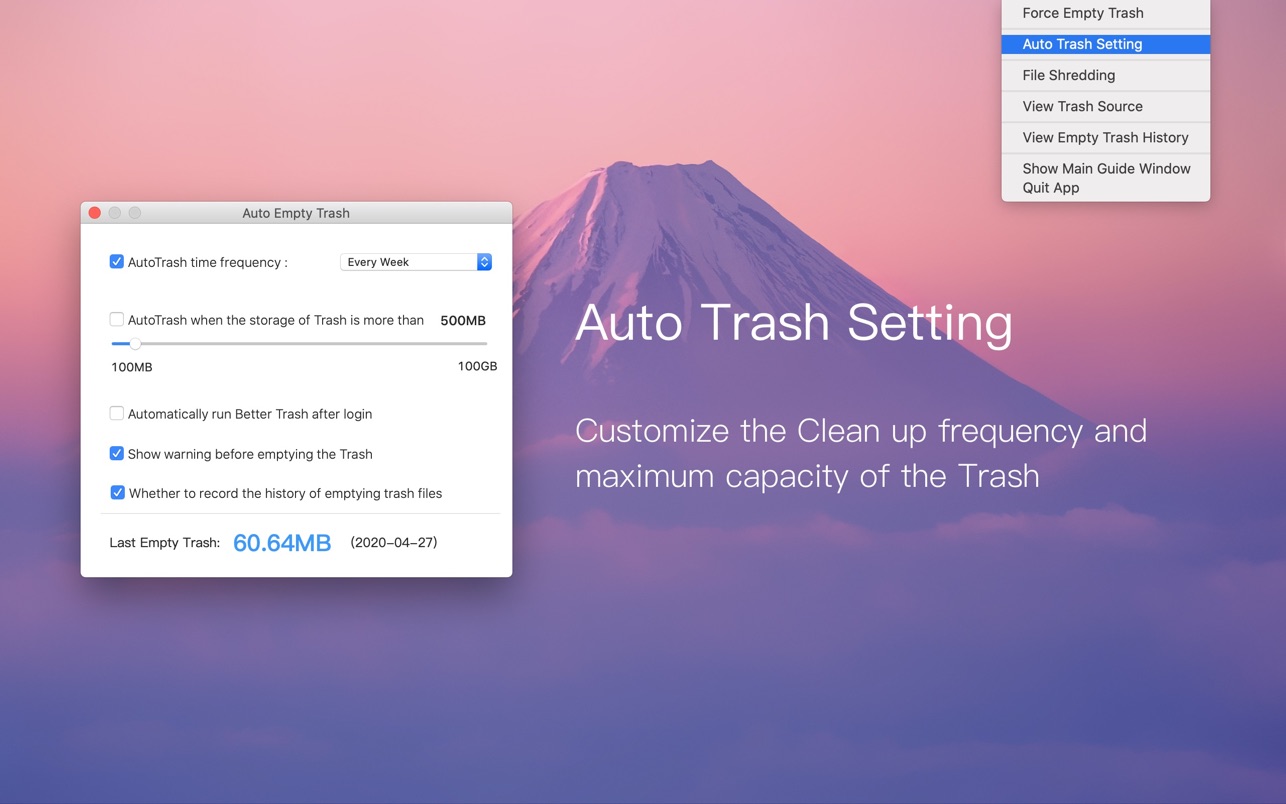
2. Empty trash automatically • Auto Empty Trash —can help you to empty trash automatically. • You can select When to empty by the different time frequency . • Daily, 3 Days, Every week, Two weeks, Monthly, Two month. • Or you can set the storage limit for the trash. For example: 500MB, 5GB, 10GB, 50GB and more….
When the trash exceeds the storage limit, it automatically empties the trash.
3. View Trash Source • Check the original location and file permission of the trash file.
4. File Shredding • You can select file and folder from the trash and other location to shred.
5. View Empty Trash History • Record the history when you emptied trash with Better Trash, so you can restore the deleted item from the Time Machine backup.
Languages: English, French, German, Italian, Japanese, Portuguese, Russian, Simplified Chinese, Spanish, Traditional Chinese
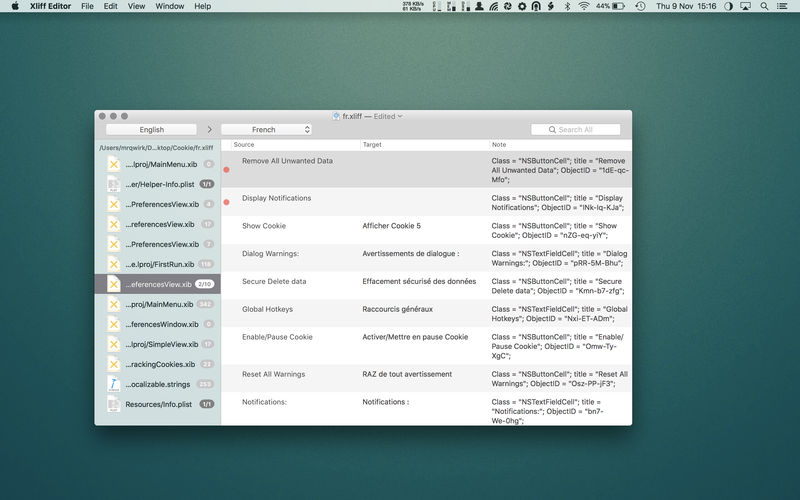
Xliff Editor – its fast to load, easy to use, and has a low memory footprint. Did we forget to mention Inline tag protection, Fuzzy search, intuitive shortcuts, multiple concurrent file editing and native spell checker. It also has some pretty nice customizations you can use to better suit your workflow.
Not all Xliff editors have been created equally. We’ve custom built our own XML parser to read even the most complex Xliff v1.2 files. Xliff Editor effortlessly handles Segmentation, Inline tags and Alternate translations.