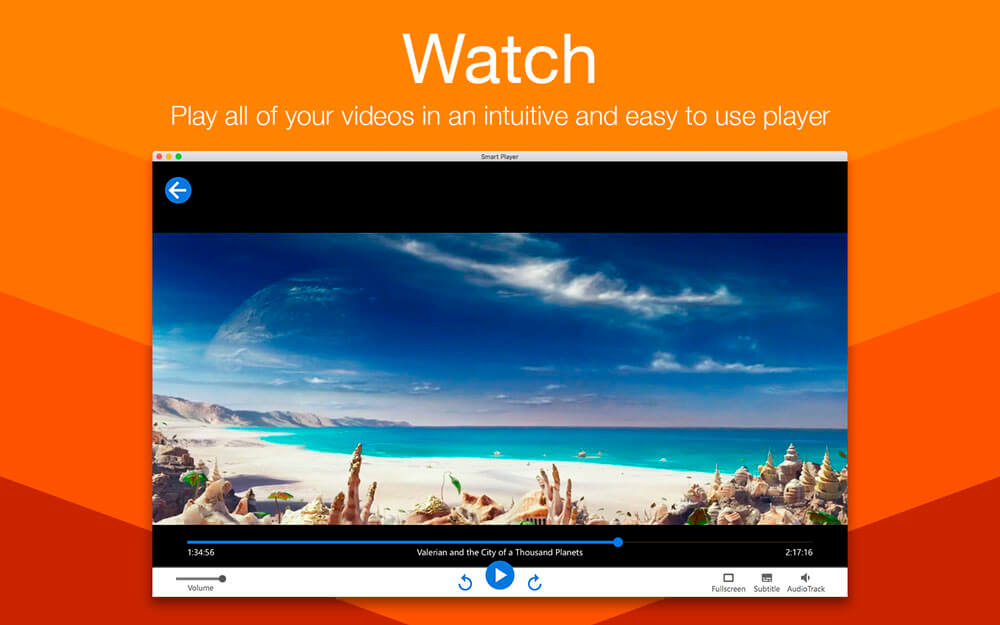
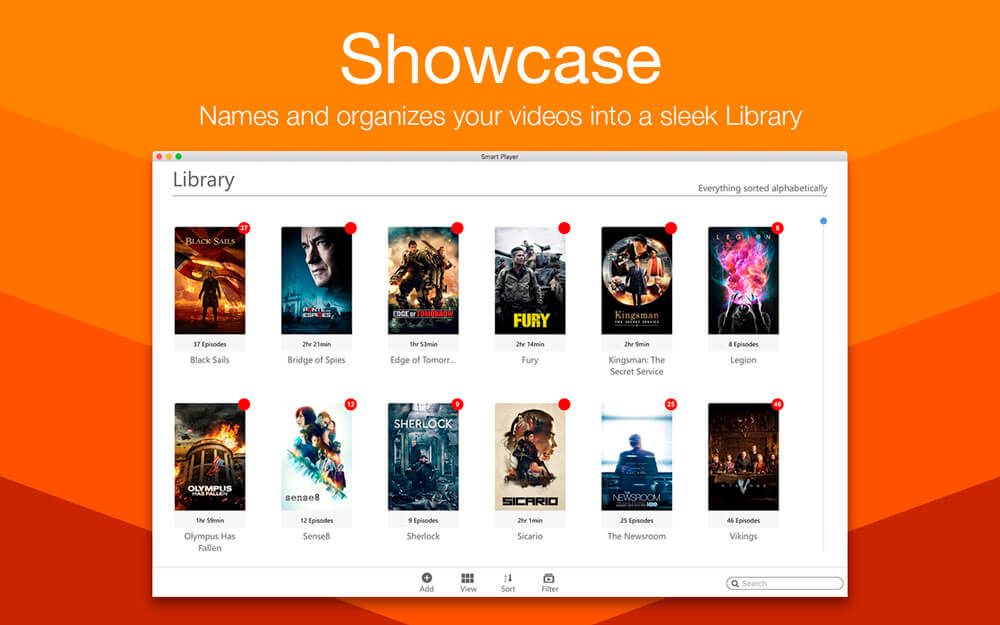
Smart Player makes watching videos on your Mac effortless! It plays al common file types (MOV, MP4, MKV, AVI plus manymore) with ease. As you add video files to your Mac, Smart Player automatically adds them to its library. The app recognizesmovies, TV shows and home videos, and groups them for you.
Smart Player makes watching videos on your Mac effortless:
Powerful – plays all common file types (MOV, MP4, MKV, AVI, MTS, WMV, M4V, MPG, WEBM and more) with ease.
Intuitive – resume playback of videos from exactly where you left off.
Organize – the built-in Library recognises and groups movies, TV shows and home videos.
Detail – automatically downloads and displays details, descriptions and artwork for movies and TV shows.
Monitor – automatically updates the Library with any changes made to nominated folders.
Customise – manually search for and edit information and change the artwork in the Library.
What’s New:
Version 1.1.0 :
Release notes were unavailable when this listing was updated.
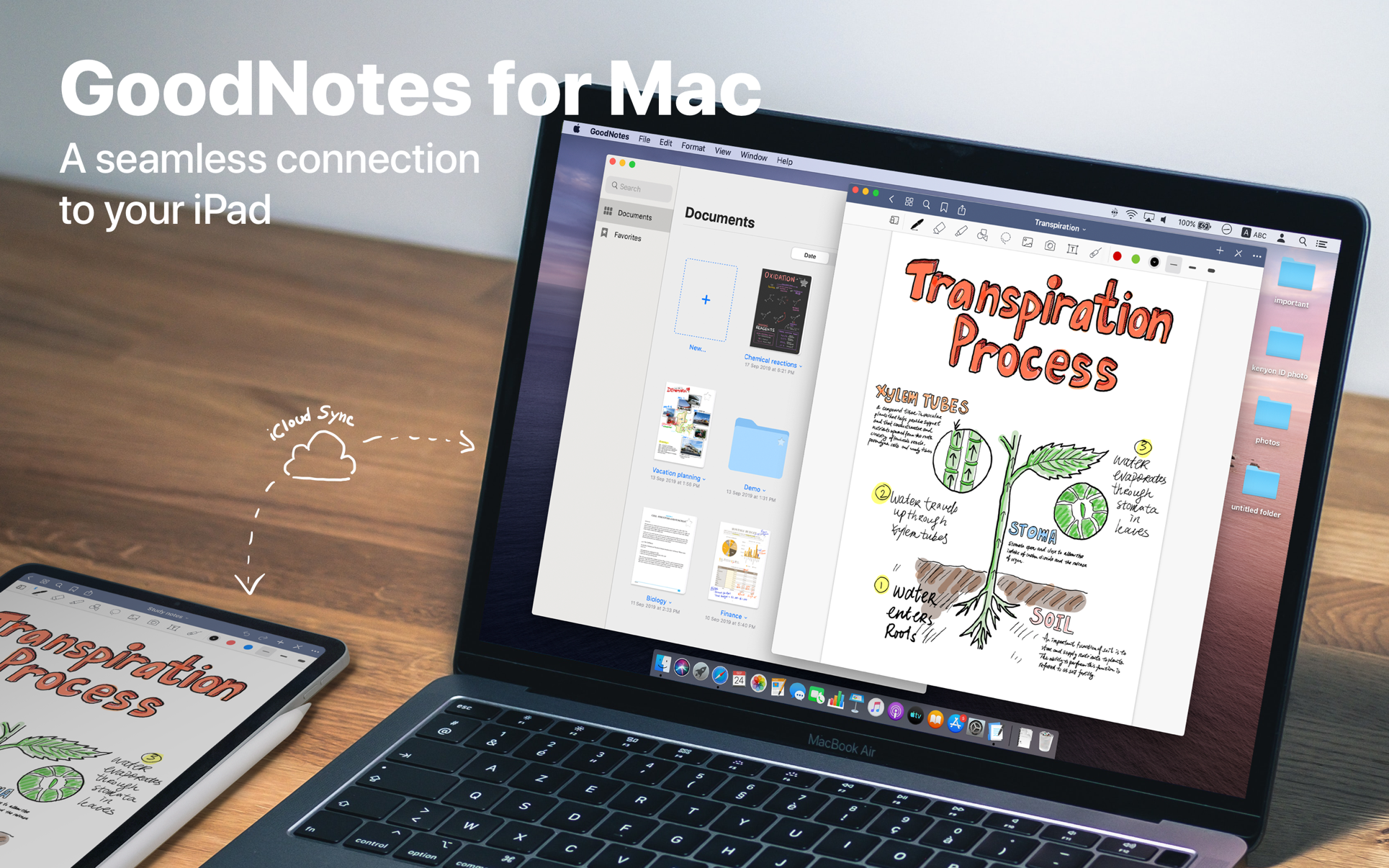
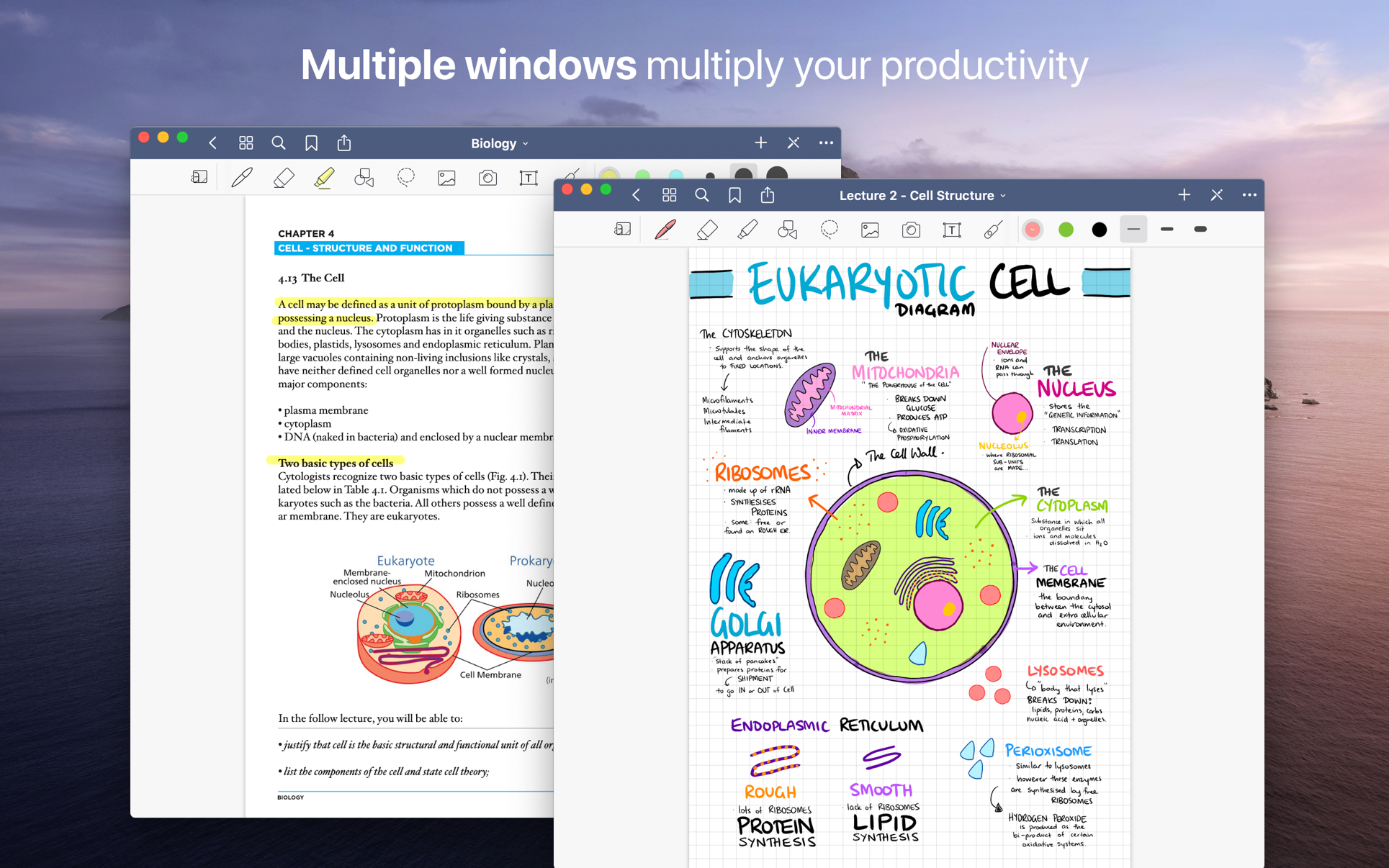
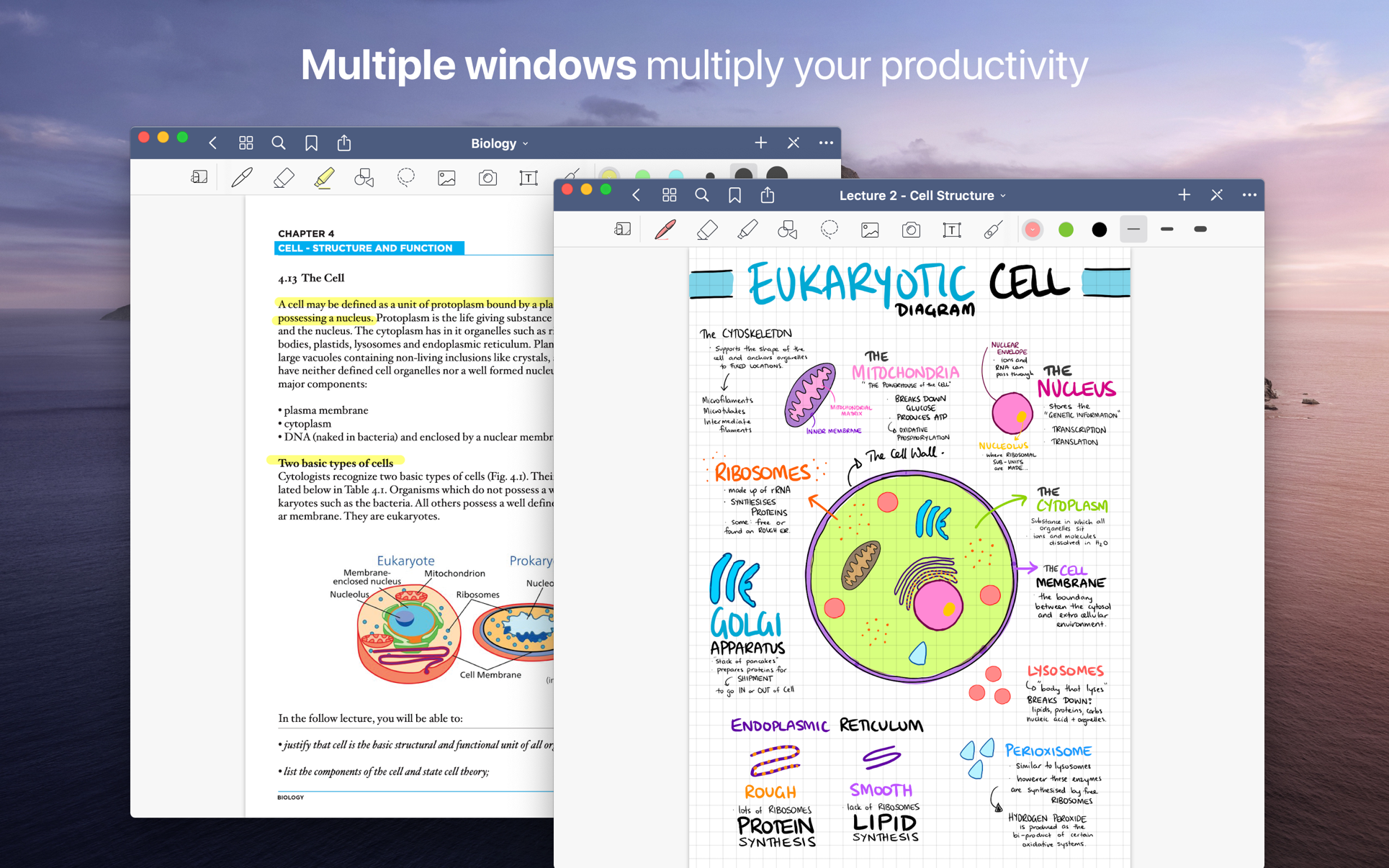
Transform your Mac into smart digital paper and a powerful document management system.
Use the same features from GoodNotes’ iPad version on your Mac and work with your documents where you want and when you want.
CREATE, IMPORT, AND EDIT DOCUMENTS ON YOUR MAC
Create digital notebooks and type text with your keyboard or write and draw with the mouse/trackpad or the Apple Pencil using Sidecar on your iPad
Import PDF and images to annotate them in GoodNotes
Add documents from your Mac to existing GoodNotes notebooks via drag and drop
PAPERLESS DOCUMENT MANAGEMENT
Organize your documents in folders and create unlimited subfolders
Mark your most important documents, pages, and folders as Favorites to access them quickly
Create custom outlines for easier navigation through your documents
Instant export of documents or pages as PDF via drag and drop
ALL YOUR NOTES ALWAYS WITH YOU
Sync your latest changes to your iPad, iPhone, and other Macs using iCloud
Prepare documents on your Mac and pick them up on another device to continuously work on them
ESCAPE THE LIMITS OF ANALOG PAPER
Move, resize, and rotate your handwriting or change colors
Draw perfect shapes and lines with the Shapes Tool
powerful & smart eraser tool: Choose to erase the entire stroke or only parts of it. Set it to “Erase Highlighter Only” to leave the ink intact
Navigate through imported PDFs with existing hyperlinks
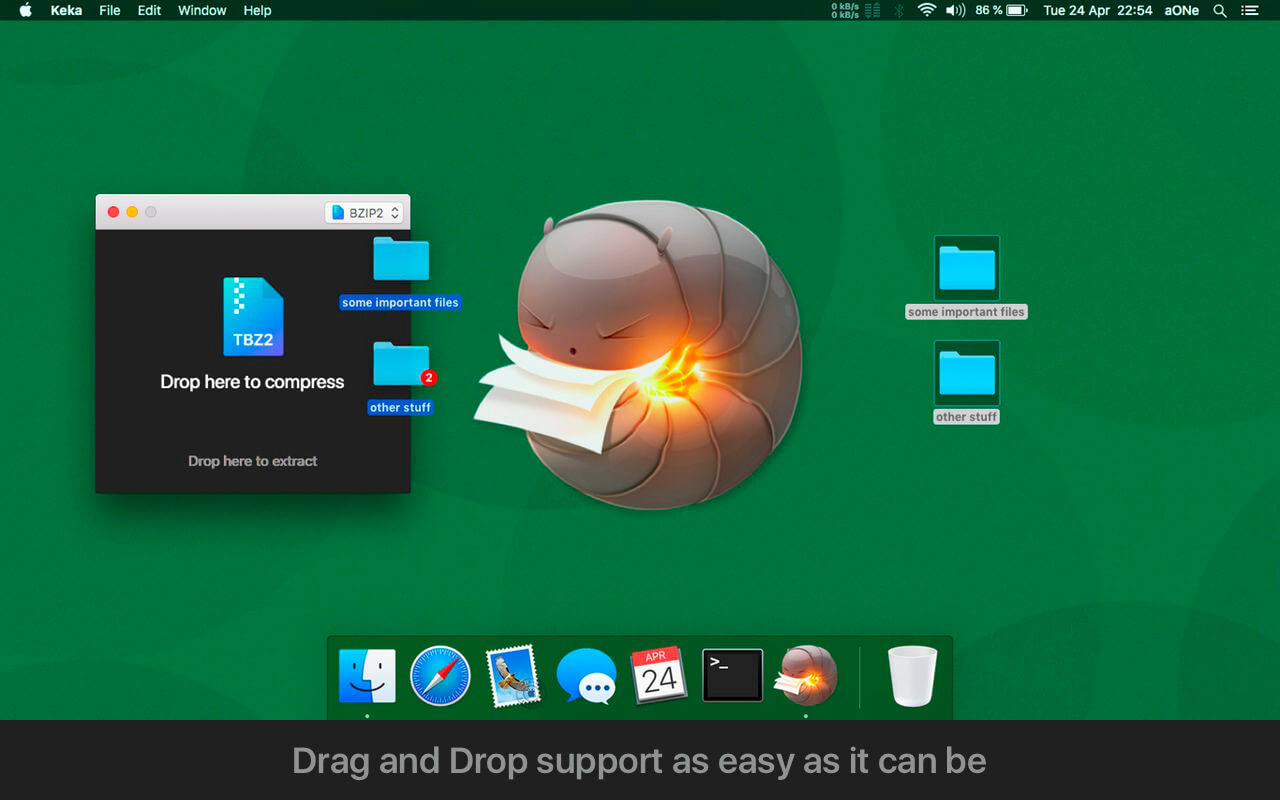
Keka is a full featured file archiver, as easy as it can be.
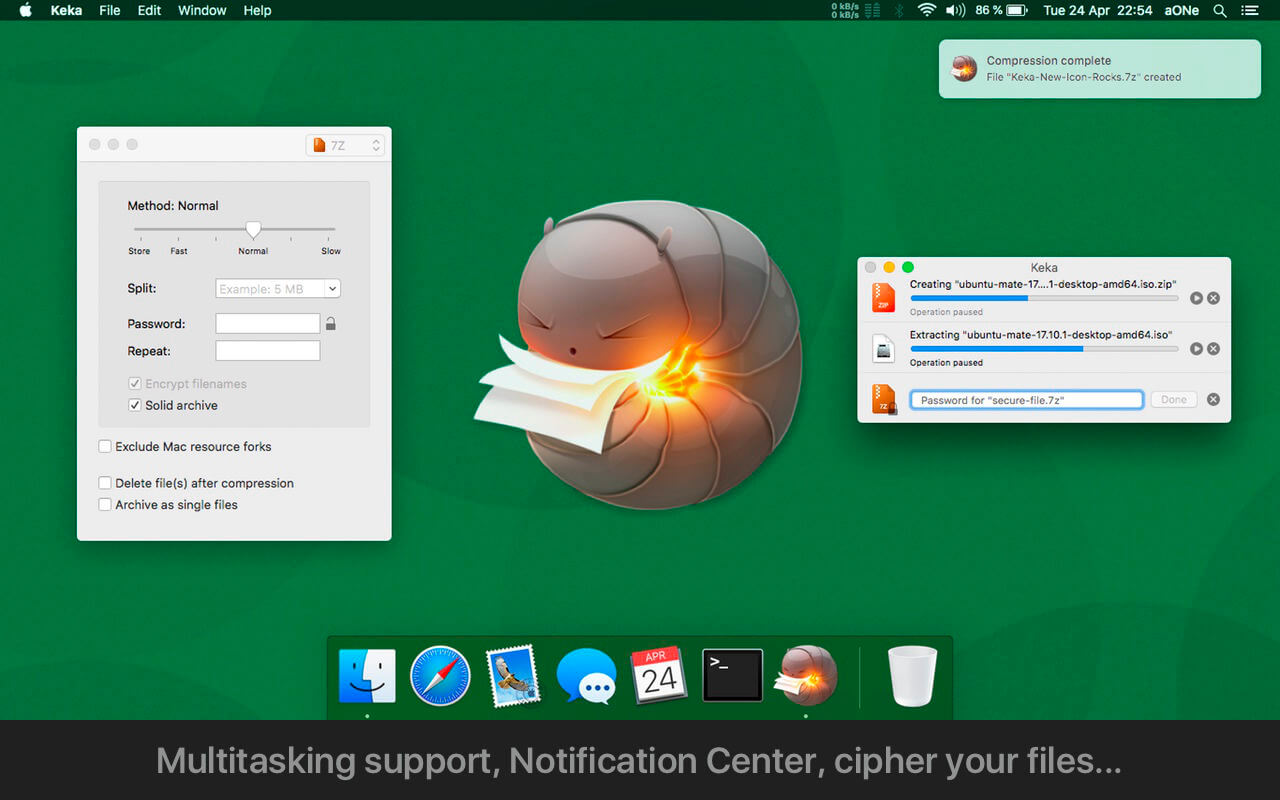
With Keka you can compress as many files as you want in a bunch of formats. Divide files and protect them with a password is now a kids game. Just drop the files you want to compress to the Keka icon in the Dock or the main window.
Also Keka can extract lots of compressed files, from ZIP and 7Z to RAR archives, even parted ones. Just double click on those files and they will be extracted using Keka, or drop them to the icon in the Dock or the main window.
Compression formats supported:
7Z, ZIP, TAR, GZIP, BZIP2, XZ, LZIP and ISO
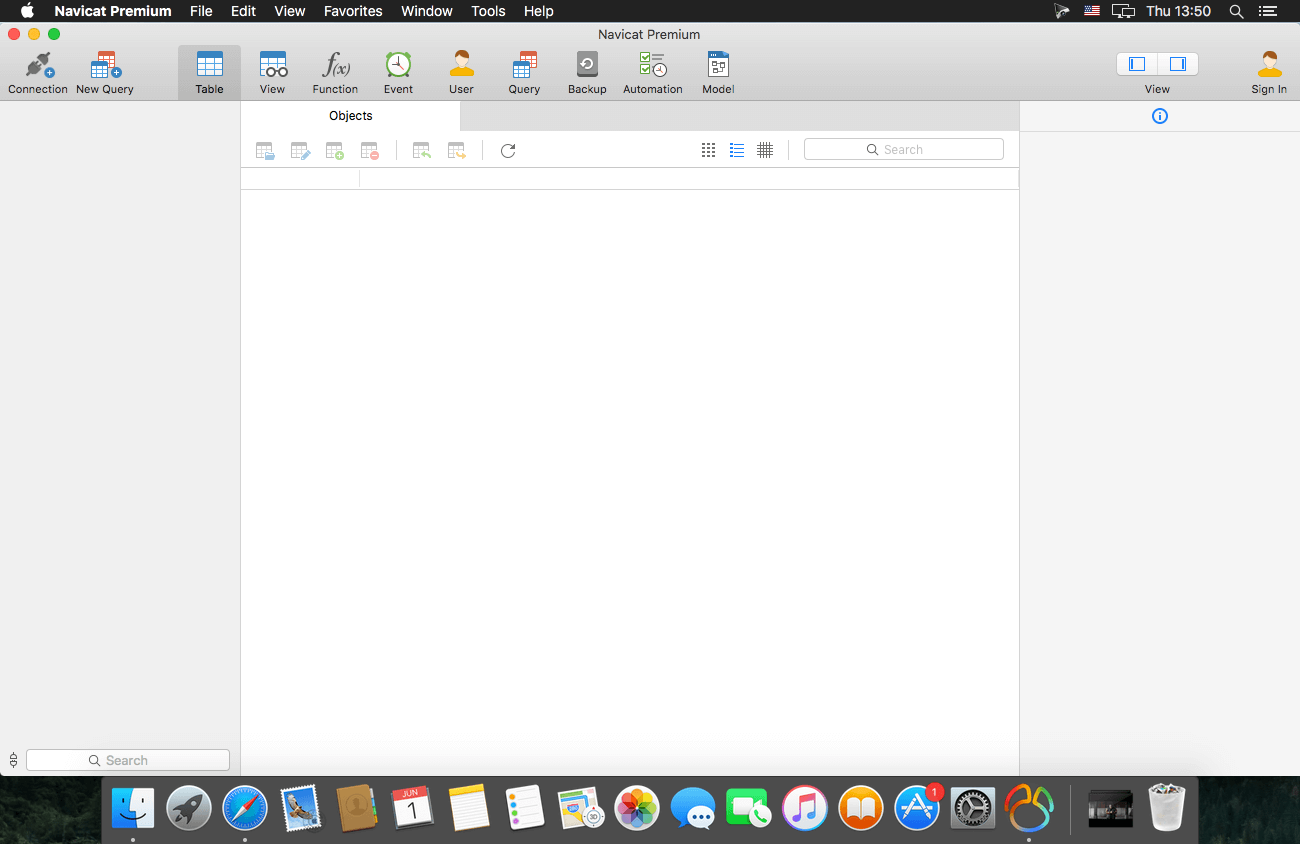
Navicat Premium is an all-in-one database admin and migration tool for MySQL, SQL Server, Oracle and PostgreSQL.
Navicat Premium combines all Navicat versions in an ultimate version and can connect MySQL, Oracle and PostgreSQL. Navicat Premium allows user to drag and drop tables and data from Oracle to MySQL, PostgreSQL to MySQL, Oracle to PostgreSQL and vice versa within a single client. Also, batch jobs for different databases such as print report in MySQL, backup data in Oracle and synchronize data in PostgreSQL can also be scheduled and automated to run at a specific time. All in all, Navicat Premium can help database users to save lots of time to manage multiple databases and perform cross database data migration at their fingertips
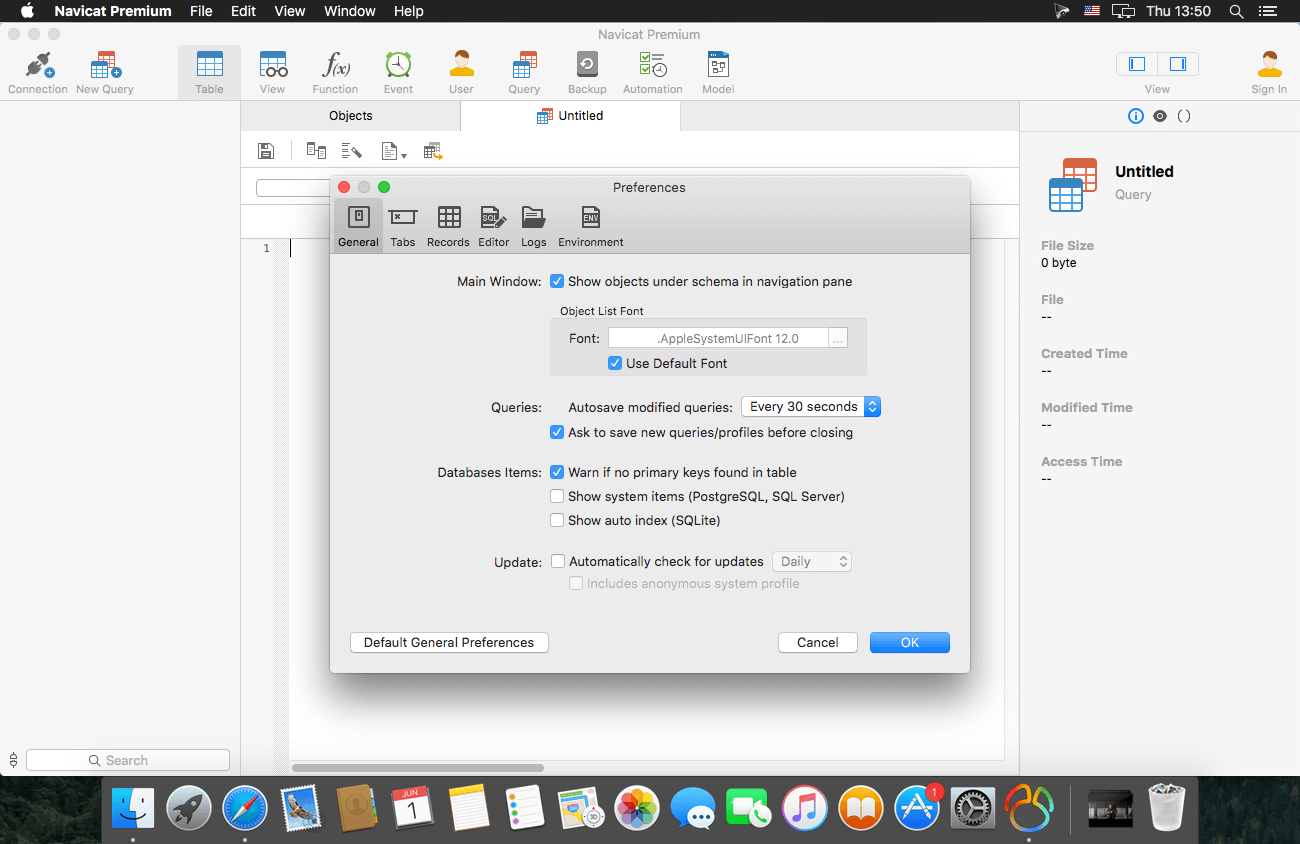
This Database Client tool runs on Mac OS X and features an intuitive interface. Other advanced features including Backup/ Restore, Data Import/ Export, Data Synchronization, Reporting and Remote Connection to MySQL, PostgreSQL and Oracle server, etc. This database migration tool provides a friendly step-by-step Wizard-GUI. All you want to do is: select a data source and a target output format, then submit migration!
*** You need to disable the System Integrity Protection (SIP) to perform the selected Application and Gatekeeper off!
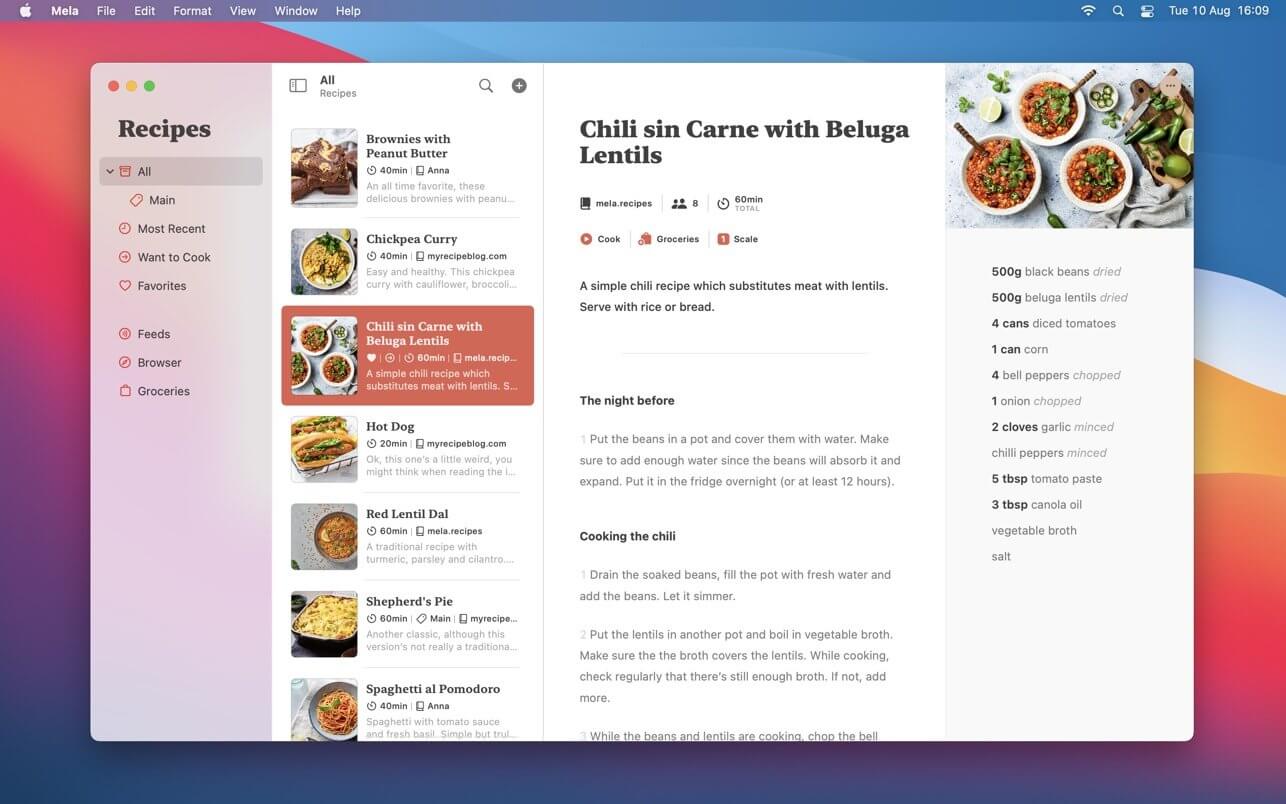
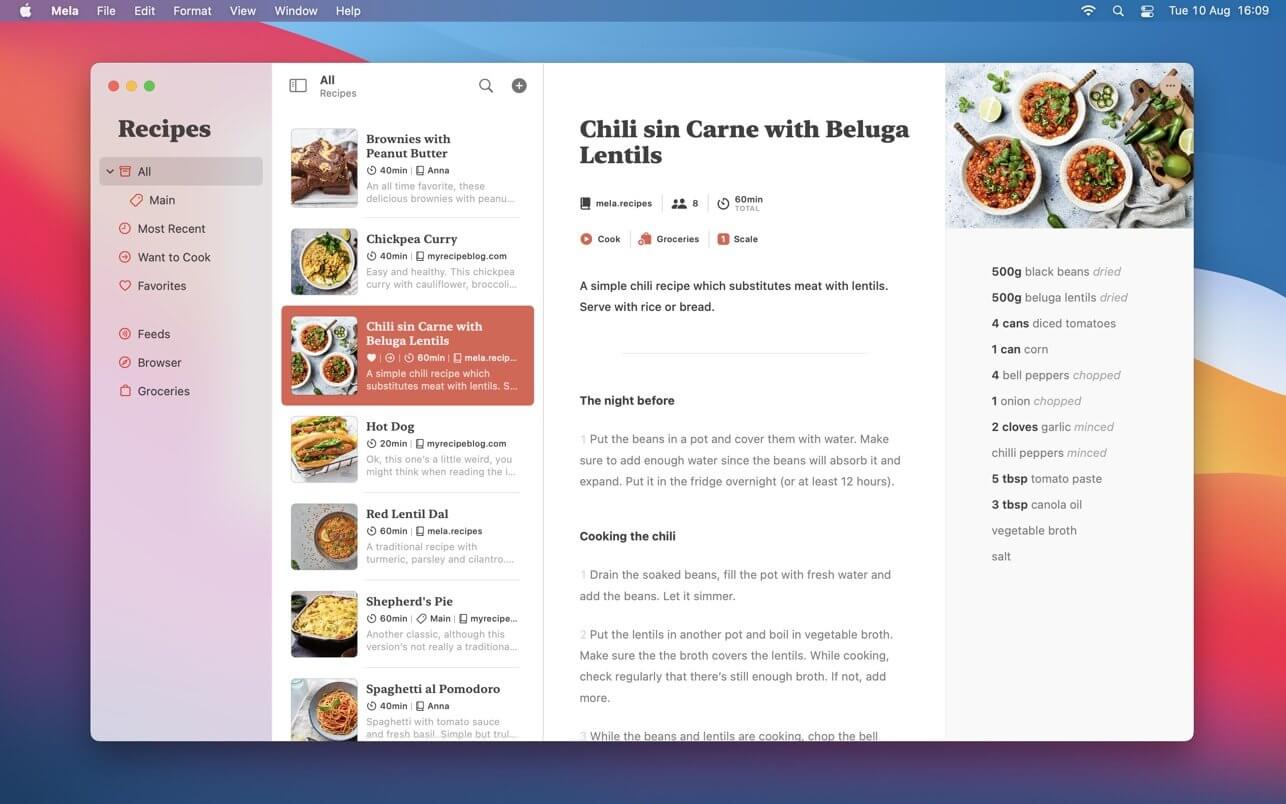
Mela is a simple, elegant and modern recipe manager that syncs with iCloud.
IN-APP BROWSER
Quickly save a recipe while browsing: If Mela detects a recipe on the currently viewed page, it will be displayed in Mela’s native recipe viewer*, on the same screen. Want to add or view a recipe from outside of Mela? No problem, just use Mela’s sharing extension.
FEEDS
Subscribe to your favorite recipe blogs to view all the recipes in Mela’s native recipe viewer*.
SCANNER
Scan a recipe from a book: With the help of text recognition, you can just add it to your personal collection and view it in Mela’s native recipe viewer, as any other recipe.
ORGANIZING
Recipes can be organized in categories, marked as “Favorite” or as “Want to Cook”.
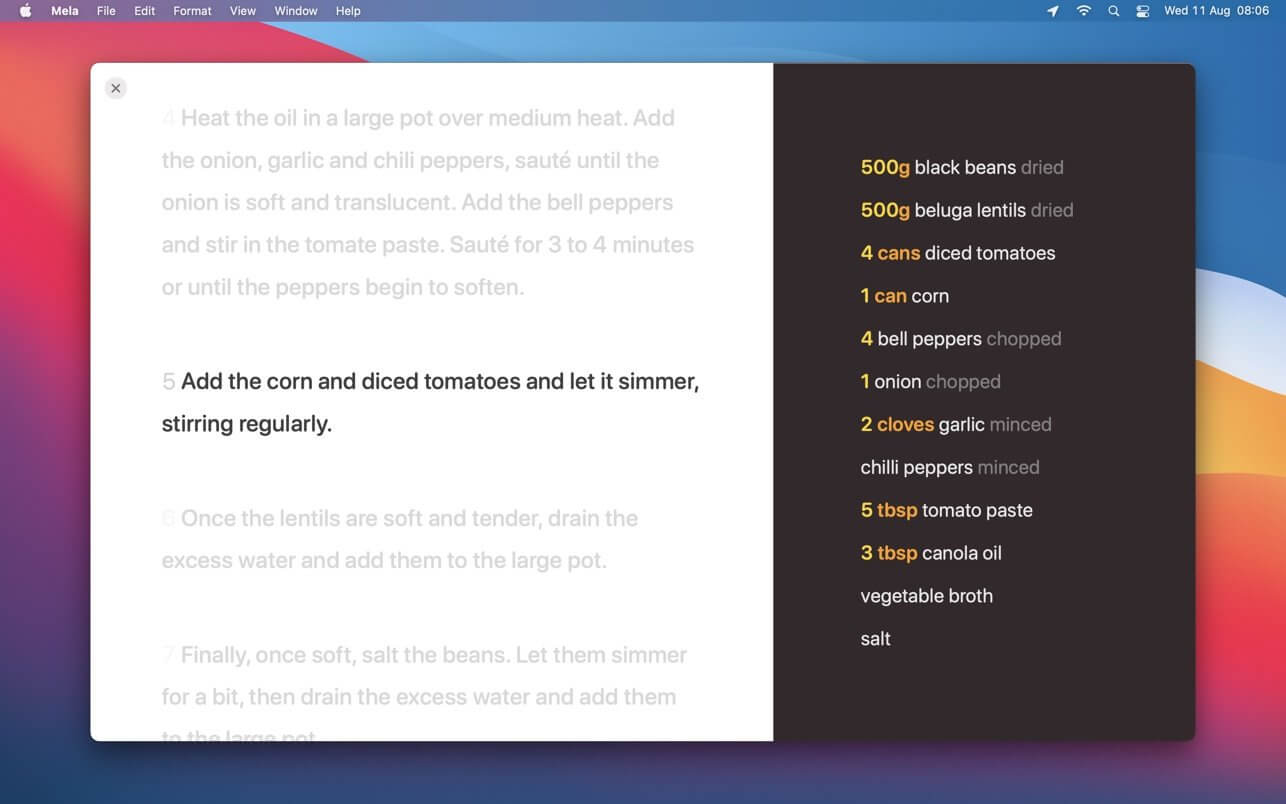
COOK MODE
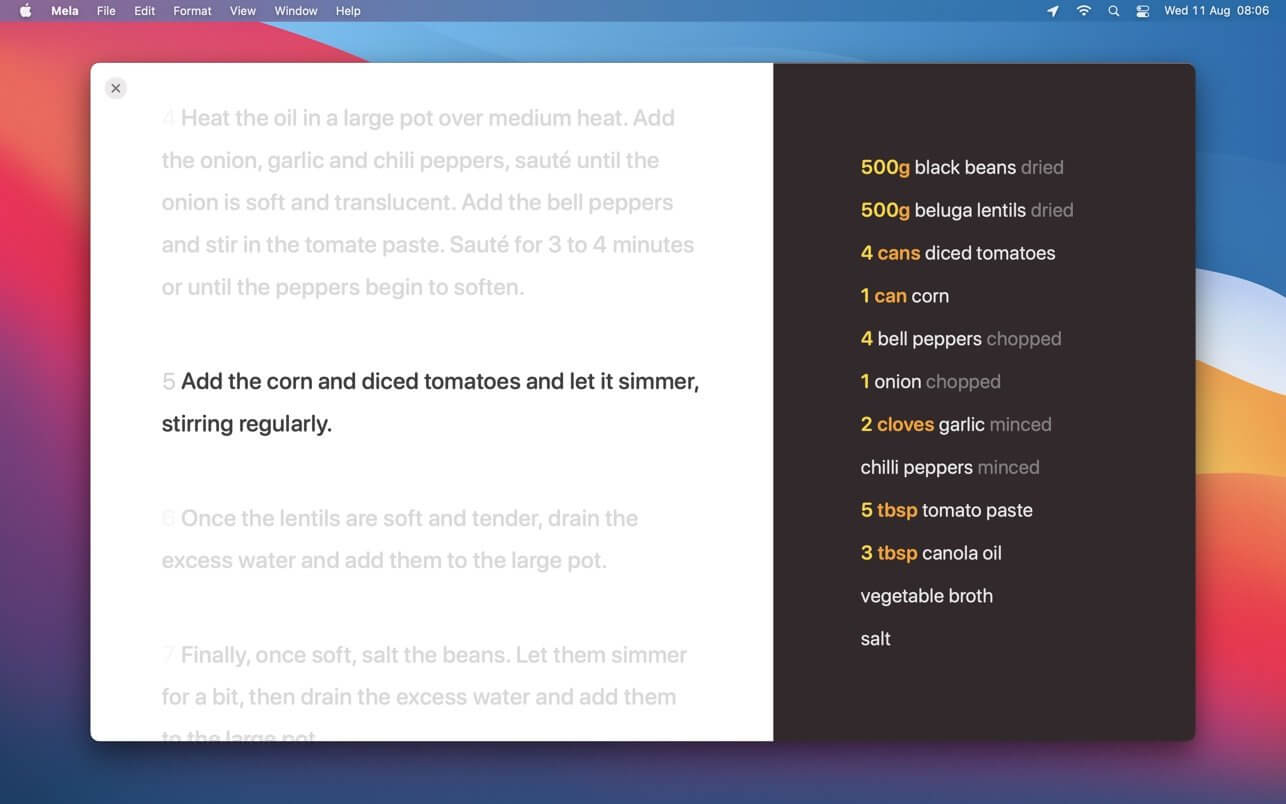
The cook mode makes it easy to follow all steps while cooking, displayed using a larger font to make sure everything stays readable even when you’re not right in front of your device.
GROCERIES
Mela uses the Reminders.app to manage your grocery list. This has the advantage that you’re always able to access your grocery list on all your devices even if Mela is not installed on a specific device.
PRINTING
Of course, Mela supports printing in case there’s a recipe you want to have on paper or save as PDF.
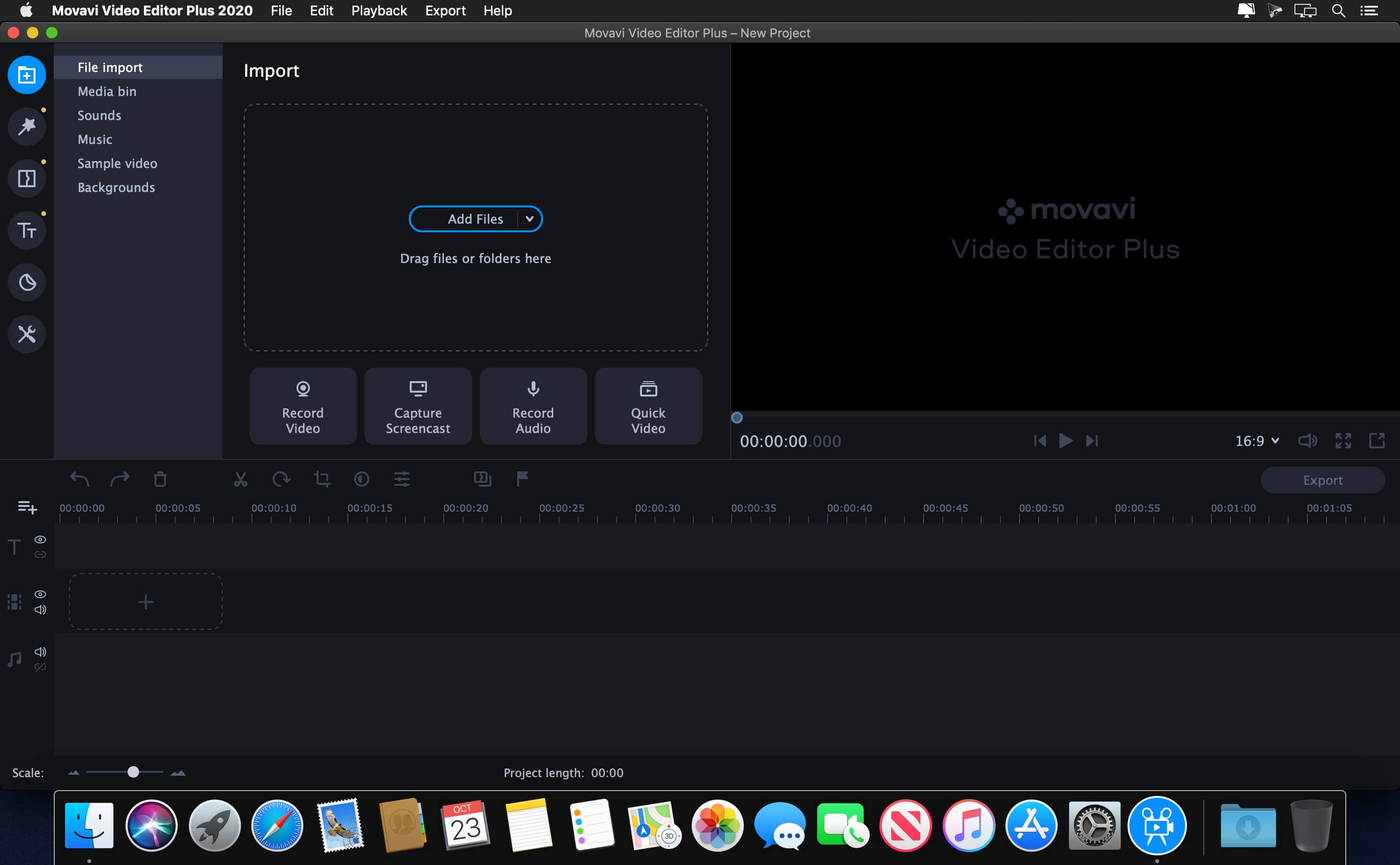
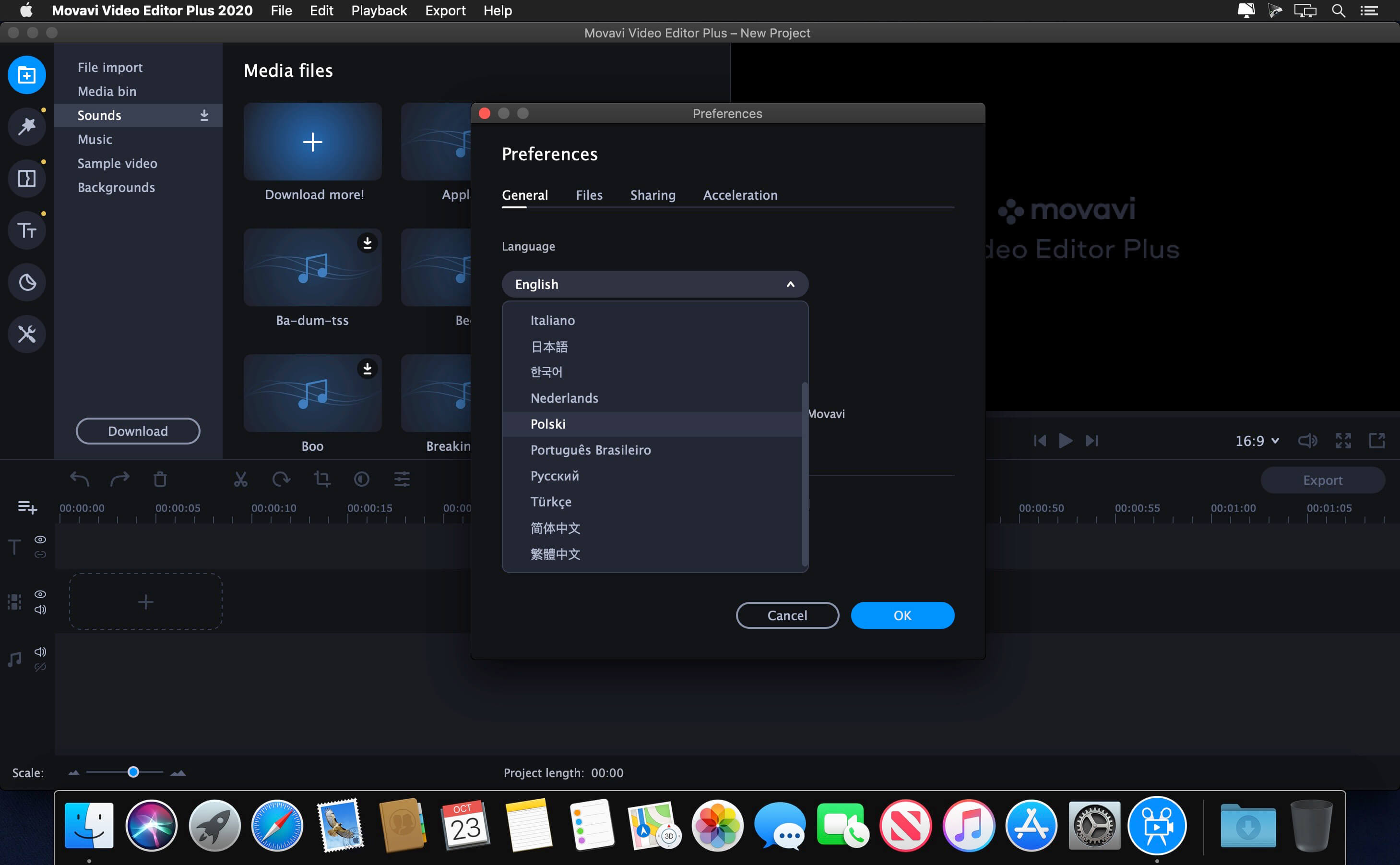
If your inner filmmaker craves more video editing tools, Movavi Video Editor Plus for Mac is just what you need. The program includes all the functionality of our standard Video Editor, PLUS some exciting extra features like object animation. Try it out now!
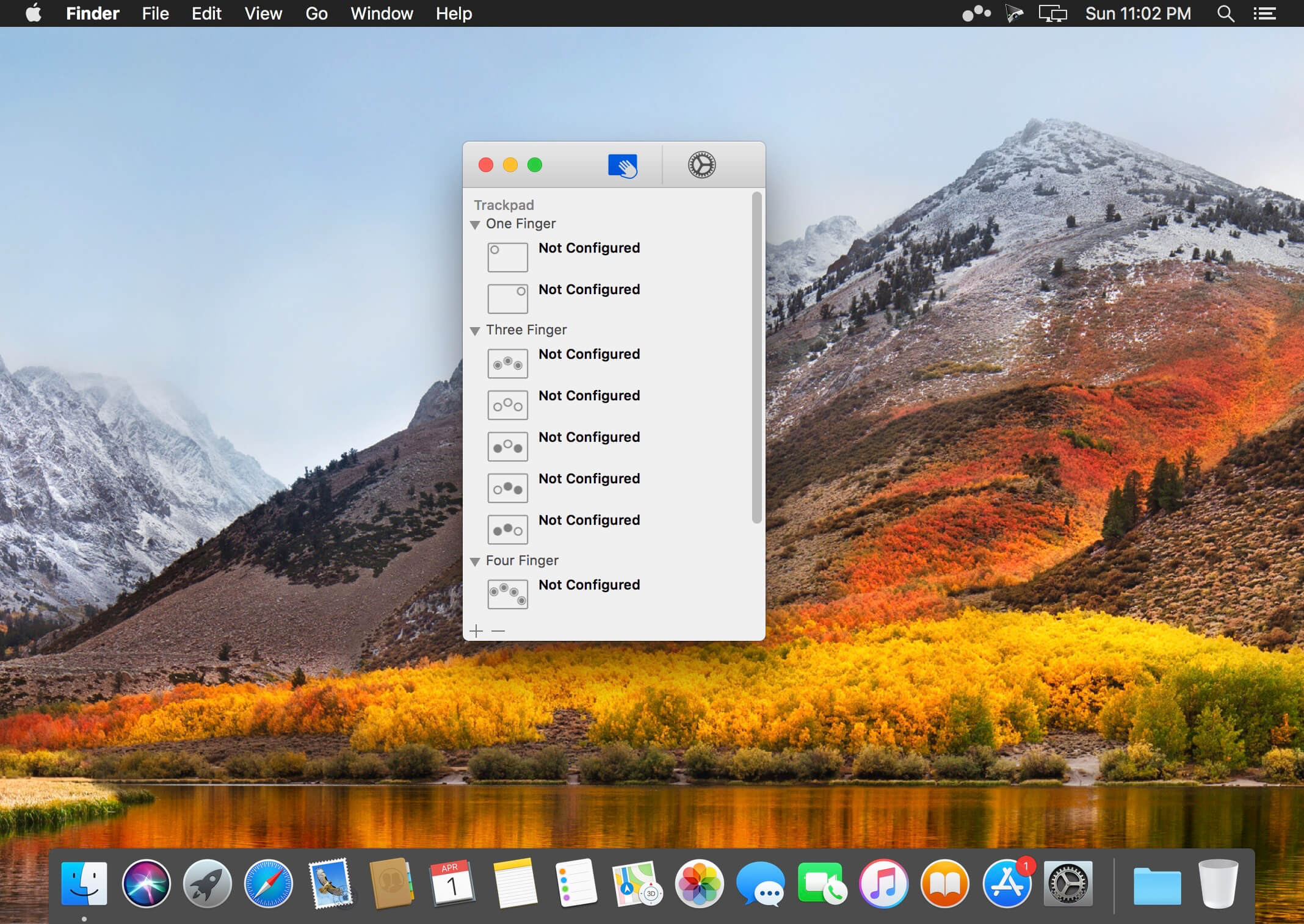
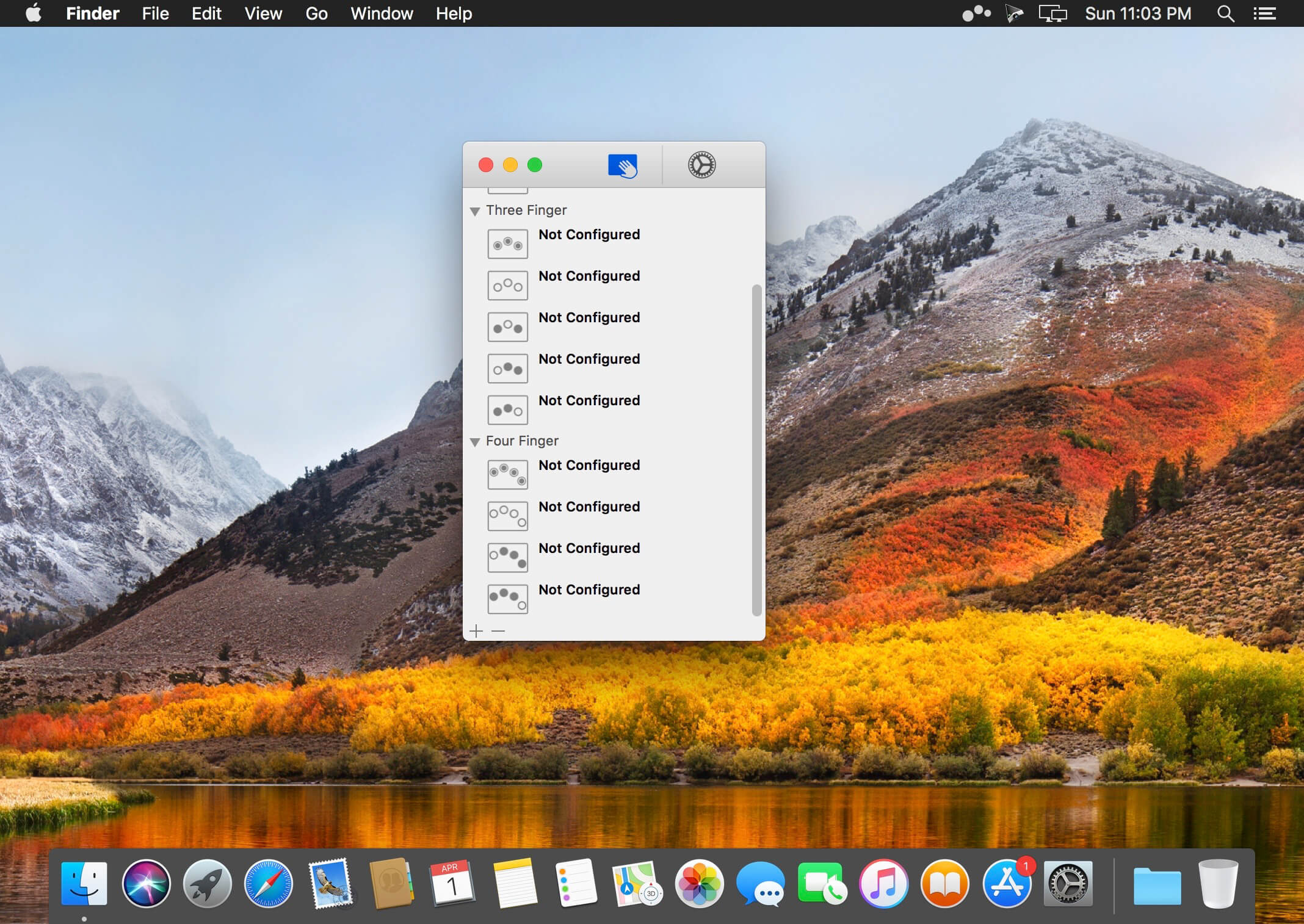
Easily add gestures to macOS
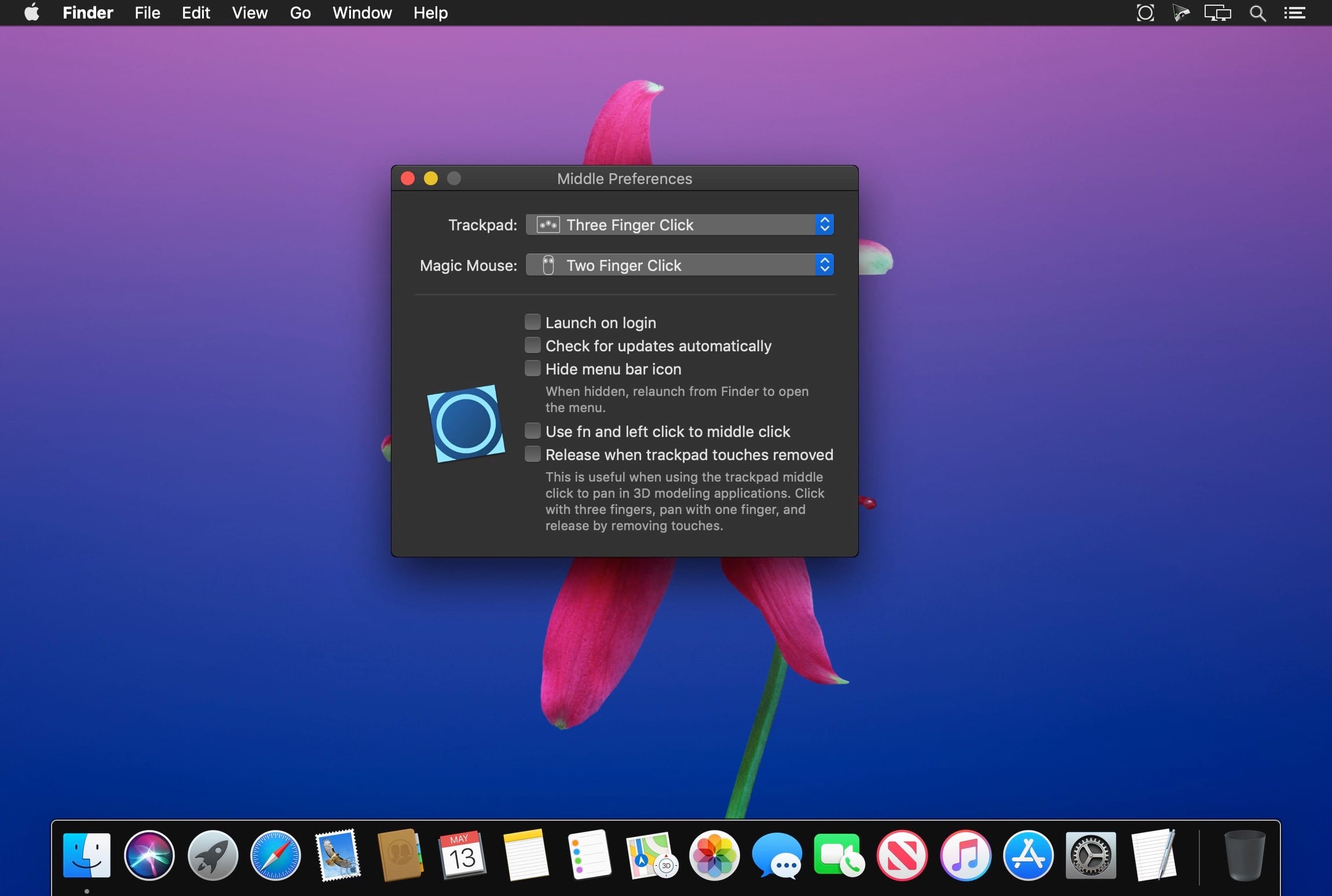
Multitouch lets you tie a custom action to a specific magic trackpad or magic mouse gesture. For example, a three finger click can execute a paste. Improve your workflow by executing keyboard shortcuts, controlling your browser’s tabs, performing a middle mouse click, and much more.
Features
One time purchase and free updates with a growing list of gestures and actions.
Privacy. No user data is gathered from the app.
Does not require Accessibility privileges to run.
What’s New:
Version 1.27.4:
Release notes were unavailable when this listing was updated.
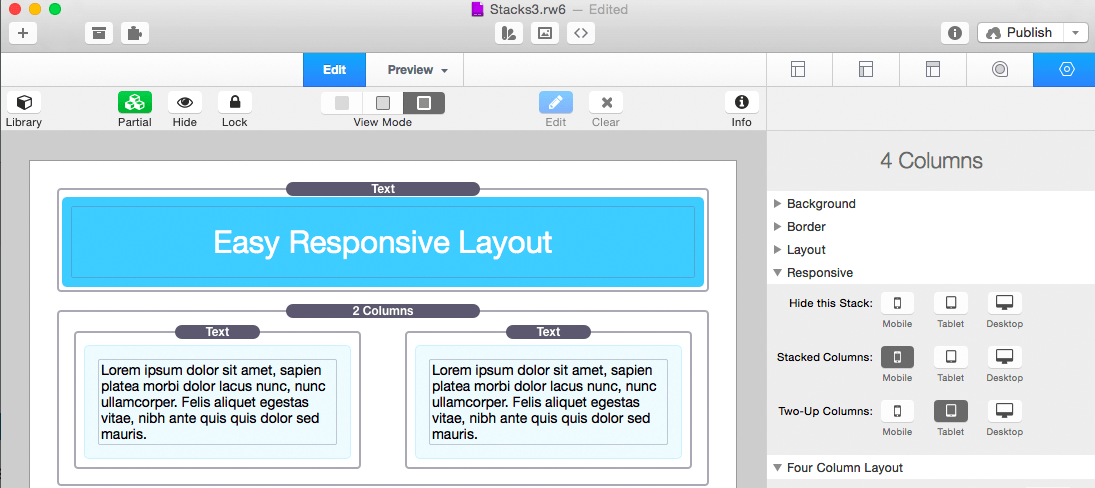
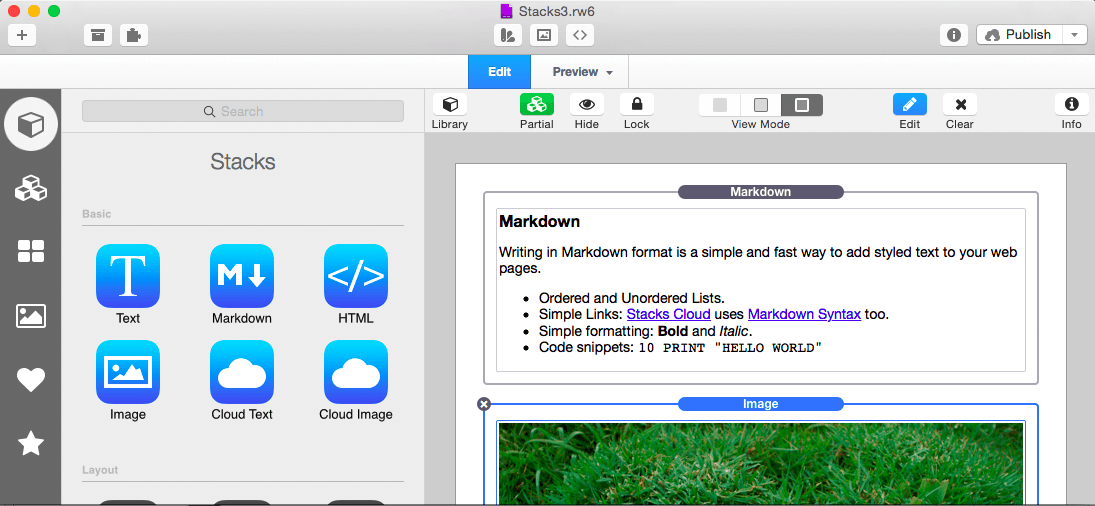
Stacks is a new way to create pages in RapidWeaver. It’s a plugin designed to combine drag-and-drop simplicity with the power of fluid layout.
Features
Fluid Layout: Stacks lets you build pages that flow text to the dimensions of a theme even if the theme has a variable width. You can build flowing columns, flexible rows, and tiles of images.
Nesting Objects: Build columns within columns within rows within columns. Or group a stack of objects inside a box. Almost anything is possible with Stacks.
Download More Stacks:There are hundreds of professionally designed free and low cost stacks ready for download. Easily add amazing content to your site.
Live Image Editing: Resize, rotate, and style your images with an easy to use HUD and see the changes happen right in the layout.
Pros Welcome: Because Stacks builds layout with relative positioning from a simple two-div structure, the HTML is clean and valid. Pros can use Stacks to prototype difficult layout and add their own HTML to the mix.
Stacks API: You can build your own components for Stacks or even publish them for others to use. The Stacks API reference covers how to build and configure a stack and even build a custom UI for the Stacks HUD.
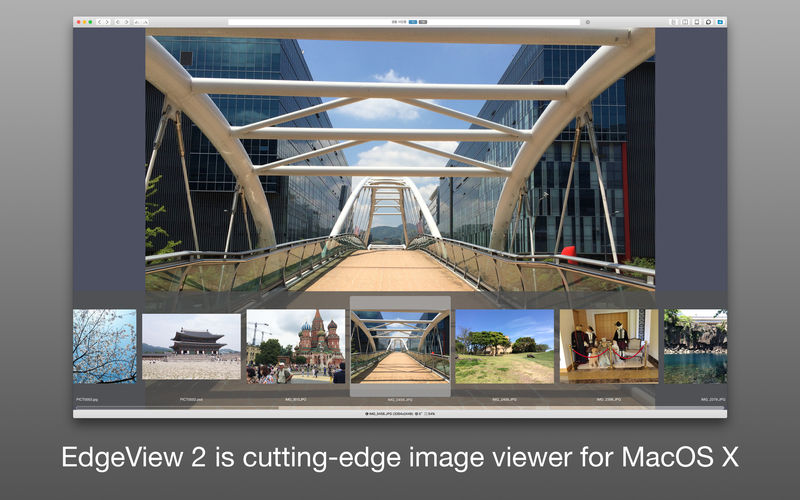
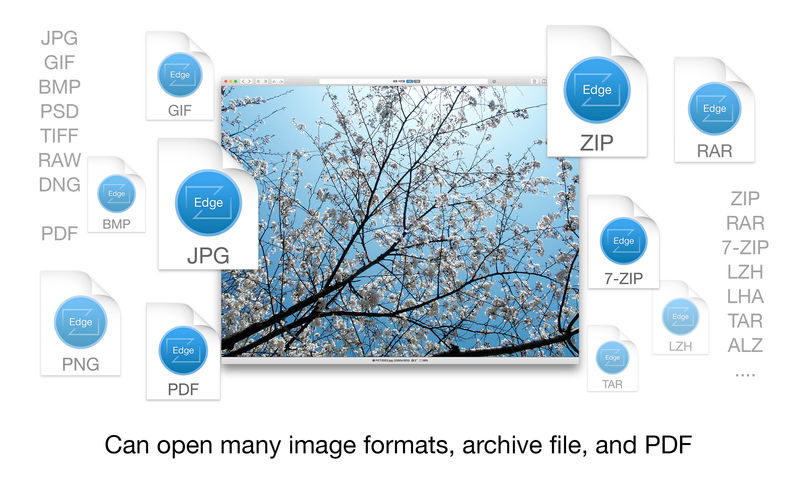
EdgeView 3 is fast image viewer has elegant user interface. EdgeView 3 is developed and designed for modern MacOS. It can open various image files such as JPEG, PNG, TIFF, BMP, and RAW file of DSLR, EPS and PDF, AI(Adobe Illustrator). Can open image files in archive directly without extraction.
User can open files, rename files, delete files from EdgeView’s file browser. Also can access to SMB/AFP/FTP network volume.
User can navigate images quickly by using keyboard shorcut, mouse wheel, trackpad gesture. EdgeVew show EXIF information, play animation GIF/PNG/WebP smoothly. Save last status to history, and restore when reopen file.
EdgeView 3 will be the best choice when viewing and managing image files.
Features
Rewrote full code as Swift for improve performance.
Support m1 CPU Mac.
Has easy UI, can control main function at Sidebar.
Support English/Korean/Japanese/Chinese(Simplified).
Image Viewer
Supporting image files such as JPG, GIF, BMP, PSD, TIFF, RAW, WEBP and PDF, EPS, AI(Adobe Illustrator), OpenEXR, HDR, TGA.
Can play animation GIF/PNG/WebP. User can control animation with floating animation controller.
Dispaly internal image(or frame) of animation GIF/PNG/WebP or HEIC that has multiple internal image.
Can read and show images of major archive formats (such as ZIP, RAR, CBZ, CBR, 7-zip) without extraction. Of course, can open ZIP file that 4GB over.
Can read encrypted archive file.
Can read archive file in archive file recursively
Improved draw speed by rebuilt image cache system and drawing engine.
Draw images as high quality.
Provide suitable functions for comic reading such as ‘Two-Page Spread’, ‘Continuous Scroll mode’, ‘Right to Left’, etc.
Provide multiple navigation functions like as ‘Move’, ‘Skip’, ‘Shift’, etc.
User can navigate images and check whole thumbnails at Thumbnailsbar.
User can navigate images by using keyboard shortcut, mouse wheel, trackpad gesture.
Can rotate and flip images. Orientation will be saved to history.
User can select part of images, and copy it or save as file.
Can zoom in/out image freely.
Built-in loupe function to make it easier to magnify part of image.
Show histogram.
Show neighbor files list. And can open neighbor file.
Support history feature for saving and restoring last status of file.
Can reopen file or remove history at history list.
Can rate image files.
File Browser
Built-in file browser can show and open files from local drive or AFP/SMB/FTP network drive.
Can display files as lists or icon.
Show images in folder/archive file at preview panel.
Generate thumbnails of archive files and folders.
Support powerful search feature.
Show category and writer information.
User can sort files by various options, and can delete or rename files.
Can rate files or folders.
Others
Support customizing feature. Also user can change shortcuts.
Built-in Quick Look Extension generate thumbnails and preview of archive files at Finder.
What’s New:
Version 3.4.0:
Release notes were unavailable when this listing was updated.
Waves is the world’s leading developer of audio plugins and signal processors for the professional and consumer electronics audio markets.
Heard on hit records, major motion pictures, and popular video games worldwide, Waves’ cutting-edge software and hardware processors are used in every aspect of audio production, from tracking to mixing to mastering, broadcast, live sound, and more.
Waves offers Native and SoundGrid audio plugins in VST, TDM, RTAS, and AU formats for Pro Tools, Logic, Cubase, Ableton and other popular hosts.
Release Notes
March 27, 2022
Updated: Waveshell AU, VST, VST3, AAX (used by Clarity Vx and Clarity Vx Pro) v13.5.125.337
General bug fixes
Updated: Waveshell AU, VST, VST3, AAX (used by CR8 Creative Sampler v13.4.132.332
General bug fixes
Updated: NLS Non-Linear Summer v13.0.1.251
Fixed: NLS Buss Settings now saved to Snapshots in LV1 and SuperRack.
March 20, 2022
Waves Central: New Version (V13.0.15)Logging in to Waves Central is now done in the web browser.
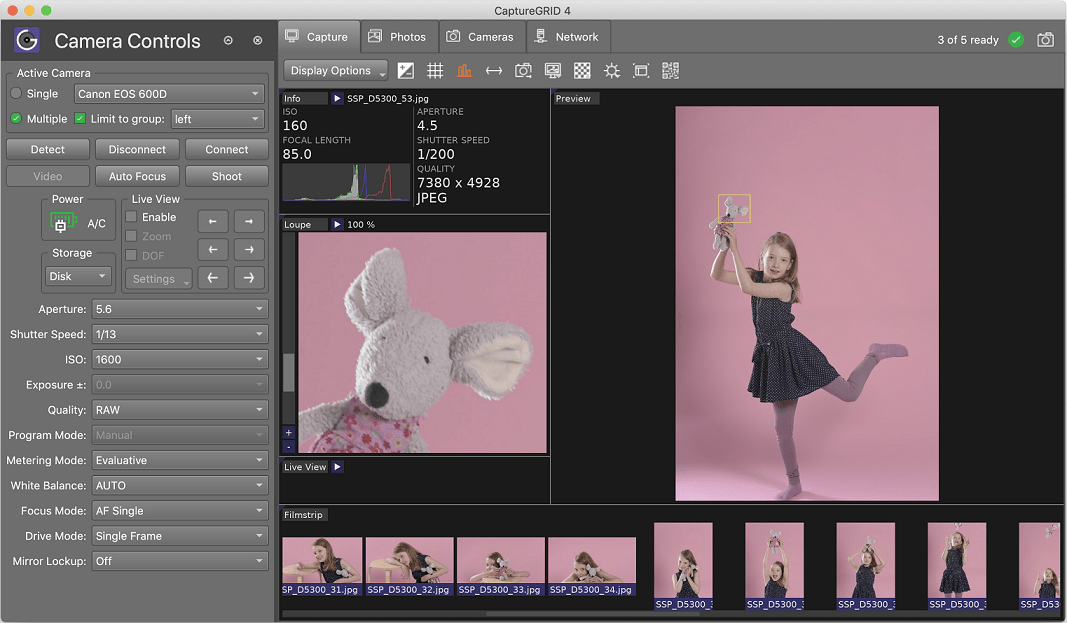
CaptureGRID is a digital photography work flow application for tethered shooting, remote capture and advanced camera control. CaptureGRID supports all recent DSLR cameras from Canon and Nikon, as well as some cameras from the Sony Alpha range. We regularly update the app, so support for new cameras is added as they come on to the market. The software uses wired USB connection for direct communication with the cameras, using our custom built PTP engine. This delivers reliable camera control and fast photo downloads.
What’s New:
Version 4.23:
Release notes were unavailable when this listing was updated.
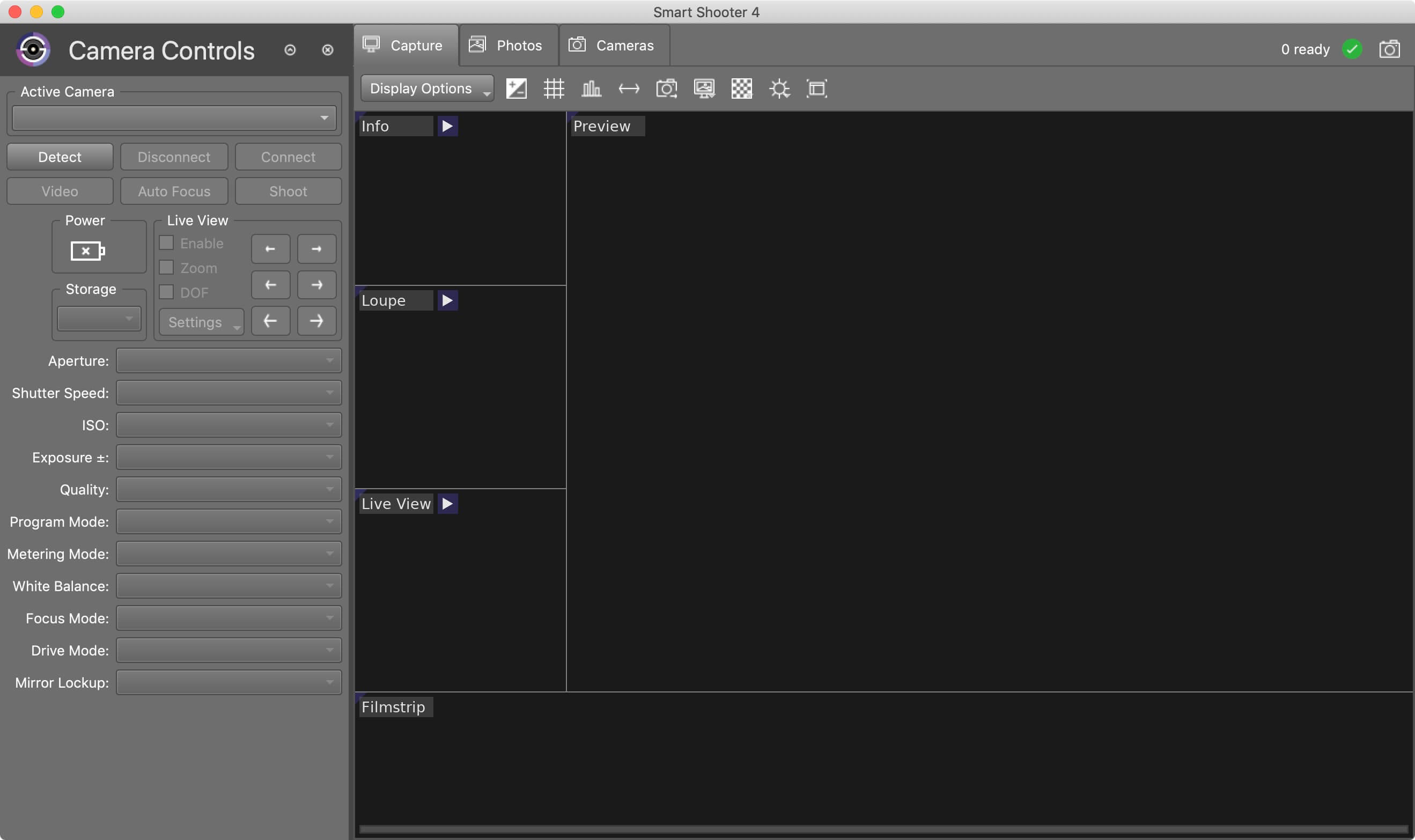
Smart Shooter is a digital photography work flow application for tethered shooting, remote capture and advanced camera control.
Smart Shooter allows you to fully control your camera from your computer, giving you freedom to explore and experiment to help take the perfect picture. Automatic download and display means you can fully evaluate your photos in seconds, and real time live view output will help you focus and compose the scene. Scripting language lets you control your camera, allowing you to take multiple photos with varying settings just by clicking a single button.
Key Features
Smart Shooter is aimed at both the professional and amateur photographer, providing them with the following features:
Remote camera control via USB cable
Full control of camera settings
Photo download and display on you computer
Real time zooming/panning photo display
Live View display including overlay mode
Live View recording of each frame to JPEG file
Bulb shooting with timed exposure
JPEG and RAW file formats
Connect and control multiple cameras
Automatic control via scripting
Tethered shooting with automatic download and preview
Smart Shooter works with all recent Canon EOS DSLR and Nikon DSLR cameras.
The following Canon cameras are supported:
1D Mark IV,1D C, 5D Mark II, 5D Mark III, 5D Mark IV, 5DS, 5DS R, 6D, 7D, 7D Mark II, 40D, 50D, 60D, 70D, 80D, 100D, 450D, 500D, 550D, 600D, 650D, 700D, 750D, 760D, 1000D, 1100D, 1200D, 1300D,
Rebel SL1, Rebel T1i, Rebel T2i, Rebel T3i, Rebel XS, Rebel T3, Rebel T4i, Rebel T5, Rebel T5i, Rebel T6, Rebel, T6i, Rebel T6s, Rebel XSi
Kiss F, Kiss X2, Kiss X3, Kiss X4, Kiss X5, Kiss X6i, Kiss X7, Kiss X8i, 8000D, Kiss X50, Kiss X70, Kiss X80
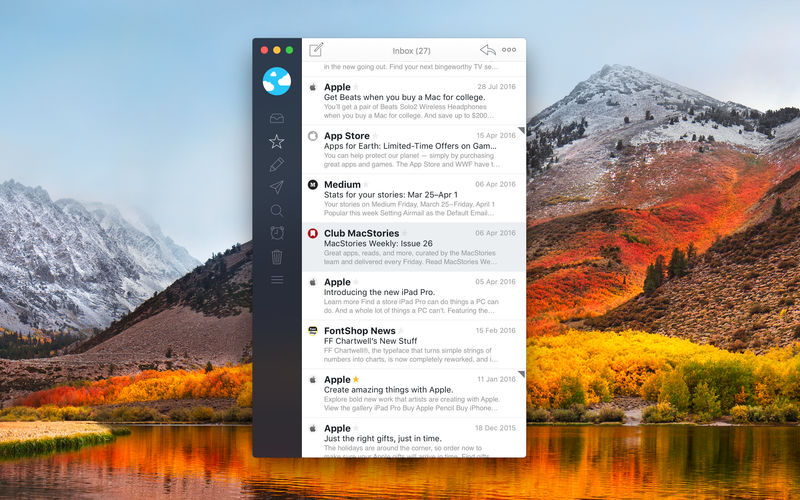
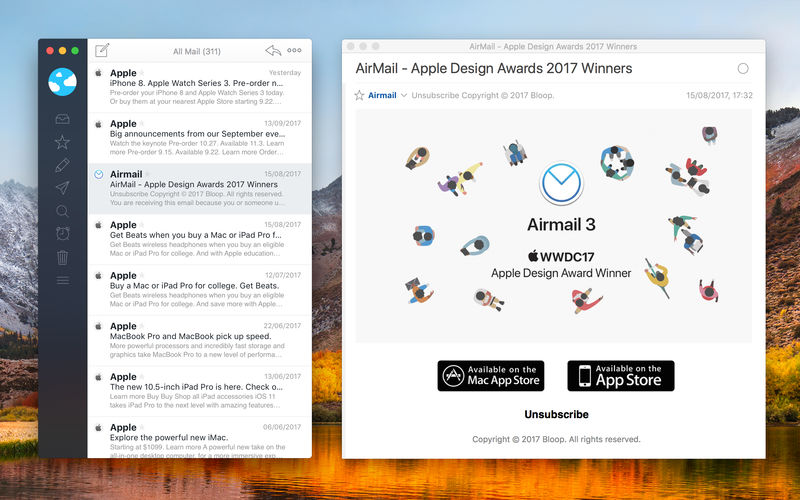
Airmail 5 is a new mail client designed with performance and intuitive interaction in mind optimized for macOS High Sierra! Support for iCloud™, MS Exchange, Gmail™, Google™ Apps, IMAP, POP3, Yahoo!™, AOL™, Outlook.com™, Live.com™
Airmail was designed from the ground UP to retain the same experience with a single or multiple accounts and provide a quick, modern and easy-to-use user experience. Airmail is clean and allows you to get to your emails without interruption – it’s the mail client for the 21st century.
We have taken usability and function to the next level with Airmail and bring a striking-design with support for all major email services. Switch between accounts like a breeze and quick reply to incoming messages within seconds – email has never been so easy and productive.
iCloud Account sync
iCloud attachment upload and share the link.
Handoff support, Composing Draft and folder selection are mirrored on different devices
Today Extension, quick access to your inbox.
Action Extension, Airmail Compose, Inline create and send messages directly form other apps
Action Extension, Airmail Share to quick send messages and attachments.
Meta helps you manage your ever-growing digital music collection. Use it to easily edit information such as a song’s artist, title, album, album cover, etc. It supports editing of most audio formats such as MP3, MP4, M4A, FLAC, Ogg, OGA, SPX, WAV, AIFF, and a variety of metadata formats including ID3v1, ID3v2.3, ID3v2.4, iTunes MP4, Vorbis comments, and APE tags.
Features
A polished, intuitive user interface that adopts OS X’s standards
Write metadata to multiple files at once (Batch Tag Editing)
Rename files based on their metadata or instead, convert filenames to metadata
Find and Replace characters, words, or strings in metadata, with support for regular expressions (patterns)
Add selected tracks to iTunes, or refresh their metadata using a simple keyboard shortcut
Automatically generate track numbers
Benefit from built in file management operations (Move, Delete, Reveal in Finder)
Interface is compatible with Retina displays
Album covers can easily be set or exported via drag-and-drop, and it is possible to configure Meta so that it scales, crops, and compresses images each time a new image is set, so as to keep your audio files’ size to a minimum.
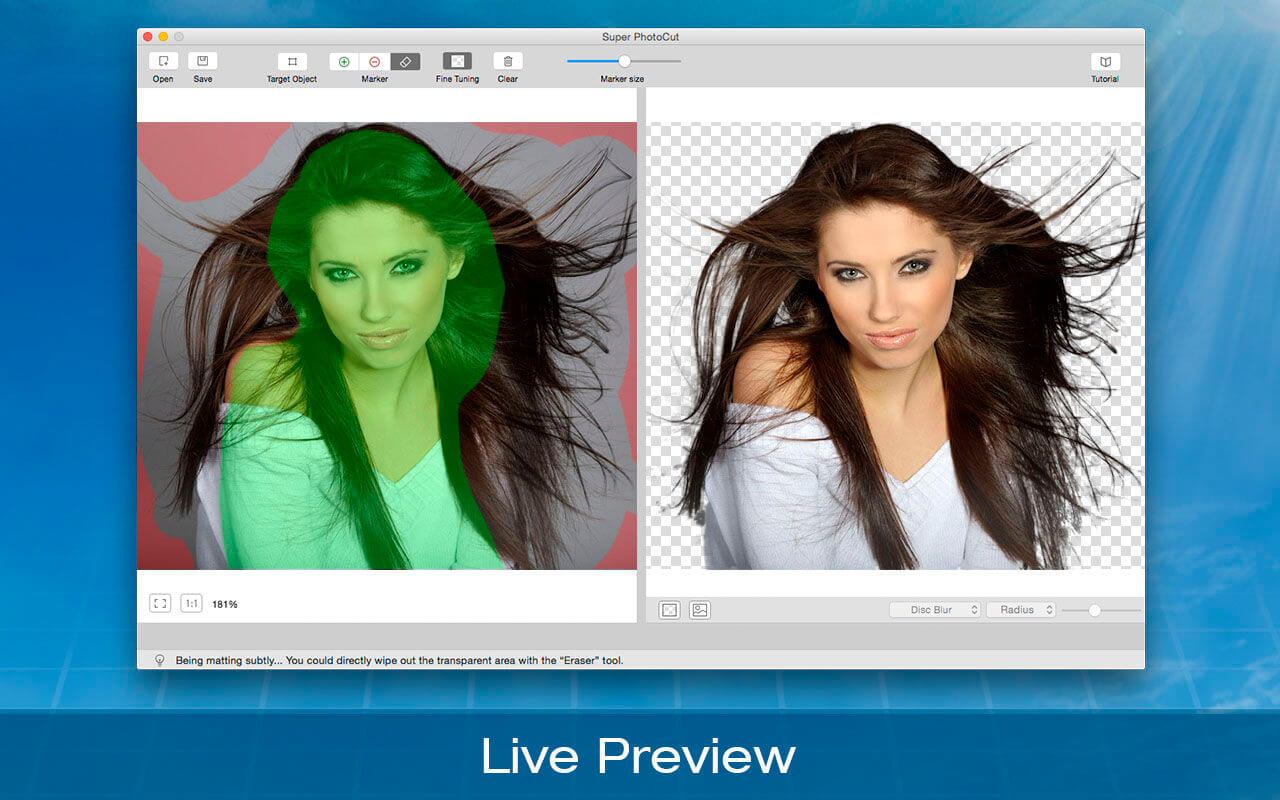
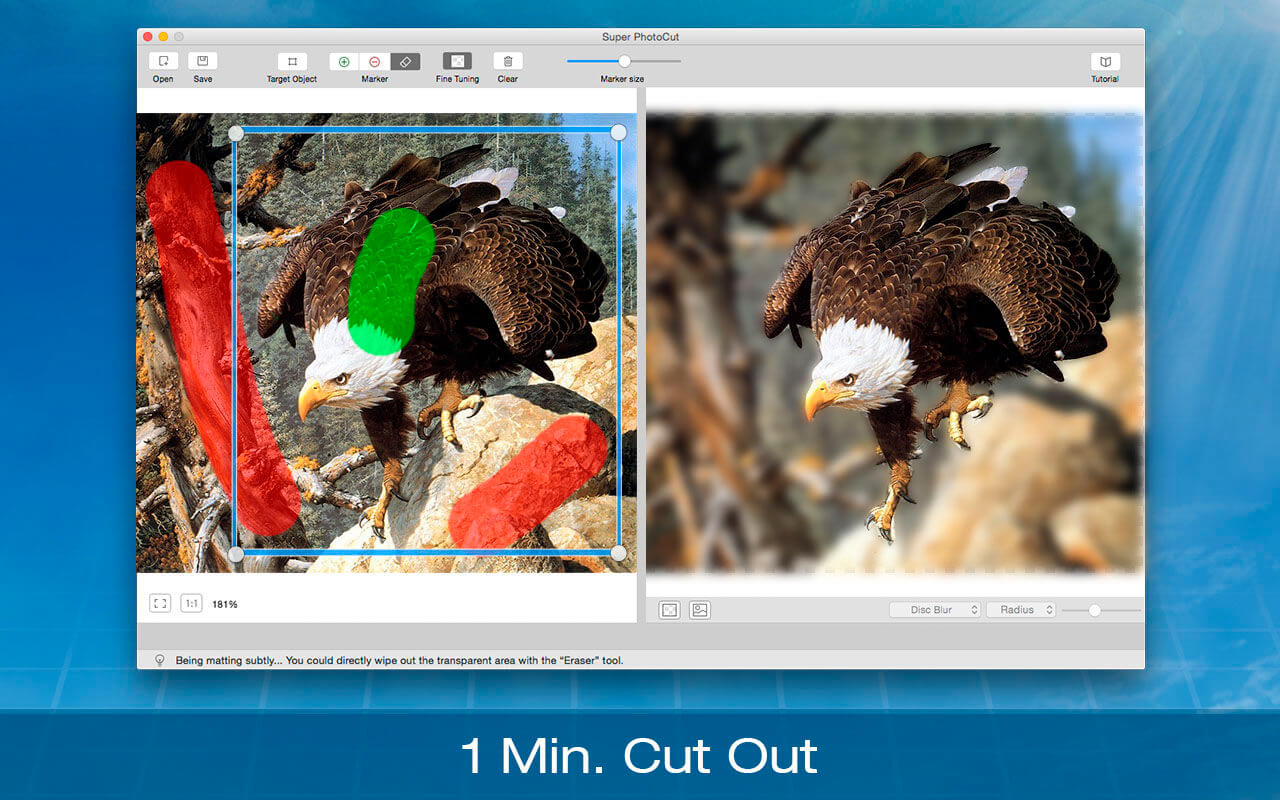
Super PhotoCut Pro professionally focuses on wedding dresses and transparent object masking. It instantly cut out wedding dresses from complex image backgrounds without any loss of image quality in seconds-to-minutes instead of minutes-to-hours. Removing image background from wedding veil and transparent object is a complex and difficult matting task even on the premise that you are proficient in Photoshop. Now it could be easily done by Super PhotoCut Pro, which professionally focuses on veil and transparency masking. With proprietary best-in-class masking algorithm, Super PhotoCut Pro instantly changes complex image background and get the dramatic stand-out images done in seconds-to-minutes instead of minutes-to-hours.
Features
Instantly change image background from veil and transparent objects, such as glass, water, wedding veil
Smart algorithm: Cuts object out with critical precision; it enables extremely fast operation with great results on any image, minimizing the amount of work you need to put in
Supports almost all image formats: JPG, BMP, PNG, GIF, RAW
Separate foreground from complex image background easily; live preview the final effect
Create isolated images with colored or transparent backgrounds
Supports 64-bits
20 kinds of background transition effects are for your choices: disc blur, gaussian blur, box blur, motion blur, zoom blur, color controls, exposure adjust, gamma adjust, hue adjust, vibrance, color invert, color posterize, chrome, fade, instant, mono, process, transfer, sepia tone, vignette, vignette effect
Zooming to any level necessary allows you to inspect details while quickly navigating your image
Undo / Redo: never fear that a mistake will ruin your work
Configurable auto-brush-size: The mark size adapts dynamically to your zoom level so that you can easily zoom in to make detailed edits
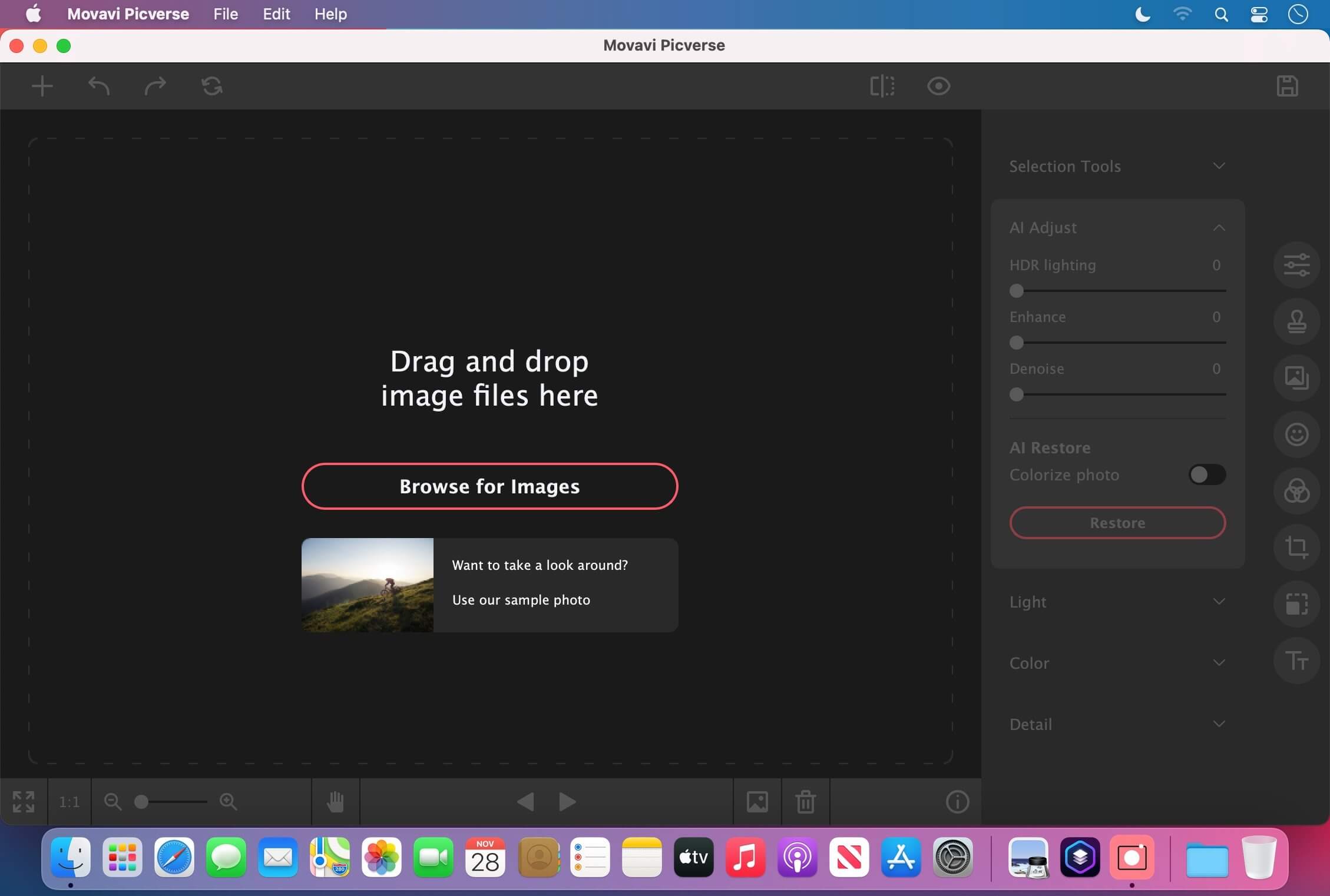
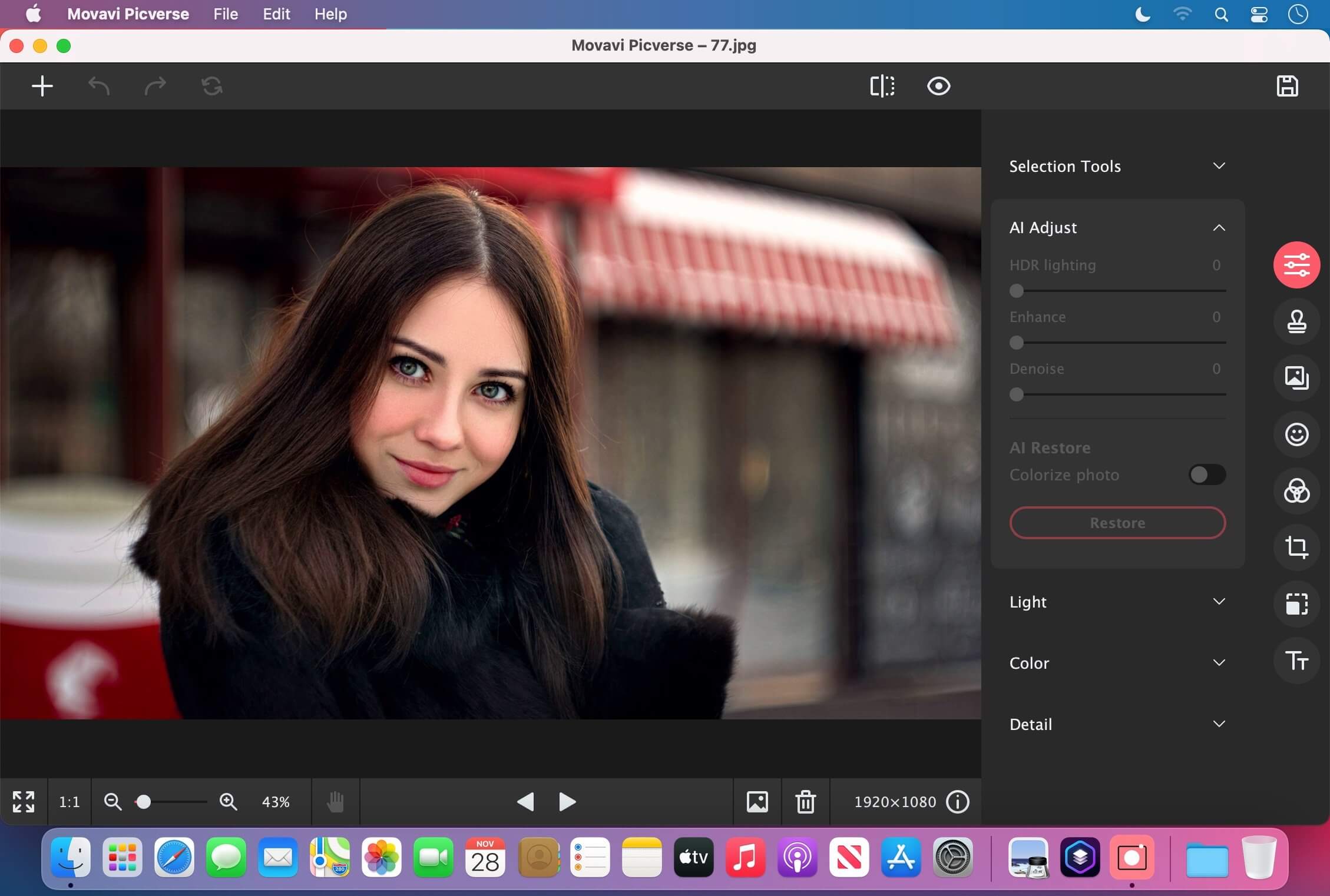
Movavi Picverse Photo Editor for Mac is designed to match the needs of both beginning and professional photographers. The application gives you AI-based tools that will enable you to experiment with images and achieve stunning results in a snap. Picverse is your go-to photo-editing software for Mac if you want to spend more time shooting and less time retouching.
What’s New:
Version 1.7.0:
Release notes were unavailable when this listing was updated.
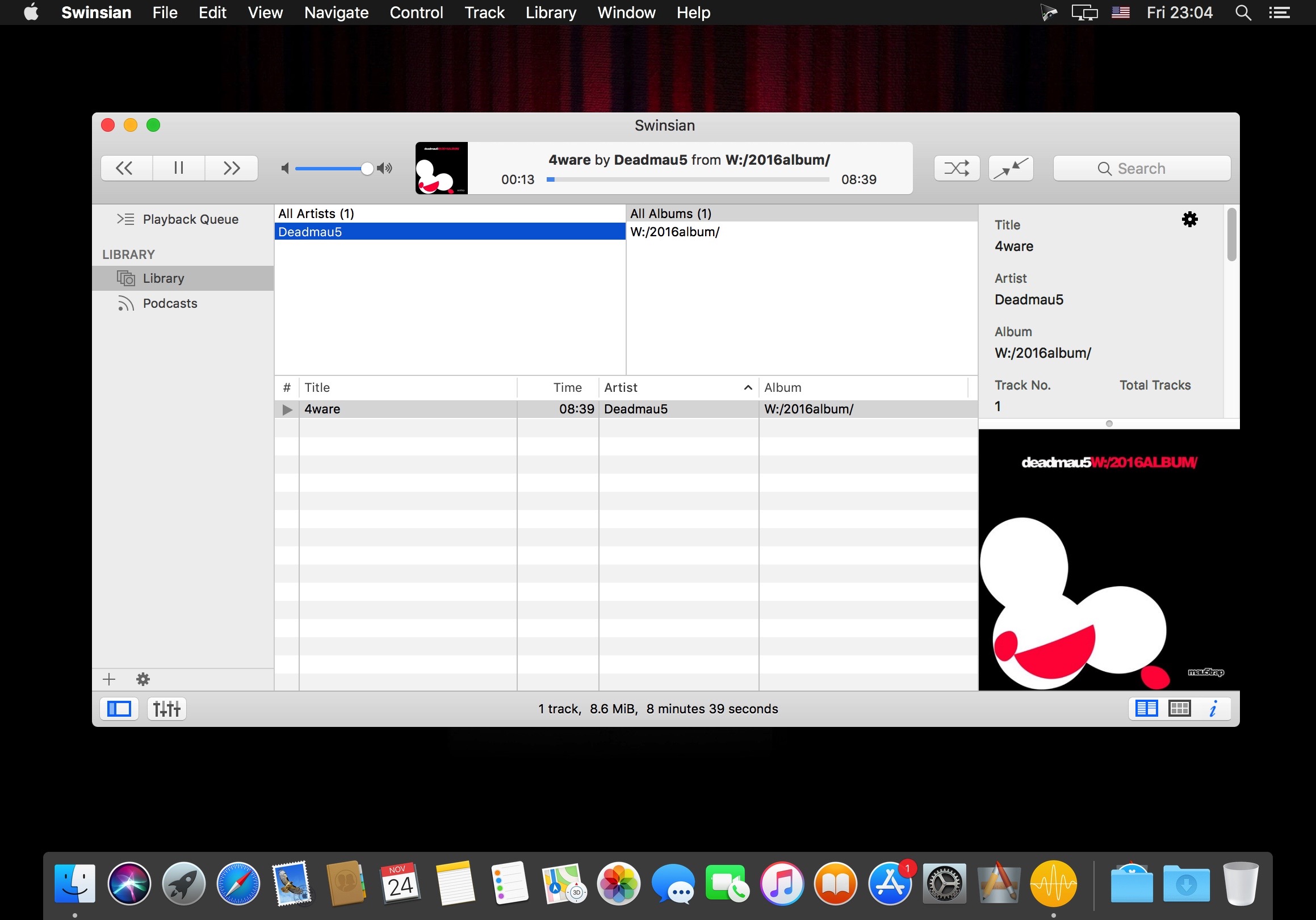
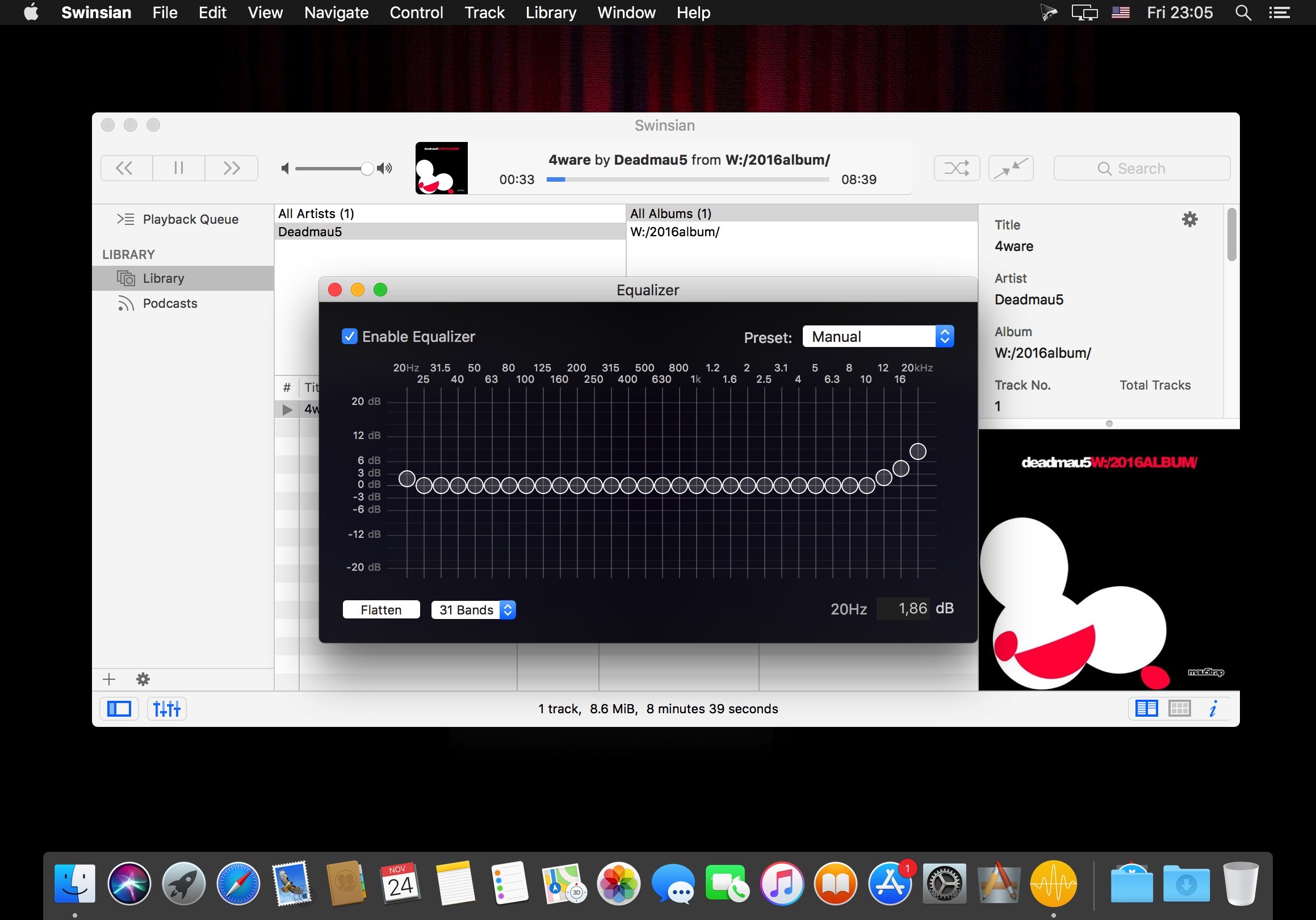
Swinsian is a sophisticated music player for Mac OS X with wide format support, folder watching and advanced tag editing and designed to be responsive even with the largest libraries.
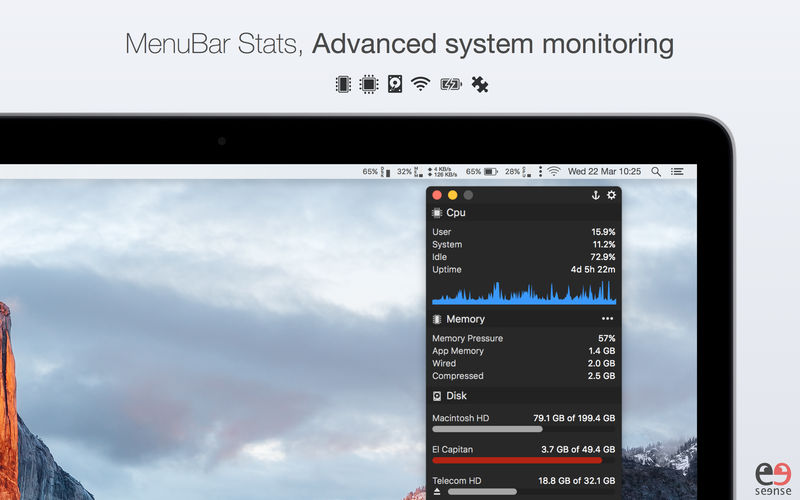
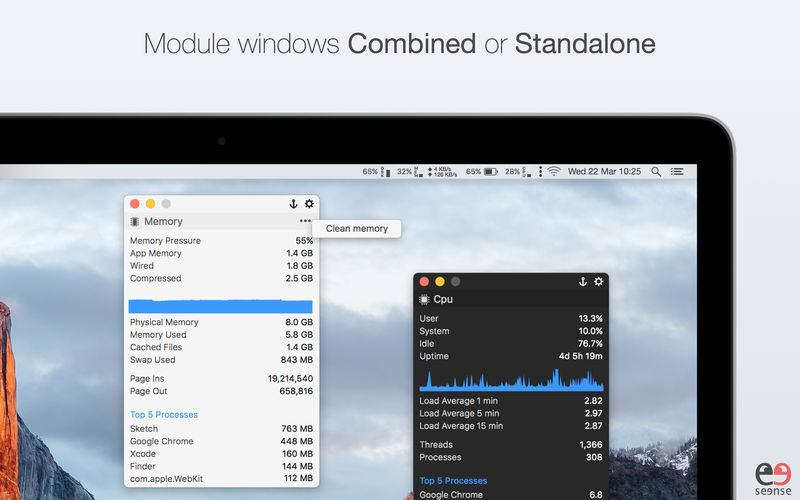
Advanced Mac system monitor with Temperature & Fans plugins. MenuBar Stats has been reinvented. Completely re-written from the ground up. MenuBar Stats is composed of modules (CPU, Disk, Network,…). Each module can be seen in your menu bar. Each module can be combined in 1 window, or in a separated window. You can display a concise information, or a maximum of detailed information including graph, top processes and more. Get notifications for your battery health or from other modules.
MenuBar Stats gives you:
A quick view to your system health right in your menu bar.
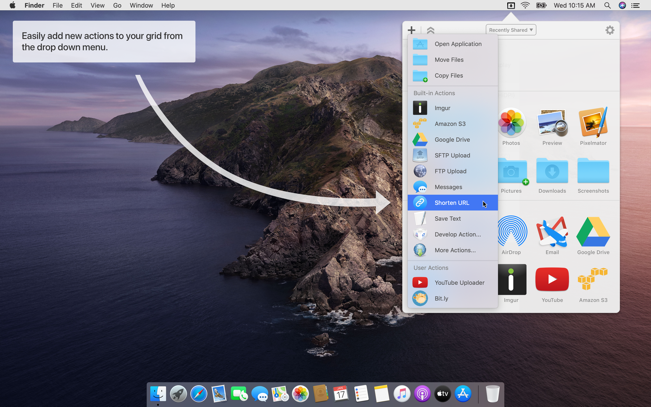
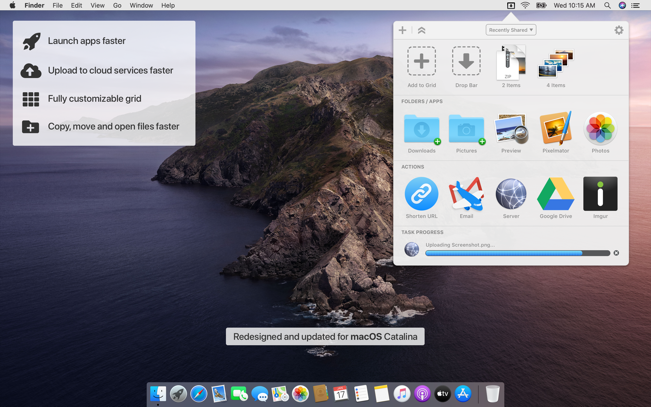
Dropzone makes it faster and easier to copy and move files, open applications and share files with many different services. Dropzone is a unique and amazing app that’s like nothing you’ve ever used before. We’ve paid fanatical attention to every detail and built an app that looks and feels like an integral part of macOS.
Dropzone ships with a powerful scripting API and with a little programming knowledge you can modify any of your actions or even create entirely new ones. This gives Dropzone unlimited extendability and utility. We’re always thinking up new actions so Dropzone will become even more useful over time.
Dropzone also includes Drop Bar – Drop Bar makes it easy to stash files you know you’ll need later. Just drop files on the Drop Bar icon in the grid and they will stick there until you’re ready to use them.
Features
Open applications, move and copy files faster than ever before.
Shorten URLs quickly using Tinyurl shortener. Just select a URL to shorten and press Ctrl+Option+Cmd+S and the shortened URL is automatically copied to the clipboard.
AirDrop integration lets you drop files or folders from any app and share them with your other Macs over the network.
Imgur integration lets you share images fast and get a link for pasting.
Upload files to Amazon S3 (Dropzone Pro feature).
Upload files to your FTP server (Dropzone Pro feature).
Upload files to your Google Drive (Dropzone Pro feature).
Download and install add-on actions that let you upload to services like Google Drive, YouTube and many others (Dropzone Pro feature).
Powerful multi-tasking engine allows you to run multiple tasks at once and track the progress of each one through the in-grid task status area.
See how tasks are progressing at a glance in the animated menu item.
Launch Dropzone actions with the newly added keyboard shortcuts feature (Dropzone Pro feature).
Add applications, folders or actions to your grid easily by dragging and dropping them on the Add to Grid area.
Develop your own actions using the updated and massively improved Ruby or Python API (Dropzone Pro feature).
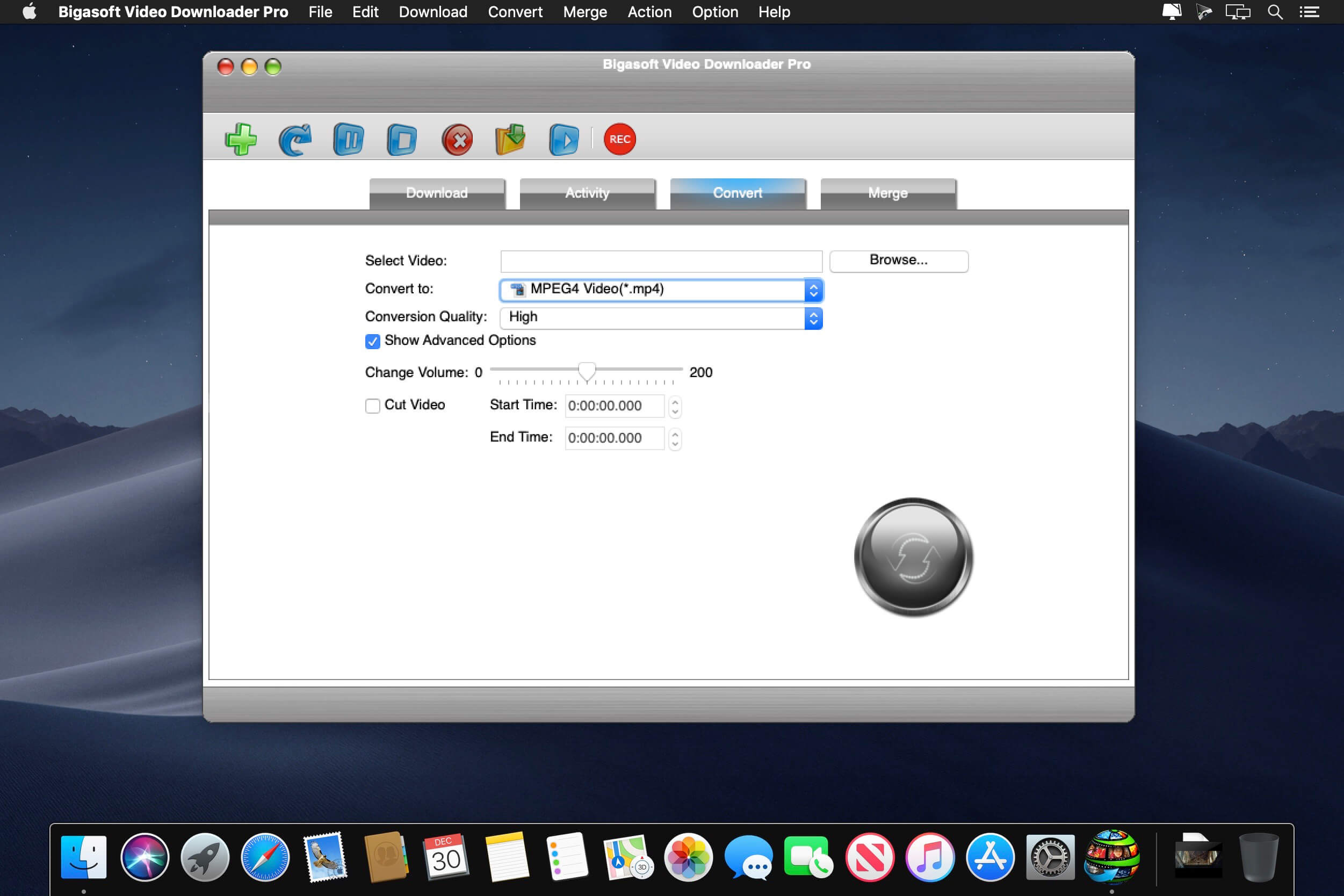
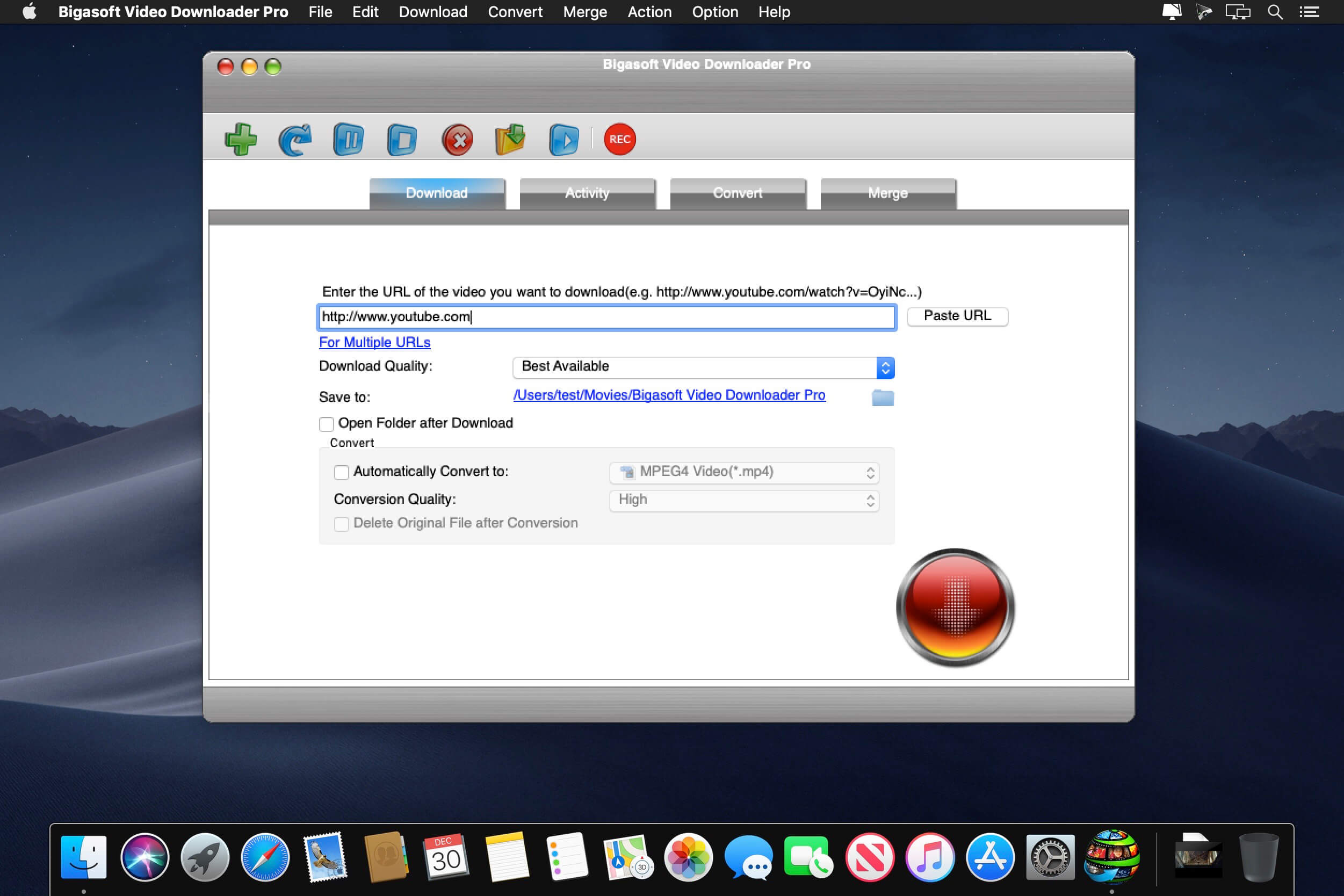
Bigasoft Video Downloader Pro for Mac can download and convert online videos in HD 1080p/720p, 3D or stand definition 360p/480p to MP4, WMV, AVI, DivX, Xvid, MOV, MKV, MPG, FLV, RMVB, VOB, DV, ASF, SWF and etc on Mac.
This powerful Video Downloader Pro Mac is also a professional Video to MP3 Downloader for Mac which helps to download as well as convert online music video to MP3, WAV, M4A, WMA, AIFF, FLAC, OGG, AC3, MP3 and etc on OS X.
Bigasoft Video Downloader Pro for Mac supports downloading and converting video from almost all popular video sites like YouTube, Dailymotion, Vimeo, Goear music, Metacafe, Break, Veoh, BBC, etc to helps us easily enjoy online video on Mac, iTunes, QuickTime, Apple TV, iPad, iPod, iPhone, Kindle Fire, Android and more.
What’s New:
Version 3.24.6.8118:
Release notes were unavailable when this listing was updated.
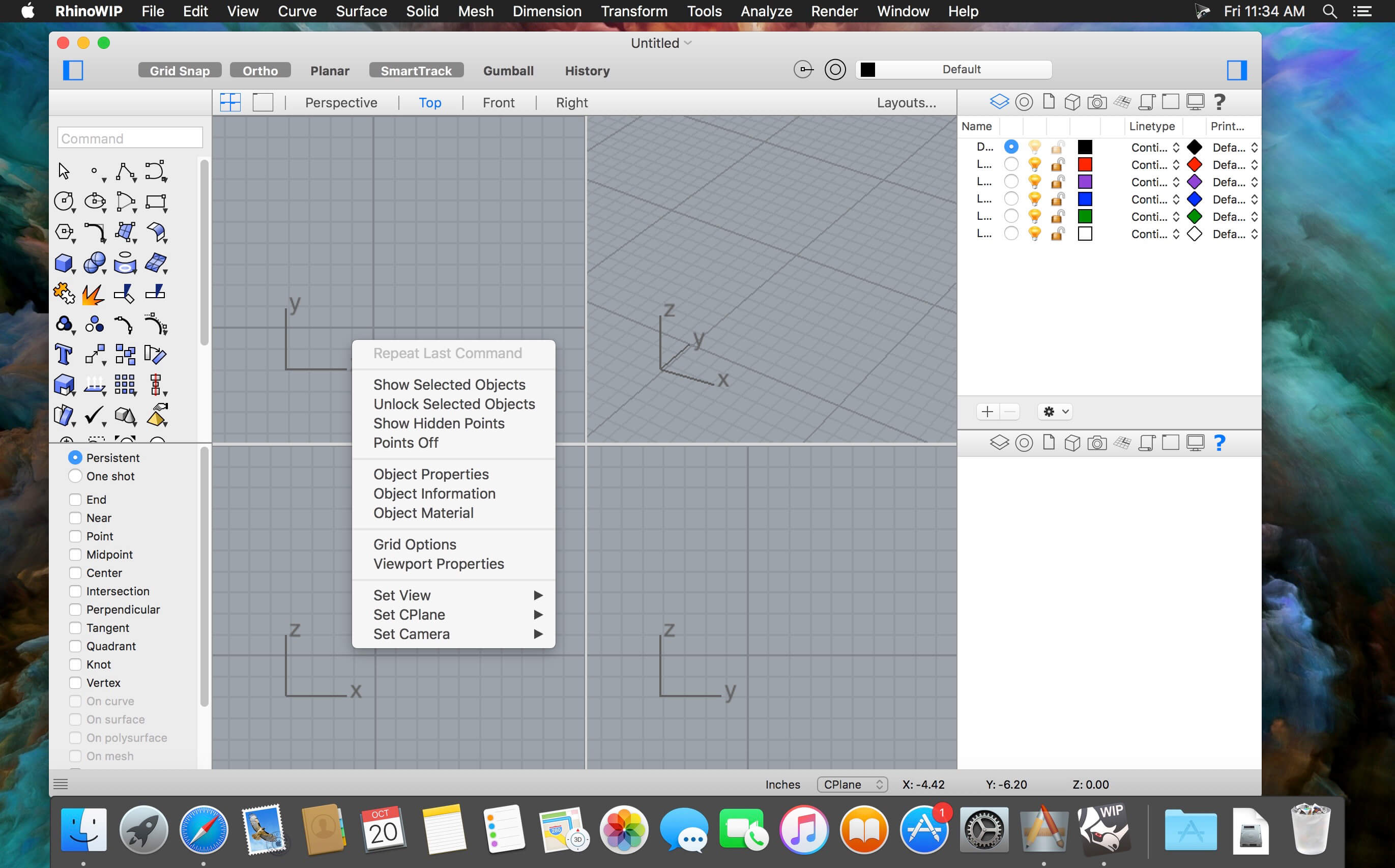
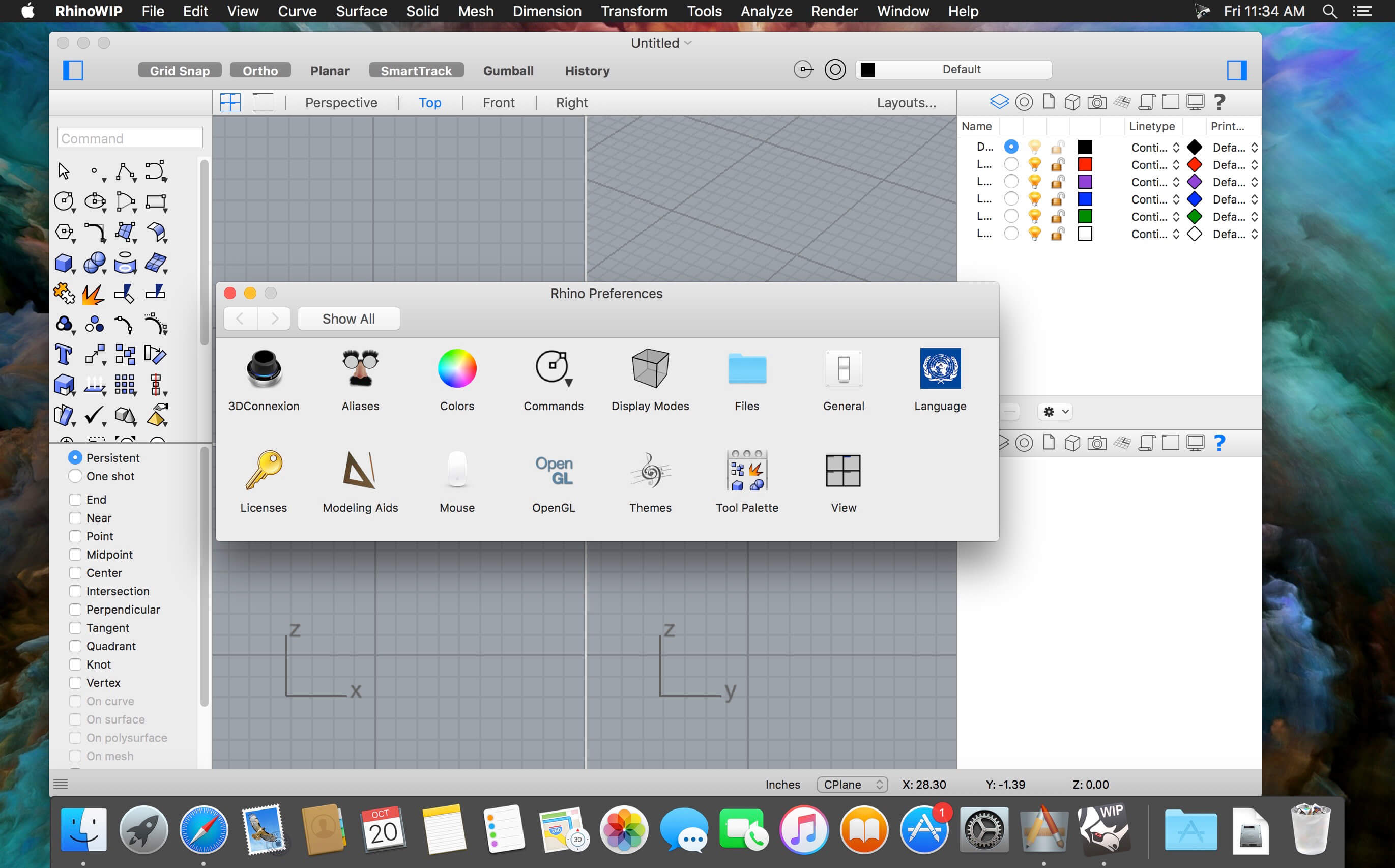
Rhino – Versatile 3D modeler. Rhinoceros can create, edit, analyze, document, render, animate, and translate NURBS* curves, surfaces, and solids, point clouds, and polygon meshes. There are no limits on complexity, degree, or size beyond those of your hardware.
Special features include:
Uninhibited free-form 3-D modeling tools like those found only in products costing 20 to 50 times more. Model any shape you can imagine.
Accuracy needed to design, prototype, engineer, analyze, and manufacture anything from an airplane to jewelry.
Compatibility with all your other design, drafting, CAM, engineering, analysis, rendering, animation, and illustration software.
Read and repair meshes and extremely challenging IGES files.
Accessible. So easy to learn and use that you can focus on design and visualization without being distracted by the software.
Fast, even on an ordinary laptop computer. No special hardware is needed.
Affordable. Ordinary hardware. Short learning curve. Affordable purchase price. No maintenance fees.
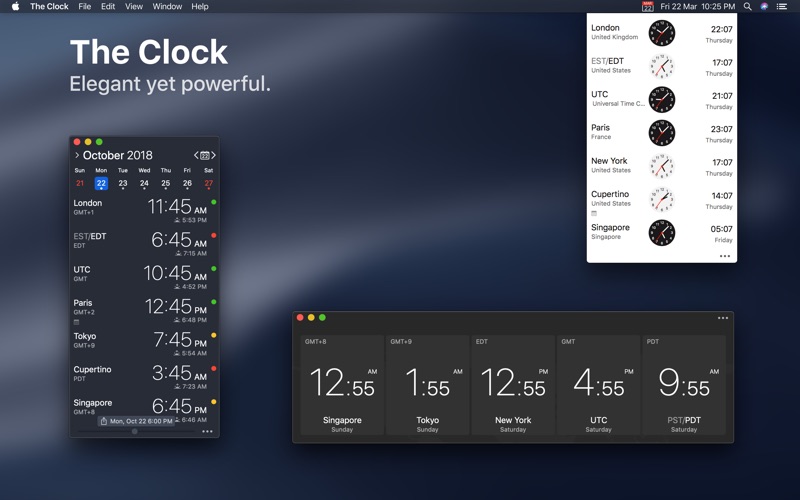
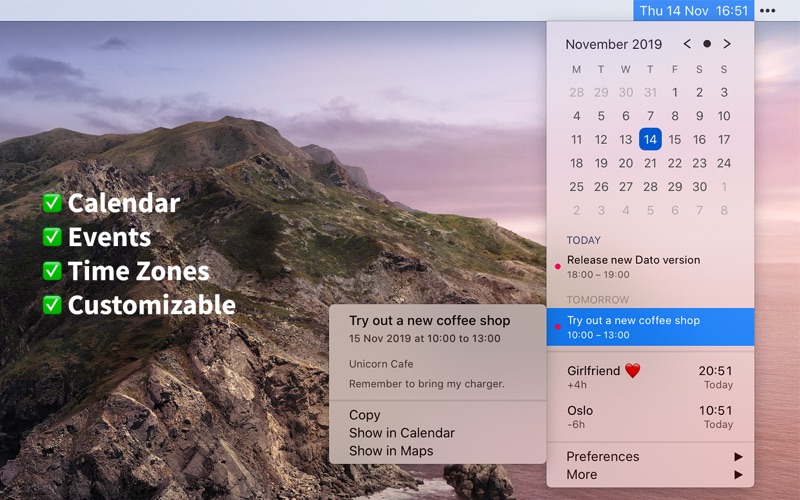
Dato gives you a local clock, date, and multiple world clocks in the menu bar. When you click Dato in the menu bar, you get a menu with a calendar, calendar events, and world clocks. All of this is highly customizable. Dato also comes with some macOS 11 widgets.
One-time purchase with free upgrades forever. Dato will never be subscription-based.
Dato supports all the locales and languages that macOS supports for the menu bar text, dates, times, and the calendar, but the menus and preferences are English-only.
Note to Chinese users: 该应用程序仅以英语提供,它将永远不支持农历。
On macOS 11, it’s no longer possible to completely hide the system menu bar clock. So Dato can only replace the date or you can make the system clock just be an analog clock icon.
Note: Some of the features in the screenshots are macOS 11-only features.
Features Your upcoming events at a glance
Customize how many events to show and for how many days
Supports HTML formatted notes
Quickly reveal the event in your default calendar app
Calendar
Week numbers
Event indicators
Highlighting specific days of the week
World clocks
Shown in either the Dato menu or the menu bar
Custom names
Search 15k cities offline
And a lot more!
Supports all calendar services that macOS supports (iCloud, Google, Outlook, etc)
Custom format for the date & time in the menu bar
Zoom, Google Meet, and Microsoft Teams integration (shows an icon on events and button to quickly join)
Many menu bar icons to choose from (for example, date in calendar like Itsycal)
Show seconds in the menu bar clock or in the menu
Global keyboard shortcut to open/close the app
Lots of in-app keyboard shortcuts for power users
Open calendar events from Google Calendar directly in Google Calendar on the web
Large text mode
Fully customizable
macOS 11-only features
Show the upcoming event in the menu bar (like Fantastical, Meeter, and MeetingBar)
Create events (even with a global keyboard shortcut)
Widgets: Date & time and calendar
Join the next meeting (Zoom/Meet/Teams) with a customizable global keyboard shortcut
macOS 10.15-only features
Today widget in the Notification Center for time zones
Custom color for the date & time menu bar item (macOS 11 broke this)
Mela is a simple, elegant and modern recipe manager that syncs with iCloud.
IN-APP BROWSER
Quickly save a recipe while browsing: If Mela detects a recipe on the currently viewed page, it will be displayed in Mela’s native recipe viewer*, on the same screen. Want to add or view a recipe from outside of Mela? No problem, just use Mela’s sharing extension.
FEEDS
Subscribe to your favorite recipe blogs to view all the recipes in Mela’s native recipe viewer*.
SCANNER
Scan a recipe from a book: With the help of text recognition, you can just add it to your personal collection and view it in Mela’s native recipe viewer, as any other recipe.
ORGANIZING
Recipes can be organized in categories, marked as “Favorite” or as “Want to Cook”.
COOK MODE
The cook mode makes it easy to follow all steps while cooking, displayed using a larger font to make sure everything stays readable even when you’re not right in front of your device.
GROCERIES
Mela uses the Reminders.app to manage your grocery list. This has the advantage that you’re always able to access your grocery list on all your devices even if Mela is not installed on a specific device.
PRINTING
Of course, Mela supports printing in case there’s a recipe you want to have on paper or save as PDF.
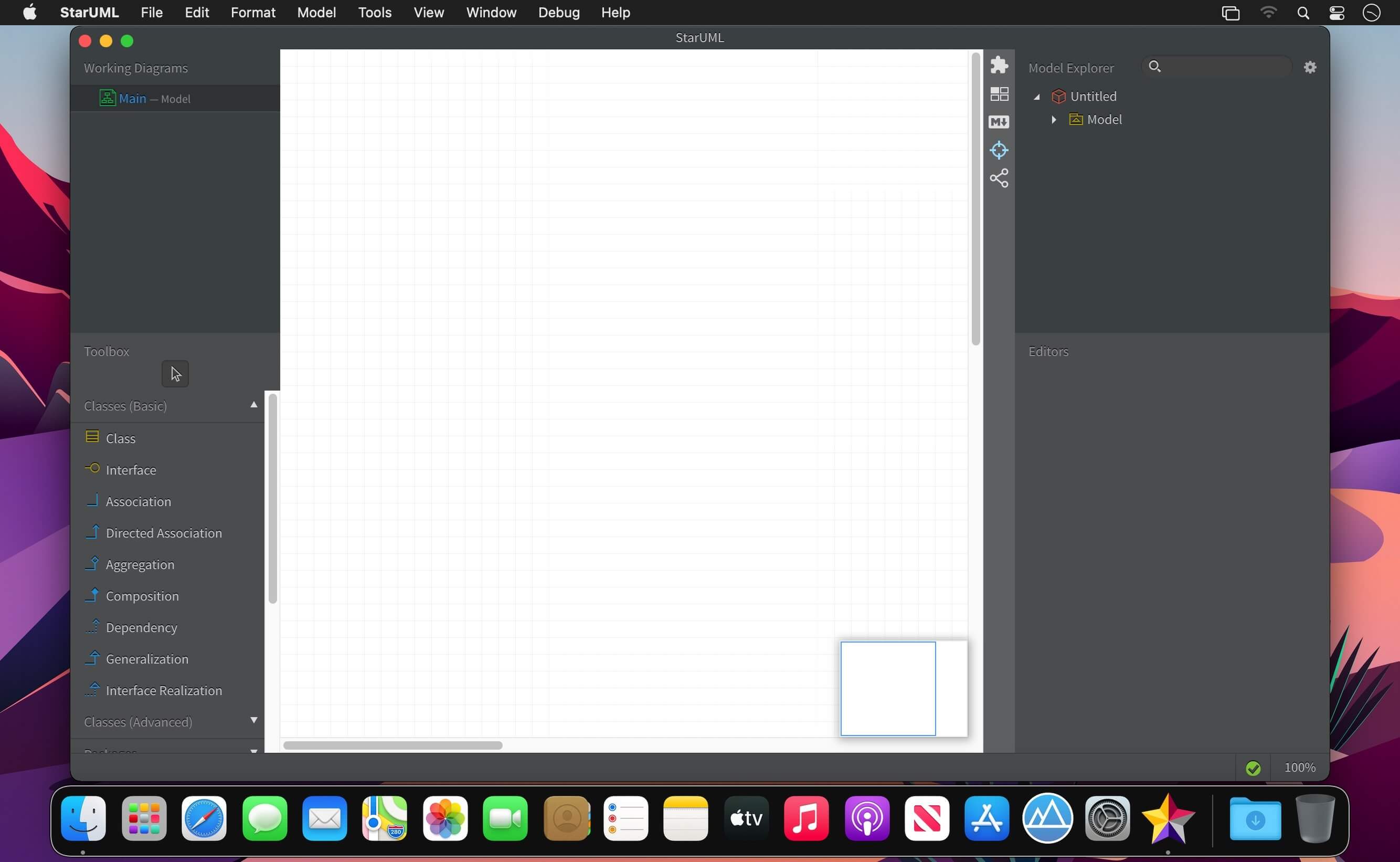
A sophisticated software modeler for agile and concise modeling.
UML 2
Compatible with UML 2.x standard metamodel and diagrams: Class, Object, Use Case, Component, Deployment, Composite Structure, Sequence, Communication, Statechart, Activity, Timing, Interaction Overflow, Information Flow and Profile Diagram.
SysML Support
Support modeling with SysML diagrams: Requirement, Block Definition, Internal Block, and Parametric Diagram.
Additional Diagrams
Support to create Entity-Relationship Diagrams (ERD), Data-flow Diagrams (DFD) and Flowchart Diagrams.
Cross-Platform Support
Work with same UX in multiple platforms including MacOS, Windows and Linux.
MacBook Touchbar
StarUML supports latest MacBook’s Touchbar. It is easy and convenient to edit diagrams.
Retina Display Support
Supports Retina (High-DPI) Display. All diagrams, texts and icons are razor sharp and can be exported to High-DPI images (PNG and JPEG).
Extension Manager
Easily discover and install third-party extensions. Many extensions are open source and hosted on Github. Fork one and make your own.
Model-Driven Development
Modeling data are stored in a very simple JSON format, so it can be used easily to generate custom codes by user-defined templates (mdgen).
Fast Modeling
Supports many shorthands in Quick Edit to create elements and relationships at once such as sub-classes, supporting interfaces, etc.
Dark and Light Themes
Support light and darks themes, so you can choose a theme more comfortable.
Command Palette
Command Palette allows to search and execute commands in StarUML as well as installed extensions.
Code Engineering
Supports code generation and reverse engineering for major programming languages including Java, C#, and C++ via open source extensions.
Open APIs
Allows to write your own extensions using HTML5, CSS3, jаvascript, Node.js modules and APIs for menus, keymaps, dialogs, UIs, metadata, preferences, etc.
Asynchronous Model Validation
Many model validation rules are defined and checked asynchronously whenever you save or open your model files.
Publish HTML Docs
Easy to share models with other analysts, architects, and developers by just publishing HTML Docs.
PDF Export for Clean Printing
Diagrams can be exported to PDF for clean printing with printing options like page layout and sizes.
Markdown Support
Use markdown syntax to edit element’s documentation with support of syntax highlighting and preview.
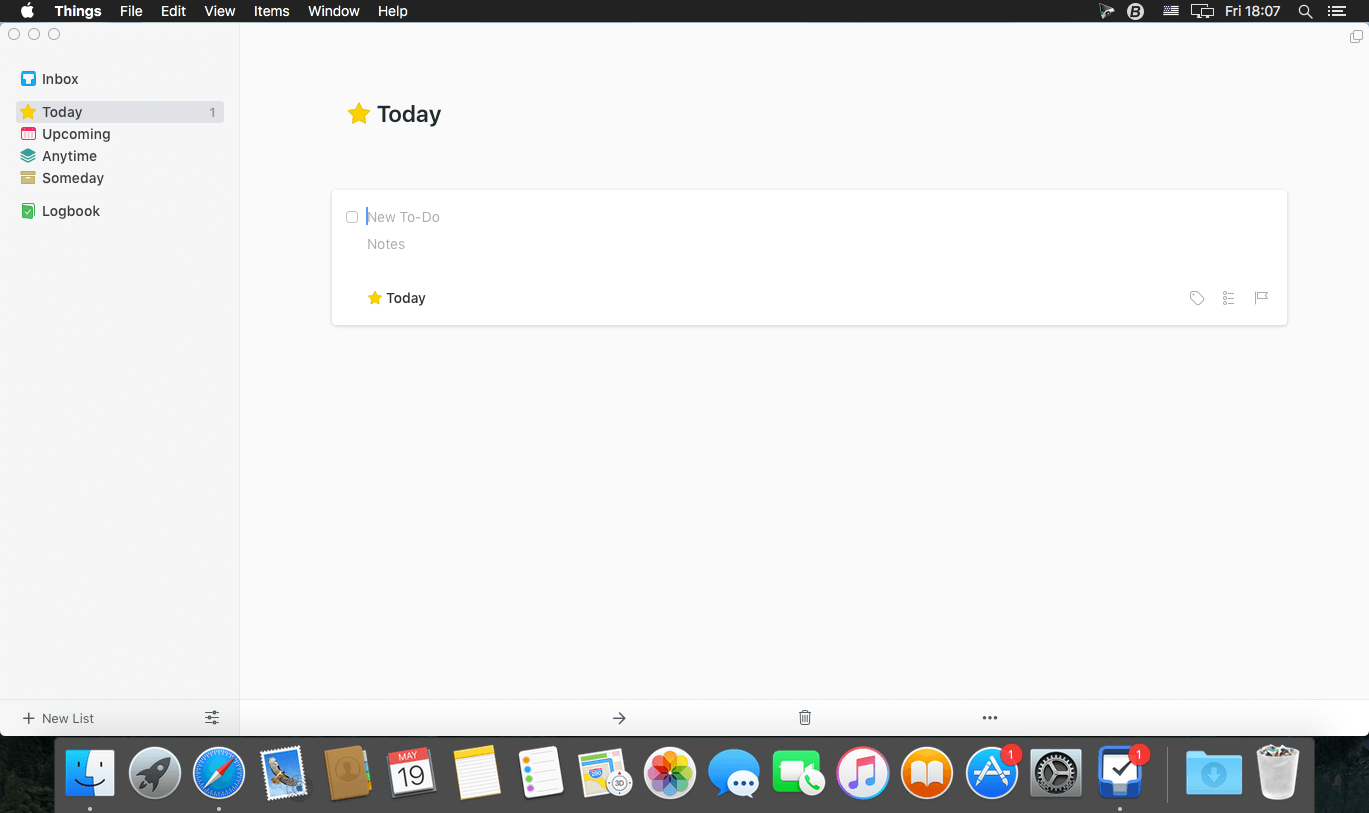
Things is a task management solution that helps to organize your tasks in an elegant and intuitive way. Things combines powerful features with simplicity through the use of tags and its intelligent filter bar. A Leopard style source list allows for quick and easy focusing. Together with a beautiful user interface, Things aims at the seemingly impossible: making task management both easy and fun.
Our screencast is a great introduction.
The big picture. A Leopard-style source list lets you easily focus without ever switching view modes or wrapping your head around filter criteria.
A magical tag bar automatically appears when needed and adapts to the currently displayed list. It lets you drill down even the longest list of To-Dos. Hierarchical tags? We got you covered!
Teamwork. Things offers convenient collaboration features. Easily delegate tasks to members of your team. (This is work in progress.)
No columns! Whether it’s multiple tags, dates or notes, To-Do items display their information on an as needed basis. No more space wasted by empty or irrelevant column cells!
Out of your head, out of your way. A quick entry HUD lets you enter any idea the moment it hits you. Never let the thought of an unfinished business distract you again.
Yours forever. We won’t lock you in. Things will use an open XML file format to store your data. (Not yet activated.)
Things even supports GTD, so if you’re familiar and comfortable with GTD concepts, you’ll feel right at home.
A professional Unlimited Music converter designed to convert and download Unlimited Music playlists to MP3, FLAC, WAV, AAC, M4A, M4B with a 5X faster batch conversion speed for offline playback anywhere.
With Unlimited Music subscription, you can download the music files for offline listening but you don’t own the real audio files. Luckily, DRmare Amazon Music Converter is here opt to help Unlimited Music lovers to download songs from Unlimited Music to the local computer.
And surprisingly, this Unlimited Music downloader can download music tracks without installing the music app on your PC. With the help of this software, you can keep and enjoy music forever offline.
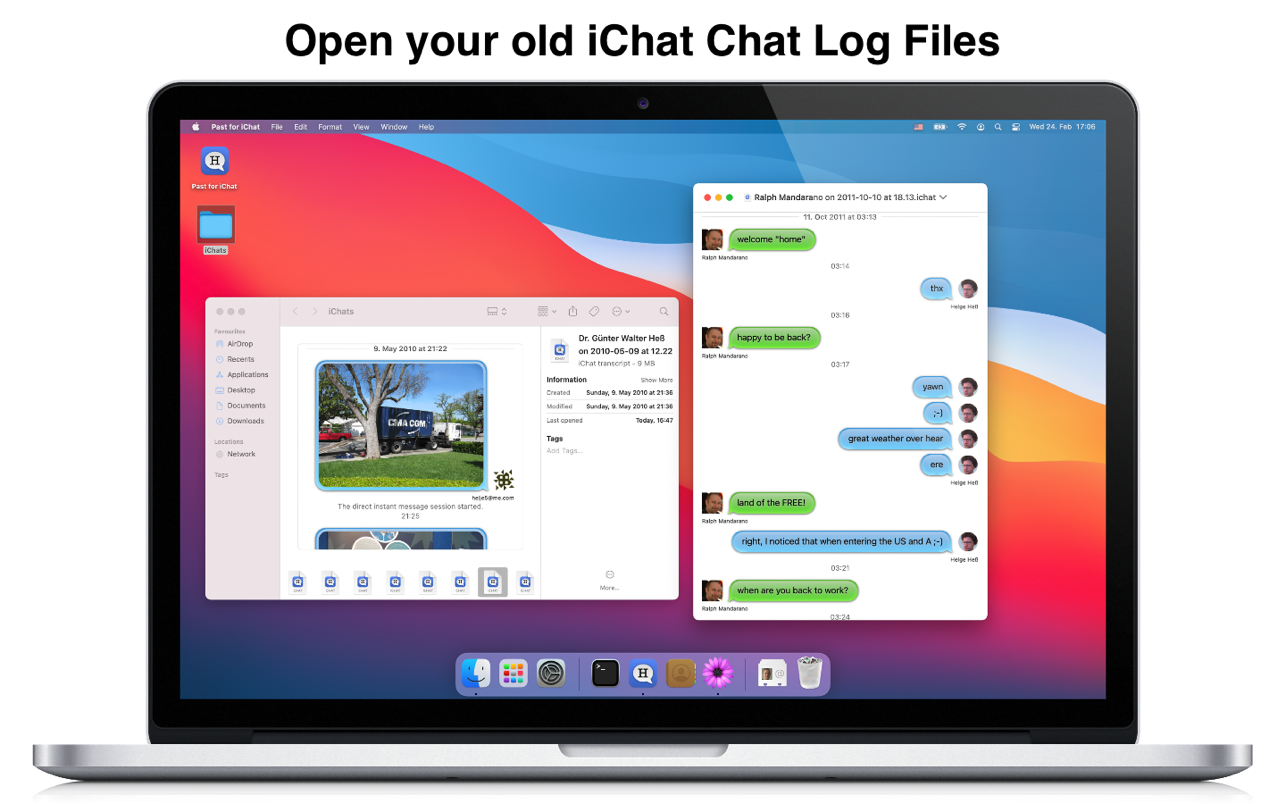
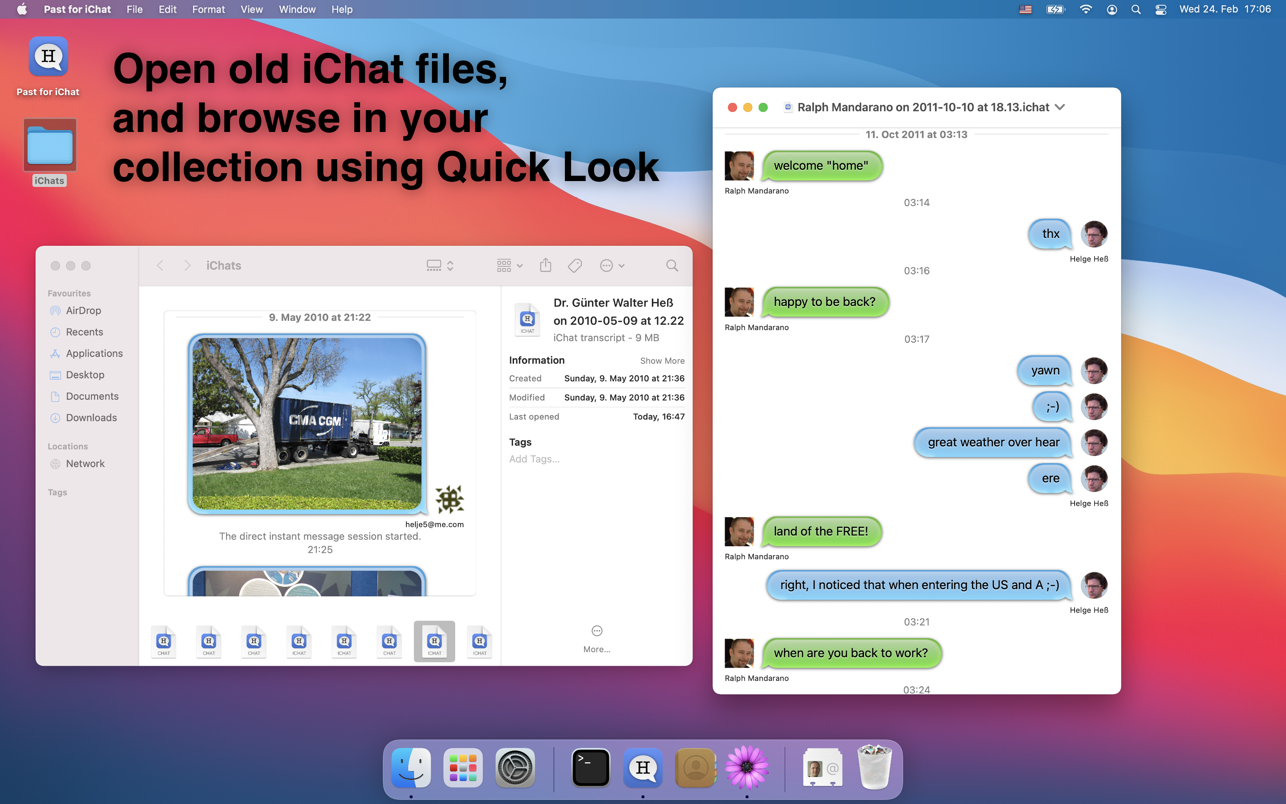
Past for iChat is a little application to open and view old chat log files created by Apple’s iChat application (.ichat and .chat files) on macOS Big Sur, Monterey and later. iChat was the predecessor of the new and improved Messages app.
Starting with macOS Big Sur the refreshed Messages application doesn’t support opening old iChat chat log files anymore. Past for iChat keeps your history alive by allowing you to open those.
The application also features a simple Markdown export of the chat logs and a Quick Look plugin for previewing chat logs in Finder, Spotlight or other applications.
Note: This application is only useful for people with older iChat chat log files (usually older than 5 years). I.e. this app does neither open files created by Big Sur/Monterey itself, not iPhone chat logs.
MediaHuman Video Converter is designed to make your life easier when you need to convert videos from one format to another or change their quality and size to fit the storage space of your mobile device.
Clean and easy interface
Supports most of the popular formats
Simultaneous conversion of files
You can convert videos in just a few easy steps. Run the program, add your video file, select the desired format and start the conversion. Selection of the output format and its settings are simplified. The program already includes settings for several popular devices like Apple TV, iPod, iPhone, iPad, Sony PlayStation 3, PSP, Xbox, Wii and others.
Interface of the software is clean and easy for understanding. It contains nothing superfluous that can disorient you.
What’s new
Release notes not available at the time of this post.
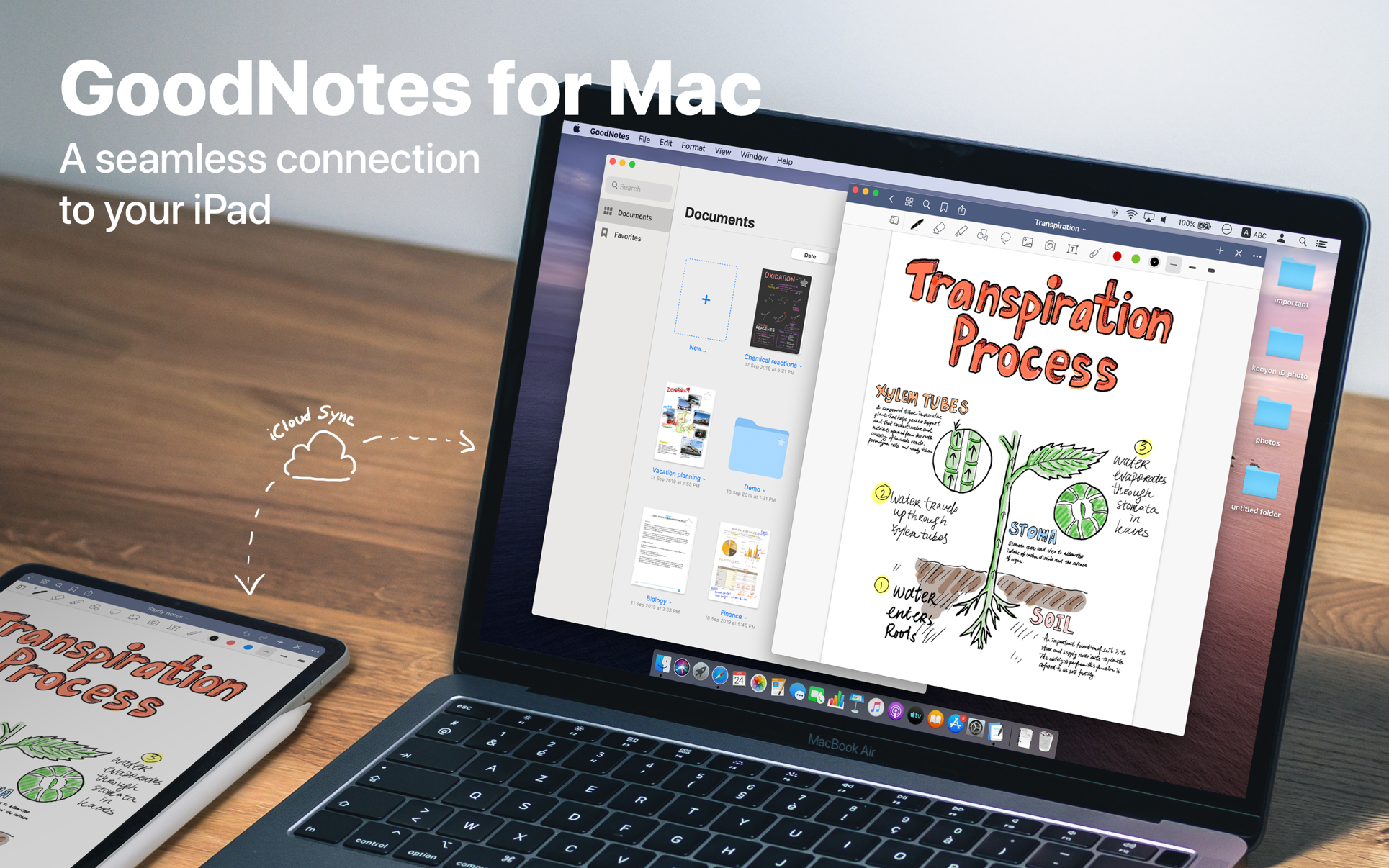
Transform your Mac into smart digital paper and a powerful document management system.
Use the same features from GoodNotes’ iPad version on your Mac and work with your documents where you want and when you want.
CREATE, IMPORT, AND EDIT DOCUMENTS ON YOUR MAC
Create digital notebooks and type text with your keyboard or write and draw with the mouse/trackpad or the Apple Pencil using Sidecar on your iPad
Import PDF and images to annotate them in GoodNotes
Add documents from your Mac to existing GoodNotes notebooks via drag and drop
PAPERLESS DOCUMENT MANAGEMENT
Organize your documents in folders and create unlimited subfolders
Mark your most important documents, pages, and folders as Favorites to access them quickly
Create custom outlines for easier navigation through your documents
Instant export of documents or pages as PDF via drag and drop
ALL YOUR NOTES ALWAYS WITH YOU
Sync your latest changes to your iPad, iPhone, and other Macs using iCloud
Prepare documents on your Mac and pick them up on another device to continuously work on them
ESCAPE THE LIMITS OF ANALOG PAPER
Move, resize, and rotate your handwriting or change colors
Draw perfect shapes and lines with the Shapes Tool
powerful & smart eraser tool: Choose to erase the entire stroke or only parts of it. Set it to “Erase Highlighter Only” to leave the ink intact
Navigate through imported PDFs with existing hyperlinks
DVD-Cloner for Mac is the up-to-the-minute generation of the top DVD copy software for Mac worldwide. It enables you to copy/clone/burn DVD movies on Mac with lossless quality. The brand-new interfaces make DVD copy for Mac much easier than before. Besides, it can remove various DVD copy protections such as CSS, RE, RCE and region codes to copy DVD movies without restrictions. It can also make another copy from the burnt DVD freely without using your original DVD disc again.
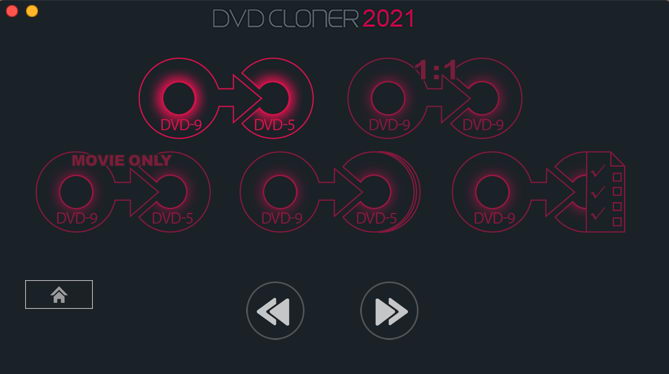
DVD-Cloner for Mac can make perfect 1:1 DVD copy, movie complete copy, movie-only copy, split copy and movie customized copy. With the innovative UMT™, it can back up latest DVD movies with ease. It also supports to copy a DVD disc to another blank DVD disc or to the hard disk as a VIDEO_TS folder or an ISO file for convenient playback in the future.
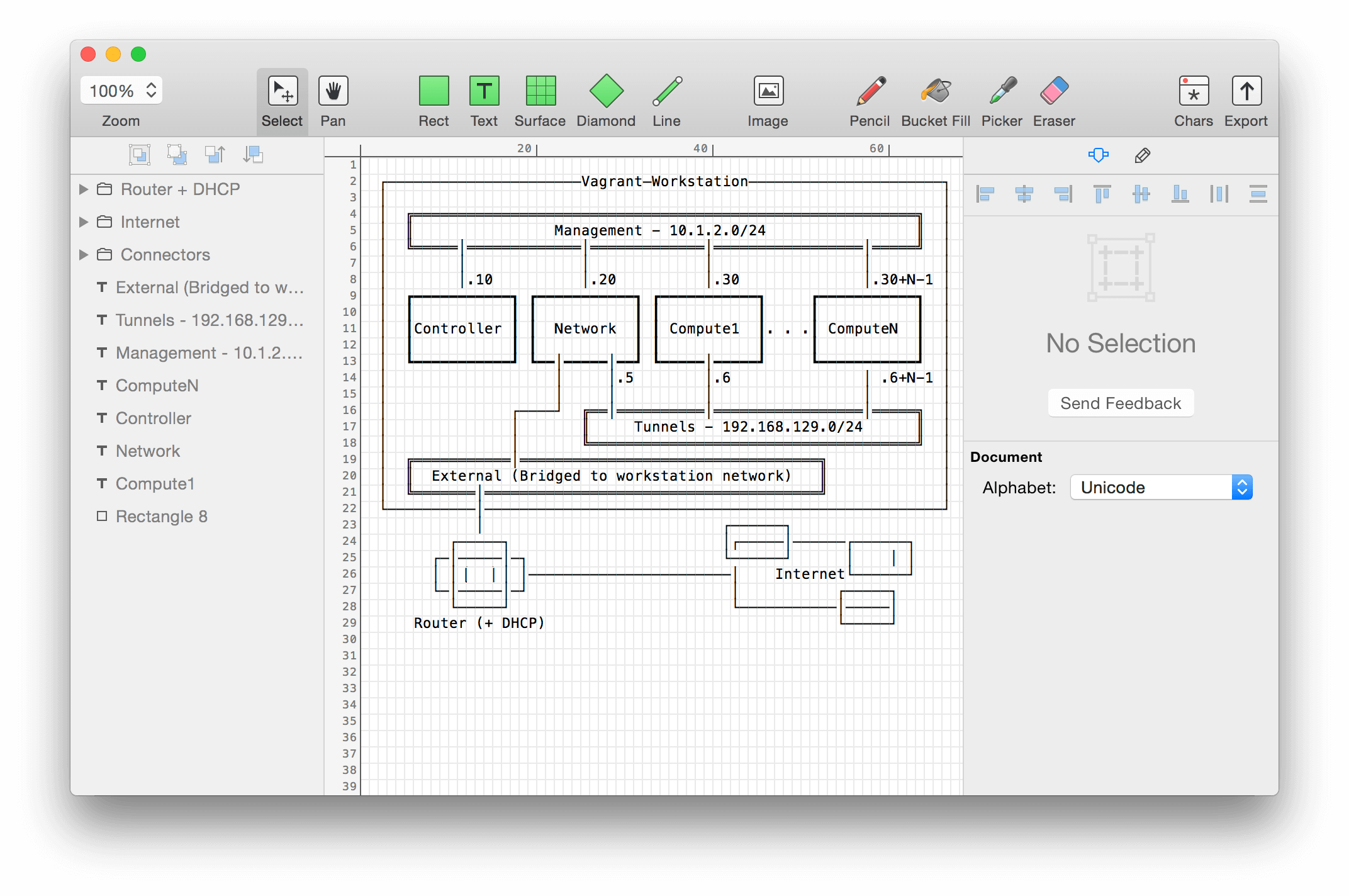
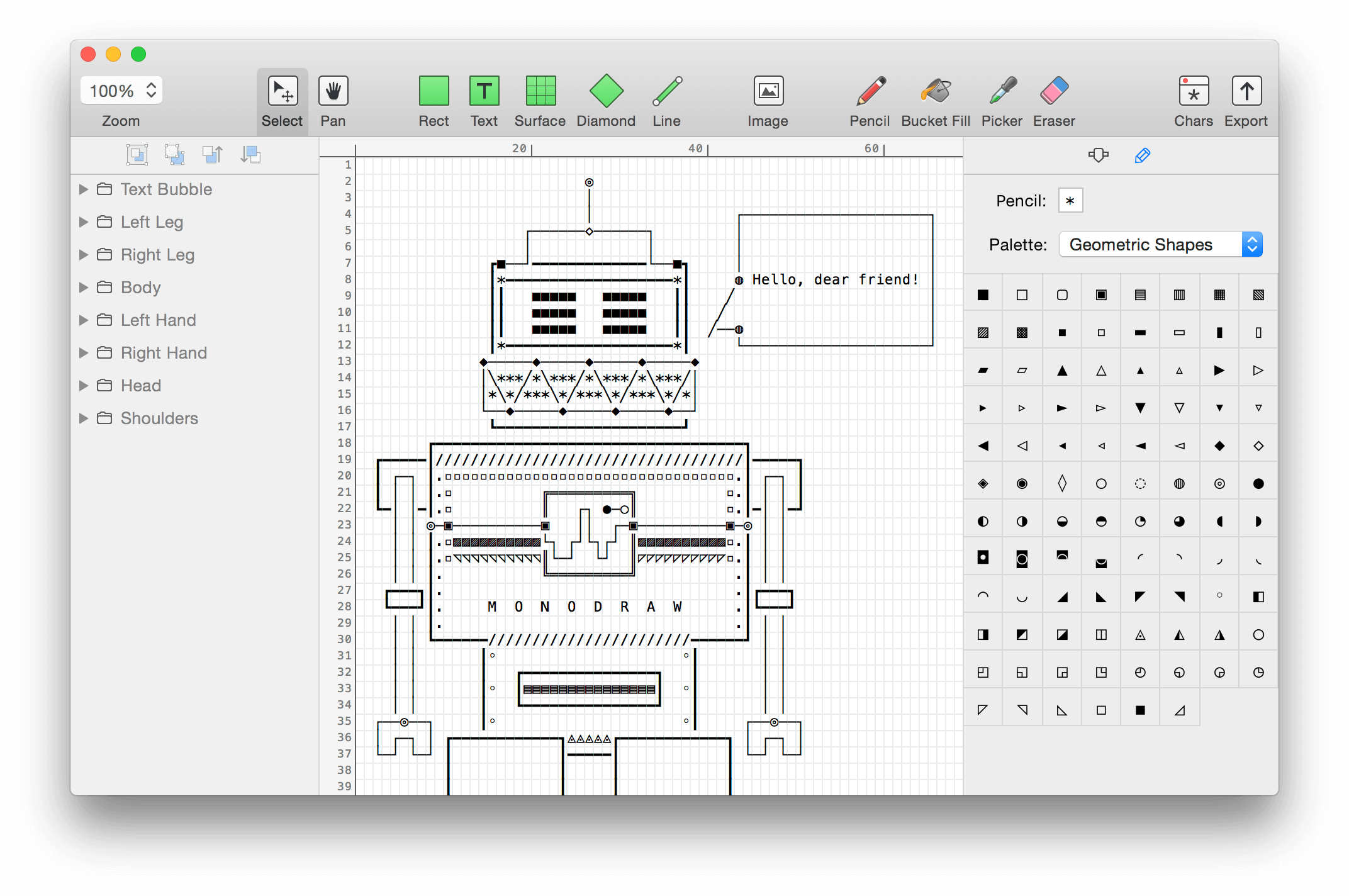
Monodraw allows you to easily create text-based art (like diagrams, layouts, flow charts) and visually represent algorithms, data structures, binary formats and more. Because it’s all just text, it can be easily embedded almost anywhere.
What’s New:
Version 1.6:
Release notes were unavailable when this listing was updated.
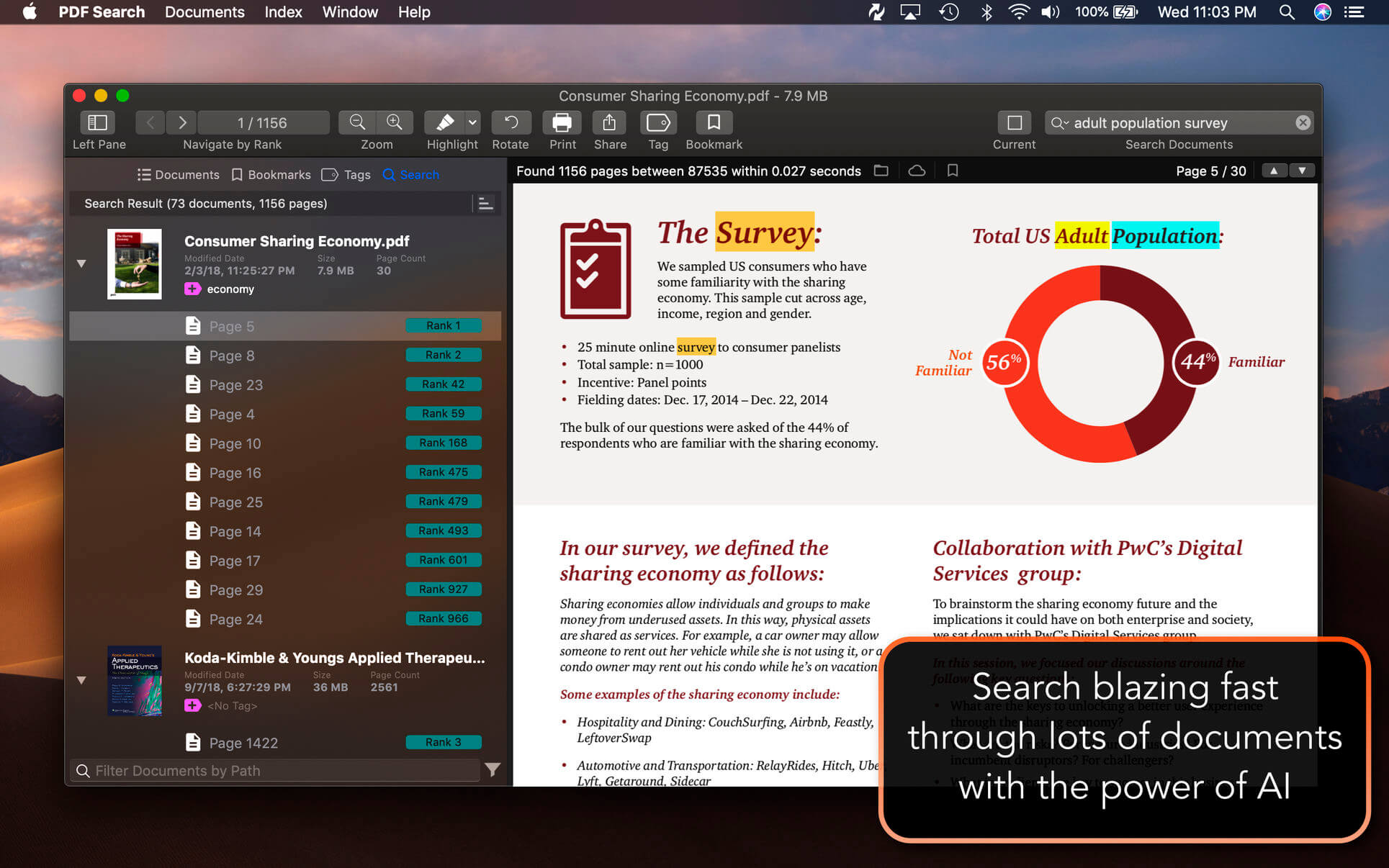
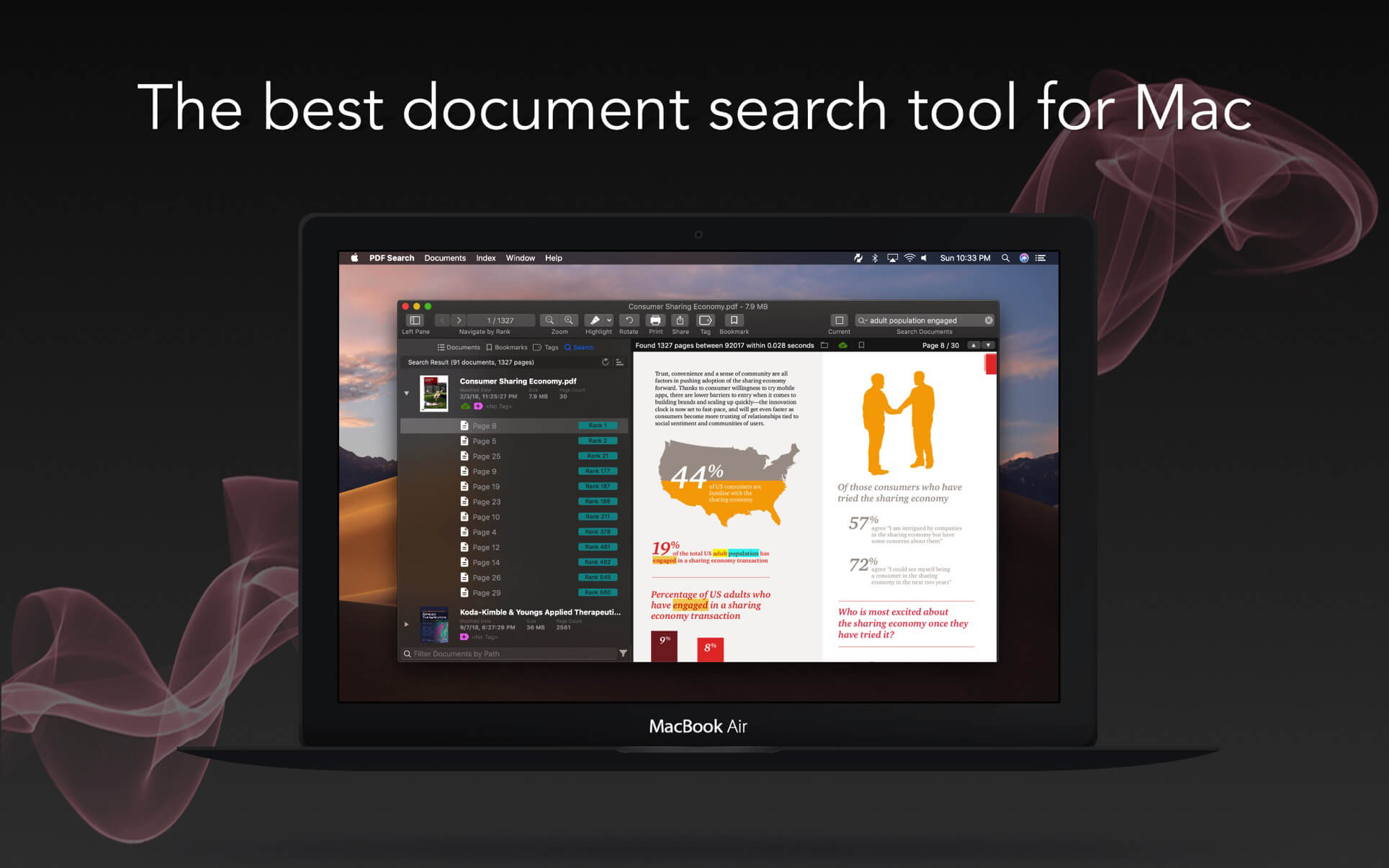
PDF Search is a utility which has a revolutionary search algorithm especially developed for PDF documents. The time to reach the information in your PDF documents will be minimum with it. It will make you able to find what you are looking for within thousands of documents instantly. It is system integrated. You can start a search directly from system menu bar like Spotlight.
Features
Ultra-fast search
Synchronization between iOS and macOS app.
Page ranking system
Word distance algorithm
Keyword placement analyze
Ability to understand what you mean when you mistype a keyword
Export search results as a new PDF document which is containing all best pages from most relevant documents. So you can share results as one document.
Wild-char search ability to search words starting or ending with other words.
Export current page as PDF easily to share with others
Folder based navigation
iCloud folder support
Tag support
Bookmark support
Empower search with similar keywords
Emphasize power ranking (Header, title, paragraph detection)
PDF Converter : Convert office documents to PDF
Export as PDF
Support for Word, Powerpoint, Pages, Keynote and RTF documents with the integration of PDF Converter app.
Ability to run as a window app or menu bar app.
Search specific files
Higher rank for up-to-date files
Quick navigation between pages in different documents
Highlighting keywords in animations
Insert annotates to pages (Highlight, Underline, Strikethrough)
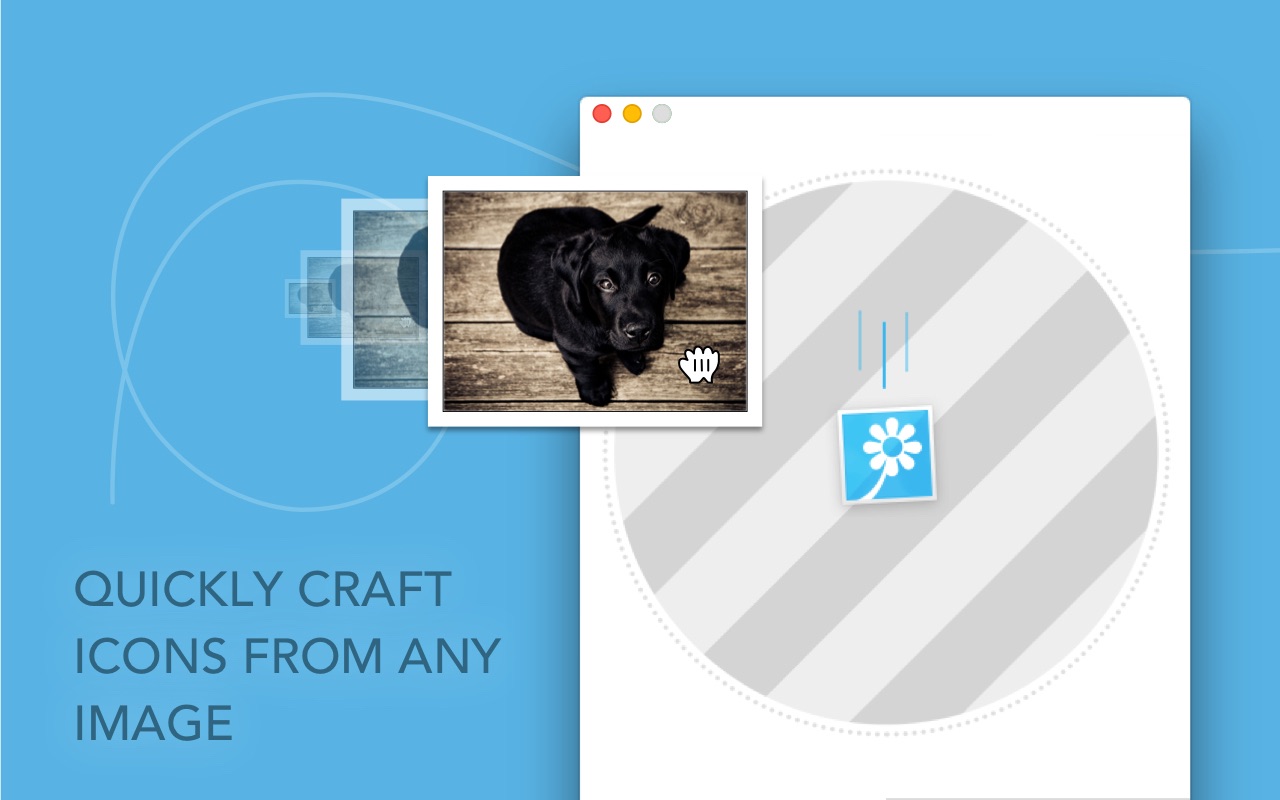
Image2icon is the easiest way to create your own mac icons and customize your folders and files.
Version 2.0 provides:
## Image to Icon Conversion ##
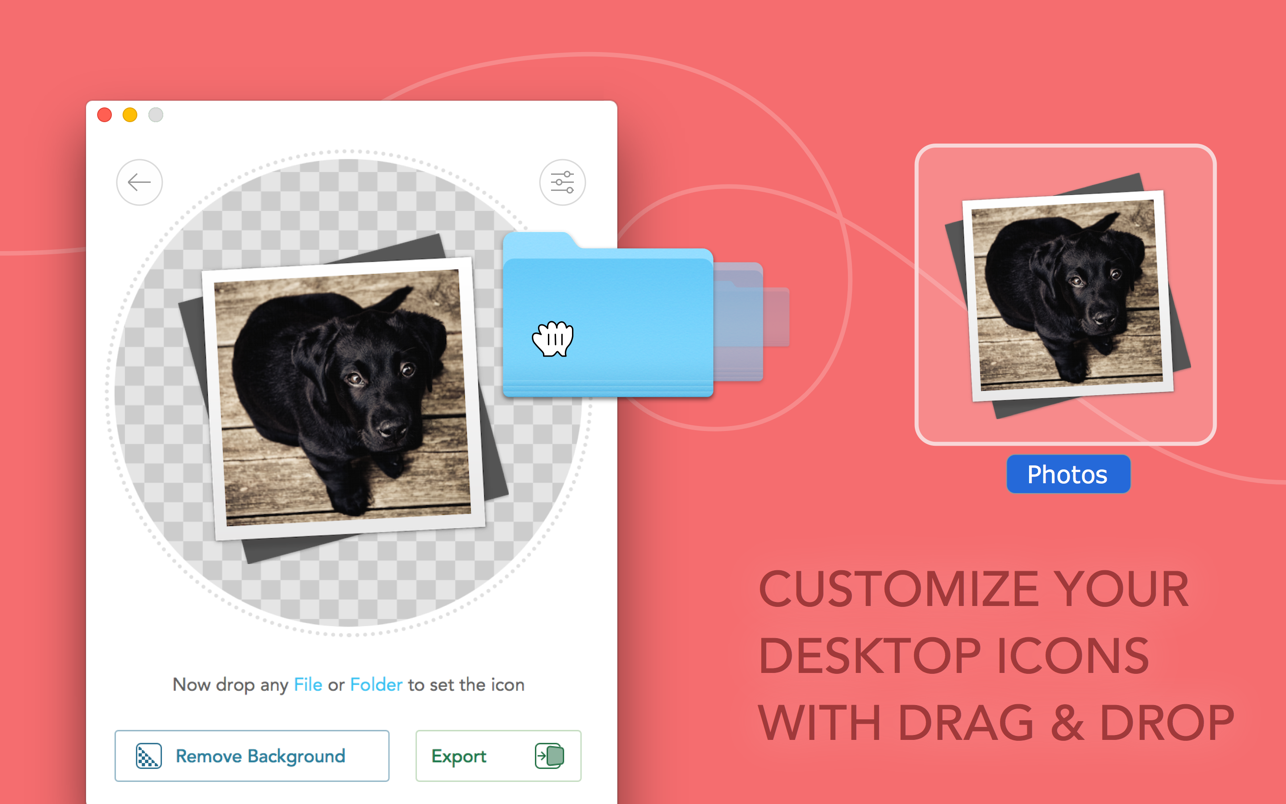
It’s easy as pie: drop an image to Image2icon, then drop a file or folder apply the icon.
## Icon Templates ##
Unleash your creativity! Choose between 20+ retina ready templates and apply them with just one click.
All the templates are available via In App Purchase.
* Folder for Light and Dark Mode
* Folder Engraved
* External Drive
* USB Drive
* SD Disc
* Document
* DVD, CD, BluRay Case
* CD Disc
* Vinyl
* Film Frame
* macOS App Icon
* iOS App Icon
* iMessage Icon
* Polaroid
* NES and GameBody Cartridge
* Floppy Disc
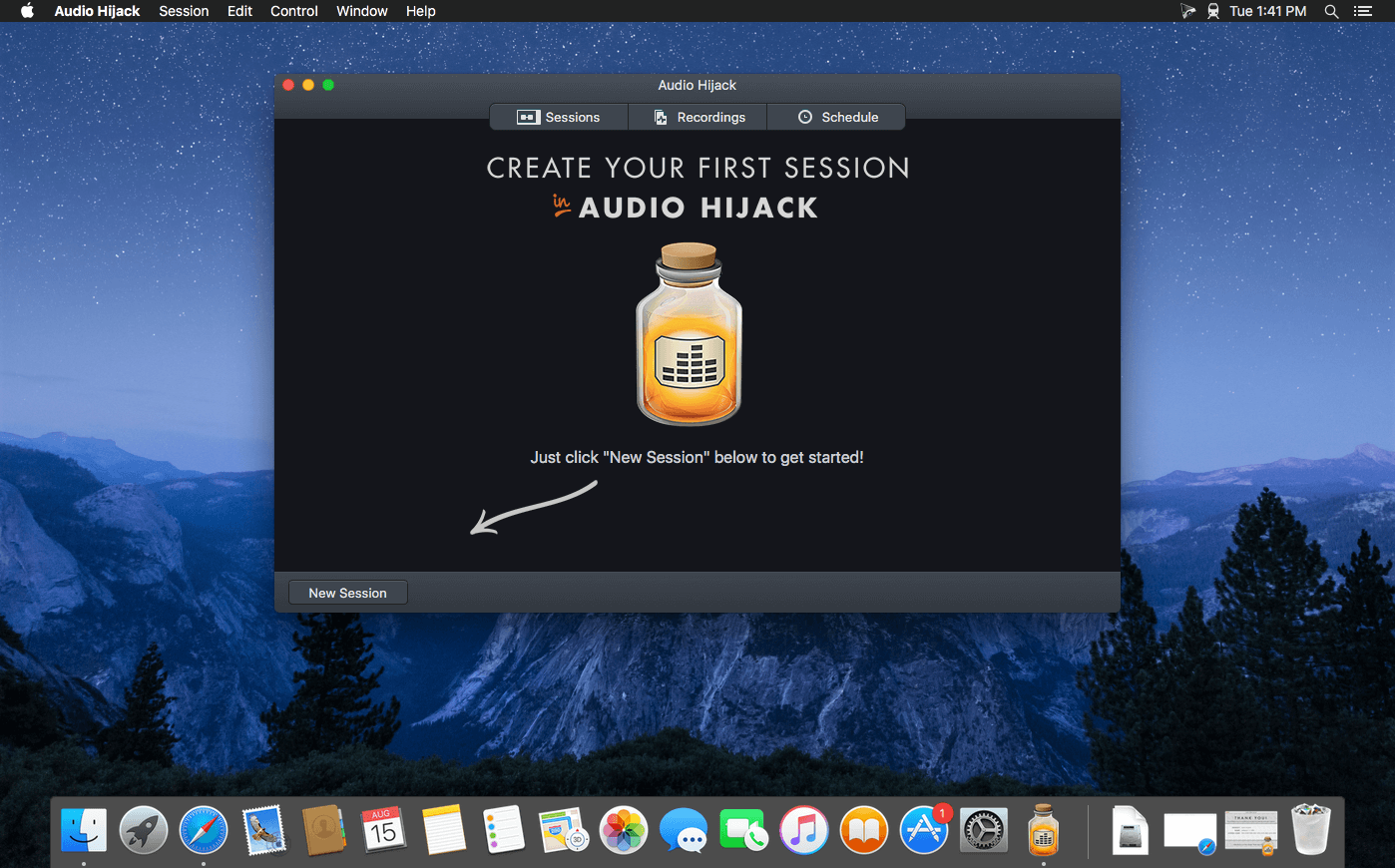
If you can hear it, you can record it – Record any application’s audio, including VoIP calls from Skype, web streams from Safari, and much more. Save audio from hardware devices like microphones and mixers as well. You can even record all the audio heard on your Mac at once! If you can hear it, Audio Hijack can record it.
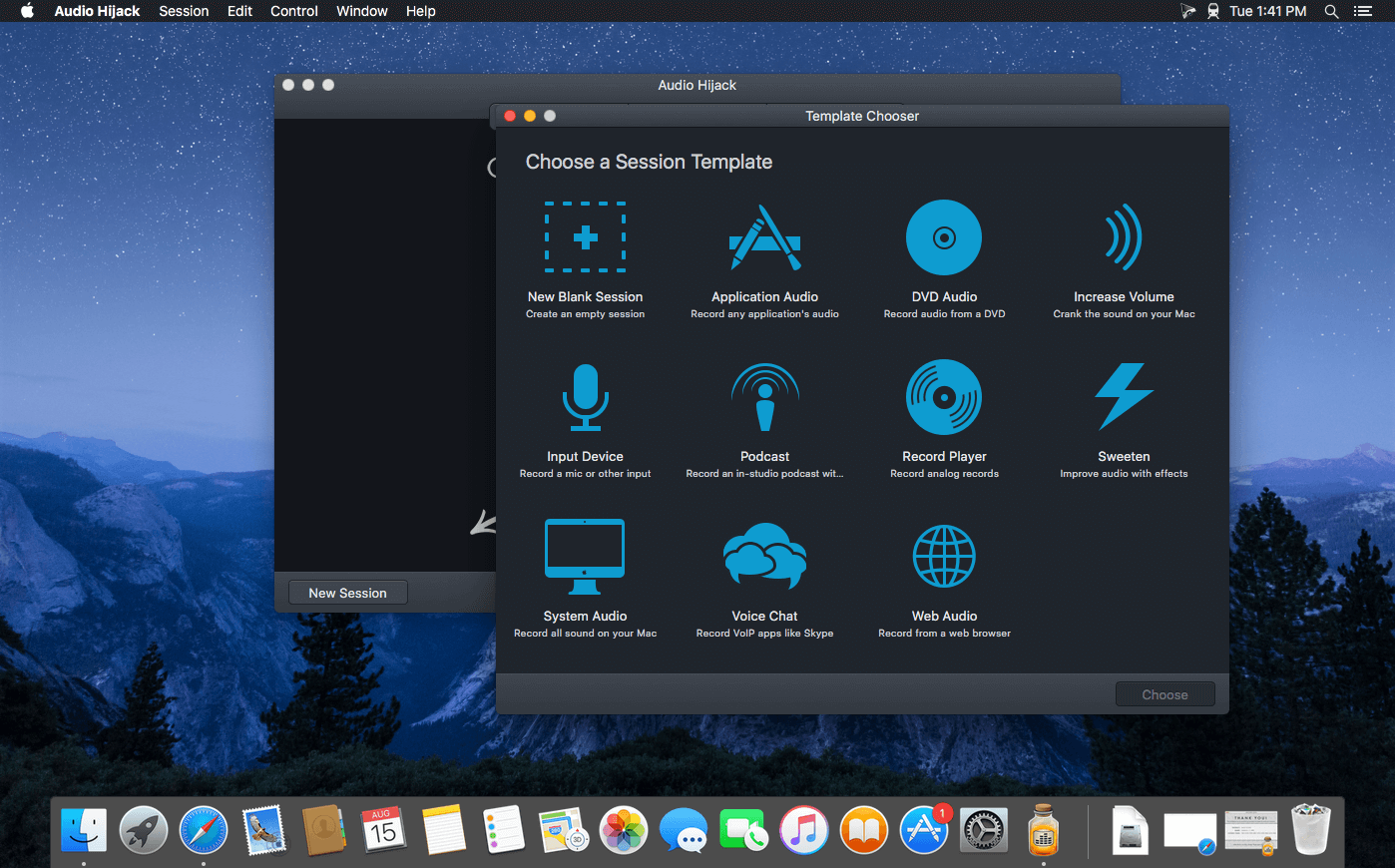
Application Audio
Set any application as your source in Audio Hijack, then hit the record button to save its audio!
Device Audio
Audio Hijack can also capture and record audio from microphones, mixers, and other input devices.
All System Audio
Use the System Audio source to capture all the audio heard on your Mac at once.
More Great Features
Record to All Major Formats
Record to the world’s most popular audio formats, including MP3 and AAC, or save in perfect-fidelity AIFF, WAV, ALAC or FLAC.
Reusable Sessions
Once you’ve configured a Session to your liking, you can re-use it over and over. With one click, you’ll be recording exactly as desired.
Easy File Organization
Find all of your recordings sorted by Session in the Recordings tab, where you can quickly pass files to an audio editor, add them to iTunes, or share them.
Timed Recordings
Use the Schedule tab to set up timed recordings for when you’re not around. Your audio will be waiting for you when you return.
Silence Monitoring
When silence is detected, Audio Hijack can automatically stop recording, split to a new file, or remove audio.
Bulletproof Recording
Bulletproof recording means that even if the power goes out or your computer crashes, you’ll never lose a recording.
A Thoughtful Interface
Audio Hijack’s intuitive audio grid provides a terrific pipeline-style view of exactly how your audio flows, so you can easily understand it.
Gorgeous Audio Effects
The included audio effects are easy to use and easy on the eyes. Their functionality is now accessible to all.
Time Shift Your Audio
Now you can pause, delay, and rewind live audio on your Mac. It’s perfect for transcribing audio and more!
Welcome to djay Pro AI! Algoriddim’s acclaimed DJ software and winner of multiple Apple Design Awards has been rebuilt from the ground up using groundbreaking AI technology – NEURAL MIX™.
NEURAL MIX™ allows you to isolate instrumentals and acappellas of your favorite tracks in real-time and redefines the boundaries of creative mixing. You can crossfade drums, bass lines, and melodies of two songs independently, apply audio effects to individual components of music, and even loop the beat while the melody of the same track continues playing.
djay Pro’s all-new, modern interface is built around a sophisticated integration with your music library, giving you instant access to millions of tracks. Pristine sound quality and a powerful set of features including live production tools, four decks, high-definition waveforms, video mixing and hardware integration give you endless creative flexibility to reinvent your DJ sets.
NEURAL MIX™
Isolate vocals, drums, bass lines, and instrumentals in real-time
FX routing: apply audio effects to individual components of music (Vocal Echo, Harmonic Filter, Drum Reverb, and more)
Loop routing: Loop the beat while the melody of the same song continues playing, and vice versa
AI crossfades: seamlessly blend and swap drums, bass lines, or vocals of two tracks
AI waveforms: see vocals, drums, and harmonic waveforms per track side by side
MUSIC PRODUCTION TOOLS
Sequencer: create instant beats on top of music
Looper: remix music with up to 48 loops per track
Beat-matched sequencing of drums and samples
Extensive content library with 1000+ loops and samples
STREAMING INTEGRATIONS
TIDAL: Millions of tracks, music videos, high quality sound /TIDAL Premium or HiFi)
SoundCloud: Millions of underground and premium tracks SoundCloud Go+)
Beatport: Millions of electronic music tracks (Beatport LINK)
Beatsource: Millions of open-format music tracks (Beatport LINK)
AWARD-WINNING USER INTERFACE
2- and 4-Deck views
Single Deck preparation view
Video and Automix views
ADVANCED LIBRARY MANAGEMENT
Create your own custom and smart playlists
Powerful track filtering
Finder Integration
AUTOMIX
Automatic, beat-matched mixes based on artificial intelligence
Queue and Playlist automation
VIDEOS, VISUALS, and PHOTOS
Mix videos, visuals, and photos
Music video streaming through TIDAL
Beat-matched photo slideshows
POWERFUL AUDIO ENGINE
Revolutionary AI audio engine
Real-time music source separation
High-quality mixer, filter, EQ, isolator, and limiter
Advanced time-stretching and pitch shifting
Over 40 built-in audio effects
Master output effects through Audio Unit plug-ins
Live recording
Ableton Link integration
ADVANCED AUDIO ANALYSIS
BPM and beat detection
Key detection
Multi color waveformsBPM
Auto-Gain
HARDWARE INTEGRATION
Native support for over 100 MIDI controllers
Pioneer DJ CDJ Integration
RANE Twelve integration
Advanced MIDI Learn
External Mixer Mode
Support for multi-channel USB audio interfaces
Support for external audio input and microphones
In-App Purchases: Full Version – included Compatibility: OS X 10.14 or later 64-bit Homepagehttps://www.noteburner.com/
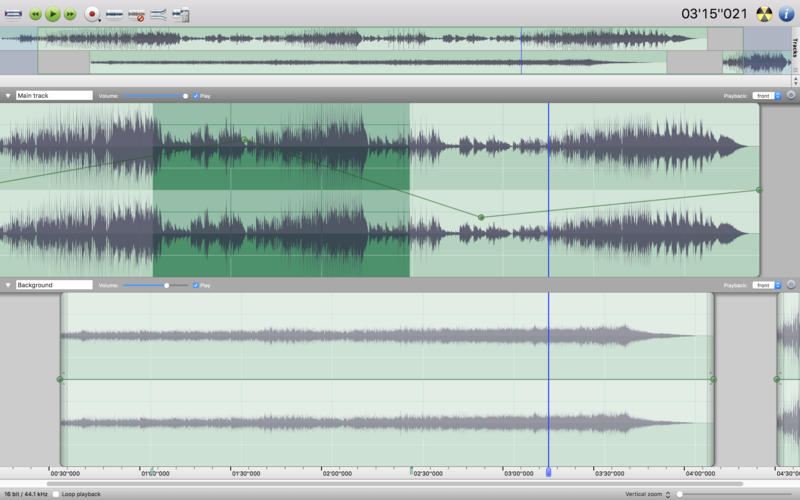
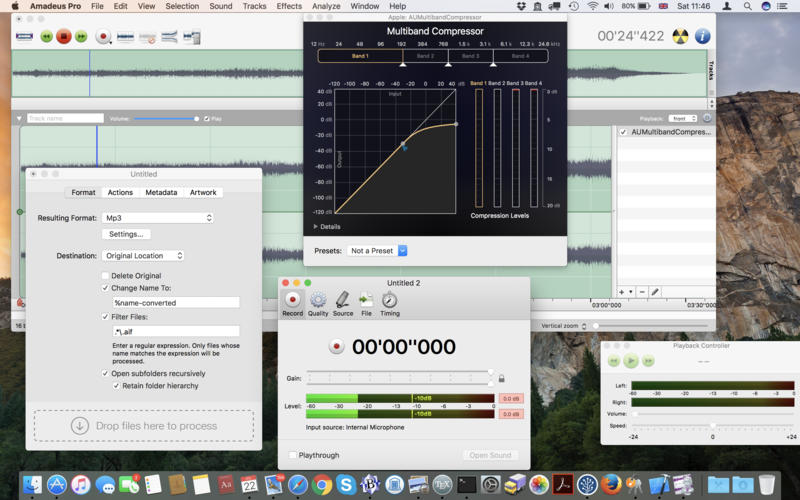
Amadeus Pro lets you use your Mac computer for any audio-related task, such as live audio recording, digitizing tapes and records, converting between a variety of sound formats, etc. Thanks to its outstanding direct-to-disk abilities and waveform caching, edits on arbitrarily large sounds (even beyond the usual 2GB limit) are performed at lightning speed. The handling of large sounds is furthermore facilitated by the extensive support of markers. Its outstanding sound repairing and denoising abilities make Amadeus Pro particularly suitable for transferring vinyl records on CD.
Features
Simple and elegant OS X-like user interface
Multitrack editing an recording.
Batch processing and conversion.
Sound denoising and repairing.
Supports a variety of sound formats, including AIFF, Multichannel Wave, MP3, MP4, Ogg Vorbis, FLAC, SoundDesigner II, QuickTime, Apple CAF, etc.
Support for VST and Audio Unit plug-ins.
A “favourite actions” palette allows to have your most commonly used effects only a mouse click away.
A wide range of powerful audio analysis tools.
Audio CDs with CD-TEXT data can be burned directly from within Amadeus Pro.
PlistEdit Pro is the most advanced property list and JSON editor written for macOS.
Mac and iOS developers must edit a variety of property list and JSON files while developing their applications. PlistEdit Pro makes editing these files easier by providing an intutive and powerful interface. In addition to being able to copy and paste or drag and drop property list data around, PlistEdit Pro also offers powerful find and replace functionality, as well as structure definitions which provide easy access to commonly used keys in various standard property list files.
Power users can also benefit from PlistEdit Pro’s preferences browser, which allows easy access to property lists used by macOS to store settings on your system. Browse through your preferences, or search an entire folder of plist files at once for a particular key or value. PlistEdit Pro also enables automation of tasks involving property lists, via its Applescript support and its pledit command line tool.
Feature List What a Drag
Sick of fiddling with XML and JSON? PlistEdit Pro offers full copy + paste and drag and drop plist editing.
Oops
Features unlimited undo support.
Playing Favorites
Assign keyboard shortcuts to open your favorite property list files.
Under the Hood
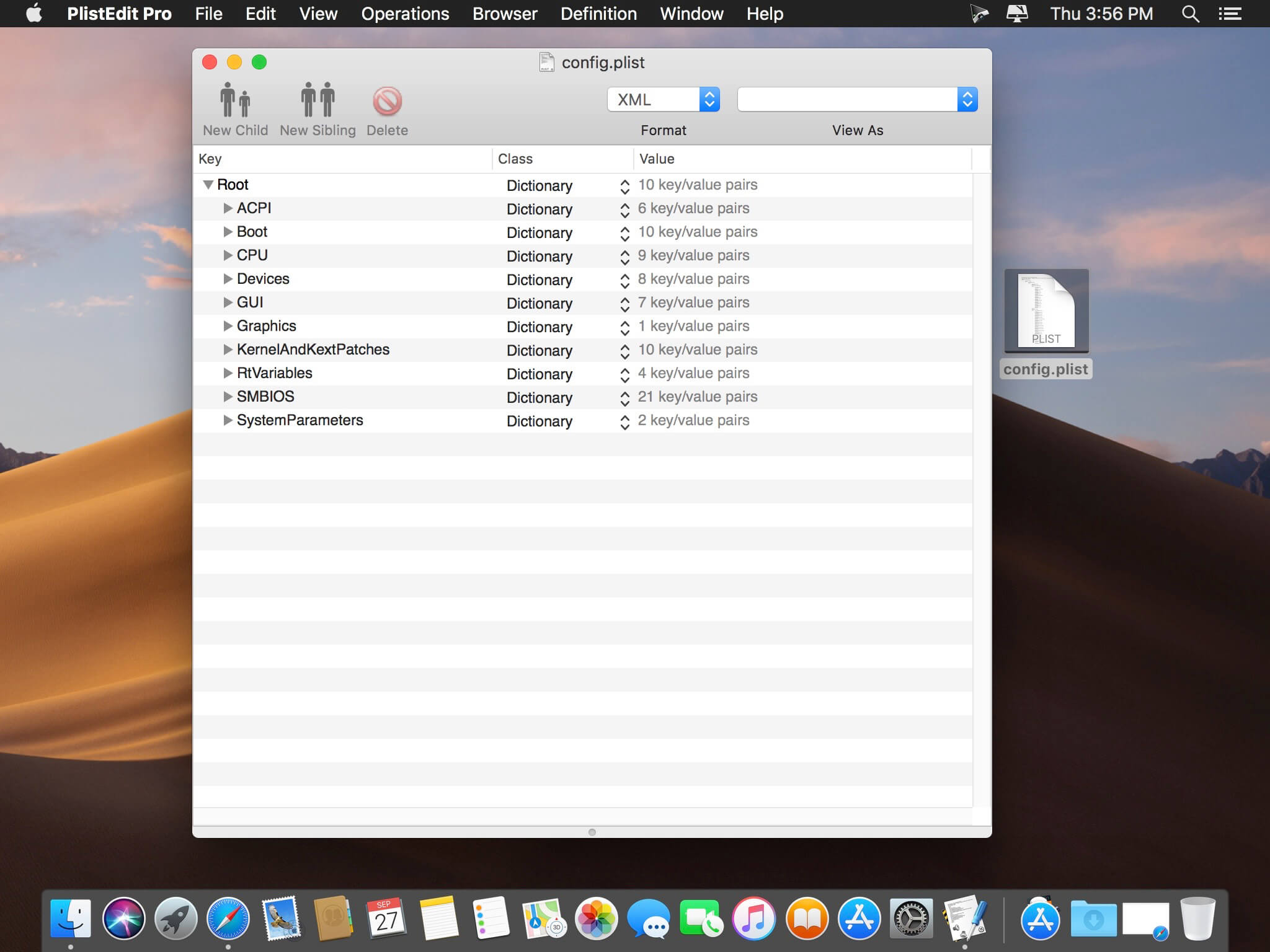
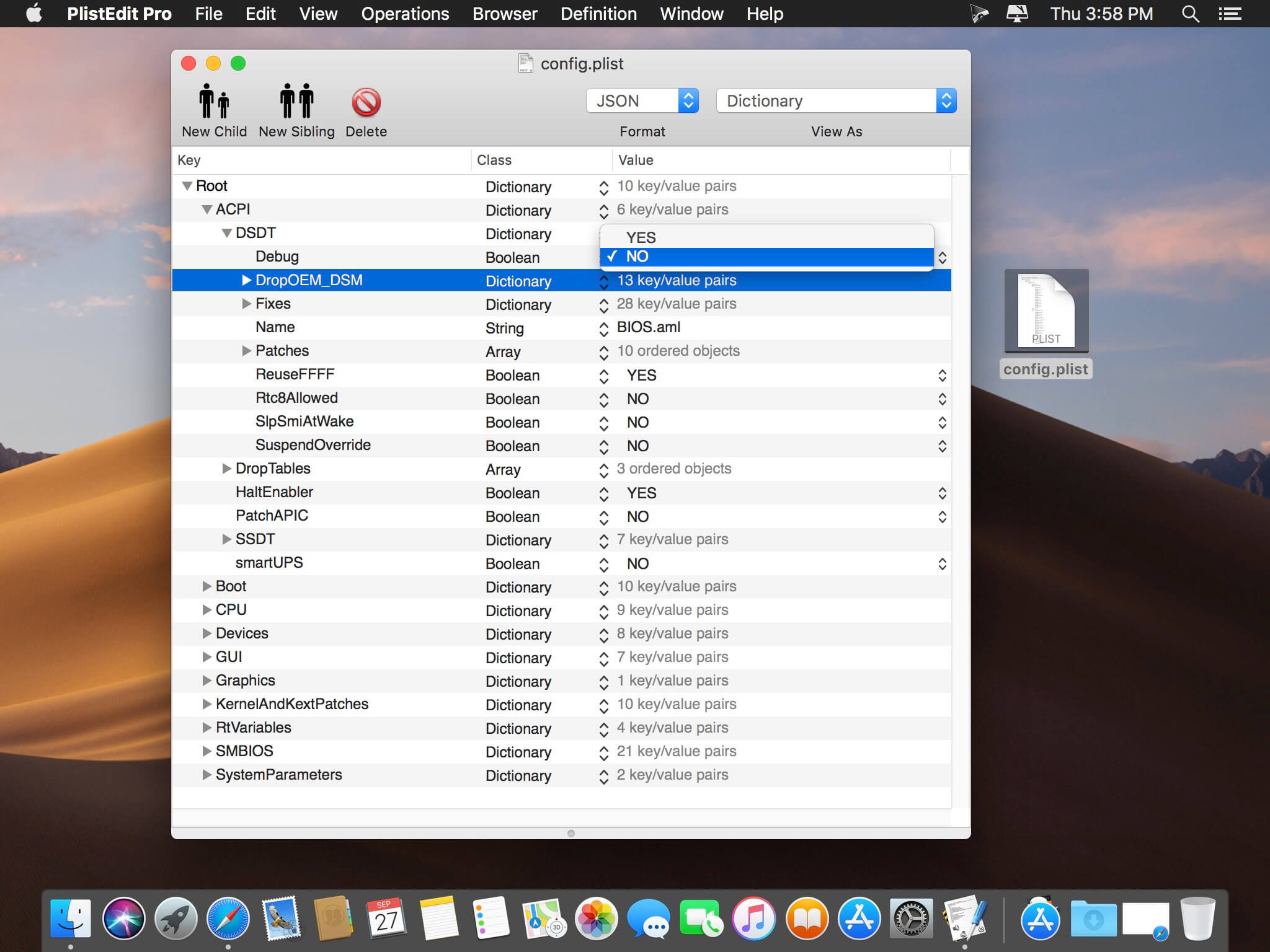
See how your property list looks both in an outline and as raw XML or JSON text.
Key Features
Full keyboard navigation: edit your property lists without ever having to touch the mouse.
Preferential Treatment
Easily tweak your preferences files using the built-in preference browser.
The Search is On
Easily find and modify property list keys and values using the built-in find panel.
By the Script
Automate your development tasks using PlistEdit Pro and Applescript.
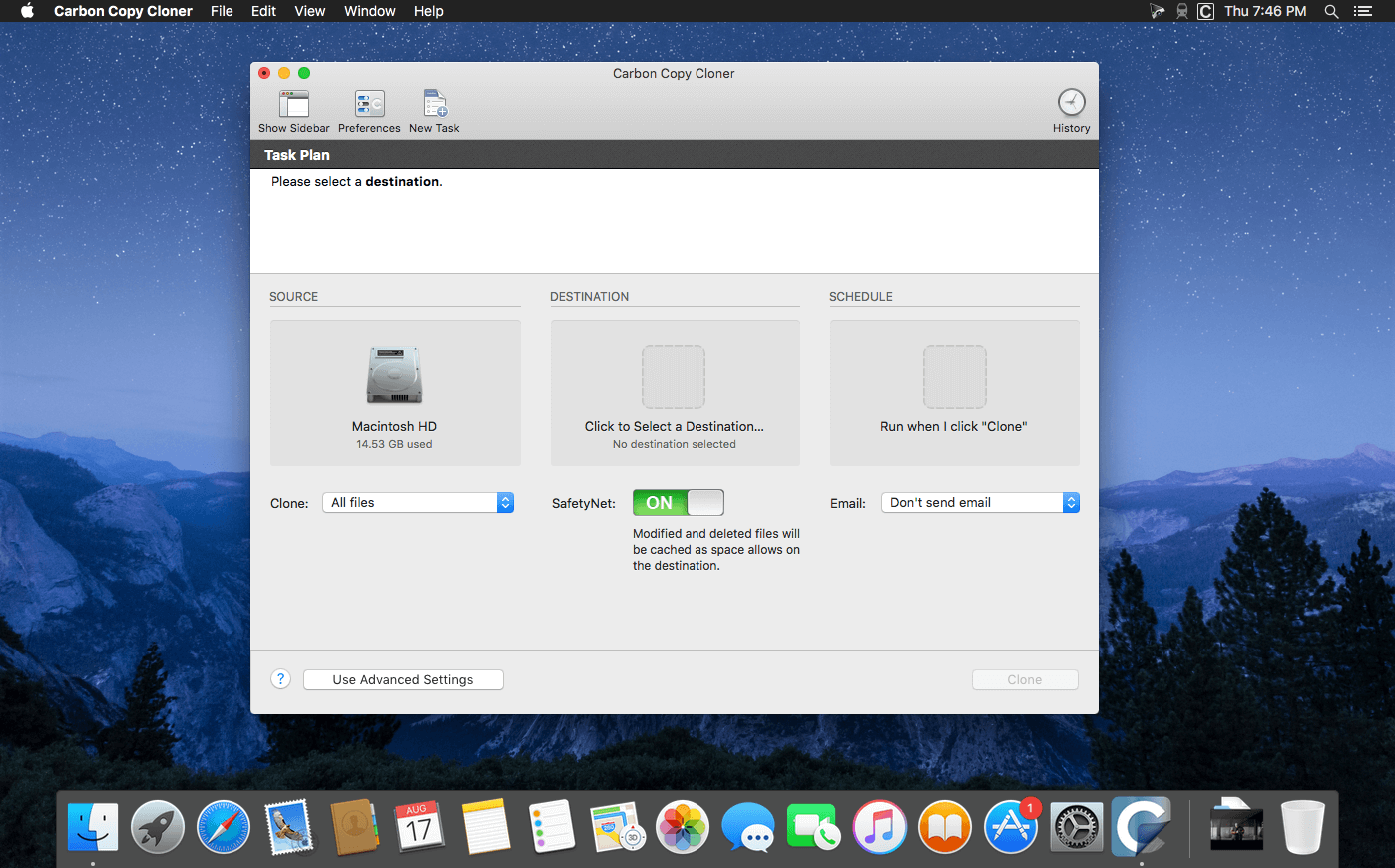
CCC 6 offers unprecedented accountability for your backup tasks, plus a brand new file copier that’s faster, smarter, and designed to adapt to Apple’s fast pace of OS and filesystem innovation. Combined with a sleeker, modern interface, we think you’re going to love this new version of CCC.
What’s new in CCC 6? Faster backups with our next-generation file copier
We’ve completely rebuilt our file copier to take advantage of the performance characteristics of modern storage. Built on a multi-threaded design, our new file copier provides a foundation for many of the new features noted below, and paves the way for many new features in the future.
CCC Dashboard: The new menubar application
CCC’s menubar application has gotten a complete makeover. The new “Dashboard” offers one-click access to starting, stopping and monitoring your CCC tasks, plus details about recent task activity.
The Dashboard also gives you a heads up to snapshot disk usage on the startup disk. Have you ever deleted files from the startup disk, emptied the Trash, then wondered why the space wasn’t freed? Many people have been blindsided by the creation of snapshots on the startup disk – by CCC, Time Machine, and even macOS. CCC’s Dashboard tracks the disk usage consumed by snapshots. If a sudden change occurs, or if disk usage is exceeding expectations, CCC raises the change to your attention so you can address the root of the matter.
Snapshot Navigator: Easy way to explore older versions of files
Looking to restore a specific version of a file? CCC’s Snapshot Navigator allows you to step through older versions of your backups and get a preview of your files as they were at specific points in time.
Redesigned Interface with Dark Mode
CCC v6 includes a new, cleaner user interface. We reorganized the main window to make it smaller while making many of the controls and font sizes larger. We completely redesigned every window in CCC; revisited every button, every icon, and every color decision to offer a high quality Dark Mode experience. CCC now offers more detailed progress indication while a task is running, including a time remaining estimate. File processing and transfer rates are now charted live during backup tasks. Hover your mouse over the chart to view the current write rate (white) and files evaluated per second (green).
Quick Update: Leveraging FSEvents for super quick updates to the destination
Did you know that macOS keeps track of changes to folders? CCC 6’s Quick Update taps into this service (called “FSEvents”) and the result is lightning quick updates to your backups – no exhaustive scanning for changes required. When Quick Update is enabled for a task, CCC will ask the FSEvents service for a list of folders modified on the source since the last backup rather than scanning every folder for changes. The performance benefit of this feature cannot be understated, we’ve seen up to 20X improvement to backup time, especially for tasks involving a destination network volume.
Compare: Visual comparison of the source and destination
You’ve finished your backup but the source and the destination aren’t exactly the same size; did CCC miss something? Probably not – the disk usage of your source and destination are usually different, but what are the specific differences?
CCC’s Compare feature offers a visual comparison of your task’s source and destination, and provides details if the differences are the result of a task filter. Use this feature to quickly determine if something is missing from the backup, or if folder size differences are simply the result of files sitting in the Trash.
Task Preview: See what changes CCC is going to make before actually making them
If you’ve ever been nervous about what changes CCC may make on a destination volume, you can use the new Preview feature in CCC 6 to see what’s going to happen before making the changes. This “Dry Run” is available via the Preview button in CCC’s toolbar, and any time you save a task for which the SafetyNet feature has been disabled.
Backup Audit: Task History events include a list of transactions
What was copied, and why? You asked for this, and we’re delivering it with style in CCC 6. When your tasks run, CCC will record detailed information about the transactions that occurred during the task, e.g. files copied, files updated, folders created or updated, files deleted or archived. You can view these backup audits in CCC’s Task History window, and never again wonder why CCC copied a particular file.
New scheduling option: Run a backup task “When files are modified on the source”
Using the same underlying technology that’s used by the “Quick Update” feature, CCC 6 offers a new automation option that allows you to have a task run when a threshold of data changes have occurred at the source. So rather than hourly or daily, etc., the task will run after 5GB’s worth of data has changed (for example). You can throttle that with a time limit as well, e.g. don’t run the task more than once every 5 minutes.
Advanced File verification
Previous versions of CCC have included the exhaustive “Find and replace corrupted files” option, but that option has a couple shortcomings that we wanted to resolve. CCC 6 can verify files at the end of the backup task, and also offers the opportunity to verify files on the source and destination, independently, against a hash that was recorded when the file was last copied.
Verifying the integrity of the source or destination
CCC 6 stores the modification date, size, and checksum of every file that was copied by a particular task. On demand, you can ask CCC to evaluate files on either the source or destination (independently of the other volume) against historical checksums. This gives you the opportunity to not only verify the integrity of the backup, but also to verify the integrity of the source.
Verification of files that were copied by the current task event
If you’ve ever migrated data to a new disk, you’ve probably wondered, “How do I know that all of the data was actually copied?” You may also not have realized that media sector failure is most often discovered on read, not on write, which means that data corruption that occurs on the new disk isn’t usually discovered until some time in the future when you try to re-read the files. This new Advanced Setting offers a new postflight task option to verify files that were written to the destination.
Other new features and improvements
Our to do list never ends, and we’re constantly receiving great feedback from users on how we can improve CCC.
Here are just a handful of simple improvements that we’re excited to introduce in CCC v6:
Per-task control over the file copier’s CPU usage.
You can temporarily pause a backup task.
More information about your source and destination right at your fingertips – click on the source or destination selector to see extensive information about the selected volume.
Refined Simple Mode – quitting and reopening CCC to switch modes is no longer necessary.
Items that cause task errors can be excluded directly from the Task History Errors table.
CCC’s Task Filter now offers support for respecting macOS “backupd” exclusions (i.e. exclusions defined for Time Machine).
ATENTION: For full working application – Gatekeeper and SIP must be off!
System Requirements
OS X 10.10 Yosemite
OS X 10.11 El Capitan
macOS 10.12 Sierra
macOS 10.13 High Sierra
macOS 10.14 Mojave
macOS 10.15 Catalina
macOS 11 Big Sur
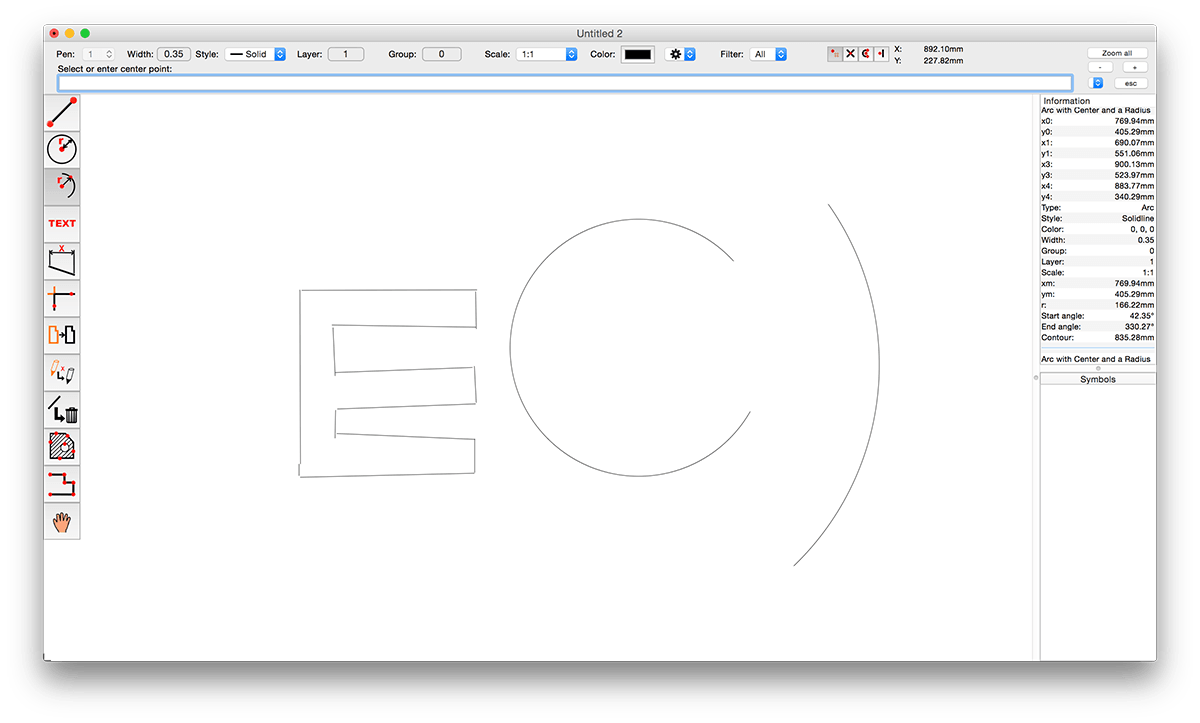
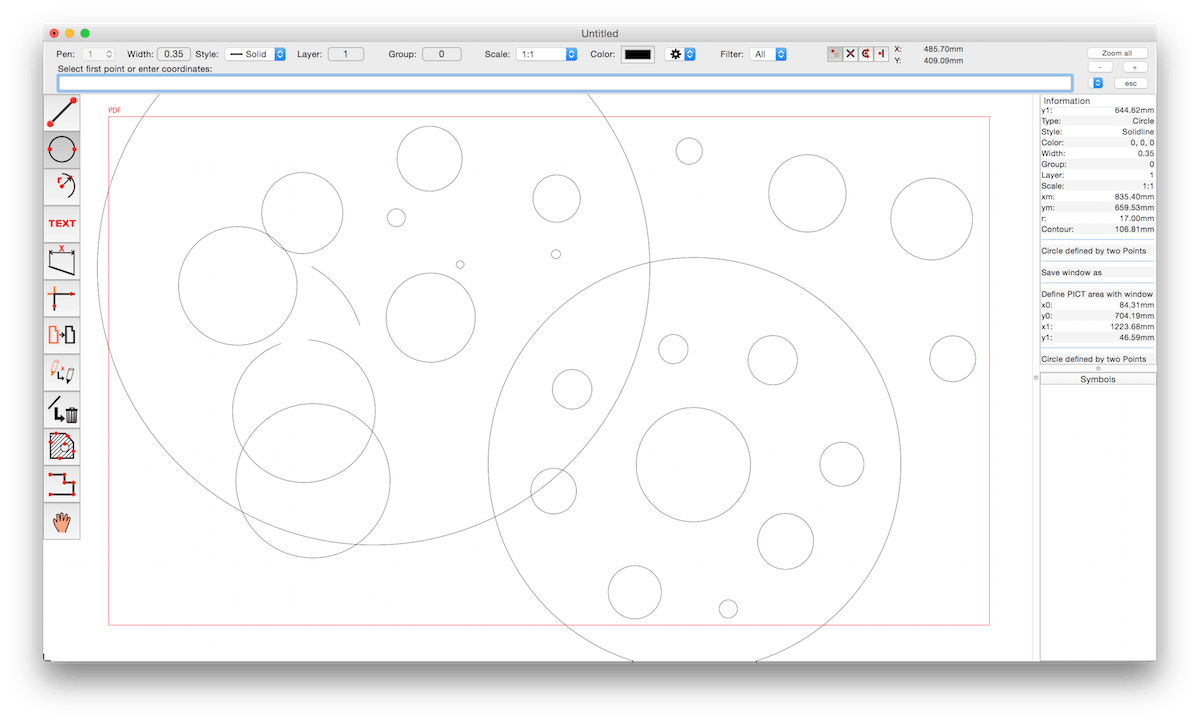
CADintosh is a 2D-CAD program for technical and architectural drawings. You will benefit from professional and well thought-out features for all your design requirements.
Features include:
Interactive window redrawing (you can work in the same time of the window redrawing)
Number of elements limited by memory
Pen oriented mode: 8 line widths/line colors/pens
Individual mode: line width from 0.0 to 99.99 mm, pattern and colors
It has a lot of tools like lines, arcs, dimensions, splines, hatching etc.
Import and export HPGL, DXF, and PICT
6 line types (solid, dash, dot-dash, phantom, zigzag, dotted)
32000 groups
1024 layer
Alternative units in inches or freely definable
Shareware version has a simple layer filter (easy to use)
Registered version has a additional extended layer filter (named filter sets, palette with name of filter)
Shareware version has internal symbols (number of symbols only limited by memory)
Registered version has additional external symbol libraries and more simple work with symbols
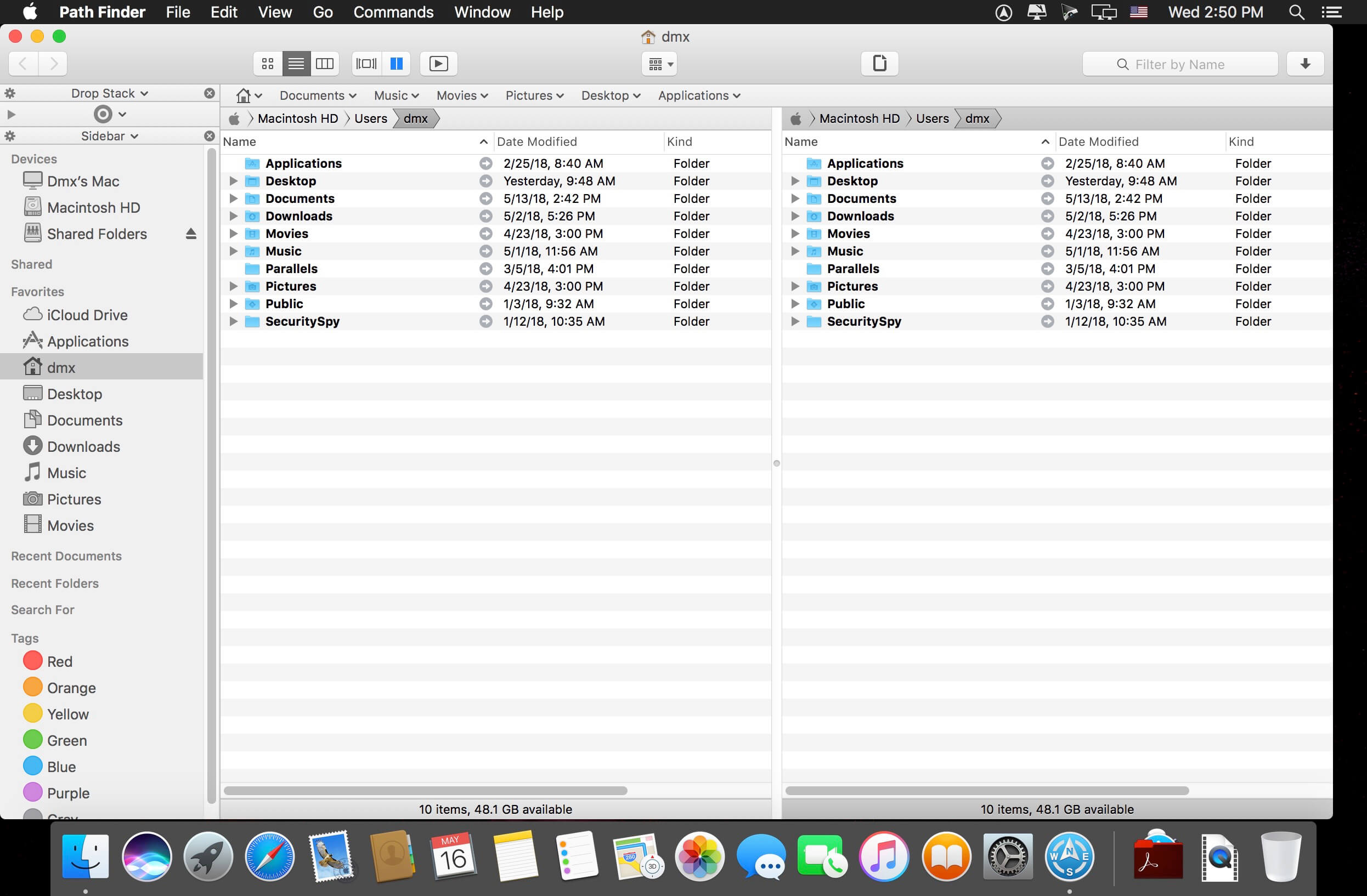
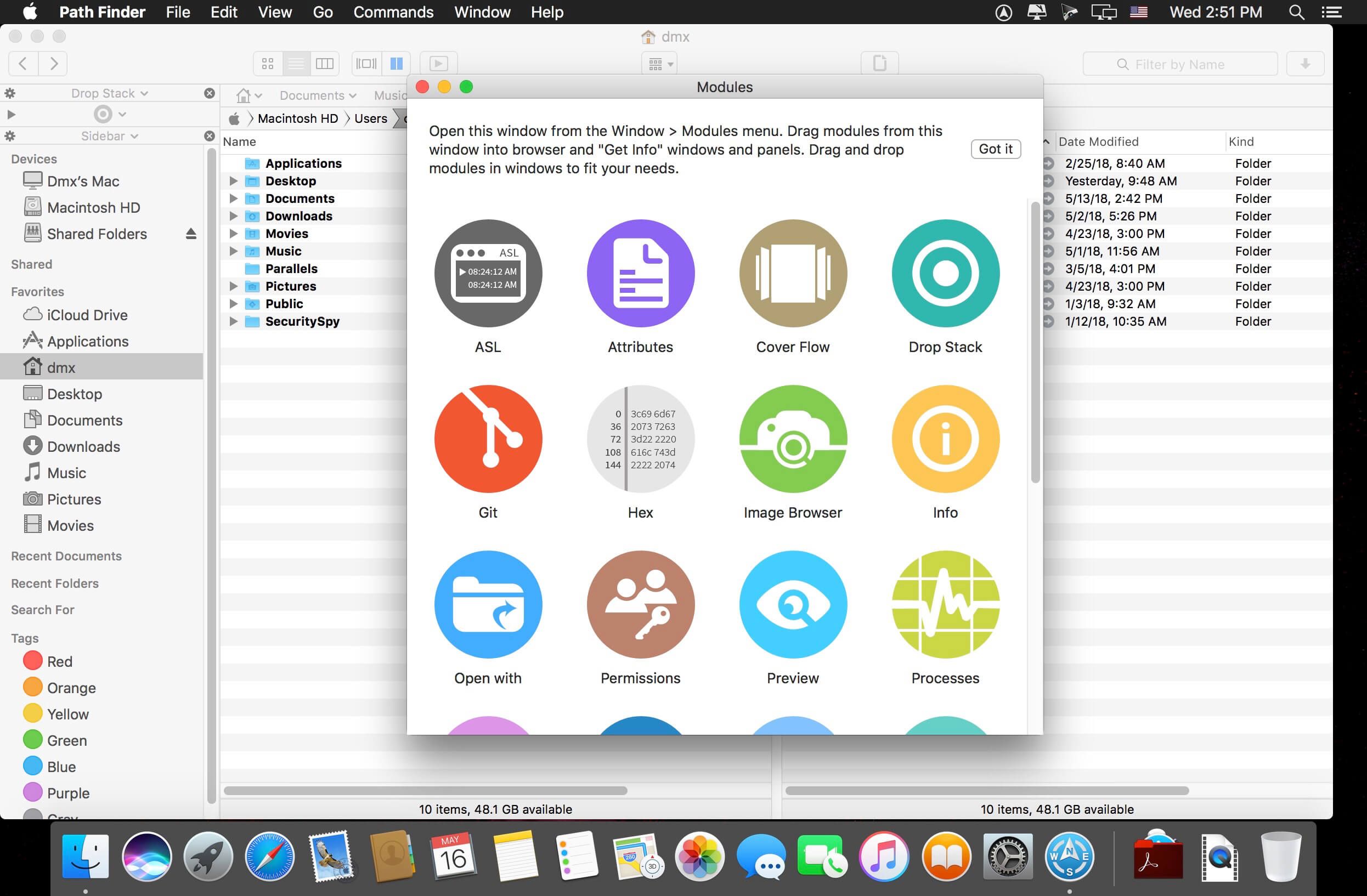
Path Finder 10 makes you a master of file management. Take full control over your file system. Save your time: compare and synchronize folders, view hidden files, use Dual Pane and full keyboard navigation to browse your file system.
Work how you want: extreme customization allows you to access most tools in many different ways to suit your workflow. Work seamlessly with other platforms: don’t leave any hidden .DS_Store files on non-Mac volumes, delete files securely and completely with the powerful delete feature from any volume type, search any network volume.
Features
View and manipulate hidden files
Dual Pane View
Full keyboard navigation
Folder comparison and synchronization
Folder merging
Batch renaming
Powerful file filtering
One-click dual-pane copy
Bookmarks and Tab Presets
ACL editor
File tagging
Editable Path Navigator
Powerful low-level search
Smart sorting
Advanced selection
Integrated terminal
Integrated text and image editors
Language: Multilingual Compatibility: macOS 10.12 or later (Apple M1 compatible) Homepagehttps://cocoatech.com/
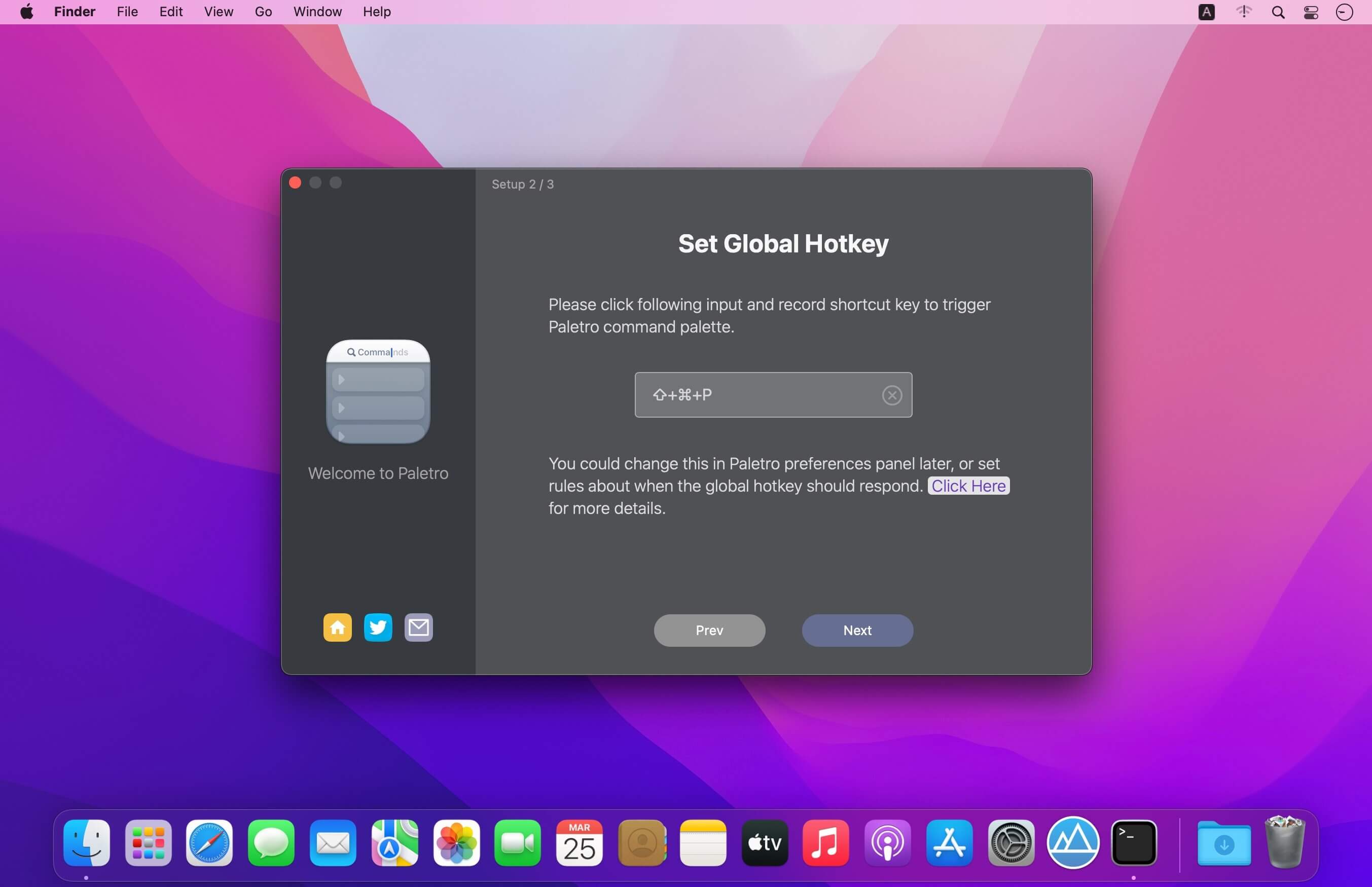
With Paletro, by pressing ⇧⌘P, you have access to all of the functionality of current focused app, including keyboard shortcuts for the most common operations.
Features
Search – Fuzzy search or filter operations in command palette without taking your hands from the keyboard.
Shortcuts – Display and support original shortcut keys from current application, like a built-in component.
i18n – Able to search in English words or alphabets in non-English locales in (some) applications.
Customization – Customize rules how Paletro should behavior, exclude certain menu items or disable in certain applications.
Themes – Multiple themes you can choose from, and you can create your own styles (coming soon).
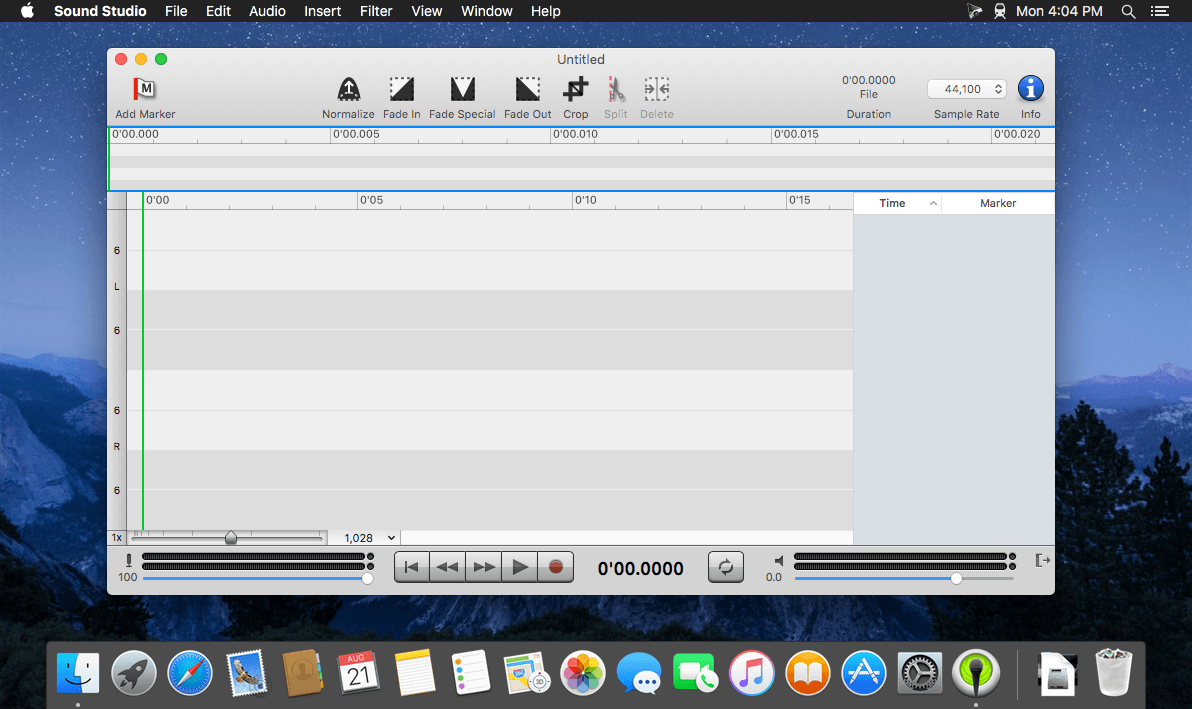
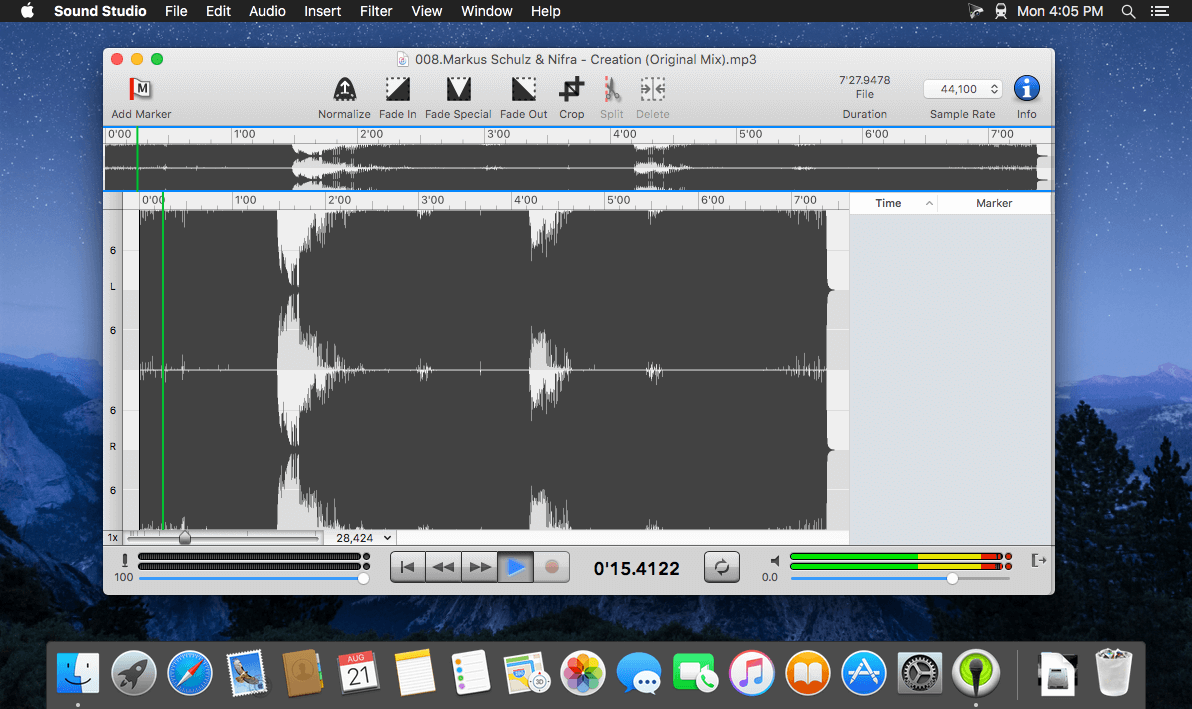
Sound Studio lets you easily record and professionally edit audio on your Mac. Easily rip vinyls and digitize cassette tapes, or record lectures and voice memos. Prepare for live shows with live effect processing and level tweaking, then record it all with performance recording capabilities.
Any audio project, completed with ease
Expansive compatibility. Record your work as an MP3 or AAC M4A file. Edit and export audio in several formats including AIFF and WAV.
Creative effects. Layer several effects like delay, reverb, chorus, or flanger filters, then tweak levels or EQ settings.
Multi-track support. Record live audio alongside multiple tracks of studio-added sounds.
What’s New:
Version 4.10.1:
Release notes were unavailable when this listing was updated.
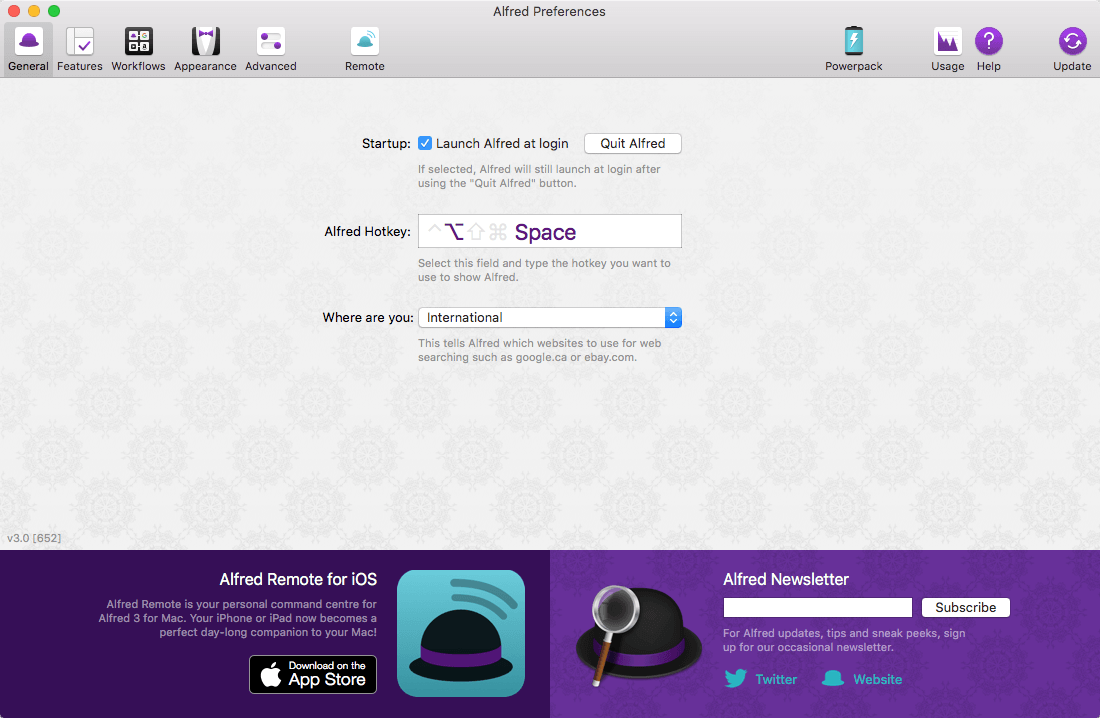
Alfred is an award-winning app for macOS which boosts your efficiency with hotkeys, keywords, text expansion and more. Search your Mac and the web, and be more productive with custom actions to control your Mac.
Search and Browse
Launch applications and find files on your Mac or on the web. Alfred learns how you use your Mac and prioritises results.
Save countless hours by using hotkeys, keywords and customising how you want to search your Mac and activity history.
Jump in and browse, preview files and take action on them without lifting your fingers off the keyboard.
Type Less, Say More
With Alfred’s Clipboard History and Snippets features, there’s no need to type the same URLs or responses over and over.
Use the Clipboard History to locate any text, image or file you copied earlier and paste it again.
Create your own snippets and type a short abbreviation to auto-expand them into a full text snippet, saving yourself hours of typing in the long run!
Extend and Automate
With Alfred’s Powerpack, use immensely powerful workflows to perform tasks more efficiently and cut down on repetitive manual tasks.
Link hotkeys, keywords and actions together to create your own workflows; There’s no need to write a single line of code to create a workflow.
Import workflows from the thousands our community of creators have shared.
Control Your Music
You’re the boss. Boost your productivity by controlling your Mac using Alfred’s deep integration with OS X. Swiftly take action on files and contacts, control your music player and dispatch System commands.
Add some fun to your day; Turn your iPhone or iPad into a command centre for your Mac with Alfred Remote for iOS.
Alternatively, take a look at the many workflows for other music services like Spotify.
Color Folder – change the color of your folders in the easiest way!
「Main Features」
• Quickly change folder icon color
• Support changing multiple folder icons at the same time
• Save as Icon
• Provide a variety of icon templates to choose from
• Support any color to modify folder icons