DaVinci Fusion Studio 18.0b4

Fusion is the world’s most advanced compositing software for visual effects artists, broadcast and motion graphic designers, and 3D animators. Over the last 30 years, Fusion has been used on thousands of Hollywood blockbuster movies and television shows. Fusion features a powerful node based interface that lets you quickly and easily create sophisticated effects by connecting different types of image processing tools together! You get a massive range of tools, incredible VR and 3D support, GPU accelerated performance, unlimited network rendering and more! Fusion gives you everything you need to create exciting broadcast graphics, dramatic titles, and even major feature film visual effects!

Hollywood’s Biggest Blockbusters

Thousands of Hollywood’s biggest blockbusters and hit television shows use Fusion to create their groundbreaking visual effects. Fusion has been used on feature films like The Hunger Games, Dr Strange and Guardians of the Galaxy, as well as hit television shows like Empire, NCIS and American Horror Story. Fusion also plays a major role in the development of cinematics for major video games such as Dawn of War III, Halo 5 and more!

Nodes are a Much Faster Way to Work!

Nodes are incredibly easy to use, especially as scenes become more complex. Fusion’s nodes are small icons that represent effects, filters and other image processing operations. Nodes can be easily connected together to build larger and more complex visual effects. Tools, images, and objects can be combined in any order to create unlimited visual effects. Simply click on a node to quickly adjust any single part of your project. That’s much faster than a timeline based tool because you don’t need to hunt through nested stacks of confusing layers and filters!

Get the most Powerful VFX Software Available!

Whether you need to pull a key, track objects, retouch images, animate titles, or create amazing particle effects, Fusion has a massive toolset that lets you tackle the most demanding jobs. You get a true 3D workspace along with tools for compositing, keying, painting, animation, virtual reality, stereoscopic 3D and more. Fusion combines effects and motion graphics, along with 3D modeling and rendering into a single toolset. That means you can import and render 3D models and scenes with the rest of your composite in Fusion. You don’t have to pre‑render assets or transfer between multiple applications!

GPU Accelerated Workflow

Fusion is extremely fast and responsive enough to be used in high pressure, client driven sessions. With its Metal, CUDA and OpenCL GPU acceleration, you get instant feedback while you work so you can see exactly what you’re doing. Fusion 16 features more GPU optimisation than ever so whether you’re working alone or with a client, you get the real time control you need. That means you’ll be able to spend more time being creative and less time waiting! Fusion is so fast that you can even work in VR while wearing a headset and still get over 90 frames per second of interactivity!

Unlimited Render Power

Fusion has the world’s fastest production quality render engine! You can even distribute your render jobs across an unlimited number of networked computers for incredible performance, at no additional cost! There’s no “per node” render license fees. Simply install it on as many render nodes as you need! That means you can render complex scenes incredibly fast to meet the intense deadlines of production, without having to sacrifice creativity or quality.

Collaborate with Large Teams

When you’re working with a large creative team, Fusion Studio also includes the new Studio Player application. Studio Player features a single layer timeline with basic shot trimming, storyboard tools, versioning and annotation notes. Fusion Studio also features a bin server to let everyone share and see common assets that are needed for the job. That means you don’t have to copy and track multiple elements on different computers.

What’s New:

What’s new in Blackmagic Fusion Studio 18.0

  • Fractional UI scaling support, including 150%, in Preferences.
  • Multi-button mode selection in inspector for multiple tools.
  • Support for all modern and future python 3 versions for scripting.
  • Support for OpenColorIO 2.1.1.
  • Support for OpenEXR 3.1.4.
  • Support for live previews when using the Text+ color picker.
  • New expression animated Custom Poly modifier for masks and strokes.
  • Faster GPU accelerated paint tool with smoother strokes.
  • Faster duplicate tool with additional blur, glow and size controls.
  • Improved Linux installation and compatibility.
  • Improved Open FX compatibility.
  • Improved text renders with better tessellation and cleaner outlines.
  • Multiple new composition blend modes.
  • Addressed mask paint display delay when viewing down stream tools.
  • Addressed Adapt Perspective behavior for CLS.
  • Addressed random seed value changes when switching duplicate versions.
  • Addressed an issue with animation timecode limits.
  • Addressed issues with viewer gain and gamma slider behavior.
  • Clearing Fusion disk cache is now more selective.
  • Addressed an issue writing DNxHR 4:4:4 12-bit clips.
  • New dropdown menu for Macro editor window.
  • Addressed an issue with certain tools producing offset pixels.
  • Addressed an issue with merge under for duplicate nodes.
  • Addressed an issue viewing certain tracker paths.
  • General performance and stability improvements.

Compatibility: macOS 10.14.6 or later
Homepage https://www.blackmagicdesign.com/

Name: Blackmagic_Fusion_Studio_18.0b4_Mac_Mactorrents.io.zip
Size: 450.26 MB
Files Blackmagic_Fusion_Studio_18.0b4_Mac_Mactorrents.io.dmg[450.26 MB]

   Download

Valentina Studio Pro 12.3.6

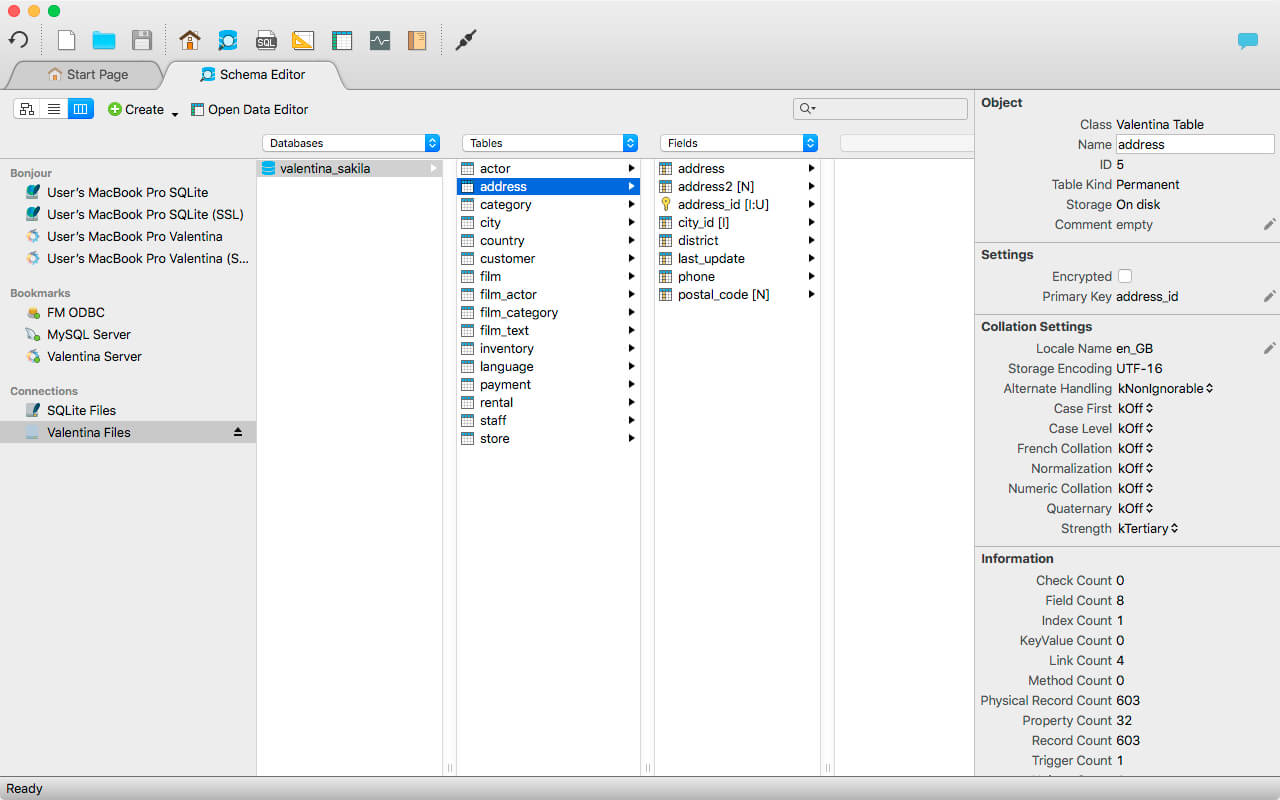
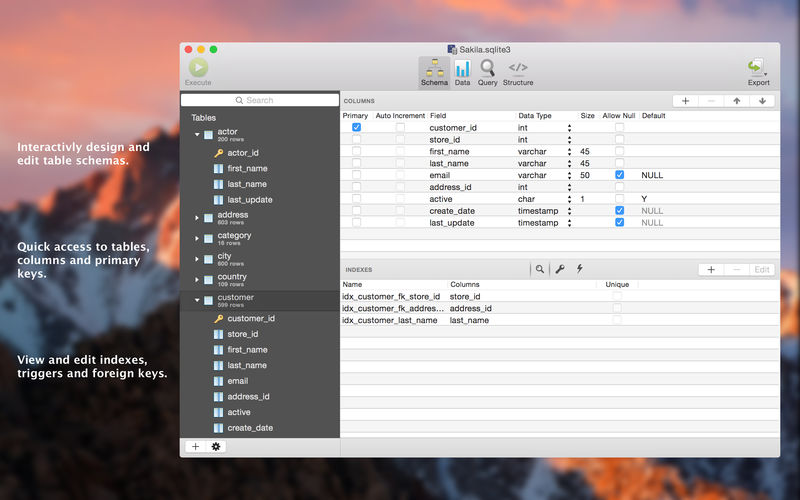
Valentina Studio is the ultimate data management tool for database administrators. Valentina Studio includes a wealth of database administration tools. Valentina Studio PRO to unlock advanced data modeling tools, report design and editing and more.

Valentina Studio brings you powerful, visual editors for your data including:

  • Schema Editor (tree view and column view) – create and modify all schema objects of supported databases: Tables, Views, Fields, Enums, Links, Constraints, Triggers, Indexes, Stored Procedures, …
  • Diagram Editor – design new diagrams or do reverse engineering, e.i explore existing databases visually.
  • Data Editor – easily browse table records in the grid, modify records, an inline edit of values, sort, filter records and save favorite filters, preview images, hex editors for binary values, …
  • Related Data Editor – easily learn and manage linked records of two tables, link/unlink records by a mouse click, do set operations over linked records, …
  • SQL Editor – with color syntax, auto-completion, recent and saved favorite queries, templates, console with error/warning reporting, …
  • Query Editor – build SQL queries visually using just a few mouse clicks
  • Server Admin – where you can manage users, learn logs and other parameters of servers.

Open as many editors as you like at the same time for different databases/servers opened in tab-panels. You also get different DB related utilities, including: Import/Export, Dumps, Diagnose, Clone, Reindex, …

MAS version of Valentina Studio uses iCloud to share bookmarks between your devices!

Valentina Studio Pro as an in-app purchase to get additional advanced pro-features such as:

  • Report Editor – visual editor of Valentina Reports that can be saved into Valentina Project file (.vsp). Reports can use as datasource MS SQL, MySQL, PostgreSQL, SQLite, Valentina DB, ODBC.
  • Form Editor – visual editor of Valentina Forms that can be saved into Valentina Project file (.vsp). Forms can use all supported databases as the datasource.
  • Data Editor – enables go to parent record function.
  • Data Editor Layouts – save columns and their order as a named layout
  • Data Editor Multiple Update – update few records at once.
  • Data Transfer – copy data between different databases
  • Diagram Editor – enables forward engineering – i.e. generation of SQL scripts for new/changed database objects.
  • Dump Wizard – enables filter for tables to select them for a dump.
  • Error Lookup – search for error description by its code.
  • Keyboard Shortcuts – enables the ability to redefine the shortcuts and create own shortcut sets.
  • Object Colors – enables marking objects with specific colors.
  • Query Editor – enables the ability to copy the generated query.
  • Schema Cache – save and reuse the schema cache.
  • Schema Editor – copy one or few schema objects using drag&drop mechanism.
  • Schema Editor – expanding and collapsing the tree items with subitems using OPTION + click
  • Schema Snapshot – save and load schema in structured format.
  • Source Control – develop database using any VCS.
  • SQLDiff – find differences between two states of a databases and generate SQL script to move between these states.
  • SQL Search – search of schema objects.
  • SQL Editor – enables autocompletion for table aliases.
  • SQL Editor – format SQL queries.
  • SQL Editor – edit the result of SQL queries.

Compatibility: macOS 10.13 or later (Apple Silicon compatible)
Homepage https://apps.apple.com/pk/app/valentina-studio/id604825918

Screenshots


Name: Valentina_Studio_12.3.6_[TNT]_Mactorrents.io.zip
Size: 75.25 MB
Files Valentina_Studio_12.3.6_[TNT]_Mactorrents.io.dmg[75.25 MB]

   Download

Typora 1.3.6

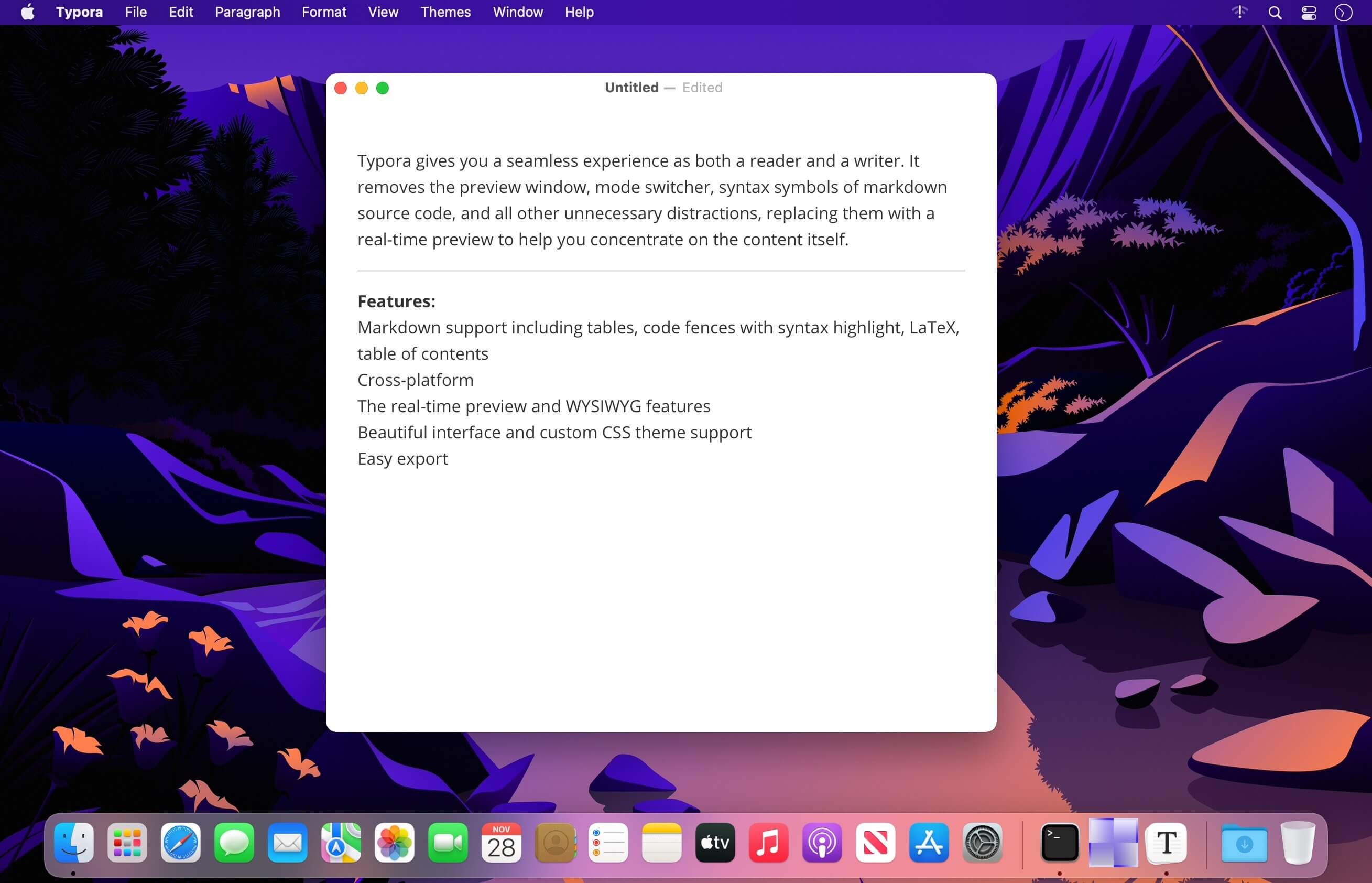
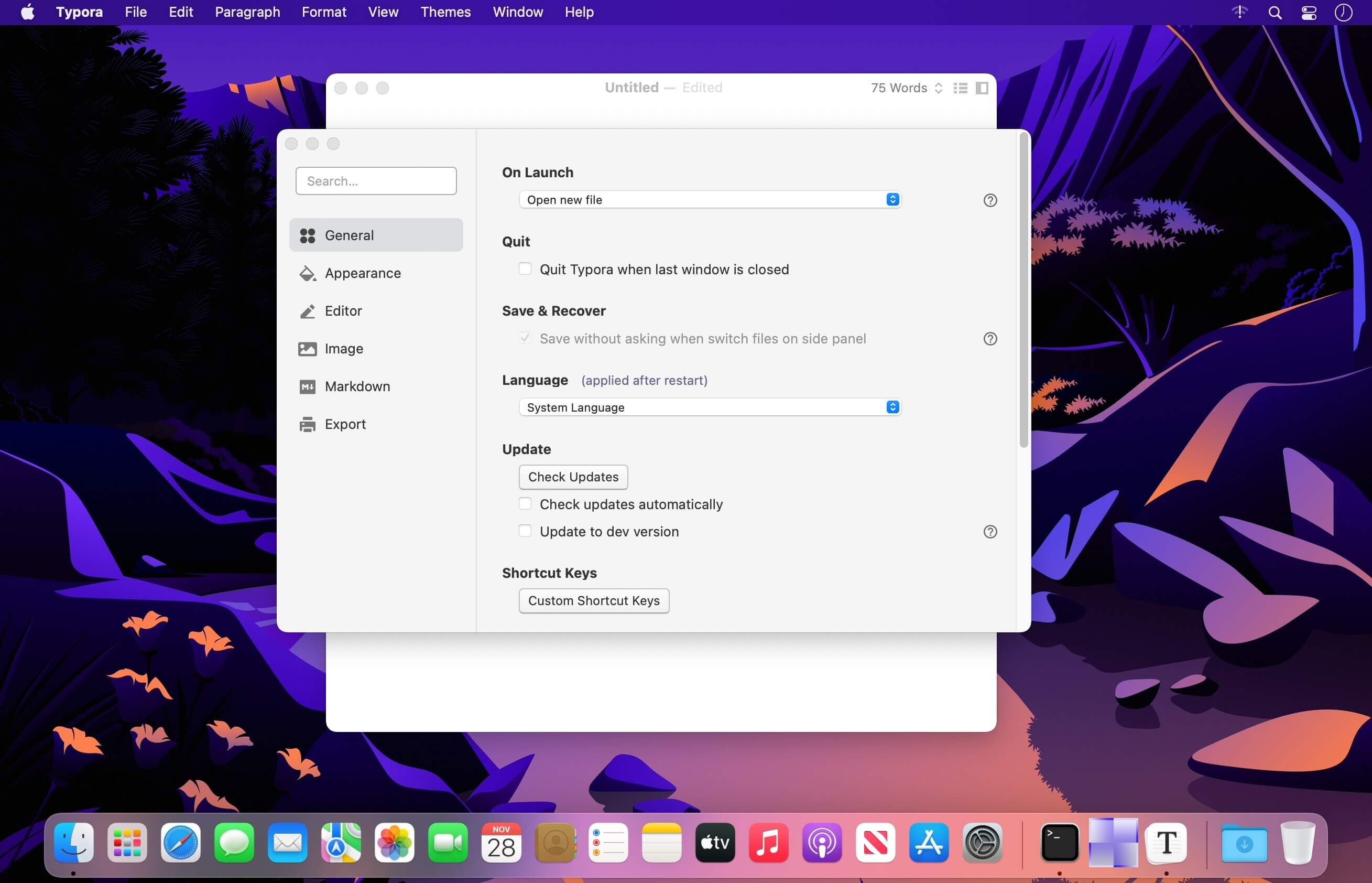
Typora gives you a seamless experience as both a reader and a writer. It removes the preview window, mode switcher, syntax symbols of markdown source code, and all other unnecessary distractions, replacing them with a real-time preview to help you concentrate on the content itself.

Features:

  • Markdown support including tables, code fences with syntax highlight, LaTeX, table of contents
  • Cross-platform
  • The real-time preview and WYSIWYG features
  • Beautiful interface and custom CSS theme support
  • Easy export

Compatibility: macOS 10.13.6 or later (Apple Silicon compatible)
Homepage https://www.typora.io/

Screenshots


Name: Typora_1.3.6_[TNT]_Mactorrents.io.zip
Size: 14.36 MB
Files Typora_1.3.6_[TNT]_Mactorrents.io.dmg[14.36 MB]

   Download

Aiseesoft Data Recovery 1.3.6

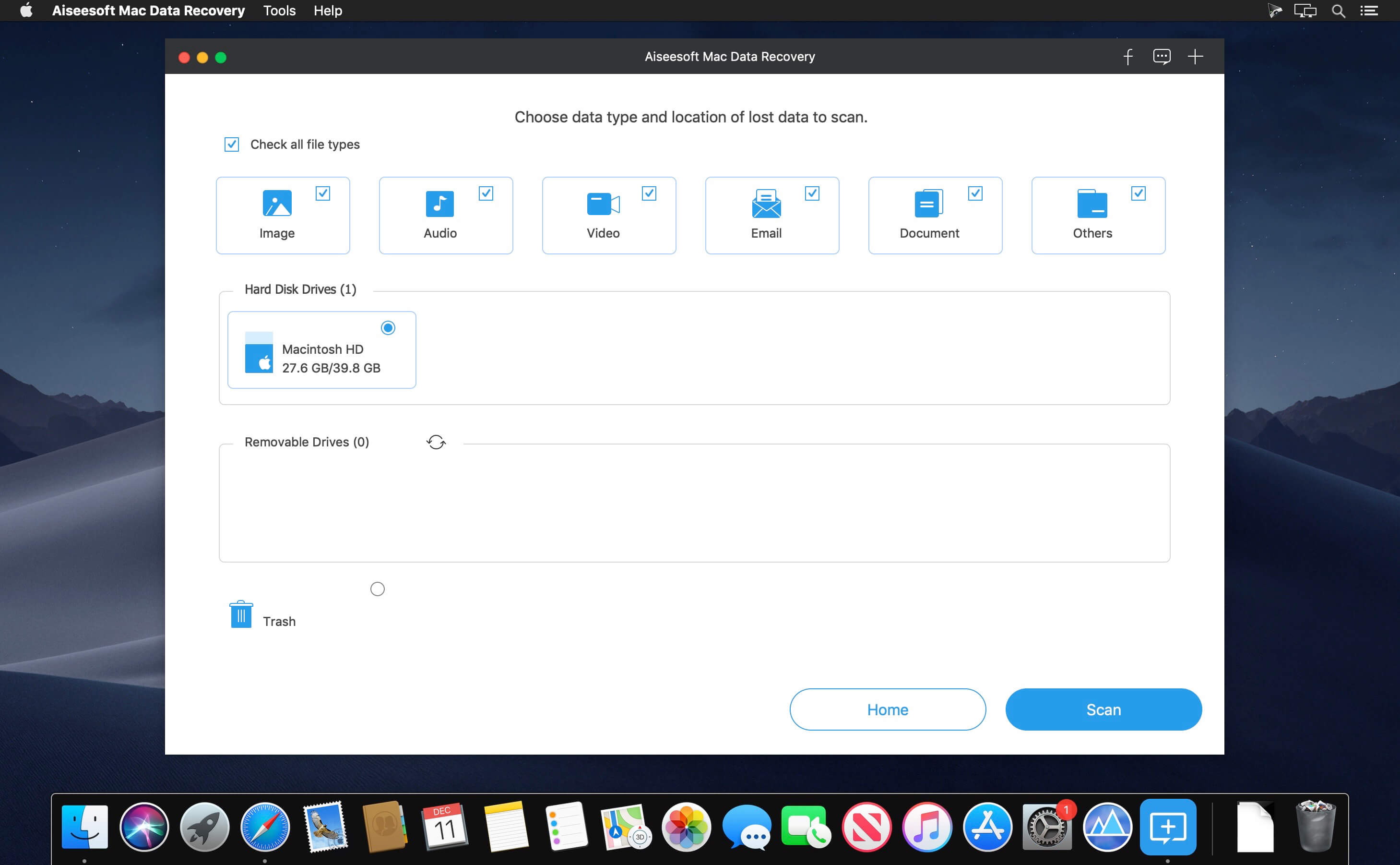
Recover deleted/lost files like photos, documents, emails, audio, videos, etc. Restore from computer, hard drive, flash drive, memory card, digital camera, etc. Recover due to accidentally deletion, formatted partition, hard drive problem, RAW hard drive, crashed computer.

What’s New:

Version 1.3.6:

  • Release notes were unavailable when this listing was updated.

Compatibility: macOS 10.10 or later
Homepage https://www.aiseesoft.com/

Screenshots


Name: Aiseesoft_Mac_Data_Recovery_1.3.6.119848_[TNT]_Mactorrents.io.zip
Size: 22.15 MB
Files Aiseesoft_Mac_Data_Recovery_1.3.6.119848_[TNT]_Mactorrents.io.dmg[22.15 MB]

   Download

AnyMP4 iPhone Data Recovery 9.0.70

With this powerful iPhone Data Recovery for Mac, you can recover 9 types of data including contacts, SMS, call history, calendar, notes, reminder, Safari bookmarks, Safari history and WhatsApp to Mac. It highly supports any frequently-used iOS device like iPhone 11/11 Pro/11 Pro Max/XS/XS Max/XR/X/8/8 Plus/7/7 Plus/6s/6s Plus/6/6 Plus/SE/5s/5c, iPad, iPad Pro/mini 4/mini 3/mini 2/mini/Air 2/Air/4/3/2/New iPad Pro, iPod touch/nano and more.

For iPhone 4/3GS, iPad 1, and iPod touch 4, this Mac iPhone Data Recovery can restore 19 types of data, including Contacts, SMS/MMS, Call history, Calendar, Notes, Reminders, Safari bookmarks, Safari history, WhatsApp Chats, Camera Roll, Photo Library, Photo Stream, Message attachments, Voice memos, WhatsApp Attachments, Voicemail, App Photos, App Videos, App Audio and so on.

What’s New:

Version 9.0.70:

  • Release notes were unavailable when this listing was updated.

Compatibility: macOS 10.10 or later (Apple Silicon compatible)
Homepage https://www.anymp4.com

Screenshots


Name: AnyMP4_iPhone_Data_Recovery_for_Mac_9.0.70.119684_[TNT]_Mactorrents.io.zip
Size: 52.6 MB
Files AnyMP4_iPhone_Data_Recovery_for_Mac_9.0.70.119684_[TNT]_Mactorrents.io.dmg[52.6 MB]

   Download

ExactScan Pro 22.6

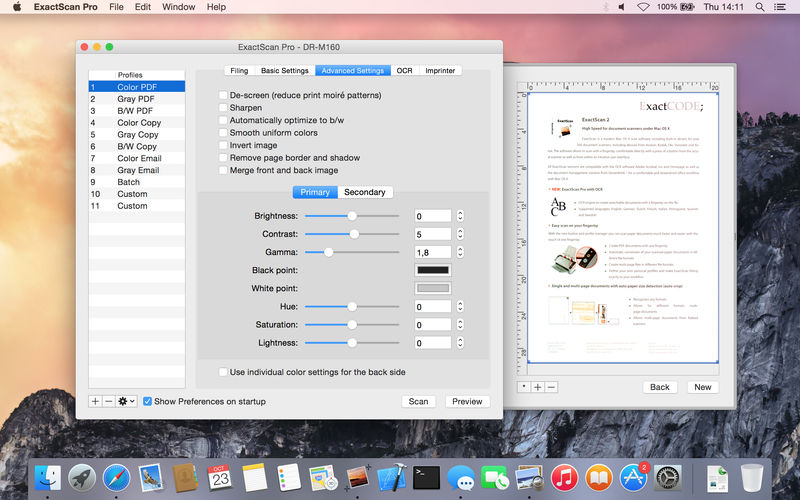
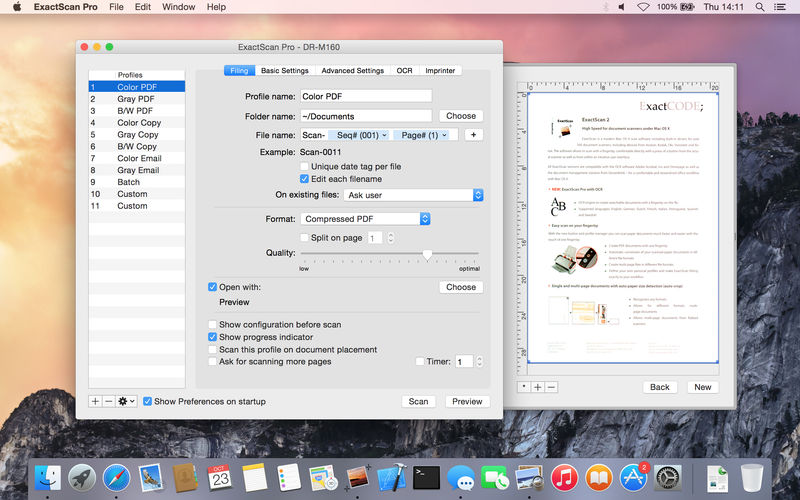
ExactScan Pro is a popular, easy-to-use macOS scanning software that utilizes built-in drivers for over 200 document scanners, including devices from Avision, Kodak, Oki, Visioneer, and Xerox.

ExactScan’s built-in scanner drivers cover the whole range, from Visioneer’s portable RoadWarrior to dependable workgroup scanners from Xerox, Visioneer, Kodak, and Avision. ExactScan allows for easy scanning of business cards, bills, and receipts, and ExactScan Pro’s built-in OCR can directly save them as searchable PDFs.

Scan all your documents for fast retrieval, and get rid of dusty paper archives. Find searchable PDF everywhere with Spotlight in a snap.

  • Over 400 native built-in drivers for professional document scanners from Avision, Canon, Fujitsu, HP, Kodak, Oki, Visioneer and Xerox
  • Support for a variety of third party scanners via ImageCapture and TWAIN drivers
  • Save to PDF, TIFF, JPEG, JPEG 2000, PNG, BMP, PNM
  • Advanced and intelligent image processing algorithms
  • Auto-crop & de-skew
  • Blank page removal
  • Direct scan to print
  • Profiles to configure scan workflow

AppleScript support for professionals

  • ExactScan Pro additionally includes:
  • OCR to directly create searchable PDF files
  • Content based page de-skew
  • Automatic rotation, color- and source detection
  • Imprinter to print flexible text into the scanned image
  • Barcode recognition to file stacks by barcodes
  • Batch processing of existing image files

Language: English, German, French, Russian and others.
Compatibility: OS X 10.10 or later 64 bit
Homepage http://exactscan.com/

Screenshots


Name: ExactScan Pro 22.6 [HCiSO]_Mactorrents.io.zip
Size: 15.89 MB
Files ExactScan Pro 22.6 [HCiSO]_Mactorrents.io.dmg[15.89 MB]

   Download

Wondershare Filmora X 11.3.6

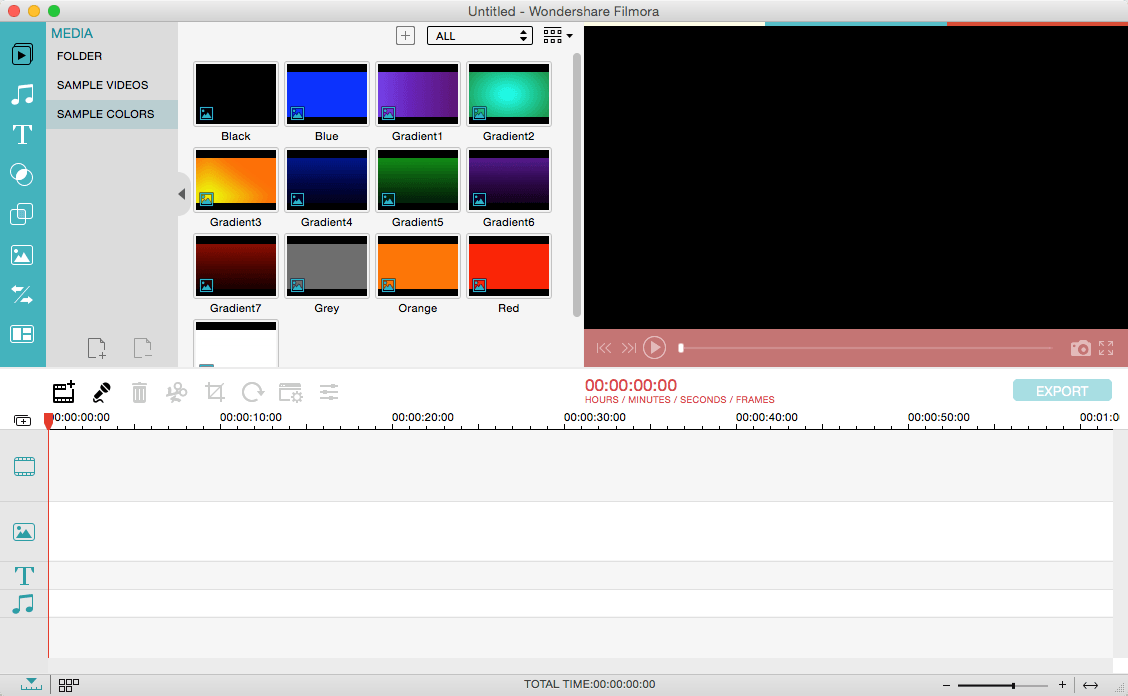
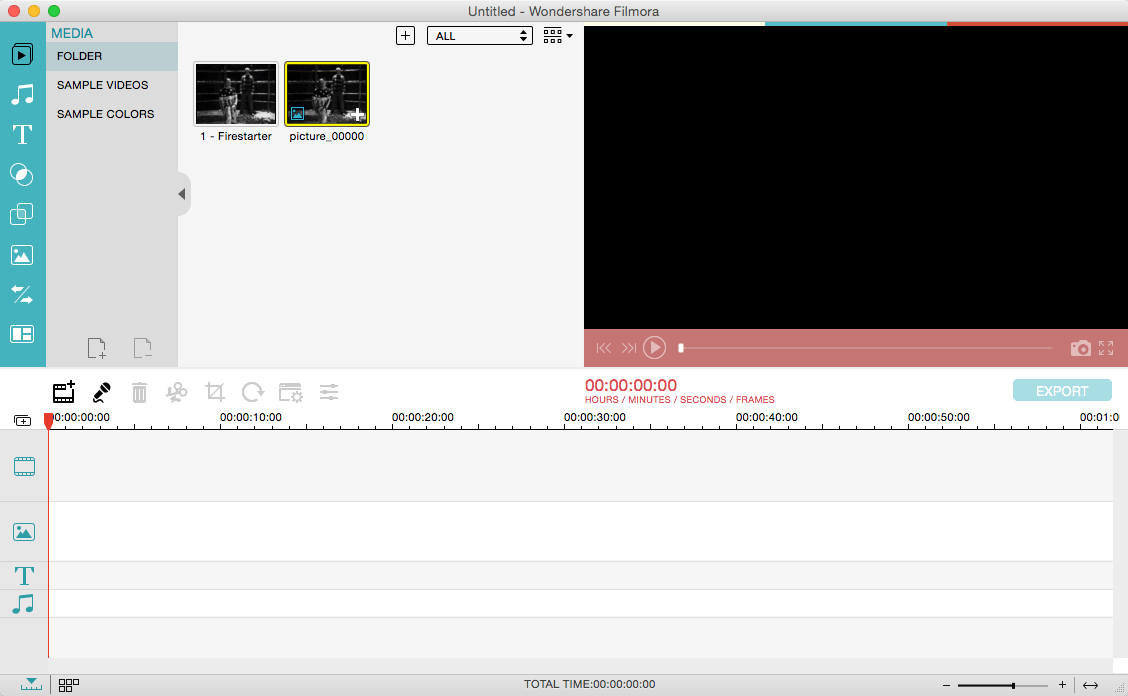
Wondershare Filmora, an easy-to-use video editor with all the video editing tools you need, enables you to create Hollywood-like home movies with titles, effects and transitions from all regular videos, audio and photos. Share instantly with family and friends with easy upload to YouTube, Facebook, etc.

Ignite your story 
Use Filmora video editor to express your creativity and amaze with beautiful results.

Modern and Simple UI 
A modern and intuitive design that you’ll be delighted to use again and again.

Text & Titles 
Now you can create beautiful animated messages from our text & titles library

Music Library 
Add your favorite music dircectly into your movie to create the perfect atmosphere.

Overlays & Filters 
Transform a movie into something spectacular with our handcrafted, overlays and filters.

Elements 
Take your video to the next level by adding impressive Still and Motion Graphics.

Simple Effects 
Expand Your Imagination with Over a Hundred Unique Visual Effects. Wondershare Filmora allows you to turn your home video into something extraordinary with minimal effort.

Advanced Effects 
Expand Your Imagination with Over a Hundred Unique Visual Effects. Turn your home video into something extraordinary with minimal effort.

Share Your Creative Work 
Showcase your creativity with your family, friends and the rest of the world! You can easily publish your masterpiece in so many ways.

Key Features:
Support Formats 
Support video formats editing: MP4, FLV, MOV, AVI, MKV, FLV, WMV, TS, MTS, etc. Make it possible for homemade and downloaded SD/HD videos for editing.
Audio: MP3, WMA, WAV, M4A, AAC, AC3, OGG, etc., as background music of the videos.
Photo:BMP, JPG, PNG, GIF, etc. and create home movies combining photos.

Basic Editing 

  • Trim, crop and rotate videos
  • Remove unwanted black edges or other unwanted parts
  • Change audio pitch, adjust volume, and get rid of video noise

Professional Effects 

  • 80+ professional filters and artistic effects including particle effects, fire effects, face-off effect, tilt-s**t effect, mosaic and more.
  • 50+ transition and motion effects.
  • Touch up your photo with perfect brightness, contrast, or saturation, and turn your photos into an animated slideshow.

Effects Pack

  • 8bit Gamers Effect Pack.
  • 80s Vintage Collection.
  • Fashion Collection.
  • Summer Effect Pack.
  • Travel Effect Pack
  • Special Thanks to iTEHb

What’s New:

Version 11.3.6:

  • Release notes were unavailable when this listing was updated.

Compatibility: macOS 10.11 or later
Homepage https://filmora.wondershare.com/

Screenshots


Name: Wondershare_Filmora_X_11.3.6_[TNT]_Mactorrents.io.zip
Size: 517.36 MB
Files Wondershare_Filmora_X_11.3.6_[TNT]_Mactorrents.io.dmg[517.36 MB]

   Download

Quit All 1.2

QuitAll – A fresh start without a restart. Before you Force Quit, QuitAll.

Quickly Quit
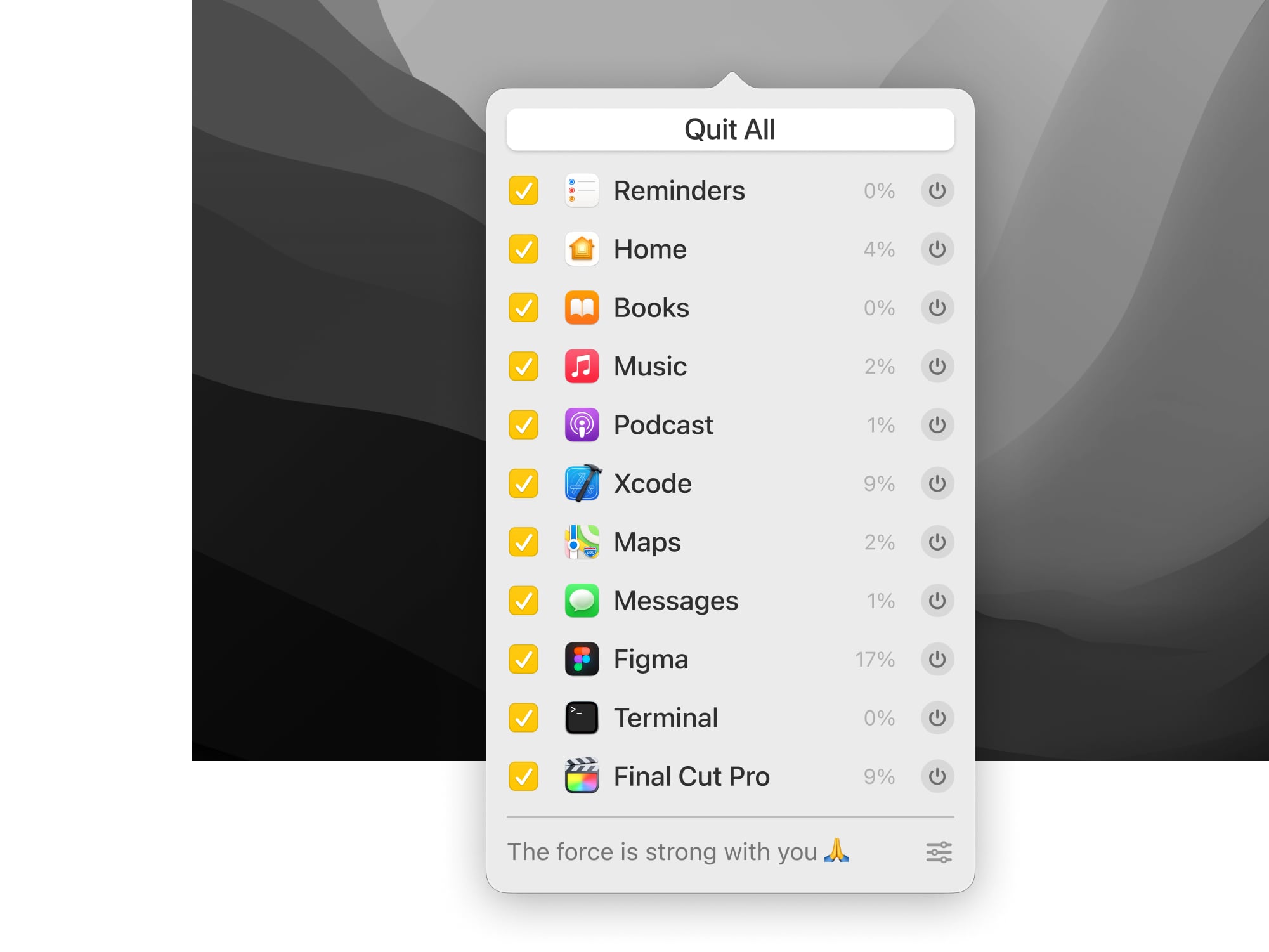
Quit one, some, or all apps from one tidy spot. Apps will prompt you to save any unsaved work before they close.

Optional Force
If your app is stuck or saving isn’t a concern, force it quit and start-again. Use Alt to toggle from Quit to Force Quit, your work here is done.

Hide and Seek ?
Easily see every app running in the background, and shut ‘em down.

Customize It ?
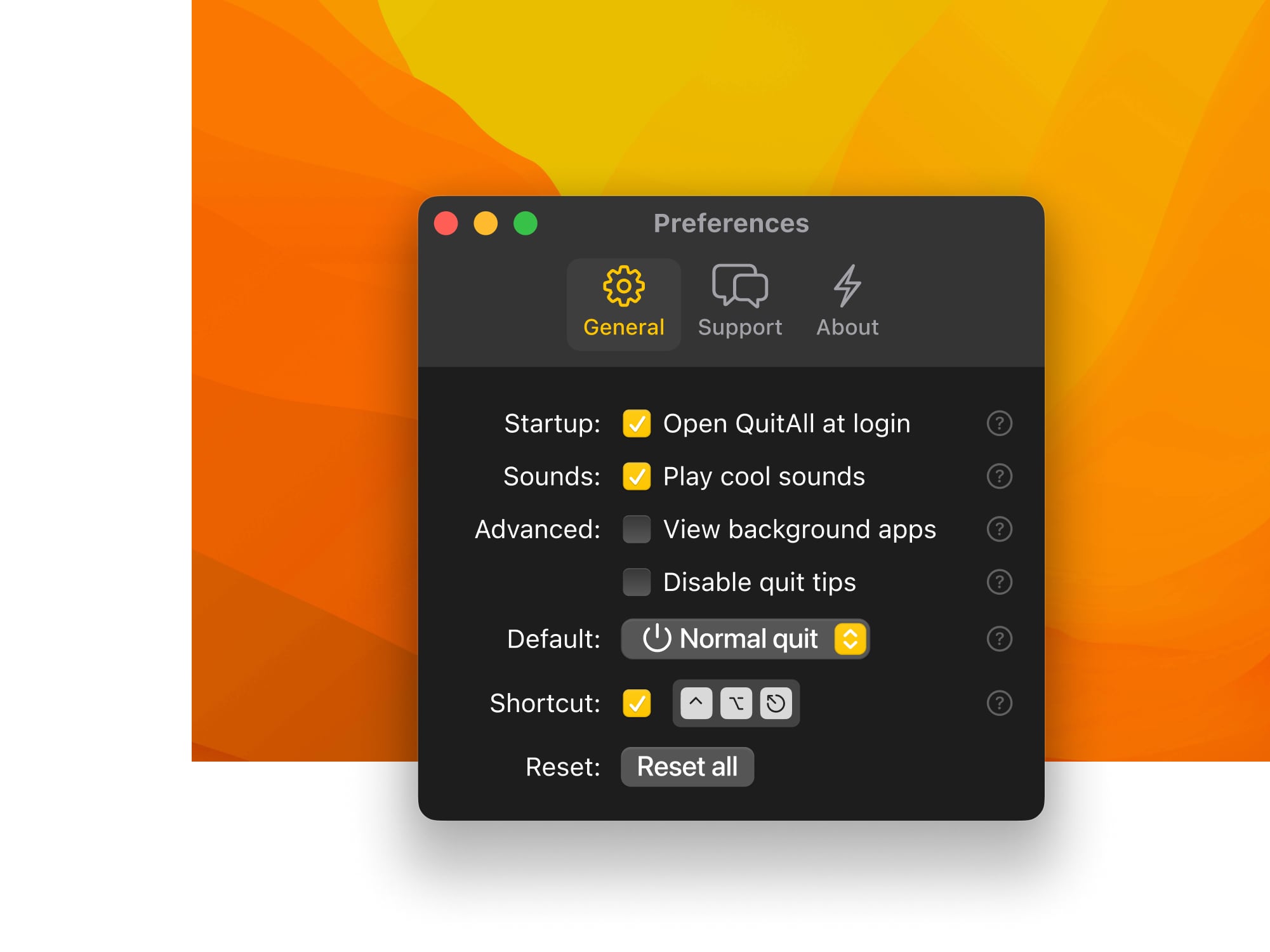
Customize the settings and shortcuts for even faster future-use.

Light Mode ?
In the end, cowards are those who follow the dark side. (Dark theme is cool too tho)

What’s New:

Version 1.2:

  • Release notes were unavailable when this listing was updated.

Compatibility: macOS 10.15 or later
Homepage https://amicoapps.com/app/quitall/

Screenshots


Name: Quit All 1.2 [HCiSO]_Mactorrents.io.zip
Size: 5.03 MB
Files Quit All 1.2 [HCiSO]_Mactorrents.io.dmg[5.03 MB]

   Download

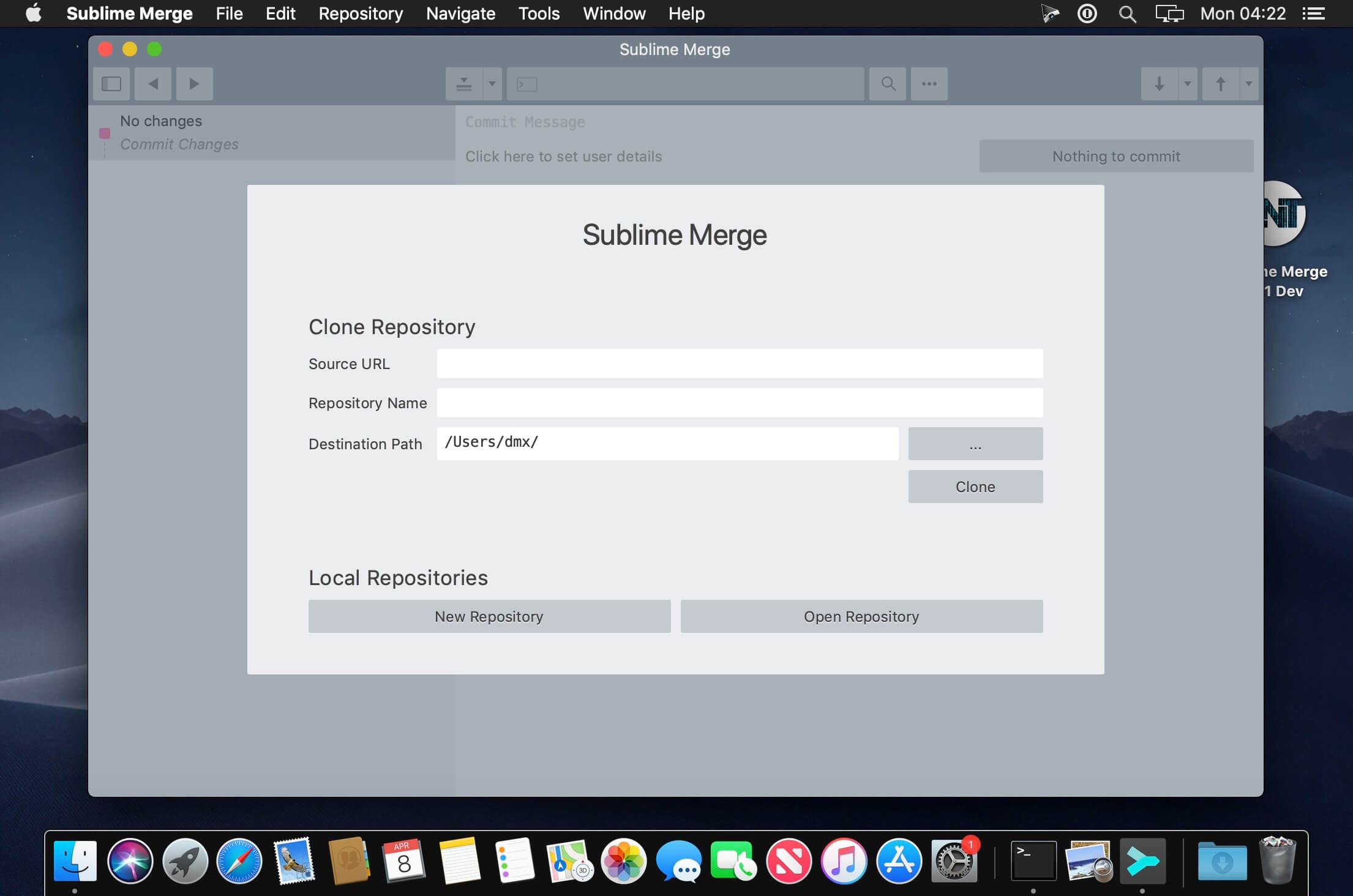
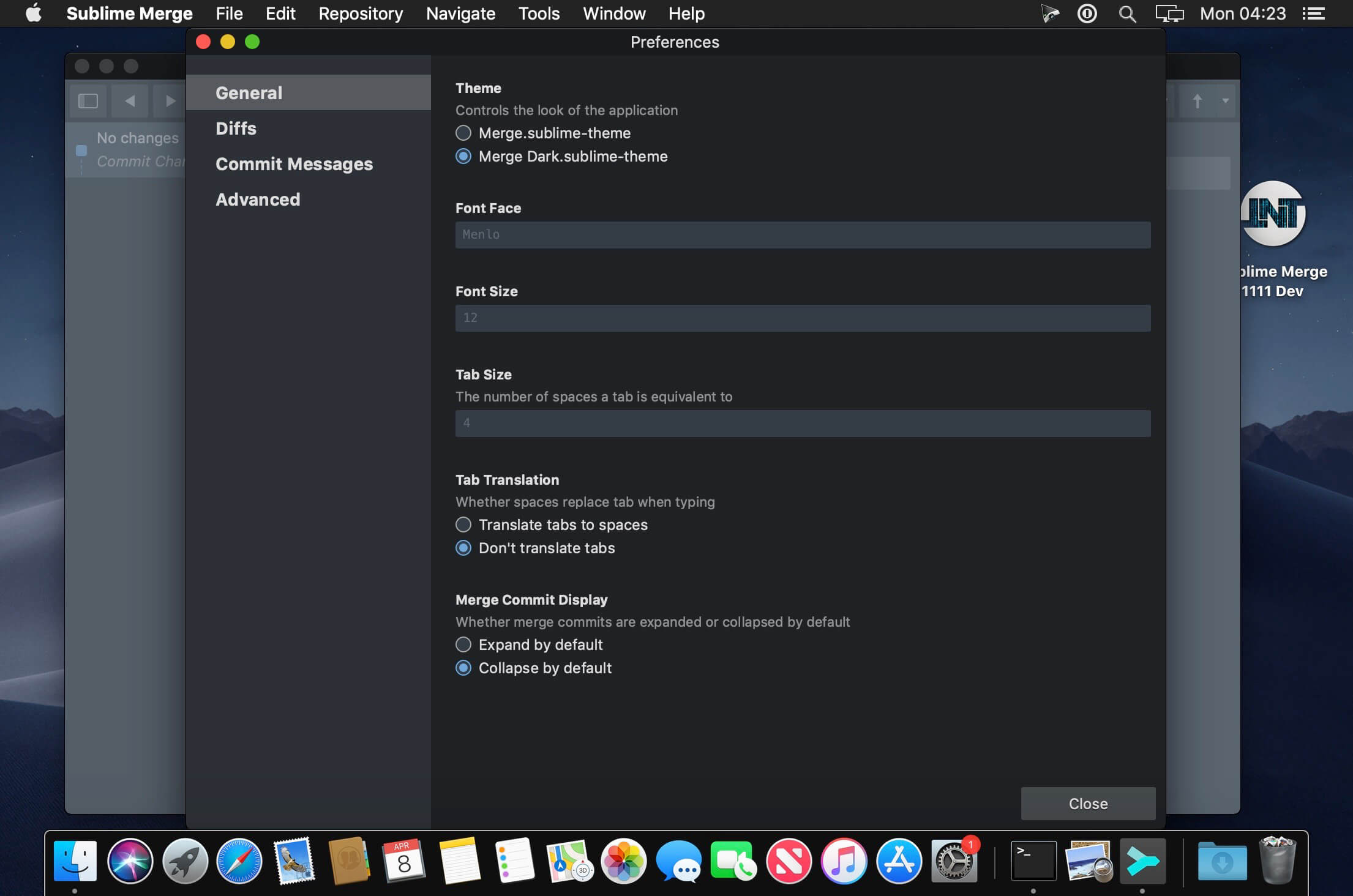
Sublime Merge Build 2074

Git Client, done Sublime. Meet a new Git Client, from the makers of Sublime Text. A snappy UI, three-way merge tool, side-by-side diffs, syntax highlighting, and more. Stage Files, Hunks and Lines with no waiting – Sublime Merge is really, really fast.

Feature Highlights:

  • Integrated Merge Tool
  • Powerful Search
  • Unmatched Performance
  • Blame
  • Advanced Diffs
  • File and Hunk History
  • Command Palette and Key Bindings
  • Light and Dark Themes
  • Extensibility
  • Syntax Highlighting
  • Command Line Integration
  • Real Git

Compatibility: macOS 10.9 or later
Homepage https://www.sublimemerge.com/

Screenshots


Name: Sublime Merge Build 2074 [HCiSO]_Mactorrents.io.zip
Size: 32.08 MB
Files Sublime Merge Build 2074 [HCiSO]_Mactorrents.io.dmg[32.08 MB]

   Download

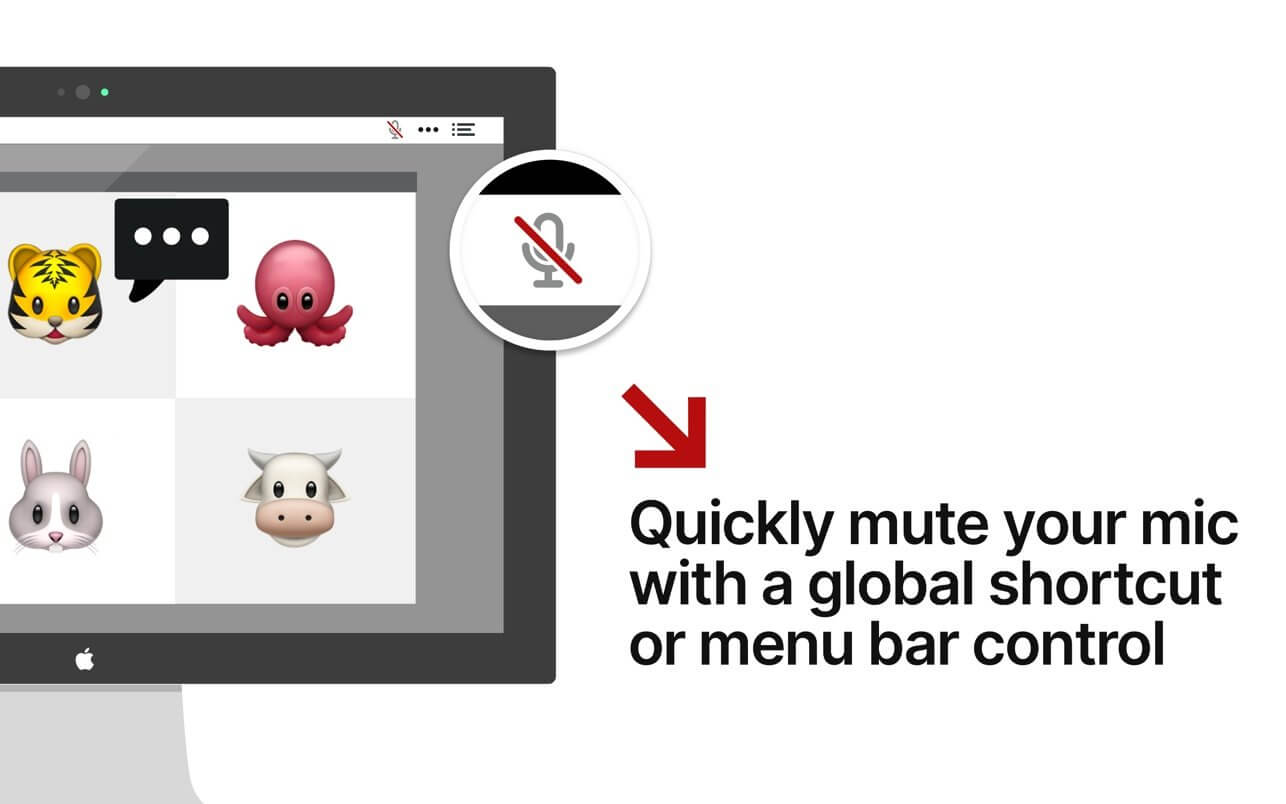
Mic Drop 1.4.6

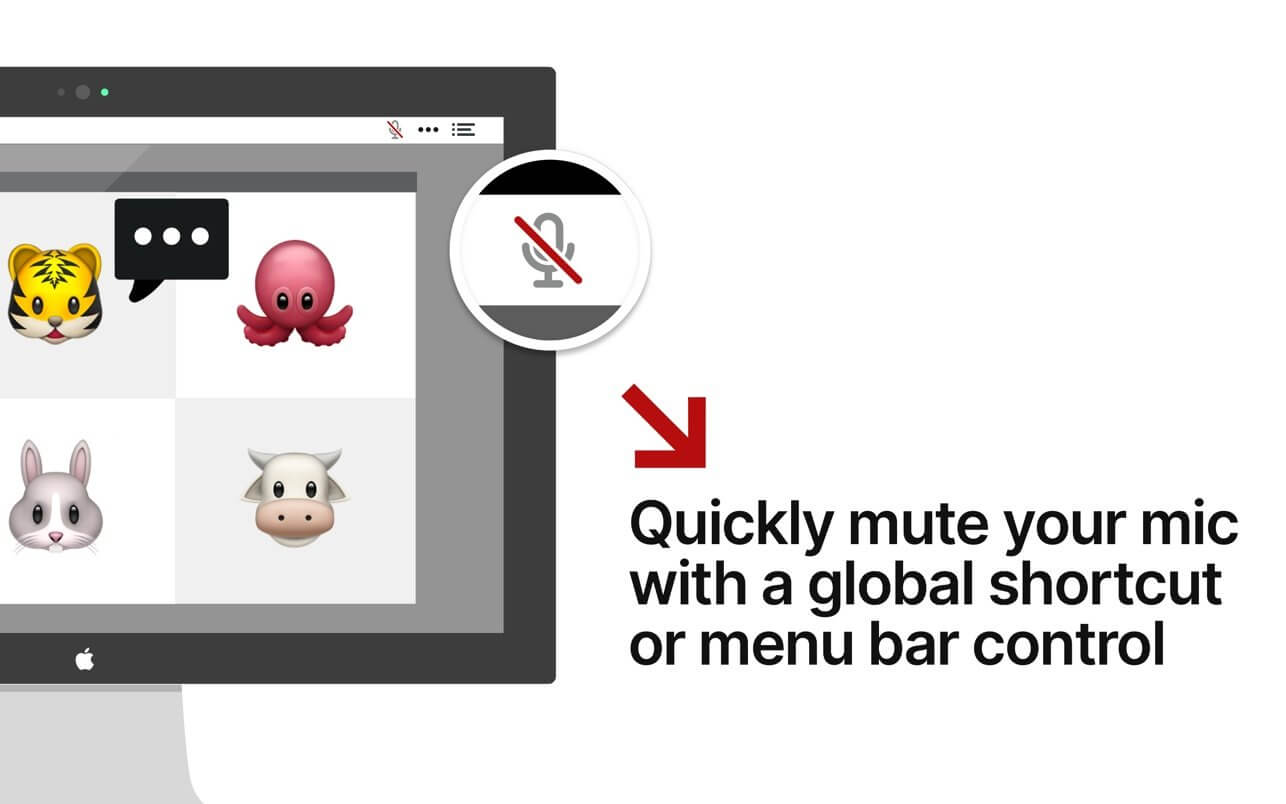
Mic Drop allows users to mute and unmute their microphone using a customizable, global keyboard shortcut. With Mic Drop, you always know whether your mic is on or not, helping to avoid those embarrassing situations. It is ideally suited for remote workers, teachers, podcasters, user researchers, or anyone spending lots of time in video meetings. Works with any app, even if it’s not currently in focus.

Features

  • Global, customisable keyboard shortcut
  • Works with every app & audio device
  • Maintains mute state even when changing audio devices
  • Supports push-to-talk and push-to-mute
  • Displays microphone status in the menu bar
  • Supports dark mode
  • Uses modern, accessible Apple APIs
  • Respects user privacy (anonymous analytics are optional and opt-in)

Compatibility: macOS 10.15 or later, 64-bit processor
Homepage https://getmicdrop.com/

Screenshots


Name: Mic_Drop_1.4.6_[TNT]_Mactorrents.io.zip
Size: 6.83 MB
Files Mic_Drop_1.4.6_[TNT]_Mactorrents.io.dmg[6.83 MB]

   Download

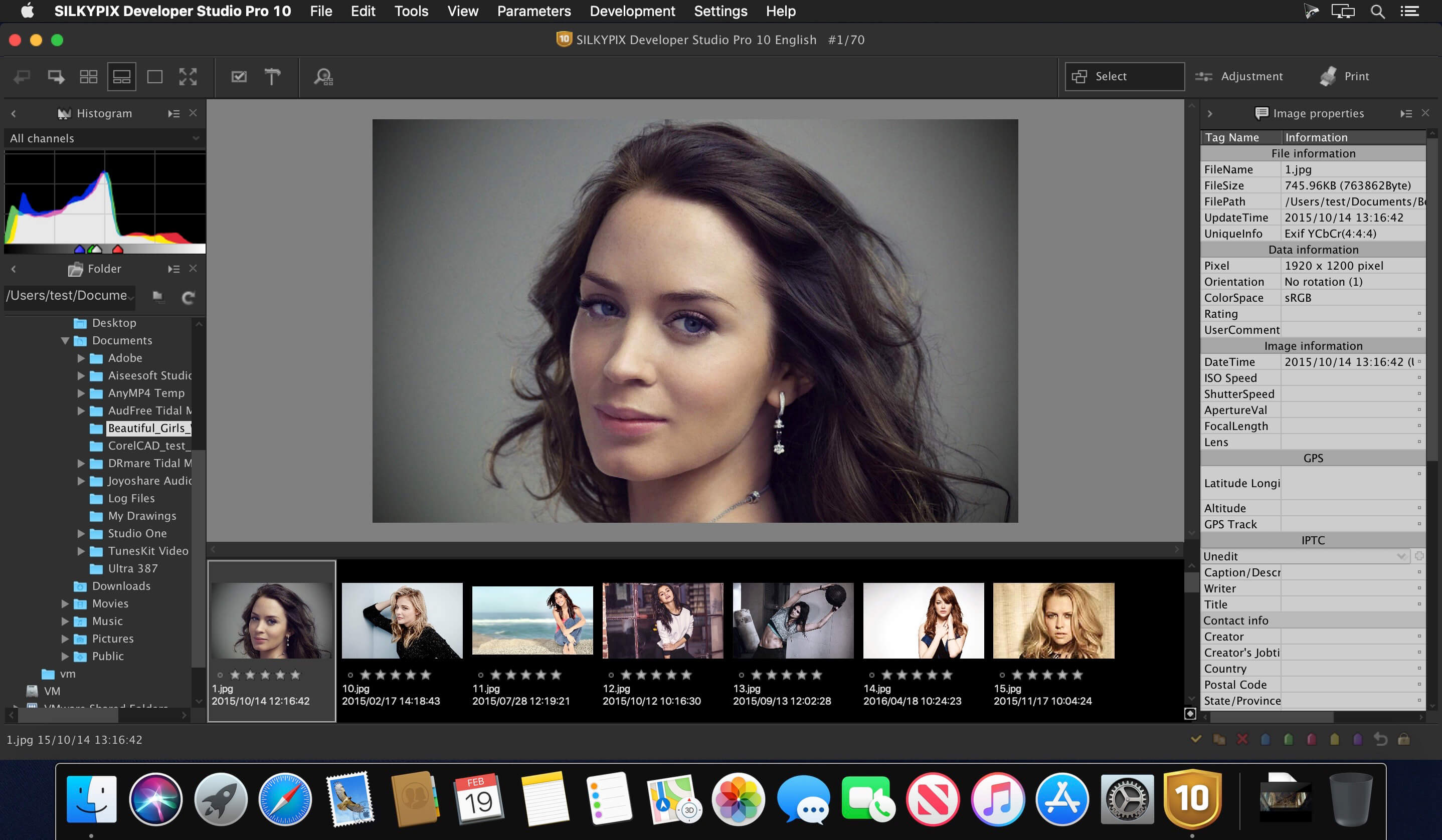
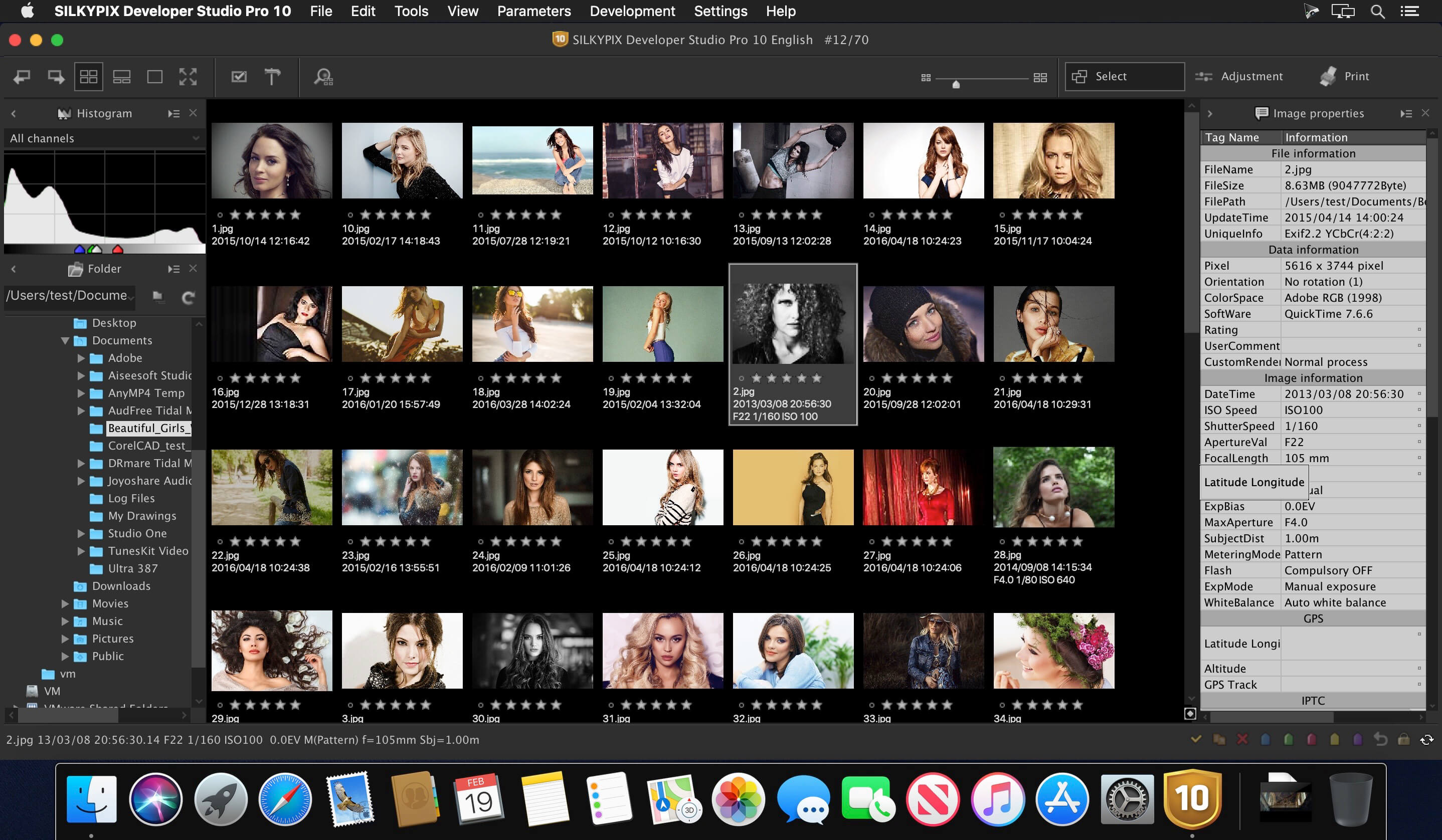
SILKYPIX Developer Studio 11.1.4.2

“SILKYPIX Developer Studio 9” has not only basic adjustment functions such as exposure, white balance, contrast, but also a full correction function such as dust removal function, clarity adjustment, lens profile function corresponding to lens aberration correction.

It is a standard version of SILKYPIX series recommended for people of a wide range, from people who are going to start Raw development and those looking for new RAW development software.

What’s New:

Version 11.1.4.2 :

  • Release notes were unavailable when this listing was updated.

Compatibility: macOS 10.10 or later
Homepage https://sil

Screenshots


Name: SILKYPIX_Developer_Studio_11_11.1.4.2_[TNT]_Mactorrents.io.zip
Size: 376.38 MB
Files SILKYPIX_Developer_Studio_11_11.1.4.2_[TNT]_Mactorrents.io.dmg[376.38 MB]

   Download

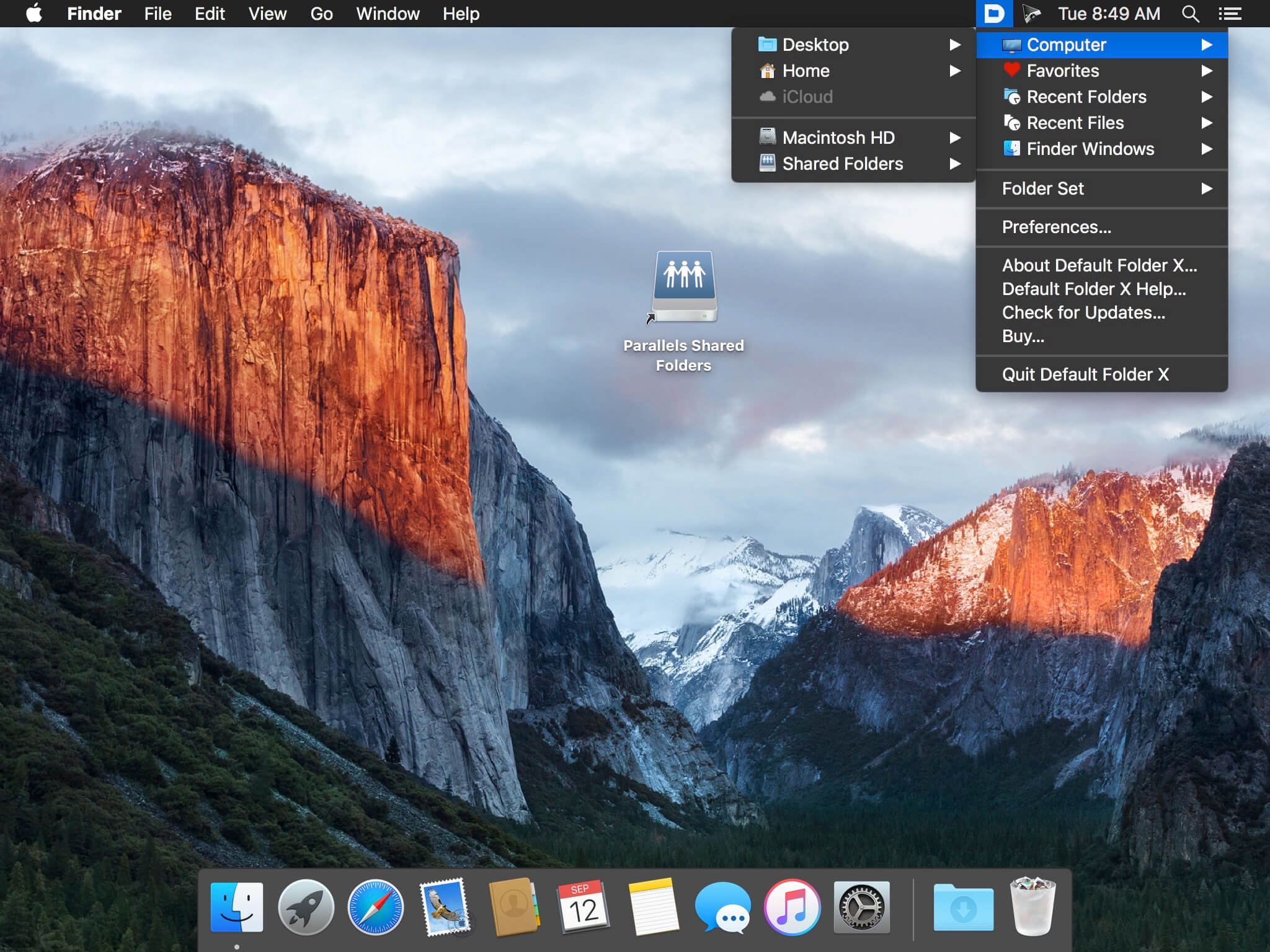
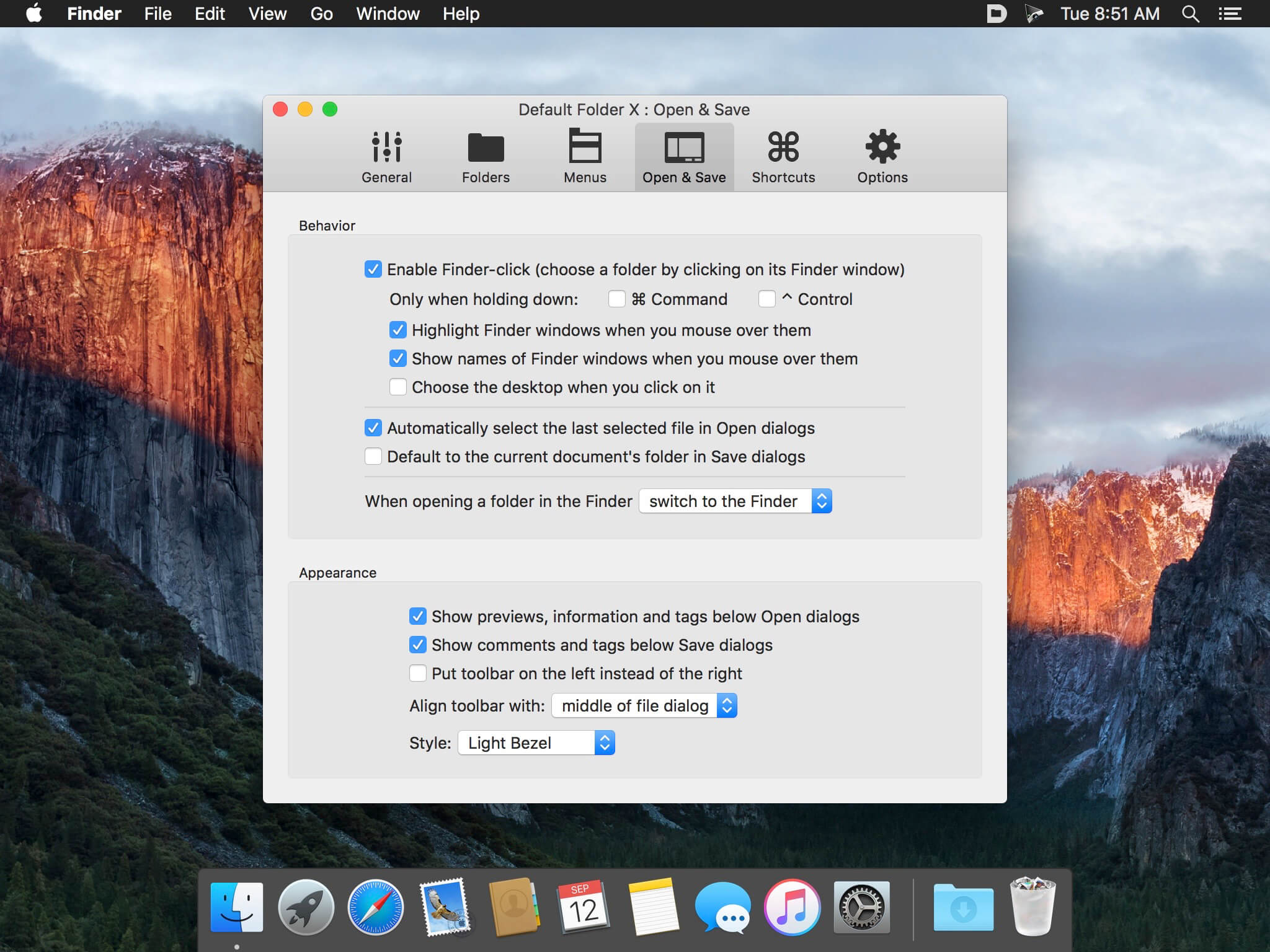
Default Folder X 5.7d3

Default Folder X attaches a toolbar to the right side of the Open and Save dialogs in any macOS-native application. The toolbar gives you fast access to various folders and commands. You just click on the buttons to go to your favorite and recently used folders, manage the folders and files shown in the list, and make changes to your settings. It also fixes a number of problems in Open and Save dialogs, “rebounding” to the last selected file, putting the path listing back in the top menu, and correcting bugs in scrolling column views.

Features

  • Directory assistant: You can access the contents of your recent, favorite, and open folders right from Default Folder X’s toolbar.
  • Real time saving: If you’re constantly saving things inside the same folder, Default Folder X can remember that folder for you.
  • Finder management: Default Folder X lets you open up or save to any Finder window with a single click.
  • Instant Recall: To help you quickly return to folders you’ve recently used, Default Folder X remembers them for you.
  • Spotlight on the spot: Default Folder X lets you add Spotlight keywords, OpenMeta tags, and Finder labels on the spot, while you’re still in the Save dialog.
  • Information central: With Default Folder X you get previews below every Open dialog, expanded to fill the available space. Need to see more detail? Click on the image and it zooms up to full size.
  • Workflow without work: Rather than make you learn and set up a new application, Default Folder X blends into OS X.

Compatibility: OS X 10.10 or later 64-bit
Homepage https://www.stclairsoft.com/DefaultFolderX/index.html

Screenshots


Name: Default Folder X 5.7d3 [HCiSO]_Mactorrents.io.zip
Size: 16.96 MB
Files Default Folder X 5.7d3 [HCiSO]_Mactorrents.io.dmg[16.96 MB]

   Download

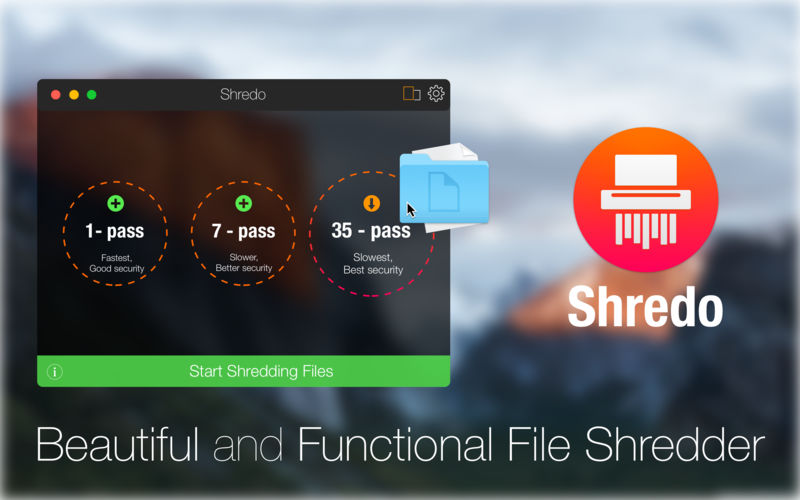
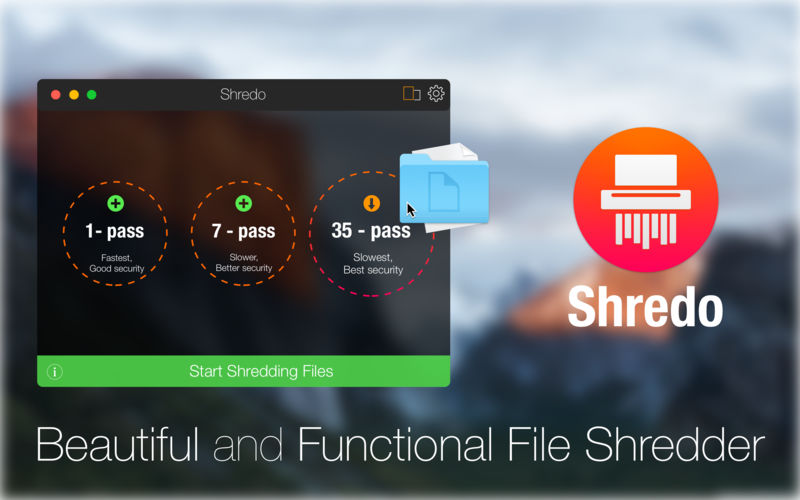
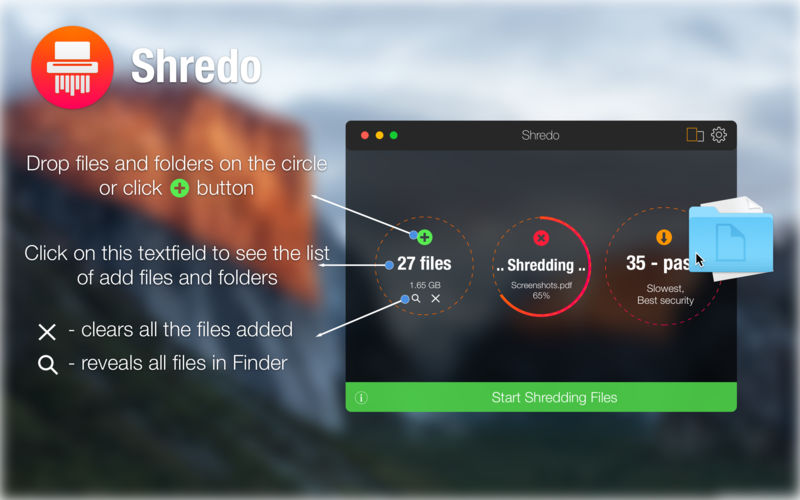
Shredo 1.2.8.2

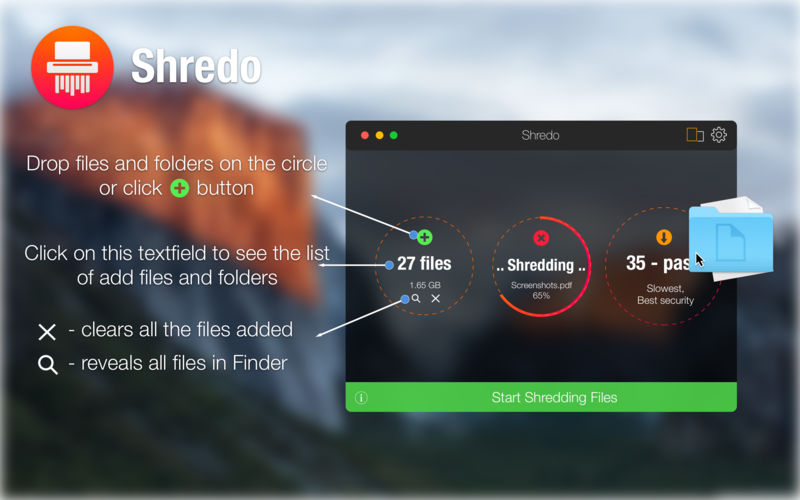
Shredo is a beautiful, functional file-shredding utility. It permanently shreds files, folders, and external volumes’ contents to keep information secure and impossible for anyone to retrieve. Depending on security level and data-erase speed, you have 3 shredding methods at your disposal:

  1. 1-pass – Offers good security and quickest erase of data. It deletes access information to your files and writes random bytes over the data once.
  2. 7-pass – Slower speed, but better security than 1-pass. Writes over data 7 times, based on US Department of Defence (DoD) 5220-20 M standard algorithms.
  3. 35-pass – Slowest, but offers the best security. Erases file access info and writes over the data 35 times, based on the Gutmann method for deletion.

Compatibility: macOS 10.10 or later 64-bit
Homepage https://mymixapps.com/shredo

Screenshots


Name: Shredo 1.2.8.2 [HCiSO]_Mactorrents.io.zip
Size: 8.55 MB
Files Shredo 1.2.8.2 [HCiSO]_Mactorrents.io.dmg[8.55 MB]

   Download

Better Trash 1.7.3

Better Trash is a trash manage app on macOS, it’s designed to help you solve problems that Trash can’t be emptied, clean up the trash automatically, view the original location of the trash item, and view the history record of emptying trash with Better Trash.

1. Have you ever encountered the Trash can’t empty?
• Force Empty Trash —can help you to delete the locked file or in use or other case from Trash.

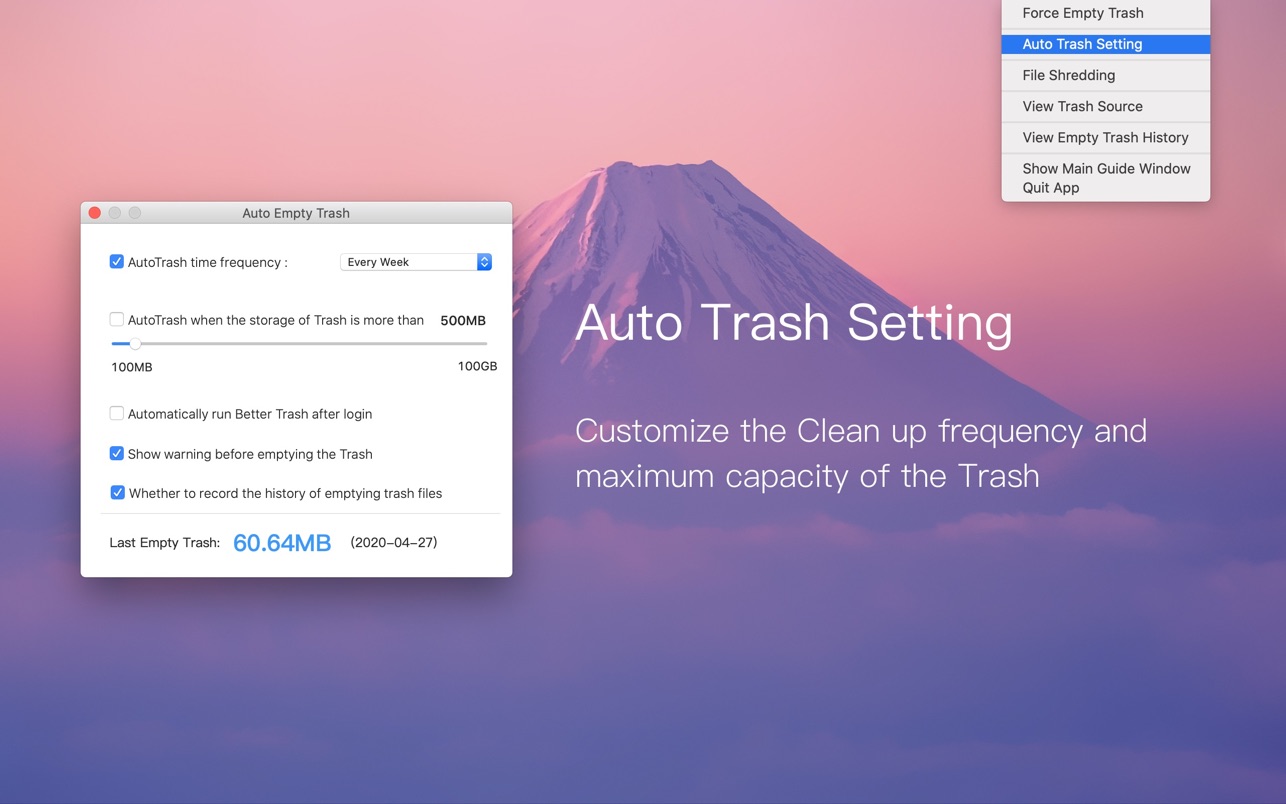
2. Empty trash automatically
• Auto Empty Trash —can help you to empty trash automatically.
• You can select When to empty by the different time frequency .
• Daily, 3 Days, Every week, Two weeks, Monthly, Two month.
• Or you can set the storage limit for the trash. For example: 500MB, 5GB, 10GB, 50GB and more….

When the trash exceeds the storage limit, it automatically empties the trash.

3. View Trash Source
• Check the original location and file permission of the trash file.

4. File Shredding
• You can select file and folder from the trash and other location to shred.

5. View Empty Trash History
• Record the history when you emptied trash with Better Trash, so you can restore the deleted item from the Time Machine backup.

Languages: English, French, German, Italian, Japanese, Portuguese, Russian, Simplified Chinese, Spanish, Traditional Chinese

-Fixed a bug in a multilingual version

Compatibility: macOS 10.9 or later
Mac App Store https://apps.apple.com/app/better-trash/id1361501814

Screenshots


Name: Better Trash 1.7.3 MAS [HCiSO]_Mactorrents.io.zip
Size: 4.39 MB
Files Better Trash 1.7.3 MAS [HCiSO]_Mactorrents.io.dmg[4.39 MB]

   Download

Lungo v2.1.0

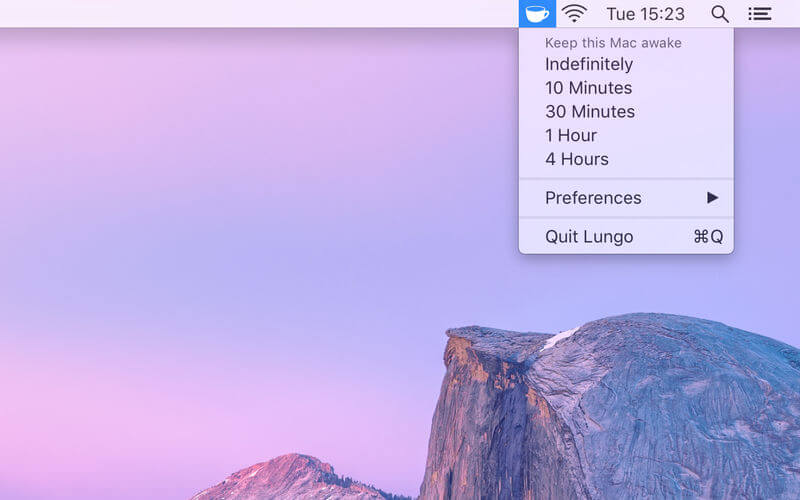
Lungo prevents your Mac from falling asleep and your screen from dimming. Important: Lungo will not prevent your Mac from sleeping if you close the lid. This is a Mac App Store limitation.

This can be useful when:

  • Doing a presentation at work.
  • Watching YouTube videos in non-fullscreen mode.
  • Cooking and having the recipe open on your computer.
  • Reading a long article without scrolling.
  • Using the screen to view live stats.
  • Monitoring progress on a long-running task.

Features:

  • Right-click the menu bar icon to quickly activate.
  • Choose to activate with left-click instead in the Preferences.
  • Choose to activate at launch in the Preferences.
  • Allow the display to sleep in the Preferences.
  • Set the default duration in the Preferences, which is used when Lungo is activated by clicking the menu bar icon.
  • Custom keyboard shortcut to activate/deactivate Lungo.
  • Deactivate automatically when disconnecting the power adapter (opt-in).
  • Shortcuts support.
  • Control Lungo from scripts or the terminal. (See the website for more info)

Compatibility: macOS 11.5 or late
Homepage https://geo.itunes.apple.com/app/id1263070803

Screenshots


Name: Lungo_2.1.0_MAS_[TNT]_Mactorrents.io.zip
Size: 6.55 MB
Files Lungo_2.1.0_MAS_[TNT]_Mactorrents.io.dmg[6.55 MB]

   Download

Export for iTunes 3.1.81

Export for iTunes lets you export your playlists and albums from iTunes to any local folder, external storage, SD card or USB drive! With Export for iTunes you can transfer easily your playlists to your car stereo or any other media player. Convert aac/m4a files to mp3 for best compatibility with most sound systems.

The app converts, copies and organizes your playlists’ and albums’ music files into folders, and creates the .m3u file that lets you play your playlist on any media player. For every album, you can include an image file with album artwork. You can browse and select which of your playlists or albums you want to export. See all playlist/album tracks with their metadata without opening the iTunes app. You can also export the track list from any album or playlist to Excel, so you can create a file with info about all your iTunes music. This iTunes export app let you preview and export metadata like: Title, Artist, Time, Album, Genre, File path, Kind, and Bitrate. The app does not modify your iTunes library.

Compatibility: OS X 10.11 or later • Apple Silicon or Intel Core processor
HMac App Store https://apps.apple.com/app/advanced-uninstall-manager/id1554279967

Screenshots

Name: Export for iTunes 3.1.81 MAS [HCiSO]_Mactorrents.io.zip
Size: 24.08 MB
Files Export for iTunes 3.1.81 MAS [HCiSO]_Mactorrents.io.dmg[24.08 MB]

   Download

iKuka 1.6

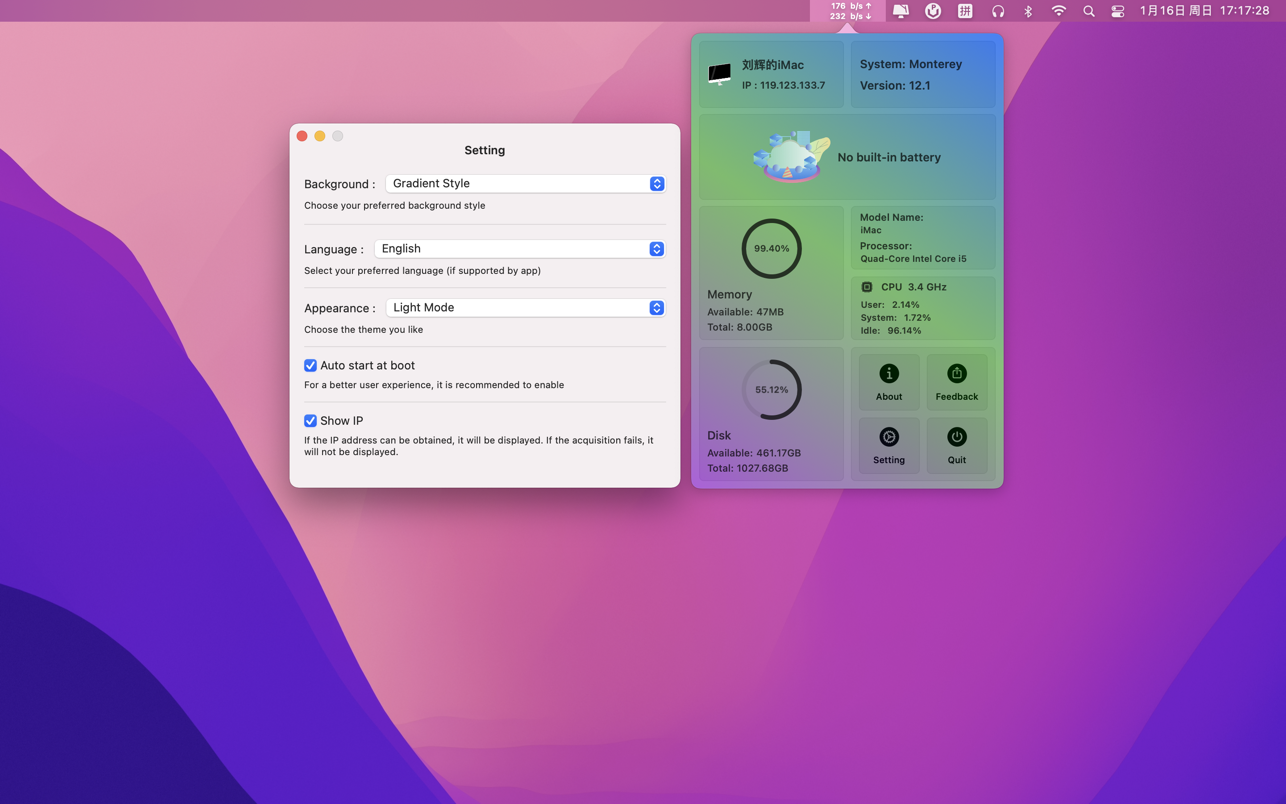
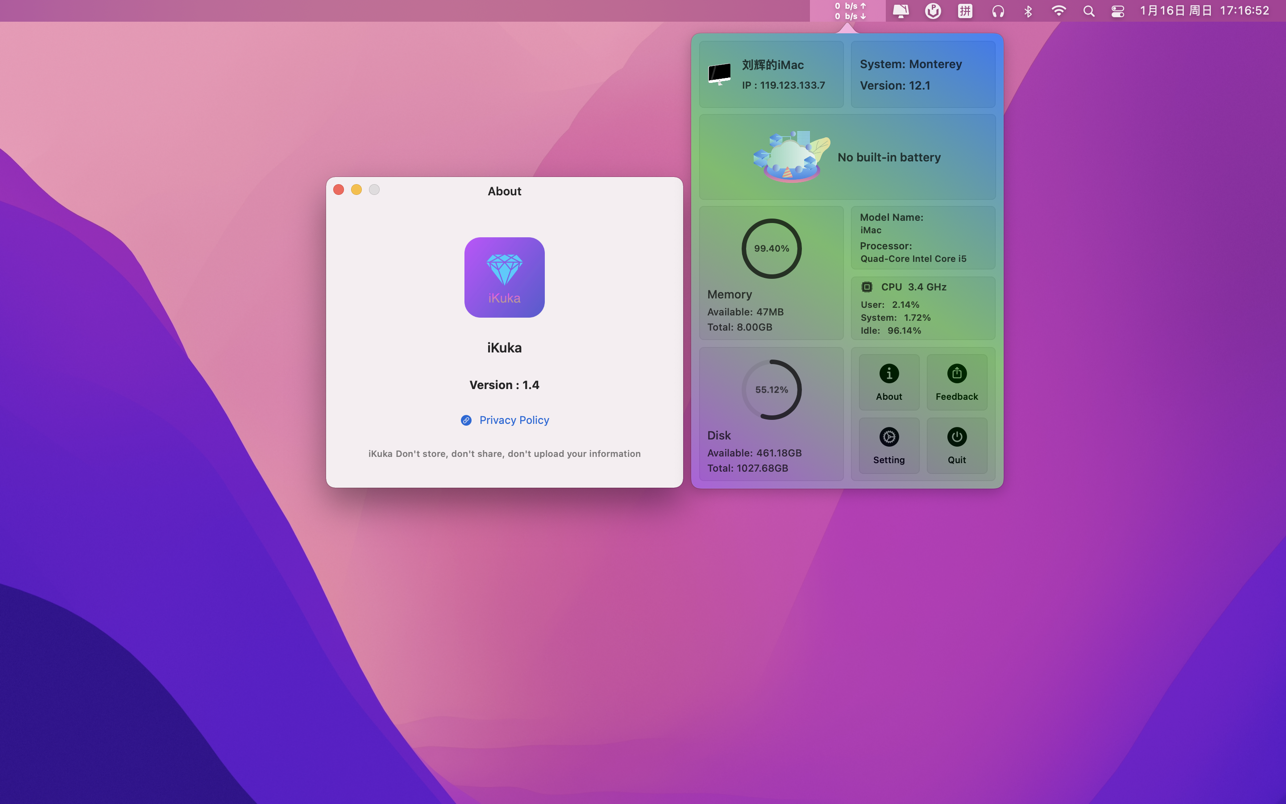
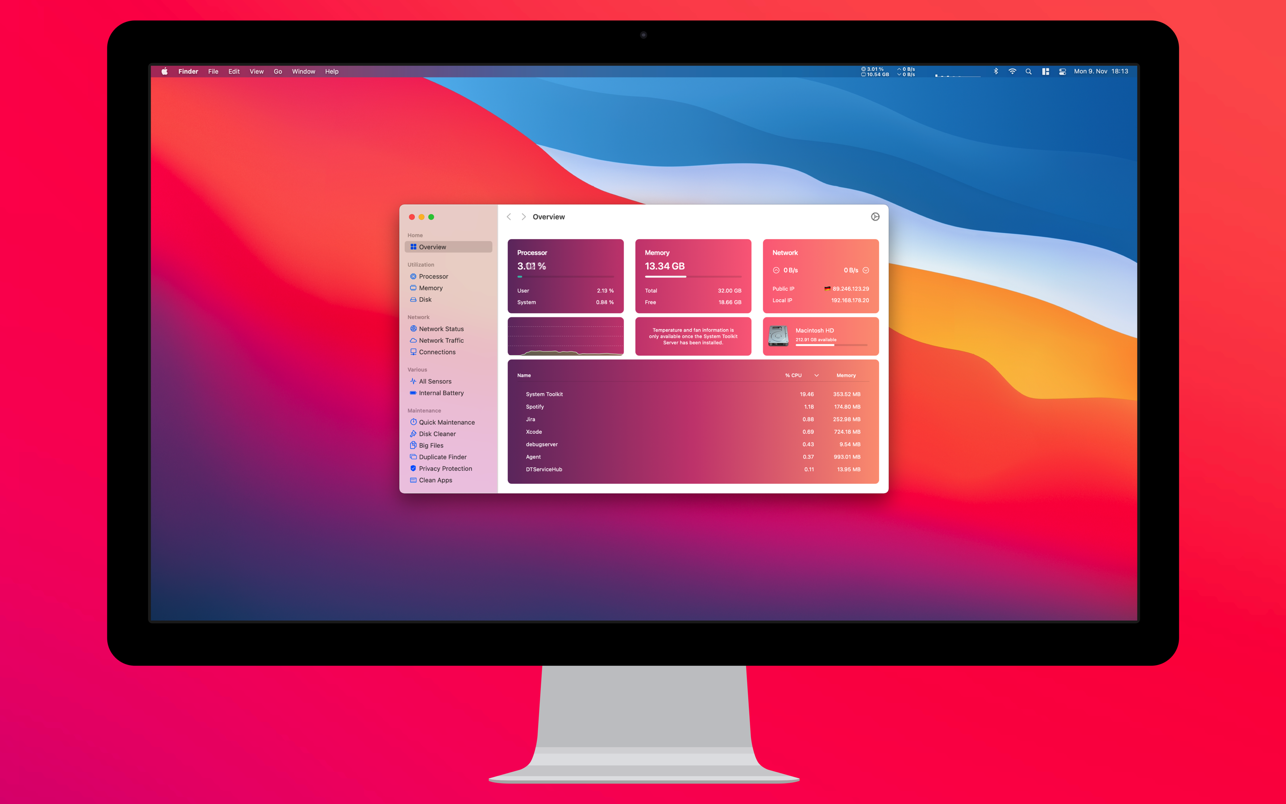
iKuka is a lightweight assistant application that can display your Mac’s network speed, battery, CPU, memory, IP and other information in real time.

Features
• Display the real-time network speed of Mac, clearly and clearly
• Display the real-time power of Mac, at a glance
• Display Mac memory CPU information to help you understand your Mac better
• Dark theme, light theme, follow the system, switch at any time
• Real-time local IP address acquisition
• Quickly set your preferred language in the app, support: Chinese Simplified, Chinese Traditional, English, Japanese, German, Malay
• Start-up, convenient and quick
• Built-in three styles of background – Gradient style, Big Sur style, Monterey style

[Tips]: After downloading, you can go to the settings to turn on the auto-start function at startup ~ This can avoid the trouble of manually starting the app every time the Mac restarts~

Compatibility: macOS 11.0 or later • Apple Silicon or Intel Core processor
Mac App Store https://apps.apple.com/app/ikuka/id1598140756

Screenshots


Name: iKuka 1.6 MAS [HCiSO]_Mactorrents.io.zip
Size: 7.86 MB
Files iKuka 1.6 MAS [HCiSO]_Mactorrents.io.dmg[7.86 MB]

   Download

Adobe Lightroom Classic v11.4

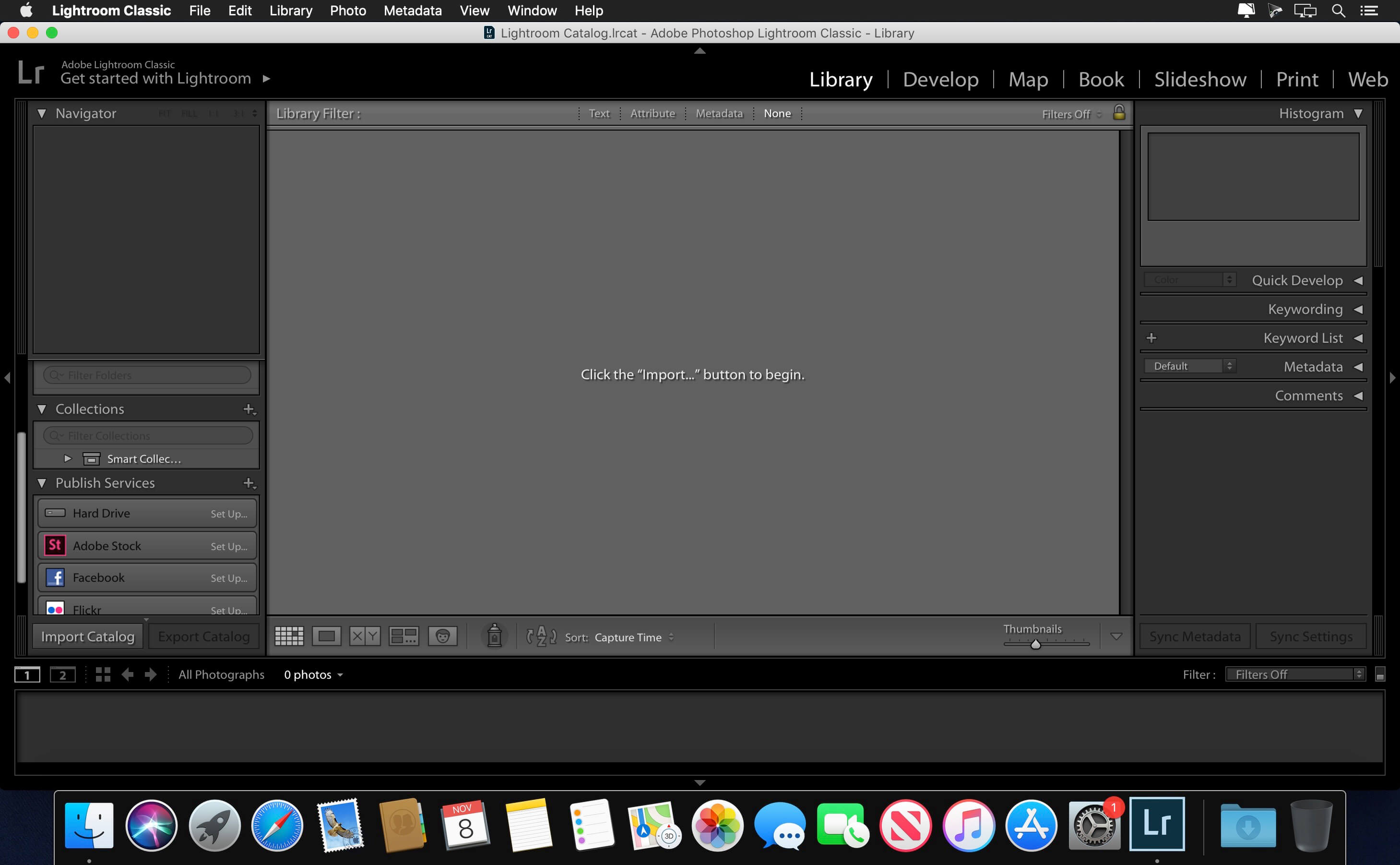
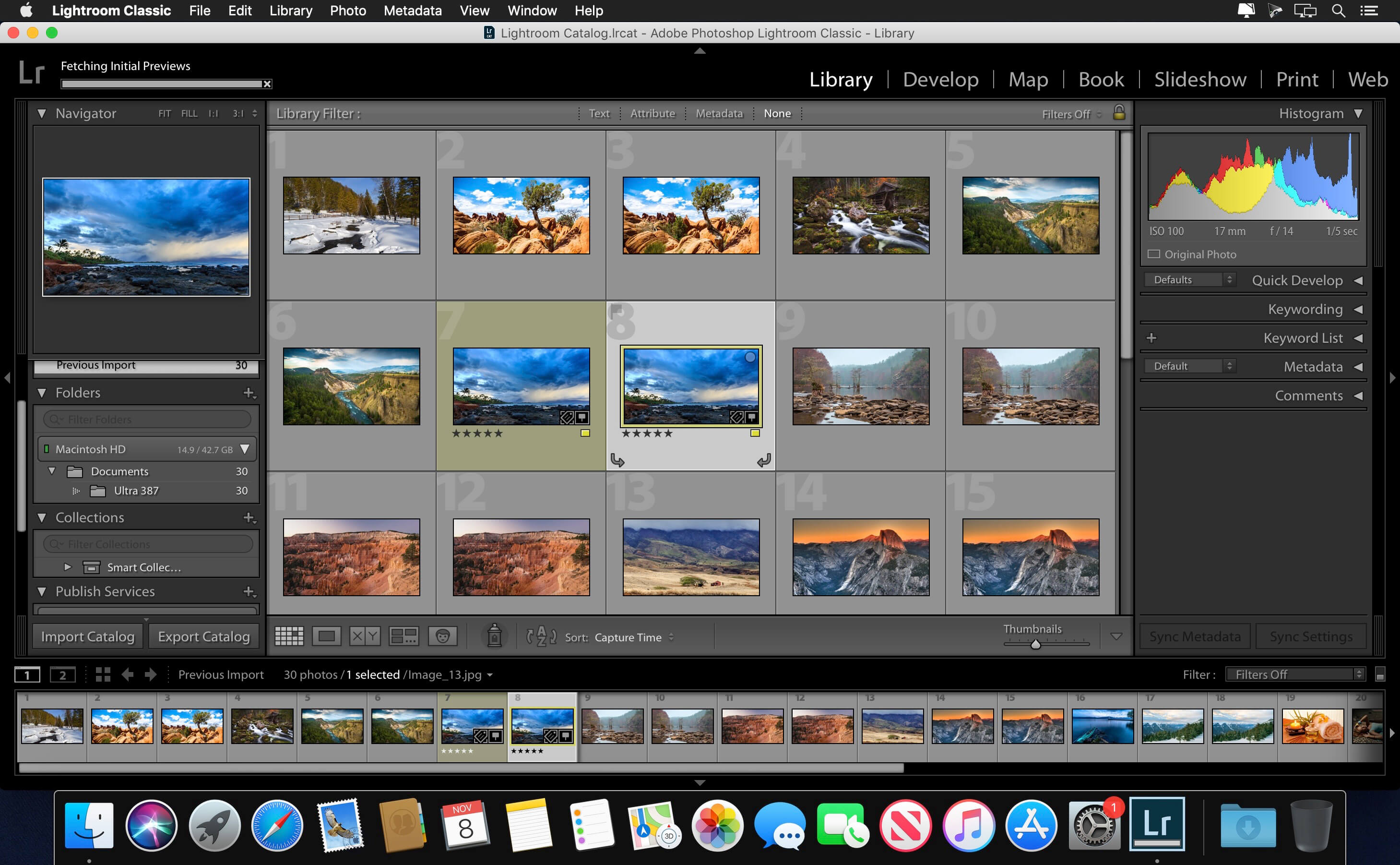
Adobe Lightroom Classic (was Adobe Lightroom) software helps you bring out the best in your photographs, whether you’re perfecting one image, searching for ten, processing hundreds, or organizing thousands.

Edit and organize your photos with the app that’s optimized for desktop.
Lightroom Classic gives you powerful one-click tools and advanced controls to make your photos look amazing. Easily organize all your photos on your desktop, and share in a variety of ways.

Create incredible images that move your audience. Experiment fearlessly with state-of-the-art nondestructive editing tools. Easily manage all your images. And showcase your work in elegant print layouts, slide shows, and Web galleries, as well as on popular photo-sharing sites. All from within one fast, intuitive application.

Your best shots. Made even better.
Your photos don’t always reflect the scene the way you remember it. But with Lightroom Classic, you have all the desktop editing tools you need to bring out the best in your photographs. Punch up colors, make dull-looking shots vibrant, remove distracting objects, and straighten skewed shots. Plus, the latest release offers improved performance so you can work faster than ever.

Compatibility: macOS 10.14 or later, 64-bit processor
Homepage https://www.adobe.com/

Screenshots


Name: Adobe Lightroom Classic v11.4 macOS_Mactorrents.io.zip
Size: 1.52 GB
Files Adobe Lightroom Classic v11.4 macOS_Mactorrents.io.dmg[1.52 GB]

   Download

Adobe InCopy 2022 17.3

Adobe InCopy 2022 – a program for the professional creation and editing of materials, closely associated with the program Adobe InDesign 2022 to improve the interaction of design teams and editors. Adobe InCopy 2022 is ideal for large projects where many people work on text and graphic design.

Adobe InCopy 2022 is part of Creative Cloud . Therefore, all the latest updates are available to its users, and access to new versions is available from the moment of their release. Improve your skills and master new tools with a large and constantly updated collection of training videos. Thanks to the integration with Behance, you can share your projects with other users and instantly receive feedback on your work from designers from around the world.

Advantages of Adobe InCopy:

  • Footnotes for multiple columns
  • OpenType improvements
  • Updated interface
  • Simplified work with glyphs
  • Placement in image tables
  • Simple addition of shading to the text; includes offset management tools and much more
  • Place Gun tool for adding frames to tables
  • New search command in the opposite direction
  • Preserving key combinations and settings when upgrading to the latest version
  • Improvements to footnotes for text transfer
  • Color swatch folders for improved sample management
  • Editing tables by dragging and dropping
  • Support for displaying high resolution objects and Retina display in Windows
  • Adobe Typekit integration
  • Typekit font synchronization
  • Font search optimization
  • Simplified New Hyperlinking
  • Different Pageviews When Editing
  • Improved flashing
  • “Save to the cloud” command, which allows you to work with files on any device
  • List of recently used fonts

What’s New:

Version 2022 v17.3:

Release Notes:

Language: Multilangual
Compatibility: macOS 10.14 or later 64 bit
Homepage https://www.adobe.com/

Screenshots


Name: Adobe InCopy 2022 17.3 macOS_Mactorrents.io.zip
Size: 838.14 MB
Files Adobe InCopy 2022 17.3 macOS_Mactorrents.io.dmg[838.14 MB]

   Download

Adobe InDesign 2022 v17.3

The next page in layout design. The industry-leading page design and layout app lets you create, preflight, and publish beautiful documents for print and digital media. InDesign has everything you need to make posters, books, digital magazines, eBooks, interactive PDFs, and more. Standout layouts. Only with InDesign. Whether you work in print or digital media, InDesign can help you create layouts that leap off the page.

Benefits of Adobe InDesign 2020:

  • New features add footnotes
  • Improvements to the OpenType
  • Control scale arrow pointers
  • Simplified search as Adobe Stock
  • New features the Creative Cloud the Libraries
  • Improving the Creative Cloud the Assets
  • Access to store Typekit the Marketplace
  • Integration with the Animate 2020
  • And more other

What’s New:

Version 2022 v17.3:

Release notes were unavailable when this listing was updated.

Language: Multilangual
Compatibility: macOS 10.13 or later 64-bit
Homepage https://www.adobe.com

Screenshots


Name: Adobe InDesign 2022 v17.3 macOS_Mactorrents.io.zip
Size: 943.79 MB
Files Adobe InDesign 2022 v17.3 macOS_Mactorrents.io.dmg[943.79 MB]

   Download

Live Home 3D Pro Edition 4.4

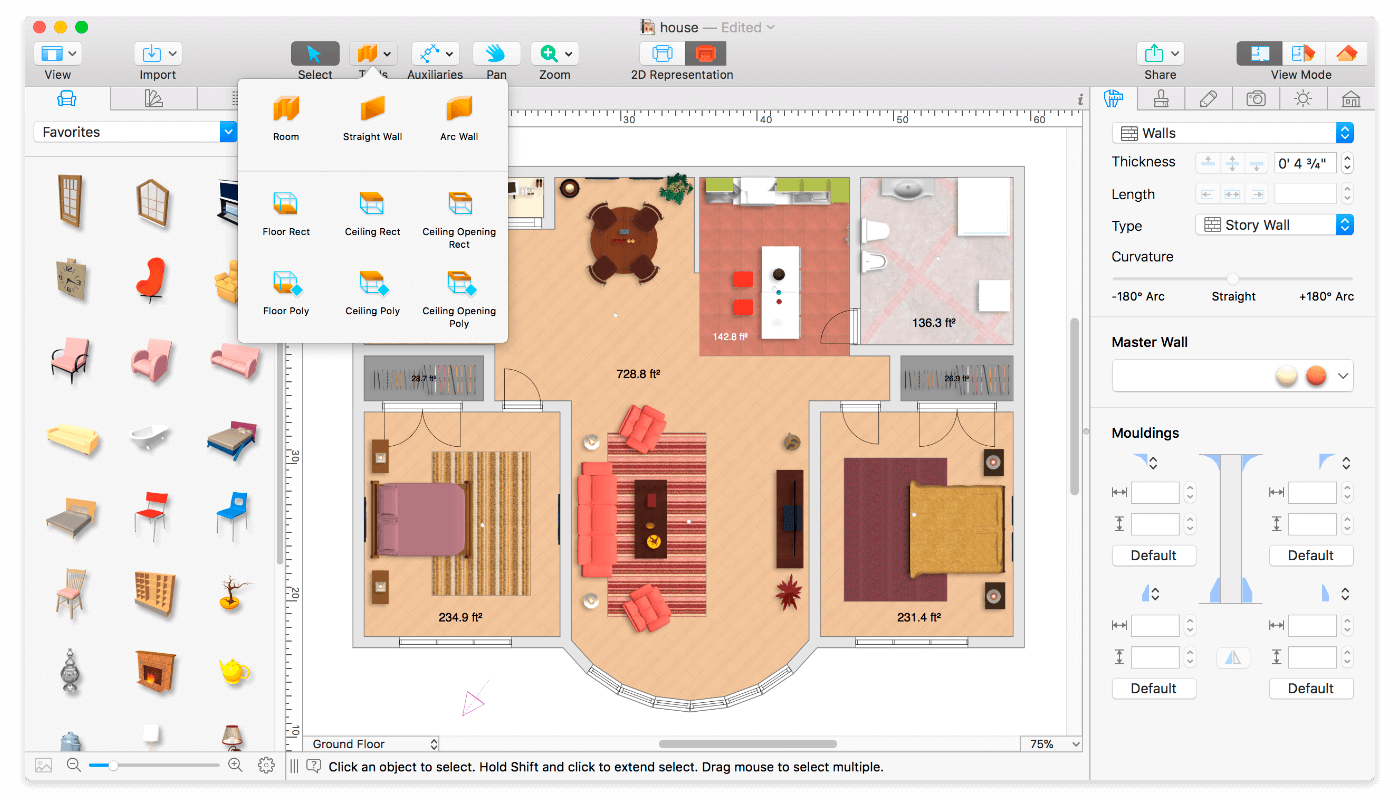
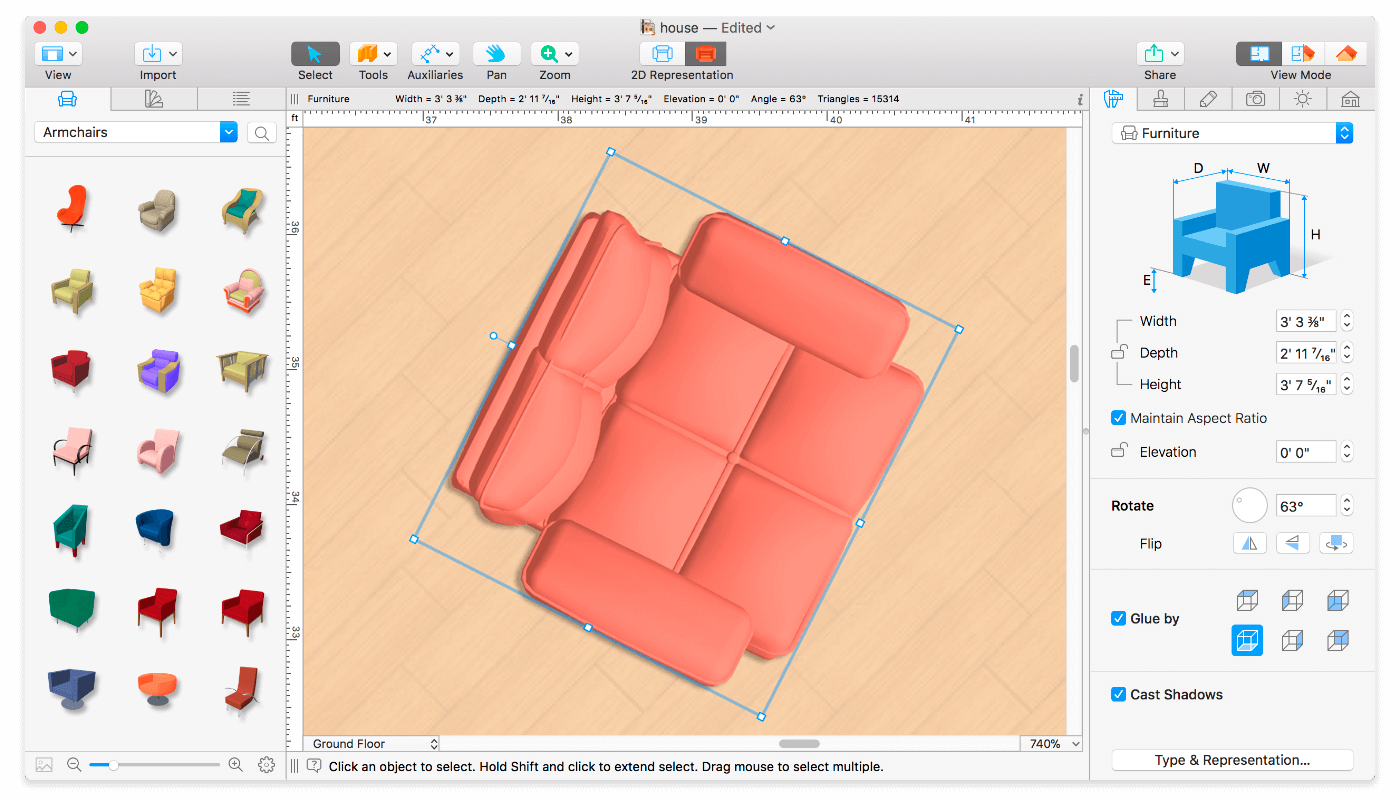
Live Home 3D Pro is the most intuitive and feature packed home design app suitable for homeowners and professional designers, a successor of Live Interior 3D. Besides offering advanced home design tools, Pro edition provides superior export quality and Elevation View mode.

General

  • Create detailed 2D floor plans.
  • Beautiful real-time 3D rendering.
  • Unlimited floor levels. (Pro edition only)
  • A collection of in-depth video tutorials.
  • Built-in Help Assistant and free, quick tech support service.
  • Project Gallery with house projects and sample rooms.
  • Native Support for Live Interior 3D Projects.

Floor Plan Tools

  • Draw complete rooms using Room tool.
  • Use Arc and Straight Wall tools for drawing walls.
  • Elevation view. (Pro edition only)
  • ‘Auto outline’ vector-based 2D representation for furniture.
  • View real-time measurements for walls, ceilings, and floors when drawing in 2D Plan view.
  • Select the necessary measurement units (inches, feet, meters, etc).
  • Use smart Dimension tool to set the distance between underlying objects or walls.
  • Precise positioning thanks to smart guides and object snapping.

Real-Time 3D Environment

  • Adjust the lighting, add and move objects, apply materials, and more right in 3D.
  • All changes, made in 3D or 2D, are rendered in 3D in real time.
  • Walk through your 3D interior.
  • FOV (field of view) and parallel camera projection. (Pro edition only)
  • Set multiple cameras to see the house from different point of views.
  • Achieve natural lighting by setting up true Geo position, daytime and overcast.
  • Adjust light fixtures throughout your project to get realistic lighting scene.
  • Light editor helps to add a light source to an imported objects. (Pro edition only)
  • Create corner windows and complex openings using the program advanced technology.
  • Level of details tool allows to optimize 3D object and speed up the project.
  • Professional Shadow Map technique makes shadows look soft and natural.

3D Models and Materials

  • 2,000+ furniture and other models.
  • Import models seamlessly from Trimble 3D Warehouse™ (previously Google 3D Warehouse™).
  • Edit furniture in SketchUp. (Pro edition only)
  • 2,100+ supplied materials.
  • Drag and drop any image from the Finder to apply it to any surface as custom material.
  • Advanced material editor. (Pro edition only)
  • Set the exact size of a material tile to know how much of the material is needed for your house renovation project.
  • Import objects in SketchUp, COLLADA, KMZ, FBX, OBJ or 3DS formats by simply dragging and dropping them into your project.
  • Polygonal-based Block tool for drawing balconies, porches, and more. (Pro edition only)

Roofs and Dormers

  • Roof Assistant with 12 customizable roof templates.
  • Custom shaped roofs. (Pro edition only)
  • Add custom segments to fully customize your roof.
  • 16 customizable dormers.

Export and Share the Result

  • Share the result to Facebook, Twitter, Vimeo or YouTube.
  • Export 3D views to JPEG, TIFF, PNG, and BMP (up to 16000 x 16000).
  • Share 360° Panorama JPEG images (up to Ultra HD) to Facebook.
  • Render a realistic video walkthrough (up to Ultra HD).
  • Create Stereo 3D Video, 360° Video and even Stereo 3D 360° Video.
  • Quickly send a copy of your project via Mail, Messages or AirDrop.
  • Export the entire project or selected objects to COLLADA, Trimble SketchUp™, VRML Version 2.0 or X3D format.
  • Export to 3DS, FBX, USDZ and OBJ formats. (Pro edition only)

Compatibility: macOS 10.14 or later, 64-bit processor
Homepage https://www.livehome3d.com/

Screenshots


Name: Live Home 3D Pro 4.4 [HCiSO]_Mactorrents.io.zip
Size: 442.42 MB
Files Live Home 3D Pro 4.4 [HCiSO]_Mactorrents.io.dmg[442.42 MB]

   Download

Elmedia Player 8.5.0

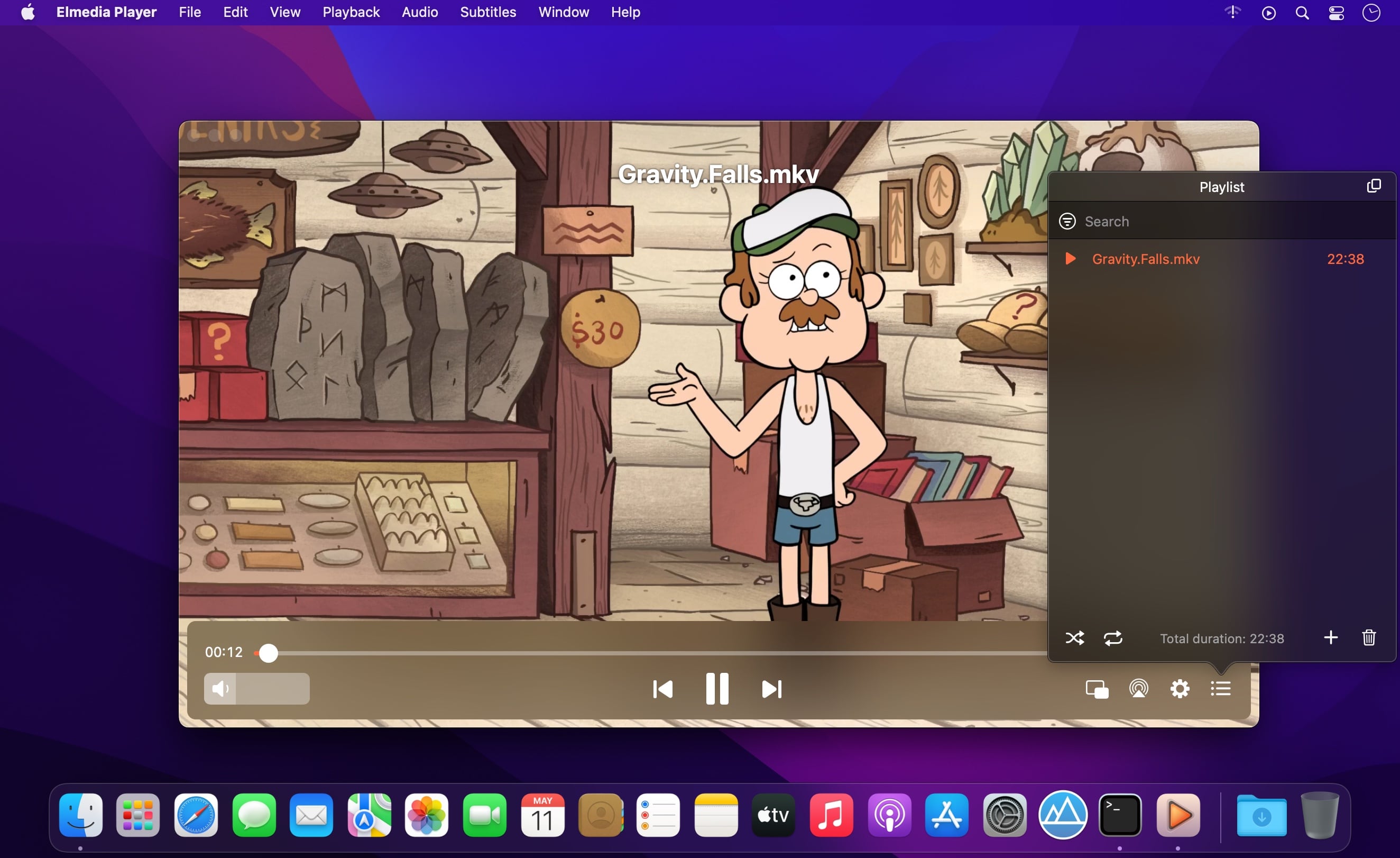
Elmedia Player is a video and audio player that will play virtually any file you throw at it, be it MP4, AVI, MOV, SWF, DAT, MKV, MP3, FLAC, M4V, FLV or any other common format. No need for additional codecs, plugins – this app has everything you need for your files playback.

Elmedia Player guarantees a perfectly smooth HD experience thanks to hardware accelerated decoding.

Highlights:
Elmedia Player proudly offers:

  • Video and audio playback options
  • Supports multiple audio tracks, including embedded ones as well as external audio files.
  • Full-screen mode that even offers you a choice, which monitor will be showing the full-screen video.
  • Native volume control.
  • Creation and easy control over playlists.
  • The player can be conveniently pinned on top of all active apps.
  • Fit the image to screen.
  • The playback speed is easily adjusted.
  • Play the selected video or audio segment in a continuous loop.
  • Choose which external audio tracks or subtitle files the player will load: all with movie name, same name as movie or all in directory.

Stream local files to Chromecast, Apple TV, Smart TV and other AirPlay and DLNA-certified devices.
With Elmedia Player installed on your Mac you’ll be able to effortlessly stream local video and audio files to Samsung TV, LG TV, Sony TV, as well as many other smart TV sets.

Great streaming features offered by Elmedia:

  • Streams audio and video files in their native formats or transcoded in real time.
  • Supports streaming of up to 4K videos to compatible devices (Chromecast Ultra, Apple TV 4K, etc.).
  • Supports subtitles (both embedded and external).
  • Streams content from YouTube, Dailymotion and Vimeo without ads (via the Open Online Video option).
  • Supports playlists (create your very own playlists for uninterrupted streaming).
  • Control your streaming in the app. You can play, pause, seek, or stop the video playback. When streaming to Chromecast or DLNA devices you can also adjust the volume in player.

You can also use Elmedia Player as an audio receiver for AirPlay, which comes in handy when you need to stream audio from your phone to a Mac connected to larger speakers.

Integrated subtitles search
We have integrated Elmedia Player with opensubtitles.org service, which allows you to find any subtitles available there in a couple of clicks without leaving the player.

Flexible video & audio settings

  • Flip vertically, rotate, mirror videos or revert to original.
  • Adjust video brightness, contrast, saturation, and more.
  • Sync subtitles to the video in case it wasn’t in sync originally.
  • Choose the language for audio and subtitles when files have multiple subtitles and audio streams.
  • Adjust the sound for different genres, rooms, or specific speakers with the audio equalizer. Select one of the presets or create your own.
  • You can set an output device for audio; for advanced users: transmit AC-3/DTS through S/PDIF.

Supported formats

  • Audio: mp3, m4a, wma, aac, ac3, aiff, ape, flac, mka, ogg, pcm, ra, vaw, waw, wav, aif, oga, caf, midi, mid, acm, dts, mpa, webm
  • Video: 3gp, avi, mp4, mpeg, vob, flv, mov, mkv, 3iv, asf, fli, m1v, m2t, m2ts, m2v, m4v, mp2, mpg, mpg2, mpg4, mpv, mqv, nut, nuv, nsv, qt, ram, rec, rm, rmvb, ts, vcd, vfw, wmv, webm, rv, f4v, ogv, ogm, divx, asx, dat, tp, mjp, yuv, xvid, vc1, mtv, mxf, qtz, dv, hdv, 3g2, mts
  • Subtitles: utf, srt, ass, smi, txt, ssa, smil, jss, rt, idx, sub, xml

Watch online videos and make screenshots

  • Access YouTube, Vimeo, and Dailymotion videos directly from the app without bringing up a browser; no noisy ads to distract you with Open Online Video option.
  • Make a screenshot of any moment in the movie or make an entire video into a set of images. Set the preferred interval between screenshots.

Compatibility: macOS 10.12 or later
Mac App Store https://geo.itunes.apple.com/app/id1044549675

Screenshots


Name: Elmedia_Player_8.5_(3120)_[TNT]_Mactorrents.io.zip
Size: 90.93 MB
Files Elmedia_Player_8.5_(3120)_[TNT]_Mactorrents.io.dmg[90.93 MB]

   Download

Movavi Video Converter 22 Premium 22.5.0

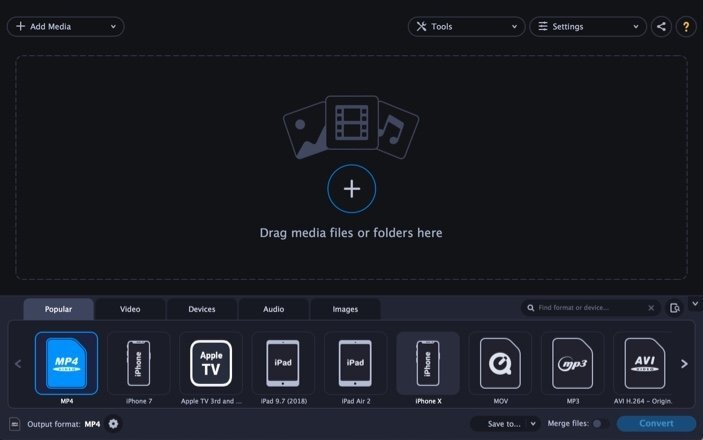
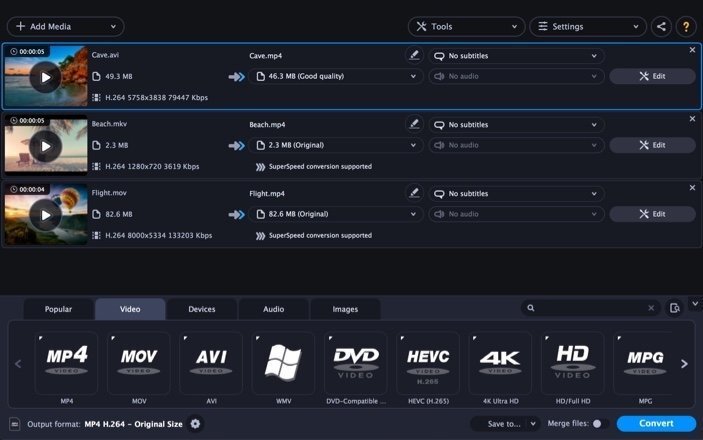
Movavi Video Converter is a video and audio file converter. Convert video and audio on your Mac. Save videos for watching on your portable device. Extract soundtracks from video. And much more…

Here’s just a taste of what you can do with Movavi Video Converter:

  • Convert video and audio files between popular formats: AVI (including DivX, XviD, and other codecs), MPEG 1,2, MP4 (including H.263, H.264, and other codecs), 3GP (3GPP, 3GPP2), Flash (FLV) as well as MP3, WAV, OGG, AAC, and FLAC.
  • Use the ready-made presets for popular media players: iPod, iPhone, PSP, Apple TV, Epson, BlackBerry, and more.
  • Fine-tune any output format settings to get exactly the results you want.
  • Join multiple videos and combine them into a single movie.
  • Save time with our ultra high-performance video converting technology.

Compatibility: macOS 10.10 or later
Homepage https://www.movavi.com

Screenshots


Name: Movavi_Video_Converter_22_Premium_22.5.0_[TNT]_Mactorrents.io.zip
Size: 75.87 MB
Files Movavi_Video_Converter_22_Premium_22.5.0_[TNT]_Mactorrents.io.dmg[75.87 MB]

   Download

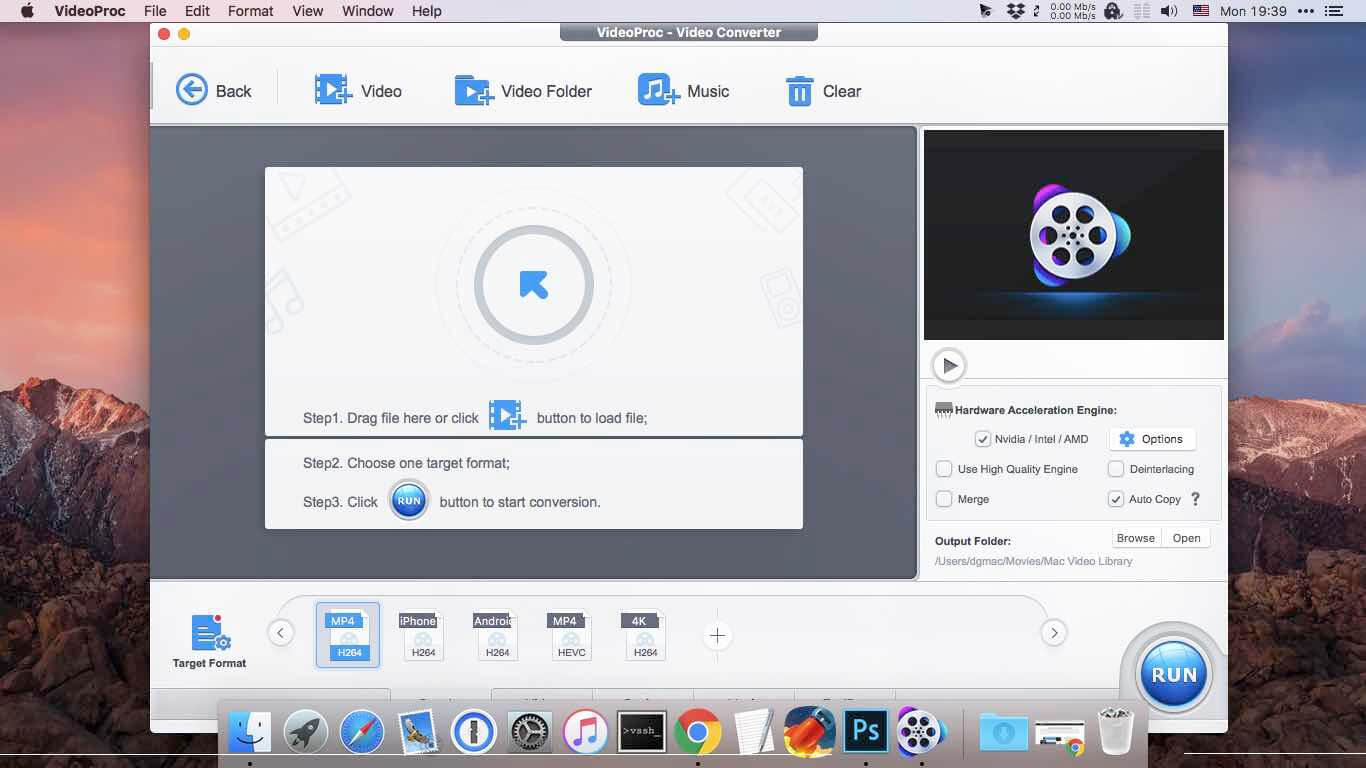
VideoProc Converter 4K 4.8

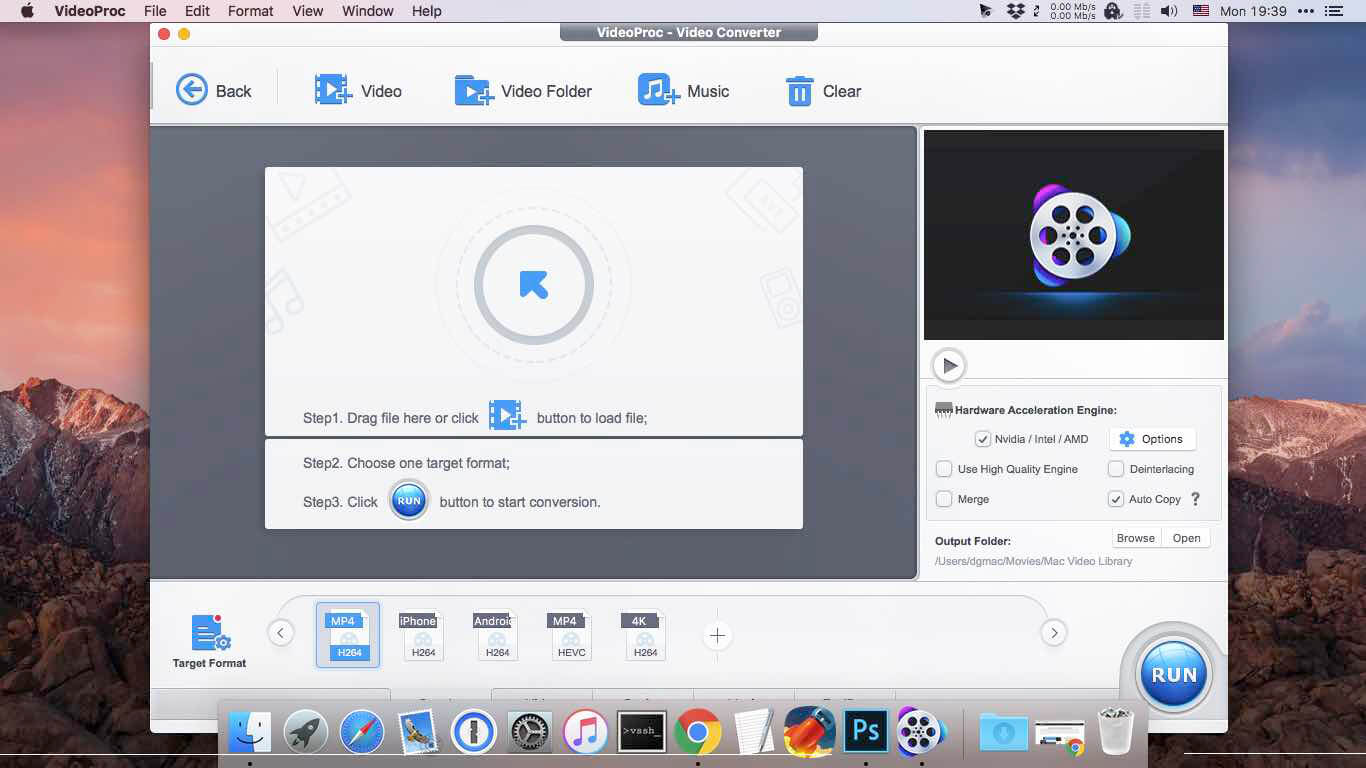
One-Stop Video Processing Software. The simple solution to batch download UHD/HD videos, audios, playlists; convert, edit and record with 47X faster GPU hardware-accelerated speed.

Supporting up to 370 codecs, VideoProc 4K accepts any video format and can effortlessly carry out the video conversion tasks. All the videos from iPhone, Android, cameras, drones or GoPro will be processed smoothly while keeping the best possible quality.

What’s New:

Version 4.8:

  • Release notes were unavailable when this listing was updated.

Compatibility: OS X 10.10 or later 64-bit
Homepage https://www.macxdvd.com/mac-video-converter-pro

Screenshots


Name: VideoProc_Converter_4K_4.8_[TNT]_Mactorrents.io.zip
Size: 51.03 MB
Files VideoProc_Converter_4K_4.8_[TNT]_Mactorrents.io.dmg[51.03 MB]

   Download

VideoProc Converter 4.8

New video processing software designed to cut, trim, merge, adjust, transcode, edit 4k video with full hardware acceleration.

VideoProc (former MacX Video Converter Pro) achieves the record-setting “FIRST” in video processing industry – crafting the easiest video editor, together with DVD video converter, downloader, and recorder at the core. All engineered for the 4K UHD era, it is your must-have video toolbox to handle even the most demanding tasks from HD to 3D, UHD 4K, 5K and 8K, no matter it is from iPhone, GoPro, Dji, Samsung, YouTube, DVD disc or other sources. Process your media files to fit YouTube, Facebook, Instagram, iPhone, iPad, TV, PS4, etc, edit raw footages flexibly into more engaging stories, backup and rip a full DVD in 5 minutes, all finished at world’s fastest speed, without compromising quality.

Accept Every Media with the Largest Codec Library
VideoProc works on video and audio files from iPhone, iPad, GoPro, DLSR, Dji drones to discs, internet websites and others. The leading 370+ codec library provides industry’s broadest support for nearly every major formats used in consumer and professional worlds today. It goes beyond the current mainstream SD/HD videos, all the way up to UHD 4K, 5K and 8K clips. Import media with no extra codecs required.

Supported video formats: MP4, MOV, HEVC, H.264, MPEG4, AVI, WMV, FLV, MKV, MTS, M2TS, TS, AVCHD, MOD, etc.
Supported audio formats: MP3, AAC, AC3, FLAC, iPhone ringtone, etc.

Industry-leading Editor for Every Skill Level
Unique in industry, VideoProc houses everything newbies or seasoned editors need to produce studio-quality films like a pro. Tell a story, make travel videos for YouTube, or create home movies. Import the footages and trim, cut, crop, and add effects or subtitles right away. You will find the most complete one-click options to stabilize, denoise, split, merge, make animated GIFs, remove fisheye, convert 3D to 2D, copy MKV and etc.

Convert Videos to Any Format You Name
VideoProc delivers the widest range of output formats, covering from MP3, AAC, AC3, to MP4, MOV, MKV, H.264, MPEG4, etc.

It offers the largest device-specific profiles (up to 420), running the gamut from phones, tablets, TVs, to game consoles. This regularly updated library lets you convert any video to a file perfectly sized for even the latest iPhone X, Apple TV 4, iPad Pro or so, without tinkering with the complex settings manually. The mammoth profiles also ready your video clips for uploading to YouTube, Facebook, Instagram, etc without a hitch.

Rip a Full DVD in 5 Mins [Support 99-Title Discs]
Experience the most powerful processing solution for DVDs/ISO/folders of any kind. Freely backup movie collections in 5 modes, make 1:1 copies, digitize disc to mainstream formats and move DVD movies to mobiles with one click. Flawlessly convert new movies, 99-title DVDs, damaged & unplayable discs, other DVDs. No more DVD ripping failure or crashes thanks to the market-leading DVD analysis algorithm and title check mechanism. Rip a full DVD in 5 minutes only.

Download Video/Music from YouTube & 1000+ Sites
VideoProc is equipped with a fuss-free YouTube downloader that can download videos from 1000+ sites like YouTube, Facebook, Vimeo, Dailymotion, etc. Save videos, songs, playlists, TV shows, movies, gameplays, cartoons in 4K, Full HD 1080p/720p or so and convert YouTube to MP3, AAC, MP4, etc, so you can tailor it for use on whatever device.

Make a backup of online videos for safekeeping and watch videos offline without distracting ads or battling with slow network.

Capture Everything on Screen to Share with World
The screen recorder for Mac is ideal for recording anything on your screen (specific region or full screen), from gameplay, webinars, online streams, tutorials, Skype calls, live chats, to visual presentations.

You can record video from iPhone, webcam, or screen and computer camera simultaneously, pair your creation with sound and save it as standard MP4, AVI, MOV, MKV, etc.

Reduce 4K/HD File Size by 90% Smaller
VideoProc delivers a fast 4k video processing and allows you the full control on the output file size. Compress HD/4K videos to be up to 90% smaller for YouTube, Email or so. Ease the intense strains on storage with an industry-leading compression engine.

Upscale HD to 4K for sharper image – Beyond SD to HD, VideoProc offers a full set of resolutions, bit rates, conversion quality, codecs etc. to improve quality from HD to 4K for 4k TV or UHD screens, thanks to the 4K upscaling algorithm.

Compress 4K to HD/SD for smaller size – Scale down 4K to HD 1080p or lower video resolution, allowing UHD videos to reach almost any screen with immersive ulra-HD quality yet smallest sizes.

Decode & Encode HEVC/H.265 with No Burden
VideoProc is in the lead in processing High Efficiency Video Coding/H.265. Hardware-accelerated HEVC transcoding helps 4K videos go to your screen in unparalleled speed. No more hang-up, lengthy wait or high CPU usage under HEVC workloads anymore.

Decode HEVC: Convert HEVC/H.265 to H.264, MP4, MOV, etc for better compatibility.
Encode HEVC: Encode MKV, MTS, M2TS, AVCHD, H264, especially the large 4K UHD videos into HEVC for half the size with untouched quality.

What’s New:

Version 4.8:

  • Release notes were unavailable when this listing was updated.

Compatibility: macOS 10.10 or later
Homepage https://www.macxdvd.com/mac-video-converter-pro/

Screenshots


Name: VideoProc_Converter_4.8_[TNT]_Mactorrents.io.zip
Size: 51.01 MB
Files VideoProc_Converter_4.8_[TNT]_Mactorrents.io.dmg[51.01 MB]

   Download

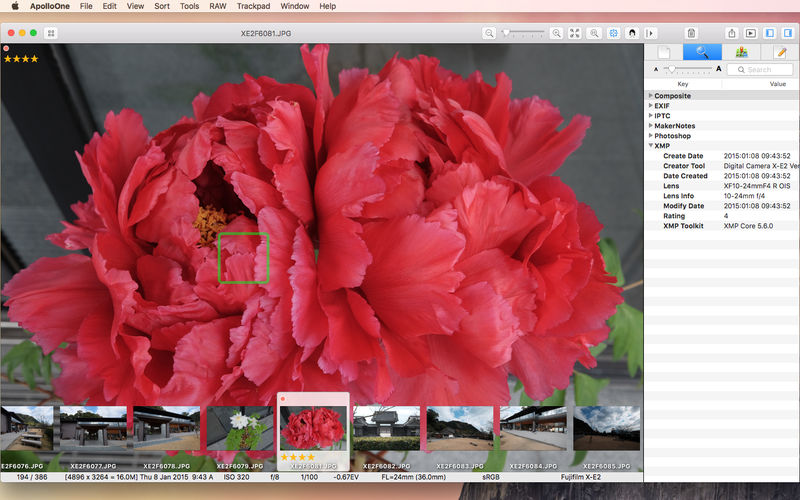
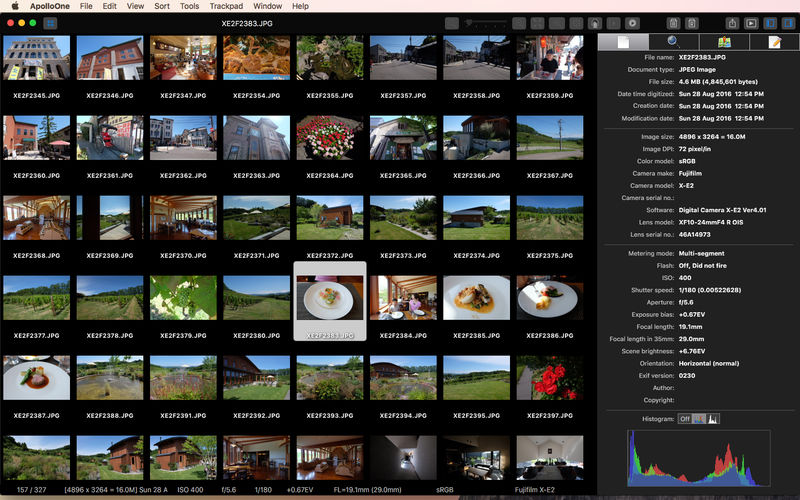
ApolloOne 3.0.8

ApolloOne is a powerful image viewer and manager designed for the seasoned amateurs and professional photographers. The design objectives are ease of use and speed – and lots of it. Arguably the fastest image viewer ever created for the macOS (1), it works with your existing folder structure without ever needing to import files into a database. It offers a comprehensive set of tools for the photographers: smart memory card imports, displaying camera AF points, rating and culling images, managing metadata, searching and filtering, batch renaming, and much more.

IMAGE VIEWER FEATURES:

  • Native support for Intel and Apple M1 Macs.
  • Easy to use interface with unique HUD display – maximizes image display area, especially on a Macbook.
  • Browsing history for quickly switching between multiple events or projects.
  • Rotate, mirror, flip photos and videos instantly. Correct orientation of JPEGs without altering image data.
  • Split View with synchronized zooming and scrolling for fast image comparison.
  • EXIF metadata inspector with search and edit features. Add tags to your favorite list for quick filtering.
  • User customizable Toolbar.
  • Slideshow with iTunes/Apple music playback and Laser pointer support.
  • Video playback with frame stepping controls.

IMAGE MANAGEMENT FEATURES:

  • Import files from memory cards, batch resize, batch rename, batch export and batch image format conversion.
  • Support reading and writing images in HEIC format.
  • Perform image cropping and simple RAW image adjustments.
  • Tag and rate files for copy, move and delete operations. You can tag or rate files quickly using keyboard shortcut keys. File rating uses IPTC/XMP compatible Rating fields.
  • Keywords management, keyword completion when inputting keywords for images. Filter and search by keywords or other metadata.
  • Extensive file filtering options. Filter files by searching metadata with optional regular expression matching.
  • A set of EXIF tools for changing, shifting creation dates, synchronizing XMP metadata, removing metadata and more.

EXCLUSIVE FEATURES:

  • Display camera AF points and detected faces; magnify and cycle through AF points quickly for checking on focus (2).
  • Filter files by GPS distance or by GPS altitude (ie: drone photos). Measure distance between two photos based on embedded GPS coordinates.
  • Batch rename uses GPS coordinates to retrieve city and country name as part of the rename criteria. RAW and all associated files are renamed as a group, not as separate files.
  • Ability to delete the RAW file together with the JPEG file, or delete just the RAW file, leaving the JPEG file alone. Files can be recovered from the Trash with the Put Back function (3).

OTHER PRODUCTIVITY FEATURES:

  • Context menu for frequently accessed functions. Ability to send images, including RAW files and videos to external editors.
  • Sharing with iOS devices via AirDrop.
  • Accurately capture video frame as JPEG image.
  • Full support of Trackpad, Magic Mouse, and 3rd party mouse with scroll wheel (4).
  • Support SRT subtitle file for video playback.
  • Ability to play animated GIF files.
  • Focal length conversion to 35mm film.
  • UI is localized in 11 languages (English, French, German, Dutch, Italian, Spanish, Polish, Japanese, Traditional Chinese, Simplified Chinese and Korean).

What’s New:

Version 3.0

  • NEW! Batch Image Resize and Format Conversion function.
  • NEW! Batch Image Export.
  • NEW! Crop, resize and export images in HEIC format.
  • NEW! Import files from memory cards.
  • NEW! Combine JPEG+RAW, Files other than RAW, RAW Only and All Files Display Modes.
  • NEW! Split View for side-by-side image comparison.
  • NEW! EXIF Toolbox functions: Set EXIF Digitized Date to File Creation Date and Sync XMP Sidecar File to Image.
  • NEW! Browsing History for quickly switching between multiple events or projects.
  • NEW! Favorite Exif Tags in the Inspector.
  • NEW! Search files with any Exif Tags in the Inspector with RegEx support
  • NEW! Keywords Management and Keywords Filter in the Inspector.
  • NEW! Original Filename and Timeline rule for Batch Rename.
  • NEW! Color temperature and tint adjustments for RAW images.
  • NEW! Filters for video files, RAW files, GPS Distance Measurement, GPS Altitude Distance and inverting filter.
  • NEW! GPS Display Format selections and GPS Distance Measurement functions.
  • NEW! “New Folder with Selection” in the Browser’s context menu.
  • Enhanced “Edit Metadata…” functionality.
  • Direct file rename from the thumbnail.
  • Improves file deletion functionality.
  • Updates ExifTool to version 12.39.
  • Enhancements and bug fixes.

In-App Purchases: Full Version – included

Compatibility: macOS 10.12 or later (Apple M1 compatible)
Mac App Store: https://geo.itunes.apple.com/app/id1044484672

Screenshots


Name: ApolloOne_3.0.8_MAS_In-App_[TNT]_Mactorrents.io.zip
Size: 25.47 MB
Files ApolloOne_3.0.8_MAS_In-App_[TNT]_Mactorrents.io.dmg[25.47 MB]

   Download

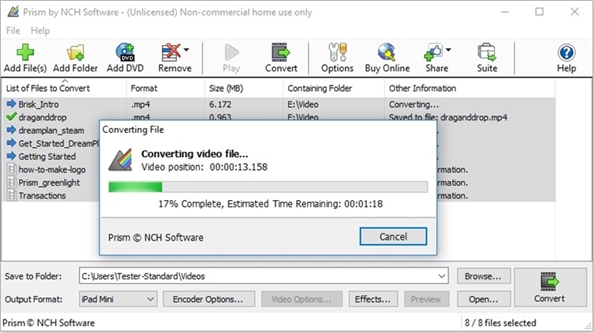
Prism 9.4.0

Prism is a powerful combination of biostatistics, curve fitting (nonlinear regression) and scientific graphing in one comprehensive program. Easily organize, analyze and graph repeated experiments; pick appropriate statistical tests and interpret the results.

Prism introduces brand new ways to organize, analyze, and graph your data, all while making the process easier and more intuitive. Powerful new analyses and graph styles provide more ways than ever to process and present your data, while familiar features have received comprehensive improvements to enhance and streamline your work. Despite all the changes, Prism is still Prism so you can be productive right away.

What’s New:

Version 9.4.0:

  • Release notes were unavailable when this listing was updated.

Compatibility: macOS 10.11 or later
Homepage http://www.nchsoftware.com/prism/index.html

Screenshots

Name: Prism_9.4.0_[TNT]_Mactorrents.io.zip
Size: 76.62 MB
Files Prism_9.4.0_[TNT]_Mactorrents.io.dmg[76.62 MB]

   Download

EXIF Sync 1.9.4

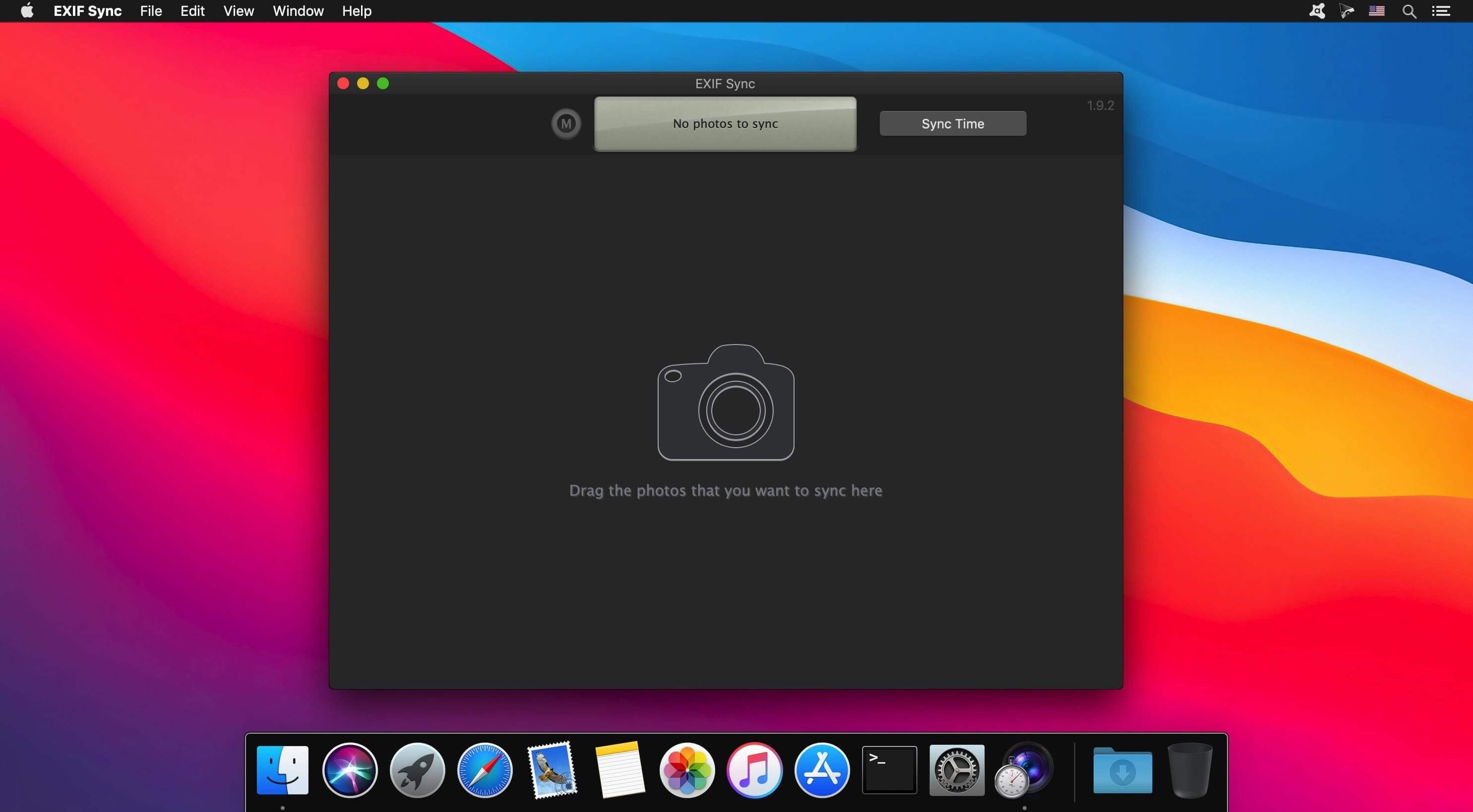
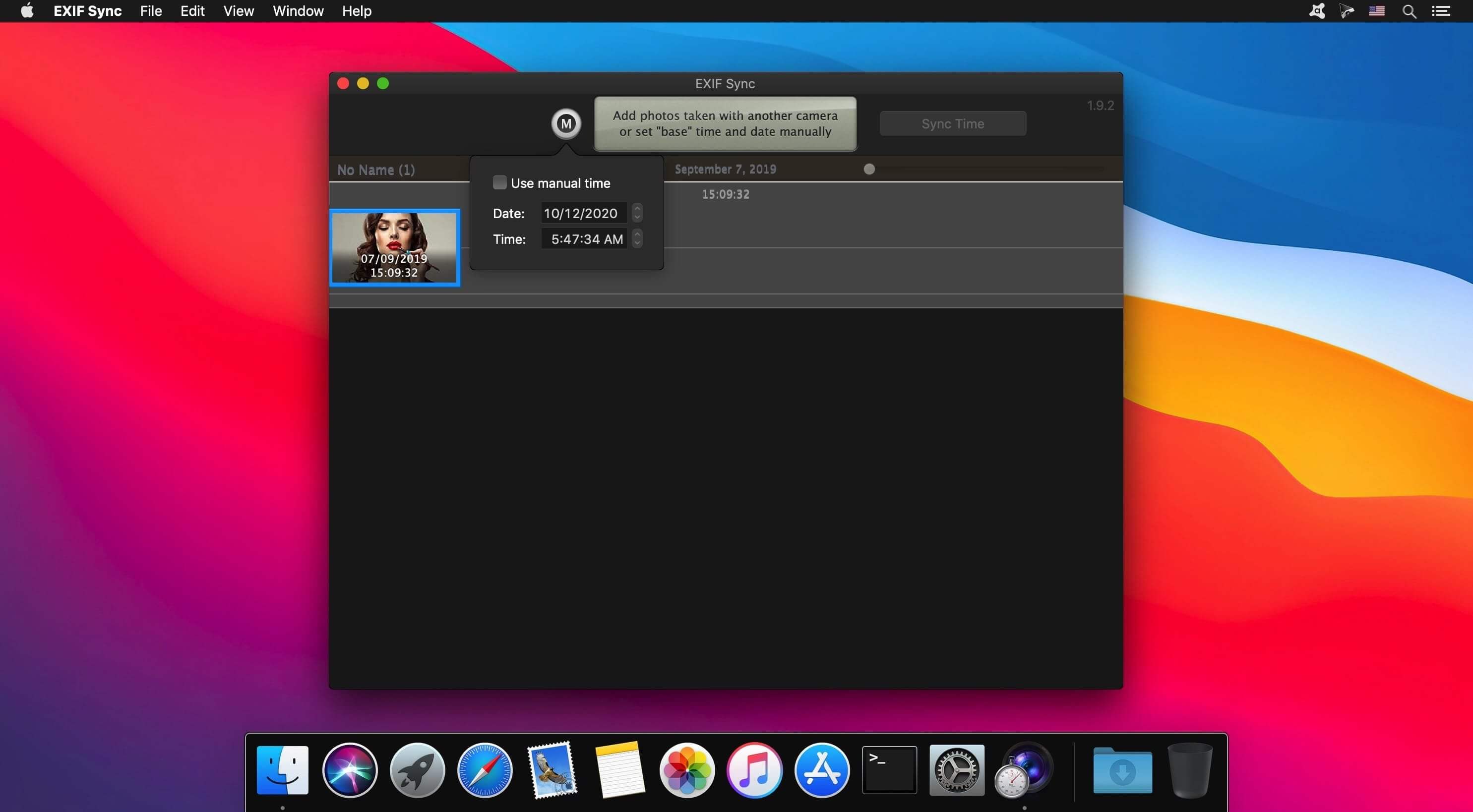
The ultimate tool to correct the EXIF time in images from various sources. Modern digital cameras store information about the time when each shot was taken directly within the image files. This data is used, for example, to sort photos in the correct order.

People often use several cameras to photograph the same event, such as an exhibition, a party, or a trip. Each of the cameras used may have a different date and time set, and it may be difficult to combine a series of pictures taken with different cameras to form a continuous photo report.

The ability to easily correct date and time data is also important if you want to:

  • Upload photos to online image storage and sharing services.
  • Store and sort images files on your computer.
  • Use image organizers that keep your images sorted according to the date when the shots were taken.
  • Take pictures without worrying about your camera’s time settings

With EXIF Sync, correcting time records is no longer a problem — the application allows you to align the times of shots taken with different cameras in just a few clicks. The date and time data will be changed in the image files themselves.

What’s New:

Version 1.9.4:

  • Release notes were unavailable when this listing was updated.

Compatibility: OS X 10.10 or later 64-bit
Homepage https://www.lemkesoft.de/en/products/exif-sync/

Screenshots


Name: EXIF_Sync_1.9.4_[TNT]_Mactorrents.io.zip
Size: 9.4 MB
Files EXIF_Sync_1.9.4_[TNT]_Mactorrents.io.dmg[9.4 MB]

   Download

ON1 Photo RAW 2022.5 v16.5.0.12429

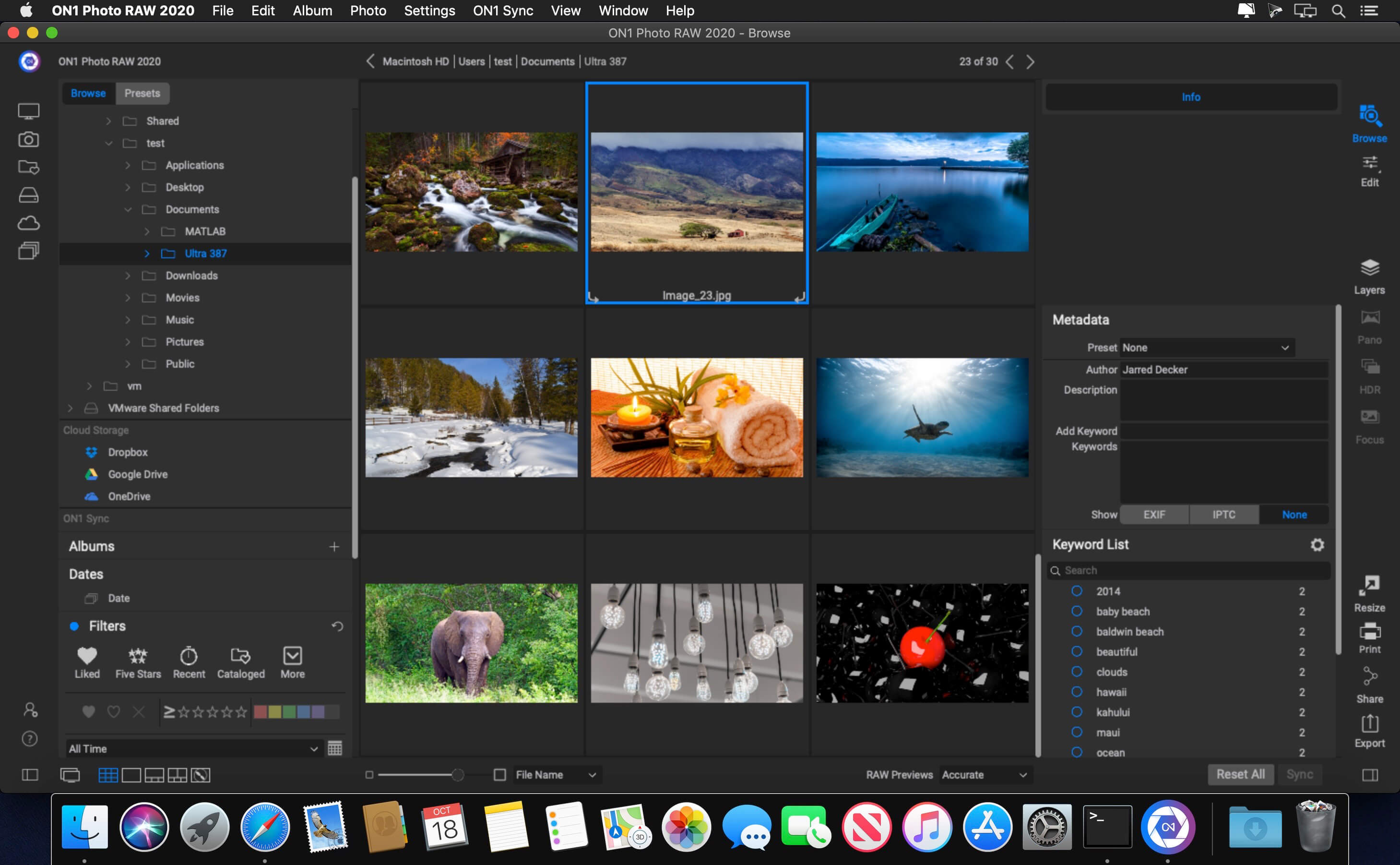
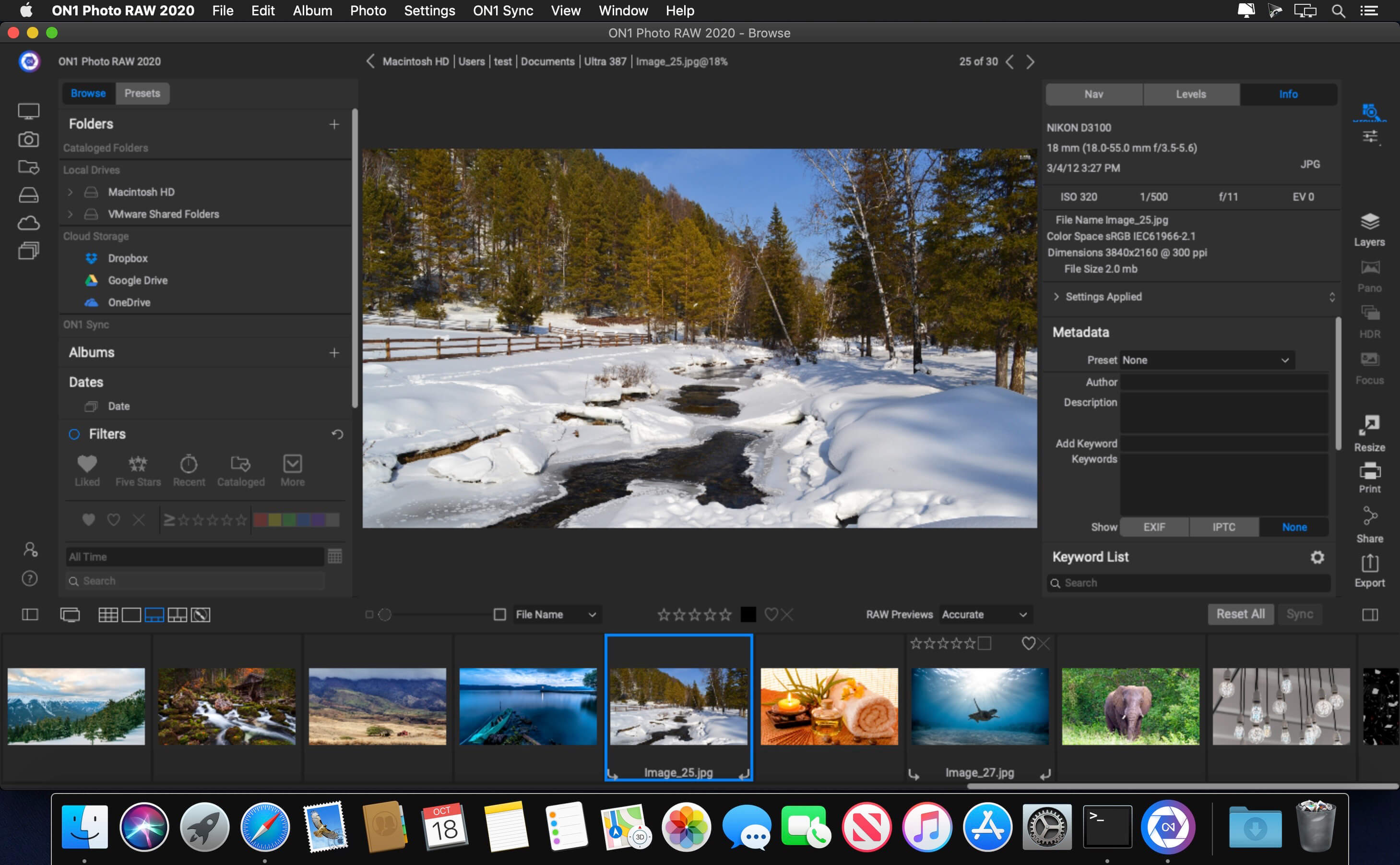
This professional-grade photo organizer, raw processor, layered editor, and effects app, includes everything you need in one photography application. The newest features include AI-powered features AI Match and AI Auto, four filters in Effects (Weather, Sun Flare, Color Balance, Channel Mixer), improved decoding of raw files (especially for Fujifilm), custom camera profiles with X-Rite, SmugMug integration, improved noise reduction, a map view, a Print Module, speed/performance enhancements, and much more!

ON1 Photo RAW 2022 puts the primary photo editing needs for every photographer regardless of what they shoot – without having to bounce between multiple pieces of software. Get the professional photo editing tools you need for the professional results you need while keeping your workflow efficient, powerful, and simple.

ON1 Photo RAW 2022 puts the primary photo editing needs for every photographer regardless of what they shoot – without having to bounce between multiple pieces of software. Get the professional photo editing tools you need for the professional results you need while keeping your workflow efficient, powerful, and simple.

We’ve curated hundreds of the most popular looks and styles seen throughout the industry. Our team of experts overhauled the preset library to give you the trendiest looks with these amazing new one-click presets.

Support for Over 800+ Cameras

  • Also supports JPEG, TIF, PSD, PSB, PNG, and DNG

Optional App Integration:

  • Photoshop CS6 and above
  • Photoshop Elements 14 and above
  • Photoshop Lightroom Classic 6 and above

Compatibility: macOS 10.14 or later
Homepage https://www.on1.com/

Screenshots


Name: ON1 Photo RAW 2022.5 v16.5.0.12429 [HCiSO]_Mactorrents.io.zip
Size: 2.43 GB
Files ON1 Photo RAW 2022.5 v16.5.0.12429 [HCiSO]_Mactorrents.io.dmg[2.43 GB]

   Download

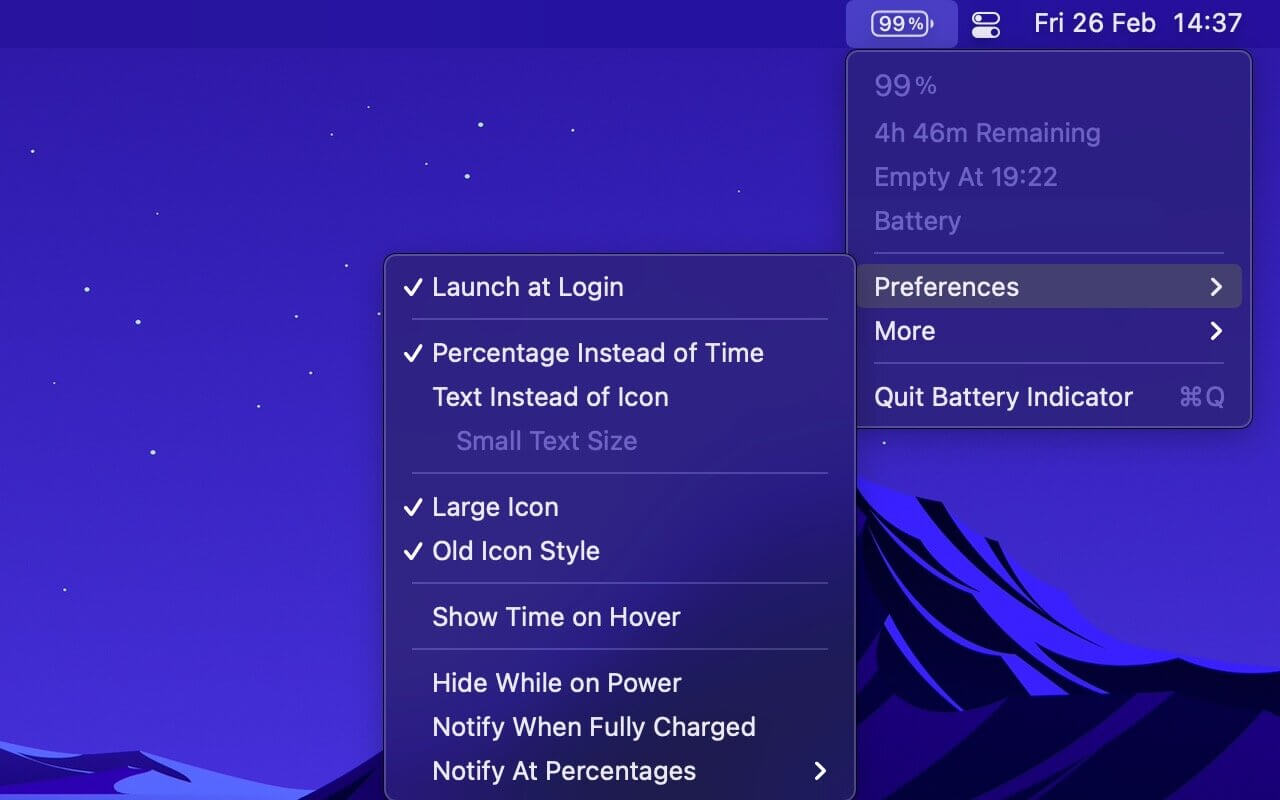
Battery Indicator 2.13.1

Shows the remaining battery time and percentage in the menu bar.

The app has a setting to hide the menu bar icon when the power plug is connected, which can be useful if you only care about the battery time/percentage when on battery.

You can hide the system battery indicator by dragging its icon out of the menu bar while pressing the Command key. You can also reorder menu bar icons by dragging them around while pressing the Command key. That means you can place this app exactly where the system battery indicator used to live.

There’s also a preference to notify when the battery is fully charged or at certain percentages.

It also comes with support for Shortcuts (on macOS 12).

Requires a MacBook, MacBook Pro, or MacBook Air.

Tip: Press the Option key while the menu is open to see battery condition and health.

Compatibility: macOS 11.5 or later (Apple M1 compatible)
Mac App Store https://apps.apple.com/app/battery-indicator/id1206020918

Screenshots

Name: Battery_Indicator_2.13.1_MAS_[TNT]_Mactorrents.io.zip
Size: 5.2 MB
Files Battery_Indicator_2.13.1_MAS_[TNT]_Mactorrents.io.dmg[5.2 MB]

   Download

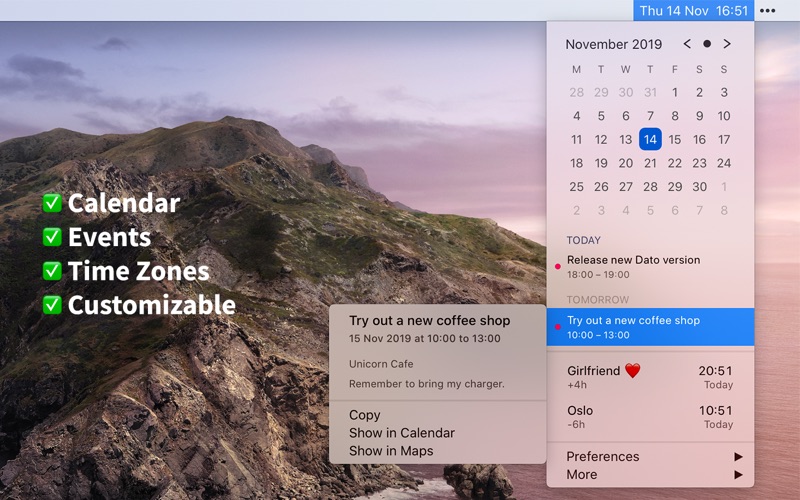
Dato 3.3.8

Dato gives you a local clock, date, and multiple world clocks in the menu bar. When you click Dato in the menu bar, you get a menu with a calendar, calendar events, and world clocks. All of this is highly customizable. Dato also comes with some macOS 11 widgets.
One-time purchase with free upgrades forever. Dato will never be subscription-based.

Dato supports all the locales and languages that macOS supports for the menu bar text, dates, times, and the calendar, but the menus and preferences are English-only.

Note to Chinese users: 该应用程序仅以英语提供,它将永远不支持农历。

On macOS 11, it’s no longer possible to completely hide the system menu bar clock. So Dato can only replace the date or you can make the system clock just be an analog clock icon.

Note: Some of the features in the screenshots are macOS 11-only features.

Features
Your upcoming events at a glance

  • Customize how many events to show and for how many days
  • Supports HTML formatted notes
  • Quickly reveal the event in your default calendar app

Calendar

  • Week numbers
  • Event indicators
  • Highlighting specific days of the week

World clocks

  • Shown in either the Dato menu or the menu bar
  • Custom names
  • Search 15k cities offline

And a lot more!

  • Supports all calendar services that macOS supports (iCloud, Google, Outlook, etc)
  • Custom format for the date & time in the menu bar
  • Zoom, Google Meet, and Microsoft Teams integration (shows an icon on events and button to quickly join)
  • Many menu bar icons to choose from (for example, date in calendar like Itsycal)
  • Show seconds in the menu bar clock or in the menu
  • Global keyboard shortcut to open/close the app
  • Lots of in-app keyboard shortcuts for power users
  • Open calendar events from Google Calendar directly in Google Calendar on the web
  • Large text mode
  • Fully customizable

macOS 11-only features

  • Show the upcoming event in the menu bar (like Fantastical, Meeter, and MeetingBar)
  • Create events (even with a global keyboard shortcut)
  • Widgets: Date & time and calendar
  • Join the next meeting (Zoom/Meet/Teams) with a customizable global keyboard shortcut

macOS 10.15-only features

  • Today widget in the Notification Center for time zones
  • Custom color for the date & time menu bar item (macOS 11 broke this)

What’s New:

Version 3.3.8

  • Bug fixes.

Compatibility: macOS 11.5 or later
Mac App Store https://apps.apple.com/app/dato/id1470584107

Screenshots


Name: Dato_3.3.8_MAS_[TNT]_Mactorrents.io.zip
Size: 13.47 MB
Files Dato_3.3.8_MAS_[TNT]_Mactorrents.io.dmg[13.47 MB]

   Download

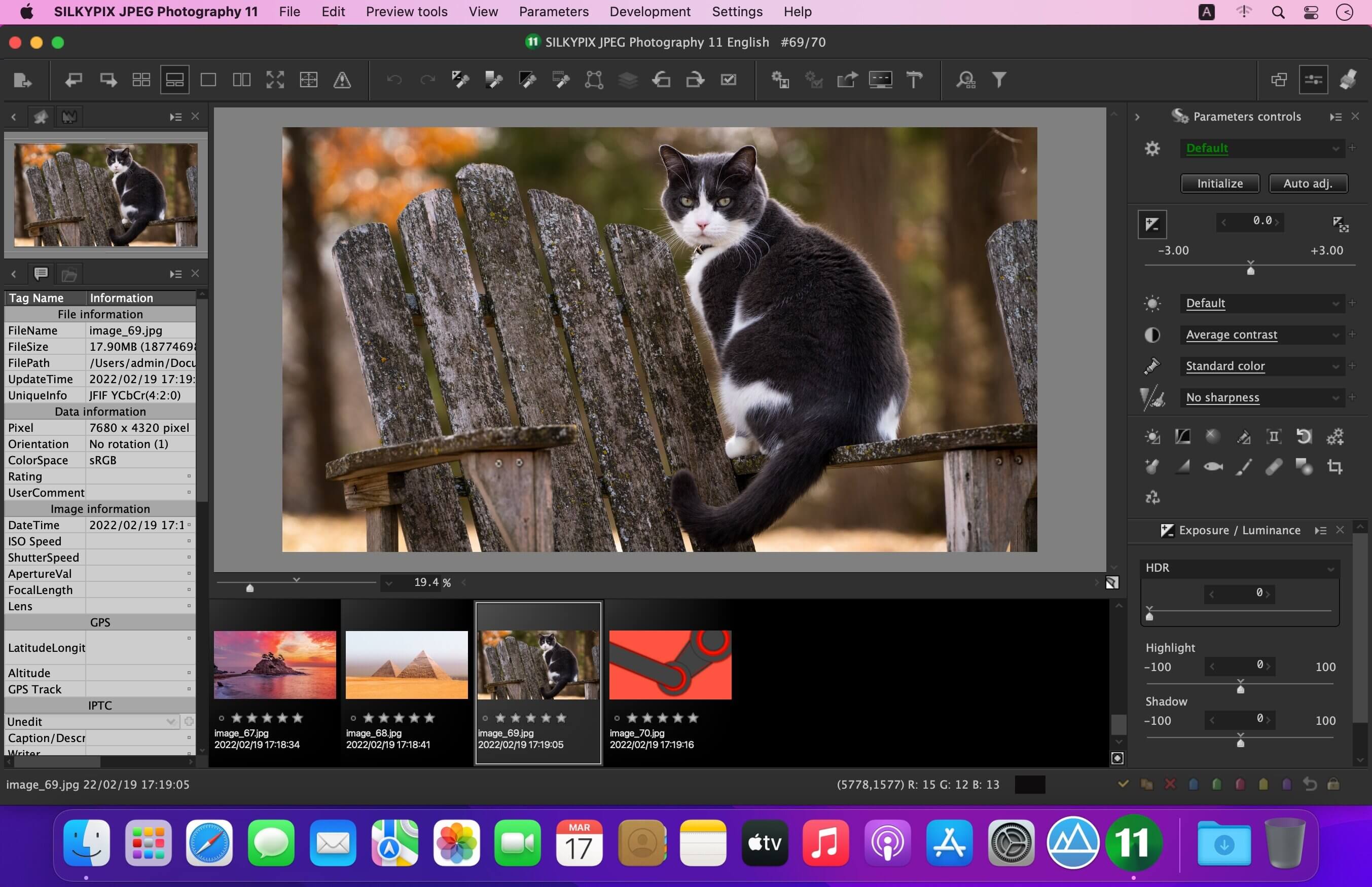
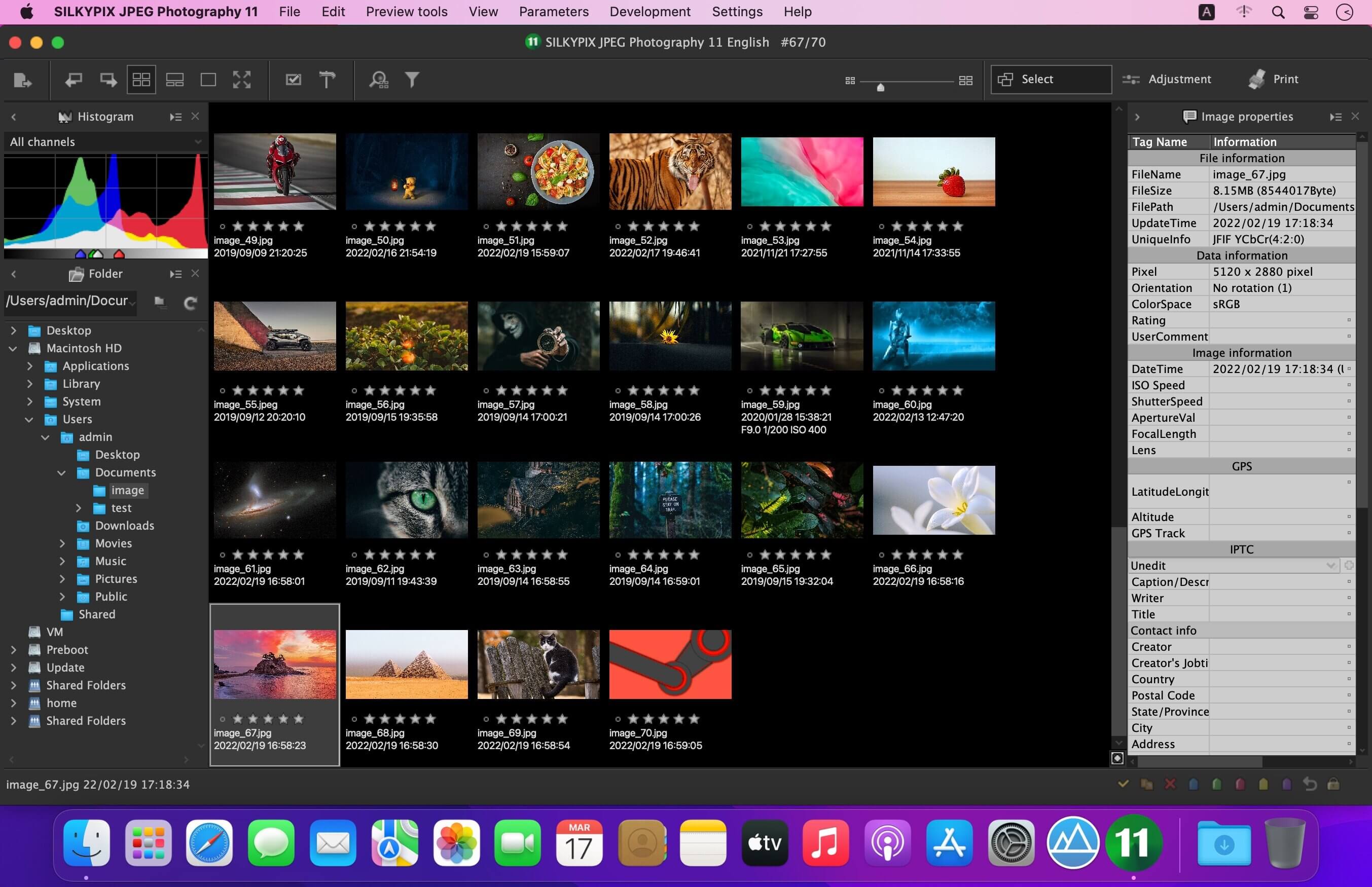
SILKYPIX JPEG Photography 11E 11.2.4.2

With SILKYPIX JPEG Photography, you can release your creativity! Improve your JPEG photos taken with digital cameras, smart phones, and other devices. Use clarity tools to adjust sharpness, the freehand selection brush and other tools. Produce the high quality photo you imagined when you took your picture.

Although JPEG data uses 8 bit (256 gradations) gradation, it is automatically expanded to 16 bit (65,536 gradations) using SILKYPIX RAW Bridge. By treating JPEG data in a similar way to RAW data, high gradation rich image quality adjustment is possible.

SILKYPIX JPEG Photography includes “tastes”, a kind of preset that incorporates useful styles and forms. Choose a taste such as “Landscape” or “Portrait” to make a finished photograph easily that fits your image. In addition, you can save all of your custom, adjusted parameters as a taste preset. Parameters are very useful functions, and you can easily recreate themes and styles across any number of photographs you take.

Remove unwanted objects using the Spotting Tool, such as dust that may appear due to contamination of your camera sensor. You can also adjust and apply rotation and cropping as you wish.

f you work with multiple images at the same time (such as images shot with continuous shooting), and adjust the taste and parameters, you can make corrections for all selected images at once.
For example, even if you darken the exposure setting of the camera, if you select that picture and make correction, you can correct all the selected images at once.

What’s New:

Version 11E 11.2.4.2:

  • Release notes were unavailable when this listing was updated.

Compatibility: macOS 10.13 or later
Homepage https://silkypix.isl.co.jp/en/product/jp8/

Screenshots


Name: SILKYPIX JPEG Photography 11E 11.2.4.2 [HCiSO]_Mactorrents.io.zip
Size: 73.27 MB
Files SILKYPIX JPEG Photography 11E 11.2.4.2 [HCiSO]_Mactorrents.io.dmg[73.27 MB]

   Download

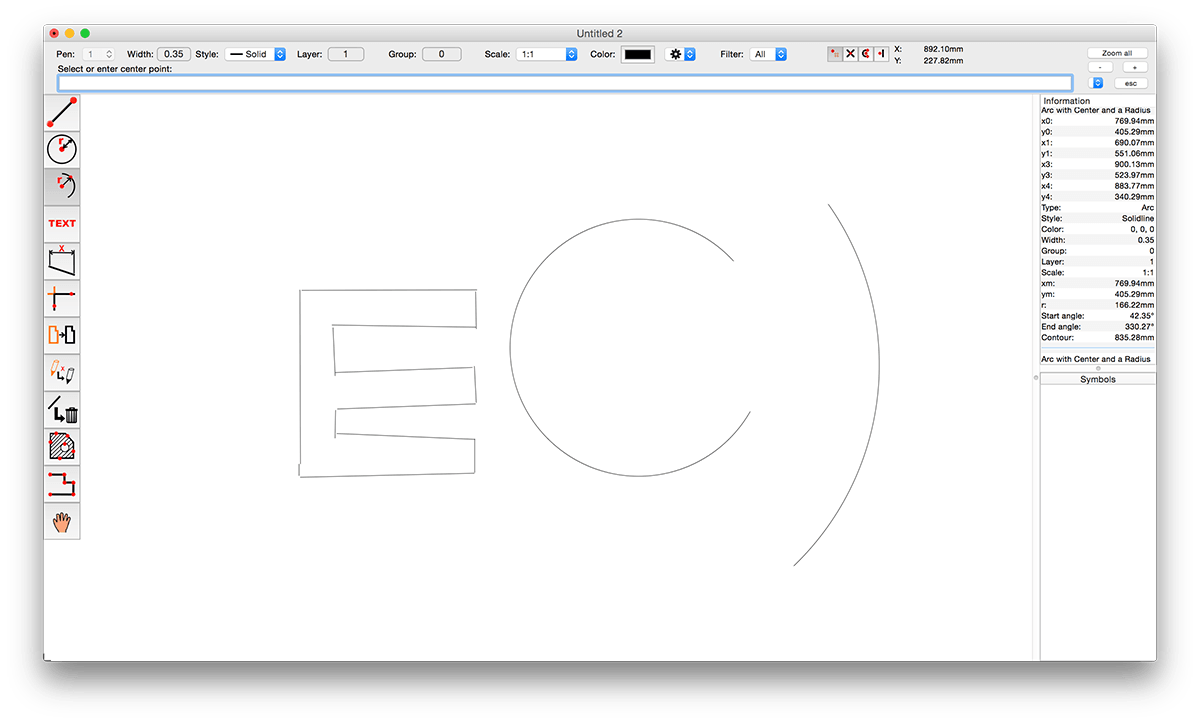
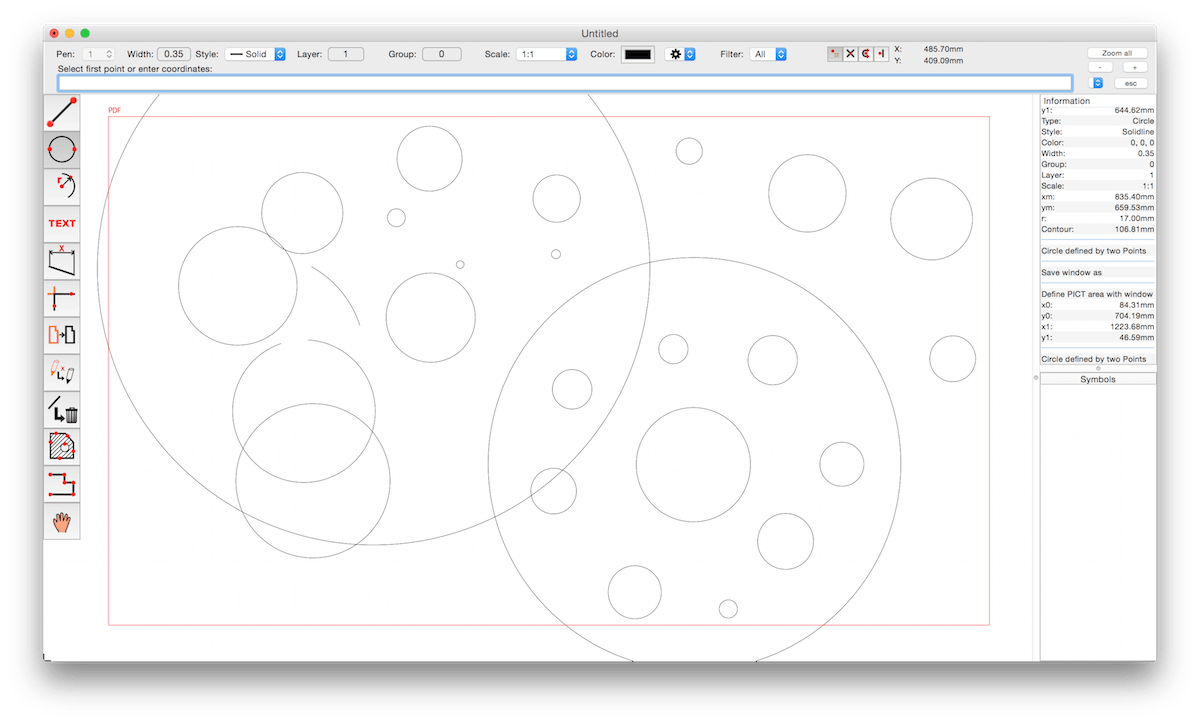
CADintosh X 8.8.1 (638)

CADintosh is a 2D-CAD program for technical and architectural drawings.

Features include:

  • Interactive window redrawing (you can work in the same time of the window redrawing)
  • Number of elements limited by memory
  • Pen oriented mode: 8 line widths/line colors/pens
  • Individual mode: line width from 0.0 to 99.99 mm, pattern and colors
  • It has a lot of tools like lines, arcs, dimensions, splines, hatching etc.
  • Import and export HPGL, DXF, and PICT
  • 6 line types (solid, dash, dot-dash, phantom, zigzag, dotted)
  • 32000 groups
  • 1024 layer
  • Alternative units in inches or freely definable
  • Shareware version has a simple layer filter (easy to use)
  • Registered version has a additional extended layer filter (named filter sets, palette with name of filter)
  • Shareware version has internal symbols (number of symbols only limited by memory)
  • Registered version has additional external symbol libraries and more simple work with symbols
  • User preferences saved in the drawing
  • Runs native on MacOS X

What’s New:

Version 8.8.1:

New features

  • transform: rescale non-proportional
  • Cubic Bezier lines
  • Import of PDF with extraction of elements

Updates features

  • size of some dialogs
  • rename option in edit print edit
  • layer attributes: option to show only used layers
  • updated to Sparkle 2
  • system requirements changed to macOS 10.11 up to macOS 12 (Monterey)
  • DXF/DWG export
  • moved access to DXF/DWG/IGES/Holes options to the save panel
  • moved editing x-line type/marker into edit attributes
  • moved editing hatching attributes into edit attributes
  • added individual marker sizes to lines
  • line point to point in freehand mode: second click with shift key draws vertical/horizontal line
  • fractions display in info window can be set to zero

Bug fixes

  • auto catch issue within duplicate symbols
  • symbol library sorting issue fixed upon adding a symbol
  • possible wrong command line instructions after changing tool with the menu or context menu
  • possible crash during customization of the touchbar fixed
  • fixed catching issue of lines/arcs within symbols if x- and y-factor are different
  • fixed issue of drawing arcs in symbols with different x and y scales

Compatibility: macOS 10.9 or later
Homepage https://www.lemkesoft.de/en/products/cadintosh/

Screenshots


Name: CADintosh_X_8.8.1_(638)_[TNT]_Mactorrents.io.zip
Size: 67.37 MB
Files CADintosh_X_8.8.1_(638)_[TNT]_Mactorrents.io.dmg[67.37 MB]

   Download

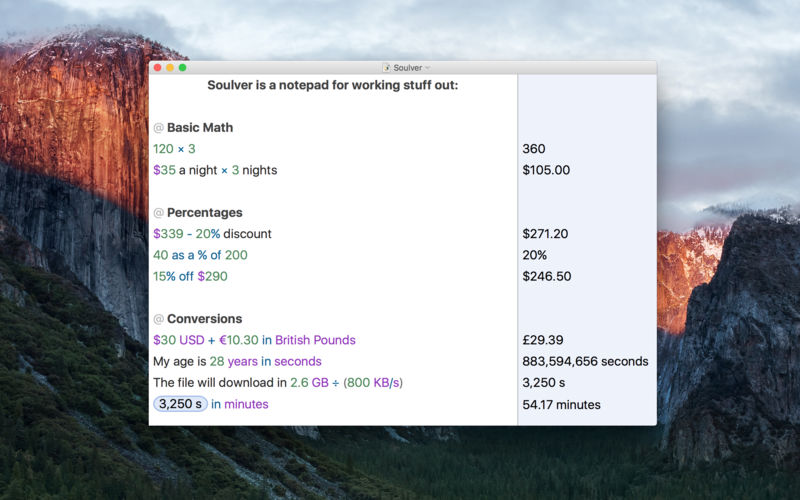
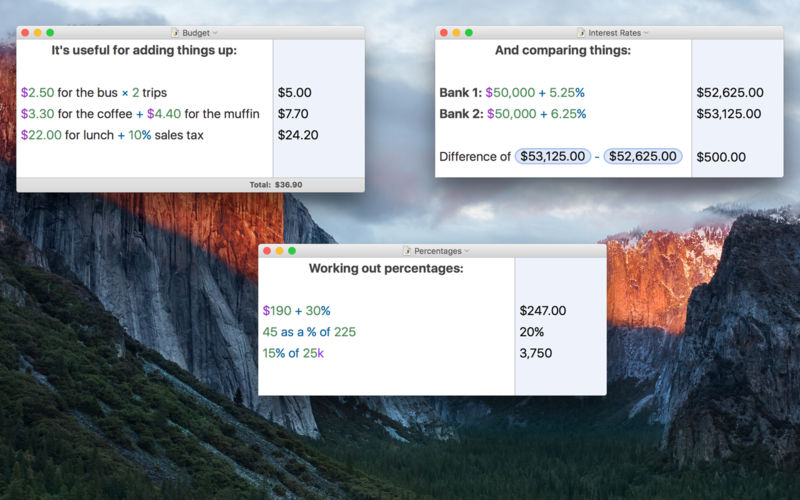
Soulver 3.5.8

Soulver 3 is a smart notepad with a built-in calculator. It gives instant answers to any calculations it finds in your text. It’s a better way to work stuff out than with a traditional calculator, and a more lightweight tool for quick calculations than a spreadsheet.

Math Features

  • Instant calculations, no equals required
  • Use words alongside numbers, so calculations make sense
  • Quick totals of all your lines, and subtotals
  • Calendar calculations (June 9 + 3 weeks, 3:35 pm + 6 hours 27 minutes)
  • Easy percentages (“$300 – 10%”, “30 as a % of 200”)
  • Unit conversions (“10 kg in pounds, “25 meters in feet”)
  • 168 live real-world and cryptocurrency rates.
  • Line references to build little calculating documents
  • Variables & variable autocompleting
  • Global variables & custom units

App Features

  • Dark mode
  • Sidebar for organising your sheets and the ability to make folders
  • Headings (#), comments (//) & labels (:)
  • Customize your syntax coloring & font
  • Automatic number formatting, with spaces around operators and thousand separators
  • Number scrubbing (hold shift and hover over a number)
  • Deep macOS system integration: Touch Bar support, Quicklook, Calculate anywhere services
  • Automation tools: a command-line interface, Alfred workflow, Automator action

What’s New:

Version 3.00:
Soulver 3 has 50 new features. Most requested features include support for dark mode, date & time math, subtotals, an integrated sheets manager and a redesigned user interface.

Note: Soulver 3 for Mac does not sync with Soulver 2 for iOS as they use different math engines. It can import your Soulver 2 (.soulver) files though

Intergace

  • Redesigned user interface supports dark mode and includes a sidebar for managing sheets within the app.

Calculator

  • Support for calendar calculations.
  • Proportion/’rule of three’ functions (10 is to 20 as 50 is to what/15 is to 30 as what is to 80)
  • Functions with multiple parameters: ‘midpoint between’, ‘greater/lesser of’, ‘remainder of’
  • Unix time calculations
  • More intuitive syntax for some percentage operators (’50 is 25% of what’)
  • More large SI prefixes & support for small SI prefixes in answer formatting
  • ‘Half of’ function

Organization

  • Create folders for managing sheets.
  • Trash for recovering recently deleted files.
  • Drag sheets out of the sidebar to export a .slvr file
  • Spotlight search integration
  • Sort sheets by date edited, date created or title
  • Import Soulver 2 or Soulver 3 files by dropping them on the dock icon.

Subtotals

  • Designate a line a subtotal, which will add up all lines above it (up to the next subtotal or heading)

Variables

  • Variables can now include multiple words
  • Auto-complete support for variables (hit the escape key)
  • Shift-hover over a variable to see its actual value on that line
  • Variables can now be redeclared with new values.

Editing

  • Scrubbable numbers (shift hover over a number to show the scrubber)
  • Auto-thousands separator insertion (1000 becomes 1,000)
  • QuickOperators (1p1 becomes 1 + 1, etc)
  • Keystrokes to insert labels & variable declarations
  • Touch Bar support with quick access to operators, sheet defined variables, and line references.
  • A preferences to start sheets with a heading or a comment

Units & Currencies

  • User definable custom units
  • More scientific units
  • Better answer formatting of time & imperial lengths
  • Support for 16 popular cryptocurrencies
  • Better handling of unit calculations in many cases than in Soulver 2.
  • All real-world currencies now enabled by default (no need to add them manually)

Lines & References

  • Rearrange & delete lines & via the answer column
  • Bump lines up/down using keystrokes
  • Reference insertion mode (hit ⌘L, then type the number of the line you want to insert a reference to)

Automation

  • Command-line interface
  • URL schemes
  • Automator Action for evaluating text using Soulver
  • Calculate anywhere services
  • Alfred integration

Miscellaneous

  • Automatically convert documents created in foreign locales into your preferred locale
  • Soulver now uses a JSON based file format (.slvr) rather than XML based (.soulver)
  • Import Soulver 2 files, and have them migrated to the latest syntax
  • Use # for headings
  • Implicit unit detection in some case (i.e 2 ducks + 2 ducks = 4 ducks)
  • References can optionally refer to a line’s rounded value
  • Redesigned styling preference pane with a live preview
  • Heading styling (custom font size, and # colour)
  • A redesigned reference that mimics the Soulver UI
  • A new app icon by Marc Edwards

Compatibility: macOS 10.14 or later, 64-bit processor
Homepage https://www.acqualia.com/soulver/

Screenshots


Name: Soulver_3_3.5.8_[TNT]_Mactorrents.io.zip
Size: 24.43 MB
Files Soulver_3_3.5.8_[TNT]_Mactorrents.io.dmg[24.43 MB]

   Download

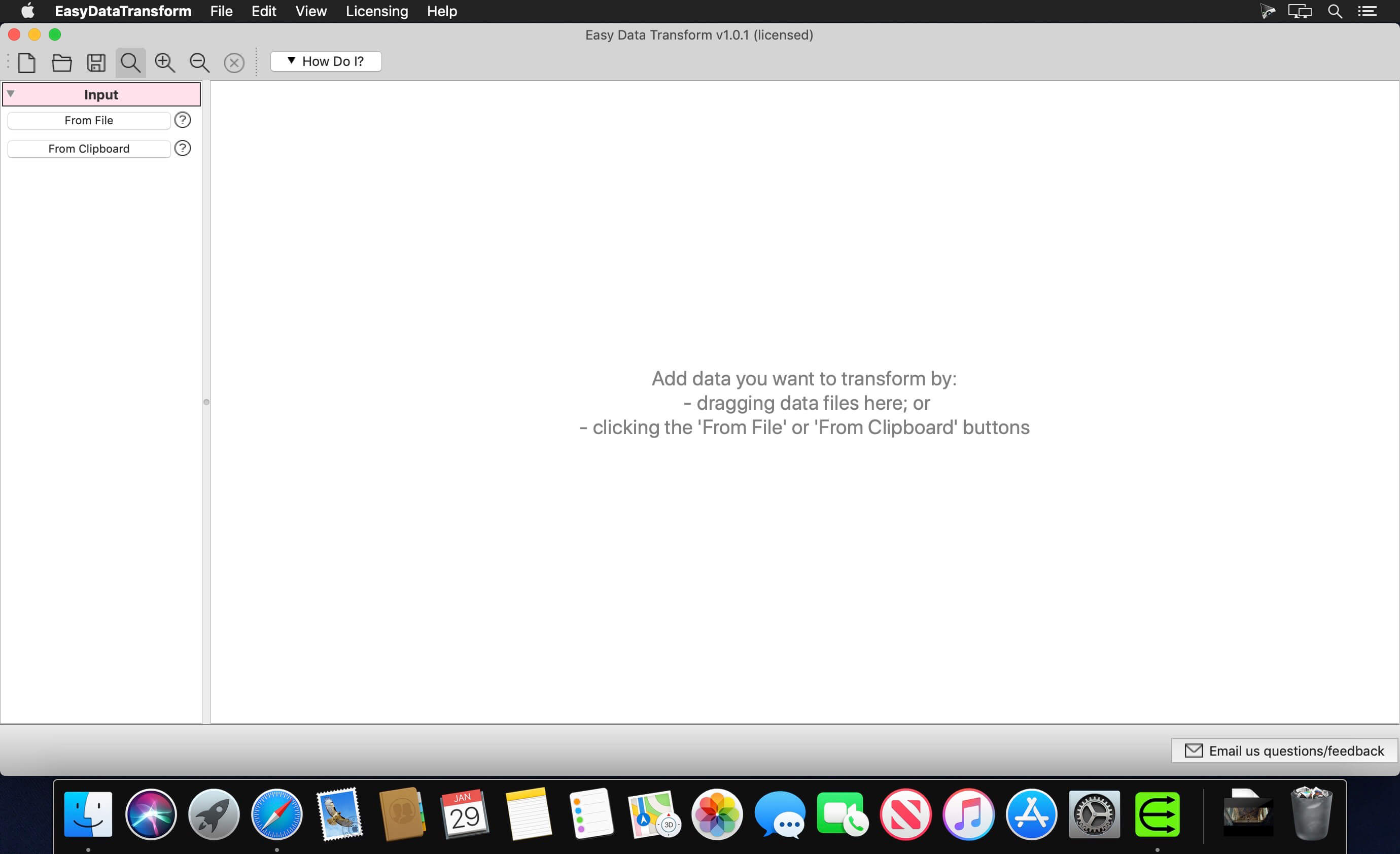
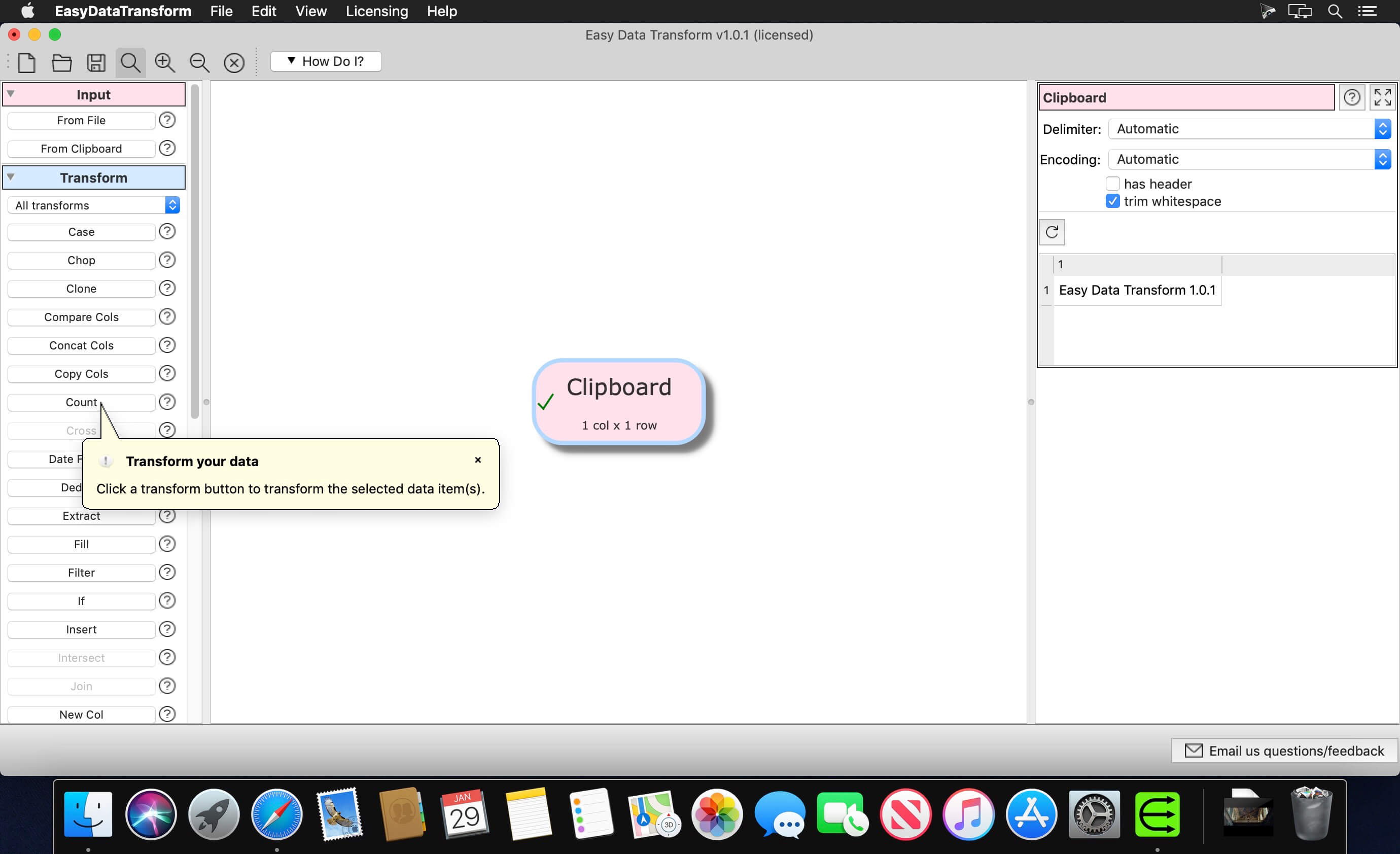
Easy Data Transform 1.30.0

Transform your Excel and CSV files without programming with Easy Data Transform.

Features:

  • Clean, re-format, merge, dedupe, filter and analyze table and list data on your Mac.
  • Transform your data interactively, step by step using 36 built-in transforms.
  • Transforms thousands of rows in the blink of an eye.
  • No need to upload your sensitive data to a third party server.

Compatibility: macOS 10.12 or later (Apple Silicon compatible)
Homepage https://www.easydatatransform.com/

Screenshots


Name: EasyDataTransform_1.30.0_[TNT]_Mactorrents.io.zip
Size: 45.31 MB
Files EasyDataTransform_1.30.0_[TNT]_Mactorrents.io.dmg[45.31 MB]

   Download

Painnt – Art & Cartoon Filters 1.42

Painnt is the ultimate photo editor. Turn your photos into art masterpieces, or awesome cartoon photos. If you like digital art, you’ll love Painnt! Choose from our selection of 20000+ filters, ranging from classical art (with Van Gogh or Picasso styles) that you’ll want to frame and hang, to cartoon sketches that belong right in a comic book.

Painnt edits your pics using AI deep dream for generating realistic painting results and awesome cartoons, all in a single photo editor.

CUSTOM STYLES
Don’t wait for us to add new filters to the app (which we regularly do). Create a custom filter out of any image, painting or photograph you like. You can share them with other community members, too!

Compatibility: macOS 10.14 or later
Homepage http://moonlighting.io

Name: Painnt_1.42_MAS_In-App_[TNT]_Mactorrents.io.zip
Size: 167.46 MB
Files Painnt_1.42_MAS_In-App_[TNT]_Mactorrents.io.dmg[167.46 MB]

   Download

Shredo 1.2.8.1

Shredo is a beautiful, functional file-shredding utility. It permanently shreds files, folders, and external volumes’ contents to keep information secure and impossible for anyone to retrieve. Depending on security level and data-erase speed, you have 3 shredding methods at your disposal:

  1. 1-pass – Offers good security and quickest erase of data. It deletes access information to your files and writes random bytes over the data once.
  2. 7-pass – Slower speed, but better security than 1-pass. Writes over data 7 times, based on US Department of Defence (DoD) 5220-20 M standard algorithms.
  3. 35-pass – Slowest, but offers the best security. Erases file access info and writes over the data 35 times, based on the Gutmann method for deletion.

Compatibility: macOS 10.10 or later 64-bit
Homepage https://mymixapps.com/shredo

Screenshots


Name: Shredo 1.2.8.1 [HCiSO]_Mactorrents.io.zip
Size: 8.57 MB
Files Shredo 1.2.8.1 [HCiSO]_Mactorrents.io.dmg[8.57 MB]

   Download

PDF Reader X Pro 3.1.0

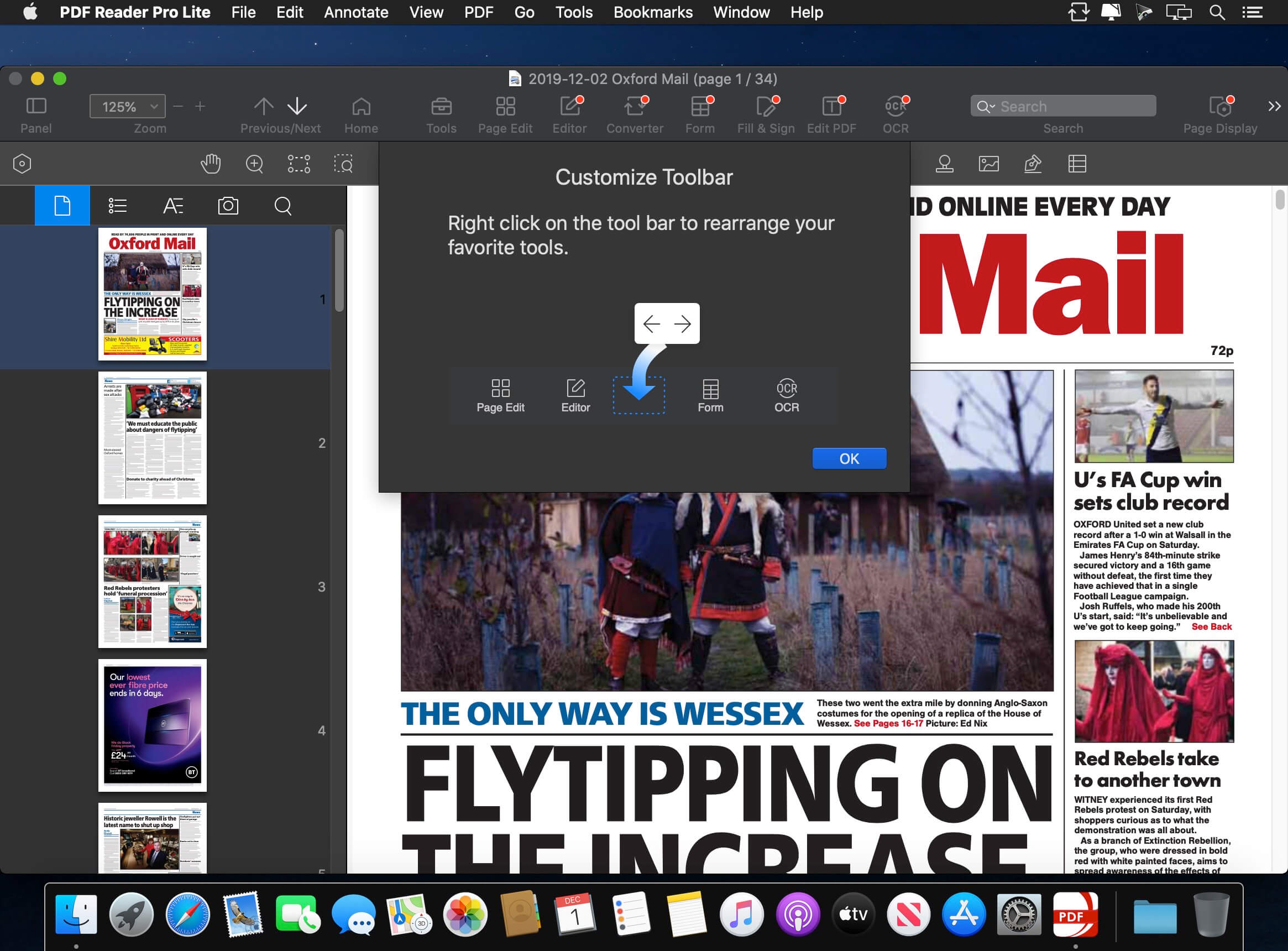
PDF Reader Pro is a PDF editing application that has a wide variety of tools. Building on solid features such as annotation, form filling and bookmarking, OCR, PDF Reader Pro allows you to maneuver through your PDF files. PDF Reader Pro Edition offers even more – combining multiple documents, splitting your PDF into several files, inserting pages from another PDF and PDF files. The app has Text-to-Speech functionality that can read the doc to you in six different languages. You can simply sync your files with Dropbox to make the best use of PDF Reader Pro Edition. The app has a presentation mode that will allow you to showcase your PDF document to others. Now you can enjoy the best PDF to Office Converter! Export from PDF to Microsoft Word (.docx), PowerPoint (.pptx), Excel (.xlsx), RTF, HTML, Text, Image, CSV, and more Offline.

Main features:

  • Annotate PDFs with highlights, underlines, lines, circles, freehand writing, and so much more.
  • Create & Edit & Fill PDF Forms. Create fillable PDF Forms from interactive field objects, such as buttons, check boxes, radio buttons, list boxes, and drop-down lists.
  • Create tables. A table consists of rows and columns of cells. A cell is like a text frame in which you can add text, or other tables. You can use headers or footers to repeat the information at the top or bottom of each divided portion of the table.
  • Sign – Create multiple signatures for any situations with trackpad, keyboard or images
  • Insert stamps, comments and notes.
  • Link – Add hyperlinks to redirect other destinations, and edit your links as you like
  • Export from PDF to Microsoft Word (.docx), PowerPoint (.pptx), Excel (.xlsx), RTF, HTML, Text, Image, CSV, and more Offline
  • PDF to Image. Convert PDFs to JPG, PNG, bmp, gif, tiff, tga and jp2
  • OCR (Optical Character Recognition). Convert scanned PDF & images into editable and searchable PDFs or TXT files. 50+ languages supported!
  • Annotation history – Access important sections of documents instantly.
  • Edit pages with headers, footers, or page numbers
  • Add PDF watermarks to the background of pages
  • Bates number
  • Combine multiple files into one document
  • Insert another file (entire files or specific page ranges) into the existing file
  • Replace PDF pages from another PDF file
  • Merge, Split, Extract, Append, Rotate, delete, replace, and crop pdf pages
  • Directly present your PDFs with annotations
  • Supports radio boxes, check boxes, combo boxes, and list boxes
  • Reading modes: full-screen, page-fit, horizontal or vertical orientation, continuous and page break
  • Bookmark specific pages or sections of PDFs
  • Create, Edit and Search outlines to easily navigate through the whole file
  • Night mode supported
  • Reduce PDF size to make your documents much lighter
  • Create a new PDF by importing your clipboard content
  • Select a passage or document to be read aloud by the TTS engine
  • Set a password and authorization to edit, modify or print PDFs

Compatibility: macOS 10.13 or later
Homepage https://apps.apple.com/pk/app/pdf-reader-pro-lite-edition/id919472673

Screenshots


Name: PDF_Reader_X_Pro_3.1.0_MAS_[TNT]_Mactorrents.io.zip
Size: 7.51 MB
Files PDF_Reader_X_Pro_3.1.0_MAS_[TNT]_Mactorrents.io.dmg[7.51 MB]

   Download

Mic Drop 1.4.5

Mic Drop allows users to mute and unmute their microphone using a customizable, global keyboard shortcut. With Mic Drop, you always know whether your mic is on or not, helping to avoid those embarrassing situations. It is ideally suited for remote workers, teachers, podcasters, user researchers, or anyone spending lots of time in video meetings. Works with any app, even if it’s not currently in focus.

Features

  • Global, customisable keyboard shortcut
  • Works with every app & audio device
  • Maintains mute state even when changing audio devices
  • Supports push-to-talk and push-to-mute
  • Displays microphone status in the menu bar
  • Supports dark mode
  • Uses modern, accessible Apple APIs
  • Respects user privacy (anonymous analytics are optional and opt-in)

Compatibility: macOS 10.15 or later, 64-bit processor
Homepage https://getmicdrop.com/

Screenshots


Name: Mic Drop 1.4.5 [HCiSO]_Mactorrents.io.zip
Size: 5.83 MB
Files Mic Drop 1.4.5 [HCiSO]_Mactorrents.io.dmg[5.83 MB]

   Download

System Toolkit 5.4.2

The System Toolkit is an all-in-one information and maintenance app designed for macOS.

Information:
System Information
Keep track of all your system loads. This includes CPU load, memory usage, network speeds and -traffic and the open network connections. All information can be shown in both the menu bar extra and the overlay window. Use the Dashboard to take a look at the most important parameters.

Menu Bar Extra
You can add as many menu bar widgets as you like. Every menu bar widget can be configured to show information.

Info Panel
The info panel shows the most important information in a separate window.

Bluetooth Device Battery Levels
The System Toolkit shows the battery levels of Bluetooth devices.

The following devices are supported:
Peripherals:

  • Apple Magic Mouse
  • Apple Magic Mouse 2
  • Apple Magic Trackpad 2
  • Apple Wireless Keyboard
  • Apple Wireless Trackpad

Earphones:

  • Apple AirPods
  • Apple AirPods Pro
  • Apple AirPods Max
  • Beats Solo 3
  • Beats

Battery Information
You can check the battery parameters on the battery page. This page shows detailed information about the internal battery. If you are using a Mac without battery, this page is hidden.

Besides the information pages, the System Toolkit also offers the following maintenance features:

  • Fast Maintenance: Clean your Mac System with a single click!
  • Disk Cleaner

The disk cleaner searches your entire hard disk for temporary or cached files that can be deleted to free up some disk space. The categories include application- and user cache, developer cache, browser cache and many more caches.

Duplicate Finder
Find duplicate files on your system. Use the smart selection to quickly select and delete your duplicate files and free up disk space.

Big Files Finder
This feature allows you to find big files on your hard disk. Quickly see which files take the most space. The files can be deleted from within the app.

Privacy Protector
Erase all your private data on your system. Did you visit some website that you do not want your other system users to find out about? Just start the Privacy Protector and erase your footsteps – it cleans the data of all major Werb Browsers.

App Cleaner
Use the App Cleaner to find and remove files that were created and are being used by an app.

Compatibility: macOS 11.5 or later (Apple Silicon compatible)
Homepage http://apps.apple.com/app/system-toolkit/id1234854699

Screenshots


Name: System Toolkit 5.4.2 MAS [HCiSO]_Mactorrents.io.zip
Size: 5.44 MB
Files System Toolkit 5.4.2 MAS [HCiSO]_Mactorrents.io.dmg[5.44 MB]

   Download

FonePaw WhatsApp Transfer for iOS 1.3.0

iOS WhatsApp Transfer: Sync Your WhatsApp Chats Anywhere

– Transfer WhatsApp messages & media files between iPhones.
– Back up and restore WhatsApp data to Mac or iPhone/iPad.
– Export WhatsApp chat history on computer.

Compatibility: macOS 10.10 or later
Homepage https://www.fonepaw.com/whatsapp-transfer/

Name: FonePaw_WhatsApp_Transfer_for_iOS_1.3.0.119766_[TNT]_Mactorrents.io.zip
Size: 52.8 MB
Files FonePaw_WhatsApp_Transfer_for_iOS_1.3.0.119766_[TNT]_Mactorrents.io.dmg[52.8 MB]

   Download

FonePaw iOS System Recovery 7.1.0

Get Your iPhone Back to Normal. Fix All Common iOS System Problems. Up to 50+ common problems of OS can be fixed via FonePaw iOS System Recovery. In addition to the issues below, more iOS update problems or app errors are supported.

  • Fix 50+ iOS system problems[black screen, stuck in updating, etc.
  • 3 repairing modes to fix quickly or deeply
  • Require no technical skills and avoid data loss
  • Compatible with iPhone 13 and the latest iOS 15

What’s New:

Version 7.0.0:

  • Release notes were unavailable when this listing was updated.

Compatibility: macOS 10.10 or later
Homepage https://www.fonepaw.com/

Screenshots


Name: FonePaw_iOS_System_Recovery_7.1.0.116534_[TNT]_Mactorrents.io.zip
Size: 52.29 MB
Files FonePaw_iOS_System_Recovery_7.1.0.116534_[TNT]_Mactorrents.io.dmg[52.29 MB]

   Download

AltTab 6.42.0

AltTab brings the power of Windows’s “alt-tab” window switcher to macOS.

Features

  • Switch focus to any window
  • Minimize, close, fullscreen any window
  • Hide, quit any app
  • Customize AltTab appearance (e.g. show app badges, Space numbers, increase icon, thumbnail, title size, etc)
  • Custom trigger shortcuts with almost any key
  • Blacklist apps you don’t want to list or trigger AltTab from
  • Dark Mode
  • Drag-and-drop things on top of window thumbnails
  • Right-to-left languages and UI
  • Accessibility: VoiceOver, sticky keys, reduced transparency, etc

Compatibility: macOS 10.12 or later
Homepage https://alt-tab-macos.netlify.app/

Screenshots


Name: AltTab-6.42.0_Mactorrents.io.zip
Size: 8.39 MB
Files AltTab-6.42.0_Mactorrents.io.dmg[8.39 MB]

   Download

Adobe Substance 3D Designer 12.1.1

With Substance 3D Designer, create seamless materials and patterns, image filters, environment lights, or even 3D models. Each asset can output infinite variations.

The industry standard for material authoring.
Substance 3D Designer is used across many industries and is at the center of most video game and visual effects material pipelines. Substance parametric materials are supported in most 3D creation tools and will integrate seamlessly into any workflow. Send your materials directly to Substance 3D Painter and Stager.

Nondestructive, nonlinear.
The node-based workflow allows you to use a wide range of approaches. Any step of the process can always be modified later. Try everything, adjust anytime.

Endless possibilities, infinite combinations.
Designer comes with a rich node library to create your assets from scratch. Build upon and learn from thousands of materials from Substance 3D Assets and Substance 3D Community Assets.

Go beyond materials.
Generate dynamic 3D models, or combine existing elements like curves and kitbash models. Create parametric environment lights to use in any app supported by Substance 3D.

What’s New:

Version 12.1.1:

  • Release notes were unavailable when this listing was updated.

Compatibility: macOS 10.14 or later
Homepage https://www.adobe.com/products/substance3d-sampler.html

Screenshots


Name: Adobe Substance 3D Designer 12.1.1 [HCiSO]_Mactorrents.io.zip
Size: 653.81 MB
Files Adobe Substance 3D Designer 12.1.1 [HCiSO]_Mactorrents.io.dmg[653.81 MB]

   Download

Adobe Substance 3D Sampler 3.3.1

Substance 3D Sampler is at the heart of your 3D workflow. Easily transform a real-life picture into a photorealistic surface or HDR environment.

Transform real-world pictures into 3D materials.
Easily import a reference photo and transform it into a high-quality 3D material with features powered by Adobe Sensei. Closely match the original real-life surface and create seamless tileable materials from your captures.

Combine and mix materials.
Combine multiple materials and parametric filters to create more advanced surfaces. Access thousands of materials on Substance 3D Assets and Substance 3D Community Assets. The possibilities are endless.

An extensive content library to get you started.
Drag and drop your image, add a couple of prebuilt filters, and voila — a library of one-click generators, filters, and effects lets you quickly experiment and get results in just a few clicks. Send your assets directly to Substance 3D Painter and Stager.

The heart of your 3D workflow.
Use generators and filters from Designer, composite light environments for Stager, or send materials and lights to Painter. You can even edit your 2D inputs directly in Adobe Photoshop. Choose from a variety of export presets for all major 3D apps.

What’s New:

Version 3.3.1:

  • Release notes were unavailable when this listing was updated.

Compatibility: macOS 10.14 or later
Homepage https://www.adobe.com/products/substance3d-sampler.html

Screenshots


Name: Adobe Substance 3D Sampler 3.3.1 [HCiSO]_Mactorrents.io.dmg
Size: 536.12 MB
Files Adobe Substance 3D Sampler 3.3.1 [HCiSO]_Mactorrents.io.dmg[536.12 MB]

   Download

Adobe Substance 3D Painter 8.1.0

Substance 3D Painter has the tools you need to texture your 3D assets, from advanced brushes to Smart Materials that automatically adapt to your model. Breathe life into your art.

The industry standard.
Substance 3D Painter is widely used in game and movie production as well as in product design, fashion, and architecture. It’s a go-to 3D texturing app for creative professionals everywhere.

Full creative freedom.
Painter helps you achieve the look you want, from product design to realistic games and visual effects to projects such as stylized animation.

Smart tools for enhanced artistry.
Use Smart Materials that adjust to any object to show realistic surface detail or wear and tear. Explore mask presets that adapt to any shape, and paint with efficient, dynamic tools.

What you see is what you get.
The state-of-the-art viewport in Painter shows all your artistic decisions in real time. Iterate on complex materials with advanced lighting and shadows, making texturing even more creative and painless. You can even preview your model in the included path tracing mode.

It’s nondestructive.
In Painter, every action and stroke is recorded, and can be recomputed at any time. This means you can change the resolution of your project at any time without ever decreasing quality, or even modify existing paint strokes.

What’s New:

Version  8.1.0:

  • Release notes were unavailable when this listing was updated.

Compatibility: macOS 10.14 or later
Homepage https://www.adobe.com/products/substance3d-painter.html

Screenshots


Name: Adobe Substance 3D Painter 8.1.0 [HCiSO]_Mactorrents.io.dmg
Size: 2.3 GB
Files Adobe Substance 3D Painter 8.1.0 [HCiSO]_Mactorrents.io.dmg[2.3 GB]

   Download

BatchOutput PDF 2.4

BatchOutput PDF prints PDF files automatically from watched hot folders. Create hot folders for various printing settings, then just drop PDFs there – and BatchOutput PDF will do the rest for you. Keep working with other programs while BatchOutput PDF works in the background. Save time and hassle of opening and printing each PDF manually.

Features

  • Print PDFs automatically by dropping them into watched hot folders
  • Create hot folders for various printing settings
  • A separate Server license which allows to create hot folders on a network
  • Serve multiple users with a single copy of BatchOutput PDF Server
  • Move files to success and error folders after processing
  • Processing history

Compatibility: macOS 10.10 or later
Homepage http://zevrix.com

Screenshots

Name: BatchOutput_PDF_2.4_[TNT]_Mactorrents.io.zip
Size: 14.64 MB
Files BatchOutput_PDF_2.4_[TNT]_Mactorrents.io.dmg[14.64 MB]

   Download

SQLPro for SQLite 2022.40

SQLPro for SQLite is an advanced sqlite editor. It has an easy to navigate interface, with the ability to perform the most basic to advanced tasks.

Features include:

  • Syntax highlighting and query intellisense/auto-complete.
  • Advanced multi-query execution.
  • Pick from multiple included themes, or design your own.
  • Automatic external change detection reloads a database when modified outside of SQLPro.
  • Version integration. Mucked your database? Rollback to a previous version.
  • Runtime loadable extension support.
  • Semiautomatic dependency resolution.
  • Export your data to csv, mysql, xml or json.
  • Backwards compatibility with SQLite 2.
  • Fullscreen support.
  • Column reordering.
  • Inline filters allowing you to customize the way your data is displayed.

If you would like to try before you buy, you can also give our free Read-Only version a look!

Compatibility: OS X 10.12 or later
Mac App Store https://itunes.apple.com/app/sqlpro-for-sqlite-sql-database/id586001240

Screenshots


Name: SQLPro_for_SQLite_2022.40_MAS_[TNT]_Mactorrents.io.zip
Size: 25.79 MB
Files SQLPro_for_SQLite_2022.40_MAS_[TNT]_Mactorrents.io.dmg[25.79 MB]

   Download

Torrents Download Apple,Mac Osx,Apps ,Software

Exit mobile version