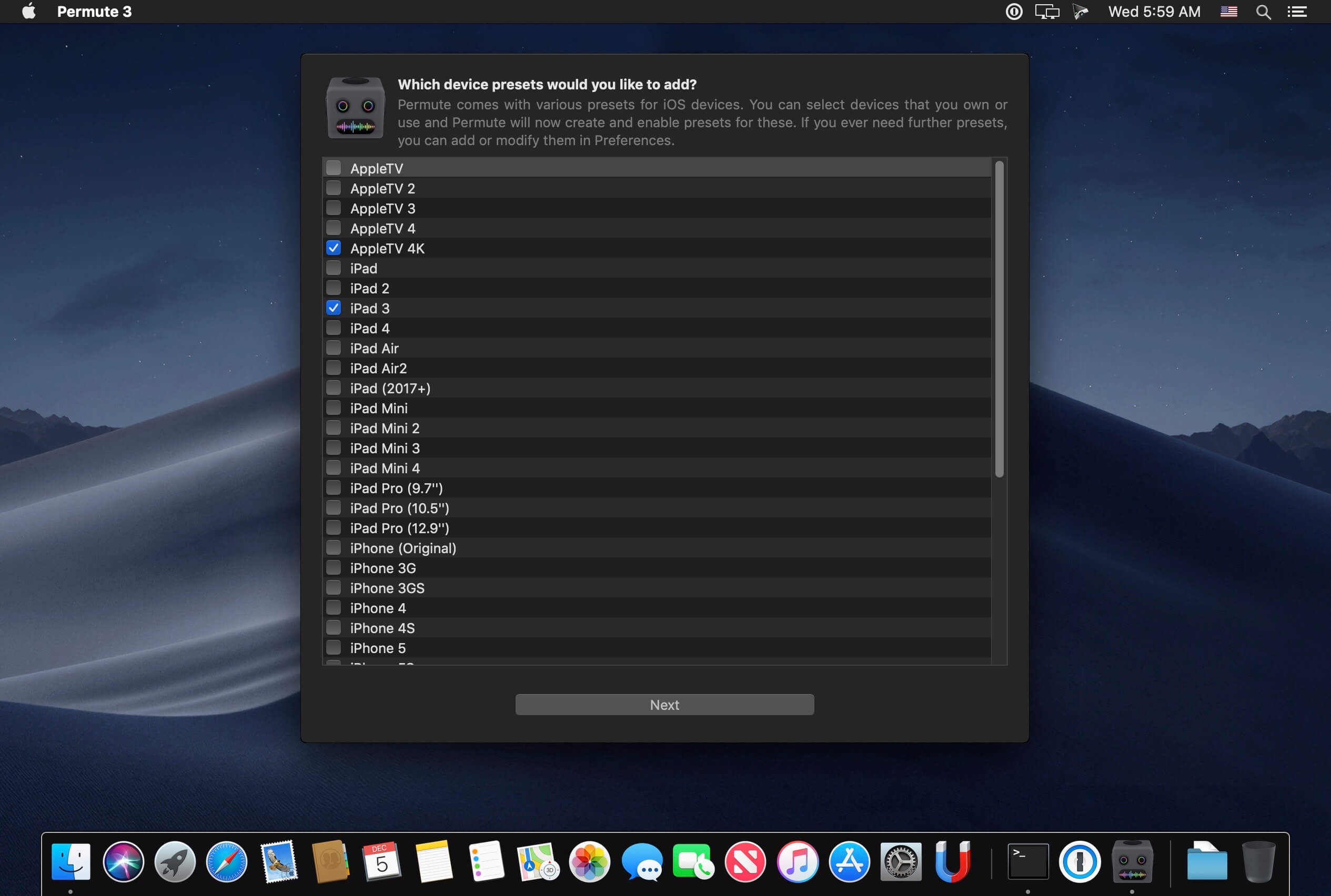
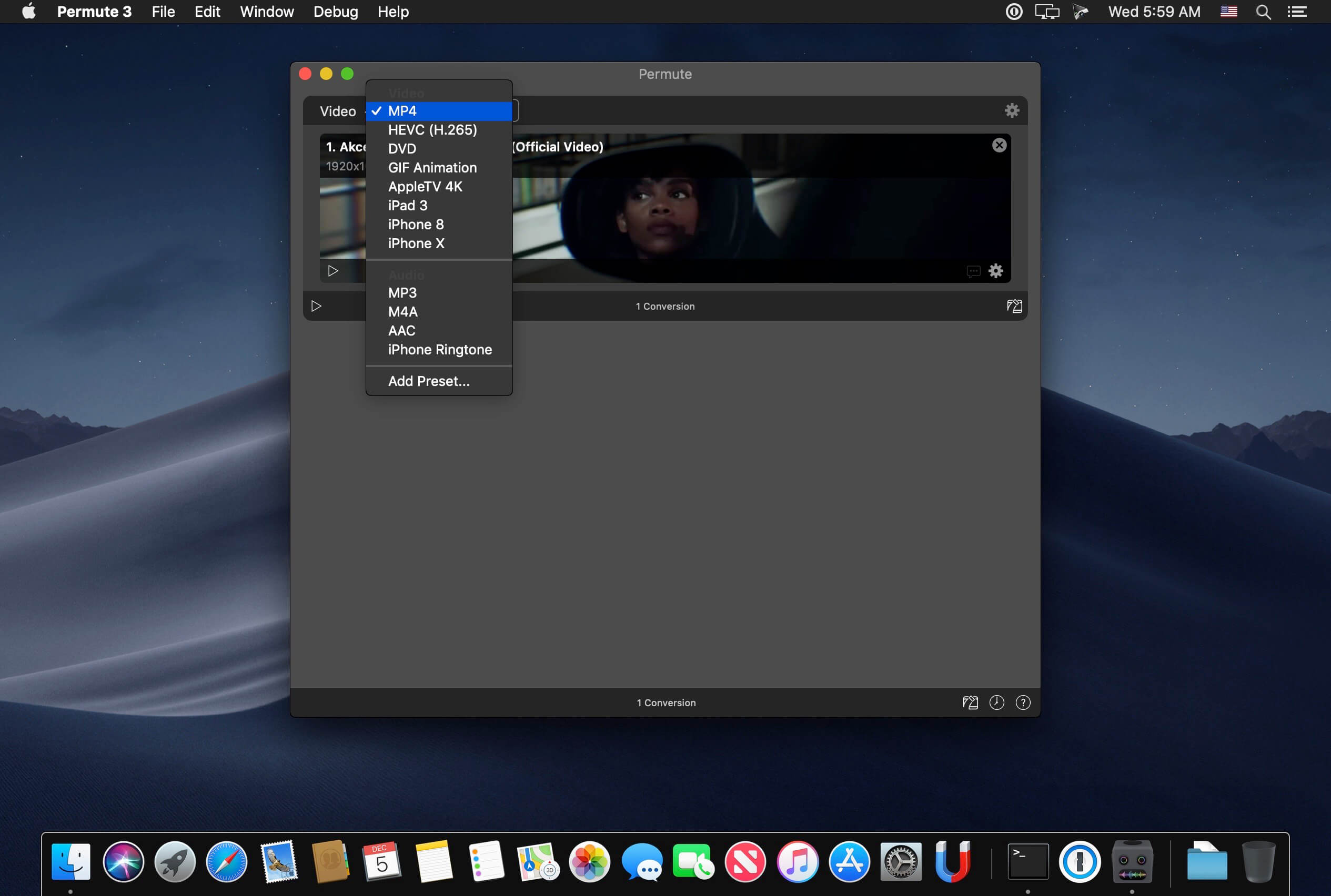
Video, audio and image files come in many different kinds and shapes, but sometimes you need a specific format since your iPad or DVD player won’t play that video. That is what Permute is for – easily convert your media files to various different formats.
Key Features
Easy to Use – built from the ground up, Permute is a perfect example of what a Mac app should be. With a gorgeous interface and drag & drop simplicity no need for complicated options.
Insanely Fast – Permute was engineered to be incredibly fast. Let us take care of the hard stuff. Just select the video format you want and it’ll be done faster than you can say “hardware acceleration” – MP4 and HEVC presets now take advantage of your machine’s hardware acceleration capabitlities, speeding up HEVC conversions more than 3 times over previous versions of Permute!
PDF Support – Permute 3 now includes support for stitching multiple images into a single PDF.
Everything Included – It doesn’t matter if you’re converting home movies or processing images. Permute can do it all. We support nearly every format and have plenty of device presets to choose from.
Looks Amazing – Whether you use dark mode or not, Permute will look amazing. Taking advantage of the modern technologies, Permute will even change its icon in dark mode.
Keep the Schedule – Video re-encoding is quite demanding on computer resources. This is why you can now schedule Permute to convert videos e.g. at night when you’re not using your computer.
And so much more! – There are so many other great features in Permute – adjust volume of an audio file or an audio track in a video. Batch-resize, rotate and flip images and videos. And more!
Completely Rewritten – Permute 3 was started from scratch – completely new project, everything written from the ground up again.
UI Redesign – the UI has been redesigned from the ground up. It’s faster, more fluent and visually pleasing.
Dark Mode – Permute now works 100% with the dark mode, even adjusting its Dock icon based on your macOS theme.
Image Stitching – Stitch images together into a PDF.
HEVC (H.265) Hardware Acceleration – HEVC (H.265) video encoding now supports hardware acceleration, resulting in conversions more than twice as fast.
A simple download manager that offers you the possibility to quickly save videos from different websites to your own disk drive.
f you are using a poor internet connection, trying to visualize videos streamlined online might not work properly since the content is loaded too slowly. Downie is a simple Mac app that can help you download those videos to your computer, and then watch them by using your default media player.
User friendly video downloader featuring support for drag and drop actions
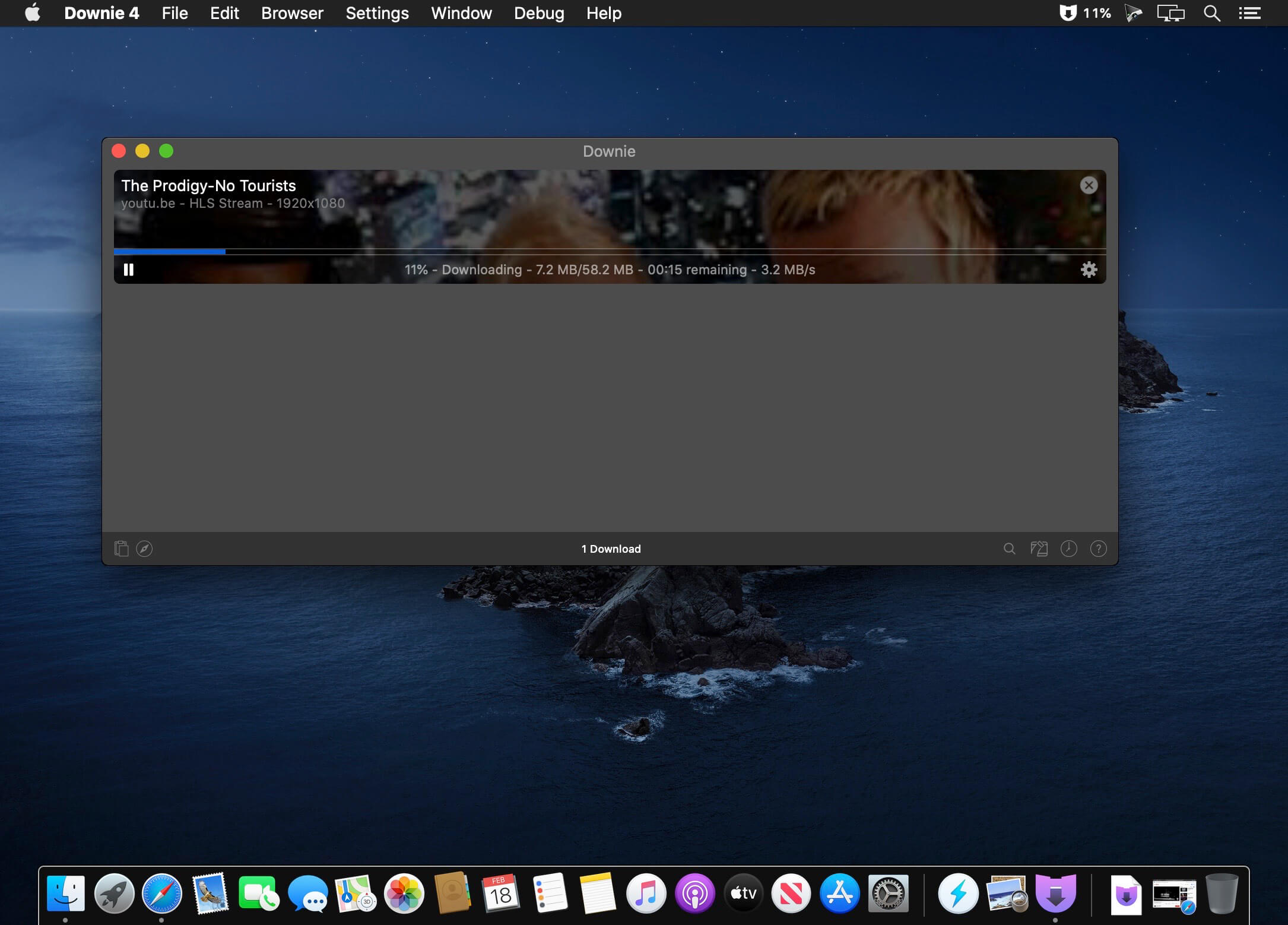
Working with Downie is extremely straightforward: simply drop the video URL on top of the app’s main window or on the Dock icon. Downie adds the video to your downloads list, so all you have to do next is start the process by pressing the appropriate button. Of course, you can also remove items from the list.
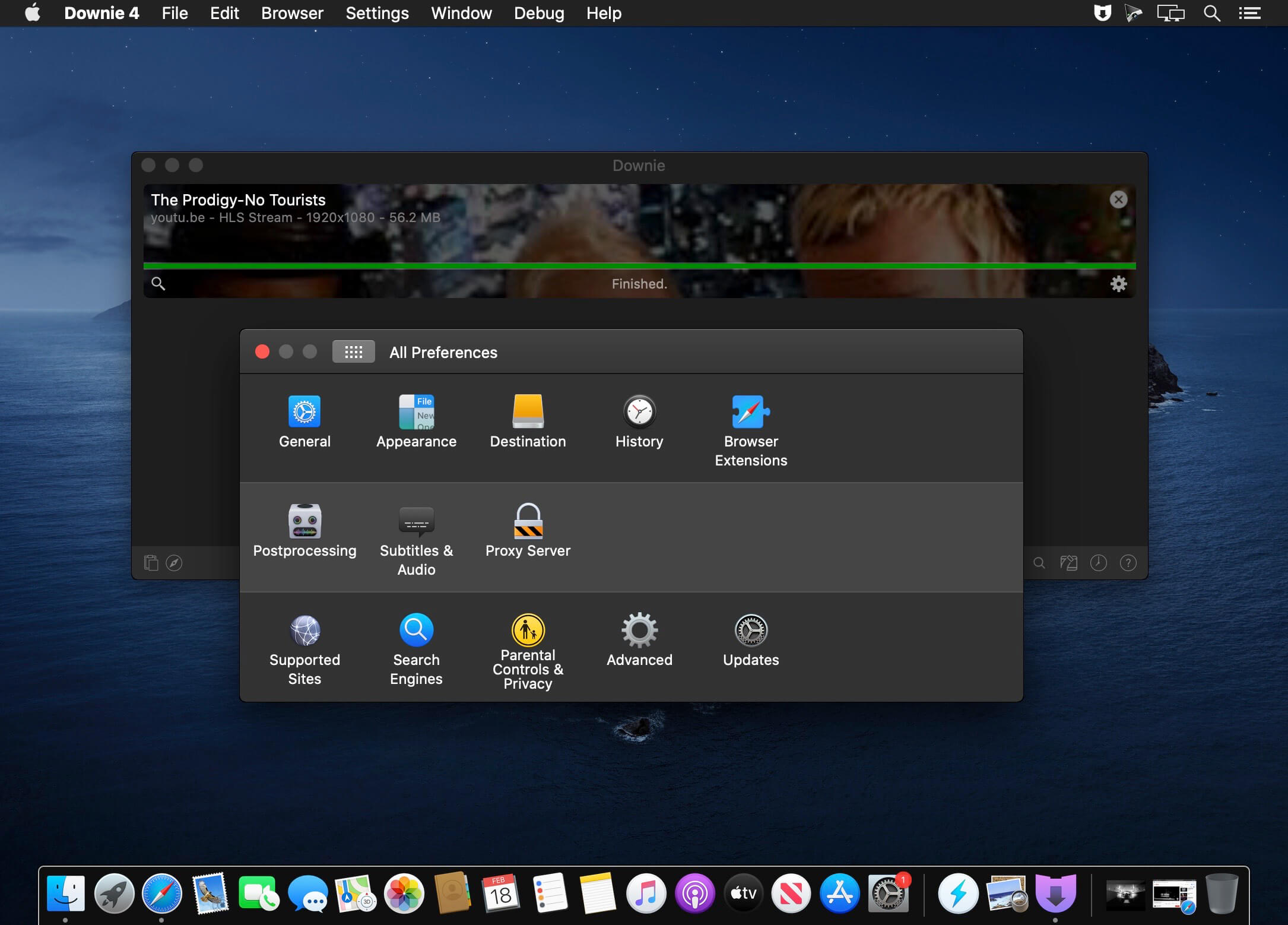
By default, Downie downloads MP4 files and places them in your default Downloads folder, but you can easily change this via the Preferences window. The same area allows you to setup notifications, or post processing actions (convert to MP4 if necessary, or extract audio only).
Effortlessly download videos from a wide collection of hosting websites
Downie provides support for more than 400 different websites that host video content, among which there are the most popular choices, such as YouTube, Apple, LiveLeak, Vimeo, BBC, and so on. If a certain website is not included, within the app you can send a request email to the Downie developers.
Moreover, Downie also provides matching extensions for various popular web browsers, such as Firefox, Safari, Google Chrome or Chromium. The add-ons are not installed by default: open the Preferences window and install only the ones you plan to use.
Straightforward solution for downloading video content hosted online
Downie is a great tool for saving videos posted on various websites to your Mac for offline playback. The application is extremely useful especially if you have a slow internet connection.
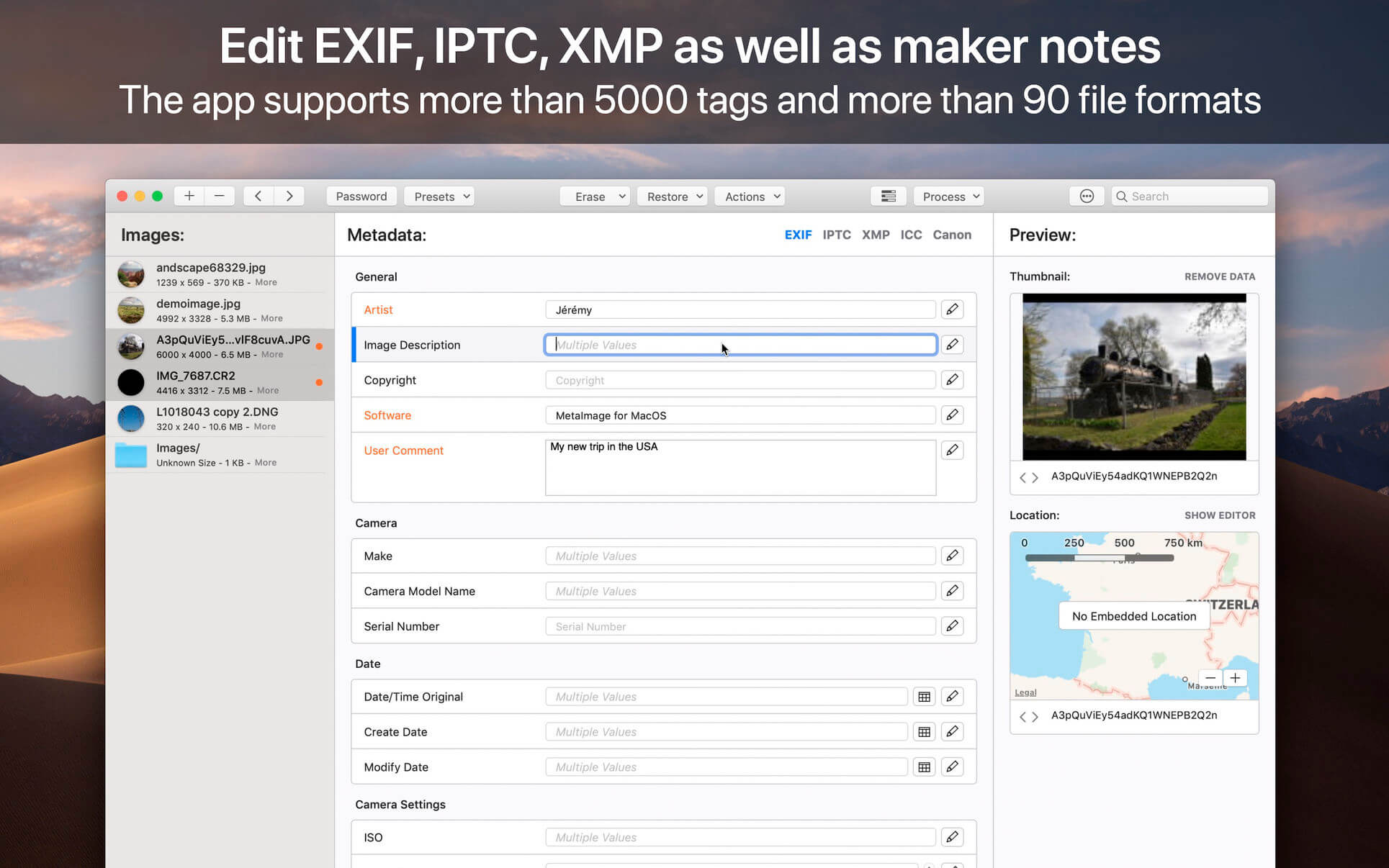
MetaImage is the ultimate tool to read, write and edit images metadata. This is first editor that allows you to edit EXIF, IPTC and XMP tags as well as MakerNotes in a beautiful and familiar interface.
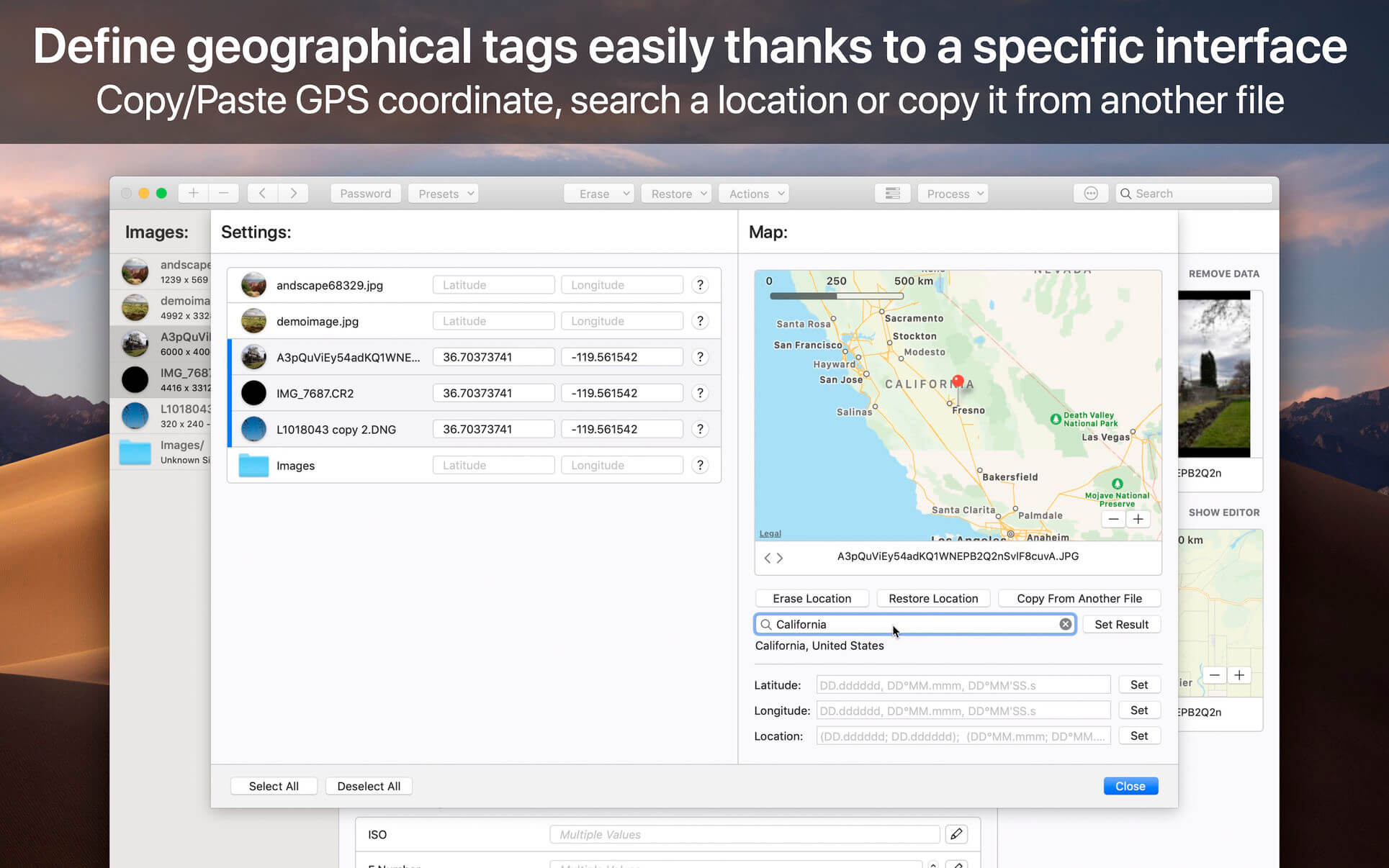
The application has been designed to improve your workflow. Users can create and manage presets. Moreover, a special support is provided for geographical and thumbnail data. In addition, displayed tags can be customized via the preferences. In this way, the application fits to your personal needs.
MetaImage is completely integrated to your mac ecosystem. The application even includes a Photos extension. In this way, you can directly inspect your photos from Photos.app.
Supported tags (>5000 tags):
EXIF
IPTC
XMP
ICC Profile
Canon
Leica
FujiFilm
Nikon
Olympus
Panasonic
Pentax
SigmaRaw
Sony
and much more
The application is designed for professional needs. More than 90 image formats are supported (HEIC, MOS, CR2, DNG, NEF, NRW, JPEG, PNG, TIFF, RAW, and much more). MakerNotes tags may be edited but not created or deleted. This avoids many potential problems with OEM software.
Additional features:
Export tags to CSV and JSON
Export embedded thumbnails
Export embedded jpeg from raw
Copy/Paste multiple tags
Support password-protected images
Support notifications and touch bar
Support folder processing (* except HEIC files *)
This version has been optimized for macOS High Sierra and later. Moreover the application is available in 7 languages (English, French, German, Spanish, Italian, Japanese and Chinese).
Feedbacks can be sent directly from the application. In this way, you can contact us for any kind of suggestions and improvements in few clics.
MetaImage is accompanied by other applications.
SnapMotion: extract still images from videos with precision.
GlueMotion: edit, deflicker and assemble images into time lapse.
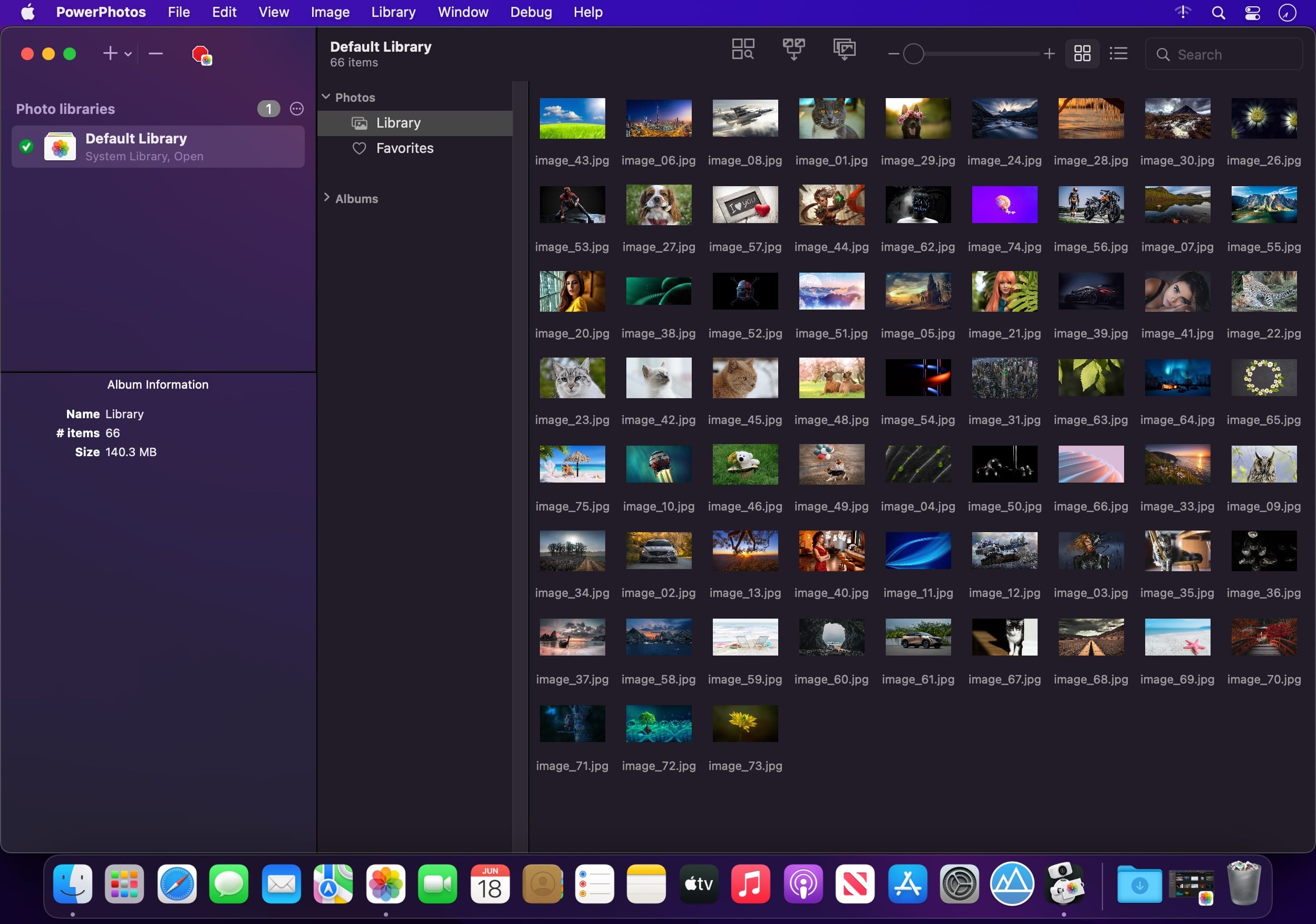
PowerPhotos – The ultimate toolbox for Photos on the Mac. PowerPhotos works with the built-in Photos app on your Mac, providing an array of tools to help you get your photo collection in order.
Create and manage multiple libraries
Instead of being limited to putting all your photos in a single library, PowerPhotos can work with multiple Photos libraries, giving you many more options for how to organize your ever growing photo collection.
Splitting your photos between multiple libraries helps Photos open more quickly, lets you archive older photos, store some of your collection on an external hard drive, and reduce storage space used by iCloud Photo Library.
Copy photos and their metadata
You can split your library by copying albums and photos with a simple drag and drop. PowerPhotos will take care of copying the photos and retaining their metadata, including keywords, descriptions, titles, dates, and favorite status. Read more about what PowerPhotos can copy.
Merge Photos libraries
Got a whole bunch of libraries you want to consolidate into one? PowerPhotos lets you merge your libraries together while weeding out duplicate photos in the process. You will be shown a preview of what your merged library will look like before any modifications are done, to ensure your merged library looks how you want.
Find duplicate photos
It’s easy to have multiple copies of the same photo creep into your photo collection over time. Use PowerPhotos to find duplicate photos in one or more libraries, view them side by side, and separate them into albums where you can easily delete them from your library.
Browse and search
Use PowerPhotos’ image browser to quickly view your photos without having to open Photos itself. View detailed photo information using List View, and search for photos across all your libraries at once.
Migrate your iPhoto/Aperture libraries
If you have a lot of existing iPhoto or Aperture libraries that you want to migrate over to Photos, PowerPhotos will help automate your migrations so you don’t have to spend time babysitting this lengthy process.
New features:
Improved iCloud Photos support: If you use iCloud Photos, PowerPhotos 1.x was only able to see photos in your library that had already been downloaded to your local hard drive. For users with the “Optimize Mac Storage” option enabled, this could mean a significant portion of your iCloud library would not be visible to PowerPhotos. In PowerPhotos 2.0, it can now see and work with any photos in your iCloud photo library, and will automatically download any photos from iCloud as needed.
Advanced exporting: Photos has an export command, but it is fairly limited in what it can provide. PowerPhotos 2.0 has a new, more fully featured export function with options such as
Export as a flat folder or as a folder hierarchy in the Finder that mimics your album hierarchy
Export unmodified photos, or as JPG, PNG, HEIF, or TIFF of different sizes
Include captions, dates, keywords, and titles in EXIF metadata
Retain or strip location metadata
Optionally include videos from Live Photos and all photos from a burst
Set Finder creation/modification dates to the photo’s EXIF date
Video export support as H.264 or H.265
Global menu bar item: Get fast access to your libraries via a global item in your menu bar even when PowerPhotos itself isn’t running.
Library groups: For those with lots of libraries, you can now organize your libraries into groups in the PowerPhotos sidebar.
Multiple windows: You can now open each library in a separate window in PowerPhotos, allowing for easier comparison between libraries, and dragging and dropping photos/albums between libraries.
New duplicate search engine: PowerPhotos 2.0 uses a new duplicate comparison algorithm that can find more duplicate photos which are not quite 100% identical, such as scaled down copies of photos, photos that have been resaved in a different format or with different compression, and even photos with minor edits applied to them.
Faster library loading: PowerPhotos 2.0 has rewritten a bunch of its internals to load your library much faster than PowerPhotos 1.0.
Improved AppleScript support: New support for copying albums or photos between libraries, merging libraries, and exporting photos/albums from a library.
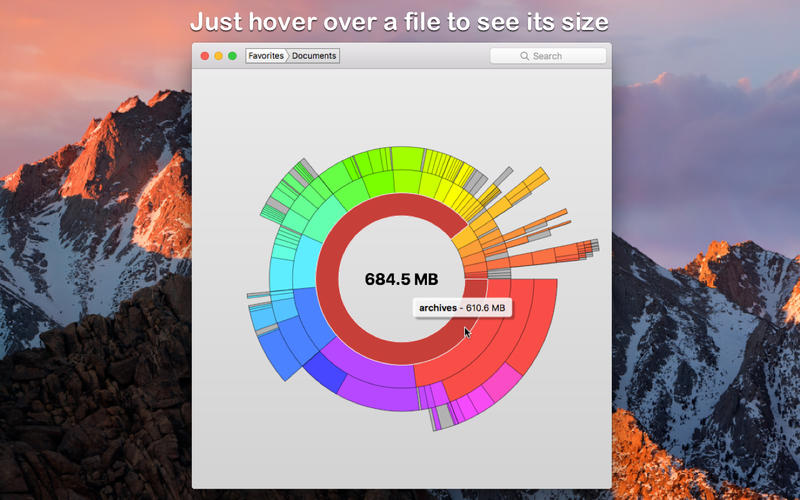
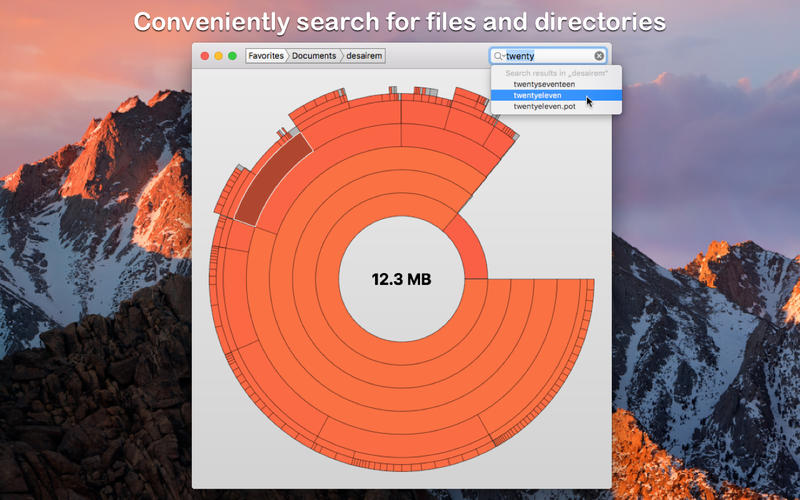
Disk Graph is a tool that allows you to inspect your disk and easily find the files that take away most of your disk space. With its beautiful interface and its pie-like graph, locating big files has never been easier.
Features of DiskGraph include:
any directory reachable in the Finder (i.e. on your local machine, on an external drive or even on a remote server) can be selected and immediately analyzed
freely navigate inside the subdirectories of an analyzed folder or device
smooth animations manage the transitions between selected directories
move the mouse over a file to see its name and size
use the context menu to trash selected files
quickly search for filenames
save your favorite locations and access them with one click from the main window
choose between two modes: File Size Mode (where section sizes are relative to the respective file size) and File Count Mode (where section sizes represent the number of contained files).
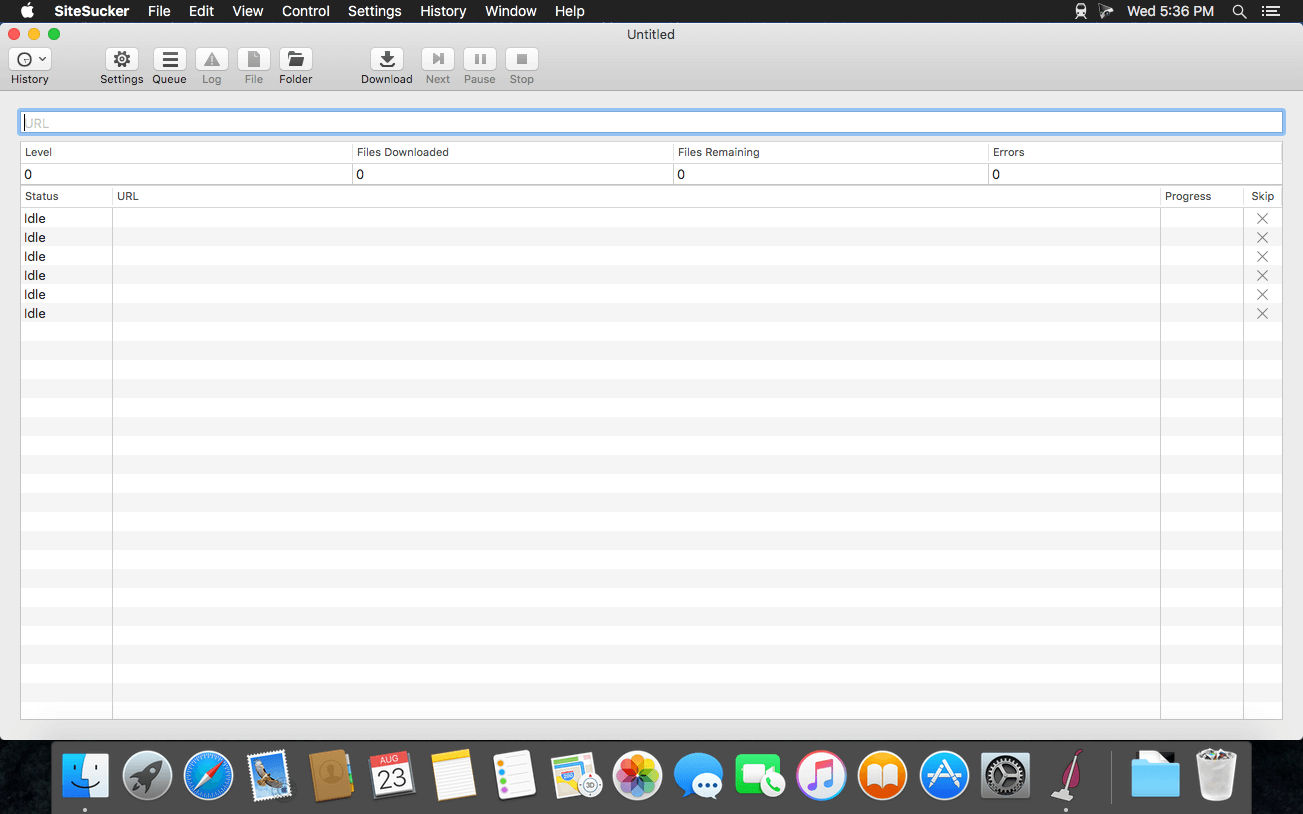
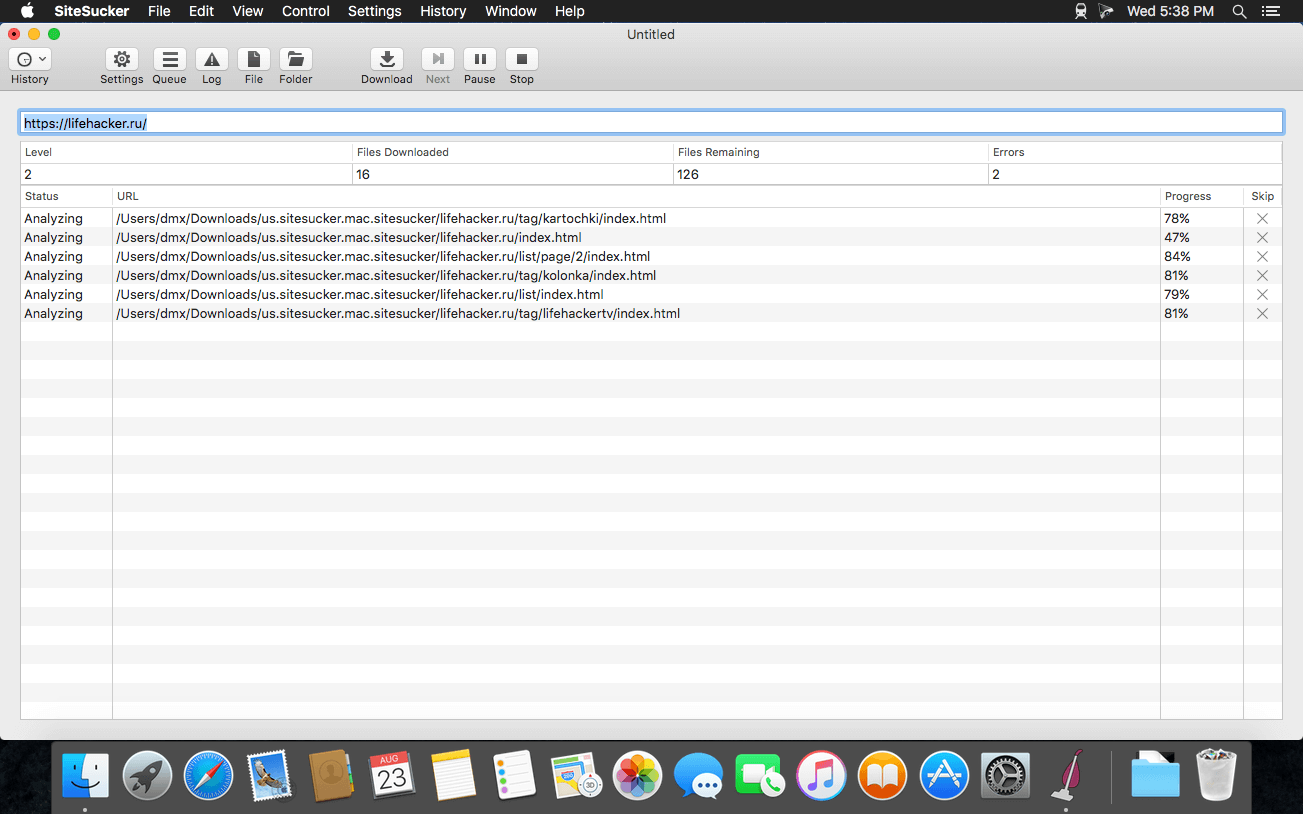
SiteSucker is an Macintosh application that automatically downloads Web sites from the Internet. It does this by asynchronously copying the site’s webpages, images, PDFs, style sheets, and other files to your local hard drive, duplicating the site’s directory structure. SiteSucker Pro is an enhanced version of SiteSucker that can download embedded videos, including embedded YouTube and Vimeo videos.
SiteSucker can be used to make local copies of Web sites. By default, SiteSucker “localizes” the files it downloads, allowing you to browse a site offline, but it can also download sites without modification.
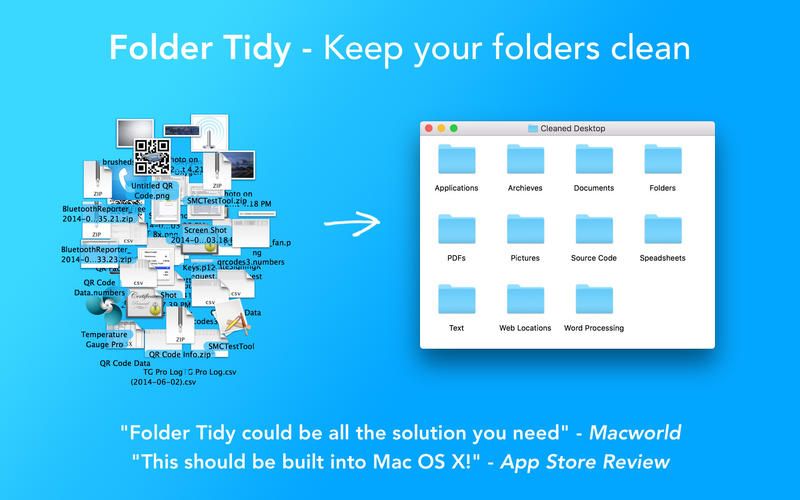
Take a look at your Desktop, or the Downloads folder – is it a little disorganized? Or maybe really disorganized? Don’t worry, it’s really easy to clean up. Download Folder Tidy right now and choose the folder to organize and with one click you’ll see the files get sorted into the appropriate sub folders (Pictures, Word Documents, Numbers, Archives, etc).
Need a little more control? Open up the preferences, change the order of the built-in rules, or start to make custom rules. Use the powerful predicate editor to make pretty much any rule you’d like. For example, create a rule to move all photos with a size bigger than 5MB and older than a year into a folder. Pretty neat, eh?
Check out some of the awesome features:
Organize your files into subfolders based on the file type and/or rules.
Use one of the many built-in rules, or create powerful ones based on predicates.
Choose what types of files to clean up.
Choose files and folders to ignore during a clean up.
Choose where to put the cleaned up files and folders.
Options to ignore aliases, folders and anything with a label.
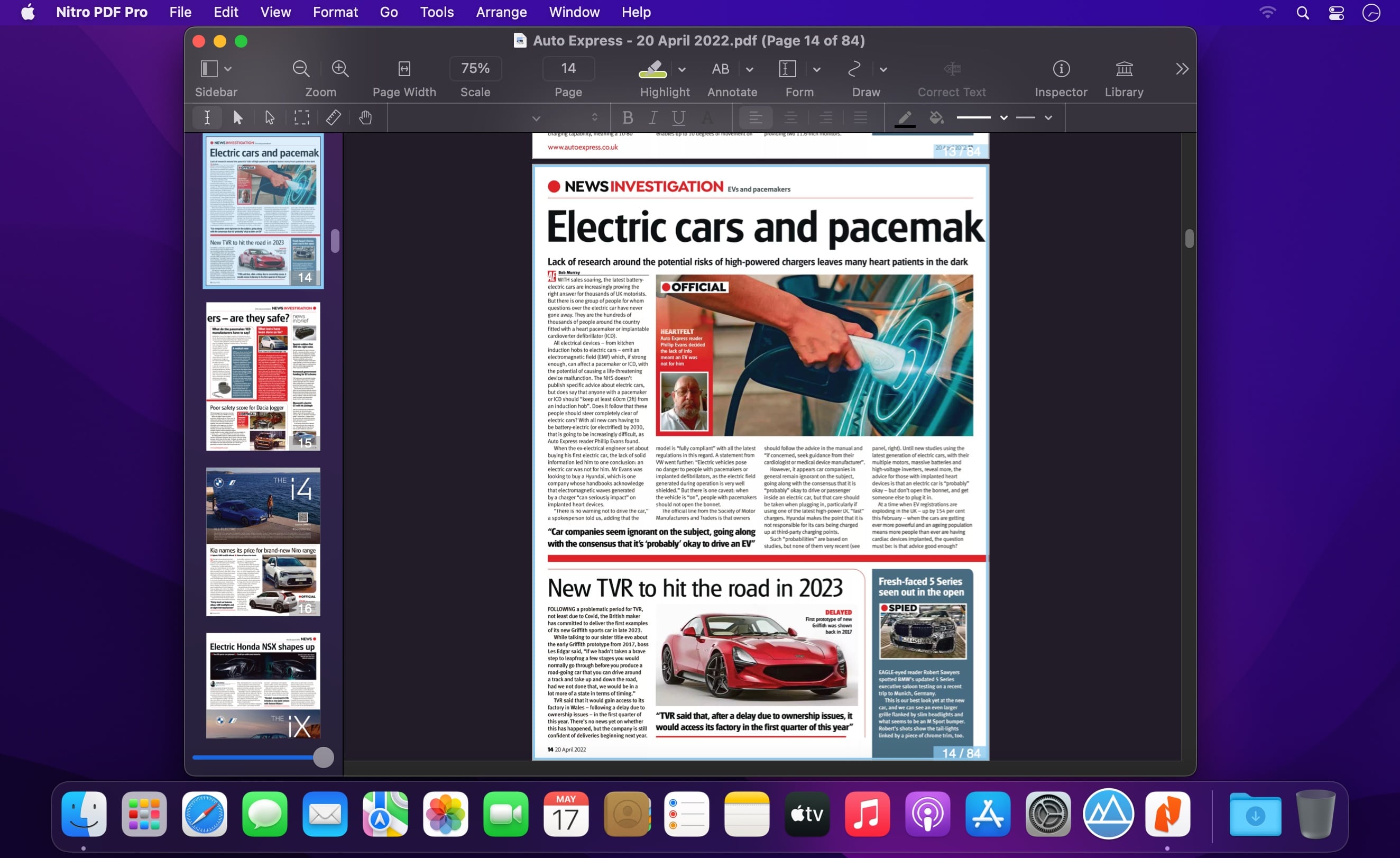
Powerful PDF Editing On Your Mac – Add signatures, text, and images. Make changes and correct typos. OCR scanned docs. Fill out and create forms. Export to Microsoft® Word, Excel, PowerPoint.
All-Purpose PDF Editing Tool
With Nitro PDF Pro, you can add text and signatures, make corrections, OCR scanned docs and more, just like Nitro PDF Pro Essentials. But Nitro PDF Pro goes beyond, with more powerful features.
Make interactive PDF forms for both Mac and Windows
Make a scanned form come alive with Nitro PDF Pro! Build interactive forms with text fields, checkboxes, radio buttons, interactive signature fields and submit buttons!
Export in Excel, PowerPoint and PDF Archive Format
Export your PDFs not just in .docx format for the Microsoft® Word users in your life, but also .xlsx for Excel, .pptx for PowerPoint, and PDF/A for archival PDFs.
Put the Web in your PDFs
Whether it’s a single Web page or a whole site, make it into a PDF complete with clickable links.
Store PDFs in the Cloud
Now you can edit your PDFs wherever you are. Use iCloud or Dropbox for seamless editing with PDF Pro for iOS.
Make a portfolio package of your PDFs
Have a collection of PDFs to manage? Create a portfolio to combine your PDFs into a single manageable package for easy sharing and distribution.
Features:
DRAW, HIGHLIGHT, SCRIBBLE, CORRECT TEXT
Mark up documents with highlighting, underscoring and strikethrough
Add text, images and signatures to PDF
Correct text in original PDF with editable text blocks
Move, resize, copy and delete images in original PDF
Copy and paste rich text; retain fonts and formatting when copying from PDFs, including columns
Add, edit, preview and extract file attachments and annotations
Record and playback audio annotations
Add notes, comments, and cloud annotations
Snap objects in place with guides
Add page numbers, bookmarks, headers and footers, line numbers and watermarks
SCAN & OCR — PREVIEW TEXT
Perform OCR (Optical Character Recognition) on scanned documents singly or in batch OCR
Edit OCR text from your scanned pages
Scan directly from Image Capture or any Mac-compatible scanner
Adjust resolution, color depth and contrast, skew, and size of an image or scanned document
Context-sensitive popup-menus enable quick edits
Automate PDF manipulations with AppleScript and jаvascript Automation
Compress PDF documents for smaller file sizes
REDACT PERSONAL INFORMATION
Redact or erase text, including OCR text
Password protect a document with up to 256-bit AES encryption
Edit document permissions to restrict saving, printing, copying, etc.
Full screen mode, as well as zoom to document width and zoom to actual document size
Print notes and comments with or without the original text
Print a list of all annotations along with the document
Add (and print) notes and comments
SIGN & FILL FORMS
Validate digital signatures for authenticity and trust of digitally signed documents
Digitally sign documents using AATL or create a self-signed certificate
Fill out interactive PDF forms and sign them
Apply business-related and sign here stamps via the Library
Save frequently-used images, signatures, objects and text in the Library
Sync Library items with PDF Pro for iOS via iCloud
Use iCloud or Dropbox for seamless editing with PDF Pro for iOS
AUTO-GENERATE FILLABLE FORM FIELDS
Convert websites to multi-page PDFs, complete with hyperlinks
Create and edit cross-platform fillable PDF forms
Export PDFs to Microsoft® Word (.docx) while offline, and to Microsoft® Excel (.xlsx), Microsoft® PowerPoint (.pptx), and PDF Archive (PDF/A) formats with an Internet connection
Create form fields automatically in a non-interactive form
Create and edit document Table of Contents
Create Portfolio documents, combining related files together
What’s New:
Version 13.3.0:
Release notes were unavailable when this listing was updated.
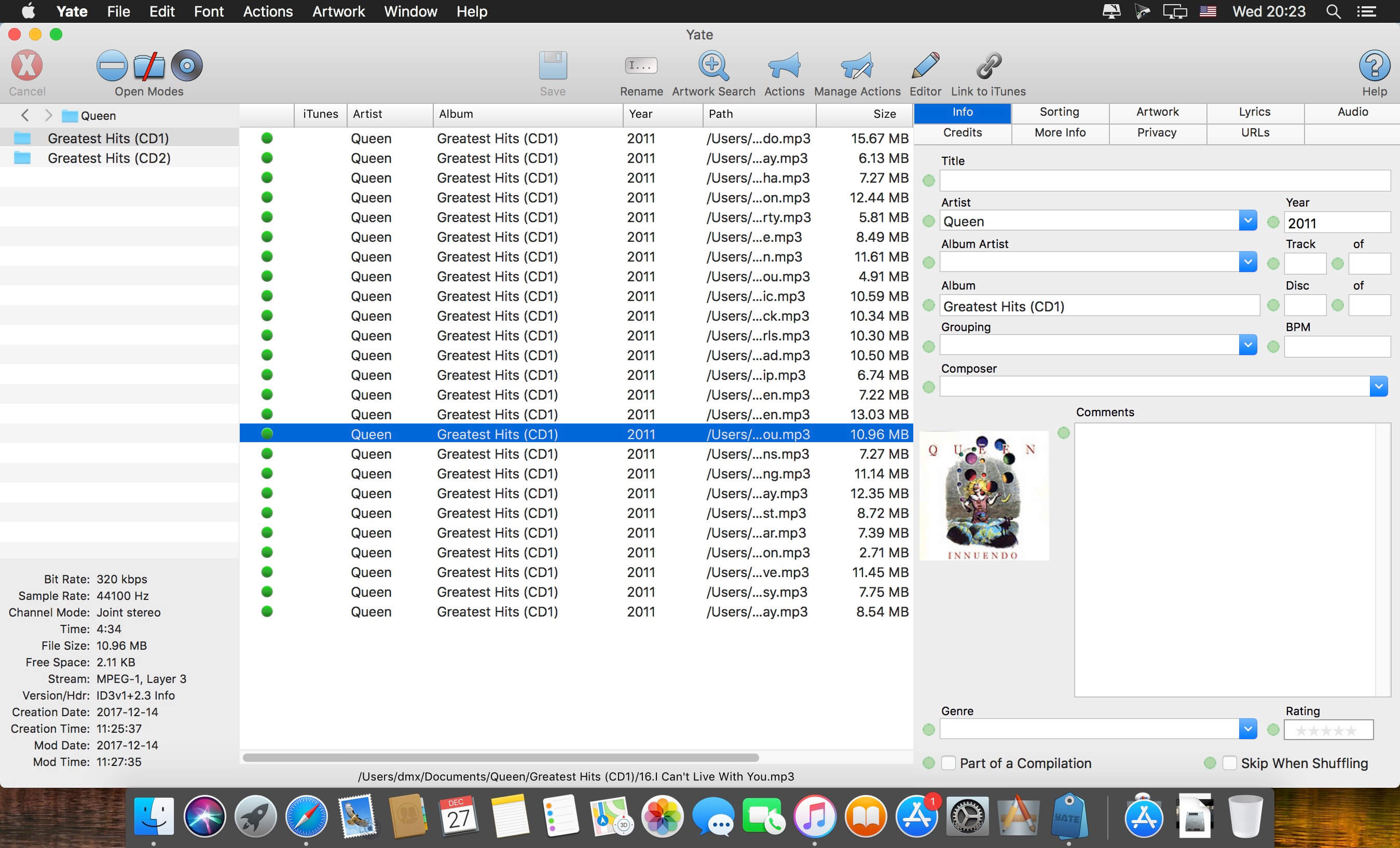
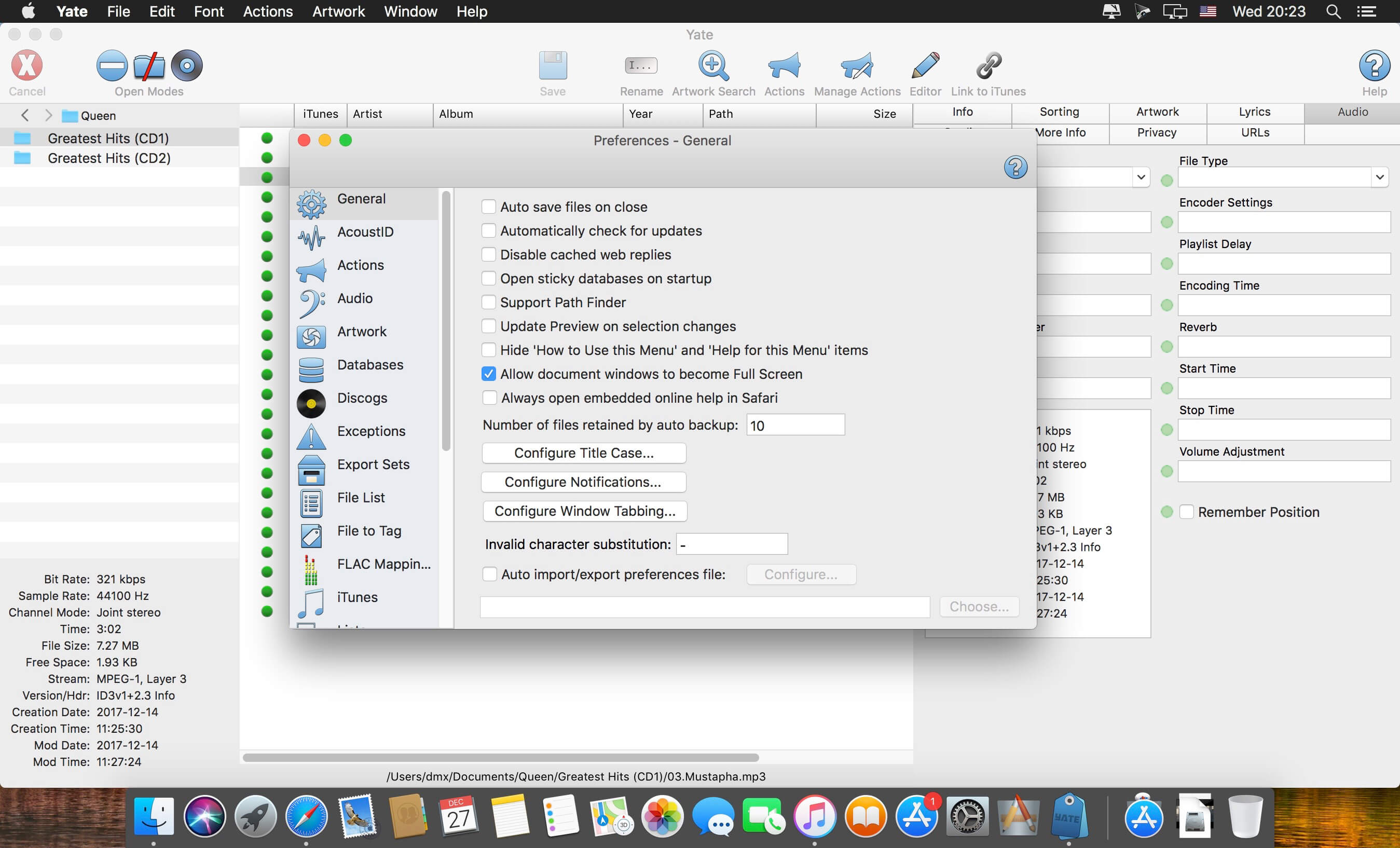
Yate was developed for people who want complete control over their tagging experience. Supports audio in AIFF, DFF, DSF, FLAC, M4A, M4B, MP3, MP4, STEM.MP4 and WAV files. Supports video in M4V and MP4.
Yate has a long list of features; most importantly, an innovative scripting system called actions. Actions can be used to update all of an album’s tags with a single operation. Yate also supports integration with AcouticBrainz, AcoustID, Beatport, Discogs, iTunes and MusicBrainz. All changes can be easily reverted and individual changes can be undone in any order. Whether you want to automatically or manually tag your files, Yate can do it all!
What’s New:
Version 6.0: The Action Manager
Many actions are written which do not require selected audio files. These include actions which dynamically load files, those that manipulate databases, etc. The issue is that actions cannot run without at least one selected file.
There is a new column in the Action Manager named Always. When the column is enabled, it is treated as a hint to the action runner. The hint is used as follows:
if files are loaded and at least one is selected, there is no behaviour change.
if files are loaded and none are selected, one file will automatically be selected. The named variable File Auto Selected will be set to 1.
if no files are loaded, a temporary file will be supplied and selected. The named variable Temporary File Supplied will be set to 1.When the action terminates, the file is removed. Note that if the file is renamed or moved it will not automatically be removed.
Note that the All Files column settings are applied before the Always interpretation.
It is still your responsibility to ensure that selected files are not modified, if that is your intent.
Actions with the Always setting will be enabled in menus, main window toolbar icons and edit panel action buttons when there are no files selected.
Two new action statement categories were added: Import/Export and Preferences.
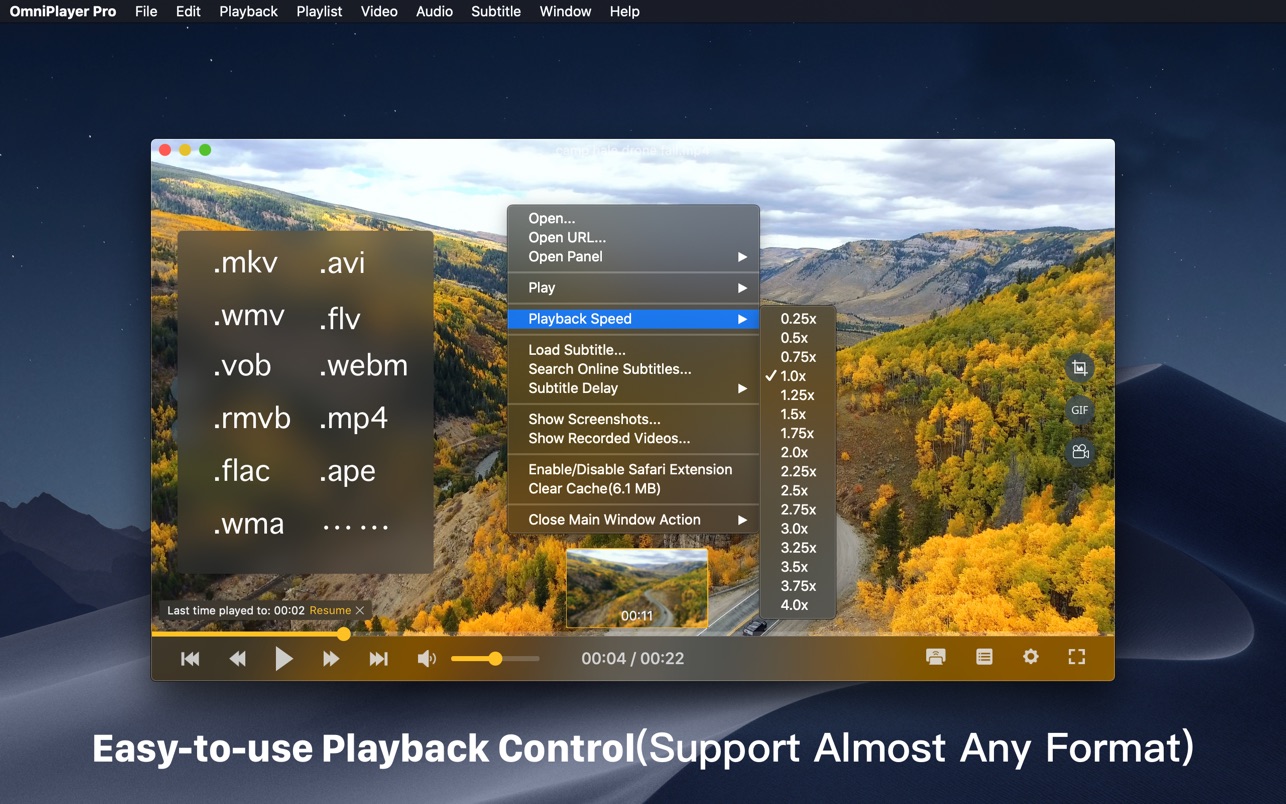
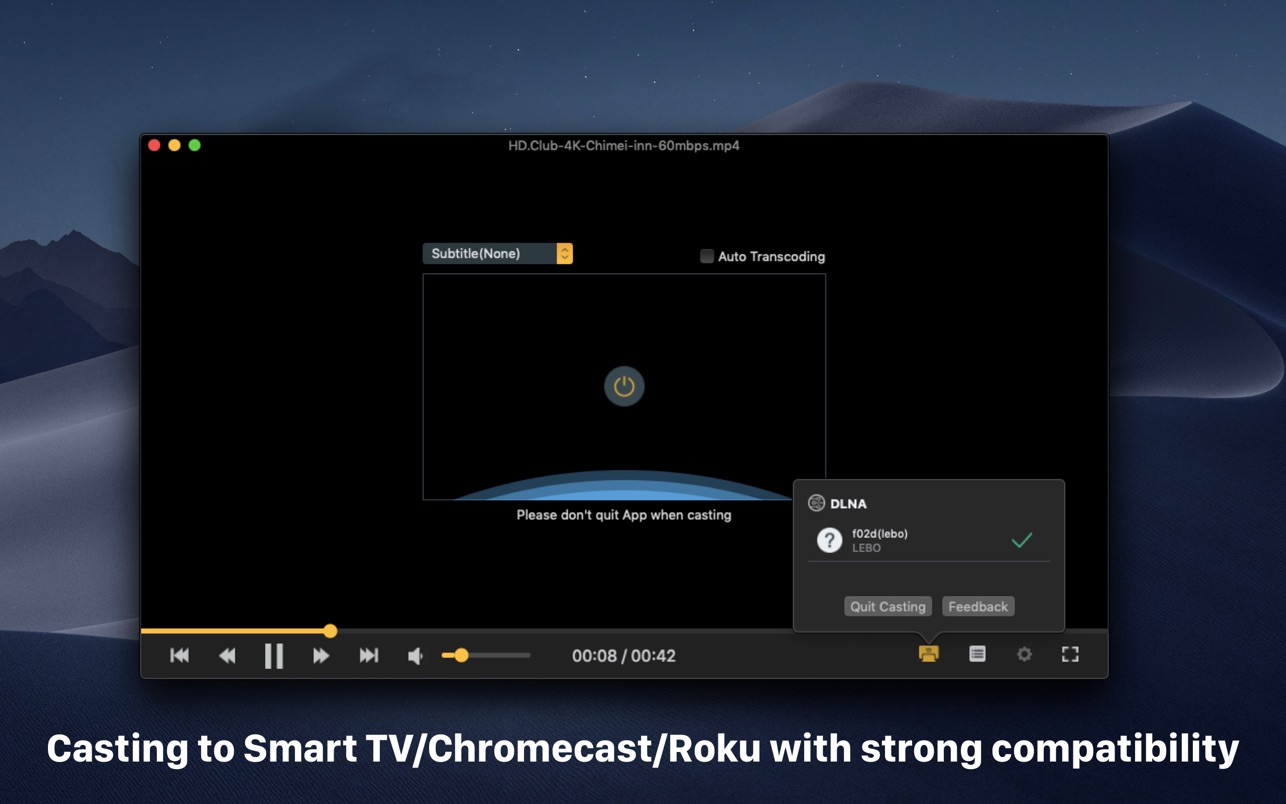
OmniPlayer Pro for Mac is a comprehensive media player for almost any video and audio format on macOS. It has powerful features with a modern and clean design. You can use it to play various 4K/1080P/720P HD videos and normal/lossless audio easily with hardware decoding. OmniPlayer’s rich features let you conveniently control and adjust the playback, playlists, video images, audio tracks, subtitles, and screenshots, etc.
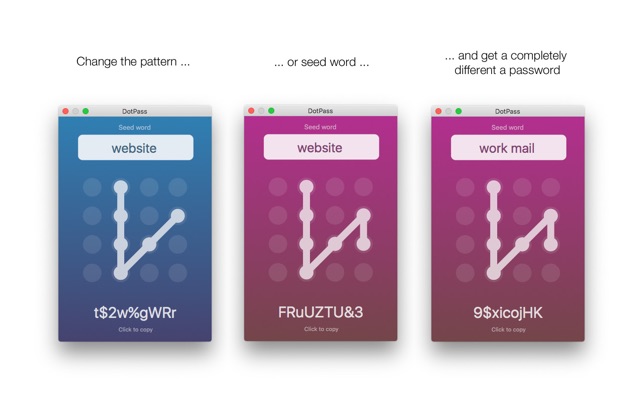
DotPass is an app for generating and retrieving passwords. You enter a graphical pattern in a dot grid and a plain text seed word (like “facebook”, “work email” or whatever makes sense to you), and the app then generates a password based on this unique combination.
Tap the password to copy it, and then past it into whatever login form you need it for.
The idea is that a graphic pattern and plain seed words are much easier to remember than strong passwords. Any change in either pattern or seed word results in a completely different password. So you can decide on one pattern and reuse together with different seed words for different accounts, and get good different passwords for each account.
As long as you remember the pattern you’ve chosen and the plain text seed words for your accounts, you can get your passwords back. But unlike other solutions your passwords are never stored on your device or sent into the “cloud”, so there is no password information in the app that can be stolen or lost.
– All generated passwords contain numbers, uppercase and lowercase letters to fulfill common password criteria.
– Select either 9 or 18 character passwords
– For security app resets and clears any copied passwords from the pasteboard after use.
There is also an iOS version of DotPass available in the iOS App Store. So you can easily access the same passwords on your phone/pad as well.
To make these passwords secure you must of course keep your pattern and seed words secret, just as you would with your password. If you are worried about someone looking over your shoulder you can use the extra privacy features in the app to hide the pattern, seed or password after entry. For added security the app automatically resets if left in the background more than a minute.
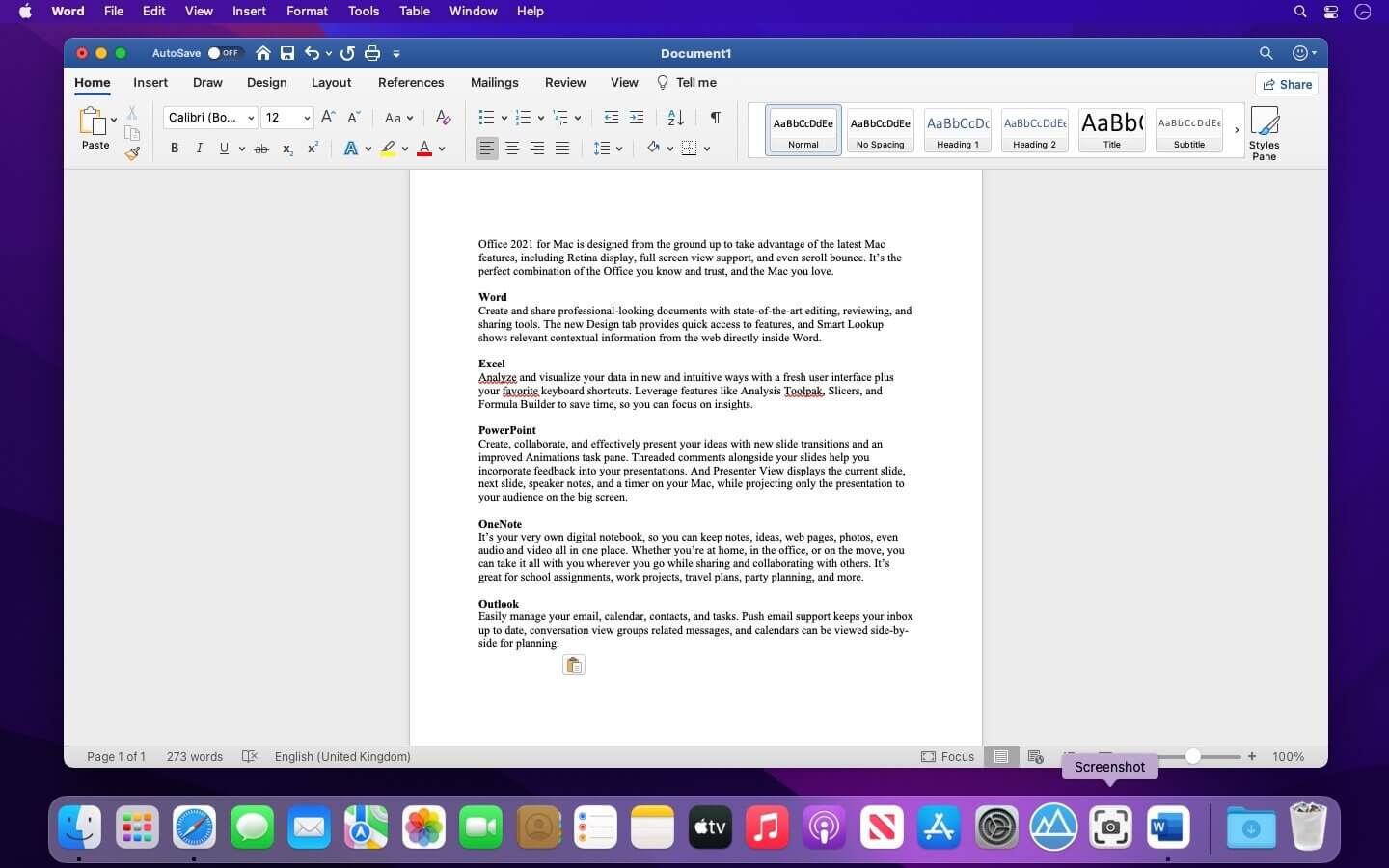
Office 2021 for Mac is designed from the ground up to take advantage of the latest Mac features, including Retina display, full screen view support, and even scroll bounce. It’s the perfect combination of the Office you know and trust, and the Mac you love.
Word
Create and share professional-looking documents with state-of-the-art editing, reviewing, and sharing tools. The new Design tab provides quick access to features, and Smart Lookup shows relevant contextual information from the web directly inside Word.
Excel
Analyze and visualize your data in new and intuitive ways with a fresh user interface plus your favorite keyboard shortcuts. Leverage features like Analysis Toolpak, Slicers, and Formula Builder to save time, so you can focus on insights.
PowerPoint
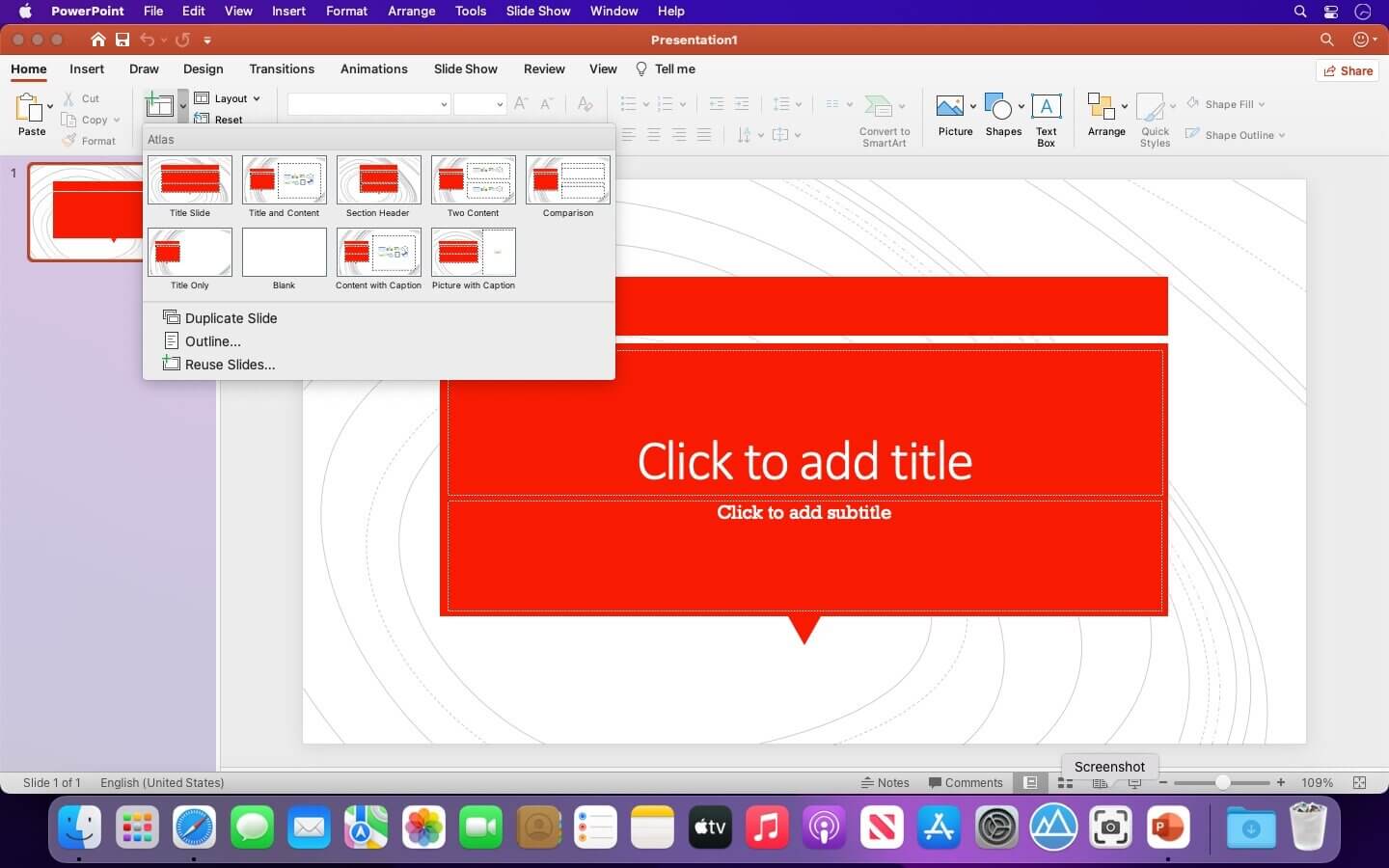
Create, collaborate, and effectively present your ideas with new slide transitions and an improved Animations task pane. Threaded comments alongside your slides help you incorporate feedback into your presentations. And Presenter View displays the current slide, next slide, speaker notes, and a timer on your Mac, while projecting only the presentation to your audience on the big screen.
OneNote
It’s your very own digital notebook, so you can keep notes, ideas, web pages, photos, even audio and video all in one place. Whether you’re at home, in the office, or on the move, you can take it all with you wherever you go while sharing and collaborating with others. It’s great for school assignments, work projects, travel plans, party planning, and more.
Outlook
Easily manage your email, calendar, contacts, and tasks. Push email support keeps your inbox up to date, conversation view groups related messages, and calendars can be viewed side-by-side for planning.
Languages: English, العربية, 中文, Čeština, Dansk, Nederlands, Suomi, Français, Deutsch, Ελληνικά,
עברית, Magyar, Bahasa Indonesia, Italiano, 日本語, 한국어, Norsk, Polski, Português,
Русский, Slovenčina, Español, Svenska, ภาษาไทย, Türkçe
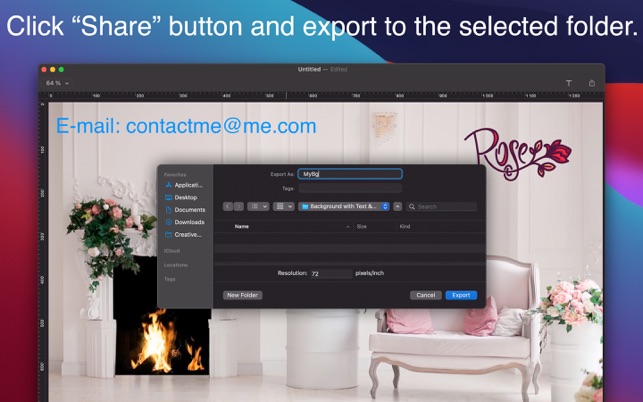
Customize video or picture backgrounds for video conferences easily. Fast and simple tool for key functionality.
Personalize Backgrounds.
Video conferencing, webinars and other digital meetings could be more personal and more effective using the virtual background with your logo on it. Just open the background, then drag-and-drop your logo. Show your new background to the audience with additional visual effect.
Logo Effect on the Background.
Add your own logo and text to personalize your video or picture backgrounds. Logo or trade mark on your background interconnects the presenter, the idea and the brand. Increase your brand awareness and link it with the topic you present.
Your Logo, Contacts or any other Text on Desired Background.
You will have huge flexibility to change your logo, texts and background combinations. Alter the background depending on the theme of the video conference. Change the place of the logo, slogan or the contact text on the background easily. You can do that depending on the presentation topic or the video conference participants. Customize your video and picture backgrounds to emphasize you care the other participants of the virtual meeting.
MarsEdit is a blog editor for OS X that makes editing your blog like writing email, with spell-checking, drafts, multiple windows, and even AppleScript support.
It works with with most blog services including WordPress, Blogger, Drupal, Movable Type, TypePad, and many others.
What’s New:
Version 4.5:
WordPress-specific improvements
Existing media items from your blog are now synced and available in the “Published” tab of Media Manager
Post password can now be set from the MarsEdit document options side panel
Fix a bug that attempted to publish using invalid author ID after switching target blog
Can now drag from Media Manager to Featured Image either as new image or reusing existing published image
Improve accessibility of featured image by setting proper file name based on original file
General media management improvements
Images from the “On My Mac” tab can now be dragged directly into a post without opening the Upload Utility
Fix a bug that caused some images dragged from the Media Manager to get long alphanumeric names
The list of attached files now updates as images are being uploaded
Fix a bug that prevented some images from being resized correctly on Apple Silicon Macs.
Items can now be dragged with a single click/drag even when the window is not active
Now showing better thumbnail images for non-image file types
Miscellaneous fixes
The “Add Category” field now suggests completions from among the list of existing category names
Support VoiceOver access to menu items that are hidden by default
Improved reliability of preview template downloading for Micro.blog
Fix a bug that prevented the date of newly published AtomPub posts from showing correctly
Rename the “Split Post” functionality to use “Read More Tag” terminology
Fix a bug in preferences showing the wrong values for Retina-based image size constraints
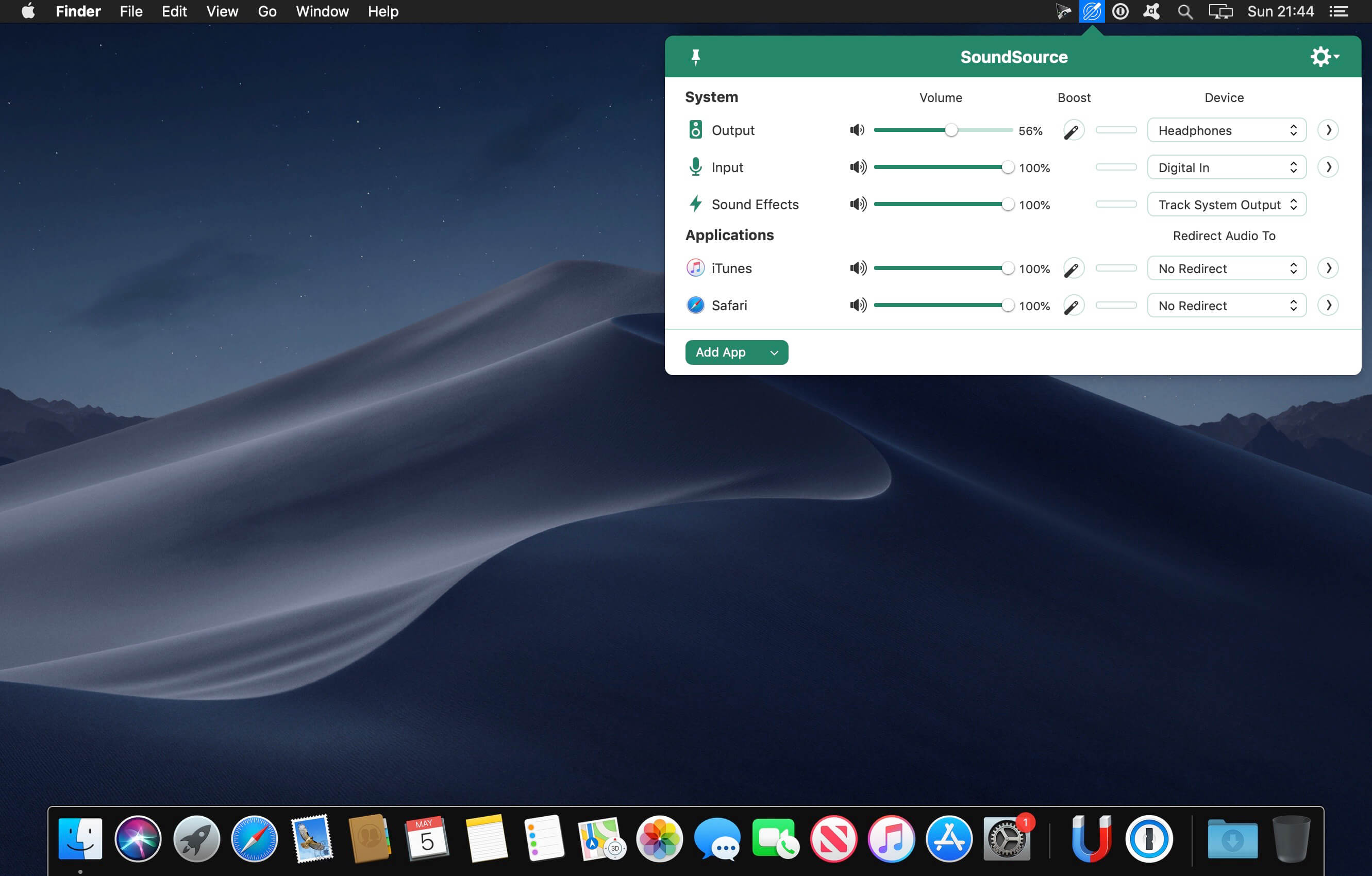
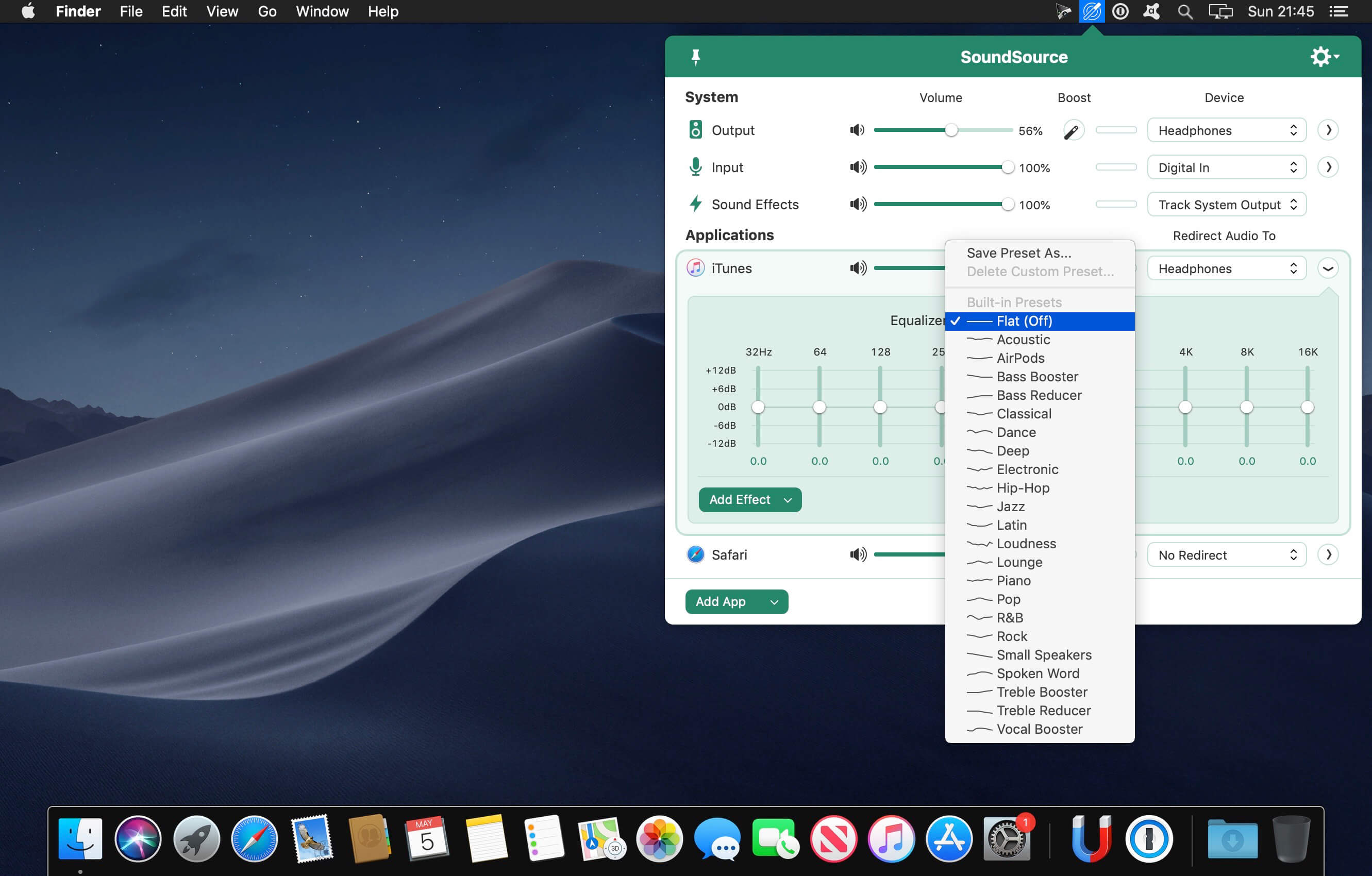
SounceSource lets you adjust your input, output, and sound-effects devices and volume settings in mere moments, right from the menu bar. Enable soft play-thru of input devices to your desired output, so you can hear sound coming in through any microphone or other source. With SoundSource, you get fast access to your Mac’s most important audio settings.
Instant Audio-Device Switching – With just two clicks, you can switch the audio devices your Mac is using for input, output, and even sound effects.
Fast Volume Control – SoundSource provides easy access to the volume controls for your audio devices as well.
Audio Play-Thru, Too – SoundSource’s Play-Thru window makes it easy to monitor the audio coming from any input device.
Comprehensive – SoundSource gives you one place to go for all Mac’s most important audio controls.
At Your Fingertips – With SoundSource running in your menu bar, your audio controls are always available.
Lightweight – When you don’t need SoundSource, it stays out of your way
Perfectly Clear Workbench is an application that uses Athentech’s Perfectly Clear image correction libraries and is made available to demonstrate the capabilities of the Perfectly Clear processing libraries, face detection library and to allow a quick export of the processing settings for use.
Supported Image Formats:
Perfectly Clear requires RGB-formatted images in either 8 or 16-bit color depth. Any image file that Photoshop or Lightroom can open and convert to this format may be used in Perfectly Clear. Monochrome and CMYK images must be converted to RGB before using Perfectly Clear. RAW files must be opened through Adobe Camera RAW and loaded into Photoshop to be accessible to Perfectly Clear.
What’s New:
Version 4.1.2.2309:
Release notes were unavailable when this listing was updated.
Compatibility: macOS 10.10 or later (Apple M1 compatible) Homepagehttps://eyeq.photos/
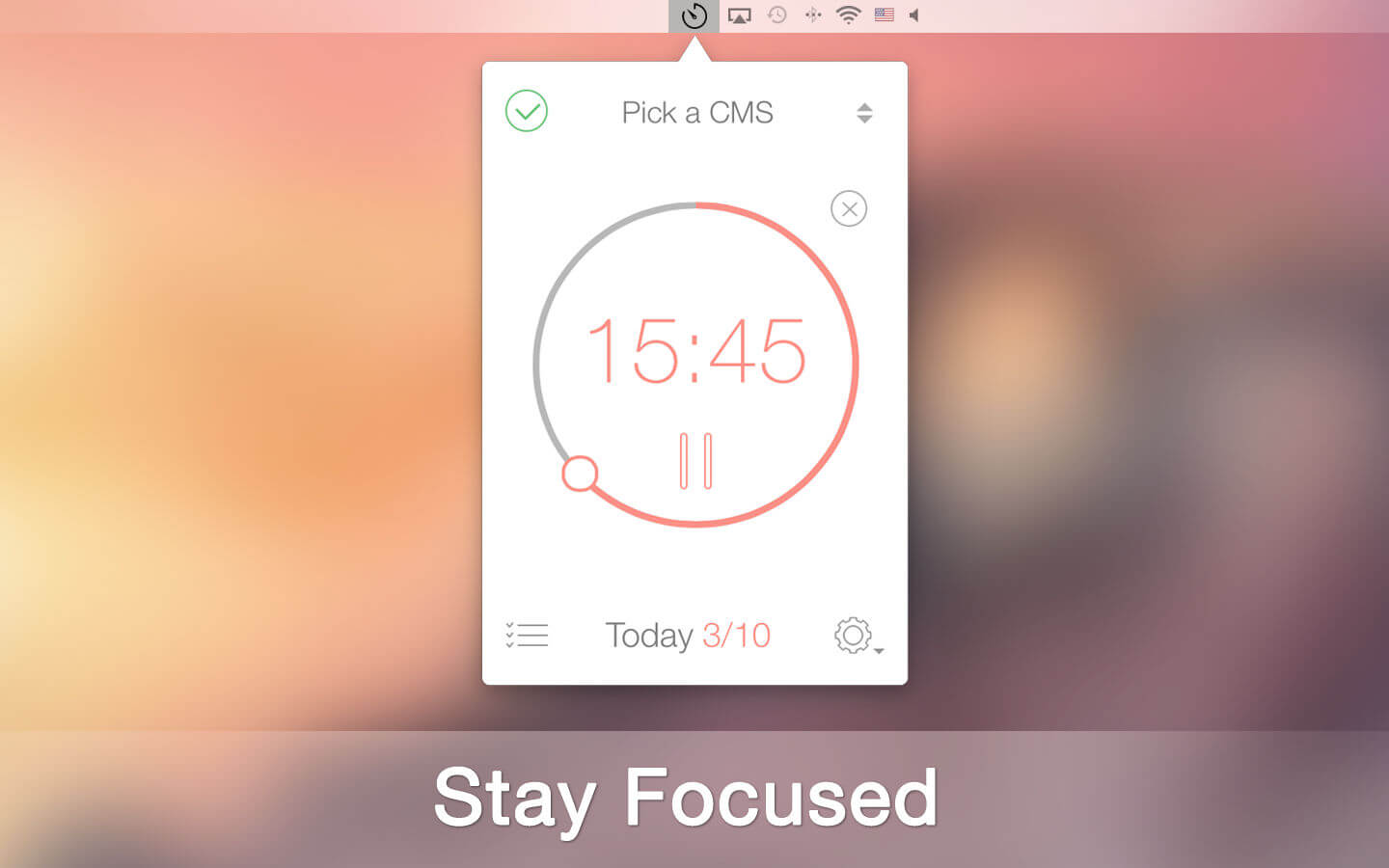
Staying on task seems is a real challenge for our screen-bound generation. The Be Focused lets you get things done by breaking up individual tasks among discrete intervals, separated by short breaks. It’s a surprisingly effective way to retain motivation and focus. Create tasks, configure breaks and track your progress throughout the day, week or custom period. Use either your iPhone, iPad or Mac – your devices always stay in sync.
Key features:
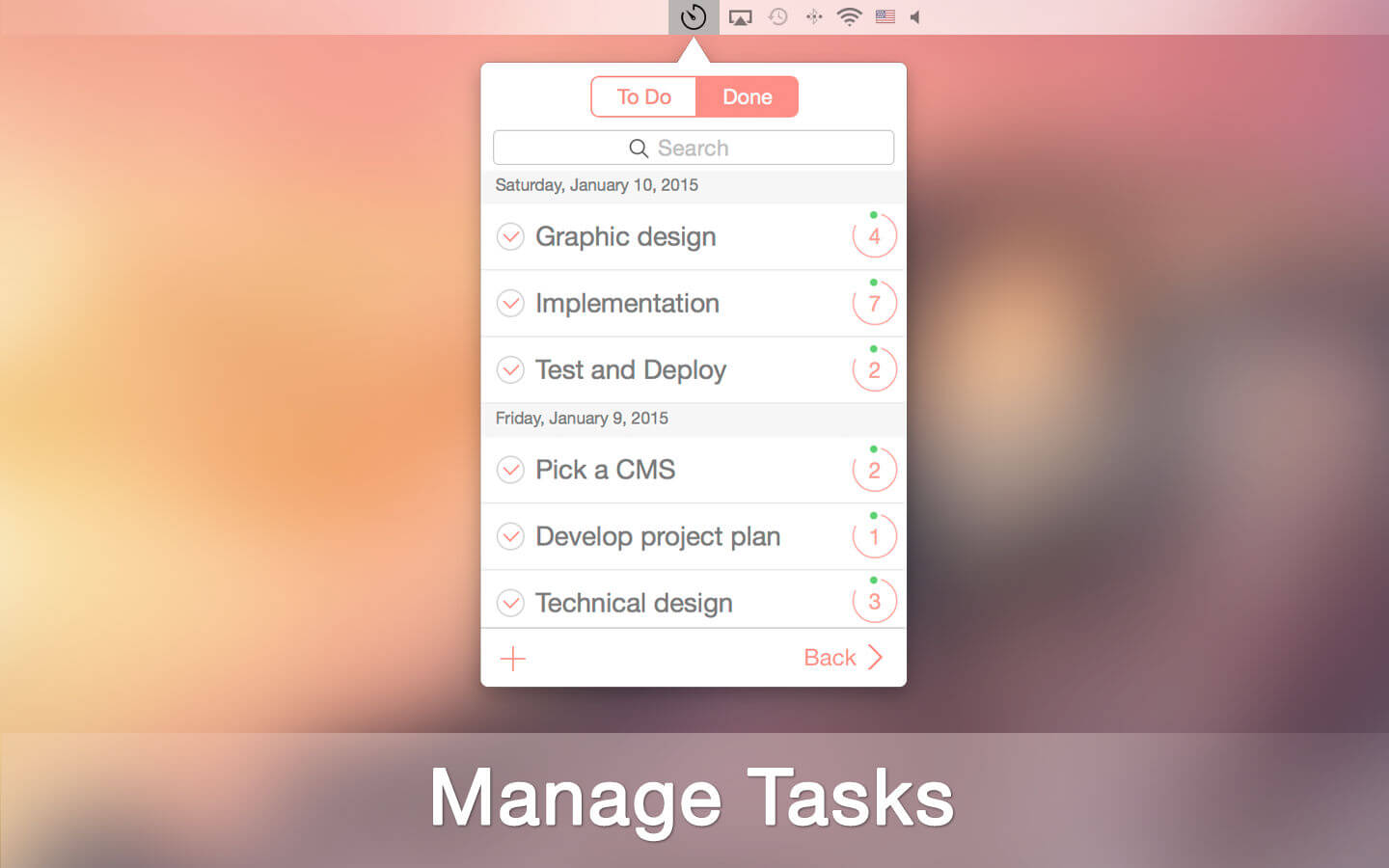
Manage your tasks
Track your progress throughout the day, week or custom period
Fast and easy goal tracking
Customize to maximize productivity:
Work interval duration
Short break duration
Long break duration
Number of intervals between long breaks
Target number of intervals per day
Ability to start, pause, or skip work interval
Auto-start the next timer (option)
Ability to edit the number of intervals
Export to a CSV file
Ability to paste a task list from other applications
Integrity Plus fills the gap between Integrity, the free no-frills link checker, and Scrutiny, the webmaster tools suite. If you manage more than one site then Integrity Plus allows you to store settings for each site and switch between them. It generates a sitemap in xml and a variety of other formats. it also adds a search box and filter button to help you search your data.
Version 6 is faster and leaner. It also separates the engine from the UI so that the engine can be made available to other developers.
Scans your site for broken links – as fast and accurate as Integrity
All the features of the free Integrity
Manage multiple sites
Generate a sitemap in xml, dot and csv
Good xml sitemap options, optionally include images and pdfs, add rules for setting update frequency and priority, or edit these manually
Search your data
Archive the pages while scanning with the option to convert them to a browsable archive
OS X native, retina screen compatible and OS X 10.12 Sierra tested and supported
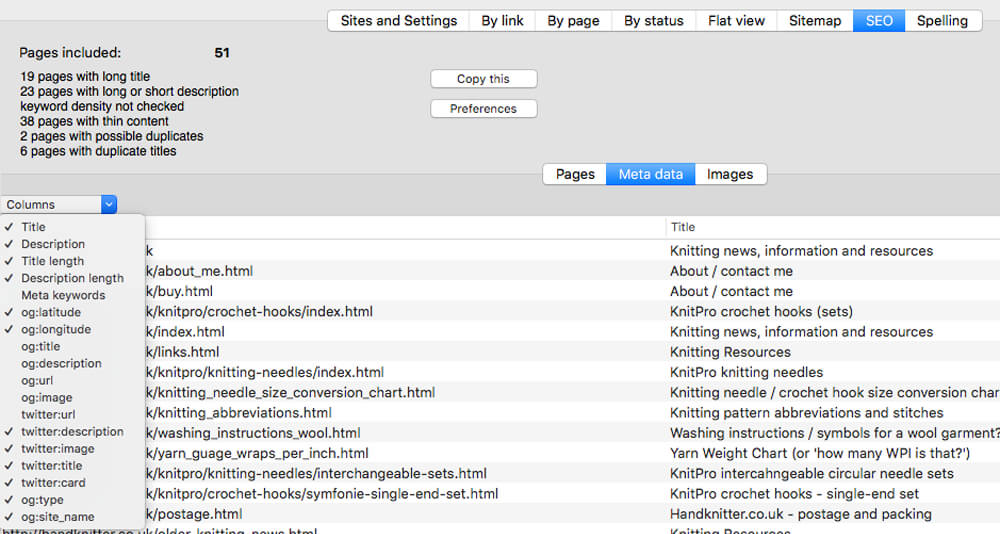
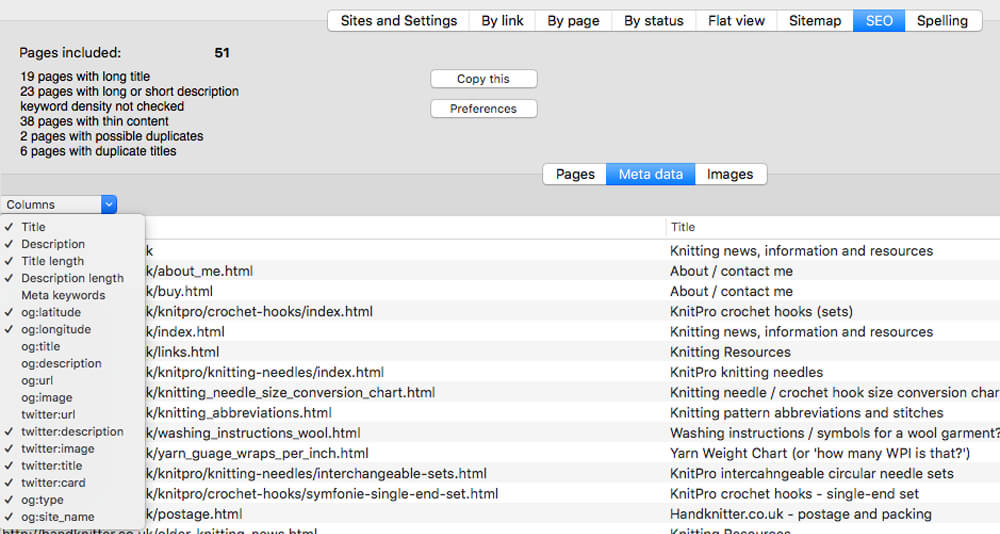
Integrity Pro builds on Integrity Plus. It has the new v9 crawling engine, it checks links and generates a sitemap with all the searching, filtering and exporting functionality of the Plus version. It adds SEO details and a sitewide spellcheck. It isn’t intended to replace Scrutiny, but to be pitched between Integrity Plus and Scrutiny, a more affordable step for Integrity Plus users. There will, of course, be an upgrade from Integrity Plus, but this early public beta is simply free until the stable version is released.
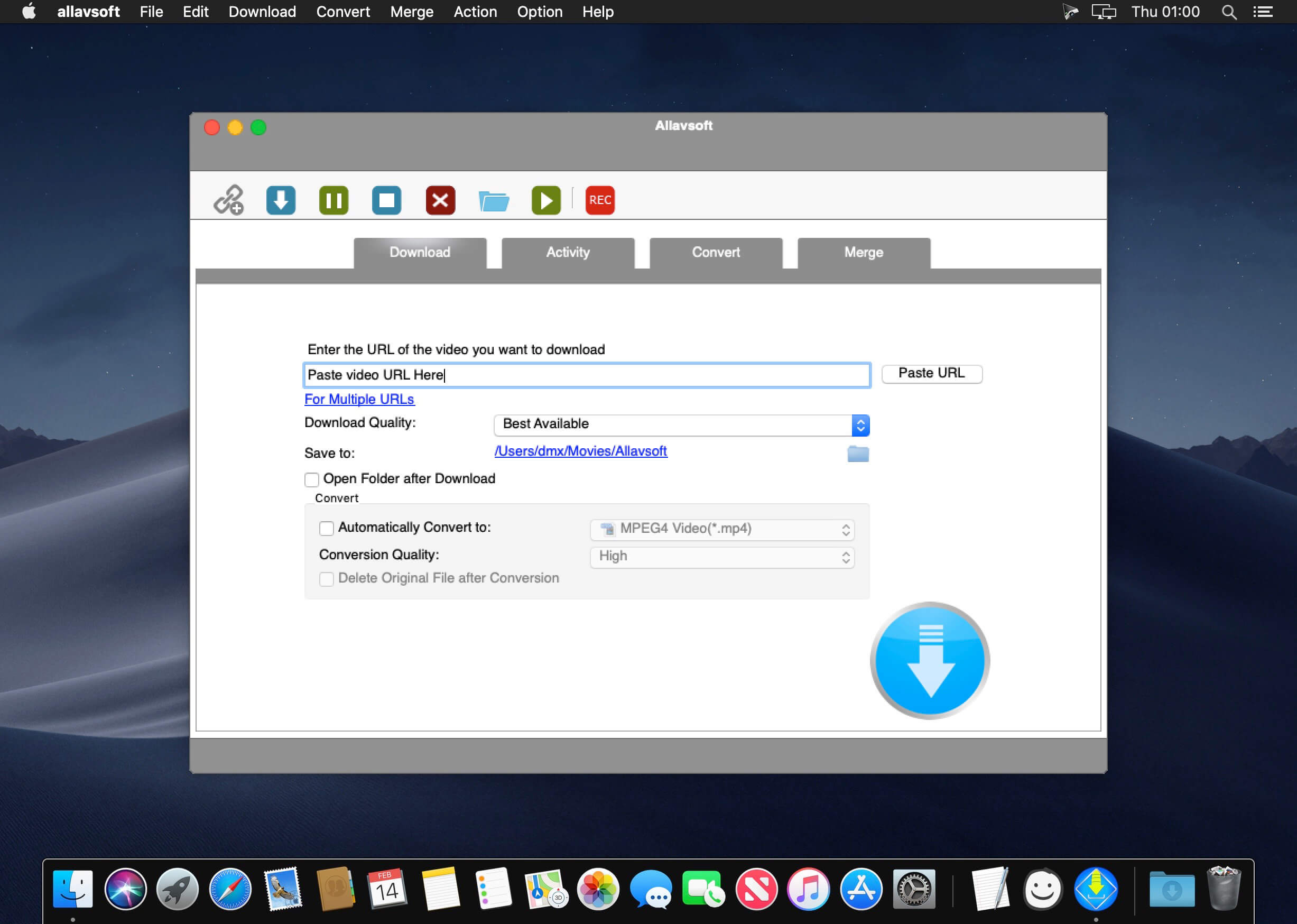
This powerful Video Downloader supports downloading movies, music videos, playlist, sport videos, lectures and more from free video sharing website like Facebook, Dailymotion, eHow, and more than 100 video sharing sites.
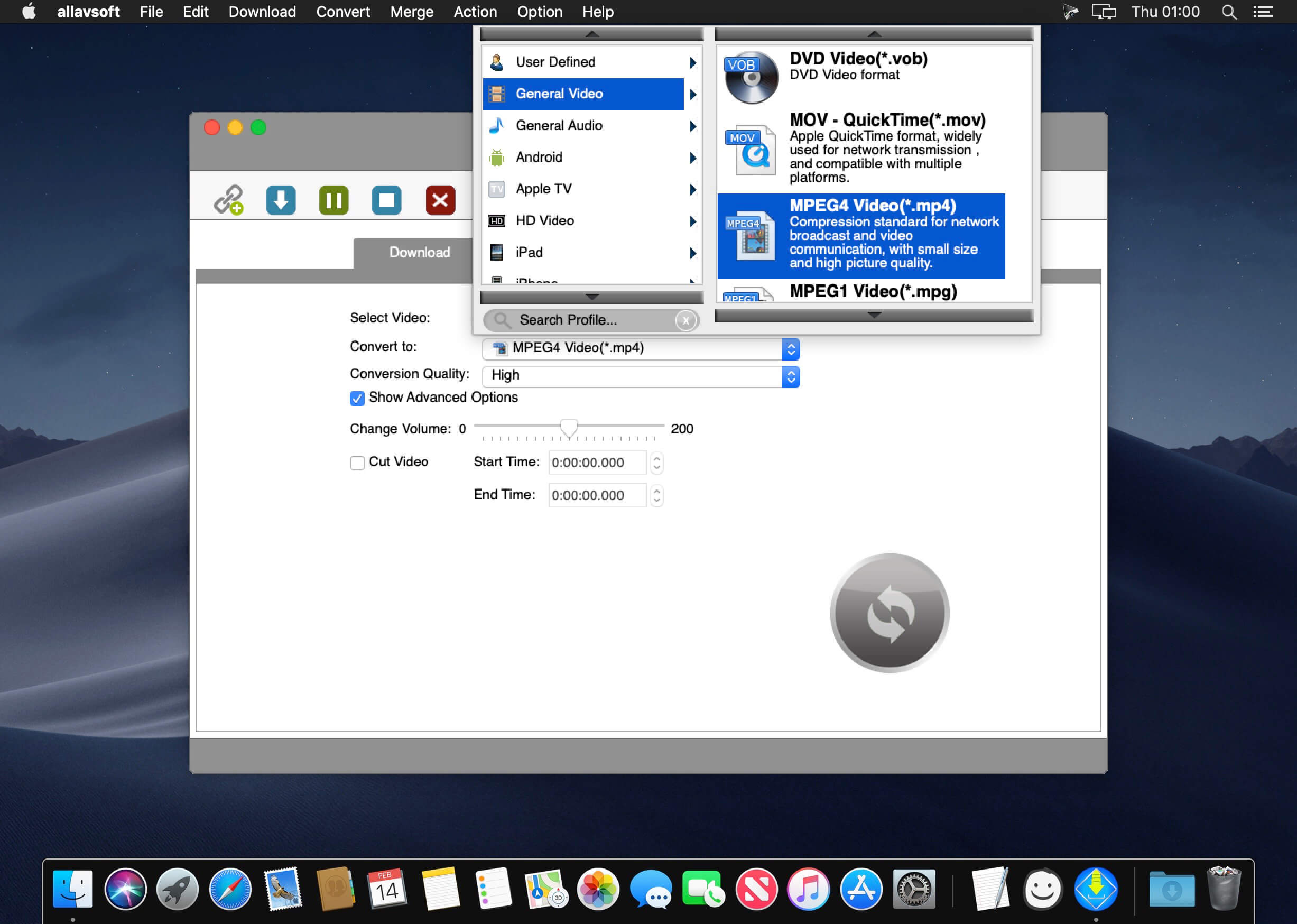
Besides downloading video in its original format, Allavsoft also features one-click to download as well as convert the downloaded video to popular video format like MP4, AVI, WMV, MOV, MPEG-1, MPEG-2, VOB, ASF, RMVB, DV, TS, Apple ProRes, WebM, FLV, OGV and etc.
This ideal Web Video Downloader app enables selecting among all video qualities available for downloading like download videos in ultra high definition (4K), 3D video, HD 2k, HD 1080p, HD 720p, and stand definition 480p, 360p, and 240p.
This professional Video Downloading and Converting tool also helps to extract and download audio from online music video or movies as well as convert to popular audio format like MP3, WMA, WAV, AAC, AAC, Apple Lossless M4A, AIFF, RA, FLAC, OGG, AU and etc.
Batch download and convert
Allavsoft supports adding multiple video URLs and batch downloading and converting multiple videos at a time.
When download web video files, this wonderful Video Downloader will automatically detects advertisements and does not download them.
Preview and playback downloaded video files
There is a built-in video player in Allavsoft for us to preview and playback the downloaded video files.
Breakpoint Resume
You can pause and resume downloading at any time. It is very convenient to use.
Action after download done
You can set automatically shut down computer after all the download tasks are finished, if you have lots of videos to download and want to leave your Windows on to download them.
Keep history for downloading.
What’s New:
Version 3.24.9.8244:
Release notes were unavailable when this listing was updated.
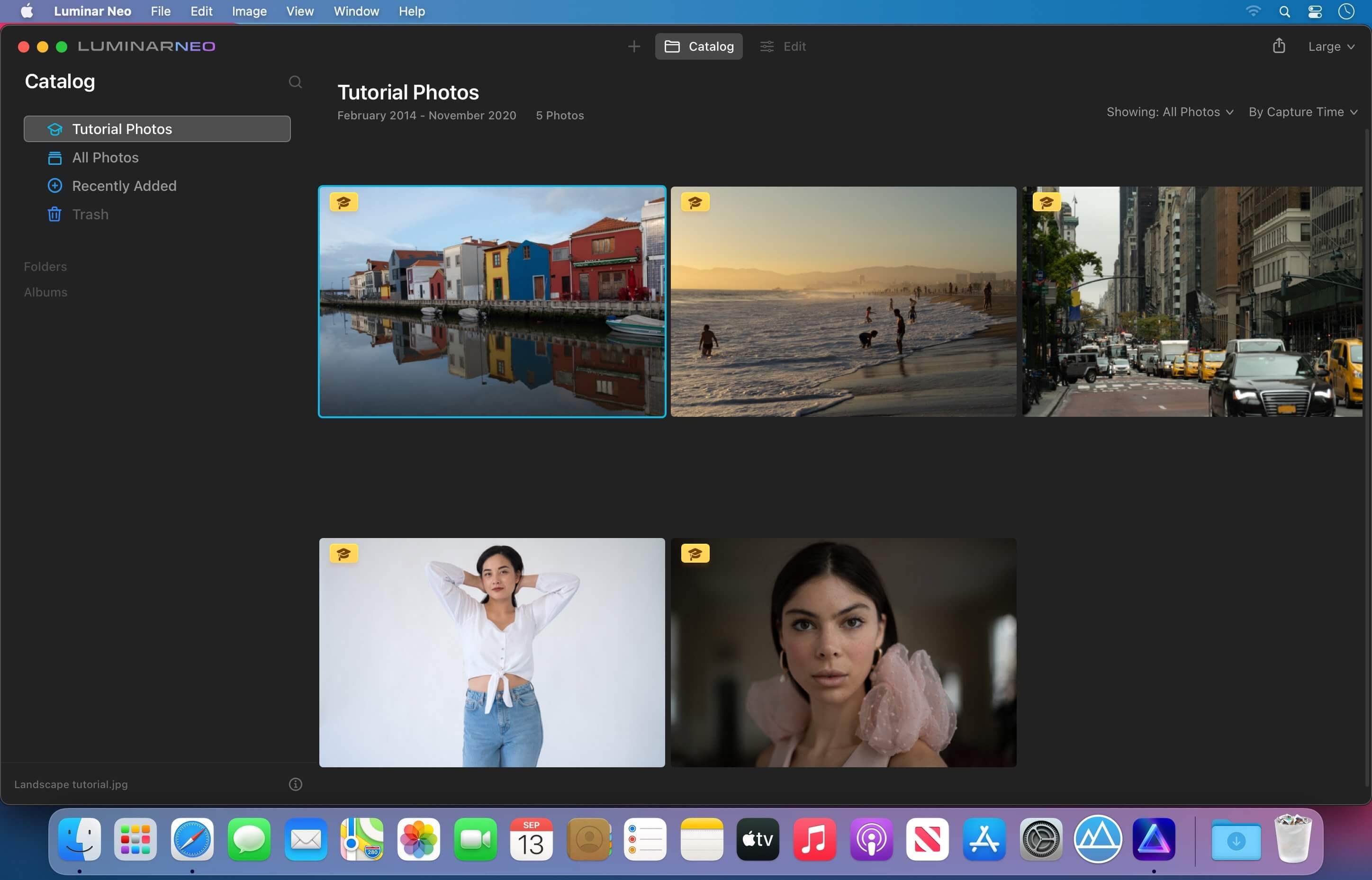
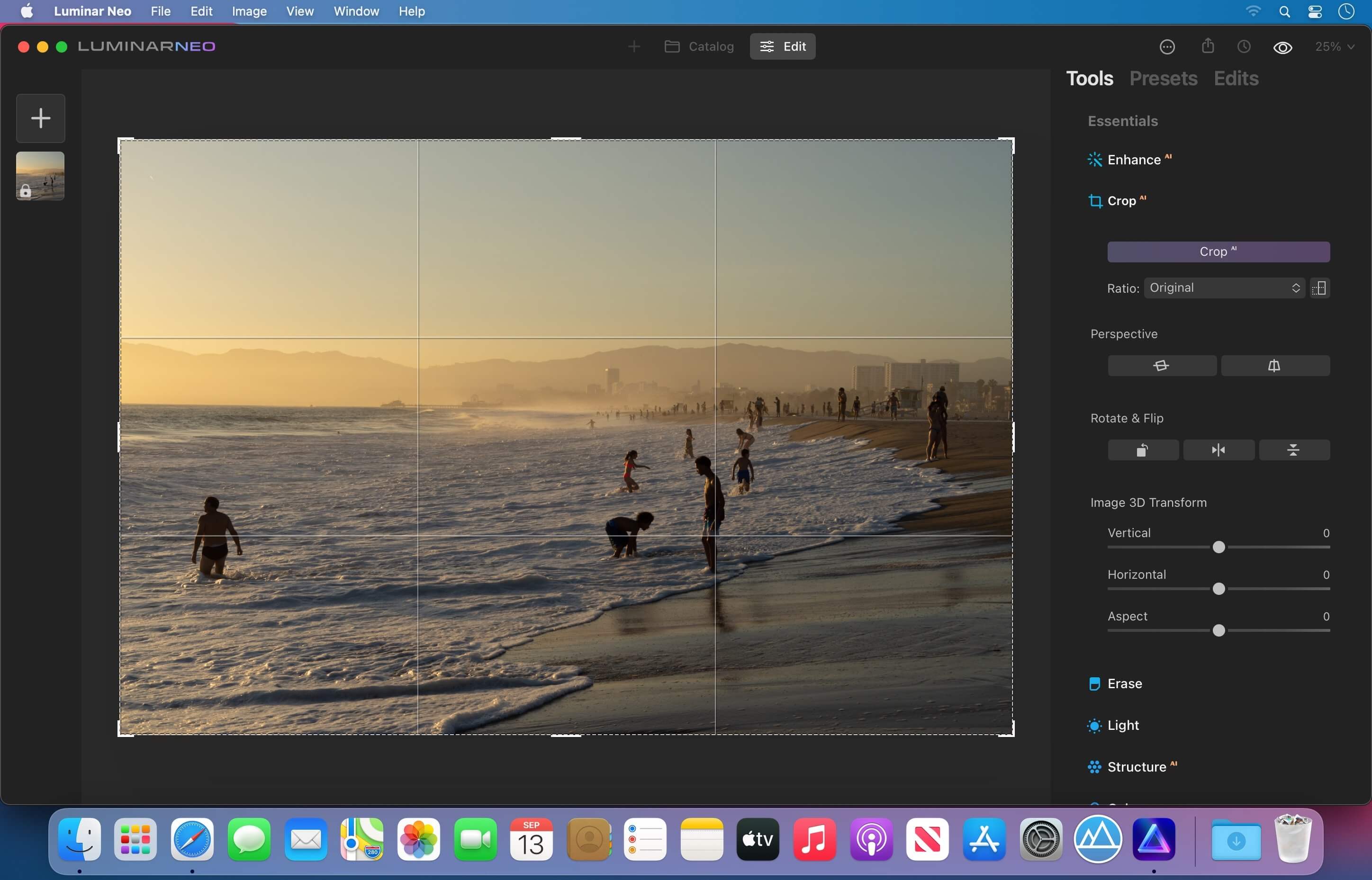
Luminar Neo, a new creative image editor which empowers visual storytellers to bring their boldest ideas to life. Luminar Neo builds upon the unique, purpose-driven, AI editing technologies for which Skylum has become known for.
“As the latest member of the Luminar family, we designed Luminar Neo to allow artists to take on more challenging image creation work and achieve results which often seem unattainable,” said Dima Sytnik, co-founder and CPO of Skylum.
Luminar Neo is meant to be an application that offers more customizability, and that builds upon the company’s LuminarAI software. The two programs will be sold side-by-side.
Luminar Neo will ship with several new features, including image layers, background replacement, relighting options, dust removal and more. The software analyzes each image to recognize the depth of the scene and its contents, which allows for precise control.
In the new Luminar Neo 1.2.0 Update, we introduce extensions – paid professional features that expand the capabilities of Luminar Neo. The first extension we’re releasing is HDR Merge, which can merge up to 10 exposure-bracketed images into a single HDR photo. HDR Merge delivers a spectacular level of color enhancement, making the final result look as close as possible to what the human eye can see.
Also, something we know you’ve been waiting for – the Dodge & Burn tool is finally available in Luminar Neo with this update. We are committed to enhancing the experience of Luminar artists with quality of life features and improvements. Here is a list of the latest enhancements (more are on the way).
Add Tools to Favorites with visible animation on macOS
Rotate & Flip any photo from the Catalog
New interface for the EXIF panel
New interface for the catalog header
Export 8-bit and 16-bit PNG images
Improved Spanish localization
Thanks to feedback from our artists, we fixed another list of bugs.
What’s fixed on macOS:
Added folders display the correct number of photos.
White balance color preset is now updated for every new opened image.
Strokes in Masking mode are applied to the image in the Erase Tool after the previous edited image is removed from the folder.
Compatibility: macOS 10.14.6 or later • Apple Silicon or Intel Core processor Homepagehttps://skylum.com
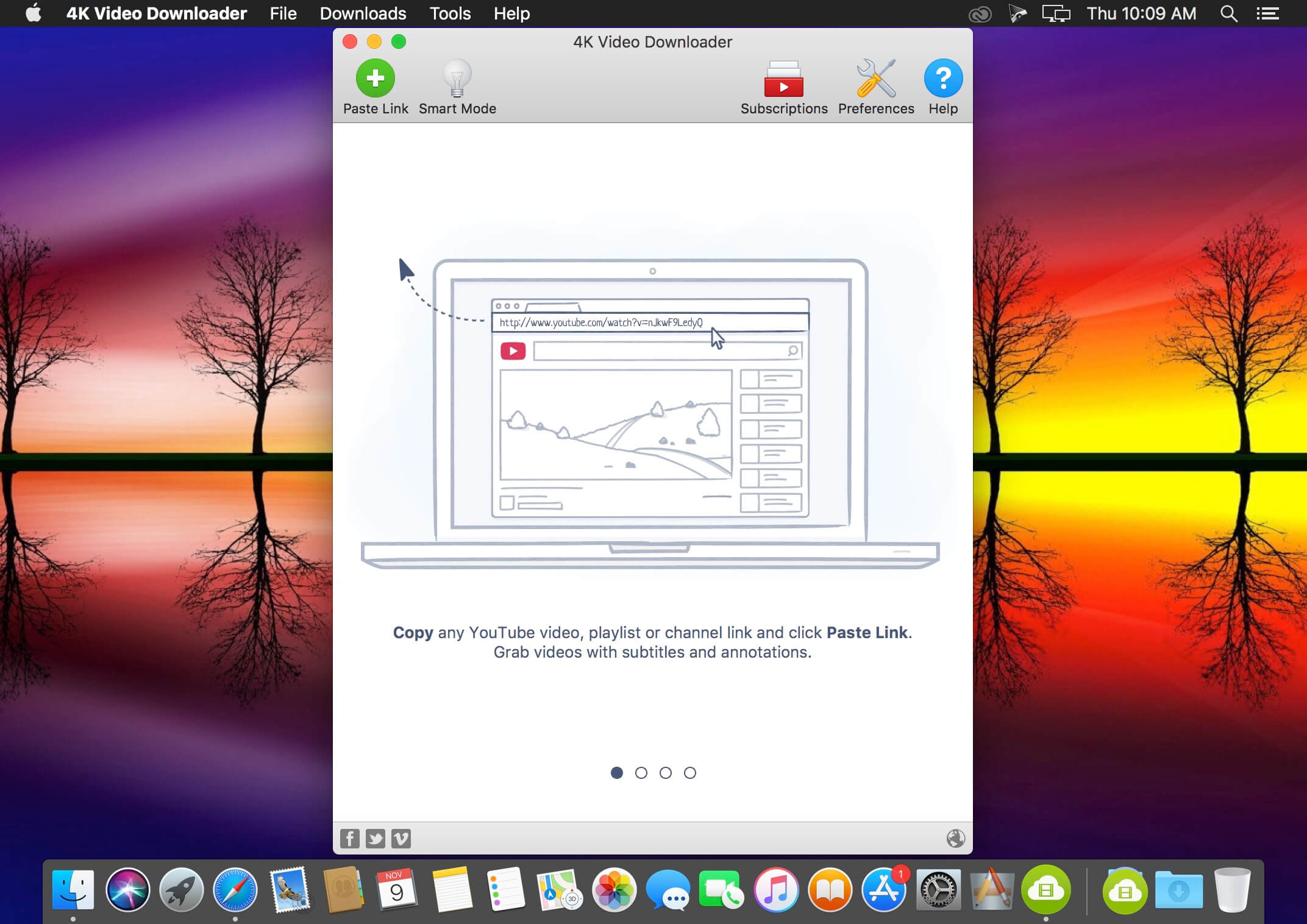
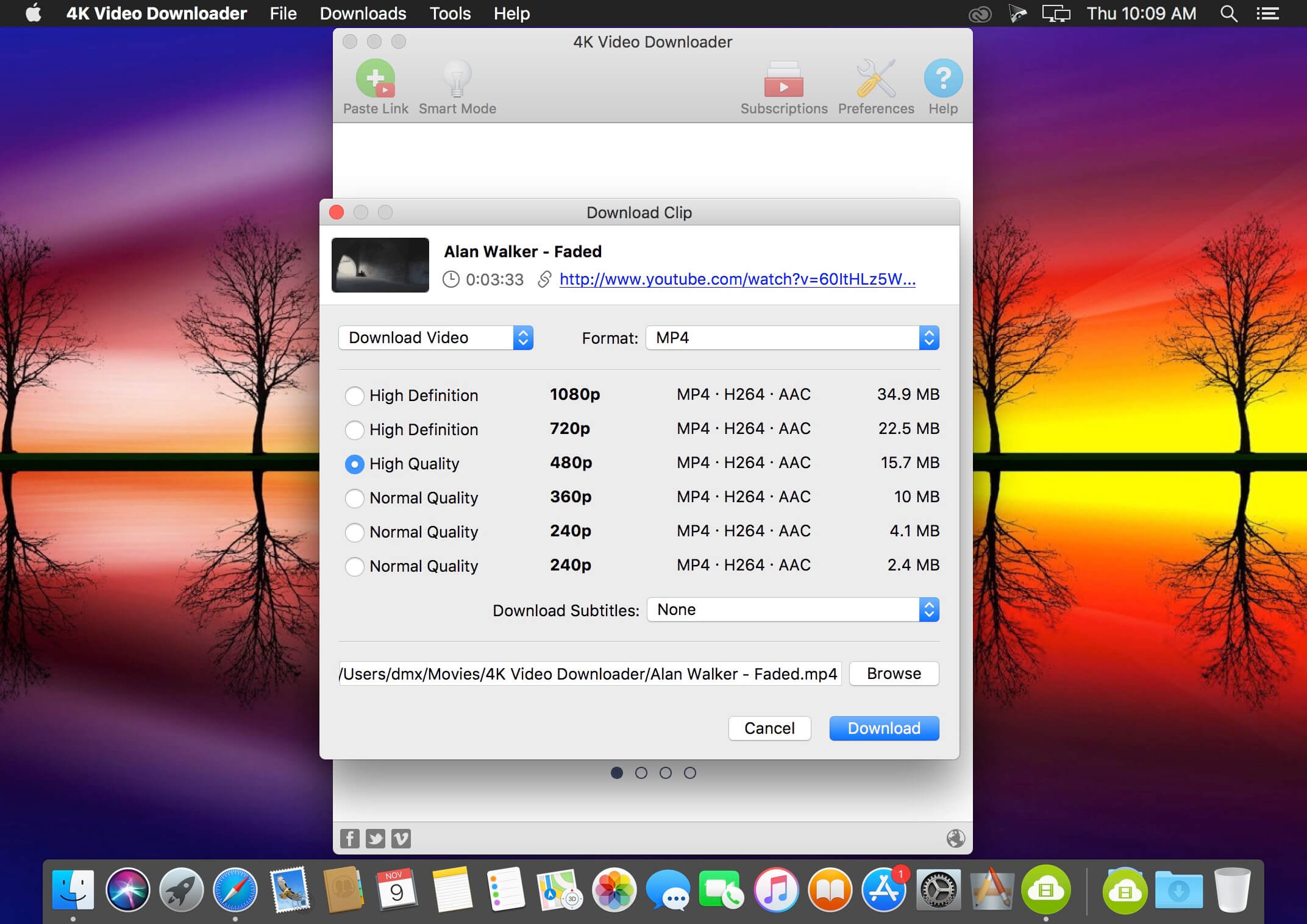
4K Video Downloader allows to download video, audio and subtitles from YouTube in high-quality and as fast as your computer and connection will allow. If you want that video on your iPad, iPhone or other device we’ve got you covered. Downloading is simple and straightforward: just copy the video link from your browser and click ‘Paste Url’. Done!
Download entire playlists and channels from YouTube and save them in MP4, MKV, M4A, MP3, FLV, 3G, generate .m3u file for playlists.
Download video in HD 1080p, HD 720p or 4K quality and enjoy high dimension video on your HD TV, iPad or other devices.
Advanced subtitles download, select if you would like to have .srt file or embedd subtitles in video file to watch it on your Mac for example.
Activate “Smart Mode” in order to apply the selected settings to all your downloads, easy and fast.
Download video in 3D format, you will find a small special icon among available formats after video parsing. It’s really impressive to watch live shows and cartoons in 3D.
Download embedded YouTube videos from any web pages, just copy/paste link and the program will find the source of download.
Download video and audio from Vimeo, SoundCloud, Flickr, Facebook and DailyMotion.
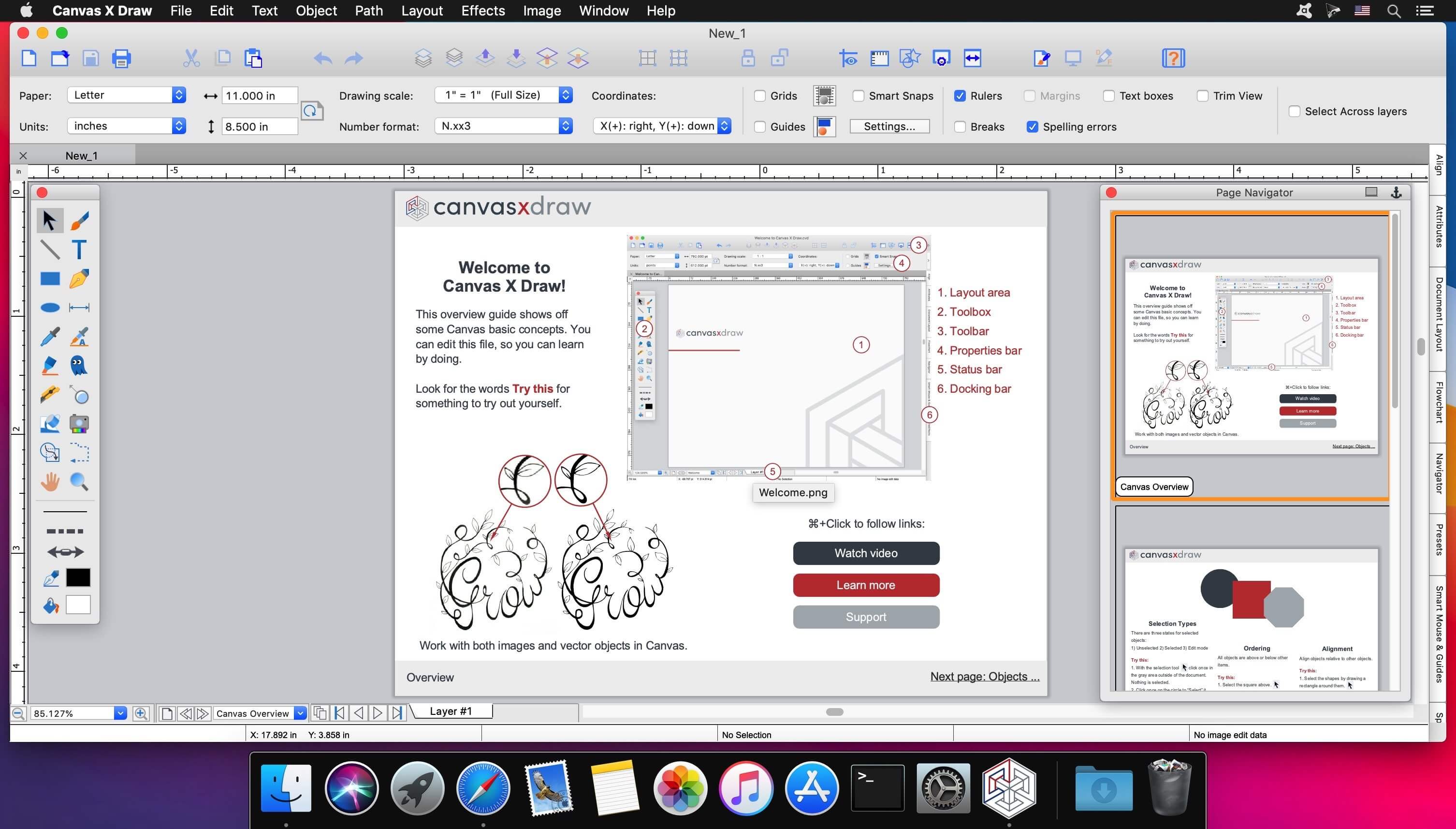
Canvas X Draw is a powerful software specifically designed to make it possible for small business owners, designers, illustrators, and professionals to advertise and communicate with confidence.
When your audience depends on pinpoint accuracy, minute detail, and high-impact data visualization, you need a special kind of illustration software.
With Canvas you can drive high impact visual communication right across your organization, putting powerful data in the hands of the people who need it.
Work with both raster and vector files
Import and visualize huge volumes of geospatial data
Manipulate and display intricate 3D models
What’s New:
Version 7.0.3 (7089):
Release notes were unavailable when this listing was updated.
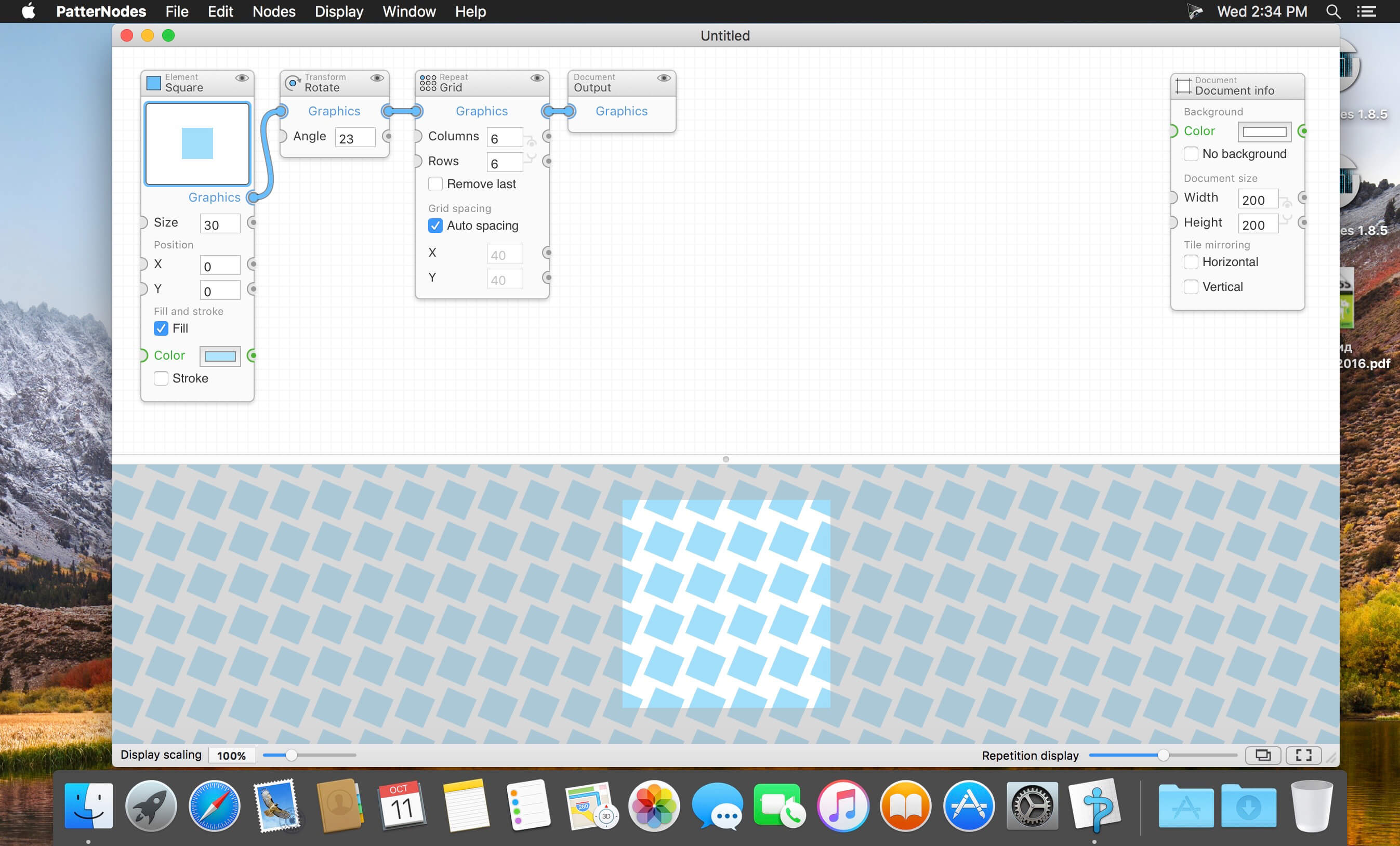
PatterNodes is a tool for creating graphical patterns, animations, gradients, or illustrations based on repetitions. This is done by defining a sequence of steps, a recipe of sorts, that describes the pattern. Each pattern element or operation is represented by a little panel called a node, and the nodes are then linked by connections drawn between them. As the nodes can be freely combined and connected, this gives you a very flexible and powerful interface.
While this interface requires a different way of thinking, it also offers a lot of benefits compared to traditional Illustrator-type editors. Most importantly it enables you to use sliders to instantly change any aspect, like color, spacing, scaling, rotation or repetition count of any part of the pattern without having to undo/redo any steps. You can also specify animation value ranges for any of these parameters.
The resulting pattern tile is always shown in the bottom preview view, repeated and updating in real time with any changes, giving you instant feedback of what the end result will be. To make pattern creation easier PatterNodes also includes a lot of nodes that automatically perform common tedious tasks like repeating elements at the tile edges to make the pattern seamless, or randomizing different aspects (like color, position, rotation, etc.) of the elements in a pattern to give it a little more life. Finally, when you’re done you can simply copy the pattern tile into whatever illustration or graphics application you use, or export it either as vector graphics or a bitmap image file. Animations can be exported as GIF, QuickTime MOV or numbered PNG or JPG files
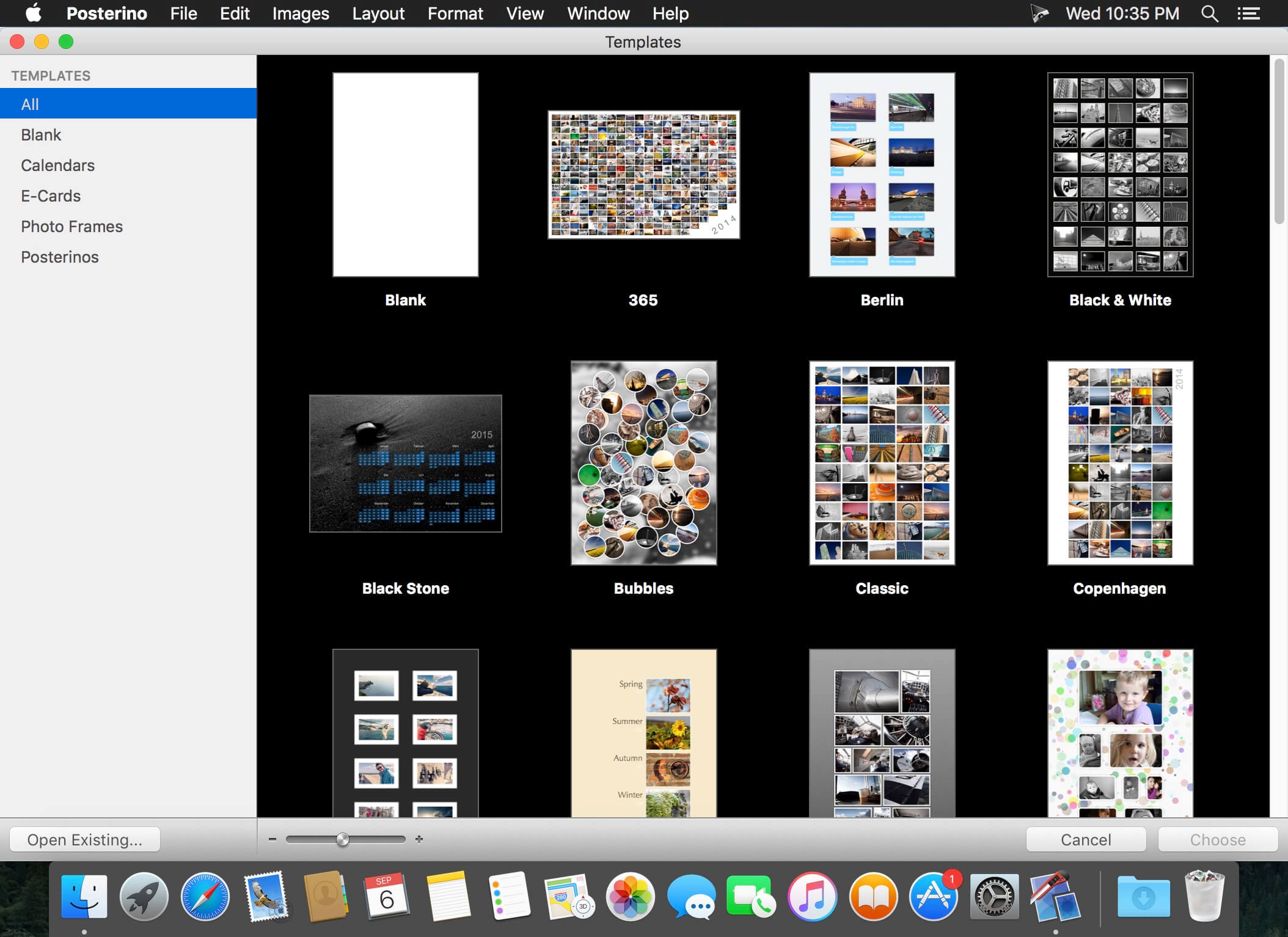
Rather than let those photos on your hard drive collect digital dust, use Posterino to create a beautiful collage. Just choose a template and add your favorite photos. Posterino will randomly shuffle your images into a poster-worthy keepsake. Changes to the layout, frames and filters are accomplished with a single click. Your memories will be ready for display in minutes, and you can let the viewing begin.
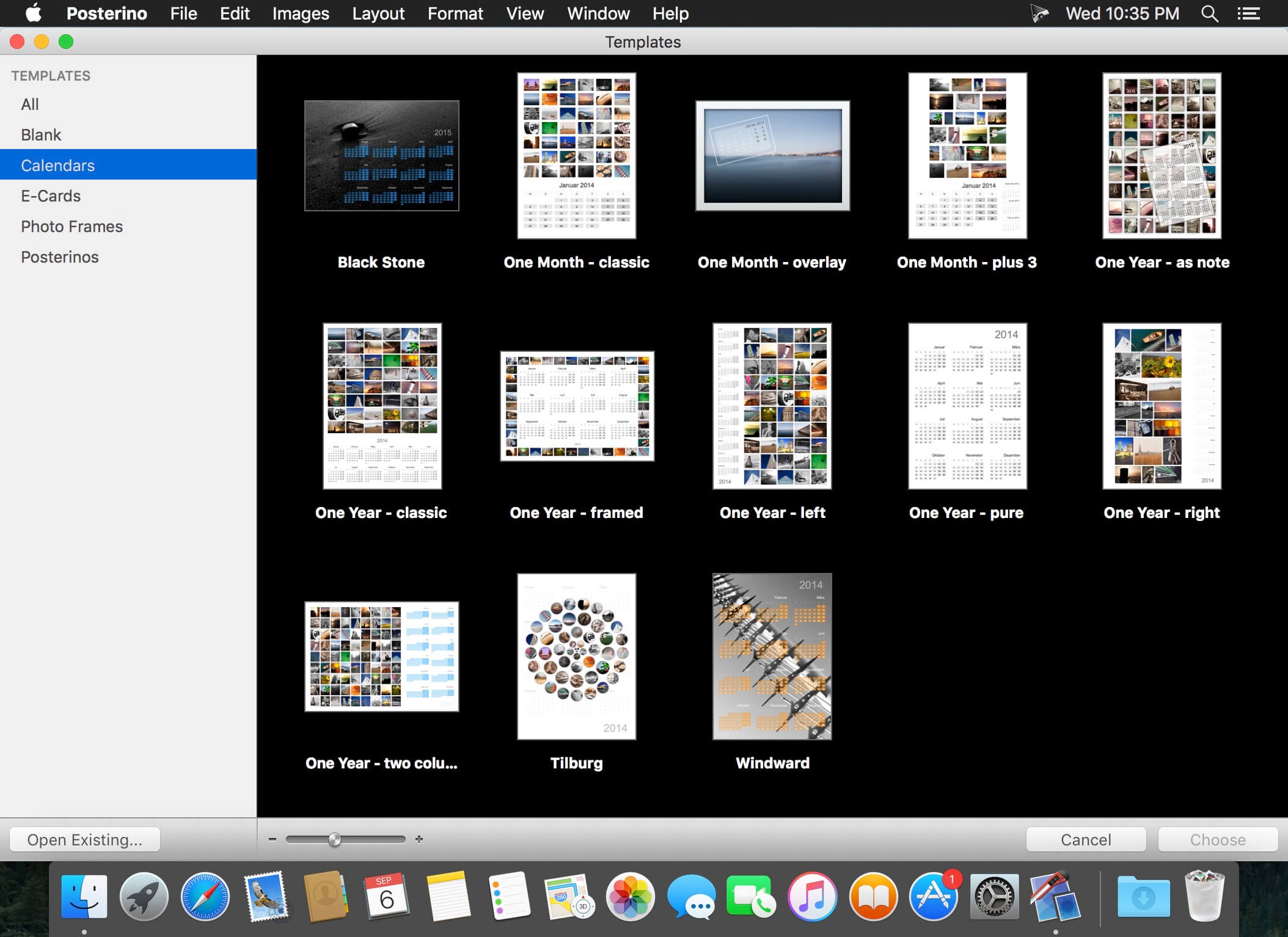
You can choose from several lovely calendar templates offering both portrait and landscape views to design your own calendars featuring your favorite photos.
You can also create small calendar overlays for incorporating onto regular posters. The design possibilities are numerous, making these calendars great gifts for family and friends.
Tell them “Wish you were here” with custom postcards.
Share your latest adventure. Or announce your beautiful baby. Whatever your news, Posterino offers a variety of templates for creating custom e-cards and sending them off around the digital world. You can even create your very own stamp and postmark. You don’t need a postman when you have Posterino.
Posterino lets you:
Enjoy various gorgeous templates
Create posters, calendars, postcards, photo frames or contact sheets
Easily customize the layout of your images: grid, irregular, random
Easily change the number of images in any document
Easily change the size of any document or predefined template
Easily customizable calendar objects
Create your own paper sizes
Crop any image to your liking
Alter the frame or shadow of any image; choose from various predefined versions
Tailor each individual image using an image filter (black & white, sepia, sharpening etc.) to your needs
Add text boxes to your document
Rotate or position any image or text box anyway you like
Add metadata like name, date, comment to any image
Change any of the given templates to fit your needs
Customize the postmark used for stamping your e-cards
Create your own templates
Edit your document in full-screen mode
Gain fine-grained control of your document using an inspector
Import / Export / Share
Import your images from:
iPhoto
Aperture
Adobe Lightroom
or from your hard drive
Posterino lets you export your poster in various formats like TIFF or JPG.
Send your postcard through e-mail
Share you images on Flickr from within Posterino. Have a look at the images already uploaded.
Easily set your document as your desktop background directly from Posterino
Language: English, German, French, Portuguese and others. Compatibility: macOS 10.10 or later (Apple Silicon compatible) Homepagehttp://www.zykloid.com/
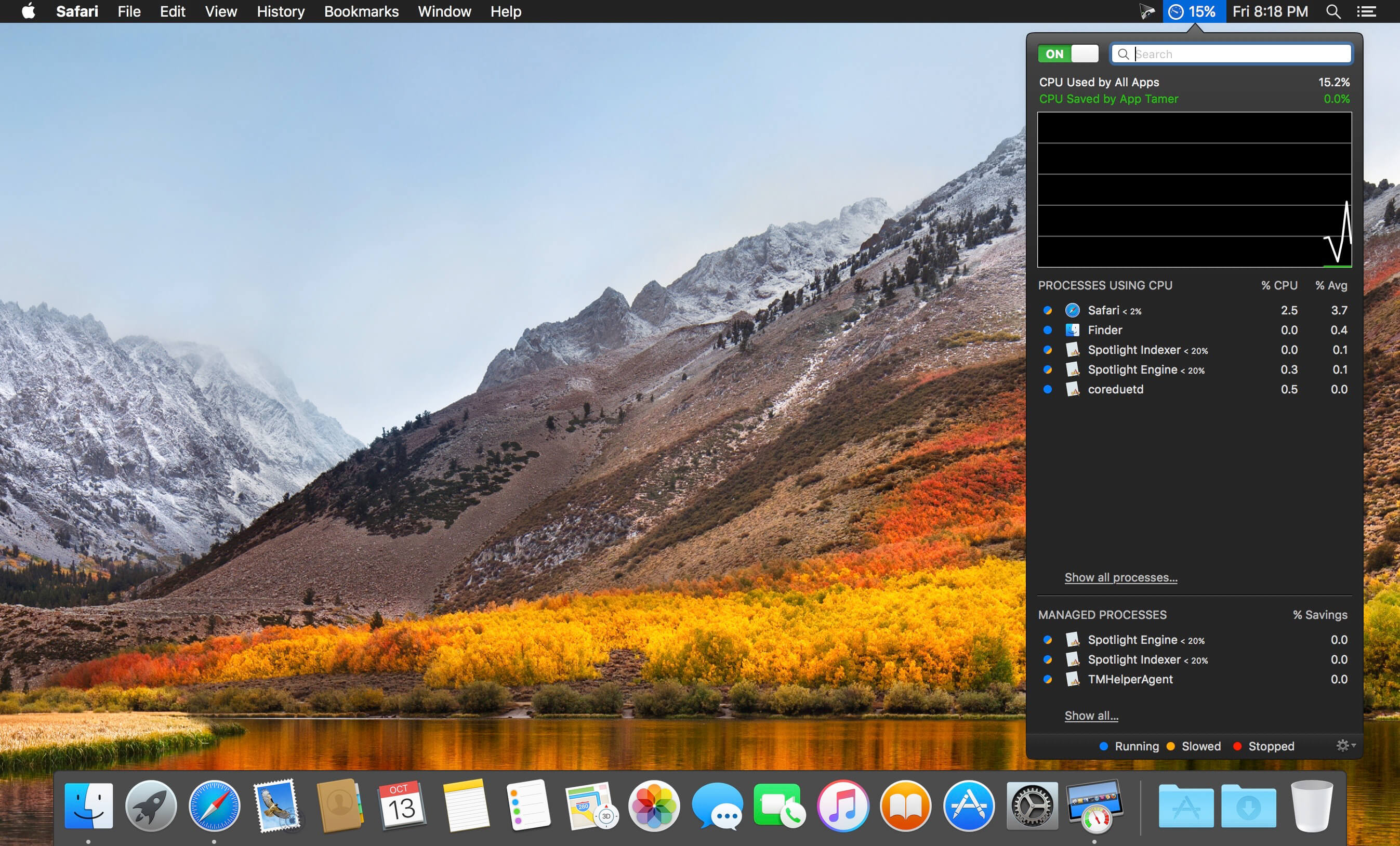
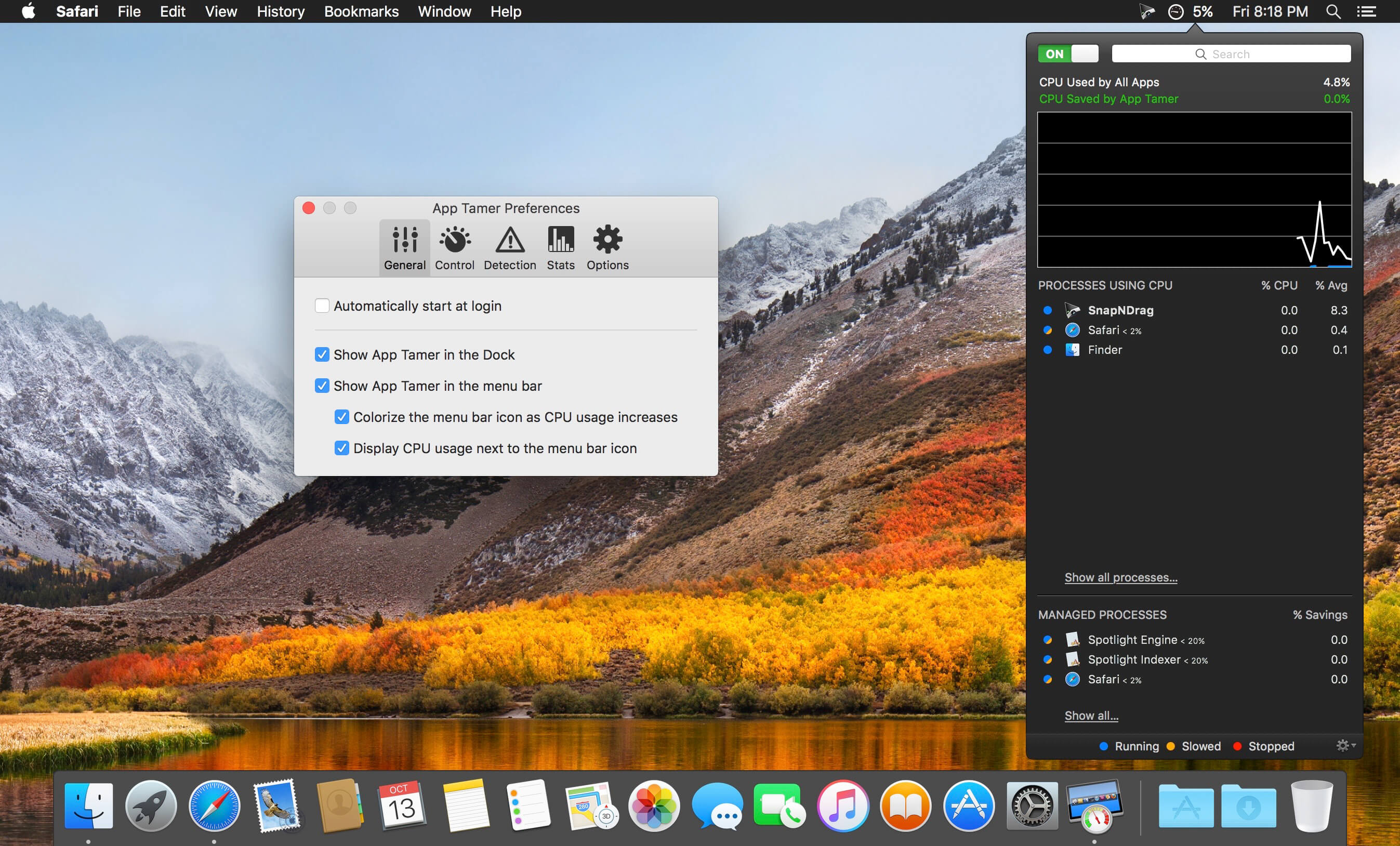
App Tamer tames your processor-monopolizing apps and keeps them from chewing up excessive CPU time and battery life. Powered by a unique AutoStop feature, App Tamer stops each application when you switch away from it — when you return to that app, it restarts automatically!
App Tamer is built around an attractive and clear user interface, designed for managing all your running applications with minimum distraction or frustration. With helpful displays, you can monitor the average percentage of your processor(s) being used by each app, or access a graphical history or your CPU usage. Easily enable AutoStop for any application, or limit it to a certain amount of CPU time.
Don’t waste time trying to manage CPU usage on an app-by-app basis — liberate your Mac with App Tamer!
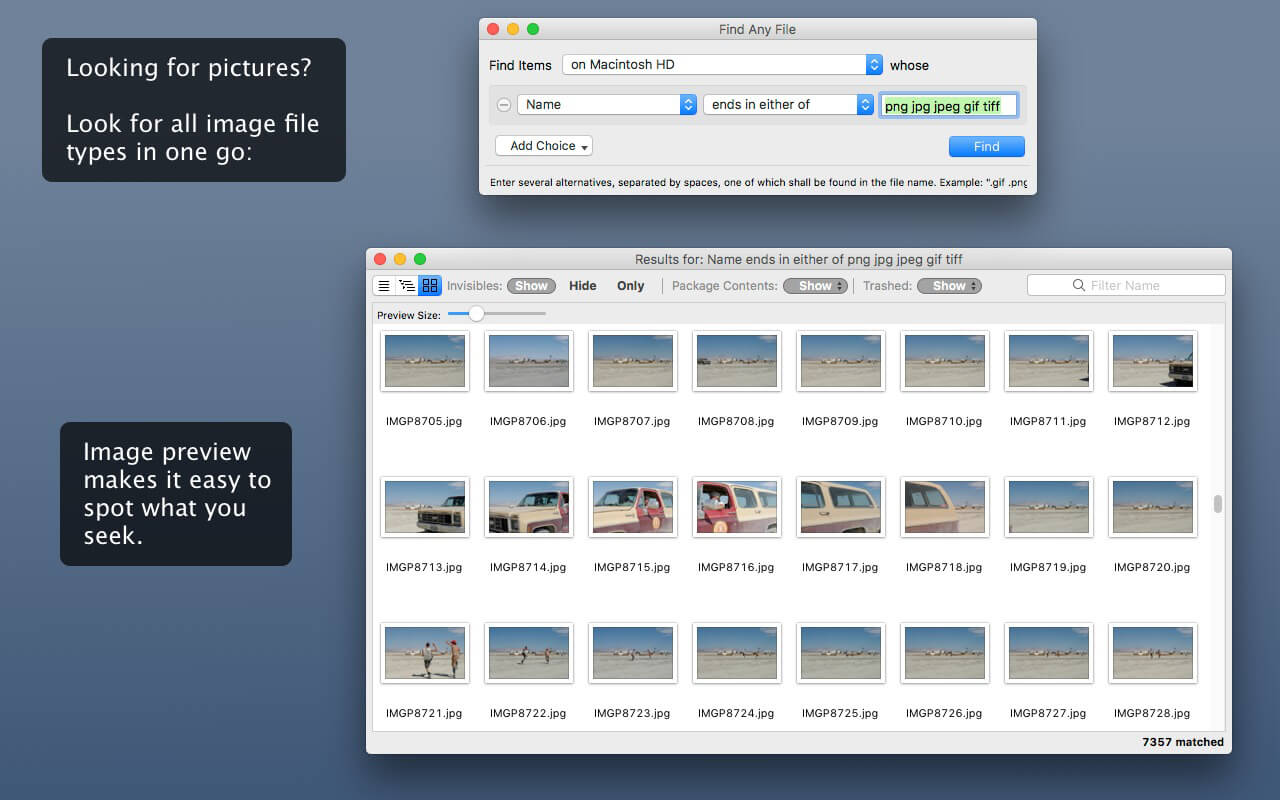
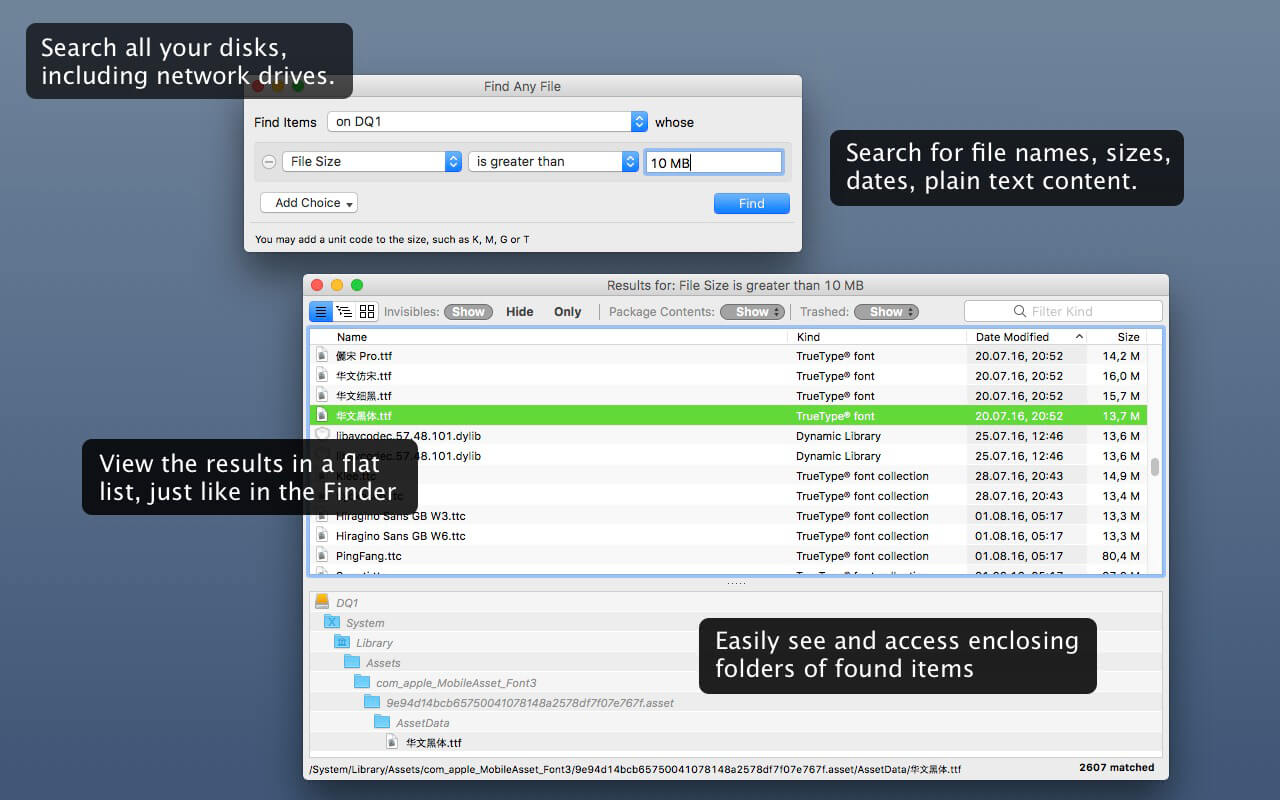
Find Any File searches your local disks for files by name, creation or modification date, size, or type and creator code (not by content, though).
As there are other tools with a similar search operation, here are the special features unique to Find Any File:
Has a new hierarchical view of the found items, making it much easier to browse 100s of items (see the screenshot).
Can run as root user, finding really any file on your disk, even those that are hidden from normal users.
Can save queries and run them again later.
Unlike Spotlight (i.e., the Finder’s Find command), it does not access a pre-built database but searches the chosen volume directly. This allows you to find any file, even those inside packages and others excluded from Spotlight search. Hence it is great for finding system files, for example.
On the other hand, it may take a little longer than Spotlight, and it is only fast on HFS(+) volumes. But even on mounted network volumes of a Mac OS X server it can still be surprisingly fast.
Hence, this is not an entire replacement for Spotlight but it can come handy in certain, if not many, situations.
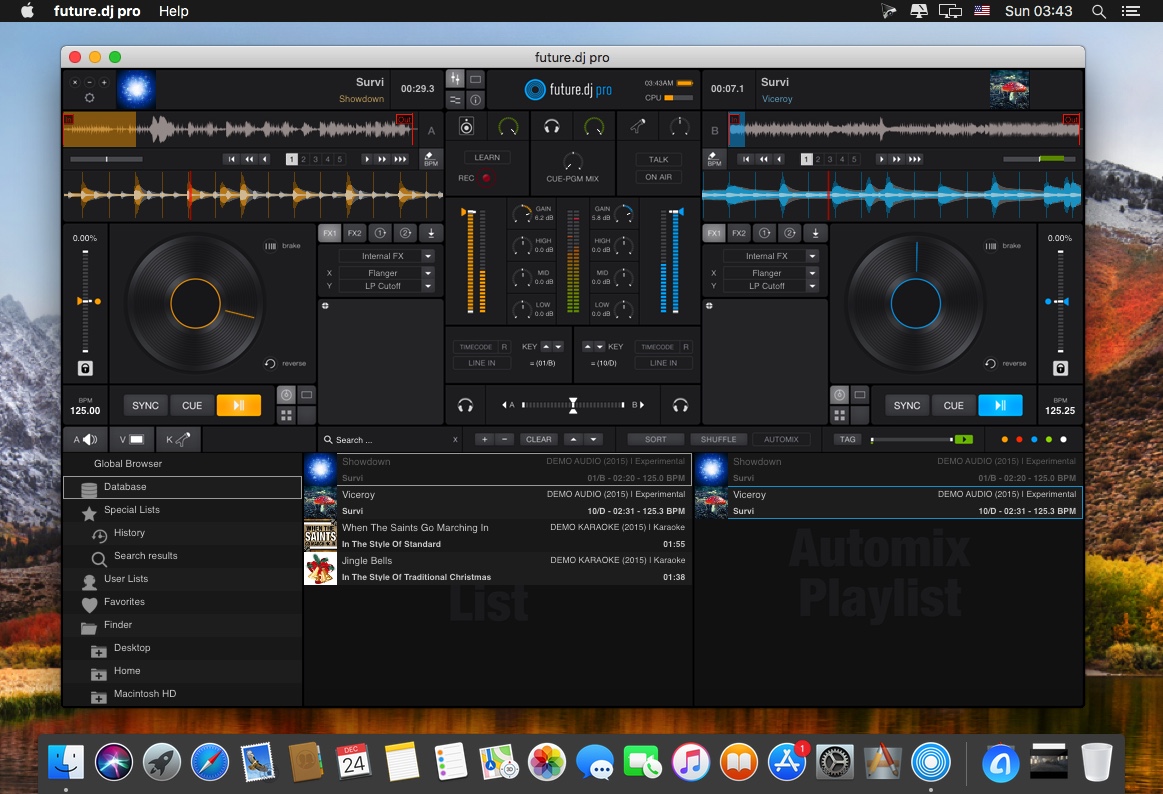
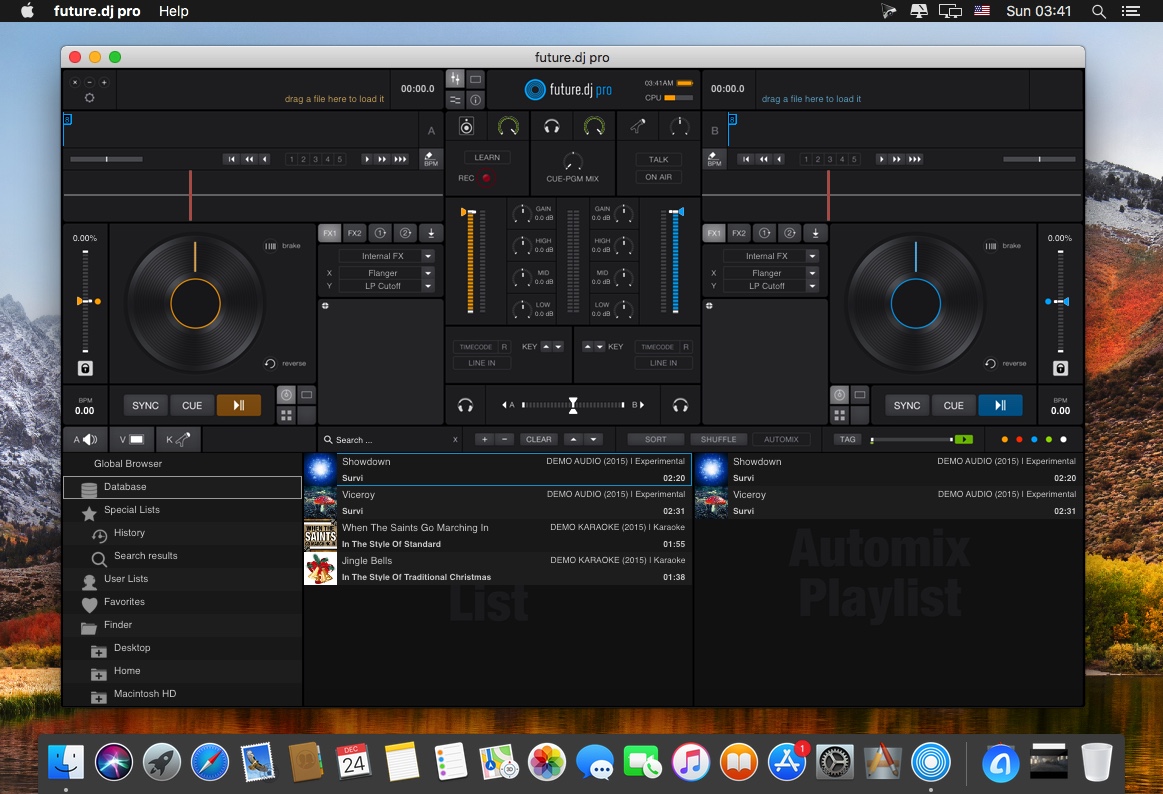
future.dj pro (was FutureDecks DJ pro) is our flagship product, packed with the latest professional DJ features that answer the needs of both professional and aspiring DJs. Future.dj pro can easily be used by all manner of DJs, from bedroom DJs who enjoy creating their own mashups and mixes in the comfort of their home, to mobile DJs and club/live DJs that perform in clubs and other live performance conditions. Thanks to an impressive number of advanced and flexible features, there is nothing limiting your creative flow, other than your own creativity.
Mashup tracks, mix videos and make song transitions with the greatest of ease with this classic DJ setup (2-decks and mixer). Thanks to it’s intuitive design and powerful features, you will be able to achieve any level of mixing complexity. You can also sit back and Automix an entire party, simply by activating the powerful Automix function.
What’s New:
Version 1.10.2
new controllers supported: Numark PartyMix Live, Numark PartyMix MKII
fixed loading CDG+MP3 (or CDG ZIP) karaoke files that contain special character names
fixed crash when loading corrupted/unsupported ZIP files (eg. karaoke CDG+MP3/WAV zip files)
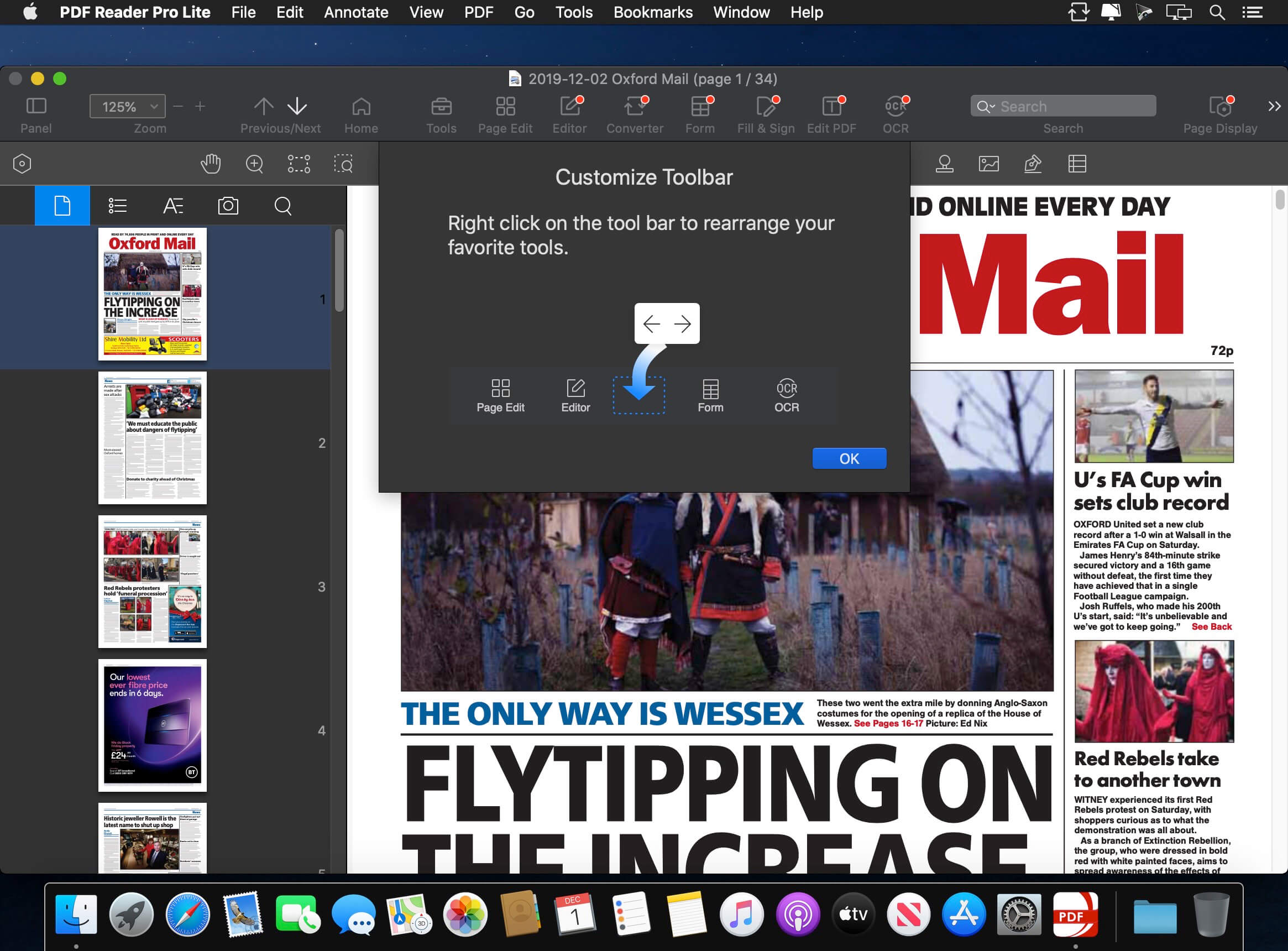
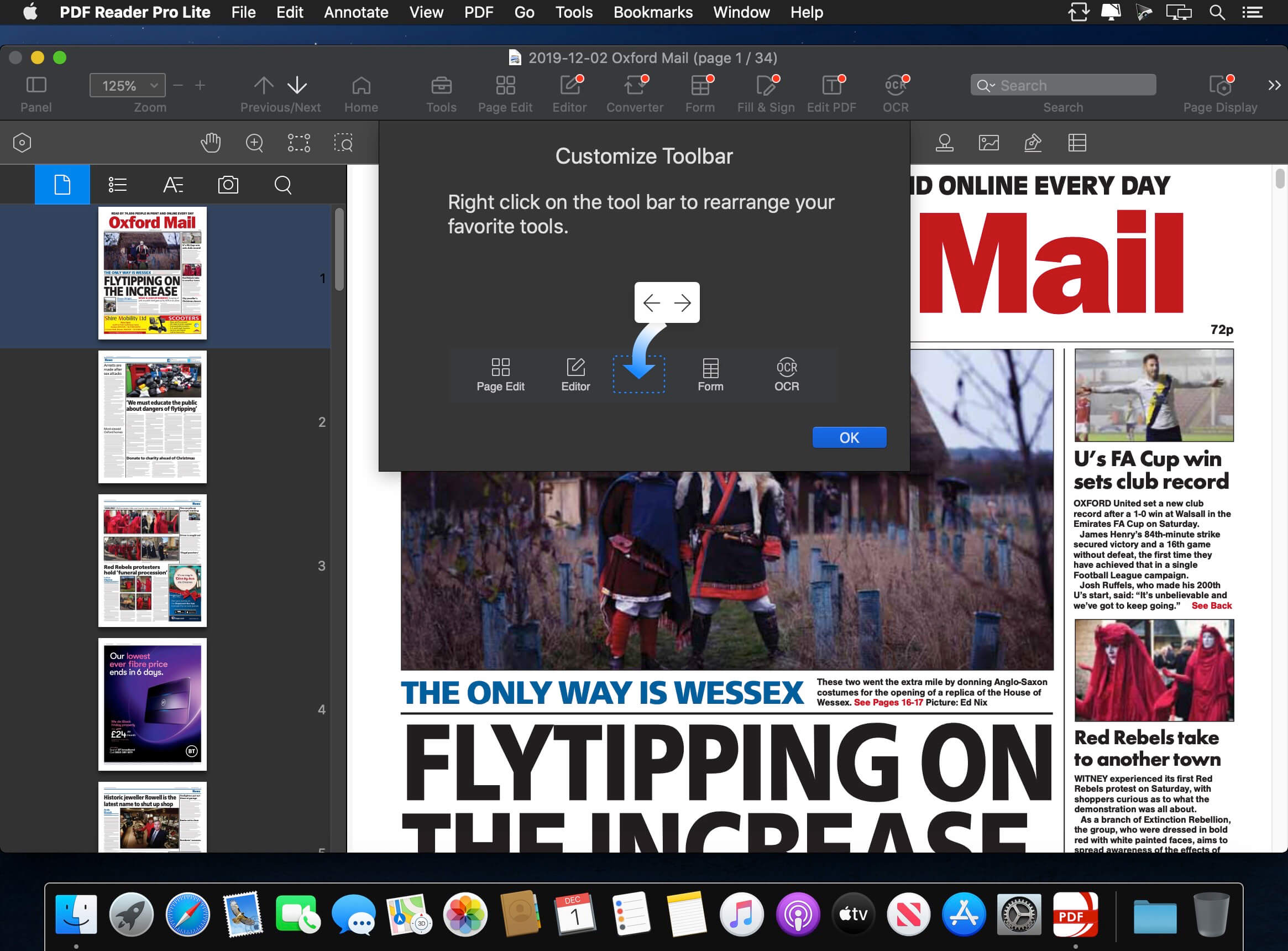
PDF Reader Pro is a PDF editing application that has a wide variety of tools. Building on solid features such as annotation, form filling and bookmarking, OCR, PDF Reader Pro allows you to maneuver through your PDF files. PDF Reader Pro Edition offers even more – combining multiple documents, splitting your PDF into several files, inserting pages from another PDF and PDF files. The app has Text-to-Speech functionality that can read the doc to you in six different languages. You can simply sync your files with Dropbox to make the best use of PDF Reader Pro Edition. The app has a presentation mode that will allow you to showcase your PDF document to others. Now you can enjoy the best PDF to Office Converter! Export from PDF to Microsoft Word (.docx), PowerPoint (.pptx), Excel (.xlsx), RTF, HTML, Text, Image, CSV, and more Offline.
Main features:
Annotate PDFs with highlights, underlines, lines, circles, freehand writing, and so much more.
Create & Edit & Fill PDF Forms. Create fillable PDF Forms from interactive field objects, such as buttons, check boxes, radio buttons, list boxes, and drop-down lists.
Create tables. A table consists of rows and columns of cells. A cell is like a text frame in which you can add text, or other tables. You can use headers or footers to repeat the information at the top or bottom of each divided portion of the table.
Sign – Create multiple signatures for any situations with trackpad, keyboard or images
Insert stamps, comments and notes.
Link – Add hyperlinks to redirect other destinations, and edit your links as you like
Export from PDF to Microsoft Word (.docx), PowerPoint (.pptx), Excel (.xlsx), RTF, HTML, Text, Image, CSV, and more Offline
PDF to Image. Convert PDFs to JPG, PNG, bmp, gif, tiff, tga and jp2
OCR (Optical Character Recognition). Convert scanned PDF & images into editable and searchable PDFs or TXT files. 50+ languages supported!
Annotation history – Access important sections of documents instantly.
Edit pages with headers, footers, or page numbers
Add PDF watermarks to the background of pages
Bates number
Combine multiple files into one document
Insert another file (entire files or specific page ranges) into the existing file
Replace PDF pages from another PDF file
Merge, Split, Extract, Append, Rotate, delete, replace, and crop pdf pages
Directly present your PDFs with annotations
Supports radio boxes, check boxes, combo boxes, and list boxes
Reading modes: full-screen, page-fit, horizontal or vertical orientation, continuous and page break
Bookmark specific pages or sections of PDFs
Create, Edit and Search outlines to easily navigate through the whole file
Night mode supported
Reduce PDF size to make your documents much lighter
Create a new PDF by importing your clipboard content
Select a passage or document to be read aloud by the TTS engine
Set a password and authorization to edit, modify or print PDFs
Top In-App Purchases: Full Version (Permanent License) – included
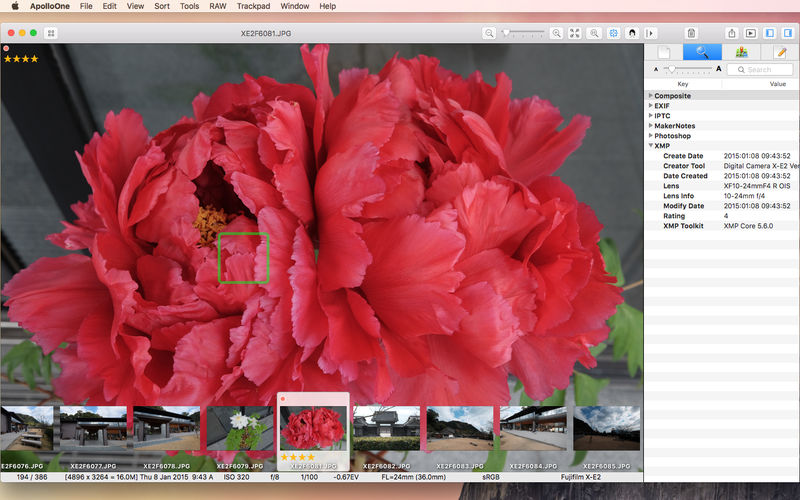
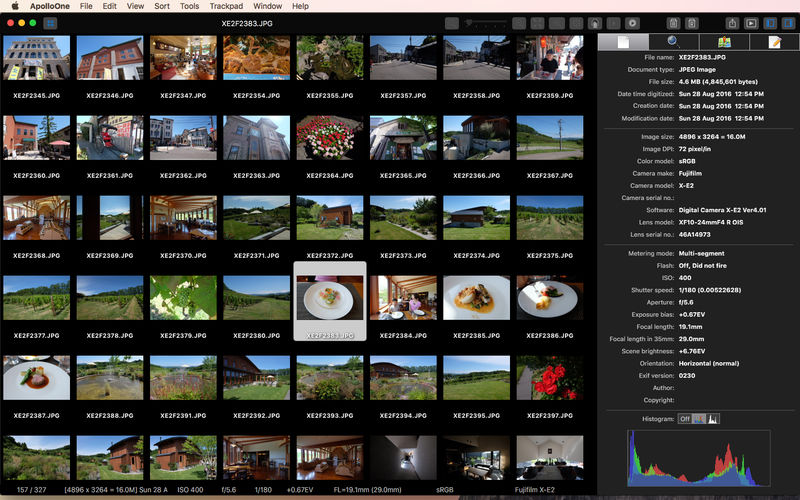
ApolloOne is a powerful image viewer and manager designed for the seasoned amateurs and professional photographers. The design objectives are ease of use and speed – and lots of it. Arguably the fastest image viewer ever created for the macOS (1), it works with your existing folder structure without ever needing to import files into a database. It offers a comprehensive set of tools for the photographers: smart memory card imports, displaying camera AF points, rating and culling images, managing metadata, searching and filtering, batch renaming, and much more.
IMAGE VIEWER FEATURES:
Native support for Intel and Apple M1 Macs.
Easy to use interface with unique HUD display – maximizes image display area, especially on a Macbook.
Browsing history for quickly switching between multiple events or projects.
Rotate, mirror, flip photos and videos instantly. Correct orientation of JPEGs without altering image data.
Split View with synchronized zooming and scrolling for fast image comparison.
EXIF metadata inspector with search and edit features. Add tags to your favorite list for quick filtering.
User customizable Toolbar.
Slideshow with iTunes/Apple music playback and Laser pointer support.
Video playback with frame stepping controls.
IMAGE MANAGEMENT FEATURES:
Import files from memory cards, batch resize, batch rename, batch export and batch image format conversion.
Support reading and writing images in HEIC format.
Perform image cropping and simple RAW image adjustments.
Tag and rate files for copy, move and delete operations. You can tag or rate files quickly using keyboard shortcut keys. File rating uses IPTC/XMP compatible Rating fields.
Keywords management, keyword completion when inputting keywords for images. Filter and search by keywords or other metadata.
Extensive file filtering options. Filter files by searching metadata with optional regular expression matching.
A set of EXIF tools for changing, shifting creation dates, synchronizing XMP metadata, removing metadata and more.
EXCLUSIVE FEATURES:
Display camera AF points and detected faces; magnify and cycle through AF points quickly for checking on focus (2).
Filter files by GPS distance or by GPS altitude (ie: drone photos). Measure distance between two photos based on embedded GPS coordinates.
Batch rename uses GPS coordinates to retrieve city and country name as part of the rename criteria. RAW and all associated files are renamed as a group, not as separate files.
Ability to delete the RAW file together with the JPEG file, or delete just the RAW file, leaving the JPEG file alone. Files can be recovered from the Trash with the Put Back function (3).
OTHER PRODUCTIVITY FEATURES:
Context menu for frequently accessed functions. Ability to send images, including RAW files and videos to external editors.
Sharing with iOS devices via AirDrop.
Accurately capture video frame as JPEG image.
Full support of Trackpad, Magic Mouse, and 3rd party mouse with scroll wheel (4).
Support SRT subtitle file for video playback.
Ability to play animated GIF files.
Focal length conversion to 35mm film.
UI is localized in 11 languages (English, French, German, Dutch, Italian, Spanish, Polish, Japanese, Traditional Chinese, Simplified Chinese and Korean).
Support archive files and folder to encrypted zip&7z
Quicklook files in archive before extraction.
MAIN FEATURES
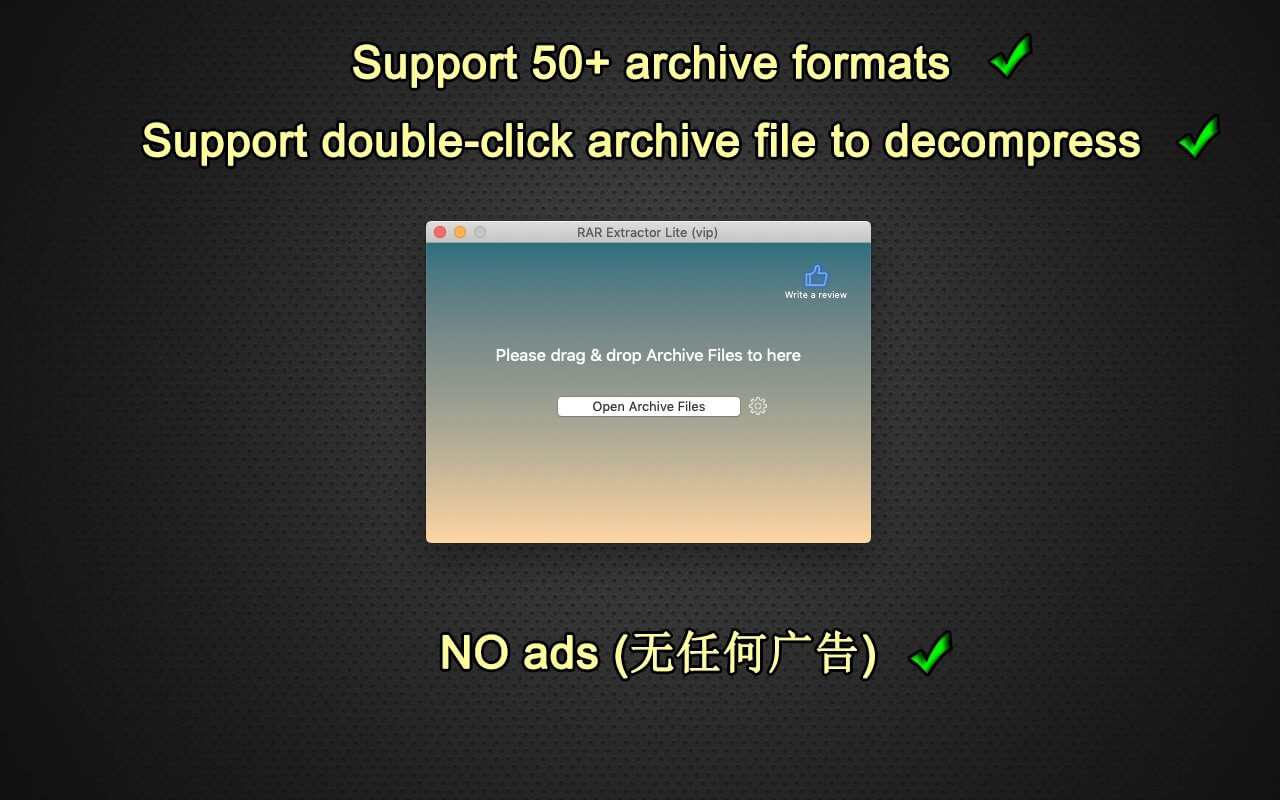
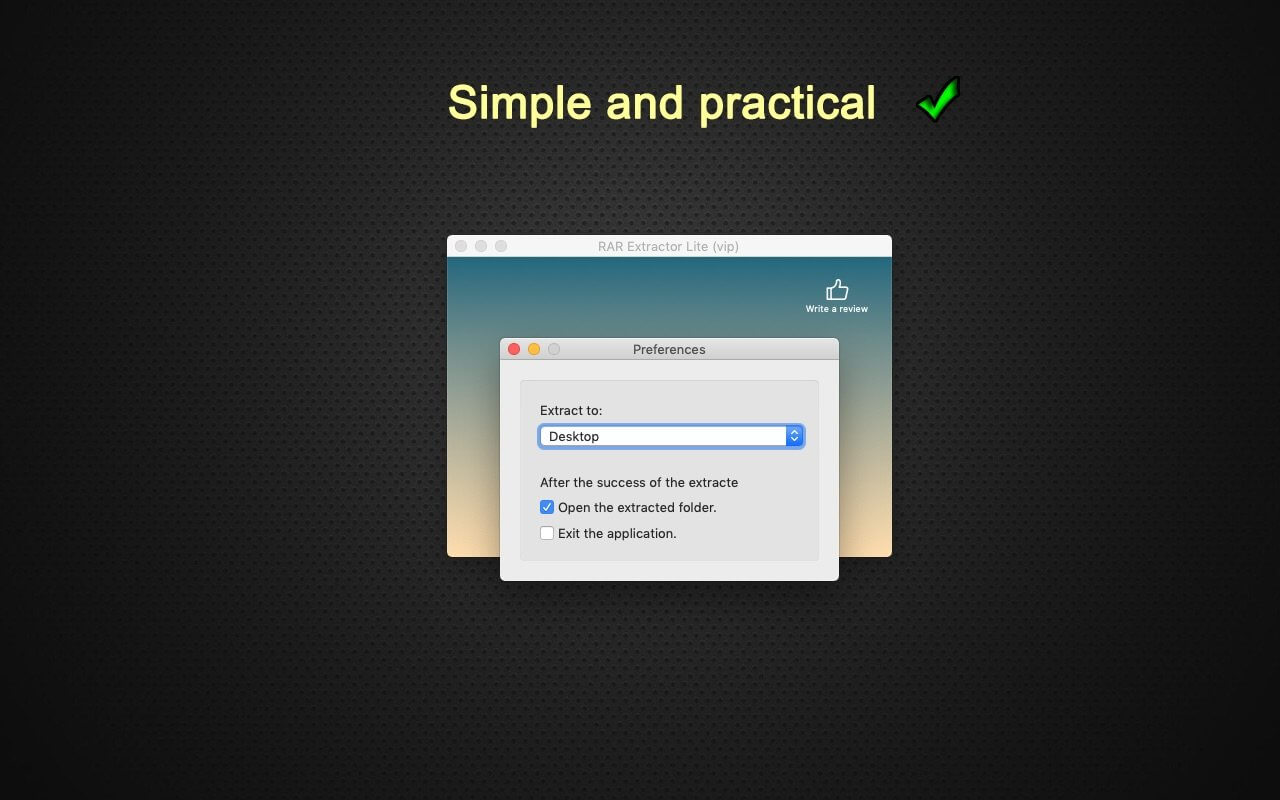
Extract extract compressed files in all most formats(over 50 formats).
Unzip, unrar encrypted archives.
Preview and open the file in winmail.dat sent from Microsoft Outlook
Easy view of an archive’s file list.
Quicklook files in archive before extraction.
Unarchive & unrar the selected individual file or folder in the archive.
Double click to display or extract directly after setting this APP as default archiver.
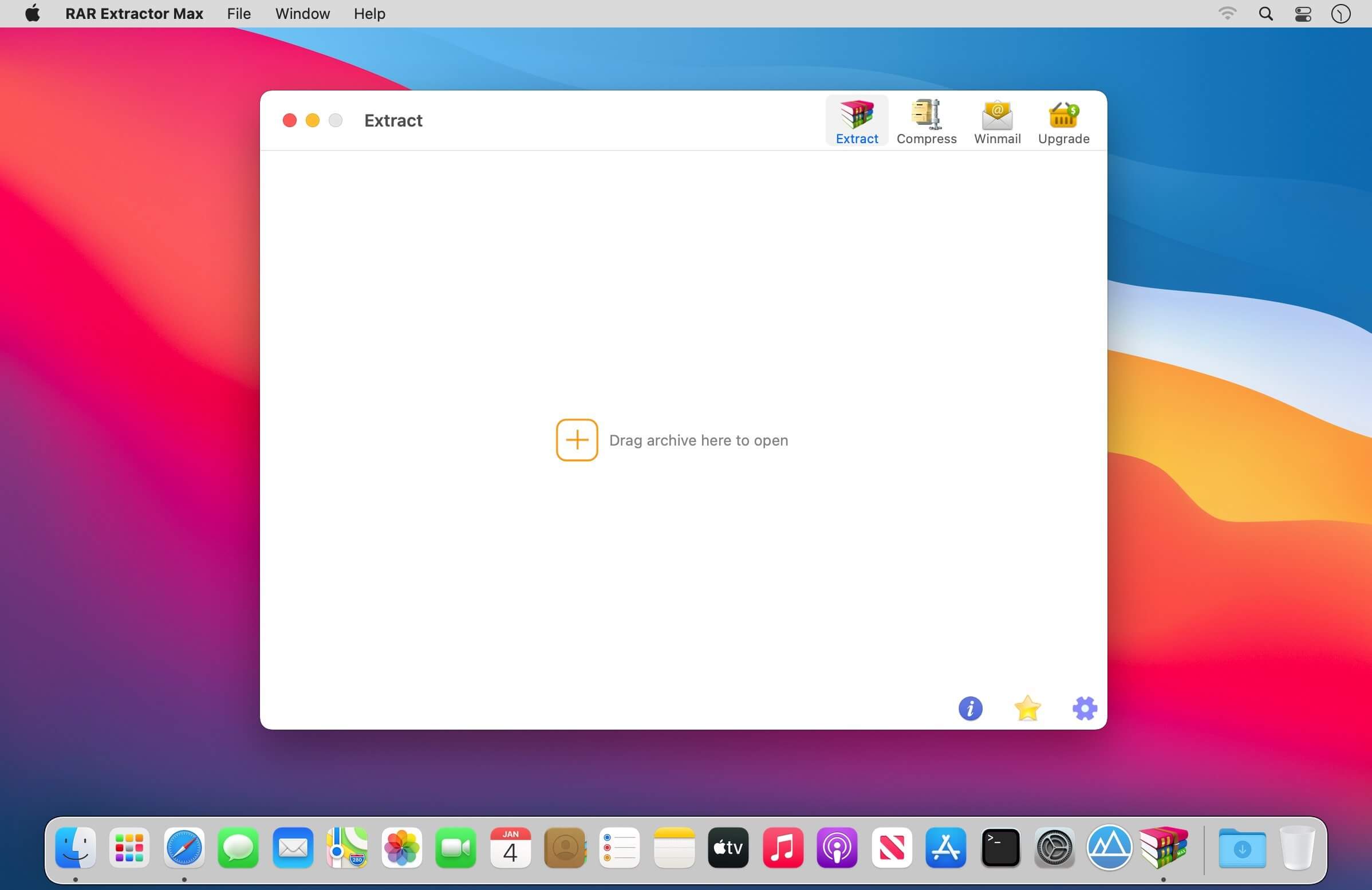
Drag archives to the dock icon to extract or display directly.
Batch decompress many archives
Create password-protected ZIP & 7Z archives.
AES256 encryption algorithm to create ZIP & 7Z archives.
Drag the file in archive to the desktop to extract directly
VERSION INTRODUCTION
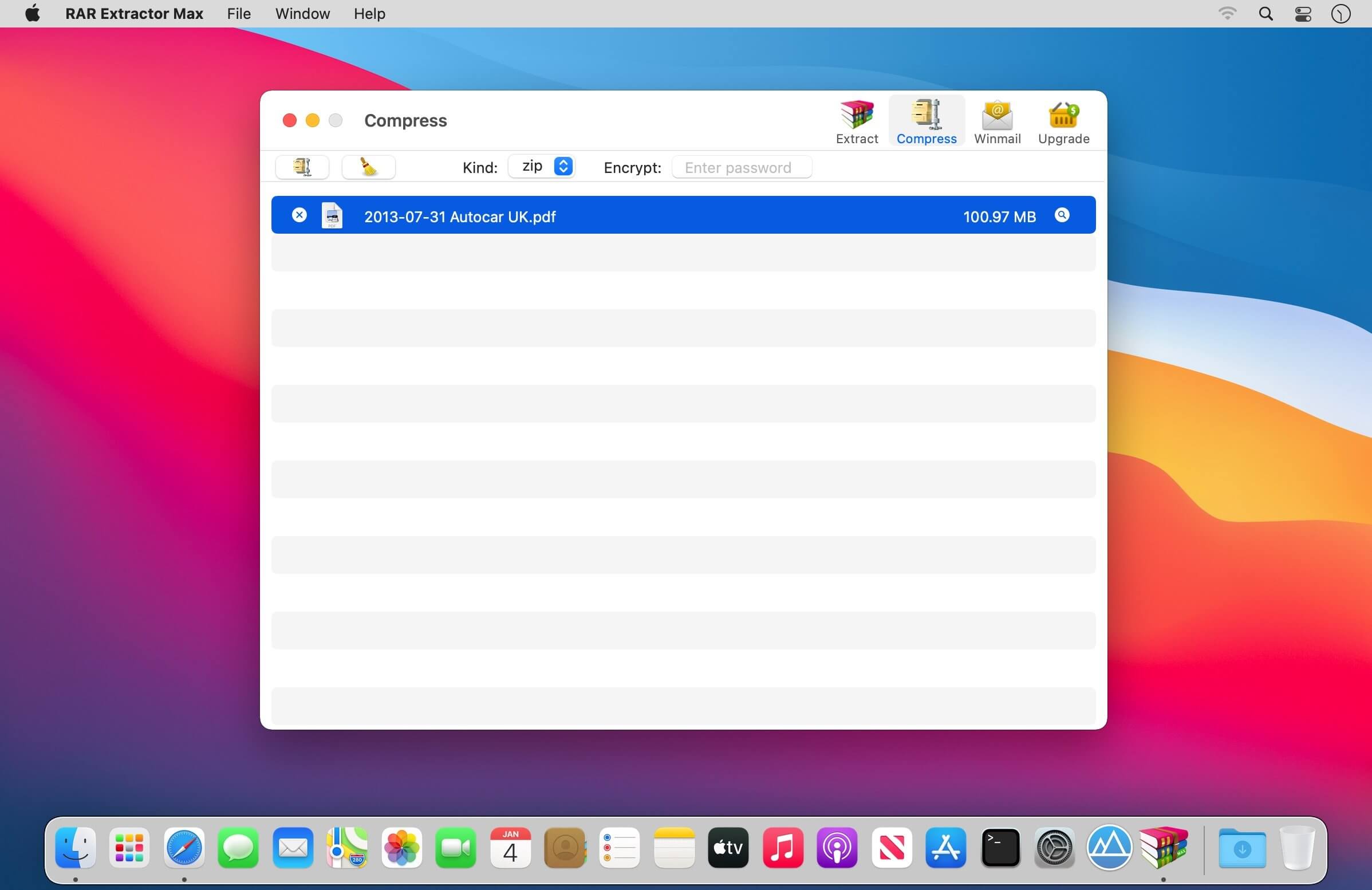
RAR Extractor: a lite version the first-generation product, supporting decompress all most of formats of archives and compress files to rar and 7z packages.
RAR Extractor Pro: a pro version the first-generation product, supporting decompress all most of archives, meanwhile, it supports view the contents of archive before extraction.
RAR Extractor Max:based on the first-generation app, we redesigned the UI and improve the functionalities
Blackmagic Design has announced Fusion Studio 18 This software update adds improved startup performance, support for Fusion template bundles, more reliable node connectivity when using mask groups, improved image previews when using multiple view LUTS and general performance and stability improvements.
What’s new in Blackmagic Fusion Studio 17.4
– Dramatically improved application startup performance.
– Support for Fusion template bundles.
– Support for UI layout presets for single and dual displays.
– Improved support for offset modifier angle.
– Addressed incorrect optical flow vector behavior in a static time region.
– Addressed an issue with node name conflicts when importing certain SVG files.
– Addressed an issue where deleting masks in groups would lose node connection.
– Addressed an issue when using multiple viewer LUTs.
– Addressed an issue with incorrect offset modifier angle calculation.
– General performance and stability improvements.
Fusion is the world’s most advanced compositing software for visual effects artists, broadcast and motion graphic designers, and 3D animators. Over the last 30 years, Fusion has been used on thousands of Hollywood blockbuster movies and television shows. Fusion features a powerful node based interface that lets you quickly and easily create sophisticated effects by connecting different types of image processing tools together! You get a massive range of tools, incredible VR and 3D support, GPU accelerated performance, unlimited network rendering and more! Fusion gives you everything you need to create exciting broadcast graphics, dramatic titles, and even major feature film visual effects!
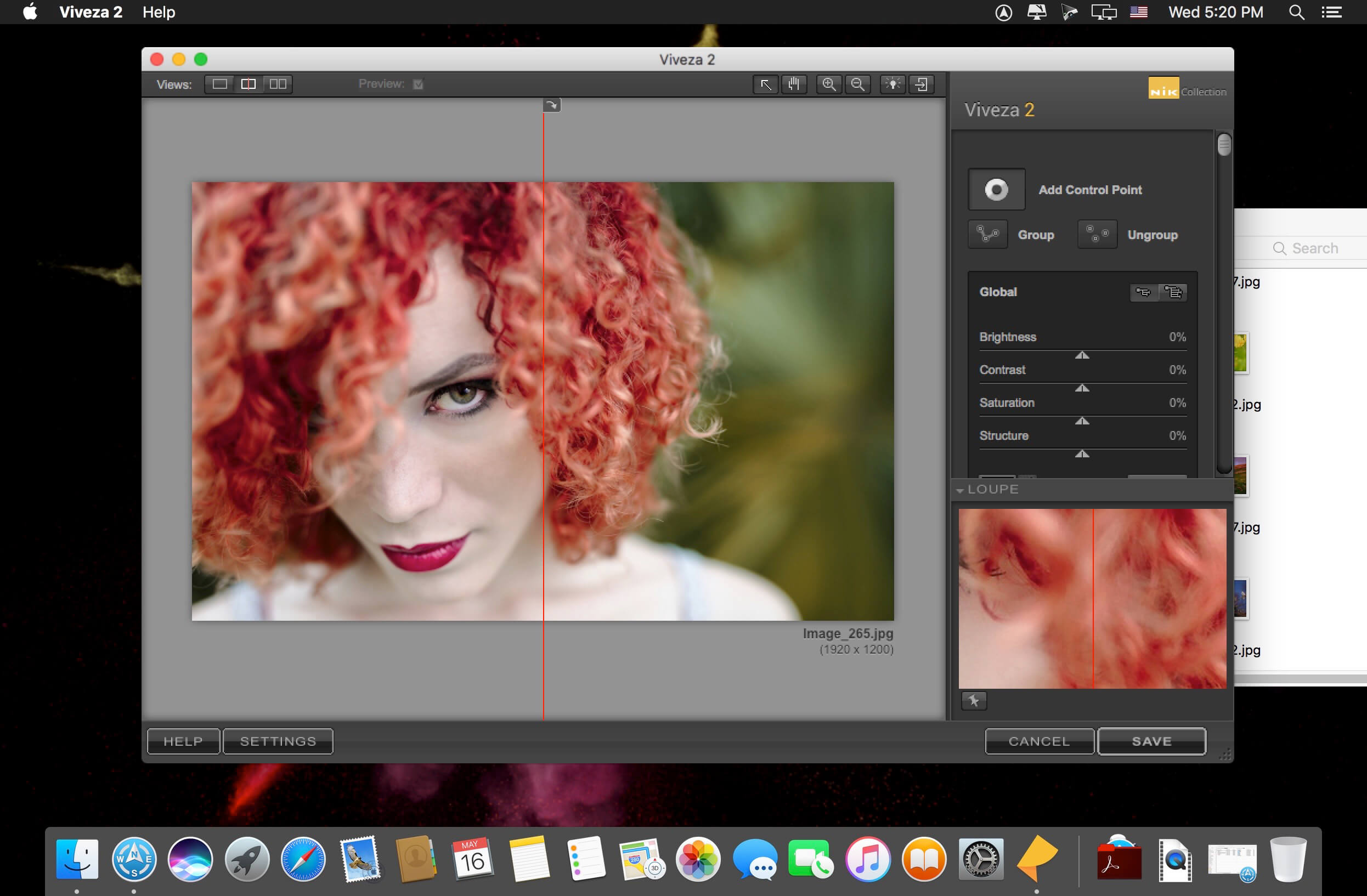
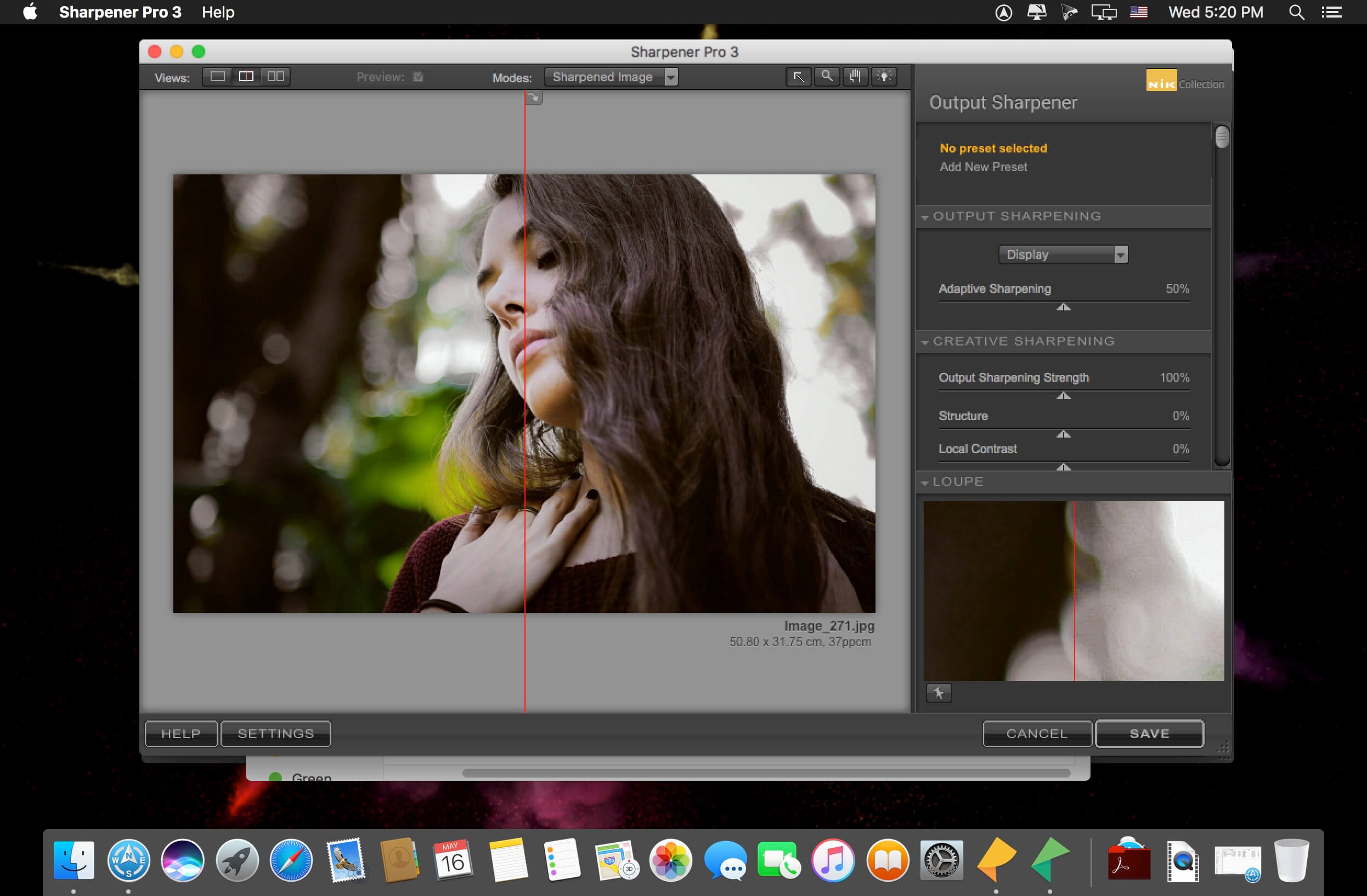
Nik Collection 4 by DxO is the world’s most exciting and creative suite of photo plugins.
Even More Possibilities for Even Greater Creativity. New interface, even more precise Control Points, and optimized tools for Adobe Photoshop and Lightroom: Nik Collection 4 helps your creativity reach even greater heights.
New Interface, New Experience
The new interface of Nik Viveza and Nik Silver Efex is more modern, more appealing, and more functional. It also provides quicker access to all available tools and presets so you can concentrate on what’s most important—finding your very own style.
Add Control Points to your custom presets
Save your favorite presets that you’ve created with Control Points, and then apply a similar style to a series of images—all while preserving a specific area in your photo. This is the perfect way to apply a color effect to several portraits as well as a blurred background!
Create an optimized and easier-to-use workflow
Because the Control Points now feature fewer sliders, you can now see the applied effects more easily. To really optimize your workflow, you can even rename them.
Adjust the saturation of a specific tone range
Thanks to the new Color Tolerance setting, users can not only select the color they want to edit, but also adjust the tolerance of similar color hues.
Combine the settings from several plugins with a single click
Meta Presets, which can be accessed directly from the Nik Selective Tool in Adobe Photoshop, combine all the presets and settings from the various Nik Collection plugins so you can apply several effects with a single click.
Incredible photos
Discover 10 Meta Presets created by professional photographers and instantly infuse your landscape and wildlife photography with a unique style—all without leaving Adobe Photoshop.
Lightning-fast retouching
With the Last Edit feature, you can recreate the last preset you used with one of the Nik Collection plugins.
Smart Copy & Paste
Selectively reapply a plugin’s finish to one or several images directly in Adobe Lightroom—all without having to launch the Nik Collection interface. The definition of efficient.
Even more striking black-and-white photos
Nik Silver Efex now features revolutionary ClearView technology, which was first released as part of DxO PhotoLab. Remove haze, boost local contrast, and give your photos an entirely new dimension.
Add color
Nik Viveza features ten native presets designed by professional photographers. Pick the style you like the most and make your own local adjustments. The possibilities are endless!
Reconnect with the emotional impact of analog
Accurately recreate the finish of films that left their mark on the history of photography: Nik Silver Efex features 39 ultra-realistic grains to help you produce authentic black-and-white photos.
Create and share
Create and save your personalized presets in Nik Viveza. Easily share them or import them to another computer so you can continue editing, no matter where you are.
Control your tones
With Nik Viveza’s new Selective Tone Tool, you can edit your images with even more control over bright lights, midtones, and shadows.
Adjust color temperatures
Nik Viveza’s new Color Temperature Selector lets you select the true white value in your image for flawless white balance.
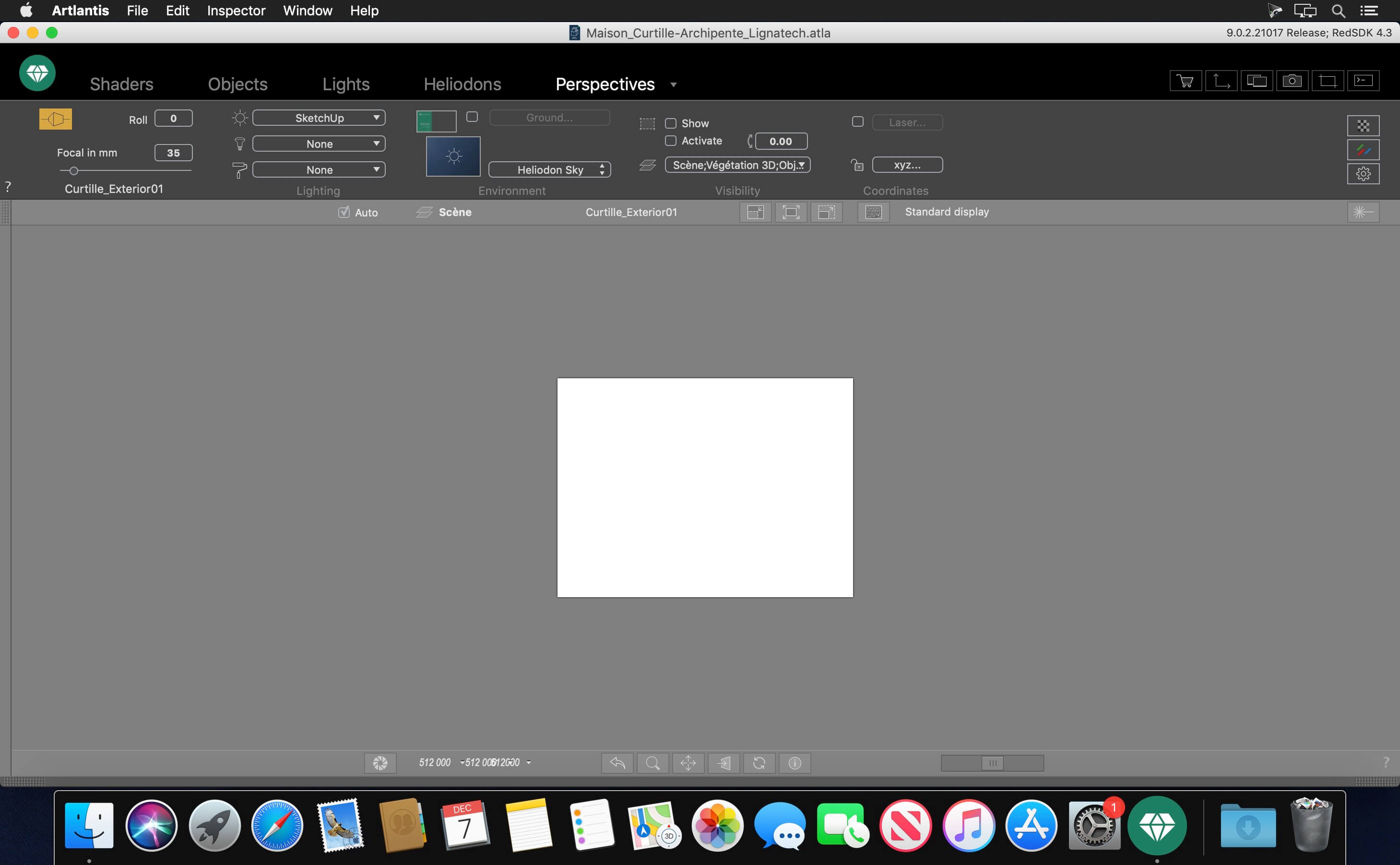
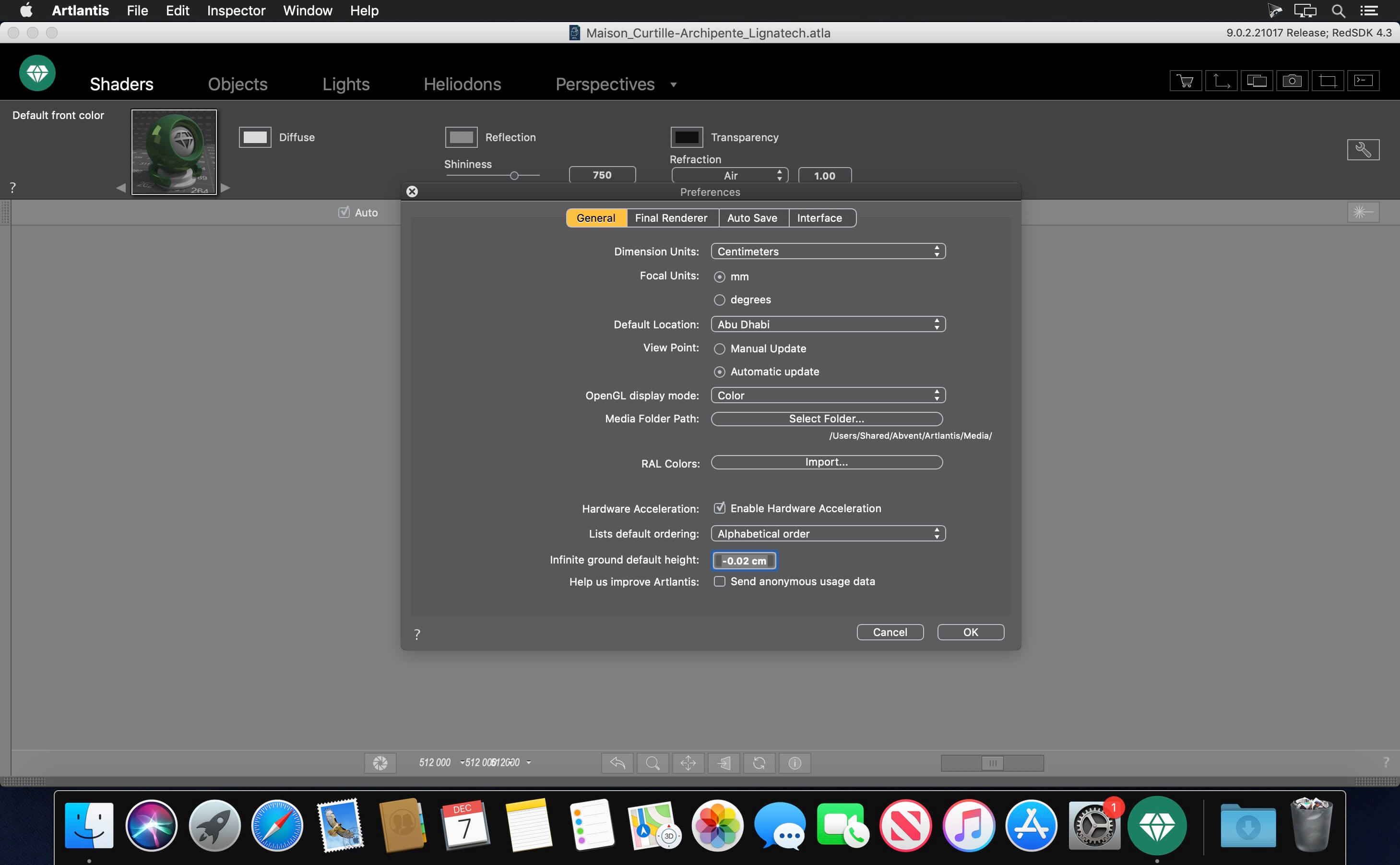
A pioneer in VR imagery, Artlantis has conquered nearly 100,000 architects, interior designers, landscapers, urban planners, and space planners…in more than 110 countries. A CPU-based application, Artlantis is used by experts, advanced users and beginners alike, to simulate, present and communicate their ideas with striking photo-realism.!
RAL Colors
Artlantis 2020 offers 243 codified colors and tints from Ral Effect, RAL Design and RAL Classic color chart, which are the defining paint standards in the world of architecture and building construction.
Denoiser tool
Decrease, or even cancel, the noise from your renderings, typically produced by the reflection from shaders. Want a little noise in your image? Decide for yourself to activate this option or not. The Denoiser tool analyzes the image’s pixels and reduces the noise.
3D Grass
The integrated Media catalog offers 4 new grass types and 6 updated types of 3D grass enhanced with new settings: adjust the color of the grass tufts, apply density variations — the size is automatically calculated zone by zone.”
Portals tool
Portals: a new optimization setting for managing light in Artlantis. When using low settings for a fast calculation of your renders, this option improves the lighting of your indoor scenes and removes the noise from the image.
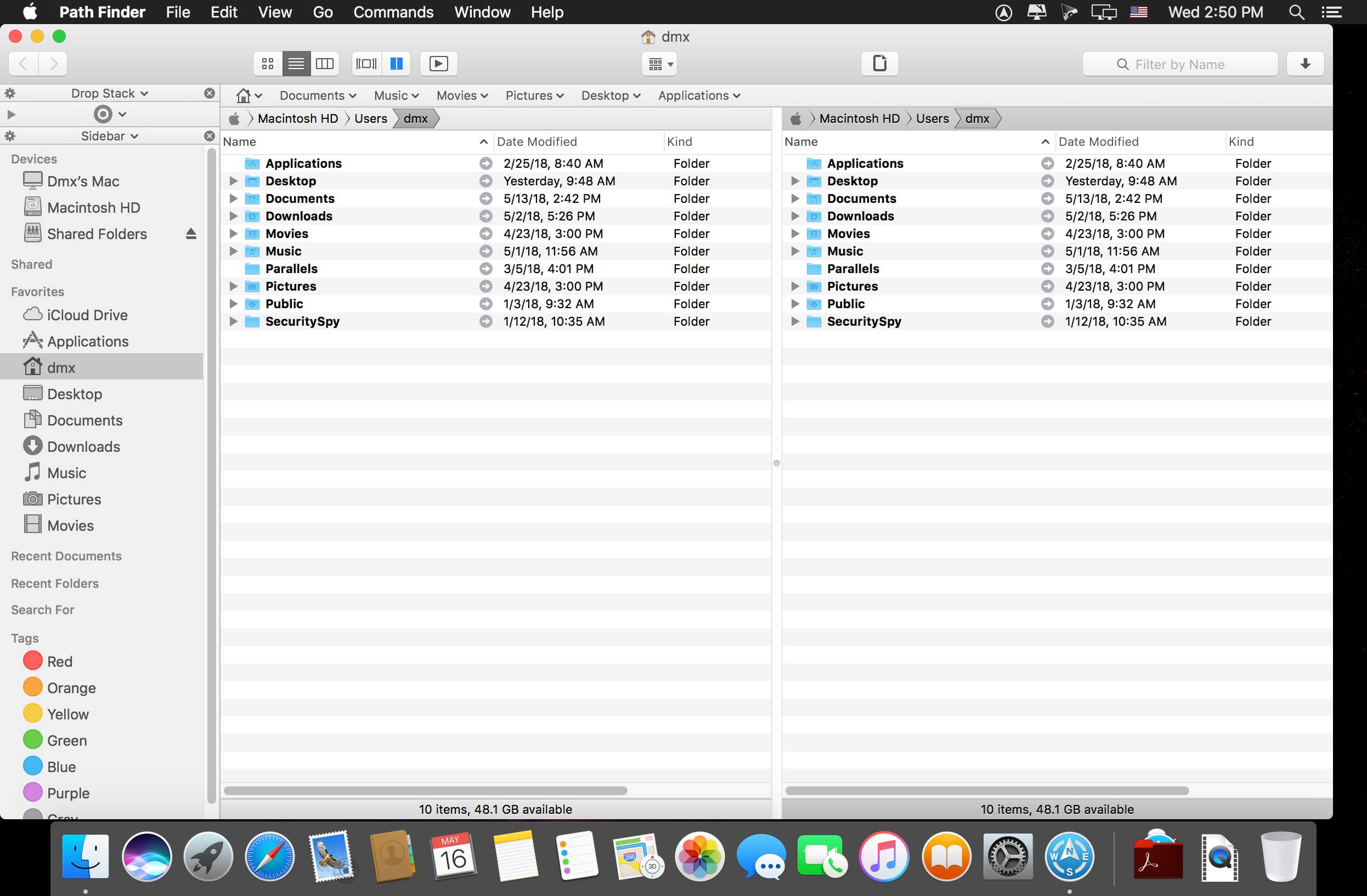
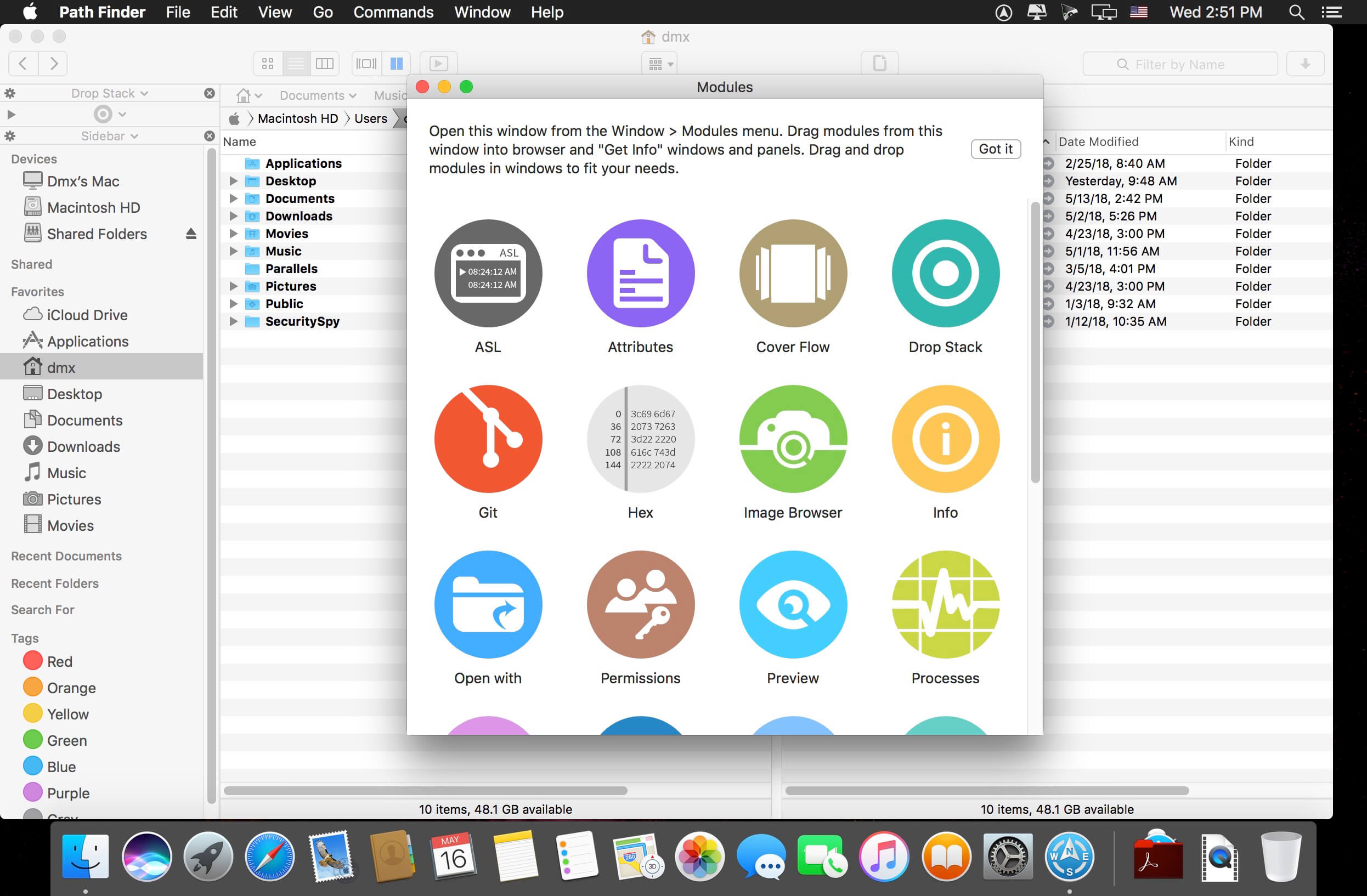
Path Finder 10 makes you a master of file management. Take full control over your file system. Save your time: compare and synchronize folders, view hidden files, use Dual Pane and full keyboard navigation to browse your file system.
Work how you want: extreme customization allows you to access most tools in many different ways to suit your workflow. Work seamlessly with other platforms: don’t leave any hidden .DS_Store files on non-Mac volumes, delete files securely and completely with the powerful delete feature from any volume type, search any network volume.
Features
View and manipulate hidden files
Dual Pane View
Full keyboard navigation
Folder comparison and synchronization
Folder merging
Batch renaming
Powerful file filtering
One-click dual-pane copy
Bookmarks and Tab Presets
ACL editor
File tagging
Editable Path Navigator
Powerful low-level search
Smart sorting
Advanced selection
Integrated terminal
Integrated text and image editors
Language: Multilingual Compatibility: macOS 10.12 or later (Apple M1 compatible) Homepagehttps://cocoatech.com/
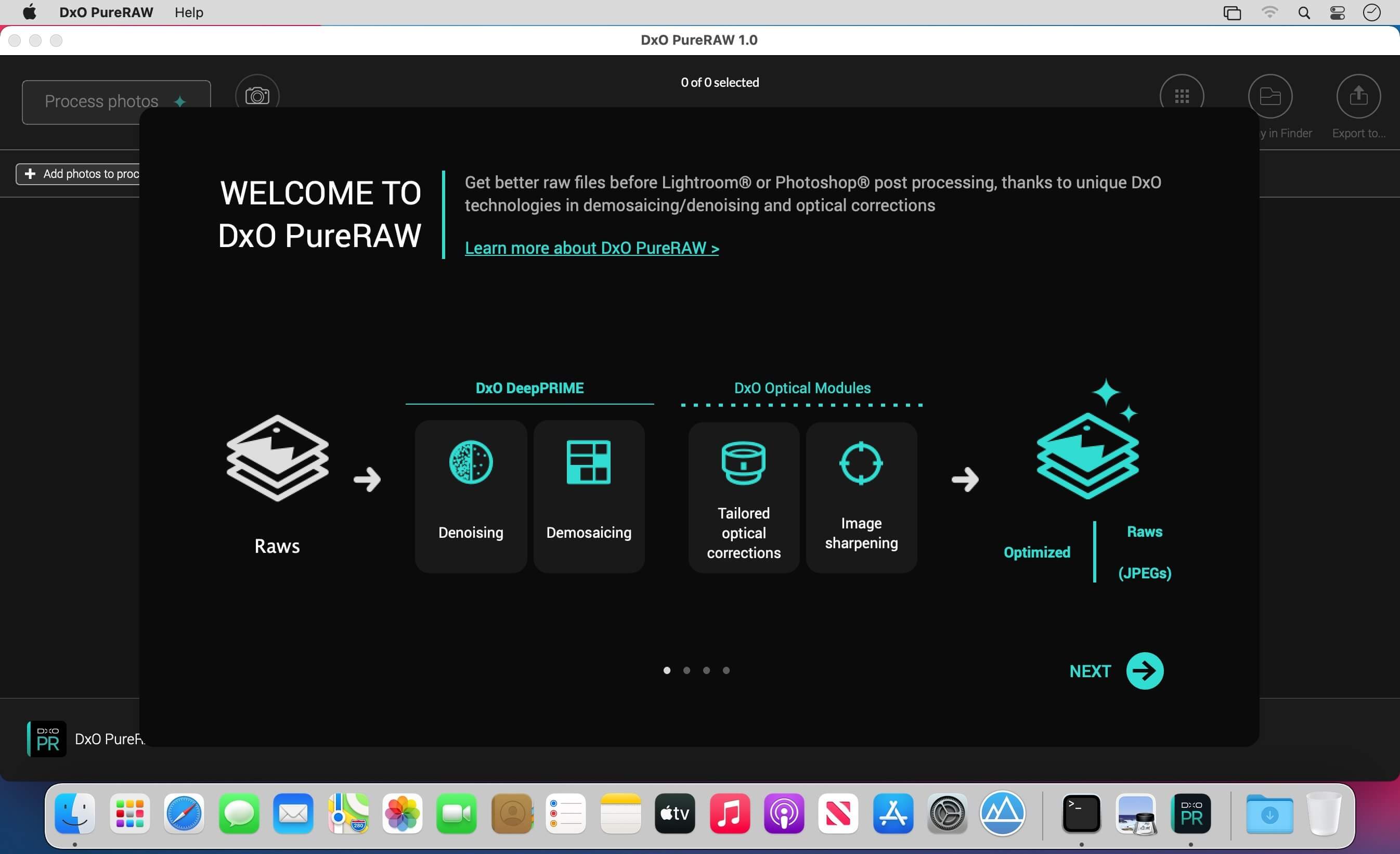
DxO PureRAW Simply better RAW files, Enhance your RAW files to open up even more possibilities with Adobe Photoshop and Lightroom®.
Unlock the RAW-file editing capacity of Adobe Photoshop and Lightroom
Create better RAW files before retouching them in Adobe Photoshop, Lightroom, or other programs thanks to DxO’s exclusive demosaicing, denoising, and lens defect correction technologies.
Pure, flawless, and noise-free RAW photos
DxO PureRAW’s artificial intelligence strikes the perfect balance between preserving detail and eliminating noise. DeepPRIME technology solves these problems before you and better than you.
Your lenses deserve the very best corrections
Automatically correct the defects in your equipment using DxO’s specially designed optical modules.
Recover your old RAW files
Get back to editing your old photos that you set aside because of poor image quality, noise, or a lack of sharpness. DxO PureRAW gives you another chance.
Perfection is in the details
Enjoy large format photos: DxO PureRAW reveals all the details and finesse of every texture you capture so you can enjoy incredibly pure photos.
Soft, non-grainy bokeh
Permanently delete the “parasitic” grain your camera creates in the blurry areas of your photos. DxO PureRAW adds incredible softness to your images.
Photo editing made simple
Use DxO PureRAW before your usual editing software and convert your RAW files into DNG files in just a few clicks—all without sliders or complex adjustments.
Monterey Cache Cleaner is an award winning general purpose tool for macOS X. MCC makes system maintenance simple with an easy point and click interface to many macOS X functions. Novice and expert users alike will appreciate the powerful toolset MCC provides. Monterey Cache Cleaner is one of the world’s leading maintenance tools with millions of downloads around the globe.
Maintenance
Monterey Cache Cleaner is a one stop solution for all of your macOS X maintenance needs. Intel or PPC, Tiger or Monterey, MCC has the tools to keep your system running at its best. MCC Documents and the MCC Engine maintain system health by providing full automation of common maintenance chores including virus scanning of internet downloads. The MCC Engine can even repair permissions automatically after software installations. With the MCC Engine, powerful system maintenance and antivirus can be completely transparent or as close as your menu bar.
Optimization
Monterey Cache Cleaner can improve system performance by tuning internet and file cache settings, implementing ram disks, and cleaning out various cached and stale data. MCC includes tools to help optimize files and memory. MCC can recover wasted disk space by eliminating language localization files and slimming Universal Binaries.
Customization
Monterey Cache Cleaner lets you control your macOS X experience. Turn off Spotlight or Dashboard, or turn on a Login Items Folder. MCC can tweak many macOS X features to suit your tastes. All without permanently altering or harming your system.
Disaster Planning
Monterey Cache Cleaner lets you create a bootable Installer USB drive from your Monterey download that will boot and install Monterey on any supported machine. Monterey Cache Cleaner lets you create bootable Emergency Disks that include system repair utilities and MCC’s powerful cache cleaning functions. If disaster strikes, the power of Monterey Cache Cleaner is available at the command prompt in Single User Mode. Registered users of MCC can install a portable version on a flash drive or iPod. Monterey Cache Cleaner Portable runs on any supported Mac and is a great tool for testing hard drives, screen pixels, batteries, ram, and more before buying a machine.
Antivirus
Monterey Cache Cleaner helps protect your system from malware. MCC adds three additional layers of malware protection to Big Sur, and ships with the powerful ClamAV antivirus built in. MCC can scan your downloads on the fly providing industrial strength virus protection from Mac and Windows threats.
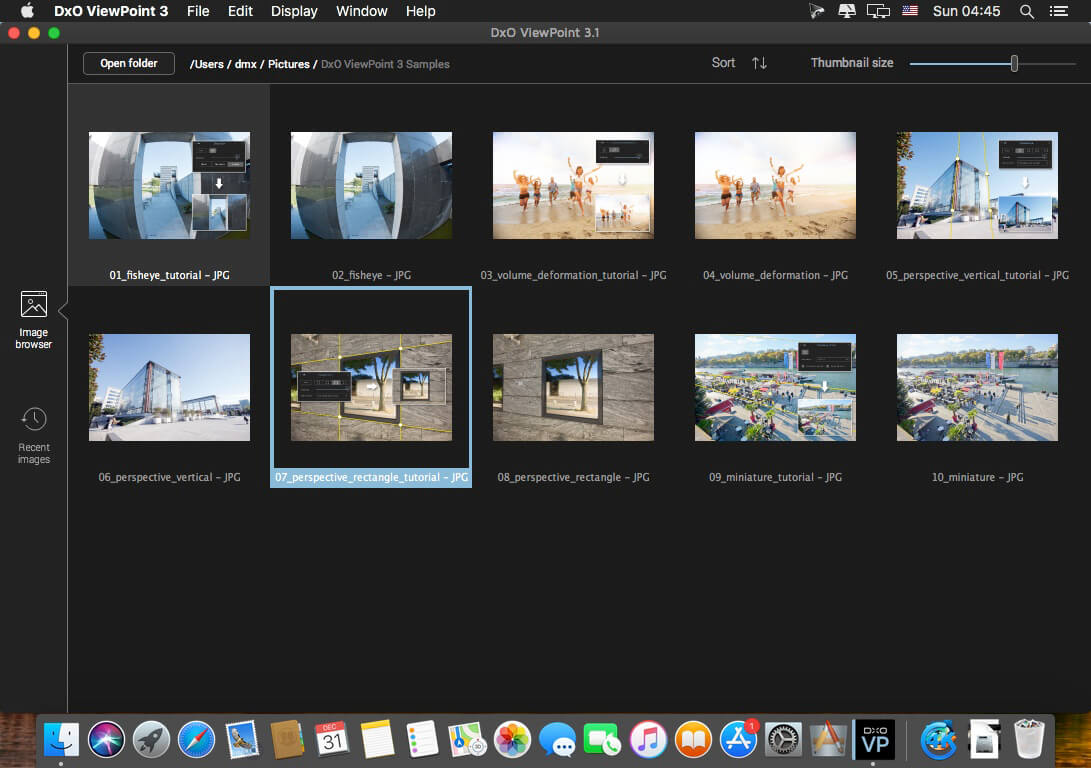
The perfect complement for your wide-angle lens
DxO ViewPoint automatically fixes skewed perspectives and restores subjects on the edges of the frame to their natural shape with just one click.
Fix skewed perspectives
Manually use anchor points or the software’s automatic feature to correct skewed perspectives in wide-angle photos, from the simplest to the most complex.
Restore proportions
For natural-looking shapes, automatically correct the volume deformation of faces, bodies, and objects at the edges photos taken with a wide-angle lens.
Neutralize distortion
With DxO’s Optics Module database, the only one of its kind in the world, DxO ViewPoint can correct any type of distortion, including barrel, pincushion, and even fisheye effects.
Straighten the horizon
Rebalance landscape photos by automatically straightening a slanted horizon lin
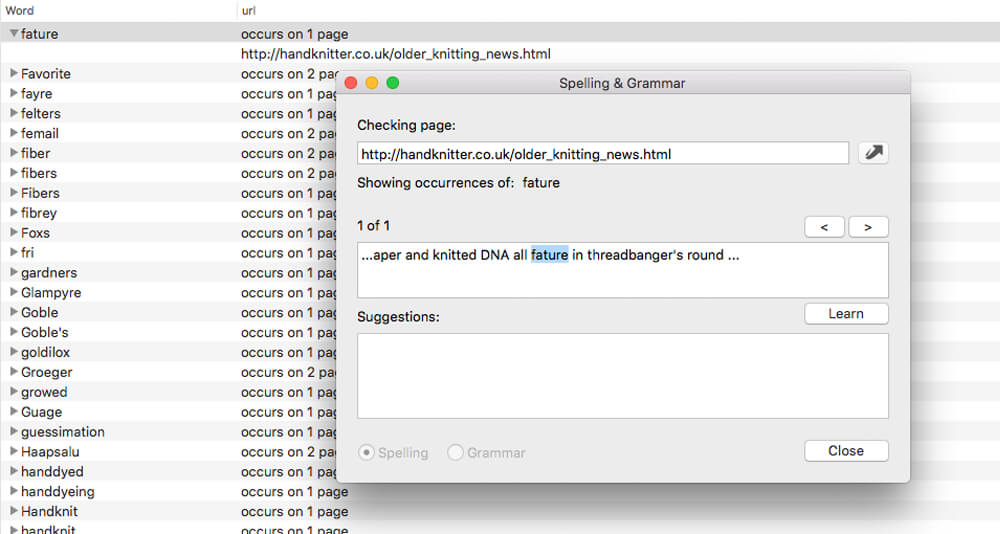
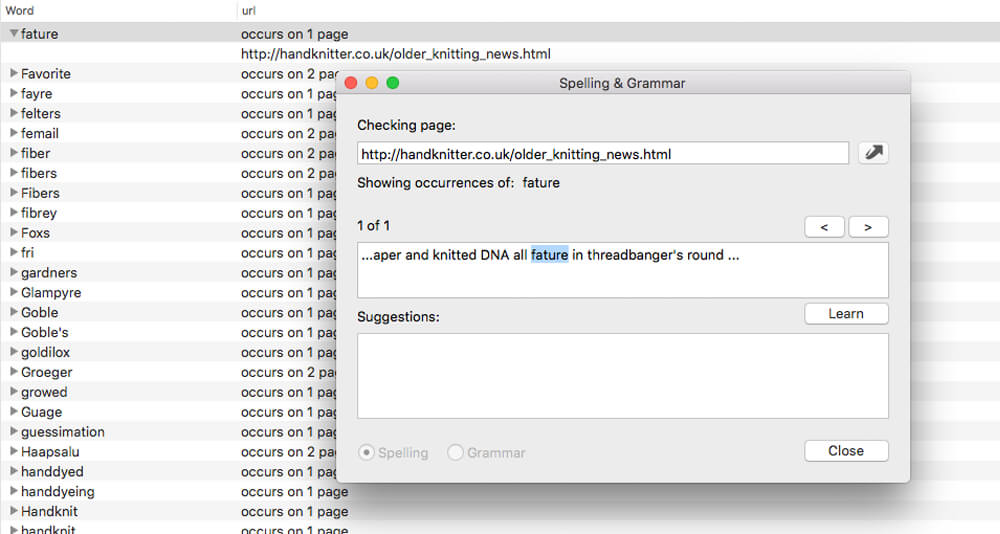
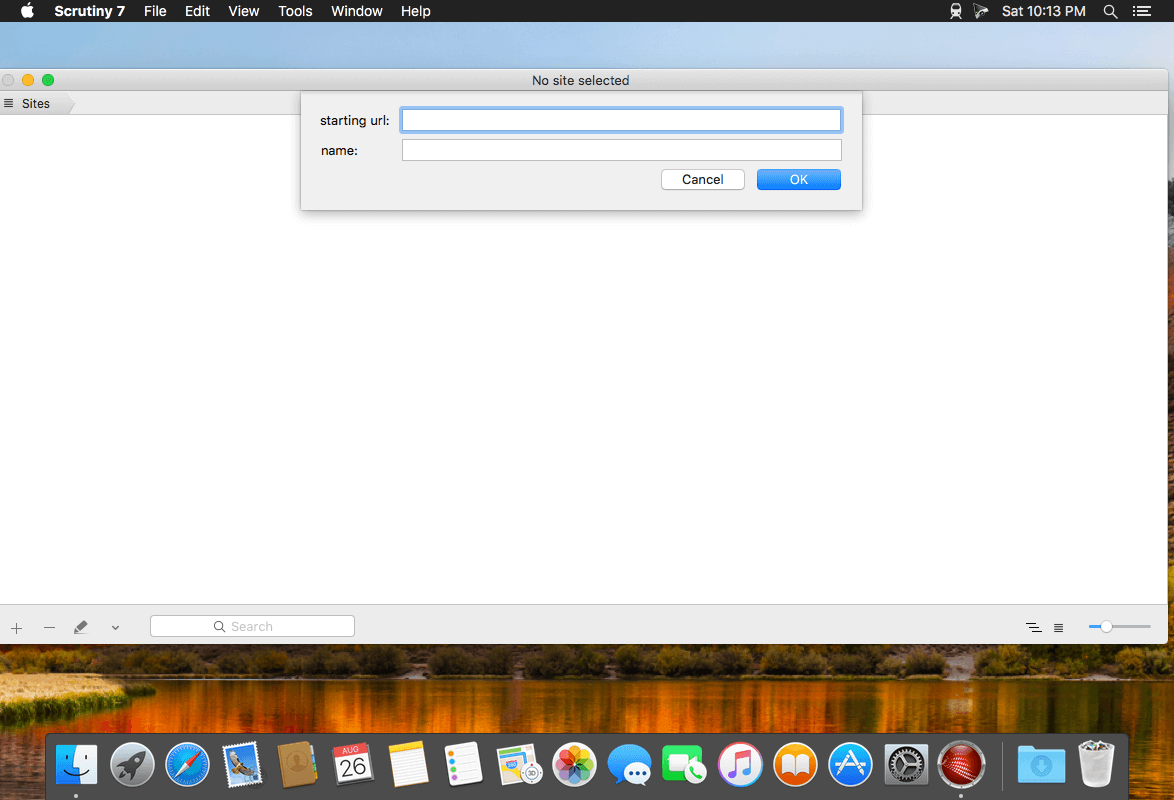
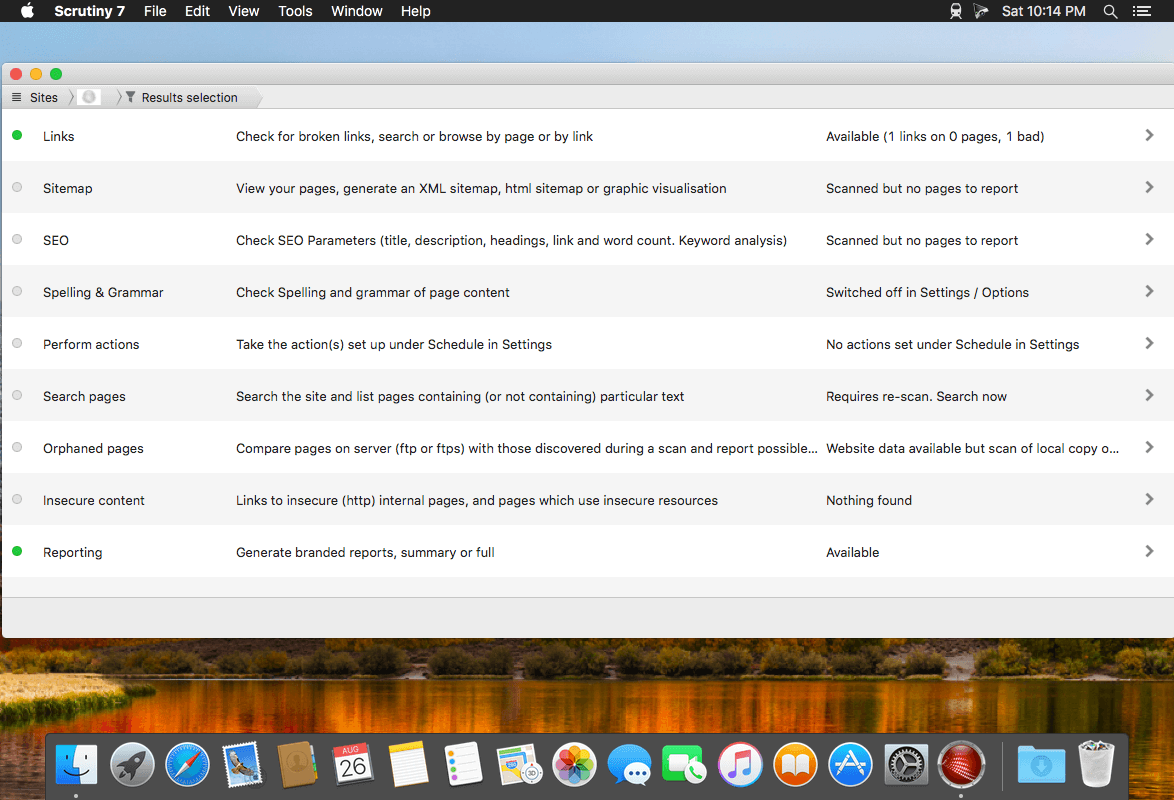
Scrutiny is a suite of web optimization tools including link checking, SEO checks, Sitemap generation, page load speed test, html validation. Version 9 is a major update and includes these new features.
Features
Link checker
SEO analysis
XML sitemap generation, optionally include images / PDF pages
Insecure / mixed content reporting
Page-load speed test
Spelling and grammar checking
Scans sites requiring authentication
Search your site (source or visible text) obtain a list of pages containing a search term or not containing a search term
Website monitoring of as many URL’s as you like with a choice of alerts and logging
Scheduling made easy with a few easy clicks
On finish, send an email, save a report, open a file or AppleScript, FTP the sitemap XML, and other actions
Opens and scans a list of links in HTML, CSV, plain text format, or XML sitemap
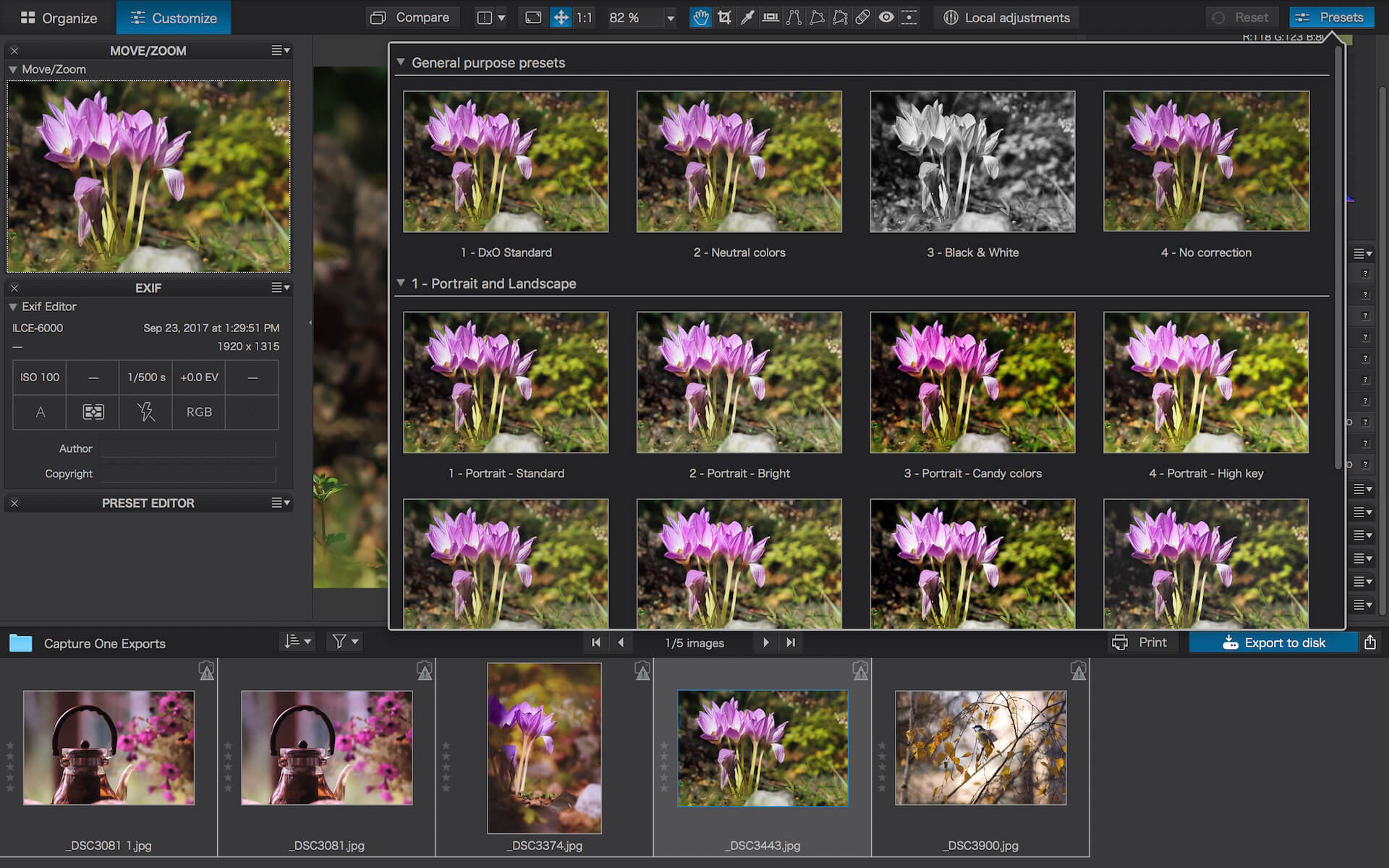
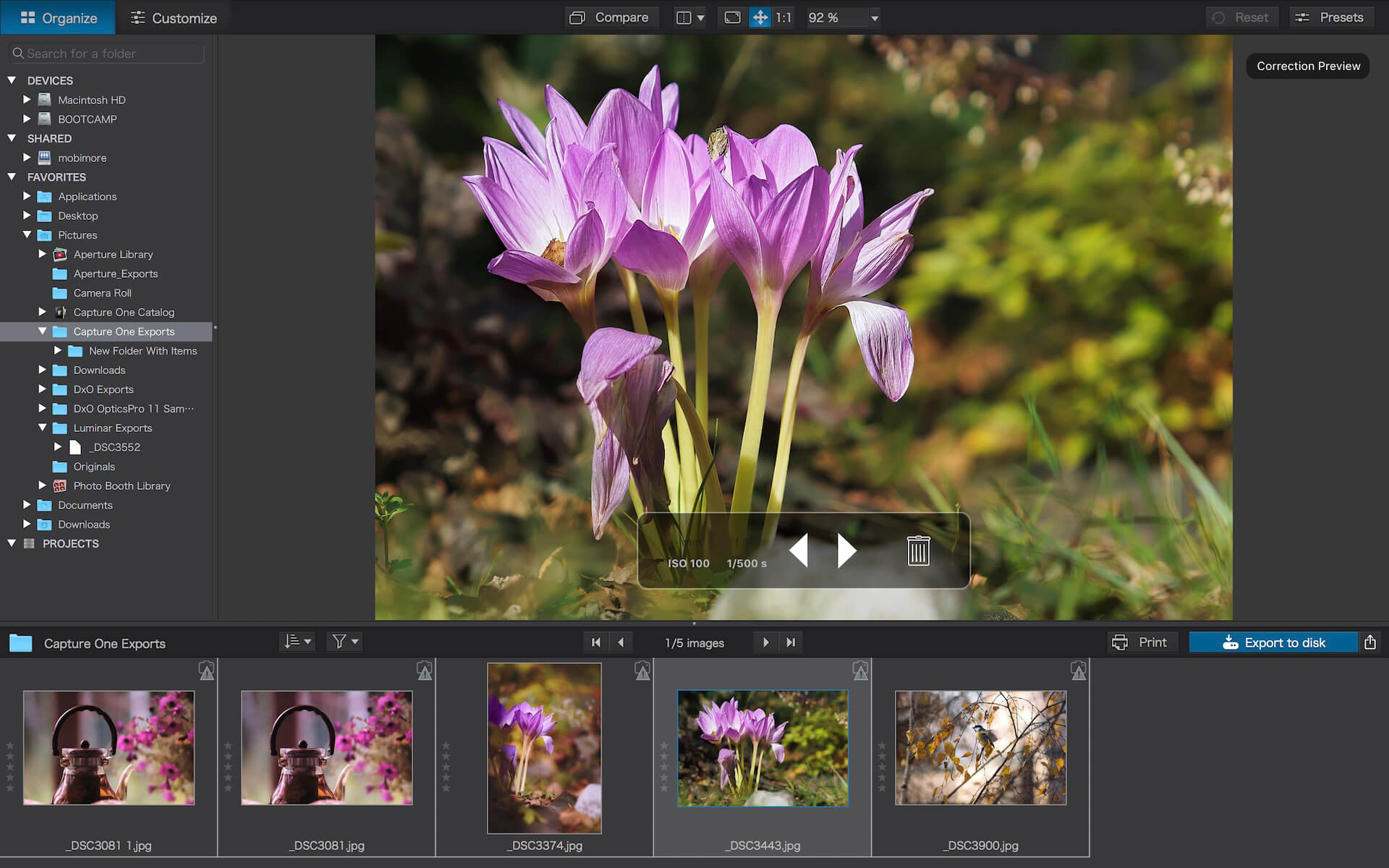
DxO PhotoLab (was DxO Optics Pro) provides a complete set of smart assisted corrections that you can manually fine-tune at any time. Take control on every aspect of your photos: effectively remove noise, get rid of light constraints, recover color details, apply sophisticated optical corrections, and enhance details.
Reducing digital noise in RAW images is an ongoing challenge for most photo-editing software. But with DxO DeepPRIME we are breaking new ground. The first artificial intelligence-based (AI) technology of its kind, DeepPRIME enables you to demosaic and denoise images simultaneously. Try it out – the results speak for themselves.
Demosaicing and denoising are usually two separate processes. But with DxO DeepPRIME we’ve combined them to achieve even better results.
The outcome is spectacular. DxO DeepPRIME removes noise and renders photographic information without reducing color detail. Transitions are smoother and more natural, and you gain nearly two ISO sensitivity values compared to our earlier version, DxO PRIME, the benchmark software for all comparable programs currently available.
If you are an expert photographer, DxO DeepPRIME will open up a world of new possibilities by enabling you to shoot at very high sensitivities. As an amateur photographer, DeepPRIME will allow you to compensate for the drawbacks of small sensors in compact and bridge cameras that produce digital noise even at low ISO sensitivities. And if you’re struggling with low quality, or older-generation cameras that are no longer suitable because of the scale of digital noise, DxO DeepPRIME will give your images a new lease of life.
Features
DxO Smart Lighting
DxO ClearView
DxO PRIME
Optical Corrections
Introducing U Point
What’s New:
Version 5.4.0.72:
Release notes were unavailable when this listing was updated.
Compatibility: macOS 10.15 or later (Apple Silicon compatible) Homepagehttp://www.dxo.com
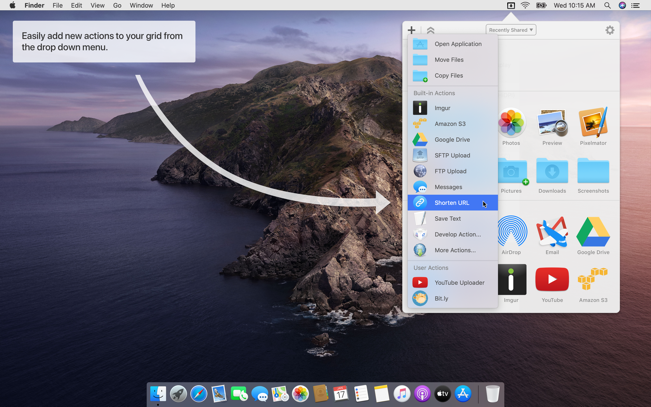
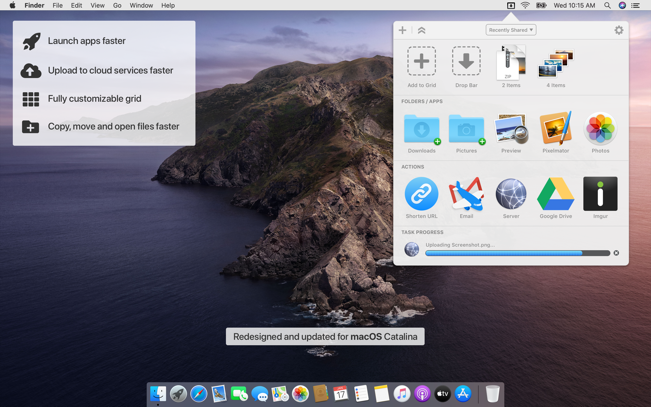
Dropzone makes it faster and easier to copy and move files, open applications and share files with many different services. Dropzone is a unique and amazing app that’s like nothing you’ve ever used before. We’ve paid fanatical attention to every detail and built an app that looks and feels like an integral part of macOS.
Dropzone ships with a powerful scripting API and with a little programming knowledge you can modify any of your actions or even create entirely new ones. This gives Dropzone unlimited extendability and utility. We’re always thinking up new actions so Dropzone will become even more useful over time.
Dropzone also includes Drop Bar – Drop Bar makes it easy to stash files you know you’ll need later. Just drop files on the Drop Bar icon in the grid and they will stick there until you’re ready to use them.
Features
Open applications, move and copy files faster than ever before.
Shorten URLs quickly using Tinyurl shortener. Just select a URL to shorten and press Ctrl+Option+Cmd+S and the shortened URL is automatically copied to the clipboard.
AirDrop integration lets you drop files or folders from any app and share them with your other Macs over the network.
Imgur integration lets you share images fast and get a link for pasting.
Upload files to Amazon S3 (Dropzone Pro feature).
Upload files to your FTP server (Dropzone Pro feature).
Upload files to your Google Drive (Dropzone Pro feature).
Download and install add-on actions that let you upload to services like Google Drive, YouTube and many others (Dropzone Pro feature).
Powerful multi-tasking engine allows you to run multiple tasks at once and track the progress of each one through the in-grid task status area.
See how tasks are progressing at a glance in the animated menu item.
Launch Dropzone actions with the newly added keyboard shortcuts feature (Dropzone Pro feature).
Add applications, folders or actions to your grid easily by dragging and dropping them on the Add to Grid area.
Develop your own actions using the updated and massively improved Ruby or Python API (Dropzone Pro feature).
WinRAR & Unzip & Open any file. RAR Extractor – The Unarchiver is a specialized application program which aims at Rar,Zip,Tar,7-zip,Gzip,Bzip2,XZ,Tar.gz,bz2,iso,pkg,swf,exe,jar,xip,dms… and dozens of other compressed files, you can use it to extract archive files conveniently, double click to decompress, fast and safely.
Key Features:
Rar,Zip,Tar,7-zip,Gzip,Bzip2,XZ,Tar.gz,bz2,iso,pkg,swf,exe,jar,xip,dms… and dozens of other compressed files.
Support extracting password-protected archive files,but you must know the password.
Batch extracting.
Double click to extract archive files to extract archive.
Drag and drop archive files to the dock icon to extract archive.
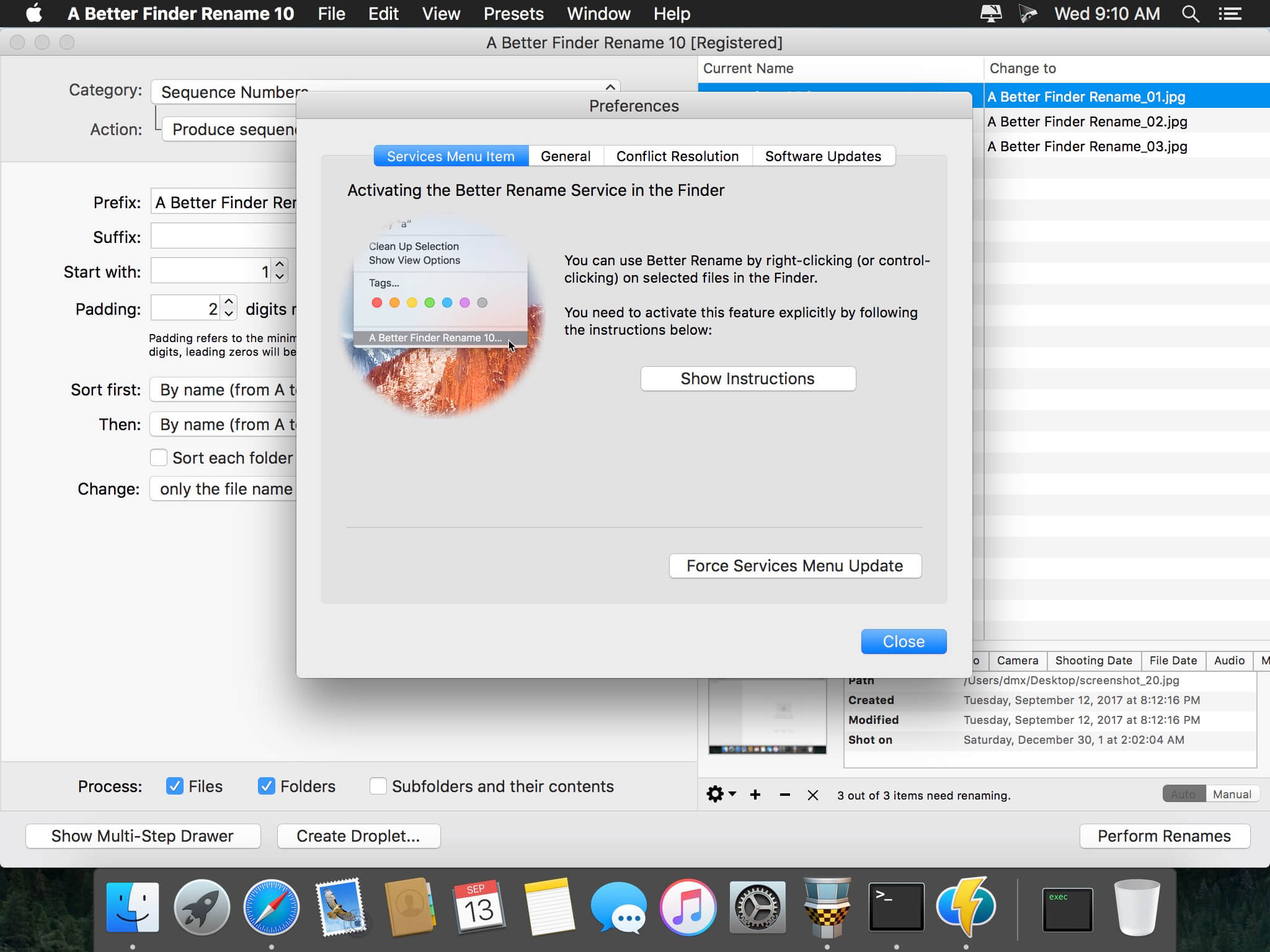
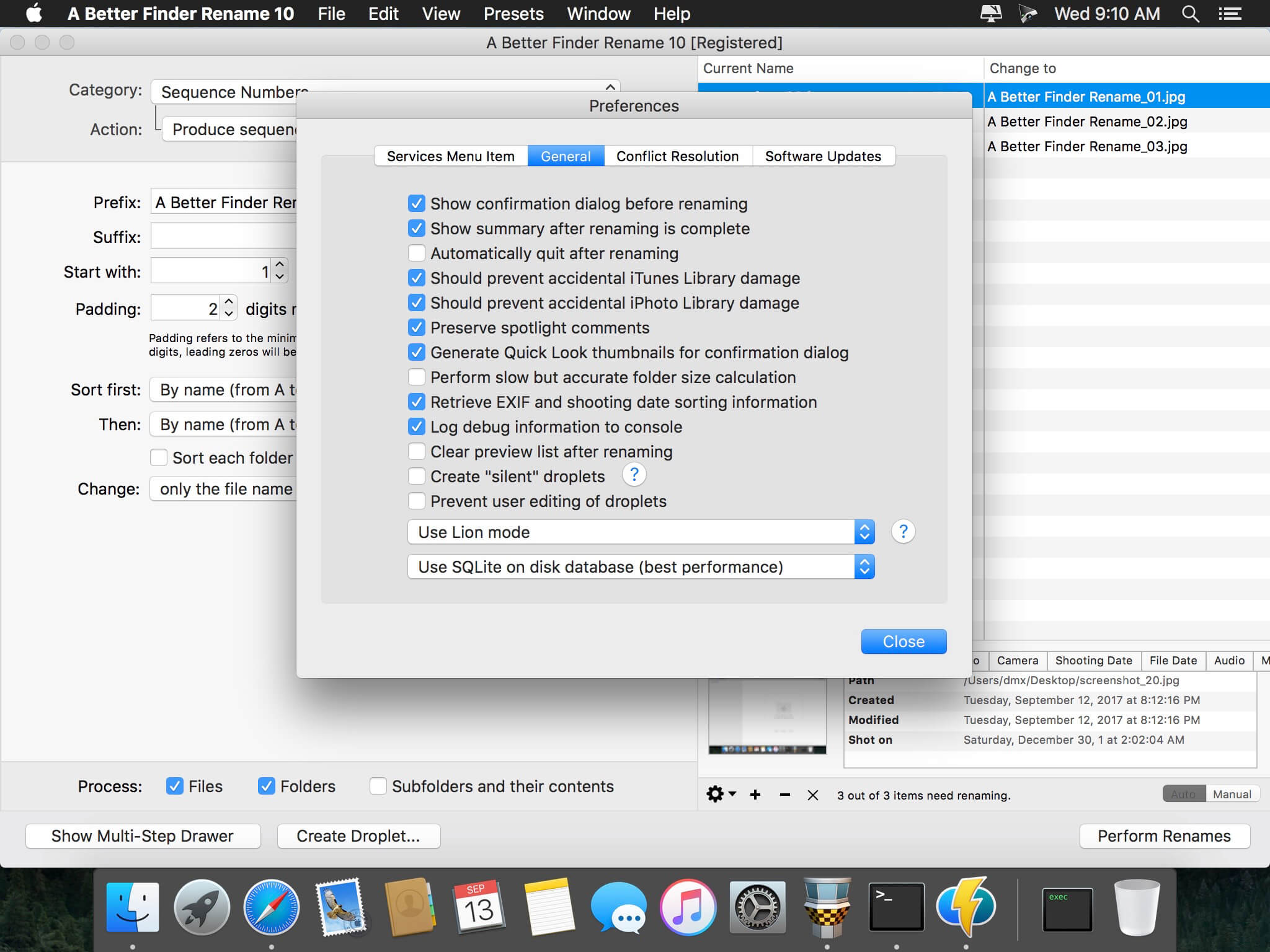
A Better Finder Rename is the most complete renaming solution available on the market today. That’s why, since 1996, tens of thousands of hobbyists, professionals and businesses depend on A Better Finder Rename to organize and maintain files. The Instant Preview feature eliminates guesswork and costly errors and helps you find the right settings quickly and accurately by providing as-you-type feedback.
A Better Finder Rename offers a complete set of renaming options that are organized into 15 categories covering all the text, character, position, conversion and truncation features that you would expect from a file renamer, but it does not stop there. The multi-step renaming feature allows multiple renaming steps to be combined to deal with complex renaming jobs in a single operation. Unlike other tools, A Better Finder Rename allows any number of renaming actions to be combined, re-ordered, copied and deleted.
Movist is an easy-to-use and powerful movie player. You can choose QuickTime or FFmpeg as decoder for each video codec and reopen with other decoder instantly. Movist supports many useful features to enjoy movies including H.264 video decode acceleration, digital audio out (S/PDIF), high quality subtitles, full screen navigation, convenient & beautiful user interface and so on.
Just Enjoy Movies with Movist.
• Single Window Mode or Multiple Document Mode.
• Various Window Resizing Center & Style.
• Traditional or Lion-style Full Screen.
• Desktop Background Display.
• App Sandbox supported.
• Retina Display supported.
• Full customizable Themes. *1
• Many File Format supported. *2
• Many Video & Audio Codecs supported. *3
• Codec-to-Decoder Binding.
• H.264 Video Decode Acceleration. *4
• Many Core Image Filters supported.
• Video Rotation & Flip.
• Deinterlace (FFmpeg Only).
• Under-Scan for TV out.
• Digital Audio Out (S/PDIF) (FFmpeg Only).
• System Volume Change.
• A/V Sync Adjustment.
• Audio Equalizer supported (FFmpeg Only).
• High Quality Subtitle.
• Many Subtitle Format supported. *5
• Embedded Subtitles in .mkv and .mp4 supported.
• Compressed Subtitles in .zip & .rar supported.
• 3D Subtitle supported.
• Subtitle Display on Letter Box.
• 3-Subtitles Concurrent Display.
• Fully Customizable Subtitle Display. *6
• Language-to-Subtitle Binding.
• Subtitle Text Encoding auto-detection.
• Subtitle Sync Adjustment.
• Subtitle Pre-rendering.
• Similar Named Movie Series auto-detection.
• Playlist Shuffle.
• Playlist Repeat Mode & End-Job(Sleep, Logout, Shutdown, …).
• Playlist Load & Save.
• Various Playlist settings.
• 3-Level Seeking Intervals.
• Playback Speed Adjustment.
• Apple Remote supported.
• Media Key supported.
• Full Screen Navigation.
• Screenshot Capture.
The main features of Pro version are as follows.
Safari, Chrome Browser Extension
Supports Web Meida such as YouTube, Ted and so on
Picture in Picture
Open URL
Default Application Settings
No Access Folder Permissions Required
Supports Networm Server such as FTP, SFTP, WebDAV and SMB (to be added)
Supports Media Keys (to be added)
Supports AirPlay (to be added)
What’s New:
Version 2.8.4
Release notes were unavailable when this listing was updated.
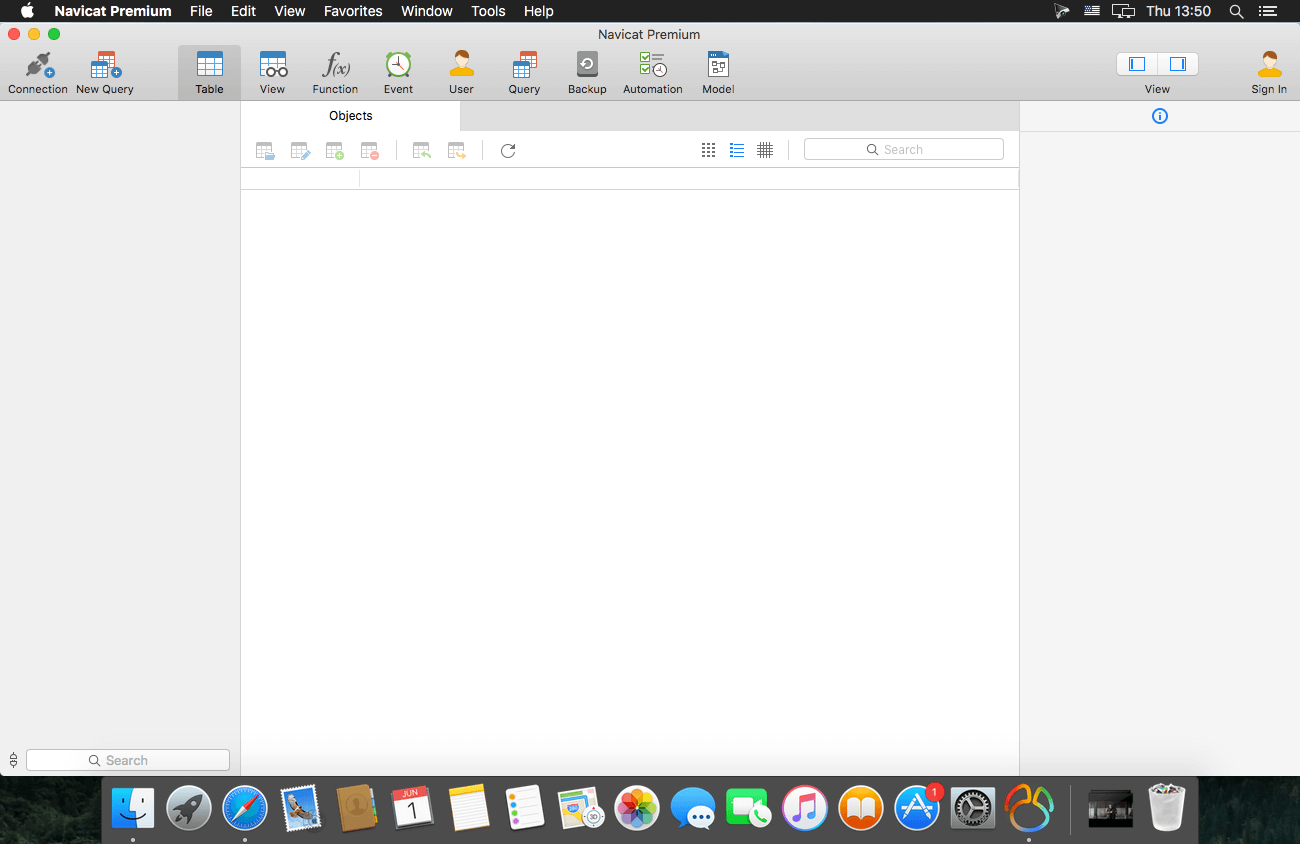
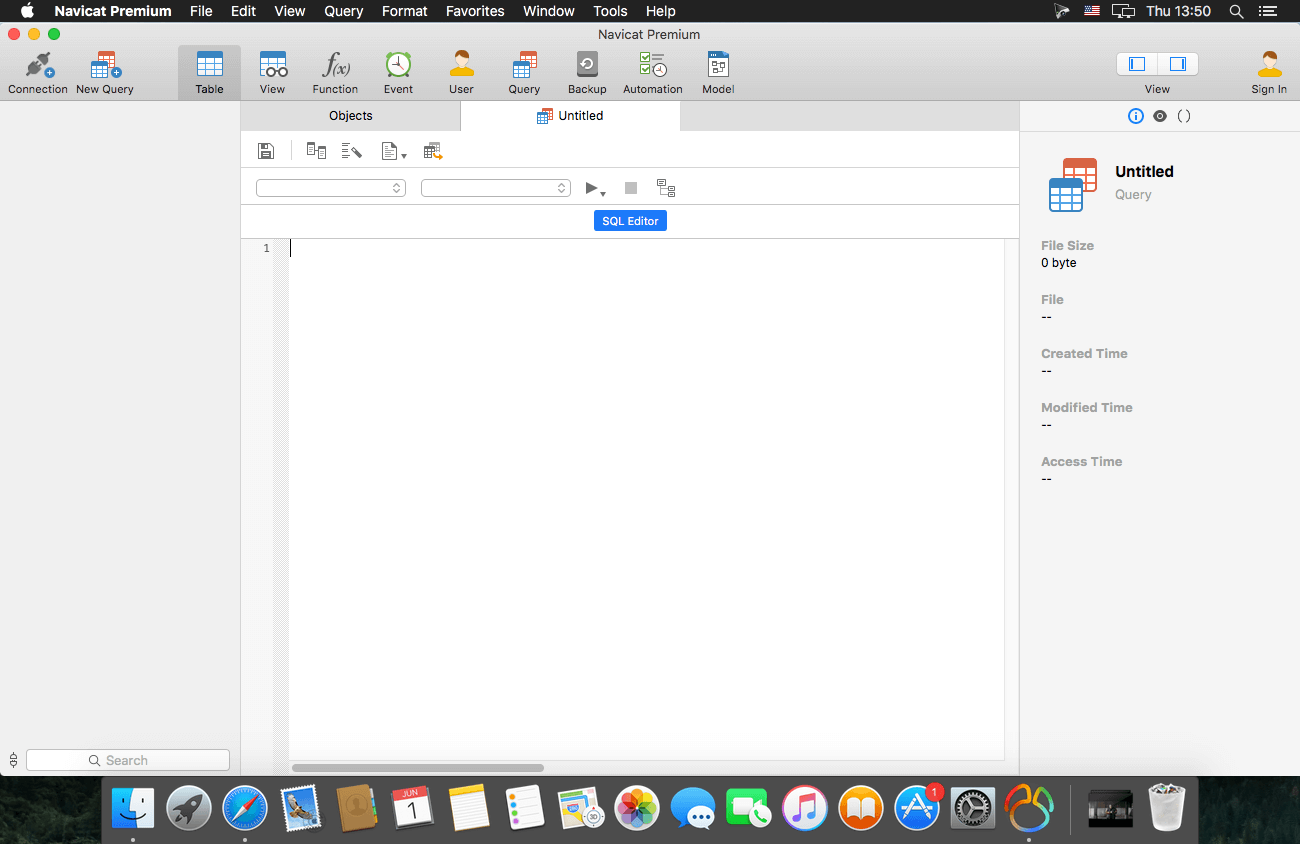
Navicat Premium Essentials is a compact version of Navicat which provides basic and necessary features you will need to perform simple administration on a database. It supports the latest features including Trigger, Function, View, and it also comes with an Import/Export tool which allow user to import and export data from plain text file formats including TXT, CSV and XML.
Navicat Essentials is for commercial use. Currently, Navicat Essentials is available for MySQL, SQL Server, PostgreSQL, Oracle and SQLite databases. If you need to administer all the above database servers at the same time, there is also Navicat Premium Essentials which allows you to access multiple database servers within one single application.
Navicat Essentials is available for three platforms – Microsoft Windows, OS X and Linux. It can connect you to local/remote server, providing several utilities such as SQL editors, import/export, dump/execute SQL scripts and Server Monitor to facilitate the process of data maintenance.
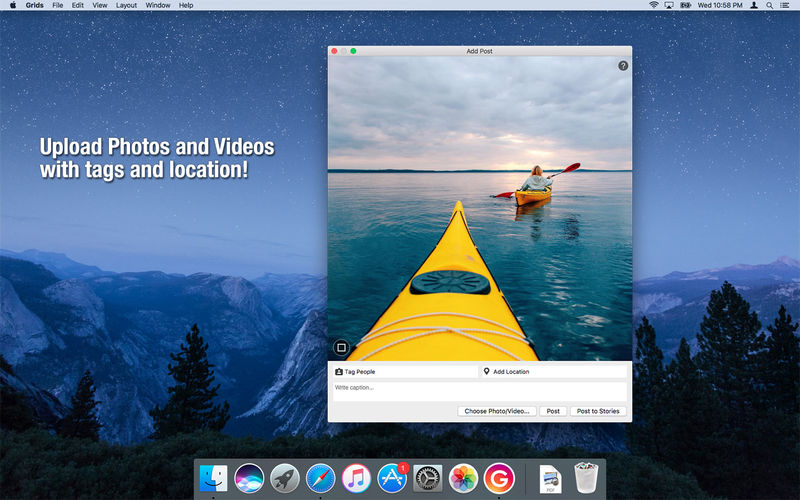
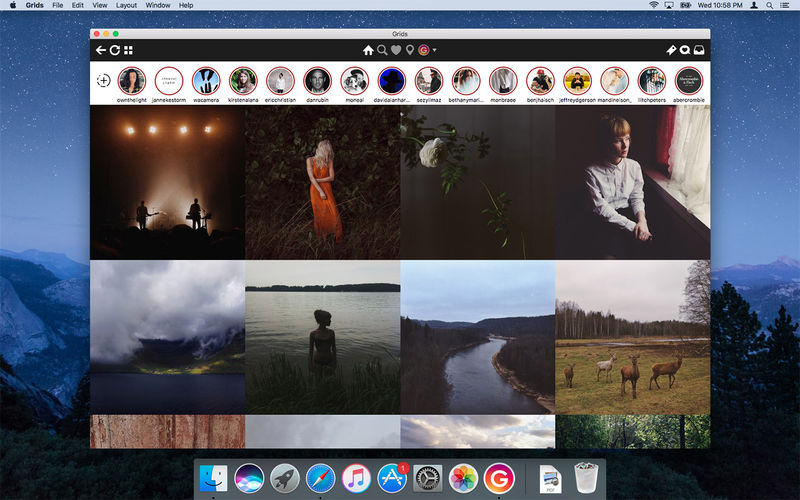
Grids brings the best Instagram experience to your Mac, with Stories (first and only app that supports stories!), Direct Message and Large/Fullscreen photo and video viewing.
As featured on TheNextWeb, AppAdvice, iDownloadBlog, DigitalTrends and many others.
View Stories (pro)
Direct message (pro)
Share photos/user profiles/tags/locations via message
Enlarged view mode allows photo viewing and video playing in large or full screen
Clean, adaptive UI. Works at full screen as well as widget-sized window.
Pixel-perfect layout and rendering. Retina display support. Your Instagram photos never looked this gorgeous.
4 beautiful layout styles for the pleasure of your eyes
Picture size as well as spacing and background color can be adjusted to your liking.
Fastest Instagram browsing experience you will have!
Switch between multiple accounts seamlessly.
Like, comment, follow, search people and tags.
Show users tagged in photo
Bookmark allows you to bookmark people (without having to follow them), locations, tags and individual photos or videos (without having to like them).
Get notification when new feed is available and/or when there is new followers/likes/comments/mentions.
View latest following/news just like on your phone
What’s New:
Version 8.1.1:
Release notes were unavailable when this listing was updated.
Language: English, German, French, Portuguese and others. Compatibility: macOS 10.13 or later, (Apple Silicon compatible) Homepagehttp://gridsapp.net