PDF Squeezer is an easy-to-use PDF compression tool.
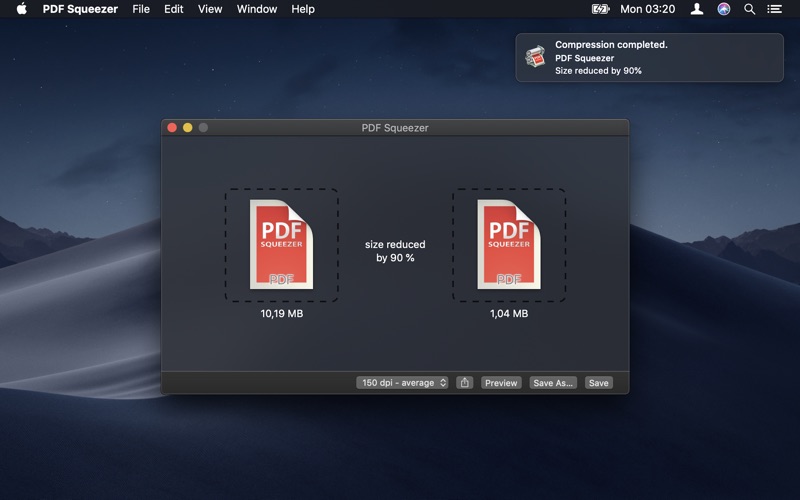
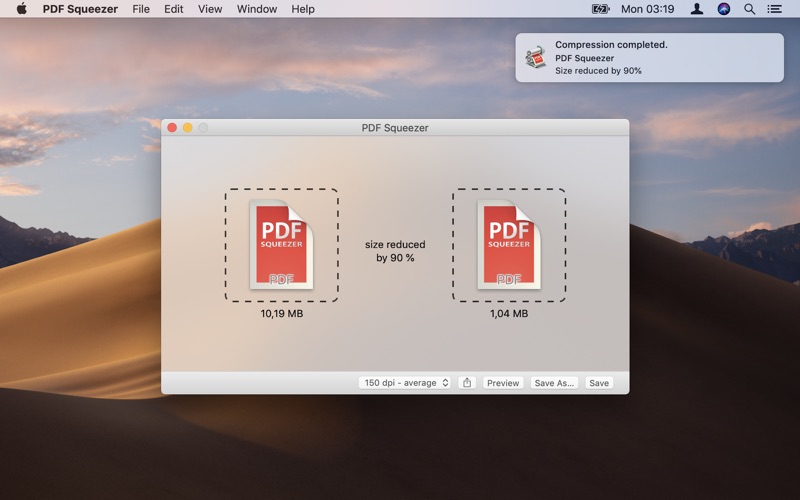
It reduces the size of large PDF documents by compressing images and removing irrelevant information. This will help you obtain important savings in bandwidth costs, digital storage costs and network transmission times.
Features
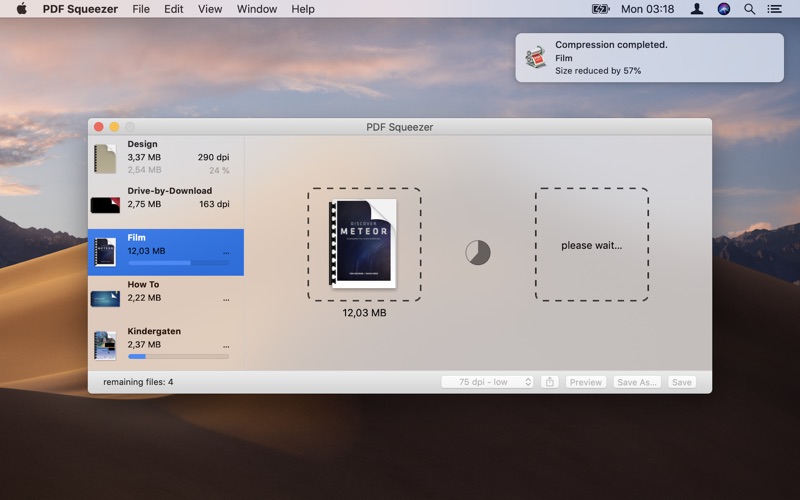
Simply drag and drop your file into the application window
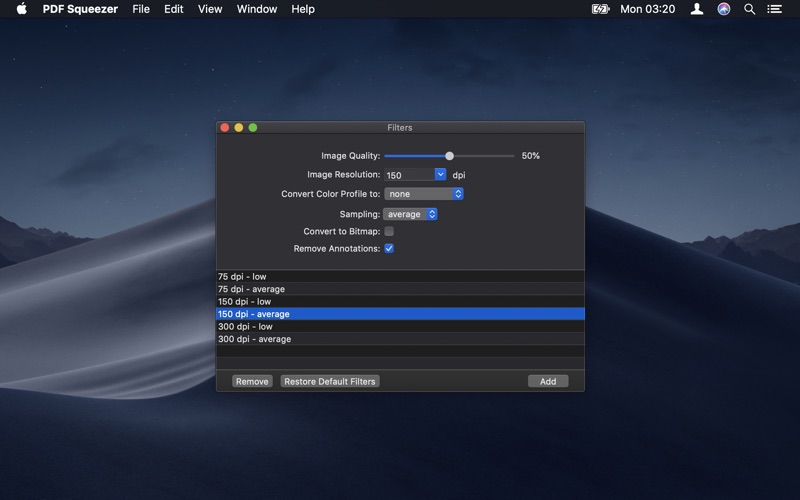
Choose from predefined compression filters or create your own
Compress all files in a folder and its subfolders
Batch compress multiple files
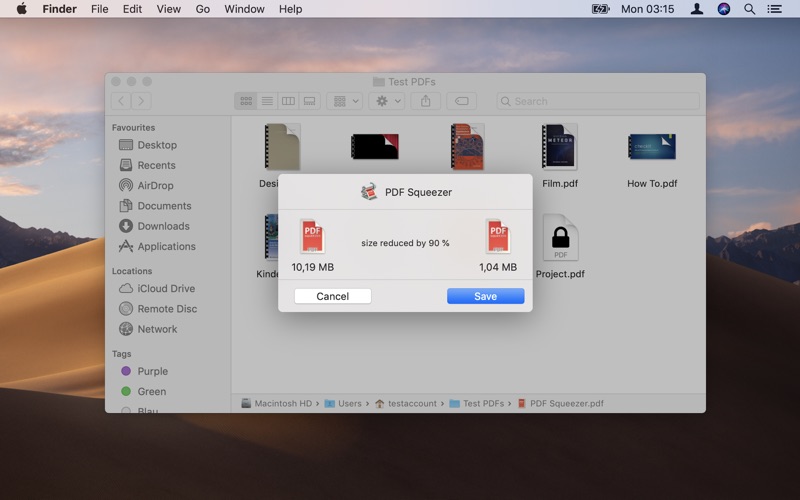
Finder, Safari and Preview ad-on available via the share menu
Support for password protected PDFs
Automatic compression and save with ‘One-Click-Compression’
Name: PDF Squeezer for Mac
Version: 3.7.0
Release Date: 29 Jan 2017
Mac Platform: Intel
OS version:OS X 10.9.5 or later
Processor type(s) & speed: 64-bit processor

Includes: Pre-K'ed


Web Site: https://witt-software.com/pdfsqueezer/


Overview:
PDF Squeezer is an easy-to-use PDF compression tool.

It reduces the size of large PDF documents by compressing images and removing irrelevant information. This will help you obtain important savings in bandwidth costs, digital storage costs and network transmission times.


Features
・Simply drag and drop your file into the application window
・Choose from predefined compression filters or create your own
・Compress all files in a folder and its subfolders
・Batch compress multiple files
・Finder, Safari and Preview ad-on available via the share menu
・Support for password protected PDFs
・Automatic compression and save with 'One-Click-Compression'


What's New in Version 3.7.0:
New
・Minimum system requirement is now Mac OS 10.9.5 Mavericks
・Quickly compress a selected PDF in Finder, Preview, or any other application that has an action button. (Requires OS X 10.10 and has to be activated in the System Preferences)
・You can now open folders to compress all PDFs of a folder and it's subfolders.

Fixed
・After adding a new filter, the compression did not start until PDF Squeezer was restarted.
・Crash when showing the About window in OS X 10.9
・Right clicking on a in the sidebar, sometimes didn't work as expected.
・Some localization issues.