Category Archives: Movavi Screen Capture Studio

Movavi Screen Capture Studio 10.2.0

Movavi Screen Capture Studio 10.2.0 Safe download free for mac torrent


Utilities Video

Name Movavi Screen Recorder Studio 10 2 0 TNT.zip
Size 125.1 MB
Created on 2019-03-25 19:28:22
Hash e2eaa14788b283e4cc5d0326aa77afcc2d7e5736
Files Movavi Screen Recorder Studio 10 2 0 TNT.zip (125.1 MB)

Download

Movavi Screen Capture Studio 10.2.0

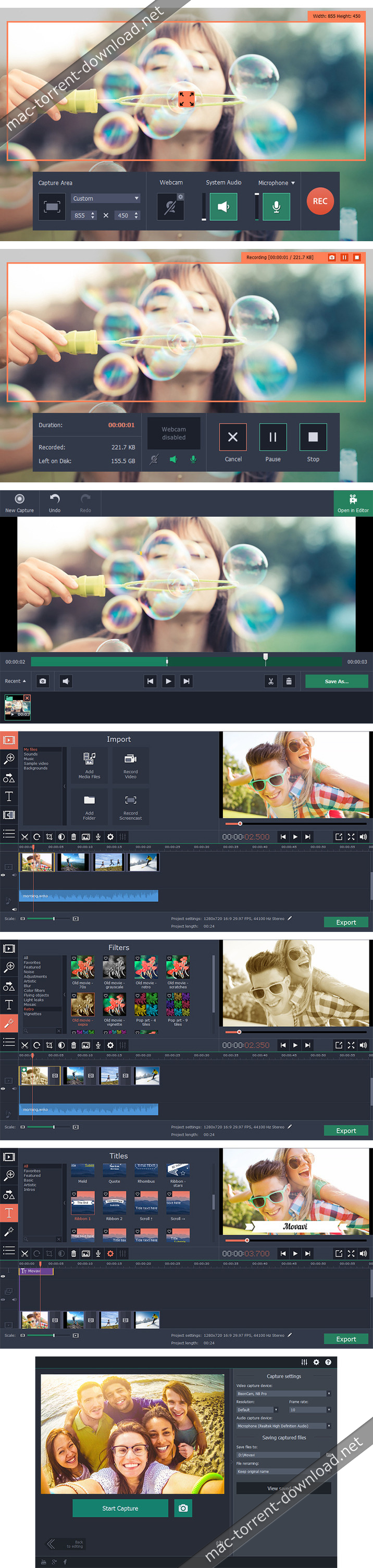
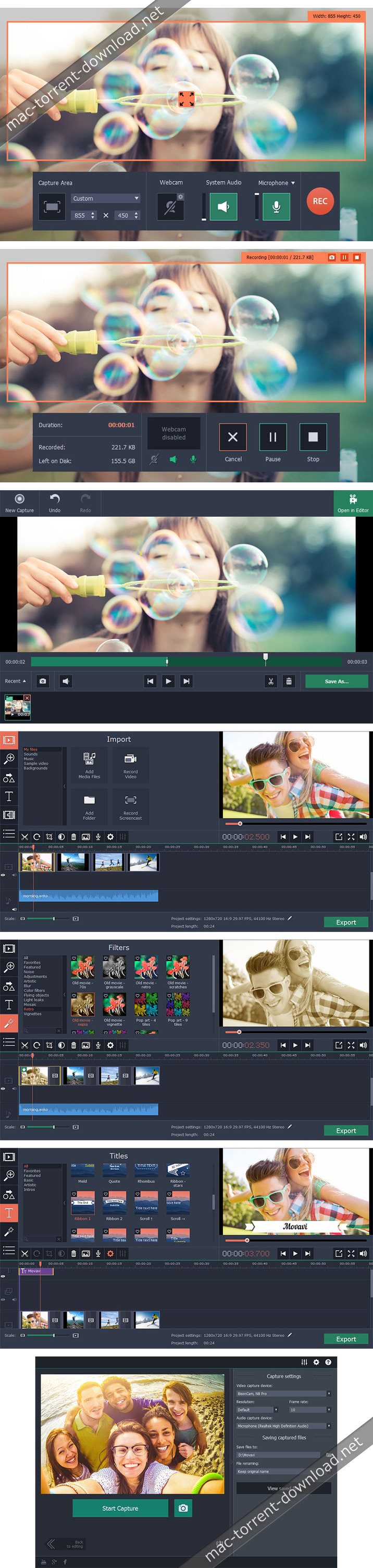
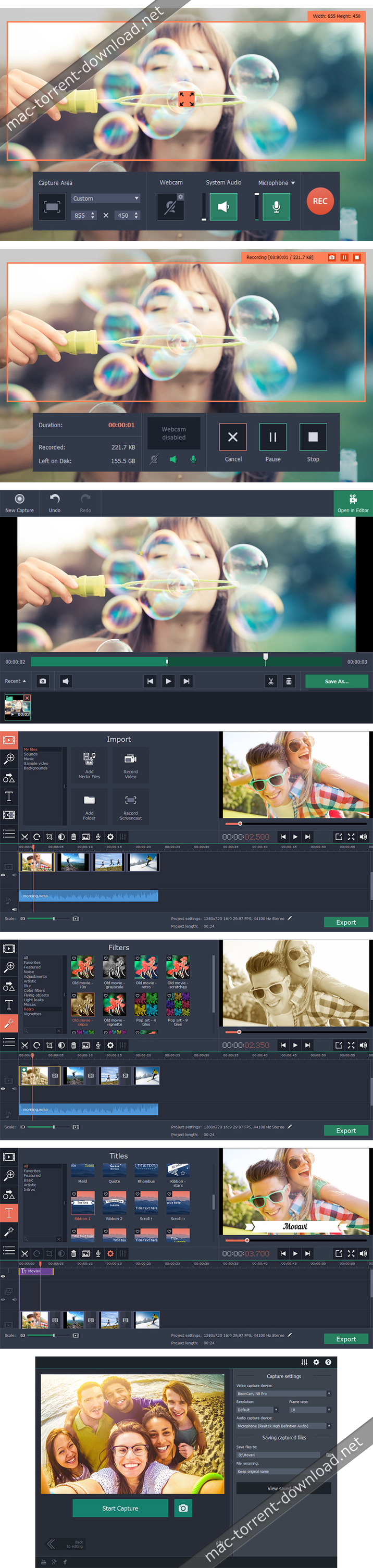
With Movavi Screen Capture Studio for Mac, you can easily record your computer screen and create video tutorials with voiceovers, software presentations, or content for your video blog. The built-in video editor lets you polish your recordings with stylish filters, titles, background music, and more. Screen Capture Studio for Mac has everything you need to make professional-looking screencasts.

Record video
  • Select the capture area on the screen
  • Plug your microphone in to record your voice
  • Adjust the volume level, frame rate, and other parameters
Edit the recording
  • Remove unwanted footage
  • Add titles and music
  • Experiment with filters and effects
Save the result
  • Choose MP4, MOV, AVI, or other popular format
  • Prepare video for playing on mobile devices or sharing online
  • Save your recording in no time with SuperSpeed mode

Compatibility: OS X 10.7 or later 64-bit
Web Site: https://www.movavi.com/mac-screen-capture/

What’s New in Movavi Screen Capture Studio 10.2.0

  • Release notes not available at the time of this post.

Screenshots

movavi_screen_capture_studio_41

you can download from other site :
Movavi Screen Capture Studio 10.2.0

Movavi Screen Capture Pro 10.1.0

 Movavi Screen Capture Pro 10.1.0 free download for mac torrent

Utilities Video

Name Movavi Screen Capture Pro 10 10 1 0 TNT.zip
Size 92.55 MB
Created on 2019-02-06 03:44:12
Hash eb8cd397039913a2c2a8511bb1e571457151bacd
Files Movavi Screen Capture Pro 10 10 1 0 TNT.zip (92.55 MB)

Download

Movavi Screen Capture Pro 10.1.0

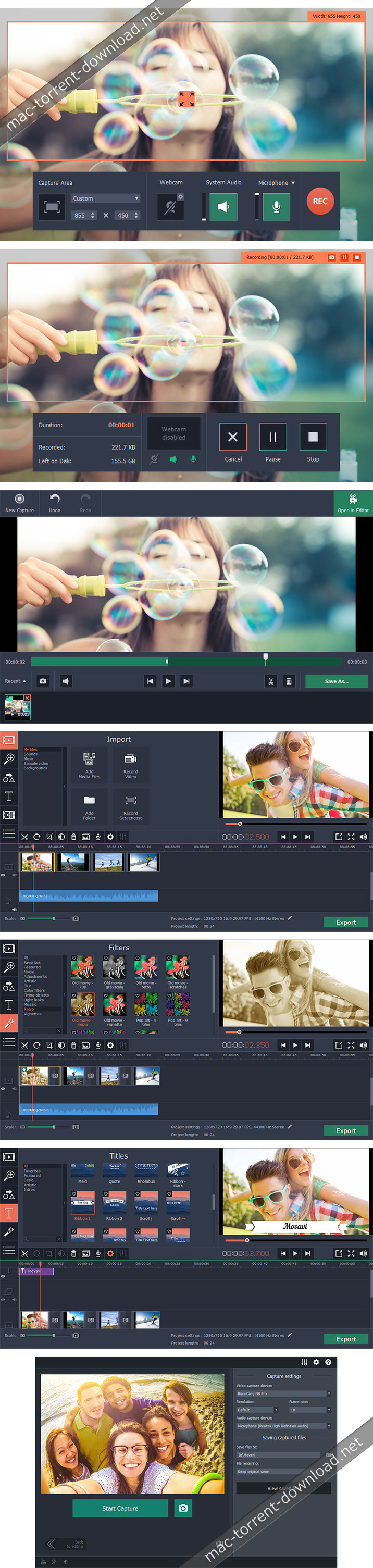
With Movavi Screen Capture Studio for Mac, you can easily record your computer screen and create video tutorials with voiceovers, software presentations, or content for your video blog. The built-in video editor lets you polish your recordings with stylish filters, titles, background music, and more. Screen Capture Studio for Mac has everything you need to make professional-looking screencasts.

Record video
  • Select the capture area on the screen
  • Plug your microphone in to record your voice
  • Adjust the volume level, frame rate, and other parameters
Edit the recording
  • Remove unwanted footage
  • Add titles and music
  • Experiment with filters and effects
Save the result
  • Choose MP4, MOV, AVI, or other popular format
  • Prepare video for playing on mobile devices or sharing online
  • Save your recording in no time with SuperSpeed mode

Compatibility: OS X 10.7 or later 64-bit
Web Site: https://www.movavi.com/mac-screen-capture/

What’s New in Movavi Screen Capture Pro 10.1.0

  • Release notes not available at the time of this post.

Screenshots
Utilities, Video

By

you can download from other site :
Movavi Screen Capture Pro 10.1.0

Movavi Screen Capture Studio 5.3

Descriptions for Movavi Screen Capture Studio 5.3

Name: Movavi Screen Capture Studio
Version: 5.3
Release Date: 21 Mar 2018
Mac Platform: Intel
OS version: OS X 10.7 or later
Processor type(s) & speed: 64-bit processor

Includes: Pre-K’ed (TNT)

Web Site: https://www.movavi.com/mac-screen-capture/

Overview

Movavi Screen Capture Studio is a convenient screen recorder for Mac that lets you capture anything from the screen of your Apple computer: video guides, Skype calls, streaming video, gameplay, and much more. The built-in video editing tool helps you turn raw footage into stylish video clips. Cut unwanted fragments, enhance the video, add music and titles, connect clips with dynamic transitions, and more.Working with our Mac screen capture software is so easy! To create high-quality screencasts, just follow these four simple steps: set the recording parameters; capture your screencast; process it with the editing app; save it in the desired format.

Features
  • Set frame rates up to 60 fps
  • Capture audio from any source
  • Adjustable recording area
  • Capture mouse and keyboard actions
  • Manage your captures with hot-keys
  • Schedule recording
  • Enhance video quality after the fact
  • Cut long videos into parts
  • Add music and transitions
  • Remove unwanted segments
  • Convert video in-app to common formats

What’s New in Movavi Screen Capture Studio 5.3

  • Improved capture performance with maximum frames per second and fewer artifacts on the recorded videos
  • Minor bug fixes and improvements
Video editing
  • Added a GIF export preset, so you can save your projects as fun GIF animations
  • You’ll be able to save custom equalizer settings for further use
  • Minor usability improvements
  • Minor bug fixes and performance improvements

Screenshots

Name Movavi Screen Capture Studio 5 5 3 TNT.dmg
Size 94.81 MB
Created on 2018-03-22 12:03:42
Hash a0512d3c635ee9c2daed7d62cd64ffc15482a8ec
Files Movavi Screen Capture Studio 5 5 3 TNT.dmg (94.81 MB)

Movavi Screen Capture Studio 5.2

Descriptions for Movavi Screen Capture Studio 5.2

MoName: Movavi Screen Capture Studio – Record any kind of screen video
Version: 4.2
Mac Platform: Intel
OS Version: OS X 10.6.8 or later
Processor type(s) & speed: 64-bit processor

Web Site: https://www.movavi.com/mac-screen-capture/

Overview

Movavi Screen Capture Studio is perfect for recording any kind of screen video on your Mac. Enjoy unlimited possibilities for screencasting: grab live streams, program activities, the web content, even digital painting. Experience smooth HD-video recording at up to 60 fps. Record full screen or define a part of the screen as your capture area, and use customizable hotkeys to start, pause, or stop capturing your screen.

Capture system sounds and audio from CD players and other devices or through a USB -microphone, including voice commentary no additional software required. You will need to install the free SoundFlower app to record system sounds. Record MP4 videos and save them for playback on any Apple or Android device using ready-made settings. Saving videos in H.264 MP4 format makes them fully compatible with many other platforms desktop, laptop, and mobile.

This screen capture app also lets you compress videos for playback on your iPad, iPhone, iPod, Apple TV, or Android devices. The intuitive and stylish interface makes capturing screen video from your Mac easy and fun!

Features:

● Record videos from your Mac screen
● applications or streaming videos
● at up to 60 fps and save them as MP4
● Save clips to play on iPad, iPhone, iPod, Apple TV, or Android devices using the convenient presets
● Capture system and other sounds and USB audio device output
● Customize capture area: full screen or any part of the screen you want
● See results quickly, thanks to the program’s user-friendly interface and simple settings
● Enjoy great design and usability

What’s New in Movavi Screen Capture Studio 5.2

  • Release notes not available at the time of this post.

Screenshots

Name Movavi_Screen_Capture_Studio_5_5.2__TNT.rar
Size 98.45 MB
Created on 2018-02-21 06:31:38
Hash 162ffc01ca62e9042a8f2cf597730b199ed3f563
Files Movavi_Screen_Capture_Studio_5_5.2__TNT.rar (98.45 MB)