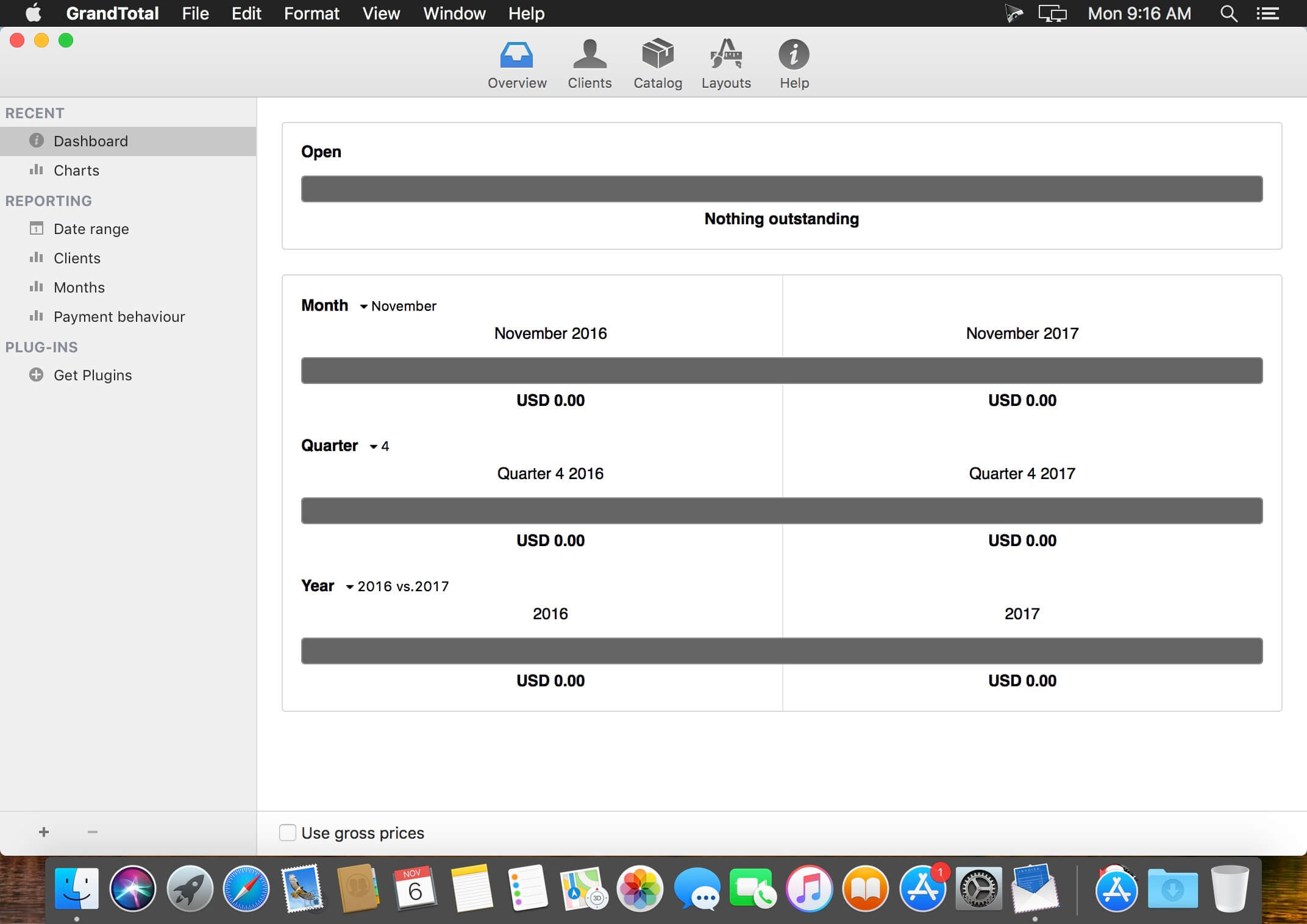
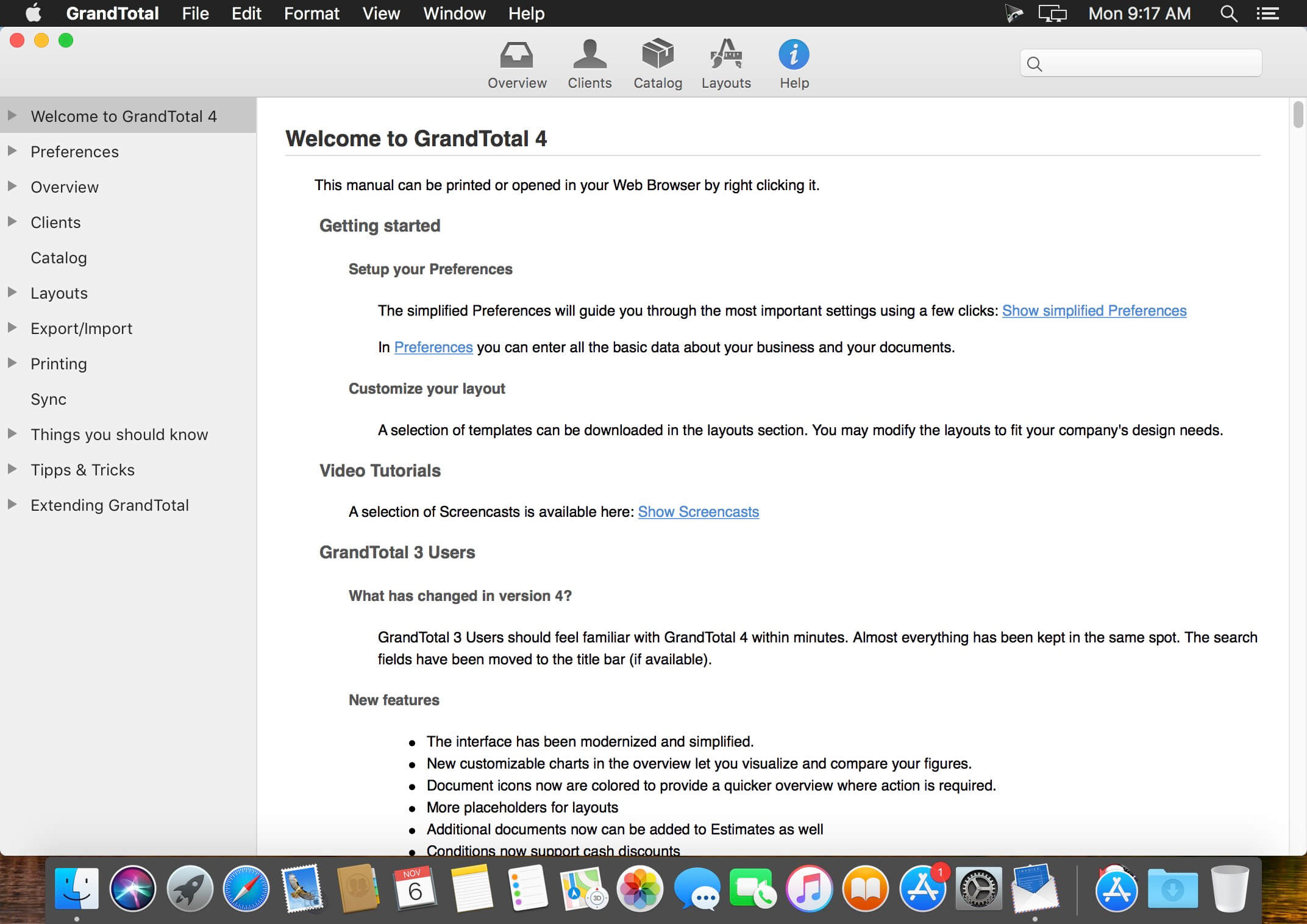
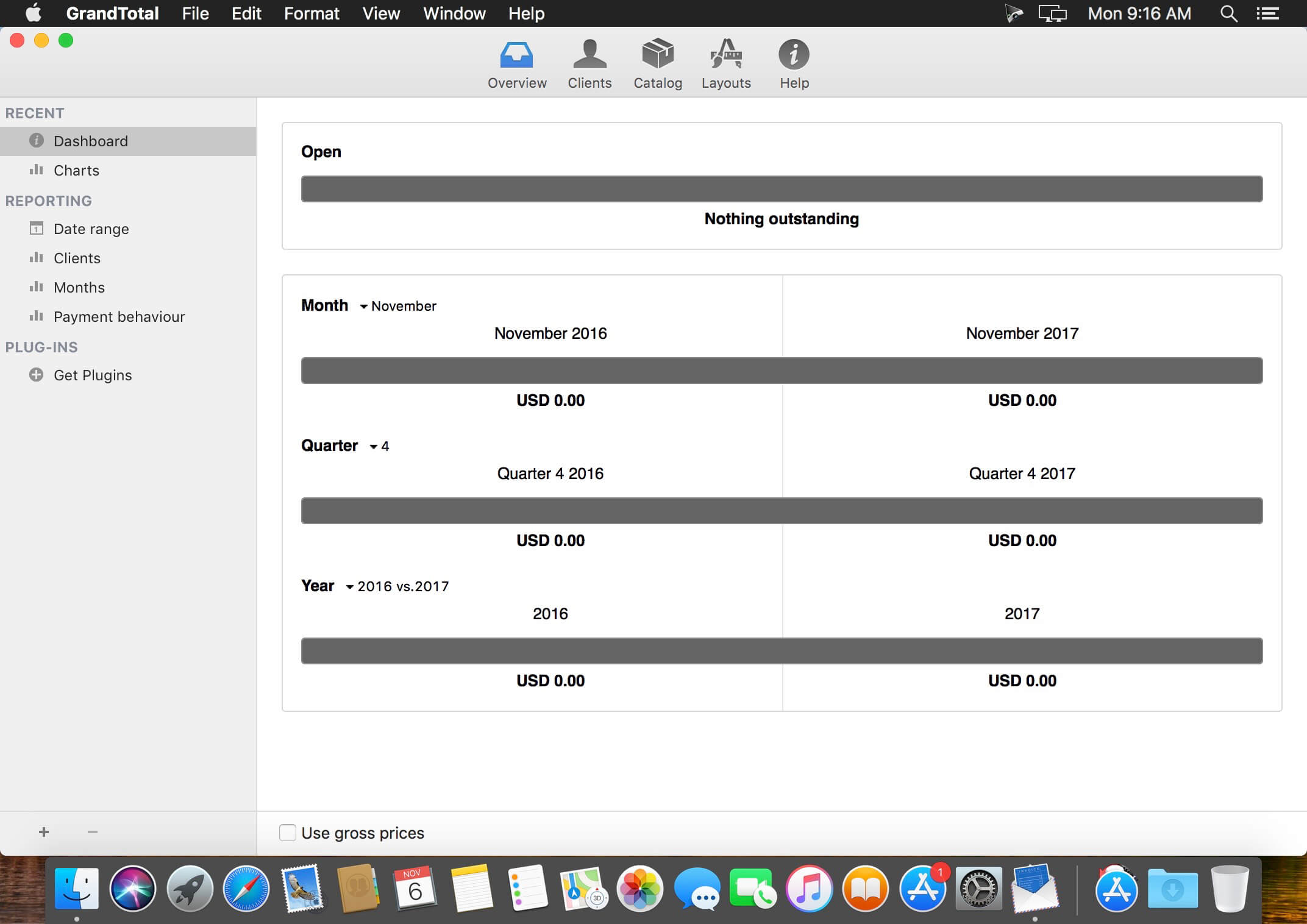
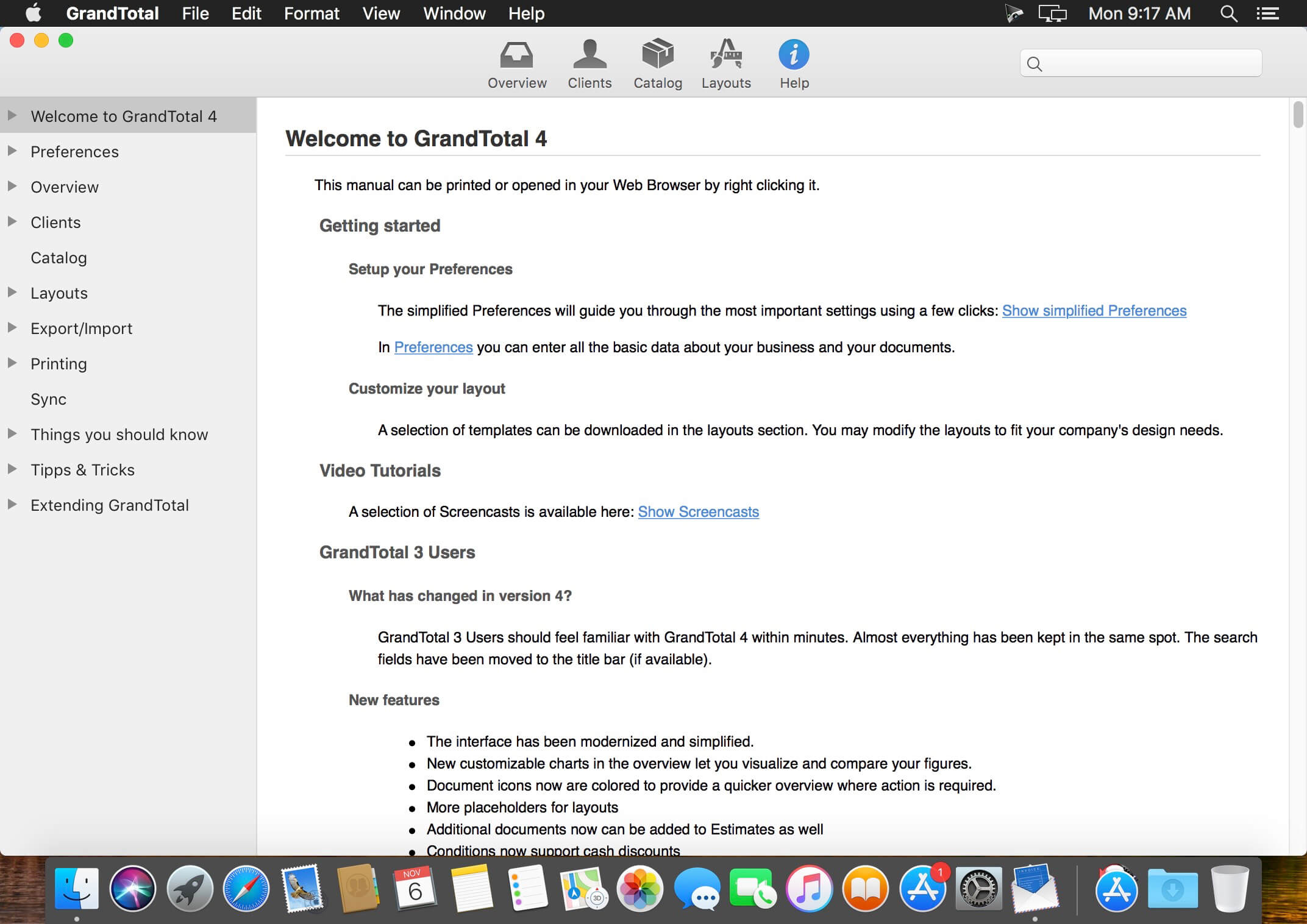
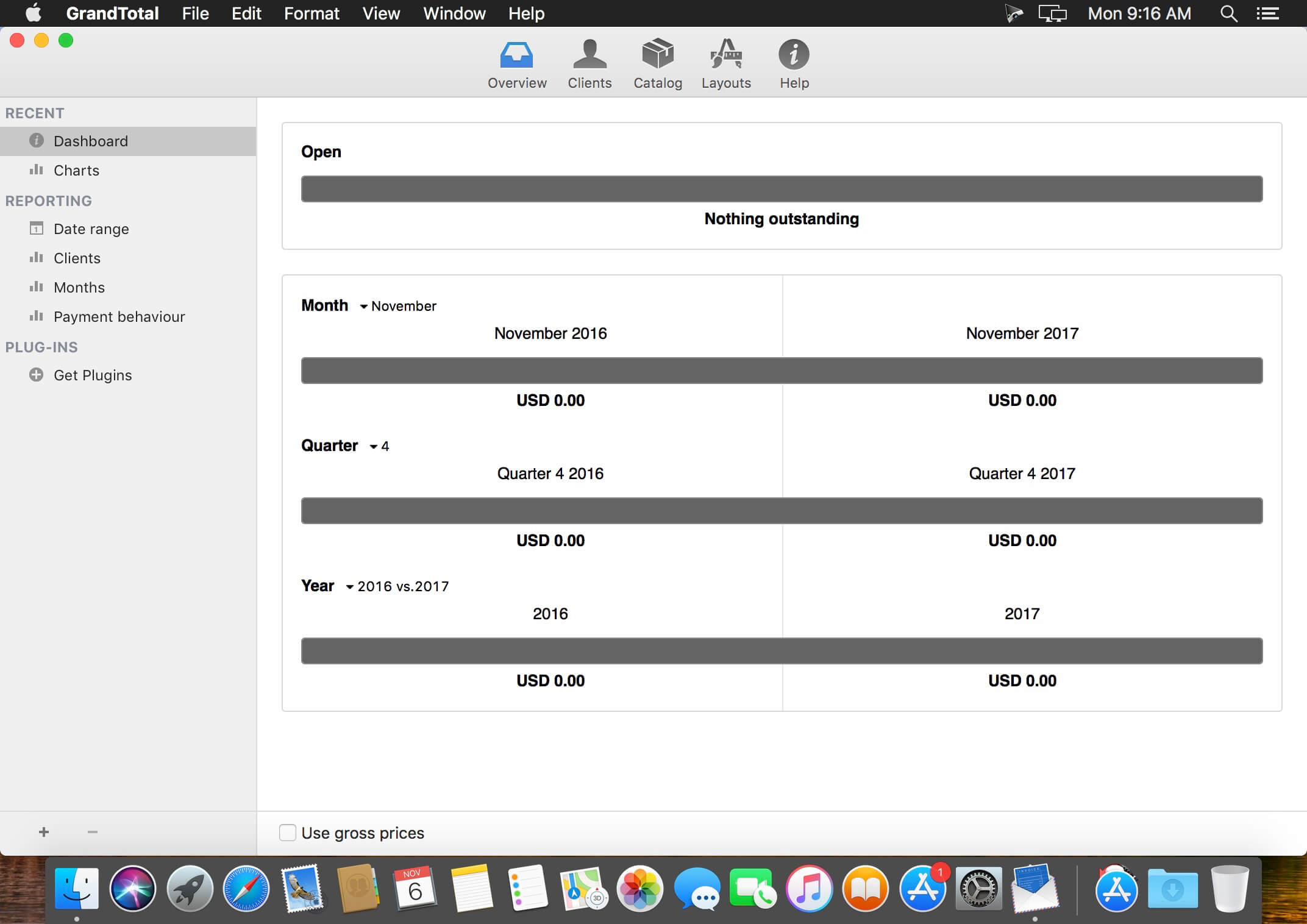
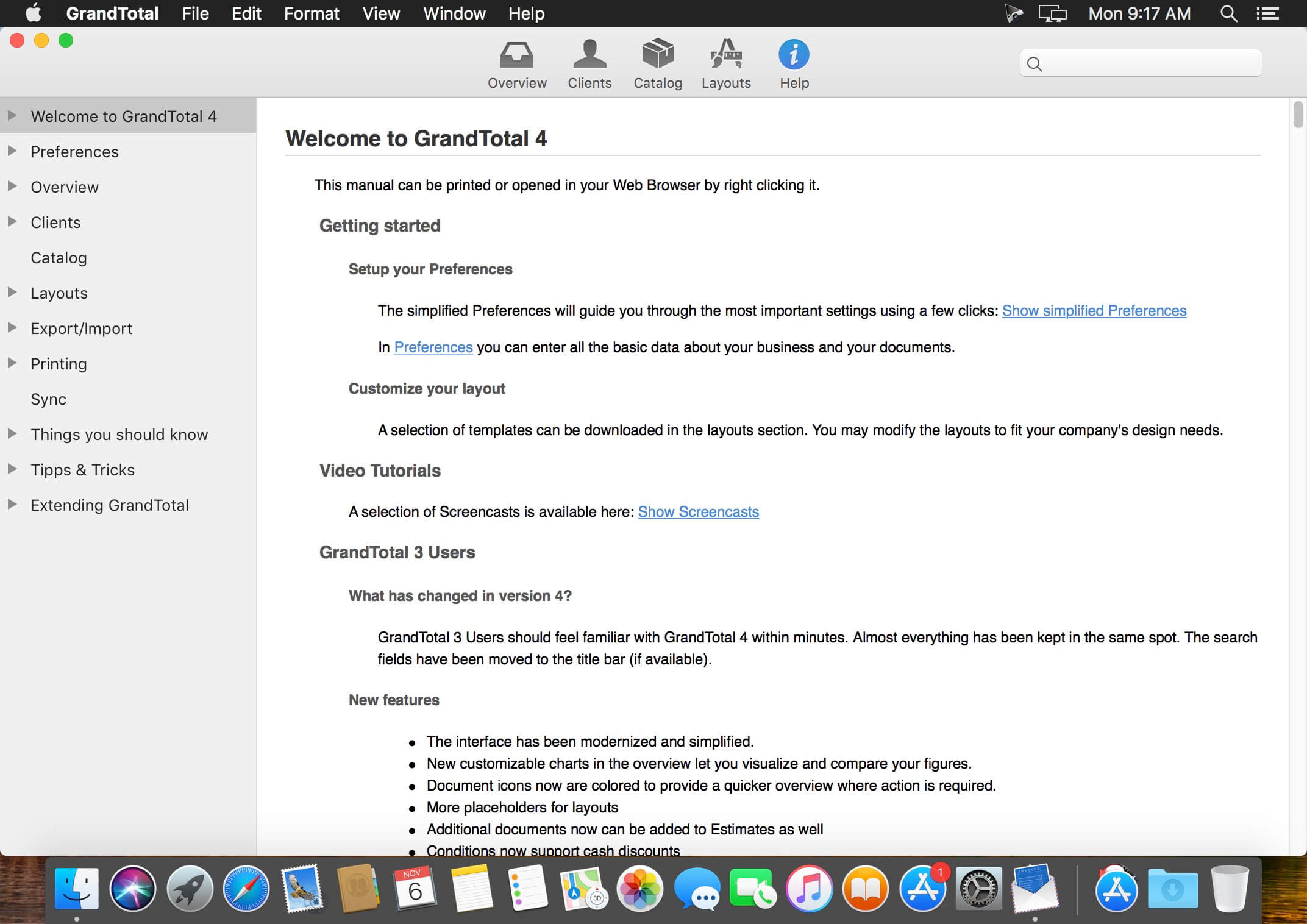
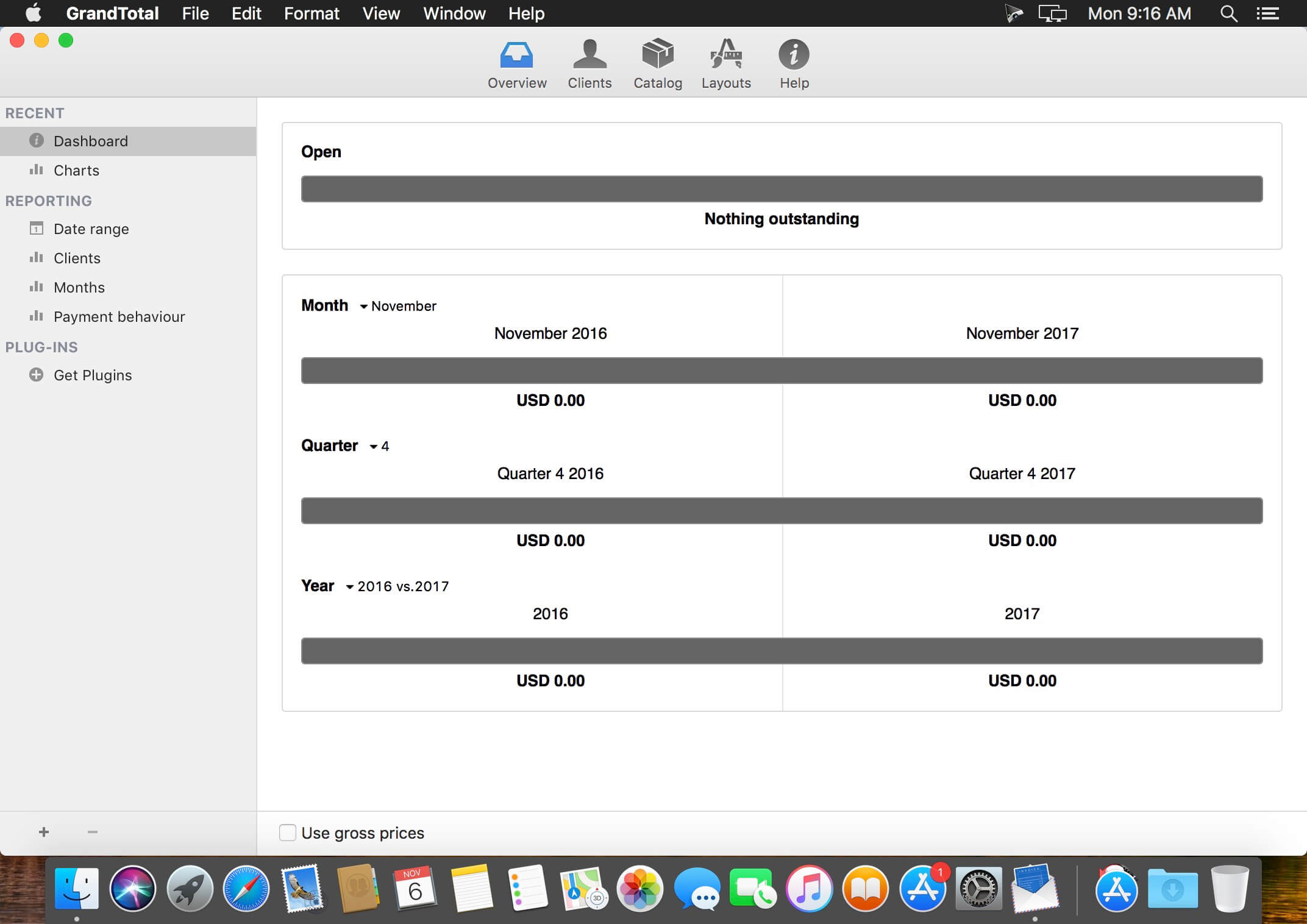
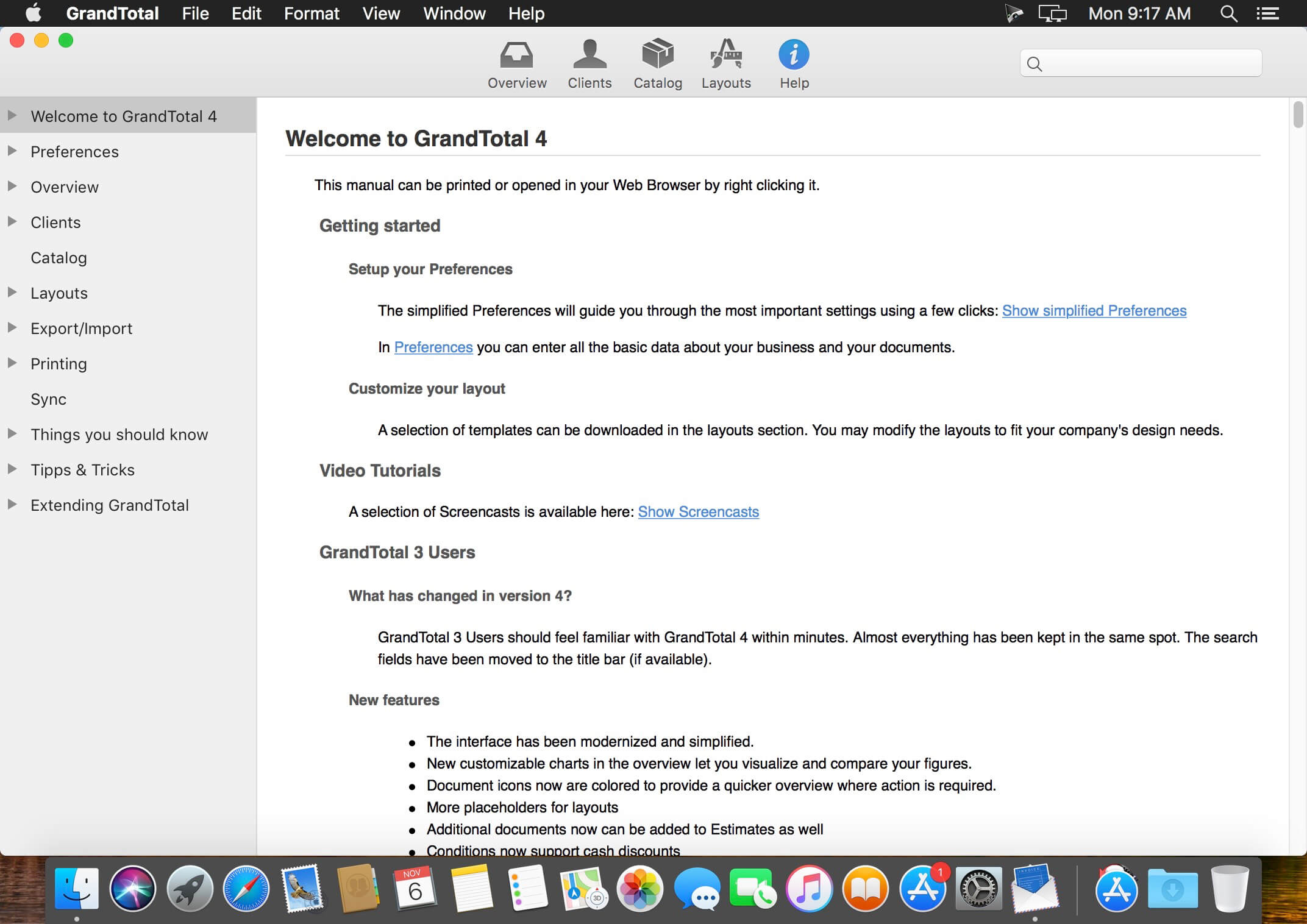
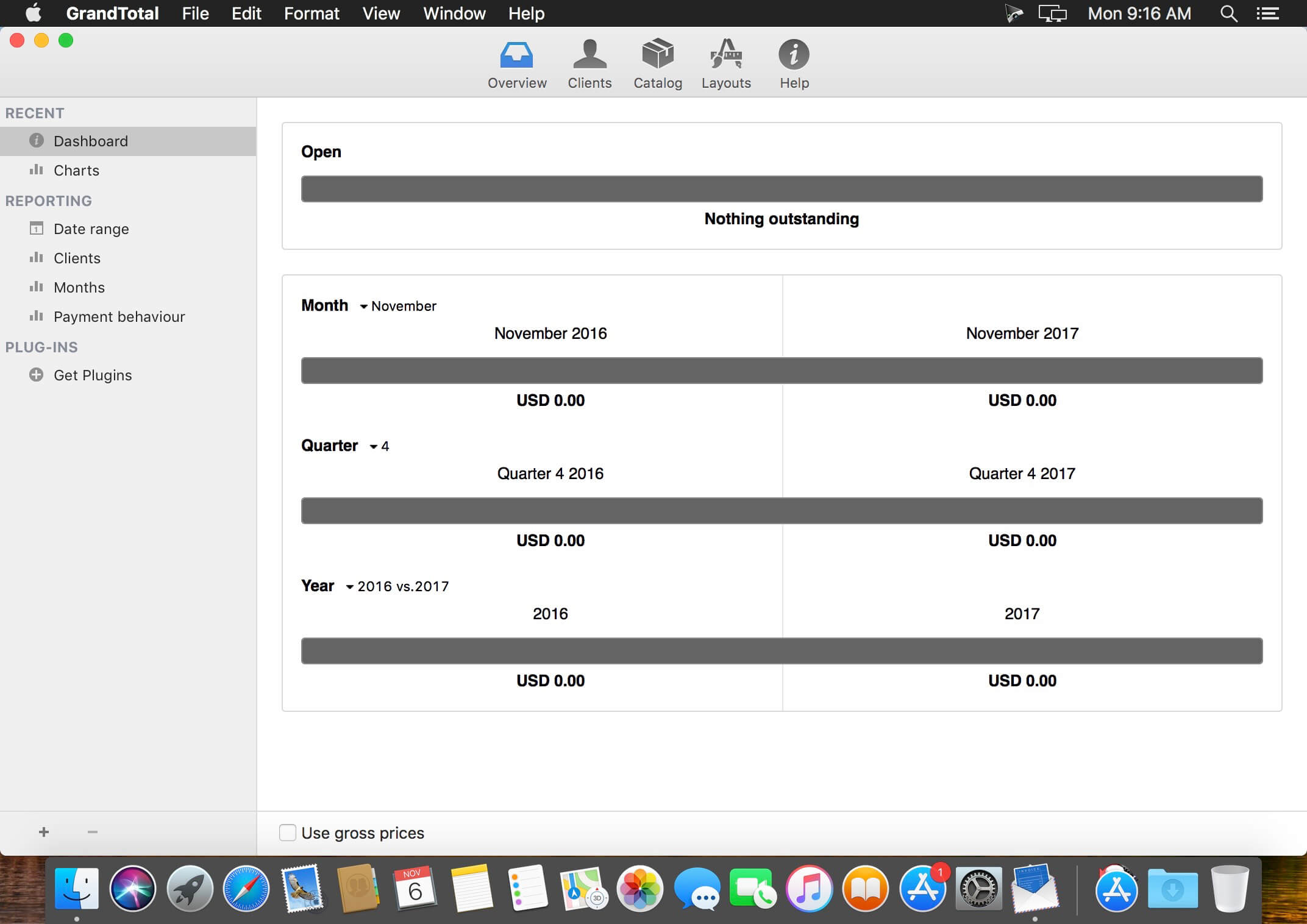
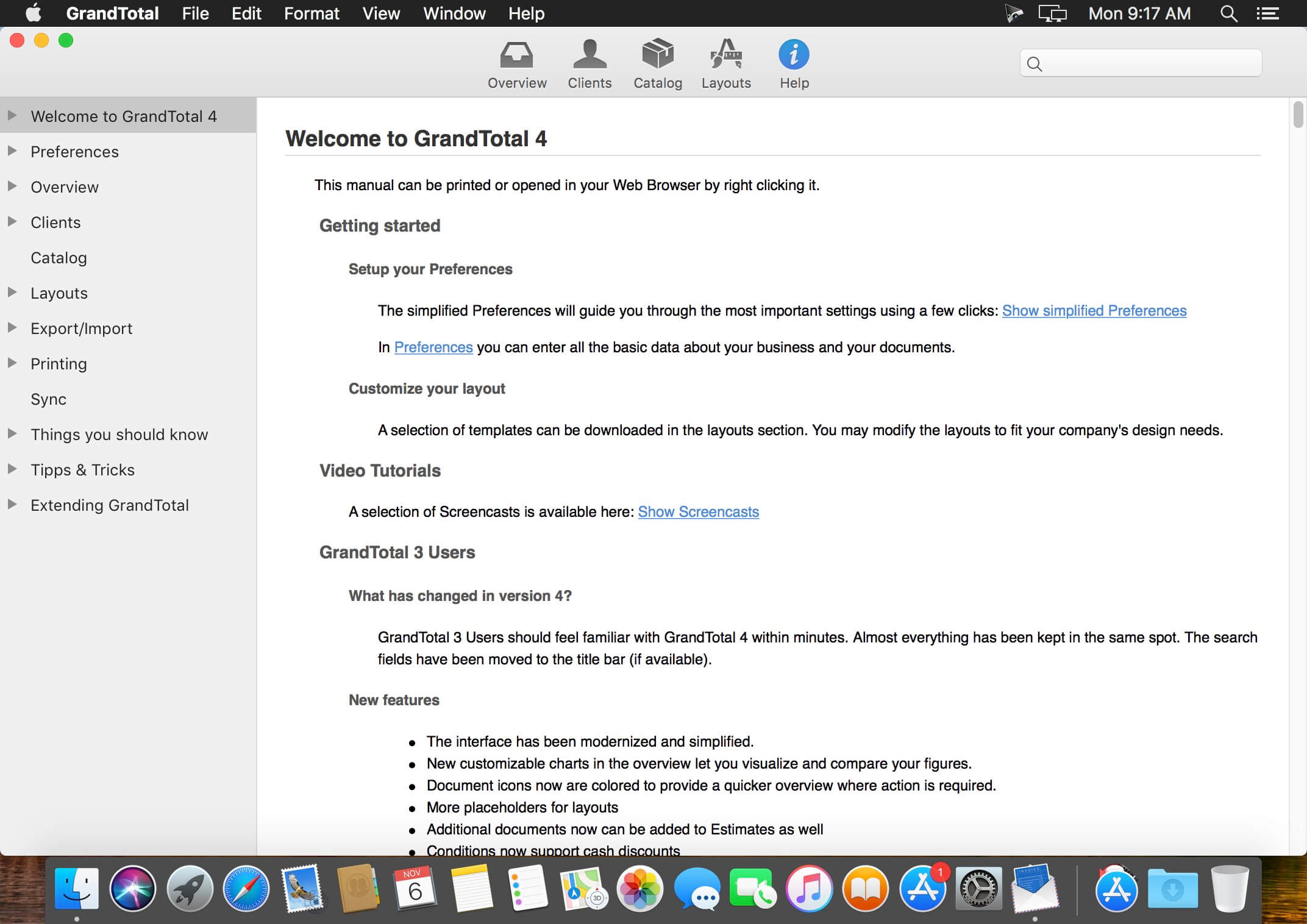
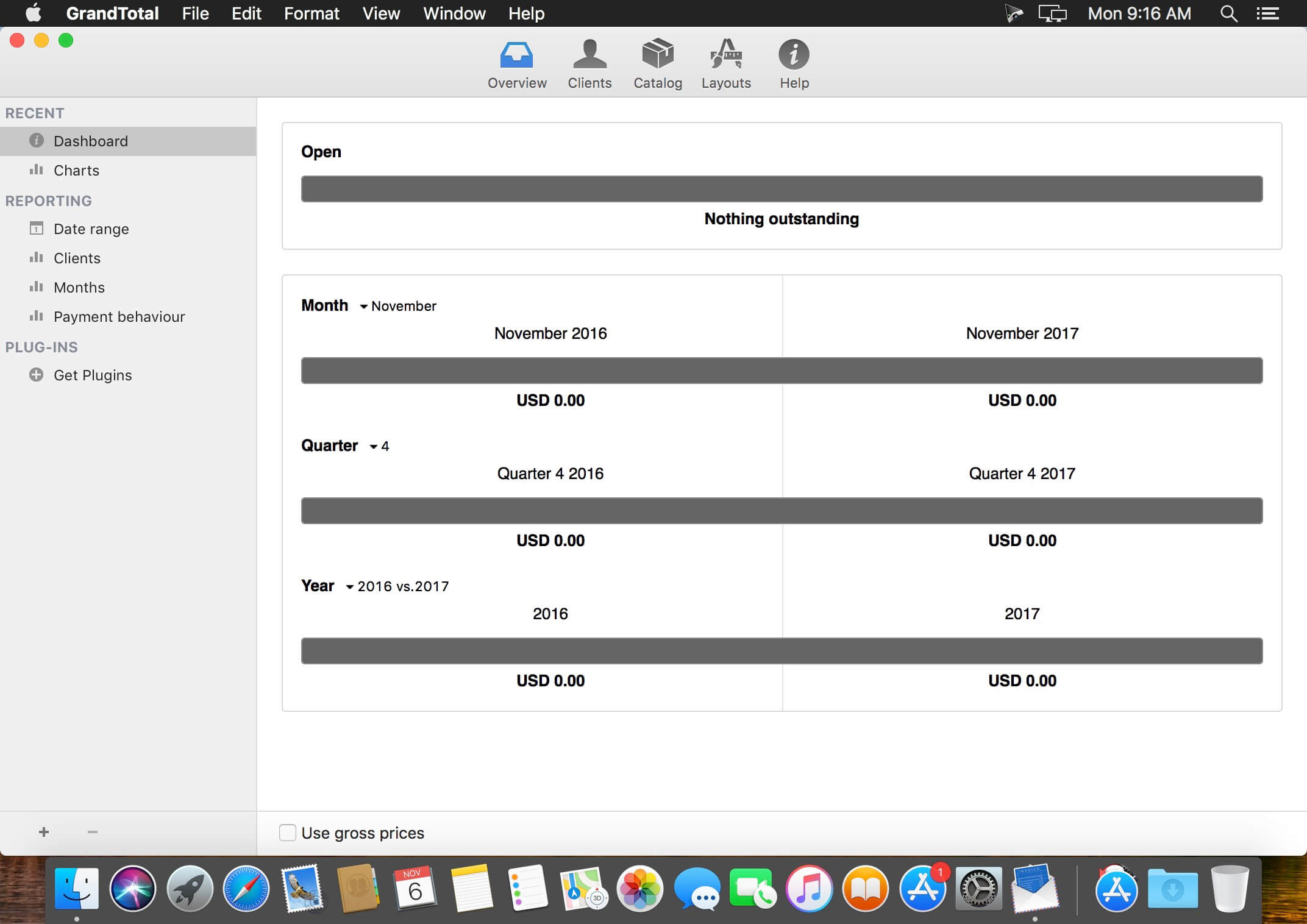
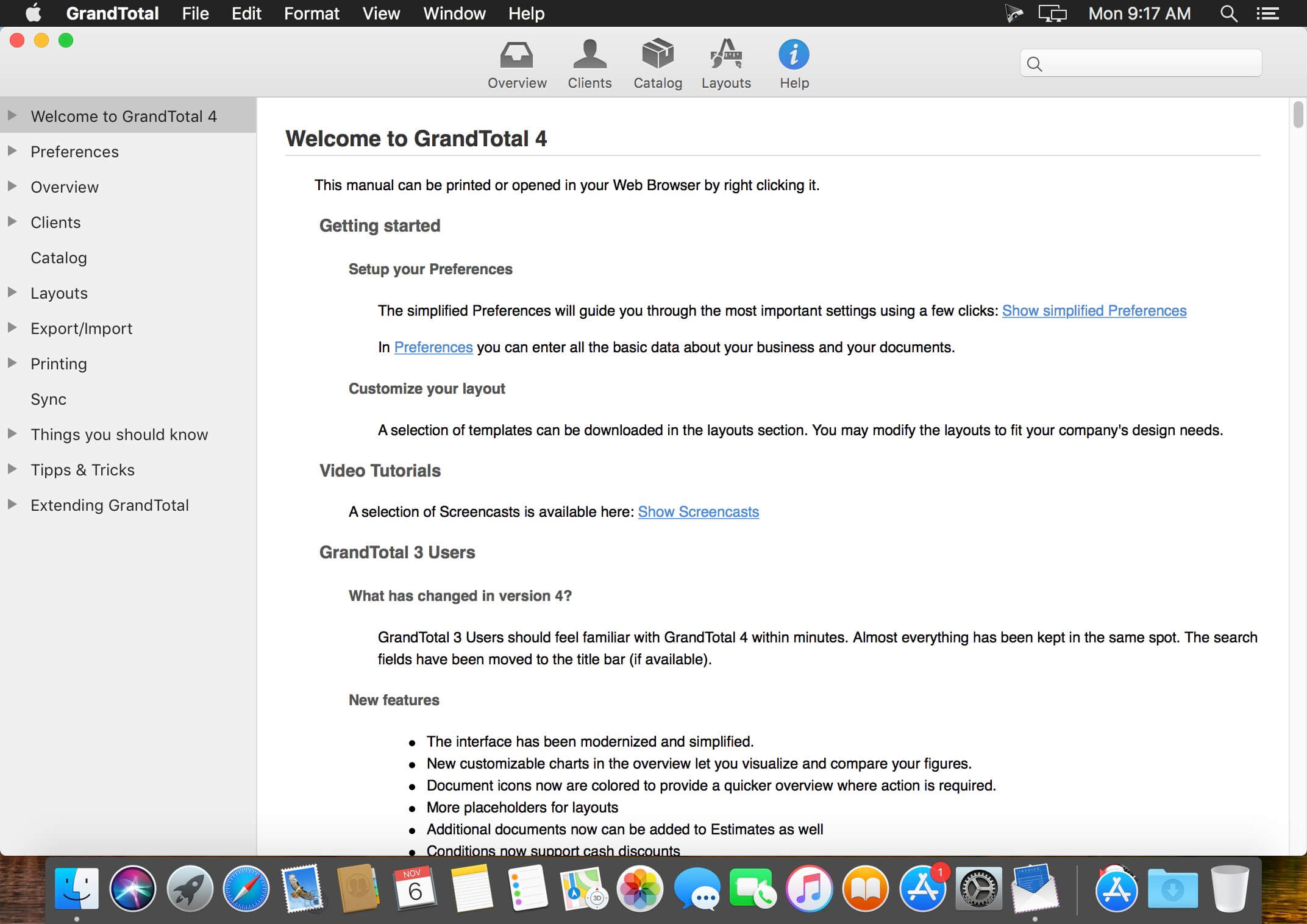
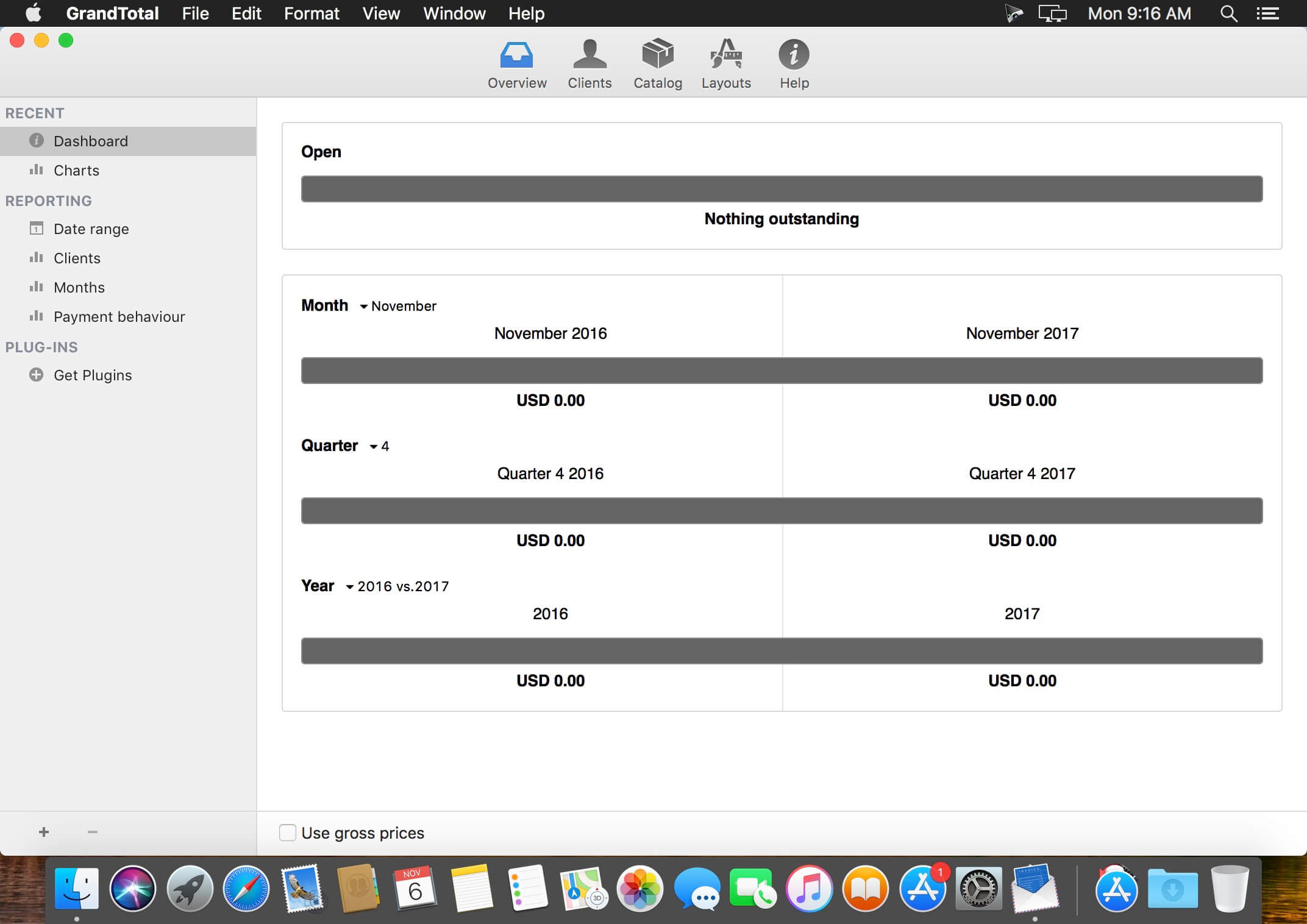
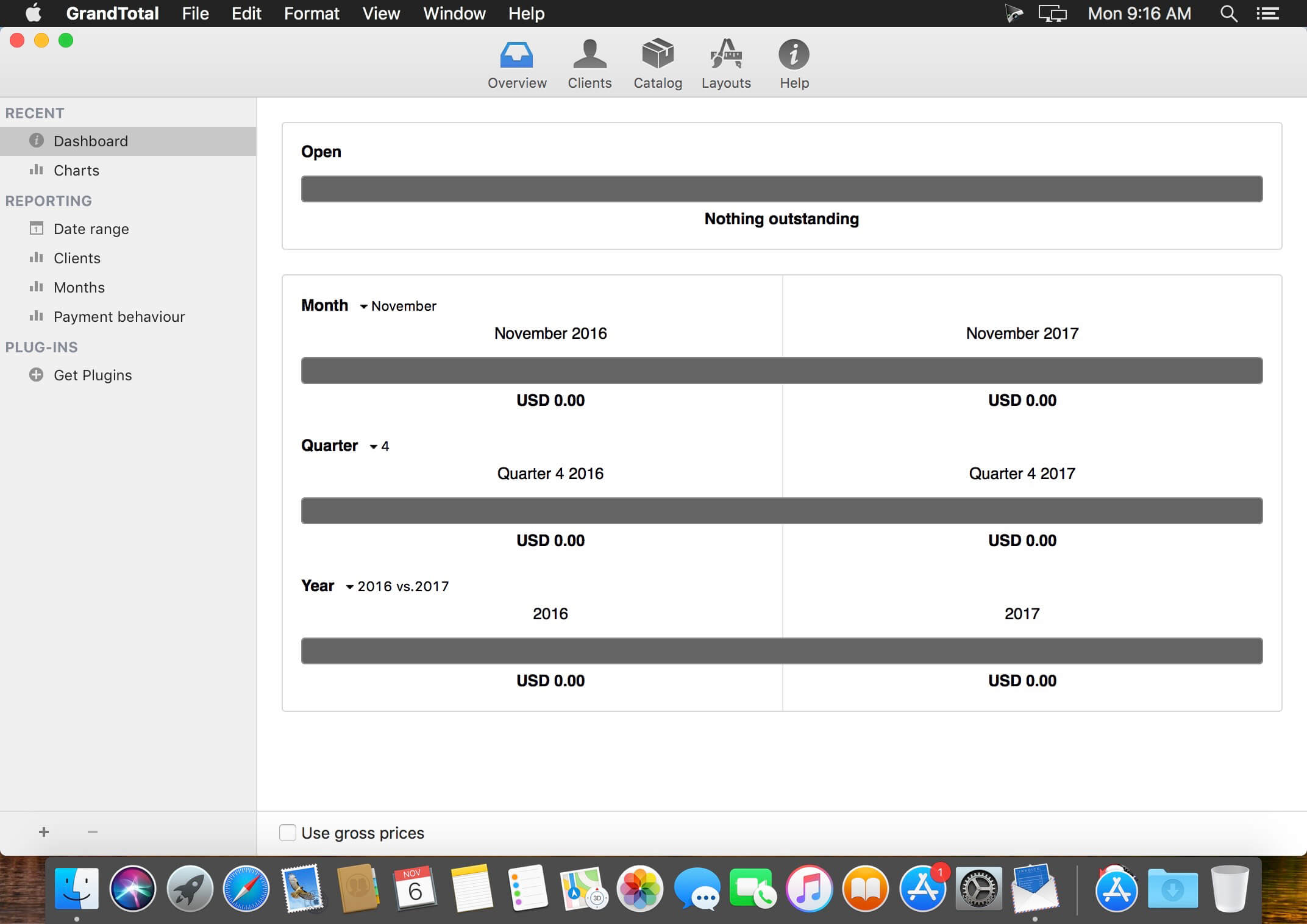
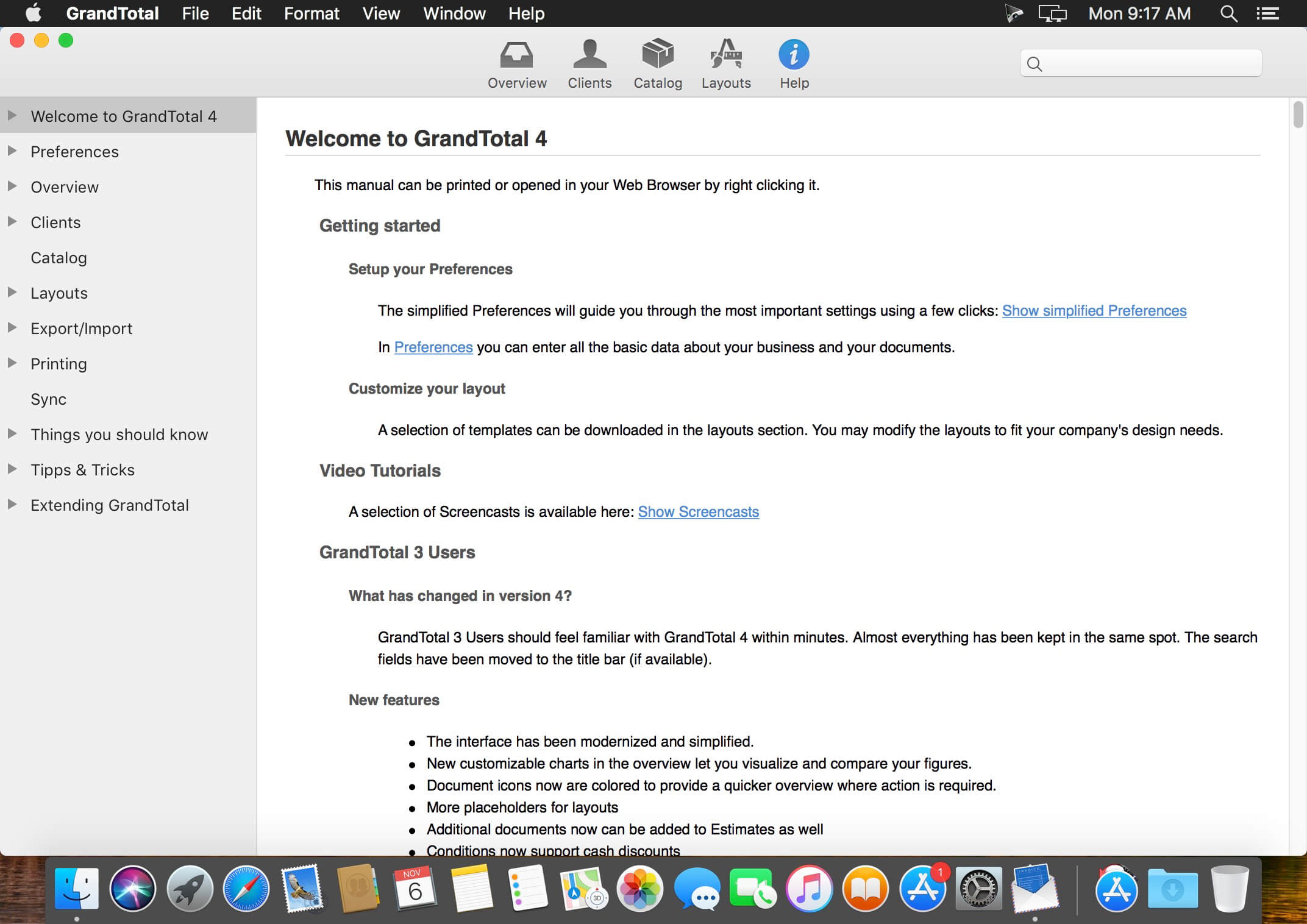
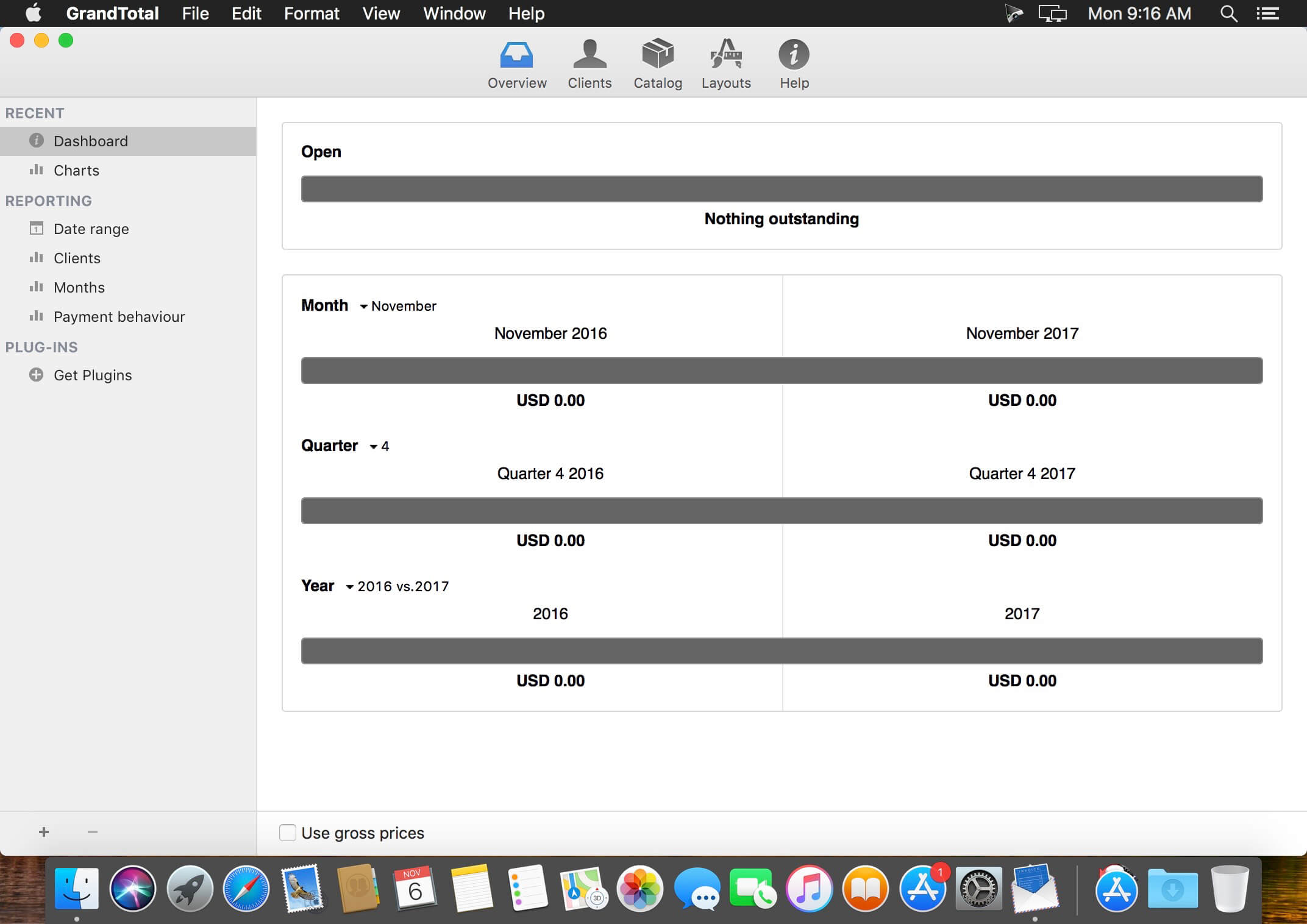
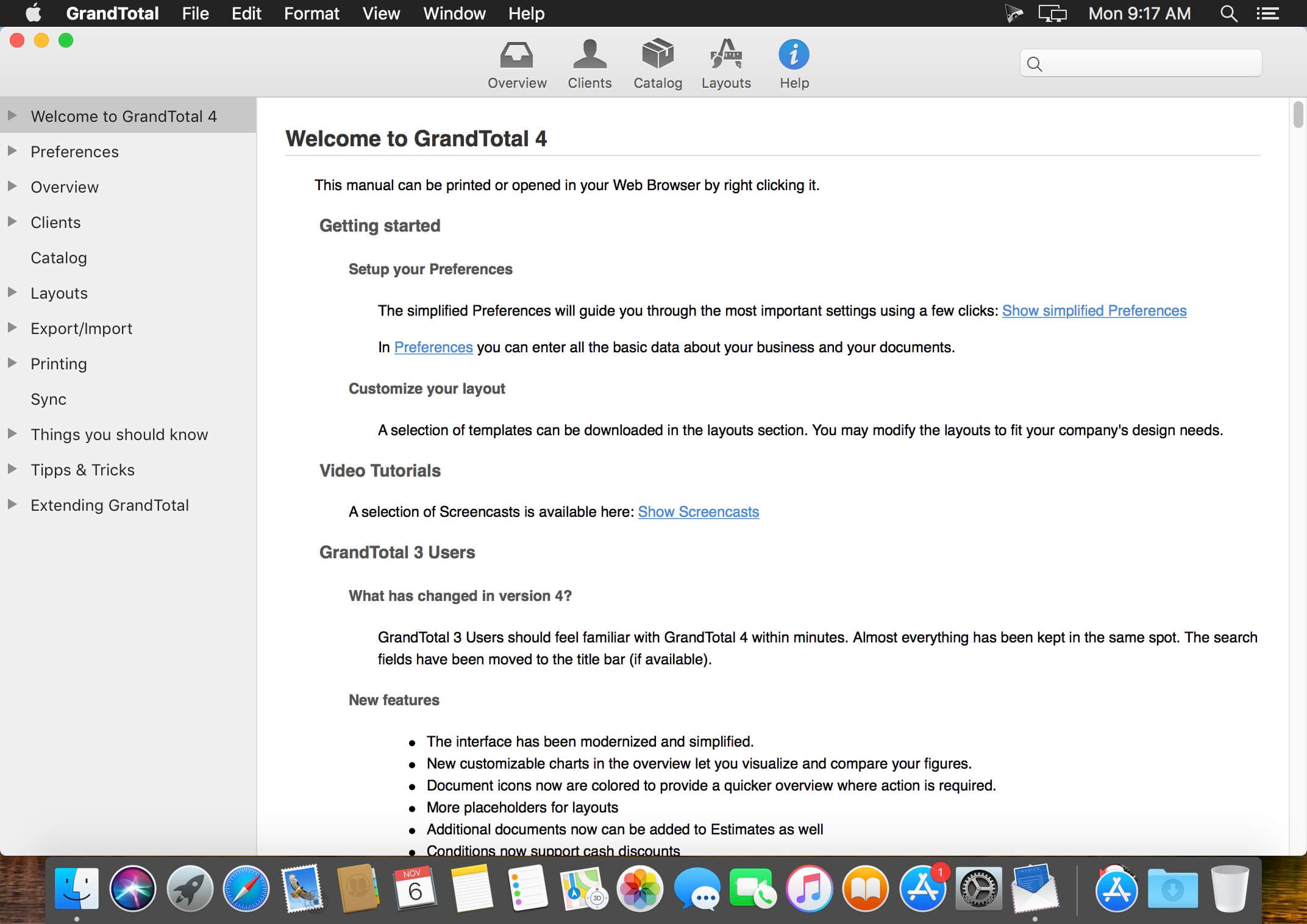
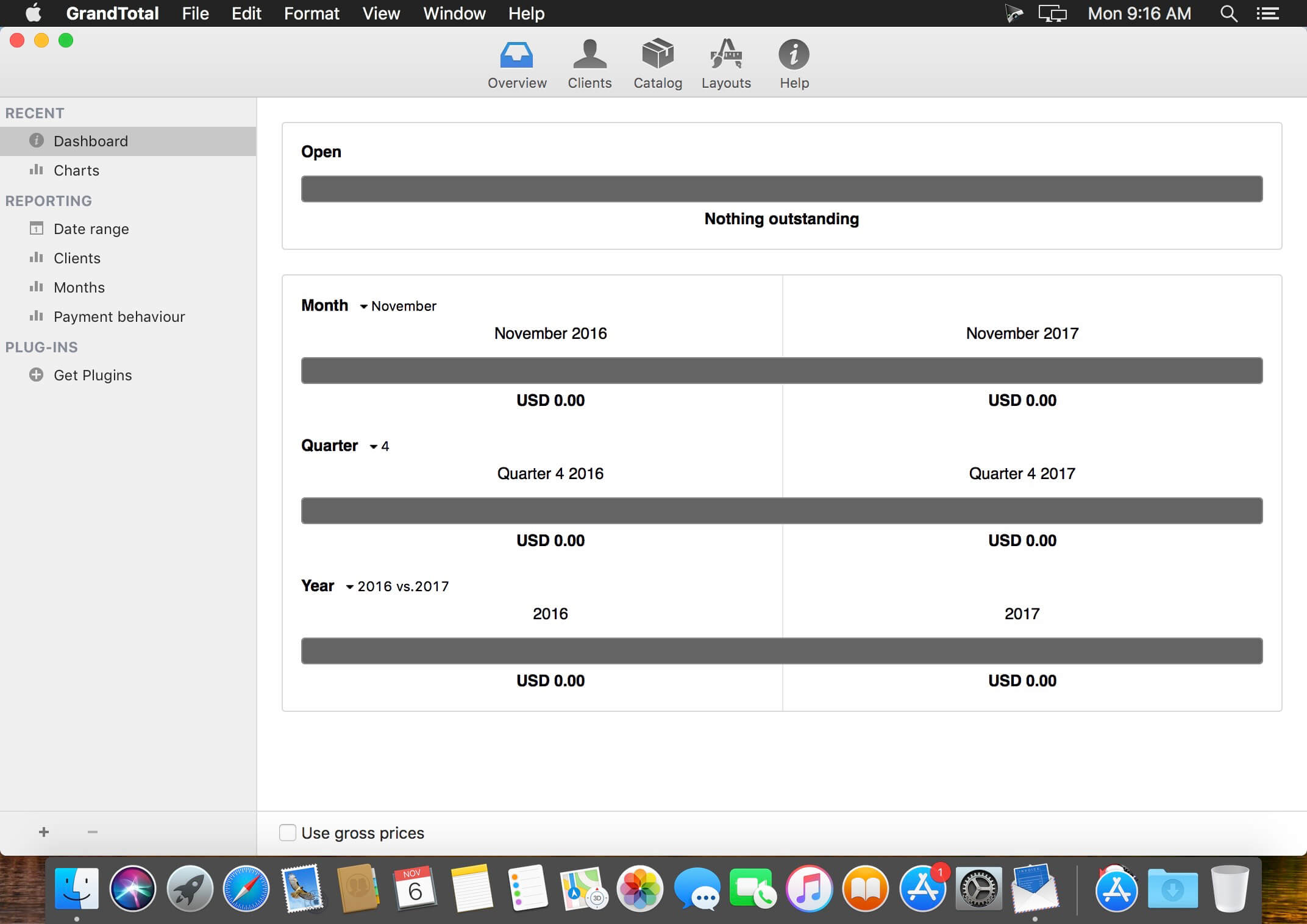
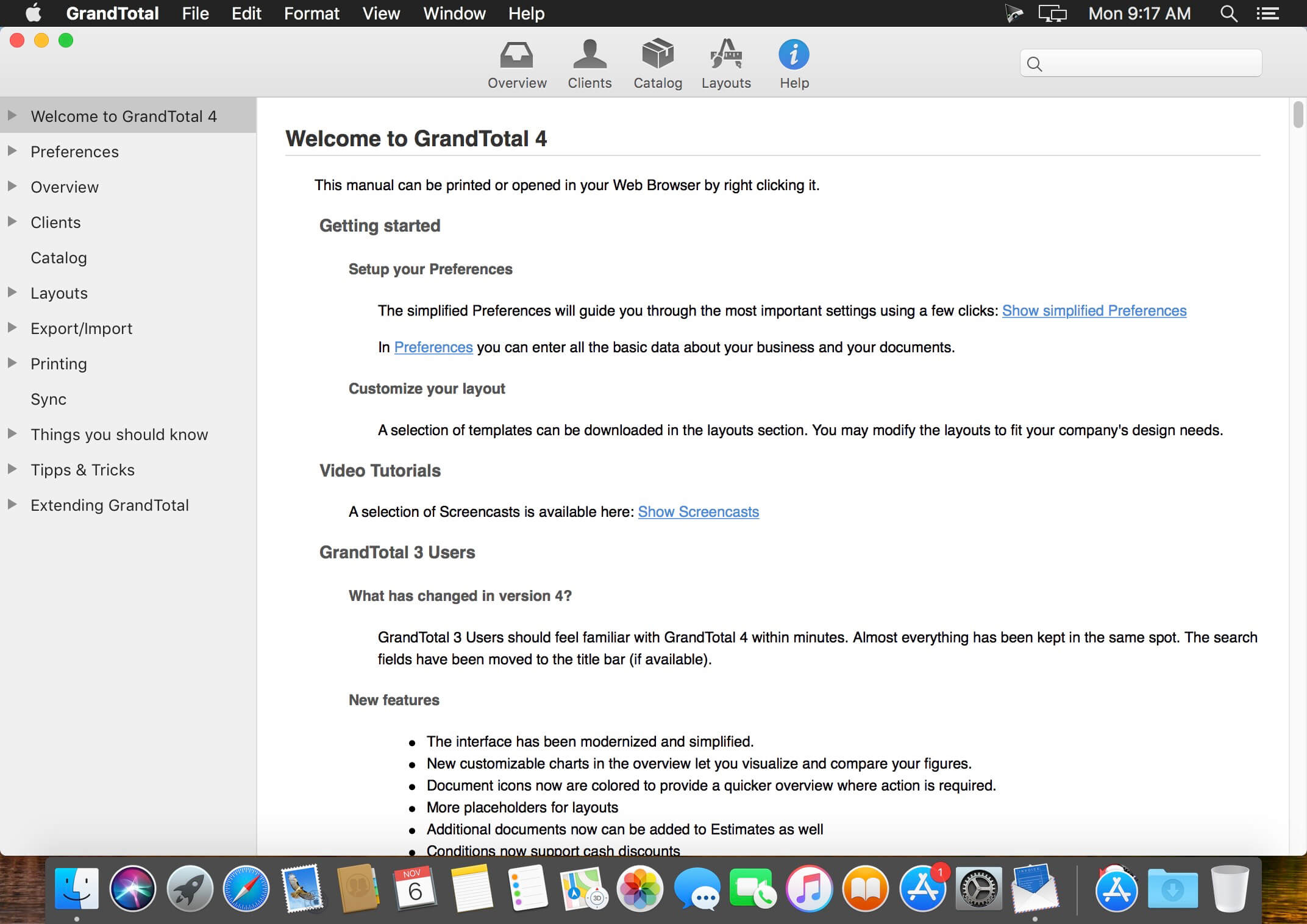
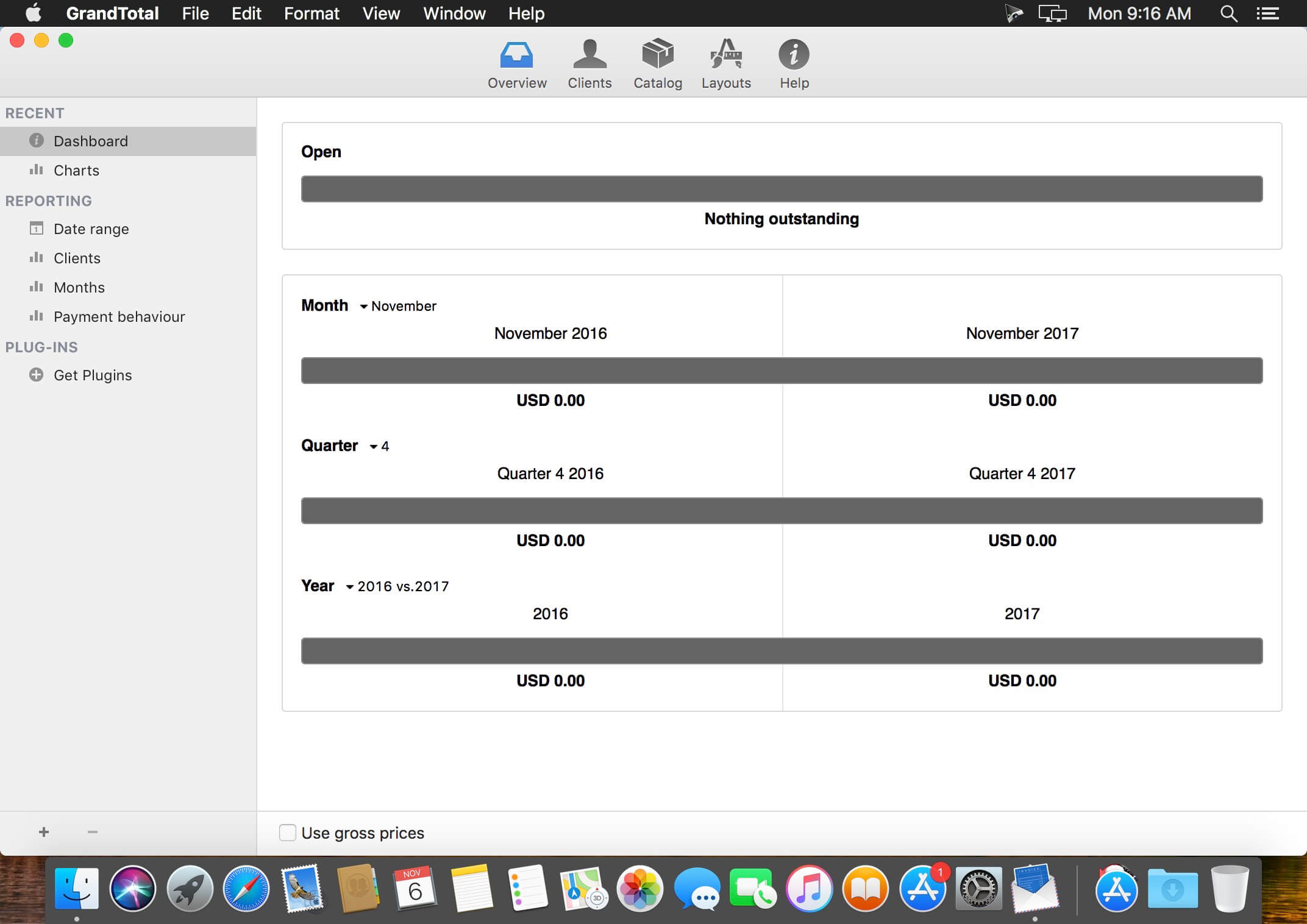
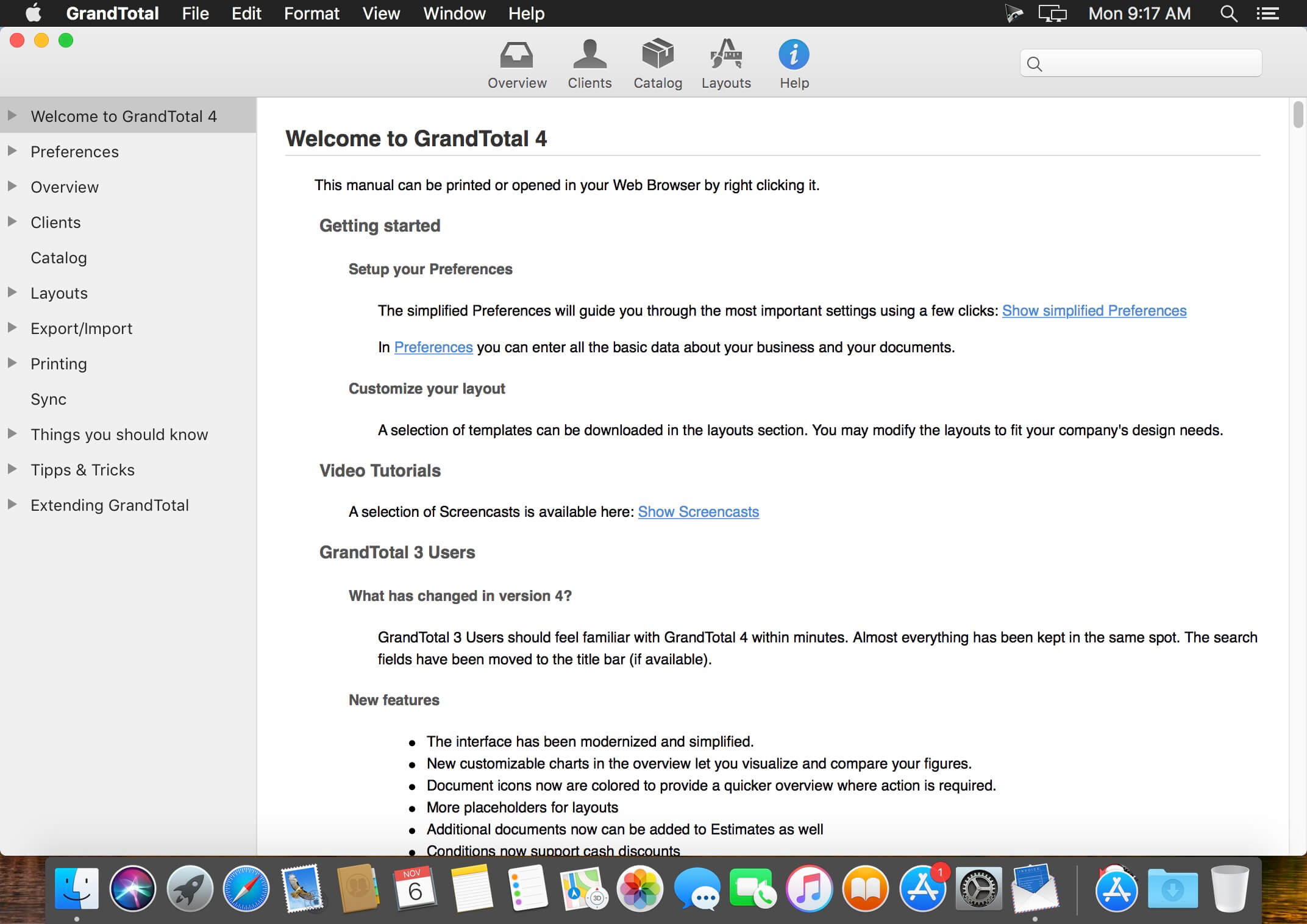
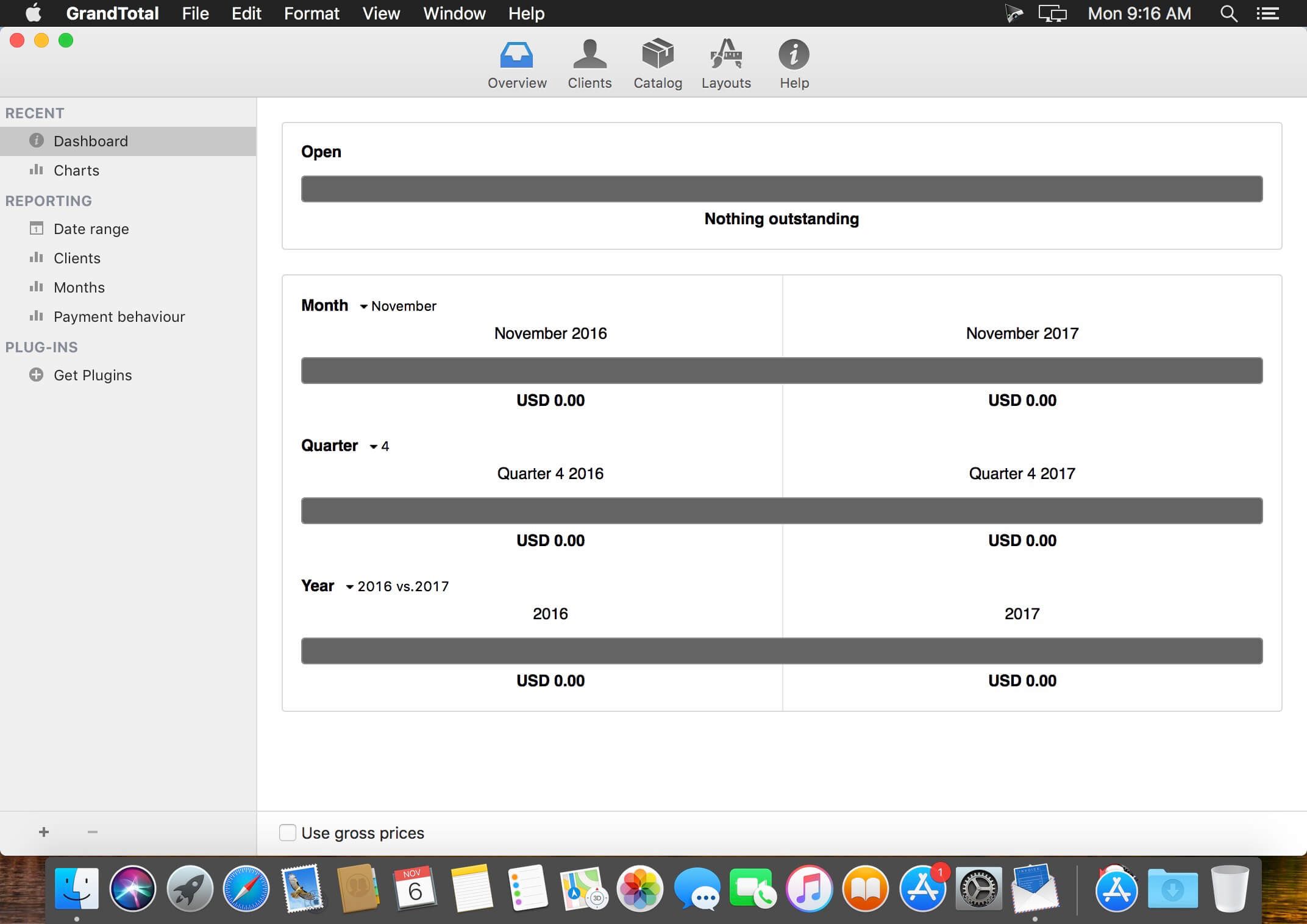
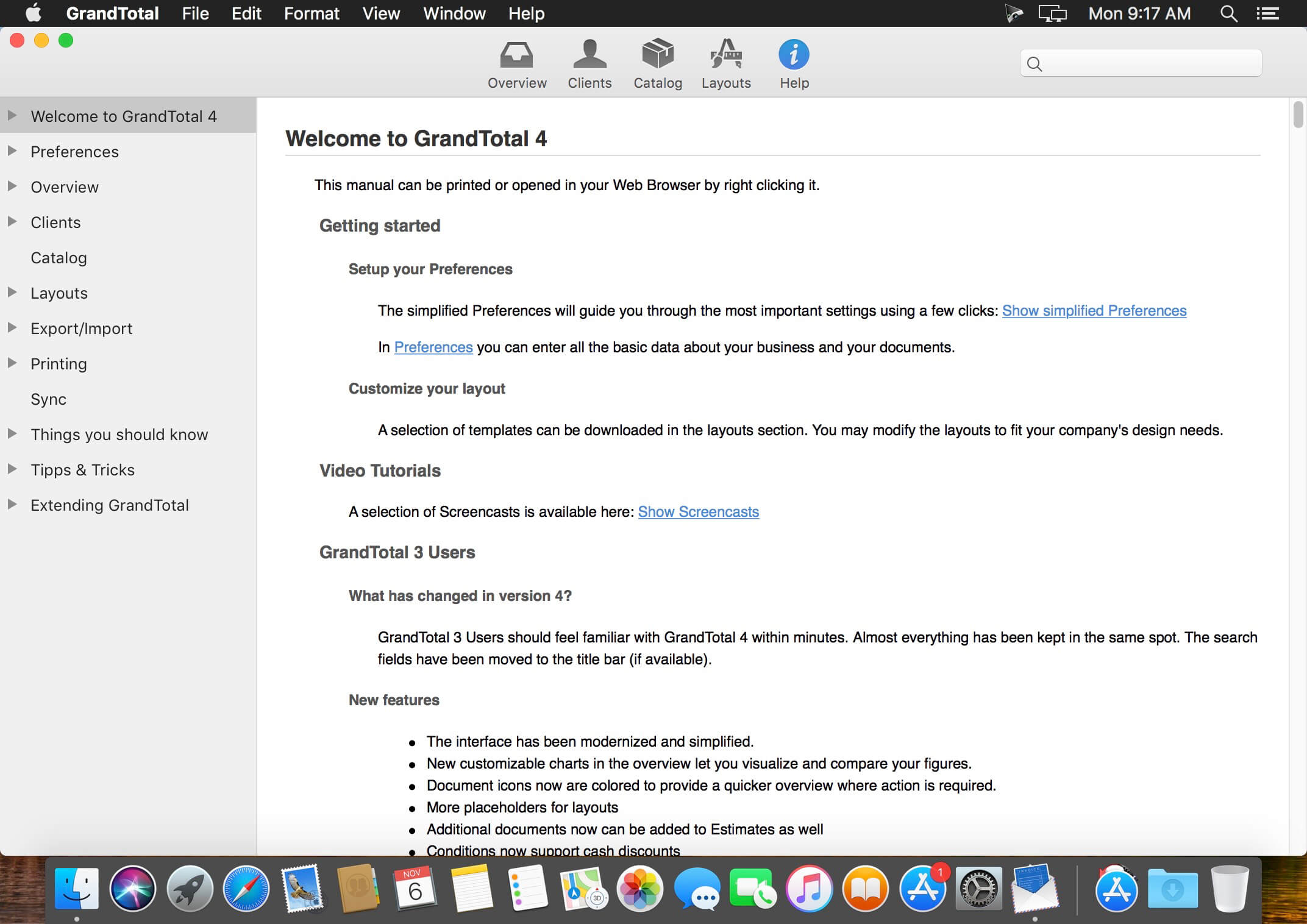
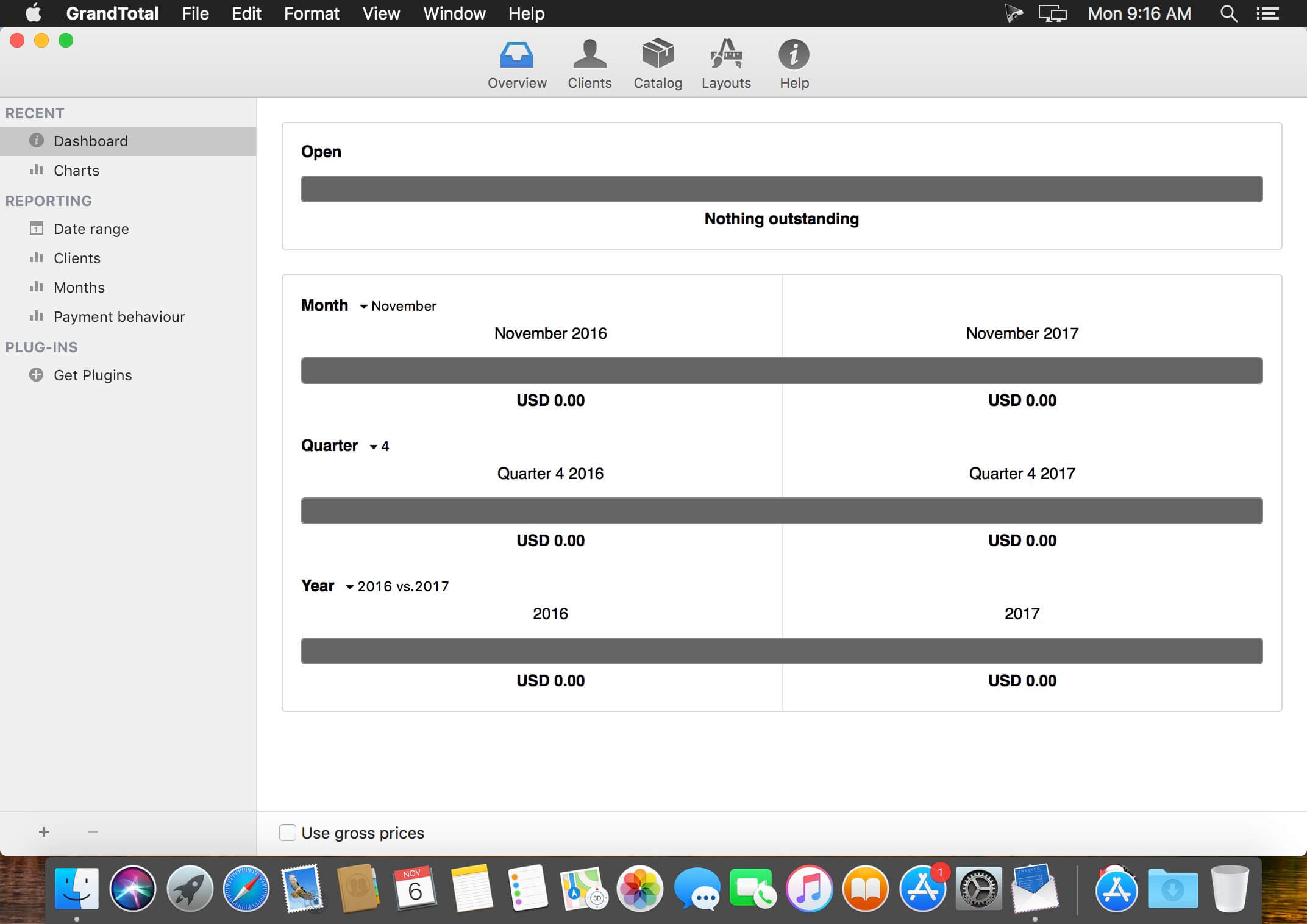
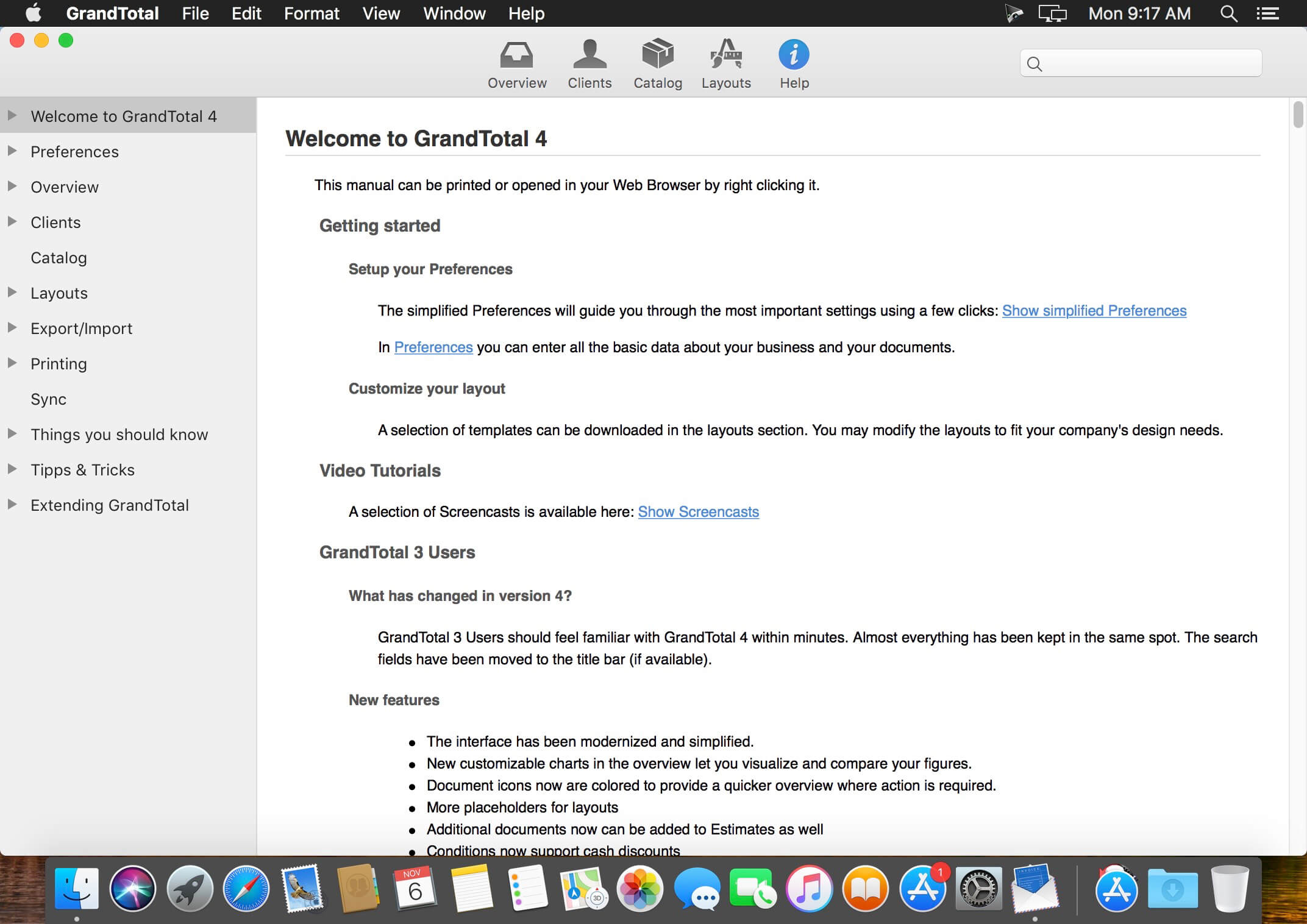
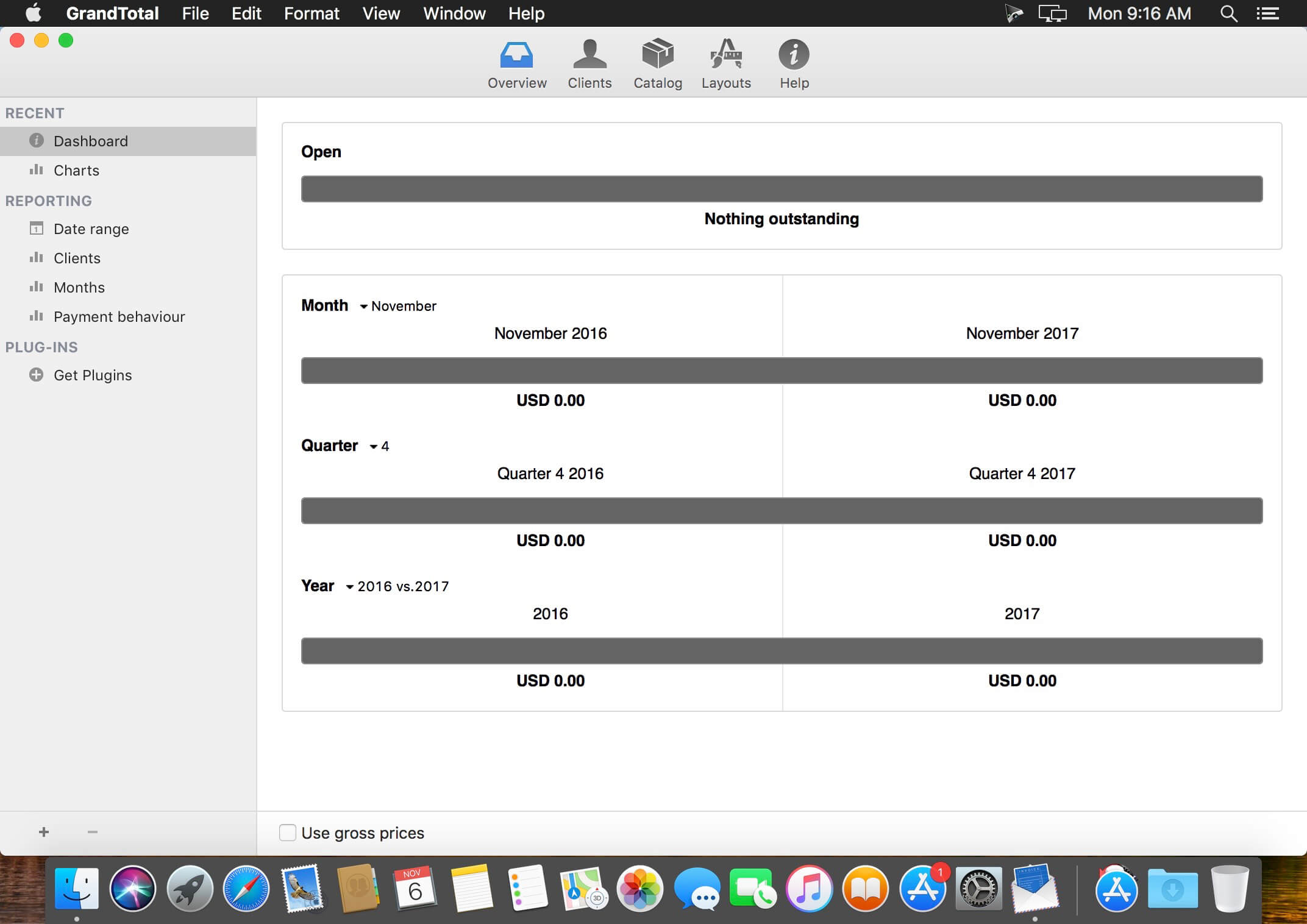
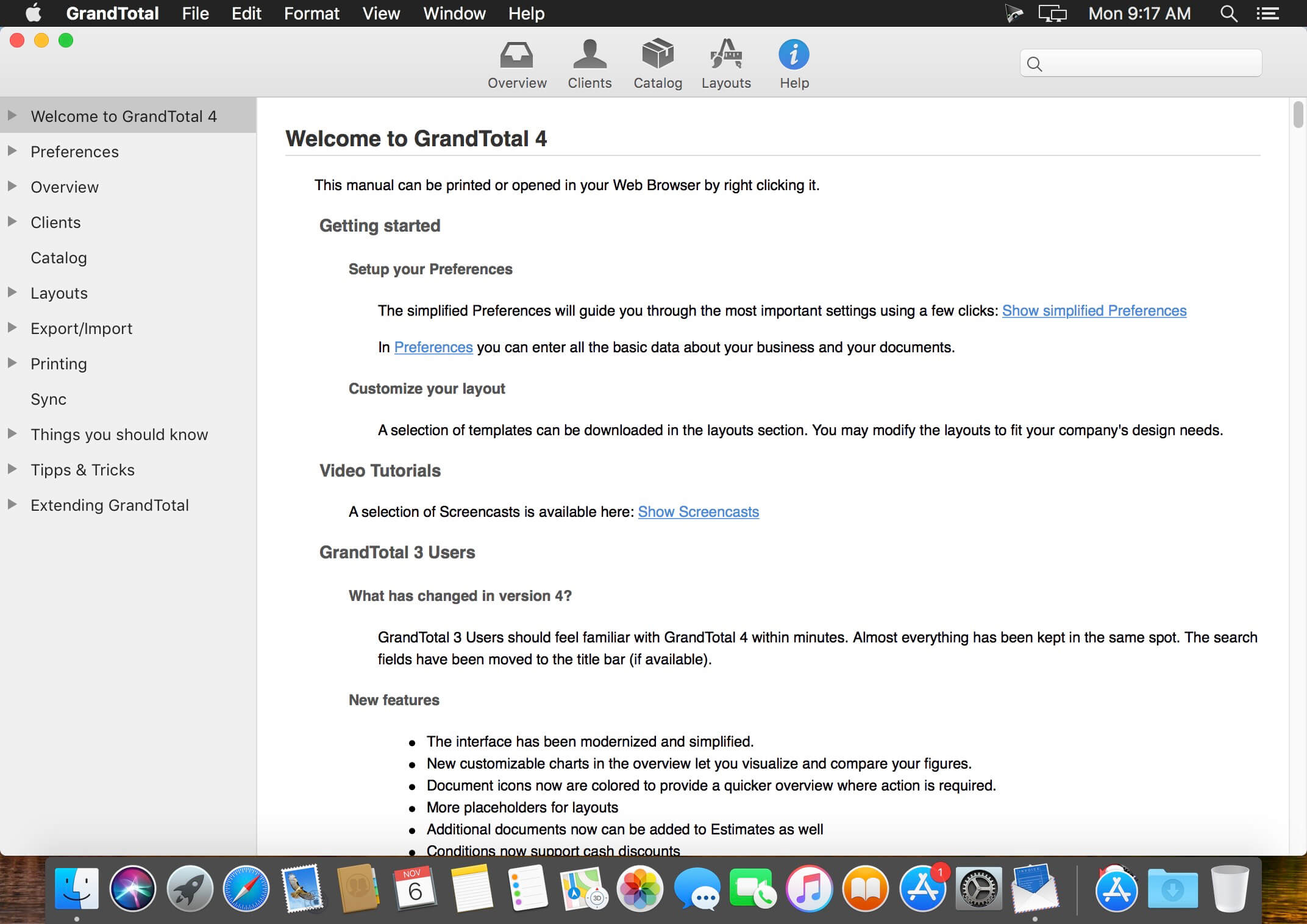
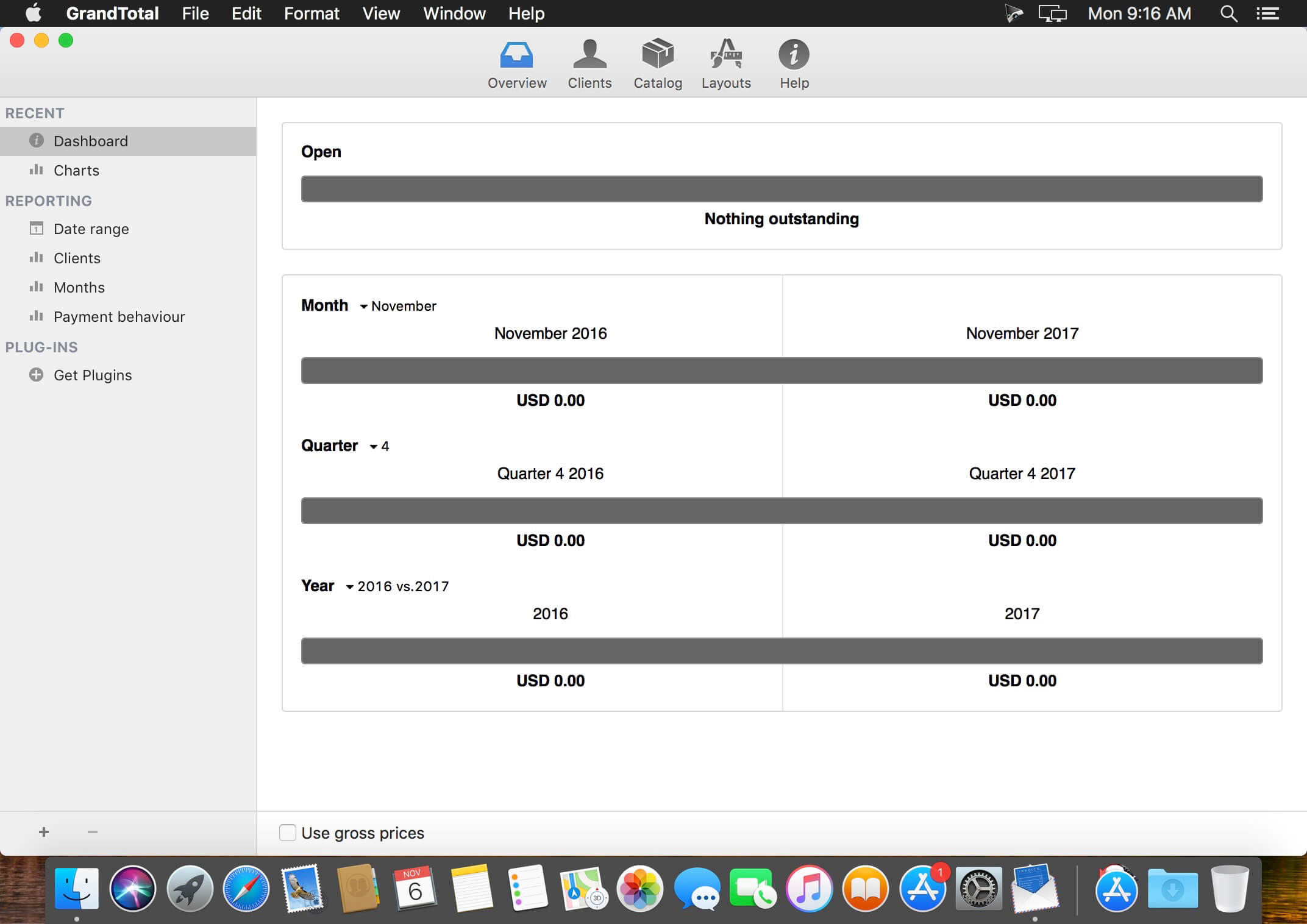
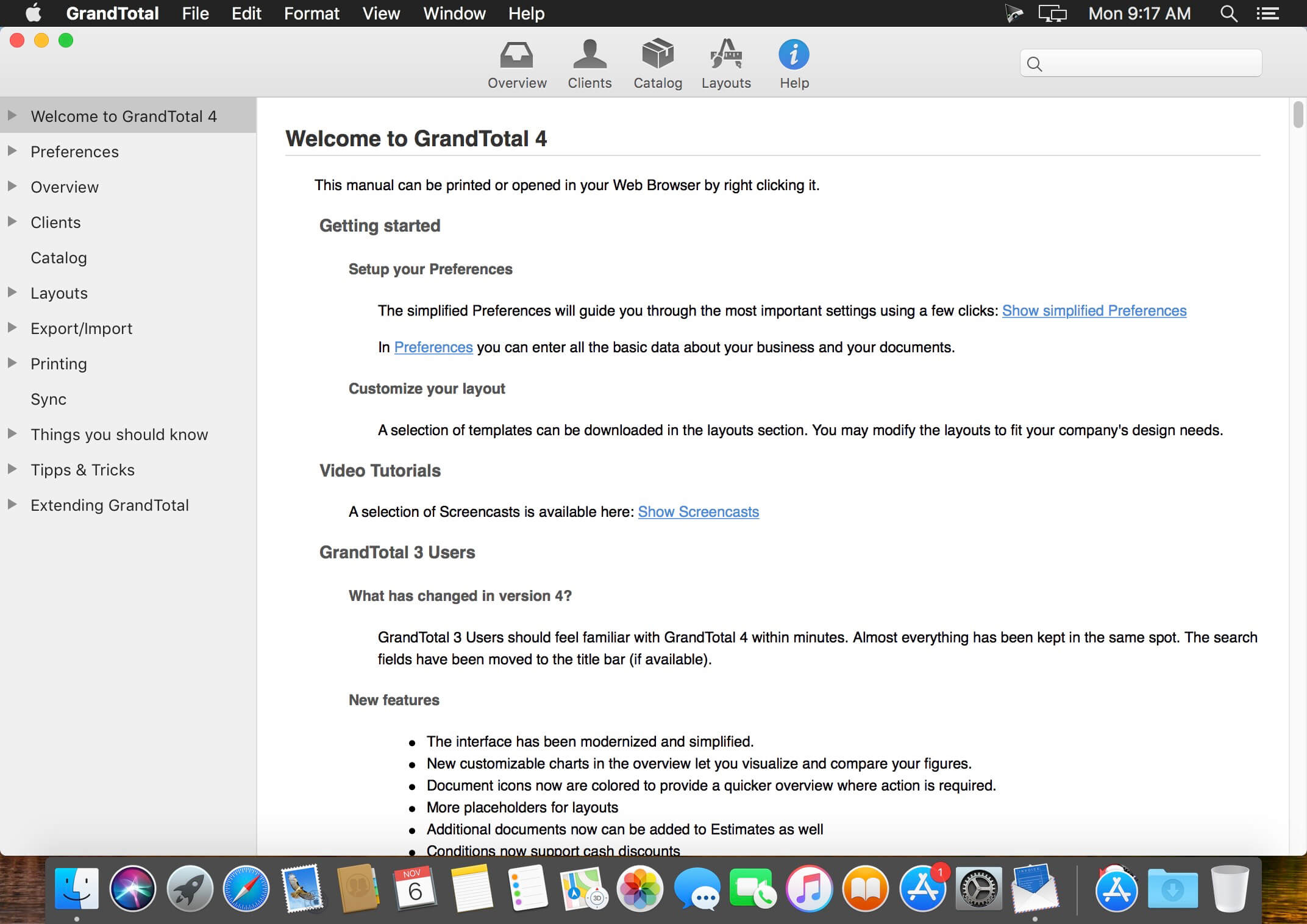
GrandTotal is an application to create invoices and estimates based on your own templates. The built-in template editor allows you to adjust your layout to fit your company’s corporate design. GrandTotal works great in conjunction with TimeLog. Using GrandTotal you can create invoices and estimates in the twinkling of an eye and keep track over the outstanding payments. Detailed statistics and graphs give you an insight into the current state of your business and allow comparison to previous periods.
GrandTotal is an application to create invoices and estimates based on your own templates. The built-in template editor allows you to adjust your layout to fit your company’s corporate design. GrandTotal works great in conjunction with TimeLog. Using GrandTotal you can create invoices and estimates in the twinkling of an eye and keep track over the outstanding payments. Detailed statistics and graphs give you an insight into the current state of your business and allow comparison to previous periods.
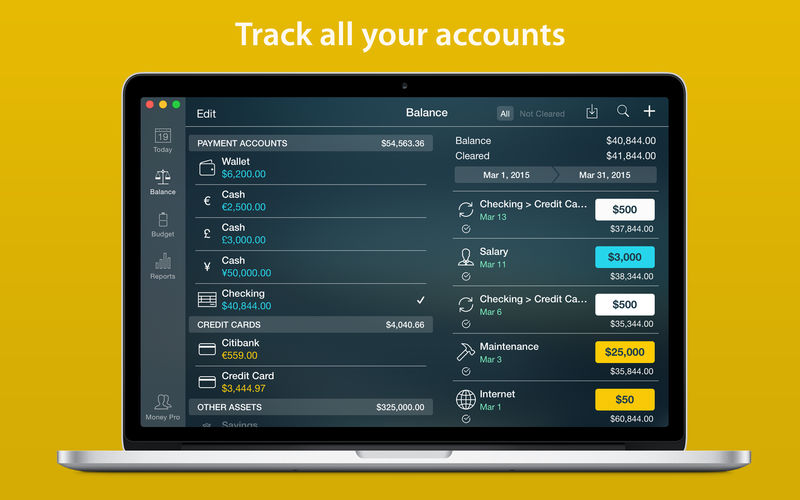
Money Pro is the one place for bill planning, budgeting and keeping track of your accounts. Easy sync with iPhone/iPad versions. Money Pro works great for home budgeting and even for business use.
Calendar
Mark days on the big calendar when your bills are due.
Schedule recurring bills with custom periodicity.
Filter transactions by selecting dates on the calendar.
Today view
Take a quick glance at bills due.
When you actually have a transaction, approve it quickly.
Money Pro predicts transactions for the day that may not have been scheduled manually.
Bills due notifications
A whole system of reminders will alert you of upcoming bills.
Quick rescheduling option will help you deal with bills due (tomorrow, in 3 days, next week).
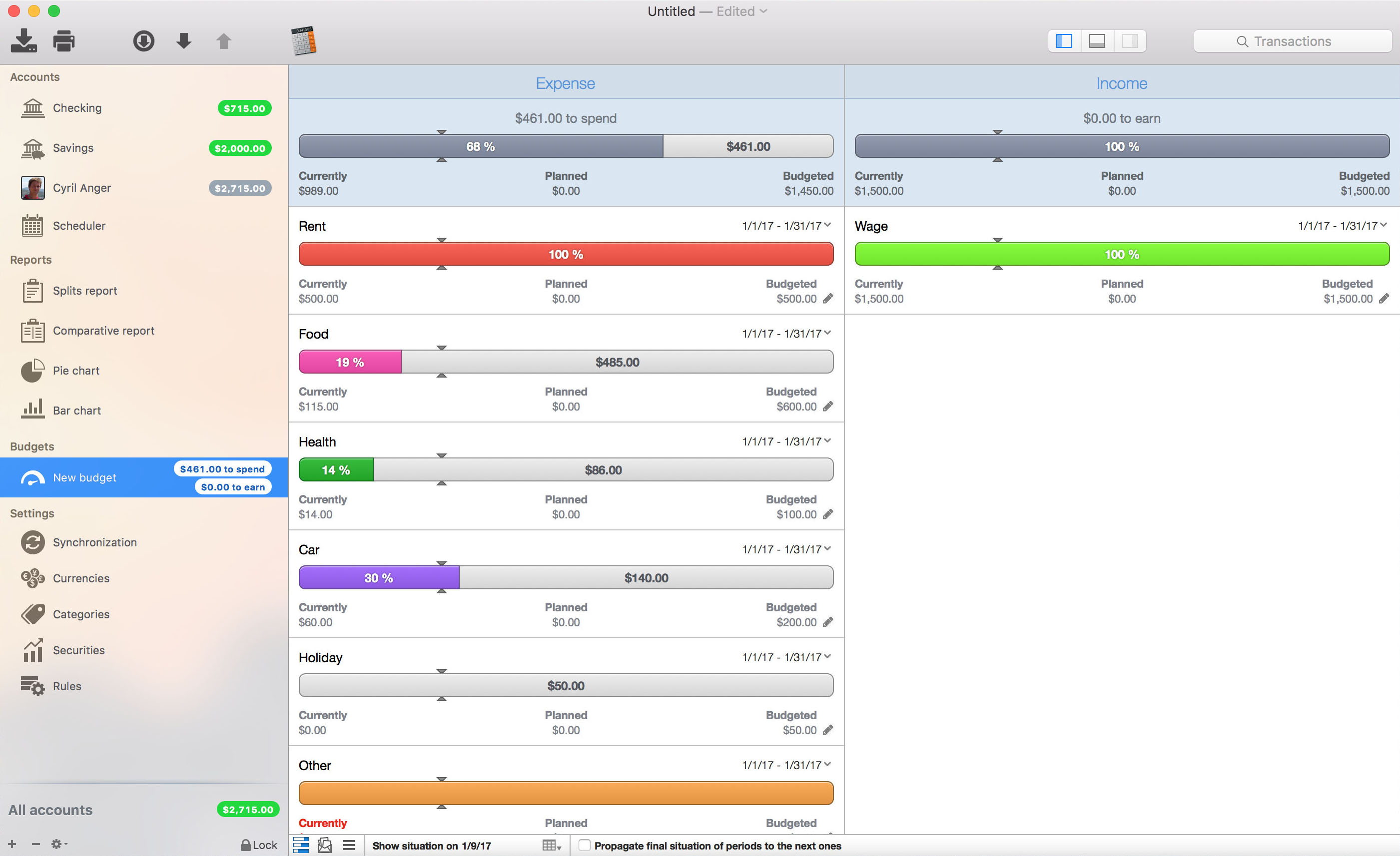
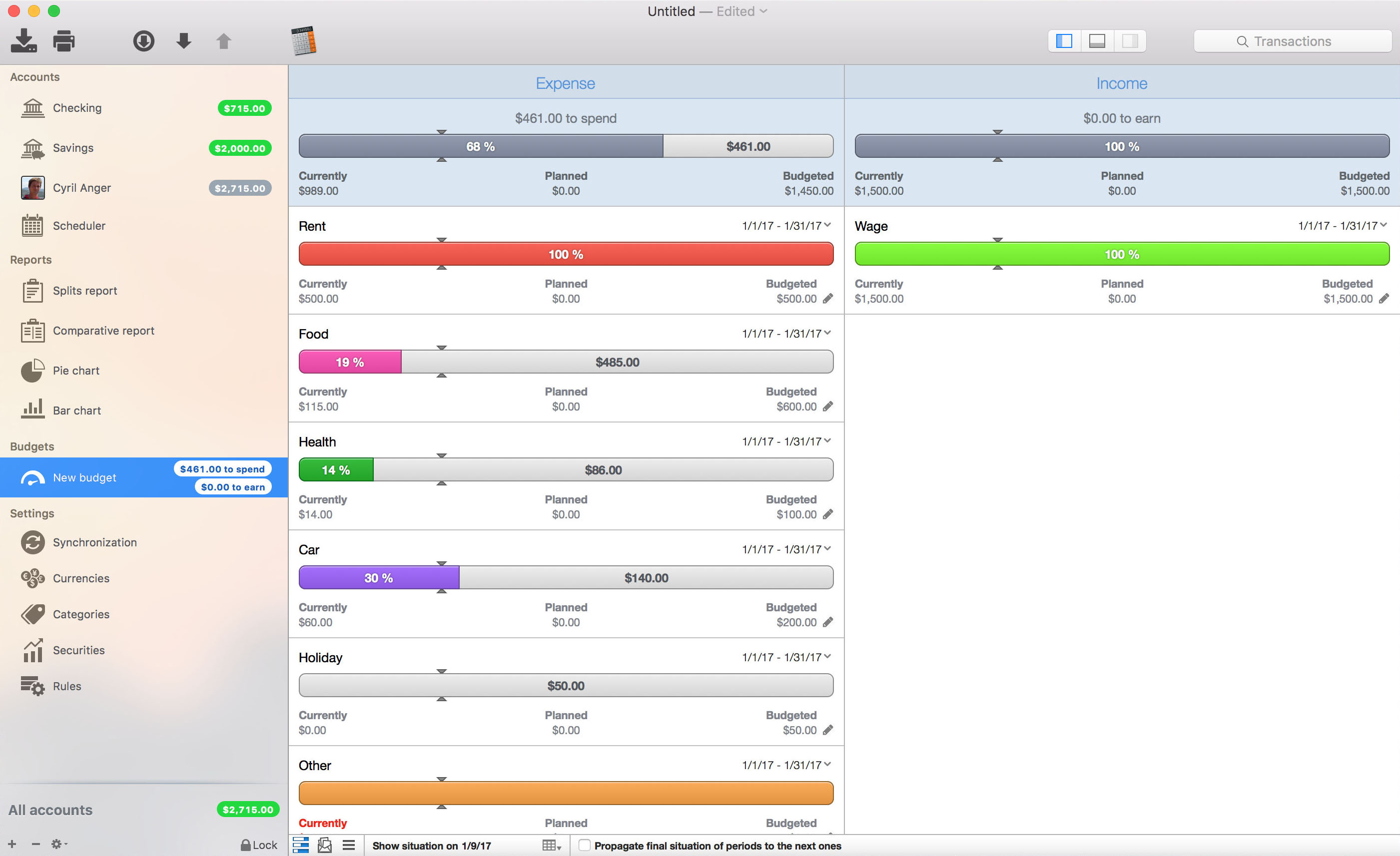
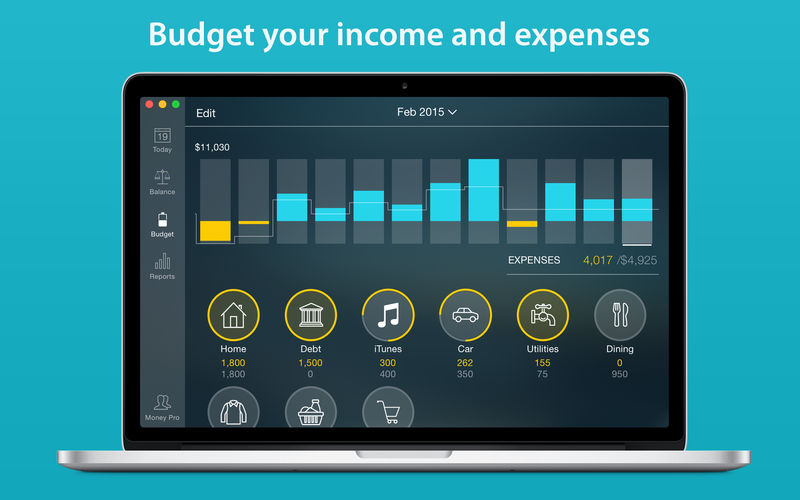
Budgets
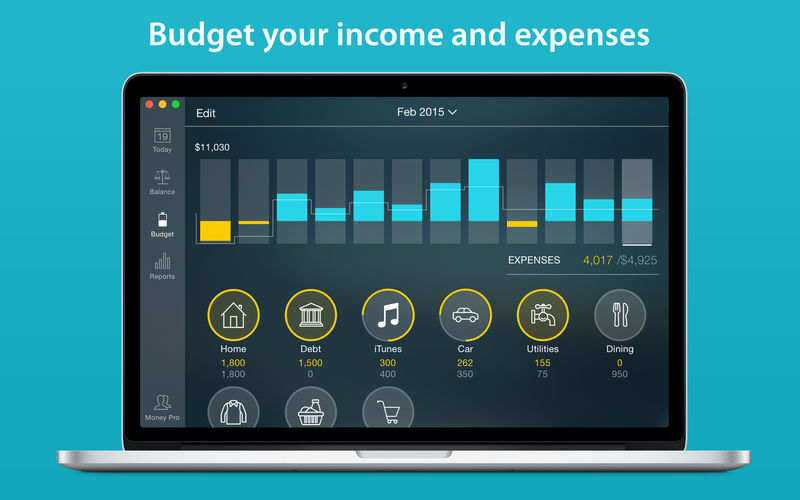
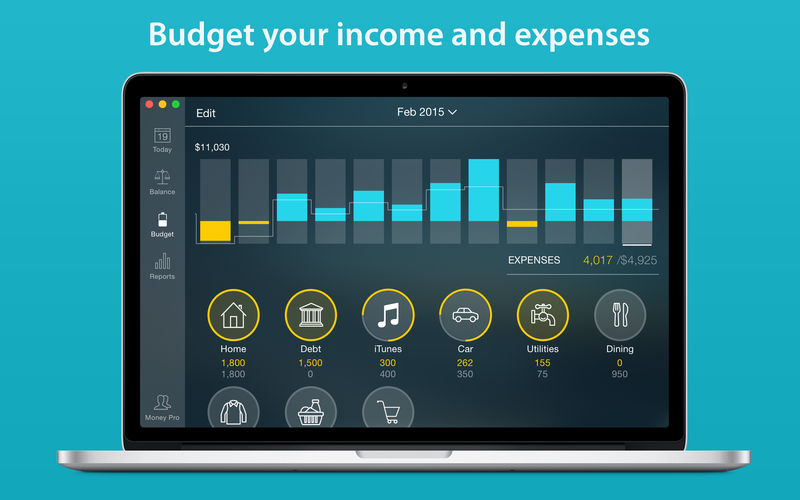
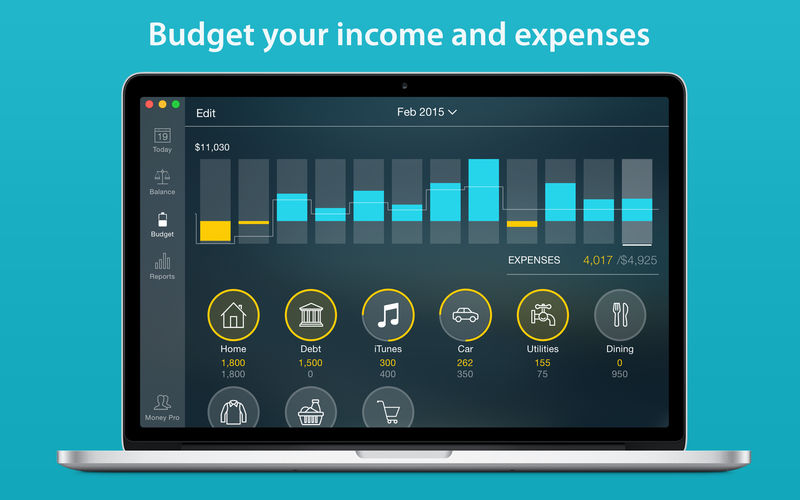
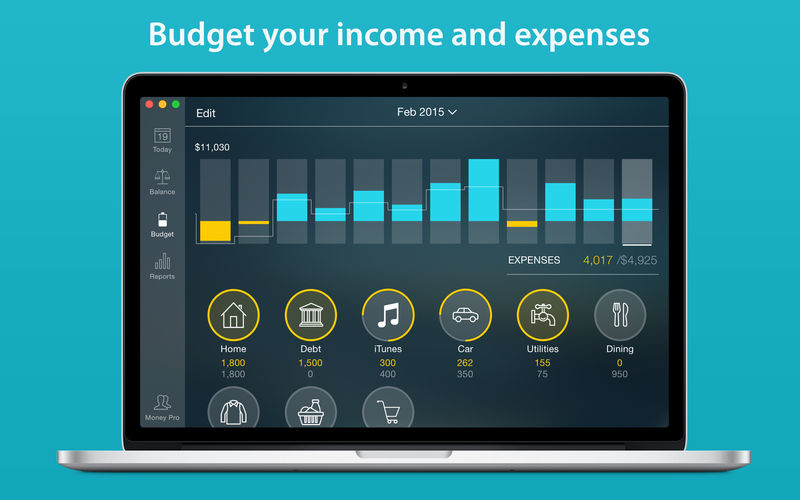
Create budgeted entries, both for your income and expenses, and indicate budget limits for each entry.
You can set different budget limits for every period, which is useful if you plan to reduce your spending gradually month by month.
Start adding every transaction you have, and see progress of each category and the overall progress.
Monitor visual indicators for budget overspending.
Select the category you want to analyze and examine a budget trend chart generated on the fly.
Budget rollover
You can set budgets to transfer the leftover of the current period to the next budget period.
Budget rollover limits your spending automatically if you overspent in previous periods.
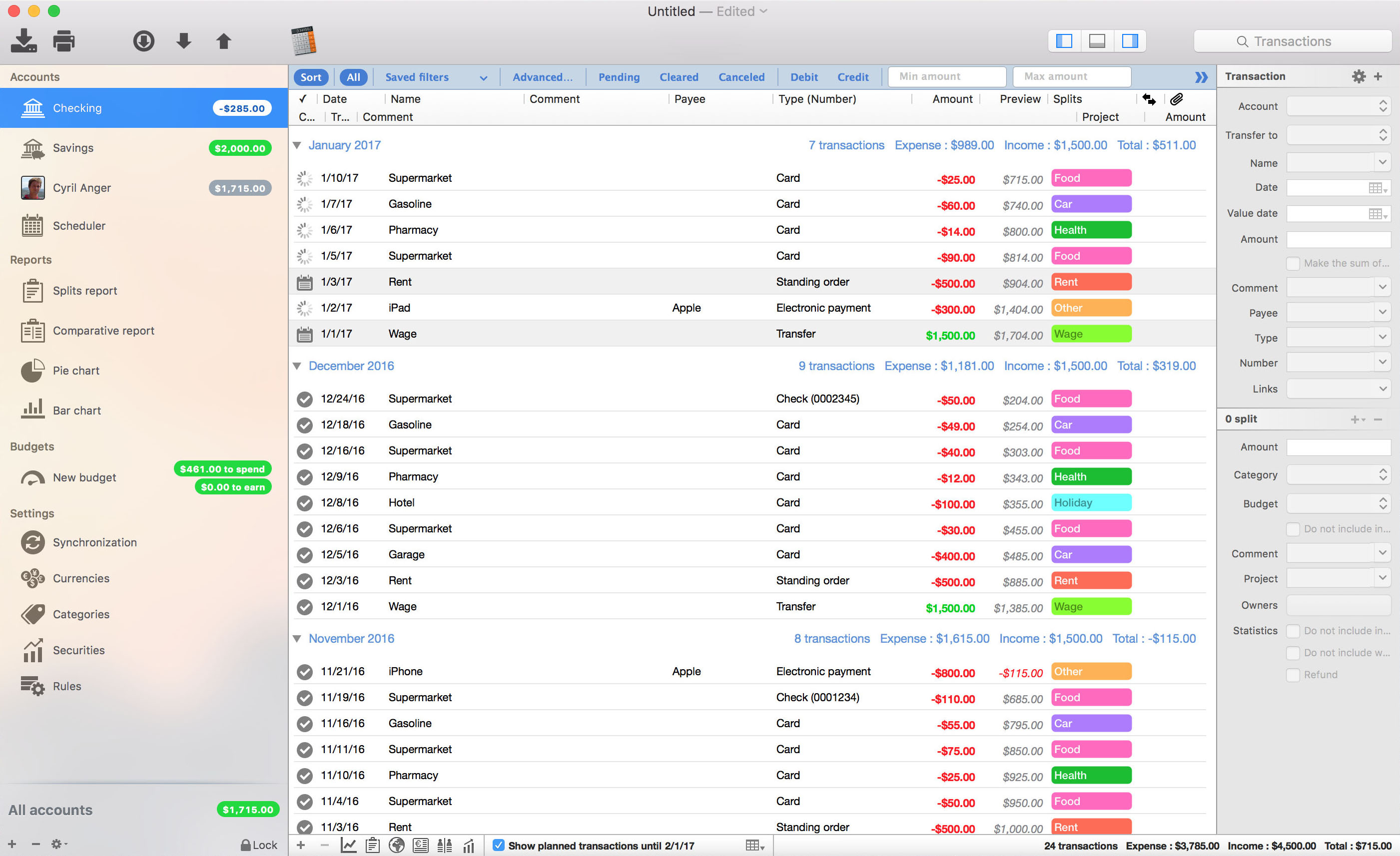
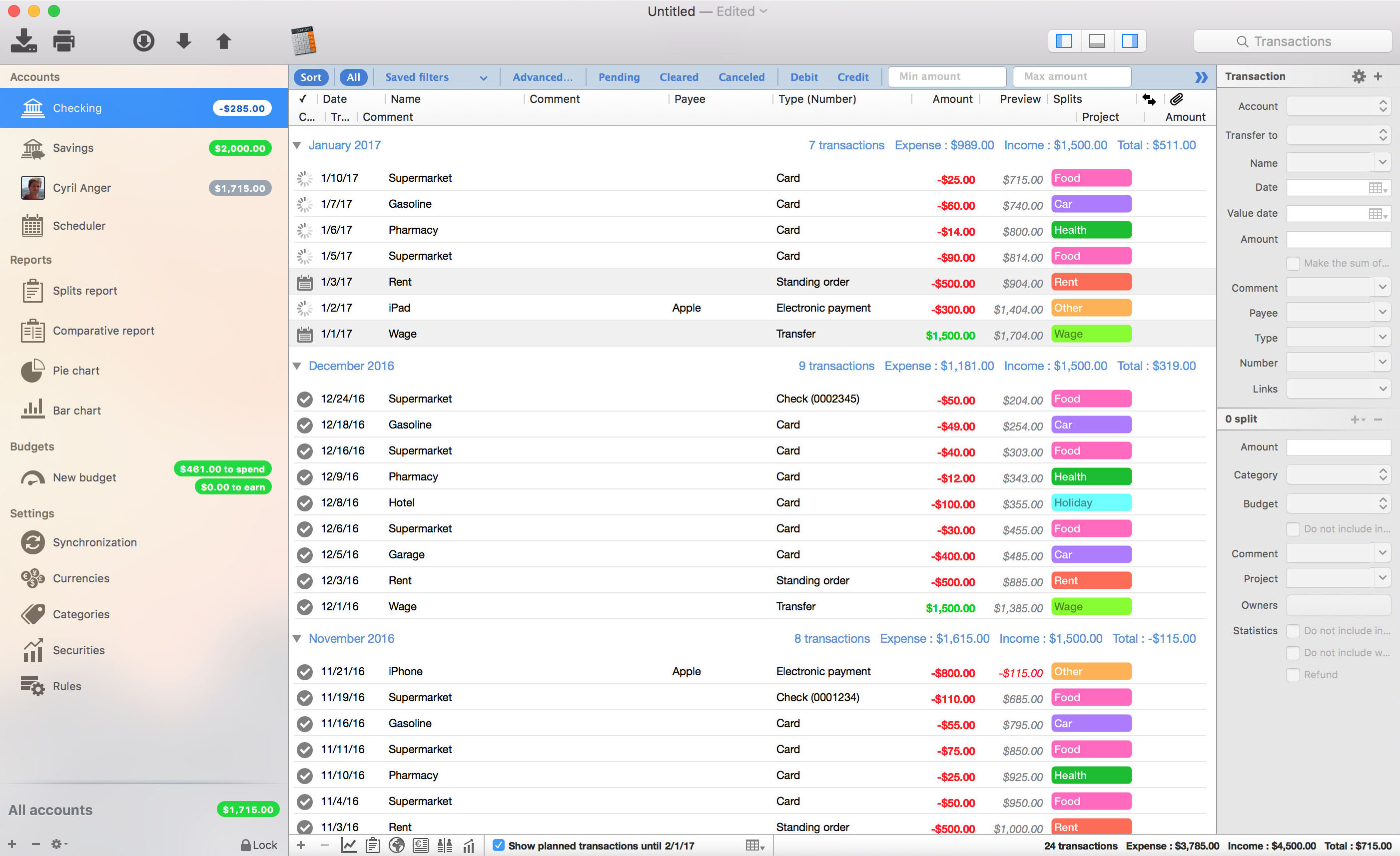
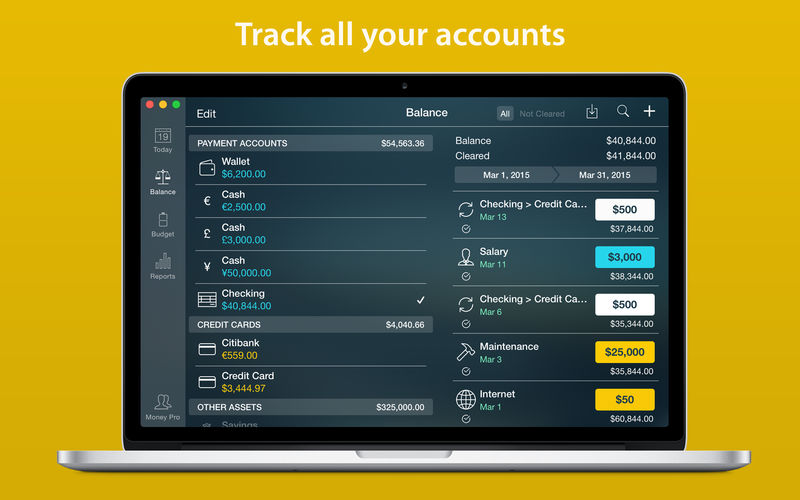
Checkbook register
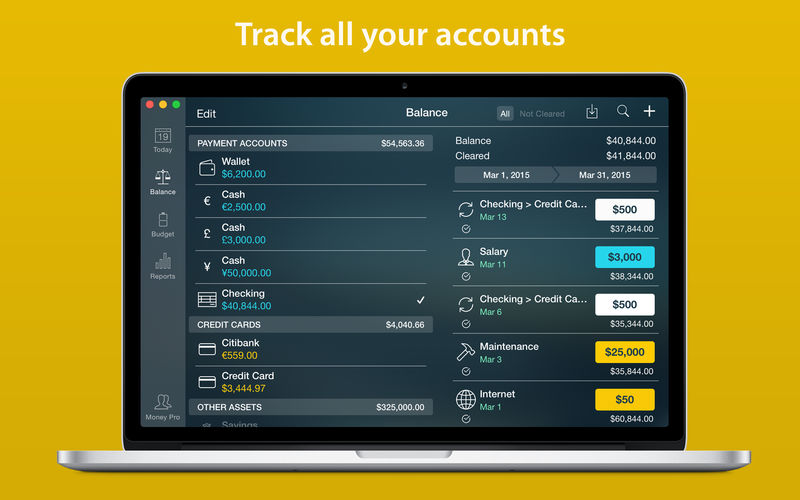
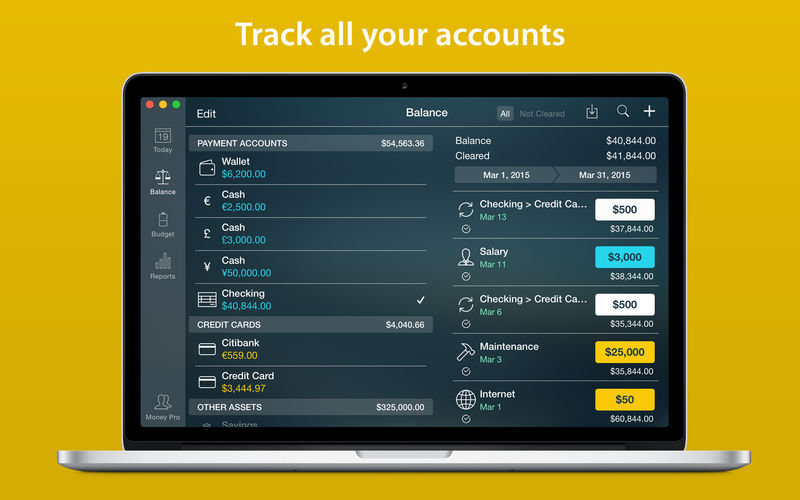
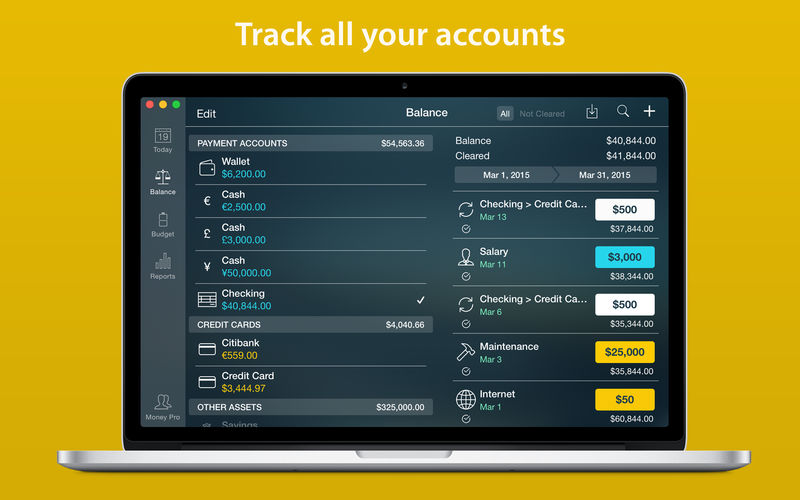
Unlimited number of accounts in one place (checking, savings, credit card, etc).
Setting transactions as recurring or as one-time only.
Balance change history.
Additional fields for organizing your records including payee, description, check #, class (personal/business travel expenses).
Attachment of receipt photos.
Account reconciliation
You can record transactions and clear them later on (reconcile).
Automatically calculated available balance and cleared balance.
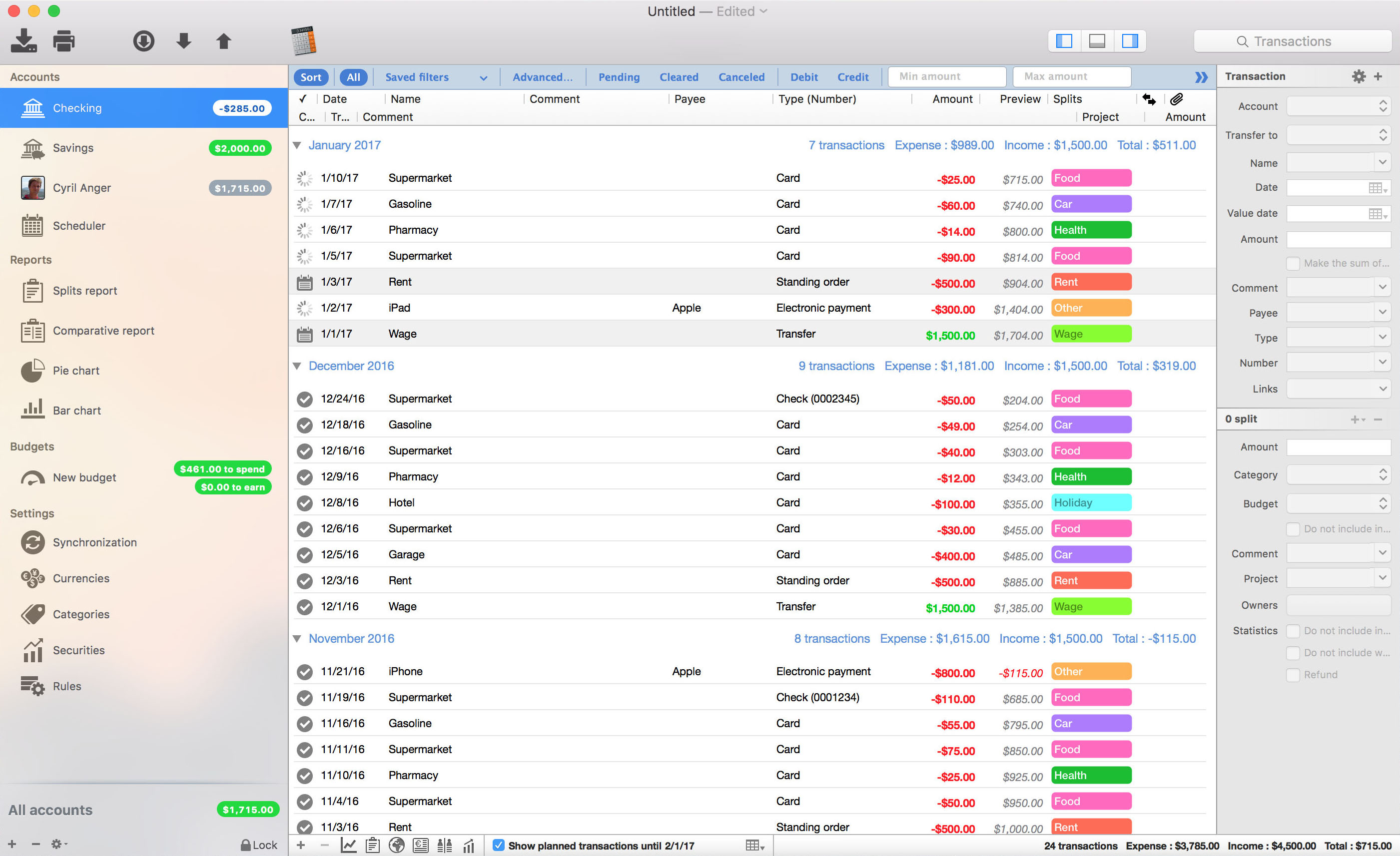
iCompta is an application that lets you manage your accounts with ease. Keep track of your income and expense, schedule your bills, stay in line with your budget and finally know where all your money goes thanks to beautiful charts.
MAIN FEATURES :
– Manage multiple accounts with multiple currencies
– Sort and filter your transactions to make statistics on your income and expense
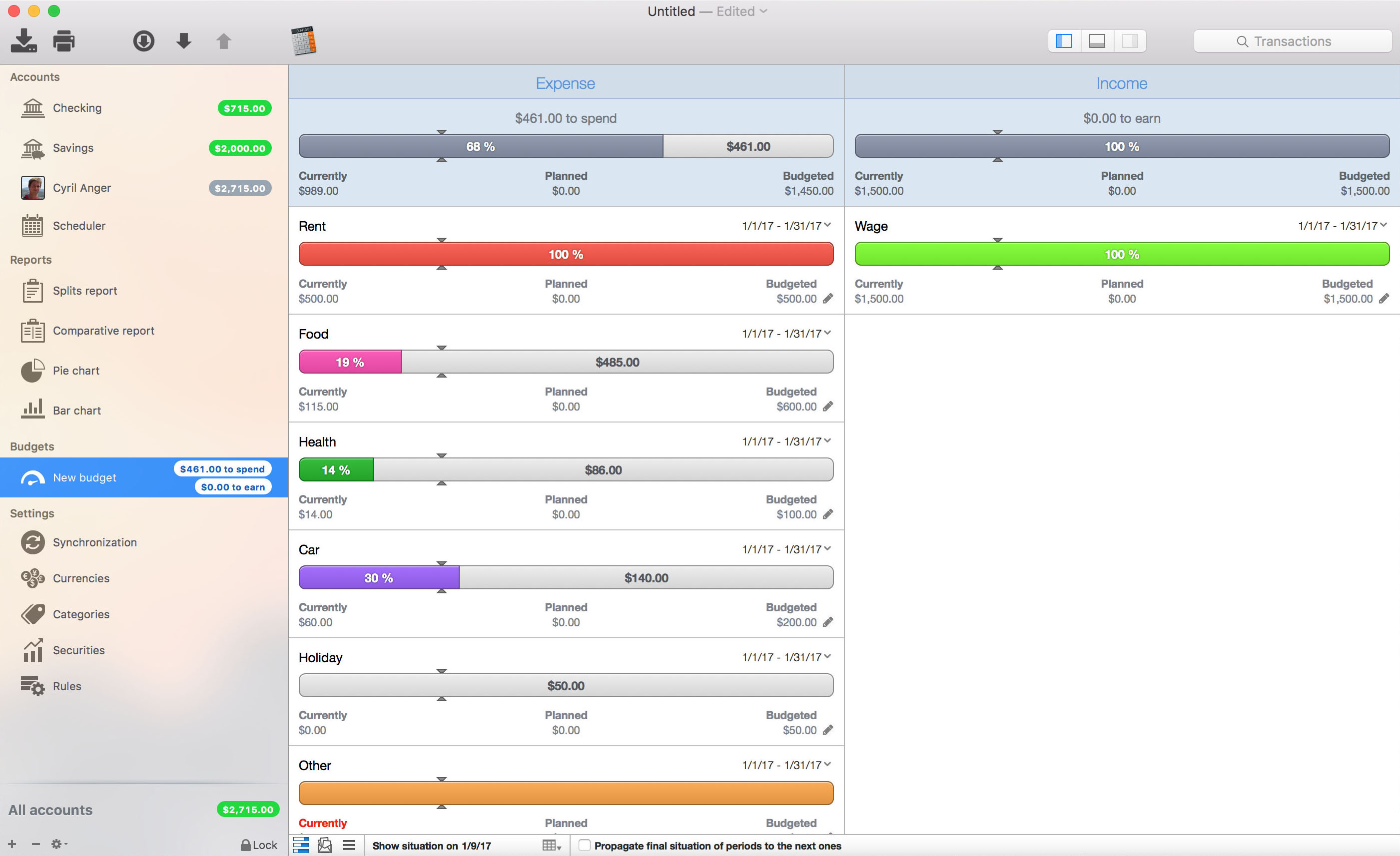
– Keep track of your income and expense thanks to budgets
– Monitor your portfolio
– Manage shared expenses : you can finally know who owes what to who
– Beautiful reports and charts
– Transfers
– Download your transactions from your bank in just one click if your bank supports OFX direct download or with just a few more clicks using the embedded browser
– Easy import / export of transactions in QIF, OFX, CSV, XML and JSON formats
– Full synchronization between iCompta 6 on Mac and iCompta 6 on iPhone / iPad using iCloud, Dropbox or local network
– Modify many transactions at once using batch editing or the powerful rules engine
– Professional features : handle taxes, manage clients and make invoices
– Check transactions on your bank statements to avoid mistakes
– Password protection
Compatibility: macOS 10.10 or later (Apple Silicon compatible) HOMEPAGE:https://icompta-app.com/
GrandTotal is an application to create invoices and estimates based on your own templates. The built-in template editor allows you to adjust your layout to fit your company’s corporate design. GrandTotal works great in conjunction with TimeLog. Using GrandTotal you can create invoices and estimates in the twinkling of an eye and keep track over the outstanding payments. Detailed statistics and graphs give you an insight into the current state of your business and allow comparison to previous periods.
iCompta is an application that lets you manage your accounts with ease. Keep track of your income and expense, schedule your bills, stay in line with your budget and finally know where all your money goes thanks to beautiful charts.
MAIN FEATURES :
– Manage multiple accounts with multiple currencies
– Sort and filter your transactions to make statistics on your income and expense
– Keep track of your income and expense thanks to budgets
– Monitor your portfolio
– Manage shared expenses : you can finally know who owes what to who
– Beautiful reports and charts
– Transfers
– Download your transactions from your bank in just one click if your bank supports OFX direct download or with just a few more clicks using the embedded browser
– Easy import / export of transactions in QIF, OFX, CSV, XML and JSON formats
– Full synchronization between iCompta 6 on Mac and iCompta 6 on iPhone / iPad using iCloud, Dropbox or local network
– Modify many transactions at once using batch editing or the powerful rules engine
– Professional features : handle taxes, manage clients and make invoices
– Check transactions on your bank statements to avoid mistakes
– Password protection
Compatibility: OS X 10.9 or later • Apple Silicon or Intel Core processor HOMEPAGE:https://icompta-app.com/
GrandTotal is an application to create invoices and estimates based on your own templates. The built-in template editor allows you to adjust your layout to fit your company’s corporate design. GrandTotal works great in conjunction with TimeLog. Using GrandTotal you can create invoices and estimates in the twinkling of an eye and keep track over the outstanding payments. Detailed statistics and graphs give you an insight into the current state of your business and allow comparison to previous periods.
Express Accounts is professional business accounting software, perfect for small businesses needing to document and report on incoming and outgoing cash flow including sales, receipts, payments and purchases.
Sales and Accounts Receivable
Track sales and accounts receivable
Automatically record recurring orders and invoices
Accounts receivable & reports update as invoices are paid
Generate professional quotes, sales orders and invoices
Financial Analysis and Reports
Easily generate over 20 essential financial reports at any time
Income Statement (Profit & Loss statement) shows how your business has performed
Balance Sheet shows your current assets and liabilities
Analyze sales by customer, salesperson or item
Financial reports help prepare your tax returns quickly
Accounts Payable
Manage accounts payable and pay bills
Track outgoing payment and purchasing transactions
Generate purchase orders
Create and print checks
Additional Accounting Features
Multiple users with web access within the organization can securely log on and use the program on your network or online
Secure mobile access to the program through the web interface (e.g., iPhone, Android)
Integrates with Inventoria to maintain inventory data across all aspects of your business
Run multiple businesses with a single installation, including businesses operating with different currencies
GrandTotal is an application to create invoices and estimates based on your own templates. The built-in template editor allows you to adjust your layout to fit your company’s corporate design. GrandTotal works great in conjunction with TimeLog. Using GrandTotal you can create invoices and estimates in the twinkling of an eye and keep track over the outstanding payments. Detailed statistics and graphs give you an insight into the current state of your business and allow comparison to previous periods.
GrandTotal is an application to create invoices and estimates based on your own templates. The built-in template editor allows you to adjust your layout to fit your company’s corporate design. GrandTotal works great in conjunction with TimeLog. Using GrandTotal you can create invoices and estimates in the twinkling of an eye and keep track over the outstanding payments. Detailed statistics and graphs give you an insight into the current state of your business and allow comparison to previous periods.
GrandTotal is an application to create invoices and estimates based on your own templates. The built-in template editor allows you to adjust your layout to fit your company’s corporate design. GrandTotal works great in conjunction with TimeLog. Using GrandTotal you can create invoices and estimates in the twinkling of an eye and keep track over the outstanding payments. Detailed statistics and graphs give you an insight into the current state of your business and allow comparison to previous periods.
GrandTotal is an application to create invoices and estimates based on your own templates. The built-in template editor allows you to adjust your layout to fit your company’s corporate design. GrandTotal works great in conjunction with TimeLog. Using GrandTotal you can create invoices and estimates in the twinkling of an eye and keep track over the outstanding payments. Detailed statistics and graphs give you an insight into the current state of your business and allow comparison to previous periods.
GrandTotal is an application to create invoices and estimates based on your own templates. The built-in template editor allows you to adjust your layout to fit your company’s corporate design. GrandTotal works great in conjunction with TimeLog. Using GrandTotal you can create invoices and estimates in the twinkling of an eye and keep track over the outstanding payments. Detailed statistics and graphs give you an insight into the current state of your business and allow comparison to previous periods.
GrandTotal is an application to create invoices and estimates based on your own templates. The built-in template editor allows you to adjust your layout to fit your company’s corporate design. GrandTotal works great in conjunction with TimeLog. Using GrandTotal you can create invoices and estimates in the twinkling of an eye and keep track over the outstanding payments. Detailed statistics and graphs give you an insight into the current state of your business and allow comparison to previous periods.
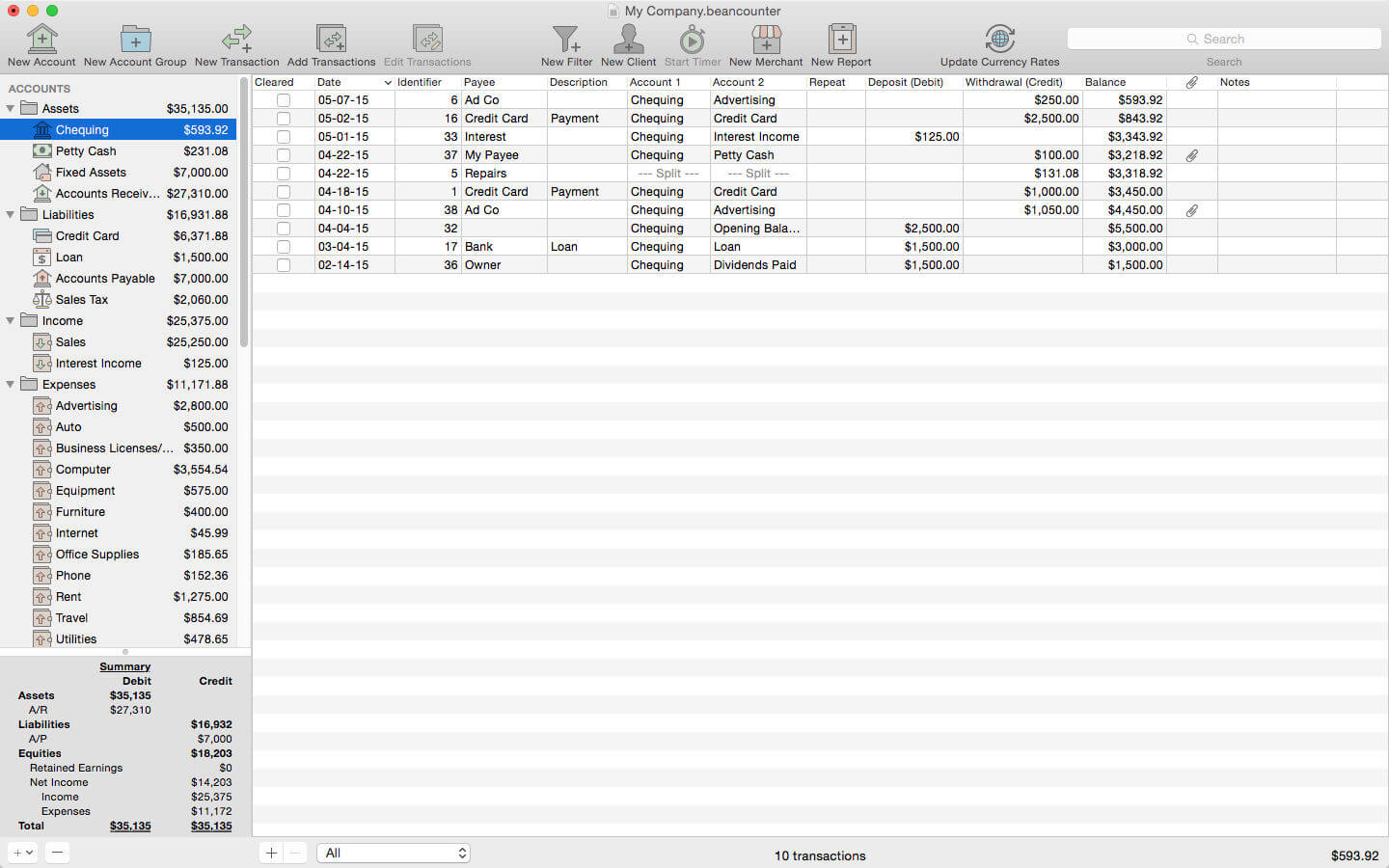
BeanCounter is a powerful yet easy to use professional bookkeeping, time tracking, and invoicing application. It features double-entry accounting, multiple currency support, and a simple one window user interface. Manage accounts, clients, projects, merchants, and bills for an unlimited number of businesses. Stay on top of your business with detailed reports and graphs.
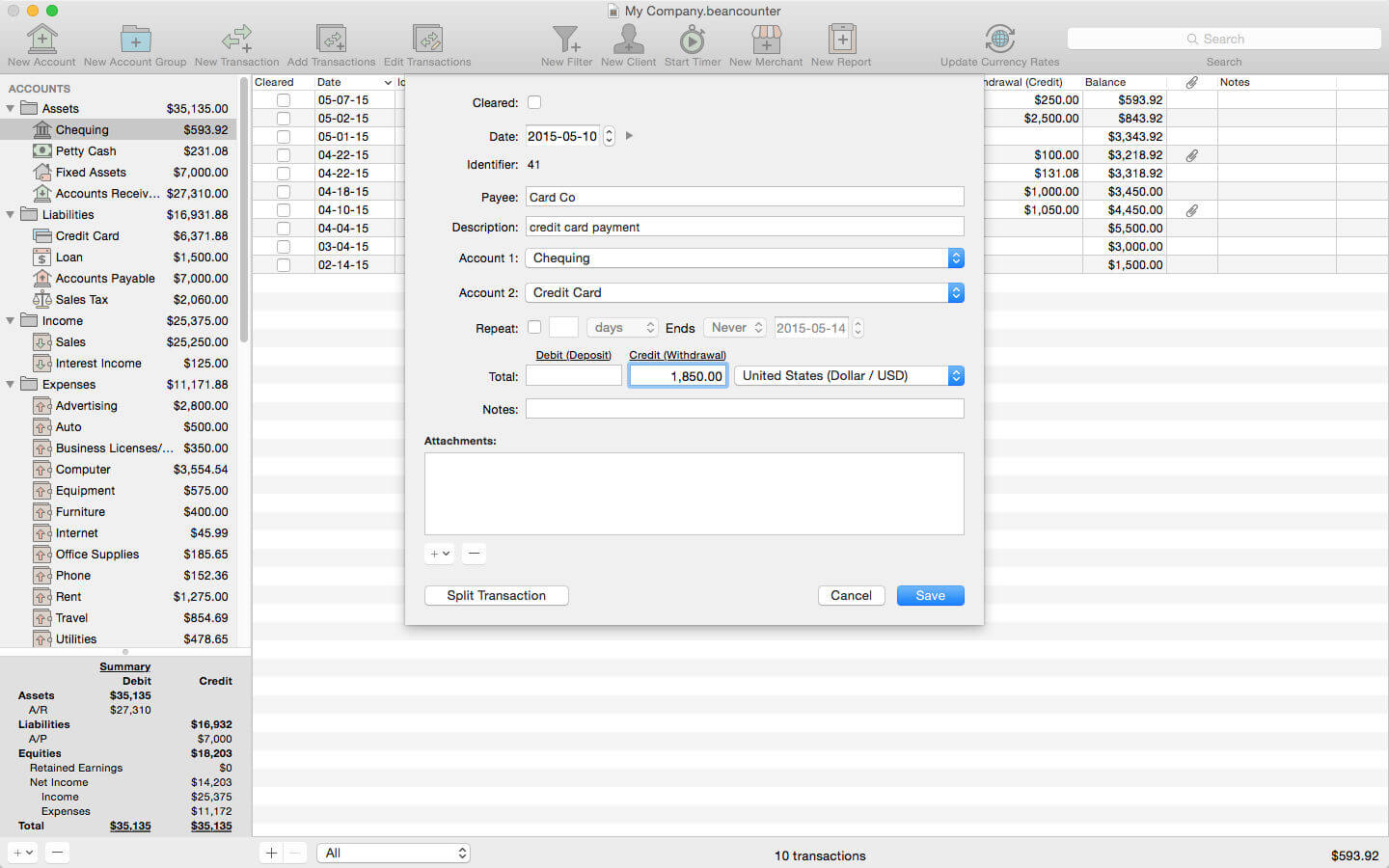
Add new transactions with support for nine types of custom fields and file attachments. Attach photos, scans, voice memos, and files such as receipts, invoices, and other documents to each transaction. Define custom accounting periods and automatically clear down nominal accounts. BeanCounter supports budgets, filters, batch transaction editing, autofill, and split/repeat transactions. Import and export transactions to a variety of file formats.
Track project tasks and expenses for clients. Tasks may be timed (using the included time tracker) or non-timed. Generate customized estimates and invoices itemizing tasks and expenses. Choose from five invoice layouts or design your own custom layout. Keep track of outstanding invoice balances and manage incoming payments.
General:
double-entry, accrual accounting
create an unlimited number of businesses
support for self-proprietorships, partnerships, and corporations
define custom accounting periods
create custom units/currencies
full-screen support
auto save
Accounts:
create 16 types of accounts
set a budget for each account
create complex filters with any combination of transaction fields
advanced search
Transactions:
single and multiple transaction entry forms
multiple currency support
add custom fields (nine types) for local taxes, payment type, completion dates, or anything else
mileage support including start/stop values
attach photos, voice memos, and other files to transactions
split transactions with balance button
create repeating transactions
batch edit transactions
autofill
Merchants:
create merchants for tracking bills and payments
create repeating bills
make payments to multiple bills
Clients:
create clients for managing projects with tasks and expenses
timed tasks with time tracker (application and menulet)
Money Pro is the one place for bill planning, budgeting and keeping track of your accounts. Easy sync with iPhone/iPad versions. Money Pro works great for home budgeting and even for business use.
Calendar
Mark days on the big calendar when your bills are due.
Schedule recurring bills with custom periodicity.
Filter transactions by selecting dates on the calendar.
Today view
Take a quick glance at bills due.
When you actually have a transaction, approve it quickly.
Money Pro predicts transactions for the day that may not have been scheduled manually.
Bills due notifications
A whole system of reminders will alert you of upcoming bills.
Quick rescheduling option will help you deal with bills due (tomorrow, in 3 days, next week).
Budgets
Create budgeted entries, both for your income and expenses, and indicate budget limits for each entry.
You can set different budget limits for every period, which is useful if you plan to reduce your spending gradually month by month.
Start adding every transaction you have, and see progress of each category and the overall progress.
Monitor visual indicators for budget overspending.
Select the category you want to analyze and examine a budget trend chart generated on the fly.
Budget rollover
You can set budgets to transfer the leftover of the current period to the next budget period.
Budget rollover limits your spending automatically if you overspent in previous periods.
Checkbook register
Unlimited number of accounts in one place (checking, savings, credit card, etc).
Setting transactions as recurring or as one-time only.
Balance change history.
Additional fields for organizing your records including payee, description, check #, class (personal/business travel expenses).
Attachment of receipt photos.
Account reconciliation
You can record transactions and clear them later on (reconcile).
Automatically calculated available balance and cleared balance.
GrandTotal is an application to create invoices and estimates based on your own templates. The built-in template editor allows you to adjust your layout to fit your company’s corporate design. GrandTotal works great in conjunction with TimeLog. Using GrandTotal you can create invoices and estimates in the twinkling of an eye and keep track over the outstanding payments. Detailed statistics and graphs give you an insight into the current state of your business and allow comparison to previous periods.
GrandTotal is an application to create invoices and estimates based on your own templates. The built-in template editor allows you to adjust your layout to fit your company’s corporate design. GrandTotal works great in conjunction with TimeLog.
iCompta is an application that lets you manage your accounts with ease. Keep track of your income and expense, schedule your bills, stay in line with your budget and finally know where all your money goes thanks to beautiful charts.
MAIN FEATURES :
– Manage multiple accounts with multiple currencies
– Sort and filter your transactions to make statistics on your income and expense
– Keep track of your income and expense thanks to budgets
– Monitor your portfolio
– Manage shared expenses : you can finally know who owes what to who
– Beautiful reports and charts
– Transfers
– Download your transactions from your bank in just one click if your bank supports OFX direct download or with just a few more clicks using the embedded browser
– Easy import / export of transactions in QIF, OFX, CSV, XML and JSON formats
– Full synchronization between iCompta 6 on Mac and iCompta 6 on iPhone / iPad using iCloud, Dropbox or local network
– Modify many transactions at once using batch editing or the powerful rules engine
– Professional features : handle taxes, manage clients and make invoices
– Check transactions on your bank statements to avoid mistakes
– Password protection
Compatibility: OS X 10.9 or later • Apple Silicon or Intel Core processor HOMEPAGE:https://icompta-app.com/
GrandTotal is an application to create invoices and estimates based on your own templates. The built-in template editor allows you to adjust your layout to fit your company’s corporate design. GrandTotal works great in conjunction with TimeLog.
GrandTotal is an application to create invoices and estimates based on your own templates. The built-in template editor allows you to adjust your layout to fit your company’s corporate design. GrandTotal works great in conjunction with TimeLog.
What’s New:
GrandTotal 8.0
Classic
Added: Cost prices & margin calculation
Added: Number fields can calculate formulas
Added: Markdown like lists in descriptions
Added: Multiple conditions for estimates
Added: Sending mails via SMTP
Added: Sending mails via Gmail
Added: Archiving of company contacts
Added: Fast typing of discounts
Added: Custom rates on documents
Added: Custom numbering on additional documents
Added: Grouping of external documents
Added: Export Cards from client reports
Added: QuickLook previews for work time
Added: Analytics by Project
Added: Send to Accounting
Added: Support for Stripe payments
Added: Customizable mail attachment name
Please note, that most of new Classic feature were already available in the subscriptions
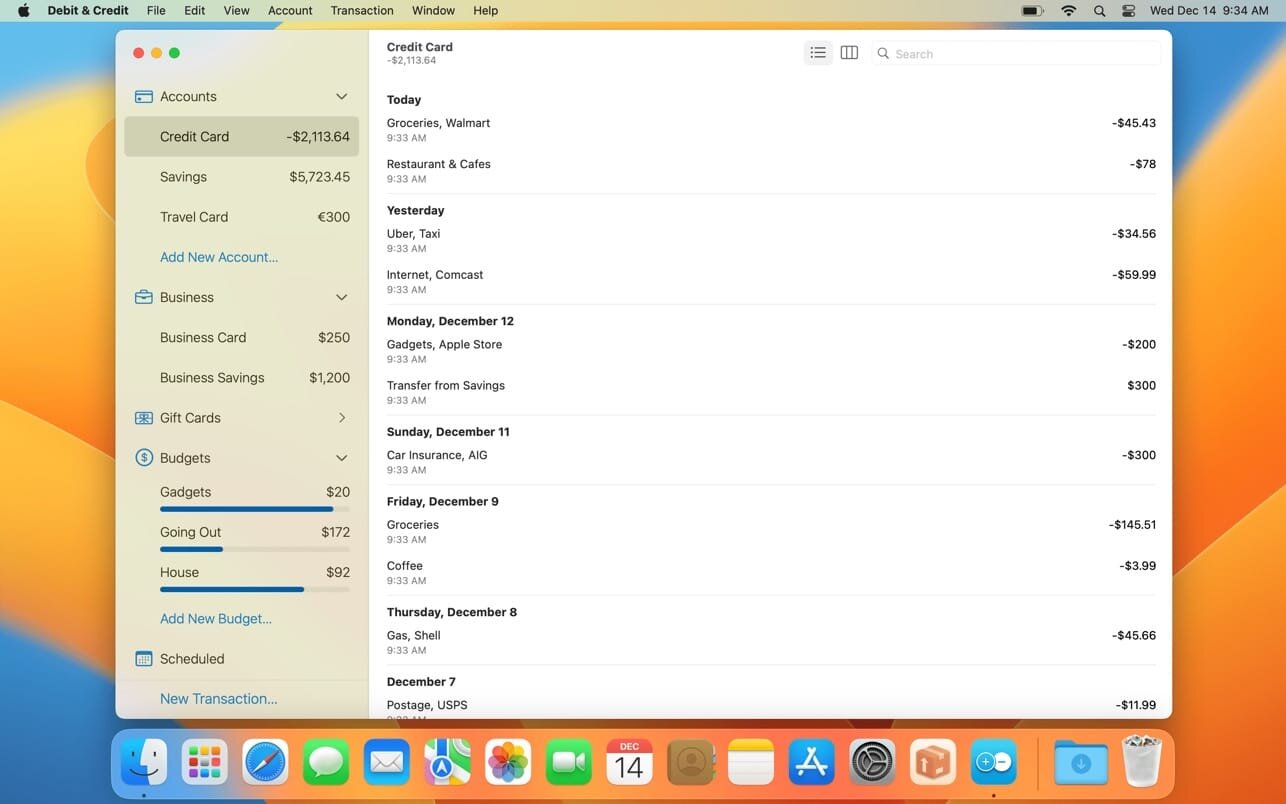
If you are looking for a personal finance app that is convenient, easy to use and at the same time has enough features, then Debit & Credit is the right app for you.
All accounts in one app
Keeping financial records was always a bit of a hassle. But now you can actually enjoy it. See all your accounts in one place and manage your everyday finances.
Super fast
Creating a new transaction now takes a matter of seconds. The app was designed with simplicity and convenience in mind. It will never require you to make dozens of unnecessary steps to accomplish simple tasks.
Companion iOS & Apple Watch app
Debit & Credit has its own app for iPhone and iPad, which you can use to add transactions on the go. It is super convenient and keeps data in sync via iCloud.
Importing data
We know how important it is to be able to import transactions from your financial institutions. That’s why we support CSV, QIF, QMTF, OFX and QFX files. And you can also choose which particular transactions to import from a file, something that not all financial apps know how to do.
Budgets & Scheduled Transactions
Do you want to budget expenses on a particular category? No problems. Do you plan to make a transaction in the future and want to be reminded about it? Consider it done.
Financial Plans
Plan ahead by creating a financial plan for the next year. Compare your performance against it and see your future net wealth.
Reports
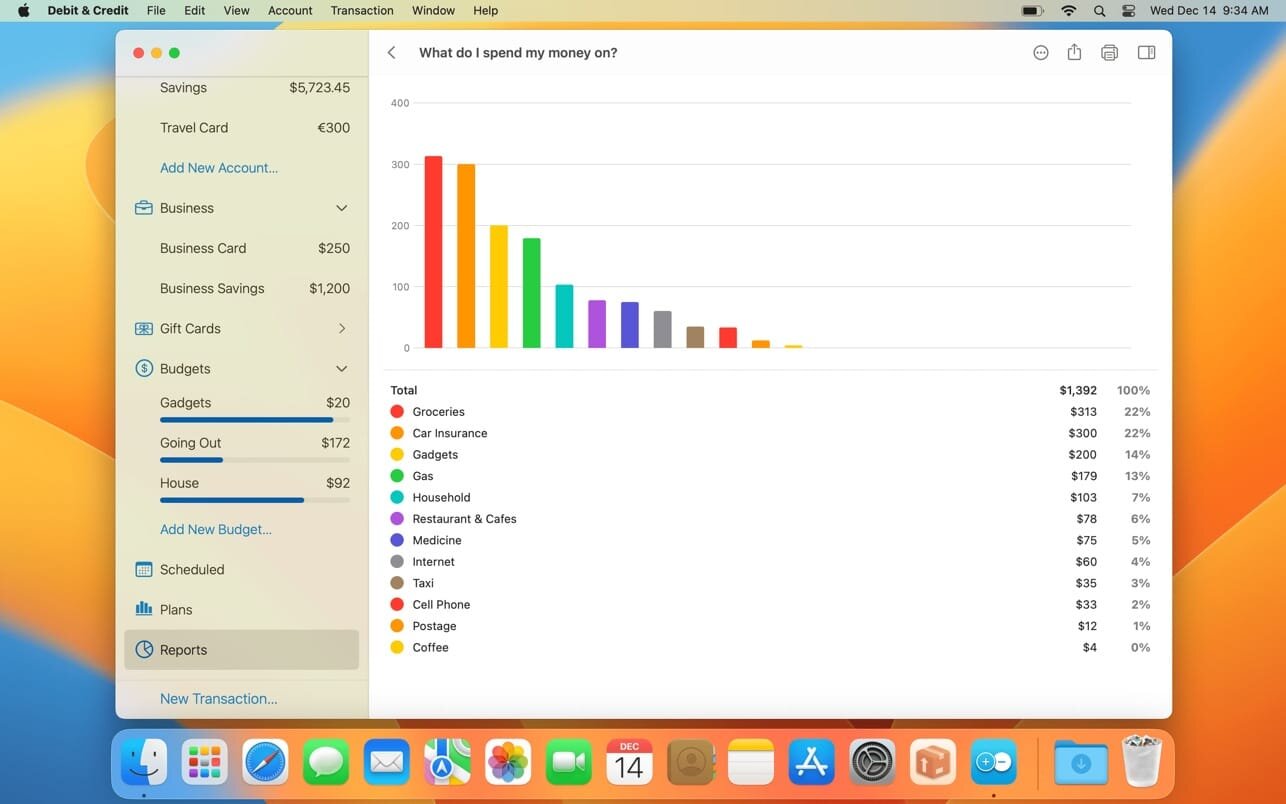
We believe in clean, crisp reports that are easy to read and understand. See where and what do you spend your money on. Other types of reports are available too.
Shared Accounts
Do you want to share some of your accounts with someone else? No problems, you can share selected accounts via iCloud while keeping other accounts private. Great for managing family finances!
Bank reconciliation mode
Sometimes we all need extra help to keep our accounts in shape. You can easily reconcile your accounts with bank statements in the app to eliminate any disparities.
Transaction Attachments
There might be a number of a reasons why you might want to attach files to transactions. You can attach as many files as needed and they will be synced with iCloud. You can even use Continuity Camera to scan documents or take photos with your iPhone and receive them in the Mac app.
Powerful features
Split categories, Touch ID support, pending transactions, transaction export, transaction tags, printing reports and saving them as PDF files – all those and many other features are at your disposal when you need them.
iCloud sync
We will never ask you to create an account or provide any personal details. All data is stored in iCloud, it is not available to anyone except you.
What’s New:
Version 6.0.1
fixed bug when the “How much do I earn compared to my expenses?” report had an incorrect layout
fixed bug when the “How my spending is changing?” report had an incorrect graph when it was broken down by weeks
fixed bug when the “How well do I manage my budges?” report had an incorrect graph when a weekly or daily budget was used
fixed bug when an upcoming scheduled transaction was duplicated after travelling to a different timezone
The best Tip Calculator available in the app store! This is not just an app, it’s a tool for everyday use, everywhere you go!
Efficiently run the numbers to know how much to tip our awesome waitresses, bill amount, and how much it’ll cost while eating out in big or small groups (up to 20 guests). Not just great for restaurants but also coffee shops and anywhere that accepts tips.
FEATURES:
Print out results.
Split the bill amount, supports up to 20 guests.
Split the tip amount among your guests.
Calculates total bill and tip amounts.
Easily share all the details.
Manage the history of all your restaurant experiences. Tip Service Calculator saves everything on your device.
iCompta is an application that lets you manage your accounts with ease. Keep track of your income and expense, schedule your bills, stay in line with your budget and finally know where all your money goes thanks to beautiful charts.
MAIN FEATURES :
– Manage multiple accounts with multiple currencies
– Sort and filter your transactions to make statistics on your income and expense
– Keep track of your income and expense thanks to budgets
– Monitor your portfolio
– Manage shared expenses : you can finally know who owes what to who
– Beautiful reports and charts
– Transfers
– Download your transactions from your bank in just one click if your bank supports OFX direct download or with just a few more clicks using the embedded browser
– Easy import / export of transactions in QIF, OFX, CSV, XML and JSON formats
– Full synchronization between iCompta 6 on Mac and iCompta 6 on iPhone / iPad using iCloud, Dropbox or local network
– Modify many transactions at once using batch editing or the powerful rules engine
– Professional features : handle taxes, manage clients and make invoices
– Check transactions on your bank statements to avoid mistakes
– Password protection
Compatibility: macOS 10.10 or later (Apple Silicon compatible) HOMEPAGE:https://icompta-app.com/
GrandTotal is an application to create invoices and estimates based on your own templates. The built-in template editor allows you to adjust your layout to fit your company’s corporate design. GrandTotal works great in conjunction with TimeLog.
What’s New:
GrandTotal 8.0
Classic
Added: Cost prices & margin calculation
Added: Number fields can calculate formulas
Added: Markdown like lists in descriptions
Added: Multiple conditions for estimates
Added: Sending mails via SMTP
Added: Sending mails via Gmail
Added: Archiving of company contacts
Added: Fast typing of discounts
Added: Custom rates on documents
Added: Custom numbering on additional documents
Added: Grouping of external documents
Added: Export Cards from client reports
Added: QuickLook previews for work time
Added: Analytics by Project
Added: Send to Accounting
Added: Support for Stripe payments
Added: Customizable mail attachment name
Please note, that most of new Classic feature were already available in the subscriptions
GrandTotal is an application to create invoices and estimates based on your own templates. The built-in template editor allows you to adjust your layout to fit your company’s corporate design. GrandTotal works great in conjunction with TimeLog.
What’s New:
GrandTotal 8.0
Classic
Added: Cost prices & margin calculation
Added: Number fields can calculate formulas
Added: Markdown like lists in descriptions
Added: Multiple conditions for estimates
Added: Sending mails via SMTP
Added: Sending mails via Gmail
Added: Archiving of company contacts
Added: Fast typing of discounts
Added: Custom rates on documents
Added: Custom numbering on additional documents
Added: Grouping of external documents
Added: Export Cards from client reports
Added: QuickLook previews for work time
Added: Analytics by Project
Added: Send to Accounting
Added: Support for Stripe payments
Added: Customizable mail attachment name
Please note, that most of new Classic feature were already available in the subscriptions
Money Pro is the one place for bill planning, budgeting and keeping track of your accounts. Easy sync with iPhone/iPad versions. Money Pro works great for home budgeting and even for business use.
Calendar
Mark days on the big calendar when your bills are due.
Schedule recurring bills with custom periodicity.
Filter transactions by selecting dates on the calendar.
Today view
Take a quick glance at bills due.
When you actually have a transaction, approve it quickly.
Money Pro predicts transactions for the day that may not have been scheduled manually.
Bills due notifications
A whole system of reminders will alert you of upcoming bills.
Quick rescheduling option will help you deal with bills due (tomorrow, in 3 days, next week).
Budgets
Create budgeted entries, both for your income and expenses, and indicate budget limits for each entry.
You can set different budget limits for every period, which is useful if you plan to reduce your spending gradually month by month.
Start adding every transaction you have, and see progress of each category and the overall progress.
Monitor visual indicators for budget overspending.
Select the category you want to analyze and examine a budget trend chart generated on the fly.
Budget rollover
You can set budgets to transfer the leftover of the current period to the next budget period.
Budget rollover limits your spending automatically if you overspent in previous periods.
Checkbook register
Unlimited number of accounts in one place (checking, savings, credit card, etc).
Setting transactions as recurring or as one-time only.
Balance change history.
Additional fields for organizing your records including payee, description, check #, class (personal/business travel expenses).
Attachment of receipt photos.
Account reconciliation
You can record transactions and clear them later on (reconcile).
Automatically calculated available balance and cleared balance.
Express Accounts is professional business accounting software, perfect for small businesses needing to document and report on incoming and outgoing cash flow including sales, receipts, payments and purchases.
Sales and Accounts Receivable
Track sales and accounts receivable
Automatically record recurring orders and invoices
Accounts receivable & reports update as invoices are paid
Generate professional quotes, sales orders and invoices
Financial Analysis and Reports
Easily generate over 20 essential financial reports at any time
Income Statement (Profit & Loss statement) shows how your business has performed
Balance Sheet shows your current assets and liabilities
Analyze sales by customer, salesperson or item
Financial reports help prepare your tax returns quickly
Accounts Payable
Manage accounts payable and pay bills
Track outgoing payment and purchasing transactions
Generate purchase orders
Create and print checks
Additional Accounting Features
Multiple users with web access within the organization can securely log on and use the program on your network or online
Secure mobile access to the program through the web interface (e.g., iPhone, Android)
Integrates with Inventoria to maintain inventory data across all aspects of your business
Run multiple businesses with a single installation, including businesses operating with different currencies
GrandTotal is an application to create invoices and estimates based on your own templates. The built-in template editor allows you to adjust your layout to fit your company’s corporate design. GrandTotal works great in conjunction with TimeLog.
GrandTotal is an application to create invoices and estimates based on your own templates. The built-in template editor allows you to adjust your layout to fit your company’s corporate design. GrandTotal works great in conjunction with TimeLog.
GrandTotal is an application to create invoices and estimates based on your own templates. The built-in template editor allows you to adjust your layout to fit your company’s corporate design. GrandTotal works great in conjunction with TimeLog.
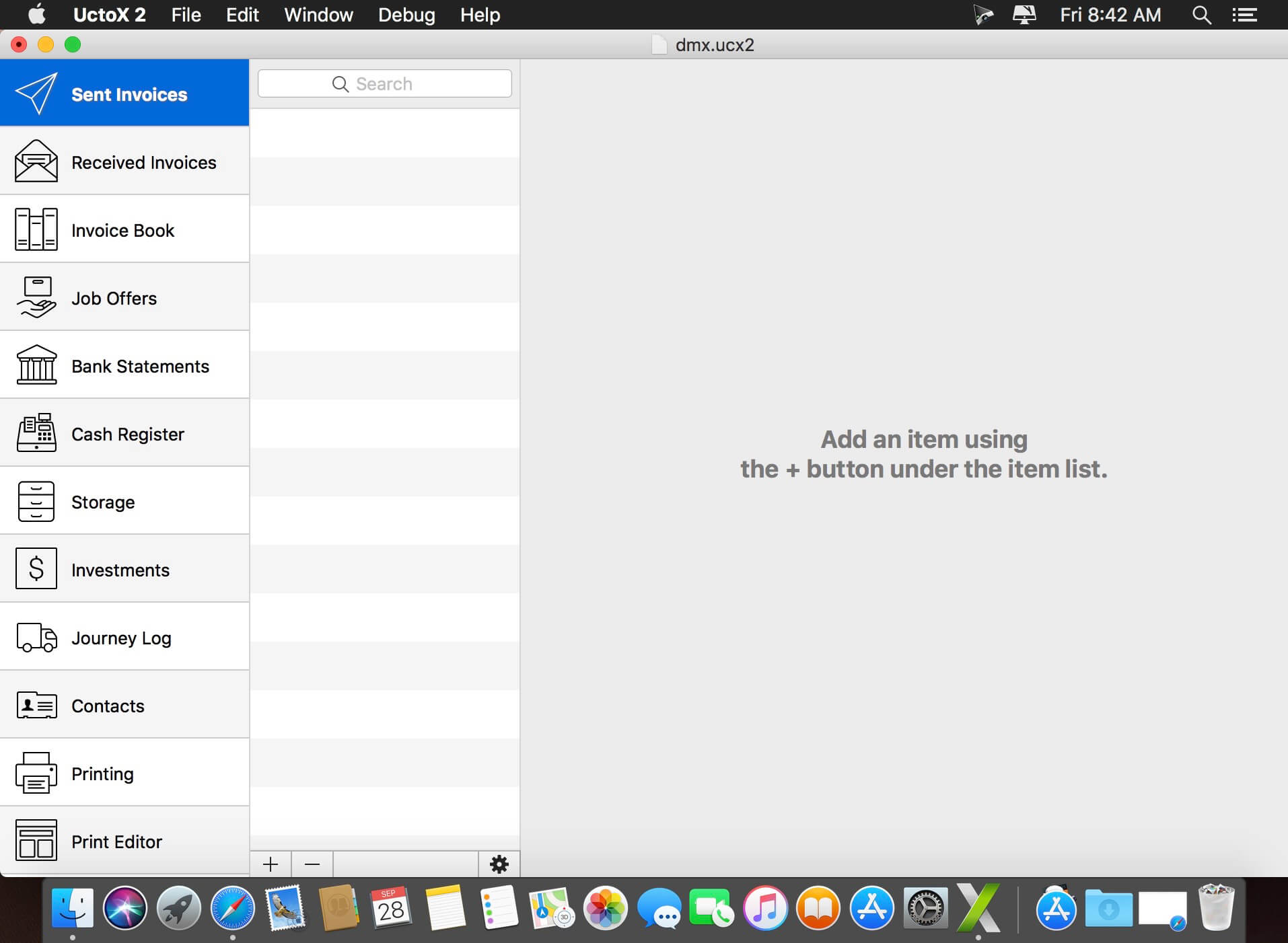
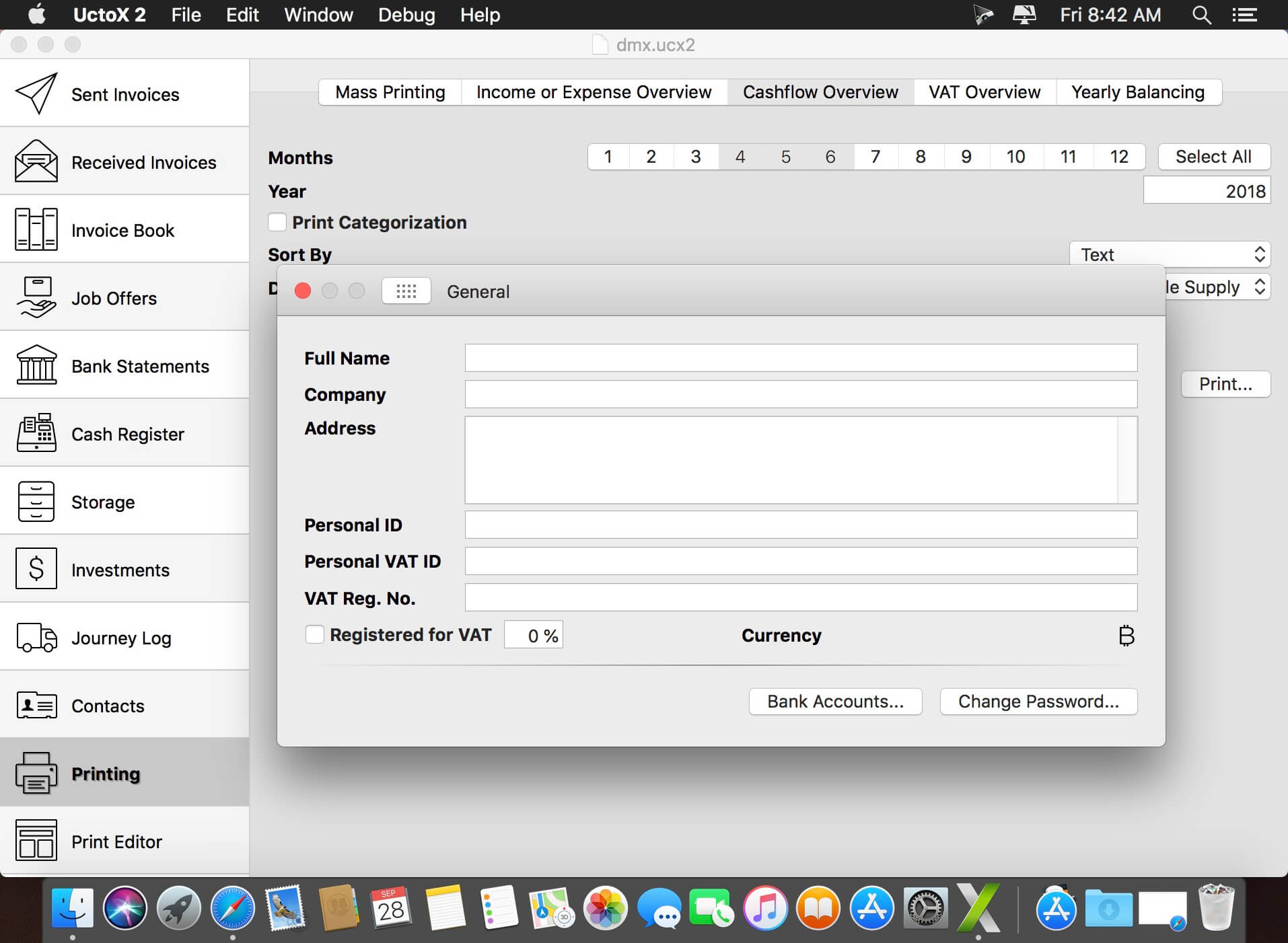
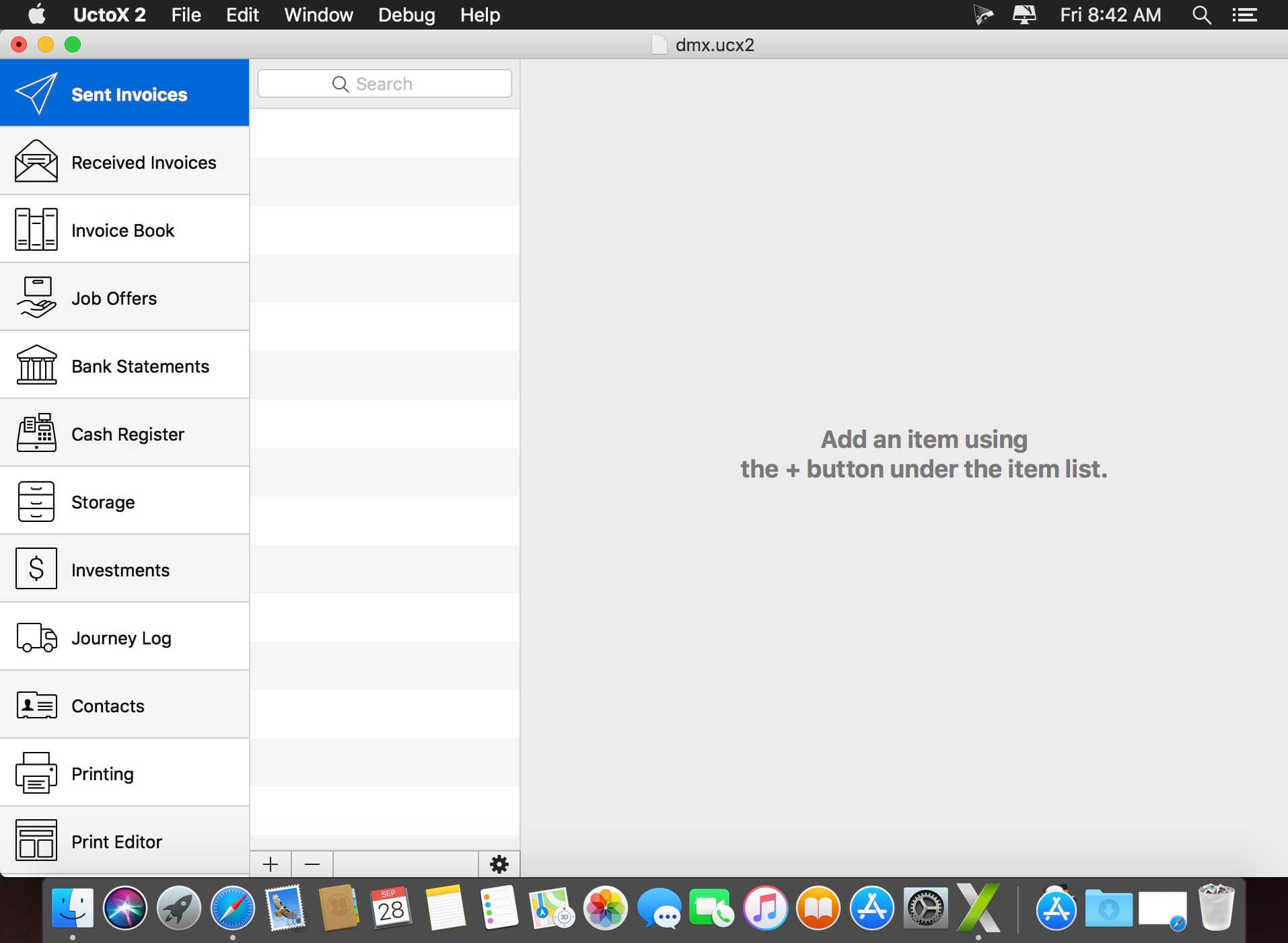
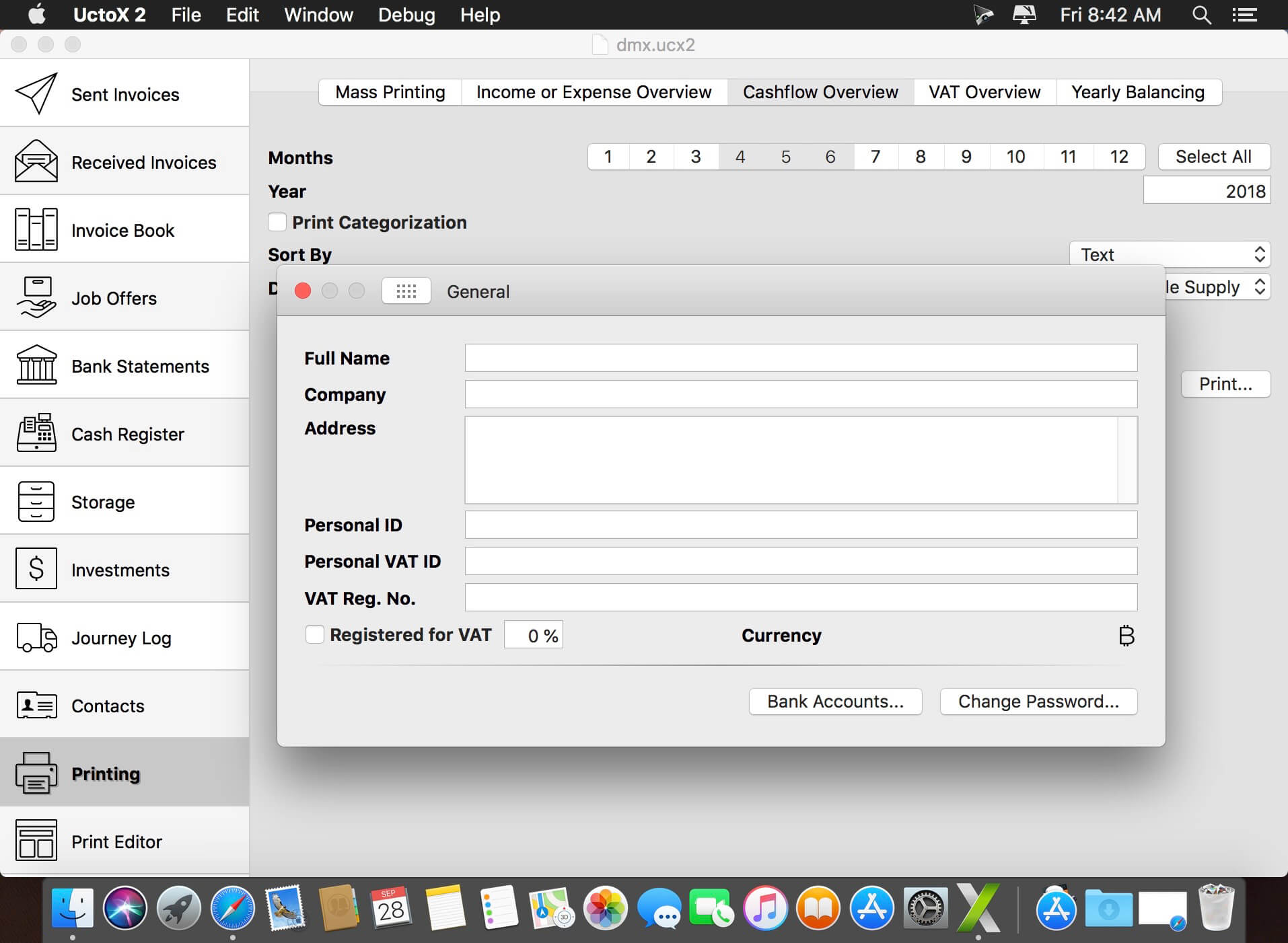
UctoX 2 is a powerful, yet simple-to-use invoicing app – and much more! Unlike other invoicing apps, it also includes features of an accounting app: you can manage your bank statements, cash register, storage, journey log and much more! It comes with 3 built-in print templates, but using the print editor, you can create your own just in a jiffy!
Key Features
Simplicity – UctoX 2 is designed to be used by the user without too much learning. But if you need any help, there’s always a user guide available from the Help menu (macOS) or using the question mark button on main screen (iOS).
iCloud – sync your accounts via iCloud – between all your devices (iOS and macOS).
Customizable – customize the template for printing invoices, bills and other documents just like you’d like.
Give it a whirl! – download a trial version above and try for yourself!
GrandTotal is an application to create invoices and estimates based on your own templates. The built-in template editor allows you to adjust your layout to fit your company’s corporate design. GrandTotal works great in conjunction with TimeLog.
GrandTotal is an application to create invoices and estimates based on your own templates. The built-in template editor allows you to adjust your layout to fit your company’s corporate design. GrandTotal works great in conjunction with TimeLog.
GrandTotal is an application to create invoices and estimates based on your own templates. The built-in template editor allows you to adjust your layout to fit your company’s corporate design. GrandTotal works great in conjunction with TimeLog.
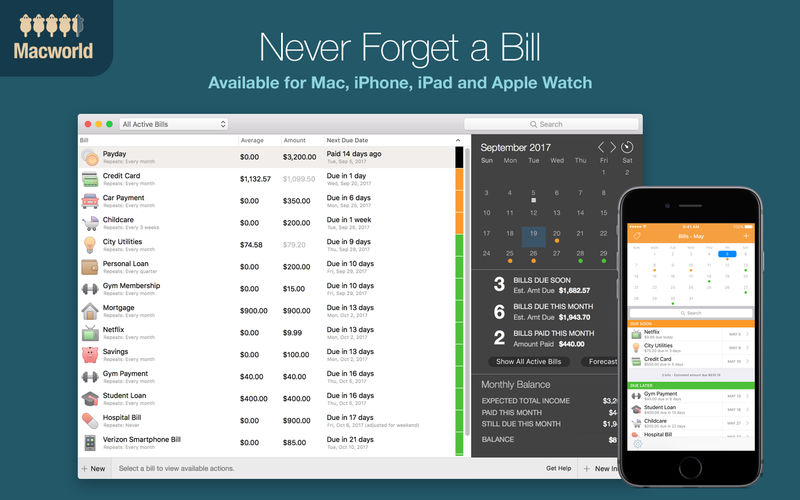
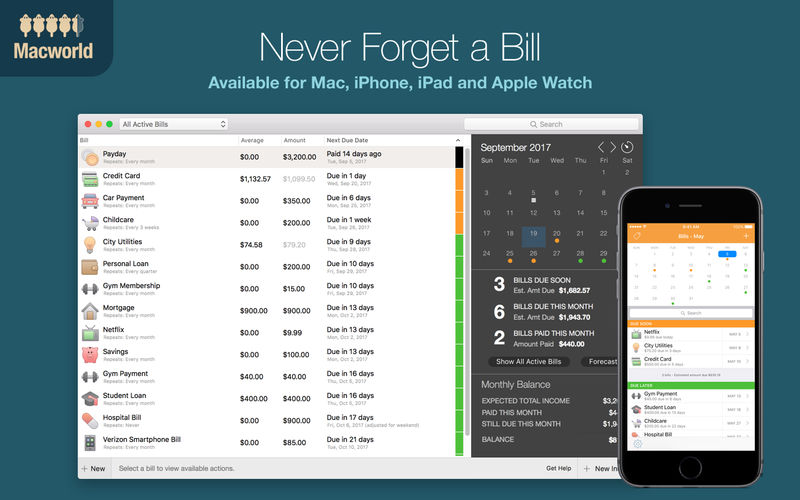
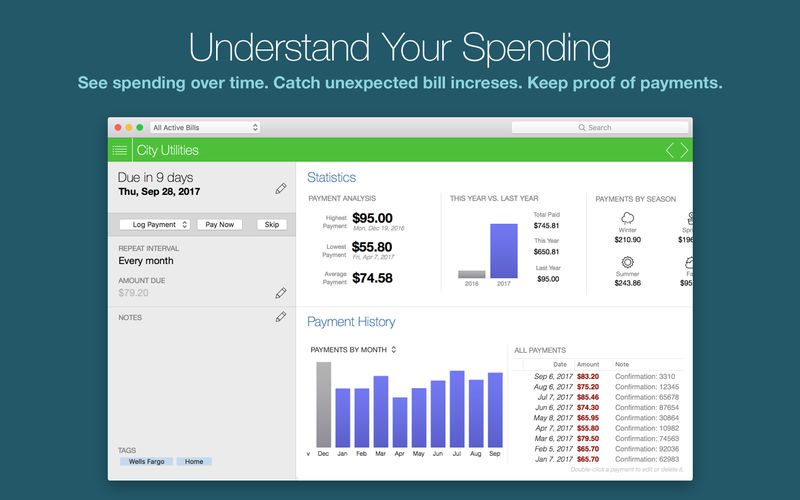
Chronicle Pro is all about eliminating financial surprises and helping you understand your spending. Chronicle reminds you to pay your bills, so you can just enter them once, and never have to worry about them again.
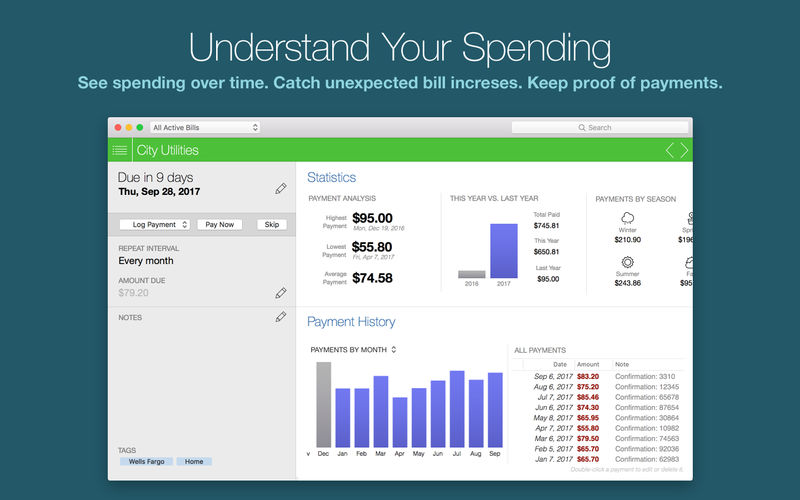
In addition to reminding you to pay your bills, Chronicle keeps track of all your payment history, including confirmation numbers, so you always have proof of payments.
Chronicle Pro takes things even further. Available as an in-app purchase, Chronicle Pro gives you access to all new features of Chronicle as they are updated, on Mac, iPhone and iPad. It allows you to track an unlimited number of bills, plus much more.
Here’s what is currently available features in Chronicle Pro:
Forecast View & Amount to Save
See the future—see what will be due every month for a year in advance, including how much to save every month for bills that repeat less often. For example, you may have an auto insurance bill of $500 that is due every 6 months. Chronicle will calculate that you need to set aside $83.33 each month in order to have enough to pay the bill each time it is due.
Intelligent Estimated Amount Due
Helps you know how much will be due for bills that vary. Using the type of bill, your payment history, and the time of year, Chronicle will intelligently calculate an estimate of how much is due. For example, Chronicle will be able to learn if your electric bills are higher or lower in the winter, and estimate accordingly.
Monthly History & Annual Reports
See your spending month by month, and compare year-over-year spending for each month. On the Mac, you can also see spending for each month.
Chronicle Cloud
Backup your bills to the cloud, sync across all your devices, and share with a partner, spouse or business associate.
Custom Repeat Intervals
Custom repeat intervals allow you to manage bills with less common repeat intervals, and even some irregular intervals, like US Estimated Income Tax Schedules.
Compatibility: macOS 11.0 or later • Apple Silicon or Intel Core processor Homepagehttp://chronicleapp.com
Chronicle Pro is all about eliminating financial surprises and helping you understand your spending. Chronicle reminds you to pay your bills, so you can just enter them once, and never have to worry about them again.
In addition to reminding you to pay your bills, Chronicle keeps track of all your payment history, including confirmation numbers, so you always have proof of payments.
Chronicle Pro takes things even further. Available as an in-app purchase, Chronicle Pro gives you access to all new features of Chronicle as they are updated, on Mac, iPhone and iPad. It allows you to track an unlimited number of bills, plus much more.
Here’s what is currently available features in Chronicle Pro:
Forecast View & Amount to Save
See the future—see what will be due every month for a year in advance, including how much to save every month for bills that repeat less often. For example, you may have an auto insurance bill of $500 that is due every 6 months. Chronicle will calculate that you need to set aside $83.33 each month in order to have enough to pay the bill each time it is due.
Intelligent Estimated Amount Due
Helps you know how much will be due for bills that vary. Using the type of bill, your payment history, and the time of year, Chronicle will intelligently calculate an estimate of how much is due. For example, Chronicle will be able to learn if your electric bills are higher or lower in the winter, and estimate accordingly.
Monthly History & Annual Reports
See your spending month by month, and compare year-over-year spending for each month. On the Mac, you can also see spending for each month.
Chronicle Cloud
Backup your bills to the cloud, sync across all your devices, and share with a partner, spouse or business associate.
Custom Repeat Intervals
Custom repeat intervals allow you to manage bills with less common repeat intervals, and even some irregular intervals, like US Estimated Income Tax Schedules.
Compatibility: macOS 11.0 or later • Apple Silicon or Intel Core processor Homepagehttp://chronicleapp.com
UctoX 2 is a powerful, yet simple-to-use invoicing app – and much more! Unlike other invoicing apps, it also includes features of an accounting app: you can manage your bank statements, cash register, storage, journey log and much more! It comes with 3 built-in print templates, but using the print editor, you can create your own just in a jiffy!
Key Features
Simplicity – UctoX 2 is designed to be used by the user without too much learning. But if you need any help, there’s always a user guide available from the Help menu (macOS) or using the question mark button on main screen (iOS).
iCloud – sync your accounts via iCloud – between all your devices (iOS and macOS).
Customizable – customize the template for printing invoices, bills and other documents just like you’d like.
Give it a whirl! – download a trial version above and try for yourself!
GrandTotal is an application to create invoices and estimates based on your own templates. The built-in template editor allows you to adjust your layout to fit your company’s corporate design. GrandTotal works great in conjunction with TimeLog.
Money Pro is the one place for bill planning, budgeting and keeping track of your accounts. Easy sync with iPhone/iPad versions. Money Pro works great for home budgeting and even for business use.
Calendar
Mark days on the big calendar when your bills are due.
Schedule recurring bills with custom periodicity.
Filter transactions by selecting dates on the calendar.
Today view
Take a quick glance at bills due.
When you actually have a transaction, approve it quickly.
Money Pro predicts transactions for the day that may not have been scheduled manually.
Bills due notifications
A whole system of reminders will alert you of upcoming bills.
Quick rescheduling option will help you deal with bills due (tomorrow, in 3 days, next week).
Budgets
Create budgeted entries, both for your income and expenses, and indicate budget limits for each entry.
You can set different budget limits for every period, which is useful if you plan to reduce your spending gradually month by month.
Start adding every transaction you have, and see progress of each category and the overall progress.
Monitor visual indicators for budget overspending.
Select the category you want to analyze and examine a budget trend chart generated on the fly.
Budget rollover
You can set budgets to transfer the leftover of the current period to the next budget period.
Budget rollover limits your spending automatically if you overspent in previous periods.
Checkbook register
Unlimited number of accounts in one place (checking, savings, credit card, etc).
Setting transactions as recurring or as one-time only.
Balance change history.
Additional fields for organizing your records including payee, description, check #, class (personal/business travel expenses).
Attachment of receipt photos.
Account reconciliation
You can record transactions and clear them later on (reconcile).
Automatically calculated available balance and cleared balance.
Money Pro is the one place for bill planning, budgeting and keeping track of your accounts. Easy sync with iPhone/iPad versions. Money Pro works great for home budgeting and even for business use.
Calendar
Mark days on the big calendar when your bills are due.
Schedule recurring bills with custom periodicity.
Filter transactions by selecting dates on the calendar.
Today view
Take a quick glance at bills due.
When you actually have a transaction, approve it quickly.
Money Pro predicts transactions for the day that may not have been scheduled manually.
Bills due notifications
A whole system of reminders will alert you of upcoming bills.
Quick rescheduling option will help you deal with bills due (tomorrow, in 3 days, next week).
Budgets
Create budgeted entries, both for your income and expenses, and indicate budget limits for each entry.
You can set different budget limits for every period, which is useful if you plan to reduce your spending gradually month by month.
Start adding every transaction you have, and see progress of each category and the overall progress.
Monitor visual indicators for budget overspending.
Select the category you want to analyze and examine a budget trend chart generated on the fly.
Budget rollover
You can set budgets to transfer the leftover of the current period to the next budget period.
Budget rollover limits your spending automatically if you overspent in previous periods.
Checkbook register
Unlimited number of accounts in one place (checking, savings, credit card, etc).
Setting transactions as recurring or as one-time only.
Balance change history.
Additional fields for organizing your records including payee, description, check #, class (personal/business travel expenses).
Attachment of receipt photos.
Account reconciliation
You can record transactions and clear them later on (reconcile).
Automatically calculated available balance and cleared balance.
GrandTotal is an application to create invoices and estimates based on your own templates. The built-in template editor allows you to adjust your layout to fit your company’s corporate design. GrandTotal works great in conjunction with TimeLog.
GrandTotal is an application to create invoices and estimates based on your own templates. The built-in template editor allows you to adjust your layout to fit your company’s corporate design. GrandTotal works great in conjunction with TimeLog.
GrandTotal is an application to create invoices and estimates based on your own templates. The built-in template editor allows you to adjust your layout to fit your company’s corporate design. GrandTotal works great in conjunction with TimeLog.
GrandTotal is an application to create invoices and estimates based on your own templates. The built-in template editor allows you to adjust your layout to fit your company’s corporate design. GrandTotal works great in conjunction with TimeLog.
GrandTotal is an application to create invoices and estimates based on your own templates. The built-in template editor allows you to adjust your layout to fit your company’s corporate design. GrandTotal works great in conjunction with TimeLog.
GrandTotal is an application to create invoices and estimates based on your own templates. The built-in template editor allows you to adjust your layout to fit your company’s corporate design. GrandTotal works great in conjunction with TimeLog.
Money Pro is the one place for bill planning, budgeting and keeping track of your accounts. Easy sync with iPhone/iPad versions. Money Pro works great for home budgeting and even for business use.
Calendar
Mark days on the big calendar when your bills are due.
Schedule recurring bills with custom periodicity.
Filter transactions by selecting dates on the calendar.
Today view
Take a quick glance at bills due.
When you actually have a transaction, approve it quickly.
Money Pro predicts transactions for the day that may not have been scheduled manually.
Bills due notifications
A whole system of reminders will alert you of upcoming bills.
Quick rescheduling option will help you deal with bills due (tomorrow, in 3 days, next week).
Budgets
Create budgeted entries, both for your income and expenses, and indicate budget limits for each entry.
You can set different budget limits for every period, which is useful if you plan to reduce your spending gradually month by month.
Start adding every transaction you have, and see progress of each category and the overall progress.
Monitor visual indicators for budget overspending.
Select the category you want to analyze and examine a budget trend chart generated on the fly.
Budget rollover
You can set budgets to transfer the leftover of the current period to the next budget period.
Budget rollover limits your spending automatically if you overspent in previous periods.
Checkbook register
Unlimited number of accounts in one place (checking, savings, credit card, etc).
Setting transactions as recurring or as one-time only.
Balance change history.
Additional fields for organizing your records including payee, description, check #, class (personal/business travel expenses).
Attachment of receipt photos.
Account reconciliation
You can record transactions and clear them later on (reconcile).
Automatically calculated available balance and cleared balance.