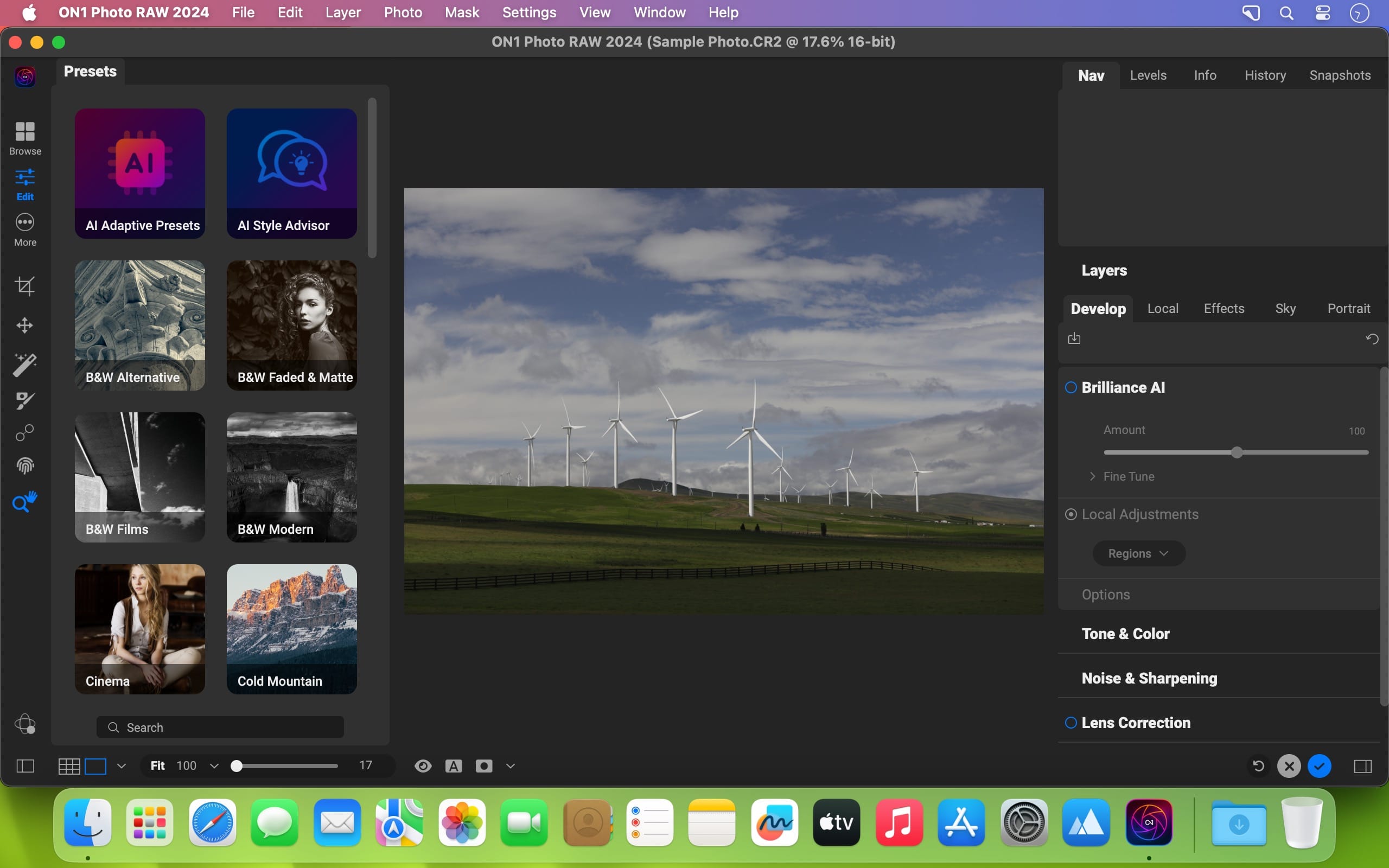
ON1 Resize AI 2026.1 v20.1.0.17740

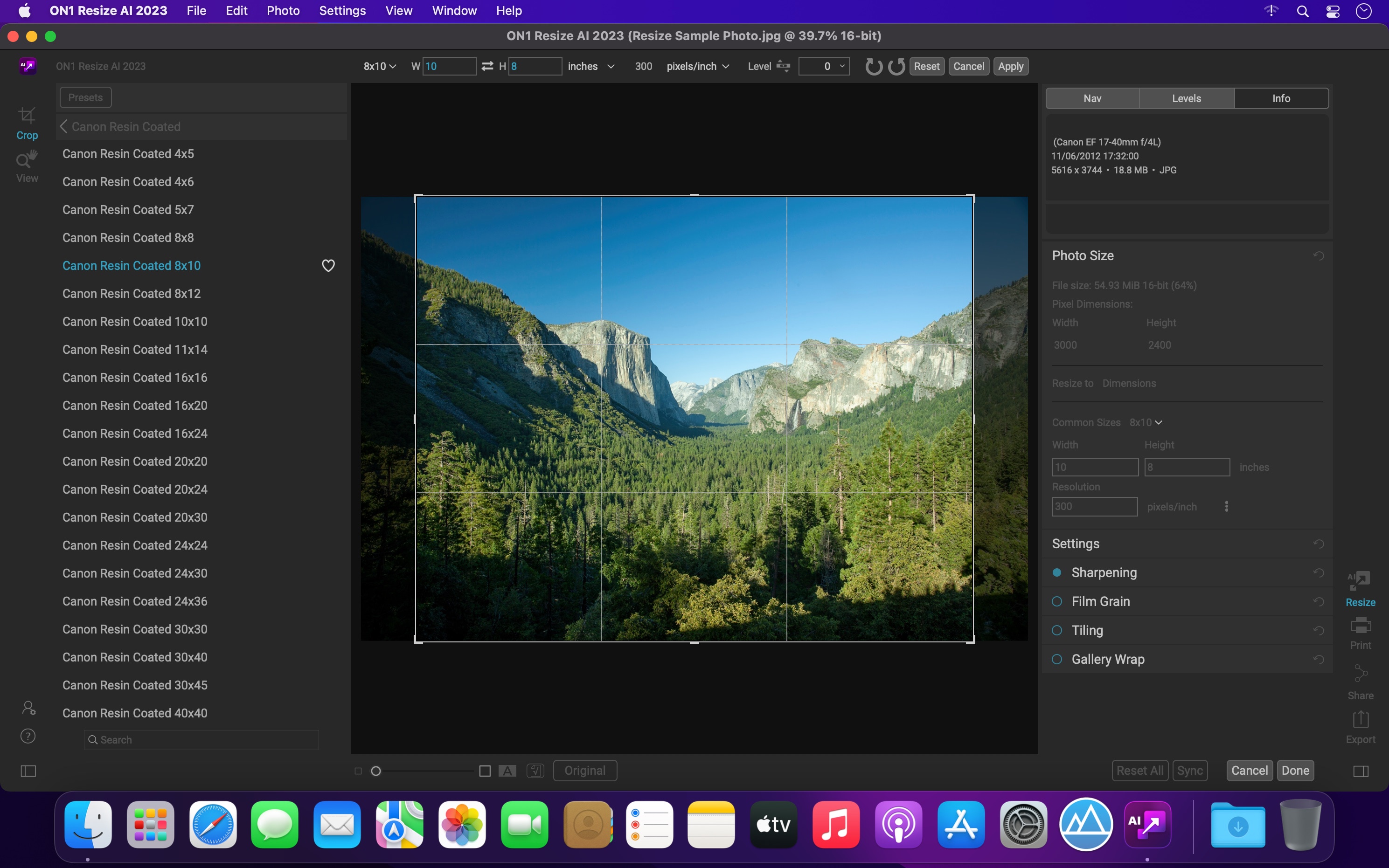
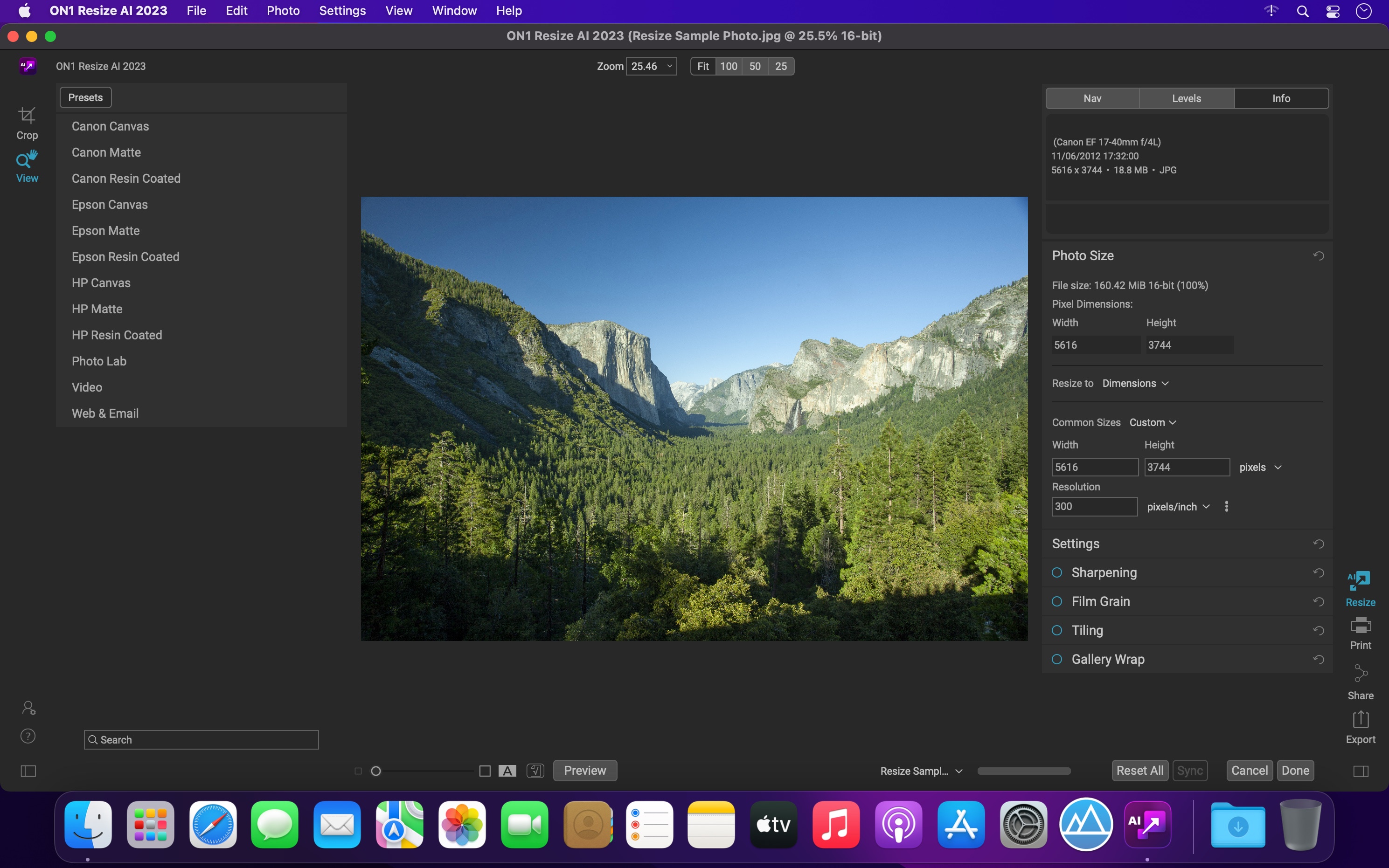
ON1 Resize AI 2026 is the industry-leading image resizer software for creating stunning, high-quality photo enlargements. Powered by advanced super-resolution AI, it allows photographers to enlarge images up to 10x while maintaining—and even enhancing—fine detail, sharpness, and edge clarity. Whether you’re preparing prints, enlarging crops, upscaling AI generated images,or restoring old images, Resize AI delivers unmatched results without artifacts or blurring.

New Highest Quality Model
A next-gen AI model using diffusion to rebuild lost detail with stunning realism. Perfect for ultra-sharp enlargements, tight crops, and gallery-quality results from even the smallest images.
Perfect for: Cropped or low-res images, high-end printing and fine art enlargements, reconstructing fine texture and edge detail with realism

New Standard Model
A high-speed AI model designed for clean, reliable results—perfect for low-quality or noisy images. Optimized for large batch jobs and smooth performance, even on older or less powerful GPUs.
Perfect for: Large batch jobs, high-ISO or compressed files, systems with limited graphics power

New Photo Input Options
By choosing the type of photo you’re enlarging—standard, or high quality—Resize AI can automatically suggest the ideal AI model to get the best upscaling results.

Photo enlargement software should deliver the highest quality photo prints. ON1 Resize AI excels at making prints using state-of-the-art technology. You can enlarge your images to any size and not lose sharpness or details in your prints.

Resize a single image or batch process hundreds with sharp, high-quality results using powerful export presets—ideal for high-volume workflows. It’s all possible with this incredible photo enlargement software.

What’s New:

Version 2026.1 v20.1.0.17740:

  • Release notes were unavailable when this listing was updated.

Compatibility: macOS 13.0 or later
Homepage https://www.on1.co

Screenshots

Name: ON1_Resize_AI_2026.1_v20.1.0.17740_Mac-torrents.Net.dmg
Size: 563 MB
Files ON1_Resize_AI_2026.1_v20.1.0.17740_Mac-torrents.Net.dmg[563 MB]


   Download Torrent

Audio Hijack 4.5.6

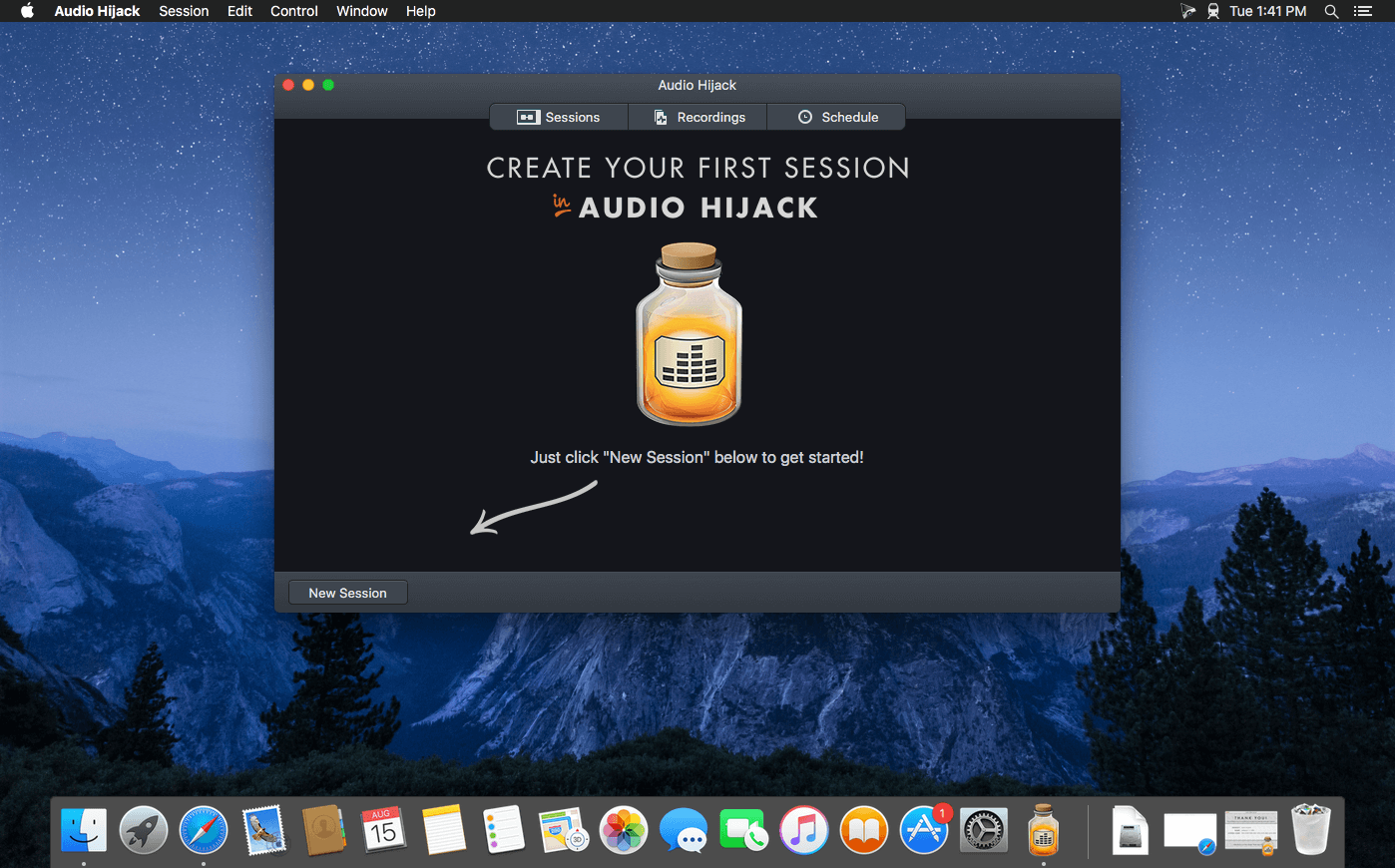
If you can hear it, you can record it – Record any application’s audio, including VoIP calls from Skype, web streams from Safari, and much more. Save audio from hardware devices like microphones and mixers as well. You can even record all the audio heard on your Mac at once! If you can hear it, Audio Hijack can record it.

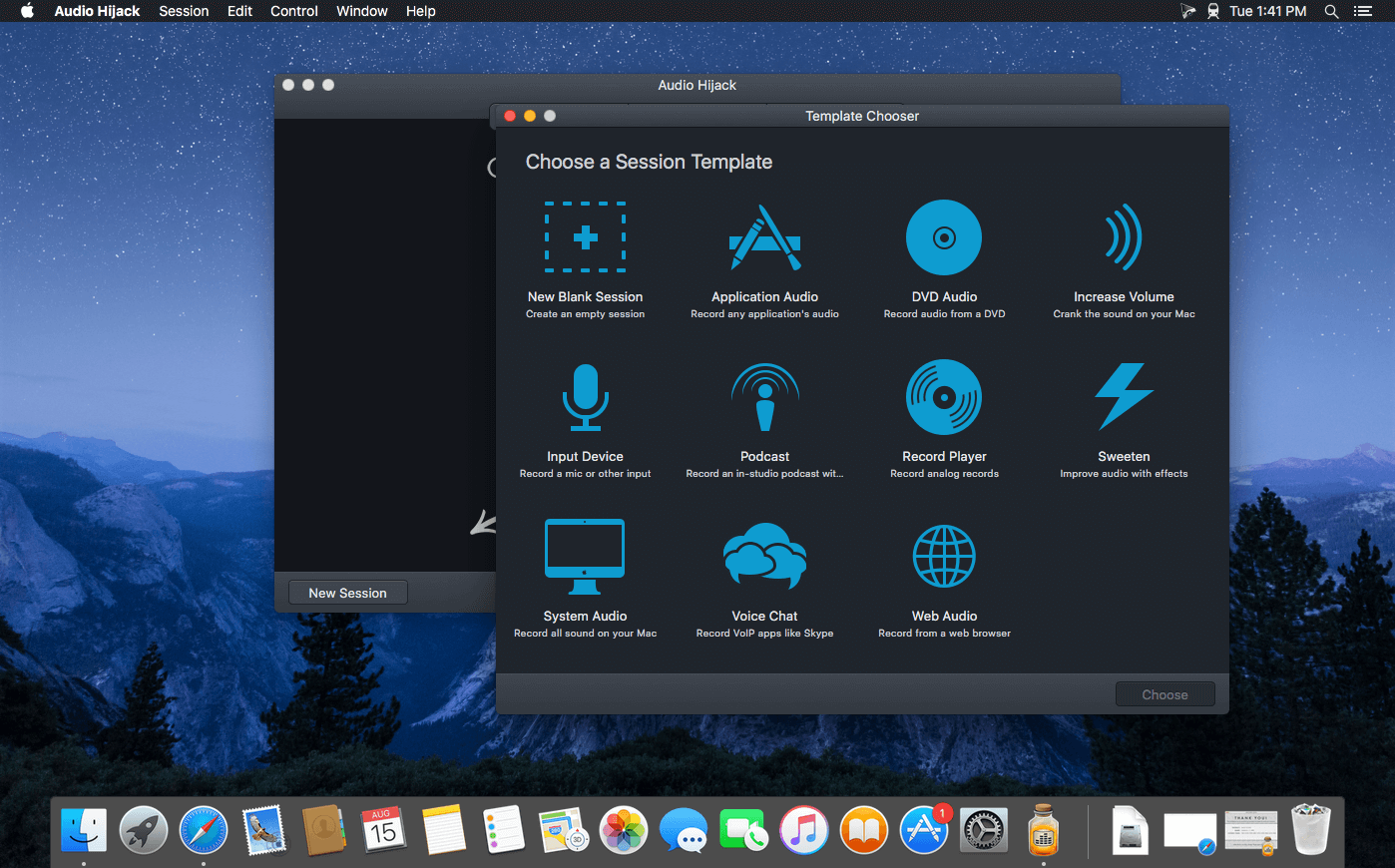
Application Audio
Set any application as your source in Audio Hijack, then hit the record button to save its audio!

Device Audio
Audio Hijack can also capture and record audio from microphones, mixers, and other input devices.

All System Audio
Use the System Audio source to capture all the audio heard on your Mac at once.

More Great Features

Record to All Major Formats
Record to the world’s most popular audio formats, including MP3 and AAC, or save in perfect-fidelity AIFF, WAV, ALAC or FLAC.

Reusable Sessions
Once you’ve configured a Session to your liking, you can re-use it over and over. With one click, you’ll be recording exactly as desired.

Easy File Organization
Find all of your recordings sorted by Session in the Recordings tab, where you can quickly pass files to an audio editor, add them to iTunes, or share them.

Timed Recordings
Use the Schedule tab to set up timed recordings for when you’re not around. Your audio will be waiting for you when you return.

Silence Monitoring
When silence is detected, Audio Hijack can automatically stop recording, split to a new file, or remove audio.

Bulletproof Recording
Bulletproof recording means that even if the power goes out or your computer crashes, you’ll never lose a recording.

A Thoughtful Interface
Audio Hijack’s intuitive audio grid provides a terrific pipeline-style view of exactly how your audio flows, so you can easily understand it.

Gorgeous Audio Effects
The included audio effects are easy to use and easy on the eyes. Their functionality is now accessible to all.

Time Shift Your Audio
Now you can pause, delay, and rewind live audio on your Mac. It’s perfect for transcribing audio and more!

What’s New:

Audio Hijack 4.5.5:

  • Audio captured from VOIP applications, as well as any applications manually set to capture all devices, will no longer result in doubled audio. This fixes a regression introduced in 4.5.4.
  • Audio Hijack 4.5.5 Is for MacOS 14.4 and Higher
    This variant of Audio Hijack supports MacOS 14.4 and higher. On MacOS 11 through 14.3.1, a different variant is automatically used, with no action required on your part.

Compatibility: macOS 14.4 to 26
Homepage https://www.rogueamoeba.com/audiohijack/

Screenshots


Name: Audio_Hijack_4.5.6_Mac-torrents.Net.dmg
Size: 28 MB
Files Audio_Hijack_4.5.6_Mac-torrents.Net.dmg[28 MB]


   Download Torrent

Typora 1.12.4

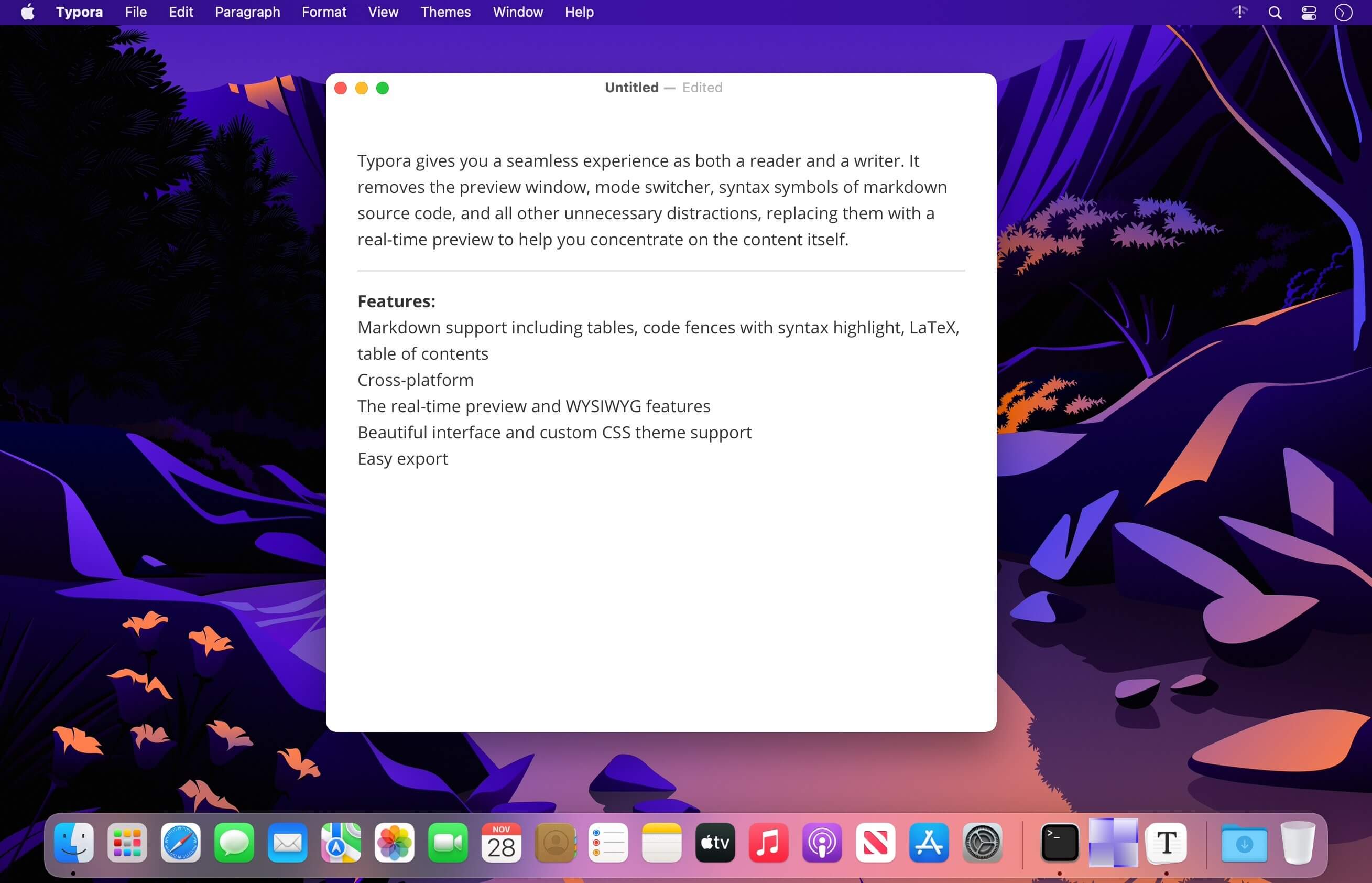
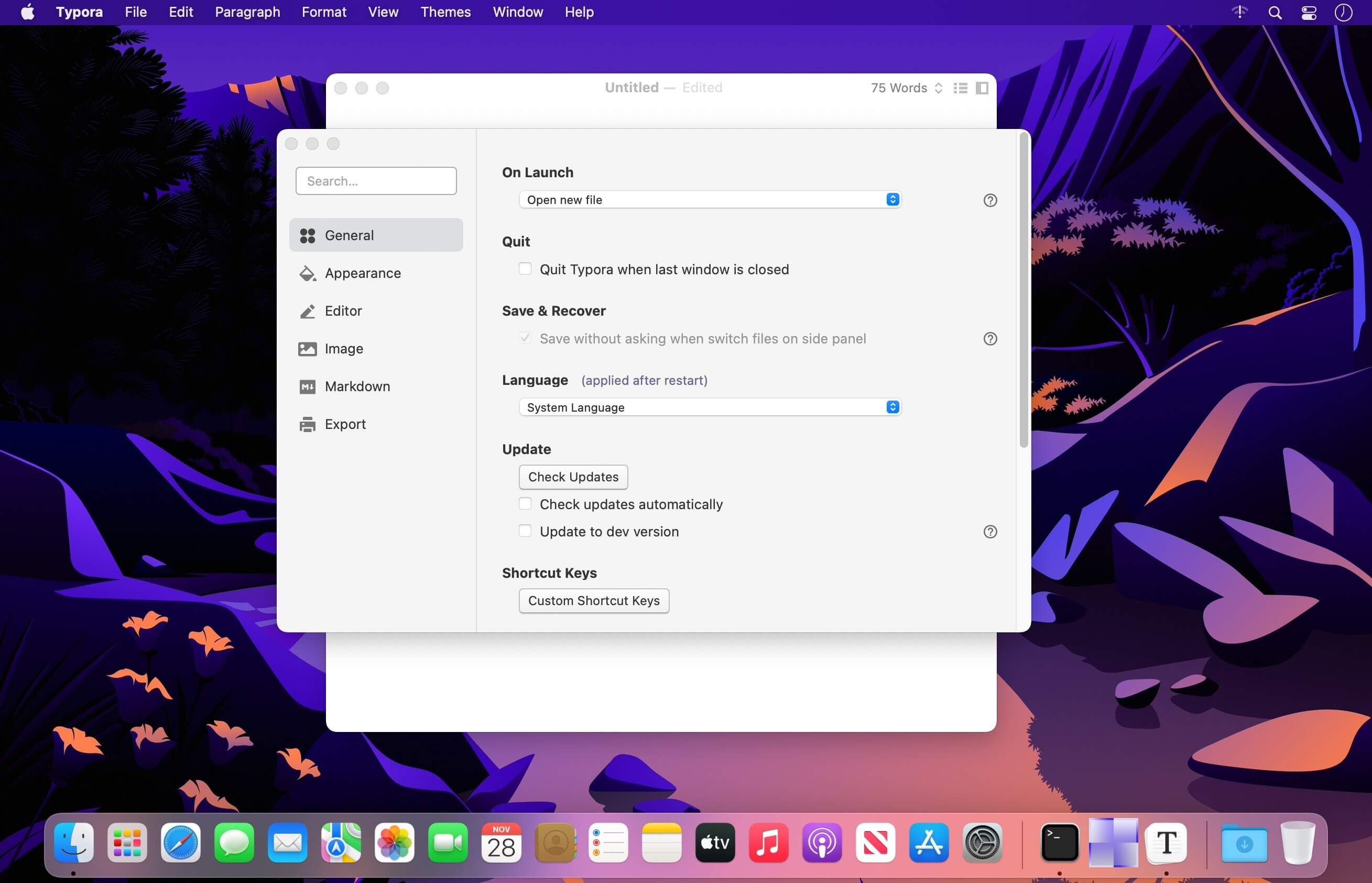
Typora gives you a seamless experience as both a reader and a writer. It removes the preview window, mode switcher, syntax symbols of markdown source code, and all other unnecessary distractions, replacing them with a real-time preview to help you concentrate on the content itself.

Features:

  • Markdown support including tables, code fences with syntax highlight, LaTeX, table of contents
  • Cross-platform
  • The real-time preview and WYSIWYG features
  • Beautiful interface and custom CSS theme support
  • Easy export

Compatibility: macOS 10.13.6 or later
Homepage https://www.typora.io/

Screenshots


Name: Typora_1.12.4_Mac-torrents.Net.dmg
Size: 19 MB
Files Typora_1.12.4_Mac-torrents.Net.dmg[19 MB]


   Download Torrent

Serato Studio v2.4.0

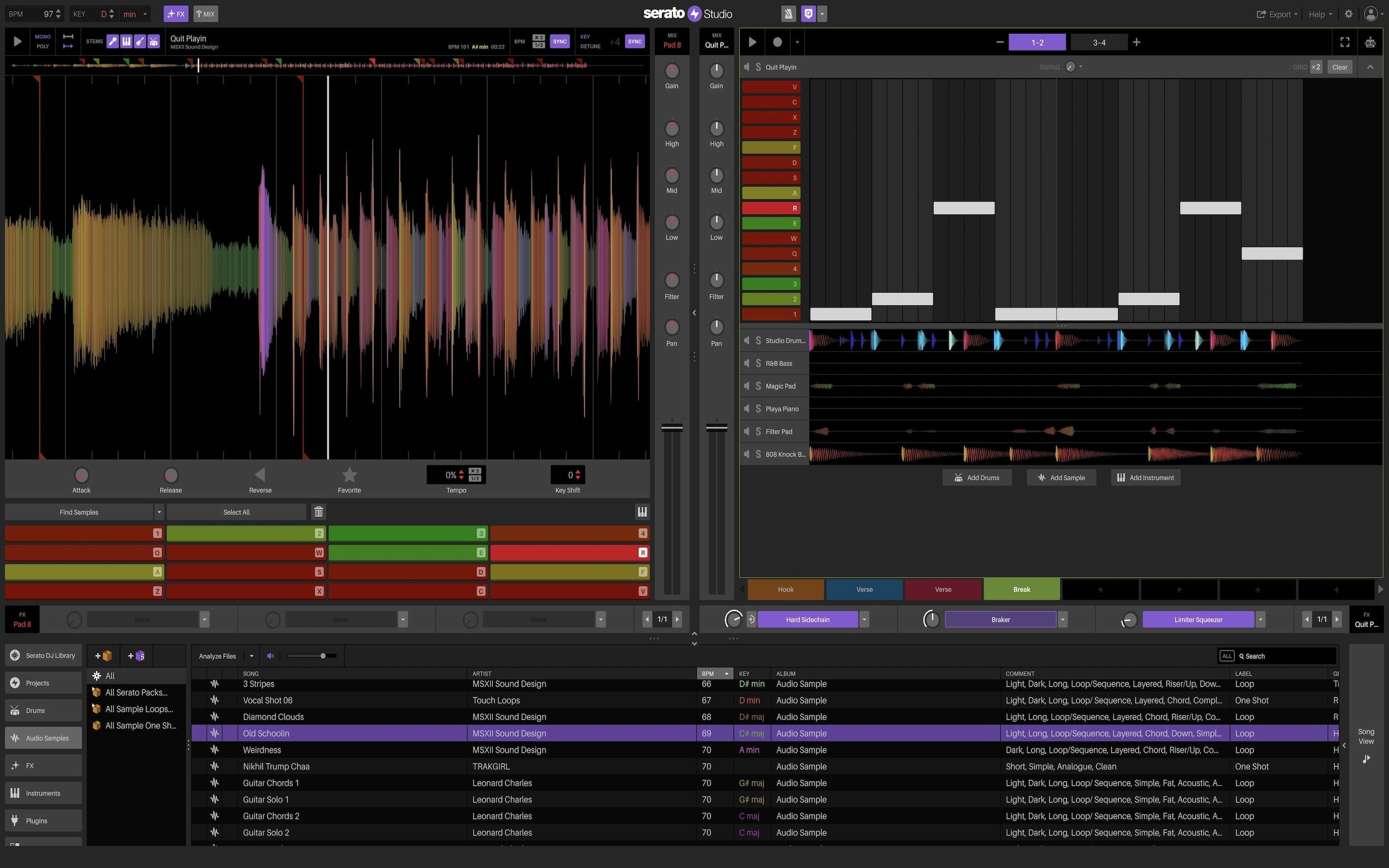
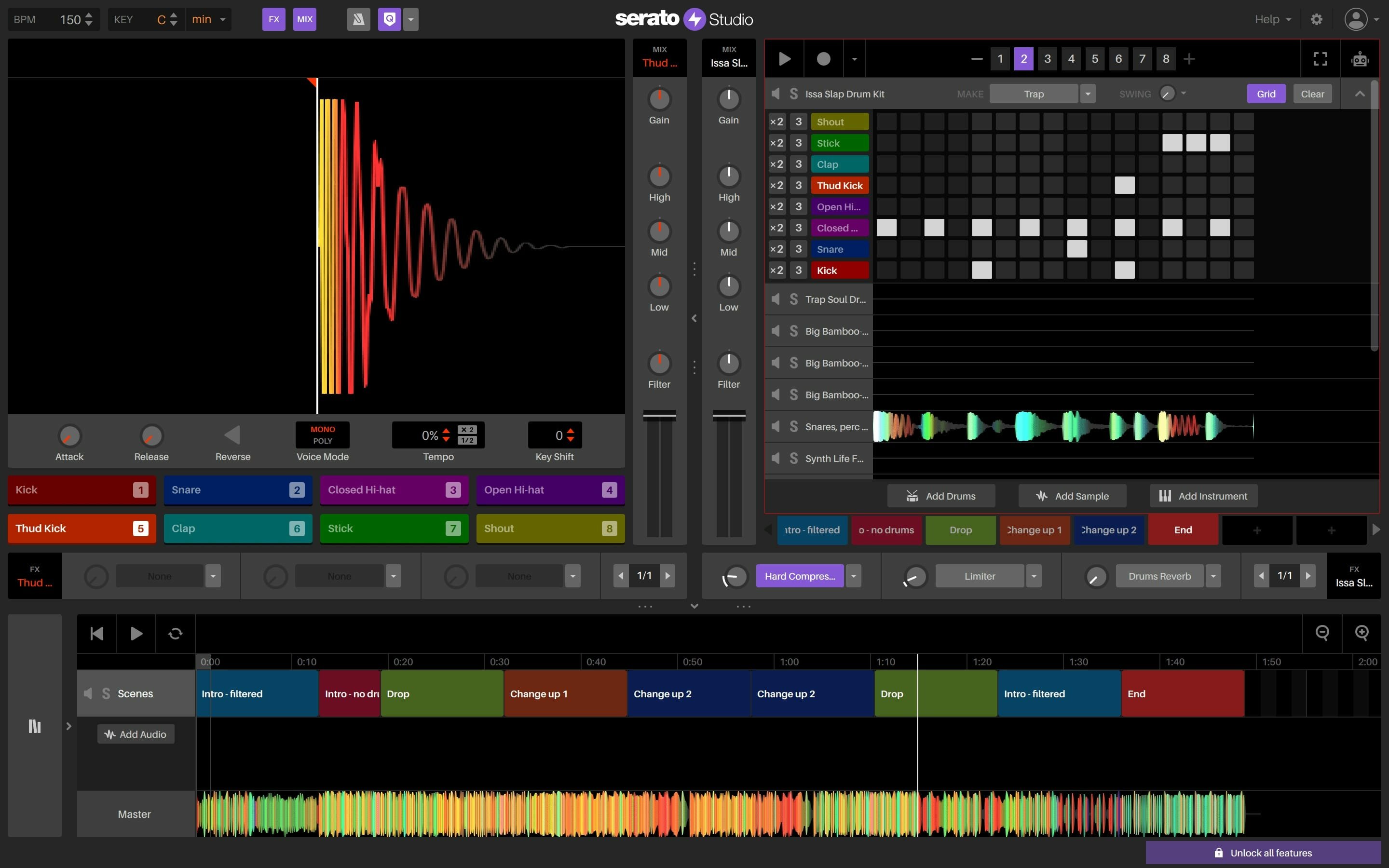
The ultimate beat maker. Intuitive beat making software for DJs and producers. Spend less time hitting roadblocks and more time making music with Serato Studio.

Fast, simple workflow.

  • Get your ideas down quick and stay in the creative flow with time-saving features, including pre-made drum patterns, BPM-sync and one-click key shifting.

DJ-friendly production

  • Make beats with your DJ hardware and access your entire Serato DJ library. You’ll also get familiar DJ elements like colored waveforms, a mixing channel, and high-quality FX.

Built-in sounds to get started

  • Start making music right away with built-in drum-kits, instruments, loops and samples from renowned artists and sound designers.

Simple but powerful

  • Use VST and AU plug-ins, automation, and export stems to customize your sound exactly how you want it.
  • Auto Chord Mode – Instantly generate chords in the key of your project – no music theory, no problem. Turn on the Feel knob to simulate a live keyboard player.
  • Song View Improvements – Including the ability to duplicate your Audio Tracks, a new ‘Back to Start’ button in the Song View, and new horizontal resizing in the Song View sidebar.
  • Quantized Cue Points – Quantize Mode will now snap your Cue Points to the closest half-beat – just like Serato DJ.
    Serato DJ Library Update – For all the producer-DJs out there, your DJ tab columns will now sync up with how they appear in Serato DJ.

What’s New:

Version 2.4.0:

  • Official site does not provide any info about changes in this version.

Compatibility: macOS 11.0 or later
Homepage https://serato.com/studio

Screenshots


Name: Serato_Studio_v2.4.0_Mac-torrents.Net.dmg
Size: 340 MB
Files Serato_Studio_v2.4.0_Mac-torrents.Net.dmg[340 MB]


   Download Torrent

OmniGraffle Pro 7.25.1

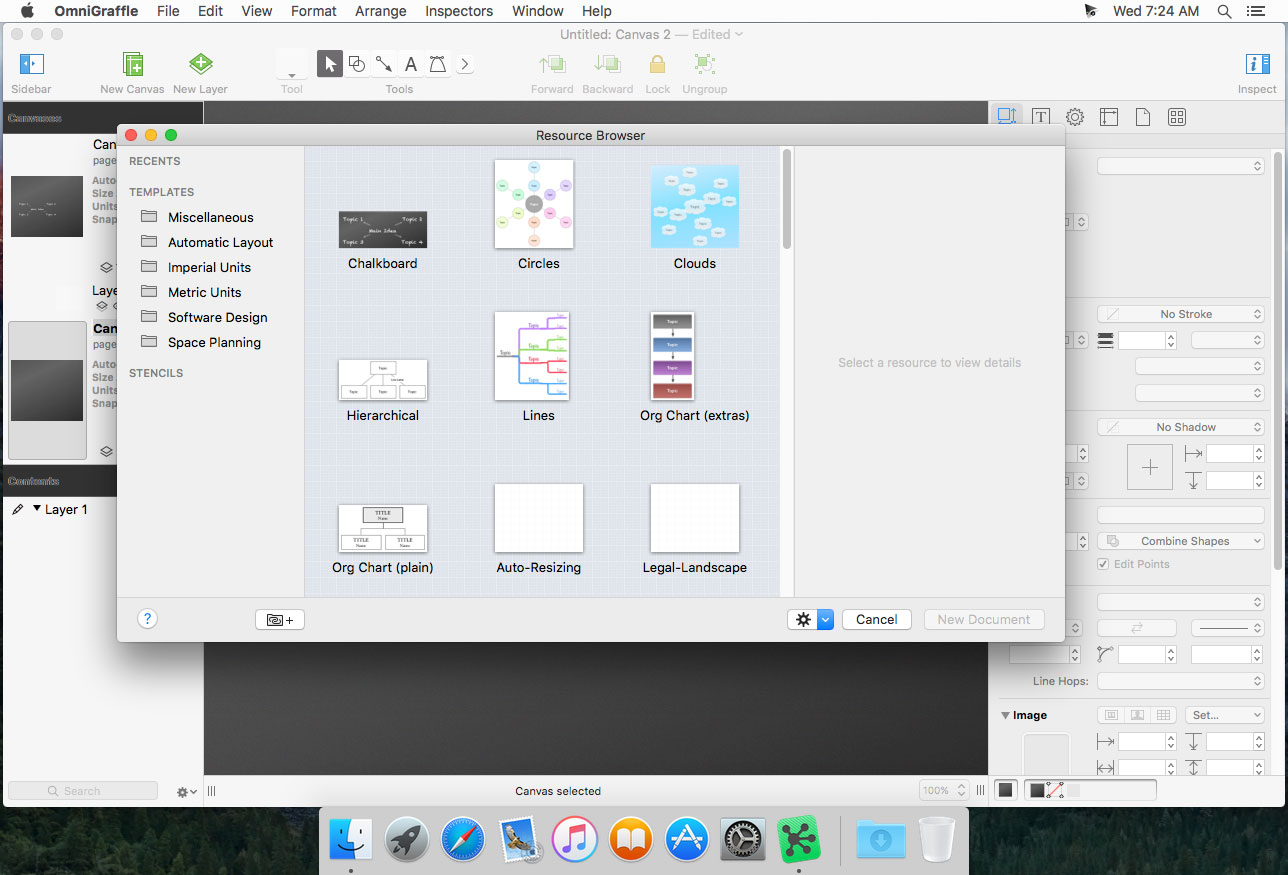
OmniGraffle 7 is a completely redesigned version of the application, offering integrated Inspector and Stencil windows, a brand new Resource Browser to manage stencils and templates, new artistic Fill and Stroke styles, improved Shared layers, powerful Shape Combinations, better Image Masking and Cropping, and a bevy of other new features.

Create Anything
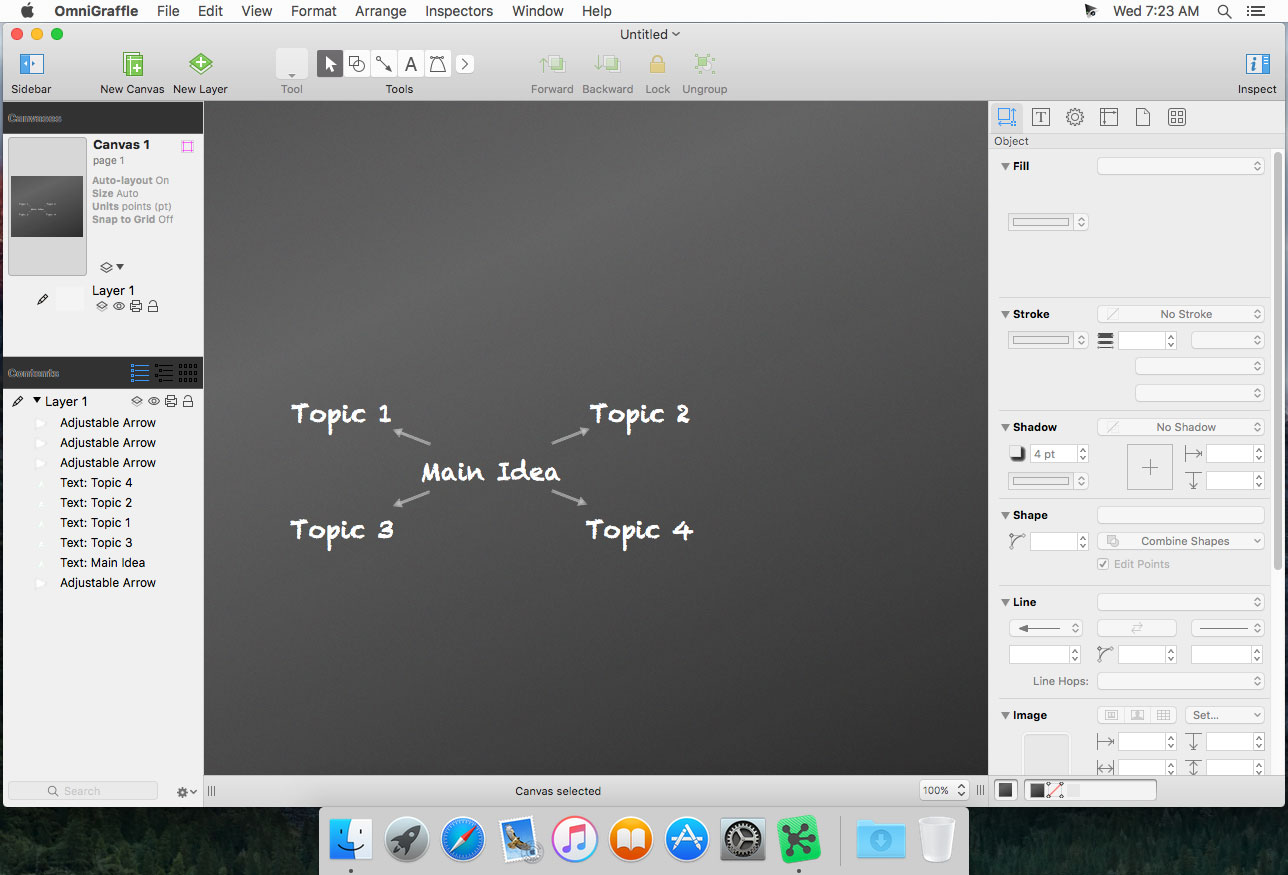
OmniGraffle is for creating precise, beautiful graphics. Like website wireframes, an electrical system design, a family tree, or mapping out software classes. For artists, designers, casual data-mappers, and everyone in-between.

Design how you like
Extensive options for objects, canvases, templates, inspectors, and stencils in OmniGraffle mean that you can set out to do something well, quickly. Exactly what you’d expect.

All the extras
You’re not going to find a tediously navigable set of menubar items in OmniGraffle—just your favorite features, easy to find and easier than ever to use.

Work how you like
Make OmniGraffle yours, each and every way. From flexible inspectors to your own templates and stencils, it’ll be your most used, most comfortable tool, every day.

Pro Features:

  • Visio import/export: Open Microsoft Visio® documents (VSD or VDX) directly in OmniGraffle, as well as Visio stencils (VSS) and templates (VST). Export to Visio XML documents (VDX).
  • Shared layers: Easily update common elements that you’d like to display on multiple canvases. Layers can now be toggled between a normal and a Shared layer.
  • New controls specify which edge or center of an object is reflected in the Geometry Inspector. You can set the X and Y coordinates of a selected vertex point.
  • Shape combinations: Easily create new shapes using combinations of existing shapes (with support for union, intersection, and subtraction). Combined shapes can now be uncombined into their component shapes.
  • Resolution-independent Display Scale: When zoom is at 100%, match an Apple point, PostScript point, or screen pixel.
  • Adobe Photoshop export has returned, and supports the export of OmniGraffle layers to Photoshop layers.
  • Tables: Group shapes using tables, making it easy to add new rows or columns of your template shape.

Compatibility: macOS 11.0 or later
Homepage https://www.omnigroup.com/omnigraffle

Screenshots


Name: Omni.Group.OmniGraffle.Pro.v7.25.1.MacOS_Mac-torrents.Net.zip
Size: 62 MB
Files Omni.Group.OmniGraffle.Pro.v7.25.1.MacOS_Mac-torrents.Net.dmg[62 MB]


   Download Torrent

Vellum 4.0

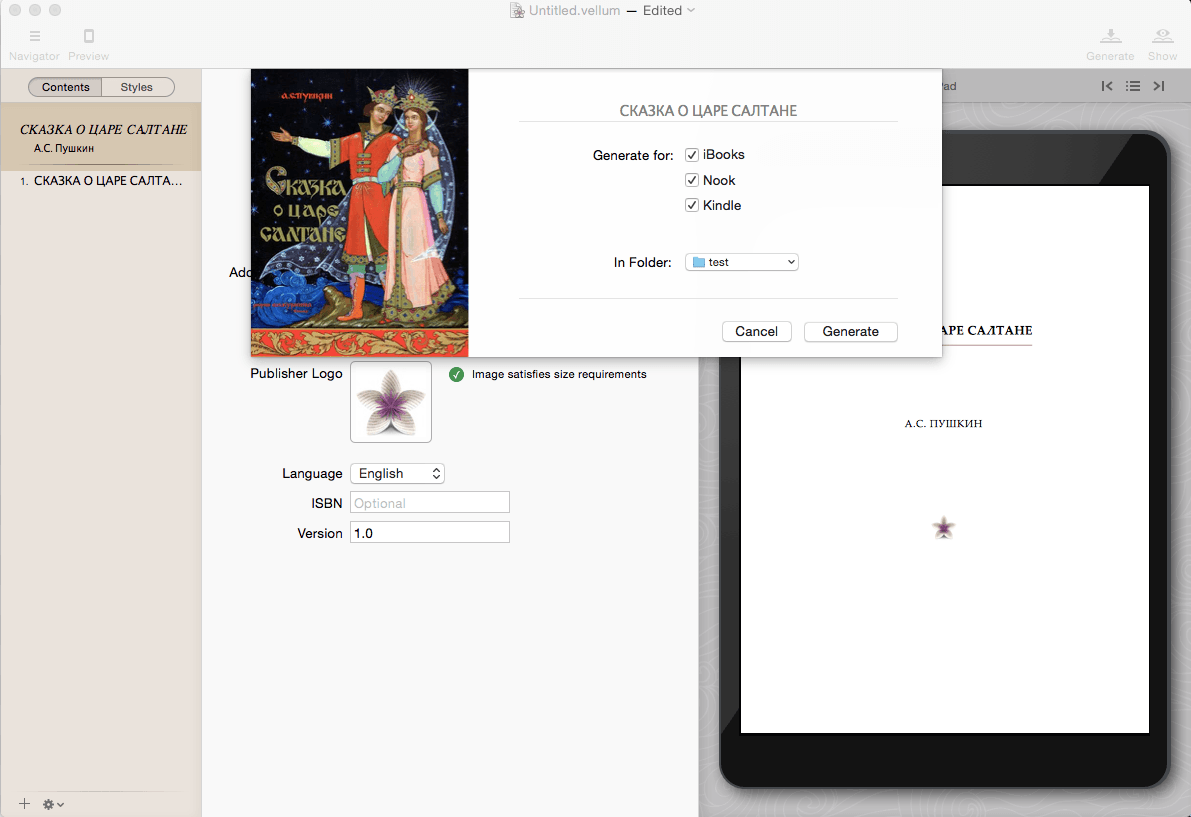
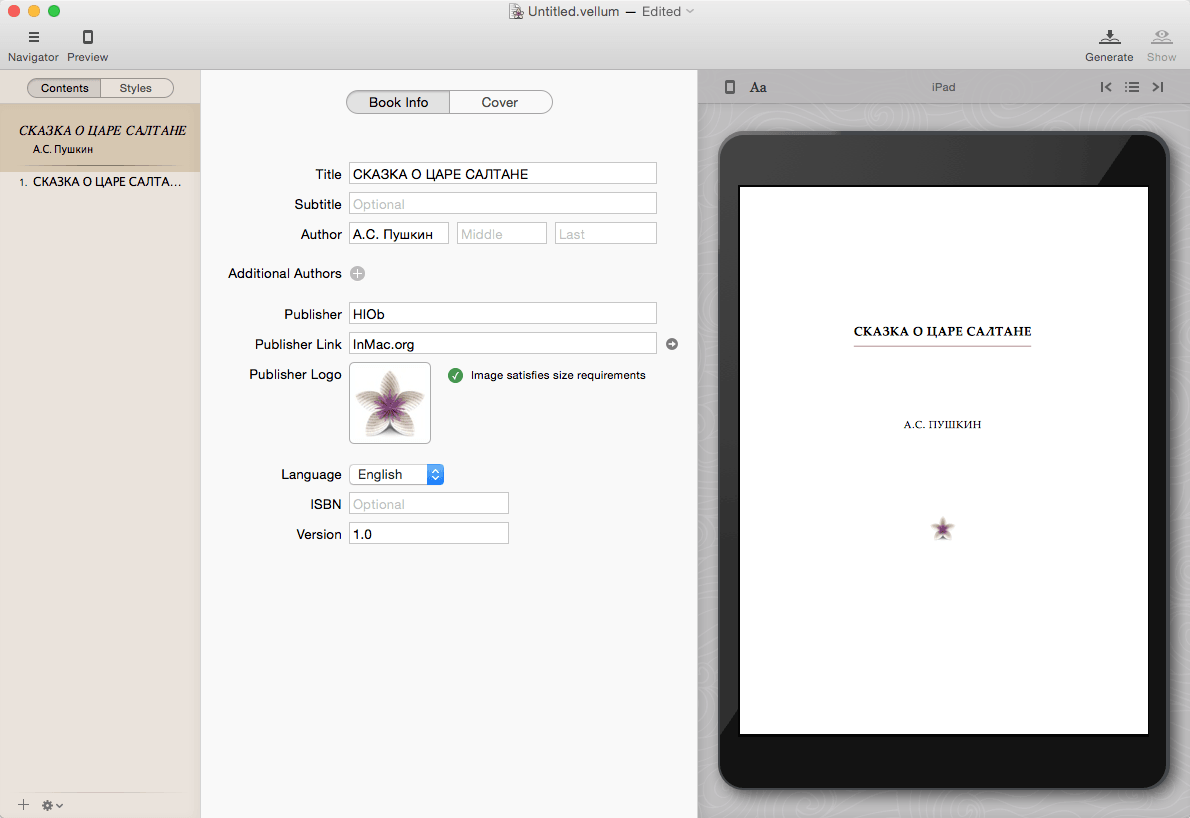
Vellum is an eBook-generating tool that lets you easily create an eBook from a text manuscript or from scratch within the application. Choose the appropriate style from several options, view instant previews of the finished product, and easily generate and regenerate eBooks with a single click to avoid disaster upon finding mistakes.

What’s New:

Version 4.0:

  • fixes a crash that affected some users of Vellum 2.6.2

Compatibility: macOS 14.0 or later
Homepage https://vellum.pub/

Screenshots


Name: Vellum_4.0_Mac-torrents.Net.dmg
Size: 104 MB
Files Vellum_4.0_Mac-torrents.Net.dmg[104 MB]


   Download Torrent

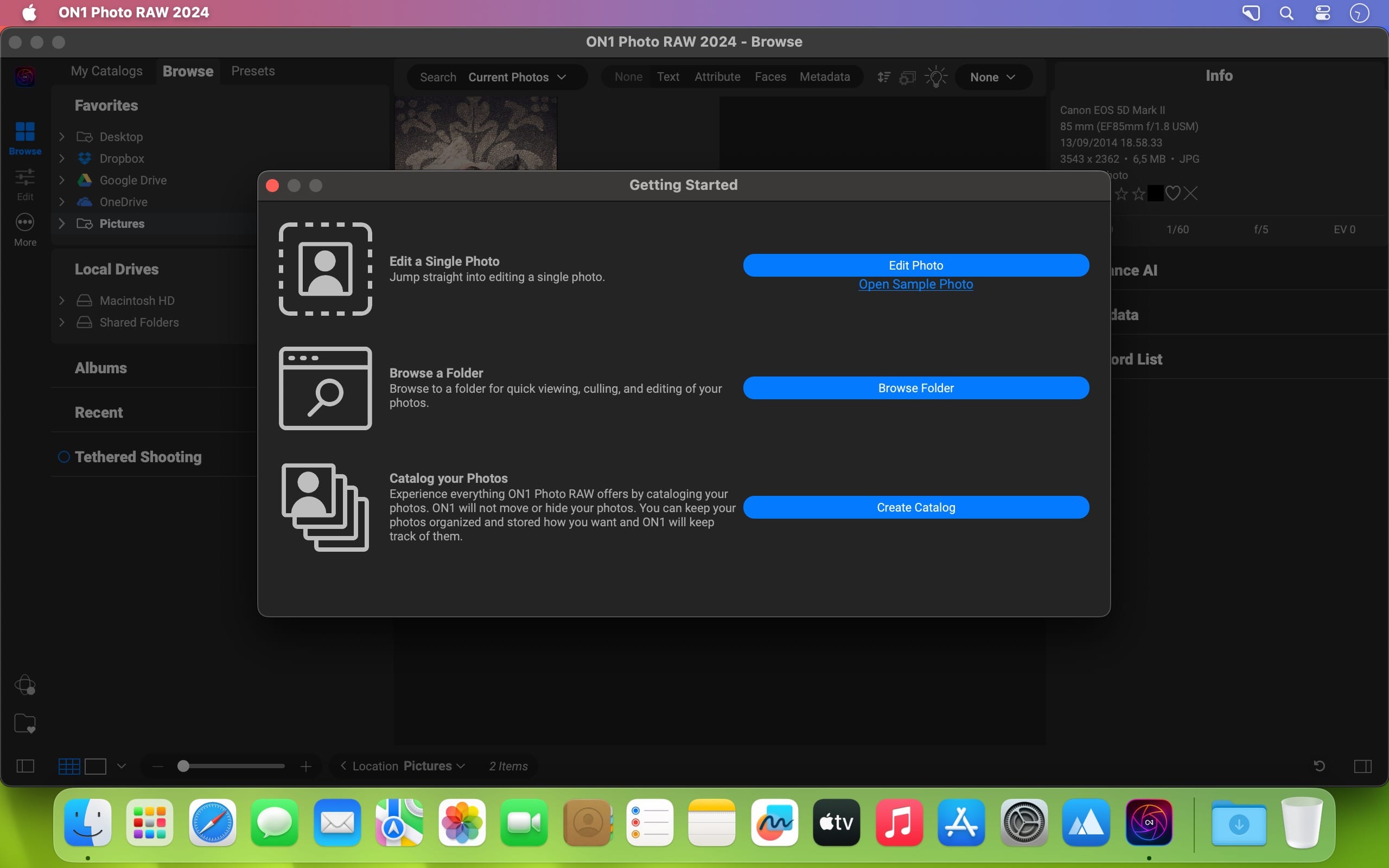
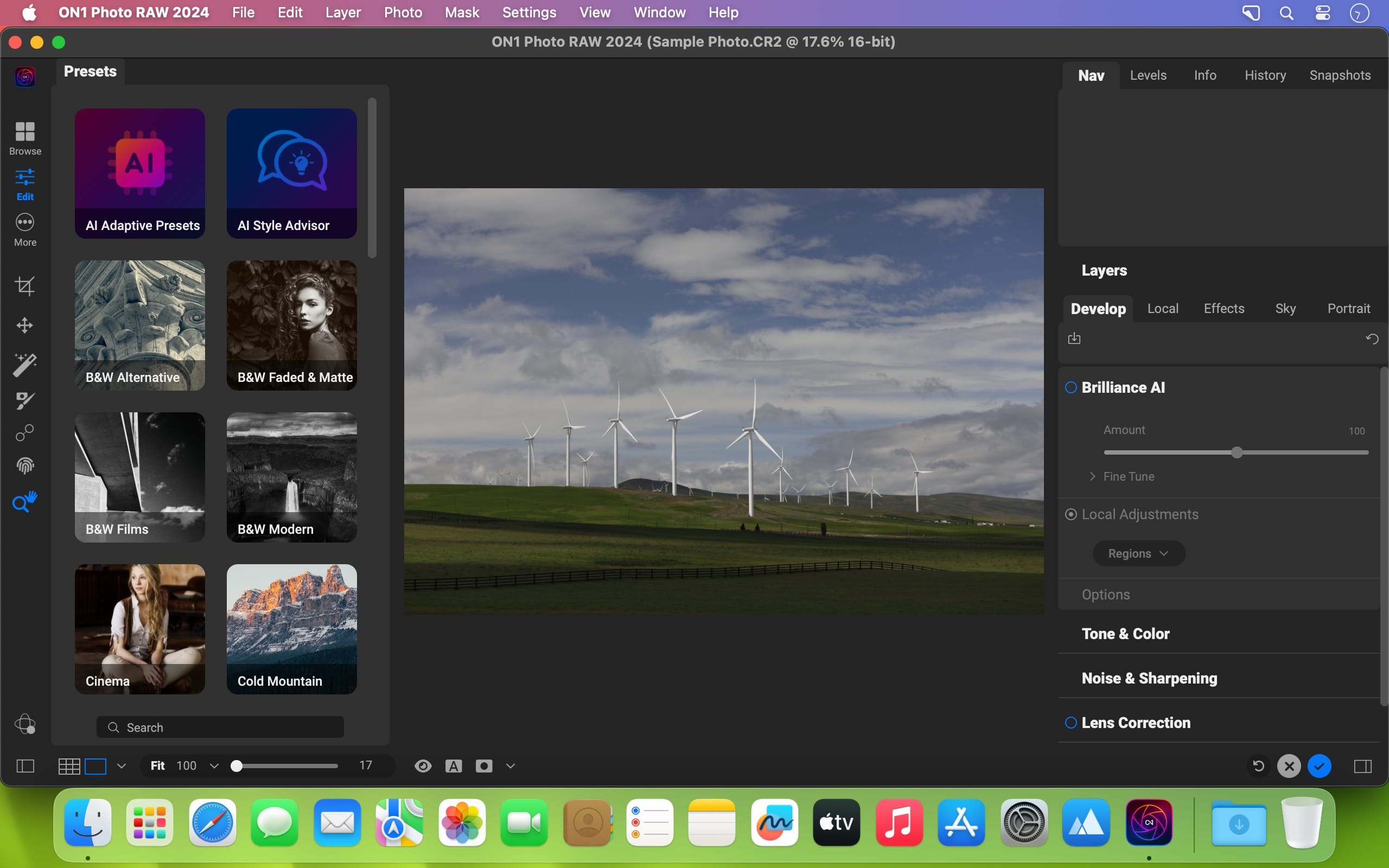
ON1 Photo RAW MAX 2026.1 v20.1.0.17740

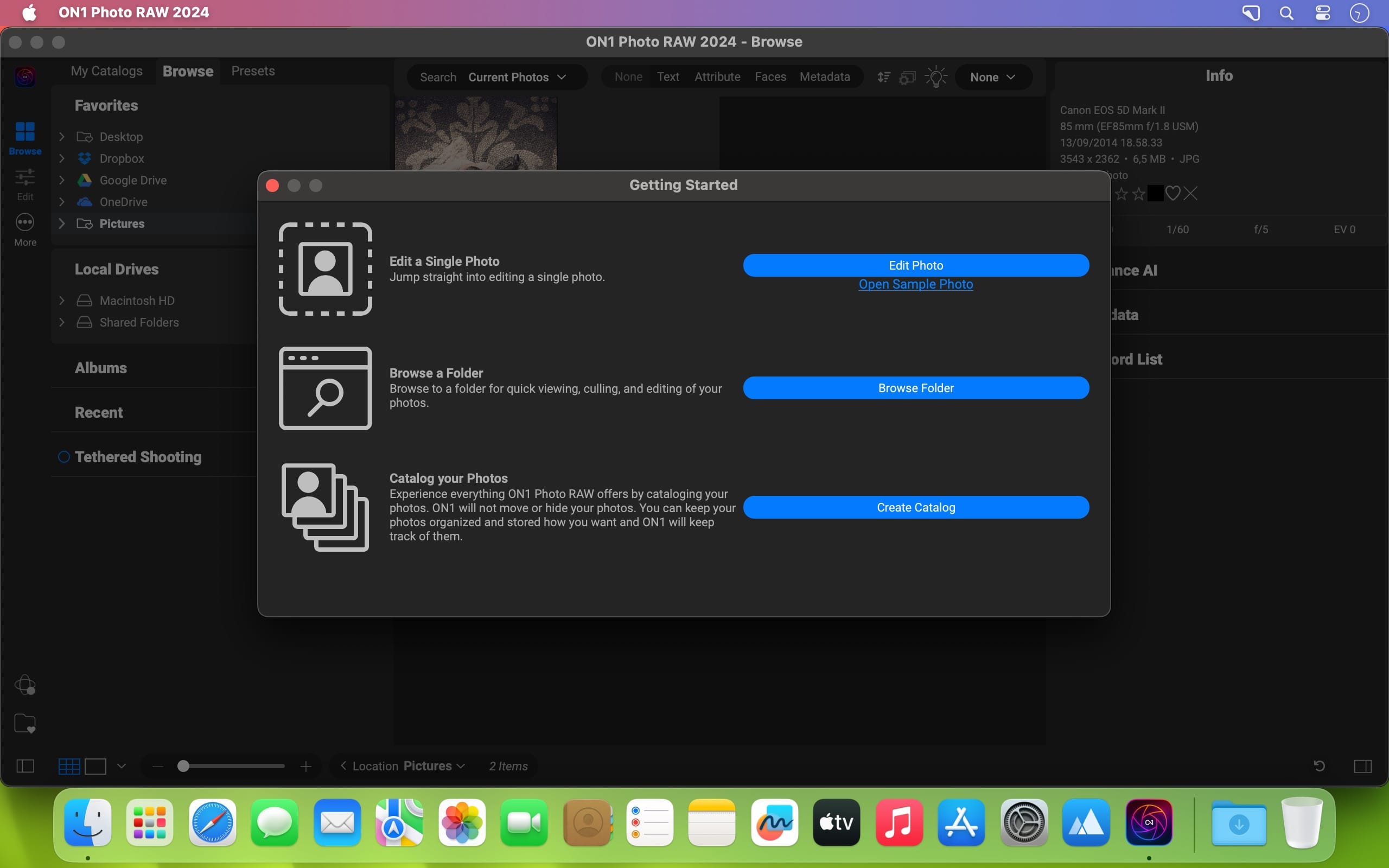
ON1 Photo RAW 2026 is powerful photo editing software that provides photographers with many tools and features to enhance and retouch their images. With a user-friendly interface, it offers advanced editing capabilities, including non-destructive editing, AI-powered adjustments, and precise control over color and tone. It also supports raw files from over 800 cameras and works with JPEG, TIF, PSD, PSB, PNG, and DNG files.

It’s the go-to choice for professionals and enthusiasts seeking top-notch photos. ON1 Photo RAW also includes photo organizational tools for managing your photo library, making it a complete solution for editing and organizing your photography workflow.

This release introduces powerful updates to masking, the Effects module, and photo enlargements, making it one of the most capable Lightroom alternatives available. With all-new Super Resolution AI models, a fully redesigned masking experience, and next-level creative filters, you’ll have the perfect mix of quality, speed, and control—whether you’re making precise selections, exploring fresh creative looks to bring your vision to life, creating stunning photo enlargements.

New Features Include:

-How to Add Cinematic Depth Lighting in Seconds
Depth Lighting filter with AI depth masks arrives in Photo RAW 2026!

-One-Click Subject & Background Masking
Automatic subject & background masks in ON1 Photo RAW 2026. Fast, accurate, effortless.

-Start Every Edit with the Look You Love
Starting Points in ON1 Effects make editing simple—just click to turn on your favorite filters.

-Make Your Background Larger Without Losing the Foreground
Bring your landscape backgrounds closer with the Split Field Filter, new in Photo RAW 2026.

-Turn Tiny, Noisy Images into Huge Photo Enlargements
Resize AI 2026 is built into Photo RAW—bigger, sharper, cleaner photos made easy.

-Get Cleaner Edges with Less Manual Touch-Up
Mask the tough stuff easily with ON1 2026—better edges, fewer halos, no refinements needed.

-Fix Crooked Buildings Without Losing Image Edge
Fix perspective easily in ON1 Photo RAW 2026—new tools, no black corners, perfect lines.

-Stop Fighting Complex Masks — Stack & Combine Them Instead
Stack, mix, and refine masks like never before—combine tools and layers for unlimited control.

-Customize Your Workspace to Edit Faster
Customize your workspace in ON1 Photo RAW 2026—float or dock panes for more editing space.

-Find Your Favorite Filters & Effects
New Add Filter dialog in Photo RAW 2026 puts your favorite filters and Effects front and center.

-Turn Ordinary Shots into Art with Double Exposure
Create stunning double exposures in seconds—no camera tricks or complex layers needed.

-Add Realistic Motion Blur Right at Your Desk
Add panning, zoom, or twist motion to still photos—no missed shots, just dynamic effects.

-Digitizing Film? How to Perfectly Invert & Color-Correct Negatives
Easily invert and color-correct film negatives—no scanners or backwards sliders required.

ON1 Photo RAW MAX 2026
Own it. Works as a standalone app or plugin.
Photo RAW MAX 2026 Edition adds plugin compatibility so you can launch your favorite ON1 tools from inside other editors like Adobe Ps/Lr, Affinity, Apple Photos, and others, for a more flexible workflow.

Compatibility: macOS 13.0 or later
Homepage https://www.on1.com/products/photo-raw/

Screenshots


Name: ON1_Photo_RAW_MAX_2026.1_v20.1.0.17740_Mac-torrents.Net.dmg
Size: 745 MB
Files ON1_Photo_RAW_MAX_2026.1_v20.1.0.17740_Mac-torrents.Net.dmg[745 MB]


   Download Torrent

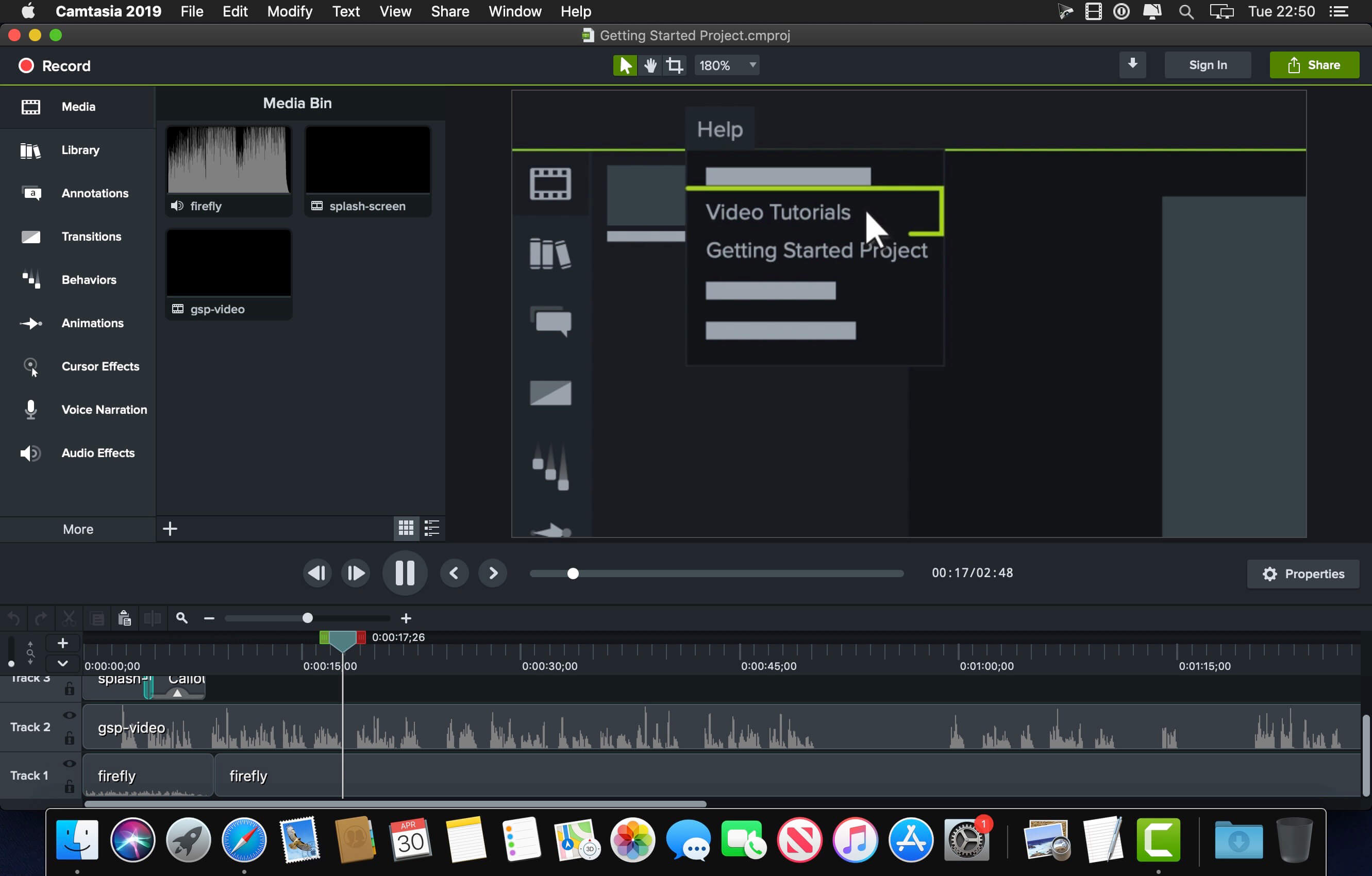
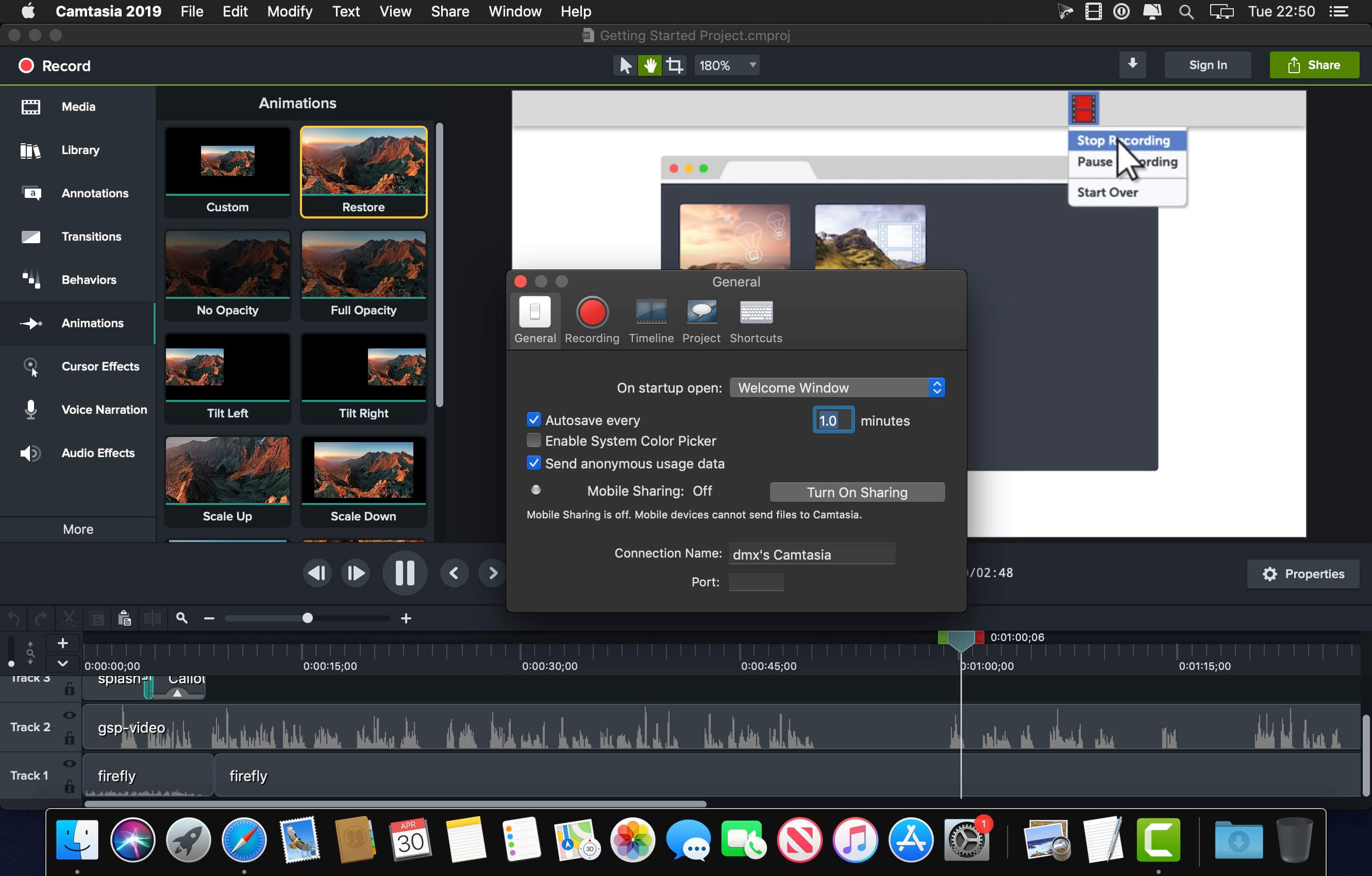
TechSmith Camtasia 2026.0

Camtasia is the go-to video solution for creating professional-looking software demonstrations, product tutorials, online lessons, and recorded presentations- no video experience needed. Pre-built video templates help you create the videos you need with ease. Record your screen, import PowerPoint presentations, or add video footage you already have. Then edit, add effects with drag-and-drop ease, and share out your videos with anyone. With so many easy to use features and effects, you’ll be creating polished videos in no time.

Start Fast
Camtasia is quick to learn. You don’t need a big budget or fancy video editing skills. Start with a template or just record your screen and add a few effects.

Feel Confident
Whether you have experience or this is your first time making a video, we’ll give you everything you need to make a high-quality video.

Engage Viewers
Create content your viewers actually watch. A video will give you more interaction and help your audience to learn more than with text alone.

The best screen recording software for…

  • Video tutorials
  • How-to videos
  • Demo videos
  • Meeting recordings
  • YouTube videos
  • Training videos
  • Video lessons
  • Webinar recordings
  • Instructional videos
  • Explainer videos
  • Presentation recordings
  • …and more!

Compatibility: macOS 14.0 or later
Homepage https://www.techsmith.com/

Screenshots


Name: Camtasia_2026.0.0_Mac-torrents.Net.dmg
Size: 421 MB
Files Camtasia_2026.0.0_Mac-torrents.Net.dmg[421 MB]


   Download Torrent

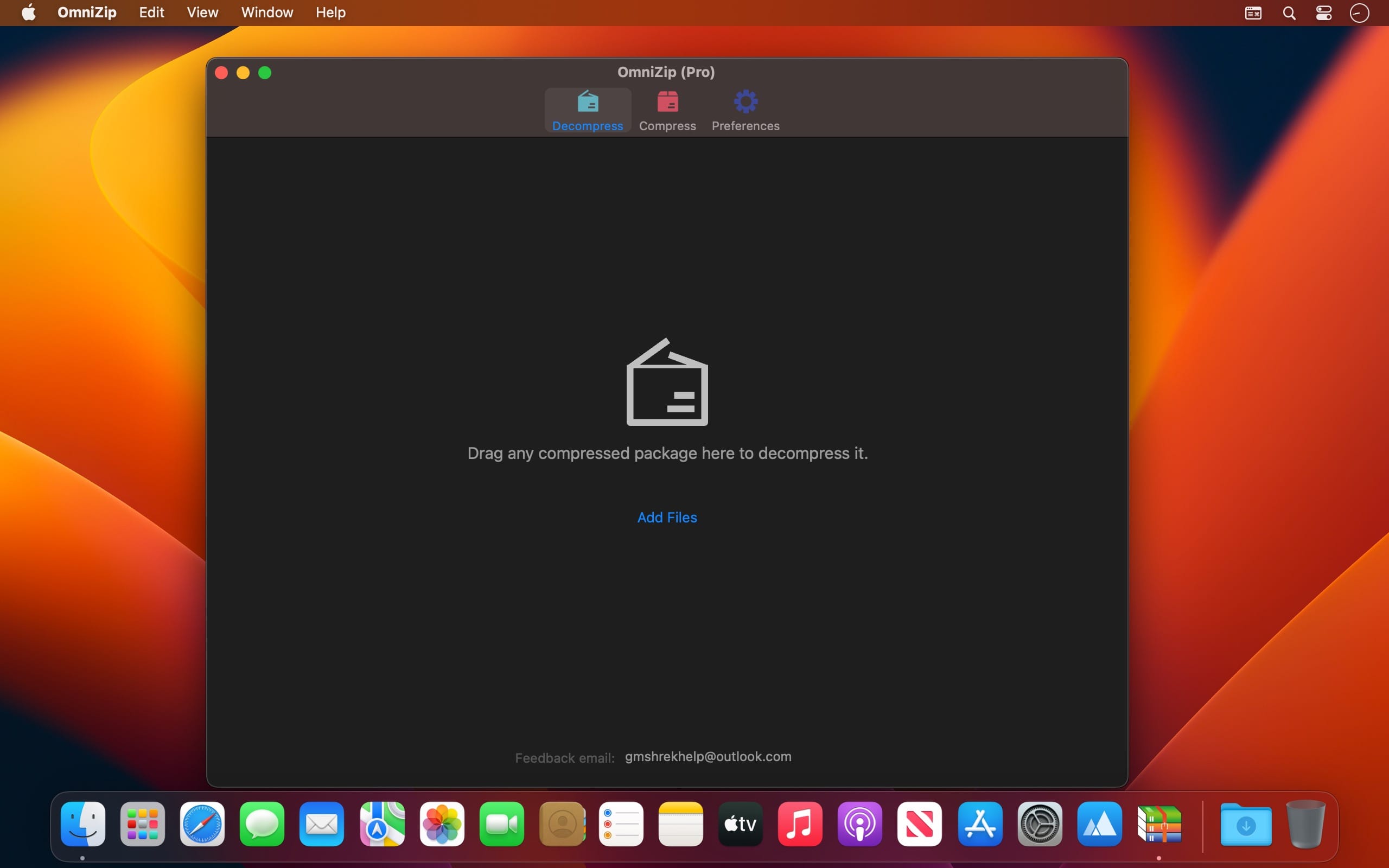
OmniZip – Universal Extractor Pro 2.3.4

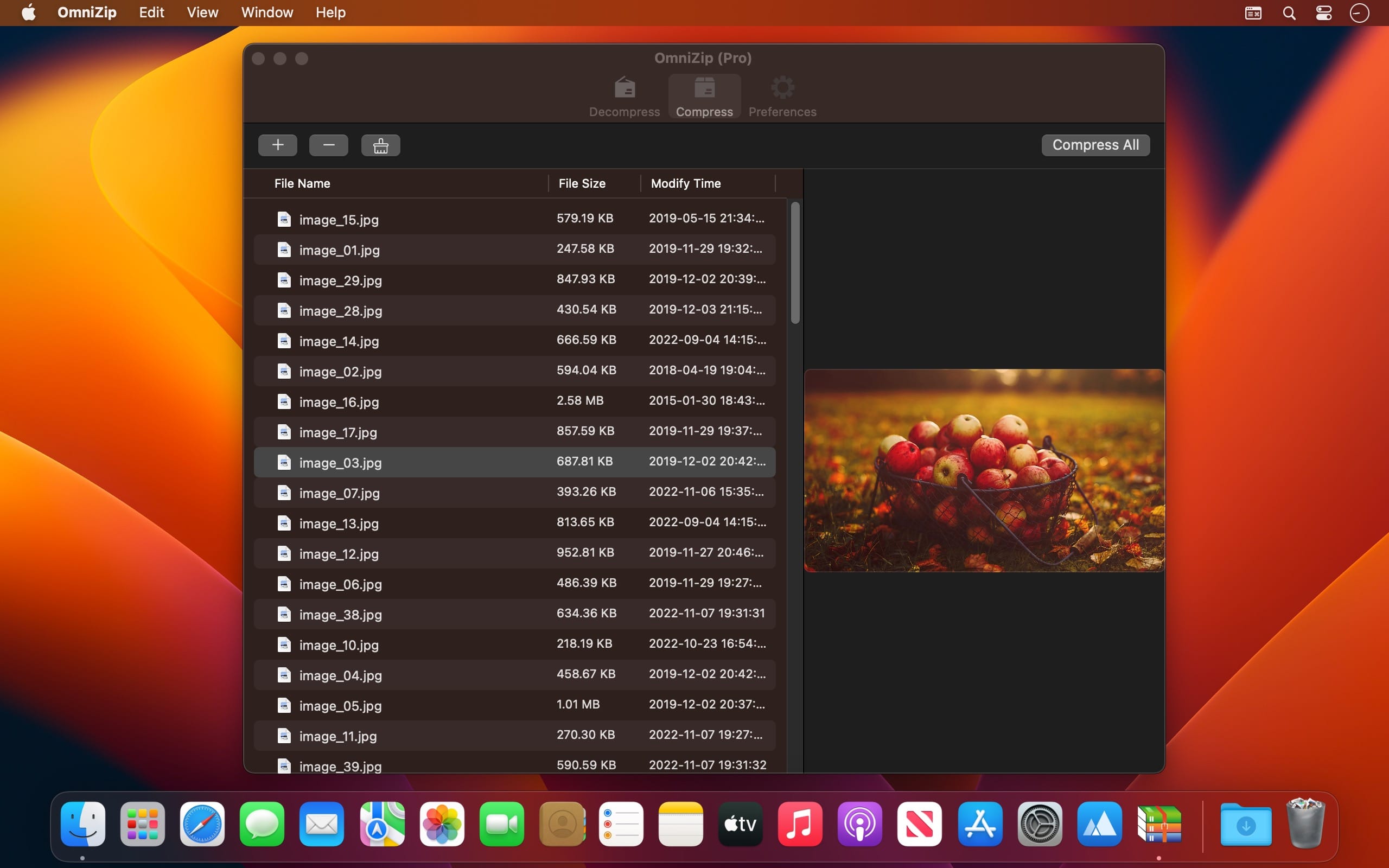
A super decompression tool, supports the decompression of RAR, 7Z, ZIP, TAR, GZIP and other more than 100 formats of files, as long as the compressed package, there is nothing OmniZip can not decompress.

Features

  • Double-click the compressed file to preview it or decompress it. You can customize the configuration.
  • Compressed package Select a file and then compress it.
  • Supports drag and unzip files directly.
  • Supports batch decompression.
  • Supports decompression of the decompressed volume package, ensuring that the compressed file of the volume is in the same directory.
  • Supports compression formats zip and 7z.
  • Supports encryption compression and volume separation compression.
  • Supports user-defined compression and decompression of filter files.
  • Supports recording previewed compressed files for next operation.

In-App Purchases: Pro Version – included
Compatibility: macOS 10.13 or later
Mac App Store https://geo.itunes.apple.com/app/id6446939321

Screenshots


Name: OmniZip_2.3.4_Mac-torrents.Net.dmg
Size: 21 MB
Files OmniZip_2.3.4_Mac-torrents.Net.dmg[21 MB]


   Download Torrent

Live Home 3D Pro 4.11.1

Live Home 3D Pro is the most intuitive and feature packed home design app suitable for homeowners and professional designers, a successor of Live Interior 3D. Besides offering advanced home design tools, Pro edition provides superior export quality and Elevation View mode.

General

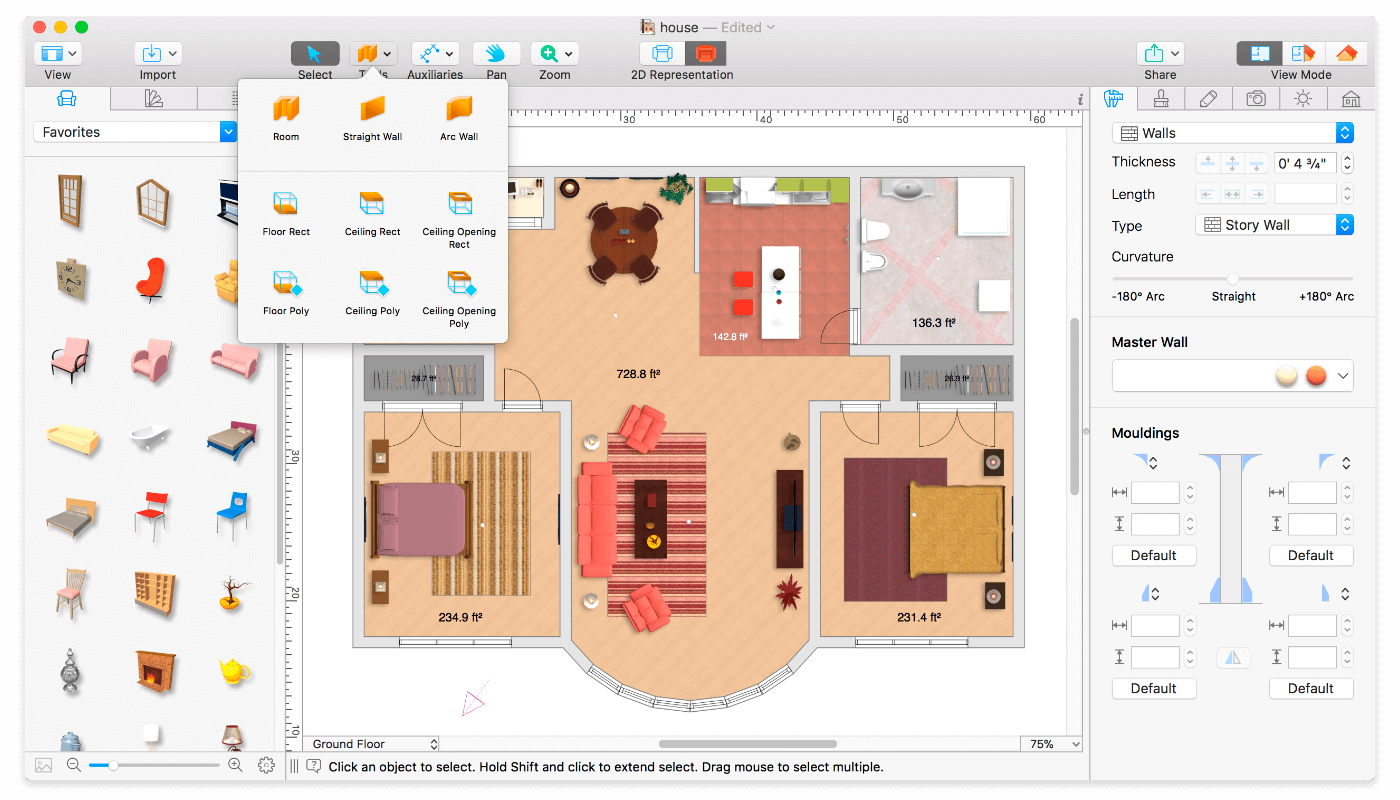
  • Create detailed 2D floor plans.
  • Beautiful real-time 3D rendering.
  • Unlimited floor levels. (Pro edition only)
  • A collection of in-depth video tutorials.
  • Built-in Help Assistant and free, quick tech support service.
  • Project Gallery with house projects and sample rooms.
  • Native Support for Live Interior 3D Projects.

Floor Plan Tools

  • Draw complete rooms using Room tool.
  • Use Arc and Straight Wall tools for drawing walls.
  • Elevation view. (Pro edition only)
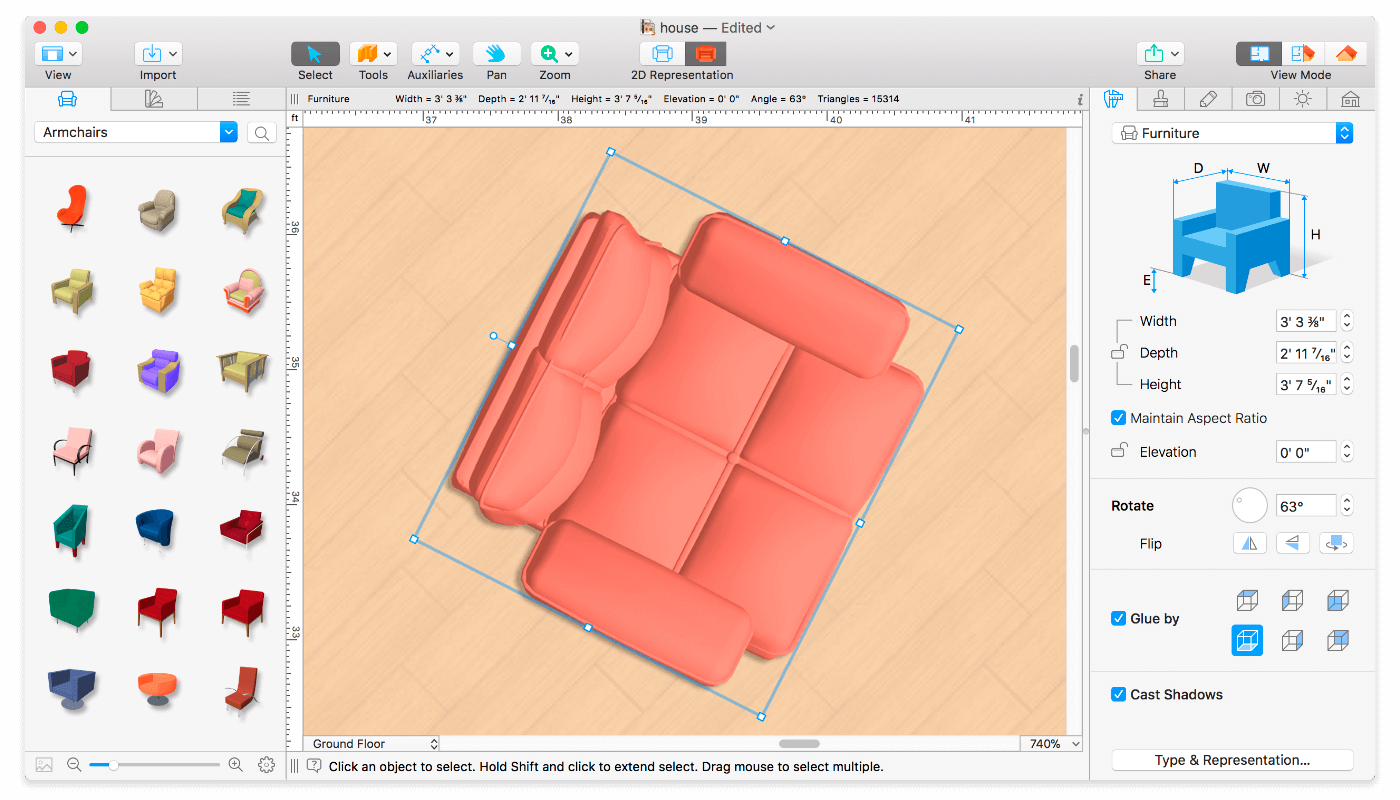
  • ‘Auto outline’ vector-based 2D representation for furniture.
  • View real-time measurements for walls, ceilings, and floors when drawing in 2D Plan view.
  • Select the necessary measurement units (inches, feet, meters, etc).
  • Use smart Dimension tool to set the distance between underlying objects or walls.
  • Precise positioning thanks to smart guides and object snapping.

Real-Time 3D Environment

  • Adjust the lighting, add and move objects, apply materials, and more right in 3D.
  • All changes, made in 3D or 2D, are rendered in 3D in real time.
  • Walk through your 3D interior.
  • FOV (field of view) and parallel camera projection. (Pro edition only)
  • Set multiple cameras to see the house from different point of views.
  • Achieve natural lighting by setting up true Geo position, daytime and overcast.
  • Adjust light fixtures throughout your project to get realistic lighting scene.
  • Light editor helps to add a light source to an imported objects. (Pro edition only)
  • Create corner windows and complex openings using the program advanced technology.
  • Level of details tool allows to optimize 3D object and speed up the project.
  • Professional Shadow Map technique makes shadows look soft and natural.

3D Models and Materials

  • 2,000+ furniture and other models.
  • Import models seamlessly from Trimble 3D Warehouse™ (previously Google 3D Warehouse™).
  • Edit furniture in SketchUp. (Pro edition only)
  • 2,100+ supplied materials.
  • Drag and drop any image from the Finder to apply it to any surface as custom material.
  • Advanced material editor. (Pro edition only)
  • Set the exact size of a material tile to know how much of the material is needed for your house renovation project.
  • Import objects in SketchUp, COLLADA, KMZ, FBX, OBJ or 3DS formats by simply dragging and dropping them into your project.
  • Polygonal-based Block tool for drawing balconies, porches, and more. (Pro edition only)

Roofs and Dormers

  • Roof Assistant with 12 customizable roof templates.
  • Custom shaped roofs. (Pro edition only)
  • Add custom segments to fully customize your roof.
  • 16 customizable dormers.

Export and Share the Result

  • Share the result to Facebook, Twitter, Vimeo or YouTube.
  • Export 3D views to JPEG, TIFF, PNG, and BMP (up to 16000 x 16000).
  • Share 360° Panorama JPEG images (up to Ultra HD) to Facebook.
  • Render a realistic video walkthrough (up to Ultra HD).
  • Create Stereo 3D Video, 360° Video and even Stereo 3D 360° Video.
  • Quickly send a copy of your project via Mail, Messages or AirDrop.
  • Export the entire project or selected objects to COLLADA, Trimble SketchUp™, VRML Version 2.0 or X3D format.
  • Export to 3DS, FBX, USDZ and OBJ formats. (Pro edition only)

Compatibility: macOS 10.14 or later
Homepage https://www.livehome3d.com/

Screenshots


Name: Live_Home_3D_Pro_4.11.1_Mac-torrents.Net.dmg
Size: 616 MB
Files Live_Home_3D_Pro_4.11.1_Mac-torrents.Net.dmg[616 MB]


   Download Torrent

SimpleMind Pro 2.8.0

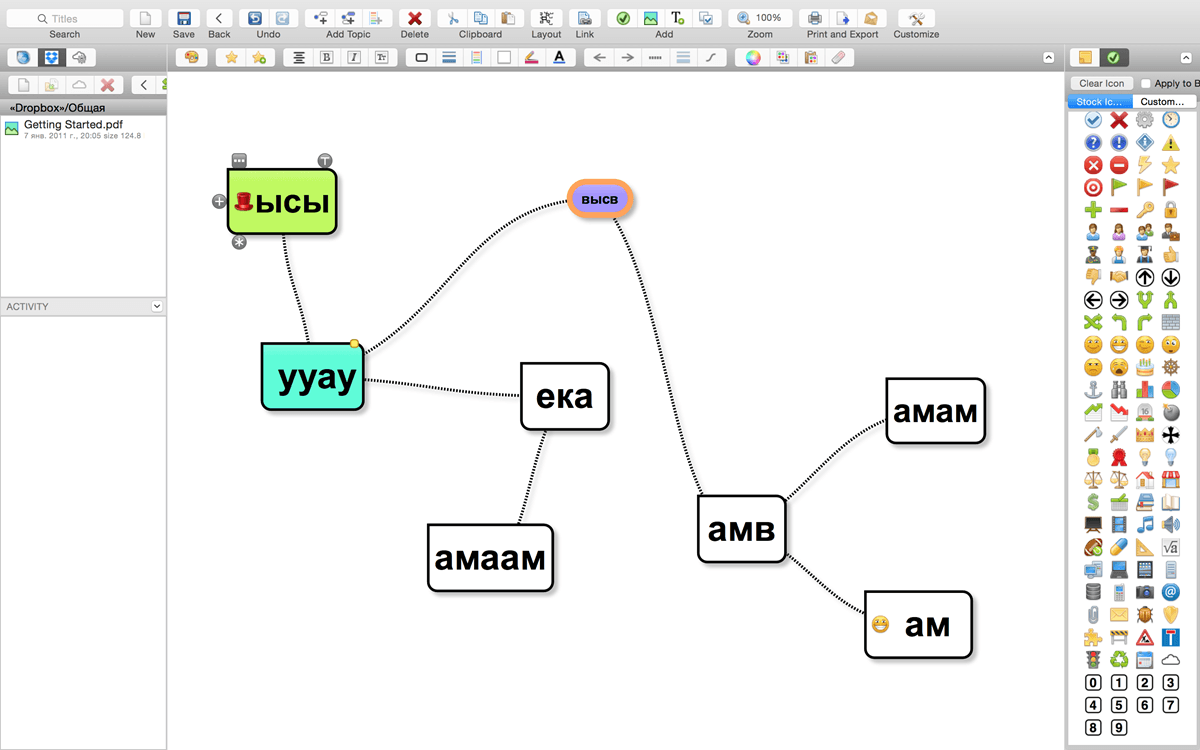
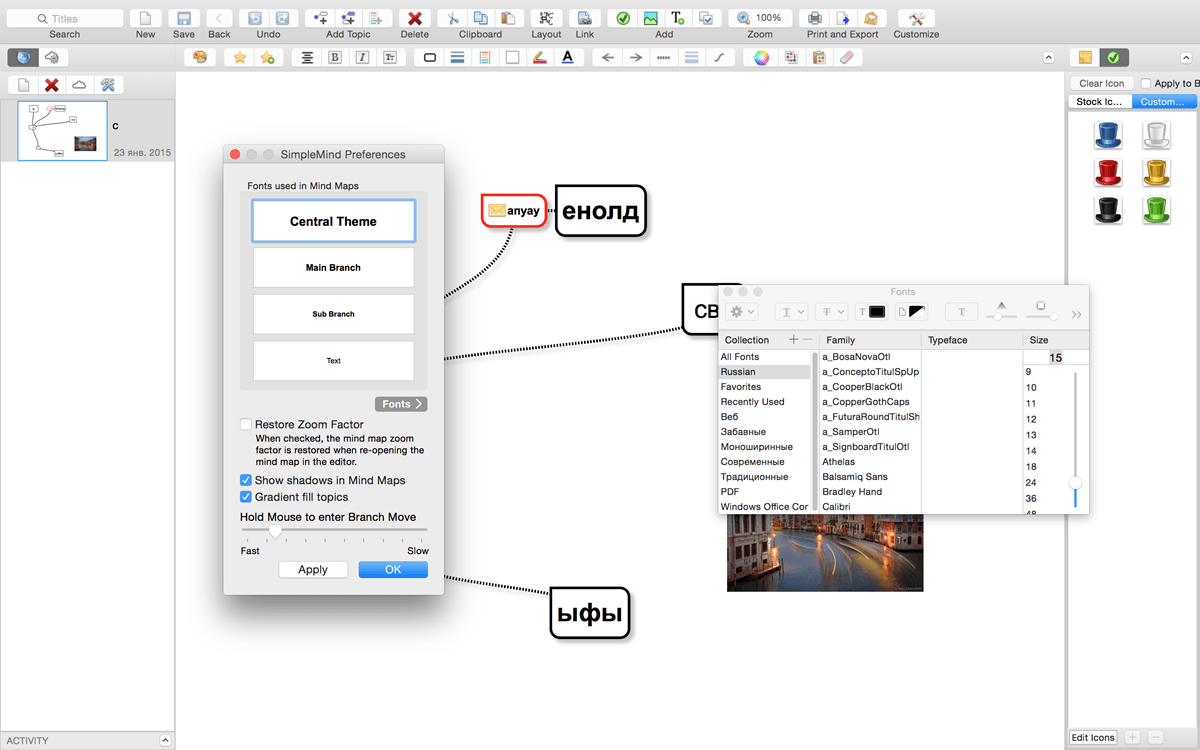
SimpleMind Desktop is a mind-mapping tool that turns your Mac into a brainstorming, idea-collecting, and thought-structuring device. It connects to the similar SimpleMind for iPhone/iPad app.

Features

  • Easy to use drag, arrange, and edit directly on the Mind Map page.
  • Tap or drag Node Well to add new Topics.
  • A

  • Full Undo/Redo in the editor.
  • Visual styles change colors, borders and lines for maximum presentation impact.
  • Pick colors from style palette or custom colors.
  • Cut/Copy/Paste – move or duplicate topics between Mind Maps.
  • Create new MindMap from selection or clipboard
  • Reconnect topics using drag-and-drop, aided by topic auto-layout.

Tn-App Purchases: Pro Functionality – included
Compatibility: macOS 10.13 or later
Homepage https://simplemind.eu/download/full-edition/

Screenshots


Name: SimpleMind_2.8.0_Mac-torrents.Net.dmg
Size: 11 MB
Files SimpleMind_2.8.0_Mac-torrents.Net.dmg[11 MB]


   Download Torrent

ScreenFlow 10.5.1

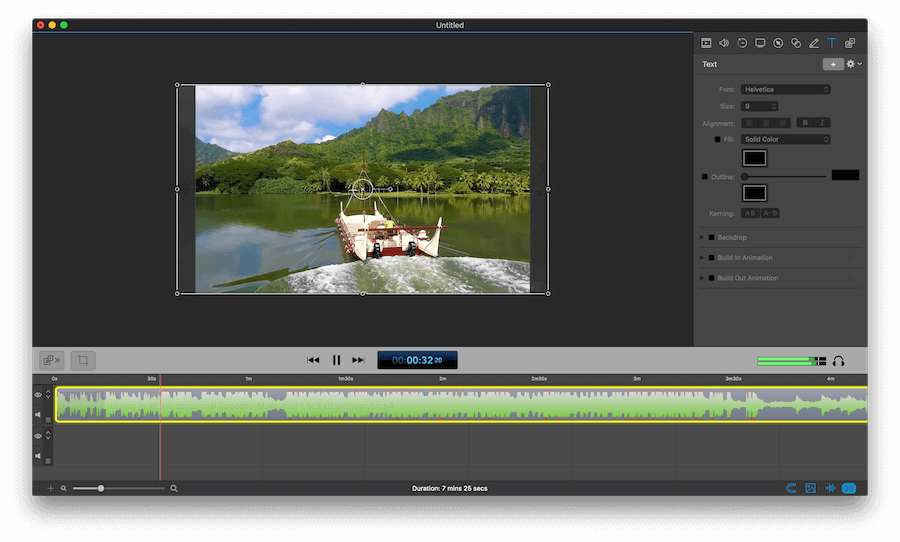
ScreenFlow is powerful, easy-to-use screencasting software for the Mac. With ScreenFlow you can record the contents of your entire monitor while also capturing your video camera, microphone and your computer audio. The easy-to-use editing interface lets you creatively edit your video, and add additional images, text, music and transitions for a truly professional-looking video. The finished result is a QuickTime or Windows Media movie, ready for publishing to your Web site or blog or directly to YouTube or Vimeo. Use ScreenFlow to create high-quality software demos, tutorials, app previews, training, presentations and more.

What’s New:

Version 10.0

Animated Title Library

Select from a range of beautiful animated lower-third and title card graphics

Recording Multiple Audio/Video Sources

Multiple camera & microphone devices can now be recorded at the same time

Improved camera recording system

Significant reductions in file-size and CPU usage during recording & editing

Destructive Project Archive

Reclaim space by saving your documents with their unused edits removed

Redesigned Video Filters Interface

Built-in color effects library and support for importing CLUT (Color Lookup Tables)

Automatic background Removal filter

  • New Computer Audio Recording SystemApps are now recorded independently, and can be extracted, disabled and remixed
  • Lower latency, including new modes for DAW (Digital Audio Workstation) software

Improvements:

  • New implementation of the timeline icon cache, significantly reducing memory and CPU usage
  • Added Clip Enable toggle, allowing the quick disabling of a clip during editing
  • Updated UI on macOS 11 Big Sur
  • Added new “Canvas” Preferences tab, including new snapping and display options
  • Redesigned the front end / recording interface, adding a wizard to help setup OS permissions
  • Added ability to publish chapter markers to YouTube
  • Updated YouTube tag validation
  • Added document presets for Instagram TV (IGTV) and Stories
  • Added light / dark user interface theme selector, independent of OS preference
  • Added context click menu to clips within the canvas
  • Modified Text panel font size selector to use a numerical entry field
  • Clip titles are now always visible in the timeline, regardless of the horizontal scrolling
  • Added a document volume adjustment slider
  • Added a warning if the mouse cursor will be “burnt in” the final screen recording, and therefore non-adjustable during editing
  • Improved performance of playback & export of screen recording content on Apple Silicon hardware
  • Documents are now faster to load in a variety of situations
  • Updated layout of main menu, rationalizing all clip functionality under a new ‘Clip’ menu
  • Added support for recording the screen from a Sidecar device
  • Reworked camera recording system to support a wider range of devices, including virtual camera apps (such as DSLR drivers)
  • Implemented recovery system: if a ScreenFlow recording is terminated expectedly, a prompt will be shown to save to a new location
  • Added mouse cursor smoothing feature, allowing jitter of the mouse pointer to be reduced when editing
  • Added prompts when importing movie files that could benefit from proxy usage to improve editing performance (long GOP content)
  • When using the JKL workflow to scan content quickly, audio will now correctly maintain its pitch during playback

Fixes:

  • ScreenFlow is more accurate when matching colors between text boxes, annotations and background content
  • Resolved stability issues that could occur when interrupting timeline playback
  • Improved relinking across external drives
  • Proxies will now respect content with alpha channels
  • Improved general stability with proxy workflows
  • Fixed issues with AAC & MP3 files getting truncated on import
  • Restored Imgur publishing support
  • Resolved a variety of issues that could render a document unable to be saved
  • Fixed issue preventing chroma key color being selected after a video action is added
  • Allow YouTube thumbnails to be selected multiple times
  • Resolved issue suppressing a number of results in the Stock Media Library
  • Resolved issue with Camo Studio creating very long recordings on Apple Silicon hardware
  • Corrected gap from microphone devices when resuming recording after a pause
  • Resolved visual jump on export from text sources when down-scaling from document size
  • Corrected alignment of multi-channel audio device UI
  • UI glitch when starting new narration before ending previous narration
  • Dither option for animated GIF is re-enabled
  • Marker window will not show markers in correct frame-rate
  • Resolved recording errors that could occur from using a screen in Airplay mode
  • Replace media could produce incorrect results when working with documents upgraded from legacy versions of ScreenFlow

Compatibility: macOS 10.14 or later
Homepage http://www.telestream.net/screenflow/overview.htm

Screenshots

Name: ScreenFlow_10.5.1_Mac-torrents.Net.dmg
Size: 95 MB
Files ScreenFlow_10.5.1_Mac-torrents.Net.dmg[95 MB]


   Download Torrent

Data Guardian 7.8

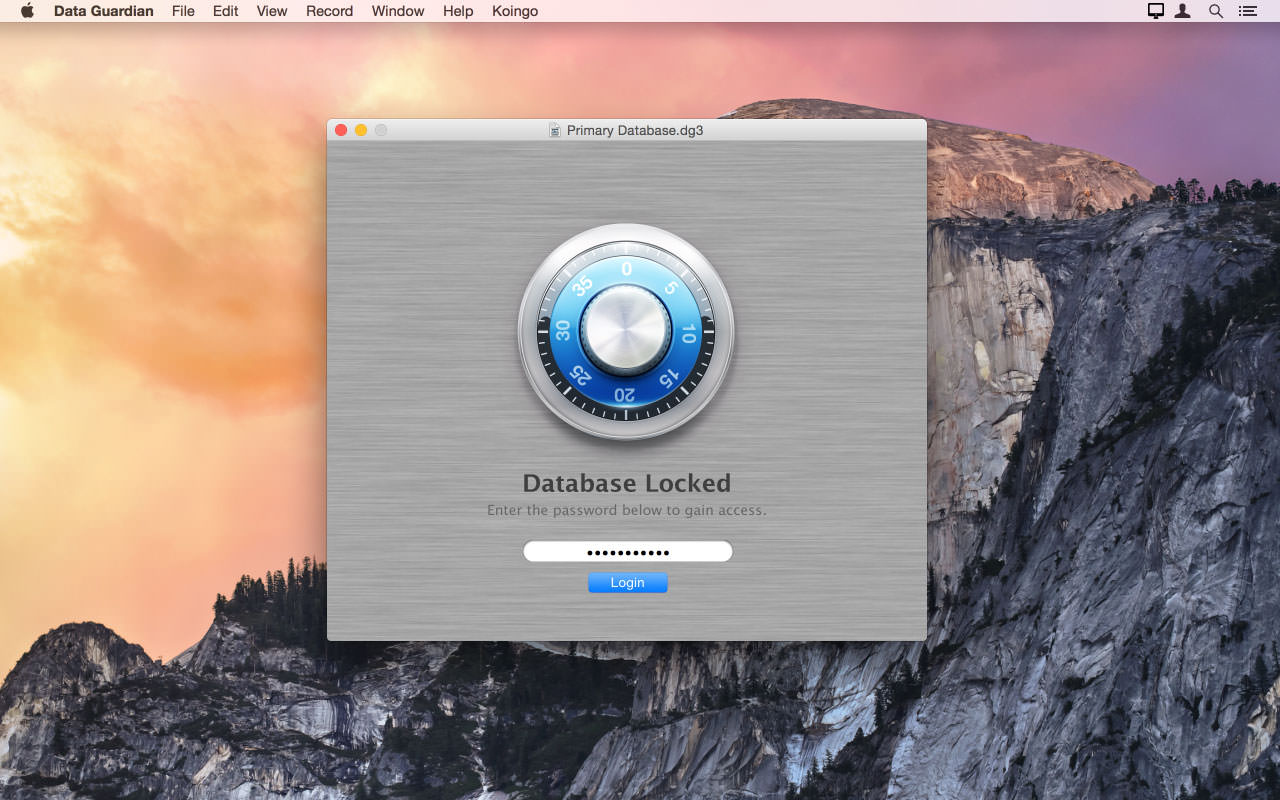
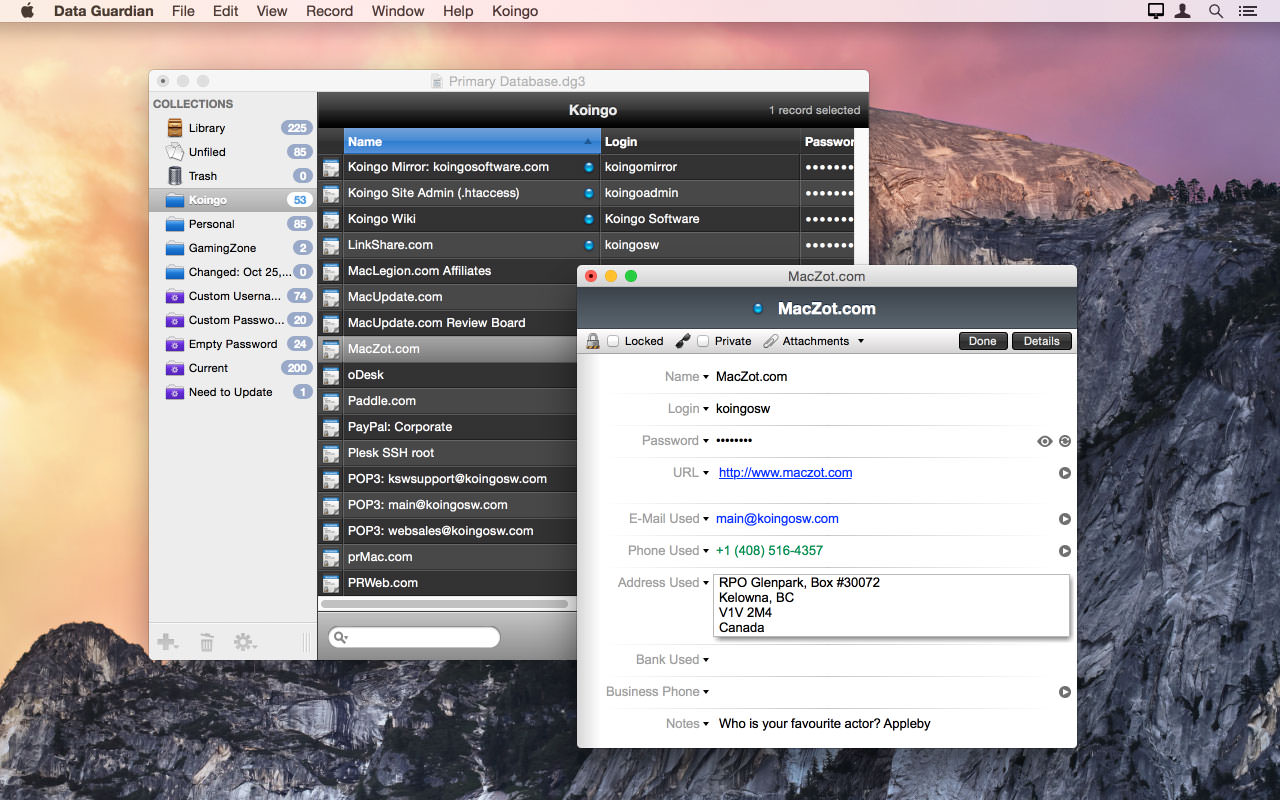
Data Guardian is a secure database application. Security and privacy are two of the most important issues in today’s world; leaving passwords on sticky notes around your computer simply will not cut it anymore. Data Guardian is a secure database application with up to 448-bits of Blowfish encryption – regardless of how sensitive your data is. Create multiple databases in Data Guardian for a variety of purposes such as an address book, customer database, christmas shopping list, journal, password manager, or even notepad.

Easily create categories to store records, and even apply custom color labels and icons! Change the view options for each category to see the information you want, and even add your own custom data fields. Do not be stuck with a program which forces you to input your information into predefined fields. Enter the data you need to, not what you are forced to.

Aside from Data Guardian’s easy to use Keychain integration to autofill passwords on Web sites, it also offers a variety of other tools and features to enhance each record. Dial phone numbers through your modem with a single click, create new e-mail messages, generate secure passwords (based on an algorithm of your choosing), and even synchronize two databases.

Compatibility: macOS 10.14.0 or later
Homepage http://www.koingosw.com

Screenshots


Name: Data_Guardian_7.8_Mac-torrents.Net.dmg
Size: 54 MB
Files Data_Guardian_7.8_Mac-torrents.Net.dmg[54 MB]


   Download Torrent

AirRadar 7.6

With AirRadar, scanning for wireless networks is now easier and more personalized! It allows you to scan for open networks and tag them as favourites or filter them out. View detailed network information, graph network signal strength, and automatically join the best open network in range.

Whether you are driving around looking for wireless networks, stuck in traffic, sitting on the beach, or if you are curious how strong your wireless signal is at home, AirRadar provides a more linear approach to network hunting. Setup a scan frequency, and have new open or closed networks have their name spoken, play alerts, or display notifications.

Various other options allow you to customize your network list further, including assigning colors to best open networks and sound cues. Download it today, and take the hardship out of getting an Internet connection at a critical time

Compatibility: macOS 10.15 or later
Homepage https://www.koingosw.com/products/airradar/

Screenshots


Name: AirRadar_7.6_Mac-torrents.Net.dmg
Size: 56 MB
Files AirRadar_7.6_Mac-torrents.Net.dmg[56 MB]


   Download Torrent

106 Editor 2.6

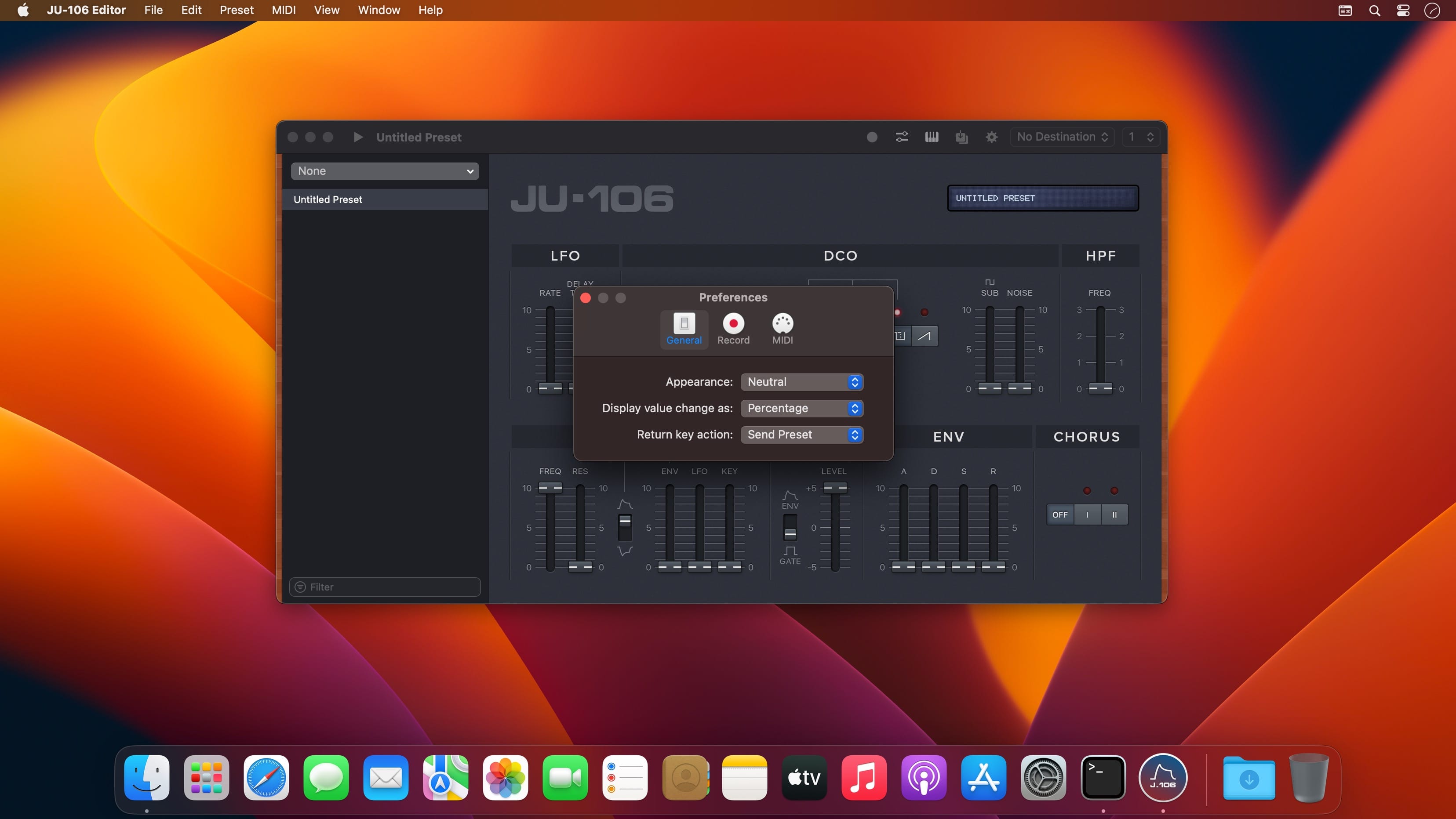
JU-106 Editor is the perfect sidekick for your music sessions. It is a powerful tool to prototype patch alternatives, and exceed your synth’s memory limitations, all while providing a user-friendly, native interface.

Features

  • Presets as Files: Perfect for sharing or backup !
  • Keyboard Playback
  • Undo Support
  • Quick Search
  • Retina Display Ready Interface
  • MIDI Out and Channel are directly customizable in the main window
  • Compatible with the Roland
  • More…

Compatibility: macOS 11.0 or later
Homepage https://www.nightbirdsevolve.com/juno-editor/

Screenshots


Name: 106_Editor_2.6_Mac-torrents.Net.dmg
Size: 8 MB
Files 106_Editor_2.6_Mac-torrents.Net.dmg[8 MB]


   Download Torrent

Wondershare PDFelement Pro 12.1.0 (OCR)

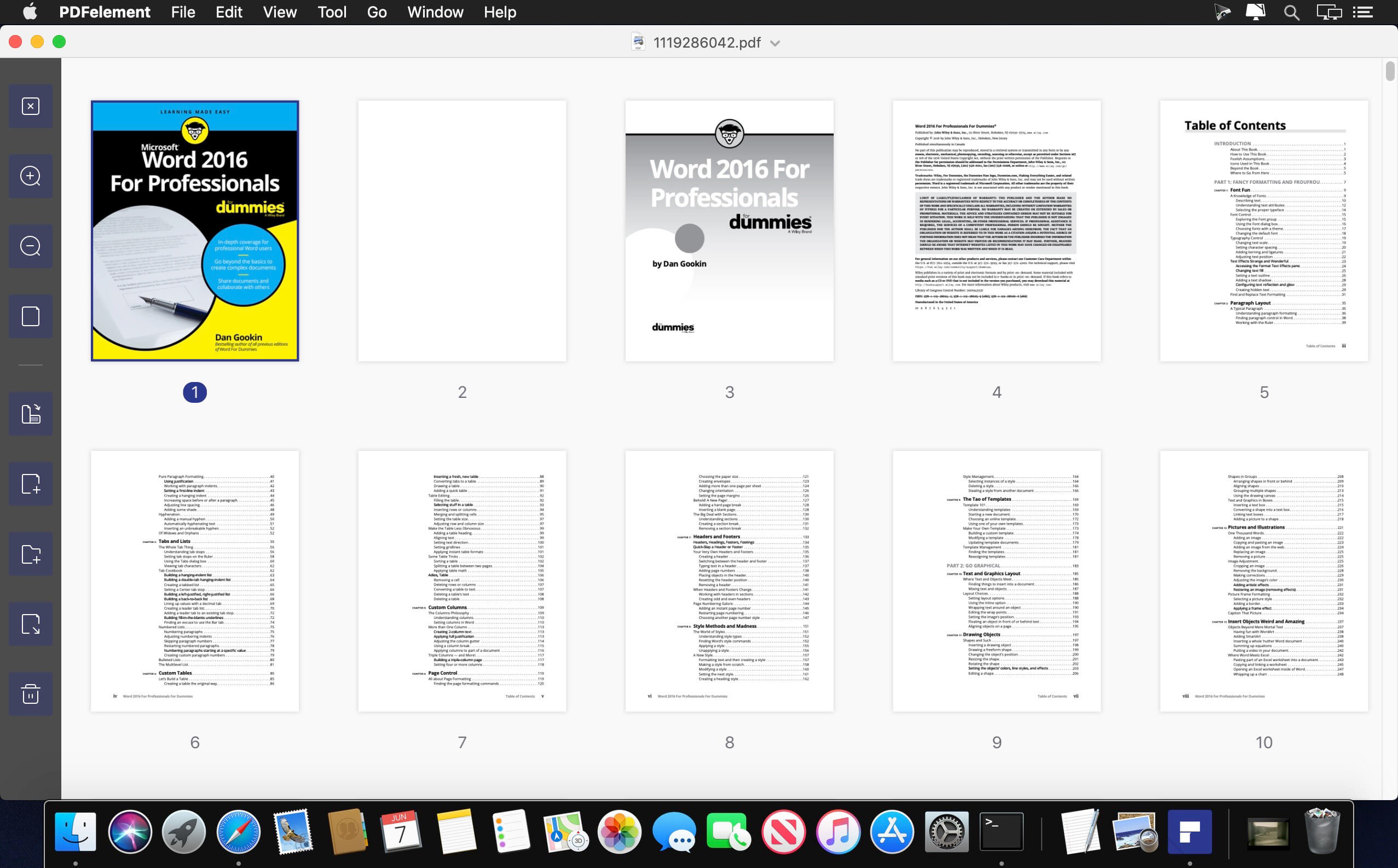
PDFelement – The easiest way to create, edit, convert, and sign PDF documents. We’re now introducing the all-new PDFelement 8, which includes a redesigned UI, more advanced writing tools, improved team collaboration features, more powerful conversion tools, a user management console, and more.

PDFelement Pro
OCR (Exclusive in Pro version)

  • OCR (Optical Character Recognition)enables you to edit and convert characters in scanned PDF files or pictures
  • Supports recognition of 29 languages

Create & Sign Forms (Exclusive in Pro version)

  • Create fillable PDF Forms from interactive field objects, such as buttons, check boxes, radio buttons, list boxes, and drop-down lists
  • Support adding digital signatures to forms

Merge PDF (Exclusive in Pro version)

  • Combine different format files into a new PDF

Convert PDF (Exclusive in Pro version)

  • Supports converting PDF file to a greater number of output formats like EPUB, HTML, Text, RTF

PDF/A (Exclusive in Pro version)

  • Support PDF/A as an available output format with ISO Standard for long term archiving

Batch Processing of PDF Files (Exclusive in Pro version)

  • Process PDFs in batches
  • Add backgrounds, watermarks, headers and footers in batches

Bates Numbering (Exclusive in Pro version)

  • Apply Bates Numbering with advanced formatting

Redact PDF (Exclusive in Pro version)

  • Redact sensitive text and images in PDFs

What’s New:

Version 12.1.0 (OCR):

  • Release notes were unavailable when this listing was updated.

Compatibility: macOS 11.0 or later
Homepage https://www.wondershare.com/

Screenshots


Name: Wondershare_PDFelement_12.1.0_Mac-torrents.Net.dmg
Size: 900 MB
Files Wondershare_PDFelement_12.1.0_Mac-torrents.Net.dmg[900 MB]


   Download Torrent

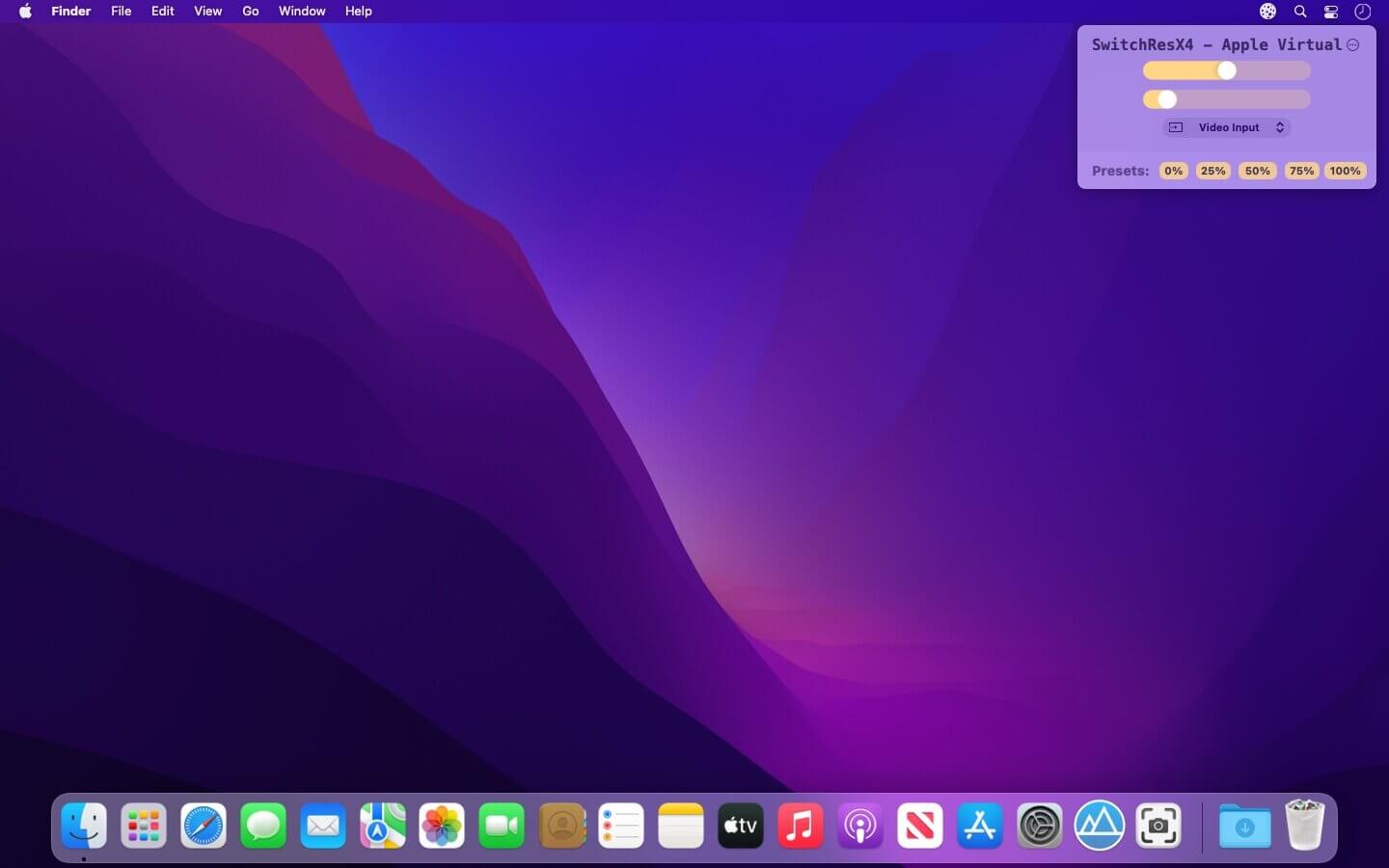
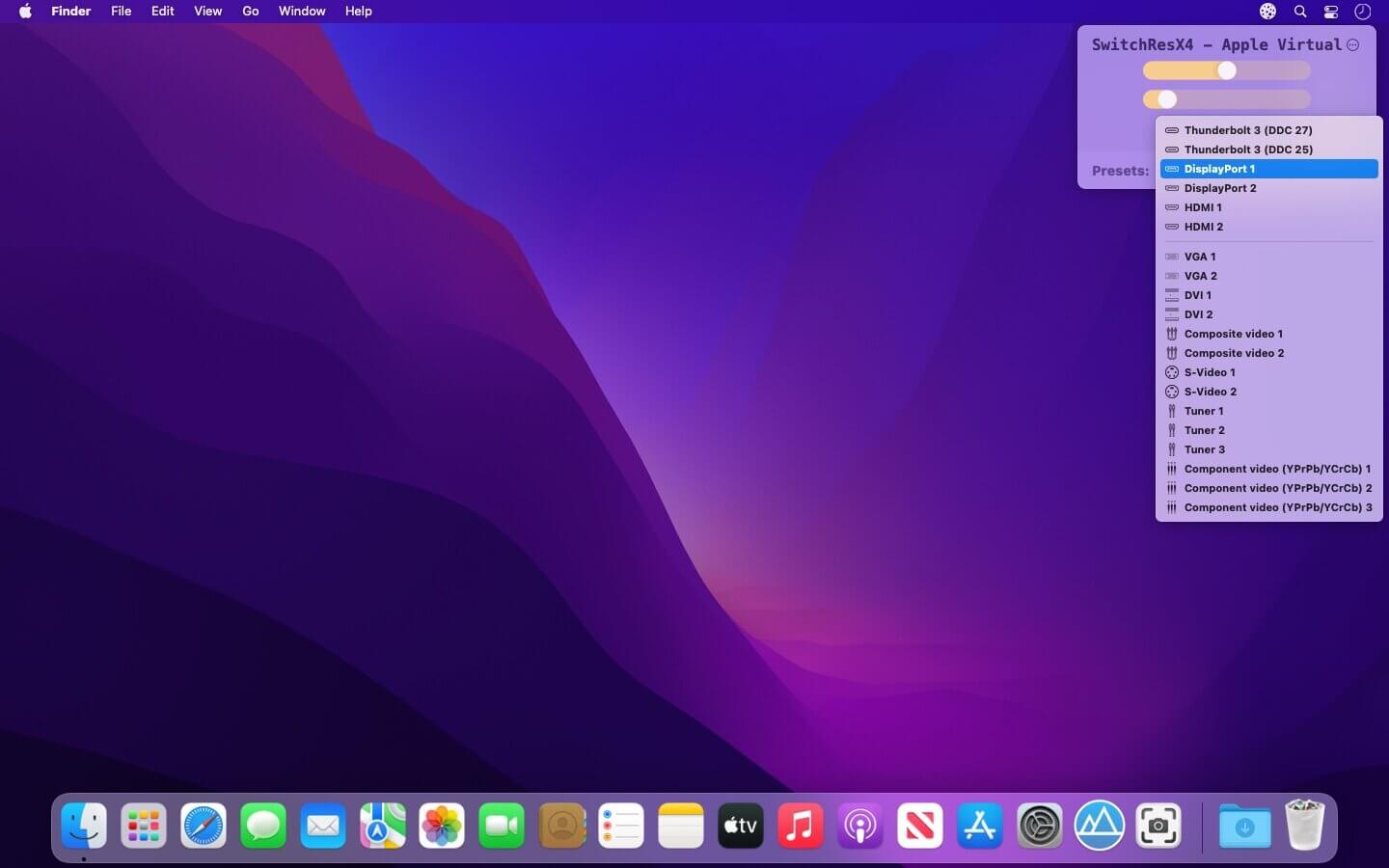
Lunar 6.9.5

Intelligent adaptive brightness for your external display.. Lunar controls the same brightness that you can change by using the monitor’s physical buttons.

  • Sensor-based Adaptive Brightness (and contrast) based on an external light sensor
  • Sync-based Adaptive Brightness (and contrast) based on the built-in light sensor of the Macbook or iMac
  • Location-based Adaptive Brightness (and contrast) based on the sunrise/sunset times in your location
  • App Exception list if you need more brightness for specific activities (watching movies, design work)

Individual settings per display

  • Manual controls and hotkeys for setting brightness and contrast that respect the min/max values per monitor
  • It doesn’t interfere at all with the native adaptive brightness that macOS implements for the built-in display
  • It works well along Night Shift and True Tone (and f.lux if Gamma/Software controls are not used)

If the first launch falls – run again

What’s New:

Version 6.9.5

Fixes:

  • Work around macOS issue where the license code text field is not visible until clicked

Improvements:

  • Allow pausing/unpausing adaptive brightness via a new adaptivePaused property using the CLI or Shortcuts

Compatibility: macOS 10.15 or later
Homepage https://lunar.fyi/

Screenshots


Name: Lunar 6.9.5 [atb]_Mac-torrents.Net.dmg
Size: 16.45 MB
Files Lunar 6.9.5 [atb]_Mac-torrents.Net.dmg[16.45 MB]


   Download Torrent

ON1 Photo RAW MAX 2026.1 v20.1.0.17725

ON1 Photo RAW 2026 is powerful photo editing software that provides photographers with many tools and features to enhance and retouch their images. With a user-friendly interface, it offers advanced editing capabilities, including non-destructive editing, AI-powered adjustments, and precise control over color and tone. It also supports raw files from over 800 cameras and works with JPEG, TIF, PSD, PSB, PNG, and DNG files.

It’s the go-to choice for professionals and enthusiasts seeking top-notch photos. ON1 Photo RAW also includes photo organizational tools for managing your photo library, making it a complete solution for editing and organizing your photography workflow.

This release introduces powerful updates to masking, the Effects module, and photo enlargements, making it one of the most capable Lightroom alternatives available. With all-new Super Resolution AI models, a fully redesigned masking experience, and next-level creative filters, you’ll have the perfect mix of quality, speed, and control—whether you’re making precise selections, exploring fresh creative looks to bring your vision to life, creating stunning photo enlargements.

New Features Include:

-How to Add Cinematic Depth Lighting in Seconds
Depth Lighting filter with AI depth masks arrives in Photo RAW 2026!

-One-Click Subject & Background Masking
Automatic subject & background masks in ON1 Photo RAW 2026. Fast, accurate, effortless.

-Start Every Edit with the Look You Love
Starting Points in ON1 Effects make editing simple—just click to turn on your favorite filters.

-Make Your Background Larger Without Losing the Foreground
Bring your landscape backgrounds closer with the Split Field Filter, new in Photo RAW 2026.

-Turn Tiny, Noisy Images into Huge Photo Enlargements
Resize AI 2026 is built into Photo RAW—bigger, sharper, cleaner photos made easy.

-Get Cleaner Edges with Less Manual Touch-Up
Mask the tough stuff easily with ON1 2026—better edges, fewer halos, no refinements needed.

-Fix Crooked Buildings Without Losing Image Edge
Fix perspective easily in ON1 Photo RAW 2026—new tools, no black corners, perfect lines.

-Stop Fighting Complex Masks — Stack & Combine Them Instead
Stack, mix, and refine masks like never before—combine tools and layers for unlimited control.

-Customize Your Workspace to Edit Faster
Customize your workspace in ON1 Photo RAW 2026—float or dock panes for more editing space.

-Find Your Favorite Filters & Effects
New Add Filter dialog in Photo RAW 2026 puts your favorite filters and Effects front and center.

-Turn Ordinary Shots into Art with Double Exposure
Create stunning double exposures in seconds—no camera tricks or complex layers needed.

-Add Realistic Motion Blur Right at Your Desk
Add panning, zoom, or twist motion to still photos—no missed shots, just dynamic effects.

-Digitizing Film? How to Perfectly Invert & Color-Correct Negatives
Easily invert and color-correct film negatives—no scanners or backwards sliders required.

ON1 Photo RAW MAX 2026
Own it. Works as a standalone app or plugin.
Photo RAW MAX 2026 Edition adds plugin compatibility so you can launch your favorite ON1 tools from inside other editors like Adobe Ps/Lr, Affinity, Apple Photos, and others, for a more flexible workflow.

Compatibility: macOS 13.0 or later
Homepage https://www.on1.com/products/photo-raw/

Screenshots


Name: ON1_Photo_RAW_MAX_2026.1_v20.1.0.17725_Mac-torrents.Net.dmg
Size: 745 MB
Files ON1_Photo_RAW_MAX_2026.1_v20.1.0.17725_Mac-torrents.Net.dmg[745 MB]


   Download Torrent

Sketch 2025.3

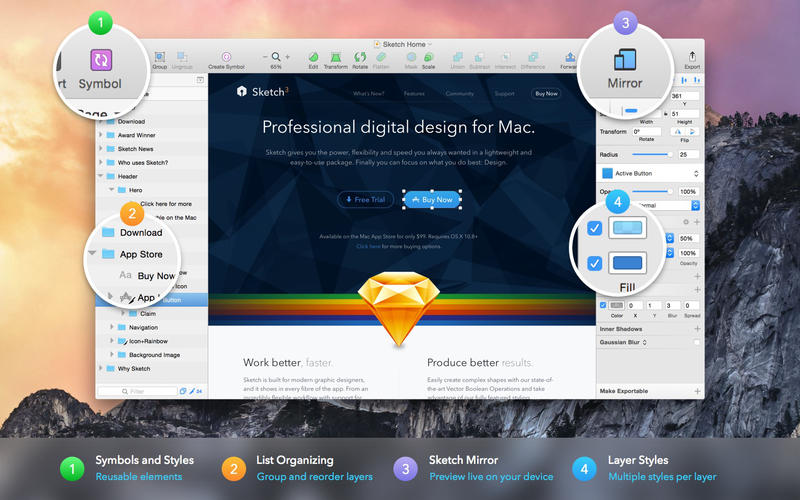
Sketch: graphic design for a digital world. Powerful tools and an elegant interface, in a single award-winning package. Because making beautiful things should be a joy, not a burden.

Sketch supports multiple fills, borders and shadows per layer; has powerful non-destructive boolean operations; smart pixel alignment; and makes exporting a breeze with automatic slicing and multiple resolution export.

Vector tools and basic shapes are the foundation; whether you are designing icons, websites, interfaces or anything else. Combine these into complex shapes with non-destructive boolean operations, leaving you free to edit them in the future, then apply advanced layer style options like multiple shadows, fills, gradients, noise, blending, background blurring, and more.

Sketch doesn’t just do shapes, of course. Imported images can be rotated, scaled, cropped and masked. The best-in-class text tool lets you add beautiful typography to your designs, using native font rendering, so you can be sure that text always looks 100% accurate!

Brand new to Sketch 3, Symbols allow you to reuse entire groups of content in multiple places in your design. Think of interface elements such as buttons, headers and footers. Change them once, and they update everywhere in your document.

Built for the Mac, Sketch supports OS X’s Versions and Auto Save, letting you focus on your work instead of hitting CMD+S. Keep your work safely in sync across multiple Mac computers with iCloud. And take Sketch full screen to maximise the size of your canvas.

All this power is deliciously baked into Sketch’s single-window interface. Everything is there, tucked away until you need it. A simple interface with powerful tools.

Compatibility: macOS 14.0 or later
Homepage https://www.sketch.com/updates/

Screenshots


Name: Sketch_2025.3_Mac-torrents.Net.dmg
Size: 116 MB
Files Sketch_2025.3_Mac-torrents.Net.dmg[116 MB]


   Download Torrent

Money Pro 2.11.19

Money Pro is the one place for bill planning, budgeting and keeping track of your accounts. Easy sync with iPhone/iPad versions. Money Pro works great for home budgeting and even for business use.

Calendar

  • Mark days on the big calendar when your bills are due.
  • Schedule recurring bills with custom periodicity.
  • Filter transactions by selecting dates on the calendar.

Today view

  • Take a quick glance at bills due.
  • When you actually have a transaction, approve it quickly.
  • Money Pro predicts transactions for the day that may not have been scheduled manually.

Bills due notifications

  • A whole system of reminders will alert you of upcoming bills.
  • Quick rescheduling option will help you deal with bills due (tomorrow, in 3 days, next week).

Budgets

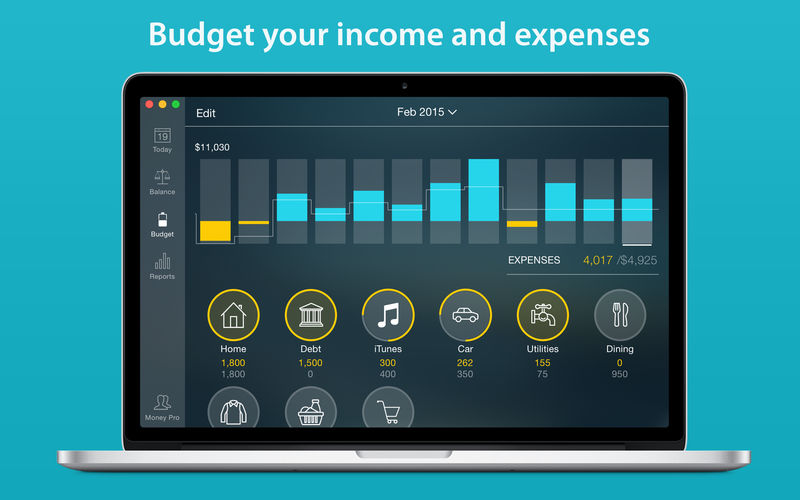
  • Create budgeted entries, both for your income and expenses, and indicate budget limits for each entry.
  • You can set different budget limits for every period, which is useful if you plan to reduce your spending gradually month by month.
  • Start adding every transaction you have, and see progress of each category and the overall progress.
  • Monitor visual indicators for budget overspending.
  • Select the category you want to analyze and examine a budget trend chart generated on the fly.

Budget rollover

  • You can set budgets to transfer the leftover of the current period to the next budget period.
  • Budget rollover limits your spending automatically if you overspent in previous periods.

Checkbook register

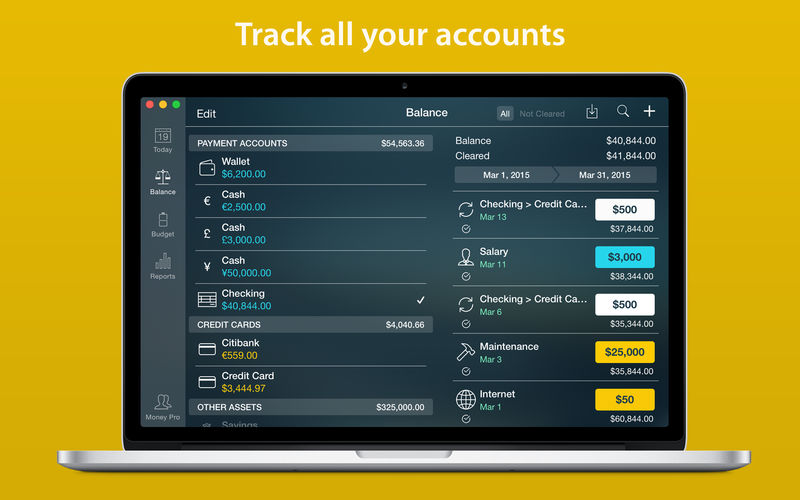
  • Unlimited number of accounts in one place (checking, savings, credit card, etc).
  • Setting transactions as recurring or as one-time only.
  • Balance change history.
  • Additional fields for organizing your records including payee, description, check #, class (personal/business travel expenses).
  • Attachment of receipt photos.

Account reconciliation

  • You can record transactions and clear them later on (reconcile).
  • Automatically calculated available balance and cleared balance.

Language: English, Spanish, Italian, German and others.
Compatibility: macOS 10.12 or later, 64-bit processor
Mac App Store https://geo.itunes.apple.com/app/id972572731

Screenshots


Name: Money_Pro_2.11.19_Mac-torrents.Net.dmg
Size: 48 MB
Files Money_Pro_2.11.19_Mac-torrents.Net.dmg[48 MB]


   Download Torrent

Rectangle Pro 3.64

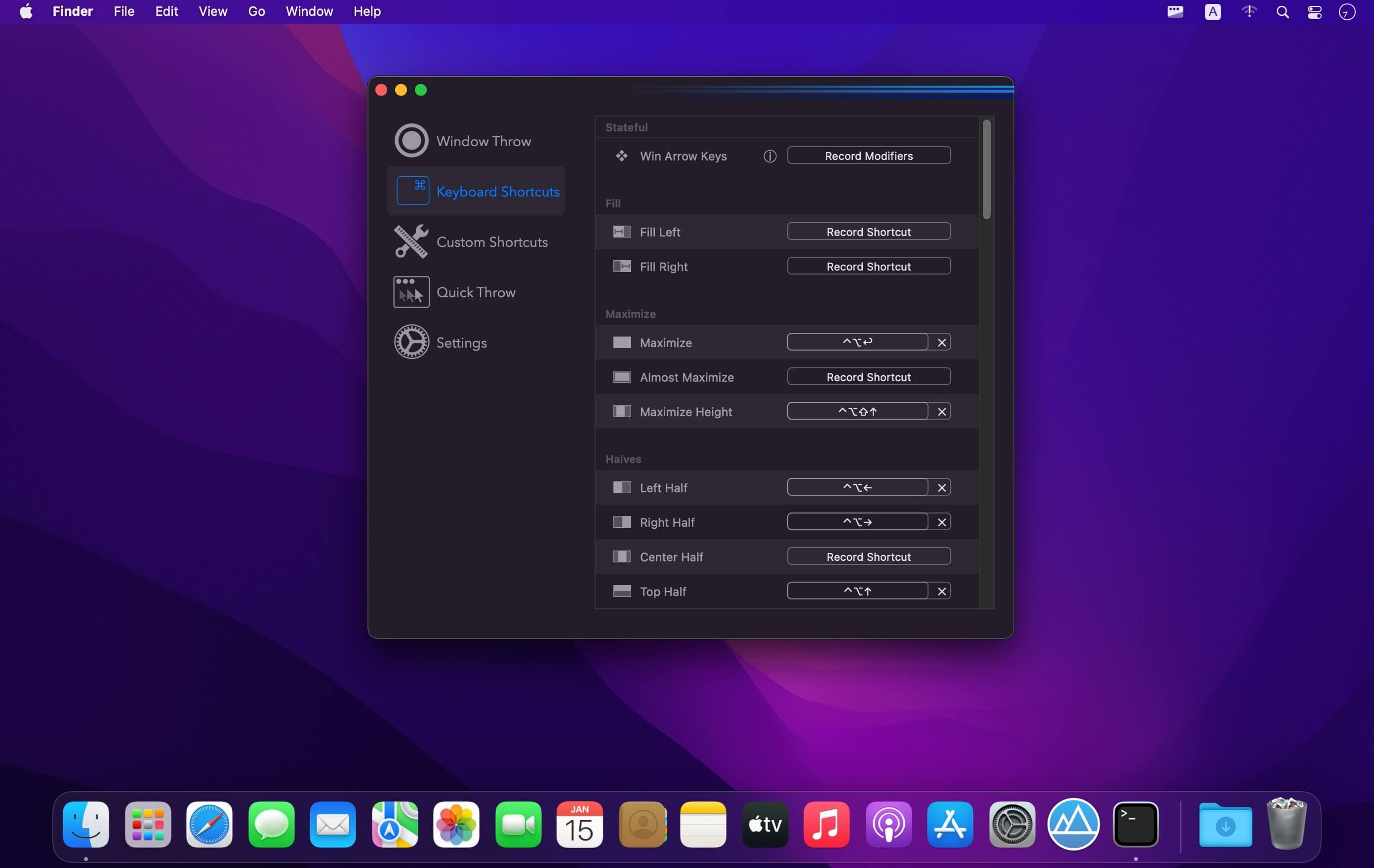
Snap windows faster in this featureful Rectangle superset. Toss windows in the right places with cursor movement, move multiple windows with one command, create custom shortcuts, and more.

One simple key combo

  • 16 window sizes & positions
  • No need to remember a ton of keyboard shortcuts, but those are all here, too

A Supercharged Rectangle Superset

  • Keyboard shortcuts
  • Drag windows to screen edges to snap

PRO

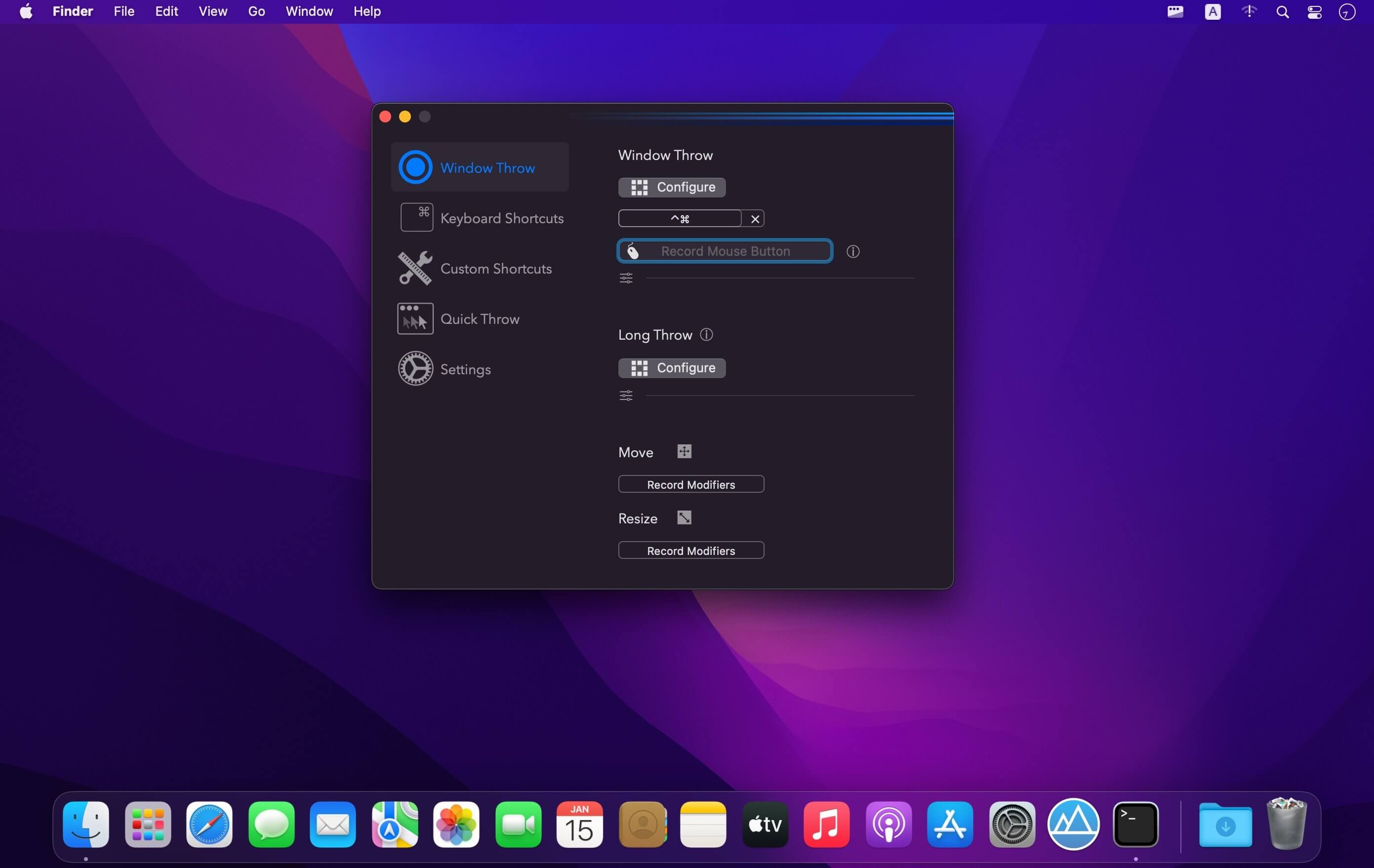
  • Move and resize by holding a key and moving your cursor
  • Snap windows under your cursor, even if not in focus
  • Custom shortcuts for any size & position
  • Sync your settings over iCloud

The Lightweight Gesture Champ

  • Unlike touch gesture based window managers, Rectangle Pro only consumes CPU when configured modifier keys are pressed. Even then it’s minimal
  • Rectangle Pro is a breeze to learn, and doesn’t conflict with any built-in macOS behavior
  • Use it with any device that moves the cursor

Unmatched Customization and Actions

  • Create keyboard shortcuts with any window size and location, and specify what happens on each repeated execution
  • Fill left and right actions make it simple to maximize screen usage without overlap
  • Match the keyboard shortcut window management of that other OS

Multiple Windows at Once

  • Cascade windows
  • Move all windows for an app to another display or screen half
  • Tile top windows in a 2×2 or 2×3 grid

Additional Efficiency and Speed

  • Each window action can be configured with a quick, simple cursor movement and modifier key combination
  • Just press and release modifier keys while you move your cursor over the window you want to snap

What’s New:

Version 3.0:

  • Updated the app icon and accent color of the preferences window.
  • Added the ability to resize adjacent windows when windows are resized by dragging the edge or using the modifier key resize functionality in the app.
  • Moving or resizing windows using configured modifier keys will now pause when another window edge is reached and the move is going slow enough, similar to how it works with dragging window title bars.
  • The fill left and fill right window actions now account for more than just the adjacent z-index window.
  • Added fill corner window actions.
  • The window throw now has an additional scroll capability. When the footprint window is visible, scroll to adjust the size of the footprint (enabled via checkbox in the Window Throw tab of the prefs window).
  • Fixed the next/prev display actions when configured in the Snap Panel.
  • Various small bug fixes

*** You need to disable the System Integrity Protection (SIP) to perform the selected Application.

Compatibility: macOS 10.15 or later
Homepage https://hookshot.app

Screenshots


Name: Rectangle_Pro_3.64_Mac-torrents.Net.dmg
Size: 10 MB
Files Rectangle_Pro_3.64_Mac-torrents.Net.dmg[10 MB]


   Download Torrent

SpamSieve 3.2.2

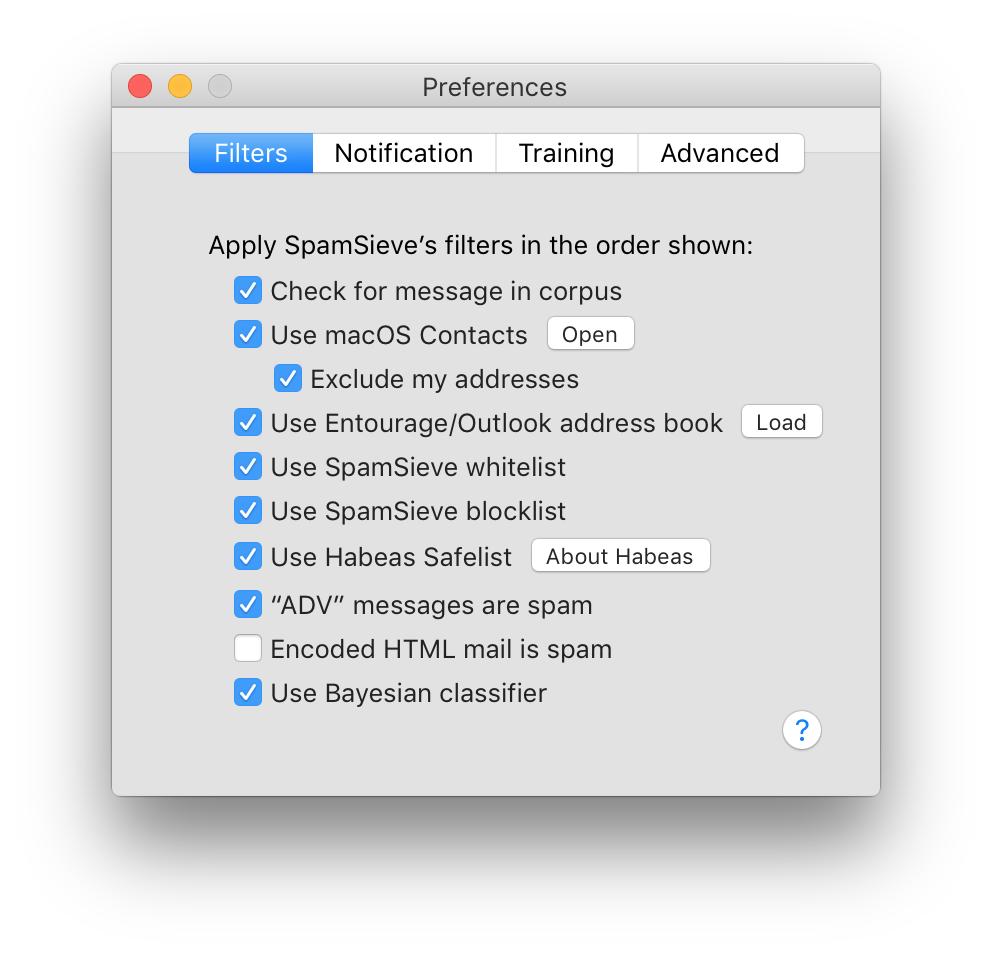
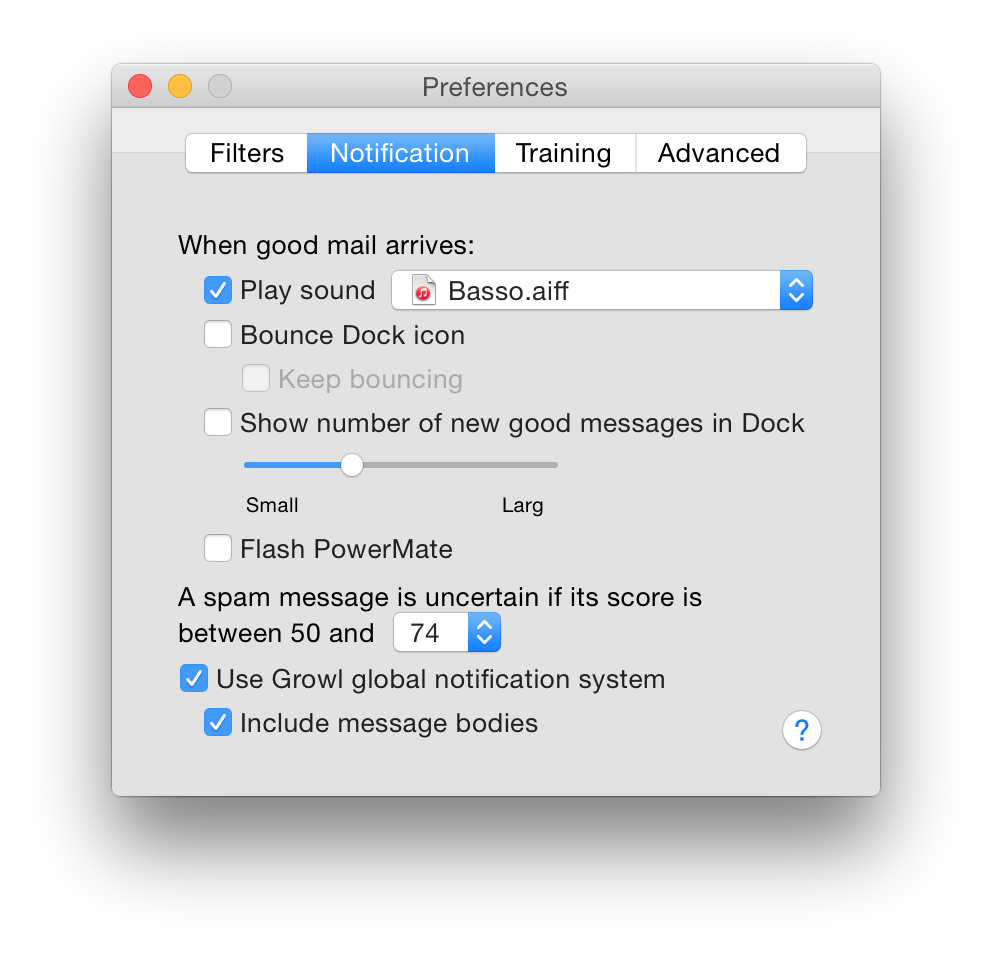
SpamSieve is a robust spam filter for major email clients that uses powerful Bayesian spam filtering.

SpamSieve understands what your spam looks like in order to block it all, but also learns what your legitimate messages look like to avoid confusion. SpamSieve only marks spam in your email client so you never lose any mail.

Works with:

  • Apple Mail
  • Airmail
  • Emailer
  • Entourage
  • Outlook 2011
  • Outlook Express
  • Eudora 5.2 or 6.x (Sponsored or Paid)
  • MailForge
  • MailMate
  • Mailsmith
  • GyazMail
  • Postbox
  • PowerMail

Compatibility: macOS 10.13 or later
Homepage https://c-command.com/spamsieve/

Screenshots


Name: SpamSieve_3.2.2_Mac-torrents.Net.dmg
Size: 61 MB
Files SpamSieve_3.2.2_Mac-torrents.Net.dmg[61 MB]


   Download Torrent

FixGo 3.6.0

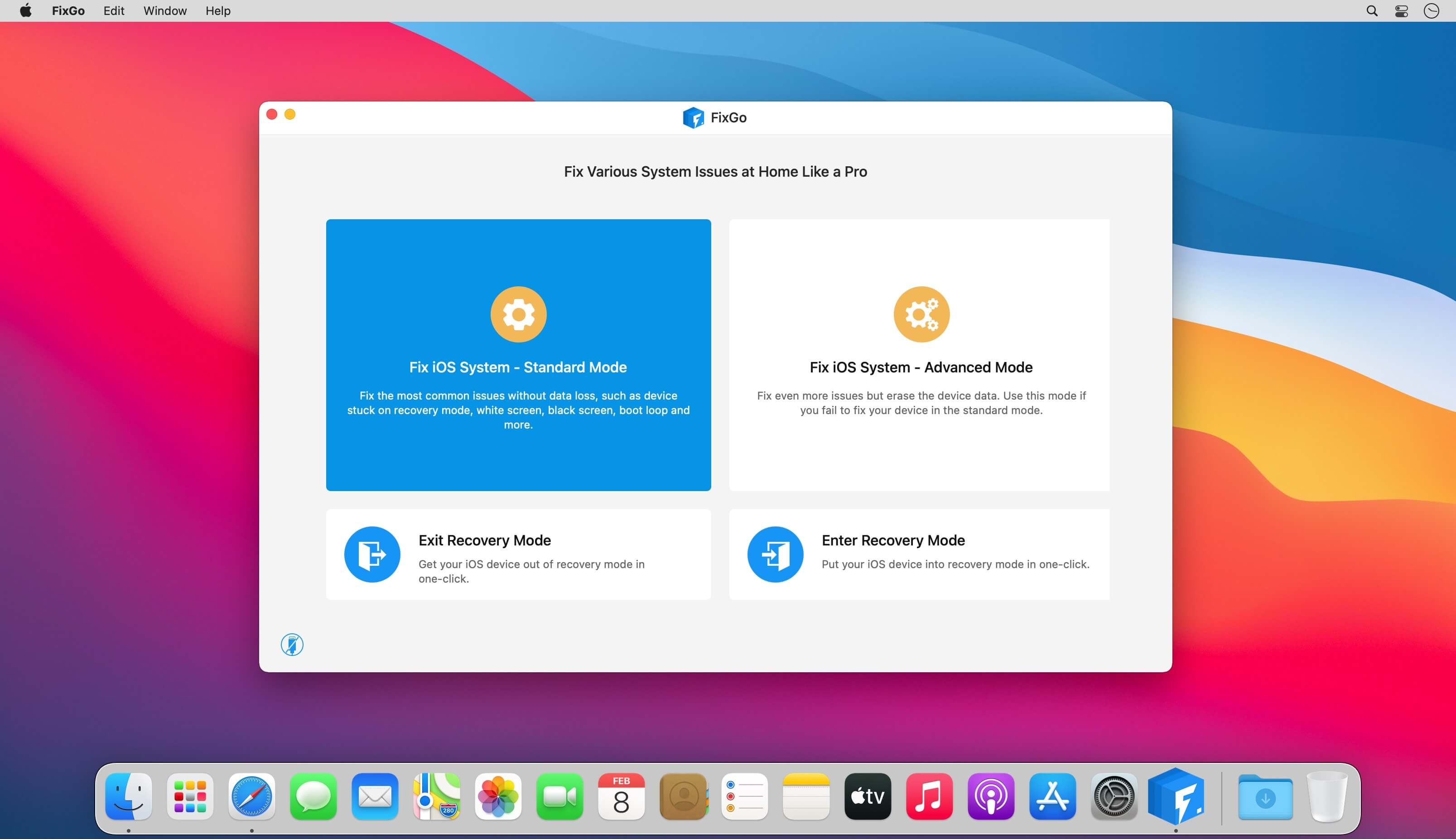
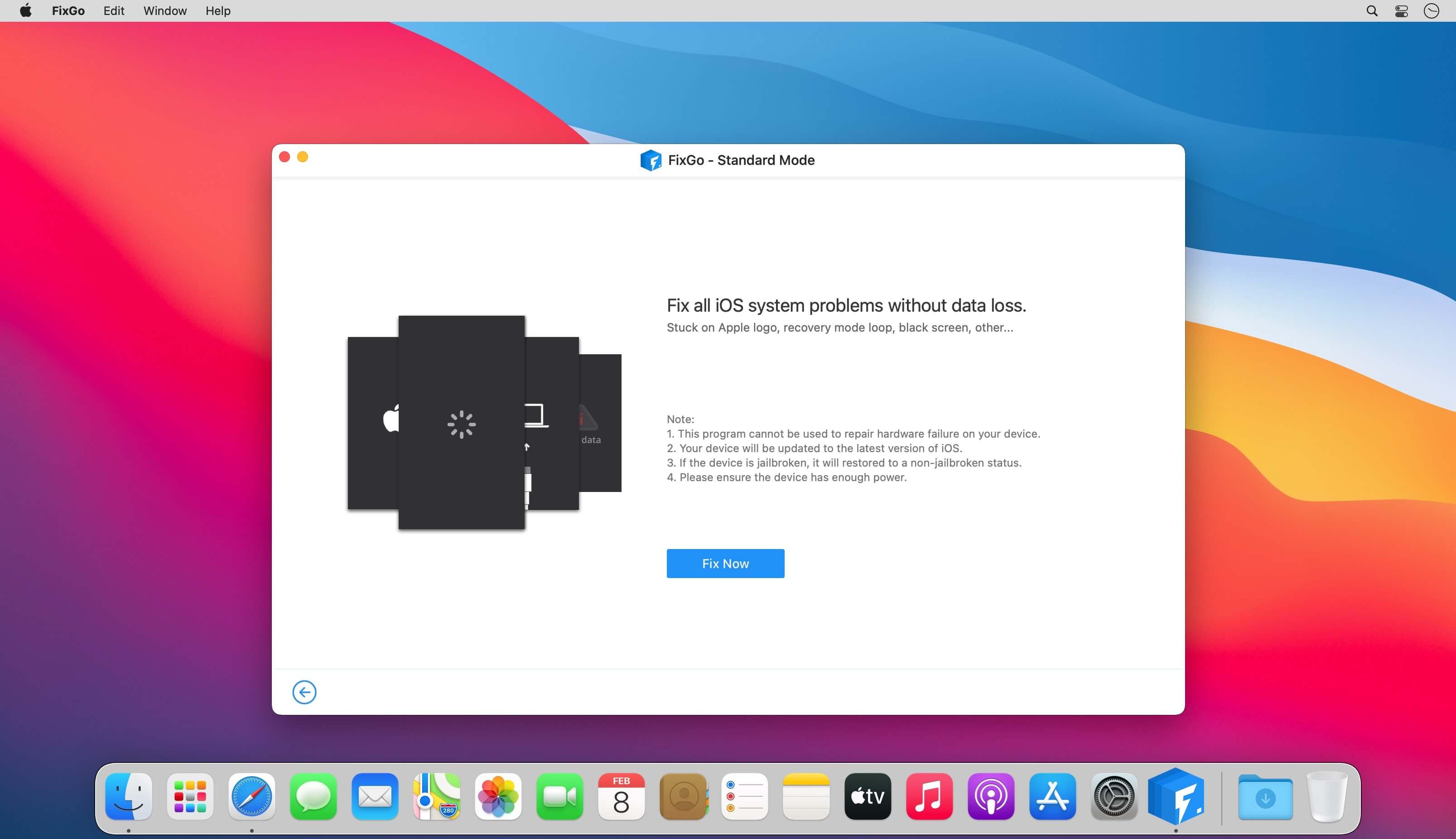
Fix over 200 iOS stuck issues without data loss. Fix more than 200 iOS stuck issues including an iPhone stuck on the blank screen, Apple logo, white screen etc. without data loss.

  • Recovery Mode
  • Spinning Circle
  • Apple Logo
  • White Screen
  • Black Screen
  • Won’t Turn On
  • Boot Loop
  • Frozen
  • Restore Failure
  • Update Failure
  • Apple TV Issues
  • iPadOS Issues

A life-saver for iOS 14 update issues

Is your iPhone stuck after an update or did the device suddenly stop working properly after an update? You can use FixGo to fix all iOS 14 issues without losing any of the data on your device or needing any technical skills.

  • iPhone stuck at apple logo after update
  • iPhone wont turn on after update
  • iPhone unable to install update
  • iPhone unable to verify update
  •  iPhone unable to check for update
  • iPhone bricked after update
  • iPhone update stuck on estimating time remaining
  •  iPhone stuck preparing update
  • iPhone stuck on update screen
  • iPhone froze during update
  • iPhone stuck on verifying update
  • iPhone stuck on update requested
  • iPhone update stuck on installing
  • iPhone update failed
  • iPhone taking forever to update
  • iPhone stuck on update completed screen
  • ……

2 repair modes to fix your issues efficiently

Standard Mode

  • Various judgments are made to improve the success rate of repair by considering the different repair failure scenarios.
  • Compared to iTunes Restore or other methods, the standart mode works securely so your device will not lose any data.
  • It helps fix the most common system issues.

Advanced Mode

  • The ultimate repair solution, FixGo attempts to wake up your phone by applying the advanced techniques.
  • Clearer and more detailed directions, compared to iTunes Restore or other methods.
  • It helps fix more serious iOS issues and will erase all your data.


More features than any other tool:

Enter and exit recovery mode in a single click
FixGo allows you to put any iOS device in recovery mode without pressing a button. Your iPhone/iPad stuck in recovery mode? FixGo can get it out of recovery mode in a single click.

Downgrade iOS without iTunes and data loss
Downgrading your iOS using iTunes is a time-consuming and often frustrating experience. With FixGo, you can avoid all the complications and very easily downgrade iOS without data loss.

Fix over 200 iTunes errors with FixGo
Does iTunes display error 3196, error 9 or error 4013 when you try to backup, restore or update your device? FixGo can fix these and over 200 additional iTunes errors without affecting your data.

Easily troubleshoot and fix Apple TV tvOS problems

Is your Apple TV stuck on the Apple logo, Recovery mode and Airplane mode? FixGo can just as easily repair the tvOS system and fix most of the issues affecting your Apple TV without data loss.

Supported devices & iOS versions

  • iPhone 12 Pro (Max), iPhone 12 mini, iPhone 12, iPhone 11 Pro Max, iPhone 11 Pro, iPhone 11, iPhone XR, iPhone XS (Max), iPhone XS, iPhone X, iPhone 8 Plus, iPhone 8, iPhone 7 Red, iPhone 7 Plus, iPhone 7, iPhone SE, iPhone 6s Plus, iPhone 6s, iPhone 6 Plus, iPhone 6, iPhone 5s, iPhone 5c, iPhone 5, iPhone 4s, iPhone 4, iPhone 3GS, iPhone 3G
  • All models of iPad Air, iPad mini, iPad Pro and iPad
  • iPod touch 7, iPod touch 6, iPod touch 5, iPod touch 4, iPod touch 3, iPod touch 2, iPod touch 1
  •  Apple TV HD, Apple TV 3rd Generation, Apple TV 2nd Generation
  • Supported iOS versions: iOS 7.0 and later

Compatibility: OS X 10.10 or later 64-bit
Homepage https://itoolab.com/

Screenshots


Name: FixGo_3.6.0_Mac-torrents.Net.dmg
Size: 11 MB
Files FixGo_3.6.0_Mac-torrents.Net.dmg[11 MB]


   Download Torrent

Disk Drill Enterprise 6.1.2109

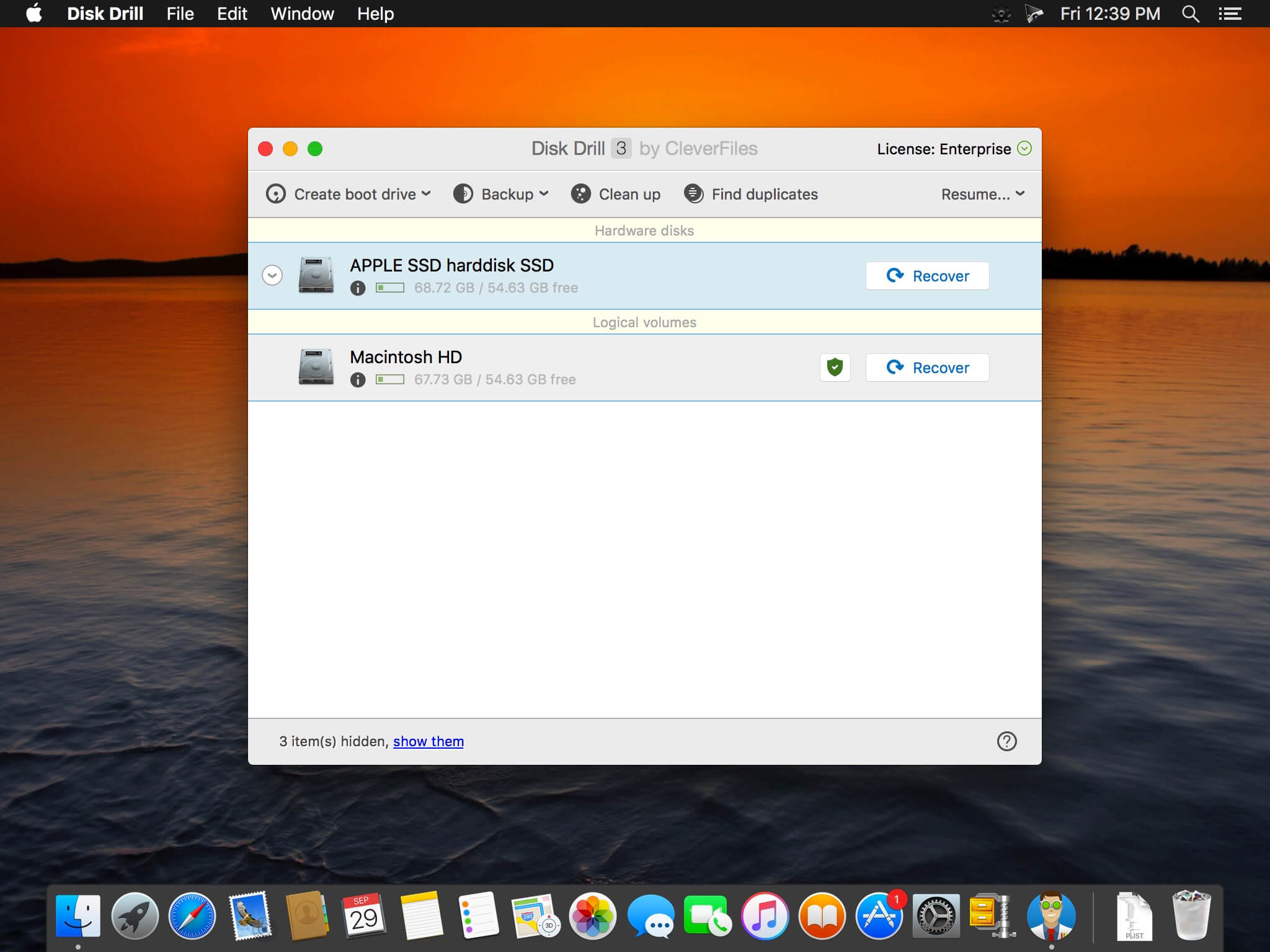
Disk Drill is a Mac data recovery software designed natively for Mac OS: easily protect your files from accidental deletion with Recovery Vault and recover lost data from Mac disks. Most of storage devices, file types and file systems are supported. You can recover deleted files from iPhone and Android devices! Disk Drill offers helpful and free tools for disk management like duplicate file finder, byte-to-byte backups, disk cleanup and space visualization, bootable data recovery drive, disk health monitoring, etc.

When something is deleted Recovery Vault makes it possible to recover not only the file itself, but also its properties, such as original file name, location, etc. So you will always be able to recover data from Mac files system (HFS/HFS+) and FAT32 partitions. Disk Drill also includes powerful S.M.A.R.T. disk monitoring right out-of-the-box; you can monitor your disks’ hardware status and get automatic notifications of potential failures or other issues. If a disk or partition is failing, you can easily backup it into a disk image (DMG) which can later be mounted for recovery.

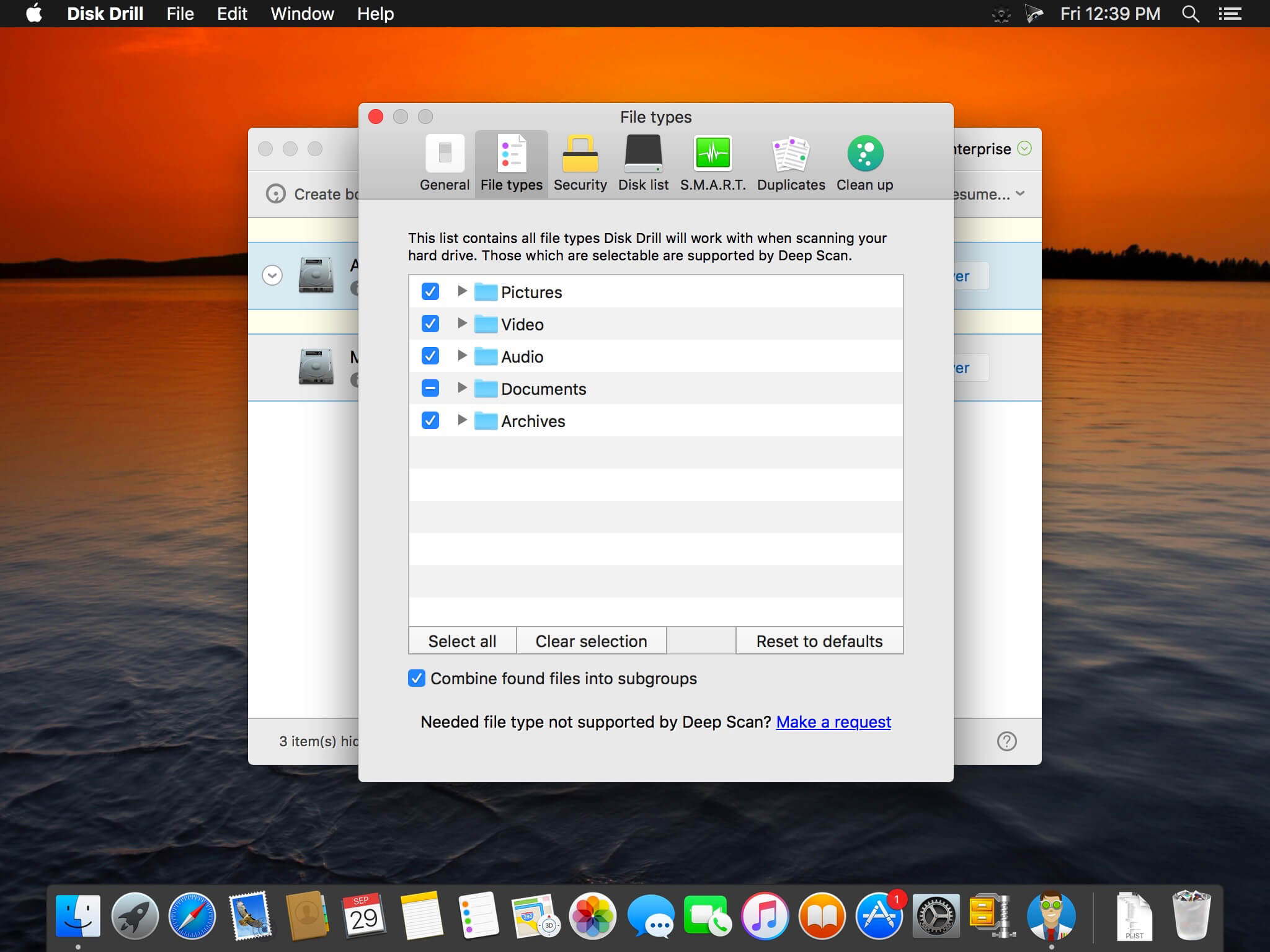
Disk Drill PRO also features a number of advanced scanning modes for data recovery of FAT, NTFS, HFS/HFS+, other file systems and formatted (initialized) drives. Using Quick Scan you can locate deleted items on FAT and NTFS disks, this scanning method is fast and accurate, but is unlikely to find data deleted long ago. With Deep Scan you can try to recover data from any disk or memory card regardless of their file system. This recovery method is long and thorough, it scans your disk in a binary mode and is capable of finding deleted files even after formatting.

What’s New:

Version 6.0.2020:

New

  • Advanced Camera Recovery – introducing the recovery of fragment-deleted videos and photos from cameras, drones, dashcams, smart telescopes, microscopes, and other camera-equipped devices
  • Revamped byte-to-byte backups – engineered for recovery, enhanced fault tolerance, and a fresh, visually rich interface
  • ReFS lost partition recovery – more data restored, more meta-information salvaged
  • Hex View added for advanced disk and partition analysis – ideal for raw, low-level inspection of data integrity and device condition
  • Targeted recovery from BitLocker-enabled Windows partitions
  • Support for Bonjour (zero-configuration networking) and mDNS (local network discovery) added – Disk Drill now automatically detects network devices for remote recovery over SSH
  • Added certificate validity check for legacy macOS distributions in the macOS Installer module

Improvements

  • Support for discovery and scanning of exFAT partitions
  • Disk Drill compatibility in Recovery Mode across modern Mac models
  • Detection of damaged exFAT partitions that were previously misidentified as RAW, along with a significant improvement in recovery success rates
  • Detection of lost NTFS partitions
  • Quick and Deep Scan results are now intelligently merged during a Universal Scan to prevent file duplication
  • Automatic RAID array reconstruction is now supported during remote recovery over SSH
  • The sidebar, interface controls, list elements, preview pane, navigation flow, filter system, and icon set have all been refined to deliver a more streamlined and modernized user experience
  • RAID1 EXT2 detection
  • NTFS partition detection when MBR is wiped
  • Detection of disk disconnection to notify a user that the current scan cannot be resumed
  • Data reading/extraction from VHDX disk and partition images
  • Speed and memory usage in Time Machine-specific scan operations

Fixes

  • Missing Call History extraction in iOS 18.3
  • Crash when requesting new Network Access permission on macOS 15
  • Memory leaks during exFAT scanning operations
  • Sorting issues when recovering from iOS and iPadOS devices
  • Resolved a hang in Disk Drill’s portable mode when scanning the Guaranteed Recovery and Recovery Vault database on system drives
  • Occasional crash when parsing JPG file signature metadata within Deep Scan operations
  • Broken sorting for expanded folders containing less than 1,000 files
  • Rare crash when scanning APFS-formatted disks
  • Repeated “disk offline” warnings when loading sessions
  • Incorrect notification about interrupted scan when a disk is disconnected
  • Auto-selection of the backup source when navigating from the bad sector warning for the current disk
  • Improper notification about interrupted scan when the scan had already completed successfully
  • “Back” button not returning to the disk list if the scanned disk had been disconnected
  • Rare exception when saving a session of a scanned device

*** You need to disable the System Integrity Protection (SIP) to perform the selected Application and Gatekeeper off!.

Compatibility: macOS 10.15 or later
Homepage https://www.cleverfiles.com/mac-data-recovery.html

Screenshots


Name: Disk_Drill_6.1.2109_Mac-torrents.Net.dmg
Size: 90 MB
Files Disk_Drill_6.1.2109_Mac-torrents.Net.dmg[90 MB]


   Download Torrent

UnlockGo 6.3.0

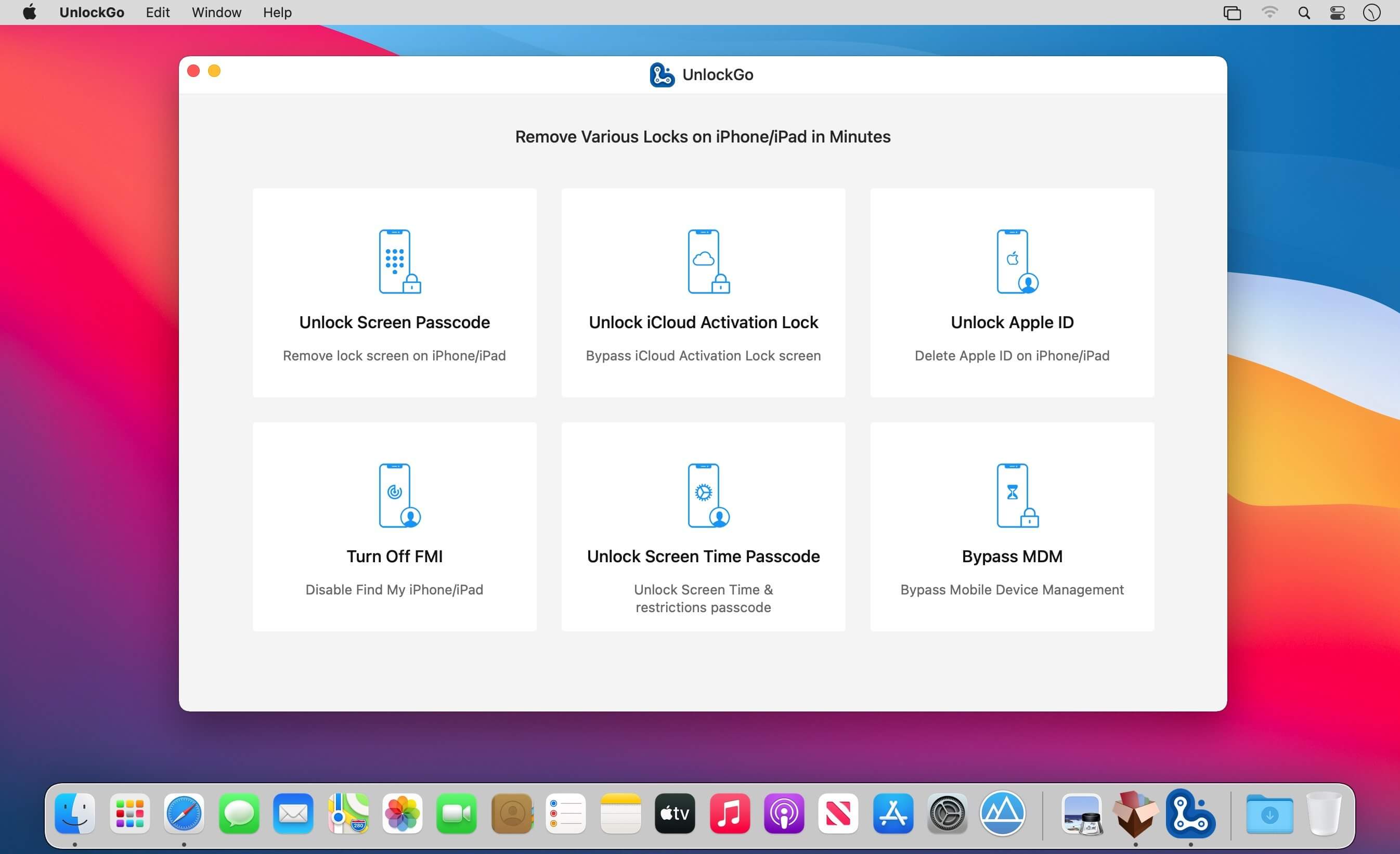
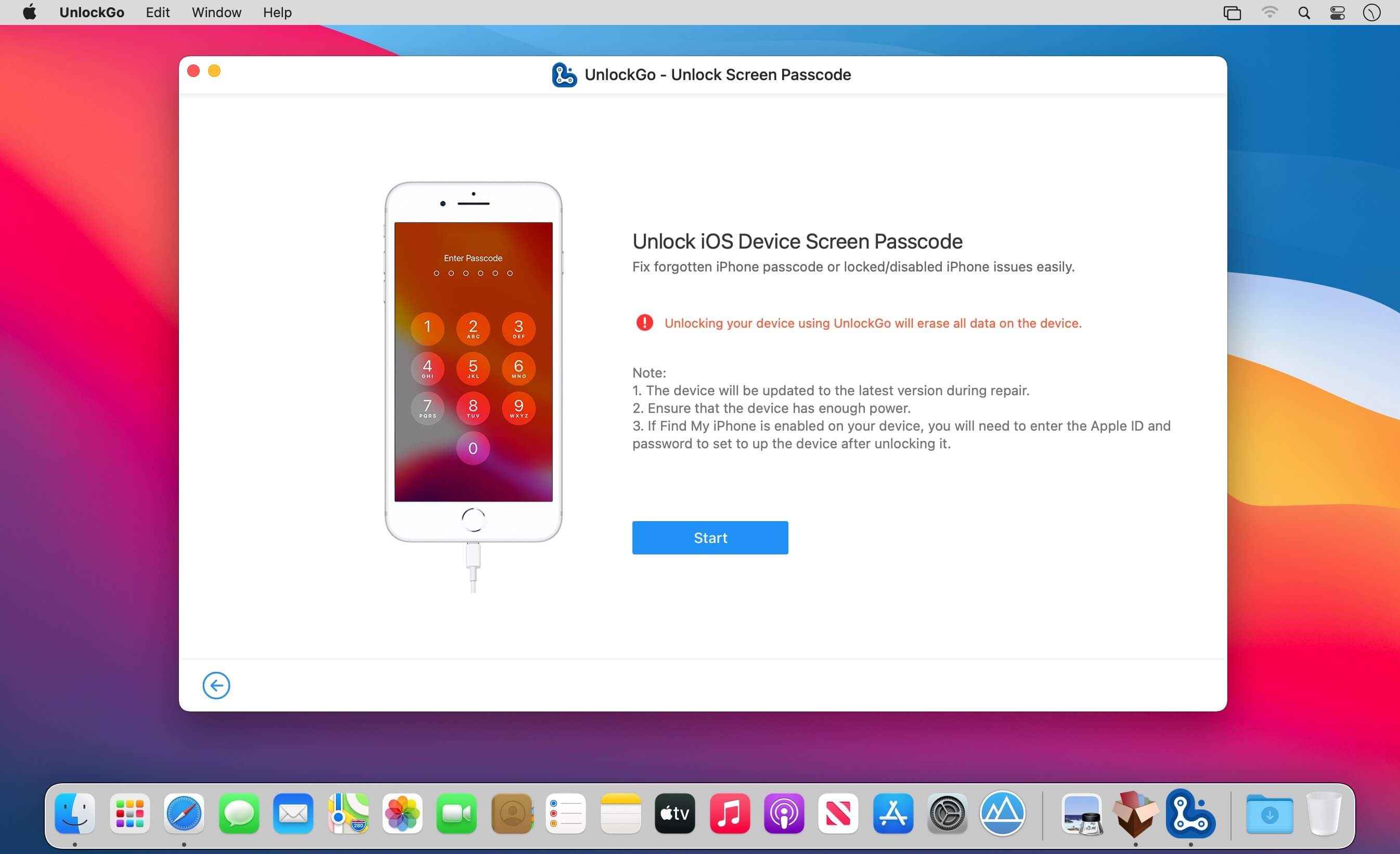
All-in-One iPhone Lock Removal Tool. Remove Various Locks on iPhone/iPad in Minutes. Instantly unlock your iPhone/iPad’s passcode
iToolab UnlockGo allows you to easily bypass iPhone passcode and gain full access to the device. It works on the following scenarios, and all kinds of passcodes are fully supported.

All types of passcodes are fully supported
UnlockGo supports to remove all types of passcodes easily including the 4-digit code, the 6-digit code, custom numeric code, alphanumeric code, Touch ID or Face ID.

Note: The removal of passwords for business purposes is illegal and prohibited.

  • Forgot iPhone password
  • iPhone is disabled
  • Face/Touch ID is not available
  • Passcode expired
  • Second-hand iPhone
  • Broken screen

Bypass iCloud activation lock without password
UnlockGo enables you to turn off the iCloud Activation Lock without password easily, if your device is stuck in the “Activation Lock” screen.

  • Remove activation lock after restore
  • Remove activation lock of lost iPhone
  • Could not activate iPhone
  • Unable to activate

Get access to the device after iCloud Activation Lock removal
Once Activation Lock is disabled, you can enjoy the following:

  • Gain access to your device.
  • Use a new Apple ID for iTunes Store & App Store.
  • The device won’t be tracked by the previous Apple ID.
  • The device won’t be remotely erased by the previous Apple ID.
  • The Activation Lock won’t appear again even if you restart the device.

Remove Apple ID without password
Forgot Apple ID password or it has been disabled? iToolab UnlockGo helps you delete Apple ID account with no restrictions. By creating a new account, you can then obtain access to all iCloud services and Apple ID features once more.

Get complete control over your iPhone after Apple ID removal
No specialist knowledge is required to remove Apple ID from locked iOS devices, so you’ll be able to take advantage of all of the following features on iPhone/iPad in no time.

  • Switch to another Apple ID or set up a new one.
  • Take advantage of all iCloud and Apple ID functionality.
  • Easily switch off Find My iPhone/iPad.
  • Remove the previous Apple ID’s tracking.

No password required to disable Find My iPhone. UnlockGo is the best choice on how to turn off Find My iPhone.
You can access to your iPhone/iPad/iPod touch, but you don’t know your Apple ID account password? Simply switch off FMI with UnlockGo.

  • Find My iPhone can be disabled with no Apple ID or password necessary.
  • Delete the previous Apple ID completely and avoid being tracked by the device’s previous owner.
  • Your iOS device can be used as a brand new one!
  • Take advantage of all the iOS features and iCloud services with no limitations.
  • Even if you restart or factory reset your iOS device, the activation lock will no longer be displayed after you disable Find My iPhone.

Supported devices & iOS versions
Remove Screen Passcode

  • All iPhone, iPad, iPod touch
  • iOS 7.0 and later

Bypass iCloud Activation Lock

  • iPhone 5s – iPhone X
  • iOS 12.0 and later

Remove Apple ID

  • All iPhone, iPad, iPod touch
  • iOS 11.4 and later

Turn Off FMI

  • iPhone 6s – iPhone 12 Pro Max
  • iOS 13.0 – 14

What’s New:

Version 6.3:

  • Release notes were unavailable when this listing was updated.

Compatibility: macOS 10.10 or later
Homepage https://itoolab.com/

Screenshots


Name: UnlockGo_6.3.0_Mac-torrents.Net.dmg
Size: 162 MB
Files UnlockGo_6.3.0_Mac-torrents.Net.dmg[162 MB]


   Download Torrent

Topaz Photo 1.0.2

AI-powered photo editing tool that improves photos pixel by pixel.

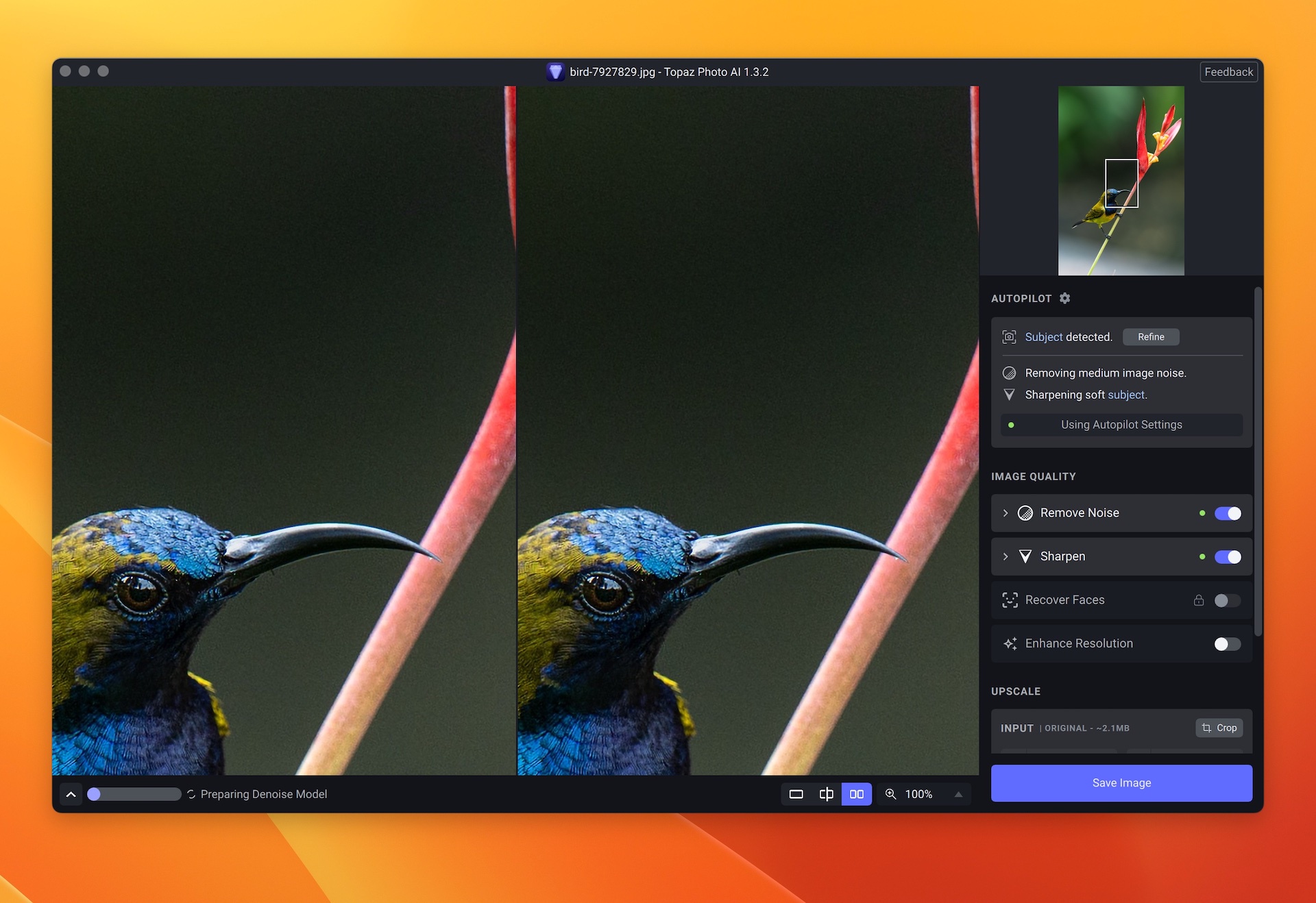
What is Topaz Photo AI? It is a new-generation photo editing tool that uses AI technology to perfect and denoise pictures pixel by pixel. Topaz Photo AI simplifies the editing process for photographers and designers. Its groundbreaking suite offers multiple tools to satisfy both amateurs and confident pros.

Topaz Photo AI allows editors to denoise, sharpen, upscale, preserve text, recover faces, remove objects, correct lighting, and balance color. Professional photo editors will be amazed at how much power Topaz Photo AI gives, and beginners will appreciate how easy and intuitive this tool is.

Topaz Photo AI helps you Sharpen, remove noise, and increase the resolution of your photos with tomorrow’s technology.

Maximize the potential of your photos.

Magically enhance image quality and resolution based on a deep understanding of the contents of your photo.

Enhance Quality

Maximize the visual quality of your images with best-in-the-world noise and blur reduction. Particularly useful in difficult settings with fast-moving subjects, low light, or atypical environments.

Crisp, clear, and noise-free.

It’s a magical feeling to see noise evaporate while sharp detail remains. Topaz Photo AI understands the contents of your image and accurately determines the difference between image detail and noise.

Tack-sharp subjects.

Unlike traditional sharpening, Topaz Photo AI’s Sharpen module naturally reverses root causes of blurriness (camera shake, motion blur, missed focus) to create more natural results. In the absence of blur, sharpness remains – crisp, clear detail that’s free of edge haloes or other artifacts.

Increase Resolution

Join hundreds of thousands of photographers and designers who use Topaz technology to generate real image detail for better printing, cropping, restoration, and more.

Magically add real detail.

Topaz Photo AI “remembers” real detail from millions of similar images, then fills in missing pixels based on that understanding. (It’s like how you can picture a friend’s face without being physically in front of them.) Add real image resolution to your photos for tighter crops or better prints.

Recover faces naturally.

Introduced in 2023, the breakthrough Face Recovery AI offers remarkable detail enhancement for low-resolution or blurry faces.

Intelligently improve lighting.

It’s a magical feeling to see noise evaporate while sharp detail remains. Topaz Photo AI understands the contents of your image and accurately determines the difference between image detail and noise.

Improve efficiency with Autopilot

Specify adjustments based on detected image attributes like subject, faces, noise, and blur levels. Autopilot allows you to mold Photo AI to your workflow and unique photographic style.

Easy workflow

Topaz Photo AI works directly on your Mac or PC. Use the standalone to batch process thousands of images in sequence, or use it as a Photoshop plugin for tight workflow integration. We’ve also partnered with major hardware manufacturers like Nvidia, AMD, and Intel to make Photo AI run as fast as possible for your computer.

What’s New

Version 1.0.2:

  • Release notes were unavailable when this listing was updated.

Compatibility: macOS 10.12 or later
Homepage https://topazlabs.com/

Screenshots

Name: Topaz_Photo_1.0.2_Mac-torrents.Net.zip
Size: 1.26 GB
Files Topaz_Photo_1.0.2_Mac-torrents.Net.dmg[1.26 GB]


   Download Torrent

Alcove 1.4.1

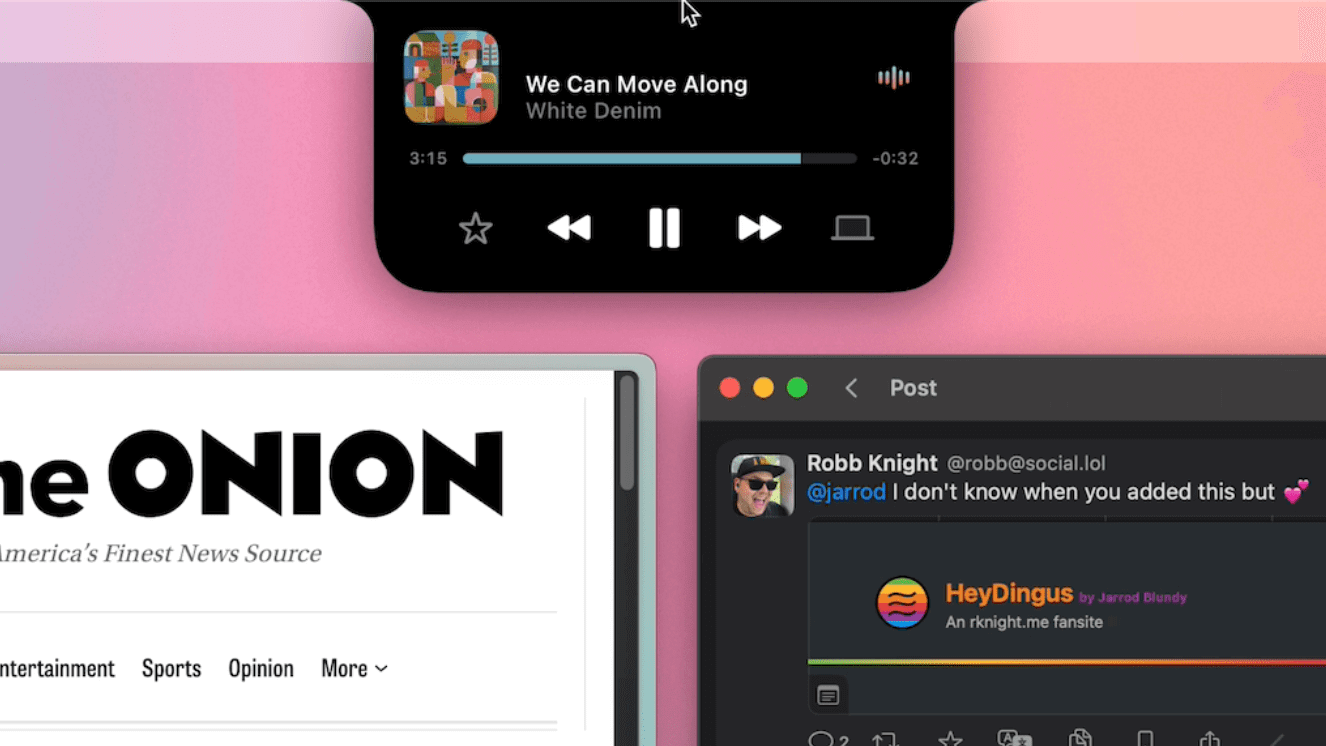
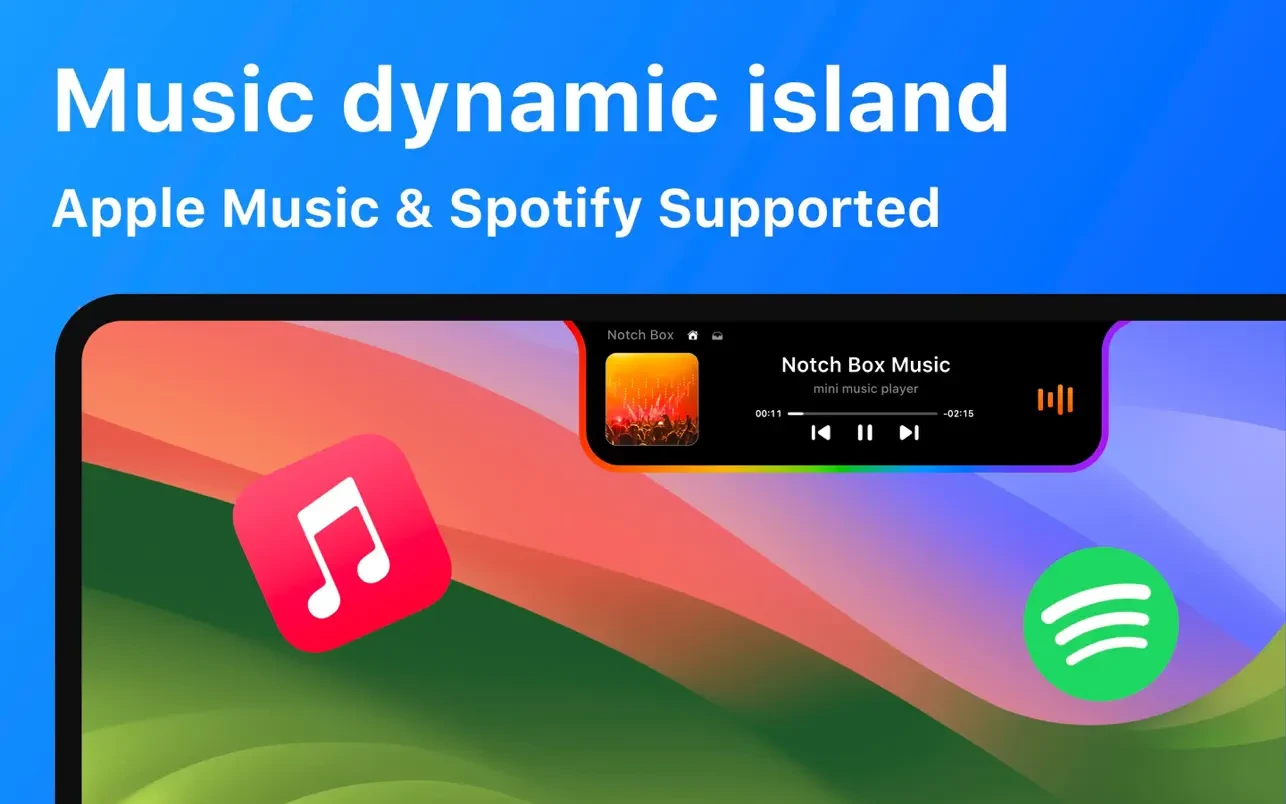
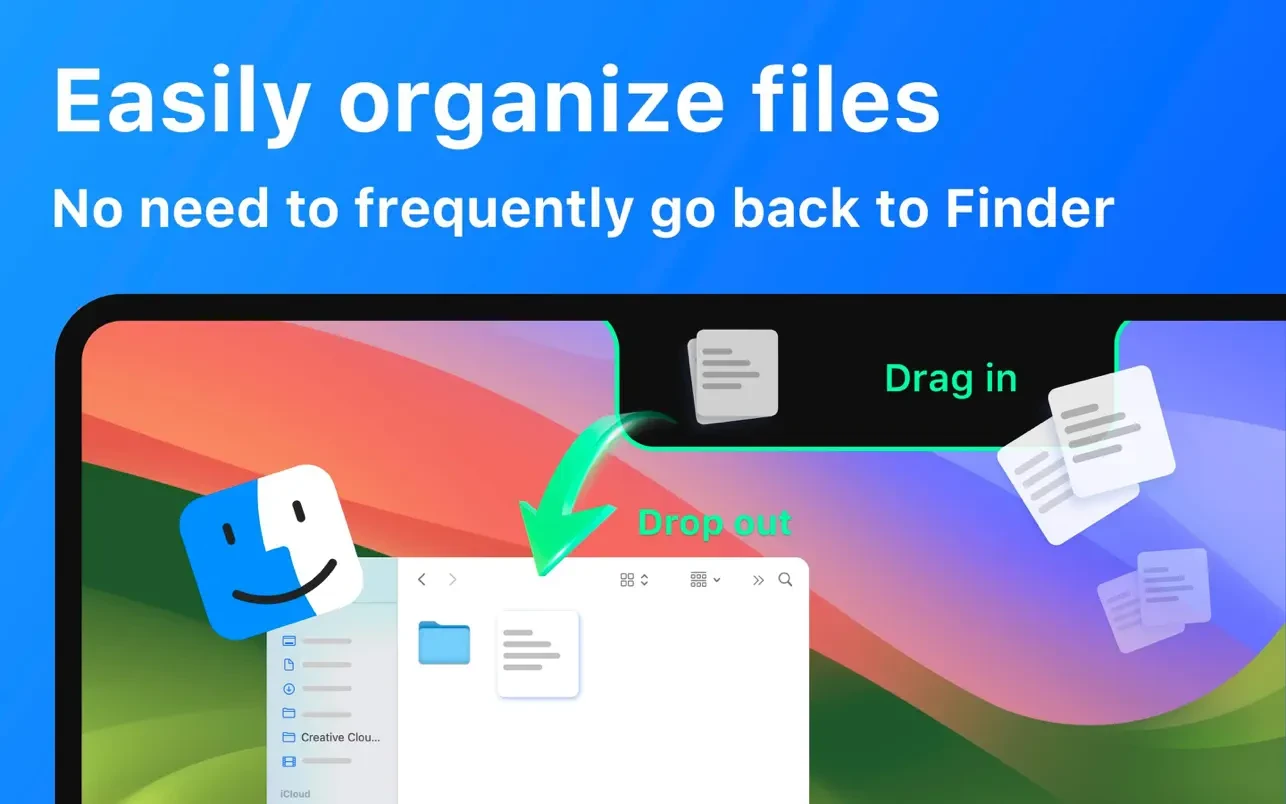
Alcove brings the elegant Dynamic Island experience to your Mac, transforming how you interact with notifications, live activities, and system events. Designed to feel native, it’s a polished way to stay informed without being interrupted.

Key Features
  • Fluid Transitions — Smooth animations and transitions that make alerts and interactions feel natural and integrated.
  • Instant Notifications — Alerts appear quickly and gracefully so you never miss important updates.
  • Live Activities Support — Keep track of ongoing tasks directly from the Dynamic Island interface.
  • Swipe Gestures — Use intuitive gestures to clear, interact with, or dismiss alerts.
  • Customizable HUDs — Tailor the look and feel of the heads-up displays to fit your style or workflow.
  • Lock Screen Presence — Alcove can show notifications or status even when your Mac is locked, ensuring you stay informed at a glance.
  • Lightweight, Native App — Built to run smoothly, Alcove is fast and performs well without draining resources.

What’s New

Version 1.4.1:

  • Release notes were unavailable when this listing was updated.

Compatibility: macOS 12.0or later
Homepage https://tryalcove.com/

Screenshots

Name: Alcove 1.4.1[atb]_Mac-torrents.Net.dmg
Size: 8.82 MB
Files Alcove 1.4.1[atb]_Mac-torrents.Net.dmg[8.82 MB]


   Download Torrent

Wondershare Repairit 6.5.15.10

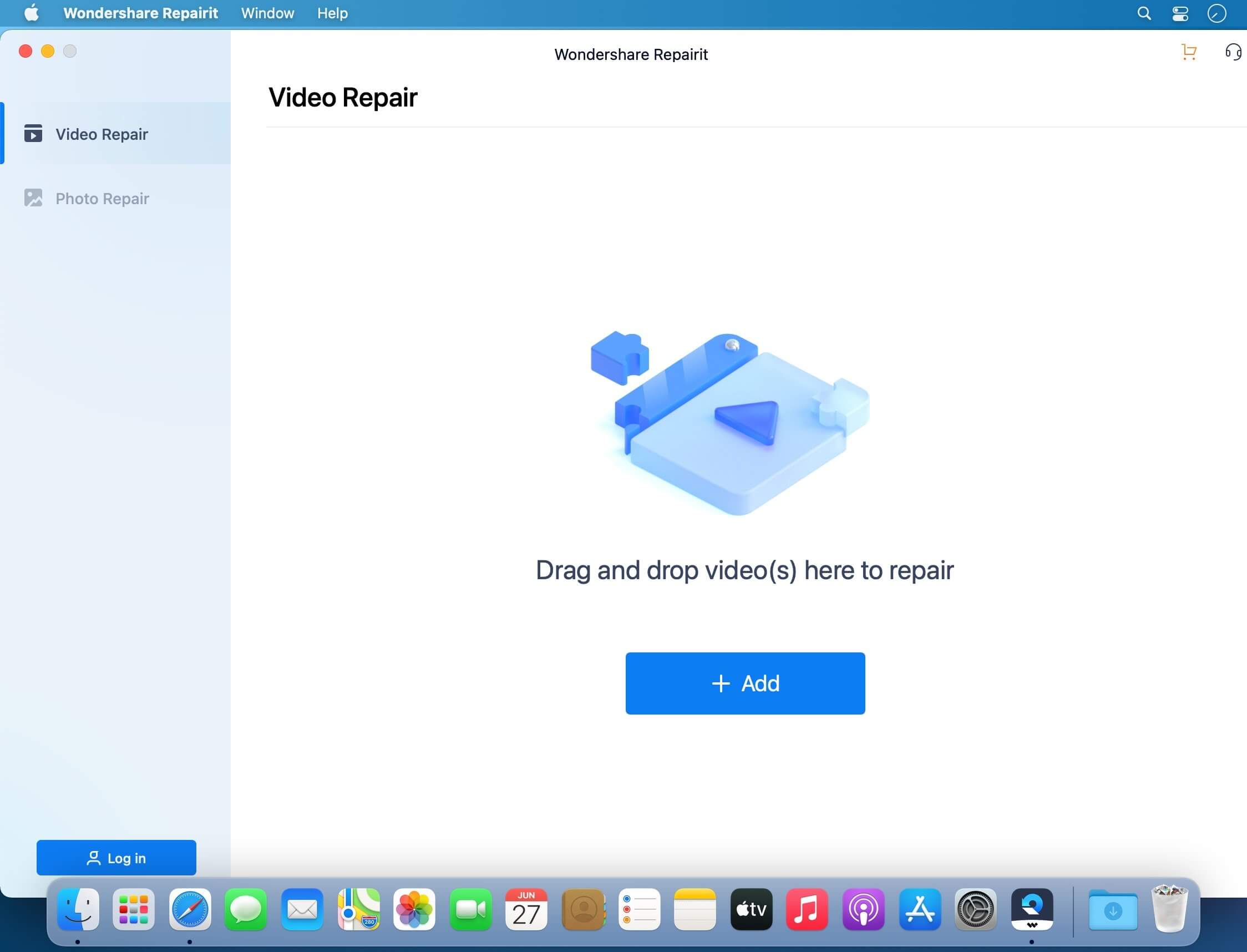
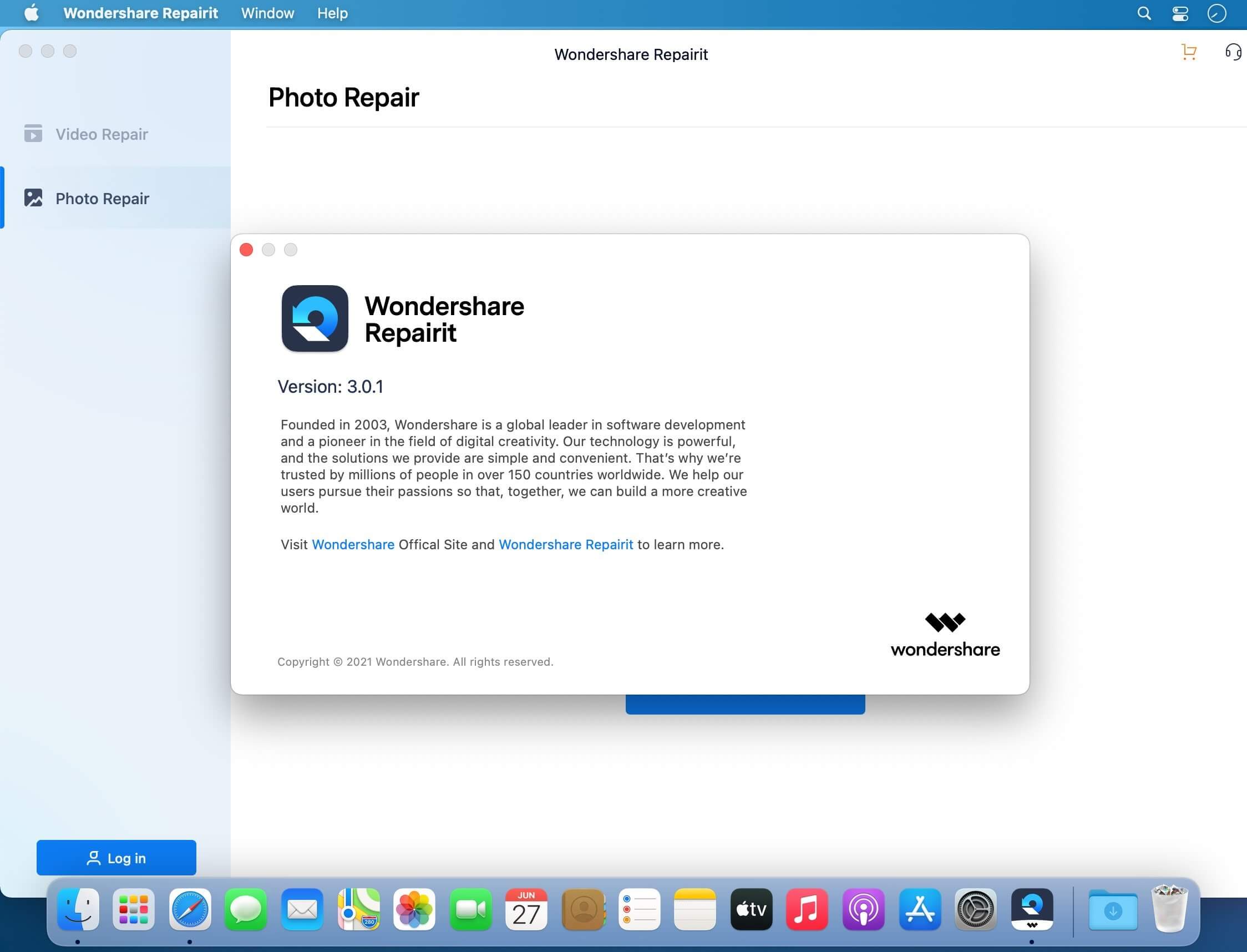
Repair Your Corrupted Videos and Photos. What to do when your videos or photos get corrupted or fail to open? Don’t worry! Here is a one-stop solution to repair corrupted videos and photos regardless of their level of damage.

Experience Repairit’s Efficient 3-Click Process
Several reasons may cause your important video or image files to stop opening suddenly. With Repairit, you can fix your corrupted files in three simple steps, irrespective of the level of damage.

Video Repair
Make corrupted, unplayable, videos playable.
Events such as sudden power surges and failures, complete system crashes, updating errors, and file mishandling can cause video files to become inaccessible. Repairit has an intuitive interface that makes it simple for novices to repair corrupted videos quickly. It’s Advanced Repair option even enables you to restore most severely damaged videos.

Photo Repair
Recover important photos even if the file is broken.
Photos help capture important moments, which can be precious memories of you, your loved ones, a place, or essential information. However, the files might become corrupted and unopenable. Repairit allows you to fix your corrupted photos regardless of their level of damage. It also enables you to repair multiple image files at once.

What’s New:

Version 6.5.15.10:

  • Release notes were unavailable when this listing was updated.

Compatibility: macOS 10.10 or later
Homepage https://repairit.wondershare.com

Screenshots


Name: Wondershare_Repairit_6.5.15.10_Mac-torrents.Net.dmg
Size: 164 MB
Files Wondershare_Repairit_6.5.15.10_Mac-torrents.Net.dmg[164 MB]


   Download Torrent

PhoneRescue for iOS 4.3.1.20251105

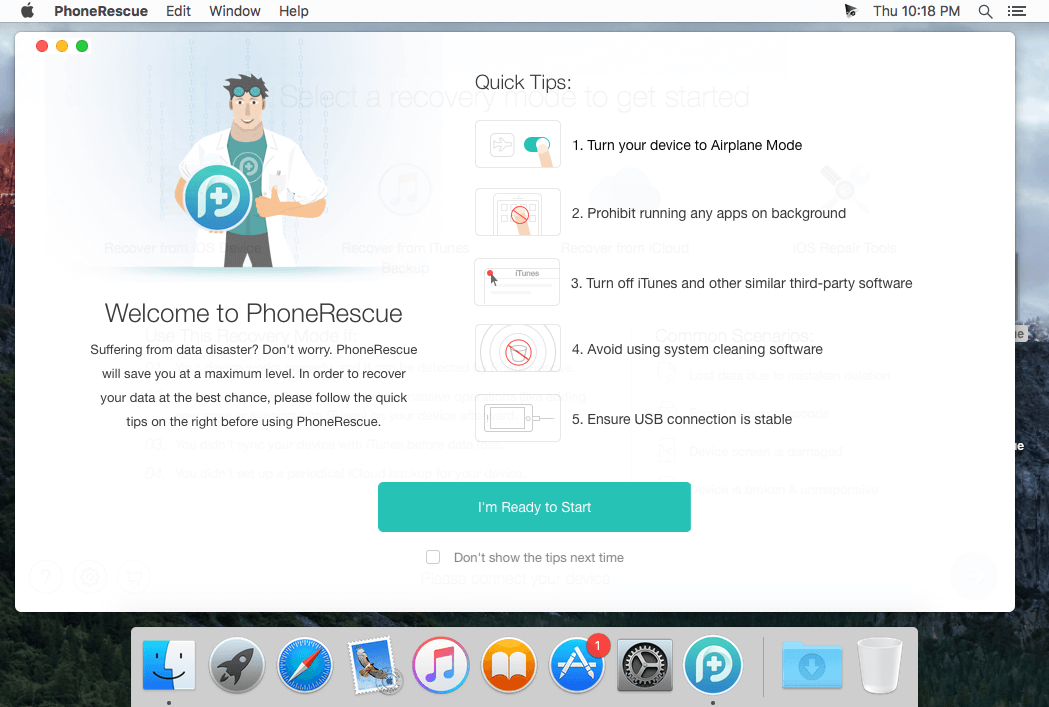
PhoneRescue is an ultimate iOS data recovery program designed for retrieving your lost photos, messages, contacts, notes and more on your iPhone, iPad and iPod touch. Also it can repair an iDevice from any iOS crash error.

Features

  • Focuses on analyzing and recovering the most important 25 types of iOS content
  • Recovers data & files directly back to iPhone for instant use, or to computer for future use
  • Pinpoints your lost contents in the first moment and conjure them back in an eye-blink
  • Retrieves your valued information via 3 safe and reliable ways: from device, iTunes backup, and iCloud
  • Extracts your needed information from iTunes backup – even it has been encrypted
  • Offers options of file types that you intend to scan and recover, making the process more accurate and faster
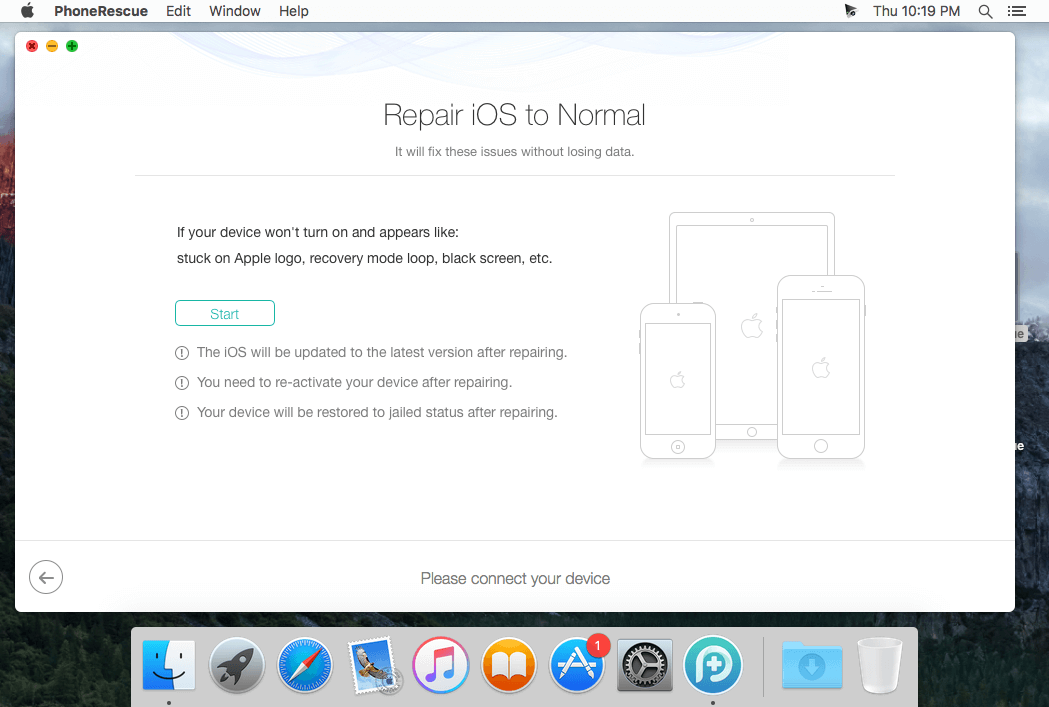
  • Fixes any iOS error within a single click to revive your broken iPhone

Mistaken deletion of your photos, text messages, contacts or other vital info on your iPhone could be a disaster in your life. That’s why we introduced PhoneRescue, with the promise to get all your lost-but-valued media or text data back in your hands. Apart from supporting 3-way recovery (from device, iTunes backups, and iCloud) to ensure the maximum recovery rate, PhoneRescue can recover data directly back into iPhone for instant use.

Compatibility: macOS 10.12 or later
Language: English
Homepage https://www.imobie.com

Screenshots


Name: PhoneRescue_4.3.1.20251105.dmg
Size: 97 MB
Files PhoneRescue_4.3.1.20251105.dmg [97 MB]


   Download Torrent

PhotosRevive 2.2.0

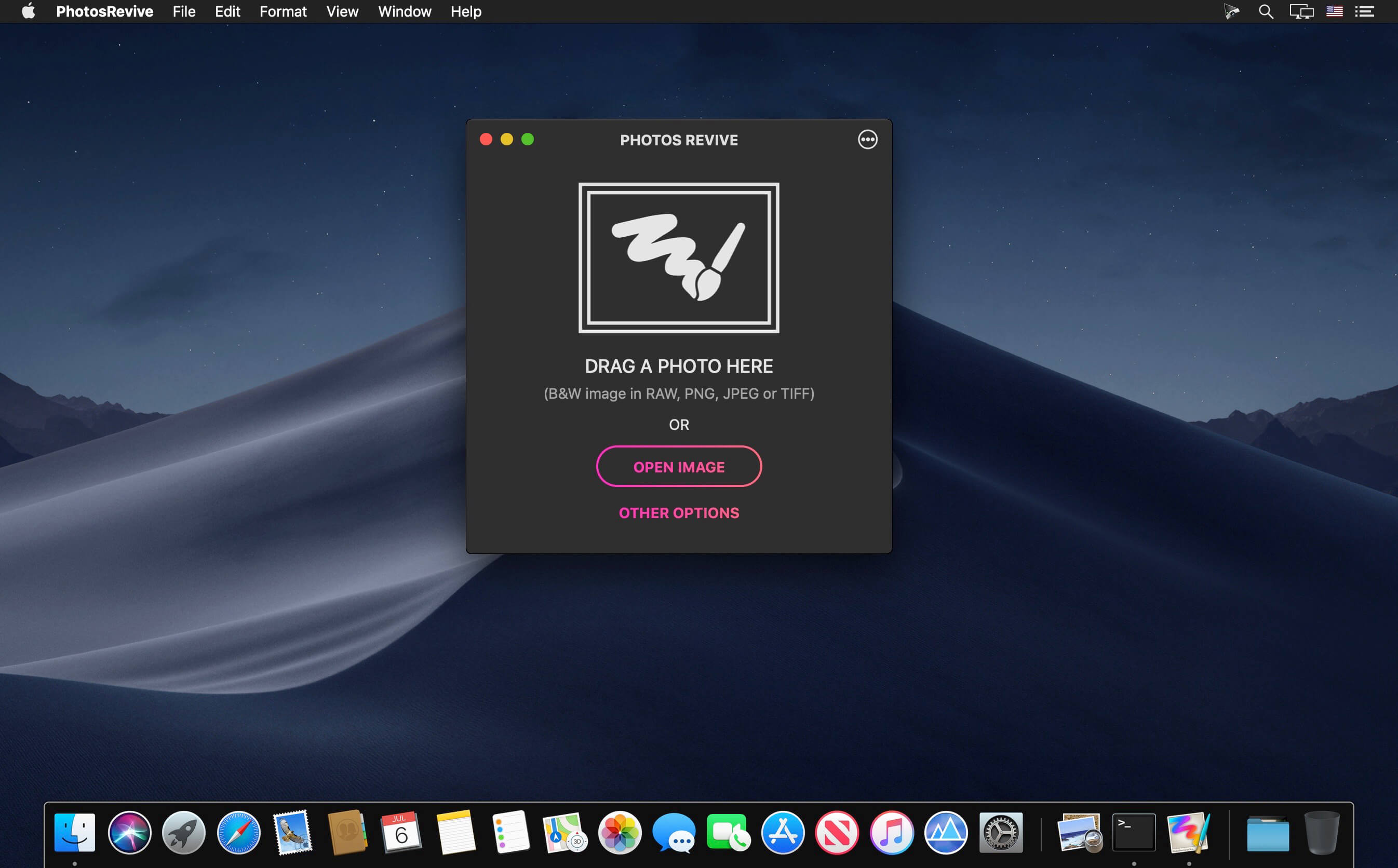
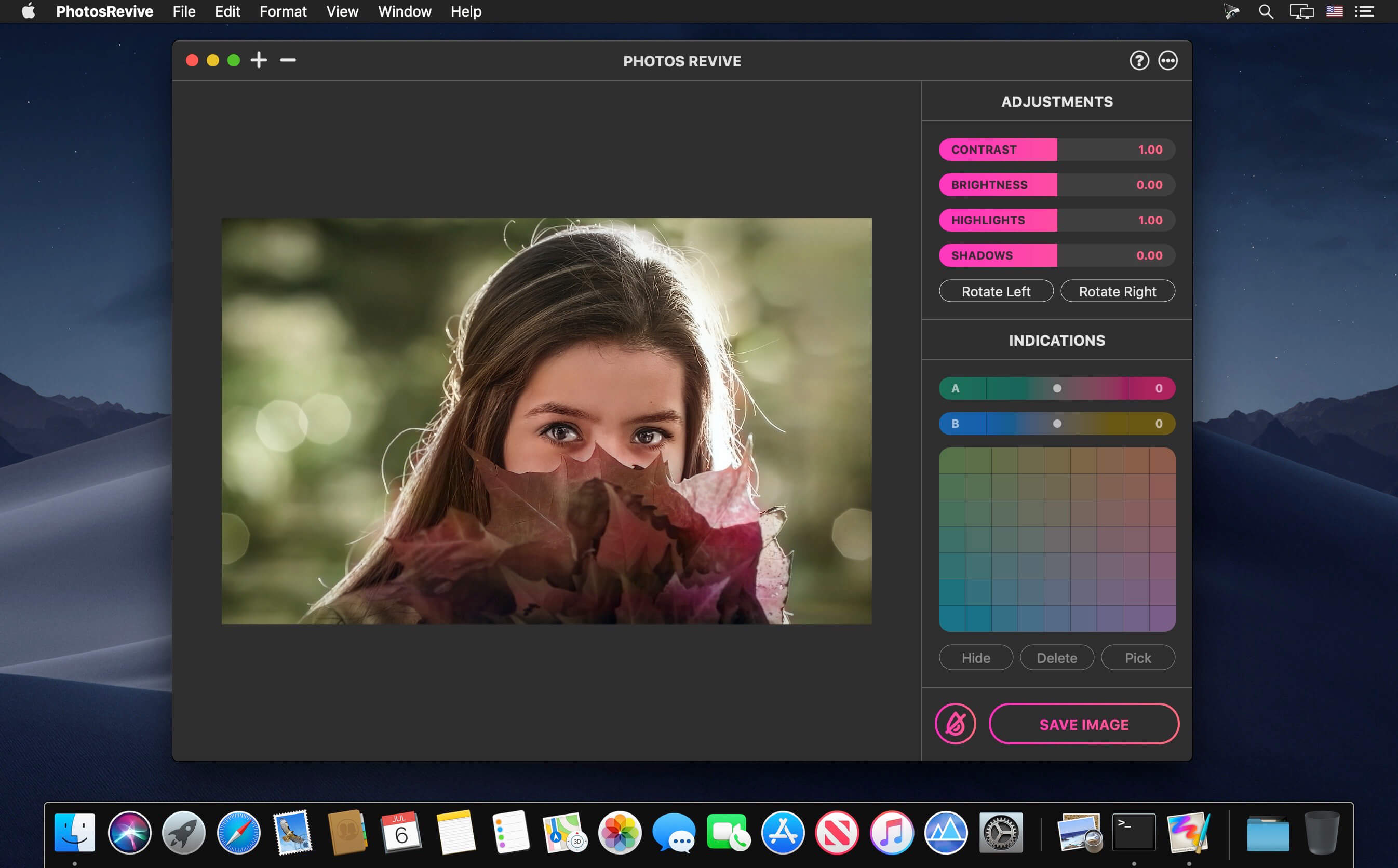
PhotosRevive automatically colorizes your old black and white photos. The application uses a revolutionary artificial intelligence that will add colors in an ultra-realistic way. The application is super simple to use. Scan or import your photo and that’s it. The application will color it without any effort on your part.

We know that the colors chosen by the engine may differ from those of your memories. That’s why the app lets you add indications of colors. So you can help the artificial intelligence and change the rendering as you please. PhotosRevive is the first app that will perfectly adjust the rendering to your memories.

FEATURES:

  • Automatically recolor photos.
  • Scan photos from your camera.
  • Adjust black and white tint.
  • Add indications to improve rendering.
  • Save and share the result.

Compatibility: macOS 11.0 or later
Homepage https://neededapps.com/

Screenshots


Name: PhotosRevive_2.2.0_Mac-torrents.Net.dmg
Size: 477 MB
Files PhotosRevive_2.2.0_Mac-torrents.Net.dmg[477 MB]


   Download Torrent

GlueMotion 2.3.0

GlueMotion is the perfect tool for time lapse photographers. The application allows you to batch edit, deflicker and assemble sequences of images into time lapse movies.

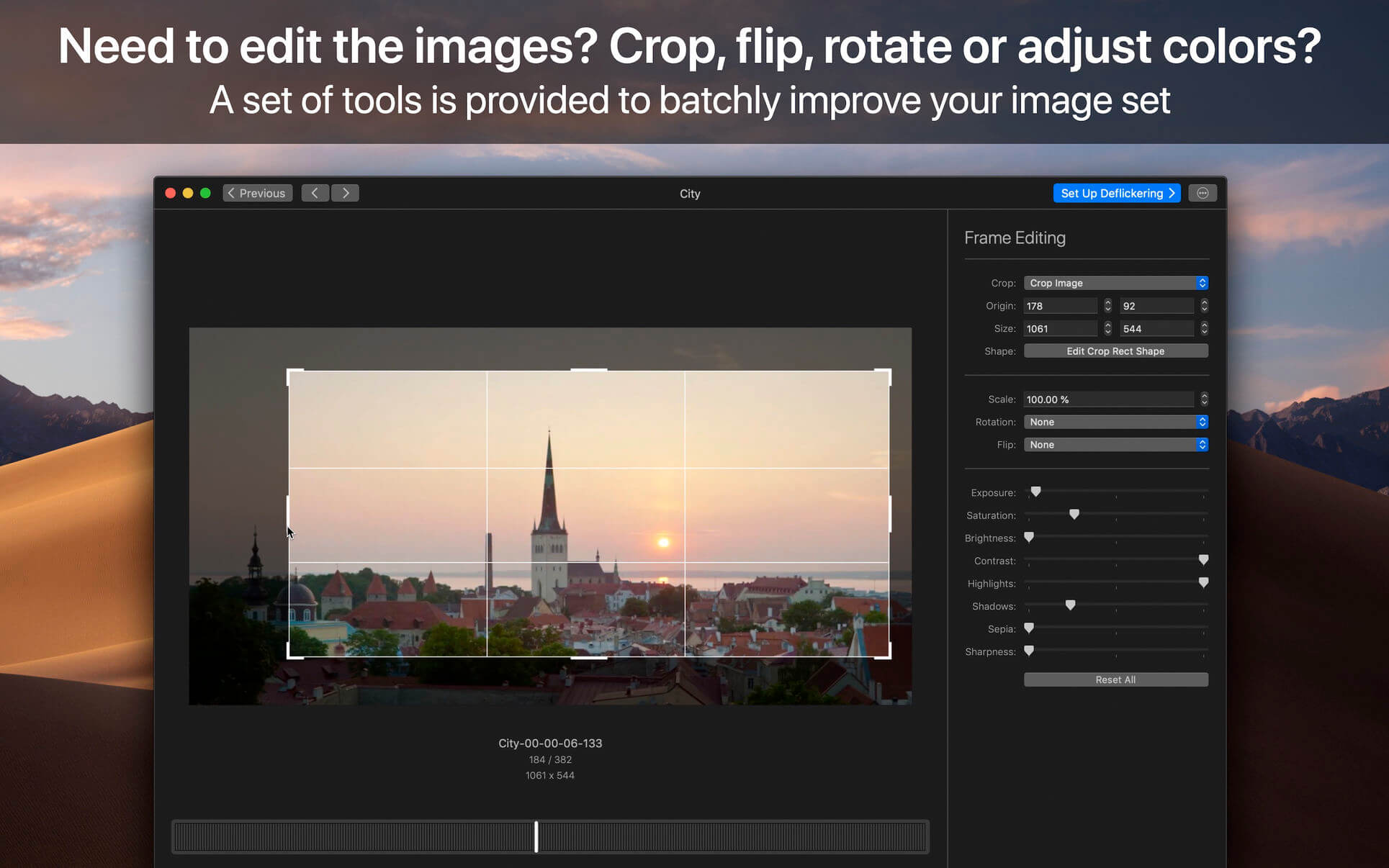
GlueMotion has been made to save your time and guide you during the process of creation. By using the included batch editing tool, you will not have to use additional applications. GlueMotion is able to crop, rotate, flip and adjust colors of your photos such as exposure, saturation or brightness. Moreover the application is able to deflicker the sequences of photos. In other words, GlueMotion will analyze your photos and select automatically the optimal brightness correction for each image.

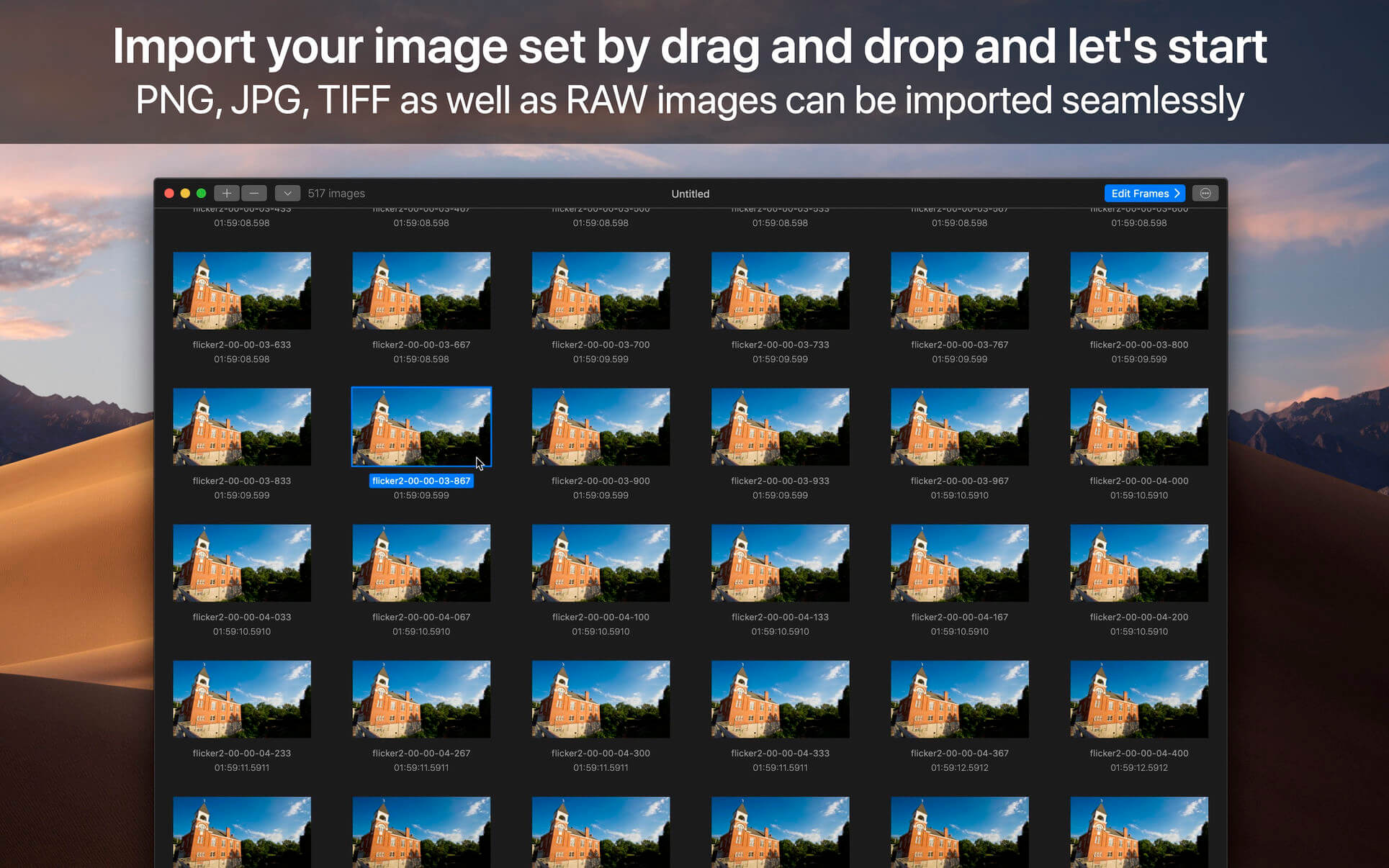
The application is designed for professional needs. That is why it can handle several hundreds of thousands of images painlessly. In addition, all industry-standard formats are supported. The application can import PNG, JPEG as well as all RAW image formats supported by macOS. The exported movie can be encoded in H.264, Apple ProRes as well as HEVC.

This version has been optimized for macOS High Sierra and later. Moreover the application is available in 7 languages (English, French, German, Spanish, Italian, Japanese and Chinese).

Feedbacks can be sent directly from the application. In this way, you can contact us for any kind of suggestions and improvements in few clics.

GlueMotion is accompanied by other applications.

  • SnapMotion: extract still images from videos with precision.
  • MetaImage: edit image metadata and geographical tags.

Language: English, French, German, Italian, Japanese, Simplified Chinese, Spanish
Compatibility: macOS 11 or later
Homepage https://neededapps.com/

Screenshots


Name: GlueMotion_2.3.0_Mac-torrents.Net.dmg
Size: 14 MB
Files GlueMotion_2.3.0_Mac-torrents.Net.dmg[14 MB]


   Download Torrent

reFX Nexus v5.3.24

The Ultimate Super Synth
Experience a synthesizer that truly does it all. Packed with cutting-edge features and unmatched versatility, NEXUS5 is your gateway to limitless creativity.

Unparalleled Sampling Power: Seamlessly import single samples, multi-samples, or entire libraries. Automatic slicing and looping for effortless workflow.

8 Advanced Generators: Explore endless possibilities with Virtual Analog, Sampler, Wavetable, Time Stretcher, Retro Sampler, Grain, Cloud, and FM synthesis.

Studio-Grade Effects: Dozens of effects, including the new Bucket Brigade Delay, Particle Reverb, Vowel Filter, Rotary, Pusher, and more, to add depth and character to your sound.

And So Much More! The perfect blend of power, precision, and user-friendliness, making it ideal for producers at any level.

Compatible with everything NEXUS
NEXUS5 is compatible with all your existing NEXUS projects and libraries. You can load your old beats into your DAW and load the sounds you’ve had before. Everything just works.

VERSION HISTORY
5.3.24 2025-11-04
changes:
* Always show mute/solo buttons on layer header.
* Show mute/solo buttons on osc header until there are 34 oscs per layer.

Homepage https://refx.com/nexus

Name: reFX.NEXUS.v5.3.24_Mac-torrents.Net.dmg
Size: 55.98 MB
Files reFX.NEXUS.v5.3.24_Mac-torrents.Net.dmg[55.98 MB]


   Download Torrent

Dynamic Wallpaper Enginer 24.1

Dynamic Wallpaper Engine allows you to use live wallpapers on your desktop/screensaver. It provides thousands of live wallpapers in the Workshop while taking as little system resources as possible. It’s the Wallpaper Engine for Mac.

Features
• 2000+ hand-picked videos which are updated every day.
• Multiple types of 4K Ultra HD videos, anime, scenery, cute, game, creative, Beauty, Ancient, Movie, etc.
• Supports “keyword searching” in videos.
• Supports “Dynamic-ScreenSaver”, personalize your lock screen.
• Easy to import local video.
• Supports The playlist, list loop, shuffle loop.
• Supports multiple screen aspect ratios and video native resolutions.
• Supports global hotkeys to control wallpaper, hide desktop icons and show screensaver.
• Set different wallpapers on different displays.
• Manual control, video pause, resume and mute.
• Break reminders, with flexible customization if you want it.
• Auto mode, pause the video when other apps are active, not disturbed at work.
• Auto mode, pause the video when Power Disconnected.
• Support for hiding desktop icons.
• Dynamic Wallpaper Engine is designed to provide an interesting experience while consuming as little system resources as possible.

Compatibility: macOS 10.12 or later
Homepage https://geo.itunes.apple.com/app/id1453504509

Name: Dynamic_Wallpaper_24.1_Mac-torrents.Net.dmg
Size: 27 MB
Files Dynamic_Wallpaper_24.1_Mac-torrents.Net.dmg[27 MB]


   Download Torrent

PhotoMill X 3.1.1

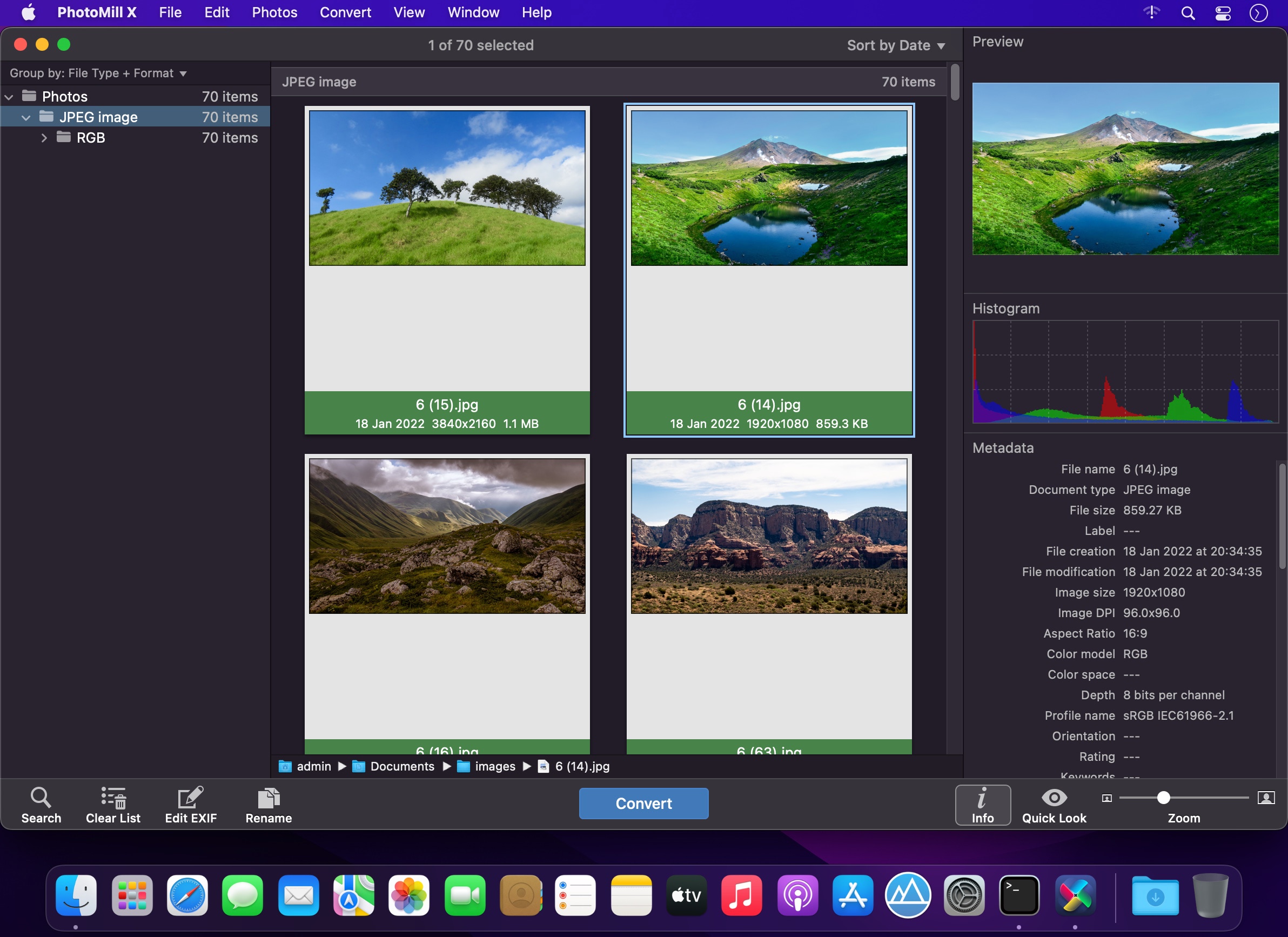
PhotoMill helps you convert a bulk of images into the most popular image formats, give your files meaningful names, watermark with text and image, adjust photos (brightness/saturation/exposure/grayscale/etc.), fit geometry (scale/crop/trim/etc.), remove private metadata, add your own copyrights etc. Also, PhotoMill is a great batch metadata editor, renamer and photo browser.

Features
Convert

  • Conversion to: BMP, GIF, JPEG, JPEG 2000, PDF, PNG, TIFF
  • Color models: RGB, Gray, CMYK Color depth: 8/16/32 bits; with or without alpha channel

Metadata editor

  • Correct EXIF/IPTC metadata tags in your photos: place GPS coordinates, remove private information from your photos, correct or set capture dates, add your own copyright, keywords or rating.

Photo browser

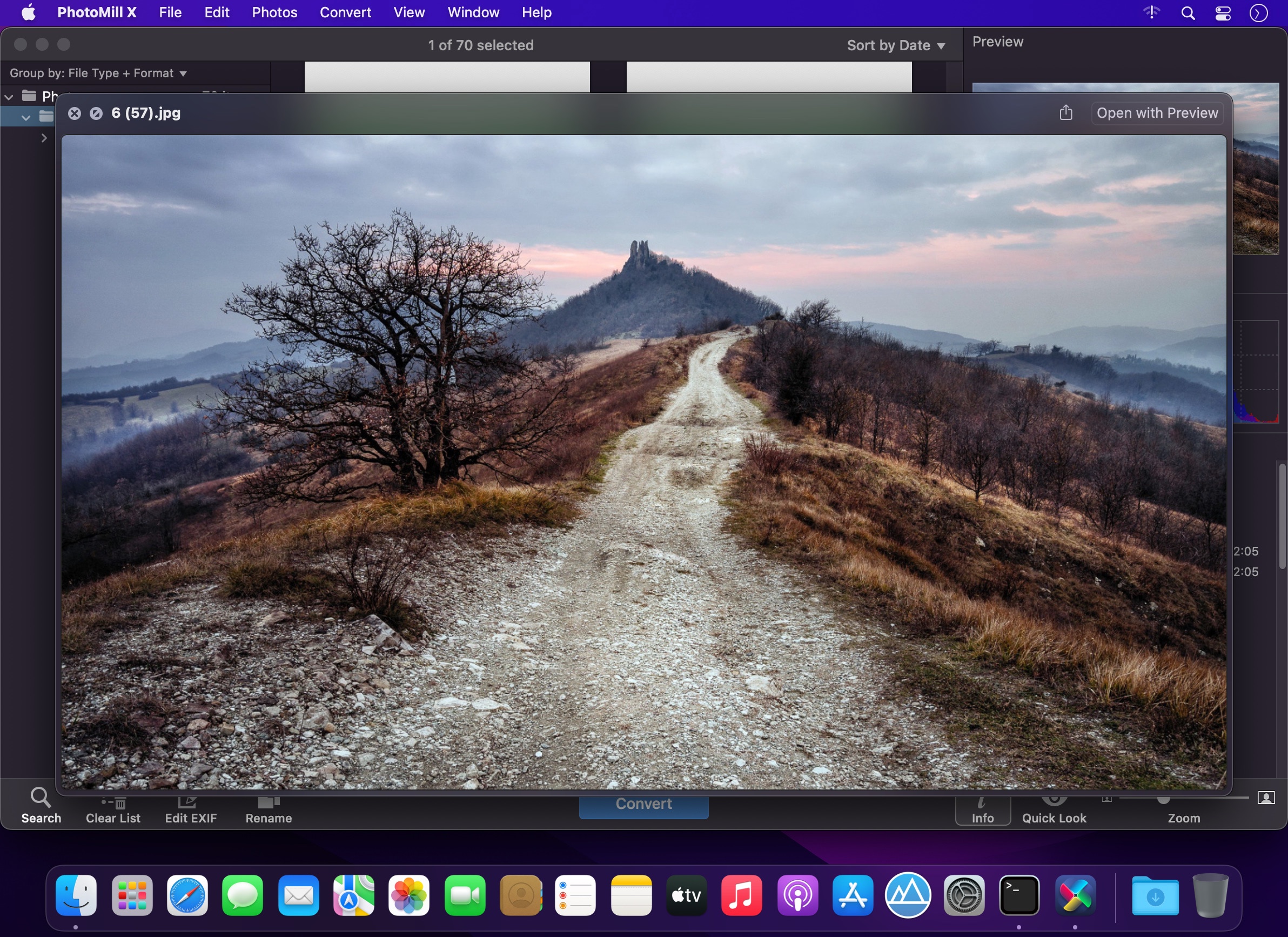
  • The app has a bunch of features for comfortable browsing and multi-criteria search of photos in the Browser. The Browser has 3 panels: Image Info – displays detailed information about a selected photo; Groups – splits photos into groups/subgroups based on a chosen criteria, for instance, by capture dates; Search – gives you an opportunity to search photos by different criteria.

Rename

  • You can give meaningful names to converted photos constructing file names in the “pro” way – using text and tags: index, capture date, original name, image width, “find & replace” etc. Also, you can rename photos without any conversion.

Resize

  • Fit image size with a bunch of geometry actions: scale, crop, add border, trim, trim color, rotate & flip, auto rotate (by EXIF orientation), change resolution.

Watermark

  • Text – you can use photo metadata information – tags: capture date, keywords, camera maker etc., as well as entered text. Font size can be either fixed or relative to an image width, height, long or short edge. Multiline text, stroke, shadow, rotation, tiling and other features.
  • Image – image size can be either fixed or relative to main image size. Image tiling is also available.
  • Rectangle – background for text; square or rounded. Fill and stroke color can be half-transparent.

Adjust colors

  • Available filters: auto contrast, auto white balance, gamma, contrast, exposure, sharpness, grayscale, sepia, colorize, temperature, HSL channels (Hue/Saturation/Lightness), HSV channels (Hue/Saturation/Value,Brightness), RGB channels, curves.
  • Working with transparency: alpha mask, color to alpha, alpha to color. Color matching: assign profile, convert to profile, proof with profile.

What’s New:

Version 3.1.1:

  • Release notes were unavailable when this listing was updated.

Compatibility: macOS 10.15 or later
Homepage https://overmacs.com/?p=photomill

Screenshots


Name: PhotoMill_X_3.1.1_Mac-torrents.Net.dmg
Size: 83 MB
Files PhotoMill_X_3.1.1_Mac-torrents.Net.dmg[83 MB]


   Download Torrent

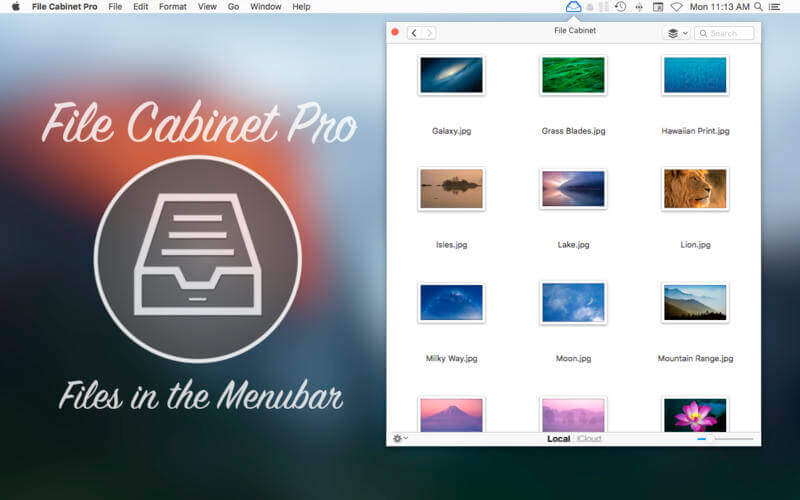
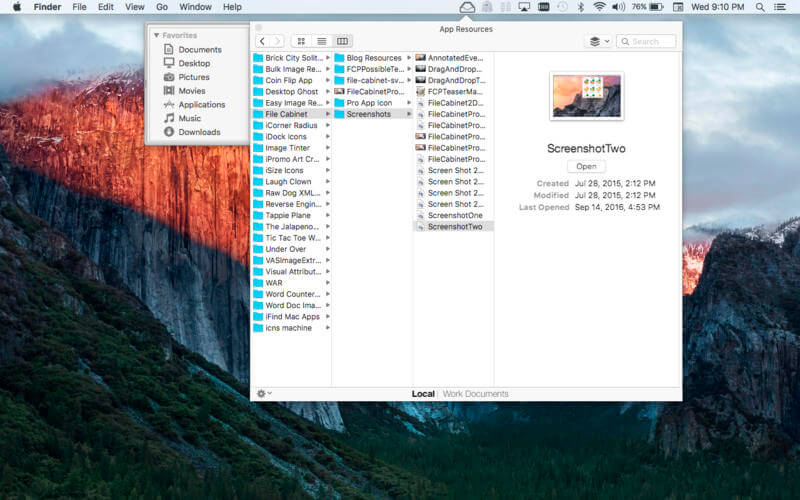
File Cabinet Pro 8.7.0

File Cabinet Pro is the file manager for the macOS menu bar. Quickly navigate to files without cluttering your desktop. Open, move, rename, compress, tag, trash, copy and paste files, all from the menu bar. You can open many file types natively in File Cabinet Pro or open files by launching other applications. It’s easy to click into directories in icon view, drill through directories in list view, or navigate the file tree in column view.

File Cabinet Pro is also a document-based application that ships with a built-in text editor, image viewer, pdf viewer, and media player. Some of the file types File Cabinet Pro can open for editing/viewing include:

TEXT DOCUMENTS:

  • Plain text files (txt)
  • Rich Text Format (rtf)
  • Rich Text Format Directory (rtfd)
  • Portable Document Format (pdf)

IMAGE DOCUMENTS:

  • Portable Network Graphics (png)
  • Joint Photographic Experts Group (jpeg)
  • Tagged Image File Format (tiff, tif)
  • Bitmap image file (bmp)
  • Photoshop File Format (psd) Import only
  • Scalable Vector Graphics (svg) Import only

VIDEO/AUDIO:

  • mov
  • mp4
  • m4a
  • m4v
  • avi
  • mp3
  • wav
  • caf
  • aif

With File Cabinet Pro you can:

  • Create subdirectories.
  • Click into subdirectories and open documents.
  • Set a “Primary” and “Secondary” directory button for the bottom bar to get an innovative drag and drop experience; drag files to these buttons in the bottom bar to bring up a popover window.
  • Tag files easily. Select files in File Cabinet Pro, right click, and then simply add or remove file tags from the control in the context menu.
  • Show selected files in Finder.
  • Rename files.
  • Copy and paste files.
  • Compress files.
  • Trash files.
  • View items as icons, in a list, or in columns.
  • Launch the application at login. You can have File Cabinet Pro automatically launch when you login to your Mac (optional feature, disabled by default).
  • Create a list of all your favorite directories in the sidebar.
  • Create and edit txt, rtf, and rtfd files using the built in lightweight text editor.
  • Rotate images, crop images, and apply filters to images using the built in lightweight image editor.
  • Watch video and play audio files using the built in media player.
  • View pdf files using the built in pdf viewer.
  • Revert document versions for supported editable document types.
  • Set a Global Hotkey for showing and closing the File Cabinet Pro window (optional feature, disabled by default).
  • Preview selected files in Quicklook by pressing the spacebar.
  • Share files in apps that support Sharing extensions like Mail and Messages.

Compatibility: macOS 10.13 or later
Homepage https://apps.apple.com/us/app/file-cabinet-pro/id1150565778

Screenshots


Name: File_Cabinet_Pro_8.7_Mac-torrents.Net.dmg
Size: 23 MB
Files File_Cabinet_Pro_8.7_Mac-torrents.Net.dmg[23 MB]


   Download Torrent

Magic Disk Cleaner 4.1.1

Magic Disk Cleaner finds and deletes files temporary files that waste lots of space. The app is lightning fast and frees disk space in no time.

Magic Disk Cleaner searches your computer for temporary files and can also delete them directly if you wish.

Magic Disk Cleaner offers the following features:

Fast Search
Magic Disk Cleaner quickly scans your computer for temporary data that can be removed. You can have them deleted with one click.

Extremely easy handling
Magic Disk Cleaner couldn’t be simpler. The search is started immediately after the app is started. You can now delete files with just one click.

No automatic deletion
Magic Disk Cleaner does not delete any data without your consent. Choose for yourself which data is deleted and which you want to keep.

What’s New:

Version 4.1.1

  • This update contains bug fixes and improves the stability of the app.

Compatibility: macOS 15.0 or later
Mac App Store https://apps.apple.com/app/magic-disk-cleaner/id1484920597

Screenshots

Name: Magic_Disk_Cleaner_4.1.1_Mac-torrents.Net.dmg
Size: 7 MB
Files Magic_Disk_Cleaner_4.1.1_Mac-torrents.Net.dmg[7 MB]


   Download Torrent

Apple Compressor 4.11.1

Compressor integrates tightly with Final Cut Pro to add power and flexibility to your video conversions. A simple interface lets you quickly customize output settings, enhance images, and package your film for sale on the iTunes Store. For even faster conversions, easily set up distributed encoding using other Mac computers.

Advanced Encoding for Final Cut Pro 

  • Use Compressor to customize encoding settings for Final Cut Pro
  • Save a custom setting in Compressor and the setting will automatically appear in Final Cut Pro
  • Set up batch processes to streamline the encoding of large numbers of files
  • Build custom Destinations to combine encoding with additional tasks such as moving or copying files
  • Create self-contained Droplets to encode on the desktop with drag-and-drop ease
  • Share settings like an HEVC output setting with other editors, even if Compressor isn’t installed on their systems
  • Send Final Cut Pro and Motion projects to Compressor to encode video in the HEVC format

iTunes Store Package Creation

  • Import and organize your movie, trailer, closed captions, and subtitles into an iTunes Store-compliant package for submission to an Apple-certified iTunes delivery partner
  • Audition video with any audio, caption, or subtitle to verify sync
  • Built-in error detection helps you identify issues with your iTunes Store Package and navigate directly to the source of the issue
  • Deliver HDR video as P3 D65 PQ, Rec. 2020 HLG, and Rec. 2020 PQ for HDR10
  • Support in the iTunes Store Package to link a Dolby Vision graded video file to a Dolby Vision XML

Support for Industry Standards

  • Encode to a broad range of industry standard formats including MPEG-4, H.264, MXF and ProRes
  • Work with a choice of themed menus to encode and burn a DVD or Blu-ray disc
  • Generate files for HTTP live streaming in a single step
  • Import Targa, DPX, TIFF, PSD, PNG or OpenEXR image sequences and encode them to any setting
  • Tap into advanced encoding features for adding closed captioning, metadata, and more

Pristine Format Conversions 

  • Convert any file between formats — such as NTSC to PAL, SD to HD or progressive to interlaced video
  • Import and manipulate wide color video, then deliver in standard Rec. 601 and Rec. 709 color spaces or in wide Rec. 2020 color space
  • Deliver High Dynamic Range (HDR) video with controls for color space conversions and HDR metadata
  • Deliver HDR video as P3 D65 PQ, Rec. 2020 PQ, and Rec. 2020 HLG
  • Use CABAC entropy multipass H.264 encoding for superior results with hardware-accelerated export on supported systems
  • Clean up and customize your content using image filters, a timecode overlay, and watermarks
  • Speed up video, slow it down, or adjust the frame rate to make the duration match a runtime

Distributed Encoding 

  • Save time by distributing encoding work among multiple workstations
  • Install Compressor on any Mac to activate it as a node for distributed encoding
  • Speed up encoding in Final Cut Pro by choosing a group of shared computers for exporting

System Requirements: macOS 12.6 or later, 4GB of RAM (8GB recommended for 4K editing, 3D titles, and 360° video editing), Metal-capable graphics card, 1GB of VRAM recommended for 4K editing, 3D titles, and 360° video editing, 1.2GB of available disk space. ProRes RAW requires a Mac computer that supports Metal.

Blu-ray recorder required for burning Blu-ray discs.

Language: English, French, German, Japanese, Simplified Chinese, Spanish
Compatibility: macOS 15.6 or later

Screenshots


Name: Compressor_4.11.1_Mac-torrents.Net.dmg
Size: 106 MB
Files Compressor_4.11.1_Mac-torrents.Net.dmg[106 MB]


   Download Torrent

AnyTrans for iOS 8.9.14.20251030

AnyTrans is the iPhone manager that breaks the sync boundary and consolidates every access to all your content in one place, including music, videos, photos, messages, books, Safari history, voice memo, etc.

Features:

  • Flash-Sync Makes the fastest data transfer in market – By largely improving the data loading and transferring speed, AnyTrans gives you lightning-fast experience.
  • Two-way Transfer between iOS devices, iTunes, iCloud and computer – Whether you want to transfer contacts from iPhone to Mac, messages from old iPhone to new iPhone, music and playlists from iPhone back to iTunes library, or videos from PC to iPad, AnyTrans gets anything transferred freely between your iPhone, iPad, iPod touch, iTunes, iCloud and computer.
  • Easily manage all your contents on iPhone, iPad, and iPod touch – Browse, edit and export important contacts, messages, notes, and more personal data from iPhone; well organize your photos and music in iPhone and iPad by building up your own collections and playlists – you get full control over all your iOS data and files with ultra ease.
  • Migrate everything to your new iPhone within one click clone – Upon just one simple click, everything from your old iPhone, even from iPad – will be cloned to your new iPhone. The game-level you just conquered, the photos you took yesterday, the note you plan for shopping and the music you favors will all be there waiting for you.
  • Navigate your iTunes and iCloud backup contents with even more ease – Instead of making a guess on whether your iTunes/iCloud backup contains the notes, messages, contacts, voice memos, or
  • Safari bookmarks you need, AnyTrans lets you peek right into your backups, and grab any piece of data you need freely without a full restore.

Supported iOS Device Type

  • iPhone Series: iPhone 3G, iPhone 3GS, iPhone 4, iPhone 4s, iPhone 5, iPhone 5c, iPhone 5s, iPhone 6, iPhone 6 Plus, iPhone 6s, iPhone 6s Plus, iPhone SE, iPhone 7, iPhone 7 Plus, iPhone 8, iPhone 8 Plus, iPhone X, iPhone Xs, iPhone Xs Max, iPhone XR, etc.
  • iPad Series: iPad, iPad 2, iPad 3, iPad mini, iPad 4, iPad mini 2, iPad Air, iPad Air 2, iPad mini 3, iPad mini 4, iPad Pro, iPad 5, iPad Pro (2nd Generation), iPad 6, iPad Pro (3rd Generation), etc.
  • iPod shuffle Series: iPod shuffle 1, iPod shuffle 2, iPod shuffle 3, iPod shuffle 4, etc.
  • iPod mini Series: iPod mini 1, iPod mini 2, etc.
  • iPod nano Series: iPod nano 1, iPod nano 2, iPod nano 3, iPod nano 4, iPod nano 5, iPod nano 6, iPod nano 7, etc.
  • iPod classic Series: iPod classic 4, iPod classic 5, iPod classic 6, etc.
  • iPod touch Series: iPod touch 3, iPod touch 4, iPod touch 5, iPod touch 6, etc.

Supported Media Types

  • Movie: MP4, M4A, MOV, WMV, AVI, FLV, etc.
  • Music: MP3, M4A, MP4B, WMA, WAV, etc.
  • Music Video: MP4, M4V, MOV, WMV, AVI, etc.
  • PodCast: MP3, M4A, M4V, etc.
  • Ringtone: MP3, M4A, M4R, WMA, WAV, etc.
  • TV Show: MP4, M4V, MOV, WMV, AVI, etc.
  • Audiobook: MP3, M4B, MP4A, WMA, WAV, etc.
  • Voice Memo: MP3, M4A, etc.
  • iTunes U: MP3, MP4, M4V, WMA, WAV, etc.
  • iBook: PDF, EPUB.
  • Photo: JPG, PNG, GIF, BMP, etc.

Language: English, Japanese, German, French, Spanish, Simplified Chinese, Arabic
Compatibility: macOS 10.13 or later
Homepage https://www.imobie.com/anytrans/

Screenshots


Name: AnyTrans_8.9.14.20251030_Mac-torrents.Net.dmg
Size: 373 MB
Files AnyTrans_8.9.14.20251030_Mac-torrents.Net.dmg[373 MB]


   Download Torrent

ValhallaDSP Bundle 2025.11

Reverb-centered plugins
These plugins are designed primarily to provide reverberation effects.

Valhalla FutureVerb v1.0.0.8
These plugins are designed primarily to provide reverberation effects.
FutureVerb was designed from the ground up to give you the most transparent and realistic reverbs we’ve ever made. 8 years of research and development have gone into creating new and innovative algorithmic reverb topologies. The FutureVerb reverb modes are as close to perfect as we have ever heard.
And, since we don’t actually believe in perfection, we added a colorful and powerful Echo section that can add color and warmth, or keep things as clean as you wanna be.
With 8 original Reverb modes and 12 flexible Echo modes, FutureVerb gives you the sonic power you need to create your own future.

Valhalla Room v2.0.5
Valhalla Room is a reverb plugin which mainly simulates the acoustics of realistic rooms and halls, although it can also be used for special effects. It has 12 different algorithms. ValhallaDSP says this reverb is best for “idealized room impressions”. One review felt that, while Valhalla Room sounds really good, it sounds more “hyper-real and lush” than “gritty and realistic”. They also felt that its user interface could use some improvement.

Valhalla Vintage Verb v4.0.5
Valhalla Vintage Verb is a plugin with the sounds of various late 1970s and 1980s digital reverberators, including ones which sound like Lexicon and EMT reverbs. This plugin has been used song such as Hello and Water Under the Bridge by Adele, as well as on Lana Del Rey’s album “Lust for Life”. It is possible to change the decay rate of different frequencies, and the early and late diffusion can have separate settings.

The plugin has 20 different algorithms, including:
★ Concert Hall, emulating a “late 1970s and early 1980s” reverb in “hall” mode
★ Plate, emulating an “early 1980s” reverb in “plate” mode
★ Chamber, a “transparent” algorithm described as being “smooth yet dense”
★ Random Space and Smooth Room, which are inspired by or emulate “late 1980s” reverb hardware
★ Sanctuary, which emulates a “a classic German digital reverberator from the 1970s”
★ Nonlin, a modern representation of 1980s gated reverb algorithms
★ Chaotic Neutral, a “colorless” sounding reverberation
ValhallaDSP says this reverb is best for the sound of “old school digital hardware reverbs”. One review feels that while it is excellent for getting the unreal larger than life sound of a classic Lexicon reverb, it does not work as a subtle reverb effect and is not a reverb for every occasion.

Valhalla Plate v1.6.3
Valhalla Plate is a plug in which simulates the sound of a plate reverb or small chamber. It has 12 different algorithms.
ValhallaDSP says this reverb is best for the sound of “warm and dense reverbs of the 1960s and 70s”. Third party reviews of Valhalla Plate have been generally positive, but one review pointed out that “it won’t serve all needs”, since it only simulates plates and small chambers, and does not emulate larger spaces.

Valhalla Supermassive v4.0.0
Valhalla Supermassive is an effect unit which can run various types of delays and reverbs; it is good at, among other things, emulating large spaces. It is a free download.

Delay and sound effect plugins
These plugins provide a combination of delay, sound effect, and reverberation effects.

Valhalla ÜberMod v1.1.6
Valhalla ÜberMod is a plugin which is geared towards delay effects, but can also create reverberant effects.

Valhalla Shimmer v1.2.2
Valhalla Shimmer provides a combination of reverberation and pitch shifting, inspired by the sound of some 1980s Brian Eno and Daniel Lanois collaborations.

Valhalla Freq Echo v1.2.0
Primary a sound effect, the free Valhalla Freq Echo plugin provides a combination of delay and a Bode frequency shifter. This is mainly for making unusual sounds.

Valhalla Space Modulator v1.1.6
Valhalla Space Modulator is a plugin, free with the purchase of any other ValhallaDSP plugin, which simulates some kinds of flanging and pitch shift effects.

Valhalla Delay v3.0.5
Valhalla Delay is a plugin which simulates the sounds of a number of vintage delays, including tape based delays (such as the sound of Roland Space Echo, Maestro Echoplex, or reel to reel based tape delay units), “bucket brigade” delays, 1980s digital delays, and delays with pitch shifting. It features a “ghost” mode which combines delay with frequency shifting. This plugin can do both classic delay sounds and unusual sound effects.

Homepage https://valhalladsp.com

Name: ValhallaDSP.bundle.2025.11_Mac-torrents.Net.dmg
Size: 64 MB
Files ValhallaDSP.bundle.2025.11_Mac-torrents.Net.dmg[64 MB]


   Download Torrent

Wingspan 1.5.257

Wingspan – Relaxing Strategy Card Game About Birds for 1 to 5 players.

The officially licensed digital adaptation of Wingspan, the winner of the prestigious 2019 Kennerspiel des Jahres board game award.

You are bird enthusiasts—researchers, bird watchers, ornithologists, and collectors—seeking to discover and attract the best birds to your network of wildlife preserves. Each bird extends a chain of powerful combinations in one of your habitats. Each habitat focuses on a key aspect of the growth of your preserves.

In Wingspan up to 5 players compete to build up their nature preserves in a limited number of turns. Each beautiful bird that you add to your preserve makes you better at laying eggs, drawing cards, or gathering food. Many of the 170 unique birds have powers that echo real life: your hawks will hunt, your pelicans will fish, and your geese will form a flock.

Features
Relaxing strategy card game where your goal is to discover and attract the best birds.
Single player and multiplayer modes for up to five players.
Based on award winning, competitive, card-driven, engine-building board game.
Hundreds of unique, animated birds with their real life sound recordings.
Multiple ways to accumulate points with birds, bonus cards and end-of-round goals.
Including DLC: European Expansion, Seasonal Decorative Pack

What’s New
Version 1.5.257:

Release notes were unavailable when this listing was updated.

Compatibility: macOS 10.11 or later

Screenshots

Name: wingspan_english_257_Mac-torrents.Net.dmg
Size: 1.74 GB
Files wingspan_english_257_Mac-torrents.Net.dmg[1.74 GB]


   Download Torrent

WidgetWall 3.14

WidgetWall is a Mac application that allows you to add various widgets to your desktop.

Once installed, the app automatically adds several widgets that you can customize and change to suit your needs. Each widget is available in three sizes: small, medium, and large.

– Confetti
– Watch
– Calculator
– Photo
– Stopwatch
– Timer
– Application Shortcuts
– Video
– White noise
– Pomodoro Timer
– Alarm
– Countdown Timer
– Countdown Timer
– Emoji Browser
– TikTok
– Weather
– Statistics
– Music
– Calendar
– Reminders
– Notes
– Browser

Compatibility: macOS 12 and later ARM , x86 (64-bit)
Homepage https://amicoapps.com/app/widgetwall/

Screenshots


Name: WidgetWall 3.14_Mac-torrents.Net.dmg
Size: 353 MB
Files WidgetWall 3.14_Mac-torrents.Net.dmg[353 MB]


   Download Torrent

NotchBox – Easier Drag & Drop 1.1.58

NotchBox is a handy macOS utility that transforms your Mac’s notch into a dynamic, interactive space — just like the iPhone’s Dynamic Island. From vibrant music playback to smart file handling and more, it brings powerful, glanceable tools right to the top of your screen.

Your notch comes alive with vibrant album art and smooth animations — bouncing to the beat in sync with your music. Supports Apple Music and Spotify.
It’s also your temporary file shelf — just drag files in for quick access, and pull them out when you’re ready, making it perfect for quick file sorting and keeping your workspace clean and efficient.

Features:

– Music Player: Album covers beautifully blend with the notch’s dynamic colors — just like iPhone’s Dynamic Island.

– File Manager: Drag files directly into your notch to temporarily store them for later use — perfect for efficient file organization.

– AirDrop Sharing: Easily drop files into your notch for lightning-fast AirDrop transfers. Just drag, drop, and you’re done.

– Web Browser: Browse the web right from your notch — perfect for quick lookups, searches, or reading without leaving your workflow.

– Pomodoro: Focus with structured work sessions and short breaks — all managed elegantly in your notch for distraction-free productivity.

– Countdown: A countdown timer tucked neatly beside your Mac’s notch — ideal for staying on track at a glance.

– Stopwatch: Keep precise time during tasks or workouts — a minimal, always-visible stopwatch right by your notch.

– Date & Time: Quickly check the current date and time right in the notch, so you never miss an important moment.

– Notch-Based Camera Mirror: Live camera view accessible from the notch — works as a quick selfie mirror.

– Network Speed Tool: Wi-Fi network display with real-time signal strength and beautifully designed charts.

– Clipboard Manager: Quick-access panel for your recent clipboard history — conveniently accessible from the notch.

– Calendar Integration: View your daily events and upcoming appointments directly in the notch — stay organized without switching apps.

– App Shortcuts: Instantly launch your favorite apps with a single click — customizable app icons tucked into your notch.

– Daily Water: Track your daily water intake with gentle reminders — a subtle hydration assistant built right into your notch.

– Bookmarks: Save and access your favorite links directly from the notch — a lightweight, always-on bookmark manager at your fingertips.

– Notes: Jot down quick notes or reminders right in your notch — perfect for capturing thoughts without breaking your workflow.

– Days Left: Track important events with a countdown to special dates — birthdays, deadlines, or trips, always visible at the top of your screen.

– Counter: Keep simple tallies for anything you’re tracking — workouts, habits, or tasks — managed effortlessly from your notch.

– More features coming soon!

Compatibility: macOS 13 and later, ARM , x86 (64-bit)
Homepage https://apps.apple.com/us/app/notchbox-easier-drag-drop/

Screenshots


Name: NotchBox 1.1.58_Mac-torrents.Net.dmg
Size: 7 MB
Files NotchBox 1.1.58_Mac-torrents.Net.dmg[7 MB]


   Download Torrent

Widgetter System Stats Widgets 2.3.4

Widgetter is your best assistant in organizing your desktop space!

Intuitive widget interaction, stylish design, and a large collection of widgets allow you to customize your workspace exactly how you like it.

The app includes a collection of wallpapers and widgets, grouped into themes with multiple design variations. You can also choose and install 4K and 5K wallpapers from the library.

Customize the widget size freely so it fits your layout perfectly.

FULL CUSTOMIZATION: Adjust colors and fonts to match your style.

Current Widgets Available in Widgetter

Date and Time
A stylish clock available in several variations and design options.

Calendar
A visual monthly calendar always in front of you.

Weather
View essential weather details for today and the upcoming week.

Battery
Monitor your battery level and overall condition.

Player
Set the perfect atmosphere by choosing your favorite tracks directly from the playlist window.

Internet Speed & Data Usage
Track your current internet connection speed and downloaded data.

Currency & Cryptocurrency Quotes
Stay updated on exchange rates and stock market movements.

Tasks & Reminders
Keep all your tasks visible so you never miss anything important.

CPU Monitoring
Track CPU load in real time for smooth performance.

RAM Usage
See which apps use the most memory and how much is free.

HDD & SSD Storage
Check available disk space to avoid running out.

RPM Monitoring
Monitor cooling system performance to prevent overheating.

Compatibility: macOS 10.13.2 and later ARM , x86 (64-bit)
Homepage https://widgetter.com/

Screenshots


Name: Widgetter 2.3.4_Mac-torrents.Net.dmg
Size: 245 MB
Files Widgetter 2.3.4_Mac-torrents.Net.dmg[245 MB]


   Download Torrent

Bear 2.6.4

Bear is a beautiful, powerfully simple Markdown app to capture, write, and organize your life.
Take notes, plan your day, journal thoughts, organize tables, create lists and tasks, sketch ideas, link notes together, write a book, and much more. is used by writers, lawyers, chefs, CEOs, teachers, doctors, engineers, students, parents.. you get the picture. Getting started couldn’t be faster—no signup and no account. Just open a note and write naturally.​

“My journaling app of choice is Bear” – Kit Eaton, New York Times
​* 2017 Apple Design Award
* 2016 App Store App of the Year
* Editors’ choice for 7 consecutive years
* Most of our parents love it

## BEAUTIFUL. SIMPLE. POWERFUL. PRIVATE

– Tools stay out of your way so you can just write
– Clip web pages and other content with app extension
– The redesigned Info Panel now with Table of Contents and Backlinks
– Support for all the scripts including RTL languages like Arabic, Hebrew, and Persian
– Easily create notes with Siri and Shortcuts
– Your notes, not ours – is private at its core: We cannot see your notes, tags, or anything else

## FLEXIBLE MARKDOWN

– Work in plain text – easy to move between apps
– Still use formatting like bold, italics, strikethrough, links, tables, and more with Markdown
– Combine text styles like bold and underline, even in headings
– Markdown hides for a clean reading experience
– Use WikiLinks to connect notes and build a personal wiki or knowledge management tool

## GET ORGANIZED with #tags, tasks, and more

– Add #tags, #multi-word tags# and even #multiple/nested/tags anywhere in a note for quick organization
– Pin important tags to the top of the Sidebar
– Make important tags stand out in the Sidebar with TagCons
– Add tasks to notes and easily view all notes that include tasks
– Fold sections to get them out of the way

## SHARING MADE EASY

​- Export notes to plain text, Markdown, TextBundle, note, and rich text
– Export notes to HTML, DocX, PDF, JPG, and ePub (Pro required)
– Easily share your notes to any third-party app with the Share Sheet

​## SEARCH FAR AND WIDE

– Use Spotlight to search your notes from anywhere
– Search for text inside photos and PDFs (Bear Pro required)
– Focus on specific types of notes with powerful Special Searches like @todo, @images, and @yesterday​

## CREATE YOUR COZY SPACE

* Pick from nearly 30 themes for the perfect writing space in both Light and Dark Mode (Bear Pro required)
* Choose an app icon that speaks to your personality (Bear Pro required)
* Set your own fonts for plain text, headings, and code
* Set line height and width, paragraph spacing, and more

## GET MORE WITH BEAR PRO

One subscription enables a variety of features on all your devices and keeps the Bear hugs coming.
– Sync notes between your iPhone, iPad, and Mac via iCloud
– Encrypt individual notes with a password that is entirely private to you
– Lock Bear with Face/Touch ID
– Export to more formats including HTML, DocX, PDF, JPG, and ePub
– Search for text inside images and PDFs in Bear notes
– Over 30 beautiful app themes & app icons

Compatibility: macOS 12.4 and later ARM , x86 (64-bit)
Homepage https://bear.app/

Screenshots

Name: Bear 2.6.4_Mac-torrents.Net.dmg
Size: 45 MB
Files Bear 2.6.4_Mac-torrents.Net.dmg[45 MB]


   Download Torrent

Swish for Mac 1.13.1

The missing gesture layer for macOS. Control windows and applications right from your trackpad with intuitive two-finger swipe, pinch, tap and hold gestures. Swish features 28 easy-to-use titlebar, dock and menubar gestures that will supercharge your workflow and make you a trackpad power user.

Compatibility: macOS 10.13 and later, ARM , x86 (64-bit)
Homepage https://highlyopinionated.co/swish/

Screenshots


Name: Swish 1.13.1_Mac-torrents.Net.dmg
Size: 10 MB
Files Swish 1.13.1_Mac-torrents.Net.dmg[10 MB]


   Download Torrent

DockView 1.7.3

DockView is a utility that adds a preview of the windows of the selected application in the macOS Dock. You just need to bring the mouse to its icon and thumbnails of all its windows will appear. By clicking on the one you need, you will immediately go to it. Through Window Thumbnails, you can quickly close, minify and manage windows.

Features:

  • Fast switching between windows of the selected application
  • Window management (minimize, de-minimize, close)
  • DockView doesn’t modify the Dock or any system file.

What’s New:

Version 1.7.3:

  • Release notes were unavailable when this listing was updated.

Compatibility: macOS 11 and later, ARM , x86 (64-bit)
Homepage https://noteifyapp.com/dockview/

Screenshots


Name: DockView 1.7.3_Mac-torrents.Net.dmg
Size: 4 MB
Files DockView 1.7.3_Mac-torrents.Net.dmg[4 MB]


   Download Torrent

LanScan 8.0.23

LanScan is a simple and effective IPv4 and IPv6 network scanner that discovers all active devices on any subnet, local or any public one you configure.

Possibilities:
→ Automatic detection of configured interfaces: Airport, Ethernet, Virtual interfaces …
→ Scan a range of IP addresses, from 1 IP to the entire IPv4 address space!
→ Scanning a local network using ARP packets
→ Scanning Public IP Ranges with Ping/SMB/mDNS Packets
→ Display the IP address, MAC address, hostname (max 4) and manufacturer associated with it
→ Discover SMB domain if configured
→ Hostname Resolution: DNS, mDNS (Apple devices) and SMB (Windows devices)
→ Custom Hostname Editing
→ Custom comment for each device
→ Opening a custom URL in a browser
→ Export results to CSV files
→ Hide/show each column
→ Align each column as you wish
→ There is no limit on the number of devices found!

Compatibility: macOS 11 and later – ARM , x86 (64-bit)

Screenshots

Name: LanScan 8.0.23_Mac-torrents.Net.dmg
Size: 17 MB
Files LanScan 8.0.23_Mac-torrents.Net.dmg[17 MB]


   Download Torrent

ApolloOne 4.0.6

ApolloOne is a powerful image viewer and manager designed for the seasoned amateurs and professional photographers. The design objectives are ease of use and speed – and lots of it. Arguably the fastest image viewer ever created for the macOS (1), it works with your existing folder structure without ever needing to import files into a database. It offers a comprehensive set of tools for the photographers: smart memory card imports, displaying camera AF points, rating and culling images, managing metadata, searching and filtering, batch renaming, and much more.

IMAGE VIEWER FEATURES:

  • Native support for Intel and Apple M1 Macs.
  • Easy to use interface with unique HUD display – maximizes image display area, especially on a Macbook.
  • Browsing history for quickly switching between multiple events or projects.
  • Rotate, mirror, flip photos and videos instantly. Correct orientation of JPEGs without altering image data.
  • Split View with synchronized zooming and scrolling for fast image comparison.
  • EXIF metadata inspector with search and edit features. Add tags to your favorite list for quick filtering.
  • User customizable Toolbar.
  • Slideshow with iTunes/Apple music playback and Laser pointer support.
  • Video playback with frame stepping controls.

IMAGE MANAGEMENT FEATURES:

  • Import files from memory cards, batch resize, batch rename, batch export and batch image format conversion.
  • Support reading and writing images in HEIC format.
  • Perform image cropping and simple RAW image adjustments.
  • Tag and rate files for copy, move and delete operations. You can tag or rate files quickly using keyboard shortcut keys. File rating uses IPTC/XMP compatible Rating fields.
  • Keywords management, keyword completion when inputting keywords for images. Filter and search by keywords or other metadata.
  • Extensive file filtering options. Filter files by searching metadata with optional regular expression matching.
  • A set of EXIF tools for changing, shifting creation dates, synchronizing XMP metadata, removing metadata and more.

EXCLUSIVE FEATURES:

  • Display camera AF points and detected faces; magnify and cycle through AF points quickly for checking on focus (2).
  • Filter files by GPS distance or by GPS altitude (ie: drone photos). Measure distance between two photos based on embedded GPS coordinates.
  • Batch rename uses GPS coordinates to retrieve city and country name as part of the rename criteria. RAW and all associated files are renamed as a group, not as separate files.
  • Ability to delete the RAW file together with the JPEG file, or delete just the RAW file, leaving the JPEG file alone. Files can be recovered from the Trash with the Put Back function (3).

OTHER PRODUCTIVITY FEATURES:

  • Context menu for frequently accessed functions. Ability to send images, including RAW files and videos to external editors.
  • Sharing with iOS devices via AirDrop.
  • Accurately capture video frame as JPEG image.
  • Full support of Trackpad, Magic Mouse, and 3rd party mouse with scroll wheel (4).
  • Support SRT subtitle file for video playback.
  • Ability to play animated GIF files.
  • Focal length conversion to 35mm film.
  • UI is localized in 11 languages (English, French, German, Dutch, Italian, Spanish, Polish, Japanese, Traditional Chinese, Simplified Chinese and Korean).

Compatibility: macOS 10.14 and later, ARM , x86 (64-bit)
Mac App Store: https://www.apollooneapp.com/

Screenshots

Name: ApolloOne 4.0.6_Mac-torrents.Net.dmg
Size: 35 MB
Files ApolloOne 4.0.6_Mac-torrents.Net.dmg[35 MB]


   Download Torrent

Torrents Download Apple,Mac Osx,Apps ,Software

Exit mobile version