4k Wallpaper is a beautiful and easy-to-use app. It selects a large number of beautiful and 4k & HD wallpapers (600+) and adapts to the full screen.
MAIN FEATURES: • No Ads • Many beautiful and HD & 4K wallpapers • Drag local image to set up desktop wallpaper • Launch on system startup • Auto change the wallpaper(minute, day, year) • Auto collect the used wallpapers • Simple and easy-to-use
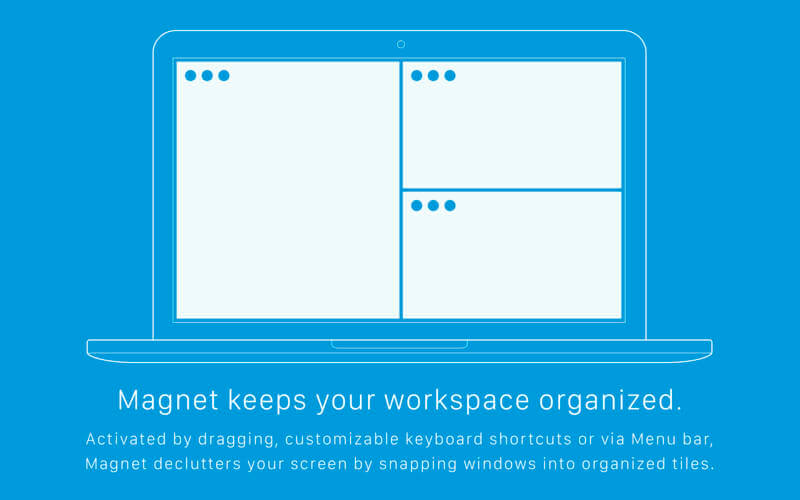
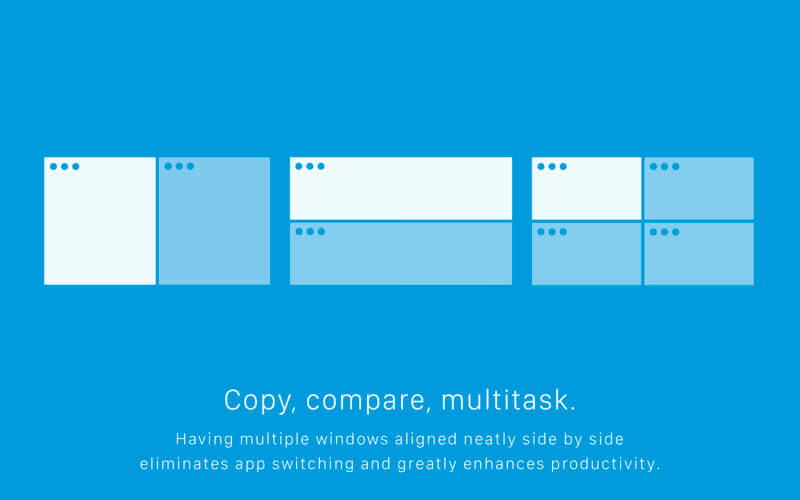
Window Magnet will change the way you work with your Mac! Easily snap windows into various sizes and positions by simply dragging them to the edges and corners of the screen. Maximize them, place them side by side or deploy them into all four quarters of your screen in the blink of an eye.
Features
Move and Resize. In just one drag you snap any window into left, right, top and bottom halves and into all four quarters of your screen.
Real Fullscreen. Go nice, full, edge-to-edge fullscreen by simply dragging any window to the top of the screen and don’t mess with that tiny green “zoom” button that almost never seems to do what you want it to.
Easy Restore. Return a window to its previous size by simply dragging it from its snapped position and it will pop back to the shape it had before.
Menu Bar Assistant. Access all features and preferences through menu bar icon sitting right at the top of your screen to be on hand any time you need it.
Keyboard Shortcuts. For all you keystroke lovers, use predefined keyboard shortcuts or create your very own ones that fit your needs.
External Display Support. Manage your bigger workspace at the speed of light, even on external display.
Switchers Friendly. If you’ve experimented with Windows 7, you may have used something very similar and will be pleased to have one of the greatest window management tools on your shiny new Mac.
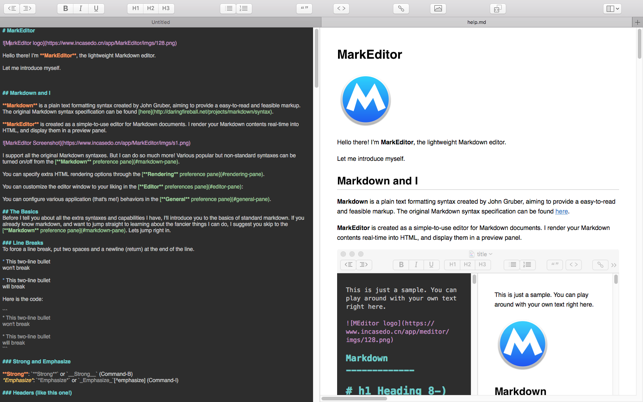
Marked allows you to preview your Markdown (in any flavor) as you write in your favorite text editor. It tracks your file changes and updates the preview as you go, even automatically scrolling to the point in the file where you’re currently working.
Marked 2 includes a rewrite of the file-watching system for speed and accuracy. It speeds up just about every part of the app, making it even easier to get your work done without worrying about how it’s going to look or waiting for your preview to update.
Languages : English Compatibility: OS X 10.10 or later, 64-bit processor Homepage https://apps.apple.com/app/markeditor/id1398414250
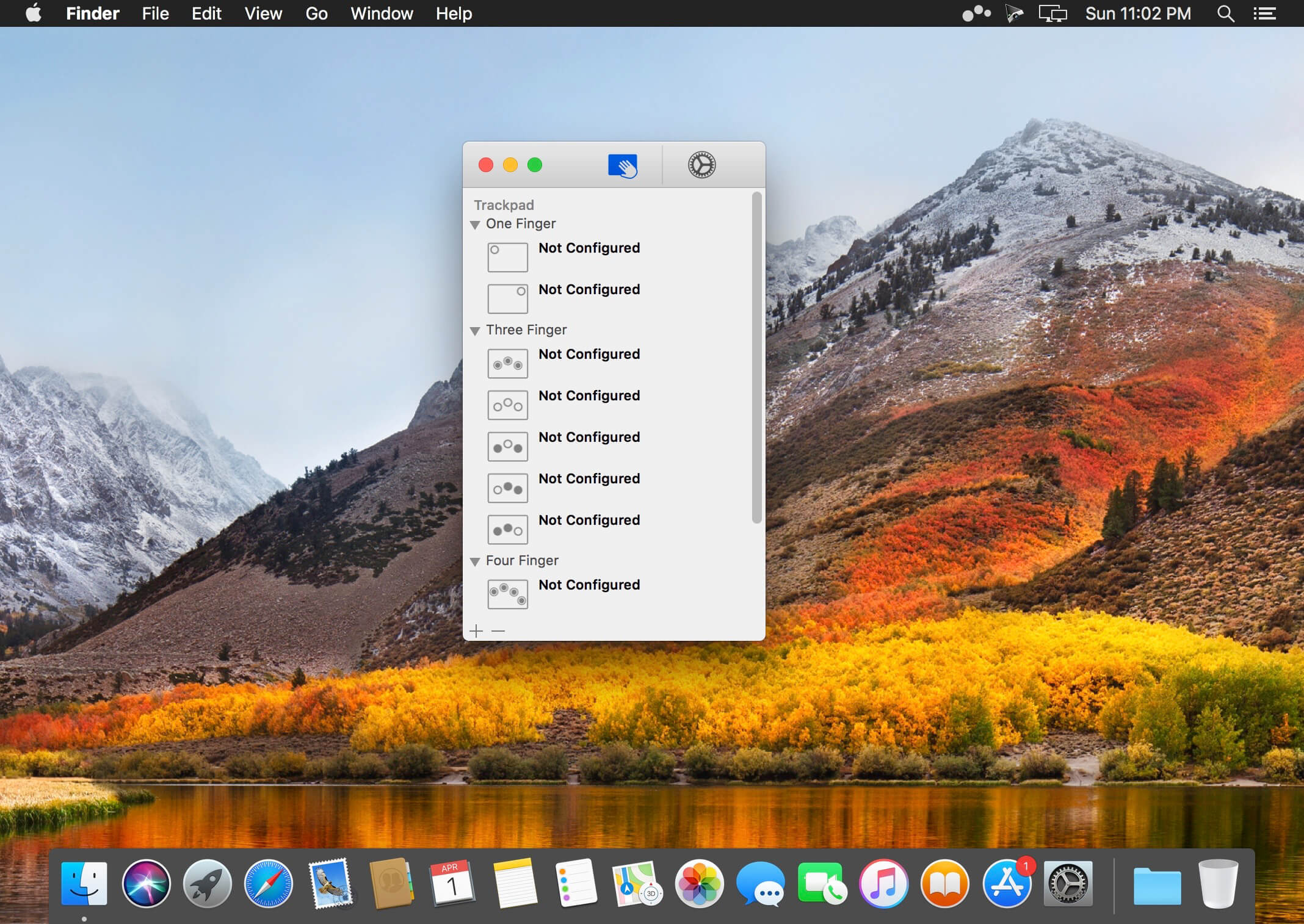
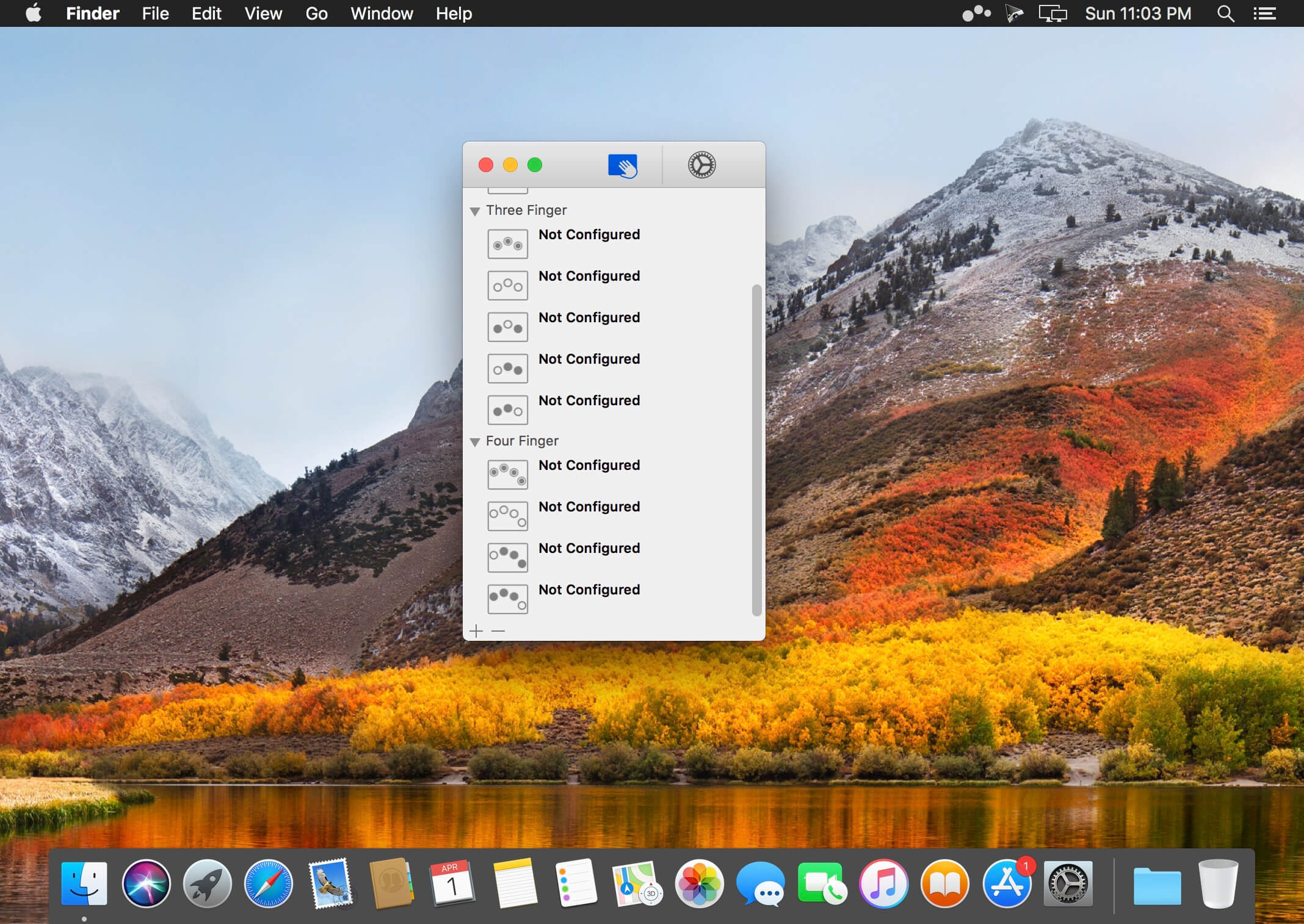
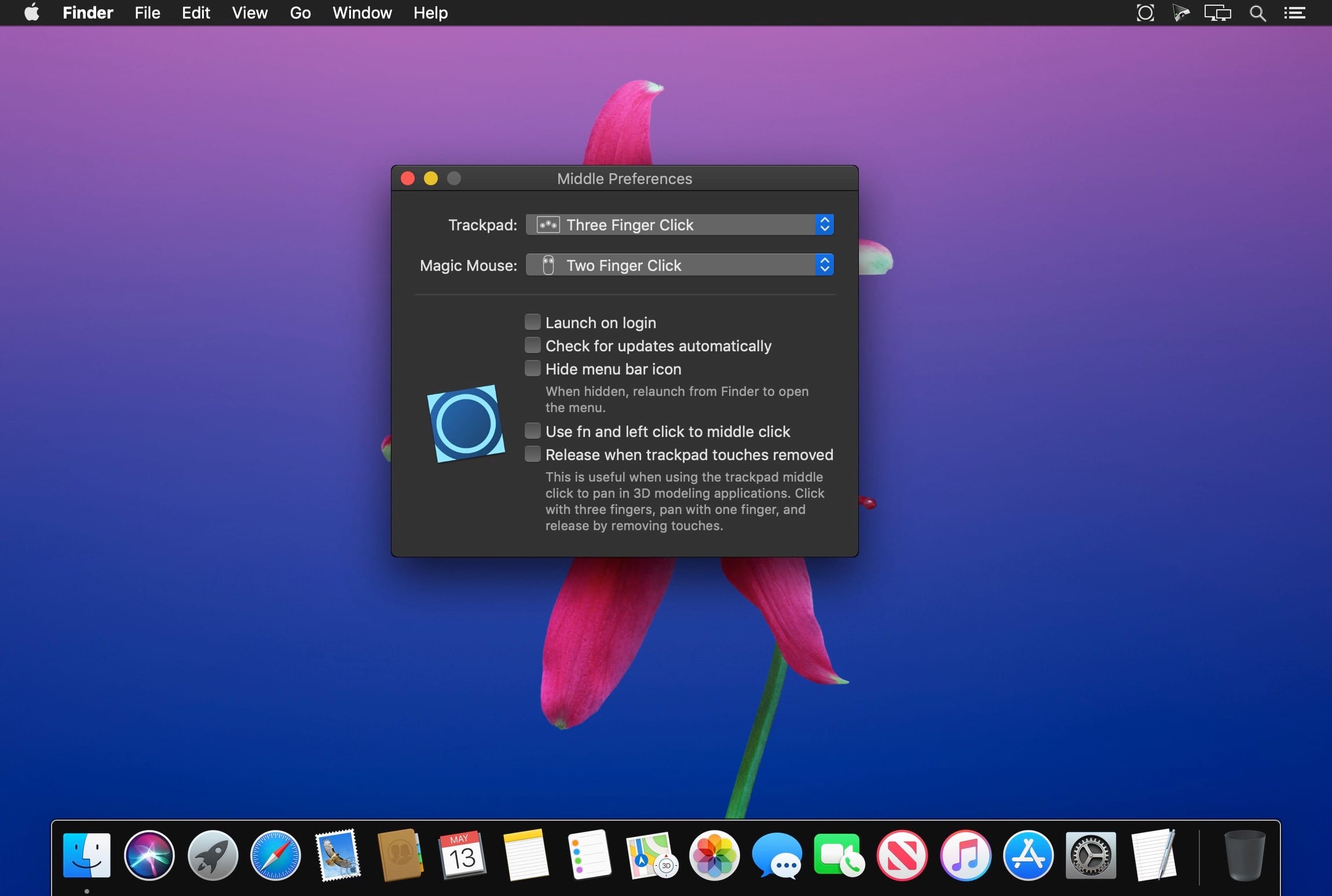
Multitouch lets you tie a custom action to a specific magic trackpad or magic mouse gesture. For example, a three finger click can execute a paste. Improve your workflow by executing keyboard shortcuts, controlling your browser’s tabs, performing a middle mouse click, and much more.
Features
One time purchase and free updates with a growing list of gestures and actions.
Privacy. No user data is gathered from the app.
Does not require Accessibility privileges to run.
What’s New:
Version 1.24.8:
Release notes were unavailable when this listing was updated.
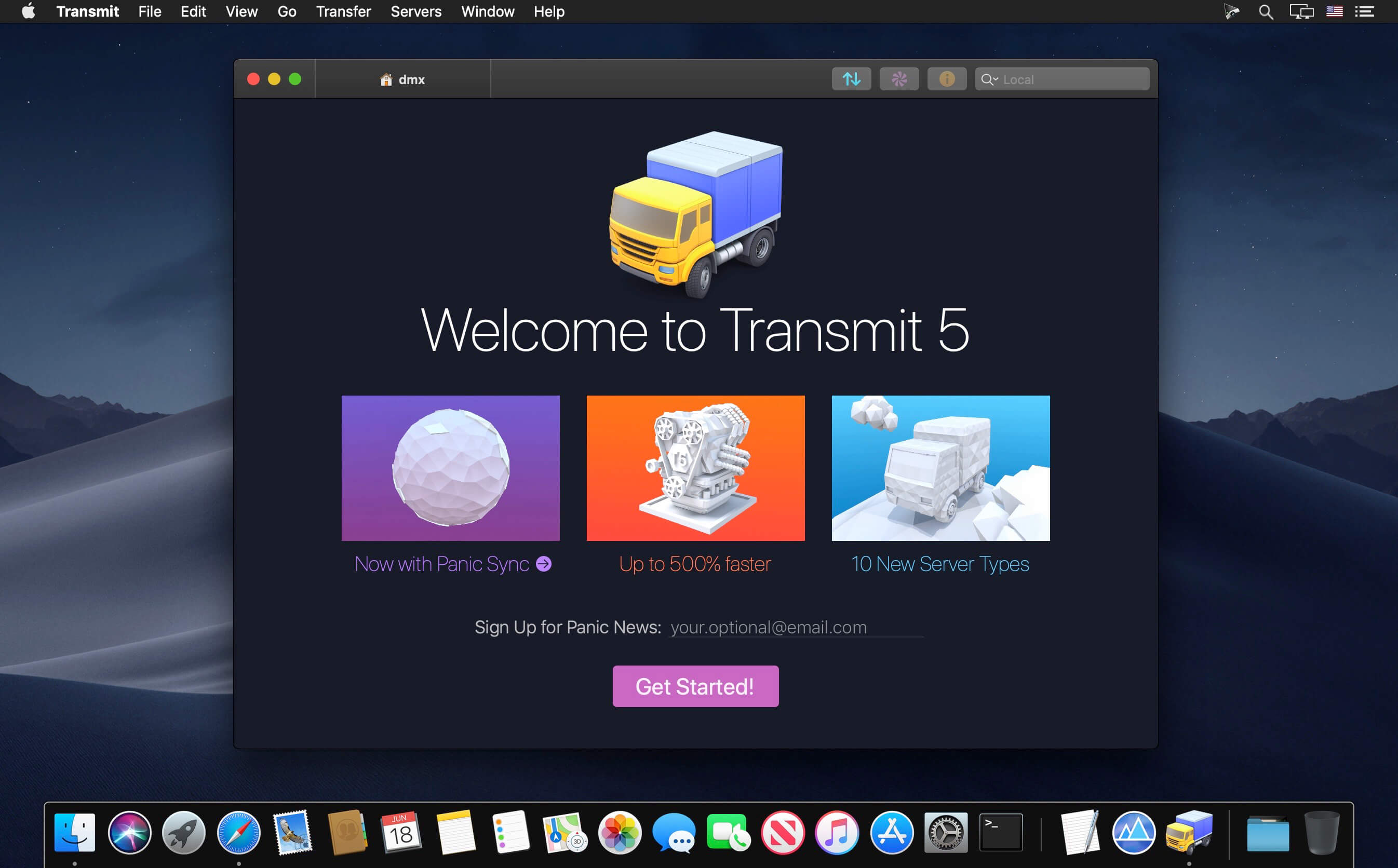
The gold standard of macOS file transfer apps just drove into the future. Transmit 5 is here. Upload, download, and manage files on tons of servers with an easy, familiar, and powerful UI. It’s quite good.
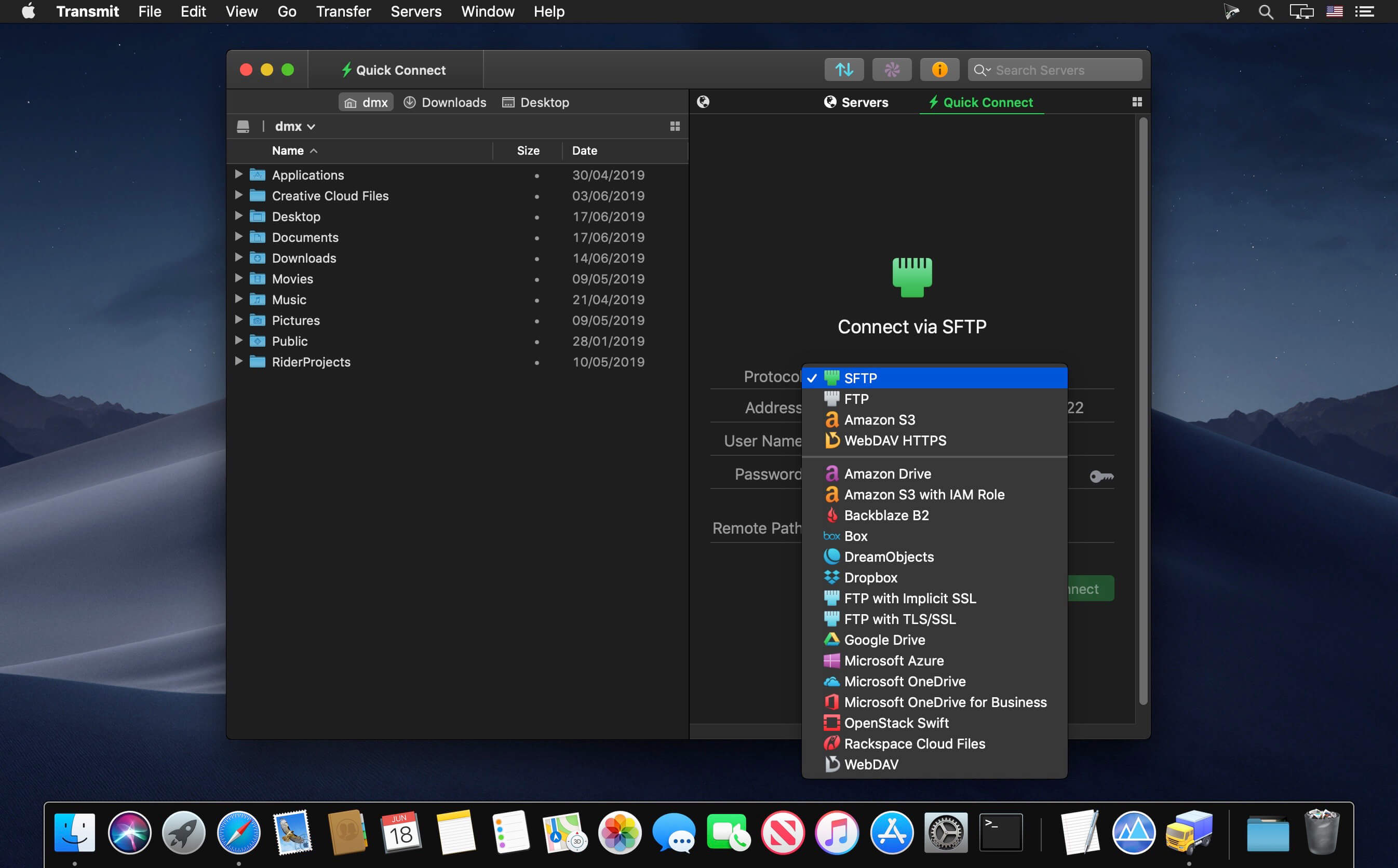
More Servers. Transmit now connects to 10 new cloud services, like Backblaze B2, Box, Google Drive, DreamObjects, Dropbox, Microsoft Azure, and Rackspace Cloud Files. And yes, Transmit still handles the classics — FTP, SFTP, WebDAV, and S3 — better than any. We make complex services drag-and-drop simple.
More Sync. Transmit 5 now includes Panic Sync, our secure and fast way to sync your sites. (You can learn about Panic Sync here.) And our File Sync feature adds support for local-to-local and remote-to-remote sync, while also giving you more fine-grained control.
More Speed. We disassembled Transmit’s engine and rebuilt it, again, to significantly boost speed. T5 is better at multithreading and smarter about complex folders. Plus it’s got a new activity view to better focus on what Transmit is doing right now. It’s very fast.
Much More. It’s been a very long time since the last major Transmit update, and we had a lot to do. Put simply, almost every corner of Transmit has been improved. Some examples:
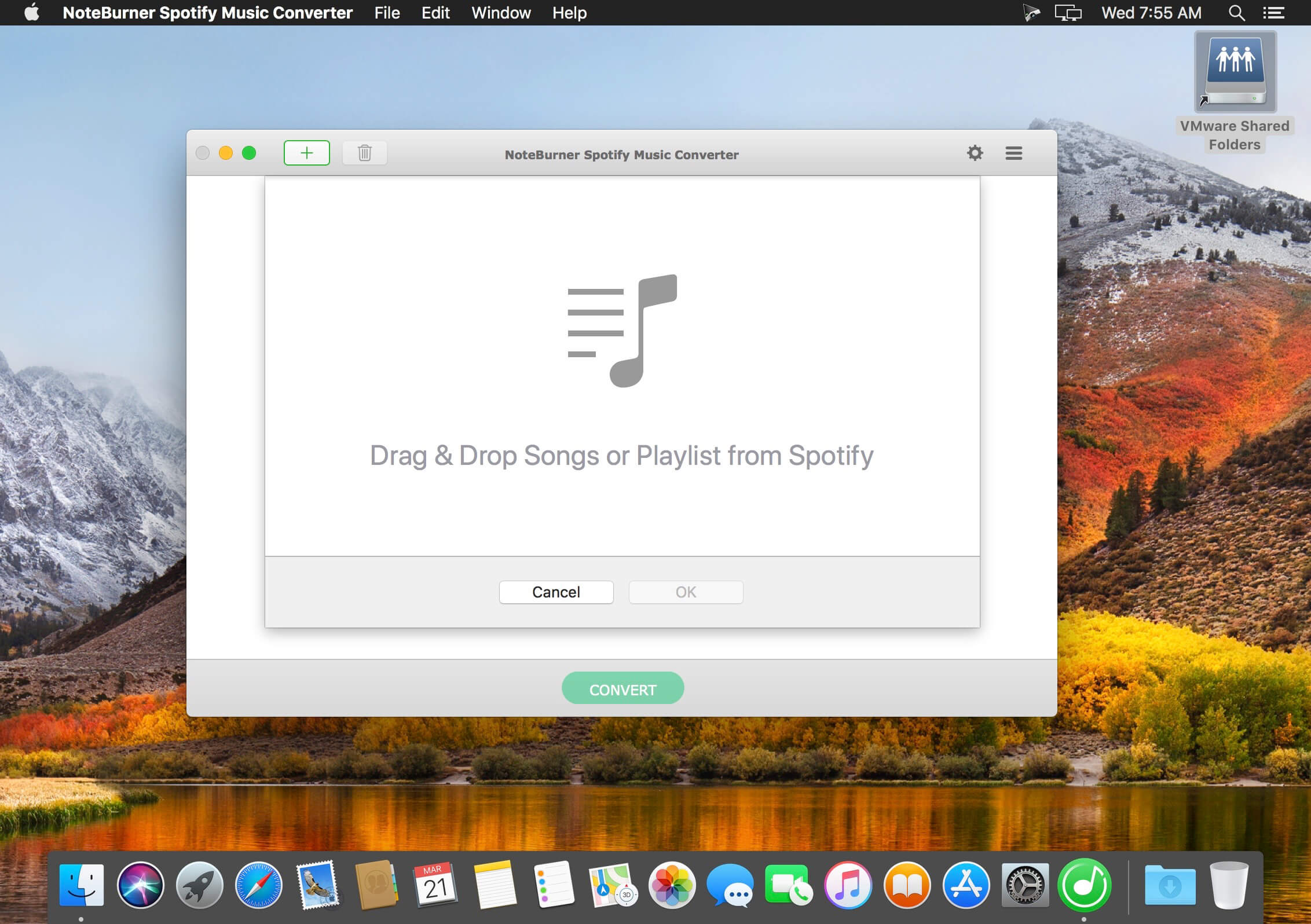
Welcome to djay Pro AI! Algoriddim’s acclaimed DJ software and winner of multiple Apple Design Awards has been rebuilt from the ground up using groundbreaking AI technology – NEURAL MIX.
NEURAL MIX allows you to isolate instrumentals and acappellas of your favorite tracks in real-time and redefines the boundaries of creative mixing. You can crossfade drums, bass lines, and melodies of two songs independently, apply audio effects to individual components of music, and even loop the beat while the melody of the same track continues playing.
djay Pro’s all-new, modern interface is built around a sophisticated integration with your music library, giving you instant access to millions of tracks. Pristine sound quality and a powerful set of features including live production tools, four decks, high-definition waveforms, video mixing and hardware integration give you endless creative flexibility to reinvent your DJ sets.
NEURAL MIX
Isolate vocals, drums, bass lines, and instrumentals in real-time
FX routing: apply audio effects to individual components of music (Vocal Echo, Harmonic Filter, Drum Reverb, and more)
Loop routing: Loop the beat while the melody of the same song continues playing, and vice versa
AI crossfades: seamlessly blend and swap drums, bass lines, or vocals of two tracks
AI waveforms: see vocals, drums, and harmonic waveforms per track side by side
MUSIC PRODUCTION TOOLS
Sequencer: create instant beats on top of music
Looper: remix music with up to 48 loops per track
Beat-matched sequencing of drums and samples
Extensive content library with 1000+ loops and samples
STREAMING INTEGRATIONS
TIDAL: Millions of tracks, music videos, high quality sound /TIDAL Premium or HiFi)
SoundCloud: Millions of underground and premium tracks SoundCloud Go+)
Beatport: Millions of electronic music tracks (Beatport LINK)
Beatsource: Millions of open-format music tracks (Beatport LINK)
AWARD-WINNING USER INTERFACE
2- and 4-Deck views
Single Deck preparation view
Video and Automix views
ADVANCED LIBRARY MANAGEMENT
Create your own custom and smart playlists
Powerful track filtering
Finder Integration
AUTOMIX
Automatic, beat-matched mixes based on artificial intelligence
Queue and Playlist automation
VIDEOS, VISUALS, and PHOTOS
Mix videos, visuals, and photos
Music video streaming through TIDAL
Beat-matched photo slideshows
POWERFUL AUDIO ENGINE
Revolutionary AI audio engine
Real-time music source separation
High-quality mixer, filter, EQ, isolator, and limiter
Advanced time-stretching and pitch shifting
Over 40 built-in audio effects
Master output effects through Audio Unit plug-ins
Live recording
Ableton Link integration
ADVANCED AUDIO ANALYSIS
BPM and beat detection
Key detection
Multi color waveformsBPM
Auto-Gain
HARDWARE INTEGRATION
Native support for over 100 MIDI controllers
Pioneer DJ CDJ Integration
RANE Twelve integration
Advanced MIDI Learn
External Mixer Mode
Support for multi-channel USB audio interfaces
Support for external audio input and microphones
In-App Purchases: Full Version – included
Language: English, Spanish, Italian, German and others. Compatibility: OS X 10.14 or later 64-bit Homepagehttps://www.noteburner.com/
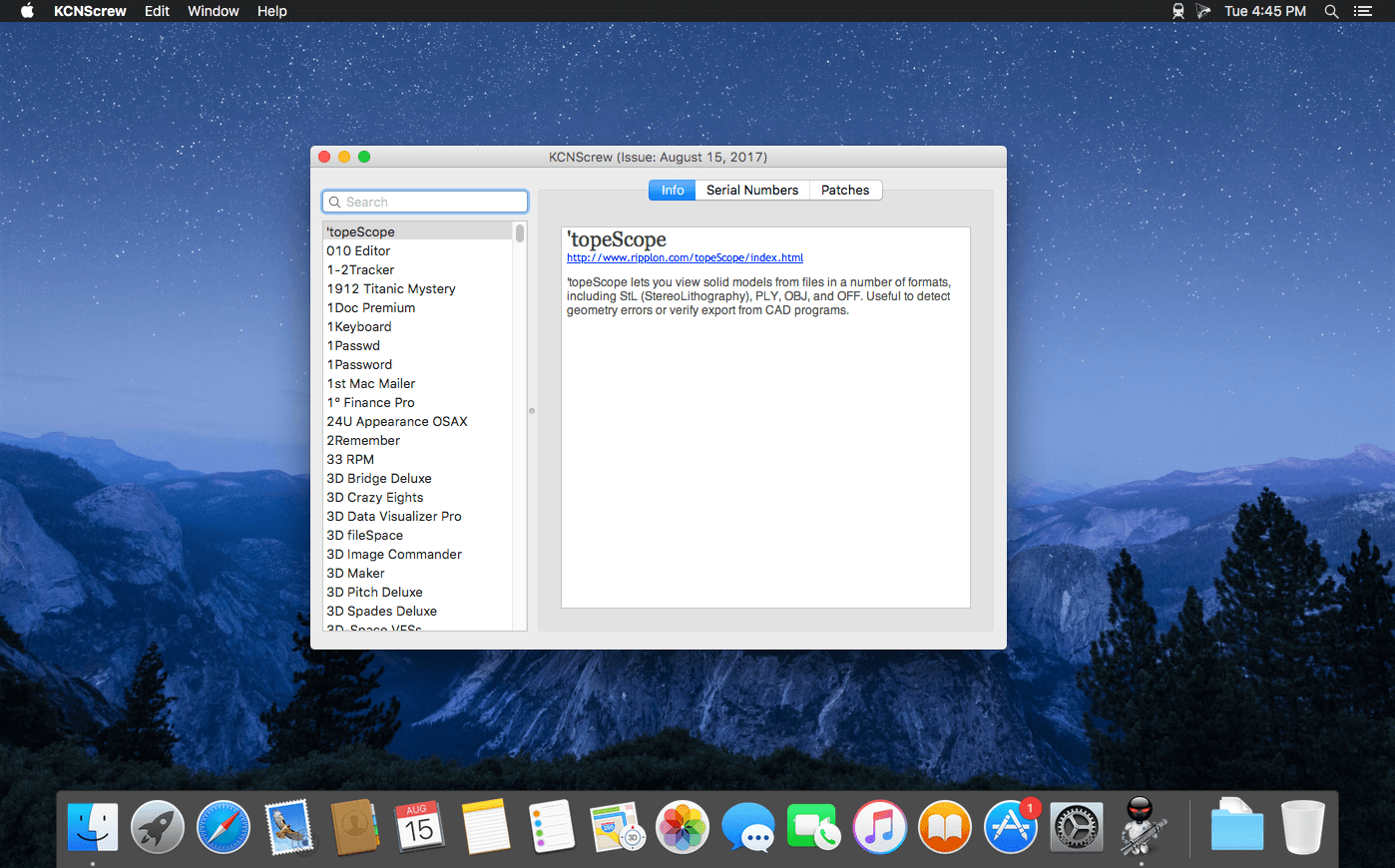
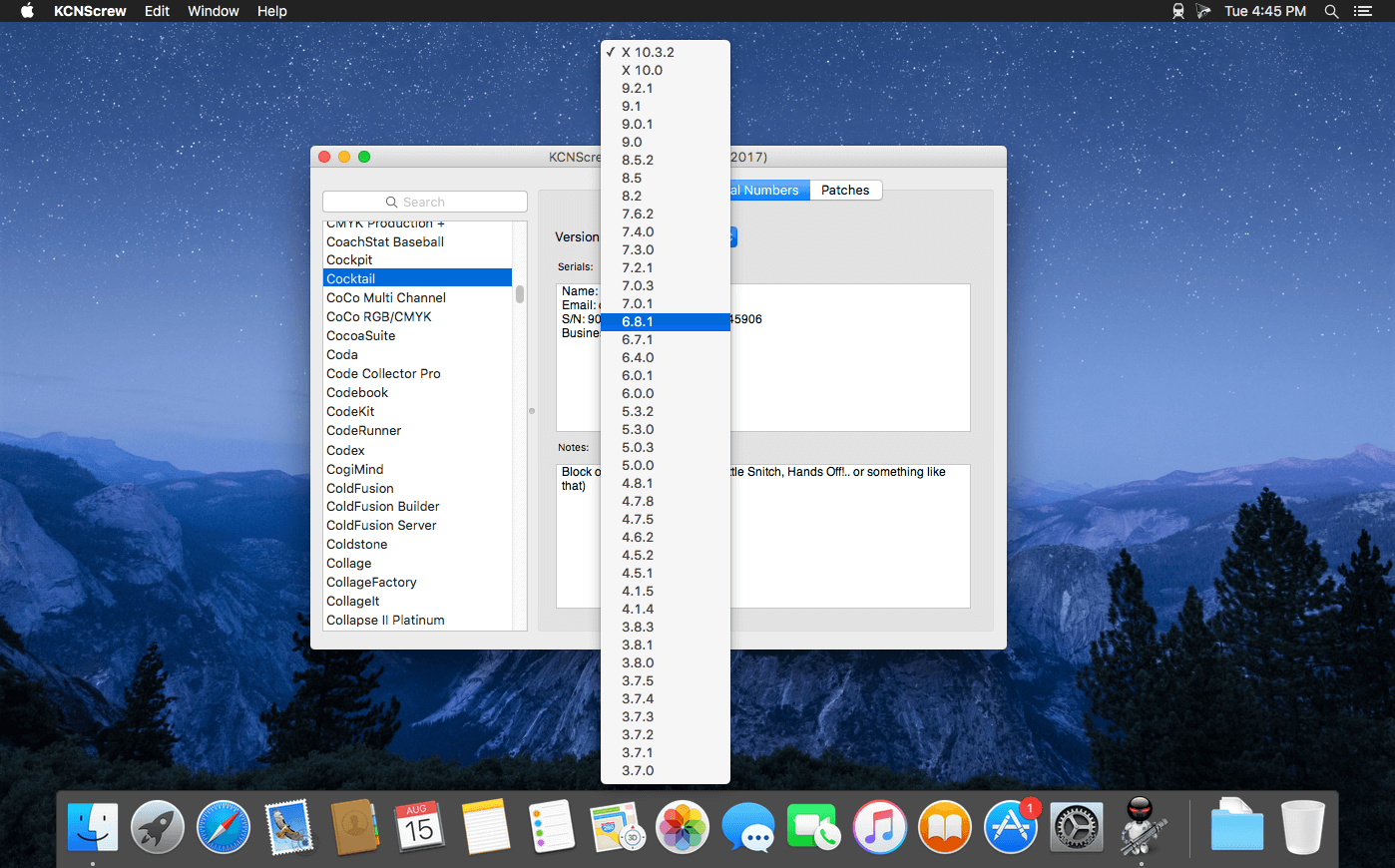
It’s like Serial Box, which has SN’s but KCN also has cracks and patches. It would be best to have both of these collections, as this often has serials you cannot find in Serial Box.
Unlike Serial Box, no readers are required. Just open the dmg file, drag and drop the application to where you like.
However, there is no way to view what serials, cracks and patches are new in this issue as compared to the previous like Serial Box.
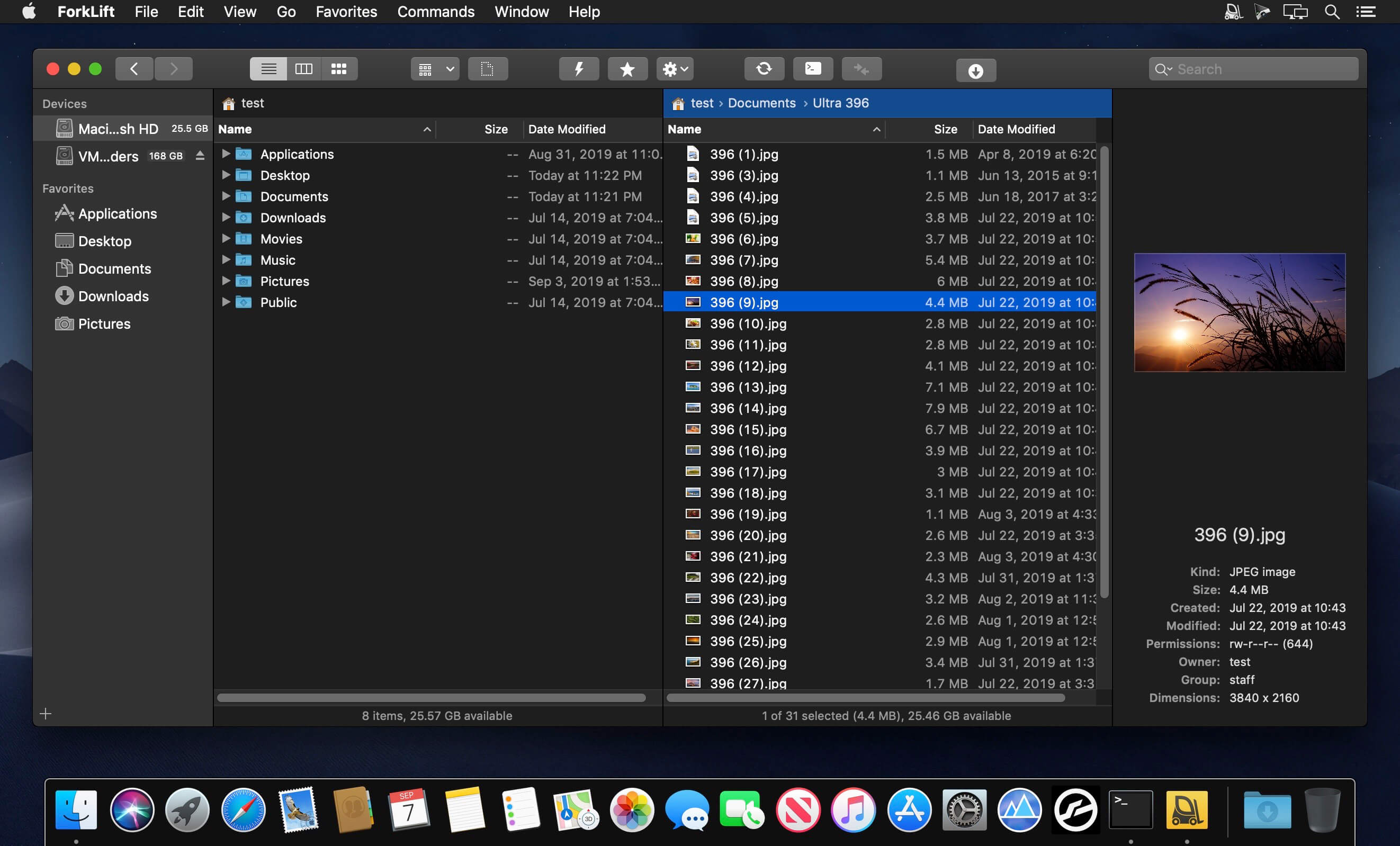
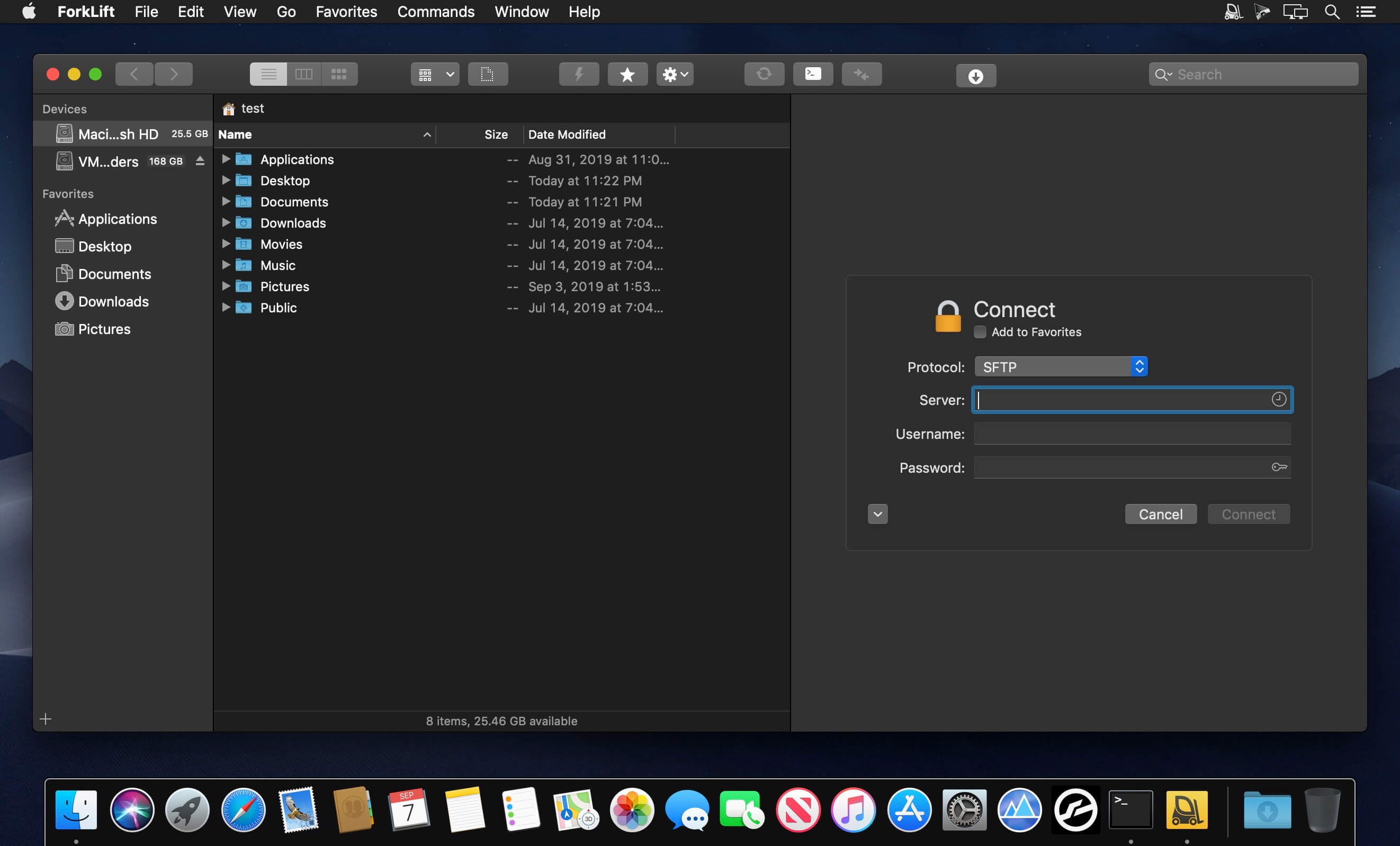
ForkLift is a powerful file manager and ferociously fast FTP client clothed in a clean and versatile UI that offers the combination of absolute simplicity and raw power expected from a well-executed Mac software.
ForkLift will connect to any remote server SFTP, FTP, WebDAV, Amazon S3, Backblaze B2, Google Drive, Rackspace CloudFiles, SMB, AFP and NFS shares on your local network,- pretty much anything you can plug into or hook up to a Mac. ForkLift also carries a complete toolbox for managing your files, including Folder Synchronization, Multi-Rename, Archive handling, Application deleter, editing files over remote connections and many more. All these power features are packaged into a Finder-like, dual-pane interface that delivers superior workflow while remaining absolutely familiar to use, along with Quick Look, Spotlight search and all.
Features
Completely rewritten entirely in Swift
ForkLift Mini
Two-way Sync
Preview
Quick Open
Multi Rename
Dark Mode
Dual Pane split vertically or horizontally
Favorite Sync via Dropbox
Dropbox Support
Transfer bandwidth throttling
Tags Support
Disklet
Sync Browsing
Tabs
Search by name, extention, kind, tags, or content
Quick Select
App Deleter
Remote Editing
Archive Management
Keyboard Control
Workspaces
FXP Copy
Tools
Git Support
Open in Terminal, iTerm, or Hyper
Hidden Files
Share
Possible to set as default file viewer
File Compare with FileMerge, Kaleidoscope, Beyond Compare, and Araxis Merge support
Multilingual: English, German, Hungarian, Polish, Russian, and Ukrainian
Language: Multilangual Compatibility: OS X 10.11.6 or later 64-bit Homepagehttps://binarynights.com/
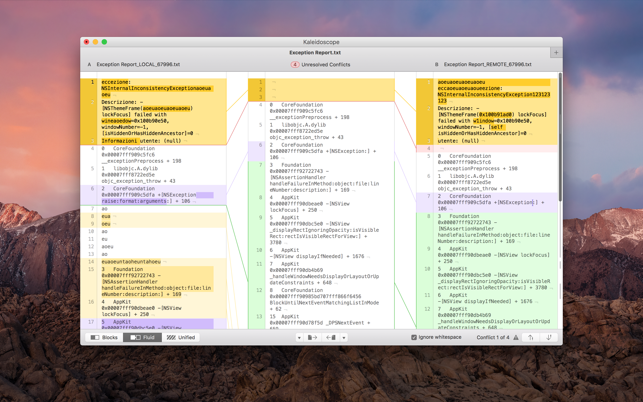
With text merge, three-way merge, folder comparison, and the ability to ignore whitespace-only differences, Kaleidoscope integrates perfectly with the version-control systems you already use.
Features General
Single window workflow: One tab per comparison
Compare two+ files: Add any number of files per tab
Always up to date: Auto-refreshes when files change
File Shelf: Quickly go from file to file
Path Bar: See where your files are
Keyboard shortcuts: Every action has a shortcut
Text Scope
Supports any text file: Plain text, source code, HTML, etc.
Clear comparisons
Three layouts: Blocks, Fluid, and Unified
Compare documents: Imports text from .doc and .rtf files
Instant search
Change Stepper: Quickly jump from change to change
Highlights: Added, deleted and changed text
Image Scope
All popular image file formats: JPEG, TIFF, PNG, PSD and more.
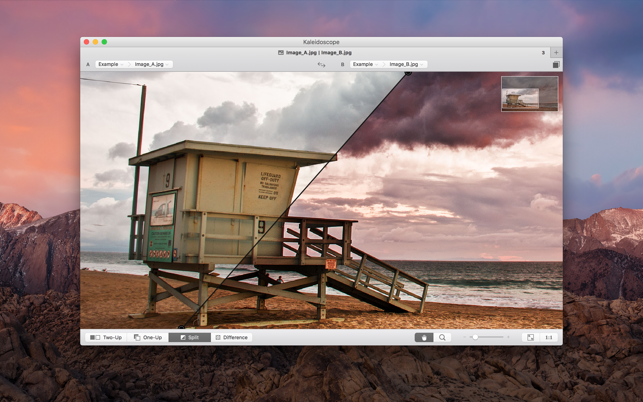
Four connected layouts: Two-Up, One-Up, Split, and Difference
Comprehensive image support: RGB/CMYK/LAB, alpha, any size.
Multi-touch support: Smooth scrolling and pinch to zoom
Customizable environment: Change background color, difference mask and checkerboard settings
Two difference mask modes: Spot absolute or relative changes
Integration
Git, Mercurial, SVN, and Bazaar: Integrate with a couple of clicks
Versions
TextMate SVN
Cornerstone
ksdiff Command-line tool: Integrate with practically anything
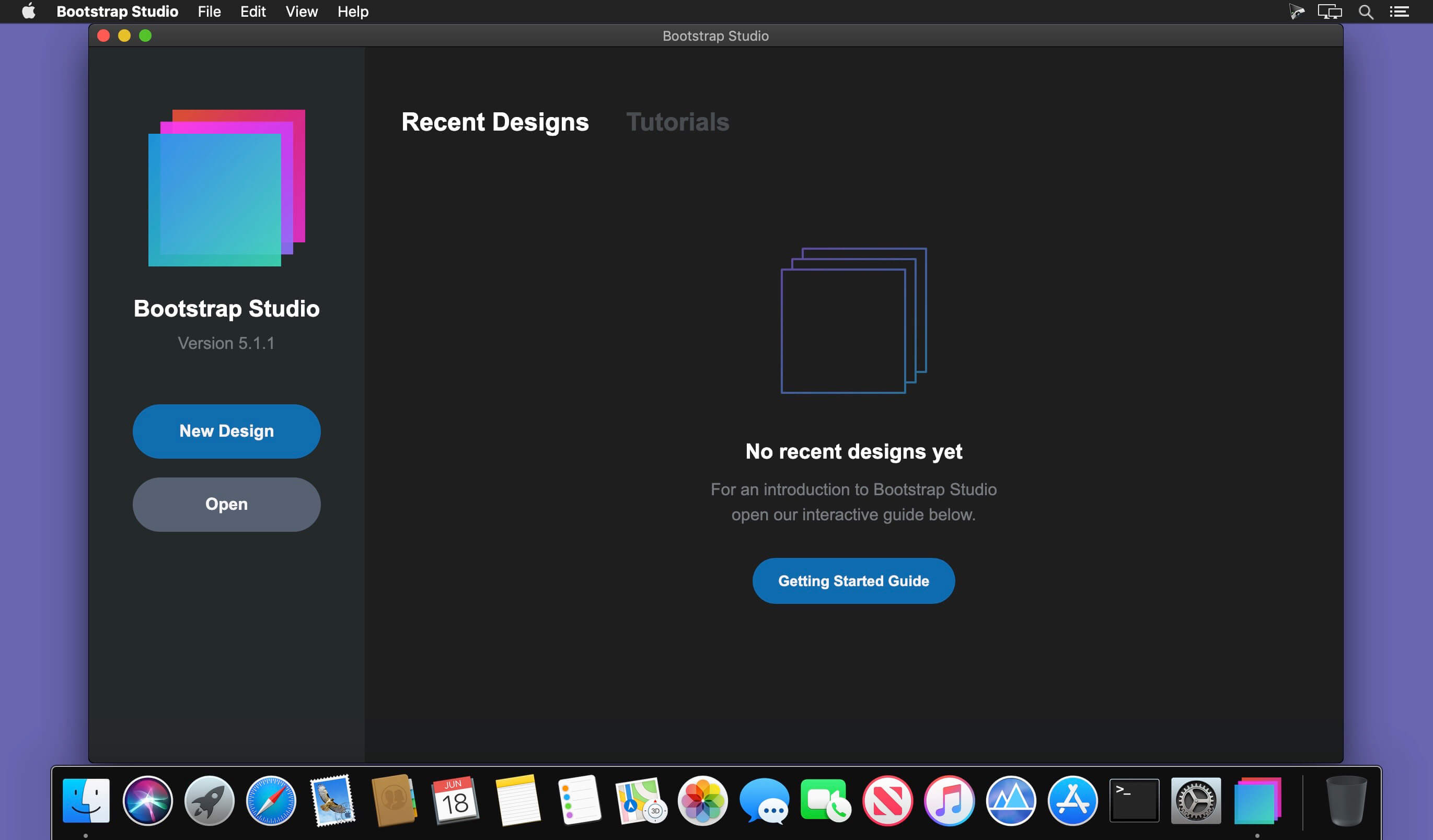
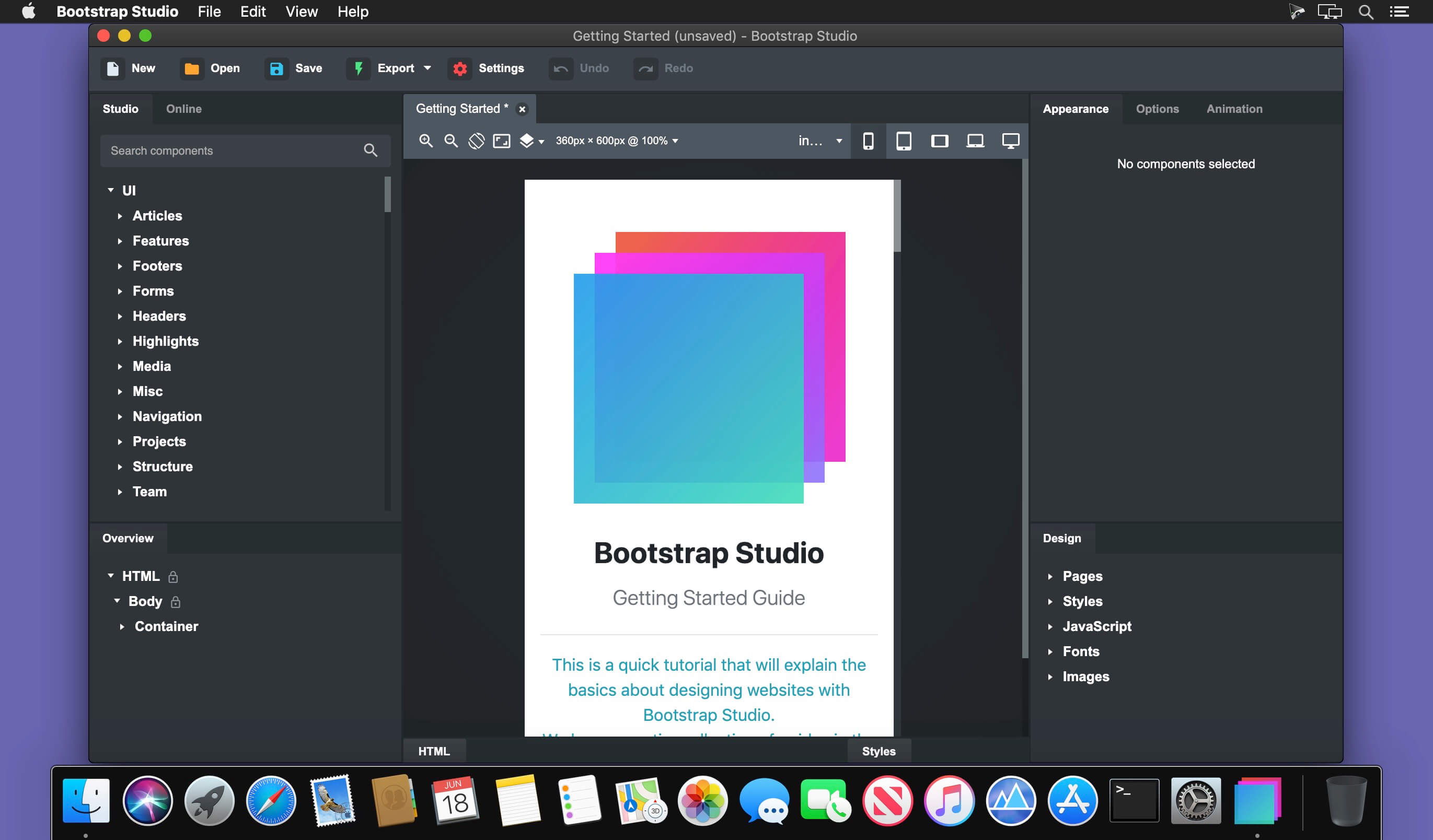
A powerful desktop app for creating responsive websites using the Bootstrap framework. Bootstrap Studio is a desktop application that helps you create beautiful websites. It comes with a large number of built-in components, which you can drag and drop to assemble responsive web pages. It is built on top of the hugely popular Bootstrap framework, and exports clean and semantic HTML. Thousands of developers and designers use it every day. We are sure you’ll love it too!
The Interface Bootstrap Studio has a beautiful and powerful interface, which is built around the simplicity of drag and drop. This makes it the perfect tool for prototyping and designing web pages and apps.
Beautiful Built-in Components Bootstrap Studio comes with a large number of pretty components for building responsive pages. We’ve got headers, footers, galleries, slideshows and even basic elements like spans and divs.
Smart Drag & Drop Bootstrap Studio knows which Bootstrap components can be nested in one another and gives you suggestions. It automatically generates beautiful HTML for you, which looks as if it was written by hand by an expert.
Create Your Own Components You can extract pieces of your designs as Custom Components, and have them ready to be dropped into any design you create. You can also export these components as files and share them.
Online Library If you need a component which doesn’t exist in our library, just click the Online tab in the Component Panel. There you will find thousands of components built and shared by the community. You can also upload your own.
Linked Components This is a powerful feature which allows you to synchronize components, so changing one will automatically change the other. This is especially useful for things like headers and footers which you need to update across pages.
Realtime Preview Bootstrap Studio has a powerful feature called Preview. With it, you can open your design in multiple web browsers and devices, and every change you make within the app will be shown instantaneously everywhere.
Editing Code For some things drag and drop isn’t enough. This is why Bootstrap Studio gives you full control over your markup when you need it. You can import and edit CSS, jаvascript and HTML in our Sublime Text-like editor.
Advanced CSS Editor Our advanced CSS editing interface supports auto suggest and rule validation, and shows the active and inherited rules at an any given time. You will soon dread having to go back to your text editor.
jаvascript Editing Write jаvascript in our Sublime Text-like editor. All your changes are synced with the preview, so you can write code and try it out without having to reload your browser.
HTML Editing With our powerful Custom Code component, you can write HTML directly, without going through our drag and drop interface. You can also convert any piece of your page into Custom Code when you need it.
Import Existing Websites If you have a website that you’ve developed previously, you can import it. Just drag and drop the HTML, CSS, JS files and images into Bootstrap Studio and they will be added to your project.
Even More Features There is a lot more to say about our wonderful app. From productivity features to specialized Bootstrap tools, Bootstrap Studio makes designing websites and building fully working prototypes a real joy.
Built for Bootstrap Bootstrap Studio knows how to construct a valid Bootstrap page and automatically writes the correct HTML. It supports Bootstrap 3 and will be updated to Bootstrap 4 once it’s out.
Grid Tools The app has specialized tools for working with the Bootstrap grid. Easily create, resize and offset columns, and apply responsive visibility classes.
Google Webfonts Bootstrap Studio is integrated with Google Webfonts and gives you an easy way to import and manage your fonts. Font family names are even auto-suggested in our css editor.
Productivity Features Bootstrap Studio has comprehensive support for keyboard shortcuts which allow you to speed up your workflow dramatically.
Themes and Icons The app has a number of built-in Bootstrap themes, icon fonts, templates and components, which you can combine into beautiful and unique designs.
Always Up to Date Bootstrap Studio updates automatically, so you always have the latest version. We release updates every month, filled with new features, components and improvements.
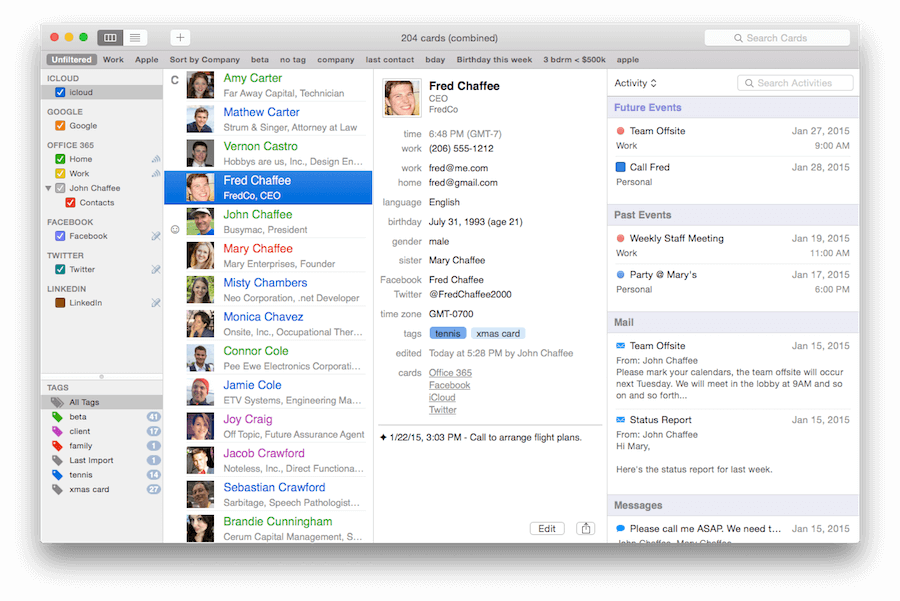
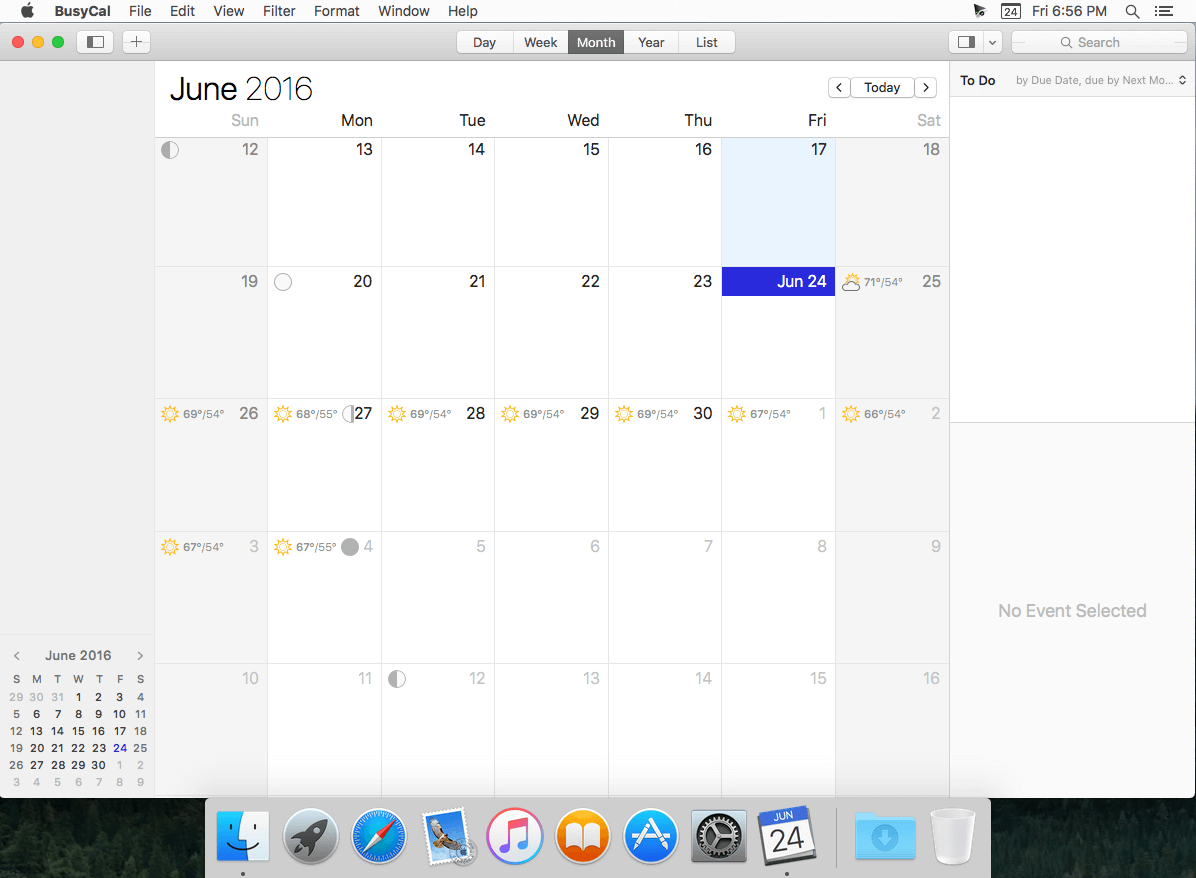
BusyContacts is a contact manager for macOS that makes creating, finding, and managing contacts faster and more efficient. It brings to contact management the same power, flexibility, and sharing capabilities that BusyCal users have enjoyed with their calendars. What’s more, BusyContacts integrates seamlessly with BusyCal, forming a flexible, easy-to-use CRM solution that works the way you do.
BusyContacts syncs with the built-in Contacts app on OS X and iOS, and supports all leading cloud services, including iCloud, Google, Exchange, Facebook, Twitter, and LinkedIn. Key Features
Customizable Views — View contacts in a single-column Card View or multi-column List View.
Tags — Tags can be used for grouping, filtering and coloring contacts.
Smart Filters — Smart Filters are a powerful tool for filtering contacts, creating saved searches, and even applying custom view settings in the List View.
BusyCal integration — BusyContacts integrates with BusyCal by linking contacts to events in your calendar, providing flexible CRM capabilities for tracking past and future activities.
Activity List — The Activity List displays activities associated with the selected contact including calendar events, emails, messages, and recent social network posts.
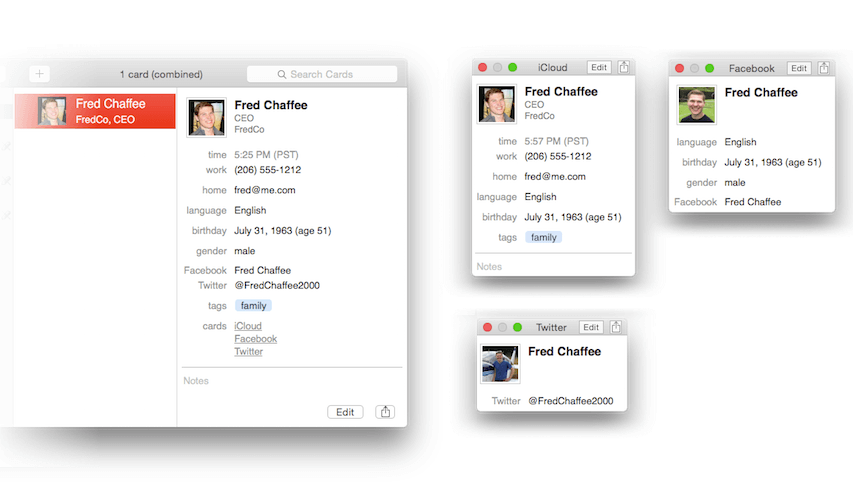
Social-network integration — BusyContacts syncs with Facebook, Twitter and LinkedIn, combining contact information from each of these sources into a unified contact card.
Syncing — BusyContacts syncs with the built-in Contacts app on OS X and iOS through all leading cloud services including iCloud, Google, Exchange, and other CardDAV servers.
Sharing — BusyContacts allows you to share address books with read-only or read/write privileges through Exchange, Fruux, LAN, and other CardDAV servers.
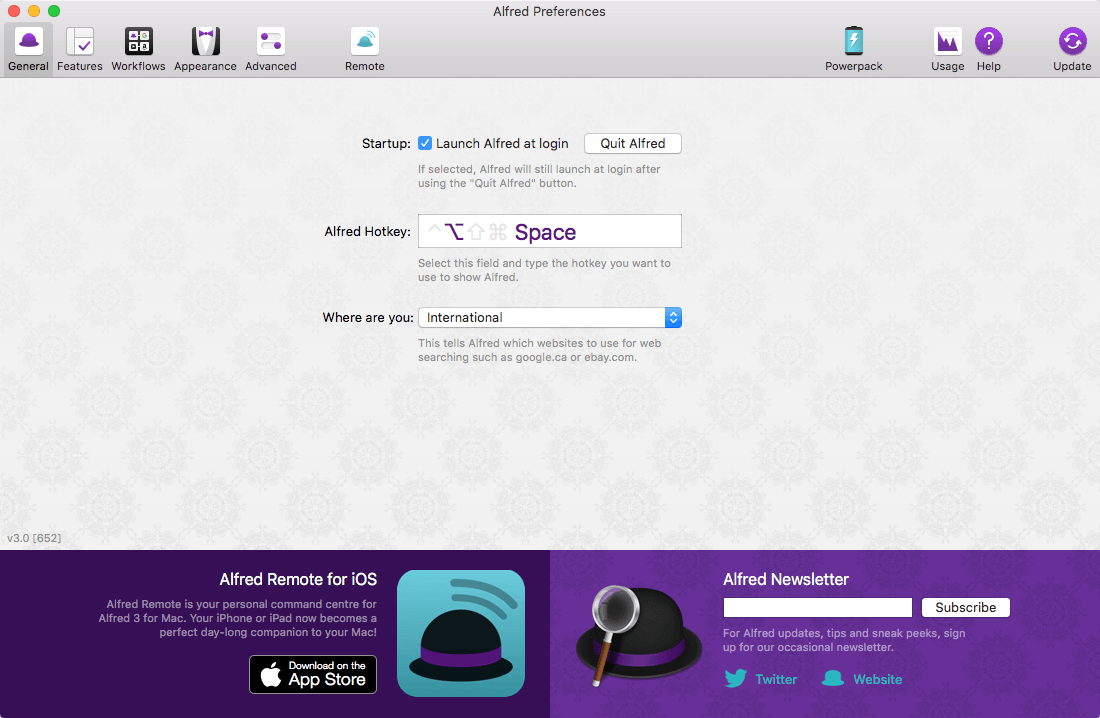
Alfred is an award-winning app for Mac OS X which boosts your efficiency with hotkeys, keywords, text expansion and more. Search your Mac and the web, and be more productive with custom actions to control your Mac.
Search and Browse Launch applications and find files on your Mac or on the web. Alfred learns how you use your Mac and prioritises results. Save countless hours by using hotkeys, keywords and customising how you want to search your Mac and activity history. Jump in and browse, preview files and take action on them without lifting your fingers off the keyboard.
Type Less, Say More With Alfred’s Clipboard History and Snippets features, there’s no need to type the same URLs or responses over and over. Use the Clipboard History to locate any text, image or file you copied earlier and paste it again. Create your own snippets and type a short abbreviation to auto-expand them into a full text snippet, saving yourself hours of typing in the long run!
Extend and Automate With Alfred’s Powerpack, use immensely powerful workflows to perform tasks more efficiently and cut down on repetitive manual tasks. Link hotkeys, keywords and actions together to create your own workflows; There’s no need to write a single line of code to create a workflow. Import workflows from the thousands our community of creators have shared.
Control Your Music You’re the boss. Boost your productivity by controlling your Mac using Alfred’s deep integration with OS X. Swiftly take action on files and contacts, control your music player and dispatch System commands. Add some fun to your day; Turn your iPhone or iPad into a command centre for your Mac with Alfred Remote for iOS. Alternatively, take a look at the many workflows for other music services like Spotify.
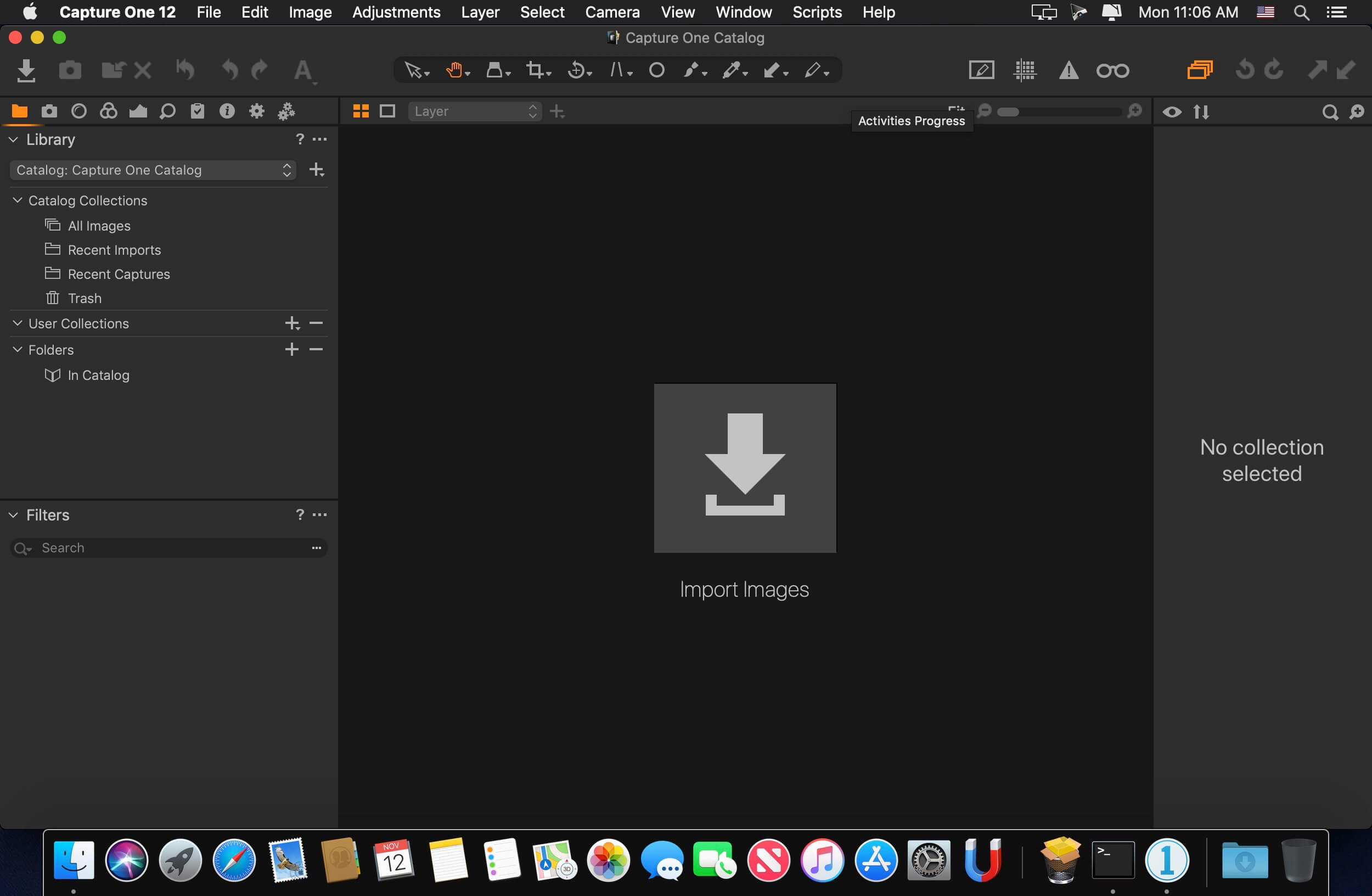
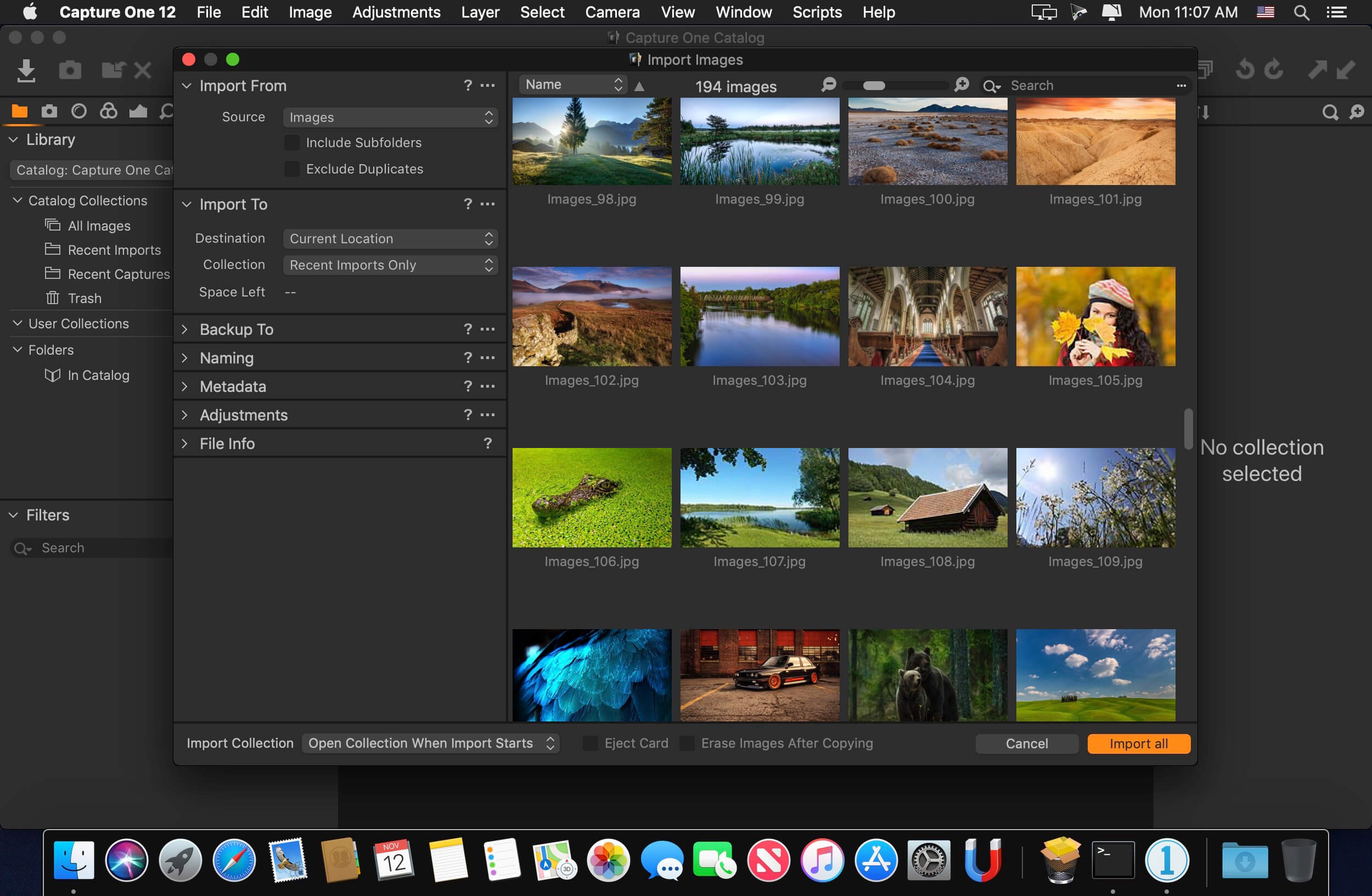
Capture One is a professional RAW converter offering you ultimate image quality with beautiful colors and incredible detail for more than 500 high-end cameras. It offers state- of-the-art tethered capture, powerful digital asset management, extensive adjustment tools and a flexible workflow through customizable workspaces.
With an updated processing engine, market-leading performance and powerful new features, Capture One is the professional choice in imaging software. You get the highly responsive precision tools you need to create stunning images from your camera’s RAW files in a time-saving workflow that can be customized to fit your needs.
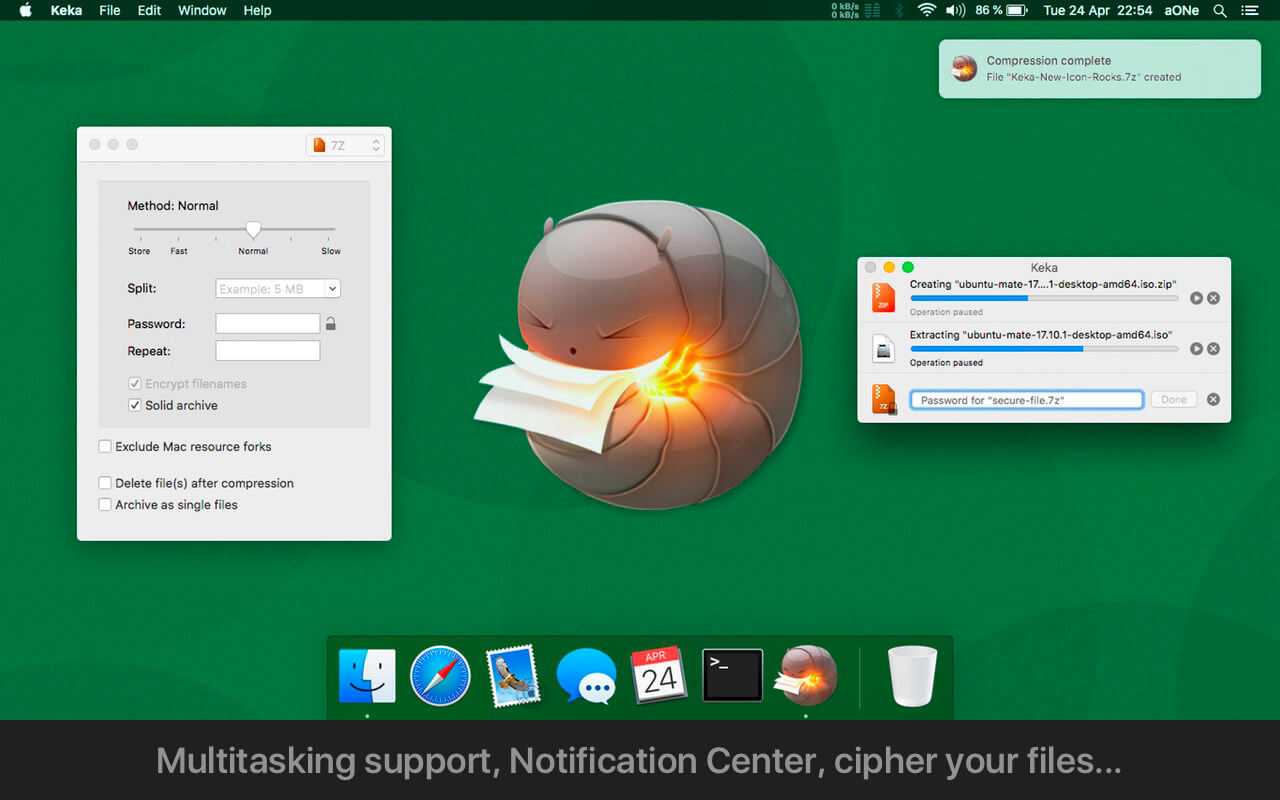
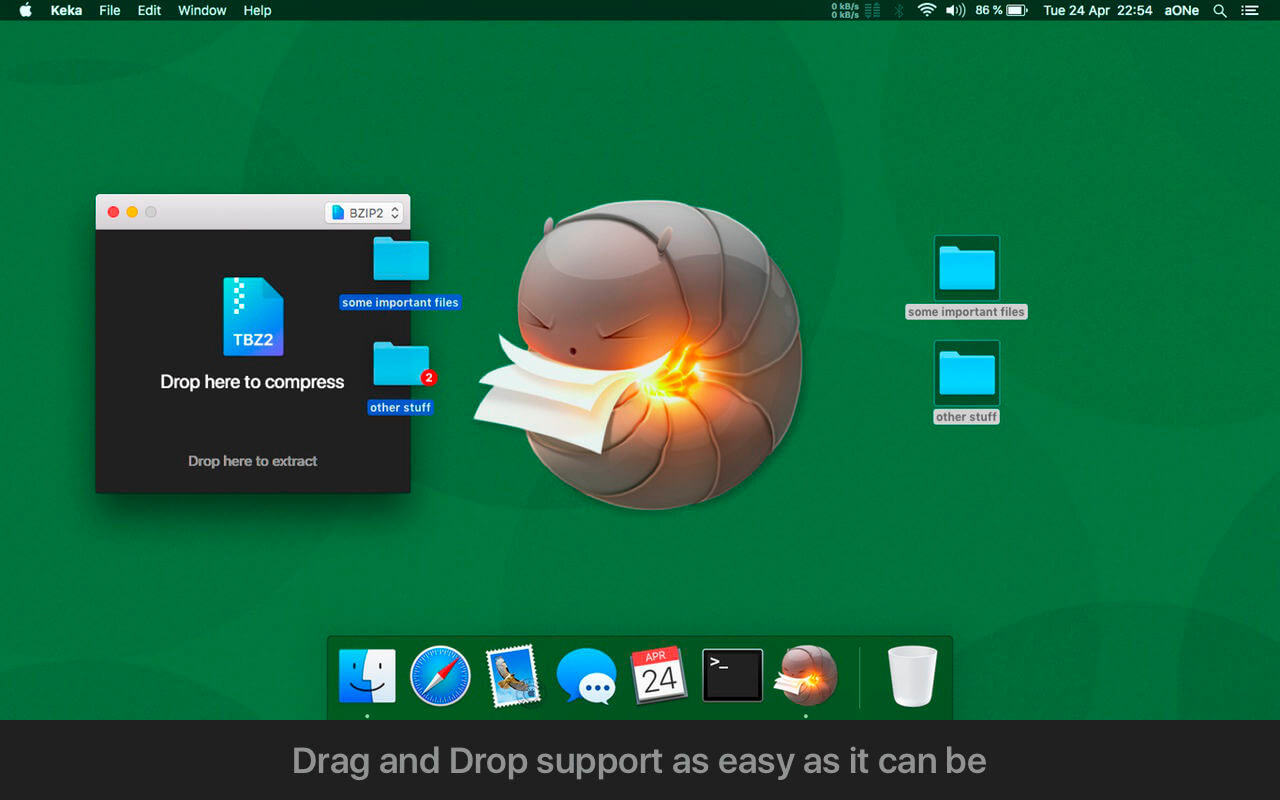
With Keka you can compress as many files as you want in a bunch of formats. Divide files and protect them with a password is now a kids game. Just drop the files you want to compress to the Keka icon in the Dock or the main window.
Also Keka can extract lots of compressed files, from Zip and 7z to Rar archives, even parted ones. Just double click on those files and they will be extracted using Keka, or drop them to the icon in the Dock or the main window. Compression formats supported: 7z, Zip, Tar, Gzip, Bzip2, DMG and ISO Extraction formats supported: RAR, 7z, Lzma, xz, Zip, Tar, Gzip, Bzip2, ISO, EXE, CAB, PAX and more
Compression formats supported: 7Z, ZIP, TAR, GZIP, BZIP2, XZ, LZIP and ISO
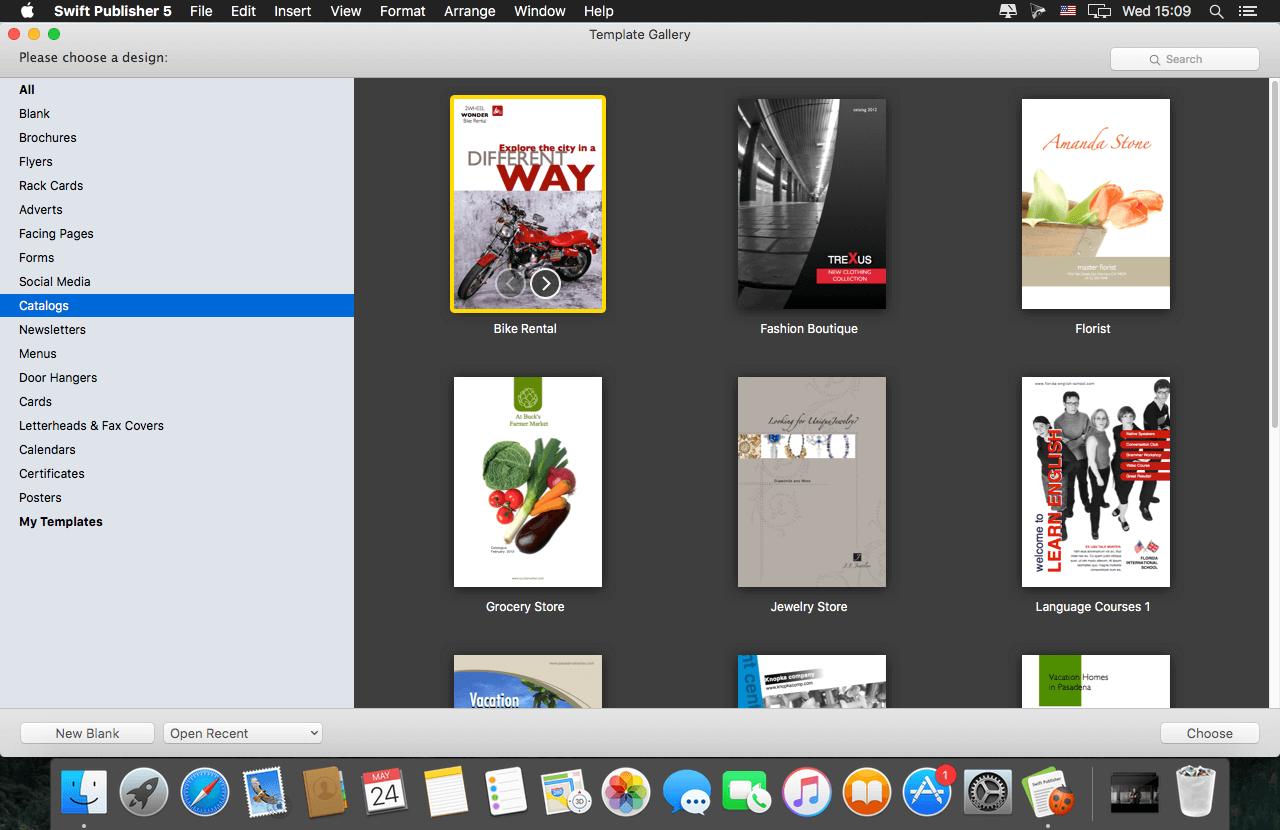
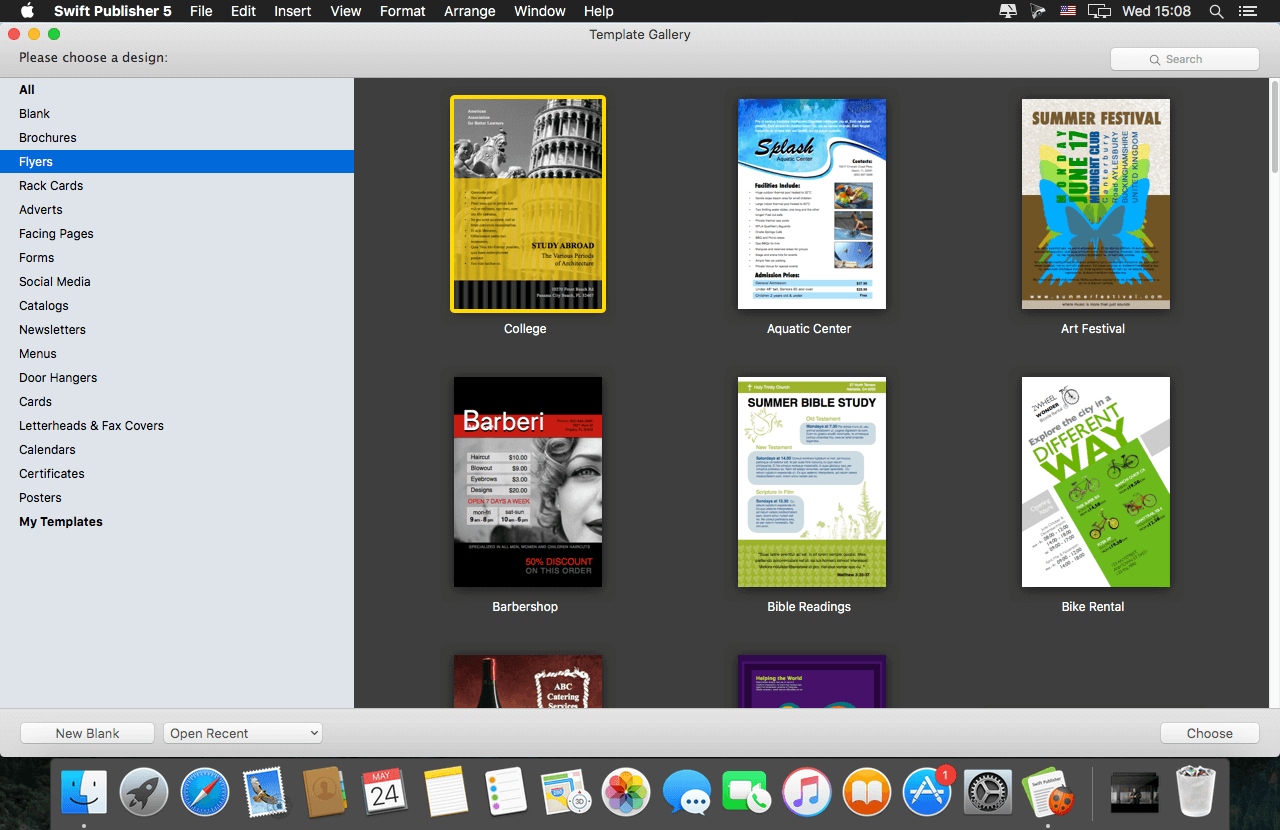
Swift Publisher takes the headache out of desktop publishing: print colorful flyers, newsletters, brochures, letterheads, and more.
Features
An easy-to-learn alternative. Ditch those massive, daunting design apps aimed at professional publishers — with its accommodating interface, Desktop Publisher is a digital drawing board for the rest of us.
Text toolkit. Customize text styles, link text boxes, and create visually pleasing wrap-around effects. With Swift Publisher, manipulating your content is never a chore.
Inspiring options. Spark your creativity. Swift Publisher includes images, designs, and unique masks, giving you the templates and resources you need to jump-start the design process.
Perfect personalization. When your publication has to be personalized, turn to Swift Publisher. Whether you need to tint, tile, group, rotate, or adjust the opacity of an object, you’ll find the tool you need.
Welcome to SOLO by TAQSIM, a new virtual instrument that authentically recreates the sound of modern world music.
Whether it is quickly playing presets, tweaking sounds, setting up comprehensive modulations, or trying unique microtonal scales, SOLO is designed to be easy to use. We’ve partnered with musicians and producers from around the globe to include a library of authentic sounds to help you stand out from the crowd. If you want to explore more, you can import your own custom multi-samples into SOLO.
Hybrid Synth Architecture SOLO’s hybrid 3 oscillator synth engine allows you to mix and match analog-style, phase distortion and sample-playback oscillators. This provides you the ultimate sonic flexibility to blend synthetic sounds with our organic wave sample set. Then further sculpt your sound with the onboard Moog or Oberheim style -12db or -24db filter and loudness envelope.
Import Korg KMP, Soundfont & SFZ Sounds If you more options, import your own custom Korg KMP, Soundfont, and SFZ samples into SOLO. This opens up a world of sonic options to play your custom samples through our oriental scale converter and synth engine.
Microtonal Makam Scales Break free from the twelve-tone scale by dialing in world microtonal scales with an “oriental-style” scale converter. SOLO ships with a huge library of the most popular scales used throughout the middle-east and the world.
Cross-Platform Support SOLO is a cross-platform virtual instrument and is supported both on PC and Mac in VST, AU and AAX formats. This is the only plugin of it’s kind that can be used in Cubase, Logic, Pro Tools, Ableton Live, FL Studio and more!
Modulate in the Matrix The flexible modulation matrix allows you to use the 2 LFO’s and other controllers to drive parameters throughout the synthesizer.
Change the LFO type, rate, rate attack, depth, and depth attack to modulate the filter, oscillator, effects, and more!
Studio-Quality Effects Use the on-board studio-quality EQ, Distortion, Phaser, Delay and Reverb to shape your sound. These effects are designed to be used aggressively as you hear in a lot of popular world music – so slap on some distortion and delay and get to it!
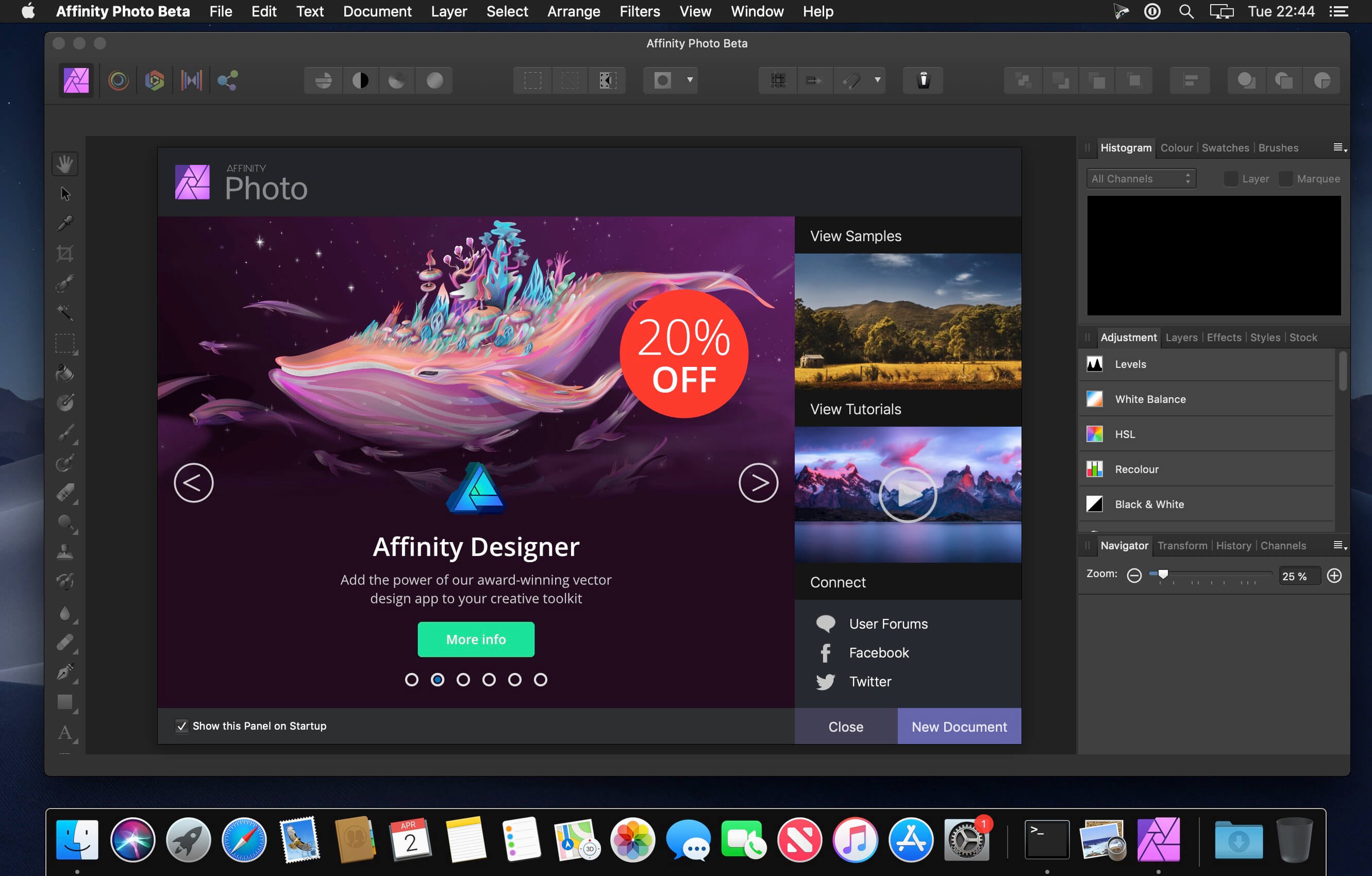
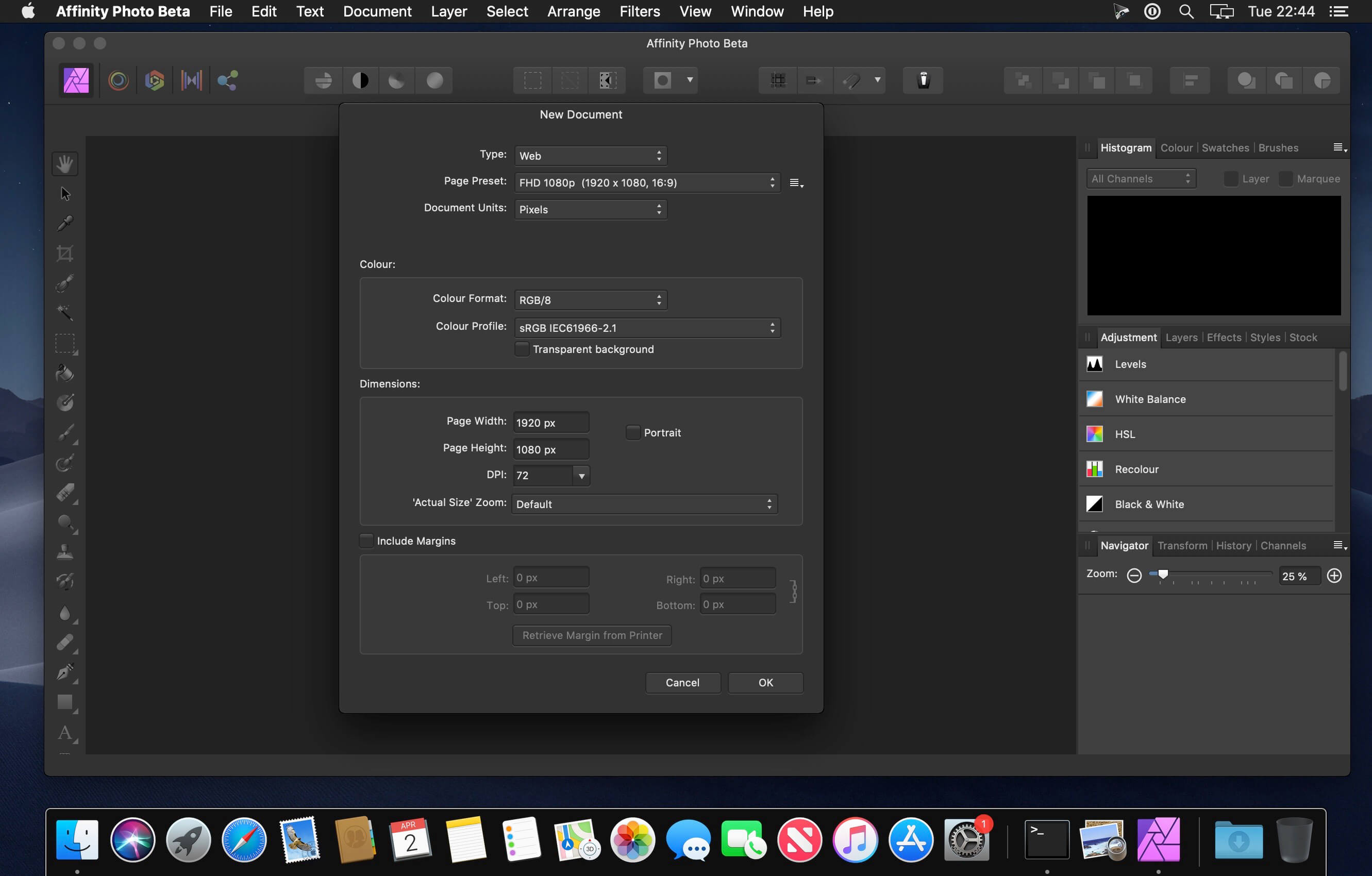
Affinity Photo redefines the boundaries for professional photo editing software on the Mac. With a meticulous focus on workflow it offers sophisticated tools for enhancing, editing and retouching your images in an incredibly intuitive interface with all the power and performance you need.
Engineered for Professionals
Open, edit and save Photoshop® PSD files
RGB, CMYK, Greyscale and LAB color spaces
End-to-end CMYK workflow with ICC color management
Full 16 and 32-bit per channel editing
Work with all standard formats like PNG, TIFF, JPG, GIF, SVG, EPS, EXR, HDR and PDF
Panning and zooming is always live at 60fps with live previews, live tools and real-time editing
Open and edit massive images without compromising performance or running out of memory
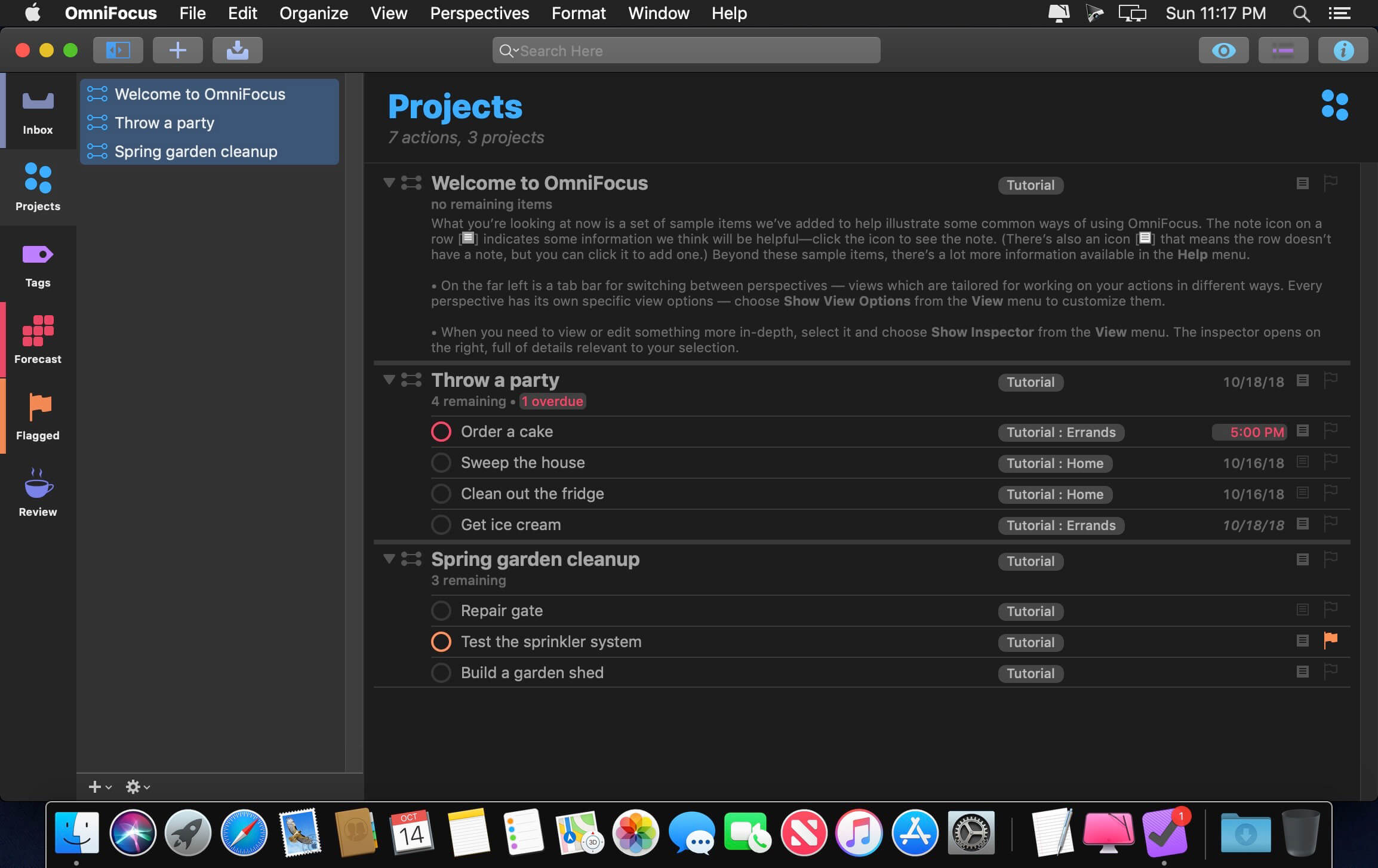
OmniFocus Standard and Pro are in-app purchases, with discounts for people who bought earlier versions of OmniFocus for Mac through the Mac App Store. Download the app for details.
Use OmniFocus to accomplish more every day. Create projects and tasks, organize them with tags, focus on what you can do right now — and get stuff done.
OmniFocus — now celebrating 10 years as the trusted, gold-standard to-do list app — brings unrivaled power and flexibility to your Mac, making it easy to work the way you want to work.
OmniFocus manages everything in your busy life. Use projects to organize tasks naturally, and then add tags to organize across projects. Easily enter tasks when you’re on the go, and process them when you have time. Tap the Forecast view — which shows both tasks and calendar events — to get a handle on your day. Use the Review perspective to keep your projects and tasks on track.
Then let our free syncing system make sure you data is the same on every Mac. (And on OmniFocus for iOS, available separately.) Because your data is encrypted, it’s safe in the cloud.
STANDARD FEATURES
NEW: Tags add a powerful additional organizing tool. Create tags for people, energy levels, priorities, locations, and more.
NEW: The Forecast view shows your tasks and calendar events in order, so you can better see what’s coming up in your day.
NEW: Enhanced repeating tasks are easier than ever to set up — and they work with real-world examples such as the first weekday of the month.
NEW: The Modern, fresh-but-familiar design helps you focus on your content.
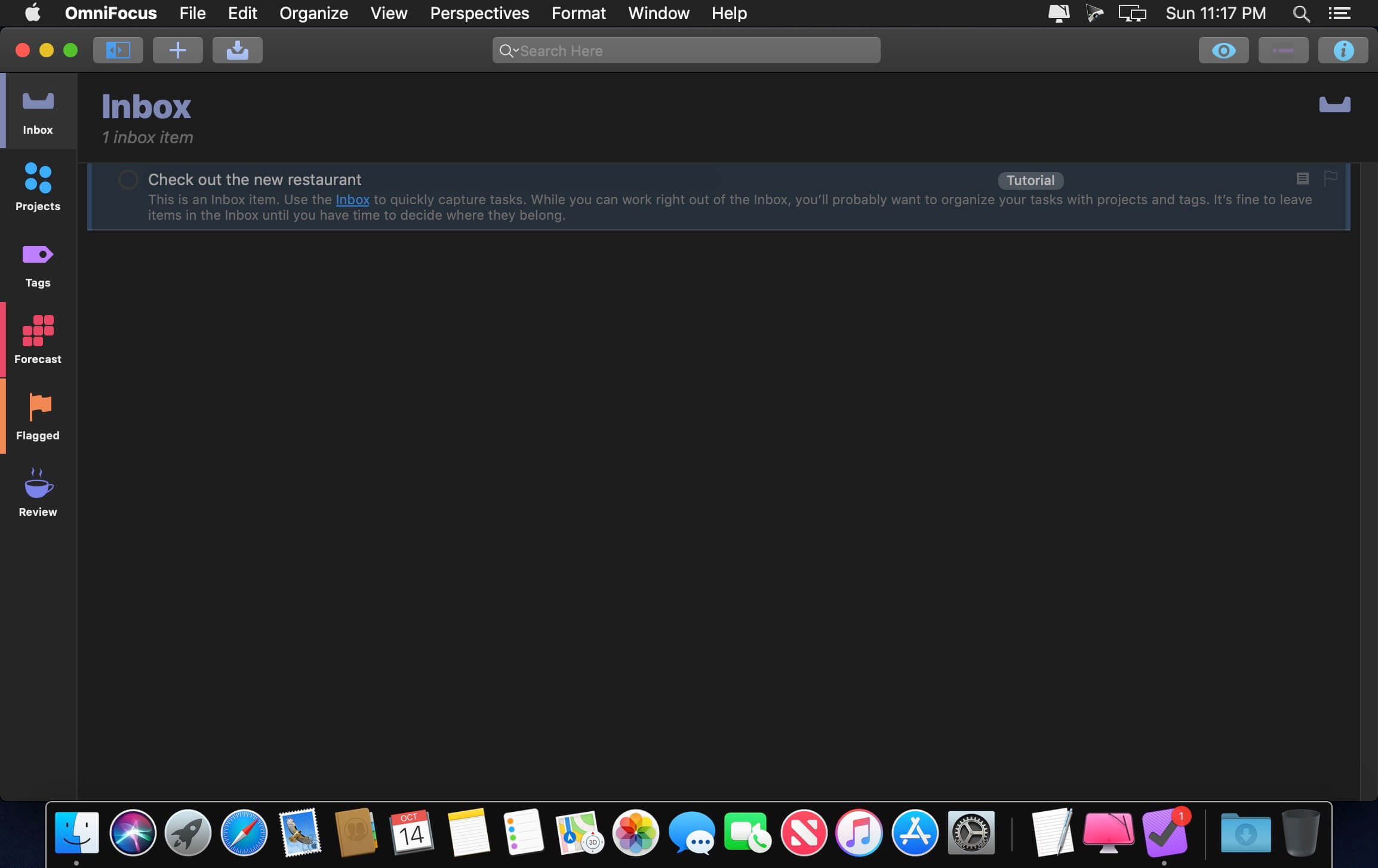
Inbox is where you quickly add tasks — save them when you think of them, and organize them later.
Syncing supports end-to-end encryption so that your data is safe wherever it’s stored, on our server or yours.
Notes can be attached to your tasks, so you have all the information you need.
Attachments — graphics, video, audio, whatever you want — add richness to your tasks.
View Options let you customize each perspective by deciding what it should show and how it should filter your tasks.
The Review perspective takes you through your projects and tasks — so you stay on track.
OmniFocus Mail Drop adds tasks via email and works with services like IFTTT and Zapier (if you’re using our free syncing server).
The Today Widget shows you your most important items — you don’t even have to switch to the app to know what’s up.
PRO FEATURES
Custom perspectives help you create new ways to see your data by filtering and grouping projects and tags. NEW: The filtering rules are simpler to use while being more powerful than ever, letting you combine rules with “all,” “any,” and “none.” You can also choose any image to use as your custom perspective’s icon, and a custom tint color to go with it.
NEW: Today’s Forecast can include items with a specific tag, and you can reorder those tasks however you choose, so you can plan your day better.
The customizable sidebar lets you organize your perspectives the way you want to, for super-fast access.
The Today Widget shows a perspective of your choice in Notification Center.
AppleScript support opens up a world of automation, using Apple’s Mac scripting language.
Language: English, Dutch, French, German, Italian, Japanese, Korean, Portuguese, Russian, Simplified Chinese, Spanish strong>Compatibility: OS X 10.11 or later Homepagehttps://www.omnigroup.com/omnifocus/
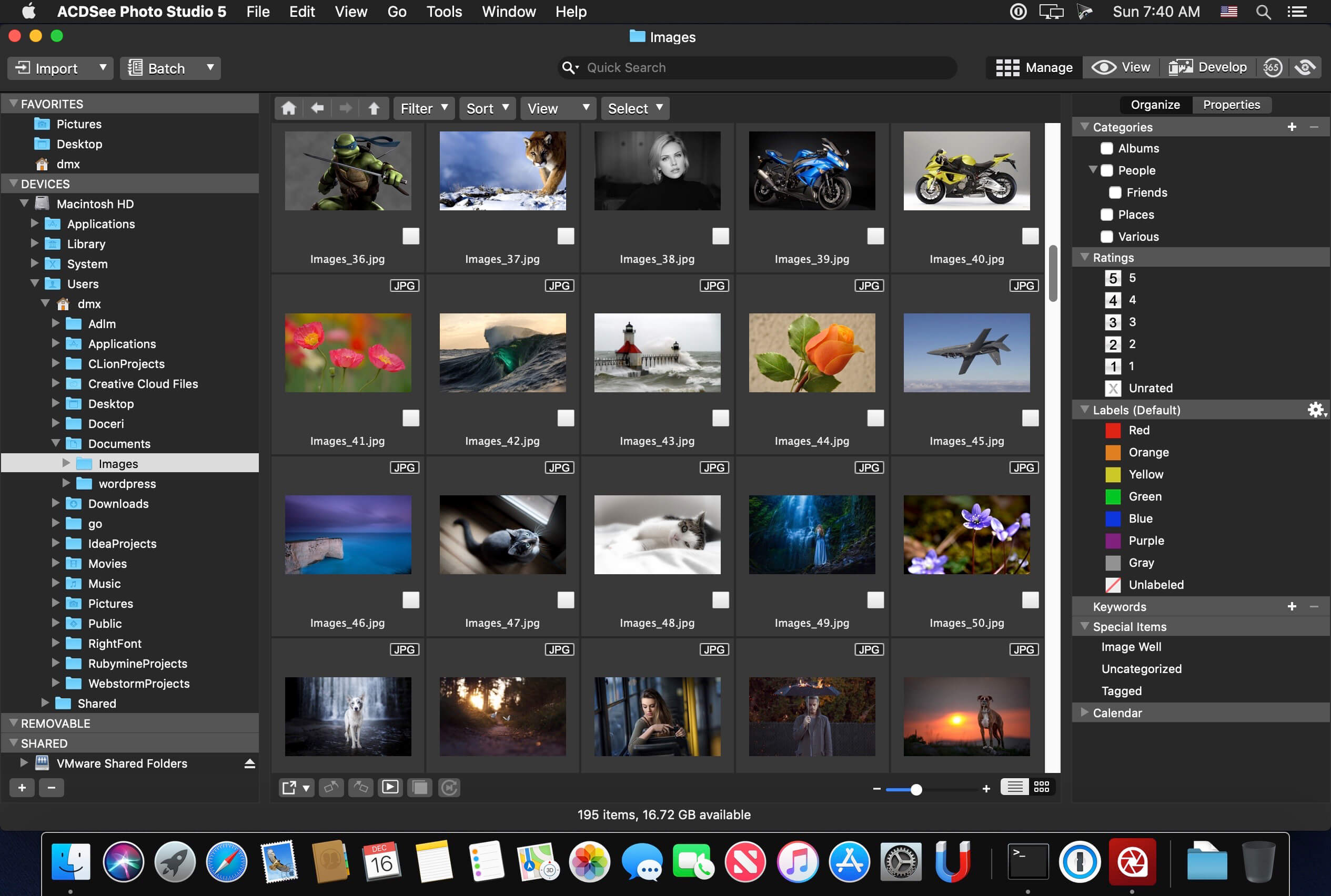
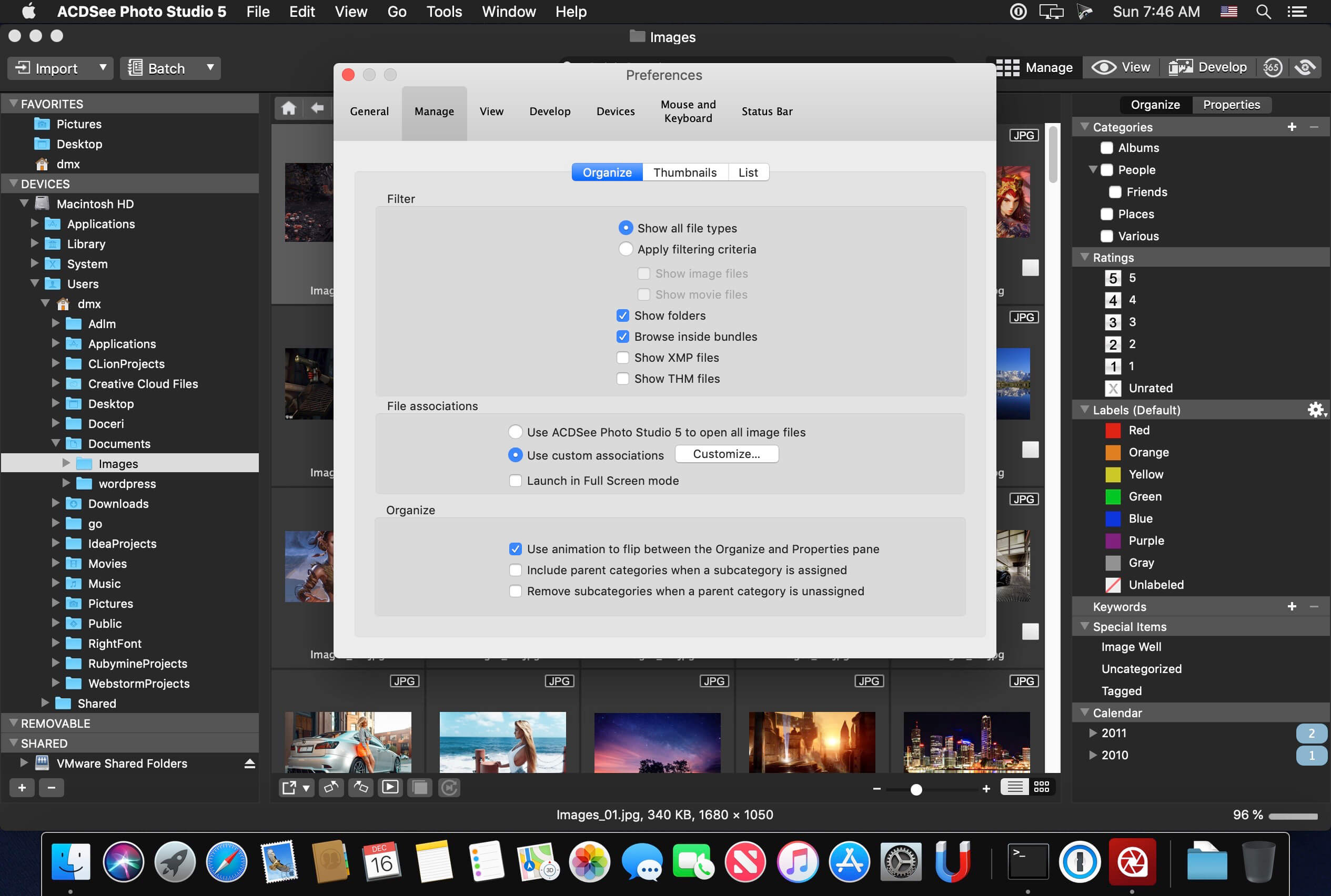
Known for best-in-class digital asset management and RAW processing power, ACDSee Photo Studio for Mac 5 gives you instant, import-free access to your photos. Flexible organizational tools to satisfy any workflow, lightning fast non-destructive adjustments, drag and drop searching, sleek customizable batch presets, and RAW support for over 450 camera models are just a few of the elements that make ACDSee Photo Studio for Mac 5 the must-have image editing software on the macOS.
Image Basket Gather and hold images from different locations or folders in the Image Basket. Once you have your desired assortment, you can use any of the tools or features in ACDSee to view or edit these files.
Filter By Quickly single out and display files by their metadata, such as ratings, color labels, tags, and categories. This essential component of digital asset management will also identify images by the metadata they don’t have, such as “no keywords”, “untagged”, and “uncategorized”.
Compare Images Highlight the similarities and the differences in up to four images at once with the Compare Images tool. Use zooming and panning to identify which images to keep.
Auto Advance Manage entire folders without ever moving your hands from the keyboard. With Auto Advance, adding metadata will move the focus to the next image in the File List pane, allowing you to seamlessly organize.
External Editors Easily configure ACDSee to work with a variety of other image editors. Specify a default editor, and then promptly open images in other applications right from inside Manage or View mode.
Multiple Databases Create as many ACDSee databases as you like, and swiftly and smoothly switch between them.
Batch Add Watermark Claim your work by adding watermarks to your images. Adjust size, position, and opacity for the perfect signature, and save your settings as a preset. Apply it to one, many, or all.
Batch Add Border Frame your favorite photos in batches with the Batch Add Border tool. Customize the color, texture, and thickness of your border, and choose from nearly 100 unique edges to complement your shots.
Import Database Don’t lose hours of cataloging just because you want the latest software. Import your database from version 3 or 4 of ACDSee Photo Studio Mac and keep right on working.
What’s New:
Version 7.1.2020:
Release notes were unavailable when this listing was updated.
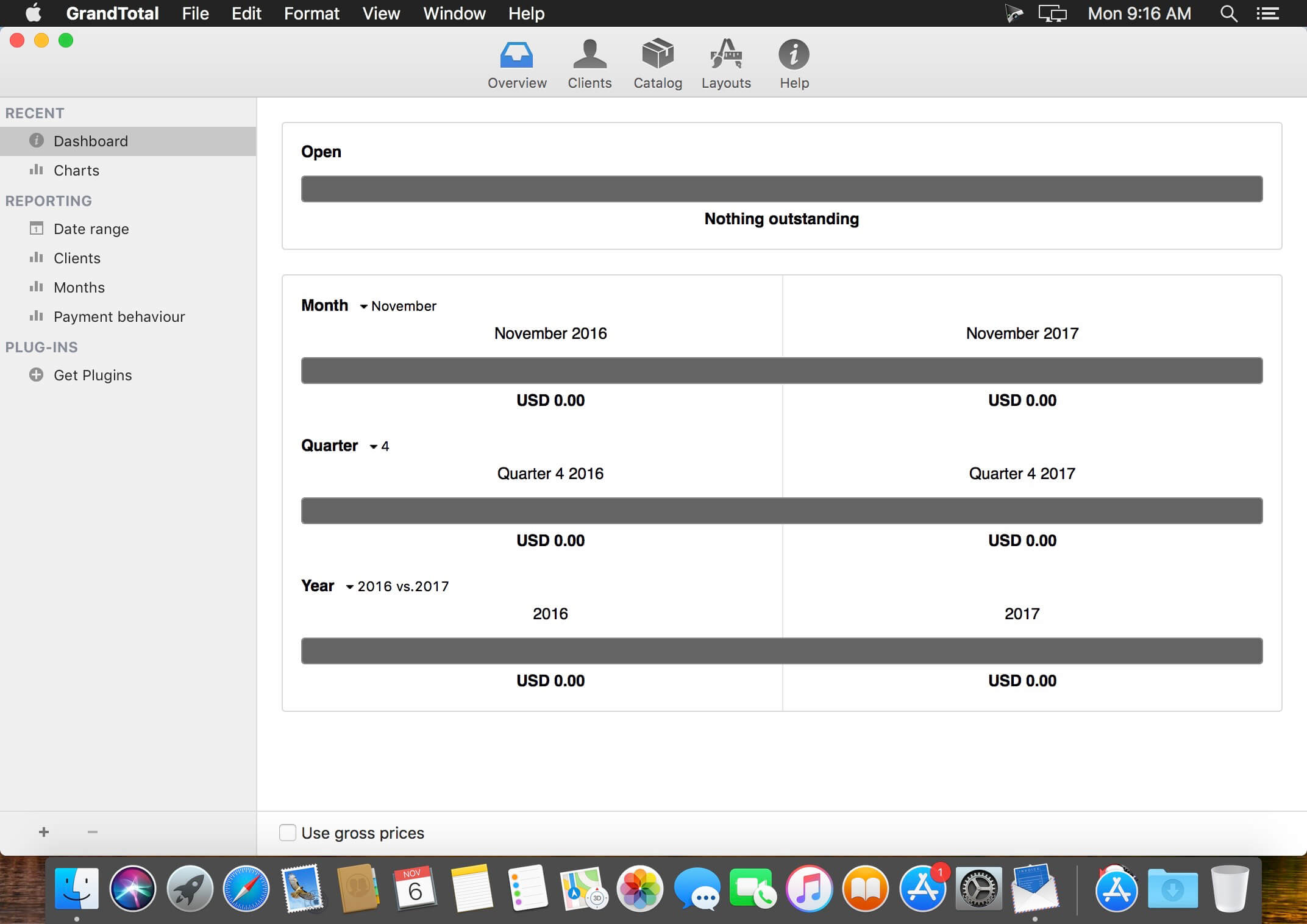
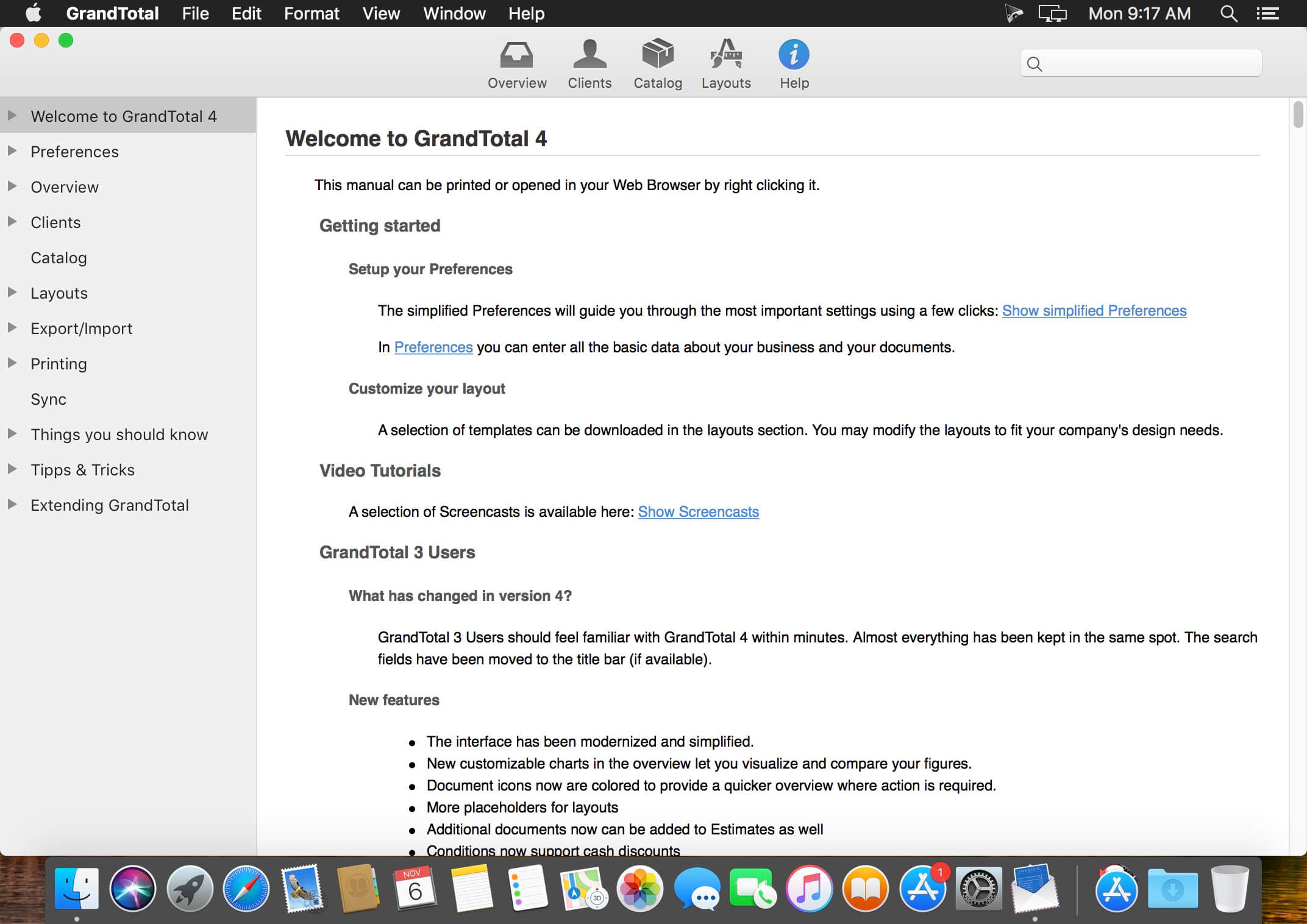
GrandTotal is an application to create invoices and estimates based on your own templates. The built-in template editor allows you to adjust your layout to fit your company’s corporate design. GrandTotal works great in conjunction with TimeLog.
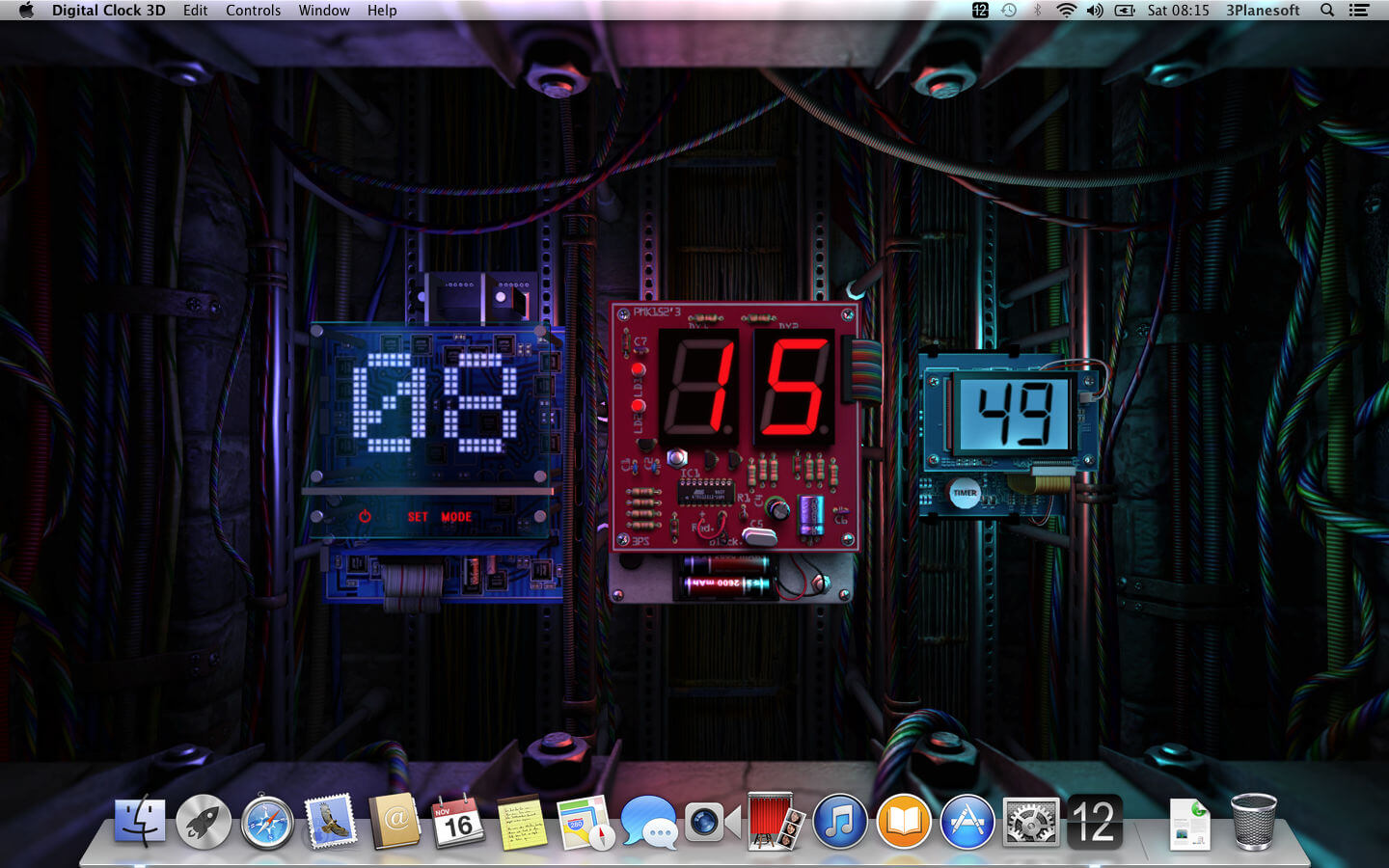
Enjoy retro tube clocks, the latest OLED timepieces and everything in between with this live wallpaper. Choose the style you like most or leave it to chance, savoring the ultra-realistic 3D graphics!
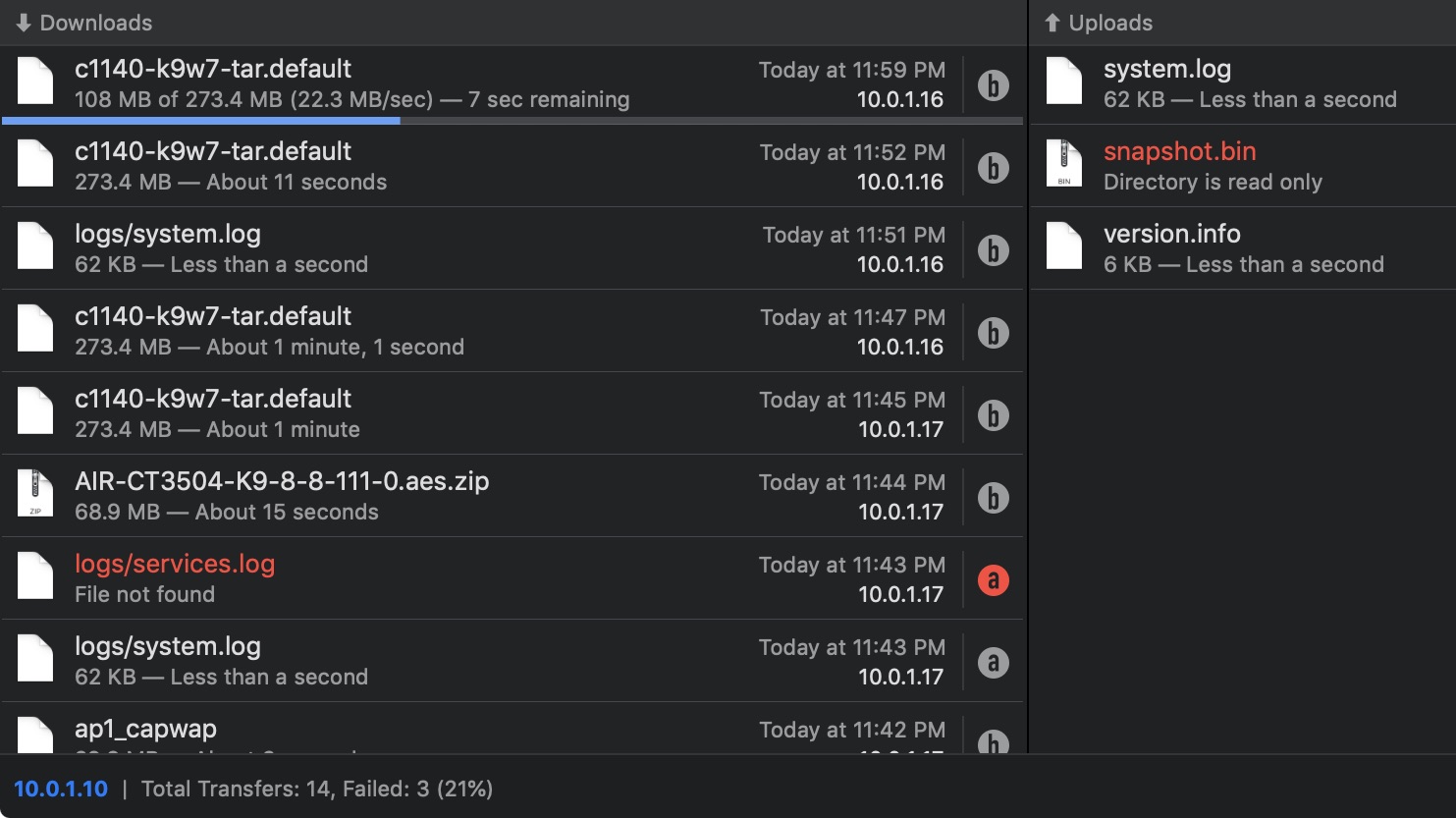
Transfer is a reliable and fully RFC-compliant TFTP server application. The perfect alternative to the built-in TFTP server on your Mac. It’s got everything you expect: real-time updates of current transfers in progress, support for broadcast requests, transfer history and basic root directory access control and file management. A feature rich TFTP server with a simple and modern user interface.
Written from the ground up, Transfer offers total control of your file transfers while playing nicely with existing TFTP clients.
Features
Real time updates of current transfers in progress
Basic file management of the root TFTP directory
Support for broadcast transfer requests
Support for common TFTP extensions and options
Transfer history
What’s New:
Version 2.0:
Release notes were unavailable when this listing was updated.
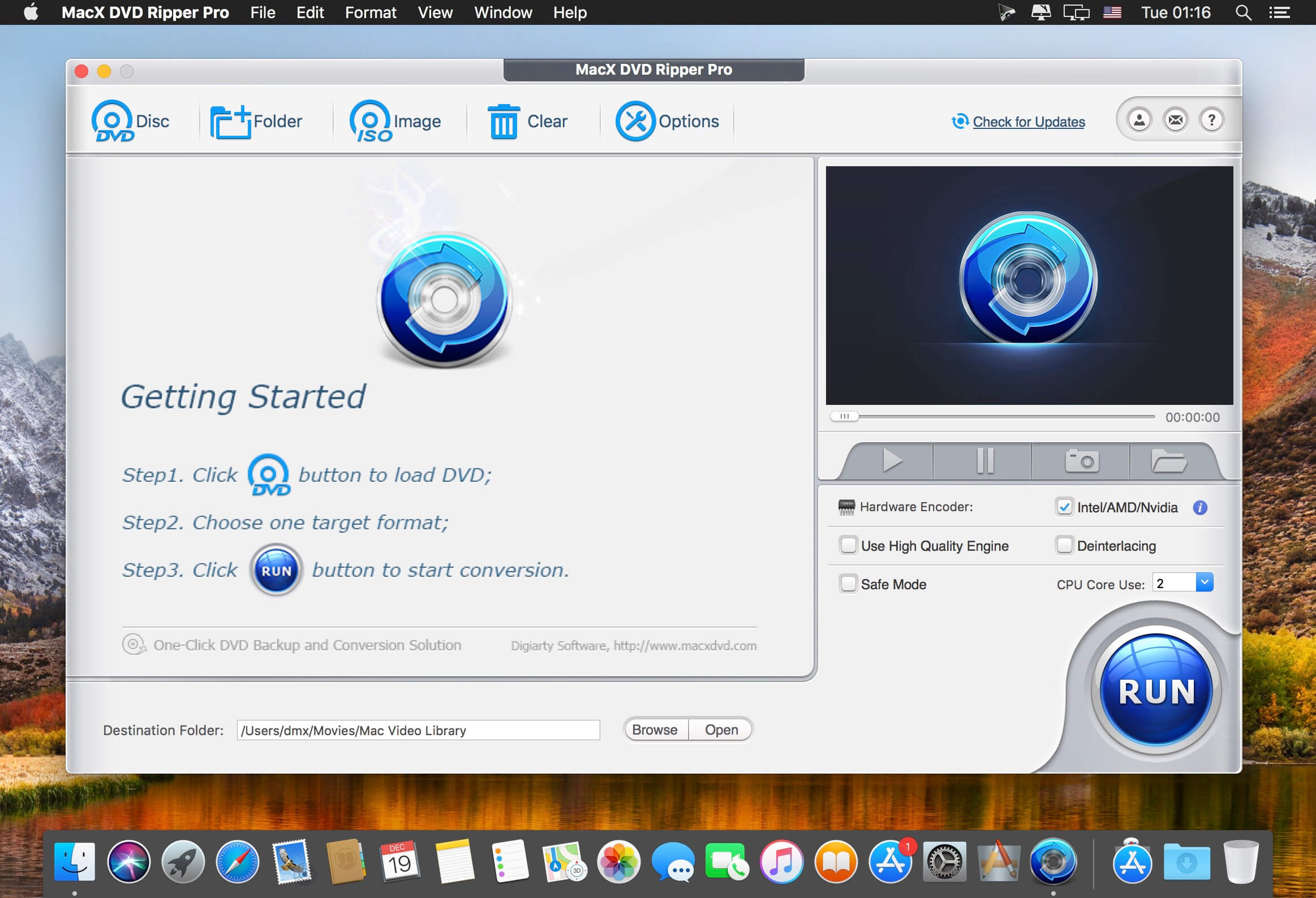
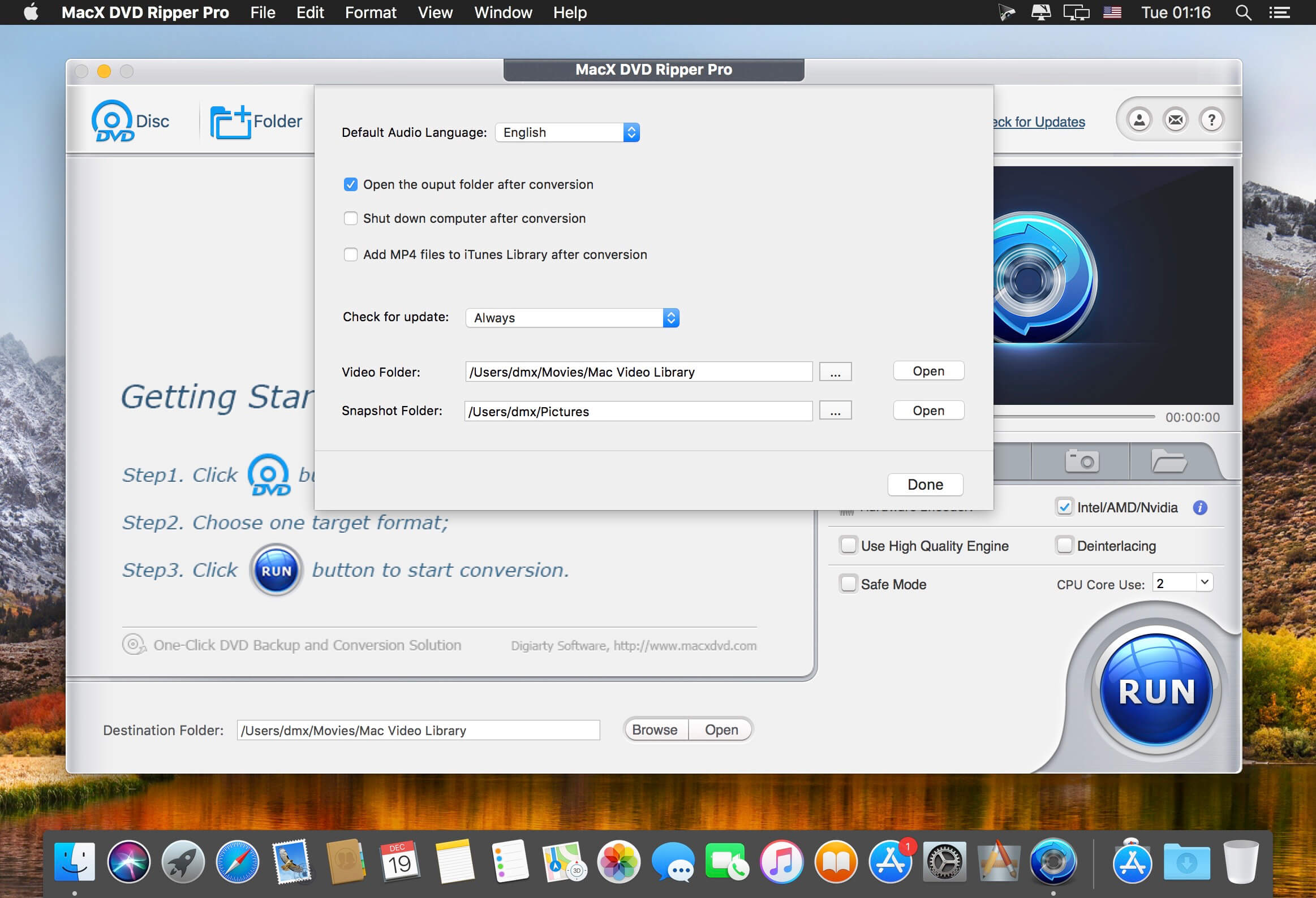
MacX DVD Ripper Pro is an ultimate Mac DVD ripper to backup & rip your DVDs on Mac with the final video and audio file in all sorts of formats, including DVD to MP4, H.264, MOV, M4V, FLV, MPEG4, AVI, QT, MP3, etc. With 350+ preset profiles, MacX DVD Ripper Pro makes it hassle-free to rip any DVDs including encrypted DVDs for Mac, iTunes, QuickTime, iPhone, iPad, Android, Apple TV, etc. bypass all copy protections (DVD CSS, region code, RCE, Sony ArccOS, UOPs, Disney X-project DRM, etc). The copy feature ensures you 1:1 DVD copy to ISO image, MKV, MPEG2 to protect them from scratches, damages, or loss. 36X faster and outstanding quality.
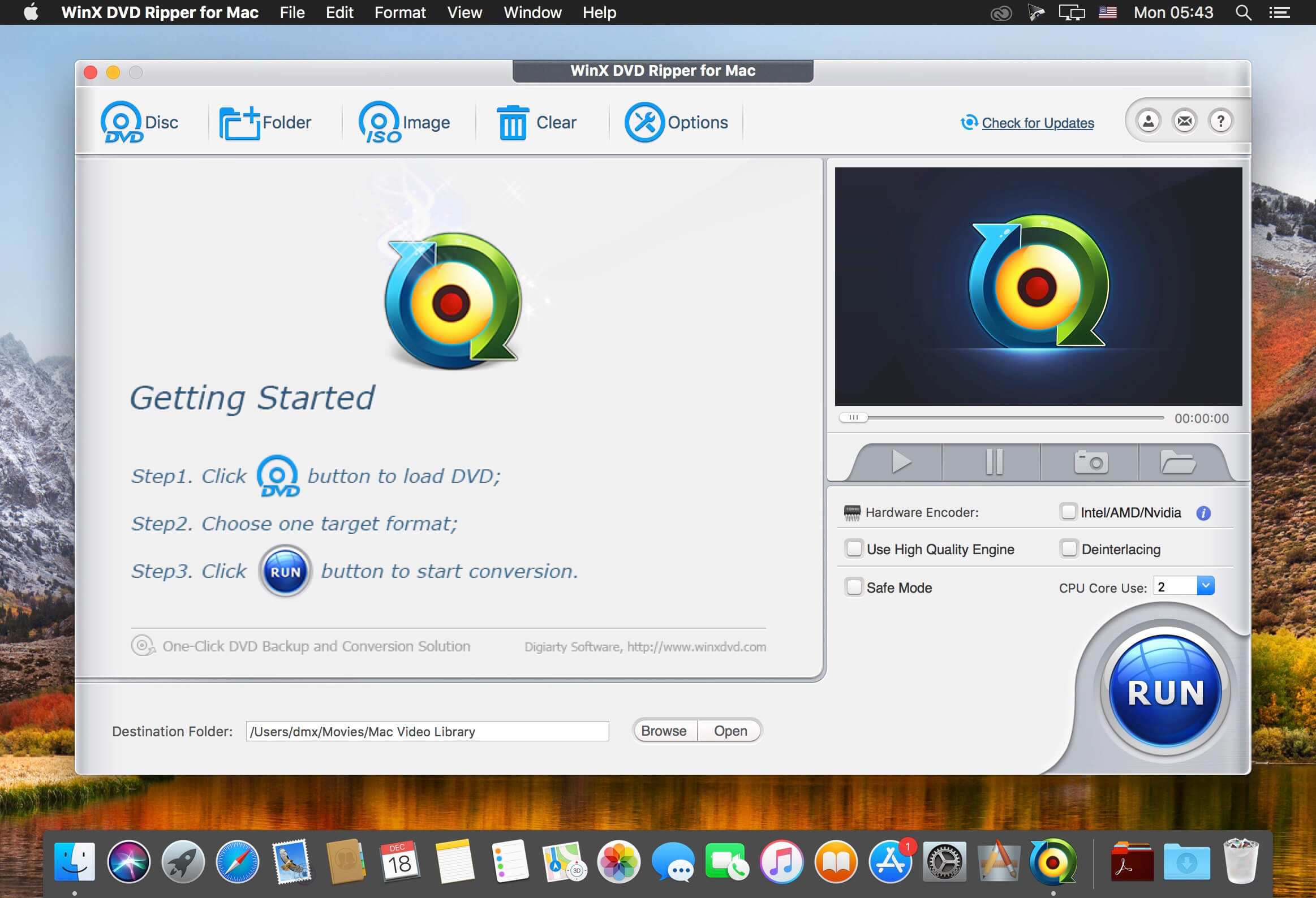
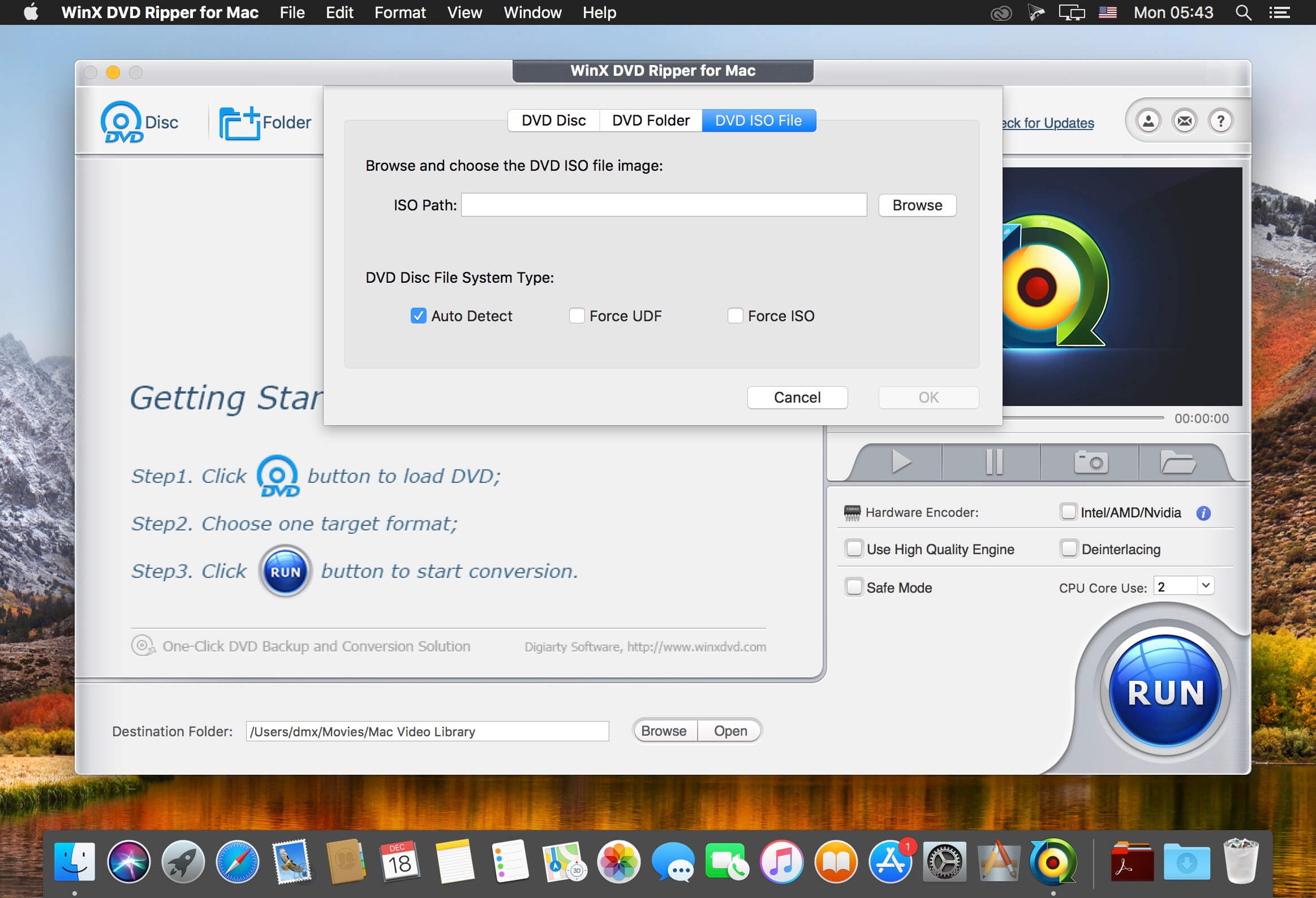
WinX DVD Ripper for Mac is an all-in-one Mac DVD ripper program designed to rip DVD or DVD ISO image to all prevailed video formats, e.g. rip DVD to MP4, H.264, MKV, iTunes, MOV, FLV, MPEG, AVI, etc. With about 350 profiles, it can faultlessly convert all DVDs (incl. latest protected DVDs) to iPhone/5, iPad/3/4/Mini, iPod touch/5, Apple TV, Surface, Android, HTC One, Samsung Galaxy S4 , Kindle Fire, WP8, PSP, etc.
With multi-core CPU (up to 8-core processor) and Hyper-threading supported, it gives you ultra-fast ripping speed. Furthermore, this Mac DVD ripper helps copy DVD to hard drive/USB with original video and 5.1 Channel AC3/DTS Dolby audio within 5 minutes, and back up DVD to MKV video still keeping all audio subtitle tracks and chapters.
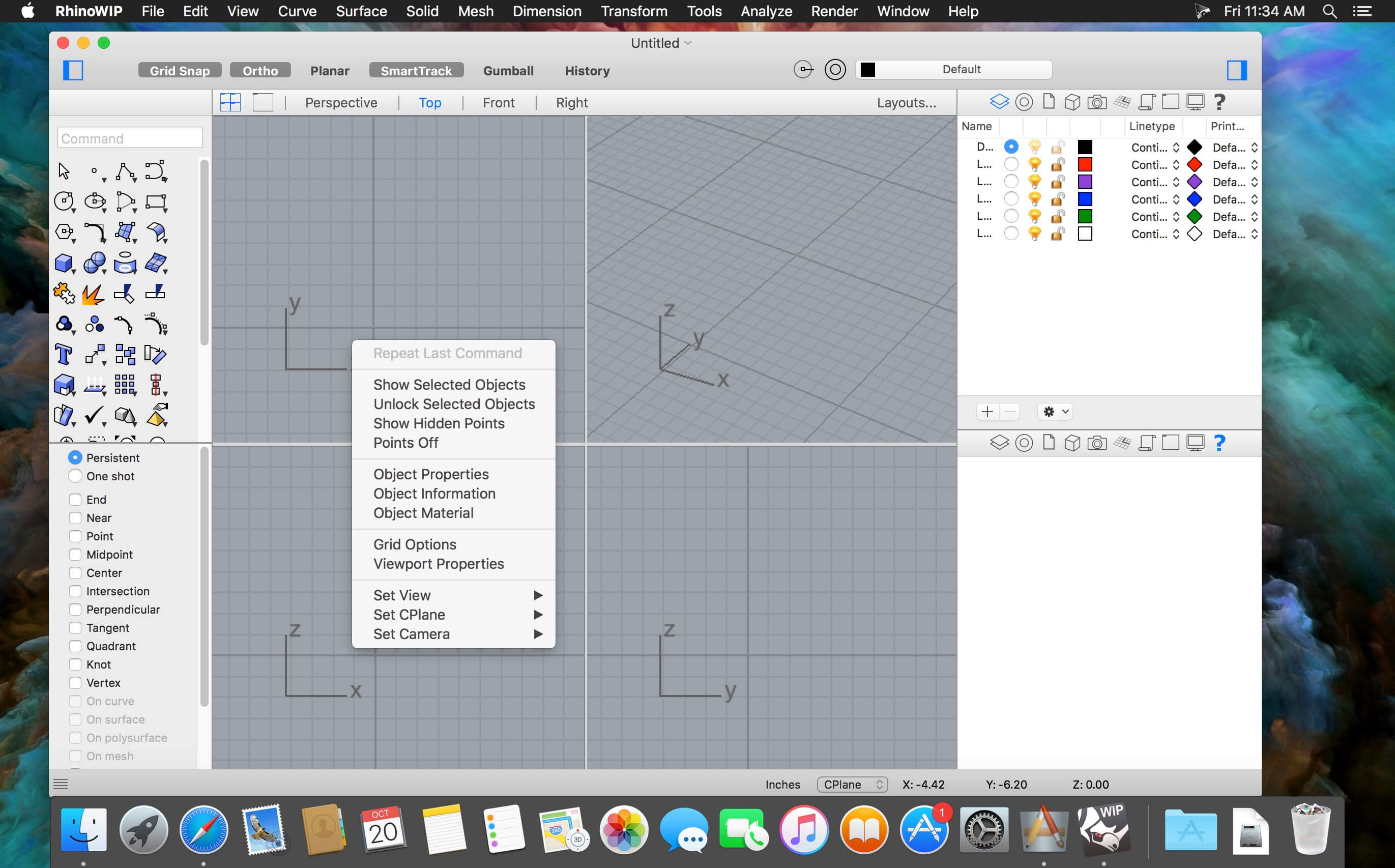
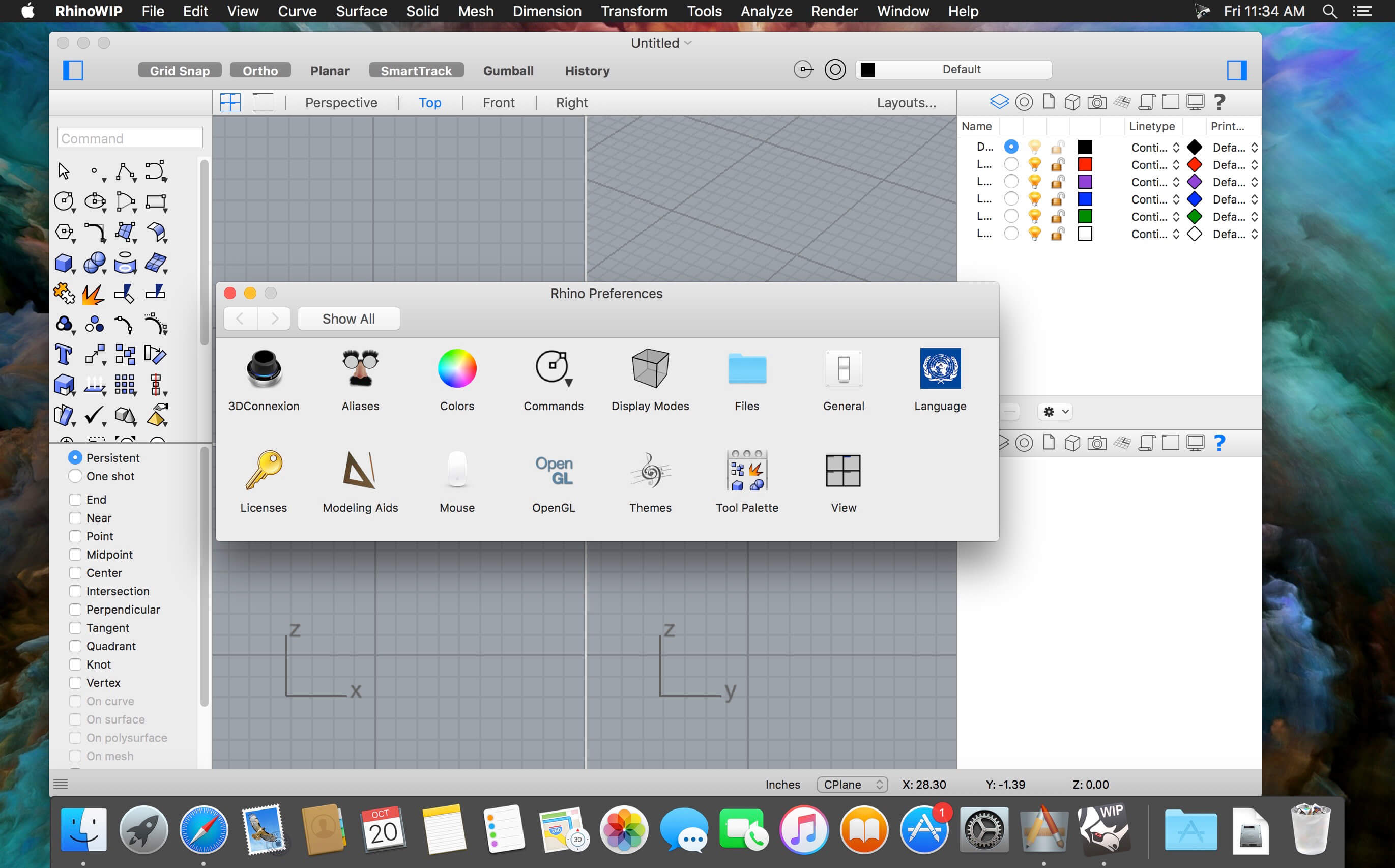
Rhino – Versatile 3D modeler. Rhinoceros can create, edit, analyze, document, render, animate, and translate NURBS* curves, surfaces, and solids, point clouds, and polygon meshes. There are no limits on complexity, degree, or size beyond those of your hardware.
Special features include:
Uninhibited free-form 3-D modeling tools like those found only in products costing 20 to 50 times more. Model any shape you can imagine.
Accuracy needed to design, prototype, engineer, analyze, and manufacture anything from an airplane to jewelry.
Compatibility with all your other design, drafting, CAM, engineering, analysis, rendering, animation, and illustration software.
Read and repair meshes and extremely challenging IGES files.
Accessible. So easy to learn and use that you can focus on design and visualization without being distracted by the software.
Fast, even on an ordinary laptop computer. No special hardware is needed.
Affordable. Ordinary hardware. Short learning curve. Affordable purchase price. No maintenance fees.
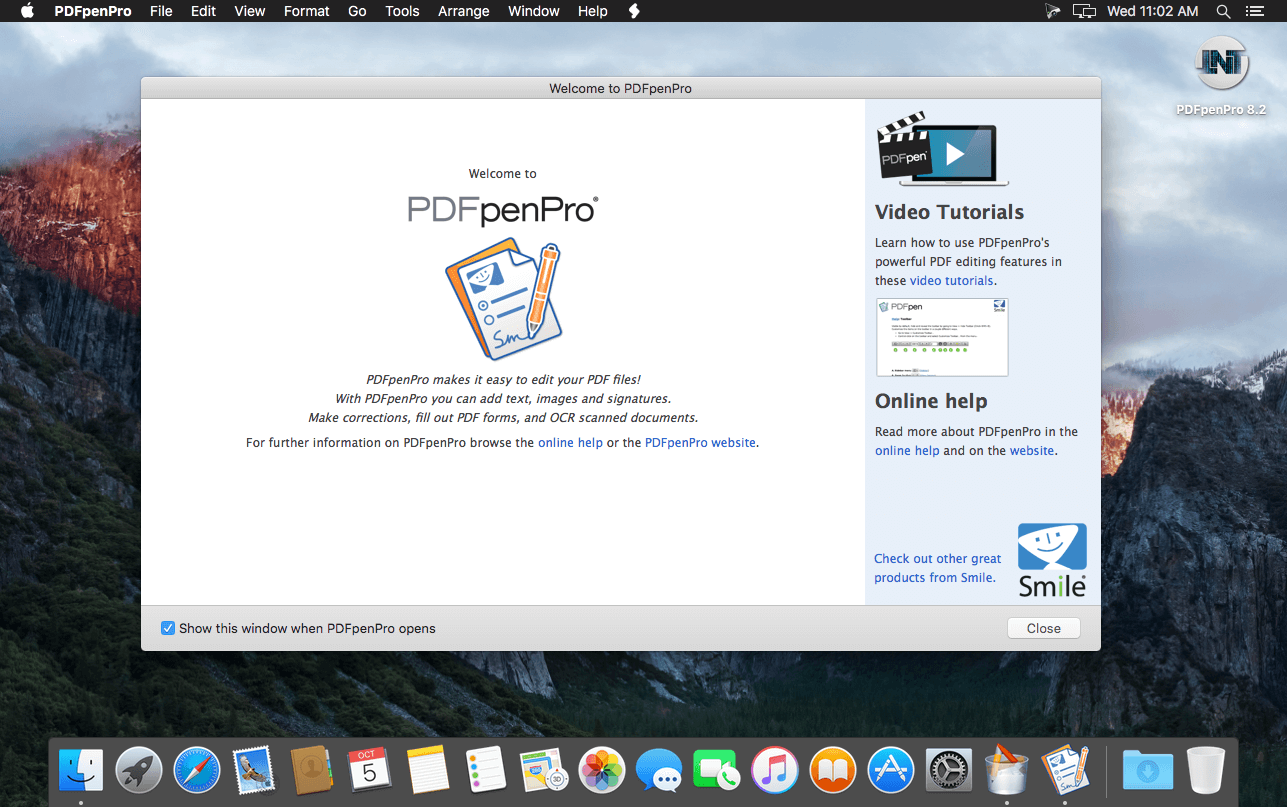
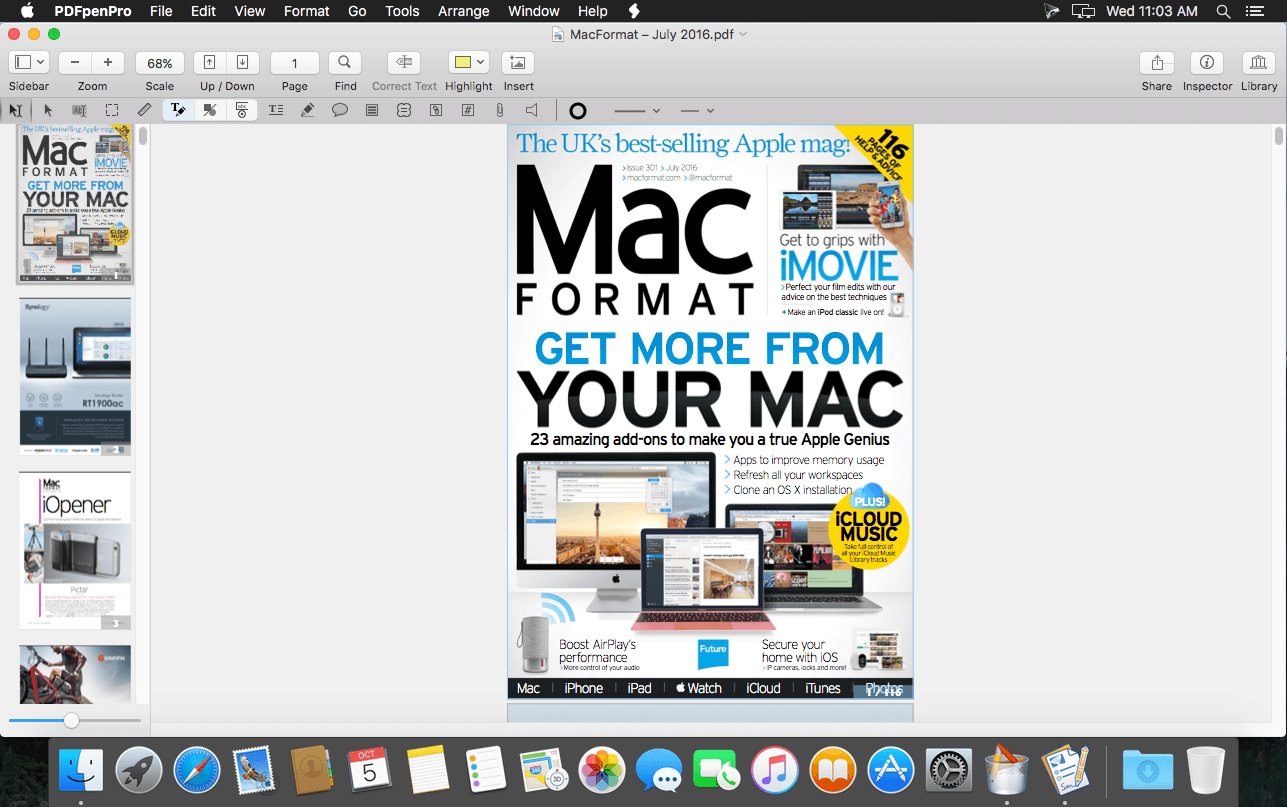
PDFpenPro allows users to edit PDF’s easily. Add text, images and signatures. Fill out PDF forms. Merge or split PDF documents. Reorder and delete pages. Create fillable forms and tables of content with PDFpenPro! Even correct text and edit graphics!
The Pro version adds these additional features that the regular version does not:
Create cross-platform fillable PDF forms
Add interactive signature fields to forms
Create and edit Table of Contents
Convert websites into PDFs
Correct typos in OCR text layer
Add and edit document permissions
Automatic form creation – detects text fields and check boxes in existing PDF and makes them fillable
Create submit buttons to submit form data via web or email
Gather submitted form data via backend integration
Export in Microsoft® Excel (.xlsx, .xls), Microsoft® PowerPoint (.pptx, .ppt), and PDF Archive (PDF/A) formats (requires Internet connection)
Features of PDFpenPro
Add text, images and signatures to PDF
Correct text in original PDF with editable text blocks
Fill out interactive PDF forms and sign them
Redact or erase text, including OCR text
Search and redact text; search and replace text
Export in Microsoft® Word format
Scan directly from Image Capture or TWAIN scanners
Perform OCR (Optical Character Recognition) on scanned documents
Viewable OCR layer for proofing OCR text from scanned pages
Adjust resolution, color depth and contrast, skew, and size of an image or scanned document
Sign PDF forms via interactive signature fields (not digital signatures)
Insert and remove pages; re-order pages in a PDF by drag-and-drop; combine PDFs
Move, resize, copy and delete images in original PDF
Save PDFs directly to Evernote
Copy and paste rich text; retain fonts and formatting when copying from PDFs, including columns
Context-sensitive popup-menus enable quick edits
Add (and print) notes and comments
Mark up documents with highlighting, underscoring and strikethrough
Save frequently-used images, signatures, objects and text in the Library
Apply business-related and sign here stamps via the Library
Print notes and comments with or without the original text
Print a list of all annotations along with the document
Full screen mode, as well as zoom to document width and zoom to actual document size
Password protect a document with up to 256-bit AES encryption
Compatible with iCloud Drive
Sync Library items with PDFpen for iPad and iPhone via iCloud
Automate PDF manipulations with AppleScript
Available in English, Japanese, German, French, Italian, and Spanish
What’s New:
Version 12.2.3:
Release notes were unavailable when this listing was updated.
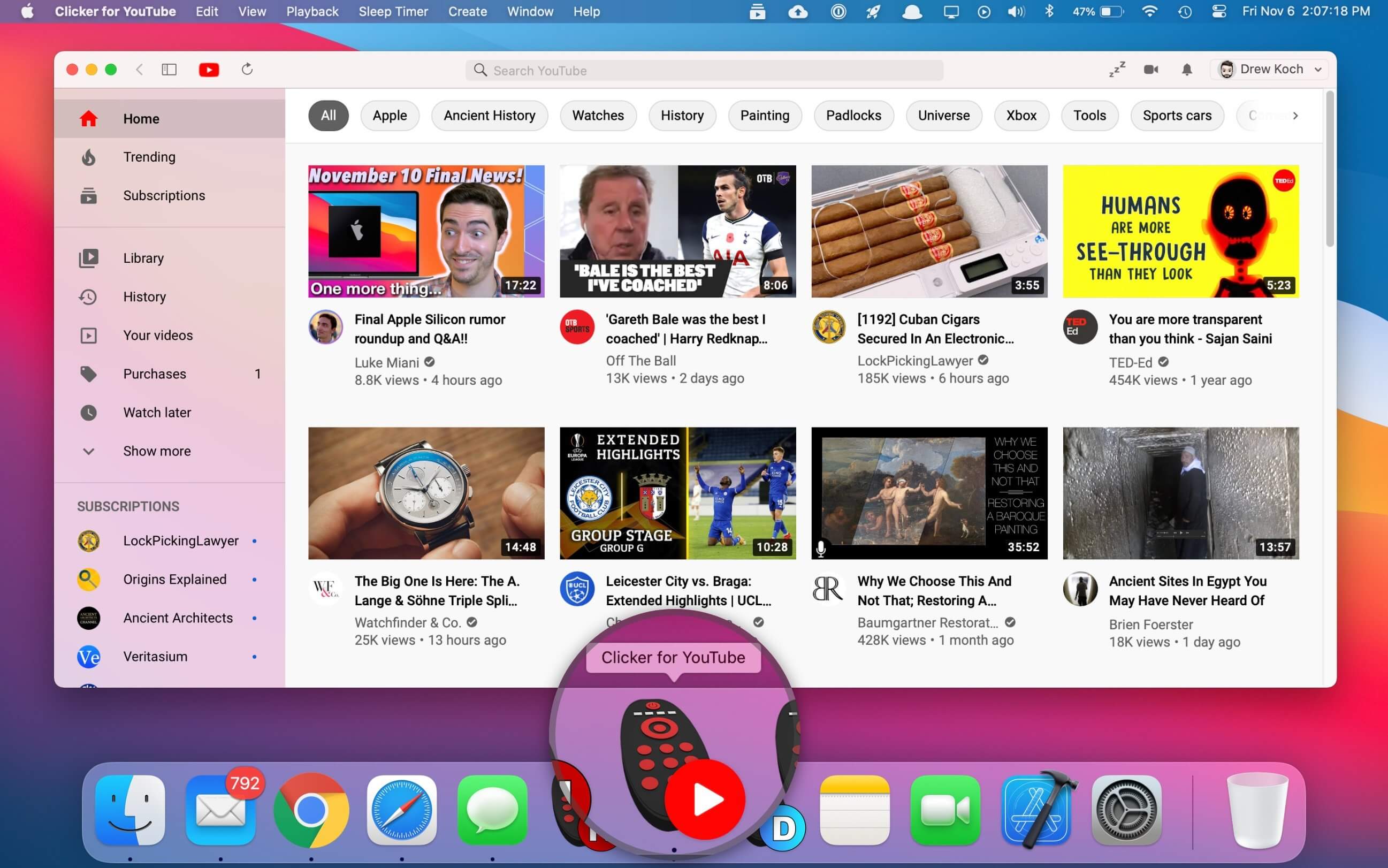
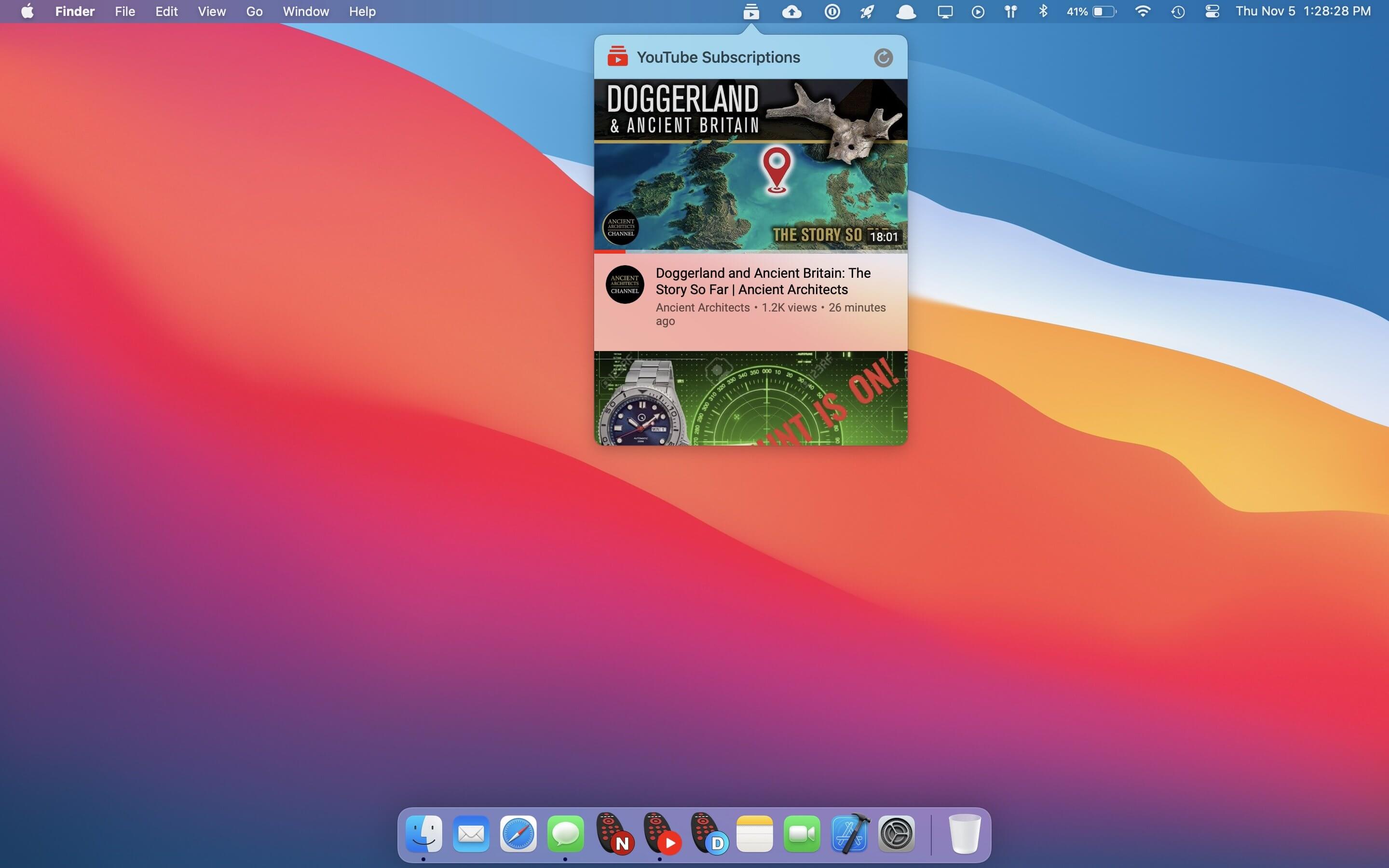
The best standalone YouTube app for macOS. Native YouTube player that provides the same functionality as the website in an efficient Swift-based app, with a built-in ad-blocker, sleep timer, pop-out player, Touch Bar support, and more.
Guitar Rig 6 Pro is a multi-effects rack and amp simulator made for creating and experimenting with audio in a way that is fast and direct. Think of it as your own studio, only with more space, less heavy amp heads, and way more flexibility.
Installation:
Read the iNFO provided inside the package.
As a macOS user you are supposed to know:
— How to install Xcode command line tools.
— How to disable SIP and bypass Gatekeeper if needed.
— How to mount your system volume in write mode when necessary.
— How to use k’ed macOS software in general.
The requirements might be specific for your version of macOS as Apple keeps introducing new measures to prevent anything not from official AppStore from running on their systems. But the first point (Xcode command line tools) is generally required for everyone.
Failure to understand any of the above might result in patch not working properly.
If you install on any volume other than system, then the patch won’t be able to locate the files to patch!
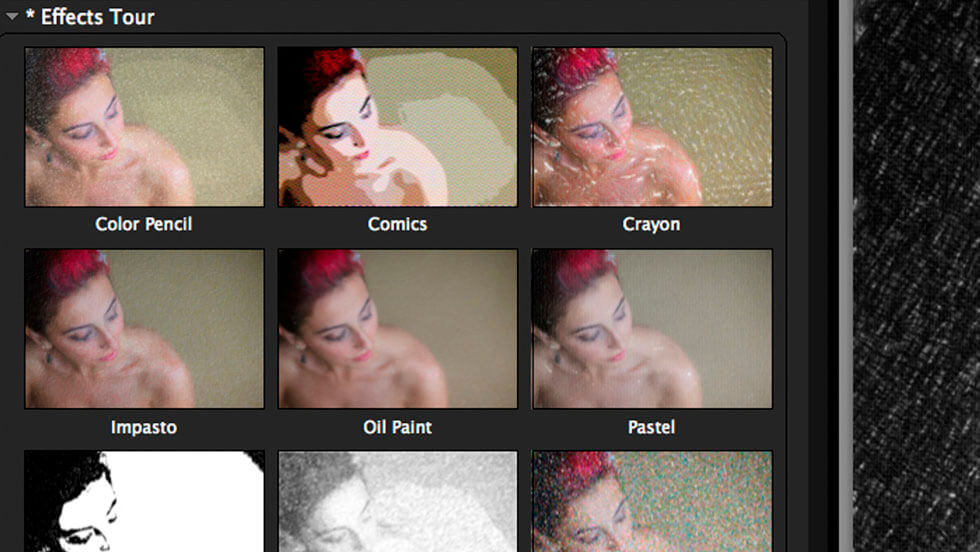
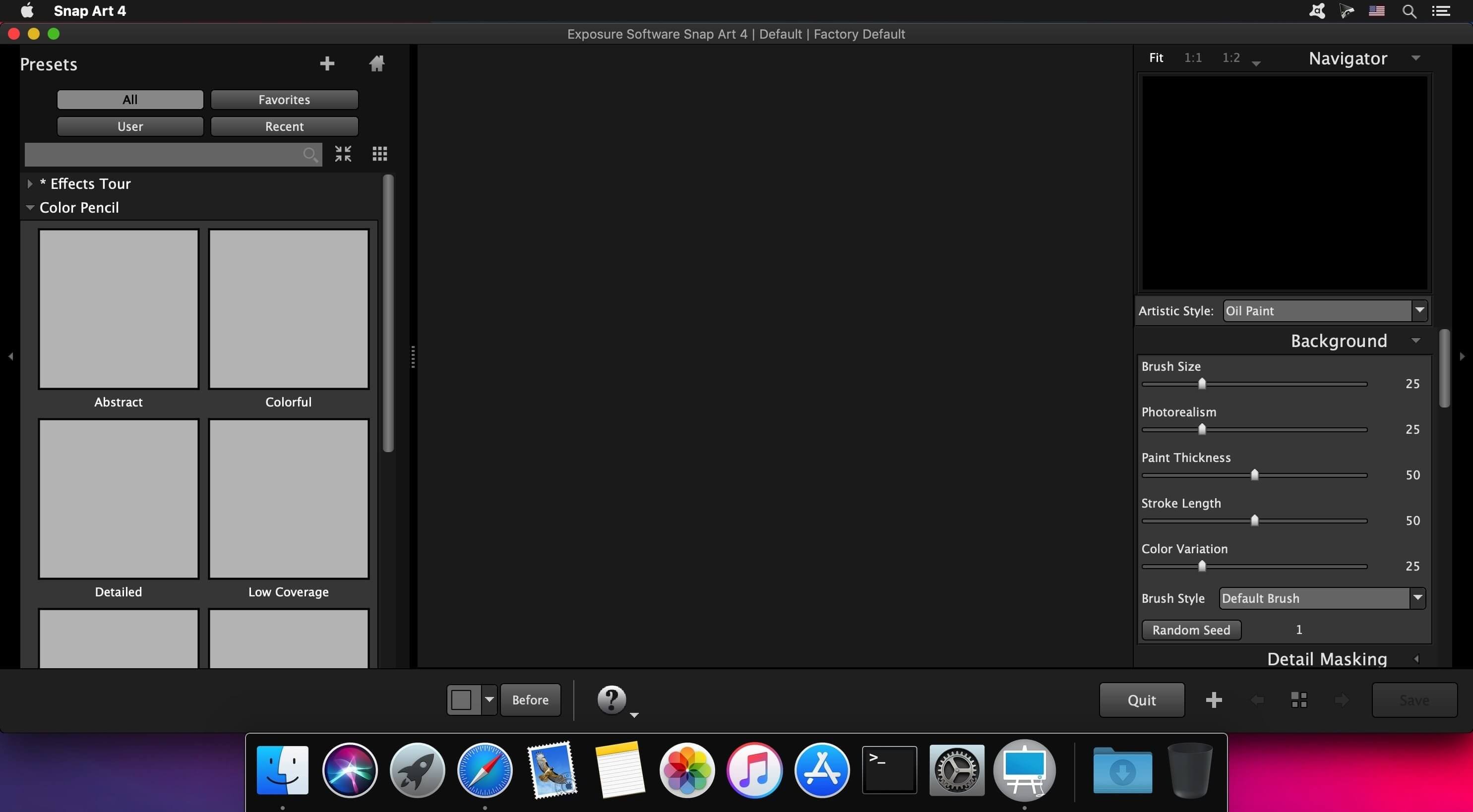
Transforming your photographs into beautiful works of art has never been easier than with Snap Art 4. By analyzing the visual elements and techniques of artists through the centuries, we have designed Snap Art to produce images that look they were made by a human, not a computer.
Snap Art 4 lets you experiment with multiple artistic styles via a simple, sleek user interface. The refreshed design and layout reduces distractions and provides fast visual browsing of a wide array of presets so you can achieve perfect results quicker than ever. Snap Art works everywhere you do, including as a standalone application that provides easy batch processing.
Forget about buying a pen tablet and taking classes to learn how to use complicated painting software. Snap Art expertly applies thousands of brush strokes. You simply show where you want more detail. This improved level of control makes it easy to render stunning portraits.
Quickly start by choosing from hundreds of new styles and ten natural media, such as oil paint, watercolor, and pencil sketch. Then customize anything from brush size to paint thickness to make your signature look. Snap Art’s wide range of control lets you make your work completely unique.
Whatever your workflow, Snap Art 4 will blend right in. It integrates seamlessly with Photoshop, Photoshop Elements, Lightroom and now Aperture. Snap Art now works as a standalone application too. This helps you quickly batch process multiple images and supports workflows that don’t use plug-ins.
Host Requirements Snap Art 4 may be used as a standalone program or a plug-in. When Snap Art is used as a plug-in it requires one of these host applications:
Alien Skin Exposure X or newer
Adobe Photoshop CS6 or Adobe Photoshop CC 2015 or newer
Adobe Lightroom 6 or Adobe Lightroom CC 2015 or newer
What’s New:
Version 7.2.3.172:
Release notes were unavailable when this listing was updated.
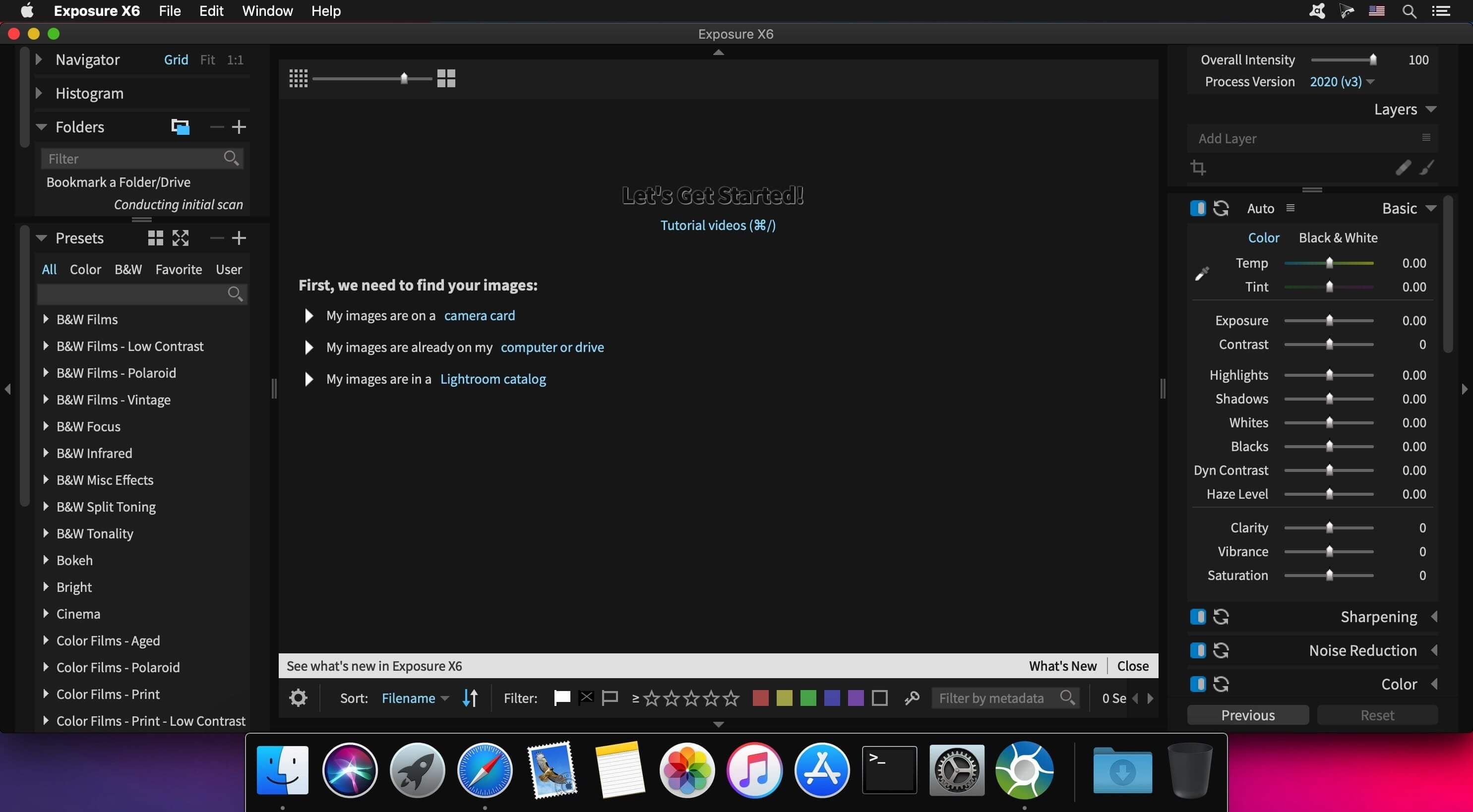
Exposure is the best image editor for creative photo editing. Exposure combines professional grade photo adjustments, a huge library of gorgeous photo looks, and an efficient design that makes it a joy to use. New automatic adjustments streamline your workflow and keep you in the creative zone.
Exposure X6 Bundle:
Exposure X6 non-destructive RAW photo editor
Integrated Snap Art natural media
Integrated Blow Up high-quality photo enlargement
Exposure X6, Snap Art, and Blow Up plug-ins for Lightroom and Photoshop
Gorgeous Looks An extensive selection of beautiful film presets puts the history of photography at your fingertips. Carefully researched with the help of experienced film photographers, Exposure has the largest and most accurate selection of film looks available. Exposure’s creative looks go beyond film simulation from clean and elegant modern styles to eye catching color shifts. You can customize each of Exposure’s built-in looks, then save it as a unique look that expresses your own style. Reuse your customized presets to achieve consistent looks across all your work with a single click. Exposure has creative tools you won’t find in any other photo editor.
These tools include a powerful color editor for sophisticated color adjustments, realistic film grain, creative lens focus and tilt-shift effects, and a huge number of overlays – light effects, textures, and borders. Exposure’s design encourages you to work creatively. Apply effects selectively to specific areas of your image with brushing and masking tools. Non-destructive layers enable you to blend presets and adjustments for an endless variety of looks.
Exposure’s intuitive design helps you focus on creativity. Its workflow is reliable, efficient, and respectful of your hard drive space. This helps you spend less time managing files and more on creating beautiful images. Its new GPU optimized processing engine means less waiting, so you can focus on creative editing without distraction. Exposure puts everything you need onscreen in a single user interface that can be customized to suit your workflow preferences. Transition seamlessly between organizing and editing without having to switch between modules.
Exposure is the best photo editor for creative photographers who want to create artistic images. Its large library of gorgeous looks provides inspiring starting points that you can customize. Unique creative tools not found in other photo editors help your photos stand out. And Exposure’s efficient workflow keeps you in the creative zone. Use Exposure as a complete photo editor to master your full workflow, or as a Lightroom or Photoshop plug-in for your creative edits.
Additional enhancements include the following:
New light and airy presets
New season inspired presets
New complementary color presets – Orange/Teal, Red/Green, and Purple/Yellow
More black & white films – Ilford FP4 Plus, Ilford Pan F Plus, Kodak Recording 2475, and Polaroid Chocolate
New image flip options
Support for grayscale TIFF and JPEG images
Multiple user interface language options – English, French, and German
Exposure X6 is a complete photo editing and organizing solution. It can also be used as a creative editing plug-in. The plug-in requirements are as follows: Adobe Photoshop CS6 or Adobe Photoshop CC 2015 or newer Adobe Lightroom 6 or Adobe Lightroom CC 2015 or newer
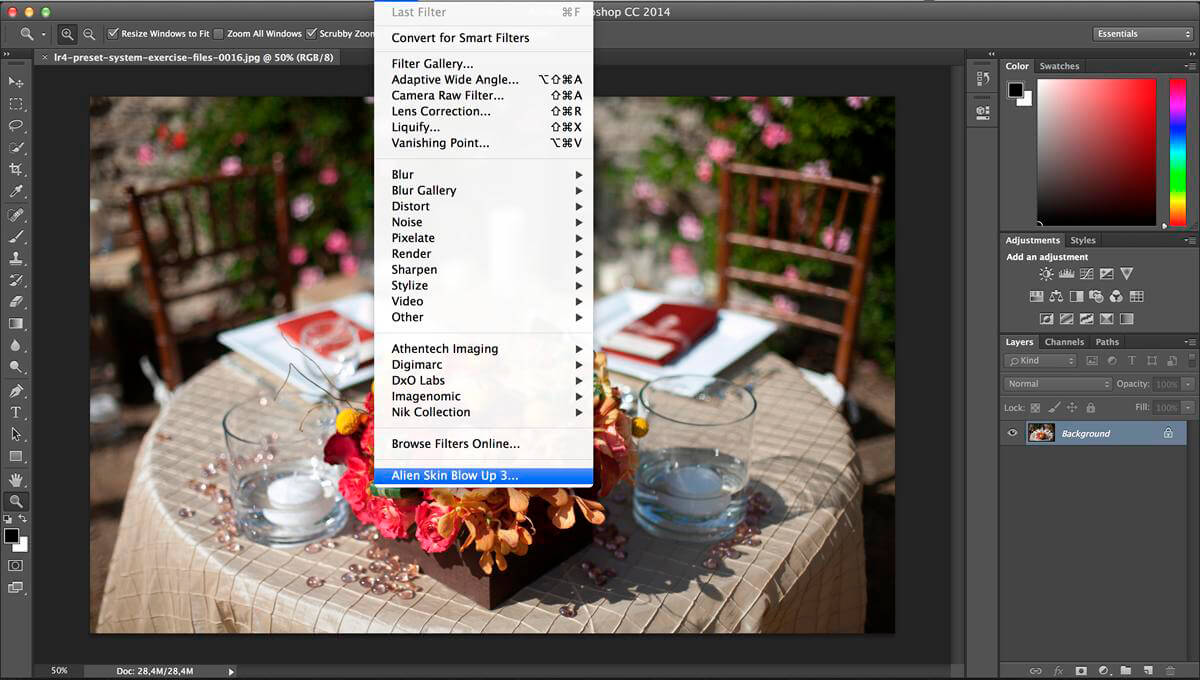
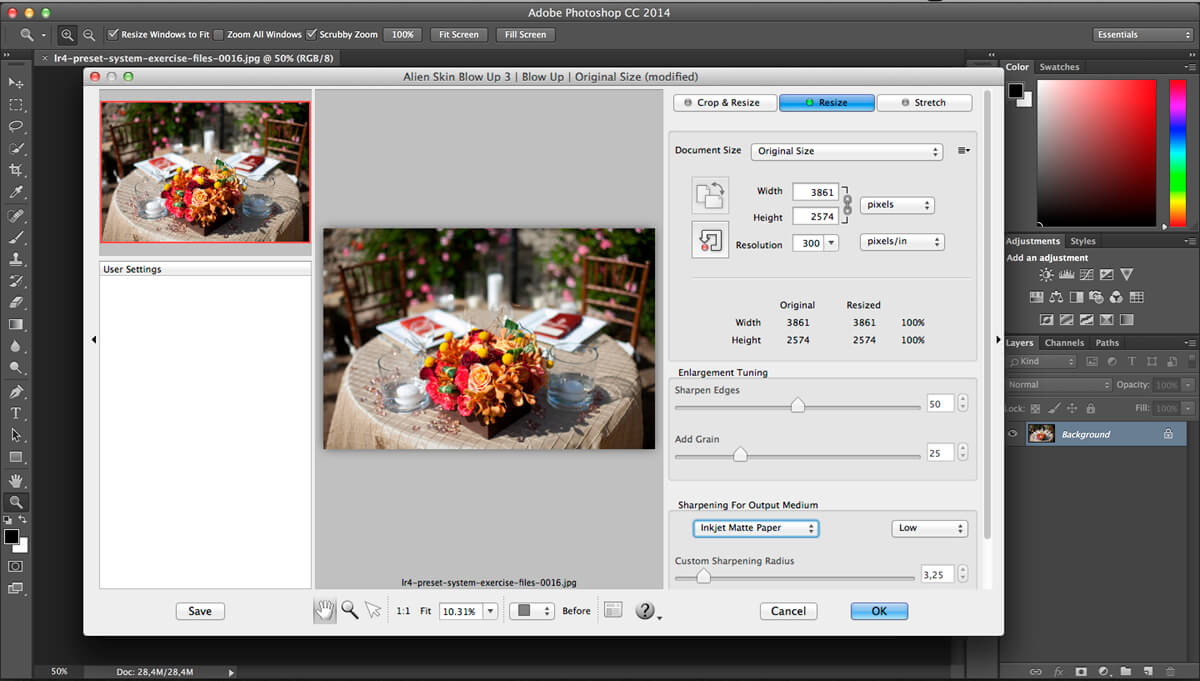
Blow Up keeps photos crystal clear during enlargement. Especially in large prints hung on a wall, the difference between Blow Up and Photoshop is astounding. Version 3 makes pictures even sharper without computer artifacts. If you understand Photoshop’s resize command then you already know how to use Blow Up. Our large library of standard paper sizes makes it even easier. With Lightroom and CMYK support, Blow Up fits into a professional workflow.
We thoroughly test and support this product on the systems listed below. This product may also work in other configurations, but we do not guarantee it.
Host Requirements Blow Up 3 is a plug-in and requires one of the following host applications:
Alien Skin Exposure X or newer
Adobe Photoshop CS6 or Adobe Photoshop CC 2015 or newer
Adobe Lightroom 6 or Adobe Lightroom CC 2015 or newer
What’s New:
Version 3.1.4.383:
Release notes were unavailable when this listing was updated.
Transforming your photographs into beautiful works of art has never been easier than with Snap Art 4. By analyzing the visual elements and techniques of artists through the centuries, we have designed Snap Art to produce images that look they were made by a human, not a computer.
Snap Art 4 lets you experiment with multiple artistic styles via a simple, sleek user interface. The refreshed design and layout reduces distractions and provides fast visual browsing of a wide array of presets so you can achieve perfect results quicker than ever. Snap Art works everywhere you do, including as a standalone application that provides easy batch processing.
Forget about buying a pen tablet and taking classes to learn how to use complicated painting software. Snap Art expertly applies thousands of brush strokes. You simply show where you want more detail. This improved level of control makes it easy to render stunning portraits.
Quickly start by choosing from hundreds of new styles and ten natural media, such as oil paint, watercolor, and pencil sketch. Then customize anything from brush size to paint thickness to make your signature look. Snap Art’s wide range of control lets you make your work completely unique.
Whatever your workflow, Snap Art 4 will blend right in. It integrates seamlessly with Photoshop, Photoshop Elements, Lightroom and now Aperture. Snap Art now works as a standalone application too. This helps you quickly batch process multiple images and supports workflows that don’t use plug-ins.
Host Requirements Snap Art 4 may be used as a standalone program or a plug-in. When Snap Art is used as a plug-in it requires one of these host applications:
Alien Skin Exposure X or newer
Adobe Photoshop CS6 or Adobe Photoshop CC 2015 or newer
Adobe Lightroom 6 or Adobe Lightroom CC 2015 or newer
What’s New:
Version 4.1.3.375:
Release notes were unavailable when this listing was updated.
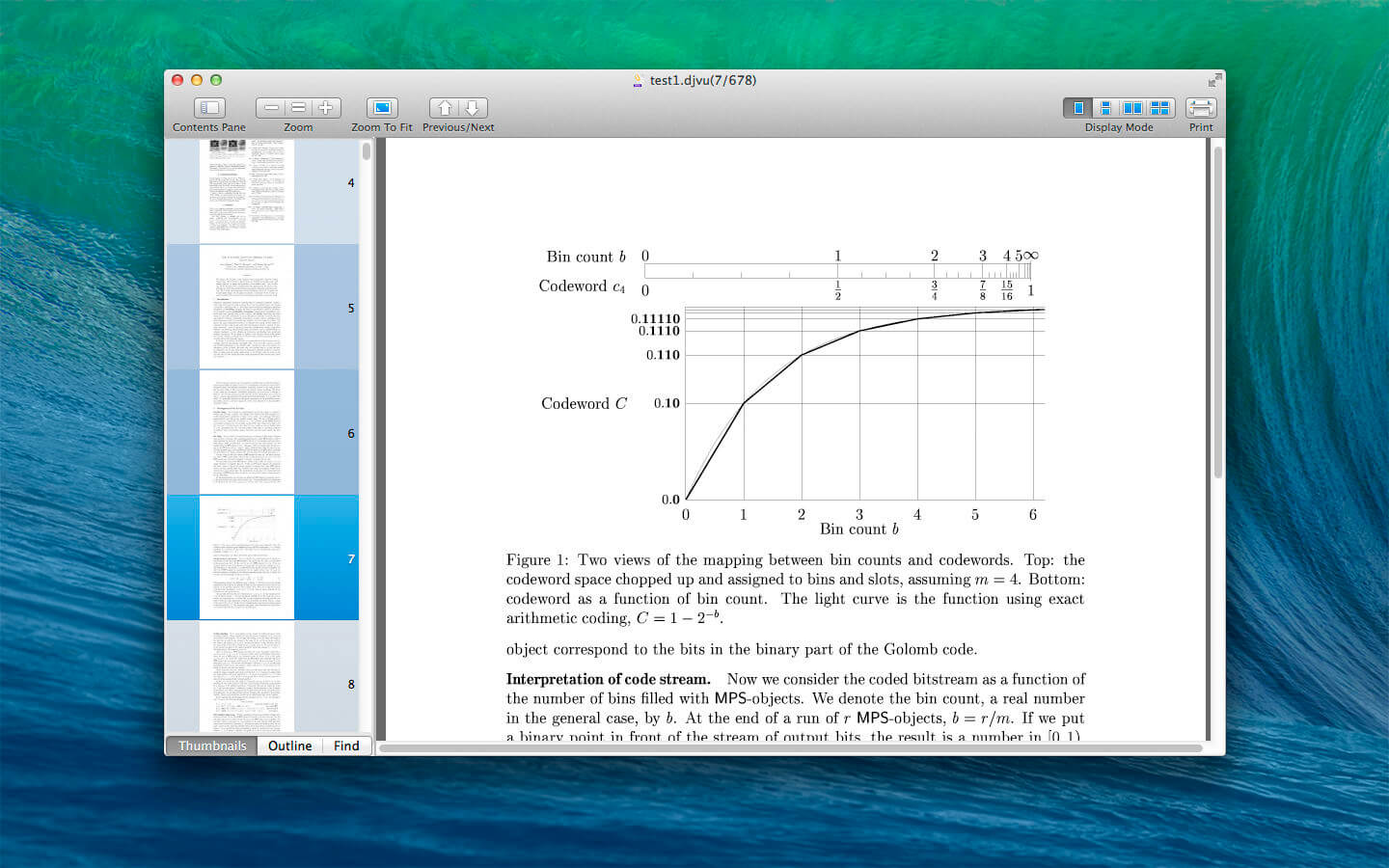
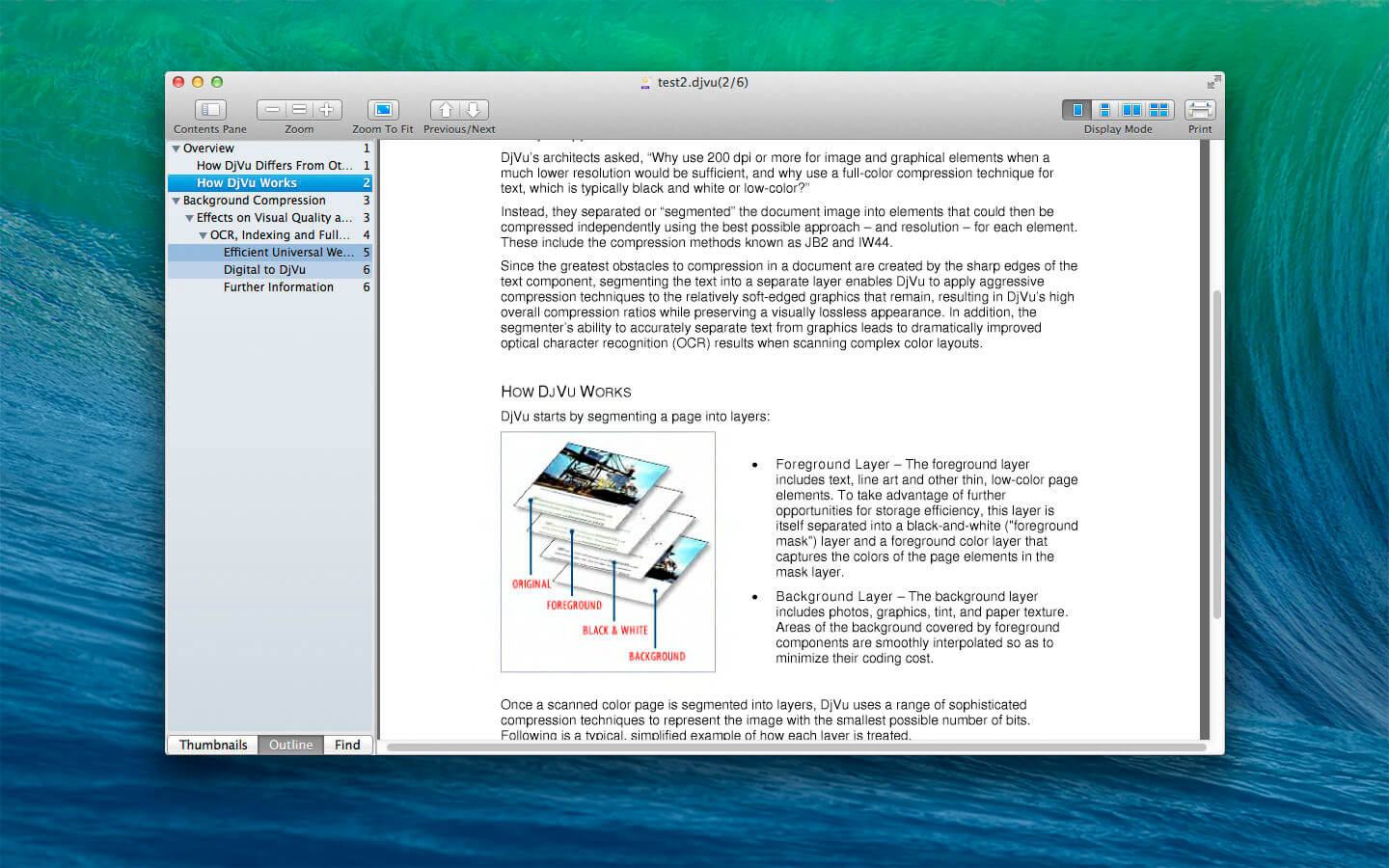
DjVu Reader Pro: The best application to read DjVu documents on the Mac OS. DjVuReaderPro is also available on iOS.
DjVu Reader Pro offers you the fantastic reading experience using Display Mode, Full Screen View, Page Thumbnail, Searching Pane,Viewing Scale and Print .
KEY FEATURES:
Open DjVu file quickly even very big file and read smoothly
Text Selecting
Search given content within document
Export to PDF, TXT
Quick Look Supported
Bookmarks Management
Toggle Contents Pane: Display with Thumbnails, Outline or Content only.
Full Screen Supported
Display Mode: Single Page, Single Page Continuous, Two Page, Two Page Continuous
Zoom: Zoom In, Zoom Actual Size , Zoom Out or Zoom to Fit
Previous/Next: Go to First Page, Previous Page, Next Page or Last Page
Easily transform paper documents, PDFs and digital photos of text into editable and searchable files with ABBYY Convert PDFs, document images and scans with unmatched accuracy. No more manual retyping or reformatting. Instead you can edit, search, share, archive, and copy information from documents for reuse and quotation — saving you time, effort and hassles.
Optimize Document Tasks Manage your documents more easily and perform all document tasks quicker in digital workflows.
Make the most of PDFs Achieve new levels of productivity when converting documents with the latest OCR technology and view and reuse content from PDFs of any kind with ease.
Digitize the Document Workflow Provides an effective solution for all your OCR tasks no matter the complexity: from quick shortcuts to complex tasks with advanced settings.
Robust Features for Your Digital Workplace Work efficiently with PDFs in the digital workplace. Perform various document-related tasks within one single application. Decrease costs by investing in fewer pieces of software. Increase the efficiency of daily work by reducing the number of applications in use and preventing the need to do the same work twice. Enjoy a simple and straightforward user interface and high-quality results.
Digitize paper documents and scans with OCR Leverage the digital workplace by digitizing paper and scanned documents for storage and quick, reliable retrieval or to instantly reuse and edit. Experience the unparalleled accuracy of the market-leading AI-based optical character recognition (OCR) technology, and see how it simplifies your paperwork.
Convert PDFs into editable formats Convert any type of PDF into a variety of editable and searchable formats such as Microsoft® Word®, Excel®, RTF, ODT, and others for further editing.
Make PDFs searchable PDF-to-PDF conversion allows you to make all your PDFs searchable and properly prepared for archiving.
Create PDFs from document images and paper Create searchable, industry-standard PDFs from scans, document images, scanned PDFs, or paper documents for effective and secure collaboration, searching, reliable archiving, and accessibility. Protect created PDFs to mitigate security risks.
View your PDFs Read PDF documents, review them before converting, and reuse information with PDF Viewer.
Enhanced formats and language support FineReader PDF for Mac® can process documents in as many as 198 languages and works with image files and PDFs of various kinds.
What is New in FineReader PDF for Mac®: FineReader PDF for Mac® offers significantly improved user experience, expanded features, and improved performance:
– Smooth, genuine Mac experience with an all-new user interface and support for Dark Mode. – Improved performance: a completely new version of a leading OCR app for macOS® based on the latest technologies. – iPhone® integration: capture documents using Continuity Camera. – Built-in PDF Viewer: conveniently review your PDF files before converting them. – Convert to the PDF/A and PDF/UA industry standard formats to ensure long-term storage and accessibility. – Improved recognition language support – including Gothic (Fractur) scripts for old European printed documents. – Reliable functionality and compatibility with the latest versions of macOS®.
System Requirements: – macOS® 10.15 Catalina and later – A Mac® computer with an Intel® processor – Hard disk space: 3 Gb for typical program installation – 4 Gb RAM
Interface Languages: – 中文 – English – Français – Deutsch – Italiano – Русский
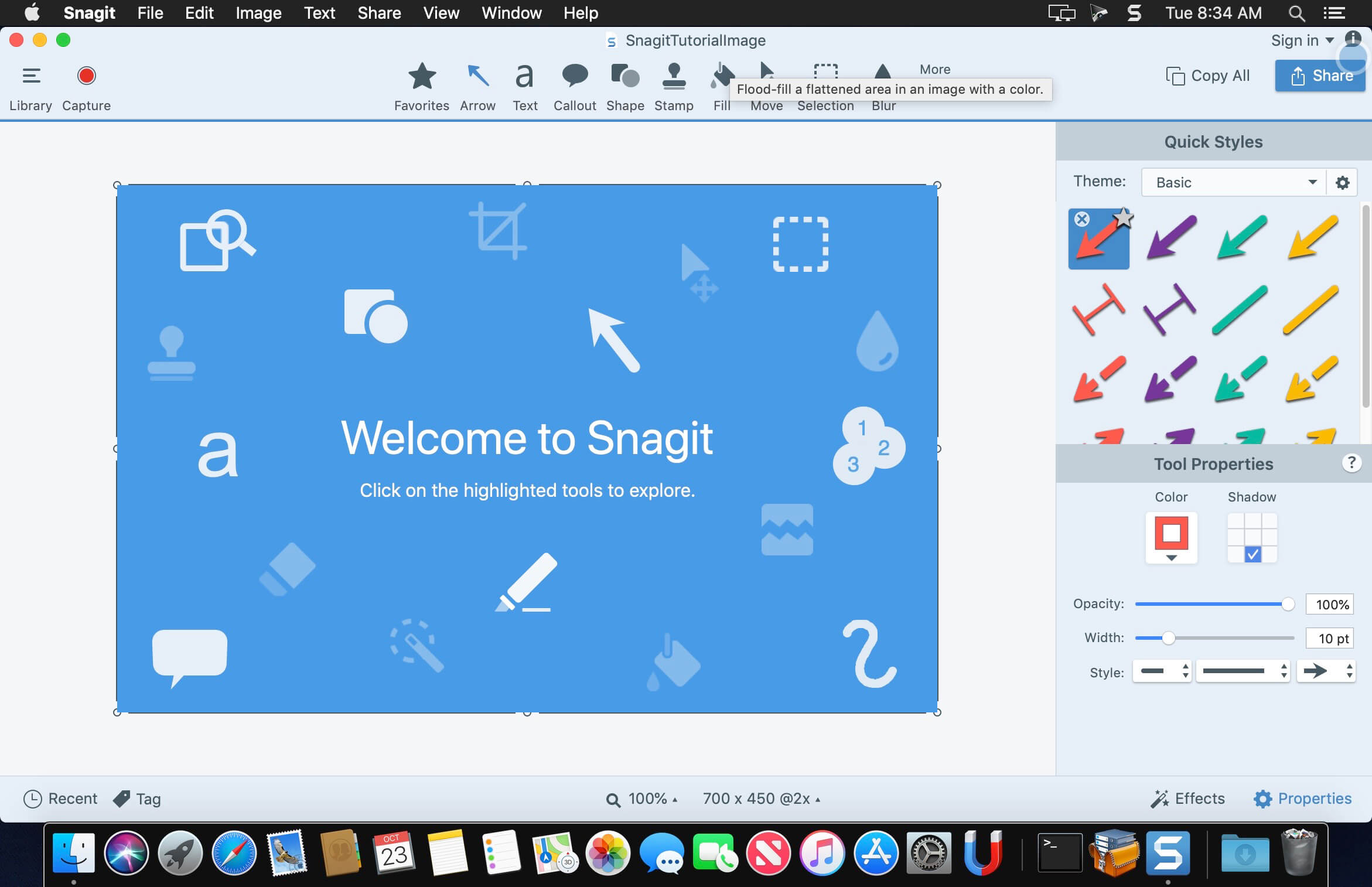
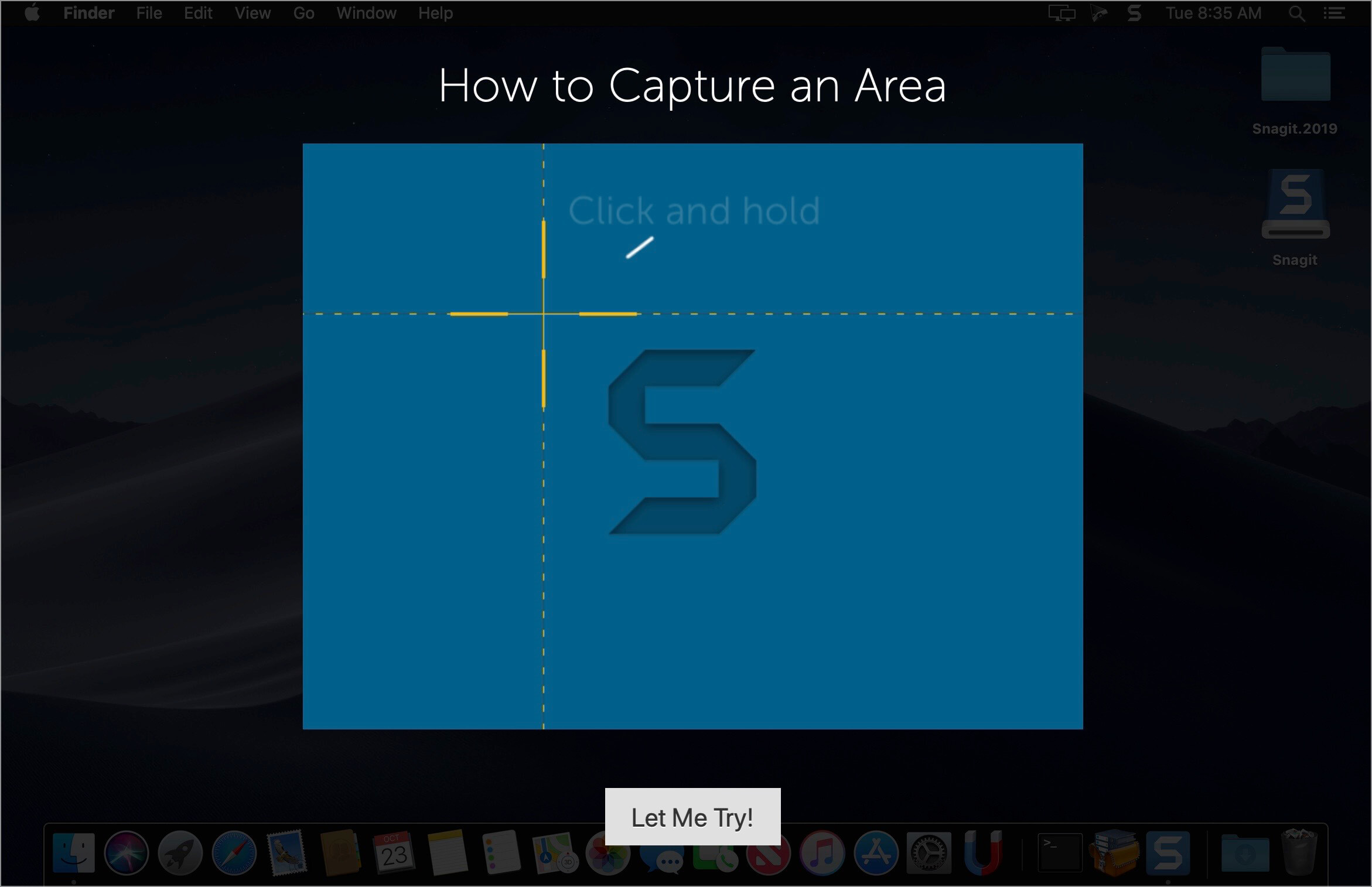
Techsmith Snagit 2020 for Mac – the award-winning screen-capture software. Using SnagIt, you can select and capture anything on your screen, then easily add text, arrows, or effects, and save the capture to a file or share it immediately by e-mail or IM. Capture and share an article, image, or Web page directly from your screen. Or, capture and share any part of any application that runs on your PC. Automatically save in one of 23 file formats, or send to the printer, to your e-mail, or to the clipboard.
Use SnagIt’s built-in editors to modify, annotate, and enhance your images and the Catalog Browser to organize your files. Increase your productivity while quickly creating professional presentations and flawless documentation. With powerful new features that allow you to edit previously placed objects, capture embedded links and add interactivity to your captures,SnagIt 8 makes it easier than ever before to capture, edit, and share anything on your screen.
Features of SnagIt:
Capture – if you can see it, you can snag it!
Don’t waste time cropping your captures. Snag exactly what you need, with just a click.
Profiles make it easy. SnagIt comes with eleven preset buttons that make screen capture a cinch! Capture a region of your screen, text from a window, the contents of a tall page that scrolls, all the images on a Web page, you get the idea.
Custom suits you. Don’t feel limited by the eleven profiles—create your own combinations for nearly unlimited capture possibilites. What’s that? You want to set up a keystroke that captures a menu along with the mouse pointer…adds a drop shadow…and sends the image directly to your ***** dot com blog? Sure, no problem!
Edit – the right tools, right now!
You don’t need a million confusing options, you need the right tools at the right time. Unlike expensive, complex image editing suites,SnagIt makes everyday screen capture tasks one-click easy.
Say more with pictures+words. Use an arrow to direct attention. Add a text callout to explain clearly. Apply ready-made objects from the menus…and your picture is worth 1,000 more words!
Look like a pro. Make your screenshot pop with a drop shadow. Give it perspective, spotlight an area, or add other nifty effects.
Convey complex ideas simply. Combine multiple images, callouts, shapes, and clip art stamps into a rich and detailed information graphic.
Have fun! Add a speech balloon to that photo of your cat.
Share – send captures where they need to go…instantly!
Yes, you can save your captures in all the common—and a few uncommon—image formats. But with SnagIt’s free output accessories you can do so much more!
Collaborate in a flash. Click a button to send a screen capture by email, AIM, or Skype.
Be social. Share screenshots on Flickr. Post images directly to your blog. Publish to your Web site via FTP. No technical degree required!
Get projects done quicker. Embed images directly into your Microsoft Office projects, MindManager map, or OneNote page.
Organize – SnagIt keeps track, so you don’t have to
Save nothing…save everything. SnagIt stores every capture automatically and keeps the most recent visible. A huge timesaver!
Find your stuff. Whether or not you saved it, find that capture later with the new visual search pane. Remember just one detail—like the approximate date or the Web site you captured—and find your capture instantly.
Get organized (if you want to). As you capture images for next month’s big project, tag them with “big project” or set the “Important” flag. No need to save anything in folders…just come back next month and view all your big project files with a click!
Language: English, Deutsch, Français Compatibility: macOS 10.14 or later 64-bit Homepagehttps://www.techsmith.com/
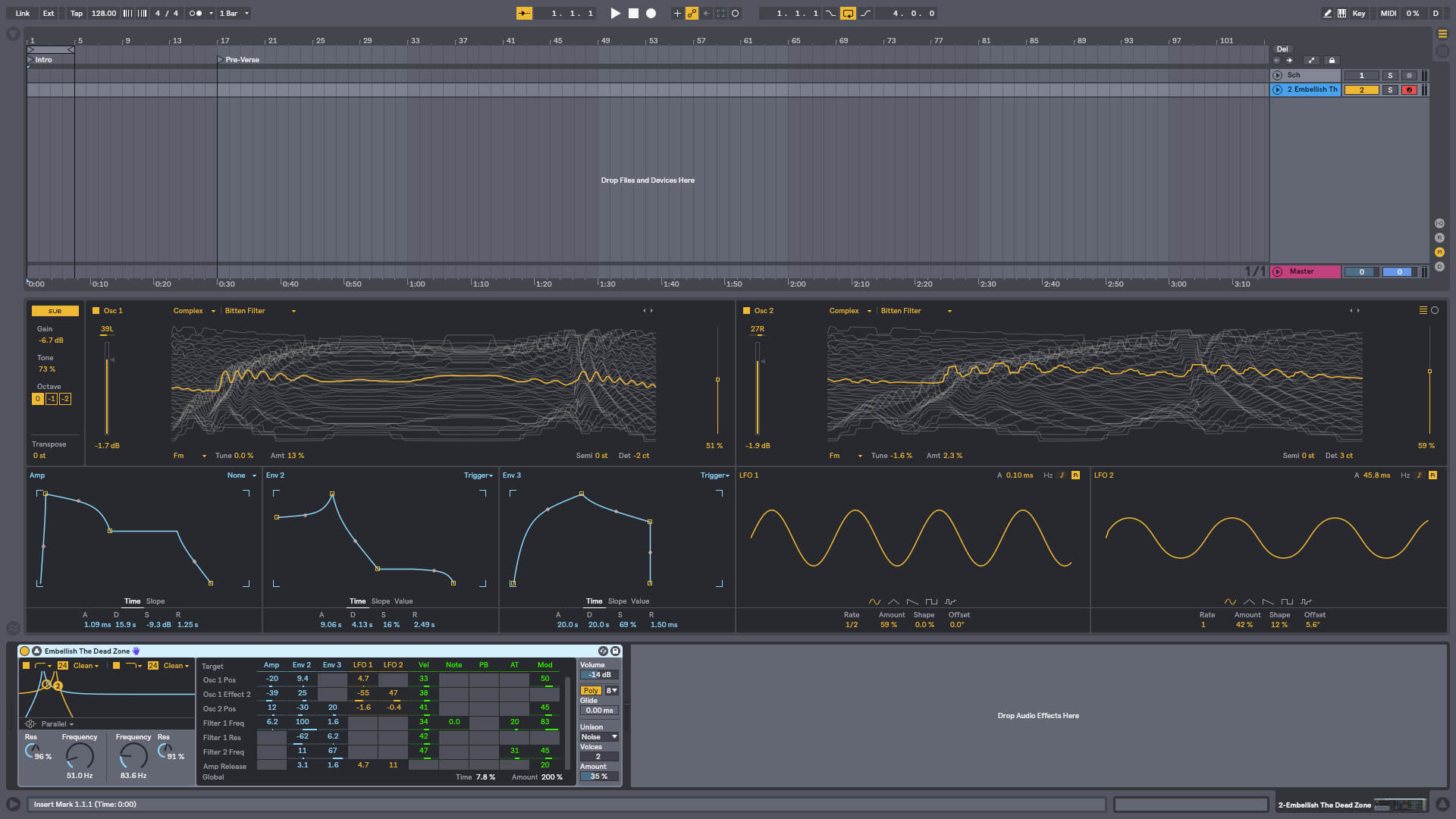
Live is fast, fluid and flexible software for music creation and performance. It comes with effects, instruments, sounds and all kinds of creative features—everything you need to make any kind of music. Create in a traditional linear arrangement, or improvise without the constraints of a timeline in Live’s Session View. Move freely between musical elements and play with ideas, without stopping the music and without breaking your flow.
What’s New:
What’s New in Ableton Live Suite 10: Create with new devices Meet Wavetable, Echo, Drum Buss and Pedal: new devices that mean colorful new sounds are possible with Live’s instruments and effects.
Stay in the flow You’ll find improvements to Live that help you stay in the flow at every stage of your creative process, whether you’re getting ideas down, organizing your setup or editing the details of your music.
Do even more from Push Live 10 brings new functionality and new high-res visualizations to Push. Now you’ll spend even less time with the computer—whether you’re composing ideas, editing MIDI or shaping and mixing sounds.
New library of sound With new collections of Packs, Live 10 has more sounds that are ready for finished music, right out of the box. They’re set up for tweaking to your needs or taking in different directions. Plus the library has been reorganized to make it easier to find what you’re looking for.
Max for Live – no limits, built in Max technology is now fully integrated into Live 10 Suite. No additional download or set up is required to create with and customize Max For Live devices. They just work. Plus new devices and capabilities bring more possibilities for musicians and device developers.
Transforming your photographs into beautiful works of art has never been easier than with Snap Art 4. By analyzing the visual elements and techniques of artists through the centuries, we have designed Snap Art to produce images that look they were made by a human, not a computer.
Snap Art 4 lets you experiment with multiple artistic styles via a simple, sleek user interface. The refreshed design and layout reduces distractions and provides fast visual browsing of a wide array of presets so you can achieve perfect results quicker than ever. Snap Art works everywhere you do, including as a standalone application that provides easy batch processing.
Forget about buying a pen tablet and taking classes to learn how to use complicated painting software. Snap Art expertly applies thousands of brush strokes. You simply show where you want more detail. This improved level of control makes it easy to render stunning portraits.
Quickly start by choosing from hundreds of new styles and ten natural media, such as oil paint, watercolor, and pencil sketch. Then customize anything from brush size to paint thickness to make your signature look. Snap Art’s wide range of control lets you make your work completely unique.
Whatever your workflow, Snap Art 4 will blend right in. It integrates seamlessly with Photoshop, Photoshop Elements, Lightroom and now Aperture. Snap Art now works as a standalone application too. This helps you quickly batch process multiple images and supports workflows that don’t use plug-ins.
Host Requirements Snap Art 4 may be used as a standalone program or a plug-in. When Snap Art is used as a plug-in it requires one of these host applications:
Alien Skin Exposure X or newer
Adobe Photoshop CS6 or Adobe Photoshop CC 2015 or newer
Adobe Lightroom 6 or Adobe Lightroom CC 2015 or newer
What’s New:
Version 7.2.3.172:
Release notes were unavailable when this listing was updated.
Blow Up keeps photos crystal clear during enlargement. Especially in large prints hung on a wall, the difference between Blow Up and Photoshop is astounding. Version 3 makes pictures even sharper without computer artifacts. If you understand Photoshop’s resize command then you already know how to use Blow Up. Our large library of standard paper sizes makes it even easier. With Lightroom and CMYK support, Blow Up fits into a professional workflow.
We thoroughly test and support this product on the systems listed below. This product may also work in other configurations, but we do not guarantee it.
Host Requirements Blow Up 3 is a plug-in and requires one of the following host applications:
Alien Skin Exposure X or newer
Adobe Photoshop CS6 or Adobe Photoshop CC 2015 or newer
Adobe Lightroom 6 or Adobe Lightroom CC 2015 or newer
What’s New:
Version 3.1.4.382:
Release notes were unavailable when this listing was updated.
Transforming your photographs into beautiful works of art has never been easier than with Snap Art 4. By analyzing the visual elements and techniques of artists through the centuries, we have designed Snap Art to produce images that look they were made by a human, not a computer.
Snap Art 4 lets you experiment with multiple artistic styles via a simple, sleek user interface. The refreshed design and layout reduces distractions and provides fast visual browsing of a wide array of presets so you can achieve perfect results quicker than ever. Snap Art works everywhere you do, including as a standalone application that provides easy batch processing.
Forget about buying a pen tablet and taking classes to learn how to use complicated painting software. Snap Art expertly applies thousands of brush strokes. You simply show where you want more detail. This improved level of control makes it easy to render stunning portraits.
Quickly start by choosing from hundreds of new styles and ten natural media, such as oil paint, watercolor, and pencil sketch. Then customize anything from brush size to paint thickness to make your signature look. Snap Art’s wide range of control lets you make your work completely unique.
Whatever your workflow, Snap Art 4 will blend right in. It integrates seamlessly with Photoshop, Photoshop Elements, Lightroom and now Aperture. Snap Art now works as a standalone application too. This helps you quickly batch process multiple images and supports workflows that don’t use plug-ins.
Host Requirements Snap Art 4 may be used as a standalone program or a plug-in. When Snap Art is used as a plug-in it requires one of these host applications:
Alien Skin Exposure X or newer
Adobe Photoshop CS6 or Adobe Photoshop CC 2015 or newer
Adobe Lightroom 6 or Adobe Lightroom CC 2015 or newer
What’s New:
Version 4.1.3.374:
Release notes were unavailable when this listing was updated.
Exposure is the best image editor for creative photo editing. Exposure combines professional grade photo adjustments, a huge library of gorgeous photo looks, and an efficient design that makes it a joy to use. New automatic adjustments streamline your workflow and keep you in the creative zone.
Exposure X6 Bundle:
Exposure X6 non-destructive RAW photo editor
Integrated Snap Art natural media
Integrated Blow Up high-quality photo enlargement
Exposure X6, Snap Art, and Blow Up plug-ins for Lightroom and Photoshop
Gorgeous Looks An extensive selection of beautiful film presets puts the history of photography at your fingertips. Carefully researched with the help of experienced film photographers, Exposure has the largest and most accurate selection of film looks available. Exposure’s creative looks go beyond film simulation from clean and elegant modern styles to eye catching color shifts. You can customize each of Exposure’s built-in looks, then save it as a unique look that expresses your own style. Reuse your customized presets to achieve consistent looks across all your work with a single click. Exposure has creative tools you won’t find in any other photo editor.
These tools include a powerful color editor for sophisticated color adjustments, realistic film grain, creative lens focus and tilt-shift effects, and a huge number of overlays – light effects, textures, and borders. Exposure’s design encourages you to work creatively. Apply effects selectively to specific areas of your image with brushing and masking tools. Non-destructive layers enable you to blend presets and adjustments for an endless variety of looks.
Exposure’s intuitive design helps you focus on creativity. Its workflow is reliable, efficient, and respectful of your hard drive space. This helps you spend less time managing files and more on creating beautiful images. Its new GPU optimized processing engine means less waiting, so you can focus on creative editing without distraction. Exposure puts everything you need onscreen in a single user interface that can be customized to suit your workflow preferences. Transition seamlessly between organizing and editing without having to switch between modules.
Exposure is the best photo editor for creative photographers who want to create artistic images. Its large library of gorgeous looks provides inspiring starting points that you can customize. Unique creative tools not found in other photo editors help your photos stand out. And Exposure’s efficient workflow keeps you in the creative zone. Use Exposure as a complete photo editor to master your full workflow, or as a Lightroom or Photoshop plug-in for your creative edits.
Additional enhancements include the following:
New light and airy presets
New season inspired presets
New complementary color presets – Orange/Teal, Red/Green, and Purple/Yellow
More black & white films – Ilford FP4 Plus, Ilford Pan F Plus, Kodak Recording 2475, and Polaroid Chocolate
New image flip options
Support for grayscale TIFF and JPEG images
Multiple user interface language options – English, French, and German
Exposure X6 is a complete photo editing and organizing solution. It can also be used as a creative editing plug-in. The plug-in requirements are as follows: Adobe Photoshop CS6 or Adobe Photoshop CC 2015 or newer Adobe Lightroom 6 or Adobe Lightroom CC 2015 or newer
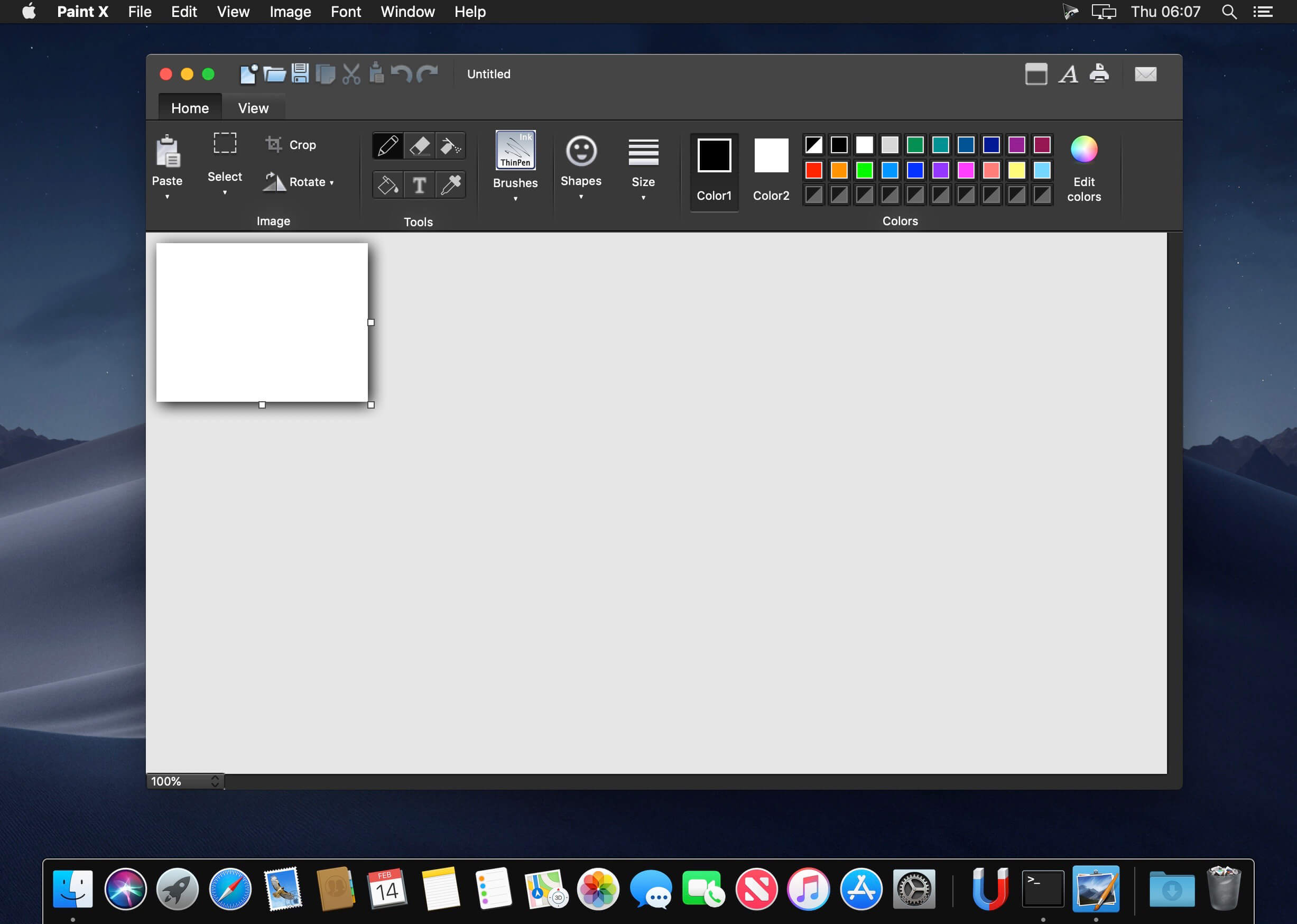
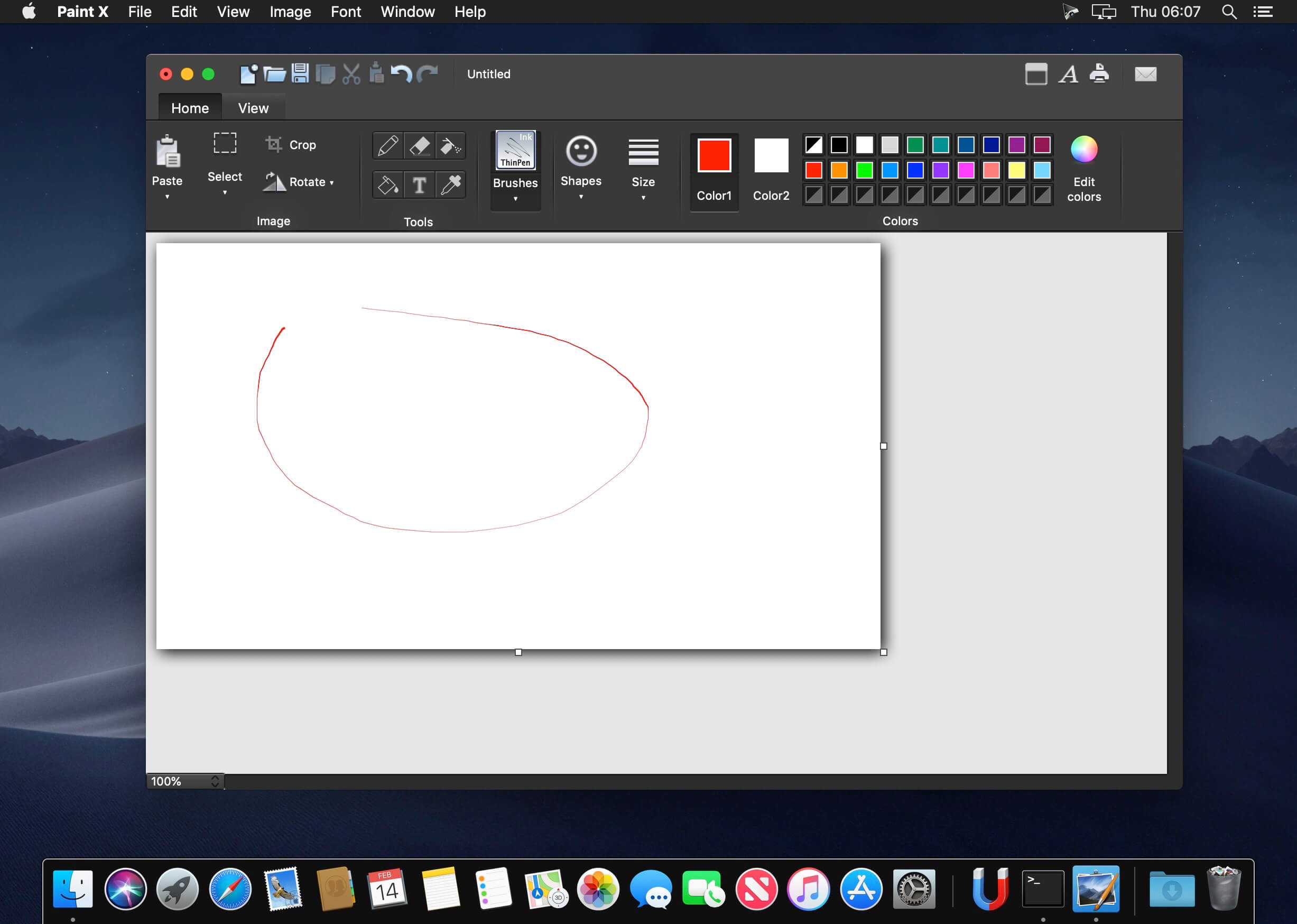
Paint X is a classic painting application to draw, color, or edit pictures. You can use Paint X like a digital sketchpad to make simple pictures, creative projects, or to add text and designs to other pictures, such as those taken with your digital camera
Efficient tools:
Pencil tool, Eraser tool, Airbrush tool, Fill tool, Text tool, Color picker tool, Rectangle selection tool, Free-form selection tool
Over 150 built-in paintbrushes: DNA brush, Calligraphy brush, Blur brush, Ink brush and so on
25 ready-made shapes: Line, Curve, Oval, Five-point star, Heart, Cloud, Smile and so on
What’s New:
Version 6.0:
Release notes were unavailable when this listing was updated.
Since the beginning of sound design, audio scientists have been toiling away in their labs… Micro-dosing fuzz boxes, sample rate reduction, and feedback artifacts in careful proportions.
There was always one big question unsolved: “Can’t we use all of these at once?” But with 50 unique effect chains squeezed into a single FX unit, the risk would be too high. Wouldn’t it?
Finisher FLUXX is the mad professor’s answer in big glowing letters. The experiment has produced a creative effect plug-in that is certain to animate your sounds. Super-charging them while deconstructing them on a subatomic level: From quirky to epic. Your lab has been upgraded and whatever you may call this creation of yours, it’s alive!
My release doesn’t require an active internet connection, allowing you to stay offline on your production machine.
Installation: Read the provided iNFO.
As a macOS user you are supposed to know: — How to install Xcode command line tools. — How to disable SIP and bypass Gatekeeper if needed. — How to mount your system volume in write mode when necessary. — How to use k’ed macOS software in general.
The requirements might be specific for your version of macOS as Apple keeps introducing new measures to prevent anything not from official AppStore from running on their systems. But the first point (Xcode command line tools) is generally required for everyone.
Failure to understand any of the above might result in patch not working properly.
If you install on any volume other than system, then the patch won’t be able to locate the files to patch!
VOODOO combines the power and flexibility of a full rack of audio processors with the instant gratification that ujam products are famous for. Its custom-designed effect matrix sounds great on all your guitar tracks. Electric or acoustic, direct or amped, or even virtual instruments – VOODOO delivers the goods. It also works phenomenally well with keyboards, synths, and even vocals. Add VOODOO to anything that needs a touch of organic warmth, magical texture or just a dash of inspiration.
My release doesn’t require an active internet connection, allowing you to stay offline on your production machine.
Installation: Read the provided iNFO.
As a macOS user you are supposed to know: — How to install Xcode command line tools. — How to disable SIP and bypass Gatekeeper if needed. — How to mount your system volume in write mode when necessary. — How to use k’ed macOS software in general.
The requirements might be specific for your version of macOS as Apple keeps introducing new measures to prevent anything not from official AppStore from running on their systems. But the first point (Xcode command line tools) is generally required for everyone.
Failure to understand any of the above might result in patch not working properly.
If you install on any volume other than system, then the patch won’t be able to locate the files to patch!
Finisher is a new concept of audio plug-in, designed to deliver the power and flexibility of a full rack of audio processors and effects with the instant gratification that UJAM products are famous for. With version 1.1.0 of Finisher NEO you get 50 new presets and two new variation knobs.
My release is properly patched and doesn’t require system time shifting or an active internet connection, allowing you to stay offline on your production machine.
Installation: Read the provided iNFO.
As a macOS user you are supposed to know: — How to install Xcode command line tools. — How to disable SIP and bypass Gatekeeper if needed. — How to mount your system volume in write mode when necessary. — How to use k’ed macOS software in general.
The requirements might be specific for your version of macOS as Apple keeps introducing new measures to prevent anything not from official AppStore from running on their systems. But the first point (Xcode command line tools) is generally required for everyone.
Failure to understand any of the above might result in patch not working properly.
If you install on any volume other than system, then the patch won’t be able to locate the files to patch!
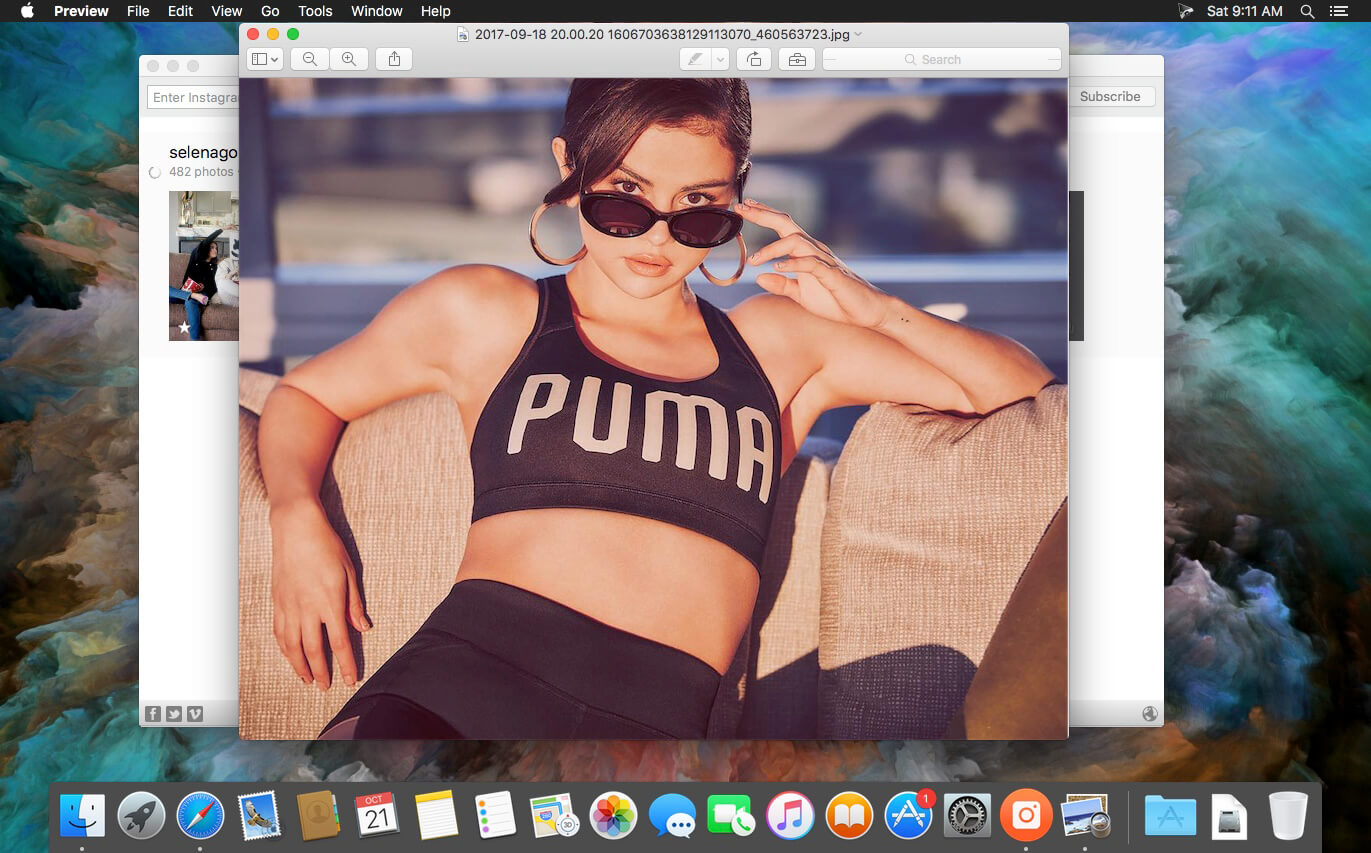
4K Stogram is an Instagram downloader which allows you to download and backup Instagram photos and videos, even from private accounts. Download Instagram photos by hashtags or favorite locations!
Features:
Grab photos of few account simultaneously and save it in JPEG on your desktop.
Follow your favourite photographers and get their latest photos automatically.
Download Instagram Stories as video or image files.
Login with your Instagram credentials and download photos of private friends accounts.
Access to your viewer directly from the application.
Download Instagram video in MP4 format.
Enjoy the minimalistic interface of application.
What’s New:
Version 3.4.0:
Release notes were unavailable when this listing was updated.